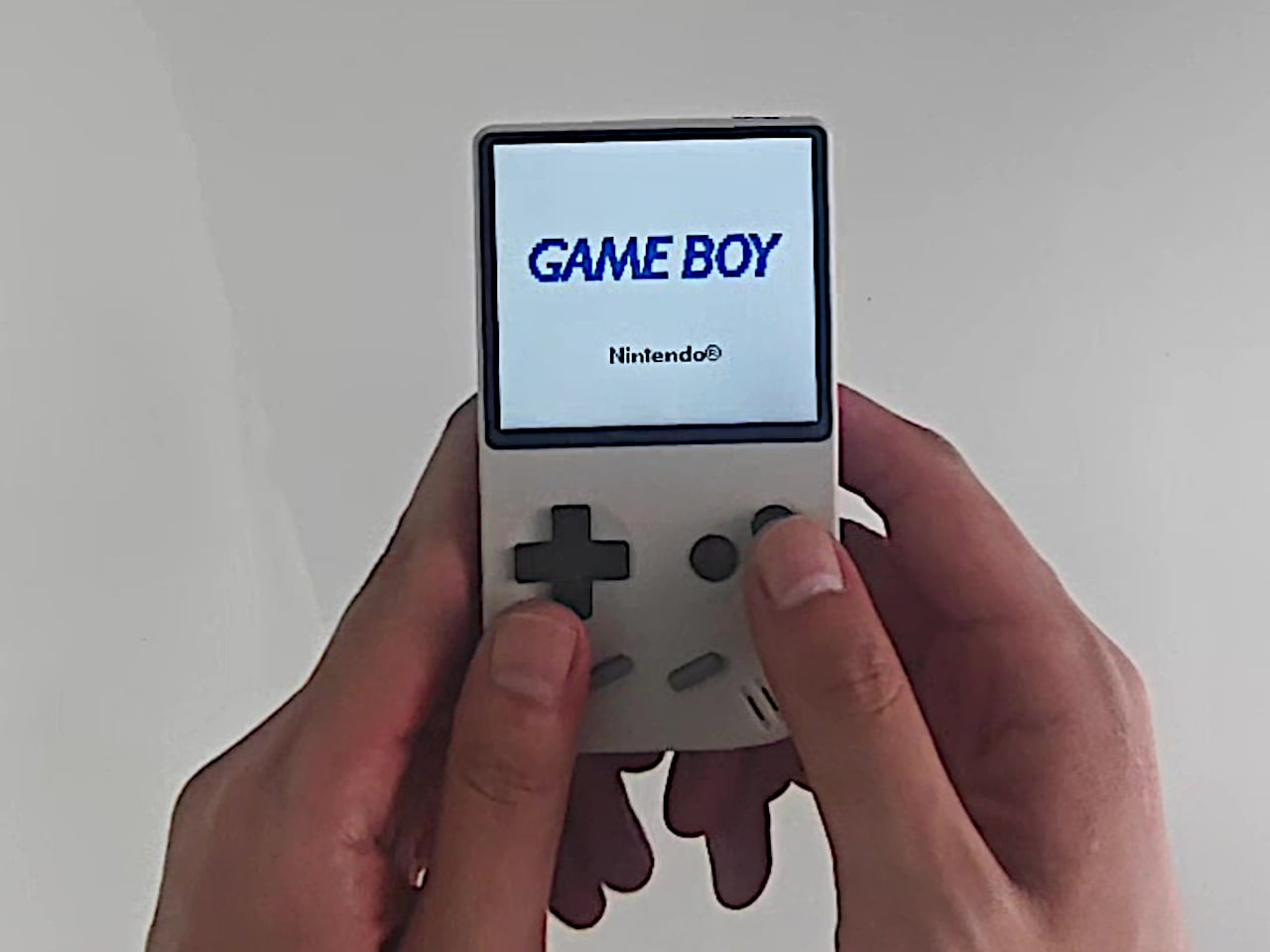
DIY Modded Game Boy Color has an OLED screen, USB-C, and wireless charging

Last year Zac Builds took a fifth-gen iPod, gutted it, and handed it back to the world with USB-C, Bluetooth, and a transparent face that made it look like a mechanical watch. You all loved it, and so did I. Now the Canadian YouTuber has turned his tri-wing screwdriver on Nintendo, and the Game Boy Color is getting the resurrection treatment. Same playbook, same clear plastic, same refusal to let a beloved gadget die of old age. At this rate I’m genuinely curious which 90s icon he rescues next, and my money is on the Tamagotchi.

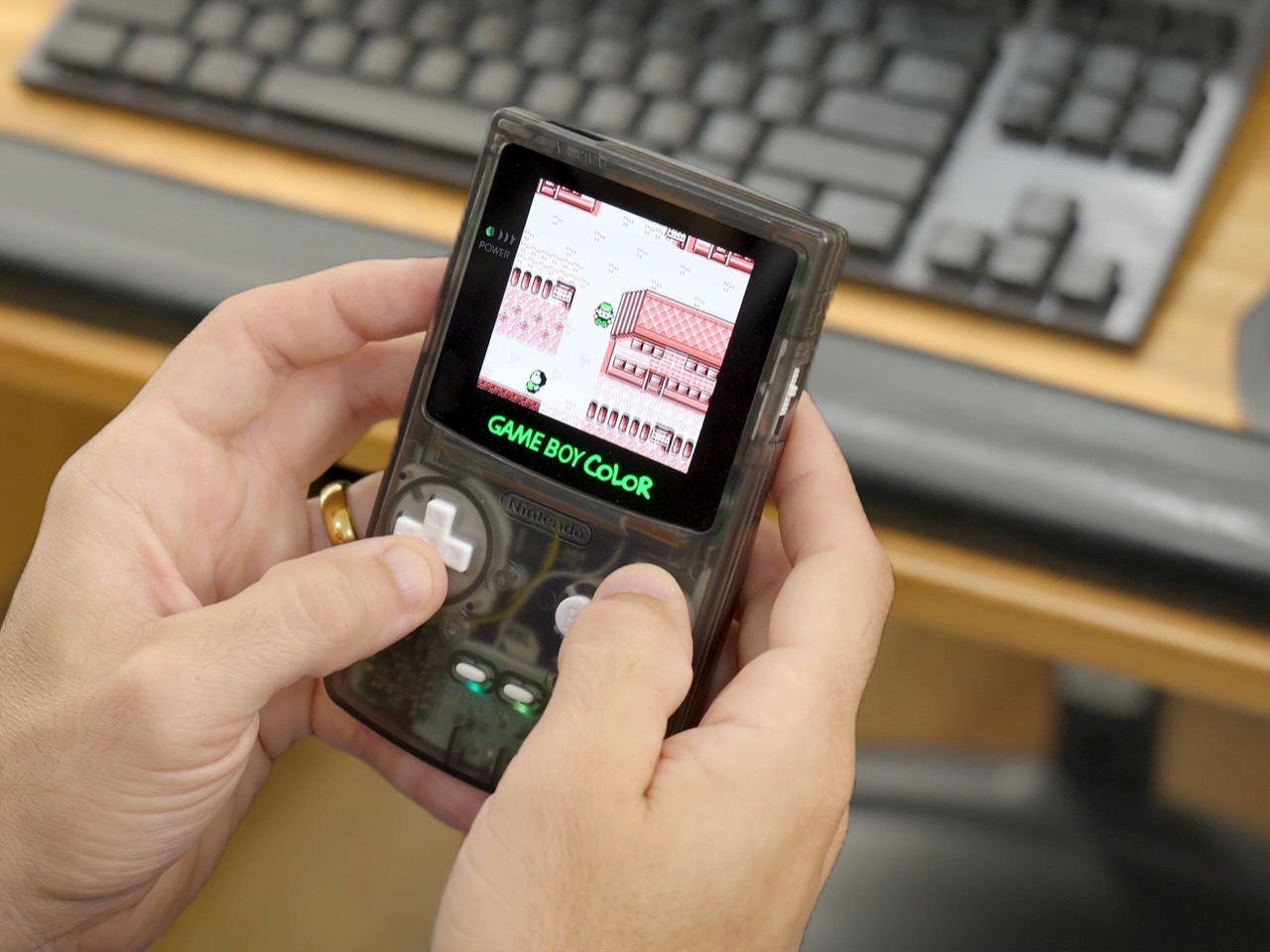
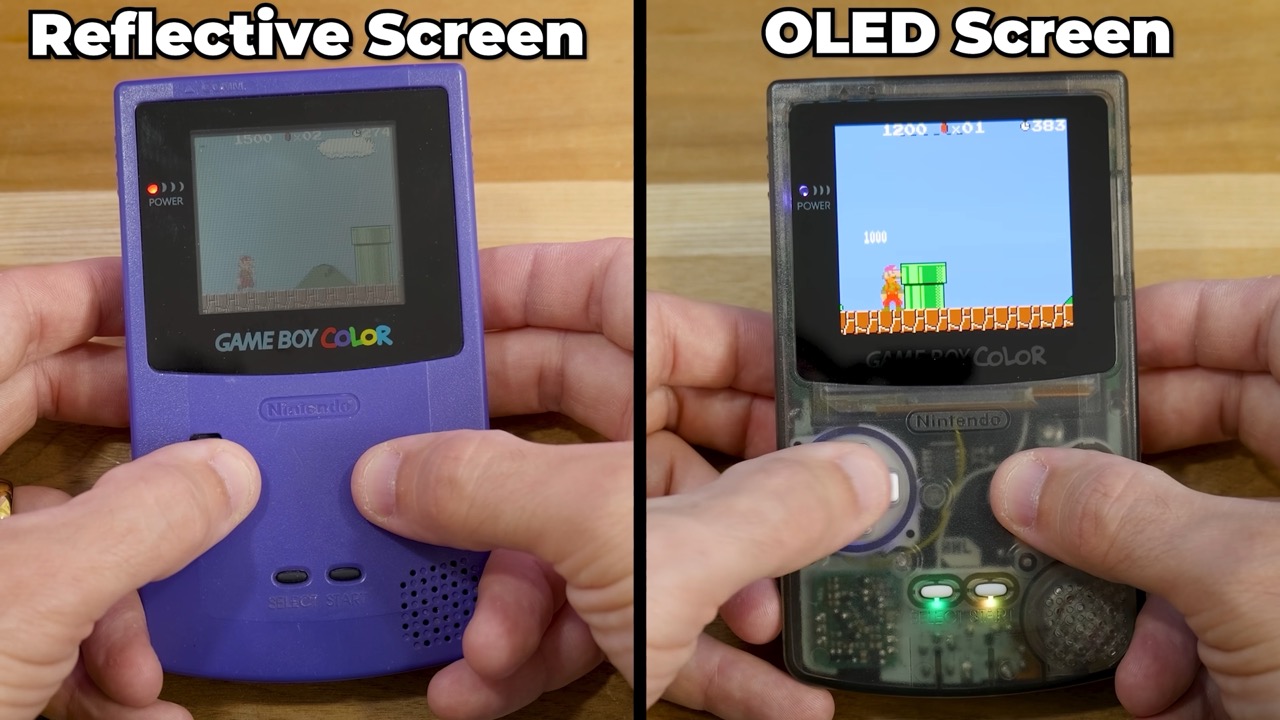
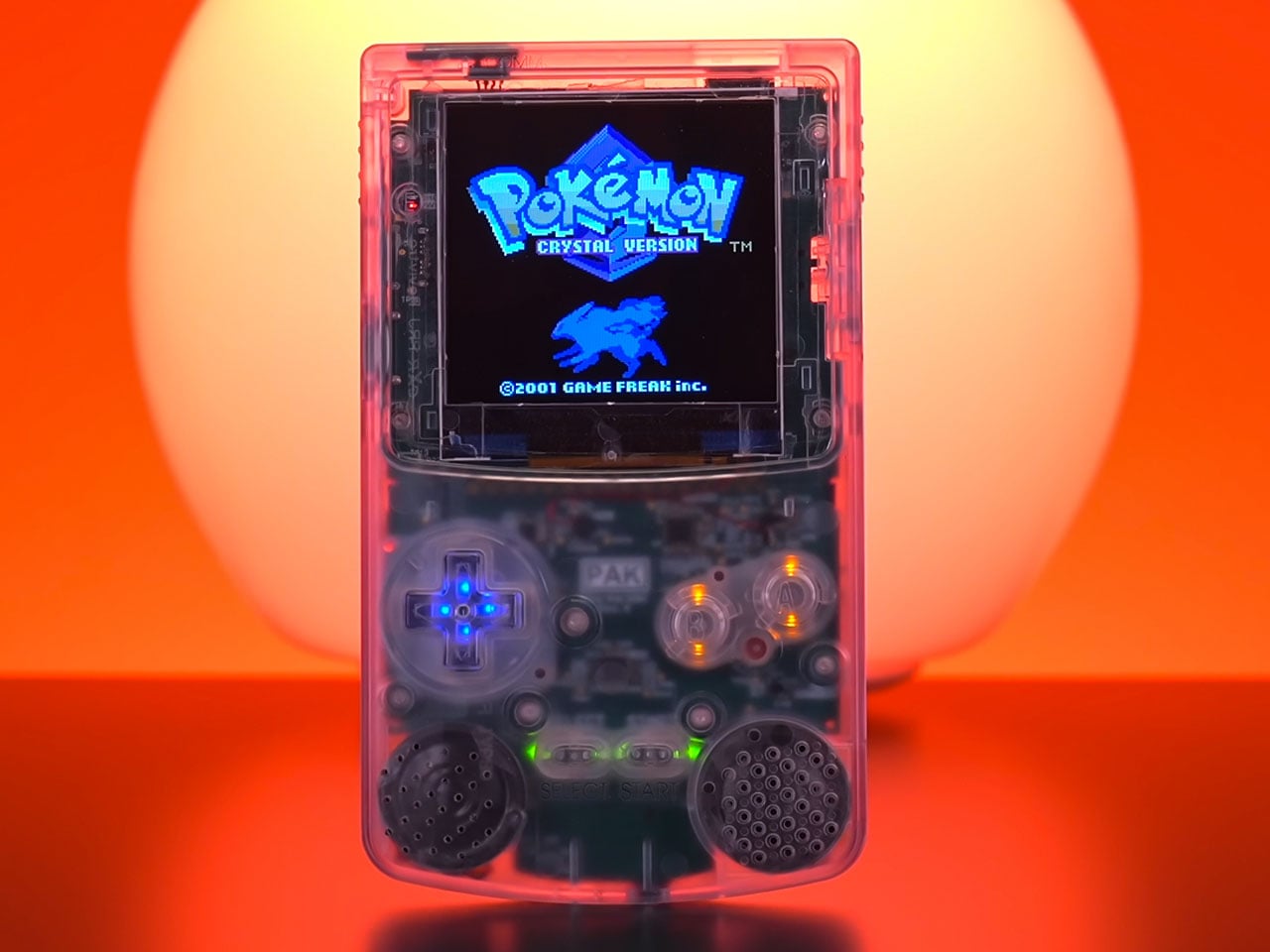
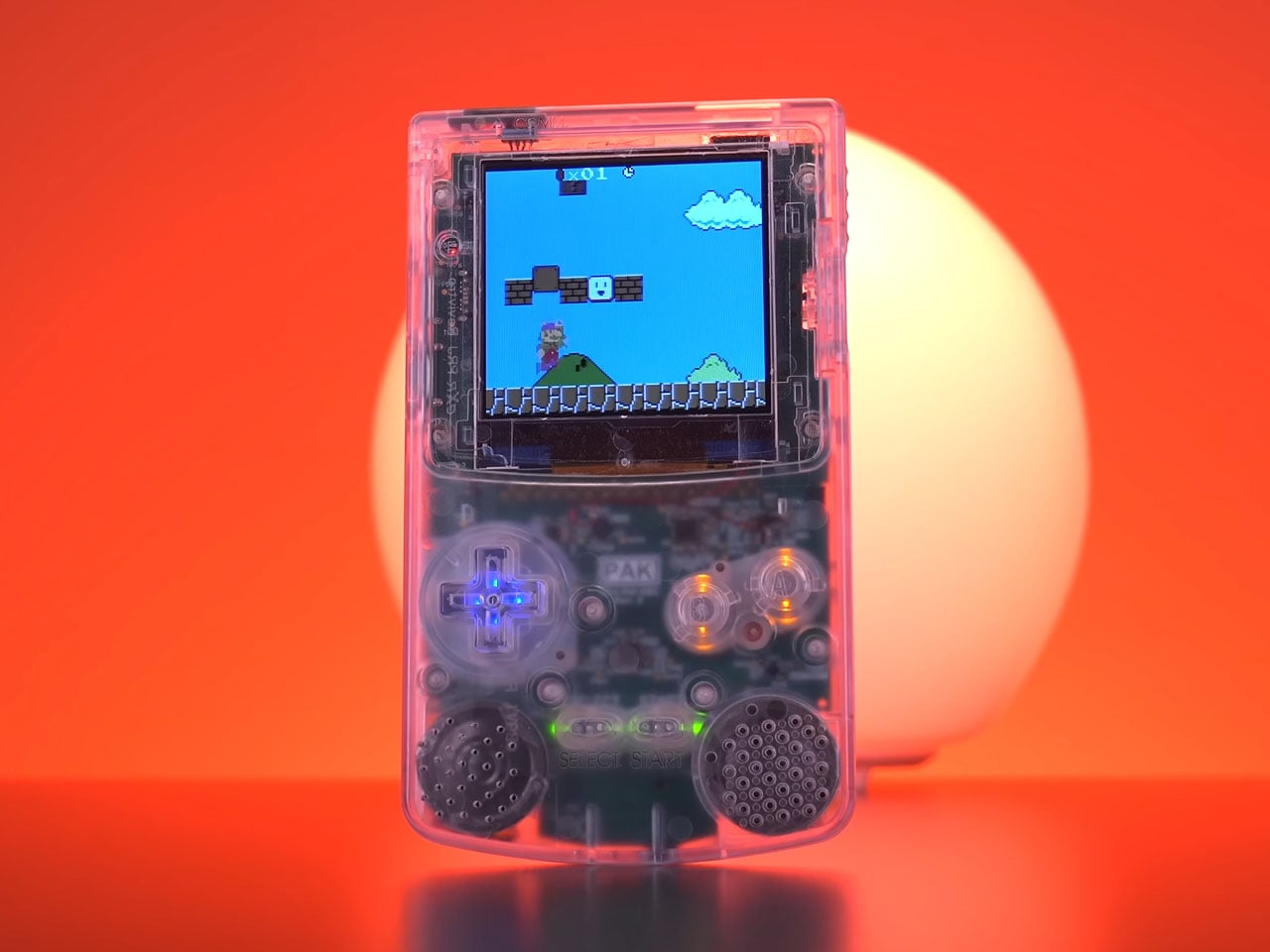
The 1998 Game Boy Color had a lot going for it (Pokémon, mostly), but its hardware hasn’t aged gracefully. The screen had no backlight, the mono speaker was weak, and two AA batteries ran the whole show. Zac keeps the original Nintendo motherboard and rebuilds everything around it, starting with a vivid OLED display that makes the old reflective panel look like a sheet of wet cardboard. A lithium-ion battery brings USB-C and wireless charging, a dedicated amp and regulator make the speaker louder and practically hiss-free, and RGB lights glow under every button. An EZ Flash Jr cartridge then squeezes the whole game library onto a single microSD card.

Designer: Zac Builds

A 2013 phone screen gives the Game Boy Color its eyes back
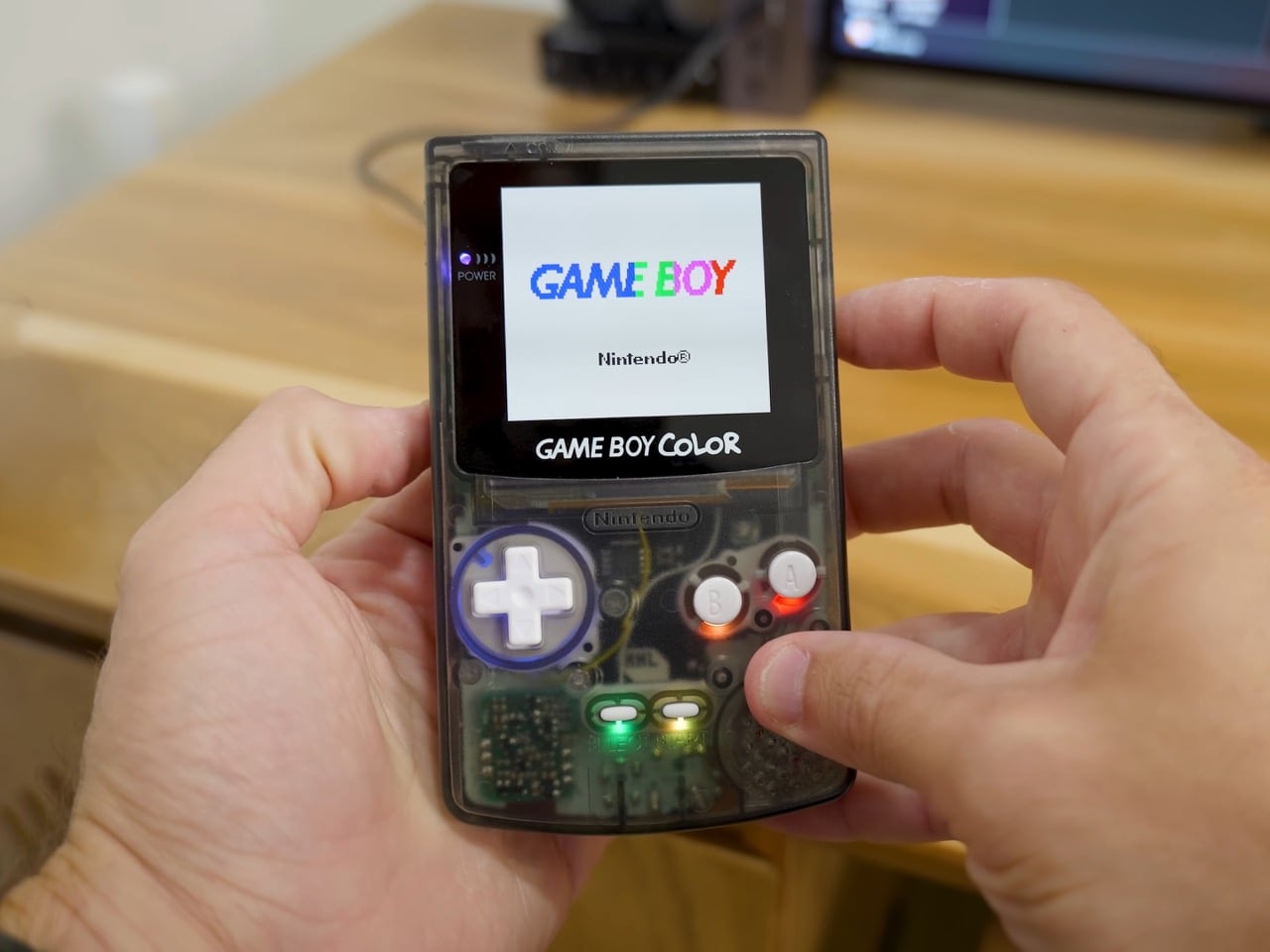
Zac calls the OLED display the best single upgrade you can give a Game Boy Color, and the side-by-side shots back him up. The panel fills a larger window than Nintendo’s original, and its self-lit pixels let Super Mario Bros. Deluxe pop without a desk lamp overhead. It also sits under real glass, which looks more premium and holds up better than the old plastic lens. Zac suspects the panel started life in a phone, and kits like his are reported to use screens from the BlackBerry Q10. A phone that lost the smartphone war ended up rescuing a Game Boy, which is karma working overtime.

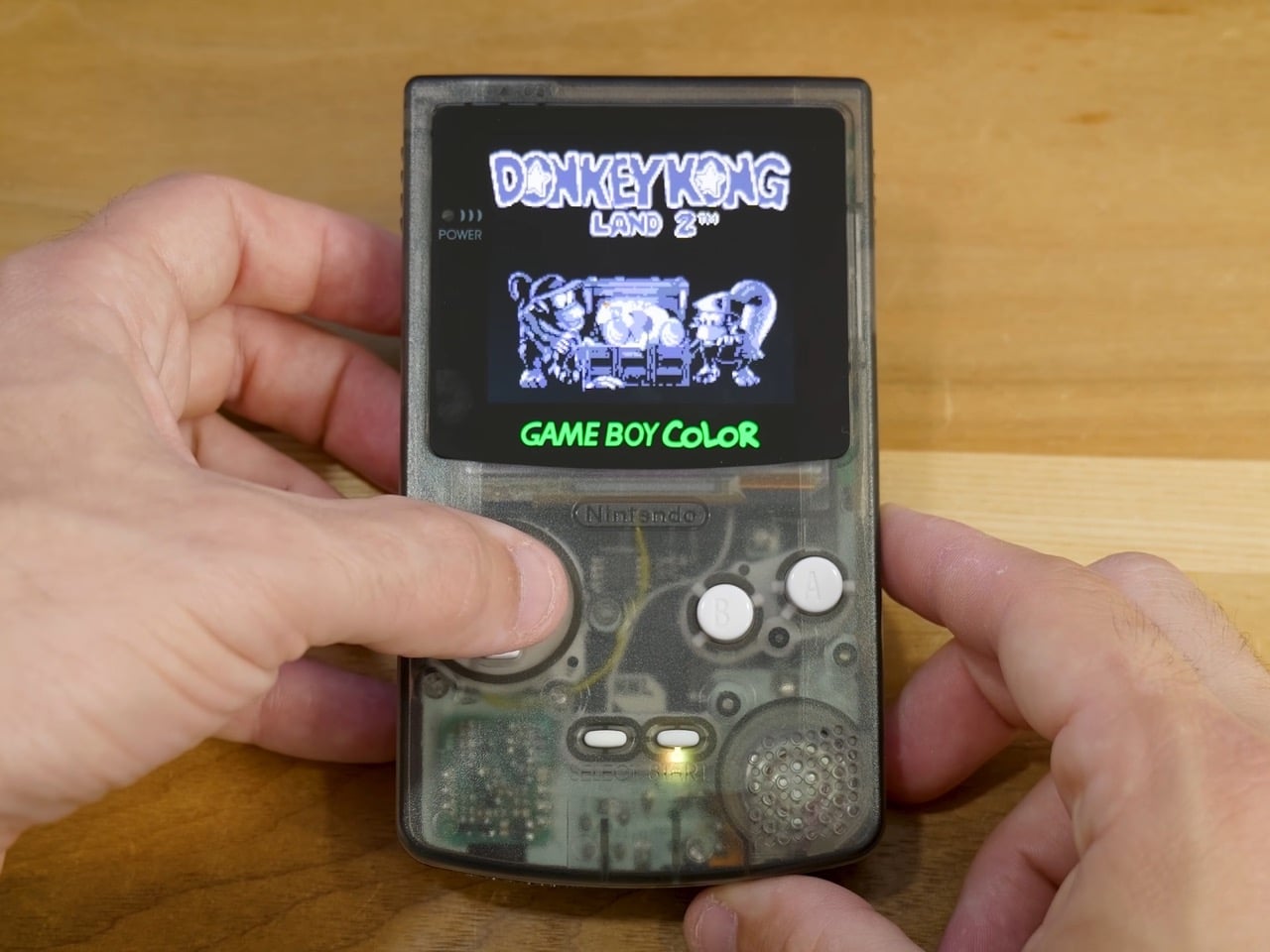
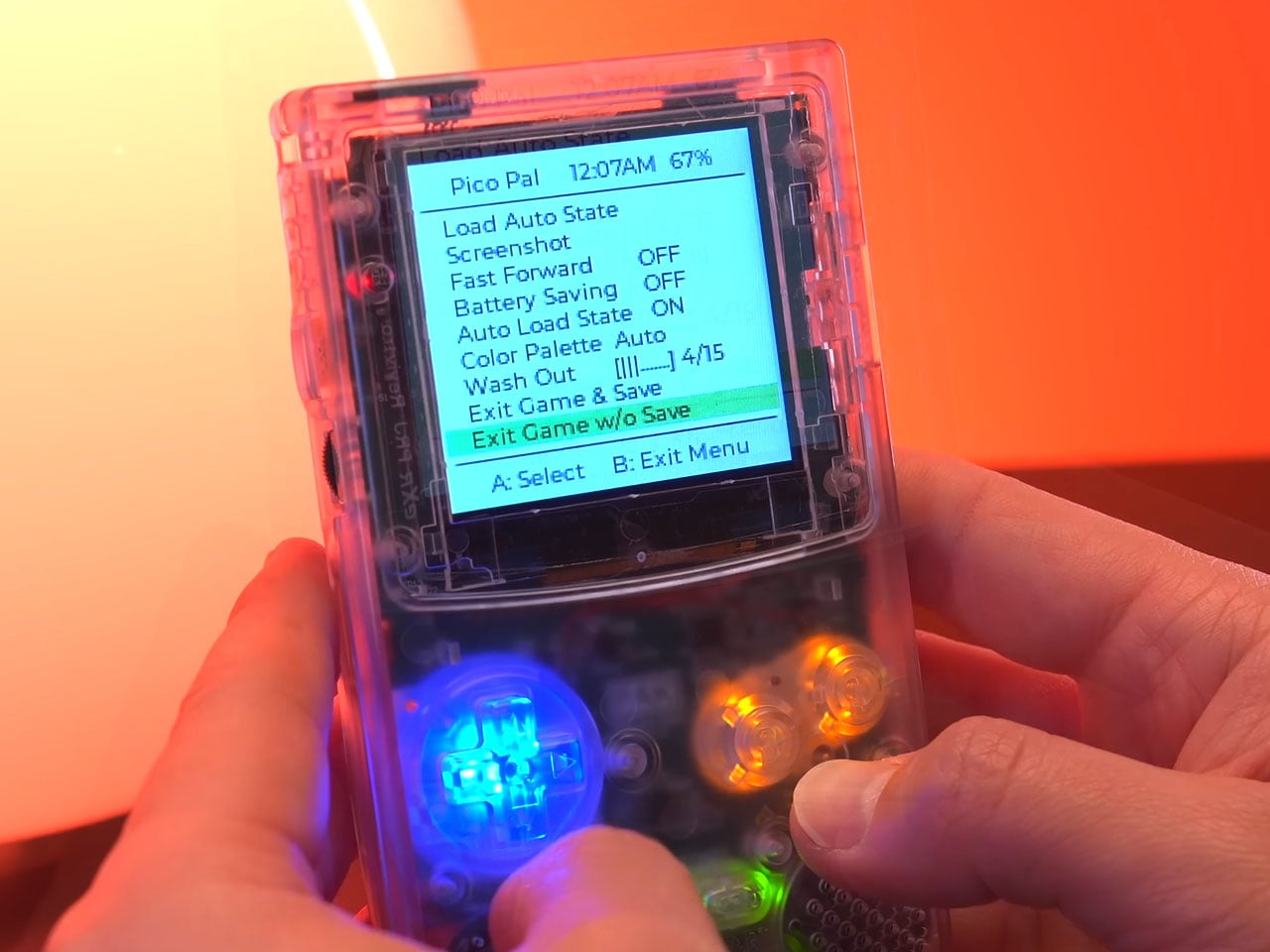
A touch menu on the screen itself handles settings, letting Zac adjust brightness, add faux scan lines, and change the color of the glowing Game Boy Color logo under the display. He finds the touch controls a bit clunky, which is fair, since jabbing at your game screen feels very 2026 for a 1998 console. Installation is refreshingly simple by modding standards. The screen presses into a precut shell at a slight angle, an adhesive ring holds it in place, and a single power wire runs to the power switch’s C pin, held down with Kapton tape. Pokémon Red has honestly never looked this crisp.

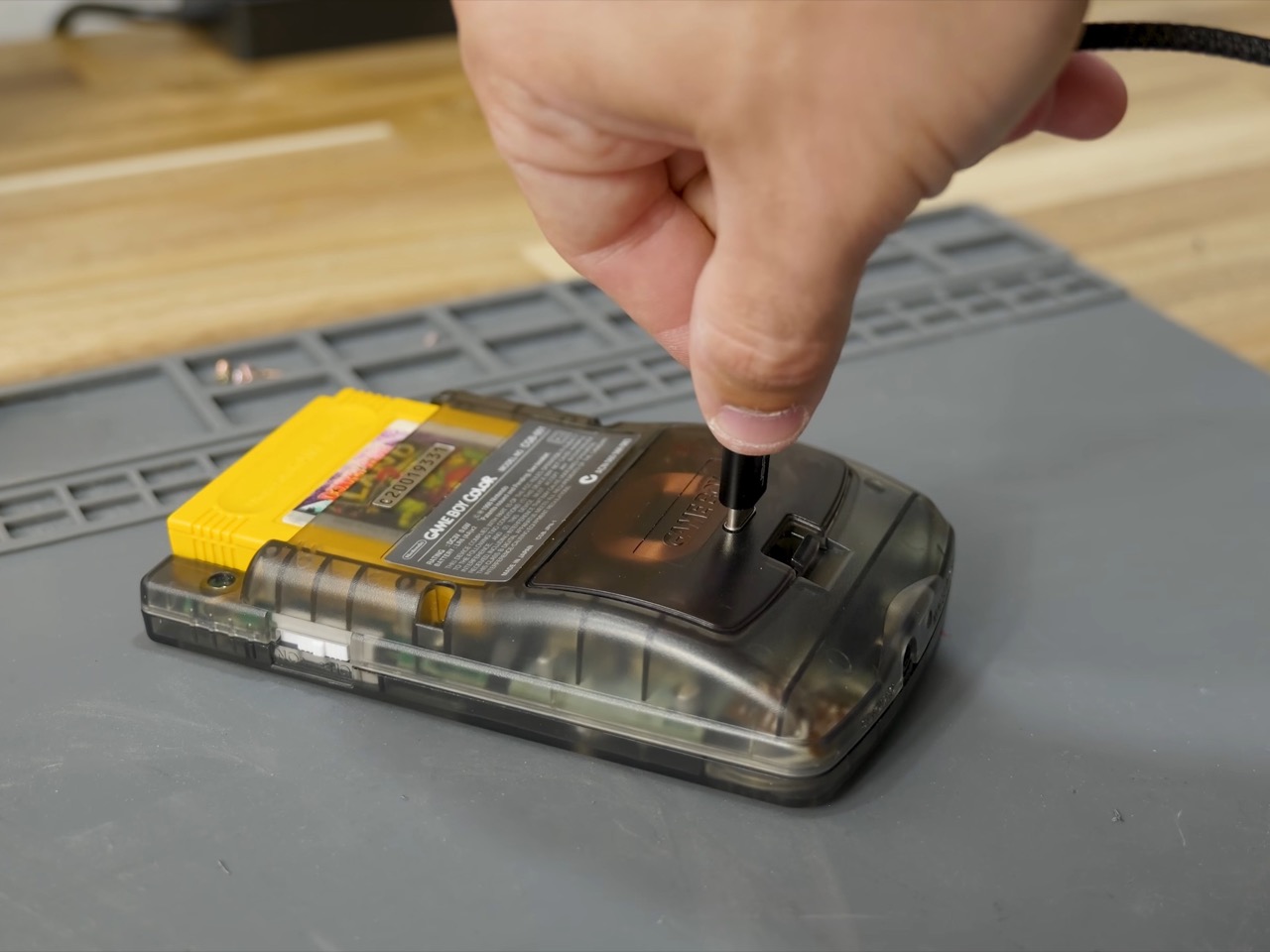
USB-C charging, with weird ‘Magic Mouse’ port placement
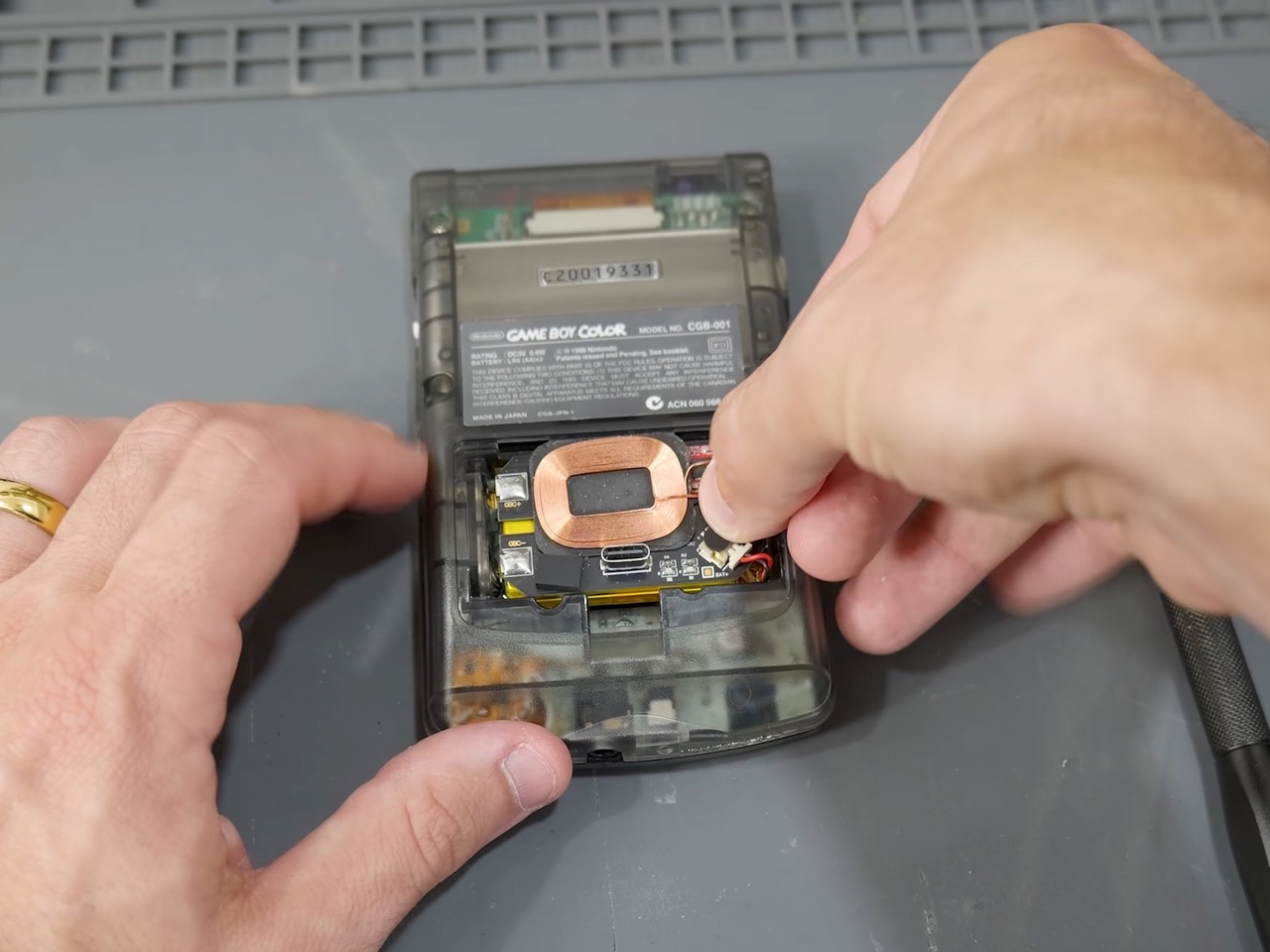
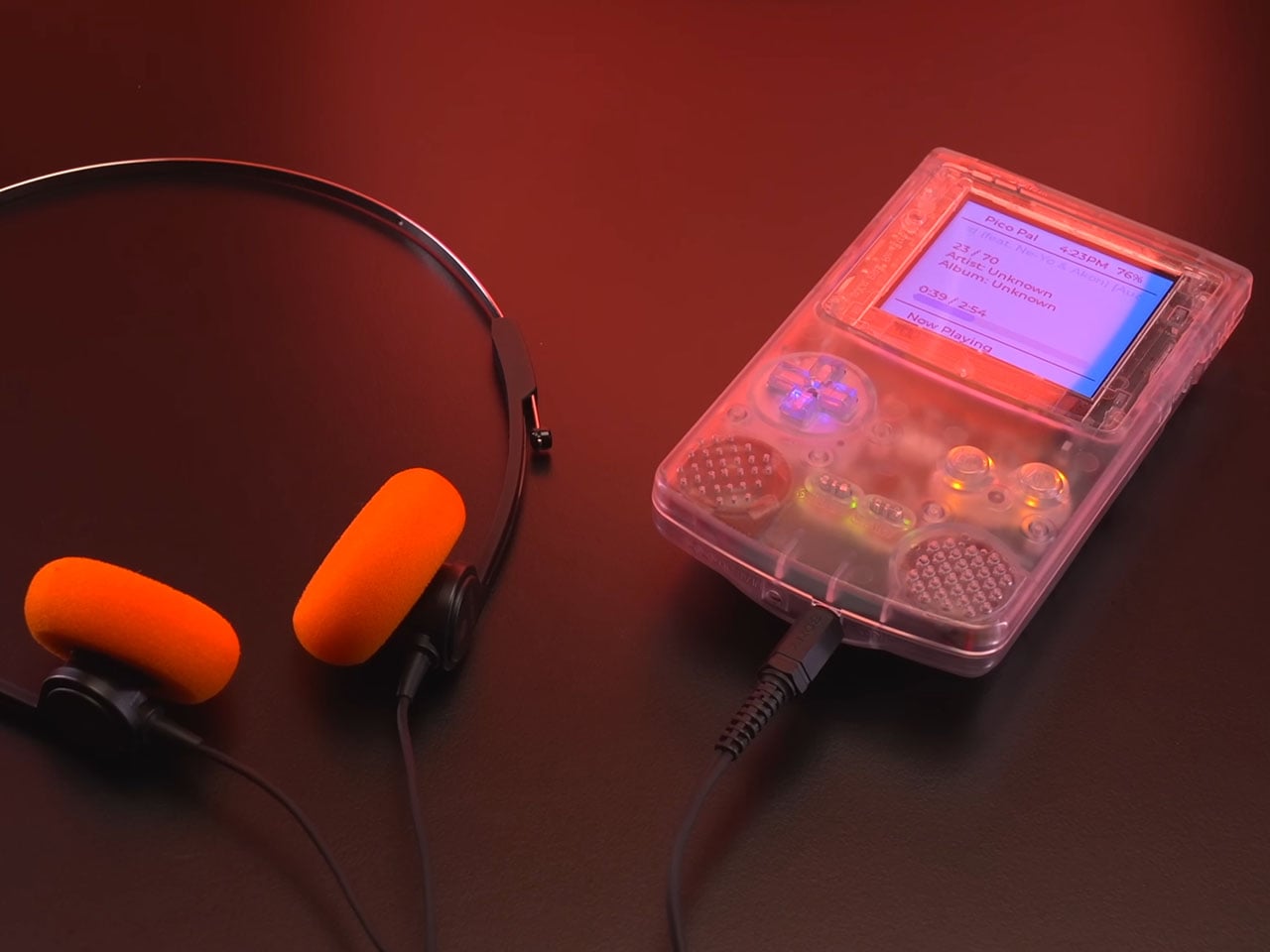
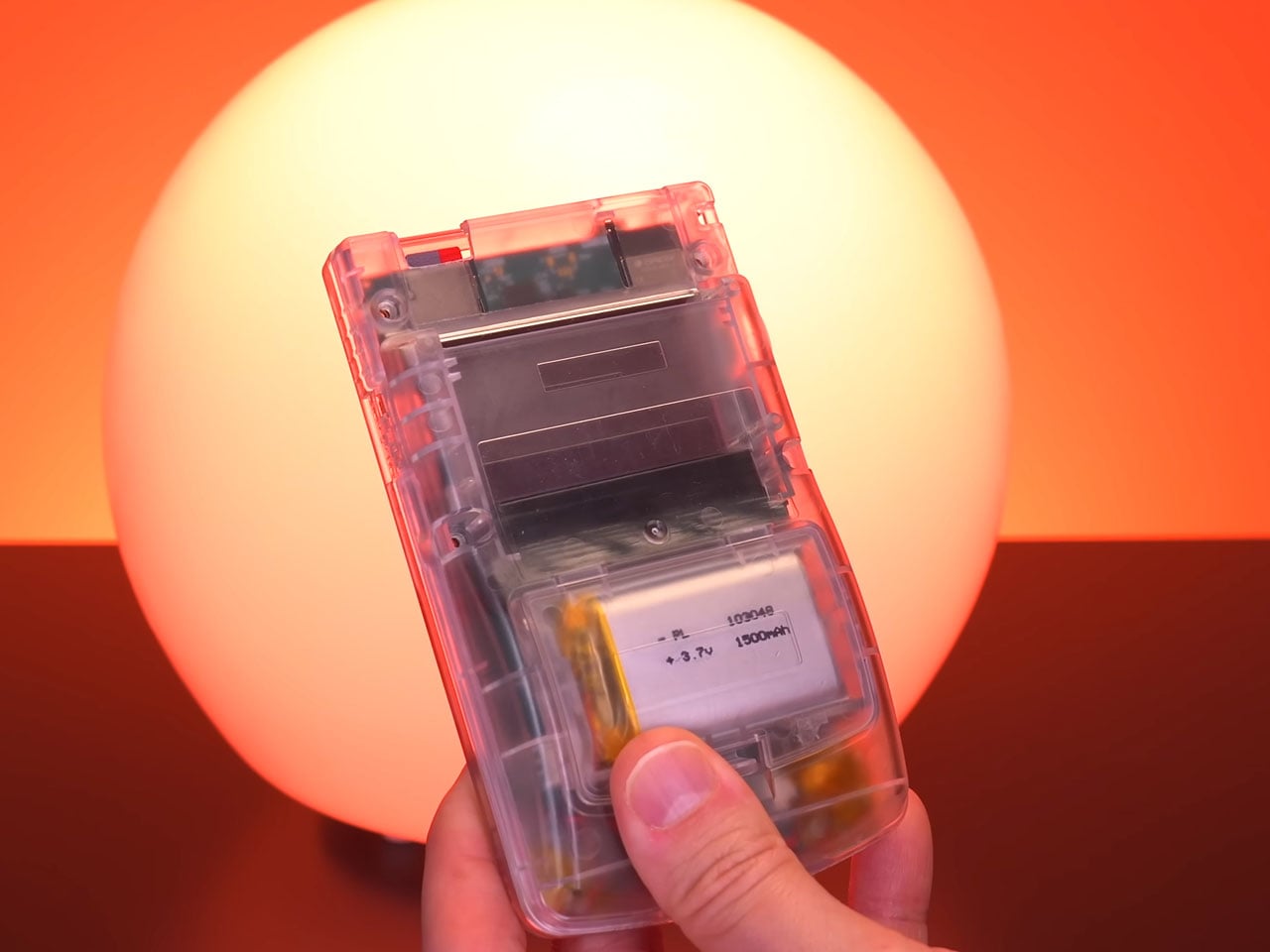
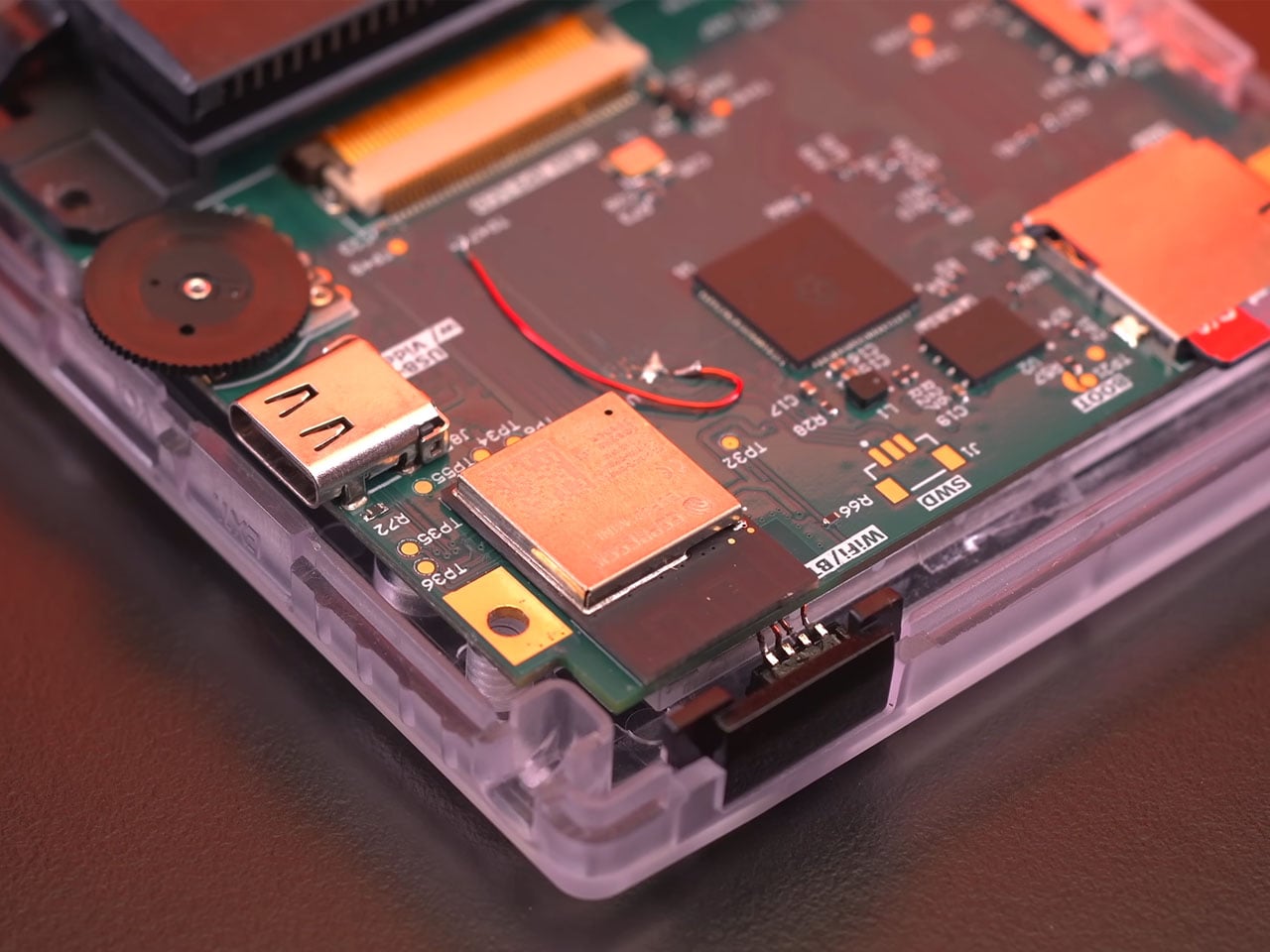
On first boot, the modded console played audio while the OLED stayed black, and fresh AAs fixed it instantly. The culprit was voltage sag, with the new hardware’s startup load dragging tired batteries below what the screen needed. Zac’s permanent fix is a lithium-ion pack with more capacity, a higher voltage, USB-C charging, and a wireless charging coil, good for what he estimates is well over eight hours of play. The USB-C port lives on the back panel, so charging sends a cable sprouting out the rear like a tail, which gives off serious Magic Mouse energy. Thankfully that coil lets you skip the cable and drop the console on a wireless charging pad instead.

The new speaker and its flex-PCB amp brought extra volume along with a loud hiss, because Nintendo’s 28-year-old regulator was never meant to feed an OLED, an amp, and a set of RGB LEDs at once. Zac’s answer is a replacement regulator from Helder, a longtime name in the Game Boy modding scene, which smooths out ripple on the console’s shared 5V rail. The board also brings a solid-state capacitor with more than five times the capacitance of the part it replaces. The hiss dropped to a trace you can only hear with the speaker an inch from your ear. Every flashy upgrade here leans on unglamorous power hardware, and Zac is refreshingly upfront about that.

RGB buttons and a smoke shell that puts everything on display
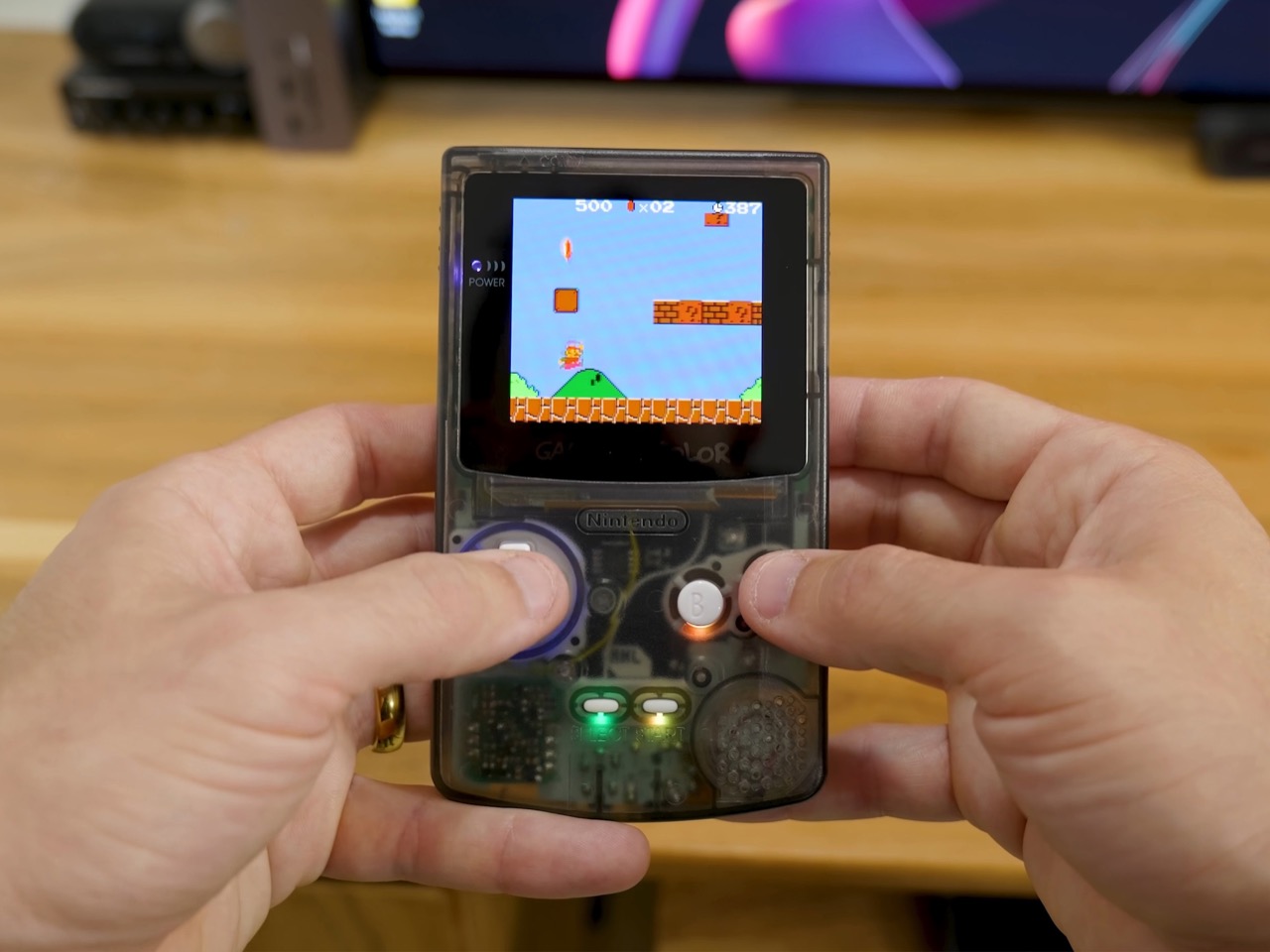
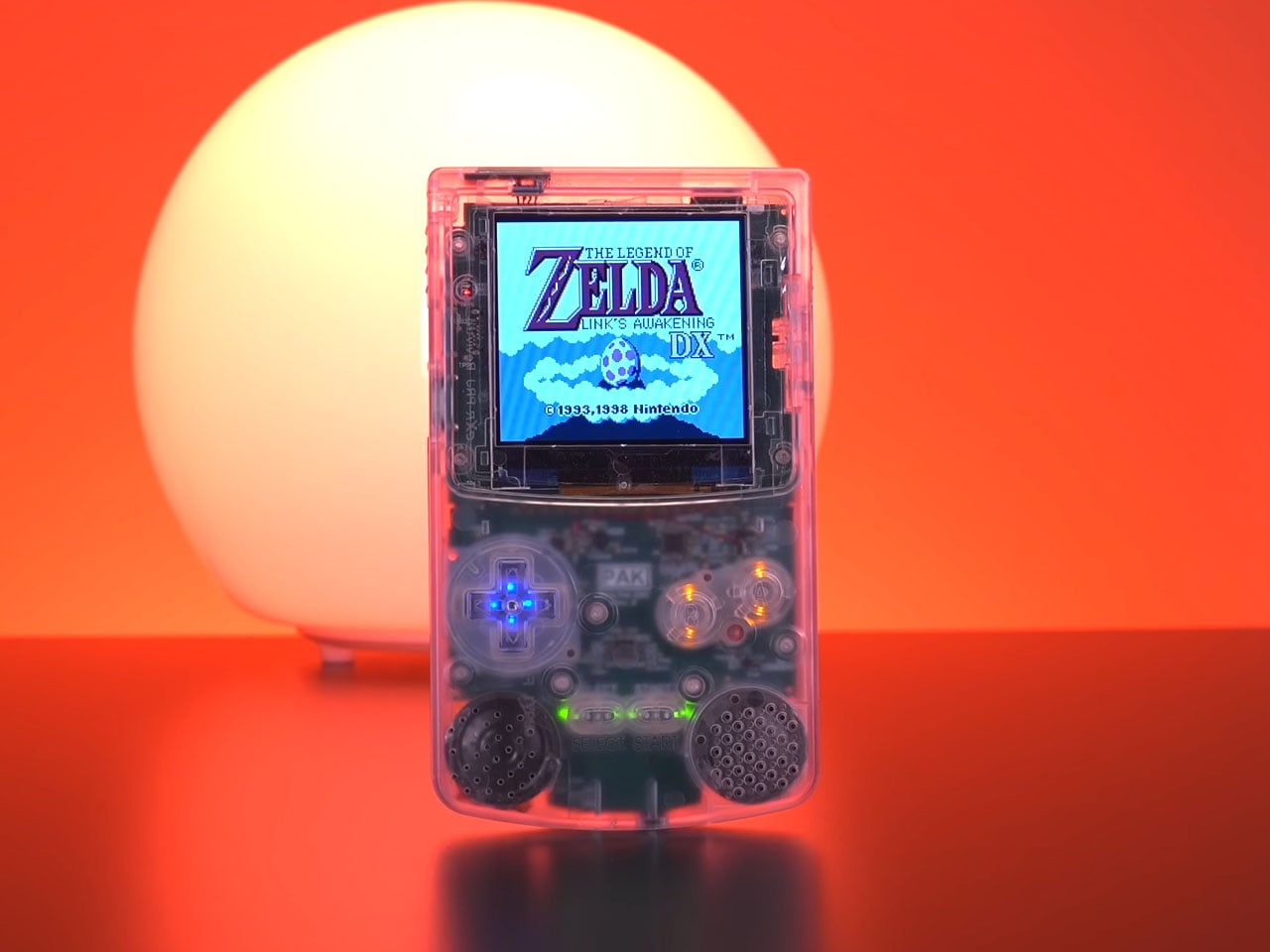
An individually addressable RGB LED sits under each button and replaces the original power LED, with the colors controlled through button commands. In the photos, the D-pad gets a blue ring, A and B glow red, and Select and Start pick up green and amber. Installing it takes roughly a dozen solder joints, and Zac recommends anchoring the 5V and ground pads first so everything else lines up. Before any of that, he cleaned the board with isopropyl alcohol, swapped all three aging capacitors, and fitted fresh white silicone membranes to fix the sticky buttons. The finished console still feels crisp, despite all the wiring now packed beneath those buttons.

The precut smoke-transparent shell ties the build together, putting the lighting, the amp’s ribbon, and the motherboard on full view. It also brings a larger screen opening and drops the original battery divider to make room for the new pack. Clear plastic has deep roots here, since Nintendo sold the Game Boy Color in Atomic Purple back in 1998, the same year Apple’s Bondi Blue iMac G3 made translucency cool. Modders have pushed that idea hard lately, with Natalie the Nerd’s fully transparent Game Boy Color even swapping in a see-through circuit board. Zac’s version keeps Nintendo’s original green board in plain sight, which suits a build that celebrates the real hardware.

An overclock that breaks the screen, and a cartridge that holds everything
Zac’s most ambitious mod replaces the crystal oscillator with a variable clock board, letting the console run slower or up to 50% faster with a button combo. Getting the old crystal off took hot air, heat shielding, and Kapton tape, and Zac flat out tells beginners to skip it. Underclocking works great and turns tricky platforming into slow motion. Overclocking keeps the game running, but the OLED loses sync and shows nothing, since the clock also governs display timing. Some IPS kits reportedly handle 1.3x or 1.5x speed, though Zac didn’t test one, and the OLED looks too good to give up anyway.

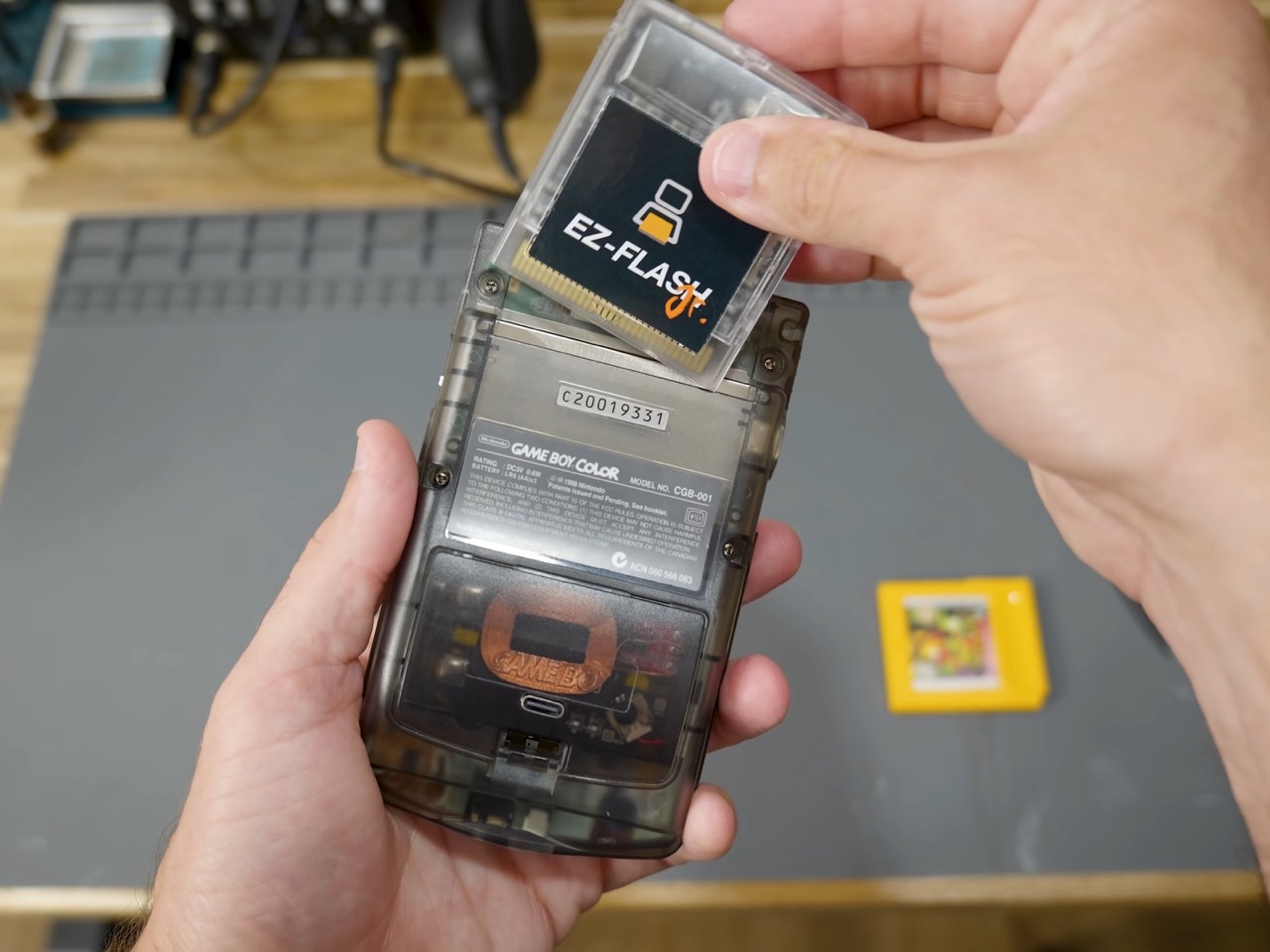
An EZ Flash Jr cartridge handles the games, loading Game Boy and Game Boy Color ROMs, homebrew, and hacks from a FAT32 microSD card, and Zac says even 8GB covers the whole library. Leave out the overclock and he reckons a similar build takes a couple of afternoons, mostly with off-the-shelf kits on an original motherboard. ModRetro’s $149.99 transparent Chromatic offers a ready-made route to a similar look, while Zac’s approach keeps Nintendo’s actual silicon at the heart of it. That makes this build feel closer to restoration than replacement. Nintendo built the Game Boy Color for AA batteries and sunlight. Zac rebuilt it for USB-C and midnight.

The post DIY Modded Game Boy Color has an OLED screen, USB-C, and wireless charging first appeared on Yanko Design.
Retro Song Bird Is the Record Player Game Boy Cartridges Deserved

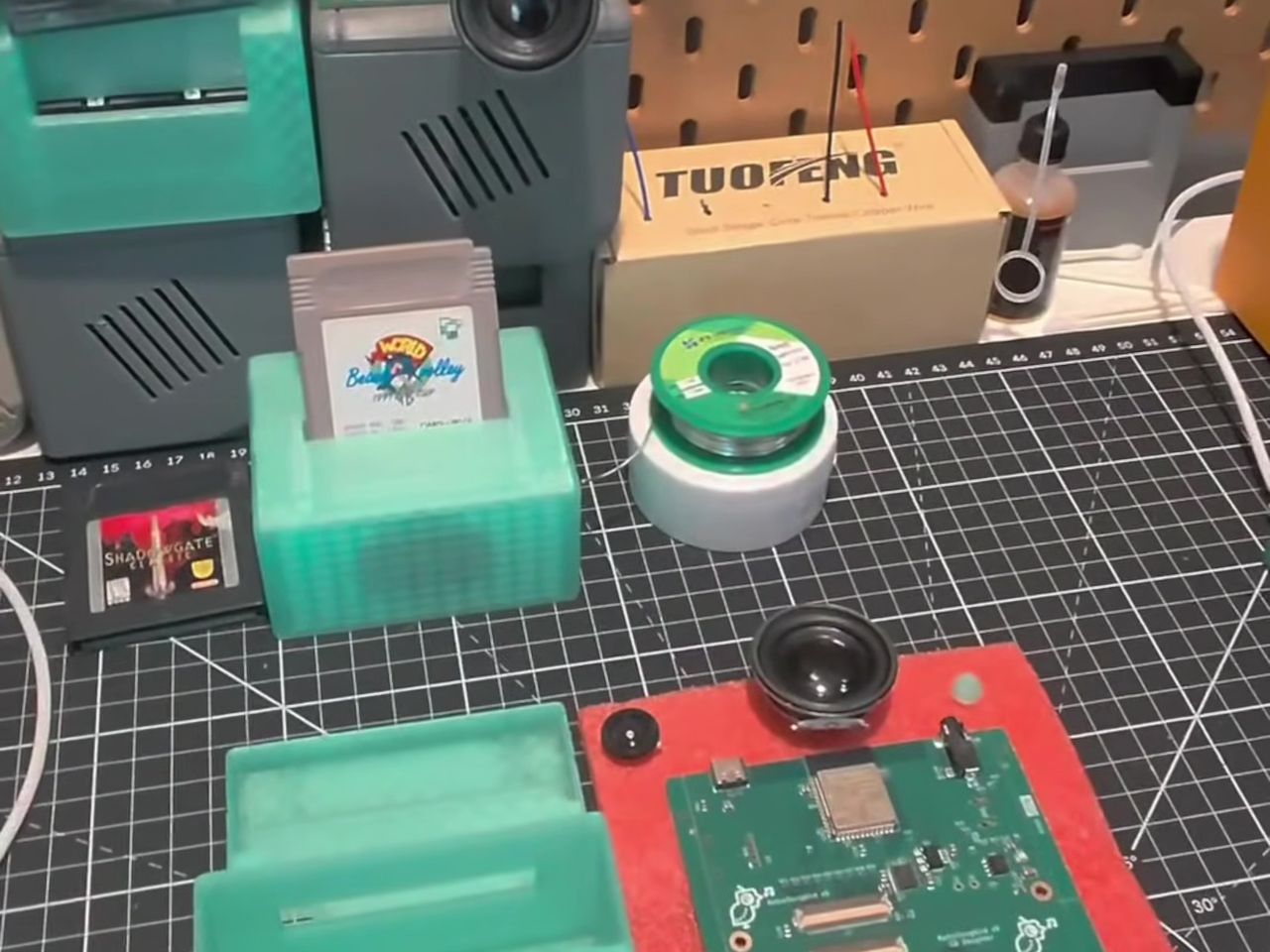
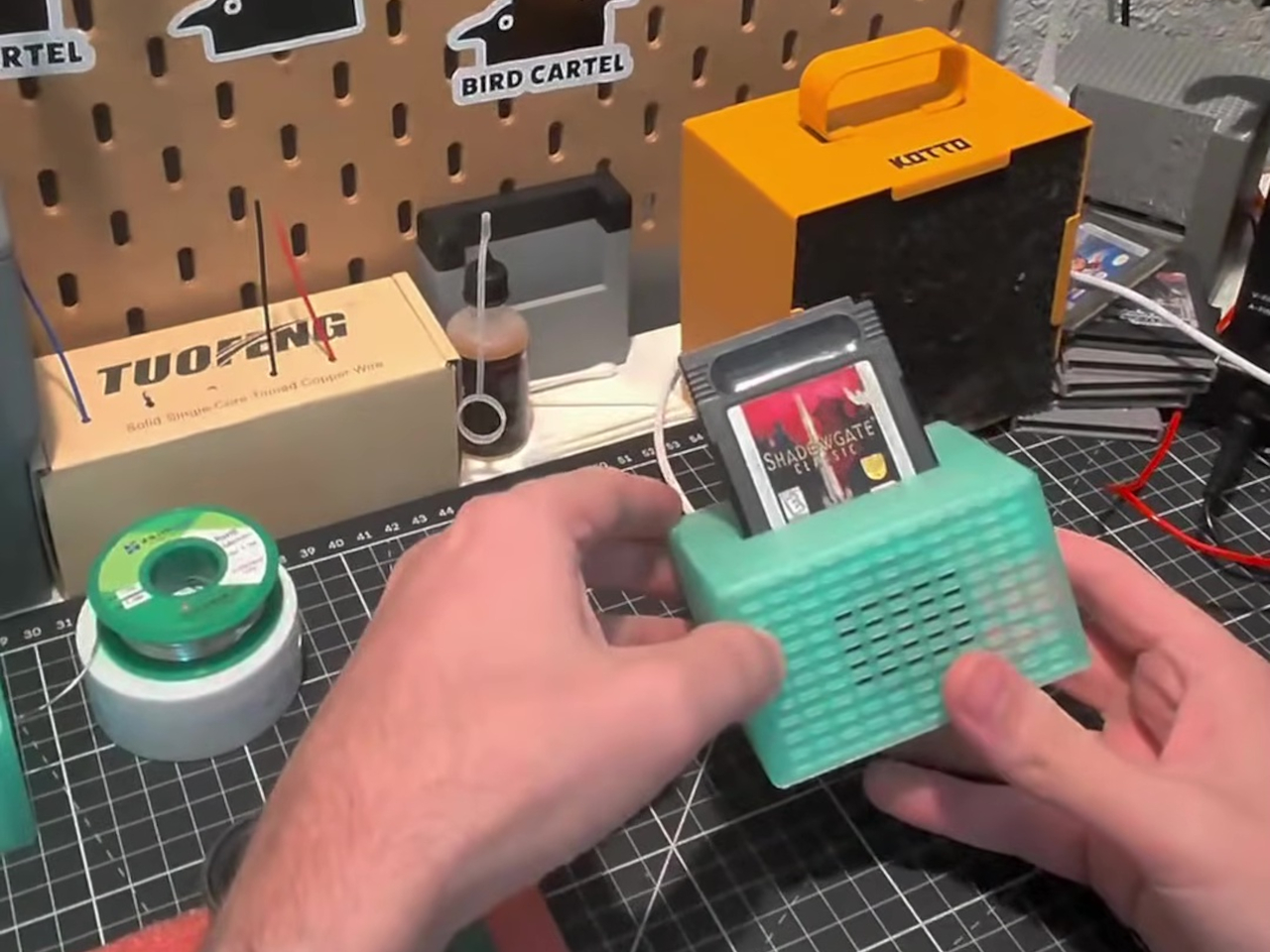
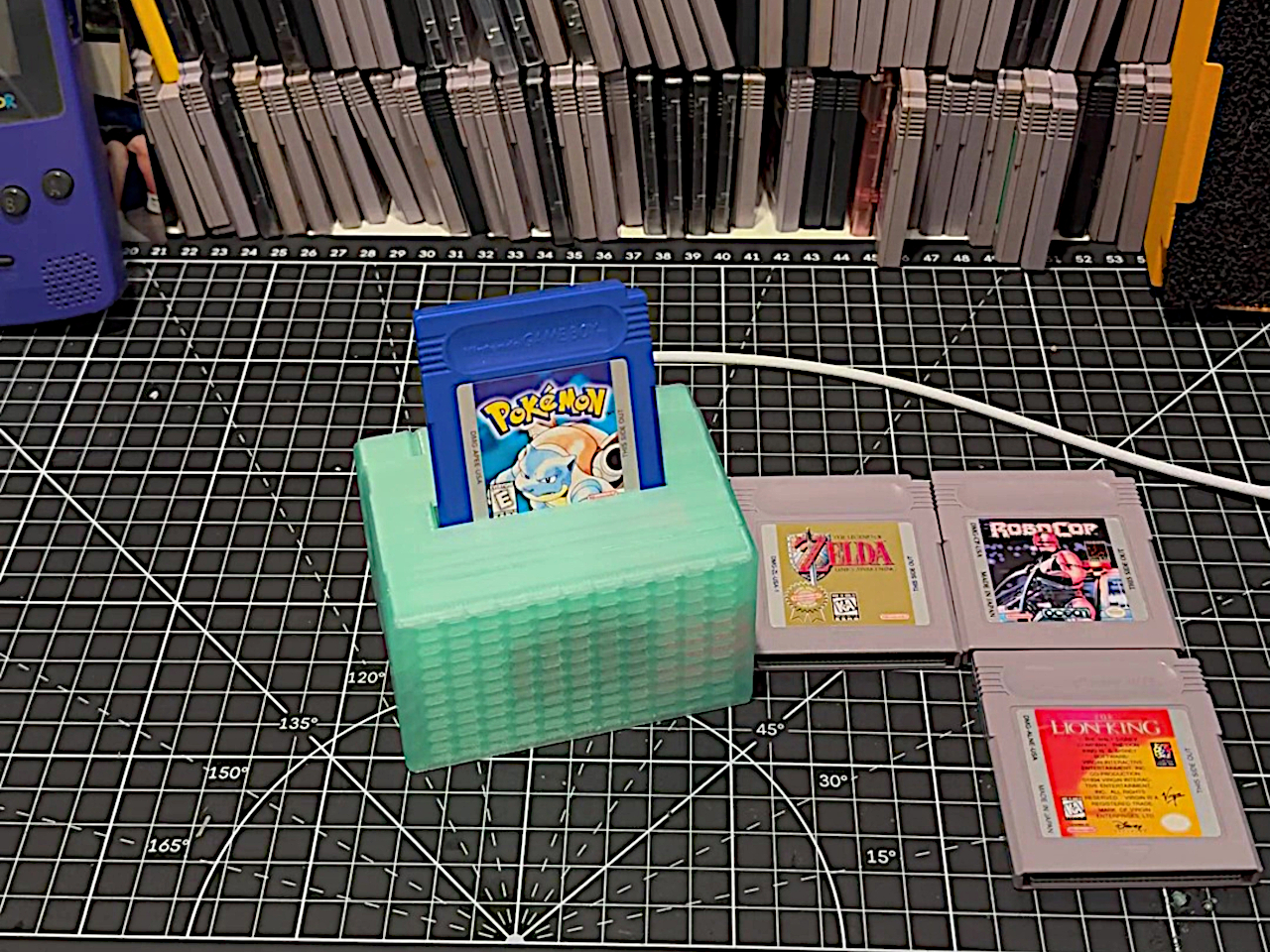
Game Boy cartridges usually wait in a drawer until you feel like playing something again. But sometimes it’s the music you miss, not the game. Retro Song Bird gives those little plastic rectangles a different job: slot one into the top of a tabletop player, and it finds the soundtrack for you. No screen, no level to beat, just the tunes you remember.

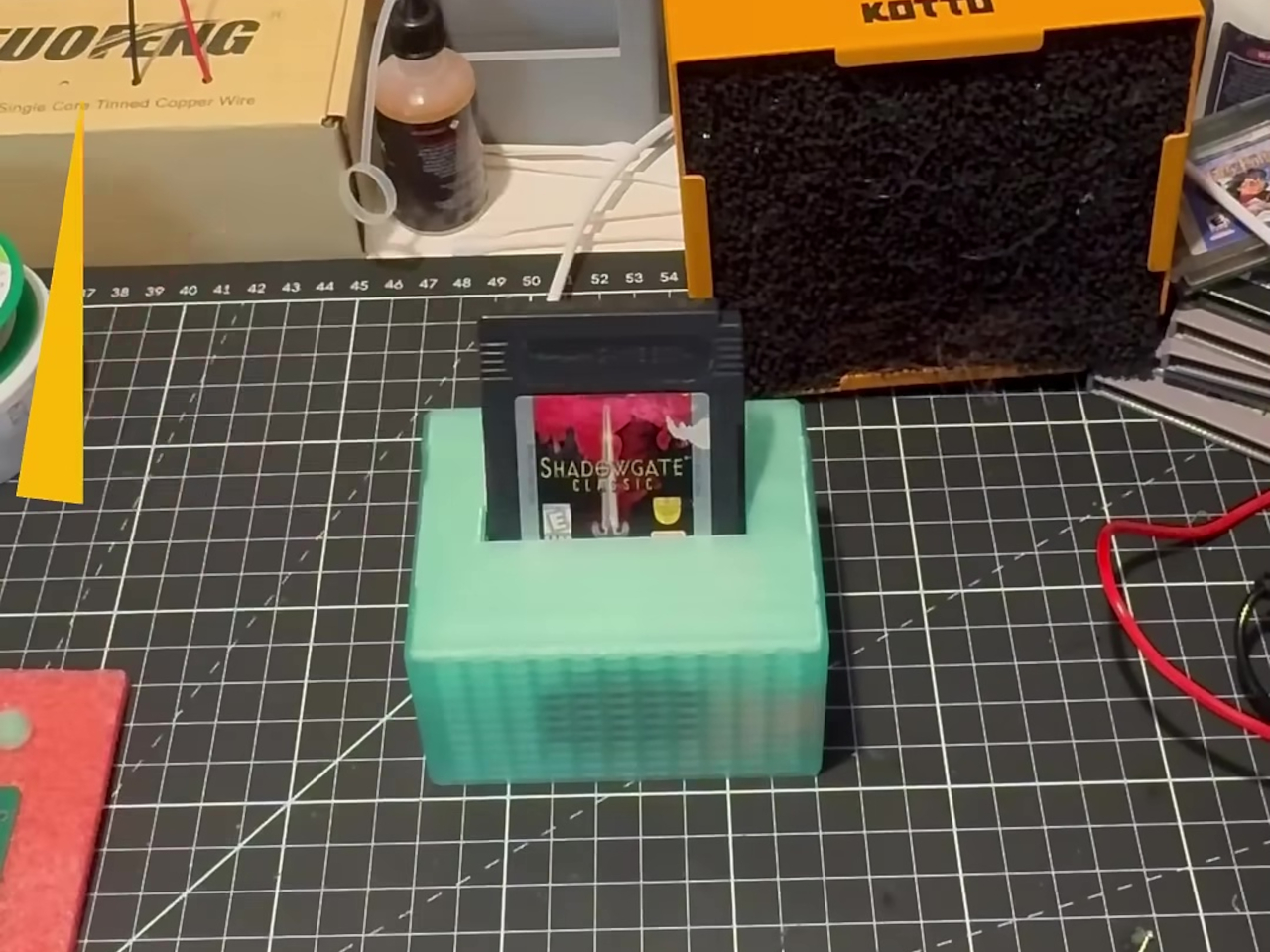
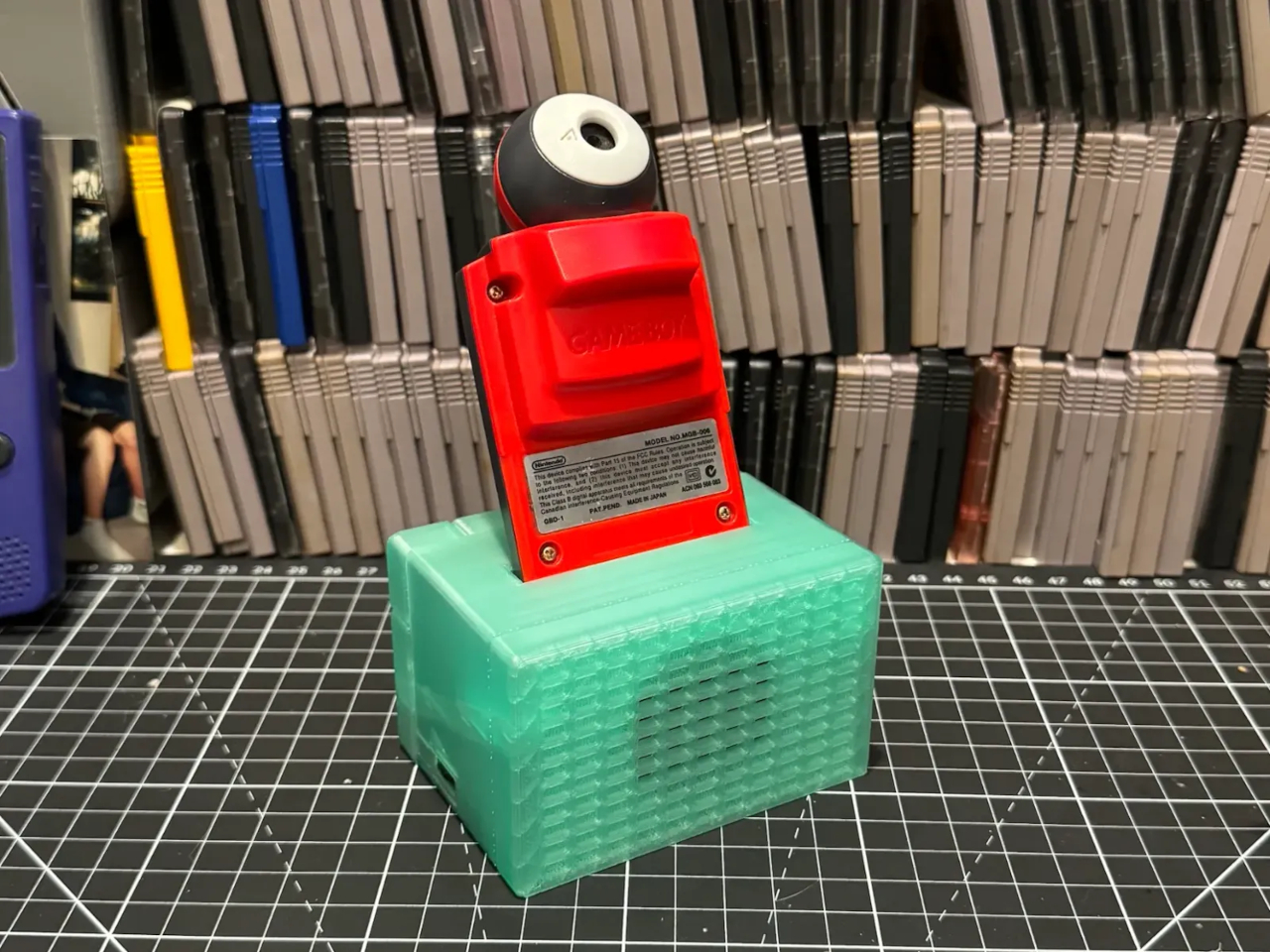
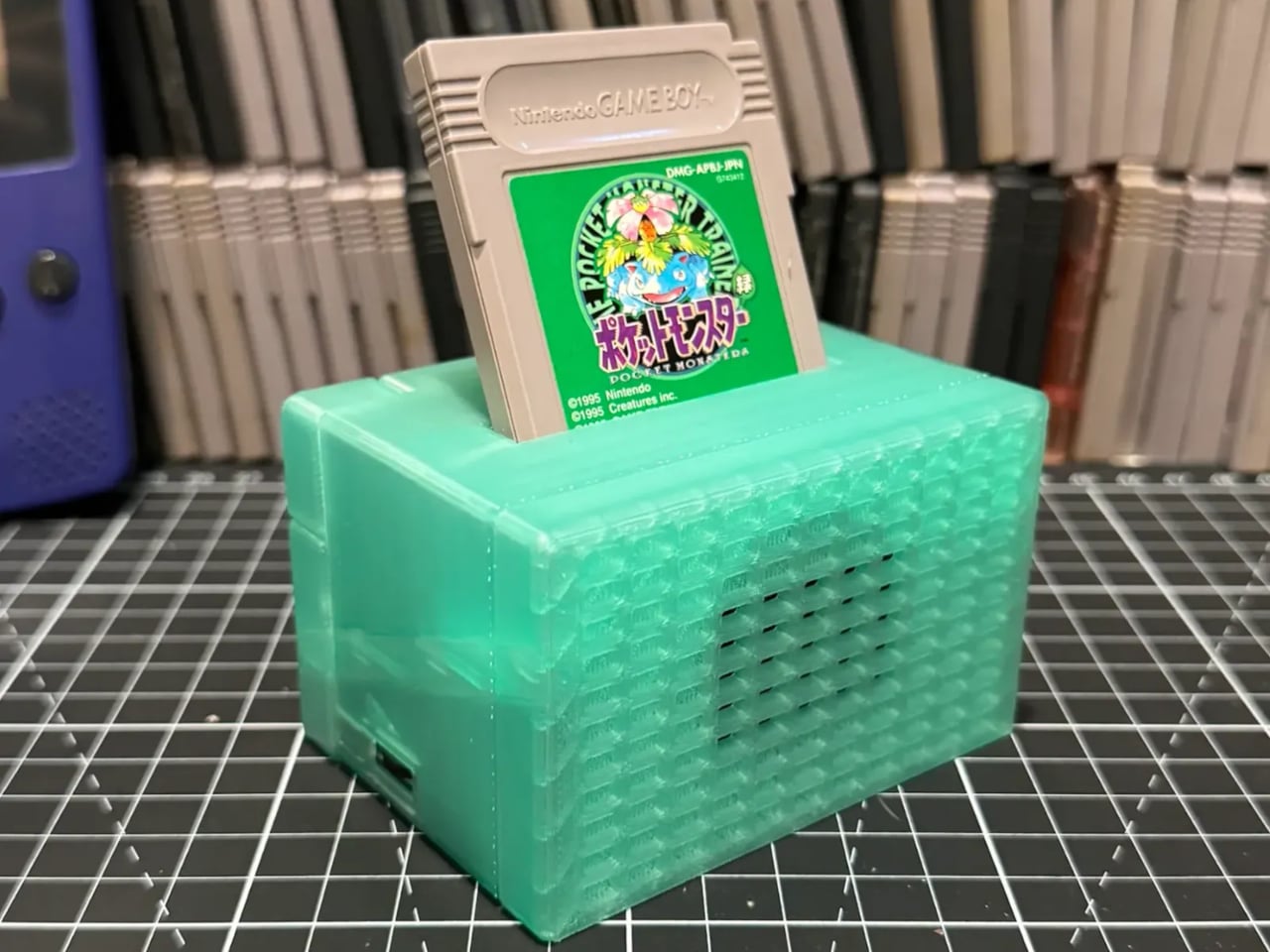
The idea works because the cartridge remains the thing you choose. Instead of scrolling through a library of files, you pull a favorite from a shelf and plug it in. The prototype’s compact, translucent green housing makes room for a top-mounted slot, a front speaker grille, and simple controls along the side. It behaves a bit like a tiny stereo with chunky albums.

Designer: BJ (Bird Cartel Games) via Retro Dodo

It doesn’t play a stored recording from the cart. Retro Song Bird reads parts of the game’s code and recreates the music using an emulation of the Game Boy sound hardware. Its developer says the system maps more than 1,900 games, though that figure isn’t a tested compatibility list. You can skip between tracks and sound effects without having to play through them.

That makes it suited to the hours when you want a soundtrack but don’t want another screen demanding attention. Let it play through its built-in speaker while you’re working, or connect the stereo line output to your speakers. A melody that once accompanied a difficult boss fight can fill the room on its own, even if you never pick up a controller.

The cartridge slot also turns the player into an archive station. It can back up and restore save data, copy game ROMs, and export music as WAV files. That’s useful if you’ve kept a childhood save that feels too precious to lose. Rather than treating games as sealed collectibles, the design makes it easier to listen to and preserve what’s still inside them.

Musicians can go further. The Game Boy’s four sound channels appear as separate USB audio streams, ready to bring into music software for rearranging or sampling. You could start with a melody you recognize, then hear what happens when the square waves and noise part ways. The same cartridge that entertained you after school becomes a set of sounds to work with.

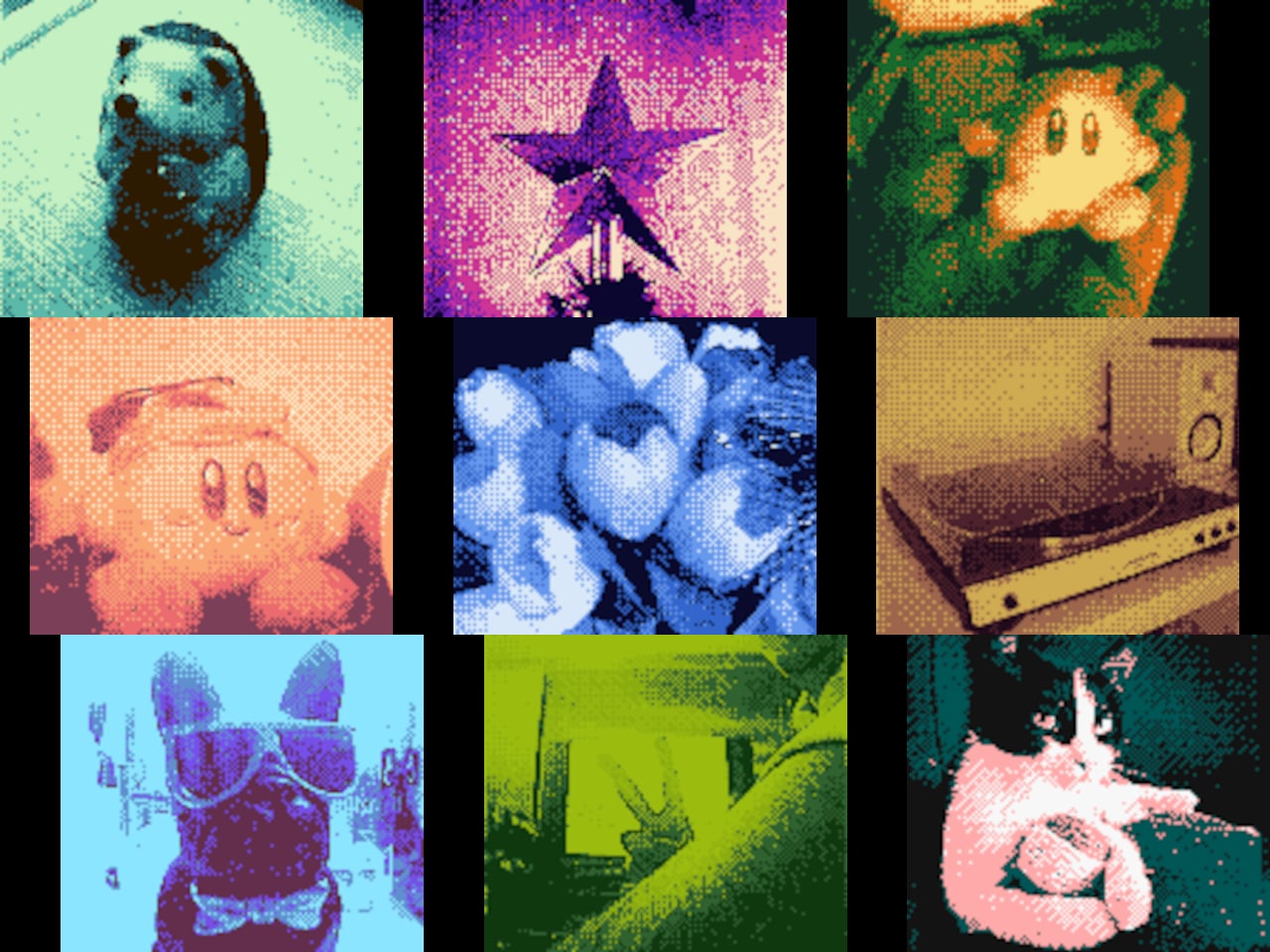
There’s even room for a wonderfully impractical detour. Insert a Game Boy Camera, connect the device to a computer, and it can serve as a USB webcam at 128×112 pixels, in four shades of gray. Alarm mode can wake you with a cartridge’s music, too. Neither feature is why this box exists, but both show how versatile that slot can be.

For now, Retro Song Bird remains a prototype, with shipping targeted for late 2026 and no listed price. Its mint-green housing may change before release. What makes the idea stick is choosing a cartridge for how it sounds rather than how it plays. A game can take a turn on the stereo without demanding another afternoon in front of a screen.

The post Retro Song Bird Is the Record Player Game Boy Cartridges Deserved first appeared on Yanko Design.
The FPGB Mini Is Barely Wider Than a Game Boy Cartridge, and Plays One

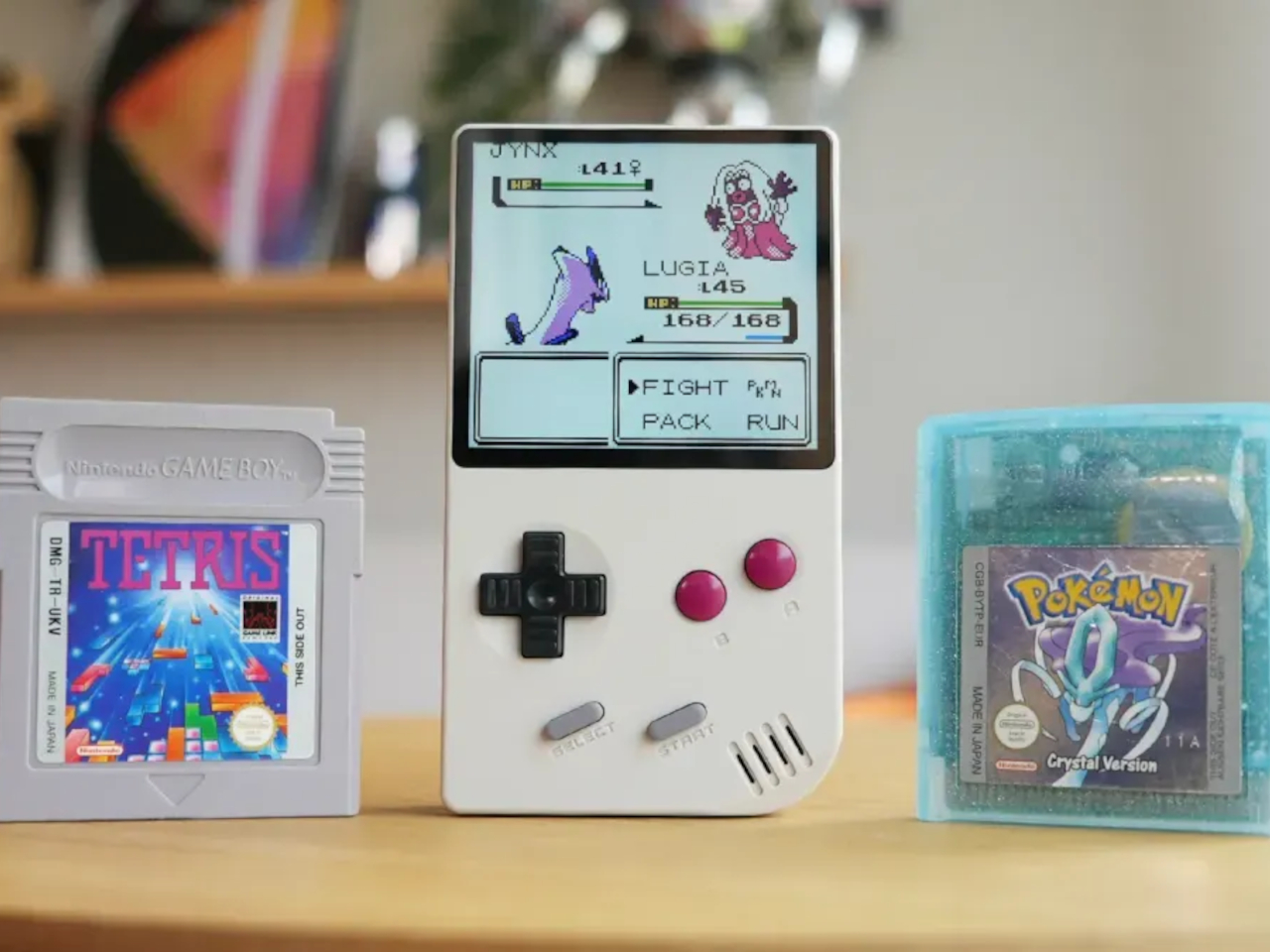
A Game Boy cartridge used to feel small in your palm, a flat plastic rectangle dwarfed by the console it slotted into. The FPGB Mini flips that relationship entirely. This new handheld measures barely wider than one of those cartridges, turning decades of shrinking electronics into an actual party trick rather than a marketing phrase. It plays original Game Boy and Game Boy Color cartridges directly, no adapters, no compromises on how the games behave.

That accuracy comes from field-programmable gate array technology or FPGA, the same approach used in pricier hardware like the Analogue Pocket. Instead of software emulation approximating old hardware, the FPGA chip recreates the original circuitry’s behavior directly, which is why colors, timing, and quirks specific to Game Boy games show up exactly as they did decades ago. The tradeoff is narrower cartridge support, limited here to Game Boy and Game Boy Color only.

Designer: FunnyPlaying (via Retro Dodo)

Slide a cartridge into the back, and the 2.98-inch IPS screen renders everything at 800 by 720 pixels, a resolution chosen specifically because it scales the original Game Boy display by a clean five times. That kind of deliberate math means pixel art looks crisp rather than blurred or unevenly stretched, a detail that matters enormously to anyone who has stared at a mushy upscaled screen on a cheaper handheld clone.

Pull two of these out during a road trip, and the link cable becomes the actual point. FunnyPlaying included a dedicated wired connection for multiplayer battles and trading, mirroring what the original Game Boy Link Cable did for a generation of kids swapping Pokémon in parking lots and school hallways. It’s a small inclusion that says the design team understood which memories actually mattered here.

A built-in real-time clock keeps the momentum going even after the cartridge comes out. Games like Pokémon Gold and Silver relied on that internal clock for day-night cycles and timed events, a feature plenty of modern clones quietly drop. Its presence here suggests the engineering priority sat with preserving how games actually played, not just how the console looked sitting on a shelf.

A microSD slot rounds out the modern side of the hardware, storing save files, screenshots, or ROM files that can run through a built-in emulator when no cartridge is inserted. That flexibility turns the FPGB Mini into two devices depending on the moment: a hardware-accurate cartridge reader when authenticity matters, and a pocket emulator when convenience wins out instead.

Color reproduction gets a boost too, with support for 16.7 million colors and an RGB565 pipeline that keeps Game Boy Color titles looking properly saturated rather than washed out. It’s a detail easy to overlook next to the flashier link-cable and FPGA talking points, yet it shapes the actual daily experience of loading up a cartridge more than either of those features do.

At 113mm x 64mm x 22m and roughly 135g, the whole unit disappears into a jacket pocket in a way no console with a cartridge slot has any right to. An 1,800mAh removable battery pack handles the power side, charging over USB-C in roughly two to three hours and running for several hours of play per charge, numbers respectable for hardware this compact. A carrying case ships in the box, treating portability as a finished thought rather than an afterthought bought separately.

The post The FPGB Mini Is Barely Wider Than a Game Boy Cartridge, and Plays One first appeared on Yanko Design.
Your Entire Steam Library Now Fits in a Game Boy-Sized Handheld

The Steam Deck modding community has taken Valve’s handheld gaming PC to some unexpected places. Modders have swapped in more RAM, loaded the hardware with terabytes of storage, and reshaped it in ways Valve never intended. Most of those efforts stay close to the original form factor, tweaking what’s already there without fundamentally changing what the device looks like or how compact it is.

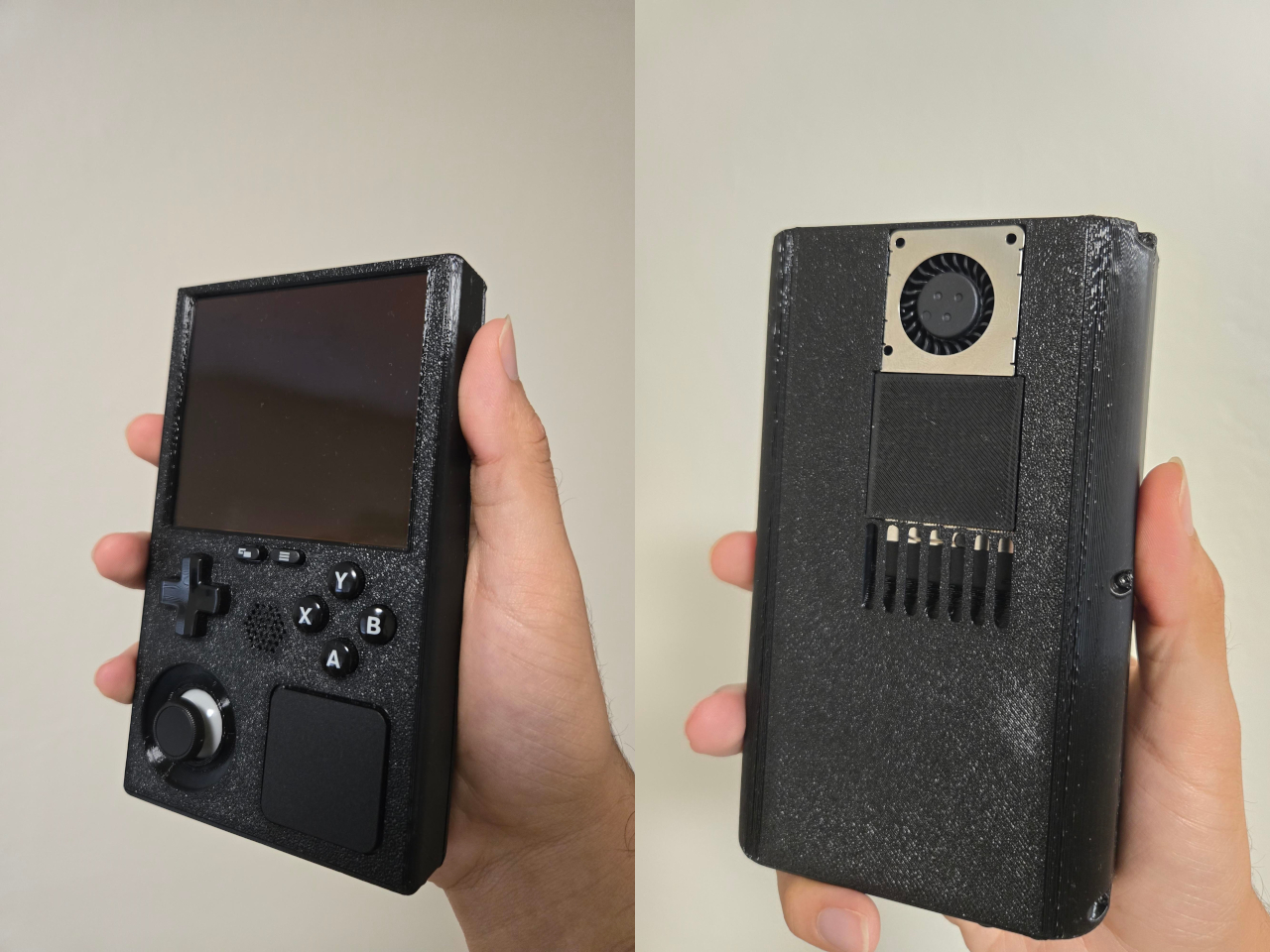
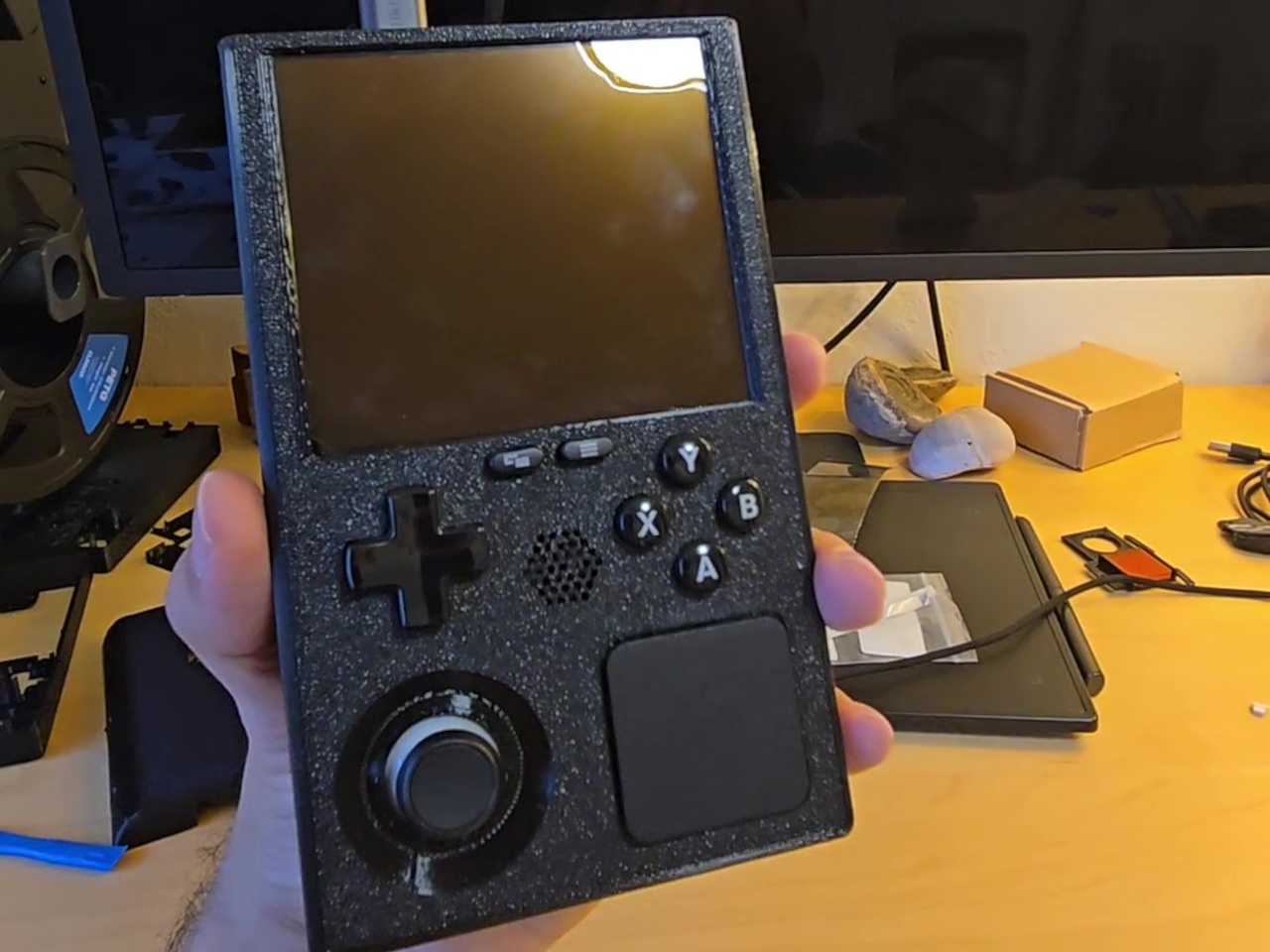
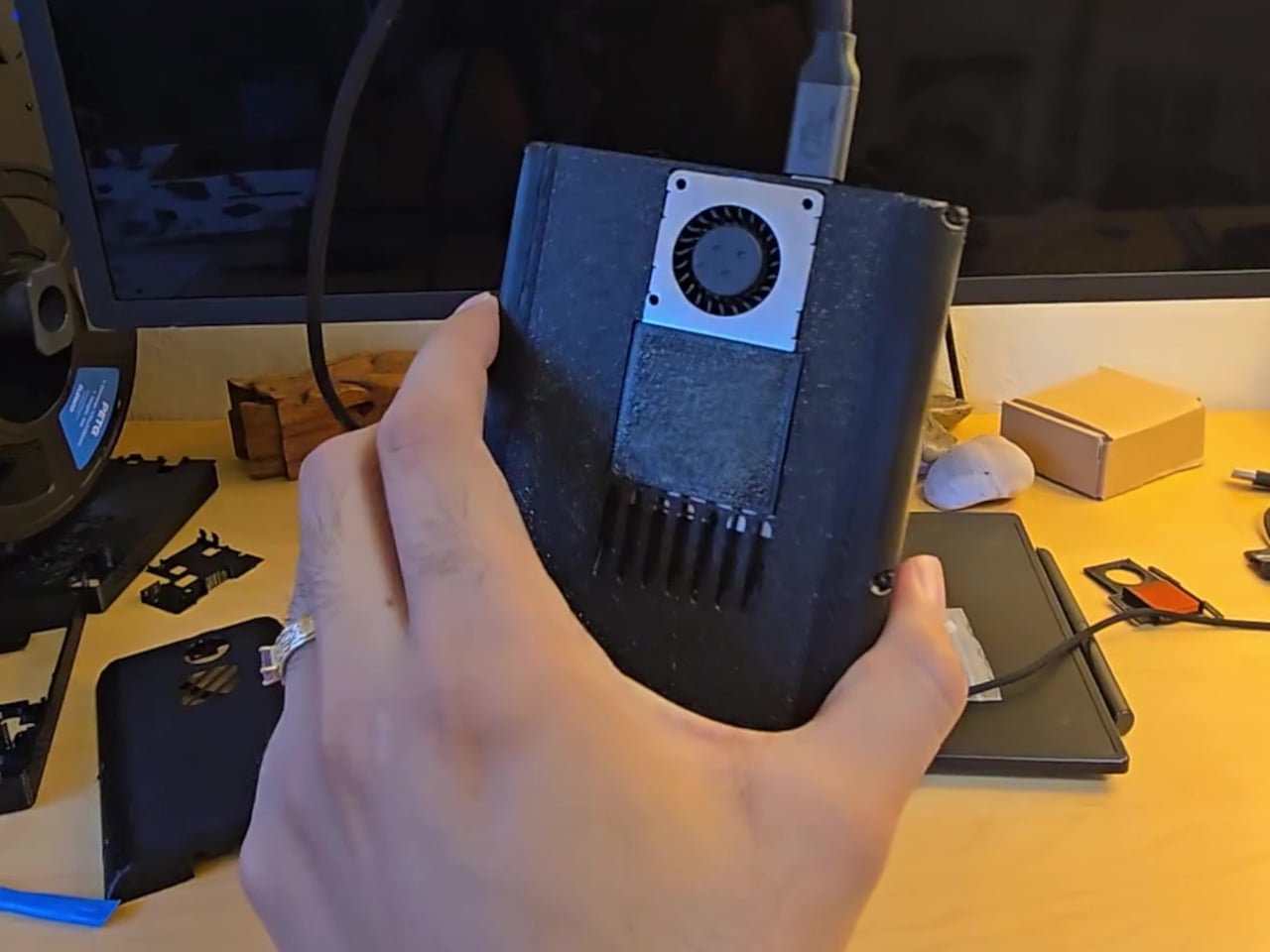
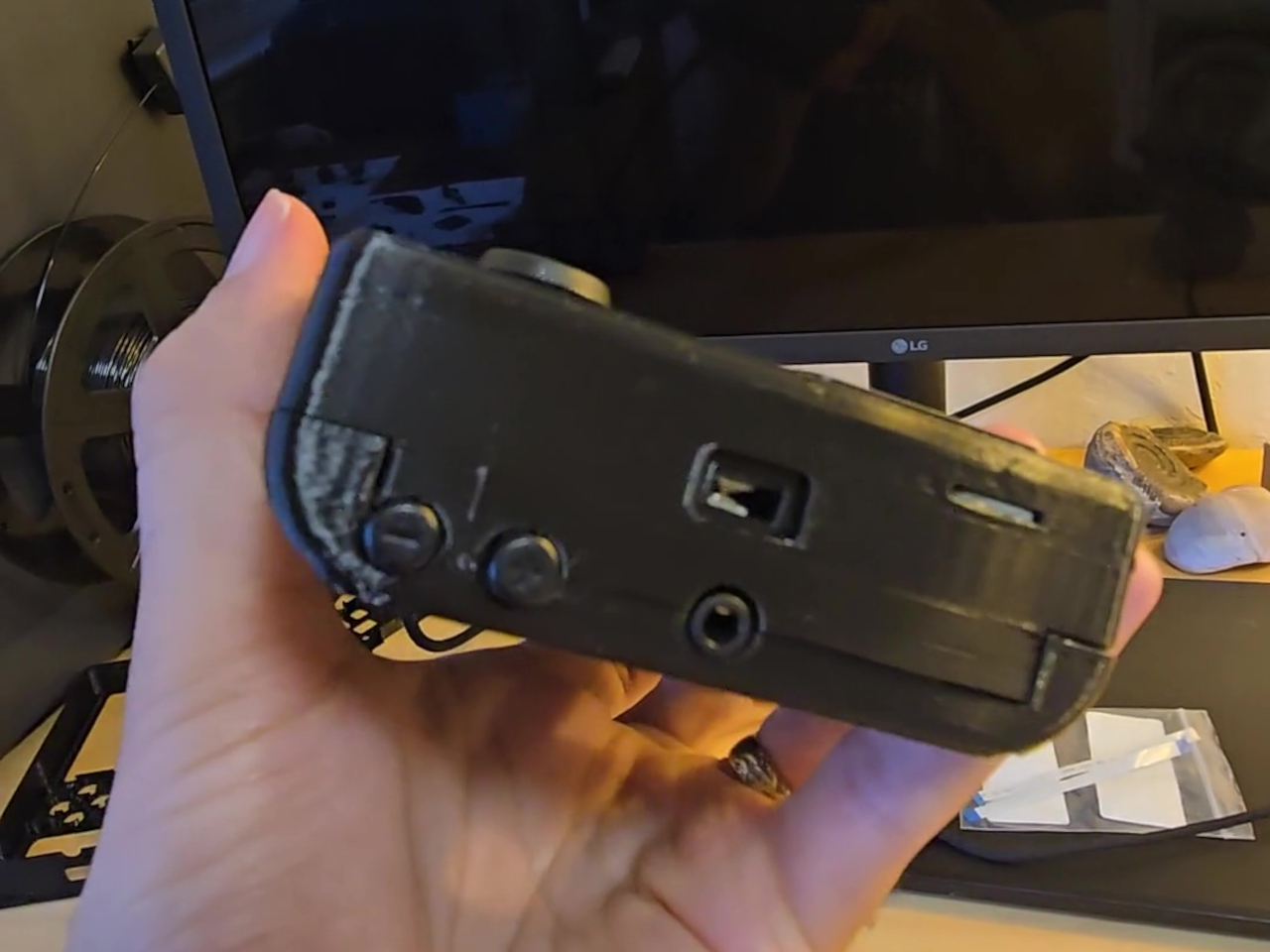
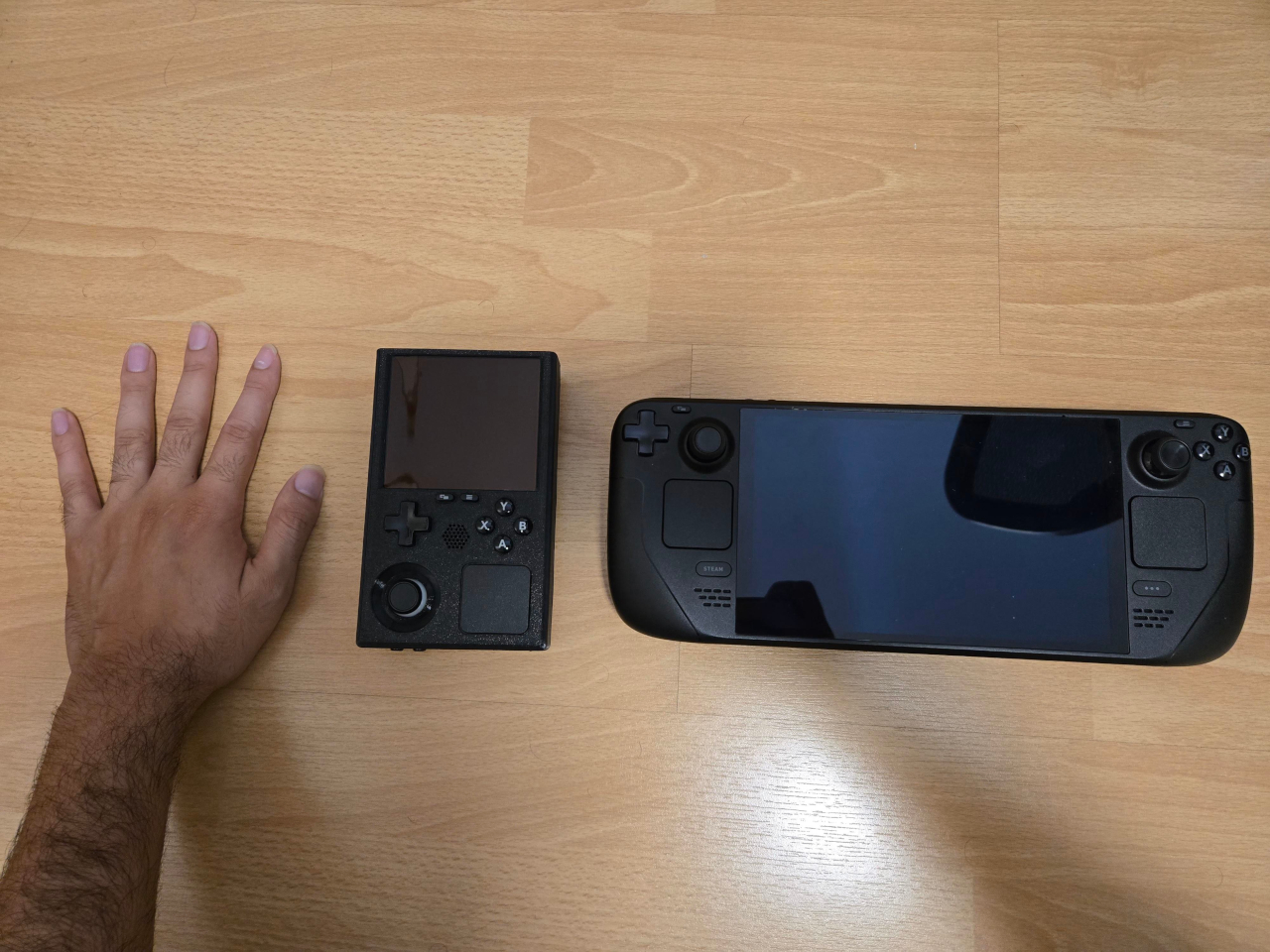
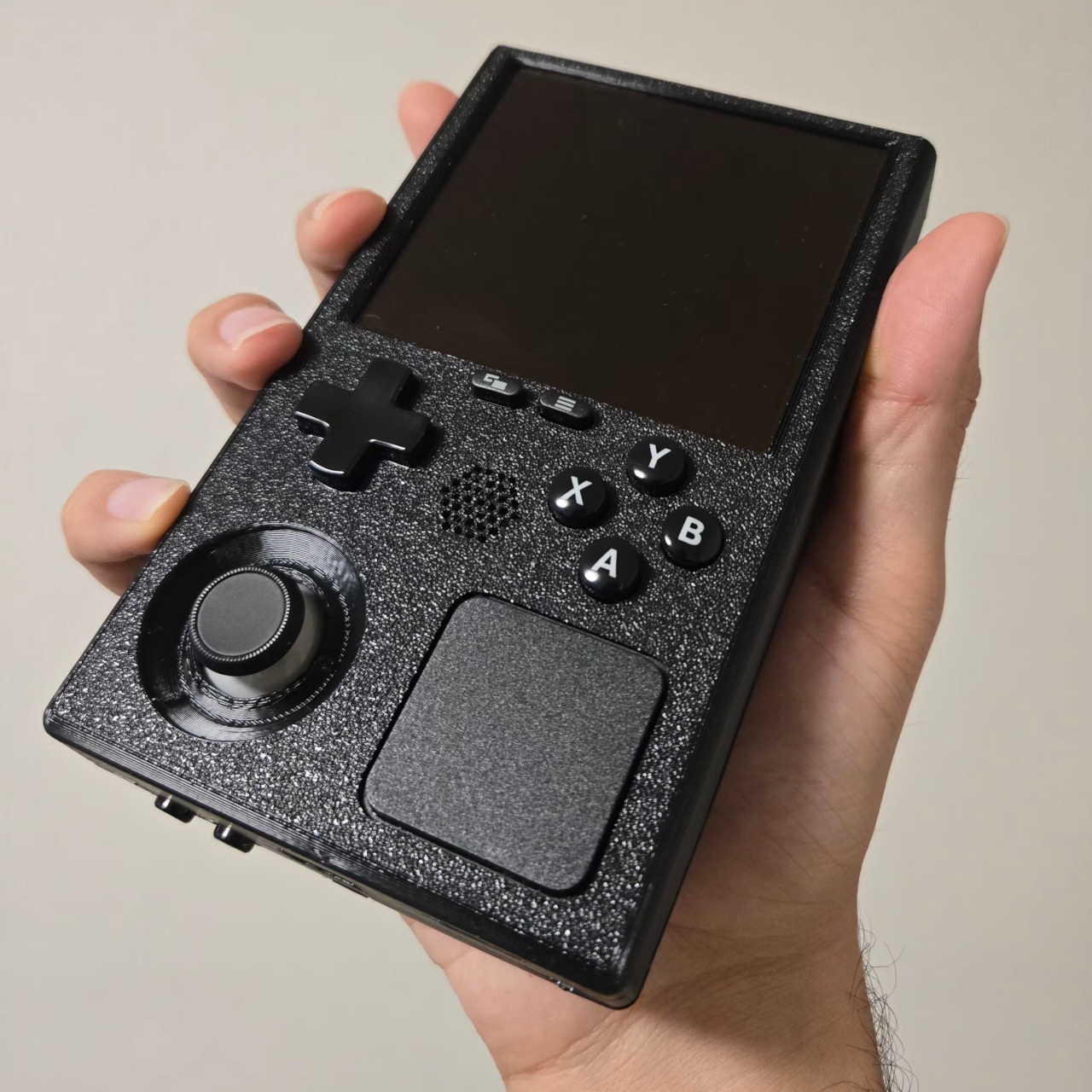
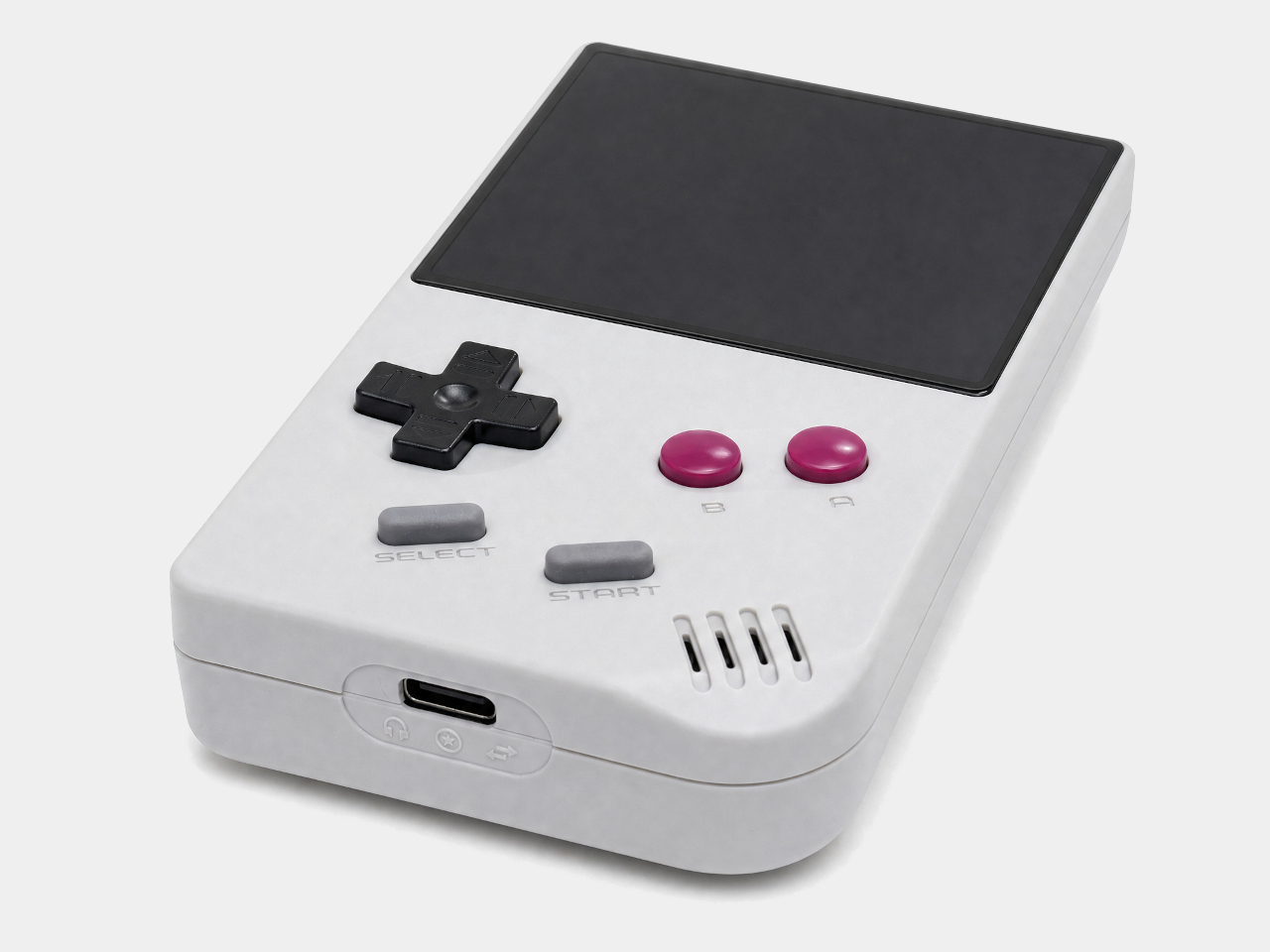
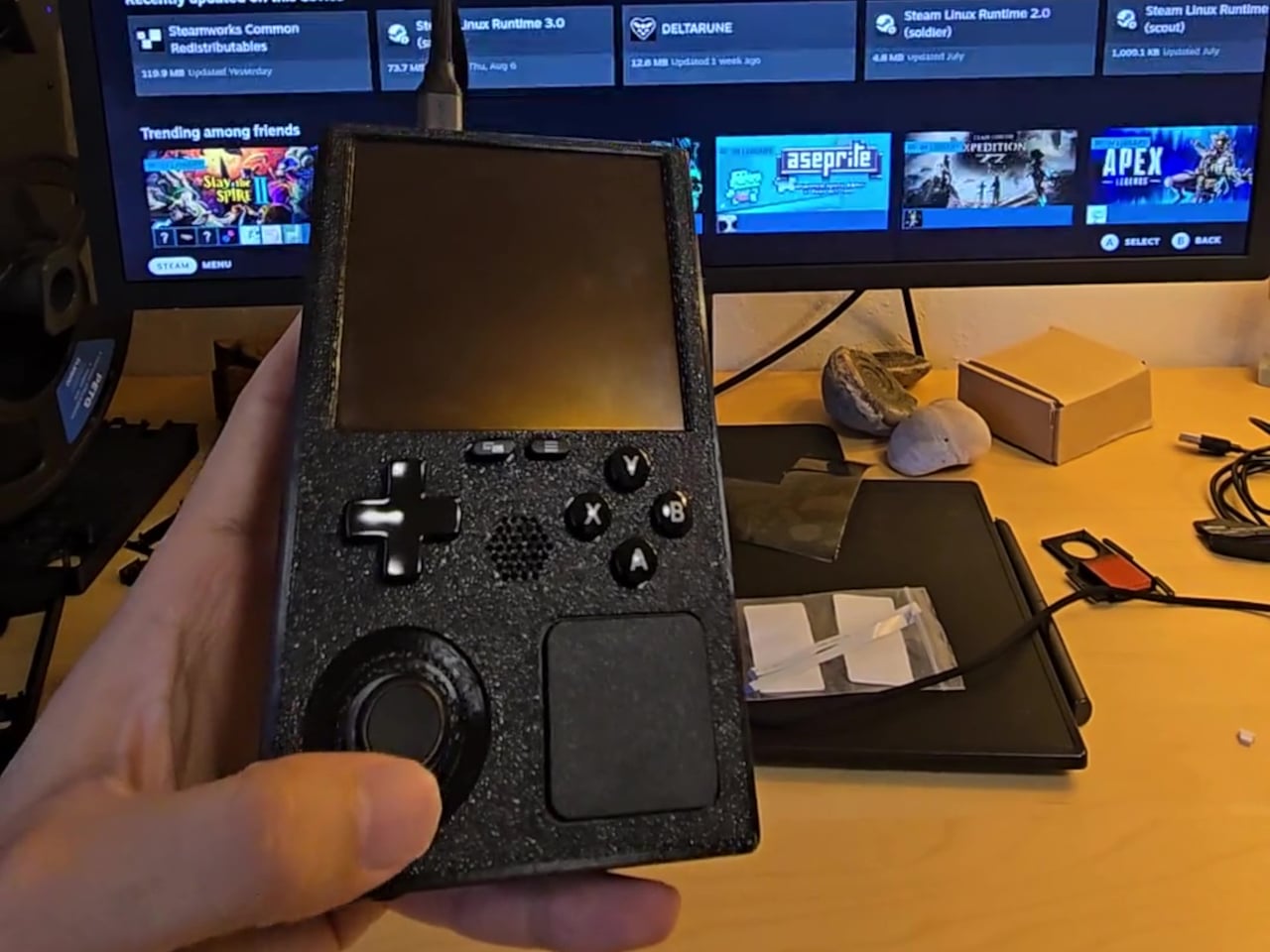
The SteamBoy goes much further. Someone took the actual working internals of a Steam Deck LCD, pulled them out of the original shell, and rebuilt everything inside a 3D-printed chassis roughly the size of an original Game Boy. The form factor shifts from the Steam Deck’s wide, horizontal layout to a tall, vertical one, running entirely on genuine Steam Deck hardware without any custom-made components.

Designer: PhyFawkes

The parts at the heart of the build include the Steam Deck’s motherboard, battery, speakers, and all of the original button hardware. Getting these into a much smaller enclosure without custom-designed circuit boards is the notable achievement here. No bespoke PCBs were needed for the core assembly, which means everything is essentially the same Steam Deck hardware, just rearranged to fit a dramatically different shell.

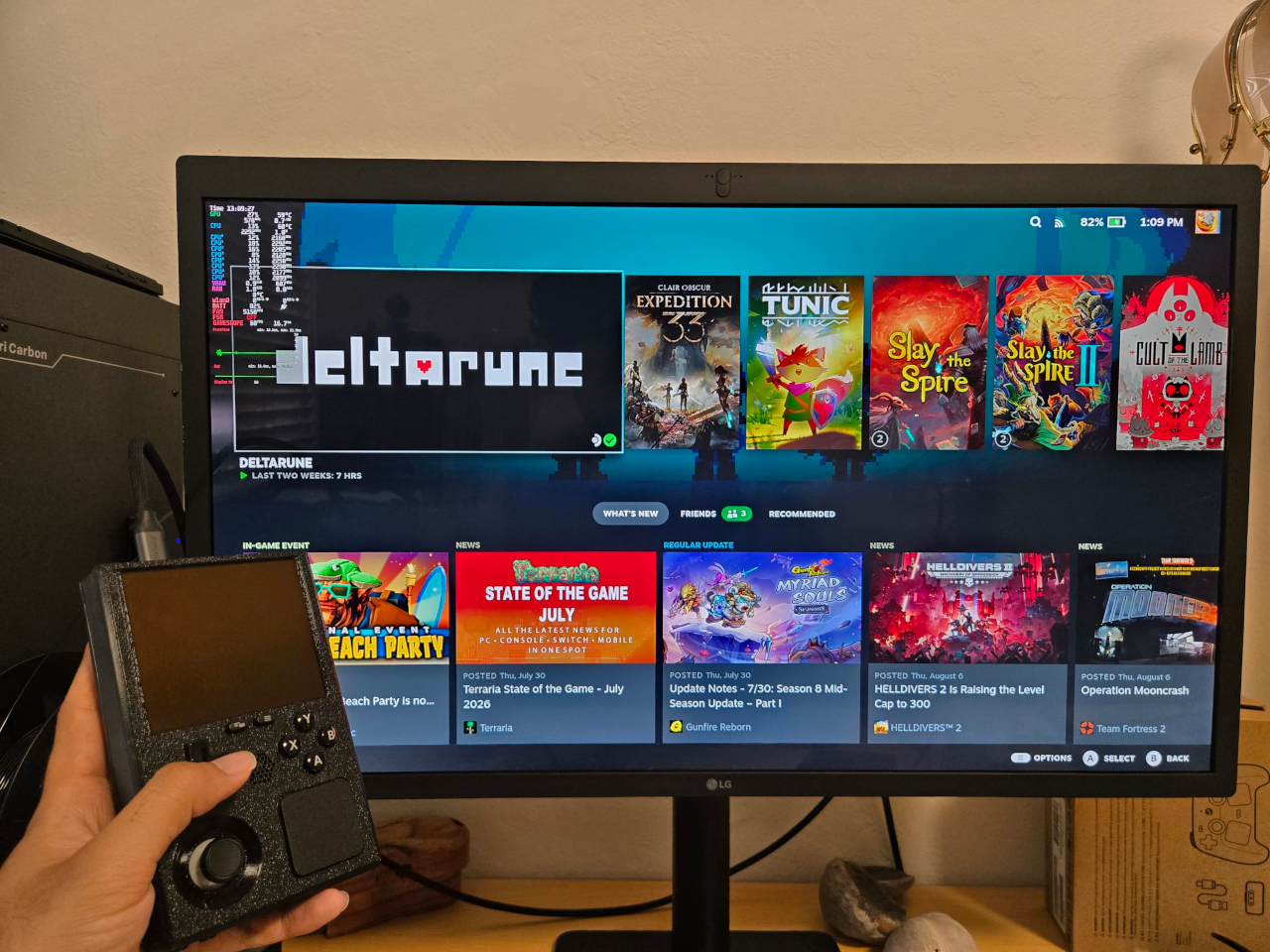
The display is where things get more involved. Rather than reusing the original Steam Deck screen, the planned replacement is a 1200×1080 AMOLED panel at 90 Hz, originally made for VR headsets. Making it work requires a custom adapter PCB between the panel and the motherboard, which is still in progress. In the meantime, the current demo routes output through a television rather than displaying on the device itself.

What the demo does confirm is that the hardware runs. Plug it into a display and the Steam Deck’s full library is available, complete with its familiar interface, game compatibility, and controls. The face buttons, D-pad, and thumbsticks carry over from the original hardware, giving it the full input range of a Steam Deck inside a body that fits the silhouette and spirit of a Game Boy.

The tighter enclosure does come with trade-offs. Cramming full Steam Deck internals into a chassis this compact raises real concerns about thermal management, since the original design already runs warm under load. The shell is noticeably thicker than a vintage Game Boy as a result, a reasonable concession given what’s packed inside. Cooling and battery longevity under sustained use remain open questions for the build to address.

The SteamBoy is still a work in progress, somewhere between a proof of concept and a finished handheld. The screen situation alone involves a custom PCB that hasn’t been built yet, and getting it to a polished state requires further refinement of the enclosure and its internal arrangement. A teardown video documenting how everything fits together has since followed the original reveal, showing that the assembly is at least replicable.

There’s something telling about why a project like this resonates with people beyond the usual modding community. The Steam Deck is already a capable handheld gaming PC, but the idea of that same power in a Game Boy-sized body carries a different kind of appeal. It’s the same feeling that made the Game Boy endure for decades, distilled into something that can run a modern PC library.

The post Your Entire Steam Library Now Fits in a Game Boy-Sized Handheld first appeared on Yanko Design.
This 60Hz E Ink Game Boy emulator refreshes retro gaming with an ESP32-powered handheld

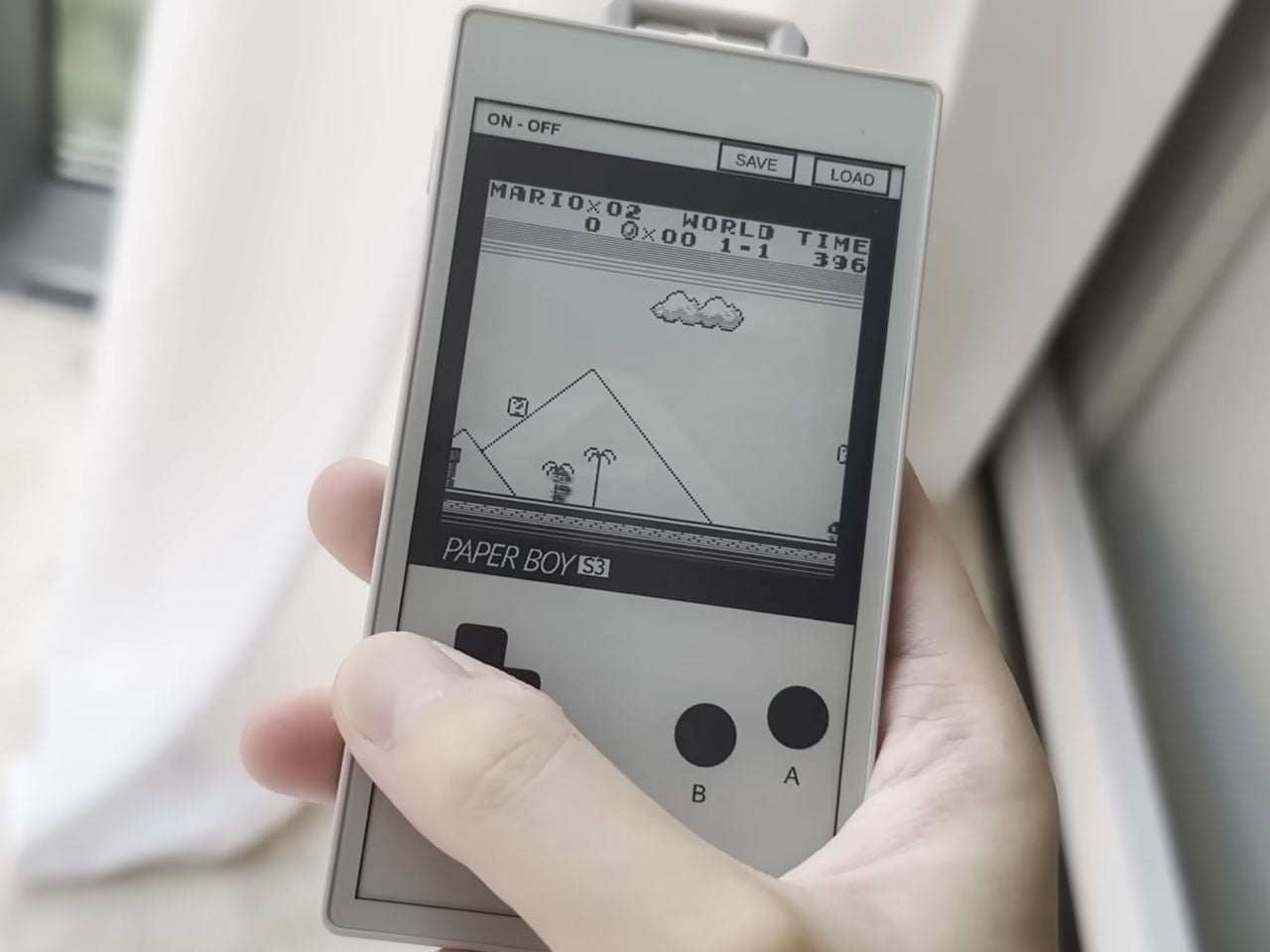
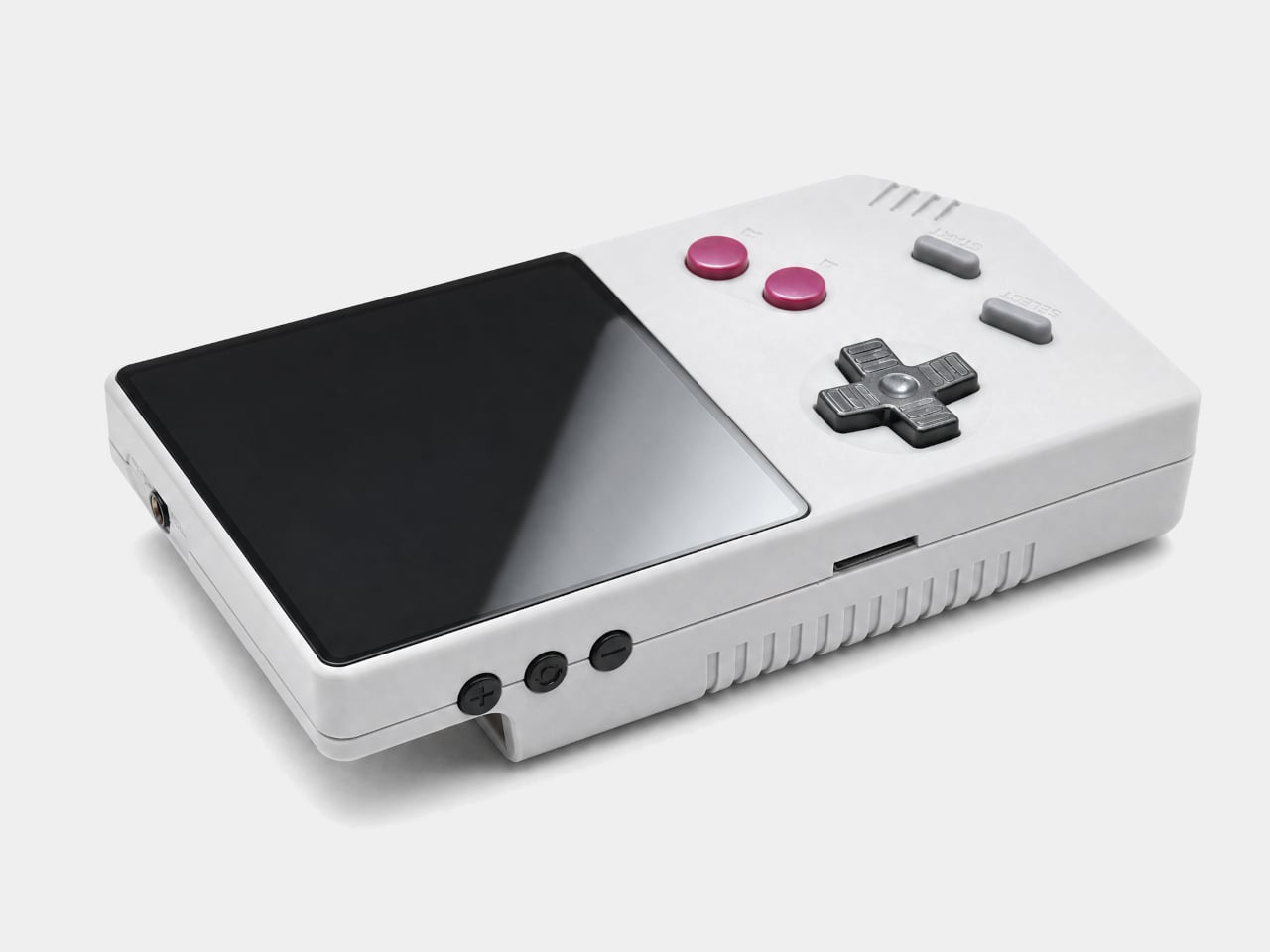
Retro gaming has inspired countless handheld recreations over the years, but most focus on replicating the original hardware with faster processors or modern conveniences. Wenting Zhang’s latest experiment takes a completely different route by pairing a classic Game Boy emulator with an E Ink display, an unlikely combination that overcomes one of the technology’s biggest limitations. Instead of accepting the sluggish refresh rates typically associated with E Ink, Zhang engineered a solution capable of delivering gameplay at a remarkably smooth 60Hz, creating a handheld that feels far more responsive than its paper-like screen would suggest.

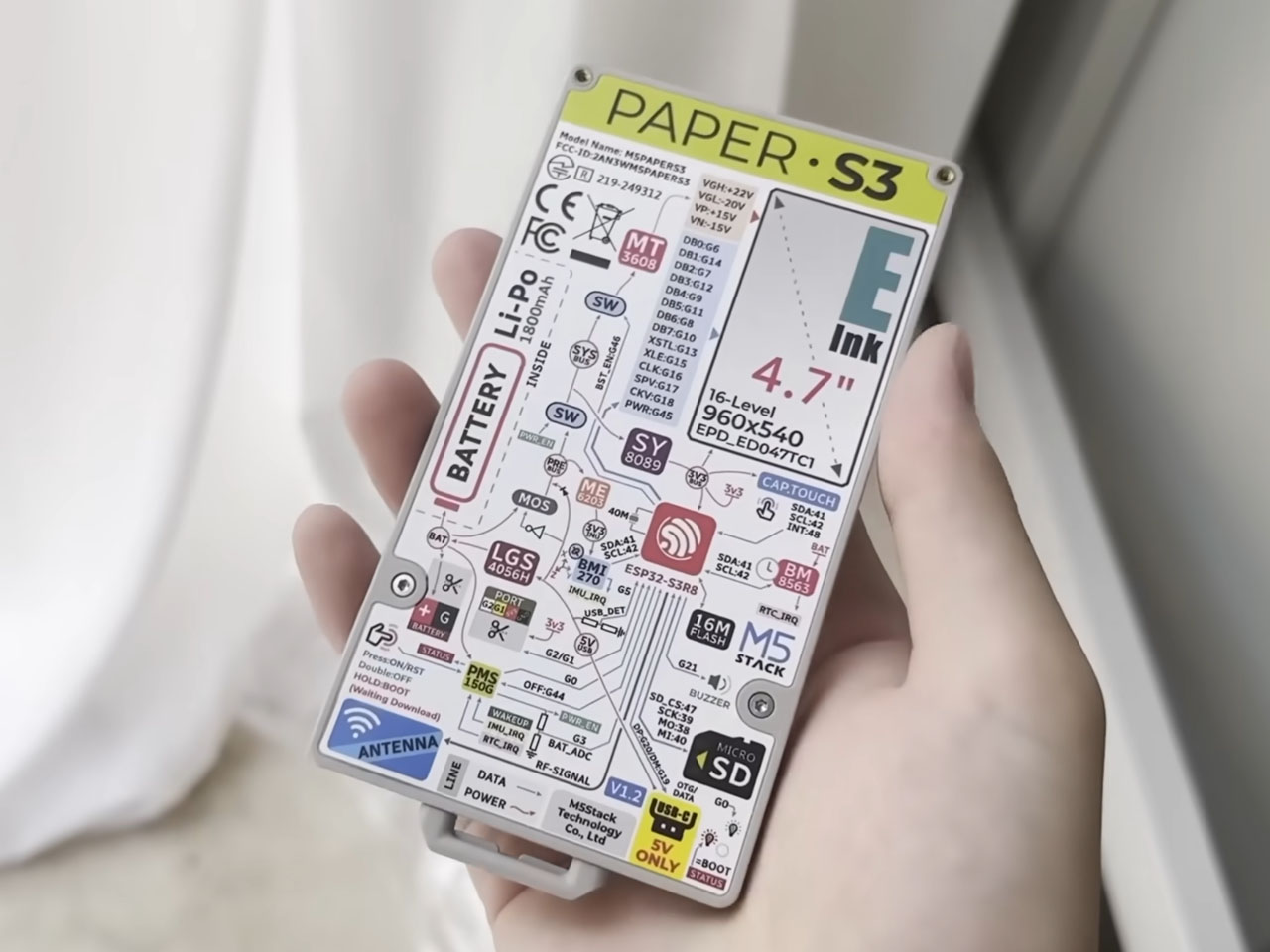
The DIY project dubbed PaperBoy S3 is built around the discontinued M5Stack PaperS3 development kit. The compact board combines an ESP32-S3 dual-core microcontroller with a 4.7-inch 960 x 540 E Ink touchscreen, hardware originally intended for smart home controls, electronic labels, and educational projects rather than gaming. By transforming this inexpensive development platform into a functional Game Boy emulator, Zhang demonstrates just how much untapped potential still exists in low-power embedded hardware.

Designer: Wenting Zhang

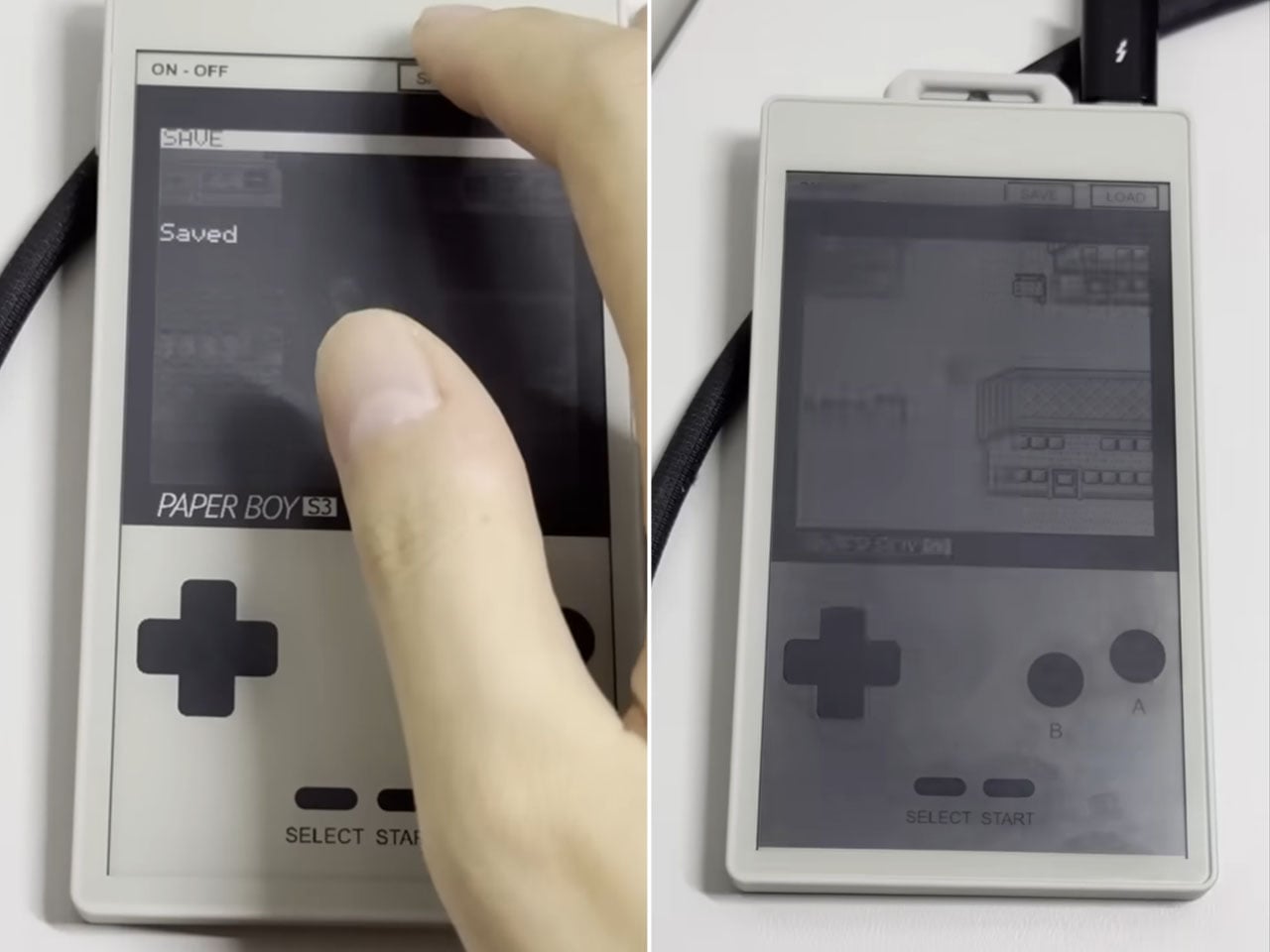
Achieving playable performance required much more than simply running emulator software. Traditional E Ink displays rely on slow waveform updates that prioritize image quality over speed, making them unsuitable for fast-moving graphics. Zhang bypassed this limitation by taking advantage of PaperS3’s raw row-and-column display interface, allowing him to implement a custom driver that performs rapid partial screen refreshes. Instead of refreshing the entire display every frame, only the active gameplay area is updated, dramatically reducing latency while maintaining recognizable grayscale visuals.

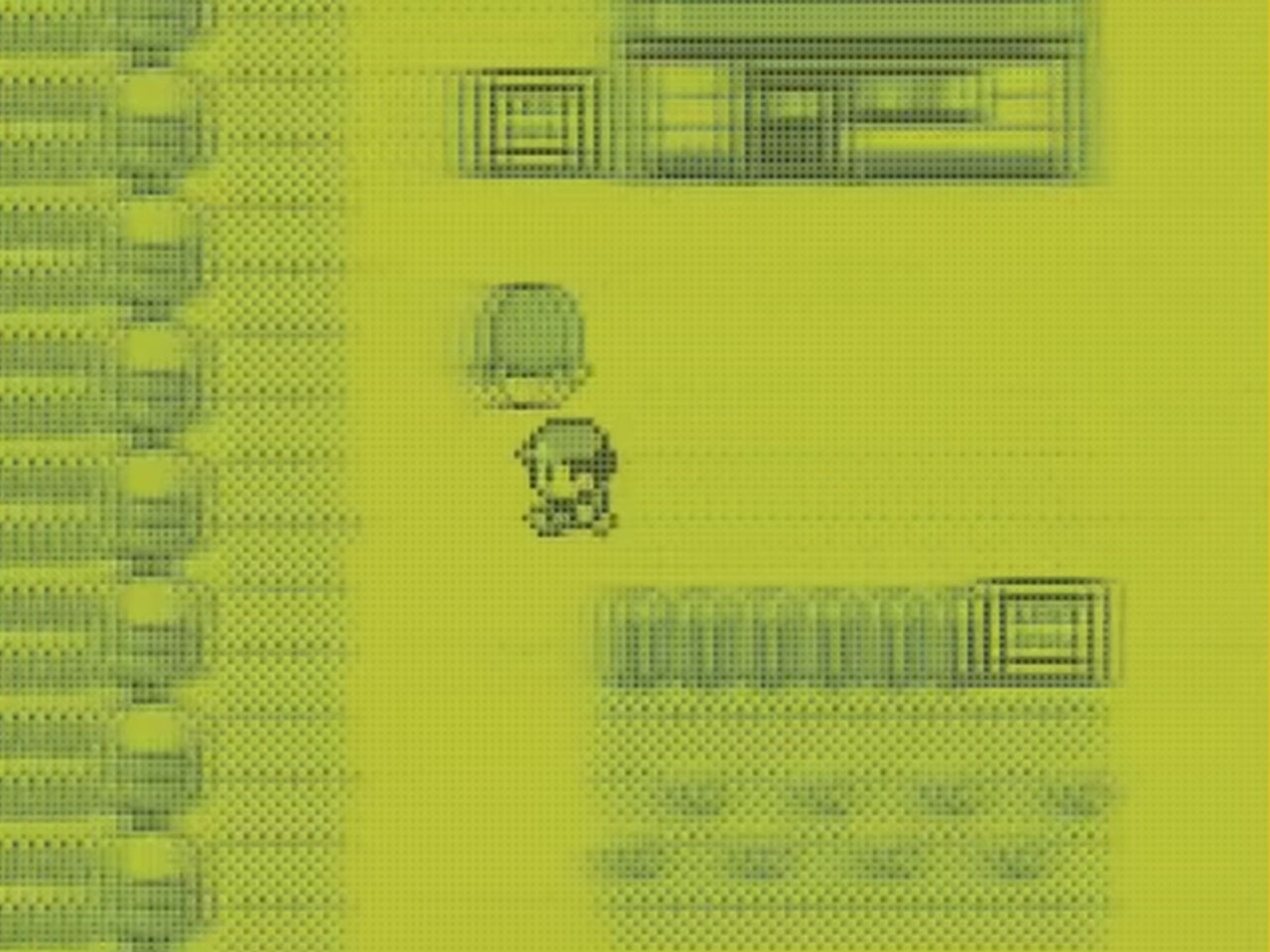
The original Game Boy’s modest 160 x 144-pixel resolution also works in the project’s favor. Rather than driving the display at its full native resolution, the emulator scales the Game Boy image while processing only a small portion of the screen. Multiple frame buffers fit directly into the ESP32-S3’s SRAM, enabling much faster rendering than would otherwise be possible. Zhang also applies intelligent dithering techniques to recreate the Game Boy’s four shades of gray, preserving the familiar look of Nintendo’s iconic handheld on an E Ink panel.

The ESP32-S3’s dual-core architecture plays an important role in maintaining performance. One processor core is dedicated to Game Boy emulation while the other handles video rendering and audio tasks, pushing the inexpensive microcontroller close to its limits. Despite the constrained hardware, classic titles such as Pokémon Blue, Super Mario Land, and The Legend of Zelda: Link’s Awakening remain highly playable, proving that smooth retro gaming does not necessarily require powerful silicon.

PaperBoy S3 also includes several thoughtful quality-of-life features. Bluetooth controller support offers an alternative to touchscreen controls, while quick-save and quick-load functions make it easier to jump in and out of games. Audio remains the biggest compromise because the development board lacks dedicated sound hardware, forcing Zhang to rely on the built-in piezo buzzer to approximate the Game Boy’s music and sound effects. The results are far from perfect, but they remain recognizable enough to complement the nostalgic experience.

The post This 60Hz E Ink Game Boy emulator refreshes retro gaming with an ESP32-powered handheld first appeared on Yanko Design.
Epilogue Just Turned the 1998 Game Boy Camera Into a Free Phone App

Lo-fi photography has quietly staged a comeback over the past several years. Grainy film shots and pixel-heavy images have become a sought-after look among photographers and casual snappers alike, partly as a reaction to the almost clinical sharpness of modern smartphone cameras. The Game Boy Camera, Nintendo’s cartridge-based accessory from 1998, sits at the center of this revival, beloved for its impossibly low resolution and four-shade grayscale.

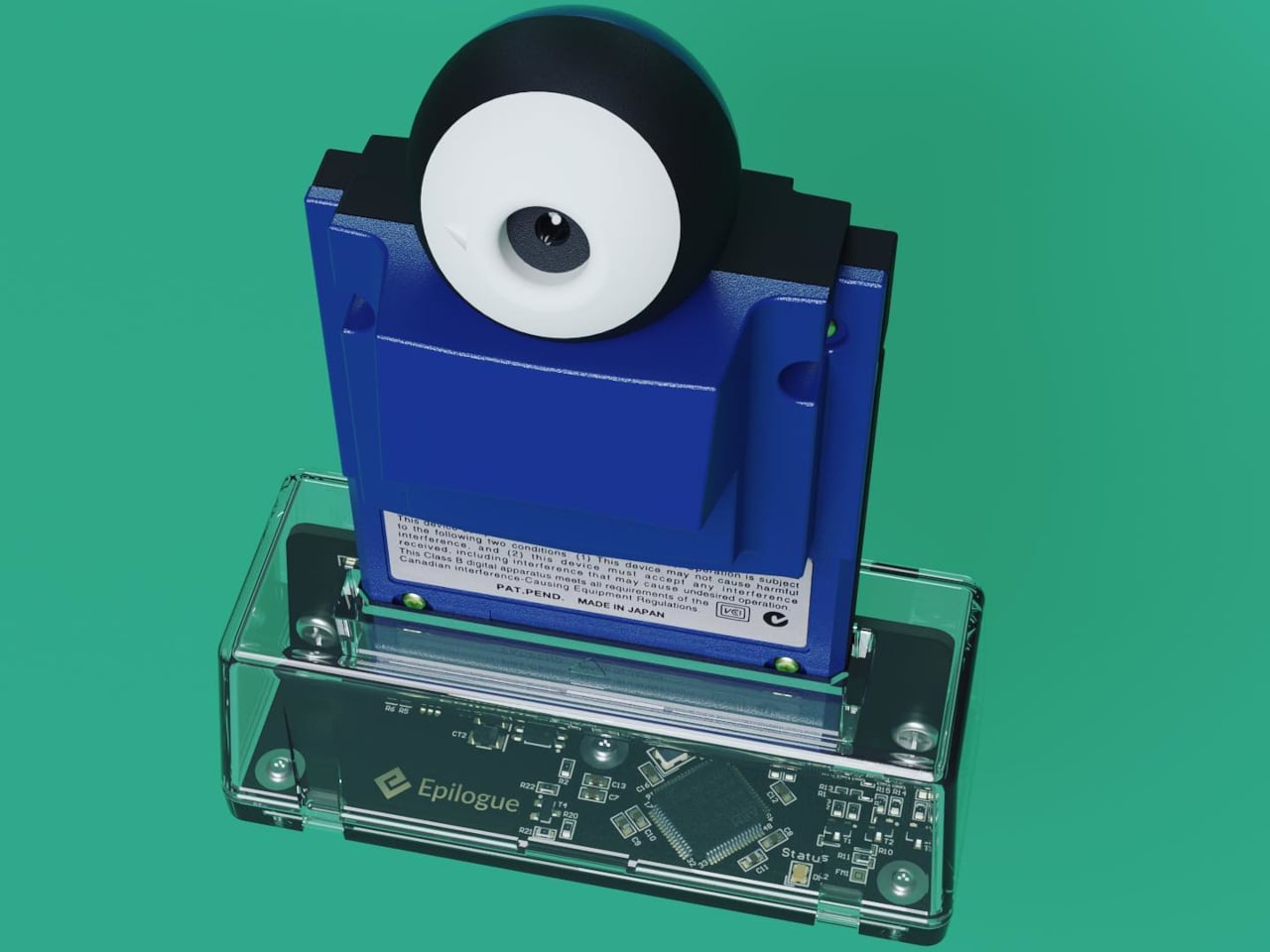
Getting that Game Boy Camera experience has typically meant tracking down the original hardware through secondhand markets, often at a premium, with no guarantee the cartridge still works. Epilogue’s Flashback app changes that. It bridges the gap between a Nintendo accessory from the late ’90s and your current smartphone, letting you capture images in that pixelated, lo-fi style with or without the original cartridge, and it doesn’t cost a thing.

Designer: Epilogue

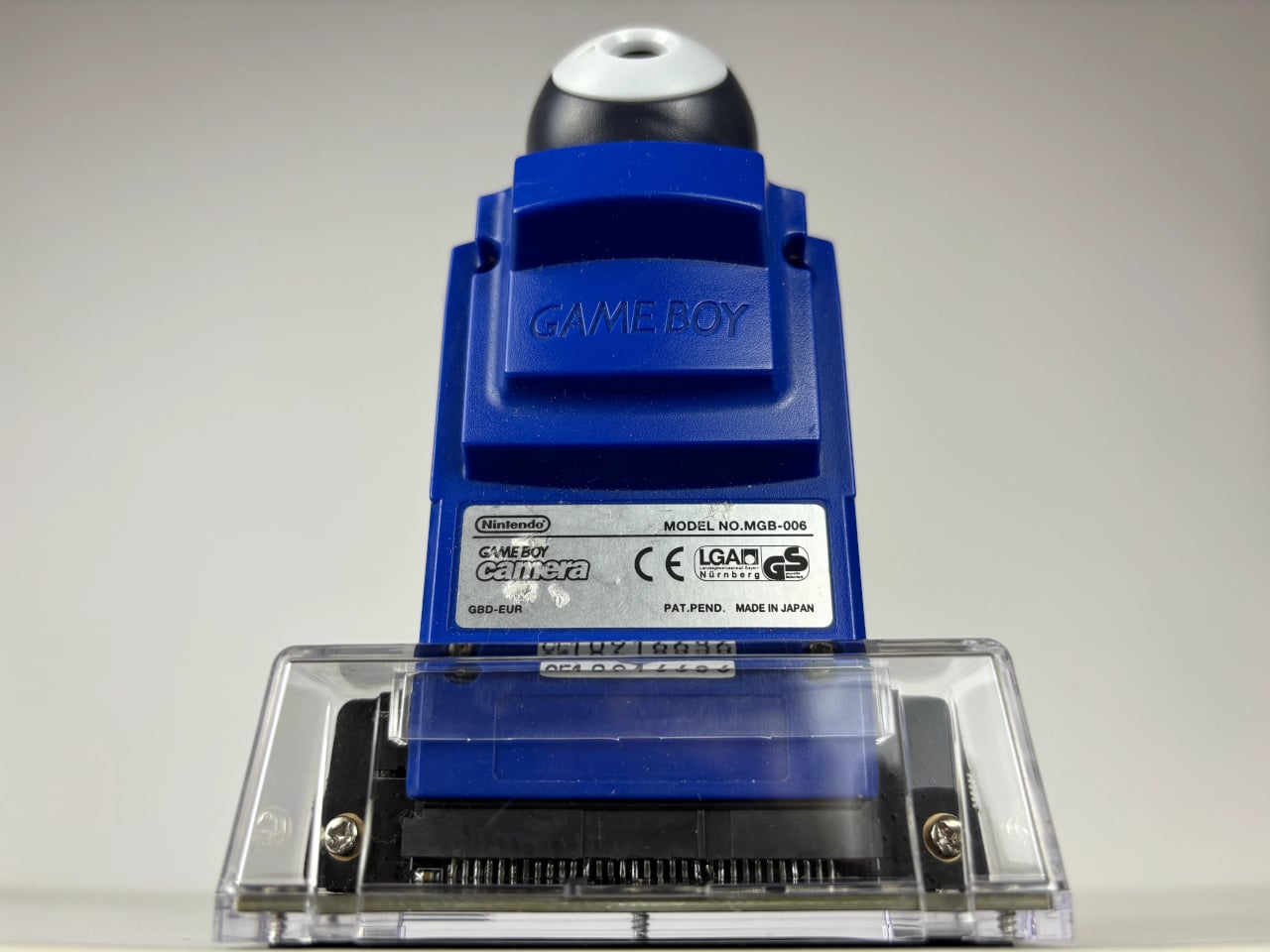
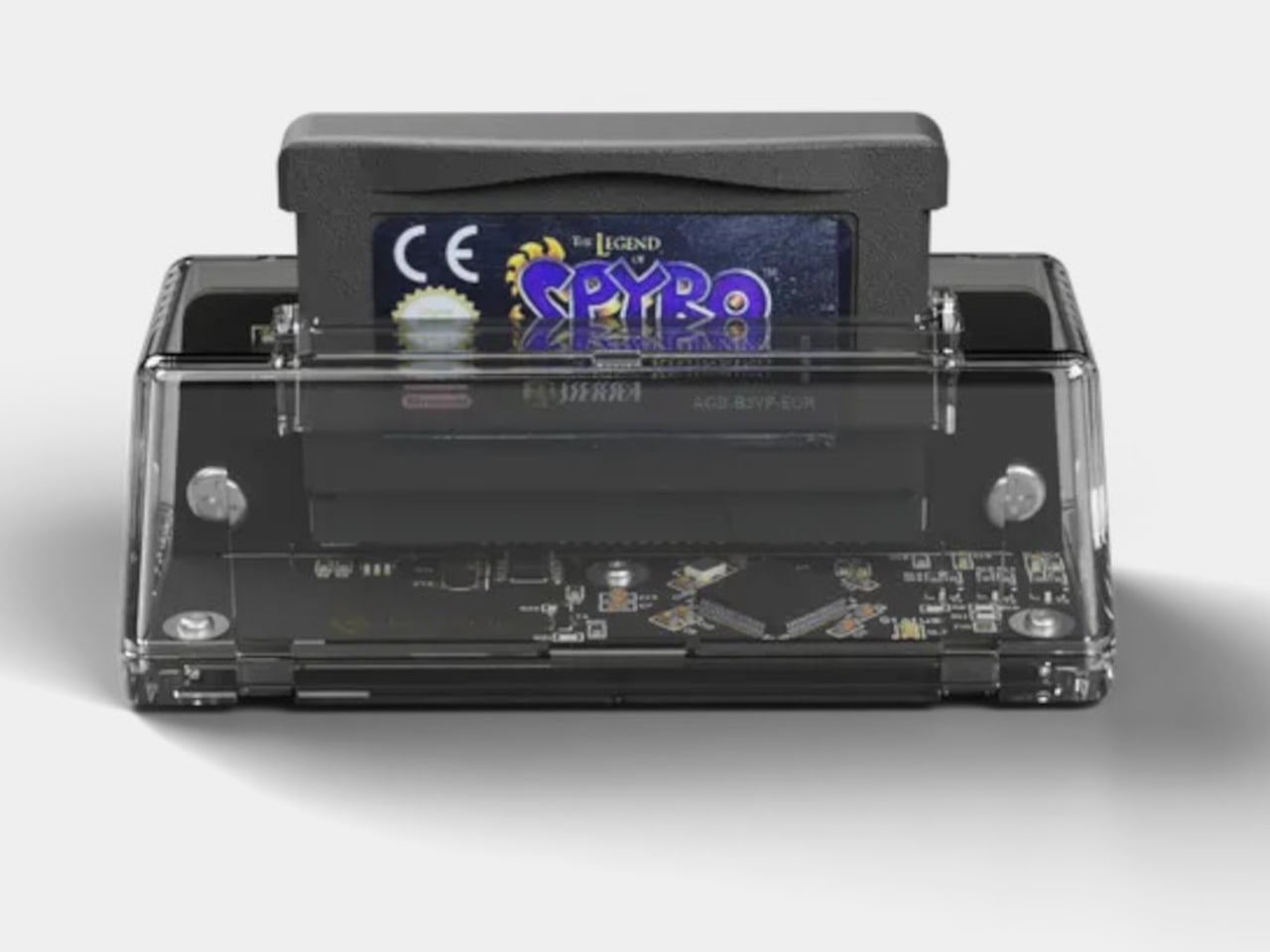
If you do have the original Game Boy Camera tucked away, Flashback has a Hardware Mode that pairs with Epilogue’s GB Operator, a $90 cartridge reader that connects to your phone via USB-C. Slot in the cartridge, plug it into your phone, and the app detects the camera automatically. No pairing is needed, and nothing is emulated: you’re shooting straight through the original Mitsubishi M64282FP sensor.

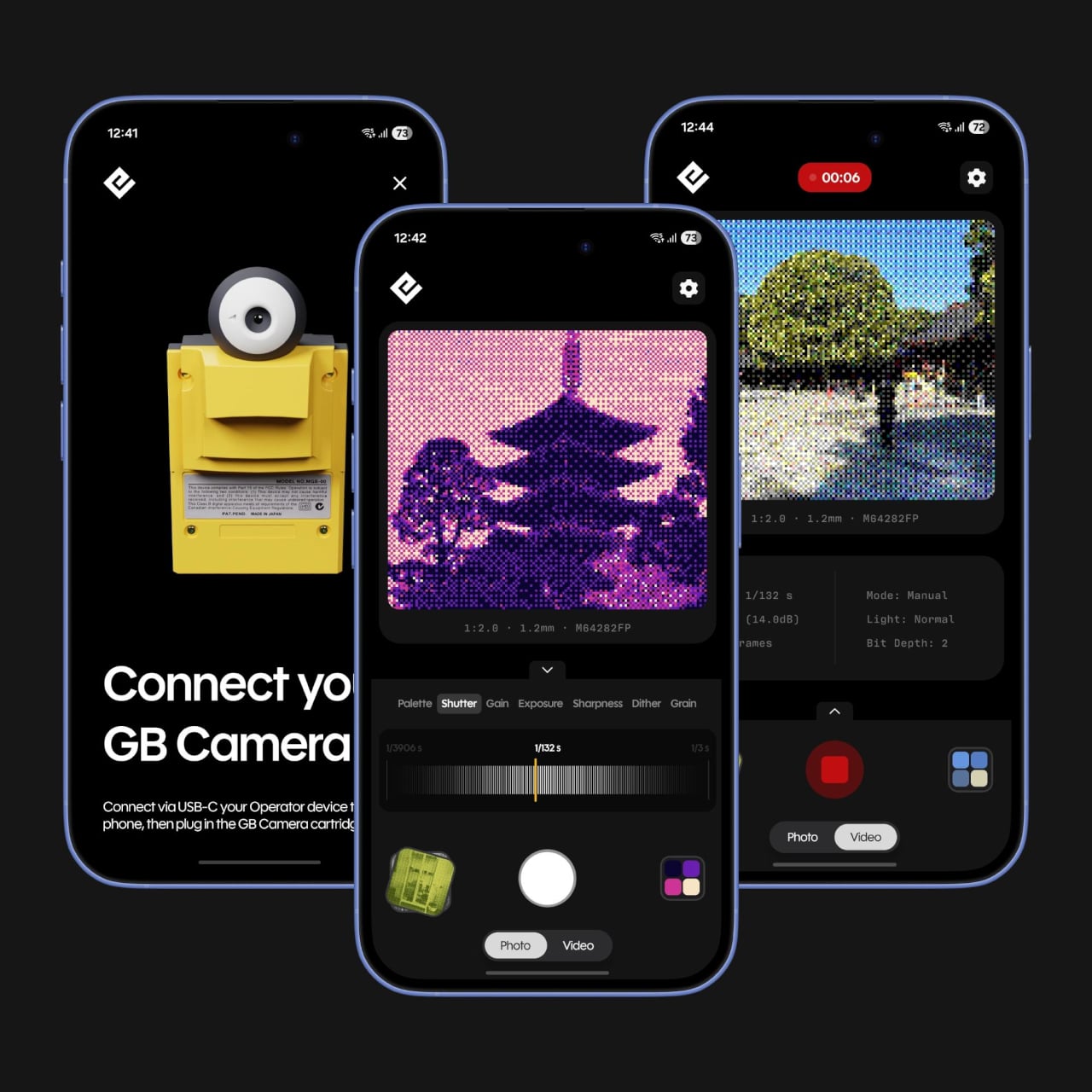
Not everyone held onto their Game Boy Camera from the ’90s, and Flashback accounts for that. Its Software Mode skips the hardware altogether, using your phone’s own camera and faithfully recreating the Game Boy Camera’s image processing pipeline. You get the same 128×112 pixel grid, the same dithering, and the same four-shade rendering, applied to whatever your lens captures. It’s a faithful recreation, not a generic retro filter.

You’re not limited to gray, either. Flashback comes loaded with 32 color palettes, ranging from the original grayscale to classic Game Boy green, plus creative options like Ice Cream, Tidewater, Spacehaze, and Velvet Cherry. In Software Mode, there’s also a Color Mode that dynamically builds a palette from whatever hues are actually in front of your lens, making the filter feel responsive rather than fixed.

For those who want to go further, Flashback opens up manual controls for shutter speed, gain, exposure, sharpness, dither, and grain. These aren’t decorative sliders. They map to the actual registers of the M64282FP sensor itself. Every shot you take gets stamped with its exact settings, so if you land on a combination you like, you’ve already saved the recipe for getting back to it.

Flashback isn’t limited to photos. It records video too, with audio captured through your phone’s microphone, giving the lo-fi aesthetic a moving dimension. Everything goes straight to your Camera Roll when you’re done. The app is free on the App Store and Google Play, available on iOS 17.2 and above, or Android 8.0 and above, and it also runs natively on Mac.

For anyone who grew up with a Game Boy, getting back to that same exact photographic experience today costs only a free app download and, if you still have the cartridge, a USB-C cable. It’s a combination that makes a sensor originally from 1998 feel unexpectedly relevant, and its lo-fi images strangely compelling for something that barely clocks 14 kilopixels.

The post Epilogue Just Turned the 1998 Game Boy Camera Into a Free Phone App first appeared on Yanko Design.
You Can Play Pokémon Gold on Your Wrist, Thanks to a 2-Year Build

Retro gaming handhelds have had a genuine second life in recent years. Original Nintendo hardware has been cloned, shrunken, and reimagined into increasingly unhinged form factors by modders who see the Game Boy lineup as the most suitable canvas for this kind of project. The builds have become their own subculture, where the unofficial requirement is always constructing something that makes everyone else feel like they aren’t trying hard enough.

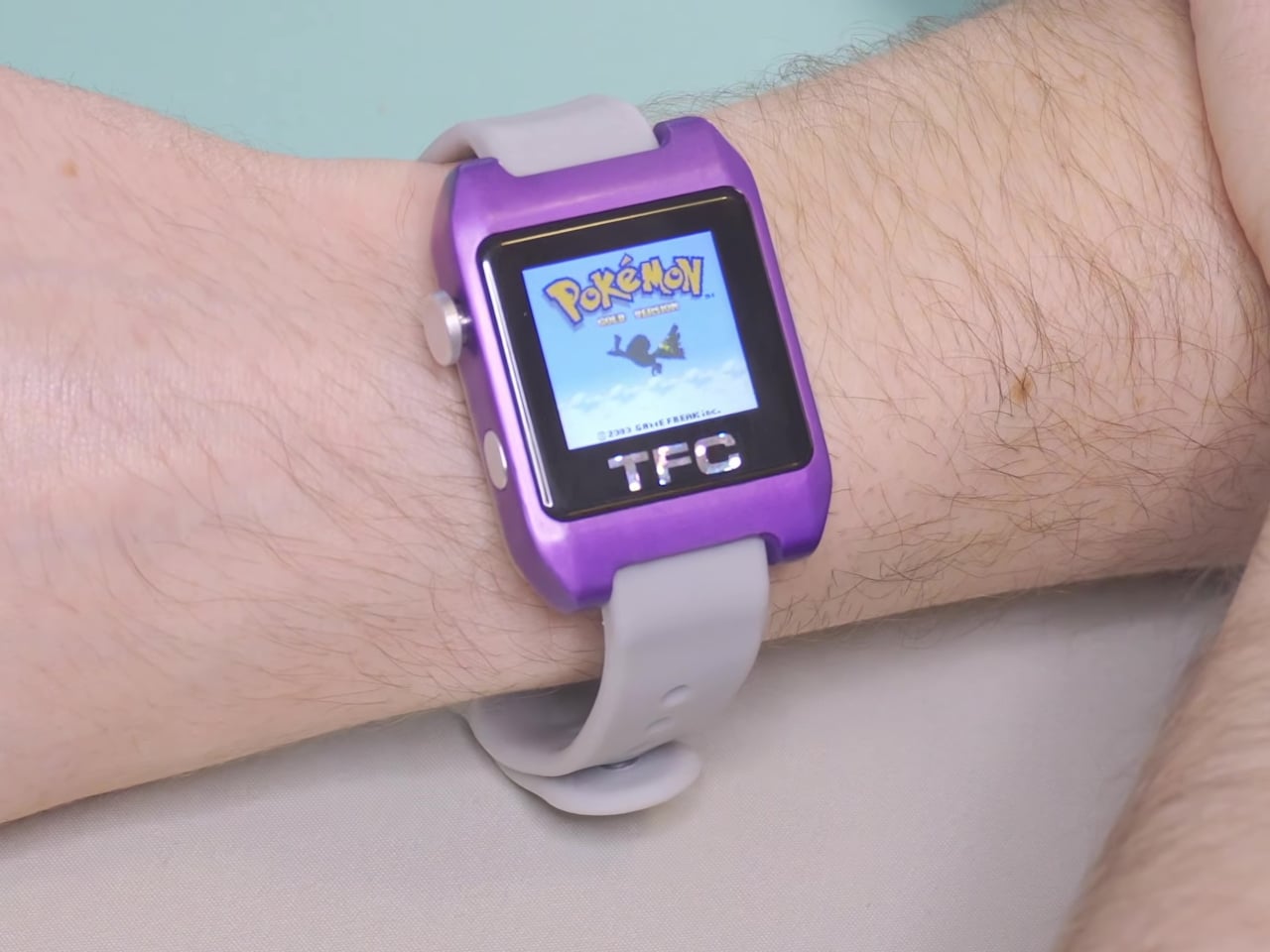
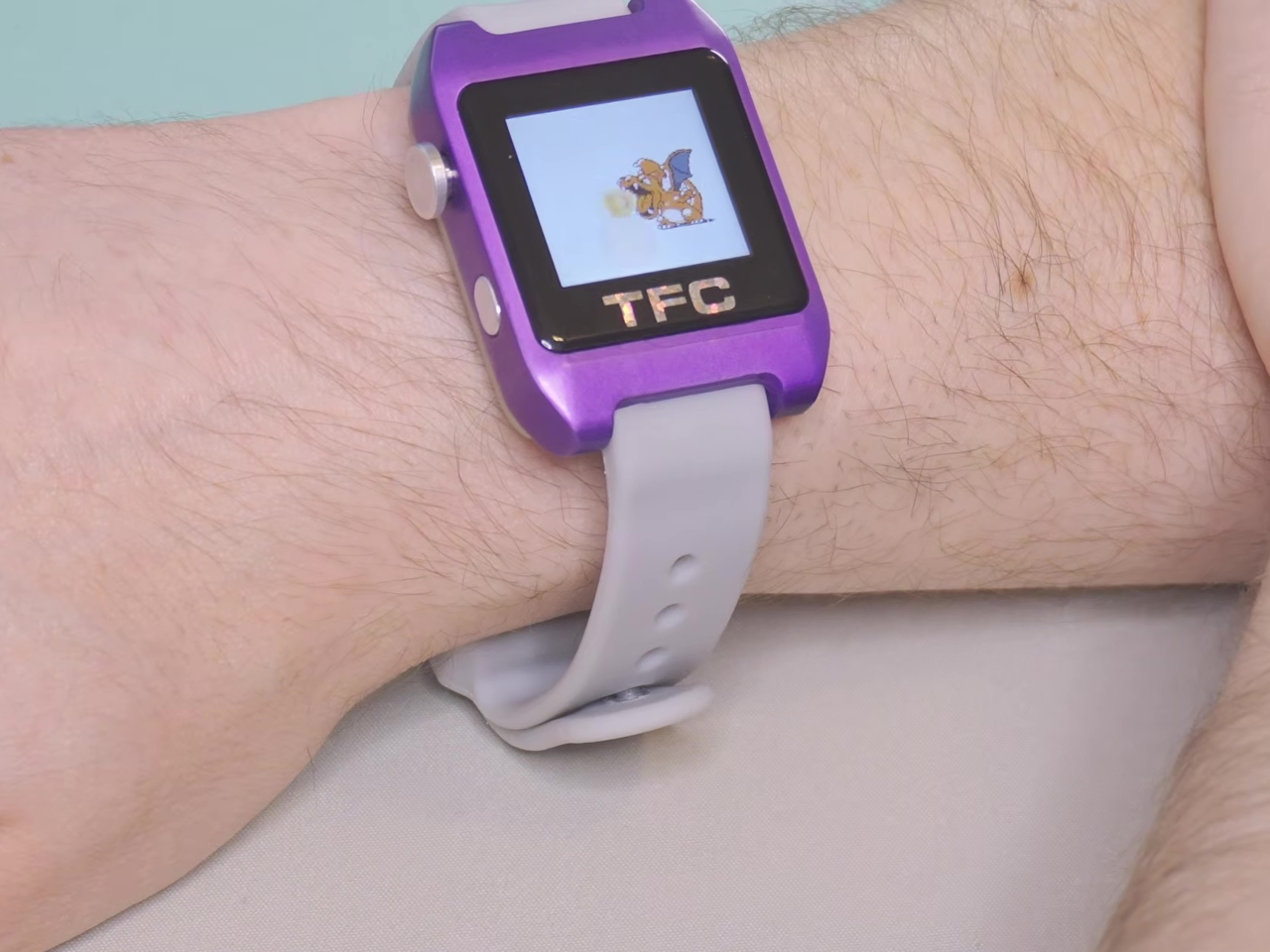
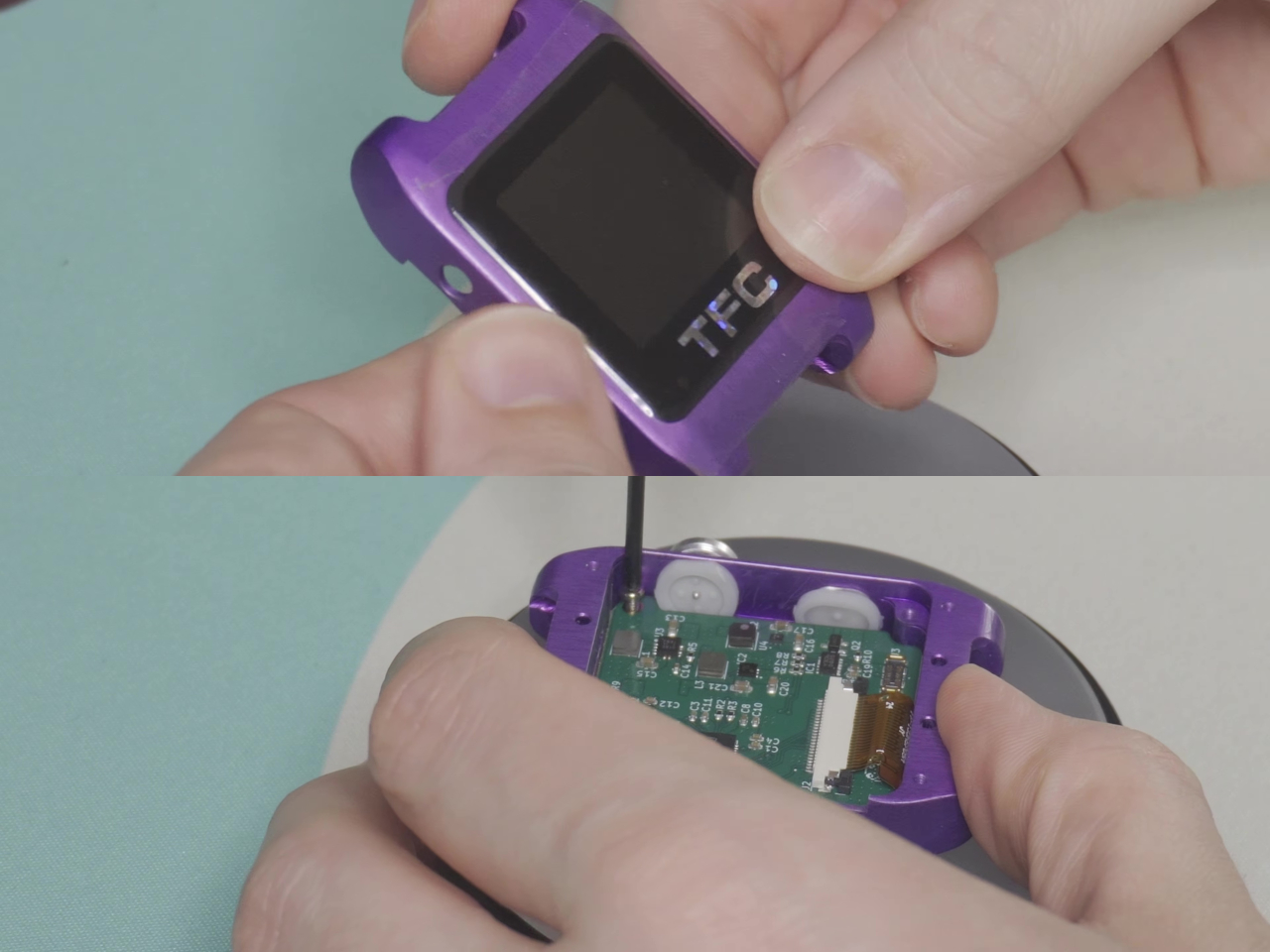
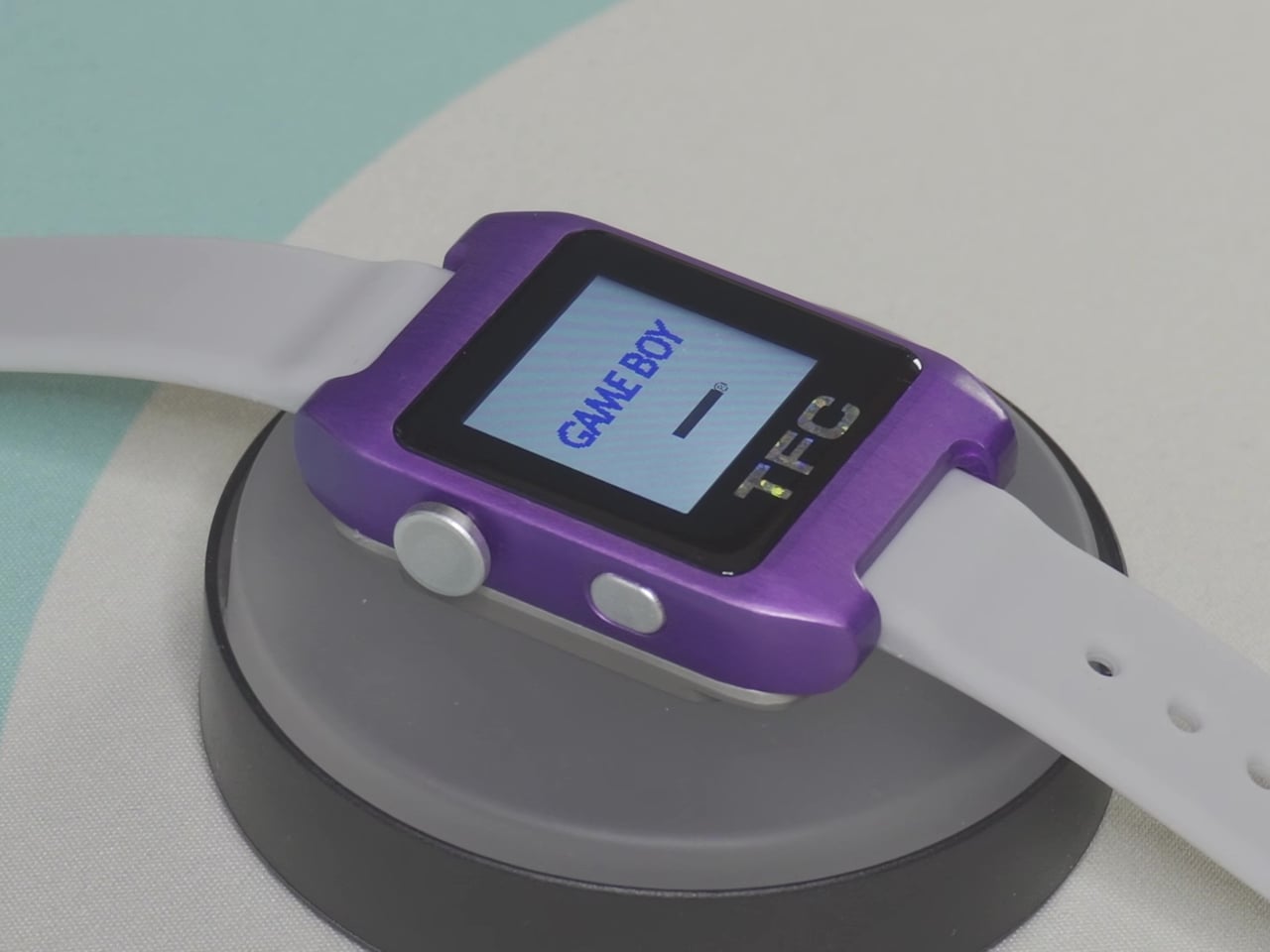
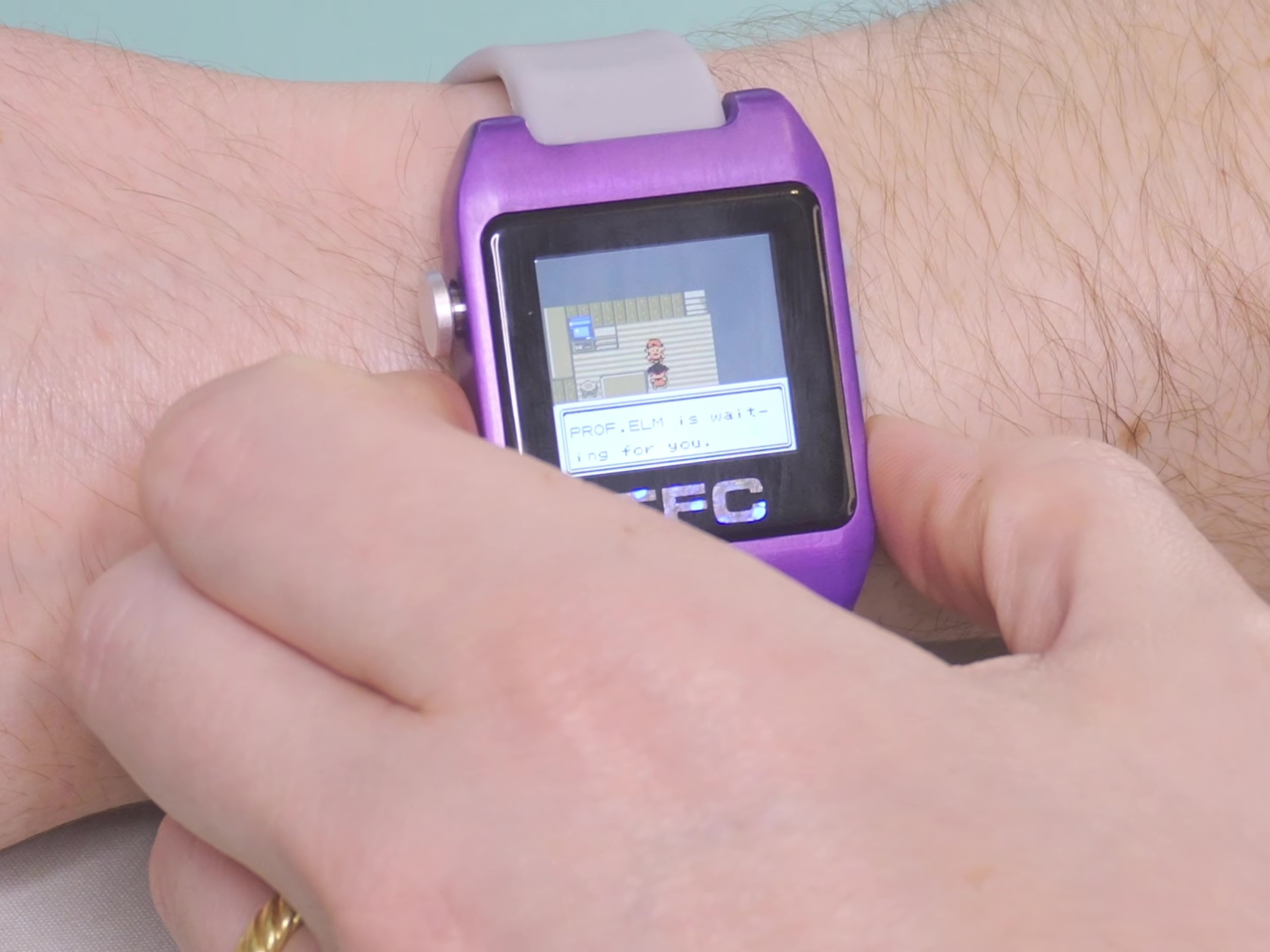
YouTube creator Chris Hackmann, known online as LeggoMyFroggo, took things further than most. He spent more than two years building the Time Frog Color, a Game Boy Color shrunk down to wrist-watch dimensions. From the start, he gave himself three non-negotiable rules: it had to use the original GBC CPU, it had to accept physical cartridges, and it had to keep time when turned off. No emulation, no shortcuts.

Designer: Chris Hackmann (LeggoMyFroggo)

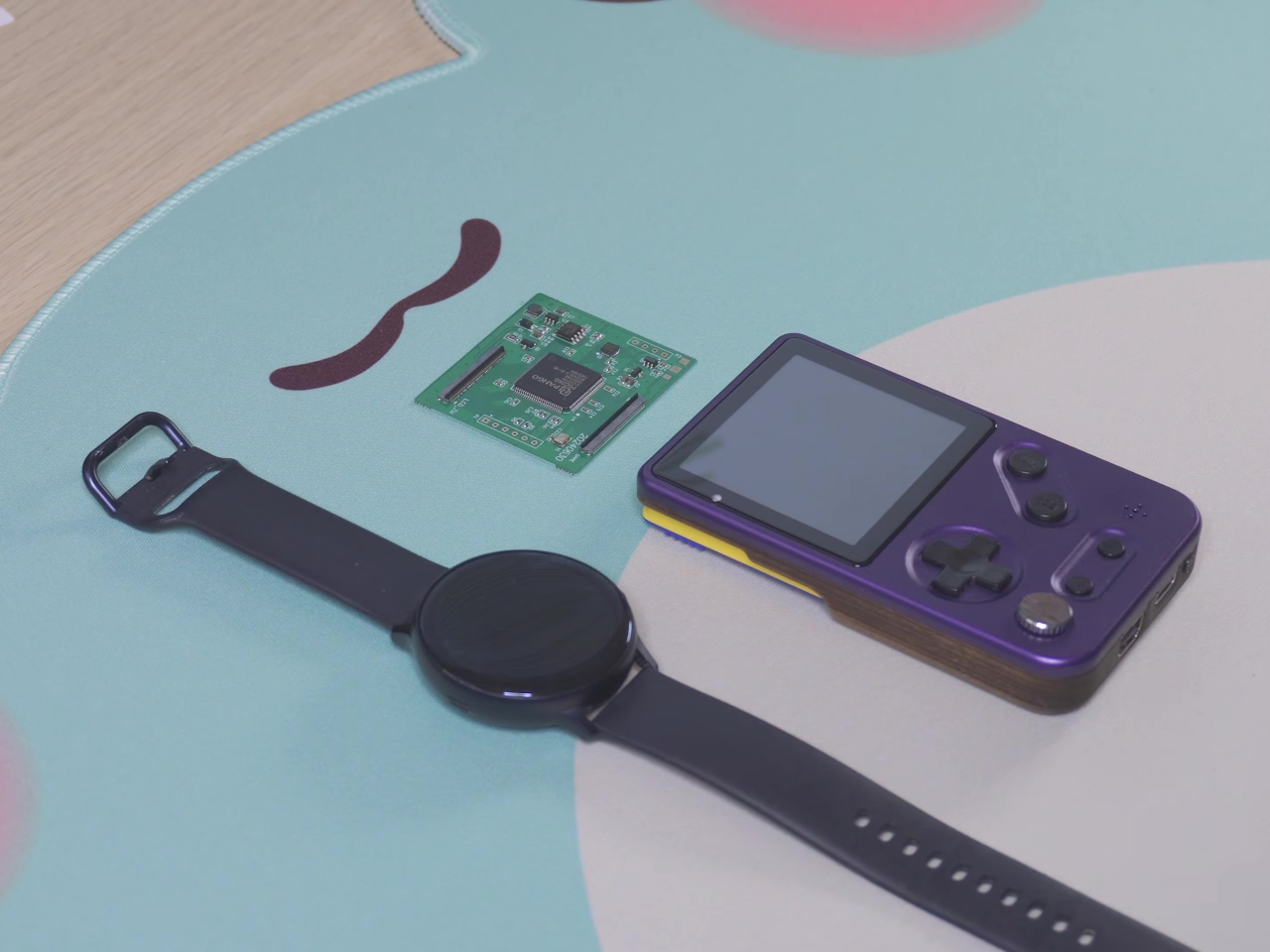
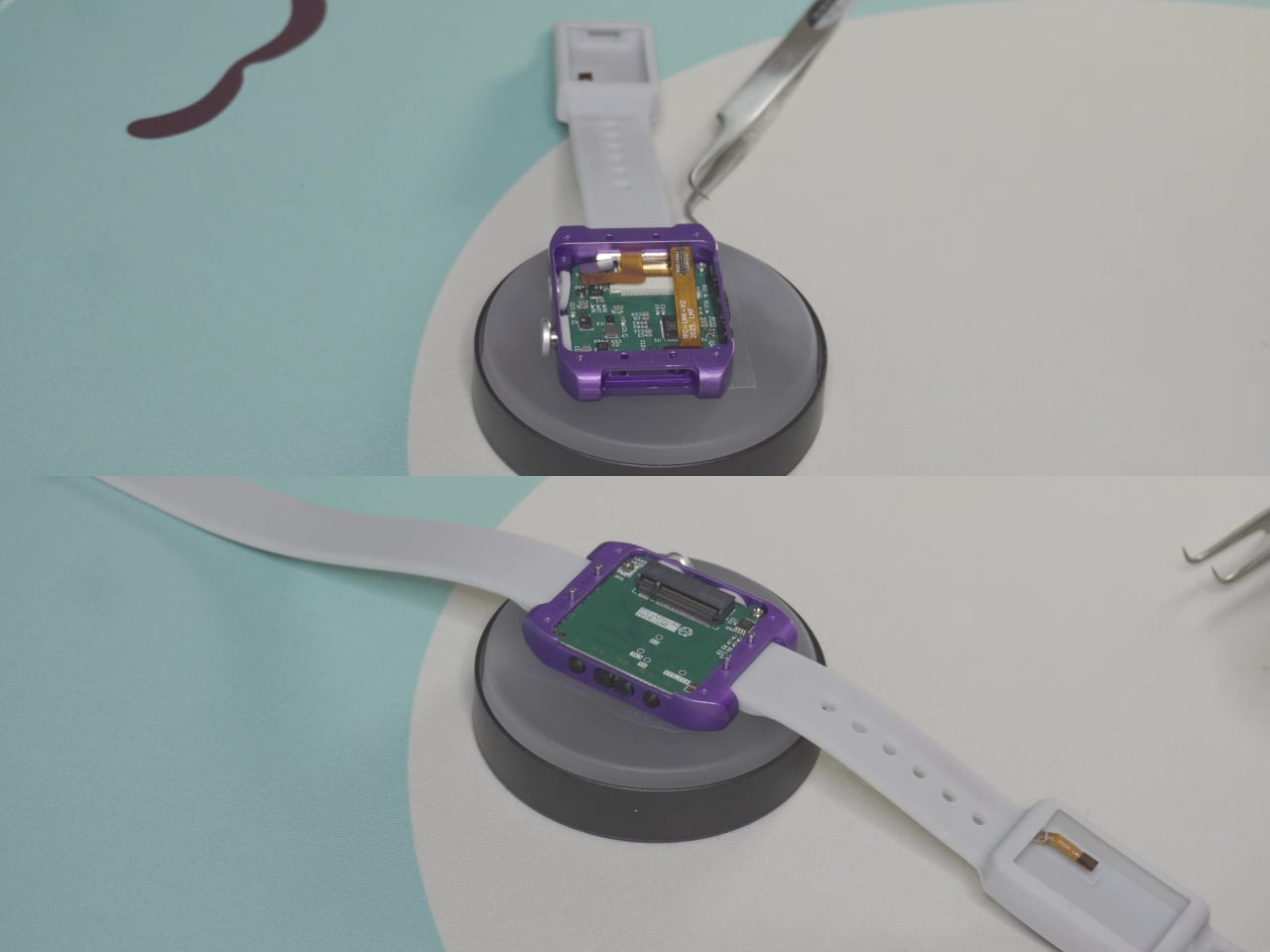
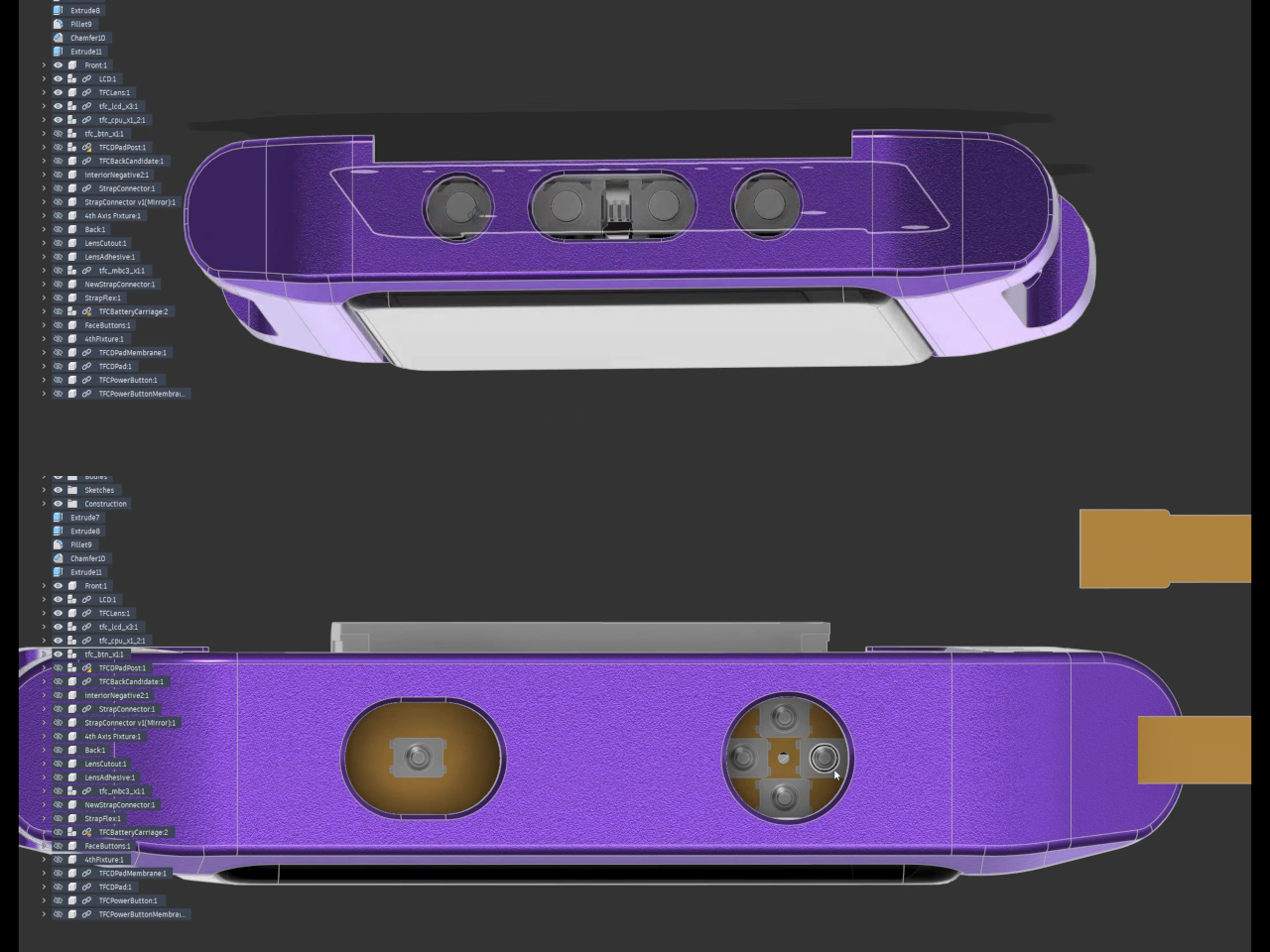
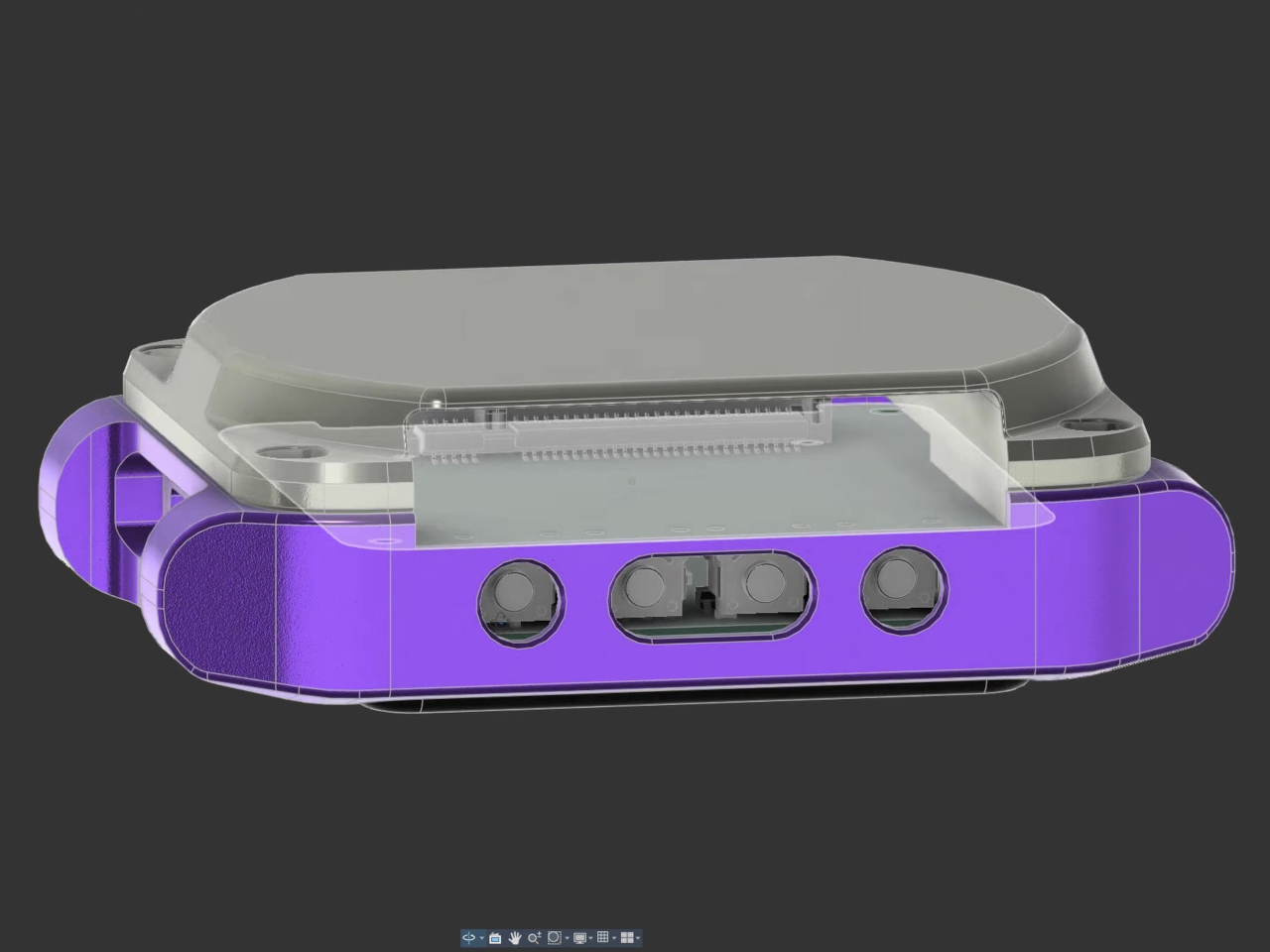
Those three constraints drove everything that followed. Standard GBC screens are too large, so the display was scaled down to a 1.12-inch LCD. That screen can’t read the GBC’s parallel RGB output natively, so an RP2040 microcontroller was added purely as a signal translator. This created the foundation for a stacked PCB arrangement, with an LCD driver board on the bottom and the CPU board sitting just above it.

The cartridge requirement was its own puzzle. Standard Game Boy cartridge slots aren’t watch-sized, so Hackmann swapped the slot for an M.2 connector, the type normally found in NVMe computer drives. The custom cartridges that plug into it aren’t simple ROM cards; they’re full MBC3 flash builds with their own RAM, mapper chip, and a coin cell battery that keeps save files intact between sessions.

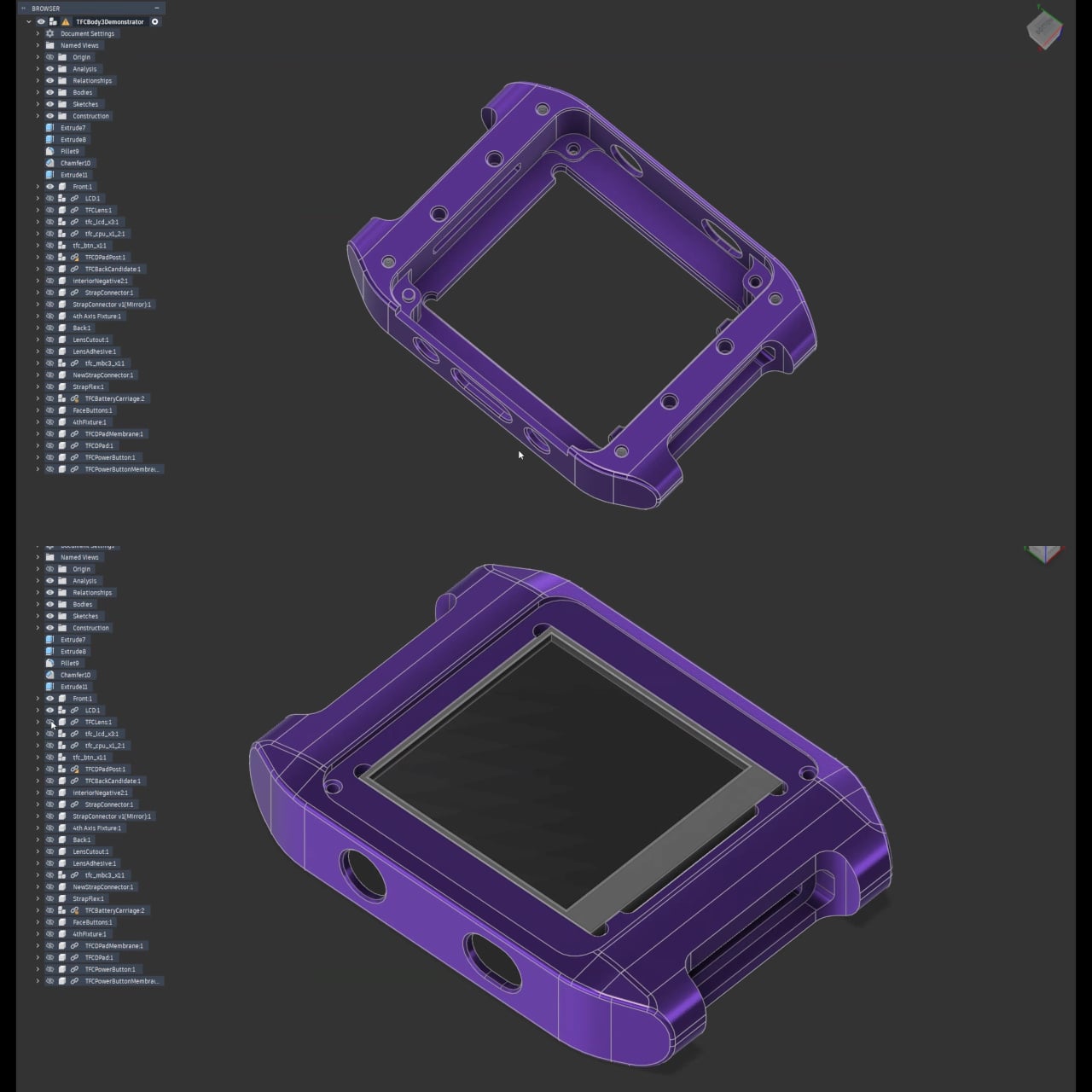
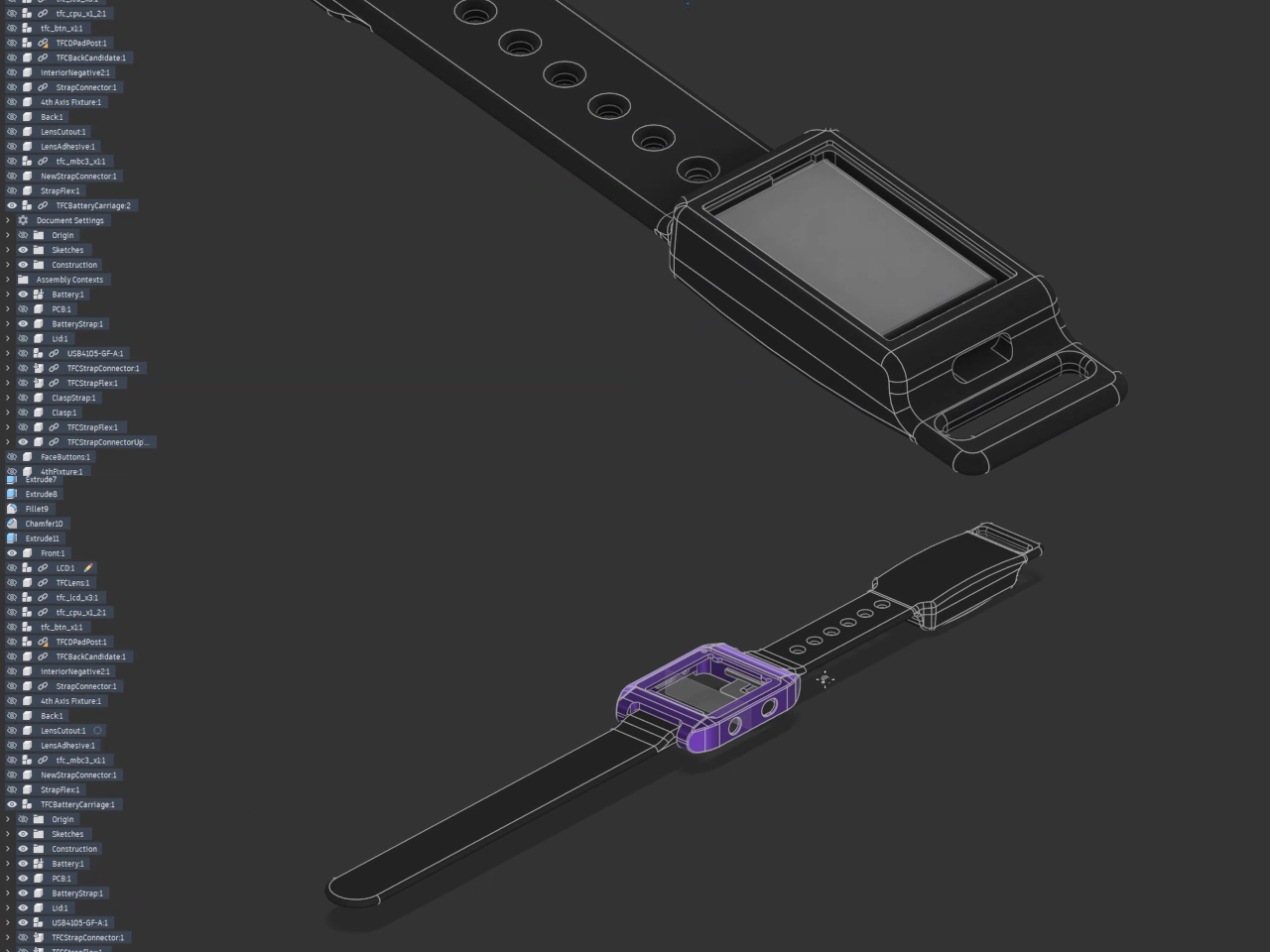
All of that stacking pushed the watch body to 15mm thick, noticeably chunkier than an Apple Watch at roughly 10 mm. There was no room for a battery inside, so it went into the silicone strap instead. A flexible PCB runs through nearly the entire band via overmolding, carrying power back into the main body. It’s a bizarre solution that also happens to be the only sensible one.

The watch body is CNC’d from 6061 aluminum and anodized purple, which reads as a direct nod to Nintendo’s color sensibilities. Controls are fitted into the sides of the housing, with four face buttons on one edge and a custom-machined rocker D-pad on the other, both backed by silicone membranes. The unit shown in the video doesn’t include a speaker, as the component missed the deadline.

Hackmann is upfront about the trade-offs. The Time Frog Color offers a “less than optimal playing experience” by his own admission, with battery life that won’t compare favorably against most wearables. It’s a thick, quirky device with controls tucked into the edges and a cartridge protruding from the back. But you can load up Pokémon Gold and play it on your wrist, which isn’t something most projects can claim.

The post You Can Play Pokémon Gold on Your Wrist, Thanks to a 2-Year Build first appeared on Yanko Design.
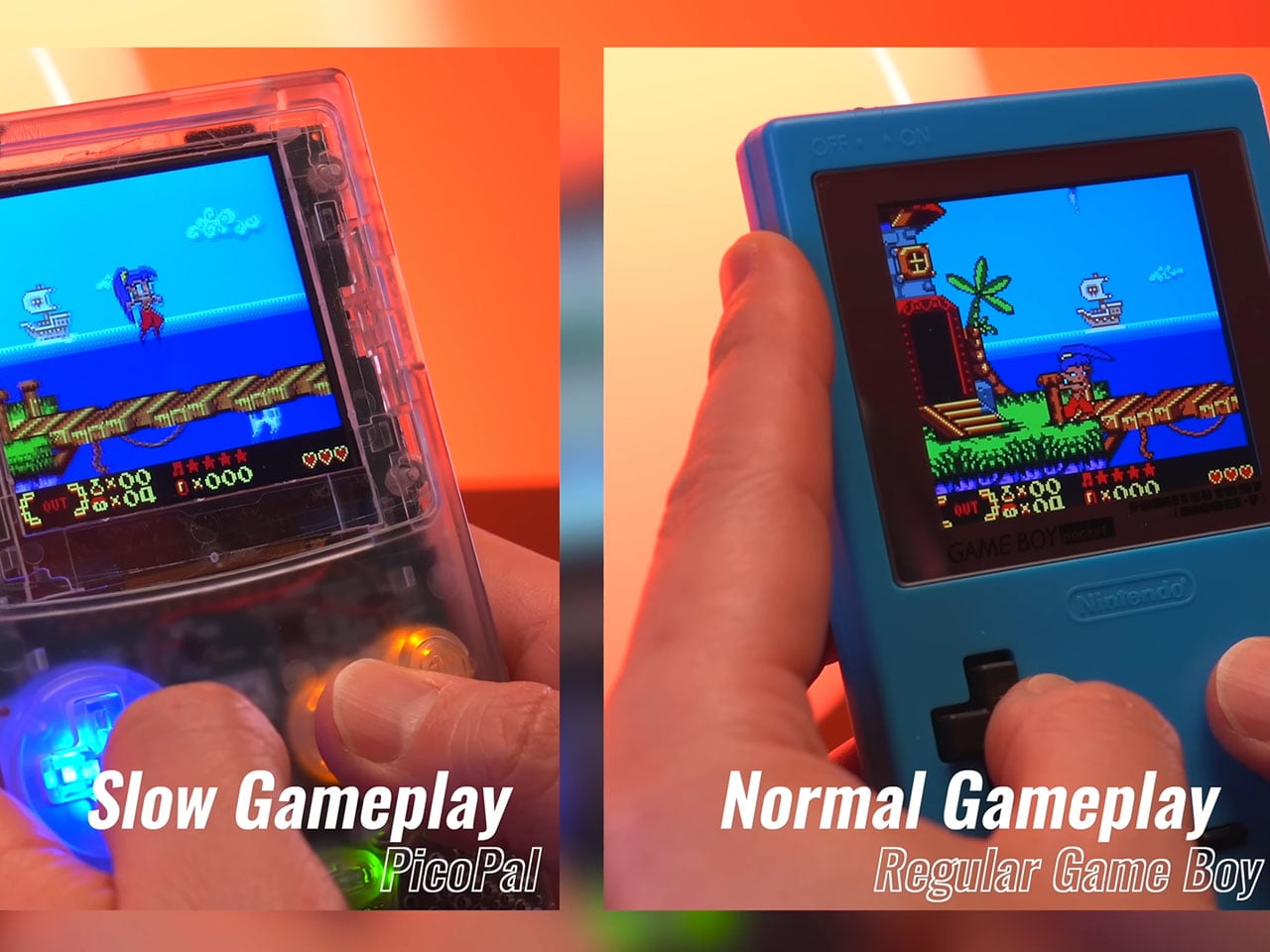
Pico-Pal reimagines Game Boy Color as modern retro handheld that can play music


Retro gaming continues to inspire modern hardware projects, and the Pico-Pal handheld console is another thoughtful reinterpretation of one of the most recognizable portable gaming designs. Developed by hardware designer Peter Khouly, the handheld draws clear inspiration from the classic Nintendo Game Boy Color while integrating modern microcontrollers, wireless connectivity, and expanded functionality. Rather than replicating the original hardware exactly, the Pico-Pal blends nostalgia with a flexible development platform aimed at gamers and hackers alike.

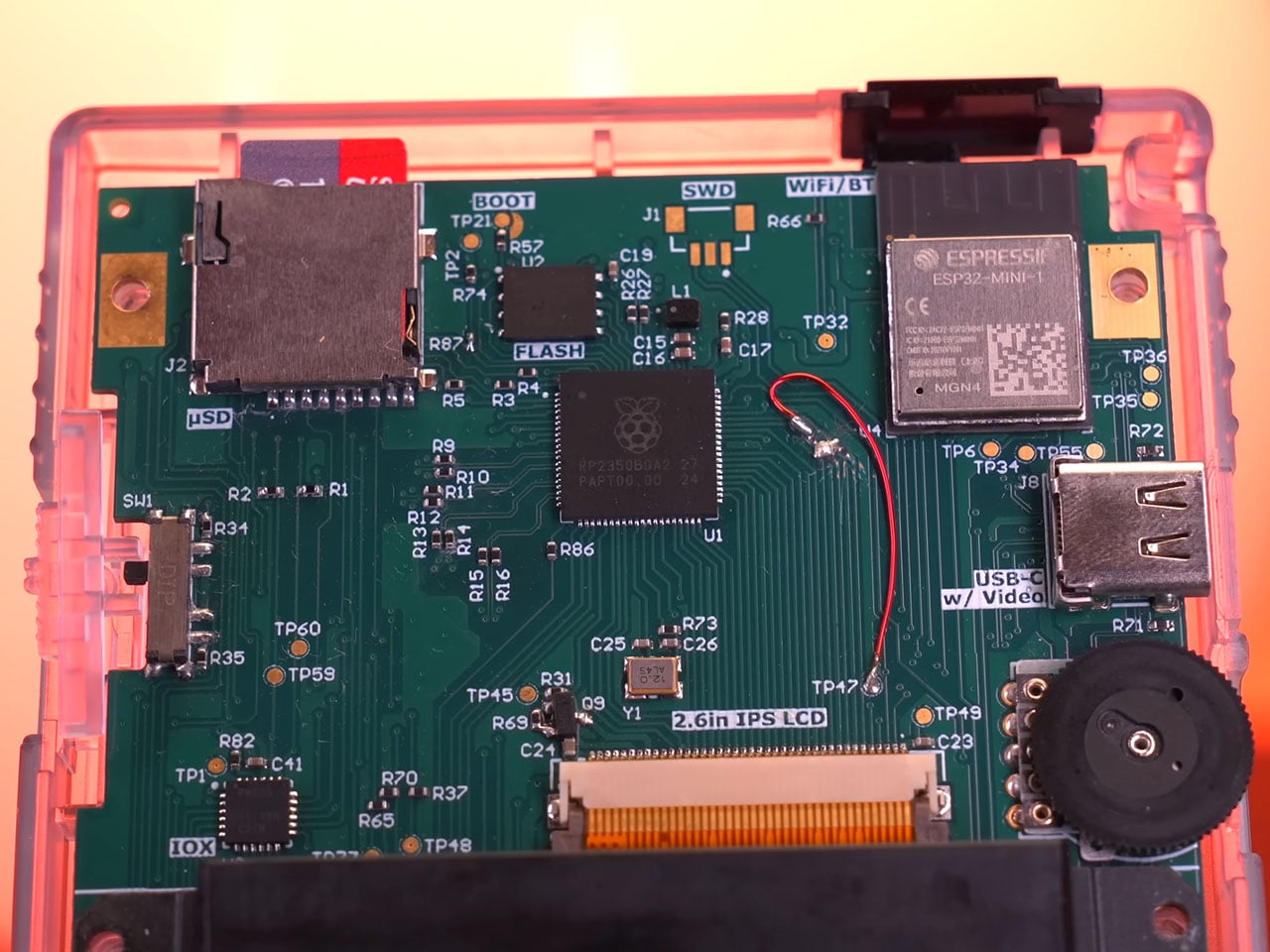
At its core, the handheld is powered by a Raspberry Pi RP2350B microcontroller paired with an Espressif ESP32 coprocessor. The RP2350B serves as the primary processing unit, handling emulation and system control, while the ESP32 provides wireless connectivity via integrated Wi-Fi and Bluetooth. This secondary chip also includes 4MB of flash storage and supports functions such as Bluetooth audio or network communication. The RP2350B itself features 16MB of flash memory, giving the device sufficient storage and processing headroom for running classic handheld titles and additional utilities.

Designer: Peter Khouly

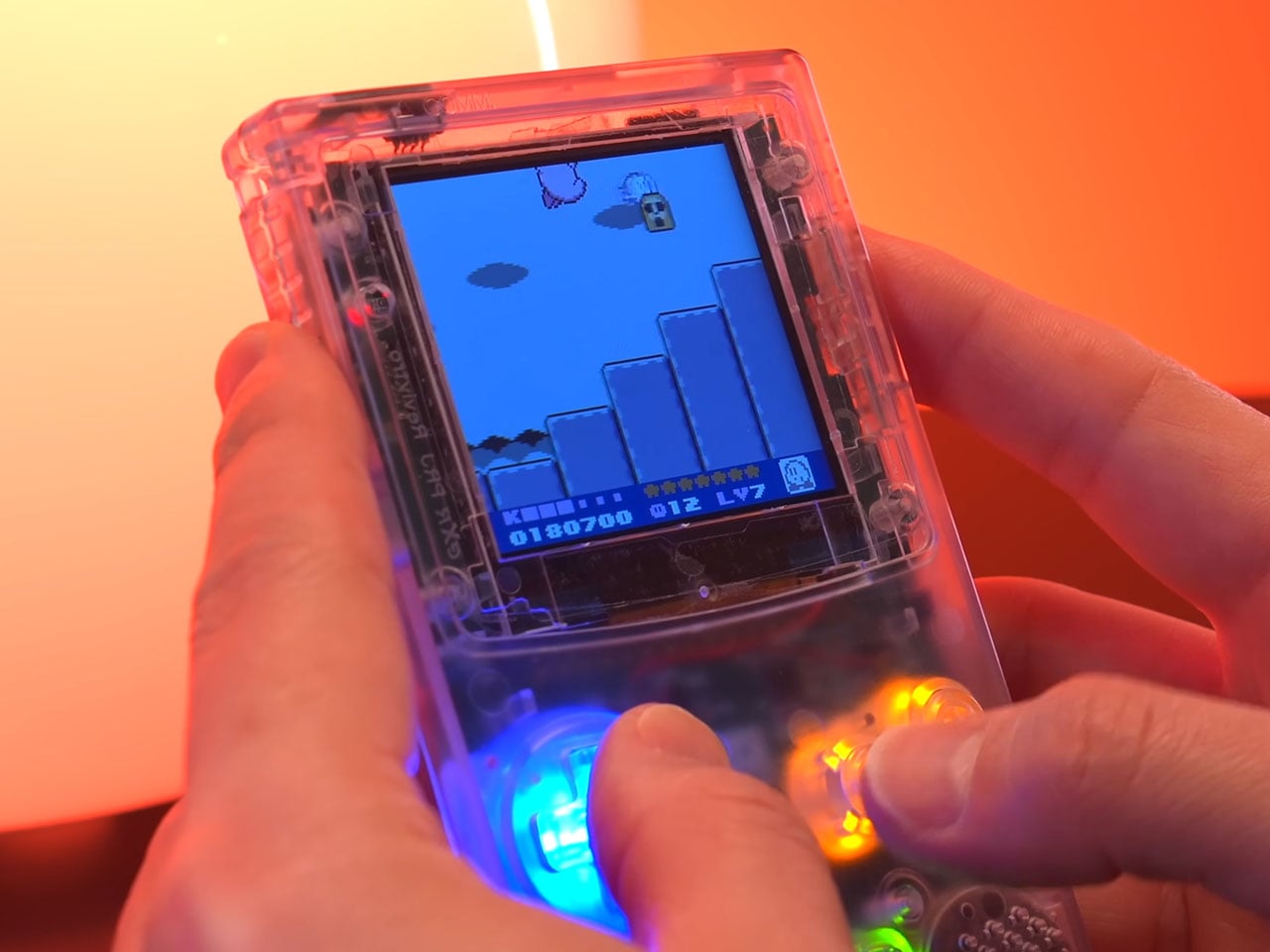
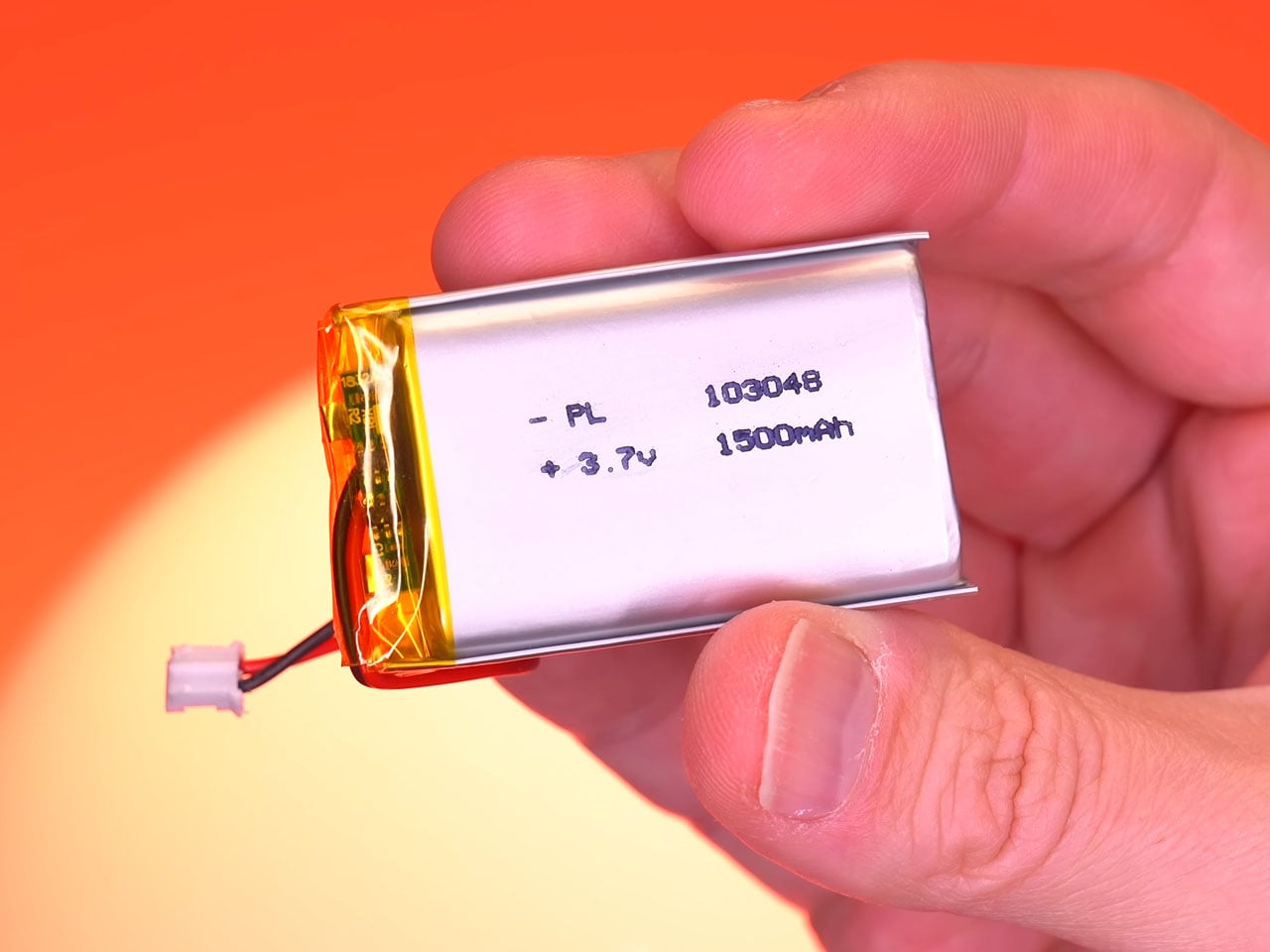
Instead of the reflective LCD panel used in the original Game Boy Color, the handheld uses a 2.6-inch IPS screen with a resolution of 320 × 320 pixels. Its square 1:1 aspect ratio suits classic handheld games particularly well, allowing retro titles to appear sharp while maintaining the visual proportions they were originally designed for. The improved screen technology also delivers wider viewing angles and brighter colors compared with older displays. Powering the device is a 1,500 mAh lithium-polymer battery that charges through a USB-C port supporting 5V/1.45A input. This rechargeable setup replaces the disposable batteries used by earlier handheld systems and provides several hours of gameplay on a single charge. Current development estimates suggest that the handheld can operate for around five hours during normal use.

Beyond its role as a retro gaming handheld, the Pico-Pal has been designed as a flexible development platform. According to Peter, the device includes various input/output capabilities and compatibility with common communication interfaces such as SPI and I²C. This allows developers to use the handheld as a portable development kit for the RP2350 platform, enabling projects ranging from custom software tools to experimental hardware integrations. The platform can even function as a universal remote, portable music player, pedometer, or security testing device capable of simulating Bluetooth or USB input signals.

The design also incorporates several modern usability improvements compared to traditional handheld consoles. One example is the soft-power system, where the physical power switch triggers the console to save its current state before entering a low-power standby mode. Instead of abruptly cutting power like older devices, the Pico-Pal can quickly resume gameplay from where the user left off. Development updates also mention additional features such as real-time clock support for games that rely on time tracking, Bluetooth audio functionality, and digital video output that could allow the handheld to connect to external displays. Though one feature that is an absolute steal is the ability to play MP3 files off the storage, for music buffs like me.

Although the Pico-Pal closely resembles a Game Boy Color at first glance, its philosophy is quite different from modern FPGA-based retro consoles. Rather than focusing on perfect hardware recreation, the project embraces a microcontroller-driven design that balances efficiency and versatility.

The post Pico-Pal reimagines Game Boy Color as modern retro handheld that can play music first appeared on Yanko Design.
This Square Phone Rotates Open to a BlackBerry or Game Boy Setup

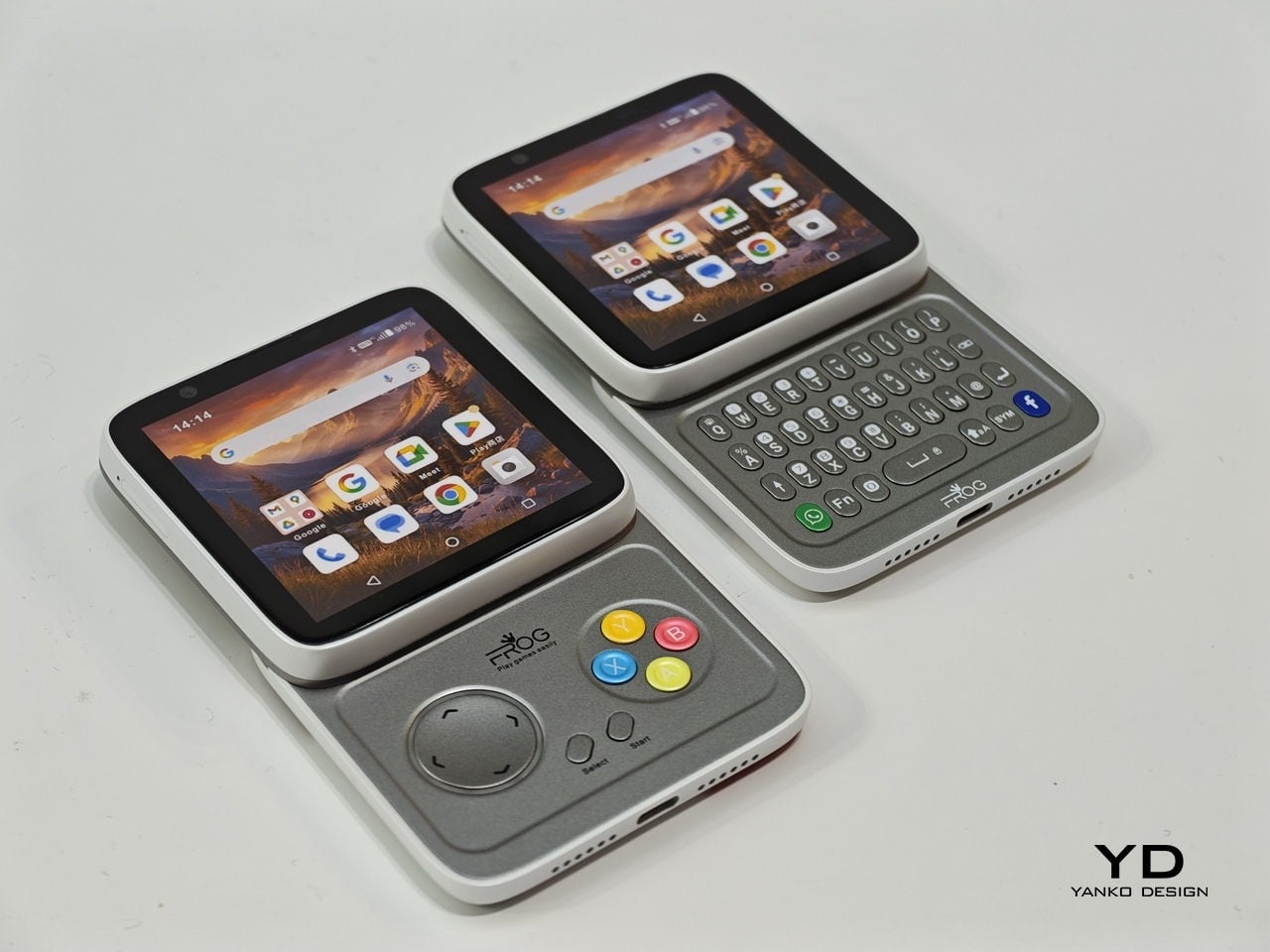
Smartphones have gotten pretty good at being the same thing. Every year, they get a little taller, a little thinner, and a little more difficult to tell apart in a lineup. That’s fine for most people, but it does make MWC 2026 feel like a bit of a slog, until you spot something genuinely weird on the show floor, like a square phone that rotates open to reveal either a physical keyboard or a game controller underneath.

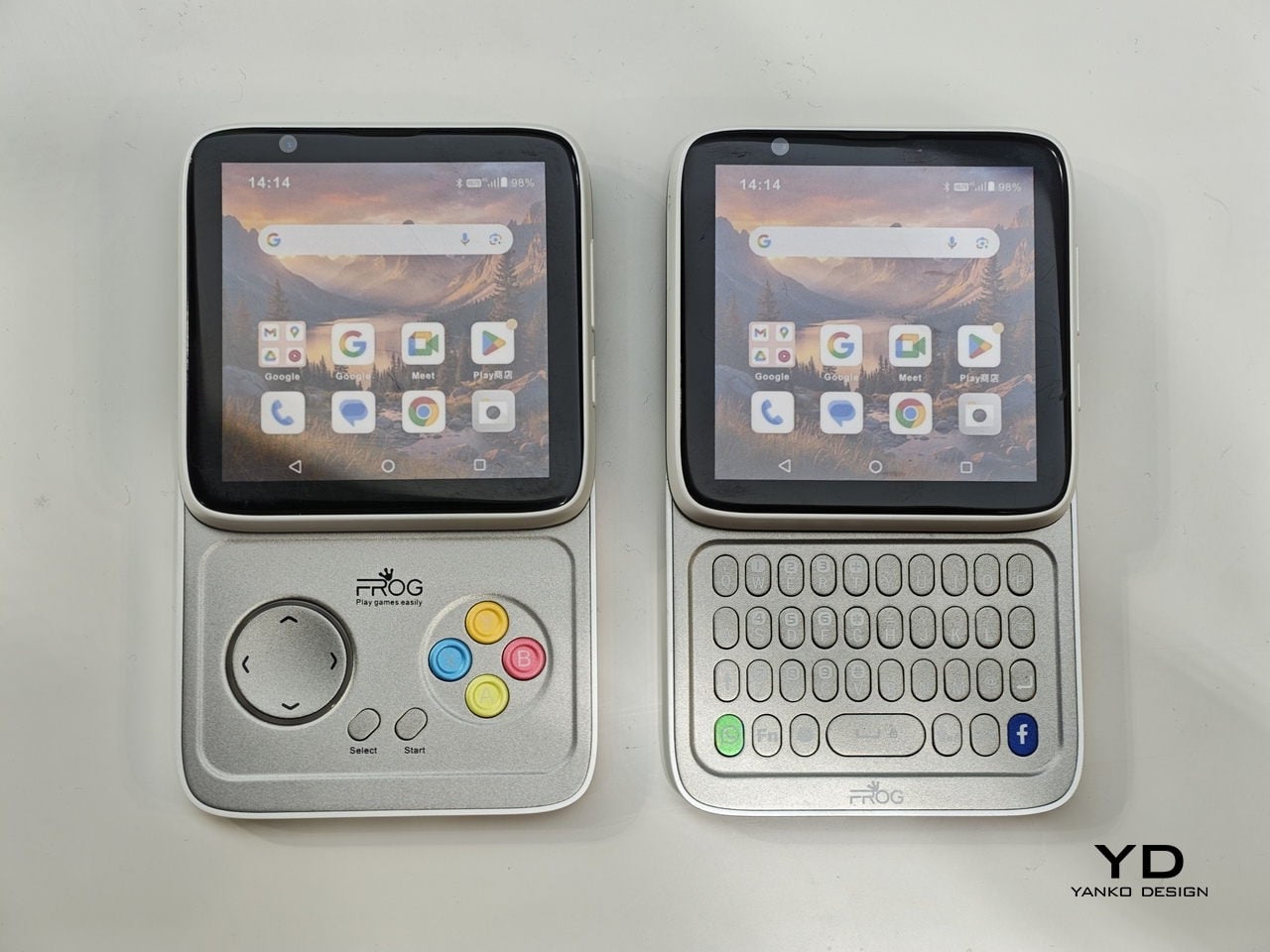
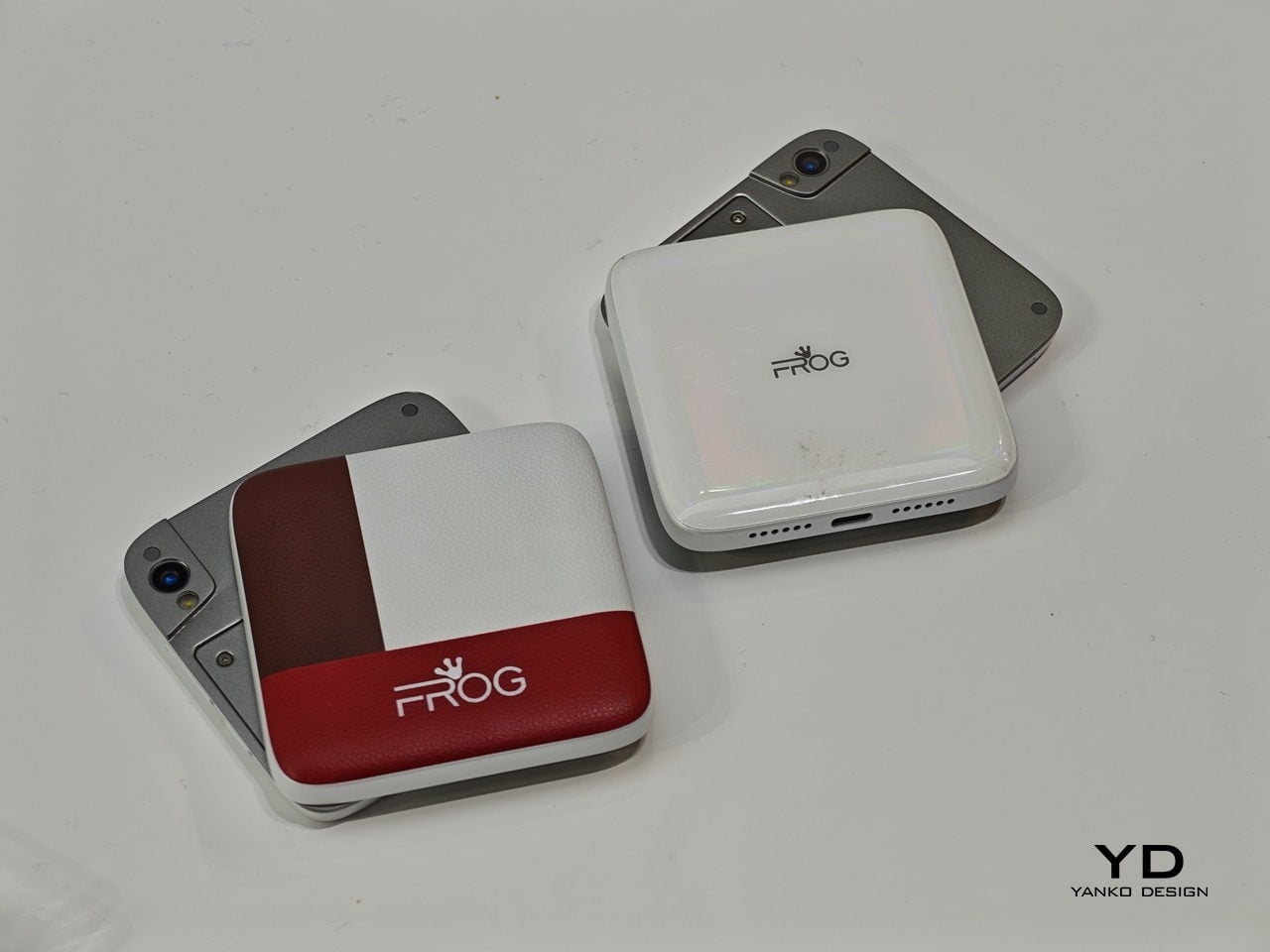
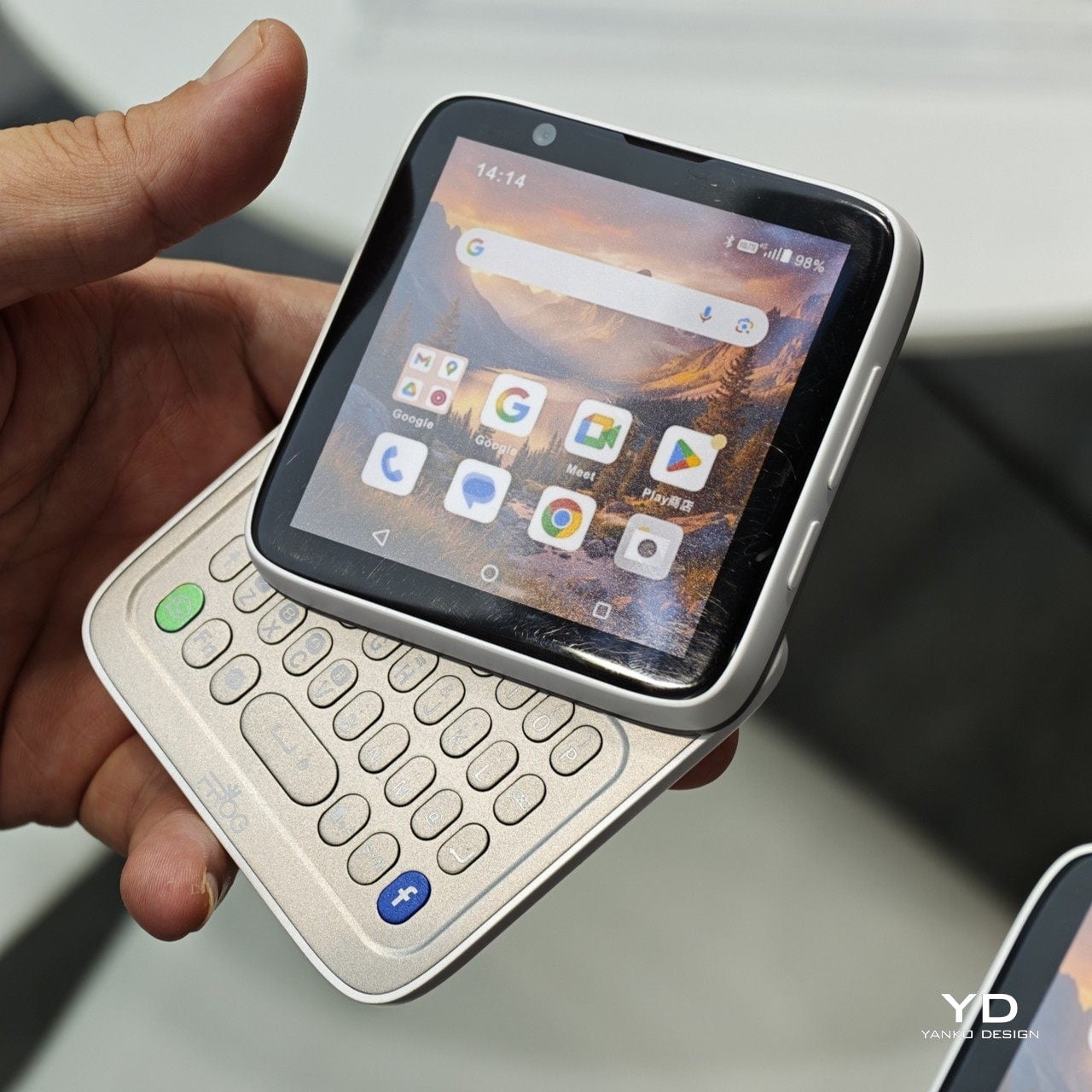
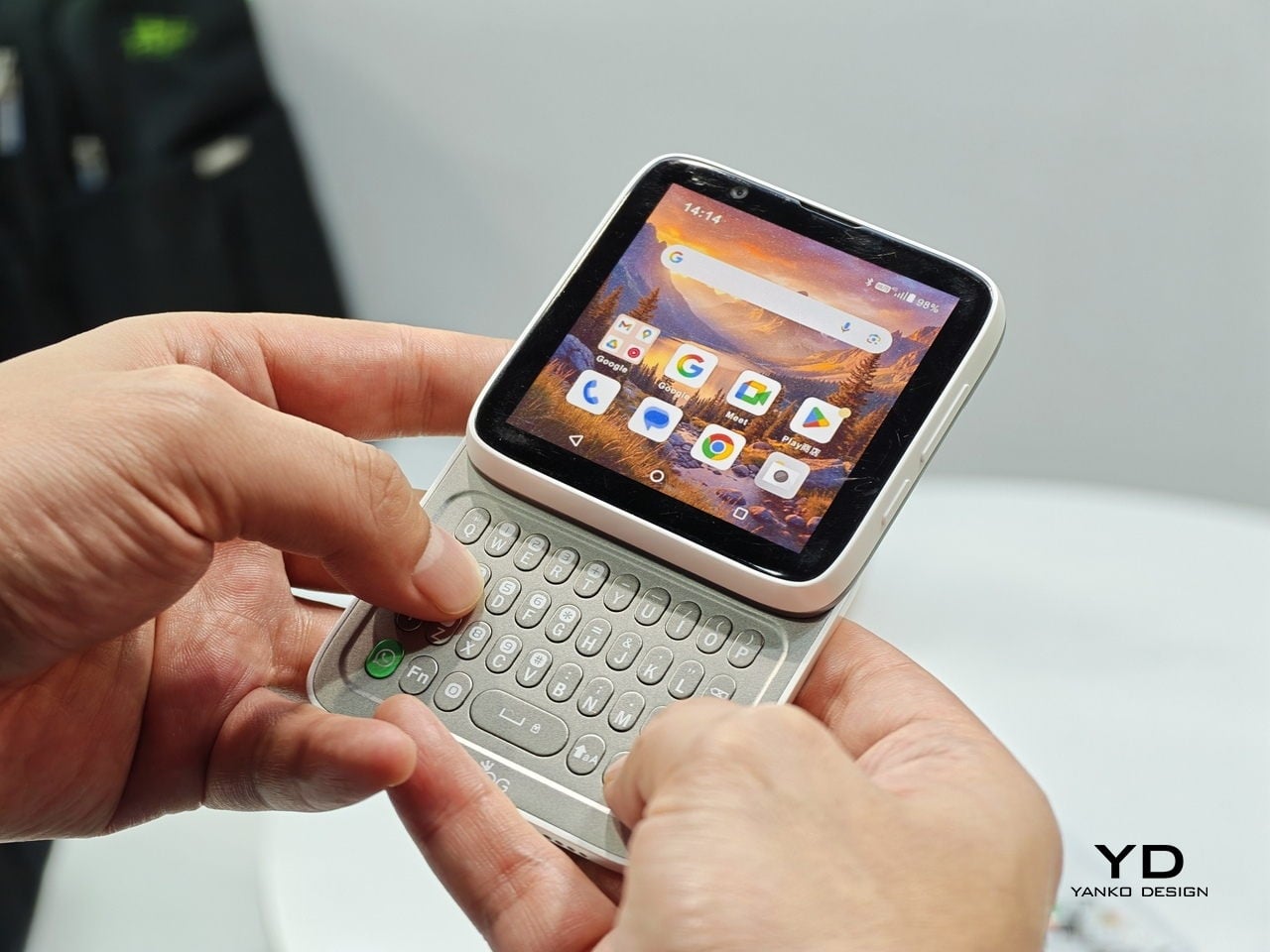
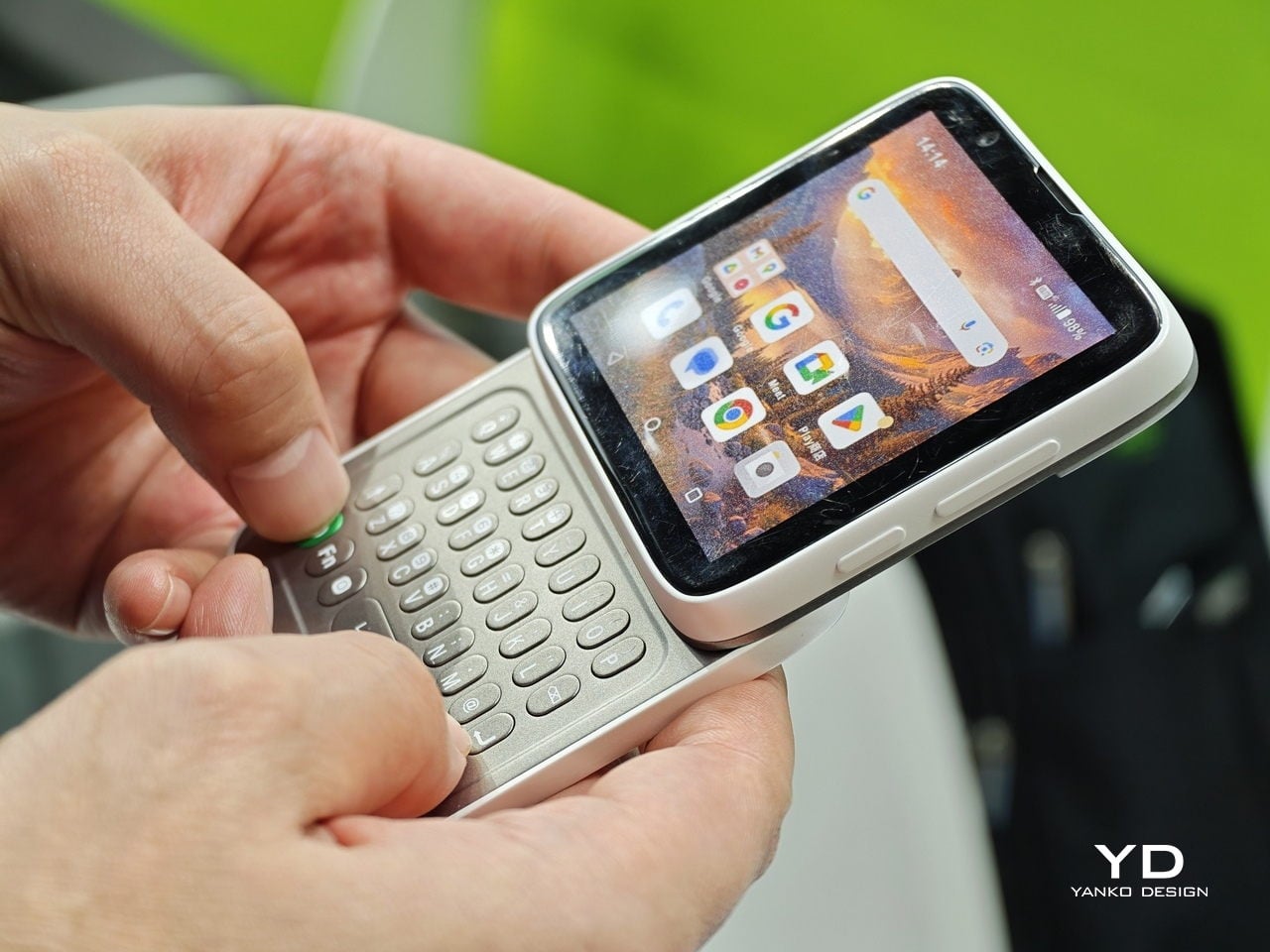
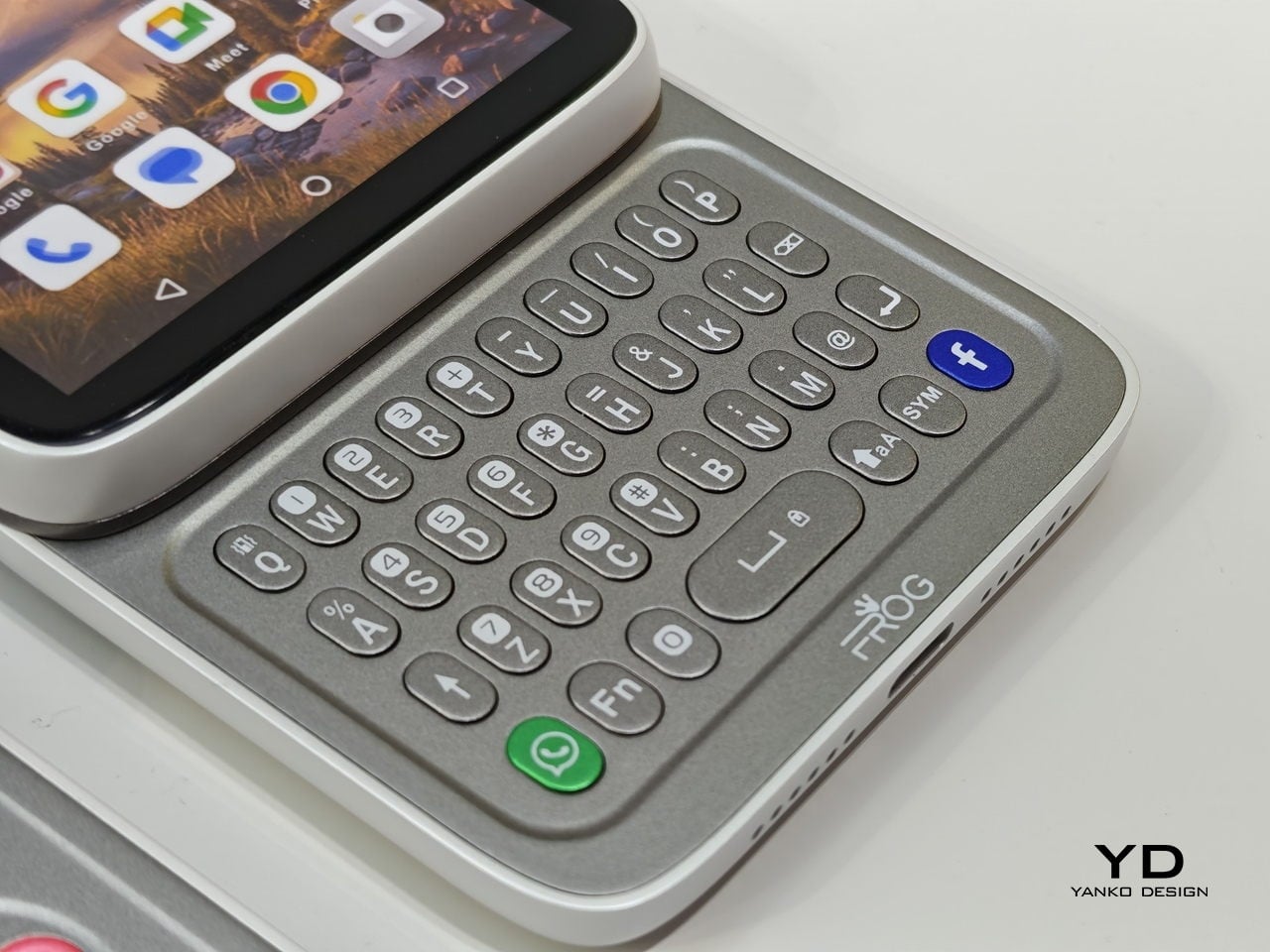
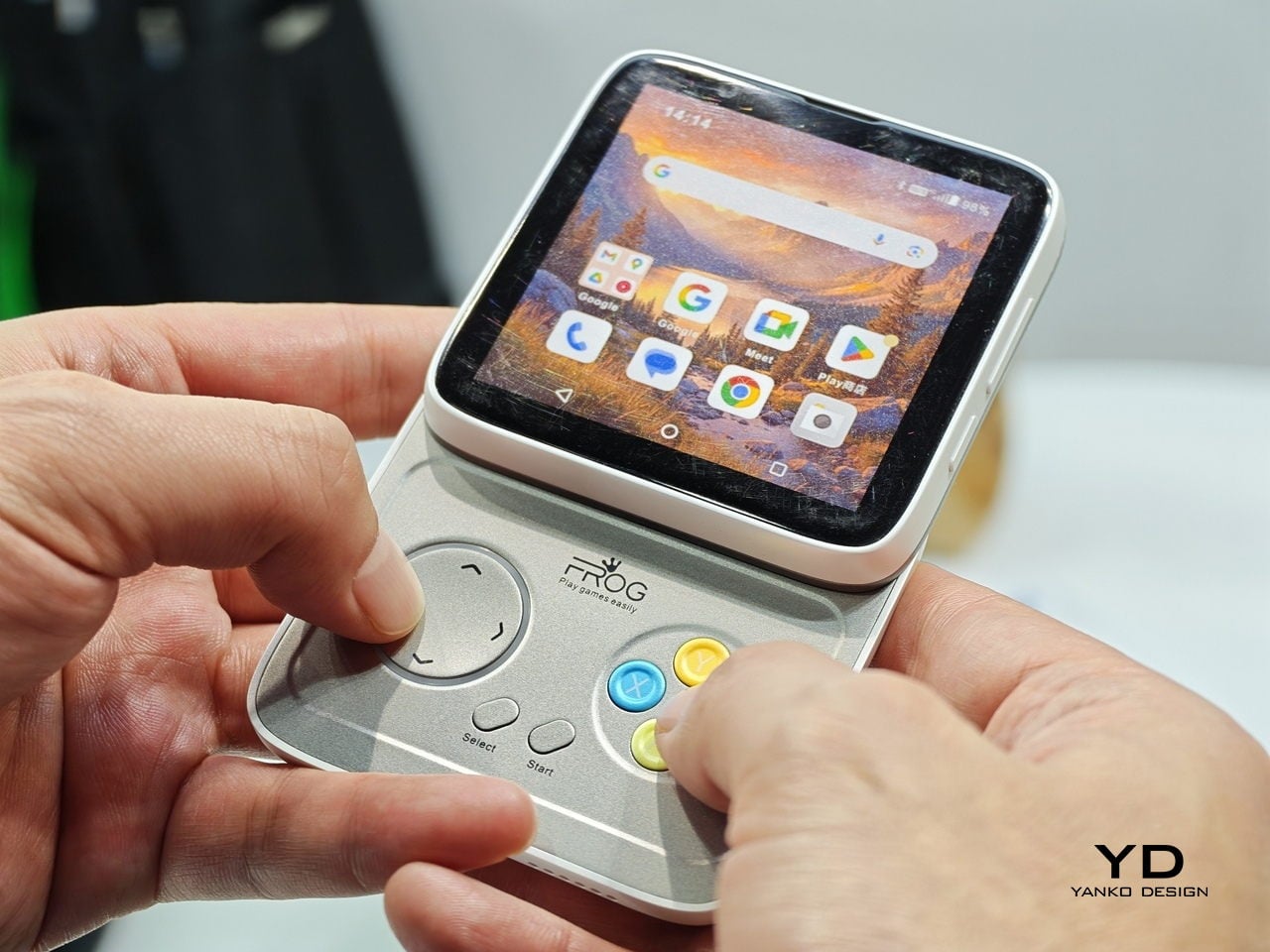
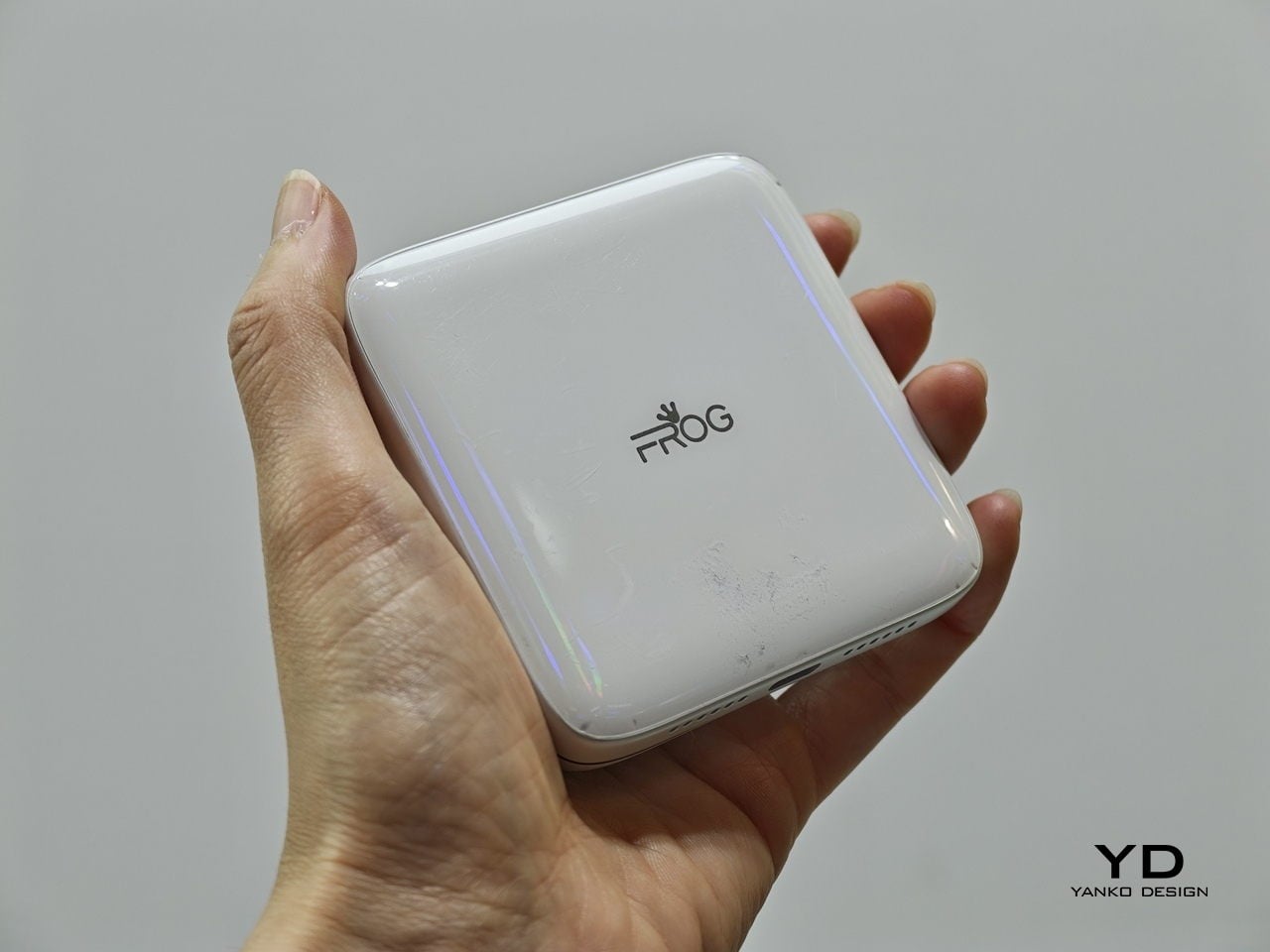
The iFrog RS1 is about the size of a closed fist, built around a 3.4-inch square display that sits on top of a rotating lower section. Twist it open, and you get one of two things depending on which variant you’re holding: a full QWERTY keyboard with raised, tactile keycaps, or a gamepad with a D-pad, a four-color face button cluster, and Select/Start buttons. Both run Android on a MediaTek Helio G18 chipset, with storage and RAM left open for whoever configures the platform.

Designer: FROG

That last part matters. iFrog is an ODM, or original design manufacturer, which means the RS1 is less a finished retail product and more a concept that carriers or brands can take and build on. The hardware is the pitch. Everything else is a conversation, which also explains why no pricing or release date was announced at MWC.

Of the two variants, the keyboard is the more predictable crowd-pleaser. There’s a genuinely underserved group of Android users who never stopped wanting physical keys. The BlackBerry crowd never fully disbanded, and phones like the Unihertz Titan have quietly built followings on exactly that. If you’ve ever tried composing a long email on a touchscreen while standing on a moving train, the appeal needs no further explanation.

The gamepad version is a stranger proposition, and honestly, the more interesting one. Running Android means emulation is an obvious draw, and the handheld gaming community noticed immediately. The visual comparison that kept surfacing online was the Motorola Flipout, a 2010 Android phone with a square body and rotating keyboard. There’s something both flattering and sobering in that parallel, since the Flipout was beloved by a small group and largely ignored by everyone else.

There are some caveats, though. No shoulder buttons on the gamepad variant rules out a lot of titles that need them. The swivel hinge is the structural heart of the design and also the part most likely to wear down. iFrog is new enough that questions about long-term software support are fair ones to ask, and the 3.4-inch screen is a genuine trade-off, not a quirk.

Still, the RS1 is a good reminder that the design space for phones is wider than what’s on shelves. It fits in a pocket and in the palm of a hand. It has buttons. It does a trick. What nobody knows yet is whether any of that adds up to something people actually want to live with.

The post This Square Phone Rotates Open to a BlackBerry or Game Boy Setup first appeared on Yanko Design.
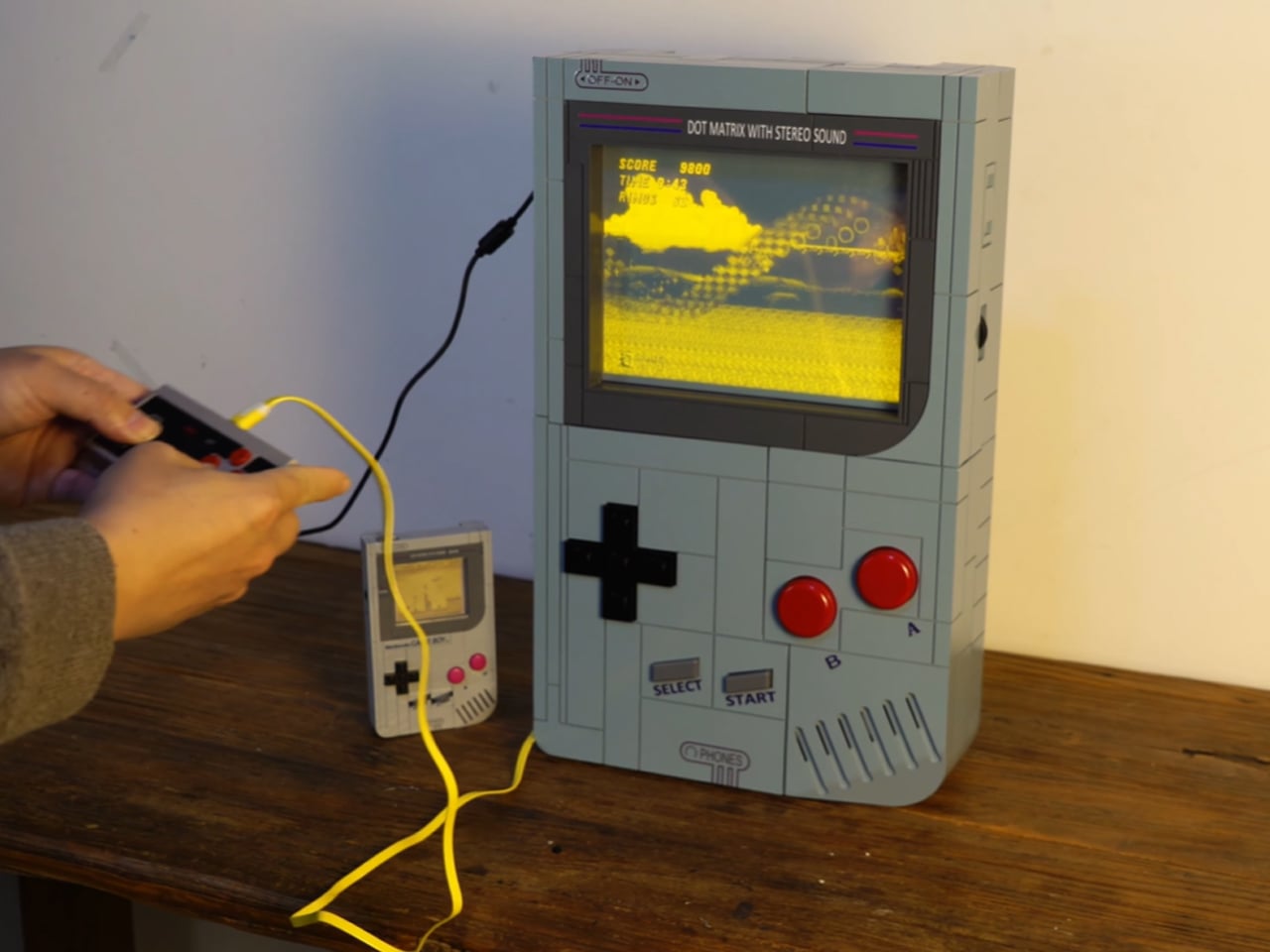
Super Game Boy is a huge handheld that plays classic arcade games

LEGO released a 421-piece life-sized Game Boy replica with Game Pak cartridges but it could not play games. Then later a Aussie modder turned it into a fully functional handheld, and promised that there will be a $50 kit coming in future so that fans can turn theirs into a playable LEGO version. However, the LEGO version has a small screen and you are better off playing titles on the original handheld.
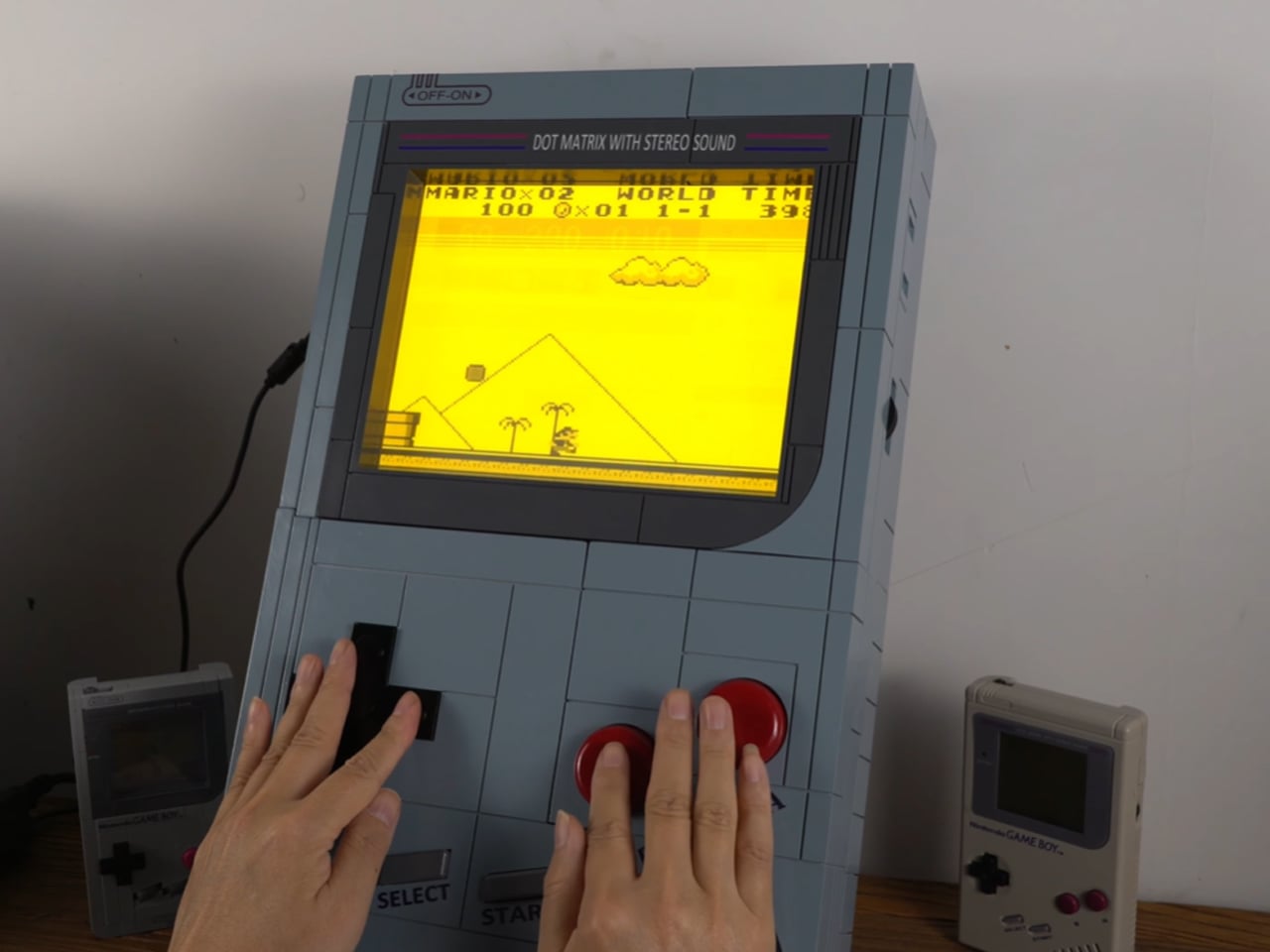
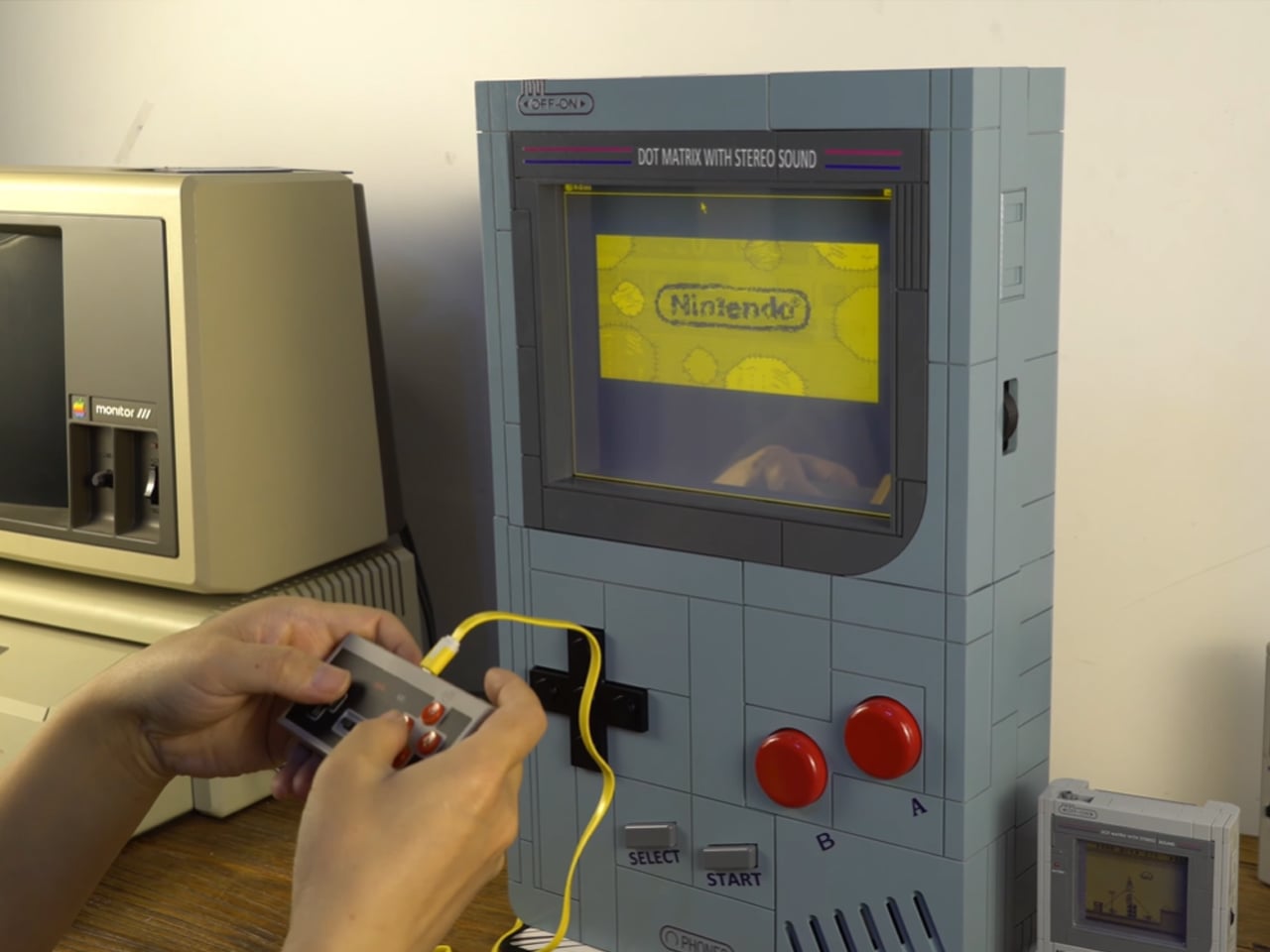
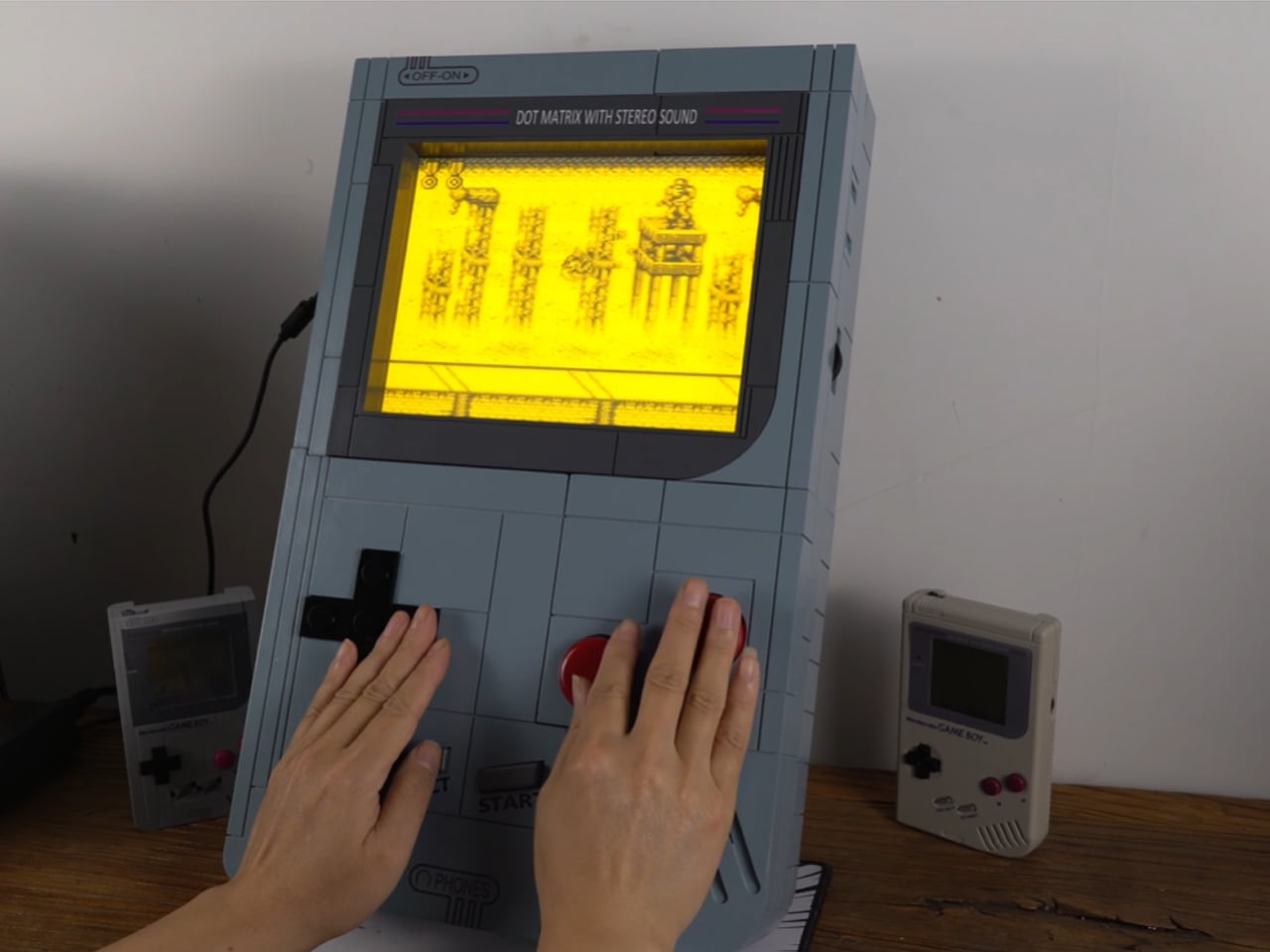
There’s so much craze around the classic Game Boy, you are bound to come across DIYs that spark the attention of arcade gaming community. Chinese YouTuber LCLDIY ventured out on creating his own interpretation of a Game Boy – only that it is much larger in scale. Best of all it plays games sans any glitches and can be carried around like a cool boombox.

Designer: LCLDIY

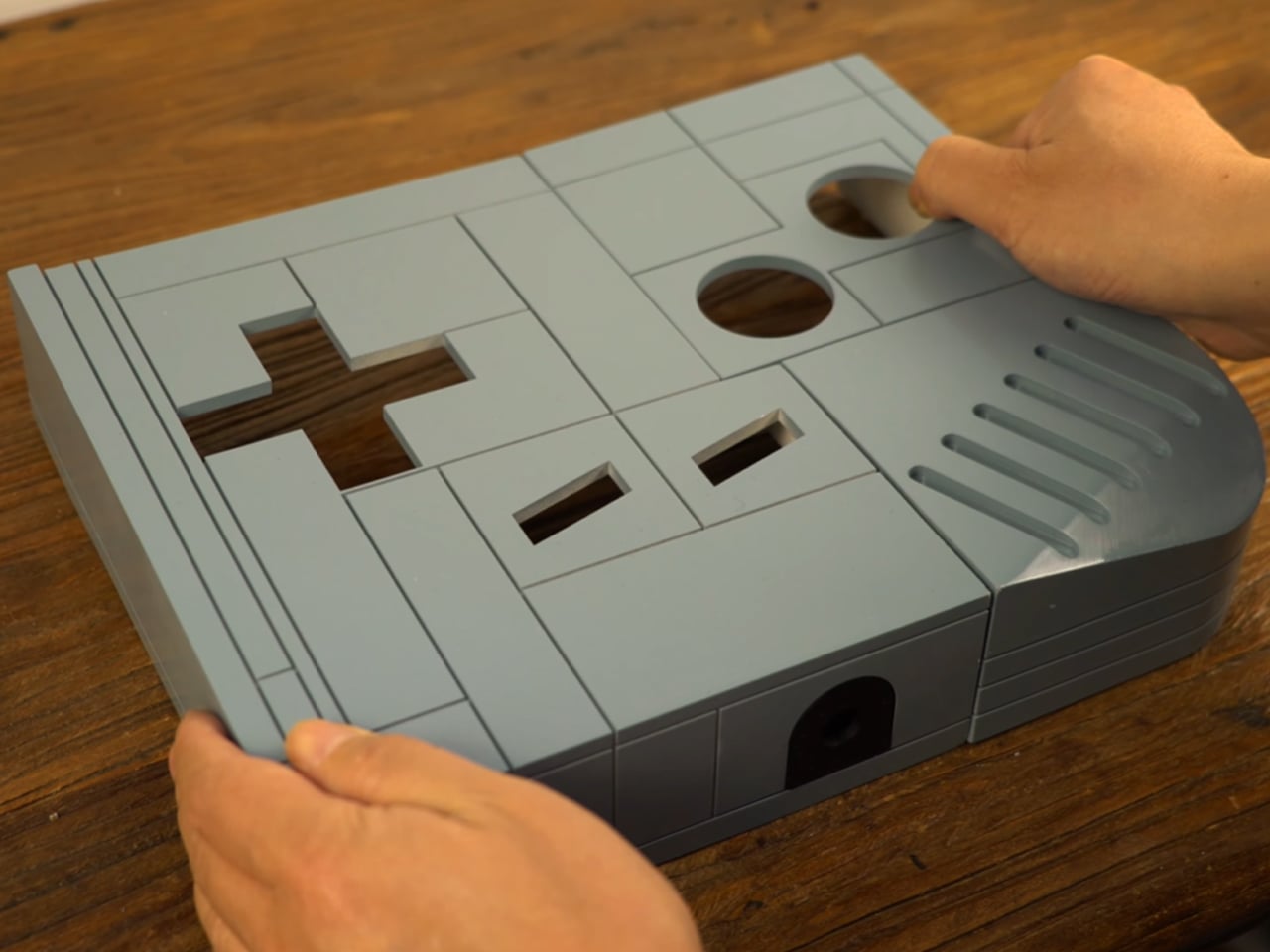
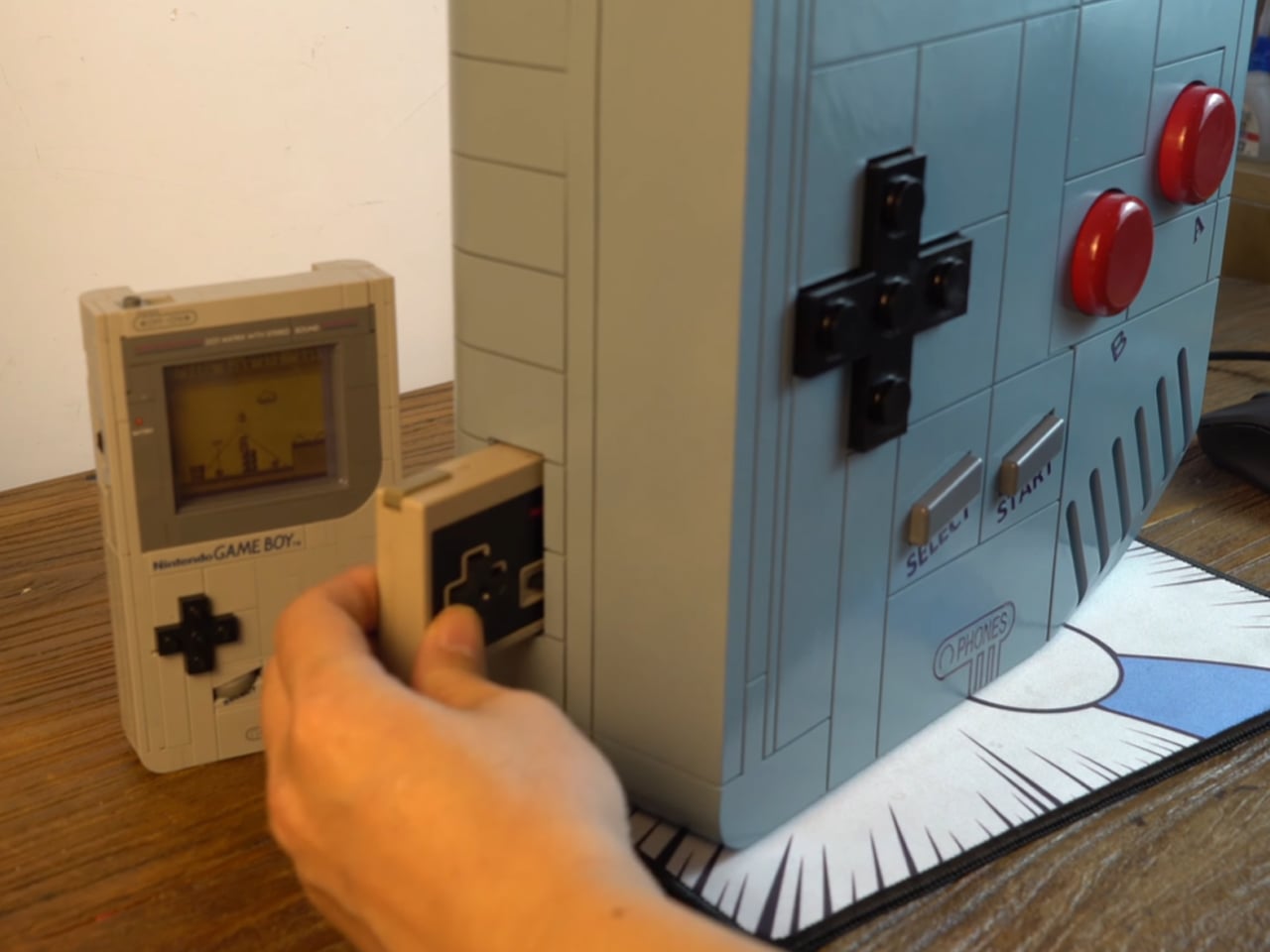
The DIY starts off by creating a 3D printed shell (using a light curing printer, printing for a week) that houses the 10-inches electroluminescent LCD TV that emulates the warm glow of the original Game Boy. The choice of the display makes sense as the soft glow illuminates the pixels that otherwise would look too harsh on the big display compared to small screen of the Game Boy. Getting the games to run on the rig was not an easy feat as he had to fit in an Intel 845 motherboard for driving the big display and also creating the interface for running the emulated software of the Game Boy handheld console. The classic processor is assisted by the 65540 Flat Panel VGA Controller chip to simplify the clock synchronization and data signals.

BIOS of the graphics card is modified to match the appropriate resolution of the display. The brick-built shell fits into pieces just like an assortment of LEGO pieces and the guts are flush with all the electronic components that make possible the magic. To complete the build, the maker spray paints the shell to replicate the look of the Game Boy. He also makes big tactile buttons and joystick to keep the arcade feel going, and the stickers for labels and the logos are put on the shell. The classic Nintendo gamepad is used to input the in-game actions for games (like Sonic, Yoshi’s Island and Comix) from other platforms like Sega. This is done as big buttons would be impractical and require even more tinkering around of the electronics.

The DIYer is kind enough to make the design files of the shell, PCB files and graphics card BIOS settings available for free for keen DIYers who love the idea of a Super Game Boy. Just seeing him play the classic titles like Contra and Super Mario using those chunky buttons and the joystick is pure joy.

The post Super Game Boy is a huge handheld that plays classic arcade games first appeared on Yanko Design.