Beyond Telling Time: How the Apple Watch Redefines Modern Wearables

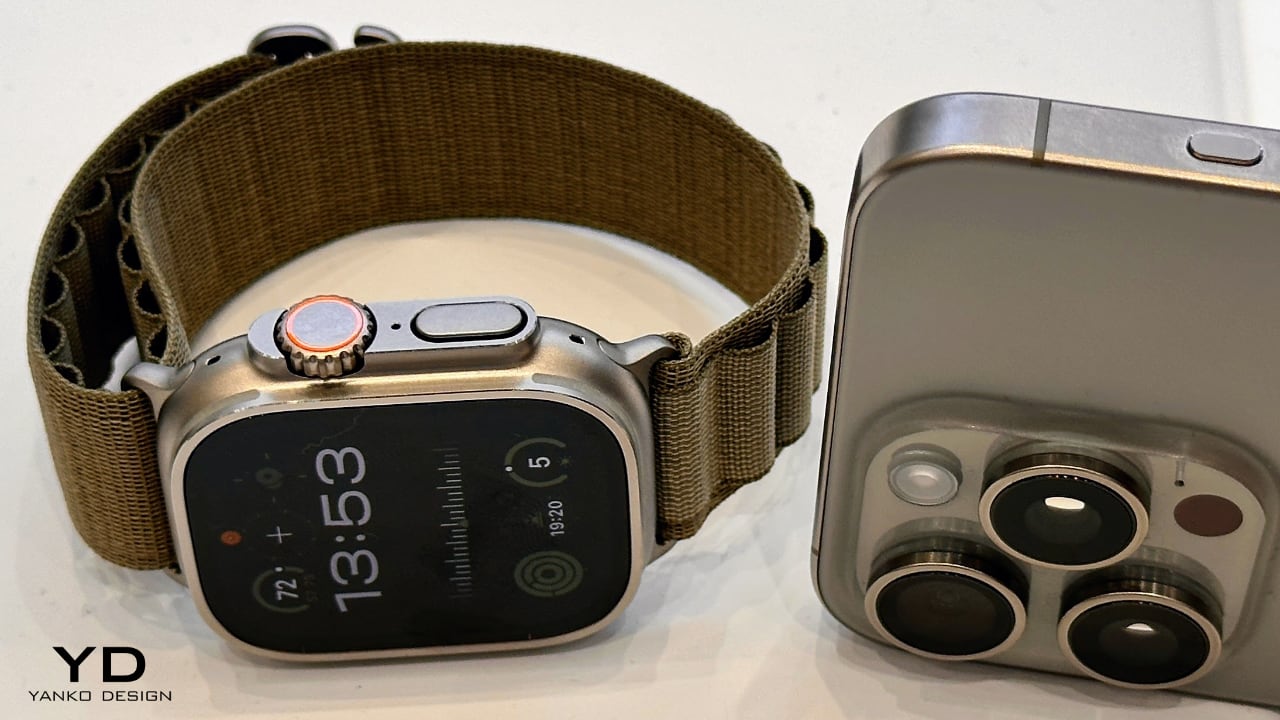
Apple Watch Ultra 2 + iPhone 15 Pro

Welcome to Wristwatch Wednesday, my weekly column on Yanko Design, where I delve into the captivating world of watches. If you’re new to our publication and have noticed a plethora of Apple-related articles, rest assured, our editorial team casts a wide net, covering a diverse range of design-focused products. Our reviews and feature articles span across technology, sneakers, home appliances, everyday carry items, and so much more.

Designer: Apple
This inaugural column seems only fitting to kick off our discussions with the world’s best-selling watch – the Apple Watch. According to a report from AppleWorld.Today, since its launch in 2015, Apple has sold an estimated 229.3 million Apple Watches. Note that these sales figures are estimates and have not been confirmed by Apple. By any standard, a product that surpasses 100 million units in sales—a milestone Apple reached several years ago—can justifiably be called the world’s top-selling watch.
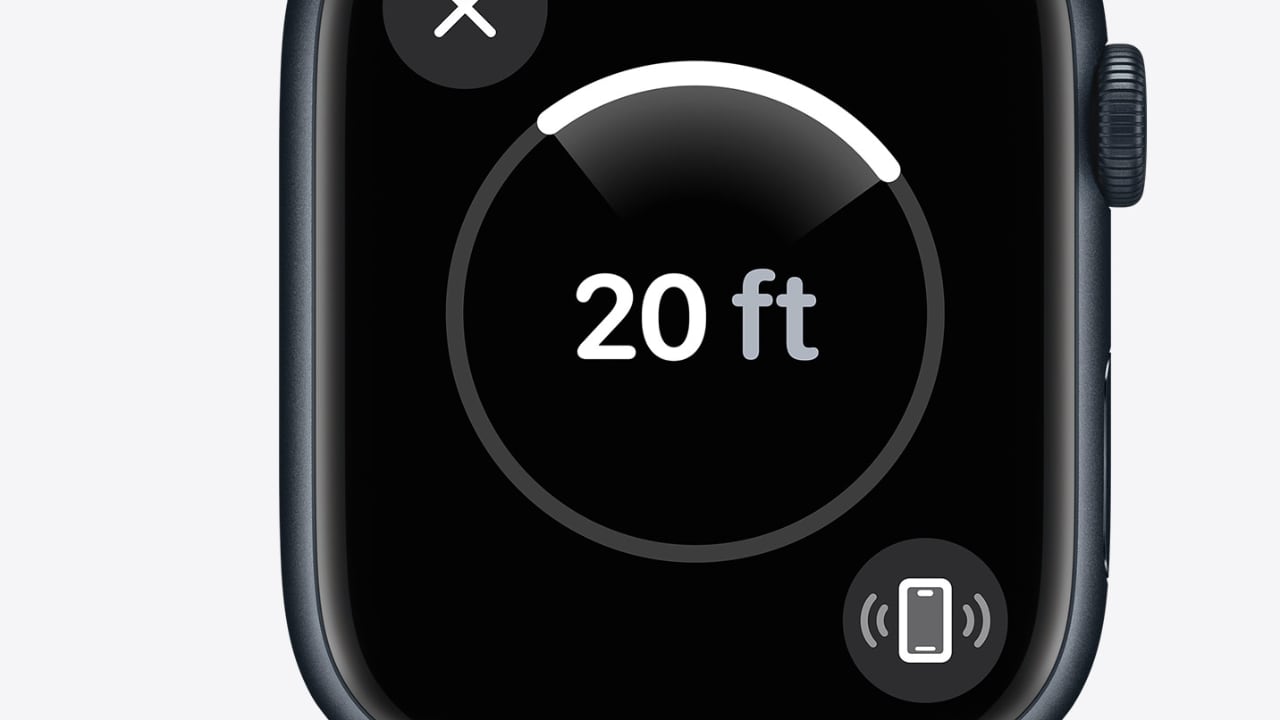
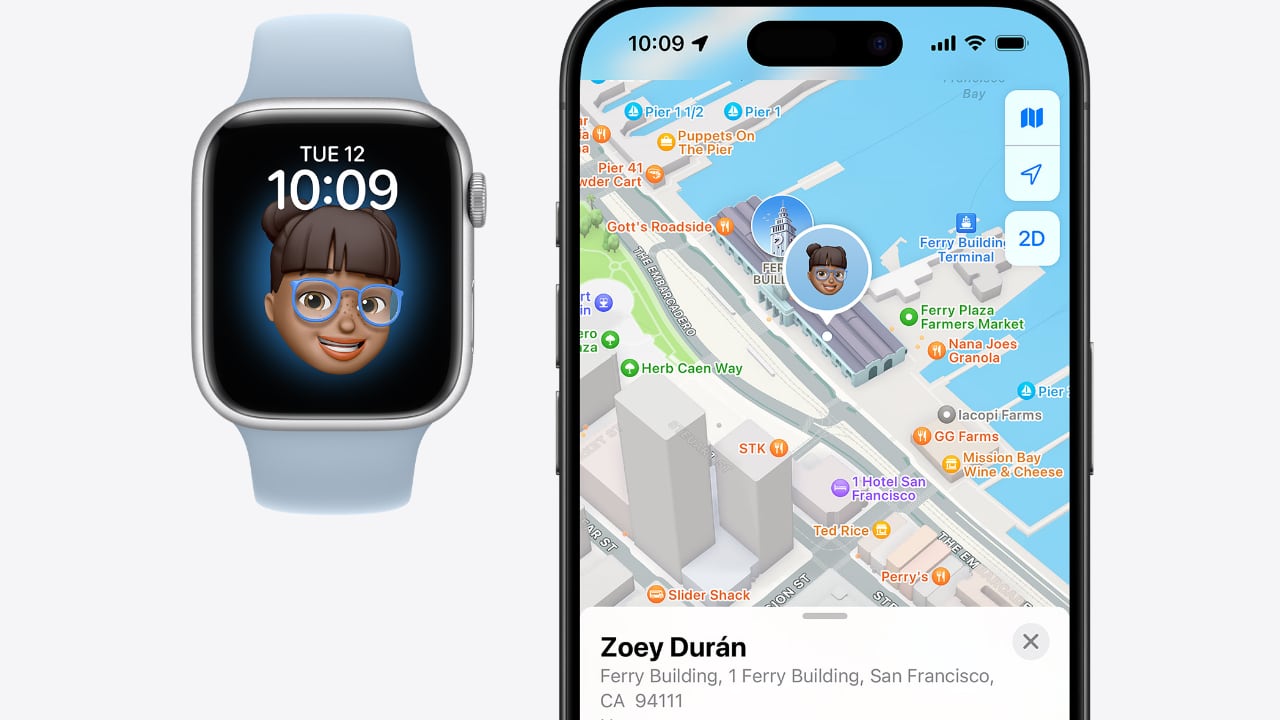
However, my intent with this column goes beyond discussing sales figures. Instead, I aim to explore the design and features of these watches that have captivated the likes of celebrities, Formula 1 drivers, and even esteemed figures like Mr. Wonder from Shark Tank. The reasons for strapping on this wrist-sized computer vary. For instance, my wife primarily uses her Apple Watch to keep track of time and notifications. Despite having cellular service activated, I’ve rarely seen her initiate a call. Yet, there have been instances where her iPhone was misplaced, and the watch served as her only means to take incoming calls. A feature that my kids and I, and yes, even my wife, have found incredibly useful is the ability to ping the iPhone when it’s misplaced.
Before delving deeper, let’s briefly discuss the specs and design of the Apple Watch. In my experience, the Apple Watch performs flawlessly without any noticeable hiccups or performance issues. As for the design, its iconic squarish shape may not appeal to everyone, but it’s something users have come to accept. Personally, I don’t have a preference one way or the other. However, I must say I appreciate the ruggedness of the Watch Ultra, which I still wear. I haven’t seen a compelling reason to upgrade to the Watch Ultra 2, especially when the regular versions in aluminum or stainless steel are also available. The fact that Apple managed to incorporate materials like titanium and sapphire crystal, along with a plethora of features, into this tech marvel, all at a reasonable price point, continues to astound me. That being said, the Apple Watch Series 9 and the Apple Watch Ultra 2, each exceptional in its own right, showcase unique design attributes and features catering to diverse user requirements.
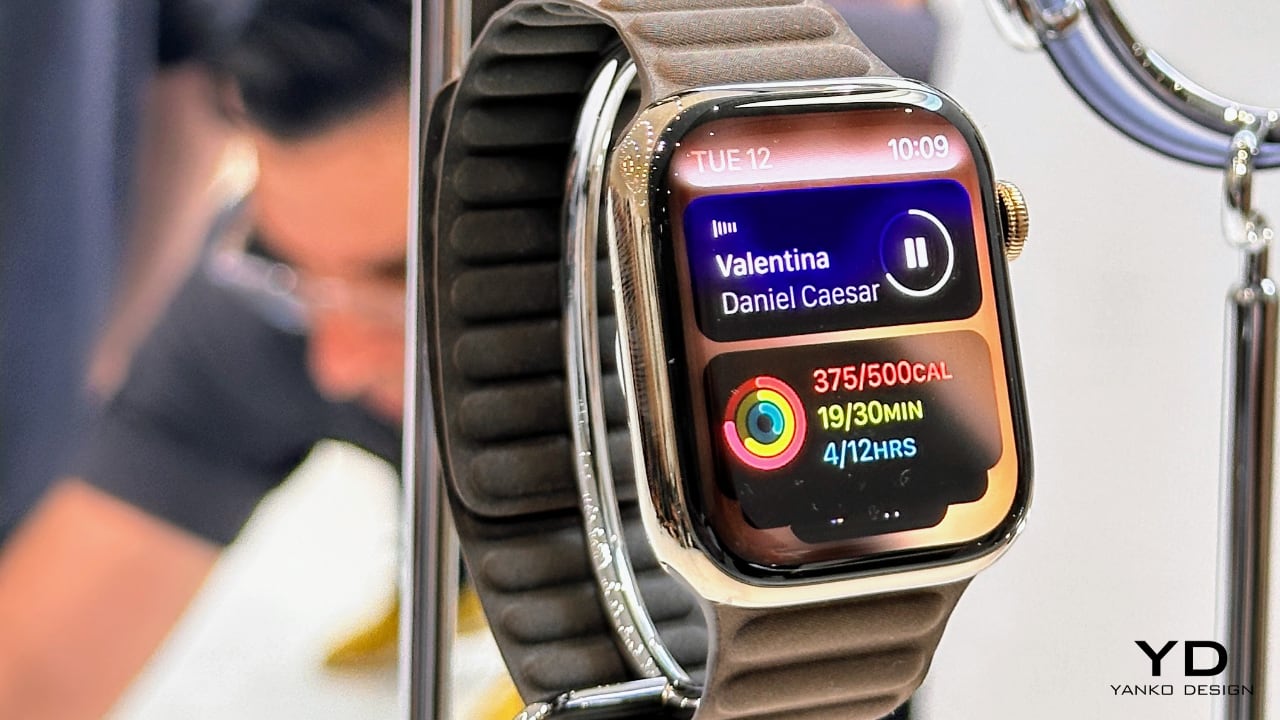
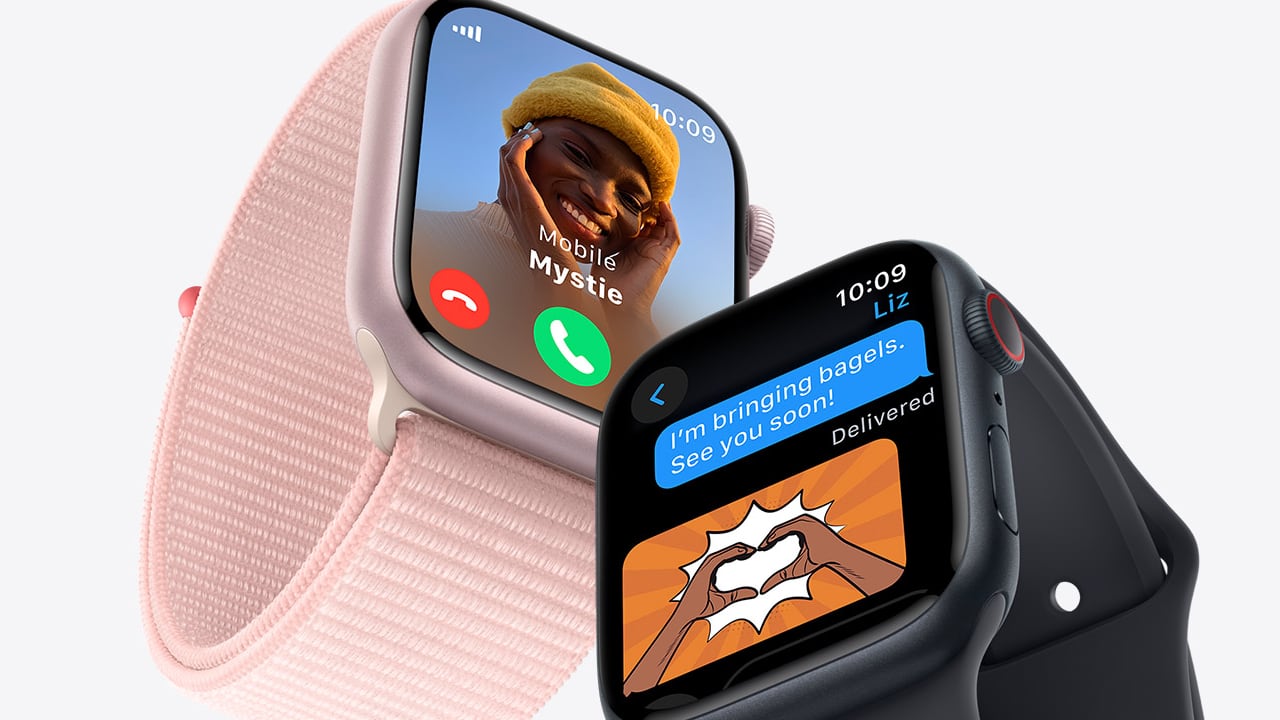
The Apple Watch Series 9 exudes a chic, versatile aesthetic, making it an ideal accessory for everyday wear. Its finishes include aluminum and stainless steel, with a color palette that offers Pink, Midnight, and Starlight for the aluminum cases and traditional Gold and Graphite for stainless steel. On the other hand, the Apple Watch Ultra 2 prioritizes durability and outdoor utility, embodied in an aerospace-grade titanium case that highlights its hard-wearing nature and premium appeal for more extreme conditions.
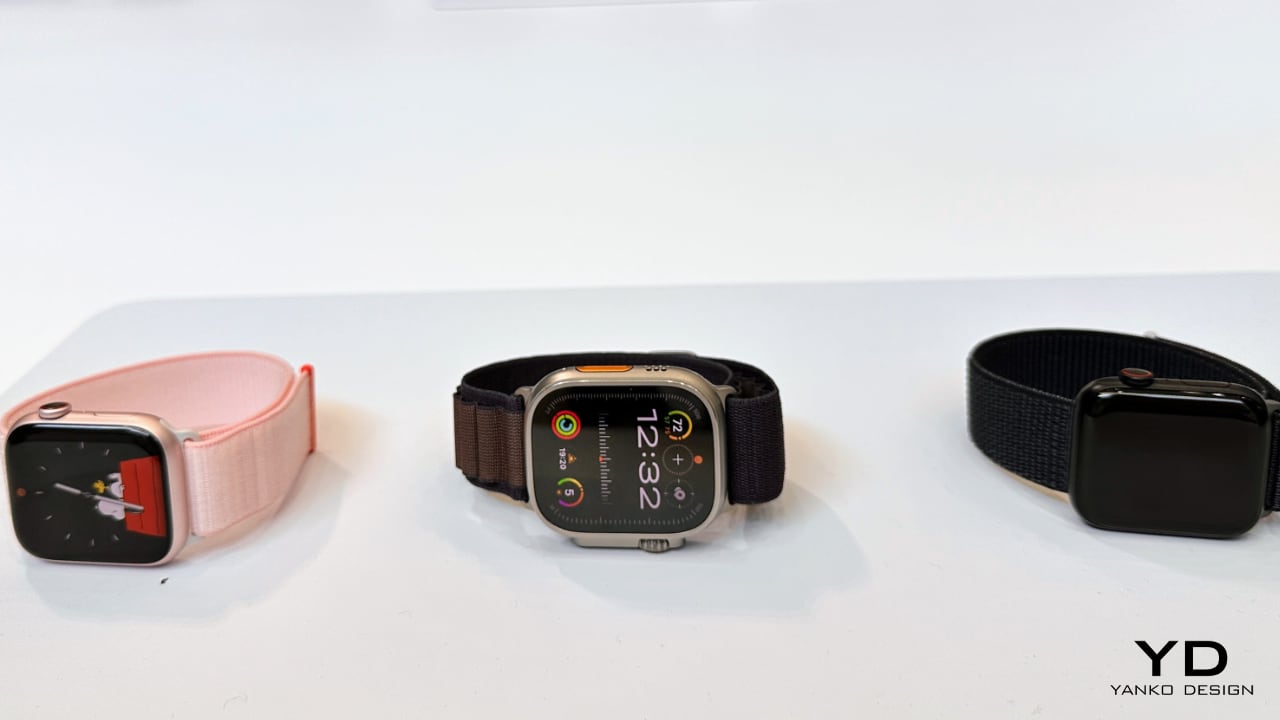
The size and weight of both models reflect their respective design principles. The Apple Watch Ultra 2, larger and heavier at 49mm in height and 61.4 grams, is designed to withstand outdoor activities. The Apple Watch Series 9, meanwhile, presents a more compact profile with heights of 45mm and 41mm and lighter weights starting from 31.9 grams for the smallest aluminum model, providing a less intrusive presence for day-to-day use.

When it comes to features, both models are built with the S9 SiP, a 64-bit dual-core processor, underlining Apple’s dedication to high performance across its products. However, the Ultra 2 takes a step ahead with specialized features such as a depth gauge, a water temperature sensor, and an enhanced always-on retina display with brightness up to 3000 nits, providing superior visibility in outdoor settings compared to the 2000 nits of the Series 9.
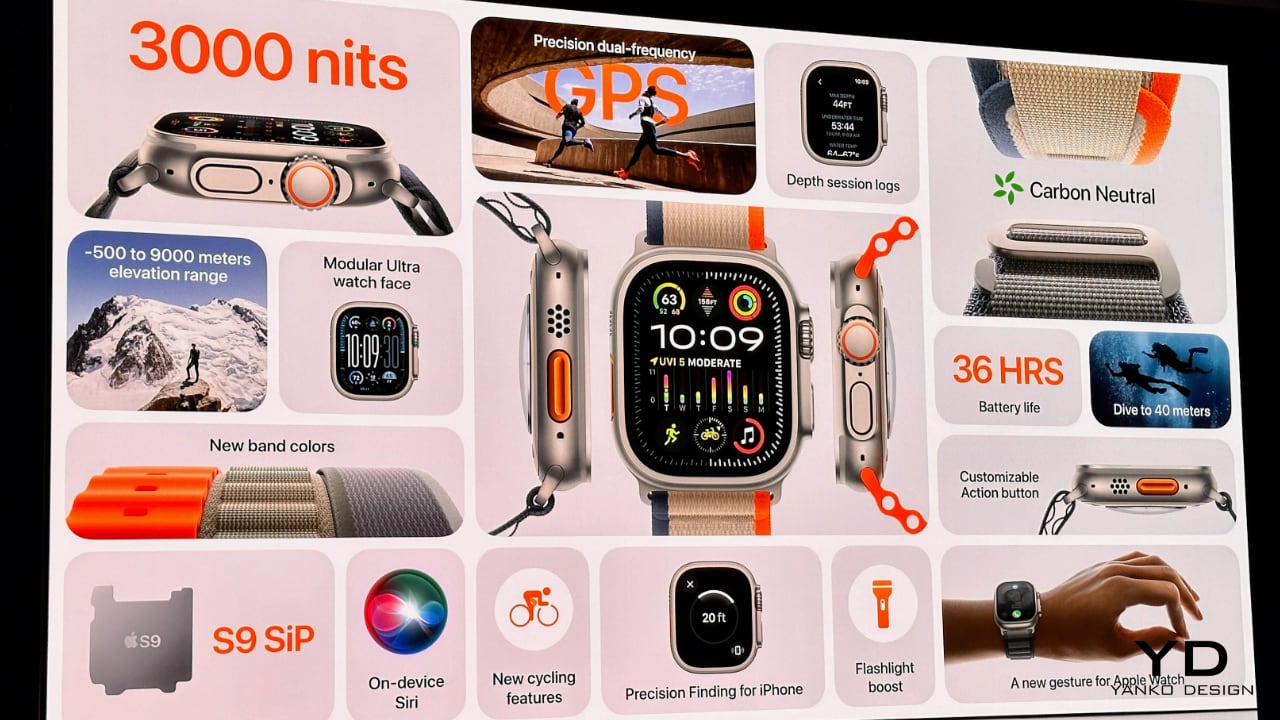
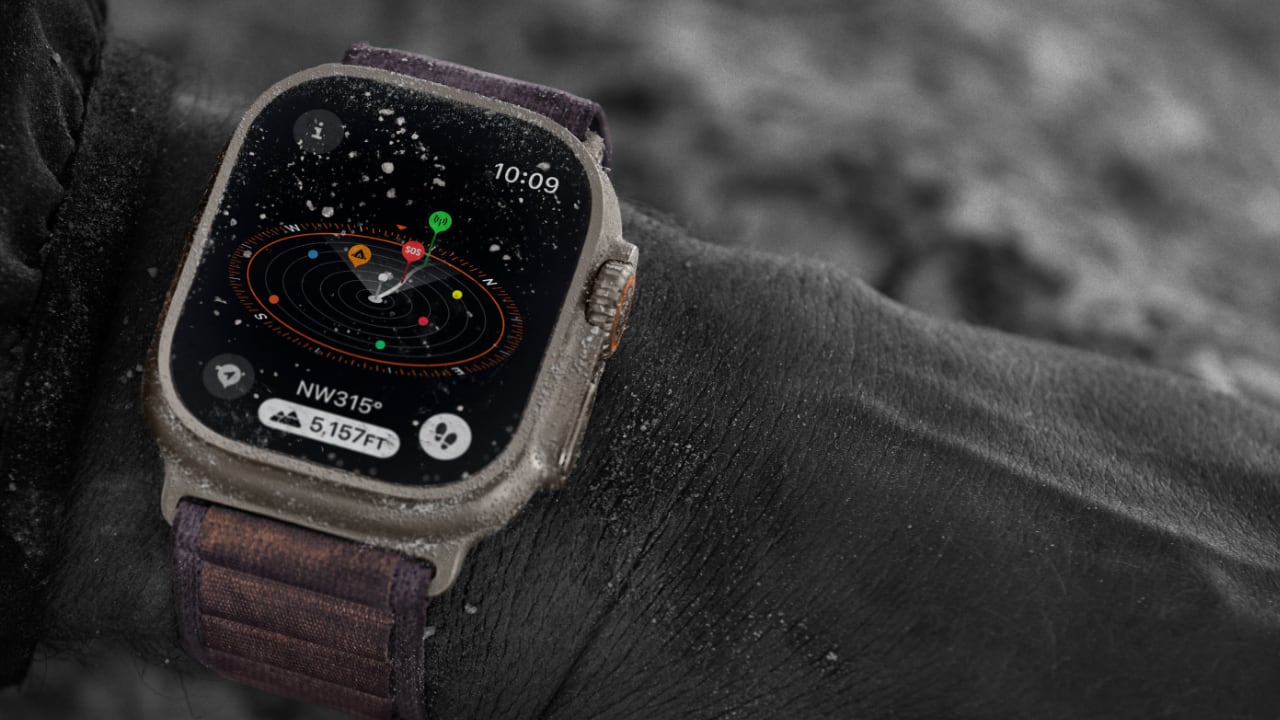
Both models offer a broad spectrum of health and wellness features, including heart rate monitoring and ECG. However, the Ultra 2 broadens its scope to outdoor sports and adventures with additional sensors and activity profiles. This includes in-depth support for diving, precision GPS for explorers, and durability enhancements such as improved water resistance up to 100 meters and dust resistance, making it more resilient against harsh environments compared to the more lifestyle-focused Series 9.
Battery life is another differentiating factor; the Ultra 2 offers up to 36 hours of regular usage and an impressive 72 hours in Low Power Mode, a substantial improvement from the 18 hours offered by the Series 9. This aligns with the Ultra 2’s design for prolonged activities and expeditions where charging might be infrequent.
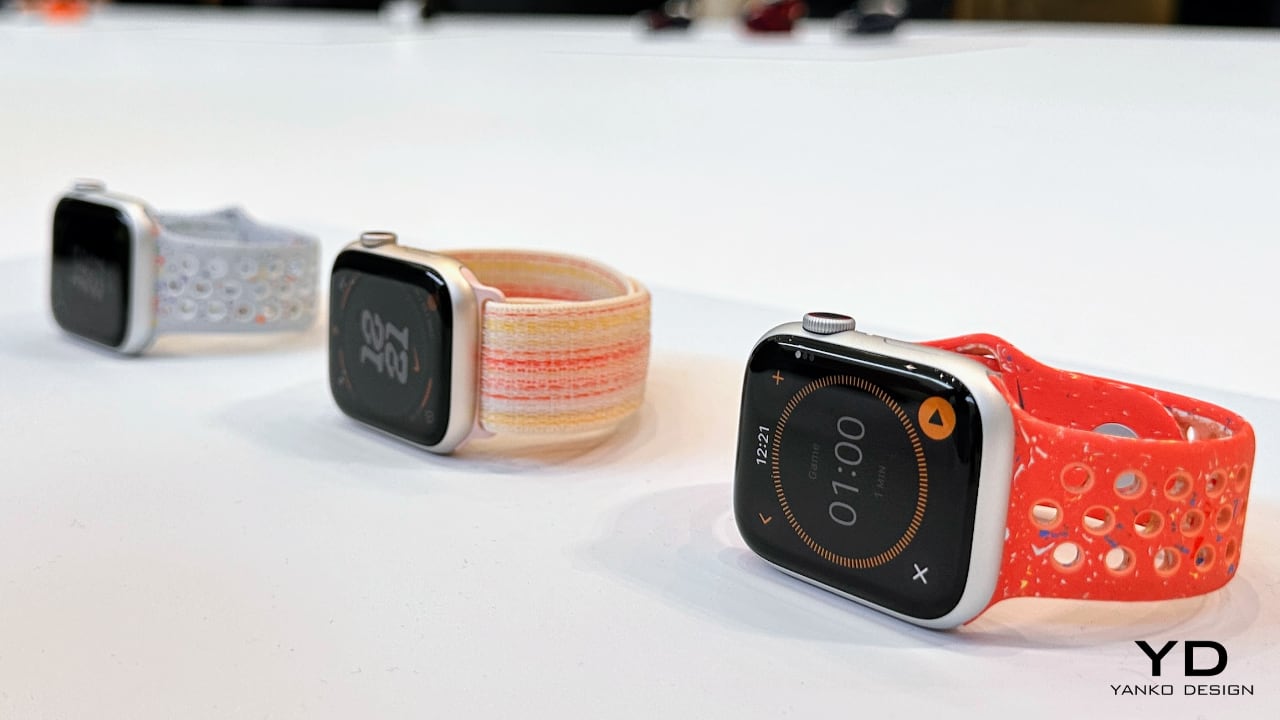
All in all, while both the Apple Watch Series 9 and Ultra 2 share core technologies and a commitment to health tracking, the Ultra 2 targets users who require robustness and expanded functionalities in challenging environments, whereas the Series 9 caters to everyday users with its stylish design and enough tech to meet routine health and connectivity needs.

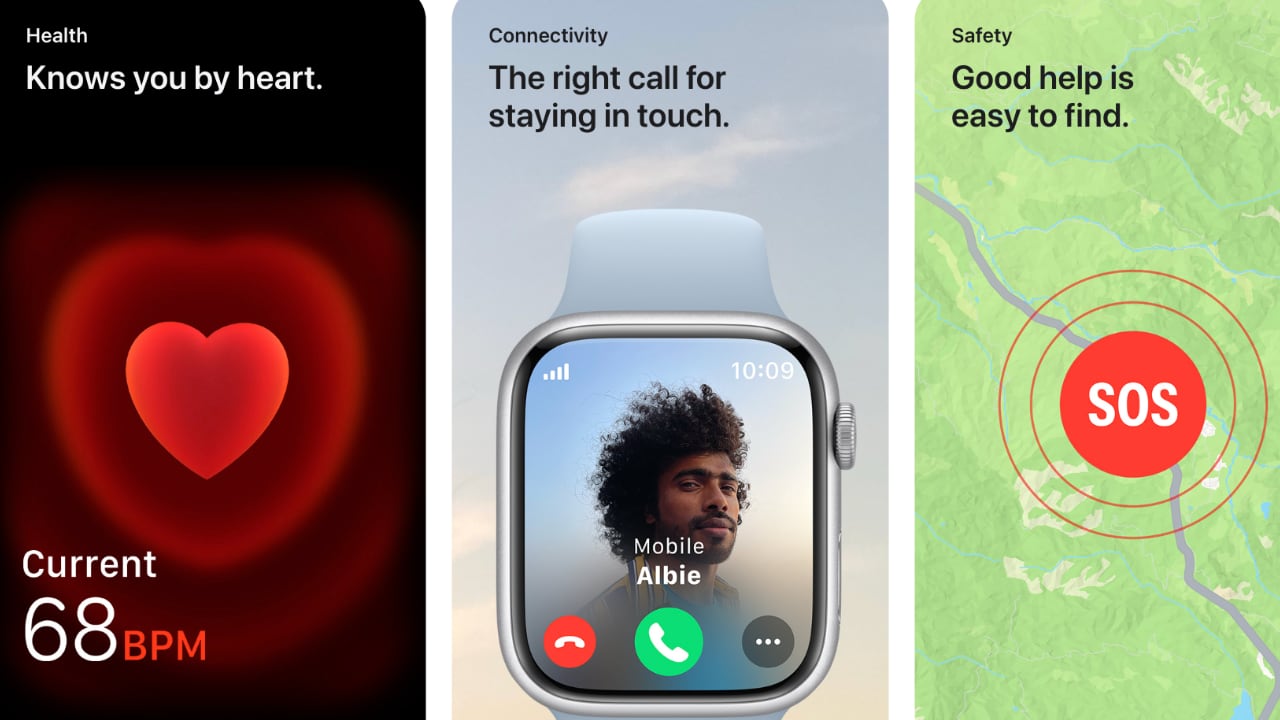
For someone like me, who often travels for work (such as working out of our office in Japan or on a photography junket in Iceland with Olympus), having reliable connectivity is vital. Both Apple Watch models provide cellular options, ensuring constant contact with family or emergency services, wherever your work or adventures take you. This peace of mind is invaluable, especially in remote locations or during unforeseen situations.
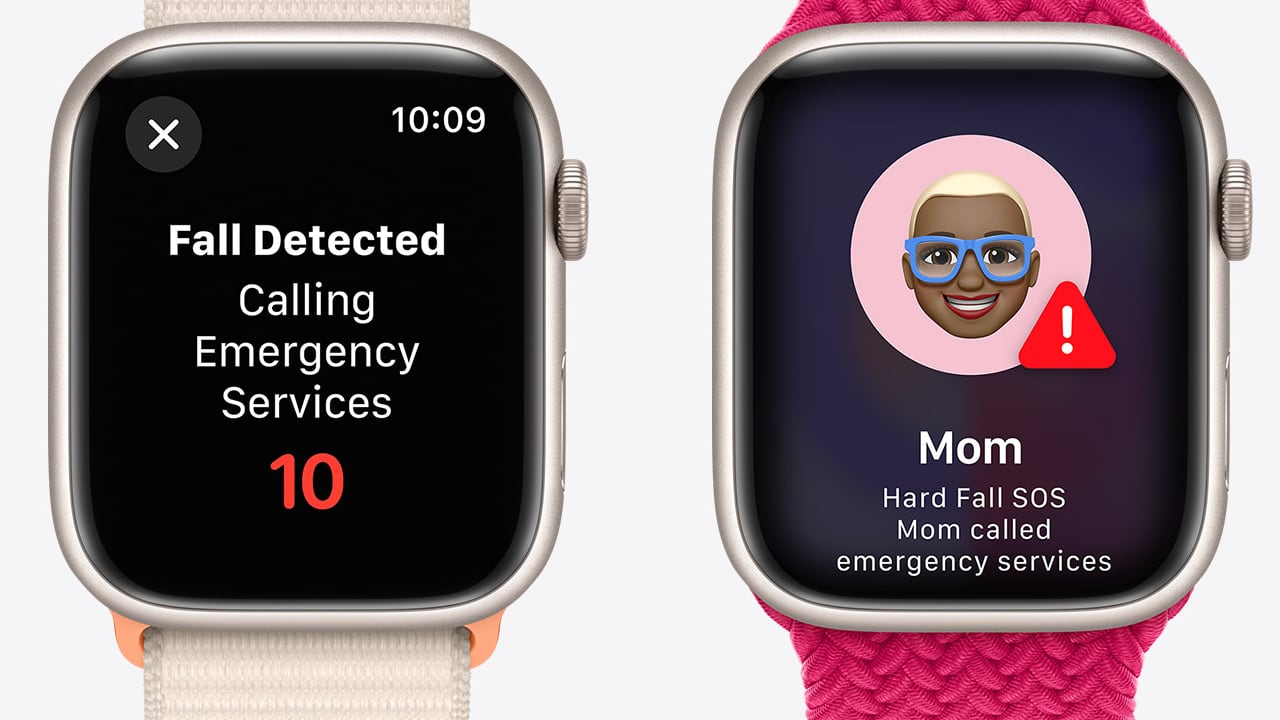
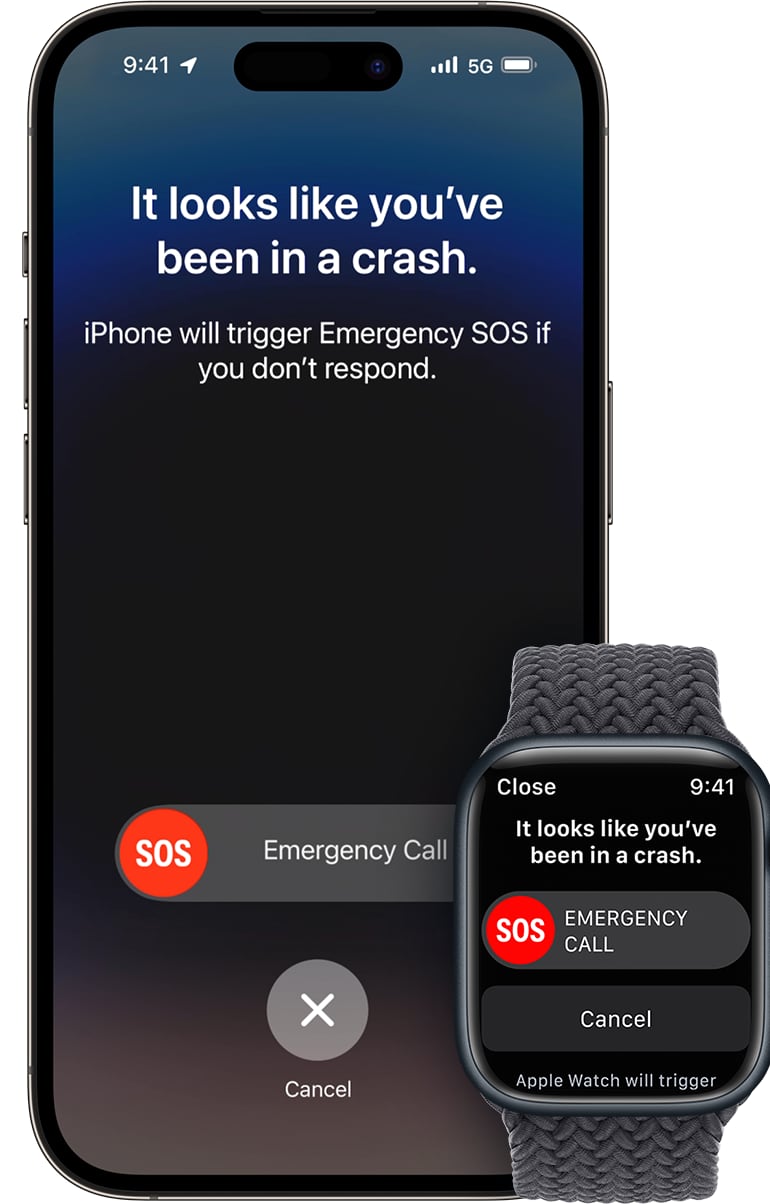
The safety features in both watches, including Emergency SOS and international emergency calling, become crucial in such situations. For example, if you’re photographing the northern lights in a remote icy landscape in Iceland and encounter a dangerous situation, the Apple Watch enables you to call for help swiftly. Similarly, when navigating through the busy streets of Tokyo, these features ensure you’re never truly isolated, even in an unfamiliar urban environment.

For families, these watches offer more than just communication. For elderly parents, the fall detection feature can alert you if they have a severe fall, triggering an SOS if they are unresponsive. This reassures you that help can be solicited even when they’re alone.
For young children, the Apple Watch can serve as an efficient tracking device. If your kids are walking to school or attending a playdate, the GPS functionality combined with cellular connectivity allows you to check their location at any time. It’s like having an extra pair of eyes, ensuring their safety when they are out of sight. With the Apple Watch Ultra 2’s enhanced durability and the Series 9’s streamlined comfort, there’s a suitable option for every family member based on their needs and lifestyle.
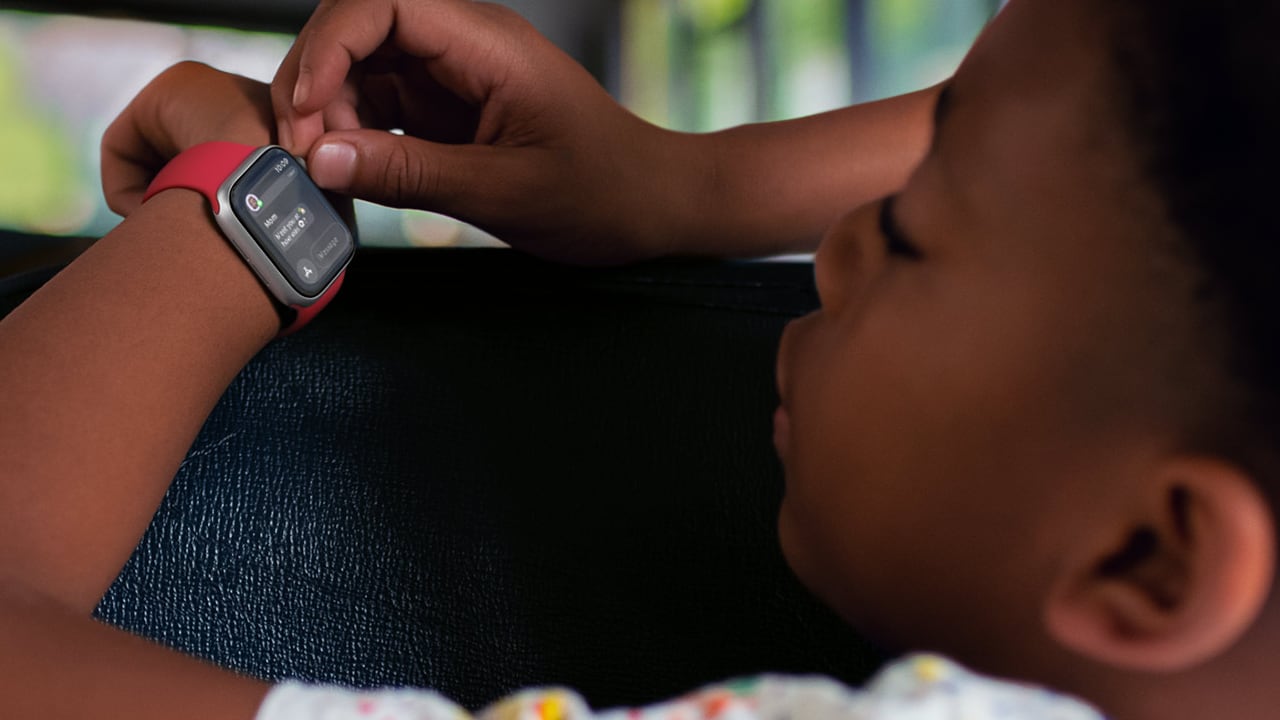
The Crash Detection feature of the Ultra 2 is especially advantageous for users across different age groups, from young children to the elderly. For example, if a child is involved in a school bus accident, the watch is capable of detecting the severe crash and automatically initiates contact with emergency services. Similarly, it provides reassurance for elderly drivers, as the watch can detect if they’ve been in a severe car accident and automatically call for help. Speaking from personal experience, having spent a decade test-driving cars for SlashGear in remote locations such as on the side of the Alps or the challenging driving conditions in Peru, having this feature offers me a sense of security. I’m reassured knowing that in an unexpected event, I have a better chance of receiving help promptly, thanks to the Apple Watch Ultra 2’s Crash Detection feature.
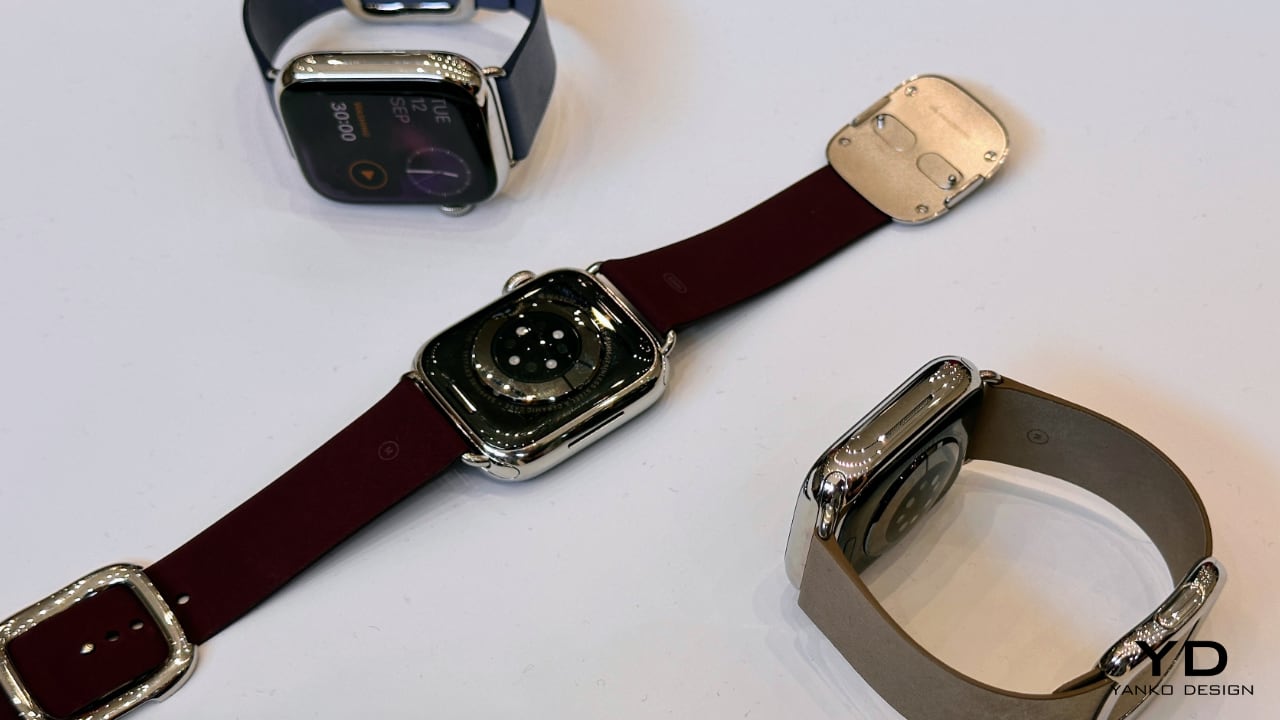
My passion for watch collection began with the brand Panerai, largely due to its simple mechanism for swapping out the bracelet or watch strap. It’s a feature that led me to spend more on the straps than the watch itself. My experience with the Apple Watch is similar. Its clever design enables a quick strap change with just one button push, making it suitable for various activities or occasions, which enhances its appeal. Since the introduction of the Watch Ultra, I’ve invested more in straps than the watch itself. Interestingly, I’ve found my ultimate favorite – the 45mm cypress solo loop. To me, it’s akin to donning a tailored Italian wool suit. My fondness for the green strap has led me to stockpile size 7 for winter and size 8 for summer. The watch and strap together create an uninterrupted loop when on my wrist. The convenience of putting on and taking off the watch is comparable to slipping on a bracelet. The beauty of the Apple Watch is its versatility; you could purchase a variety of straps to cater to your taste or simply choose one strap that fulfills all your needs.

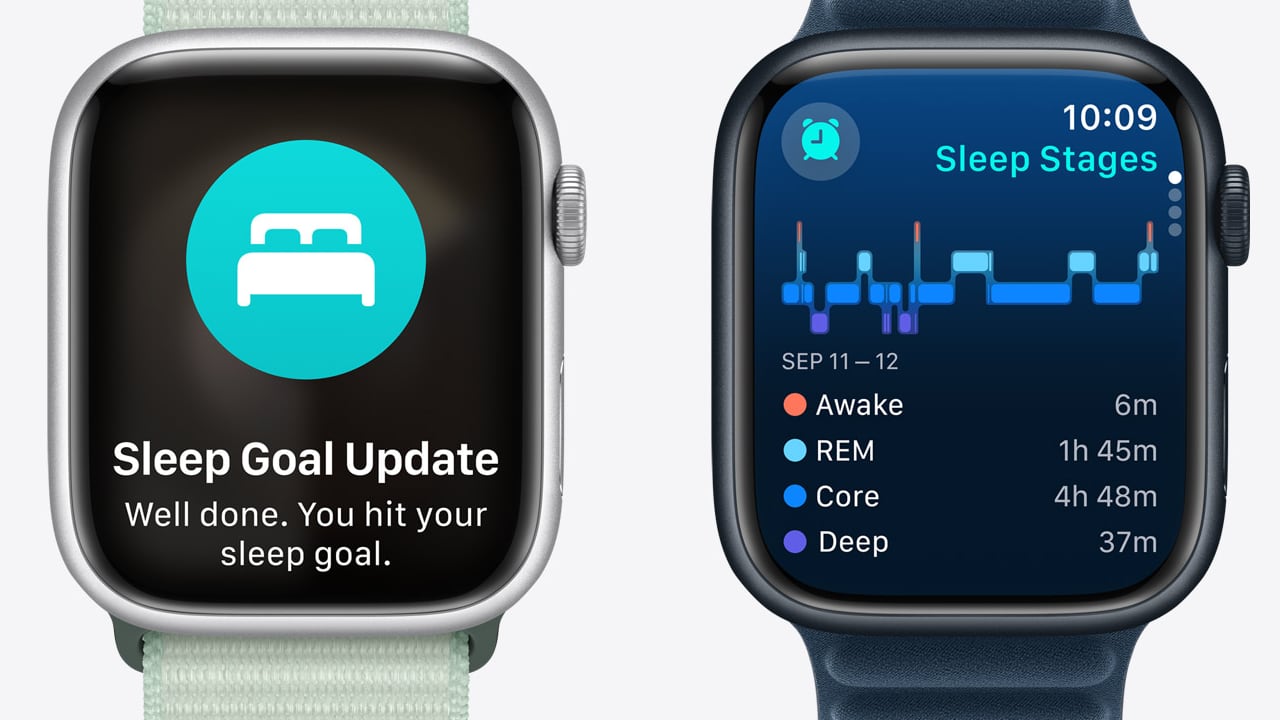
Before wrapping up this lengthy article, I’d like to shift focus to the health functionalities that are particularly significant to me. Sleep tracking is paramount due to my inconsistent sleep schedule, often caused by collaborating with colleagues across different time zones. Having the ability to track multiple time zones simultaneously is nothing short of amazing. Therefore, having the Apple Watch track my total sleep duration and, more importantly, the quality of each minute I spend resting provides invaluable insights into whether I’m getting sufficient rest.
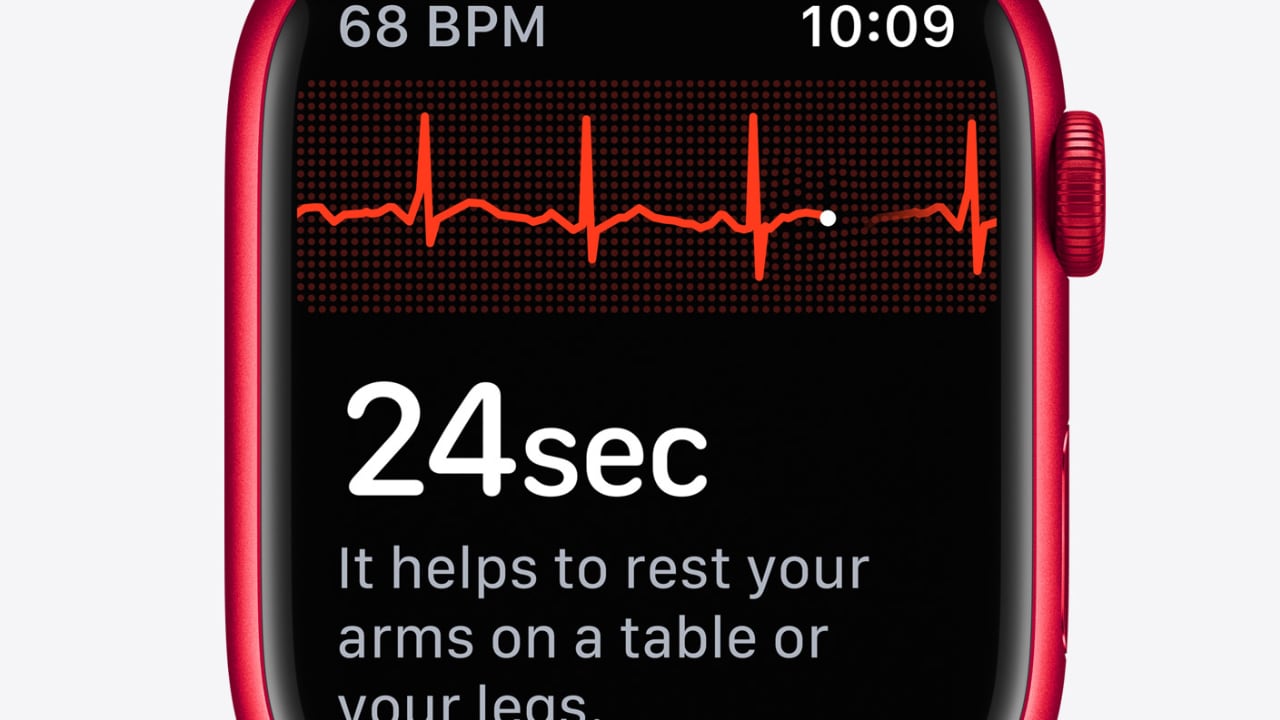
Monitoring my heart rate and heart rate variability are also vital aspects of my health tracking routine. These metrics can provide insight into my overall cardiovascular health and my body’s response to stress and recovery.
Interestingly, one feature that I find surprisingly useful is the activity reminder. I often become so engrossed in my work that hours fly by without me taking a moment to stand up and move around. While it may seem mundane or obvious, the reminder to get up and take a short walk is incredibly important. It helps break up periods of prolonged sitting, which can contribute to various health problems.
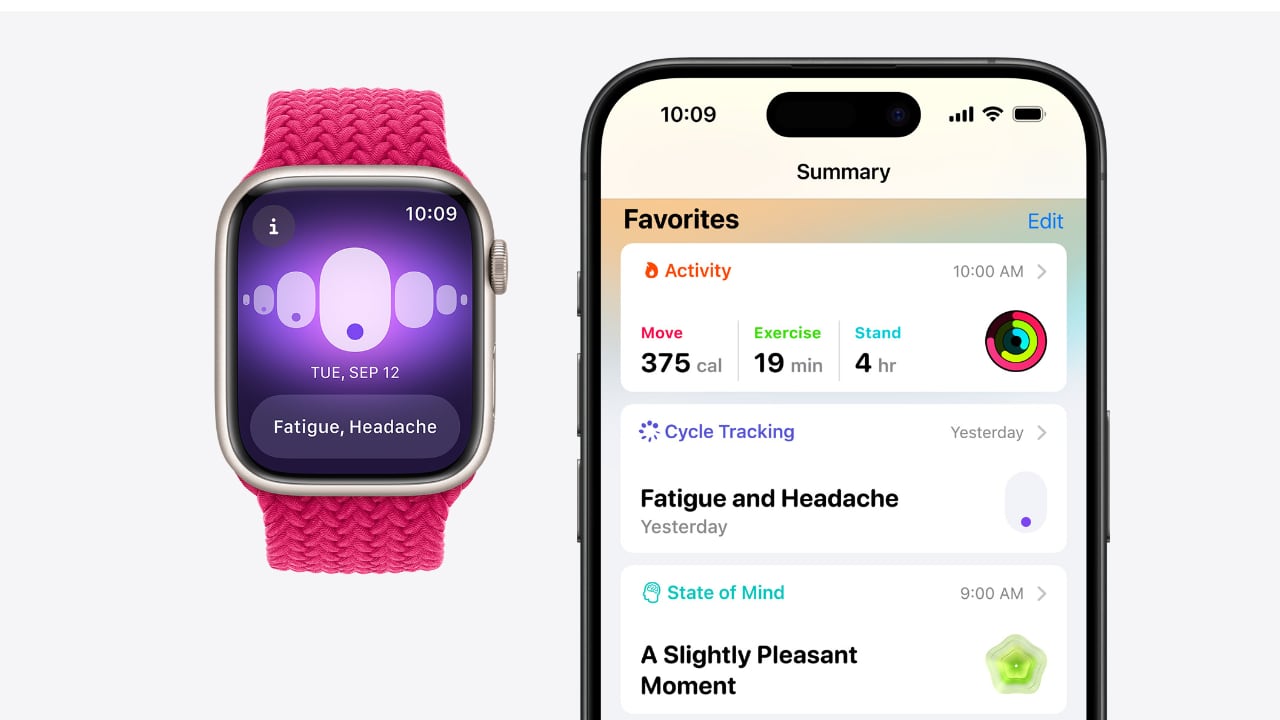
It’s true that the Apple Watch won’t last an eternity like a Rolex or even a $50 Casio; Apple has packed enough features and future-proof the watch to allow you a sufficient length of time, which, in my opinion, yields a pretty good ROI. The need to upgrade or buy a new watch every year, two or three years, isn’t necessary unless you decide you want to change things up. As for me, I wear the Watch Ultra 90% of the time while my Rolex Pepsi gets around 5% wrist time, and yes, I do give my wrist a rest from wearing nothing.
If you enjoy this column, you’re invited to return every Wednesday at 10:20AM PDT for my weekly Wrist Watch Wednesday feature. If there are topics you’d like me to cover or watches you’d like to see reviewed on Yanko Design, you can find me on X: @Nguyen or threads.net: @vincentnguyen.

The post Beyond Telling Time: How the Apple Watch Redefines Modern Wearables first appeared on Yanko Design.
Samsung Galaxy Watch 7 could return to an old 2014 design

Smartwatches are undergoing a bit of an identity crisis at the moment. Although the likes of the Apple Watch have cemented their image as wearable health monitors, smart rings have started to steal the spotlight and threaten their position. After all, if you could keep track of most of those health metrics and still wear your favorite stylish watch, you’ll probably ditch the smartwatch in a heartbeat. Some smartwatch makers, especially those from luxury brands, have decided to just call it quits, while others are trying to come out with new features that smart rings can’t match or fresh designs to interest buyers. Samsung might be of the latter camp, with rumors of its impending return to a square design that could end up looking like an Apple Watch imitation.

Designer: Samsung (via SamMobile)

Although Apple’s square smartwatch design has probably become iconic by now, the first generation of smartwatches that predated the Apple Watch all had a blocky shape. That was more due to the limitations of display technologies at that time rather than a deliberate design choice. The first round smartwatch, the Moto 360, was actually infamous for its “flat tire” screen precisely due to that technical reason.

That didn’t help the cause of smartwatch brands that were trying to appeal to buyers. It may have not exactly been the shape itself but the way the smartwatch bodies looked bulky and clunky that turned people away from an accessory that aimed to replace stylish and luxurious timepieces on your wrist. Fortunately, that industry did get the hints and round smartwatches became almost the de facto design, especially after fashion and luxury brands started playing the game.

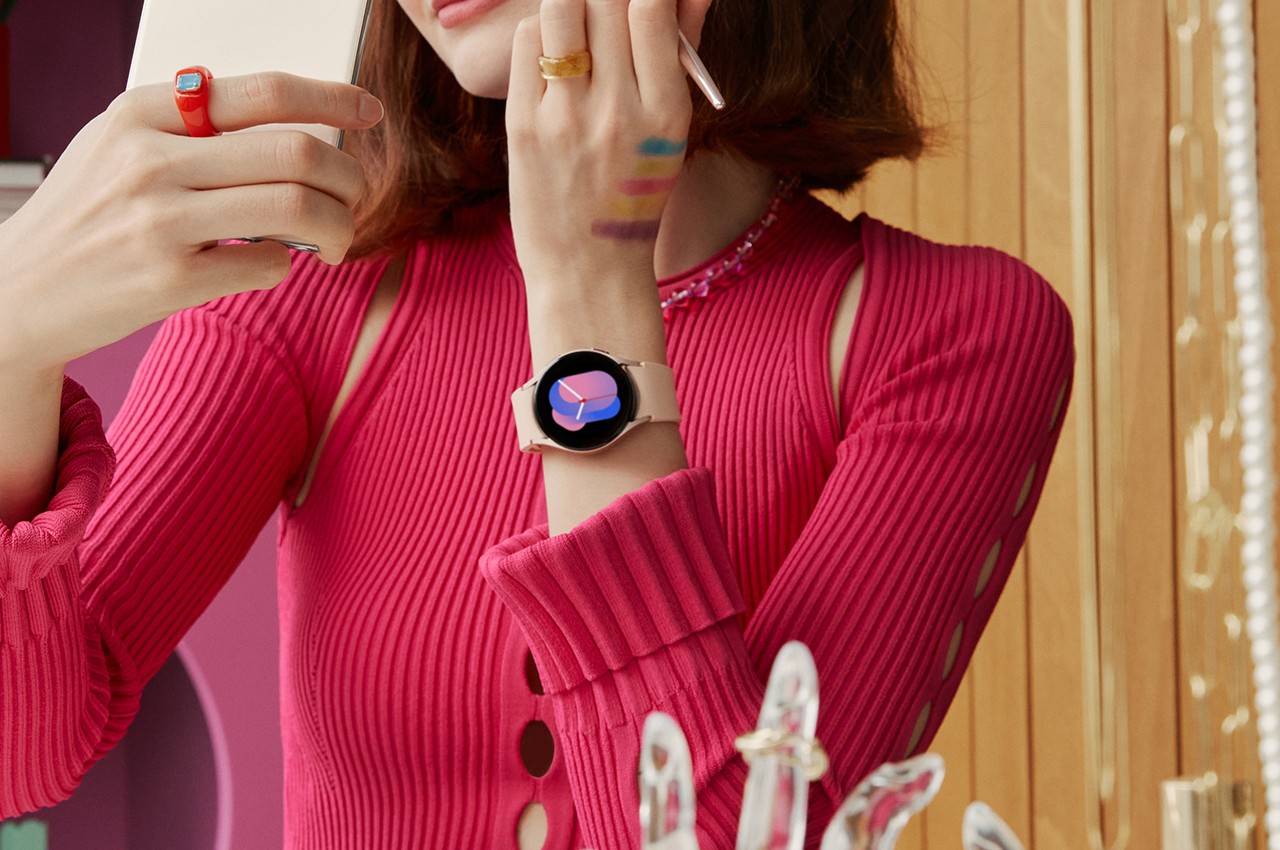
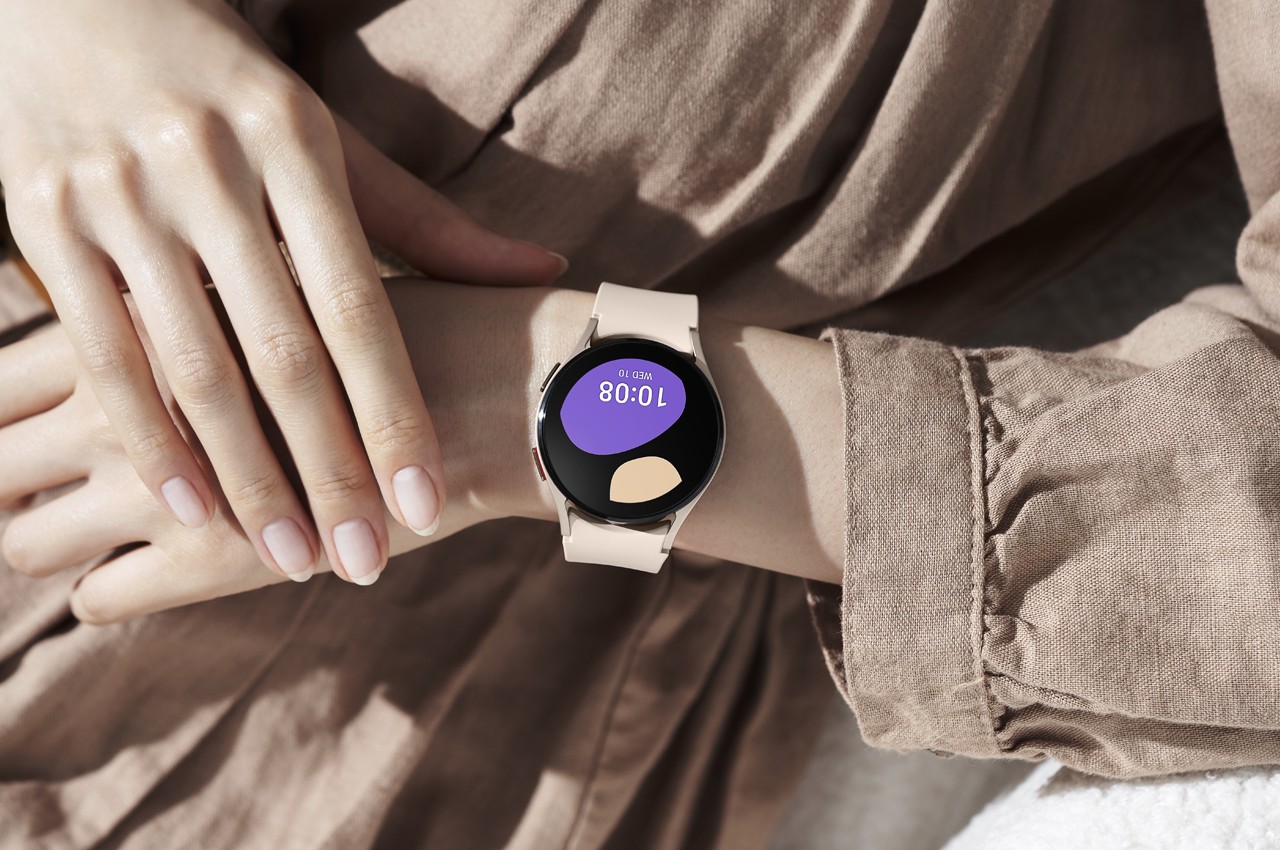
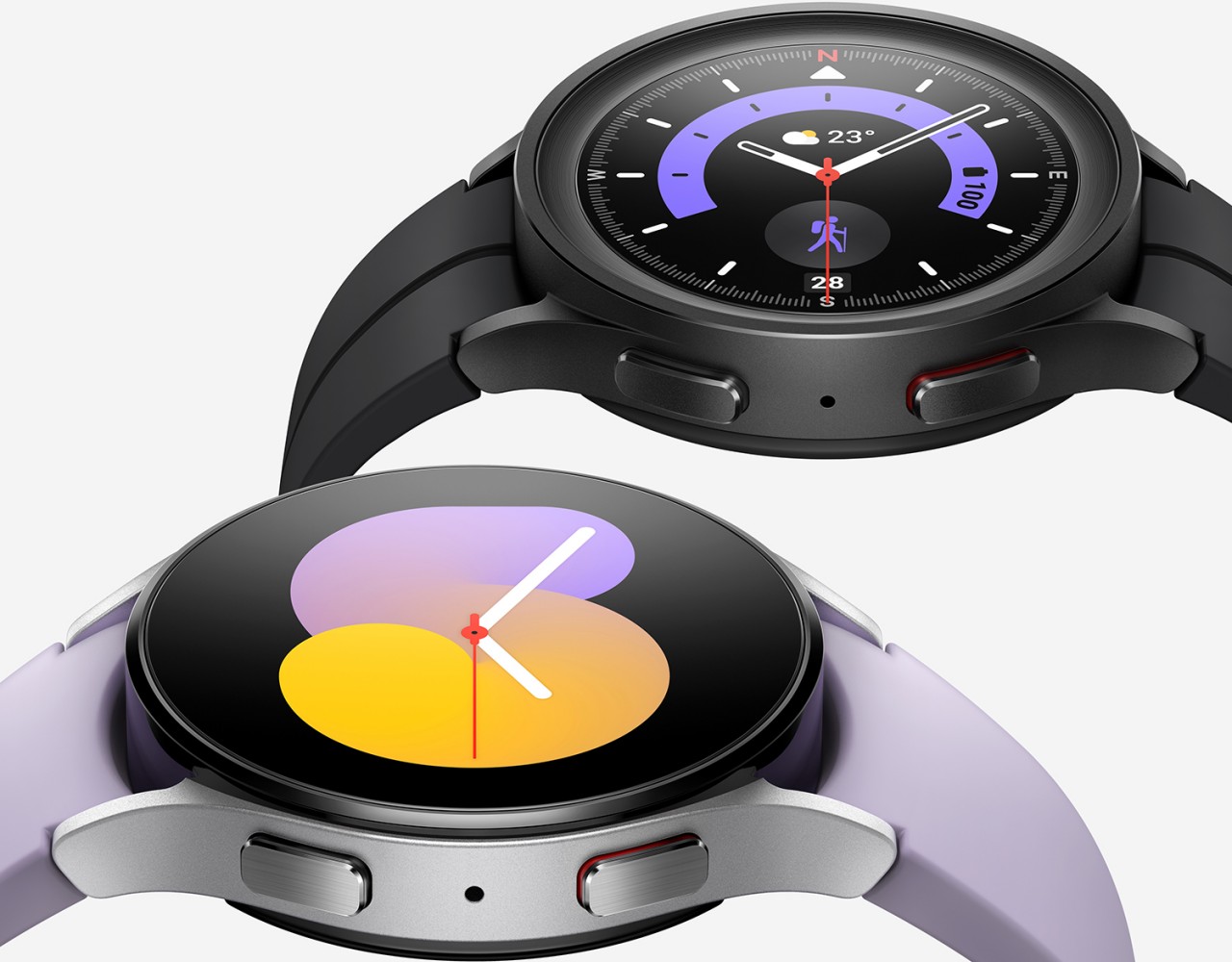
Samsung Galaxy Watch 5

Samsung Galaxy Watch 5

Samsung Galaxy Watch 5

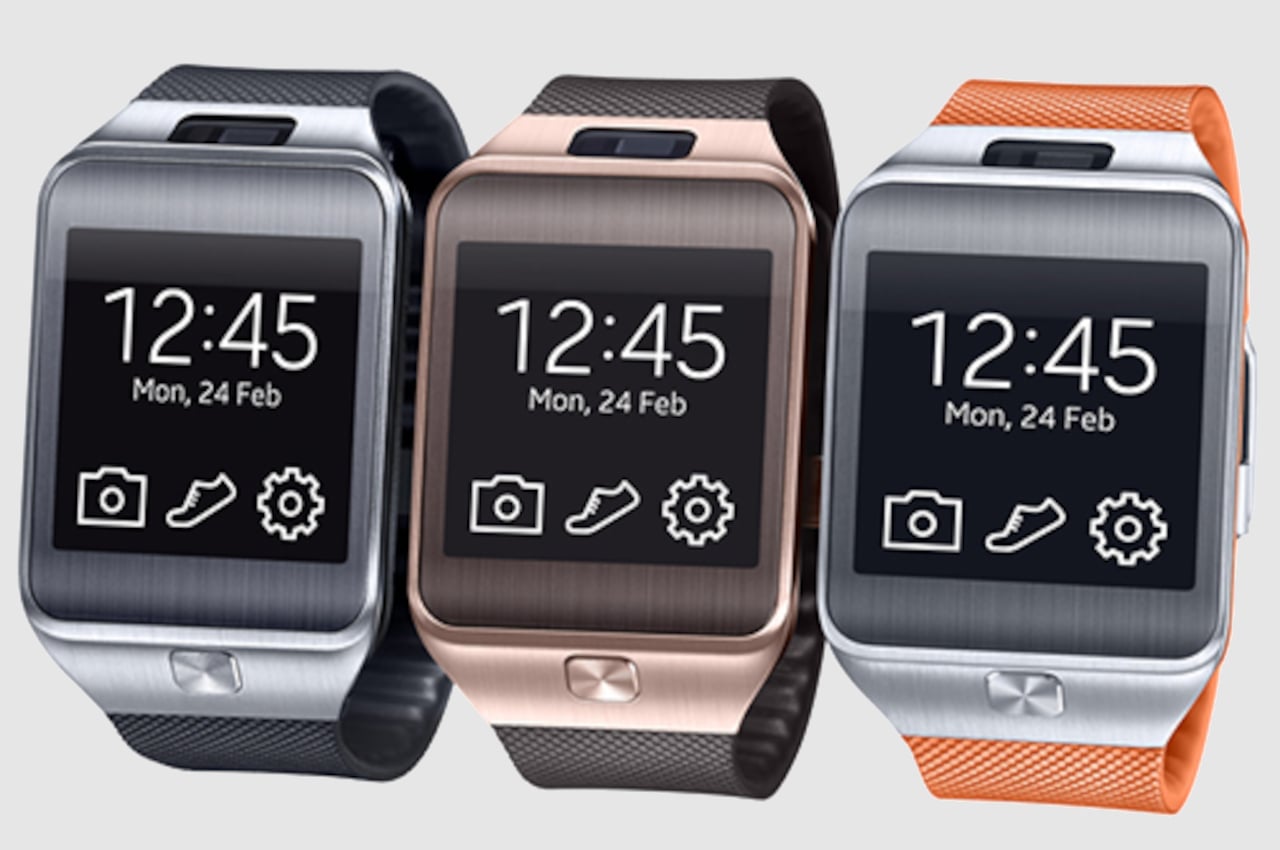
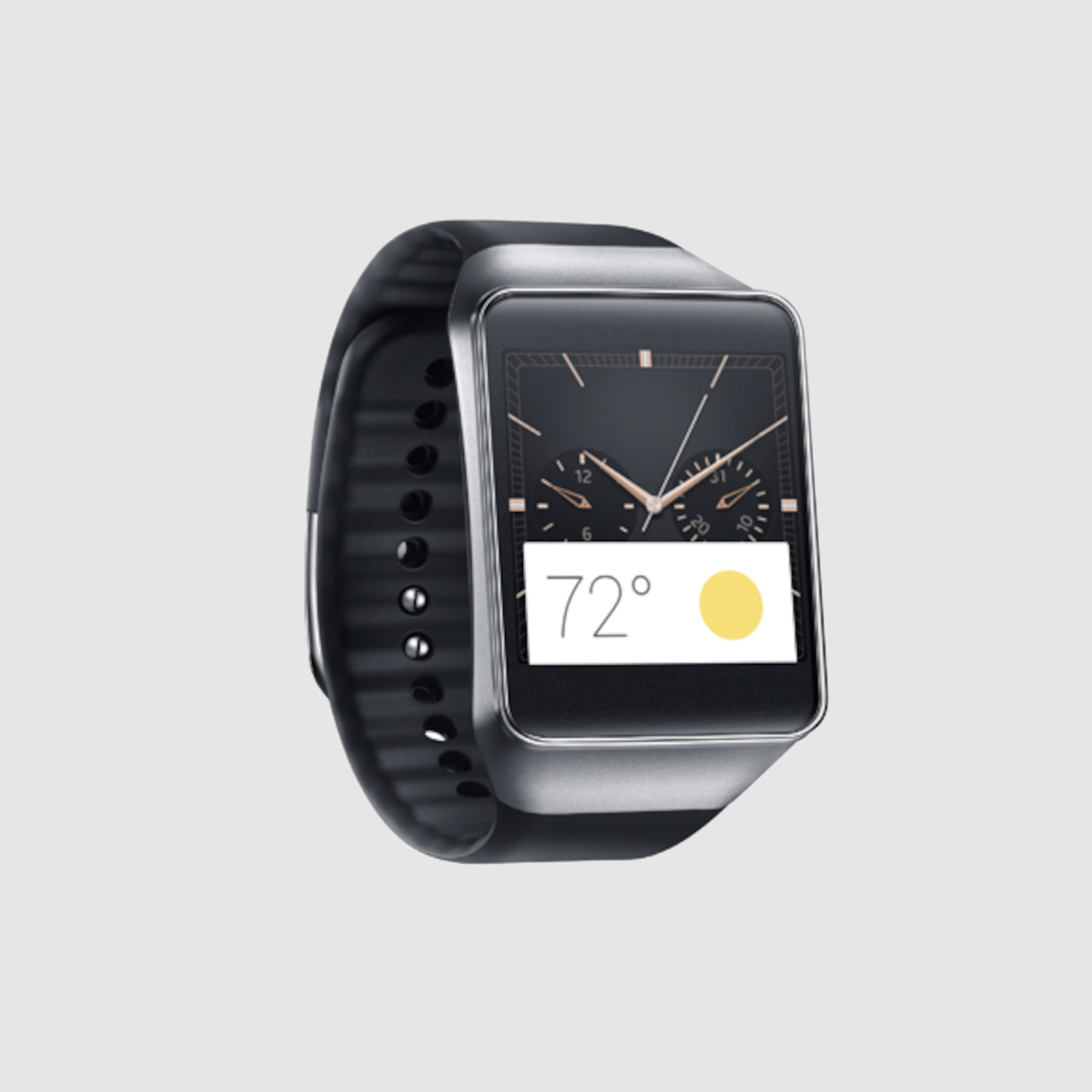
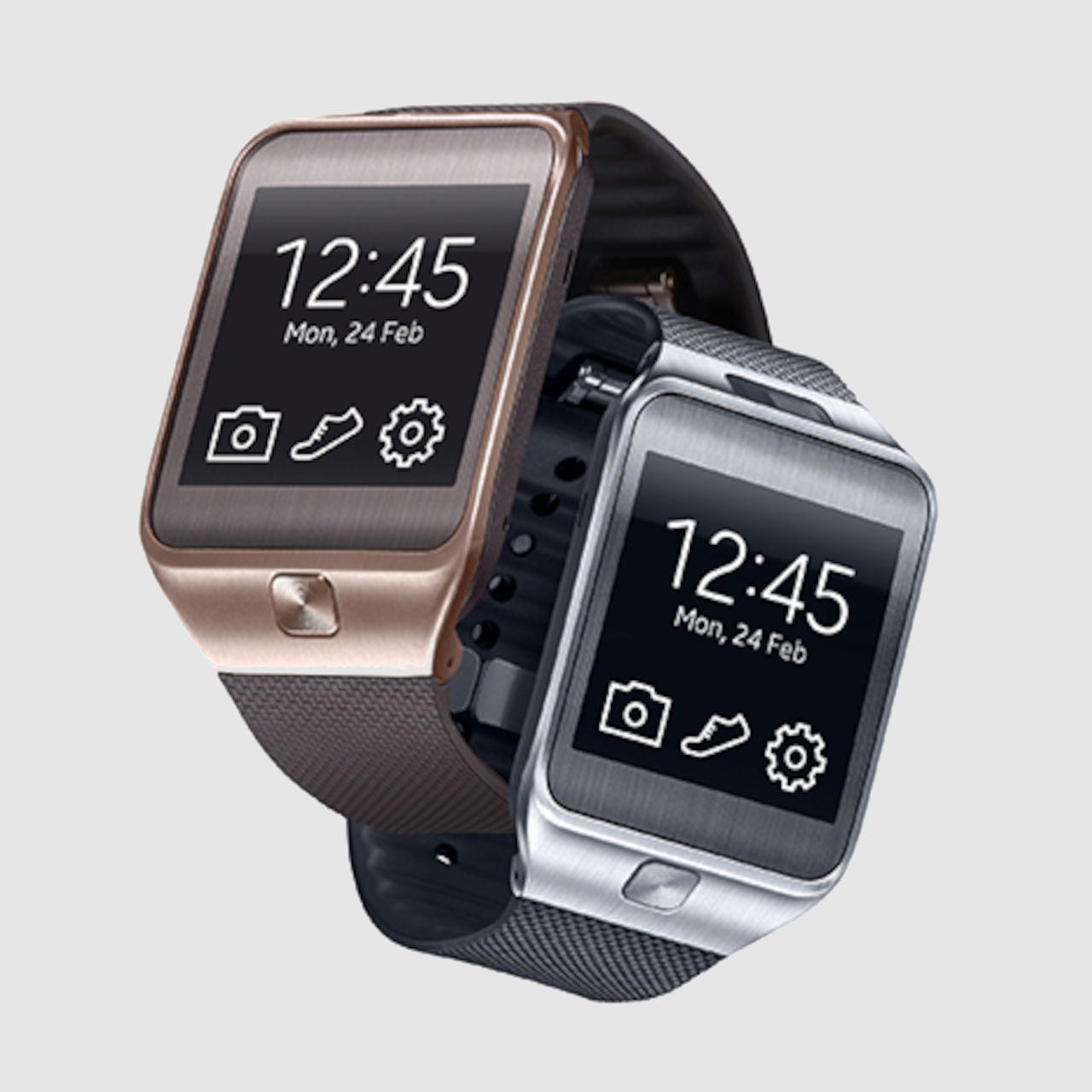
According to an insider report, Samsung might be shifting the design in the opposite direction, embracing a square design instead of the round watches it has been carrying for years. It’s not that Samsung hasn’t done square smartwatches, just that it hasn’t done those since the Gear 2 and Galaxy Live from 2014. It’s unknown whether Samsung will implement that change in the Galaxy Watch 7 or if it will wait for another iteration. Presuming, of course, this scoop is correct.

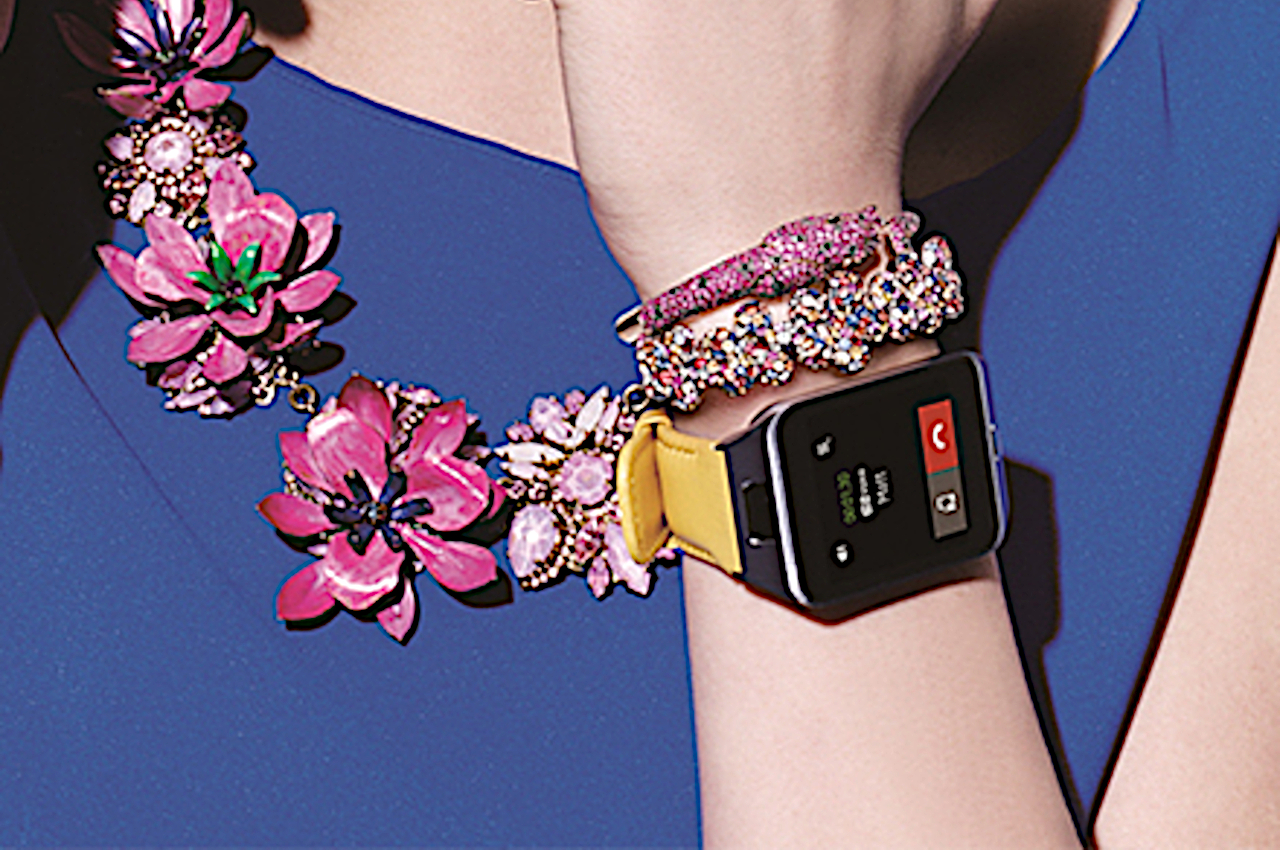
The Apple Watch and its many clones have proved that square doesn’t have to be boring, and Samsung might indeed be aiming for such a visual appeal. It won’t come as a surprise, however, if the next Galaxy Watch ends up looking like an Apple Watch, which is sure to earn the ire of long-time fans and the ridicule of critics. Then again, it could probably do worse and adopt the exact same design as its 2014 smartwatches, which, besides being square in the idiomatic sense, is also very flat, also in the idiomatic sense.

The post Samsung Galaxy Watch 7 could return to an old 2014 design first appeared on Yanko Design.
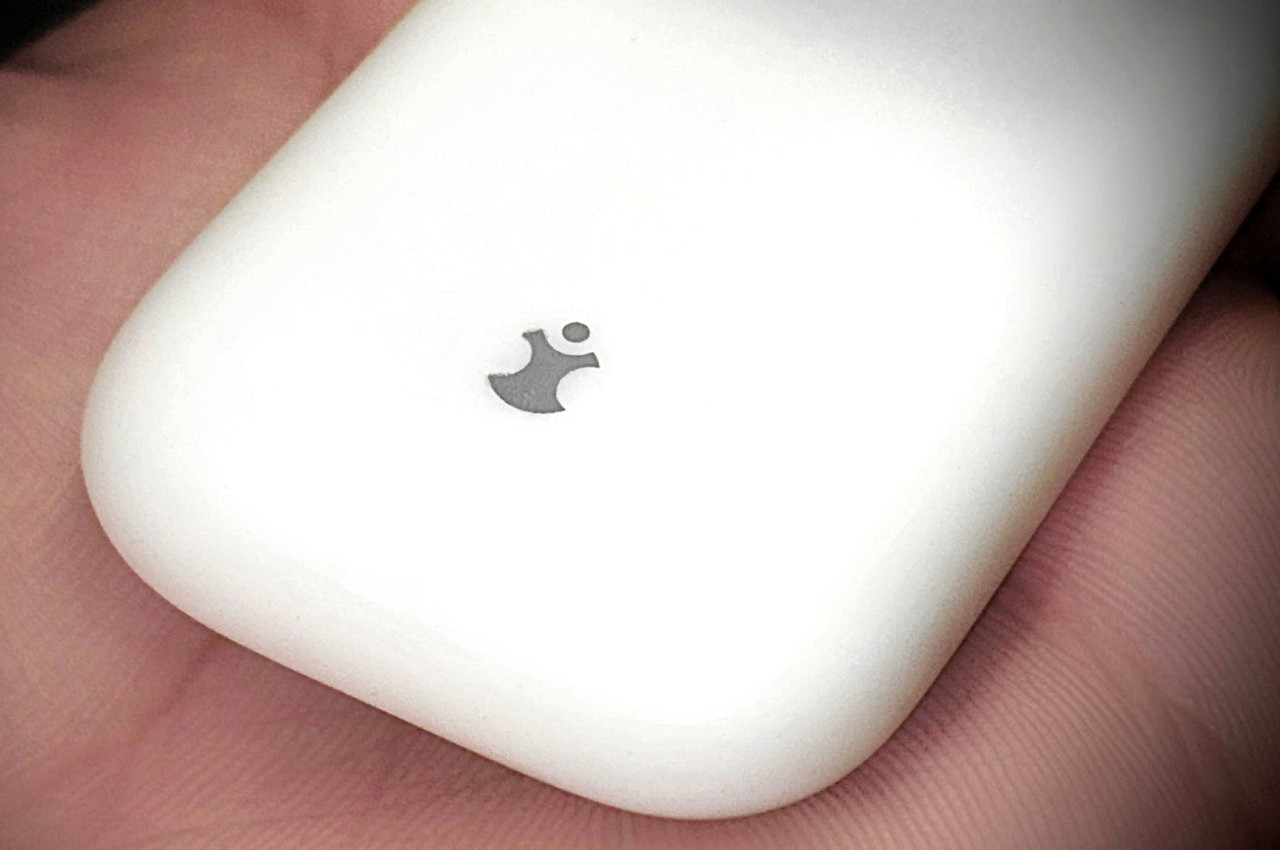
Ergonomic Apple Watch band puts the smartwatch on the back of your hand

We wear watches on our wrists because that’s been the standard design of wristwatches, hence the name, for decades or even centuries. It’s a more convenient design compared to the classy yet antiquated pocket watches, but that doesn’t exactly mean they’re the best design available. For some people, that design can actually cause some pain in the wrist whenever you have to lift your hand and turn it so that you can see that time. That action is perhaps even worse with smartwatches, considering how often you have to do that to see not just the time but other information and notifications as well. That’s the kind of design flaw that this odd-looking Apple Watch “band” tries to address by simply moving the smartwatch from the back of your wrist to the back of your hand.

Designer: ErgonBand

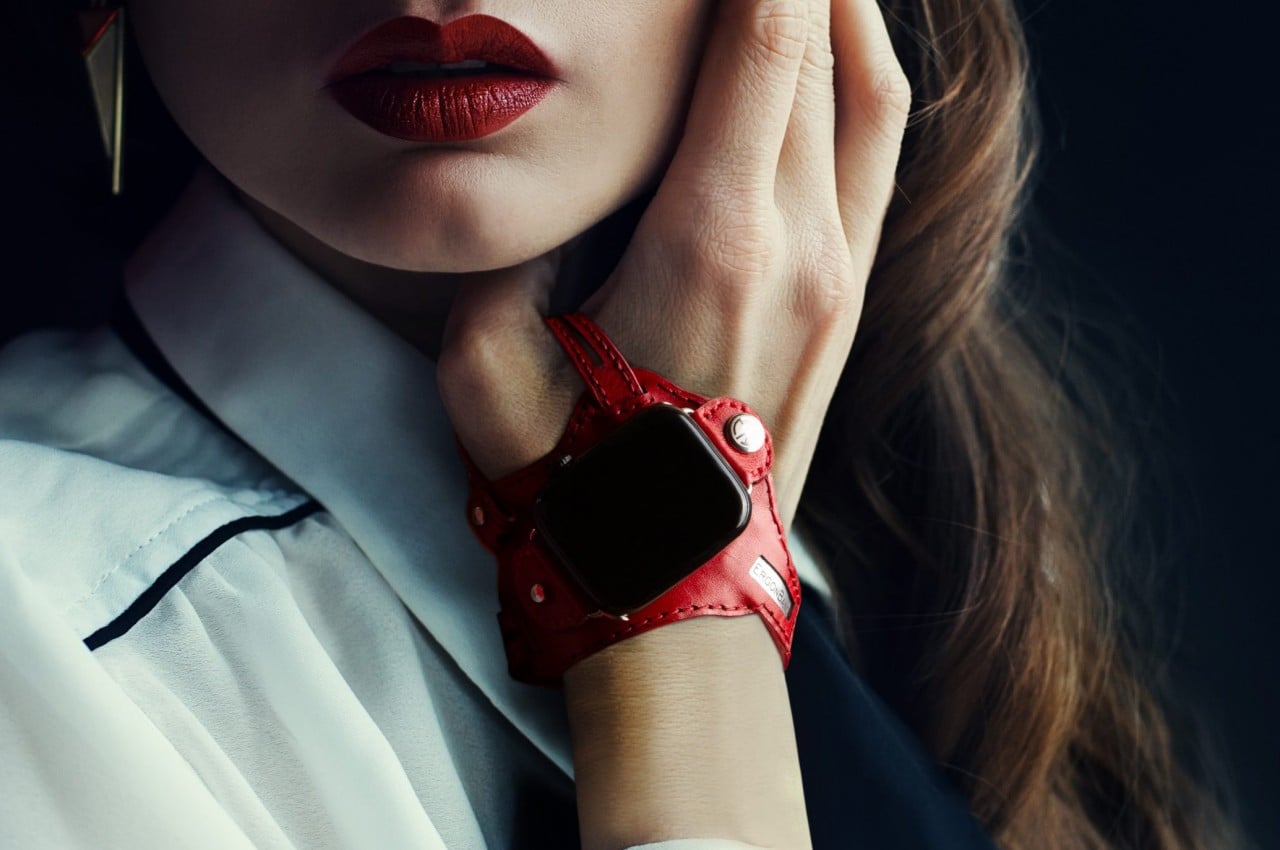
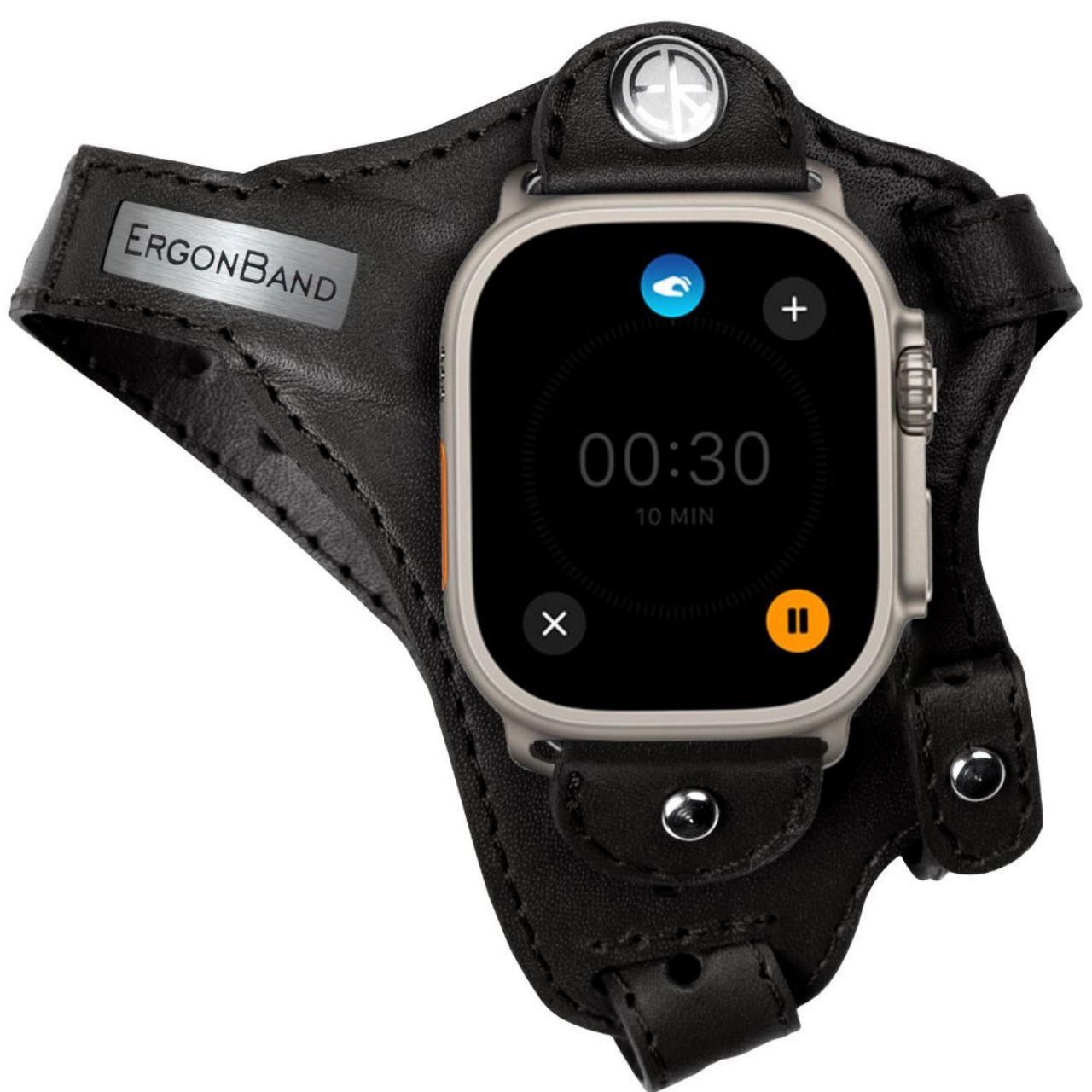
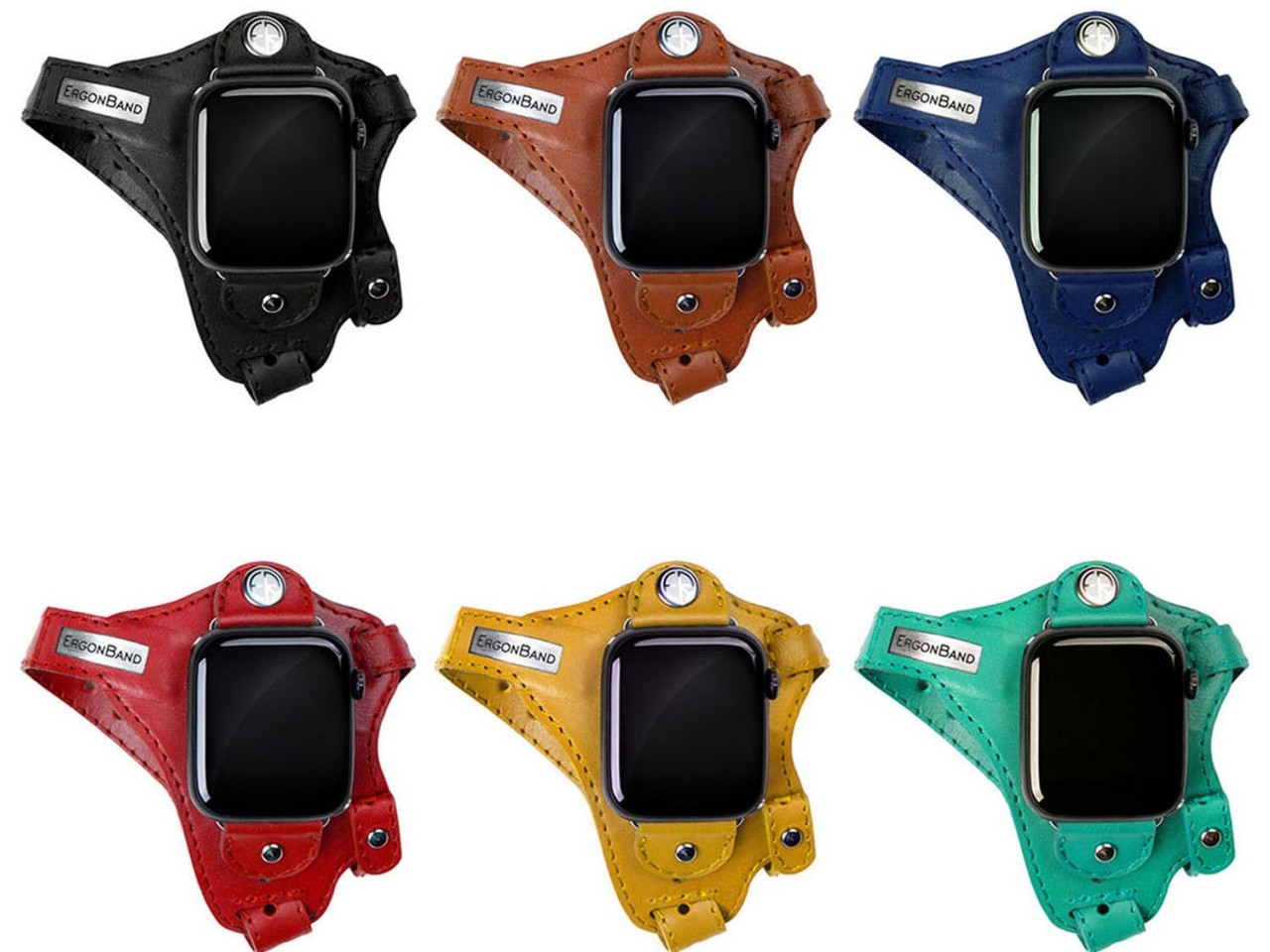
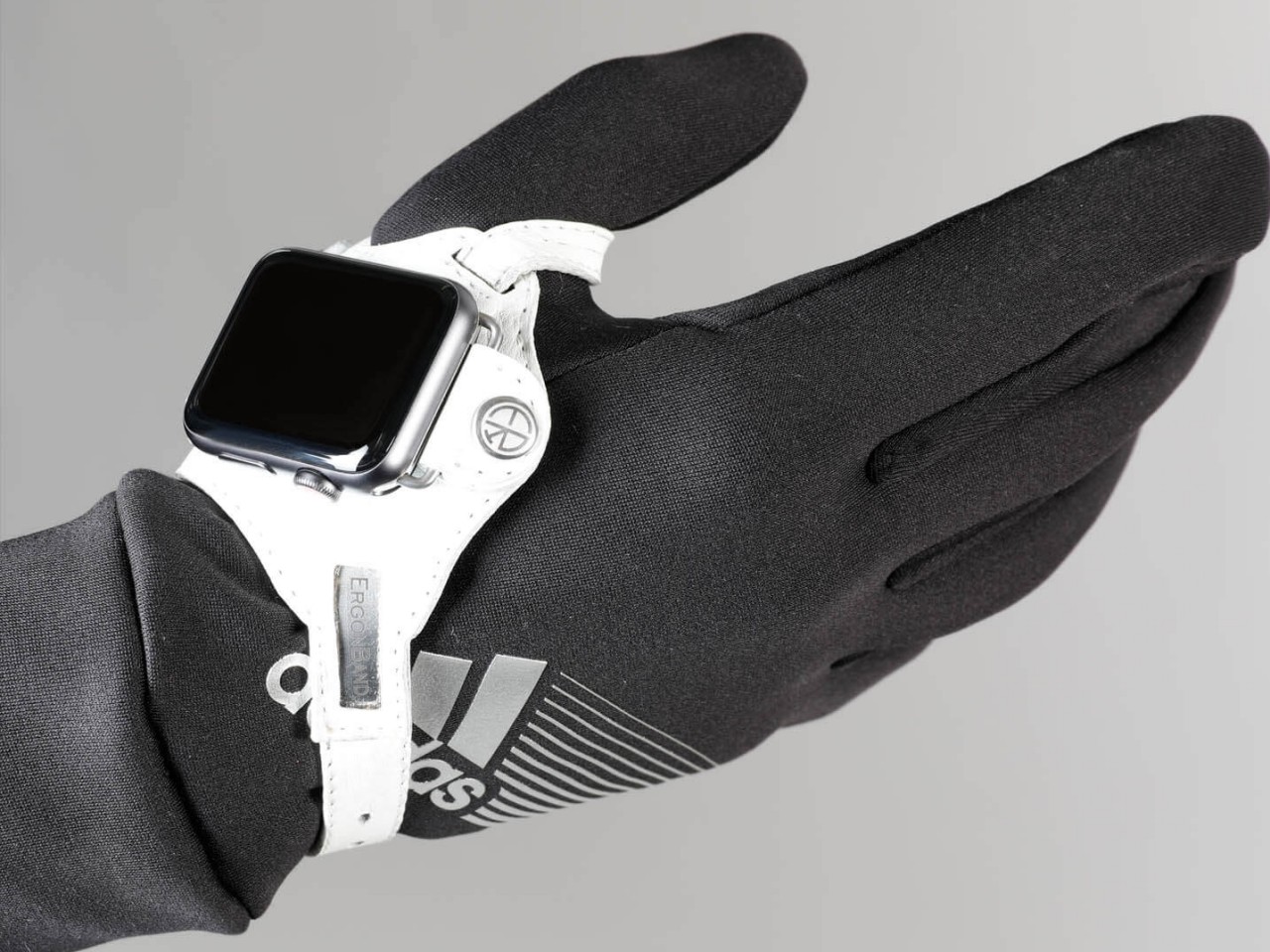
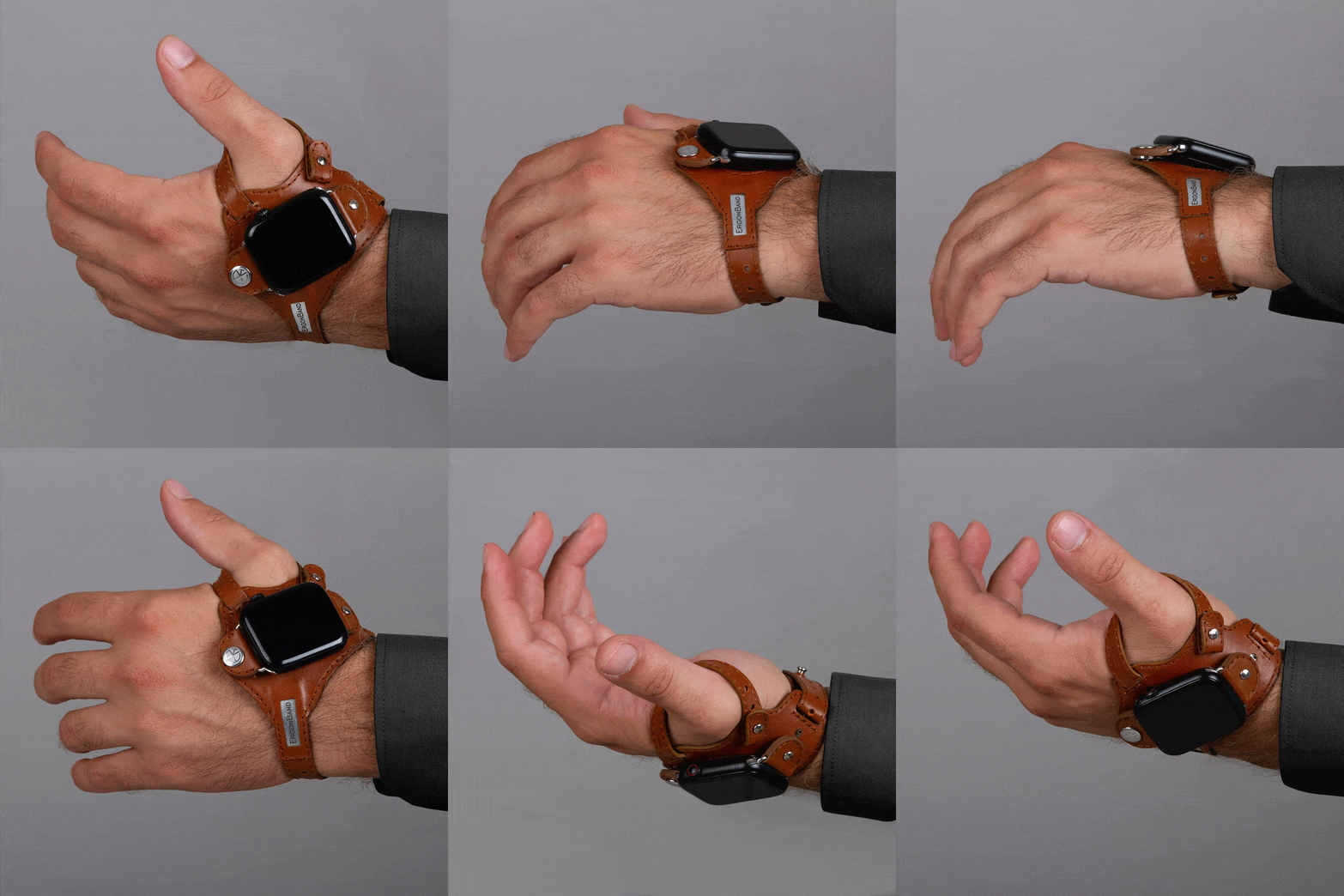
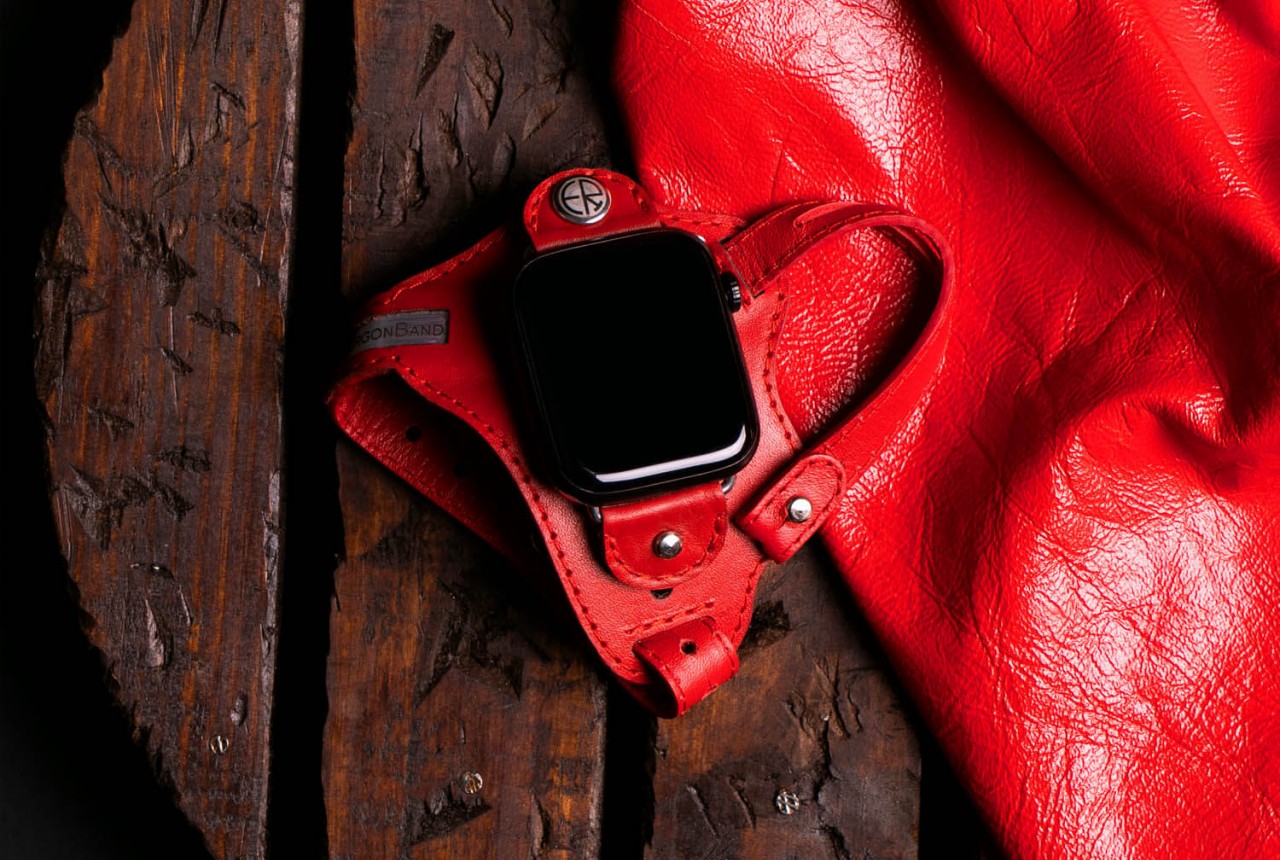
The appearance of this Apple Watch accessory looks a little ridiculous, at least until you hear the reasonable explanation behind its design. The band, which is actually more like a strap, looks like one of those thumb or hand braces that athletes use for protection. The Apple Watch, sans the straps, is locked in place using clips that utilize the standard lugs and is placed below the joint of your thumb.

This location isn’t based on a whim but on how it makes the screen almost always visible without having to twist your wrist. At least that will be the case for people who need to see the watch face while holding something or with their hands swinging in front of them, like athletes doing training or people exercising. In fact, this kind of ergonomic design was made exactly for sports uses, though that doesn’t stop it from being used by anyone interested in a different way to wear a smartwatch.

1

While the theory might does sound plausible, there might be a few practical hurdles to such an ergonomic design. For one, waking up the Apple Watch is often done using that twisting gesture, so you’ll have to resort to actually touching the screen or pressing a button to turn on the screen. That defeats the purpose of not requiring your other hand just to glance at information quickly, which ironically makes it a bit less ergonomic in the process.

The other issue is that this kind of band might get in the way of using your hand for other things, especially ones that could make the strap dirty. Most of us are probably unused to wearing such a strap, so there will be some awkwardness and discomfort at the start. The hand-stitched leather material does try to make it a little bit comfortable and stylish, but that might also raise concerns about using it for intense workouts and sports activities. The ErgonBand is admittedly a curious attempt at solving this ergonomic problem, but it might remain just a curiosity rather than a solution that Apple Watch owners can rely on.

The post Ergonomic Apple Watch band puts the smartwatch on the back of your hand first appeared on Yanko Design.
This $39 MagSafe Charger is like Apple’s AirPower Mat on performance-enhancing steroids…

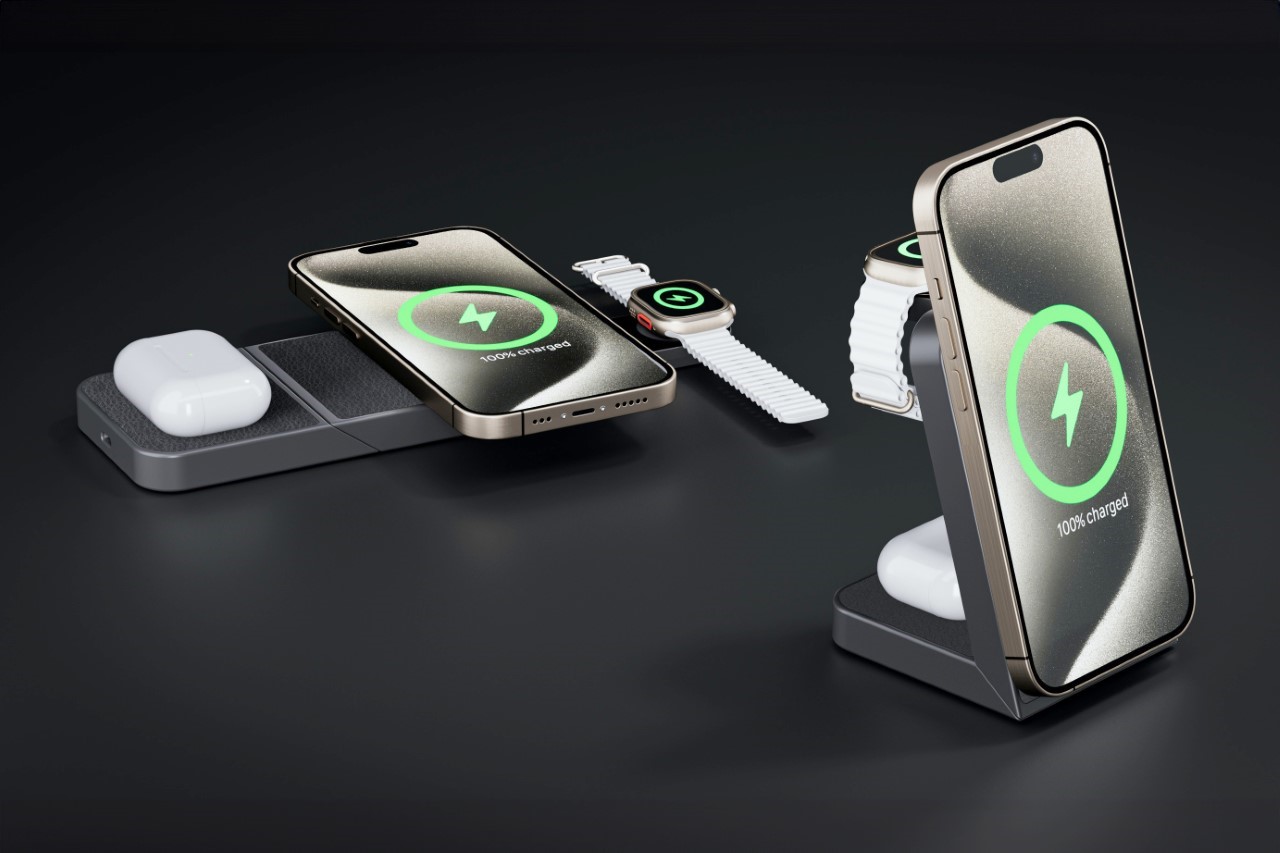
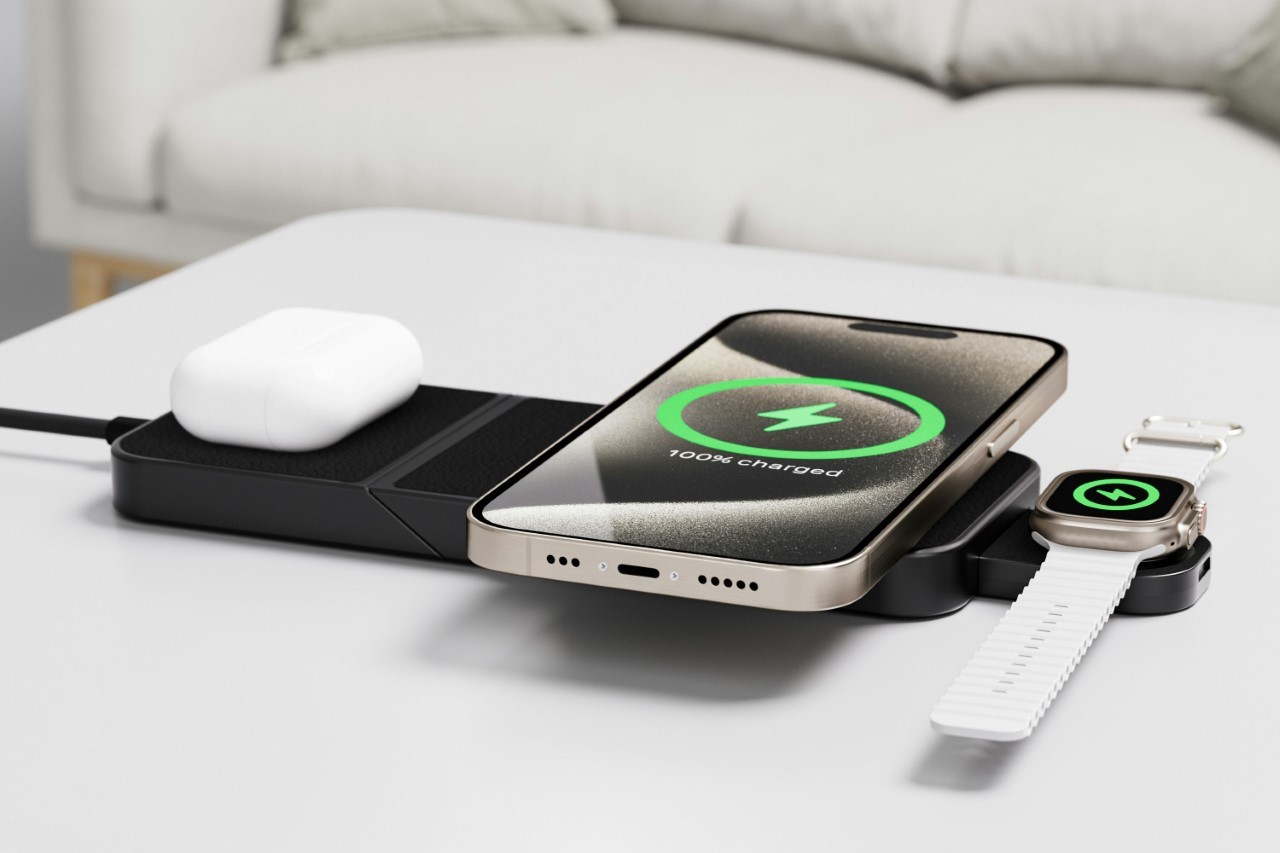
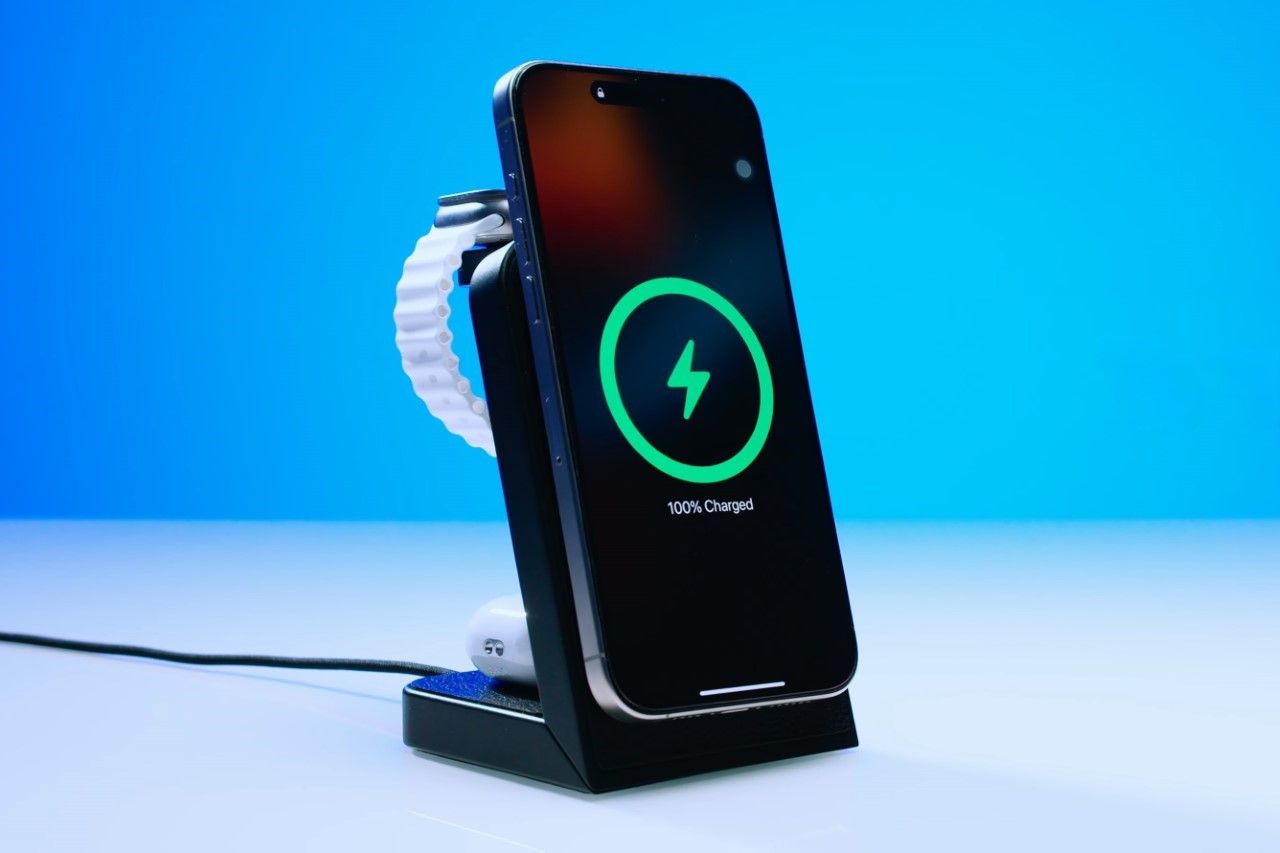
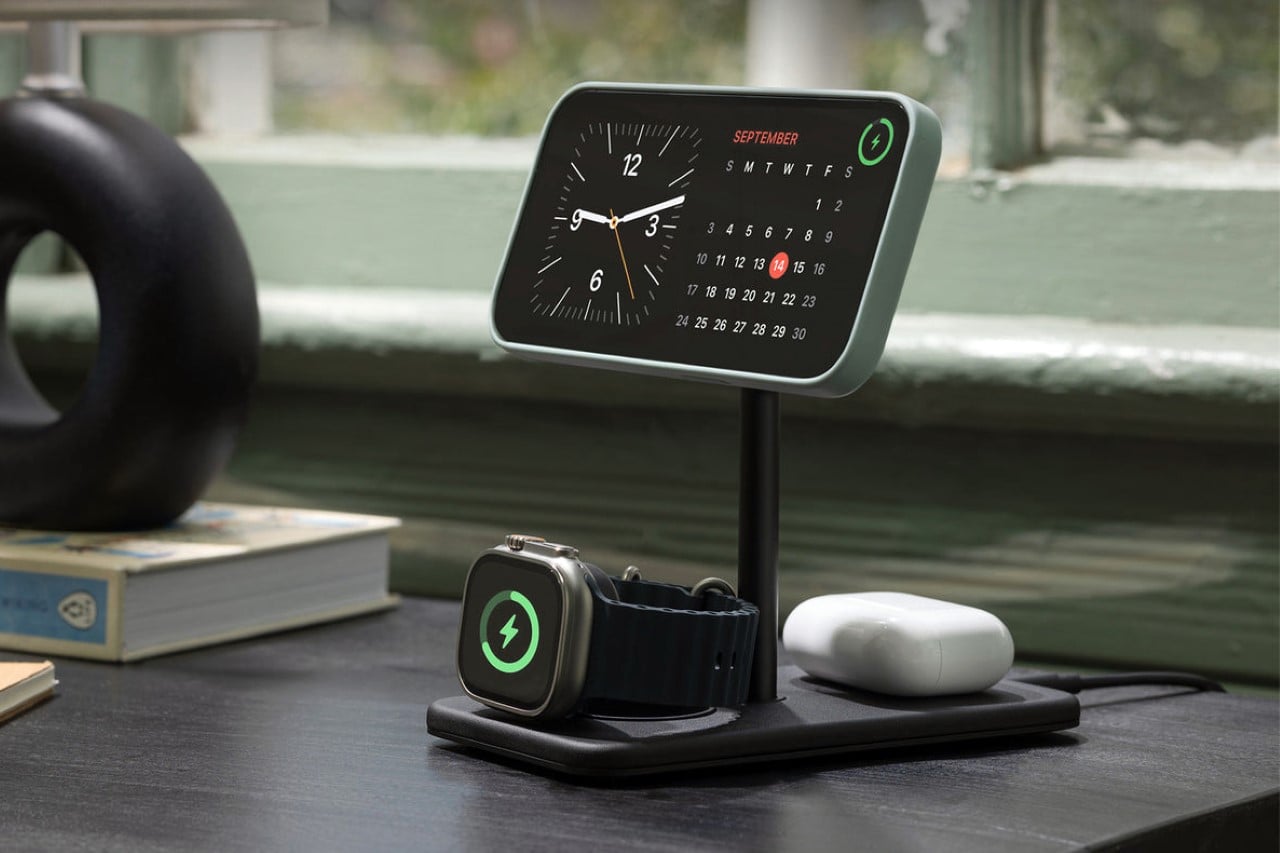
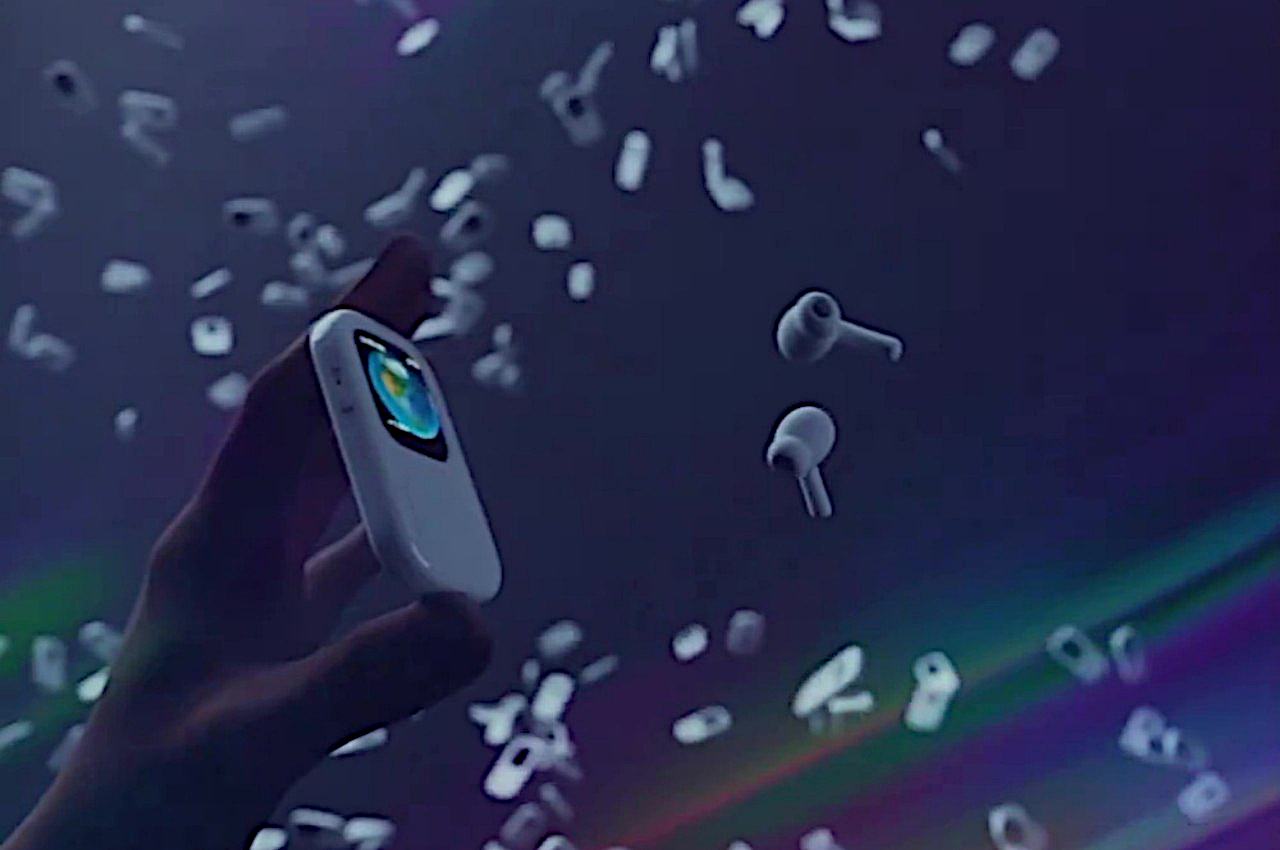
If anything, the AirPower Mat did manage to achieve one remarkable thing – it pushed the idea of having one wireless charging solution for all of Apple’s devices. The AirPower Mat may have failed in this particular venture, but it did lead to multiple third-party manufacturers making their own version of a 3-in-1 charger. Now, INVZI is showing that there’s a way to make them even better. With a shapeshifting design and a MagSafe feature to align your phone, the INVZI MagFree Transform is easily the most impressive 3-in-1 charger I’ve seen. Use it flat like a charging mat, or swivel its halves to turn it into a charging dock. The MagFree Transform also routes more power to your devices than traditional chargers, juicing their batteries faster… and the kicker, its $39 price tag makes it a whopping $110 cheaper than the Belkin BOOST↑CHARGE™ PRO 3-in-1 charger that’s available on Apple’s own website.

Designer: INVZI

Click Here to Buy Now: $39 $69 (44% off) Hurry! Only 41 hours left.

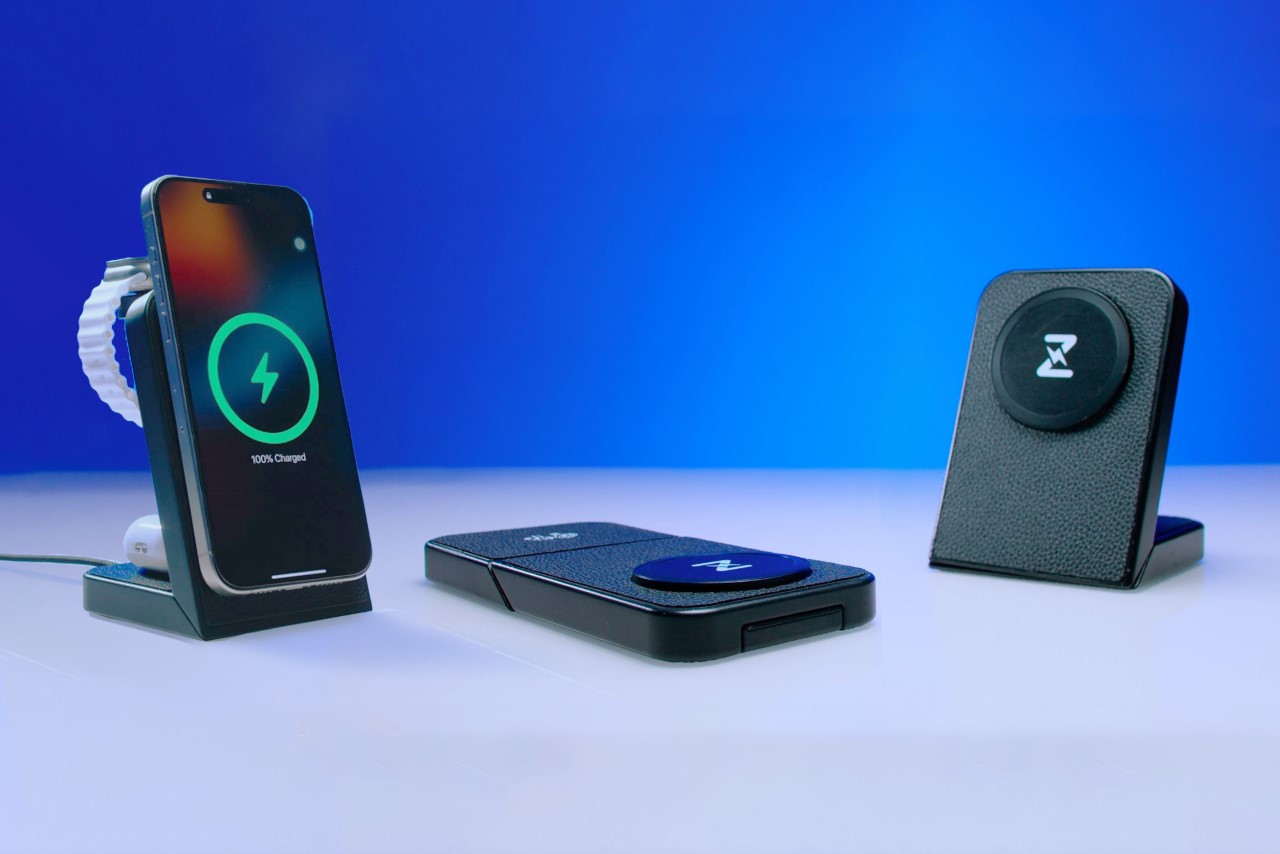
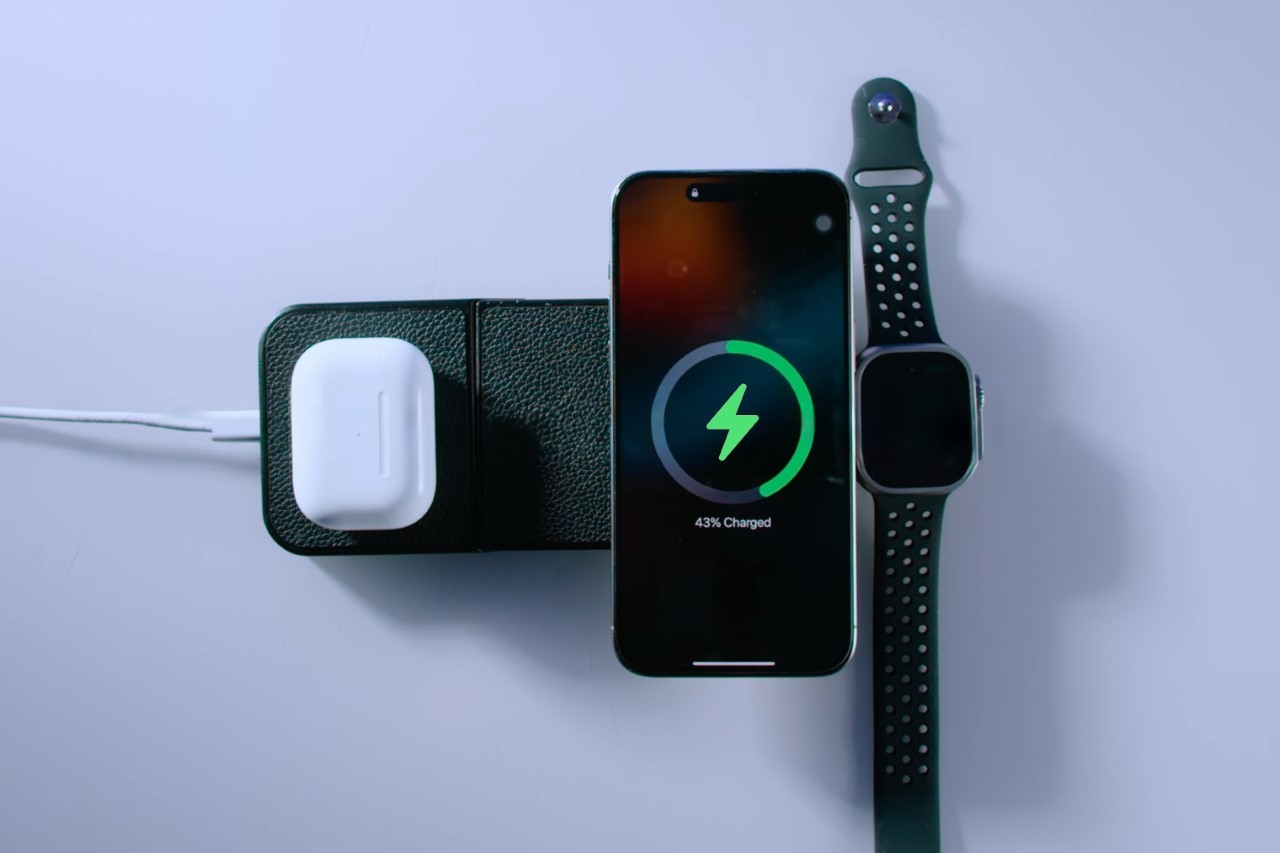
The two simple ways to look at the MagFree Transform are as A. a flat charger that’s easy to carry, and B. a shapeshifting versatile charger that juices your iPhone, Watch, and AirPods simultaneously. Individually, those are great features. Together, however, they make a formidable combination that sets the MagFree Transform apart as a perfect pick for charging both at your table as well as on the go.

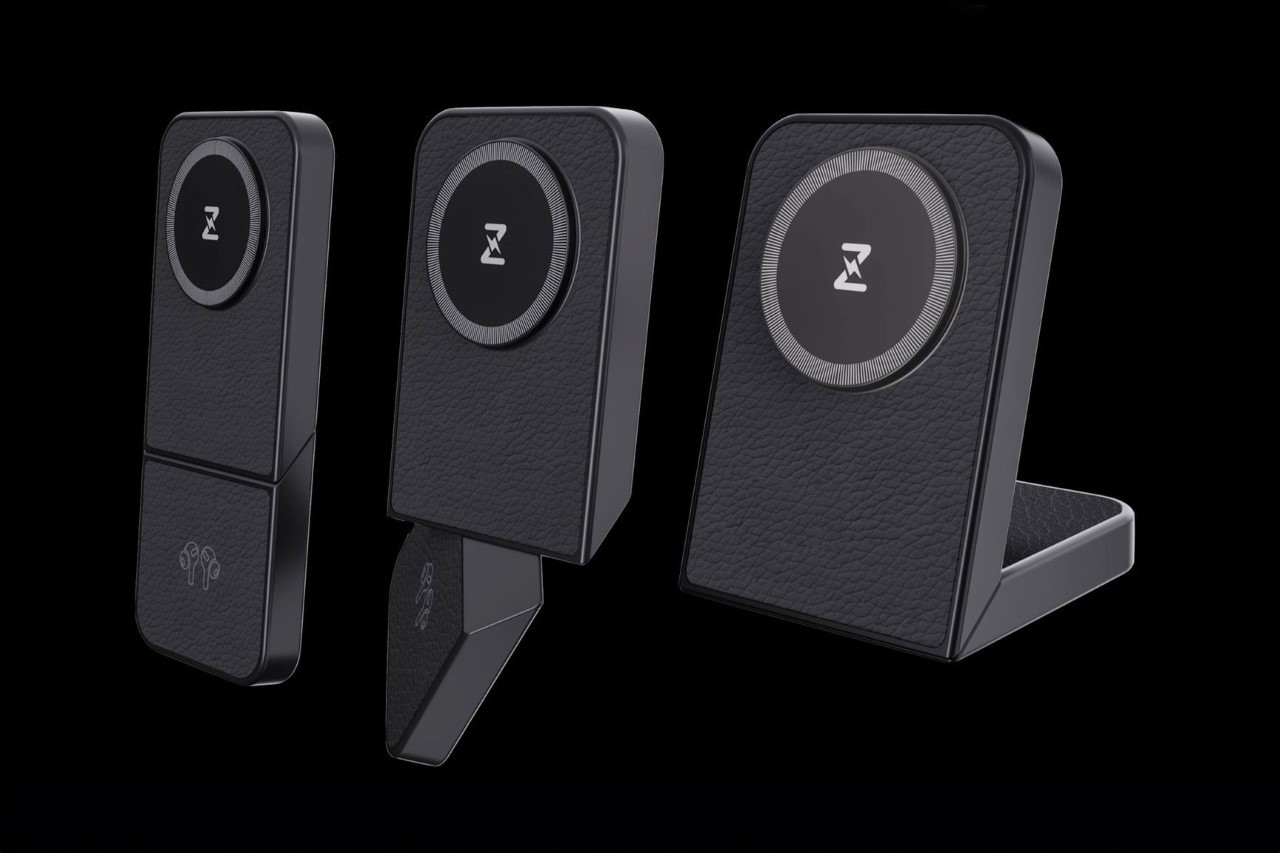
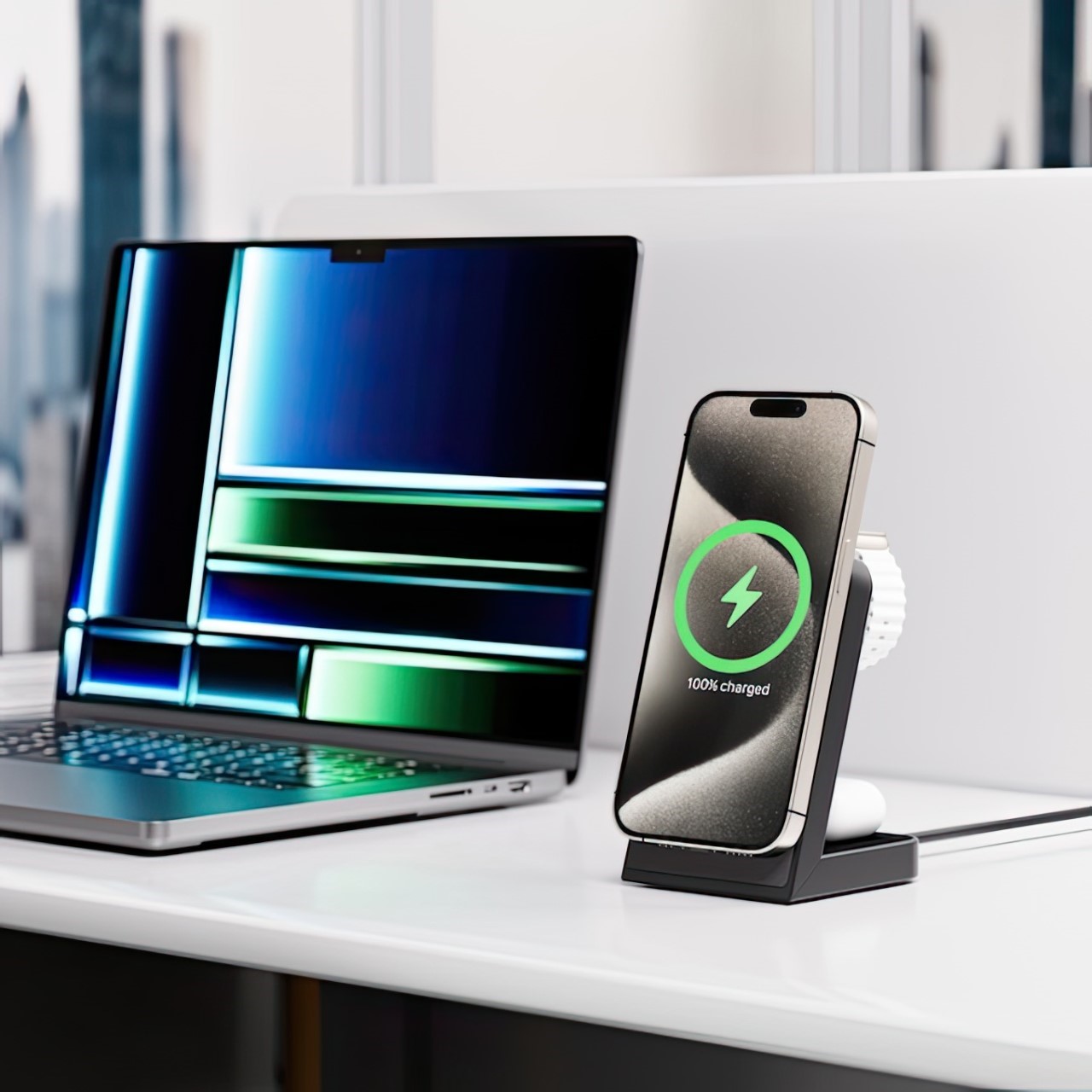
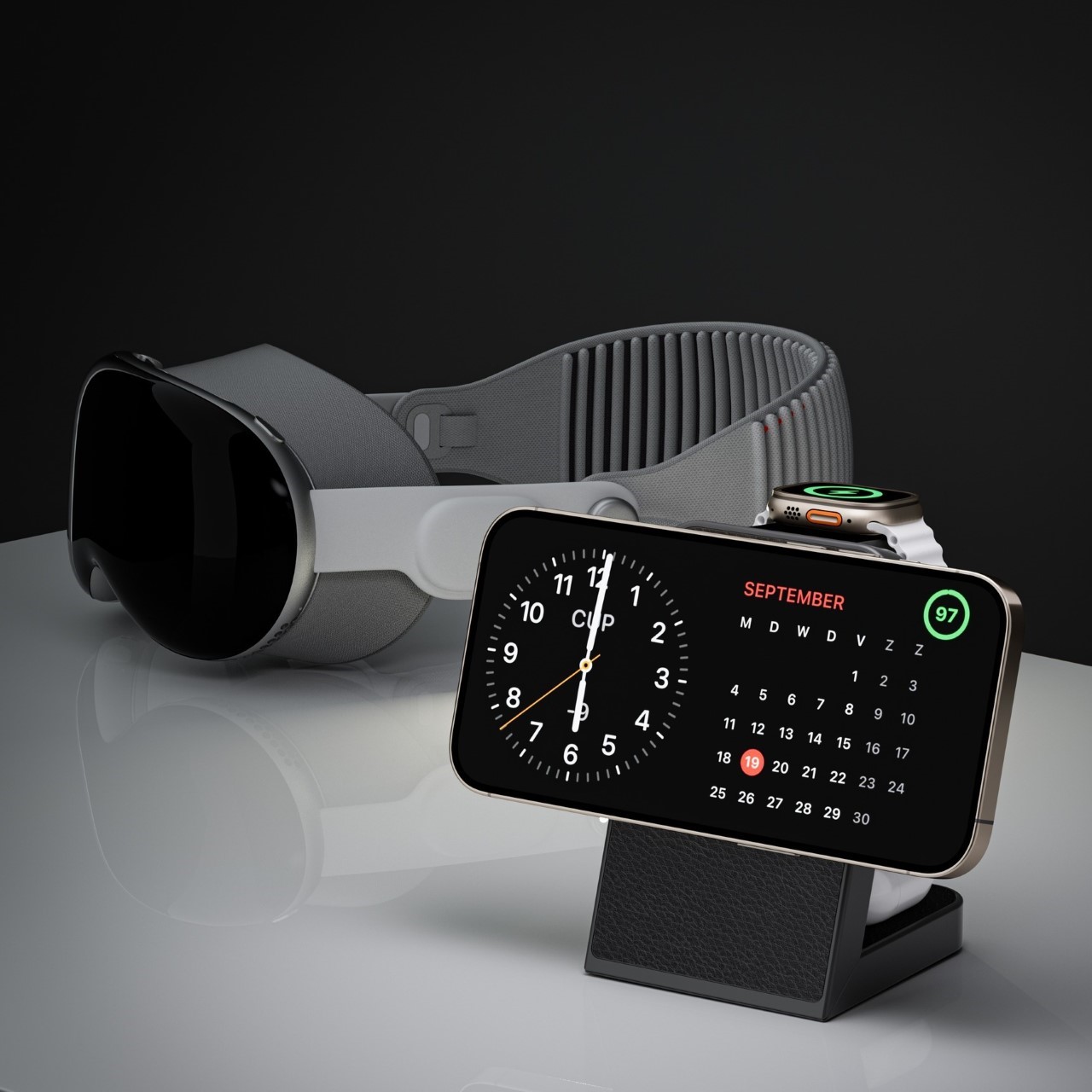
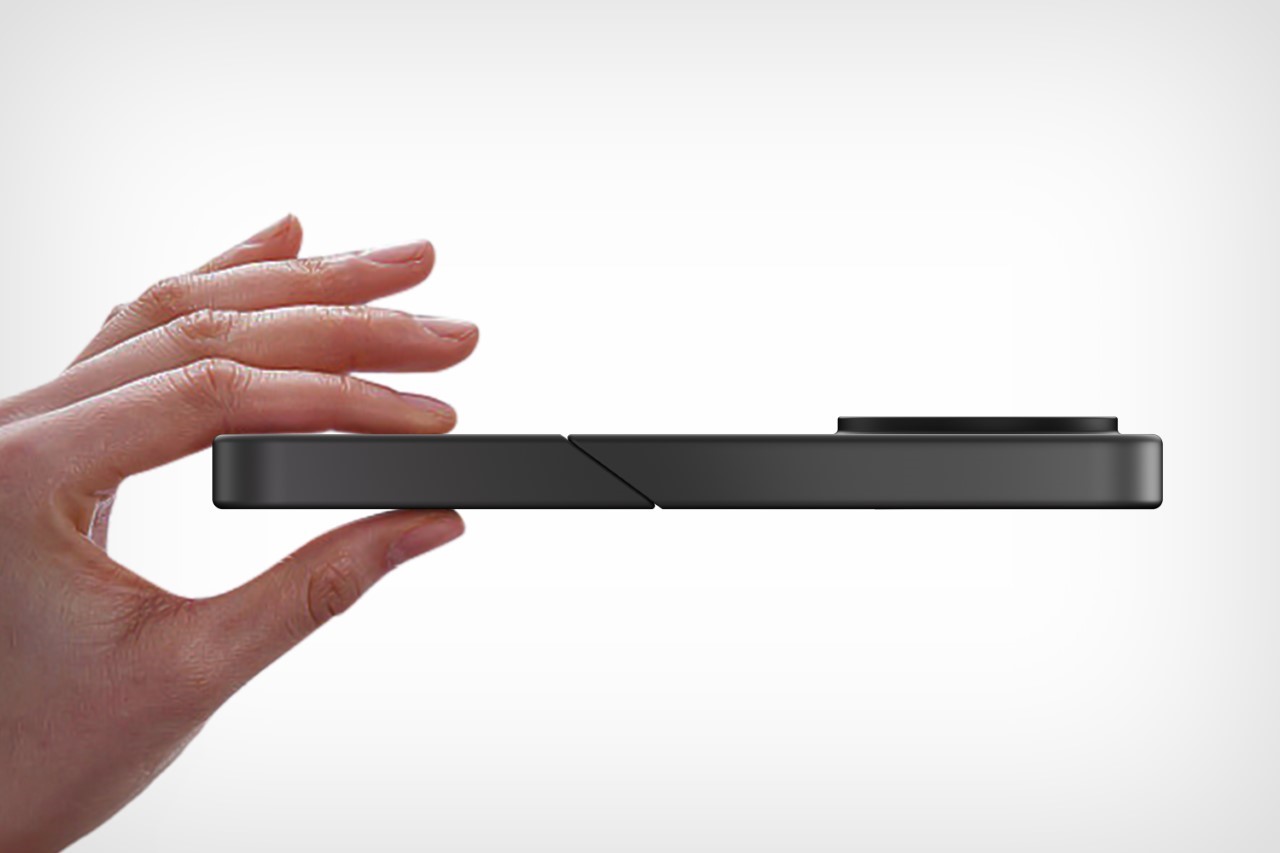
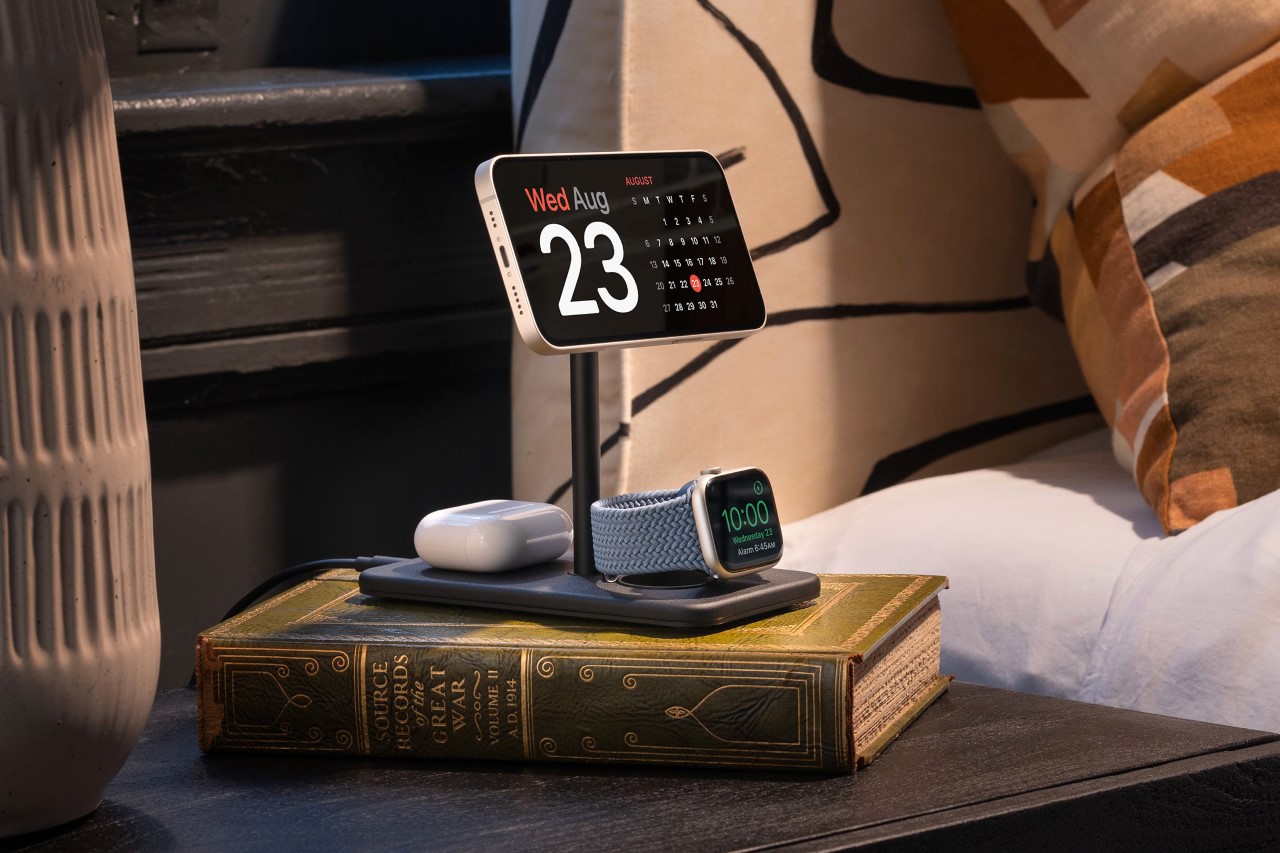
Perhaps the most noteworthy part of the MagFree Transform’s design is the swiveling detail that allows it to go from mat to stand in under a second. Relying on an angular cut and a swivel joint, the MagFree Transform gets its name from its ability to literally shapeshift between one of two formats. In the mat-shaped format, the charger lets you easily rest all your gadgets down on its horizontal surface, but swivel it into a dock and it puts your smartphone on display, allowing it to snap into place thanks to a MagSafe detail in the charging ring. Meanwhile, the AirPods and Watch charge at the back, away from your view. The MagSafe ring supports both vertical and horizontal docking methods (with the latter activating the iPhone’s StandBy always-on screen.

Convenience aside, the MagFree Transform also outputs a total of 23W across all its charging zones, helping ‘rapidly’ juice all your devices. The primary charging coil outputs 15W to charge your iPhone faster than traditional 7.5W or 10W wireless chargers, while the coil for the Apple Watch maxes out at 5W, and the AirPods coil at 3W. Sure, this doesn’t compare to the kind of fast-charging speeds offered by wired chargers, but for a sleek wireless charger, the MagFree Transform sits at the top of its ladder.

It can simultaneously charge three devices at the same time, whether in mat or standing mode. A USB-C port on the back lets you hook your MagFree Transform to any power source (like an outlet or a power bank) so you can charge anywhere, whether it’s on your workspace or at your bedside. Heck, at that $39 price point, I’d probably buy multiple units just to keep in different parts of my house. The only thing missing is a USB-C out that would allow you to connect your charger to an iPad or any other device for wired charging too. However, the MagFree Transform focuses strictly on wireless charging, which is a kind of commitment that I can respect.


The MagFree Transform supports Apple’s StandBy feature during charging.

Measuring 8 inches in length, 3.2 inches wide, and 0.59 inches thick, the MagFree Transform is just marginally bigger than a Plus/Max iPhone. It weighs a paltry 100 grams, making it incredibly easy to slip right into your bag or backpack to carry around with you, and comes in two color choices – white or black, with the ability to attach (and even swap) vegan leather veneers on top to cushion your gadgets and give the MagFree Transform a classy and distinct look.

Each MagFree Transform charger starts at a discounted $39, and also includes a 30W GaN charging brick along with a 3.3ft USB-C cable in the box. An additional $10 will either get you a soft-shell case to carry your charger and its accessories, or a set of those aforementioned vegan leather covers to customize your gadget. The MagFree Transform ships globally starting April 2024.

Click Here to Buy Now: $39 $69 (44% off) Hurry! Only 41 hours left.

Click Here to Buy Now: $39 $69 (44% off) Hurry! Only 41 hours left.

The post This $39 MagSafe Charger is like Apple’s AirPower Mat on performance-enhancing steroids… first appeared on Yanko Design.

Top 10 Apple Watch Accessories To Give Your Beloved Smartwatch A Super Cool Revamp

Today, the Apple Watch is considered one of the most popular smartwatches globally, and it’s not a surprising fact when you consider the number of people you see walking or jogging on the street with their Apple Watch smartly strapped around their wrists. And, if you’re someone who absolutely cannot do without their Apple Watch, then this collection of innovative and nifty accessories is for you. From NASA-themed Apple Watch bands to bands made from plant-based leather – these super cool accessories are a must-have for Apple Watch lovers.

1. RSTR Case

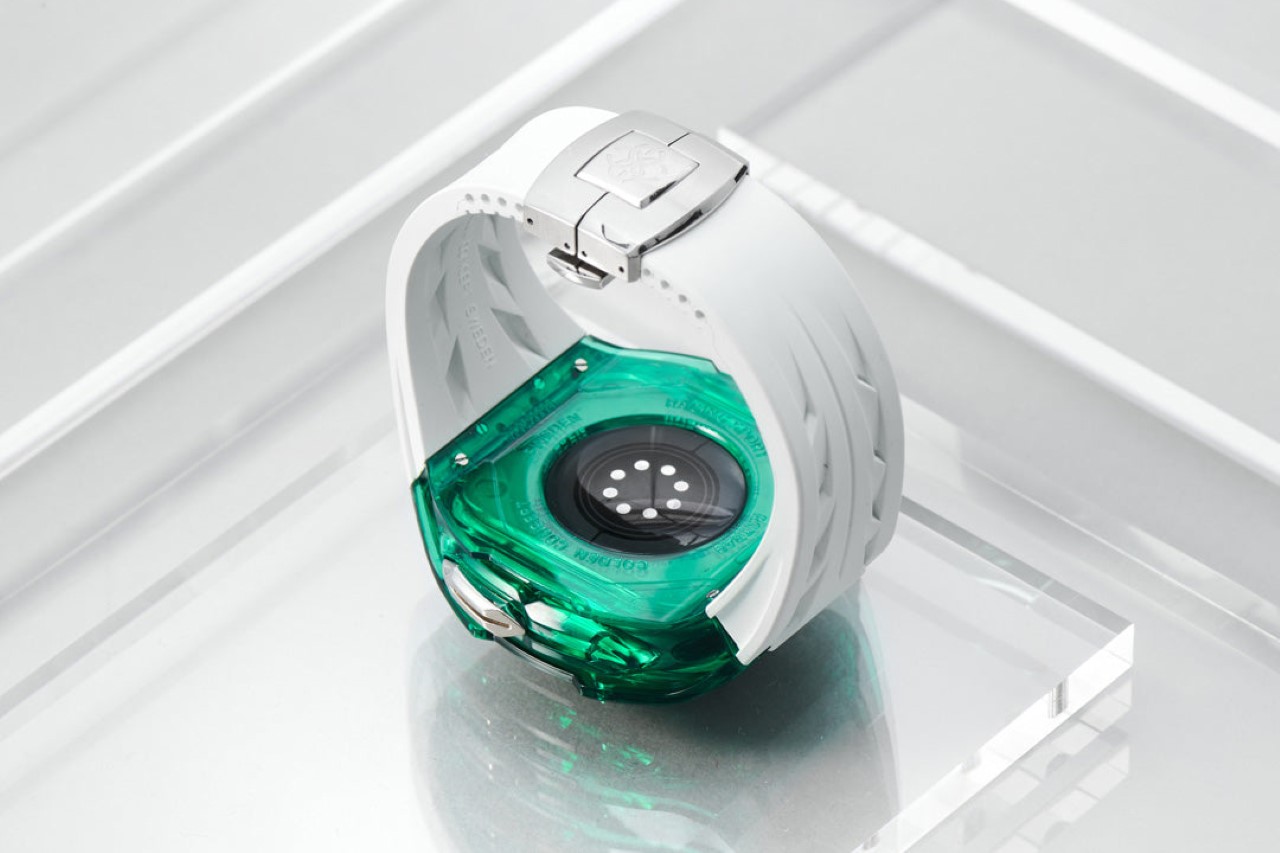
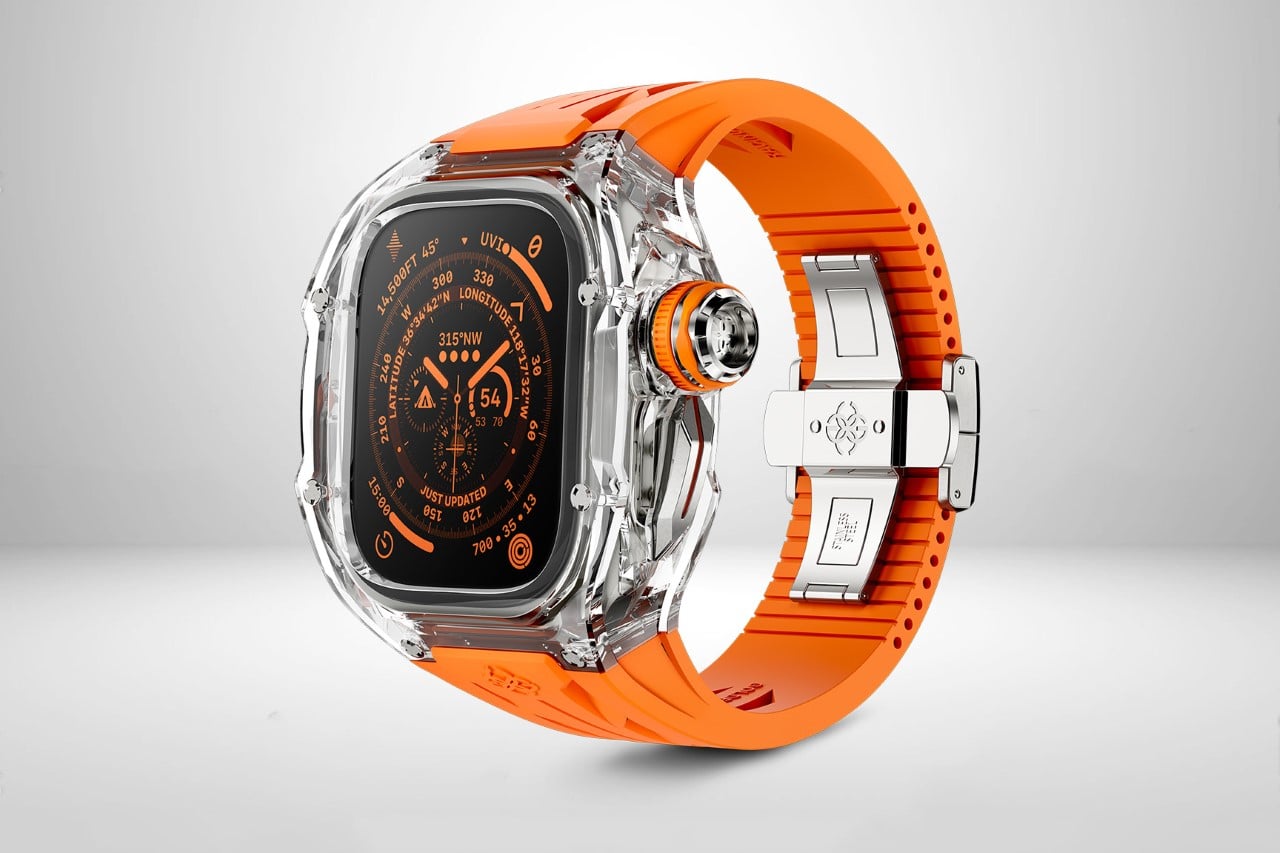
Designed by Golden Concept, the RSTR Case features a beautiful transparent crystalline design that converts your Apple Watch Ultra into a shimmering jewel that you can wear on your wrist and show off. The case is available in four beautiful colors and is built using 50 meticulously engineered parts. Both the home and action buttons are crafted from stainless steel, making them slightly larger and easier to use.

2. The (Re)Classic Band

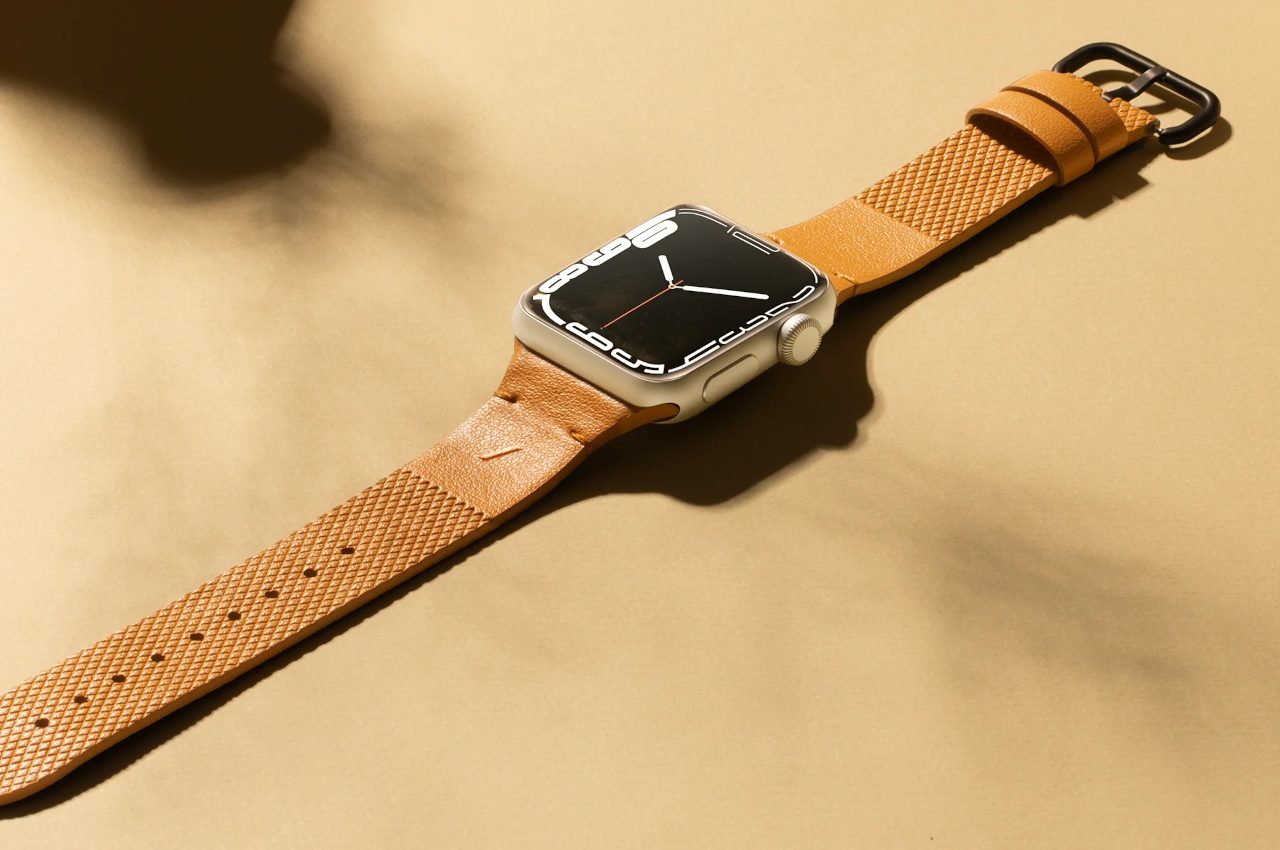
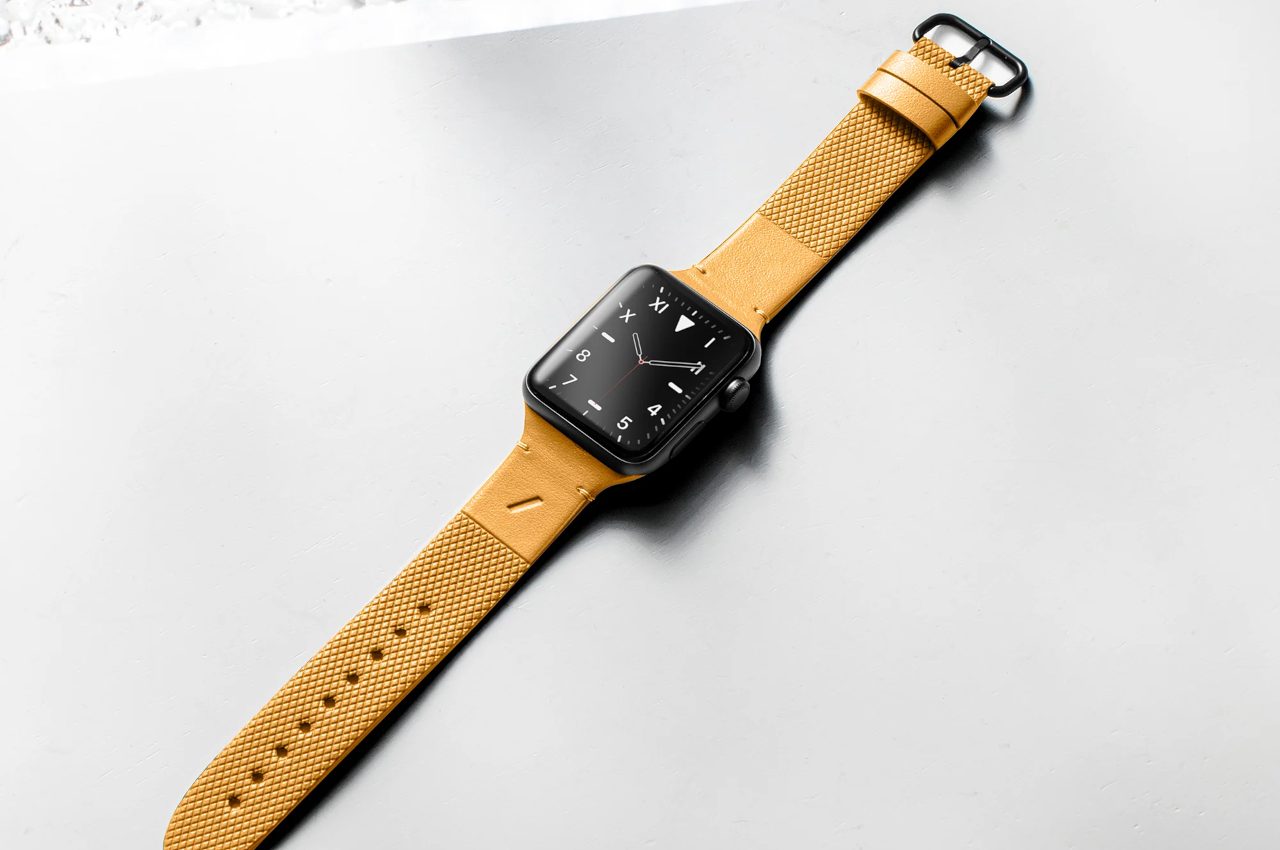
The (Re)Classic Band for Apple Watch is a cruelty-free Italian leather-inspired band. The band is made using repurposed mycelium, which is essentially fungal threads that span long distances underground, from which mushrooms blossom and grow out. It is one of the many all-natural resources utilized in the synthesis of Yatay by Coronet.

3. Sandmarc’s Apple Watch Ultra Band

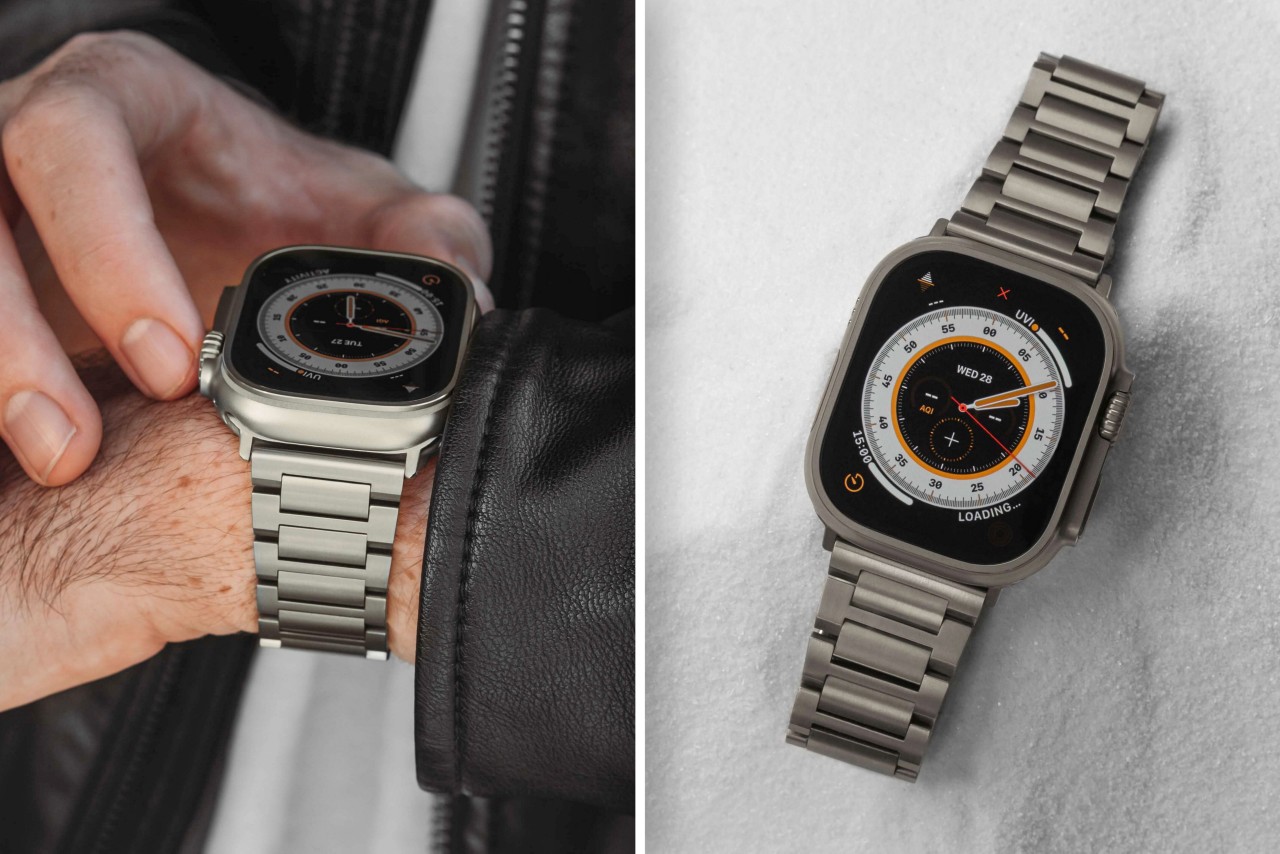
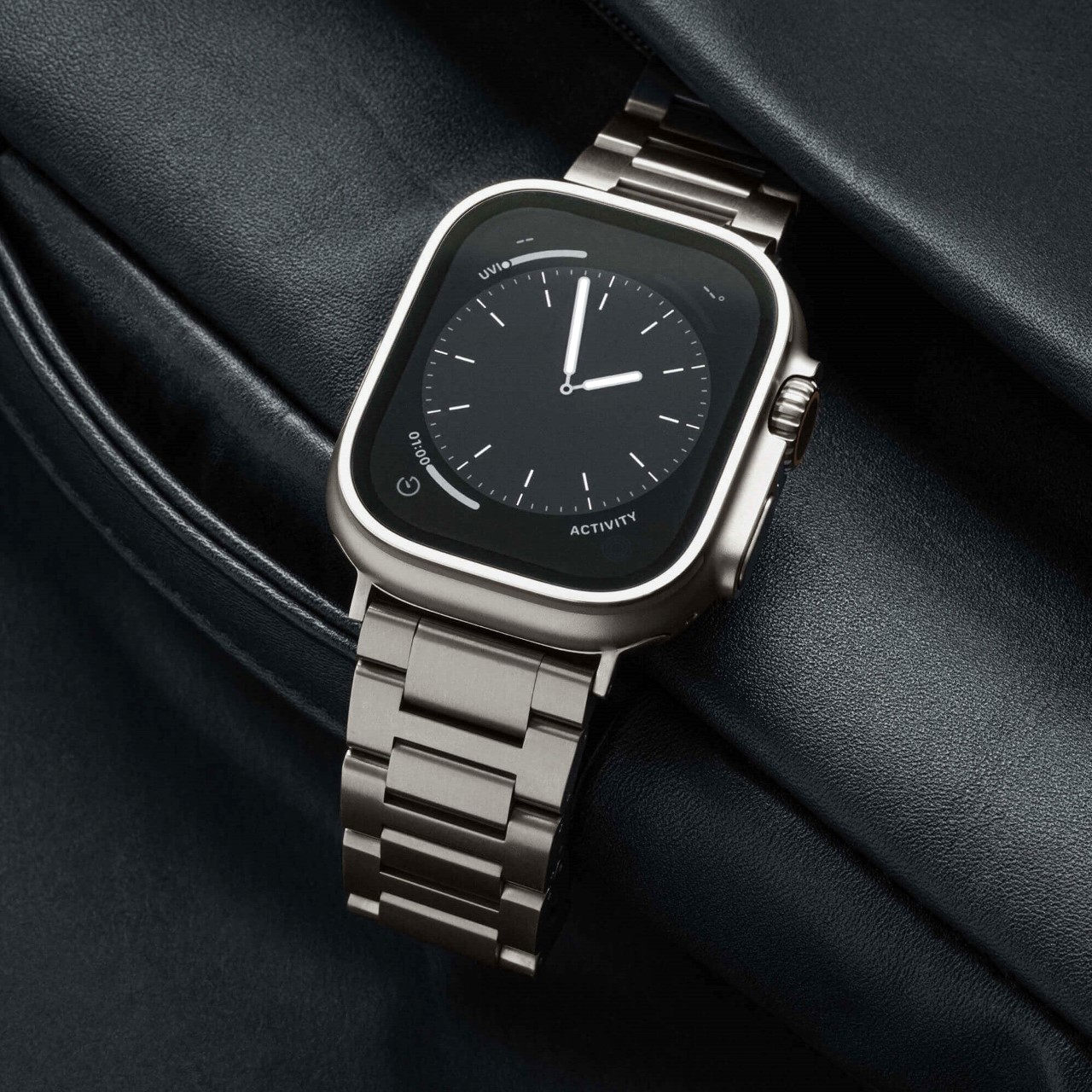
Designed by Sandmarc, this Apple Watch Ultra Band is an Oyster-style that is made from grade-2 titanium. It features the perfect color and finish to match the Apple Watch Ultra. All you need to do is slip the band on, and the extreme smartwatch converts into a luxurious-looking haute timepiece.

4. TimePorter

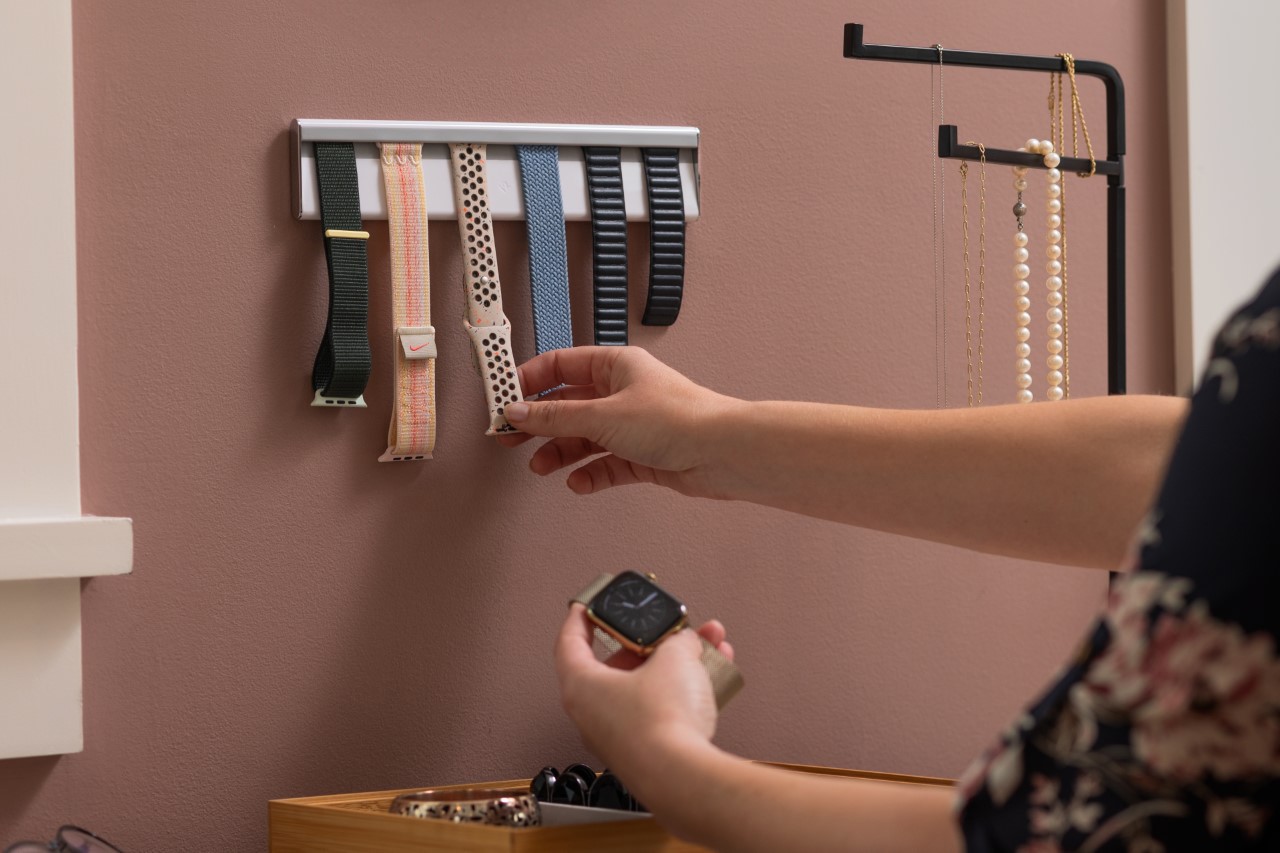
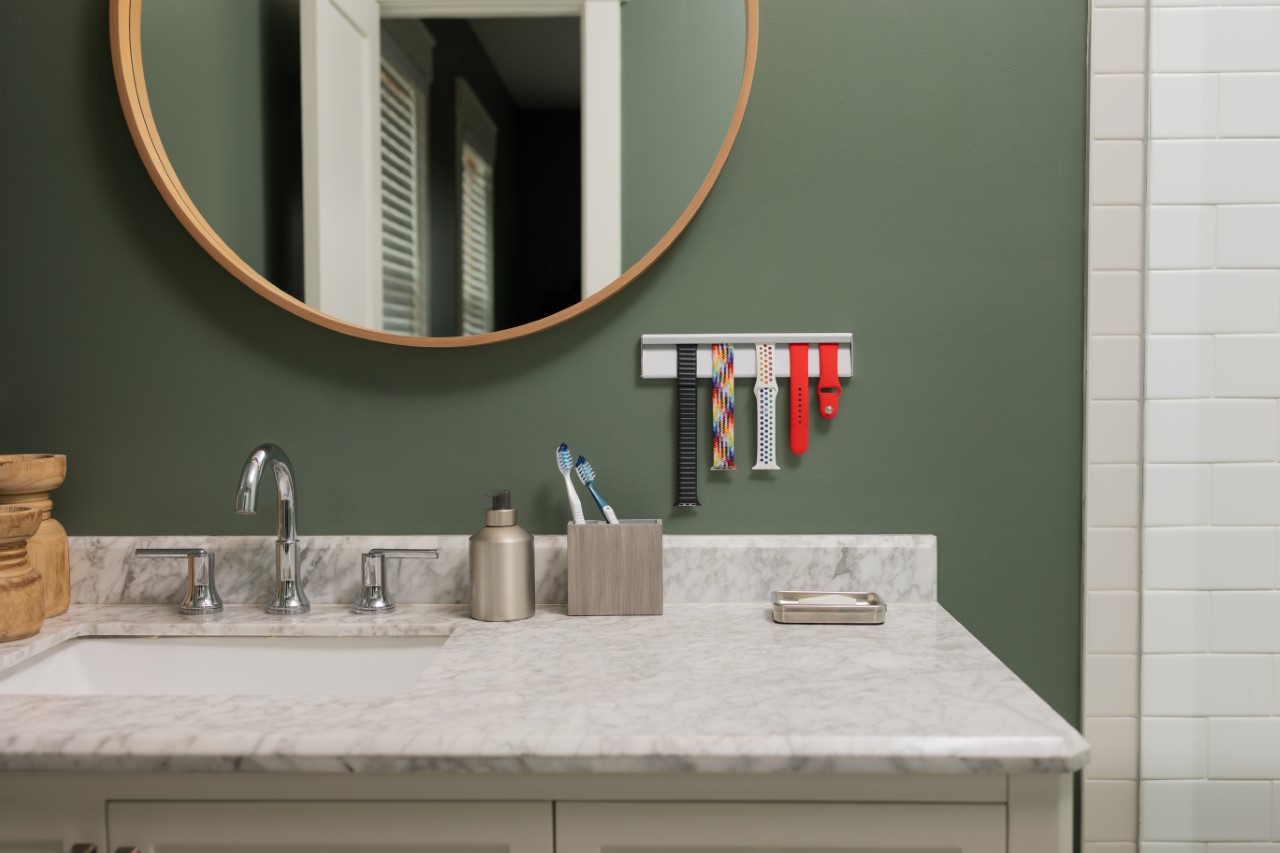
Twelve South’s TimePorter is the ultimate organizer for your Apple Watch straps. It holds and showcases all your watch straps on an easy-to-access linear shelf, and can transform your Watch Strap collection into a displayable art piece that allows you to flex your straps the way people flex their sneaker collection!

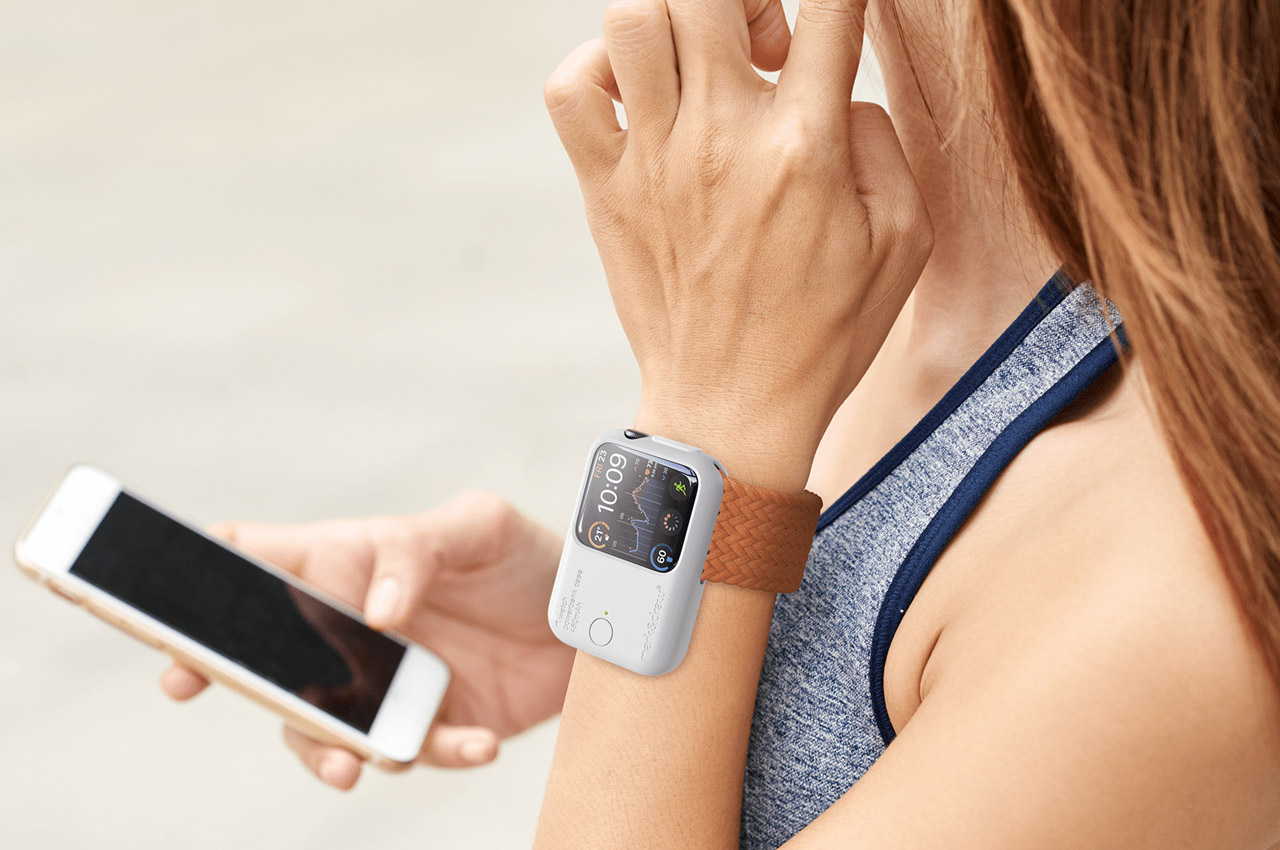
5. Mark_B_Case

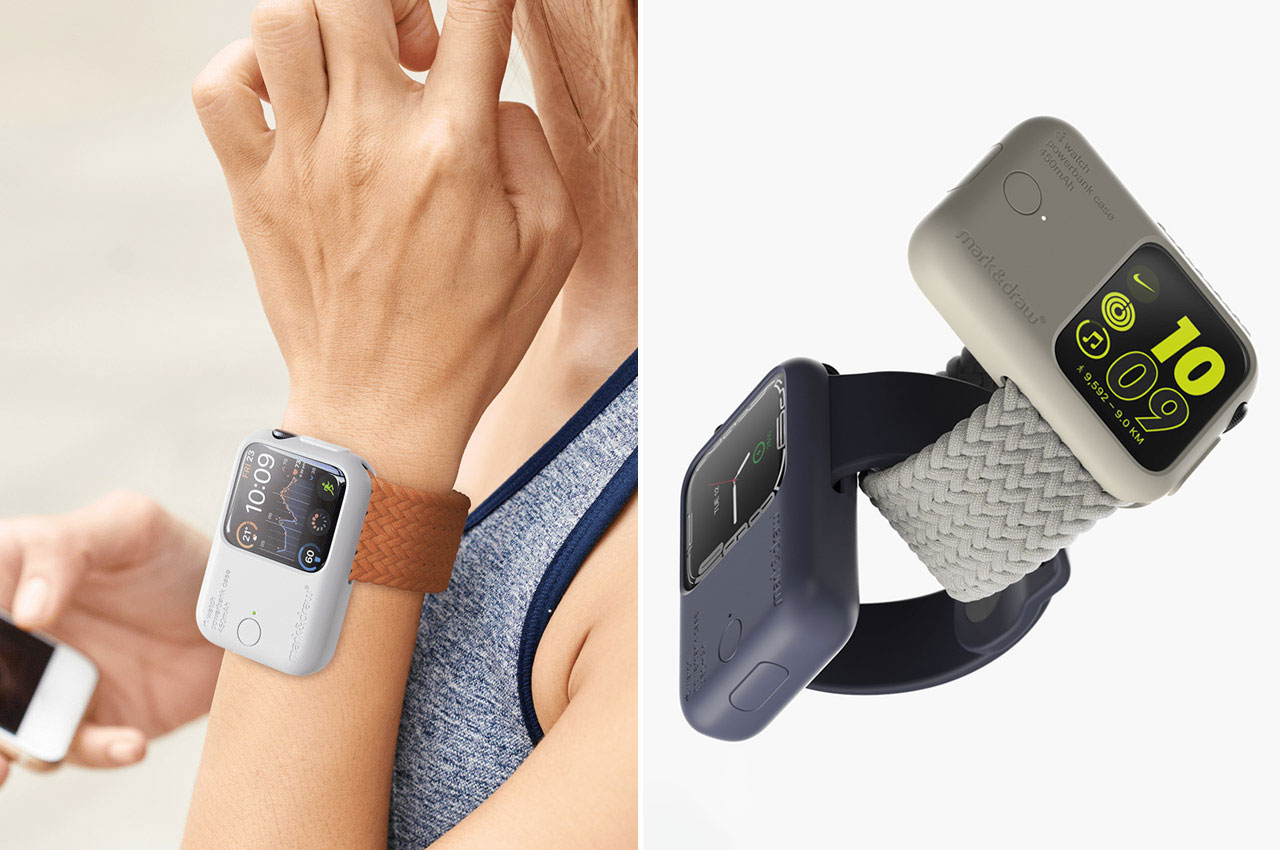
Dubbed the innovative Mark_B_Case , this unique design is intended to power your Apple Watch and keep it functioning without missing a beat. The case features a 450mAh battery, which extends your Apple Watch’s utility by three times more. The case is designed to be more than an ordinary Powerbank case and is instead a sleek masterpiece that incorporates your Apple Watch as a case.

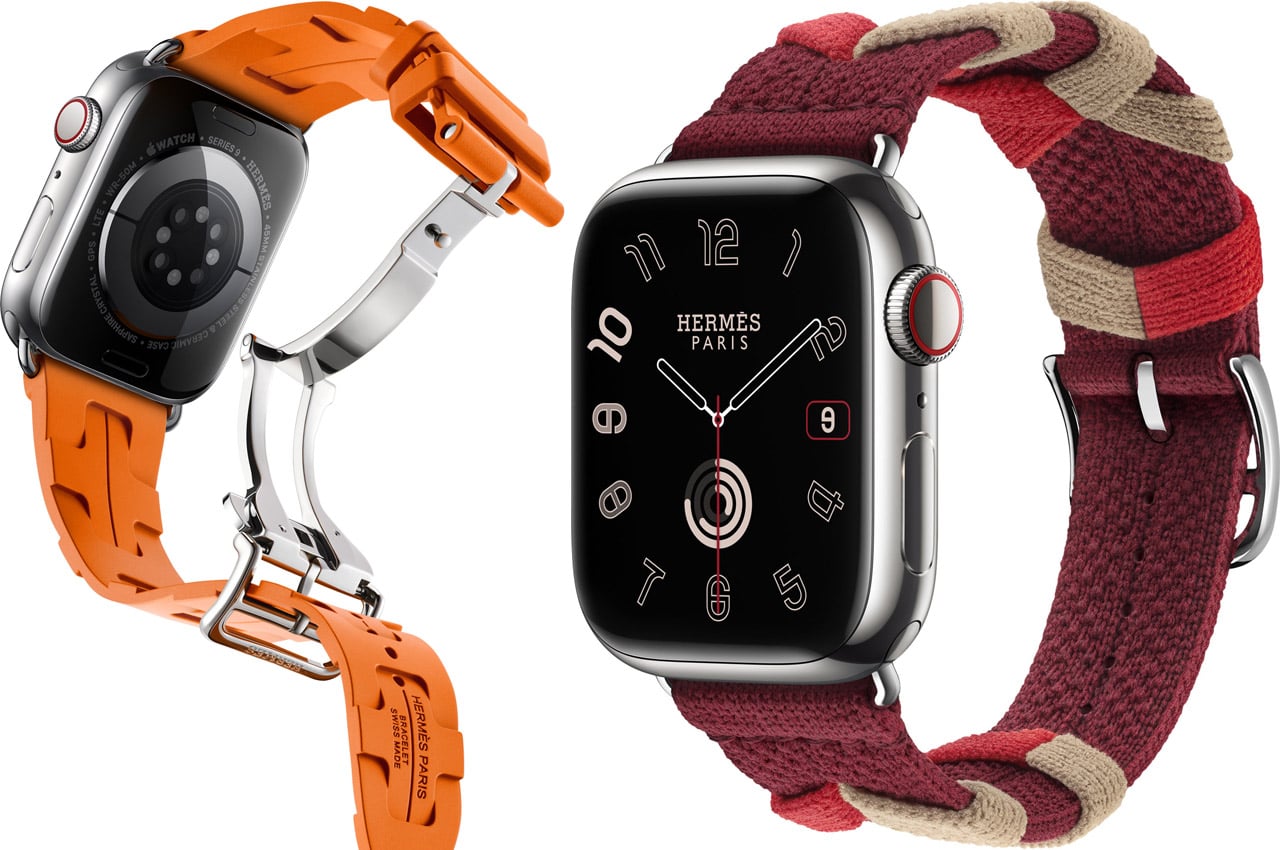
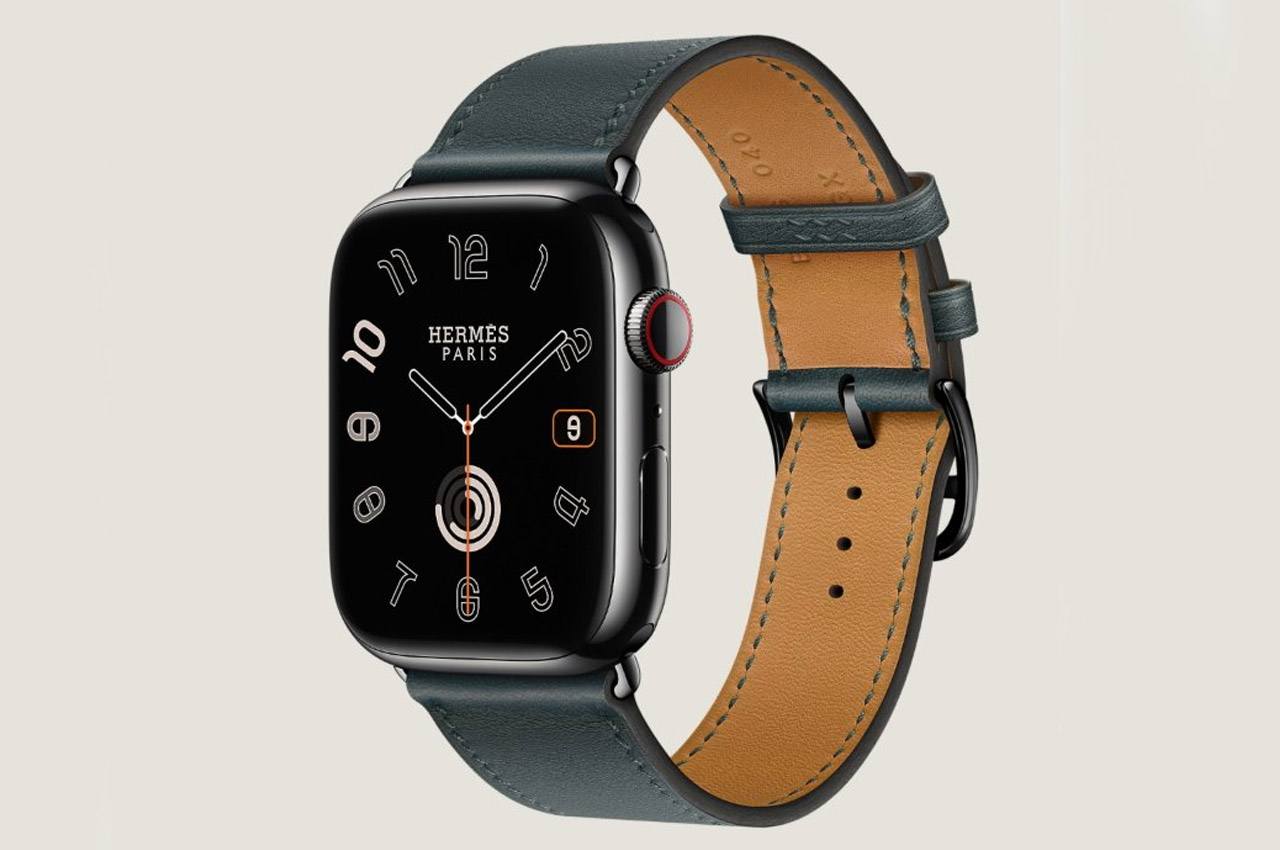
6. Hermès Apple Watch Bands

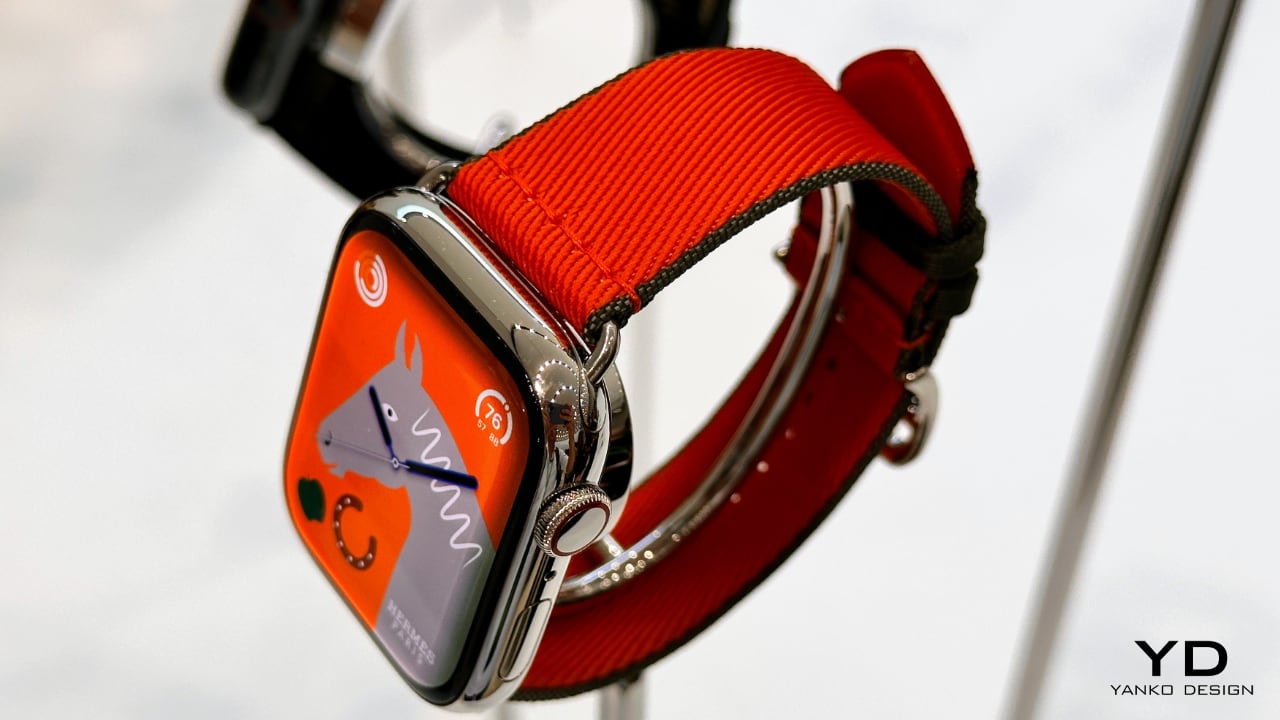
Hermès has launched a variety of roughly 20 leather band variants for the newly released Apple Watch Series 9 and Watch Ultra 2. The brand also released a variety of other designs, colors, and materials, which provide a quick and cool update for your wrist. This collection includes four new styles that have been inspired by luxurious textiles.

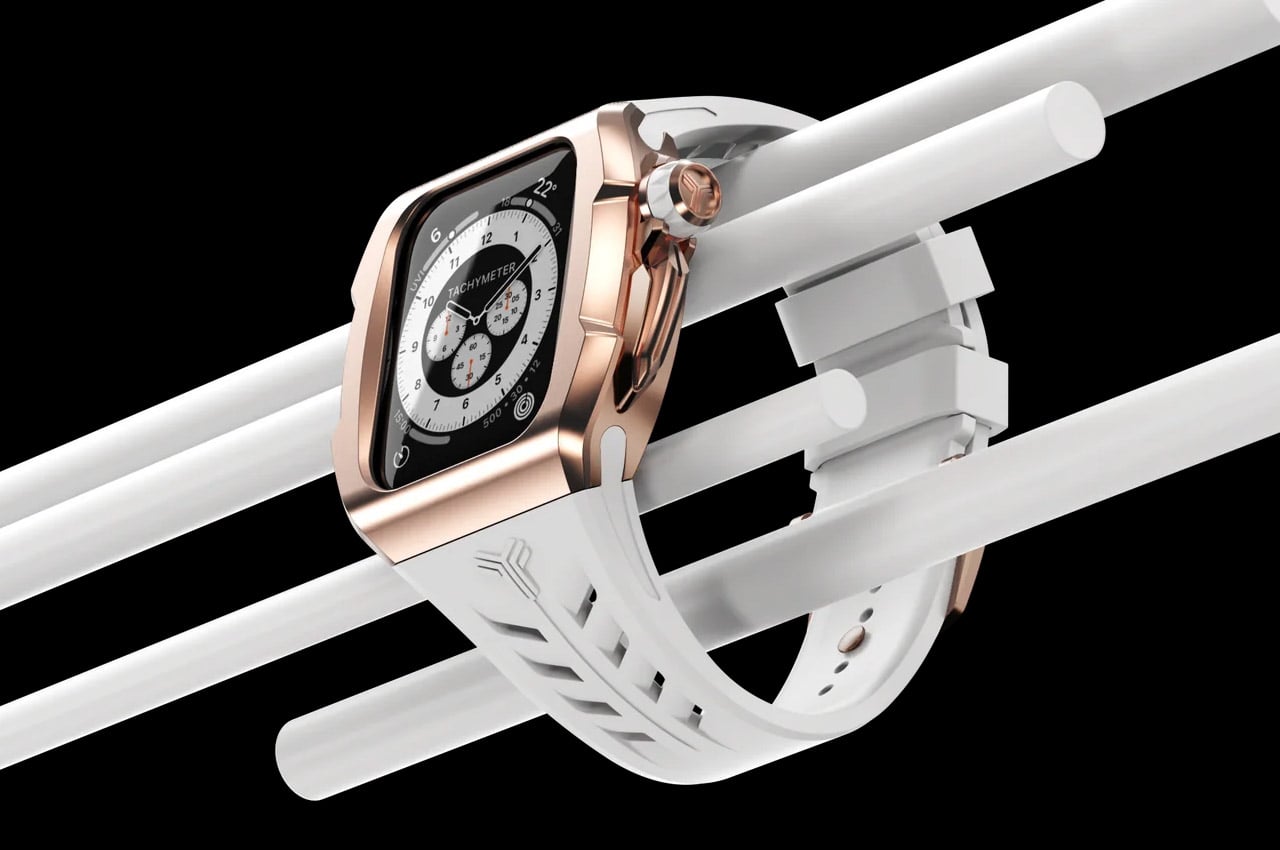
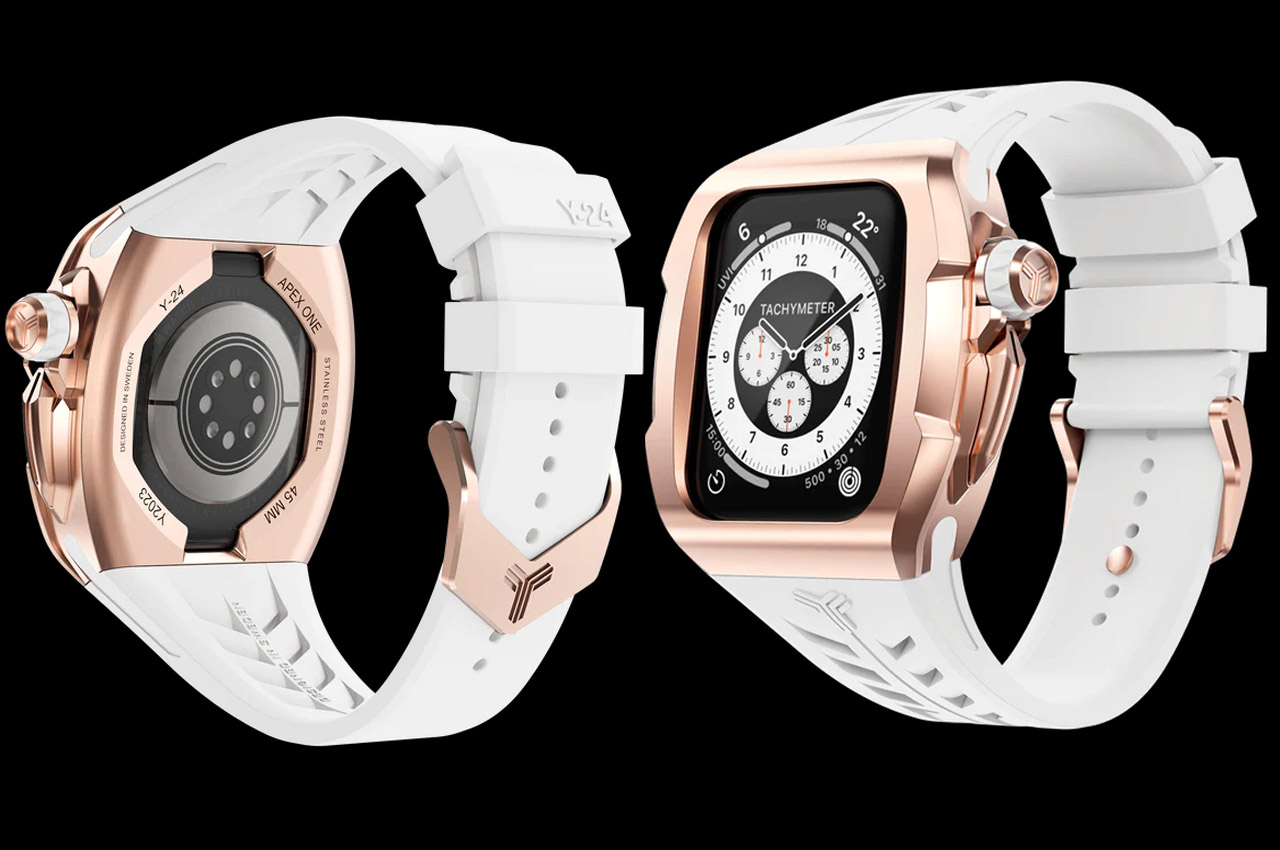
7. Y24 Apple Watch Cases

This collection of Apple Watch cases is designed by Y24, and it is a price-friendly collection that draws inspiration from the lifestyle of Tokyo. The unique collection perfectly captures the cool vibe of the city, and they’re designed to provide an innovative identity without compromising on or sacrificing Apple’s originality.

8. HiRise 3 Deluxe

Dubbed the HiRise 3 Deluxe, this MagSafe-certified accessory is designed by Twelve South and can charge your iPhone up to 15W. It features a unique and adjustable MagSafe pad, which offers a 35-degree angle shift to support optimal viewing. It favors a front-to-back arrangement, unlike the usual side-by-side layout.

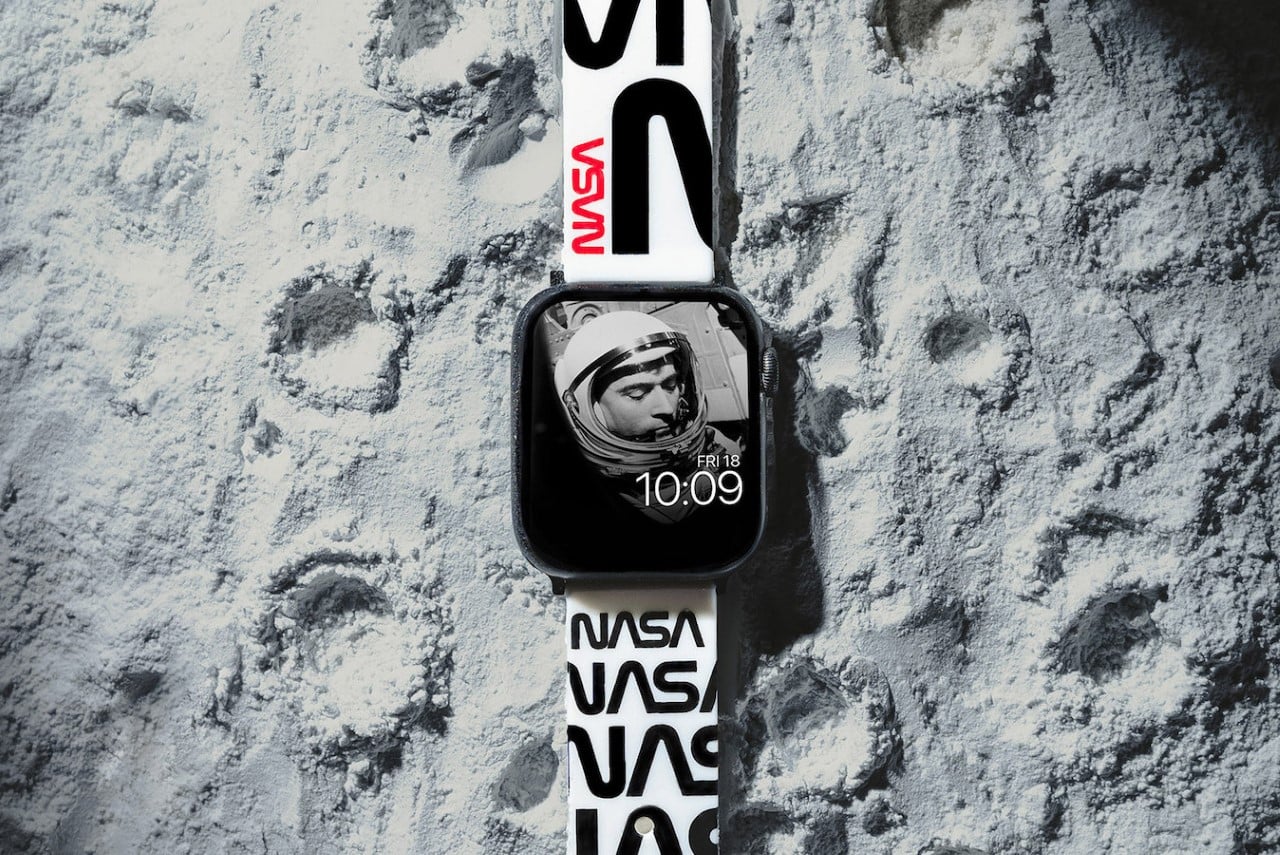
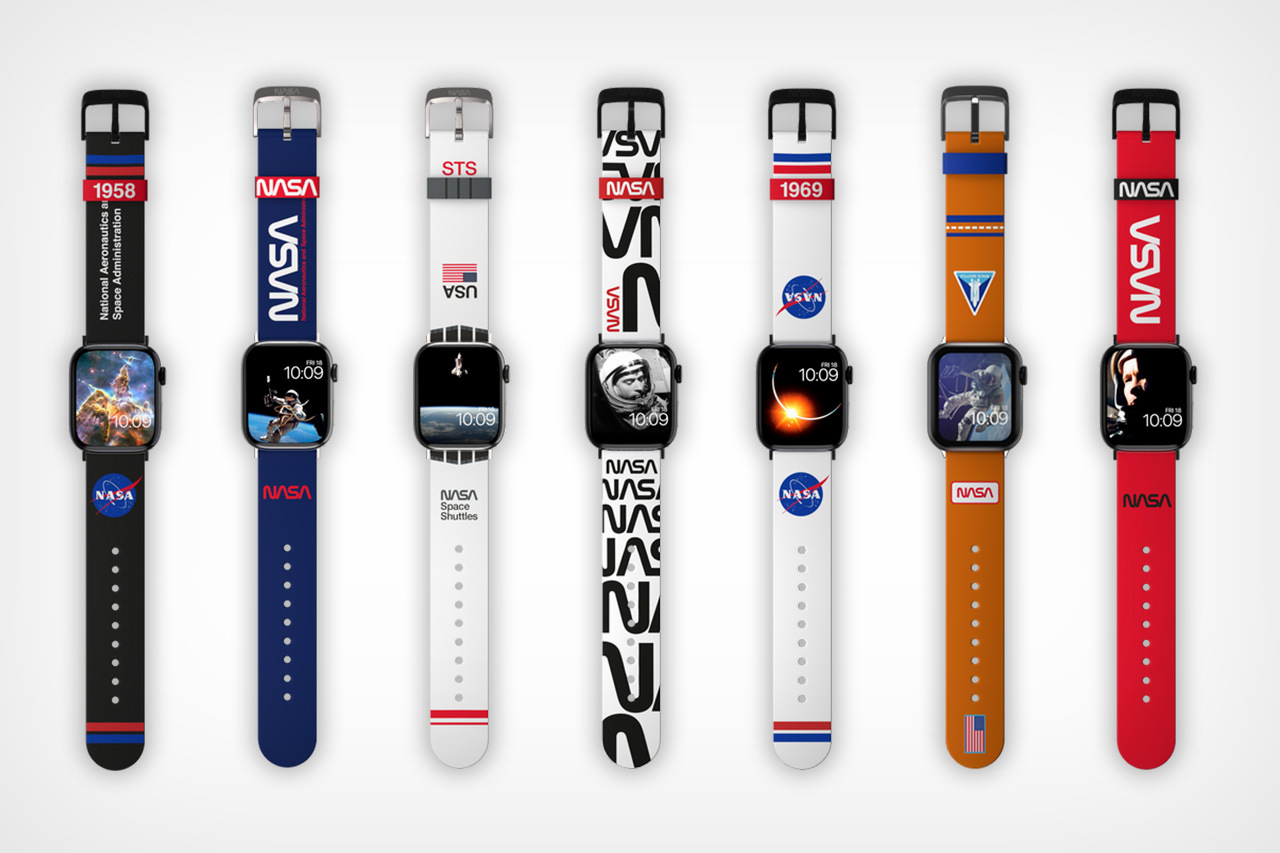
9. NASA-themed Apple Watch Straps

MobyFox’s Apple Watch straps come in seven diverse NASA-approved designs that you can choose from. They come along with 20+ watch faces to match. The straps are built from sweat and UV-resistant silicone, and they feature a large range of graphical elements that surround NASA’s rebranding over the ages.

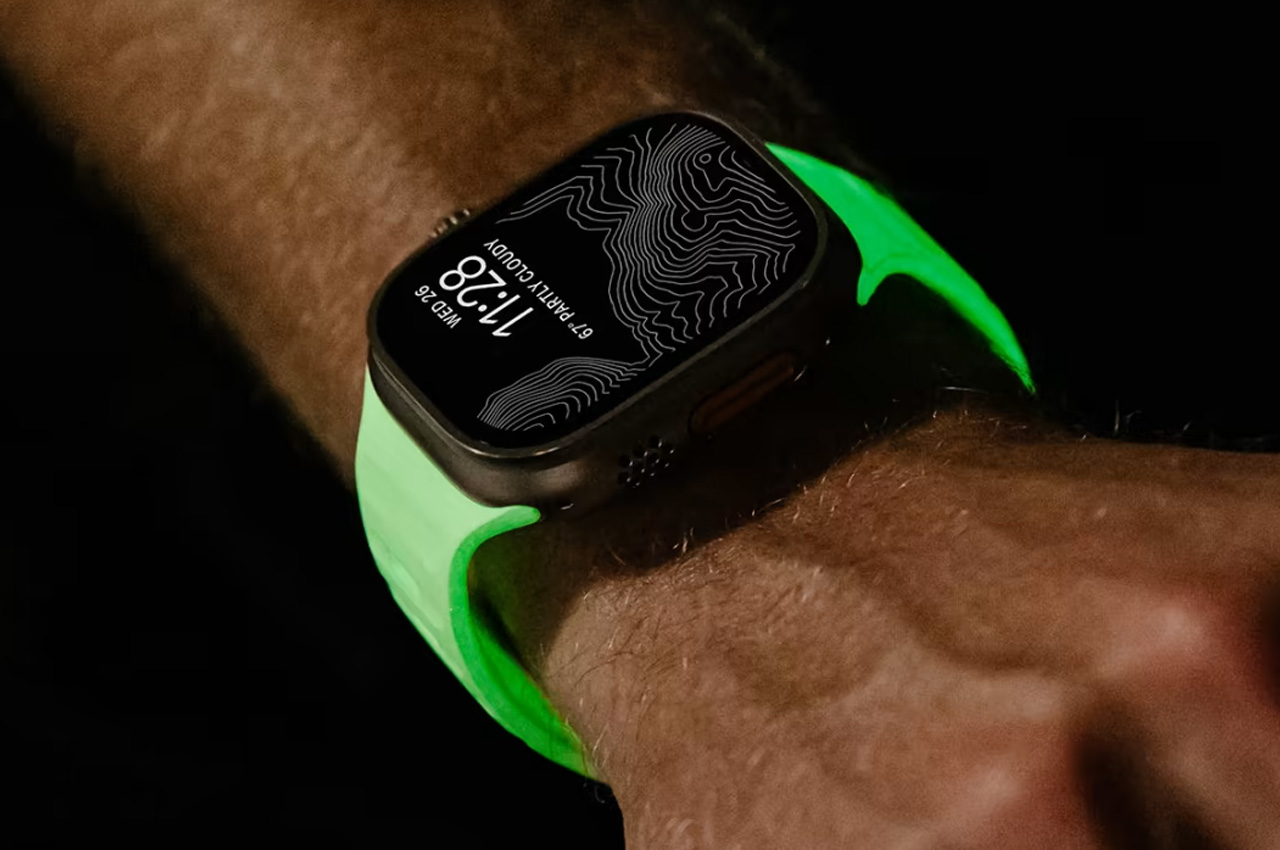
10. Nomad Sport Band

Nomad released its latest limited-edition glow-in-the-dark Apple Watch Sport Band which features a cool green phosphorescence. It redefines the way you approach intense workouts and everyday styles. The band will be the perfect companion in your athletic and modern journey during the day and night.

The post Top 10 Apple Watch Accessories To Give Your Beloved Smartwatch A Super Cool Revamp first appeared on Yanko Design.
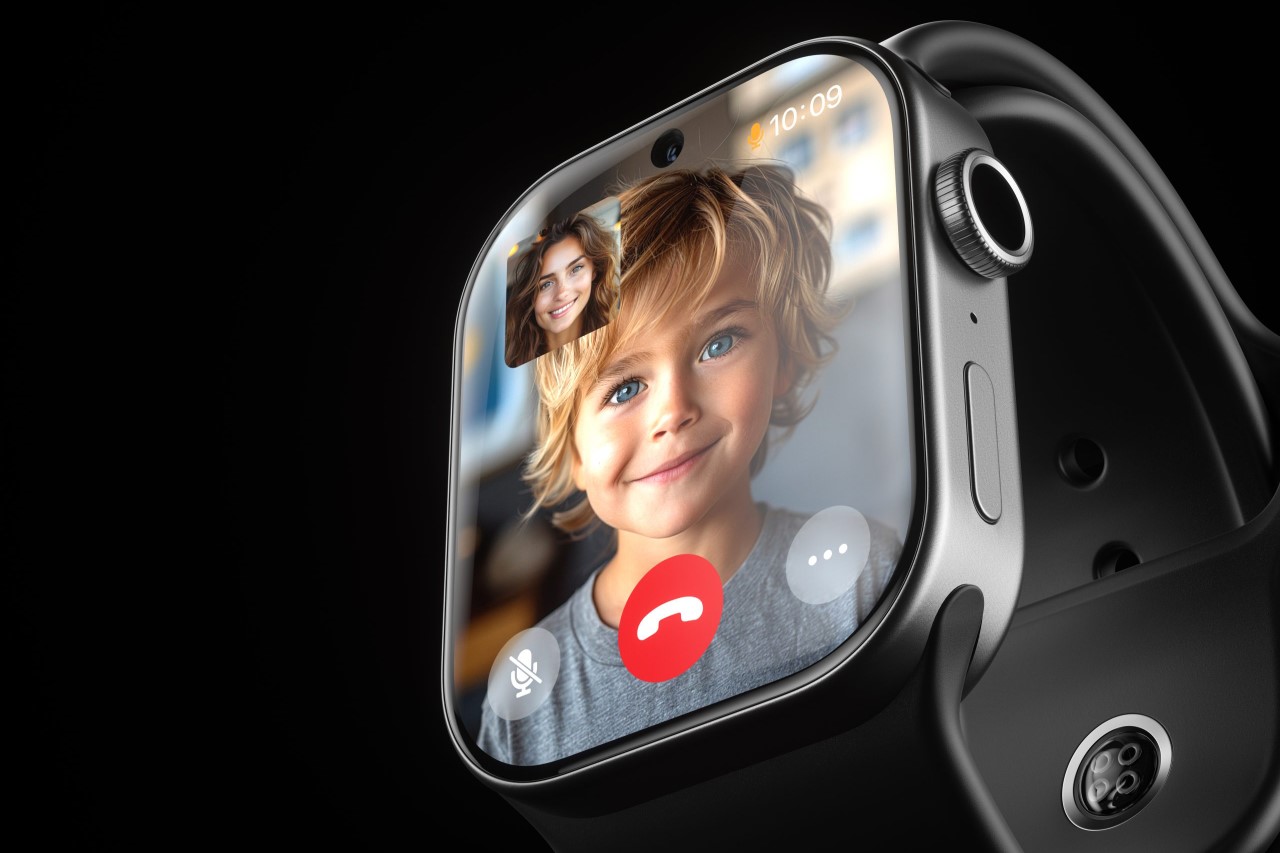
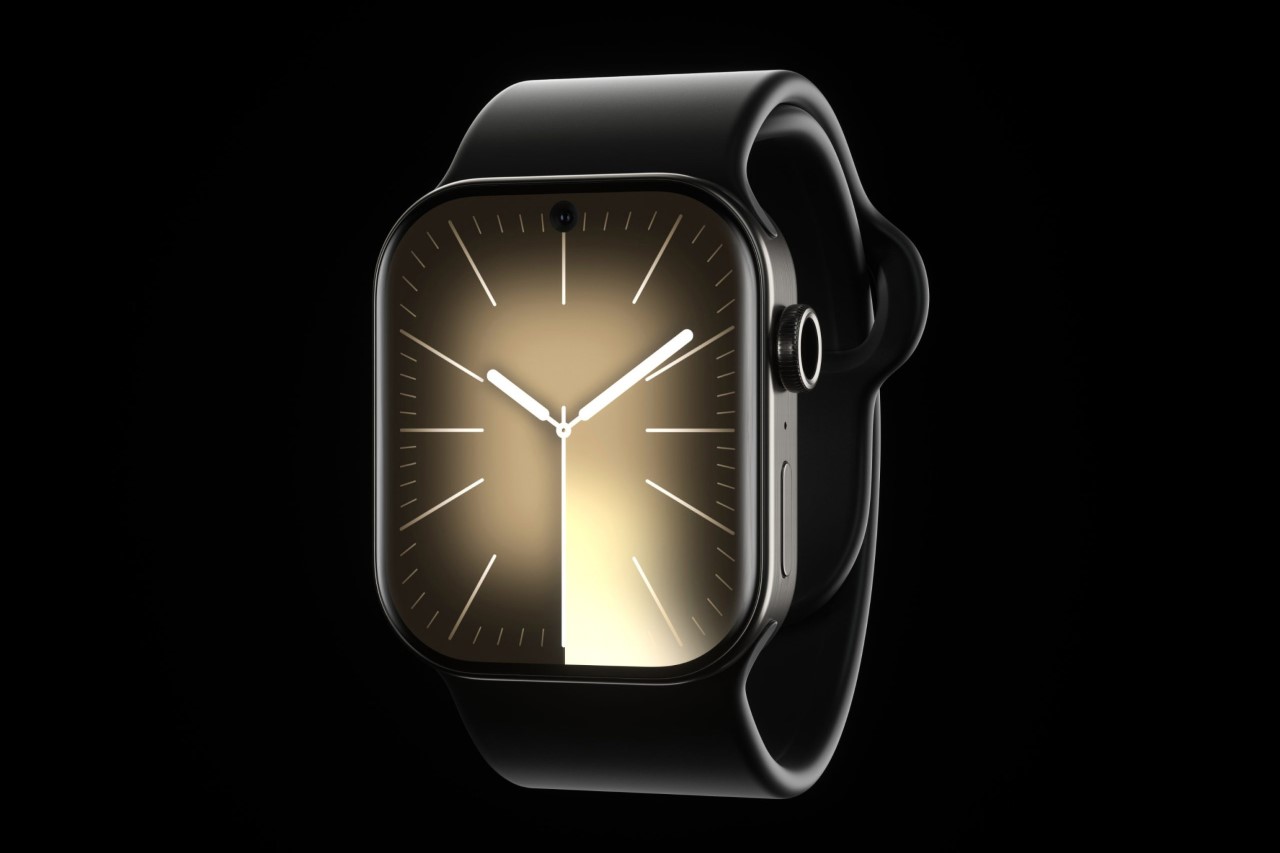
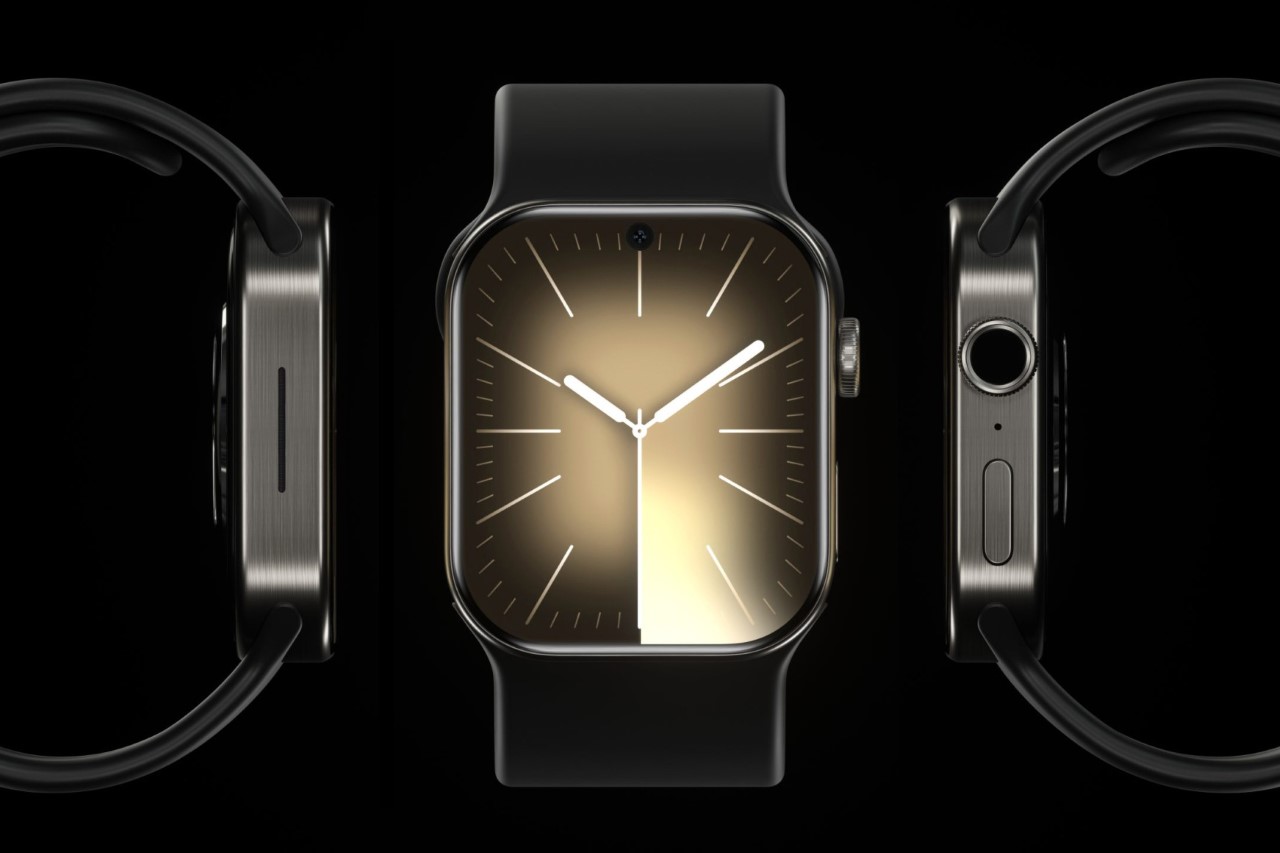
Apple Watch Ultra 3 with 360 camera is for smartwatch photographers of tomorrow

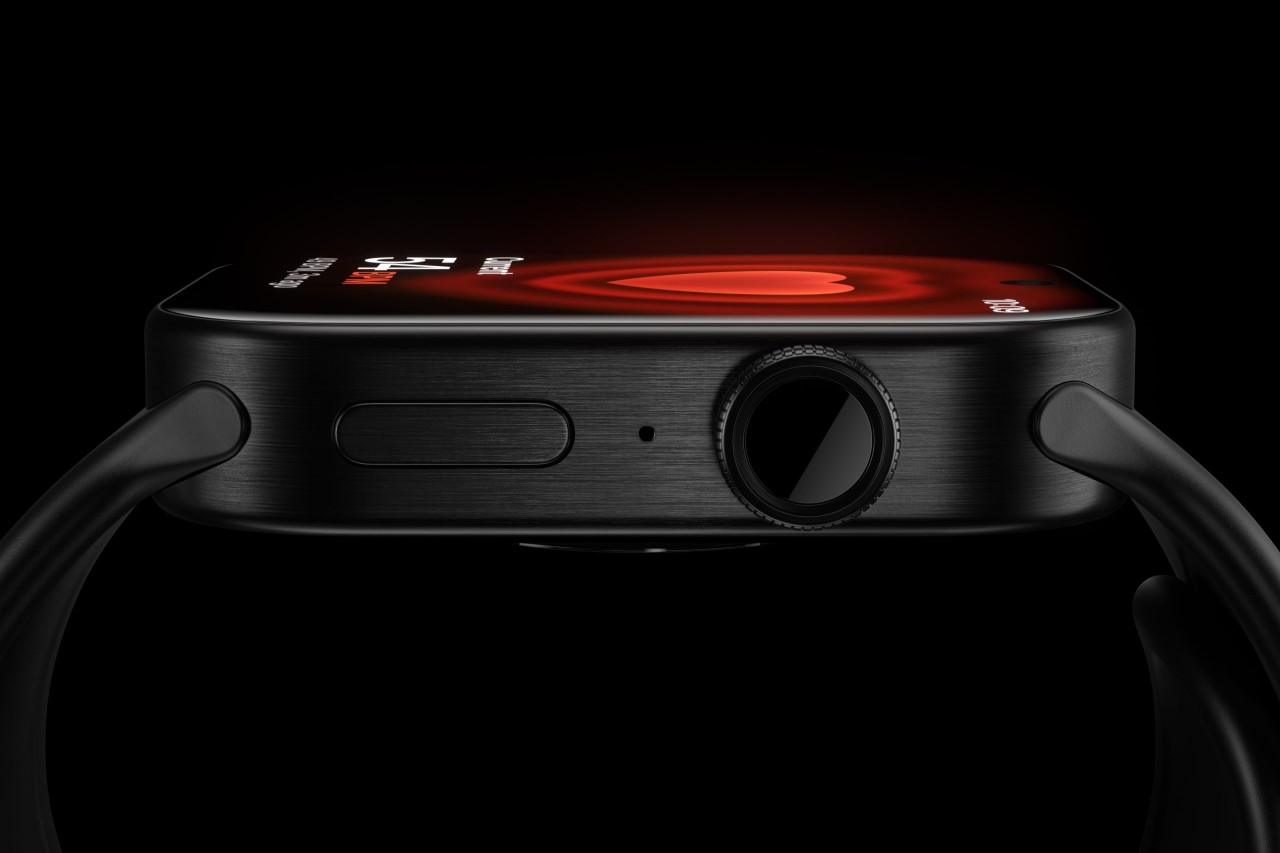
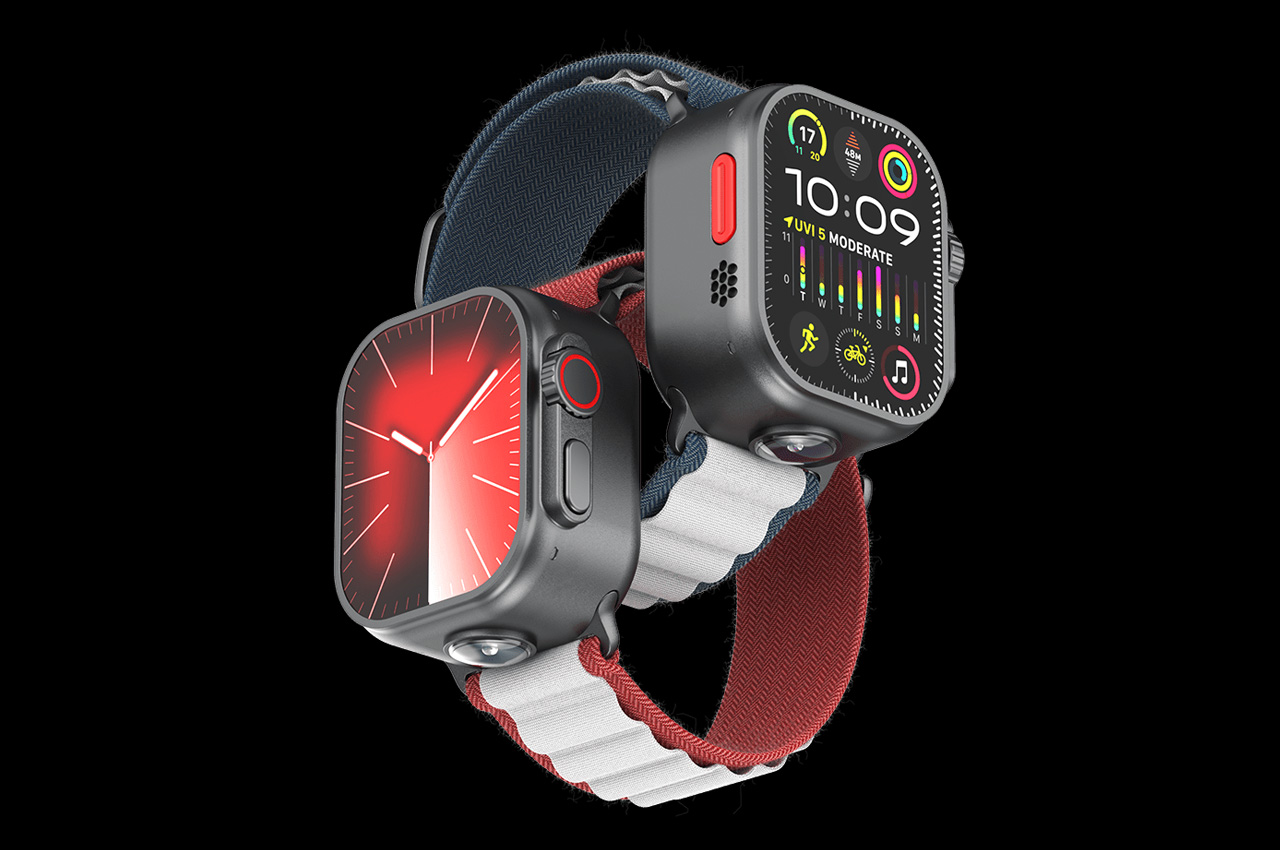
Apple has always been at the forefront, consistently pushing the boundaries of what is possible in consumer technology. The Apple Watch Ultra 2, with its innovative gesture input system and impressive peak brightness, was a testament to this commitment. But now, a new vision for the future of wearables is taking shape in the concept of the Apple Watch Ultra 3.

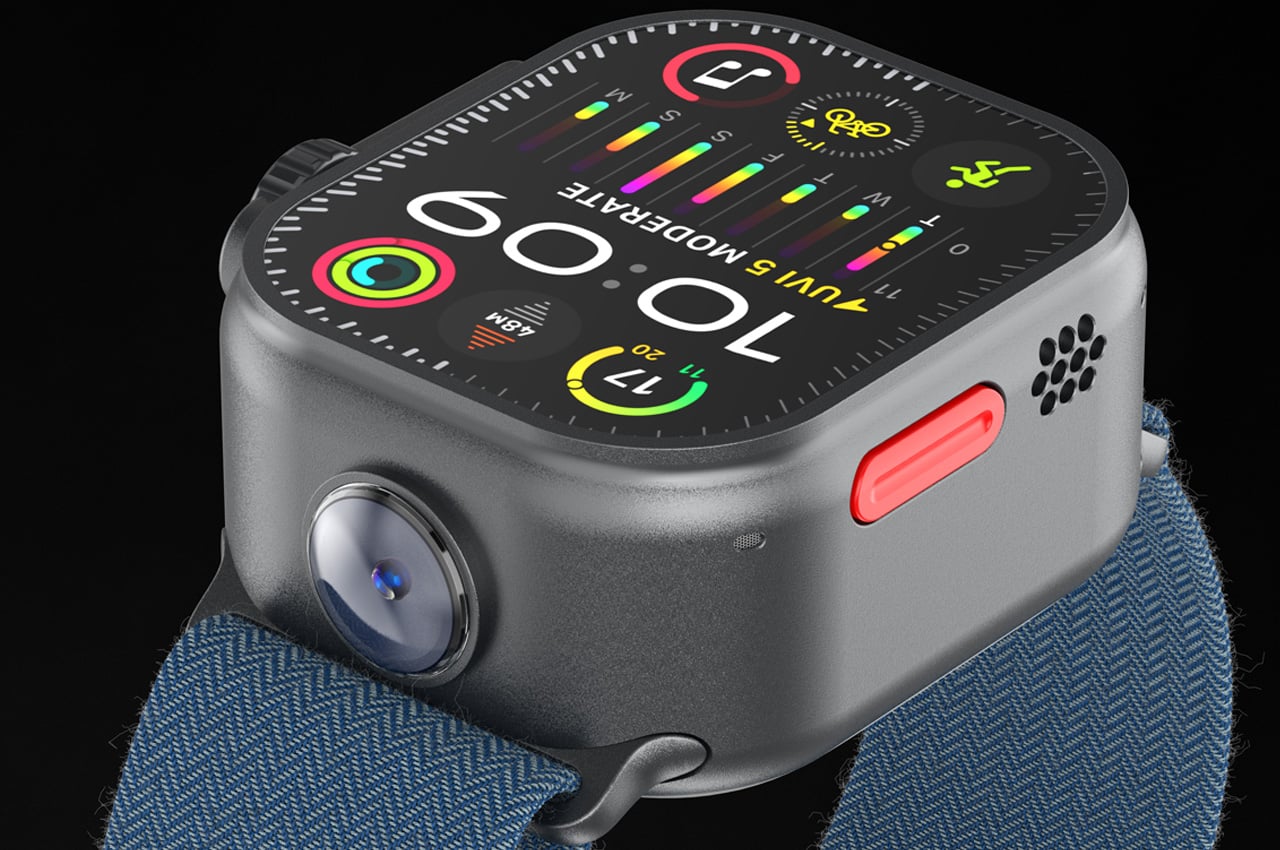
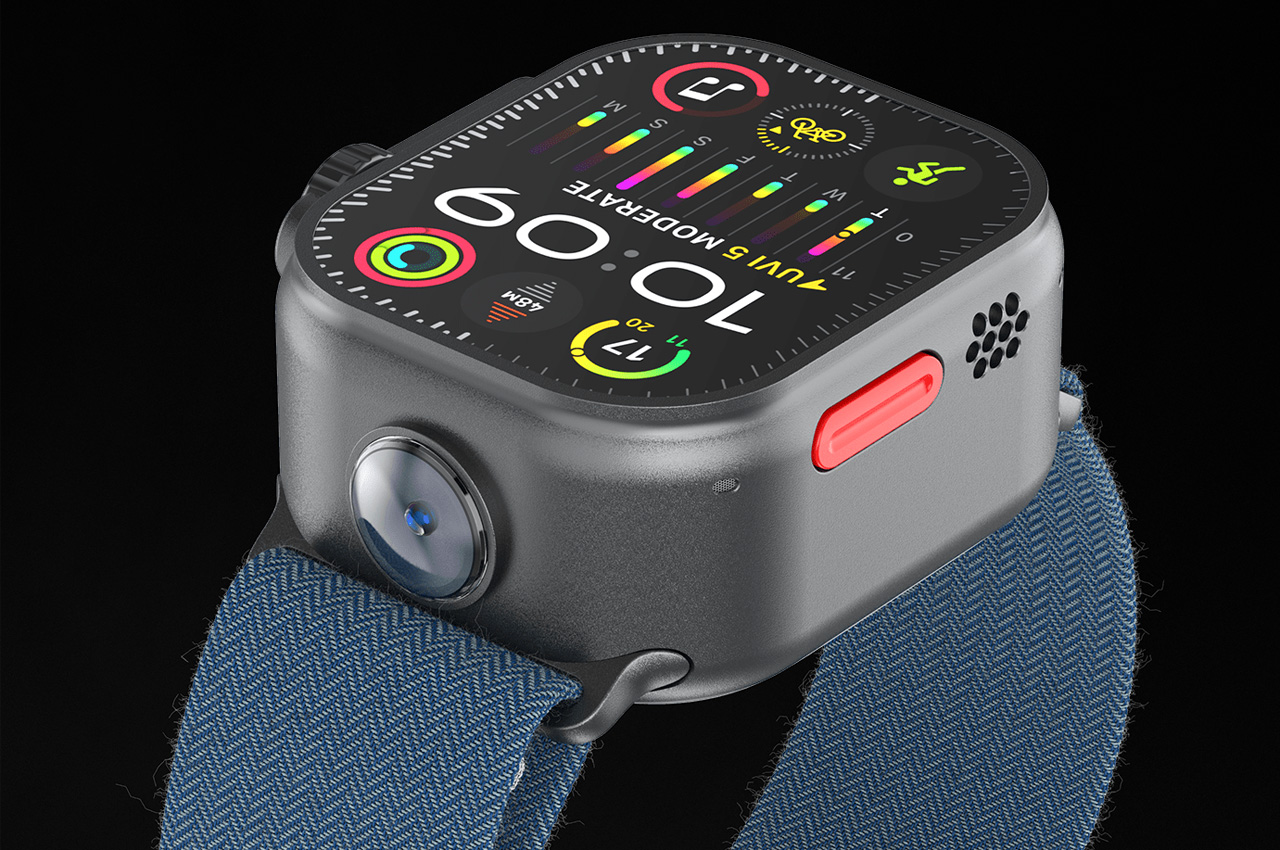
Watch Ultra 2 brought us the ability to tap our fingers twice to register a button press, revolutionizing how we interact with our devices. And now a designer has added an element of surprise to the mix by envisioning the Watch Ultra 3 with a built-in 360 camera.

Designer: Abdelrahman Shaapan

Building on this success, the Apple Watch Ultra 3 envisions taking gesture control to a whole new level, although the exact details are still shrouded in mystery. What we do know is that Apple is dedicated to redefining the user experience, which is evident from the recent report that expects Apple to launch the next generation Watch Ultra in 2024 with a 2.1-inch micro-LED display.

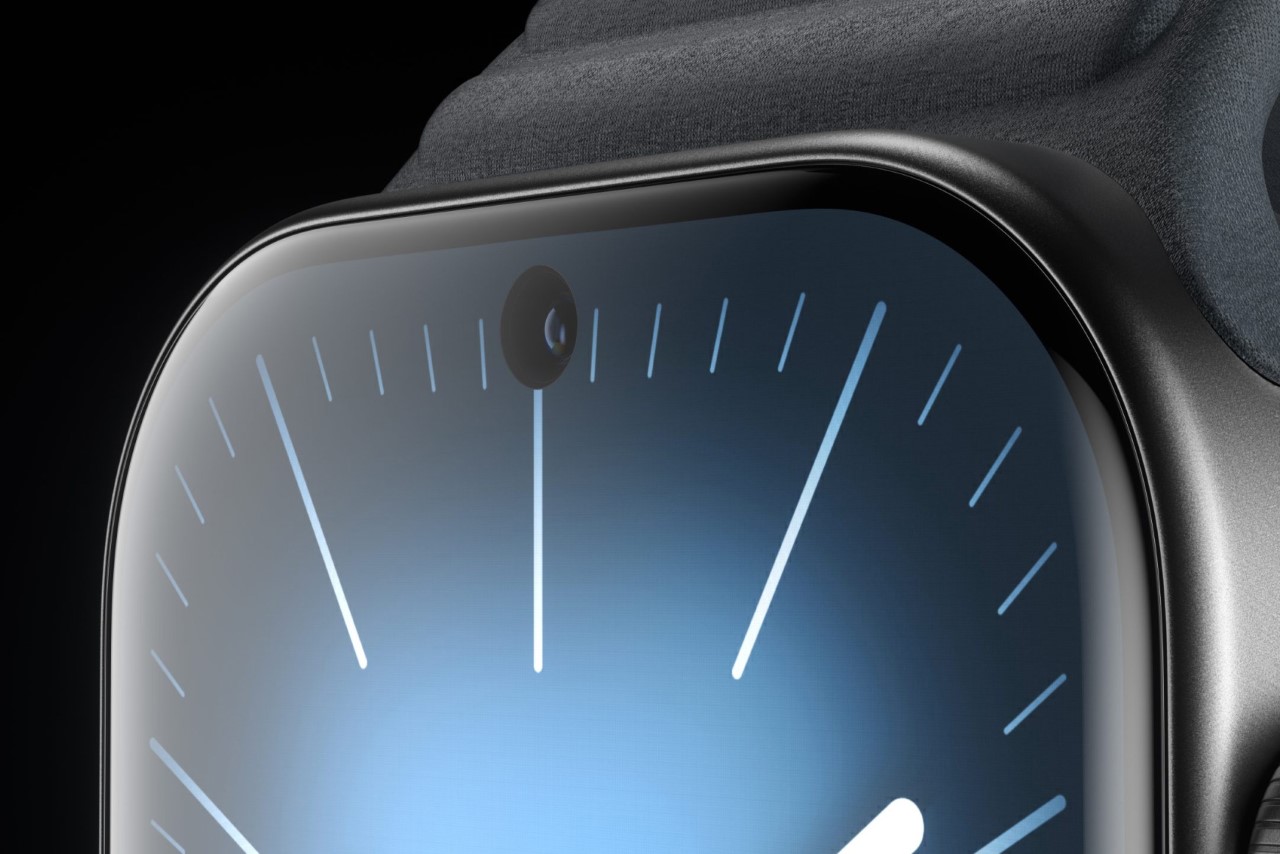
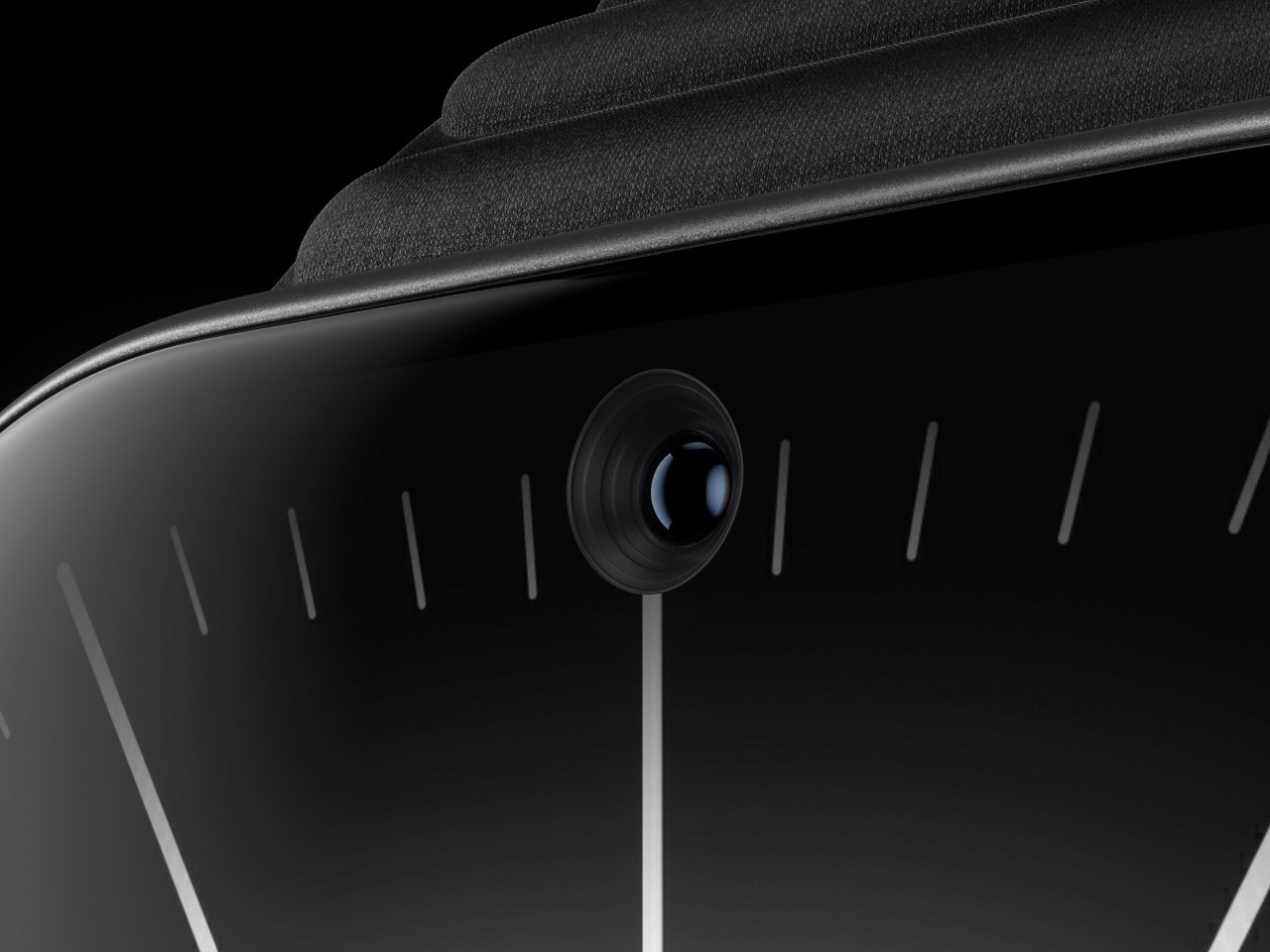
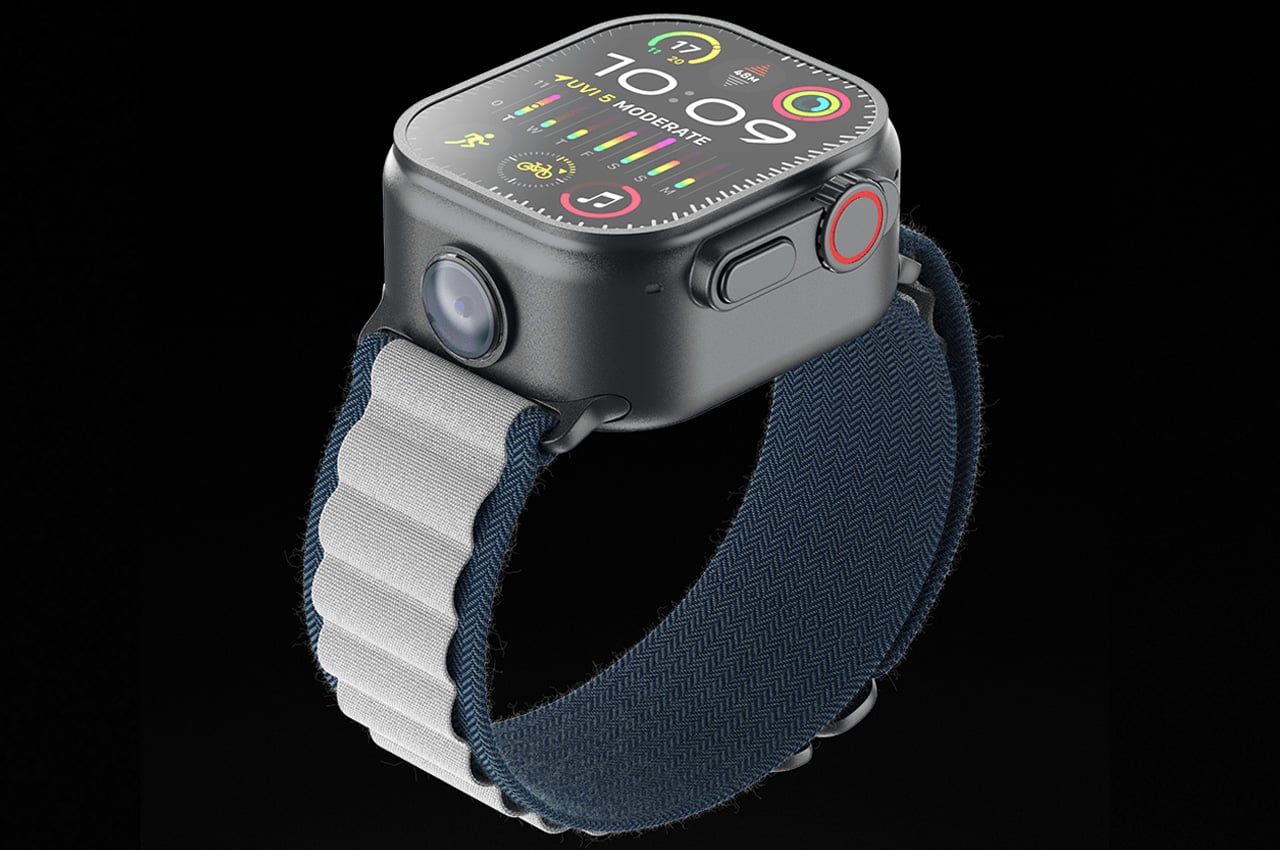
Add to that the idea of including a 360 camera in the Apple Watch Ultra 3 and imagine yourself capturing the surroundings in a truly immersive way, all from the convenience of your wrist. This innovation will allow you to relive your journey capturing every moment in stunning detail: undeniably a refined user experience!

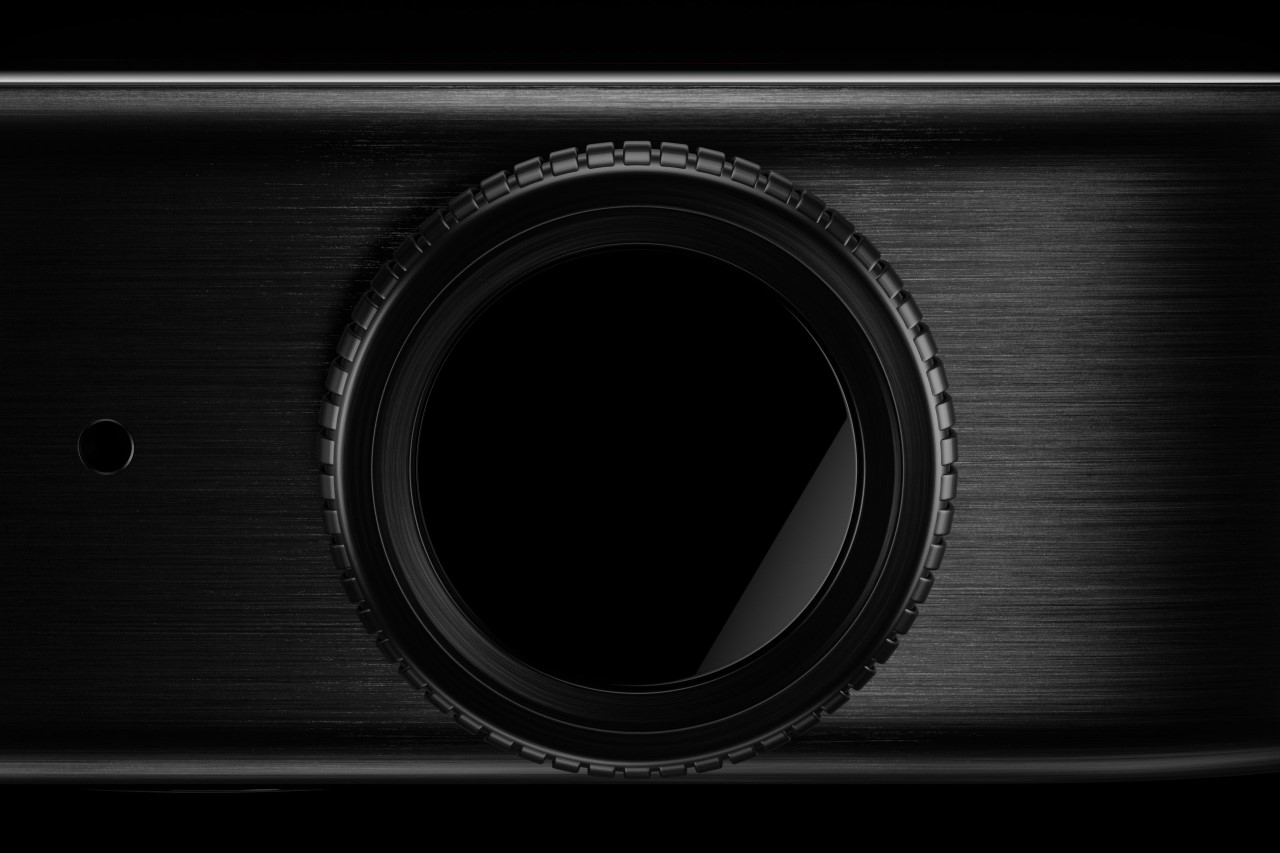
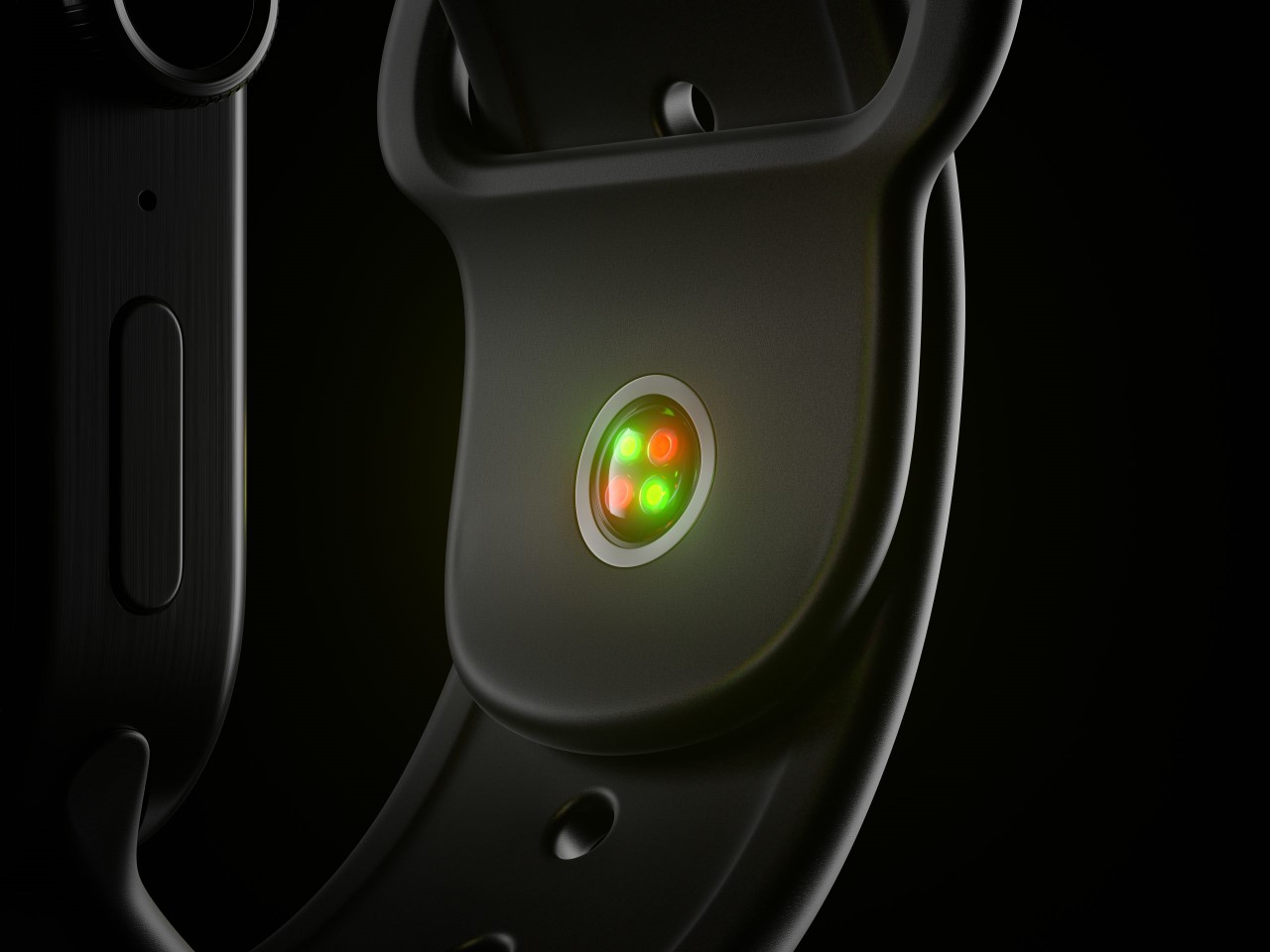
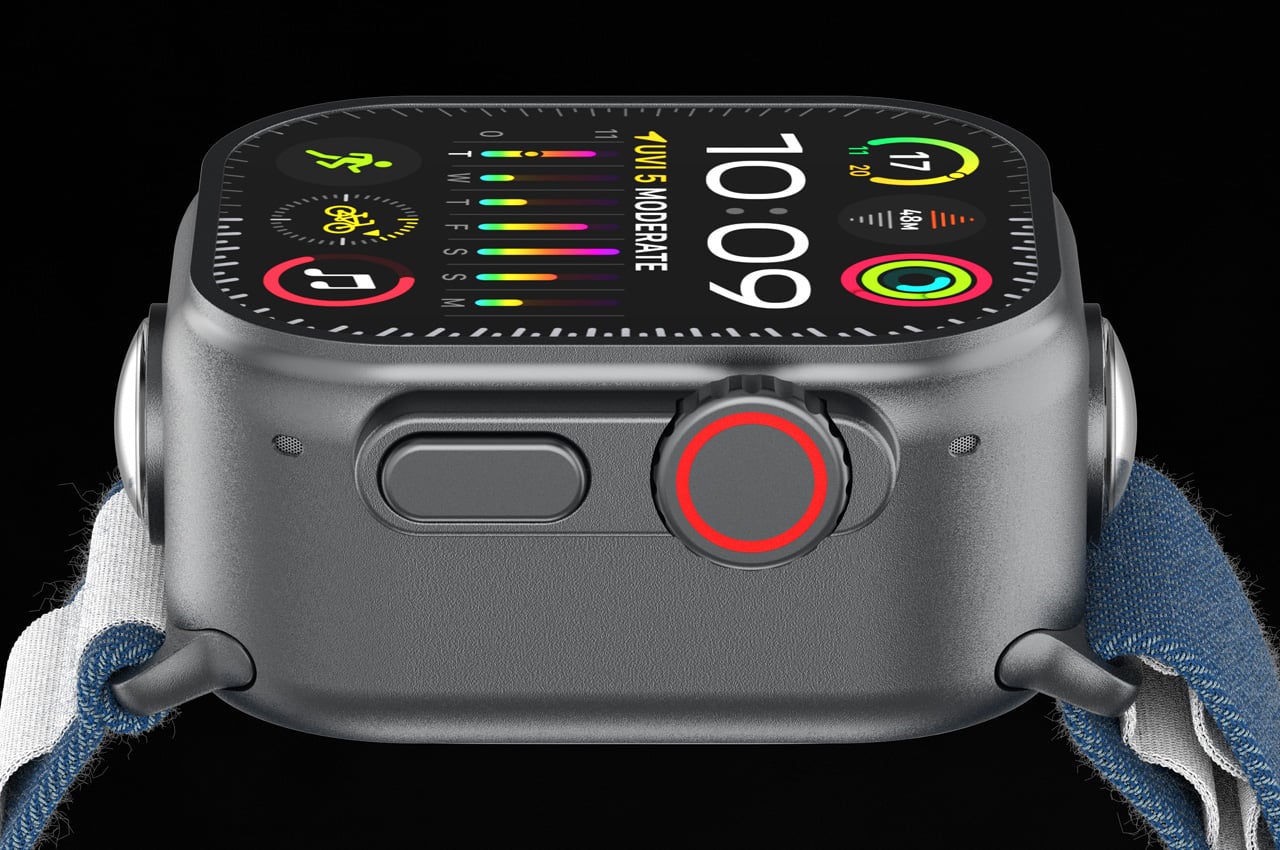
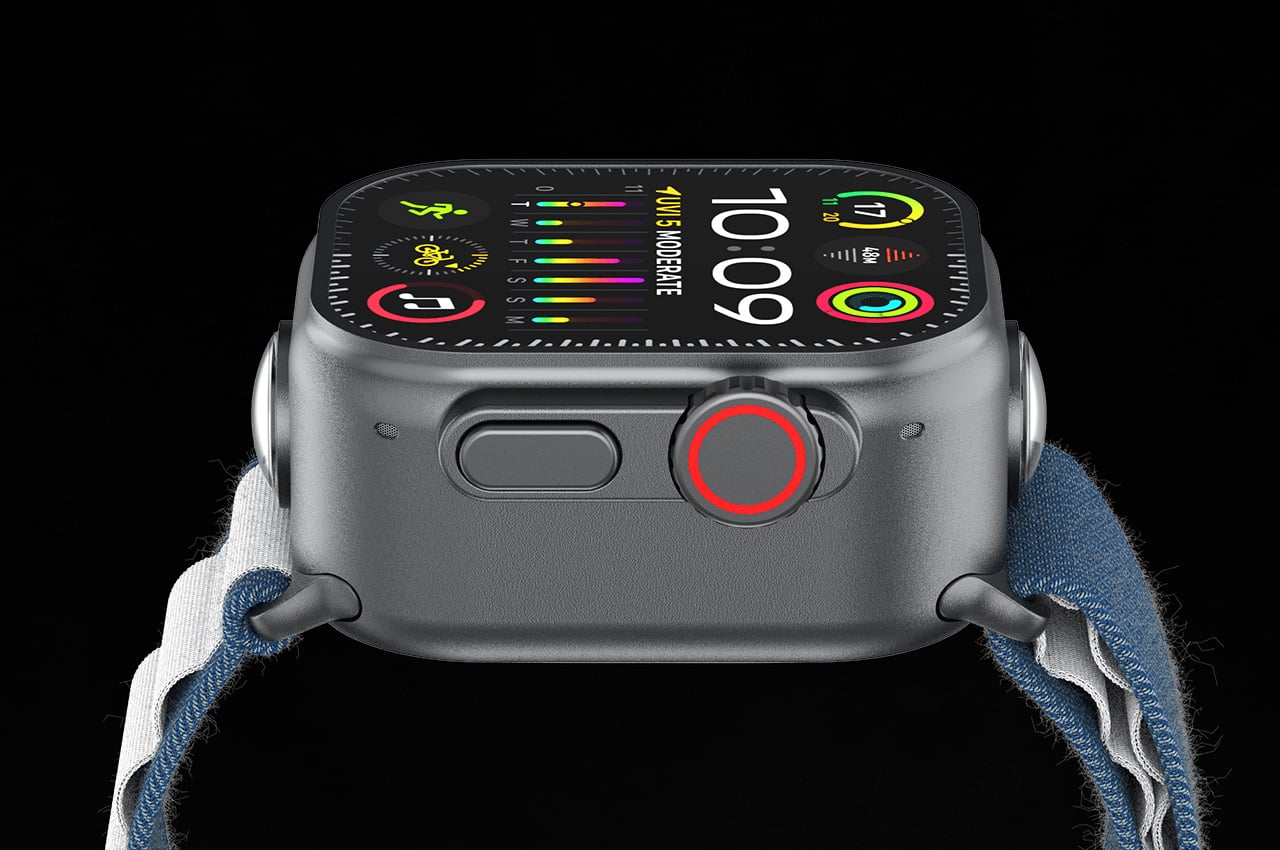
According to the concept, the 360 camera on the Apple Watch Ultra 3 seamlessly integrates camera in the watch body, allowing you to control it directly from your wrist. Even more impressive is the watch’s ability to automatically stitch together the captured images or videos in real-time. This allows the watch to create panoramic images and videos. It means you will not have to be a tech wizard to create beautiful, immersive content; the watch will do the heavy lifting for you.  
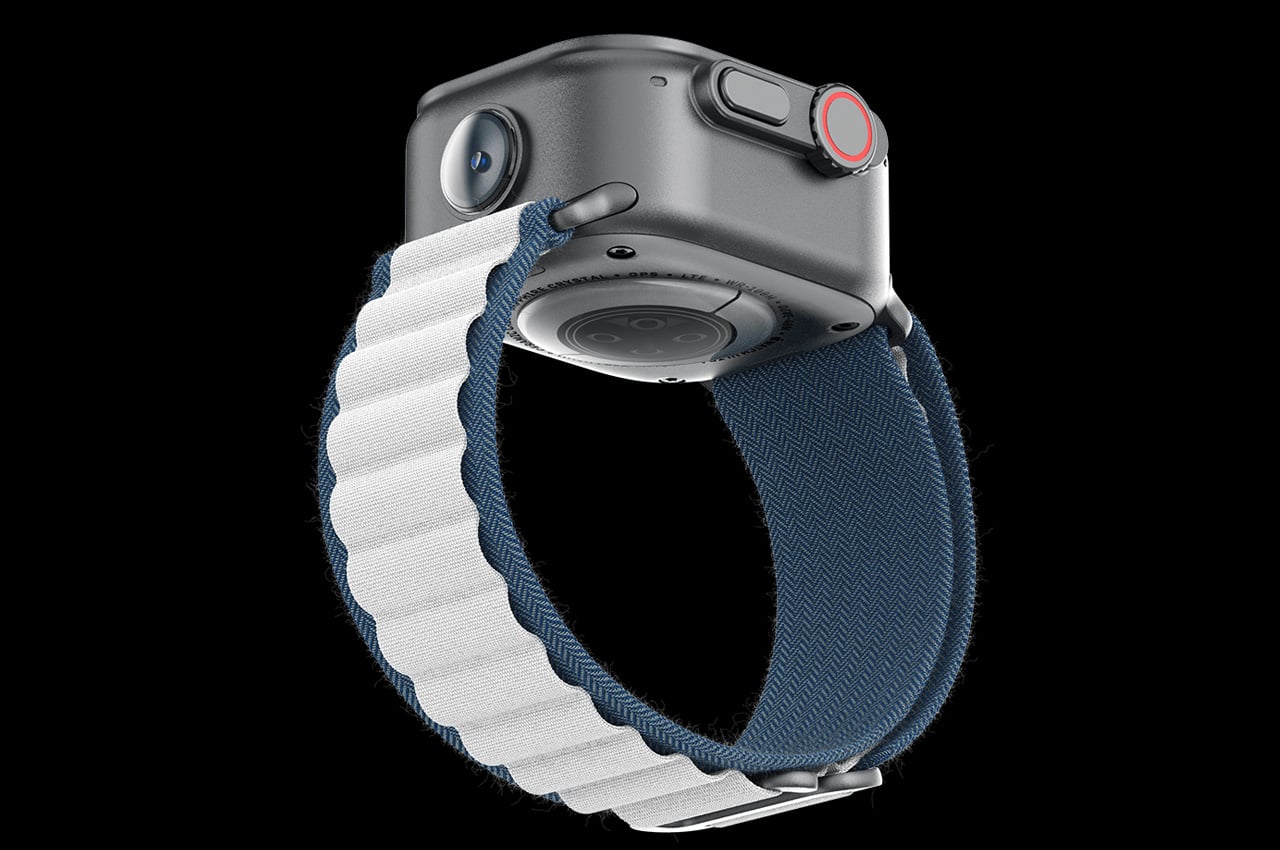
With the additional gimmick, the Apple Watch Ultra 3 will be more intriguing for some photographers; how much it may appeal to an average bloke is undefined. However, what a usual user may be put off by is the bulk this idea will put on the wrist. The watch body fits in all the regular Apple givens along with the camera, which actually adds to the watch’s thickness. Personally, for me, this is just not happening!

The post Apple Watch Ultra 3 with 360 camera is for smartwatch photographers of tomorrow first appeared on Yanko Design.