5 Best Home Office Gadgets for Remote Workers in 2026 That Actually Justify Every Dollar

Your laptop has two USB-C ports. Your desk needs dual monitors, wired internet, an external drive, a charger, and somewhere to plug in your SD card. So you have a dongle for the monitors, a second dongle for Ethernet, a third one that lives in your bag and migrates to the wrong bag constantly, and a power brick sitting on the floor because there is nowhere else for it to go. The setup works. It looks like a tech garage sale.

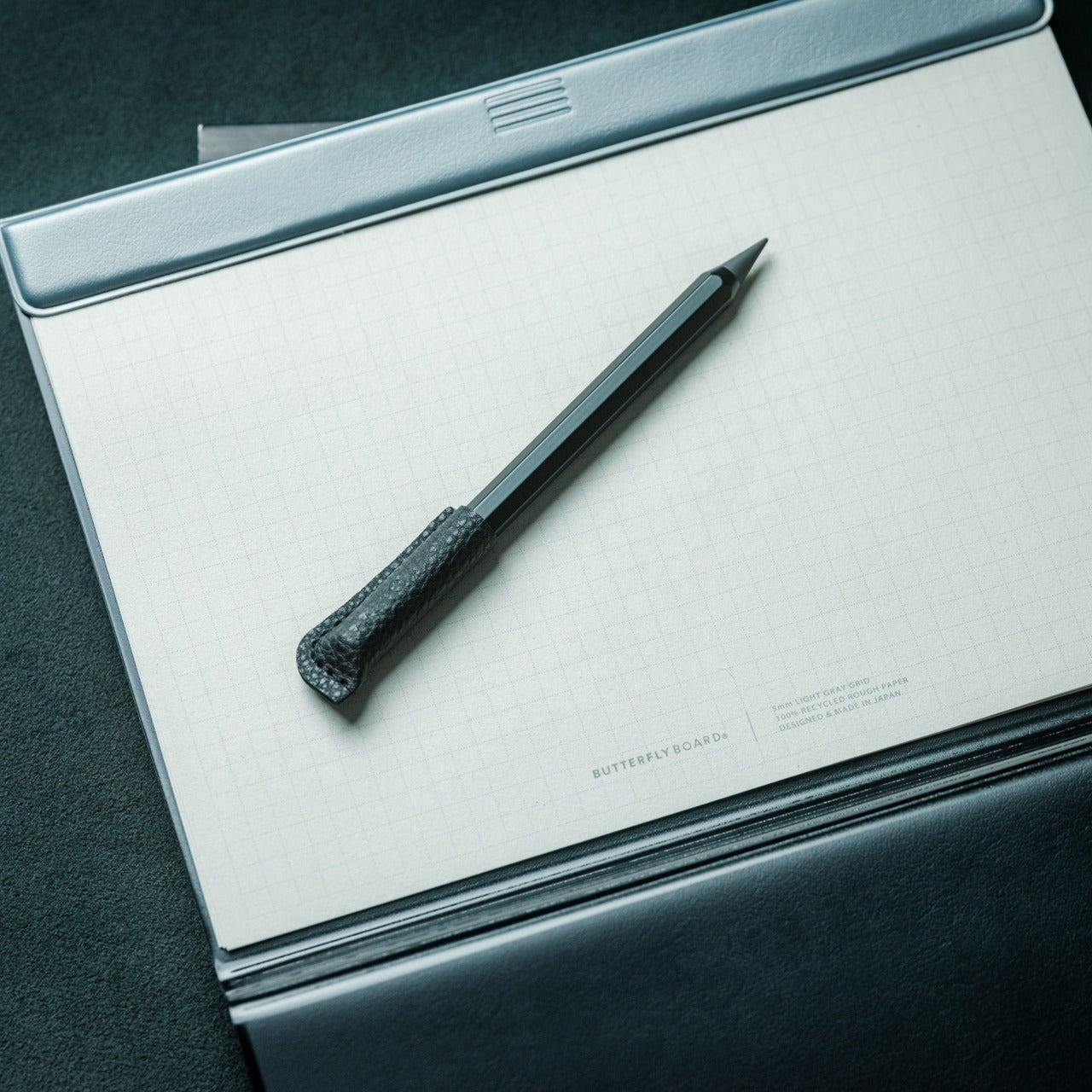
These five products fix that. Not by adding more stuff to your desk, but by replacing the specific things that cost you time and attention every single workday. Each one earns its footprint with a clear answer to a real problem. The HubKey handles your dongle situation and your physical controls. The OrigamiSwift handles your mouse. The Logitech MX Brio Ultra handles your camera. The Rocketbook handles your notes. The Rolling Clock handles your time zones.

1. HubKey Gen2

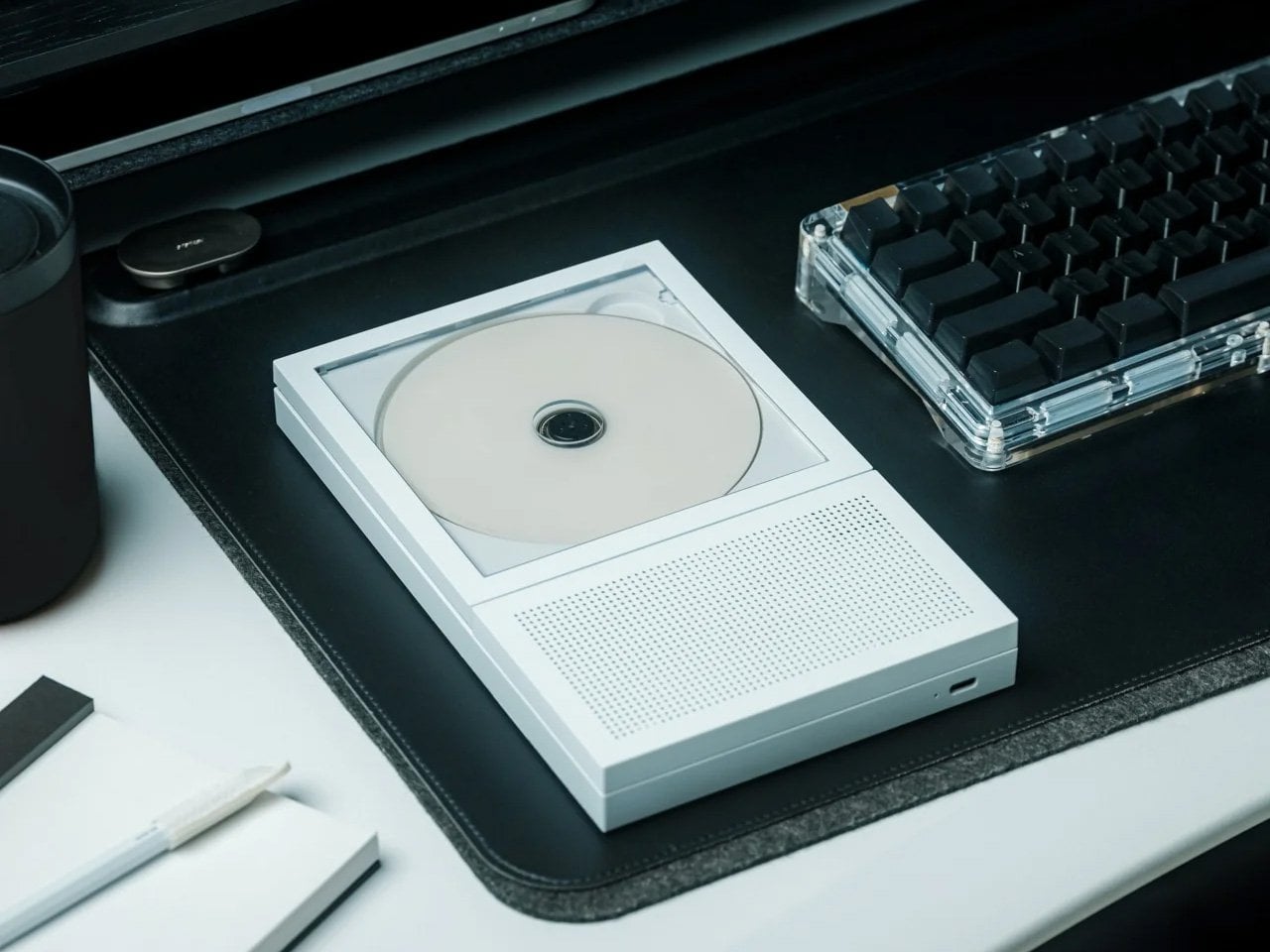
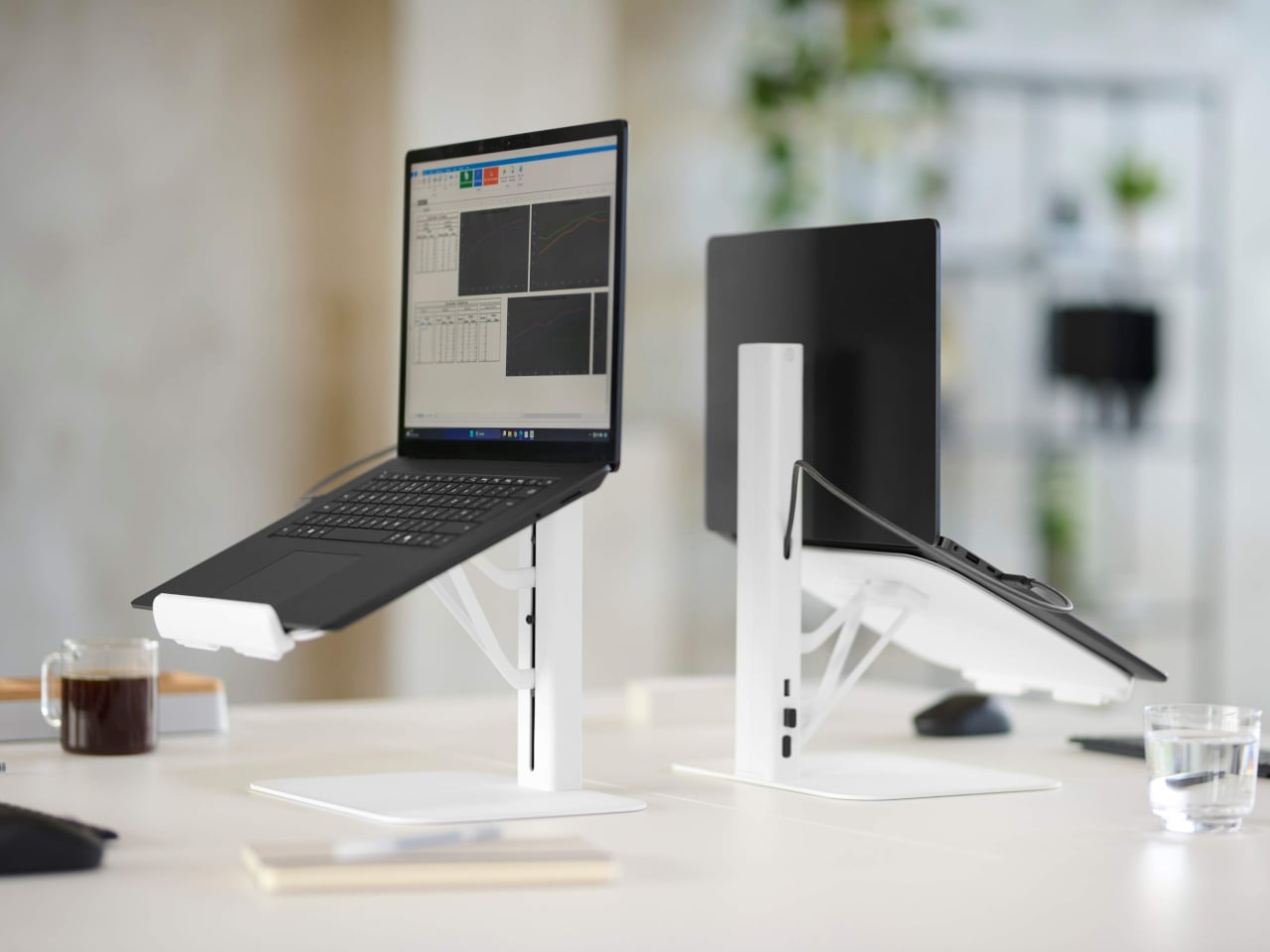
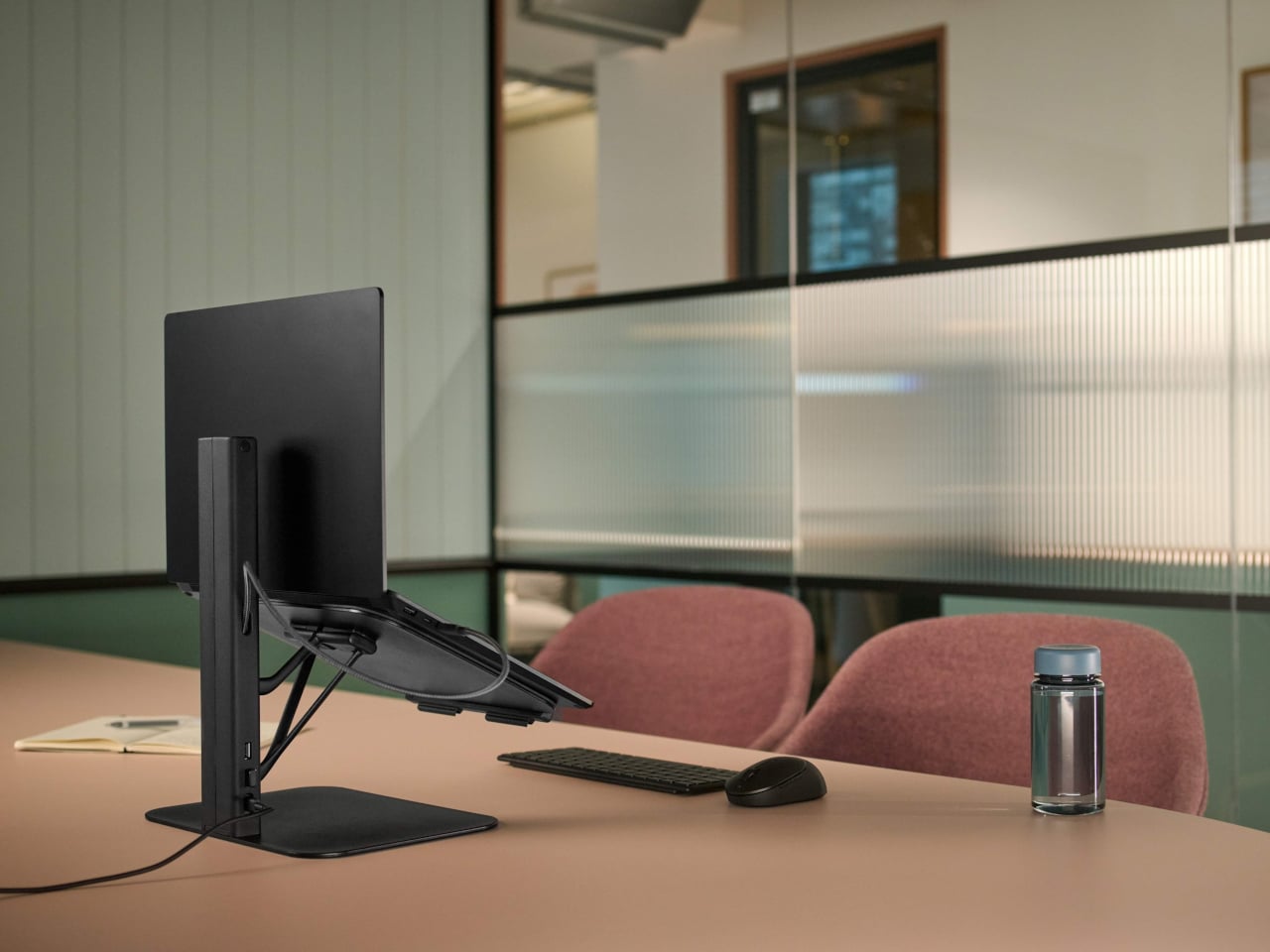
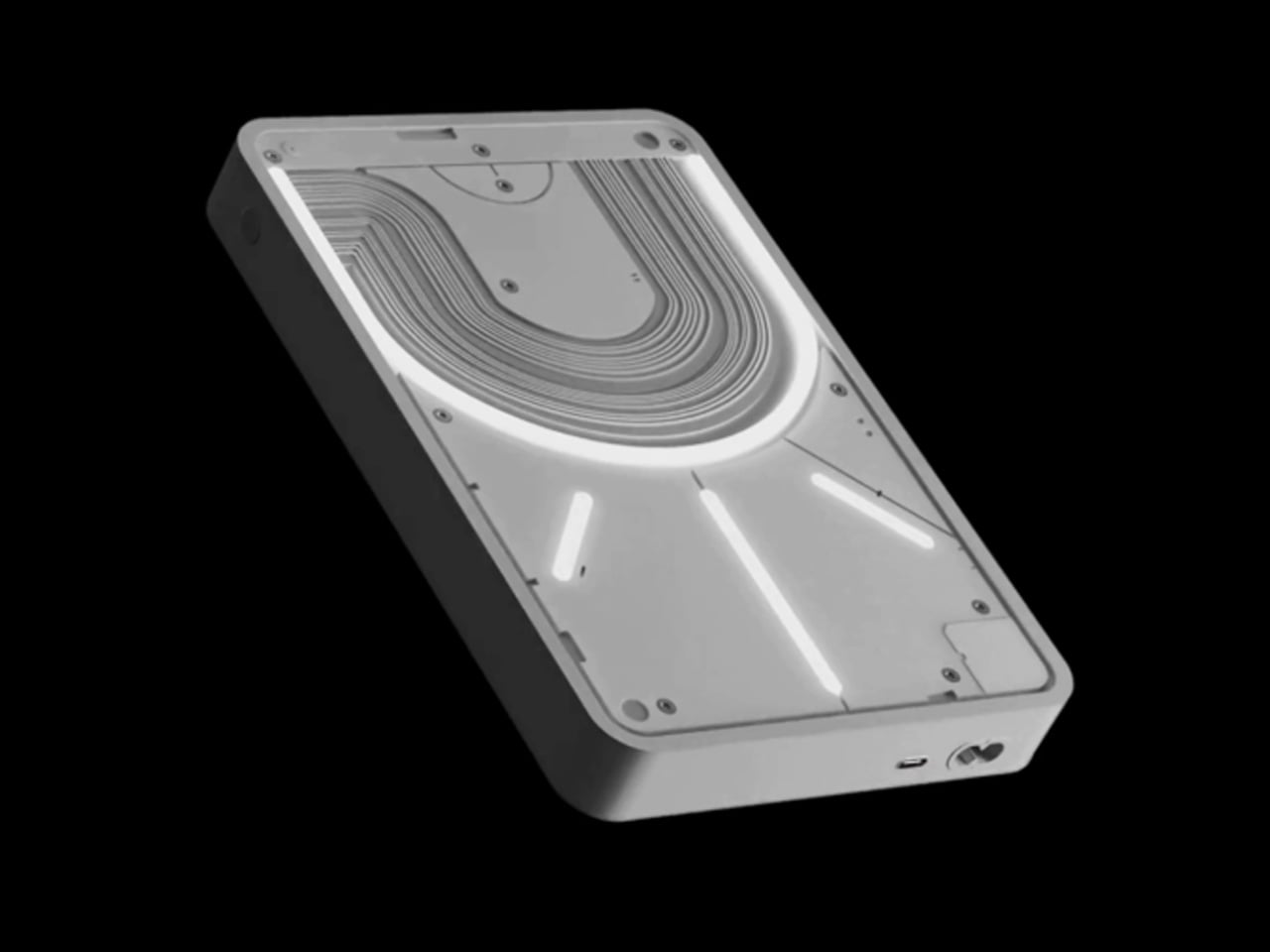
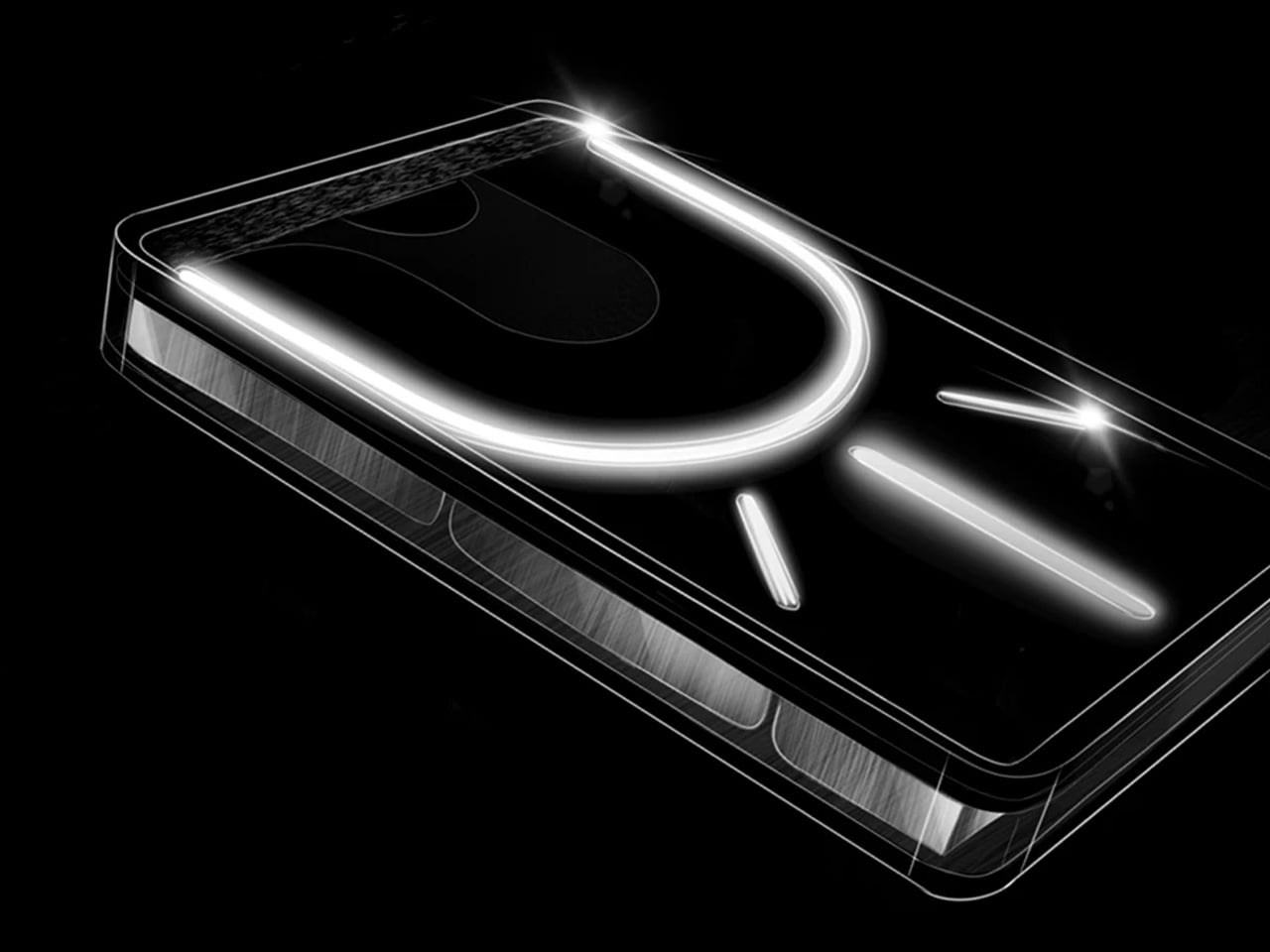
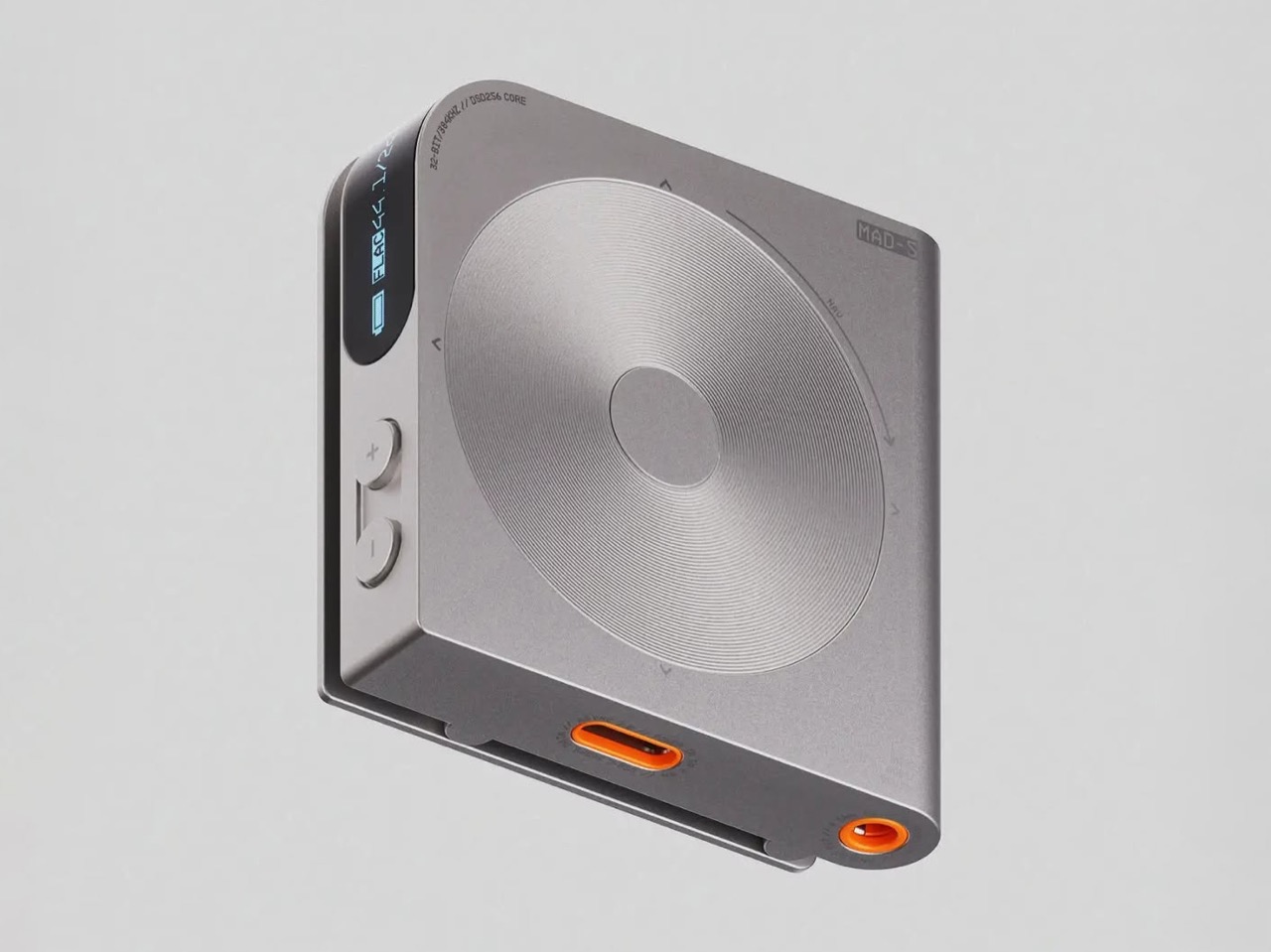
Count the adapters on your desk right now. There is a display dongle, a USB-A hub, an Ethernet adapter, and a charging brick that has lived on the floor for six months. The HubKey Gen2 replaces all of it with one cable back to your laptop. Dual 4K 60Hz HDMI outputs, 100W PD charging, 2.5 Gbps Ethernet, 10 Gbps data, SD and TF slots, and a 3.5mm jack — simultaneously, without throttling. Most hubs make you choose between charging and full performance. The HubKey does not.

What actually separates it is the top panel. Four shortcut keys and a central knob handle volume, mute, screen lock, and screenshots without touching your keyboard. It runs plug-and-play on Windows, macOS, Linux, and Steam Deck out of the box, with an optional driver that unlocks 170 preset combinations and a fully custom mode when you want it. Simple and immediate on day one. Deeper when you need it.

What we like:

  • Dual 4K 60Hz from a single cable to your laptop is the feature that ends the one-monitor compromise for anyone who has been putting off a second display.
  • The physical knob and shortcut keys turn volume adjustment and screen privacy into a hand gesture instead of a keyboard hunt. Once you have a physical mute button, software mute buttons feel like a step backward.

What we dislike:

  • The shortcut customization is deep enough to be worth exploring and slightly too deep to set up quickly. Budget 20 minutes before your first real workday with it.

2. OrigamiSwift Folding Mouse

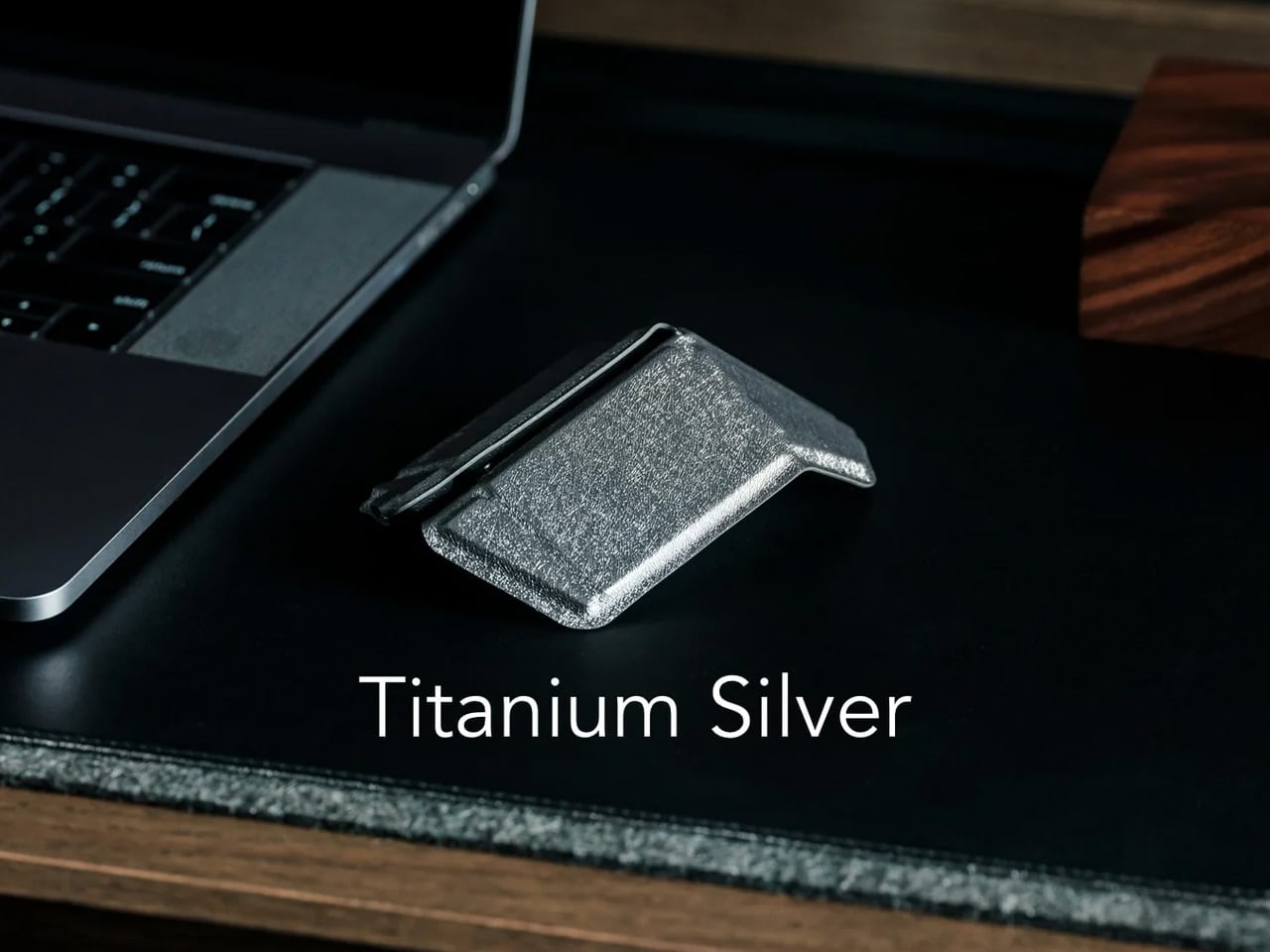
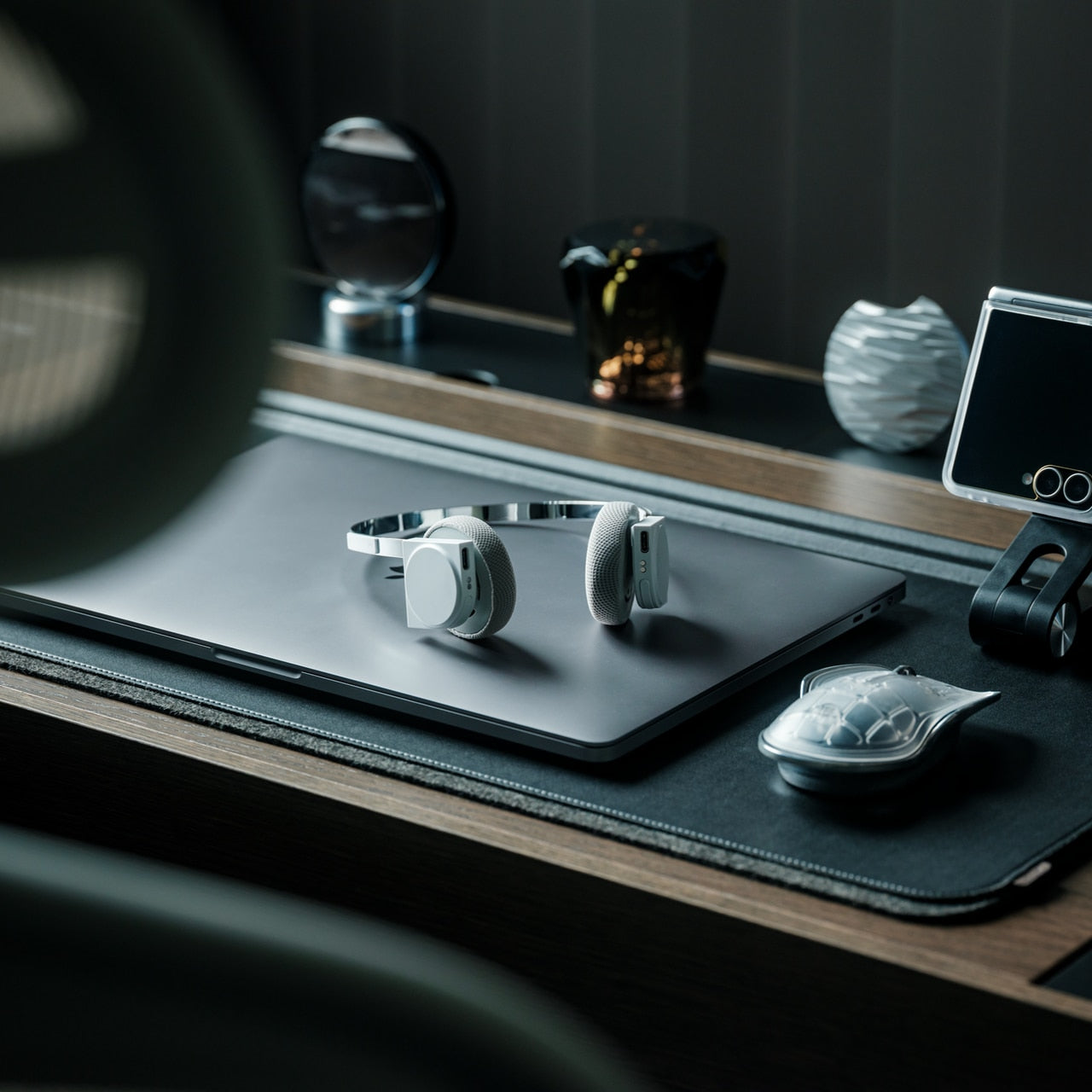
If you travel with a laptop, you own two mice. The real one on your home desk. And the compact, slightly uncomfortable one in your bag that you use everywhere else and quietly resent by 2 pm. The OrigamiSwift folds flat to 4.5mm, which is thin enough to slip between notebook pages without leaving a visible bump. It unfolds in under half a second into a full-sized ergonomic shape that sits naturally in your hand. At 40 grams, it weighs less than your wallet.

The tracking precision has nothing to do with its size. The Bluetooth connection is reliable. The fold mechanism feels deliberate rather than fragile, which matters because it is the interaction you repeat every time you sit down. At $85, it costs less than most dedicated desktop mice and does something none of them can: it works equally well in your carry-on and at your home desk without asking you to choose between comfort and portability. The folding mouse has been a category of compromises for years. This one is not.

Click Here to Buy Now: $85.00

What we like:

  • The ergonomic angle on deployment feels solid and settled, not provisional. It does not flex or wobble under a firm grip the way folding products tend to when they meet any real resistance.
  • The sub-half-second flip is the kind of interaction that registers the first time and then disappears into muscle memory by day three.

What we dislike:

  • The 40-gram weight takes a few days to stop noticing if you are coming from a heavier desktop mouse. It is not uncomfortable, just different, and your hand knows it before your brain stops caring.
  • Bluetooth only means no wired fallback, which matters on the rare occasion your connection cuts out mid-deadline.

3. Logitech MX Brio Ultra

At some point this year, you saw your own face in the corner of a video call, and it looked like you were dialing in from a parking structure. Flat, gray, slightly soft around the edges. That is your built-in laptop webcam doing its best with a sensor roughly the size of a fingernail. The Logitech MX Brio Ultra runs a 4K sensor with AI-powered auto-framing, and the gap between what it produces and what your laptop camera produces is not subtle. It is the difference between looking like you prepared for the call and looking like you rolled in from the hallway.

Logitech is the default answer for a reason. The MX Brio Ultra is what Wirecutter recommends, what the r/homeoffice community lands on after every comparison thread, and what most people in a serious remote setup are already running. The AI framing tracks you as you move and keeps the shot composed without any input from you. At $200, it sits at the top of the mainstream webcam market, and it earns that position by being the camera you set up once, forget about, and still look good on every call six months later. No fiddling with tracking zones, no hour in settings. It works the way a Logitech product always works: immediately and without drama.

What we like:

  • 4K output with AI auto-framing is the combination that covers every remote work scenario, from a one-on-one call to a presentation with 50 people watching your frame.
  • The setup experience is genuinely plug-and-play. If you have spent time configuring other AI webcams before a call, the MX Brio Ultra will feel like a relief.

What we dislike:

  • At $200, it is the most expensive item on this list, and the price is harder to justify if your calls are mostly audio-only or your desk faces a window with no lighting control.
  • The design is competent rather than interesting. It sits on your monitor and disappears, which is fine, but it does not add anything to how your desk looks the way some of the other picks here do.

4. Rocketbook Reusable Sticky Notes

You have a stack of Post-its on your desk right now that you bought six months ago, used about a third of, and will eventually throw away when they stop sticking. Then you will buy another stack. Then another. The Rocketbook Reusable Sticky Notes break that cycle by doing something Post-its never could: you wipe them clean with a damp cloth and start over. Same note. Indefinitely.

The material feels like real paper, which matters more than it sounds. Other reusable note products go rigid and plastic and remind you every time you pick one up that you are using something weird. The Rocketbook version is thin and flexible, and the writing experience with a Pilot FriXion pen is close enough to a regular sticky note that the novelty wears off quickly and the habit takes over. The adhesive strip rinses clean and resticks the same way, so the note goes back on the monitor, the cabinet, or the edge of your desk exactly where you left it. The Rocketbook app photographs each note, transcribes your handwriting, and sends it to whatever cloud storage you already use, which means the thought is archived before you wipe the surface. You get the speed of analog and the permanence of digital without running an AI meeting bot or opening another productivity app.

What we like:

  • The paper-like feel is the detail that makes this a daily habit rather than a novelty. It does not feel like writing on a whiteboard, and that distinction is what separates it from every competing reusable note product.
  • The app’s automatic transcription and cloud sync mean wiping the note clean is not losing the note. That confidence changes how freely you actually use them.

What we dislike:

  • You are locked into Pilot FriXion pens, full stop. Your favorite pen does not work here, and if Pilot ever discontinues the FriXion line, the notes become decorative squares.
  • The wipe-to-erase process requires a damp cloth nearby, which is one more thing your desk needs to accommodate. In a dry climate or a cold office, the cloth dries out faster than you expect.

5. Rolling World Clock

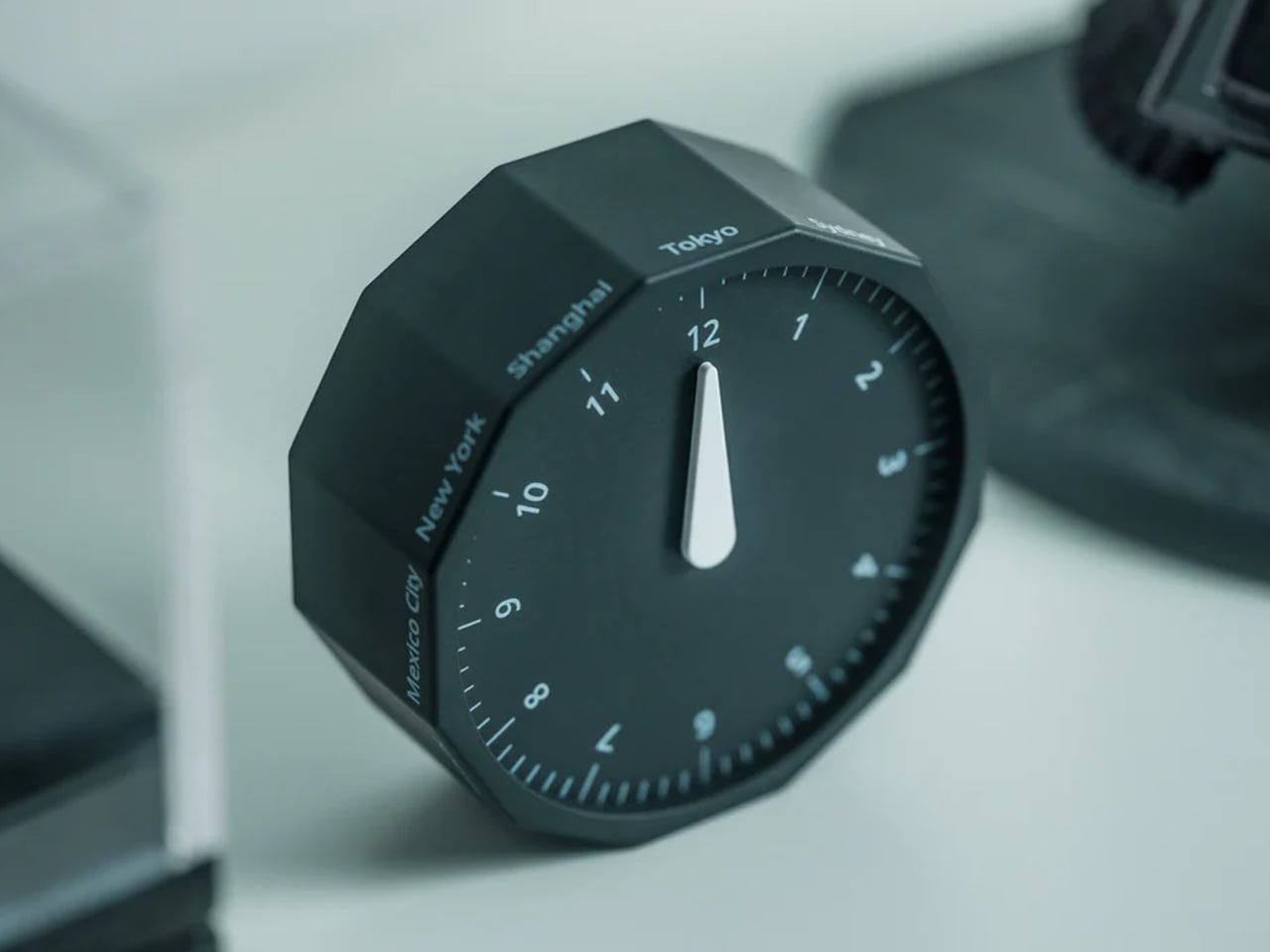
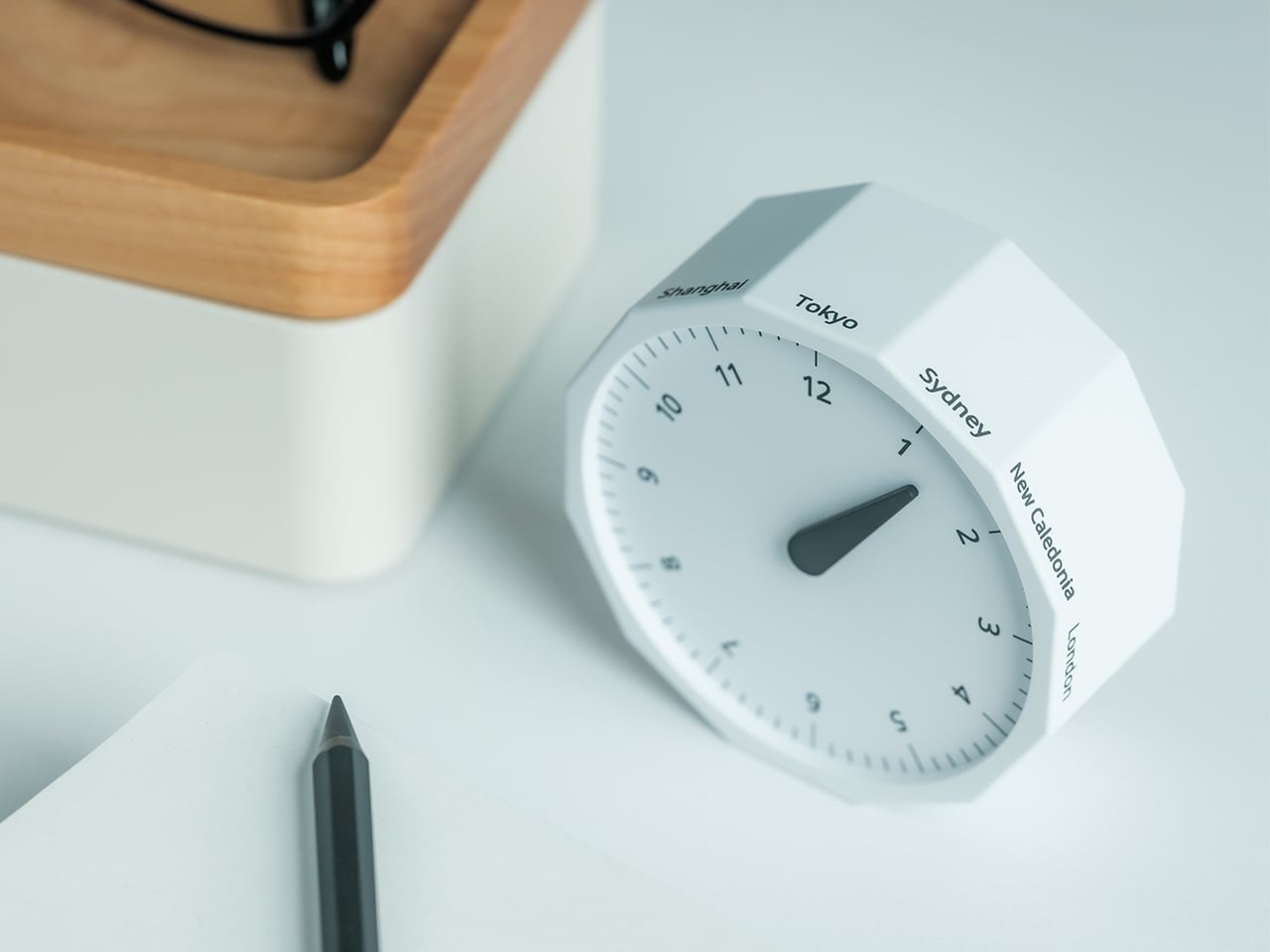
Before every Slack message you send to someone on another continent, you do the math in your head. Or you switch tabs. Or you pull up a world clock widget and then forget what you were doing before you opened it. The Rolling World Clock removes that entirely. It sits on your desk and shows you the time in every zone you track, physically, without touching a screen. You glance at it the way you glance at your coffee cup. No context switch, no arithmetic, no interruption.

At $49, this is the least expensive thing on this list and the one with the fastest daily return. The rolling display mechanism is considered, the design language sits cleanly next to other deliberate desk objects, and a physical clock requires no charge, no connection, and no subscription to do its job. That combination is rarer than it should be in 2026. The only maintenance it asks for is a manual adjustment twice a year for daylight saving time, which you were going to forget anyway, but at least now you have something specific to blame.

Click Here to Buy Now: $49.00

What we like:

  • The physical format makes world time a peripheral-vision experience rather than an active one. You absorb the information without choosing to look for it, which is how a good desk tool should work.
  • It reads as chosen rather than defaulted to, and that changes how the rest of your desk looks by association.

What we dislike:

  • Manual daylight saving adjustment is a real inconvenience that arrives twice a year and catches you off guard both times. A clock that is an hour off is worse than no clock.
  • Works best when you are tracking two or three time zones. If your work spans more than that, a digital solution handles the volume more honestly.

Five Products. One Decision Each.

Most home offices are assembled rather than designed. You know this because you built yours one order at a time, and the result is a surface full of things that coexist without quite agreeing. These five products are not a redecoration. They are five specific decisions: what your desk connects to and how you control it, how your mouse travels, how you look on a call, where your thoughts actually go, and how you read time without leaving a screen.

Together they cost less than most standing desks and do considerably more. The HubKey alone replaces a pile of adapters and adds physical controls your keyboard never had. The Logitech MX Brio Ultra makes your next video call the last time anyone asks if your connection is bad. The OrigamiSwift, the Rocketbook, and the Rolling Clock handle the small frictions that accumulate across a full workday without ever announcing themselves. That is what justifying every dollar actually looks like. Of everything on this list, the OrigamiSwift is the one I reach for first every single morning — not because it is the most impressive spec on paper, but because it removed a daily annoyance I had accepted as permanent. Turns out the right mouse for your desk and your bag was always the same mouse; it just needed someone to fold it properly.

The post 5 Best Home Office Gadgets for Remote Workers in 2026 That Actually Justify Every Dollar first appeared on Yanko Design.
7 Best Camping Gadgets & Gear for Labor Day 2026 for the Guy Who Always Books the Hotel

You have booked the hotel on the last night of every camping trip you have ever taken. Not because you are soft. Because your sleeping pad deflated at 2 a.m., your camp pillow was a balled-up fleece jacket, and the only working flashlight in the group was someone’s phone at eleven percent battery. That’s a gear problem. Not a character flaw. And the gear, finally, has caught up to every excuse you’ve been making.

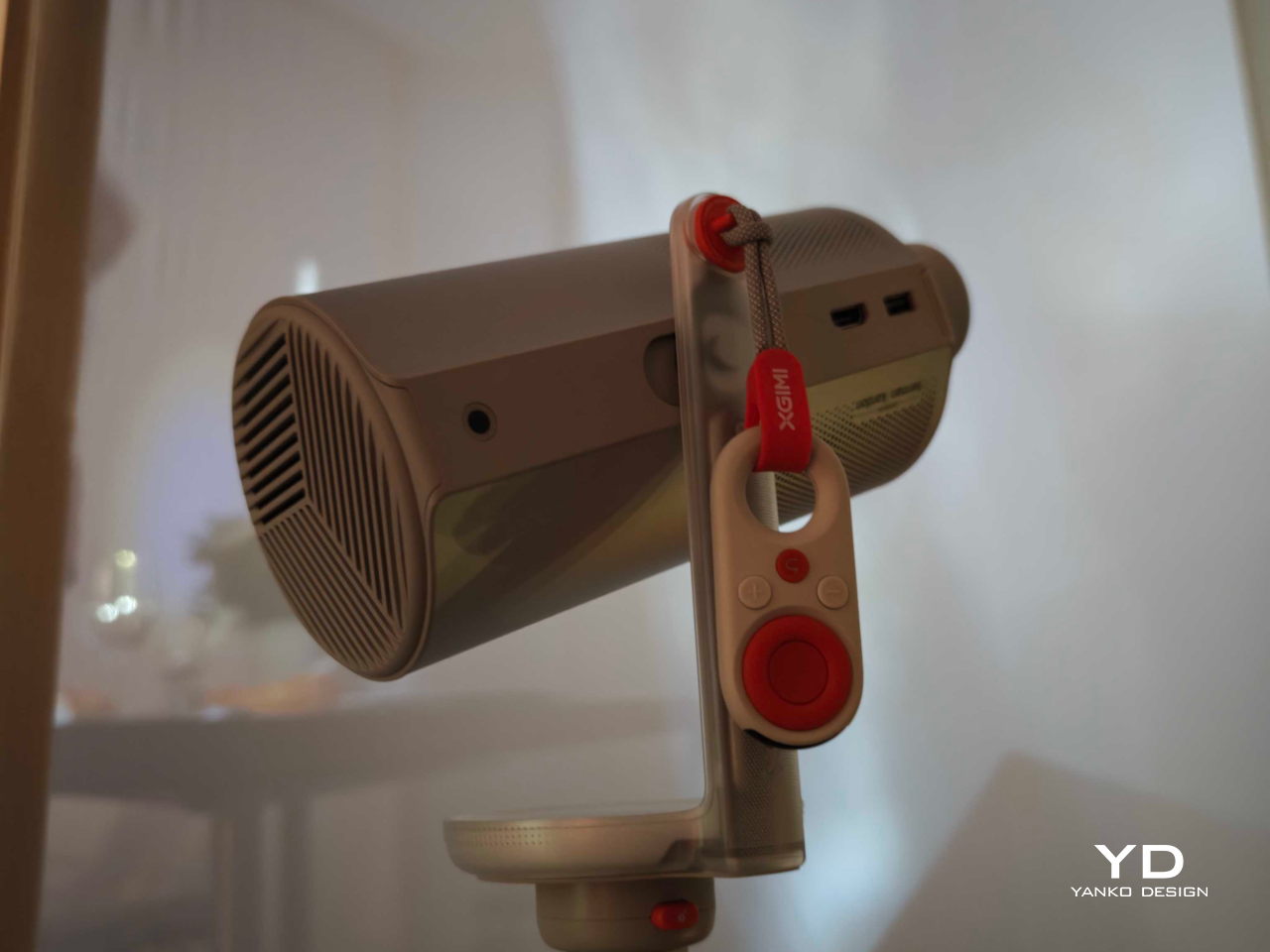
These seven picks exist to solve the specific failures that send otherwise willing people to the front desk. A Damascus knife that looks nothing like a survival tool. A radio that doubles as your emergency kit without feeling like one. A fire pit that assembles without tools. A solar purifier that serves a real shower. A flashlight that throws light 1.2 miles. A grill plate that packs flat as a paperback. A pillow engineered from plant biology. All seven. This Labor Day.

1. Spectre Hammock Tent

You avoid hammocks not because you’re lazy. It is the banana. Every conventional hammock folds your body into a curve that feels fine for twenty minutes and becomes a spinal argument by hour three. You wake up stiff, which is the one thing a night outside should not do to you. Haven Tents, based in Sandy, Utah, has spent five years specifically fixing this. The Spectre is their most refined answer: a hammock tent built around a patented lay-flat system that creates a genuinely horizontal sleeping surface. You can sleep on your back, your side, or your stomach. That sentence should not be remarkable for a hammock. It is anyway.

The materials are Dyneema fabric and MONOLITE mesh, both chosen for strength-to-weight ratios that most outdoor gear only talks about in marketing copy. The whole system comes in under 4.5 lbs and packs to 15x6x6 inches, small enough to strap to the outside of your pack without rethinking your load. Hang it from two trees in a few minutes. No trees available? A Bivy Mode lets you set it up using trekking poles instead. Internal mesh pockets, a gear sling, and a ridgeline for your backpack handle storage without making you climb out in the dark. A translucent mesh shell gives you a 360-degree view of where you are. The detachable rainfly closes it down when the weather decides otherwise.

What we like

  • The lay-flat system is patented for a reason. Most people don’t believe side sleeping in a hammock is possible until they’ve done it in the Spectre. It changes the entire argument for camping over booking a room.
  • Dyneema and MONOLITE mesh deliver the kind of durability that justifies keeping a piece of gear for a decade, not replacing it after two seasons because the fabric wore through.

What we dislike

  • Bivy Mode requires trekking poles, which are sold separately. If you don’t own them, add that to your pre-trip budget.
  • The 15x6x6 inch packed size is genuinely compact but still needs to live somewhere on or in your pack. This is not a stuff-it-in-a-pocket situation.

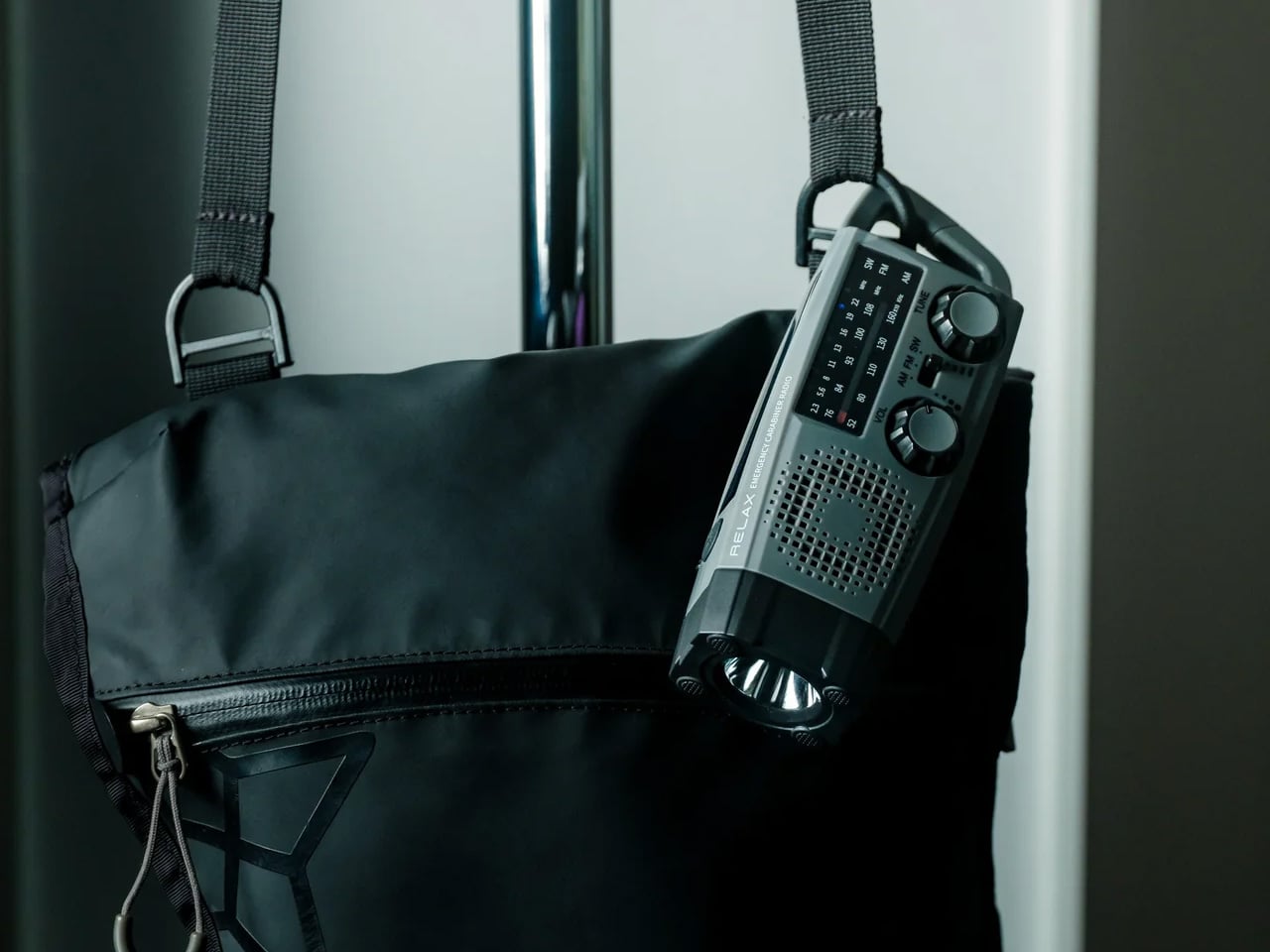
2. Clip&Go Radio

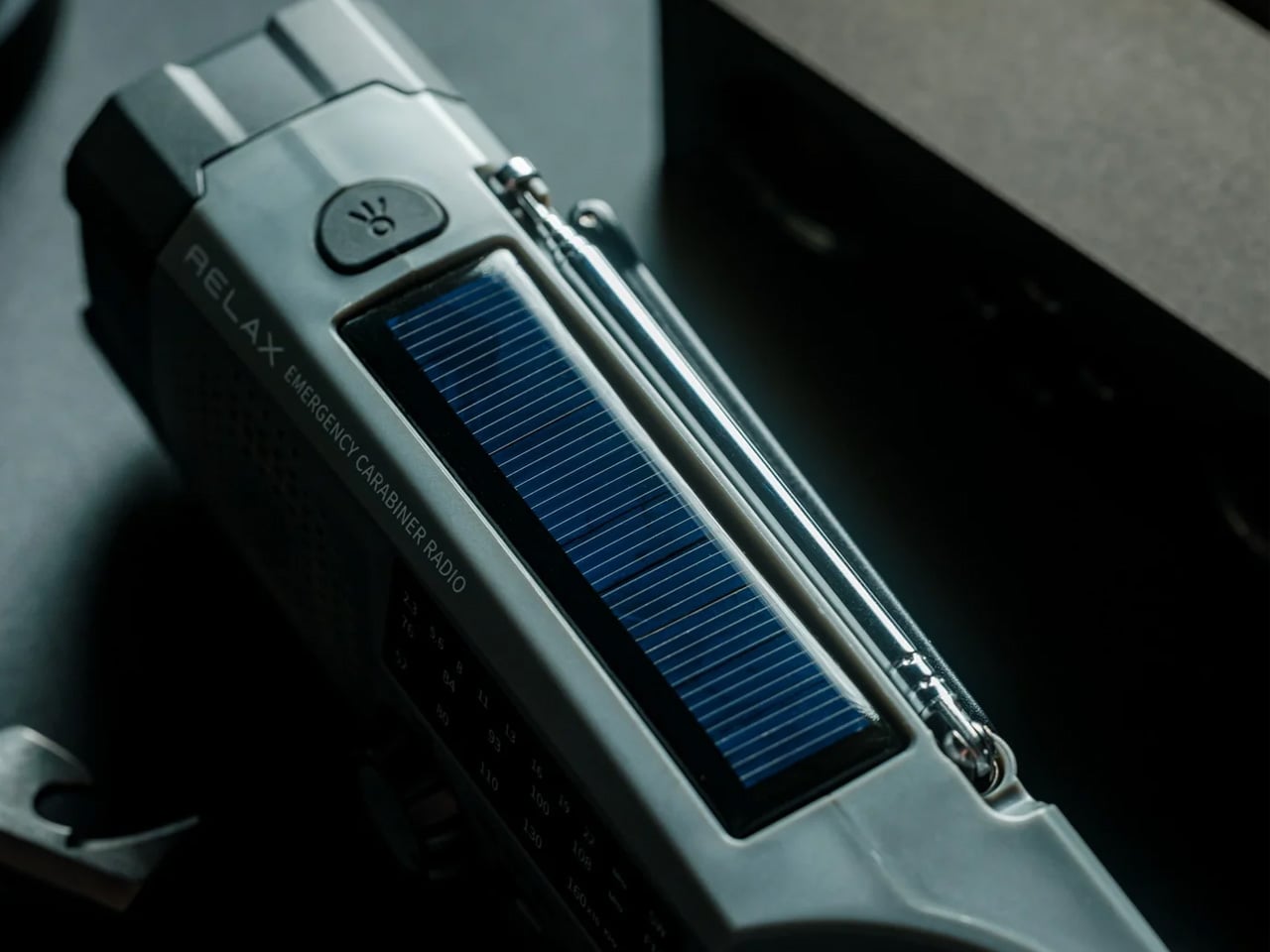
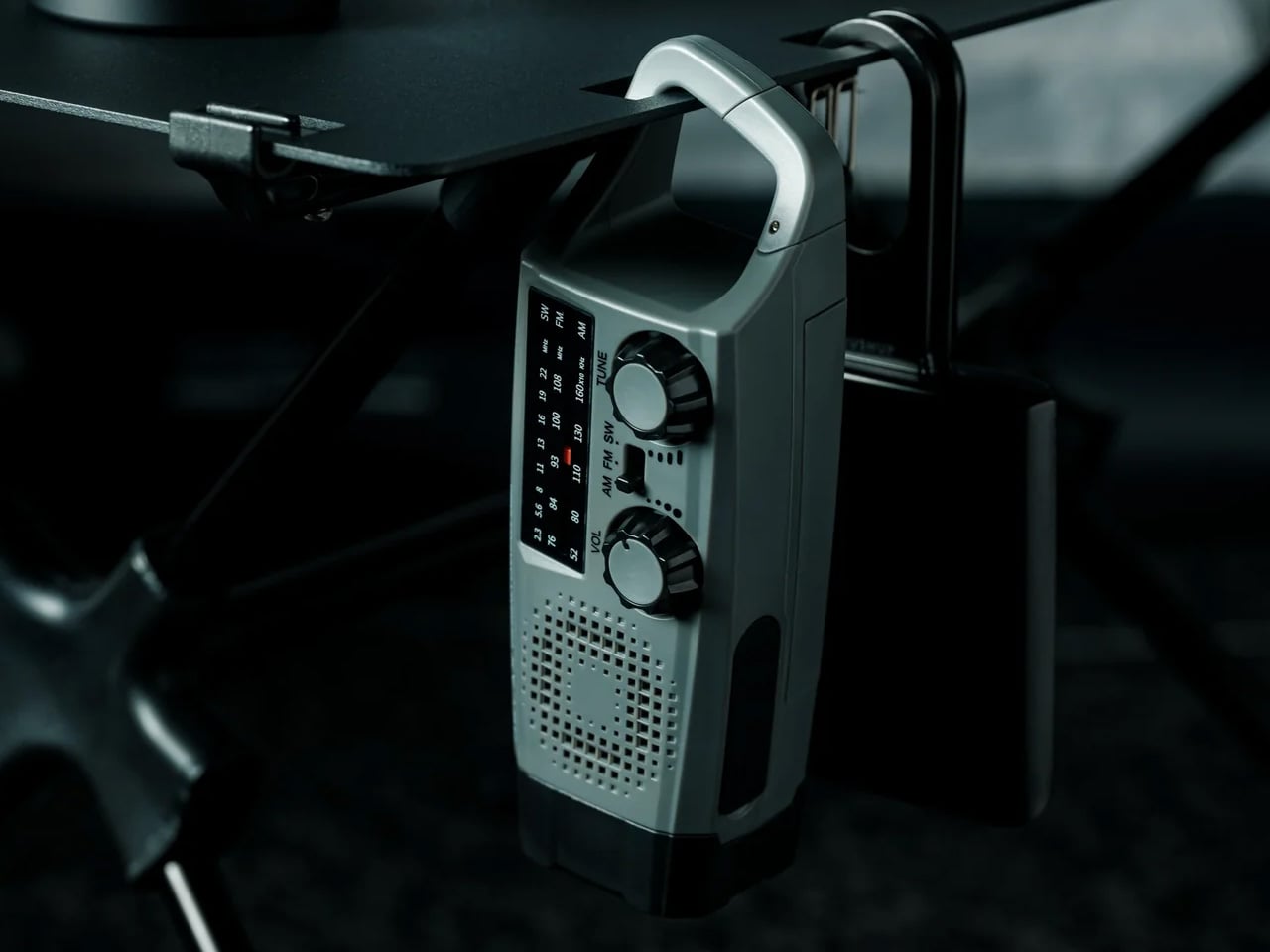
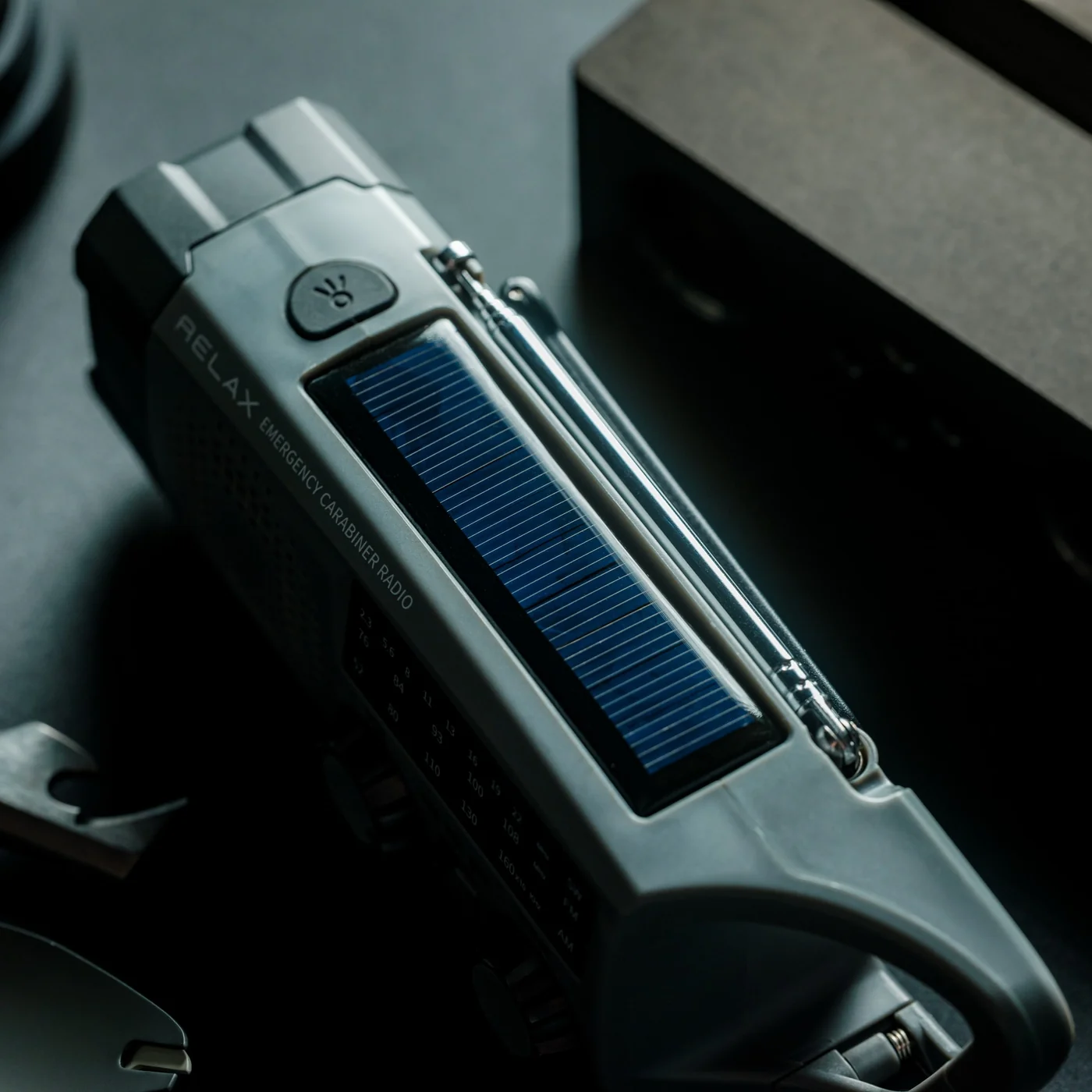
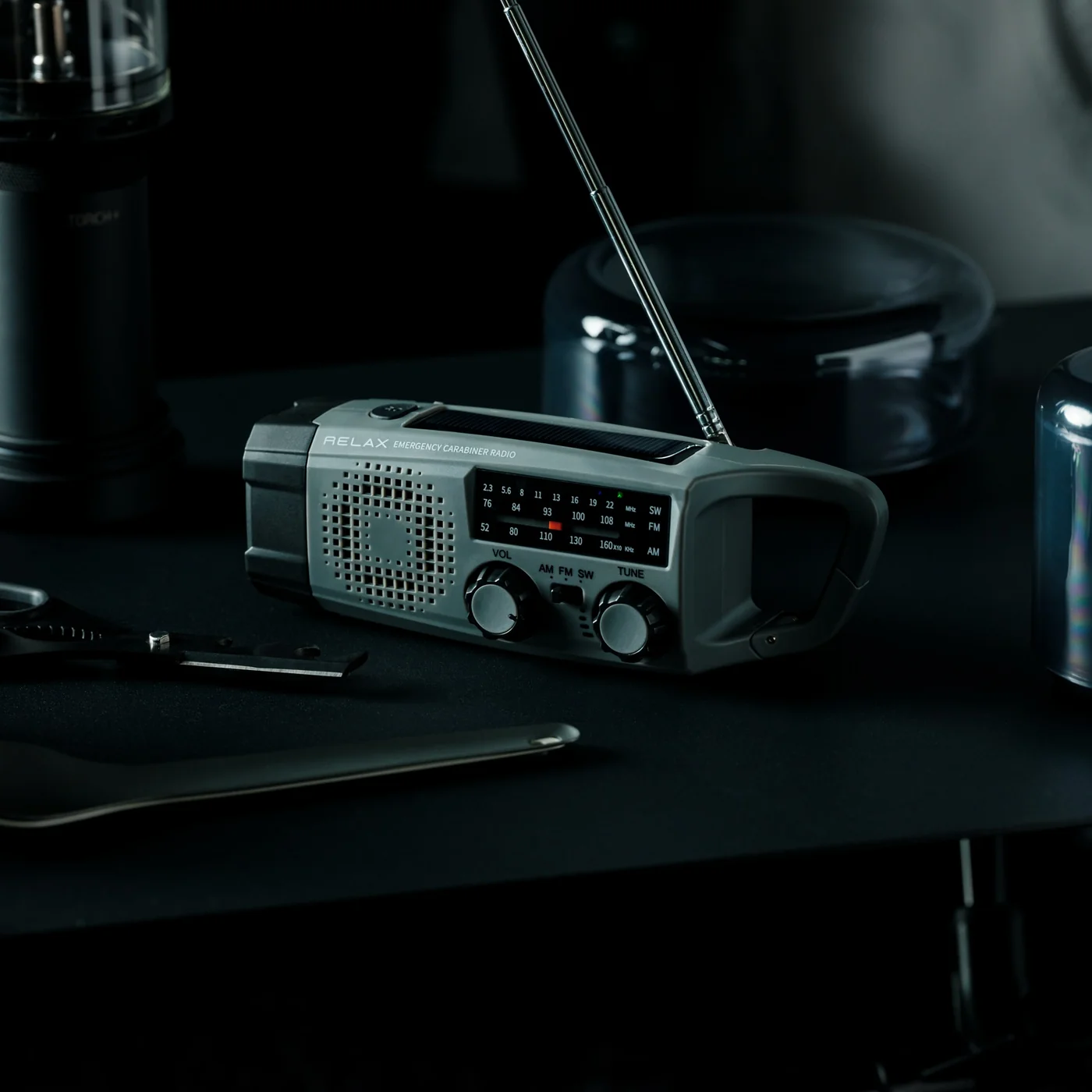
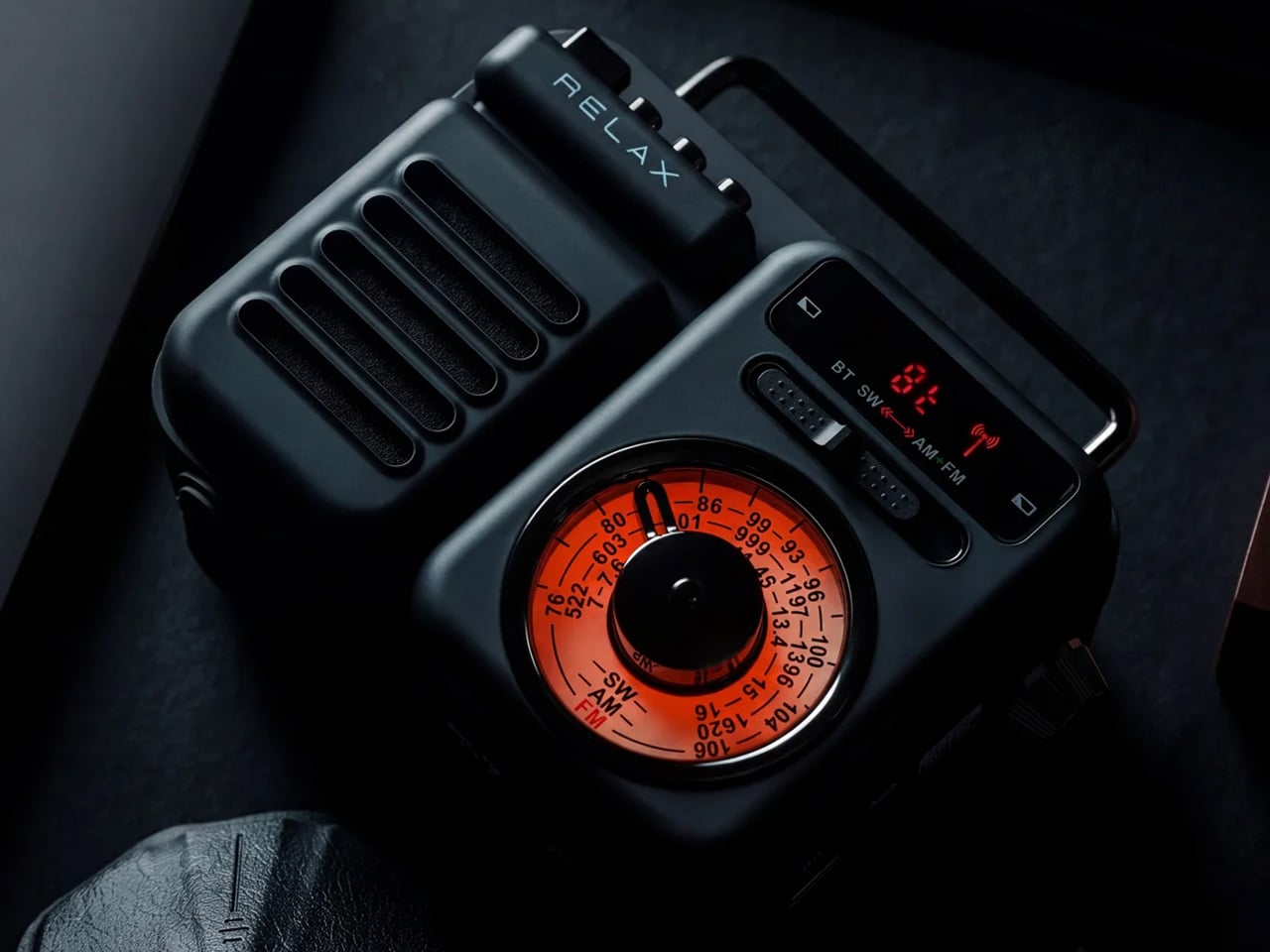
The version of you who would buy a dedicated emergency radio is the same version who bought a first-aid kit and left it under the bathroom sink. The Clip&Go works because it refuses to be emergency equipment. It is a radio first. AM, FM, and shortwave in a 7.8 oz body with a built-in carabiner that clips to your backpack strap and stays there. You bring it because you want music around the fire. The SOS button, the hand-crank, and the backup phone charging are already in the same clip you grabbed for the playlist.

The flashlight runs approximately 7 hours on a full charge. The radio runs for 13 hours. The 2,000mAh battery is a replaceable 18650 lithium-ion cell, which is the most thoughtful spec on this product. When the battery eventually degrades after years of use, you swap the cell. You do not replace the radio. USB-C charges it in about 2 hours. The hand-crank is there when USB is not. Press and hold the SOS control, and you get an audible alarm and a flashing light simultaneously. It is 6.2 x 1.9 x 2.1 inches and costs $60. Only 4 units remain in stock at the time of writing.

Click Here to Buy Now: $60.00

What we like

  • The replaceable 18650 battery is the single smartest spec on this list. Every other emergency radio becomes landfill the moment its sealed internal battery dies.
  • 13 hours of radio runtime is longer than any realistic campsite evening. You will not outlast this thing.

What we dislike

  • Solar charging takes approximately 67 hours to reach a full charge. That is a genuine last resort, not a charging method.
  • Four units remaining is the actual inventory count. This is not a sales tactic.

3. Portable Fire Pit Stand

More campgrounds restrict ground fires than they did five years ago. Dry meadows, wooden deck platforms, national park sites with leave-no-trace rules. You will find out about the restriction after you’ve already gathered the wood. The Portable Fire Pit Stand is five black steel pieces that slot into each other like puzzle pieces, lift your fire off the surface below it, and meet the ground-fire restrictions at most sites that prohibit direct contact. Setup requires zero tools. Nothing to thread, nothing to tighten, nothing to forget at home.

The airflow holes cut into the panels are not decorative. They pull oxygen under the fire and produce a cleaner, more consistent burn than anything sitting on compressed dirt. Slot in the optional trivets and you have a legitimate surface for cookware. The steel is manufactured with a sheet metal process that resists warping under sustained heat. It will discolor over time. That discoloration becomes a patina that is unique to your unit. Every Portable Fire Pit Stand ends up looking different from every other one.

Click Here to Buy Now: $119.00

What we like

  • Five-piece no-tool assembly is exactly the design restraint that makes gear worth keeping in the truck permanently rather than reassessing each trip.
  • The airflow under the fire produces a noticeably more even burn. On a three-day trip, that difference compounds across every cook and every evening.

What we dislike

  • No integrated grill grate. The trivets hold cookware over the fire, but you’re supplying your own grate if you want to grill directly over the coals.

4. GoSun Flow

There is a specific moment at the end of day two of most camping trips. Someone asks where they’re supposed to shower tomorrow. That is the moment your group starts looking up hotels. The GoSun Flow is the answer to that question before it gets asked. It’s a solar-powered water purifier and portable shower system that compresses into a backpack. It eliminates 99.99% of waterborne pathogens and delivers one liter of clean drinking water per minute from any freshwater source you can access. A flexible faucet clamps to a branch, a table, or your truck tailgate. You’ve built a working outdoor sink from what’s already there.

The solar heater delivers a warm five-minute shower after 30 minutes of sun exposure. That’s a real shower, not a wet-wipe situation. USB power backs it up when clouds intervene. The filter handles 1,000 liters before it needs replacing, which covers multiple seasons for most groups. For a three-day Labor Day weekend, this system removes the only hygiene argument that sends your group to the checkout desk on day three. It does not make camping feel like a hotel. It makes camping feel like something you can actually finish.

What we like

  • Combined purifier, sink, and shower in a single backpack-compatible system is the most complete camping hygiene solution available without requiring dedicated infrastructure.
  • 1,000-liter filter life means you are not thinking about replacement costs for multiple seasons of regular use.

What we dislike

  • The system cannot process saltwater. If your Labor Day trip is coastal, you need to source freshwater separately before the purifier becomes useful.
  • Multiple components mean multiple things to organize. Run a full checklist the night before you leave.

5. Lumitwin DL700

You have been in this situation. It is 9 p.m., you are trying to read a trail marker 200 yards out, and every flashlight your group has is essentially a pointed candle. The Lumitwin DL700 throws light 1.2 miles. Both barrels firing together produce 1,100 lumens and 958,000 candela using laser-excited phosphor technology, the same light source found in high-end automotive laser headlights. This is not an LED with a better reflector. The beam stays coherent across distance instead of scattering into a useless cone. At 2 kilometers of throw, you are seeing things your campsite neighbors cannot.

Each barrel runs independently with its own switch and brightness control. Swap in the included red filter for night-vision preservation. Green for cutting through fog and dense vegetation. The flood filter widens the beam for close-range camp work. Run different filters on each barrel simultaneously. The whole unit is machined from a single block of 6061 aerospace aluminum, IP68 rated for submersion to 1.5 meters, and survives a 10-foot drop. Total weight is 1,032 grams. You feel that weight. That is the trade for what the DL700 does.

What we like

  • Independent barrel control with swappable filters gives you six effective flashlight configurations in one unit. Red on one barrel for navigation, white on the other for distance spotting, simultaneously.
  • IP68 plus 10-foot drop resistance on a $329 light means you are not replacing this for years of serious outdoor use.

What we dislike

  • 1,032 grams is a commitment. This lives on a belt clip or inside a bag. It does not disappear into a jacket pocket like an everyday carry light.

6. Compact Modular Grill Plate

Your campsite cooking situation right now is one of two things. Either you’re eating food that doesn’t require heat, or you’re attempting to balance a pan on a grate that came welded to the fire ring and hasn’t been cleaned since a previous administration. The Compact Modular Grill Plate is a flat, modular steel cooking surface that packs to roughly the thickness of a paperback and configures around what you’re actually cooking. You stop adapting your meal to your gear. The gear adapts to the meal.

It works over an open fire or a camp stove without a conversion kit or a second piece of equipment. The flat surface cleans significantly faster than any bar grate. One wipe, or a quick rinse, and it’s done. That difference matters most on the third morning when no one wants to deal with last night’s situation. The compact form is the decision that earns this plate a permanent spot in your kit. When cooking gear is bulky, it gets left at home. When it packs this flat, it gets packed every time.

Click Here to Buy Now: $100.00

What we like

  • Modular configuration adapts to different heat sources and meal types without adding a second surface, a second bag, or meaningful additional weight.
  • Flat surface cleans in a fraction of the time any traditional bar grate requires. On a multi-day trip, that is a real, compounding gain.

What we dislike

  • Surface area works cleanly for two people. Cooking for four or more means staggering meals, which adds real time to every camp dinner.
  • No integrated heat source. This is a cooking surface. You still need a fire or a stove under it.

7. Camp Napper

Your inflatable camping pillow has betrayed you at least once. It sounds like a pool float every time you shift your head, loses pressure by 3 a.m., and packs into a shape that somehow takes up more bag space than it deserves. The Camp Napper is what happens when a designer named Chen Xu stops treating the camping pillow as an afterthought and starts treating it as an engineering problem. The surface geometry is derived from the texture of fungal spores. The internal structure mirrors the hollow vascular channels found in plant stems. This is Voronoi polygon modeling applied to where your face actually rests.

The raised cellular structures on the front face increase contact area and channel airflow simultaneously, so your skin stays cool instead of clammy through the night. Flip it, and the back face offers four distinct tactile zones depending on your orientation. Memory foam holds the bionic geometry under repeated compression without losing its shape by morning. The whole pillow weighs around 14 oz and compresses to roughly the size of a water cup, no inflation valve required. Anti-slip rubber on the base keeps it planted on your sleeping pad. This is a hotel pillow argument made entirely in materials and geometry.

What we like

  • Airflow channels built into the contact surface actually keep the pillow cooler than standard foam options, which matters on any night above 65°F.
  • Compresses to water-cup dimensions with no inflation valve to leak, fail, or wake you up at 3 a.m.

What we dislike

  • The raised cellular texture can be a genuine trypophobia trigger.

The Gear Makes the Decision

Every hotel booking after a camping trip is a gear verdict. The sleeping surface failed. The light died. The fire went out. The shower question didn’t have an answer. These seven picks close each of those gaps before the trip starts, so the hotel down the road stays a choice rather than a rescue. Comfortable outside is a design problem. It has design solutions.

My personal pick is the Clip&Go Radio. Not because of the SOS button. Because it is the only product on this list I would grab for an ordinary Tuesday hike without thinking about it twice. It clips to the bag, plays music, and carries every emergency feature in the same body I reached for anyway. That is the version of preparedness that actually travels with you: useful before anything goes wrong.

The post 7 Best Camping Gadgets & Gear for Labor Day 2026 for the Guy Who Always Books the Hotel first appeared on Yanko Design.

5 Best Retro-Inspired Desk Accessories That Aged Better Than Most New Ones

Your desk probably looks like a lot of other desks right now. Same matte black keyboard, same Bluetooth speaker with the pulsing light ring, same cable management that made sense for about two weeks. The problem is not what you spent. It is what you picked. Most desk accessories launched in the last three years were designed around a trend, which means they are already halfway through their shelf life.

These five pieces were designed well enough the first time that they are still in production, still worth buying, and will outlast whatever trend comes next. That is not the easiest thing to find in a market flooded with objects that look good in a cart and feel cheap by Friday. Each one on this list has been tested by time in a way that no review cycle can replicate.

1. 8BitDo Retro 87 Keyboard

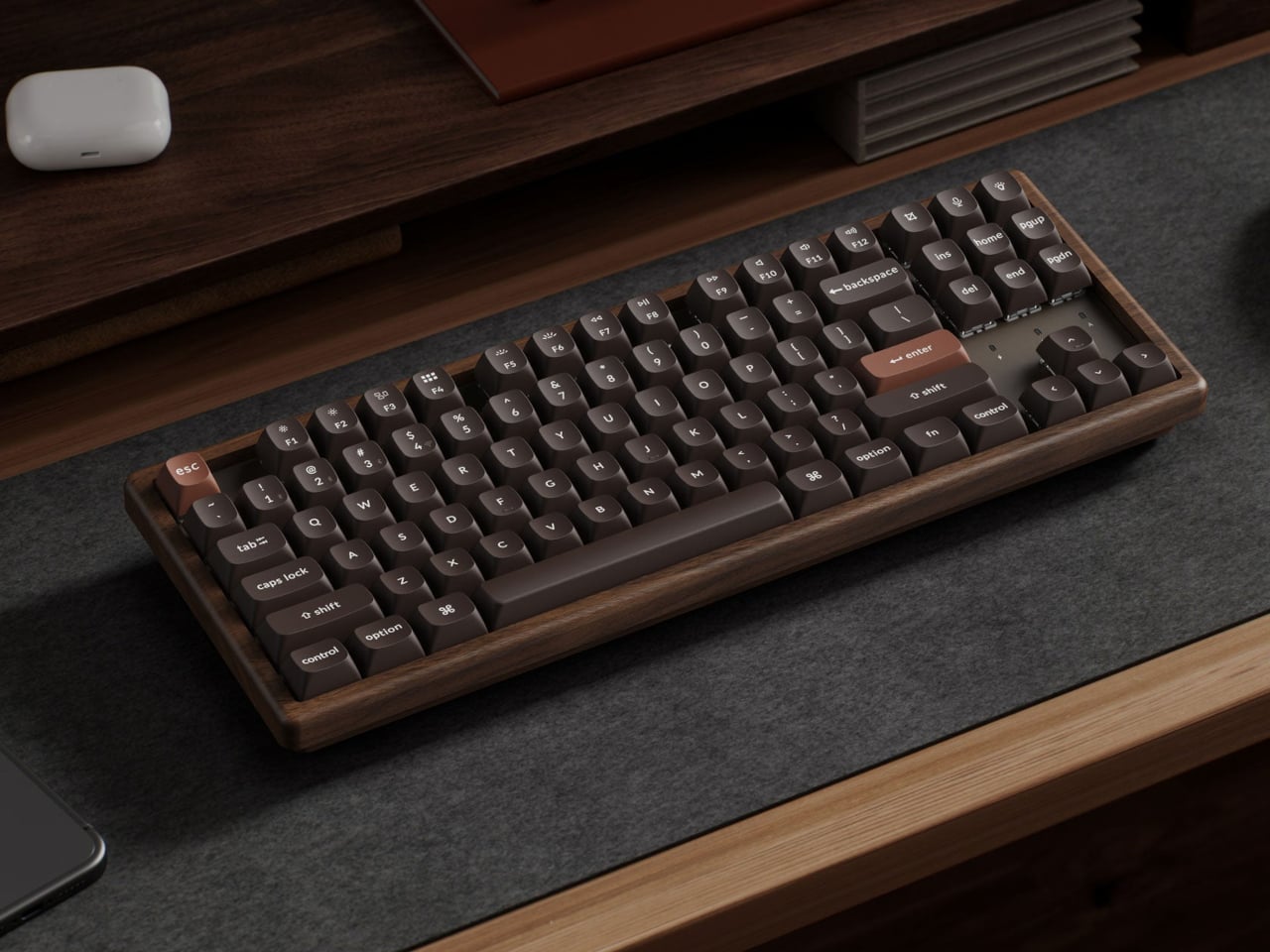
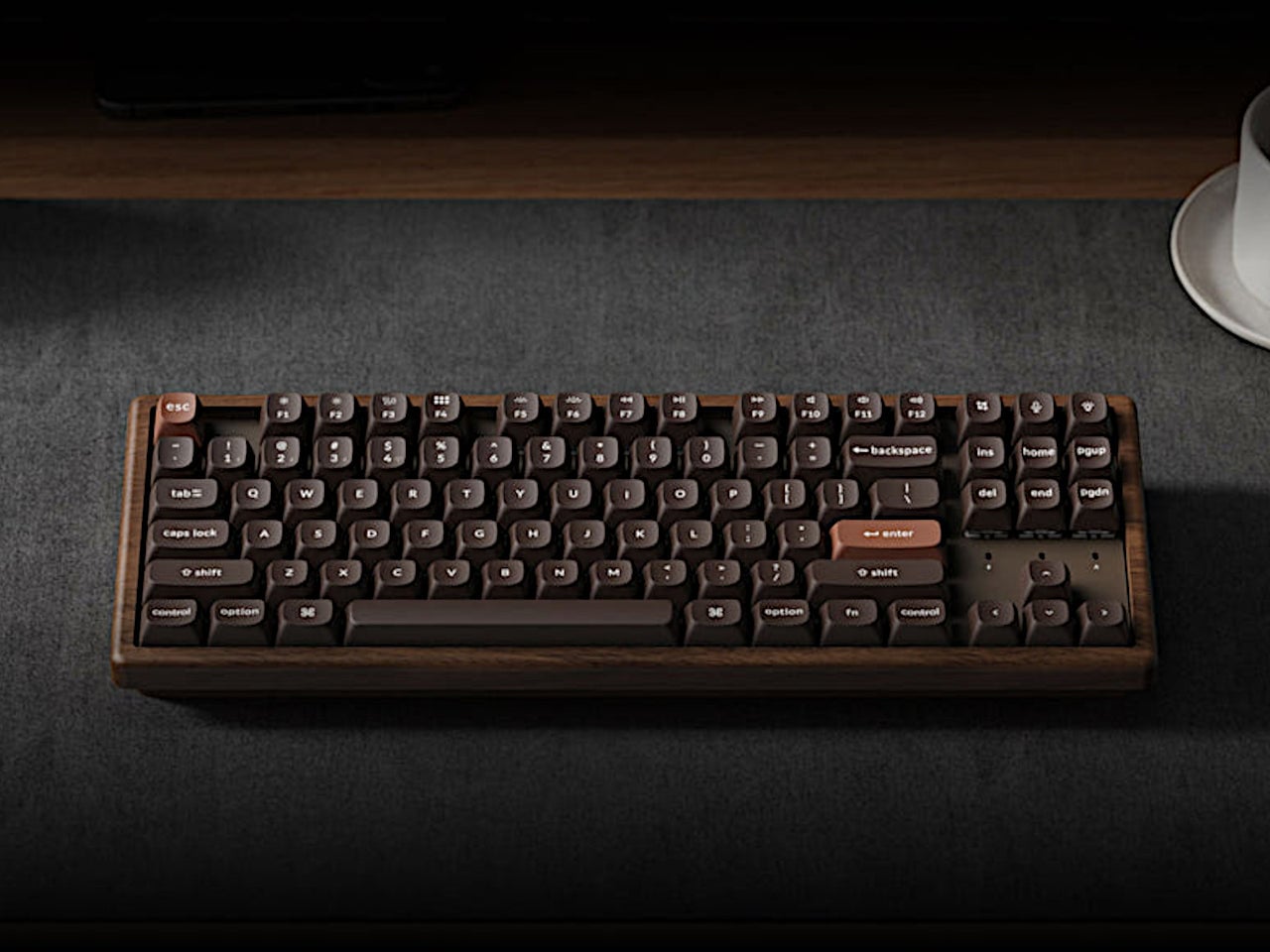
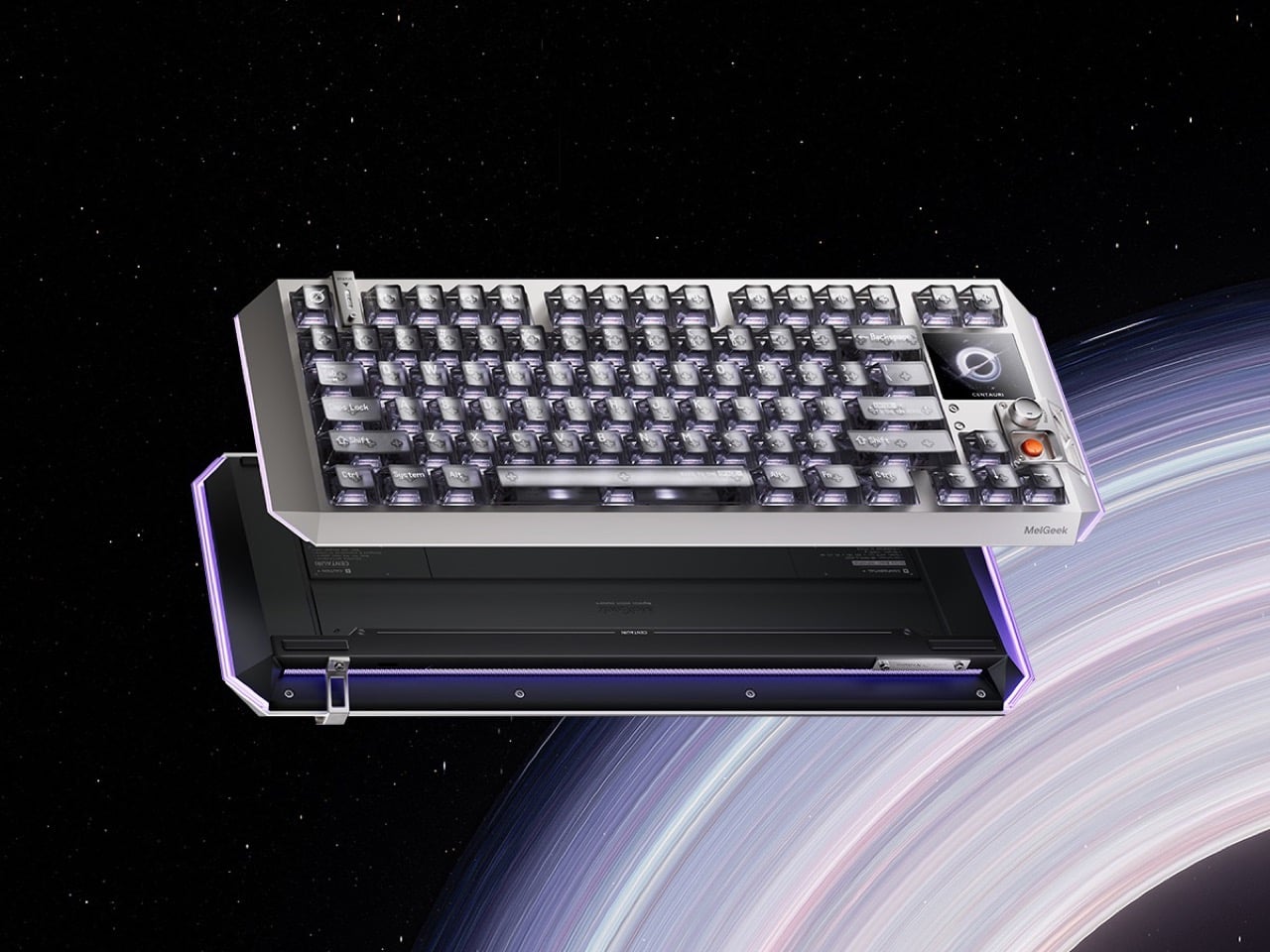
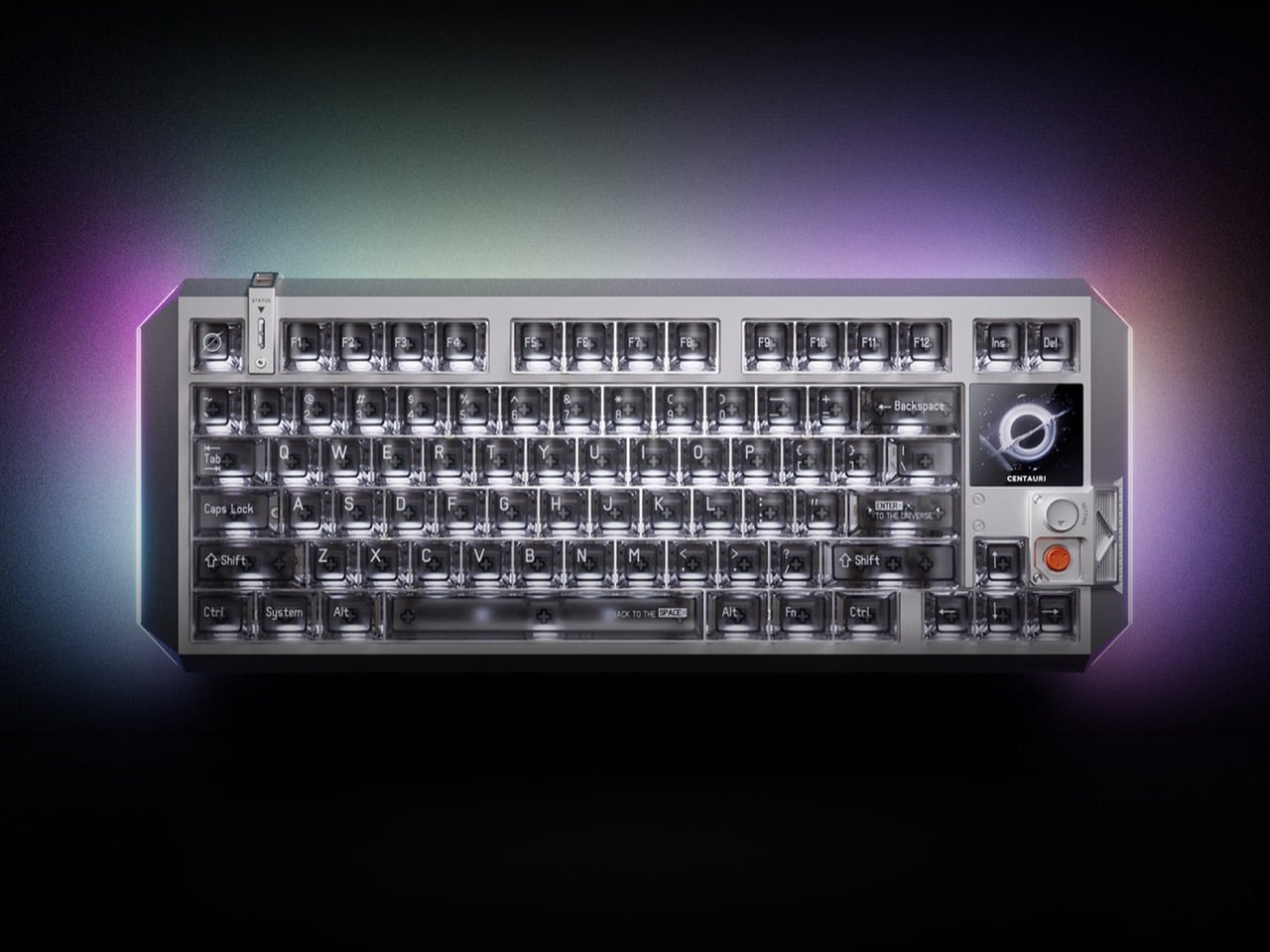
The 8BitDo Retro 87 Keyboard in Clear Blue is an 87-key tenkeyless mechanical keyboard with a translucent blue polycarbonate shell, Cloud Gray Linear switches co-developed with HUANO, and three connectivity modes. It is priced at $69.99. If you had an N64, the color coding reads immediately without needing an explanation. Yellow arrow keys for the C-buttons. Green and blue for A and B. A red left Ctrl mapped to Start. The translucent shell shows the PCB and per-key RGB backlighting through the blue tint, exactly how Nintendo’s Funtastic consoles worked in the late 1990s. The inside of the hardware was part of the design then, and it still is here.

The 87-key tenkeyless layout drops the number pad and keeps the full navigation cluster, which is the right call for a keyboard sharing space with other things you actually want to see. Bluetooth, 2.4 GHz wireless, and wired USB cover every setup without extra adapters. The 2,000 mAh battery is rated for 200 hours in wireless mode. Your hands are on your keyboard more than anything else on your desk. It might as well be something worth looking at.

What we like:

  • The top-mount PCB configuration gives the typing feel a cushioned, bouncy quality that cheaper keyboards skip entirely
  • Hot-swappable switches mean you are not committed to the Cloud Gray Linears if you change your mind later
  • The translucent shell with RGB underneath is better in person than any photograph suggests

What we dislike:

  • The two programmable Super Buttons sit outside the main typing area and take a few days to stop hitting by accident
  • The first week involves some unintended inputs during regular use

2. Side A Cassette Speaker

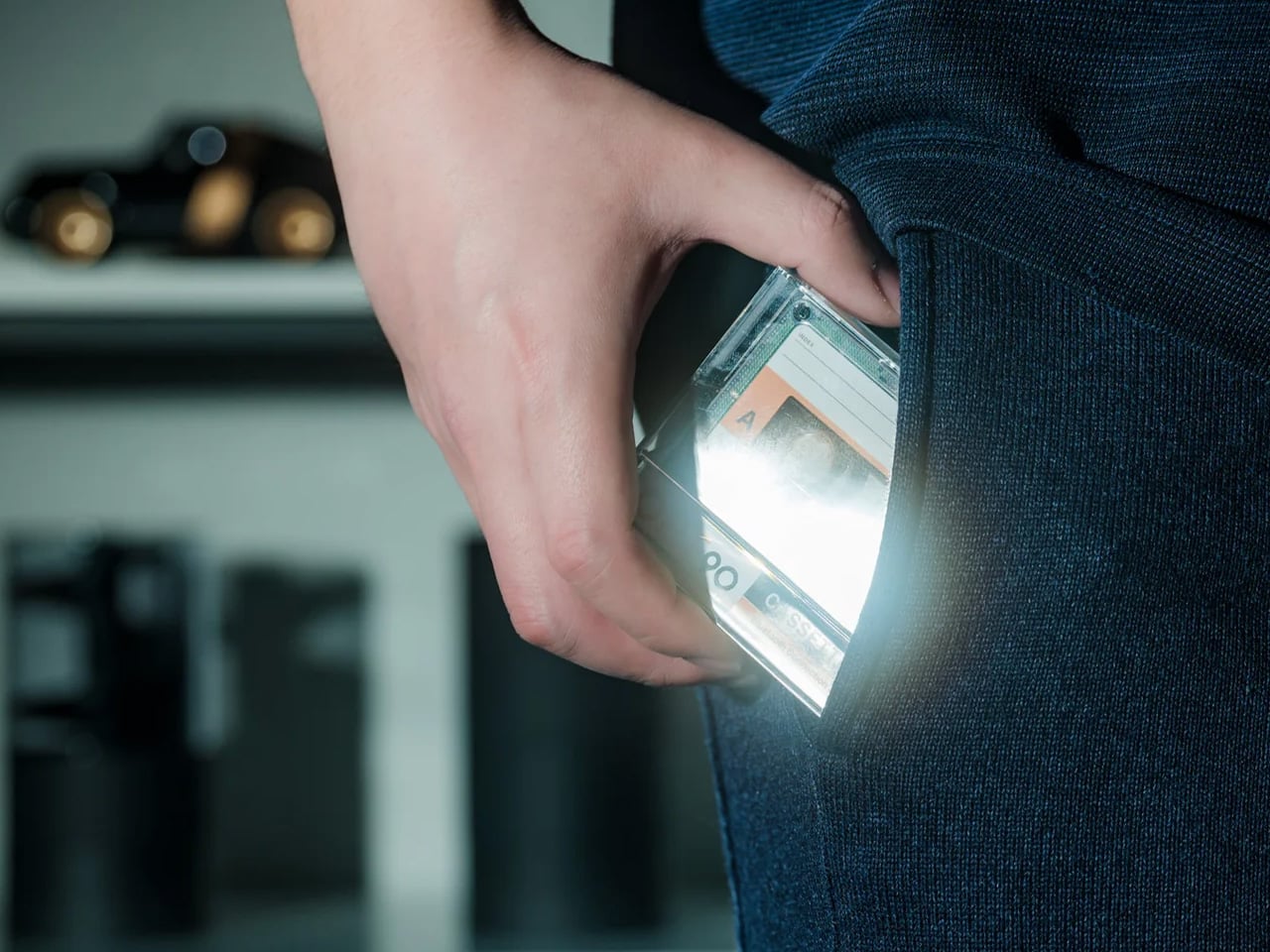
The Cassette Speaker is a Bluetooth speaker built to the proportions of a cassette tape, scaled up just enough to fit a driver inside. You probably had a shoebox of mixtapes growing up. Most of them were recorded off the radio with the DJ talking over the first two seconds of every song. The Cassette Speaker does not play tapes. What it does is put that object back on your desk in a form that actually works in 2026, pairing over Bluetooth and delivering audio from something small enough to palm in one hand.

Set it next to your keyboard, and it reads as a deliberate design choice rather than a gadget someone left behind. That is harder to pull off than it sounds. Most Bluetooth speakers designed to look interesting end up looking like they are trying too hard. The cassette form works because it is referencing something specific and doing it accurately rather than gesturing at it loosely. It belongs on a desk, a nightstand, or packed in a bag for the weekend.

Click Here to Buy Now: $49.00

What we like:

  • The size-to-output ratio is genuinely good – something this flat and compact has no business sounding as present as it does
  • The form factor means it fits anywhere without planning, which is not something most design-forward Bluetooth speakers can claim

What we dislike:

  • There is only one natural way to set it down – flat, tape-side up, which means you cannot angle it toward you the way you would a conventional speaker
  • Reflective desk surfaces will affect the sound more than you expect

3. Twemco BQ-38 Flip Clock

The Twemco BQ-38 is a split-flap flip clock that shows the time and date on cards that physically rotate forward each minute, made in Hong Kong using essentially the same mechanism since the 1970s. You reach for your phone to check the time and end up reading two notifications, a group text, and a headline you did not need before 9 AM. The BQ-38 solves exactly that problem. It sits on your desk and tells you the time. When a minute passes, a card flips forward with a soft mechanical sound. That is the whole interaction. Nothing else is asking for your attention.

The body is injection-molded ABS with a clear acrylic cover. Nothing glamorous about those materials, but the result is a clock that weighs 600 grams, stays exactly where you put it, and advances the date automatically without any input from you. The digits are large enough to read from across the room. No charging cable to route, no power brick to hide.

What we like:

  • The flip sound is genuinely good – not in a novelty way that wears off, but in the way a well-made mechanical thing sounds when it does exactly what it is supposed to do
  • The date display is more useful than you expect until the moment your phone is across the room and you need to know what day it is

What we dislike:

  • Setting the time requires a button on the back that you will need the manual for at least once
  • Battery-powered clocks stop silently when the battery dies, which you will discover at a moment that is never convenient

4. Anglepoise Original 1227 Desk Lamp

The Anglepoise Original 1227 is a task lamp designed by George Carwardine in the early 1930s and in production since 1935, built around a spring tension mechanism that mirrors the constant tension found in human joints. It starts at $256. Your current desk lamp probably has a touch sensor, three brightness settings, a USB port on the base, and an app update you keep dismissing. The 1227 has none of that. It has a spring-loaded arm you move to where you want light, and it holds that position. The difference between a lamp that stays where you put it and one that slowly droops over the course of an afternoon is not small.

The spring mechanism is why this lamp still makes sense ninety years later. Every competitor has spent decades trying to replicate what Carwardine worked out in the 1930s — that the arm needs to move like a limb rather than a scissor joint. The aluminum shade and arms carry a gloss-painted finish and come with a lifetime guarantee from Anglepoise, which is the kind of warranty that only makes sense if the manufacturer expects the product to be around long enough to need it.

What we like:

  • The spring tension is noticeable the first time you move it and satisfying every time after that – one-handed, no wobble, no drift after an hour
  • The shade is large enough to actually light a workspace rather than a six-inch circle in the middle of your desk

What we dislike:

  • The price is real – it starts at $256 and climbs to $360 for the brass version, which is serious money for a desk lamp
  • Whether the long-term value justifies the upfront cost is a fair thing to think about before buying

5. Retrowave Radio

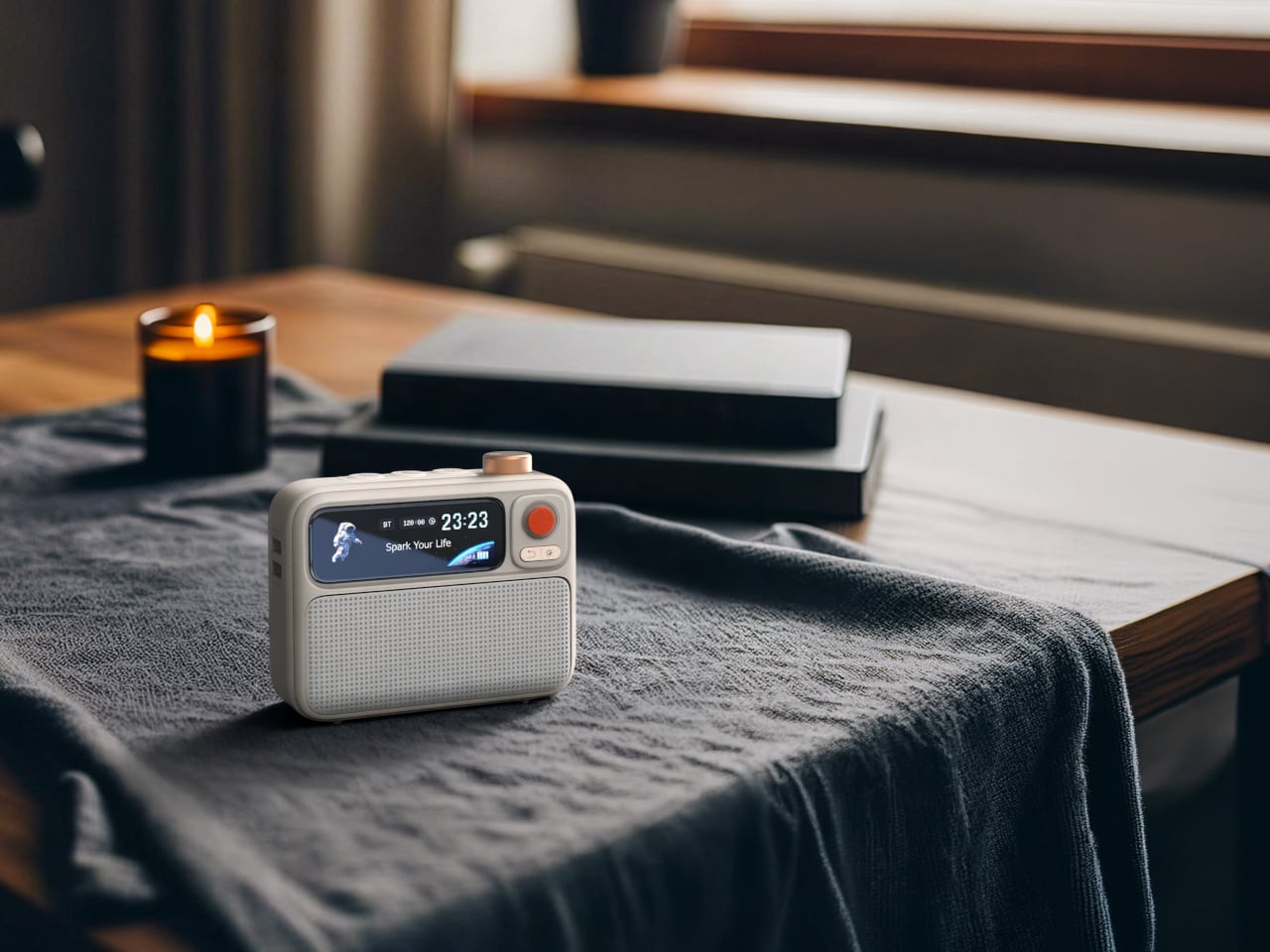
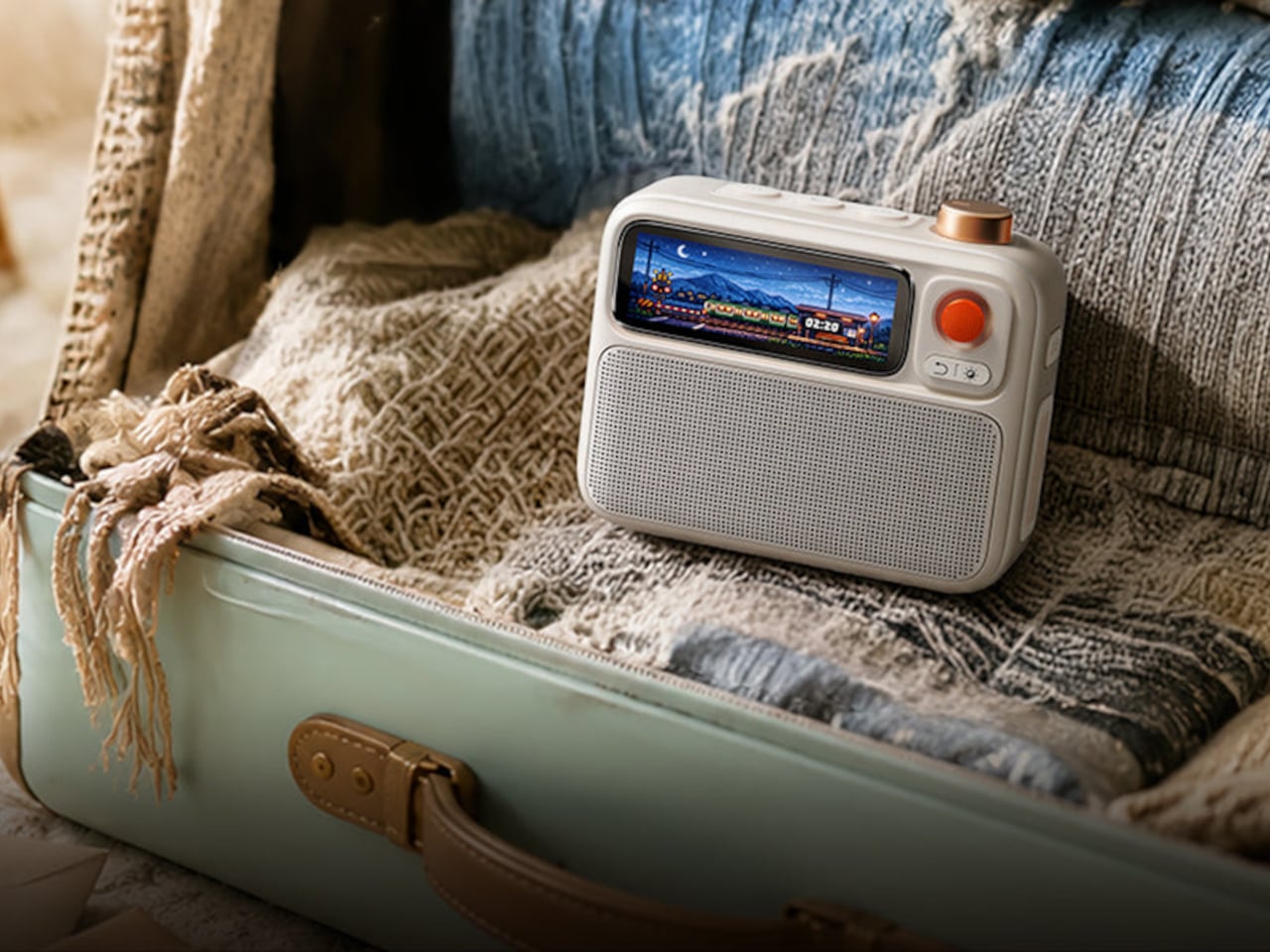
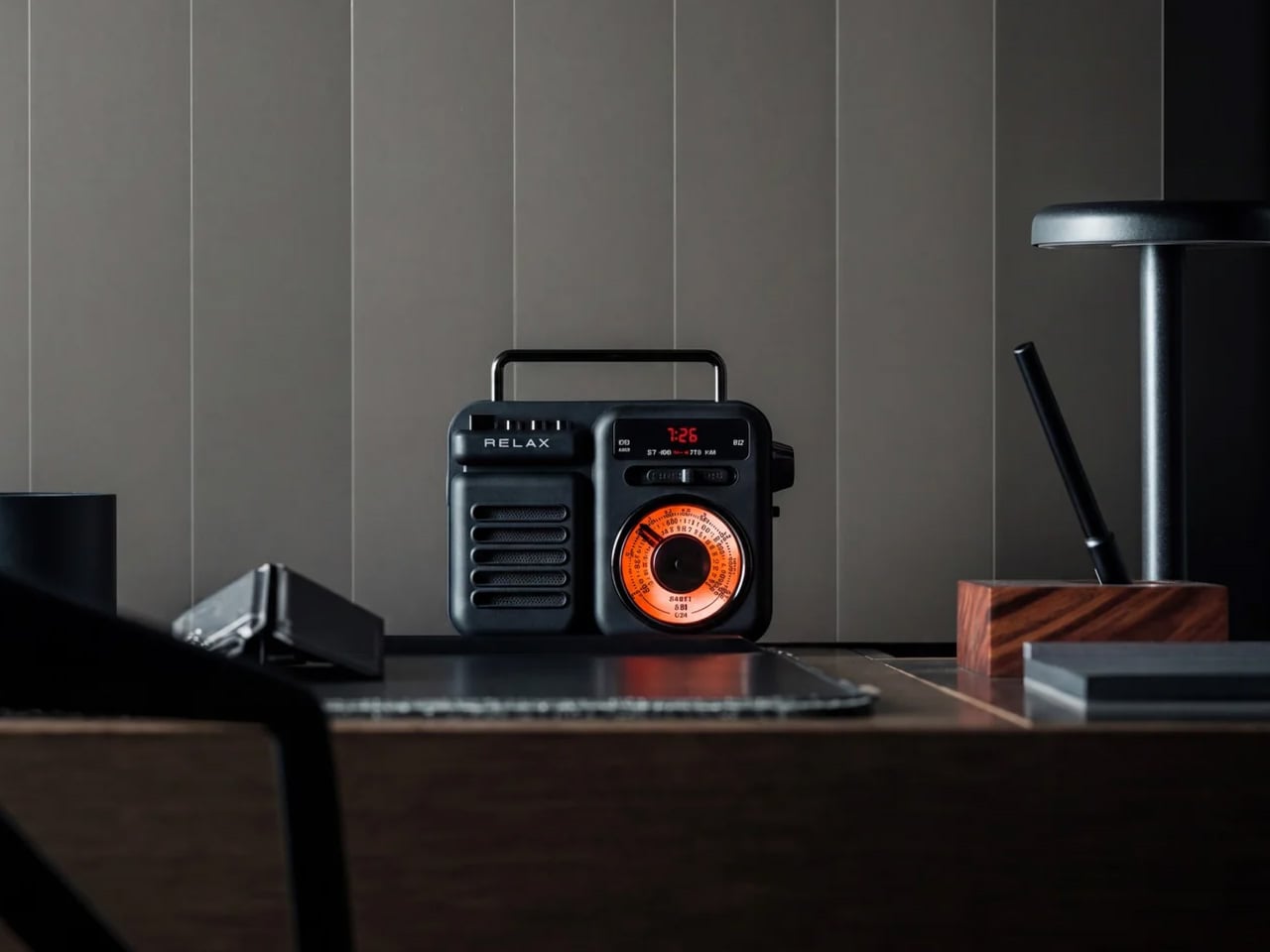
The Retrowave Radio is an AM/FM radio with Bluetooth streaming built into a compact retro-styled body. Picture Sunday morning. You want something on in the background, and you do not want to wake up a smart speaker or open another app. You spin a physical dial, land on a station, and leave it there. The Retrowave Radio is exactly that object. It sits on your desk, works without asking anything from you in return, and looks like it belongs there in a way that most tech on your desk does not.

The design is doing most of the heavy lifting. Analog dial face, physical control knobs, boxy proportions that reference the tabletop radios of the 1960s without feeling like a costume. It looks deliberate next to a keyboard and a lamp in a way that a cylindrical smart speaker never quite manages. The Bluetooth mode covers any gap when you want to play something specific off your phone. You will use it for both. Most days the radio wins.

Click Here to Buy Now: $89.00

What we like:

  • The physical tuning dial is something you forgot you missed – spinning a knob to find a station is slower than tapping a playlist, and that slowness is entirely the point
  • The Bluetooth mode pulls double duty, cutting one device off your desk rather than adding another

What we dislike:

  • The speaker output is sized for personal use, not a room – imagine being gathered around it rather than imagine it filling the room.
  • This is a near-desk radio, sitting more than eight feet away at volume will remind you of that

The Ones Worth Keeping

None of these objects were designed with a trend in mind. The Anglepoise spring has not changed since 1935. The Twemco mechanism has not changed meaningfully since the 1970s. The 8BitDo keyboard references a console that is thirty years old, and the cassette form factor predates most people reading this. That is not nostalgia for its own sake. That is what happens when the fundamentals were right from the start.

If one had to earn the top spot, it is the Cassette Speaker. Not because it sounds the best or costs the most, but because it is the only object here that makes someone ask where you got it before asking what it does. That question is the whole point. Everything else on this desk is functional. The Cassette Speaker is functional and feels like something you chose on purpose.

The post 5 Best Retro-Inspired Desk Accessories That Aged Better Than Most New Ones first appeared on Yanko Design.
5 Best EDC Flashlights in 2026 That Make Cheap Pocket Lights Feel Like Toys

The flashlight you grabbed at checkout has let you down in front of people. Maybe it was the beam that dissolved at twenty feet when you needed forty. Maybe it was the switch that required two hands in the parking garage. Maybe it was the plastic clip that snapped off in January, and you replaced it with nothing, so now the light just rolls around in your bag until you need it. You know exactly which moment it was.

What separates a good EDC flashlight from a drawer light is the same thing that separates a good pen from a hotel pen: the object rewards the moment you reach for it. The clip seats right. The switch clicks with clear intention. The output matches the situation without you cycling through seven modes to find it. Every light on this list was chosen because it gets those three things right before it gets anything else right. No gimmicks, no filler, no lights that need a paragraph of context before they make sense in your pocket.

1. Olight Baton 4 Pro

The Baton 4 Pro is what happens when a flashlight company stops treating carry as an afterthought. Olight built this one around a cylindrical body that disappears into a pocket, with no sharp edges, no extraneous texture, no clip that gouges your hand when you reach for your keys. The side switch sits exactly where your thumb lands naturally, and magnetic charging means the cable finds the light without looking. Every small thing about this light has clearly been thought through.

Output-wise, the Baton 4 Pro covers the full range of what daily life actually demands: enough low-mode runtime to use it regularly without battery anxiety, and enough high-mode brightness to make it genuinely useful rather than merely present. The anodized aluminum body handles pocket carry without developing the micro-scratches that make cheaper lights look worn after a month. This is the light that makes every other flashlight in your drawer feel like the draft it probably was.

What We Like

  • Magnetic charging is genuinely convenient rather than a spec-sheet feature, especially when you are tired and not looking at it
  • Compact cylindrical form disappears in a pocket without the clip becoming a nuisance throughout the day

What We Dislike

  • Limited editions and popular colorways sell out fast, and restocking timelines are unpredictable
  • High-mode runtime is short; turbo is best treated as a burst, not a sustained setting

2. Blackoutbeam Tactical Flashlight

The Blackoutbeam is built for the moments when you need the light immediately and without negotiation. Its tactical design prioritizes direct activation, the kind of response time that matters when you are checking a noise outside or navigating a power outage with your hands already full. The body sits slim enough for a jacket pocket without printing, but the grip texture and bezel geometry make it clear this is not a light designed to look decorative on anyone’s desk.

What earns it a place alongside more design-forward picks on this list is the output-to-size ratio. The Blackoutbeam throws a tight, long-range beam that outperforms flashlights with significantly larger bodies, and the build quality is consistent enough that you will not find yourself wondering whether it will actually turn on when it needs to. If the Baton 4 Pro is the light you carry every day, the Blackoutbeam is the one you want available when every day suddenly becomes a bad night.

Click Here to Buy Now: $90.00

What We Like

  • Fast, reliable activation that does not require cycling through modes to reach useful output
  • Beam throw punches well above the physical size of the body

What We Dislike

  • Tactical aesthetic will not suit every carry context; it reads as a utility tool rather than a refined everyday object
  • Less versatile for low-light close-up tasks where a wider flood beam would serve better

3. Wuben X1 Pro

There are flashlights, and then there are flashlights that require an explanation. The Wuben X1 Pro pushes 12,300 lumens across five Cree XHP50.3 emitters — a number that sounds like a misprint until you see it run — and manages that output through an active cooling system with a modular waterproof fan that sustains 3,000 lumens for 1.8 hours. Most non-cooled EDC lights hit their advertised peak for roughly 90 seconds before thermal management forces a stepdown. The X1 Pro simply keeps going.

The dual-beam system is the engineering decision that elevates this light from impressive to genuinely useful. A physical three-position slider toggles between a single Cree HI emitter for spot throw at 410 meters, four Cree HD emitters for flood coverage, or both channels firing simultaneously for peak output. You are not cycling through brightness modes on a single beam; you are running two purpose-built optical systems at once. The $139.99 price earns its keep the first time you need more than one type of light at the same time.

What We Like

  • Active cooling sustains output at levels passive thermal management physically cannot match in this size class
  • Independent spot and flood controls behave like two flashlights sharing one body, which they essentially are

What We Dislike

  • At 383 grams, daily pocket carry is a commitment; this sits more naturally in a bag or jacket than a jeans pocket
  • The modular fan is an extra component that needs to stay clean and correctly seated to function as designed

4. Loop Gear SK05 Pro

The SK05 Pro’s most important feature is not its 4,360 lumens. It is the rotating bezel that cycles between spotlight, floodlight, sidelight, and power bank modes with a single thumb movement. That one design decision turns what could have been a flashlight with a feature list into a genuinely modular tool that adapts to the task without making you dig through menus in the dark. The flat form factor, measuring 0.88 by 1.89 by 4.17 inches, fits the palm the way a phone does, which is not a coincidence.

The built-in 8,000mAh power bank, fed by dual user-replaceable 18650 cells, is the detail that moves the SK05 Pro from useful to indispensable. When your phone is at six percent, and your charging cable is in the bag you left at the office, this light covers the gap. USB-C 20W fast charging works in both directions, meaning the light recharges on your existing cable and charges your devices at rates comparable to a wall adapter. Loop Gear priced it at $111.99, which starts to look reasonable once you factor in the power bank you no longer need to carry.

What We Like

  • Rotating bezel interface is genuinely intuitive to operate without looking at the light, even with gloves on
  • Power bank function works simultaneously with lighting, with no trade-off between the two

What We Dislike

  • Turbo mode drains the dual 18650 cells faster than the power bank capacity can comfortably offset on a long day
  • The rotating bezel mechanism benefits from a clean pocket; debris over time can affect the smoothness of the action

5. Casabeam Everyday Flashlight

Not every flashlight needs to do twelve things. The Casabeam was designed around a specific premise: a daily carry light should feel like a natural extension of what you already keep in your pocket, not a piece of equipment you have to justify bringing. The form factor is deliberate without being precious, and the output range covers everything a typical day actually asks of a pocket light, from a dark parking garage to the power strip behind the desk you were not planning to crawl under.

The Casabeam’s real value is in its consistency. It turns on the same way every time, clips in the same position, and never asks you to engage with it more than the situation requires. For a category where features pile on at the expense of daily usability, that restraint is a genuine design achievement. This is the light that stays in your pocket because you stop noticing it is there, right up until the moment you need it and reach for it without thinking.

Click Here to Buy Now: $50.00

What We Like

  • Understated form factor carries without drawing attention or adding unnecessary bulk throughout the day
  • Intuitive, repeatable operation that does not require relearning after a few days away from it

What We Dislike

  • Output ceiling will not satisfy users coming from higher-lumen carry lights who have adjusted their expectations upward
  • Built for everyday scenarios; not the right call for extended outdoor use or situations that demand serious throw distance

The Best EDC Flashlight Is the One You Actually Carry

These five lights make trade-offs too, because every designed object does. But they make them deliberately, in ways that only surface when you push past what you would normally ask of a pocket light. Pick the one that fits where you are right now.

My personal favorite is the Olight Baton 4 Pro. Not because it has the longest runtime or the farthest throw on this list. Because it is the light you stop thinking about after the first week and start reaching for automatically. That is the highest thing you can say about a pocket tool.

The post 5 Best EDC Flashlights in 2026 That Make Cheap Pocket Lights Feel Like Toys first appeared on Yanko Design.
5 Best Japanese Kitchen Gadgets That Make Fall Cooking Feel Like a Saturday in Kyoto

Fall cooking shifts register in a specific way. The produce changes, the mornings get sharper, and the kitchen becomes a place worth spending time in rather than moving through. Japanese kitchen tools were built for exactly this kind of attention. Each one is designed around a specific act – crushing, grinding, simmering, grating – and refined until the act itself becomes as satisfying as the result. The ritual is as much the product as the object that produces it.

The five tools here span the full arc of a fall meal, from the spice that seasons it to the bread that starts the morning, the pot that holds the broth, the set that grinds the sauce, and the grater that finishes the dish at the table. None promises to make cooking faster. What they share is a conviction that the right object changes how an act feels, and how an act feels is worth considering.

1. Impact Spice Mill

The Impact Spice Mill doesn’t twist. You shake it. An internal weight moves with each motion, pounding and crushing a small amount of spice to release more of its natural aroma just before it reaches the dish. The mechanism was designed by Wataru Imura for SUWADA, a Japanese manufacturer refining cutting tools since 1926, and it translates the logic of a mortar and pestle into a form you hold between two fingers. Each shake produces a click you feel before you hear it.

The gesture is the adjustment. The more you shake, the finer the grind becomes, so control lives in your hand rather than a numbered setting. At 65 by 27 millimeters, the stainless-steel body is small enough to sit among plates and glasses without demanding attention, and its form gives it a distinct presence on the table regardless. An included glass spice bottle keeps your choice of spice alongside the mill. It won the 2023 Good Design Award and an iF Design Award in 2024.

Click Here to Buy Now: $80.00

What we like

  • The percussion mechanism releases more of a spice’s essential-oil aroma than blade grinding, which registers immediately in the finished dish
  • Shaking controls both the crushing and the coarseness, so one motion does the work without a separate adjustment step

What we dislike

  • Intentionally designed for small amounts at a time, which makes it a finishing tool rather than a substitute for a standard grinder when seasoning large batches
  • The compact stainless-steel form has a minimal grip profile, which may take adjustment if you are used to larger, rubberized pepper mills

2. Mitsubishi Bread Oven

The name takes a moment. Mitsubishi, the Japanese conglomerate better known for precision electronics, applies the same engineering discipline to baking that its other divisions bring to everything they build. Controlled heat, precise internal timing, and a baking chamber environment that most Western countertop machines don’t manage produce a crust and crumb that reflect a genuine engineering investment in what bread should be, rather than what a consumer appliance at a comparable price usually delivers.

Fall is when bread makes sense again. The cooler mornings, the instinct toward something warm and unhurried – a good loaf is part of what makes the season worth the shift from summer. The Mitsubishi’s form is unmistakably Japanese in its restraint: white, minimal, without the button complexity that European bread makers at comparable prices tend to accumulate. It sits on the counter as an object with a clear visual point of view rather than a machine apologizing for its own presence.

What we like

  • Precision heat management produces a crust and crumb structure that typical home bread makers cannot replicate, regardless of recipe
  • The minimalist white form treats the machine as a considered design object rather than a utility box competing for counter space

What we dislike

  • Sourcing outside Japan requires import channels, which adds cost and complicates any warranty or service process
  • The price places this firmly in investment appliance territory, making it a deliberate purchase rather than a casual one

3. Iga-yaki Donabe Clay Pot

Iga clay comes from Mie Prefecture, where the local earth has been used for ceramics since at least the Kamakura period. The porous structure absorbs heat slowly and releases it with a consistency no metal pot can replicate. Rice cooked in it sweetens. Broth deepens over a lower flame than you would expect. The exterior stays rough and unfinished while the interior is glazed smooth: two surfaces on the same vessel, each doing precisely what the cooking requires.

Fall gives the donabe its best material. The vegetables are dense and worth their slow time, the broths have somewhere to go, and patience feels like a reasonable position to take in a September kitchen. Available from TOIRO Kitchen in several sizes, the pot handles rice, hot pot, steaming, and slow braising across all of them. Simmer rice water in it before the first use and store it with the lid off after washing. A vessel this well made works for decades when treated correctly.

What we like

  • Iga clay’s heat retention produces results in rice and broth that no metal pot at any price point genuinely replicates
  • Versatile across rice, hot pot, steaming, and slow cooking – one vessel quietly covers what several usually would

What we dislike

  • Requires a seasoning step before first use that the packaging doesn’t always communicate clearly upfront
  • The porous clay body absorbs strong cooking odors over time and should be stored with the lid off after each wash to stay fresh

4. Katakuchi Suribachi & Surikogi Set

The suribachi is defined by its interior. A web of fine ridges grips seeds and fibers and pulls them apart through friction rather than crushing them flat. Unlike a smooth-walled mortar, this one grinds, and the difference in what it produces is immediate: a texture with more depth, an oil release with more presence, an aroma that reaches the kitchen before the pan is on. The katakuchi form adds a spout, so freshly ground sesame pours directly from the bowl without a transfer step.

The wood surikogi follows the exact curve of the bowl, and that pairing is the point. Working it through sesame or dried chili or sansho pepper in slow circles is a task that resets the pace of a Saturday evening in the kitchen without asking you to think about it. Available from TOIRO Kitchen in two colorways and priced between $36 and $63 depending on size, the set suits fall’s heavier flavors – ground sesame for noodles, miso base for soup – better than any other season gives it.

What we like

  • The katakuchi spout makes grinding and pouring a single-vessel process, with nothing lost in a transfer step
  • The ridged earthenware interior produces a texture and aroma from sesame and dried spices that a food processor simply cannot replicate

What we dislike

  • The earthenware body is heavy and requires careful handling — not something to reach for quickly in the middle of an active cook
  • Cleaning the grooved interior takes more attention than a smooth-walled mortar, particularly after working with oily seeds

5. Playful Palm Grater

A single aluminum alloy plate, curled into the shape of a sheet of paper lifting at the corner, is the entire construction. That decision does more than look considered. Held in the palm, the curve keeps fingers clear of the grating surface and controls the angle naturally without any adjustment. The form removes the usual caution from grating, making it quick and clean enough to hand to someone at the table rather than keep behind the counter as something to be careful with.

Stamped from one plate with no joints and no separate parts, it rinses clean, dries in seconds, and stores flat without anything to find afterward. Its purpose is finishing: grating fresh ginger over miso soup, running daikon across it before a piece of seared fish, dusting a few strokes of citrus zest at the end of a dish. At $25, it earns counter space through form, color, and construction that most kitchen tools at any price don’t manage.

Click Here to Buy Now: $25.00

What we like

  • The curled aluminum form positions the grating surface naturally in the palm, keeps fingers clear of the teeth, and removes the usual hesitation from the process entirely
  • Single-piece construction means no joints to loosen, no parts to lose, and nothing to reassemble after washing

What we dislike

  • One grating coarseness means no adjustment between a fine dusting and a coarser pass, which limits versatility for kitchens that regularly need both
  • The palm-sized format is built for finishing and garnishing; volume grating requires more passes than a larger tool would

The Right Kitchen Feels Like Somewhere You Chose to Be

Japanese kitchen tools share a quality that is hard to name but easy to recognize. They were designed by people who cooked regularly and got quietly frustrated with what wasn’t working. That frustration, refined into object form, is what separates a mill that makes you reach for it from one you forget in a drawer, and a pot that changes what simmering produces from one that merely holds the heat.

Fall is the season these objects were made for. The spice mill that finishes the dish with a shake. The bread oven that turns the morning into something worth waking up for. The clay pot that asks you to wait. The grinding set that makes the sauce worth making. The palm grater that makes the garnish worth adding. Five objects, one season, and a kitchen that finally feels like somewhere you chose to be.

The post 5 Best Japanese Kitchen Gadgets That Make Fall Cooking Feel Like a Saturday in Kyoto first appeared on Yanko Design.
Back to School Isn’t Just for Kids – 8 Gadgets & Tools That Reorganize the Whole House

Something shifts in late August that has nothing to do with school. The house starts to feel like evidence of a summer that ran on improvisation – schedules buried in group chats nobody reads, keys that went somewhere in July and only half-returned, a desk that spent three months as a charging station and a landing pad for things with no permanent address. The calendar turning does not fix any of this by itself.

These eight gadgets do not ask you to overhaul the way you live. They ask much smaller things: where does the schedule live so everyone sees it, what happens to the desk when the workload returns, how many cables are living on a surface that has no business holding them. Each one solves a specific piece of the September reset without requiring a renovation. The whole house earns back its organization, room by room.

1. reTerminal Sticky

The problem with a family group chat is structural, not social. It requires everyone to already be looking at their phone to see the message, which is the precise moment most people are doing something else entirely. The reTerminal Sticky moves the shared schedule off the phone and onto the fridge – a 3.97-inch E-Ink touchscreen in a 7.3mm body that magnets directly to any metal surface and shows notes, reminders, weather, and a clock without drawing power to maintain the image.

Someone at work can post a dinner reminder to the home screen over Wi-Fi or cellular using the Seeedash companion app, no text chain required. At home, a physical button lets you press and speak – the display transcribes the voice directly into a note without opening anything first. The 750mAh battery lasts a week under normal use and potentially months in Battery Saver Mode, which removes the main reason most small gadgets get quietly retired after the first month.

What we like

  • Remote note posting means the schedule updates the moment it changes, not when someone remembers to mention it in a thread
  • E-Ink holds the display without drawing power, so a full week of reminders appears on the fridge without a mid-week charge

What we dislike

  • The monochrome screen trades color for legibility and battery life, which is the right trade-off for a kitchen surface but worth knowing before purchase
  • Voice input currently supports English and Chinese only, which limits the feature for multilingual households

2. ClearSlide Box Opener

Back-to-school week in 2026 means a run of boxes at the front door – school supplies, replacement headphones, the desk lamp that was finally ordered. The recurring problem is not the boxes. It is setting them down to find a box cutter, then setting the box cutter down to find scissors for the tag inside. ClearSlide solves that two-tool problem with a single sliding thumb motion that cycles through lock, cutter, and scissors without setting the box down.

The 0.12-inch blade extension is deliberate – it cuts through packaging tape cleanly while staying far enough from the contents to avoid second-guessing every pass. The detail that earns it a permanent spot is the transparent shell. The red slider and internal mechanism are fully visible as you cycle positions, each one locking with a crisp click before releasing with a clean spring action. At $30, it is the most straightforward decision on this list.

Click Here to Buy Now: $30.00

What we like

  • The single-hand sliding mechanism switches between box cutter and scissors without setting the package down, which is exactly the problem it promises to solve
  • The transparent shell makes every internal shift visible as you use it, turning a utility object into something worth keeping on the counter

What we dislike

  • The 0.12-inch blade is optimized for tape and packaging, not heavier cutting tasks that need more blade depth
  • Limited units are currently available in the Select Shop, so the window to order without waiting is shorter than most products on this list

3. Orbitkey Key Organiser

September brings keys back into rotation – school fobs, office cards, library returns that spent summer in a drawer with no forwarding address. A standard key ring solves the problem with the bluntness of something designed before pockets had size constraints: keys press ridges into trouser pockets for eight hours straight and jingle through every corridor between them. The Orbitkey stacks up to seven keys flat inside a full-grain leather spine, held under tension with stainless steel hardware, producing no movement and no sound when closed.

The leather exterior develops its own wear pattern over years of daily use, an explicit design position about longevity that most keychain products never bother taking. A small ring attachment handles anything that does not stack flat inside the body, and five colorways cover the full range from black dress leather to warmer cognac tones. Heading out the door with the Orbitkey in your pocket for the first time, the first thing you notice is the absence of sound from your keys. Then you stop noticing it, which is the point.

What we like

  • The tension-stacking system eliminates key jingle, which sounds like a minor gain until you experience a full working day without it
  • Full-grain leather construction ages into character rather than showing damage, built to outlast the annual trend cycle by a significant margin

What we dislike

  • Initial key installation involves a screwdriver and careful threading – not difficult, but a real first-use commitment that catches some buyers off guard
  • Oversized or irregularly shaped keys may not stack cleanly within the system’s geometry, worth confirming before purchase rather than after

4. Fantom X Wallet

The wallet is the one object in the house that nobody reorganizes until it physically stops closing. By late August it carries summer receipts from June, loyalty cards for places visited once, and transit cards added during travel that have no reason to remain. The Fantom X treats the wallet as an engineering problem rather than a craft one – a machined aluminum chassis that retains cards mechanically and ejects them in sequence with a spring-loaded press of a button, organized by frequency of use rather than pocket habit.

Nothing in its construction is soft, which means nothing in this wallet degrades. The bead-blasted aluminum body borrows its material logic from the better end of the EDC market: fewer components, one mechanism, no organic materials that can stretch, crack, or lose tension under daily use. Cards organize themselves by ejection sequence, which introduces a useful kind of intentionality about what actually deserves a slot. Heading into a structured fall with a wallet this considered makes the stretched billfold feel like a problem you have finally solved rather than one you are still living with.

What we like

  • Machined aluminum construction eliminates the stretching and cracking that defines the lifespan of leather and fabric wallets across every price bracket
  • The spring-loaded ejection fans cards in sequence, removing the fumbling that every other slim wallet format still requires at the checkout counter

What we dislike

  • The mechanical ejection system has a learning curve for anyone switching from a traditional bifold, with the first week involving genuine reorientation
  • Cash carry is minimal depending on configuration, which limits practicality for anyone who still moves through the day with notes in their pocket

5. Olight Baton 4 Premium Edition

By mid-September, sunset arrives before 7 pm across most of the US. The dead flashlight, the empty power bank, and the missing lantern resurface together as the same problem – the house is not ready for the darker half of the year. The Baton 4 Premium resolves all three by making the charging case the primary object rather than the flashlight and power bank as separate things. The flip-top case carries 5,000mAh, recharges the Baton 4 up to five times, and activates the light without removing it from the case at all.

The 1,300-lumen output and IP68 waterproof rating handle the practical end of what a flashlight needs to do. The magnetic tail cap converts it into a freestanding lantern by sticking to any steel surface, removing the need for a separate camp light in most low-light situations and proving genuinely useful during a power outage. For a house heading into fall, the Baton 4 Premium makes the case that two carry problems can be resolved by a single considered object – which is the only standard that matters when the evenings start arriving early.

What we like

  • The charging case serves as a functional 5,000mAh power bank and activates the flashlight without removing it, two carry problems resolved by one object instead of two
  • The magnetic tail cap frees both hands during stationary tasks without requiring any additional accessories, stands, or setup

What we dislike

  • Maximum brightness draws battery faster than lower output modes, meaning more frequent recharging on heavy-use days and more reliance on the case as compensation
  • The case adds volume to the carry; users wanting the flashlight alone will need to leave the power bank function behind, which partially defeats the premise of carrying less

6. MagBoard Clipboard

A stack of papers with no system is not a filing problem – it is a thinking problem. Back-to-school week produces a specific kind of paper chaos: printed schedules, permission forms, project outlines, and to-do lists that exist on separate sheets because they were never meant to live together permanently. The MagBoard Clipboard holds up to 30 loose sheets under a magnetic lever mechanism, securing them firmly enough for daily use while releasing them individually the moment a page needs to move, be filed, or be removed entirely. A hardcover backing means you can write against it standing at the kitchen counter, leaning against a wall, or anywhere without a flat surface underneath.

What separates this from a standard clipboard is the organizational logic it allows. Notes for different projects stay on separate sheets and get assembled in whatever order the week demands – not the order they were written. When a task is done, the page comes out cleanly. When a new one is added, it slots in where it belongs rather than at the back of a bound notebook that cannot be rearranged. The water-resistant cover handles the unpredictability of a house in motion. At $45, it is the analog organizational layer the desk has been missing since July.

Click Here to Buy Now: $45.00

What we like

  • The magnetic lever holds sheets firmly enough for daily use but releases individual pages instantly, so the system adapts to how the week actually unfolds rather than locking you into a sequence
  • The hardcover backing turns any wall, counter, or standing surface into a writing station, which is where most household decisions actually get made

What we dislike

  • Loose sheets require more active management than bound pages – a page left outside the clipboard is a page that can disappear into the pile it was meant to replace
  • Only 4 units currently available in the Select Shop, so order before the stock runs out

7. LEGO-Inspired Silicone Cable Organizer

By late August the home office desk looks like evidence of a summer that happened entirely online – charging cables for devices not seen since June, tangled around adapters that no longer have a corresponding device on the other end. This modular silicone organizer uses a peg-and-row design to secure up to two cables per row across three size formats, holding each one in place without clips, Velcro, or anything that needs to be replaced. A micro-suction tape base holds the whole unit to any desk surface without permanent installation.

The design borrows its logic from LEGO – modular, expandable, and quietly satisfying to configure. You can run the USB-C row along the back edge, the charging cable along the front, and route the HDMI somewhere in the middle, each one held cleanly to its port without crossing anything else. It takes four minutes to set up and several months to forget you own it, which is the only standard cable management needs to meet. The desk underneath gets quieter, and the work that happens on it tends to follow.

What we like

  • The modular peg-and-row design accommodates different cable thicknesses and desk configurations without cutting, drilling, or permanent attachment
  • The micro-suction base holds firmly enough for daily use but lifts cleanly when the setup changes

What we dislike

  • The playful silicone form reads as casual rather than minimal, which may not suit every aesthetic in a more formal office environment
  • Limited color options mean matching a monochromatic desk setup requires some compromise

8. Dockcase 7-in-1 Hub

The desk that works for summer browsing is not the desk that works for a fall workload. The Dockcase consolidates seven connections – ports, 2TB SSD storage, and 100W power delivery – into a single machined aluminum slab that tucks beneath a monitor stand or alongside a laptop without adding visible mass to the surface. An integrated touchscreen tells you what is connected and how much storage remains with a tap, replacing the guesswork that comes from plugging into an unmarked hub and hoping for the best.

The result is a desk that looks planned rather than assembled over time, with every cable routed through one point instead of distributed across a surface that was never meant to hold this many devices. For anyone returning to a structured working week in September, this consolidation is not cosmetic – it removes the daily friction of searching for the right cable and frees up the kind of mental space the season demands. One object replaces half a dozen. The desk earns its function back.

What we like

  • Consolidating seven connections into one device removes the individual dongles and adapters that accumulate into clutter before you notice them doing it
  • The integrated touchscreen provides at-a-glance connection and storage status without opening a settings panel or pulling out your phone

What we dislike

  • The premium price compared to basic hubs is the straightforward trade-off for the touchscreen, SSD storage, and aluminum build quality
  • The stationary slab format works best on a stable desk surface and is not designed to move with a laptop between locations

Start With What Costs You Time

A house reset for September is not a single purchase. It is a sequence of smaller decisions – where does the schedule live so everyone sees it, where do the keys go when the door closes, what happens to the desk when the workload returns. Each product here answers one of those questions without announcing itself. The goal is not a house that looks organized. It is a house that works as though it always was.

Start with the one that solves the most persistent problem. If the kitchen runs on a group chat nobody reads, the reTerminal Sticky earns its spot on the fridge immediately. If the desk disappeared under cables in July and never recovered, the Dockcase and Cable Organizer address that in an afternoon. The whole house does not need to change at once. It only needs to change in the places that cost you time every single day.

The post Back to School Isn’t Just for Kids – 8 Gadgets & Tools That Reorganize the Whole House first appeared on Yanko Design.
5 Desk Gadgets & Tools Of August 2026 That Make Working From Home Feel Like a Studio

Most home offices look like what they are: a corner negotiated with practicality. The lamp was already there. The desk is covered in objects that arrived separately and never quite agreed to coexist. The difference between a room with a laptop in it and a studio someone is proud to sit in is rarely about square footage. It is about the objects chosen to share that space.

These five picks do not optimize for productivity in any conventional sense. What they do is shift the character of the room: the quality of light on the work surface, the way objects hold their position without adding visual noise, the transparency of what every connected device is doing at any given moment, the warmth of a desk that looks considered rather than assembled. That distinction matters more than most people realize until they sit down to it.

1. Dockcase 7-in-1 USB-C Hub

Most USB-C hubs are forgettable plastic bricks you plug in and never look at again. The Dockcase 7-in-1 by Seesaw is the first hub worth looking at, because it actively shows you what it is doing. A touchscreen display on the front face delivers live readouts of transfer speeds, power delivery status, and SSD health — which sounds like a technical feature until you realize it means you never have to guess whether a file transfer is stalled, a port is pulling full power, or your connected drive is under strain. It is mission control in a 113-gram metallic shell.

The port selection is built for a complete desk: a 10 Gbps USB-C host port, a 100W Power Delivery pass-through that keeps a laptop charged without consuming an outlet, an HDMI output at 4K 120Hz, a UHS-II SD card slot, a TF slot, a USB-A port, and a bay for an M.2 SSD up to 2TB. That last feature — dockable high-speed internal storage — separates the Dockcase from every competitor in its category. Active cooling keeps performance stable under sustained load, and the fan speed is adjustable directly from the touchscreen. The screen also rotates 180 degrees, which is the kind of considered detail that only appears in products made by people who use the thing themselves. This is Seesaw’s 12th Kickstarter campaign, and the credibility shows. At $129, it is priced below its expected retail of $179, and it ships to the US, UK, and EU.

What we like

  • The live touchscreen dashboard makes a hub a transparent tool rather than a black box, which is a category-defining shift
  • Dockable 2TB M.2 SSD support consolidates external storage directly into the hub, eliminating a separate drive on the desk

What we dislike

  • The touchscreen and active cooling add complexity that a simpler hub does not carry — more features means more components with finite lifespans

2. Infinite Solas Lamp

At $325, the Infinite Solas is priced like a statement and operates like one. It is a cordless designer lamp, meaning no cable runs to the wall and no cord crosses the desk surface, which changes the visual cleanliness of the whole setup in a way that sounds minor and registers immediately. The lamp adjusts in height, direction, brightness, and warmth, which means it moves through a full workday from a soft morning reading light to a focused evening session without friction or compromise.

The cordless design is the feature most people describe after a week of living with it. A lamp that can be repositioned without routing a cable changes where it can live — to the left of a keyboard, on a shelf riser behind the monitor, or at the corner of the desk entirely. That freedom of placement belongs to a class of objects that earn their price not through a single headline specification but through the accumulated quality of daily contact with something made without visible compromise.

Click Here to Buy Now: $325.00

What we like

  • Cordless operation changes the visual cleanliness of a desk in a way no cable management solution can replicate
  • The full range of adjustments across height, direction, brightness, and warmth covers every lighting need across the working day

What we dislike

  • At $325, it requires a level of commitment that rules it out as a casual or low-consideration purchase
  • A cordless lamp is a lamp that needs charging, and that charging requirement introduces a variable a corded lamp does not carry

3. Ugmonk Gather

The Ugmonk Gather is a modular desk organization system made in Pennsylvania from powder-coated steel, walnut, and felt, with embedded magnets holding each component to the next. Individual pieces start at $49 and expand outward: pen holders, note trays, card organizers, each designed to connect to the others without fasteners or visible hardware. The modularity is genuine rather than theoretical — pieces can be rearranged, added to, or reduced in seconds as the desk layout or daily routine changes around them.

The felt lining and walnut inserts are what separate Gather from the category of desk organizers that are technically functional and visually unremarkable. Each piece is finished with enough care that the physical act of picking up a pen or pulling a card from the tray has a small, deliberate quality that cheaper systems do not reproduce. It is one of the few organizational products that contributes positively to how a desk looks even when it sits empty, which is its most honest test.

What we like

  • The magnetic connection system means the layout reconfigures in seconds without tools or any lasting commitment
  • American-made materials and construction are visible in the finish quality, not just stated on the packaging

What we dislike

  • Building a complete system from individual pieces adds up quickly, and restraint in selection is harder than it sounds when each piece is designed to invite the next
  • Walnut components require the same care as any wood product, and prolonged direct sunlight will fade the finish over time

4. Orbitkey Desk Mat

The Orbitkey Desk Mat costs $99.90 and covers the work surface in vegan leather — a polyurethane material with a smooth finish and a subtle texture that reads as refined rather than synthetic. A felt backing protects the desk underneath from scratches and keeps the mat from shifting during use. The surface is water-repellent and wipes clean, which means it absorbs the visual wear of a working desk — coffee condensation, errant pen marks — without accumulating the physical wear that fabric alternatives carry after a year of daily contact.

A desk mat is the item most people overlook when upgrading a workspace because a bare desk surface is still visible, and every object placed on top of it sits in front of whatever grain or color lies underneath. The Orbitkey resolves that with a single consistent material that gives everything placed on top of it a unified ground. It holds a rating of 4.8 out of 5 stars across verified reviews, which is an unusual score for a product this quietly utilitarian in its purpose.

What we like

  • The water-repellent surface is genuinely maintenance-free for the condensation and minor spills that mark up fabric alternatives
  • The felt backing keeps the mat in place and buffers any desk surface imperfections underneath

What we dislike

  • Vegan leather ages differently from genuine leather, and the aging is predictable rather than characterful over several years of use
  • The smooth surface is not suited to every mouse sensor, particularly older optical sensors that require texture to track accurately

5. Grovemade Walnut Desk Shelf

The Grovemade Walnut Desk Shelf is the single piece of desk furniture most likely to change how a workspace looks and, more importantly, how it feels to sit at. Cut from 15-ply solid walnut in three sizes — Small at $180, Medium at $250, Large at $290 — it lifts the monitor and creates two distinct working planes where previously there was a single flat surface. That vertical separation reorganizes the visual hierarchy of everything placed on the desk around it.

The walnut is hand-finished, which gives the surface a warmth that manufactured materials reliably fail to replicate. Grovemade also offers the shelf in maple and matte black, meaning there is a version that reads as natural and one that reads as architectural. The large shelf supports monitors up to 50 pounds and accommodates ultra-wide screens. It is the kind of object that makes everything else on the desk look more intentional by association.

What we like

  • The walnut surface develops character over time, which is something a plastic monitor riser cannot do
  • Three sizes mean it scales from a compact writing desk to an extended dual-monitor station

What we dislike

  • Committing to the right size requires measuring carefully before ordering, because the price gap between small and large is meaningful
  • Walnut is warm-toned, which suits natural and warm desk surfaces and clashes with cooler, grey, or white setups

A Studio Is Just a Desk Chosen Deliberately

None of these five objects will change how you work. The hub does not write better emails. The lamp does not shorten meetings. What they do is change how the room around the work feels, and that feeling compounds. A desk you are genuinely glad to sit at generates a different quality of attention than one that simply occupies a corner of the room with you and waits for Monday.

The difference between a home office and a studio is almost entirely one of intention. These five picks represent five specific decisions: how the desk connects to every device around it, where light comes from and how it moves through the day, where small objects live when not in hand, what the working surface looks and feels like under everything else, and where the monitor sits relative to the desk itself. Together, they do not decorate a workspace. They define one.

The post 5 Desk Gadgets & Tools Of August 2026 That Make Working From Home Feel Like a Studio first appeared on Yanko Design.

7 Outdoor Gadgets For Labor Day Weekend That Make Camping Look Effortlessly Good

The Labor Day weekend has a way of separating gear that belongs from gear that ends up in the car boot. Not by price or feature count, but by how well each object earns its spot before the drive out begins. A Labor Day weekend runs on a different logic than a single overnight. The fire has to hold. The food has to be worth cooking. Everything else has to justify the weight it occupies.

The seven objects here cover the full range: fire, power, cooking, light, water, sound, and one small tool that navigates all of it after dark. What connects them is a commitment to solving a specific outdoor problem with enough precision that the solution becomes the whole reason you own it. Pack these, and the only question left is where to go.

1. Portable Fire Pit Stand

The fire pit category is full of oversized objects that need a truck bed and a second person to manage. The Portable Fire Pit Stand sidesteps that entirely. Precision-cut black steel plates resist warping under sustained heat, assemble without tools, and fold flat when the trip is over. What you get at the campsite is a fire that earns its place as both a functional heat source and the visual anchor every site needs to feel worth sitting around past sundown.

The stand elevates fire off the ground, making it viable on sensitive terrain and at campgrounds where ground fires are restricted. That single design decision opens up far more sites than a standard ring allows. The black steel construction does not bow or distort after repeated use the way cheaper alternatives do, and the footprint is compact enough to work on a picnic table or against a stone wall. It is the kind of gear that earns a permanent place in the kit after a single evening out.

Click Here to Buy Now: $119.00

What we like

  • Heat-resistant steel construction holds its shape through repeated use across multiple camping seasons
  • Elevated design meets leave-no-trace standards on campgrounds where ground fires are restricted

What we dislike

  • Steel construction adds weight that backpackers counting grams will notice over a long carry
  • No integrated grill grate, which means a separate purchase for cooking directly over the fire

2. Blavor Power Station + Camping Lantern

Most portable power stations look like they were designed by someone who has never spent a night outdoors. The Blavor PN-W43 solves that by building a 4W LED camping lantern directly into the form factor. The result is a 64,000mAh device barely bigger than a tall water bottle that covers five charging pathways — solar, AC, car adapter, USB-C, and micro USB — with bidirectional 100W fast charging and a digital display that keeps battery status visible in the field without guesswork.

The real value is how naturally the two functions coexist. When the lantern is on, the power bank is right there. When you are charging devices overnight, the ambient glow handles the tent interior without a separate light source. For campers who have always carried both a dedicated lantern and a backup battery pack, the consolidation alone pays for the weight before the first night ends. A lanyard ships in the box, which tells you someone at Blavor has actually camped.

What we like

  • Five charging pathways give genuine flexibility across grid-connected and fully off-grid environments
  • Lantern and power bank coexist without compromising each other — the dual function feels designed in, not added on

What we dislike

  • At 236.8Wh, capacity suits a weekend trip rather than an extended off-grid expedition
  • The cylindrical form can sit awkwardly alongside flat gear in a structured pack

3. Camprit TiStove

Five flat pieces of Grade 5 titanium, two foldable legs, and three interchangeable cooking panels that together weigh under 1.5 pounds and pack completely flat. The Camprit TiStove reconfigures for boiling, grilling, or searing depending on which panels you assemble, and the extra panels double as a windshield. As heat accumulates over a season, the titanium changes color naturally, giving each stove a visible record of every meal cooked on it. Yours becomes genuinely yours over time.

There is no ignition system to fail at altitude, no gas canister threading to seize in the cold, and no assembly logic that requires reading a manual after dark. The pieces lock together without fasteners and disassemble in seconds. Compatible with wood, gas burner, and alcohol, it adapts to whatever fuel the terrain allows rather than locking you into a single system that can fail or run out. For anyone who has stood over a dead stove in the cold, this addresses the problem where it starts.

What we like

  • Packs completely flat under 1.5 lbs with three interchangeable cooking configurations for different meal types
  • Compatible with any fuel source, removing dependency on a single system in the field

What we dislike

  • Requires a separate burner or fuel source — nothing is self-contained out of the box
  • Titanium panels need careful packing to avoid scratching each other in transit

4. All-in-One Grill

Skewers of meat and green onions grilling on a small portable charcoal grill with a metal insert holding a glass bottle.

Made in Japan from stainless steel, the All-in-One Grill approaches camp cooking from a completely different position than the TiStove. Where that one is built for portability and fuel flexibility, this is built for the campsite where you are staying put and eating well. A modular lid system converts it between six distinct cooking methods — barbecuing, frying, grilling, steaming, smoking, and stewing — without requiring separate cookware for each. One object covers an entire outdoor kitchen without asking for a second bag.

Japanese stainless steel holds heat evenly, cleans without drama, and does not carry the flavor of every previous meal the way cast iron can. For a long weekend where the grill is the centerpiece of three evenings rather than a convenience, this is the object that makes the drive worth it. The modular configuration grows with the meal rather than limiting it, and the compact footprint fits the full camp kit without demanding its own dedicated storage alongside everything else.

Click Here to Buy Now: $449

What we like

  • Six cooking methods in one stainless steel body remove the need to pack separate cookware for different meals
  • Japanese stainless steel construction holds heat evenly and cleans efficiently after each use

What we dislike

  • At $449, the investment makes the most sense for campers who cook seriously rather than occasionally
  • Charcoal and wood fuel require ash management that demands more effort in the field than gas alternatives

5. NoxTi Tritium Keychain

A 45mm CNC-machined Grade 5 titanium cylinder weighing 10.7 grams. The NoxTi carries a tritium vial inside a precision quartz tube with 92% light transmission and glows continuously for 25 years through radioactive decay. No switch, no battery, no charging. Tritium beta particle decay strikes a phosphor coating and produces light as a straightforward byproduct of existing. At a campsite, it marks your tent entrance, your keys at the bottom of a bag, and your gear in the dark without asking anything of you in return.

The ceramic-tipped glass breaker at the tail end adds genuine emergency utility without changing the form. When the vial dims after two decades, the titanium body stays: press the old tube out, slide a new one in. Six glow colors are available, including Apple Green for maximum visibility and Red for preserving night vision. Two silicone O-rings hold the vial suspended and centered inside the shell, which creates the impression of looking into a piece of precision engineering rather than anything from a keychain rack.

What we like

  • 25-year continuous glow powered entirely by physics, with no battery, no charging, and no failure point to manage
  • Fully user-serviceable titanium body becomes a platform you keep and update indefinitely across decades of use

What we dislike

  • Glow output is intentionally faint — it marks and locates in the dark but does not illuminate a surface
  • The tritium light source needs a short explanation before the value proposition fully lands for first-time buyers

6. GoSun Flow Solar Water Purifier

Water is camping’s most basic constraint, and the GoSun Flow addresses it at the source. A solar-powered three-stage cartridge filter eliminates 99.99% of waterborne pathogens while pumping one liter of clean water per minute from any freshwater source. The system compresses into a backpack, and the flexible faucet clamps to branches, tables, or tailgates — opening to 58mm — turning any water access point into a functional camp station. USB power keeps it running when solar is unavailable.

It doubles as a portable handwashing station and solar-heated shower. Thirty minutes of sun delivers a five-minute warm shower, which changes what clean means across a three-day trip without the bulk of carrying a separate shower bag and a purifier as two distinct items. The filter handles 1,000 liters before replacement, and the power bank driving the pump recharges through an integrated solar panel. For anyone who has ever compromised on hygiene to protect pack weight, this removes that trade-off before you even start packing.

What we like

  • Purifies 99.99% of pathogens and delivers a solar-heated shower from a single system that compresses into a backpack
  • 1,000-liter filter life with USB power backup covers a full camping season without resupply

What we dislike

  • Cannot process saltwater, which limits utility at coastal campsites
  • Multiple components increase the number of parts to track and keep together across a multi-day trip

7. RetroWave 7-in-1 Radio

The RetroWave earns its place in a camping kit through an argument that has little to do with aesthetics, even if the aesthetics are genuinely good. A tactile tuning dial, compact body, and warm visual language drawn from classic Japanese radio design make it worth looking at. What it is actually doing is more pragmatic: running AM, FM, and NOAA weather radio without an app, streaming via Bluetooth when connectivity holds, and charging via solar panel and hand-crank when it does not. Seven functions, one charging cable.

Smart speakers go silent when Wi-Fi drops. Earbuds die at the wrong moment. Phones drain precisely when you need them most. The RetroWave does not ping you, does not demand ideal conditions, and does not need a charging window before it becomes useful. It plays, charges other devices, lights, signals, and tells the time across a full weekend without complaint. At the end of the trip, it goes back into the same bag it came out of, ready for the next one.

Click Here to Buy Now: $89.00

What we like

  • Seven functions in a single body remove the need to carry and manage multiple separate items across a trip
  • Solar and hand-crank charging keep it fully operational off-grid with no outlet access required at any point

What we dislike

  • The retro aesthetic can read as decorative to buyers who have not yet used it in an actual off-grid situation
  • Shortwave reception quality varies depending on geographic location and surrounding terrain

The Campsite Has Always Been Good. The Gear Finally Caught Up.

The equipment on this list shares one quality that outdoor gear rarely earns: it removes a specific friction from the experience without replacing it with a different one. The fire stand works where others cannot. The purifier turns proximity to water into access to clean water. The stove adapts to whatever fuel the terrain provides. Each object was designed around the constraint it actually faces in the field, which is the harder and more honest design brief.

A Labor Day weekend with gear this considered starts to feel different from the first hour of setup. Not because everything is easier in an obvious sense, but because the small decisions have already been made. Where the water comes from. How the fire holds through the night. What you reach for in the dark. These are solved before the weekend begins, which leaves the actual weekend free to be what it was always supposed to be.

The post 7 Outdoor Gadgets For Labor Day Weekend That Make Camping Look Effortlessly Good first appeared on Yanko Design.
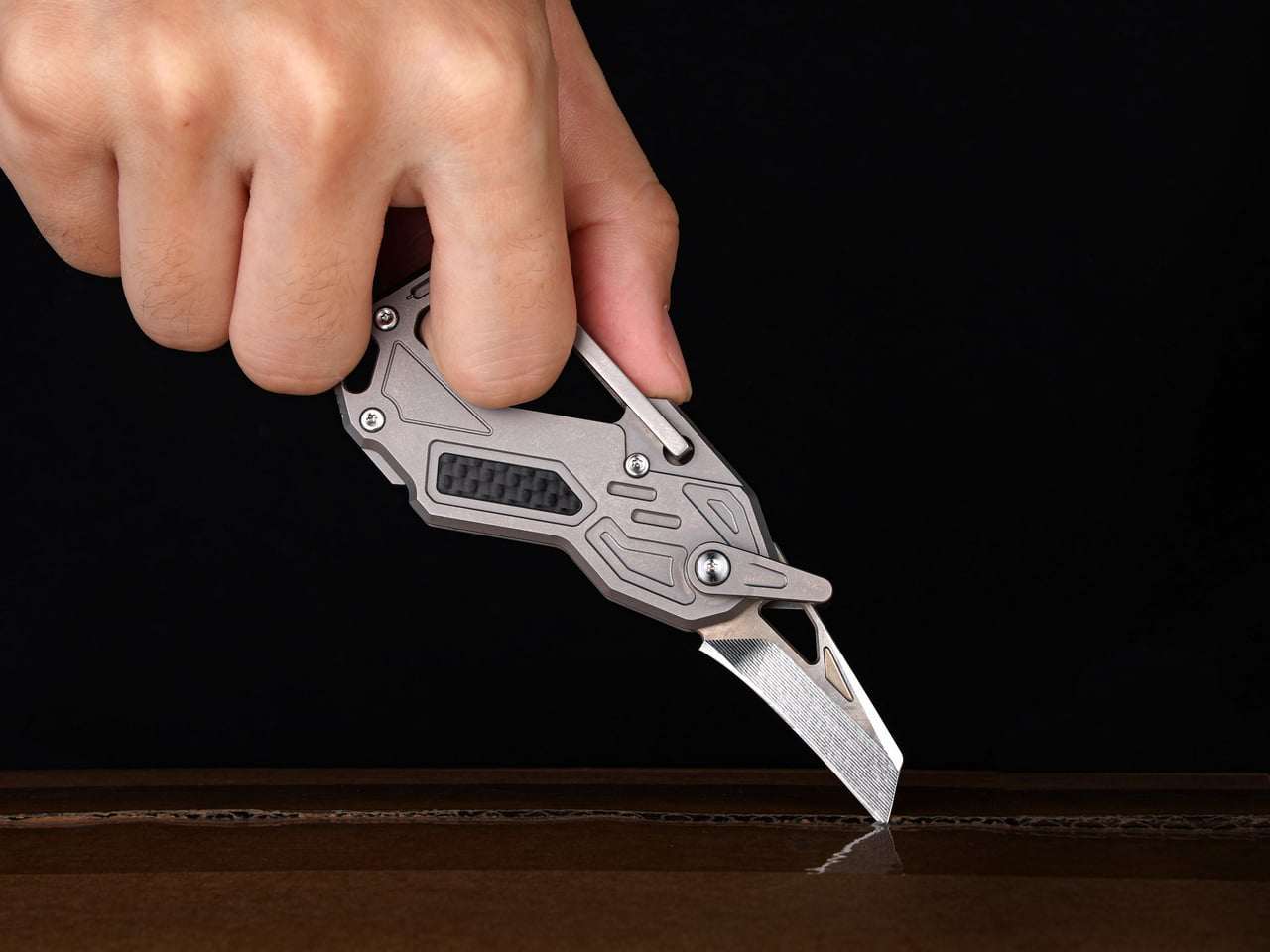
10 Best Tech Gadgets for Men In 2026 Who Think Their Smartphone Has Gotten Too Big for Its Boots

The smartphone got away from us. What started as a communication tool is now an alarm clock, a boarding pass, a camera, a bank, a navigation system, a social anxiety machine, and a reason to check the time without ever actually knowing what time it is. The problem is not the phone. The problem is that the phone agreed to do everything, and now it does nothing particularly well.

The products on this list make a quieter argument. Not that you should live off the grid or carry a brick from 1997, but that some jobs are better left to objects designed specifically for them. A dedicated music player sounds better than Spotify on a phone. A screen-free band tracks your sleep without lighting up your wrist at 2 am. Seven gadgets. One idea.

1. Casio F-B100W

The F-91W is 37 years old and still in production because Casio got it right the first time. The F-B100W takes that template and adds exactly what a watch in 2026 needs and nothing it does not. Bluetooth syncs the time automatically and lets you find your phone when you can’t. A step counter and 200-lap timer handle the fitness side. A 2-year battery means you will have forgotten you own this before you need to charge it.

At 26 grams and 41.9mm across, it fits on the wrist without announcing itself. The bio-based plastic strap has ventilation slits for comfort during long wear, and the amber LED backlight handles low-light legibility without theater. Five daily alarms and water resistance round out the spec sheet. Japan launched it at ¥8,800, roughly $55, and it sold out immediately. That tells you most of what you need to know about whether this needed to exist.

What we like:

  • Bluetooth time sync and phone finder cover the only two reasons you would reach for your phone while wearing a watch
  • 2-year battery life means this costs $55 once, not $55 plus ongoing attention

What we dislike:

  • No heart rate monitor or sleep tracking will rule it out for anyone replacing a fitness device rather than a fashion statement
  • Currently sold out in Japan; US availability not confirmed at time of publishing

2. FiiO Echo Mini

Your phone is a mediocre music player that borrowed the job from something better. The FiiO Echo Mini, released under the Snowsky imprint, takes it back. Inside a body shaped like a vintage portable player sit a pair of Cirrus Logic CS43131 DAC chips and a Hi-Res certification from the Japan Audio Society, which is not a marketing claim but a measured standard. The sound it produces from lossless files is categorically different from the same tracks streamed through a phone speaker.

It supports FLAC, DSD, WAV, and OGG, and accepts microSD cards up to 256GB, so a library that would have filled an entire shelf in 1988 now fits in a slot smaller than a thumbnail. Dual headphone outputs handle both wired and wireless listening from the same device. An independent power supply isolates the audio circuitry from interference, which is the kind of engineering detail that does not show up in marketing copy but surfaces immediately in how it sounds. The design references early Sony and Aiwa portables with enough conviction that it earns the comparison rather than simply borrowing the silhouette.

What we like:

  • Dual DAC chips and Hi-Res certification produce a measurably better result from lossless audio, not just a perceived one
  • 256GB microSD support means a serious library travels in one pocket

What we dislike:

  • Playback only, with no recording function, which rules it out for anyone who wants to make their own mixes
  • The retro cassette aesthetic is a strong visual commitment that will not suit every context

3. RetroWave 7-in-1 Radio

Your phone does radio badly because it was never designed to do radio specifically. The RetroWave was. AM, FM, and shortwave reception with no Wi-Fi dependency and a tactile tuning dial that works the way tuning dials are supposed to. The Japanese-inspired frame houses seven functions: radio, Bluetooth streaming, MP3 playback from USB or microSD, an LED flashlight, an SOS alarm, hand-crank charging, and solar charging. At $89, it is the most practical object on this list per dollar spent.

The 2000mAh power bank charges other devices when yours runs low, and 20 hours of radio playback on a single charge means it runs a full working week without returning to a socket. The hand-crank and solar inputs are genuine backup systems rather than novelty features, which places it in the emergency preparedness category as much as the desk companion one. For a device that replaces your phone as a radio, this is the one that actually means it.

Click Here to Buy Now: $89.00

What we like:

  • AM/FM/shortwave with no internet dependency means it works exactly when your phone cannot
  • Seven functions at $89 is the most direct value proposition on this list

What we dislike:

  • 8W speaker output is modest and will not satisfy anyone expecting outdoor or room-filling volume
  • Solar charging supplements rather than replaces a proper charge and cannot refill the battery independently

4. BOOX Go 6 Gen II

The e-reader has always made a better case for itself than most people give it credit for. The Go 6 Gen II is built around a 6-inch 300 ppi E Ink display in a body genuinely small enough to pocket, and unlike a standard Kindle, it runs Android underneath, which means the reading experience is not locked to a single storefront or ecosystem. The addition of stylus support in this generation moves it further from a dedicated reader and closer to a carry-anywhere notebook.

What it cannot do is exactly what makes it useful. There is no notification shade worth checking. No camera. No feed. The E Ink display is too slow for video and too monochrome for social content, which means using it for anything other than reading or note-taking feels like the wrong tool for the job. That deliberate friction is not a limitation. It is the design working as intended, built into the hardware itself rather than dependent on your own willpower to enforce it.

What we like:

  • Android underneath means your reading library is not tied to one retailer or ecosystem
  • Stylus support in Gen II turns it into a portable note-taking device, not only a reader

What we dislike:

  • E Ink refresh rate makes it a poor experience for anything requiring fast screen updates, which is the point but may frustrate new users
  • 6 inches is genuinely pocketable but small for extended document review or annotation

5. Portable CD Cover Player

Streaming reduced most music libraries to a scrollable grid of thumbnails no larger than a postage stamp. The Portable CD Cover Player puts album artwork back at the physical center of the listening experience. The form factor echoes the proportions of a CD sleeve — slim enough to carry on a commute or into a hotel room without planning. It is built for the kind of listening that requires an album, a decision, and an uninterrupted hour to follow through.

The CD format offers something streaming has never replicated — intentionality. You chose this album. You put it in. You listened front to back, the way it was meant to be heard. At a moment when cassette players and vinyl decks have staged a credible commercial comeback, there is a real and growing audience for physical music hardware that does not apologize for existing in 2026.

Click Here to Buy Now: $199.00

What we like:

  • Restores album artwork as a physical, tactile part of the listening experience rather than a compressed thumbnail on a scrollable grid
  • The intentionality of the CD format — choosing one album and committing to it — is something streaming has not managed to replicate

What we dislike:

  • The $199 price requires an existing or rebuilt CD collection to justify the investment

6. Garmin CIRQA

The smartwatch has a notification problem that nobody at the smartwatch companies will admit is a design problem. The screen is the issue. Put a screen on the wrist, and the wrist becomes another surface for the phone to reach you. Garmin solved this by removing the screen entirely. The CIRQA is Garmin’s first screen-free smart band, tracking sleep, HRV, strain, and recovery with the same sensor quality as their wrist-worn GPS watches while showing you nothing in real time.

Data syncs to your phone when you ask it to, not whenever the band decides it has something to say. At $199.99, it undercuts Whoop by removing the subscription entirely, which is either the most straightforward value proposition in the wearable category right now or the one that somehow took the longest to arrive. The band disappears into daily life in a way that a glowing watch face never fully manages. You stop thinking about your wrist. That is the whole idea.

What we like:

  • No screen means no notification surface on the wrist, which breaks the feedback loop the smartwatch quietly created
  • No subscription at $199.99 makes the comparison with Whoop uncomfortable for Whoop

What we dislike:

  • Screen-free design means you cannot check anything on the band itself, which will feel like a regression to anyone coming from a smartwatch
  • All data lives in the phone app, which adds a dependency the hardware does not fully acknowledge

7. Polaroid Now Generation 3 Instant Camera

Your phone takes hundreds of photographs a week, and you have looked at almost none of them. The Polaroid Now Generation 3 makes that impossible by design. Autofocus handles the technical side; everything else is deliberate. You frame a shot knowing there is no burst mode, no undo, no near-identical folder to sort through later. The print emerges from the front of the camera, develops in your hand, and exists as an object. That constraint is not a limitation. It is photography made meaningful.

The Now Generation 3 continues the line’s proven mechanics: i-Type and 600 film compatibility, a built-in flash, double exposure mode, and USB-C charging. The direction is refinement over feature expansion, which suits a camera built around a single clear purpose. Image quality is not competing with your phone’s computational photography and was never trying to. It produces a credit-card-sized print with warmth and grain that no filter has convincingly replicated, because the artifact is the point, not the resolution.

What we like:

  • Physical prints cannot be scrolled past, filed away, or forgotten in a camera roll — they exist and stay existing
  • The deliberate, one-shot-per-frame process changes how you think about framing before you press the shutter

What we dislike:

  • Film cost per shot makes casual, consequence-free shooting expensive relative to a phone camera
  • Exposure in bright outdoor conditions can be inconsistent without careful management of the built-in flash

8. Light Phone III

The Light Phone III costs more than most flagship Android devices and does less than any of them. Calls, texts, maps, music, and a small set of tools the company determined were useful rather than engaging. No browser. No social media. No email. No rabbit holes. The $799 price is the editorial provocation: you are paying a premium specifically for what it refuses to do, and the people who buy it tend to find that the most honest price tag in consumer electronics.

Building on a decade of iteration across two previous models, the design is confident enough not to explain itself. The screen is small. The interface is slow by smartphone standards, which turns out to be a feature rather than a limitation. Reaching for it in a meeting does not result in 40 minutes disappearing into a feed. Putting it in your pocket while walking somewhere means you notice the walk. The Light Phone III does not make you a better person. It removes several of the reasons you might not be.

What we like:

  • No browser and no social media means the phone cannot become a distraction device regardless of willpower
  • A decade of development across three models shows in the coherence of the product, not just the philosophy behind it

What we dislike:

  • $799 for a device that does less than a $200 Android requires genuine philosophical commitment rather than casual interest
  • The restricted app set means practical tools some users rely on daily are simply not available

9. Camp Snap 2

Your phone takes hundreds of photographs a week, and you have reviewed almost none of them. The Camp Snap 2 makes that behavior structurally impossible. There is no rear LCD, no Wi-Fi, no delete button, and no ability to check what you captured before downloading later. You shoot. You find out what you got when you get home. That removal of the review loop is not a limitation. It is the only camera built around the premise that the moment itself is the point.

The second generation is 15 percent slimmer than the original and genuinely pocketable now. An 8-megapixel sensor handles capture. A new filter button cycles through six built-in looks — Standard, Vintage 1, Vintage 2, Vintage 3, Analog, and Black and White — without needing a computer, which was the friction that kept most V1 owners on the default setting permanently. Nine colorways include translucent jelly finishes that land somewhere between Y2K nostalgia and fully intentional. At $69.95, it costs less than most phone cases.

What we like:

  • No screen means no delete button — every shot taken is a shot kept, which changes how deliberately you frame before pressing the shutter
  • Six filter options now cycle on-device with a single button, solving the only meaningful complaint against the original

What we dislike:

  • 8-megapixel resolution does not compete with computational phone photography and was never designed to
  • Exposure errors only surface at the download stage, too late to reshoot the moment that mattered

10. Divoom FlowToo

The reason your phone stays on the nightstand is not that you need it there. It is that the phone is also the alarm, the white noise machine, and the speaker, and nothing has offered a convincing single replacement — until now. The Divoom FlowToo costs $99.99, sits where the phone used to be, and handles all three jobs without demanding anything in return except a power socket. That is the most straightforward case for removing a phone from the bedroom that the category has produced.

A 10W amplifier and 45mm full-range driver make this a real speaker rather than an alarm clock with Bluetooth added as an afterthought. More than 90 built-in sounds cover rain, ocean, forest, and focus ambience without needing your phone open. The 2.26-inch display cycles through clock faces, music visualizers, and sleep animations depending on the time of day. The wake-up sequence builds naturally — sounds that increase in volume while the screen gradually brightens. Available in White and Black.

What we like:

  • Replaces three separate nightstand devices with one object that does all three without a subscription or an app permanently open
  • The gradual light-and-sound wake sequence is a meaningfully better way to start the morning than a jarring alarm tone

What we dislike:

  • Full feature access requires the Divoom app, which adds a phone dependency to a device designed to remove the phone from the equation
  • Dedicated white noise machines and standalone speakers will each outperform it in their individual categories

The Best Tech Knows When to Stop

None of these products asks you to give up modern life. The Casio has Bluetooth. The Echo Mini has wireless output. The RetroWave streams over Bluetooth when the AM signal drops. The Camp Snap 2 charges over USB-C. The FlowToo pairs to your phone when you want it to. The argument they make together is not that technology is the problem, but that objects built for one job tend to do it better than a single object built for everything.

The smartphone is not going anywhere. What these ten suggest is that not everything needs to live inside it. A watch that tells time without a notification. A camera that hands you a physical print. Another that makes you earn every shot. A nightstand unit that ends the phone-as-alarm excuse for good. A CD player that demands you choose an album and see it through. The sum of what they replace is not a phone. It is the version of a phone that borrowed more of your attention than it ever needed.

The post 10 Best Tech Gadgets for Men In 2026 Who Think Their Smartphone Has Gotten Too Big for Its Boots first appeared on Yanko Design.
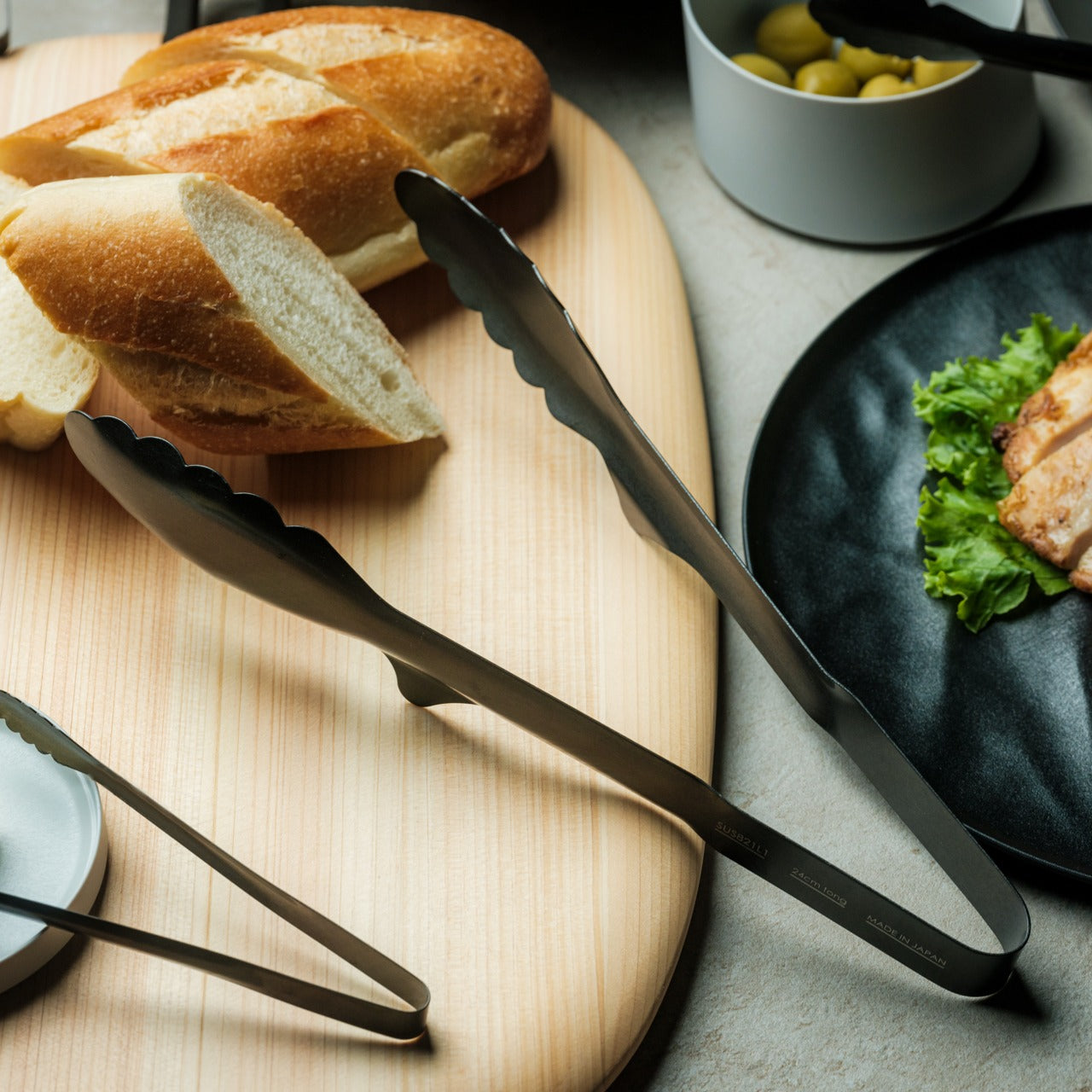
5 EDC Gear Upgrades for Fall 2026 That Prove Pockets Are Still the Best Accessory You Own

Something happens in September that carries habits nobody quite plans for. The lighter pockets of summer, built around a phone, a card, and a key, suddenly feel under-equipped for the longer evenings, the heavier jackets, and the seasonal shift from outdoor spontaneity to structured routine. Fall is when everyday carry earns its name. The tools you reach for in August are no longer the same tools that September asks for.

These five picks address that transition directly. Each one is featured for a strong reason, and each one fits the fall brief: dark materials, tighter tolerances, and a function-to-footprint ratio that earns a permanent pocket slot rather than cycling in and out of a bag. Fall is a wardrobe edit. It should also be a carry edit.

1. Olight Baton 4 Premium Edition

Most compact flashlights solve half the problem. They produce light, and then they ask you to carry a separate charging solution for them. The Olight Baton 4 Premium Edition takes a cue from the wireless earbud category and ships the flashlight inside a 5,000mAh case that charges the light, charges a phone as a power bank, and doubles as an operational housing — flip the lid and press the side button, and the Baton 4 fires without ever leaving the case.

The flashlight itself reaches 1,300 lumens with a 170-meter throw distance, with LED indicators for brightness level and remaining battery charge. None of that is the story. The story is a single object that consolidates a flashlight, its charger, and a phone power bank into one pocket-sized unit, which removes three separate things from the bag before fall even starts. For longer evenings that arrive earlier than expected, the case-as-charger logic stops being a clever feature and starts being the only sensible way to carry a light.

What we like

  • The 5,000mAh case charges both the flashlight and a phone, removing the need for a separate power bank and flashlight charger from the carry kit entirely
  • The flip-top lid allows the Baton 4 to be used while still seated in the case, which removes the fumbling that makes most compact flashlights slower to deploy than they should be

What we dislike

  • The case adds meaningful bulk compared to carrying the flashlight alone, which makes the tradeoff most worthwhile for those who genuinely need the power bank function regularly
  • Compatibility for the case-on functionality is limited to Olight’s own Baton 3 and Baton 4, so the ecosystem lock-in is real if you carry lights from other brands

2. Gerber Shard

Start here if you have quietly accepted that your keychain is useless. The Gerber Shard is a single piece of stamped steel with no hinges, no springs, and no moving parts, which means nothing in it can jam, seize, or fail on a Tuesday evening when you actually need it. Six functions live in that flat body: a pry bar, bottle opener, small flathead slot, cross-driver tip, O2 tank wrench, and wire stripper. All of it weighs under ten grams.

What makes the Shard worth including alongside tools that cost ten times more is its clarity of purpose. It does not try to be everything. It identifies the handful of tasks a keychain tool is realistically asked to handle and solves those alone. At $13, it passes through airport security without any conversation about blade classifications. Clip it alongside whatever else you carry, and it will earn at least three genuine interactions a week before winter arrives.

What we like

  • No moving parts means the Shard is the one carry tool that cannot fail mechanically at the wrong moment, regardless of how long it sits on the keychain unused
  • TSA compliance and a sub-10-gram weight remove every excuse not to carry it, which is the most useful thing any $13 object can do

What we dislike

  • Single-material stamped construction limits what it can handle, and tasks requiring real leverage or grip pressure fall outside its honest capability
  • The utilitarian aesthetic reads as practical rather than designed, which will not satisfy anyone who treats their carry as a considered, visually coherent set

3. Fantom X Wallet

The wallet is the most frequently underestimated carry upgrade, partly because most people tolerate the one they have until it structurally fails rather than reconsidering it deliberately. The Fantom X builds the wallet chassis from machined aluminum, introducing zero soft materials into the construction. Nothing here stretches, cracks, or absorbs the contents of a jacket pocket across six months of daily carry. A spring-loaded ejection system fans cards in sequence at the press of a button, organized by frequency of use.
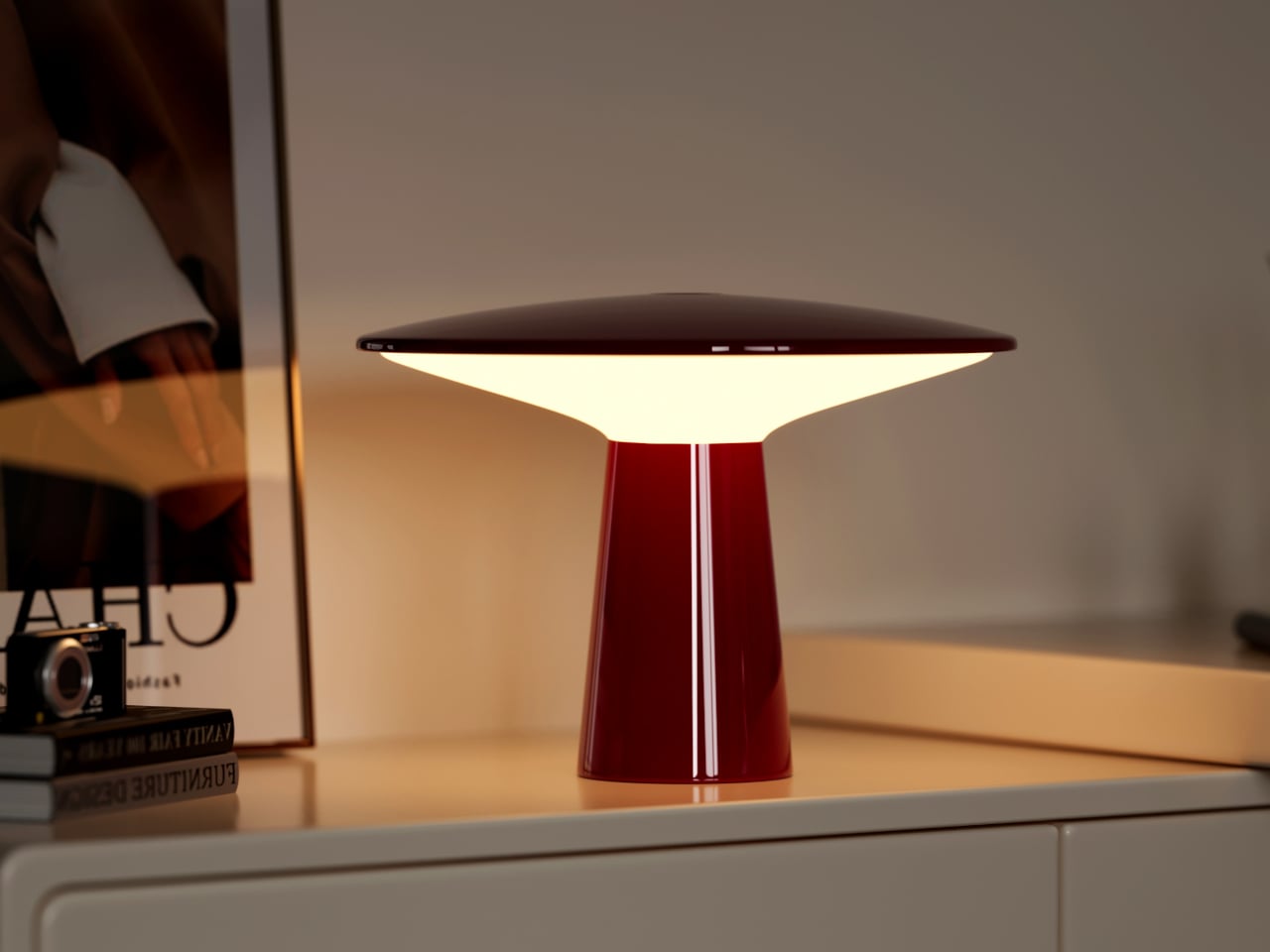
Fall is when wallets start competing with a heavier jacket for pocket real estate, and the Fantom X wins that negotiation by holding its slim dimensions through any season. The bead-blasted aluminum finish handles daily contact without developing the surface texture that leather wallets acquire by November. Switching from a bifold introduces a one-week adjustment period while the ejection sequence settles into your actual card hierarchy. After that week, the old wallet does not come back out.
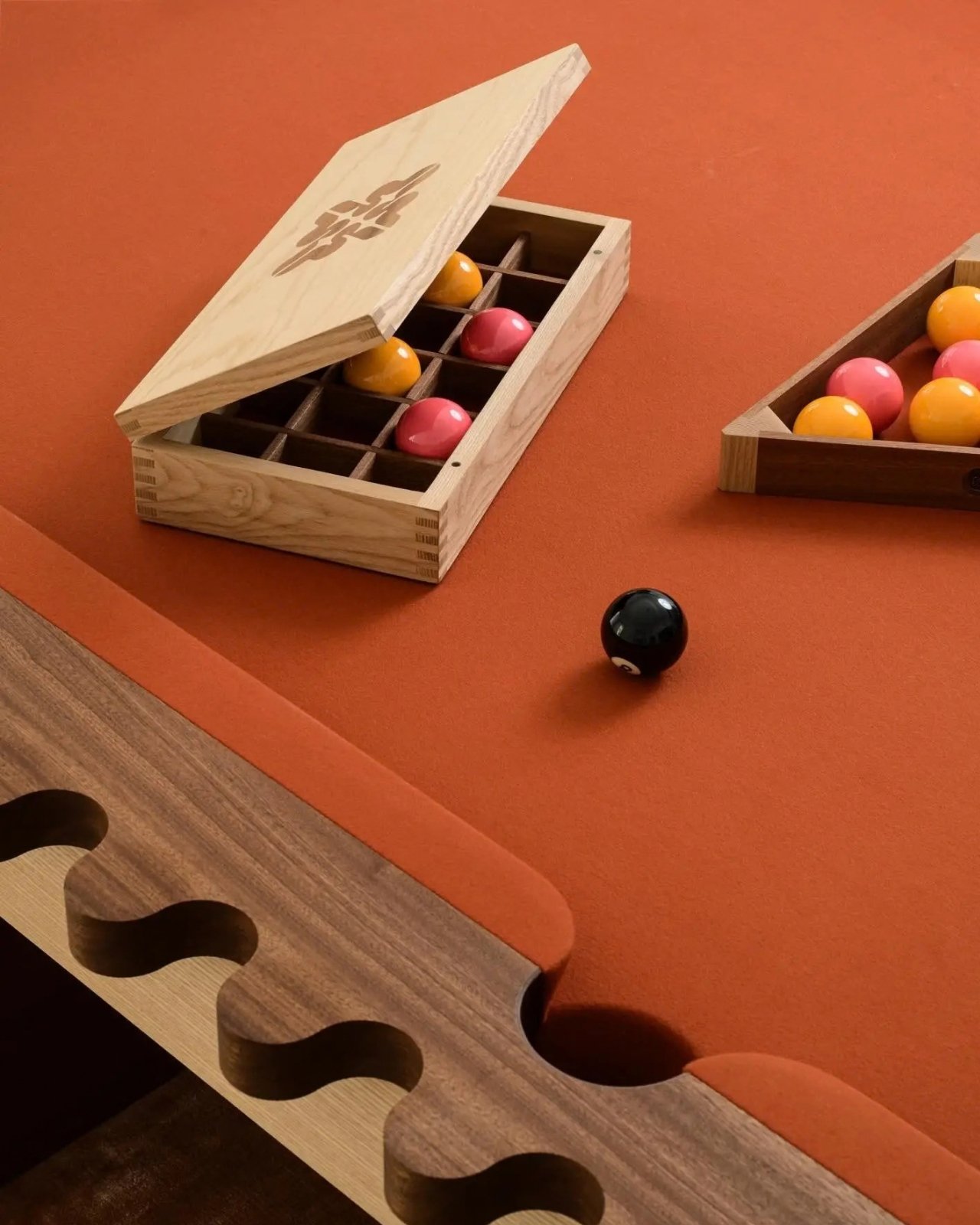

What we like

  • Machined aluminum construction makes the wallet immune to the slow structural failure that defines the lifespan of every leather alternative, regardless of what the leather costs
  • The spring-loaded card ejection removes fumbling entirely, which becomes specifically useful in cold weather when dexterity drops alongside the temperature

What we dislike

  • The rigid form does not adapt as card count changes, which creates real friction once a work badge or additional card pushes the configuration past its ideal capacity
  • Cash carry is minimal depending on the setup, which still matters in environments where notes are the expected currency at a market or small café

4. Pininfarina Aero Ethergraf

The ink pen is a carry category with a built-in expiration date, which most people accept as simply the nature of the tool. Pininfarina disagreed. The Aero Ethergraf writes through an Ethergraf metal alloy tip that leaves a permanent, graphite-like mark on paper via oxidation rather than ink transfer. There is no refill, no cartridge, and no dry-out. The tip writes identically on day one and three years later, producing a line that does not smudge and does not bleed through paper.

The pen is aerospace-grade aluminum, 17 grams, and 160mm long. Pininfarina, the Italian studio responsible for Ferrari and Maserati bodywork, applied that same economy of means: a single confident form, a blue accent visible from the right angle, and nothing present that serves no purpose. It ships with a raw concrete desk cradle. Switching a carry pen from refillable to the Aero reads less as an upgrade and more as a correction to something that should have been addressed earlier.

What we like

  • No ink or refill means this pen performs identically at the start and end of a season, removing the replacement cycle that every other pen eventually demands at the least convenient time
  • The aerospace aluminum body and Italian design pedigree give it the presence of a considered object that earns a permanent desk position, not just a pocket slot

What we dislike

  • The Ethergraf line is lighter than ballpoint output and requires slightly more deliberate pressure on thinner paper stocks to produce consistently confident marks
  • The metal tip performs best on standard paper and produces inconsistent results on coated or glossy surfaces, which limits its range on certain materials

5. Streamlight Wedge SL

Most people leave a flashlight at home because it is too large to carry comfortably and too rarely needed to justify the space. The Streamlight Wedge SL removes that reasoning by measuring 5.65 inches long, 0.28 inches thick, and 1.14 ounces. That profile fits alongside a phone without competing for space, and the stainless steel clip secures it to a shirt pocket or tool pouch without adjustment. Fall means the sun sets earlier than anyone is quite prepared for, and the tool that solves that problem needs to actually be in the pocket.

Three output modes cover the realistic range of carry use. Constant-on High runs 100 lumens for 1.75 hours. Low delivers 50 lumens for 3.5 hours. THRO mode produces 500 lumens at an 80-meter beam on a three-second press, fast enough for genuine emergencies without being easy to trigger accidentally. The USB-C lithium polymer cell charges in four hours and is field-serviceable and user-replaceable. Type II MIL-Spec anodized aluminum and IPX4 water resistance mean fall weather is not a relevant variable.

What we like

  • At 0.28 inches thick, it carries without compromising any pocket it shares space with, which directly solves the reason most flashlights get left on a bench at home
  • THRO mode reaches 500 lumens without any mode cycling, making maximum output accessible the moment the situation asks for it rather than three button presses later

What we dislike

  • Output is calibrated for inspection and everyday carry use rather than long-distance throw, so it will not work for anyone whose primary need is maximum beam distance
  • At four hours for a full charge, it is slower than some current competitors in a category where charging speed has become a meaningful differentiator

The Only EDC Rule That Actually Matters: Carry What You’ll Use

The five tools above do not ask for a lifestyle adjustment. They drop into a pocket, clip to a keychain, or live on a desk without demanding explanation or a dedicated bag compartment. What each one requires is a single deliberate decision at the point of acquisition: that the things you carry every day are worth choosing carefully rather than defaulting to whatever has been there since last winter.

Start with one. The Olight Baton 4 consolidates a flashlight and a power bank into a single case that makes carrying both easier than carrying either separately. The Gerber Shard costs $13 and will change what you notice about the physical world around you. The Fantom X removes a daily friction you have probably stopped registering because you have lived with it long enough that it feels normal. Any one of these improves the carry. All eight make pockets the most useful part of the outfit before the season ends.

The post 5 EDC Gear Upgrades for Fall 2026 That Prove Pockets Are Still the Best Accessory You Own first appeared on Yanko Design.