Clicks QWERTY keyboard iPhone case brings back the joy of typing

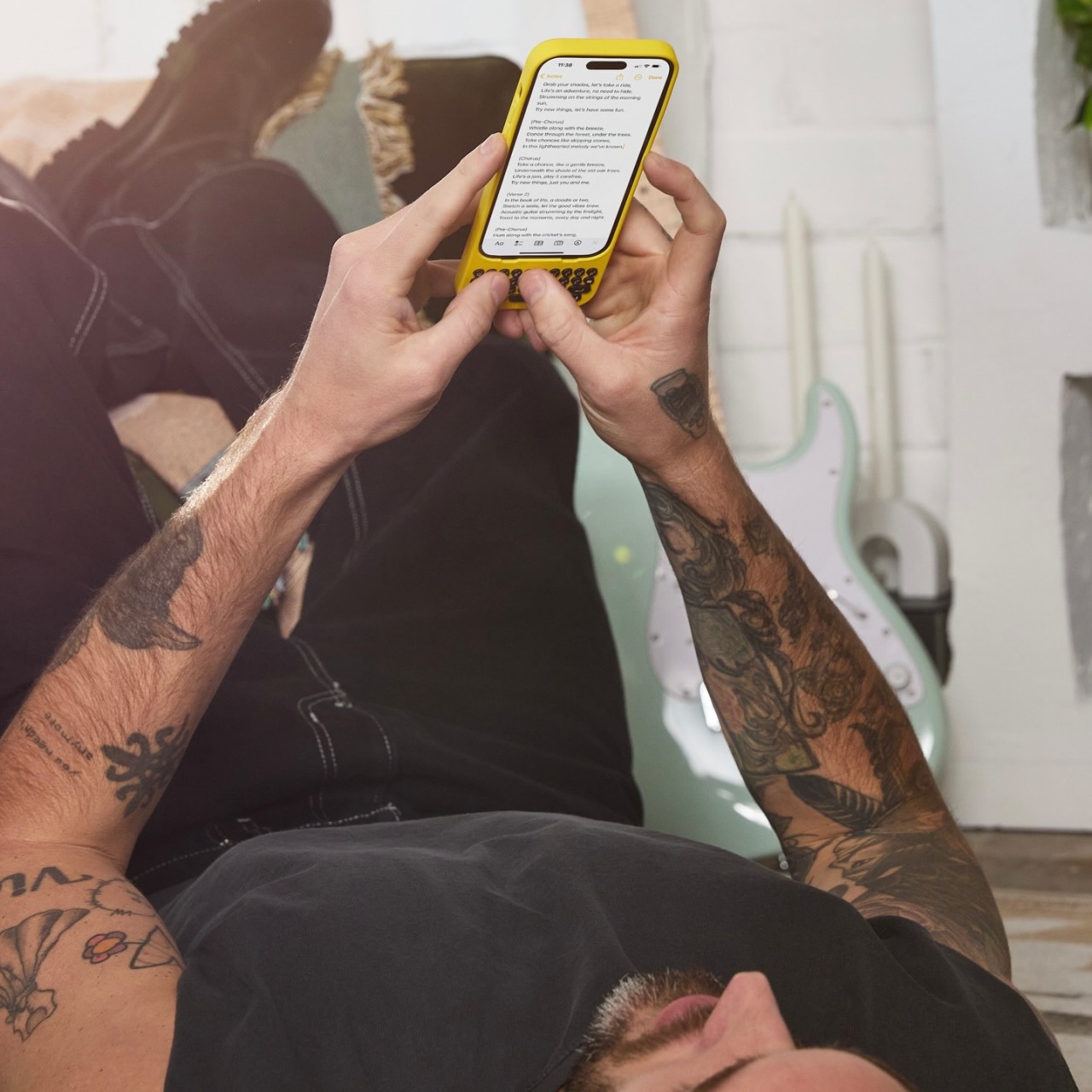
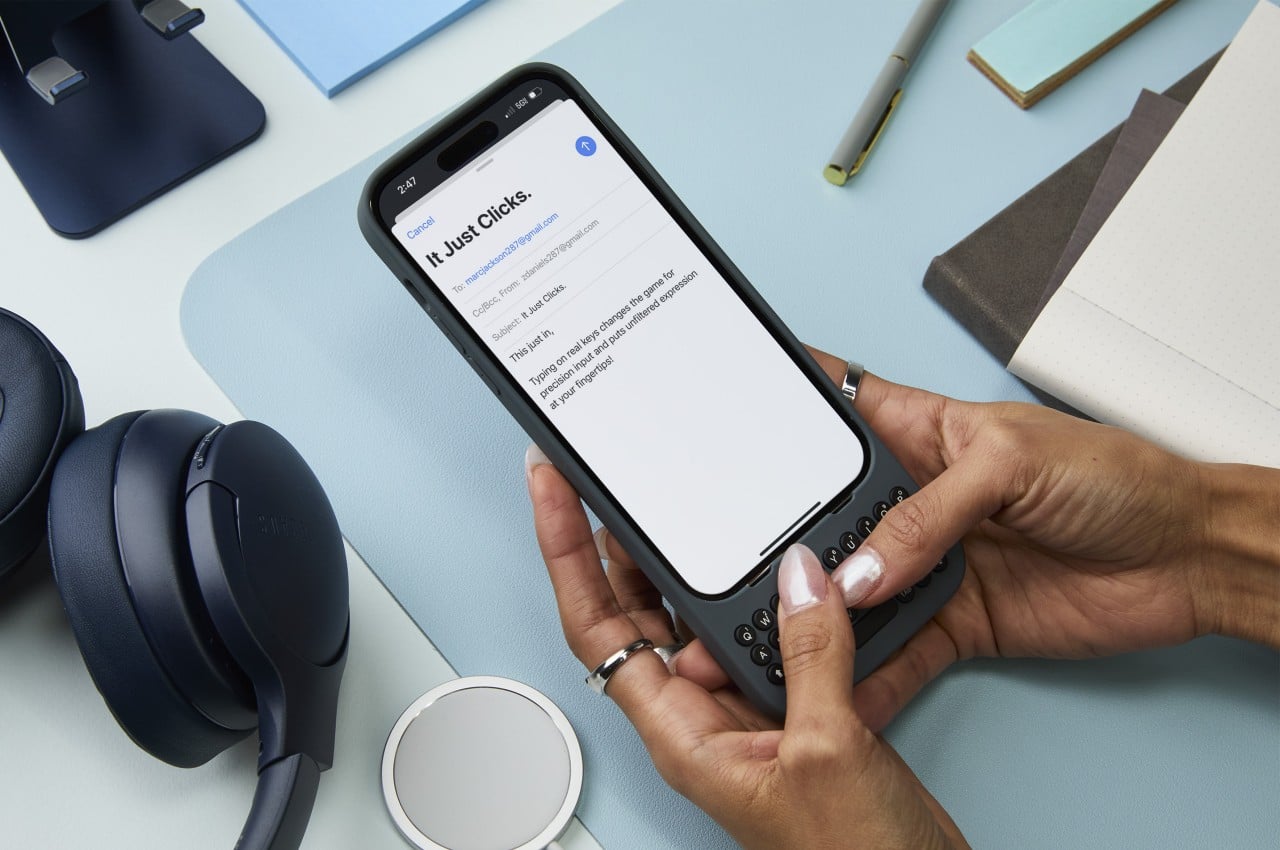
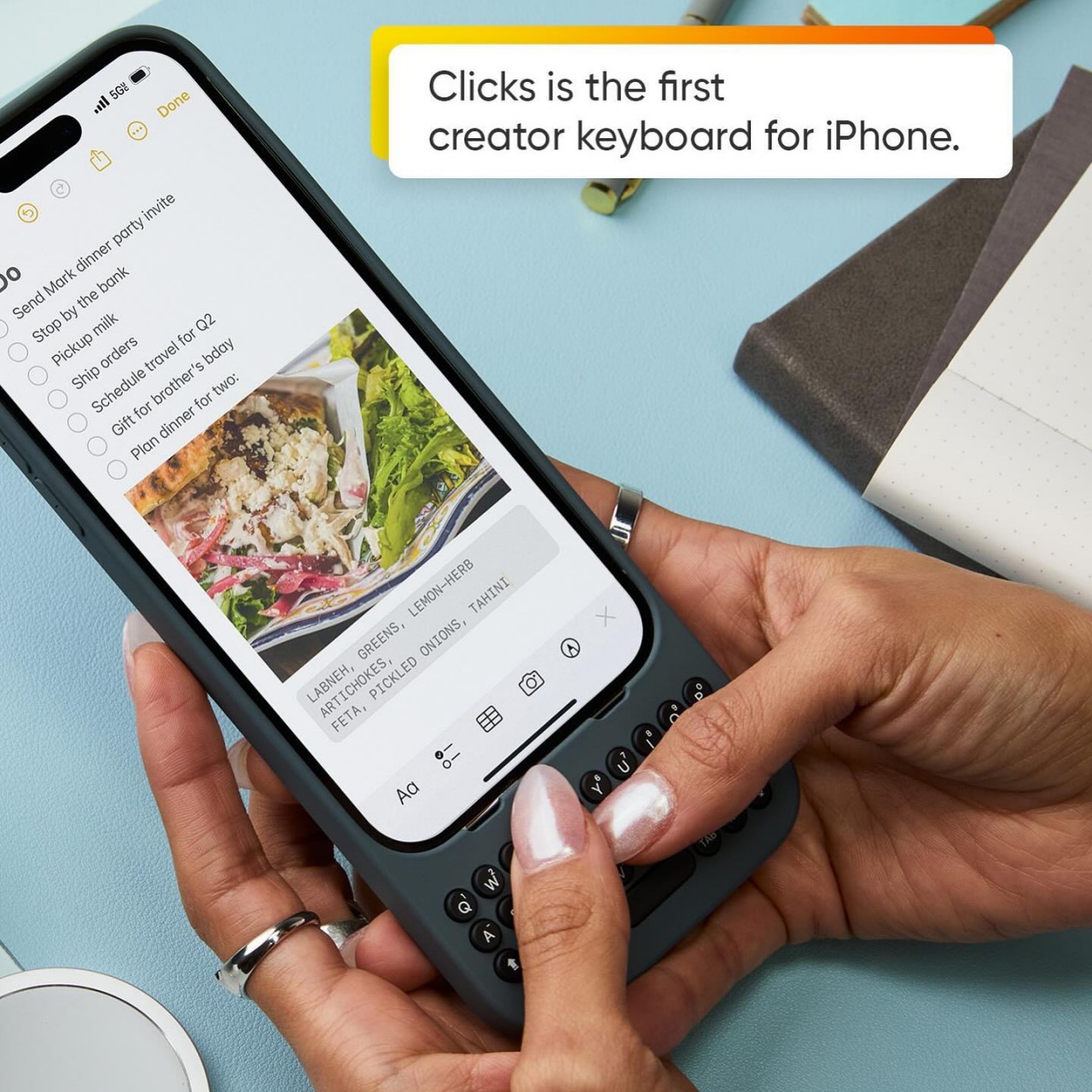
Remember the days when you could swiftly type a long response on your phone in just seconds? Even if you didn’t own a BlackBerry, our amazing human brains managed to evolve to adapt to the esoteric T9 input, resulting in a flurry of thumbs hammering out text at mind-blowing speeds. Just like with pen and paper, there are benefits to having physical keys to type with, including muscle memory, accuracy, and sheer satisfaction. Those are the joys that this new case is trying to bring to the iPhone by snapping on a full yet tiny QWERTY keyboard that gives creators the power to turn text into stories, quickly and accurately.

Designers: Michael Fisher and Kevin Michaluk

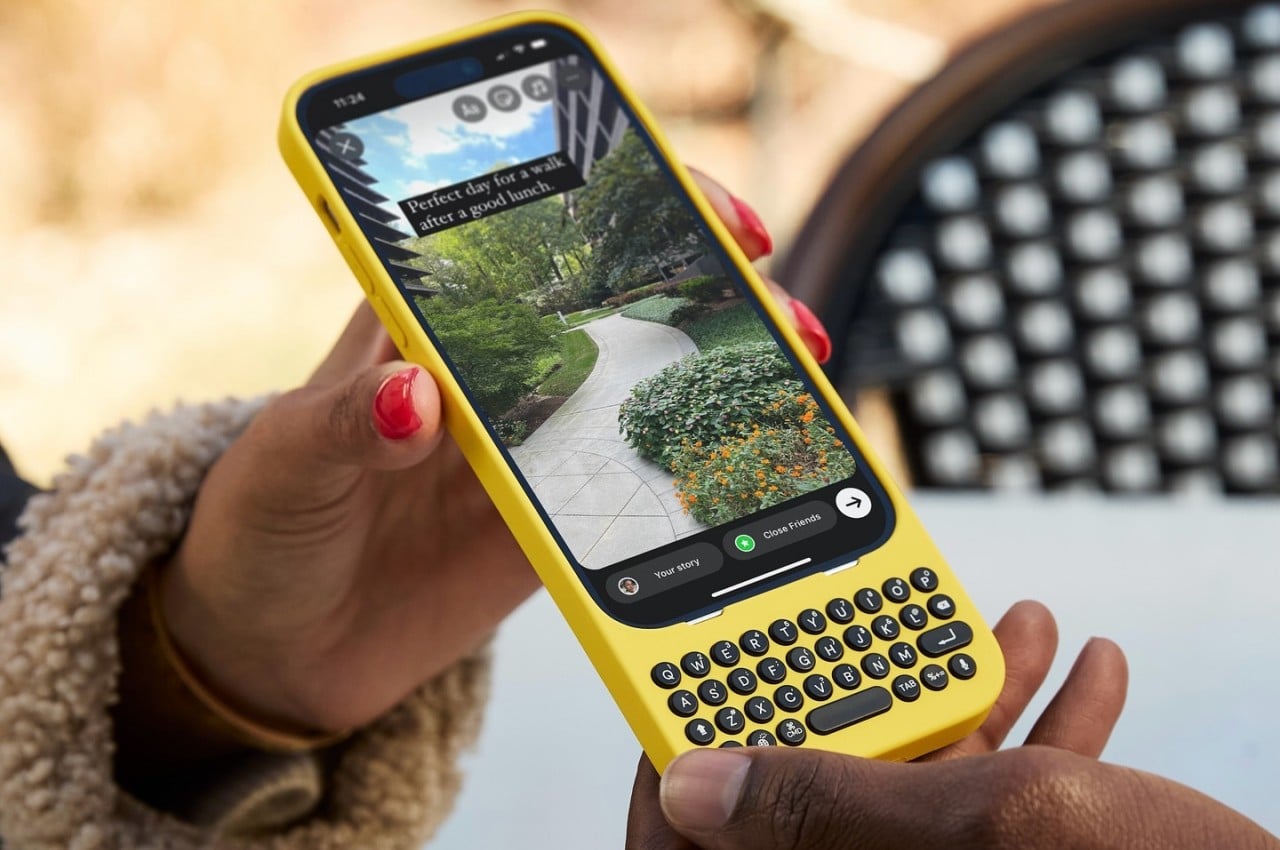
Although the BlackBerry is now a footnote in history, there was a time when it was the de facto standard of productivity. It’s a bit ironic that its most iconic feature is all but a memory today when text is even more critical in mobile life. From notes to todos to captions to messages, we type plenty of text on our touchscreen smartphones, which painfully drives home the fact that these smooth, flat surfaces have terrible ergonomics and haptics for such an activity. There have been a few attempts at resurrecting the BlackBerry or at least bringing the physical QWERTY keyboard to smartphones, but Clicks is trying to differentiate itself by projecting a fun and creative character that’s more in line with today’s creators.

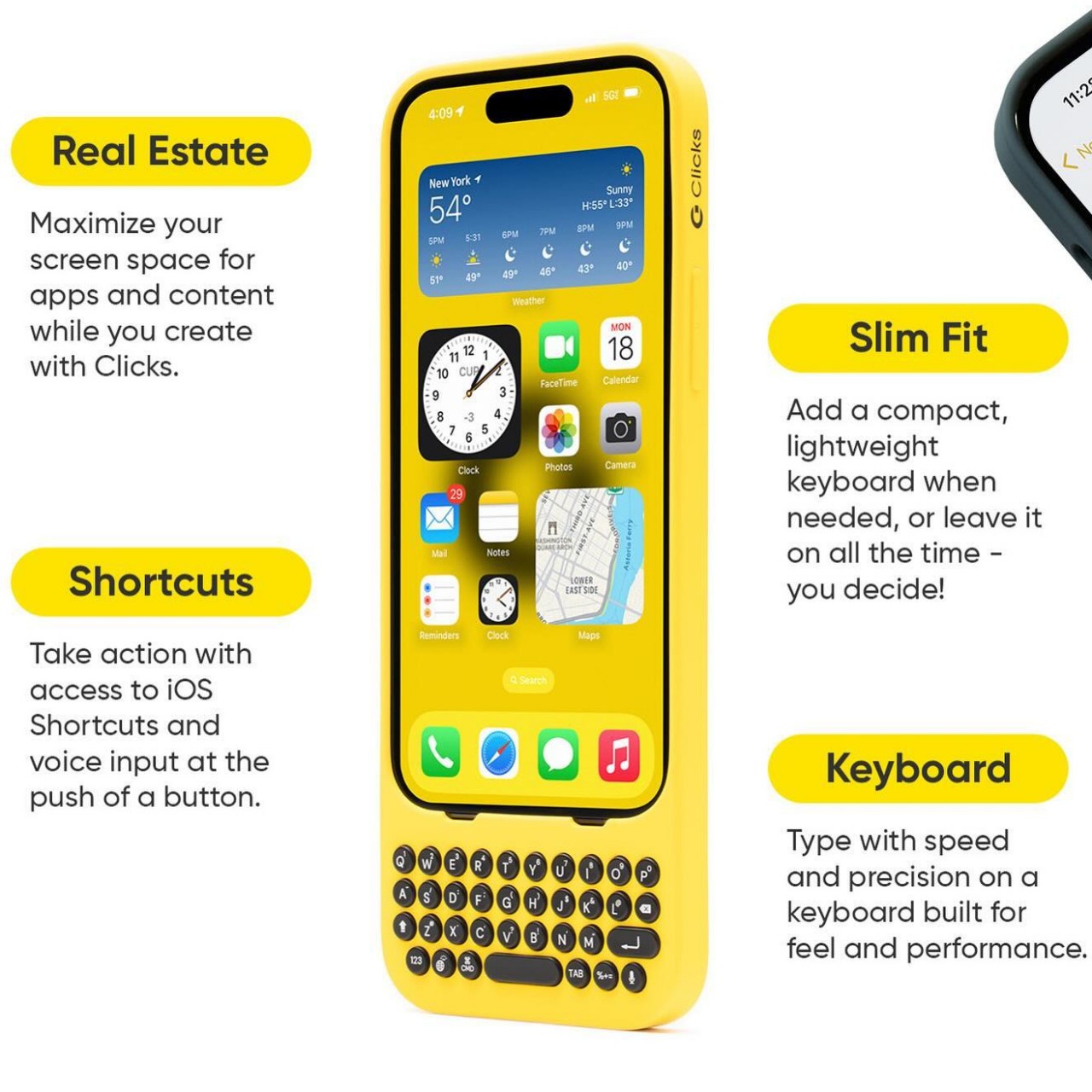
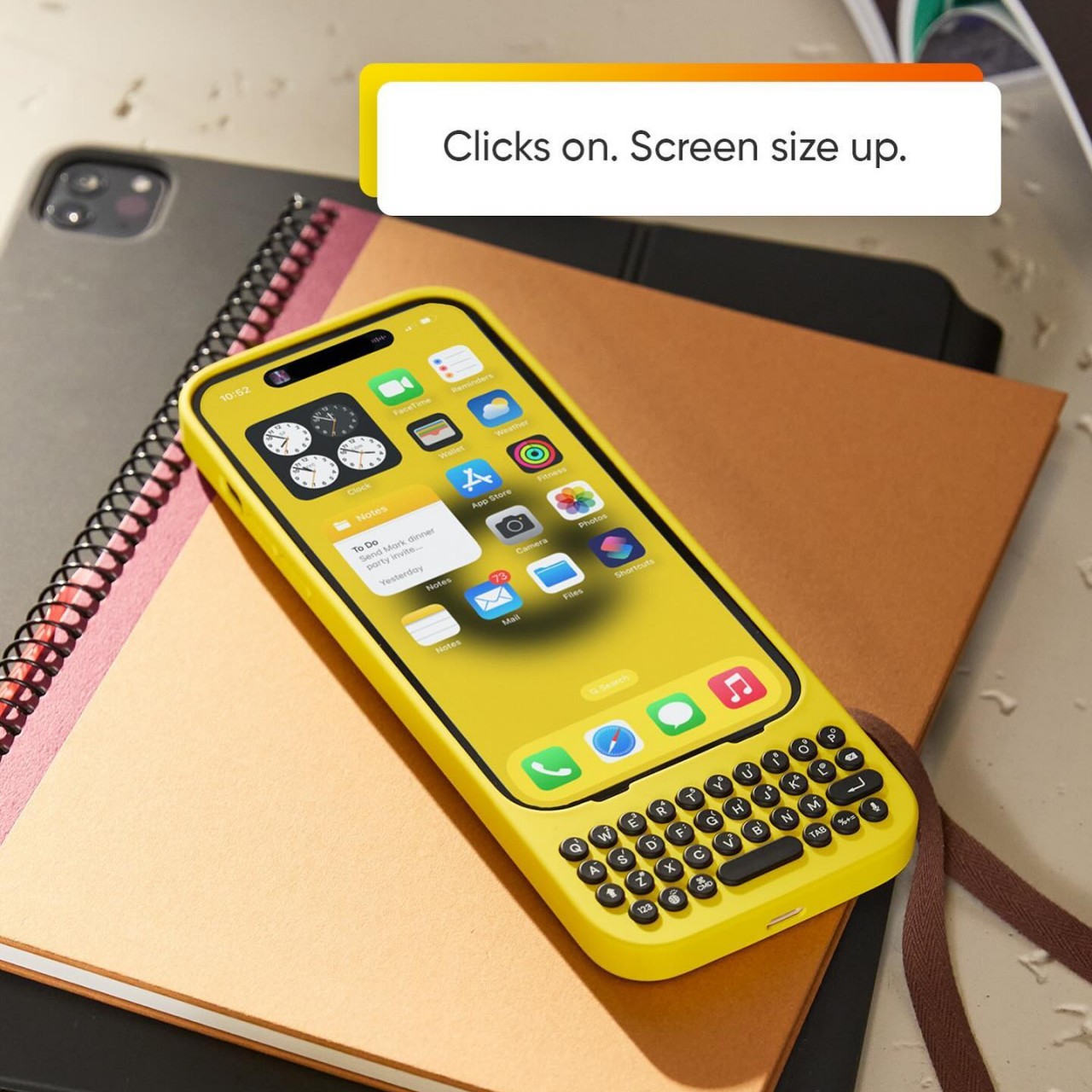
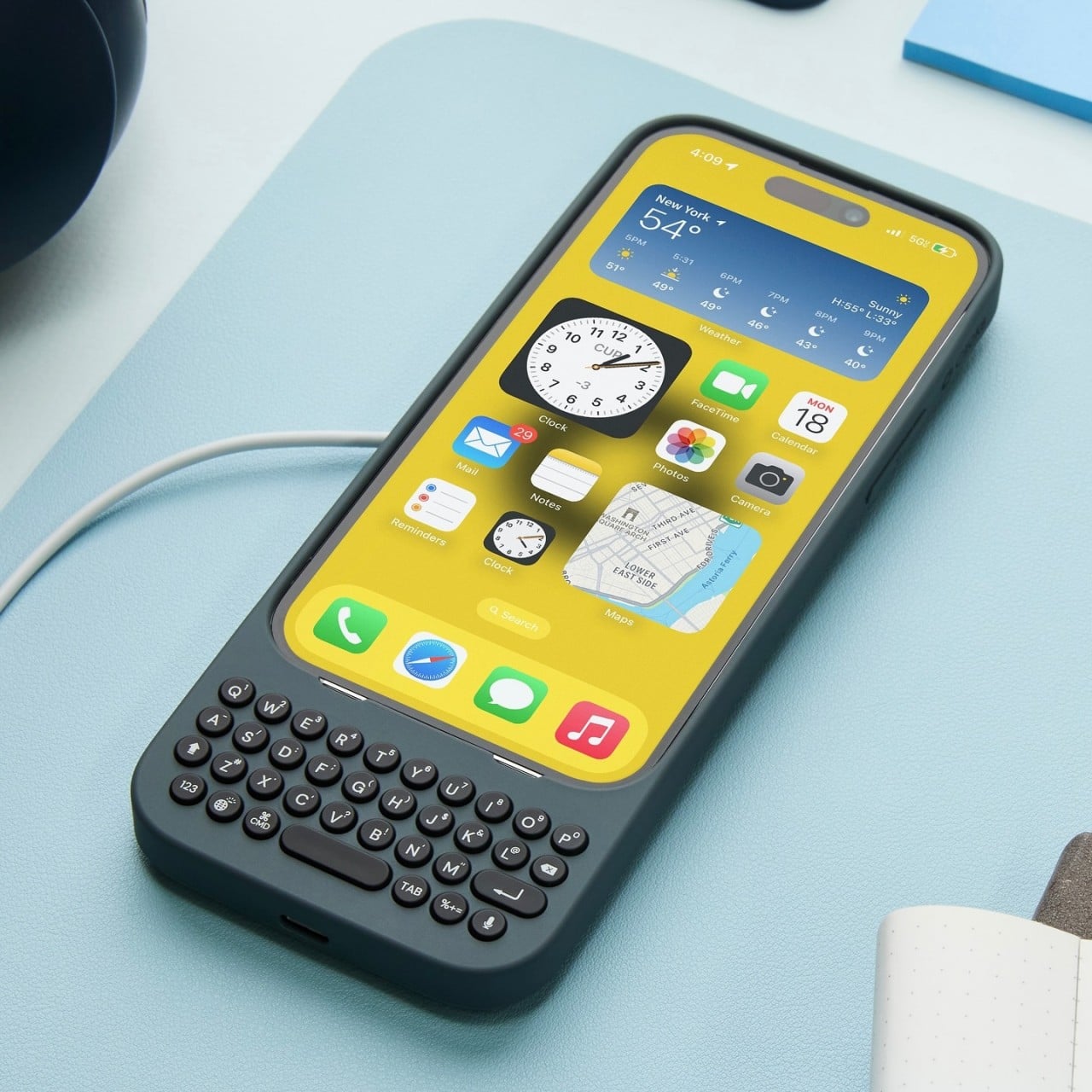
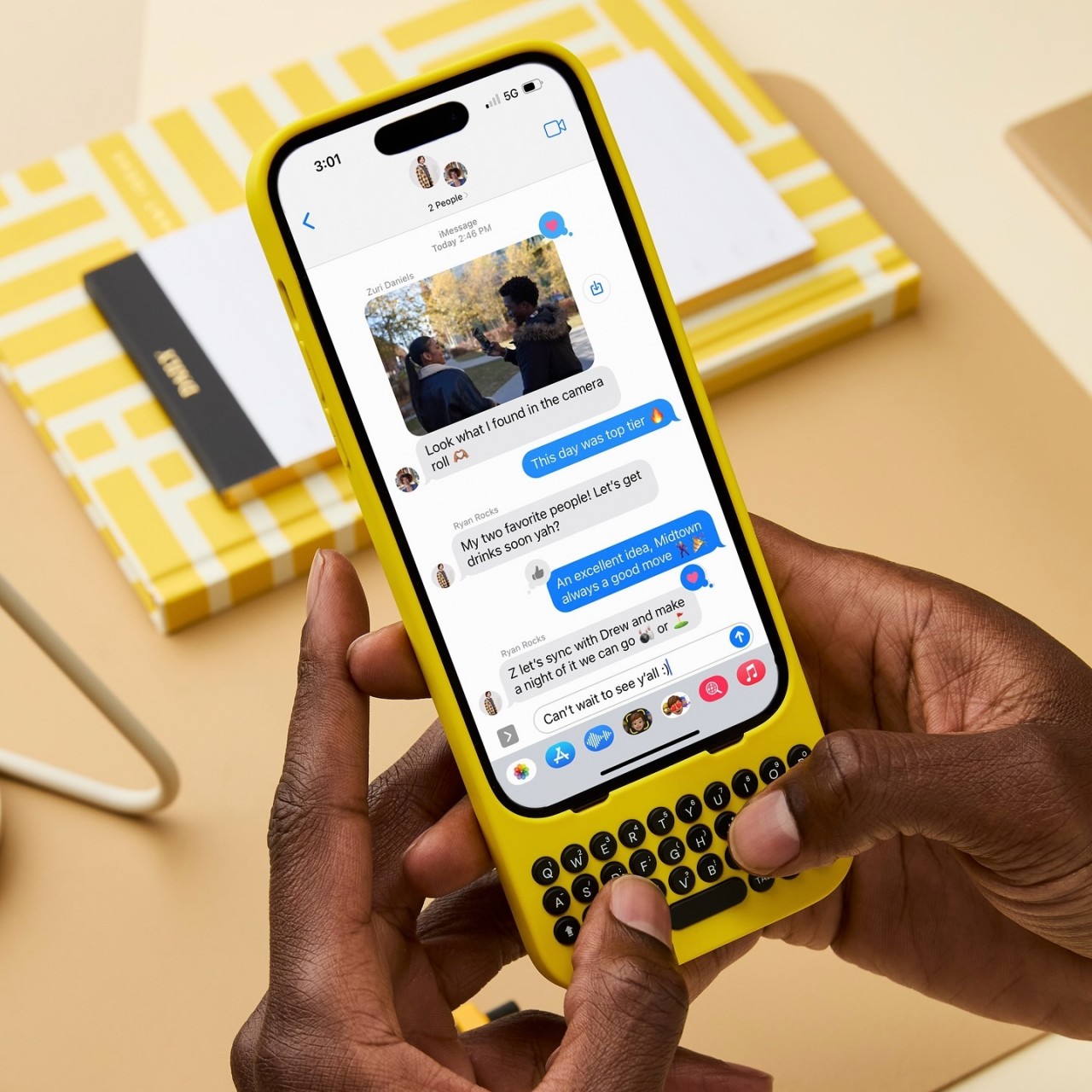
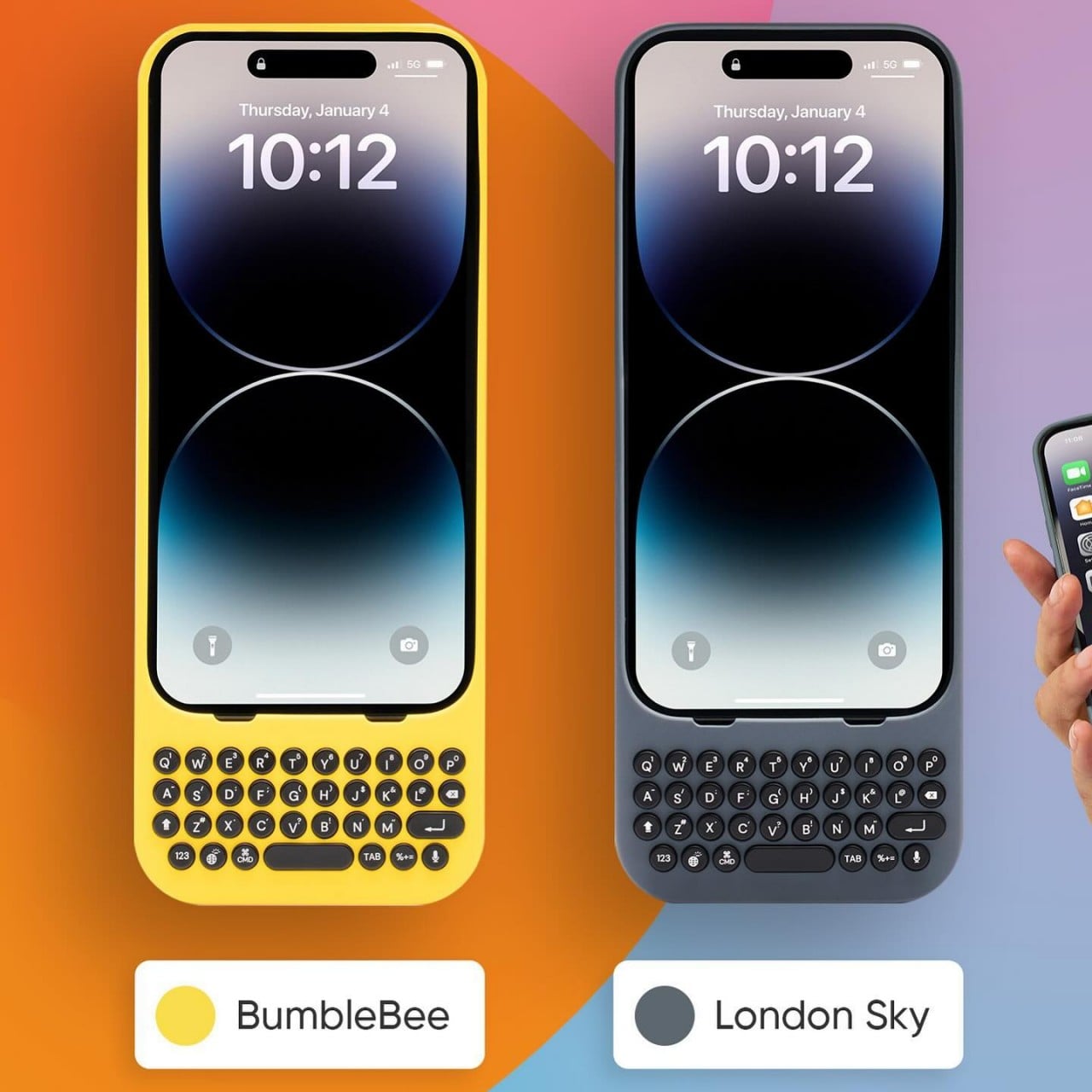
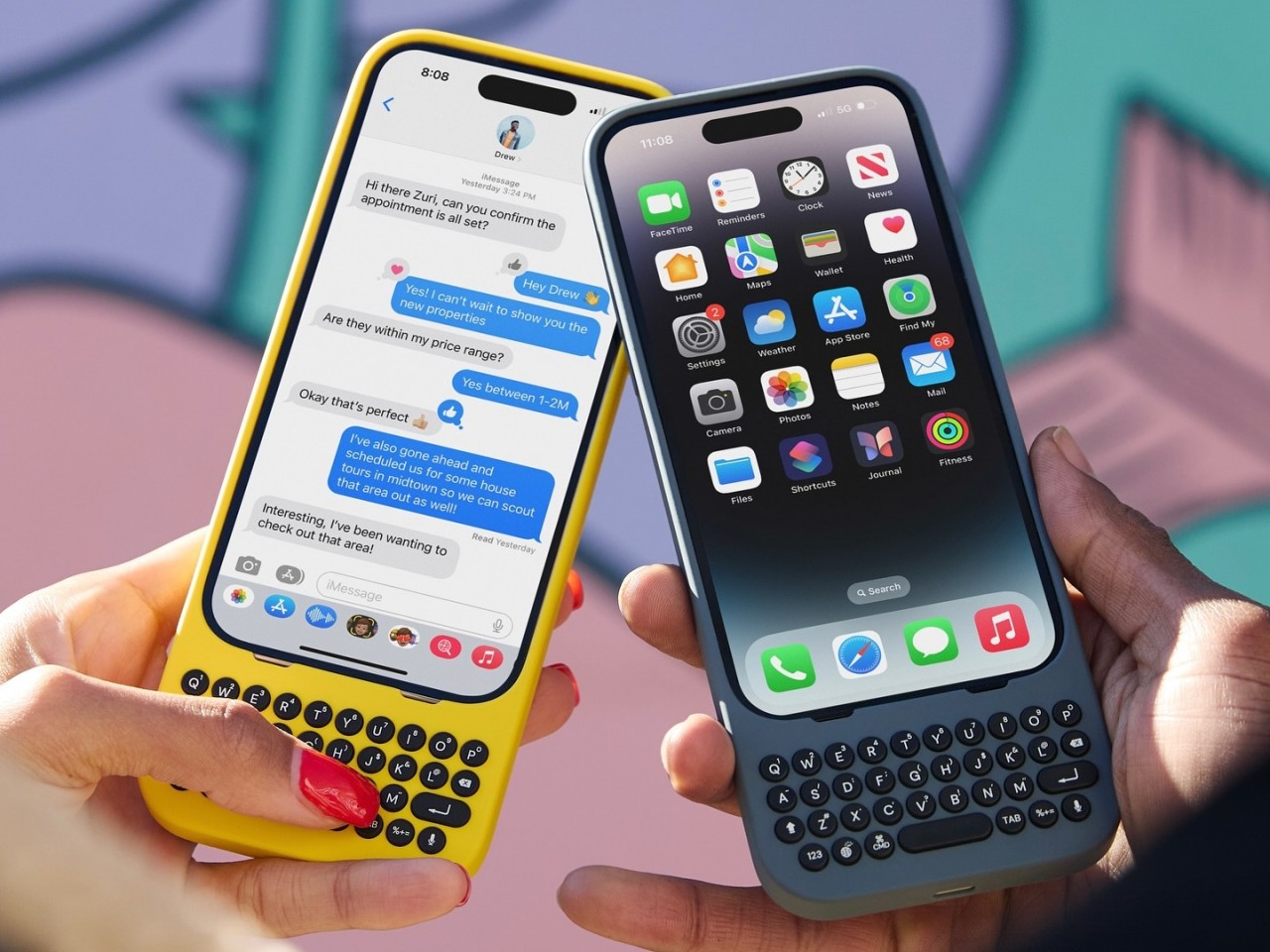
For one, the cases distance themselves from the drab and serious styles of business-minded BlackBerry clones by embracing colors and curves, whether it’s the yellow Bumblebee or even the gray London Sky. Perhaps to avoid any litigation like its forebears, Clicks adopts circular keys with some spacing in between, giving the keyboard a more whimsical appearance. Regardless of the design, the Clicks QWERTY case has the same mission as all other QWERTY cases before it, bringing a familiar sensation to upgrade the typing experience. Best of all, the keyboard no longer eats up half your screen, leaving room for more content.

Using the case itself is as simple as pie. You slide the iPhone in from the top, carefully align the Lightning or USB-C connector, and snap the top on. The case doesn’t have a battery of its own, which makes it lighter and cheaper, so it draws power from the iPhone itself. It does support pass-through charging so you don’t have to remove the case just to charge the iPhone. The one drawback of its simple design is that MagSafe accessories won’t stick to it, but you can still enjoy wireless charging on a flat horizontal surface.

The Clicks QWERTY keyboard case is compatible only with the iPhone 14 and iPhone 15 models, though their availability won’t happen all at the same time. The $139 price tag is going to be debatable, especially for those who aren’t yet convinced of the advantages of having a physical keyboard at the cost of making a tall phone even taller. But for creators who find themselves always pecking at their phone’s screen, this quirky accessory is a done deal.

The post Clicks QWERTY keyboard iPhone case brings back the joy of typing first appeared on Yanko Design.
Standalone AirPods Pro 2nd-Gen USB-C charging case might not be worth the price

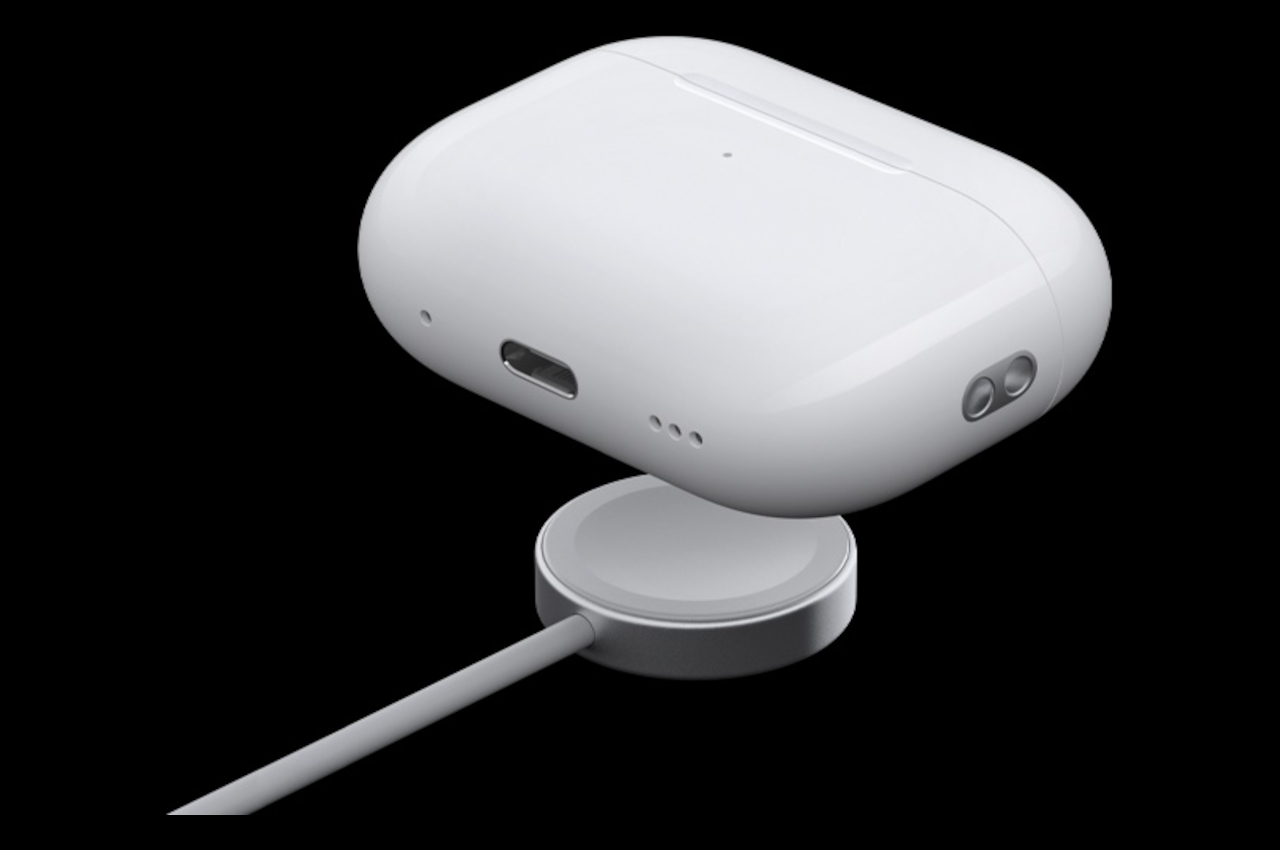
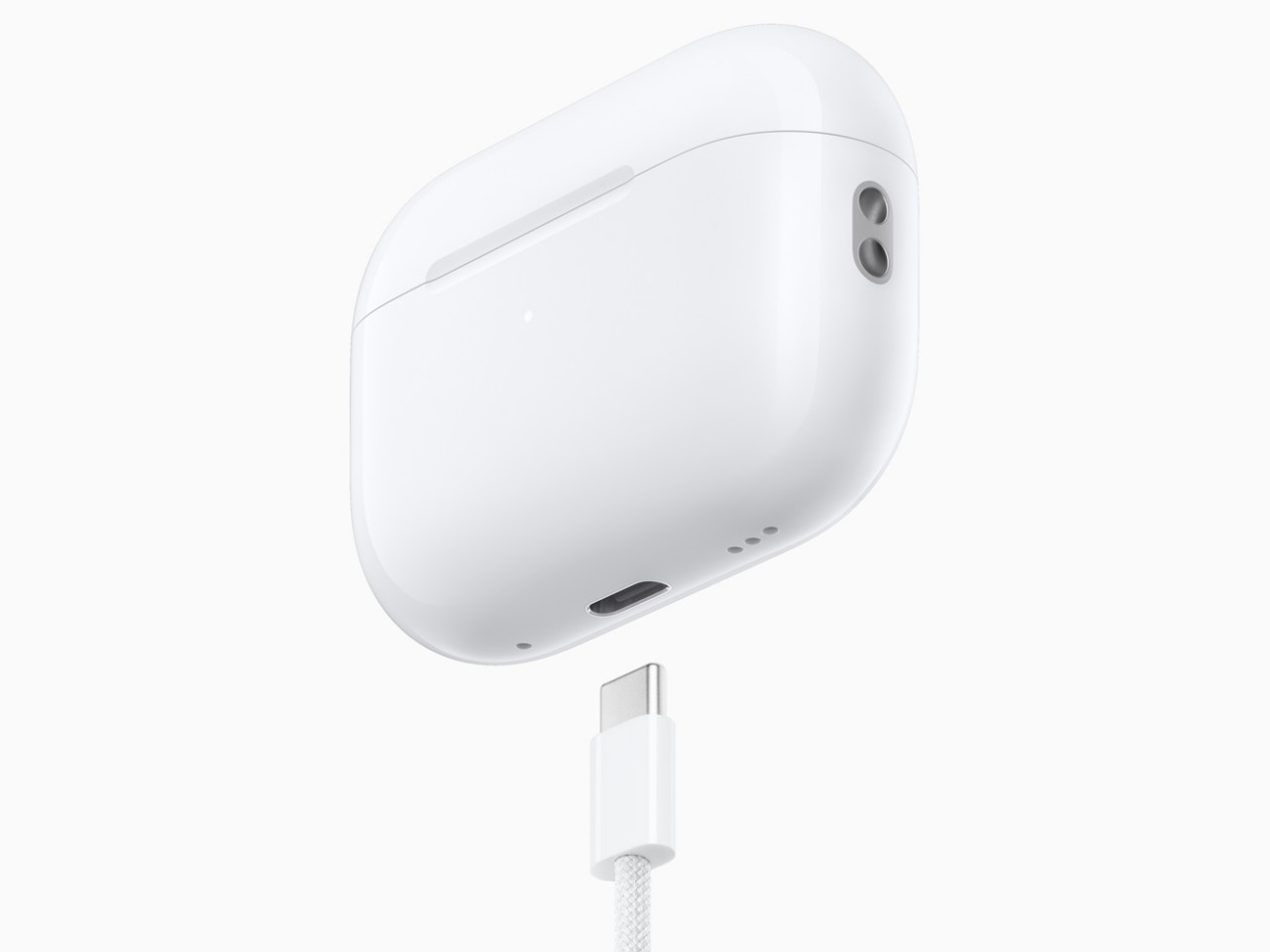
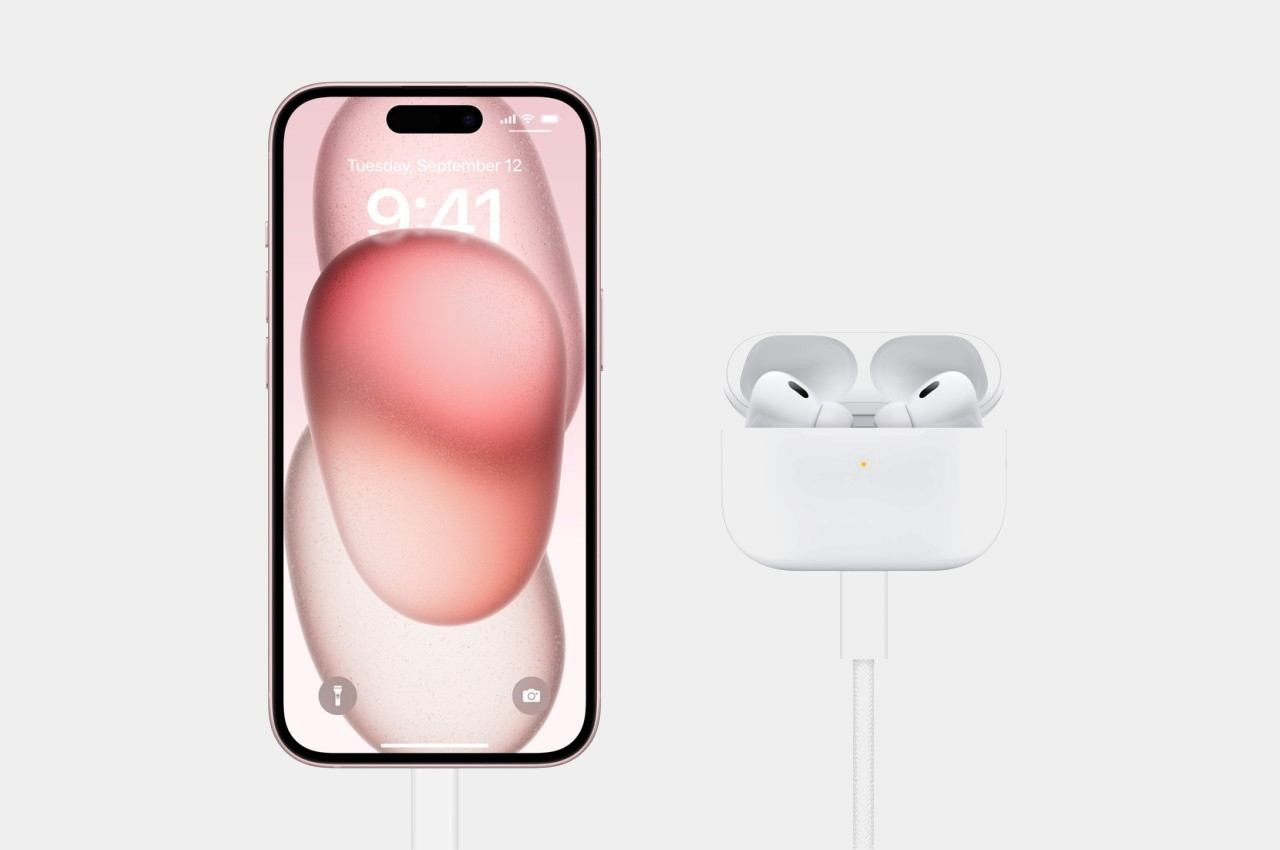
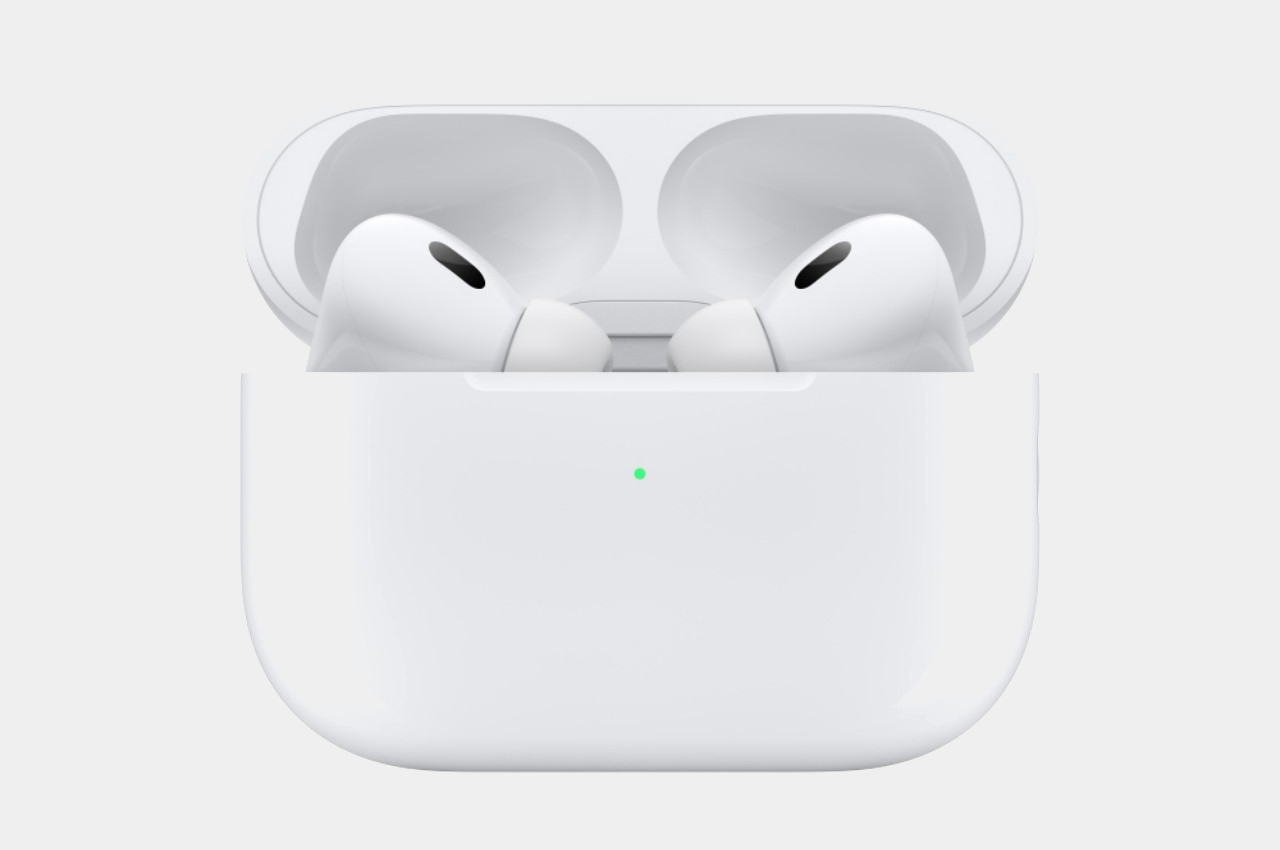
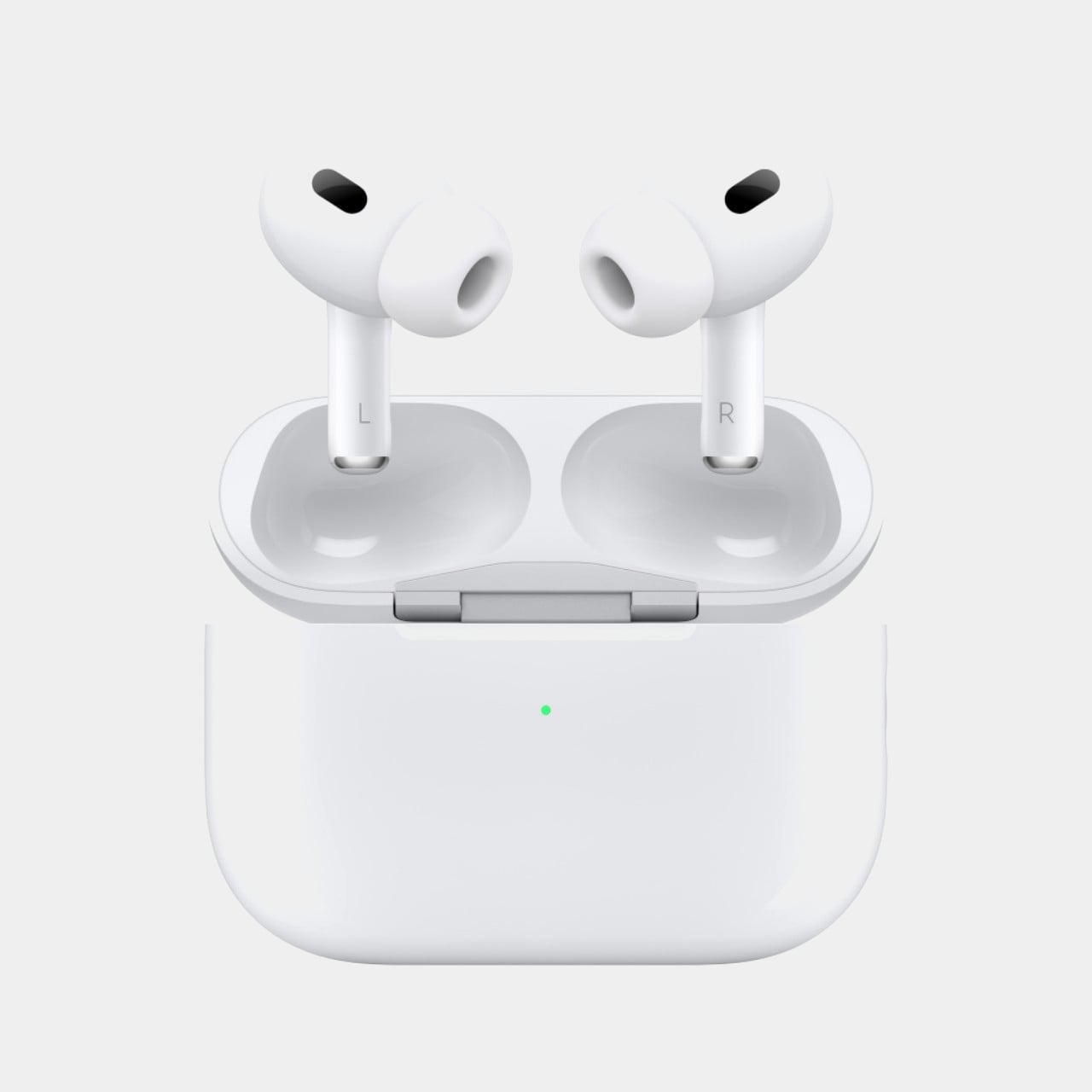
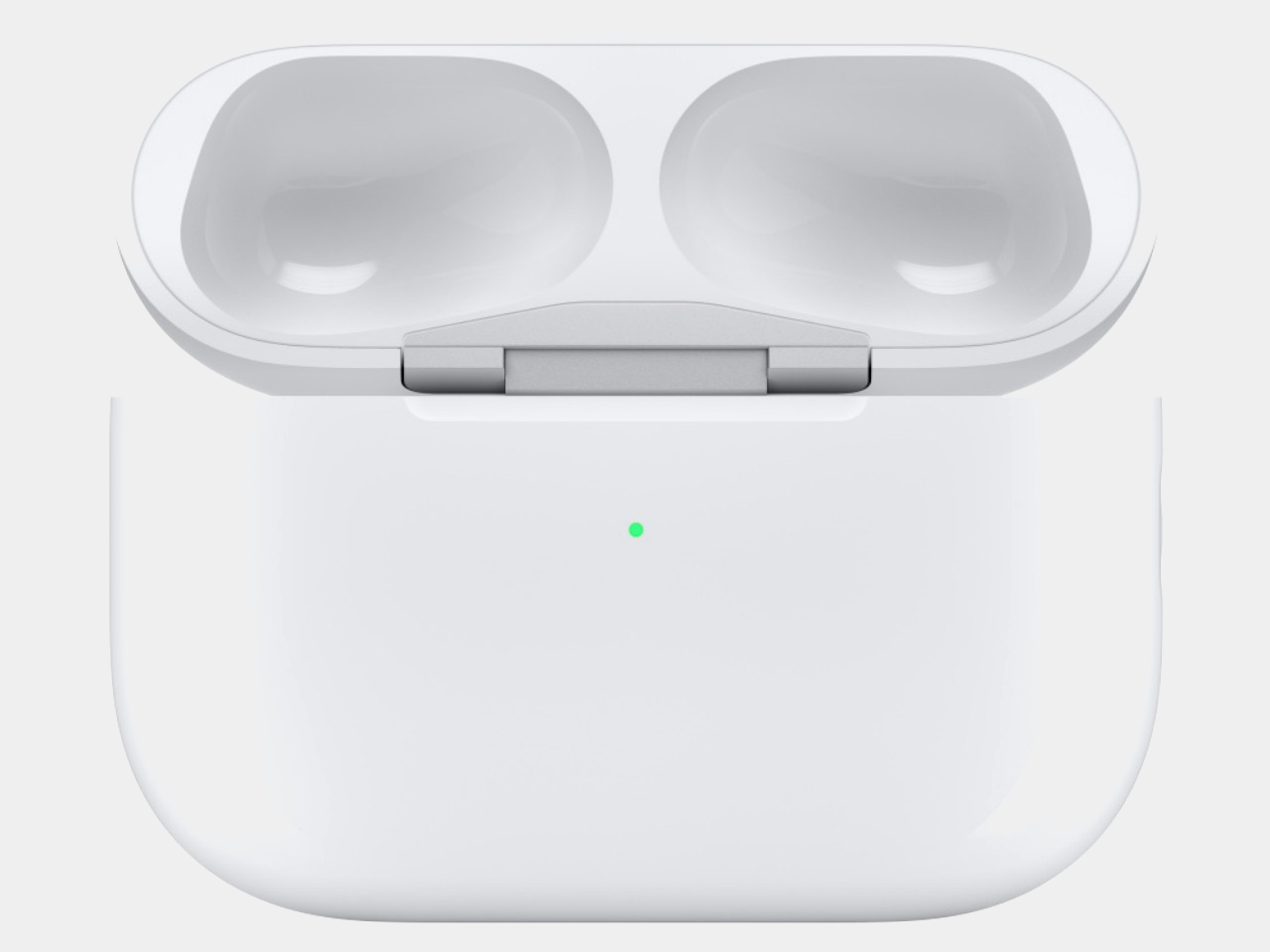
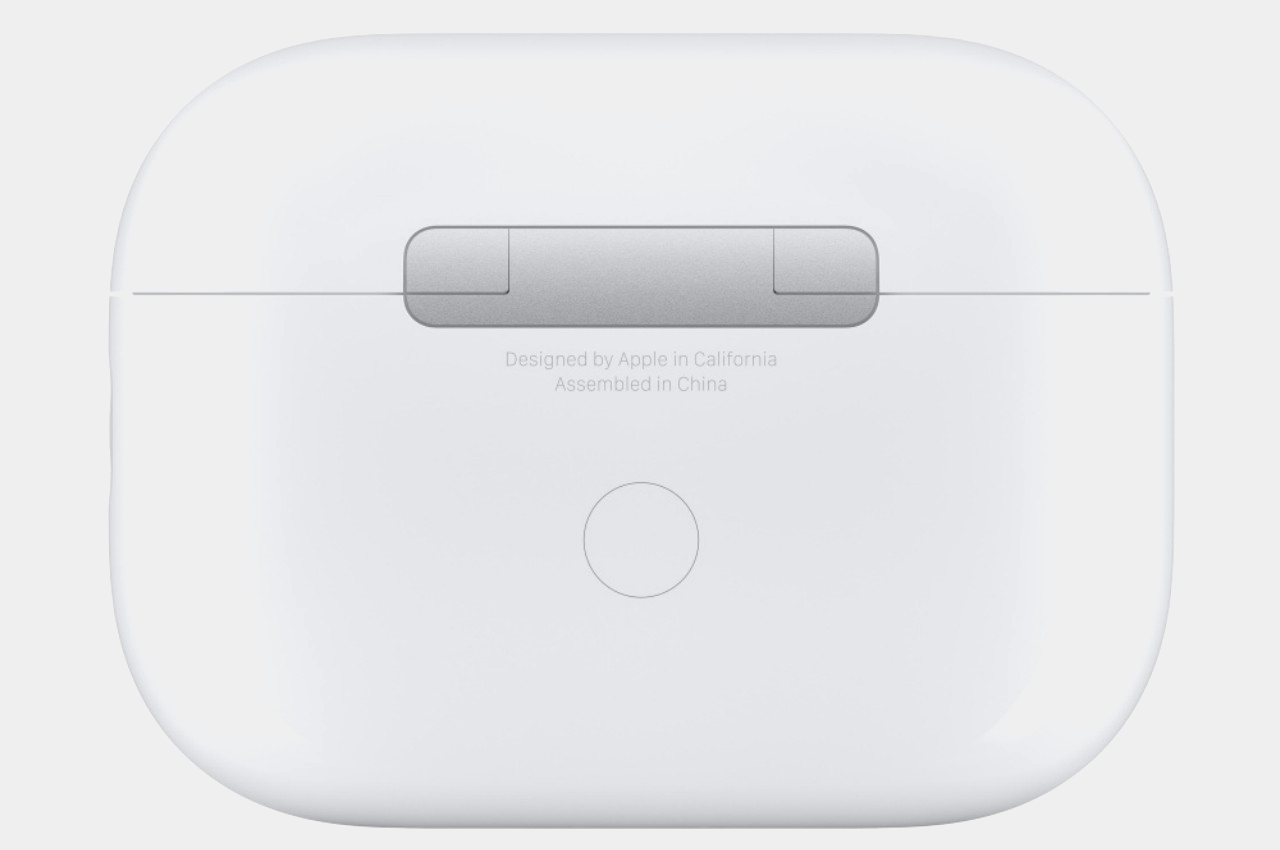
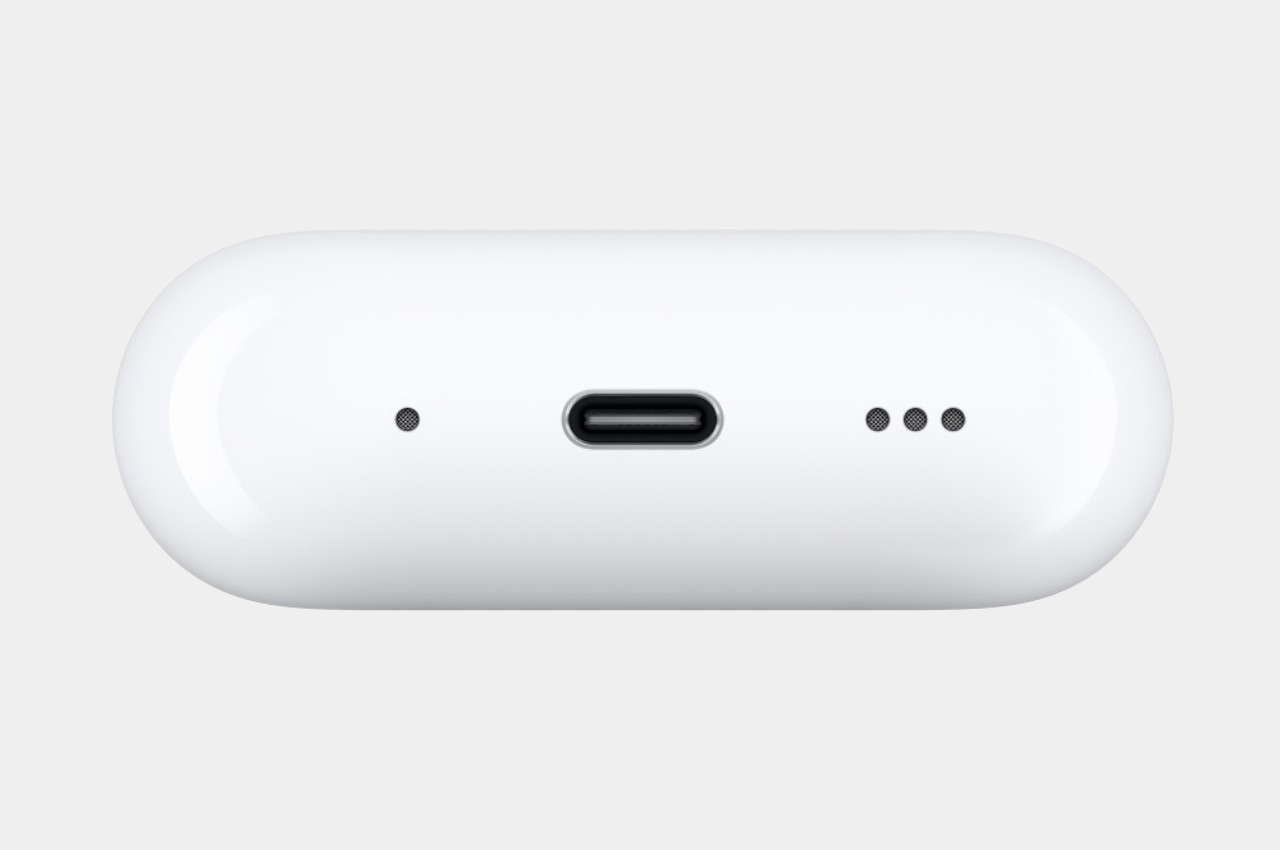
The newest iPhones have finally jumped on the USB-C bandwagon, but there are still a few Apple products that still cling to the older Lightning technology. That includes all iPhone models before the iPhone 15, older iPads, and the majority of charging cases for the AirPods. A few months back, Apple did release a version of the 2nd-gen AirPods Pro with a USB-C charging case, but you’ll have to buy the whole set to enjoy this upgrade, both earbuds and charging case. If you already have a 2nd-gen AirPods Pro that came with a Lightning charging case, however, you can now just buy the USB-C case on its own, but the price tag on this very optional accessory could have you thinking twice why you’d want to buy one in the first place.

Designer: Apple

To be fair, the USB-C charging case does have a few advantages, though the biggest one would be consistency between the most recent Apple devices. You won’t have to carry a separate Lightning cable, presuming you’ve gone all-in on USB-C already. There’s also this convenient reverse charging feature where you can charge the AirPods Pro case from an iPhone 15 using a USB-C to USB-C cable. Handy in an emergency but not exactly a ground-breaking game-changer.

Given the nearly similar features, the $99 price tag on this standalone USB-C charging case for the AirPods Pro 2nd-Gen might seem a little excessive. It also only makes sense if you already have the Lightning version of these AirPods Pro and only want to enjoy the benefits of USB-C mentioned above. Otherwise, it doesn’t offer any charging speed advantages between these two models and both support the same wireless MagSafe capability.

That said, you might want to upgrade from the 2nd generation Lightning AirPod Pro to its USB-C sibling for future-proof durability and features. The USB-C AirPods Pro 2nd-Gen has an IP54 rating, up from last year’s IPX4, which means it’s better protected against dust and small particles, though it’s still only splashproof rather than waterproof. It will, however, support lossless audio when paired with the Apple Vision Pro headset, at least if you can get your hands on one next year.

The USB-C case itself is also IP54 rated, but you won’t get the dust-proofing upgrade for the earbuds just by switching cases. That makes the standalone case less appealing for the majority of AirPods owners. Then again, there will always be someone who wants a complete and consistent set of products or may have had the misfortune of losing their original charging case. Fortunately, now you won’t have to buy a new set just to replace that.

The post Standalone AirPods Pro 2nd-Gen USB-C charging case might not be worth the price first appeared on Yanko Design.
Samsung Galaxy Buds Poke Ball cases add a fun, eco-friendly twist to wireless earbuds

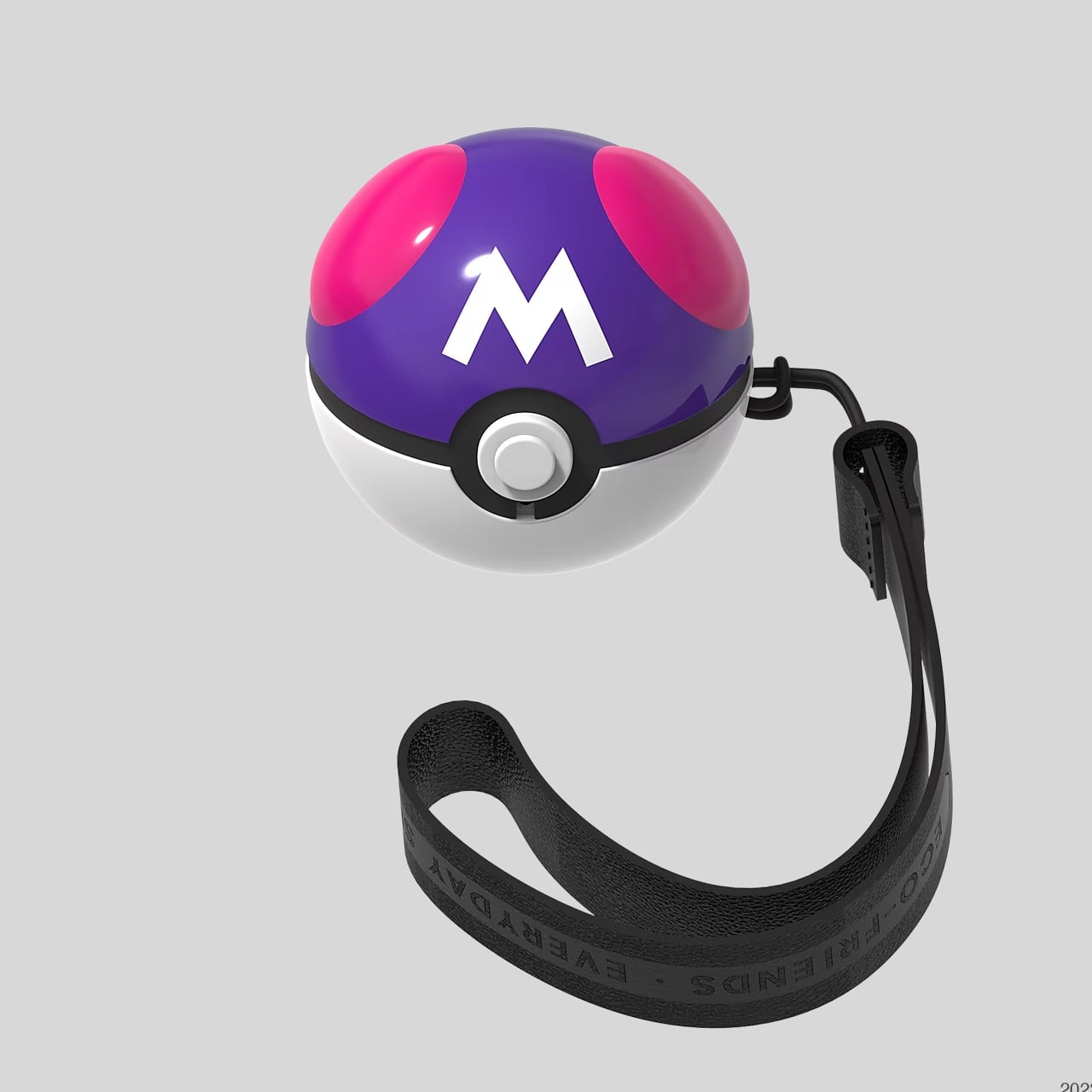
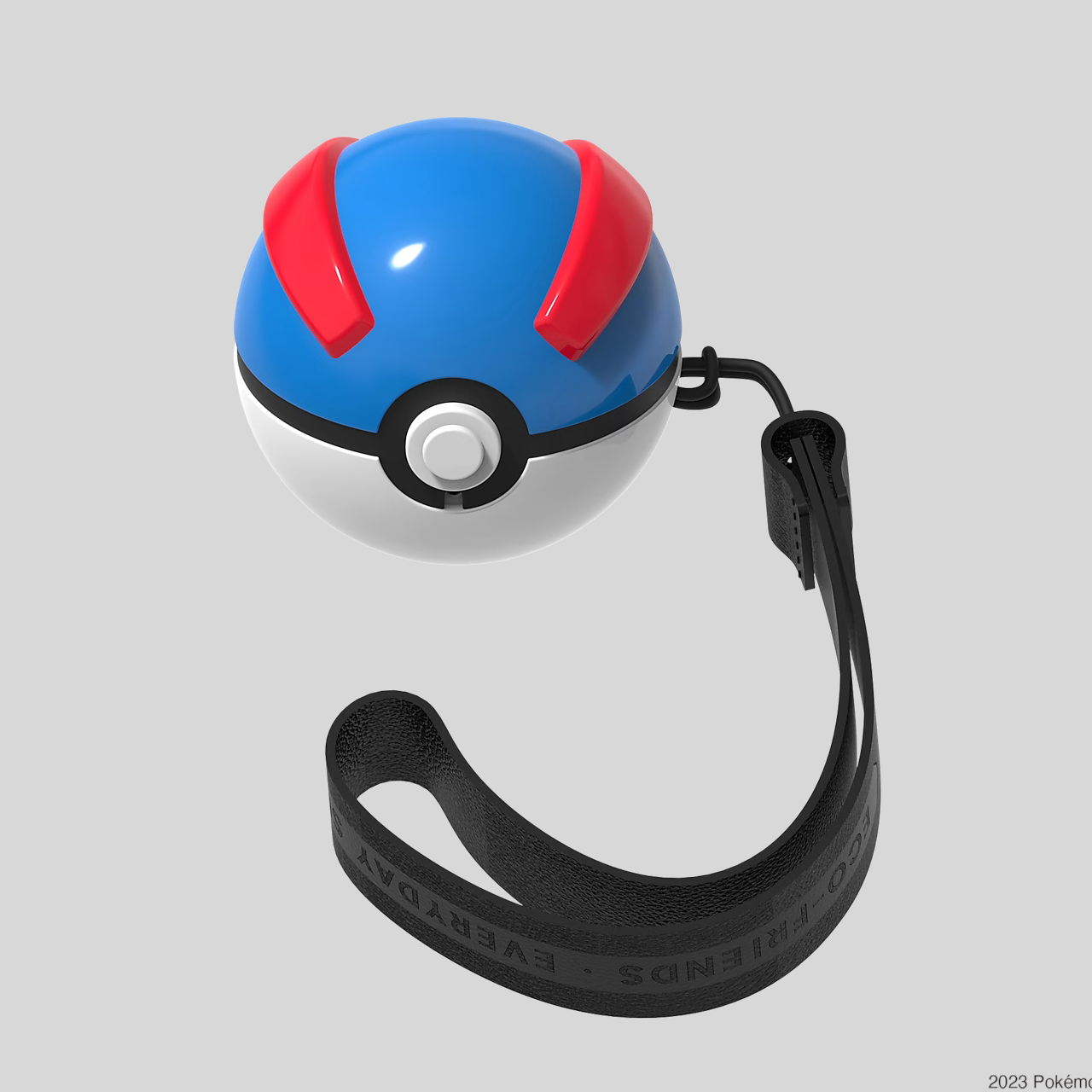
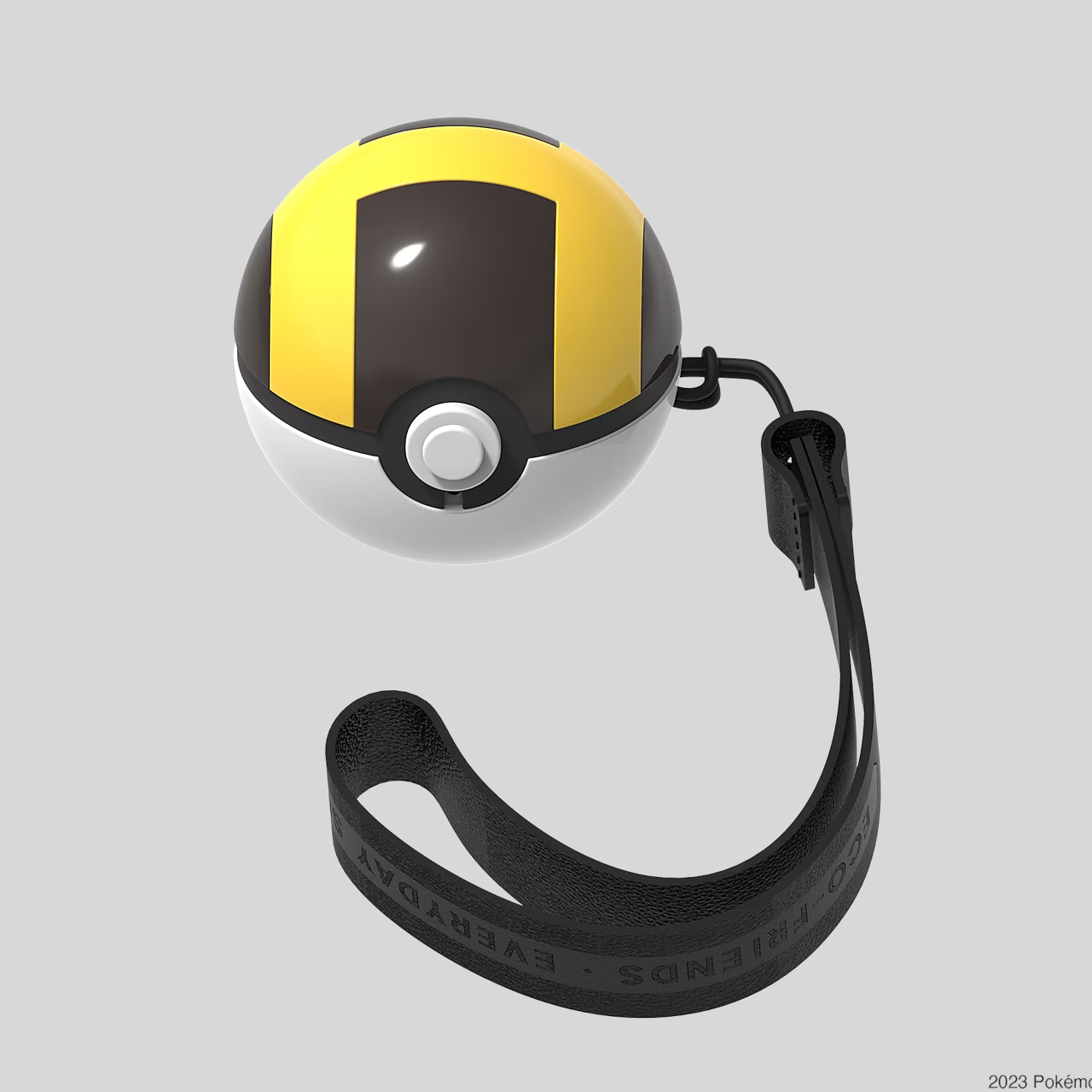
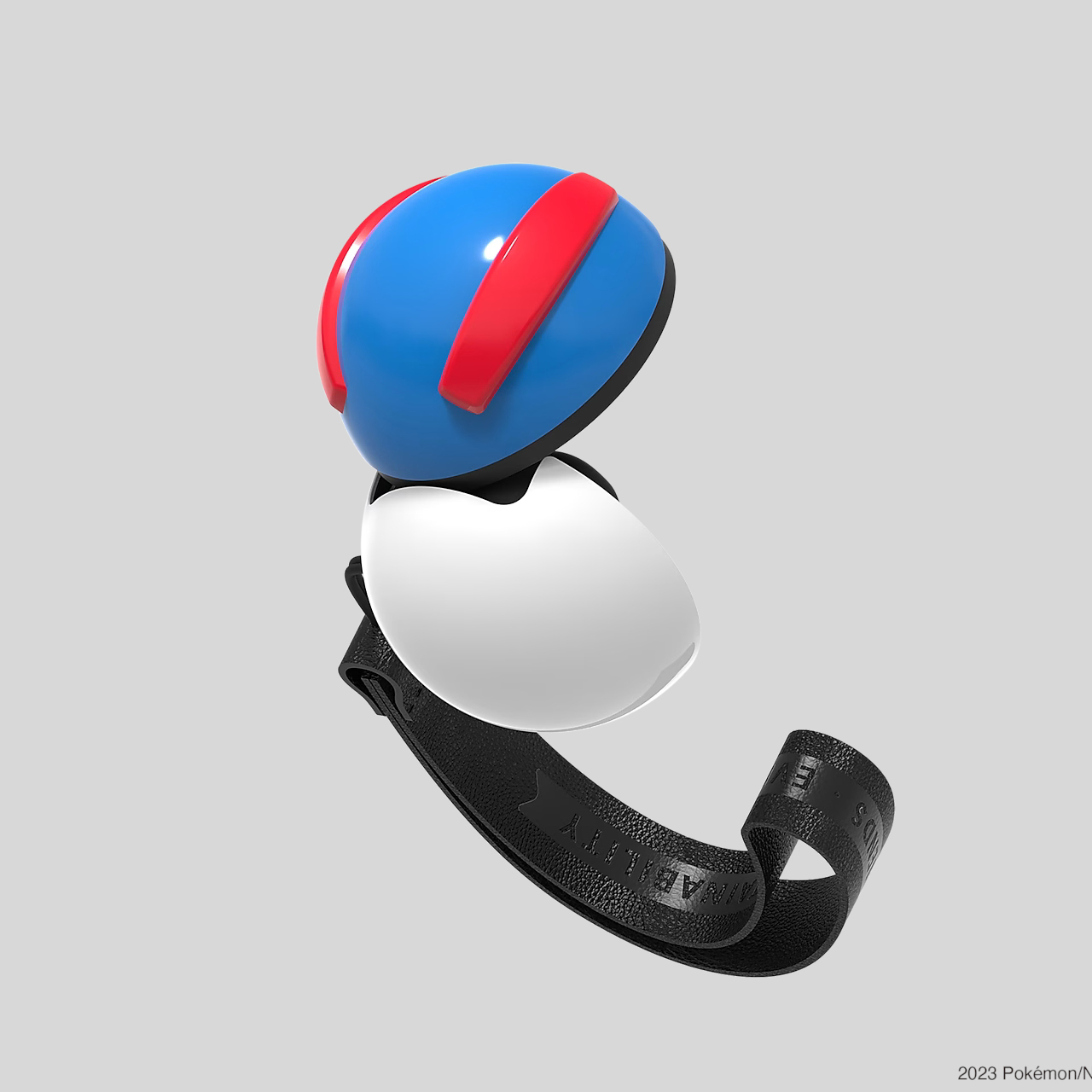
Once frowned upon as a sign of being disconnected from your surroundings, TWS or truly wireless stereo earbuds have now become the norm for smartphone users. They do bring quite a few benefits, like freedom from the tangle of cables, though they also become prone to getting lost easily. They also open up a lot of opportunities as far as design goes, particularly when it comes to brand collaborations. After all, it’s only too easy to slap colors and logos onto these earbuds’ charging cases. A bit more interesting, however, are designs that embrace less conventional shapes or materials, like these cases for Samsung’s line of Galaxy Buds that come in the form of iconic monster-catching balls from the popular Pokemon franchise.

Designer: Samsung

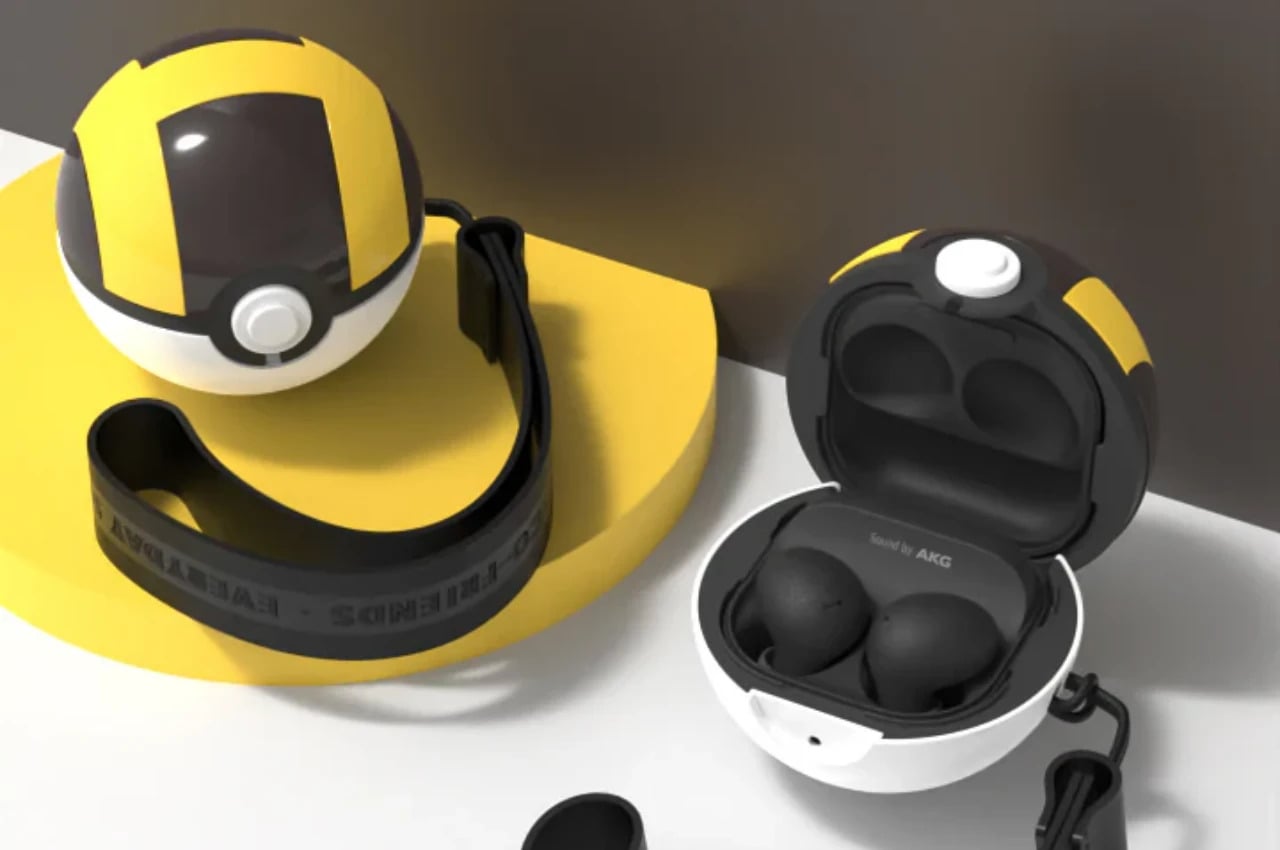
To be clear, these Poke Balls don’t replace the charging cases that Samsung earbuds use. In Pokemon parlance, the original earbuds case would be the Pokemon that would live inside the ball when not in active use. Instead, the charging cases go inside these balls, which solves both the problems of compatibility. In fact, these Poke Balls are compatible with the entire range of Galaxy earbuds, including the Galaxy Buds Live, Buds Pro, Buds 2, Buds 2 Pro, and the recent Buds FE.

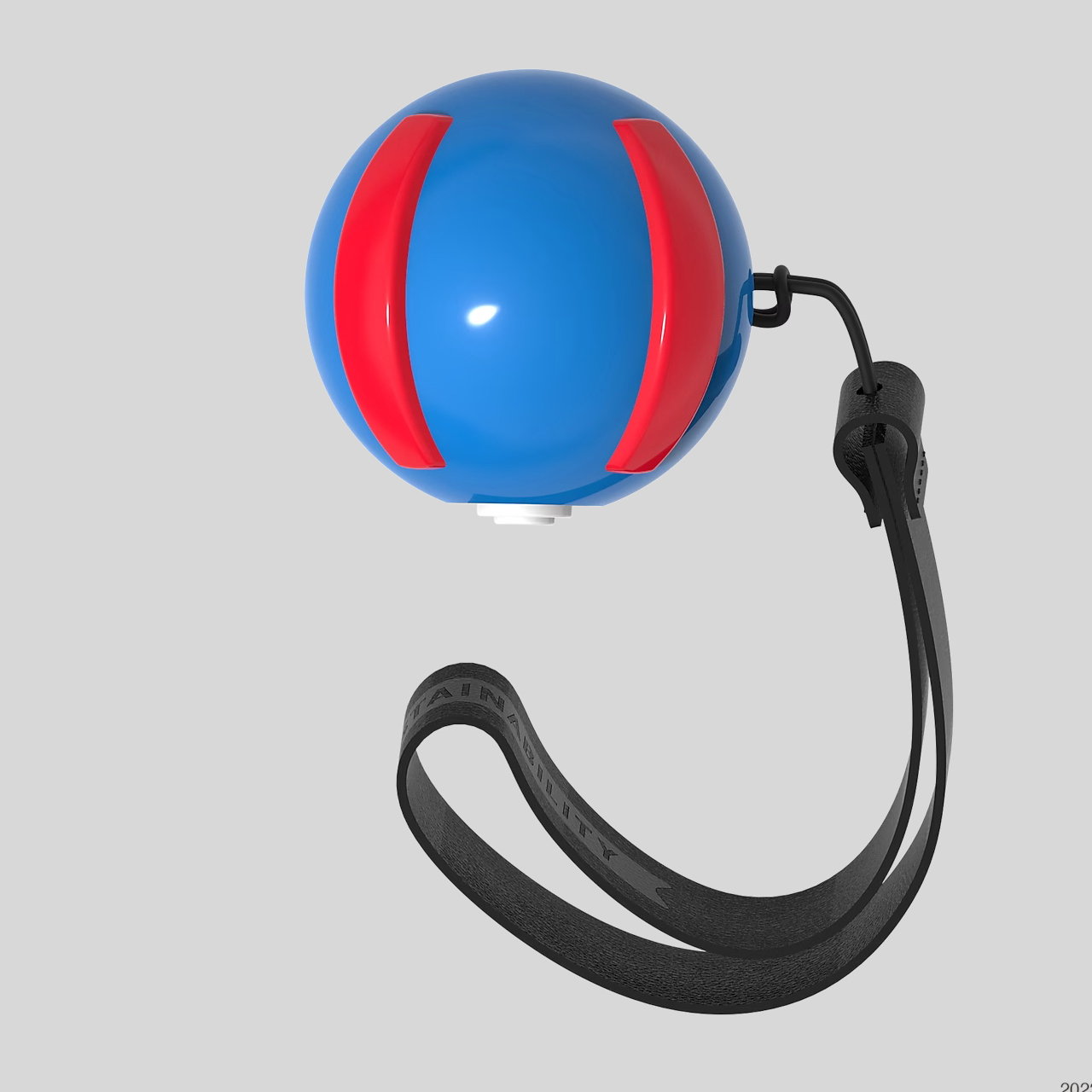
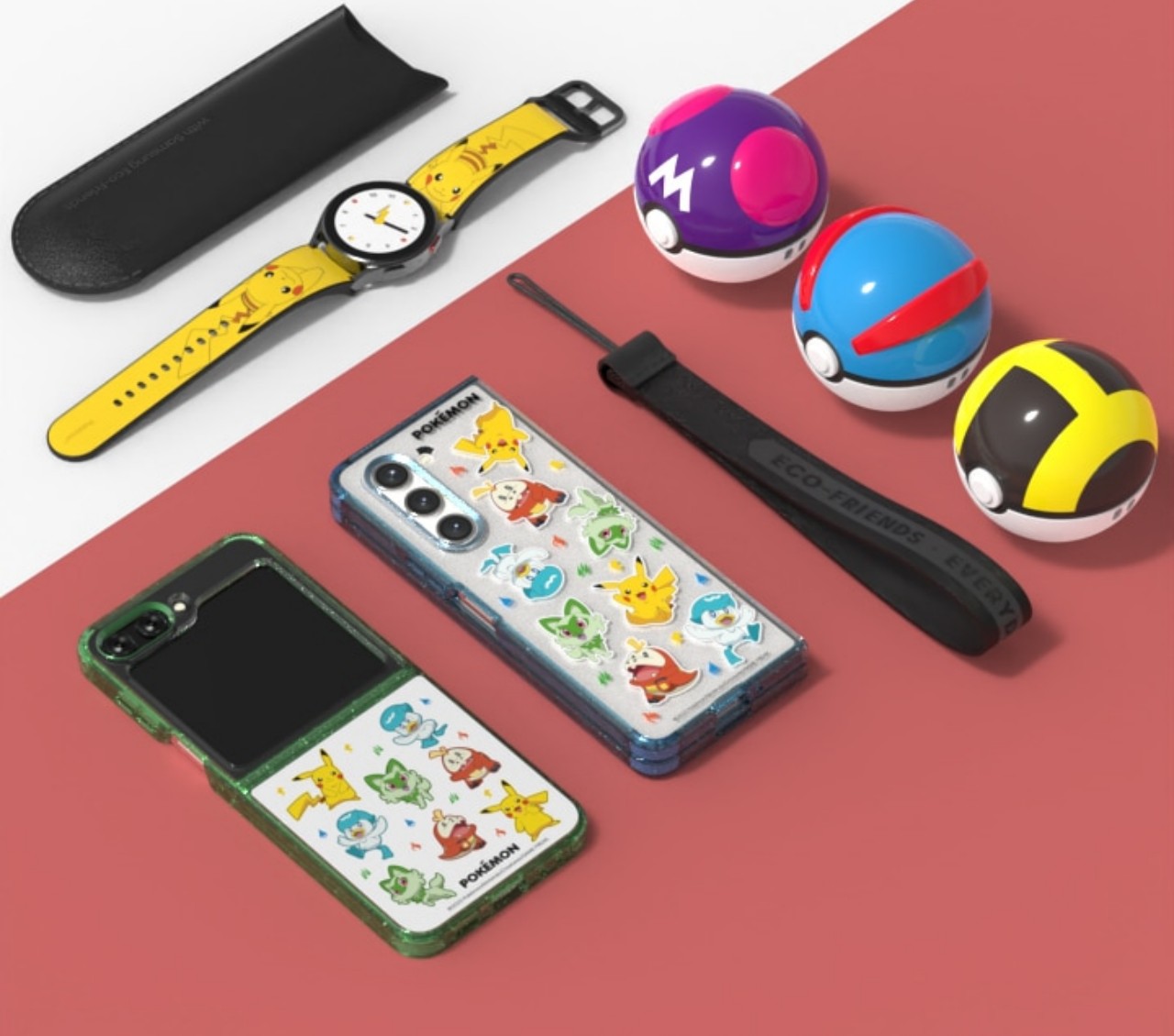
As for the Poke Ball designs, what’s being made available in Europe, particularly in Spain, are the purple Masterball, the blue Greatball, and the Yellow Ultraball. A bit ironically, the classic red and white Poke Ball is not available, which would have been a design that would have immediately identified the spheres as Poke Balls rather than just some random toy. That was actually the first design that was launched, so it might make its way to other countries at some other point in time.

This, after all, isn’t the first time that Samsung and The Pokemon Company collaborated on Pokemon-themed accessories and devices. What makes this particular set of Poke Balls, however, is that it’s a part of a range of eco-friendly accessories that use recycled materials rather than virgin plastic. Whether these make their way to other markets, only time will tell.

As endearing as these designs might be to Pokemon fans, there are a few practical drawbacks that interested buyers must be aware of. First is that the earbuds will no longer be easily pocketable when in the Poke Balls because unlike in the animated show, these don’t shrink to tinier sizes. The second is that the balls themselves don’t have built-in batteries or ways to charge the cases inside, which means you’ll have to take out the charging case if you need to top it off.

The post Samsung Galaxy Buds Poke Ball cases add a fun, eco-friendly twist to wireless earbuds first appeared on Yanko Design.
Attach a faux Game Boy magnetic wallet to your iPhone

A lot of “vintage” gadgets and devices are back but not everything is in their original iteration. Not all of these are still working per se since there’s a reason why they became outdated but that doesn’t mean they can’t come back in one form or another. A lot of these older gadgets are now being retrofitted as design concepts. So if you see someone walking around with a Game Boy attached to their phone, that’s not really an actual Game Boy.

Designer: elago

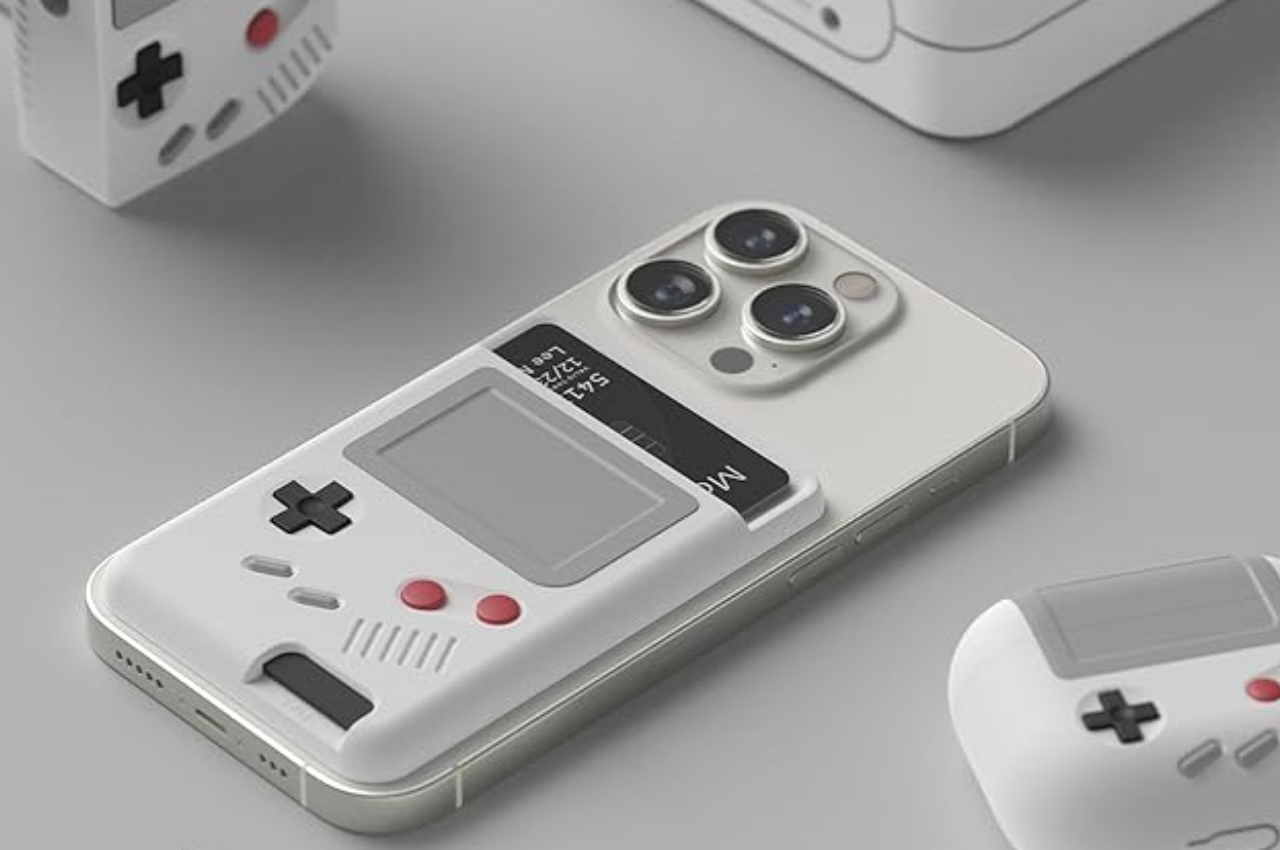
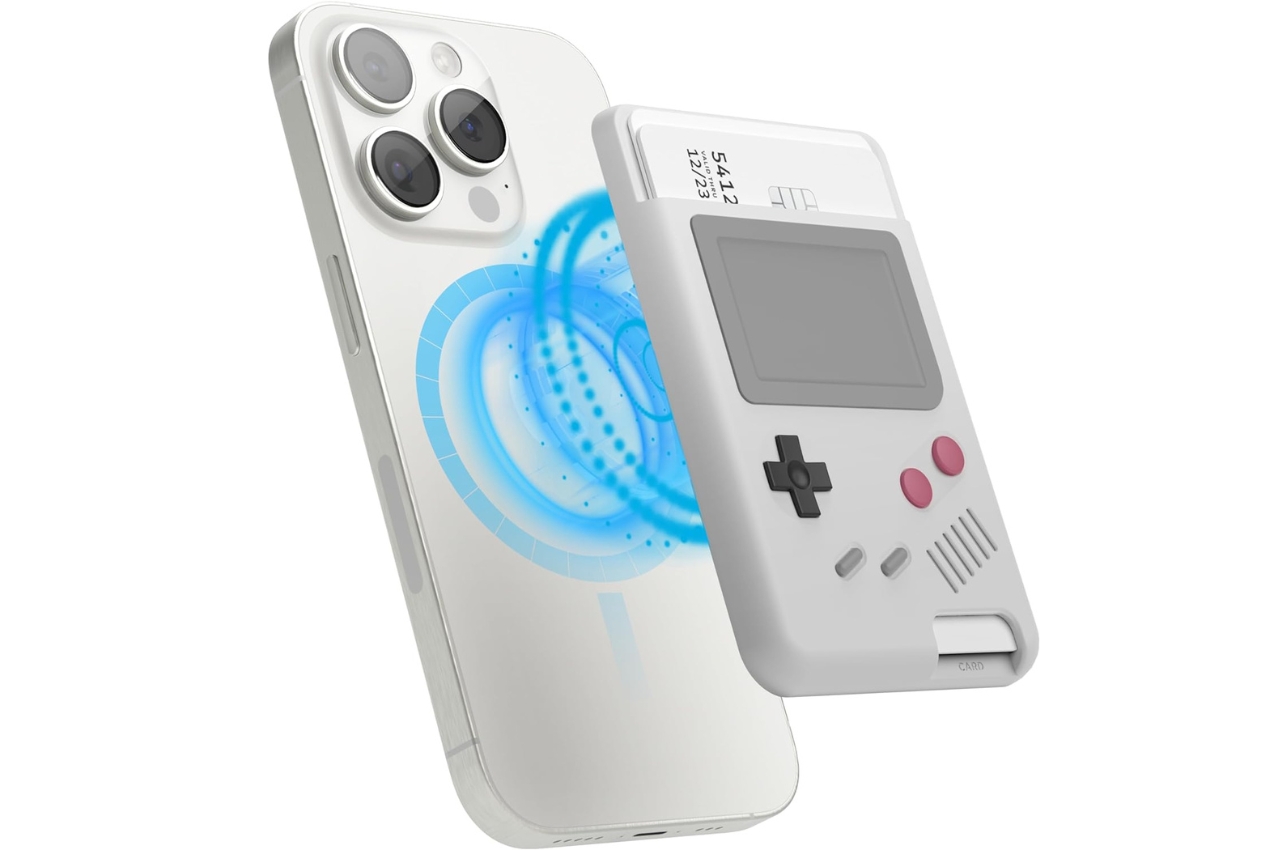
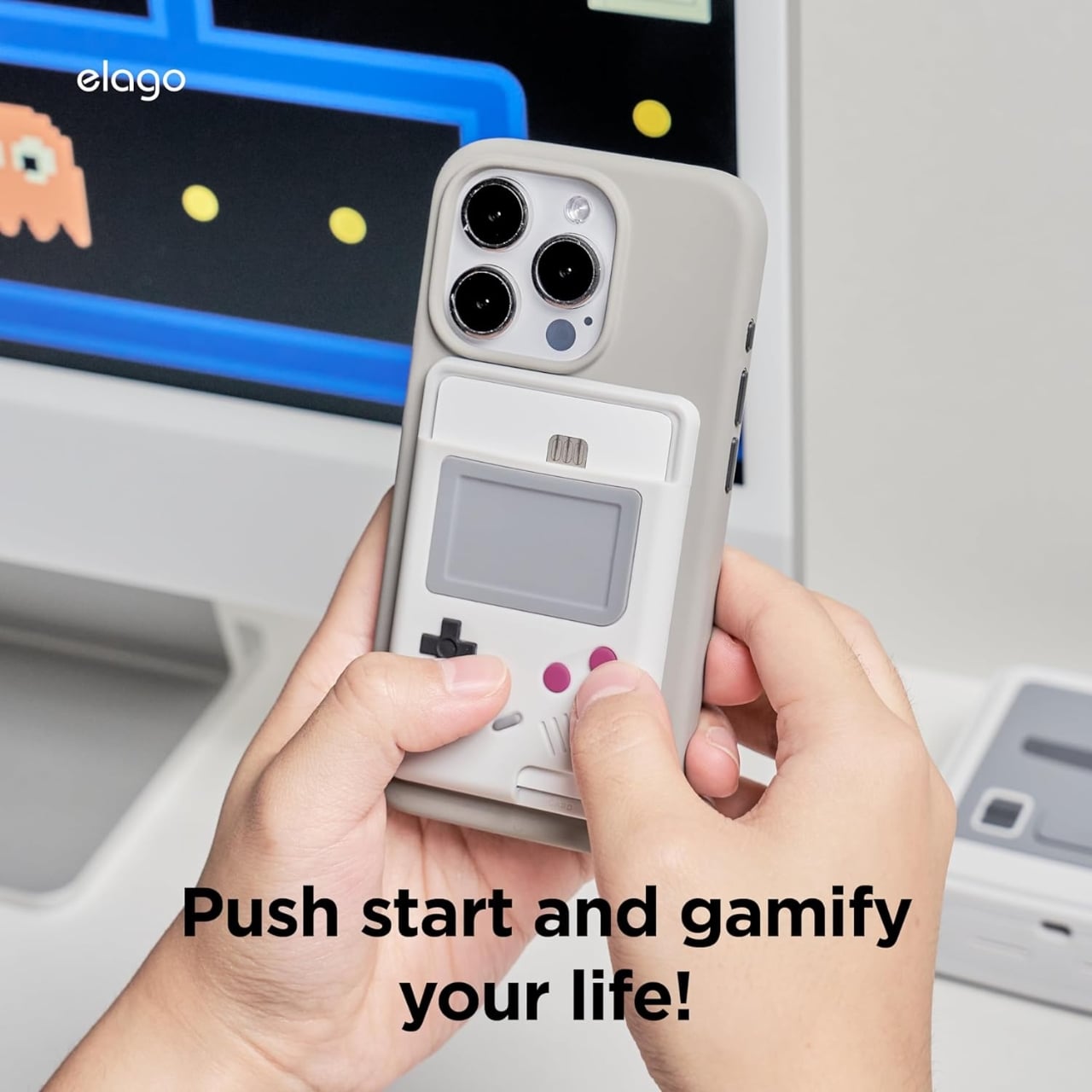
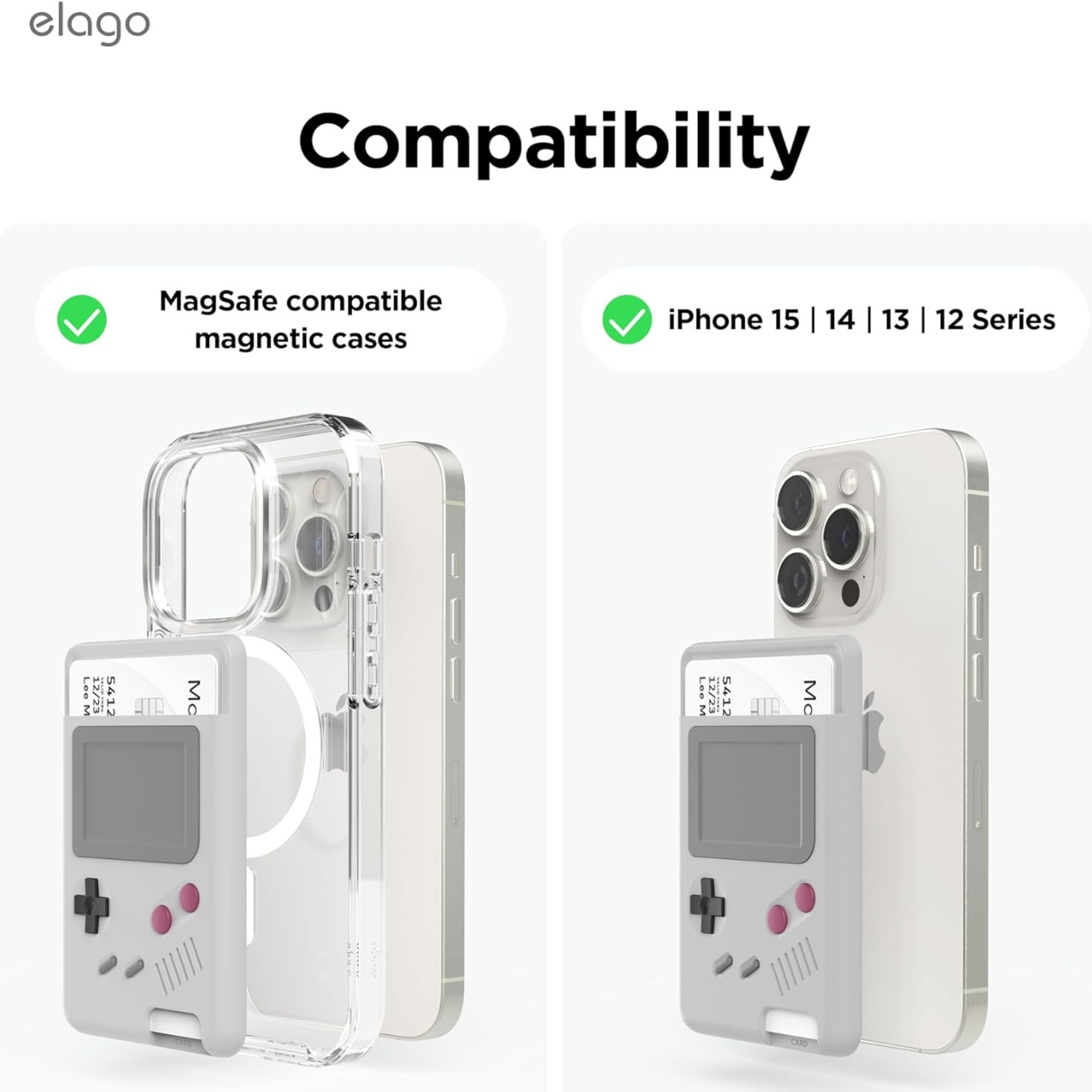
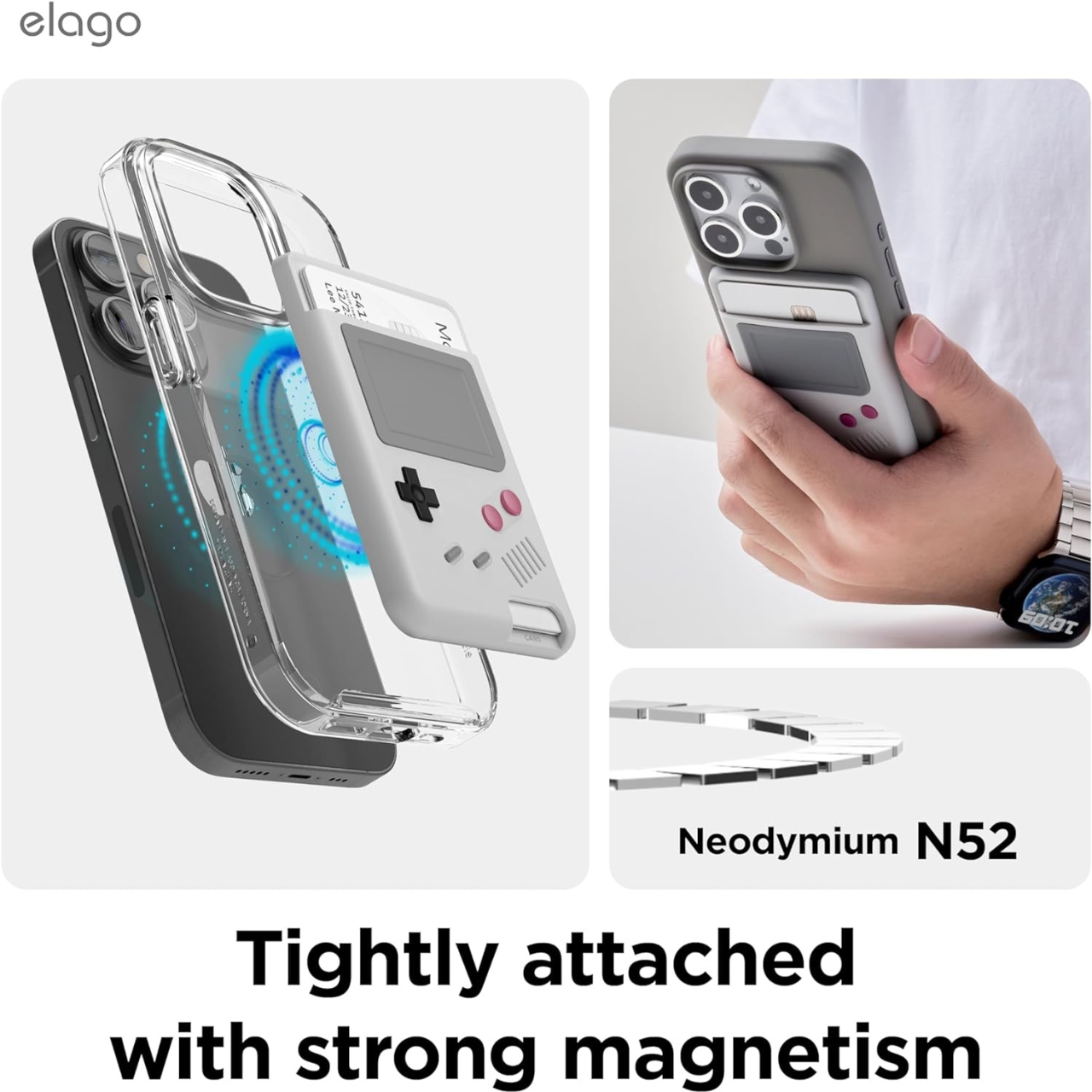
The latest addition to elago’s Nintendo themed Apple accessories is the Game Boy MagSafe wallet, which is exactly what its name says. It’s a magnetic wallet that you can snap on to the back of your MagSafe iPhone (from the 12, 13, 14, and 15 series) where you can store up to two cards. It has RFID blocking material so yur cards will not be affected by electromagnetic waves.

What makes this silicone magnetic wallet unique is that its design is inspired by Nintendo’s Game Boy which will bring on the nostalgic feels for anyone who has played this classic gaming console at one time or another. From the display to the red buttons to the D-pad to the start and select buttons, it has captured the exact design and vibes of the typical Game Boy that we used to know and love.

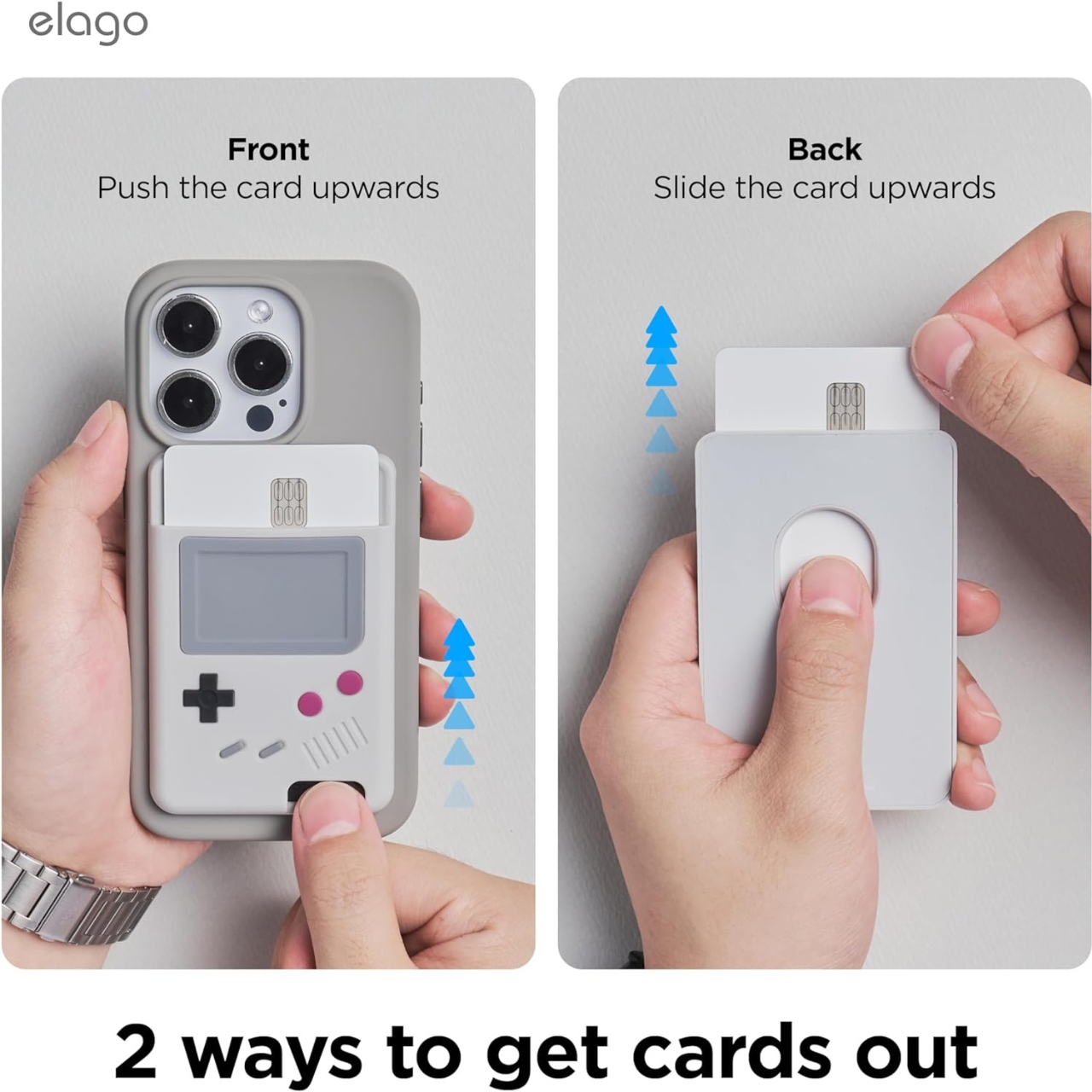
Since it’s actually a wallet for your two cards, it has a button that will help push the cards out. And since you also have to hold both the phone and attached Game Boy Magsafe wallet, there’s a groove near the bottom so you’ll have a good ergonomic grip. It’s now available for purchase at just $19, if you want to make your iPhone look cooler.

The post Attach a faux Game Boy magnetic wallet to your iPhone first appeared on Yanko Design.
This compostable iPhone case can be potted to grow plants and flowers

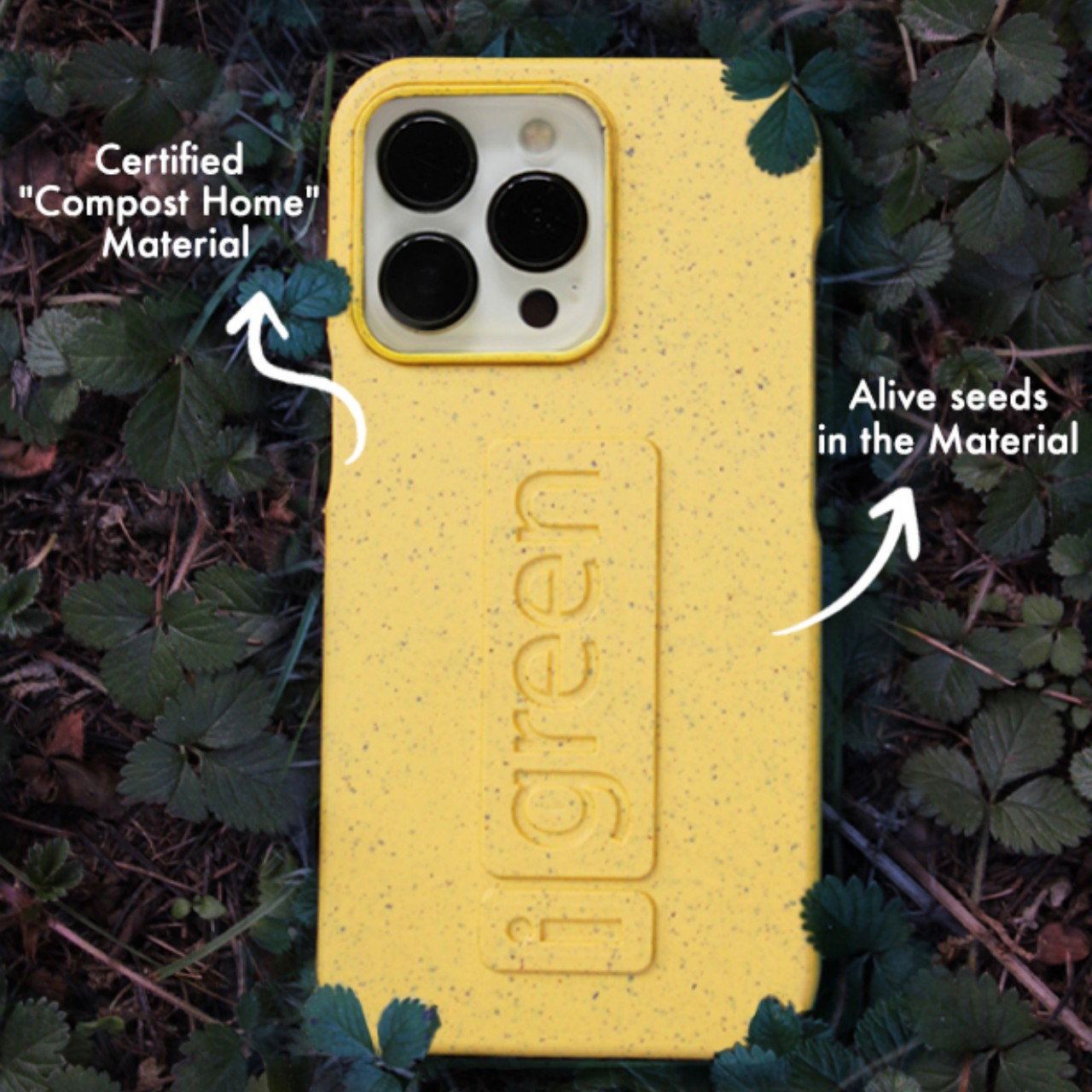
Although smartphone manufacturers design their phones to be durable and resilient, a lot of owners still fret over the safety of their expensive purchases. Phone cases are a dime a dozen, but while that might be good for variety and choice, it’s terrible for the planet. These accessories are almost all made from some form of plastic or another, and they get discarded left and right the moment they become discolored or damaged. Very few manufacturers pay close attention to this aspect because of how protective cases have to be made cheap and plenty. Fortunately, there is a number that does take that responsibility quite seriously, producing this revolutionary iPhone case that you can plant in the soil after it has reached its end of life to watch it grow into new life as plants and flowers.

Designer: iGreen

There’s no rule that phone cases have to be made from plastic or plastic-like materials, they just happen to be cheap, durable, and long-lasting. They’re not immortal, of course, and once cases break or get discolored over time, they’re completely useless and have to be thrown out. That’s not even considering perfectly usable cases that are disposed of simply because they are no longer attractive or match the owner’s interests. Some manufacturers do have programs for recycling the plastics in these cases to make new cases, but iGreen Gadgets actually has an even more creative use for these discarded accessories.

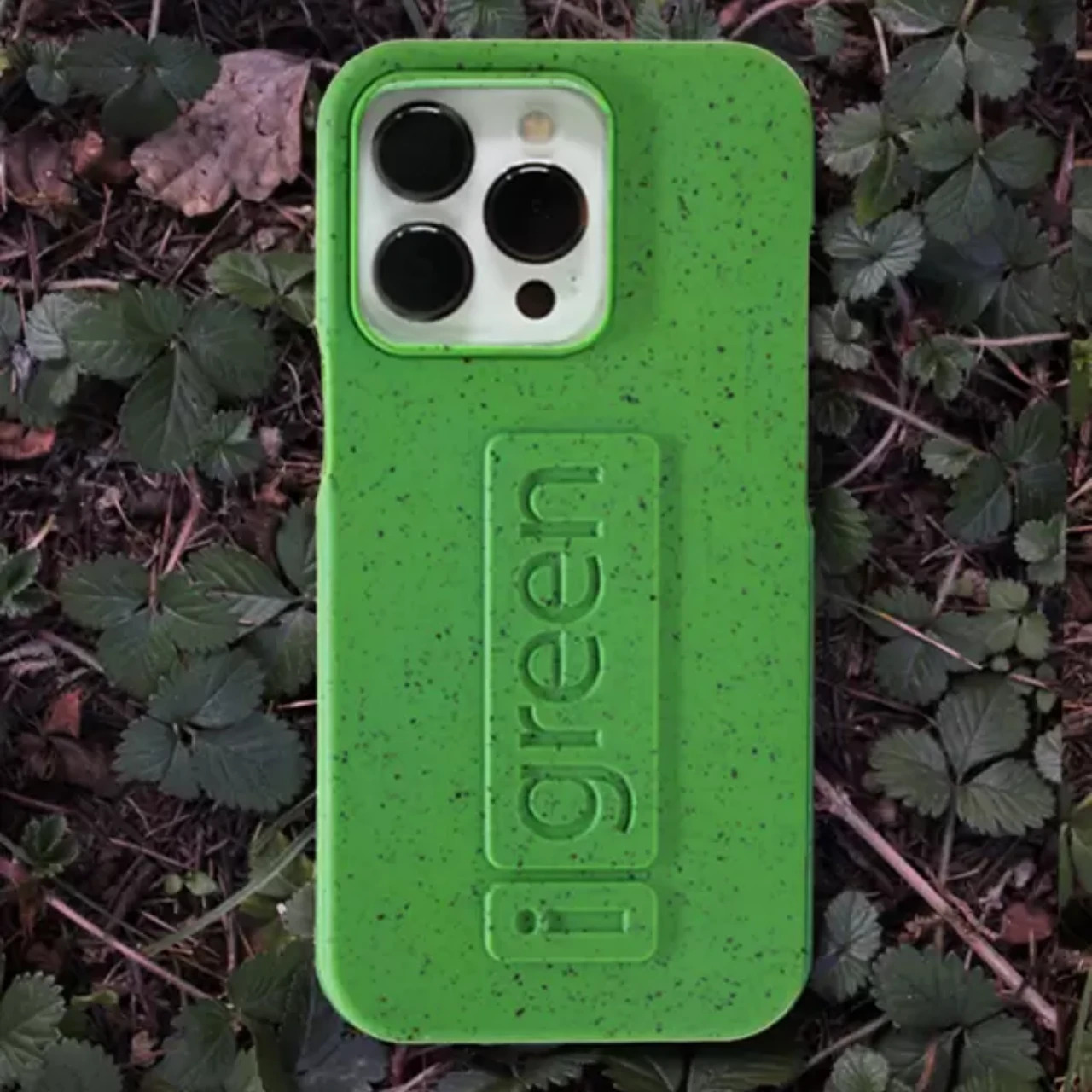
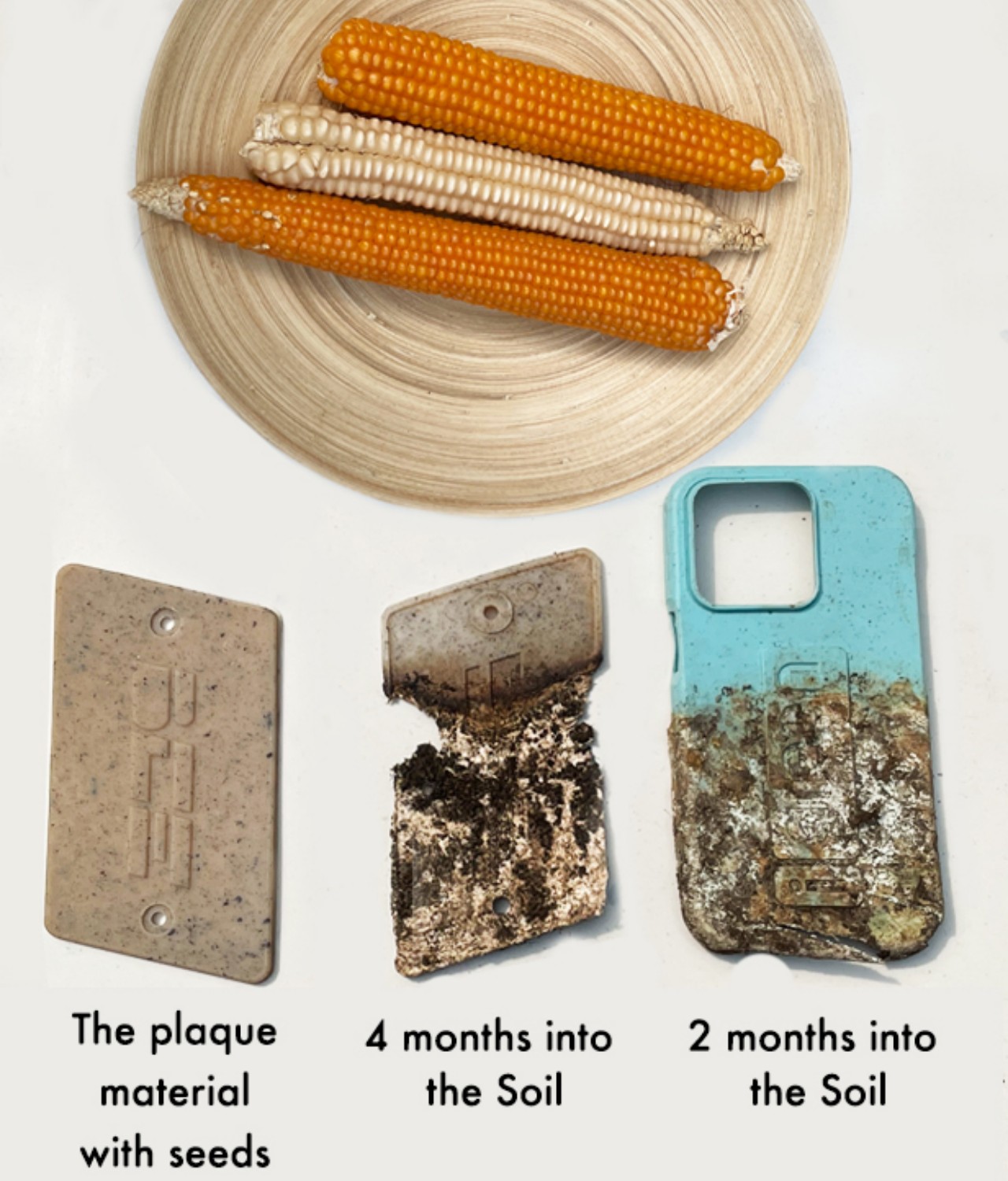
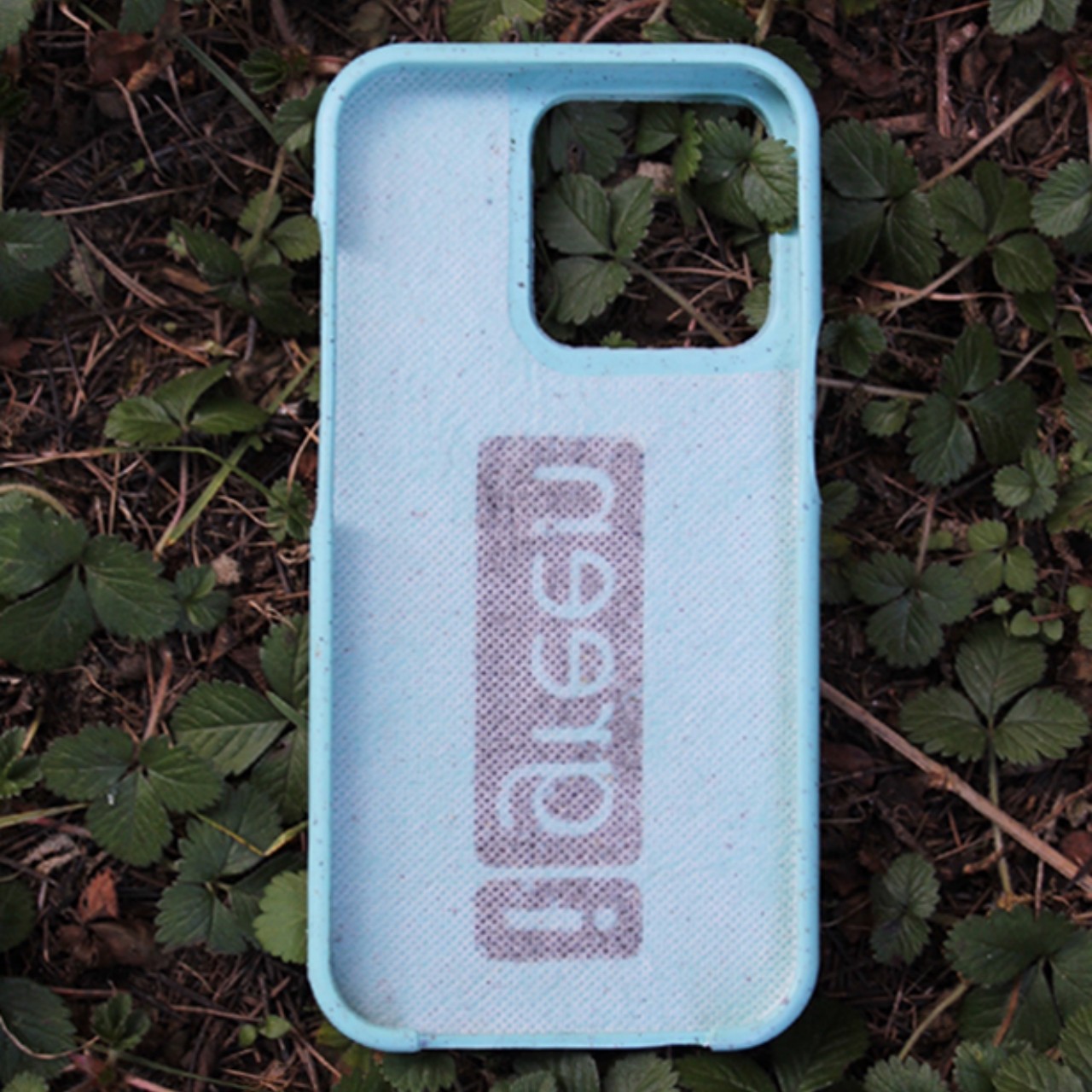
For starters, the case is 100% compostable, so it will decay and dissolve into the earth when buried. The material is based on cornstarch, a very common biodegradable substance that’s also used in many plastic alternatives. Even the powder used to produce colors is also naturally based. Despite its completely biodegradable nature, the cases still provide the necessary protection your iPhone needs to survive accidents and avoid an early retirement in landfills.

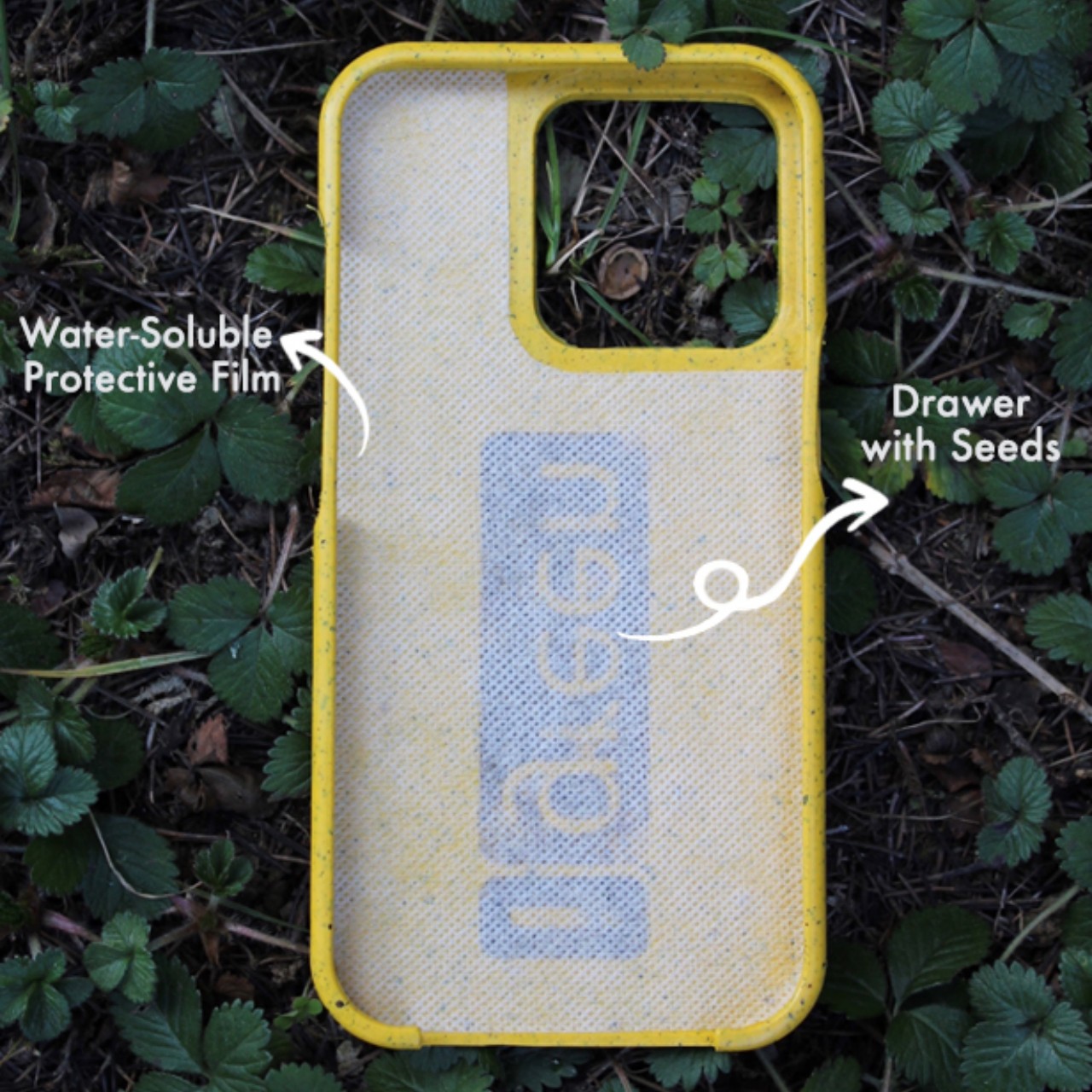
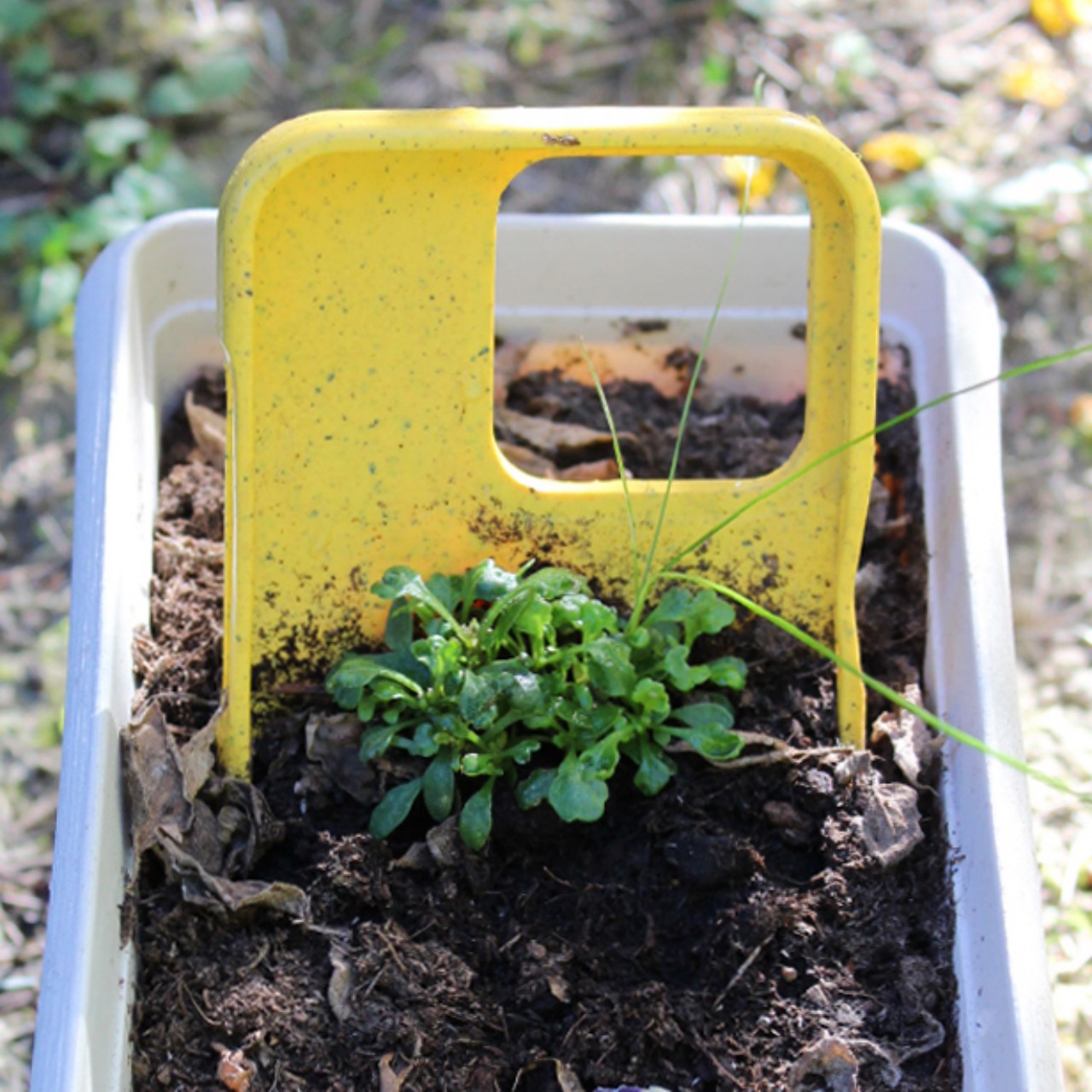
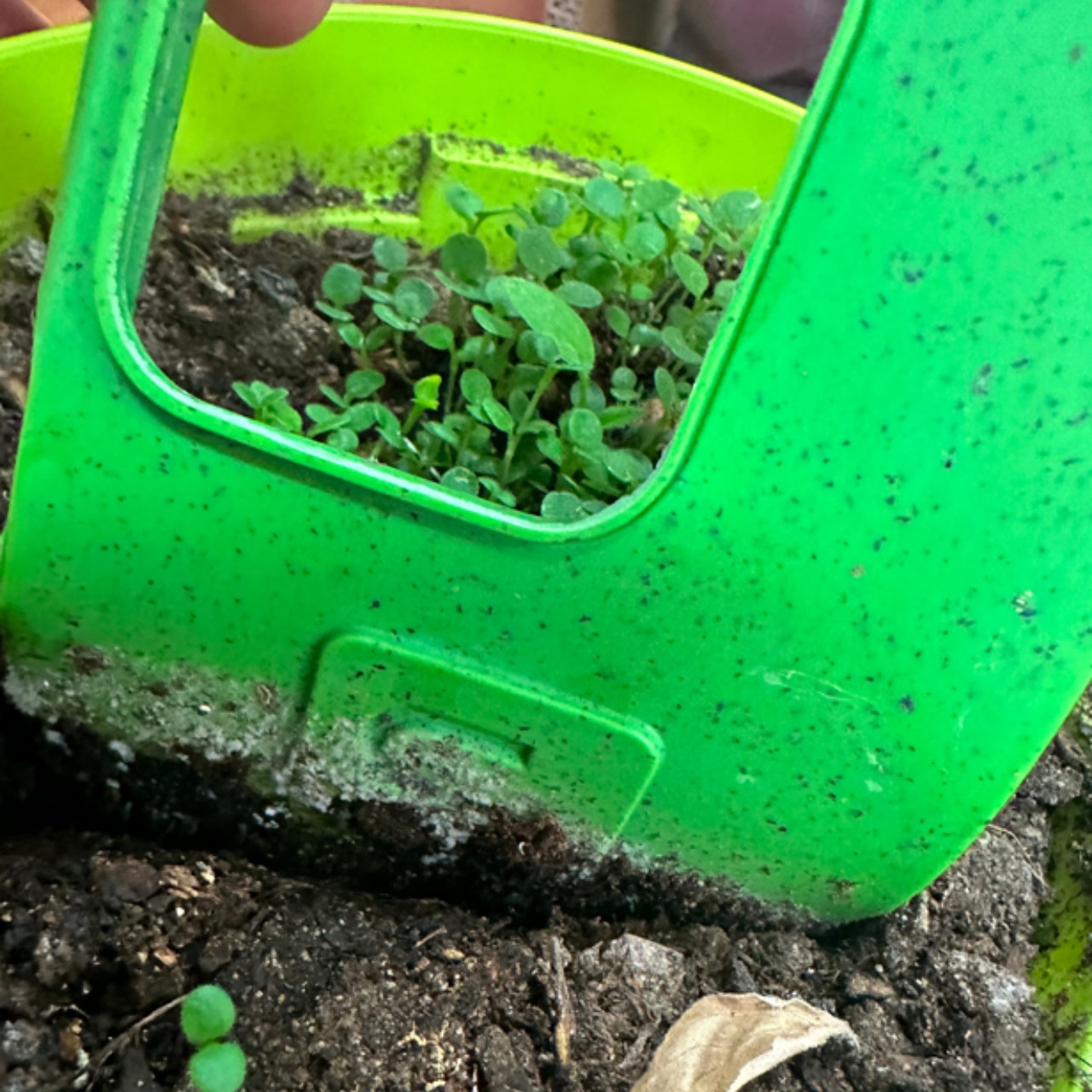
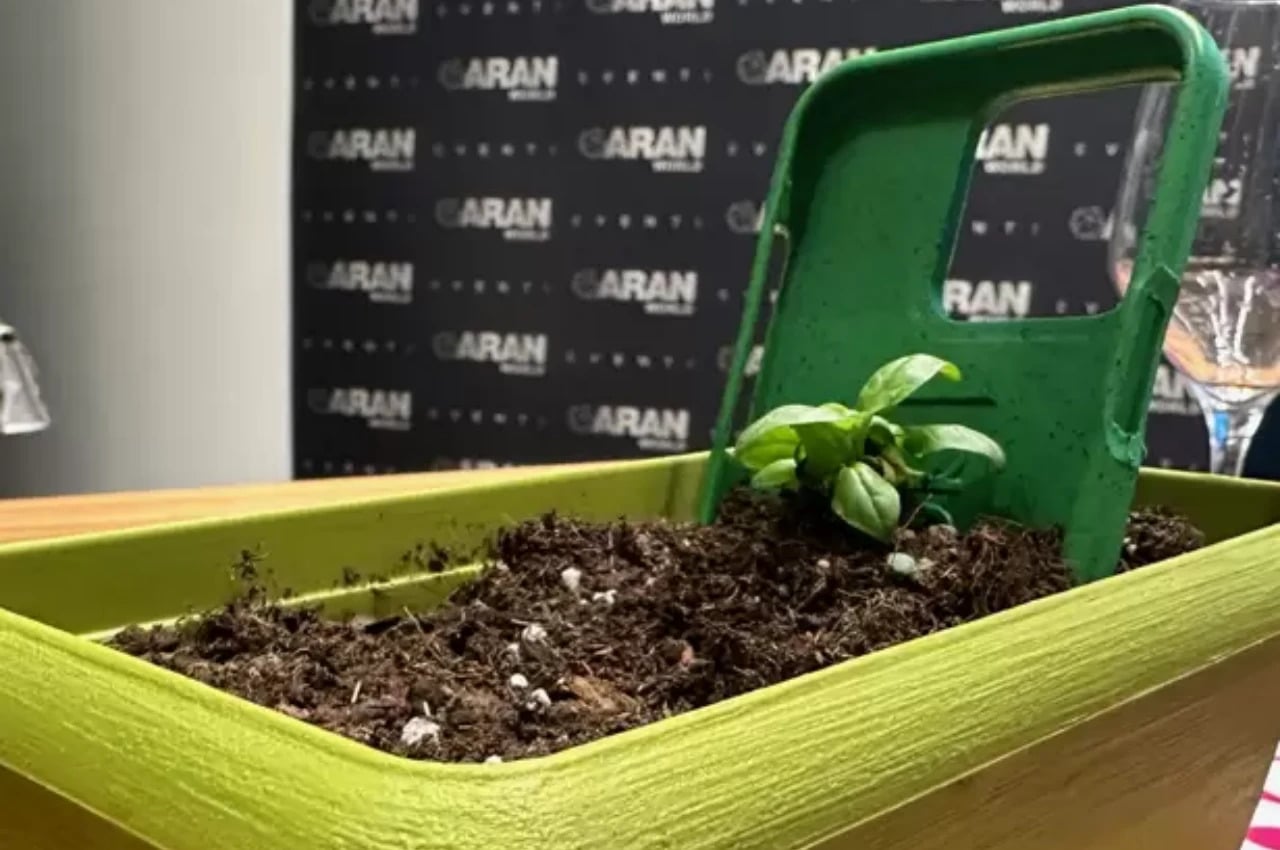
The difference from other bioplastic cases is that each iGreen Cover case contains living seeds protected by a special water-soluble film inside the cover. Once the case has served its purpose, you simply have to plant it in a pot at a 30-degree angle with the inside of the cover facing up. You cover it with soil while leaving the upper half of the case exposed, water it, and expose it to sunlight, and within a few weeks, you will be able to witness your phone case transforming into plants.

Different case colors hold different kinds of seeds. Green will grow basil, yellow for daisies, and light blue for Forget-me-nots. The case itself, specifically the cornstarch, contains everything the seeds need to survive inside the case and then grow once planted. The plants that grow won’t be that practical. The flowers are mostly decorative, though basil can probably be used for cooking. Still, it’s a rather ingenious and creative way to reuse a product that’s often discarded mindlessly, turning a planet-killer into a plant-grower.

The post This compostable iPhone case can be potted to grow plants and flowers first appeared on Yanko Design.
This Official Backbone One Carrying Case Is Sleek and Convenient

The rise of remote gaming in the early 2020s introduced the ability to play full-scale console and PC games remotely on mobile devices. Some of that hype may have been a bust when it came to cloud-based services like Google Stadia, which shuttered in January because it simply “hadn’t gained the traction” Google wanted. But at least the trend brought with it a huge boon: really cool controllers that looked great, felt great, and plugged into your phone to control local consoles through apps like the PS Remote App and Xbox Remote Play, or play console-quality games through Apple Arcade or Google Play Pass.
Backbone One, at least the original Backbone One from 2020, set the basis for great smartphone controllers that made gaming on the go far more viable than ever before. Last year, Backbone came out with the PlayStation version of its mobile controller, using a similar button layout and visual style at the excellent DualSense controller. And now there’s a second-gen refresh, complete with a stylish and sleek carrying case that only costs $24.99 on the official Backbone store. Backbone’s newest controller update is exciting (thanks to an improved D-Pad and broader compatibility with devices) but the real star of the show is the brand-new official Backbone carrying case.

Designer: Backbone

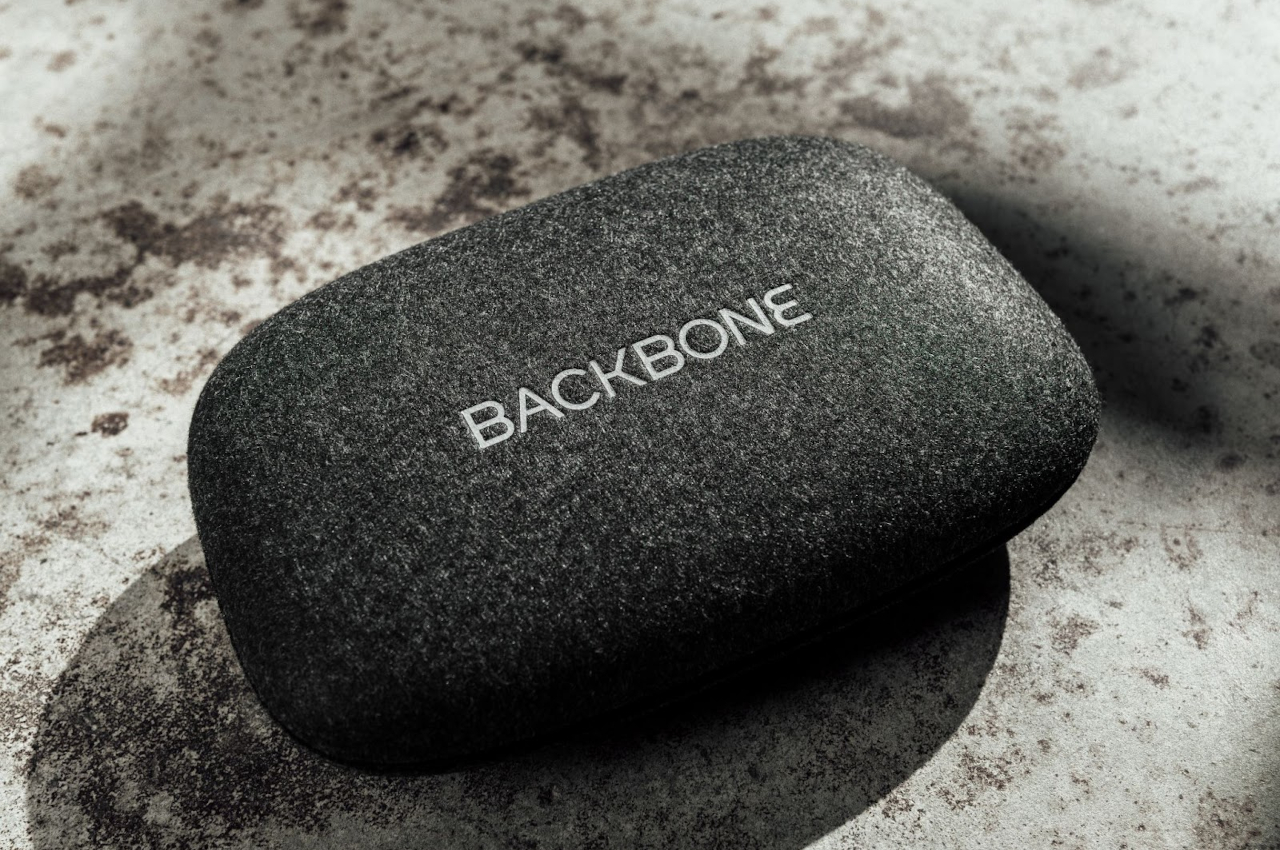
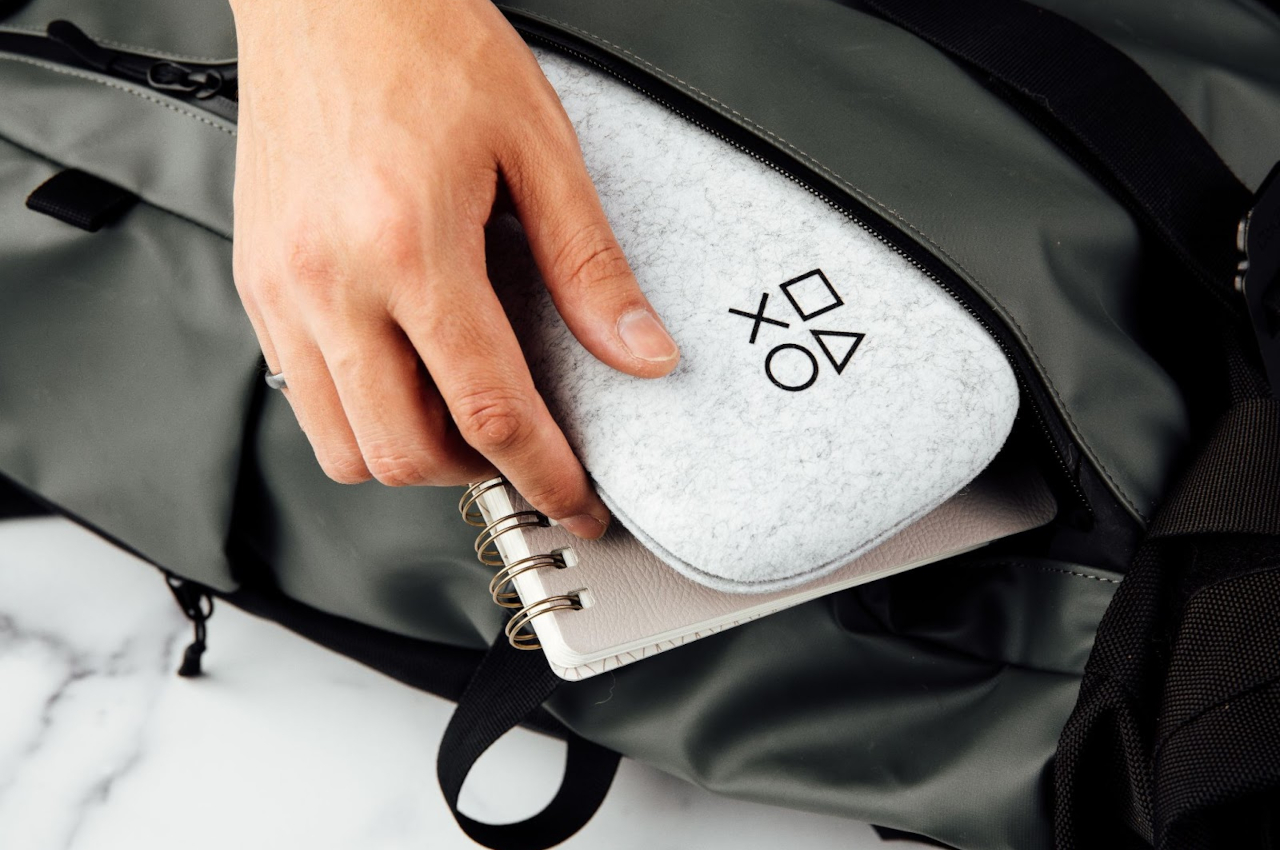
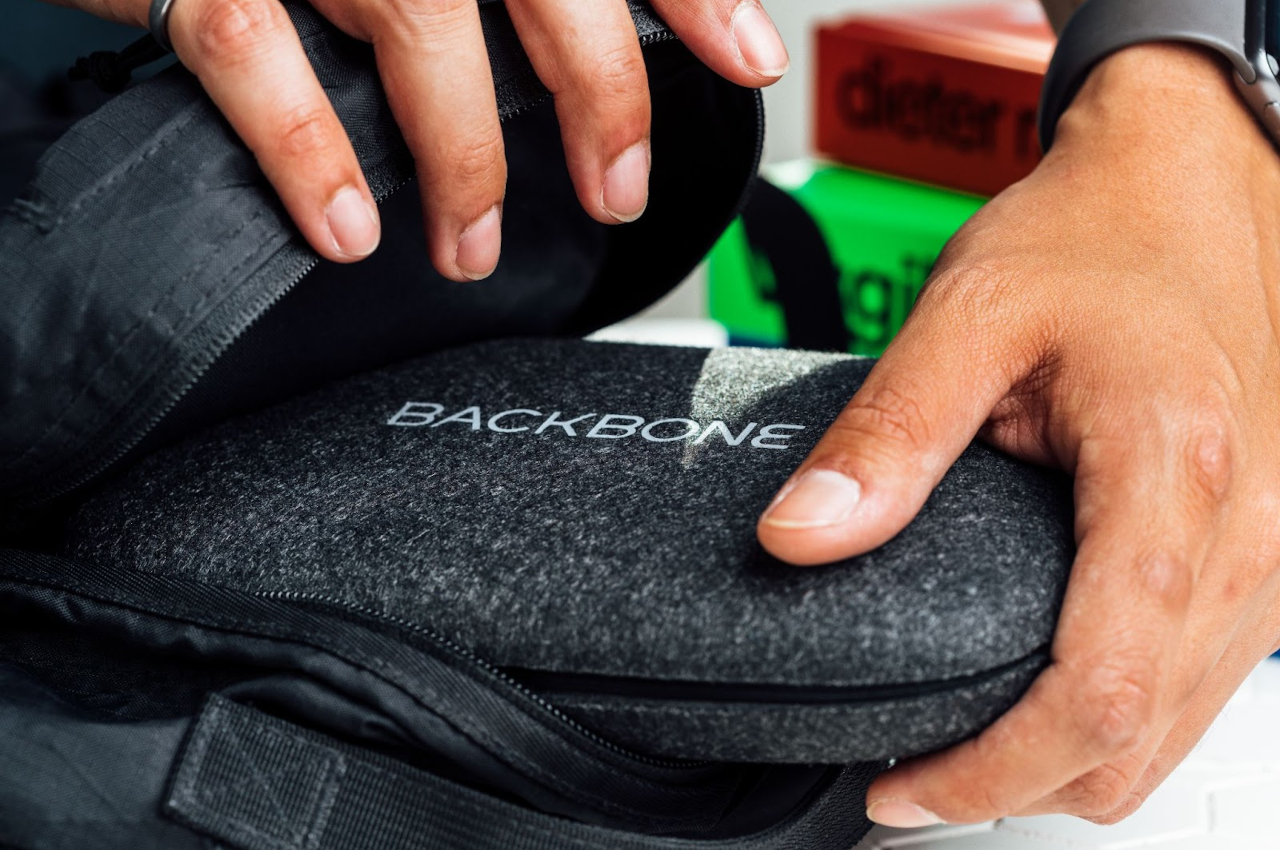
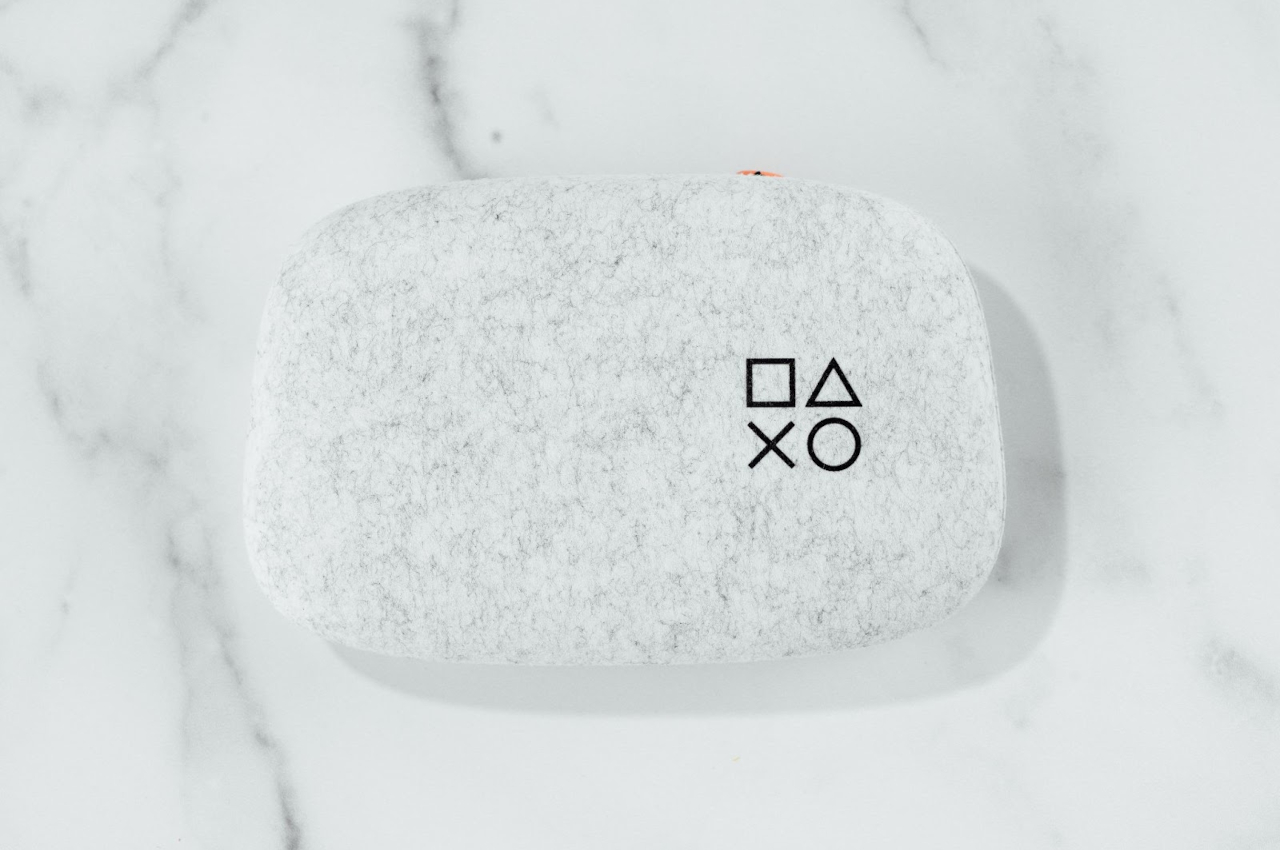
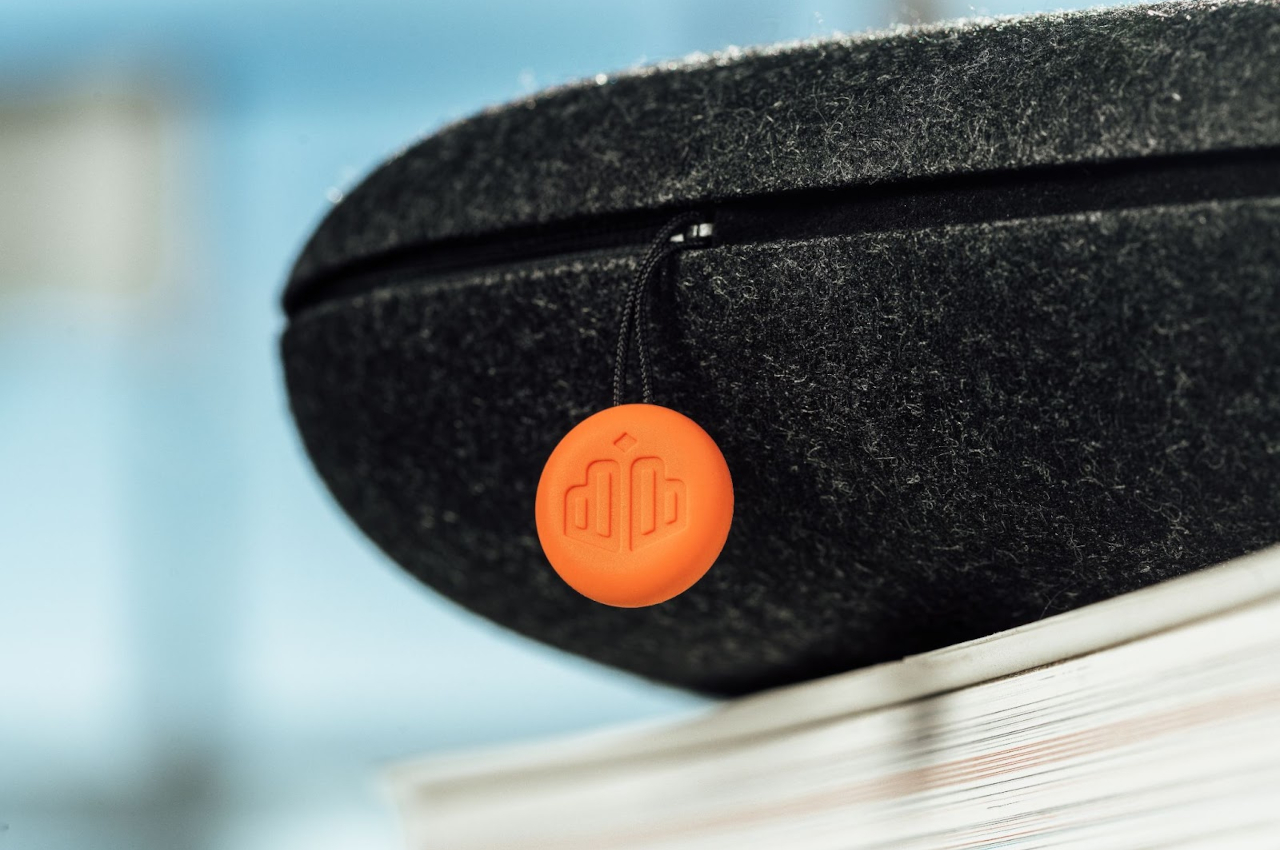
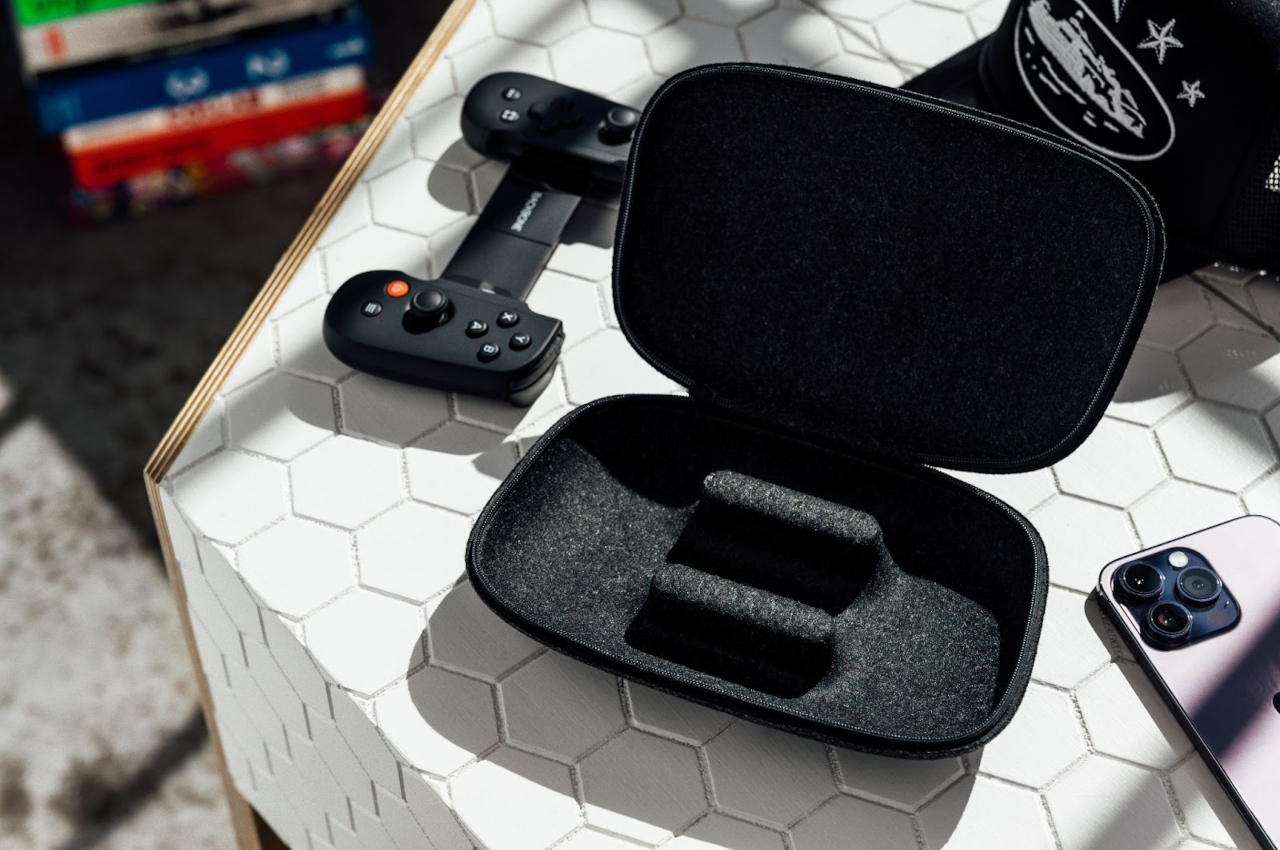
The carrying case comes in two, very slick-looking colorways: Black and White. The latter is also the official “PlayStation Edition” carrying case, thanks to its usage of DualSense colors around the exterior chassis. The PlayStation logo is neatly displayed on the upper right corner instead of the usual “Backbone” lettering. This chassis looks both compact and durable, thanks to Backbone’s “firm outer shell and molded interior”. Both case designs come with a bright orange zipper that looks sharp regardless of which colorway you choose.

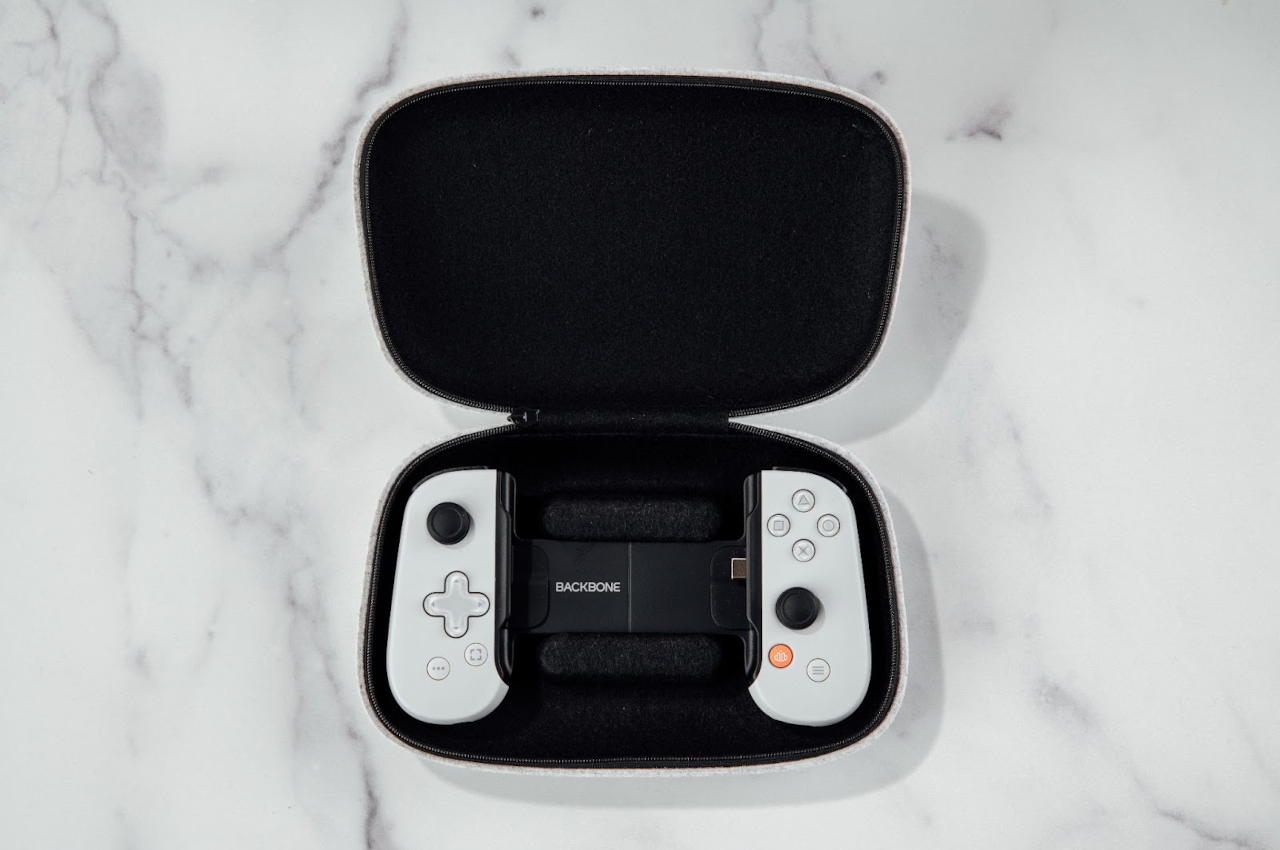
Backbone One’s official carrying case is going for an MSRP of $24.99, and is rated to be compatible with any existing Backbone One controller for iOS or Android devices. It looks like the controller sits snugly inside the case, and you can even use it with the iPhone adapter installed onto the Backbone controller. Once inside, the carrying case’s foam molding should keep it in one spot, without exposing it to the wear-and-tear often caused by constant shaking and bumping during transport.

The post This Official Backbone One Carrying Case Is Sleek and Convenient first appeared on Yanko Design.