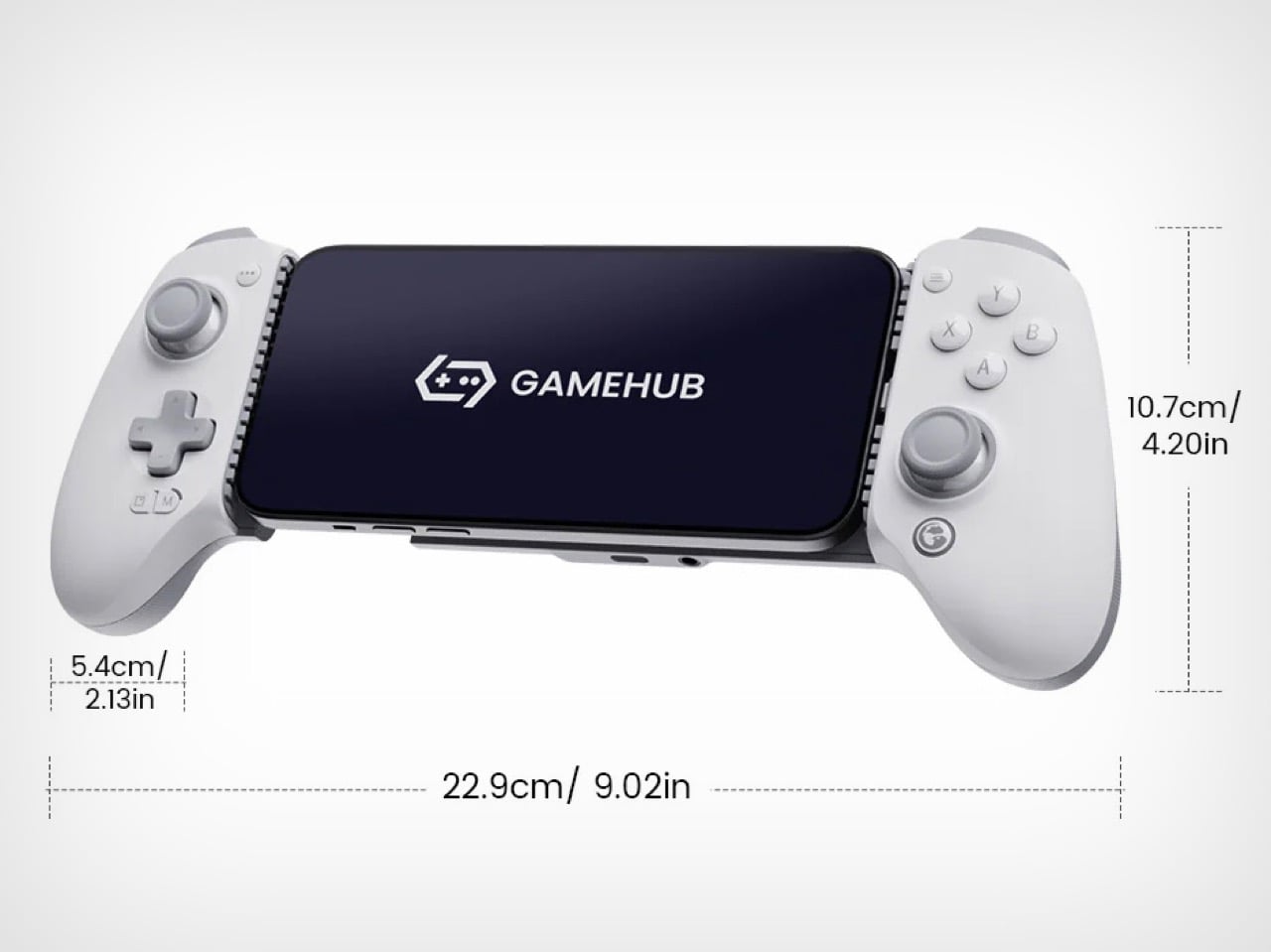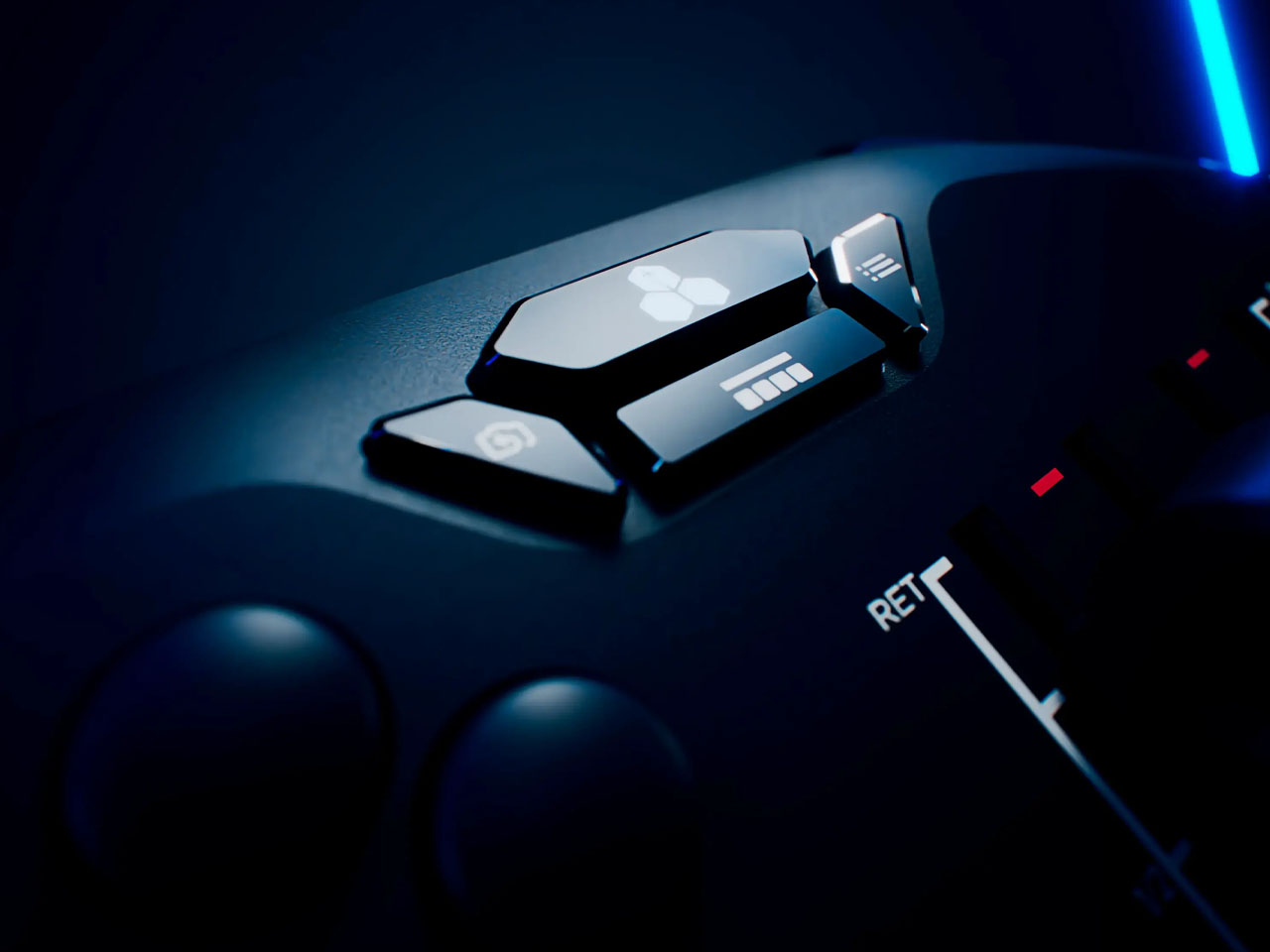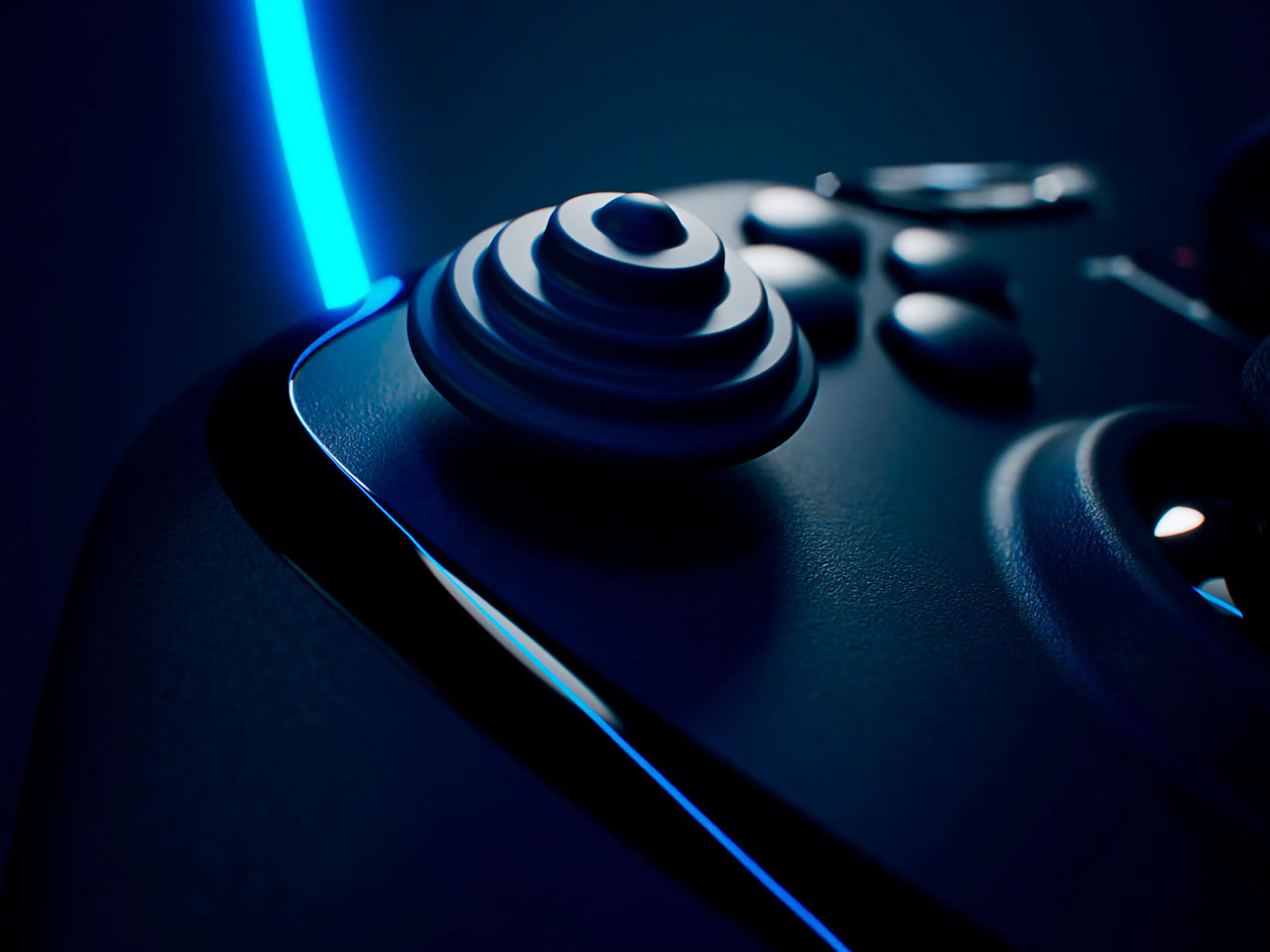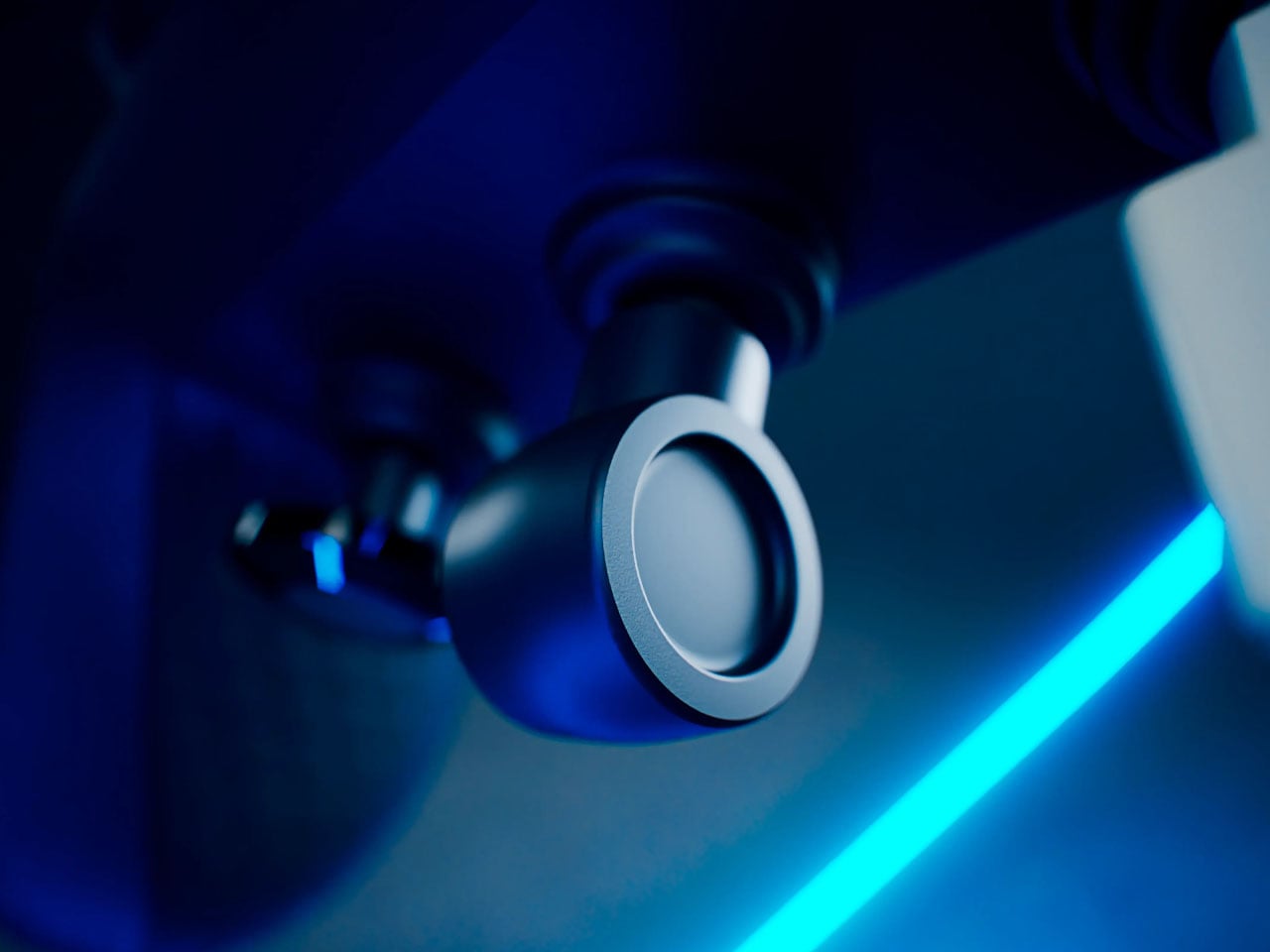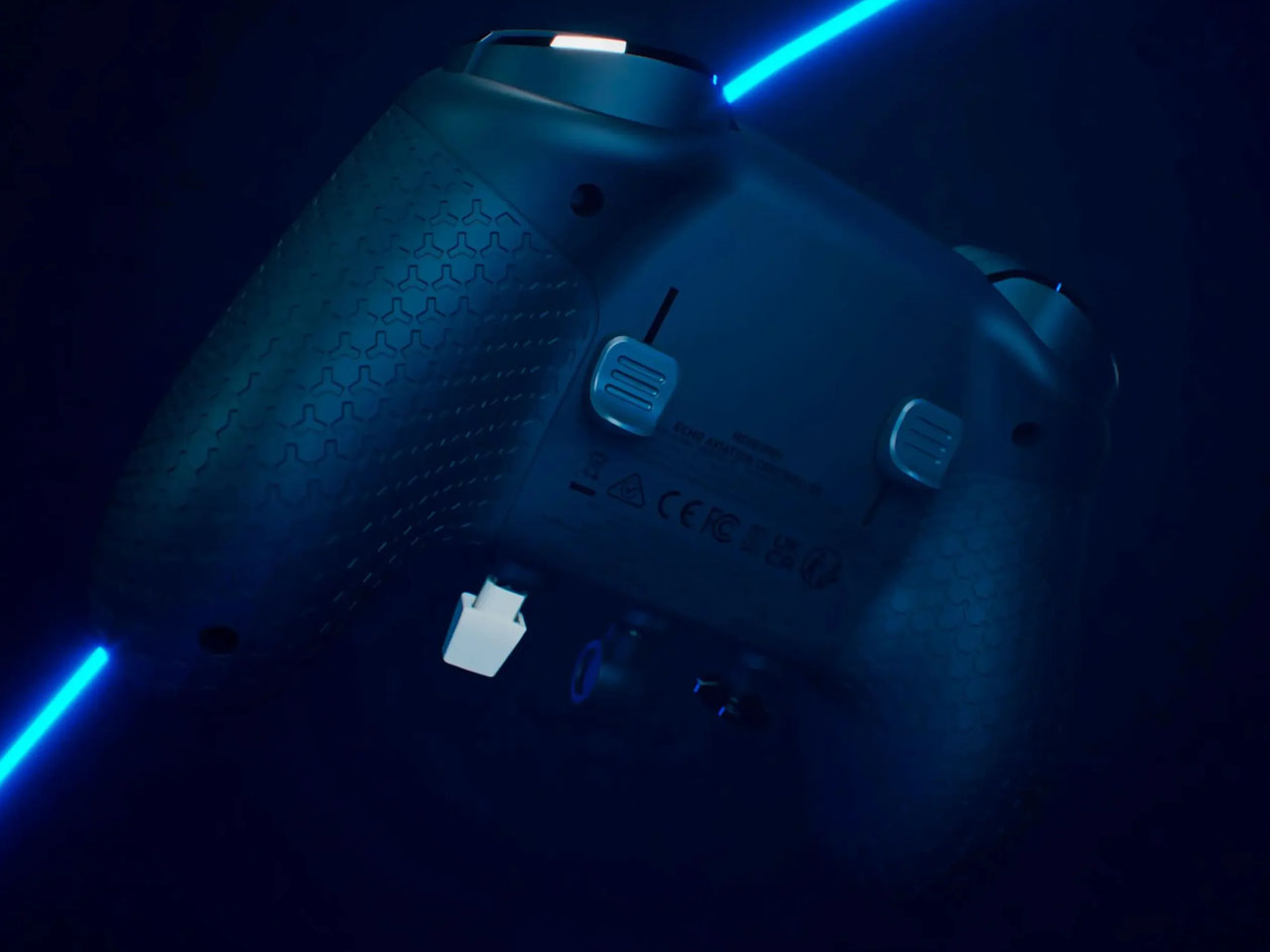
MCON Slim Hands-on at CES 2026: The Ultra‑Thin MagSafe Controller That Turns Your iPhone Into a Gaming Console

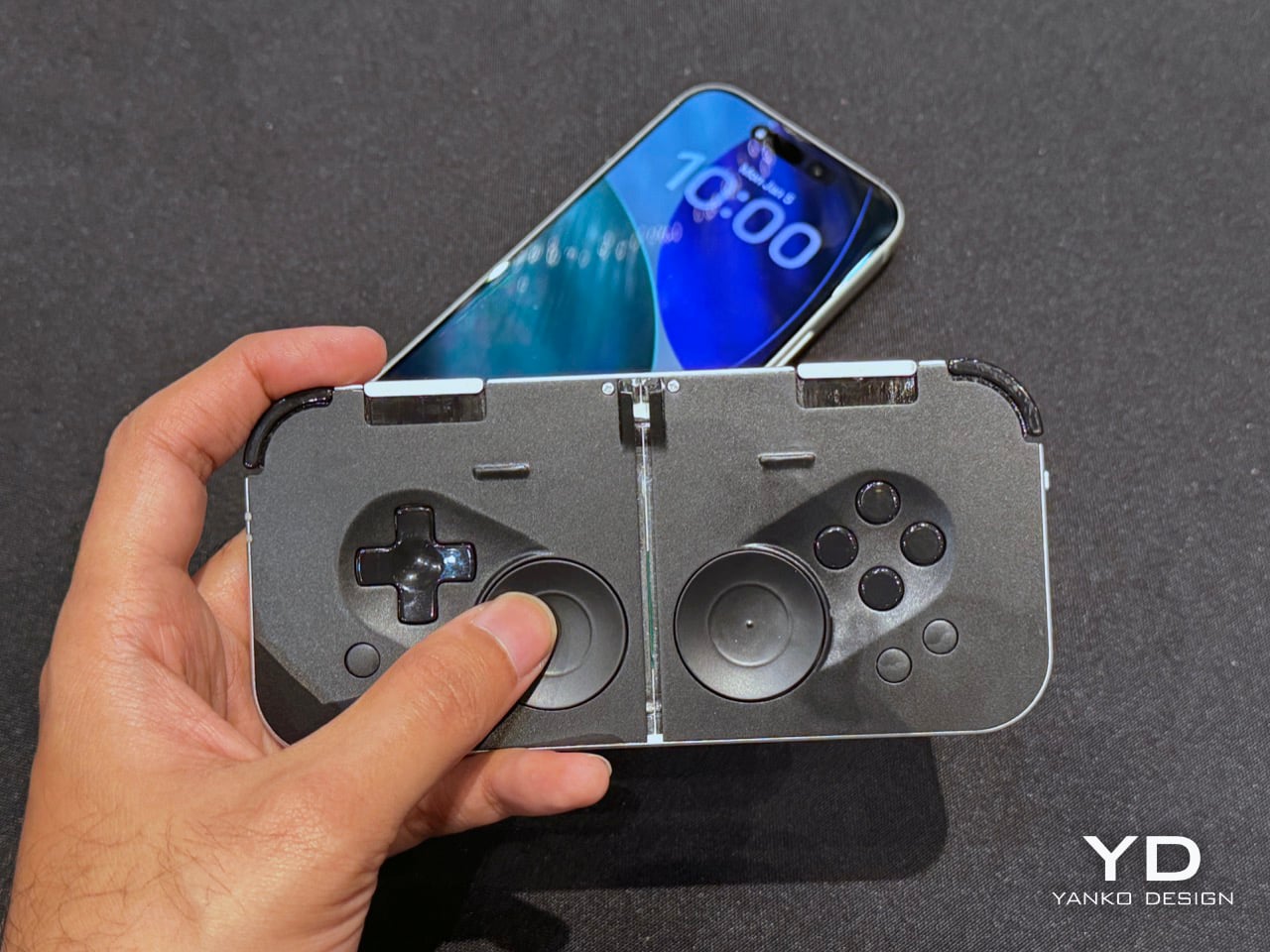
Last year, Ohsnap debuted the MCON controller on Kickstarter and nearly broke the website. Over 16,000 people pledged almost $2 million to make the product a reality, and not only did the company ship every single MCON out to every backer, they casually came back to CES this year with not one, but TWO more versions of the device. The more impressive of the two is the MCON Slim, a controller that’s nearly as thin as your standard smartphone, packing in an entire gaming controller (along with trigger buttons) into that ridiculously small form factor.

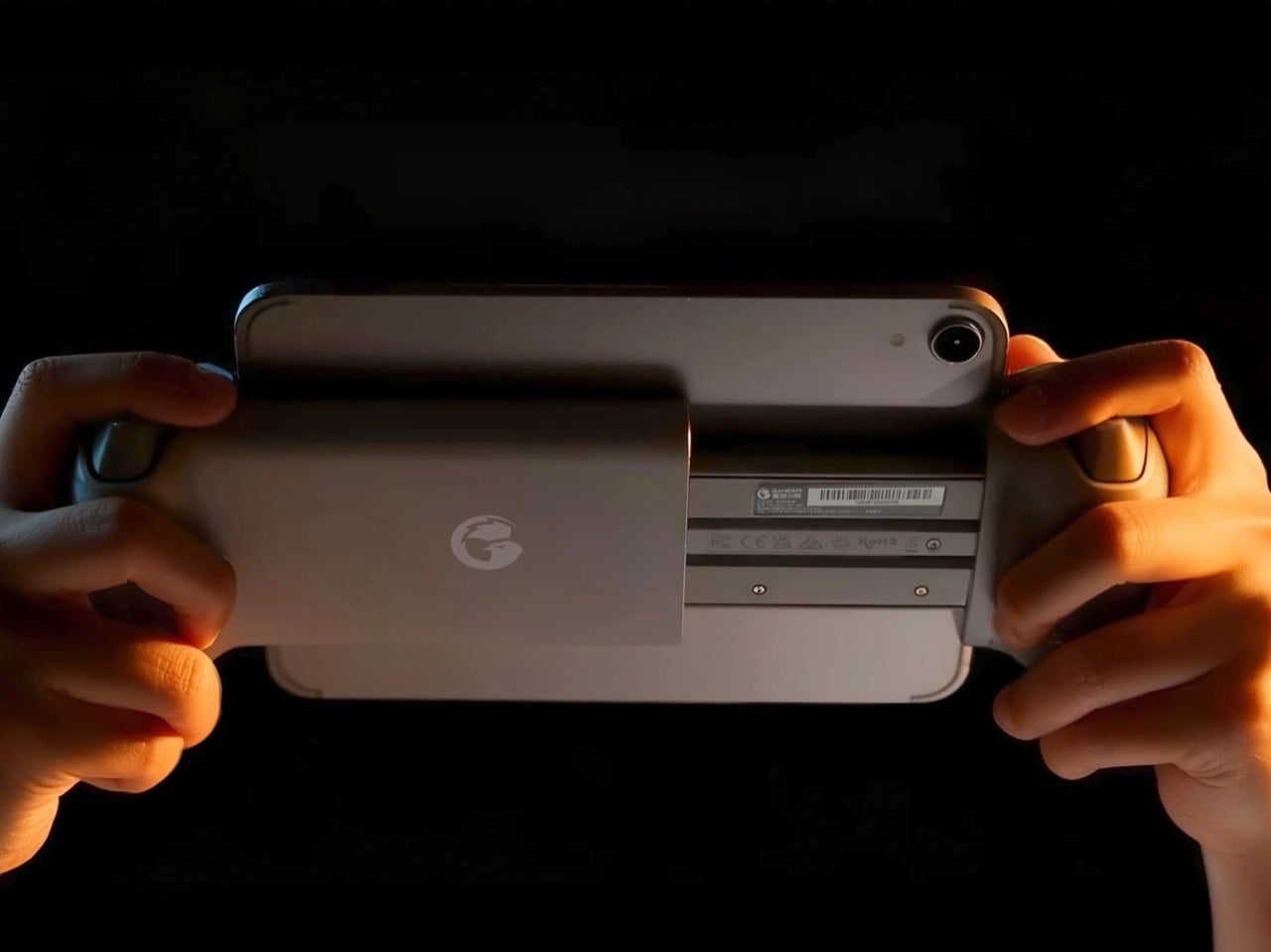
Designed by 21 year-old Josh King, the MCON Slim is clearly his magnum opus. The youngster (incubated by Dale Backus’ Ohsnap) mentioned how the smartphone was such a powerful device, but all we ever use it for is doomscrolling and emails. The MCON was supposed to prove to the world that the smartphone can be an incredible handheld gaming device, comparable to the Razer Switchblade or even dare I say the Nintendo Switch. Now, the MCON Slim cements that idea even further. Imagine a device, the thickness of a MagSafe power bank), capable of turning your iPhone into the next best gaming console.

Designer: Josh King (Ohsnap)
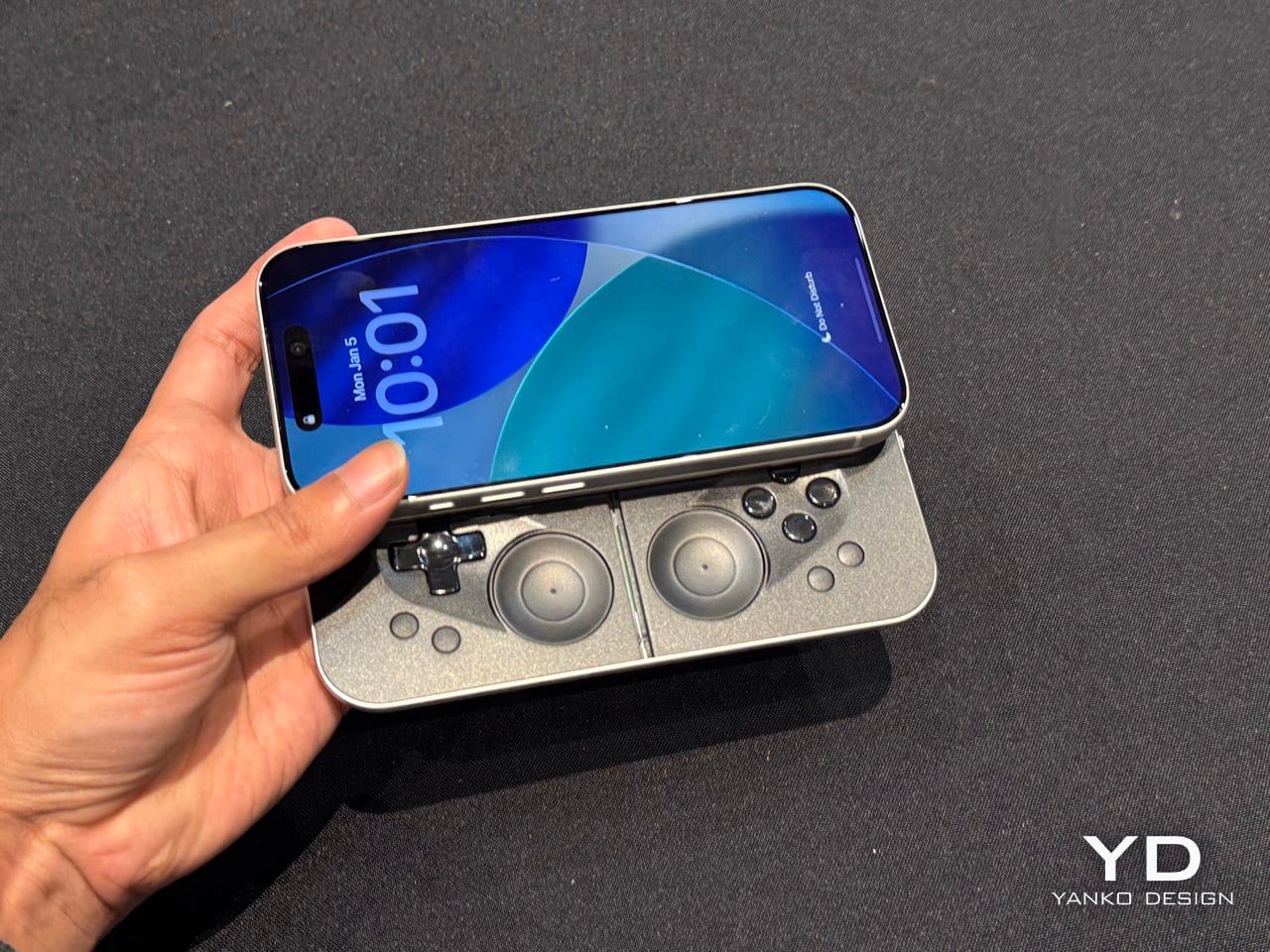
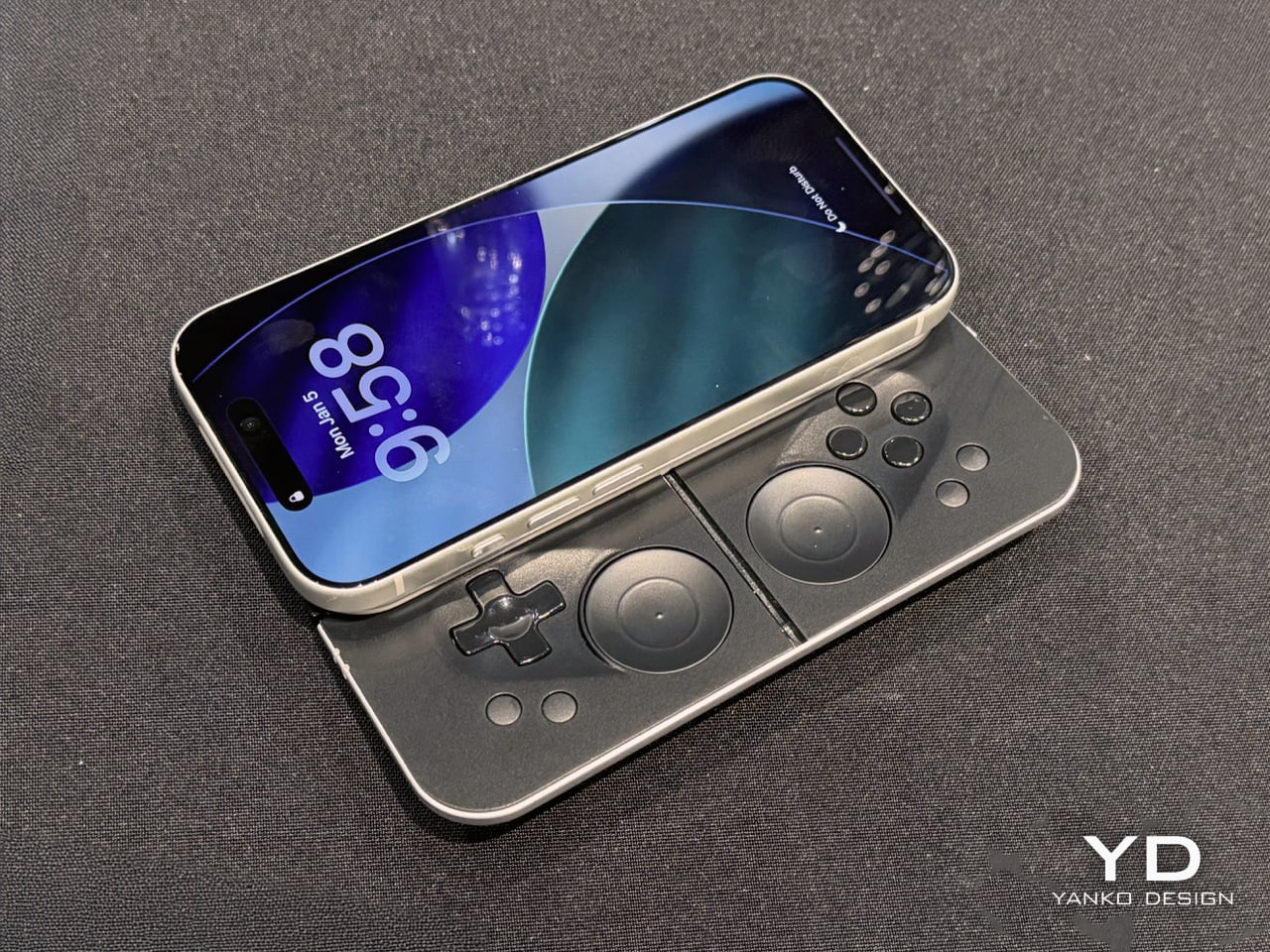
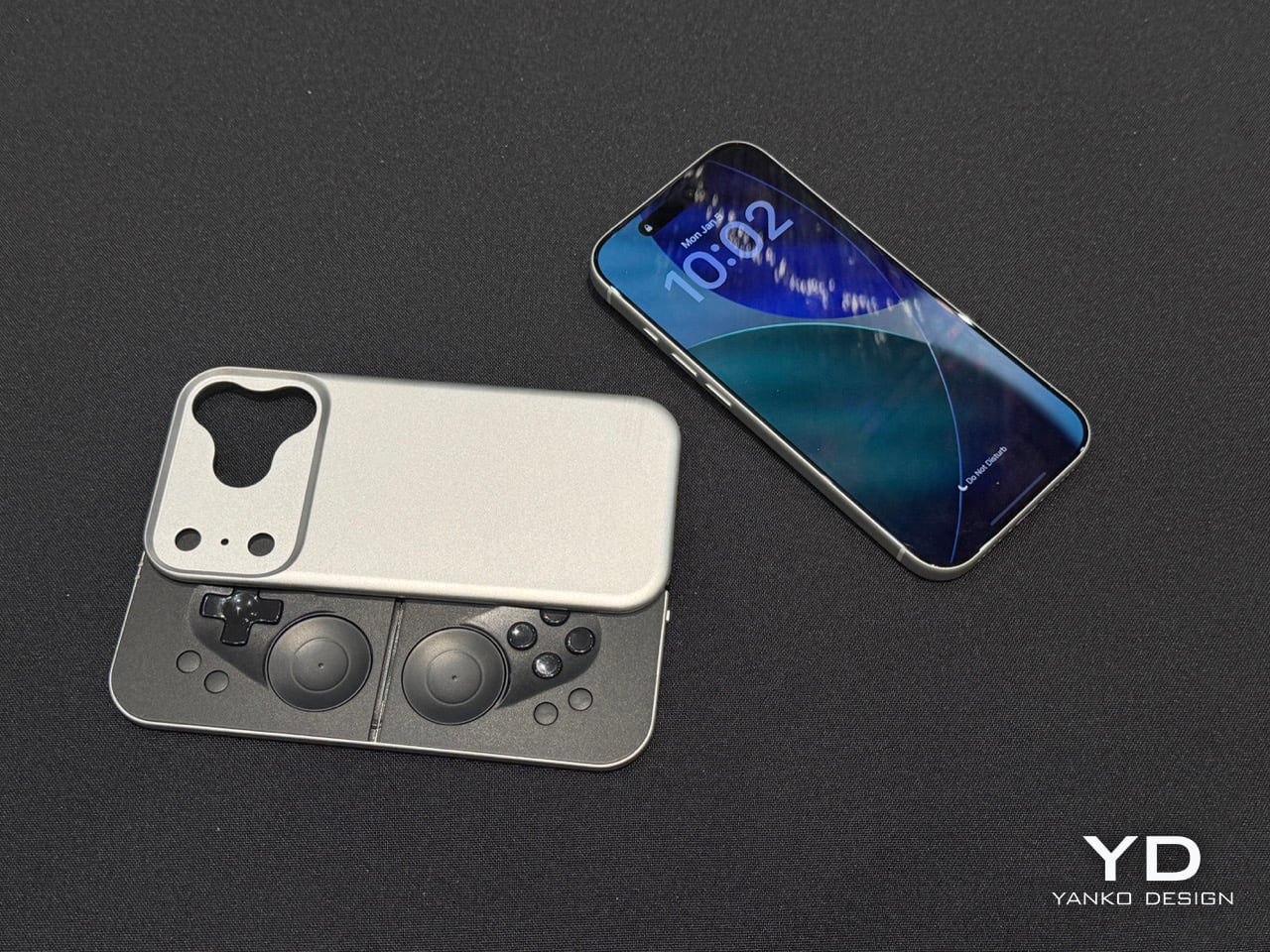
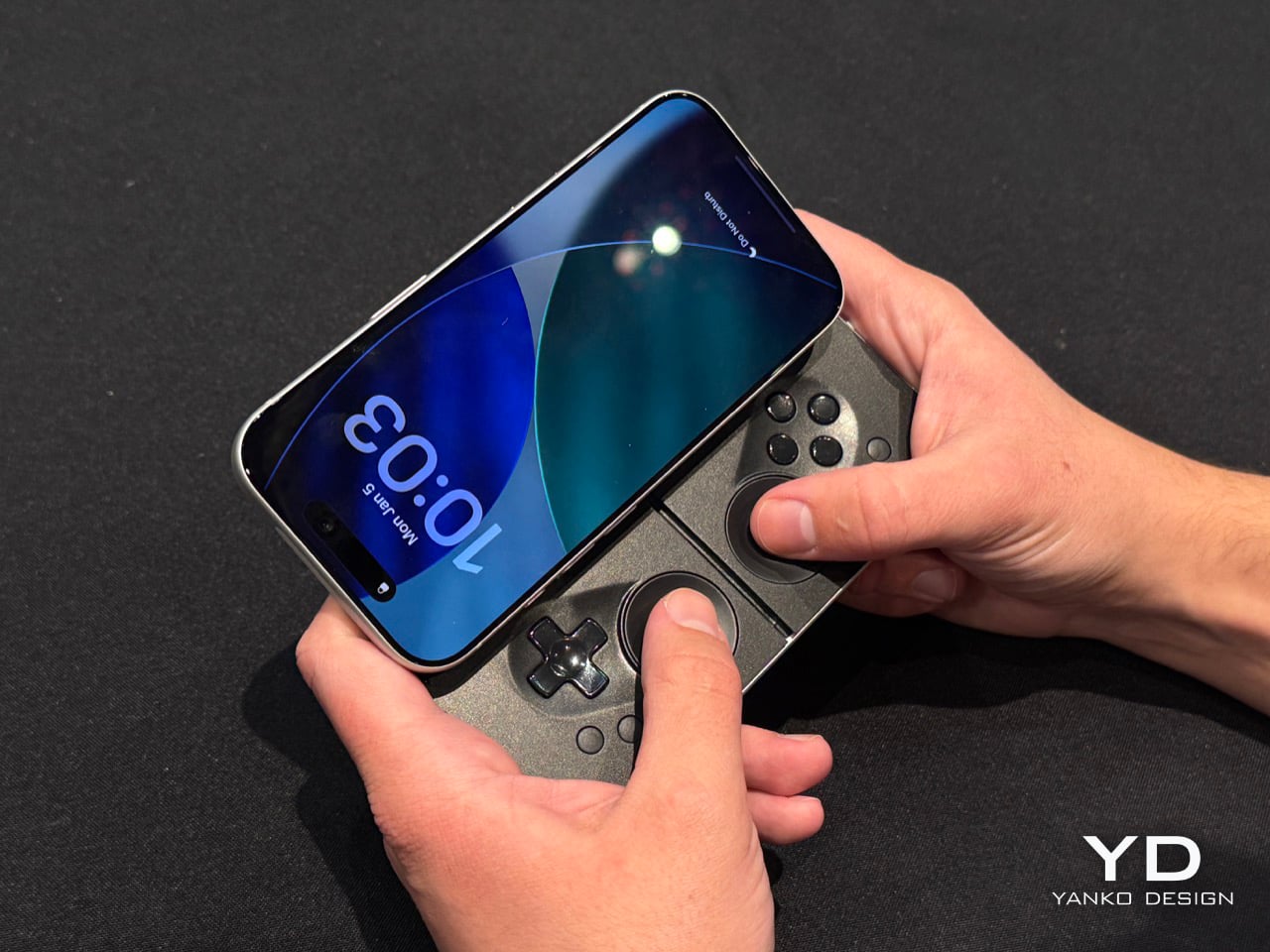
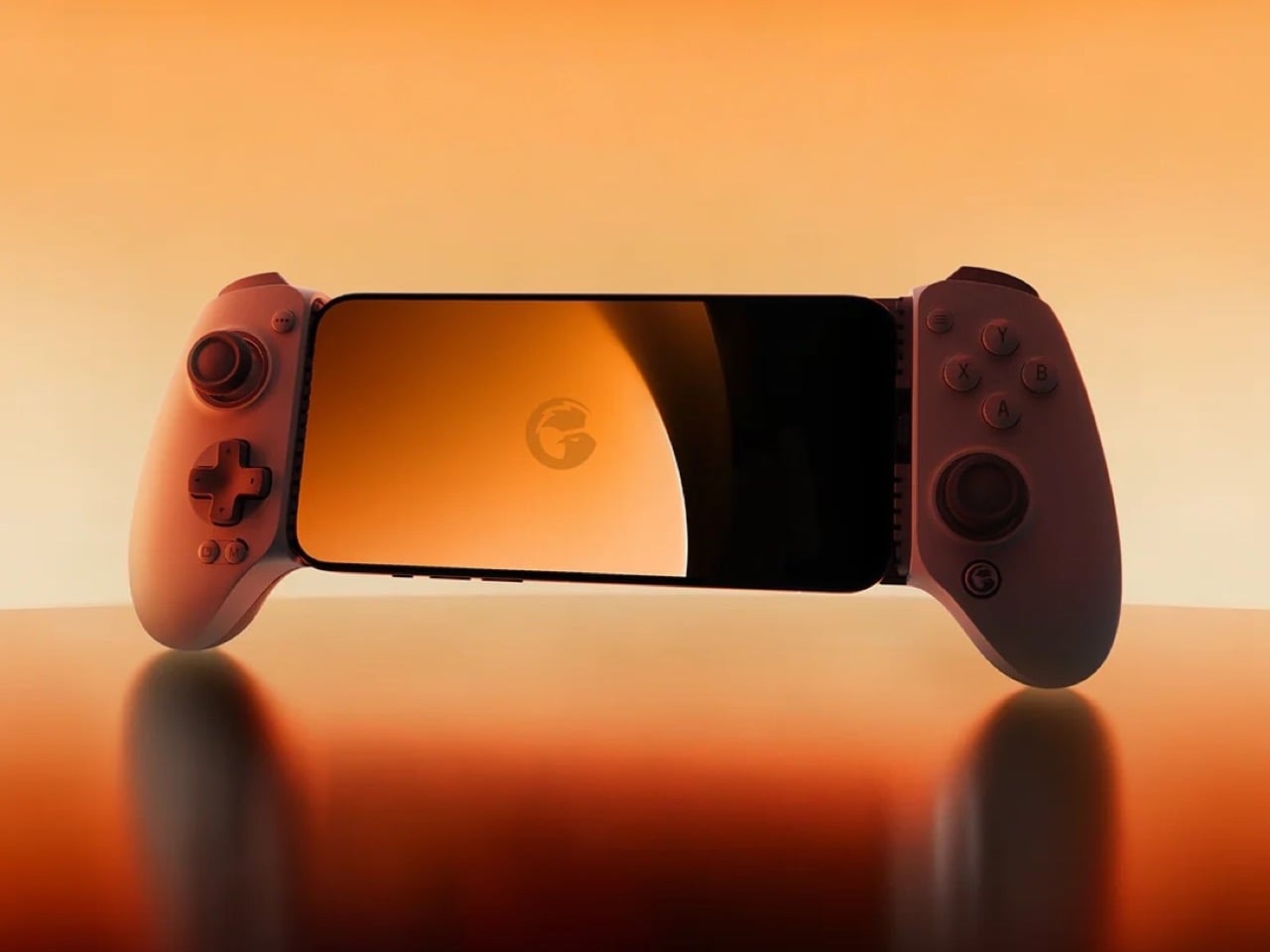
If you’ve seen the MCON before, think of the Slim as the iPhone Air of gaming controllers. It’s ridiculously sleek, snapping to the back of your phone and literally absorbing your iPhone’s camera bump into it. When shut, it’s still slim enough to slide right into your pocket without you feeling a thing. However, when you’re craving some serious gaming, slide the controller out and you’ve got a makeshift handheld console in mere seconds, with an actual D-Pad, action buttons, two touch-sensitive joypads, and even trigger buttons on the back.
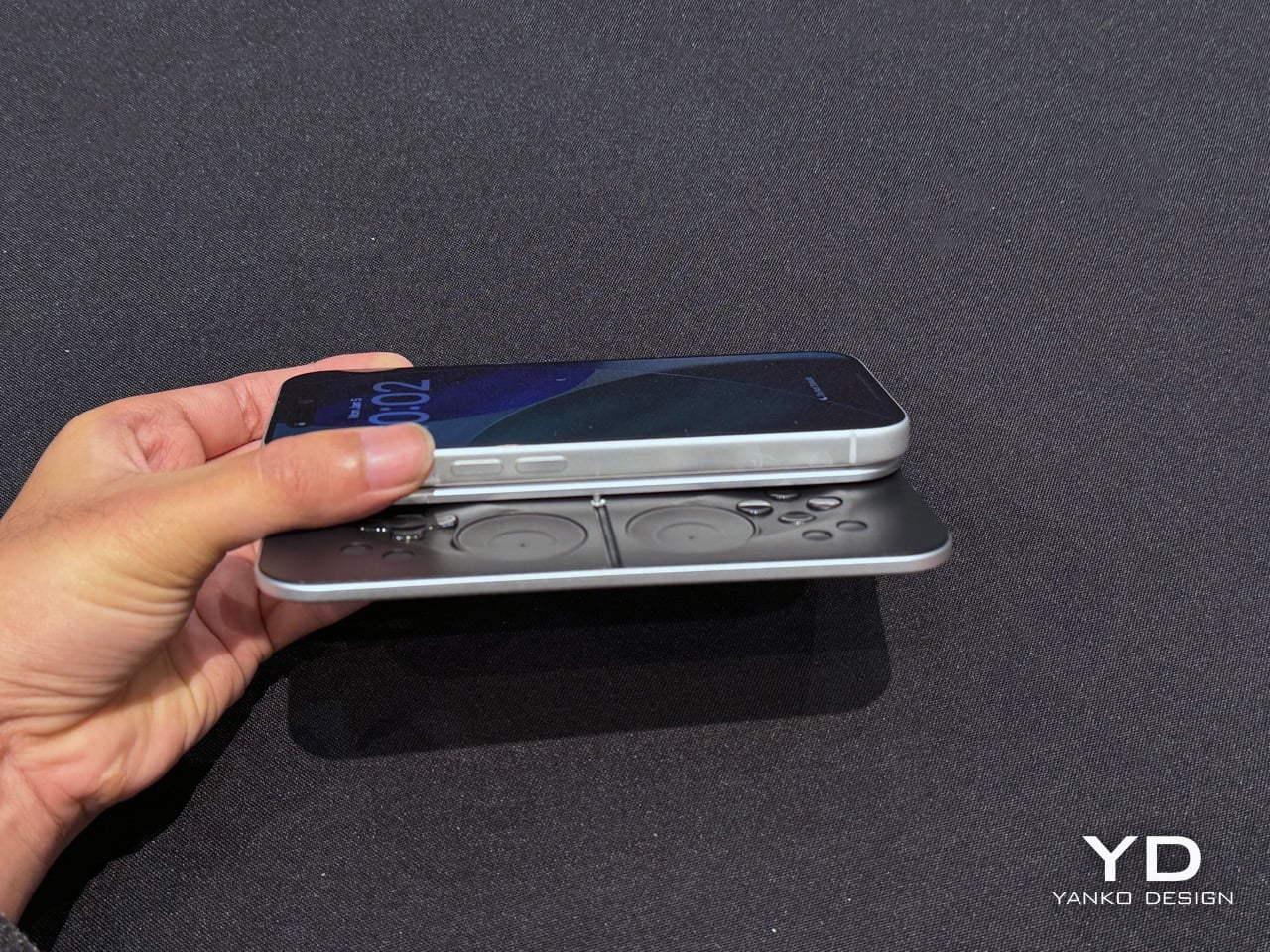
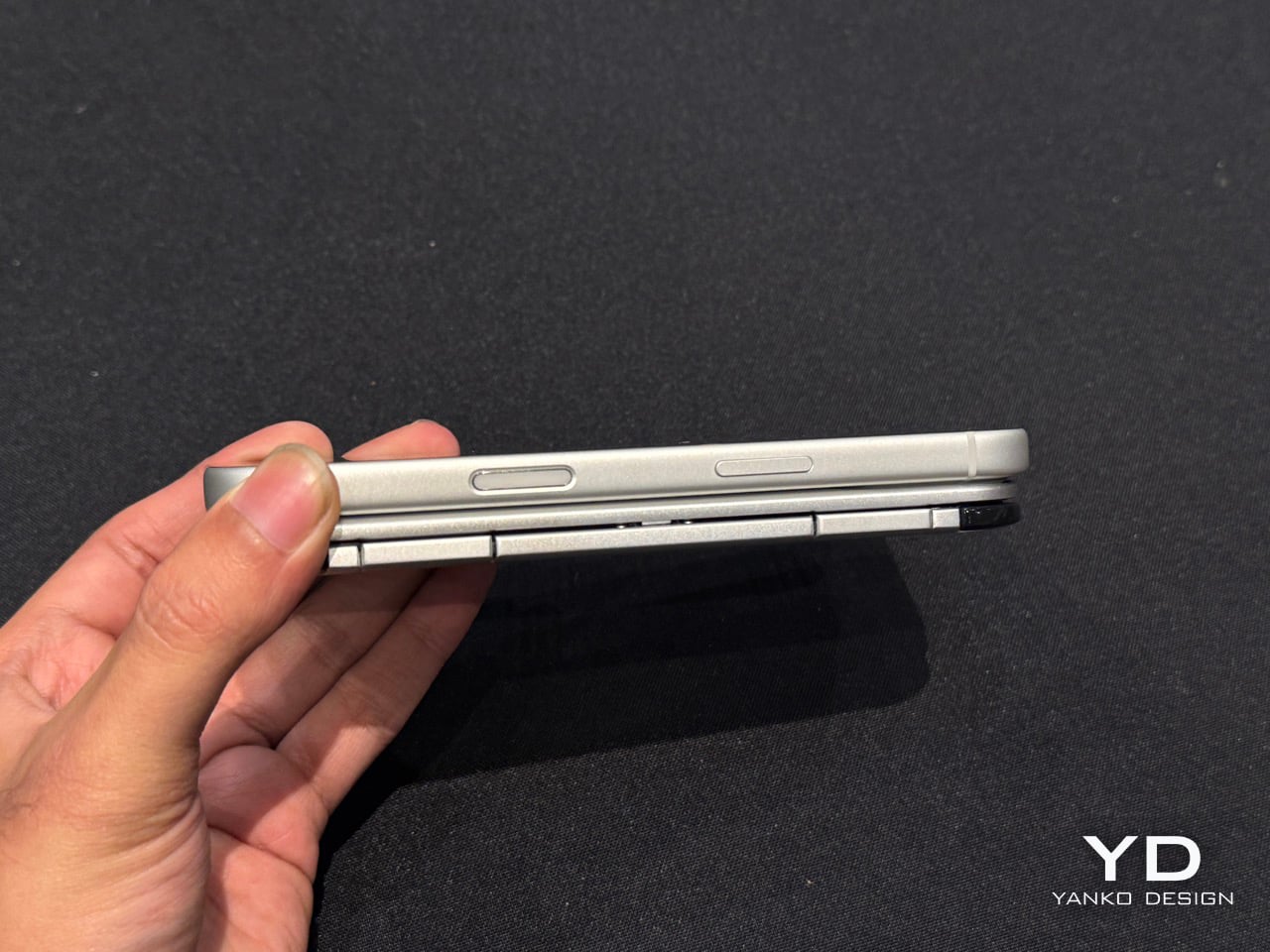
Before you get your hopes up, the MCON Slim is still in its ‘proof of concept’ stage, and won’t launch anytime soon. Josh mentions they’ll probably roll the Slim out in time for the iPhone 18… which works just fine given that I plan on upgrading my iPhone just around that time! The design, however, is beyond impressive. The sliding interaction is flawless, even though the Ohsnap team miniaturized practically everything. The trigger buttons have actual movement, with nearly 3mm of travel. And the best part, the MCON Slim plays nice with the iPhone’s camera module (unlike past versions). A gorgeous fidget-spinner-shaped cutout lets you use the iPhone’s camera even with the Slim controller attached to the back of your phone. Heck, even the flashlight is accessible, which means your gaming console, ahem, smartphone has zero compromises.
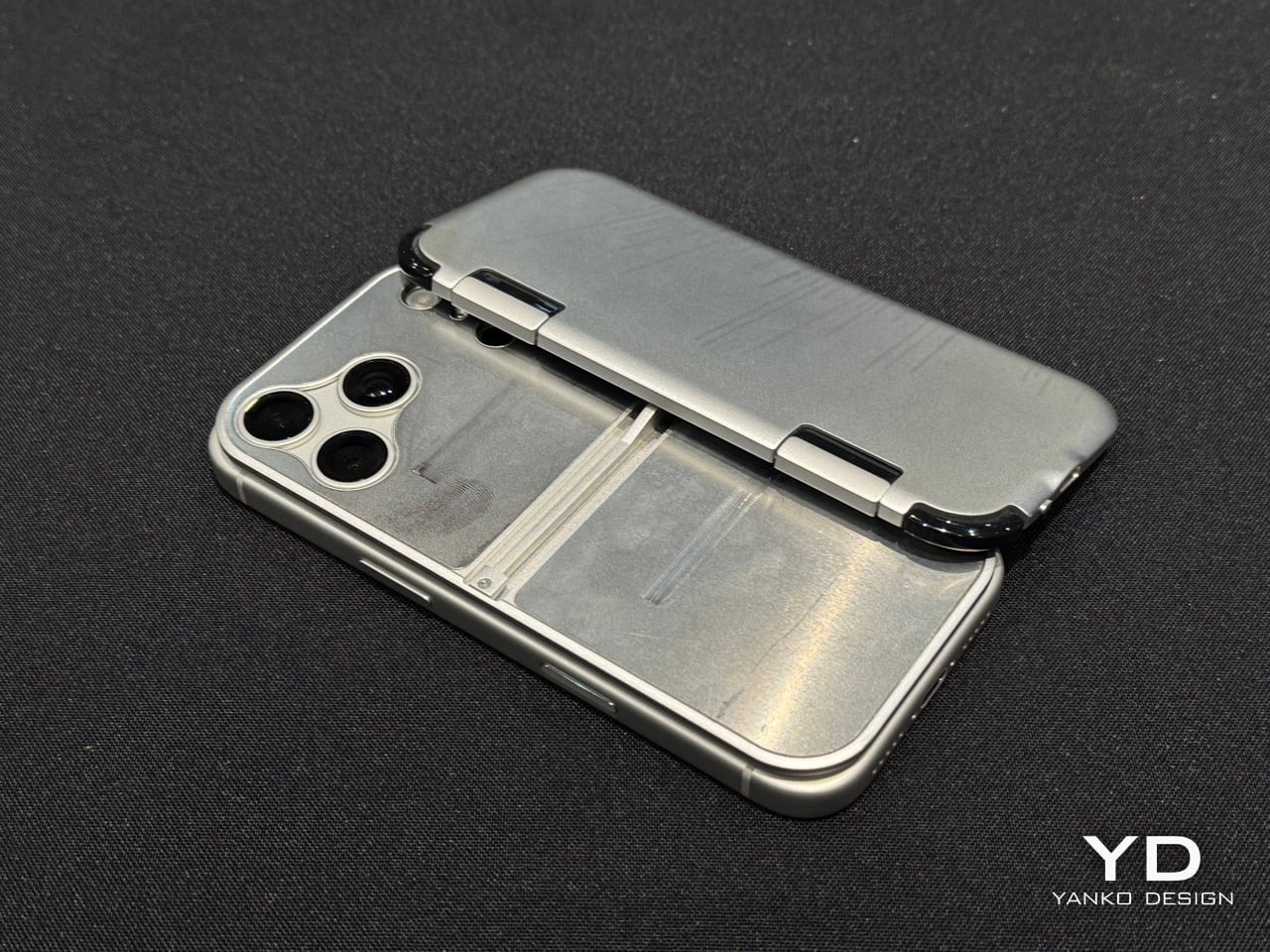
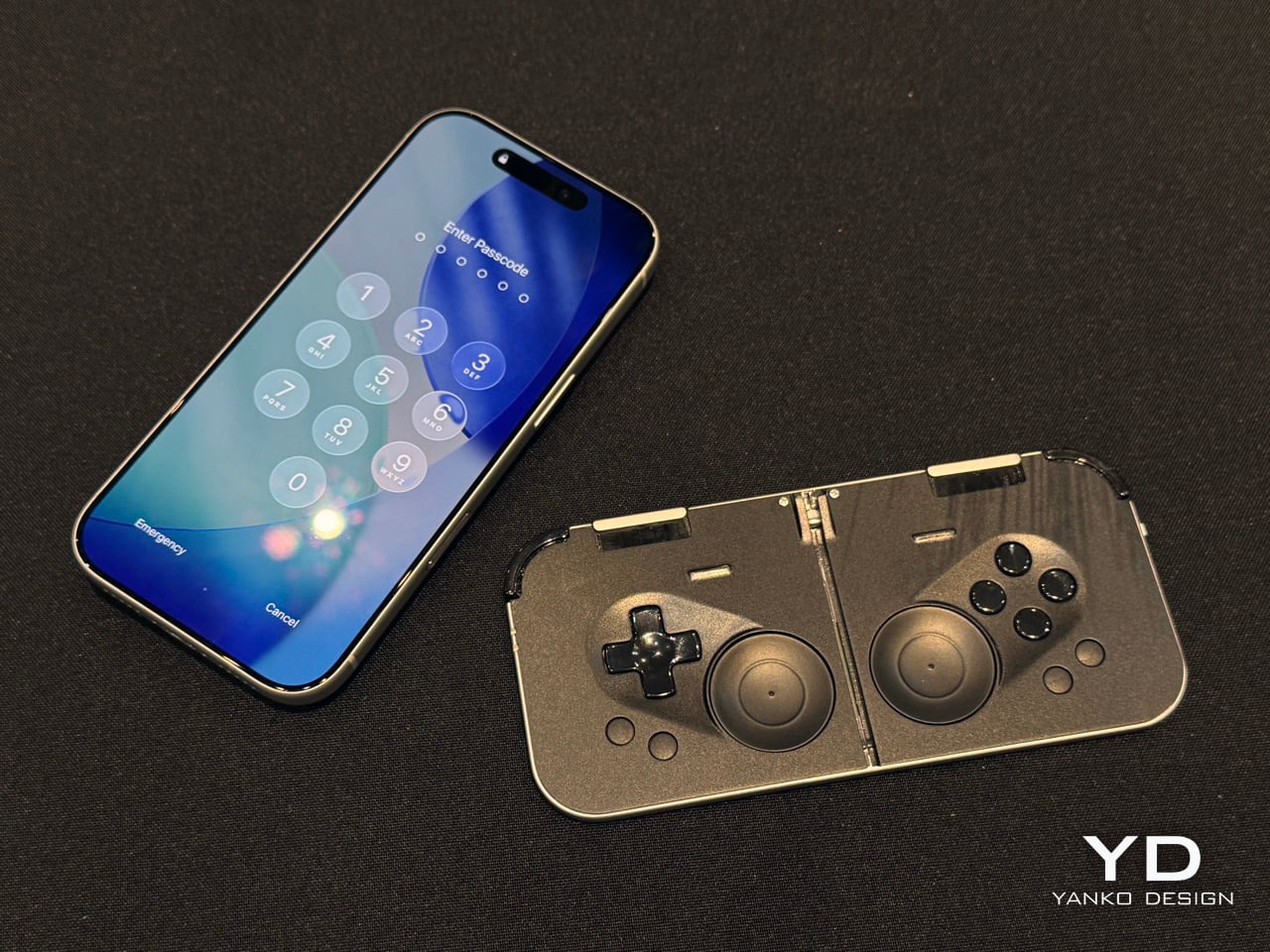
And the best part is that the controller slides right out of the dock, turning your phone into a Nintendo Switch of sorts. The connection is all via Bluetooth, which means you can place your phone on a table a few feet away from you while you game with the detached controller in your hands. The slimness results in just two sacrifices – firstly, those pop-out grips from the original MCON don’t make it to this device. And to be honest, I don’t miss them at all. Secondly, the joypads go from physically moving controls to touch-sensitive ones… something that most casual gamers should be fine with. For the pedantic ones, the original MCON (and the upcoming MCON Lite) offers a perfect alternative.
The sad part here is that there’s absolutely no tech spec to talk about. The MCON Slim is entirely a work in progress right now, which means design details, battery life, pricing, everything is subject to change. However, Josh did mention that the MCON Slim should arrive around the same time as the iPhone 18, or in other words – we’ll probably get the MCON Slim before we get GTA VI.
The post MCON Slim Hands-on at CES 2026: The Ultra‑Thin MagSafe Controller That Turns Your iPhone Into a Gaming Console first appeared on Yanko Design.
Gamesir Swift Drive controller has force feedback steering wheel for ultimate racing fun

GameSir doesn’t shy away from experimenting with new designs and functionality for its controllers to enhance the experience for mobile gamers. Tarantula Pro with swappable face button labels is a good example. For gamers like me who fancy the odd gaming session on my G8 Plus, playing the AAA racing titles like Grid Legends is stress-busting. I prefer a compact setup for my mobile gaming needs, and investing in a full-blown gaming simulator or desk-mounted setup is not feasible.

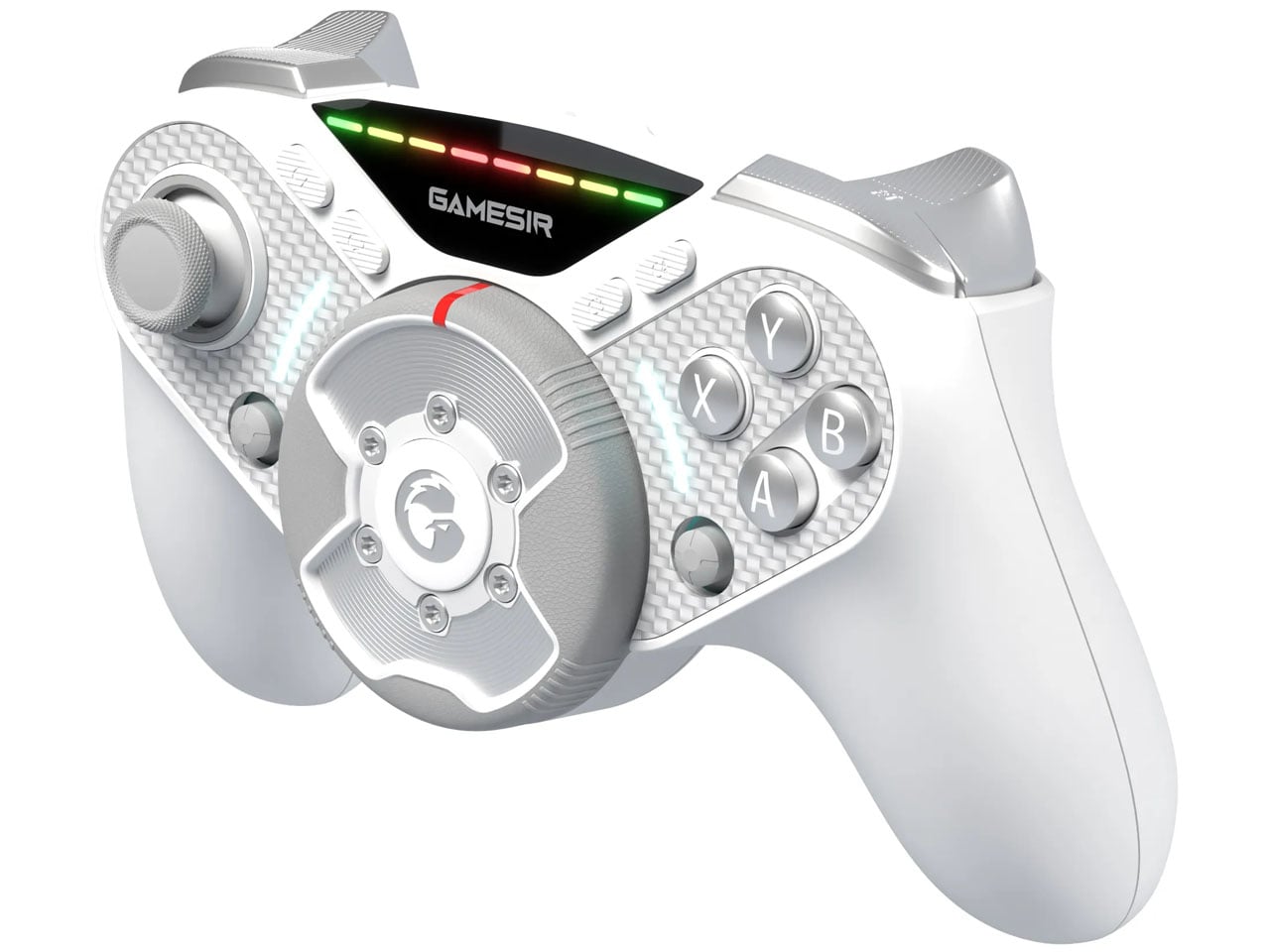
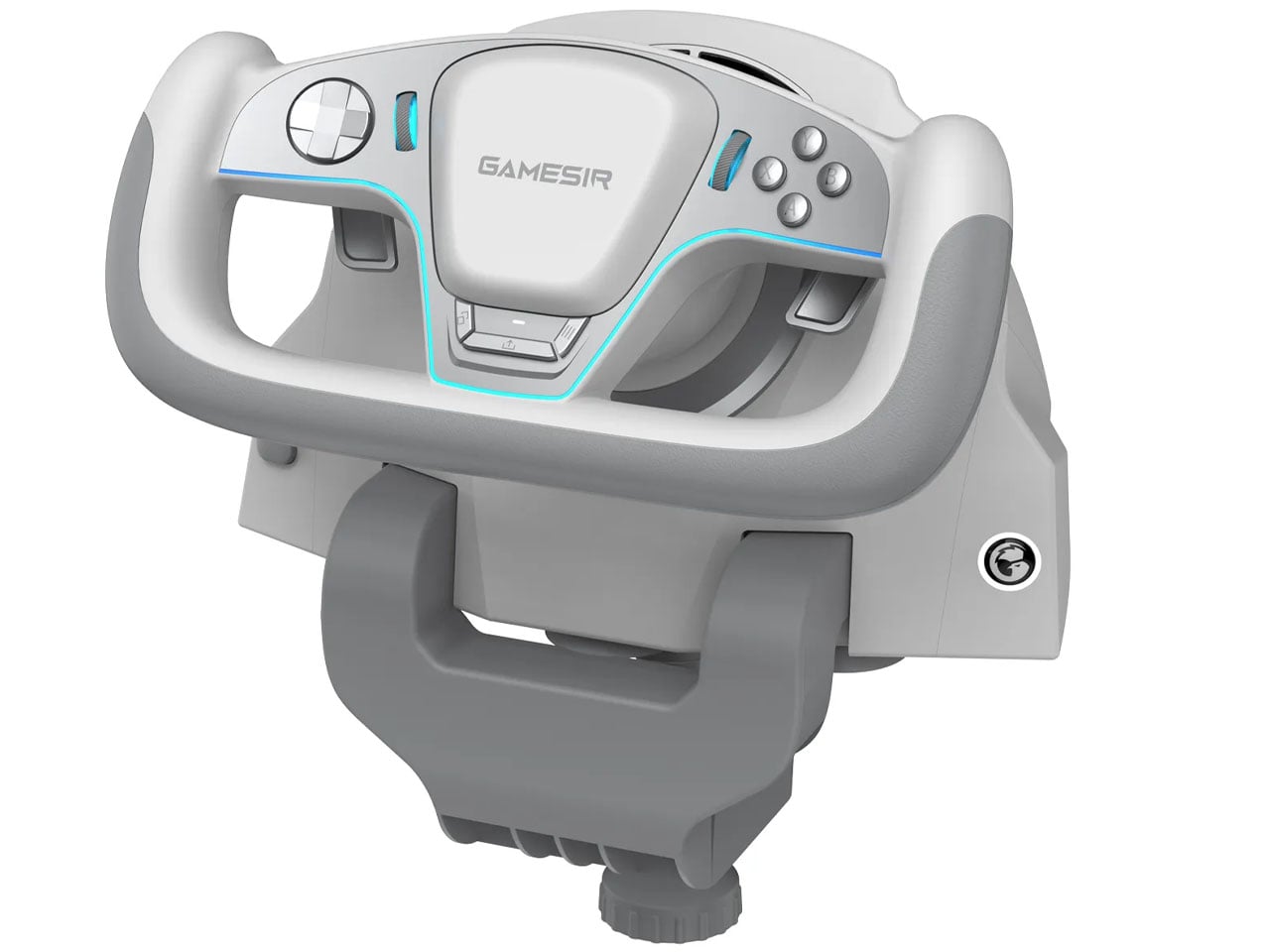
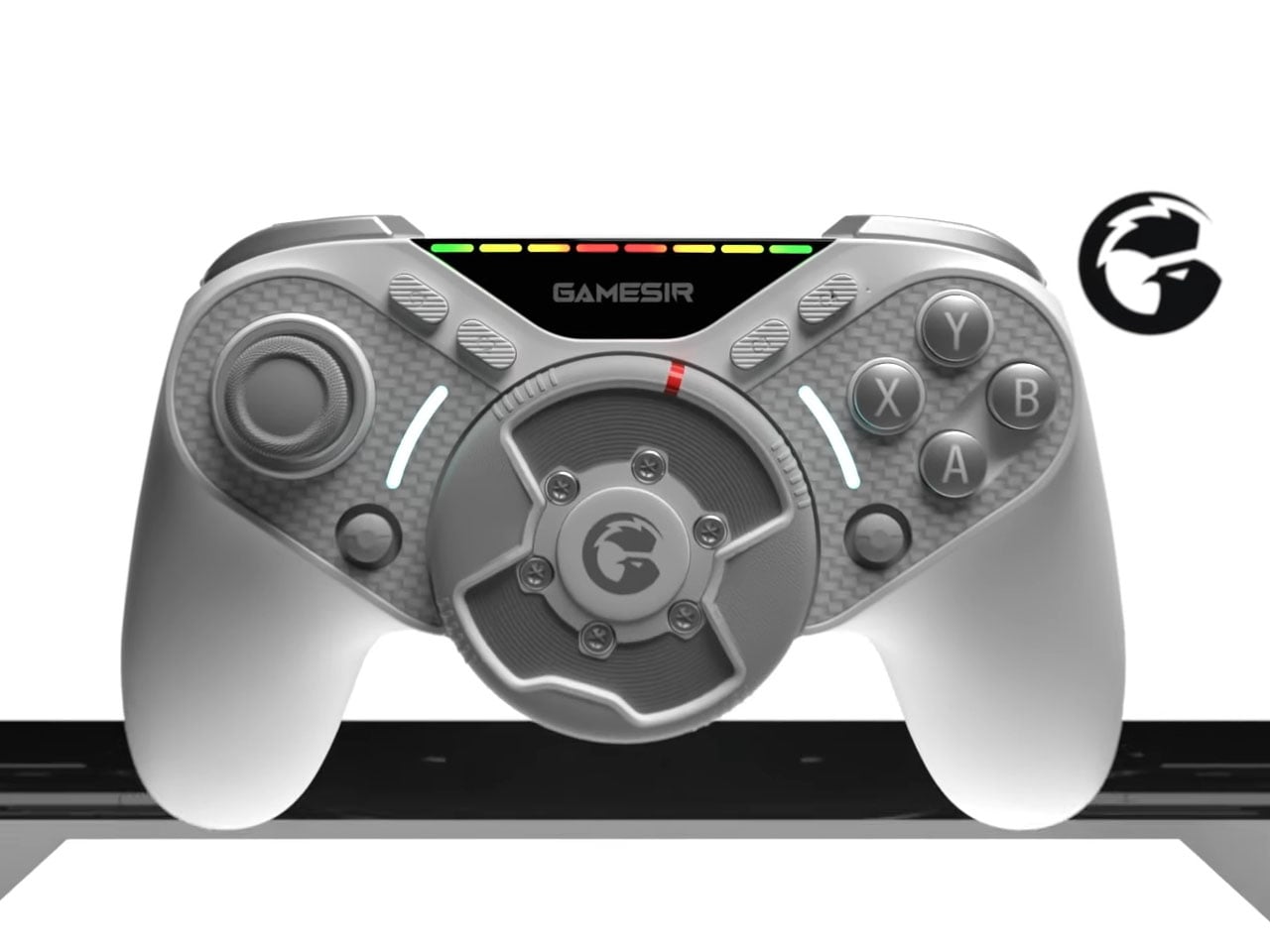
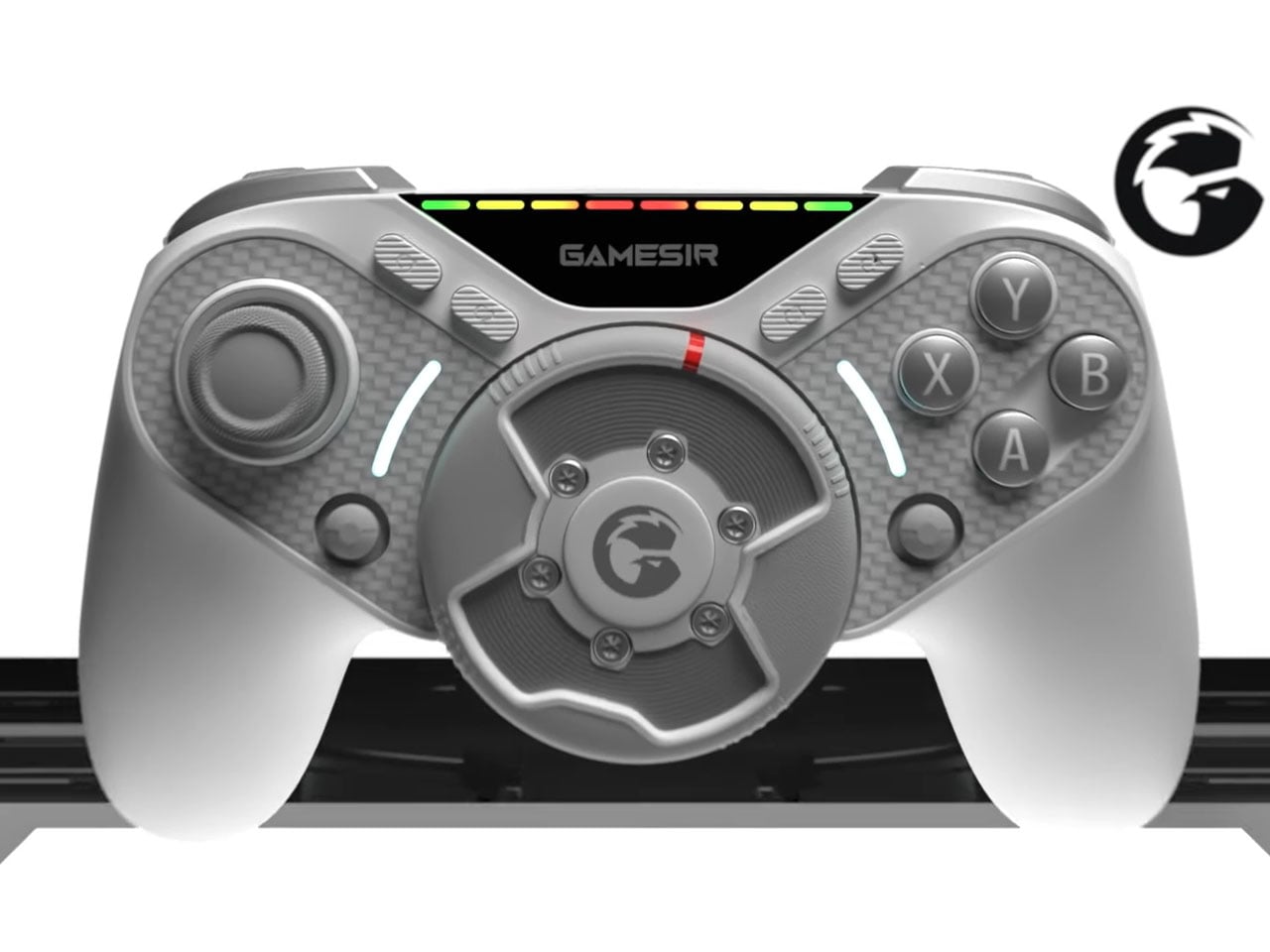
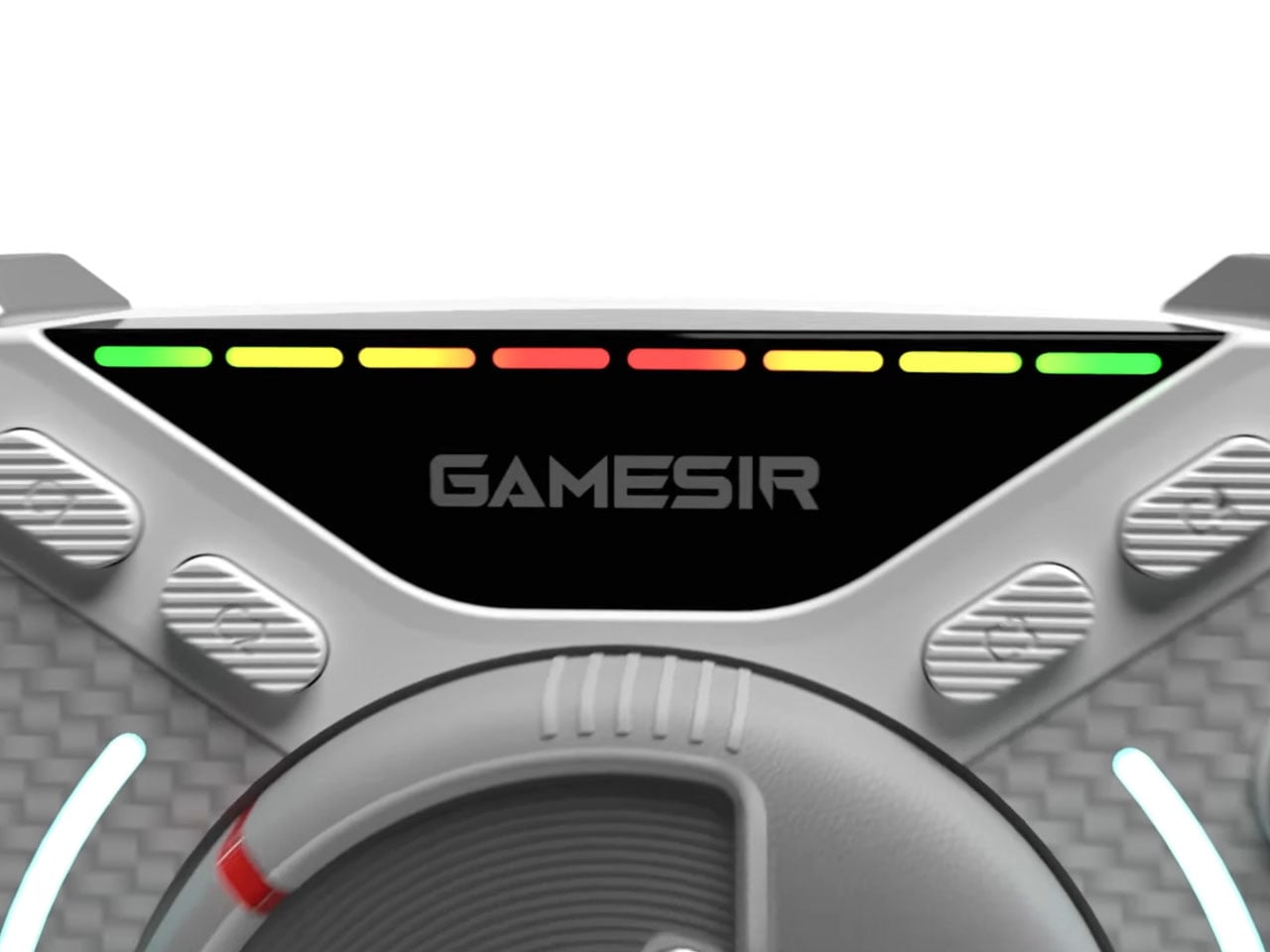
The next logical upgrade is a mobile controller that gives me more than just the joysticks and buttons. Set to reveal at CES 2026, the GameSir Swift Drive controller is exactly what racing fanatics like me wished for. The hybrid controller features a miniature direct-drive steering wheel positioned in the center, delivering force feedback and 1080-degree rotation for immersive racing game action.

Designer: Gamesir

For racing sim fans, the quandary has always been to either choose a portable setup, or go for more detailed but bulky setups. This gamepad hits the sweet spot for casual gamers like me who always wanted something that’s compact. GameSir has to be applauded for fitting the world’s smallest direct-drive motor on the gamepad for physical resistance and road texture when turning the wheel. A thumbstick that moves laterally simply cannot achieve this level of realism. The controller’s unique wheel can be adjusted for rotation ranging from 30 degrees to 1080 degrees, and has a high-precision Hall Effect encoder that has 65,000 levels of steering control resolution. Meaning, you can feel the fast-paced turning of a Formula-1 car, or experience the heavier input of driving a truck simulator.

If that’s not enough, GameSir has included haptic motors in the triggers for gamers to feel the nuances of ABS braking or the vibration when tires lose grip on a tight chicane. You can toggle between XInput and DInput modes so that you can either play on the controller as a standard gamepad or a dedicated steering wheel. The RGB lights on top simulate the current in-game RPMs, which should help advanced gamers trigger gear shifts perfectly. The controller will connect via a 2.5GHz low-latency wireless option and have an estimated battery life of 20 to 30 hours, depending on the force feedback options in use. Without these advanced inputs, the controller lasts for 50 hours.

Swift Drive controller is going to be priced at around $150, and if it delivers what is being promised, that amount is worth every penny. Carrying an extensive gaming setup in your backpack is not something that every gaming accessory maker can brag about. Along with the Swift Drive gamepad, GameSir will also reveal the Turbo Drive yoke-style steering wheel and pedals. The rig will have a built-in turbine fan to simulate the airflow for the sensation of speed in-game.

The post Gamesir Swift Drive controller has force feedback steering wheel for ultimate racing fun first appeared on Yanko Design.
This Weird $12 Clip-On Gamepad Turns Your Smartphone Into a Game Boy Color

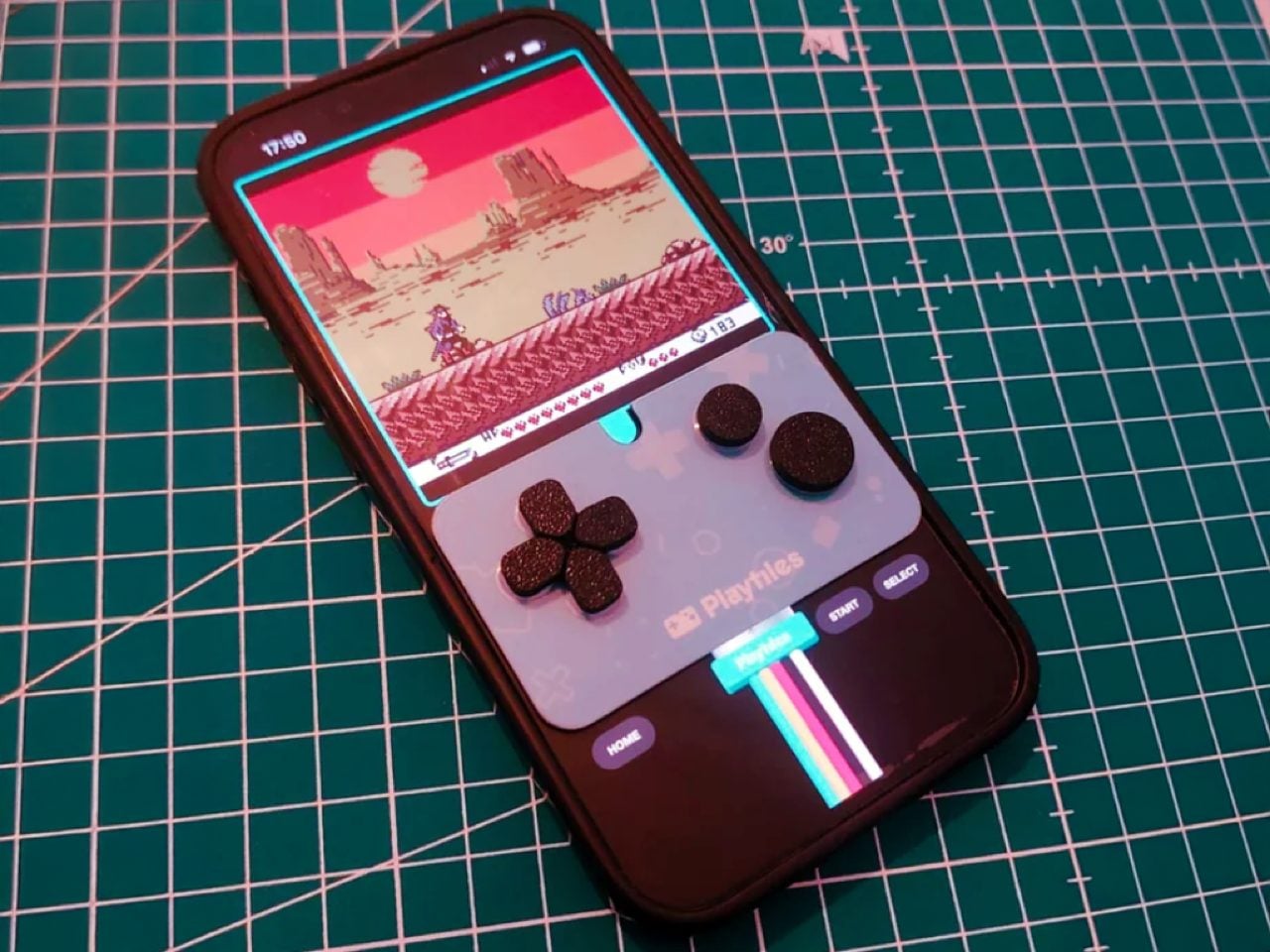
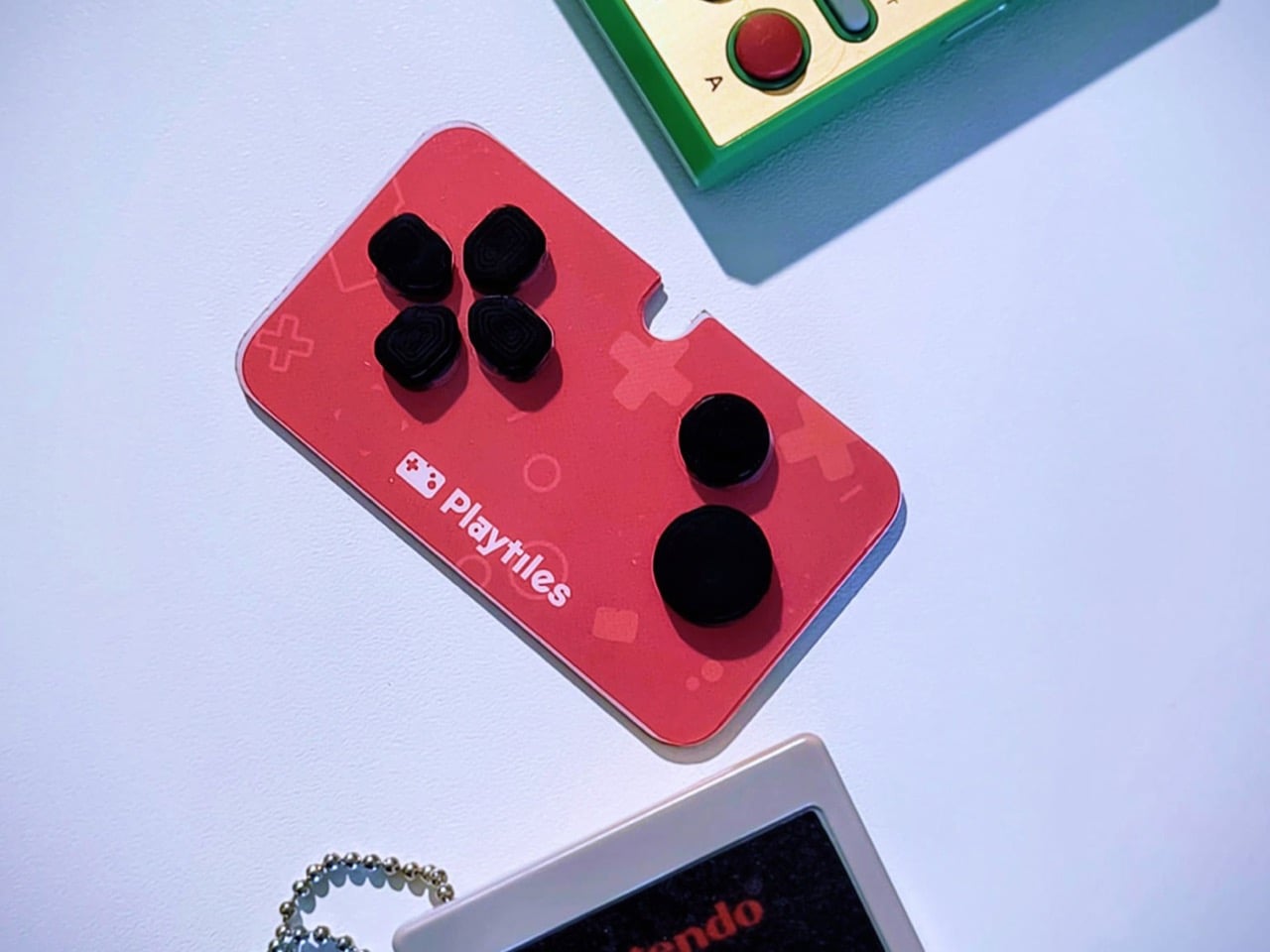
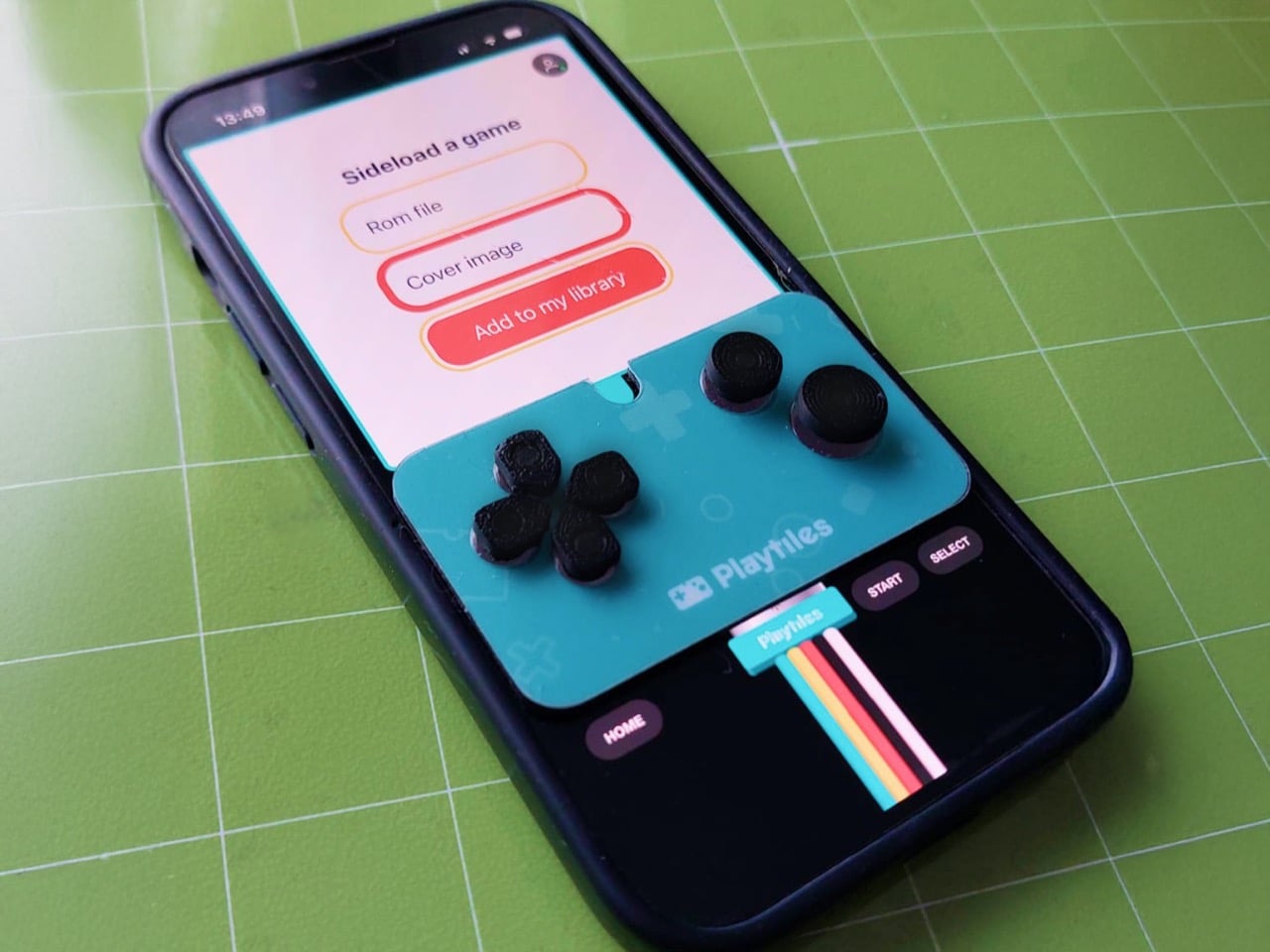
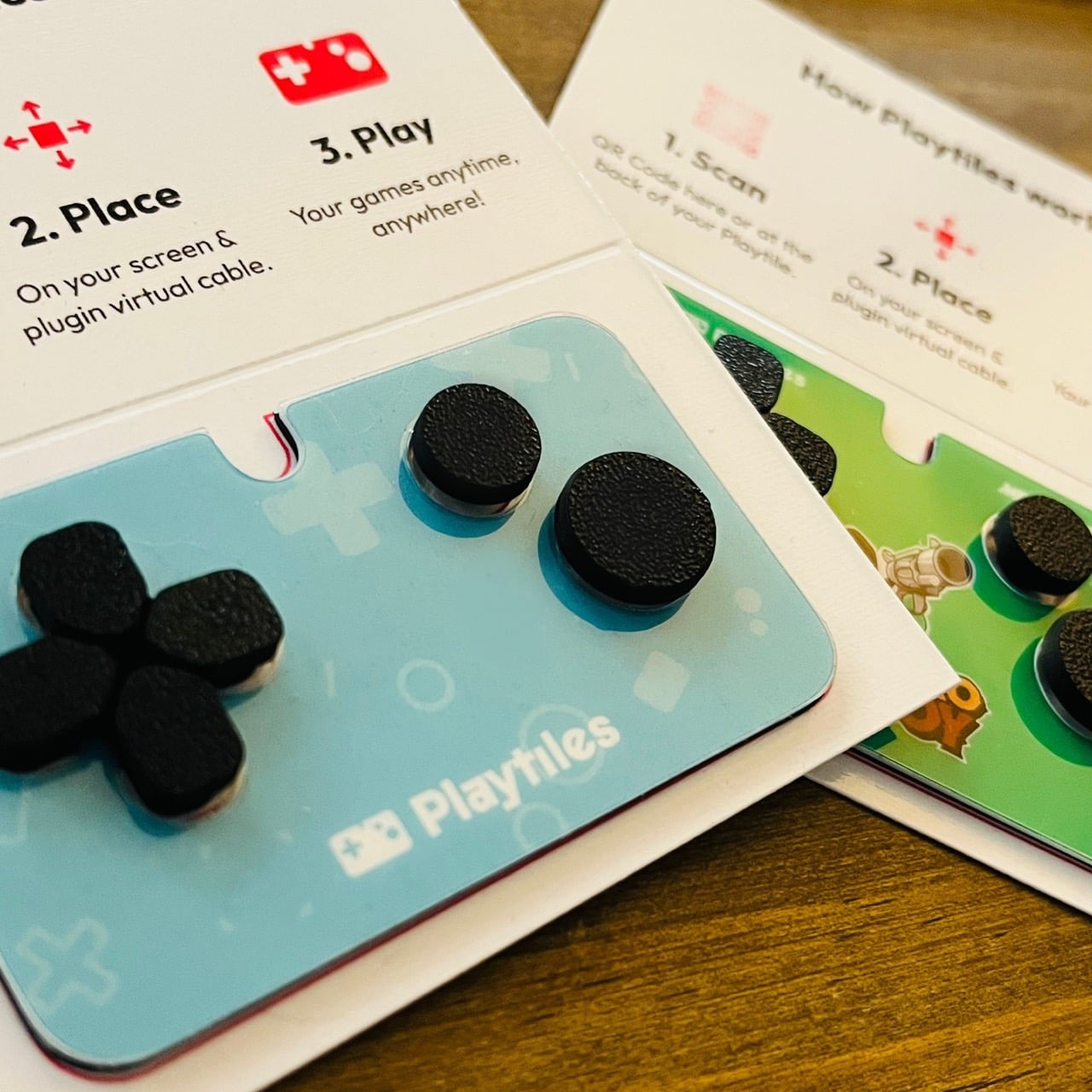
Playtiles looks like something that shouldn’t work. A thin piece of plastic with buttons, no electronics inside, sticking to your smartphone screen like a temporary tattoo. Yet this $12 accessory has managed to capture what expensive gaming phones and elaborate clip-on controllers often miss: the pure, uncomplicated joy of pressing actual buttons while playing retro-style games. The device ships with access to a curated library of indie titles that feel lifted straight from the Game Boy Color era.

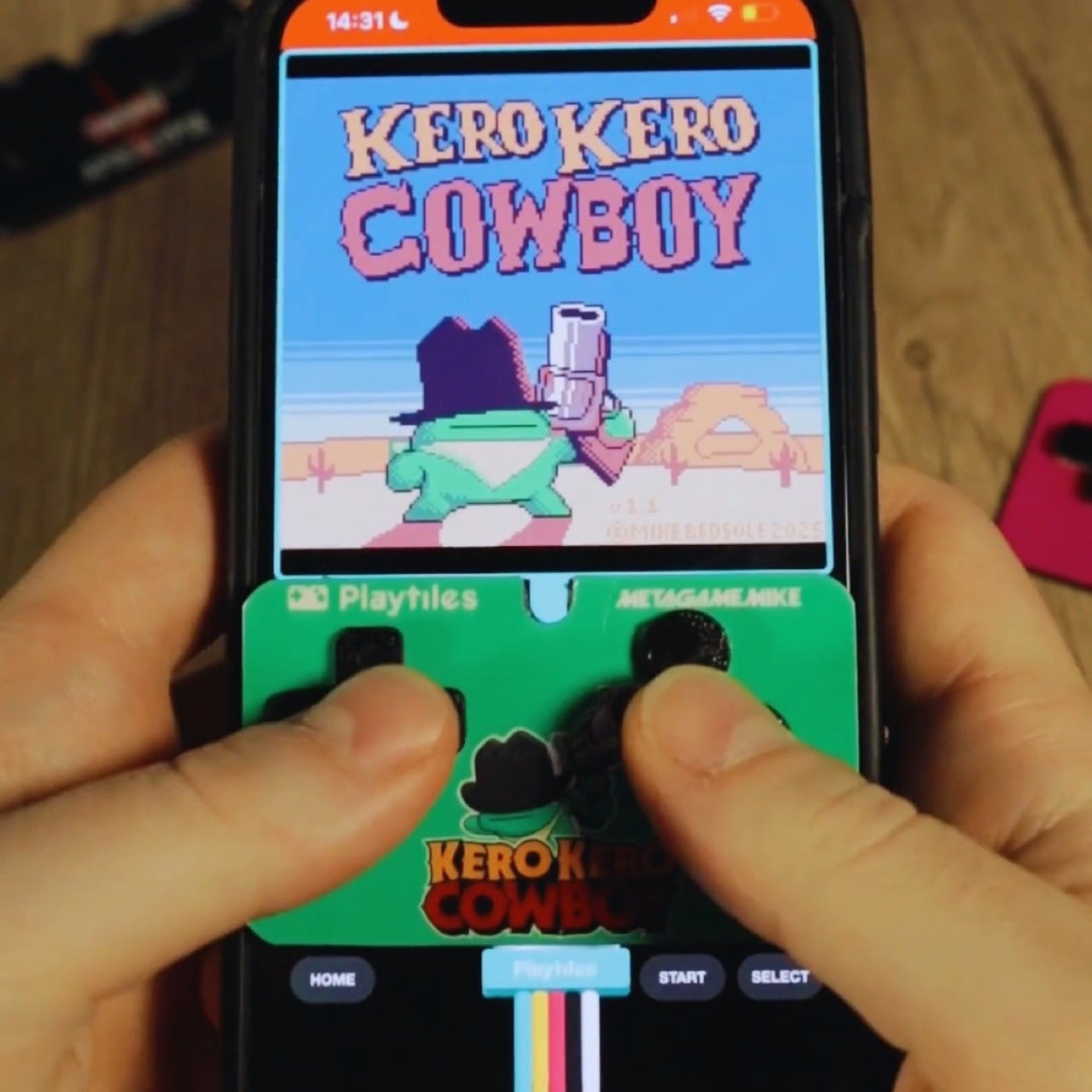
The design strips away everything modern mobile gaming has become. No account setup, no firmware updates, no charging cables. You place it on your screen where the virtual controls appear, press the buttons, and play. Thousands of micro suction cups hold it in place during gameplay, and when you’re done, it slides back into your wallet next to your credit cards. After months of anticipation since July’s pre-order launch, units are now reaching backers who wanted to rediscover what handheld gaming felt like before touchscreens took over.

Designer: Playtile

The buttons work through capacitive conduction, using your own body’s electrical properties to register a press on the screen beneath. It’s a completely powerless system, which in a world of constant charging is a breath of fresh air. The entire polycarbonate unit weighs just 0.2 ounces and measures 2.68 by 1.57 inches, making it smaller than a credit card. This isn’t trying to compete with a Backbone or Razer Kishi; those are full-fledged peripherals that turn your phone into a console hybrid. Playtiles is a fundamentally different idea, an accessory so unobtrusive it feels more like a guitar pick than a piece of hardware.

Of course, the hardware is only half the story. The back of every Playtiles has a QR code that launches a browser-based OS, completely sidestepping the app stores. This is an incredibly shrewd move, giving the creators a direct channel to their audience without platform fees or gatekeepers. Early adopters who bought the Season 1 bundle get a new, bite-sized retro game delivered every week for twelve weeks, all built in GB Studio. This transforms a simple controller into a curated content platform. It solves the biggest problem with mobile gaming, which is finding good games amidst a sea of ad-riddled clones. You get a handpicked library that you know is designed perfectly for the D-pad and two-button layout.

You are obviously not going to be playing Genshin Impact on this thing. The two-button constraint is a feature, a deliberate design choice that forces a return to the focused game mechanics of the 8-bit and 16-bit eras. It works on any phone with a screen wider than 68mm, so long as the game lets you reposition the on-screen controls to align with the controller. That’s the key requirement. For $12, it’s an impulse buy that feels like a low-risk experiment in nostalgia. In a market where dedicated handhelds from companies like Anbernic command prices north of $100, the Playtiles carves out its own space by being almost disposable in price yet surprisingly robust in its concept.

The post This Weird $12 Clip-On Gamepad Turns Your Smartphone Into a Game Boy Color first appeared on Yanko Design.
GameSir’s $79 MFi-compatible Controller Lets You Play PC & Xbox titles on an iPhone or iPad Mini

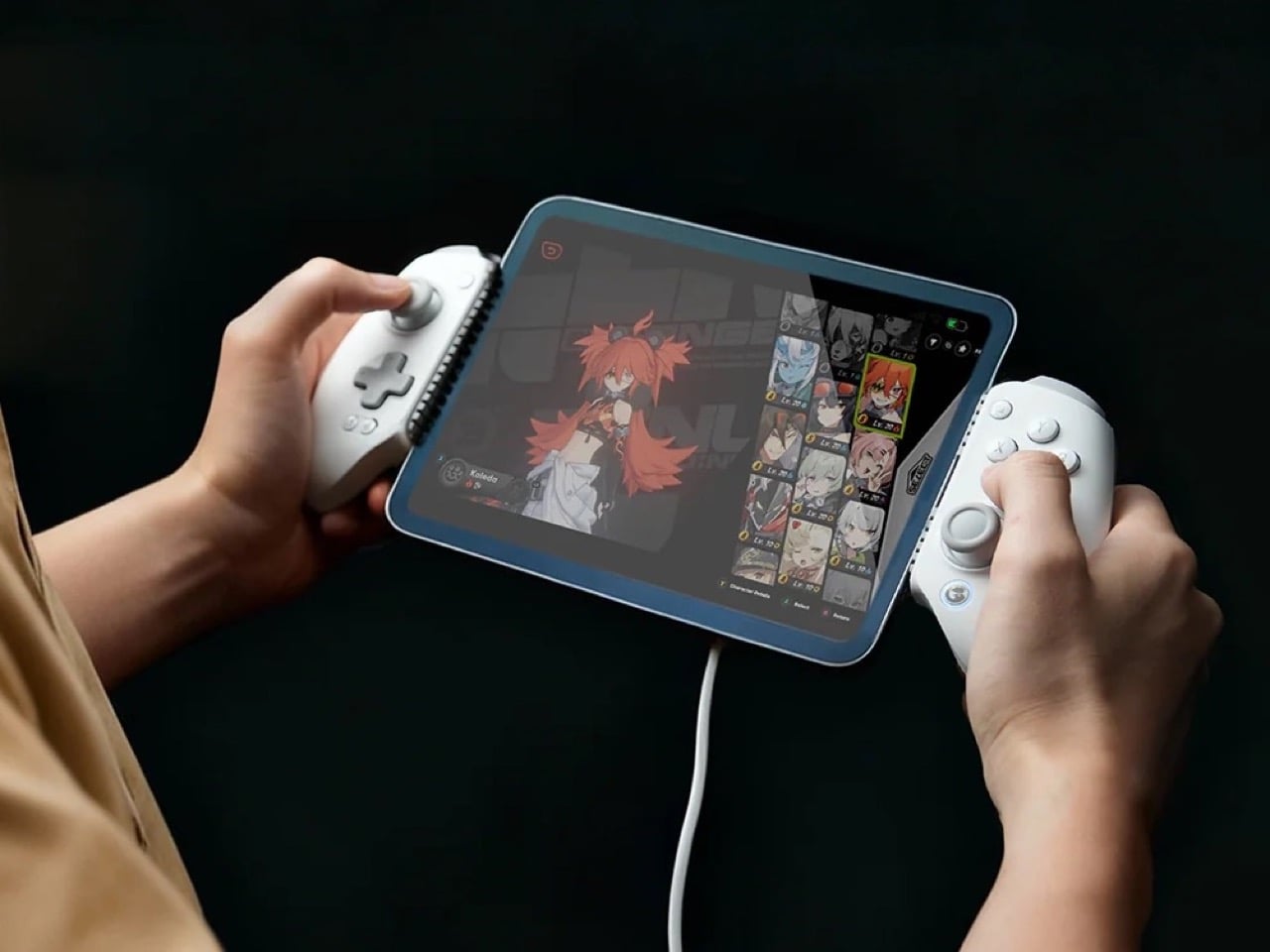
Backbone has enjoyed relatively comfortable dominance in the iPhone controller market, but GameSir just made things considerably less comfortable. The GameSir G8 Plus MFi arrives as the company’s first MFi-certified product, bringing proven gaming hardware expertise to Apple’s ecosystem at an aggressive $79.99 price point. This puts GameSir $20 below the established market leader while matching many of its core features. The competitive landscape matters here because Backbone now faces much stronger competition from companies like GameSir, Gamevice, and Razer, making its premium positioning harder to justify. GameSir counters Backbone’s sleek design and app integration with Hall Effect technology, customizable faceplates, and dual back buttons. The G8 Plus MFi also supports both iOS and compact Android devices, offering flexibility that pure iPhone-focused controllers cannot match.

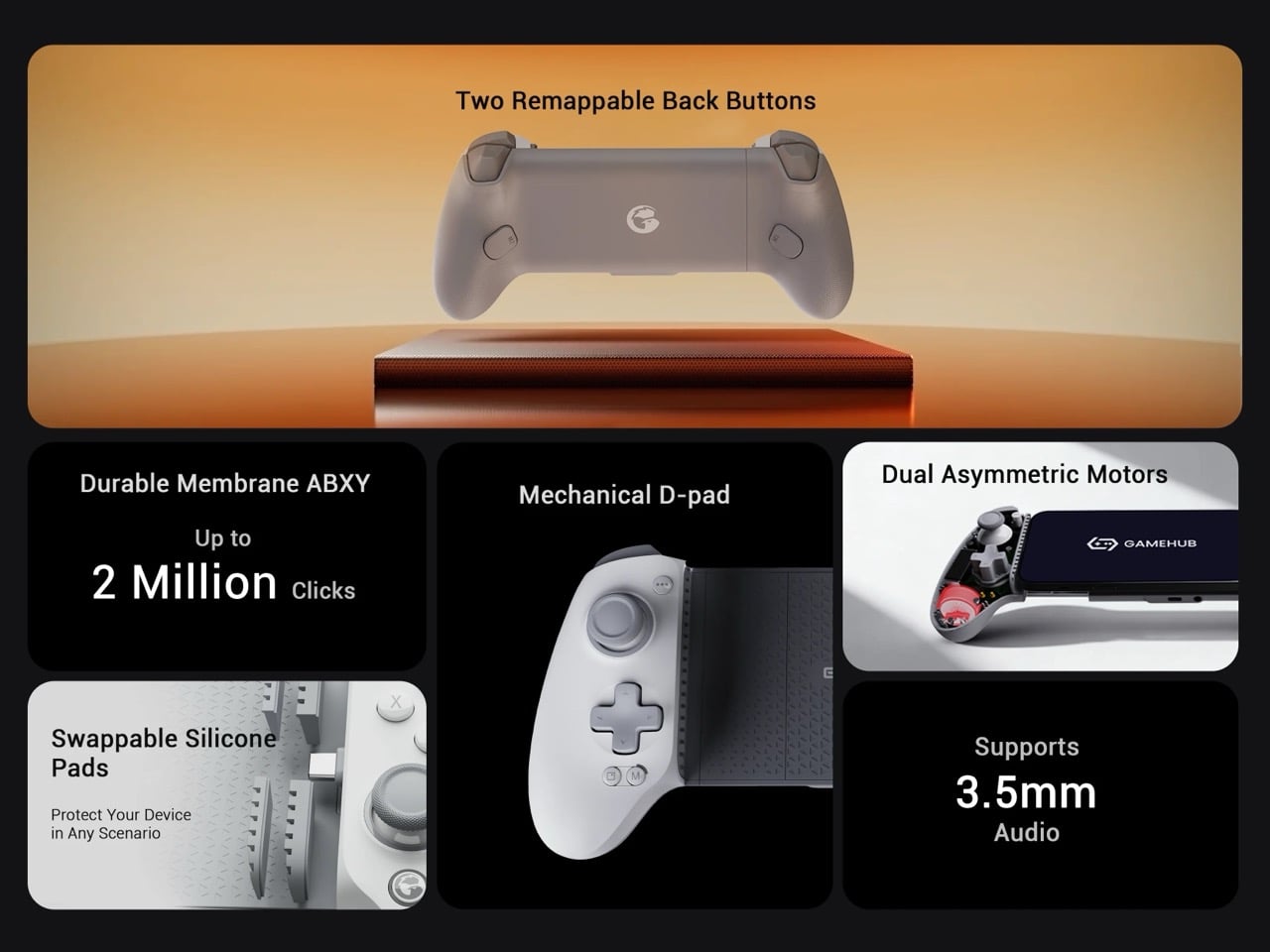
GameSir finally secured MFi certification, which means reliable performance and stable connectivity across iOS devices without the usual third-party controller jank. The company built its reputation on solid hardware, particularly with controllers like the standard G8 Plus that launched earlier this year with Bluetooth and battery support. This MFi version strips out both the battery and wireless connectivity to meet Apple’s specifications and hit that $79.99 price point. You’re getting a wired-only experience through a movable USB-C port, but the tradeoff includes pass-through charging so your phone doesn’t die mid-session. The telescopic design stretches to accommodate devices up to 215mm, which covers everything from standard iPhones to the iPad Mini, giving you way more versatility than you’d expect from a phone controller.

Designer: GameSir

Click Here to Buy Now

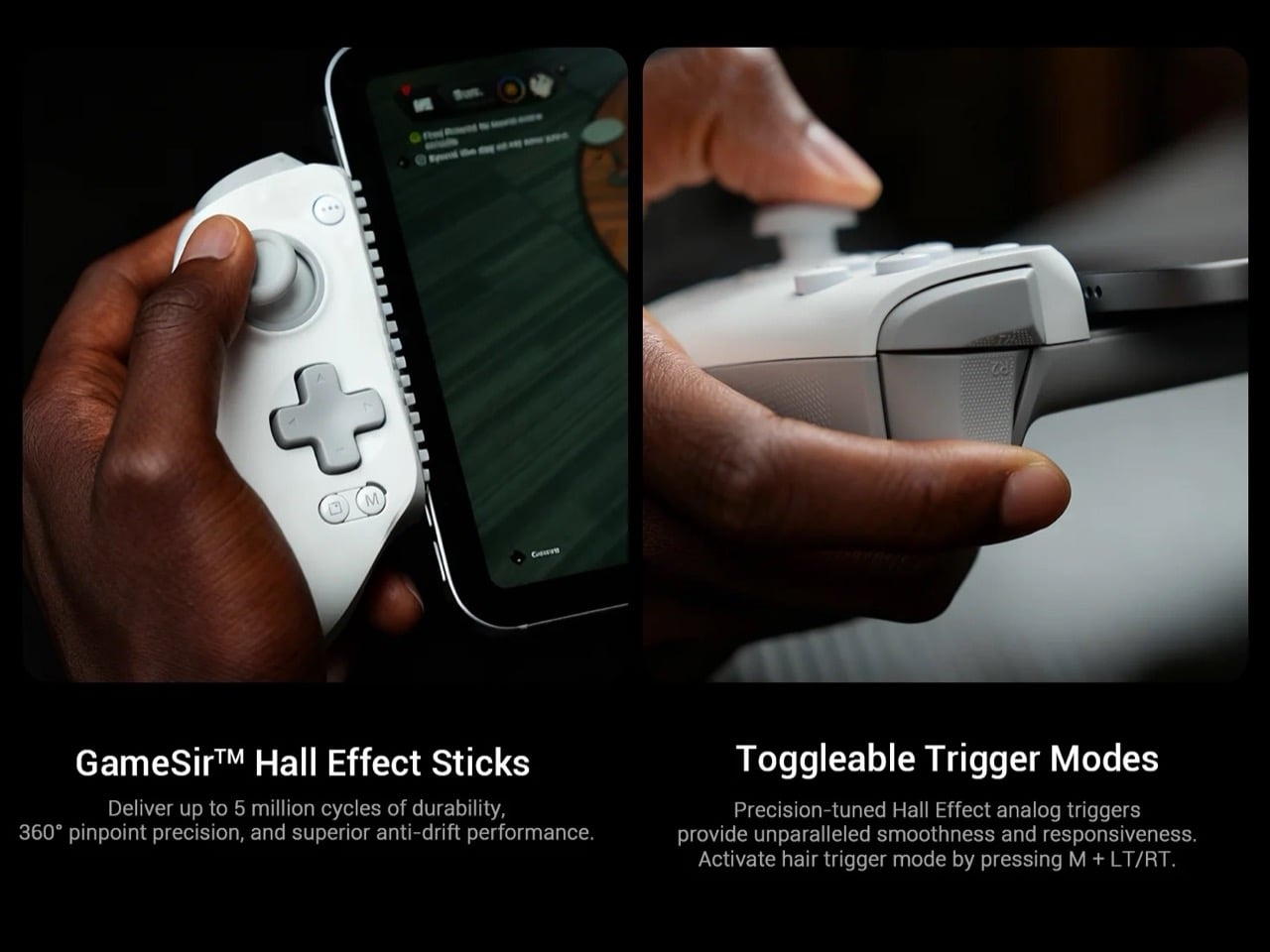
Hall Effect sensors in both the thumbsticks and analog triggers eliminate stick drift, which remains a persistent problem even in premium controllers. The mechanical D-pad provides tactile feedback that membrane alternatives can’t match, though the ABXY buttons use membrane technology to keep costs reasonable. Two programmable back buttons sit on laser-engraved grips, and the entire controller works with the GameSir app for customization. The detachable magnetic faceplate lets you swap thumbstick positions and rearrange the ABXY layout, something Backbone doesn’t offer at any price point. There’s also a 3.5mm audio jack for wired headphones, which matters more than you’d think when Bluetooth audio introduces latency in competitive games. GameSir clearly spent their engineering budget on components that affect gameplay rather than feature bloat.

No gyroscope means games that rely on motion controls won’t work properly, which eliminates a chunk of the iOS gaming library. The wired-only design lacks the flexibility of Backbone’s newer Pro model with its 40-hour battery and Bluetooth connectivity. GameSir’s app exists but doesn’t approach the polish or social features of Backbone’s ecosystem, which has become a genuine differentiator for the brand. Backbone built a game launcher, social platform, and recording hub that transforms the controller from a peripheral into a gaming experience. GameSir offers button remapping and firmware updates, which covers the basics but won’t replace your need for separate apps. You can tell where each company decided to compete and where they chose to concede ground.

The calculation for buyers comes down to whether Backbone’s ecosystem and brand cachet justify a 25% premium over GameSir’s hardware-focused approach. If you care about launching games from a unified interface, sharing clips with friends, or using your controller as a social hub, Backbone remains the obvious choice despite the higher cost. But if you want Hall Effect reliability, physical customization options, and the ability to use the same controller with both your iPhone and a compact Android tablet without switching devices, GameSir built exactly that product. The G8 Plus MFi proves you can compete with an established market leader by focusing on what actually matters to a specific segment of buyers. Backbone set the standard for mobile controllers on iOS, and now someone finally showed up with enough credibility to make the comparison worthwhile rather than embarrassing.

Click Here to Buy Now

The post GameSir’s $79 MFi-compatible Controller Lets You Play PC & Xbox titles on an iPhone or iPad Mini first appeared on Yanko Design.
8BitDo Partners with Pro Esports Players Vxbao and Zhen for $95 Transparent Purple Arcade Controller

The whole transparent tech thing is funny, isn’t it? It felt like a gimmick that died with the 90s, a design language reserved for our collective memory of Atomic Purple N64 controllers and translucent Game Boy Colors. Yet here we are, watching it cycle back into the enthusiast space with a vengeance. It’s a clever move, really. A transparent shell is a statement of confidence, a way for a company to say there is nothing to hide, that the engineering inside is as much a part of the aesthetic as the plastic containing it. It taps directly into a powerful vein of nostalgia while also appealing to a modern desire for authenticity, for seeing the components that make our gadgets tick. It is a look that feels both retro and surprisingly honest, and it is finding a perfect home in the high-performance peripheral market.

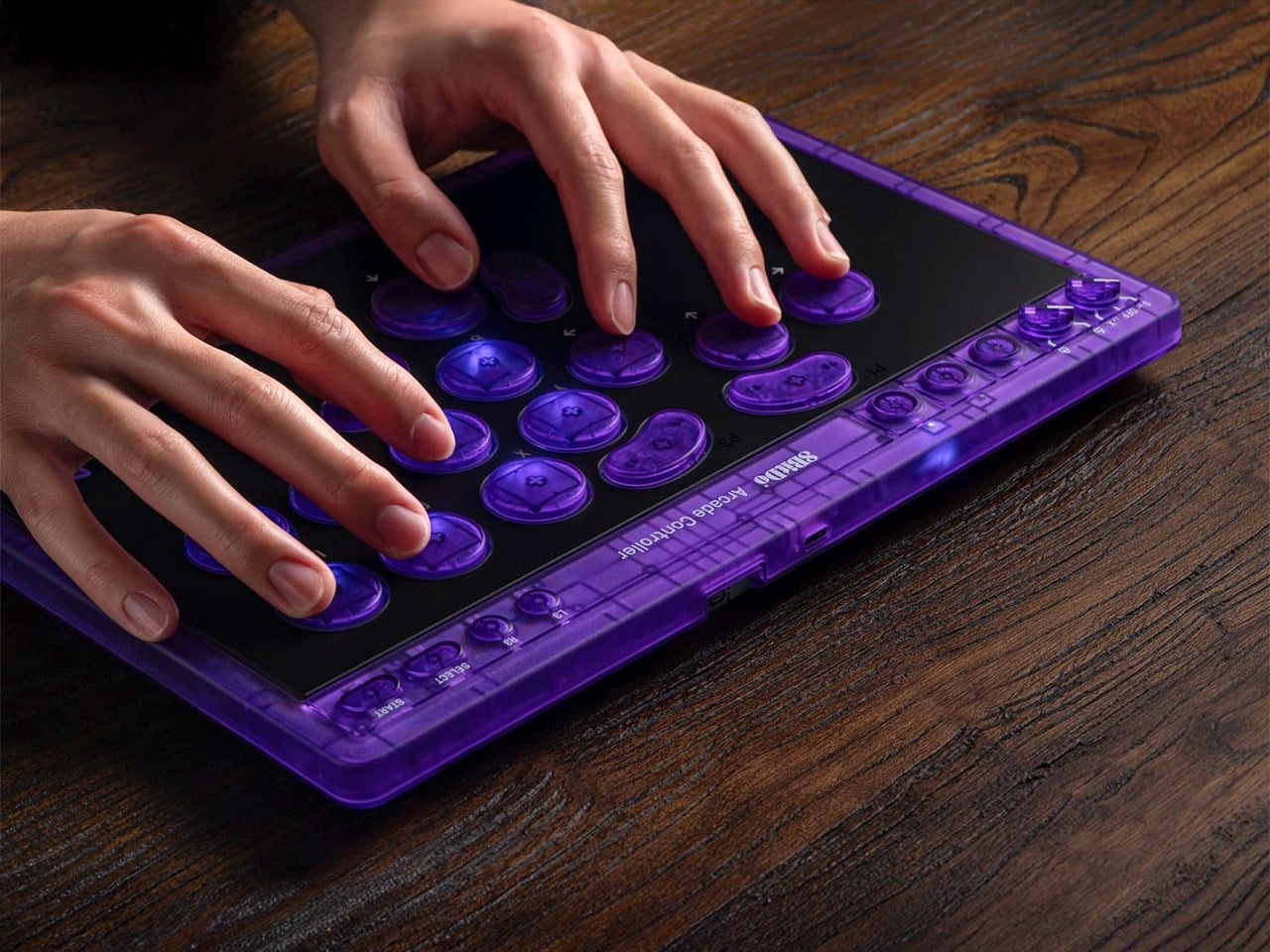
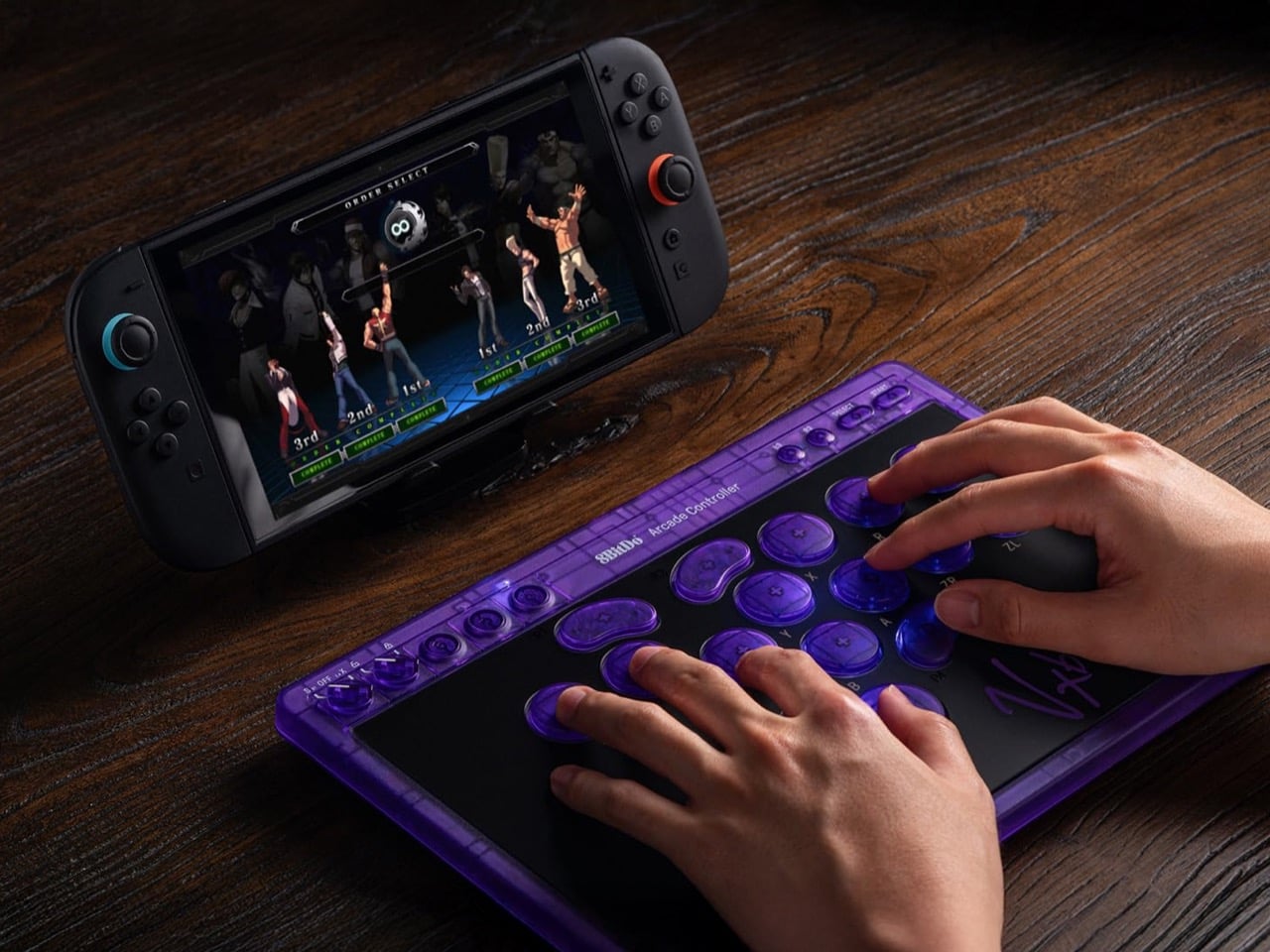
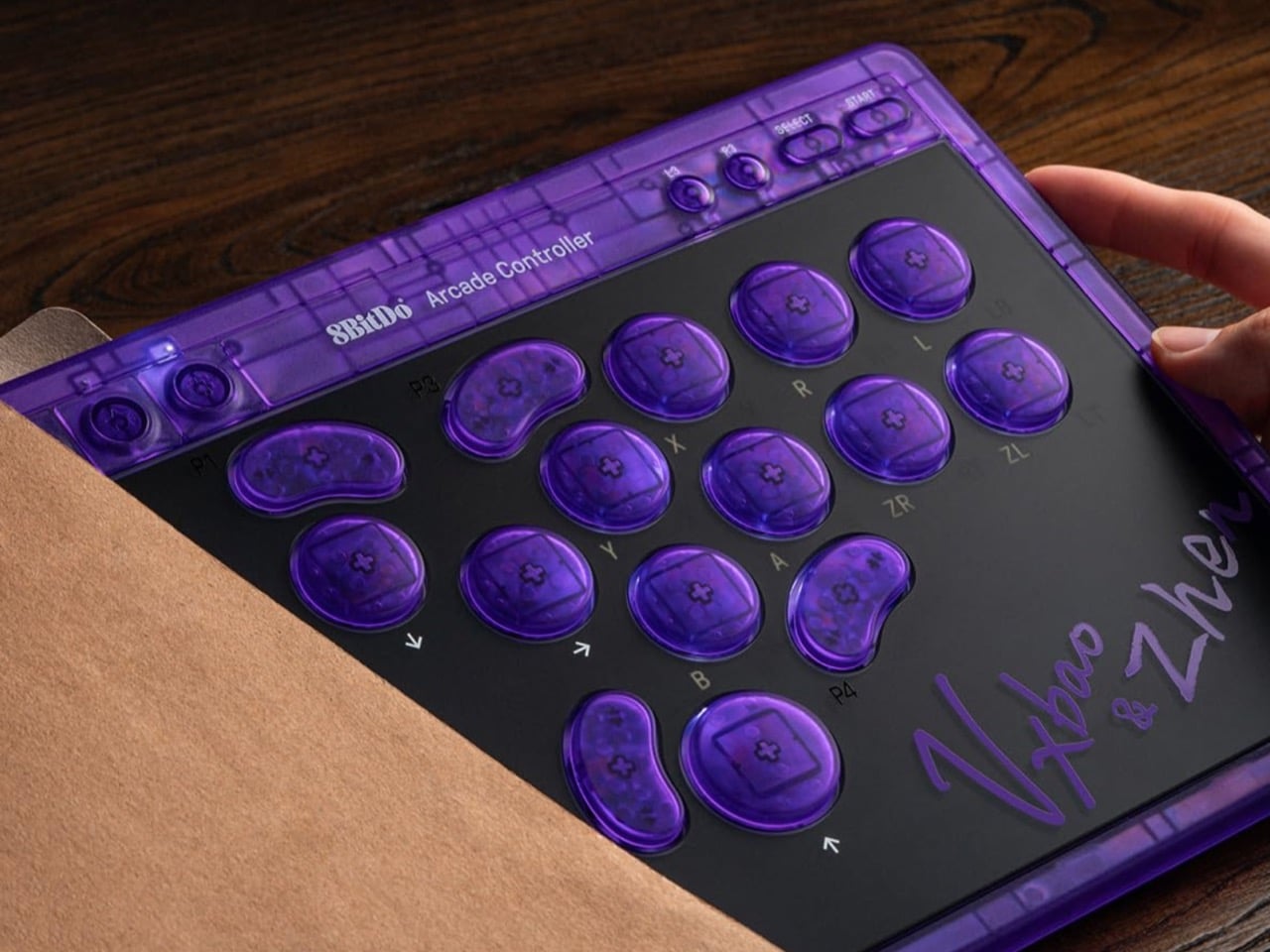
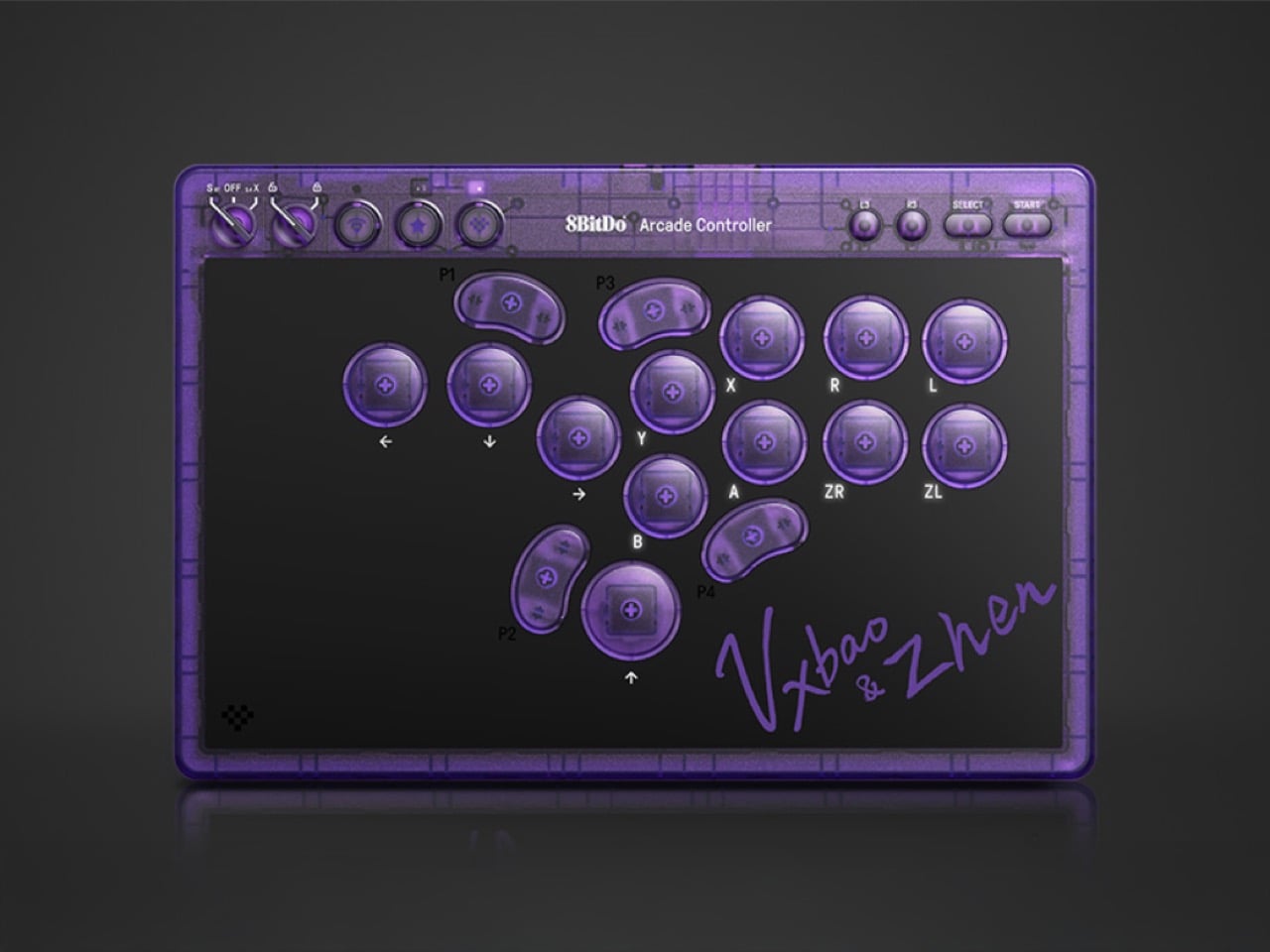
So when 8BitDo announced a new signature edition of its Arcade Controller, the transparent purple shell was the first thing that caught my eye. This is not just some random colorway; it is a direct collaboration with professional fighting game players Vxbao and Zhen, complete with their signatures. It’s called the Arcade Controller Transparent Purple Signature Edition, and it represents a very deliberate push by 8BitDo to add a layer of competitive legitimacy to its hardware. The company has always excelled at making well-built, retro-inspired controllers, but this partnership signals a deeper ambition. They are actively courting the serious fighting game community, tying a specific, desirable aesthetic to the endorsement of players who represent the scene’s highest level of competition.

Designers: Vxbao and Zhen for 8bitdo

Click Here to Buy Now

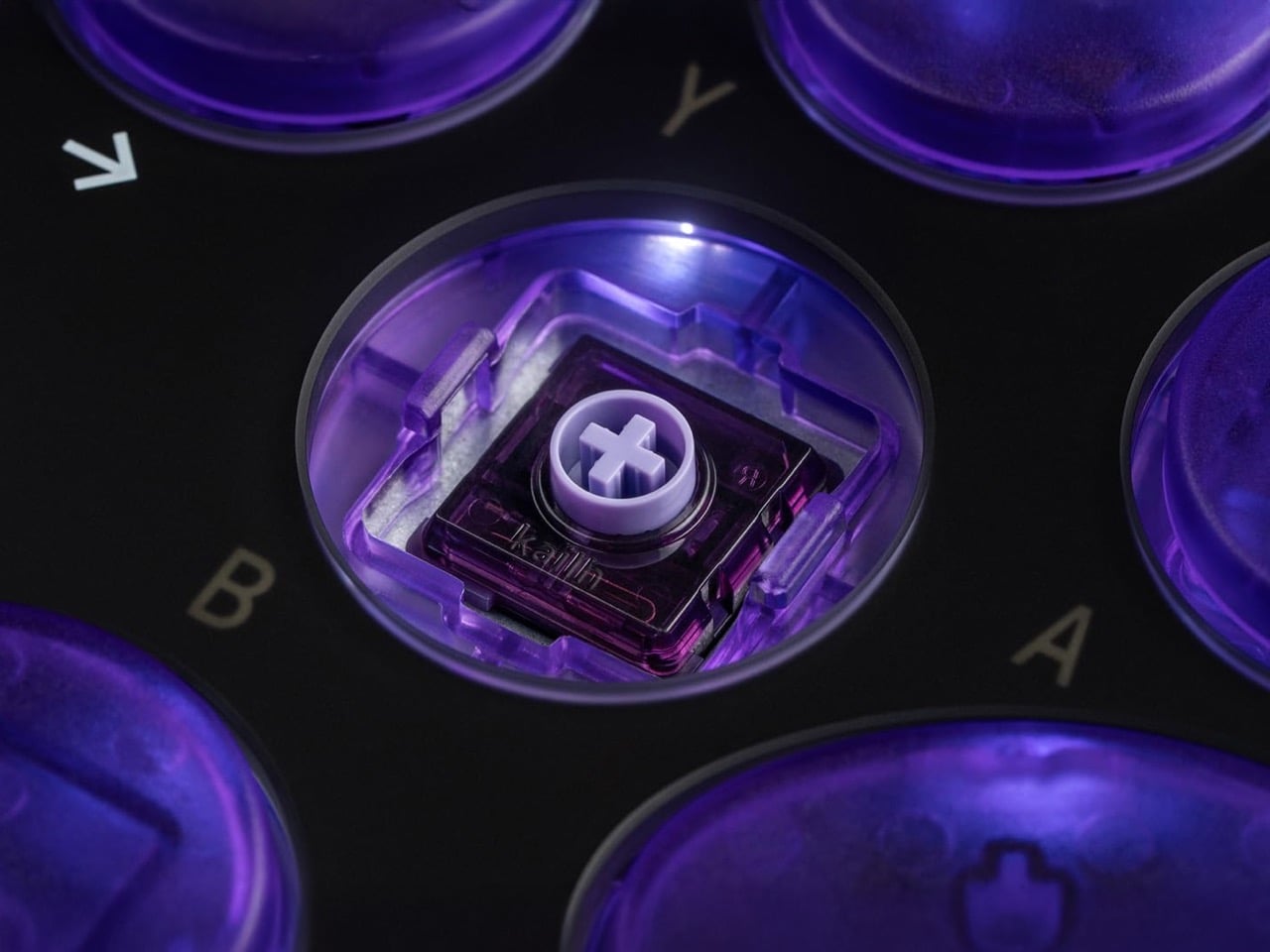
Underneath that eye-catching shell, the controller is built on the proven foundation of the standard 8BitDo Arcade Controller, which is a good place to start. The most significant hardware change here is the switch to Kailh Purple Glede linear switches for the all-button layout. This is a meaningful upgrade, not just a cosmetic tweak. Linear switches offer a smooth, consistent press from top to bottom without any tactile bump, which is exactly what you want for the rapid, precise inputs required in competitive fighting games. It ensures fast actuation and removes any physical noise that could interfere with muscle memory. The controller also retains its esports-focused features, including essential SOCD cleaning for handling simultaneous opposite directional inputs and a tournament lock function to prevent accidental pauses.

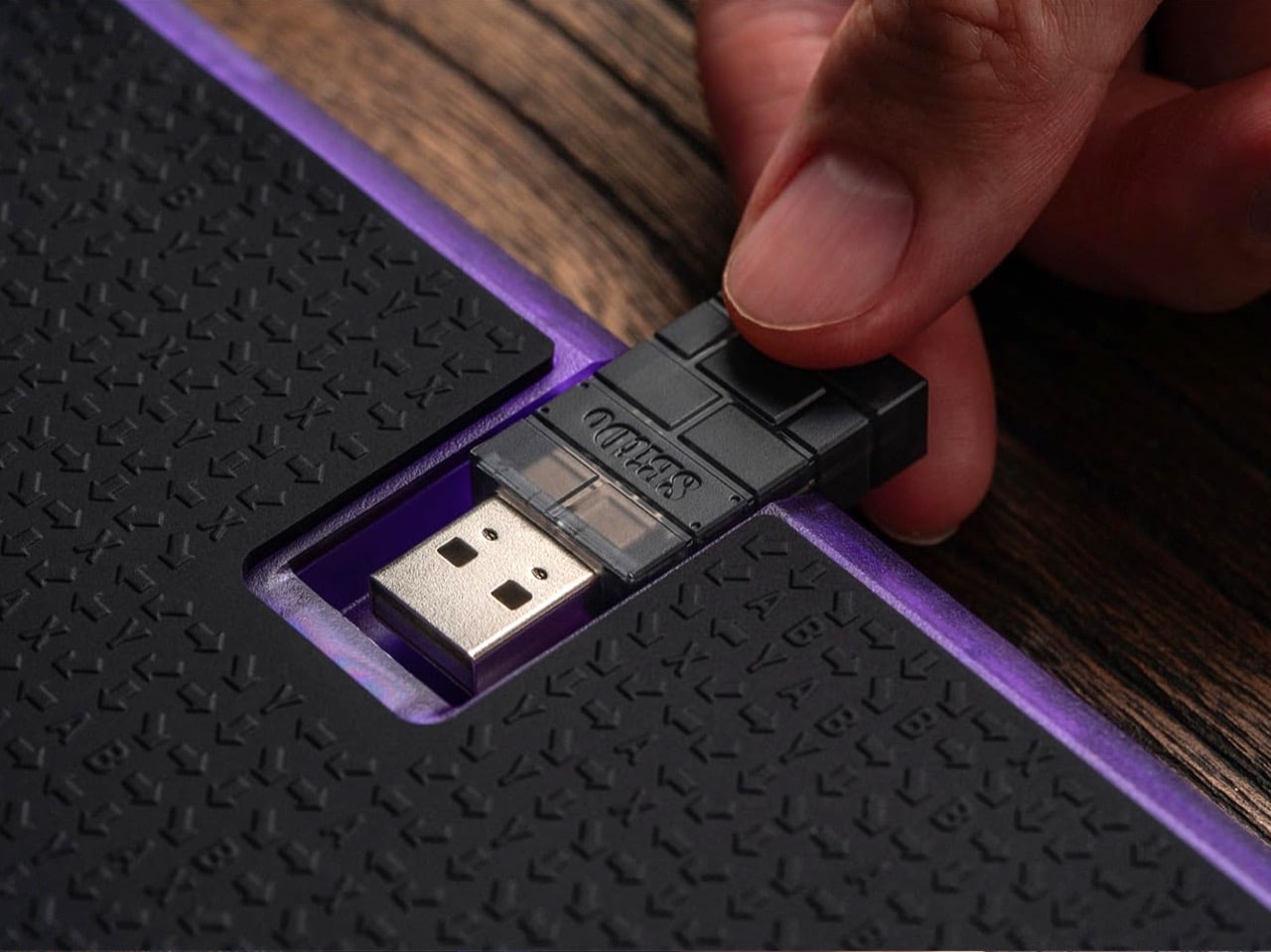
The design itself is more than just a translucent shell. 8BitDo paired the transparent purple body with matching translucent buttons, but smartly grounded the whole thing with a black tempered glass faceplate. This contrast keeps it from looking like a toy and gives it a more premium, serious feel. The signatures of Vxbao and Zhen are integrated into the design, serving as a stamp of approval that makes this a collectible piece right out of the box. Thankfully, it also keeps the excellent quality-of-life features from the original model, like the non-slip silicone mat that keeps it planted during intense matches and the slick magnetic compartment that hides the 2.4 GHz adapter when not in use. It’s a thoughtful package that respects both form and function.

This collaboration is a clear statement of intent. By officially sponsoring Vxbao and Zhen and launching a product bearing their names, 8BitDo is signaling that it wants to be taken seriously in the competitive fighting game arena. For years, the company has been the darling of the retro and indie gaming scenes, but breaking into the FGC requires a different kind of credibility. This partnership is a shortcut to that trust. It tells prospective buyers that this hardware has been vetted and is suitable for high-level play, moving the controller from a cool retro accessory to a viable piece of tournament gear. It’s a classic strategy, but one that only works if the underlying product is solid, and by all accounts, the 8BitDo Arcade Controller platform is exactly that.

Of course, there is always a catch. The good news is the price; at $94.99, it carries only a five-dollar premium over the standard model’s original MSRP, which is incredibly reasonable for a signature edition with upgraded switches. The bad news is availability. For now, this is a US-exclusive release available for order on Amazon, with an estimated shipping date of late January 2026. However, if you’re really determined, maybe you could just 3D print your own translucent shell and mount it to an existing 8BitDo Arcade Controller?

Click Here to Buy Now

The post 8BitDo Partners with Pro Esports Players Vxbao and Zhen for $95 Transparent Purple Arcade Controller first appeared on Yanko Design.
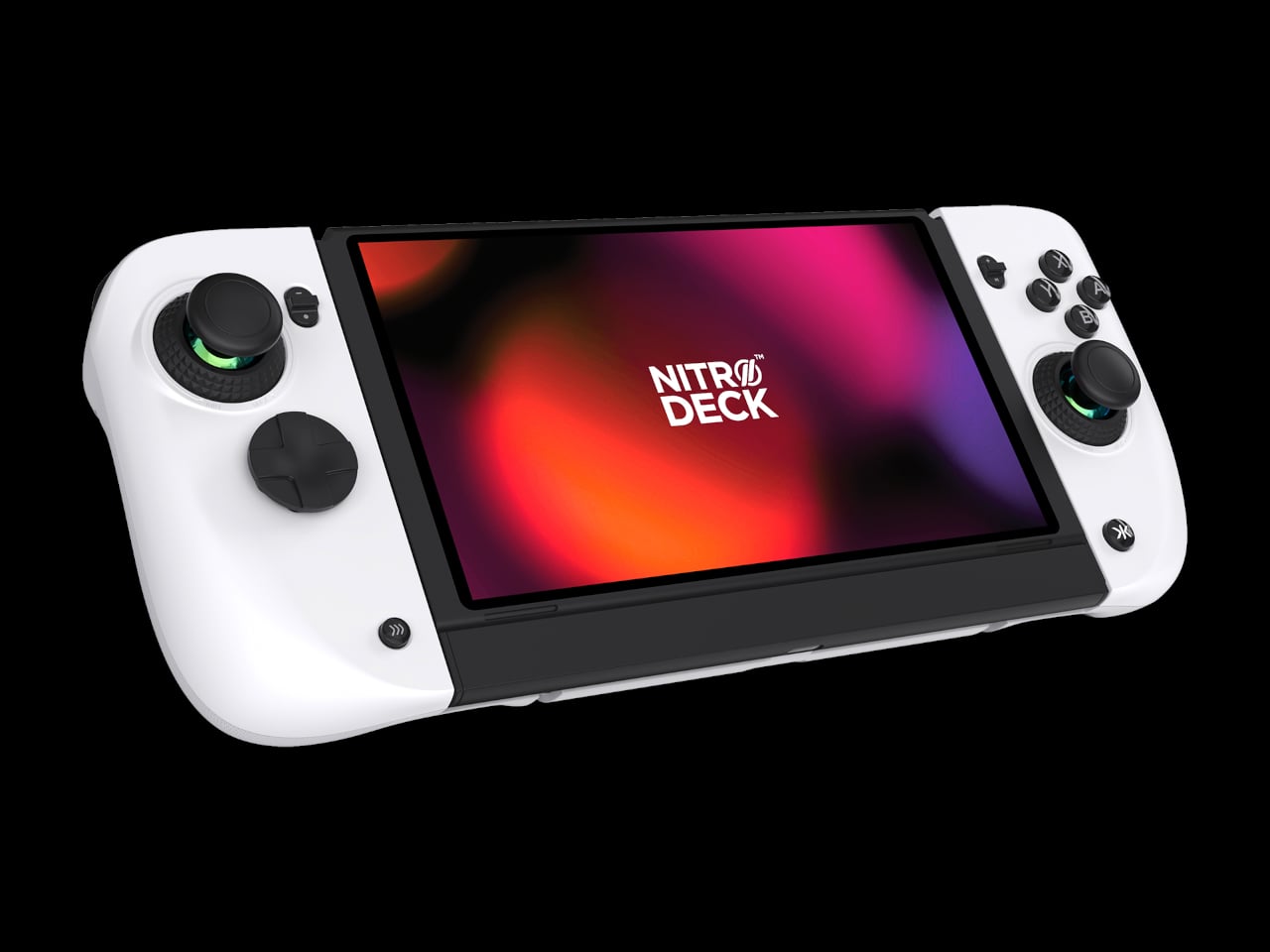
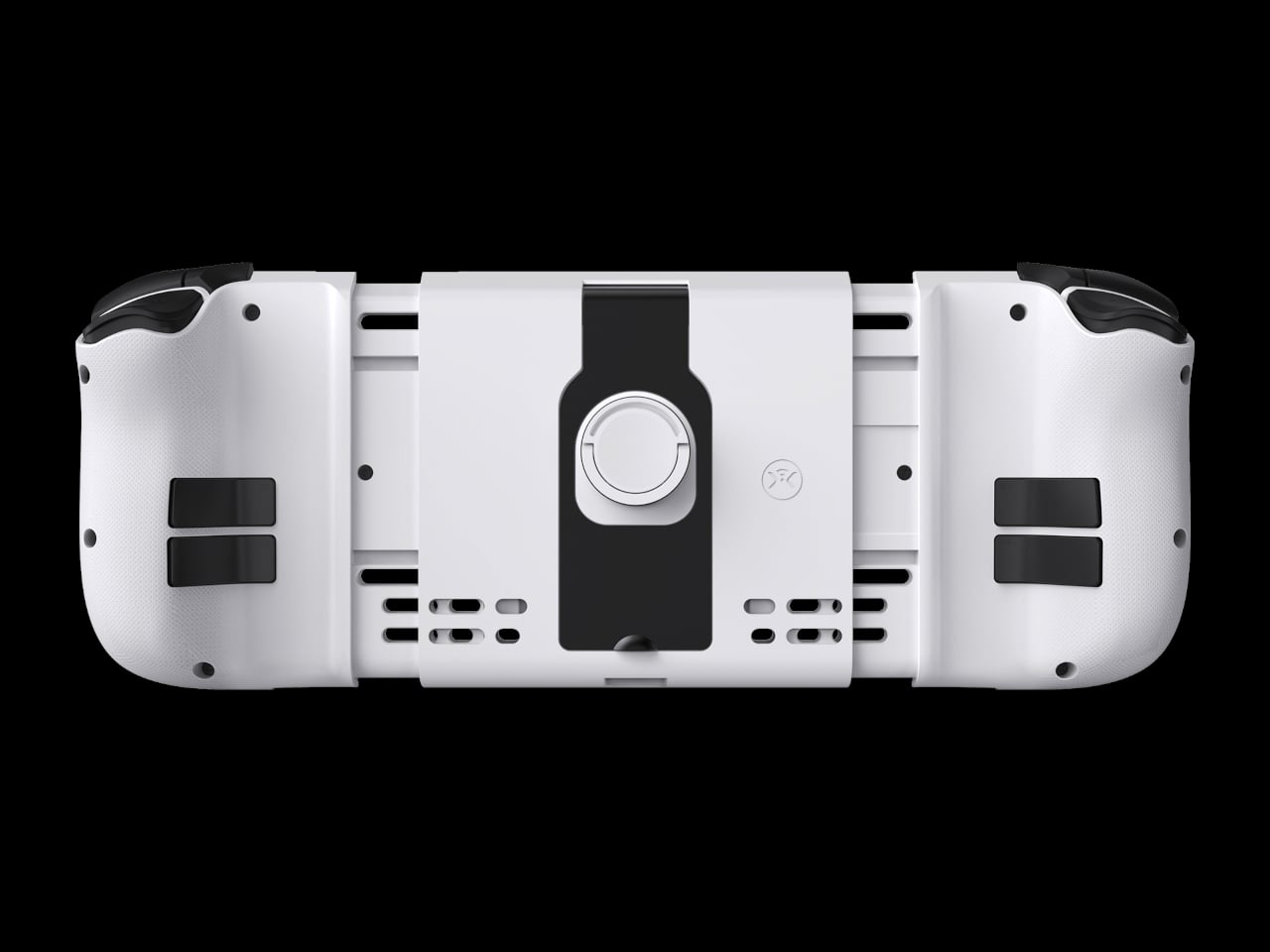
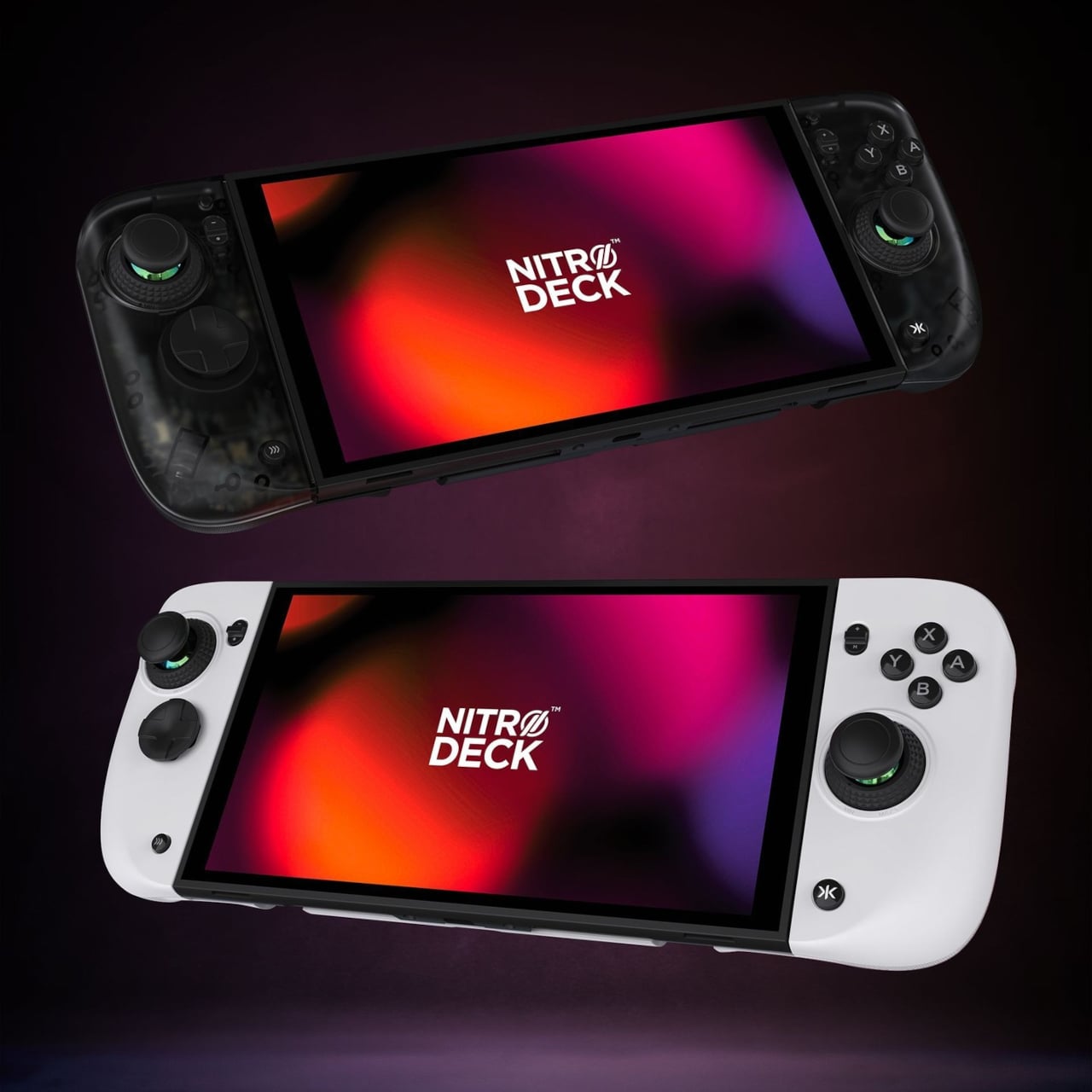
Nitro Deck 2 Controller Fits Switch 2, OG, and OLED in One Shell

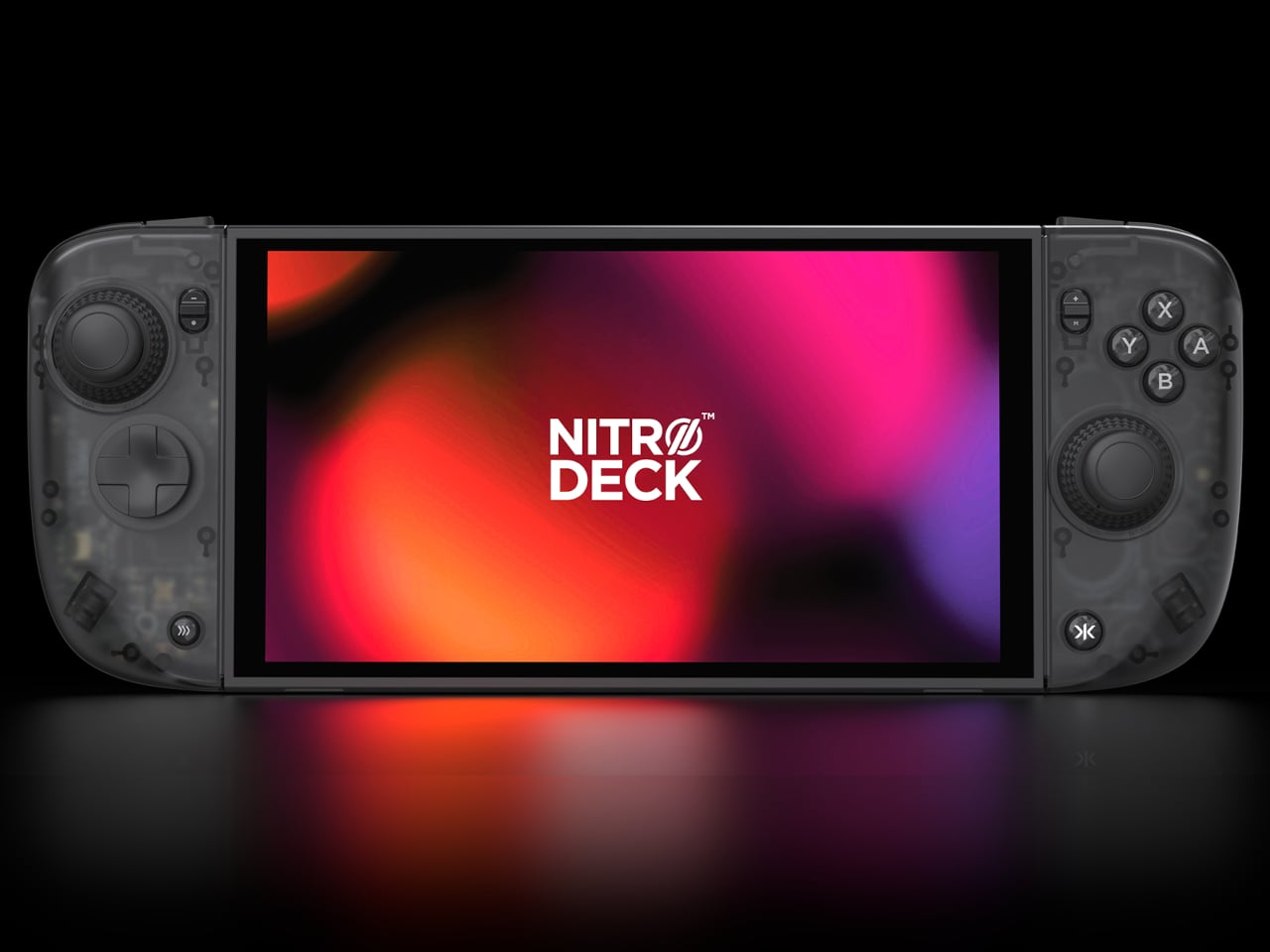
The first Nitro Deck and similar shells made the Nintendo Switch feel more like a proper controller, but they were still mostly one-trick grips that lived in handheld mode. With the Switch 2 looming, there is a chance to rethink what a deck shell should be, not just for Nintendo’s next handheld but for PC, mobile, and TV play. Nitro Deck 2 is CRKD’s answer, expanding the idea from grip to multi-platform controller.

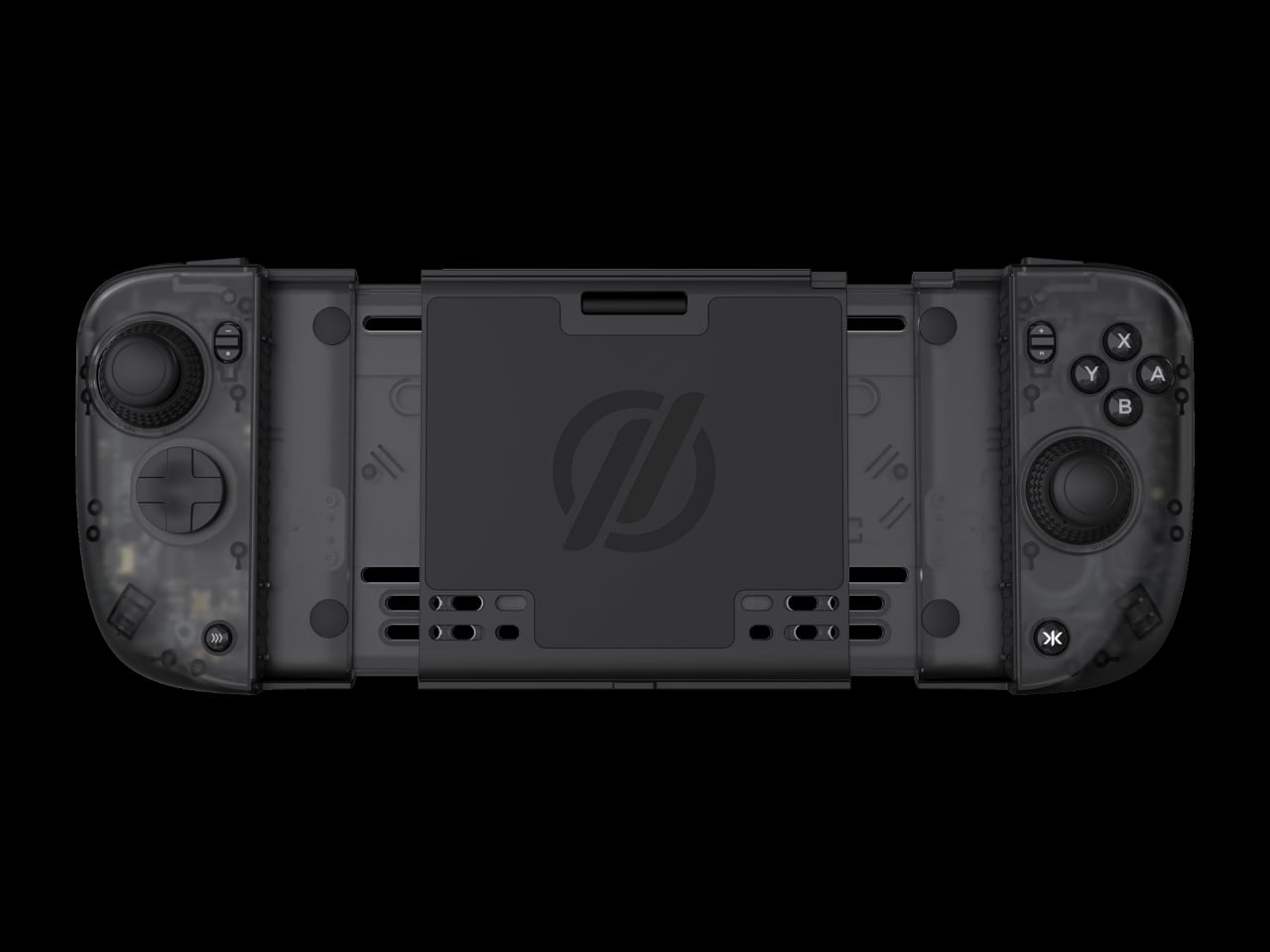
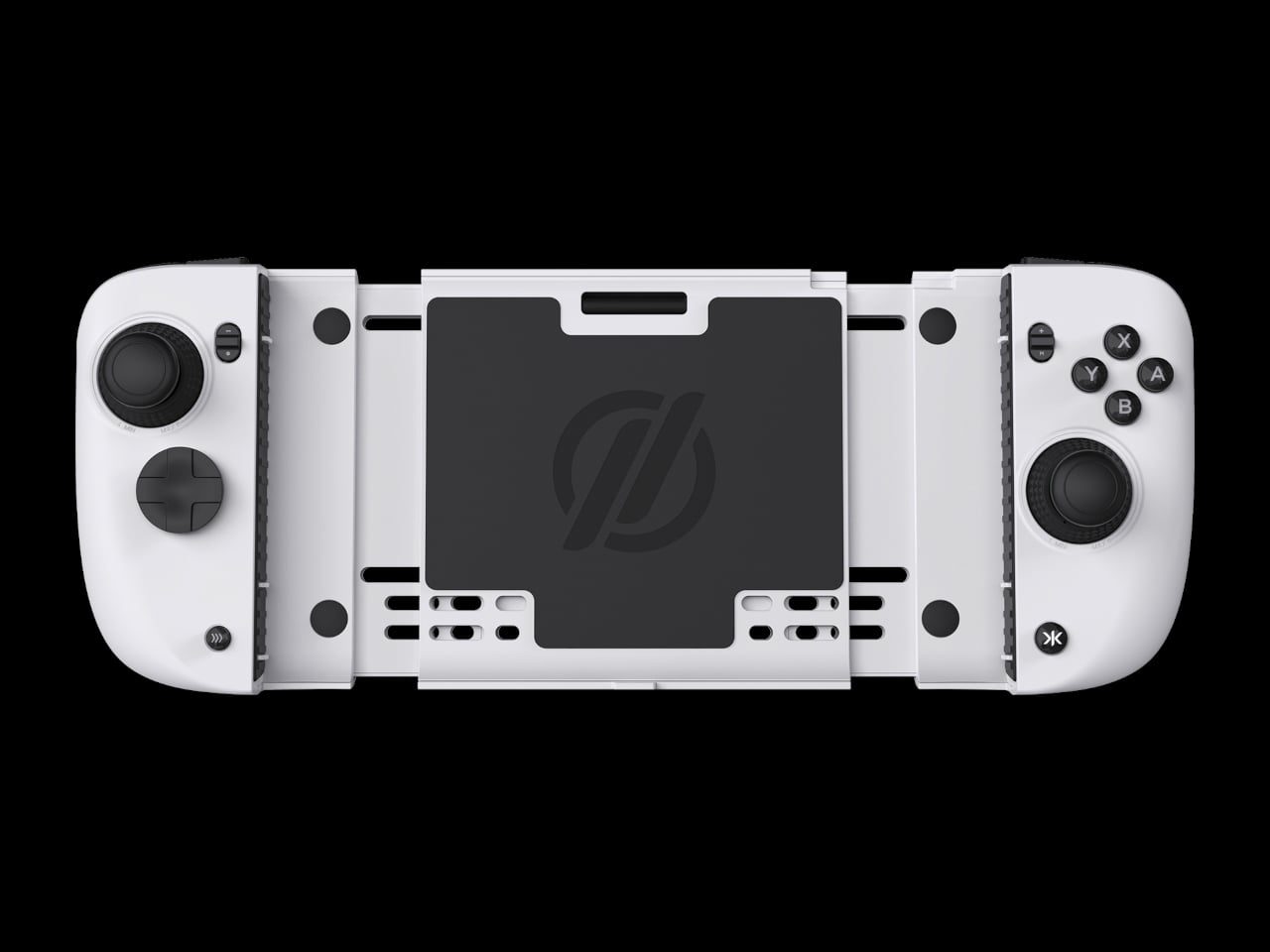
CRKD frames it as a completely new product engineered for the Nintendo Switch 2 and fully backward compatible with the Switch and the Switch OLED, with redesigned ergonomics and expanded versatility across PC, mobile, and smart TVs via Bluetooth and USB. It holds your console for handheld play, but the removable centerpiece lets it convert into a standalone pro-style controller when the console is docked, which is the big conceptual shift from shell to system.

Designer: CRKD

CaptiStick is a capacitor-based, zero-contact sensor design meant to eliminate stick drift and deliver long-lasting precision with no electromagnetic interference. That is CRKD’s alternative to traditional potentiometer sticks that wear out, and Hall Effect sticks that rely on magnets. Nitro Deck 2 also adds adjustable thumbstick resistance and deadzone, tunable through the CRKD Companion App, so you can dial in how loose or tight the sticks feel depending on the game.

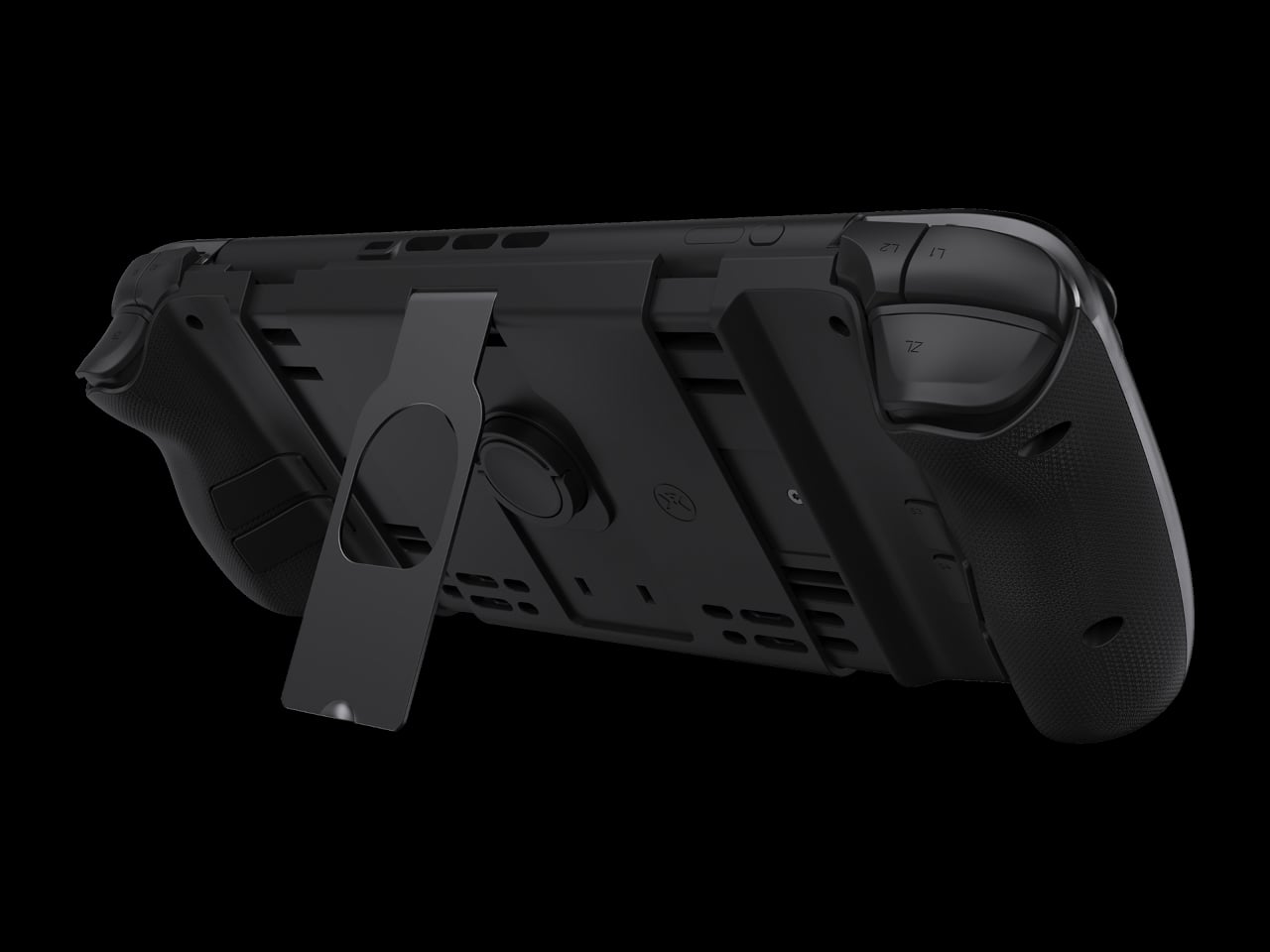
The new retractable locking dial mechanism secures the console and keeps the shell compatible with the original Switch and OLED models, with a legacy adapter included. This is a direct response to fit issues from the first Nitro Deck, and it means Nitro Deck 2 survives console generations. The dial gives you a way to adjust clamping force and fit without swapping the whole shell when Nintendo changes dimensions.

The expanded control set includes extra bumper buttons (L2 and R2), remappable back buttons, smooth tactile digital triggers, and toggle buttons for plus, minus, record, and macro. Nitro Deck 2 supports motion controls and adjustable vibration feedback for supported games, plus Turbo Mode for rapid inputs. The idea is to give you more inputs and a better feel than Joy-Cons or a stock Pro Controller, especially for long sessions.

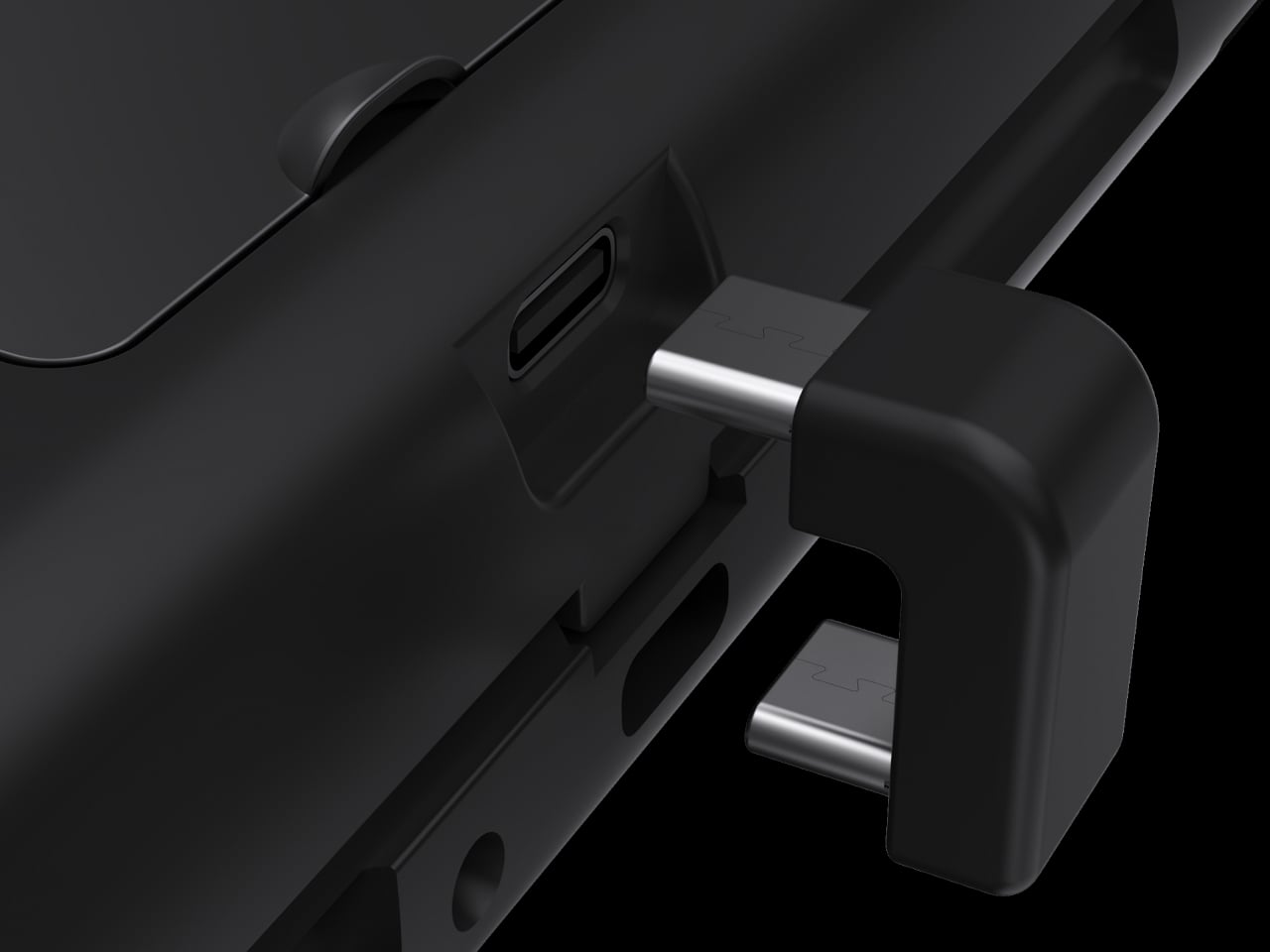
Nitro Deck 2 connects over Bluetooth or wired USB to PC, mobile, and select smart TVs when the console is not installed, acting as an extra pro-style controller. The CRKD app includes its True Collection System for tapping and registering your hardware and CTRL for customizing sticks, vibration, and firmware. It is part collectible, part tuning tool, making the hardware feel like it lives in a broader ecosystem.

Nitro Deck 2 moves the idea of a Switch shell from a simple grip to a long-term controller investment that survives console generations. It is still a pre-order product with questions around weight and battery life, but the combination of CaptiStick, a retractable locking dial, and a removable centerpiece suggests a different kind of accessory, one that grows with your setup instead of getting replaced every time Nintendo ships new hardware.

The post Nitro Deck 2 Controller Fits Switch 2, OG, and OLED in One Shell first appeared on Yanko Design.
The 8BitDo 64 controller just got an iMac G3 inspired makeover in 8 new colors

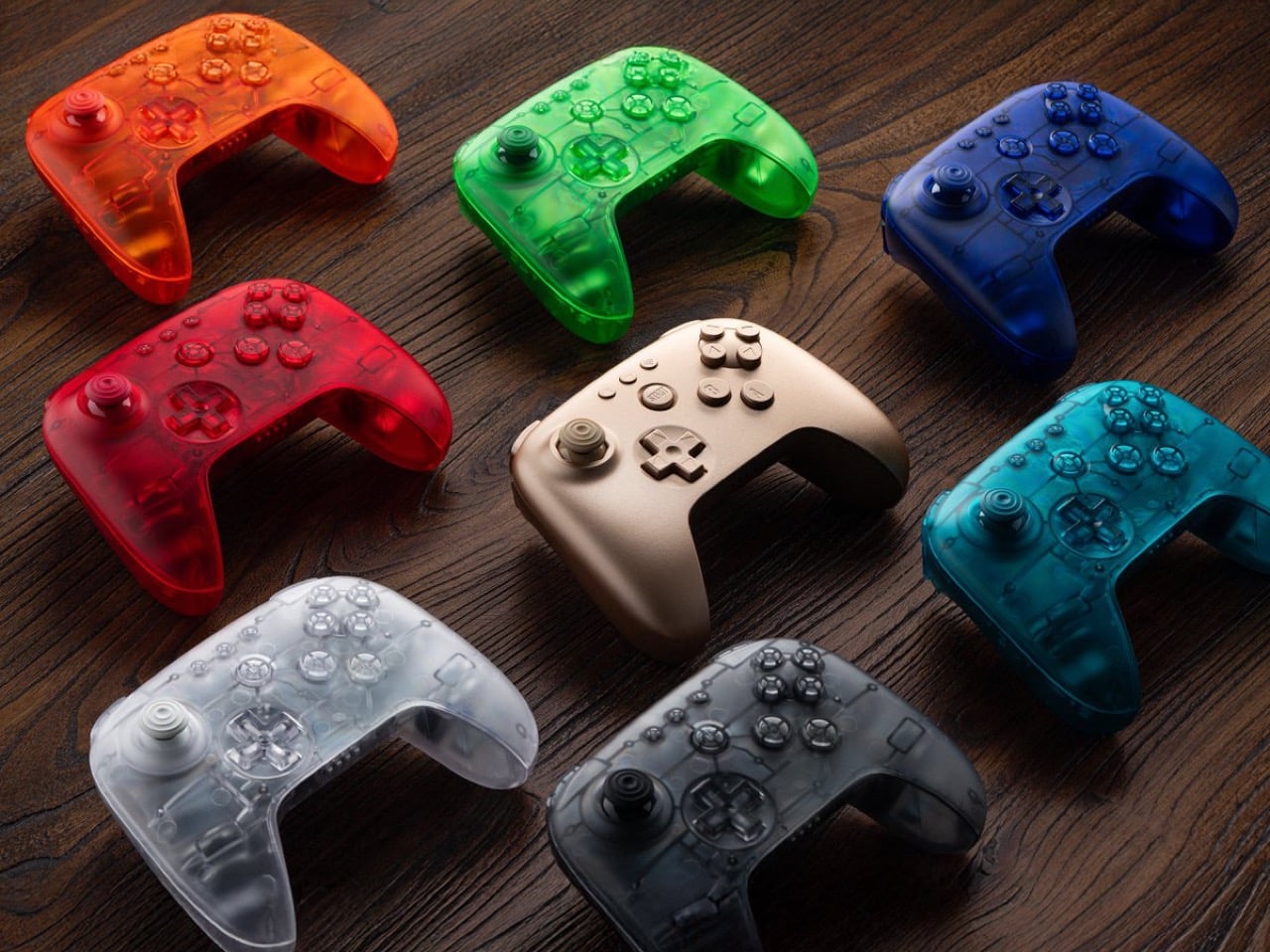
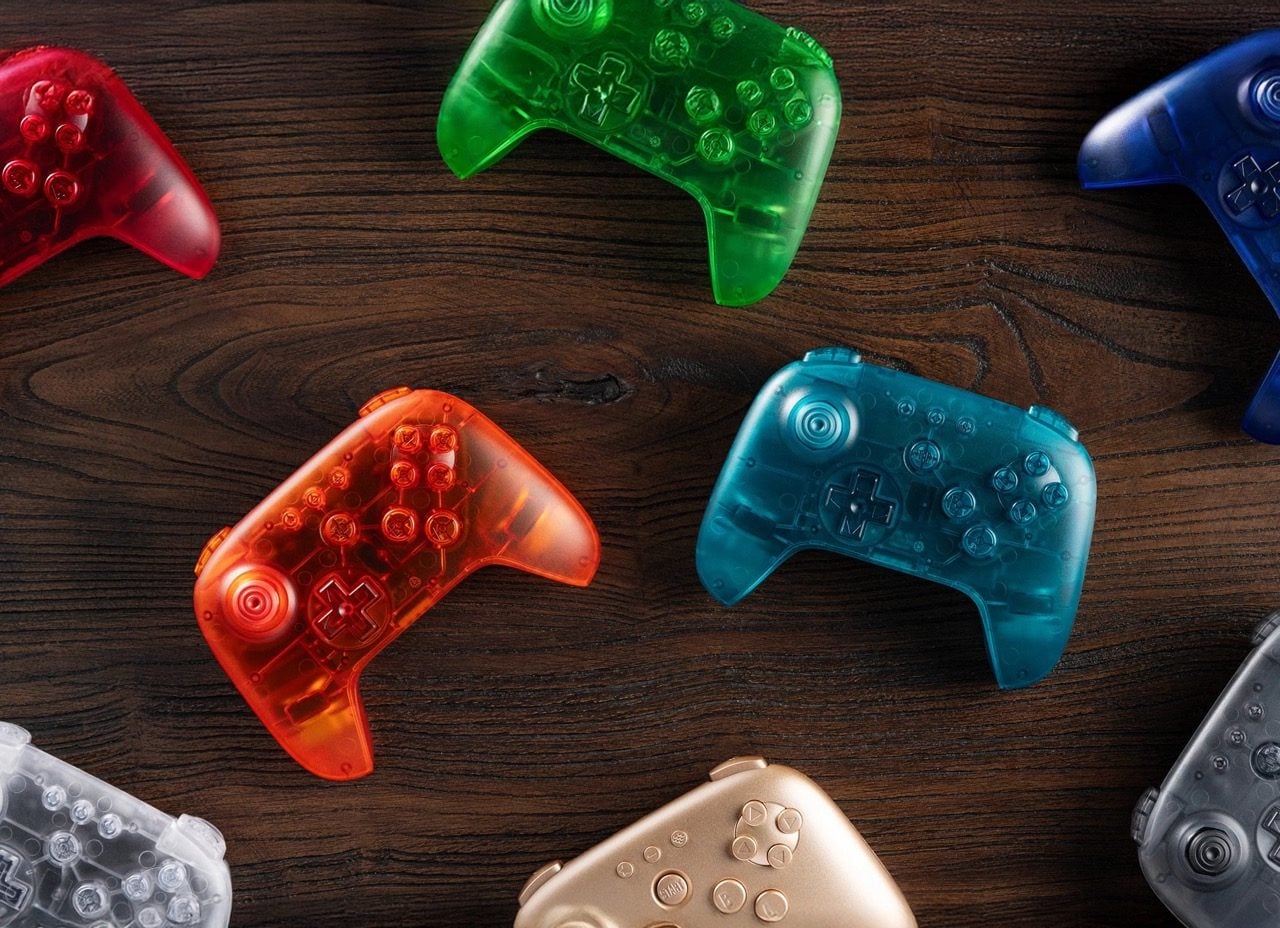
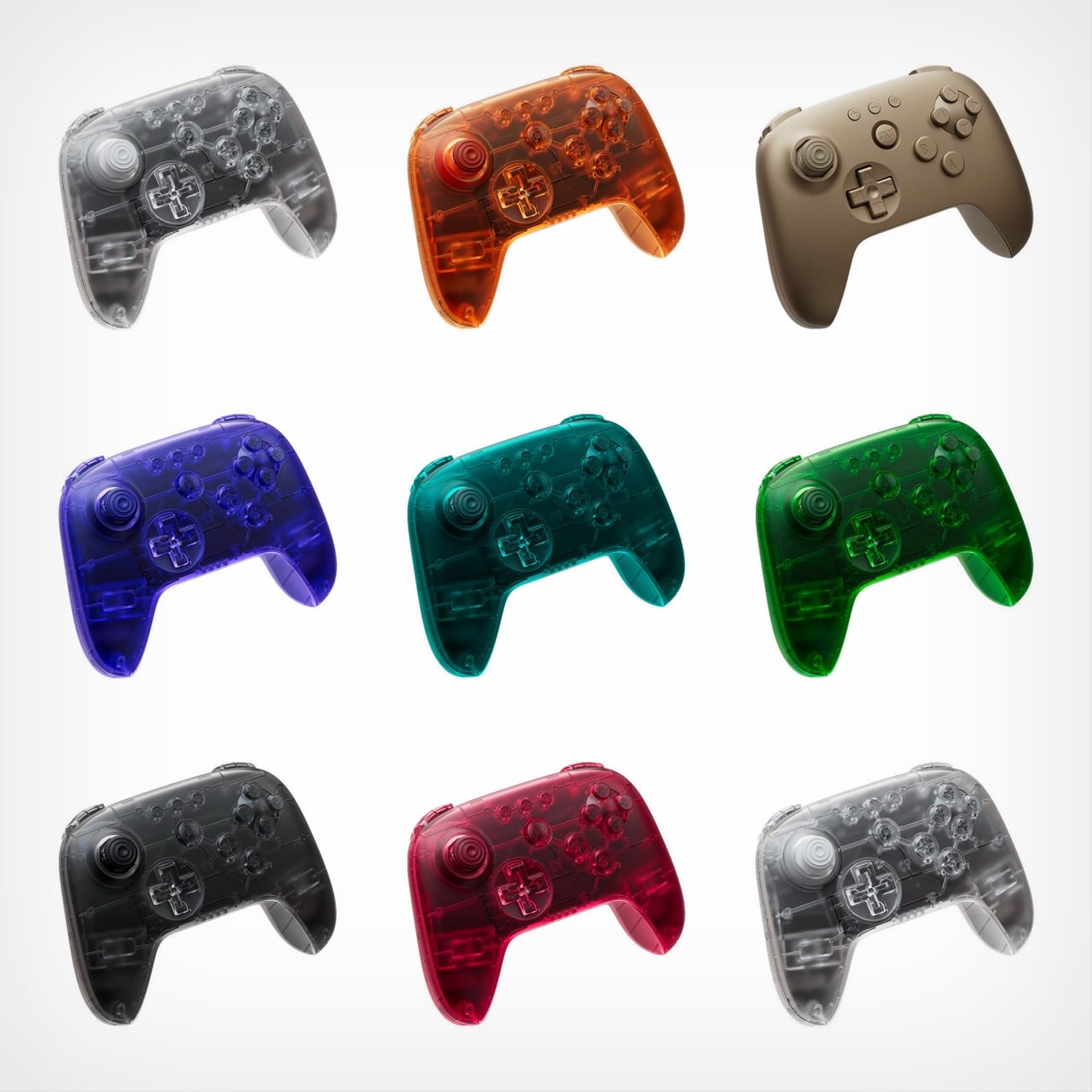
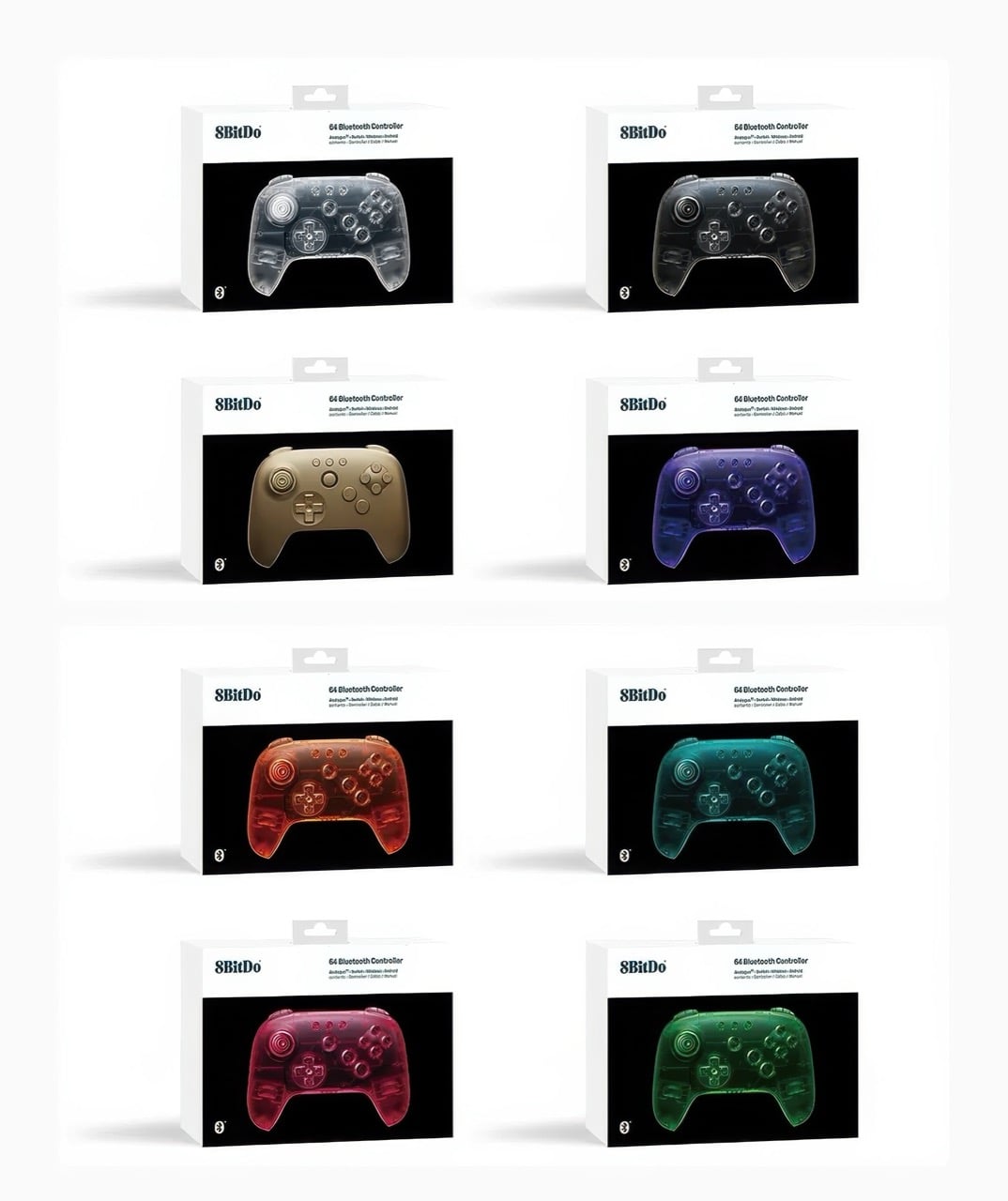
Remember when technology came in flavors instead of just space gray and black? 8BitDo certainly does, and the company is channeling serious late-90s energy with its newly announced Funtastic Limited Editions. These eight new colors for the 64 Bluetooth Controller embrace the translucent design language that once made the iMac G3 a cultural phenomenon and the N64 Funtastic series highly collectible. Now that aesthetic is back, adapted for modern gaming needs.

The lineup includes seven see-through variants alongside a solid Gold option, bringing the total 64 Controller color count to eleven. Each model maintains full compatibility with the Analogue 3D, Nintendo Switch family, Android devices, and Windows PCs through Bluetooth or USB connectivity. At $44.99, they command a small premium over standard colors, but that hasn’t stopped 8BitDo from warning potential buyers about extremely limited quantities. Pre-orders begin December 10 at 8 AM PST, with units shipping in February 2026.

Designer: 8bitdo

Look, I get why 8BitDo went this route. The Analogue 3D crowd skews heavily nostalgic, and these controllers speak directly to people who spent their formative years with an atomic purple N64 controller in hand. Clear, Jungle Green, Watermelon Red, Smoke Black, Ice Cyan, Fire Orange, Gold, and Grape Purple. These aren’t subtle nods to the past. They’re full-throated love letters to an era when product designers believed technology should spark joy rather than disappear into minimalist oblivion. The translucent shells let you peek at the circuit boards inside, which feels refreshingly honest in an age where everything’s sealed up tighter than Fort Knox. There’s something genuinely appealing about seeing the guts of your gear, even if modern miniaturization means there’s less to actually see than there was in 1998.

What strikes me is how this design language has aged. When Jonathan Ive and his team at Apple dropped the iMac G3 in Bondi Blue, it felt revolutionary because computing had spent decades looking like beige office equipment. Nintendo followed suit with their Funtastic series, and suddenly every product category had a translucent variant. Then it all died out around 2002, victim of its own ubiquity and the rising tide of aluminum unibody minimalism. But here we are in 2025, and these candy-colored shells feel fresh again. Maybe enough time has passed, or maybe we’re all just exhausted by the relentless sameness of contemporary industrial design.

The $44.99 price point sits five bucks above the standard black and white models, which retail for $39.99. That’s a reasonable premium for limited edition colorways, especially given that 8BitDo isn’t skimping on features. Full Bluetooth connectivity, wired USB support, compatibility across multiple platforms. The February 2026 ship date feels distant, but that’s standard for limited runs where manufacturing slots are precious. What concerns me more is 8BitDo’s emphasis on “highly limited quantities.” That phrasing usually means either genuine scarcity or artificial hype-building, and with gaming peripherals, it’s often hard to tell which until pre-orders go live. Either way, if you want one of these translucent beauties sitting next to your Analogue 3D, setting a December 10 alarm is probably wise.

The post The 8BitDo 64 controller just got an iMac G3 inspired makeover in 8 new colors first appeared on Yanko Design.
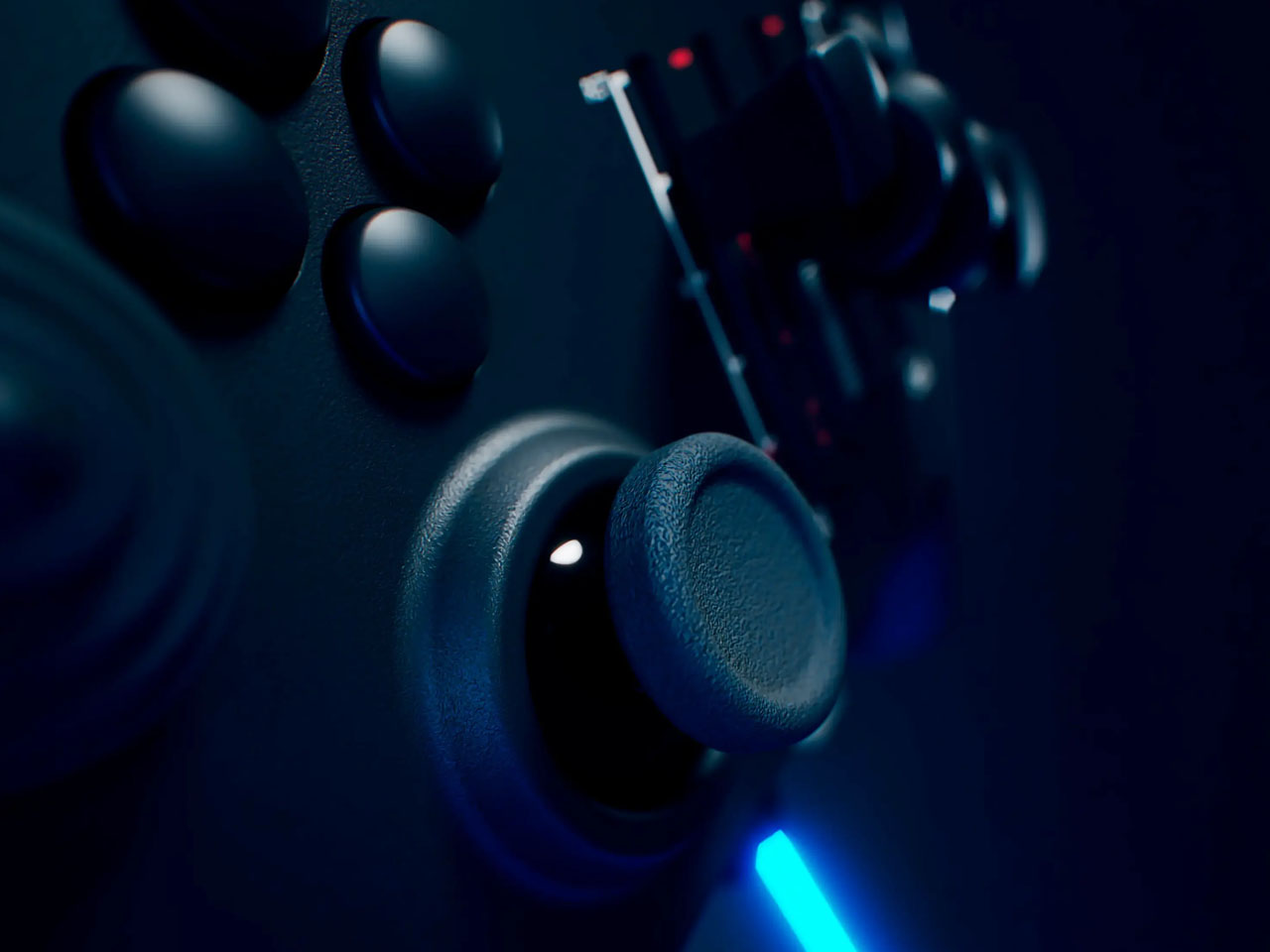
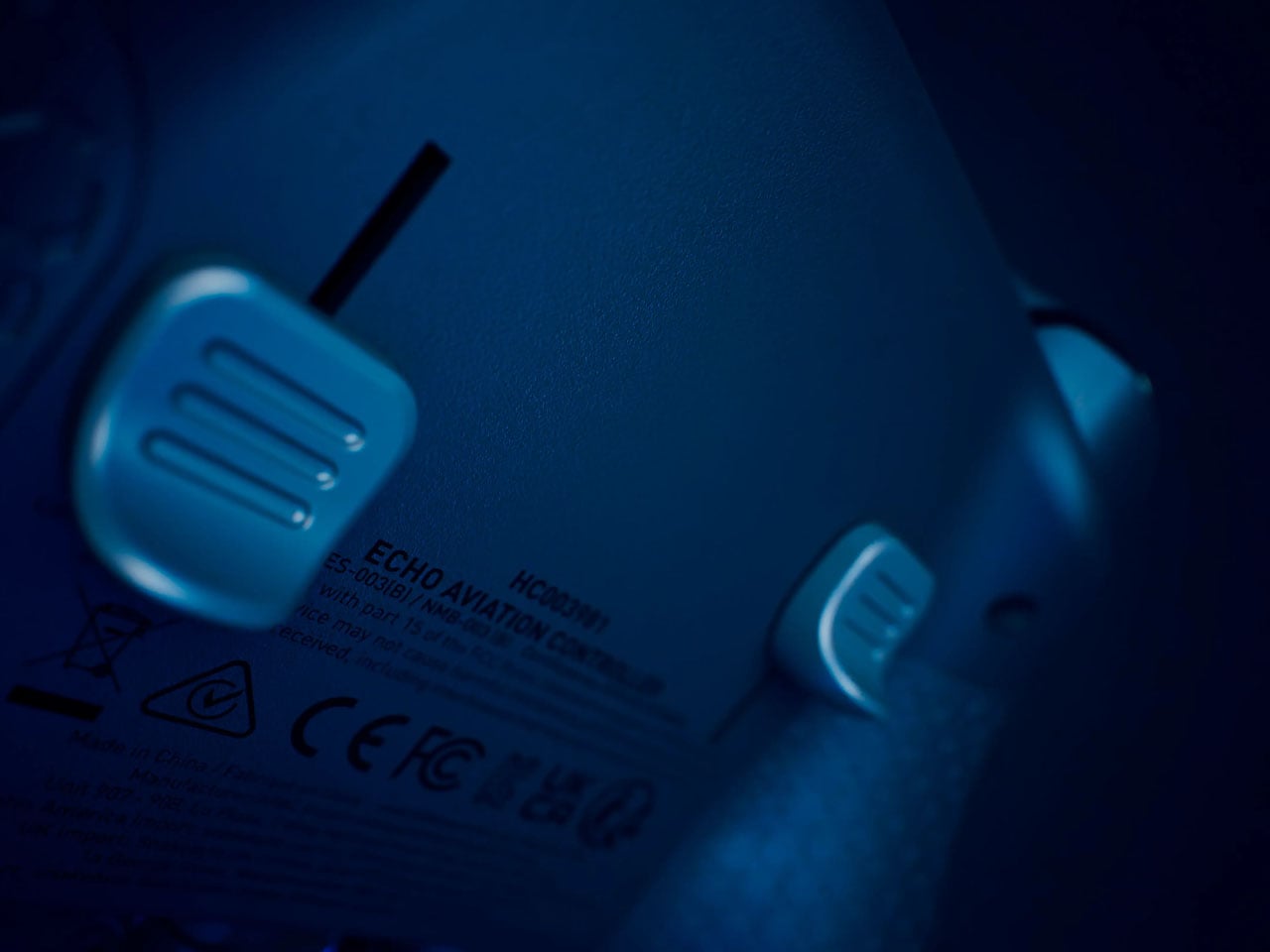
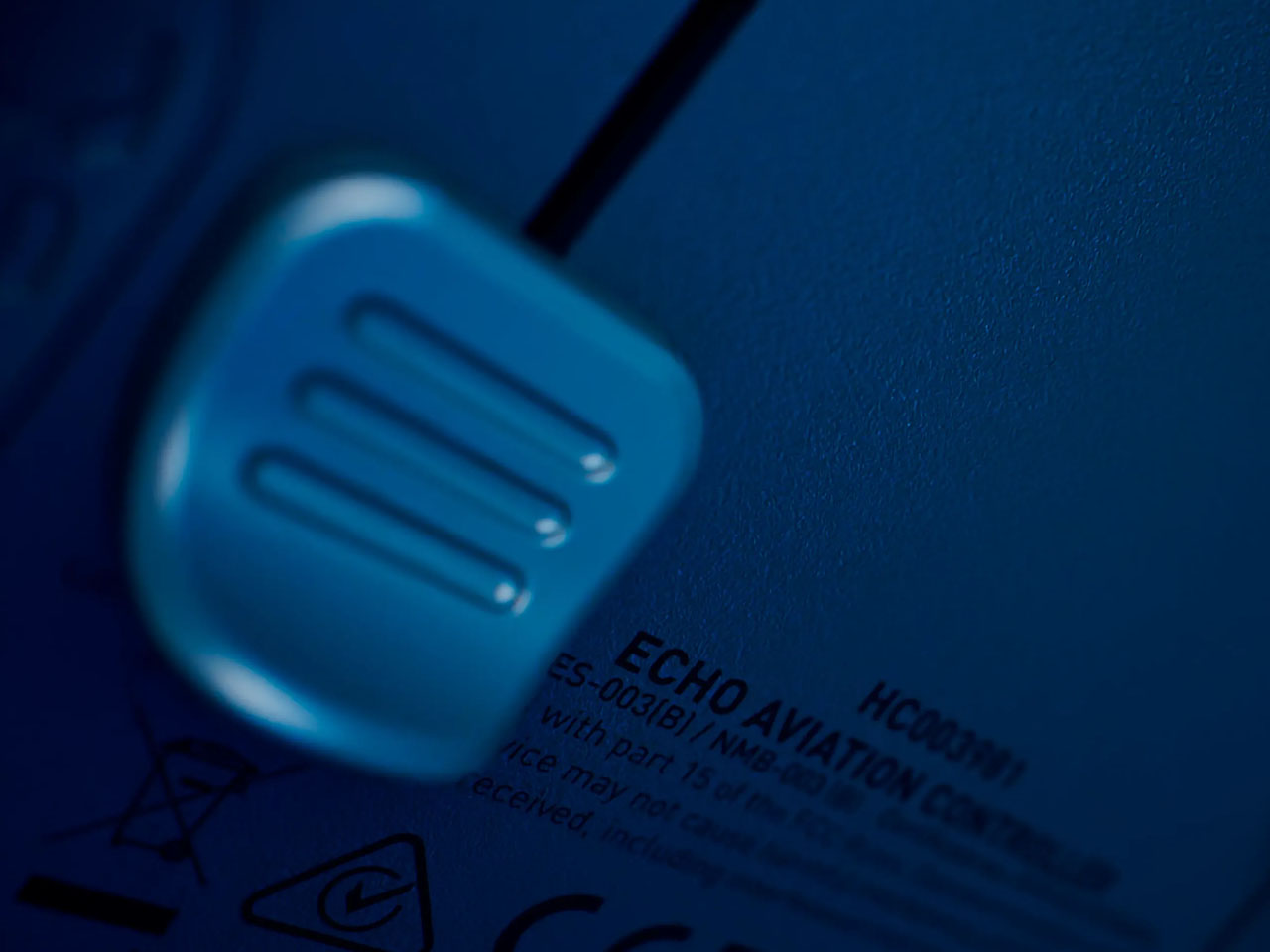
Echo Aviation Controller mimics realism of flying planes with a full set of flight controls

Gaming has come a long way from the nostalgic gamepads to the current wireless controllers with haptic feedback that mimic the vibration of game input elements. Right from the texture of the road in racing games, to the recoil of weapons in FPS titles, the idea is to bring that extra element of realism to the whole experience. Wearable headsets have taken the quotient of realism to the next level, but they are bulky, can cause eye strain, and are currently not very practical for everyday gaming. Therefore, the buck stops at buying a pricey racing sim, or dedicated hardware that caters to a niche set of gaming titles.

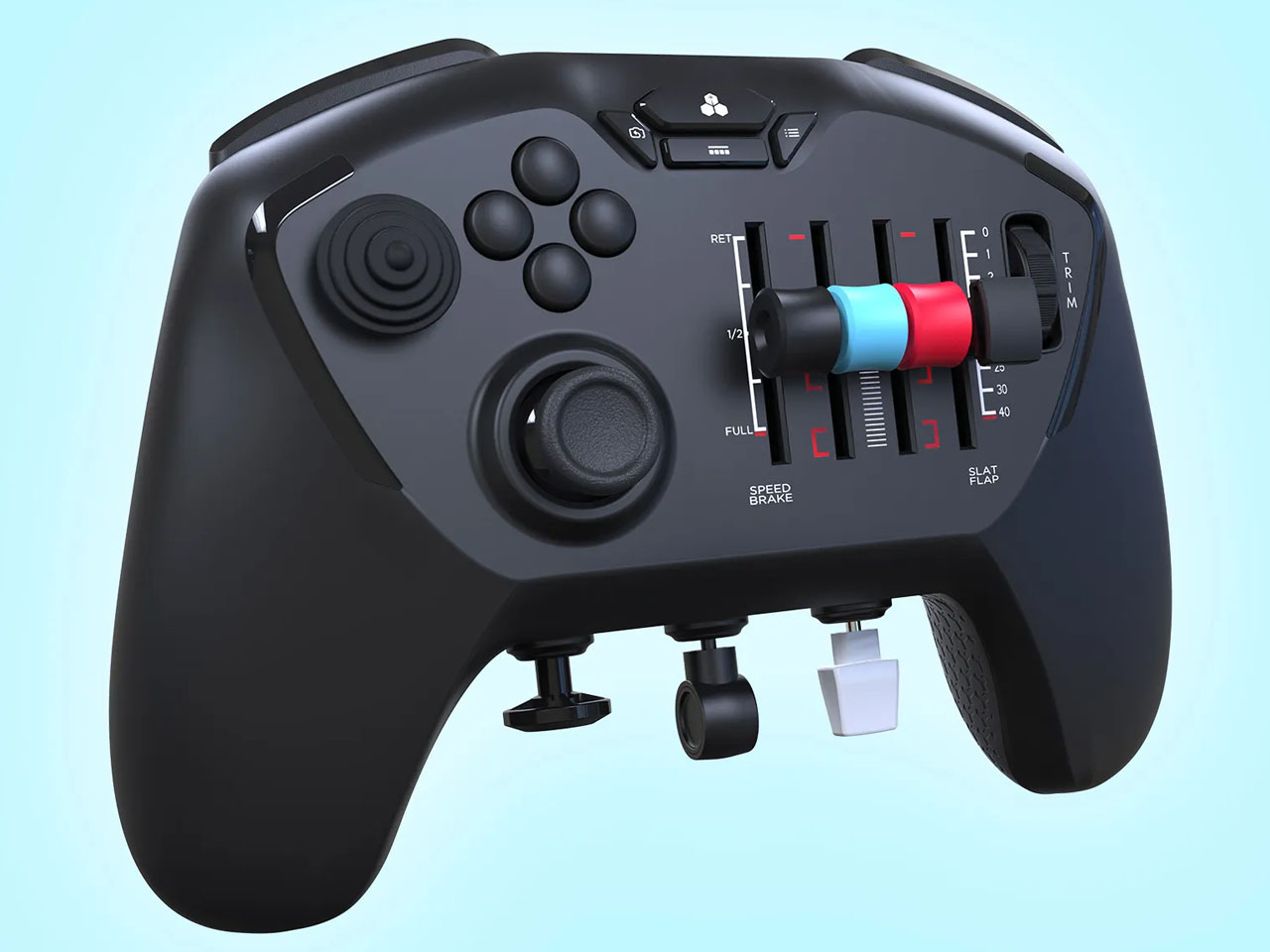
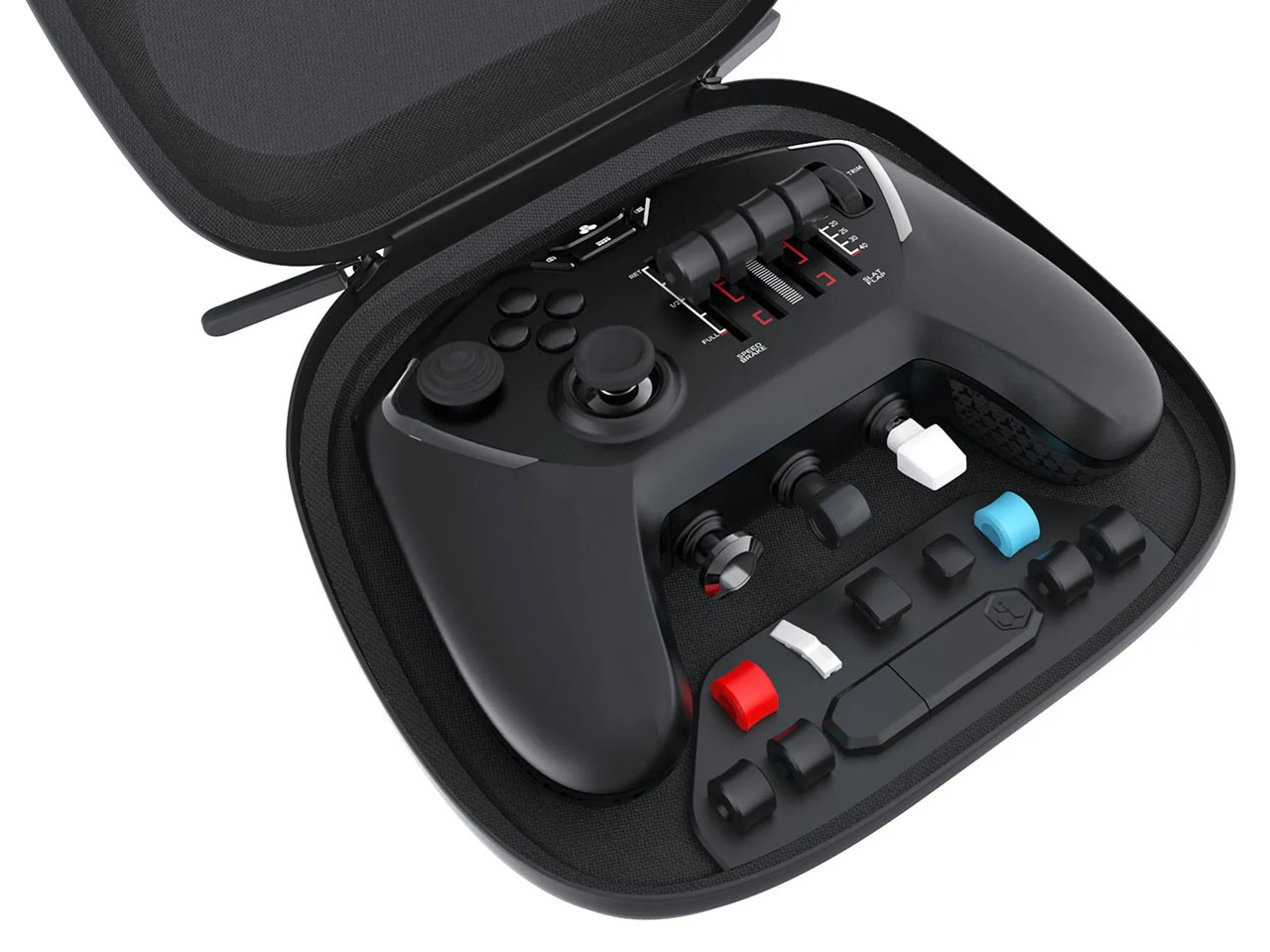
Microsoft Flight Simulator has a cult following, and I wish there were a simpler gaming controller to enjoy the game without any strings attached. That wish has come true with this unique gaming controller dubbed the Echo Aviation Controller, which is tailored for precision flight control input. Best of all, it has a small form factor and is portable enough to carry in your backpack. Slated for mid-December release for a price of $150, the gamepad guarantees hours of immersive gameplay during the holiday season.

Designer: Honeycomb Aeronautical

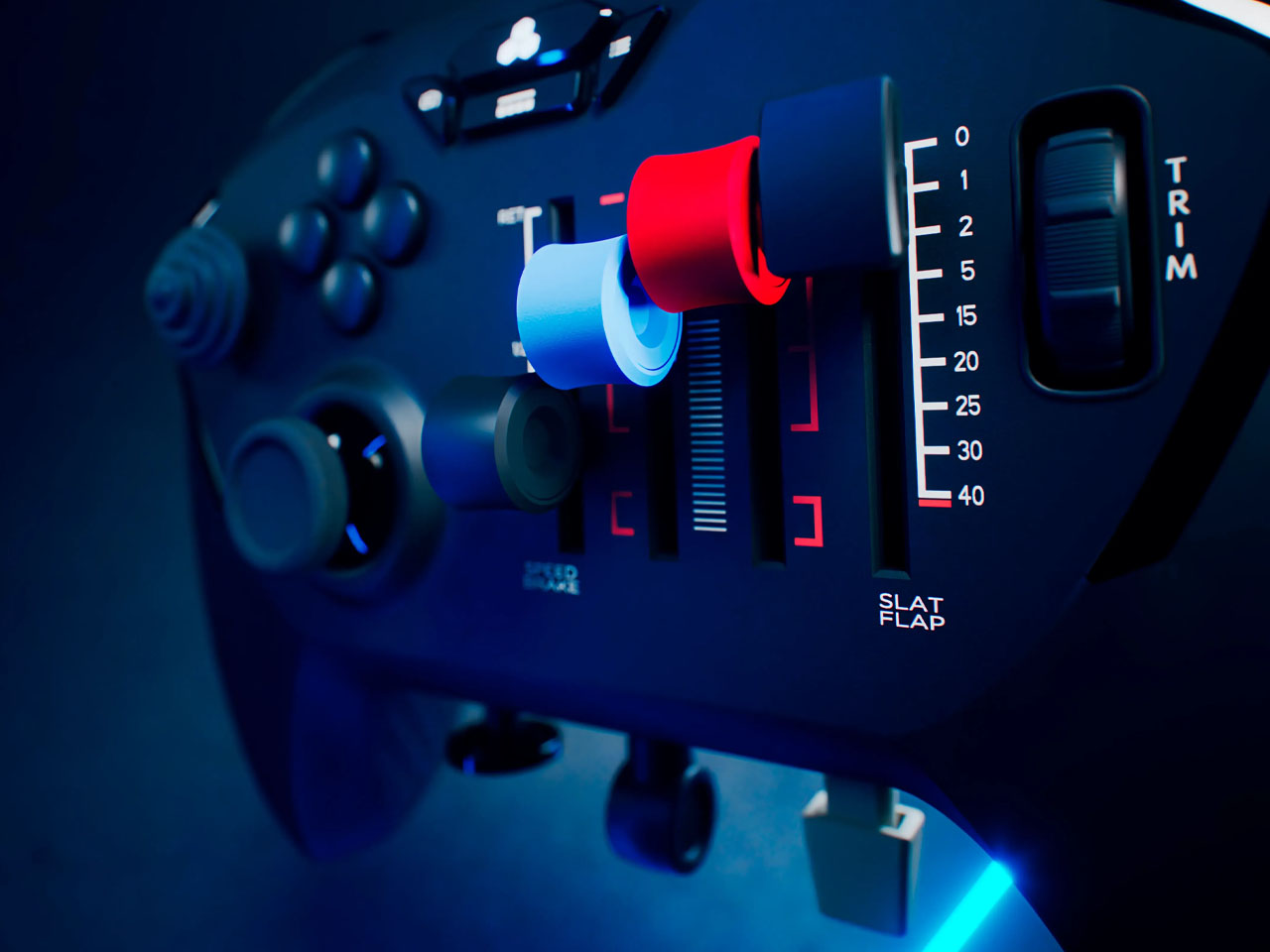
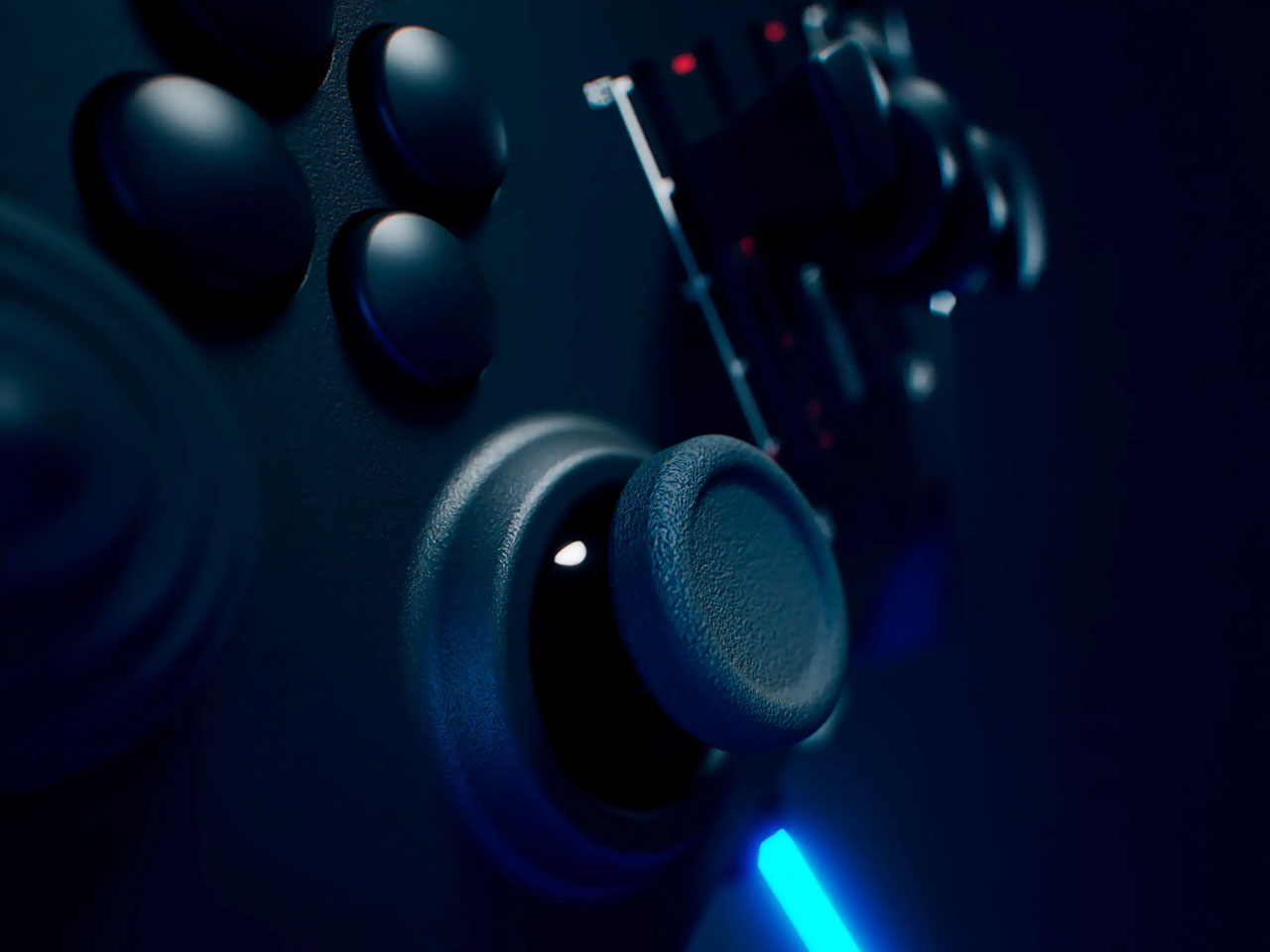
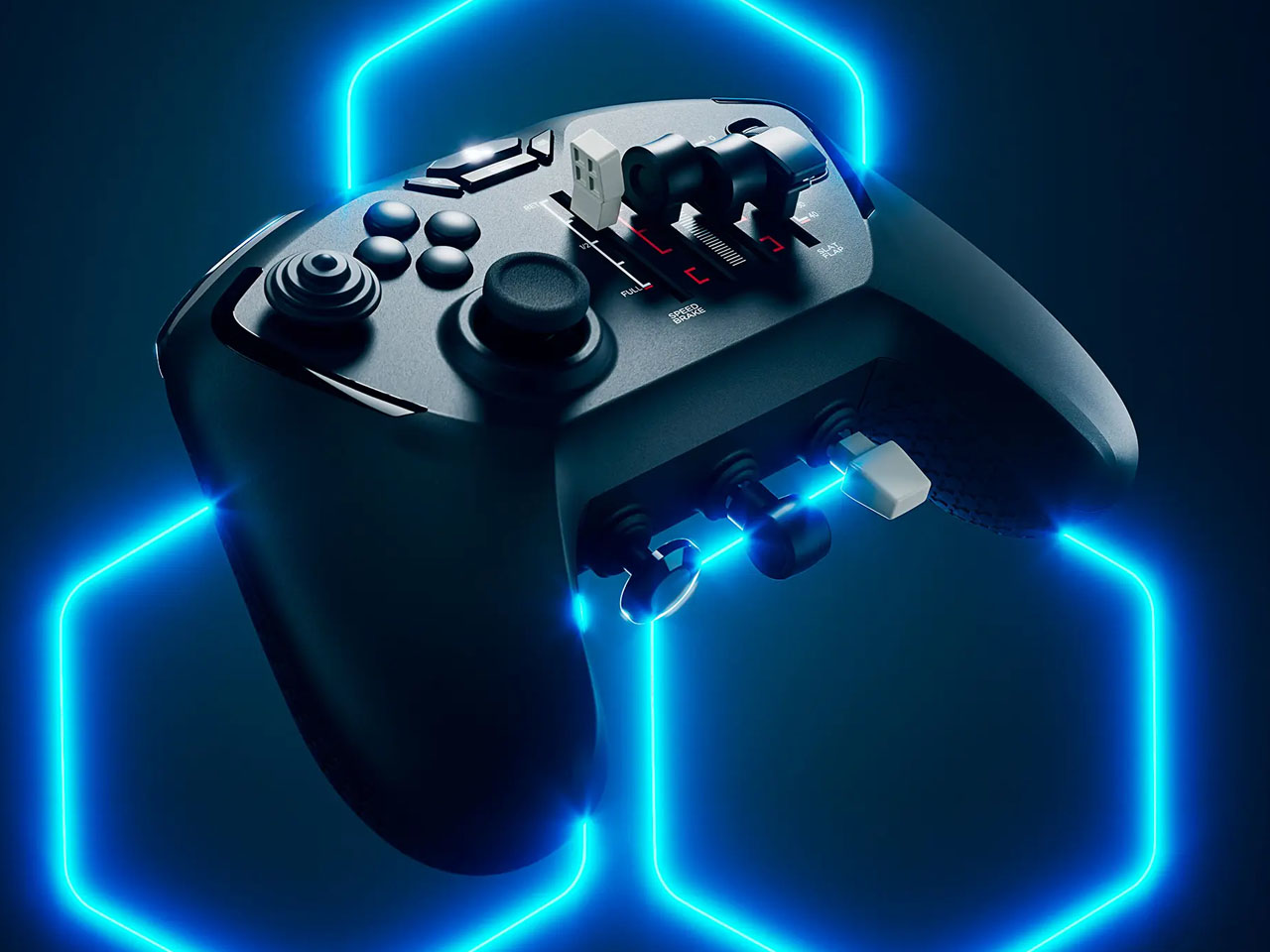
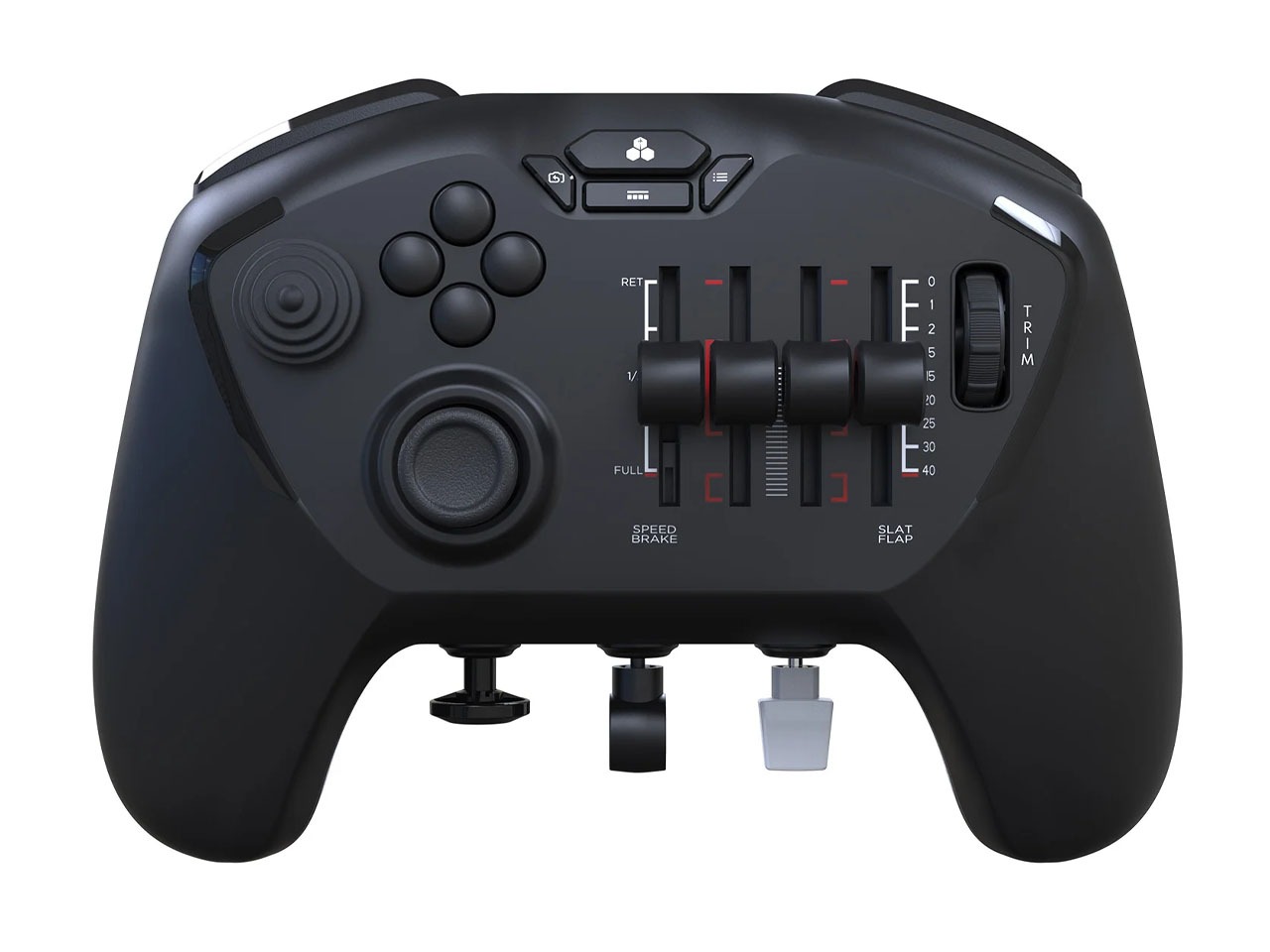
The gamepad-shaped flight controller is an accessory that’ll let you game from the comfort of your couch without losing out on the precision control method that isn’t possible with a conventional controller. Coming from a company that crafts flight simulator accessories, this controller is ideal for sim fanatics who like a compact gaming setup, especially for titles like Microsoft Flight Simulator. It comes with small joysticks, a dedicated trim wheel to actuate the plane’s altitude, and buttons on one side for flight-specific controls to actuate the in-game throttle levers. On the other side is positioned a thumbstick, four action buttons, and a conical joystick for panning the sim’s camera control.

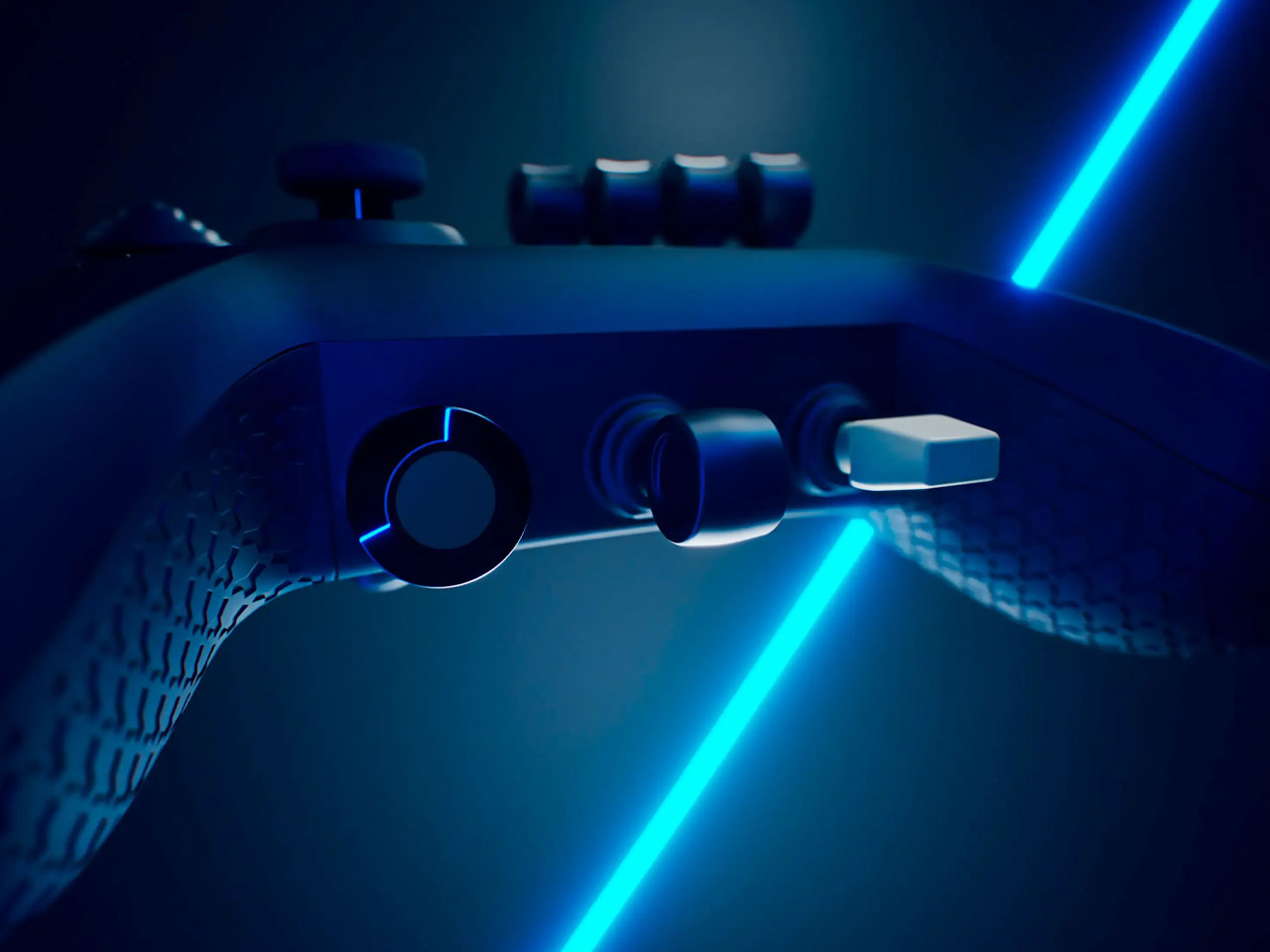
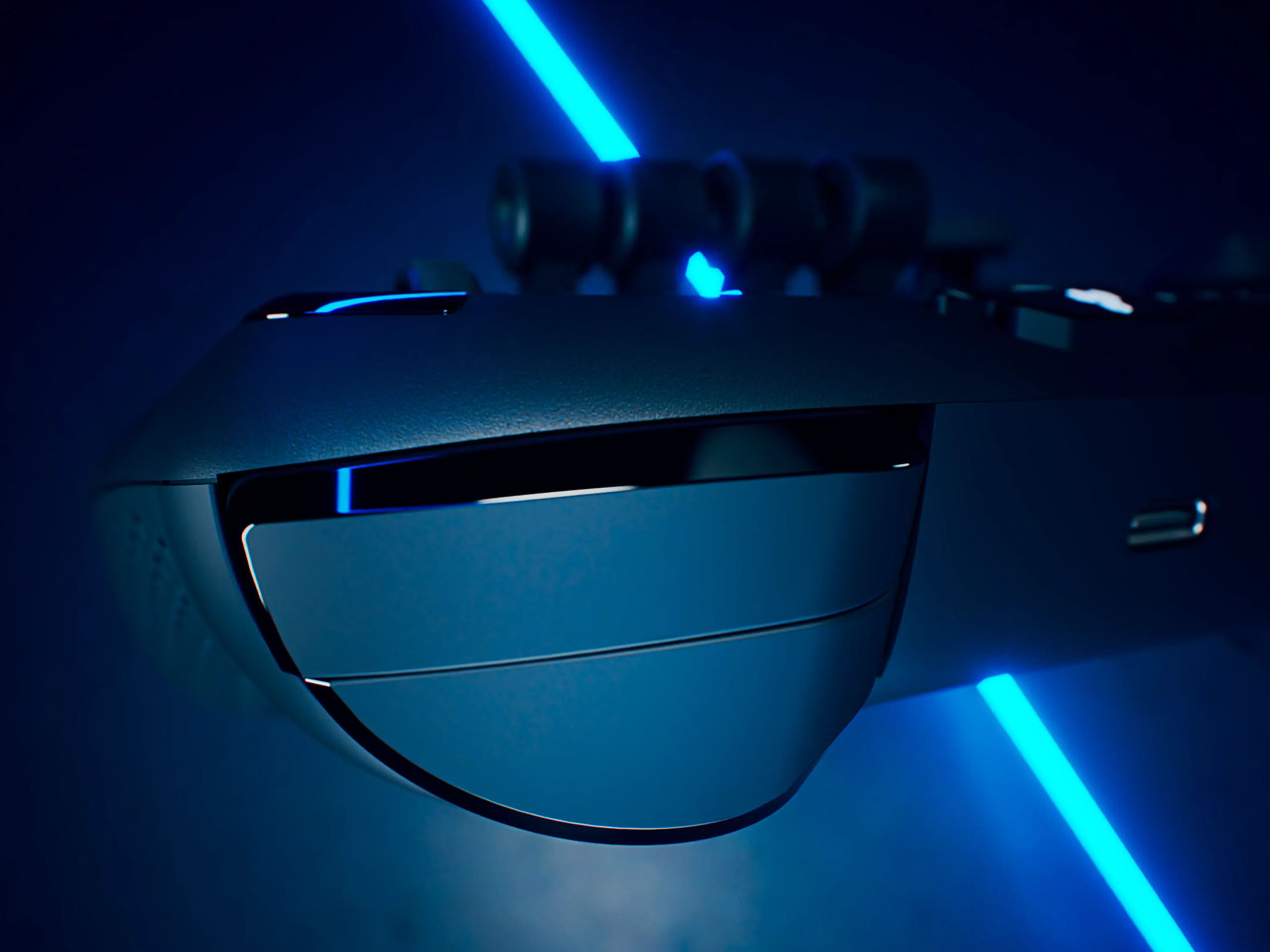
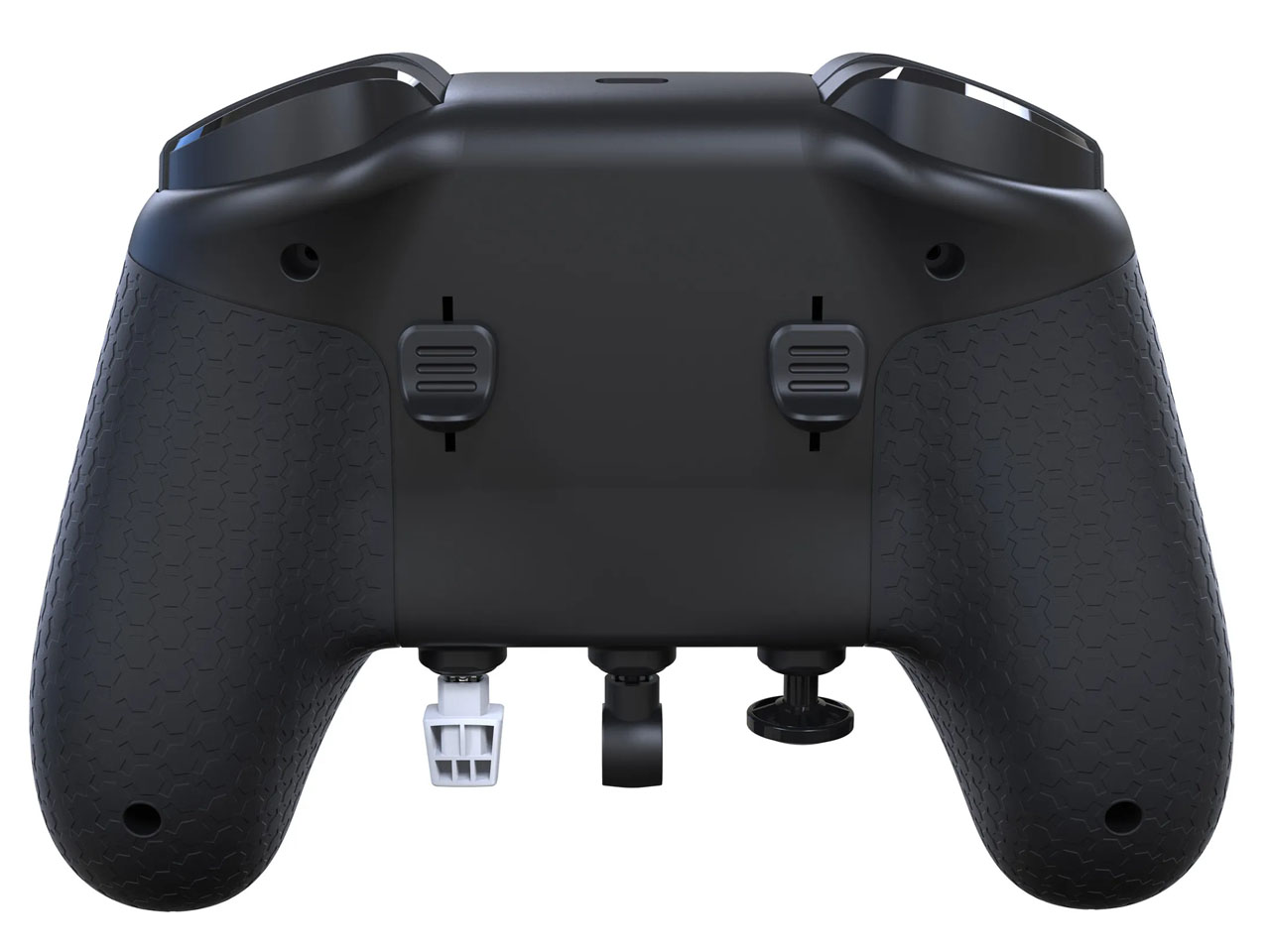
Bottom of the Echo Aviation Controller has flap adjustment controls, landing gear control, and the parking brake activation controls. This gives the player an array of inputs that were earlier only possible with keyboard buttons. That method of input, however, couldn’t reach the level of professionalism you would expect from advanced sims. The shoulder section of the gamepad has sliding paddles to control the rudder function for directional movement of the plane. This controller is a middle ground of gaming aspirations without spending a ton of money or requiring ample space to set up the gaming accessory rigs.

The gaming accessory will be accompanied by a set of interchangeable caps that can be swapped with the default throttle levels and other controls. There are four assignable thrust levers with swappable caps for “GA or commercial aircraft.” The idea is to have the visual differentiation in the form of color and shapes of the remapped buttons. This controller is a plug-and-play experience that requires no advanced setup, perfect for casual gamers who desire to experience advanced simulation games. The gamepad has a 15-hour battery in wireless mode and can also be used in wired mode via USB-C charging port.


The post Echo Aviation Controller mimics realism of flying planes with a full set of flight controls first appeared on Yanko Design.
New Steam Machine and Controller Bring Living Room Gaming Back to PCs

Living room gaming has always meant choosing between the simplicity of consoles and the raw power of PCs. Consoles offer plug-and-play convenience with hardware that fits neatly under your TV, but you’re locked into their ecosystems and performance limits. Gaming PCs deliver the horsepower and flexibility, but they’re often noisy, bulky, and require enough desk space to house a small village. Valve’s original Steam Machine experiment tried bridging this gap back in 2015, but awkward controllers and limited adoption meant the idea fizzled out before it could catch on.

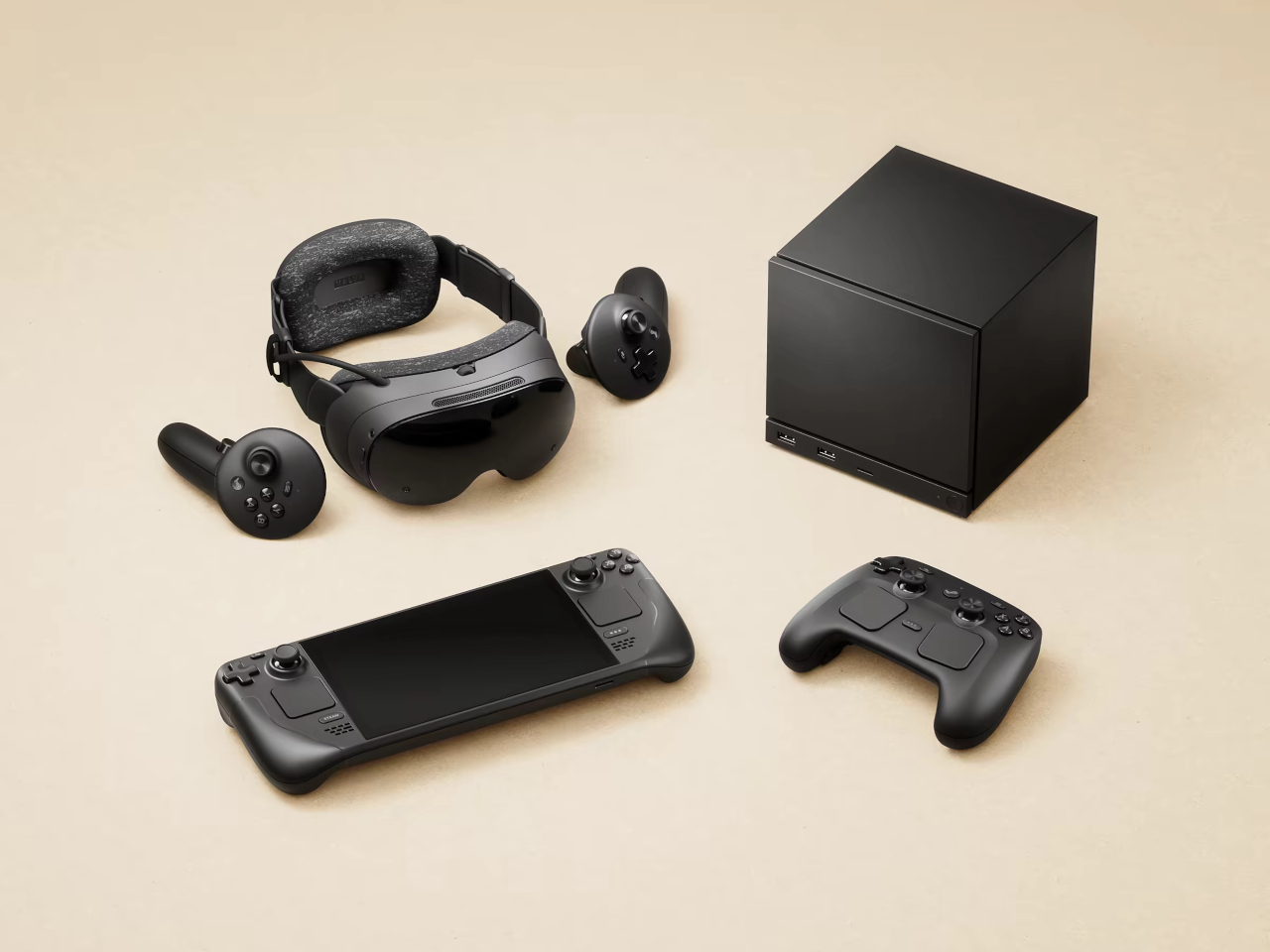
Now Valve is trying again, and this time the pieces actually fit together. The new Steam Machine and Steam Controller arrive in early 2026 as part of a broader hardware ecosystem that includes the Steam Deck and Steam Frame VR headset. These aren’t just updated versions of old ideas; they’re built on years of learning from the Steam Deck’s success, with designs that finally deliver on the promise of powerful, flexible PC gaming in a package your living room won’t reject.

Designer: Valve

Steam Machine

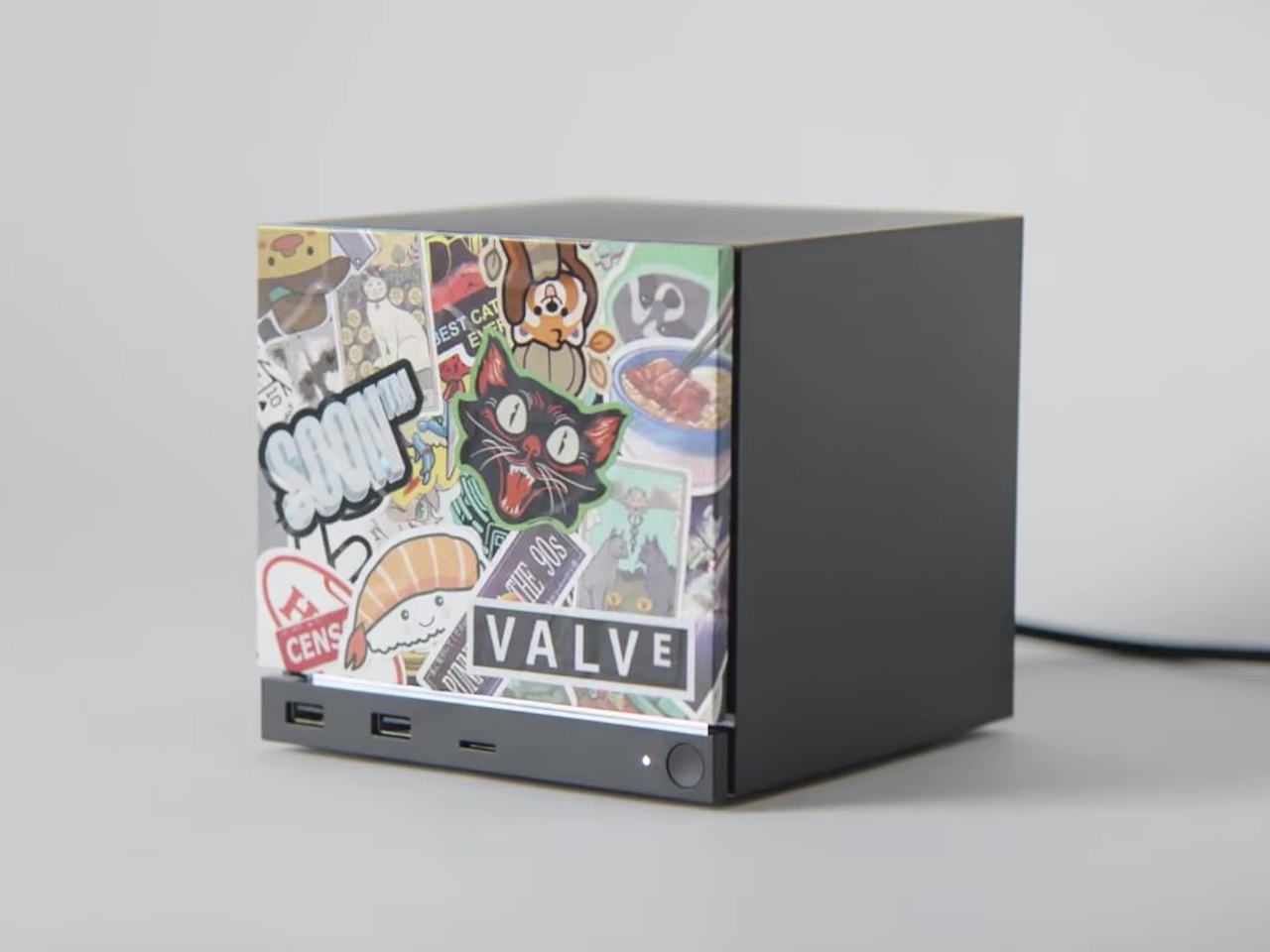
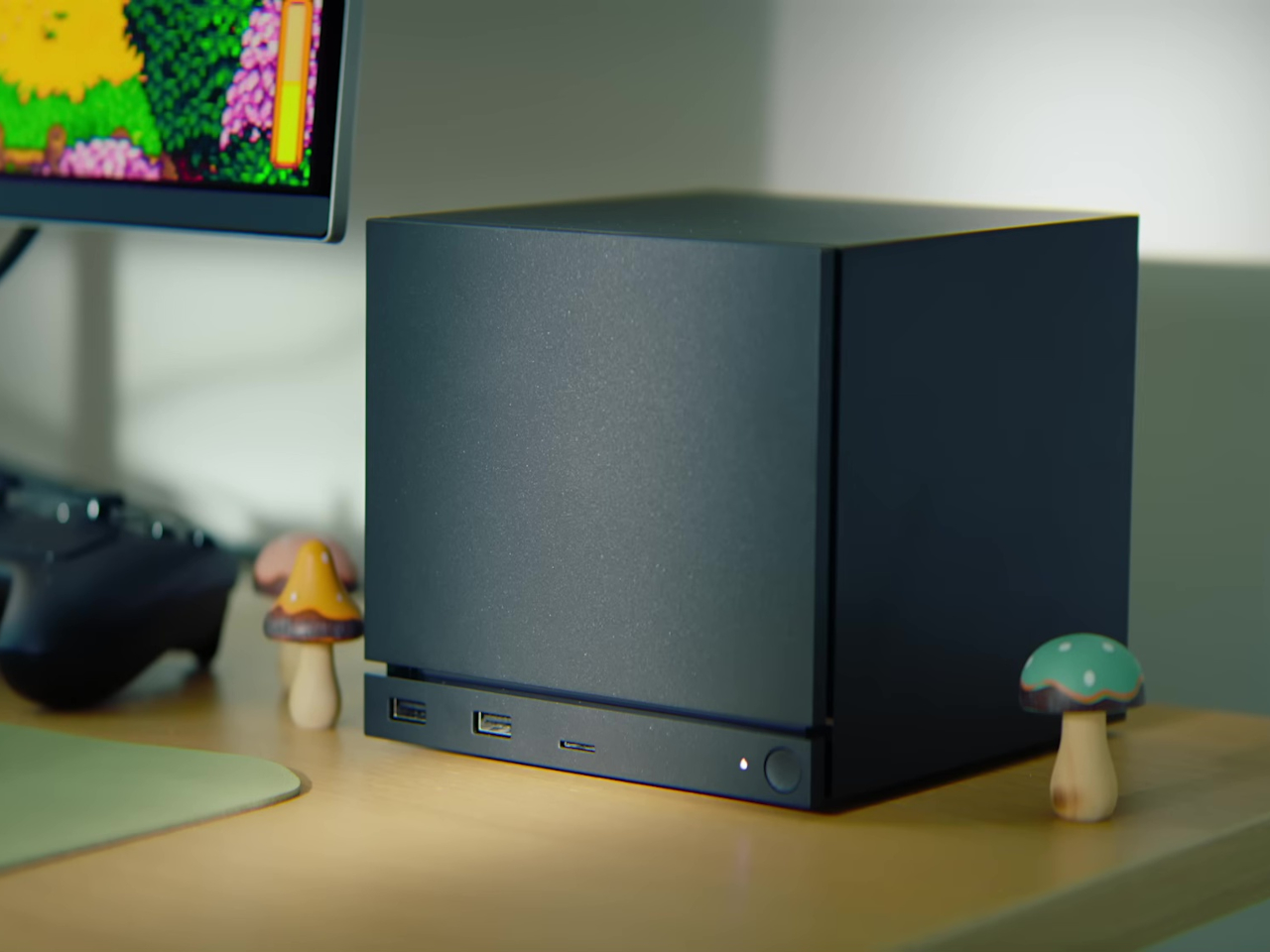
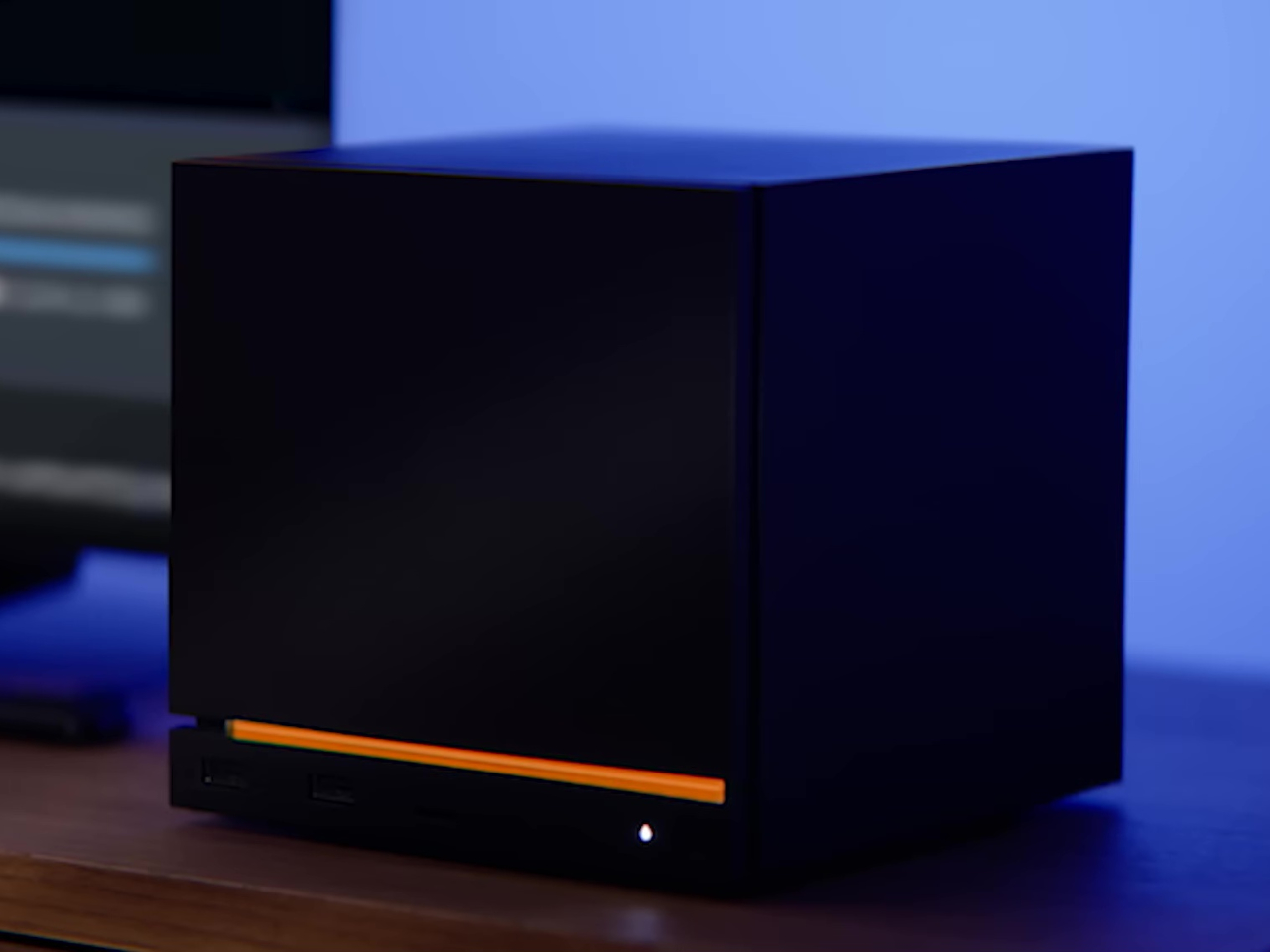
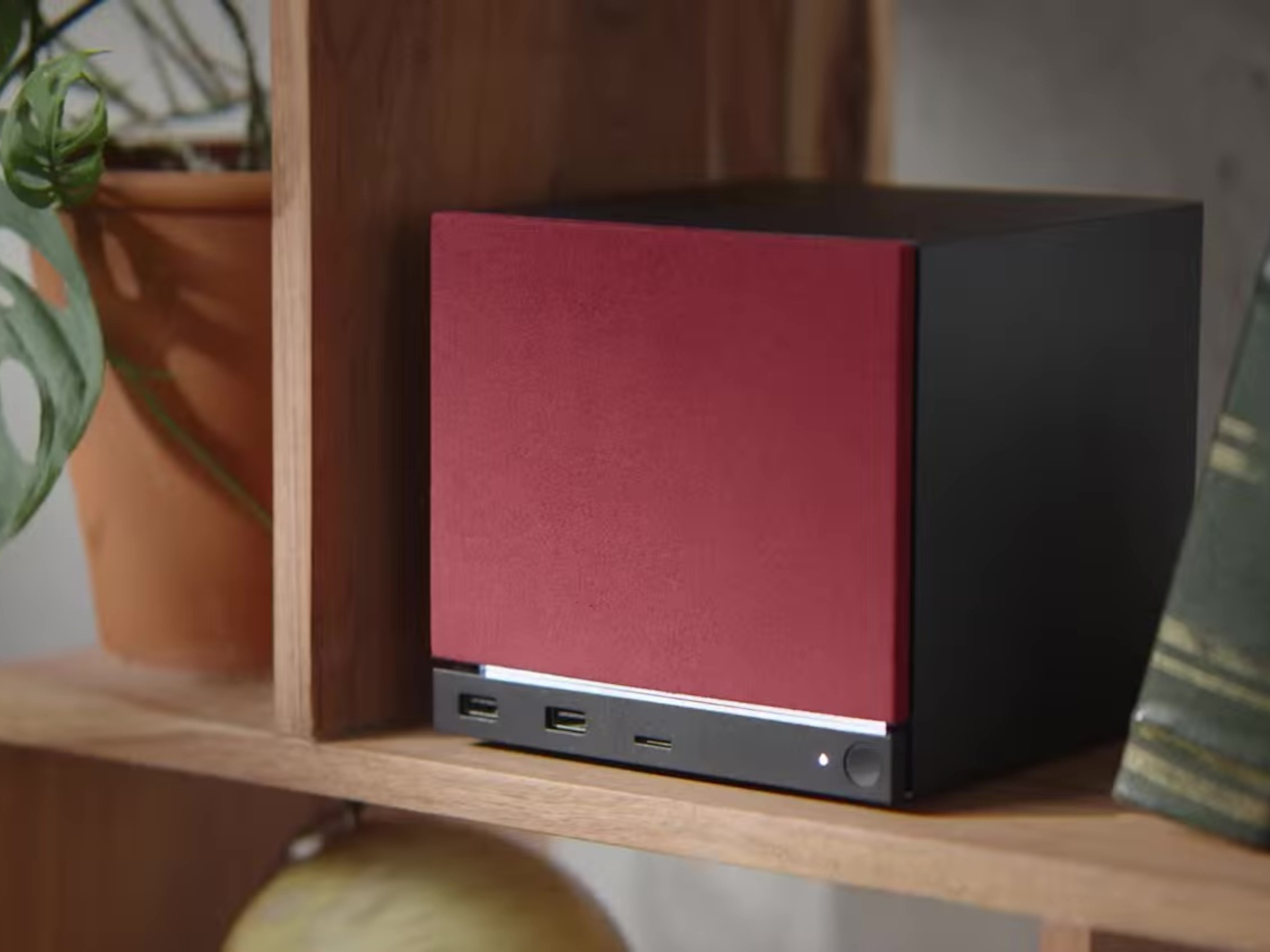
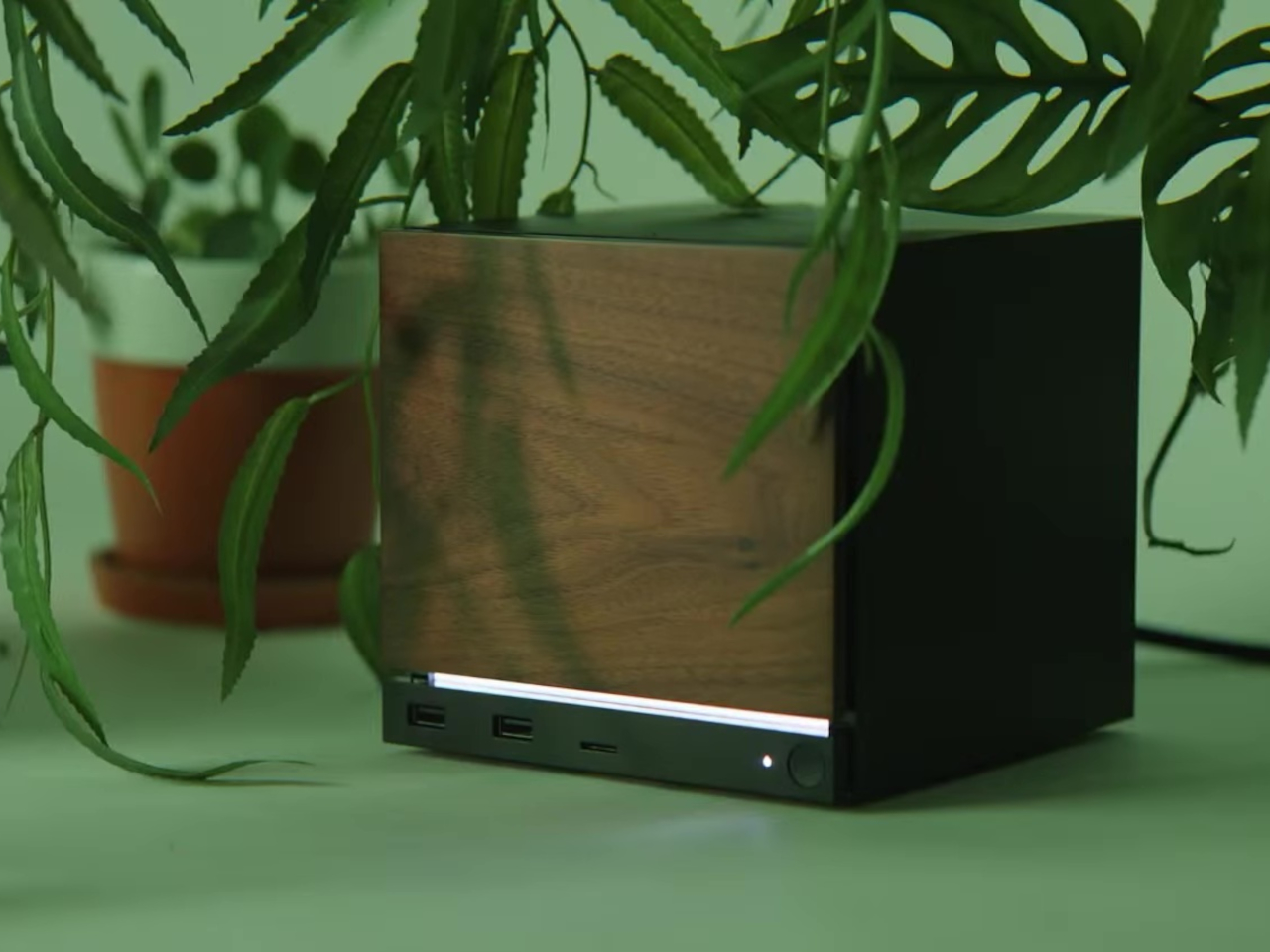
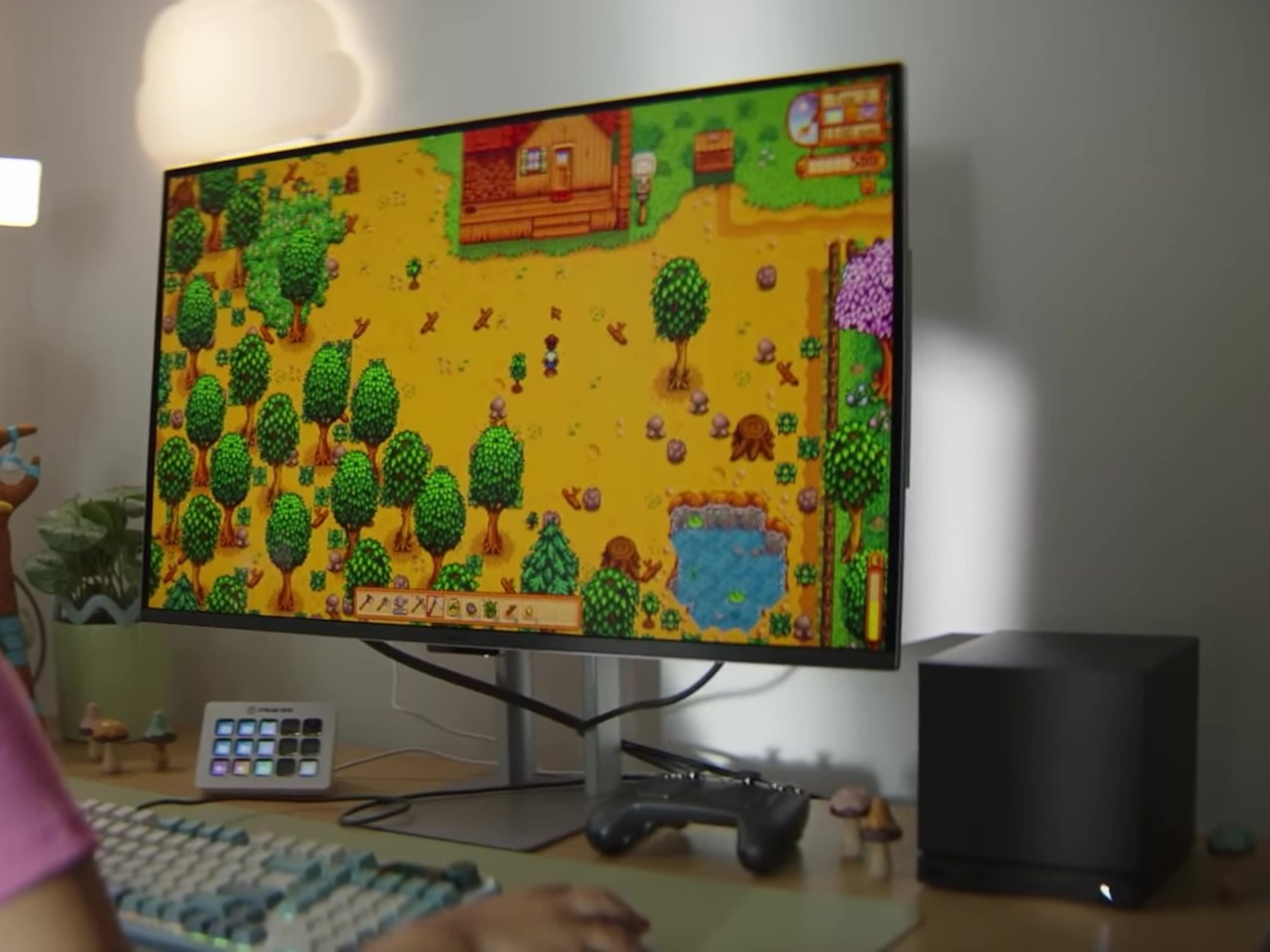
The Steam Machine packs desktop-class gaming into a cube that’s roughly six inches on each side. The matte black enclosure features a magnetically swappable front faceplate and a customizable LED strip that displays system status, download progress, or whatever color gradient suits your mood. It’s a minimalist design that hides pretty impressive hardware, including a semi-custom AMD Zen 4 CPU and RDNA3 GPU capable of 4K gaming at 60fps with FSR enabled. Valve claims it’s over six times more powerful than the Steam Deck, which should handle most AAA titles without breaking a sweat.

Inside, you get 16GB of DDR5 RAM plus 8GB of dedicated VRAM, with storage options of either 512GB or 2TB NVMe SSDs. Both models include microSD expansion if you need even more space. The internal power supply means no bulky external brick cluttering your entertainment center, and the whole thing runs whisper-quiet even under load. Valve designed the cooling system to handle demanding games without turning your living room into a wind tunnel, which is a thoughtful touch for something meant to sit in plain sight.

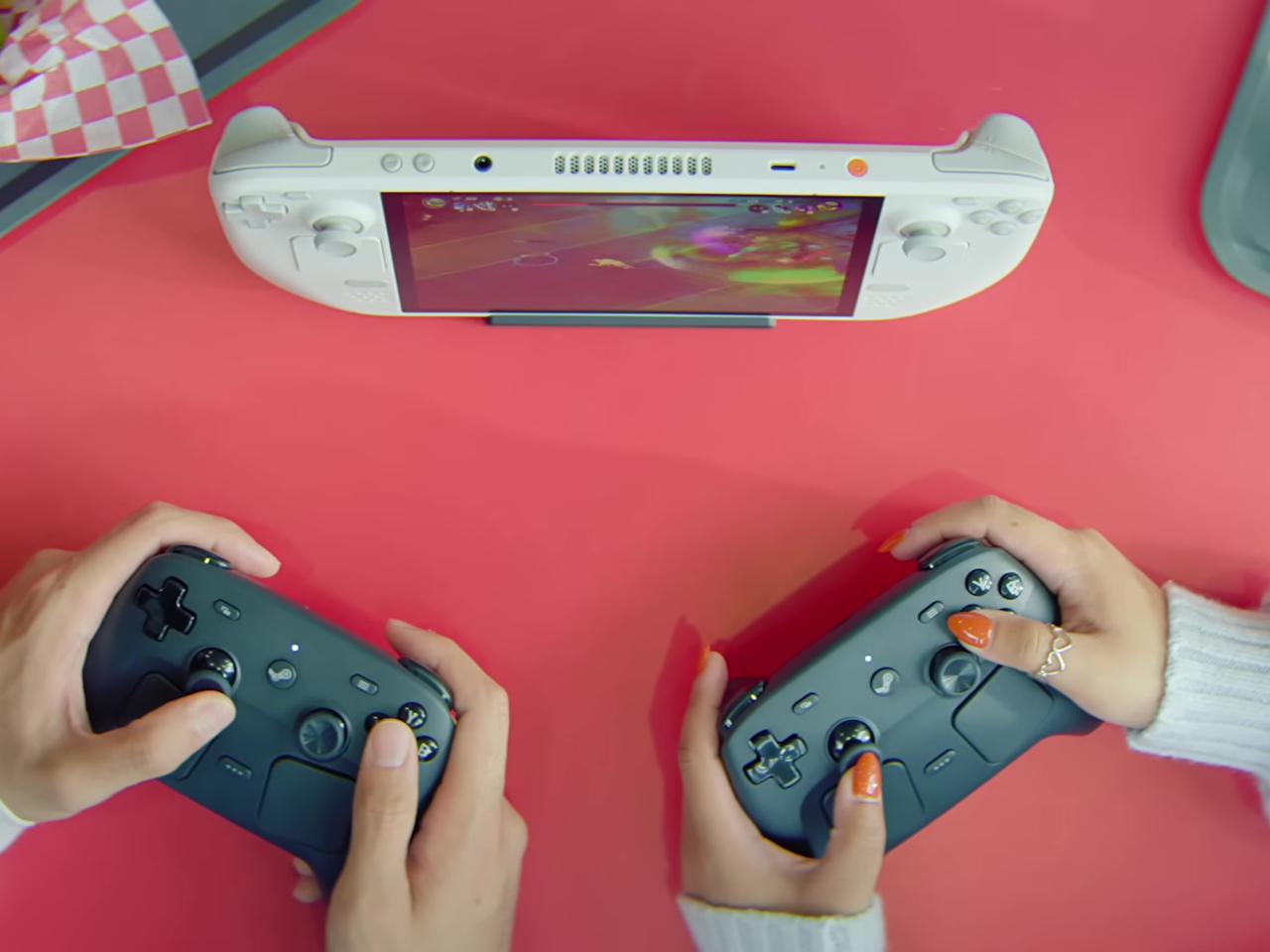
The I/O situation is refreshingly generous. You get DisplayPort 1.4 and HDMI 2.0 outputs for connecting to TVs or monitors, with support for resolutions up to 8K at 60Hz or 4K at 240Hz, depending on which port you use. There are five USB ports total, split between the front and back, plus Gigabit Ethernet and Wi-Fi 6E for connectivity. The Steam Machine also has a built-in wireless adapter that pairs directly with up to four Steam Controllers, letting you wake the system from your couch without fumbling for a keyboard.

Of course, the Steam Machine runs SteamOS, the same Linux-based operating system that powers the Steam Deck. The interface is designed for controllers rather than mice, with fast suspend and resume that works like a console. That said, it’s still a PC underneath, so you can install whatever apps or operating systems you want. Valve isn’t locking you into anything, which feels like a rare bit of freedom in hardware that’s otherwise pretty locked down these days.

Steam Controller

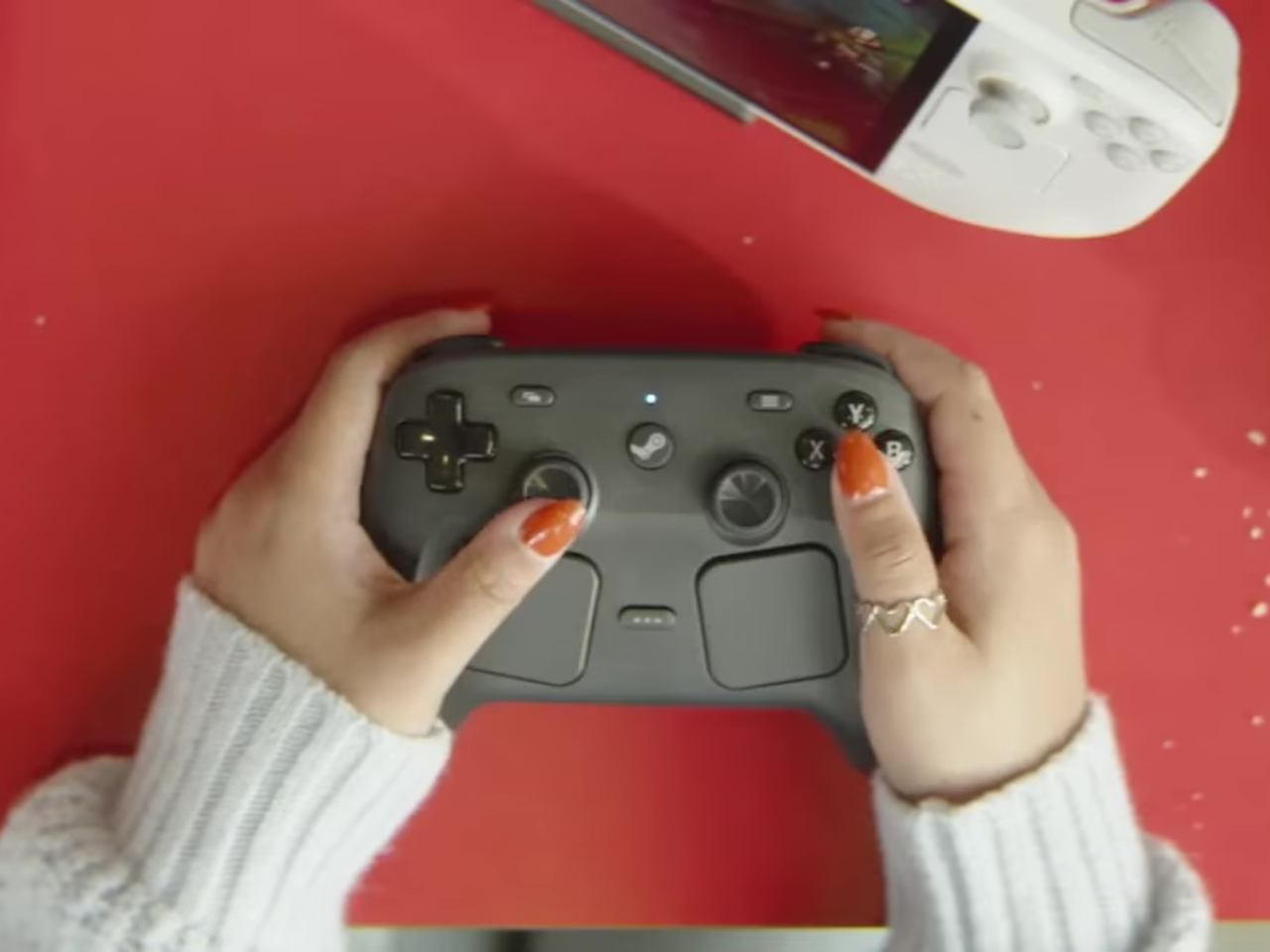
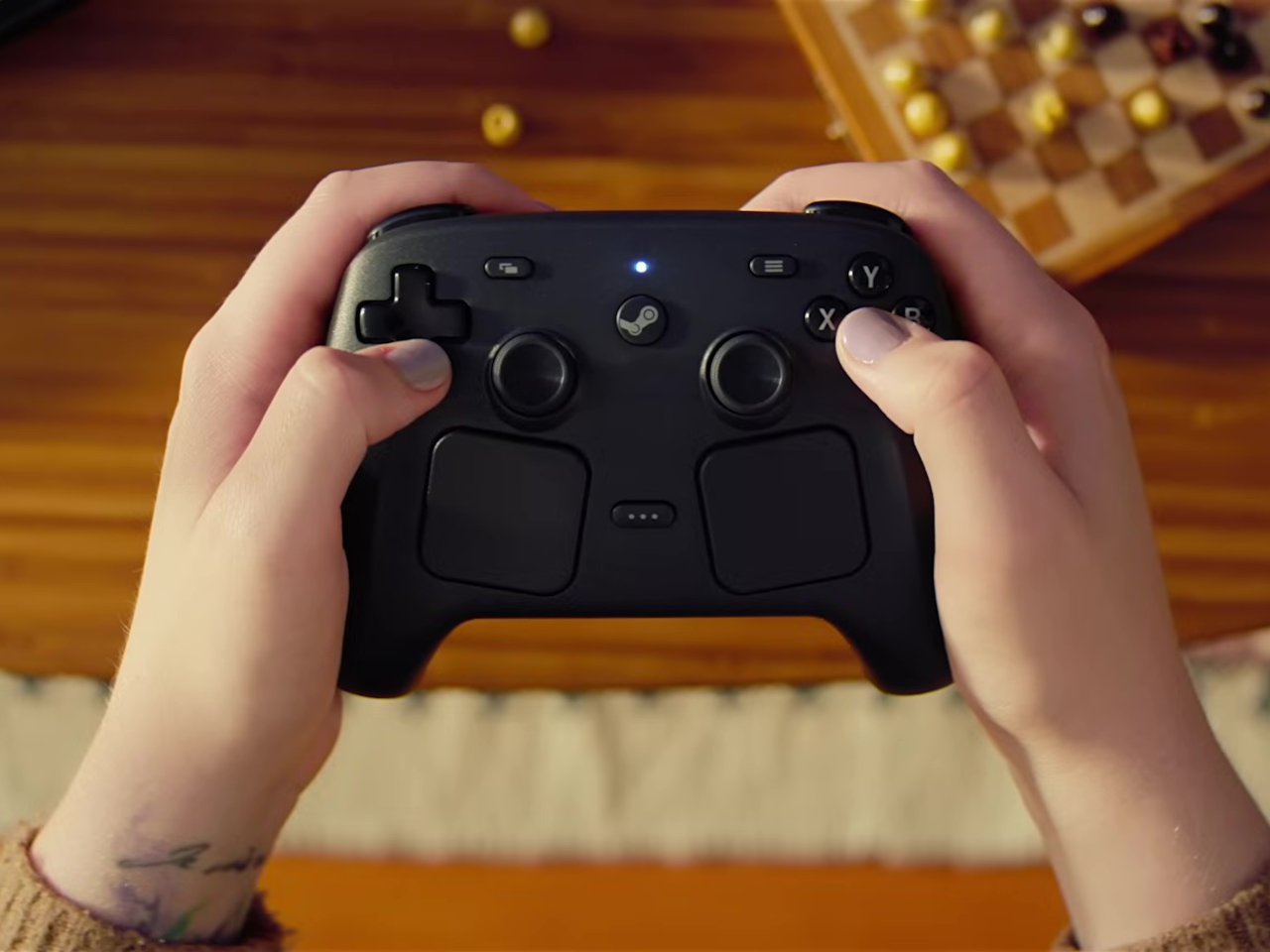
The new Steam Controller takes everything Valve learned from the Steam Deck’s controls and packages it into a standalone gamepad. The layout is familiar if you’ve used a Steam Deck, with two full-size magnetic thumbsticks, dual square trackpads, and all the standard buttons you’d expect. The thumbsticks use TMR technology for better durability and responsiveness, and they support capacitive touch for enabling motion controls. The trackpads are pressure-sensitive and include haptic feedback, making them viable for games that normally require a mouse.

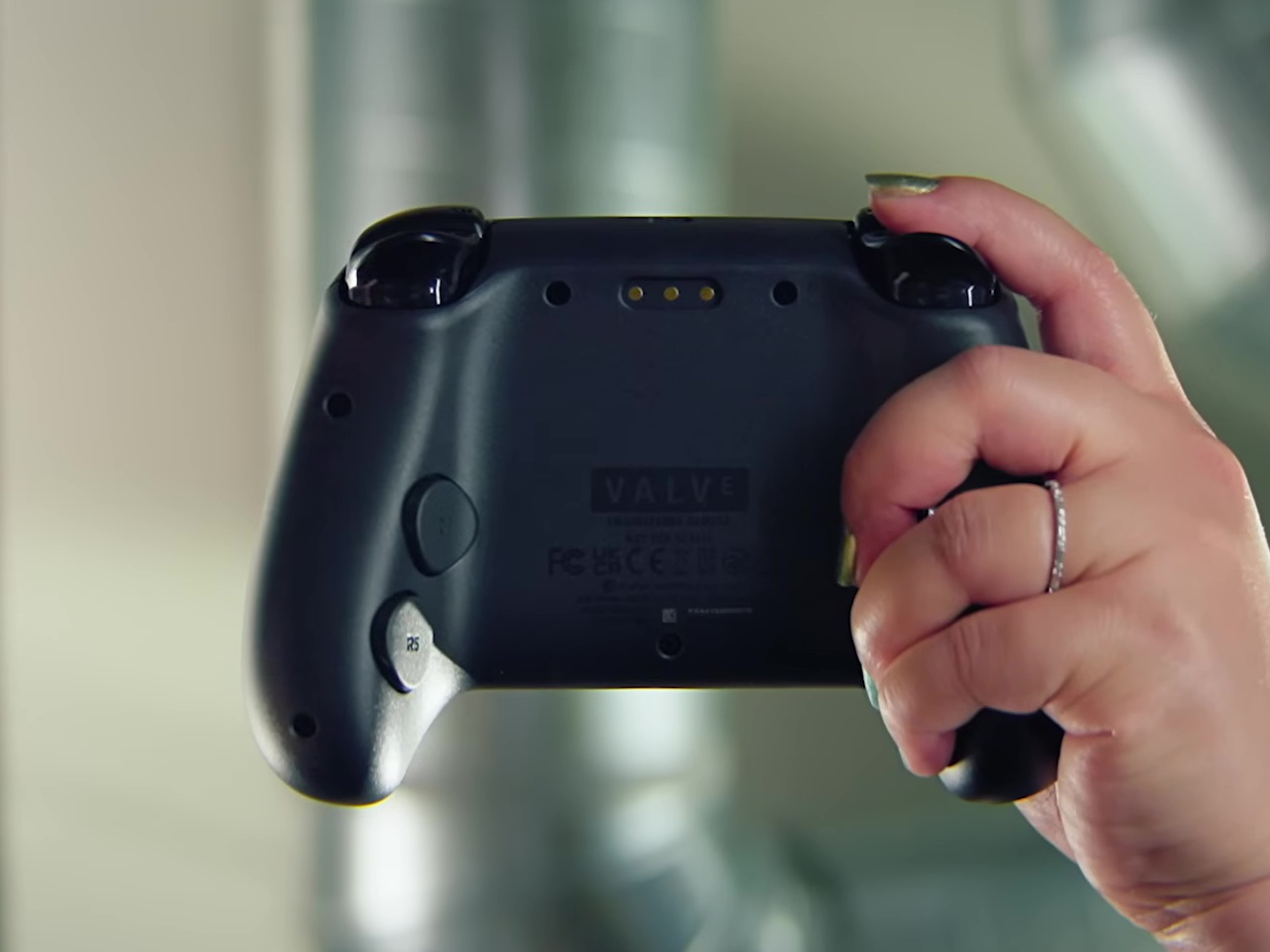
What sets this controller apart are the extras. Four assignable grip buttons sit on the back, letting you map additional controls without taking your thumbs off the sticks or pads. There’s also a feature Valve calls Grip Sense, which uses capacitive sensors along the handles to enable gyro aiming when you hold the controller and disable it when you let go. It’s a small detail that makes aiming in shooters feel more natural without requiring you to toggle a button every time you want precision.

The controller connects via a dedicated wireless puck that doubles as a magnetic charging dock. The puck uses a 2.4GHz connection with about 8ms latency, which is noticeably faster than Bluetooth and feels snappy during gameplay. You can also connect via Bluetooth or USB-C if you prefer, and the 8.39Wh battery is rated for over 35 hours of play. One puck can handle up to four controllers, which makes local multiplayer setups pretty straightforward.

Customization runs deep thanks to Steam Input, which lets you remap every button, adjust sensitivity, and tweak haptics to your liking. Community configurations are available from day one, so you can load presets for thousands of games or build your own and share them. The controller also works across Valve’s entire ecosystem, from PCs and laptops to Steam Deck and the new Steam Machine, with infrared LEDs that let the Steam Frame VR headset track it for mixed-reality gameplay.

Valve’s hardware lineup is expanding into a proper ecosystem rather than just scattered experiments. The Steam Machine and Steam Controller arrive as the cornerstones of that vision, offering power and flexibility without forcing you to choose between the simplicity of consoles and the openness of PCs. Whether that’s enough to pull gamers off the couch and away from their PlayStations remains to be seen, but the pieces are finally in place.

The post New Steam Machine and Controller Bring Living Room Gaming Back to PCs first appeared on Yanko Design.
Xbox introduces appealing transparent controller and stunning customization options for Elite Series 2

Microsoft has always believed in giving gamers more options when we talk of accessories. This is true for the gaming controllers under the Xbox line, and we’ve seen plenty in the past. These include the Dune: Part Two, Deadpool Edition and the Remix Special Edition controller. Other unofficial options like the Assassin’s Creed Valhalla-themed controller and Do3D’s limited edition gamepads.

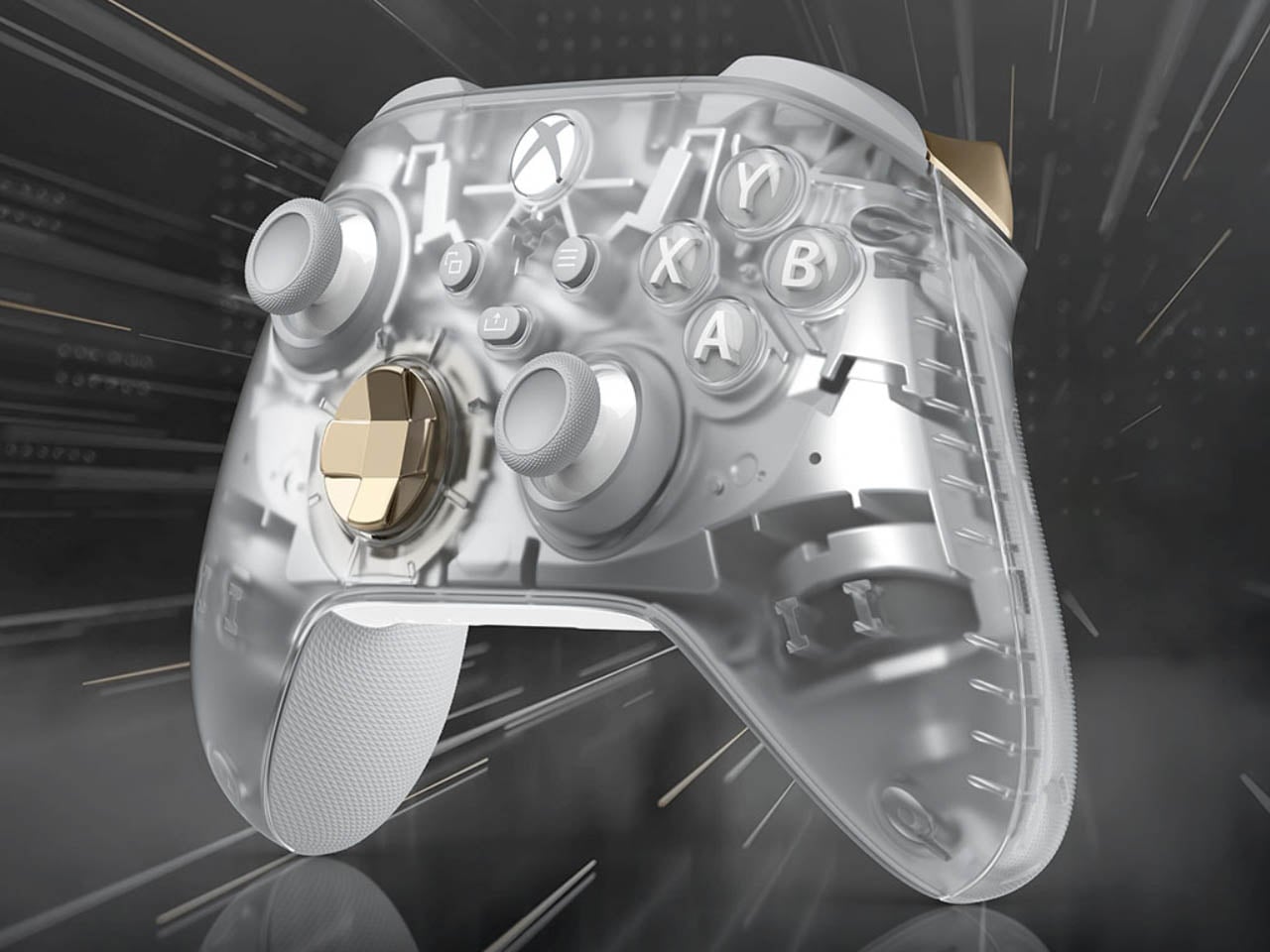
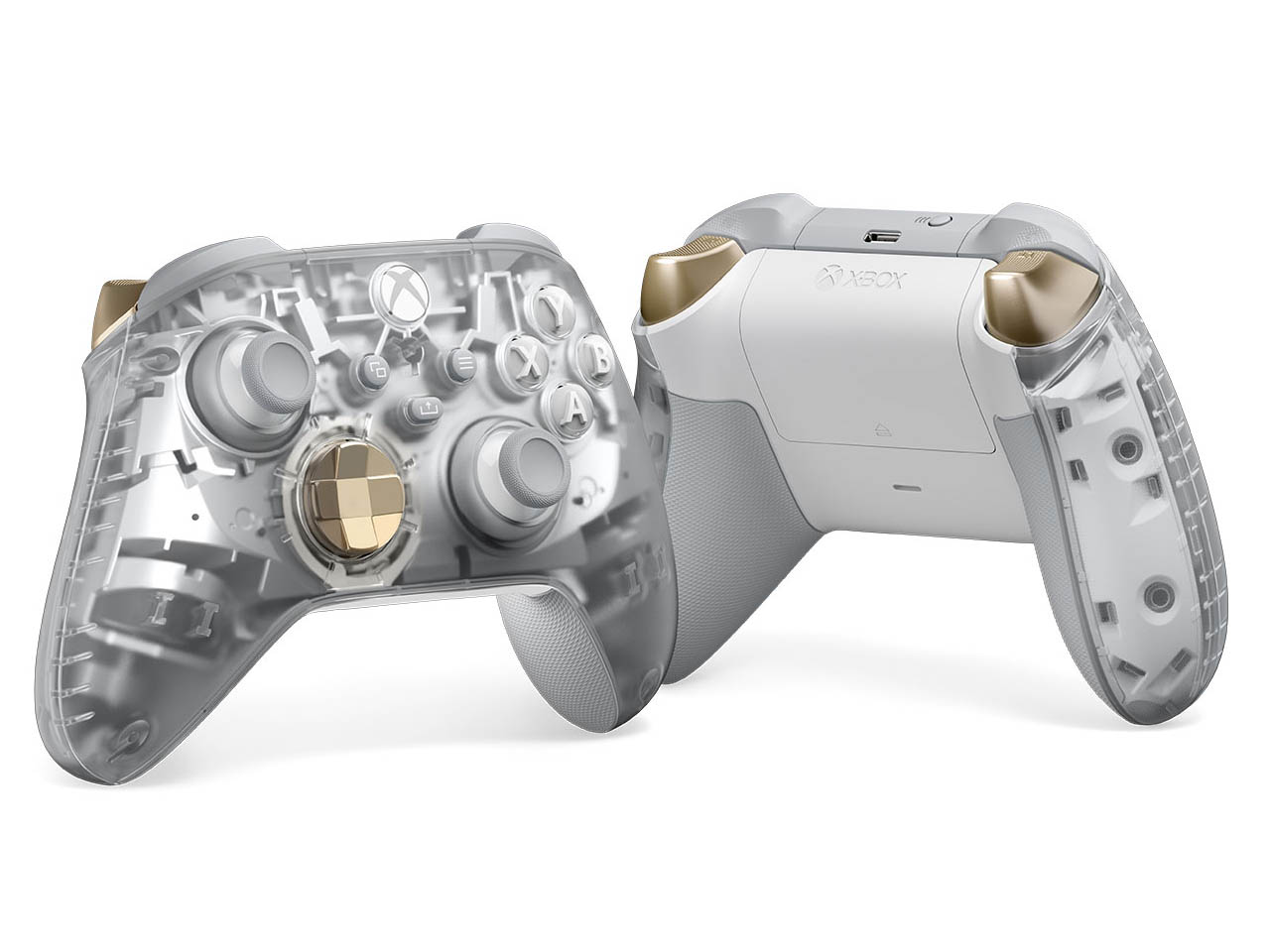
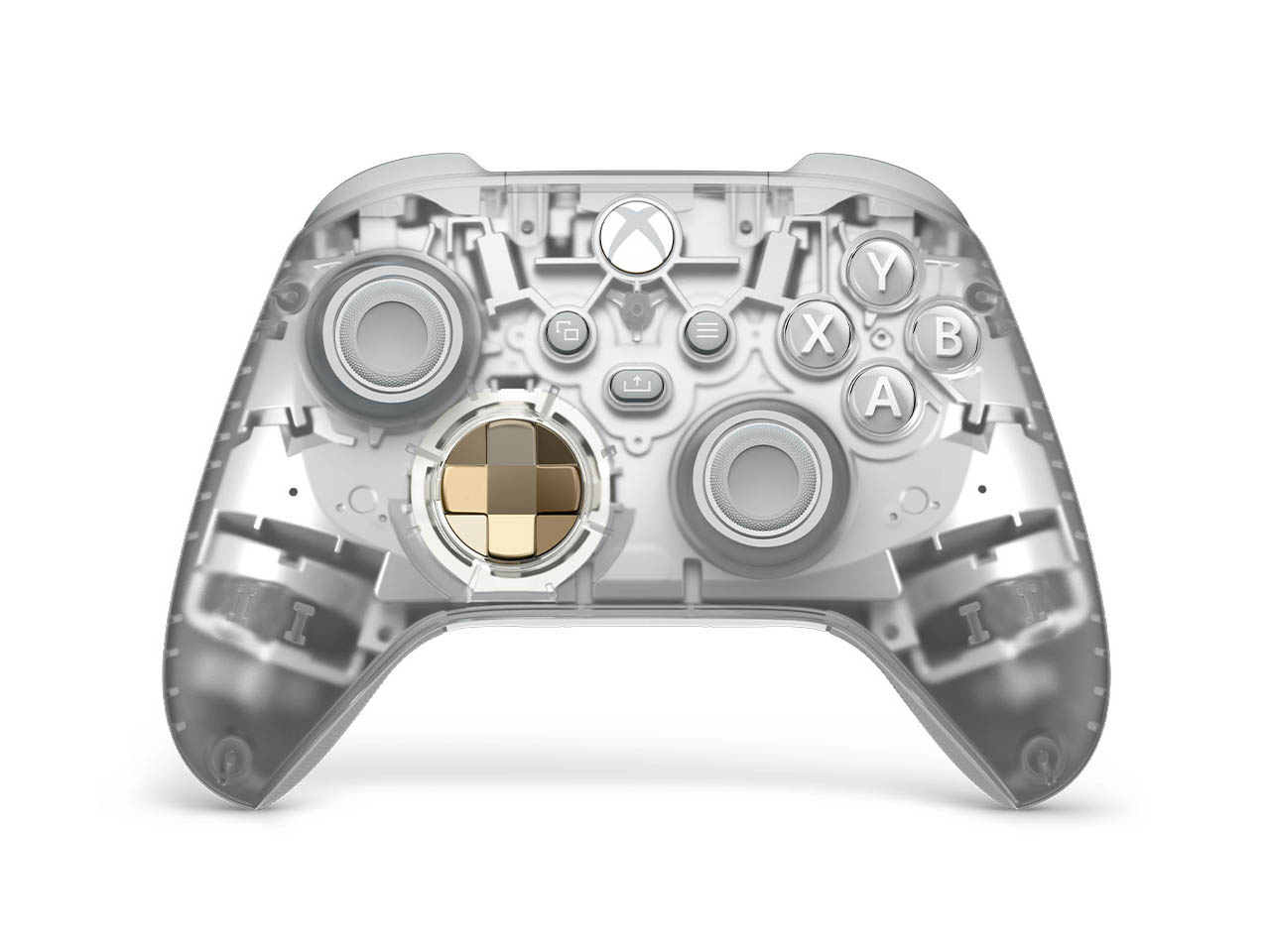
A more recent themed controller from Microsoft’s dedicated portal for experimentation, the Xbox Design Lab, really caught our attention for its translucent cool blue theme. Yes, I’m talking about the Xbox Wireless Controller – Sky Cipher Special Edition. On the same lines, Microsoft has not revealed the Ghost Cipher Special Edition Xbox Wireless Controller.
Designer: Microsoft

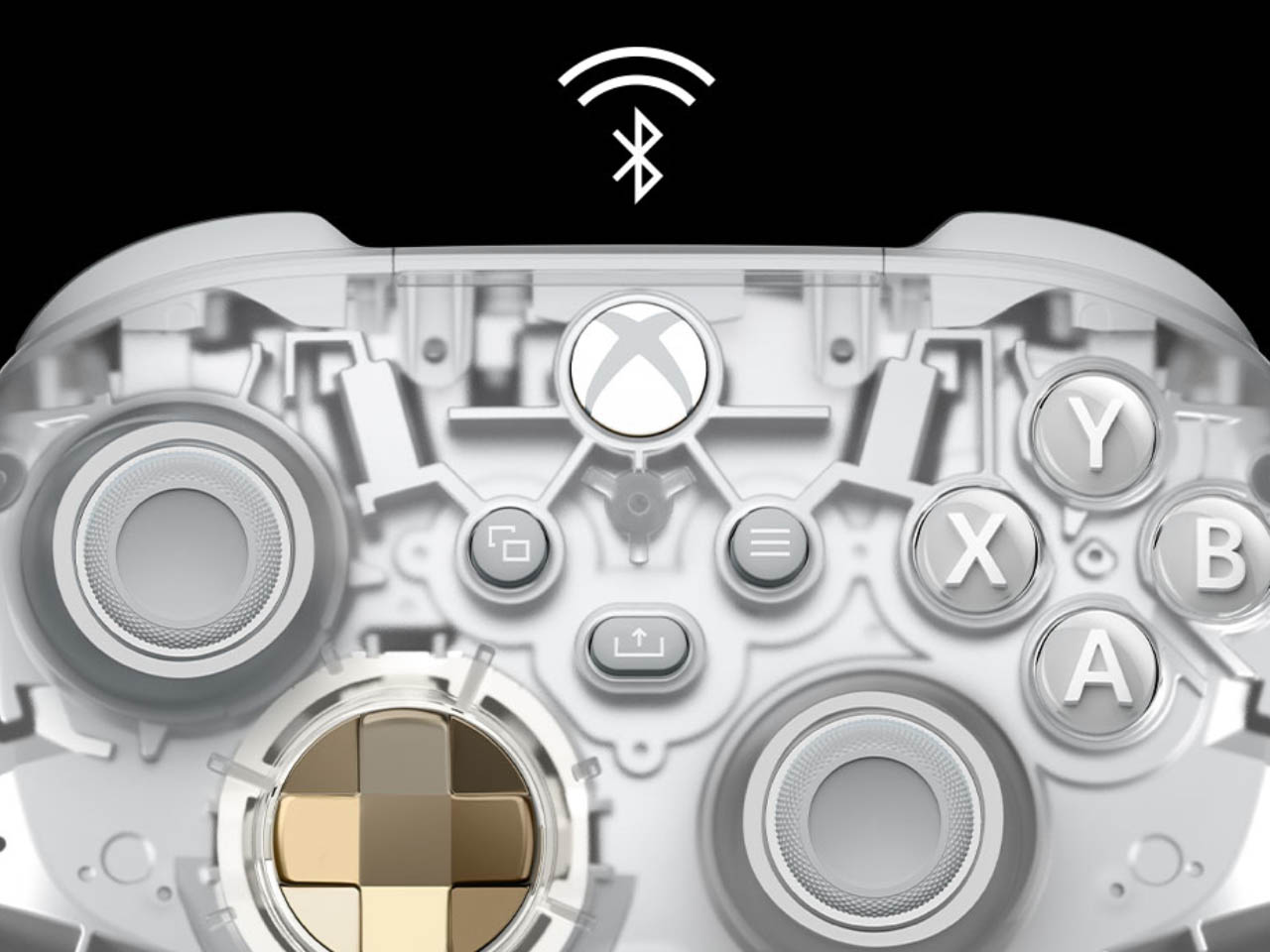
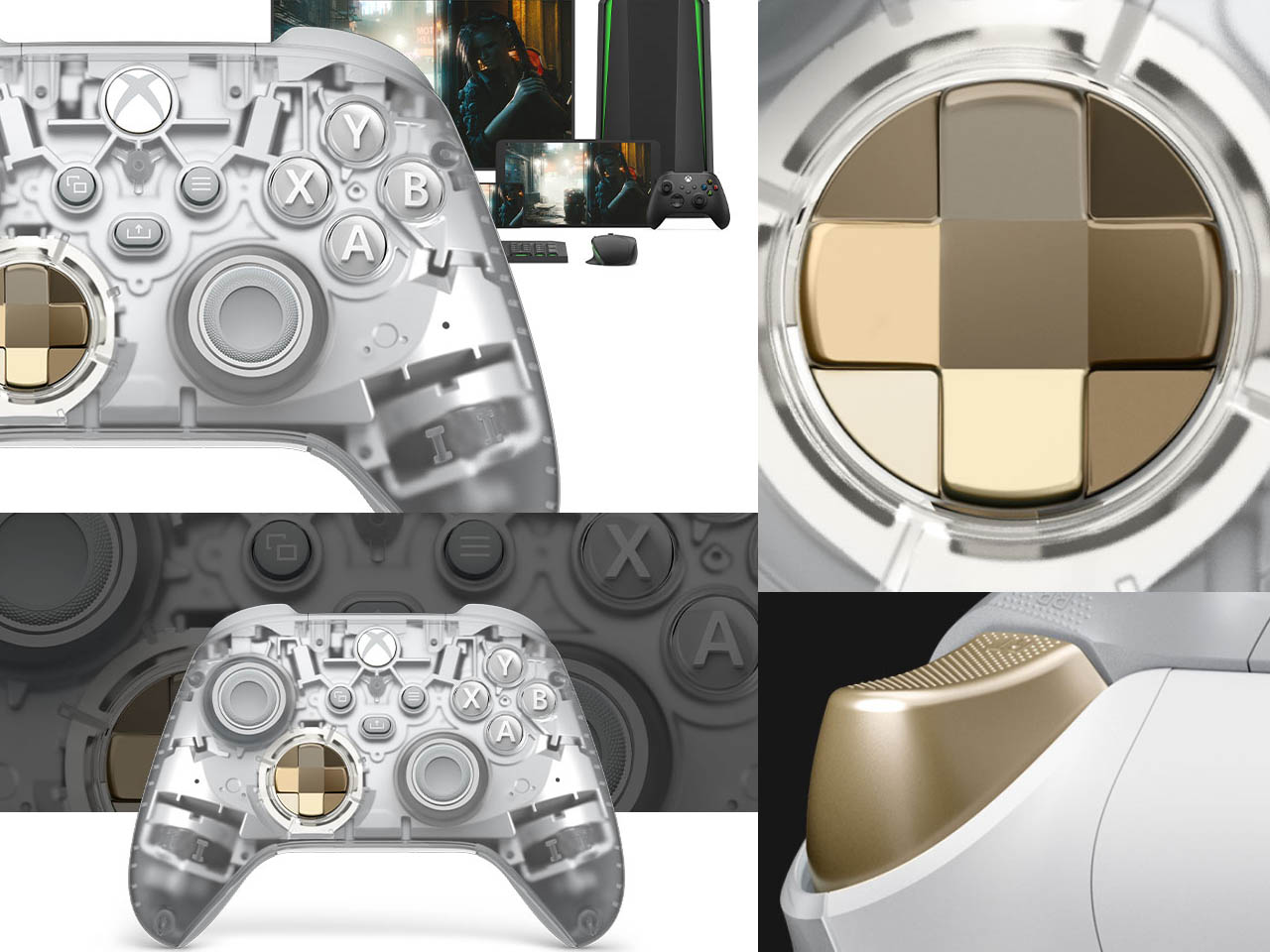
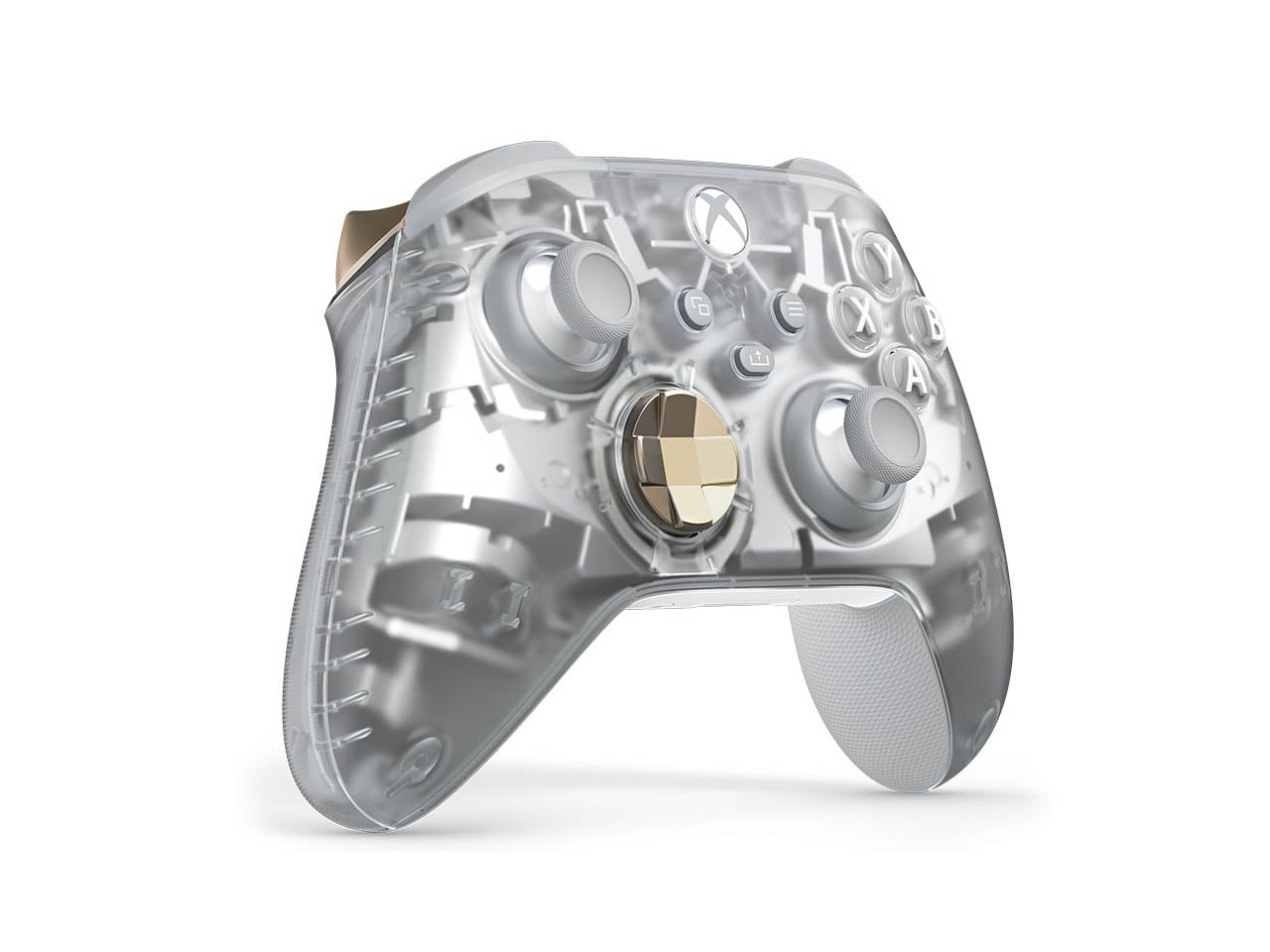
The gamepad has a transparent outer shell to expose all the innards in their bare form and working dynamics. The craze for transparent and semi-transparent gadgets is slowly taking over the tech community and I love it to the core. The Ghost Cipher Special Edition gamepad contrasts the see-through aesthetics with, a silver interior, grey joystick, and bronze accents on the triggers and D-pad for a very futuristic appeal. The buttons and the Xbox logo in white add a sophisticated charm to the mix.

This clear design will lure millennials who’ve seen the era of translucent iMacs, as well as Gen-Z who are accustomed to Nothing’s transparent design language. Coming at $70, the special edition controller is up for pre-order with a release slated for October 8. Expanding the Cipher Series are two new chromatic D-pad and paddle metallic designs called Energy Chroma and Sunset Chroma which create a hypnotic gradient that shifts colors based on the angle of viewing.

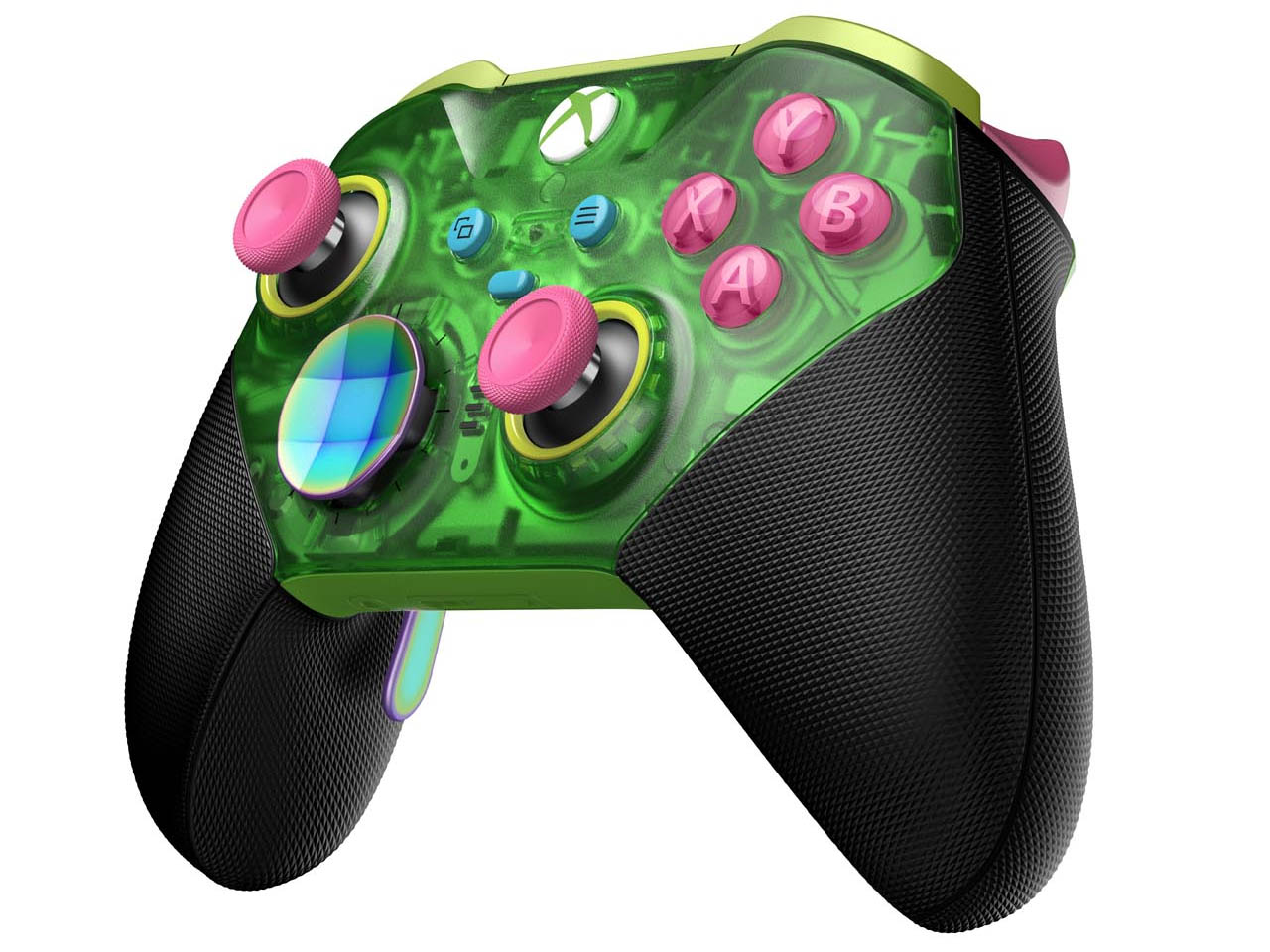
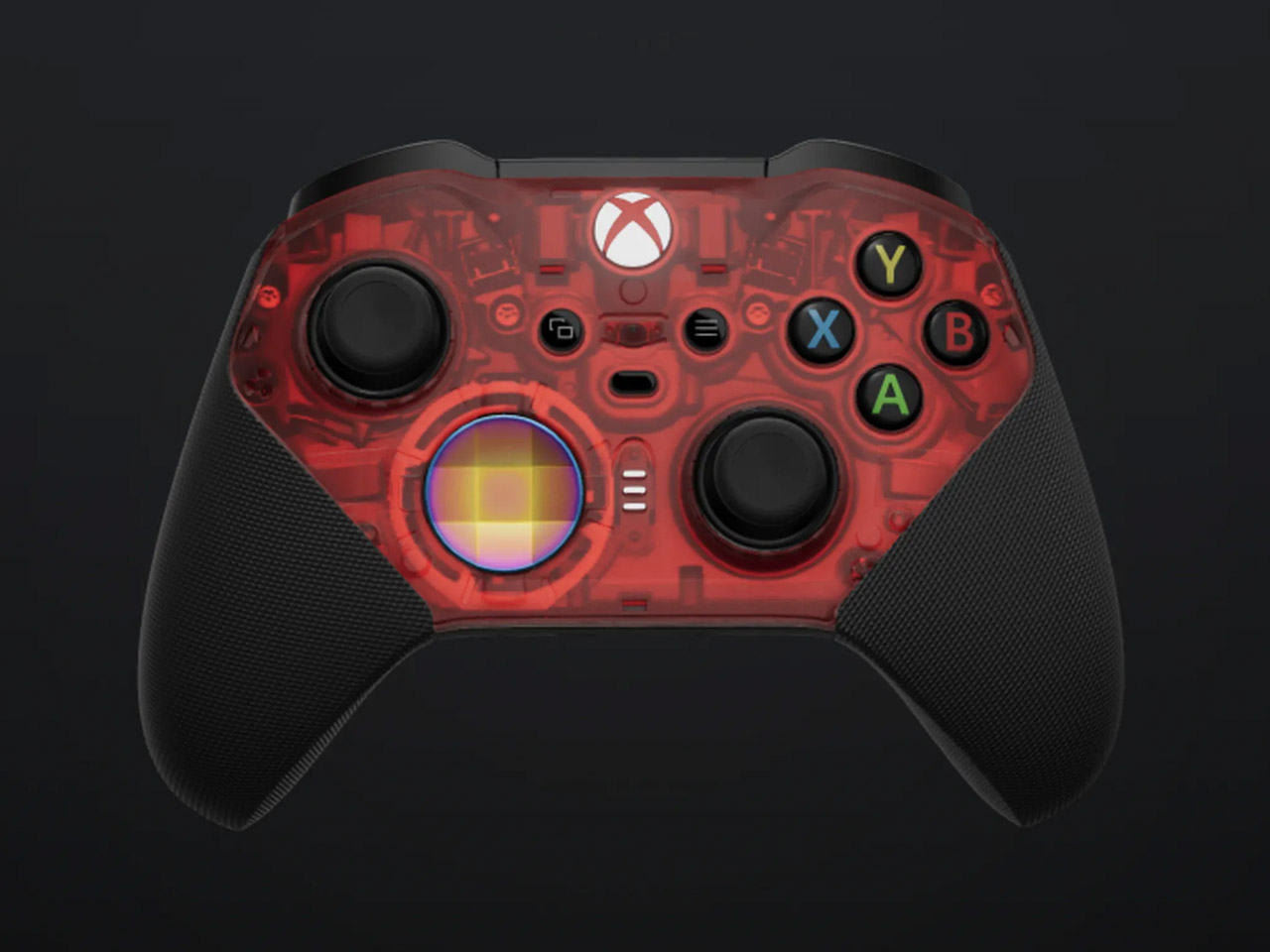
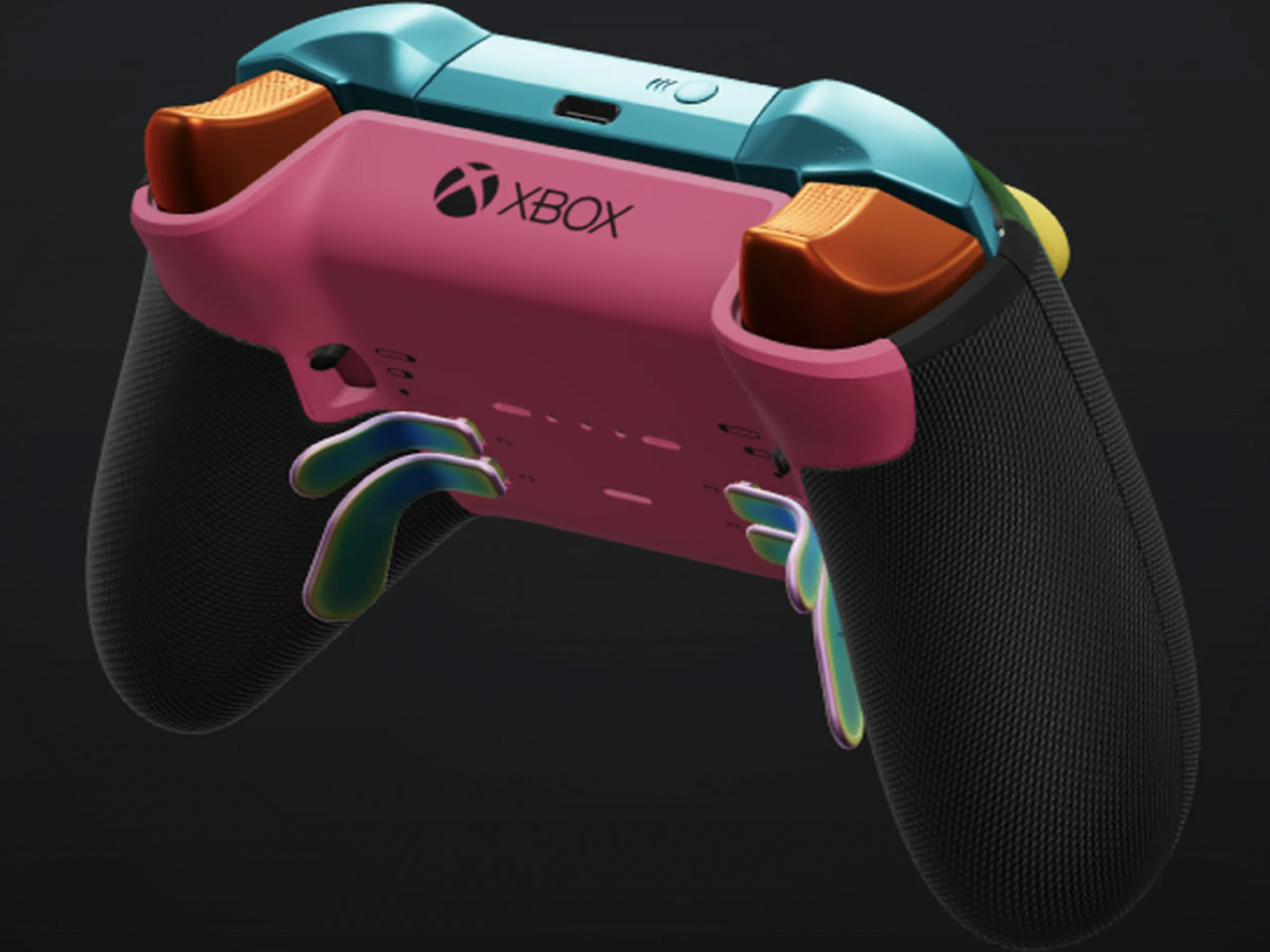
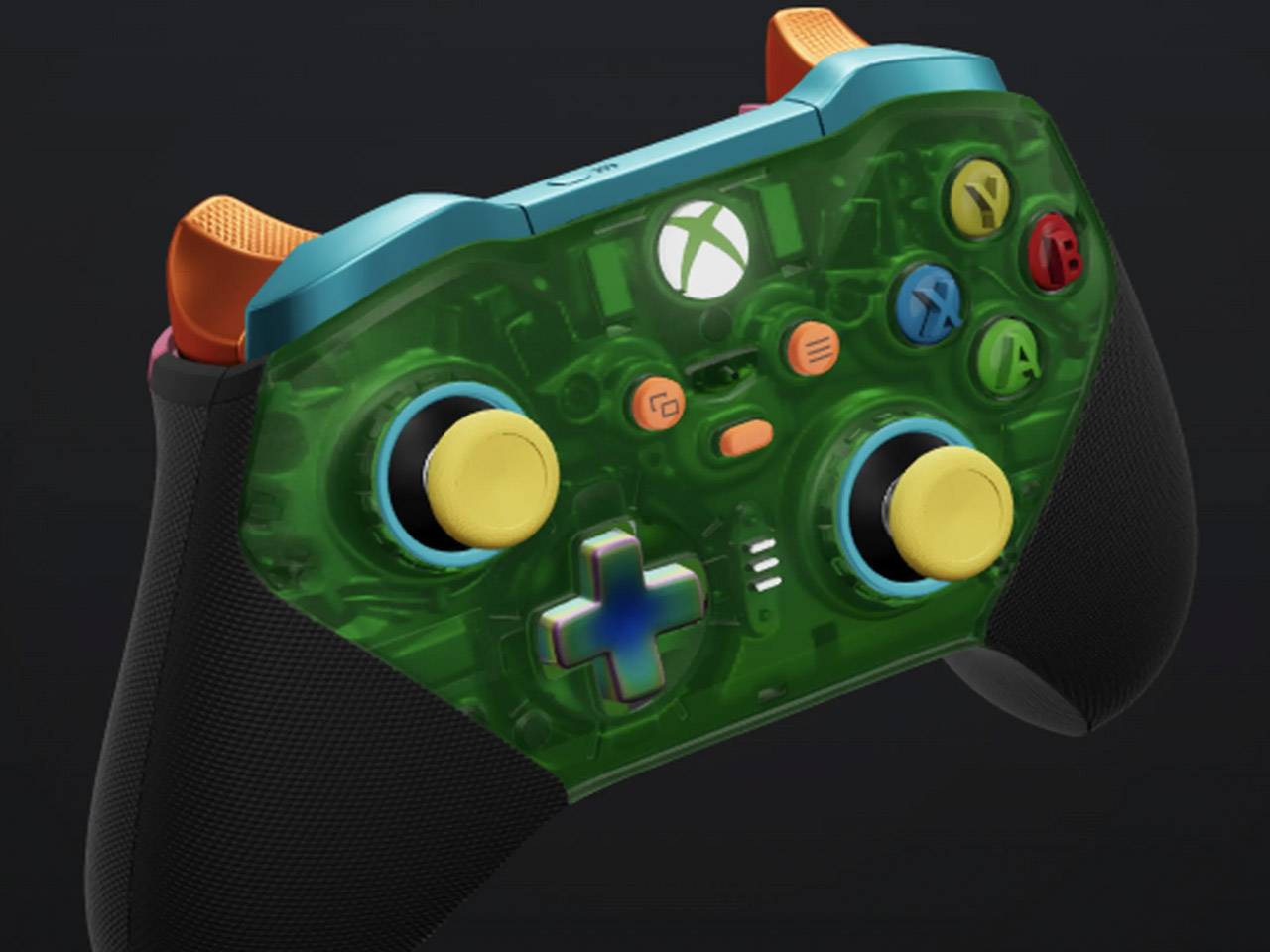
That’s not it as Xbox Design Lab has crafted shells for Elite Series 2 as well. Carrying translucent aesthetics these faceplates – Ghost Cipher colorless, Velocity Cipher green, Candy Cipher pink, Pulse Cipher red, Astral Cipher purple and Surf Cipher teal contrast with black handles to pep up your controller’s look. You can mix and match the color of the buttons and triggers for complete freedom of customization.

According to the Design Lab, these controller mod kits draw inspiration from the “90s and early 2000s, the Cipher Series brings six stunning transparent top case designs. These vibrant, candy-colored top cases encapsulate the controller’s metallic frame, showcasing both its external beauty and the advanced engineering within the Elite Series 2 controller. These customizations for the Elite 2 controller start at $150 and give you complete freedom to facelift your controller.

The post Xbox introduces appealing transparent controller and stunning customization options for Elite Series 2 first appeared on Yanko Design.