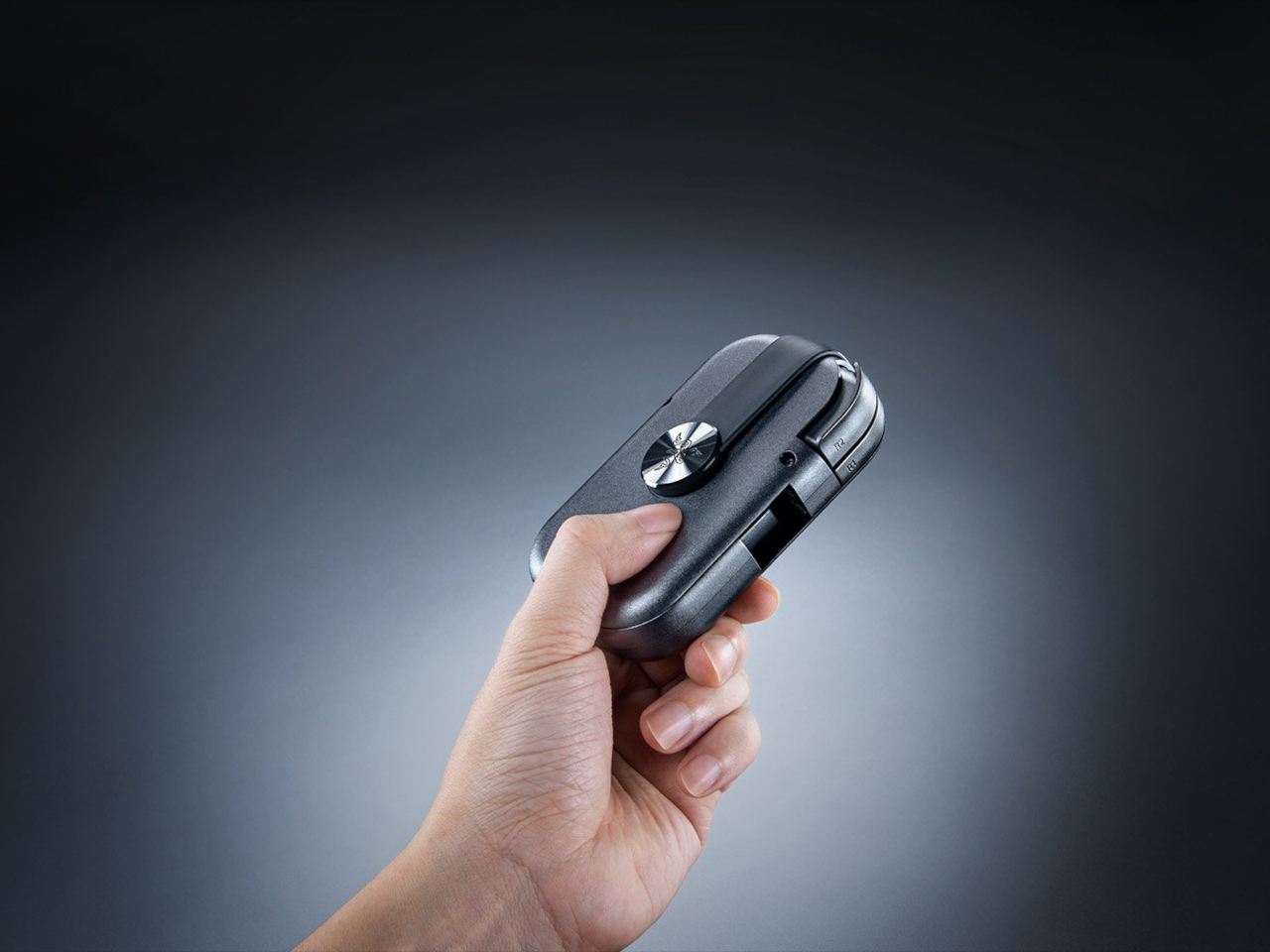
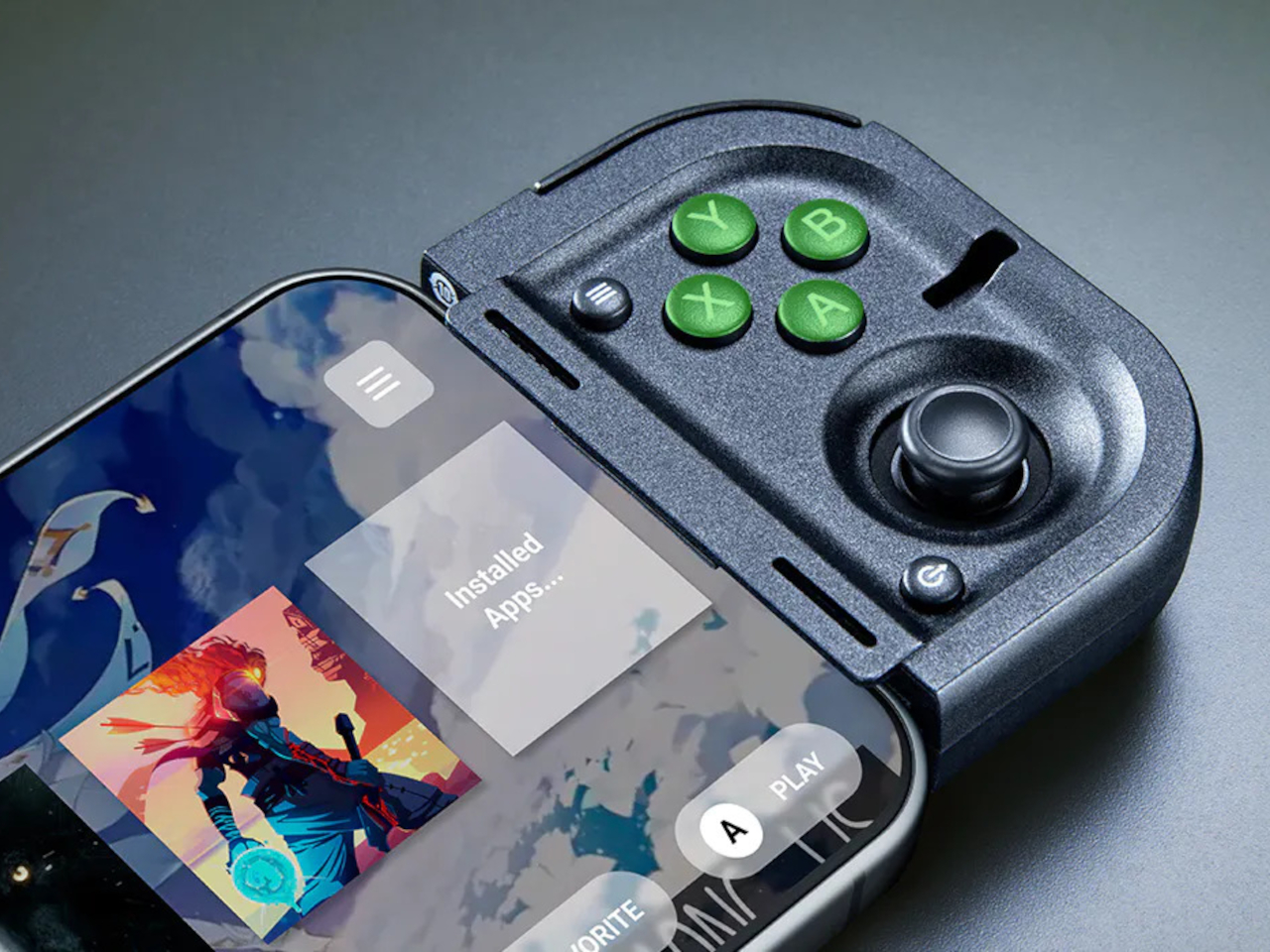
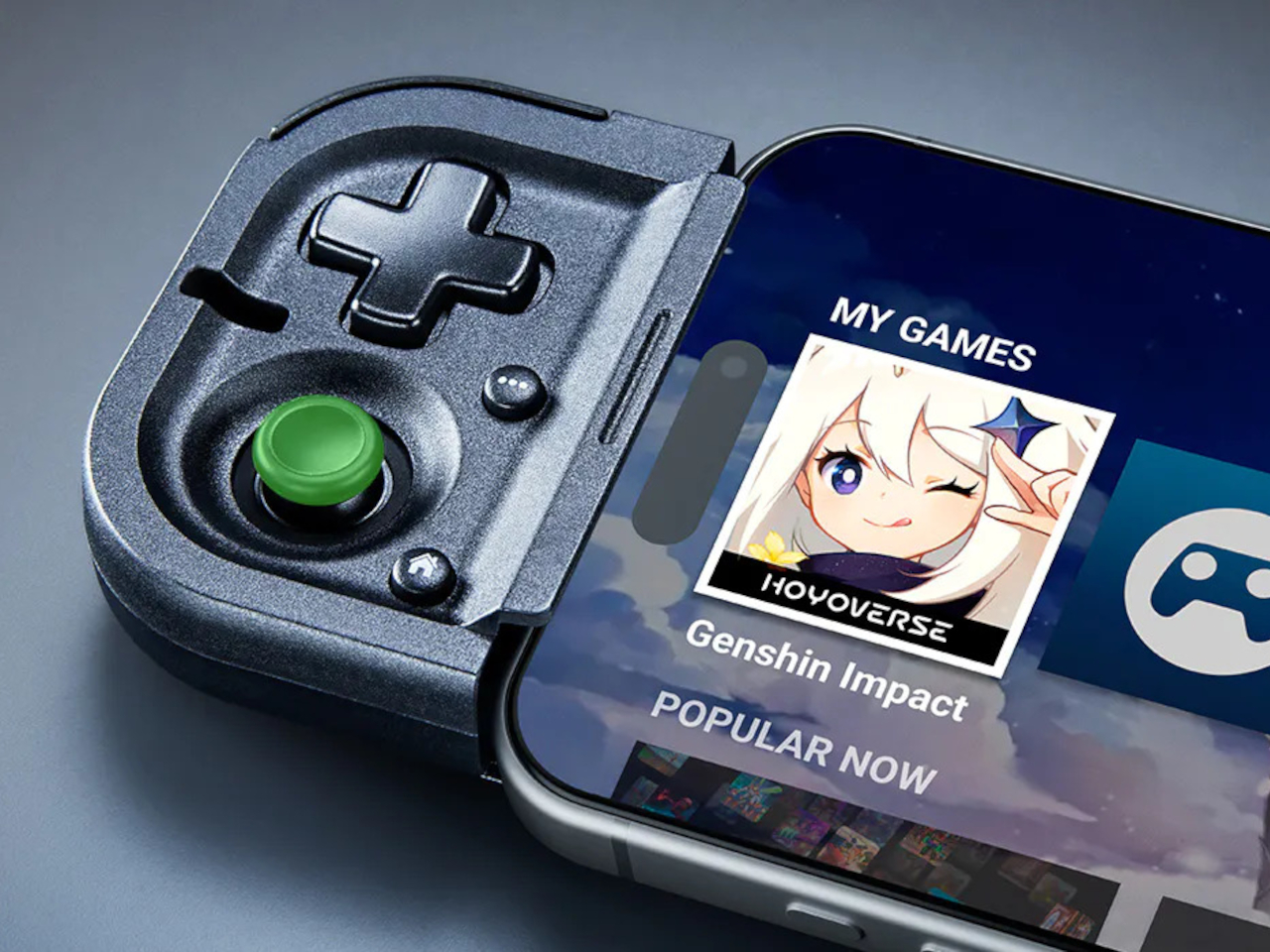
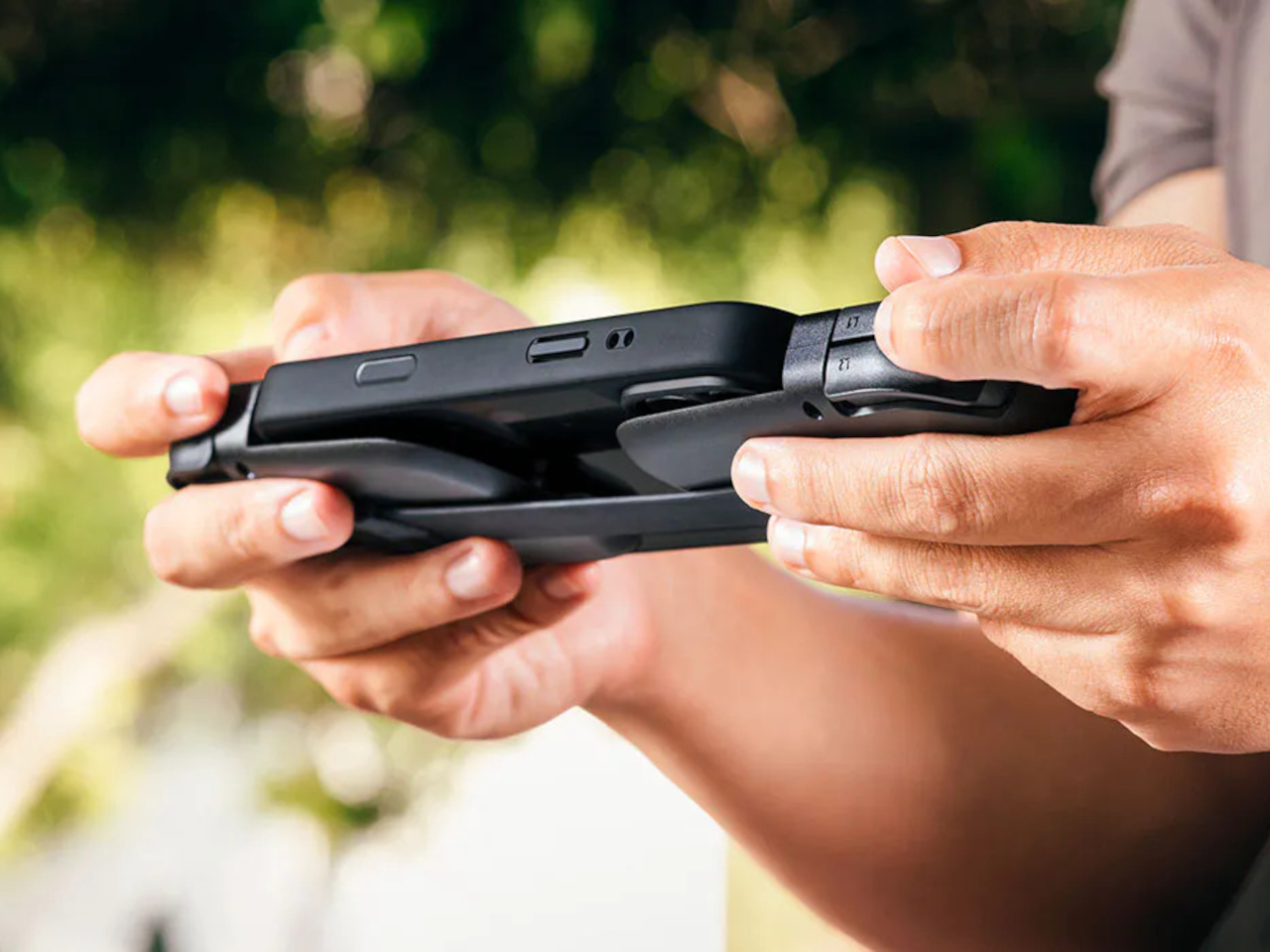
Sony’s Upcoming Portable PS6 Aims to Challenge the Steam Deck and Switch 2 in 2027

Sony’s portable gaming attempts have followed a familiar pattern: innovative hardware held back by baffling compromises. The PSP had one analog stick when games clearly needed two. The Vita added that second stick but inexplicably skipped analog triggers and clickable thumbsticks, forcing developers to map essential controls to an awkward rear touchpad. The PS Portal finally nailed the controls by essentially splitting a DualSense controller in half, then rendered the achievement mostly irrelevant by making it stream-only. Project Canis, the rumored PS6 handheld arriving in 2027, needs to break this cycle.

The fundamentals look promising this time. Reports suggest full PS4, PS5, and PS6 compatibility with proper docking functionality, which would position it as Sony’s answer to both the Steam Deck and Switch successor. The recent PS5 low-power mode appearing in firmware updates telegraphs Sony’s strategy clearly: get developers optimizing games for portable performance now, before the hardware officially exists. With AMD’s APUs getting more capable and the handheld gaming PC market proving there’s demand for portable power, Sony actually has a clearer path forward than they did with previous attempts. The question is whether supply chain realities and component costs will force them to compromise again.

Designer: Yousef Popov

Sony recently added a power-saving mode to PS5 games that scales down graphics and frame rates, supposedly for energy conservation. But here’s what’s actually happening: they’re teaching developers how to optimize their games for weaker portable hardware before that hardware even exists. When Project Canis launches, every game with this low-power mode already has a built-in portable profile ready to go. It’s Sony creating a standardized “handheld mode” years in advance, which suggests they’re genuinely committed this time rather than half-heartedly supporting another doomed experiment like the Vita became.

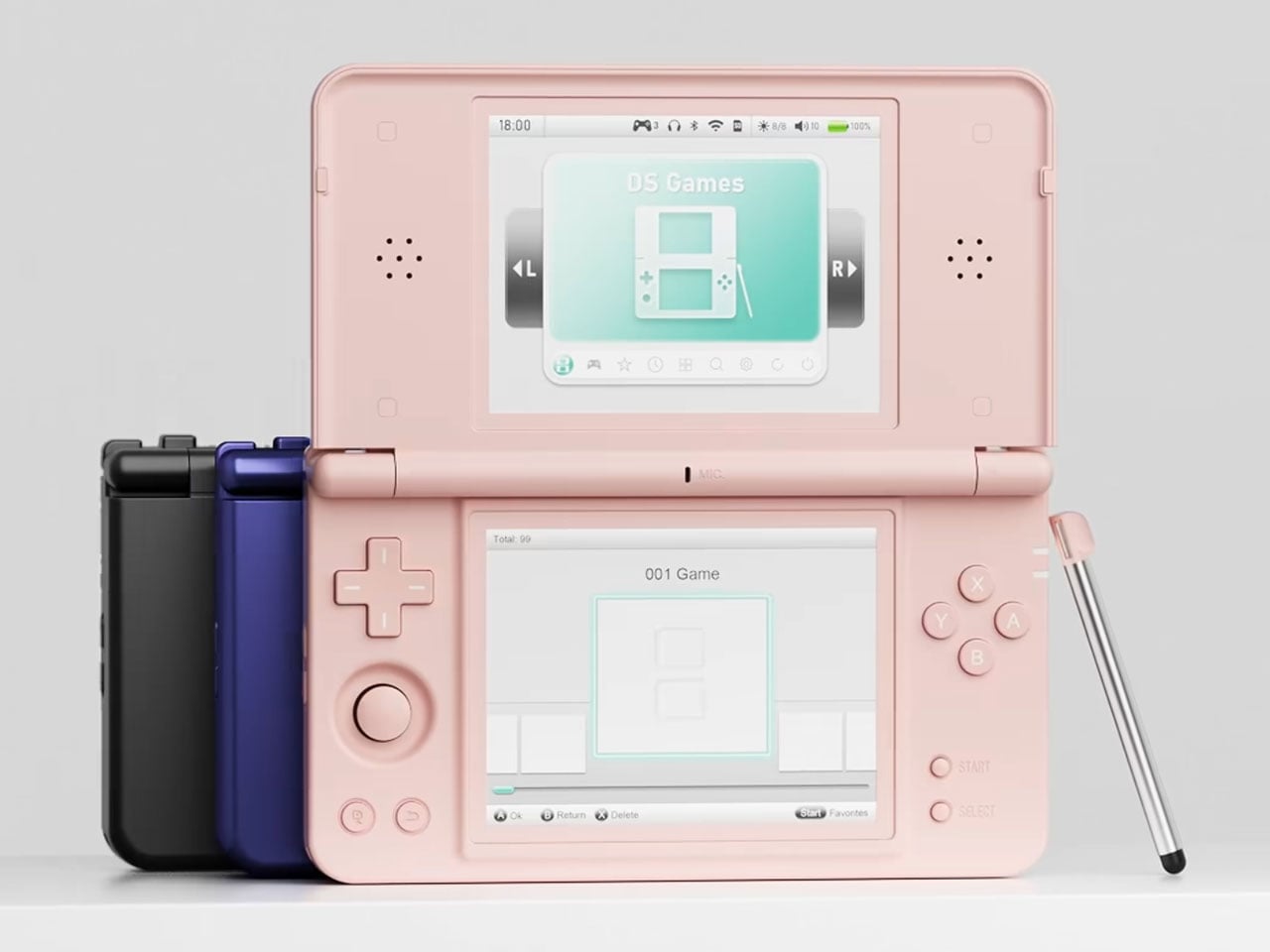
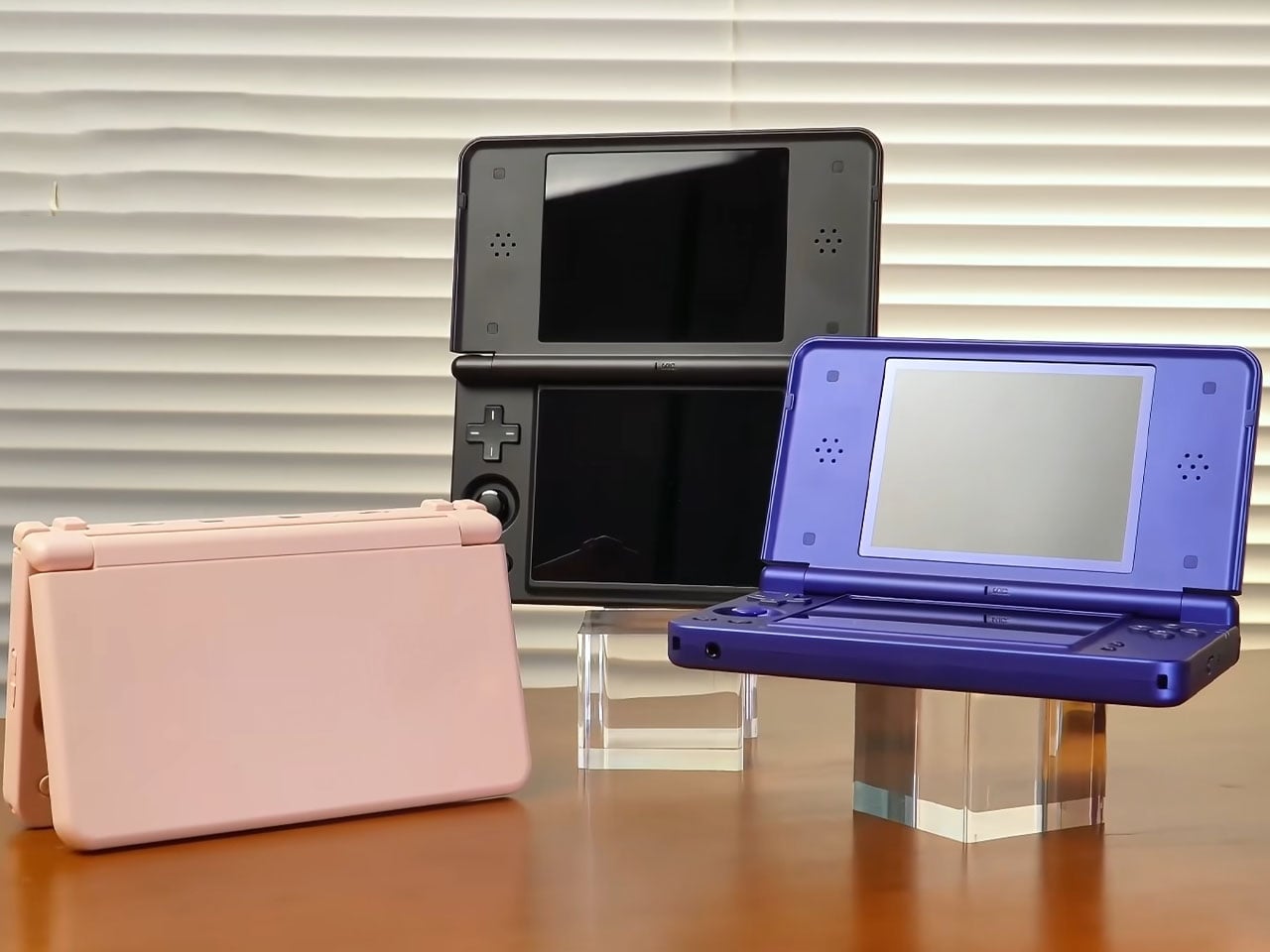
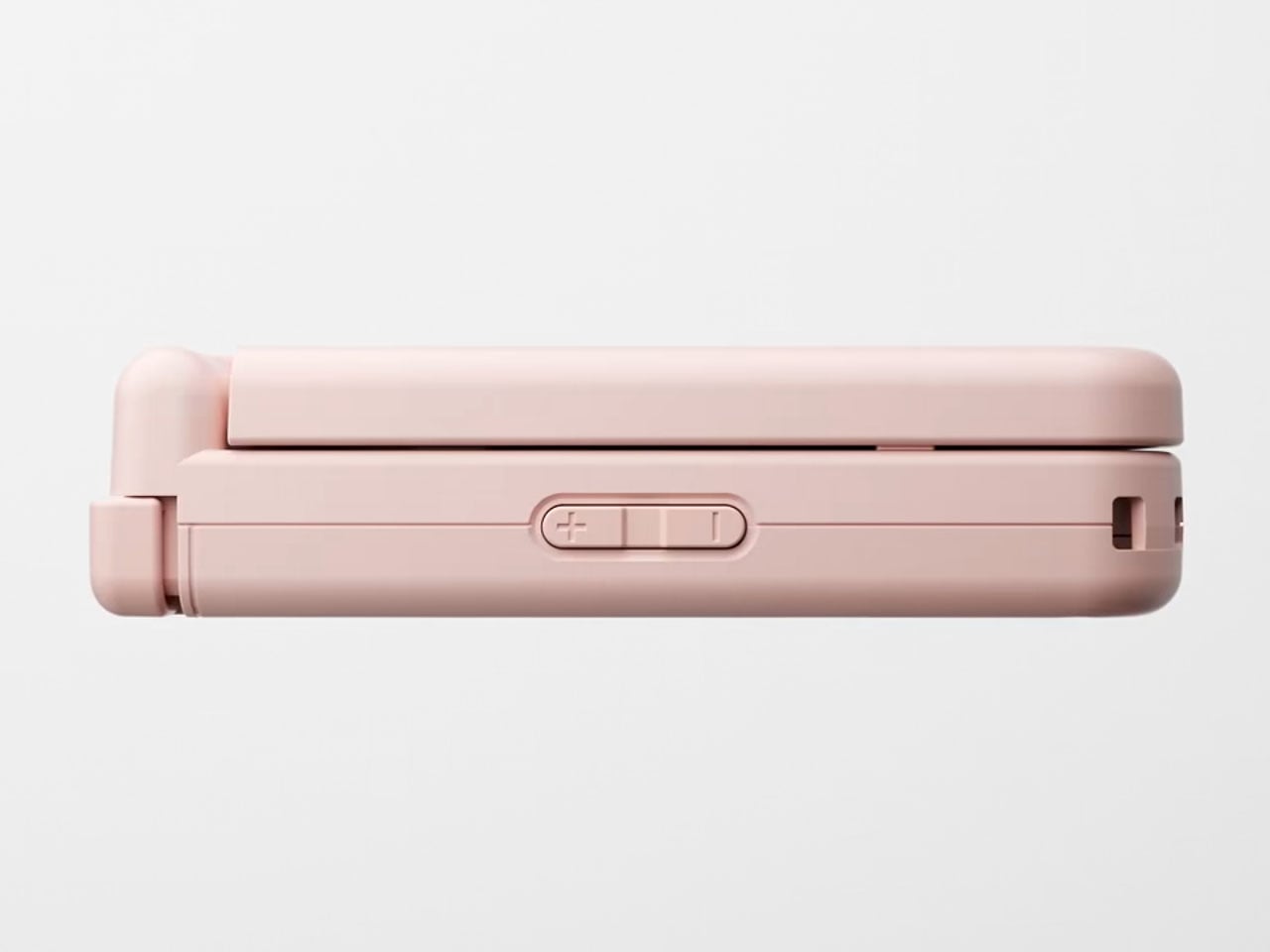
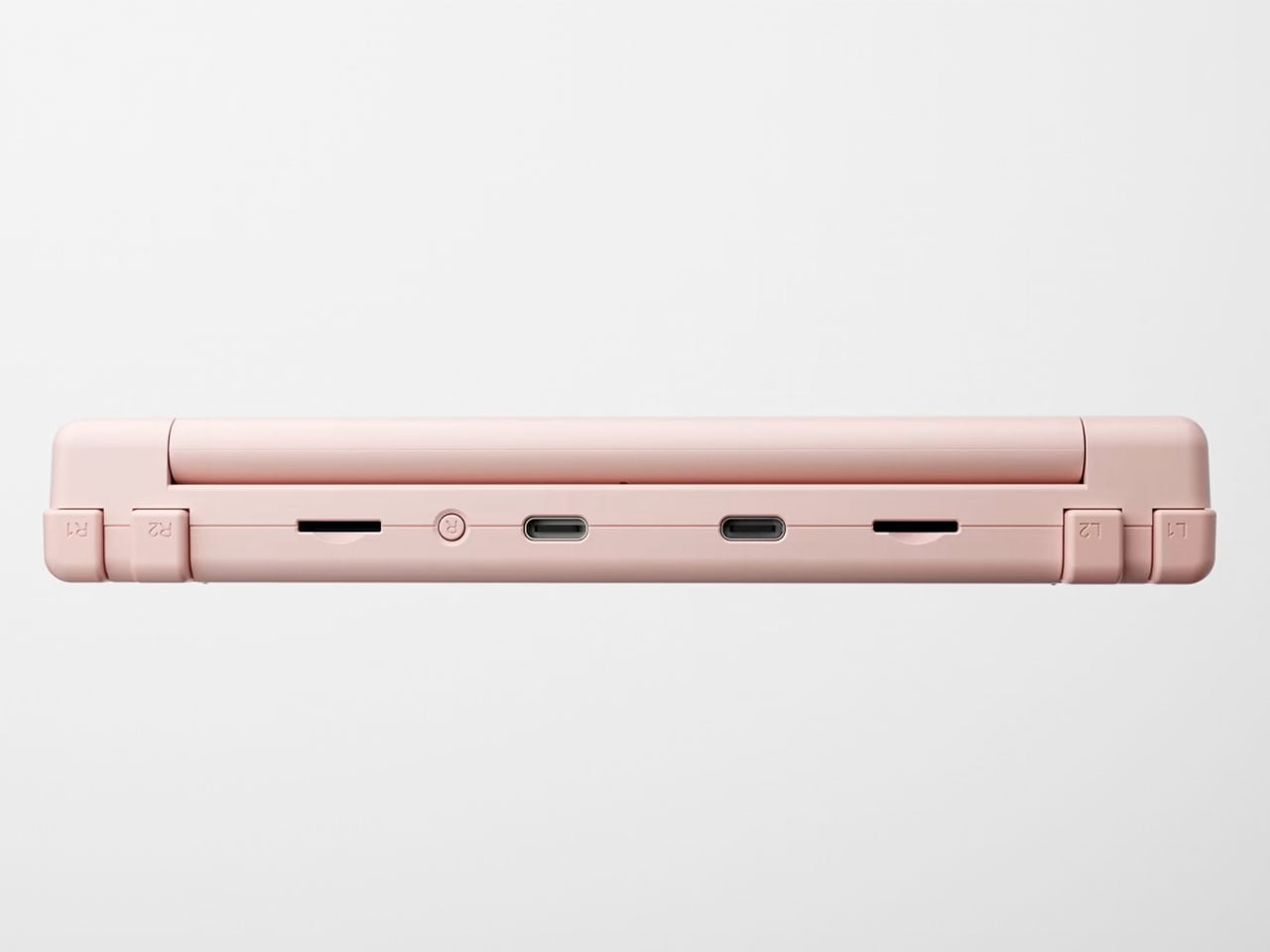
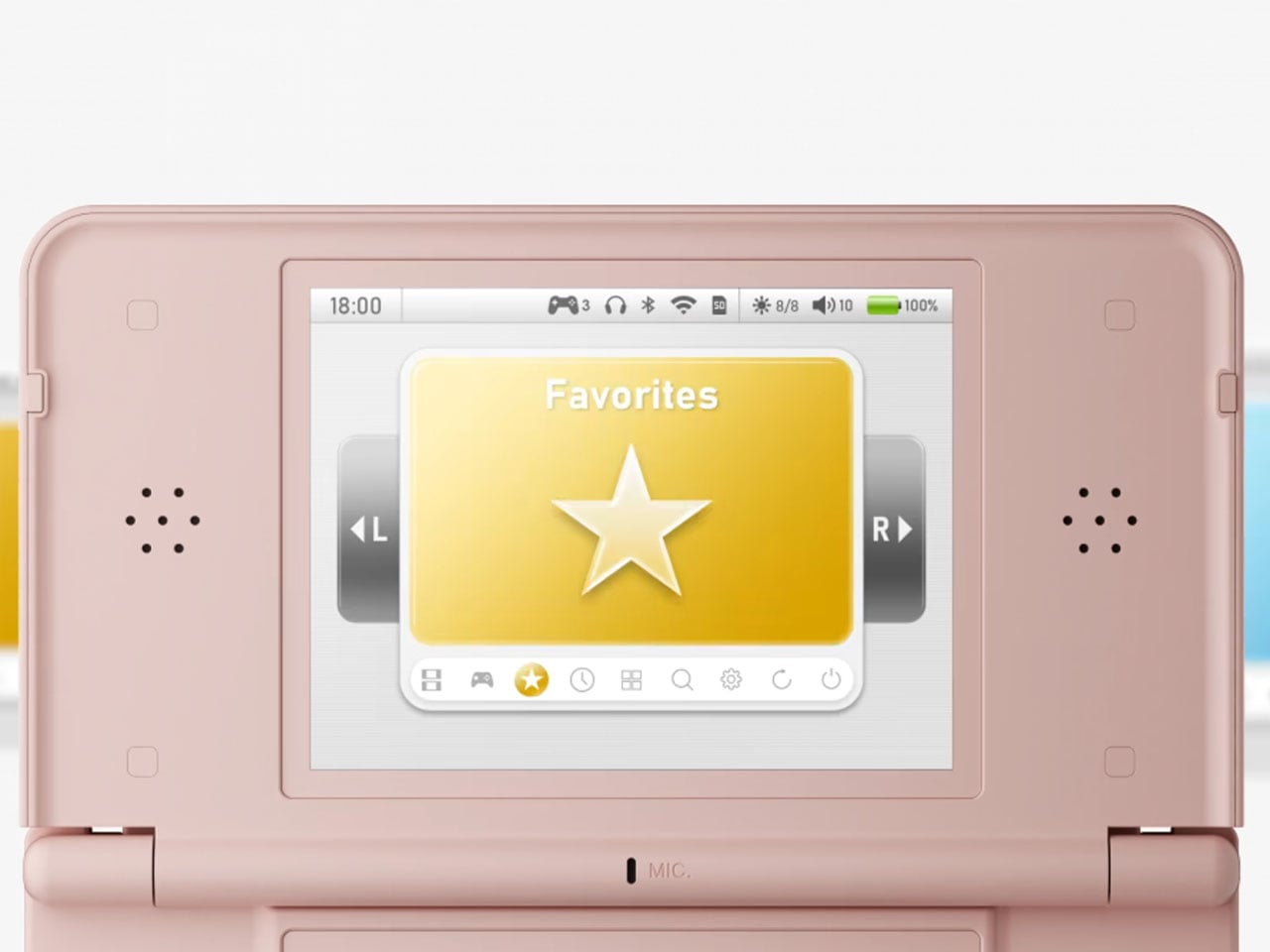
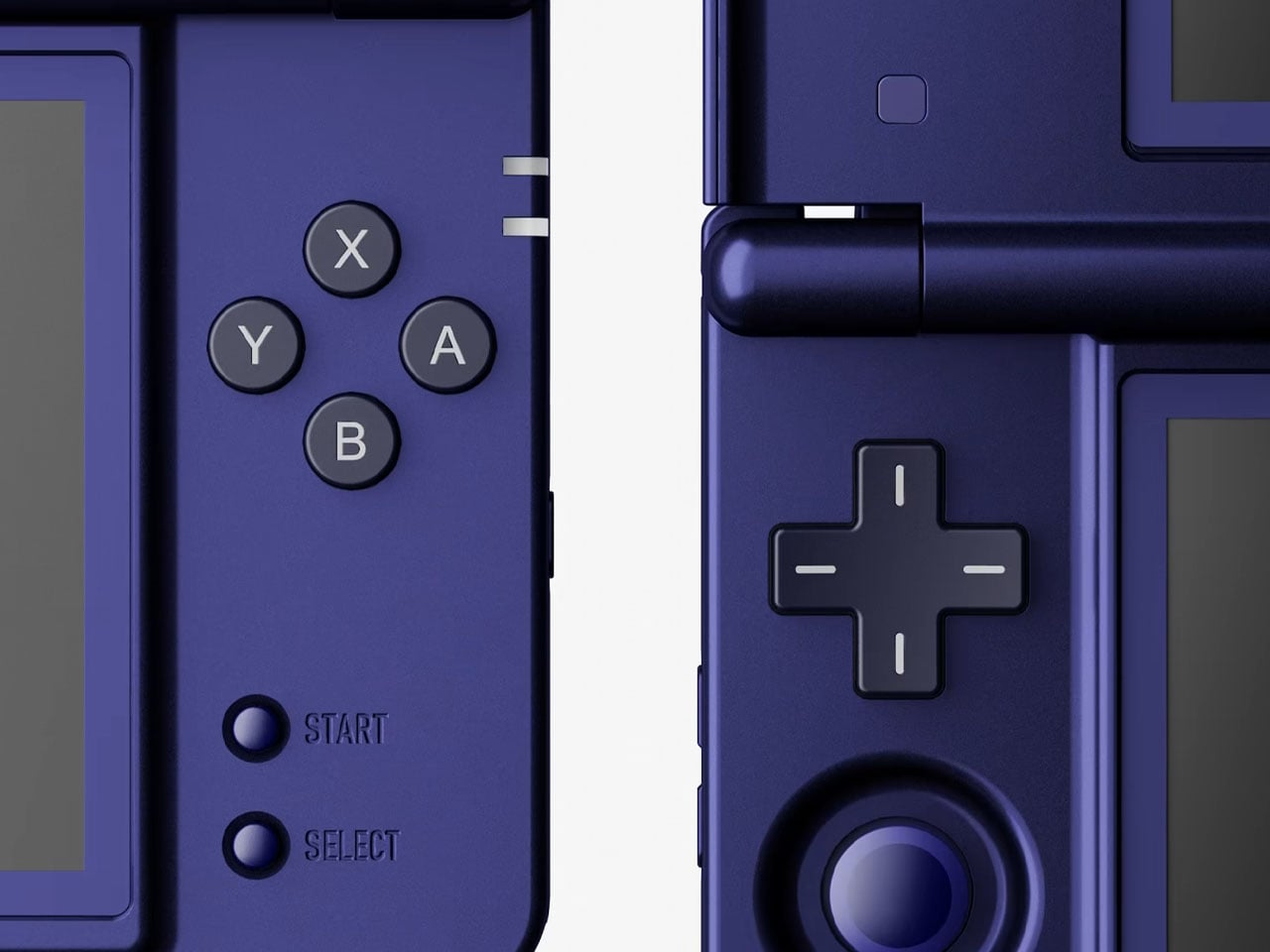
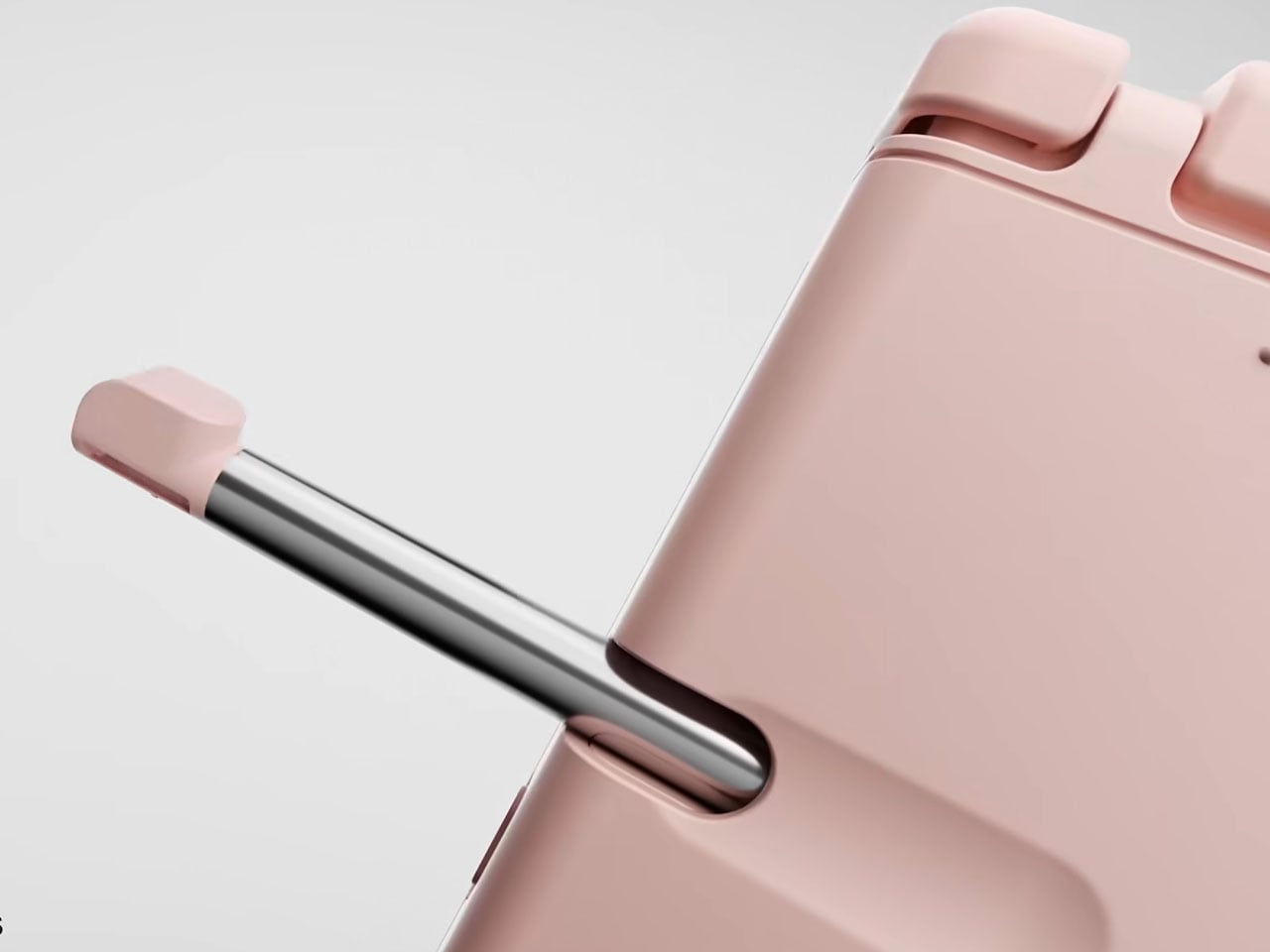
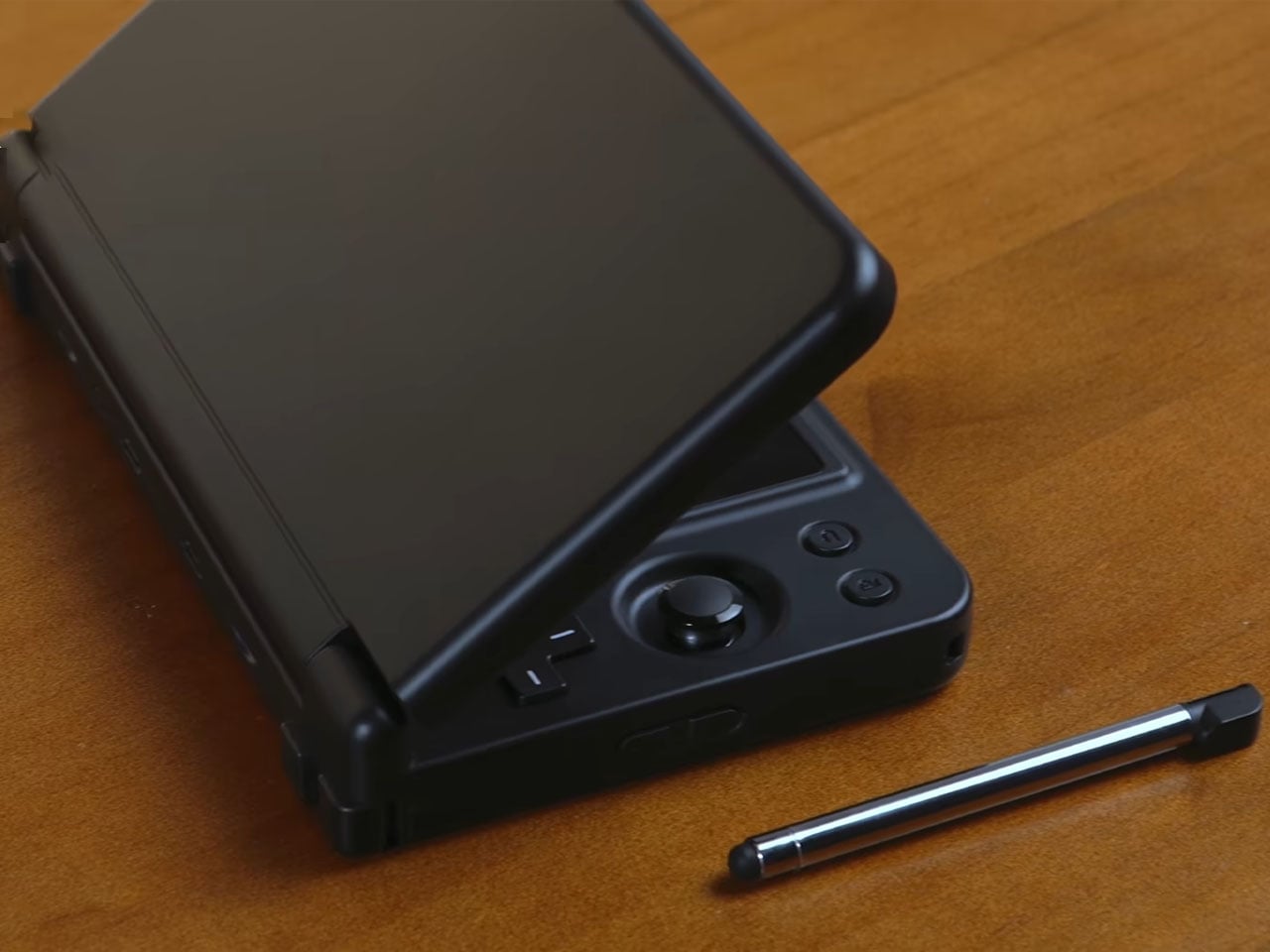
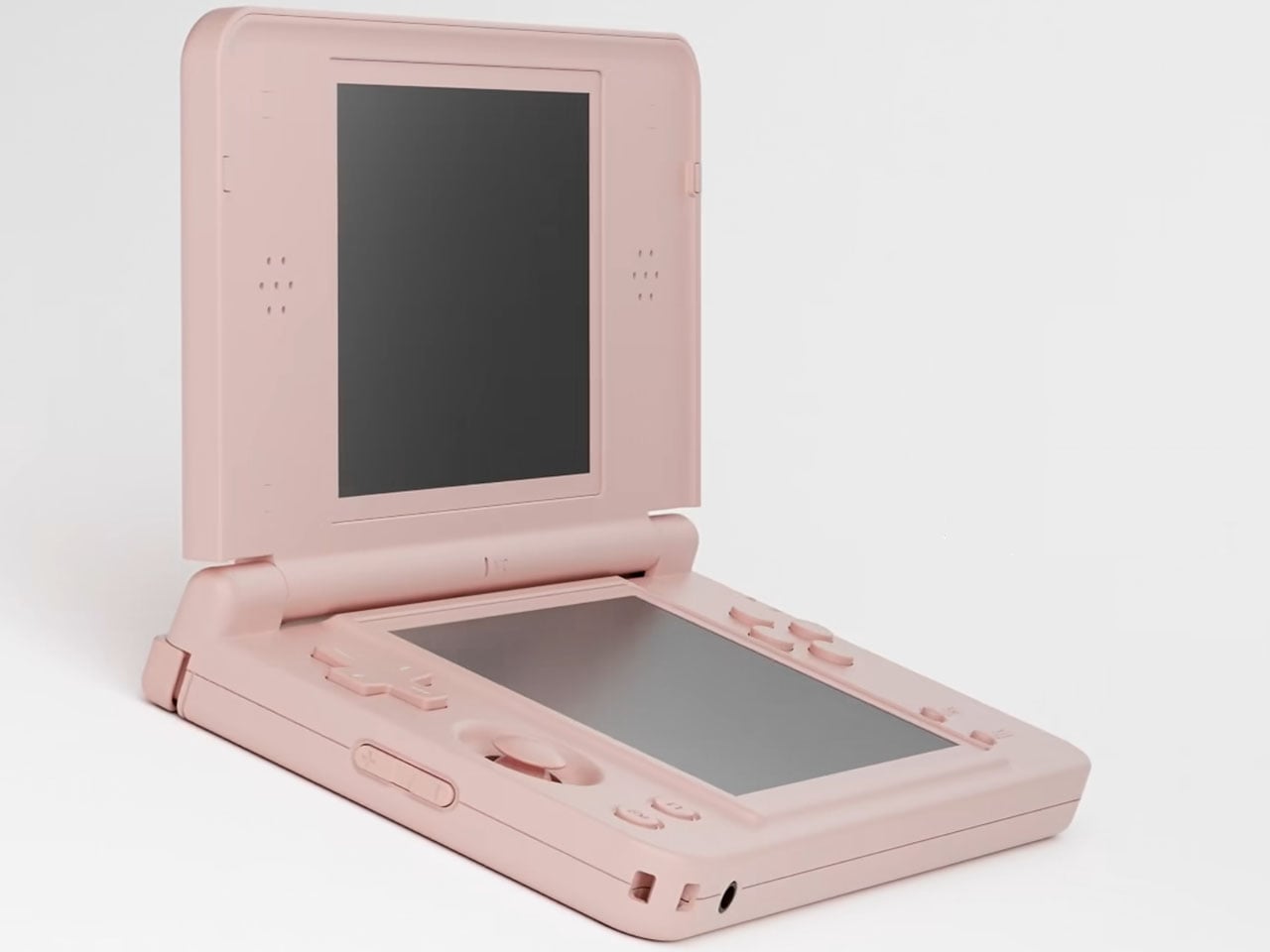
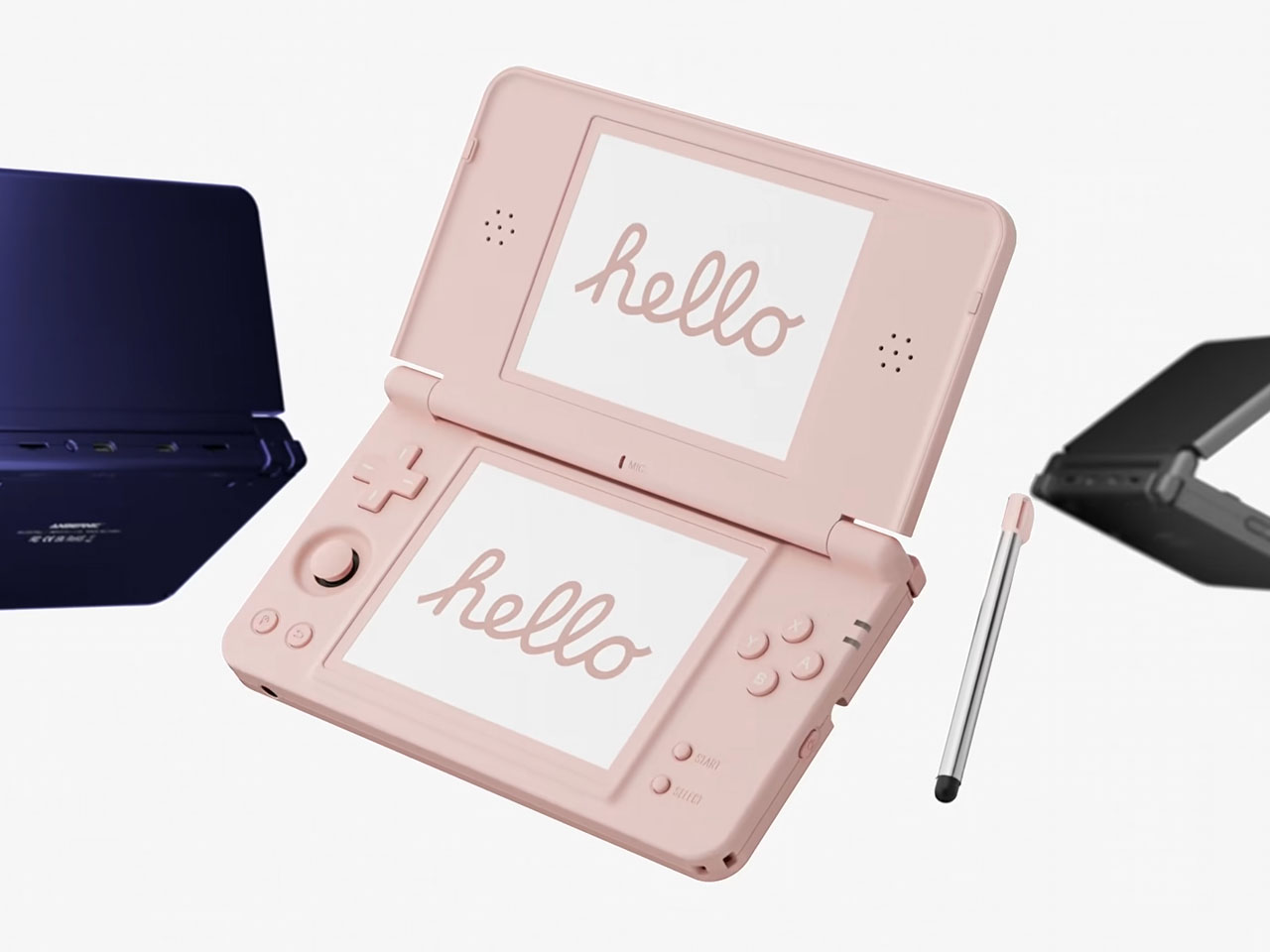
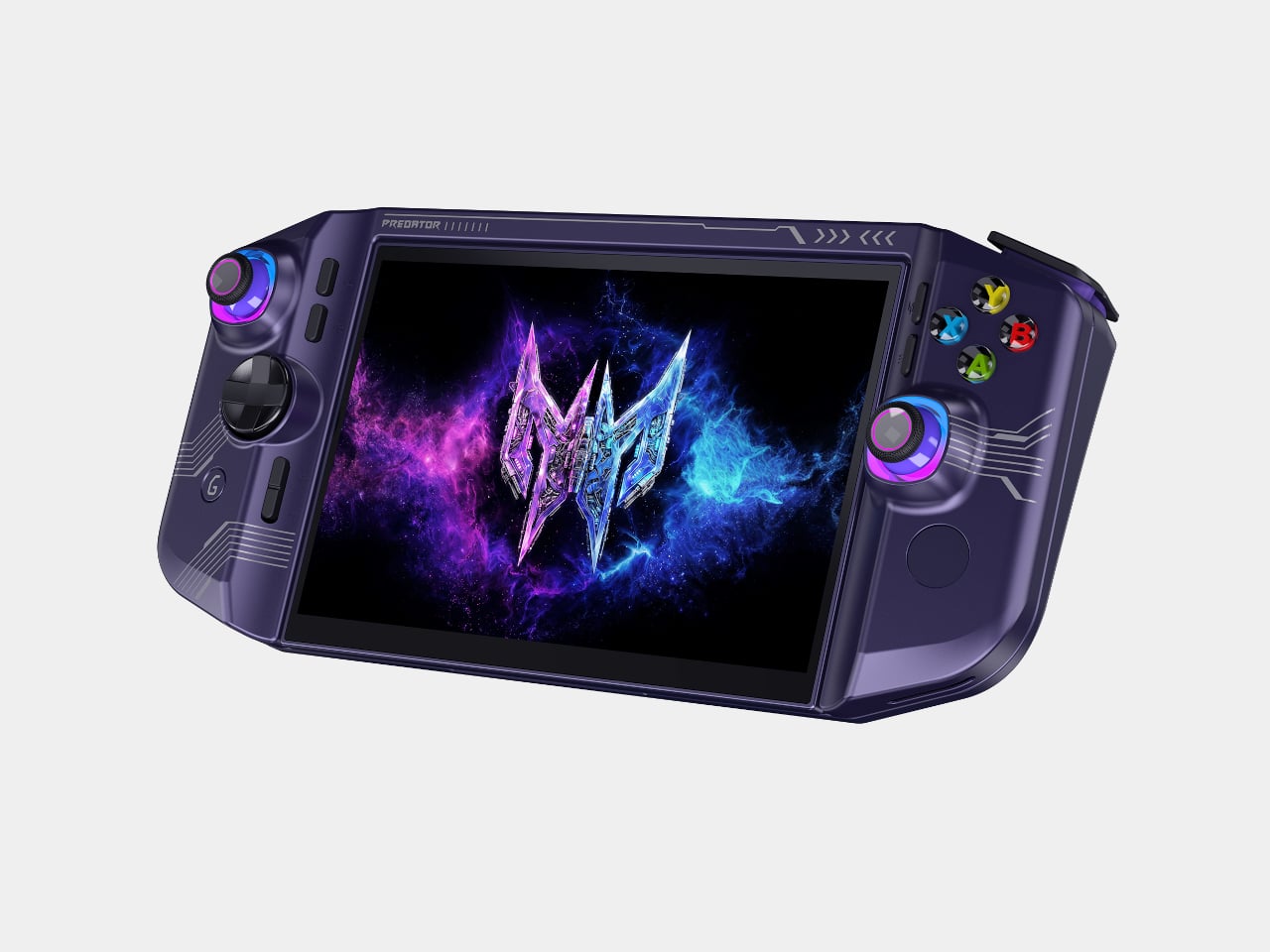
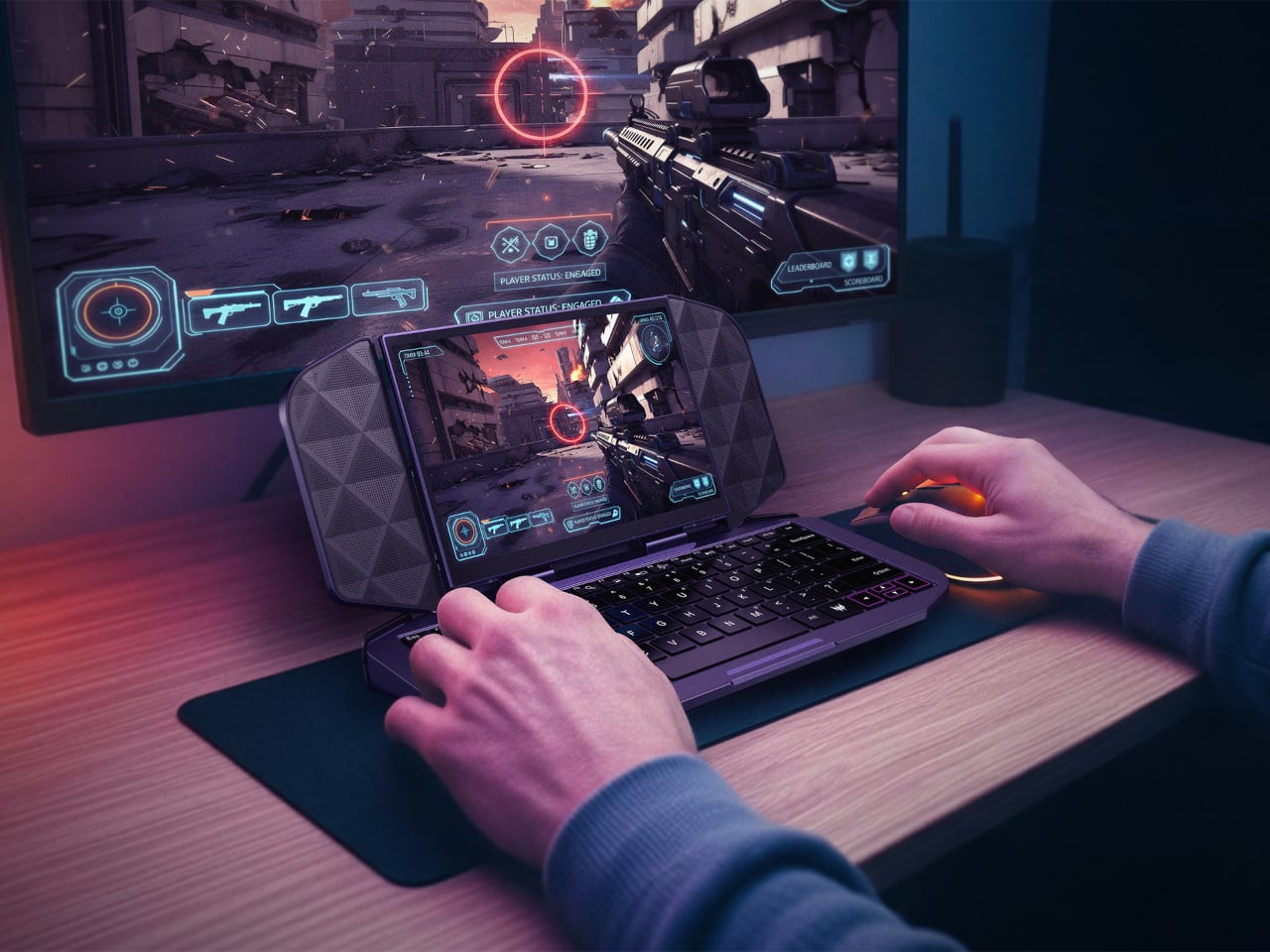
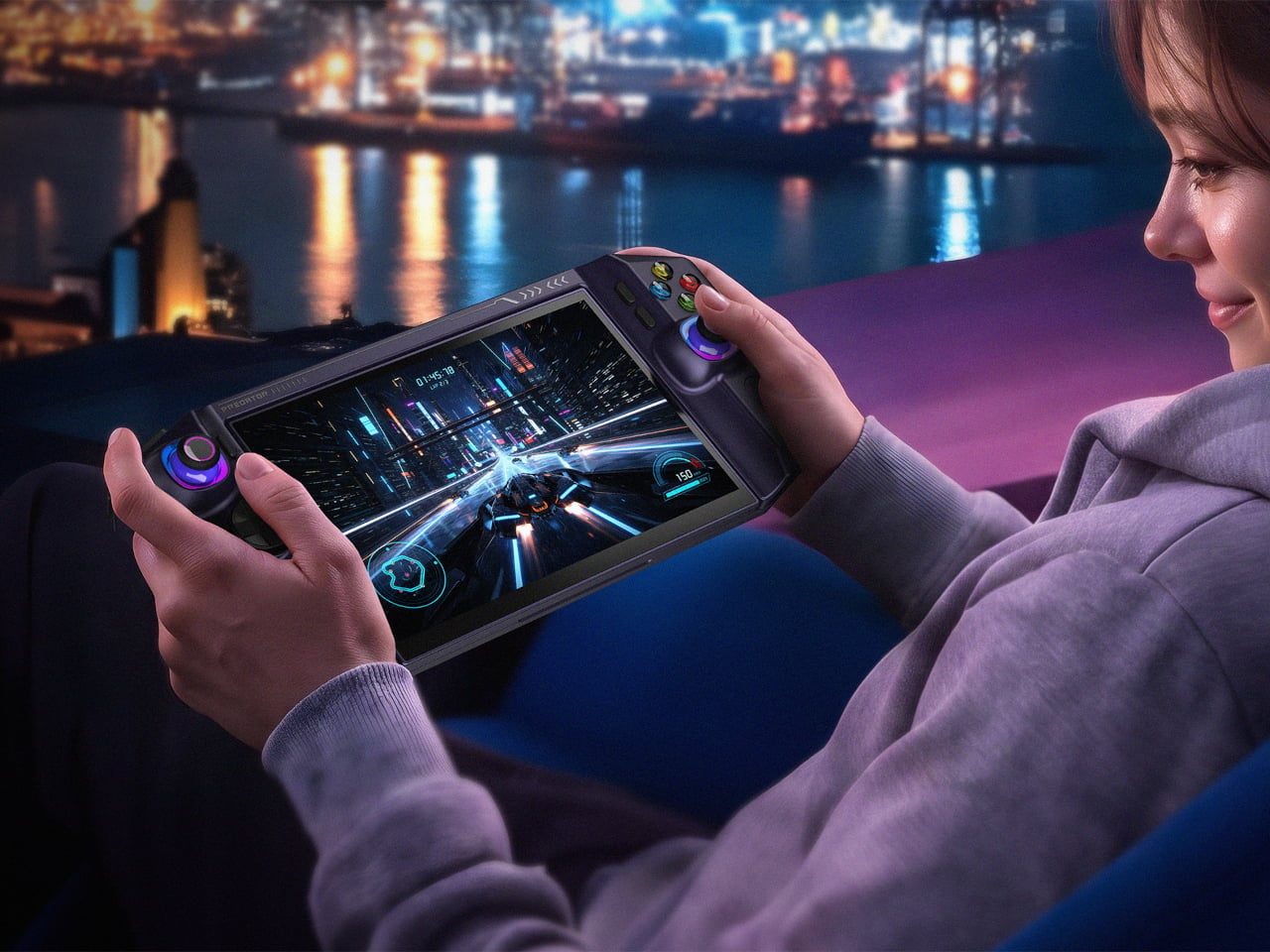
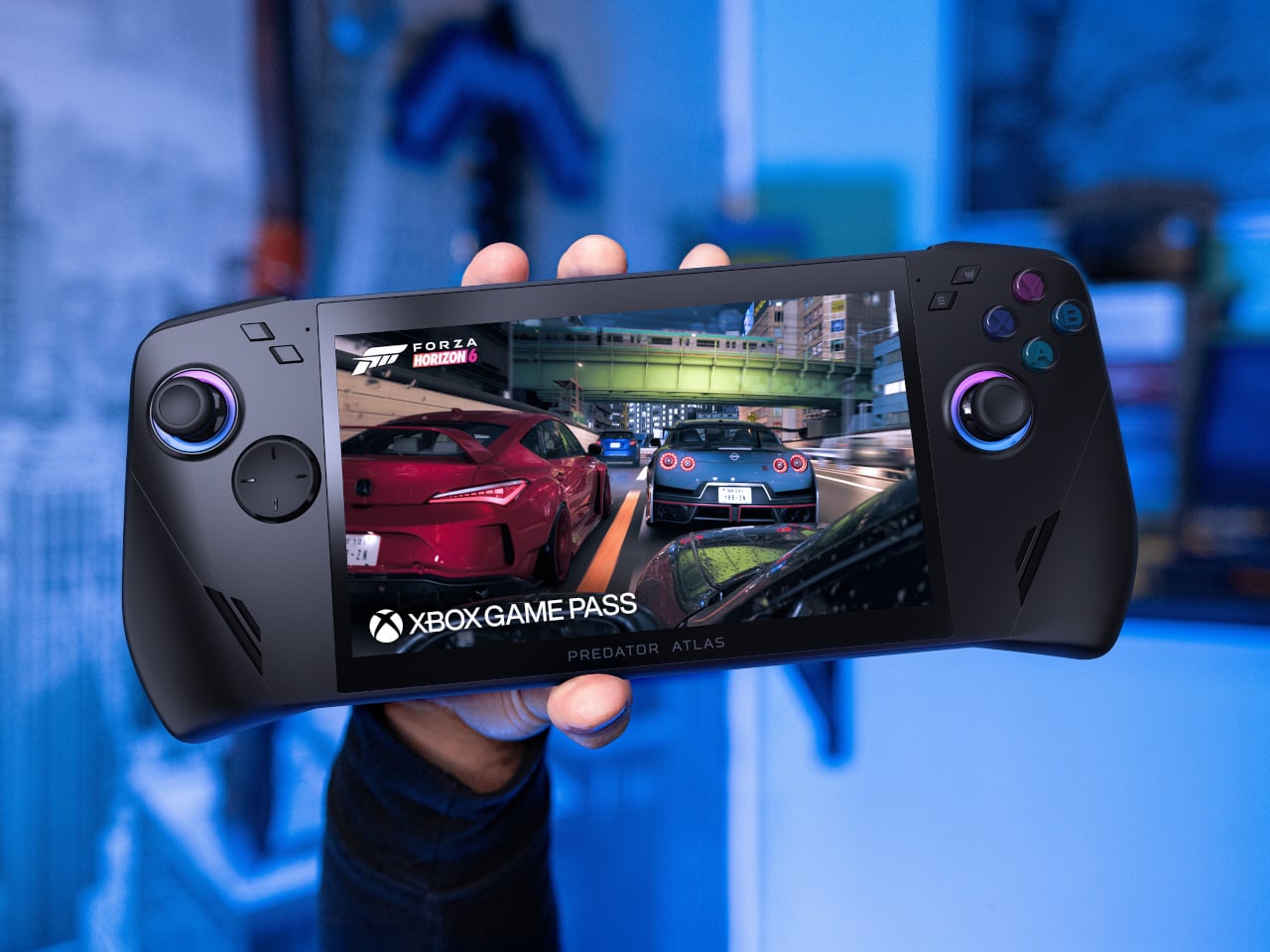
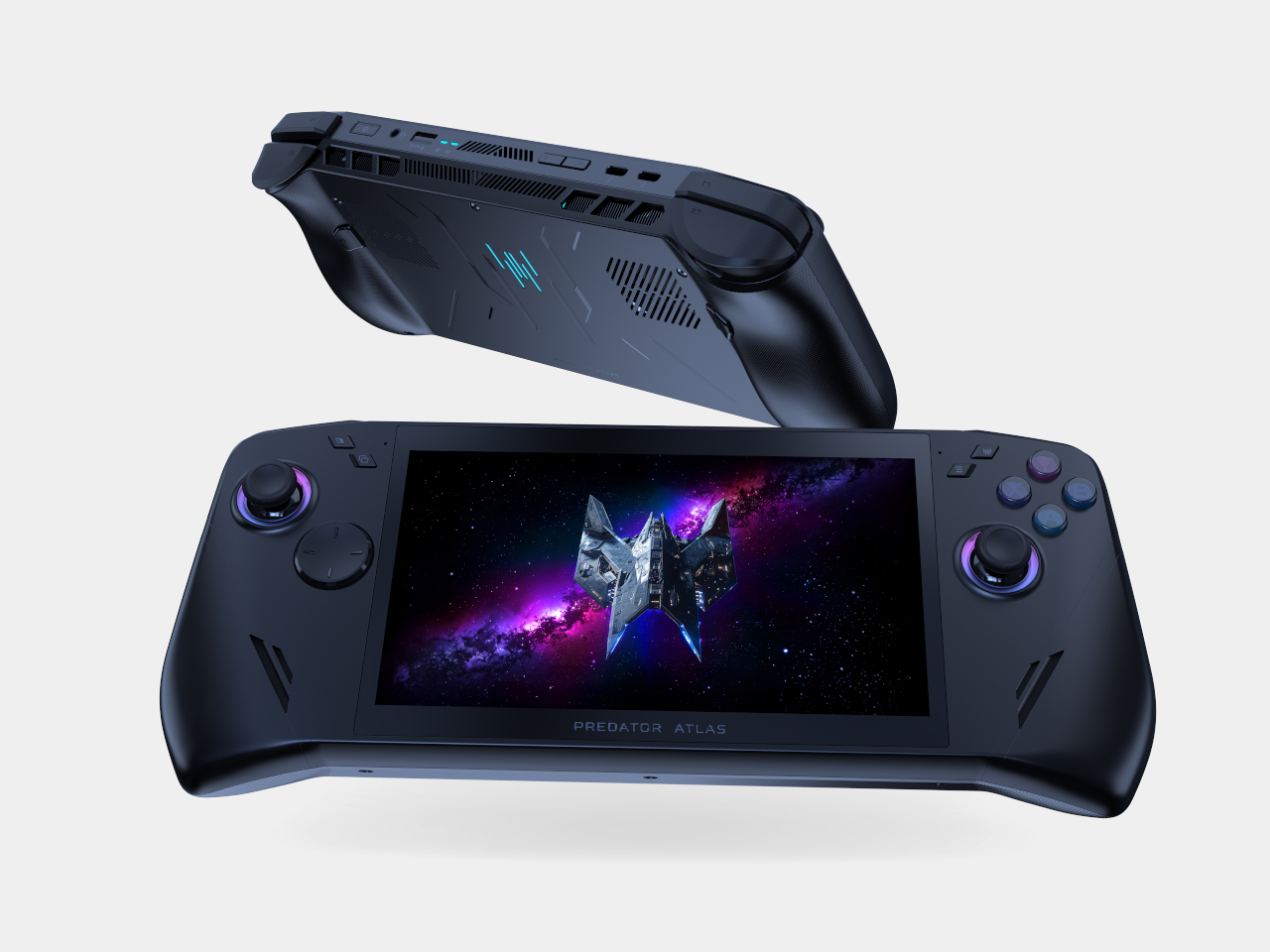
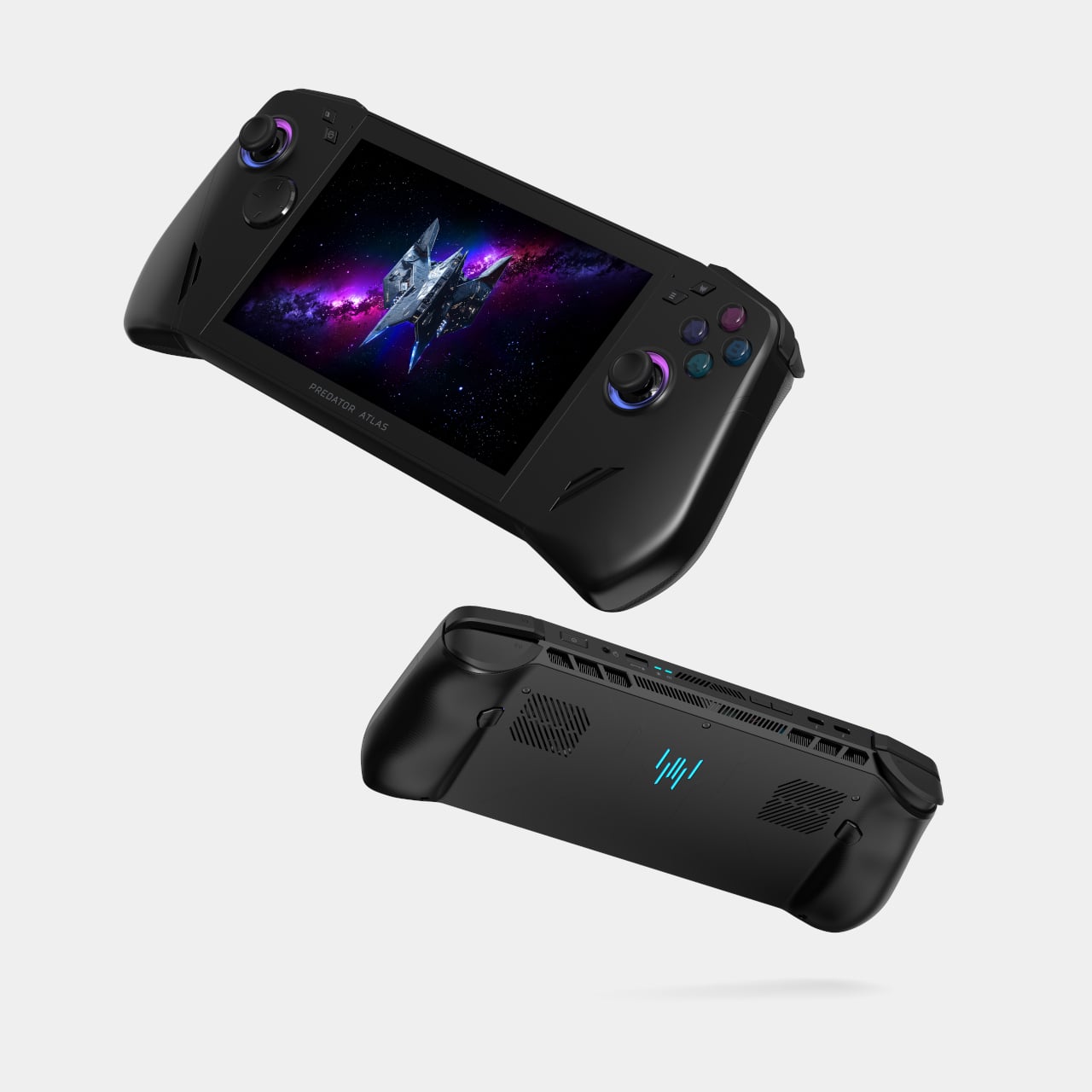
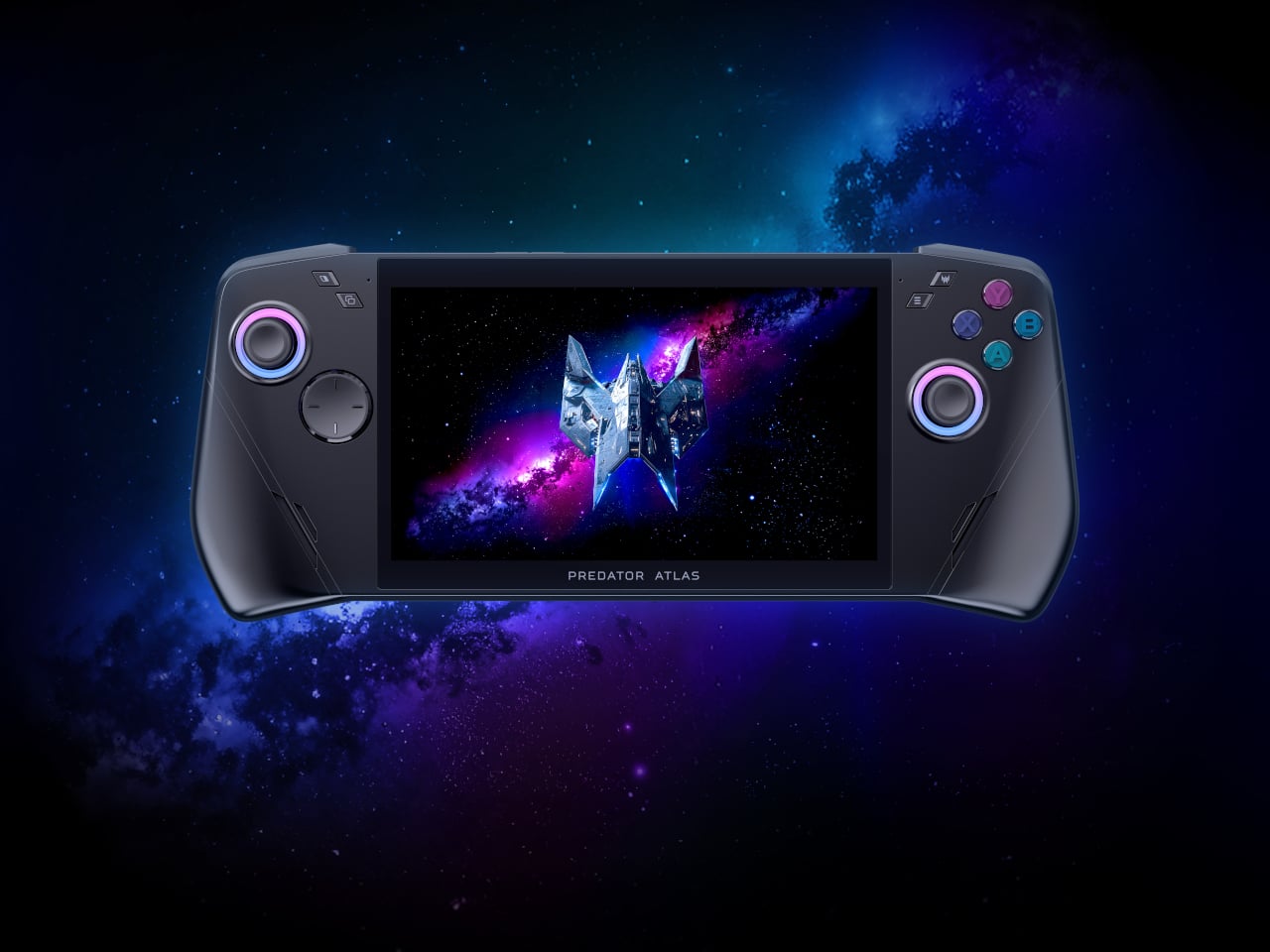
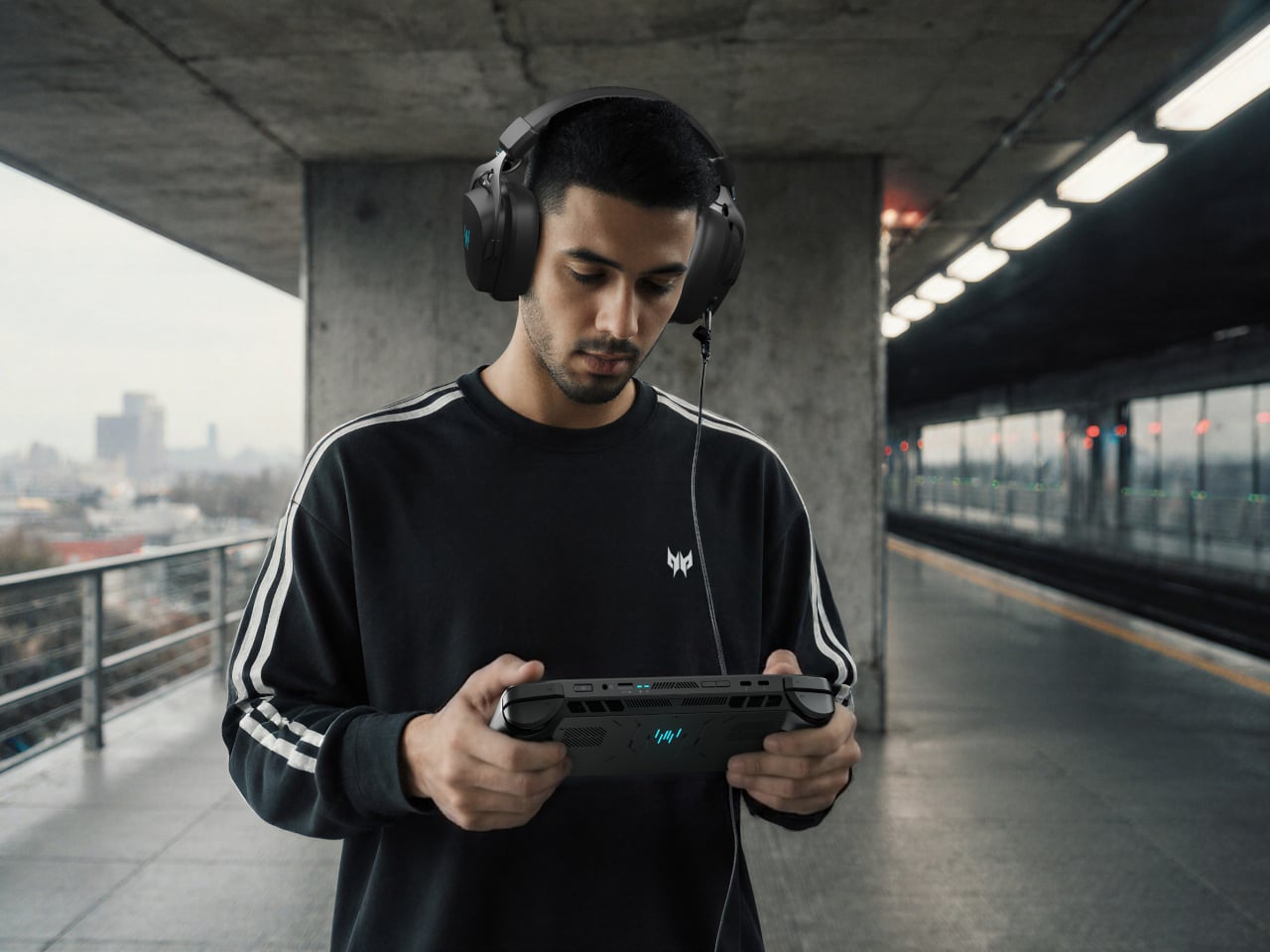
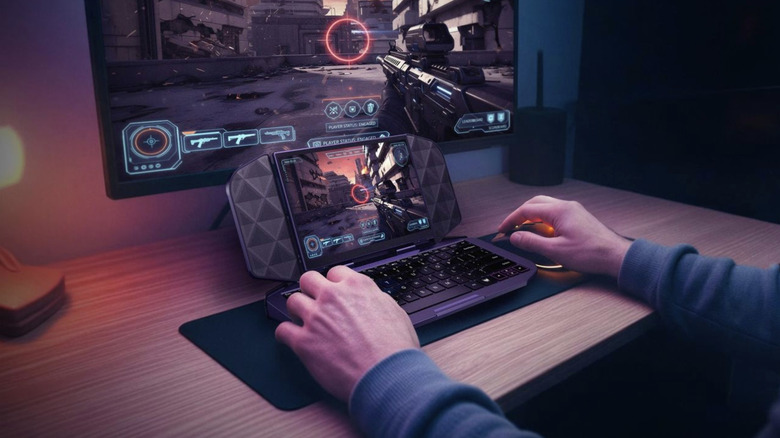
The design remains anyone’s guess at this point. Concept images floating around Behance show sleek interpretations of what a modern PSP could look like, though these fan creations obviously don’t reflect whatever Sony’s industrial designers are actually cooking up. What we do know is that the PS Portal’s controller layout works beautifully, with full-sized analog sticks and proper trigger feedback. If Sony keeps that ergonomic foundation and adds actual processing power inside instead of relying on cloud streaming, they’d have something genuinely compelling. The Portal proved they finally understand that portable controls can’t be compromised versions of console controllers, they need to be the real thing.

The 2027 target might actually work in Sony’s favor despite the RAM shortage threatening to push prices up or launch dates back. Handheld gaming has exploded in ways nobody predicted five years ago. The Steam Deck created an entire category of expensive portable PCs that people happily bought. The Switch keeps selling despite aging hardware because portability matters that much to players. Sony entering this space in 2027 with a device that plays God of War and Spider-Man natively, then docks to your TV for the full experience, feels less like another doomed experiment and more like arriving exactly when the market’s ready.

The backwards compatibility angle could be the real hook though. Running your entire PS5 library on the go would be compelling enough, but reports suggest potential support reaching back to PS1 and PS2 through emulation. Imagine having decades of PlayStation history available on one portable device, from classic JRPGs to current blockbusters. The Switch has proven that players will rebuy old favorites for portability, but Sony wouldn’t need to resell anything if they nail backwards compatibility. Your existing library just works, from launch day classics you bought fifteen years ago to whatever drops next month. That’s the kind of feature that turns a neat gadget into something you’d actually carry everywhere.

The post Sony’s Upcoming Portable PS6 Aims to Challenge the Steam Deck and Switch 2 in 2027 first appeared on Yanko Design.

This Nintendo Switch-inspired concept morphs gaming DNA into track performance

When Nintendo introduced the Switch in 2017, it reshaped modern gaming by merging handheld convenience with living-room power in a single, modular device. Its detachable Joy-Cons, bold color accents, and instantly recognizable silhouette turned the console into both a functional tool and a design icon. That same philosophy now takes an unexpected leap into automotive design with the Nintendo Switcher, a concept car that reinterprets the Switch’s playful yet purposeful identity as a low-slung, track-ready performance machine.

Created as a concept design project, the Nintendo Switcher imagines an alternate reality where the Japanese gaming giant channels its design language into motorsports-inspired mobility. Rather than simply applying branding to an existing vehicle shape, the concept approaches the car as if it were designed from the ground up by the same team that shaped Nintendo’s hardware. The result is a vehicle that feels expressive and unmistakably influenced by gaming culture while still reading clearly as a high-performance car.

Designer: Anton Kulakov and Florin Ivan

The exterior design makes the connection immediately obvious through its use of color blocking and contrast. Red, black, and white dominate the bodywork, echoing the Switch console and its Joy-Con controllers. These colors are applied in sharp, deliberate sections rather than blended gradients, reinforcing the idea of modular components coming together to form a cohesive whole. The body itself sits low and wide, with exaggerated proportions that emphasize speed, grip, and stability, giving the Switcher the visual stance of a track-focused machine.

Aerodynamic intent plays a major role in shaping the car’s surfaces. Long, flowing lines guide the eye from the front toward the rear, while aggressive wheel arches and sculpted side panels suggest functional airflow management. The front end appears compact and assertive, with lighting elements integrated cleanly into the body rather than treated as separate components. From every angle, the design strikes a balance between sharp geometry and smooth transitions, mirroring the way gaming hardware often combines angular forms with ergonomic curves.

While interior details are presented more subtly, the concept hints at a driver-focused cockpit influenced by digital interfaces. The layout suggests a minimalist and immersive approach, prioritizing essential controls and visual clarity, much like a gaming interface designed to keep players engaged without distraction. The emphasis appears to be on interaction and responsiveness rather than luxury, reinforcing the car’s performance-oriented character.

The Nintendo Switcher is a creative exploration of how deeply ingrained product identity can travel across industries. By translating the Switch’s modular thinking, bold visuals, and user-centric design into an automotive context, the concept shows how gaming culture continues to influence design far beyond screens and controllers. Though it remains purely conceptual, the Switcher feels like a convincing glimpse into a world where entertainment brands shape mobility with the same confidence they bring to interactive experiences.

The post This Nintendo Switch-inspired concept morphs gaming DNA into track performance first appeared on Yanko Design.

DIY LEGO ‘Connect 4’ Brickset lets you actually play the game after building it!

There aren’t many LEGO sets designed to played with once they’re built. A lot of them are envisioned as show-pieces, and yes, you can do imaginary play with them like you would holding a LEGO Millennium Falcon and whooshing around the house, but this MOC from HH Bricks captures a kind of LEGO playability that’s absolutely rare. Inspired by his daughters’ love for building and playing with LEGO, HH Bricks designed this playable version of one of the world’s most popular tabletop games.

For those uninitiated, Connect 4 is a simple game where you drop tokens down a vertical slot-board, trying to build a set of 4 tokens in a straight line. Your job is to simply build a straight line without being stopped, while also consistently breaking your opponent’s ability to build a solid 4 streak on their own. The game just celebrated 50 years since it was first invented in 1974 (and commercially sold in ’75), and this set recreates the game’s strategic magic, just using LEGO bricks.

Designer: HH Bricks

Although HH Bricks doesn’t specify how many pieces come together to build this set, one could venture it’s easily in the higher end of the spectrum, just because of how many tiny single or double-stud bricks were used to build the set’s flat panels and the 42 tokens that come along with the board. Flat surfaces are fairly complex in LEGO, not because of any visual complexity, but just the fact that they require a lot of bricks to build out.

The rules are ridiculously simple. Each player chooses a color and gets to work, dropping tokens into any slot they want. Beat your opponent by building a connection of 4 tokens in the same color in a straight line (horizontal, vertical, or diagonal). Some people even play a double-streak round, trying to hit two connections to eventually win the game. Once the game is over, simply pull out the bottom tray and all the tokens come crashing out, reseting the game for the next session.

If you’re here you’ve probably heard of LEGO Ideas – the online forum where LEGO fans and enthusiasts build, share, and vote for MOCs (or fan-made My Own Creations). This LEGO Connect 4 set is a part of the Ideas forum too, having racked up more than 2,800 votes as of writing this. The ultimate goal is to hit the 10k vote mark (which this MOC has 478 more days to reach), following which LEGO’s internal team reviews the build and turns it into a retail box set if everything goes well. The first step, however, is to hit that 10,000 vote mark, which you can help HH Bricks reach by voting for their MOC on the LEGO Ideas website here!

The post DIY LEGO ‘Connect 4’ Brickset lets you actually play the game after building it! first appeared on Yanko Design.

AYANEO AM03 Is Designed to Display on Your Desk, Not Hide

Most mini-PCs are treated like necessary clutter, small black rectangles taped to the back of a monitor or shoved behind a stack of books. That makes sense if you only care about ports and benchmarks, but it feels at odds with the attention people now give to desk setups, where everything else on the surface is chosen to be seen, from the keyboard to the mousepad to the plant in the corner.

The AYANEO Mini PC AM03 is a machine that is not trying to hide. It is pitched as a desktop setup essential and entertainment powerhouse, blending a retro-inspired shell with an Intel Core i9-12900H and AYASpace 3.0. The idea is that it should be both the performance core and the visual anchor of a desk, not just another anonymous box tucked under it or behind cables.

Designer: AYANEO

AYANEO has a habit of treating hardware as design objects, and the AM03 continues that with smooth contours, refined finishes, and two colorways, Sky Blue and Ink Black. One feels airy and bright, the other more serious and moody, both meant to sit comfortably next to a monitor, keyboard, and handhelds without looking like industrial equipment that wandered in from a server rack or a crowded electronics store shelf.

The foldable front panel keeps the face of the machine clean when closed and turns into a port bay when you flip it down. That means you can keep the front visually quiet most of the time, then reveal USB ports and other connectors when you need to plug in a drive, headset, or controller. It respects the difference between everyday viewing and occasional tinkering or heavy expansion.

Under the shell sits an Intel Core i9-12900H running at a 45 W TDP, which gives the AM03 laptop-class flagship performance in a compact body. Support for up to 64 GB of dual-channel memory and PCIe 4.0 SSDs makes it comfortable handling productivity, creative work, and gaming, especially when paired with an external GPU or cloud service for more demanding titles that need extra graphics horsepower.

The large cooling system keeps that 45W chip stable under load, so long renders or game sessions do not trigger throttling. Built-in stereo speakers handle office audio and light entertainment without separate desktop speakers, simplifying a setup for people who want fewer boxes and cables on the desk and more space for the things that actually earn their spot there, like a good lamp or a notebook.

AYASpace 3.0 is the software layer that makes the AM03 feel more like a console-grade device than a barebones PC. Users can switch performance modes, tweak TDP, organize game libraries, and monitor frame rates with FPS Thunder, all from a unified interface. It turns the box into something you tune and monitor as part of the desk experience, not just a Windows machine you forget about once it boots.

The AM03 tries to answer what gaming-grade hardware should look like when it lives in a living room or home office. By combining a fold-front design, Skyline Arc RGB, and serious silicon, it suggests that a mini-PC can be both a tool and a piece of desk art, something you keep in view because you like looking at it as much as you like what it can do.

The post AYANEO AM03 Is Designed to Display on Your Desk, Not Hide first appeared on Yanko Design.

GameSir Pocket Taco vs. 8BitDo FlipPad for Game Boy Gaming

Almost every mobile controller assumes you want to play in landscape, snapping your phone into a wide handheld that feels great for modern shooters and racing games. This works for most titles, but when you fire up Game Boy-era platformers or vertical arcade classics, the experience feels slightly off, like forcing old games into a shape they were never meant to inhabit, holding them sideways while your thumbs reach for controls that never land right.

GameSir’s Pocket Taco leans into portrait play instead of fighting it, turning your phone into something closer to a classic handheld. It first appeared as the Pocket 1 at Tokyo Game Show, then resurfaced as Pocket Taco just as 8BitDo teased its own vertical FlipPad, setting up a clash of design philosophies aimed at people who want to hold their phones the way they held Game Boys.

Designer: GameSir

The rebrand to Pocket Taco fits the design; the controller clamps to the bottom of your phone like a taco shell. The foldable front accommodates different phone sizes, and soft silicone pads line the clamp area so you are not grinding plastic against glass every time you snap it on, which matters when you pull it out multiple times a day for quick sessions between meetings or commutes.

The control layout separates Pocket Taco from 8BitDo’s FlipPad. Pocket Taco gives you a traditional D-pad, ABXY face buttons, and actual triggers and bumpers on the back. FlipPad keeps everything on the front in a row of circular buttons, which is clever for compactness but less like the shoulder-button ergonomics many players expect from dedicated handhelds, especially during games with heavy simultaneous inputs.

Pocket Taco uses Bluetooth, so it can talk to Android and iOS phones, tablets, and other devices, and it still works when not clamped. FlipPad plugs in over USB-C, which keeps latency low and removes battery anxiety, but ties it to phones with that port and to a tethered style where the controller must stay attached to function at all.

One practical touch is the large cutout at the bottom that leaves your phone’s charging port accessible while the controller is attached, so you can plug in and keep going during long sessions. FlipPad occupies the USB-C port and does not offer passthrough charging, which is fine for short bursts but less ideal for marathon runs that drain the phone before you finish the dungeon.

Pocket Taco runs on a 600 mAh battery with smart power behavior, open to play, close to rest. The trade-off is one more battery to watch and slightly more bulk. FlipPad stays slimmer and battery-free, but leans on your phone for power, shifting the burden and adding a small drain to your phone’s battery during long play sessions.

Pocket Taco and FlipPad are two paths toward the same fantasy, turning a slab of glass into a dedicated retro handheld. Pocket Taco leans into wireless freedom, proper triggers, and charging-while-playing practicality, while FlipPad bets on wired simplicity and a flatter front. For anyone who grew up holding a Game Boy vertically, it is nice to have options that respect that muscle memory instead of pretending mobile gaming should feel like a miniature Xbox stuck in landscape.

The post GameSir Pocket Taco vs. 8BitDo FlipPad for Game Boy Gaming first appeared on Yanko Design.

GameSir Pocket Taco vs. 8BitDo FlipPad for Game Boy Gaming

Almost every mobile controller assumes you want to play in landscape, snapping your phone into a wide handheld that feels great for modern shooters and racing games. This works for most titles, but when you fire up Game Boy-era platformers or vertical arcade classics, the experience feels slightly off, like forcing old games into a shape they were never meant to inhabit, holding them sideways while your thumbs reach for controls that never land right.

GameSir’s Pocket Taco leans into portrait play instead of fighting it, turning your phone into something closer to a classic handheld. It first appeared as the Pocket 1 at Tokyo Game Show, then resurfaced as Pocket Taco just as 8BitDo teased its own vertical FlipPad, setting up a clash of design philosophies aimed at people who want to hold their phones the way they held Game Boys.

Designer: GameSir

The rebrand to Pocket Taco fits the design; the controller clamps to the bottom of your phone like a taco shell. The foldable front accommodates different phone sizes, and soft silicone pads line the clamp area so you are not grinding plastic against glass every time you snap it on, which matters when you pull it out multiple times a day for quick sessions between meetings or commutes.

The control layout separates Pocket Taco from 8BitDo’s FlipPad. Pocket Taco gives you a traditional D-pad, ABXY face buttons, and actual triggers and bumpers on the back. FlipPad keeps everything on the front in a row of circular buttons, which is clever for compactness but less like the shoulder-button ergonomics many players expect from dedicated handhelds, especially during games with heavy simultaneous inputs.

Pocket Taco uses Bluetooth, so it can talk to Android and iOS phones, tablets, and other devices, and it still works when not clamped. FlipPad plugs in over USB-C, which keeps latency low and removes battery anxiety, but ties it to phones with that port and to a tethered style where the controller must stay attached to function at all.

One practical touch is the large cutout at the bottom that leaves your phone’s charging port accessible while the controller is attached, so you can plug in and keep going during long sessions. FlipPad occupies the USB-C port and does not offer passthrough charging, which is fine for short bursts but less ideal for marathon runs that drain the phone before you finish the dungeon.

Pocket Taco runs on a 600 mAh battery with smart power behavior, open to play, close to rest. The trade-off is one more battery to watch and slightly more bulk. FlipPad stays slimmer and battery-free, but leans on your phone for power, shifting the burden and adding a small drain to your phone’s battery during long play sessions.

Pocket Taco and FlipPad are two paths toward the same fantasy, turning a slab of glass into a dedicated retro handheld. Pocket Taco leans into wireless freedom, proper triggers, and charging-while-playing practicality, while FlipPad bets on wired simplicity and a flatter front. For anyone who grew up holding a Game Boy vertically, it is nice to have options that respect that muscle memory instead of pretending mobile gaming should feel like a miniature Xbox stuck in landscape.

The post GameSir Pocket Taco vs. 8BitDo FlipPad for Game Boy Gaming first appeared on Yanko Design.
GameSir x Hyperkin modular controller could be the endgame accessory for mobile gamers

Hype around mobile gaming controllers is not going away any time soon. More people are gaming on mobile, and controllers that make it possible are in demand. GameSir very well understands the needs of gamers who play on multiple devices and platforms, and they’ve brought a transforming controller to CES 2026 in collaboration with Hyperkin, which will have you sold for good.

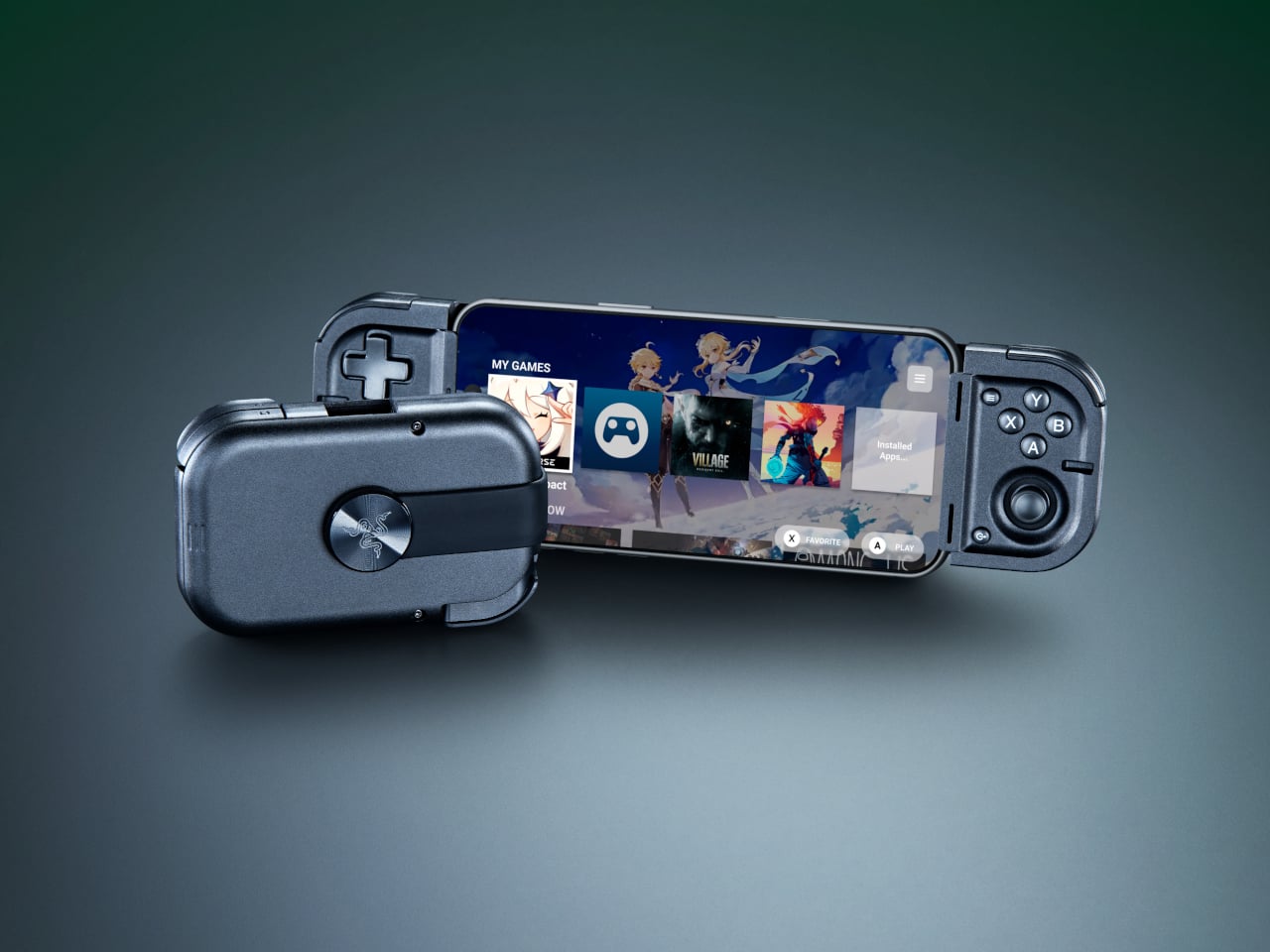
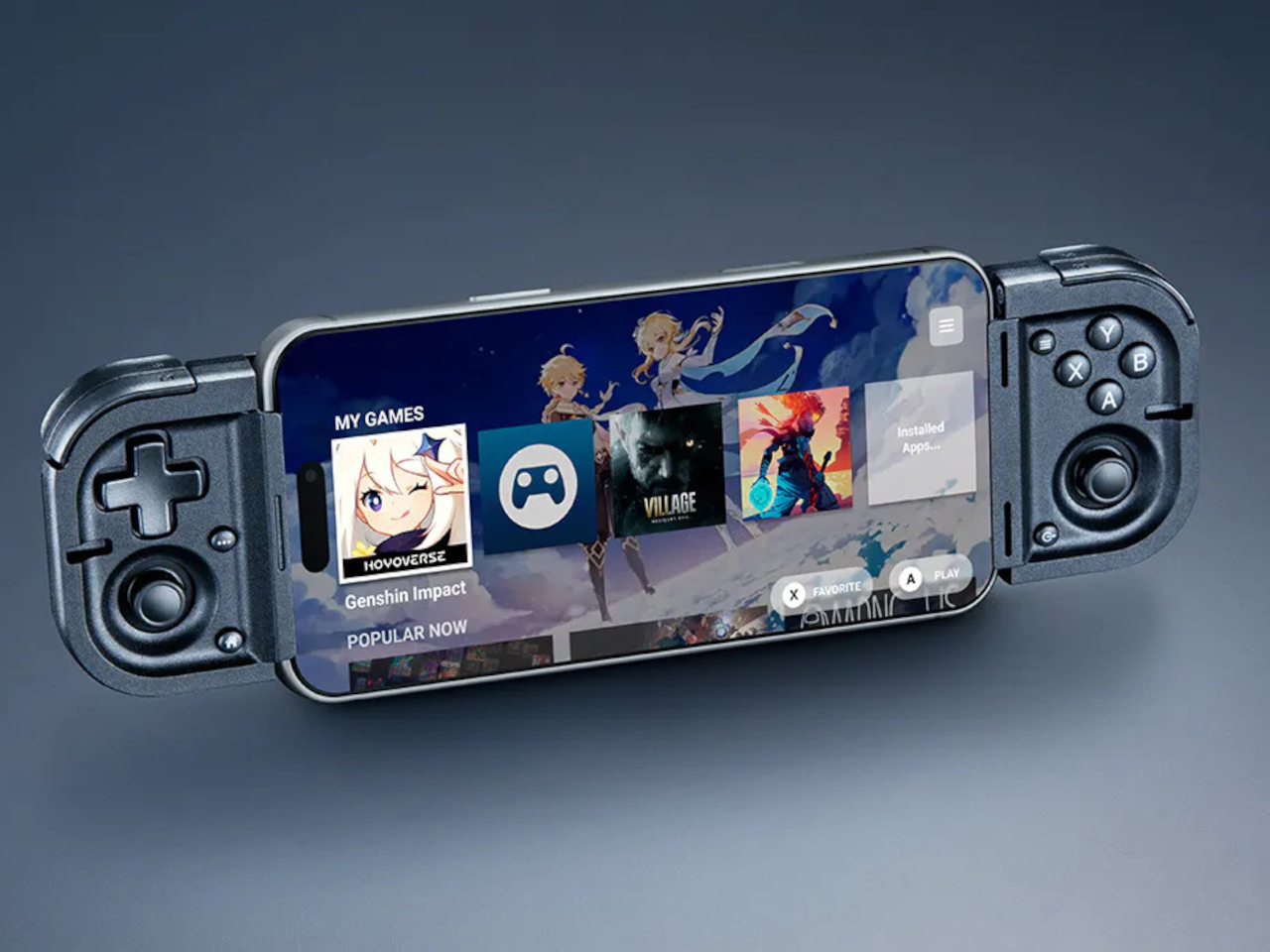
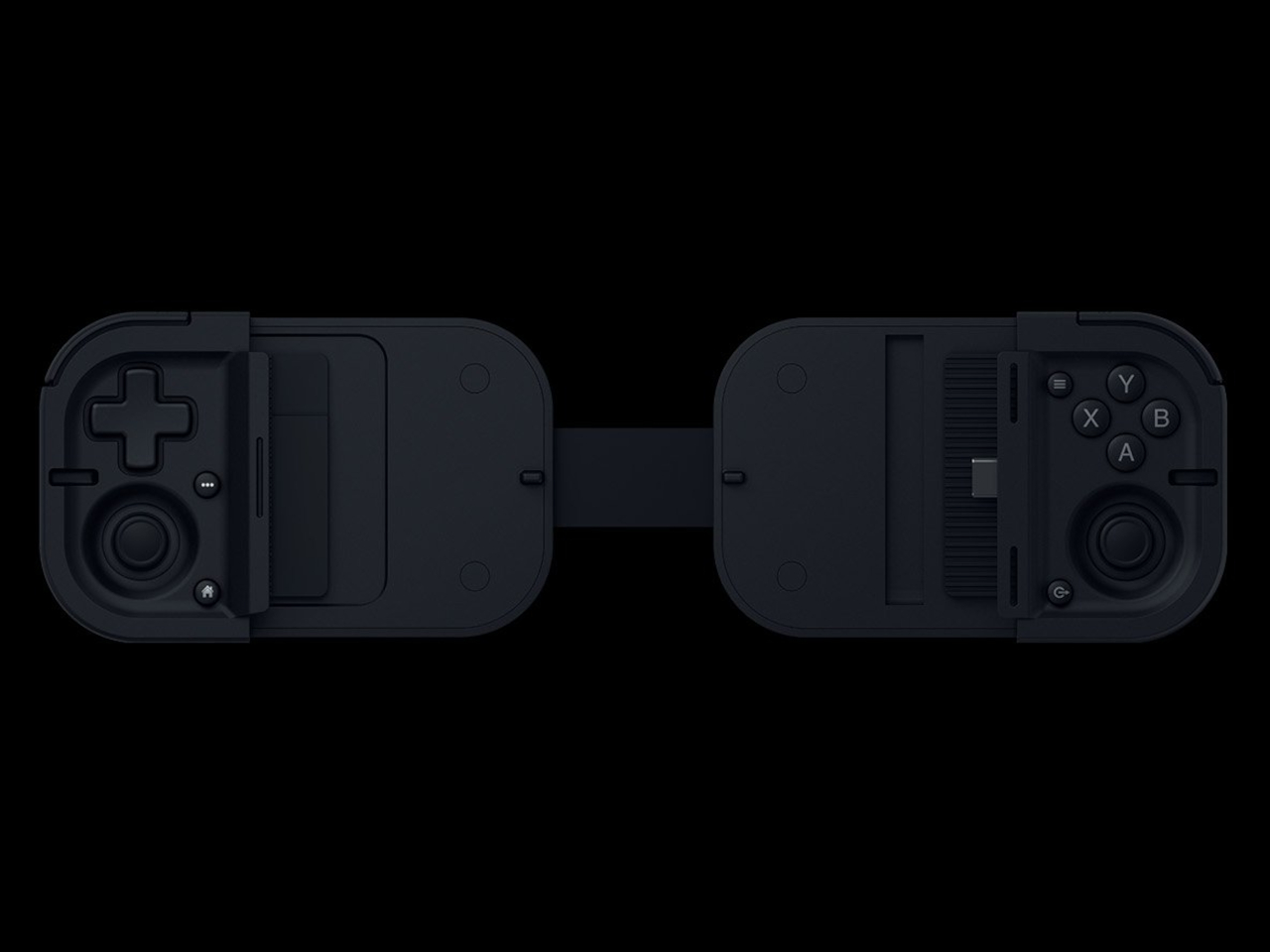
The X5 Alteron controller gets the best of both worlds: GameSir’s ergonomic engineering that makes it the first choice for gamers, and Hyperkin’s knack for designing retro controllers. What sets the modular controller apart is the swappable module system that allows gamers to completely change the layout from symmetrical to asymmetrical thumbsticks, to changing the D-pad and face buttons.

Designer: GameSir and Hyperkin

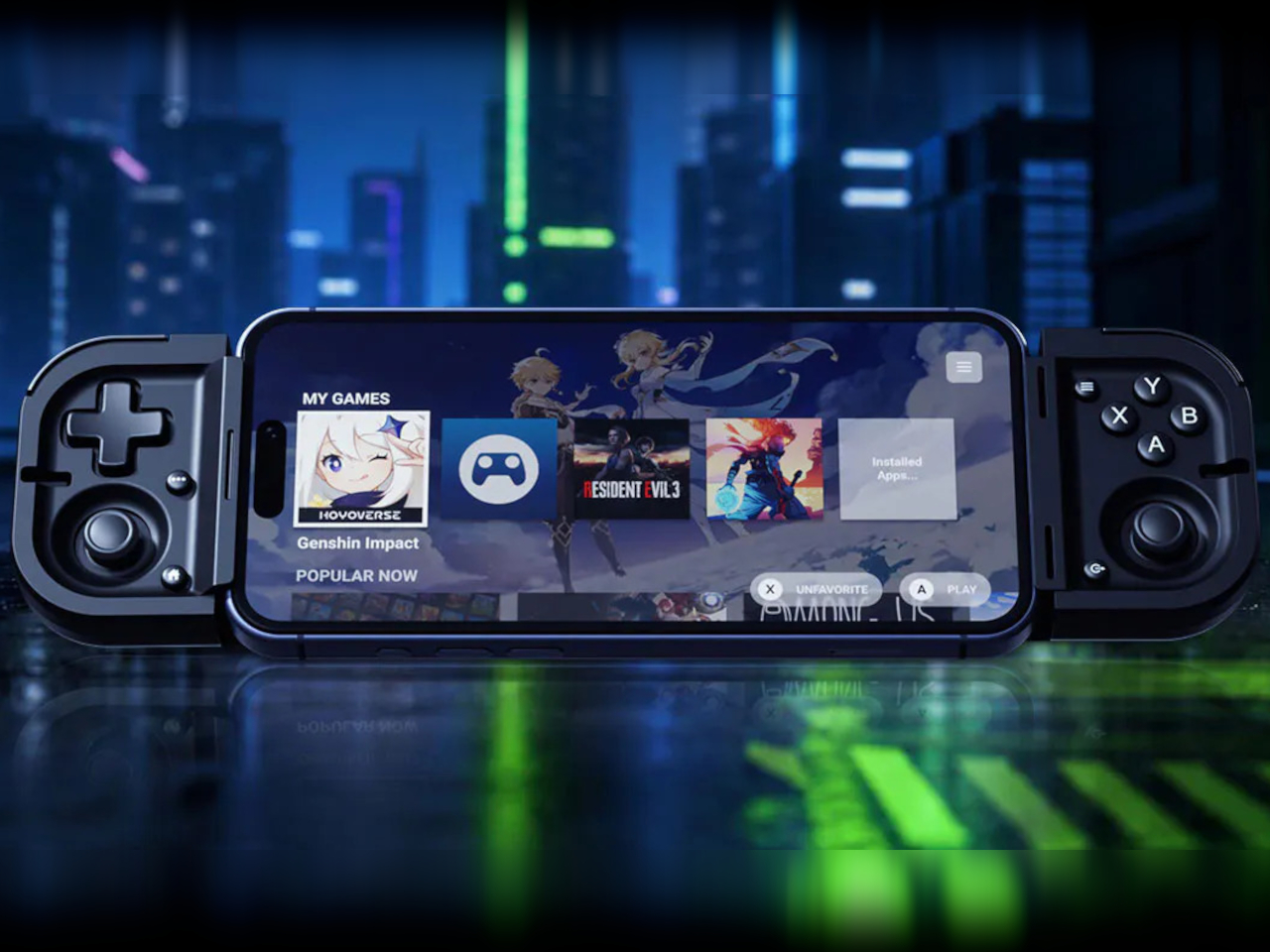
This level of customization gives mobile gamers the option to carry just one controller, whether playing on Switch, Android, PC, iPhone, or iPad. The ability to swap and replace buttons, or add the mouse-level precision trackpad (yes, this controller can do that), gives you tactical advantage in all genres of games like racing, strategy, RPGs, and, in particular, FPS titles. GameSir already impressed at CES with the Swift Drive controller, and the X5 Alteron is even better. The gamepad is a literal transformer of the gaming controllers world, as it changes shape, style, and size depending on what device you are playing it with.

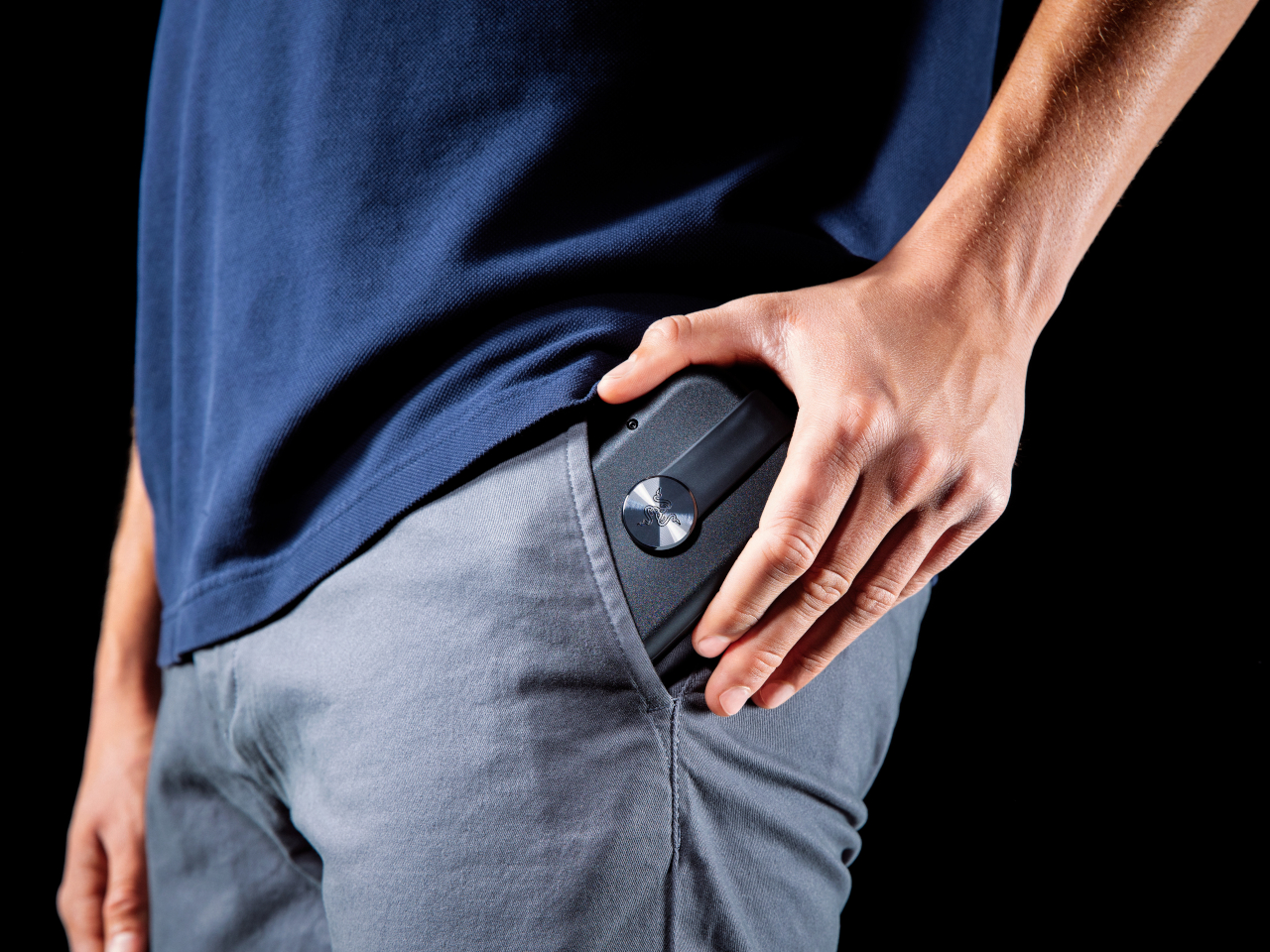
Want the Xbox-style layout, or the feel of the N64 controller setup? The modular controller makes quick work of that. It even has a module dedicated to fighting titles for maximum precision. The possibilities are endless as the controller sets a new yardstick for customizable gaming hardware. Of course, it has all the essentials of a gaming controller intact while doing this. There are Hall effect triggers and capacitive sticks for zero stick drift, mouse click, rumble motors, and hot swappable ABXY buttons. Transformable D-Pad and much more. Alteron can be extended to 213mm to fit all devices you throw at it.

The gaming accessory charges via USB-C port, and the connectivity with the devices is made via Bluetooth 5.2. Latency should not be a worry as GameSir and Hyperkin optimize their accessories very nicely. The GameSir x Hyperkin X5 Alteron controller will be released in the coming months, but there is no detail about pricing yet. Given how GameSir controllers are tactically priced, this one should be right there in the sweet zone. Could it replace all your controllers going forward for a one-stop solution? It pretty well can be the prime contender!

The post GameSir x Hyperkin modular controller could be the endgame accessory for mobile gamers first appeared on Yanko Design.
GameSir x Hyperkin modular controller could be the endgame accessory for mobile gamers

Hype around mobile gaming controllers is not going away any time soon. More people are gaming on mobile, and controllers that make it possible are in demand. GameSir very well understands the needs of gamers who play on multiple devices and platforms, and they’ve brought a transforming controller to CES 2026 in collaboration with Hyperkin, which will have you sold for good.

The X5 Alteron controller gets the best of both worlds: GameSir’s ergonomic engineering that makes it the first choice for gamers, and Hyperkin’s knack for designing retro controllers. What sets the modular controller apart is the swappable module system that allows gamers to completely change the layout from symmetrical to asymmetrical thumbsticks, to changing the D-pad and face buttons.

Designer: GameSir and Hyperkin

This level of customization gives mobile gamers the option to carry just one controller, whether playing on Switch, Android, PC, iPhone, or iPad. The ability to swap and replace buttons, or add the mouse-level precision trackpad (yes, this controller can do that), gives you tactical advantage in all genres of games like racing, strategy, RPGs, and, in particular, FPS titles. GameSir already impressed at CES with the Swift Drive controller, and the X5 Alteron is even better. The gamepad is a literal transformer of the gaming controllers world, as it changes shape, style, and size depending on what device you are playing it with.

Want the Xbox-style layout, or the feel of the N64 controller setup? The modular controller makes quick work of that. It even has a module dedicated to fighting titles for maximum precision. The possibilities are endless as the controller sets a new yardstick for customizable gaming hardware. Of course, it has all the essentials of a gaming controller intact while doing this. There are Hall effect triggers and capacitive sticks for zero stick drift, mouse click, rumble motors, and hot swappable ABXY buttons. Transformable D-Pad and much more. Alteron can be extended to 213mm to fit all devices you throw at it.

The gaming accessory charges via USB-C port, and the connectivity with the devices is made via Bluetooth 5.2. Latency should not be a worry as GameSir and Hyperkin optimize their accessories very nicely. The GameSir x Hyperkin X5 Alteron controller will be released in the coming months, but there is no detail about pricing yet. Given how GameSir controllers are tactically priced, this one should be right there in the sweet zone. Could it replace all your controllers going forward for a one-stop solution? It pretty well can be the prime contender!

The post GameSir x Hyperkin modular controller could be the endgame accessory for mobile gamers first appeared on Yanko Design.
8BitDo FlipPad controller for enjoying portrait games on Android and iOS

Let’s be honest, most of us casual mobile gamers prefer portrait games that can be enjoyed quickly for a short dopamine boost. Playing platformer or arcade titles that require precise input on-screen are better played with a stylus, giving you the strategic advantage if you’ve got the reflexes to back your skills. 8BitDo is introducing a portrait mode clip-on controller accessory for gamers like me who prefer to keep things minimal.

This flip-style gamepad, designed for Android and iOS (officially supported by Apple) mobile devices, is palm-sized for ultra-portability. Coming to CES 2026, the microcontroller will be officially available in the summer of 2026. There is no word on the release date, nor are there many details, but we’ll share what’s available of this retro-forward accessory that looks inspired by the Game Boy DMG color theme.

Designer: 8BitDo

Called the FlipPad, this portrait orientation controller is a good option to have along with your standard mobile controllers that operate in landscape orientation. I can very well imagine playing White Out Survival, Vampire Survivors, Road to Valore: Empires, Subway Surfers, and other mobile games using the compact controller. The USB-C accessory has 12 face buttons and a D-Pad, which should be good enough for portrait games, as they generally don’t demand the shoulder trigger buttons as input.

I know most of your mobile gamers will be looking to use the controller for emulators, especially titles that have an on-screen gamepad similar to this. The flip-style controller is designed in a way that it can overlay over the on-screen keyboard for maximum ergonomic comfort. That’s the reason the controller is compatible with most third-party applications and emulators like the Delta Emulator. I presume the controller will come with an in-built rechargeable battery and lack Bluetooth connectivity since it plugs directly into your smartphone via the USB-C port.

For games that are natively portrait-oriented and take up the complete screen, the FlipPad will contract the screen size to accommodate the overlaying gamepad section. It’s more like a physical controller to have the tactile input of the buttons rather than fiddling around with the on-screen buttons.

The post 8BitDo FlipPad controller for enjoying portrait games on Android and iOS first appeared on Yanko Design.