Lenovo Just Made a $44 Kid Phone That Kills TikTok and the Browser

Most phones marketed at kids are really just smartphones in disguise, dressed down with monitoring apps and screen-time limits that parents set and children quietly find ways around. The tension between staying connected and staying focused has pushed many families toward patchwork fixes: a shared phone, an old handset with most apps deleted, or a prepaid SIM dropped into hardware never meant for the job.

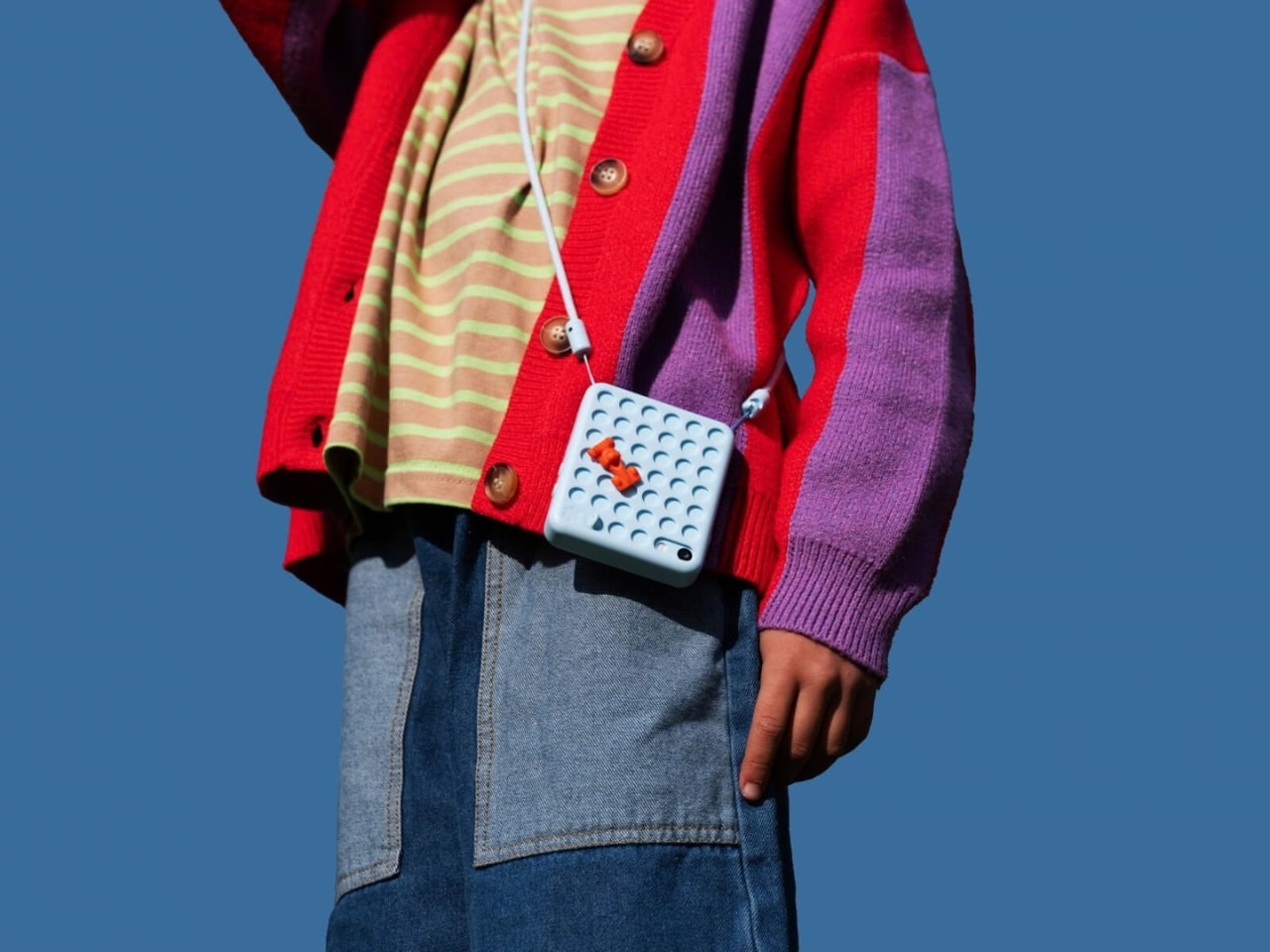
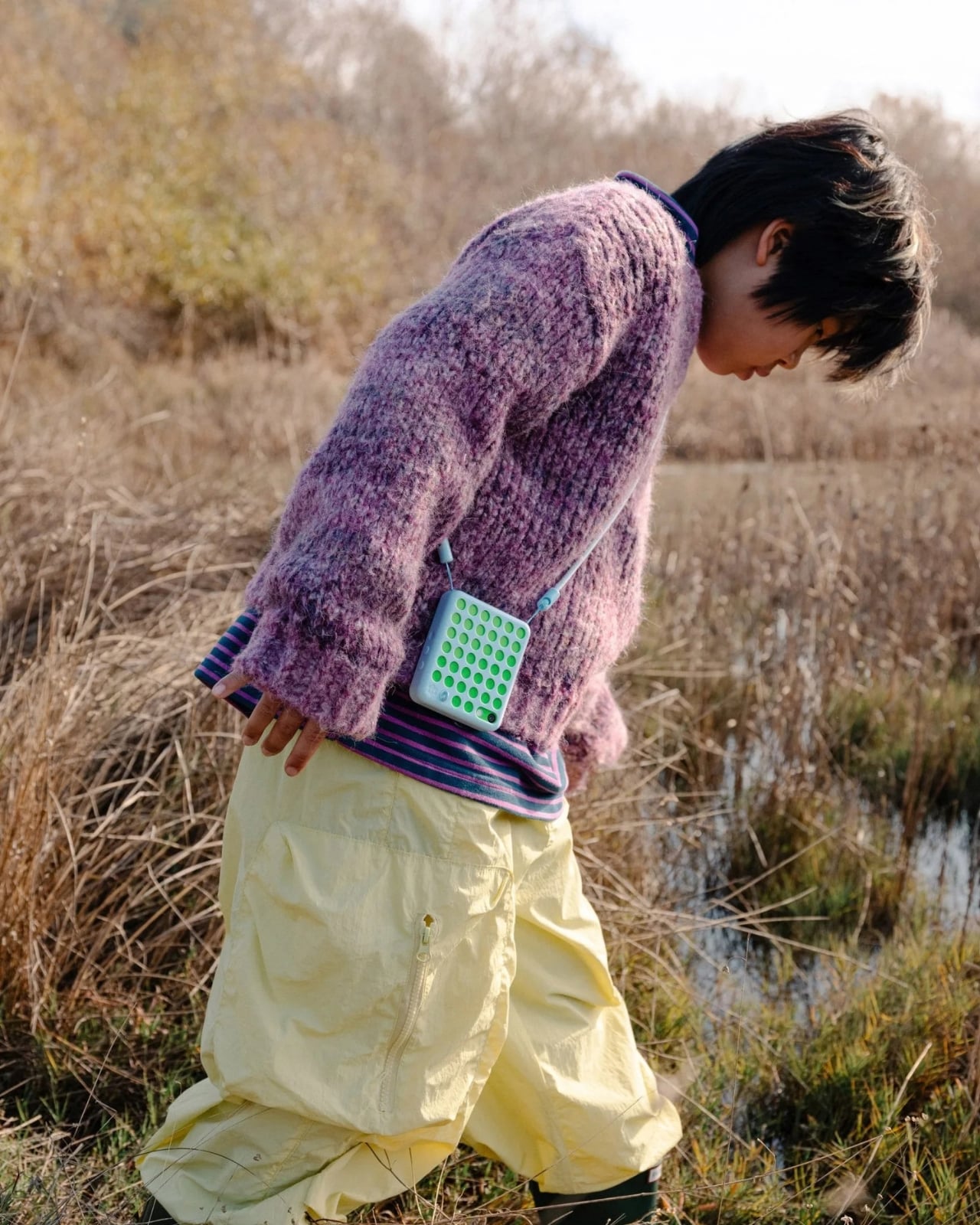
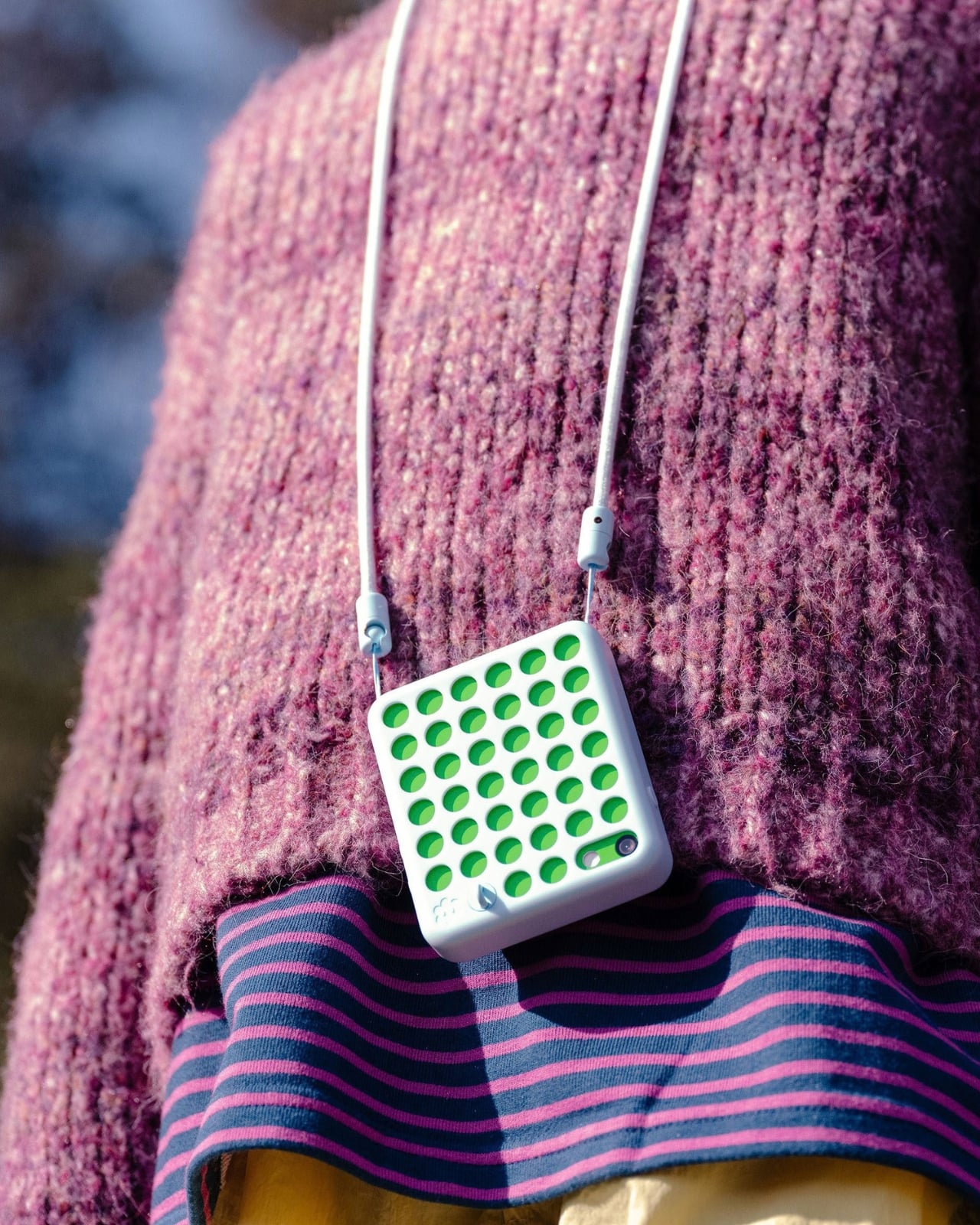
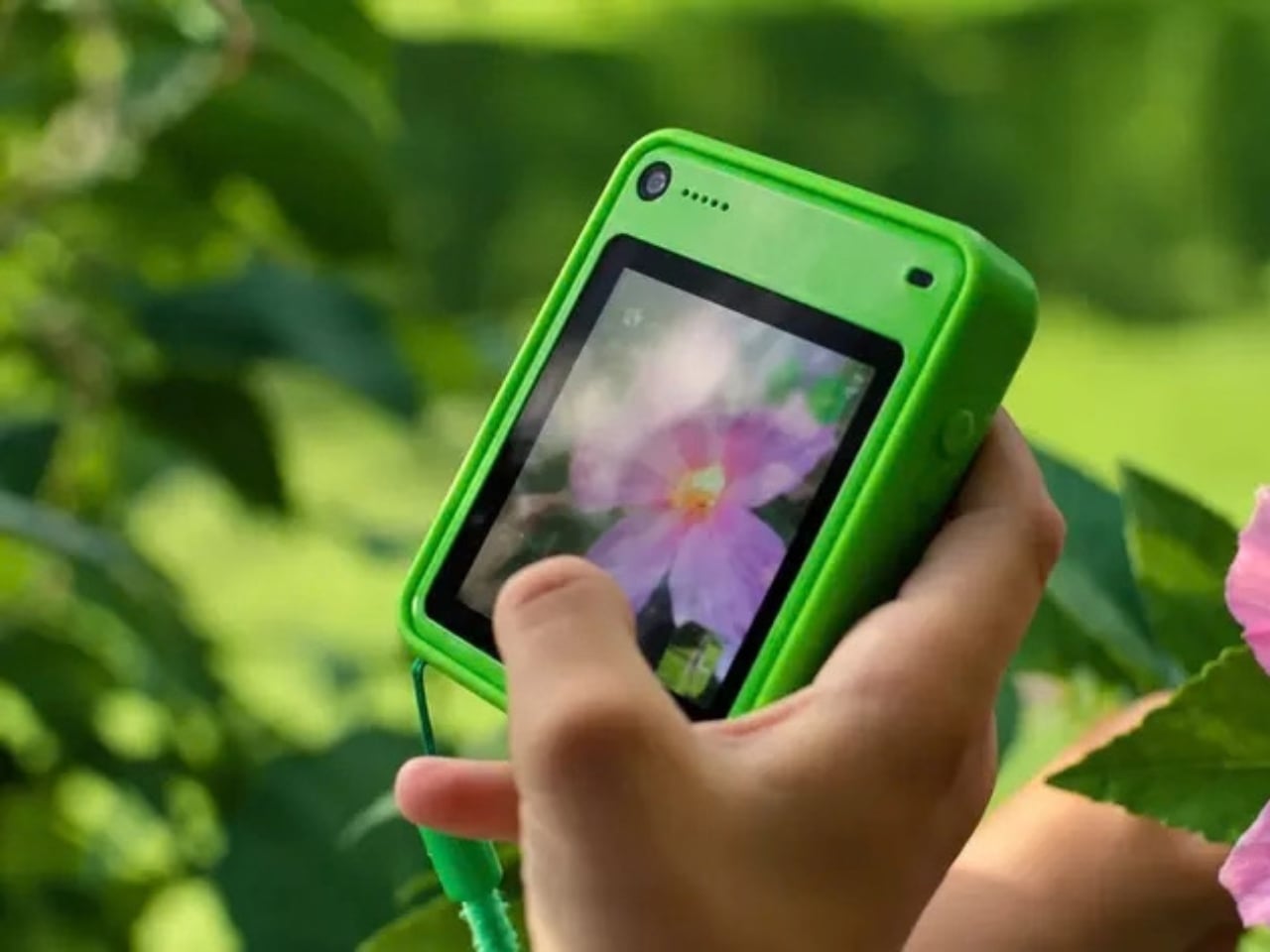
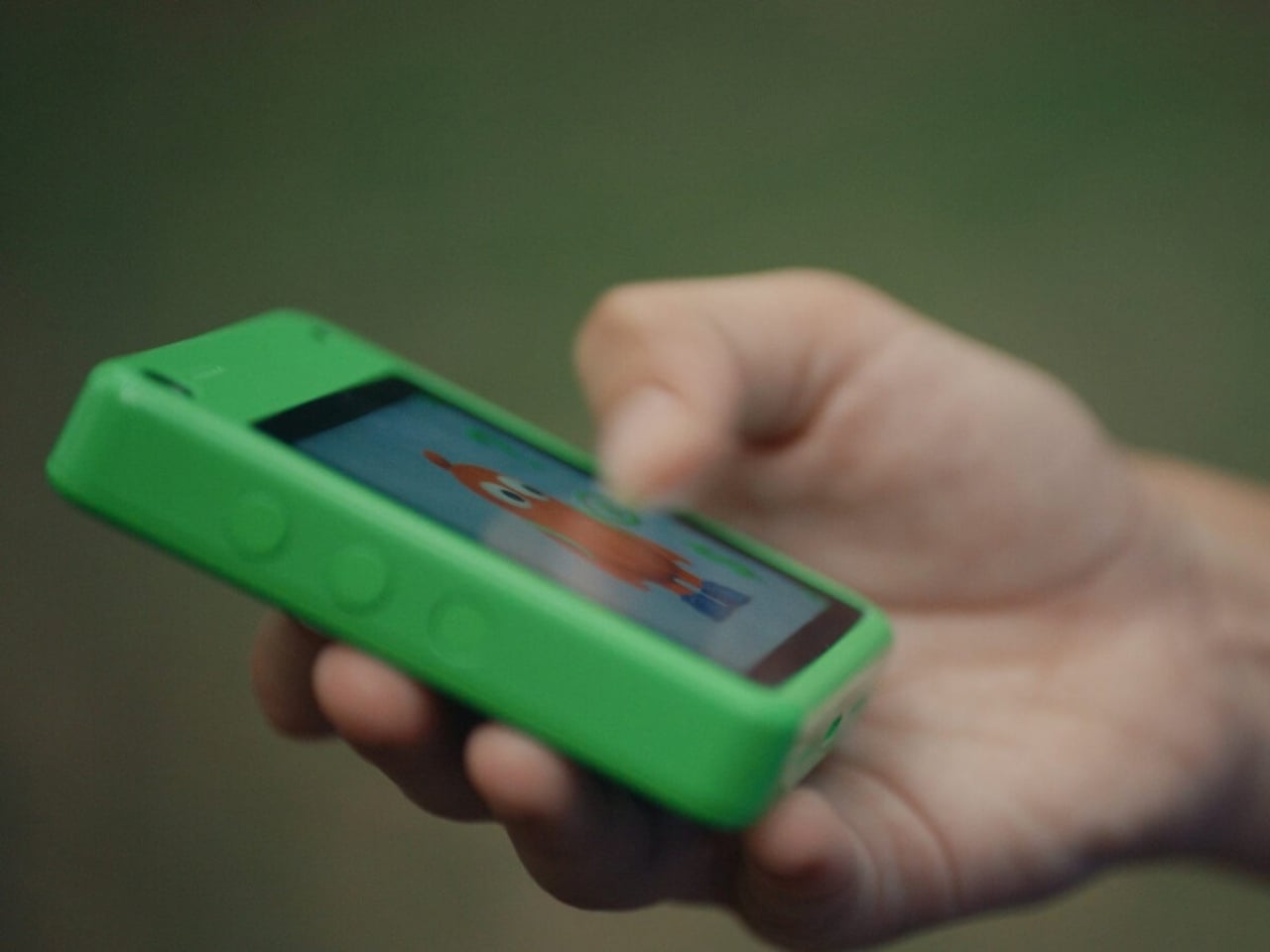
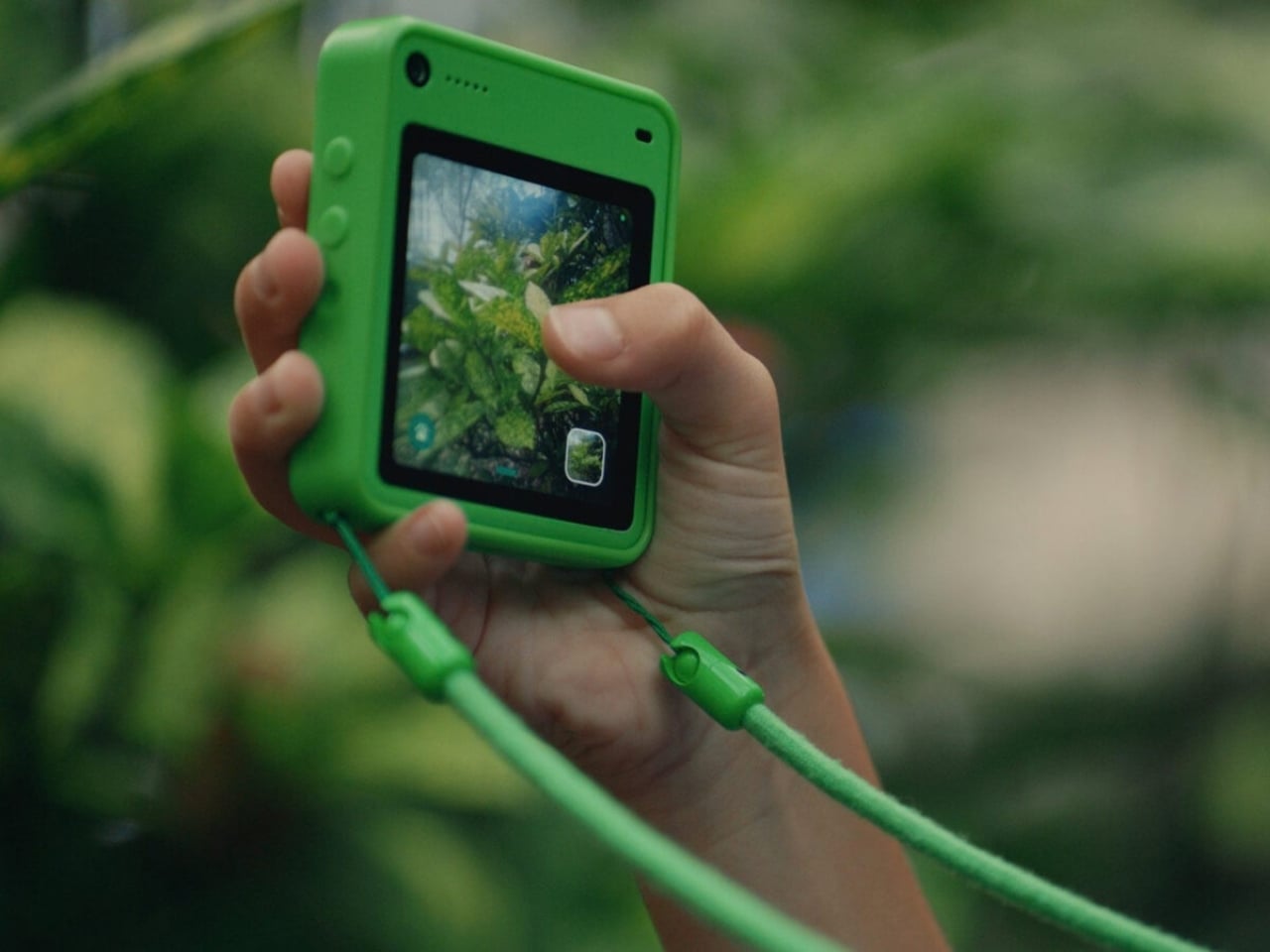
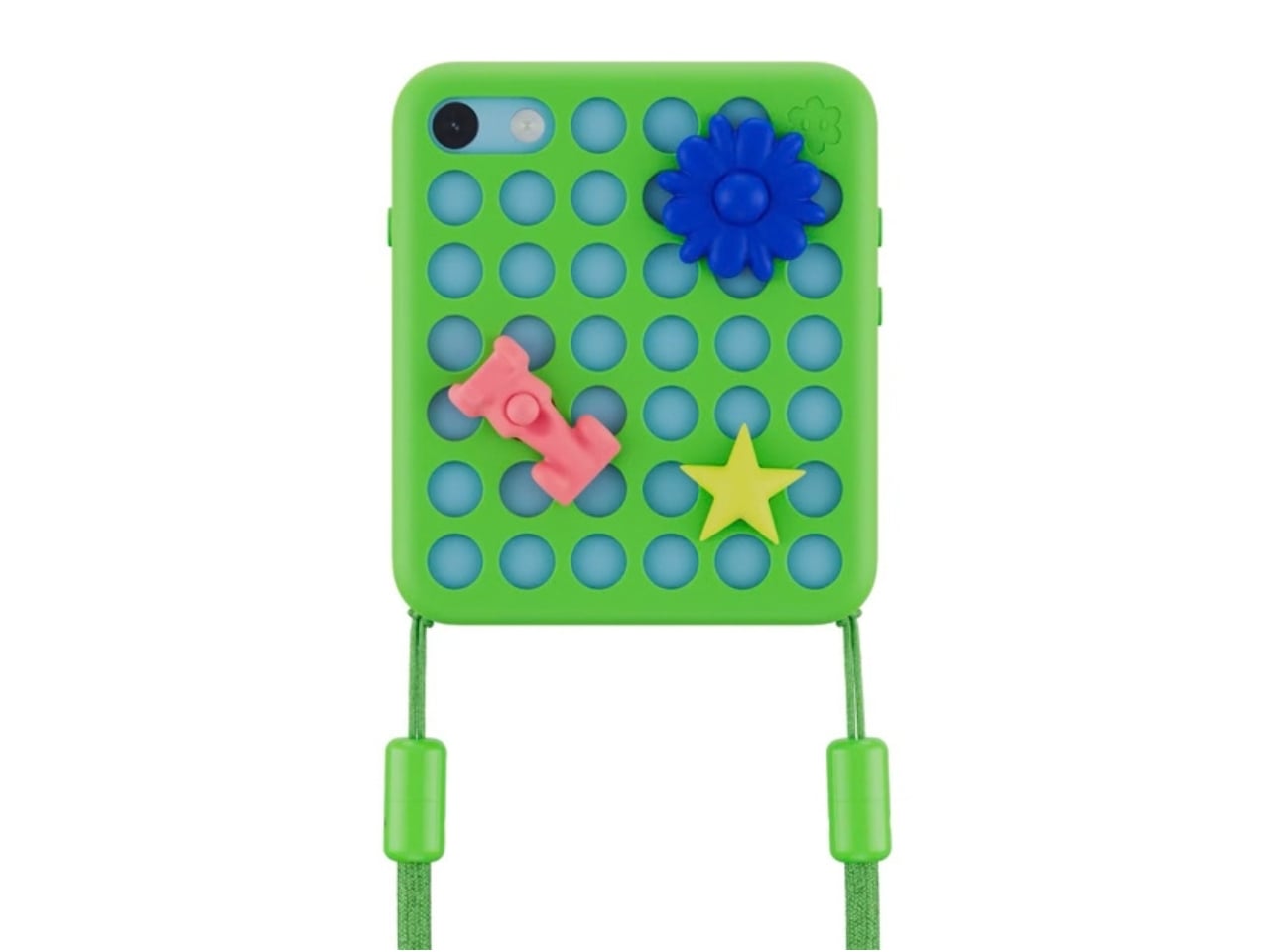
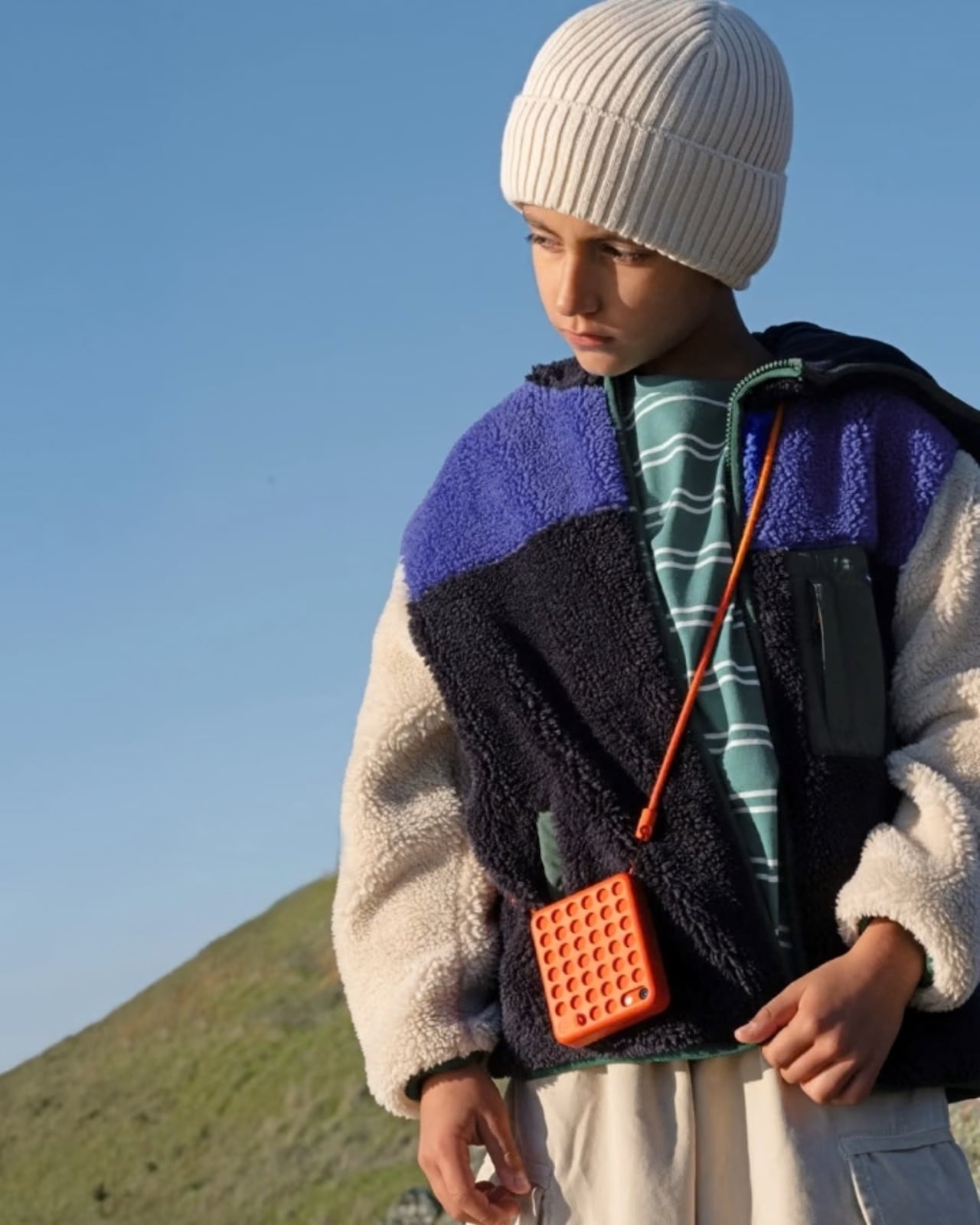
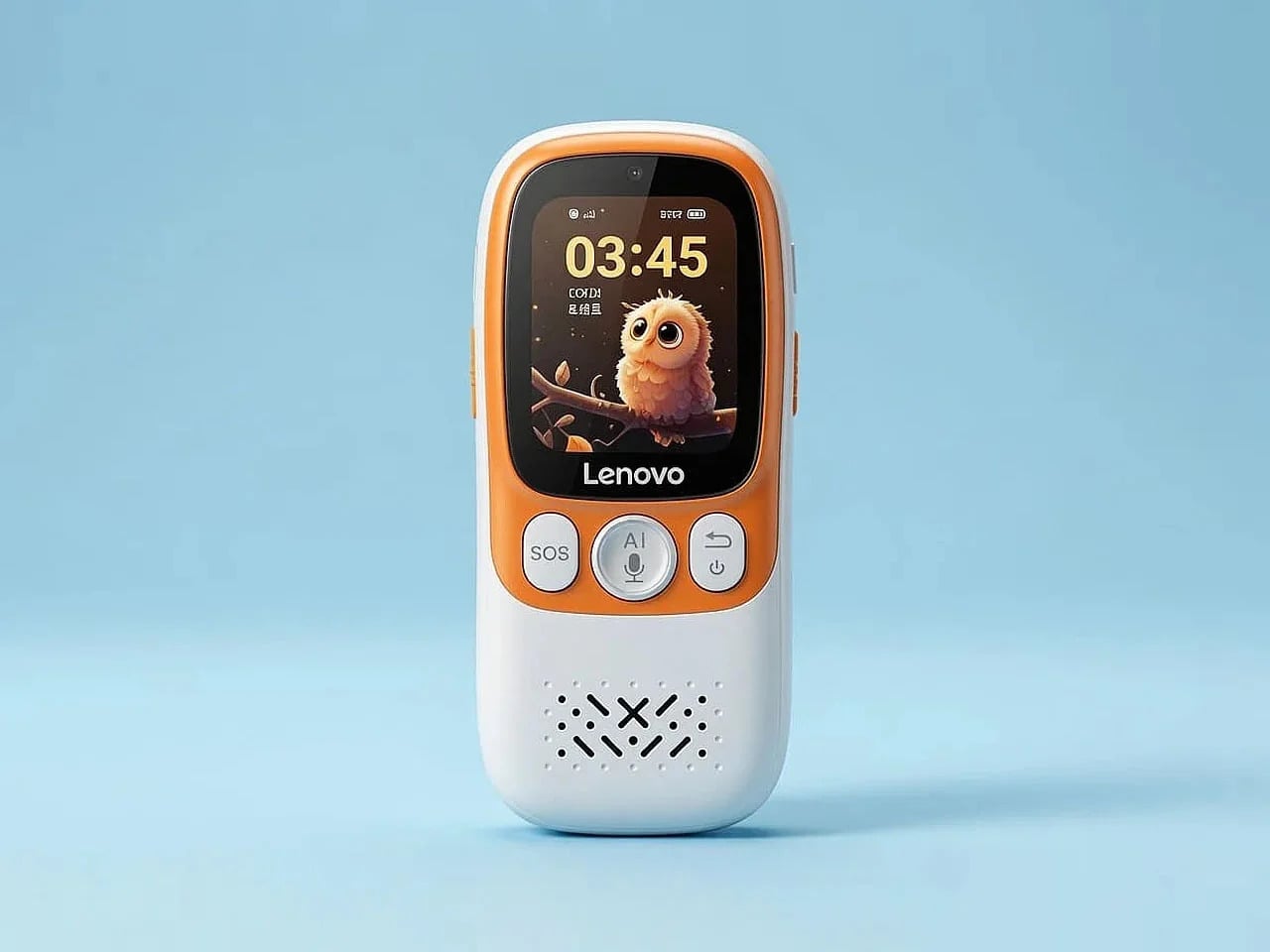
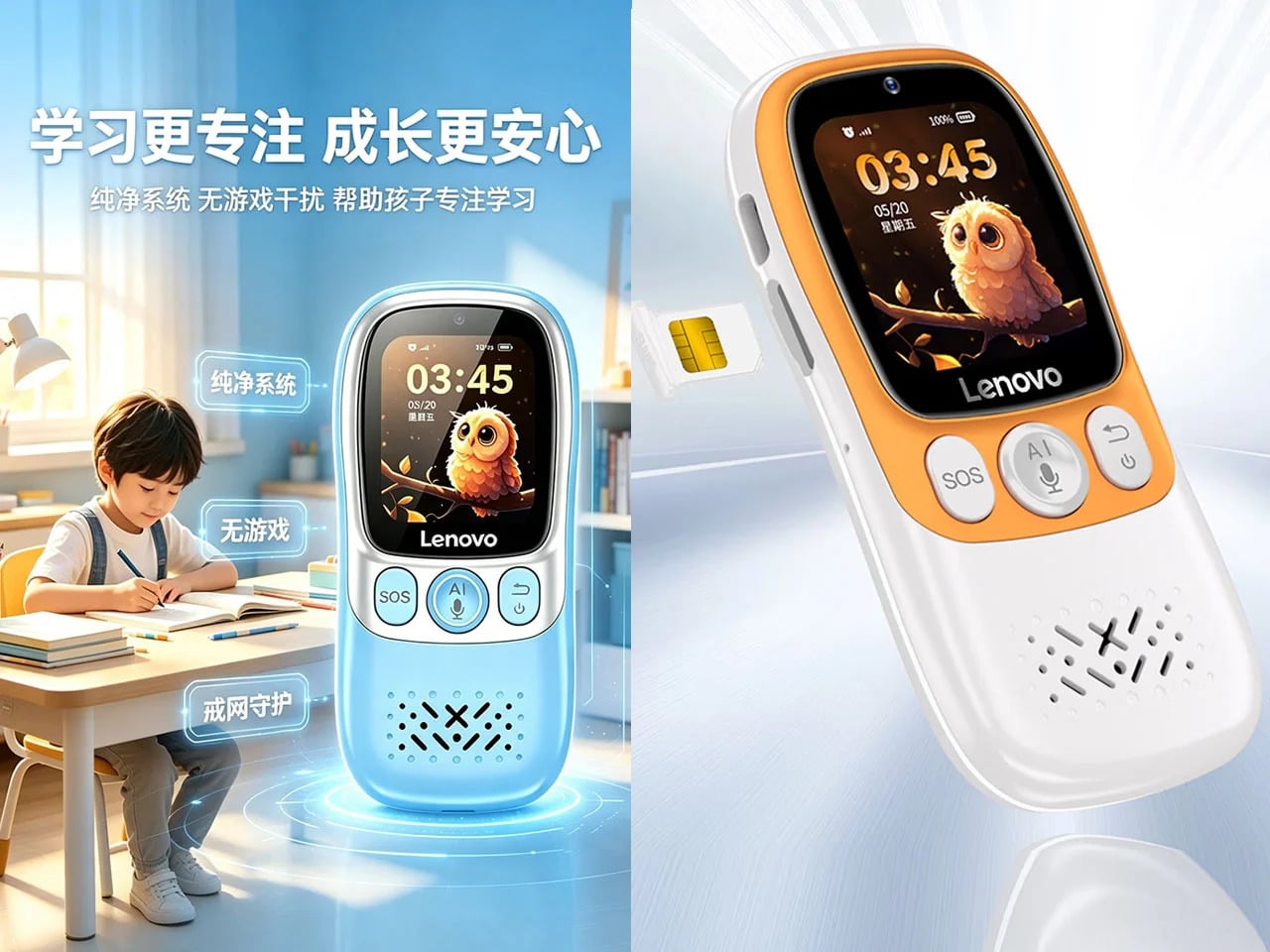
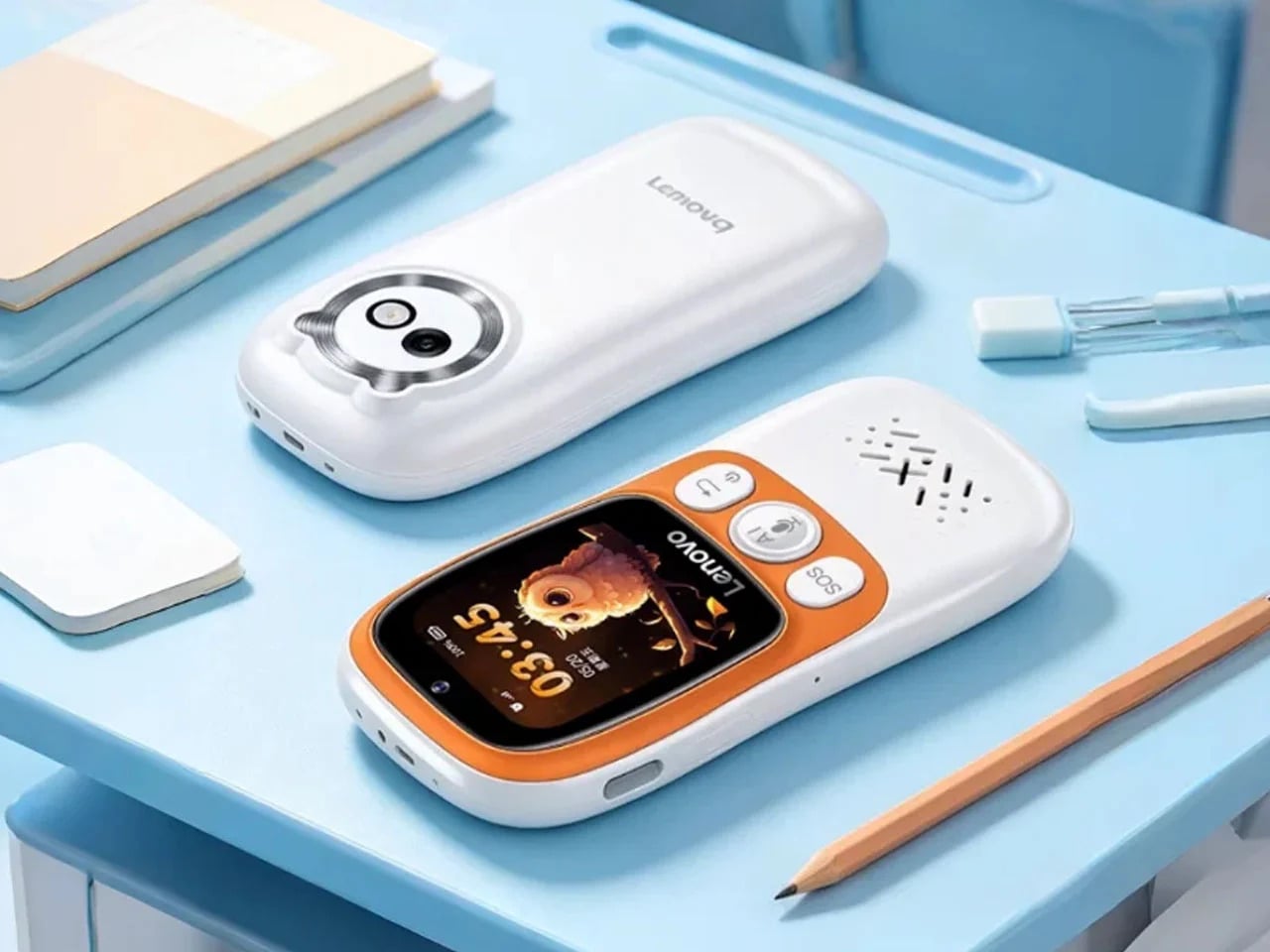
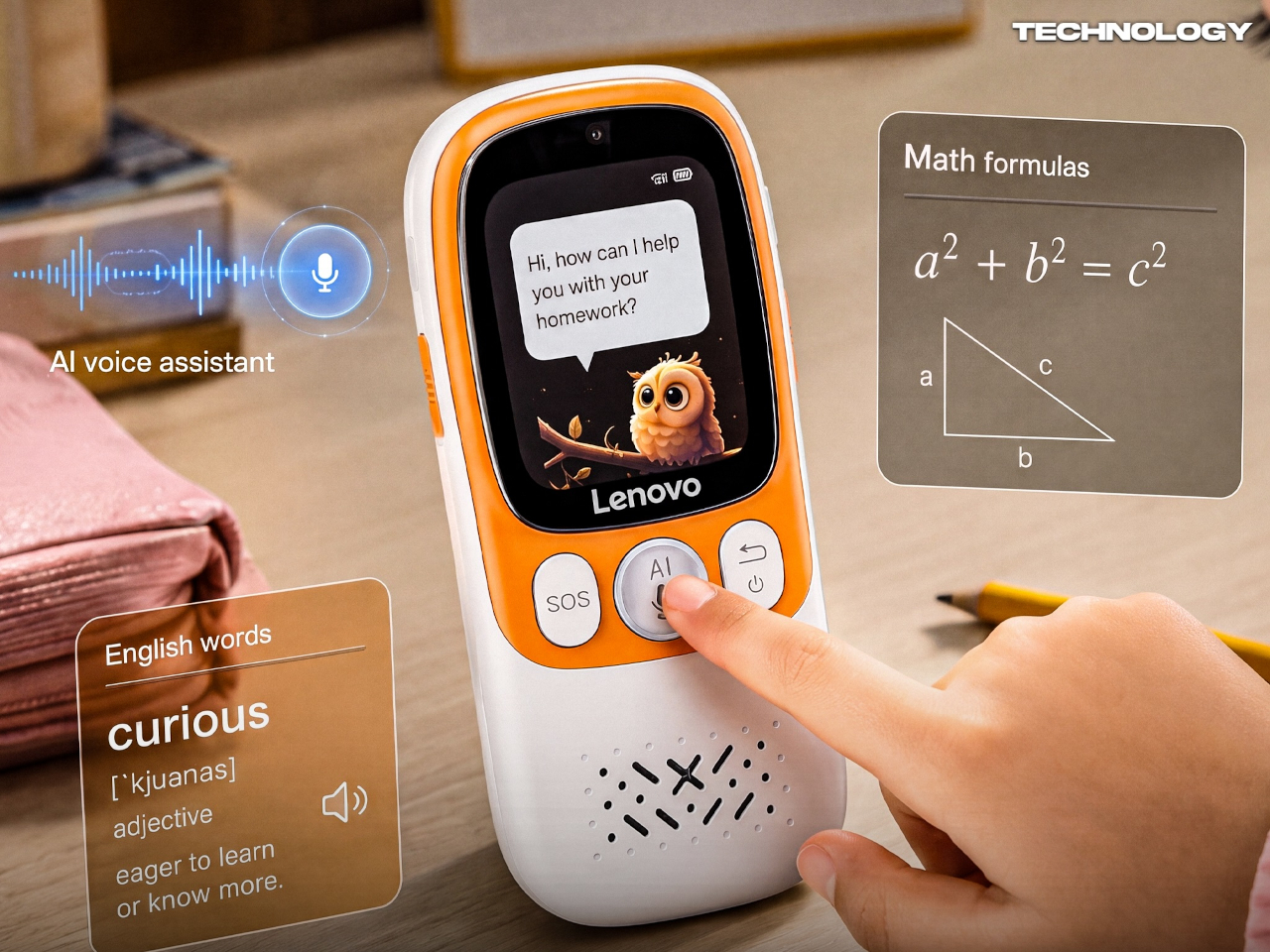
Lenovo’s answer to that problem is the AI Student Phone L1, which we covered at launch in China in late June 2026 for 299 yuan, or about $44. It looks like a compact candy-bar phone with a 1.83-inch touchscreen and 4G connectivity, but it behaves far more like a purpose-built study companion. There’s no browser, no social media, no games, and based on current reporting, sideloading isn’t an option.

Designer: Lenovo

What makes the L1 interesting from a design standpoint isn’t what’s missing; it’s what Lenovo chose to keep and why. The phone reportedly features a compact body built with Panda glass, a material meant to handle the daily punishment a backpack full of school supplies tends to deliver. That choice isn’t a premium flourish; it’s a quiet signal about who this device is actually built for.

The most telling design decision is the dedicated physical AI button reportedly built into the side of the L1. In most other phones, the AI assistant lives inside software, hidden behind a long press or buried in settings. A hardware button changes that, making help a fixed and visible part of the object. A child doesn’t need to find the feature; the button is it.

Press it, and the L1 reportedly connects to an AI assistant that can help with homework, language learning, and subject lookups. The simplicity is the point. Instead of opening a browser and disappearing down a rabbit hole, the student gets a focused answer and moves on. The phone isn’t trying to replace a teacher; it’s trying to stay out of a teacher’s way.

The feature most coverage tends to bury is the reported QR-code payment system with parent-set spending limits. A child can reportedly take the bus, grab lunch, or pay for a snack without a full smartphone or a physical wallet. GPS tracking and an SOS button reportedly keep parents in the loop. Parents set a cap, the child spends within it, and that’s the end of the negotiation.

That said, the L1 isn’t without its compromises. A 1.83-inch screen is genuinely small, and while that probably discourages mindless scrolling, it also makes extended interaction feel a bit cramped. If handwriting input is included, as some reports suggest, the novelty may wear off quickly. Restraint is a valid design philosophy, but it still has to feel comfortable enough to use every day.

(Image courtesy of @Technology)

For parents in the US or Europe, the L1 is unfortunately a China-only device for now. Products like the Gabb Phone, Pinwheel, and Bark Phone all tackle the same distraction problem, but by restricting a conventional smartphone from the inside. The L1 appears to start from a narrower behavioral premise, building limits into the hardware rather than patching them in through software.

That distinction is worth sitting with. Handing a child their first phone has always been about balancing independence and oversight, and software-based restrictions have always felt like a workaround. The Lenovo AI Student Phone L1 raises the question of whether you can get closer to that balance by designing the object differently from the start, and that’s probably the right conversation to be having.

The post Lenovo Just Made a $44 Kid Phone That Kills TikTok and the Browser first appeared on Yanko Design.

Kids’ Tech Has a Screen Problem: This $139 Button Is the Fix

Getting kids through morning and bedtime routines is one of those parenting problems that never quite gets solved. Apps on tablets and phones have tried, but the device that’s supposed to help with brushing teeth is the same one that can pull up YouTube. Most parents end up nagging anyway, just now with a screen involved. The category of kids’ tech hasn’t really made mornings easier. It’s made them busier.

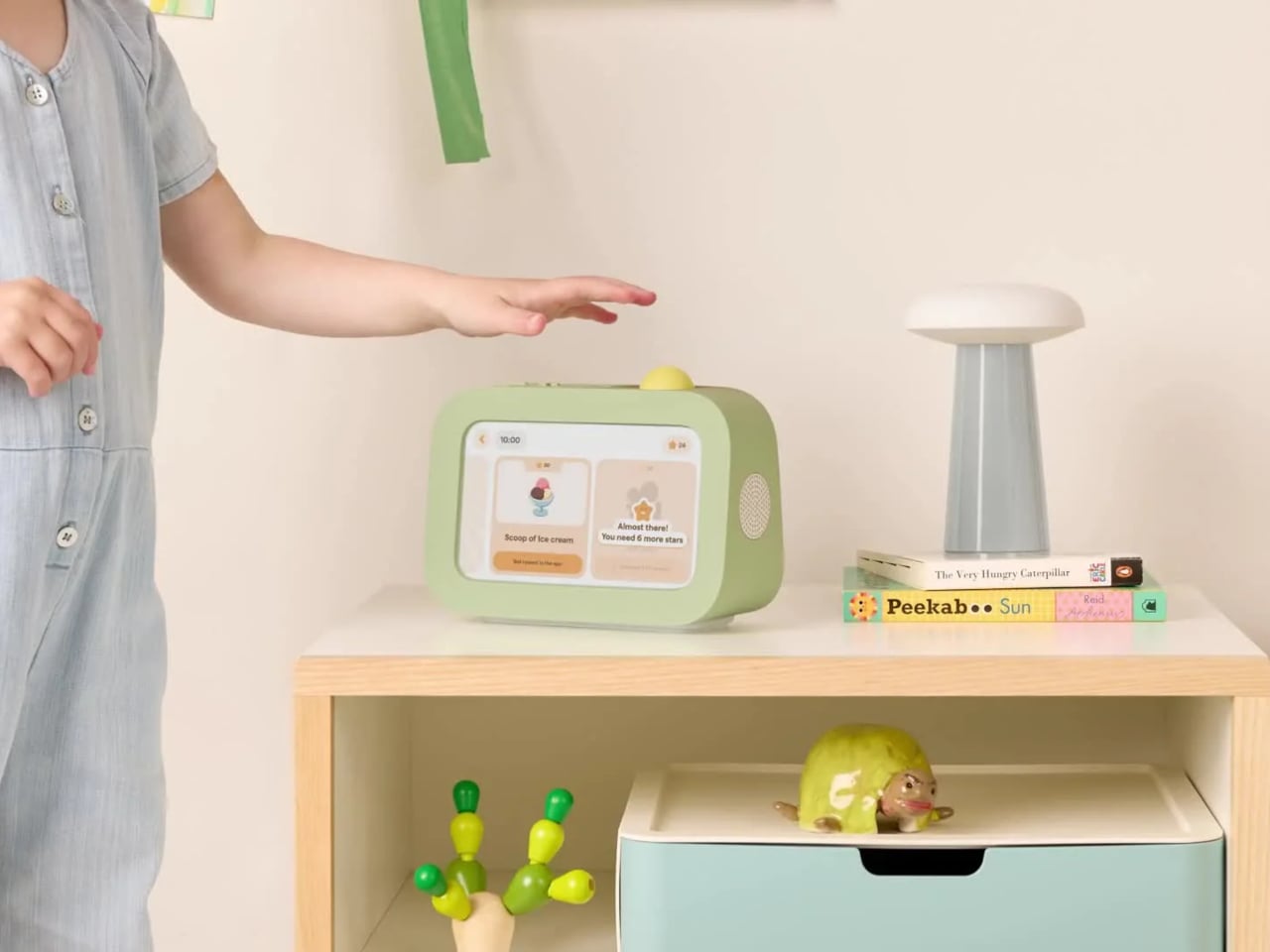
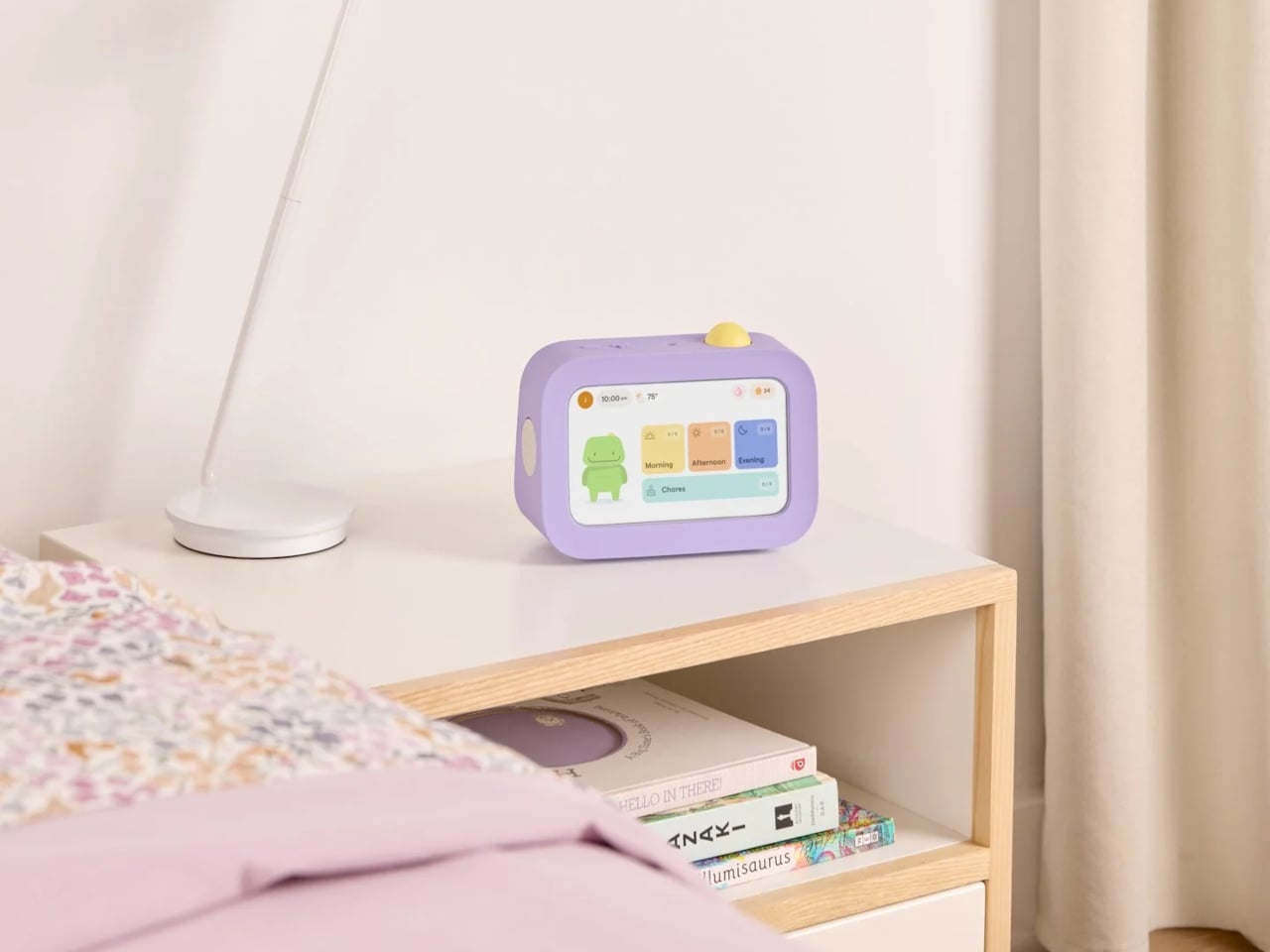
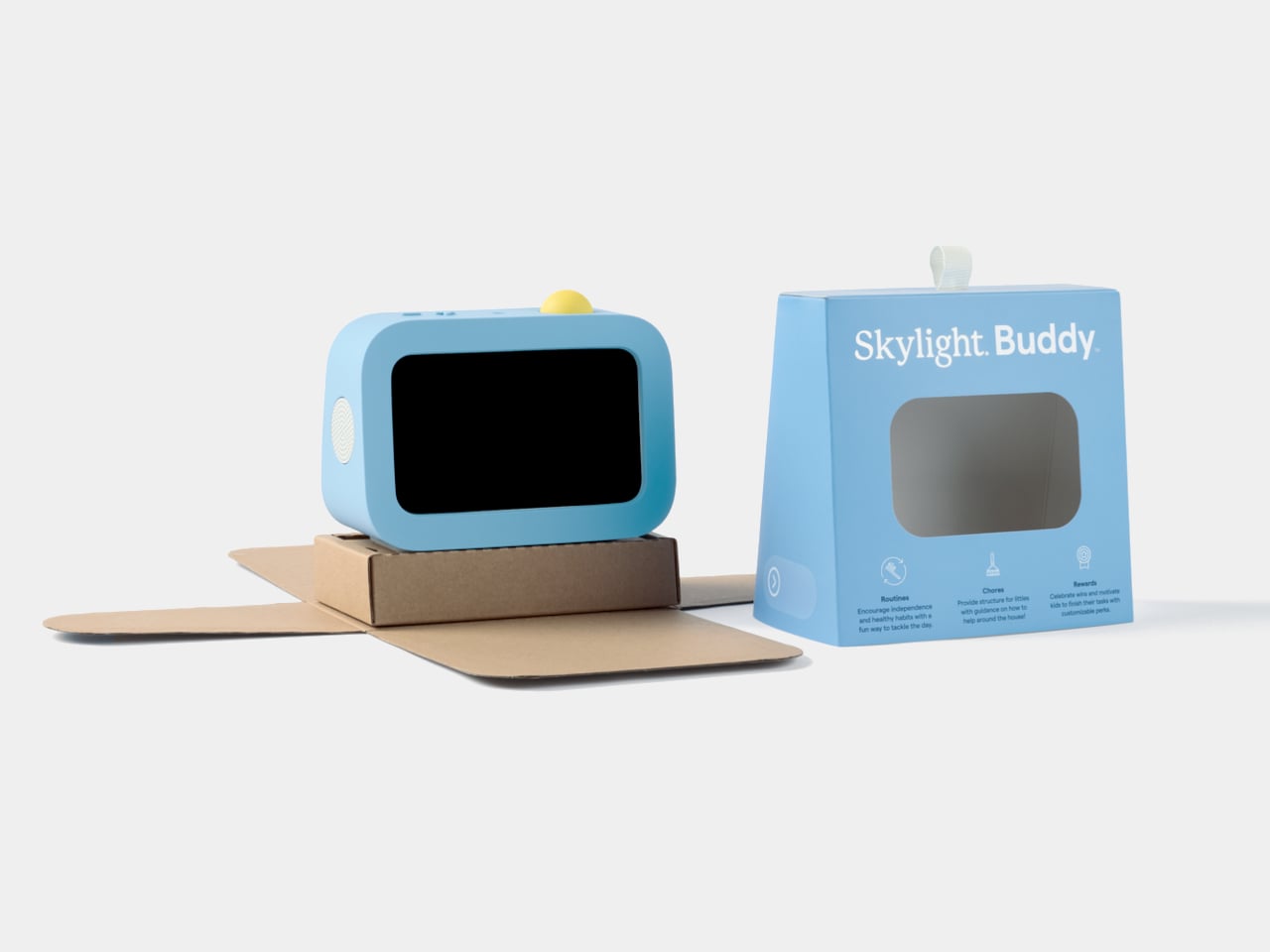
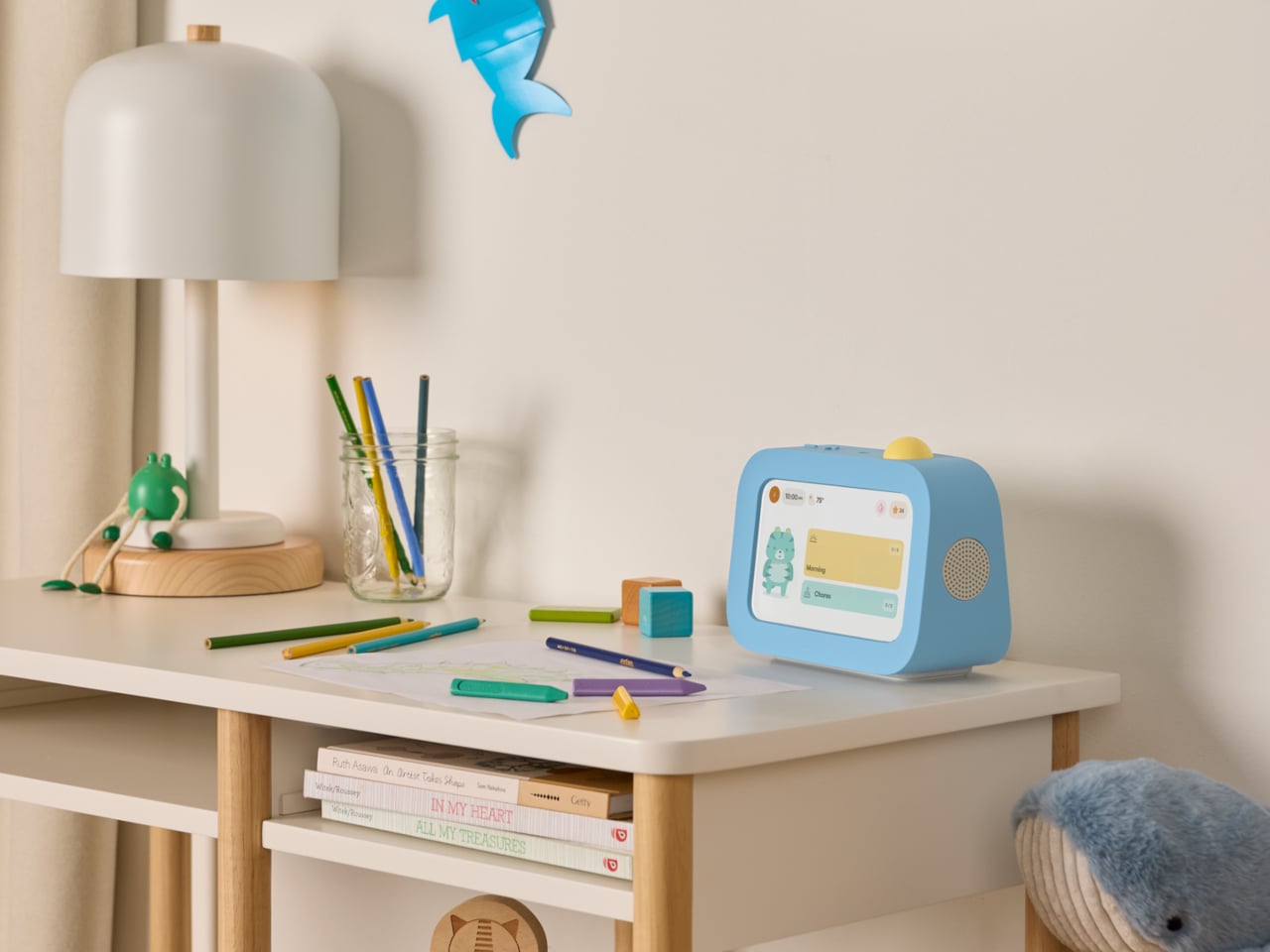
Skylight Buddy takes a different approach. It’s a purpose-built bedside device for children ages 4 to 10, with a touchscreen, a speaker, a built-in nightlight, and a physical action button. What it doesn’t have is just as deliberate: no internet access, no browser, no downloadable apps, no camera, and no microphone. It launched in June 2026, and its first production run sold out within a week.

Designer: level Design

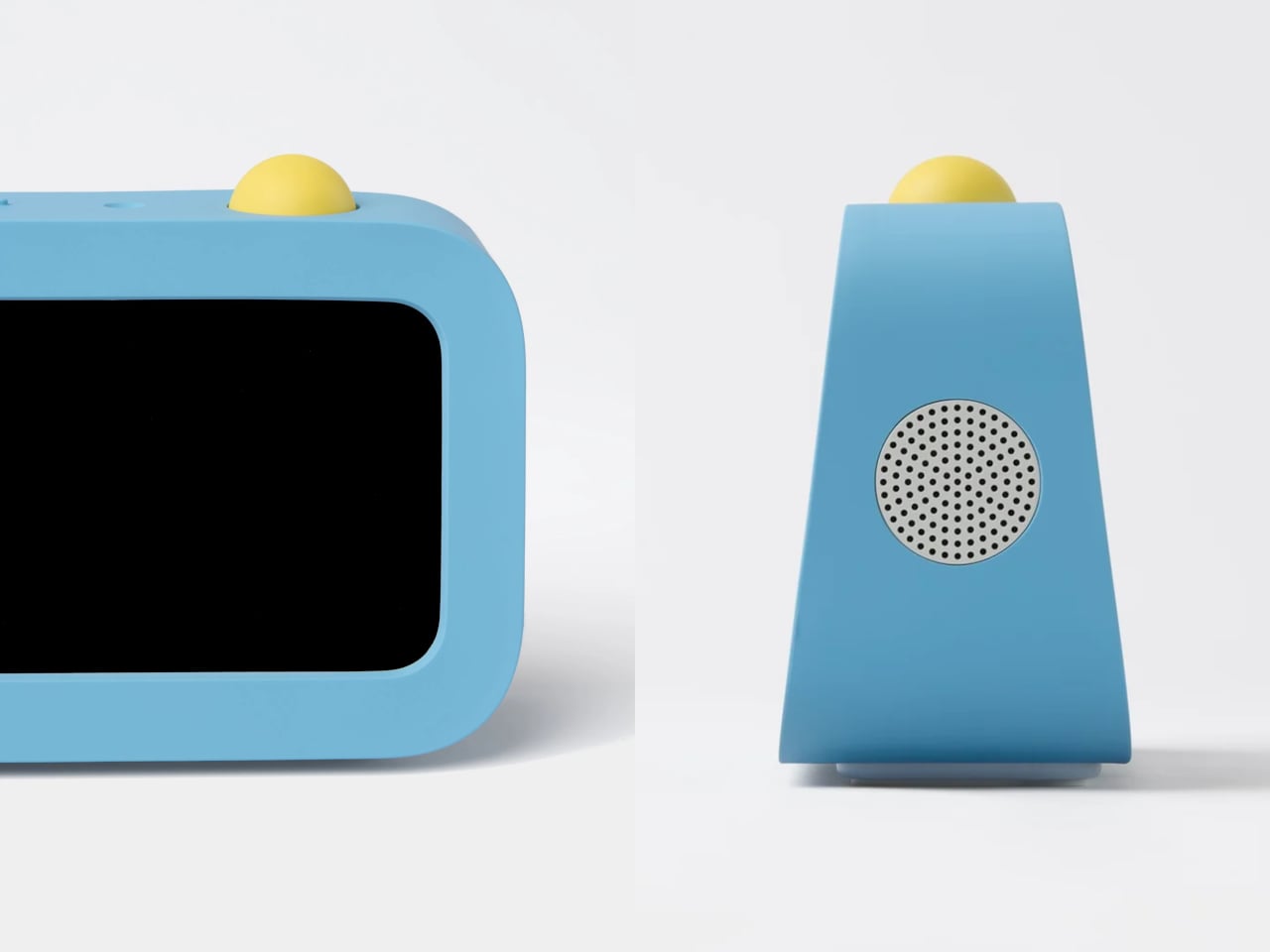
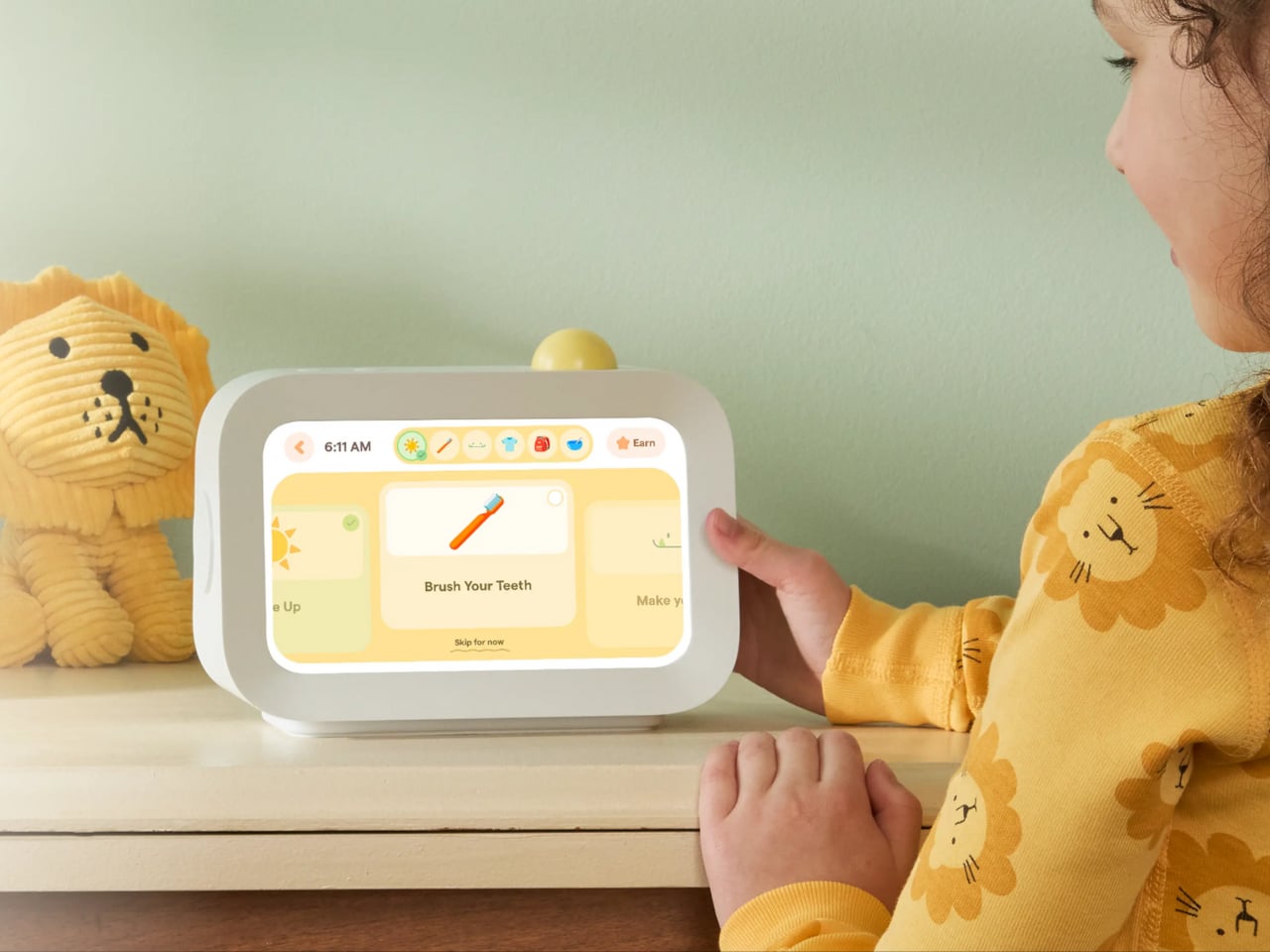
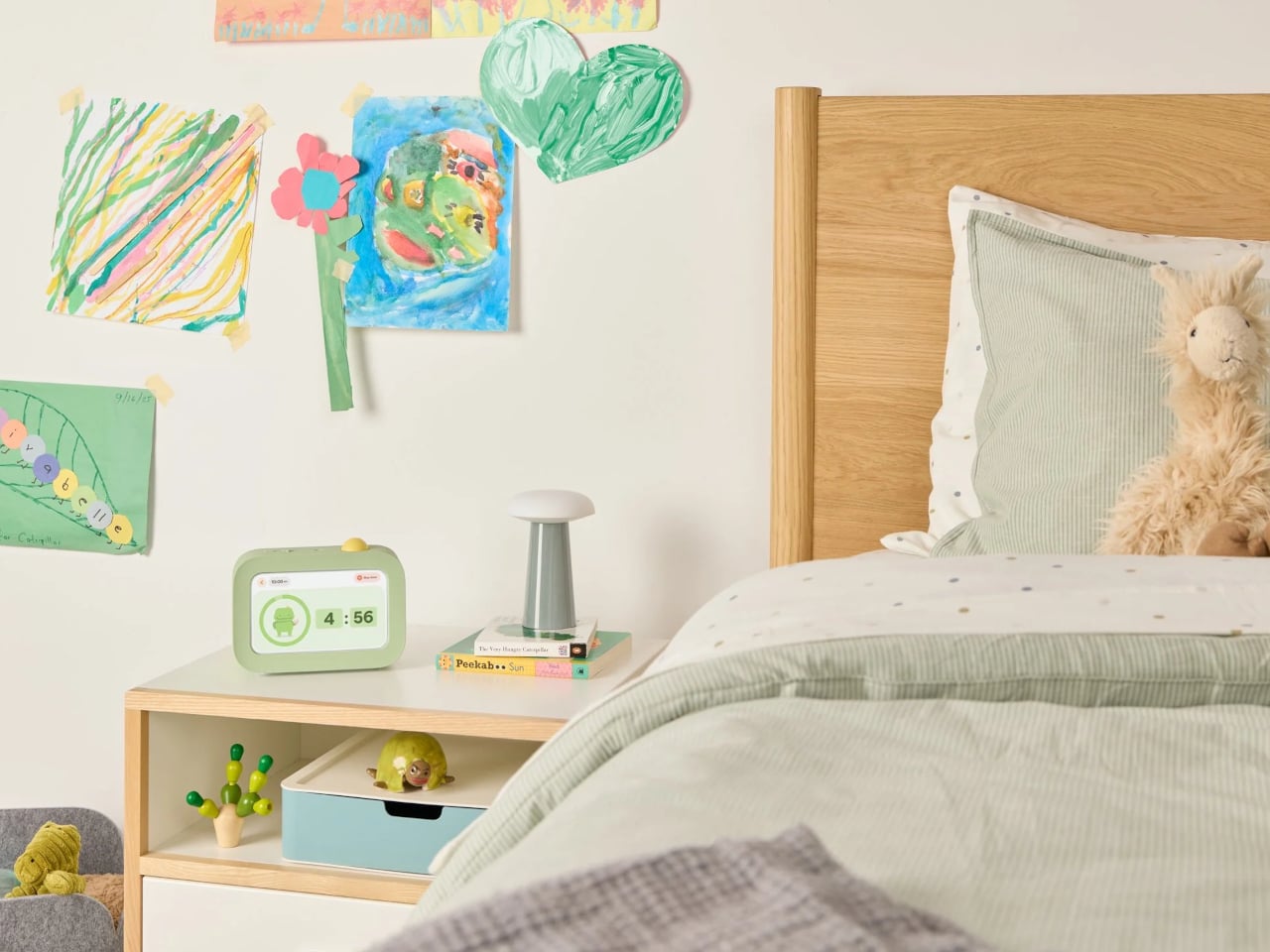
The core interaction is simple. Buddy guides kids through their morning, after-school, and bedtime tasks one at a time, showing each with clear on-screen visuals. When a task is done, the child presses the action button on top to confirm, advance to the next step, and collect stars. The design team pushed hard to keep that physical button rather than defaulting to a screen-only approach.

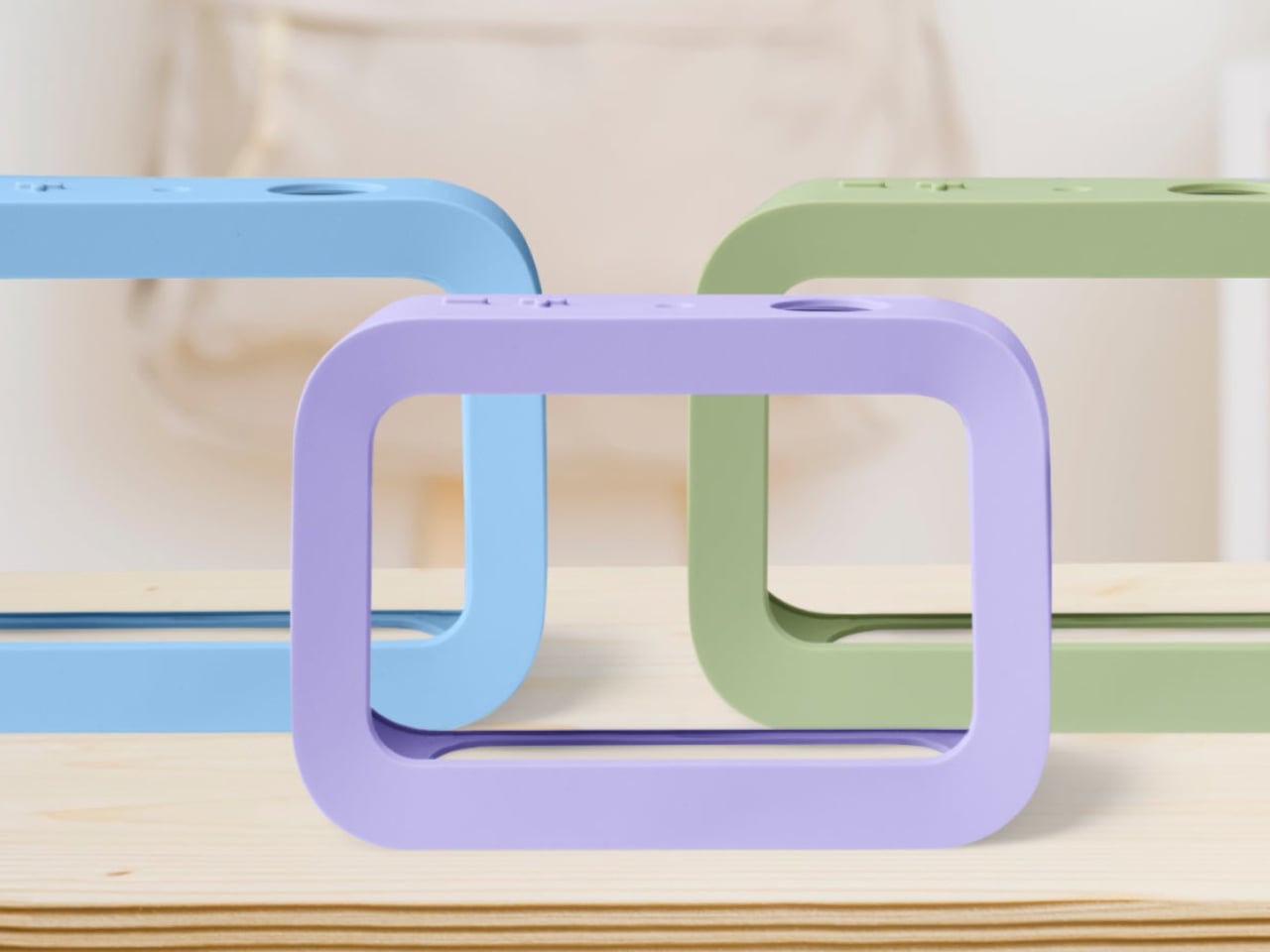
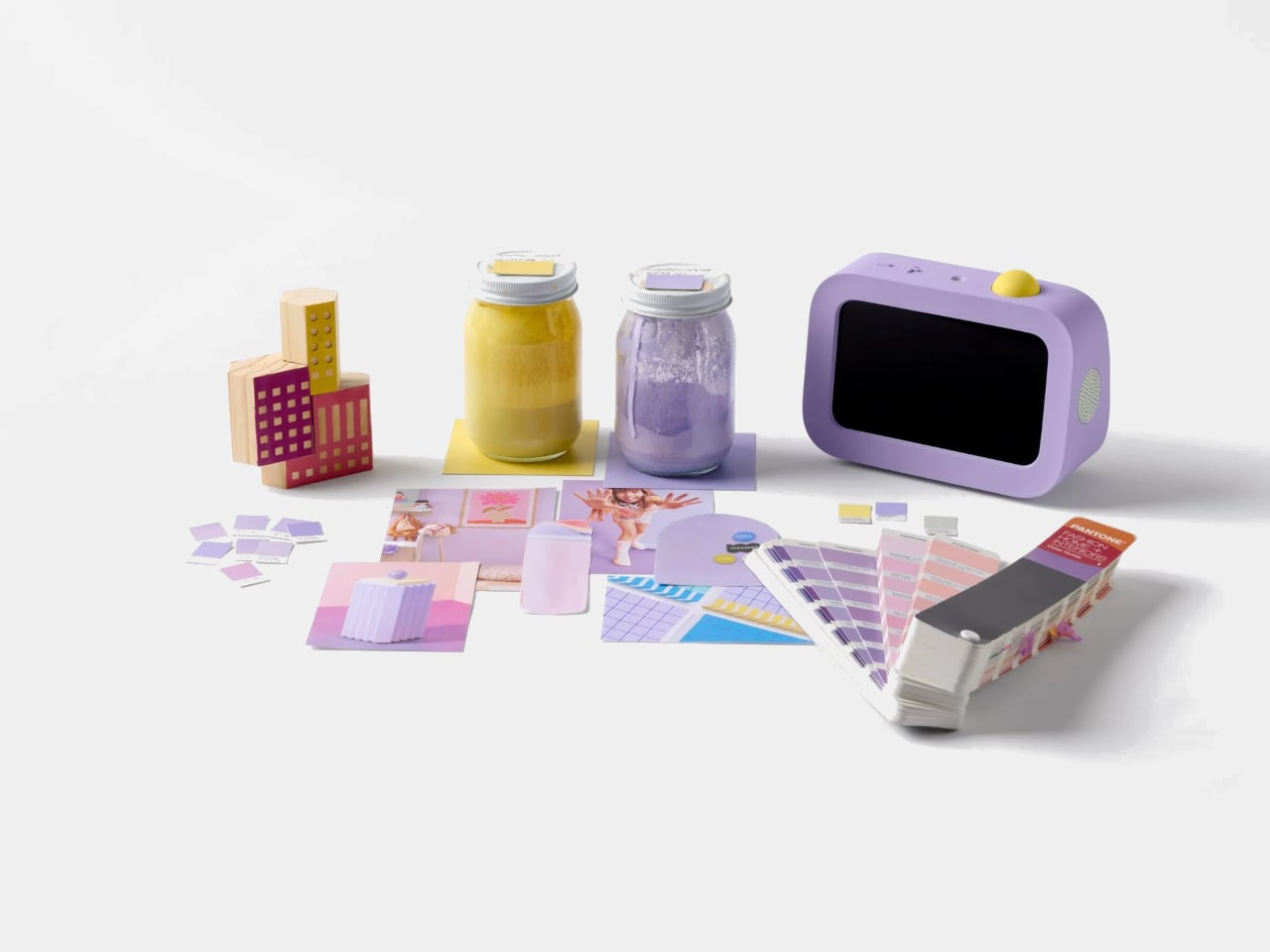
The button is yellow across all three colorways, which serves a functional purpose. It’s the brightest thing on the device, a deliberate visual signal that reads as “press me” from across the room. Buddy comes in blue, sage, and lavender, each with a soft silicone case that wasn’t designed as an accessory but as part of the form. With the case on, the side speaker sits flush with the body.

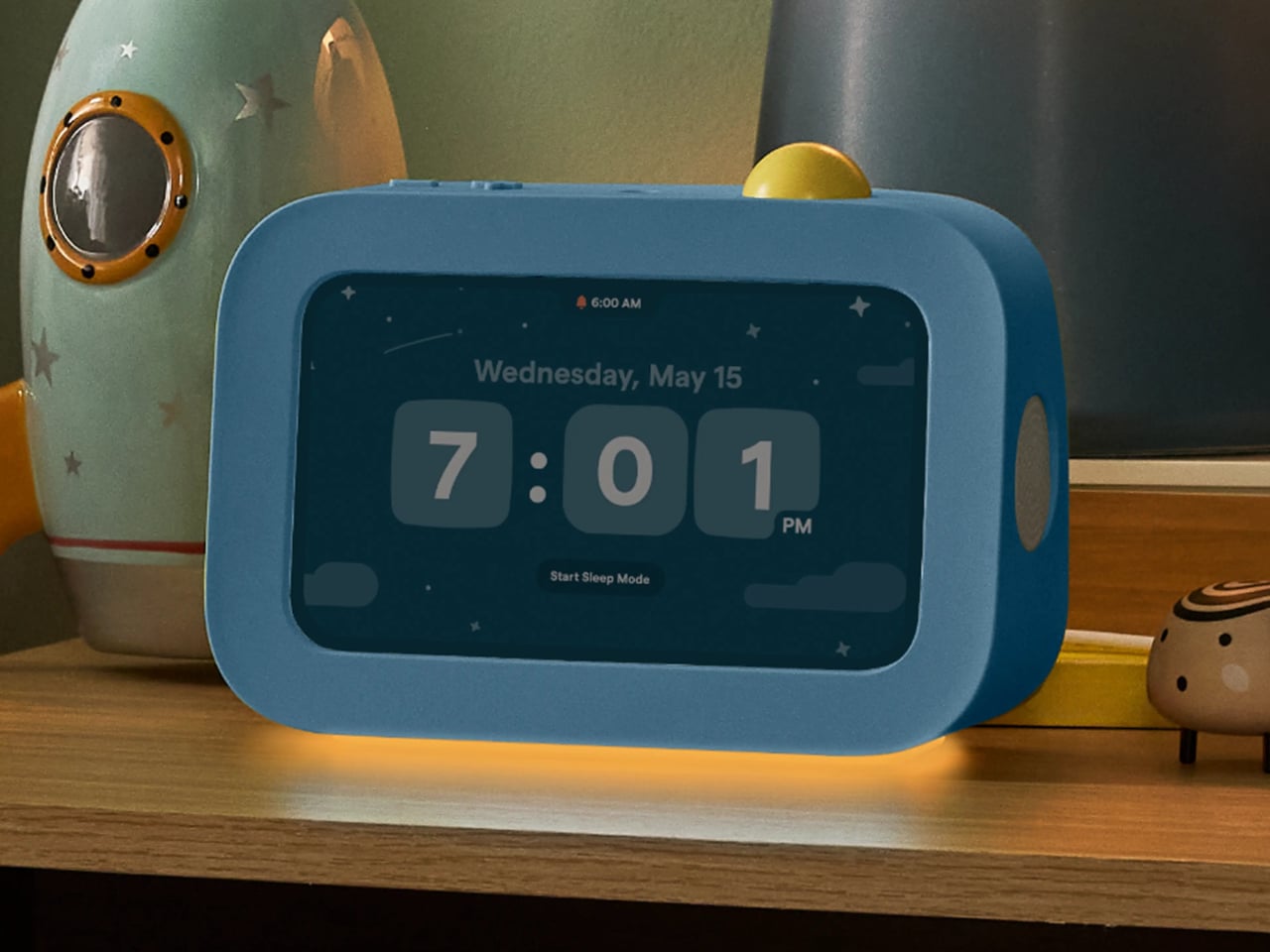
The integrated light handles two things that parents often buy as separate products: a nightlight for bedtime and an OK-to-wake signal for mornings, so younger kids know when it’s actually time to get up. Add a sound machine for winding down at night and an alarm clock for starting the day, and Buddy replaces a collection of single-purpose devices that typically end up crowding a child’s nightstand.

Buddy works as a standalone device right out of the box, covering routines, chores, the alarm clock, and all core features without any additional cost. Families who already use Skylight Calendar can link the two through the same parent app, syncing a child’s tasks and rewards automatically. A Buddy Plus subscription unlocks additional tools, including rewards tracking, visual timers, and nudges for transitions that are harder to manage.

At $139, it isn’t a cheap clock, but it’s also not competing with tablets or general-purpose screens. That’s the point. Kids can’t download apps on it, can’t open a browser, and can’t drift into videos once their tasks are done. For a category of products that’s gotten very good at capturing children’s attention for all the wrong reasons, Buddy’s restraint is its most compelling feature.

The post Kids’ Tech Has a Screen Problem: This $139 Button Is the Fix first appeared on Yanko Design.

Motorola Just Made the Baby Soother That’s Actually Worth Displaying

Nursery products have generally been designed around the assumption that function is the only thing that matters. A baby monitor that broadcasts clearly, a sound machine that blocks noise, a nightlight that stays on through the small hours without overheating. These things work, and most of them look exactly like what they are: appliances with a secondary mission, built from a brief that never included the word “beautiful.” The emotional dimension of the room they live in is almost never part of the specification.

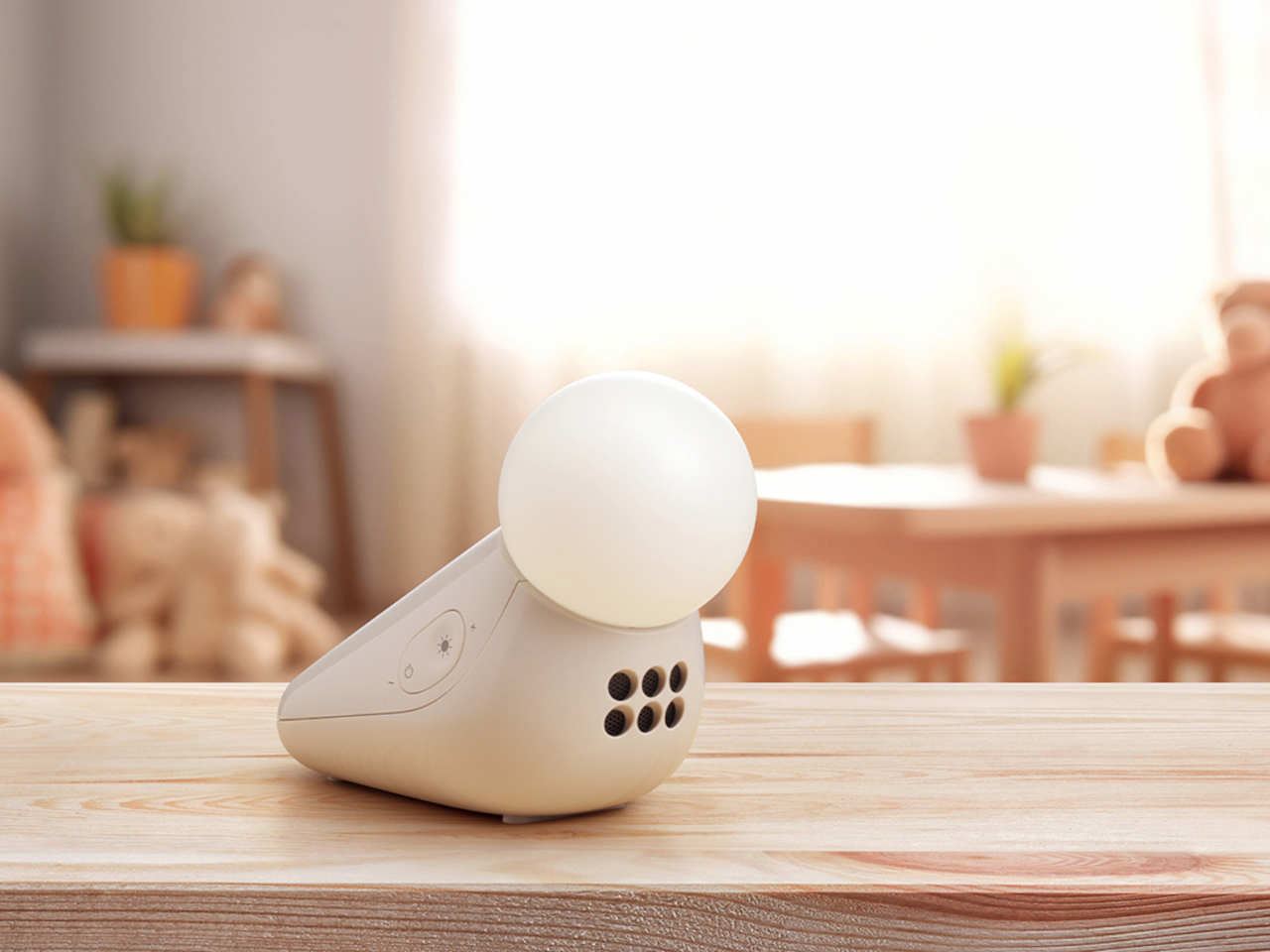
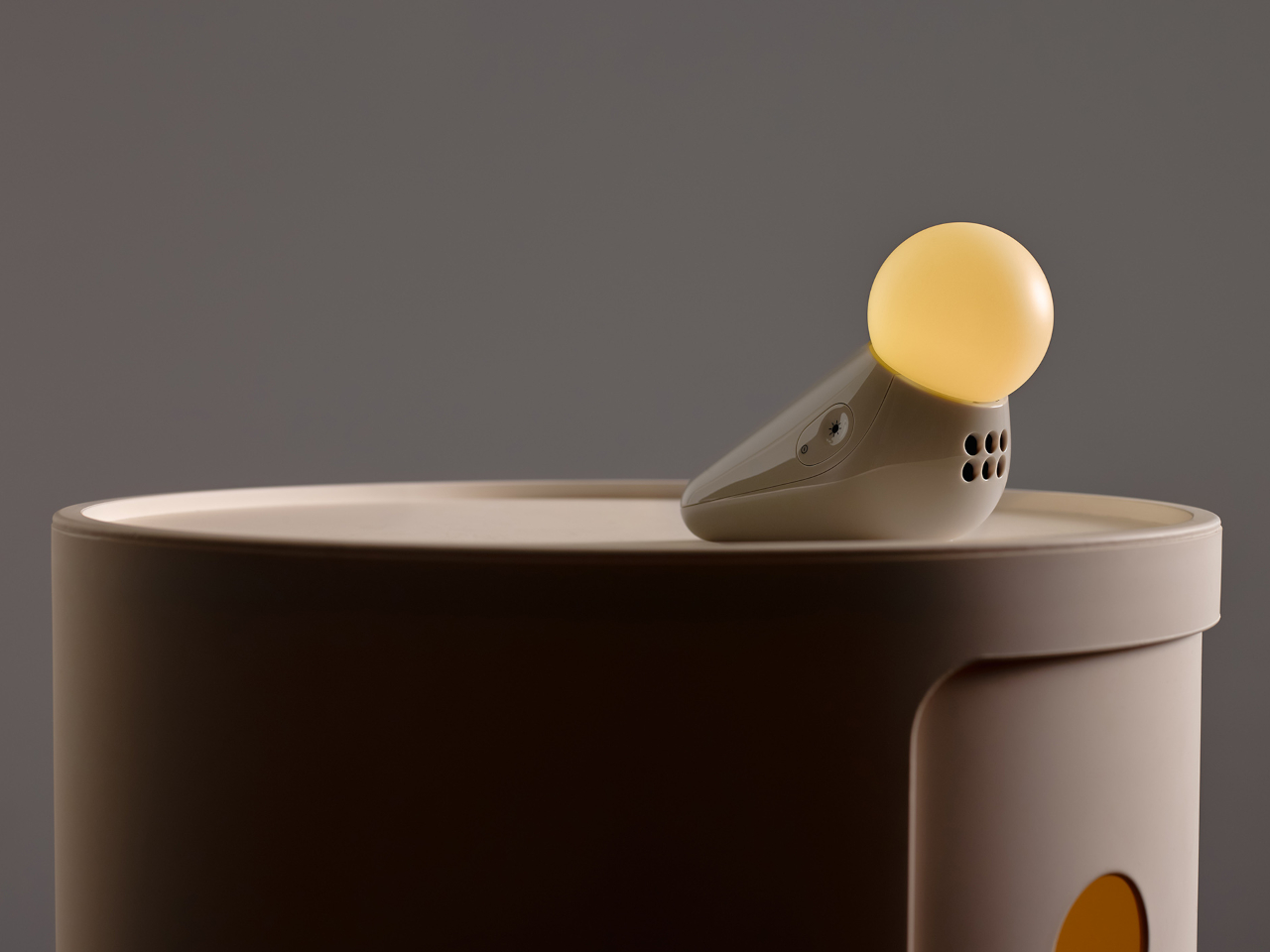
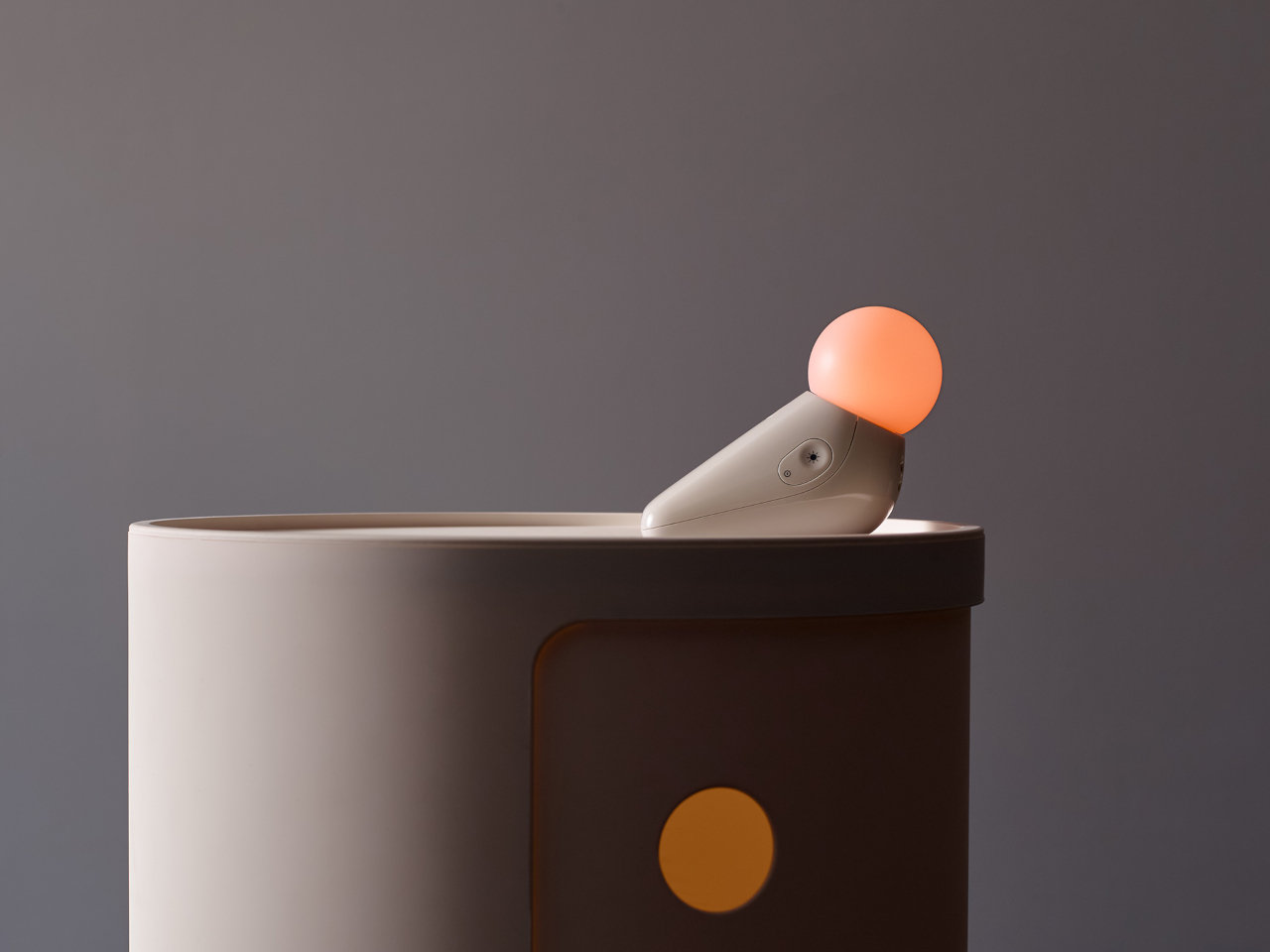
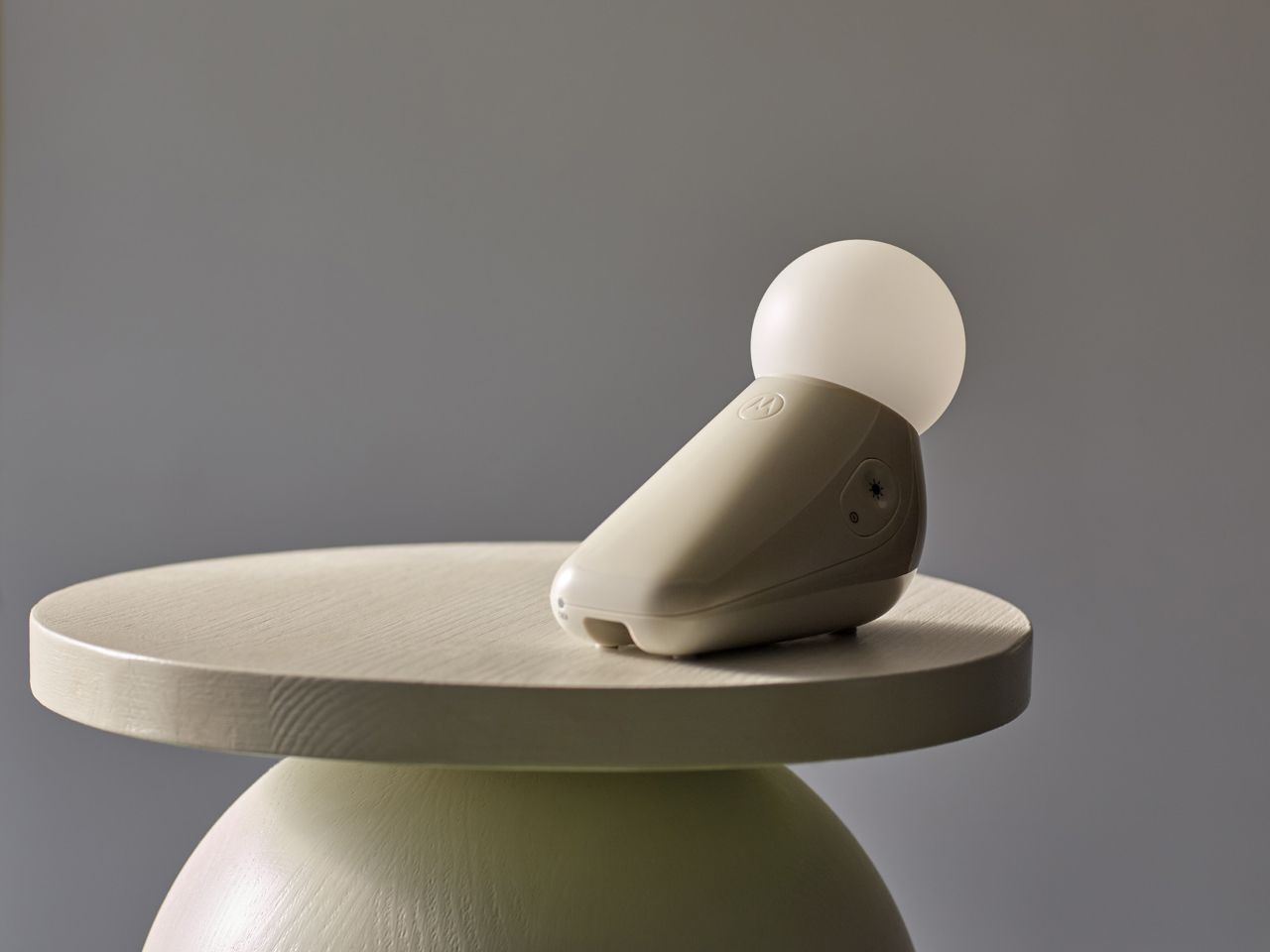
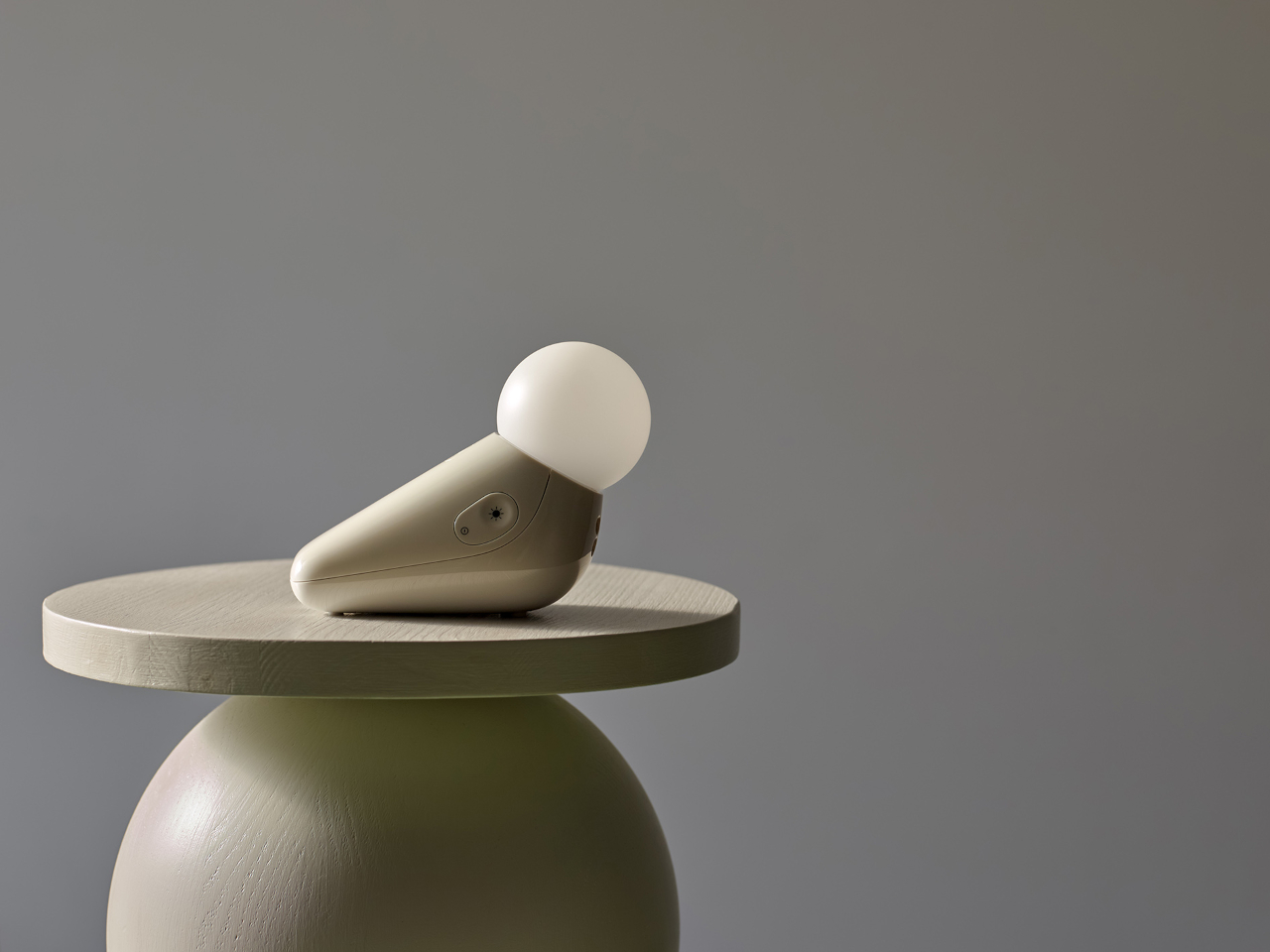
Industrial designer Tej Chauhan rethought that assumption through Motorola Nursery’s PIP collection, and the S1 Soother is the latest product from it. It begins with a sketch of a little seal, a soft, neotenic form drawing on the same mechanism that makes baby animals universally disarming. The rounded shape isn’t decorative padding over a functional core. It’s part of the reason the device works as well as it does.

Designer: Tej Chauhan for Motorola Nursery

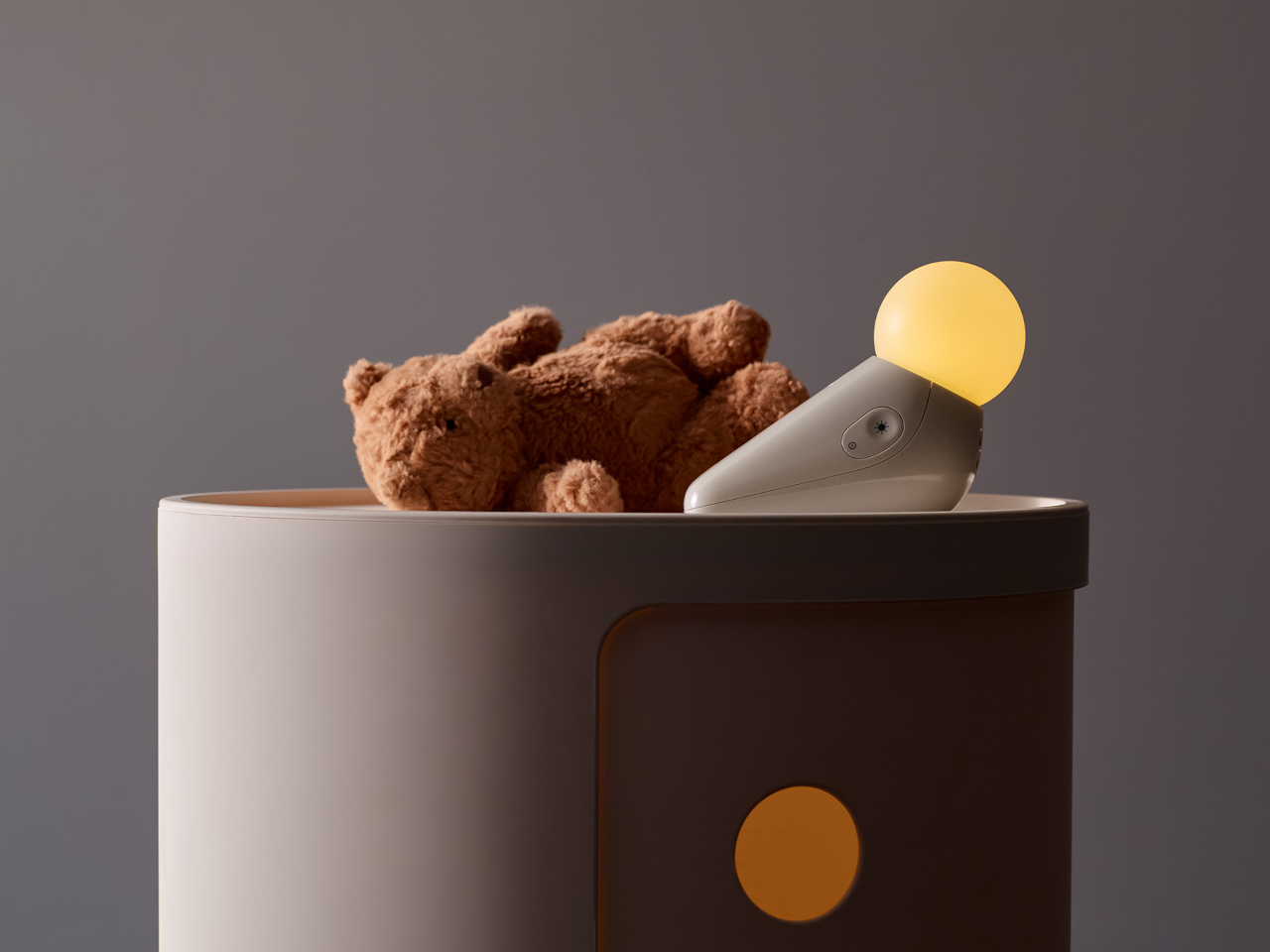
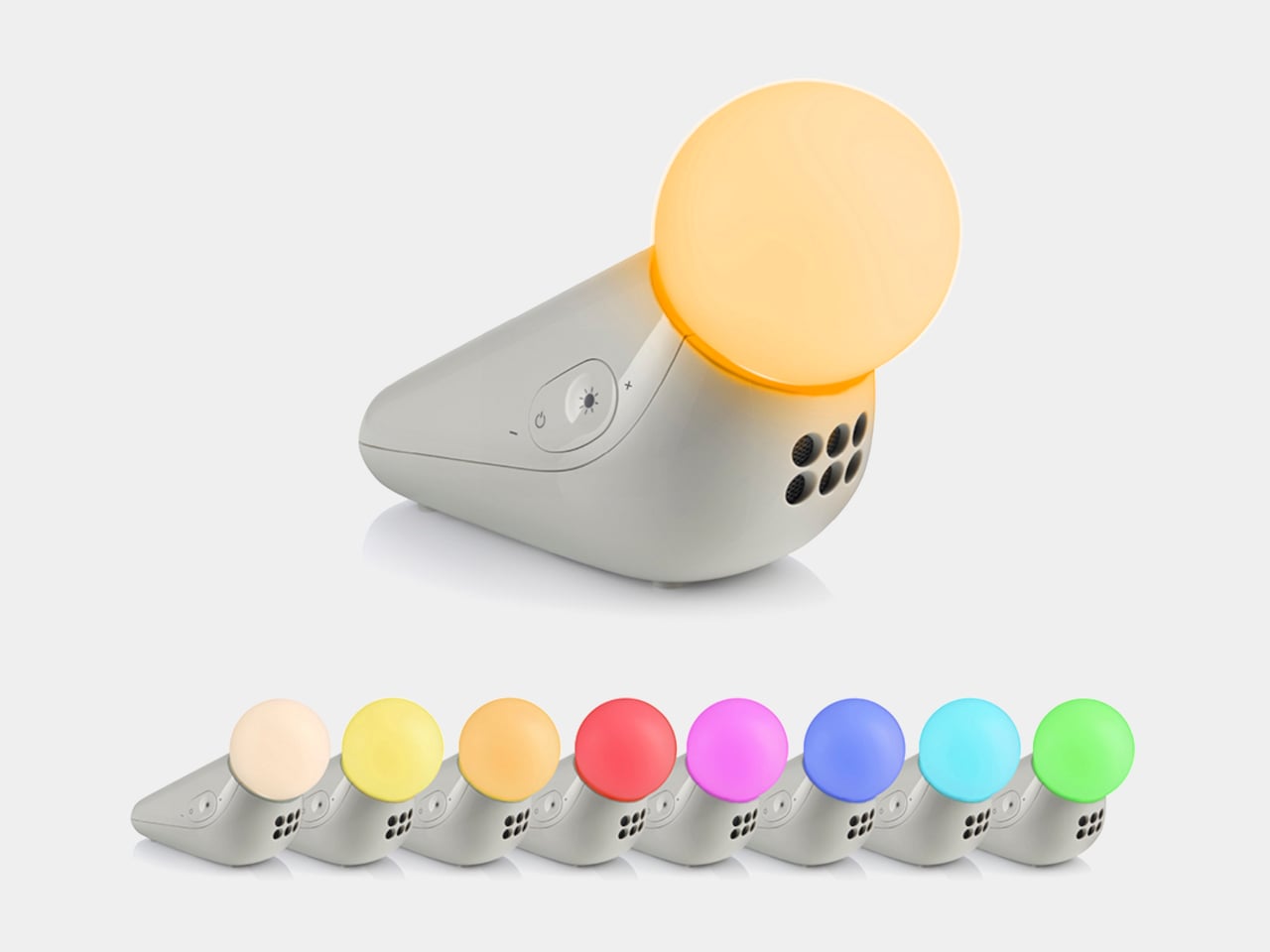
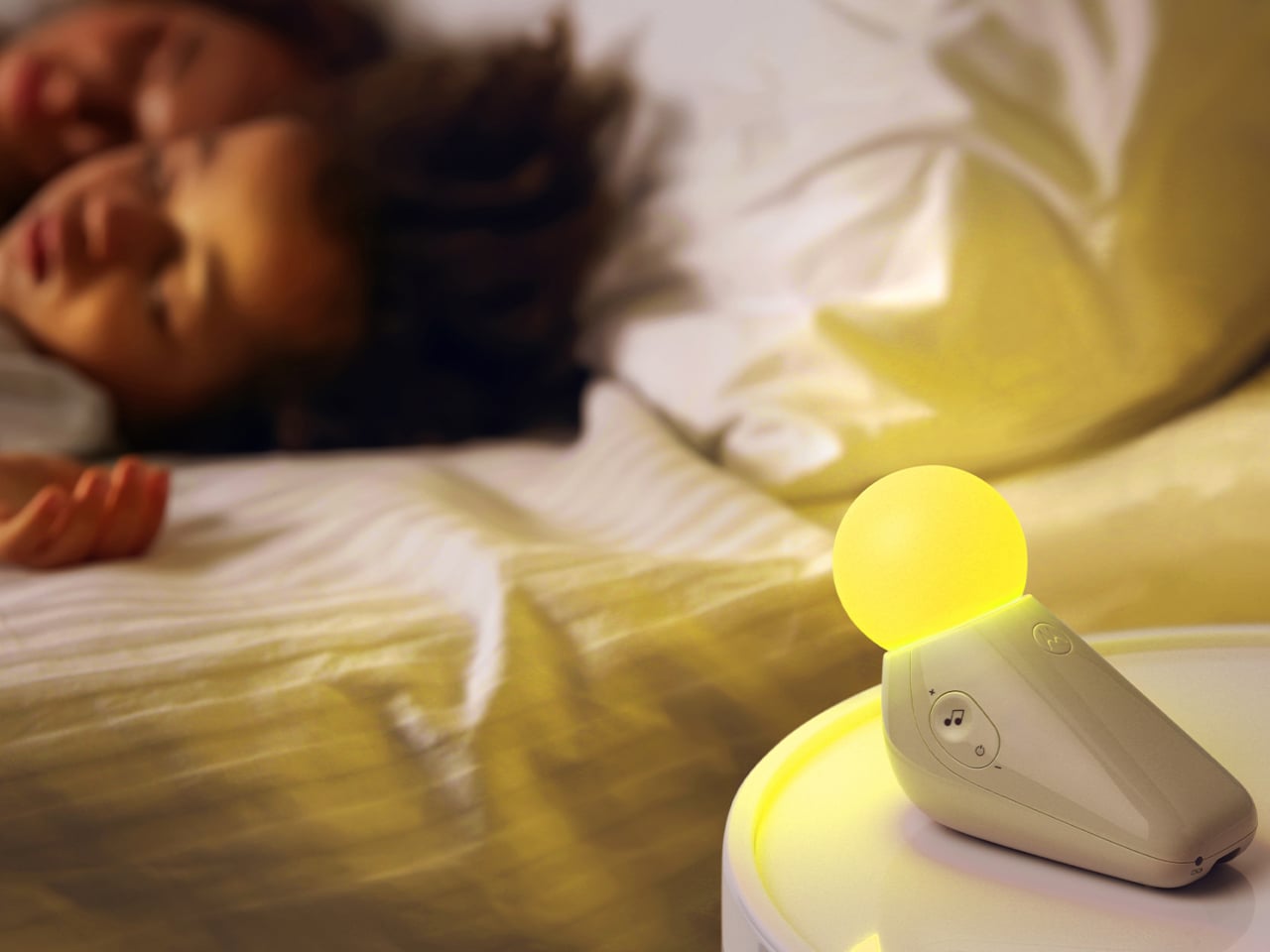
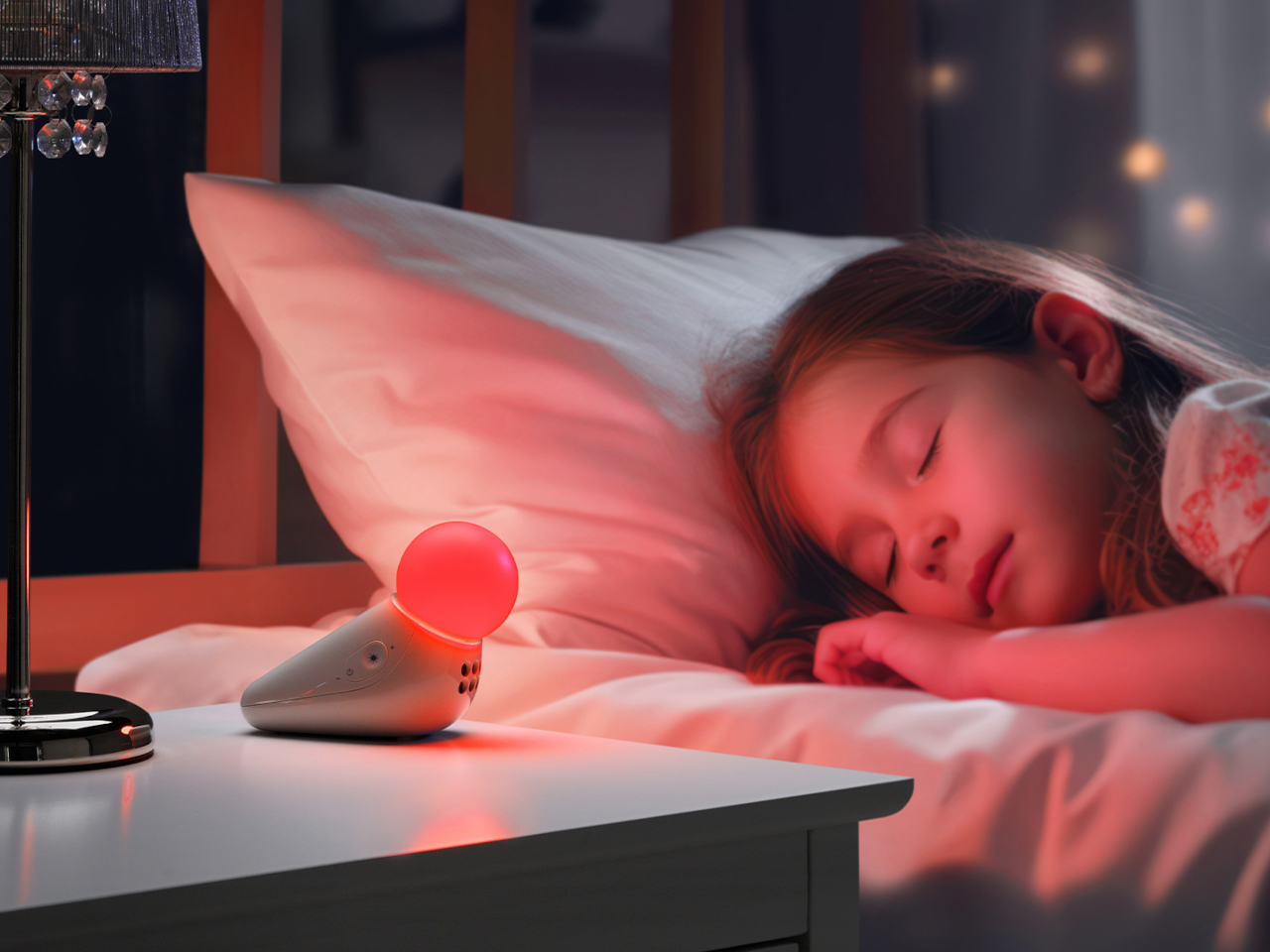
The form achieves something most nursery devices don’t: it looks considered even when it’s not on. Switched off, the S1 reads as a small sculptural object that a parent with a carefully arranged room wouldn’t feel compelled to hide. Switched on, the round tip glows in one of seven colors: yellow, orange, red, pink, blue, cyan, and green, adjustable across five brightness levels. The light is calm and diffuse by design.

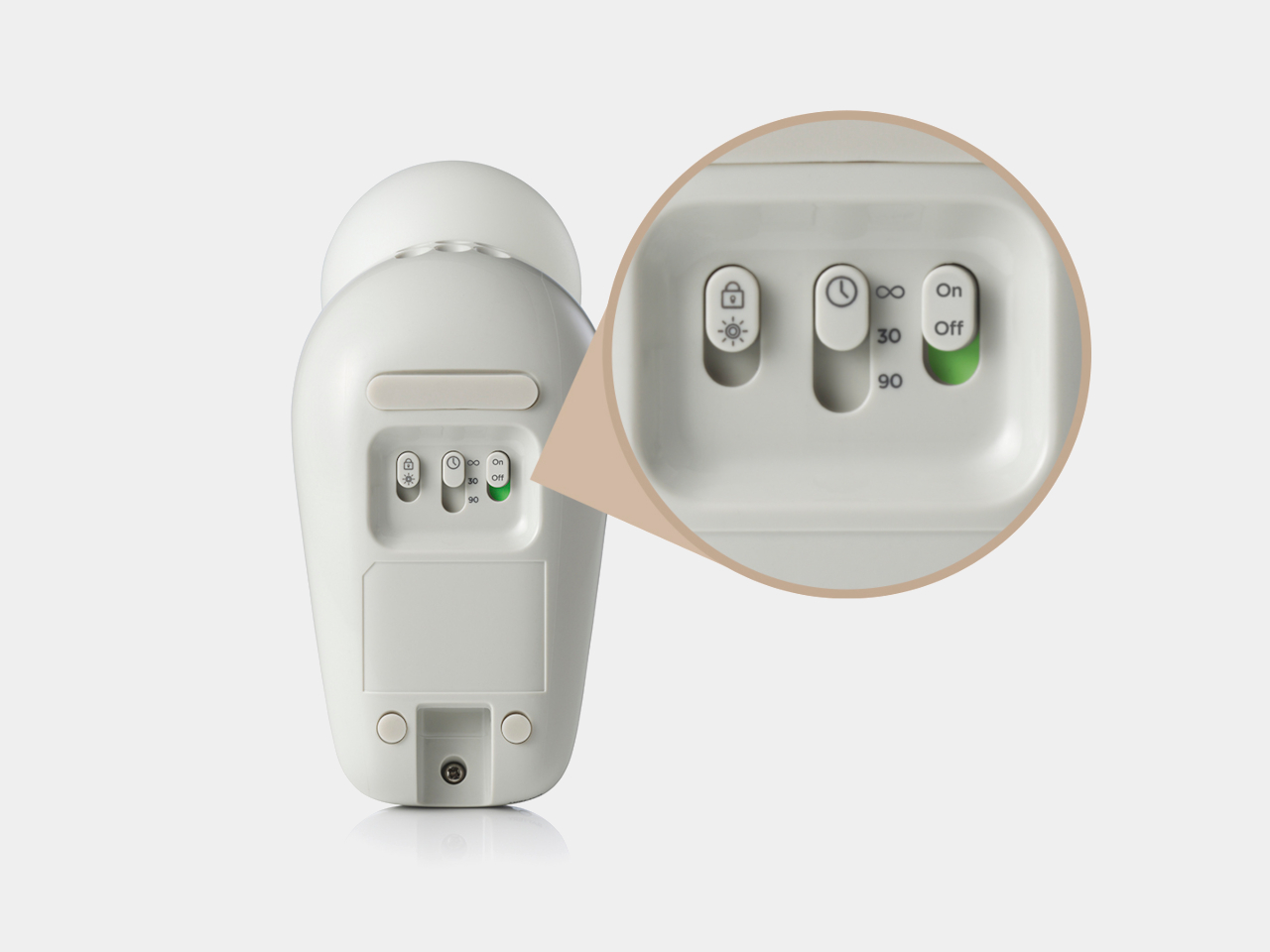
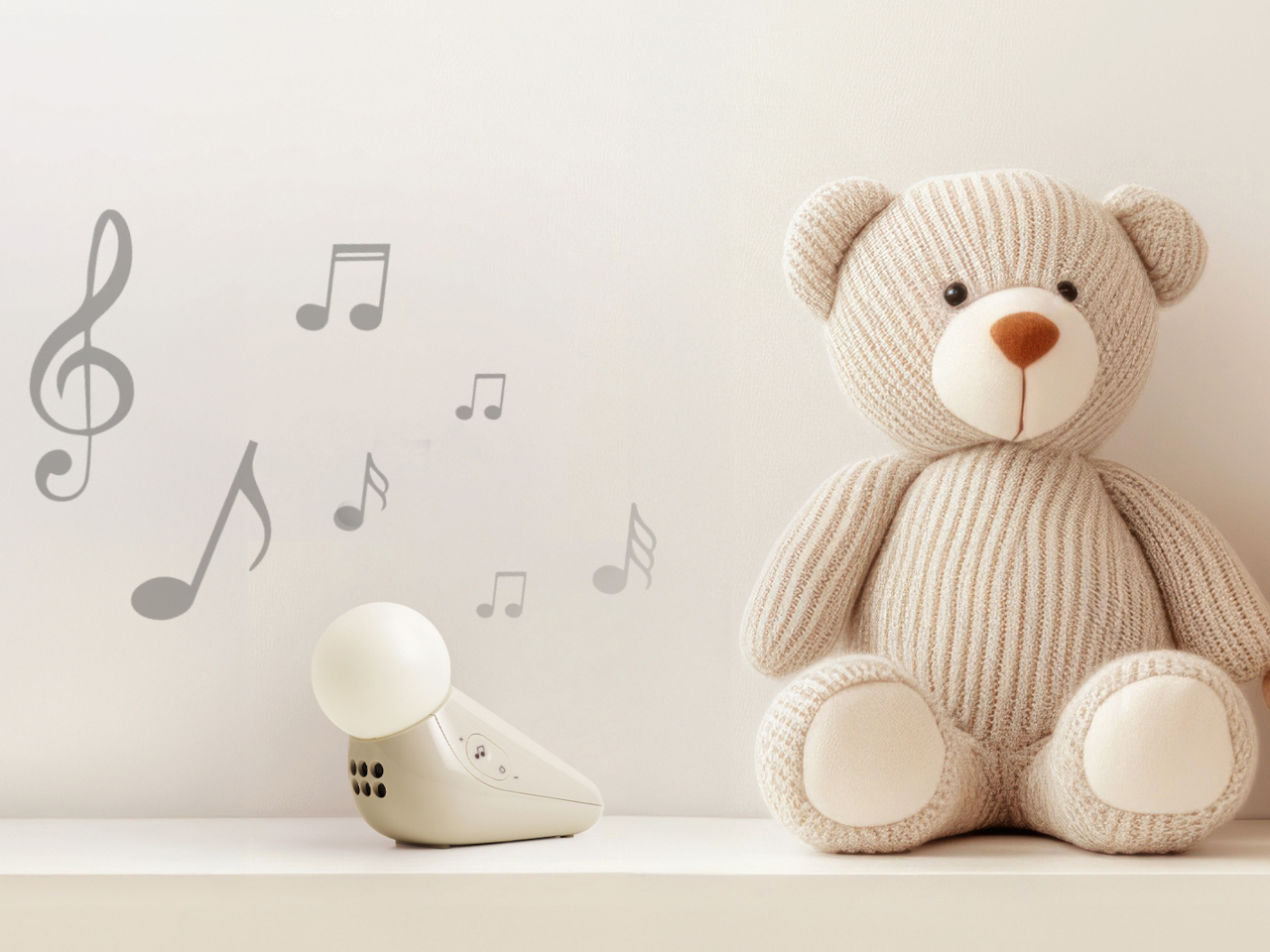
The sound side offers ten options: three lullabies, three nature sounds, white noise, brown noise, a fan loop, and a womb sound, covering the range that different babies respond to. Parents who’ve cycled through multiple sound machines will appreciate that breadth in a single device. Volume adjusts across five levels, and USB-C charging sustains up to 50 hours of use per charge, covering weeks of nap times before the next top-up.

Portability isn’t incidental. The S1 travels in a bag without cables, without a base that won’t fit a hotel nightstand, and without the visual clash of a device that clearly belongs somewhere it isn’t. Non-toxic materials and rounded edges address the physical dimension of baby safety that gets less marketing attention than certification ratings but matters considerably more at close quarters with a curious infant.

Chauhan has described the goal as inviting warmth into an everyday routine while making something beautiful enough to live anywhere in the home, goals that usually don’t apply to baby gear. The neotenic seal shape suggests calm before it does anything else, which is the point. A device that parents genuinely want in the room works harder than one they merely tolerate because it does the job.

The objects that occupy a nursery carry more emotional weight than the ones in any other room. Chauhan’s goal, inviting warmth into an everyday routine while making something beautiful enough to keep, sounds loftier than a $29.99 nightlight deserves. But the design argument is sincere, and so is the result. Parents who’ve spent months chasing the right combination of light and sound will recognize what they’re getting.

The post Motorola Just Made the Baby Soother That’s Actually Worth Displaying first appeared on Yanko Design.

This Huawei Kids Watch Flips, Detaches, and Packs 2 Cameras

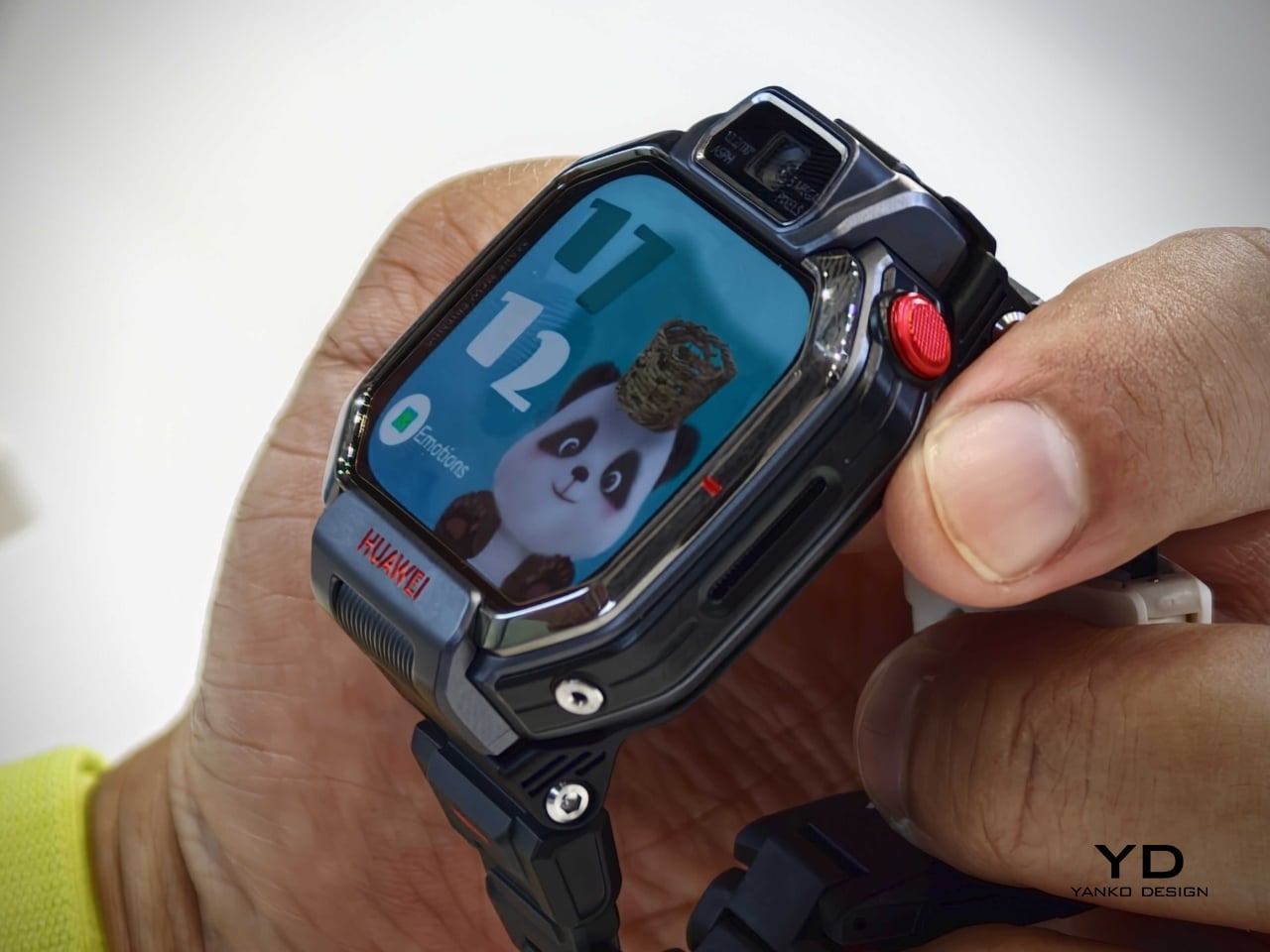
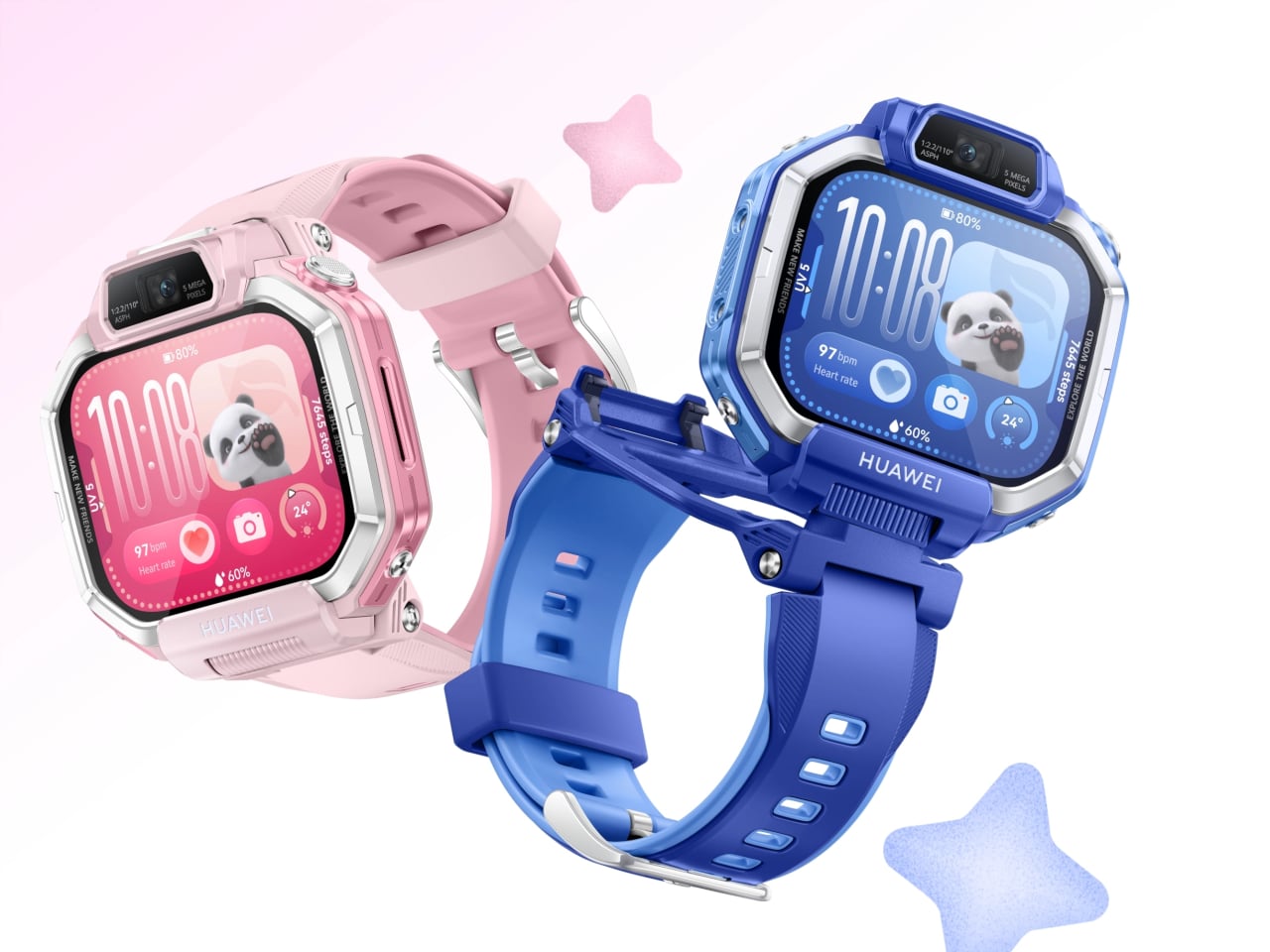
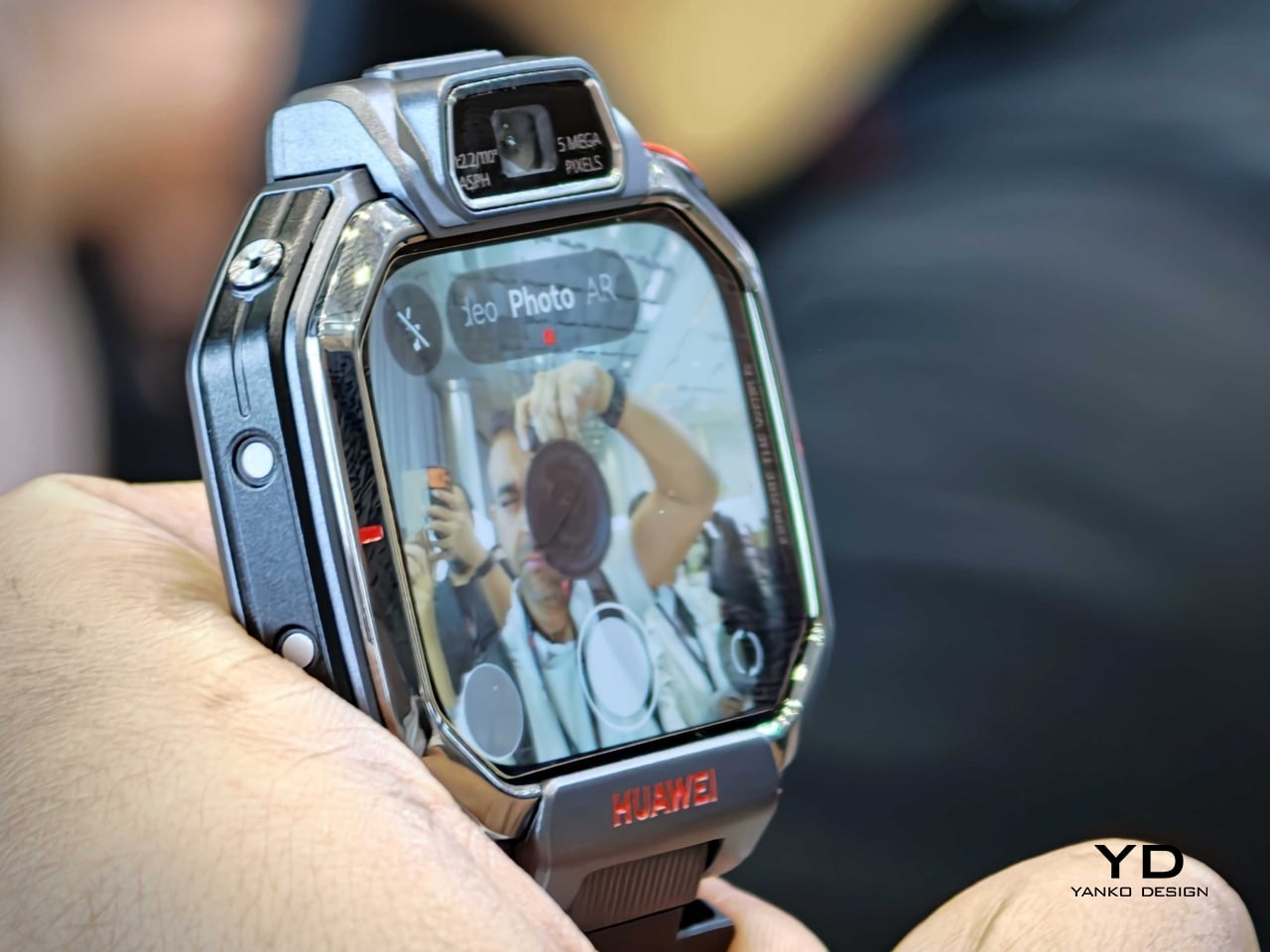
Huawei is returning to the children’s wearable category with the Watch Kids X1 series, a new lineup that feels noticeably more design-driven than the average kid-safe smartwatch. Announced during the company’s global launch event in Thailand, the series generated visible excitement from the audience, signaling strong interest in a product that brings a more playful and expressive take to kids’ tech. Instead of reducing the device to a wrist-bound tracker with calling features, Huawei gives it a more dynamic physical identity. The result is a wearable that balances parental reassurance with the kind of tactile, camera-friendly interaction that actually appeals to kids.

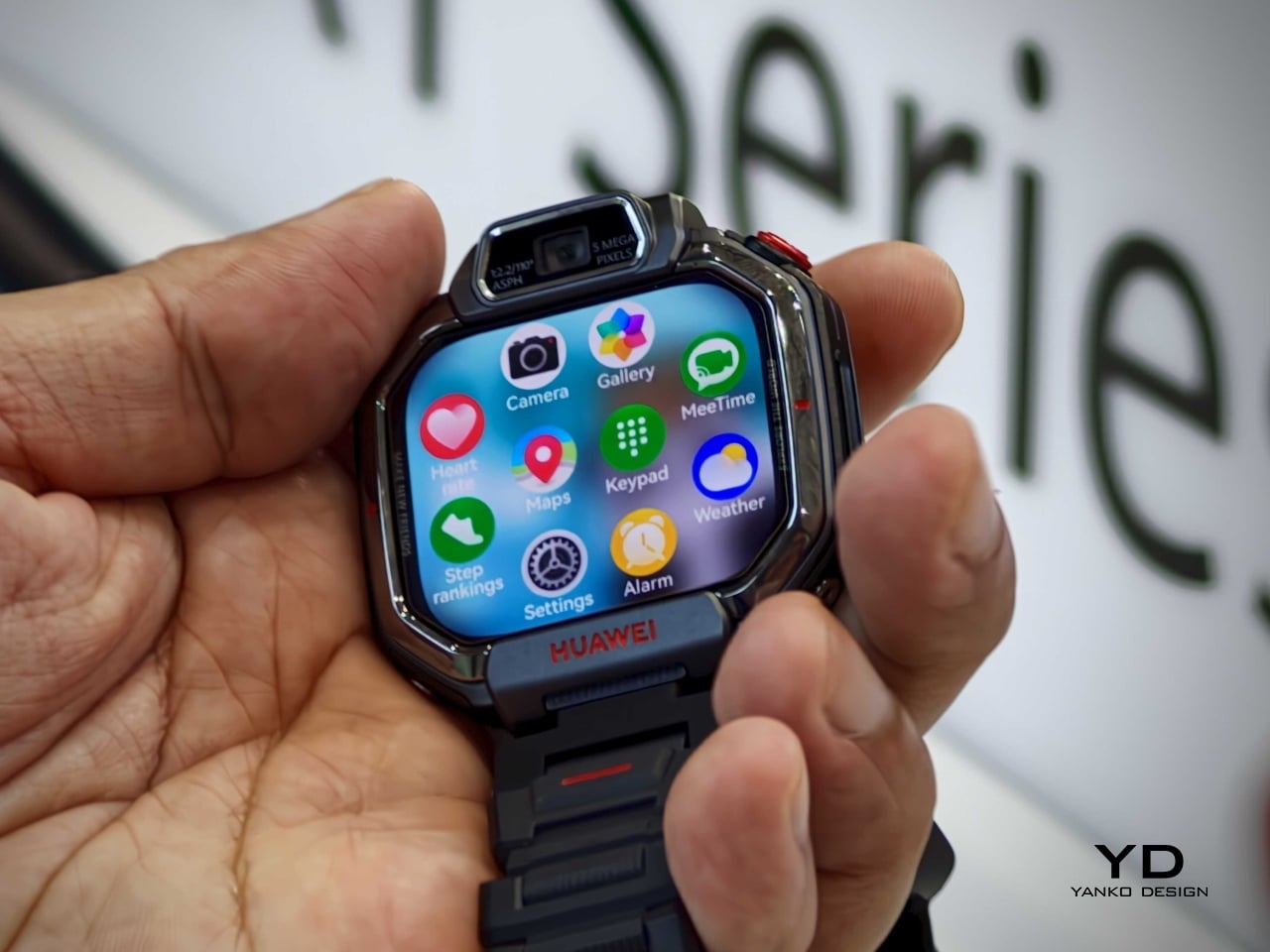
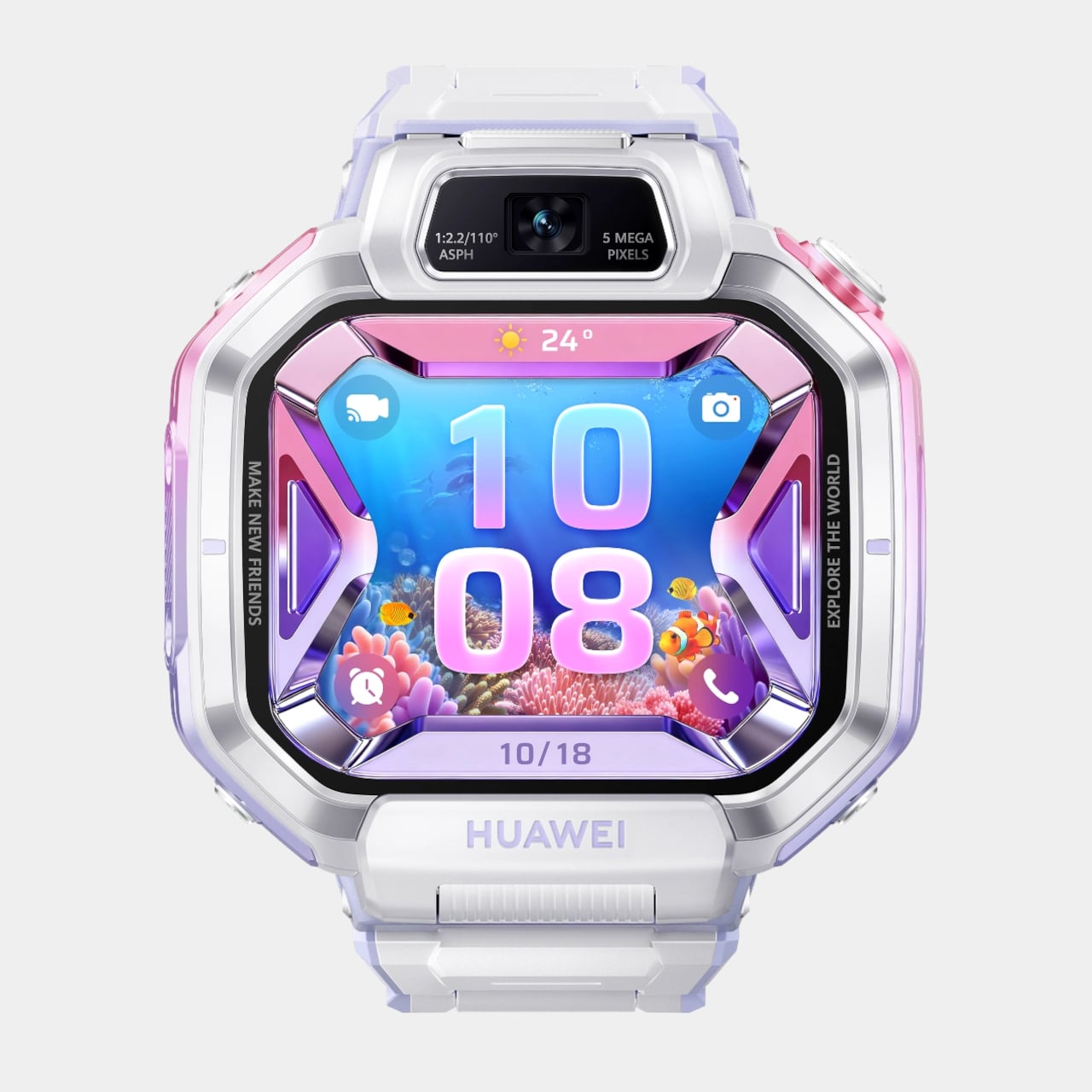
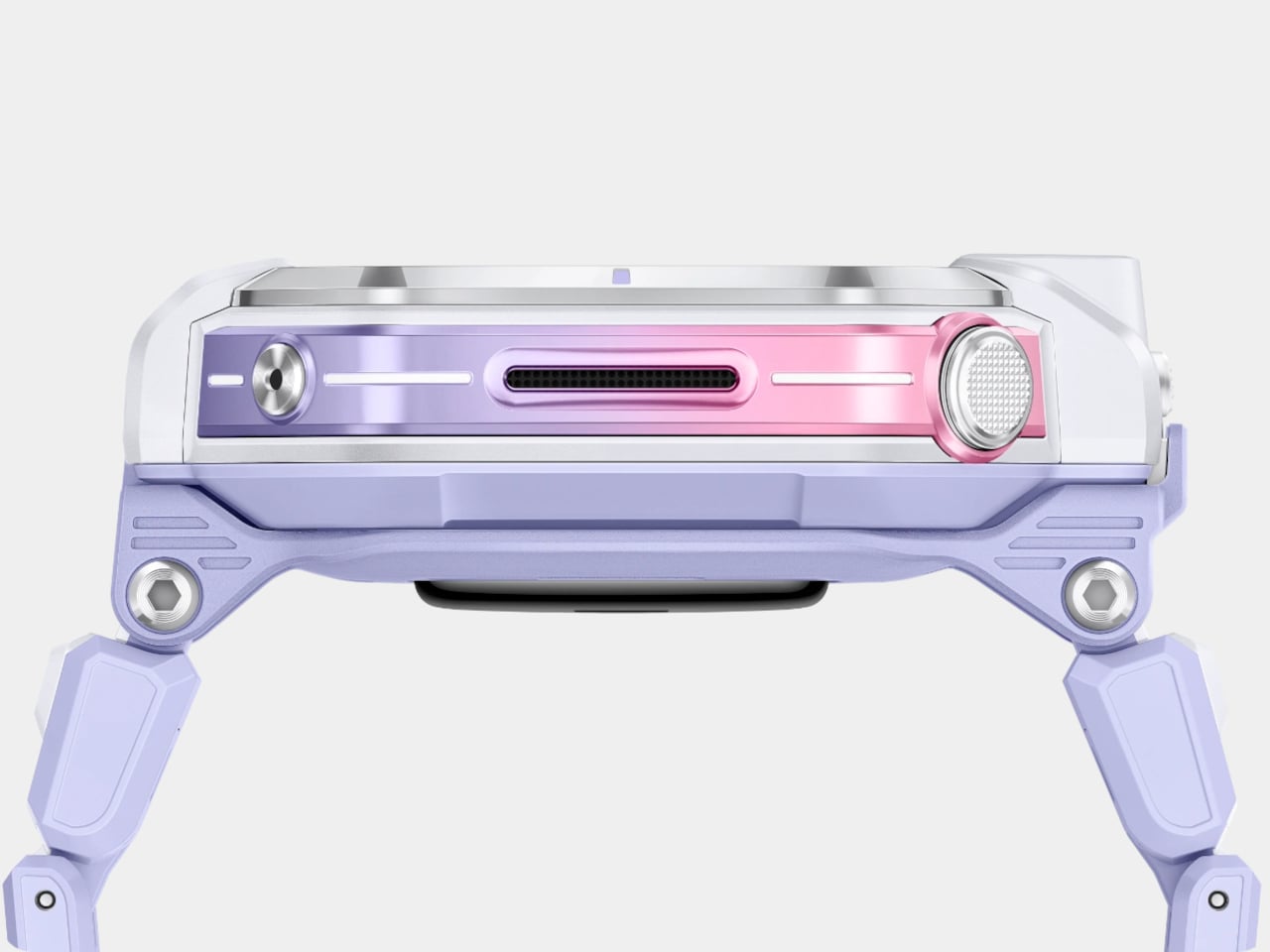
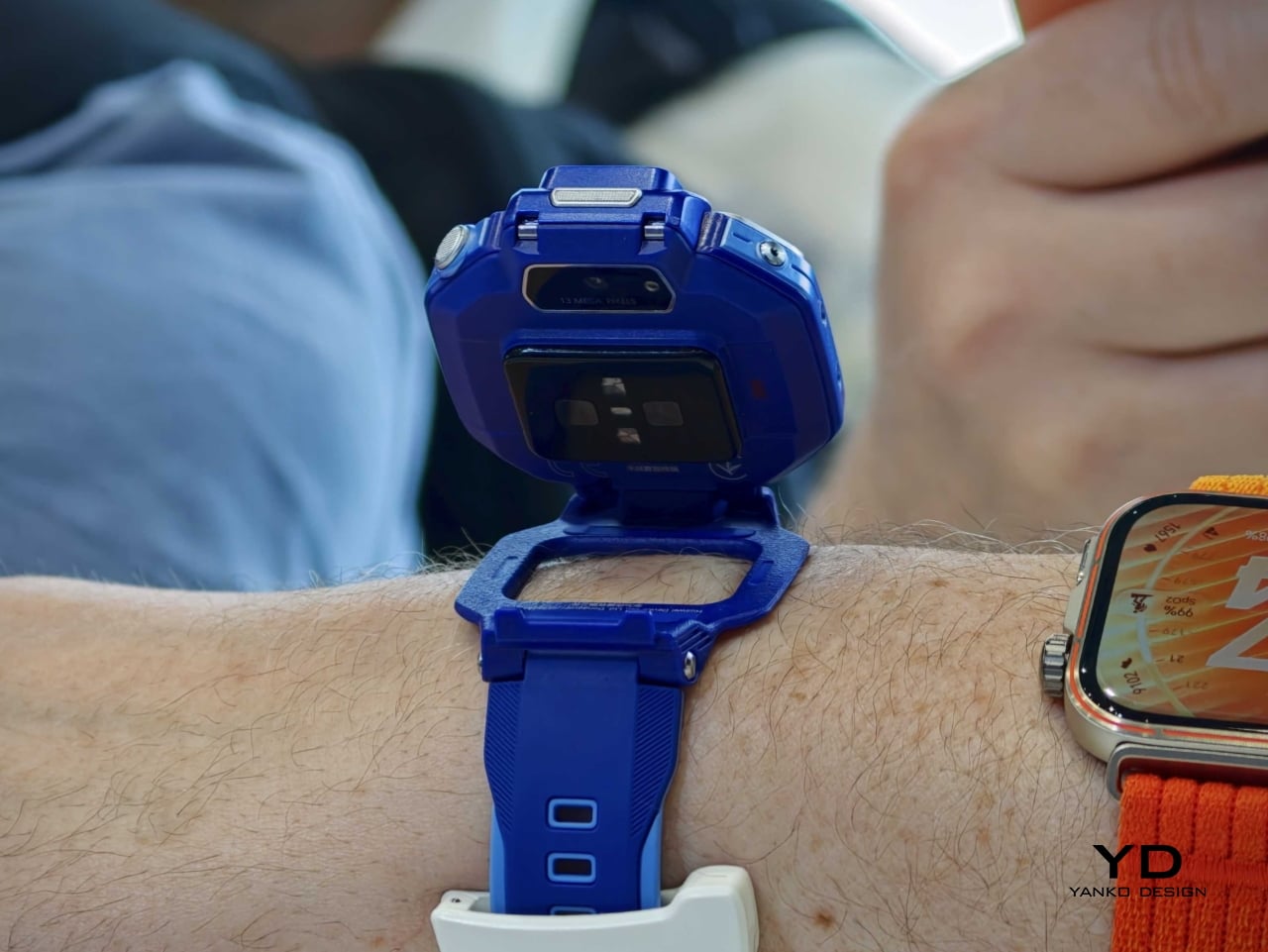
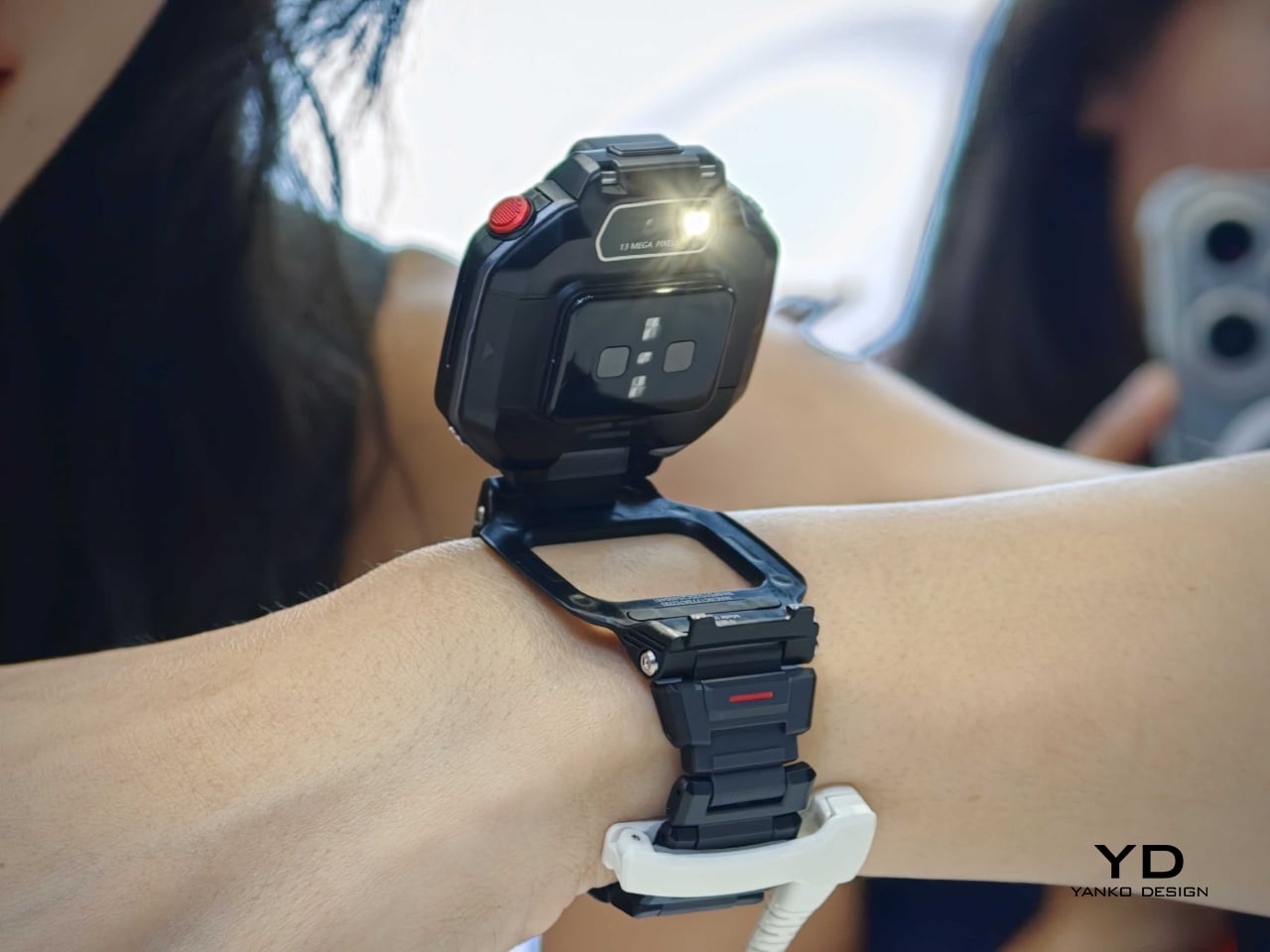
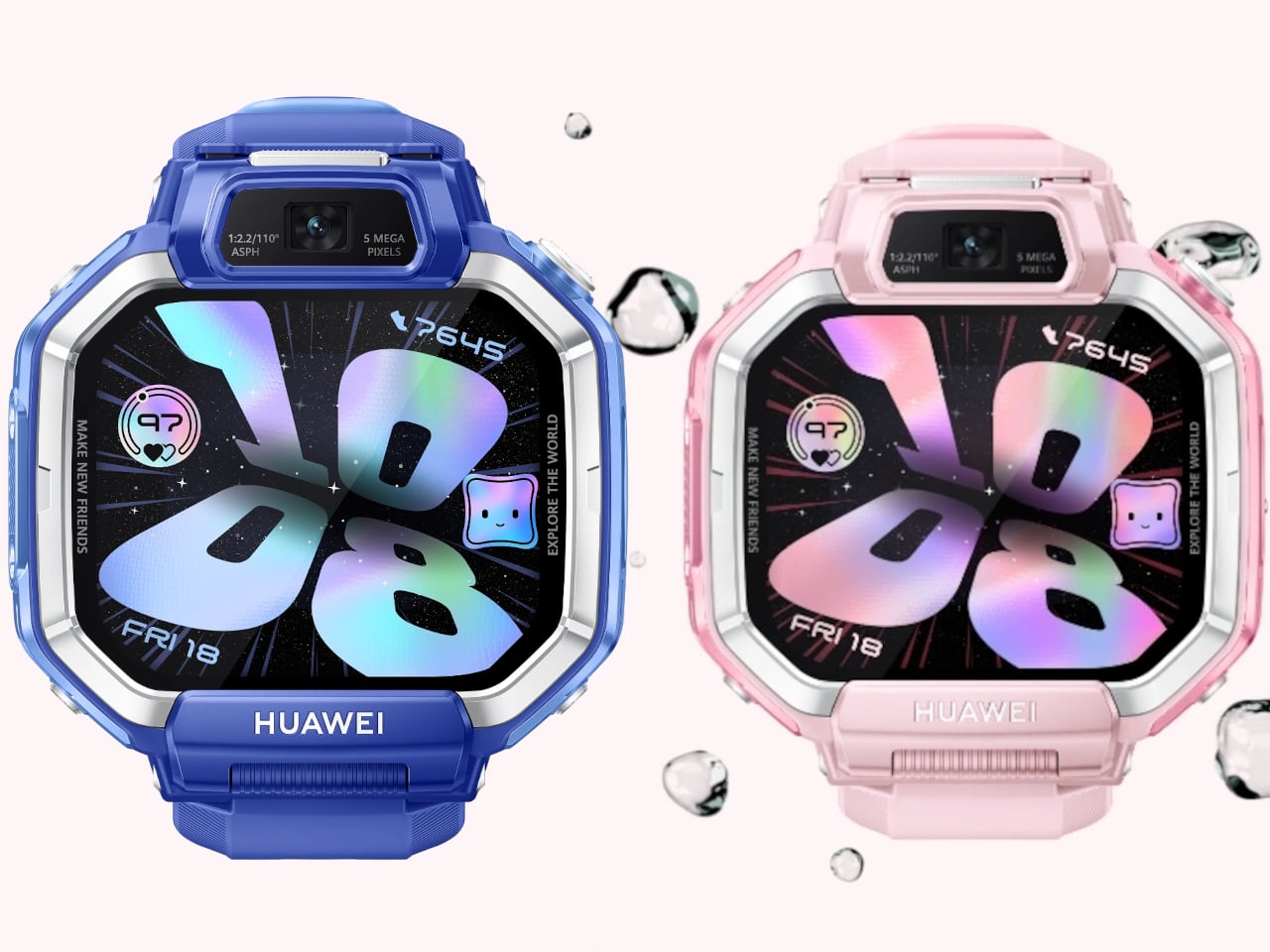
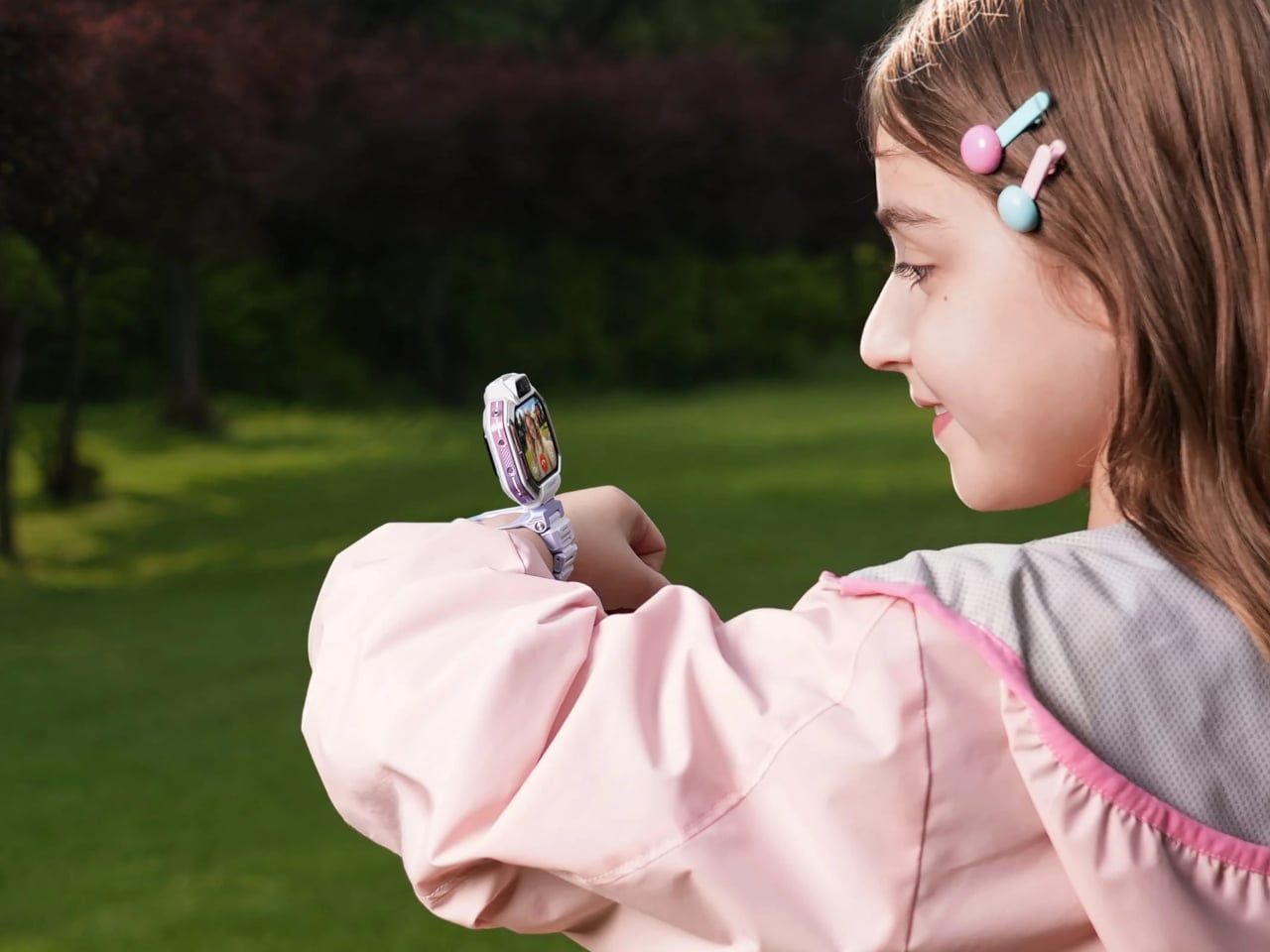
The series includes the Watch Kids X1 and Watch Kids X1 Pro, and both models lean heavily into transformable hardware. The standard version uses a flippable, 360-degree rotatable design, while the Pro adds a detachable module that can be removed from the strap and used more like a tiny handheld camera with its housing case. That shift in form makes the X1 series feel less like a miniature adult smartwatch and more like a hybrid object designed around play, communication, and movement.

Designer: Huawei

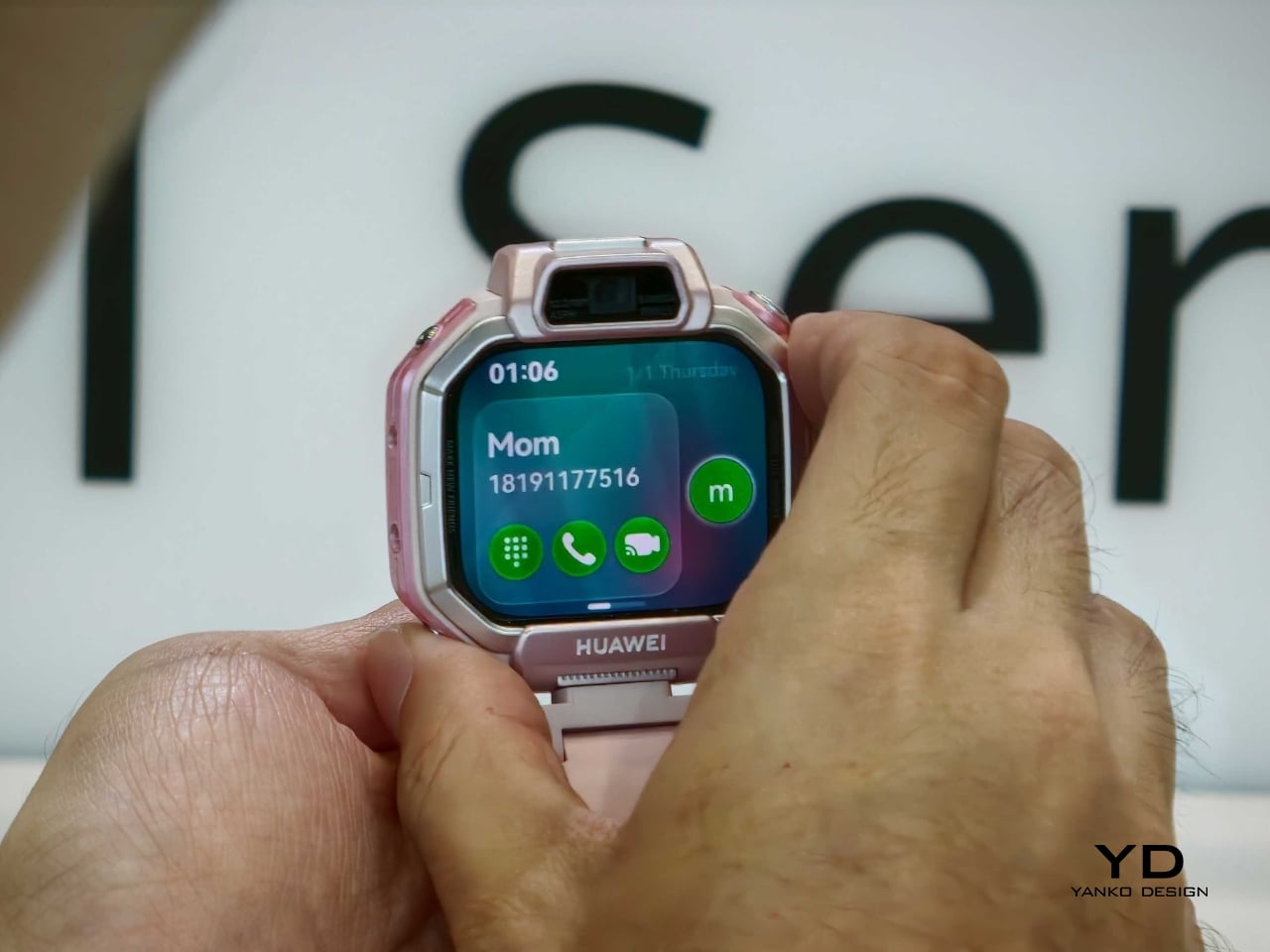
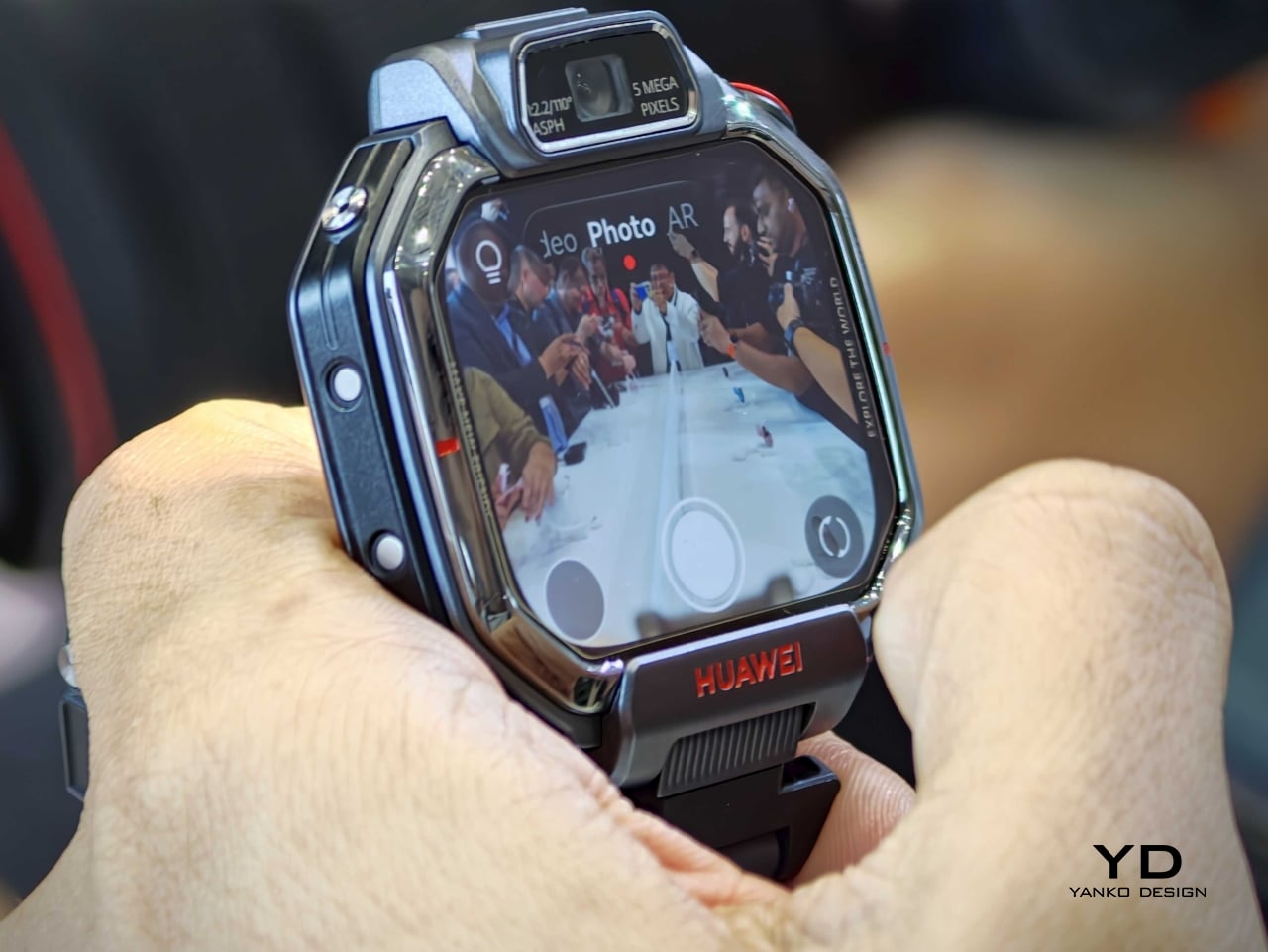
Both devices feature a 1.82-inch AMOLED touchscreen with a 480 x 408 resolution, giving the watches a bright, modern face that feels more premium than the category usually suggests. Huawei also equips the lineup with a 5MP front camera and a 13MP rear camera for HD video calls and photos, reinforcing the idea that these are communication-first wearables rather than simple step counters with GPS.

Safety remains a core part of the pitch. The Watch Kids X1 series supports multiple positioning methods, including dual-band satellite and GNSS-based tracking, along with additional location assistance modes designed to improve accuracy indoors and outdoors. Huawei also includes parental controls and health-oriented features, framing the watch as both a child-friendly gadget and a practical family tool.

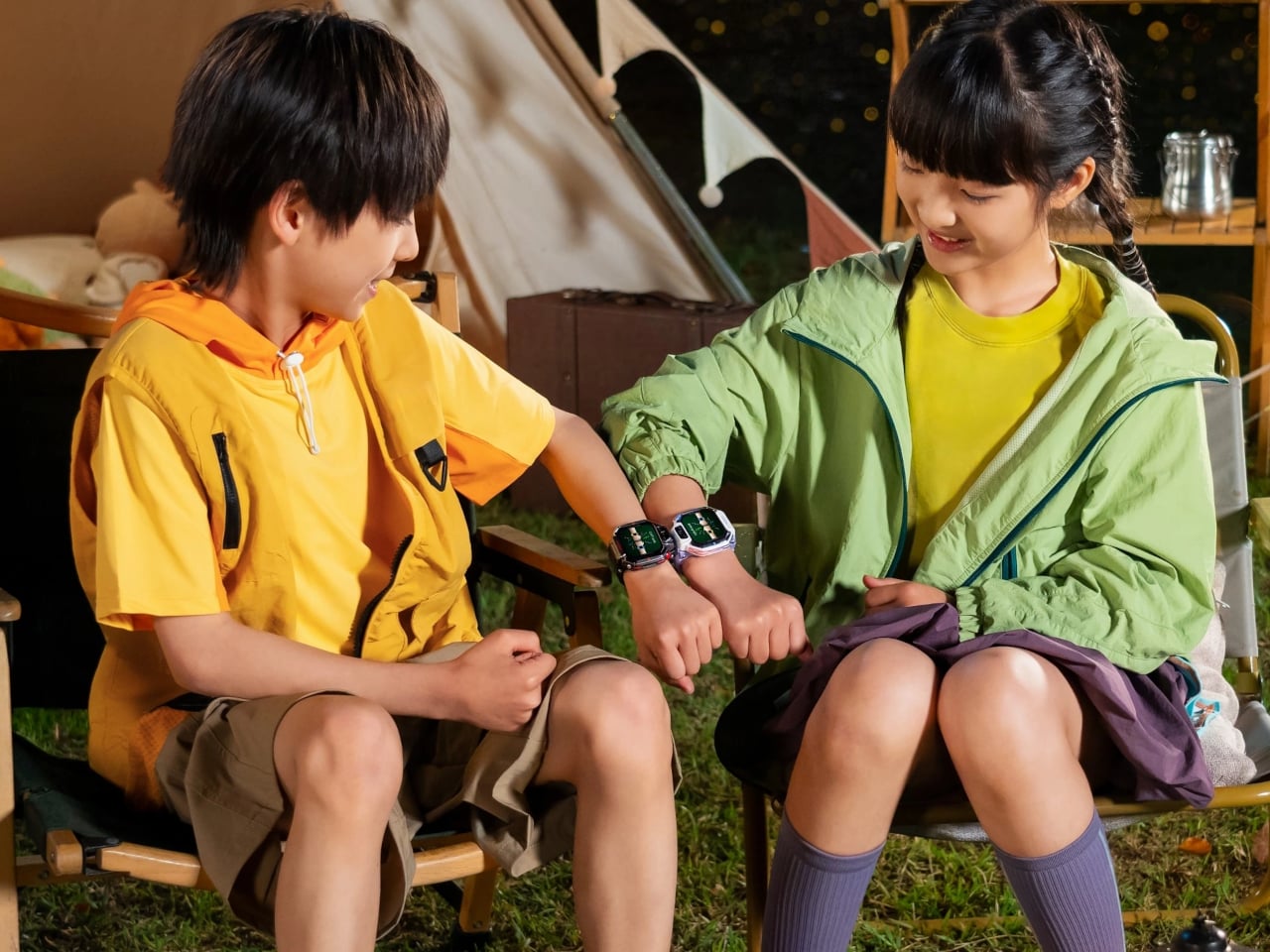
There is also a more expressive side to the design. The watches support filters, stickers, timer shooting modes, and friend-adding gestures such as touching devices together or shaking hands. These details may sound small, but they turn the product from a passive utility into something performative and social, which is exactly where children’s tech often succeeds or fails.

Battery life appears to be centered around an 850mAh cell, with reports claiming charging can reach 50 percent in about 20 minutes. Connectivity includes cellular support with 2G, 3G, and 4G compatibility, alongside WLAN, Bluetooth, and GNSS. That combination positions the X1 series as a compact communication hub for calls, messages, photos, and location sharing.

The Watch Kids X1 series shows that Huawei does not treat safety features and delight as opposing ideas. The flip, rotate, and detach mechanics give the product a sense of personality, while the cameras and bright display make it feel more like a creative object than a compliance device. For a category that often defaults to chunky plastic and strictly functional design, that is a meaningful shift.

The Watch Kids X1 is priced at €249, while the Watch Kids X1 Pro comes in at €349. If those figures hold across broader availability, Huawei is clearly positioning the pair above the most basic children’s wearables and closer to a premium family tech accessory with stronger industrial design ambitions.

The post This Huawei Kids Watch Flips, Detaches, and Packs 2 Cameras first appeared on Yanko Design.

Why Does Every Kids Chair Feel Disposable? ROCCO Disagrees

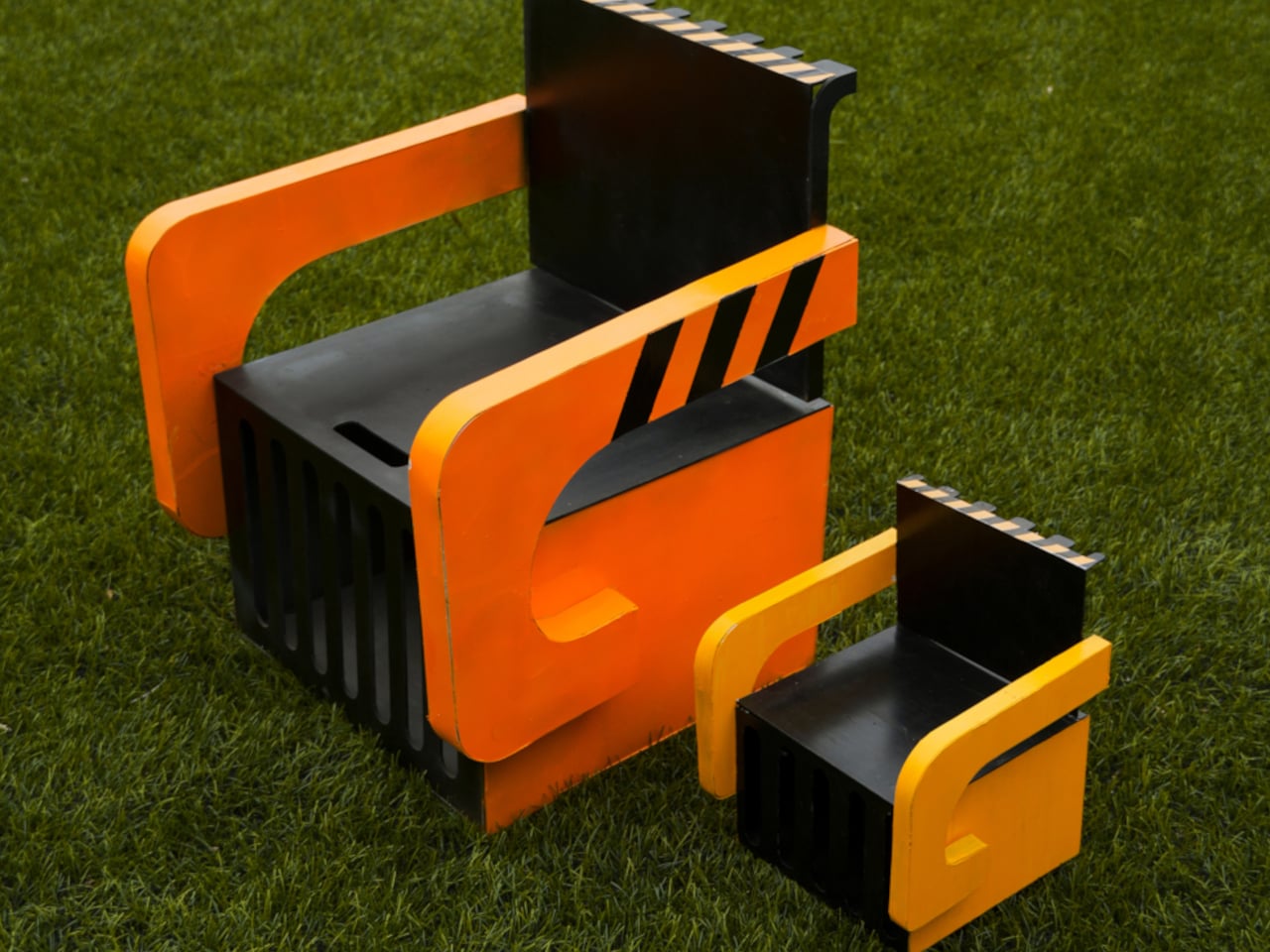
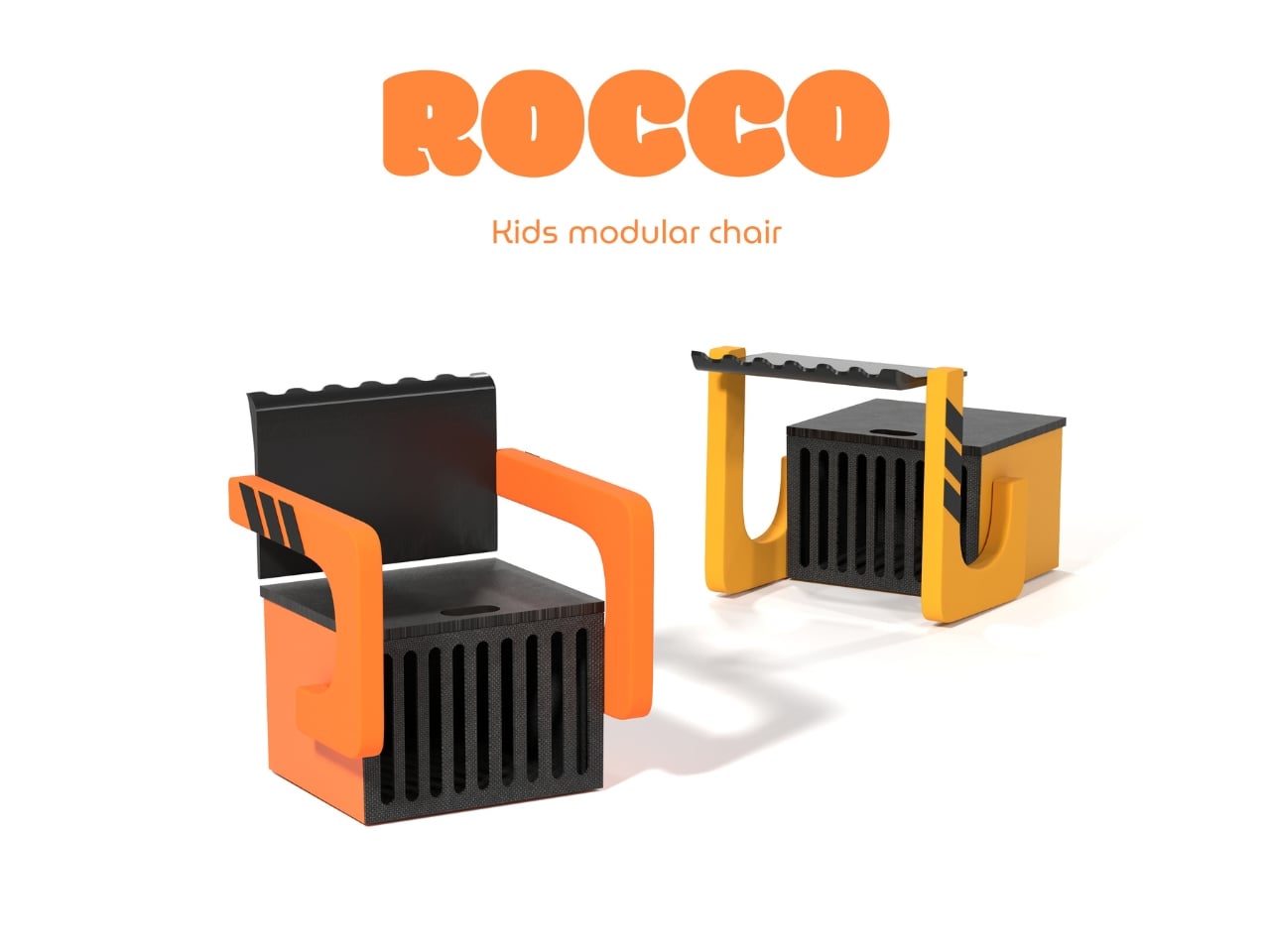
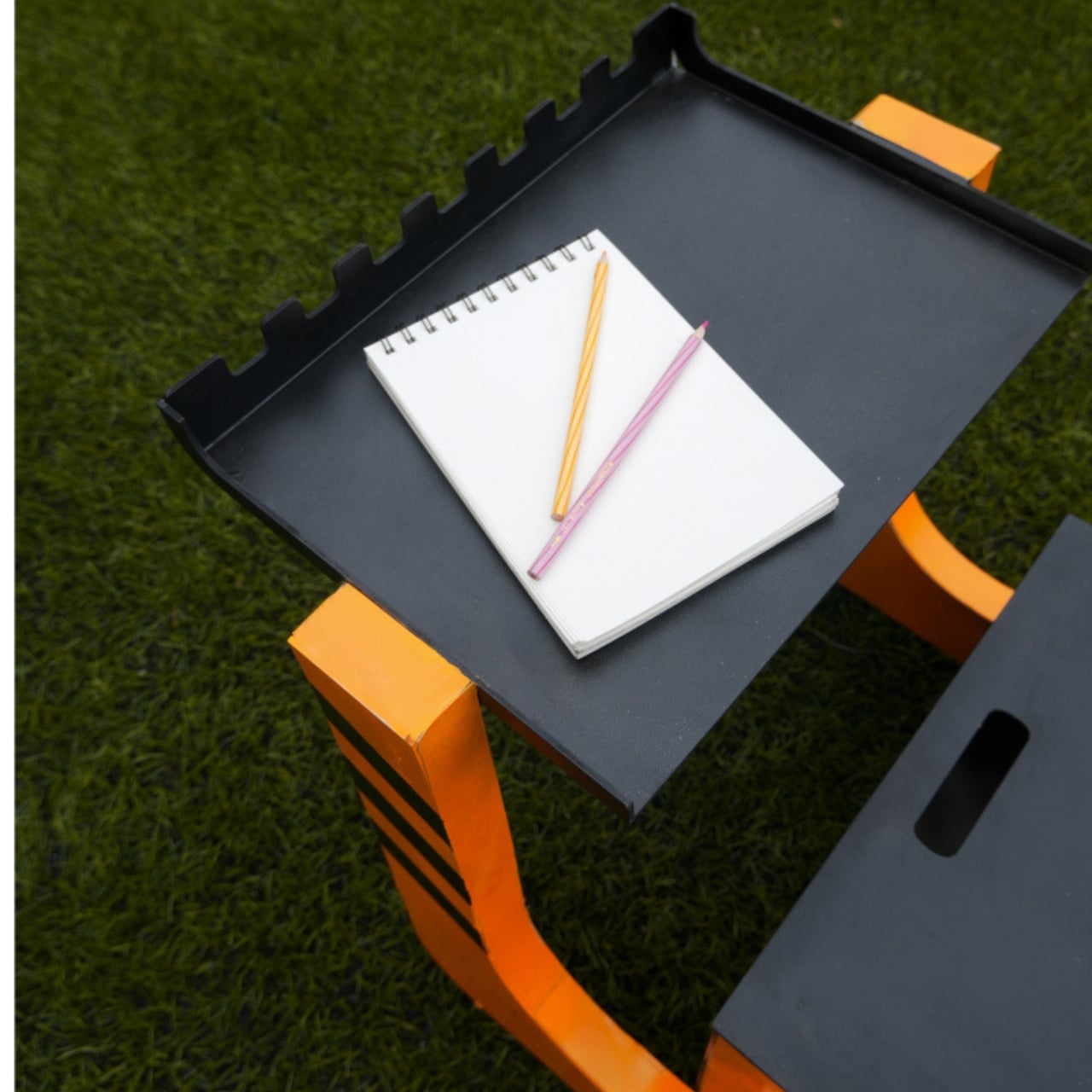
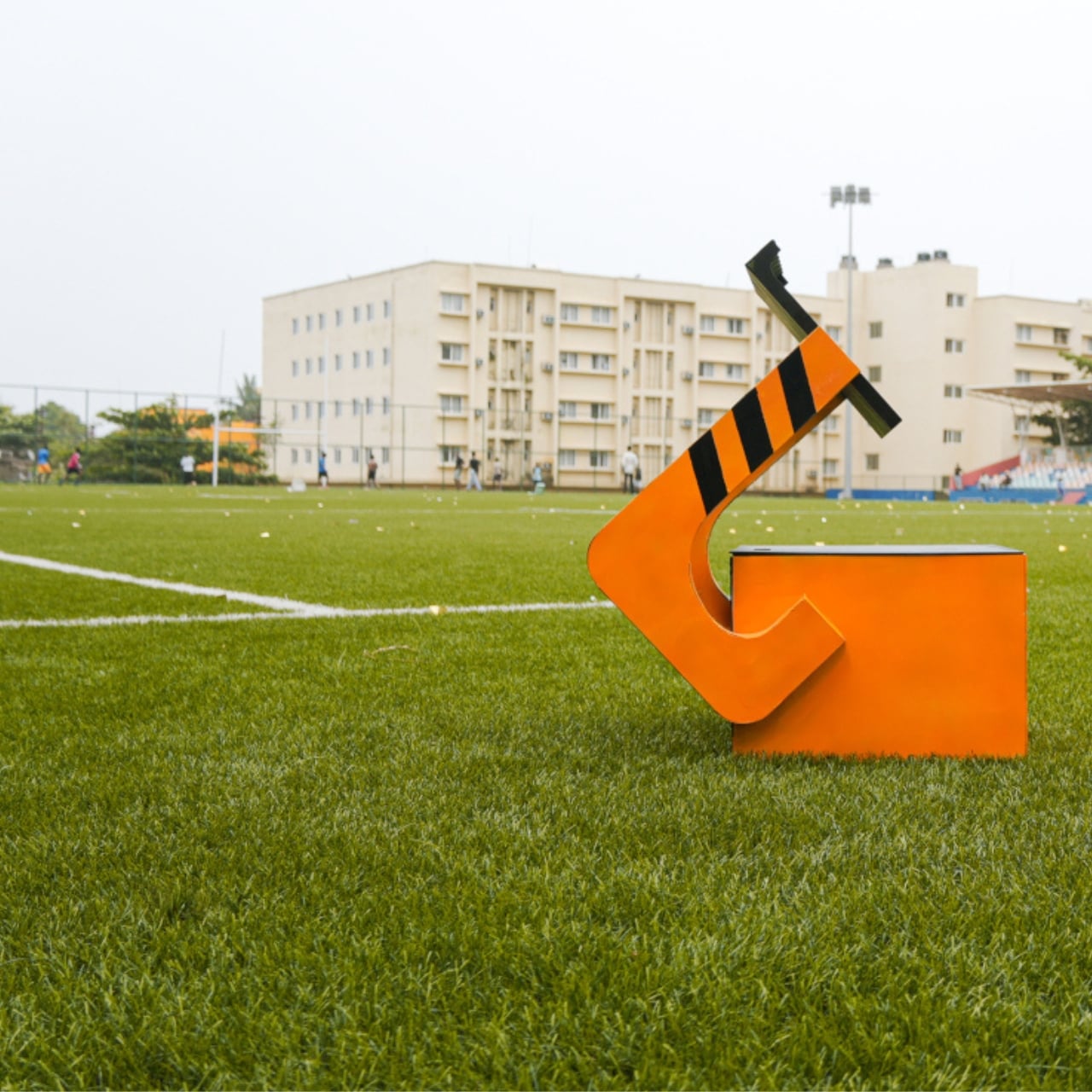
Kids furniture has a peculiar habit of lying about its usefulness. You buy it, your child loves it for roughly eight months, and then it either disappears into a donation pile or gets repurposed as a makeshift step stool. The furniture industry has been quietly trying to solve this problem for years, but designer Nidhun K M may have found an answer worth paying attention to. ROCCO is a modular chair concept for children that challenges the idea of a seat being a single, fixed thing.

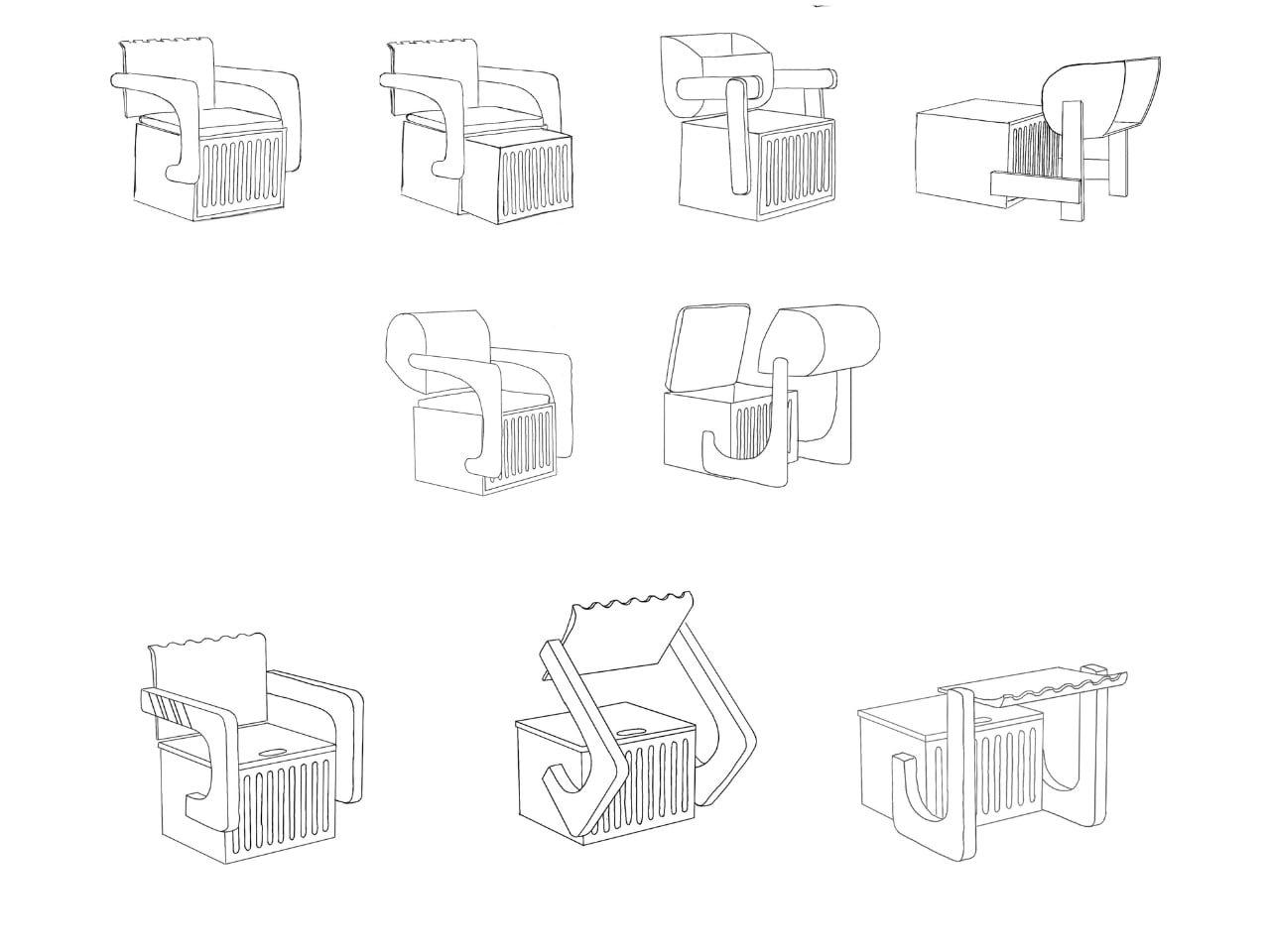
ROCCO isn’t just a small chair. It’s a modular system, which means its components can be reconfigured, reused, and adapted as a child grows and as the context around them changes. Shared on Behance, the concept has been picking up attention from the design community, and it’s easy to see why. The proposal isn’t flashy in the way that kids furniture often tries to be, with primary colors and cartoon motifs that scream “this is for children.” ROCCO looks like it was designed with a quieter kind of intelligence.

Designer: Nidhun K M

The modular approach to kids furniture is not a new idea, but it rarely gets executed with this kind of intention at the seating level. Most modular children’s furniture applies to beds, storage units, or room systems. A chair, by comparison, seems too small to bother with. And yet the chair is one of the most-used pieces of furniture in a child’s day. They sit to eat, to draw, to read, to play. A chair that could shift configuration as the child’s proportions change, or as the task at hand demands something different, is genuinely useful in a way that a novelty dinosaur sofa simply isn’t.

What makes ROCCO feel credible as a design concept is its commitment to the idea over pure aesthetics. The form is considered without being overdesigned. There’s no attempt to win the child’s attention through gimmick. Instead, the design seems to trust that a well-proportioned, adaptable piece of furniture is interesting enough on its own terms. That restraint is harder to achieve than it looks, especially in a market segment that tends to equate loudness with appeal.

The broader conversation that ROCCO fits into is one about sustainability and longevity in children’s product design. Parents who are thinking carefully about consumption are increasingly reluctant to replace furniture every two years. The global kids furniture market is projected to grow significantly over the next decade, with a meaningful portion of that demand driven by parents who want adaptive, durable pieces that don’t become obsolete. Modular systems address this directly. When you can reconfigure rather than replace, you reduce waste and, over time, potentially reduce cost.

There’s also a less practical dimension to this that I keep thinking about. Children learn by doing, by arranging, by making their environments their own. A modular chair invites a small but meaningful degree of participation. If a child can shift a piece, adjust a configuration, and see the result of that choice, the chair becomes part of how they understand space and autonomy. That might sound like a stretch for a piece of seating, but design has always had this double life: the functional and the formative.

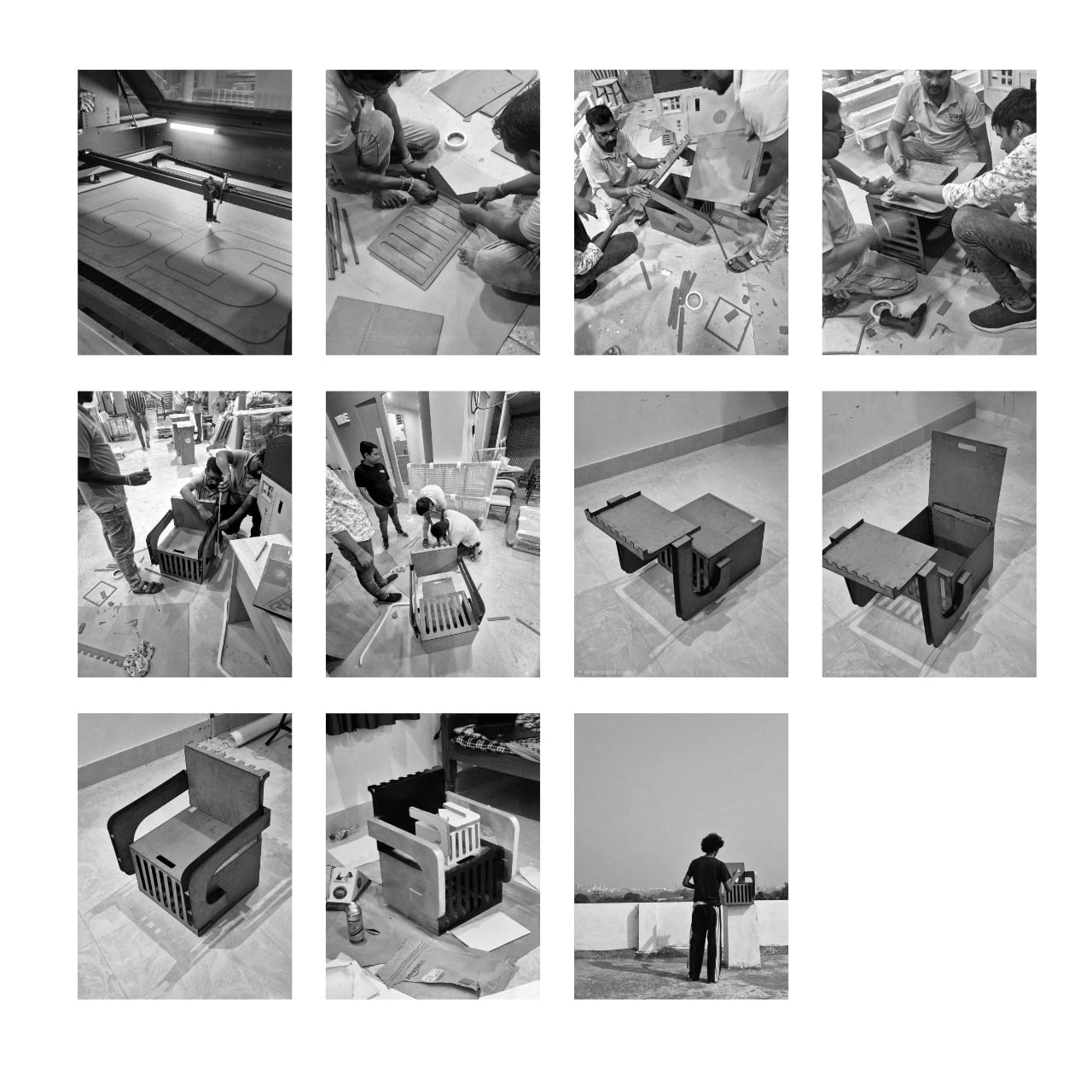
Nidhun K M’s work is currently a concept, which means ROCCO doesn’t yet exist in the way that you could order one and have it arrive at your door. That’s actually fine. The value of concept work in product design is that it forces a conversation before manufacturing decisions set in. It asks: what if we took this more seriously? What if a child’s chair were worthy of the same design thinking we apply to adult furniture? I think the answer is yes. And ROCCO, even at the concept stage, makes a decent case for it.

The post Why Does Every Kids Chair Feel Disposable? ROCCO Disagrees first appeared on Yanko Design.

This Zigzagging Wooden Bookshelf Doesn’t Care How Tall You Are

Most bookshelves are designed around adult convenience. The tallest shelves hold the most books, and the titles at a grown-up’s eye level are the ones that get noticed first. For a small child, this setup turns browsing into a guessing game, with the best finds often too high to reach. Standard shelving quietly tells children that picking out a book on their own isn’t quite something they can manage yet.

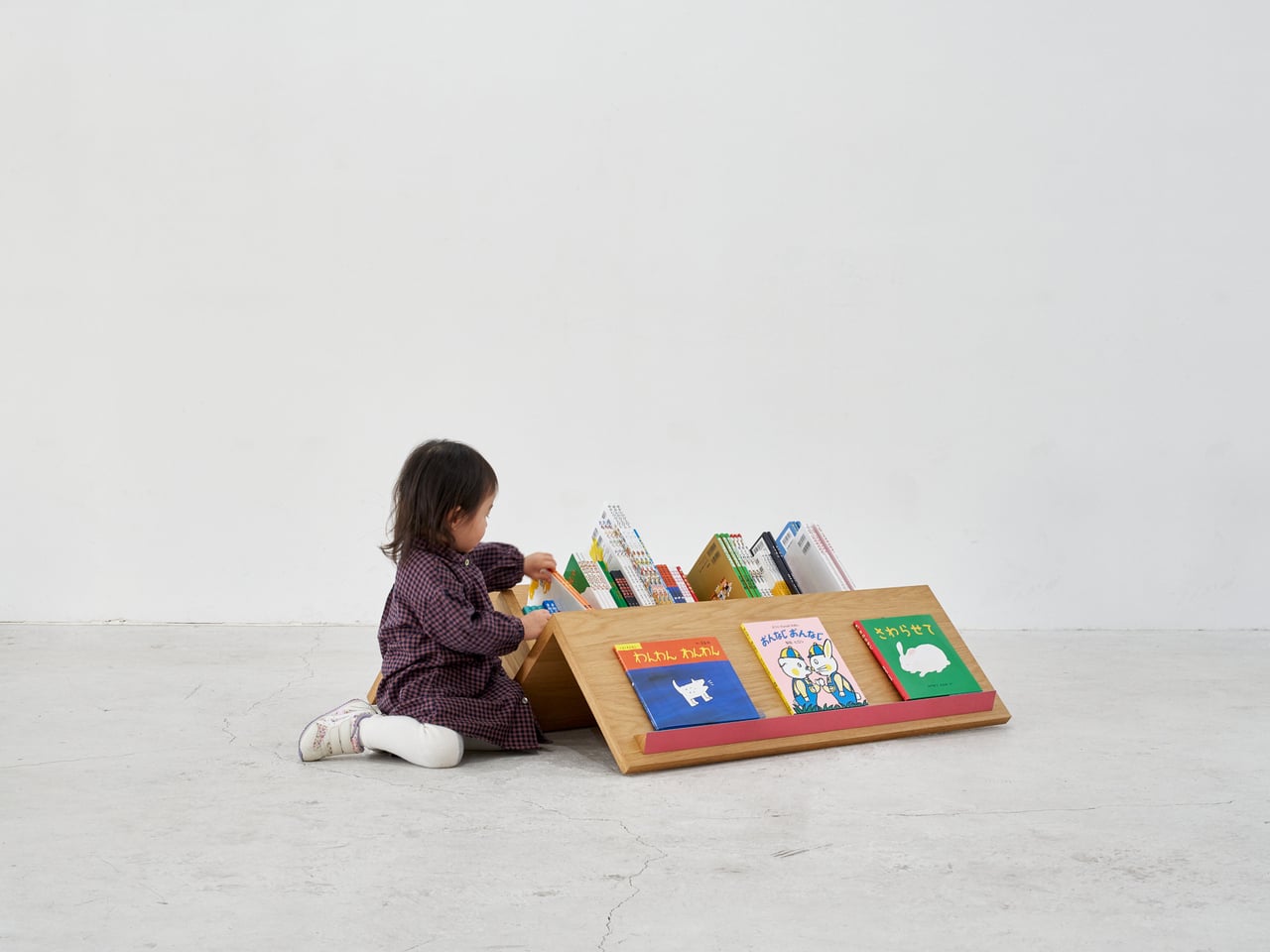
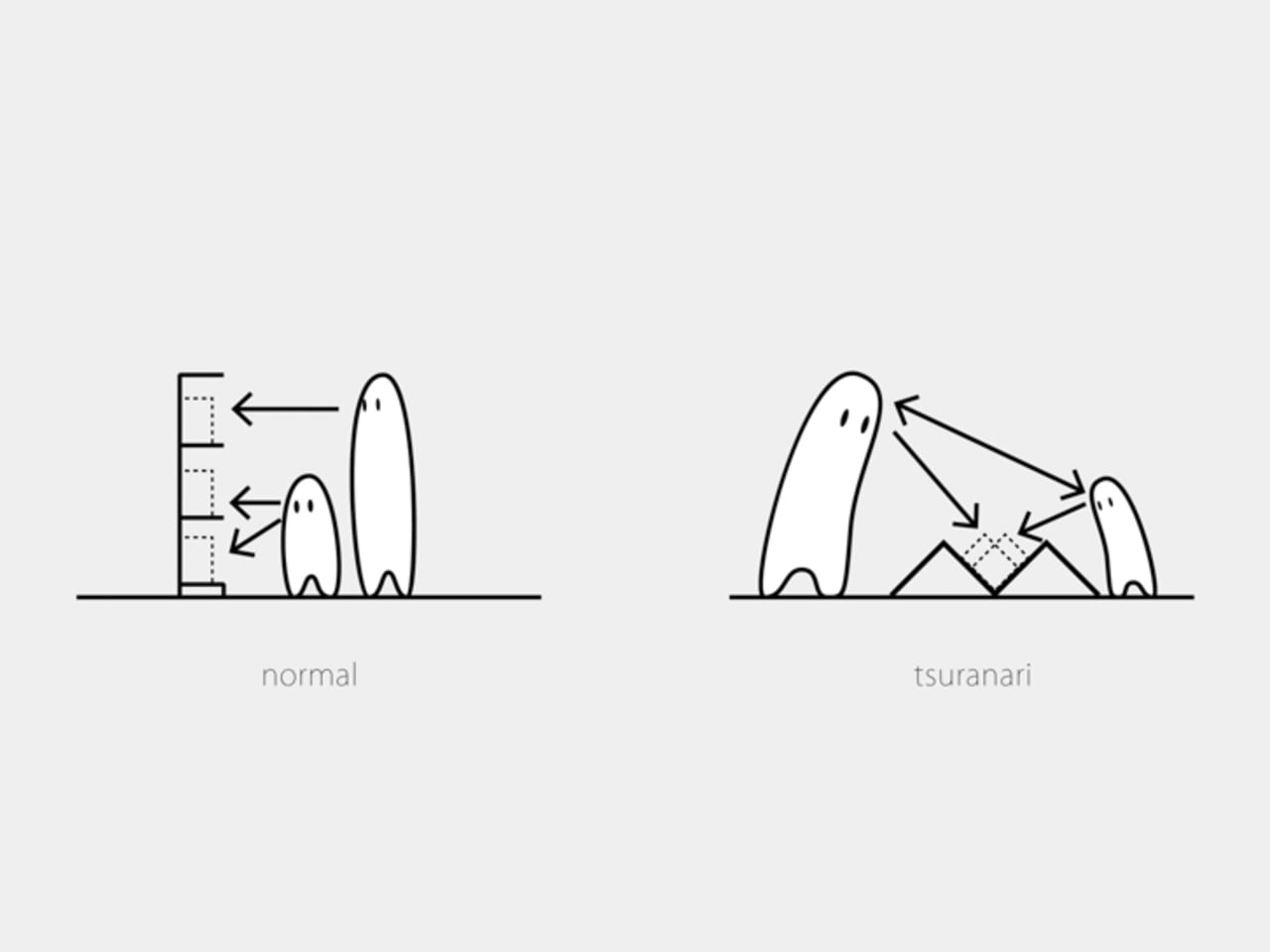
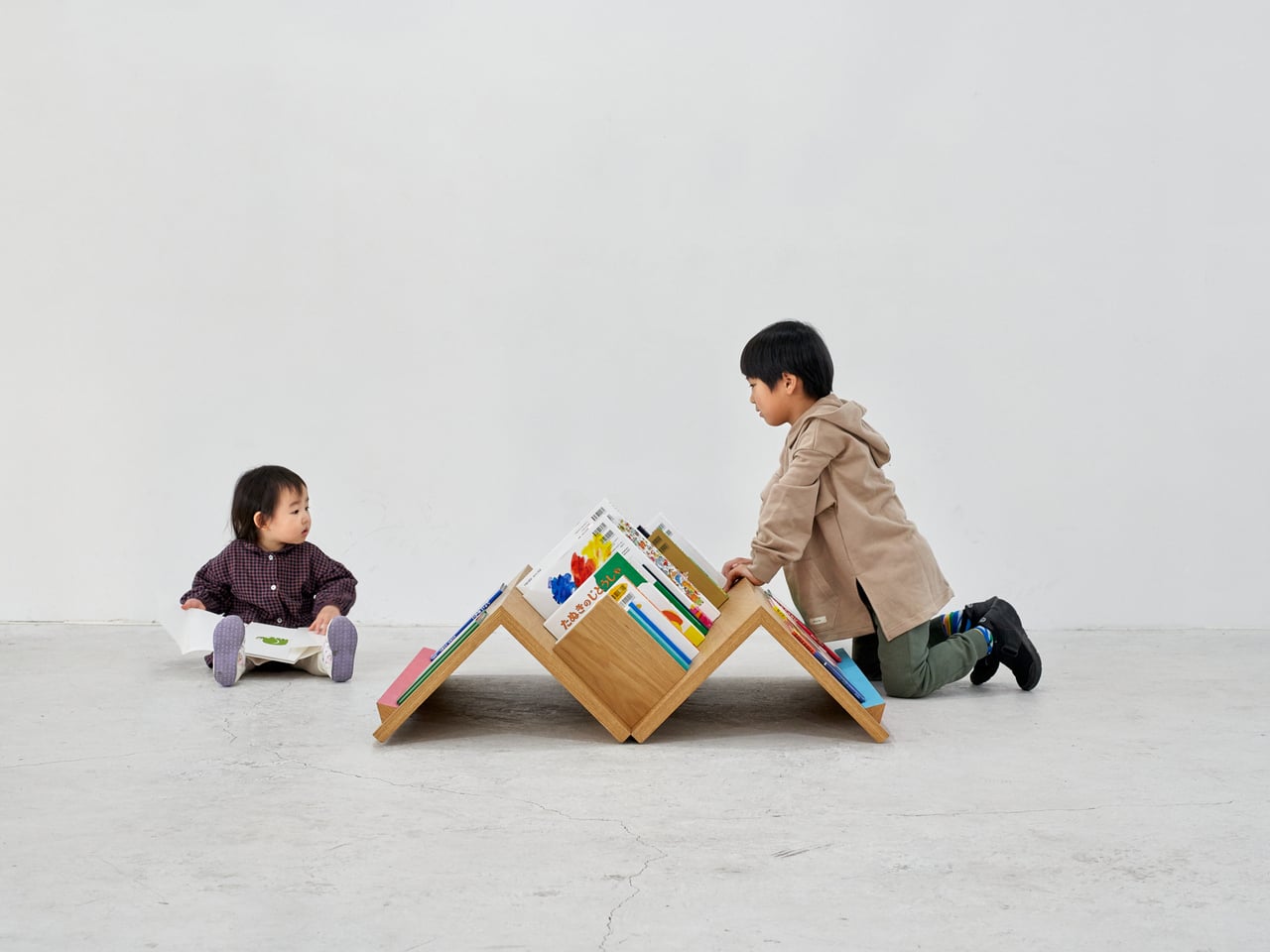
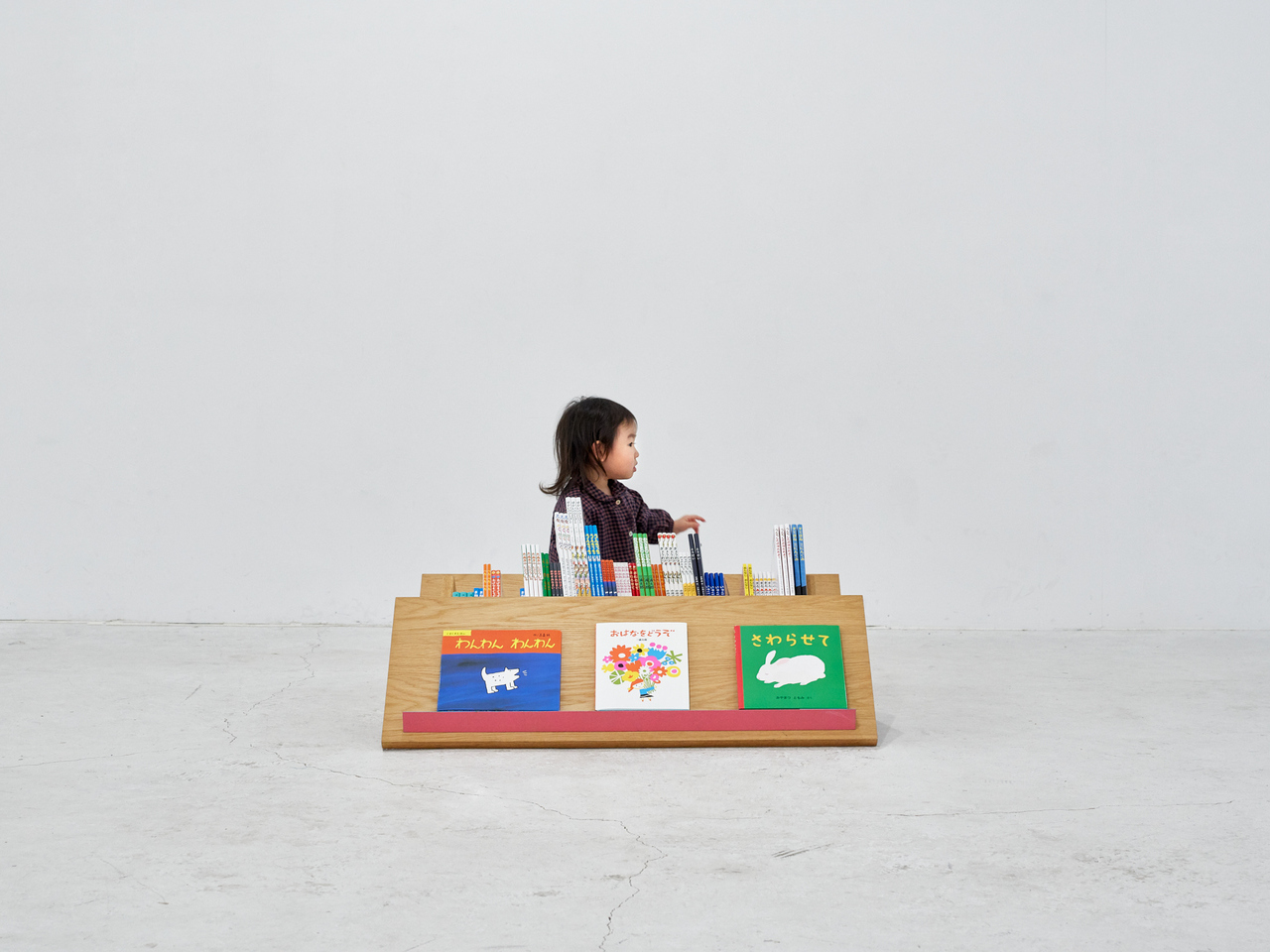
That’s the problem that Tsuranari, a mobile bookshelf by Border Design Architects, directly addresses. Designed for GoGo Marchen House, a Japanese traveling children’s bookstore that brings picture books to schools, parks, and community spaces, it goes a completely different direction from the standard upright shelf format. The whole browsing experience happens low on the ground, where every book sits at an equally reachable distance for everyone gathered around it.

Designer: Nobutaka Torii (Border Design Architects)

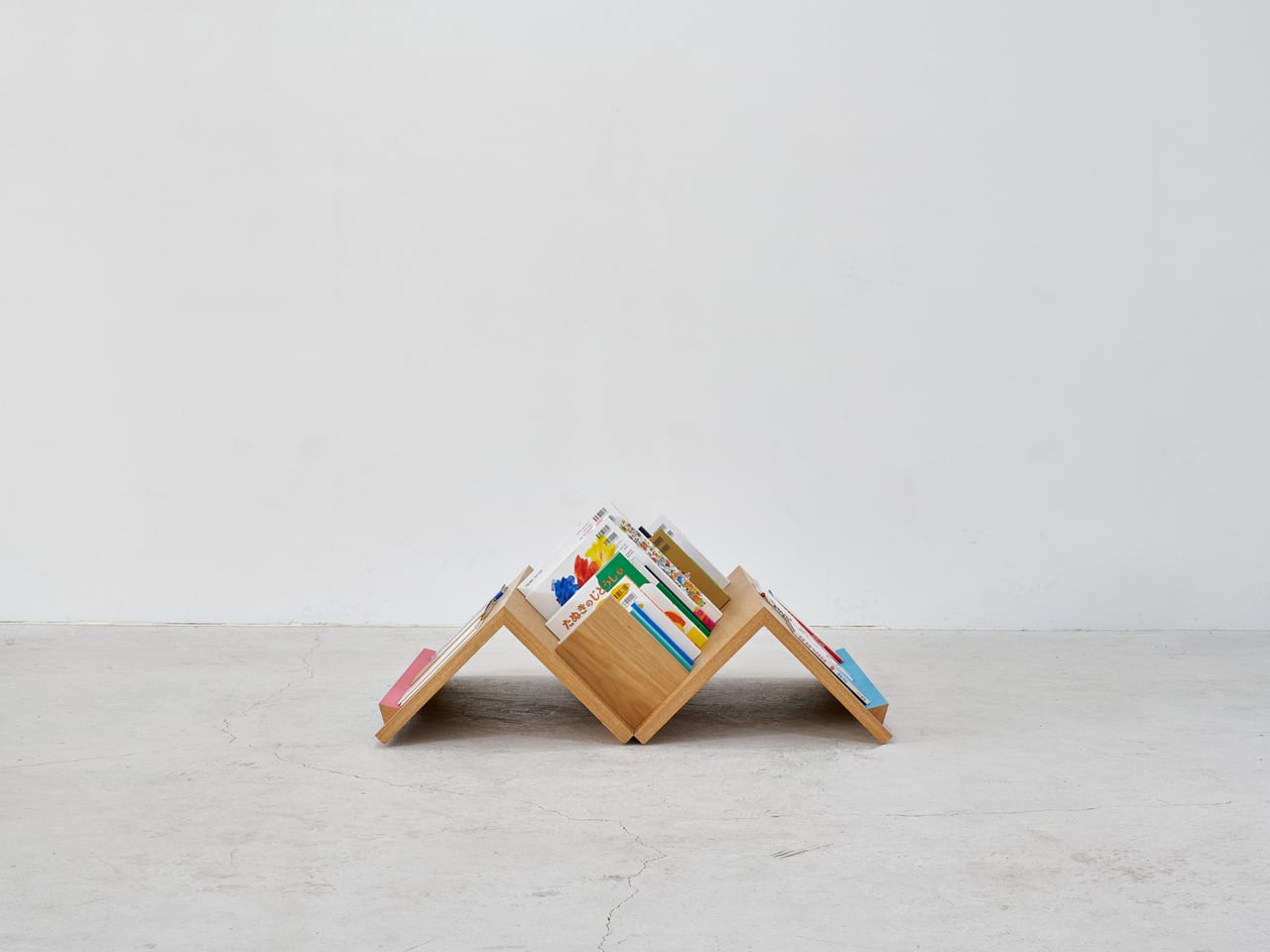
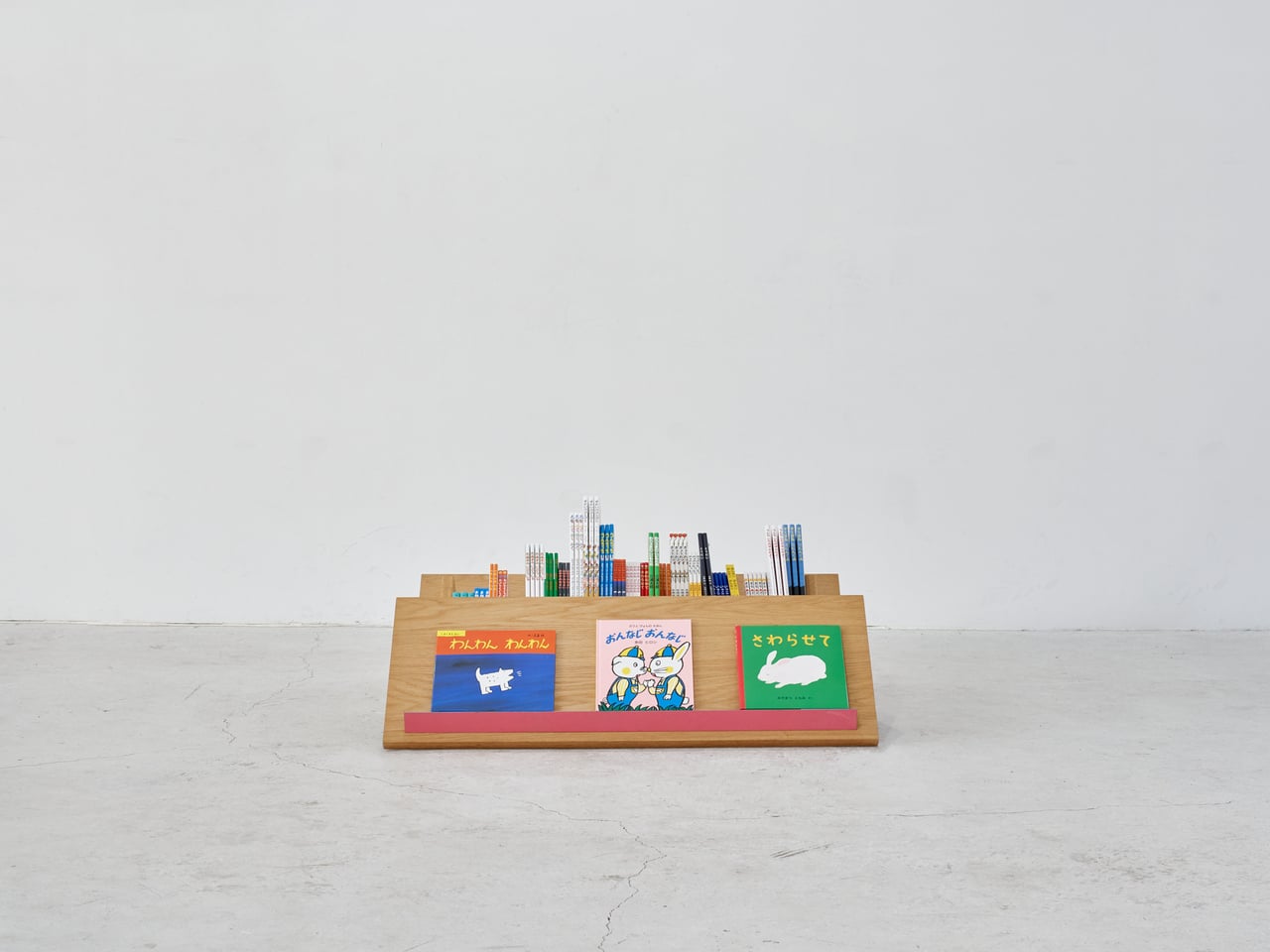
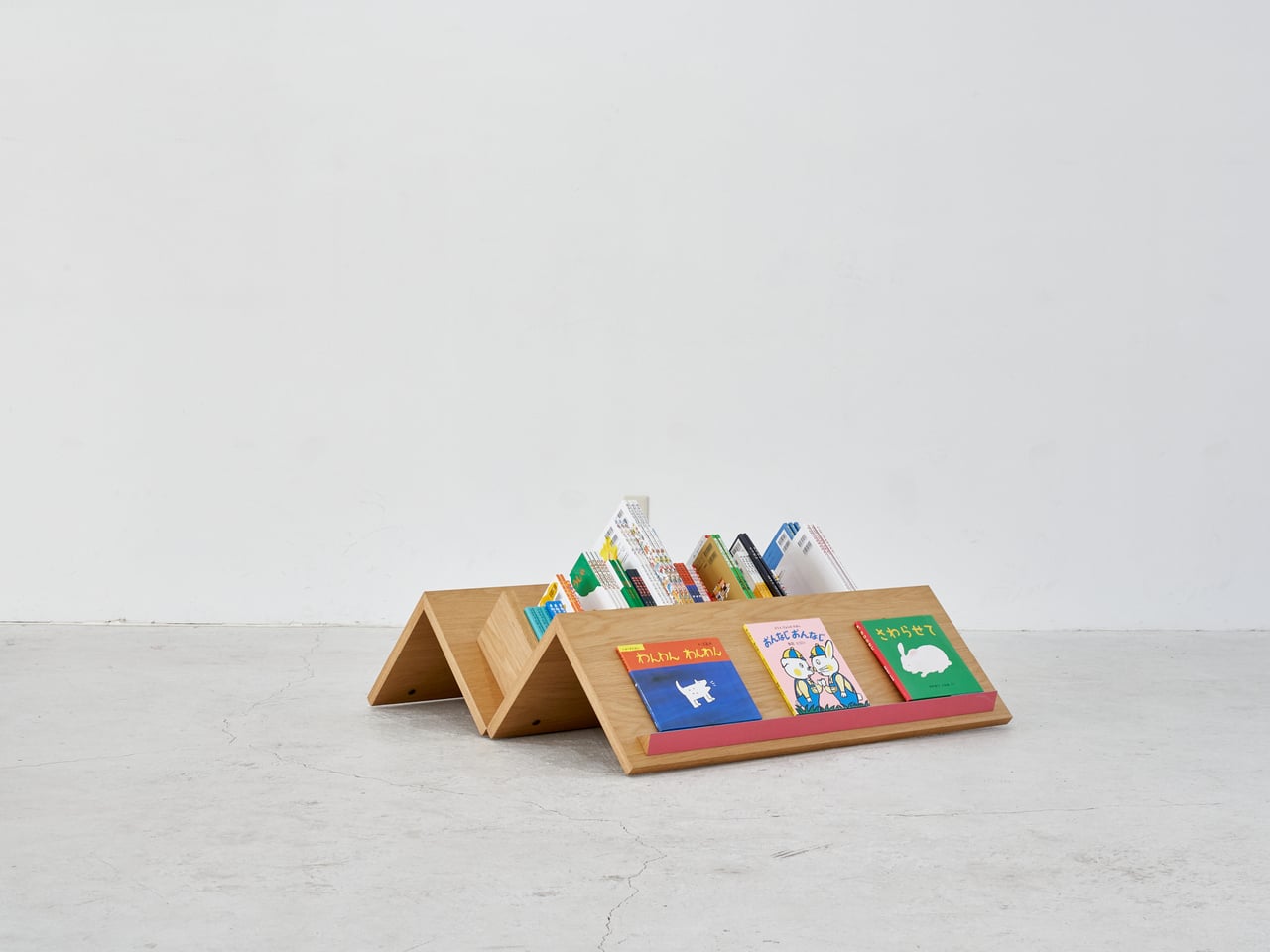
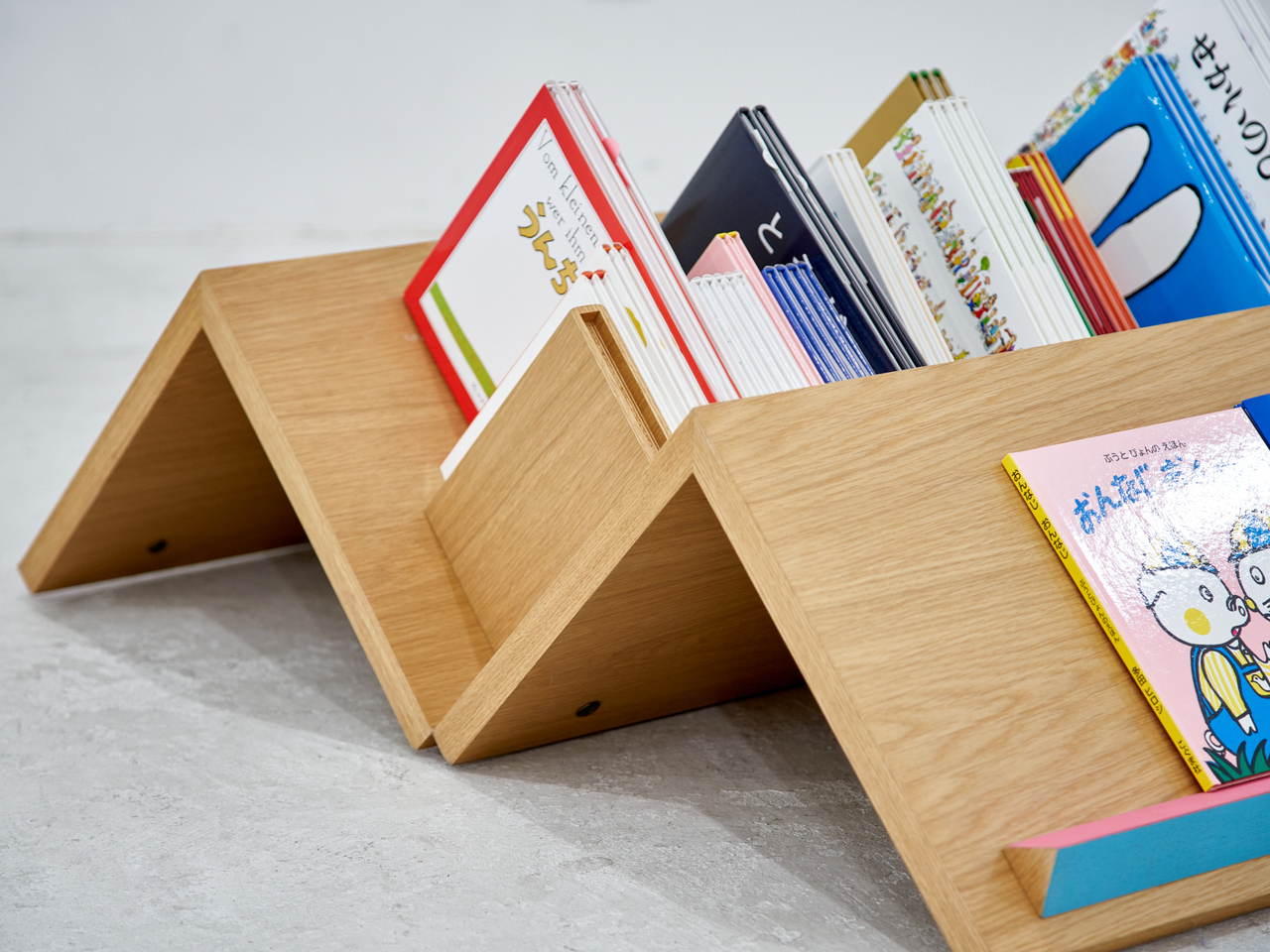
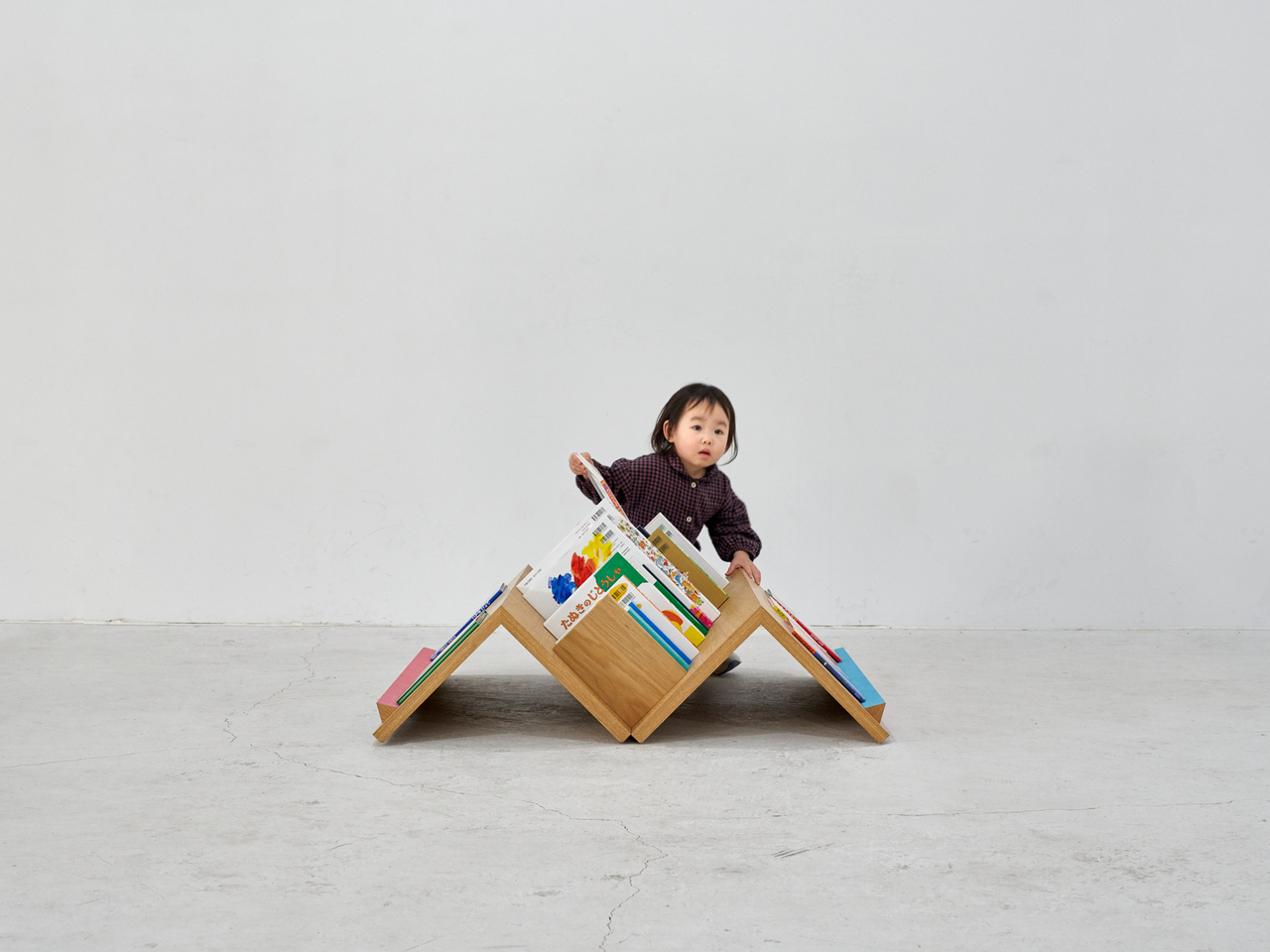
The structure is made up of mountain-shaped wooden modules that link side by side, creating a continuous zigzag profile sitting low on the ground. You’re never looking up at a bookshelf; you’re looking across it from the same level as everyone else. The design accommodates two browsing modes: books tucked spine-out into the V-shaped channels between peaks, and titles displayed face-out on the wider sloped sections.

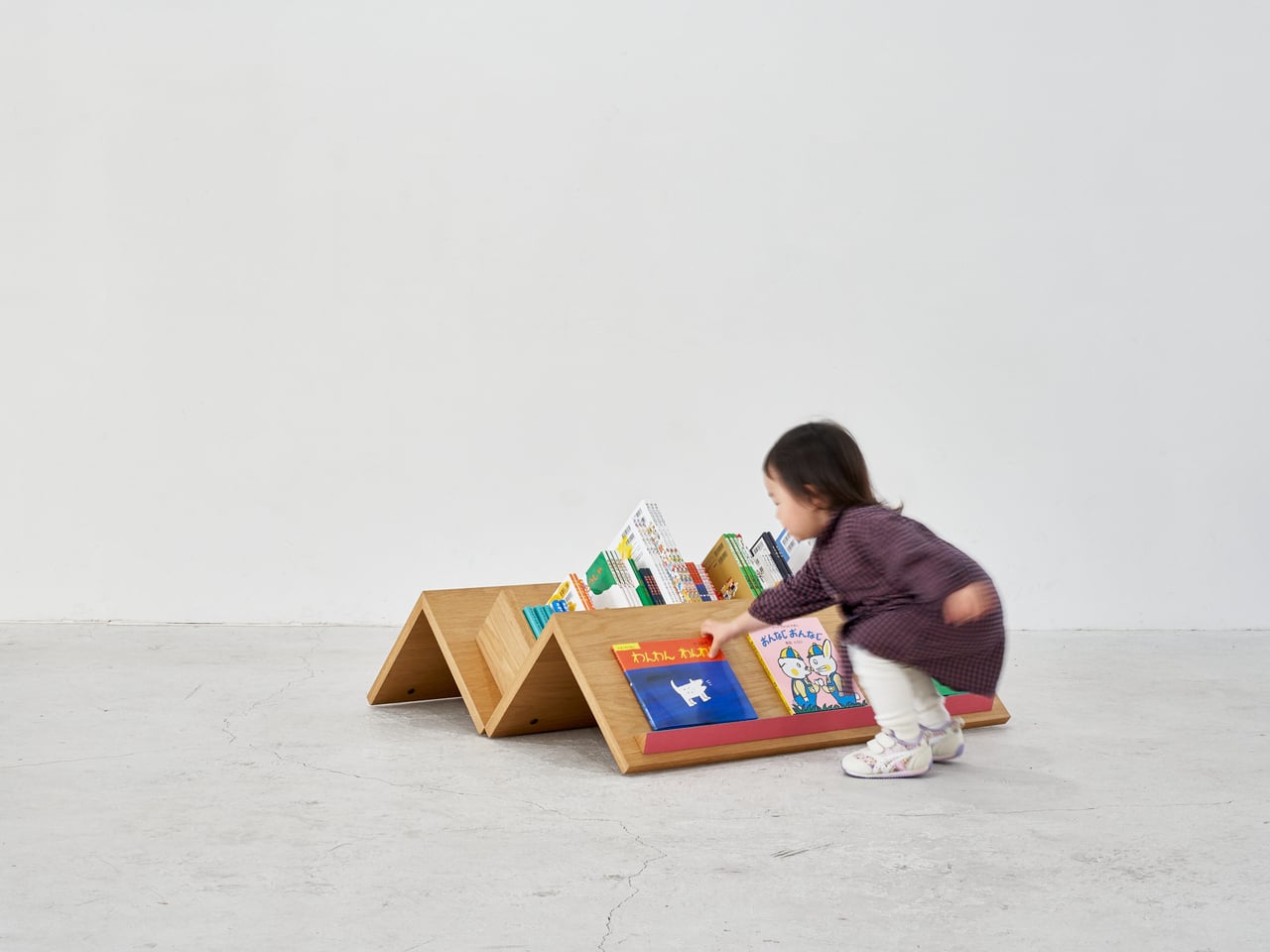
What Tsuranari’s angle actually changes is the body language of browsing. On a regular shelf, a child cranes upward while an adult leans down, and neither has a great view. Here, both stoop and reach at the same incline, heads at roughly the same height. A toddler can run a hand along the wood and pull out a picture book entirely on her own, without waiting for someone taller.

It also helps that Tsuranari can be browsed from every side. Kids browsing from opposite ends end up facing each other without even trying, and adults and young children find themselves side by side at the same slope. It turns a normally solitary task into something more communal, not through any explicit design intention but simply because the form makes it hard to avoid.

For a traveling bookstore, portability matters just as much as the design concept. Tsuranari is built from solid wood and fastened with bolts, making it quick to set up and break down on location. The modules load efficiently into the bookstore’s vehicle, so the same shelf that’s standing at a school festival in the morning can be on its way to a neighborhood park by afternoon.

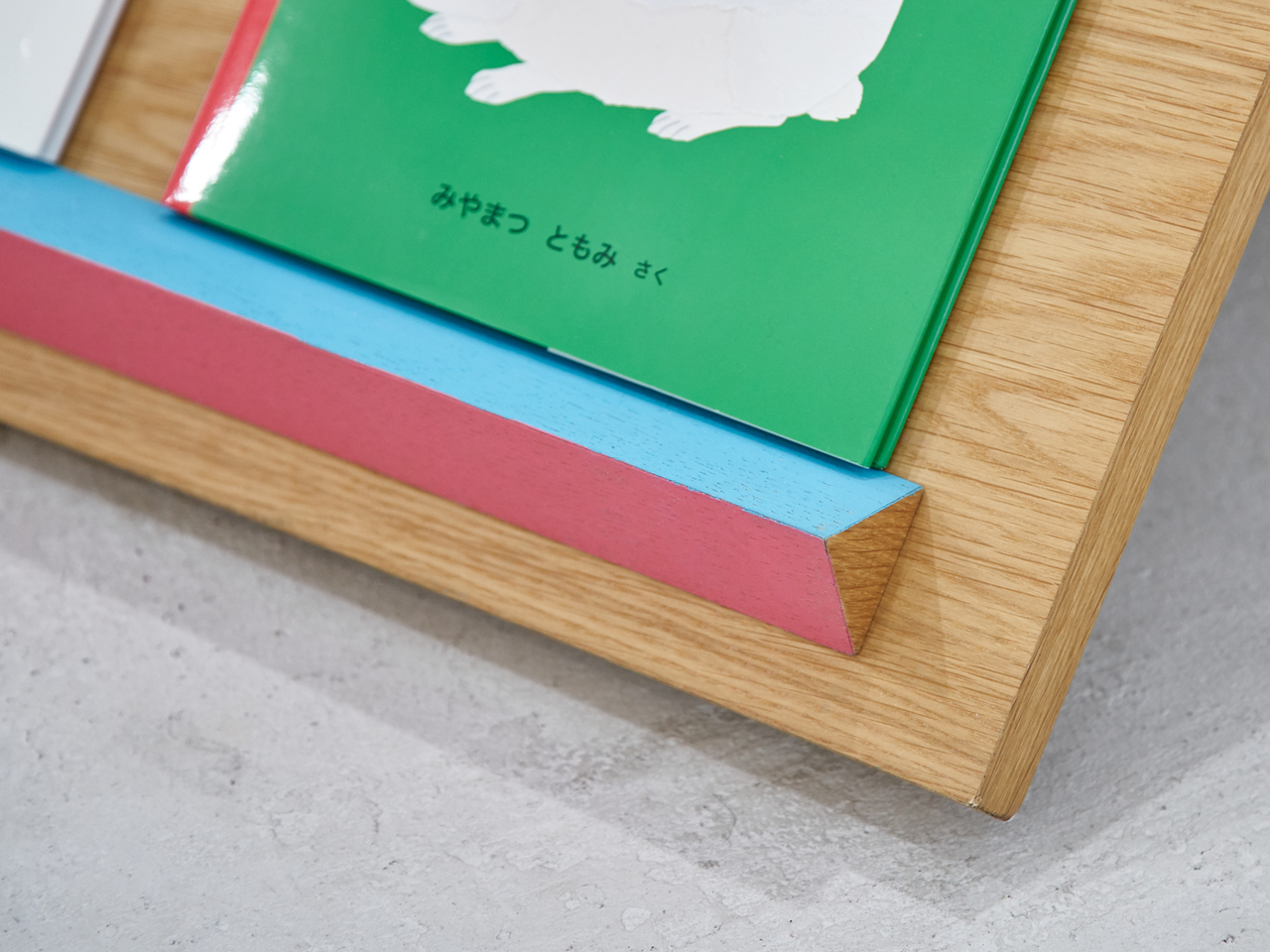
Solid wood has a practicality that goes well beyond how it looks. The material handles the kind of grabbing, leaning, and rough treatment that children bring to anything they enjoy, and it’ll only develop more character with wear. Small painted ledges in pink and light blue run along the face-out display sections, adding the only deliberate color to an otherwise warm, natural wood surface.

The name Tsuranari translates roughly to “a continuous series” in Japanese, which describes the zigzag form, literally. It also captures what the bookshelf is really after: a chain of small encounters between children and books, and between the children themselves. A shelf that stays low and stays open makes those encounters much more likely, turning a visit to the bookstore into something a child walks away from excited.

The post This Zigzagging Wooden Bookshelf Doesn’t Care How Tall You Are first appeared on Yanko Design.

This Baby Walker Grows With Your Child for 6 Years in 4 Different Ways

Most baby walkers have a shelf life measured in months. A 7-month-old wobbles through the living room gripping the handle, and by the time that same child turns two, the walker is already in a closet somewhere. The furniture cycle in a home with small children tends to follow that rhythm: buy, use briefly, replace with something else entirely.

The Safari Multifunctional Kids Furniture concept tries to interrupt that pattern by designing one piece that stays useful across the first six years of a child’s life. The name “Step-N-Play” gives away two of its functions without mentioning the third or fourth. It is, depending on the child’s age and the day’s agenda, a walker, a climbing unit, a play table and chair, and a toy storage solution.

Designer: Bharti Upadhyay

At its earliest stage, the walker is built for children between 6 and 18 months, with a frame measuring approximately 600 x 400 x 500 mm. The structure combines wood, ABS plastic, and soft silicone grips, with a 95-degree backrest angle designed for infants who are not yet seated with full stability. An anti-tip base and anti-pinch safety gaps cover the more obvious hazards of putting a barely mobile child in contact with a moving object.

As the child grows into the 1-to-3 age window, the same structure becomes a climbable stair unit. From ages 2 to 6, it transitions again into a play table and chair. A built-in storage compartment for toys and books operates across all configurations. The manufacturing approach pairs CNC-cut wood with injection-molded ABS plastic, a combination suited to years of contact with small hands and the occasional harder object.

The safari animal inspiration shows up in organic silhouettes and surface language rather than in literal animal sculptures attached to the frame. Smooth curves, generous fillets, and chamfered grooves define the form. The pastel color palette, wooden handles, and textured sensory balls read as a considered aesthetic choice rather than an afterthought, which matters in a living space where parents also have to look at the thing.

Safari is a student concept at this stage, so the harder questions remain open. How the ergonomics hold across such a wide age range, how the mechanical transitions between configurations actually work in practice, and whether a single object can genuinely serve a 7-month-old and a 6-year-old with equal competence rather than adequacy are things a physical prototype would need to answer.

The post This Baby Walker Grows With Your Child for 6 Years in 4 Different Ways first appeared on Yanko Design.

This Panda-Faced Action Camera Might Finally Get Kids Off Their Tablets

Kids are natural documentarians. Long before anyone hands them a camera, they’re narrating adventures out loud, pointing at bugs, dragging adults toward things worth seeing. The problem is that nothing currently bridges that instinct and an actual usable device. Smartphones are too distracting. Adult action cameras have interfaces that assume familiarity with exposure menus. Yashas Verma’s Cubix concept starts not with specs, but with a face.

The panda reference is obvious and, more importantly, immediately likable. Two large “squircle” apertures dominate the front, one housing the lens and the other a screen, arranged side by side like a pair of wide-set eyes. The body is white with a matte finish, and the front panel is glossy black. That contrast reads less like a colorway decision and more like a character, which is entirely the point.

Designer: Yashas Verma

Verma’s design moodboard places the concept on a spectrum between “tech” and “cute,” and the finished form lands firmly in the middle. Minimal enough to avoid looking like a toy, warm enough not to feel clinical. The rounded-square geometry carries through from the front apertures to the body corners, giving the whole object a visual consistency that student concept work often skips over in favor of surface polish.

The dual-screen setup solves a genuine behavioral problem. Action cameras for adults assume a single rear screen because operators rarely need to see themselves. Kids, who tend toward vlogging more than action sports, want to check the frame constantly. The front screen handles selfie framing, the rear touch screen manages settings and playback. Removing that guesswork is the single most child-appropriate decision in the entire design.

The body is sized for smaller hands, with one-handed operation as the stated goal. That matters when the other hand is holding a bike grip, a climbing hold, or a very interesting stick. Waterproofing and durability are mentioned in the concept brief, though no specific ratings are given. A child’s definition of waterproof tends to involve full submersion and zero warning, and the gap between those expectations and a modest splash rating has disappointed parents before.

The packaging carries the panda-eye graphic, the same black-and-white palette, and the tagline “Climb. Roll. Capture.” The box also shows an age rating of 10+, which quietly shifts the target older than the concept language implies. A ten-year-old and a seven-year-old are very different grip sizes, and the design’s success depends heavily on which end of that range it was actually built for.

The post This Panda-Faced Action Camera Might Finally Get Kids Off Their Tablets first appeared on Yanko Design.
The Kids’ AI Tool That Ends With Crayons, Not Screens

Most conversations about AI and children go one of two ways: either we’re told to be terrified, or we’re told to embrace it fully and immediately. Morrama’s Create concept lands somewhere far more interesting than either of those extremes, and it’s the most thoughtful thing I’ve seen in the AI space in a while.

Create is a physical device, soft and rounded and painted in a cheerful lime green, that sits on a table and listens to a child speak. The kid says something like “a lion playing football,” Create generates a line drawing based on that prompt, and then prints it out on paper. Real paper. The kind you color in with markers and hang on the fridge.

Designer: Morrama

The design studio behind it, London-based Morrama, built Create as part of a broader series of concept AI tools aimed at children aged six and up. They’re calling them “mindful AI tools,” which could easily sound like marketing fluff, but the more I sit with this one, the more I think they’ve actually earned that description.
Here’s what I keep coming back to: the output is analog. The AI does its part, generates the image, hands it over, and then steps back completely. What happens next is entirely up to the child, their color choices, their interpretation, the way they decide to finish what the machine started. That handoff feels significant. It’s not AI completing the task. It’s AI beginning a conversation.

We’re at a point where most of the discussion around kids and AI centers on schools, on cheating, on homework, on what should or shouldn’t be allowed in classrooms. It’s a valid conversation, but it’s also a narrow one. Create isn’t interested in the classroom at all. It’s thinking about the bedroom floor, the kitchen table, the slow weekend afternoon when a child has nothing to do and everything to imagine.

Morrama’s research acknowledges that most young children are already aware of AI. That’s not alarming so much as it’s simply true. These kids are growing up inside the technology, not encountering it for the first time as adults. So the question of how they’re introduced to it, what framework they’re given for understanding what it is and what it’s for, actually matters quite a lot.

What Create does is frame AI as a creative tool from the very beginning. Not a search engine. Not an entertainment machine. A collaborator that responds to what you bring to it. Teaching a six-year-old that AI works best when you give it something of yourself, a thought, an idea, a weird little prompt about a lion with a football, is quietly radical. That’s a healthier mental model for AI than most adults currently have.

The device itself deserves credit, too. Morrama has been deliberate about making Create feel nothing like a screen. The tubular green form, the single lavender button, the paper rolling out like something from an old-school receipt printer, it all communicates “toy” more than “gadget.” That matters because how a thing looks shapes how we use it, and children especially take cues from aesthetics. Create looks like it belongs on a playroom shelf, not a tech desk.

I’ll be straightforward about the fact that Create is still a concept. You can’t buy it, and there’s no confirmed production timeline. But sometimes a concept does its most important work just by existing, by showing that a different approach is possible. The default assumption is that AI for kids means apps, screens, subscriptions, and data. Create pushes back on all of that with something wonderfully low-stakes: a piece of paper and a box of colored pencils.

Whether it ever gets made or not, the thinking behind it is worth paying attention to. Because the children growing up right now will be the ones designing, regulating, and living with AI for the rest of their lives. Starting them off with creativity rather than consumption isn’t just a nice idea. It’s probably the smartest one going.

The post The Kids’ AI Tool That Ends With Crayons, Not Screens first appeared on Yanko Design.
This Kid-Safe Drone Looks Like a Frog and Hides Spinning Blades

Most consumer drones look and feel intimidating to a child. They’re loud, angular, full of exposed propellers, and packed with complex controls adults barely understand. Kids want to see the world from above, but parents see spinning blades and fragile arms that cost too much to replace. The mix of fascination and fear turns what could be fun into something closer to borrowing a grown-up’s expensive, breakable toy.

Aeroleap is a kid-friendly drone concept that tries to lower that barrier. Designed for children aged six to twelve, it uses soft, organic form language and clear visual cues to communicate safety and balance. The design draws inspiration from a frog’s stance, so the drone feels stable and approachable rather than mechanical or aggressive, more like a small creature ready to hop than a tiny aircraft ready to crash.

Designer: Anuja Deshpande

A child in a backyard holds a controller that feels like a gamepad, watching a bright green drone lift off without exposed blades buzzing near fingers. The integrated propeller rings and rounded body make it clear where it’s safe to touch, and the frog-like stance on the ground helps it read as balanced and ready, not twitchy or fragile like hobby drones that need constant correction just to hover.

The frog metaphor shows up in the geometry. A central body sits low with four limbs ending in circular rings that fully enclose the propellers. Those rings add protection during low-height play, reducing injury risk and damage when the drone bumps into walls or trees. The rounded guards and soft transitions do the safety work without needing extra cages or add-on bumpers that make everything heavier.

The interaction layer stays simple. A controller holds a phone that shows a live camera view from the drone, focusing on essentials like battery and connection. The physical controls stay familiar and tactile, so kids get the thrill of seeing their surroundings from above while parents can glance at the same feed. Nobody has to decode a cockpit full of tiny icons just to enjoy a short flight.

The project is grounded in research with kids, parents, and tech educators, who all flagged fragile builds, complex controls, and unsafe-feeling devices as major turn-offs. Aeroleap responds by keeping functionality simple and robust, focusing on how the product is held and understood at first glance instead of layering on autonomous modes that might confuse more than they help when you’re nine years old.

Aeroleap explores how industrial design alone can shape a child’s confidence around new technology. By softening the form, enclosing the dangerous bits, and making the controller feel familiar, it invites kids to be curious about flight without scaring parents off. Sometimes the difference between intimidating and inviting isn’t a feature list but the way an object looks and moves the first time you meet it, and a drone shaped like a friendly frog feels like it’s already smiling before it leaves the ground.

The post This Kid-Safe Drone Looks Like a Frog and Hides Spinning Blades first appeared on Yanko Design.