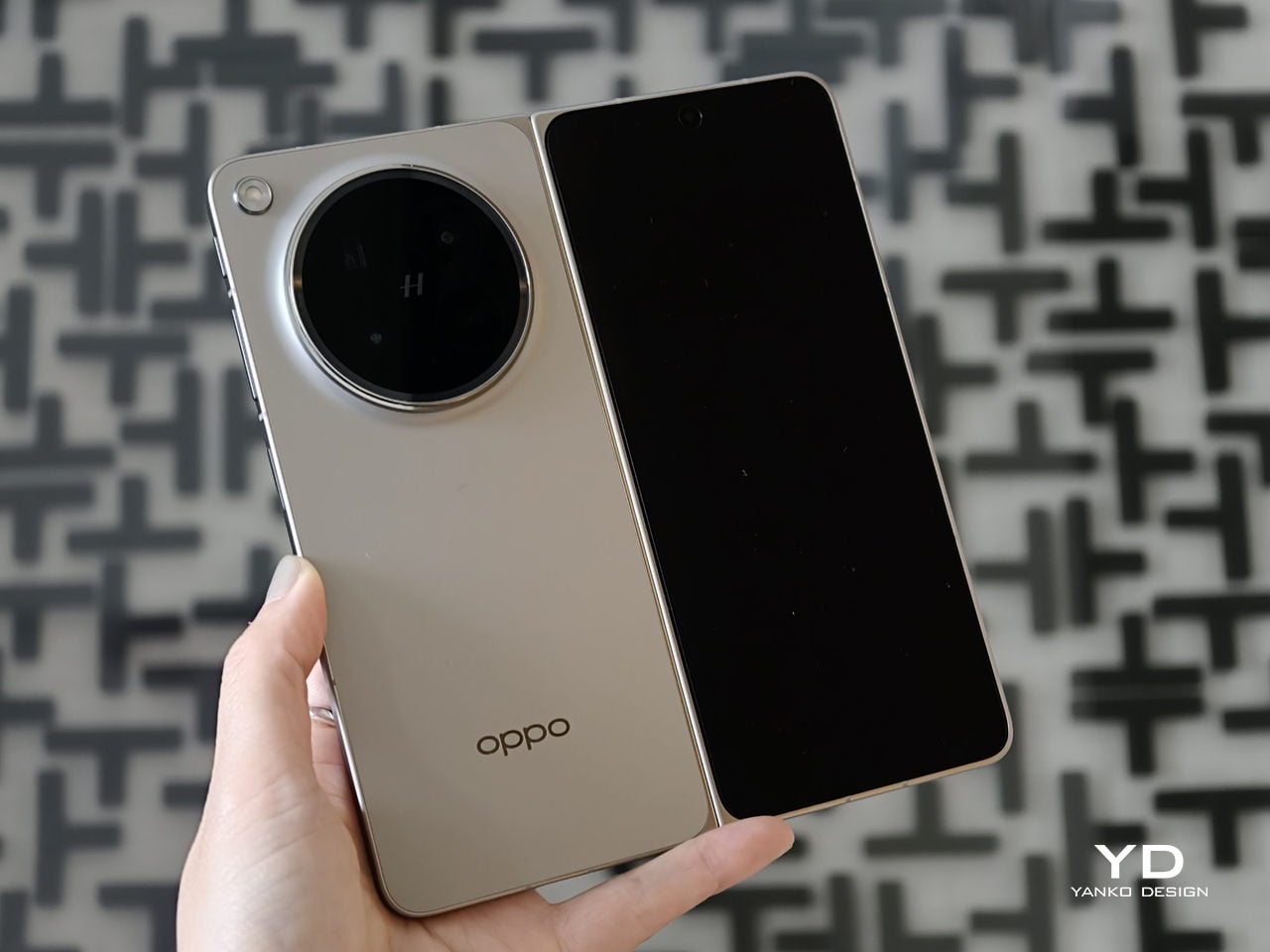
Oppo Find N6 Review: The Best Foldable Phone Right Now

PROS:


  • Excellent multitasking experience

  • Nearly invisible and undetectable crease

  • Slim and light form factor for a book-style foldable

  • Powerful performance

CONS:


  • Camera system is good for a foldable, but not truly flagship-level

RATINGS:

AESTHETICS
ERGONOMICS
PERFORMANCE
SUSTAINABILITY / REPAIRABILITY
VALUE FOR MONEY

EDITOR'S QUOTE:

The OPPO Find N6 is one of the few foldables that trades novelty for genuine polish, delivering a device that feels as complete as it does considered.

The Oppo Find N6 arrives at a moment when foldables can no longer rely on novelty alone to justify their place in the premium market. Buyers now expect these devices to feel as polished and dependable as any top-tier flagship, while still delivering the sense of occasion that only a folding design can offer. That is what makes the Find N6 so interesting, because it is not simply trying to look futuristic. It is trying to feel complete.

That question lands differently for me because the Oppo Find N5 has been my daily driver for most of the time since its launch. Living with that phone has given me a clear sense of what Oppo already does exceptionally well in this category, from hardware refinement to the balance between portability and immersion. It also means I came to the Find N6 with real expectations rather than fresh curiosity alone. More than anything, I wanted to see whether Oppo had merely polished an already strong formula or taken a meaningful step forward.

Designer: OPPO

Aesthetics
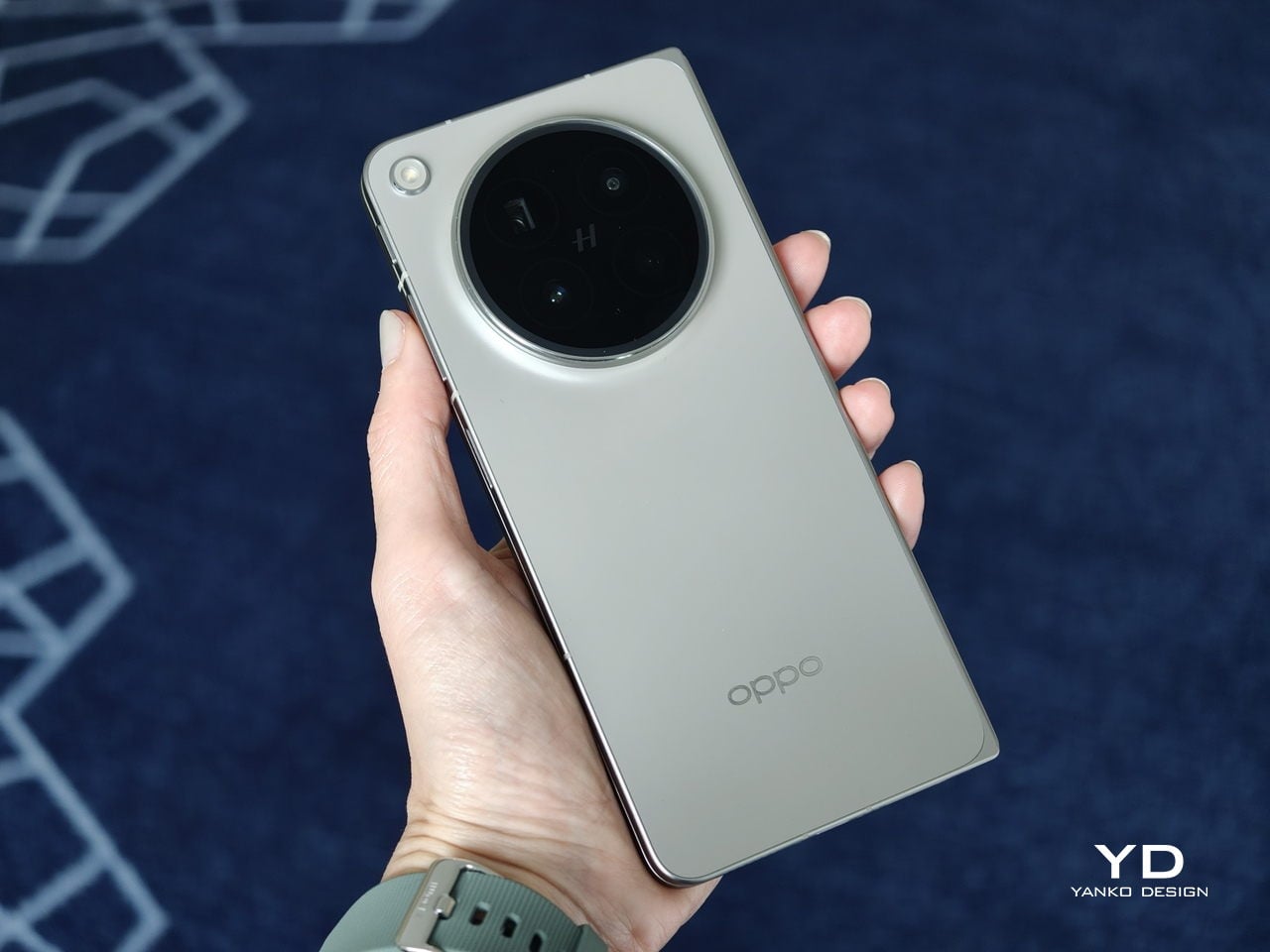
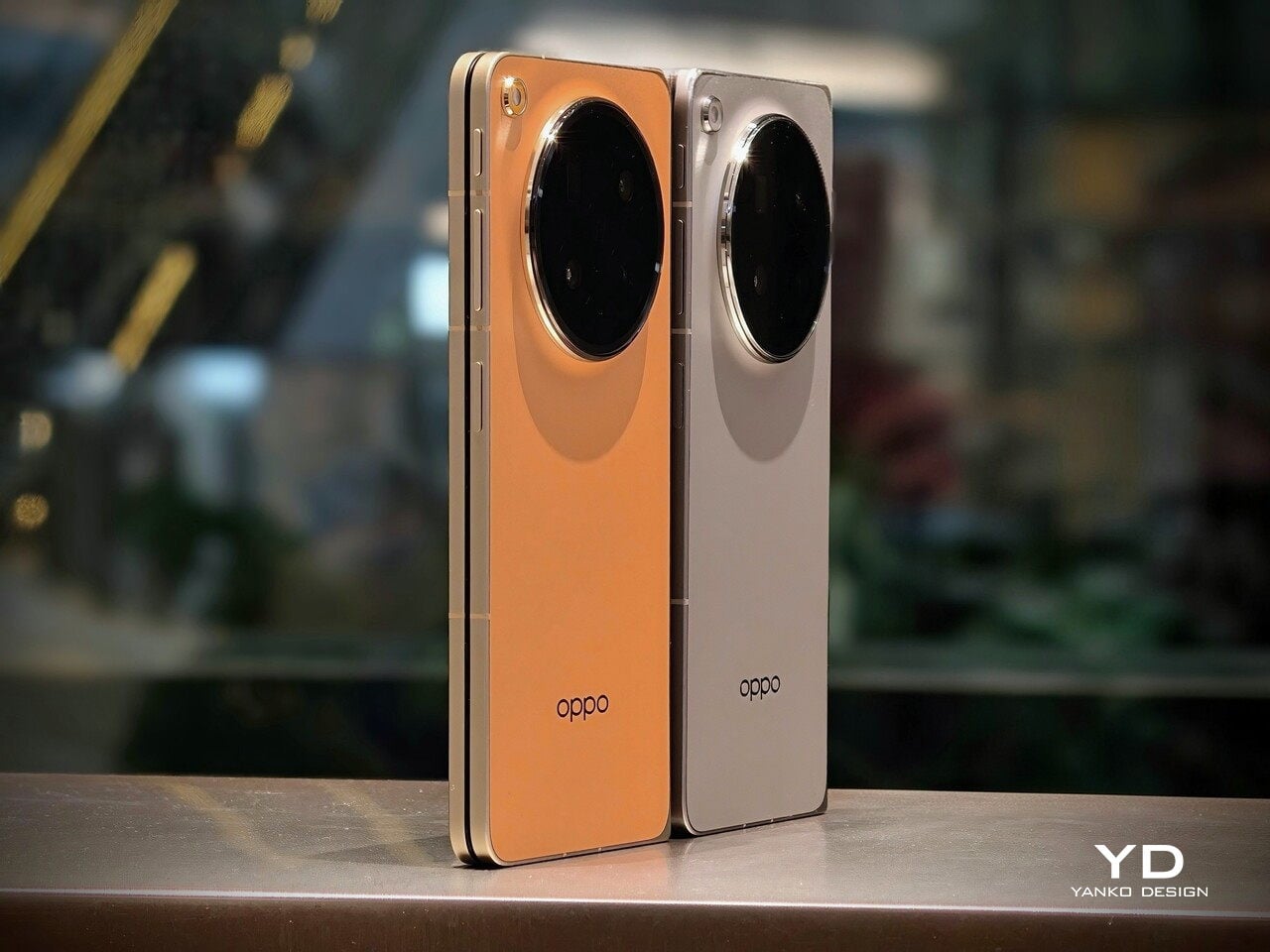
The Oppo Find N6 does not stray far from the design language established by the Find N5, but it feels like a more polished and disciplined evolution of that formula. The overall look is largely unchanged, yet the Find N6 comes across as more minimalistic and more refined, with a cleaner visual identity that feels calmer and more mature. Rather than chasing a dramatic redesign, Oppo has focused on tightening the details, and that gives the phone a stronger sense of cohesion.
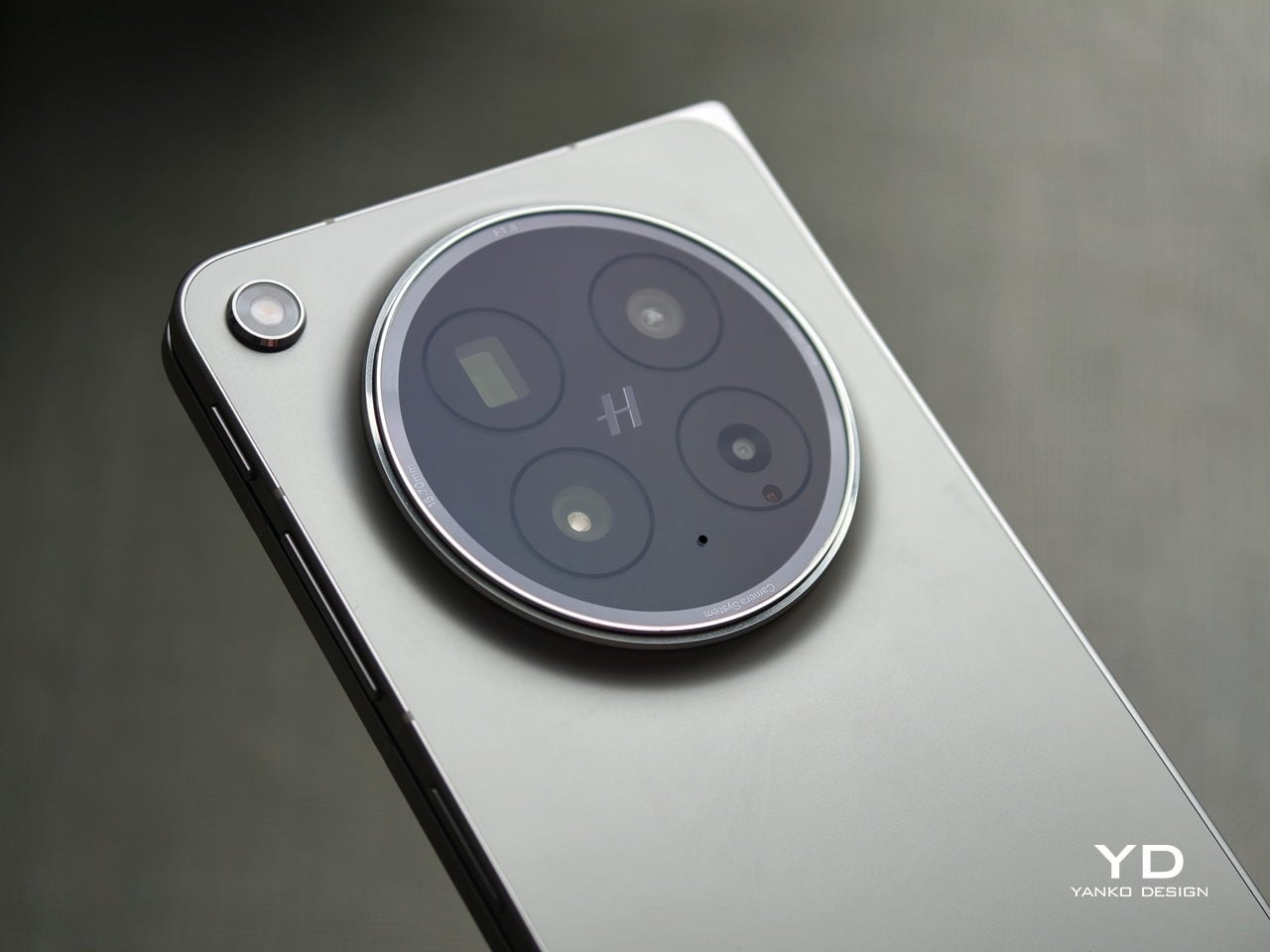
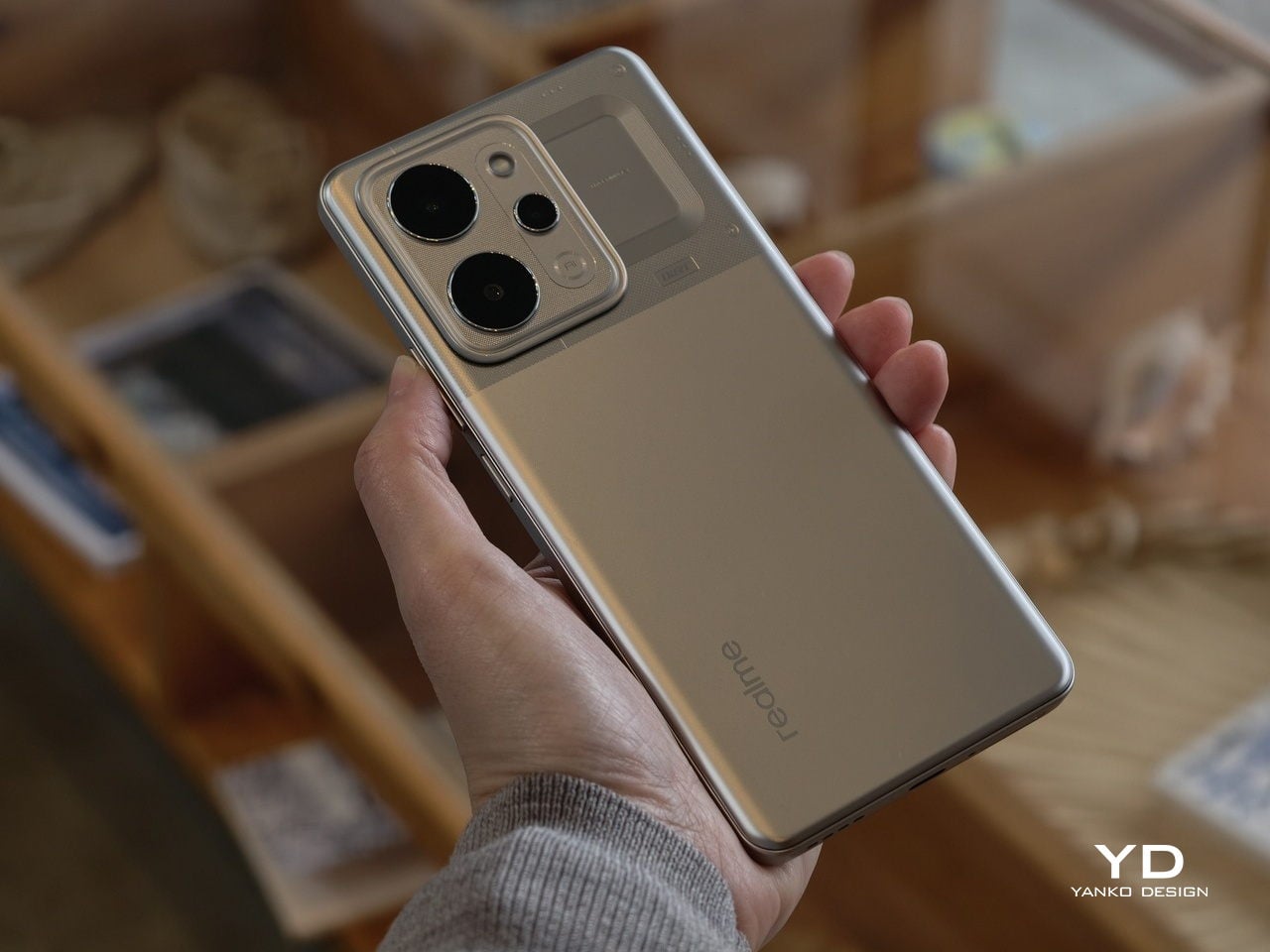
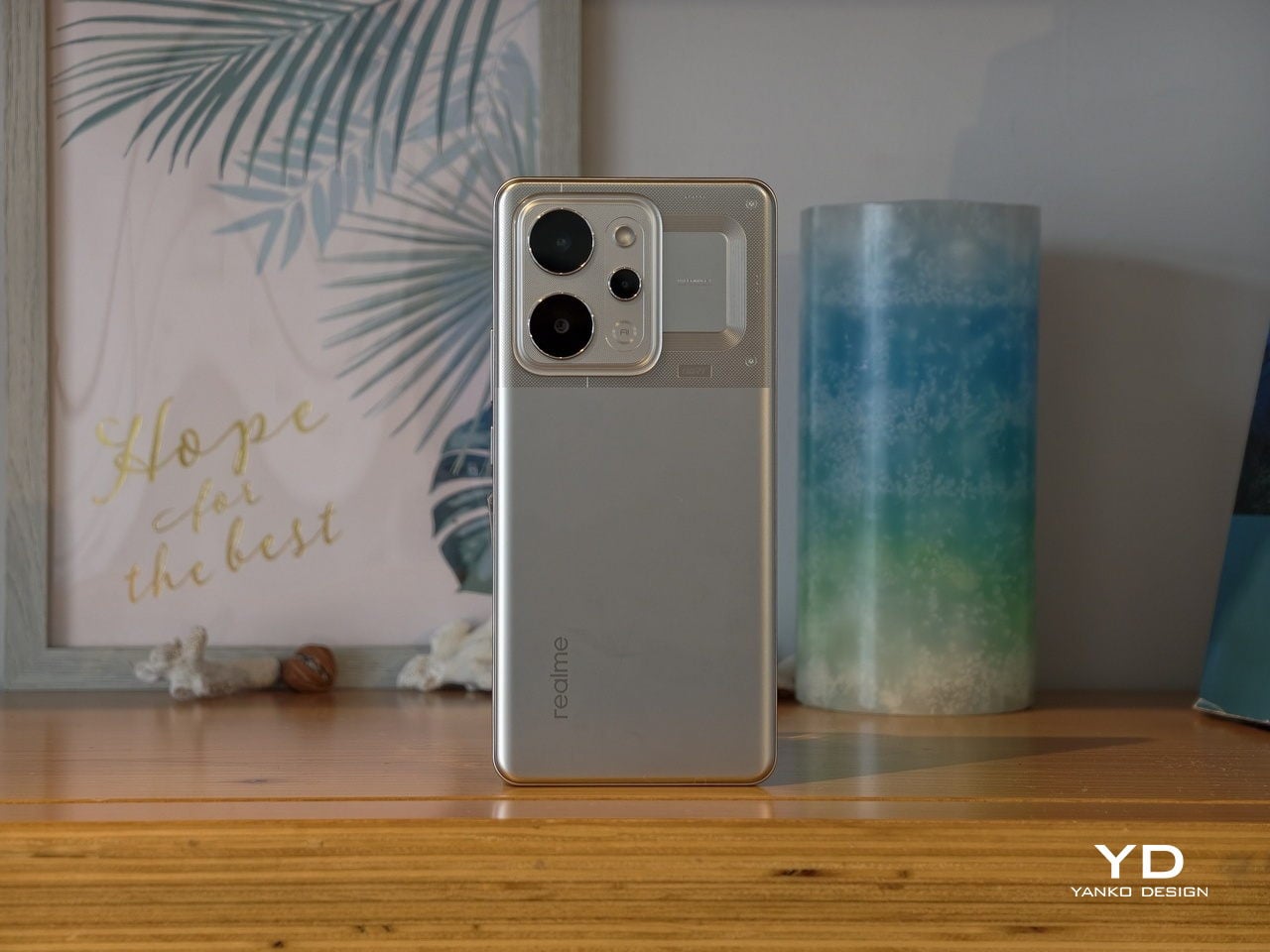
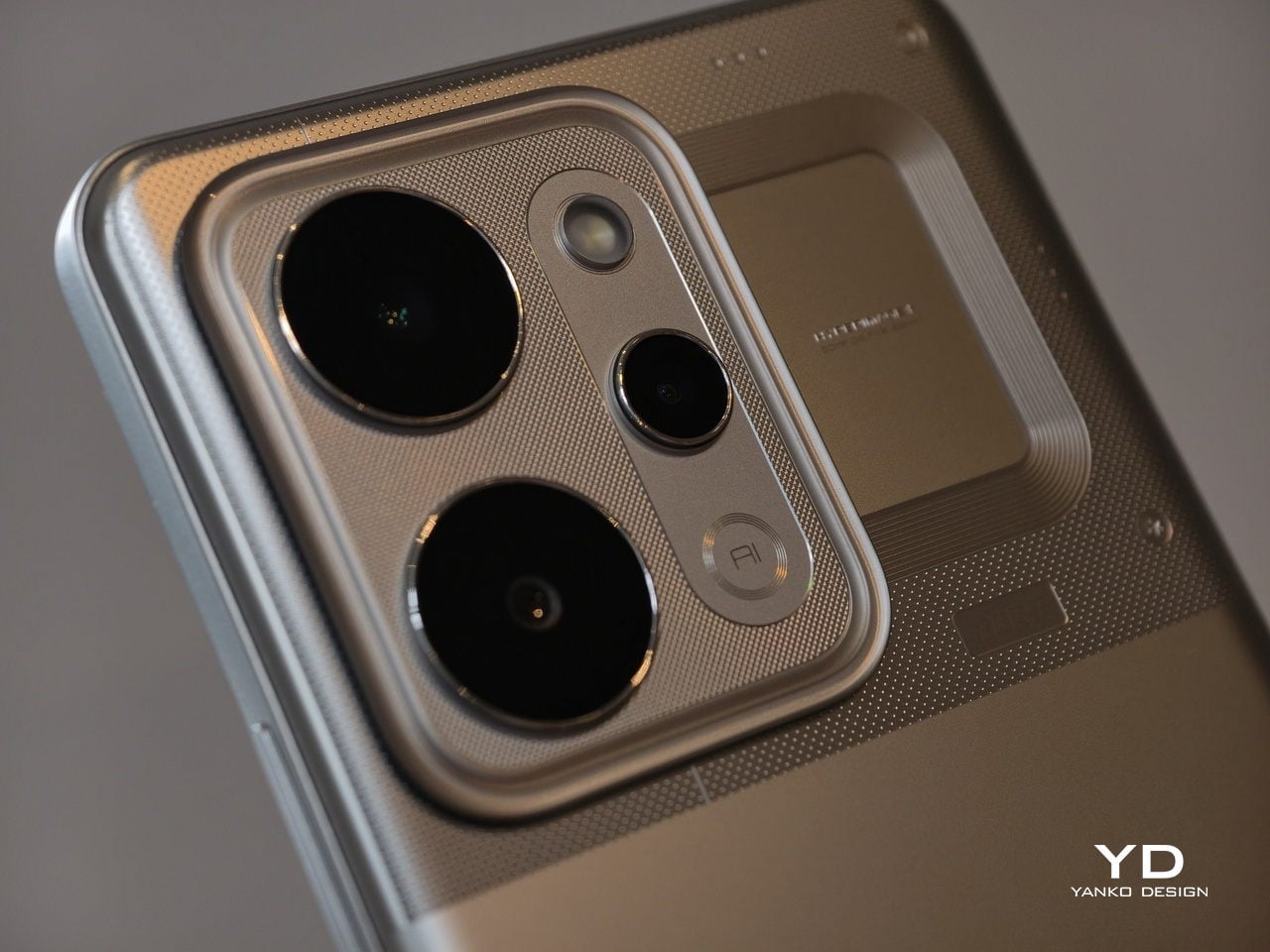
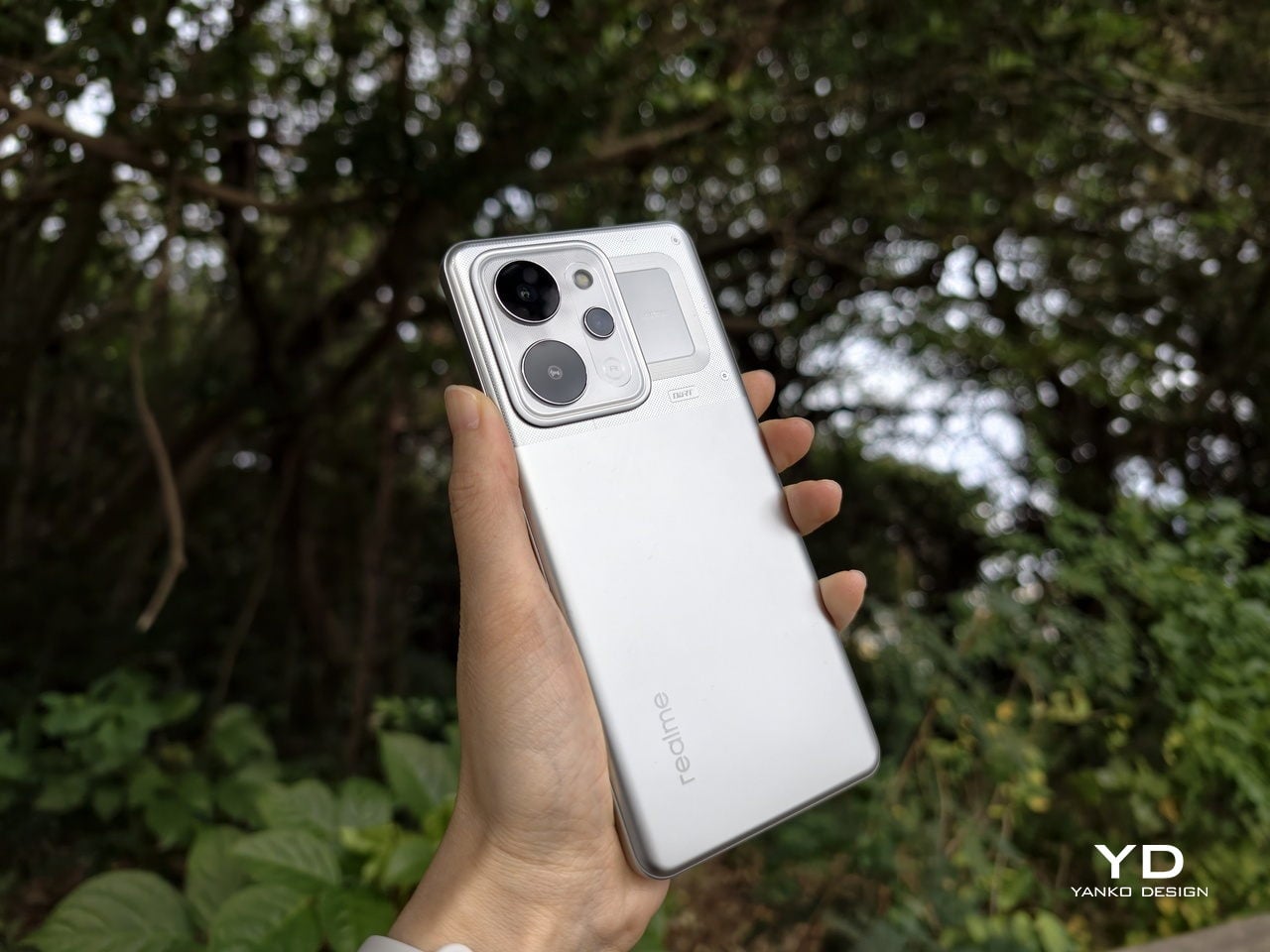
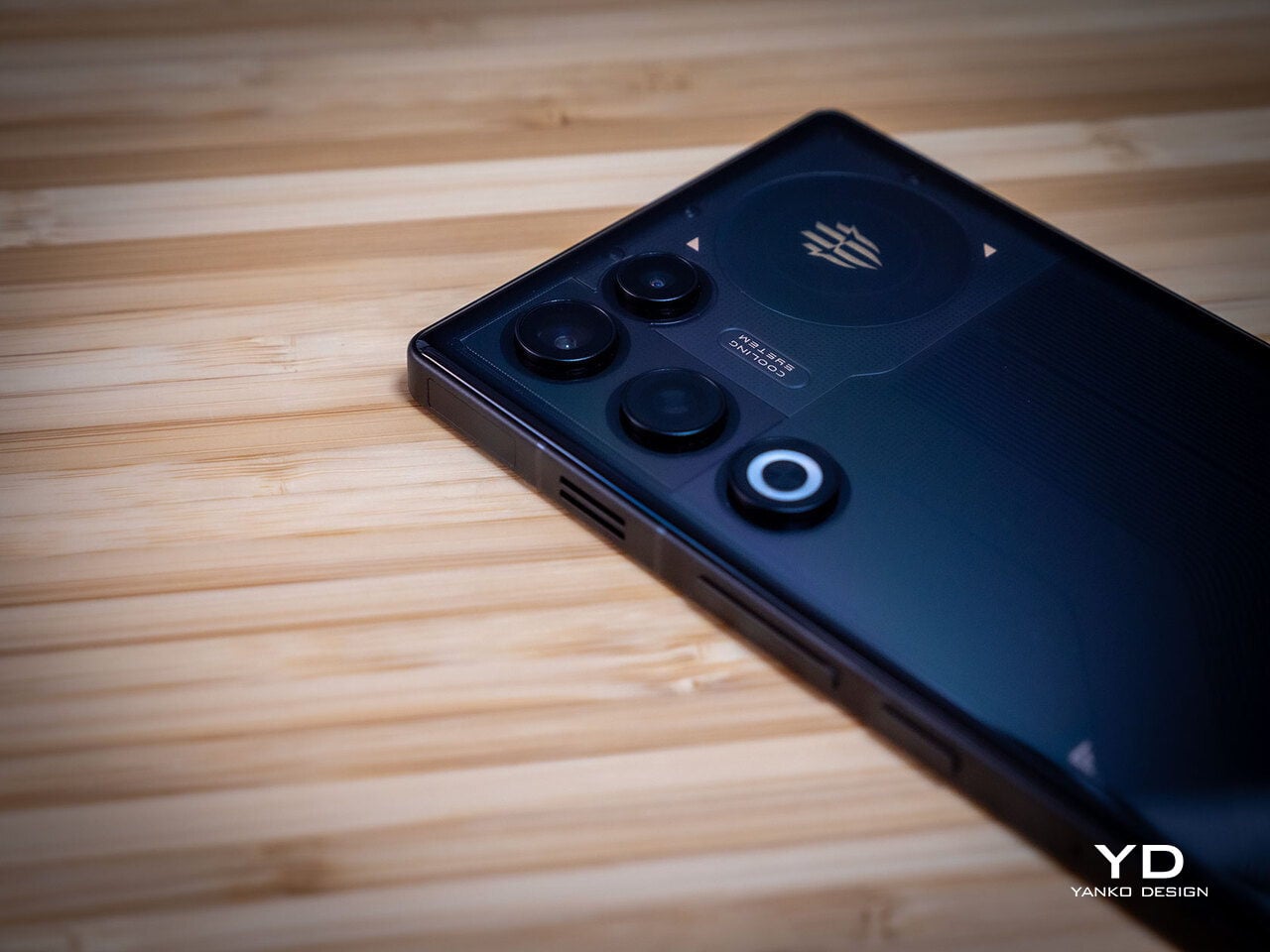
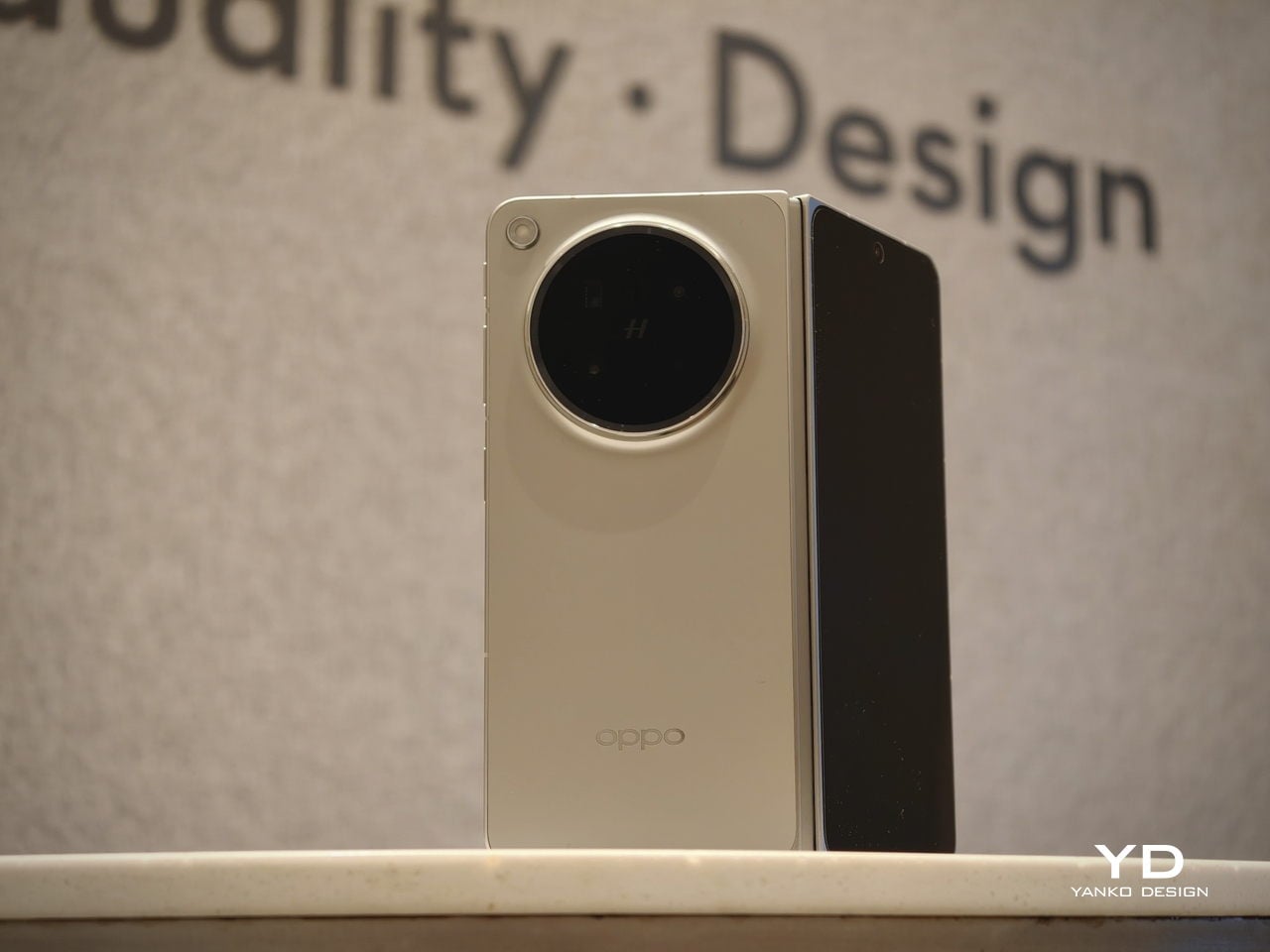
The biggest improvement is in the rear camera treatment. The refined Cosmos Ring camera deco looks more elegant and less ornamental, while the individual camera elements feel more integrated into the overall composition instead of standing apart from it. This makes the back of the phone look tidier and more resolved, which suits the Find N6’s more minimal direction. It still has the visual presence expected of a flagship foldable, but it carries that presence with greater restraint.
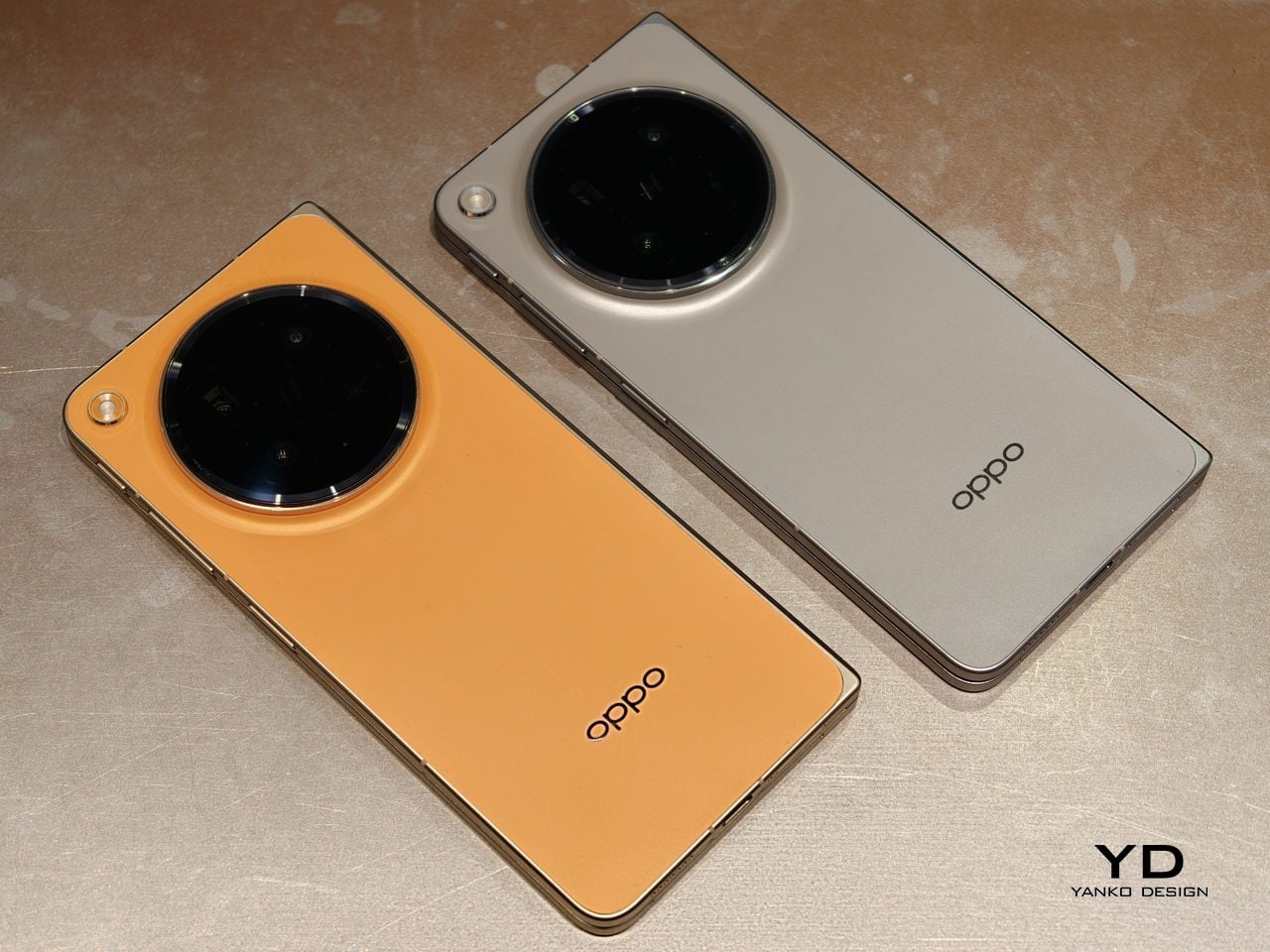
What also stands out is Oppo’s color choice. For the first time on one of its foldables, the company is offering a much bolder orange finish, which Oppo calls Blossom Orange, alongside a more classic Stellar Titanium, and the timing does not feel accidental. Ever since the iPhone 17 Pro series introduced orange into the flagship conversation, it feels like other brands have been quick to follow Apple’s lead, and the Find N6 is part of that wave. Even so, the orange works well here, giving the phone more personality, while the gray remains the safer and more traditional option.

Ergonomics

The generous screen real estate of a foldable usually comes with familiar compromises. Thickness, weight, and the crease are often treated as the unavoidable price of admission. The Oppo Find N6, however, feels designed to challenge that assumption in a way that is noticeable the moment you pick it up.
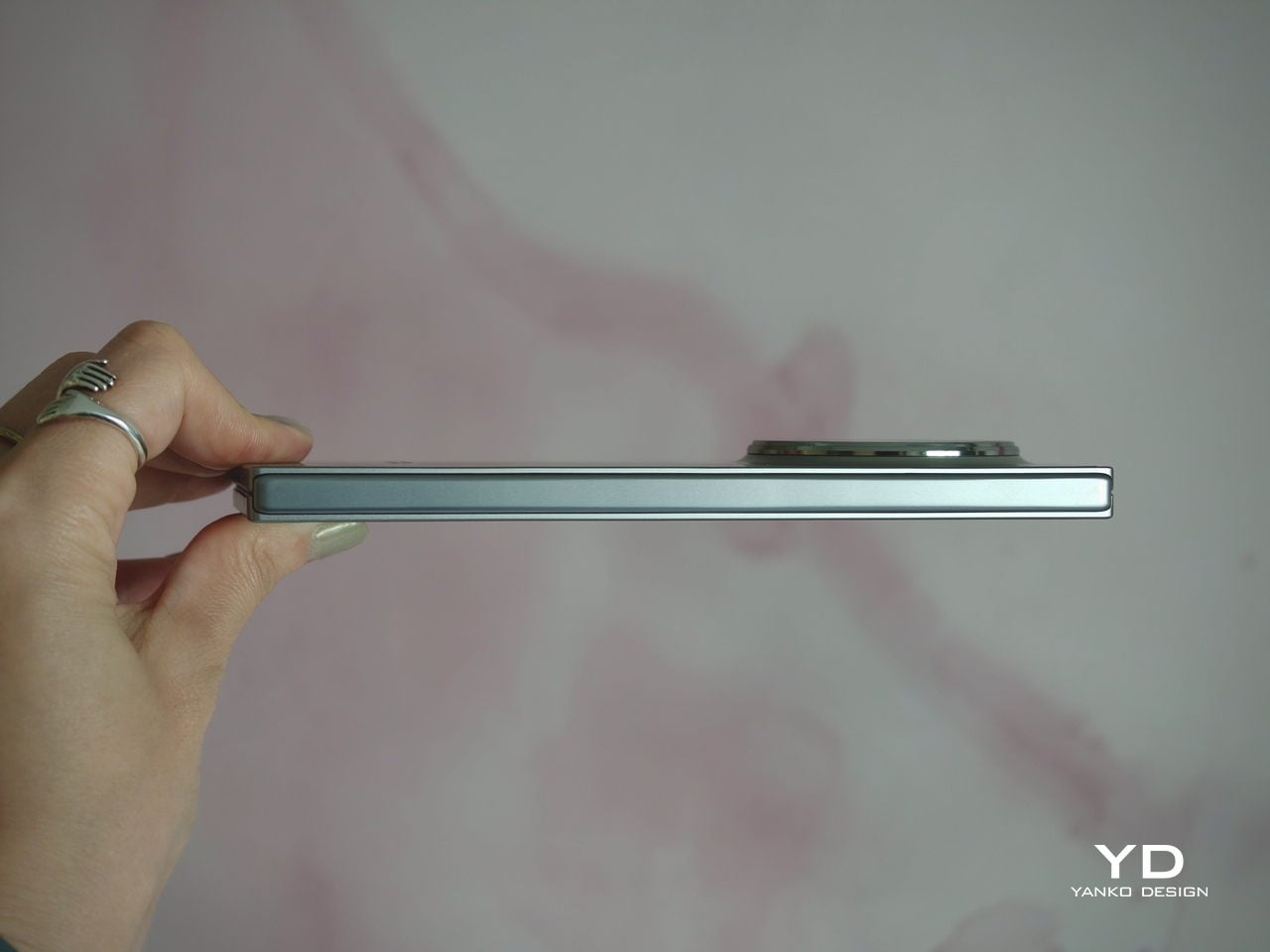
At 8.3 mm when folded and 225 g, the Find N6 feels surprisingly close to a premium flagship bar phone in everyday use. It does not come across as awkwardly bulky or excessively heavy, which makes it more approachable than many devices in this category. That balance matters over time, whether you are using it one-handed, slipping it into a pocket, or simply carrying it through a long day.

That does not mean the form factor is free of trade-offs. If I rest some of the phone’s weight on my pinky, the lower edge can still dig in a bit, especially when the device is open. It is less noticeable than on the Find N5, but not completely gone.
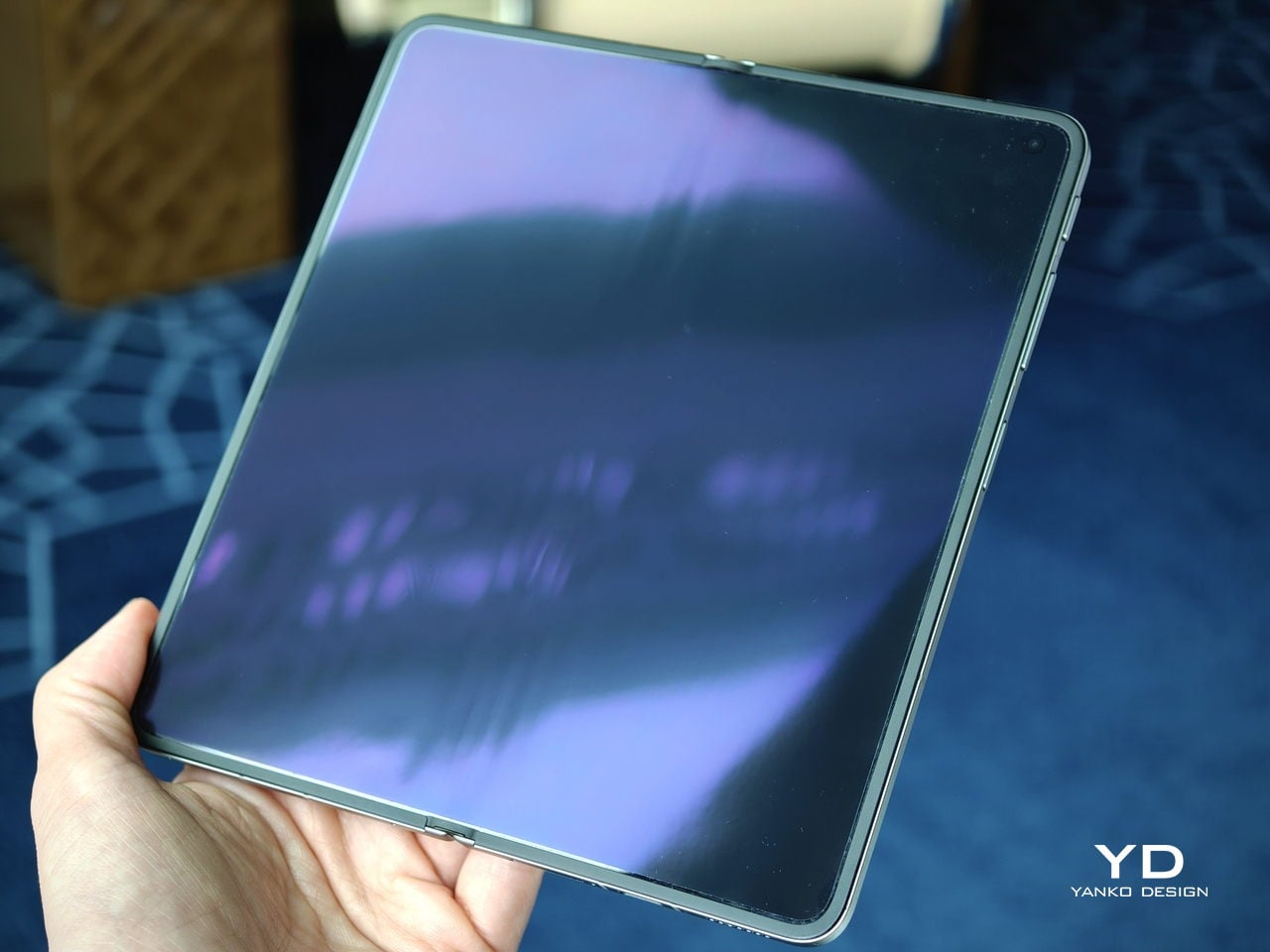
Perhaps the most impressive detail, though, is the crease, or more precisely, how little of it remains. I have never been particularly bothered by creases on foldables, and I was already satisfied with the subtle crease on the Find N5. Even so, the Find N6 feels like a meaningful refinement rather than a minor iteration.

Visually, the crease is practically nonexistent in normal use and only becomes noticeable if the screen is off and viewed from a very specific angle. More impressive still, it also feels nearly absent under the finger when swiping across the display. Our fingertips are quick to pick up even slight ridges or shallow dents, which makes the Find N6’s smooth, uninterrupted surface especially impressive in daily use.
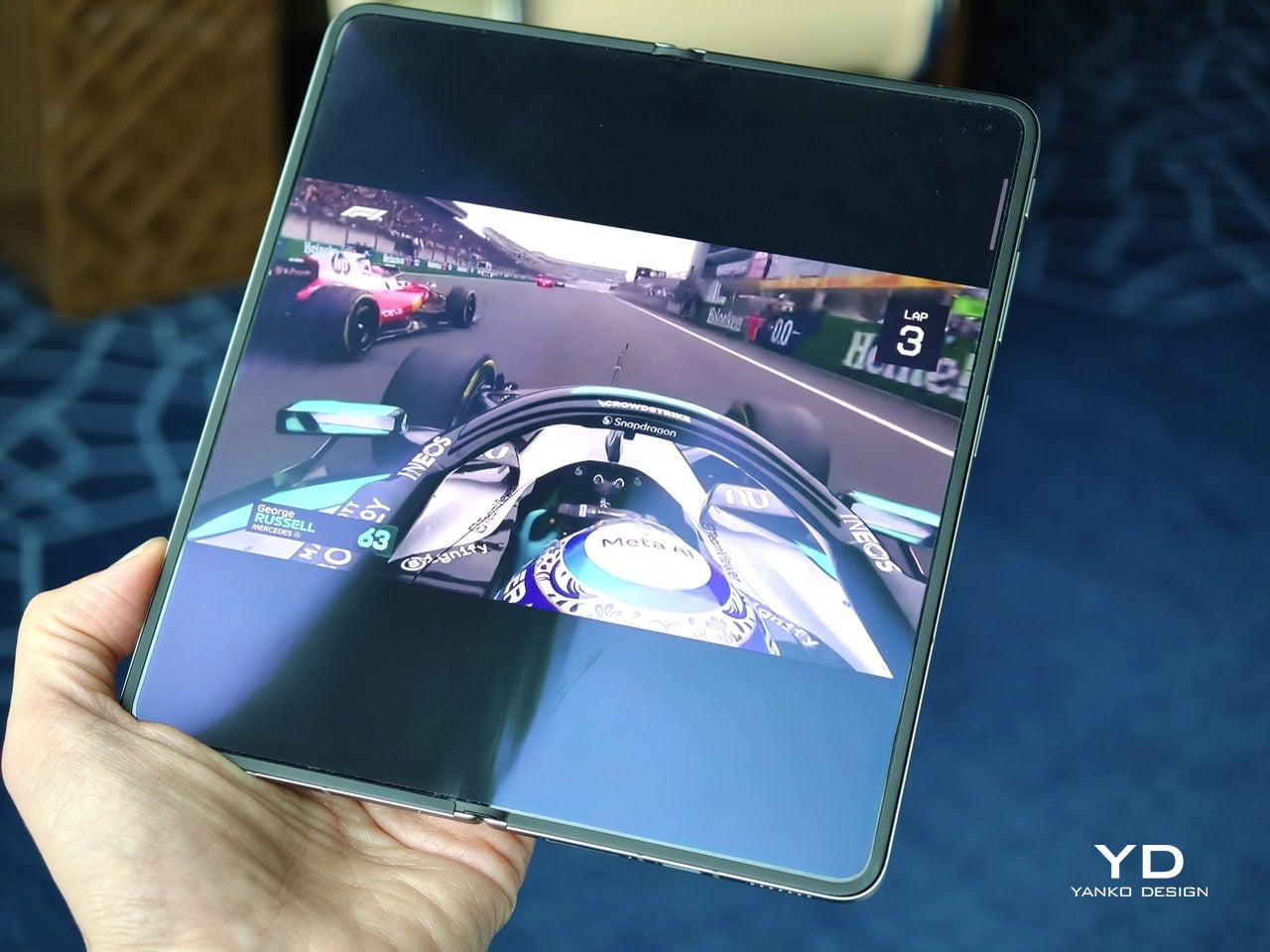
That sense of appreciation only grows once you look at how Oppo arrived at this result. The company refined the hinge architecture itself and paired it with state-of-the-art 3D scanning and 3D printing technologies, a combination that helps explain why the Find N6 feels so polished in the hand.

That same attention extends to the physical controls. In place of the OnePlus-style alert slider on the upper left, Oppo now uses the customizable Snap Key, first introduced on the Find X9 series and now positioned on the upper right side. It can be mapped to quick actions such as launching the camera, turning on the flashlight, starting a voice memo, or opening translation, giving it a broader role than the slider it replaces.
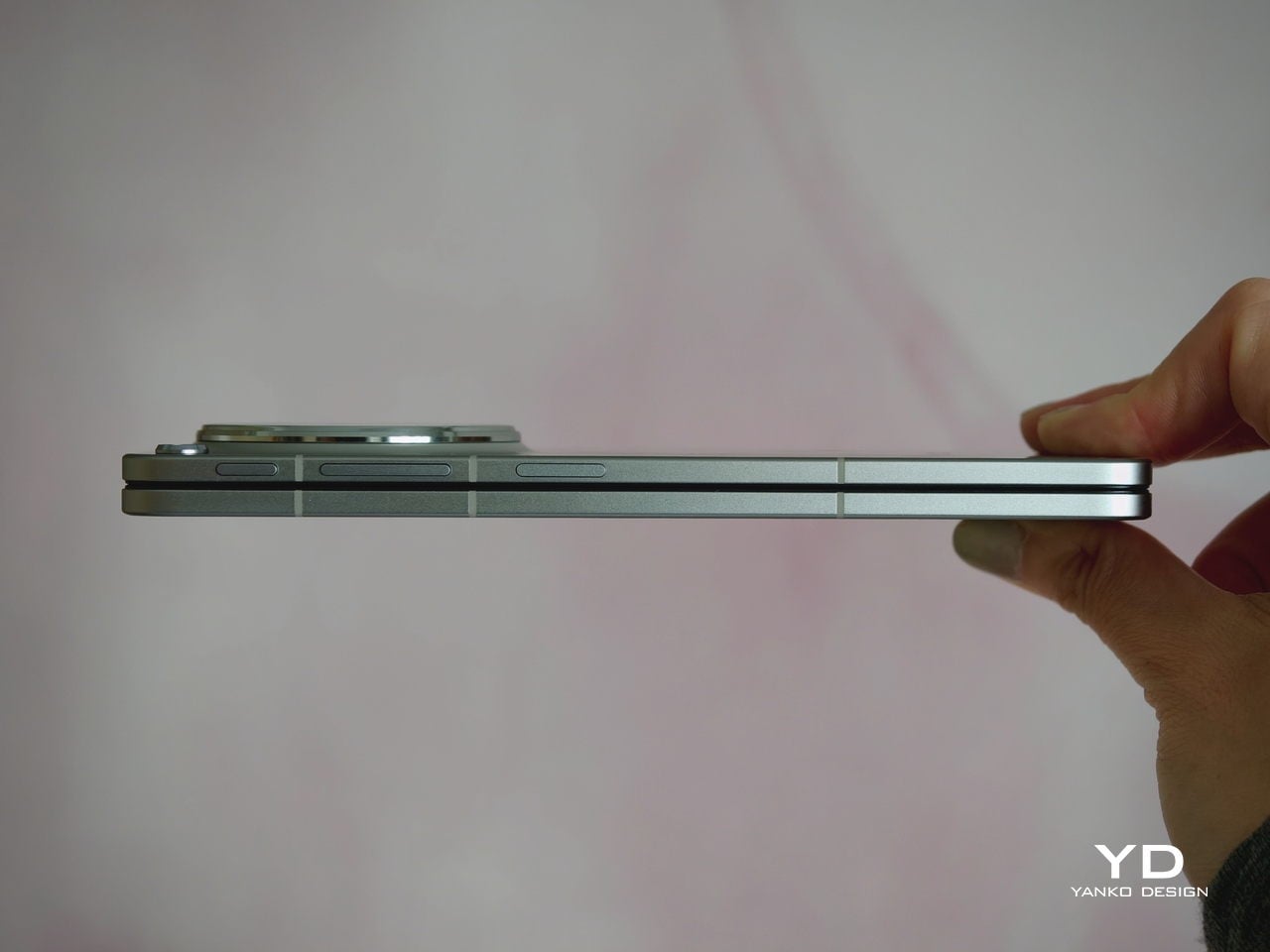
Just below sit the fingerprint reader and volume rocker, both placed lower than they were on the Find N5. That may sound like a minor adjustment, but it makes the controls easier to reach and better aligned with the way the phone naturally rests in the hand. It is a subtle refinement, though one that proves genuinely useful in everyday use.

Performance

With foldables, the screens have to justify the form factor. The Find N6 uses a 6.62-inch cover display and an 8.12-inch inner screen, both with 120Hz LTPO panels. That is the expected hardware at this level, so the more interesting part is how Oppo tries to improve the experience around visibility, comfort, and immersion.
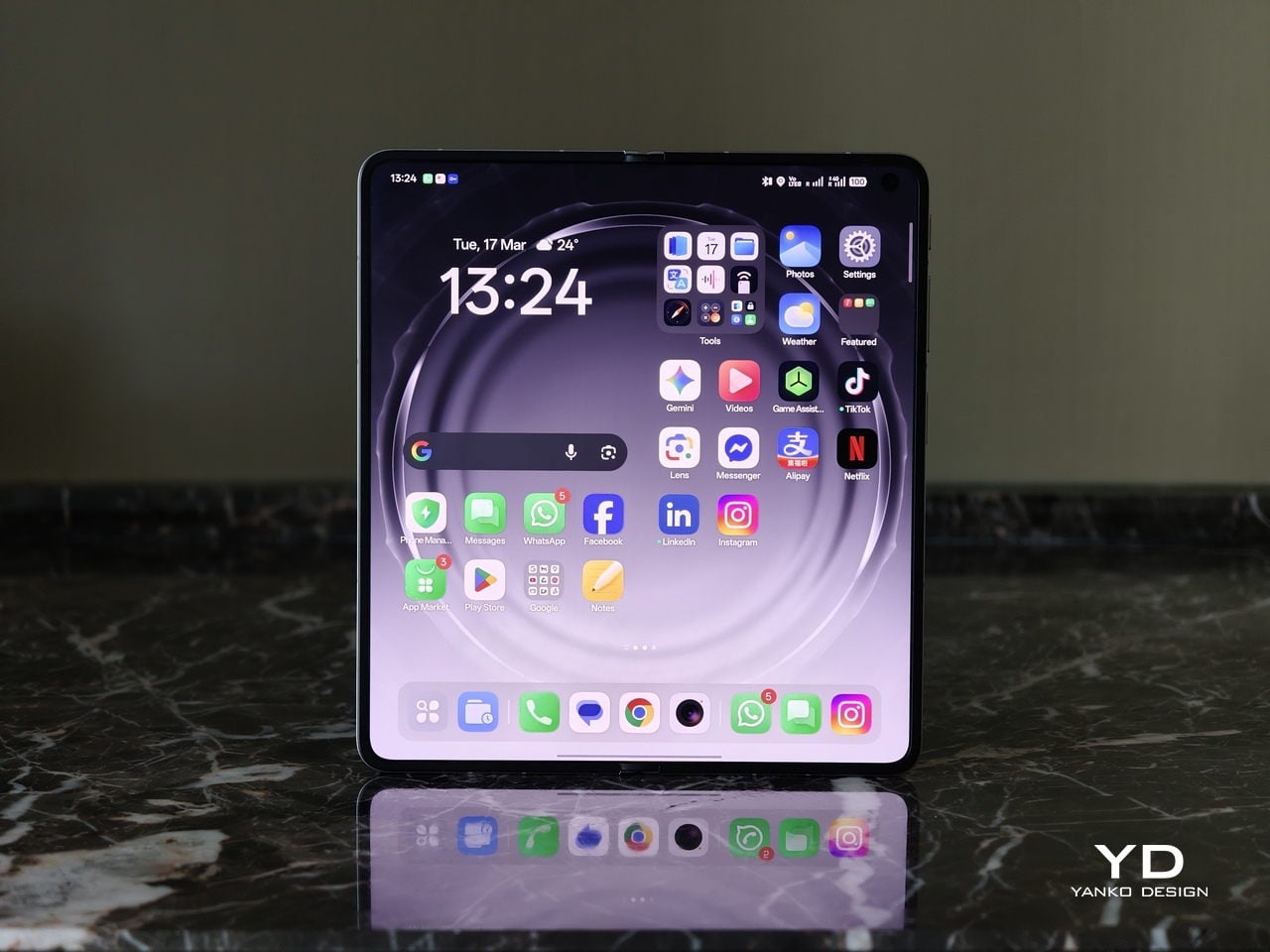
According to Oppo, both displays can reach 1,800 nits in outdoor use, with peak HDR brightness topping out at 3,600 nits on the cover screen and 2,500 nits on the inner panel. In practice, both displays are bright enough to remain comfortably usable even under harsh sunlight. They also support Dolby Vision and HDR Vivid, and content looks rich and vibrant across both panels.
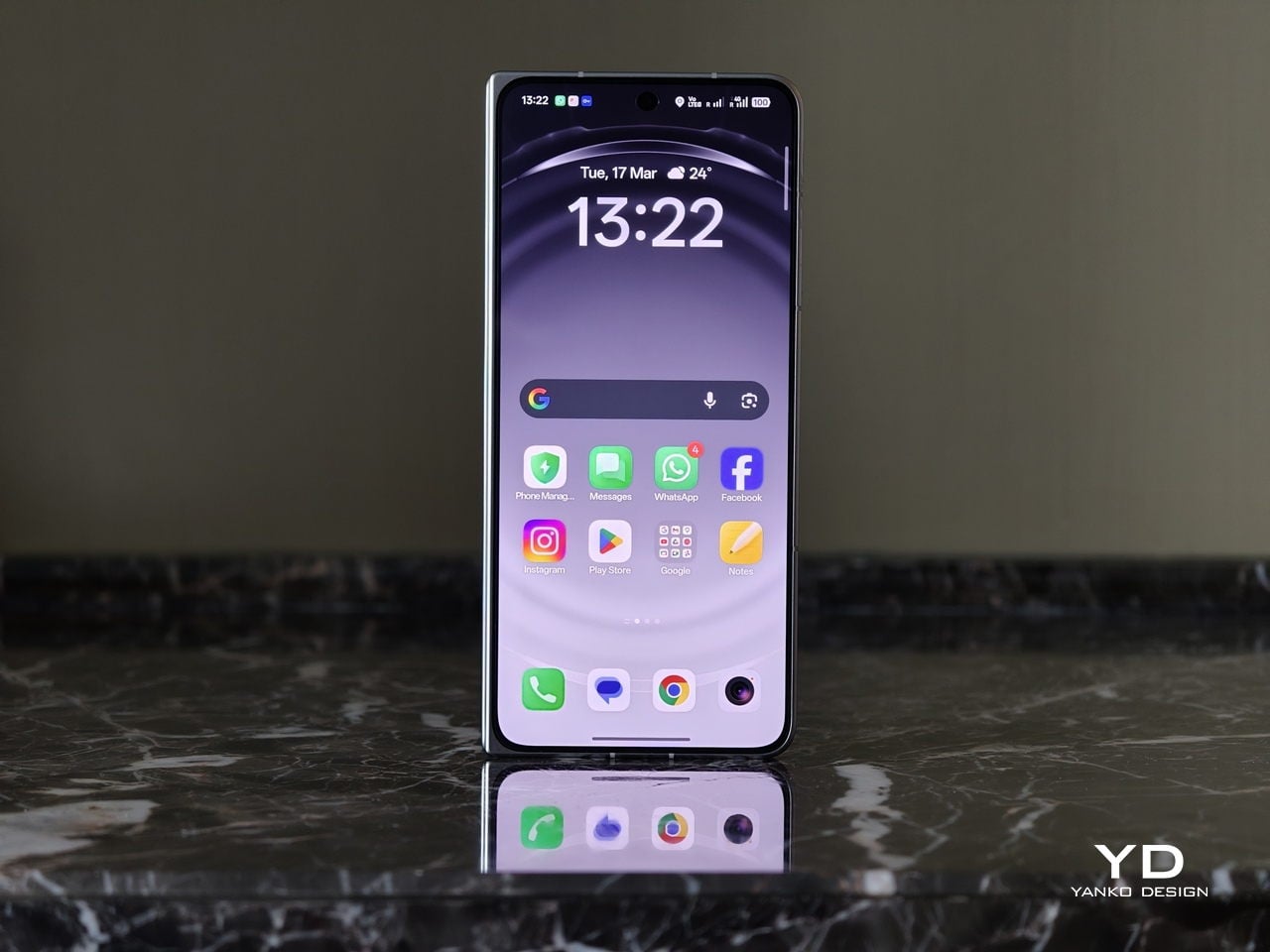
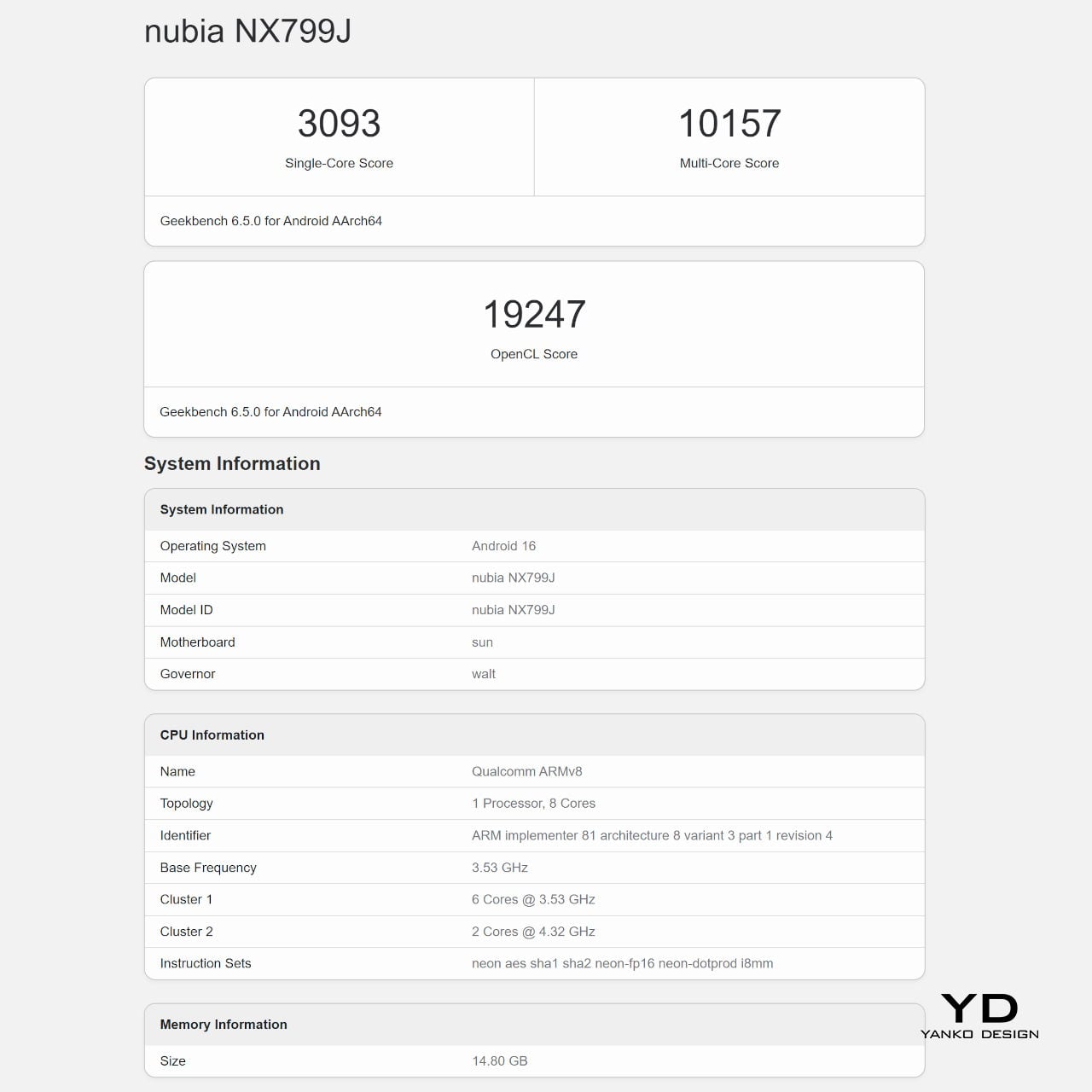
The Find N6 is powered by Qualcomm’s Snapdragon 8 Elite, and it has no trouble keeping up with the kind of multitasking a foldable encourages. Apps open quickly, navigation feels immediate, and even with several windows open at once, the phone stayed smooth and responsive. I also edited a short video on the device, specifically an unboxing of the Find N6 and AI Pen Kit, and the experience was smooth and free of noticeable stutter.
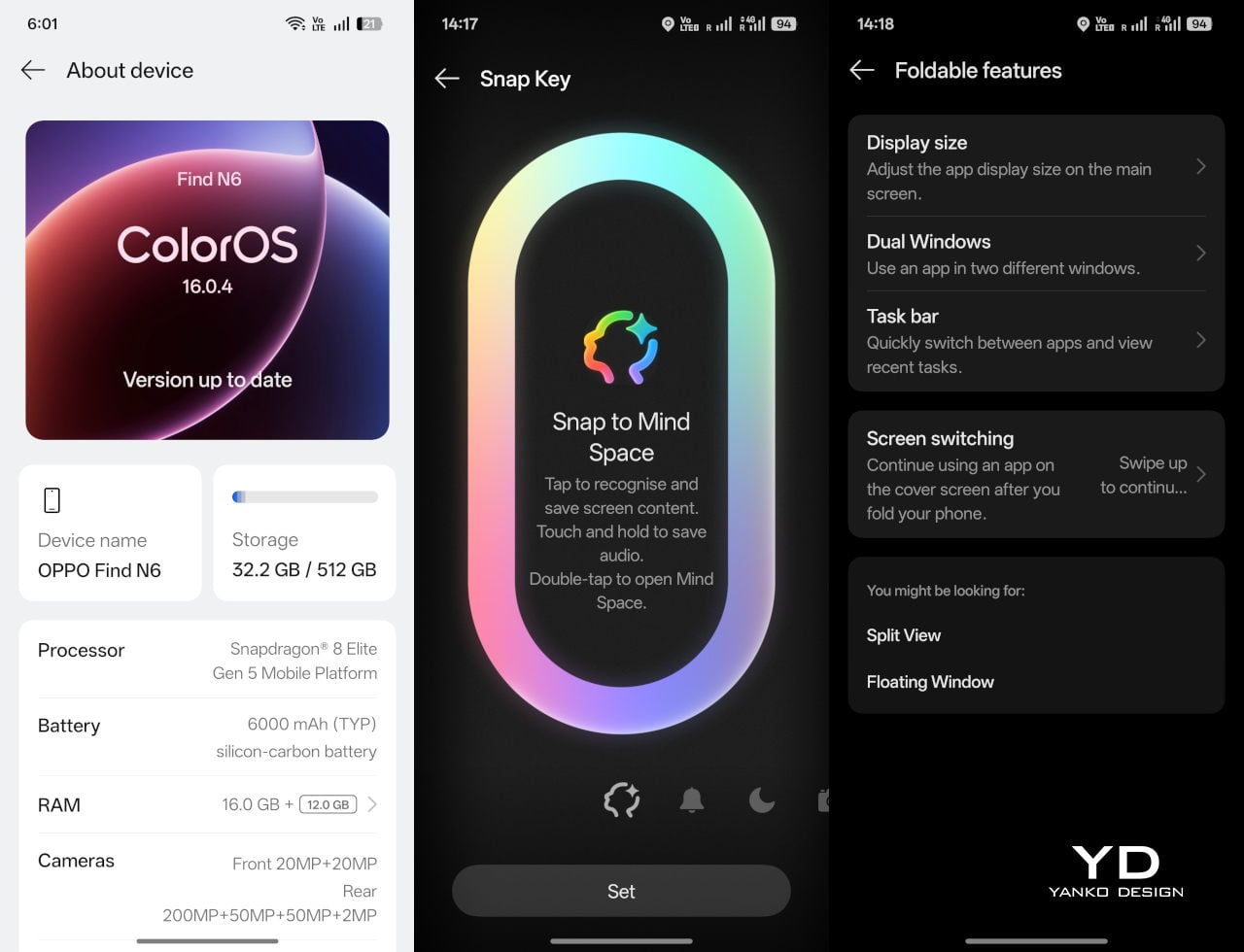
That matters because a device like this only really makes sense if it can handle more than the usual phone workload without feeling strained. Oppo’s software does a good job of making that extra screen space feel useful. Free-Flow Window lets you open up to four apps at once in floating windows, and in practice, it feels less fiddly than it sounds.
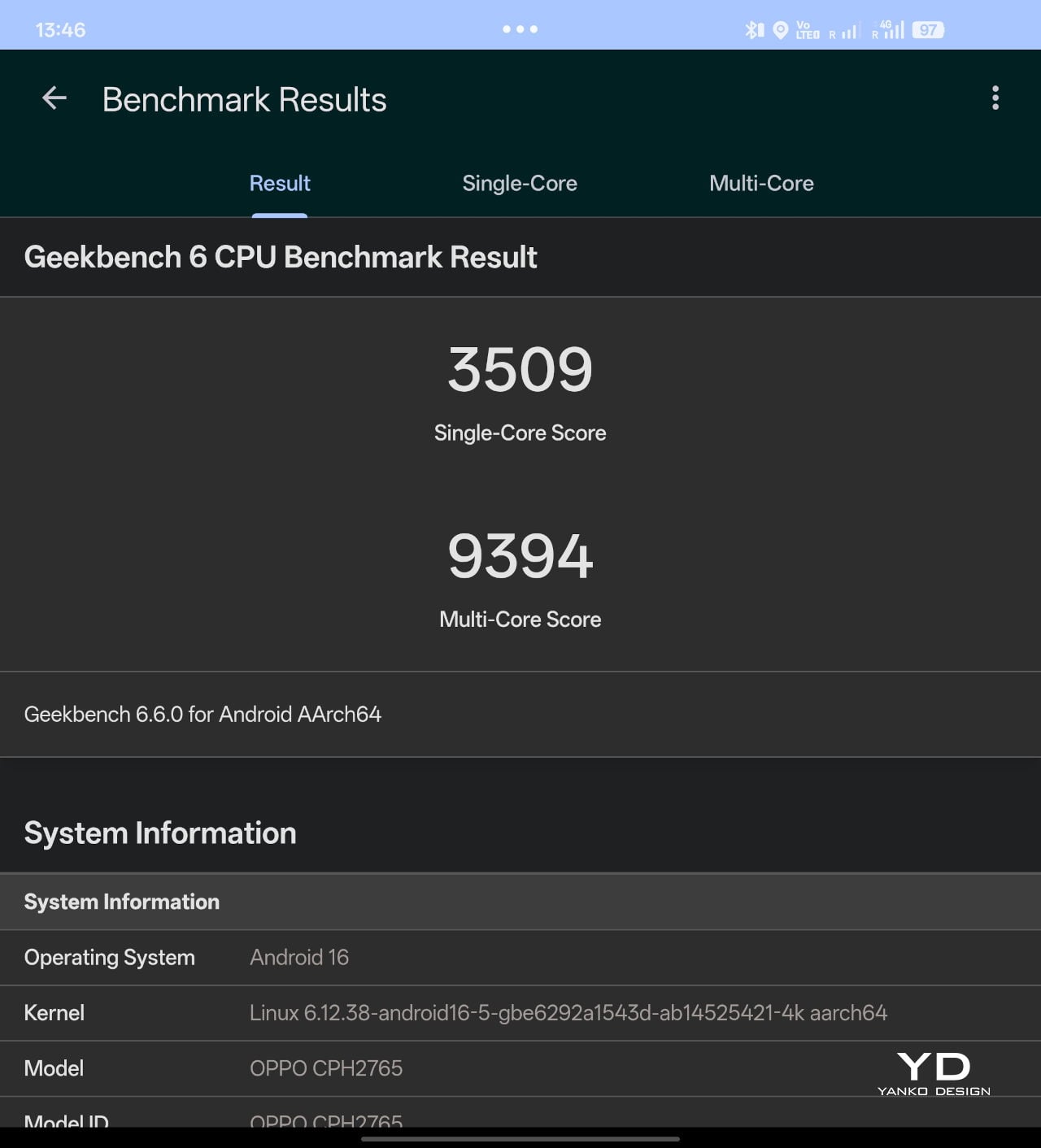
Boundless View adds even more flexibility, and the gestures linking the two work naturally enough that moving between layouts never feels like a chore. Resizing windows, shifting focus, and juggling multiple apps all feel smooth and seamless, which makes the Find N6 genuinely effective as a productivity device rather than just a phone with a bigger screen.
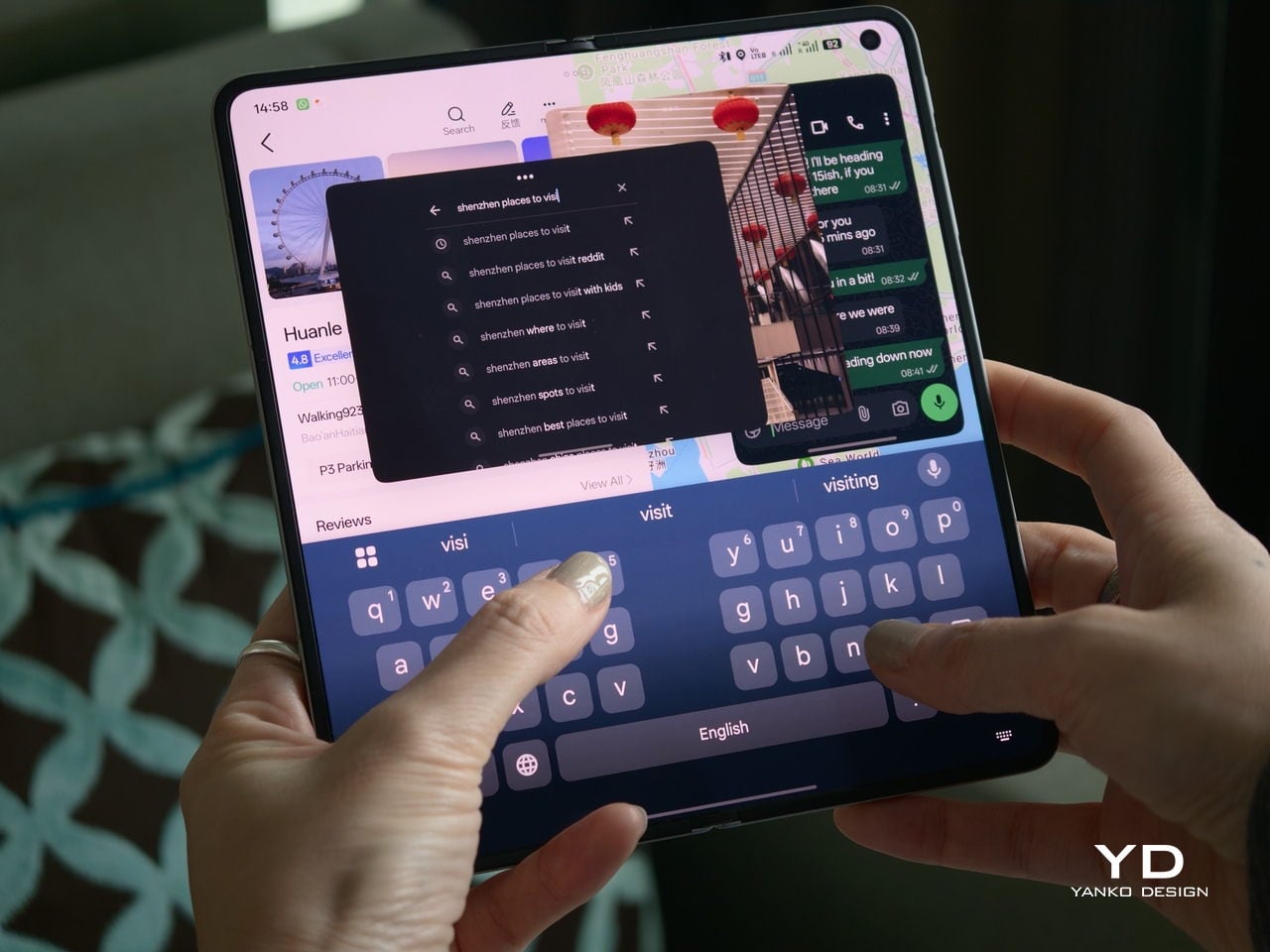
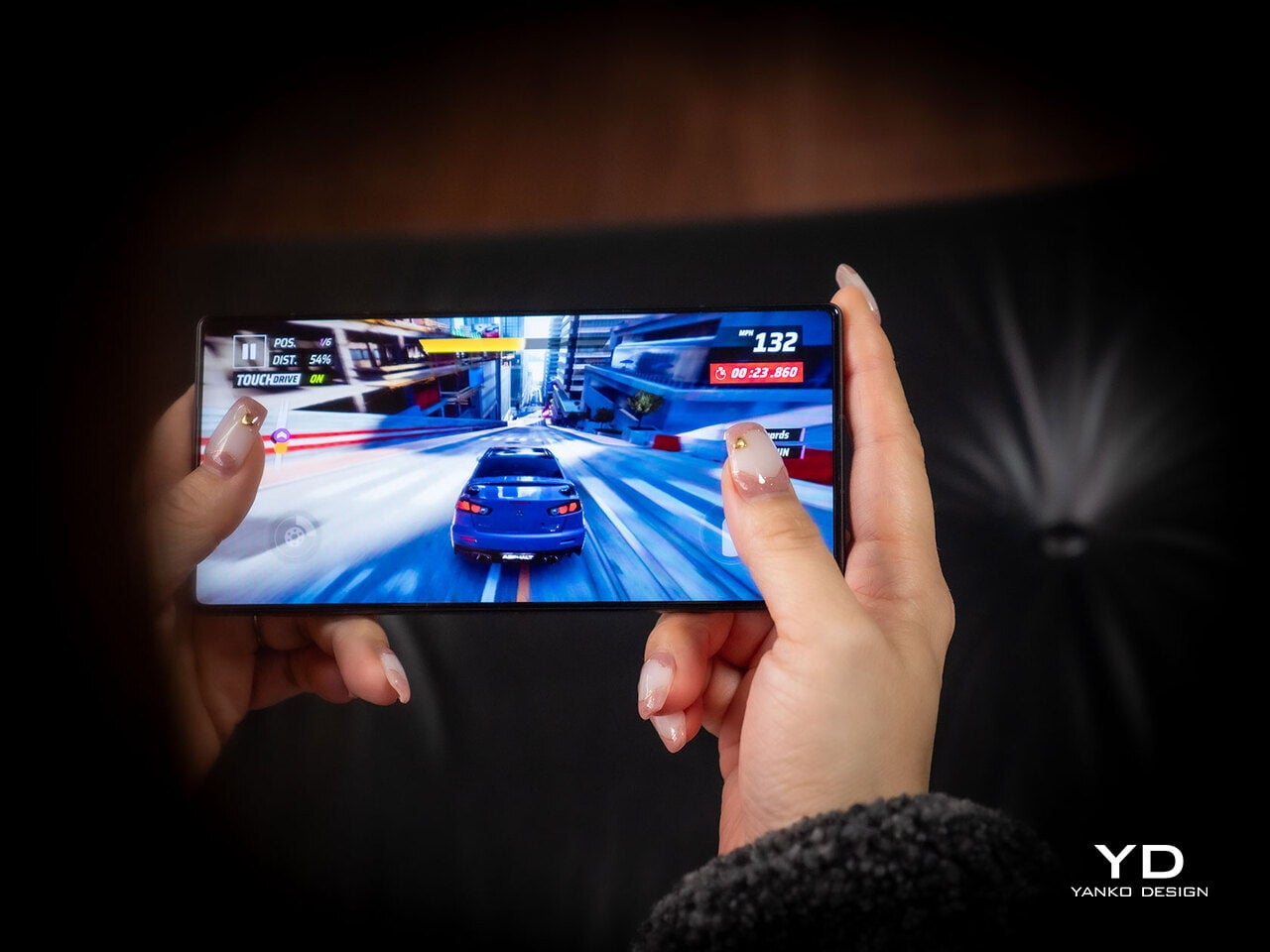
Even under sustained use, the phone remained smooth and reasonably controlled, and I also did not notice any stutter while playing Genshin Impact. Gaming feels more like a bonus here than the main point of the device, but the large inner display still gives it a more immersive, almost tablet-like feel than a standard phone can offer.
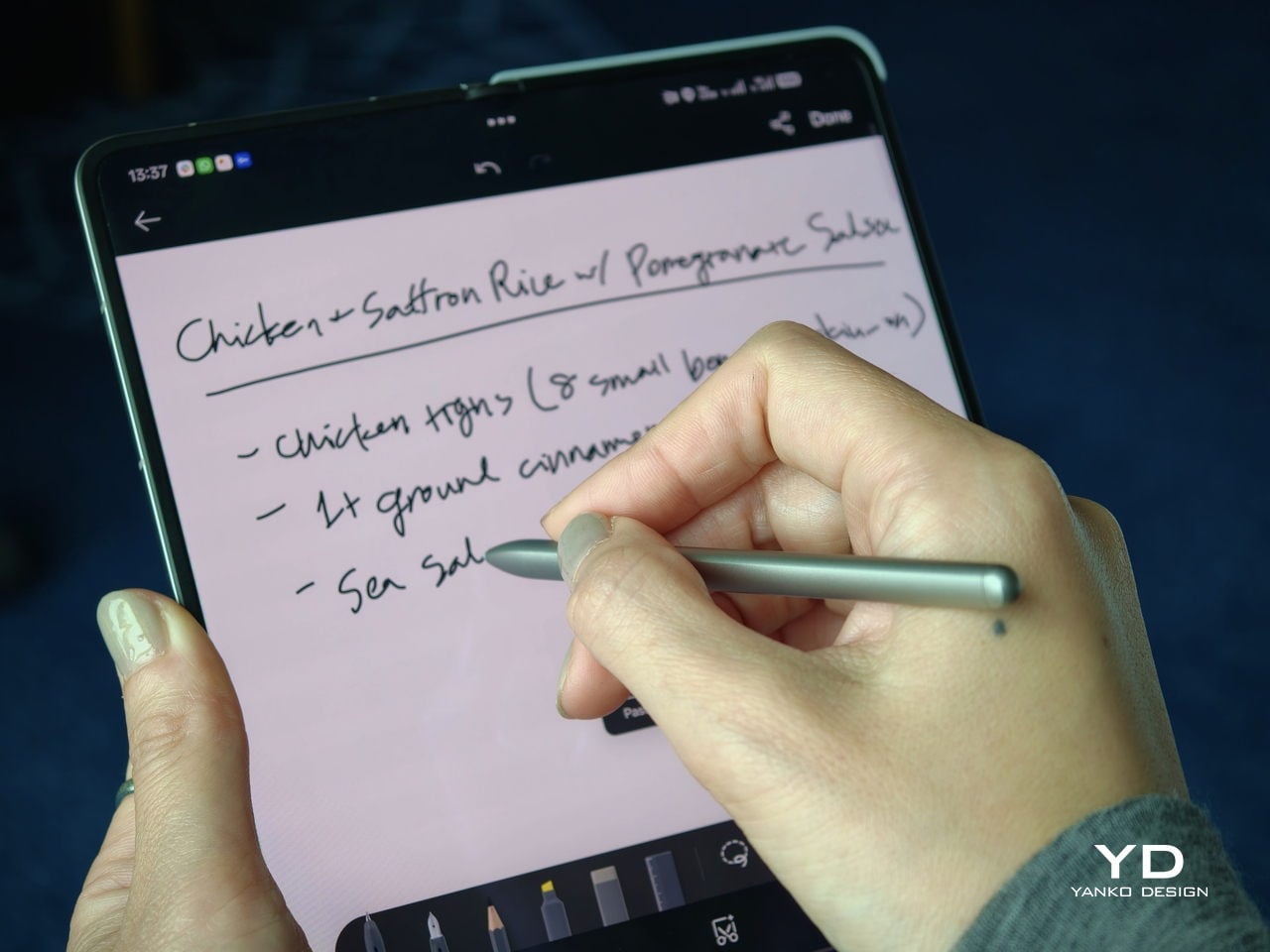
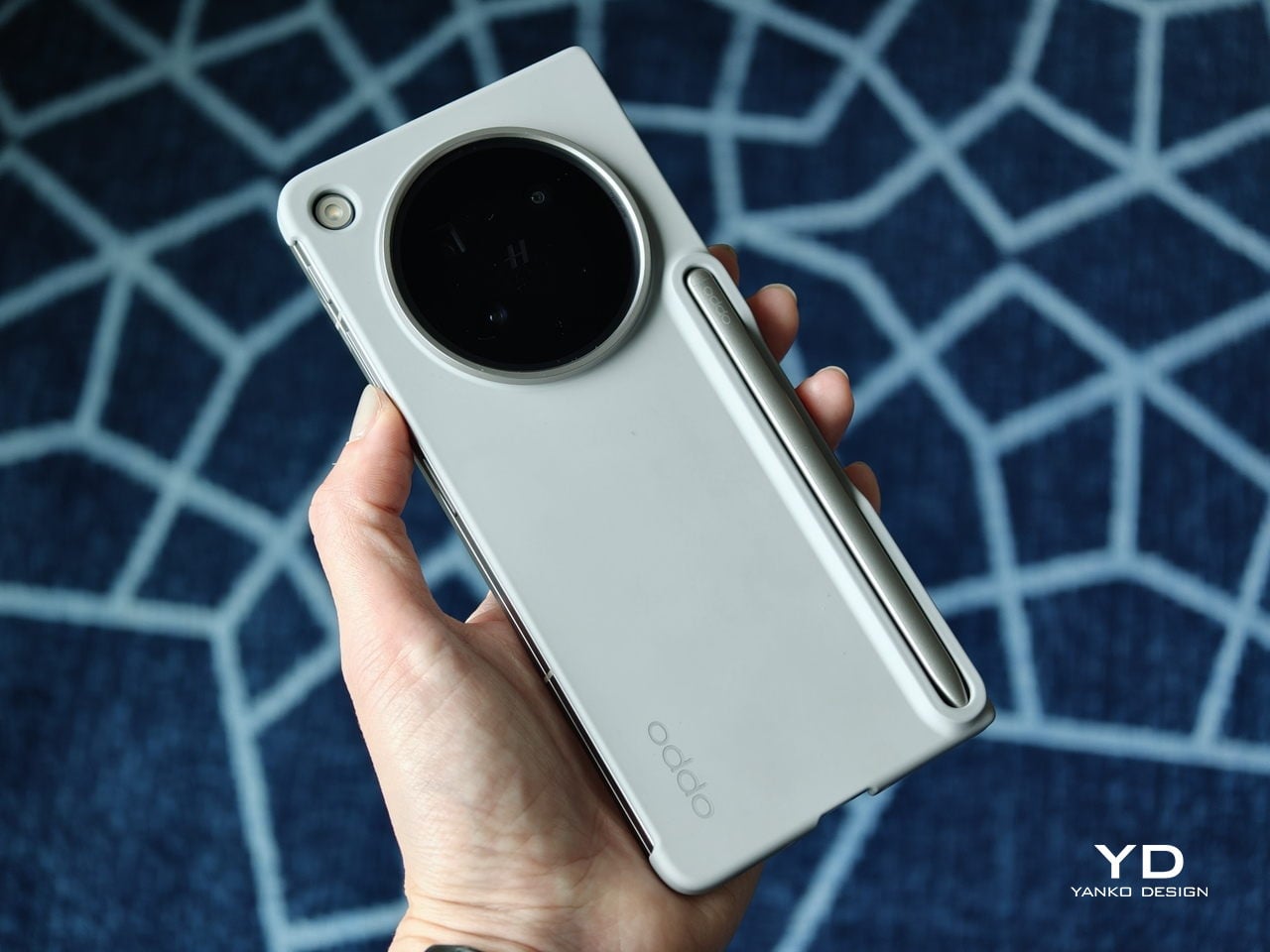
That same focus on utility extends to the AI Pen Kit, which is one of the more interesting hardware additions. The Oppo AI Pen supports 4,096 levels of pressure sensitivity and works on both the inner and outer displays, which makes the Find N6 more versatile for note-taking, annotation, and quick sketching. Because it connects over Bluetooth, the pen can also double as a remote shutter for both photos and video, which adds a genuinely useful layer of flexibility.

Oppo has also handled the practical side fairly well. The dedicated case gives the pen a proper place to live and keeps it charged through reverse wireless charging from the phone itself. That kind of integration is important because accessories like this are only useful if they are easy to carry and ready when you need them.
The software support around the pen is also fairly thoughtful. Quick Note lets you start writing quickly, a double press switches between writing and erasing, and global annotation makes it possible to mark up content across the interface and export it as an image or PDF afterward. There are also a few more specialized tools, including handwriting optimization, a handwriting calculator, and a Laser Pointer mode for presentations. Not all of these will be essential, but together they make the pen feel more genuinely useful than most stylus add-ons tend to.

Camera

The camera system performs well by foldable standards, but it is not on the level of the best camera-focused flagships. In practice, it feels closer to a solid upper mid-range setup, which is respectable enough for a device like this.

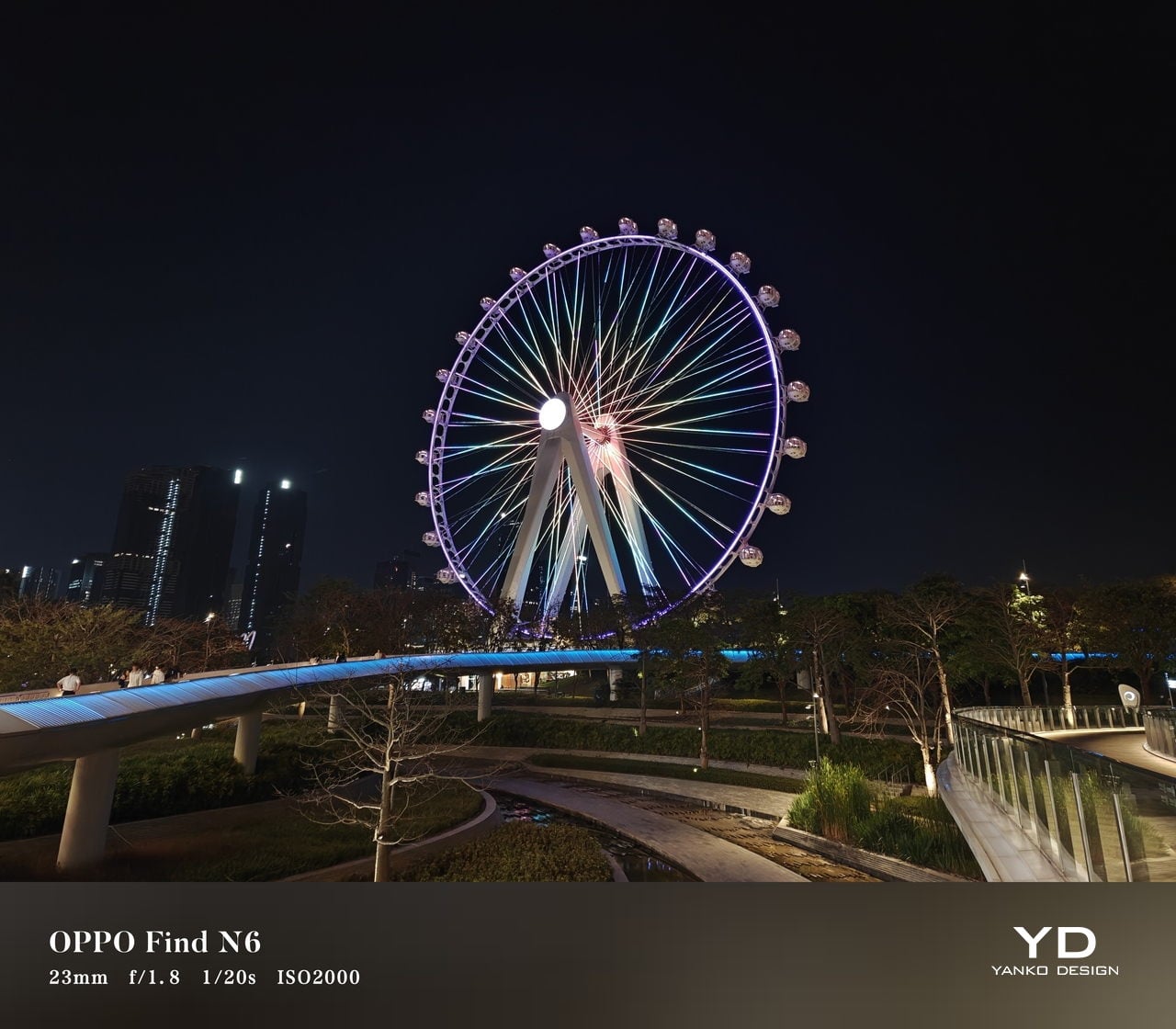
The rear camera system includes a 200MP main camera with a 21mm-equivalent focal length, a 1/1.56-inch ISOCELL HP5 sensor, an f/1.8 aperture, and OIS, a 50MP telephoto at 70mm equivalent with an ISOCELL JN5 sensor, an f/2.7 aperture, and OIS, and a 50MP ultra-wide at 15mm equivalent with another ISOCELL JN5 sensor, an f/2.0 aperture, and autofocus.


In daylight, the Find N6 delivers good detail, pleasing dynamic range, and generally accurate color, even if images tend to run slightly bright. The telephoto and ultra-wide are serviceable, while low light is where the limitations become more obvious, especially when there is movement in the scene.
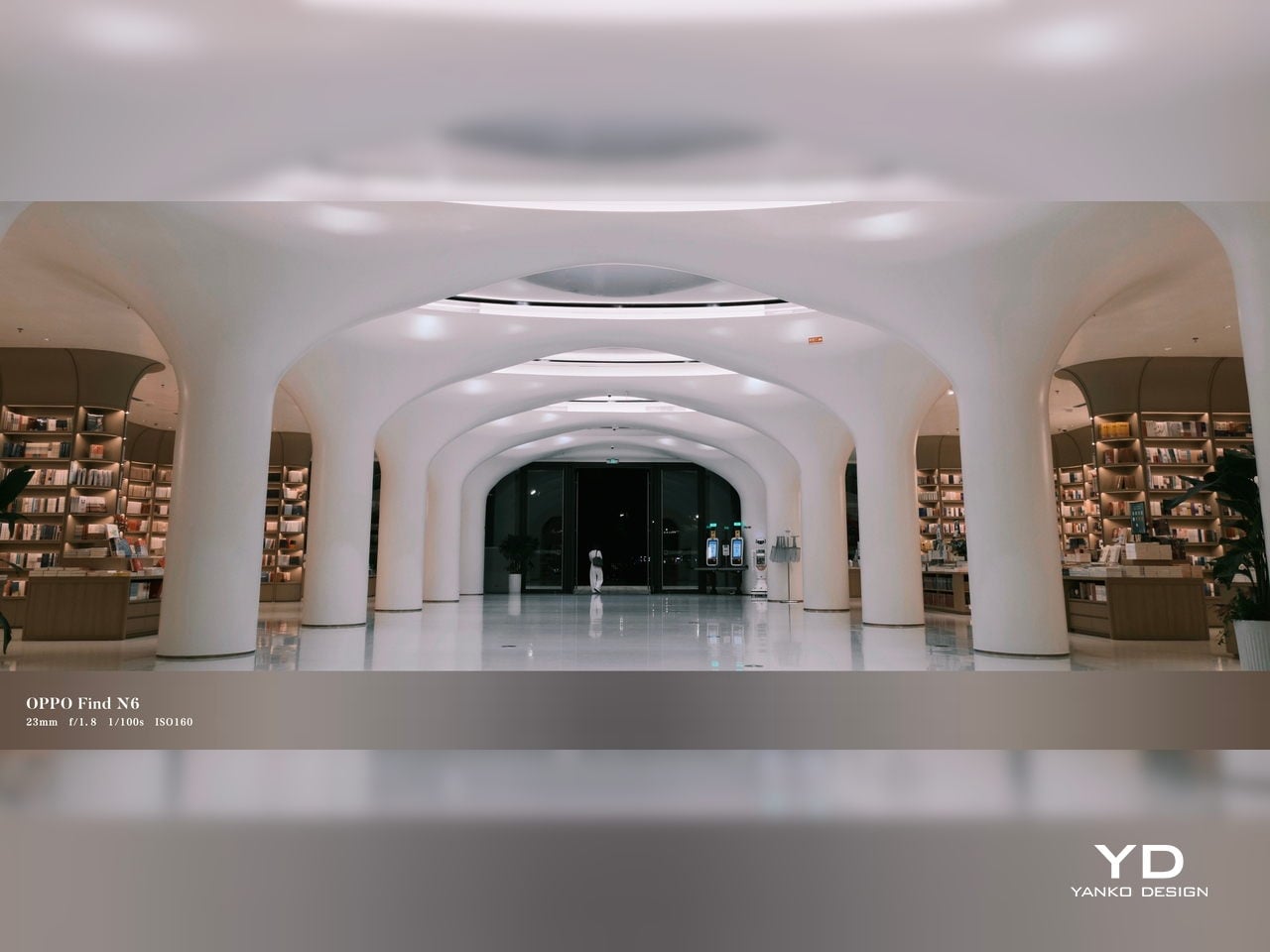
XPan Mode

Oppo does at least include a healthy set of features, including log video recording and XPan mode. There are also two 20MP selfie cameras, one on the outer display and one on the inner screen, though they feel more useful for video calls than for anything else. Video is also fairly capable, with all three rear cameras supporting up to 4K 60fps Dolby Vision HDR, while the main camera can go up to 4K 120fps Dolby Vision.


Battery and charging

The Find N6 packs a 6,000mAh battery, and in practice, it delivers strong battery life. Unless you are using the camera heavily, it can easily last a full day and more, which is a very good result for a foldable with two high-refresh-rate displays.

Charging is strong as well. The phone supports 80W wired and 50W wireless charging, which makes it easier to top up quickly when needed. That only adds to the sense that the Find N6 is easier to live with day to day than many foldables.
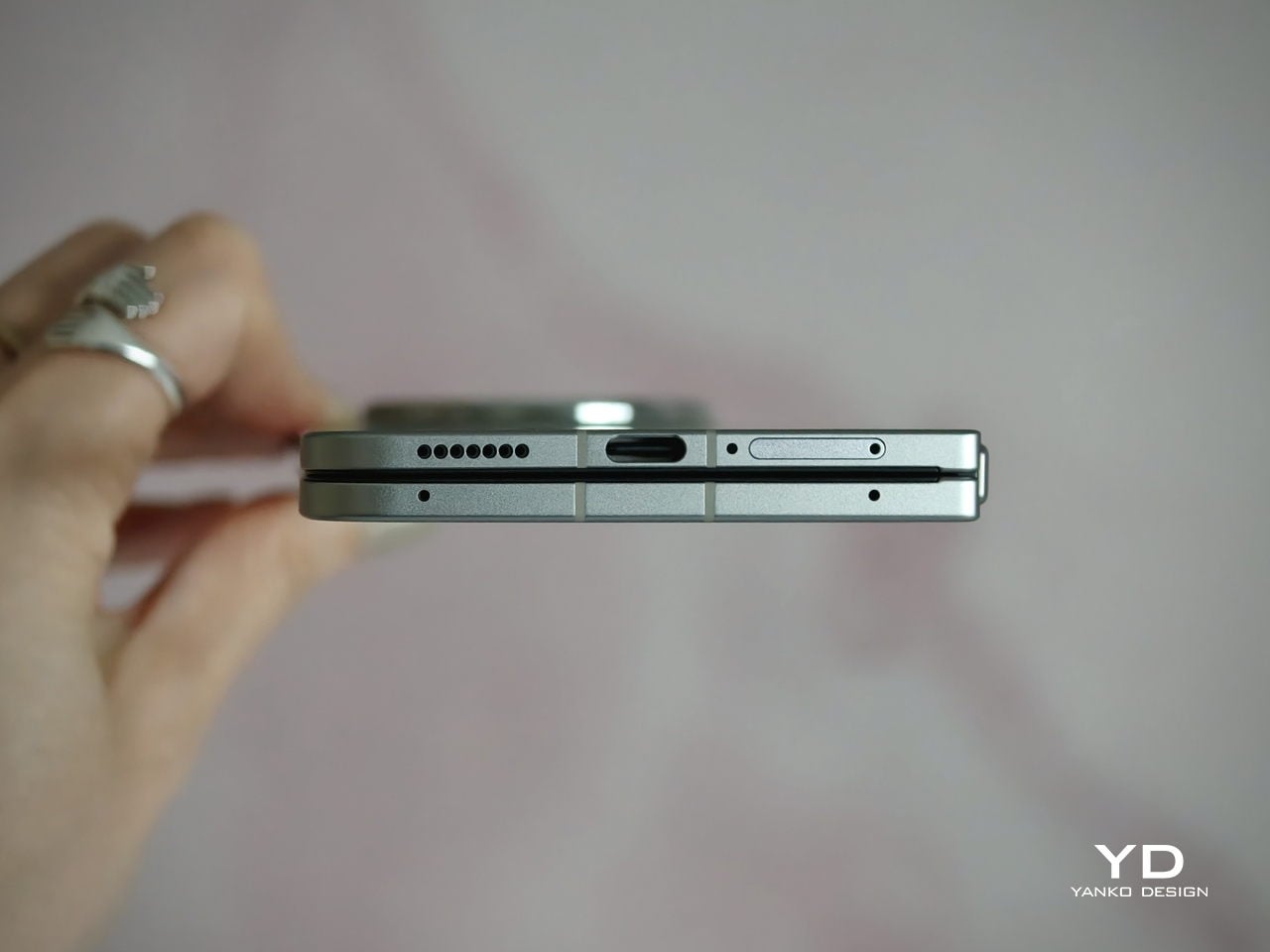
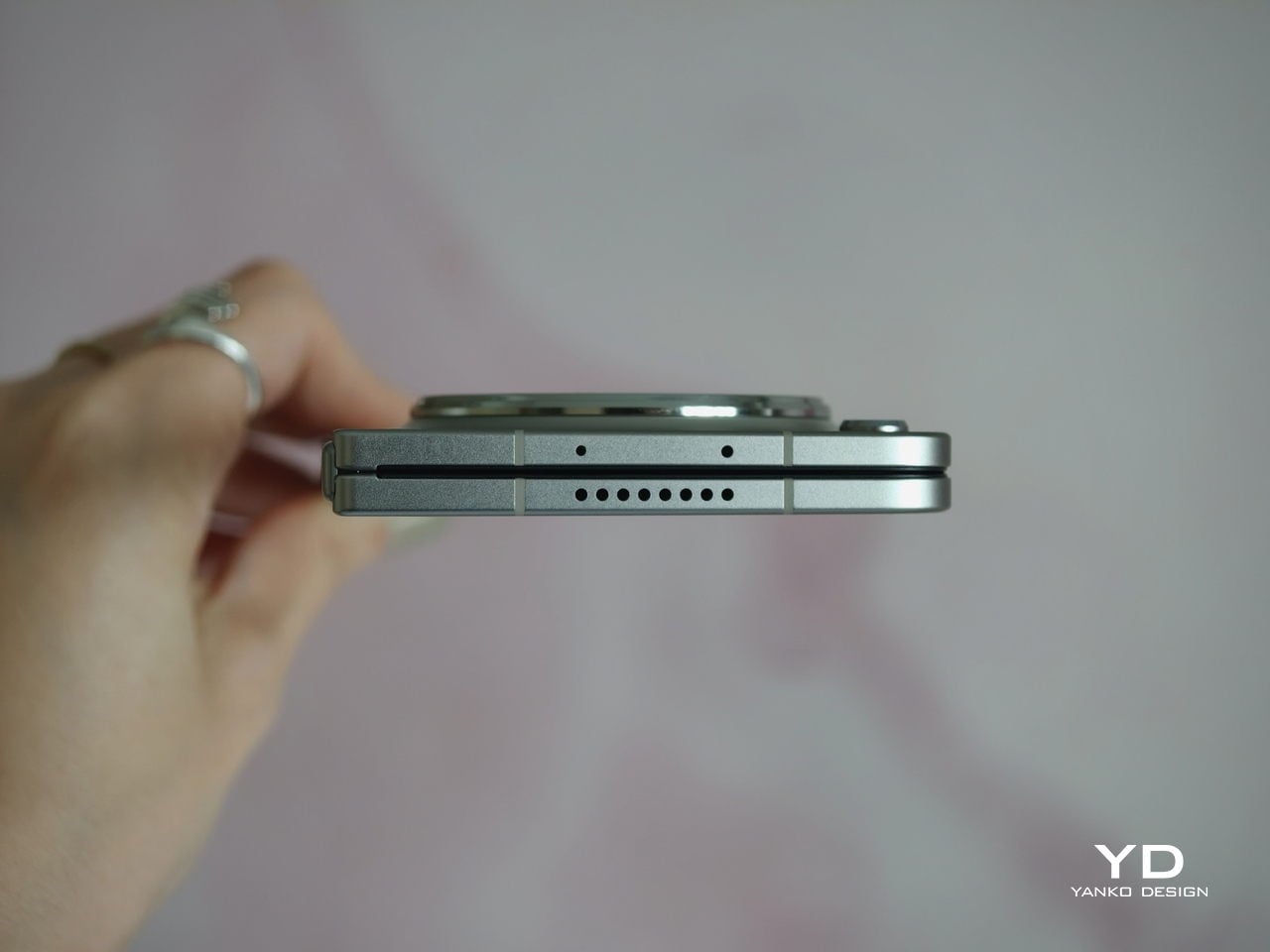
Sustainability

For a foldable, the Find N6 makes a fairly strong durability case. It carries IP56, IP58, and IP59 ratings, and Oppo also points to stronger materials and a more robust hinge design as part of the broader durability story. More importantly, it feels reassuringly solid in hand, which goes a long way in making the device seem built to last.
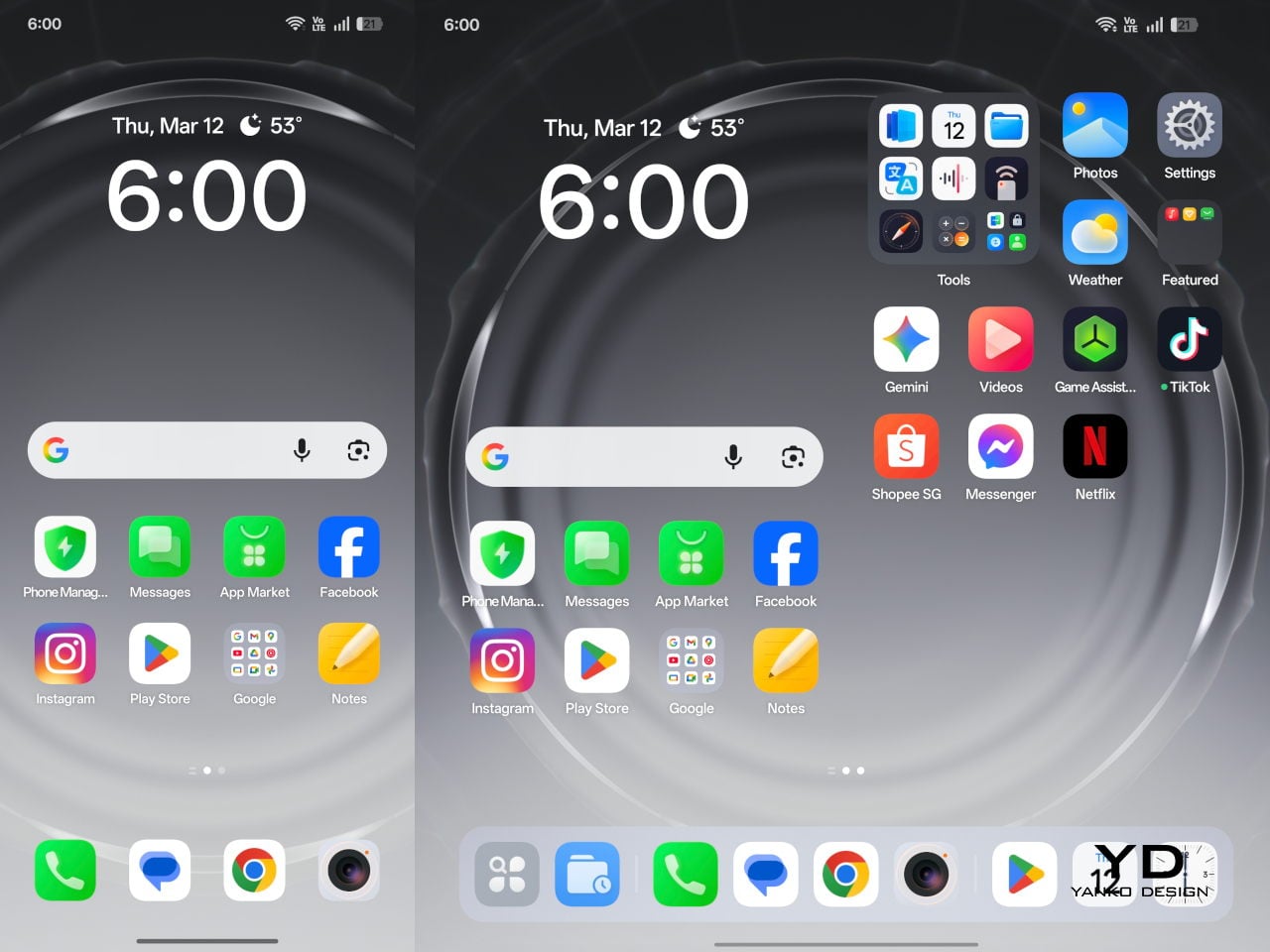
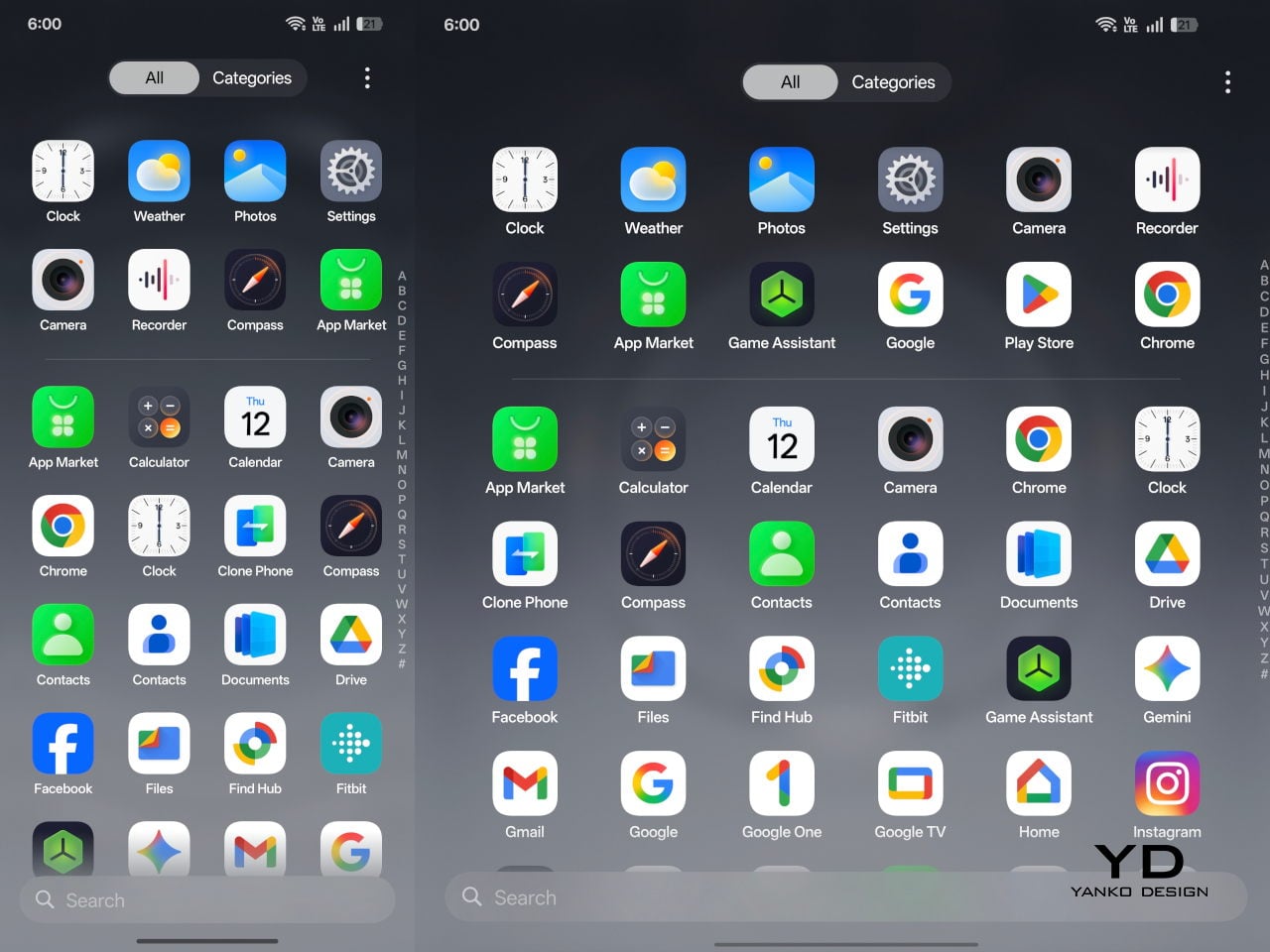
That is matched by fairly solid long-term support. The phone is TÜV Rheinland certified for one million folding cycles and has minimized crease performance after 600,000 folds, while Oppo promises five years of Android updates and six years of security patches. That may not fully define sustainability, but it does give the Find N6 a more convincing case for longevity.

Value

At a starting price of around $1,440 for 12 GB/256GB configuration ($1,580 for 16 GB/512GB and $1,730 for 16 GB/1TB), the Find N6 is firmly in premium territory, but it also makes one of the strongest value cases in the foldable market. The design is slim and polished, the crease is impressively well controlled, battery life is strong, and the multitasking experience makes the larger display feel genuinely useful. More importantly, it feels like a foldable that gets the fundamentals right rather than relying on novelty alone.
The price is still high, and the camera system does not quite match the best camera-focused flagships, so there are limits to how broadly its value can be argued. But within the foldable category, the Find N6 feels unusually complete and easier to justify than many of its rivals if you already know this is the form factor you want.

Conclusion

After spending time with the Find N6, I came away feeling that Oppo has done more than just refine the formula. This is one of the few foldables that feels designed around everyday use rather than the novelty of unfolding into a larger screen. The ergonomics are better than expected, the crease is remarkably well controlled, battery life is strong, and the software makes the larger display feel genuinely useful.

It is still an expensive device, and the camera system does not quite reach the level of the best camera-focused flagships. Even so, the more I used the Find N6, the more complete it felt. There is a level of polish here that remains rare in this category, and it makes a very strong case for itself as one of the best all-around foldables available right now.
The post Oppo Find N6 Review: The Best Foldable Phone Right Now first appeared on Yanko Design.
Honor MagicPad4 Review: The World’s Thinnest Tablet Nails Portability and Performance

PROS:


  • Excellent portability

  • Immersive content-consuming experience

  • Great battery life

  • Powerful performance

CONS:


  • No microSD card slot

  • No IP rating

  • Underwhelming software support period

RATINGS:

AESTHETICS
ERGONOMICS
PERFORMANCE
SUSTAINABILITY / REPAIRABILITY
VALUE FOR MONEY

EDITOR'S QUOTE:

The Honor MagicPad4 nails extreme portability with a gorgeous OLED screen, strong performance, and a surprisingly complete productivity toolkit that makes it feel like a real work-capable tablet.

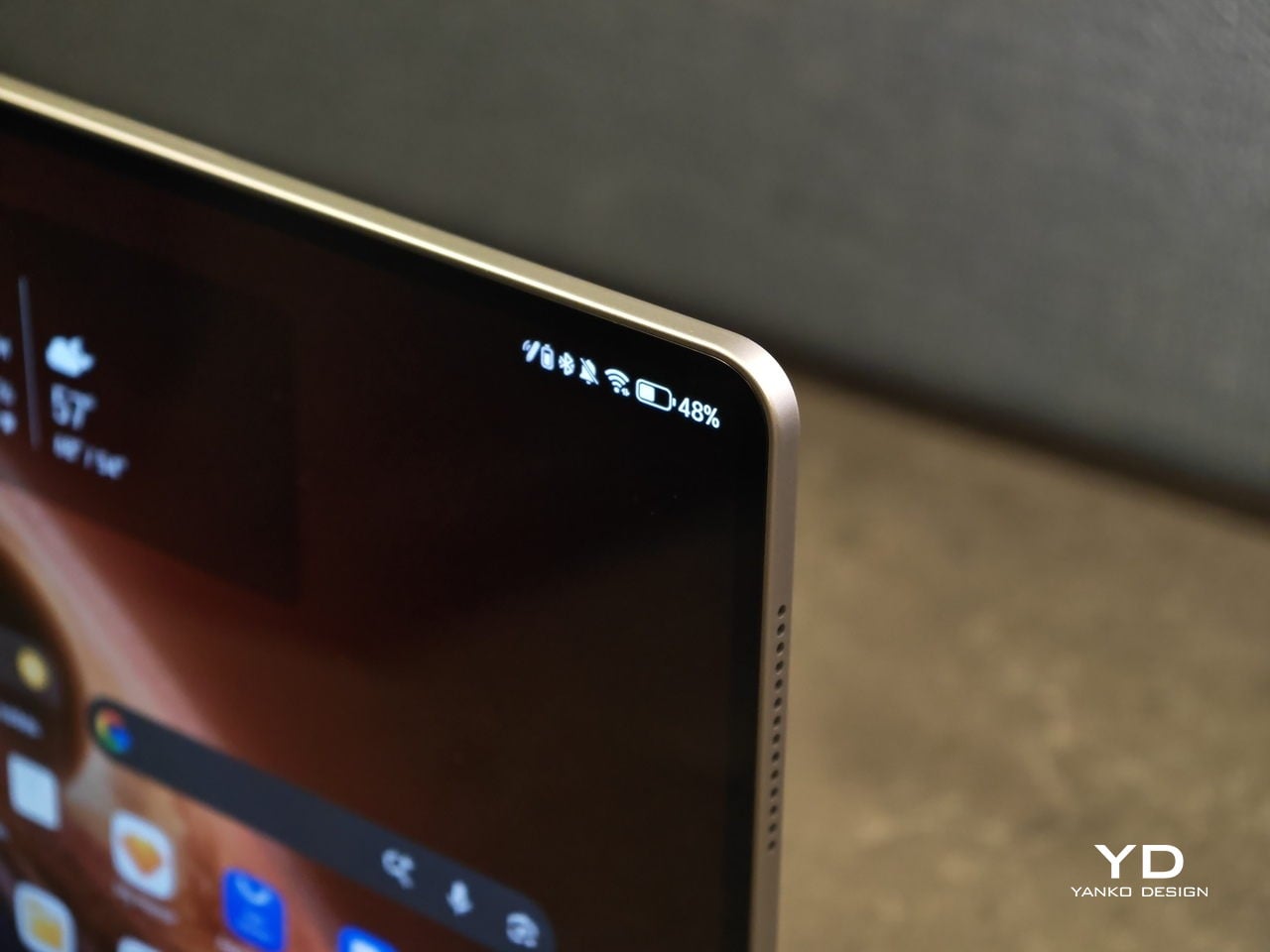
Honor is pitching the MagicPad4 as a tablet that can travel like a notebook and work like a small laptop, without dragging you into the usual compromises. The headline numbers are bold. 4.8mm thin and about 450g, paired with a 12.3-inch OLED panel that runs up to 165Hz and hits a claimed 2400 nits peak brightness in HDR. 

Under that sleek shell, HONOR is also treating this as a proper flagship. You get Snapdragon 8 Gen 5, Wi-Fi 7, a 10,100mAh typical battery with 66W wired charging, and a cooling system designed to keep performance consistent under load. With the headline specs out of the way, let’s get into what the MagicPad4 is actually like to live with.

Designer: Honor

Aesthetics

The MagicPad 4 looks like it was designed with a single obsession. Make the body feel impossibly slim, then let the display do the talking. Its design language is clean, modern, and very display-forward, and it feels intentionally restrained in the best way. Instead of chasing flashy accents, the tablet leans into a minimalist, yet elegant look that quietly simmers.

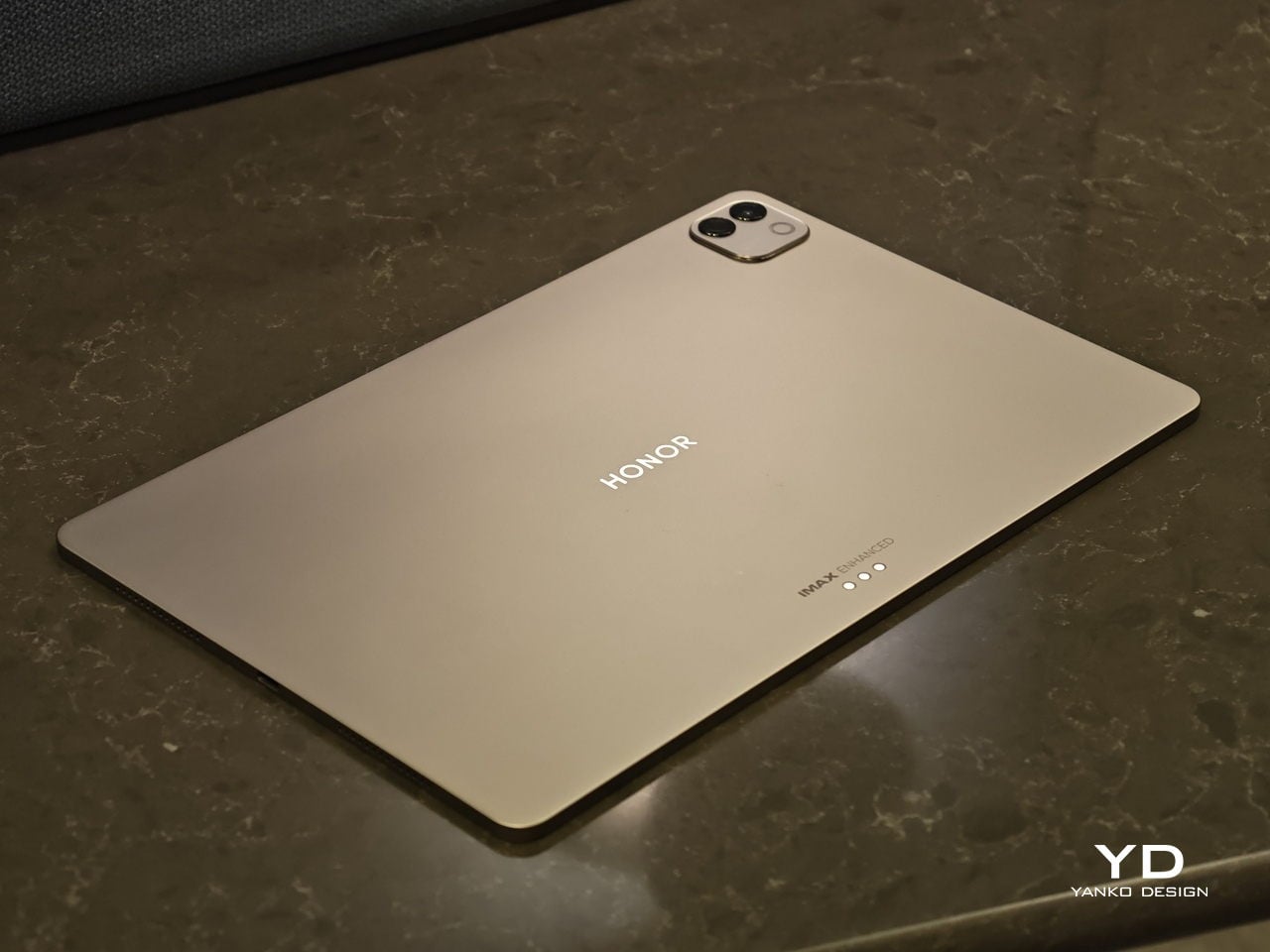
Flip it over, and the styling stays just as composed. On the back, the MagicPad 4 features a square camera bump in the upper left corner, while the HONOR logo sits centered for a balanced, gallery-like finish. Color options are simple and confident, with Gray and White both pairing naturally with the tablet’s understated aesthetic.

Ergonomics

In hand, the MagicPad4’s defining ergonomic feature is slimness and weight, or the lack of it. The MagicPad 3 was already ahead of the pack on portability, listed at 5.79mm and about 595g, but the MagicPad4 still makes a meaningful leap at just 4.8mm thin and about 450g. The screen is slightly smaller this time around, dropping from 13.3 inches on the MagicPad 3 to 12.3 inches here, yet the reduction in thickness and weight is still impressive, even with that display size change in mind.

On paper, those numbers can sound like a modest revision. In use, they show up as less hand fatigue and less hesitation to pick it up for quick reading, quick edits, or a short sketching session. To underline how light it is for its size, HONOR even notes that the 12.3-inch MagicPad4 is lighter than an 11-inch iPad Air at around 462g, which is a helpful reality check for just how portable it feels.

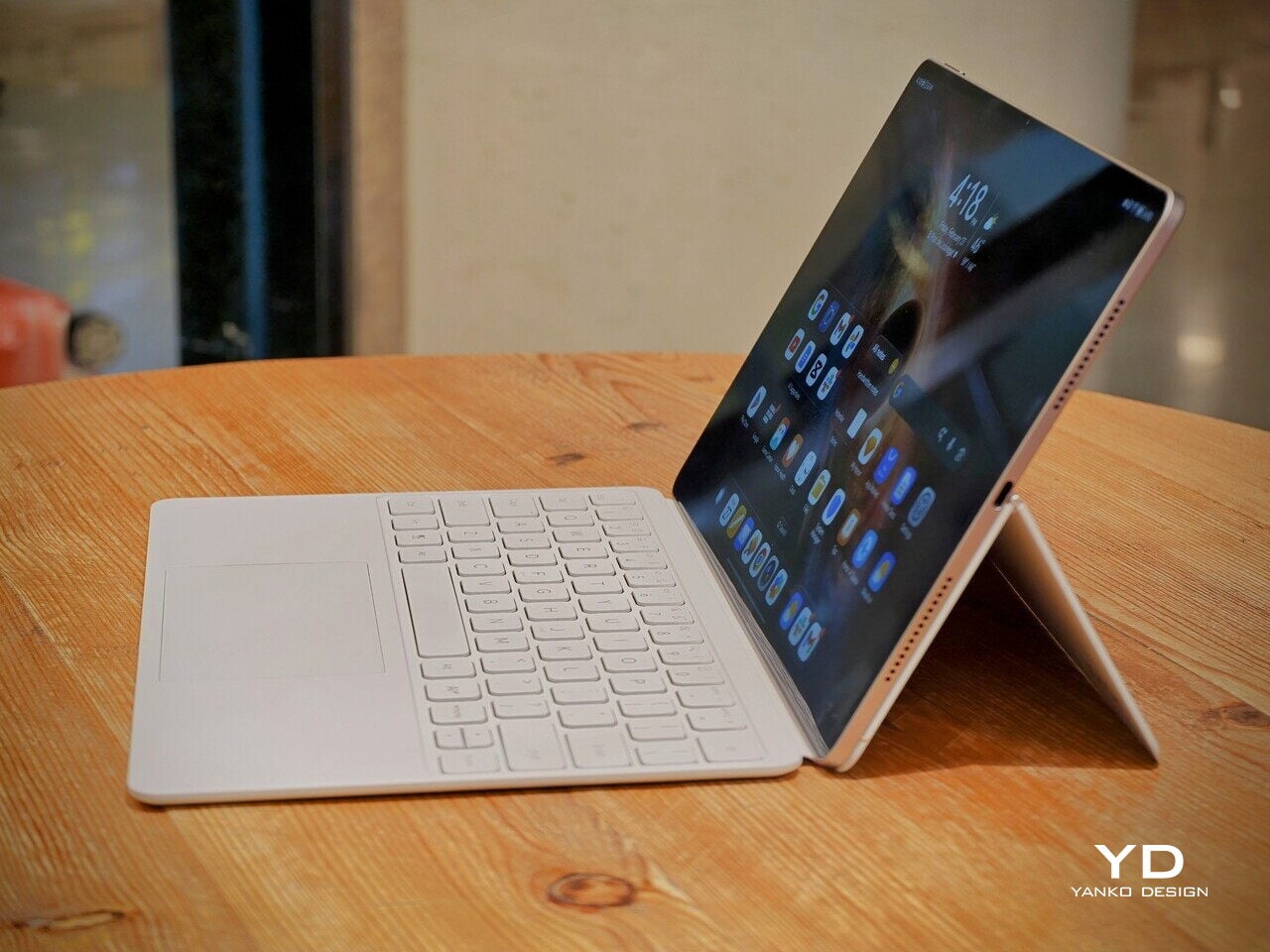
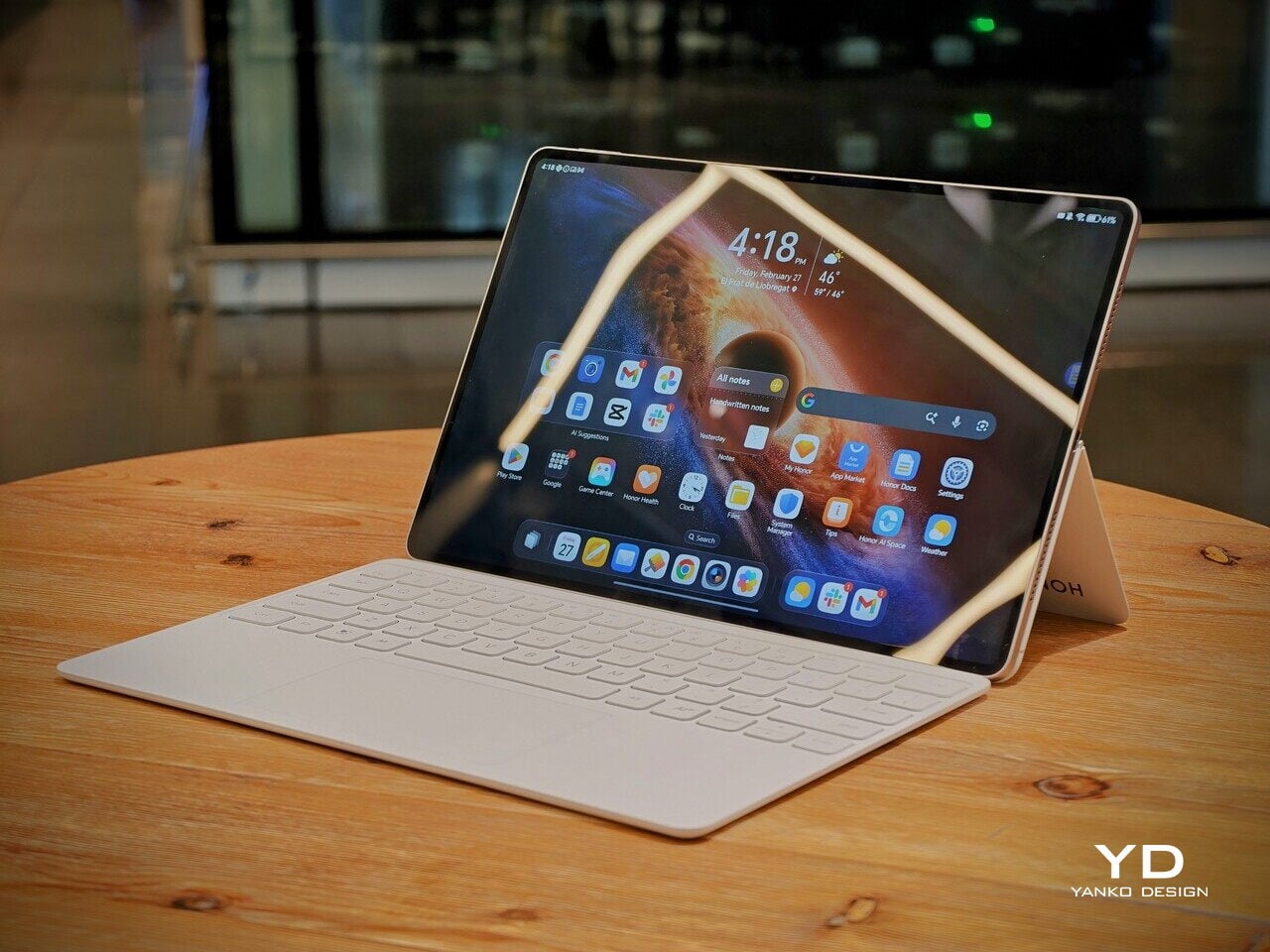
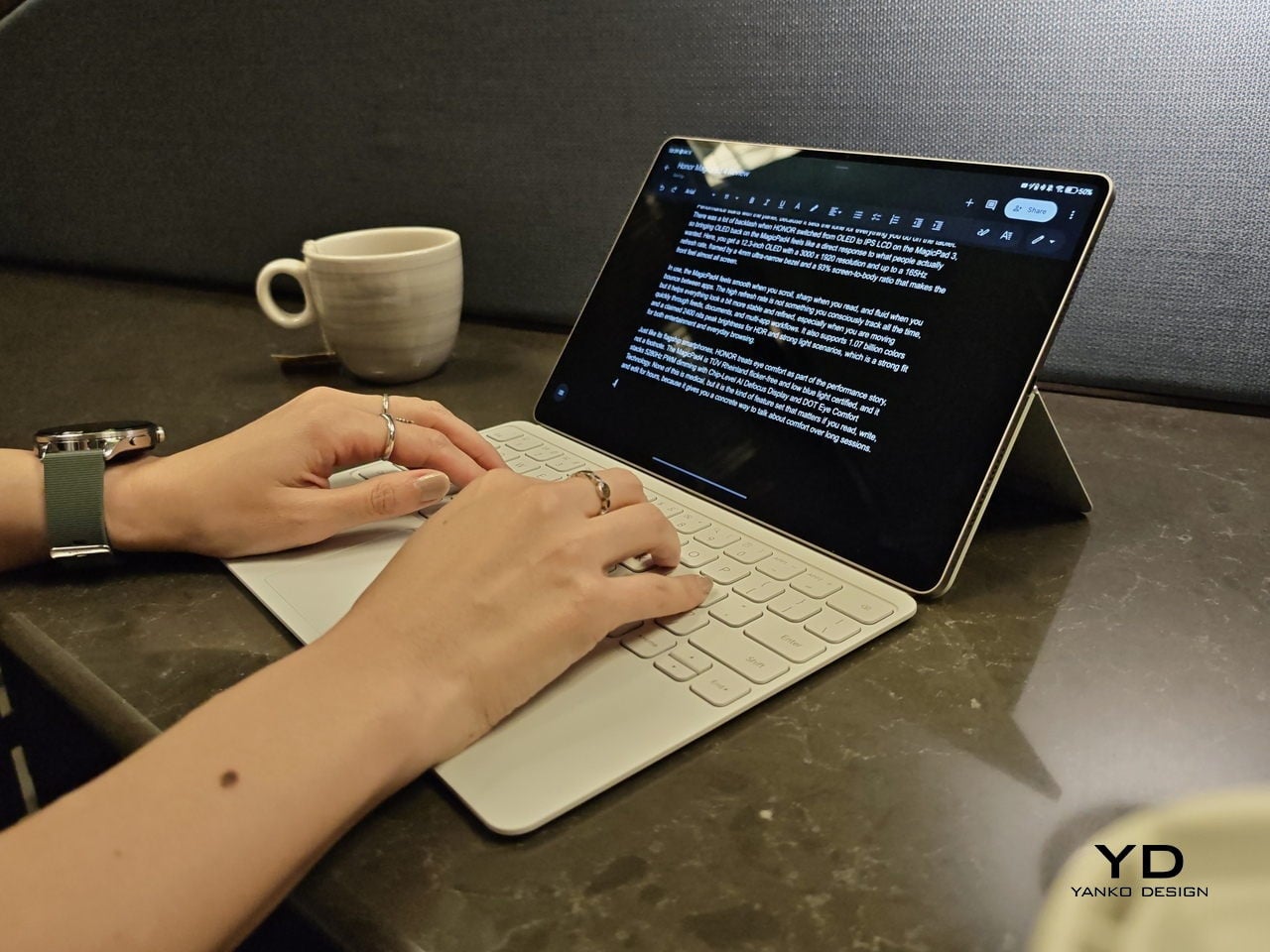
Attach the optional keyboard, and that light, sheet-like feeling largely stays intact. That is when it becomes obvious the MagicPad4 is meant to be used as a full kit. HONOR’s three-piece mobile office set, meaning tablet plus keyboard plus stylus, comes in at about 852g, which is still easy to treat as a grab-and-go setup.

Typing feels surprisingly firm, but the slim keyboard has shallower key travel, so long sessions are a bit less comfortable than on a thicker, more laptop-like keyboard. Still, it is a tradeoff I am willing to take for how portable the whole setup is. Typing on your lap is doable, but the keyboard does not feel as planted as a laptop or a more rigid keyboard setup, so it can wobble a bit when you shift around.

Where the keyboard design really helps is flexibility. You fold the top half of the back cover to prop the tablet up, and it gives you a wide range of display tilt angles. It is the kind of flexibility you end up using constantly, especially on the go, when you are stuck working with whatever table and chair height you find.

Performance

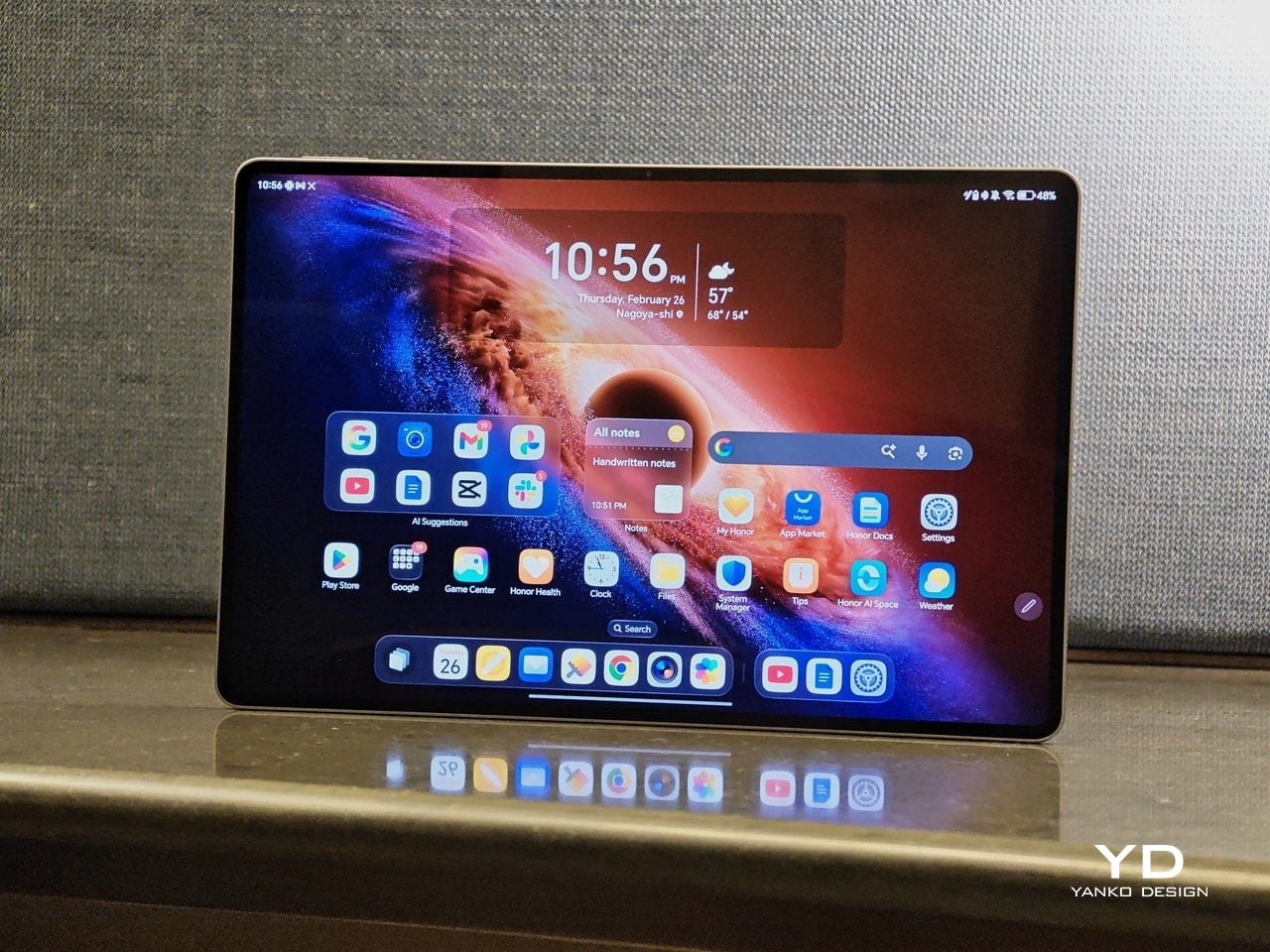
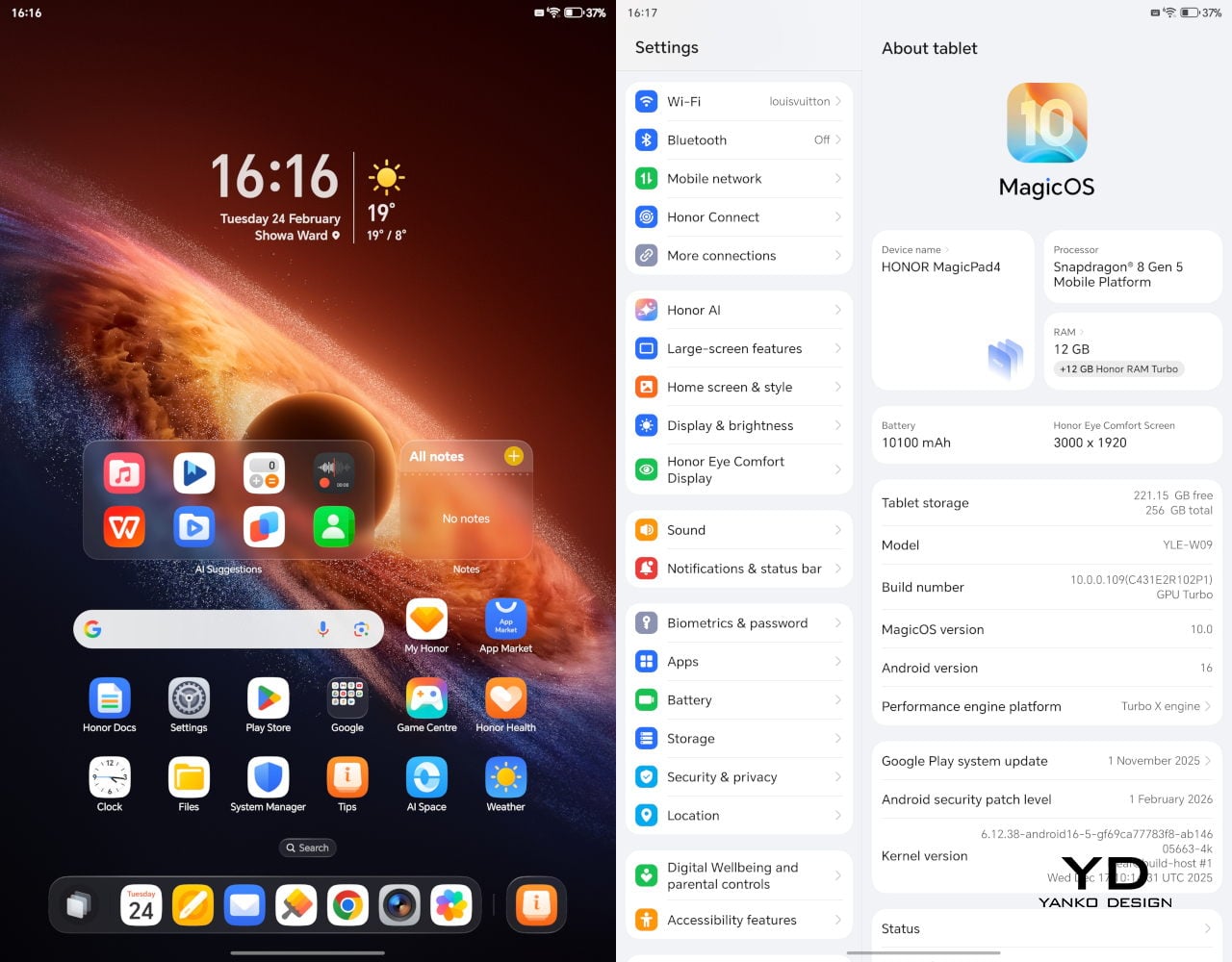
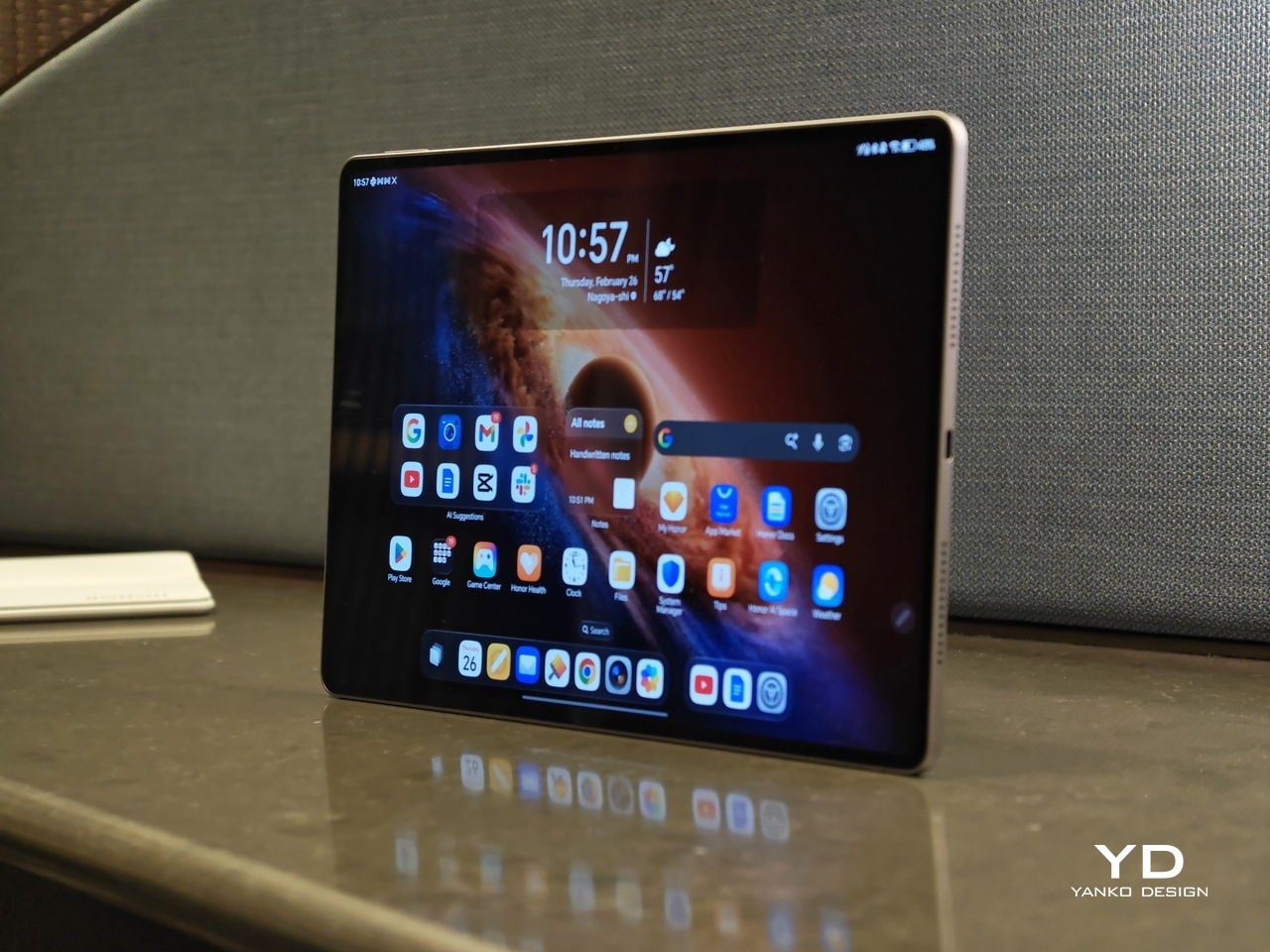
Performance starts with the panel, because it sets the tone for everything you do on the tablet. There was a lot of backlash when HONOR switched from OLED to IPS LCD on the MagicPad 3, so bringing OLED back on the MagicPad4 feels like a direct response to what people actually wanted. Here, you get a 12.3-inch OLED with a 3000 x 1920 resolution and up to a 165Hz refresh rate, framed by a 4mm ultra-narrow bezel and a 93% screen-to-body ratio that makes the front feel almost all screen.

In use, the MagicPad4 feels smooth when you scroll, sharp when you read, and fluid when you bounce between apps. The high refresh rate is not something you consciously track all the time, but it helps everything look a bit more stable and refined, especially when you are moving quickly through feeds, documents, and multi-app workflows. It also supports 1.07 billion colors and a claimed 2400 nits peak brightness for HDR and strong light scenarios, which is a strong fit for both entertainment and everyday browsing.

Just like its flagship smartphones, HONOR treats eye comfort as part of the performance story, not a footnote. The MagicPad4 is TÜV Rheinland flicker-free and low blue light certified, and it stacks 5280Hz PWM dimming with Chip-Level AI Defocus Display and DOT Eye Comfort Technology. None of this is medical, but it is the kind of feature set that matters if you read, write, and edit for hours, because it gives you a concrete way to talk about comfort over long sessions.

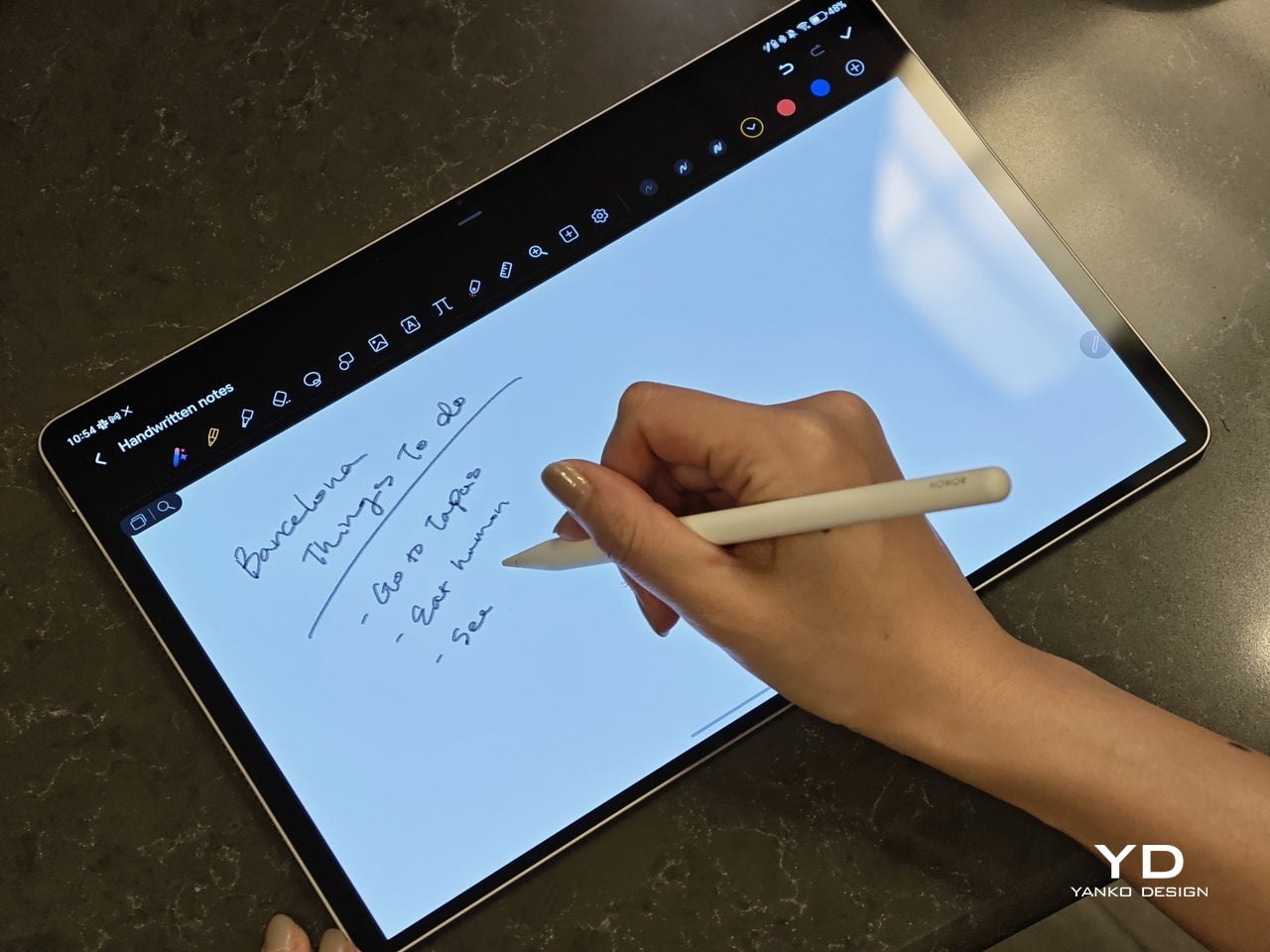
The display performance also matters for pen input, and the MagicPad4 is compatible with the HONOR Magic-Pencil 3. For note-taking and sketching, it makes the tablet feel more like a digital notebook than just a consumption screen, and it is the accessory that turns that big OLED into something you can actually work on, not just look at.

HONOR pairs the display with an eight-speaker setup featuring HONOR Spatial Audio. It sounds excellent overall, with a wide soundstage and solid clarity. Dialogue comes through cleanly, and music has enough separation that it does not blur into a flat wall of sound, though bass is a bit limited, as you would expect from a tablet this slim.

Combined with the 93% screen-to-body ratio and those slim bezels, the MagicPad4 can feel genuinely immersive for movies and video. It is the kind of tablet that makes you want to watch one more episode, because the screen and speakers work together in a way that feels closer to a tiny home theater than a typical mobile device.

Under the hood, it runs on Snapdragon 8 Gen 5, which gives it the headroom to stay responsive when you start stacking tasks, juggling multiple apps, or pushing more demanding games and creative workloads. Configurations include 12GB RAM with 256GB storage, or 16GB RAM with 512GB storage.

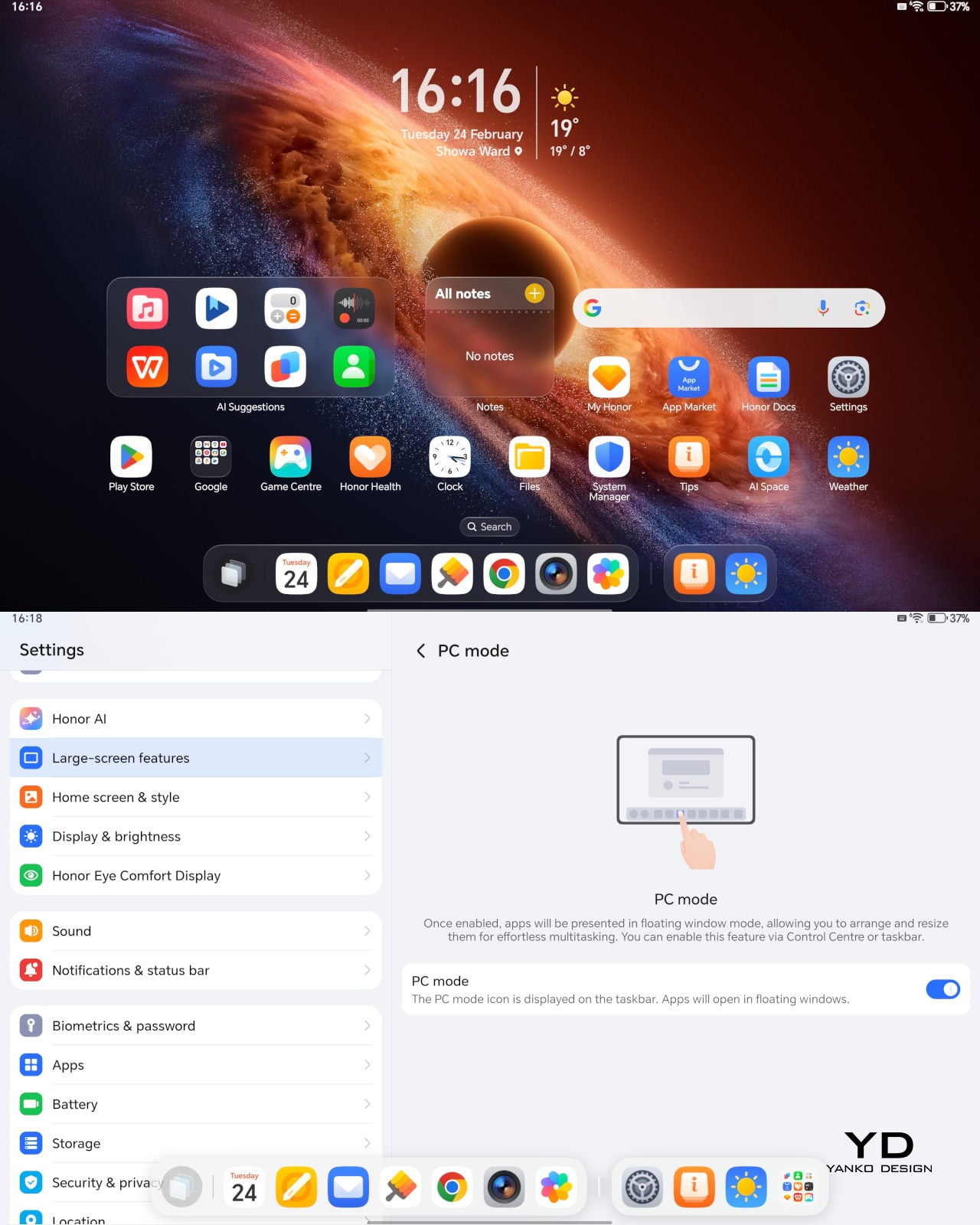
The MagicPad4 runs MagicOS 10 based on Android 16, and a lot of its performance feel comes from the PC-style features and multitasking tools built into the software. For instance, the moment you attach the keyboard, the system prompts you to switch into PC Mode, which immediately reframes the tablet as more of a small desktop than a giant phone.

With PC Mode on, you can open up to four floating windows at once. You can resize them, move them around freely, and set up your own layout depending on what you are doing, like notes on one side, a browser on the other, and a couple of smaller apps layered in. It is a simple feature, but it makes multitasking feel natural on a 12.3-inch screen. On top of that, HONOR bundles a full suite of AI features, so the tablet is not just fast, it is clearly designed to help you get through work faster too.

The cameras are not the reason you buy the MagicPad 4, but they are perfectly fine for what a tablet usually gets used for. You get a 13MP autofocus rear camera for quick document scans and occasional shots, plus a 9MP fixed-focus front camera that is mainly for video calls, and both are serviceable without being a main selling point.

Sustainability

HONOR does not lean heavily on sustainability messaging for the MagicPad4. What it emphasizes instead is structural durability. The MagicPad4 uses aerospace-grade special fiber as part of its body, which HONOR says reduces weight while increasing stiffness by 30%.

There is also a practical durability caveat. There is no IP rating mentioned, so I would be careful around water and treat it like a device that is not meant to handle spills. Software support matters for longevity, too, and HONOR’s promise of three years of major OS updates and three years of security updates is far from class-leading, so it is worth factoring in if you plan to keep the tablet for the long haul.

Value

Value is where the MagicPad4 starts to make a lot of sense, because HONOR is not pricing it like a niche luxury tablet. In the U.K., the 12GB plus 256GB model is £599.99 (about $760 USD), and the 16GB plus 512GB version is £699.99 (about $890 USD). Accessories are priced separately, with the HONOR MagicPad4 Smart Keyboard listed at £140.98 and the Magic-Pencil 3 at £30, which is worth factoring in if you plan to use it as more than a media tablet.

What makes this feel like great value is the overall hardware and feature mix. You are getting a flagship Snapdragon chip, a 12.3-inch 165Hz OLED, a sleek form factor, and a software experience that leans into PC-style multitasking. At these prices, the MagicPad4 makes the most sense for people who will actually use that work-capable tablet angle, not just the big-screen entertainment side.

Verdict

The HONOR MagicPad4 nails the parts of tablet life that actually matter day to day. It is exceptionally portable, the 12.3-inch 165Hz OLED is excellent for reading and media, and the eight-speaker setup helps it feel more immersive than most thin tablets. With the keyboard attached, PC Mode and floating windows make it feel closer to a small laptop than a typical Android tablet.

The compromises are more about the physical keyboard experience and long-term ownership than the software itself. The keyboard is convenient and flexible, but the shallow key travel and slightly wobbly lap use remind you that it is still a tablet-first setup. Honor also does not say much about sustainability, and the promised two major OS updates and four years of security patches are not class-leading, so it is worth weighing if you plan to keep the tablet for many years.

The post Honor MagicPad4 Review: The World’s Thinnest Tablet Nails Portability and Performance first appeared on Yanko Design.
Redmi Buds 8 Pro Review: This €69.90 Earbud Punches Way Above Its Weight

PROS:


  • Clear and balanced sound with rich bass

  • Strong ANC performance for the price

  • Comfortable, stable fit in the ears

  • Responsive touch controls with the slide for volume

CONS:


  • Not integrated with Google Find My Device

RATINGS:

AESTHETICS
ERGONOMICS
PERFORMANCE
SUSTAINABILITY / REPAIRABILITY
VALUE FOR MONEY

EDITOR'S QUOTE:

At this price, the combination of triple drivers, solid ANC, and excellent fit makes the Redmi Buds 8 Pro hard to beat.

Redmi Buds 8 Pro arrives as Redmi’s more ambitious take on everyday wireless earbuds. They aim to combine punchy sound, serious noise cancellation, and gaming-friendly latency in a package that still feels relatively affordable. This is not a basic budget pair built only for casual background listening, and it clearly wants to feel like a step up the moment you start using it.

What makes them interesting is how they chase premium style features without making the experience feel intimidating. The triple driver setup is the headline, but the real promise is a well-rounded daily companion that can handle commuting, workouts, and long listening sessions with minimal fuss. At 399 CNY in China, the value story is hard to ignore, and the key question is whether the real-world experience matches that strong first impression.

Designer: Xiaomi

Aesthetics

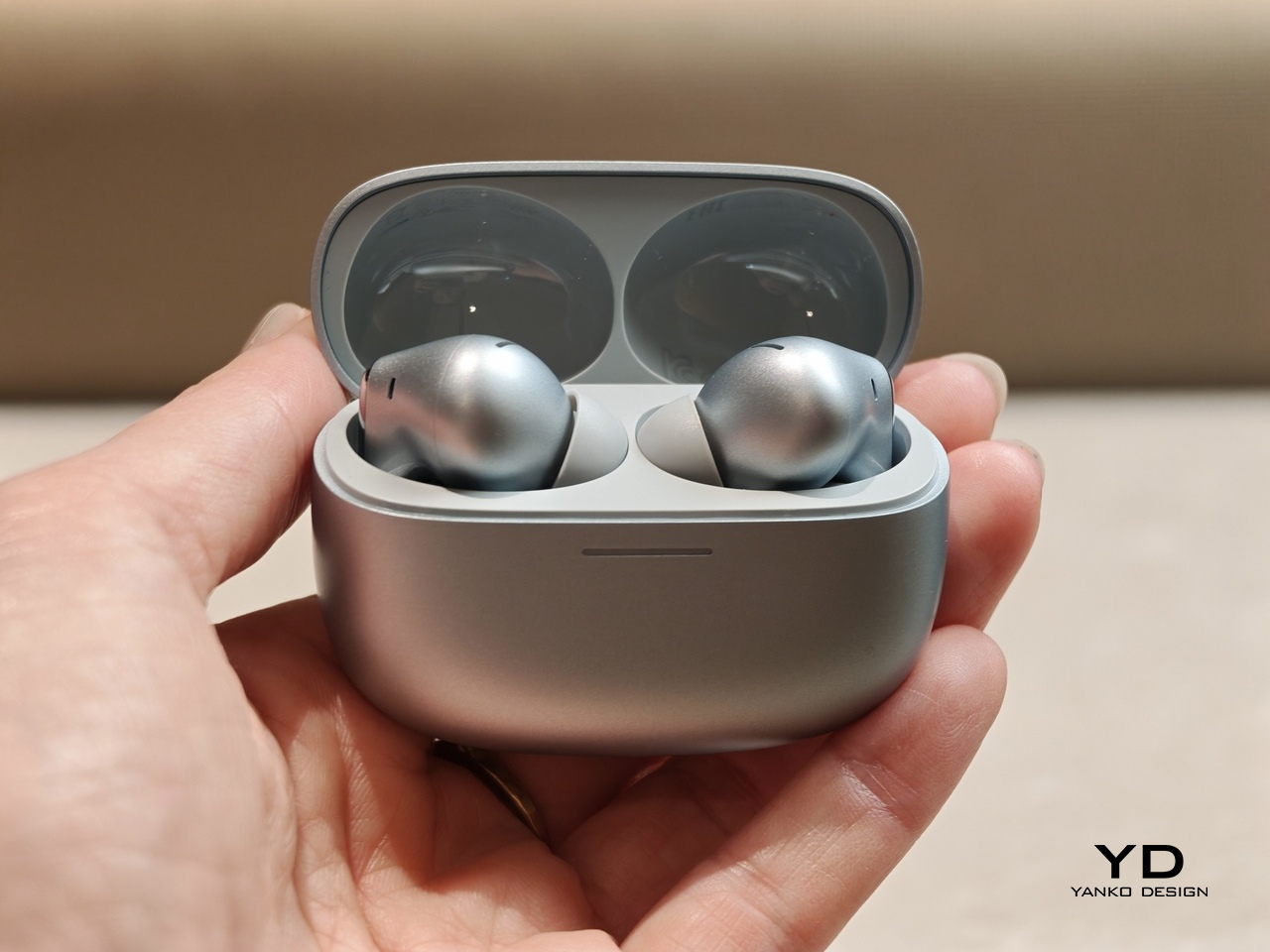
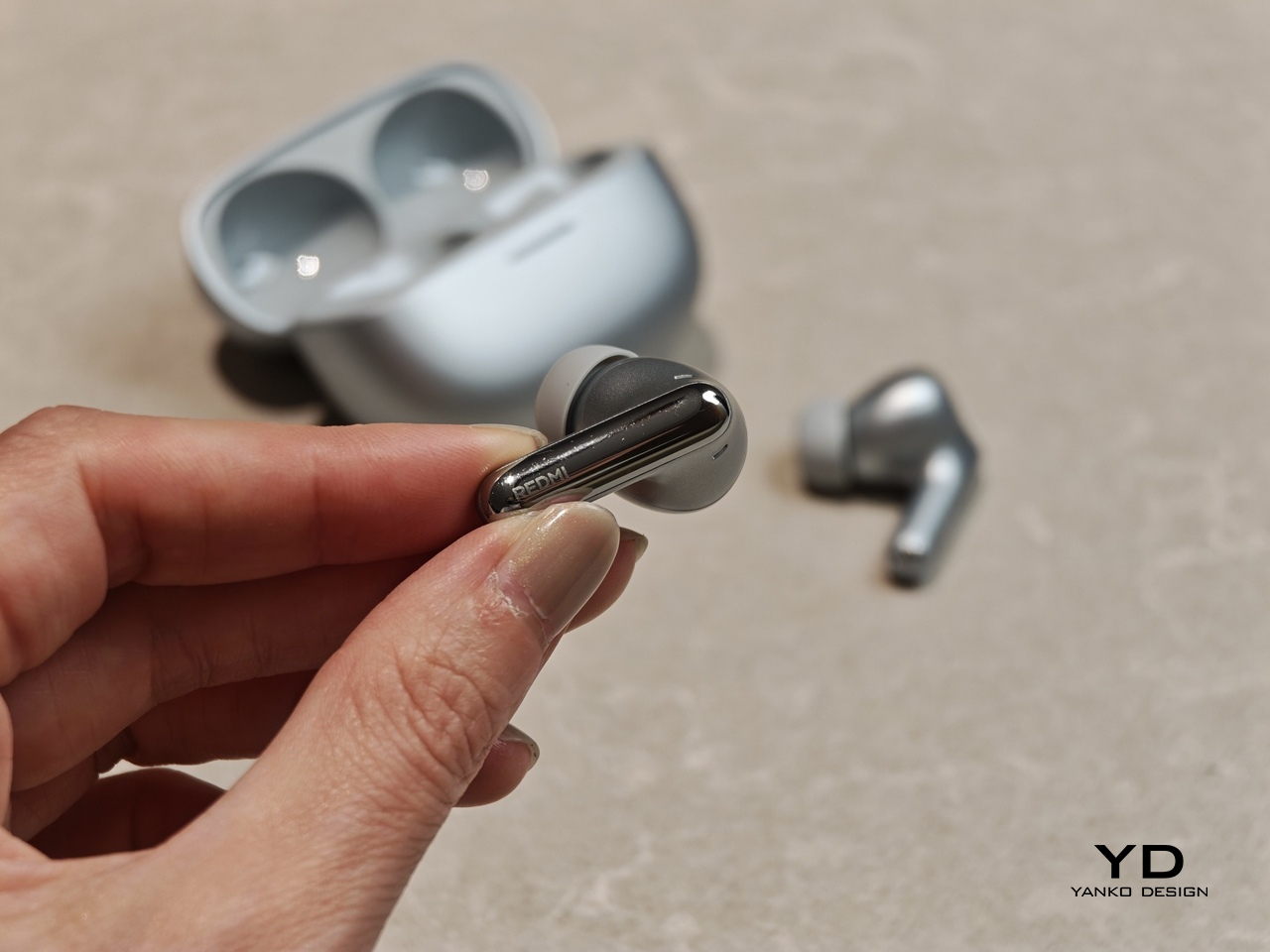
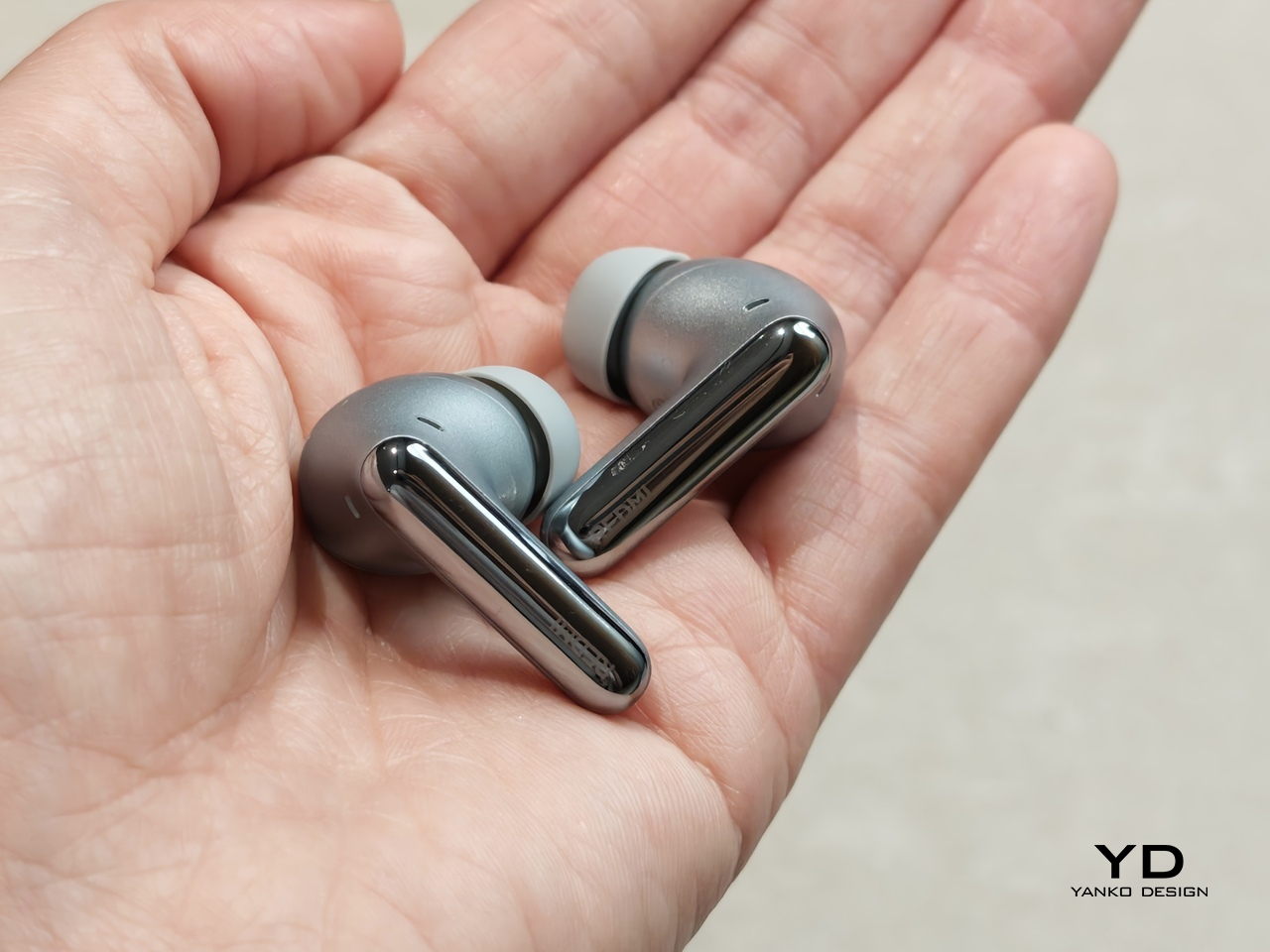
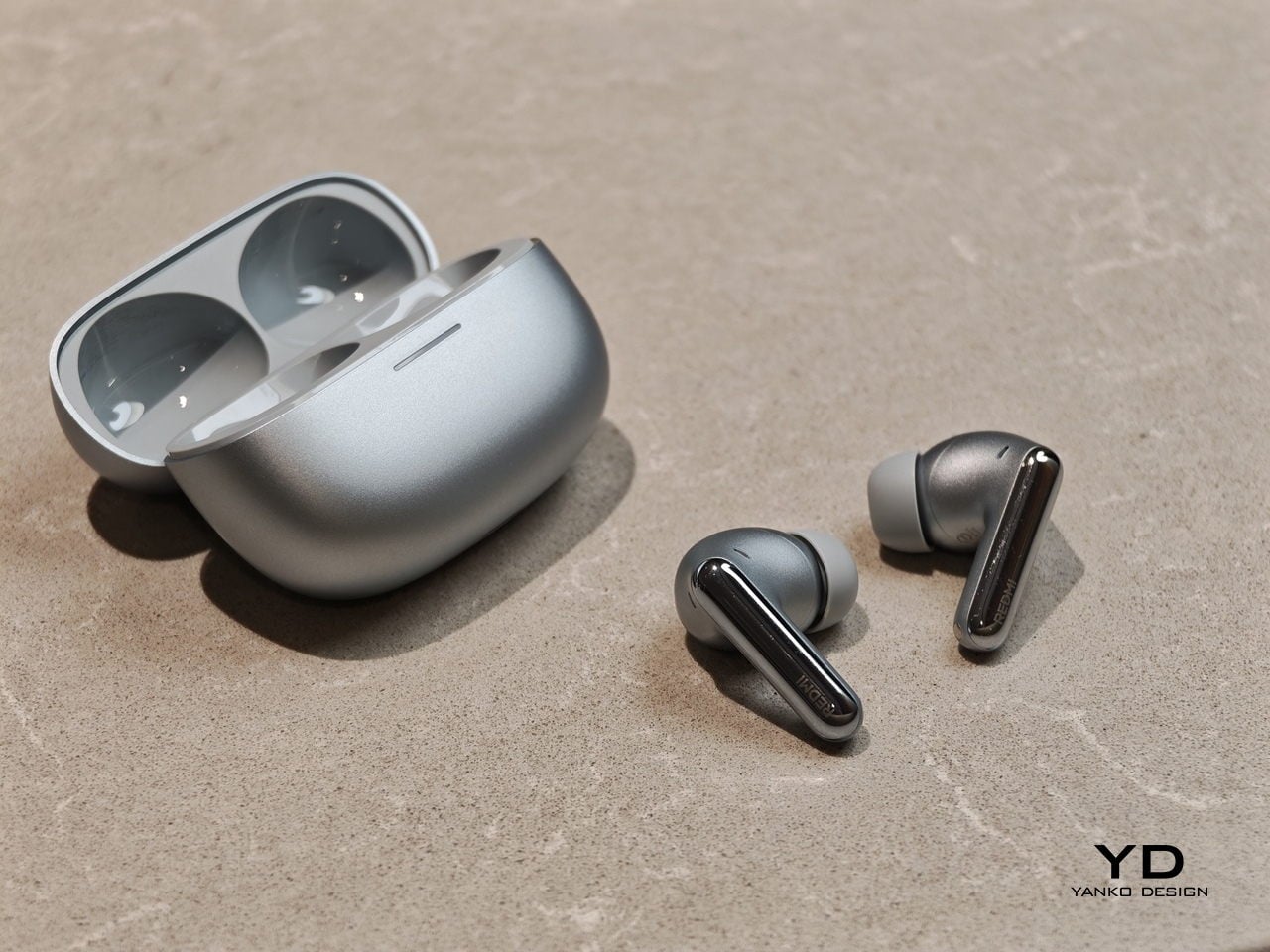
Redmi Buds 8 Pro follows a familiar stem style layout, but the visual language leans clean and modern rather than flashy. The earbuds have smooth, flowing lines, with a compact in-ear body that blends into a slim, rounded stem. Most of the earbud surface is finished in a soft matte texture that hides fingerprints and keeps the look understated. On the outside-facing side of each stem, Redmi adds a shiny strip that catches the light, with a small Redmi logo at the bottom as a neat visual anchor. This contrast between matte and gloss gives the buds a touch of sophistication while still keeping them low-key.

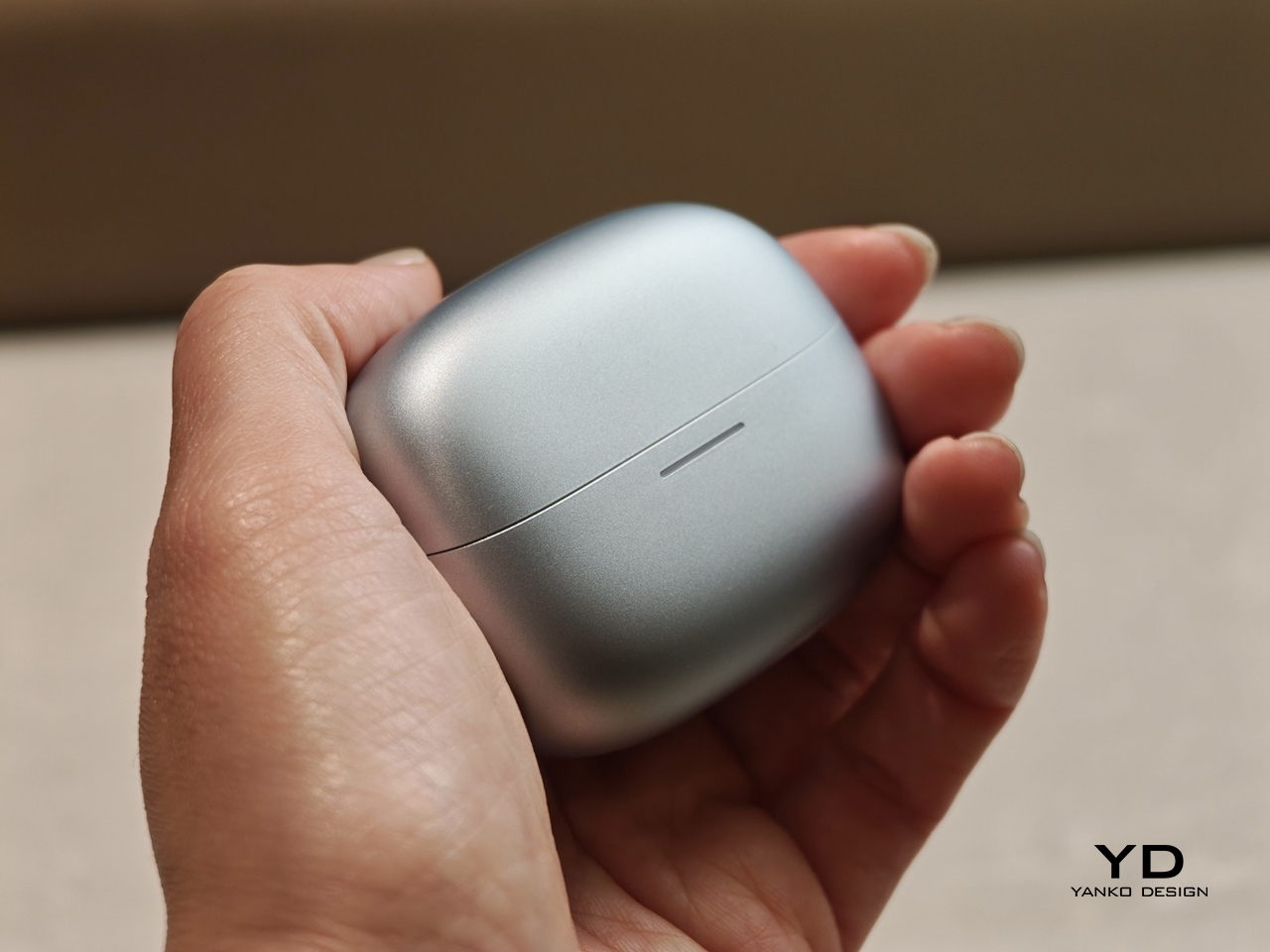
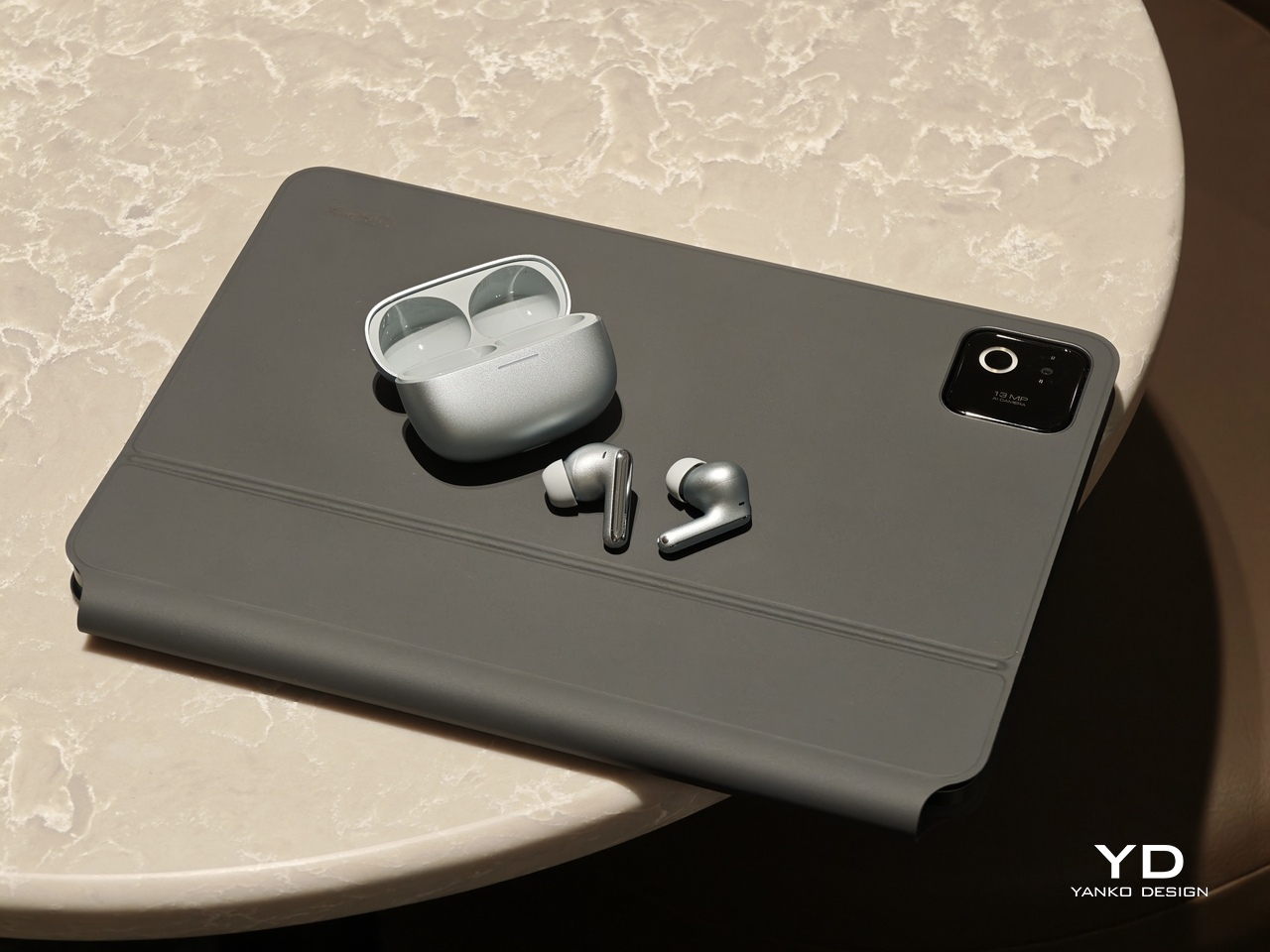
The charging case continues that restrained approach with a compact, pebble-like shape that slips easily into a pocket or bag. Its semi-matte shell feels smooth and resists smudges, while a subtle Redmi logo and “triple driver sound” text on the back quietly nod to the hardware inside. On the front, a slim bar of LEDs offers at a glance battery and pairing information but remains discreet when off, so the case still looks clean.

Color options and small accents may vary by region, yet the overall design clearly targets a wide audience. These are earbuds you can wear at the office, on public transport, or at the gym without drawing much attention. If you like bold, statement-making designs, they may feel a bit too reserved, but if you prefer tech that looks tidy and well finished, Redmi Buds 8 Pro sit in a very comfortable sweet spot.

Ergonomics

While the design focuses on clean lines and visual calm, the build of Redmi Buds 8 Pro focuses on comfort and practicality. Each earbud weighs about five point three grams, which helps them feel light enough for long listening sessions without that dragging sensation some heavier buds can cause. Of course, fit and comfort are different from person to person, but Redmi Buds 8 Pro fit my ears very well and never felt like they were about to fall out.

The medium-sized silicone tips come preinstalled, and Redmi also includes small and large tips in the box so you can fine-tune the seal. I usually go with medium-sized tips and sometimes switch to small tips on certain earbuds, but with Redmi Buds 8 Pro, the medium size worked best for me. Some earbuds struggle to stay put even when I am not moving or talking, yet here I had no problem with fit or comfort, even when I talked, ate, did yoga, or went for a jog with the earbuds in.

The charging case weighs about 47 grams, which keeps the full kit small and light enough to disappear into a jeans pocket or a slim sling bag. The rounded shape and smooth finish make it easy to grip and open, and the lid snaps shut with a reassuring click. Magnets inside guide the earbuds into place so they line up with the charging contacts without much effort. In everyday use, that means you can carry the case all day and quickly pop the buds in or out whenever you need them, without really noticing the extra bulk.

Performance

Redmi Buds 8 Pro pack impressive specifications for their price range, and the audio hardware is the main reason why. They use a coaxial triple driver configuration that combines an 11 mm driver with a titanium diaphragm and twin 6.7 mm PZT ceramic tweeters. In listening, the sound comes across as clear and nicely balanced, with bass that feels full and satisfying without overpowering vocals or detail.

Redmi Buds 8 Pro carry Hi-Res Audio Wireless certification and support codecs such as LDAC, but in day-to-day use, the bigger story is simply that the tuning feels well judged. Dolby Audio and Xiaomi Dimensional Audio are also supported, giving you extra options to change the sense of space and presentation, especially for movies and shows.

Active Noise Cancellation works great overall, especially considering the price. It does not completely block out train noise or airplane engine rumble, but it comes close, which makes music and podcasts easier to enjoy at lower volumes. With higher-pitched sounds like a baby crying, it still does not fully cancel everything out, yet it reduces the sharpness enough that you are less likely to get distracted from what you are doing.

One comfort note is heat. I felt the earbuds get slightly warm at first when ANC was on, but it did not seem to build up over time. It is also possible I simply got used to the sensation after wearing them for a while, so I would not call it a major issue, but it is worth mentioning if you are sensitive to heat on hot days.

Battery life is solid on paper and practical in daily use. Each earbud houses a 54 mAh battery, with rated playback of up to about eight hours on a single charge when ANC is off. Turn ANC on and use higher volumes, and actual listening time will drop somewhat, which is typical for this type of product, while the 480 mAh charging case extends total listening time up to roughly 33 hours across multiple top-ups.  

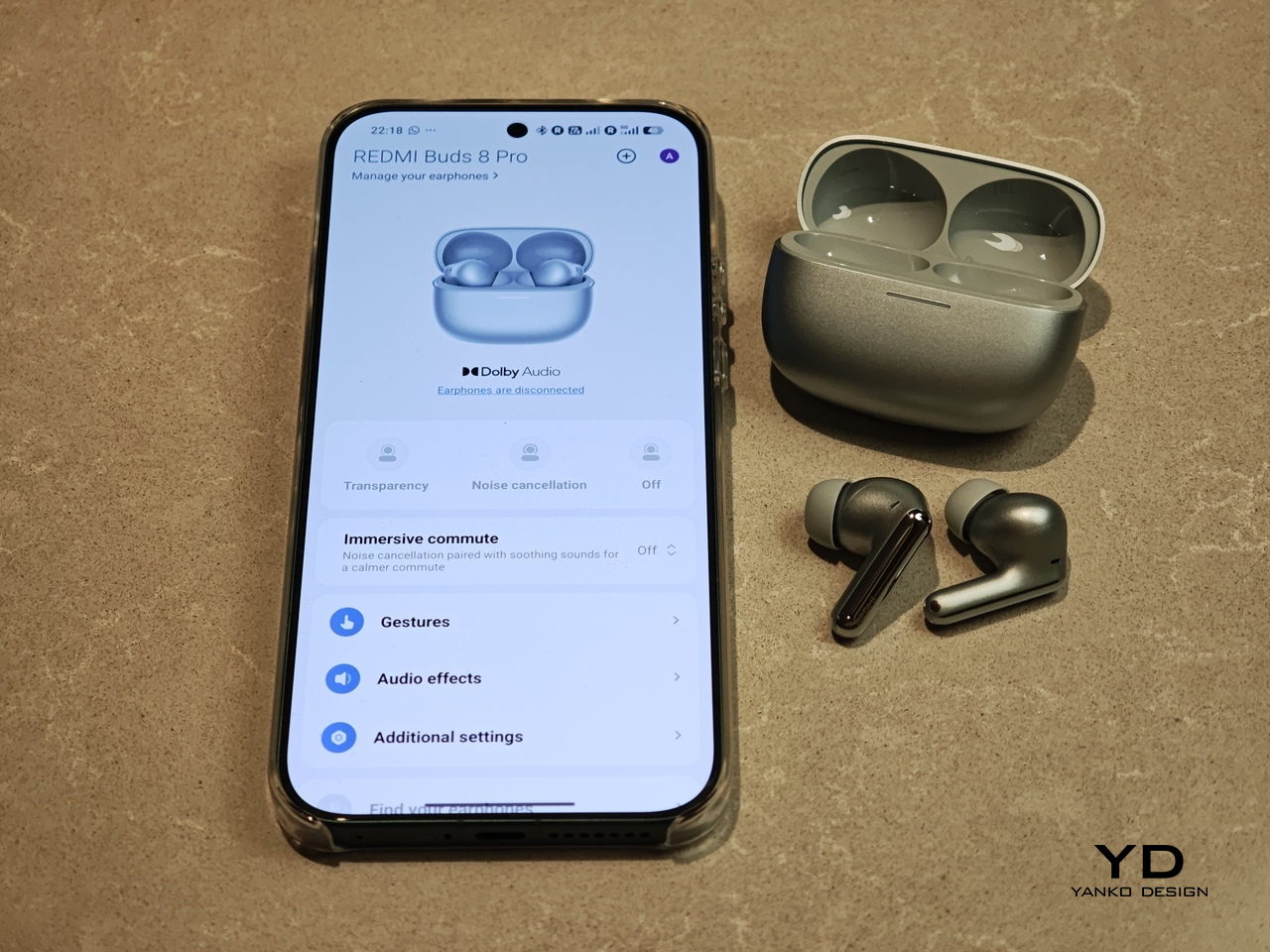
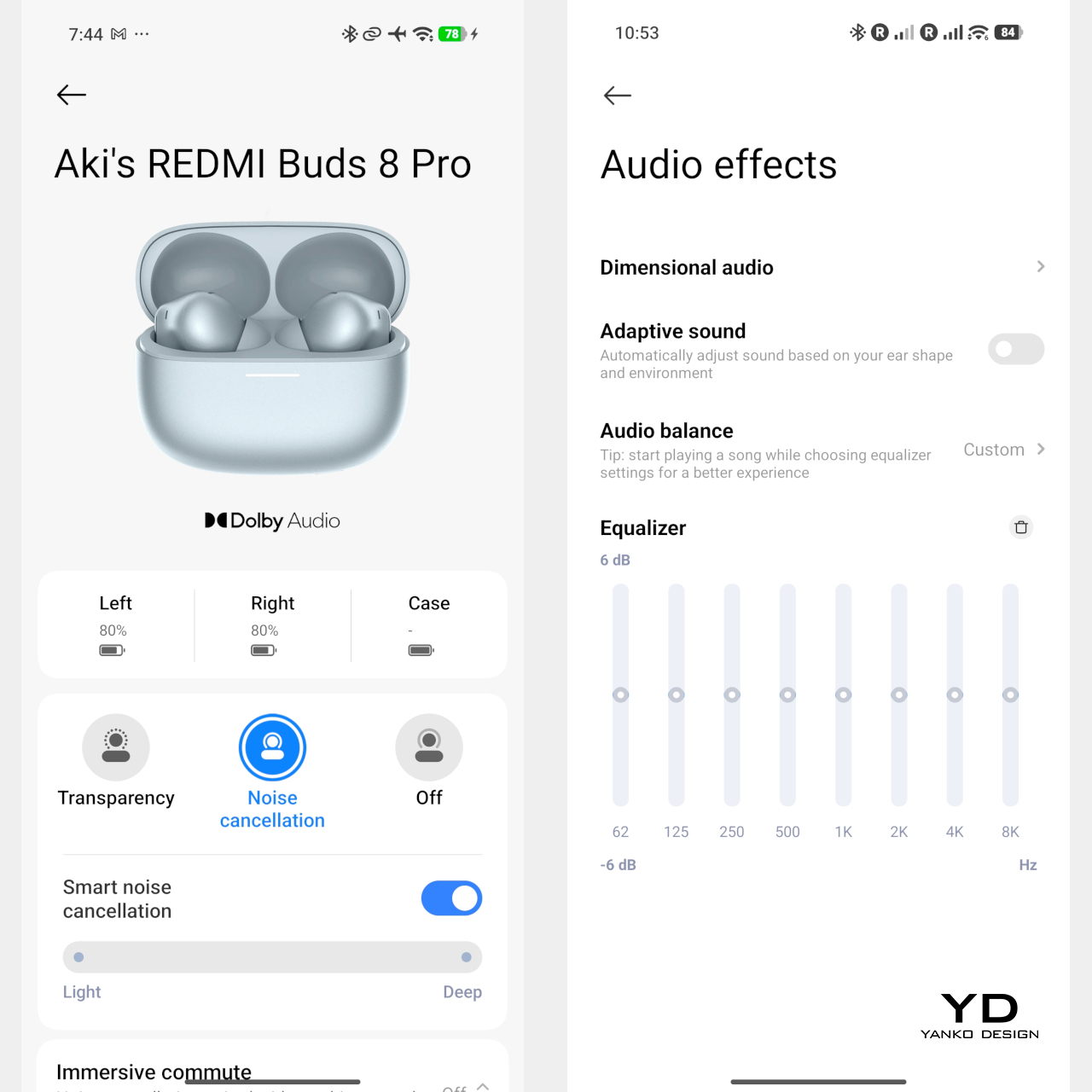
Touch controls on the stems worked great in my use, and the biggest usability upgrade is that volume control is supported via sliding on the stem. The controls support single tap, double tap, triple tap, press and hold, and swipe, which gives you a lot of flexibility without needing to reach for your phone. You can customize these gestures in the Xiaomi Earbuds app, so the controls can match your habits instead of forcing you into a fixed layout.

The app also gives you practical sound tuning options without making things feel overly technical. You can pick from preset audio profiles like Balanced sound, Enhanced bass, Enhanced treble, and Enhanced voice, depending on what you are listening to. If you want more control, there is also a custom EQ option that lets you adjust eight separate bands, with each slider running from plus six to minus six, so you can fine-tune the sound without guessing too much.

Sustainability

For a product category like true wireless earbuds, sustainability is rarely a strong point, and Redmi Buds 8 Pro are no exception. The compact, sealed design means the internal batteries are not user-replaceable, so once overall battery health drops, most people will end up replacing the whole set rather than repairing it. That pattern is common across almost all TWS earbuds today, but it still makes this a product that is easier to discard than to keep alive for many years.

The IP54 rating does offer a small positive by protecting against dust and splashes, which can reduce early failures from sweat, light rain, or accidental spills. One small feature that nudges in a better direction is the “find your earphones” function, which lets you play a tone from the left, right, or both earbuds via the app to help you track them down when they go missing. It is not a full integration with Google Find My Device, yet anything that helps you avoid losing a bud and replacing the whole set still counts as a quiet step toward better longevity.

Value

Redmi Buds 8 Pro is priced at 69.90 Euros, which works out to roughly $83. That puts them in the affordable end of the true wireless market. They still cost more than the absolute cheapest buds, but remain very accessible for anyone looking to step up from basic or bundled earphones.

From a value perspective, they make the most sense if you care about sound quality and noise cancellation more than simply paying the lowest possible price. Cheaper options can handle calls and casual listening, but usually lack the triple driver setup, stronger ANC, and more polished overall experience you get here. For many buyers, Redmi Buds 8 Pro will feel like a worthwhile upgrade that adds clear benefits without demanding a luxury-level budget.

Verdict

Redmi Buds 8 Pro is an easy recommendation if you want strong everyday performance without paying flagship prices. The triple driver setup delivers clear, balanced sound with bass that feels full but controlled, and the ANC is effective enough to make commutes and busy spaces noticeably calmer. Touch controls are reliable, and the volume slide gesture is a genuinely useful upgrade that makes daily listening feel smoother.

They are not perfect, with ANC that cannot fully erase the loudest train or plane noise and weaker results on some high-pitched sounds, plus the usual sealed battery limitations for sustainability. Still, the fit was excellent in my ears, the case is easy to carry, and the “find your earphones” tone feature helps prevent frustrating losses. If you care most about sound quality, noise cancelling, and a polished experience at a very competitive price, Redmi Buds 8 Pro hit a sweet spot.

The post Redmi Buds 8 Pro Review: This €69.90 Earbud Punches Way Above Its Weight first appeared on Yanko Design.
Xiaomi 17 Ultra Review: Lighter, Flatter, and Sharper Than Ever

PROS:


  • Excellent main and telephoto photo quality

  • Big and bright 6.9-inch LTPO AMOLED display

  • Strong performance

  • Improved ergonomic and stylish design

CONS:


  • Limiting macro use with a minimum focus distance of 30 cm

  • Noticeable warmth during camera use

RATINGS:

AESTHETICS
ERGONOMICS
PERFORMANCE
SUSTAINABILITY / REPAIRABILITY
VALUE FOR MONEY

EDITOR'S QUOTE:

The Xiaomi 17 Ultra is a camera-first flagship that finally feels balanced in the hand, and even more balanced in its image processing.

Within the renamed family, the Xiaomi 17 Ultra is the boldest expression of what Xiaomi thinks a 2026 flagship should be. It arrives globally as a big, confident phone that refuses to blend into the background. It is unapologetically camera-centric, and it is packed with specs that read like a wish list.  

On paper, Xiaomi has the ingredients to back that up. You get a 6.9-inch LTPO AMOLED display, a Leica-tuned triple camera system with a 200 MP periscope telephoto, and Qualcomm’s Snapdragon 8 Elite Gen 5. The global model carries a 6,000 mAh battery with 90W wired and 50W wireless charging, which is still a serious setup even before real-world testing.

Designer: Xiaomi

The camera hardware also shifts in meaningful ways, with the main sensor switching from Sony to OmniVision, and the zoom strategy changing from two telephoto cameras to one lens with continuous 75 mm to 100 mm optical zoom. So does the Xiaomi 17 Ultra deliver ultra-level performance where it counts. After two weeks with it, here is what I found.

Aesthetics

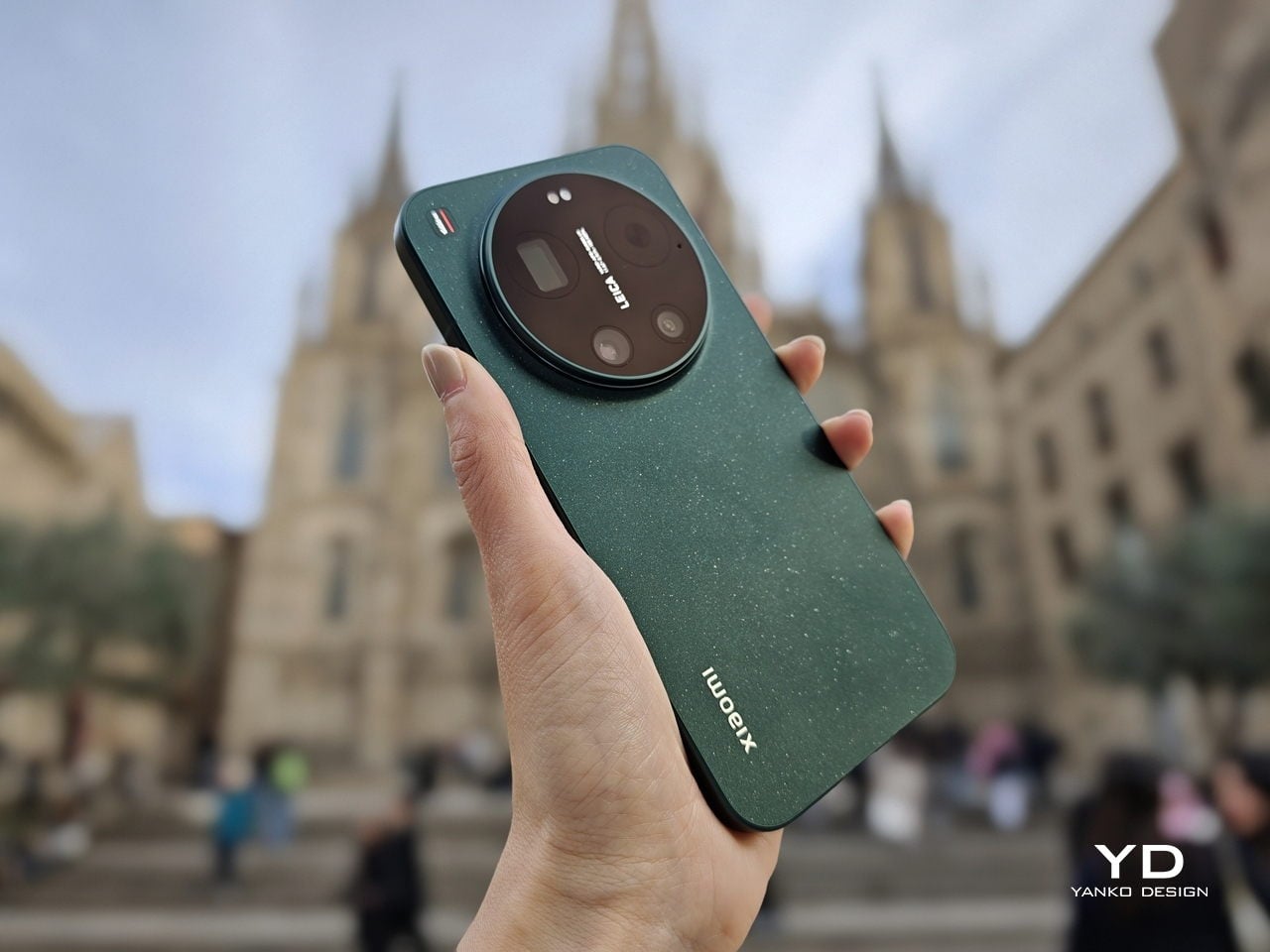
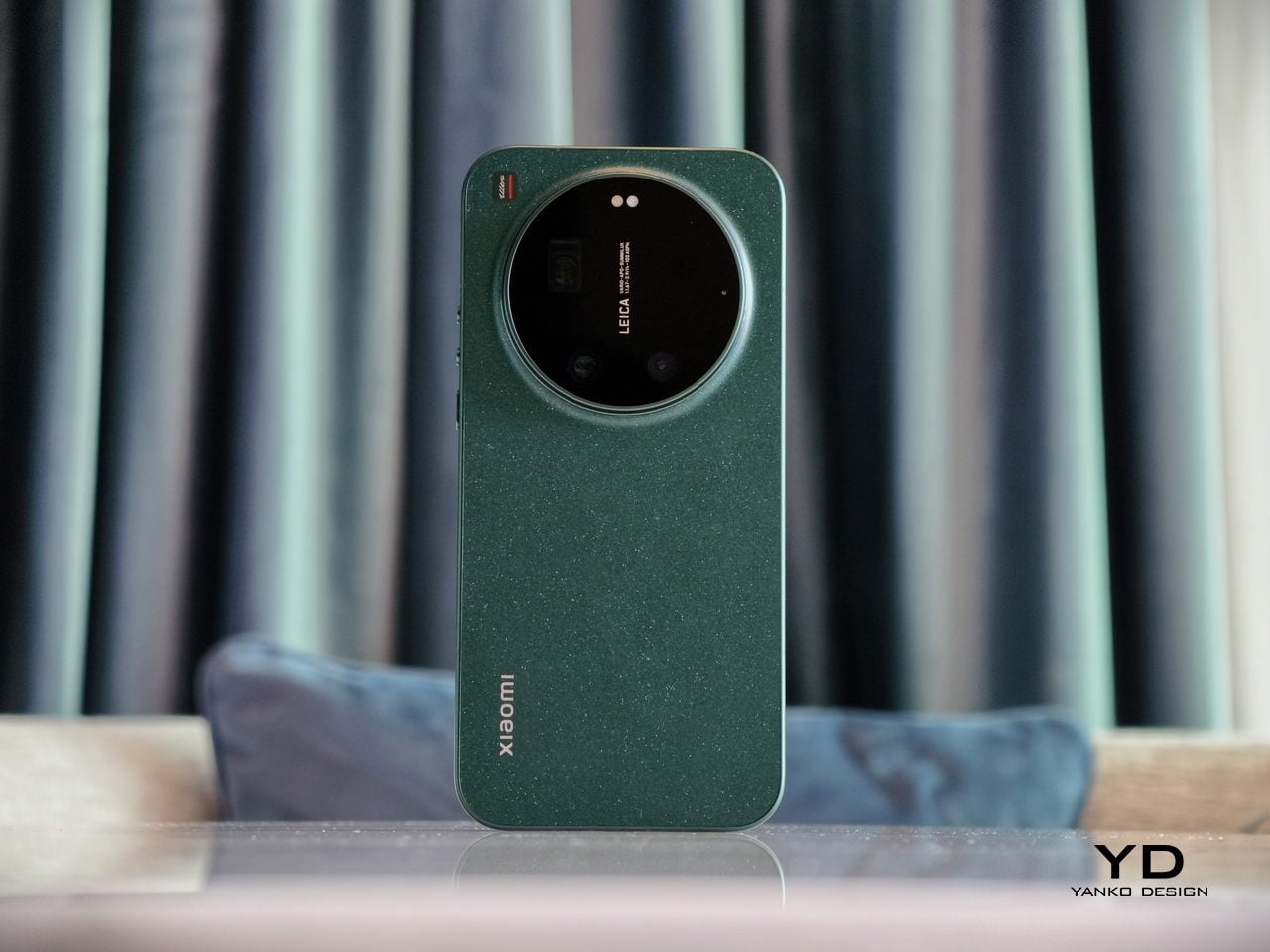
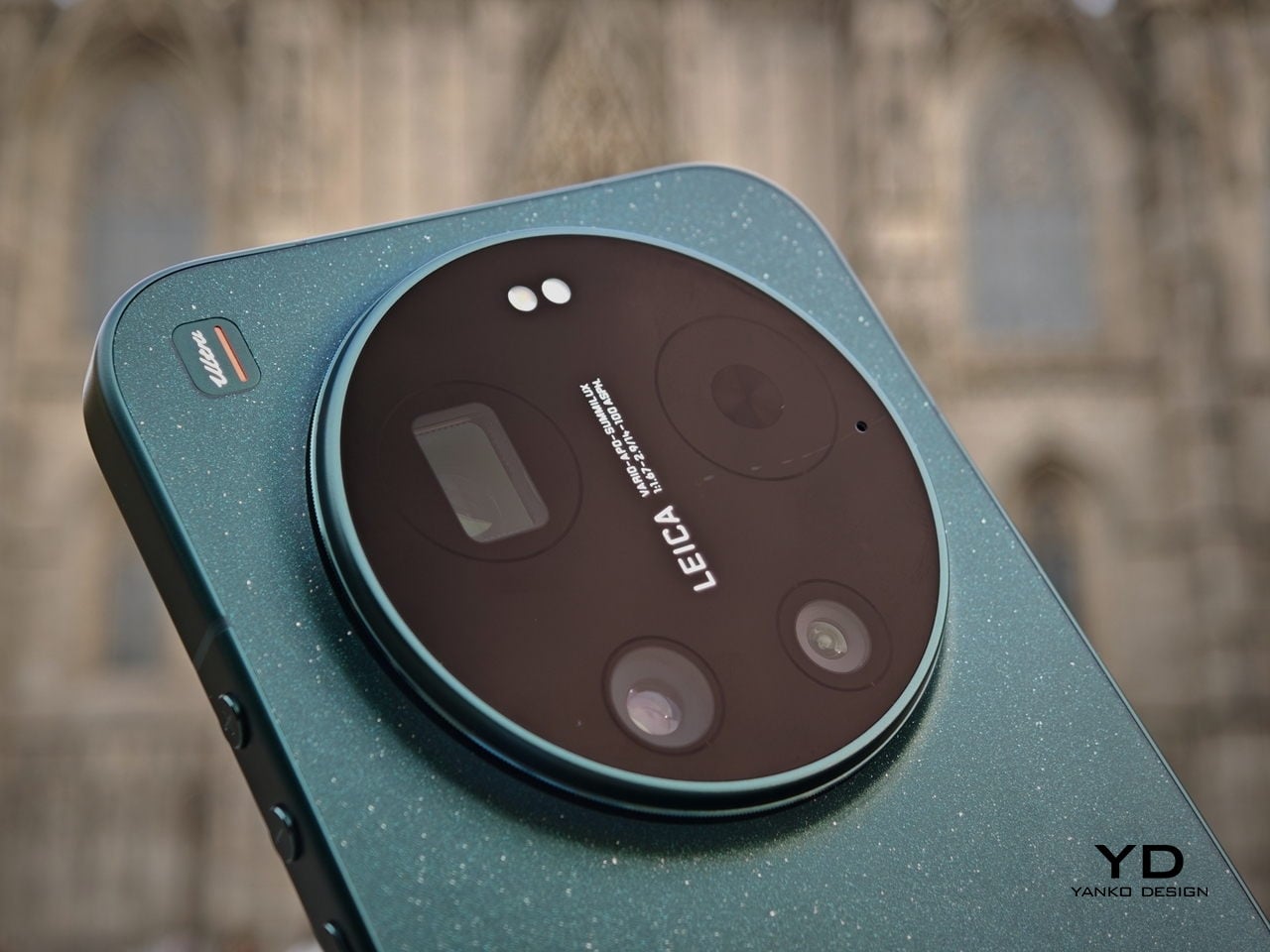
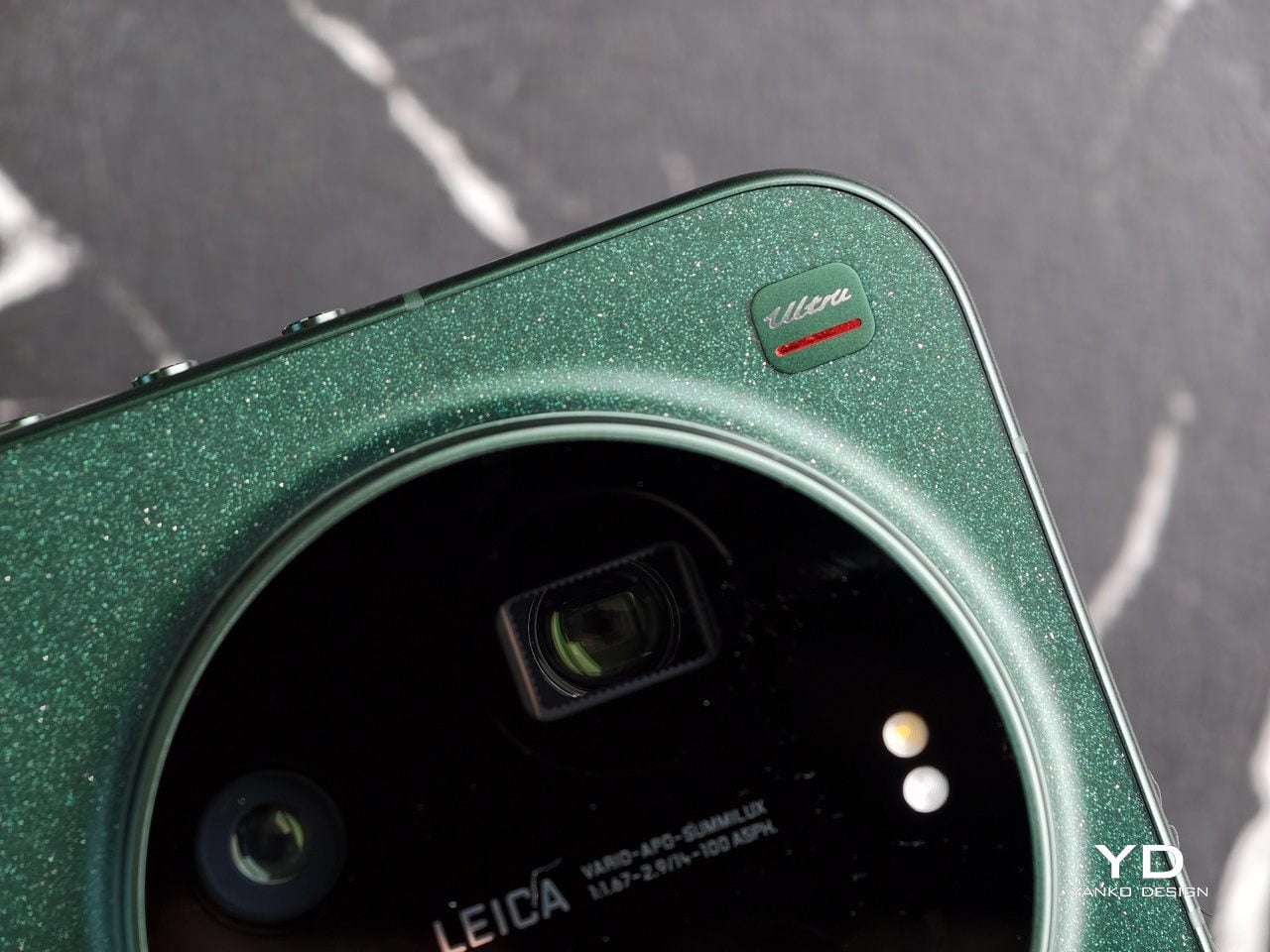
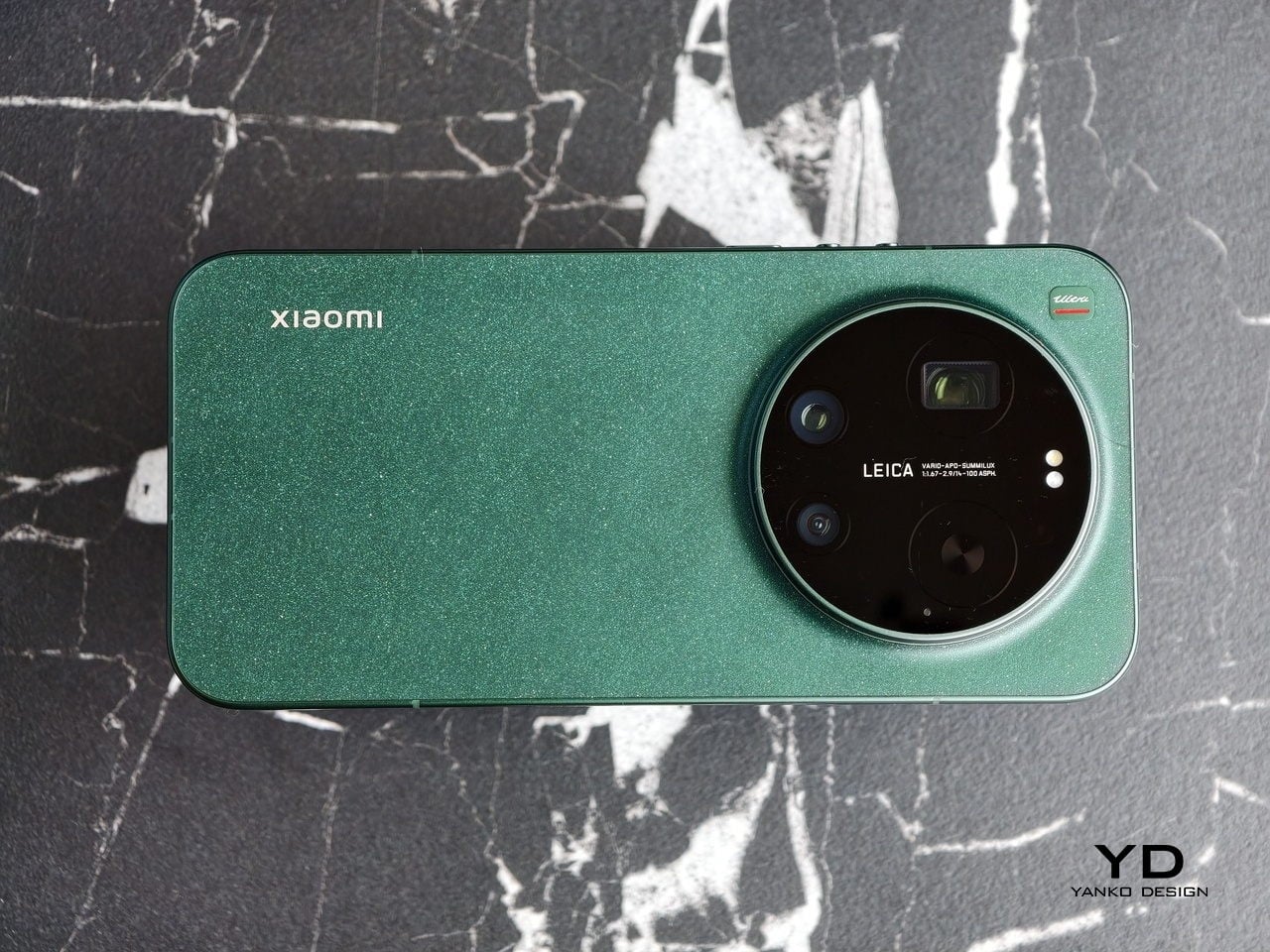
The Xiaomi 17 Ultra is not a phone that tries to disappear in your hand or your pocket. The gigantic circular Leica camera island still dominates the rear panel, just like on the previous model, but there is a subtle shift in design language. With a flatter back panel and flat side frame, the 17 Ultra leans into a cleaner, more minimal look than the Xiaomi 15 Ultra. The small Ultra logo with its red underline sitting above the camera bump adds a bit of character without turning the phone into a billboard.

The color palette for the global model leans into classic tones. Xiaomi focuses on black, white, and green for most markets, skipping the violet shade that appears in China. The Starlit Green unit I received is the standout, with a deep moss green base and speckling that catches the light like a dusting of stars, which makes the name feel earned. The black option looks stealthy, but the red accent on the camera ring keeps it from feeling flat, while the white version goes for a high contrast look with the black camera bump and a silver ring and side frame to tie it all together. If you are coming from the Xiaomi 15 Ultra, the evolution feels more like refinement than reinvention, yet the 17 Ultra looks more cohesive and more modern from the rear.

Ergonomics

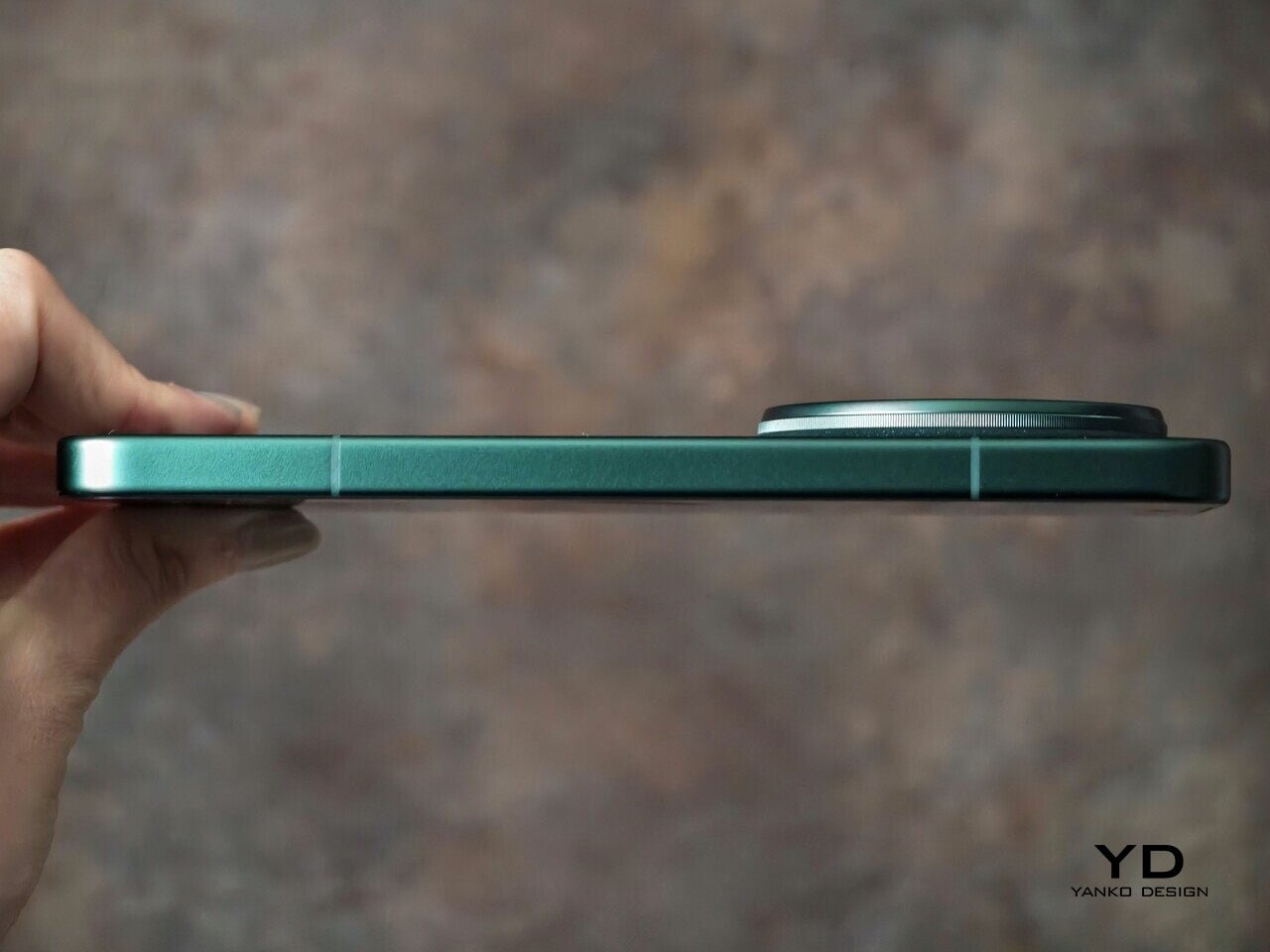
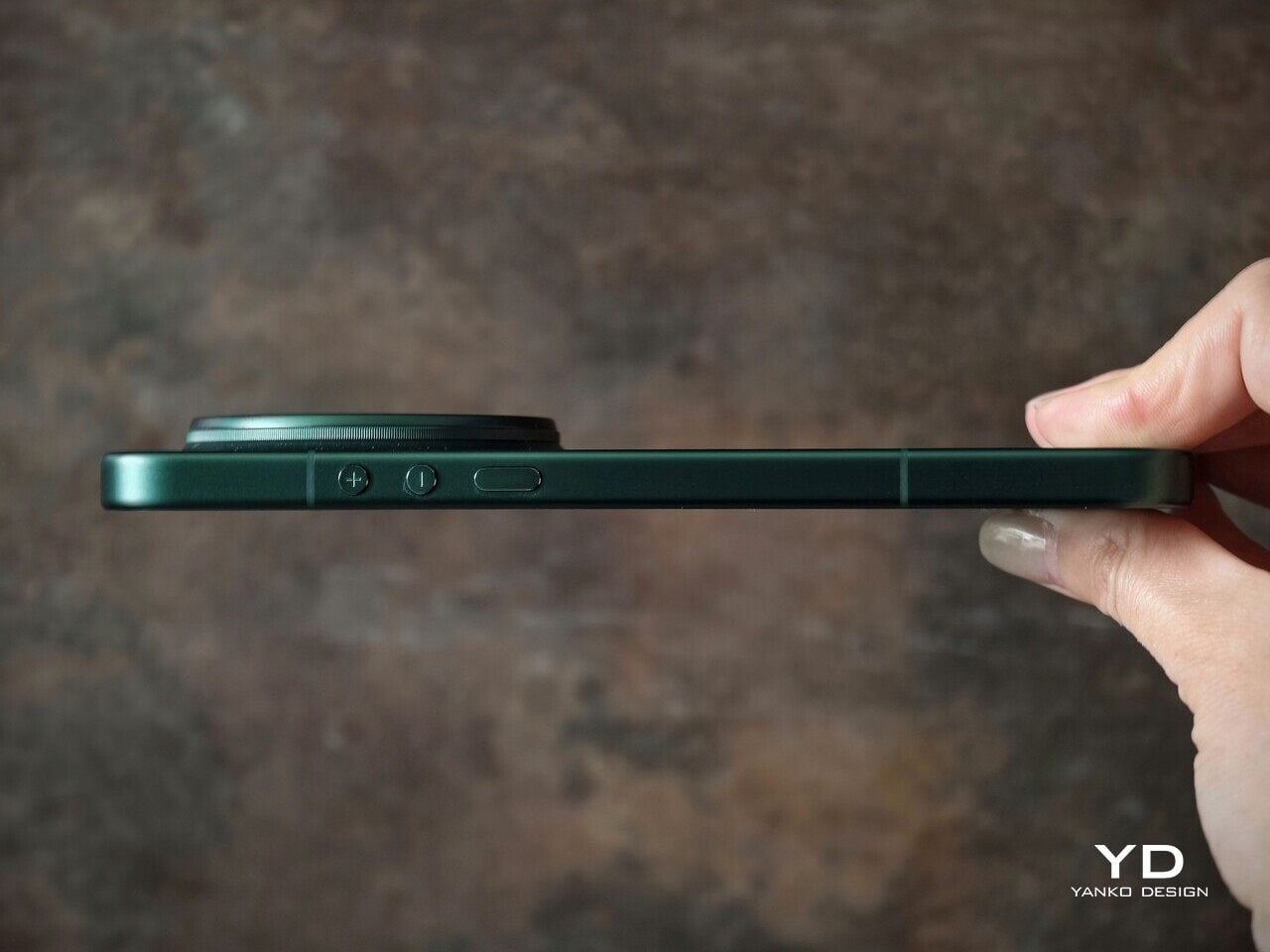
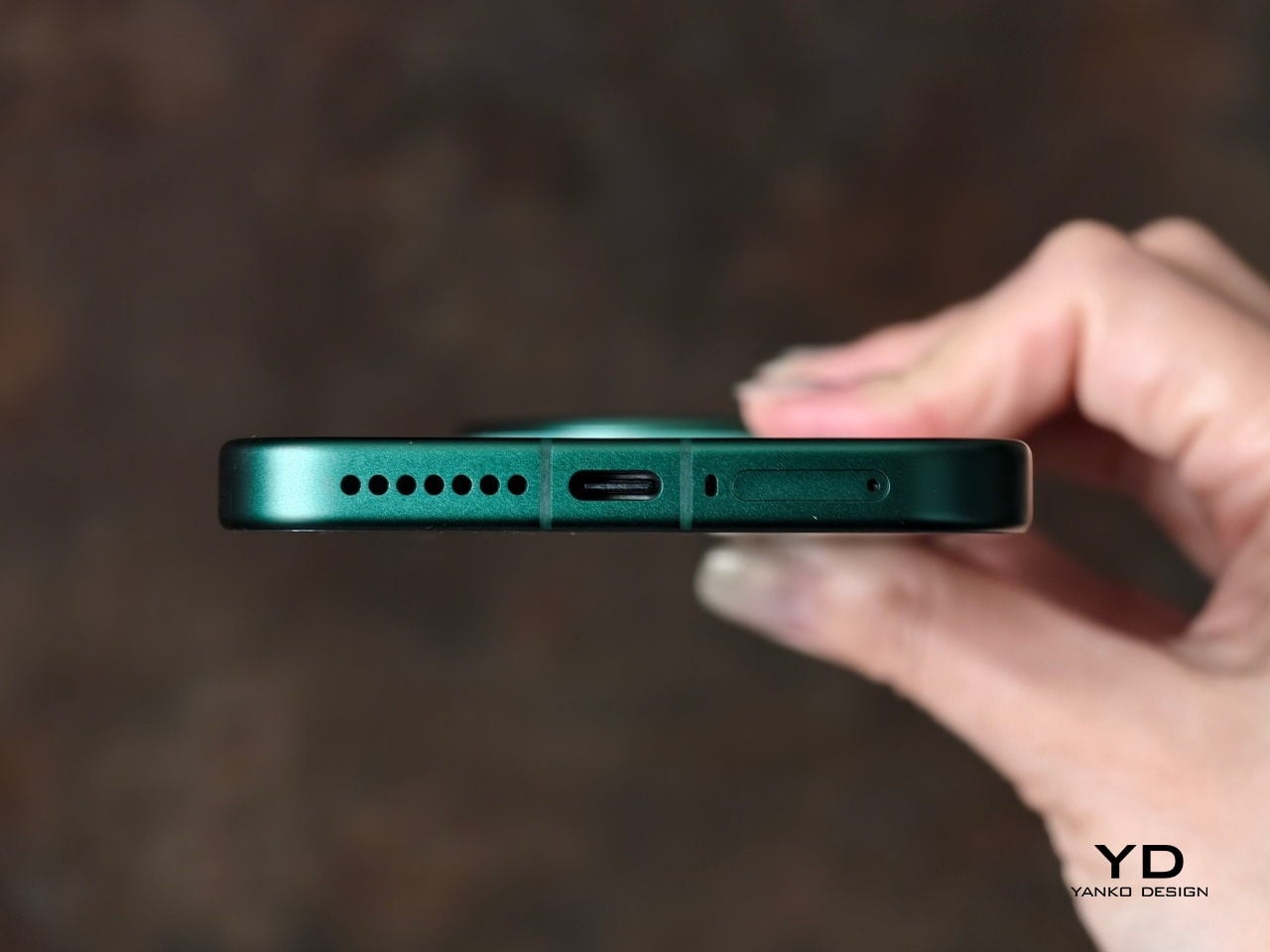
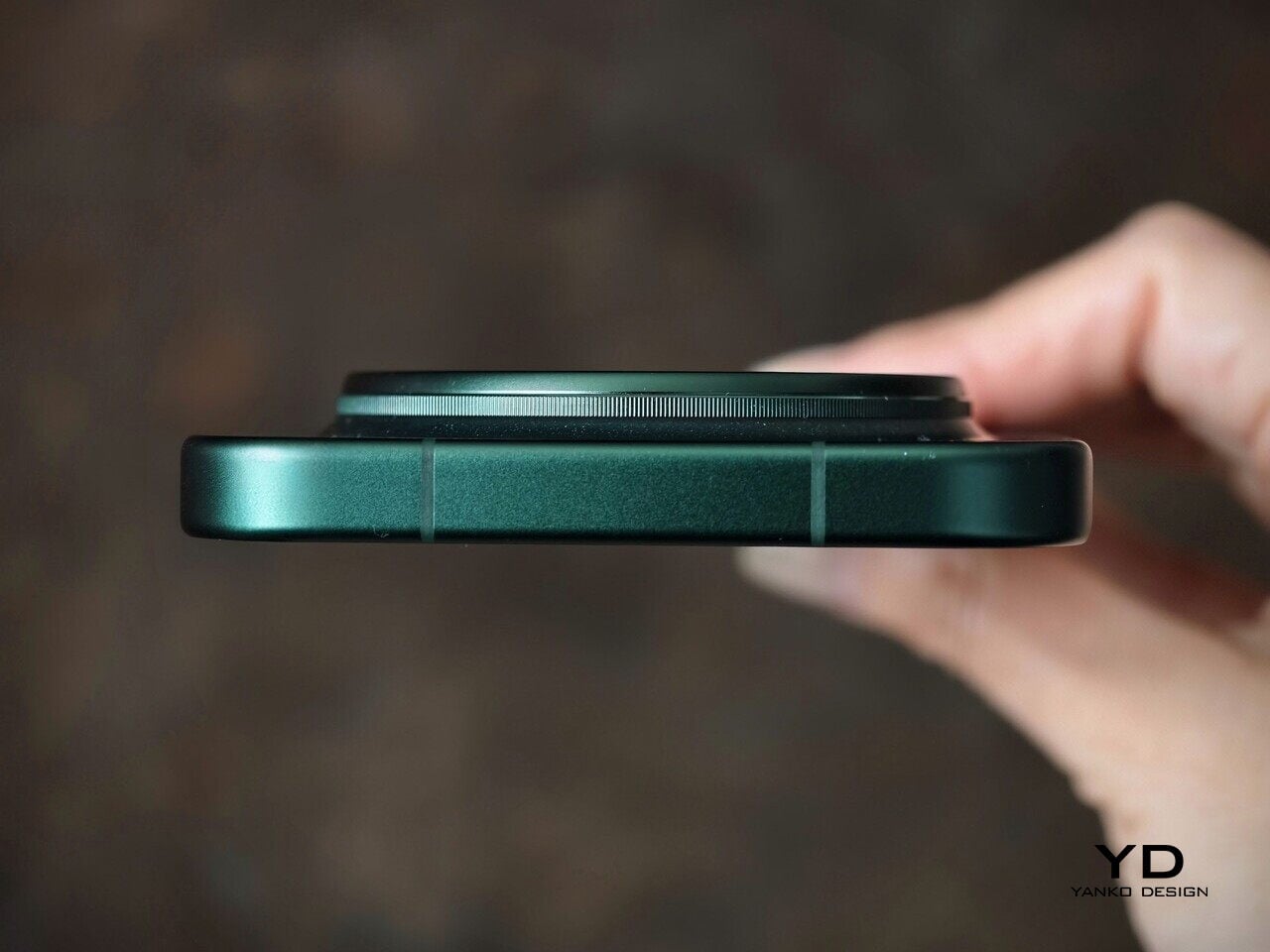
The first thing I expected to notice when I pick up the Xiaomi 17 Ultra is the weight and thickness. The phone uses a large battery, a complex camera stack, and a sturdy frame, and all of that adds up in the hand. That said, I was pleasantly surprised. At 8.29mm thickness and about 219g, Xiaomi managed to make the 17 Ultra the slimmest and lightest among its Ultra series. The device is still big and not exactly a lightweight phone, but it feels a lot more comfortable to hold than your eyes perceive.

Ergonomically, the device feels well-balanced in the hand, which is a welcoming improvement from the top-heavy feel you get from holding the Xiaomi 15 Ultra. Xiaomi 17 Ultra adapts a flat display, for the first time for its Ultra line, and helps with the grip. Because it’s well-balanced, the camera bump becomes a natural resting point on the back, which can actually improve grip. At the same time, this is not a one-handed phone in any universe, and if you are coming from something smaller, you will need to adjust how you hold it, how you pocket it, and even how you reach for the top corners of the screen.

The global Xiaomi 17 Ultra uses a 6,000 mAh silicon-carbon battery instead of the 6,800 mAh cell in the China model. Even with the smaller capacity, it should still be enough for a full heavy day for most people. Charging is excellent with 90 W wired and 50 W wireless, and the 90 W wired mode supports PPS or Programmable Power Supply, so you can get true fast charging with any PPS-compatible USB-C charger, not only Xiaomi’s own adapter.

Performance

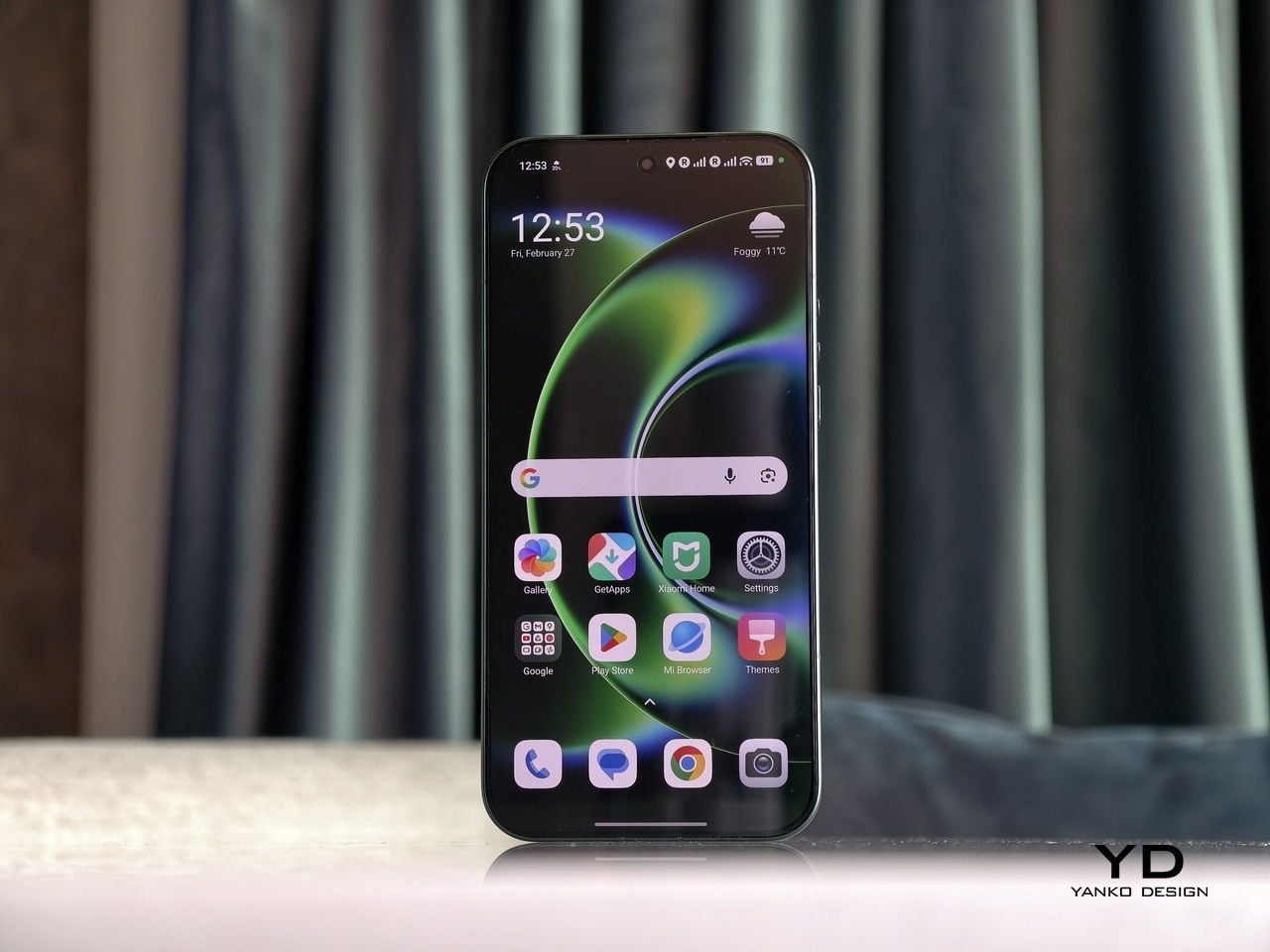
The display on the Xiaomi 17 Ultra is built to impress at first sight. It is a 6.9-inch LTPO AMOLED panel with 120 Hz refresh, a 1.5K class resolution at around 1200 x 2608 pixels, and a claimed 3500 nits peak brightness. It looks sharp and vibrant, and the huge screen makes movies, games, and photo editing feel more immersive. Xiaomi also adds TUV Rheinland certifications for low blue light, flicker-free performance, and circadian-friendly tuning, which are designed to reduce eye fatigue during long viewing sessions.

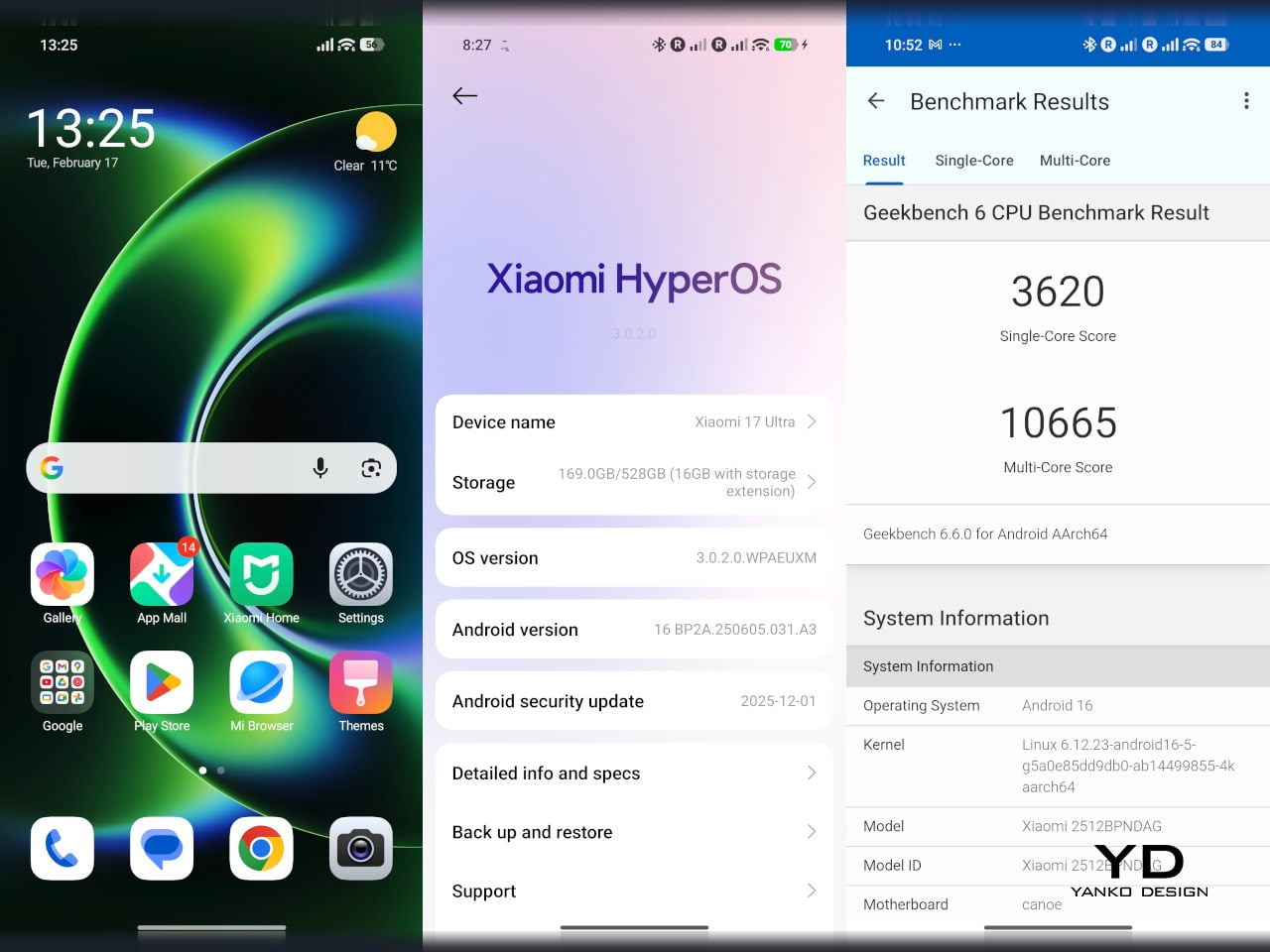
The Xiaomi 17 Ultra is powered by Qualcomm’s Snapdragon 8 Elite Gen 5 chipset, and the global configurations come with 16GB of RAM paired with either 512GB or 1TB of storage. It is genuinely nice to see a 1TB option offered globally, since that is still not something every flagship brings outside China. The phone flies through heavy multitasking, high refresh rate gaming, and demanding camera workloads without stutter. On the software side, it runs Android 16 with Xiaomi’s HyperOS 3, which is Xiaomi’s unified platform designed to feel lighter and more connected across phones, tablets, and other devices.

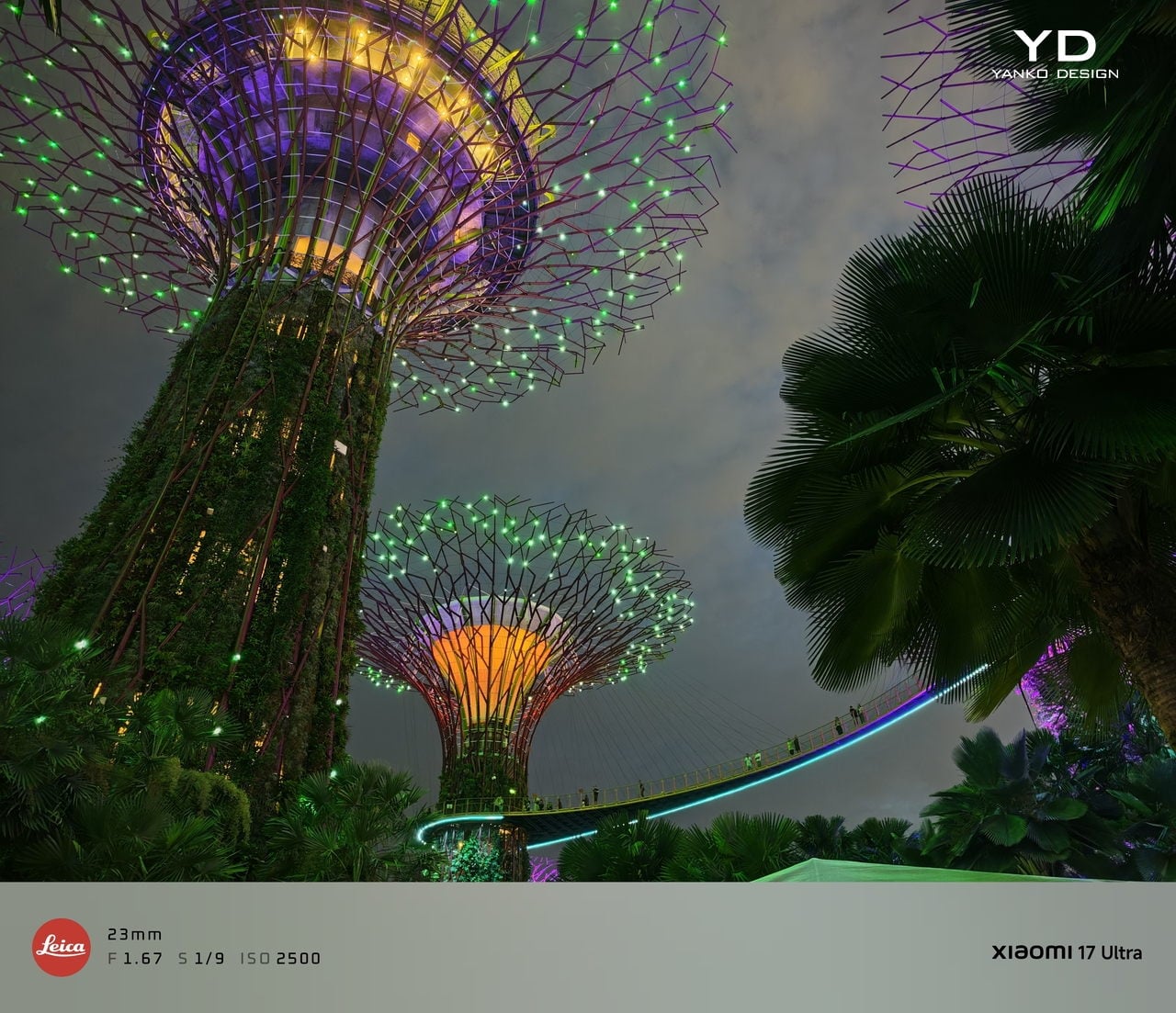
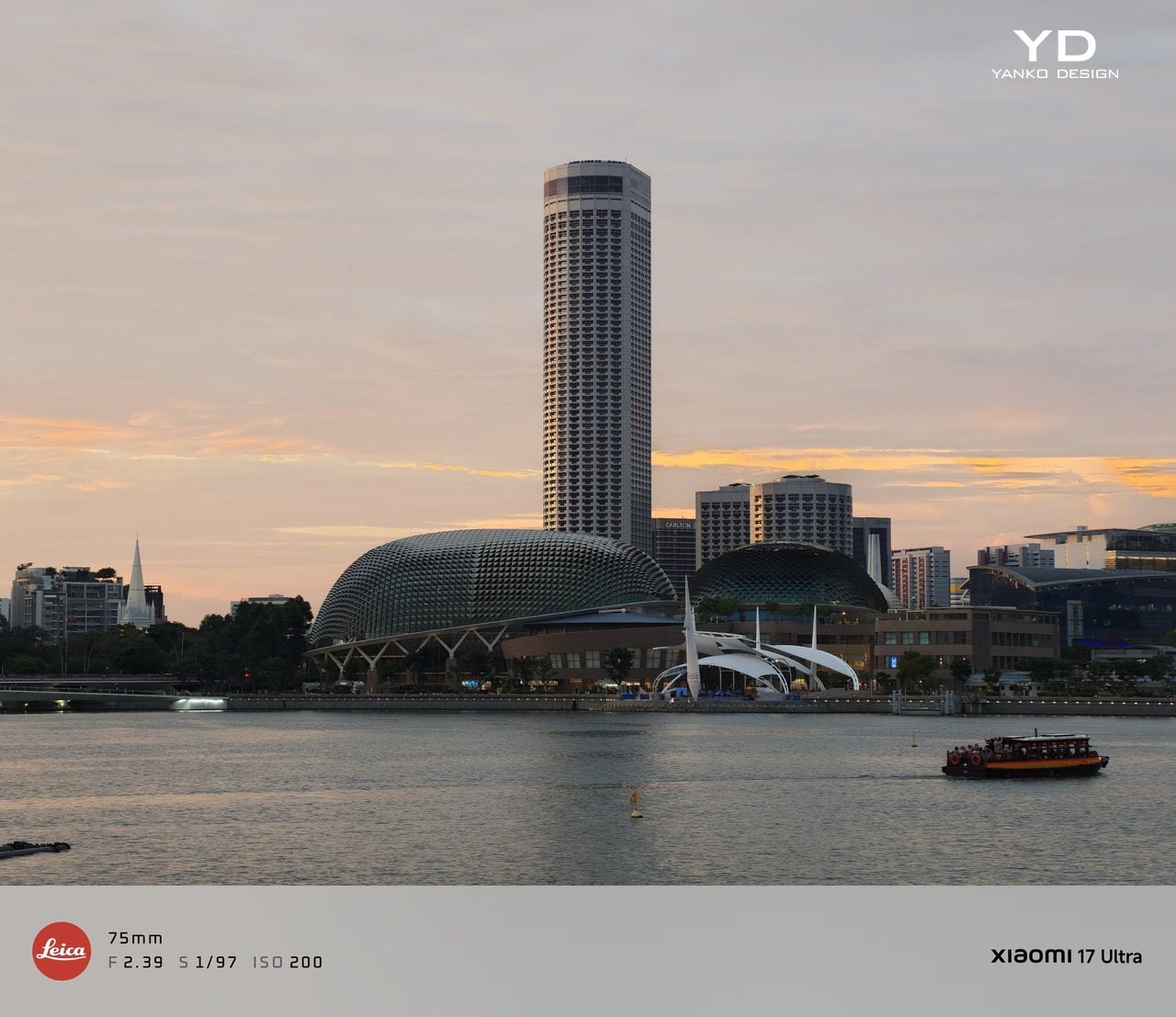
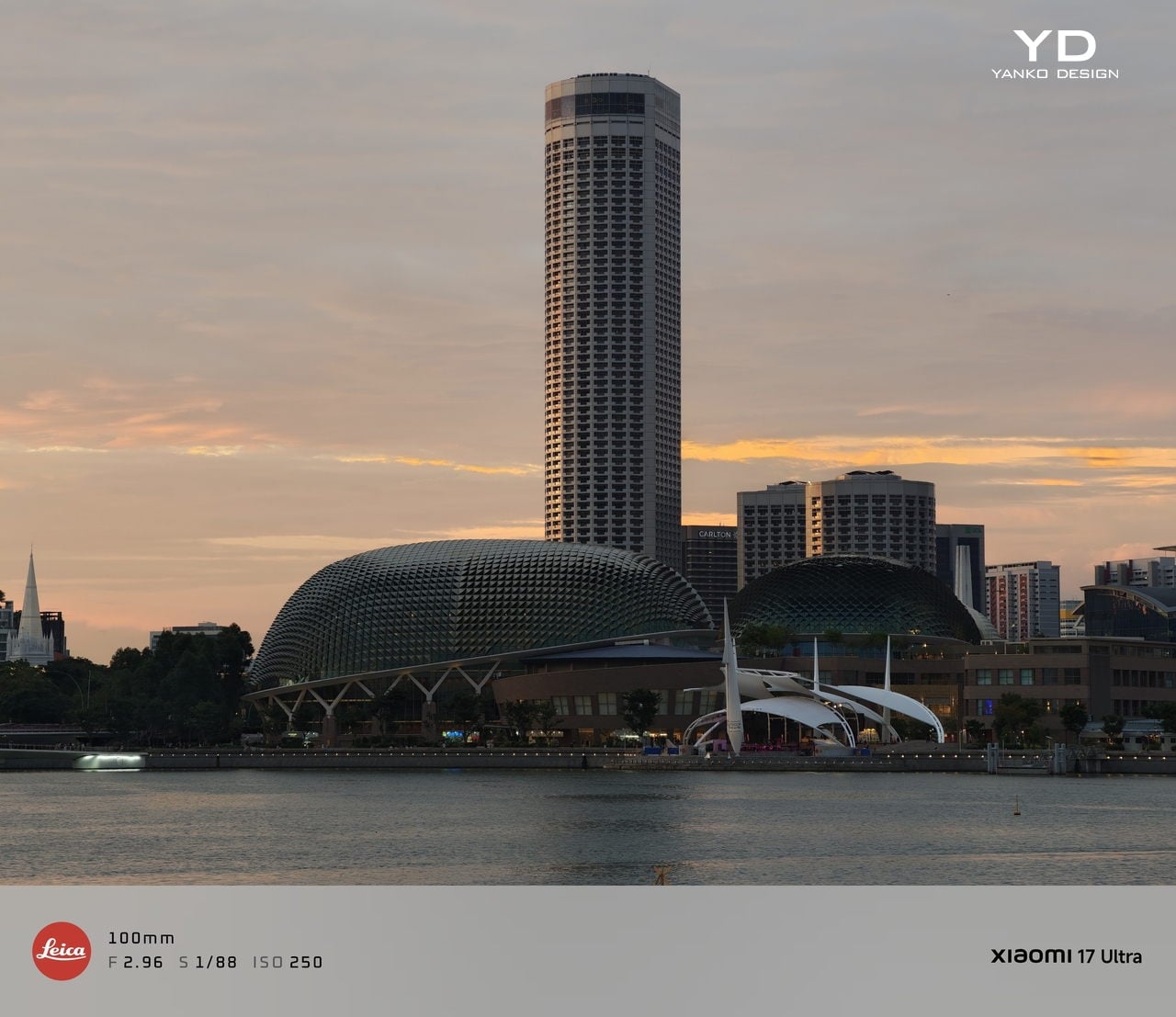
The camera system is where the Xiaomi 17 Ultra really tries to separate itself. Xiaomi drops the older quad camera approach and commits to a triple setup. The main camera is a 23-mm equivalent 50 MP unit with an f/1.67 aperture, OIS, and OmniVision’s Light Fusion 1050L sensor. The 75-100mm equivalent telephoto is a 200 MP periscope with OIS using Samsung’s HPE sensor, with a f/2.39-2.96 aperture. Rounding it out is a 50 MP 14-mm equivalent ultra-wide with an f/2.2 aperture using Samsung’s JN5 sensor.

23mm, Leica Authentic

75mm, Leica Vibrant

100mm, Leica Vibrant

On the main camera, Xiaomi pairs the Light Fusion 1050L sensor with LOFIC technology. LOFIC stands for Lateral Overflow Integration Capacitor, and it is designed to reduce highlight clipping by giving each pixel extra headroom before bright areas turn into flat white. In practice, it helps keep texture in skies and reflections while still holding onto shadow detail in high contrast scenes.

23mm, Leica Vibrant

200mm, Leica Authentic

Zoom is the other headline change. Instead of dual telephoto cameras, Xiaomi uses a floating lens structure to deliver continuous optical zoom from 75 mm to 100 mm, which makes it easy to pick between framing without obvious digital cropping. The limitation is that the range is fairly tight, so it is more about fine-tuning perspective than dramatically pulling faraway subjects closer. There is also a close-up trade-off, since the telephoto now focuses down to about 30 cm rather than the 10 cm I could get on the Xiaomi 15 Ultra, so it is less useful as a pseudo macro lens.

45mm, Leica Vibrant

100mm, Leica Vibrant

In real use, both the main camera and the telephoto produce excellent images with wide dynamic range, natural color, and strong detail in various lighting conditions. The images look clean rather than overprocessed or oversharpened. Portrait mode is especially flexible, offering eight focal lengths from 23 mm through 100 mm equivalents, with pleasant bokeh and strong separation, even if it can occasionally miss a fine strand of hair when I pixel peep. I also noticed the phone can get warm even after relatively short camera use, and hopefully Xiaomi can improve this with future updates.

75mm, Leica Vibrant

75mm, Leica Vibrant

100mm, Leica Vibrant

The ultrawide is solid but a step behind the main and telephoto in refinement. The upgraded 50 megapixel front camera with autofocus is a nice quality of life improvement, and it looks great in good light. In backlight or low light, selfies can come out a bit soft as the processing works harder to control noise.

The Xiaomi 17 Ultra’s triple camera system can shoot video up to 8K at 30 fps, and it also offers 4K at up to 120 fps, although the ultrawide tops out at 4K at 60 fps. The front camera can record up to 4K at 60 fps, which is plenty for vlogs and high-quality selfies. Dolby Vision is supported across the cameras, and Xiaomi also includes creator-friendly tools like LOG recording up to 4K at 120 fps with stabilization on, plus LUT import for quicker grading and a more consistent look.

100m, Leica Portrait

100mm, Leica Portrait,

100mm, Leica Portrait, B&W Hig Contrast Filter

In performance, the 17 Ultra generally produces sharp, well-exposed footage with a fairly wide dynamic range, and stabilization stays strong when I am walking or panning. Low-light video also holds up well, with impressive detail for a phone, thanks in part to the large main sensor. Autofocus is usually smooth, but it can struggle in tricky conditions like backlit scenes or low light, where it may hesitate or hunt before it locks.

The Xiaomi 17 Ultra China version gets a 6,800mAh battery, but globally, it comes with a 6,000mAh battery. It should last you a full day, even with heavy use. It supports 90W wired charge and 50W wireless charge. 90W wired charge is PPS, so you can take full advantage of fast charging with a PPS compatible charger, not just with Xiaomi’s proprietary brick.

Sustainability

Xiaomi’s sustainability story for the 17 Ultra is mostly about longevity rather than eco materials. The phone uses Xiaomi Shield Glass 3.0 on the front, and it carries an IP68 rating, which should help it survive years of drops, rain, and daily wear without needing an early replacement. That kind of durability matters because the most sustainable phone is often the one you do not have to replace early.

Software support strengthens that long-life angle. Xiaomi promises five major OS updates and six years of security updates, which is not class-leading, but it is enough to make long-term ownership feel realistic at this price. It also makes the phone a safer buy if you plan to keep it for several years or pass it on later. What Xiaomi does not really emphasize, at least from what I can find, is the use of recycled or more sustainable materials in the phone itself.

Value

For global buyers, the Xiaomi 17 Ultra starts at EUR 1,499, which is roughly $1,620 USD, for 16GB/512GB, with the 16GB plus 1TB configuration expected around EUR 1,699, roughly $1,840 USD. That puts it directly in the same bracket as the most expensive Samsung Galaxy and iPhone models. If you look at what the Xiaomi 17 Ultra offers, it is easy to see the value in hardware alone, especially in cameras, battery, and storage.

The challenge is that Xiaomi is not only competing with Samsung and Apple, but also with other camera-focused Android flagships that are expected to land this year. That means the 17 Ultra has to win on the full experience, not just its spec sheet, especially when buyers are cross-shopping within the same premium price tier. Even so, the 17 Ultra can justify its price if you care most about its Leica-tuned imaging, huge display, and fast charging rather than ecosystem lock-in.

Verdict

The Xiaomi 17 Ultra is one of the most complete camera-first flagships Xiaomi has shipped for the global market. It nails the fundamentals with a huge, bright display, top-tier performance, and charging that makes most rivals feel slow and old-fashioned. The bigger story is how coherent the imaging experience feels, since the main and telephoto cameras deliver natural color, wide dynamic range, and consistent results across lenses.

Of course, there are real trade-offs, too. The new 75 mm to 100 mm continuous zoom is great for framing, but it is not a massive jump in reach, and the longer minimum focus distance makes the telephoto less useful for pseudo macro shots than the Xiaomi 15 Ultra. The global price also puts it in direct competition with the biggest names, so this is no longer a value flagship by default.  Still, there is no doubt the 17 Ultra earns its Ultra name. It delivers a huge, gorgeous screen, genuinely fast charging, and one of the most enjoyable still photo experiences you can get on a phone, with Leica-tuned color that looks natural rather than overcooked. If those are your priorities, the Xiaomi 17 Ultra is an easy flagship to love.

The post Xiaomi 17 Ultra Review: Lighter, Flatter, and Sharper Than Ever first appeared on Yanko Design.
ASUS ROG Flow Z13 Kojima Productions Edition Review: Designed, Not Branded

PROS:


  • CNC machined artwork creates depth that printed graphics can't replicate

  • Carbon fiber and aluminum deliver genuine material contrast

  • Decennium Gold colorway builds a collaboration-specific design language

  • Thermal architecture integrates visibly into the surface composition

  • Multiple configurations give collectors several compositionally distinct angles

  • Shinkawa's design vocabulary translates to hardware without dilution

CONS:


  • Static chassis can't capture the kinetic energy of Shinkawa's illustrations

  • Tablet weight limits comfortable handheld use beyond fifteen minutes

RATINGS:

AESTHETICS
ERGONOMICS
PERFORMANCE
SUSTAINABILITY / REPAIRABILITY
VALUE FOR MONEY

EDITOR'S QUOTE:

Most limited editions wear an artist's name. The Z13 KJP wears an artist's hand.
award-icon

When the artist holds the pen, the object changes at a structural level. ASUS calls the ROG Flow Z13 Kojima Productions Edition a collaboration with Yoji Shinkawa, but the result reflects authorship rather than endorsement. Shinkawa drew the design elements directly. The angular chassis cutouts reference Ludens’ armor, the same character he originally created as Kojima Productions’ icon. The Decennium Gold colorway exists because Shinkawa chose it. The carbon fiber integration, the custom keycap typography, the vent laser etching: these trace back to his visual direction, not ASUS’s interpretation of it. The geometry, materials, and graphic hierarchy don’t feel applied to an existing chassis. They feel drawn into it.

Shinkawa himself described the process as designing a gadget that “belongs to Ludens” and integrating that into the PC design. That framing tells you where creative authority sat. The artist didn’t adapt to the hardware. The hardware adapted to the artist.

Kojima Productions as Design House

Calling Kojima Productions a game studio accounts for what the company ships, not what it builds. The studio’s visual identity, shaped primarily by Shinkawa since its founding, represents one of the most distinctive aesthetic vocabularies in entertainment. Shinkawa’s style blends bold brushwork with intricate mechanical detail: fluid motion rendered with precision, emotion conveyed through futurism. The characters, vehicles, and environments of Metal Gear Solid and Death Stranding share a visual language that’s immediately identifiable: heavy contrast, dynamic composition, mechanical forms that feel organic.

Ludens, the company’s mascot, embodies this philosophy. Designed as a collaboration between Kojima and Shinkawa, Ludens wears an “extravehicular creative activity” suit: part knight armor, part astronaut gear. The character represents “those who play” (Homo Ludens), and the visual design merges protective functionality with exploratory optimism.

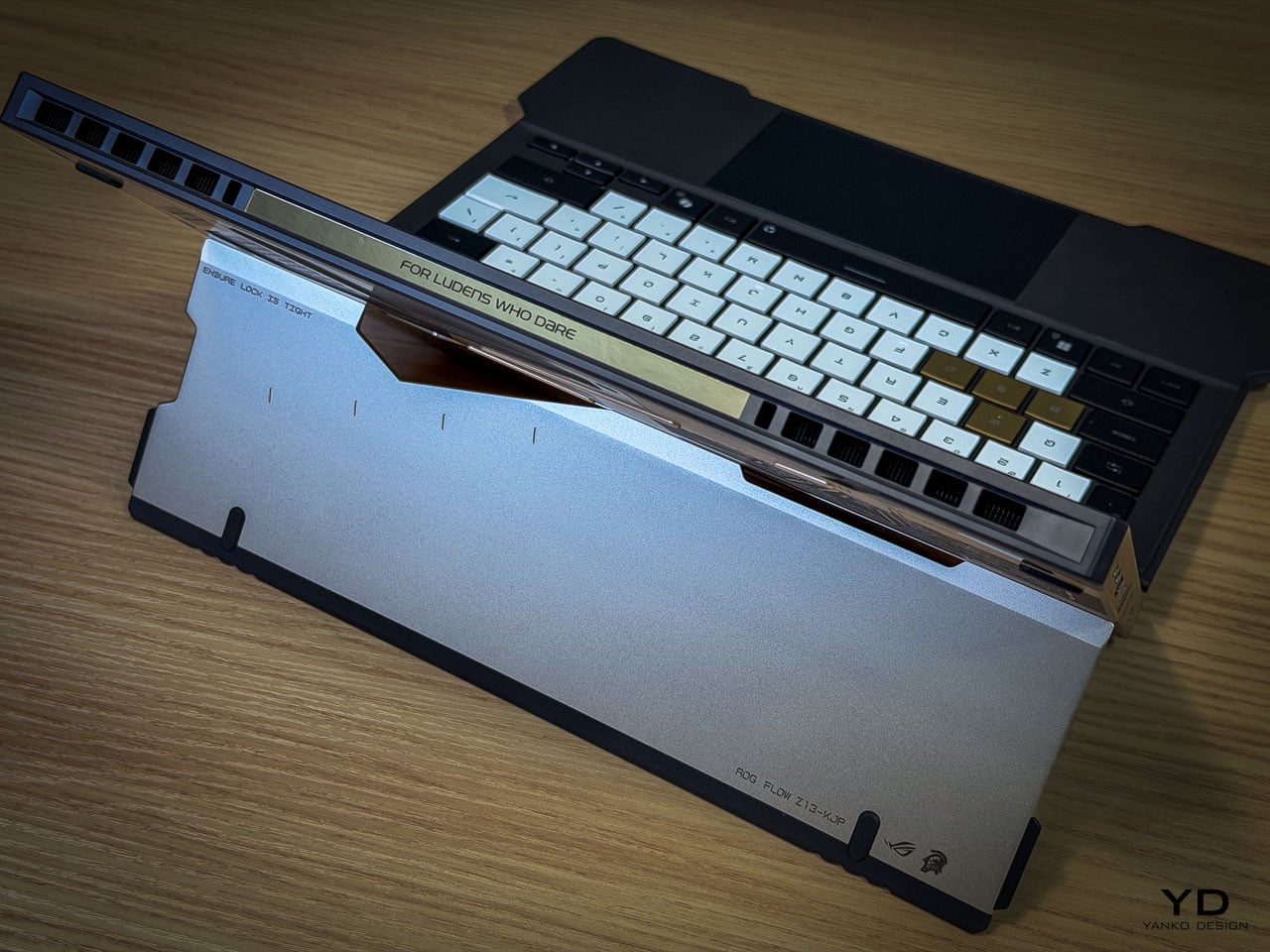
The motto: “From Sapiens to Ludens.” The Z13 KJP’s tagline: “For Ludens Who Dare,” combining Kojima Productions’ philosophy with ROG’s established “For Those Who Dare.” Even the marketing language operates as a design decision.

The Chassis as Canvas

The CNC-milled aluminum chassis does something unusual for limited edition hardware: it uses premium manufacturing as the design medium rather than premium materials as decoration.

Angular cutouts carved into the aluminum reference Ludens’ armor plating. These aren’t applied graphics or printed textures. They’re machined into the body with tolerances you can feel with a fingernail. The cutting angles create shadow lines that shift with viewing angle, adding depth that flat surfaces can’t achieve.

The Decennium Gold colorway breaks from gaming hardware convention. ROG products typically live in blacks, dark greys, and aggressive reds. Shinkawa chose a palette that references neither typical gaming aesthetics nor typical Kojima aesthetics. It’s a new color vocabulary specific to this collaboration, one that reads as industrial warmth rather than decorative accent.

Vent laser etching creates a subtle pattern across thermal exhaust areas that reads differently depending on lighting. At a glance, it’s texture. Up close, it’s deliberate patterning that maintains the Ludens visual motif even on functional surfaces.

Surface Detail as System

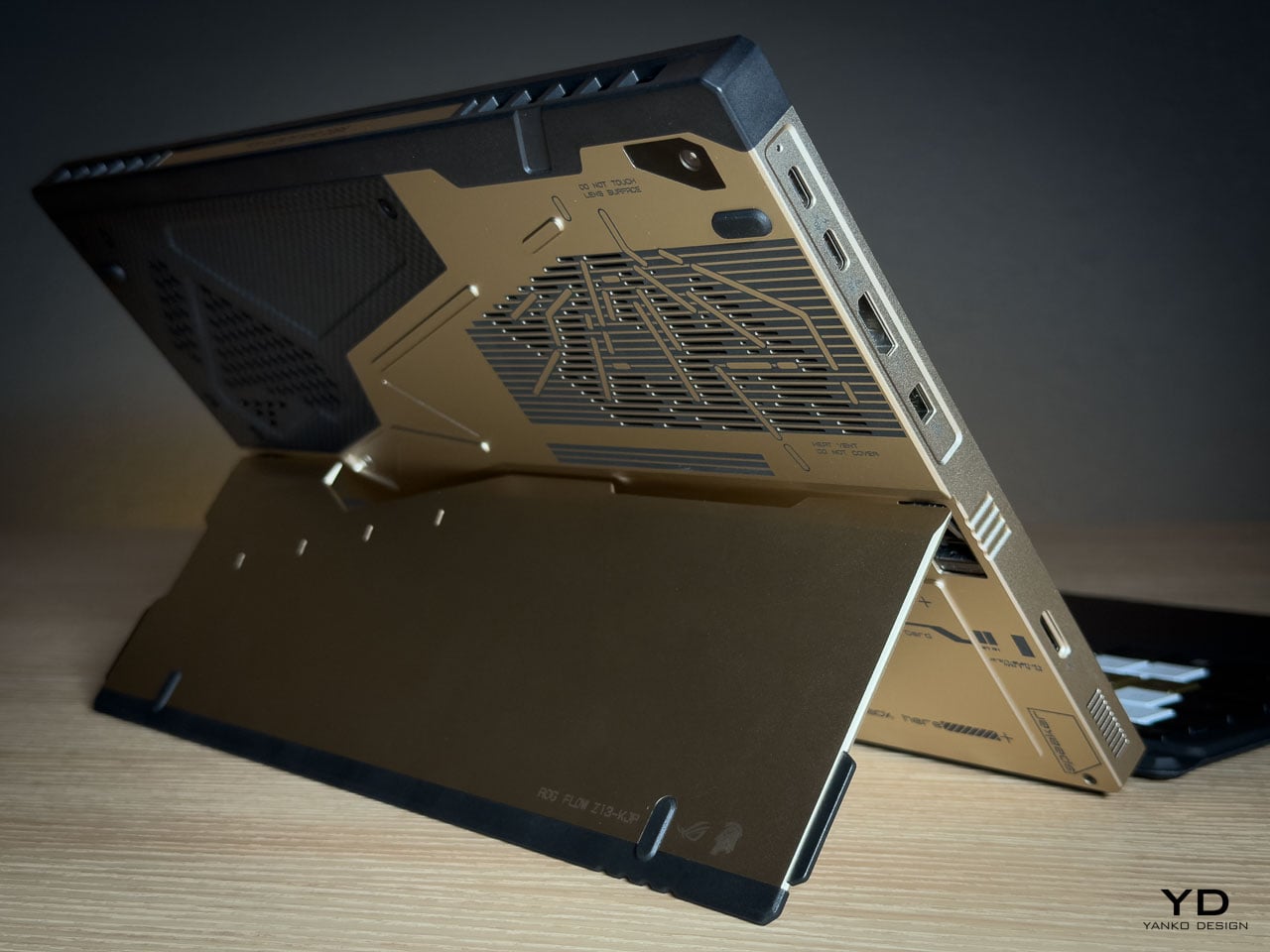
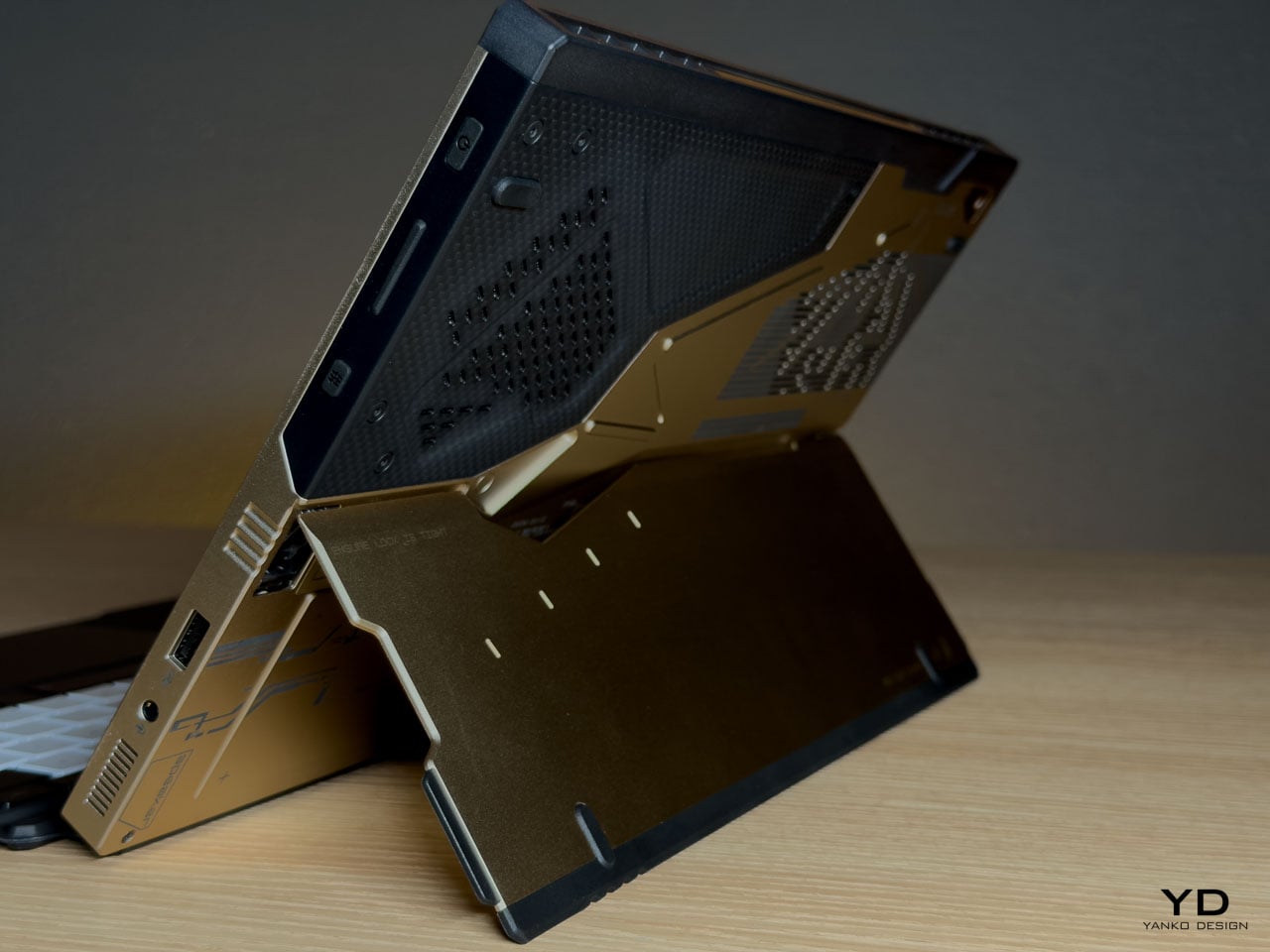
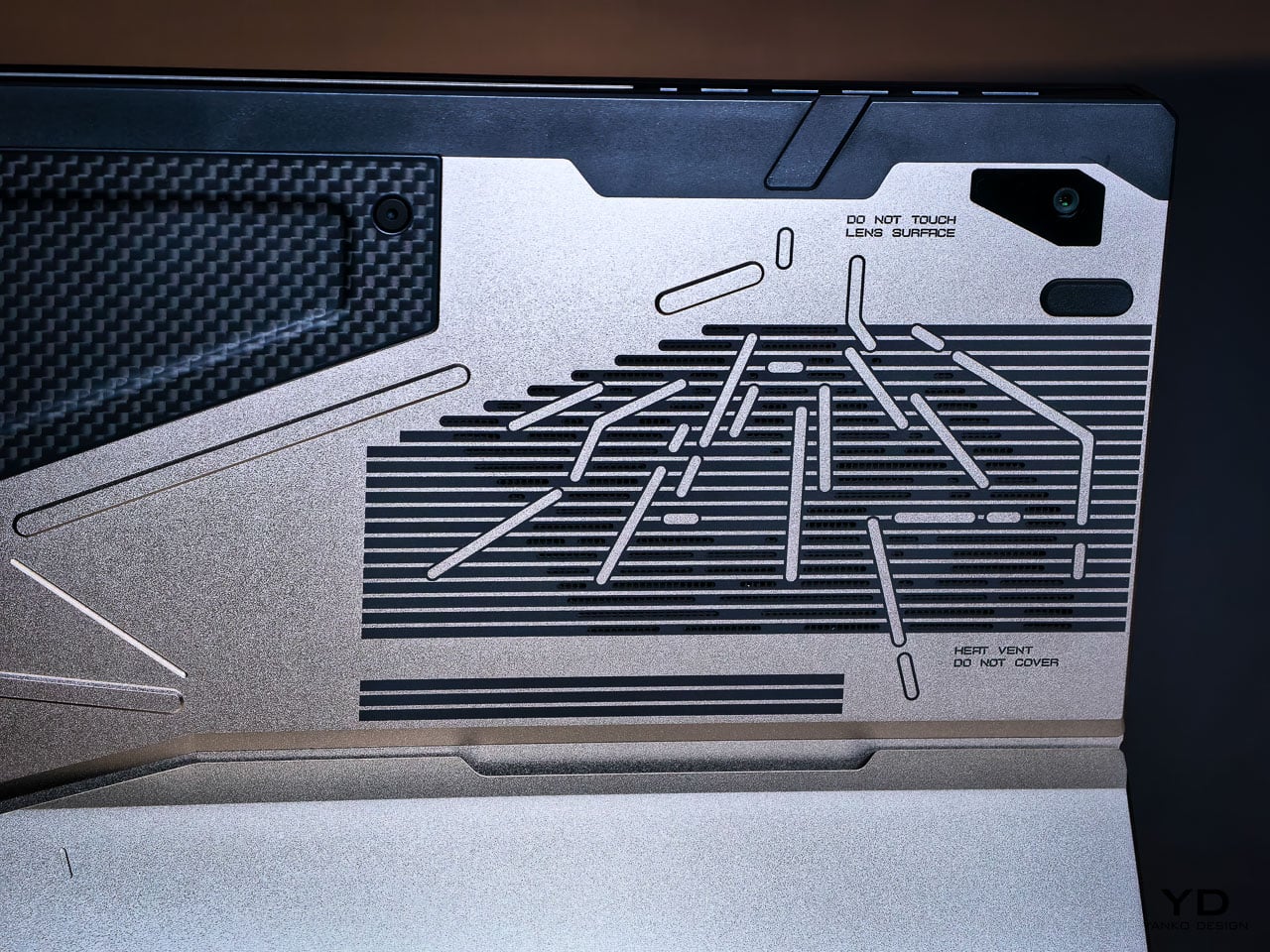
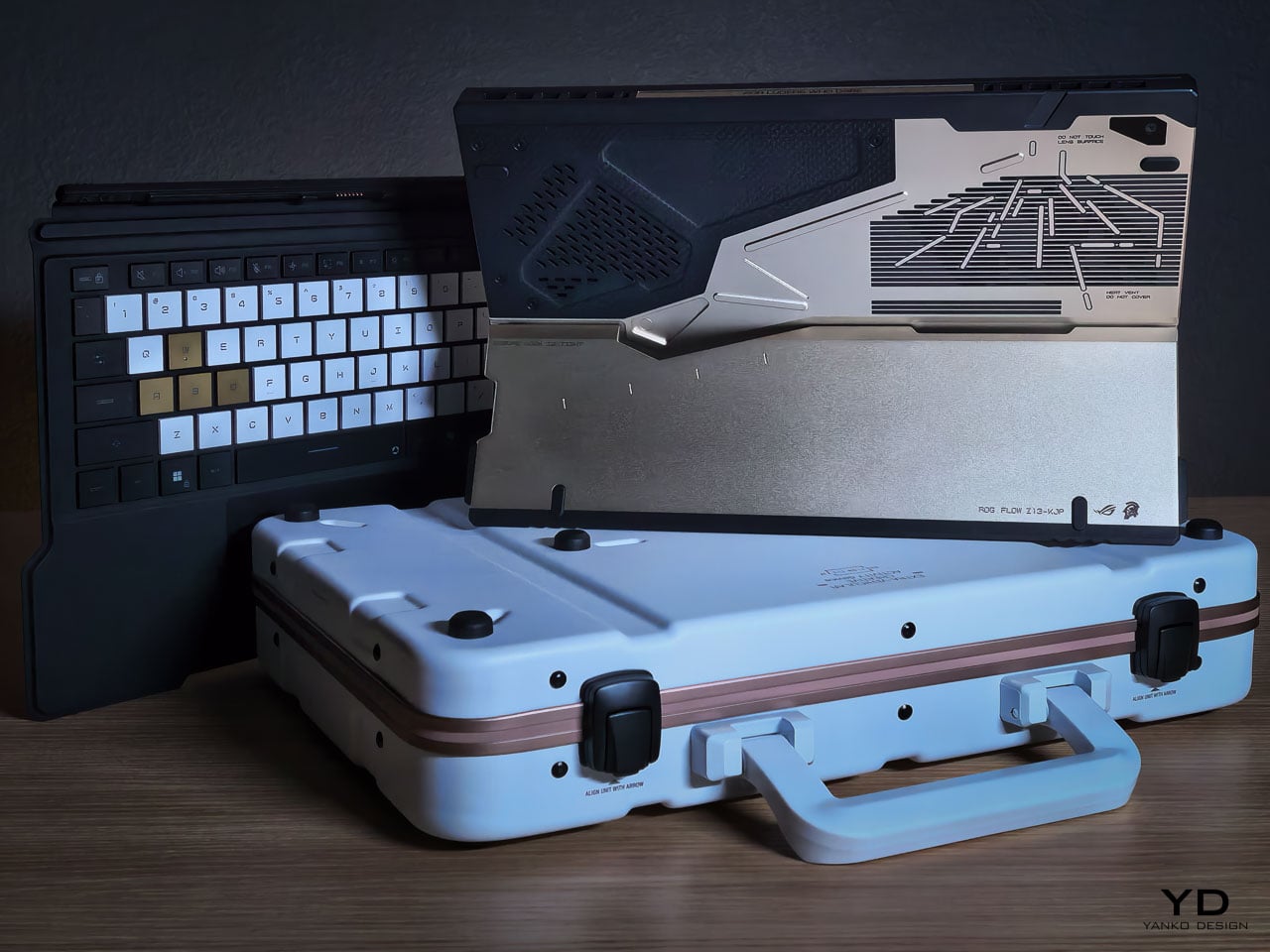
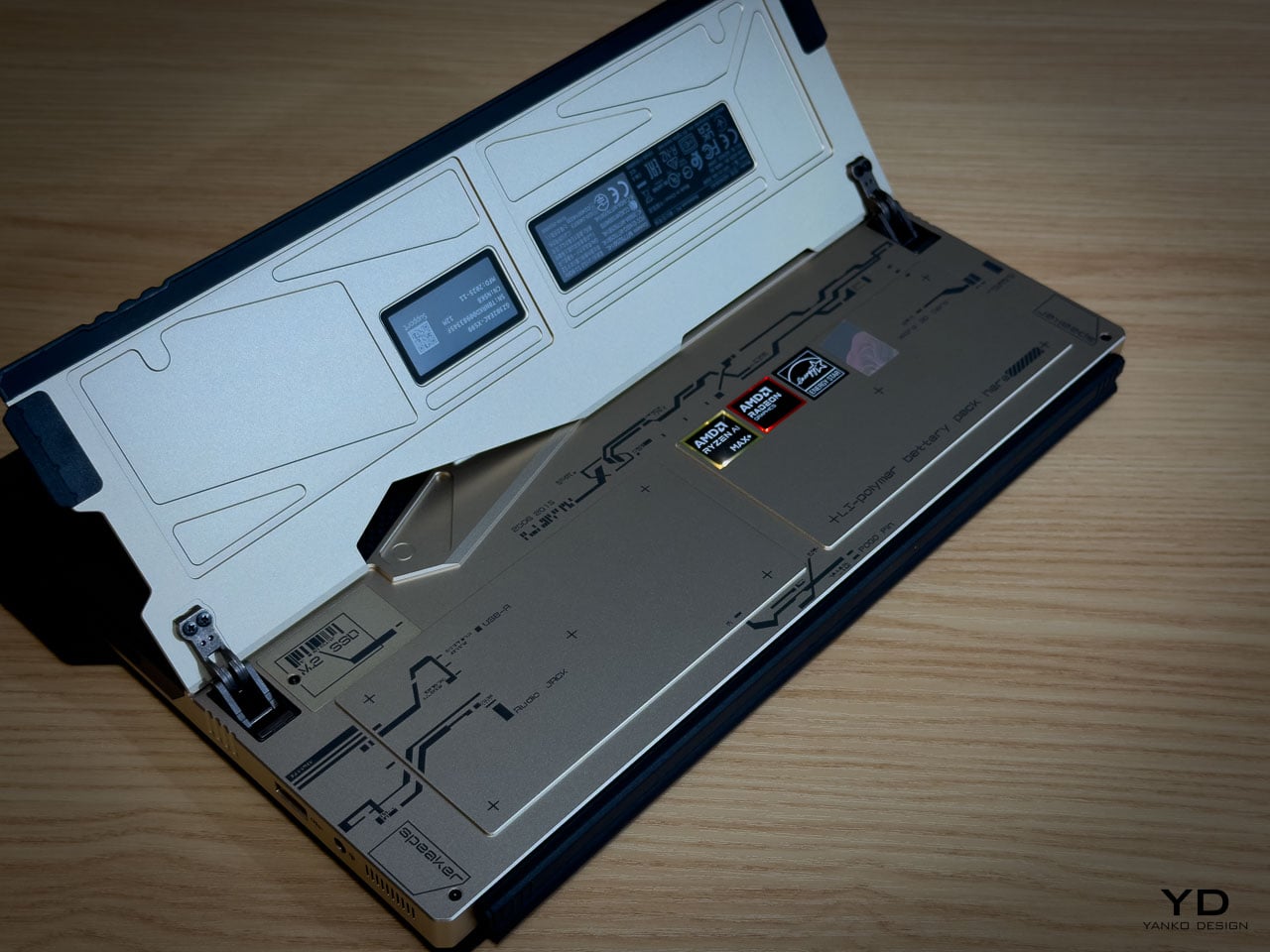
The rear panel artwork is layered in three visual weights, each serving a distinct compositional role. Fine parallel lines establish a base grid across the aluminum while medium thickness strokes intersect at angles that echo Ludens armor plating. Deep black ventilation apertures anchor the composition as functional shadow fields. Some lines are laser etched while others are machined recesses, and the vents aren’t hidden beneath the artwork but integrated into it.

This is where the detail level becomes clear. The vent field doesn’t interrupt the art but completes it, with perforations radiating in controlled clusters. Horizontal exhaust lines align with printed striations, while thicker strokes deliberately break alignment to preserve composition. It reads less like decoration and more like a technical schematic of something operational.

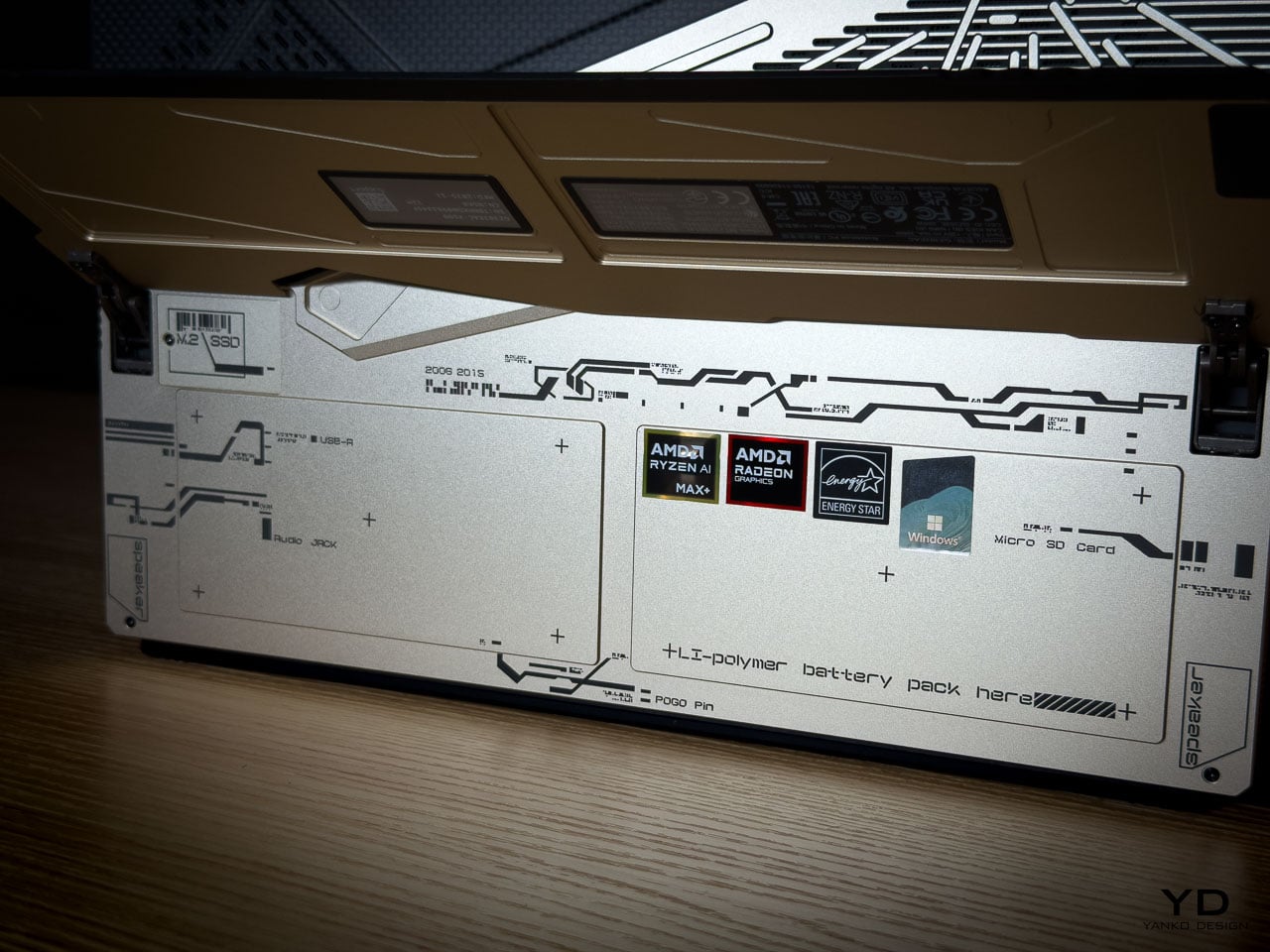
Micro typography reinforces the illusion. “Ensure lock is tight” sits near the kickstand mechanism. “Do not touch lens surface” frames the rear camera. “Li polymer battery pack here” is printed as if this were an exposed prototype rather than a sealed device. The language mimics field equipment labeling. It creates narrative without becoming parody.

What elevates the rear panel from decoration to design system is physical depth. The CNC bevels catch and redirect light differently depending on the angle of incidence, so the composition’s visual weight shifts throughout the day without any element disappearing. Under diffuse lighting, flat artwork would lose definition. Machined geometry holds contrast even when the room goes dim.

Carbon Fiber as Material Language

The carbon fiber elements operate as material contrast rather than structural marketing.

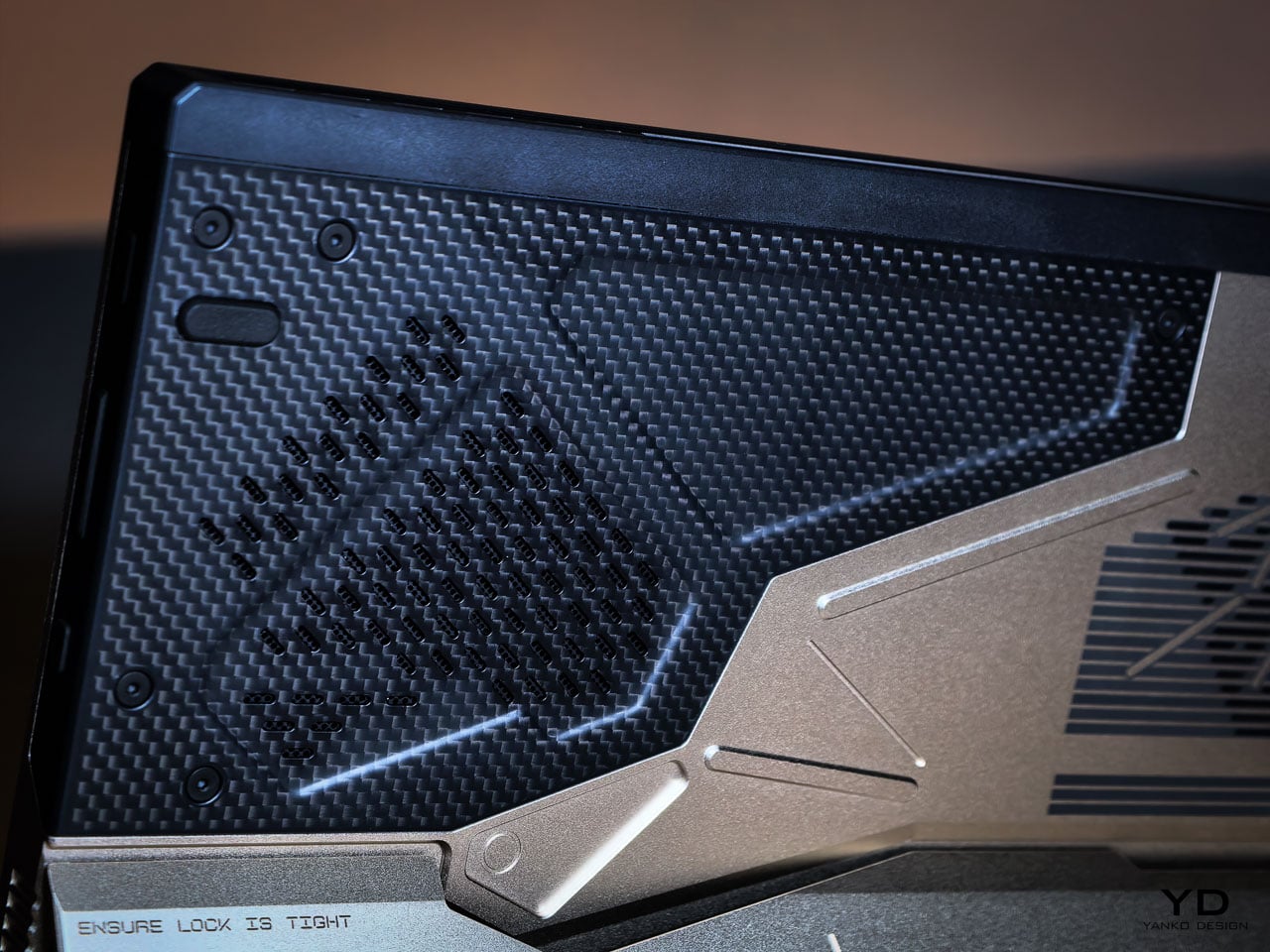
The weave is visible and directional. Under angled light it shifts between matte absorption and subtle reflection, creating tonal variation that the aluminum can’t replicate. This is real carbon fiber, not printed simulation. It introduces organic texture into an otherwise machined surface vocabulary.

Placed adjacent to CNC milled aluminum, the fiber changes how the entire rear panel reads. Woven composite beside bead blasted metal creates tension between engineered precision and tactile irregularity. That pairing echoes Shinkawa’s broader design instincts. Mechanical forms feel inhabited rather than sterile. Armor suggests use rather than abstraction.

Thermal Architecture Shapes the Exterior

The Z13 KJP’s tablet form forces its cooling system to live within a flat plane rather than a hinged clamshell cavity.

ASUS integrates larger fans and a wider vapor chamber because the device lacks a traditional hinge exhaust path. An airflow channel under the display helps reduce touchscreen surface temperatures. These engineering decisions directly influence vent placement and rear panel geometry.

The diagonal vent cluster embedded in the carbon fiber panel isn’t arbitrary styling. It exists where airflow demands it. The long horizontal vent array on the aluminum side stretches across a composition already defined by linear etching. Function determines location. Design determines how it’s expressed.

The Z13 KJP treats cooling infrastructure as compositional material. The vents, channels, and exhaust geometry participate in the rear panel’s visual rhythm rather than interrupting it, which is why the thermal sections don’t read as engineering compromises from any distance.

Form Factor as Design Statement

The detachable keyboard format makes the Z13 KJP a design outlier among limited edition laptops.

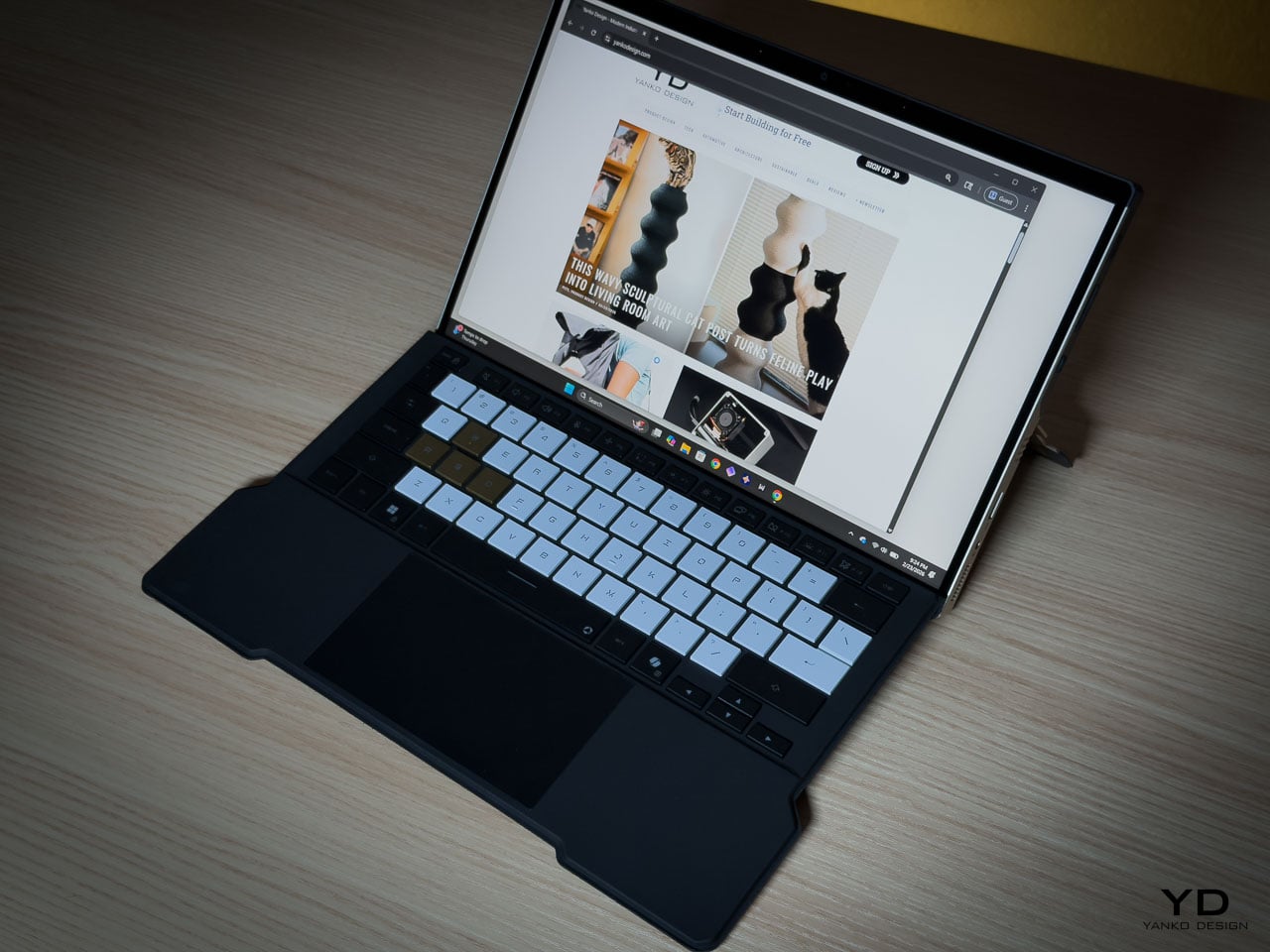
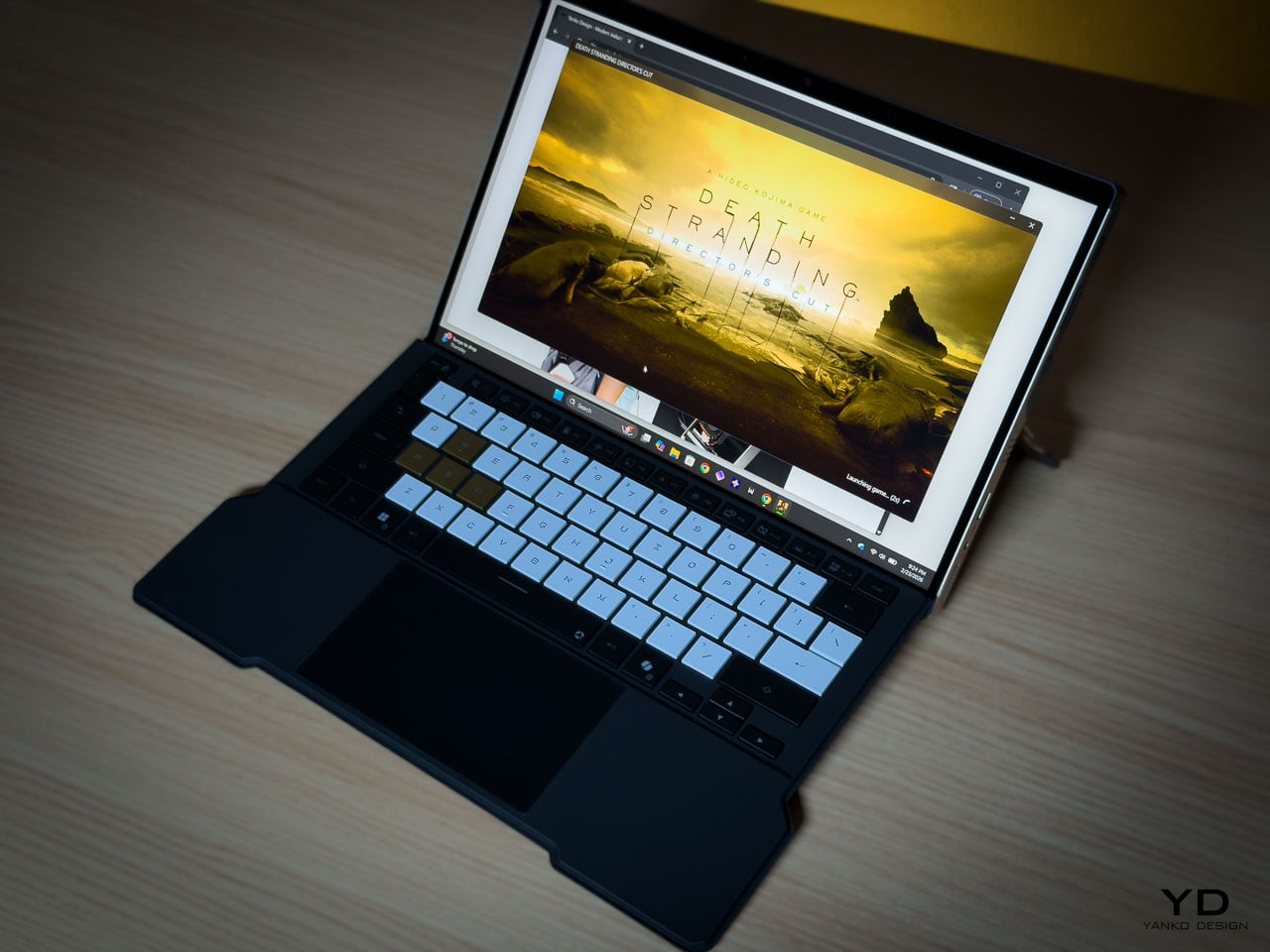
Most collector hardware comes in clamshell form. You see it closed or open. The Z13 KJP presents differently depending on configuration. As a tablet, it’s a slate with the Ludens-inspired chassis as the primary visual element. With the keyboard attached, custom KJP keycaps and typography add detail at interaction distance. On a kickstand at an angle, it shows the chassis rear and carbon fiber panel simultaneously.

This multiplicity matters for display-oriented owners because each configuration foregrounds different design decisions, from the macro geometry of the rear panel to the micro detailing of keycap typography. Most limited edition hardware offers a single hero surface. The Z13 KJP offers several, and they’re compositionally distinct.

At 1.25 kilograms as a tablet and 1.72 kilograms with the keyboard attached, the Z13 KJP balances density with portability. Inside the 300.28 by 204.5 millimeter footprint at 14.56 to 14.99 millimeters thick sits an AMD Ryzen AI Max Plus 395 processor paired with Radeon 8060S graphics up to 80 watts, 128GB of LPDDR5X 8000 quad channel memory, and a 70Wh battery supporting 100 watt USB C charging with a 50 percent charge in 30 minutes claim.

Ports and Edge Composition

Edge design is where themed hardware often collapses into generic product. The Z13 KJP maintains consistency.

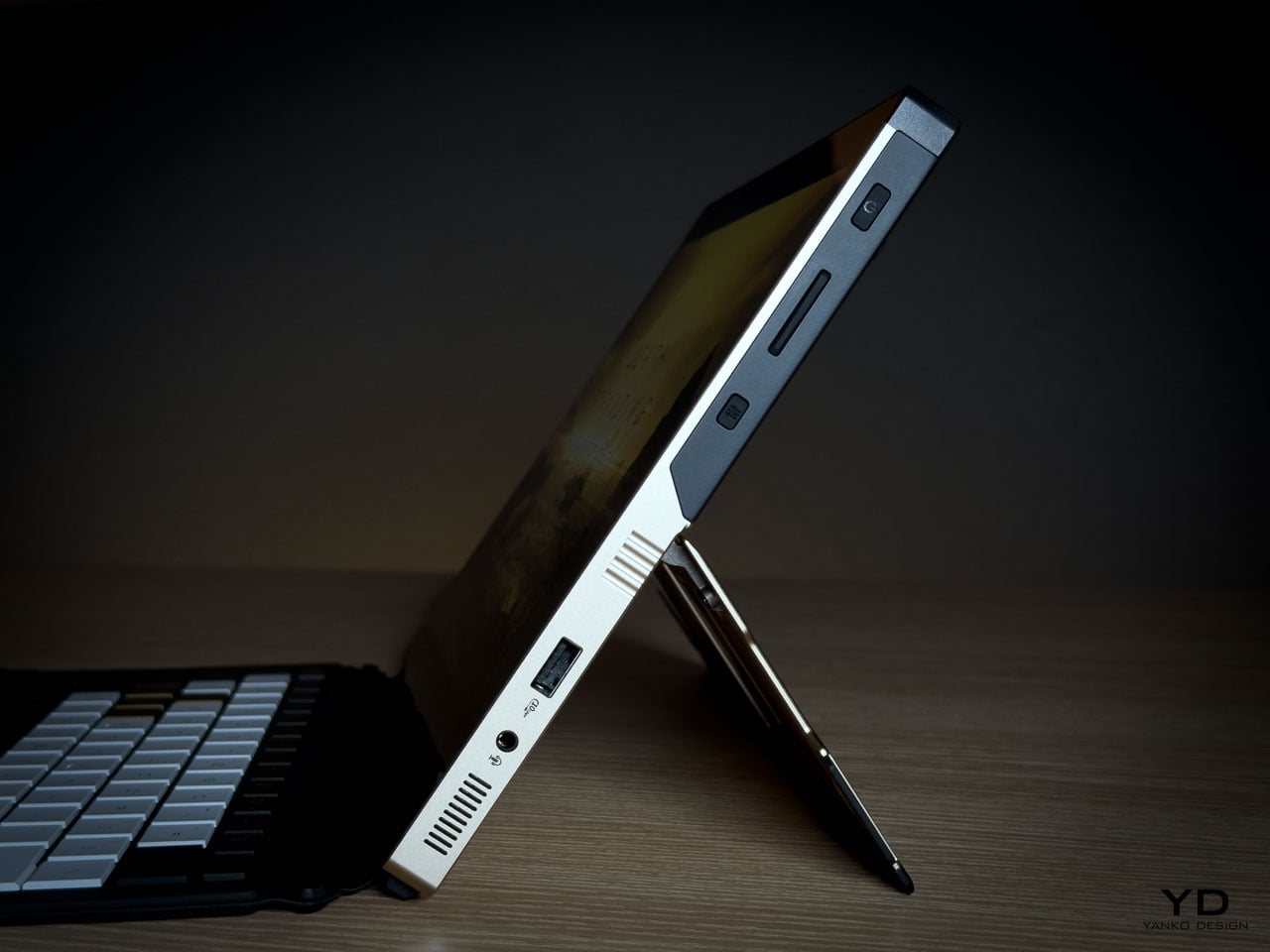
HDMI 2.1 FRL sits alongside dual USB4 ports supporting DisplayPort 2.1 and Power Delivery 3.0. A USB A 3.2 Gen 2 port anchors legacy connectivity. The microSD UHS II slot hides beneath the kickstand, an industrial design decision that preserves side silhouette integrity. Even the Command Center button is placed without disrupting the visual rhythm of the edge.

The port cutouts are clean and deliberate, preserving the angular language established on the rear panel rather than fracturing it. Negative space between each cutout prevents the edge from reading as a fragmented utility strip. Black rubberized edge guards introduce a darker boundary layer that frames the Decennium Gold aluminum, visually grounding the device while protecting high contact surfaces.

On a device this compact at 300.28 by 204.5 millimeters and under 15 millimeters thick, edge discipline determines whether the hardware reads as composed or cluttered. The Z13 KJP maintains its visual argument all the way to the perimeter.

Display as Primary Surface

As a tablet first device, the display isn’t a spec line but the dominant interaction surface and the largest uninterrupted plane on the hardware. Everything else on the Z13 KJP supports or counterbalances what happens on this 13.4 inches of glass.

The ROG Nebula Display runs at 2560 by 1600 resolution across a 16:10 WQXGA panel, 180Hz with 3ms response time and 500 nits of brightness, covering 100 percent of the DCI P3 color space. Gorilla Glass DXC provides the protective layer, which ASUS positions as glare resistant. In a tablet configuration where the screen faces ambient light directly, glare resistance becomes a design-critical material choice rather than a spec sheet footnote.

The glass side operates as deliberate counterweight to the rear panel’s visual density. Where the aluminum layers machined geometry, etched lines, carbon fiber, and micro typography into a complex composition, the display presents smooth, unbroken optical neutrality. That restraint is functional. The front surface stays quiet so it doesn’t compete with whatever content the owner puts on screen.

Ergonomically, the 16:10 aspect ratio provides vertical space for document work and browsing without forcing a width that compromises single-handed grip. When held as a tablet, the device balances expressive density on one side with functional clarity on the other, each surface serving a role the opposite can’t.

The Unboxing as Ritual

Limited edition hardware typically includes printed documentation and perhaps a numbered certificate. The Z13 KJP bundle creates a curated experience.

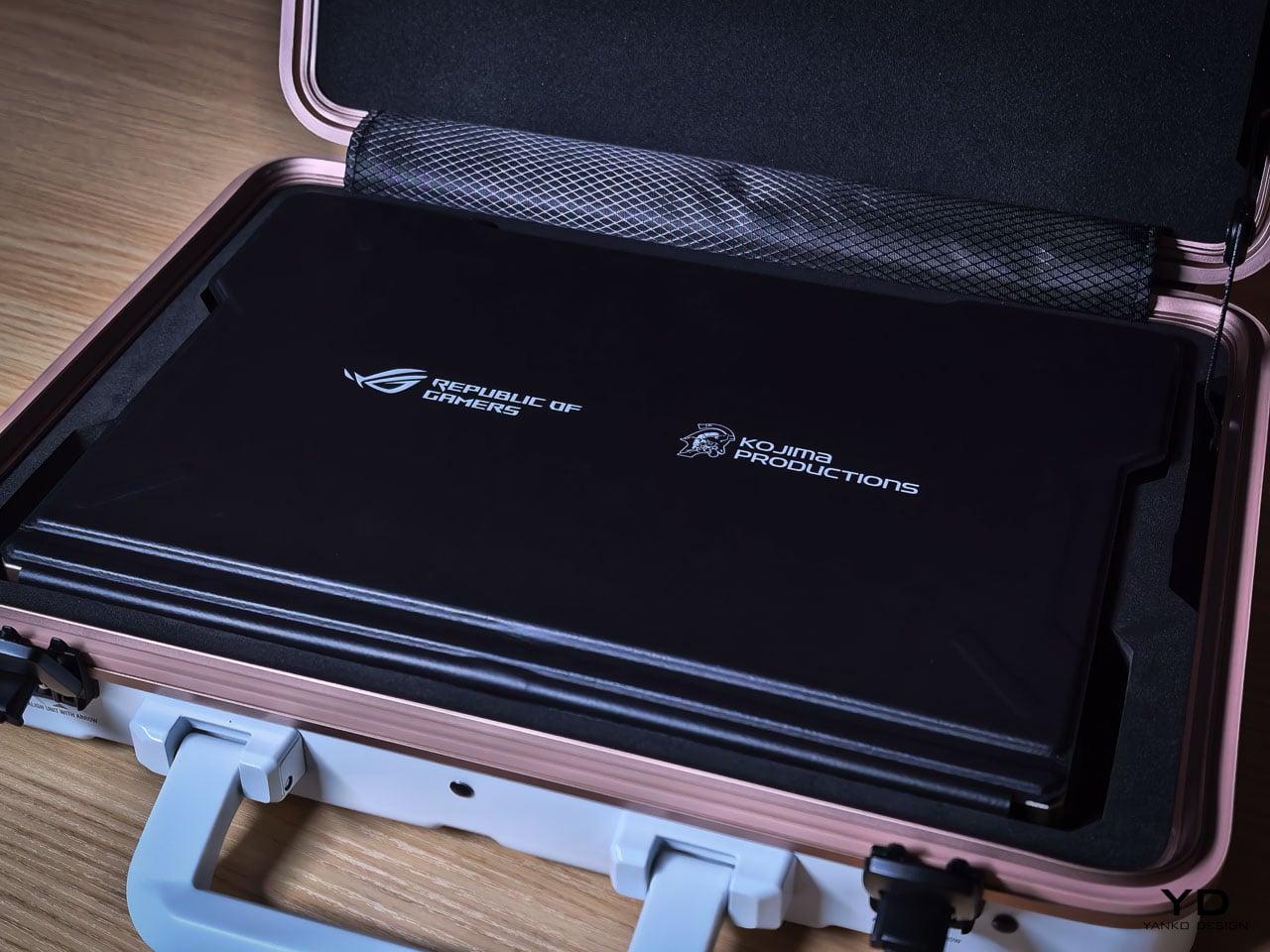
The carrying case uses the same Decennium Gold design language as the laptop. A flight tag bears ROG × KJP dual branding. A sticker sheet includes “For Ludens Who Dare” and branded designs that extend the aesthetic to wherever the owner applies them.

The centerpiece is the thank-you card. Front: Yoji Shinkawa’s original early sketches of the Z13 KJP, developmental drawings that preceded the final product. Back: personal messages from Hideo Kojima and Yoji Shinkawa with their signatures.

For a collector, this card may become the most valued item in the box. Original Shinkawa sketches of any kind command significant prices. Printed reproductions on a thank-you card aren’t originals, but they’re the closest most people will get to Shinkawa’s developmental process for this specific product.

The peripheral ecosystem extends the language: ROG Delta II-KJP headset, ROG Keris II Origin-KJP mouse, ROG Scabbard II XXL-KJP mousepad. All three bear Shinkawa-illustrated design elements. Sold separately, they allow the aesthetic to extend from the laptop to the entire workspace.

Living With the Design

Design analysis happens at arm’s length. Living with hardware happens at fingertip distance, and the Z13 KJP reveals different priorities depending on which distance you’re evaluating from.

The Decennium Gold finish reads as muted industrial alloy rather than jewelry. Under warm lighting it deepens slightly without turning brassy, and under cooler overhead light it holds its tone without washing out. That tonal stability means the device doesn’t shift personality depending on where you set it down. It looks the same on a coffee shop table as it does on a studio desk, which is rarer than it should be for hardware at this price point.

Fingerprints are the inevitable test. The bead blasted aluminum shows contact marks under direct light, particularly on the flatter surfaces between CNC channels. The machined geometry helps break up the visual uniformity that makes prints obvious on polished metal: shadow lines and textured transitions camouflage minor contact marks rather than highlighting them. The carbon fiber panel resists prints more effectively because the woven texture absorbs oils differently than the metal. Over a work session, the aluminum side shows use while the carbon fiber side stays visually cleaner.

At 1.25 kilograms in tablet mode, the Z13 KJP is honest about what it is. Extended handheld use past ten or fifteen minutes reminds you that there’s an AMD Ryzen AI Max Plus 395 and 128GB of memory packed inside a 14.56 millimeter chassis. The angular cutouts on the rear don’t create sharp pressure points against the palm because the CNC beveling rounds the internal edges enough to prevent digging. But the density concentrates in a footprint compact enough that you feel the weight per square centimeter more than you would on a larger device. The carbon fiber section provides a subtle grip advantage over the aluminum, with the woven texture catching skin differently at reading angles where hold confidence matters.

The CNC channels and etched line work invite a question most design pieces avoid: does precision age well? The machined recesses are shallow enough that casual dust isn’t immediately visible, but deep enough that compressed air works more effectively than a cloth for thorough cleaning. The vent apertures, which serve as compositional anchors from a design perspective, become maintenance zones from a use perspective. The rubberized edge guards show no visible wear patterns at high contact points, and their slightly softer surface provides meaningful grip improvement along the edges where you naturally hold the device when repositioning.

The kickstand deploys with firm, deliberate resistance that holds angles confidently. The hinge mechanism doesn’t feel fragile or provisional. When the device sits on its stand with the rear panel facing outward, the visual density of the artwork becomes ambient rather than demanding. You stop reading individual design decisions and start seeing a unified surface that happens to be more interesting than anything else on your desk.

Where the Translation Lands

What the hardware can’t fully capture is the kinetic energy of Shinkawa’s original illustrations. His drawings imply velocity and force through brushstroke dynamism, qualities that a static consumer electronics chassis isn’t built to reproduce. The etched line work creates layered visual complexity, but complexity isn’t motion. The silhouette doesn’t shift with posture. The energy remains implied rather than kinetic, frozen into surface detail rather than expressed through form.

Where the translation succeeds is in its commitment to depth. The design vocabulary lives inside the hardware’s structure rather than on its surface, which is why scrutiny rewards rather than punishes. Move closer and the layering intensifies. Change the lighting and the composition shifts weight without losing coherence. That durability under inspection is rare for any consumer electronics product, let alone one bearing an artist’s name.

A design theme needs its best angle and its ideal lighting. The Z13 KJP doesn’t have a weak configuration or a viewing distance where the intent falls apart, because the intent is embedded in the object itself. Whether the price premium over the standard Z13 is justified depends on how you value that kind of manufacturing commitment. But as a precedent for what artist collaborations in hardware can actually achieve, nothing in the laptop category has come this close to letting the original vision survive production intact. Pre-order starts today at ASUS Store.

The post ASUS ROG Flow Z13 Kojima Productions Edition Review: Designed, Not Branded first appeared on Yanko Design.
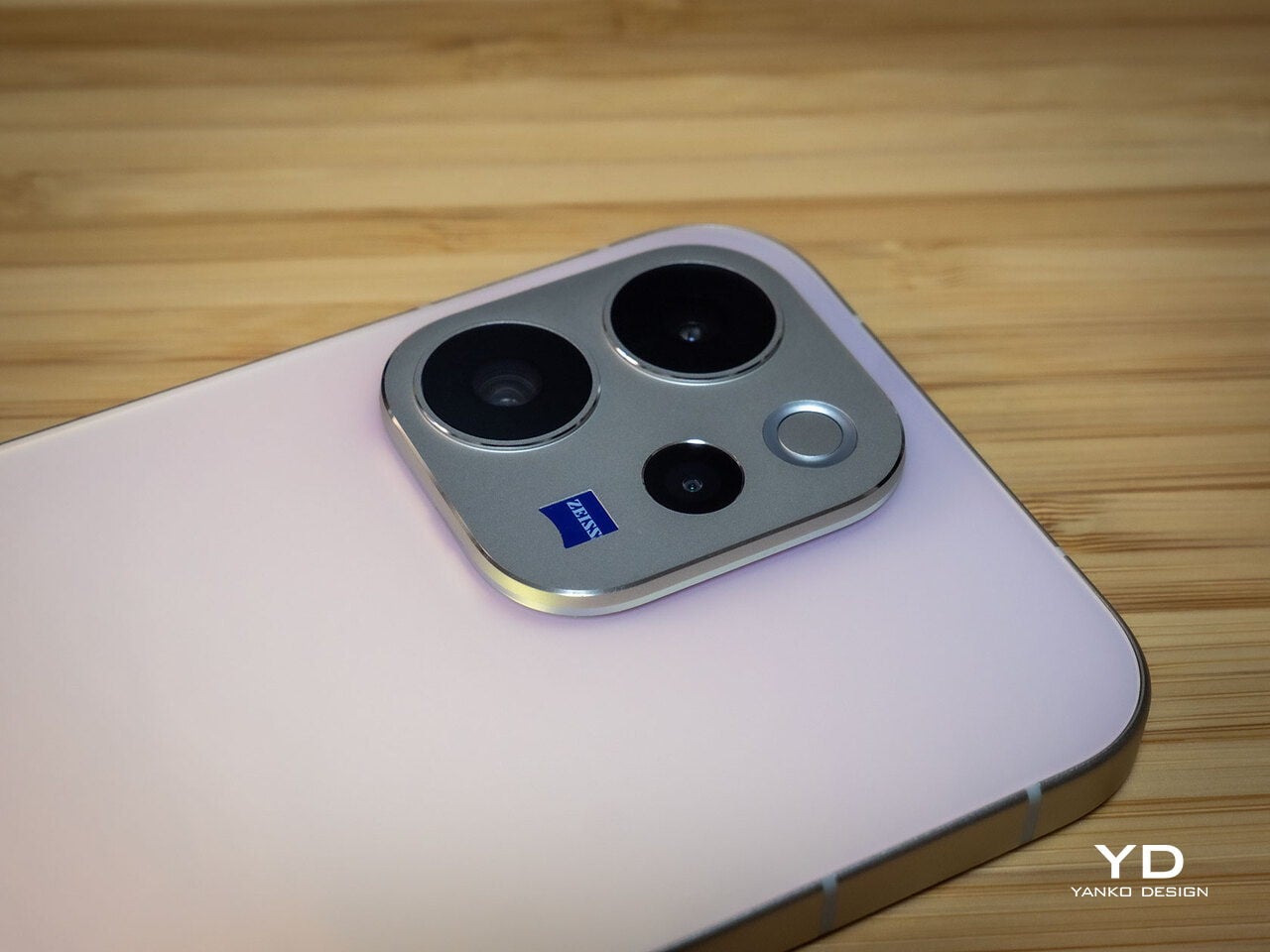
vivo V70 Review: A Concert Photographer’s Phone in Mid-Range Clothes

PROS:


  • Striking "Sunset Glow" Golden Hour design

  • 4K 60fps video recording on a mid-tier smartphone

  • Powerful 50MP ZEISS Super Telephoto Camera

  • Large 6,500mAh battery with super-fast 90W charging

CONS:


  • 8MP ultra-wide camera is decent but mediocre

  • No wireless charging

RATINGS:

AESTHETICS
ERGONOMICS
PERFORMANCE
SUSTAINABILITY / REPAIRABILITY
VALUE FOR MONEY

EDITOR'S QUOTE:

The vivo V70 proves that a clear camera identity and premium materials still matter at this price.

The mid-range smartphone segment is crowded in ways that make individual products hard to distinguish. Specs converge, designs flatten, and most phones feel interchangeable within days. vivo’s V70 enters that space with a clear point of view: a ZEISS-co-engineered telephoto camera tuned for stage photography and travel, a large battery built for long days, and a physical design that genuinely tries to look and feel like something worth keeping.

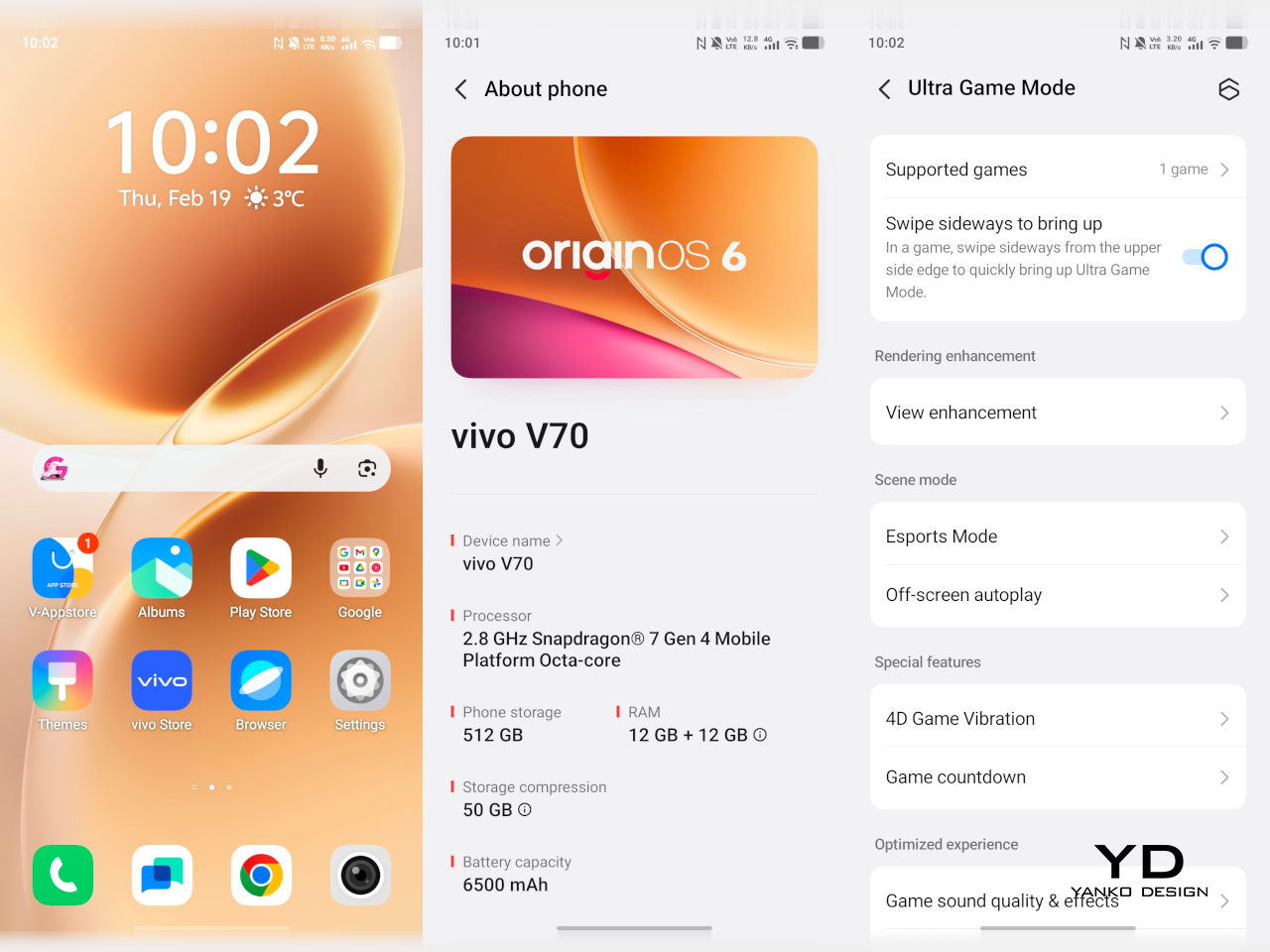
The v70 also introduces the Golden Hour edition, the most visually expressive option in the lineup, with an etched glass back, an aerospace-grade aluminum frame, and a ZEISS camera module with serious hardware inside. Running OriginOS 6 on a Snapdragon 7 Gen 4, it promises a telephoto-first camera experience for concerts and travel, backed by a 6,500mAh battery. Does the full package deliver on all of it? Read on.

Designer: vivo

Aesthetics

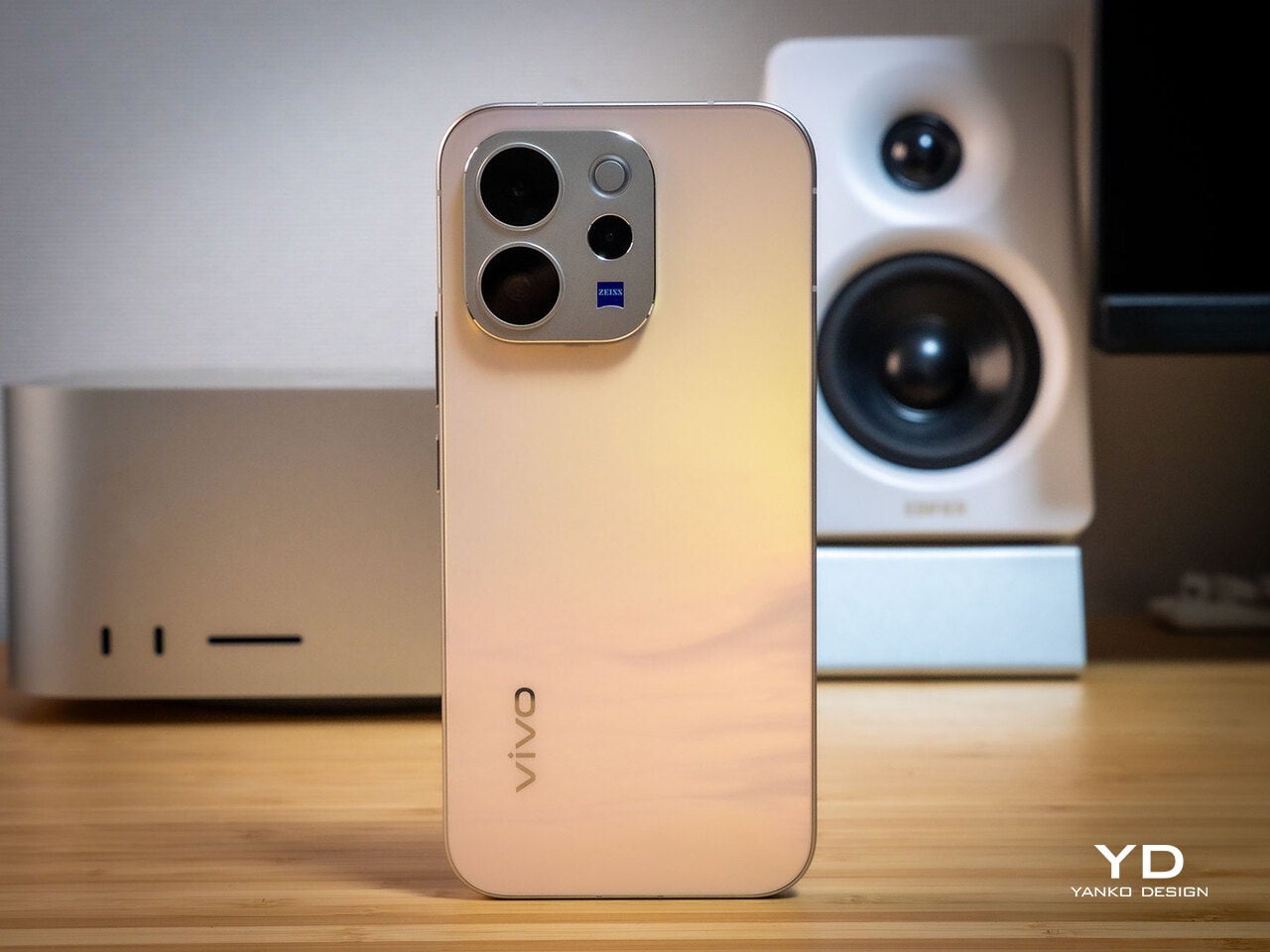
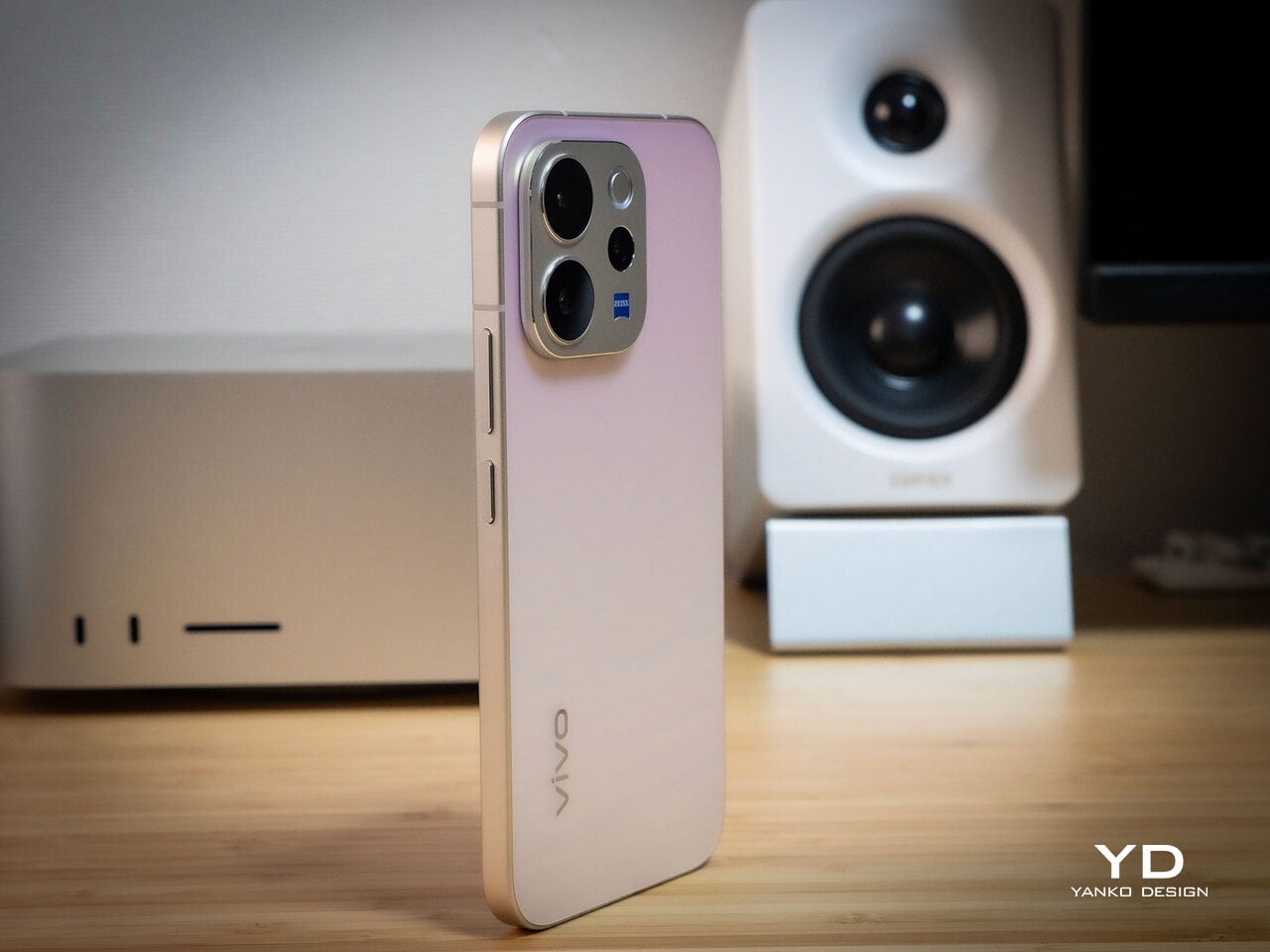
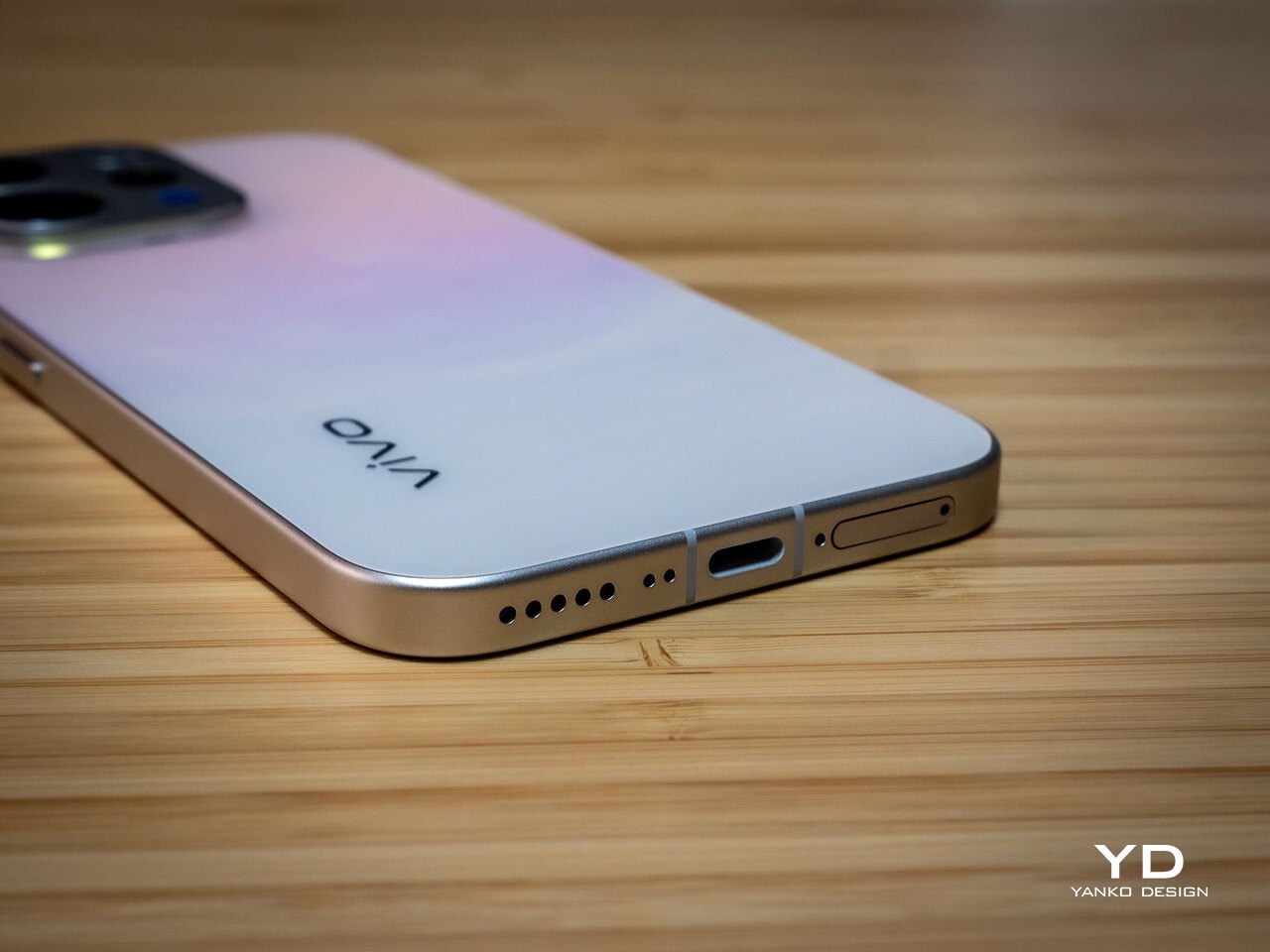
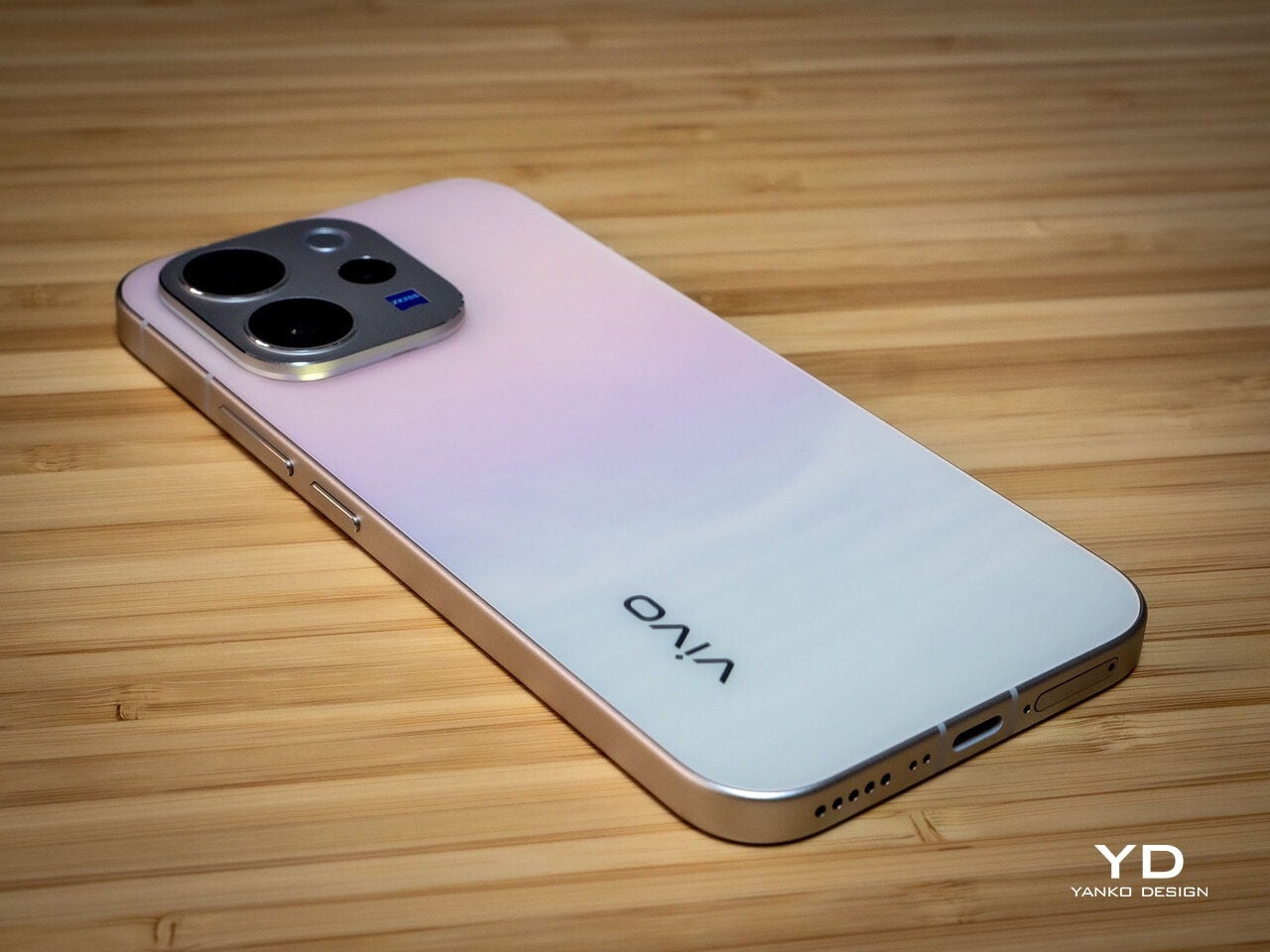
Of all the V70’s color options, the Golden Hour edition is the one most worth talking about. vivo uses a specialized chemical etching process to form micron-scale texture on the back glass, creating a diffuse reflection that reads as refined matte from a distance but reveals subtle warmth in direct light. It’s fingerprint-resistant and smooth without feeling slippery, a noticeably more considered finish than the glossy or painted backs that dominate this price tier.

What’s more surprising is that the back doesn’t stay a single color. Depending on the viewing angle and ambient lighting, it shifts toward a cooler, slightly bluish hue you wouldn’t expect from a finish called Golden Hour. That unexpected chromatic movement makes it more visually engaging than a standard gradient, the kind of surface detail that keeps catching your eye without you fully understanding why.

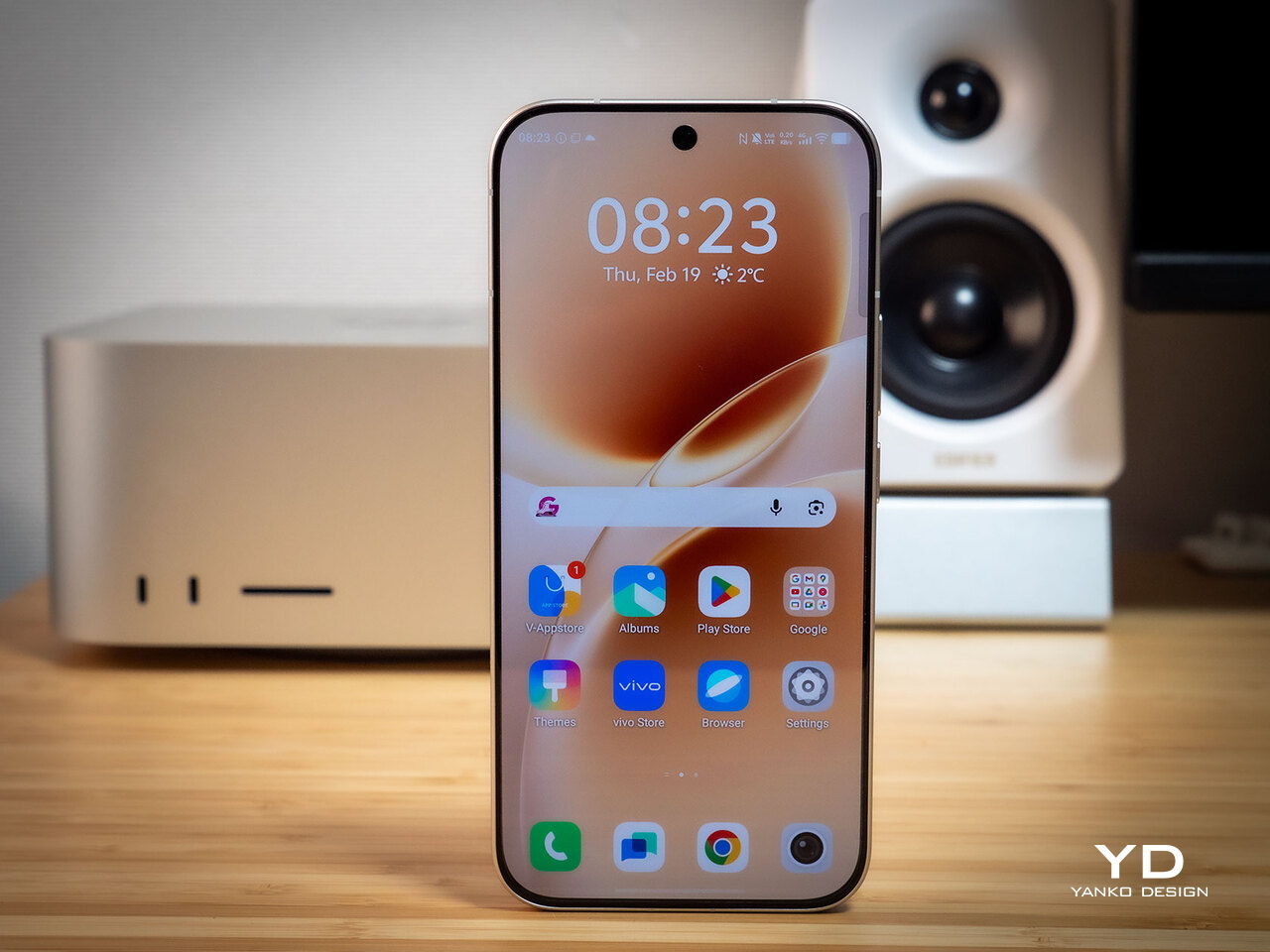
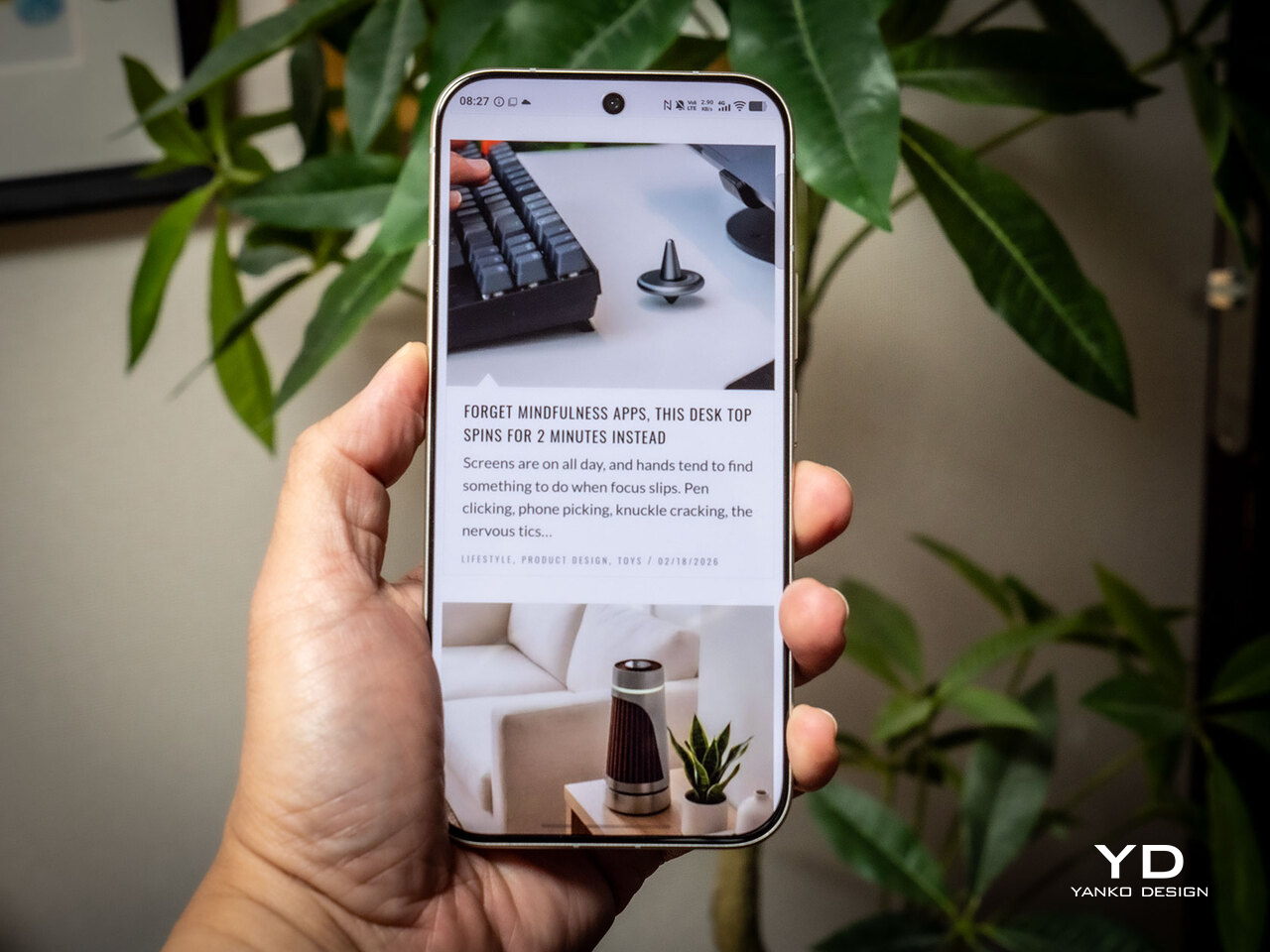
Around the front, the aerospace-grade aluminum alloy frame wraps a flat display with ultra-thin bezels measuring just 1.25 mm on the sides. Rounded corners soften the silhouette without cheapening it, and the flat screen is a deliberate departure from curved-edge designs that can distort content near the edges. The overall impression is controlled and considered rather than flashy, which suits the V70’s personality well.

On the back, the camera module is a rounded metallic rectangle sitting just 3.29mm above the surface, low enough that the phone doesn’t rock noticeably on a table. Three lens rings and a ZEISS badge keep the composition clean without feeling crowded. It’s a well-executed rear panel that reinforces the premium identity without needing extra ornamentation to make the point.

Ergonomics

At 194g light and 7.59mm thick in the Golden Hour configuration, the vivo V70 feels present without being heavy. The matte AG glass provides enough grip for confident one-handed use without a case, and the flat sides and rounded corners make it comfortable to hold at its screen size. Weight distribution is balanced, which matters more for all-day carry than any single spec on a data sheet.

The 3D Ultrasonic Fingerprint Scanning 2.0 is one of the more underrated features here. It works reliably with damp fingers, meaning no frustrating tap-and-retry cycle after a workout or a skincare routine. Best of all, it’s located a good distance away from the bottom, so you don’t have to precariously shift your hand from its natural holding position just to unlock the phone.

Performance

Under the hood, the vivo V70’s Snapdragon 7 Gen 4 with LPDDR5X memory and UFS 4.1 storage handles everyday tasks and multitasking without hesitation, and a 4,200mm² vapor chamber keeps sustained performance steady during longer camera sessions. It’s not a chipset that headlines benchmark charts, but it delivers consistent, smooth day-to-day performance, which is more relevant to what the V70 is actually designed for than theoretical peak numbers.

The 6.59-inch 1.5K OLED runs at 120Hz with 459 PPI and peaks at 5,000 nits local brightness, which holds up well in direct sunlight and makes reviewing photos outdoors genuinely practical. Colors are rich without being oversaturated, and the 1.07-billion color depth makes gradient-heavy AI-edited shots look smooth rather than banded. It’s one of the better mid-range displays available at this price tier right now.

The camera system’s two stars are the 50MP main and 50MP periscope telephoto. The main uses a Sony LYT-700V sensor with a 1/1.56-inch surface area and OIS, delivering consistent, detailed portraits across daylight and mixed lighting. The telephoto uses a 1/1.95-inch sensor with its own OIS and a periscope structure that enables 10x zoom in a compact body. Both cameras consistently outperform what you’d expect at this price.

Of the three rear cameras, the 8MP ultra-wide is where things get more ordinary. It’s functional for casual wide shots, but the gap in detail and dynamic range between it and the main and telephoto cameras is noticeable. Given the vivo V70’s travel ambitions, wide landscape shots will come out looking more ordinary than portraits taken at the same destination. The phone’s real camera personality clearly lives in the other two lenses.

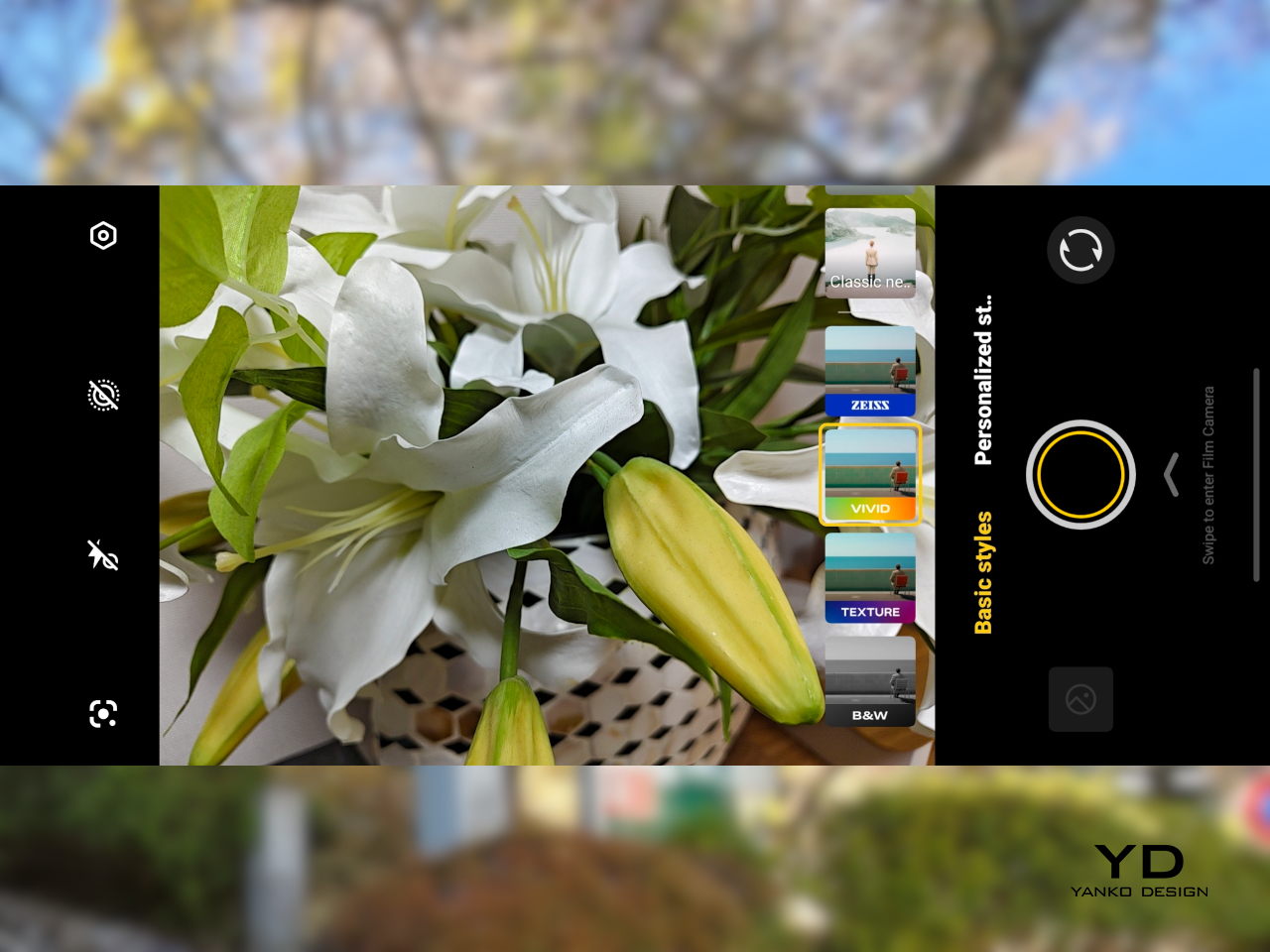
AI Stage Mode is a genuine differentiator if you attend live events regularly. At 10x zoom from 10m to 20m away, the AI Image Enhancement Algorithm and AI Style Portrait Technology combine to pull facial detail and expression clarity from performers under challenging stage lighting. It won’t replace a dedicated camera at that distance, but for a phone that fits in your jacket pocket, the results hold up surprisingly well.

Video gets a meaningful upgrade with 4K 60fps, the first time the vivo V series has offered this, and footage looks cinematic when lighting cooperates. AI Audio Noise Eraser in post-editing selectively reduces wind noise, crowd chatter, or ambient sound from recorded clips. It sounds like a spec sheet bullet point until you actually try cleaning up a concert recording with it, and then it becomes a feature you’d miss on another phone.

Battery life is a genuine strength. The 6,500mAh BlueVolt battery with 90W FlashCharge handles a full day of heavy use and then some, including heavy video playback. Wireless charging still isn’t part of the package, though, which will matter to those who’ve built it into their daily routine, but fast wired charging and a genuinely large battery soften that trade-off considerably.

Sustainability

vivo commits to four generations of OS updates and 6 years of security patches for the V70, placing it firmly in the category of phones worth keeping rather than replacing every two years. That’s the most meaningful sustainability argument a phone can make, applying regardless of materials or recycling programs. Longer software support means slower obsolescence, and slower obsolescence means less electronic waste accumulating on a shelf somewhere.

IP68 and IP69 ratings, combined with what vivo calls 10-Facet Drop Resistance, lower the anxiety of carrying a polished phone through real conditions. IP69 covers high-pressure water jets, going well beyond typical rain scenarios. That durability confidence changes how casually you handle the phone day to day, and there’s something genuinely reassuring about owning a device you don’t have to constantly worry about.

The material choices also support long-term ownership. Aerospace-grade aluminum and etched AG glass age more gracefully than glossy plastic, which yellows, scratches, and starts looking tired within a year of daily use. The matte texture stays presentable with minimal cleaning, and IP68/IP69 combined with drop resistance gives the V70 a realistic chance of surviving the accidents that typically end mid-range phones early.

Value

The V70 packages premium design, a ZEISS telephoto-first camera system, a strong OLED display, fast charging, and long software support into a price tier that usually demands more compromises. The Golden Hour finish gives it a visual identity that stands above most phones at its price, and the combination of AI Stage Mode with ZEISS Multifocal Portrait focal lengths makes it genuinely specialized rather than just generically capable.

The 8MP ultra-wide is the honest weak spot, and travelers who rely heavily on wide shots will feel that gap. Wireless charging is also absent. But what the V70 does well, it does consistently, and the combination of a premium-feeling design, a capable telephoto system, and 6 years of security updates makes it a phone that’s easy to justify and hard to grow out of quickly.

Verdict

The vivo V70 in Golden Hour is one of the more cohesive mid-range phones available right now. The etched glass with its unexpected bluish shift, the aluminum frame, the ultrasonic fingerprint sensor, the bright 1.5K OLED, and the ZEISS telephoto and portrait system all work together in a way that makes the phone feel intentional rather than assembled from a spec sheet and a parts catalog.

The 8MP ultra-wide and the absence of wireless charging are unfortunate blemishes on what is otherwise a remarkably well-rounded package. Both are real trade-offs rather than dealbreakers, though, and the vivo V70 earns its place as a phone that’s genuinely hard to fault for what it costs, especially if portrait photography, concert shooting, and long battery life are what matter most to you.

The post vivo V70 Review: A Concert Photographer’s Phone in Mid-Range Clothes first appeared on Yanko Design.

Realme P4 Power Review: Battery Anxiety is Finally Dead

PROS:


  • Massive 10,001mAh battery with 80W wired fast charging

  • Bright and vibrant display

  • Solid mid-range performance

CONS:


  • Slightly heavier and chunkier compared to many mid-range devices

  • Ultra-wide and front-facing cameras are only average for the price

RATINGS:

AESTHETICS
ERGONOMICS
PERFORMANCE
SUSTAINABILITY / REPAIRABILITY
VALUE FOR MONEY

EDITOR'S QUOTE:

Realme P4 Power proves that killing battery anxiety is more useful than chasing benchmarks, wrapping a 10,001mAh cell, tough IP69 shell, and smooth performance into an honest mid‑range package.

Realme has built a reputation for pushing smartphone battery tech forward, from faster charging to bigger and more efficient cells. Instead of treating battery life as an afterthought, the brand has consistently tried to make it a headline feature that changes how often you actually need a charger. That focus has turned power and charging from a boring spec line into one of Realme’s main selling points.

The Realme P4 Power is the clearest expression of that idea so far. It packs a massive 10,001 mAh battery into a phone that still looks and feels familiar, then backs it up with 80W fast charging, 27W reverse charging, a bright 144Hz AMOLED display, and 5G performance aimed at everyday users and gamers alike. More than just another mid‑range phone with a slightly bigger battery, it’s a device built around the promise that you should be able to forget about battery anxiety for days at a time.

Aesthetics

The Realme P4 Power is a battery‑first phone that does not look like one at first glance. On the table, it reads as a modern, fashion‑driven slab rather than a chunky endurance tool, which is exactly what Realme is going for. It comes in two color variations, Flash Orange and Power Silver.

The upper third of the back panel has a distinctive pattern that creates an almost translucent effect, playing with reflections and depth when light hits it. The rectangular camera island is neatly integrated, with a clean ring‑based layout that avoids the oversized, fussy modules you see on some rivals. The overall look feels intentional and confident, not like a normal phone that accidentally got thicker to fit a bigger battery.

The design is more playful than minimalist, especially in the brighter Flash Orange variant, while Power Silver keeps a slightly more muted but still distinctive character. For a phone whose headline feature is a huge battery, it is surprisingly stylish and clearly aimed at people who care how their device looks on a desk or in a hand. Branding is present but not overpowering, so the rear stays relatively clean even with the layered graphics and that “under‑glass” pattern.

Ergonomics

Even when you pick it up, the P4 Power feels a little deceptive. This is not a featherweight device, coming in at about 219g and measuring 162.26 x 76.15 x 9.08mm. The large 10,001 mAh battery and sturdy build give it noticeable heft in the hand, and you will feel that if you are coming from a slim device. However, Realme has done a great job of balancing the mass so it does not feel awkward during normal use. For many users, the extra grams will be an acceptable trade‑off for the freedom from constant charging.

The shape helps more than the spec sheet suggests. The slightly curved 6.8‑inch display and curved‑edge back panel let your fingers naturally wrap around the device rather than pressing into a sharp edge. The matte back does a good job of hiding fingerprints and smudges, although it can feel a bit slippery, so a case might still be a smart idea.

The power and volume keys are within comfortable reach on the right side, so you do not have to stretch or shuffle the phone around to adjust volume or wake the screen. The in‑display fingerprint reader, on the other hand, sits quite close to the bottom of the display, which can make quick unlocks feel a bit forced, especially in one‑handed use. Overall, the build quality feels more premium than the price tag suggests, and ergonomics are good for a device built around such a large battery.

Performance

On the front, the P4 Power offers a quad‑curved 6.8‑inch AMOLED display with a resolution of 1280 × 2800 pixels and a maximum refresh rate of 144Hz. In practice, though, only a few native apps, such as Calculator, Compass, and Recorder, actually run at 144Hz, while most of the interface and third‑party apps stick to lower refresh rates.

Realme quotes typical brightness around 600 nits, a boosted mode up to 1800 nits, and a local peak figure of 6500 nits for small areas of the screen. In real‑world use, the display stays readable in harsh sunlight and bright outdoor conditions. The panel supports HDR10+ and 10‑bit color, so compatible streaming content looks rich, punchy, and pleasantly saturated.

Inside the P4 Power sits MediaTek’s Dimensity 7400-Ultra chipset. It is paired with 8GB or 12GB of RAM and 128GB, 256GB, or 512GB of UFS 3.1 storage. This combination places the phone firmly in the mid‑range. It is not chasing raw benchmark records, yet it is designed to deliver smooth performance in everyday tasks and mainstream games without obvious slowdowns or stutters.

Out of the box, the phone runs Android 16 with Realme UI 7.0 on top, and Realme also uses a dual‑chip approach. Alongside the main Dimensity processor, there is a dedicated Hyper Vision+ AI chip focused on display and gaming tasks, and there are a handful of AI image features such as AI Perfect Shot and 3D emoji. AI Perfect Shot recognizes faces and can fix closed eyes or awkward expressions by swapping in better face poses from other photos of the same person in your gallery, and AI also helps during gaming by quickly generating message replies in supported messaging apps so you can respond without fully dropping out of your game.

Battery life is the reason this phone exists. The 10,001mAh cell is dramatically larger than the 4,500 to 5,000mAh batteries found in many mainstream phones, and even bigger than the 6,000 or 7000mAh packs in endurance‑focused models. Realme achieves this using a third‑generation silicon‑carbon anode and a compact internal stacking design, which allows more capacity in roughly the same physical space.

In practical terms, this capacity is meant to deliver several days of mixed use. I used the Realme P4 Power as my primary device on a 3‑night, 4‑day scuba trip, with light screen time during the day, and it lasted the entire trip without a charge, still showing around 20 percent battery when I got back home. That kind of real‑world endurance is a clear step up from phones that need a nightly top‑up.

When you do need to charge, the P4 Power supports 80 W wired fast charging. It also supports 27 W reverse charging, so it can basically double as a power bank for your other gadgets when you are on the move.

The camera system on the P4 Power is straightforward. On the back, there is a 50MP main camera using Sony’s IMX882 sensor with optical image stabilization and an f/1.8 lens, paired with an 8MP ultra‑wide camera that offers a 112‑degree field of view. On the front, you get a 16MP selfie camera. For video, the main camera can record up to 4K at 30 fps, while the ultra‑wide and front‑facing cameras are capped at 1080p at 30 fps.

You can choose between Vibrant and Natural color modes. Natural mode is essentially a toned‑down look rather than a more accurate one, so it comes down to preference more than strict realism. The main camera takes good photos with pleasing detail and contrast in daylight, while the ultra‑wide is serviceable but nothing to write home about, with softer detail and more noise. The front‑facing camera delivers decent selfies that are fine for social media, though it does not stand out in this price range.

Natural Color Mode

Vibrant Color Mode

Portrait Mode

Sustainability

The oversized battery also has a clear sustainability angle. Because the 10,001 mAh cell gives you so much headroom, you are less likely to run it close to empty every day or charge it multiple times, which reduces the number of full charge cycles. Realme’s silicon‑carbon chemistry and battery management build on that, and the company claims the battery can retain over 94 percent of its original capacity after three years of typical use and around 80 percent after eight years.

The Realme P4 Power also leans on durability and software support. It is IP69, IP68, and IP66‑rated, so it is tested for dust tightness, high‑pressure water jets, and immersion, making it less likely to die from everyday splashes or rain. On the software side, Realme promises three major Android OS upgrades and four years of security patches, which is fine for a mid‑range phone but not class‑leading, and it slightly undercuts the otherwise long‑term hardware story.

Value

In India, the Realme P4 Power starts at around ₹25,999 (roughly $310) for the 8GB RAM and 128GB storage variant. That pricing puts it in the crowded lower mid‑range segment, where a lot of brands are fighting on specs and features. The Honor Win also features a 10,000mAh battery, but it is officially only available in China, so for most buyers, the P4 Power is the more accessible way to get this kind of battery size.

The phone is aimed at people who value endurance and reliability above camera experience or absolute thinness. That can include gamers, frequent travelers, delivery workers, content creators on the move, and anyone who is simply tired of carrying a power bank. At this price level, the P4 Power tries to stand out by solving a real‑world problem in a very direct way.

Verdict

The Realme P4 Power is a very focused product. It does not try to be the best camera phone or the thinnest fashion accessory. Instead, it aims to be the phone you do not have to think about charging, even on your busiest days. For many everyday users, that single promise can be more valuable than a slightly better zoom lens or a few extra benchmark points.

If your top priority is battery life, with smooth performance and a bright display for gaming and media, the P4 Power is an easy device to recommend in its price range. If you care more about advanced photography features, ultra‑lightweight design, or wireless charging, you may want to look at other options. For everyone else, this is a rare phone that tackles a common frustration head‑on and mostly succeeds.

The post Realme P4 Power Review: Battery Anxiety is Finally Dead first appeared on Yanko Design.
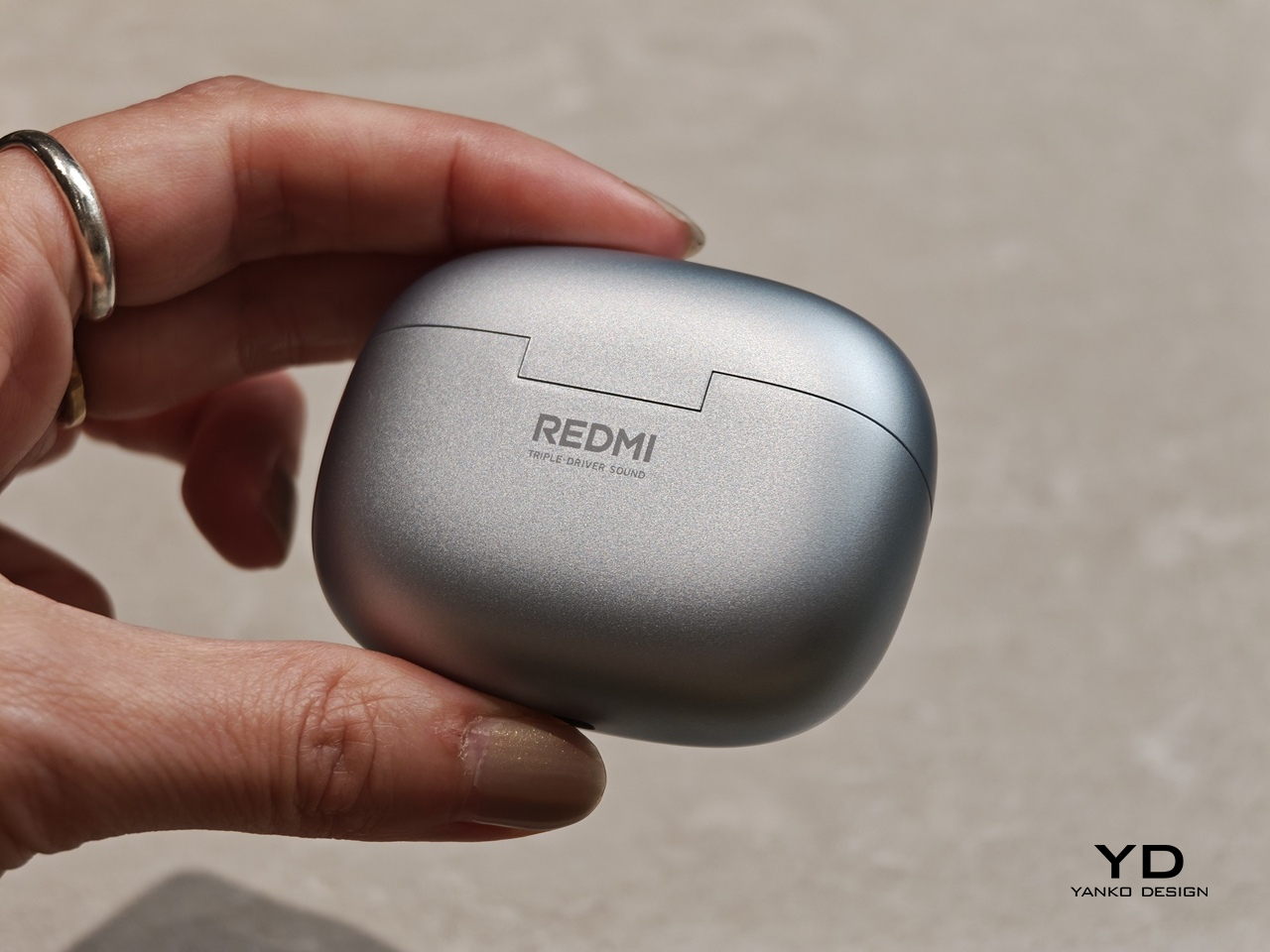
Realme P4 Power Review: Battery Anxiety is Finally Dead

PROS:


  • Massive 10,001mAh battery with 80W wired fast charging

  • Bright and vibrant display

  • Solid mid-range performance

CONS:


  • Slightly heavier and chunkier compared to many mid-range devices

  • Ultra-wide and front-facing cameras are only average for the price

RATINGS:

AESTHETICS
ERGONOMICS
PERFORMANCE
SUSTAINABILITY / REPAIRABILITY
VALUE FOR MONEY

EDITOR'S QUOTE:

Realme P4 Power proves that killing battery anxiety is more useful than chasing benchmarks, wrapping a 10,001mAh cell, tough IP69 shell, and smooth performance into an honest mid‑range package.

Realme has built a reputation for pushing smartphone battery tech forward, from faster charging to bigger and more efficient cells. Instead of treating battery life as an afterthought, the brand has consistently tried to make it a headline feature that changes how often you actually need a charger. That focus has turned power and charging from a boring spec line into one of Realme’s main selling points.

The Realme P4 Power is the clearest expression of that idea so far. It packs a massive 10,001 mAh battery into a phone that still looks and feels familiar, then backs it up with 80W fast charging, 27W reverse charging, a bright 144Hz AMOLED display, and 5G performance aimed at everyday users and gamers alike. More than just another mid‑range phone with a slightly bigger battery, it’s a device built around the promise that you should be able to forget about battery anxiety for days at a time.

Aesthetics

The Realme P4 Power is a battery‑first phone that does not look like one at first glance. On the table, it reads as a modern, fashion‑driven slab rather than a chunky endurance tool, which is exactly what Realme is going for. It comes in two color variations, Flash Orange and Power Silver.

The upper third of the back panel has a distinctive pattern that creates an almost translucent effect, playing with reflections and depth when light hits it. The rectangular camera island is neatly integrated, with a clean ring‑based layout that avoids the oversized, fussy modules you see on some rivals. The overall look feels intentional and confident, not like a normal phone that accidentally got thicker to fit a bigger battery.

The design is more playful than minimalist, especially in the brighter Flash Orange variant, while Power Silver keeps a slightly more muted but still distinctive character. For a phone whose headline feature is a huge battery, it is surprisingly stylish and clearly aimed at people who care how their device looks on a desk or in a hand. Branding is present but not overpowering, so the rear stays relatively clean even with the layered graphics and that “under‑glass” pattern.

Ergonomics

Even when you pick it up, the P4 Power feels a little deceptive. This is not a featherweight device, coming in at about 219g and measuring 162.26 x 76.15 x 9.08mm. The large 10,001 mAh battery and sturdy build give it noticeable heft in the hand, and you will feel that if you are coming from a slim device. However, Realme has done a great job of balancing the mass so it does not feel awkward during normal use. For many users, the extra grams will be an acceptable trade‑off for the freedom from constant charging.

The shape helps more than the spec sheet suggests. The slightly curved 6.8‑inch display and curved‑edge back panel let your fingers naturally wrap around the device rather than pressing into a sharp edge. The matte back does a good job of hiding fingerprints and smudges, although it can feel a bit slippery, so a case might still be a smart idea.

The power and volume keys are within comfortable reach on the right side, so you do not have to stretch or shuffle the phone around to adjust volume or wake the screen. The in‑display fingerprint reader, on the other hand, sits quite close to the bottom of the display, which can make quick unlocks feel a bit forced, especially in one‑handed use. Overall, the build quality feels more premium than the price tag suggests, and ergonomics are good for a device built around such a large battery.

Performance

On the front, the P4 Power offers a quad‑curved 6.8‑inch AMOLED display with a resolution of 1280 × 2800 pixels and a maximum refresh rate of 144Hz. In practice, though, only a few native apps, such as Calculator, Compass, and Recorder, actually run at 144Hz, while most of the interface and third‑party apps stick to lower refresh rates.

Realme quotes typical brightness around 600 nits, a boosted mode up to 1800 nits, and a local peak figure of 6500 nits for small areas of the screen. In real‑world use, the display stays readable in harsh sunlight and bright outdoor conditions. The panel supports HDR10+ and 10‑bit color, so compatible streaming content looks rich, punchy, and pleasantly saturated.

Inside the P4 Power sits MediaTek’s Dimensity 7400-Ultra chipset. It is paired with 8GB or 12GB of RAM and 128GB, 256GB, or 512GB of UFS 3.1 storage. This combination places the phone firmly in the mid‑range. It is not chasing raw benchmark records, yet it is designed to deliver smooth performance in everyday tasks and mainstream games without obvious slowdowns or stutters.

Out of the box, the phone runs Android 16 with Realme UI 7.0 on top, and Realme also uses a dual‑chip approach. Alongside the main Dimensity processor, there is a dedicated Hyper Vision+ AI chip focused on display and gaming tasks, and there are a handful of AI image features such as AI Perfect Shot and 3D emoji. AI Perfect Shot recognizes faces and can fix closed eyes or awkward expressions by swapping in better face poses from other photos of the same person in your gallery, and AI also helps during gaming by quickly generating message replies in supported messaging apps so you can respond without fully dropping out of your game.

Battery life is the reason this phone exists. The 10,001mAh cell is dramatically larger than the 4,500 to 5,000mAh batteries found in many mainstream phones, and even bigger than the 6,000 or 7000mAh packs in endurance‑focused models. Realme achieves this using a third‑generation silicon‑carbon anode and a compact internal stacking design, which allows more capacity in roughly the same physical space.

In practical terms, this capacity is meant to deliver several days of mixed use. I used the Realme P4 Power as my primary device on a 3‑night, 4‑day scuba trip, with light screen time during the day, and it lasted the entire trip without a charge, still showing around 20 percent battery when I got back home. That kind of real‑world endurance is a clear step up from phones that need a nightly top‑up.

When you do need to charge, the P4 Power supports 80 W wired fast charging. It also supports 27 W reverse charging, so it can basically double as a power bank for your other gadgets when you are on the move.

The camera system on the P4 Power is straightforward. On the back, there is a 50MP main camera using Sony’s IMX882 sensor with optical image stabilization and an f/1.8 lens, paired with an 8MP ultra‑wide camera that offers a 112‑degree field of view. On the front, you get a 16MP selfie camera. For video, the main camera can record up to 4K at 30 fps, while the ultra‑wide and front‑facing cameras are capped at 1080p at 30 fps.

You can choose between Vibrant and Natural color modes. Natural mode is essentially a toned‑down look rather than a more accurate one, so it comes down to preference more than strict realism. The main camera takes good photos with pleasing detail and contrast in daylight, while the ultra‑wide is serviceable but nothing to write home about, with softer detail and more noise. The front‑facing camera delivers decent selfies that are fine for social media, though it does not stand out in this price range.

Natural Color Mode

Vibrant Color Mode

Portrait Mode

Sustainability

The oversized battery also has a clear sustainability angle. Because the 10,001 mAh cell gives you so much headroom, you are less likely to run it close to empty every day or charge it multiple times, which reduces the number of full charge cycles. Realme’s silicon‑carbon chemistry and battery management build on that, and the company claims the battery can retain over 94 percent of its original capacity after three years of typical use and around 80 percent after eight years.

The Realme P4 Power also leans on durability and software support. It is IP69, IP68, and IP66‑rated, so it is tested for dust tightness, high‑pressure water jets, and immersion, making it less likely to die from everyday splashes or rain. On the software side, Realme promises three major Android OS upgrades and four years of security patches, which is fine for a mid‑range phone but not class‑leading, and it slightly undercuts the otherwise long‑term hardware story.

Value

In India, the Realme P4 Power starts at around ₹25,999 (roughly $310) for the 8GB RAM and 128GB storage variant. That pricing puts it in the crowded lower mid‑range segment, where a lot of brands are fighting on specs and features. The Honor Win also features a 10,000mAh battery, but it is officially only available in China, so for most buyers, the P4 Power is the more accessible way to get this kind of battery size.

The phone is aimed at people who value endurance and reliability above camera experience or absolute thinness. That can include gamers, frequent travelers, delivery workers, content creators on the move, and anyone who is simply tired of carrying a power bank. At this price level, the P4 Power tries to stand out by solving a real‑world problem in a very direct way.

Verdict

The Realme P4 Power is a very focused product. It does not try to be the best camera phone or the thinnest fashion accessory. Instead, it aims to be the phone you do not have to think about charging, even on your busiest days. For many everyday users, that single promise can be more valuable than a slightly better zoom lens or a few extra benchmark points.

If your top priority is battery life, with smooth performance and a bright display for gaming and media, the P4 Power is an easy device to recommend in its price range. If you care more about advanced photography features, ultra‑lightweight design, or wireless charging, you may want to look at other options. For everyone else, this is a rare phone that tackles a common frustration head‑on and mostly succeeds.

The post Realme P4 Power Review: Battery Anxiety is Finally Dead first appeared on Yanko Design.
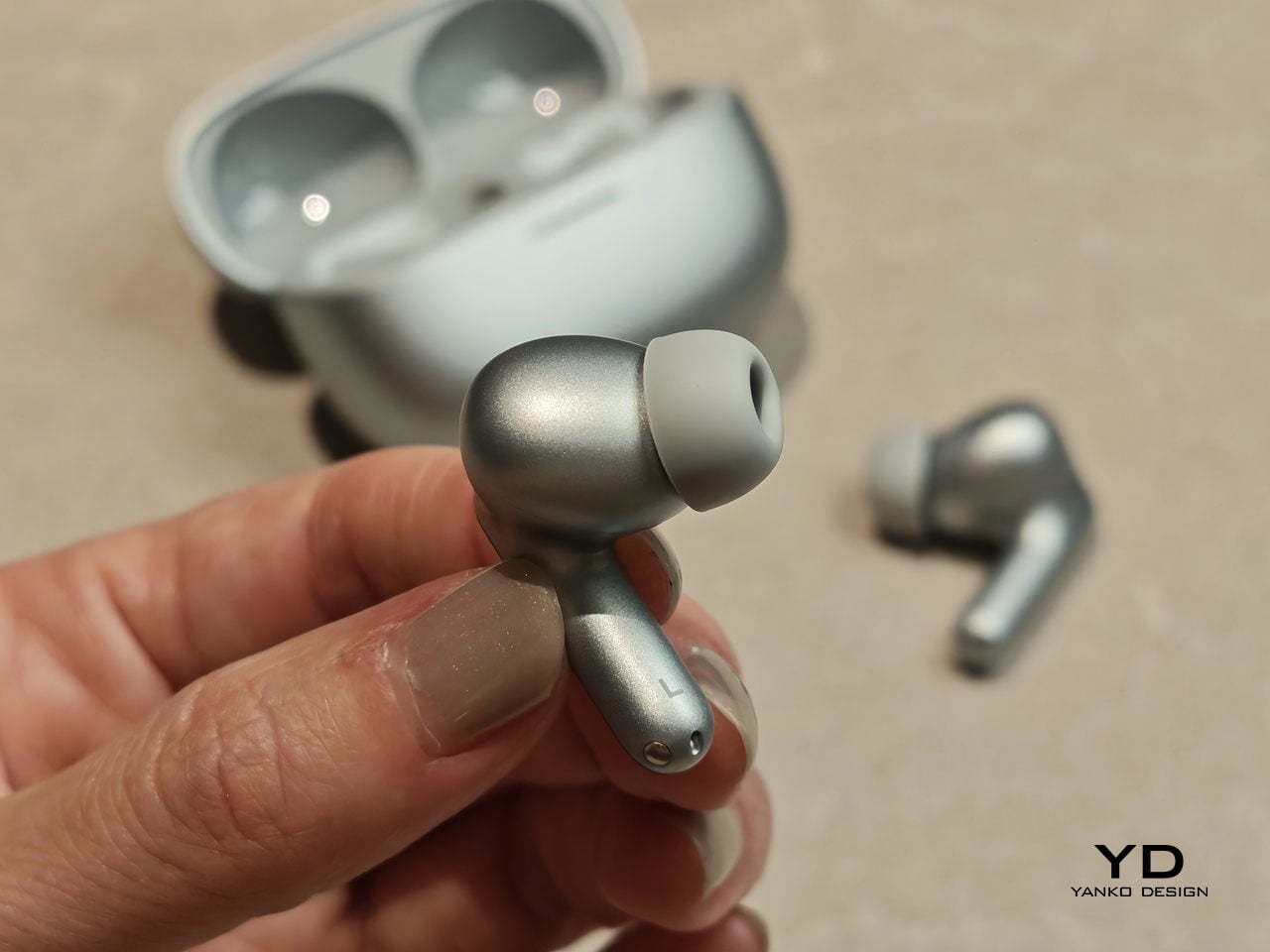
REDMAGIC 11 Air Review: Fan-cooled Gaming Flagship at Just 207g, $499

PROS:


  • Slimmer and lighter design for a gaming smartphone

  • Distinctive gaming aesthetic

  • Large 7,000 mAh battery with 80W fast charging

  • More Accessible price point

CONS:


  • No wireless charging

  • Mediocre 8MP ultra-wide camera

  • Basic IP54 dust and water resistance

RATINGS:

AESTHETICS
ERGONOMICS
PERFORMANCE
SUSTAINABILITY / REPAIRABILITY
VALUE FOR MONEY

EDITOR'S QUOTE:

The REDMAGIC 11 Air doesn't apologize for being a gaming phone, but wraps it in the slimmest, lightest package the brand has made yet.

Gaming phones have split off into their own design species, leaning into transparent backs, RGB lighting, and visible cooling that looks more like sci‑fi props than communication devices. The REDMAGIC 11 Pro, which we reviewed recently, took that to its extreme with a liquid‑cooling window showing coolant flowing like spaceship controls. It made a strong visual statement but was unapologetically a gamer’s machine first and everything else a distant second.

REDMAGIC 11 Air tries to keep the same esports‑grade performance, active cooling, and transparent style in a slimmer frame. It packs a Snapdragon 8 Elite, 7,000mAh battery, 6.85‑inch 144Hz OLED, and 24,000 RPM fan into a 7.85mm, 207g body. Whether this Air approach can balance hardcore gaming with something closer to everyday usability, or just becomes a slightly thinner version of the same uncompromising brick, is worth finding out.

Designer: REDMAGIC

Aesthetics

The moment you see the REDMAGIC 11 Air, it announces itself as a gaming phone. Phantom transparent black and Prism transparent white finishes expose stylized internals, circuit‑like etching, and RGB‑lit fan and logo elements. This is not subtle or generalist; it is a cyberpunk, sci‑fi motif that wants to sit next to mechanical keyboards rather than hide in a leather case.

Despite the gaming‑first aesthetic, materials feel more refined than expected. The aluminum alloy frame, Gorilla Glass front and back, and 7.85mm thickness give it a solid feel. It is positioned as the lightest in the REDMAGIC lineup, which matters compared to the heavier 11 Pro. The curves and 20:9 aspect ratio help it sit more naturally in the hand, even if the styling still clearly prioritizes gamers over minimalists.

RGB lighting and transparent elements add atmosphere without chaos. Fan and logo lights sync with in‑game audio, making the back feel alive during sessions, but both can be toned down or disabled when you want less conspicuous carry. That duality helps if you like the gaming aesthetic but occasionally need to bring the phone into neutral environments where flashing lights feel out of place.

Ergonomics

Living with the 11 Air daily, the slimmer and lighter design makes a real difference. Long landscape gaming sessions feel less fatiguing, and the phone slips into pockets more easily than expected, given the 6.85‑inch display. The curved back and aluminum frame help with grip, and the 20:9 screen ratio balances a wide gaming canvas with something that still fits in most hands without constant readjusting.

The large screen dominates the front with a 95.1% screen‑to‑body ratio and slim bezels. That is great for immersion, but leaves little room to rest thumbs without touching the screen during landscape play. Fortunately, the shoulder triggers take over some of that load, letting the screen act more like a viewfinder while the top edges handle key inputs when you need them most.

Controls are where the gaming focus becomes clear. The 520Hz physical shoulder triggers are tuned for low‑latency and now work in portrait and landscape, giving flexibility for different games. Combined with the 0809 X‑axis linear motor for 4D haptics, the phone feels more like a handheld console, especially when triggers are mapped to aiming or abilities through Game Space’s interface.

Outside of gaming, the transparent back and RGB accents may not suit every situation, but the size and weight make it easier to carry than the 11 Pro or older gaming phones. One‑handed use is still a stretch given the display size, but basic tasks like messaging and browsing feel manageable if you are already used to large phones or phablets.

Performance

At the core sits the Snapdragon 8 Elite paired with RedCore R4, LPDDR5X RAM, and UFS 4.1 storage. Clock speeds reach 4.32GHz on the Oryon CPU and 1,250MHz on the Adreno 830 GPU. The dedicated RedCore R4 and CUBE scheduling engine focuses on stable frame rates rather than just benchmark spikes, which matters more in sustained gaming, where consistency beats bursts.

The ICE Cooling System backs that up with a large vapor chamber, graphene thermal layers, and a 24,000 RPM turbo fan. Unlike the REDMAGIC 11 Pro’s dramatic liquid‑cooling window showing coolant flowing like sci‑fi, the REDMAGIC 11 Air hides cooling under the transparent back. It opts for slimness while still actively managing CPU and GPU temperatures during long sessions, which keeps performance from throttling halfway through a match.

The active cooling fan is audible when it spins up under heavy load. It is not loud enough to overpower game audio, but it is noticeable in quiet rooms. For a device prioritizing sustained performance, this is expected, and fan behavior can be tuned in Game Space if you prefer cooler operation or less noise during specific sessions or when gaming in shared spaces.

Cameras are solid without being the headline. The 50 MP main sensor with OIS delivers clean photos for social media and casual shots, and the 16 MP front camera handles selfies and video calls well enough. The 8MP ultra-wide camera is a bit of a disappointment in this day and age, but it’s not exactly terrible. These are clearly not camera‑phone specs, but they work fine for anyone who needs decent everyday photography alongside gaming.

Battery and charging are part of the performance story. The 7,000 mAh battery is generous in this slim chassis, going over a day with general use, and hours upon hours of binging video streaming at max brightness. The 80W fast charging refills quickly, while Charge Separation routes power to the motherboard during plugged‑in gaming, reducing heat and protecting battery health over time.

Worth noting is the absence of wireless charging. For a phone focused on performance and internal cooling, skipping wireless charging feels like a conscious choice to prioritize battery size, thermals, and layout. It is not a deal‑breaker with rapid wired charging, but it is worth keeping in mind if you are used to charging pads between sessions or overnight.

Sustainability

Durability starts with materials. The aluminum alloy frame, Gorilla Glass GG7i front, and Gorilla Glass 5 back give a solid, premium feel that should handle knocks better than plastic gaming phones. The combination of metal and tempered glass makes it feel built to survive being tossed into bags, dropped onto desks, and carried through crowds without showing age too quickly or feeling fragile.

IP54 dust and water resistance is a pragmatic compromise. For a device packed with vents, fans, and shoulder triggers, pushing water resistance higher would likely require trade‑offs in cooling capacity or thickness. The phone will survive light rain or dusty environments, but it is not meant for submersion or rough outdoor abuse, worth keeping in mind if you game near water or in harsh conditions.

Value

At launch, the REDMAGIC 11 Air starts at $499 ($529 in the US and Canada) for 12 GB + 256 GB and goes up to $599 ($629 in North America) for 16 GB + 512 GB. That puts it in upper mid‑range territory, but with hardware rivaling more expensive phones in gaming performance, especially when you factor in cooling, battery, and gaming‑specific controls that most flagships skip entirely.

Value shows up in what you get for that money. At this price, you are getting Snapdragon 8 Elite, active cooling with a 24,000 RPM fan and vapor chamber, 7,000mAh battery with 80W charging, 6.85‑inch 144Hz OLED, and 520 Hz shoulder triggers. Many similarly priced phones focus on cameras or slimness, leaving gaming performance to throttle once heat builds, so the 11 Air feels like a focused tool rather than a jack‑of‑all‑trades.

Of course, this focus narrows the audience. The transparent, RGB‑lit, cyberpunk design and heavy emphasis on Game Space features, triggers, and haptics make the 11 Air most appealing to mobile gamers. For someone who barely plays and cares more about camera versatility or minimalist aesthetics, much of what makes this device interesting will feel like overkill or actively off‑putting.

Contrasting it with the REDMAGIC 11 Pro helps clarify positioning. The Pro leans harder into showpiece territory with its visible liquid‑cooling window and heavier footprint, while the 11 Air trades some spectacle for slimness and lighter weight. For gamers who want REDMAGIC’s performance and style but prefer something easier to carry daily, the Air’s pricing and positioning make sense as a more practical but still gaming‑centric option.

Verdict

REDMAGIC 11 Air takes the brand’s familiar ingredients, transparent design, RGB accents, active cooling, shoulder triggers, and wraps them in a slimmer chassis that feels more manageable than previous monsters. It does not pretend to be a mainstream flagship, but within its lane of delivering stable high‑fps gaming and distinct visual identity, it hits targets convincingly. The flagship silicon, thermal management, and gaming controls make it hard to ignore if mobile gaming matters to you.

For people who treat mobile gaming seriously and who like the idea of a semi‑transparent, cyber‑mech slab with a fan inside more than a polished glass rectangle, REDMAGIC 11 Air makes a strong case. It will not convert everyone, and it is not trying to, but for the crowd it speaks to, it offers a rare mix of performance, personality, and practicality at a price undercutting many conventional flagships while still feeling like a purpose‑built tool.

The post REDMAGIC 11 Air Review: Fan-cooled Gaming Flagship at Just 207g, $499 first appeared on Yanko Design.
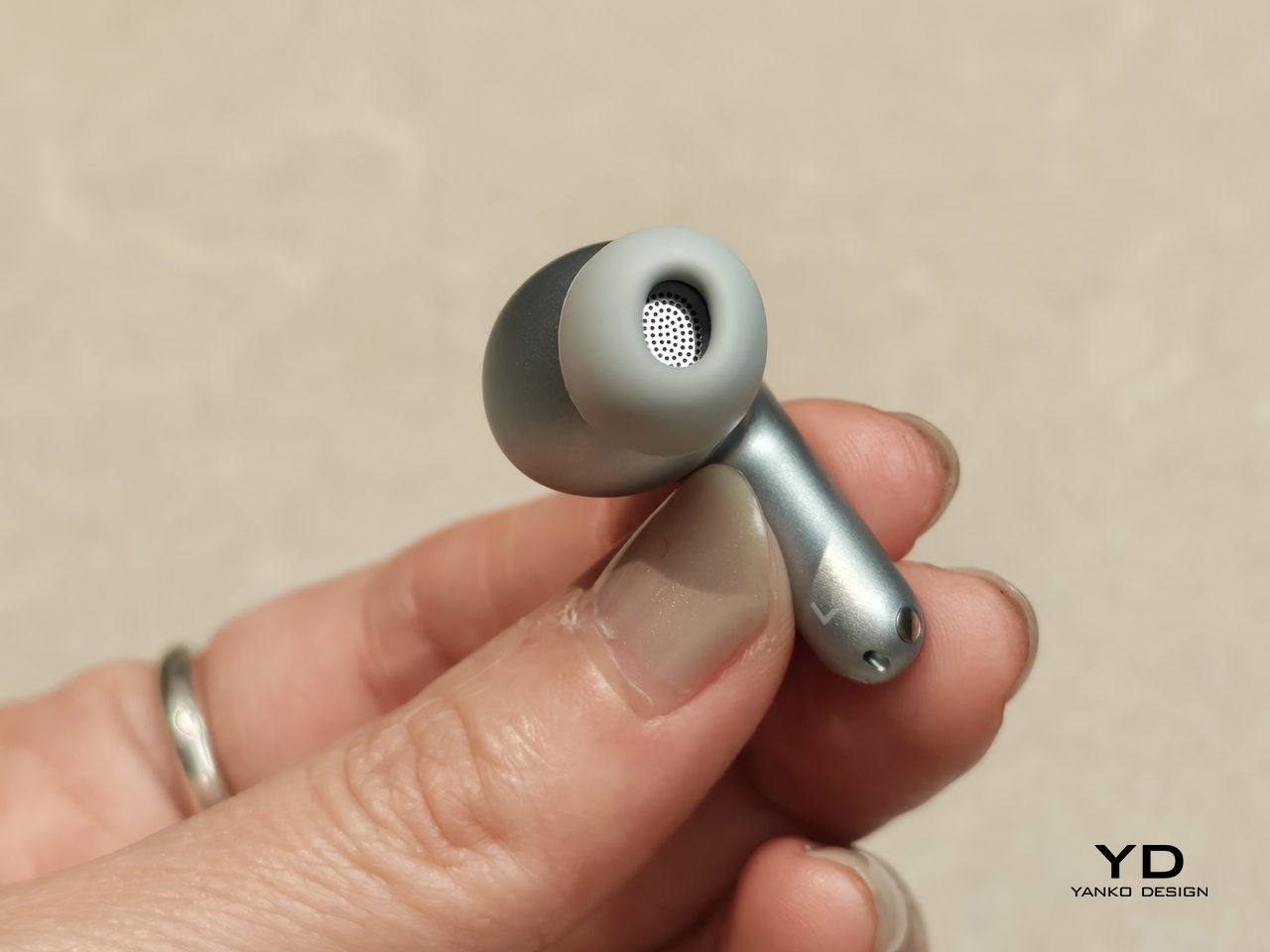
OBSBOT Tiny 3 4K PTZ Webcam Review: Audio As a First-Class Citizen

PROS:


  • Triple MEMS mic array with five specialized audio modes

  • Strong imaging quality with 1/1.28-inch 4K Dual All-Pixel PDAF sensor

  • AI Tracking 2.0 with intelligent framing and PTZ control

  • Extreme compactness with flagship-level specs

CONS:


  • Premium pricing

  • Feature depth may overwhelm casual users

  • Non-serviceable, integrated design

RATINGS:

AESTHETICS
ERGONOMICS
PERFORMANCE
SUSTAINABILITY / REPAIRABILITY
VALUE FOR MONEY

EDITOR'S QUOTE:

OBSBOT Tiny 3 treats audio and video as one design problem instead of forcing users to stack separate gear, creating a genuinely tiny studio that replaces an entire desk setup with one very capable box.

Most people who take video calls seriously have ended up stacking gear on their desks. A clip-on webcam, a clamped USB mic, software filters layered on top of each other, and a constant ritual of adjusting angles and leaning into microphones just to sound decent. Laptop webcams were never meant to carry this much weight, but the usual upgrade path still treats audio as something you solve separately, which means juggling two devices and hoping they play nicely together.

OBSBOT Tiny 3 approaches that problem differently. The 4K PTZ webcam wraps a triple MEMS microphone array, a 1/1.28-inch sensor, and a 2-axis gimbal into a compact, lightweight aluminum body. OBSBOT calls it a Tiny Titan, and claims it delivers studio-grade spatial audio, flagship imaging, and AI tracking in one very small package. Whether that actually holds up during everyday streaming, client meetings, and the occasional podcast is the question worth answering.

Designer: OBSBOT

Aesthetics

Walking into a room where the Tiny 3 sits on a desk, it reads less like a webcam and more like a miniature broadcast camera someone scaled down and parked on a tripod. The aircraft-grade aluminum alloy shell gives it an equipment-grade presence without being loud about it, landing somewhere between compact cameras and audio interfaces rather than the glossy plastic most peripherals use these days.

The proportions feel deliberately compact. At 37mm x 37mm x 49mm and 63g, it occupies roughly the same footprint as a large dice, but the dual-axis gimbal makes it clear this is meant to move and track rather than stare at one fixed angle. The satin metallic finish catches light softly without harsh reflections, and the minimal branding keeps it neutral enough to blend into creative or corporate setups without clashing with the rest of the gear.

The included storage case and adjustable mount feel like extensions of the same design language rather than afterthoughts tossed into the box. The case is compact and rigid, protecting the camera in transit without eating up bag space, while the mount uses clean lines and a friction hinge that feels considered. These details matter to people who care about how tools look both during use and while packed away, which describes exactly the kind of person likely to spend more on a webcam in the first place.

Ergonomics

Setup is quick enough that you can join a meeting within minutes of opening the box. Plug the OBSBOT Tiny 3 into a USB-C port, wait a few seconds for automatic driver installation, and the camera appears as a standard UVC device ready for Zoom or Teams. Downloading OBSBOT Center later unlocks deeper controls, but the basics work immediately without forcing you into a setup wizard when you are already five minutes late to a call.

Mounting options give flexibility without requiring proprietary hardware. The adjustable clip grabs laptop lids or monitor bezels securely, while the built-in 1/4-inch thread accepts any standard desk tripod or arm. This means the Tiny 3 can shift from a quick laptop travel setup to a permanent studio fixture without needing different stands, which keeps things simpler when your workspace changes or you move between home and office regularly.

The 2-axis gimbal handles tracking smoothly once it starts moving. Pan range reaches ±130 degrees controllable, tilt goes from 32 degrees up to 60 degrees down, and the gimbal moves at up to 120 degrees per second. In practice, the camera can follow you across a room, reframe when you stand up or sit down, or snap to preset positions without feeling sluggish or overeager, more like a quiet camera operator than a webcam you nudge by hand every few minutes.

Voice commands and gesture control keep your hands free when it counts. Saying “Hi Tiny” wakes the camera, and from there you can trigger tracking, zoom in or out, or park the gimbal in preset positions by voice. Gestures work similarly: a raised hand or quick motion toggles tracking or zoom without leaning forward to click software buttons. This feels genuinely practical once you are mid-presentation and do not want to break flow by reaching for a mouse or keyboard.

Performance

At the imaging core sits a 1/1.28-inch CMOS sensor with 50MP effective pixels behind an f/1.8 lens at a 24mm equivalent focal length. That sensor size is closer to what you would find in a decent smartphone camera than in most webcams, which immediately changes expectations for low-light noise, dynamic range, and how camera-like the footage feels compared to typical USB peripherals.

The OBSBOT Tiny 3 outputs 4K at 30 fps for sharp video, or drops to 1080p at up to 120 fps for ultra-smooth motion or slow-motion clips. That 120 fps mode is rare on webcams and genuinely useful for product demos, movement capture, or just making gesture-heavy content feel more cinematic. DCG HDR balances bright windows and dim rooms without the ghosting that makes some HDR modes unusable, which helps when you are stuck with mixed lighting.

Autofocus and exposure behave like a capable point-and-shoot rather than guesswork. Dual All-Pixel PDAF pulls focus quickly, whether you are showing a product, writing on a whiteboard, or pacing during a stream. ISO 100 to 12,800, capped at 6,400 in HDR mode, gives flexibility to stay clean in low light without the image collapsing into noise. Shutter speeds from 1/12,800 to 1/30 second handle fast motion or dim environments without aggressive software smoothing.

Audio is where the Tiny 3 genuinely stands apart from the field. The triple silicon MEMS microphone array includes one omnidirectional and two directional mics, operating at 24-bit sampling with 130dB SPL handling and a 69dB signal-to-noise ratio. In plain terms, the system captures quiet nuance and loud environments without clipping or filling the track with hiss, and noise reduction is strong enough to keep voices clear even in noisy spaces.

Five dedicated audio modes cover different scenarios without needing external hardware. Pure Audio delivers unprocessed stereo for music or ASMR. Spatial Audio enhances stereo separation for vlogs. Smart Omni balances voices and environmental sound for meetings. Directional focuses pickup in front while suppressing surrounding noise, ideal for solo podcasts. Dual-Directional captures front and rear while rejecting sides, built for interviews. Having all five built in lets you tune the mic to your environment instead of buying another device.

AI Tracking 2.0 brings framing intelligence you would usually need a camera operator to achieve. Human tracking offers Single, Group, and Only Me modes, the latter locking onto one person and ignoring distractions. Object tracking lets you box items in software and have the gimbal follow. Zone Tracking sets custom areas where tracking starts or stops. Auto Zoom adjusts framing from close-up to full body, while Face Framing detects which direction you are looking and shifts composition accordingly.

Sustainability

The aircraft-grade aluminum alloy body does more than look polished. Aluminum dissipates heat better than plastic, which keeps the camera cooler during long streams and reduces the risk of thermal issues or early component wear. The material also resists scratches and minor bumps better than glossy finishes, which matters when you are moving the camera between desk, bag, and tripod regularly without babying it.

The OBSBOT Tiny 3 is not user-serviceable in the traditional sense, but that trade-off buys integration and compactness. The non-removable gimbal, sensor, and mic array work as a single tuned system, eliminating external adapters, separate audio devices, and multiple mounting solutions. Over time, that reduces the number of peripherals cluttering your workspace and, eventually, the pile of obsolete gear heading toward e-waste when you simplify or upgrade.

Consolidation itself is a quieter sustainability angle. By combining high-quality video, spatial audio, and intelligent tracking in one device, the Tiny 3 can replace the typical webcam-plus-mic-plus-software stack many creators rely on. Fewer separate products to manufacture, package, ship, and discard adds up over the lifecycle of a setup, even if it is not the kind of sustainability story that comes with certification badges or bold recycled-material claims.


Value

With a $349 full price tag, the OBSBOT Tiny 3 sits in premium webcam territory. This is not an impulse replacement for a blurry laptop camera. It is aimed at people who make a living on video or spend enough time on calls and streams that a camera setup feels like professional infrastructure rather than just another peripheral. The price is higher than most consumer webcams, but it is also attempting significantly more than a fixed lens with a basic mic.

Value shows up through consolidation. At that price point, you get a 4K PTZ camera, triple-mic spatial audio system, and deep AI tracking in one device. Building something similar from separate pieces, a good standalone webcam, a quality USB microphone, plus software for tracking, can match or exceed that total when you add it up. The bigger benefit is simplicity: one cable instead of three, one piece of software, and one object on the desk instead of gear fighting for USB ports.

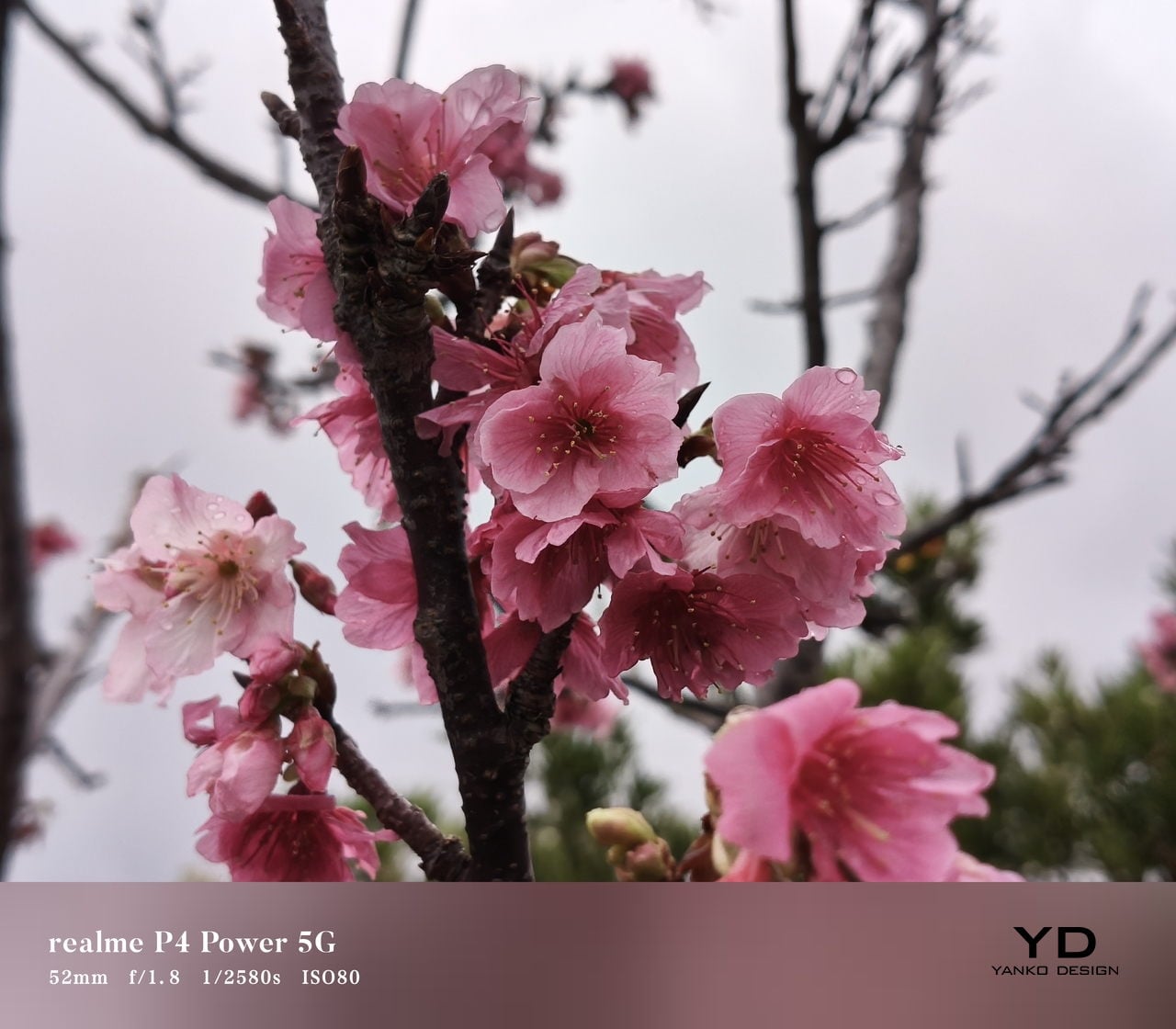
Comparing what $349 typically gets you elsewhere helps frame where Tiny 3 sits. At similar prices, you might find webcams with strong video but mediocre mics that still need separate audio solutions, or you might approach entry-level camera kits that require capture cards and external mics. Tiny 3’s combination of audio-first design, motorized PTZ tracking, and real-time AI framing is rare enough in this bracket that direct comparisons feel unfair in either direction.

The broader OBSBOT ecosystem adds value for people who grow into complex setups. Pairing the Tiny 3 with OBSBOT’s own Vox SE wireless mics, a physical OBSBOT Tiny Smart Remote 2, or adapters for HDMI and NDI output means the camera scales from simple desk calls to multi-camera streams without needing replacement. That spreads the initial investment over more scenarios and extends useful life, which looks more reasonable when you consider many people outgrow basic webcams within a year anyway.

Verdict

The OBSBOT Tiny 3 feels like a carefully engineered answer to the messy reality of modern video communication, where clear sound, smart framing, and reliable focus matter as much as raw resolution. The combination of a 1/1.28-inch 4K sensor, triple MEMS spatial audio, and a nimble PTZ gimbal packed into a, pardon the pun, tiny aluminum body makes it feel less like a webcam upgrade and more like a miniaturized studio camera that works over USB-C.

It is hardly the cheapest way to appear on screen, but it is one of the few that treats audio, video, and intelligence as a single design problem. For creators, educators, podcasters, and remote workers tired of juggling separate cameras and mics just to sound and look decent, the OBSBOT Tiny 3 makes a strong case for consolidating that setup into one very small, very capable box that disappears into the background while you get on with the work.

The post OBSBOT Tiny 3 4K PTZ Webcam Review: Audio As a First-Class Citizen first appeared on Yanko Design.