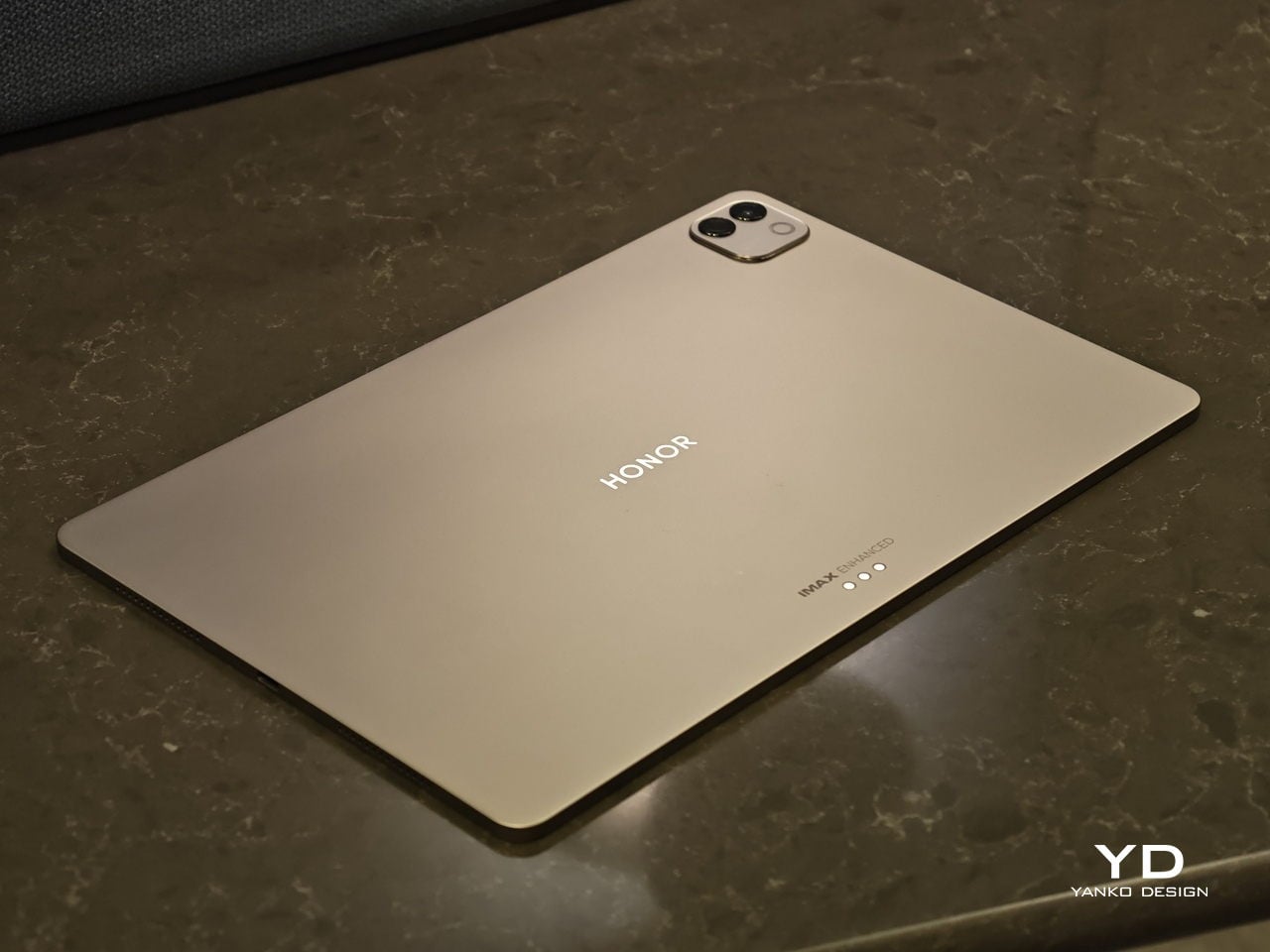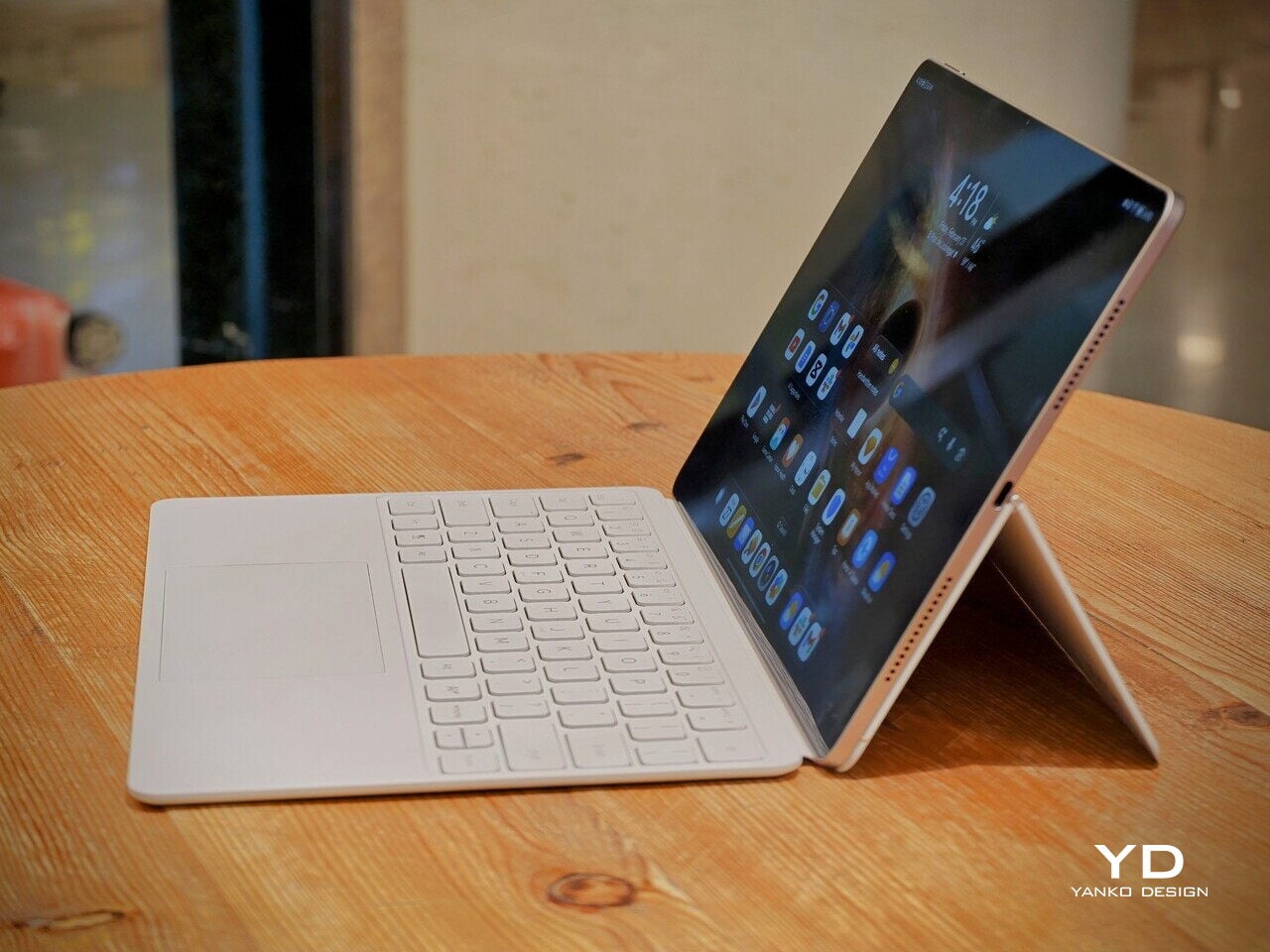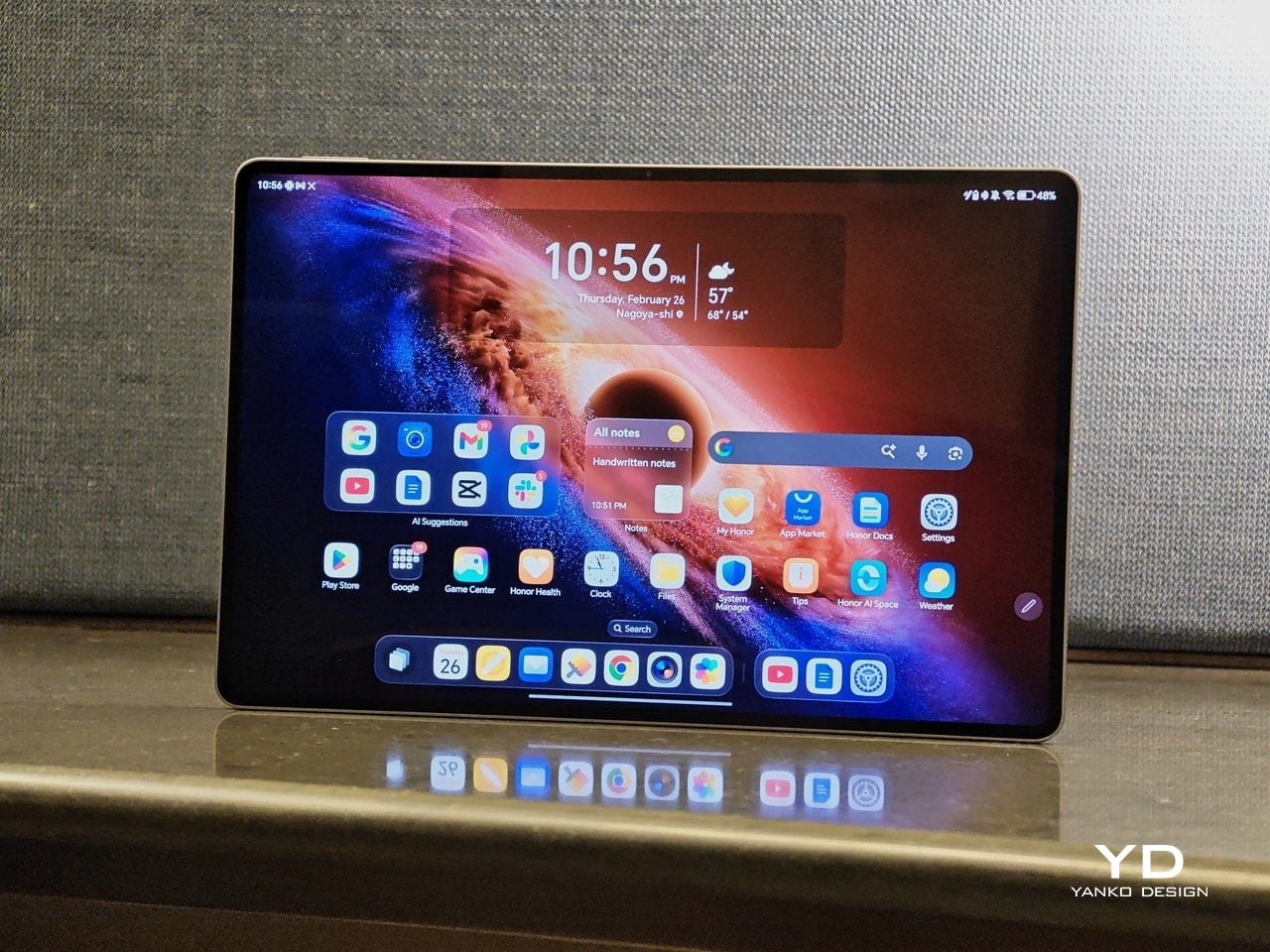
Forget the iPad Pro… This Windows Tablet with a 13″ 2K screen and a Wacom Stylus is perfect for digital creators

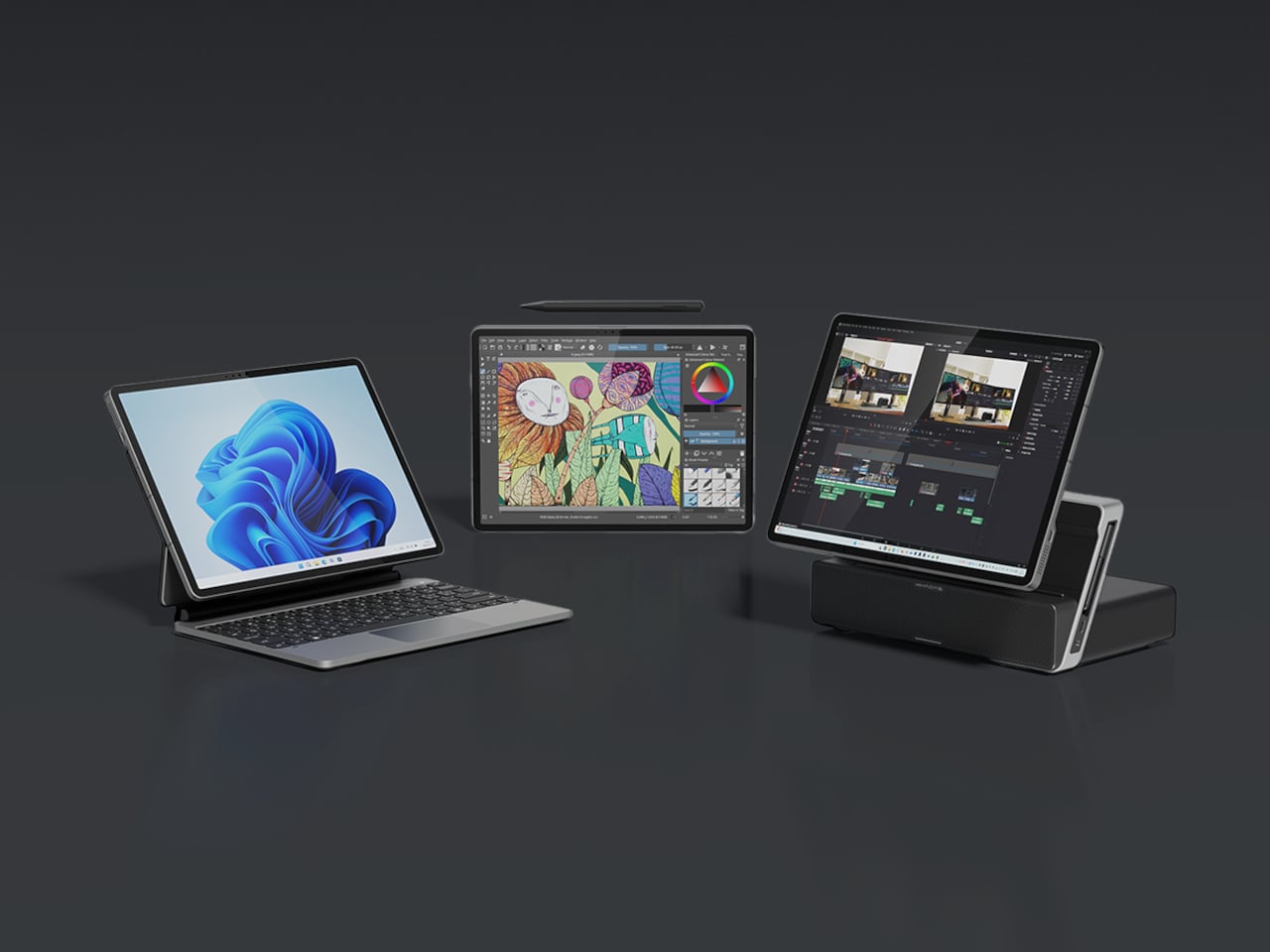
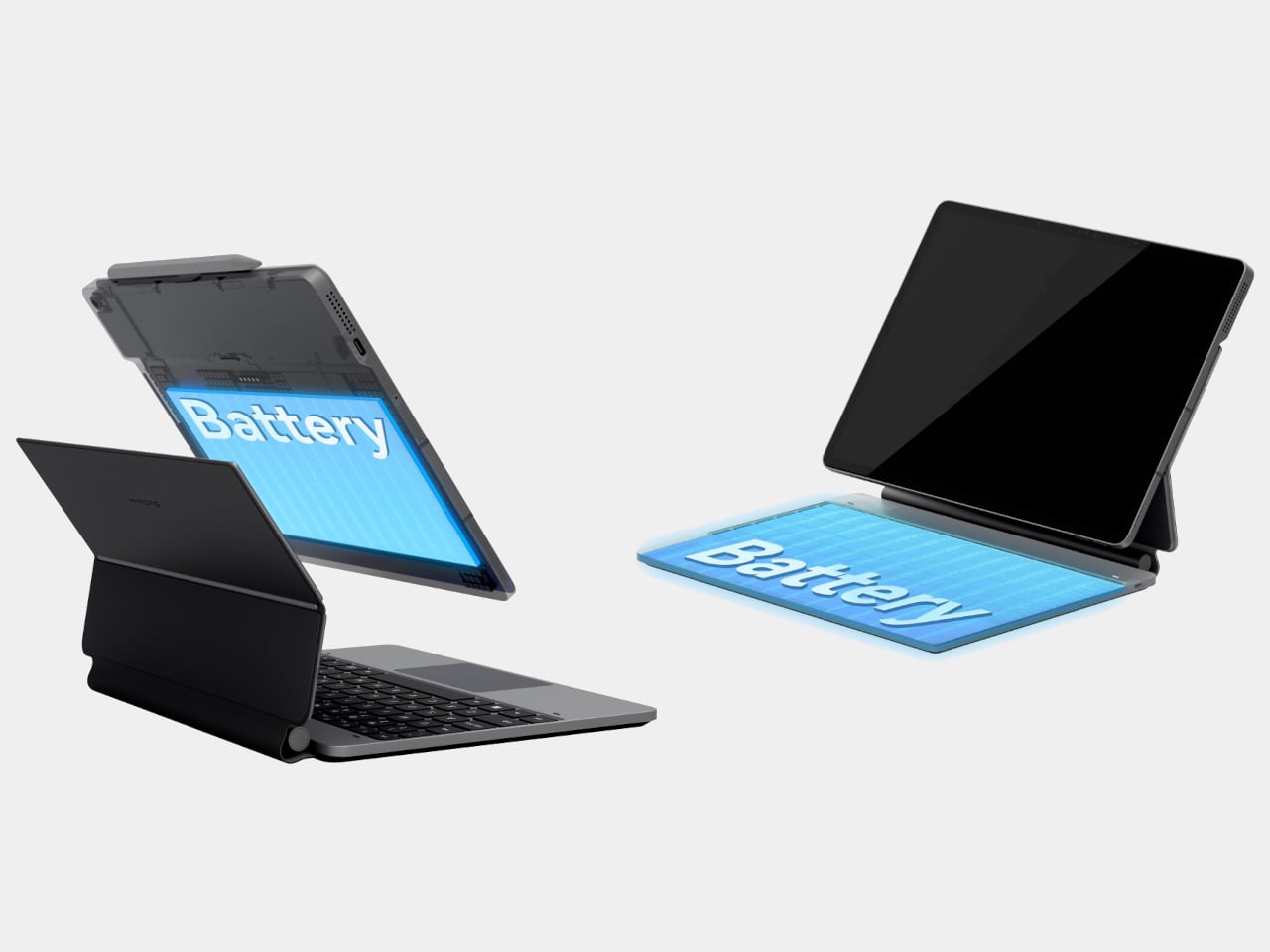
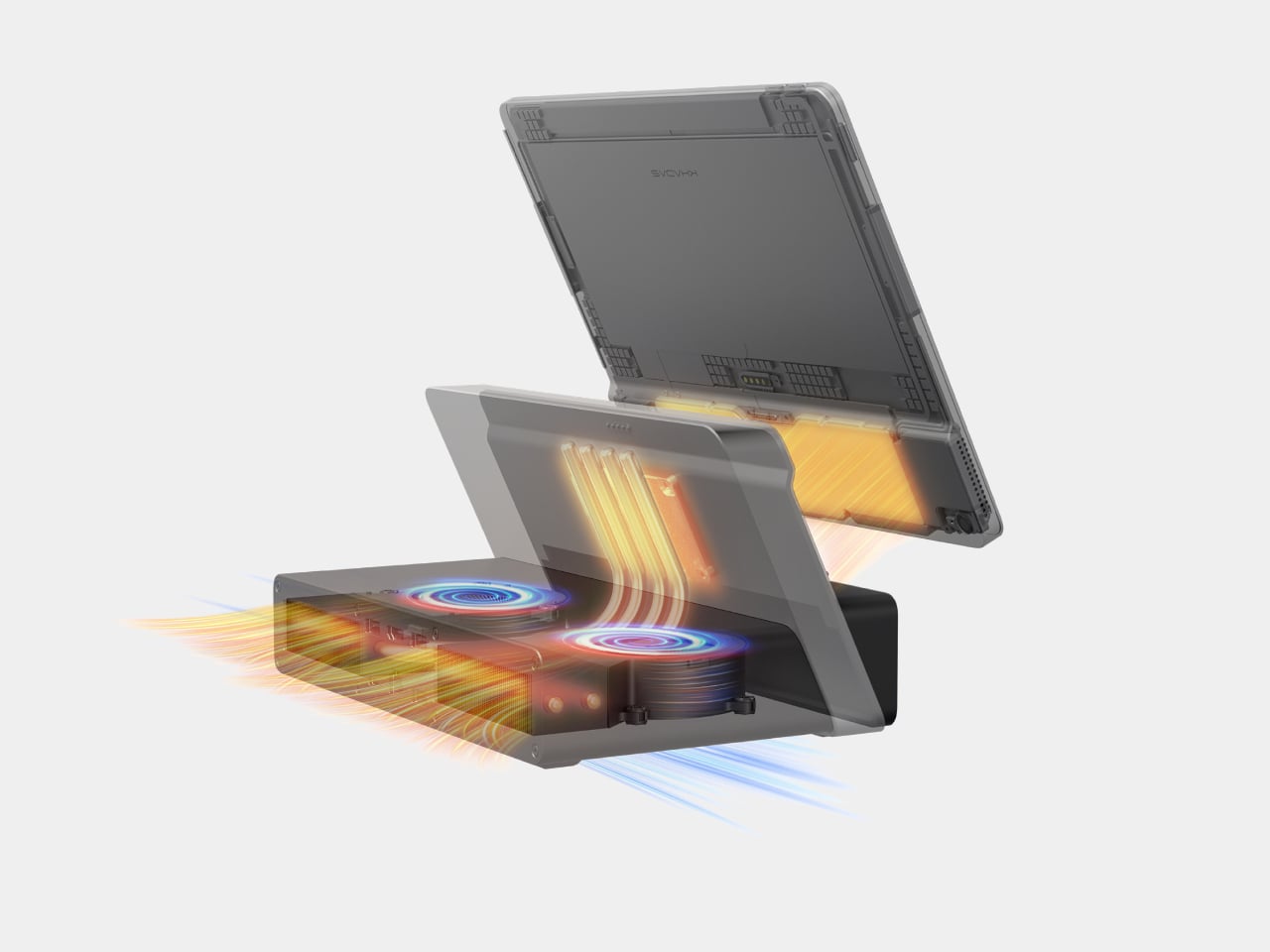
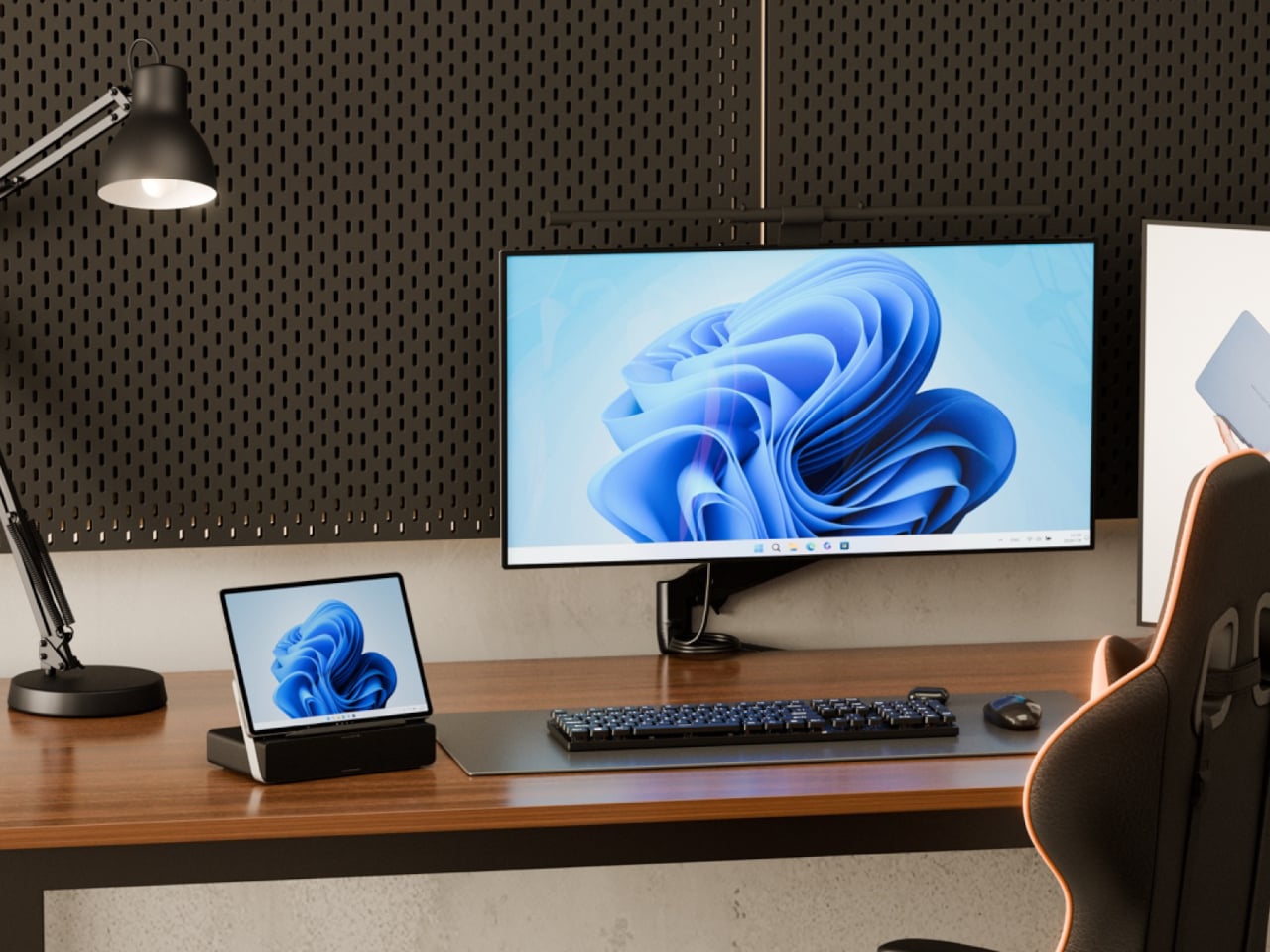
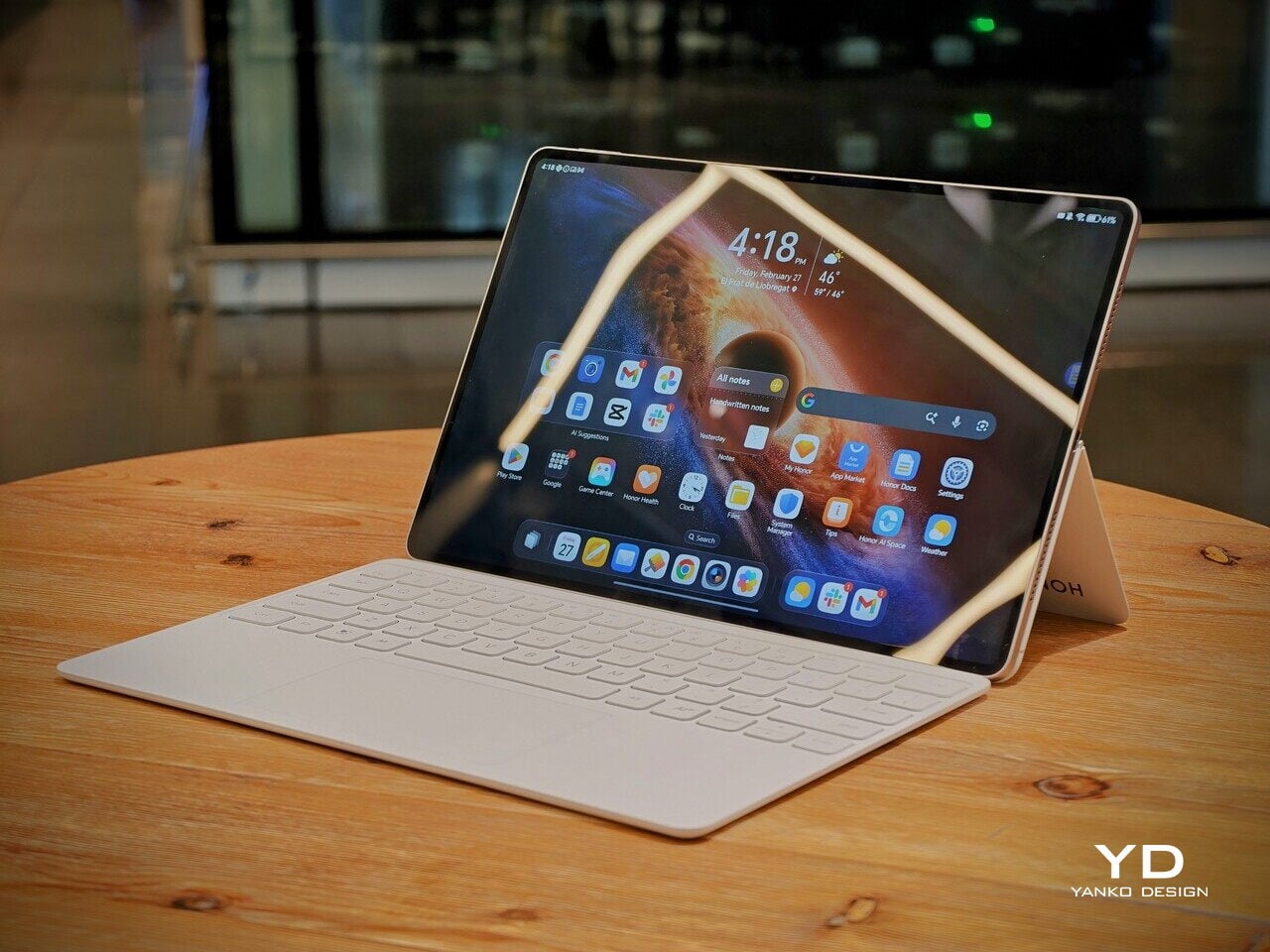
Under most normal circumstances, I wouldn’t be talking smack about the iPad Pro like this… but the LincStudio S1 Tablet offers some distinct advantages over its Apple-based counterpart. It’s bigger, has a 2K touchscreen with multitouch input, also comes with a highly precise Wacom stylus, runs Windows on a 4-core Intel i7 processor, and lets you use a whole slew of desktop-based software and apps to create content. That means you can carry your existing PC workflow onto the LincStudio S1, use AI-based programs with your workflow, and even rely on the 12 customizable shortcut keys on either side to cruise through work. When all’s said and done, 65W charging comes in exceptionally handy, letting you quickly juice your tablet for another round of design iterations… because creativity never takes a holiday, right?

Designers: Xiaohui Li and Bernhard Geisen

Click Here to Buy Now: $895 $1,279 (30% off). Hurry, only a few left!

Can’t use my favorite drawing software on iPad? Try LincStudio!

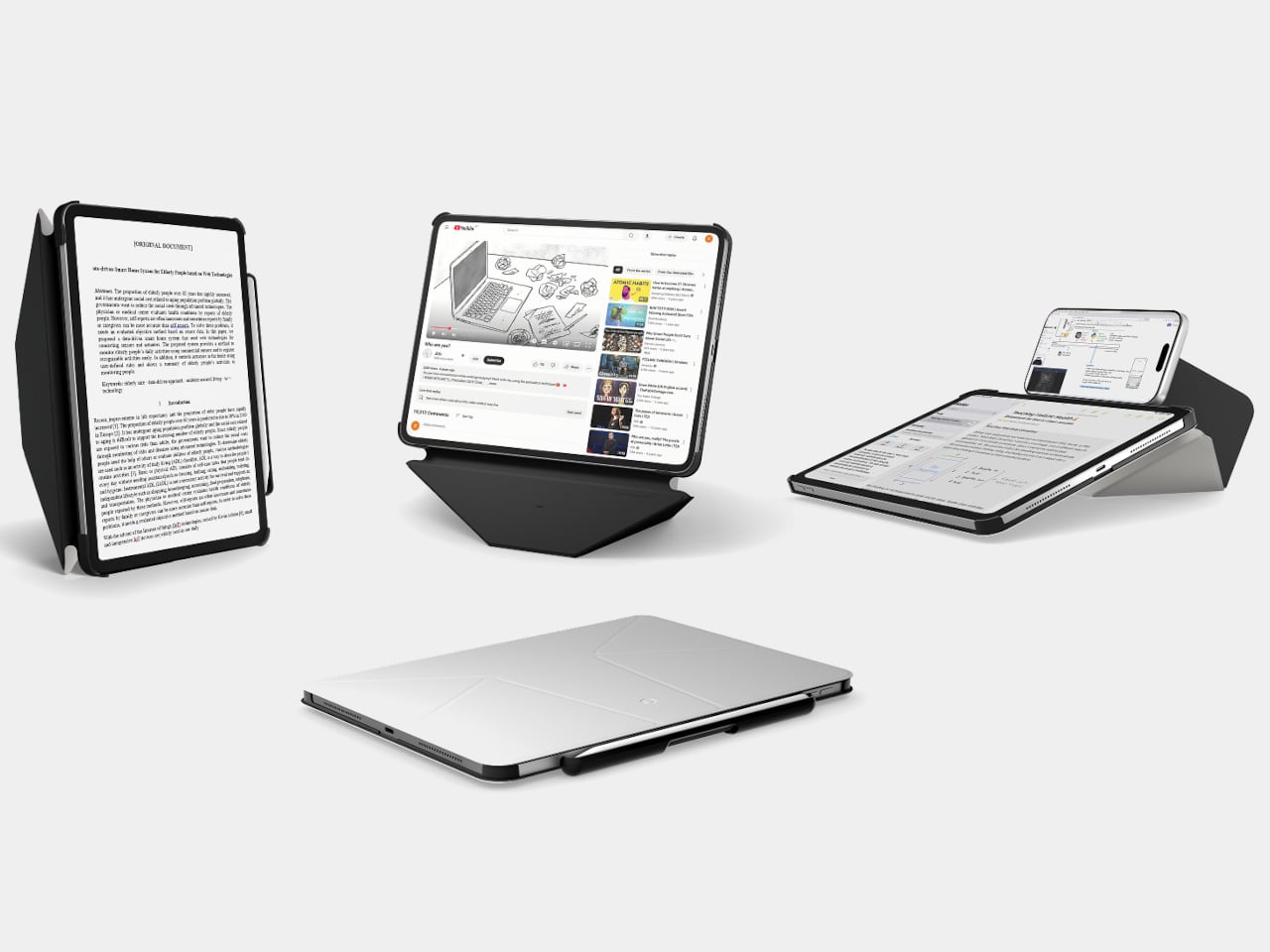
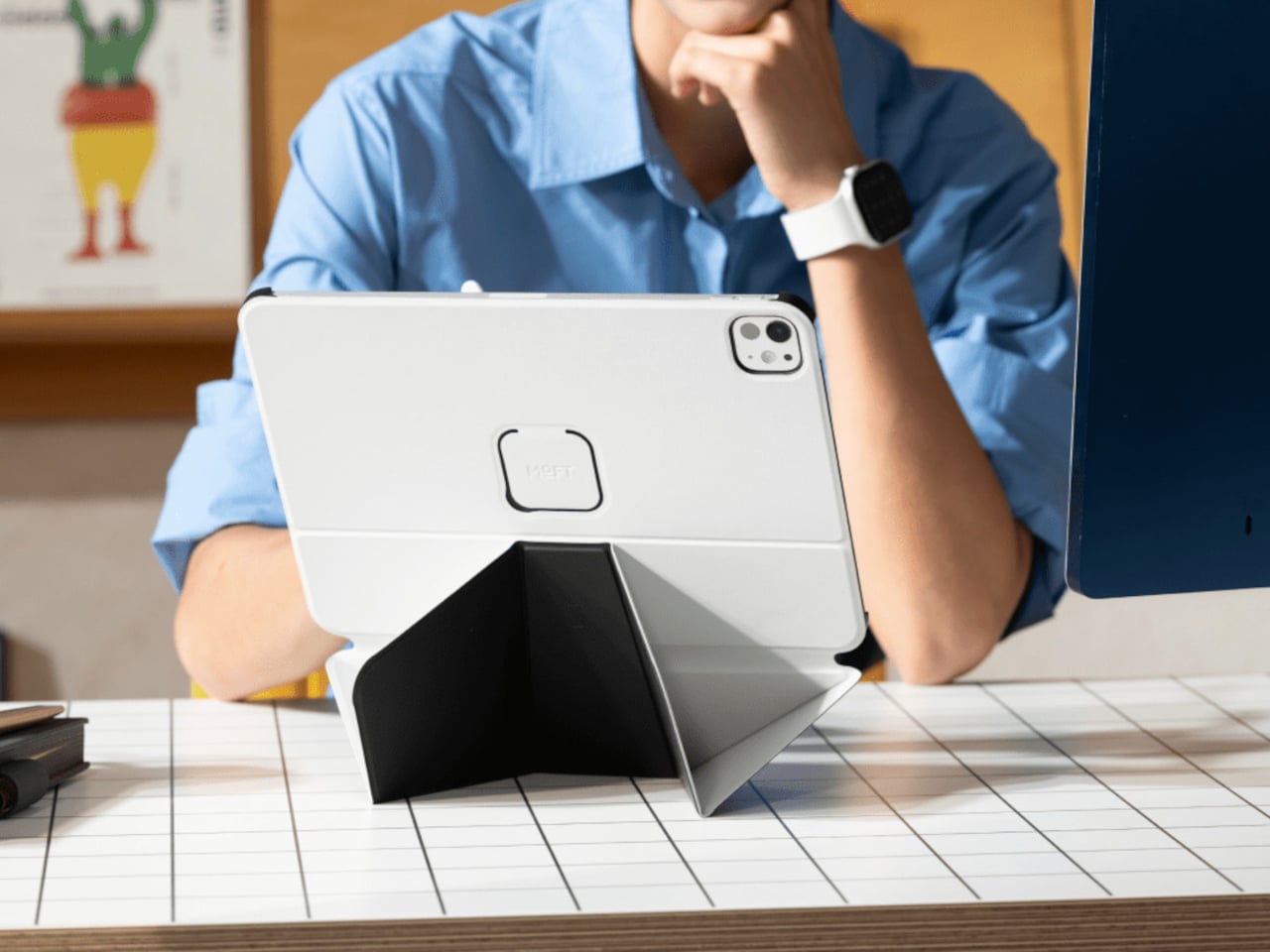
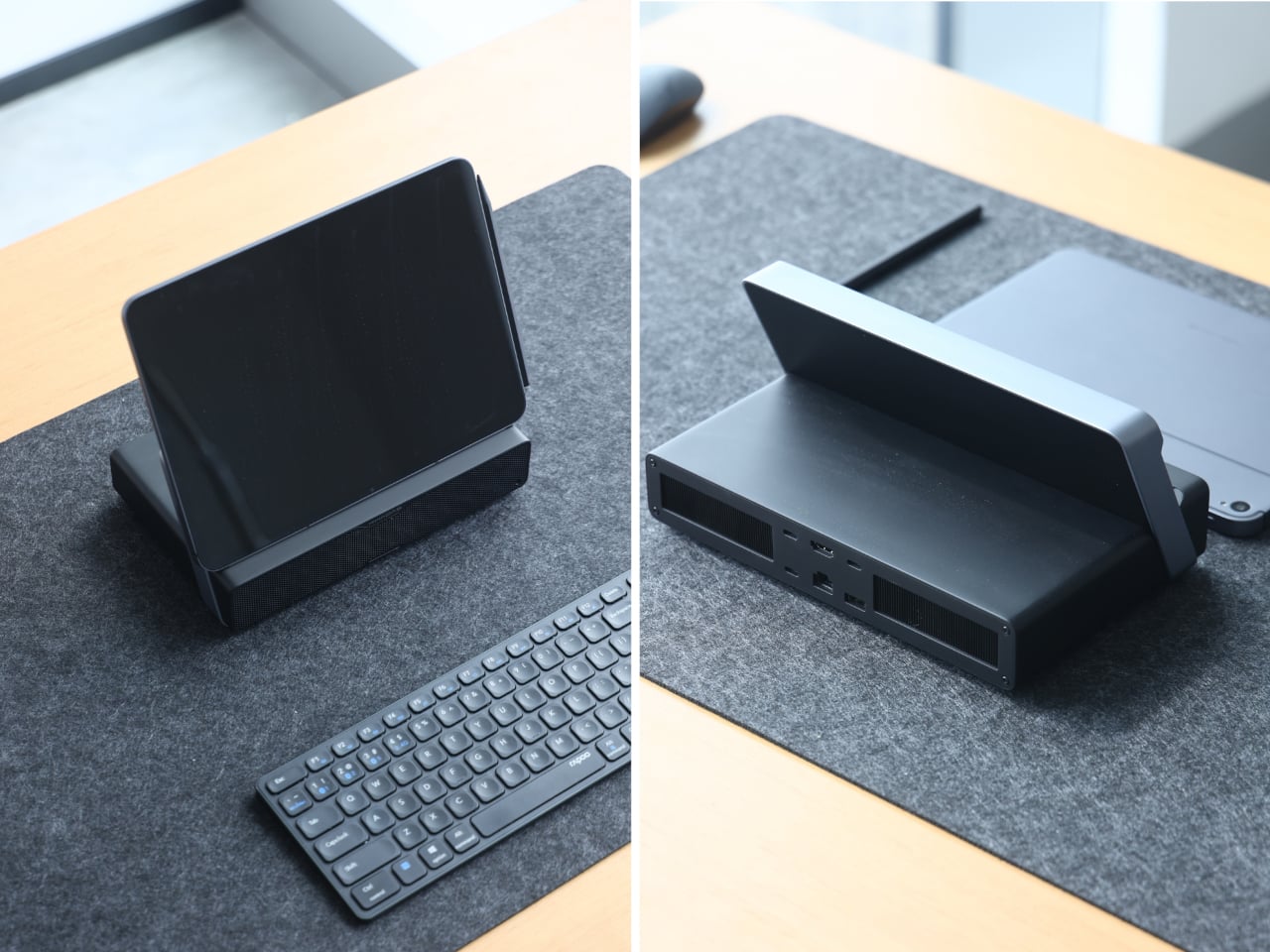
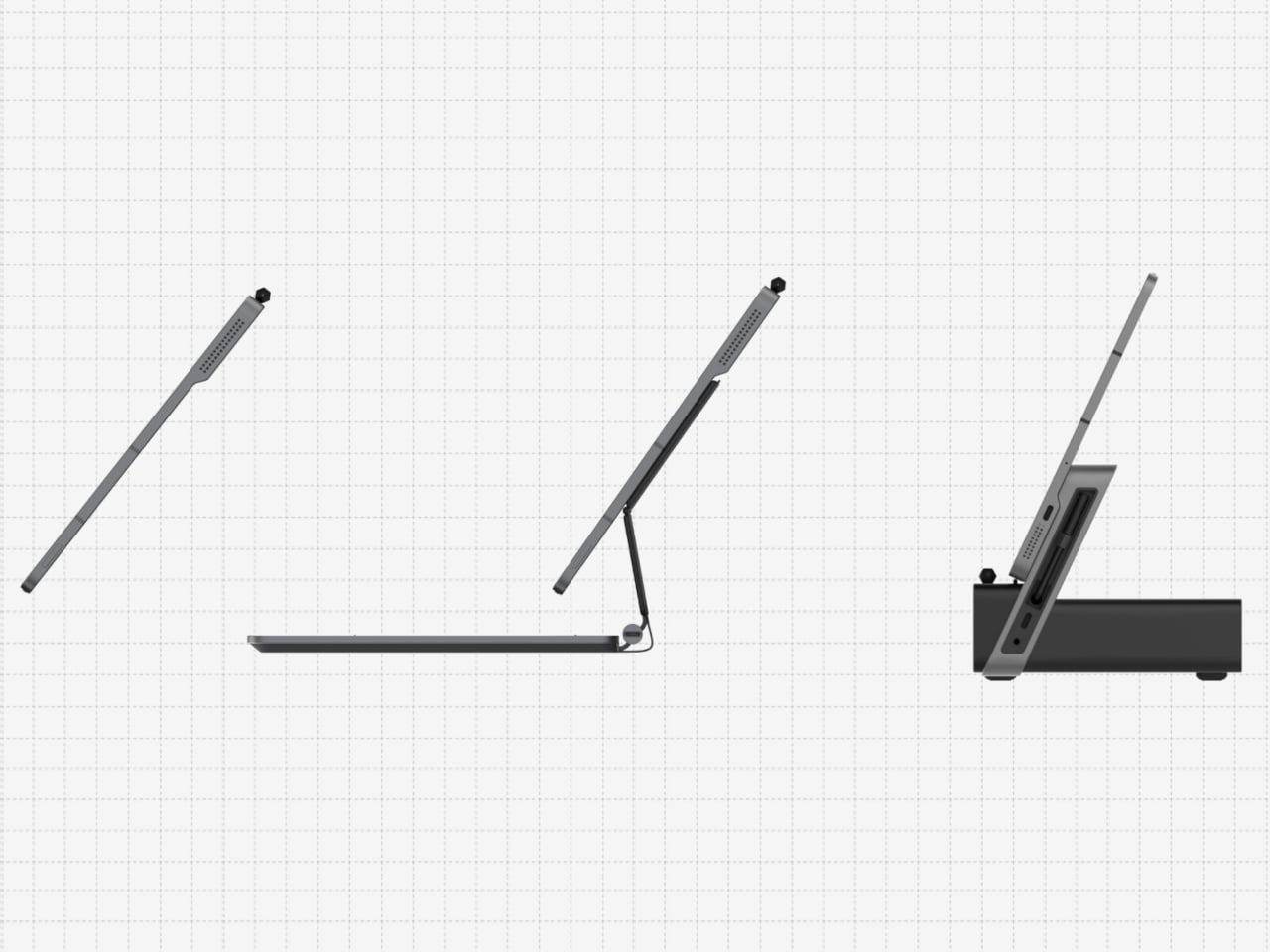
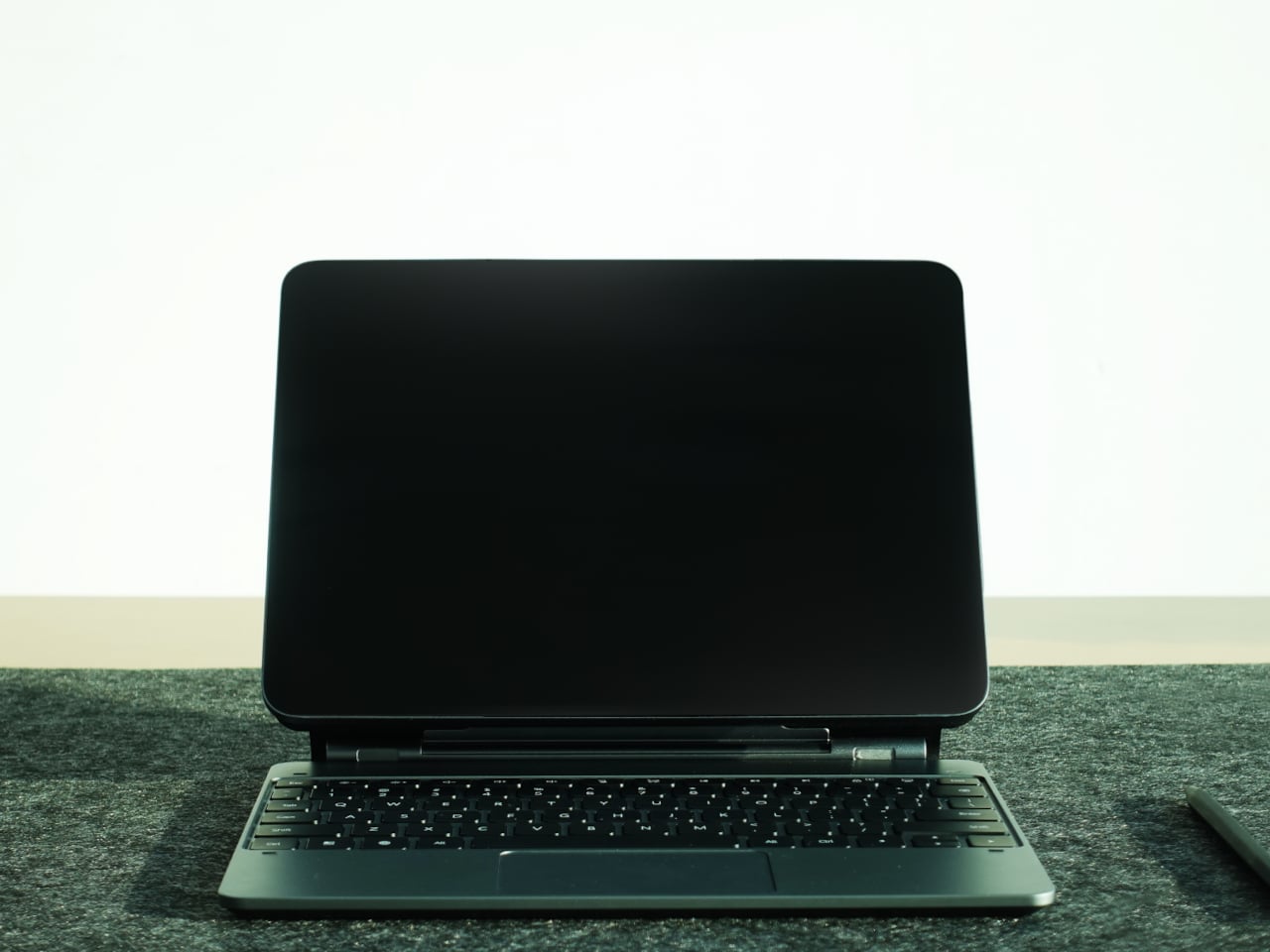
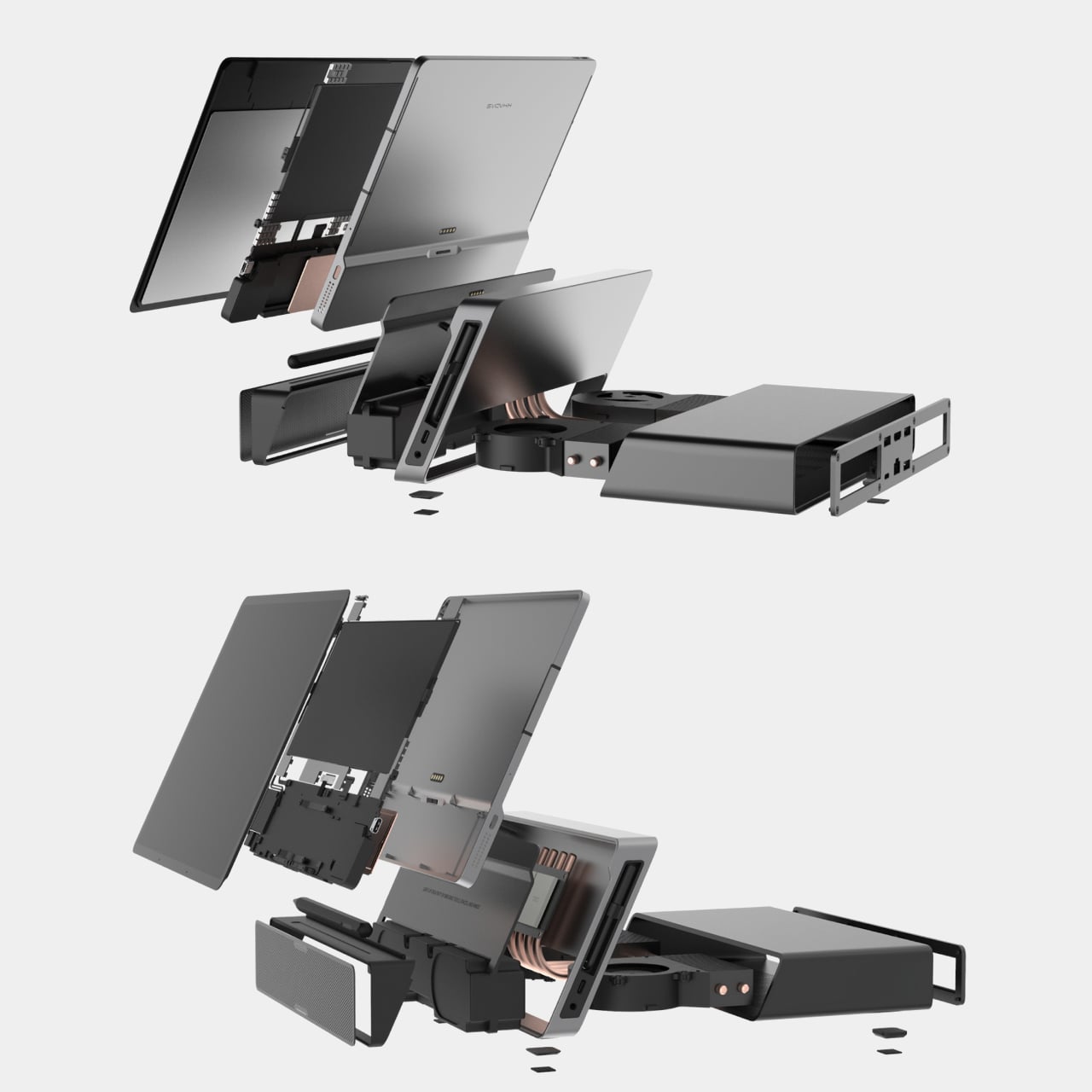
The perfect hybrid between a tablet and a laptop, the LincStudio S1 was designed keeping artists, 3D modelers, animators, designers, architects, or anyone in the creative profession in mind. Slim enough to fit into most laptop bags and weighing a paltry 1.1 kilograms, the LincStudio S1 comes with its own kickstand that lets you prop it up, giving you the freedom to use it in a variety of angles based on the kind of work you’re doing. A companion Wacom Shinonome stylus gives you precise control over your workflow, whether you’re sketching, reviewing detailed blueprints, or just taking notes, but if you do want to switch to a more traditional laptop-inspired typing experience, a keyboard connector at the bottom lets you snap on any keyboard, turning the LincStudio S1 into a makeshift laptop.

Wacom EMR Shinonome Series Pen

The problem with current tablets is that they get one crucial thing wrong – the operating system. A tablet isn’t supposed to be an enlarged phone, so the fact that it runs a version of a smartphone OS like Android or iPadOS just doesn’t make any sense. Where the LincStudio S1 differs is in recognizing this and giving creators the familiar Windows OS but in the avatar of a touchscreen tablet. The LincStudio S1’s 13-inch screen is perfect for sketching, editing, modeling, post-production, or any creative workflow, with support for multitouch that lets you interact with the Windows interface in a new way.

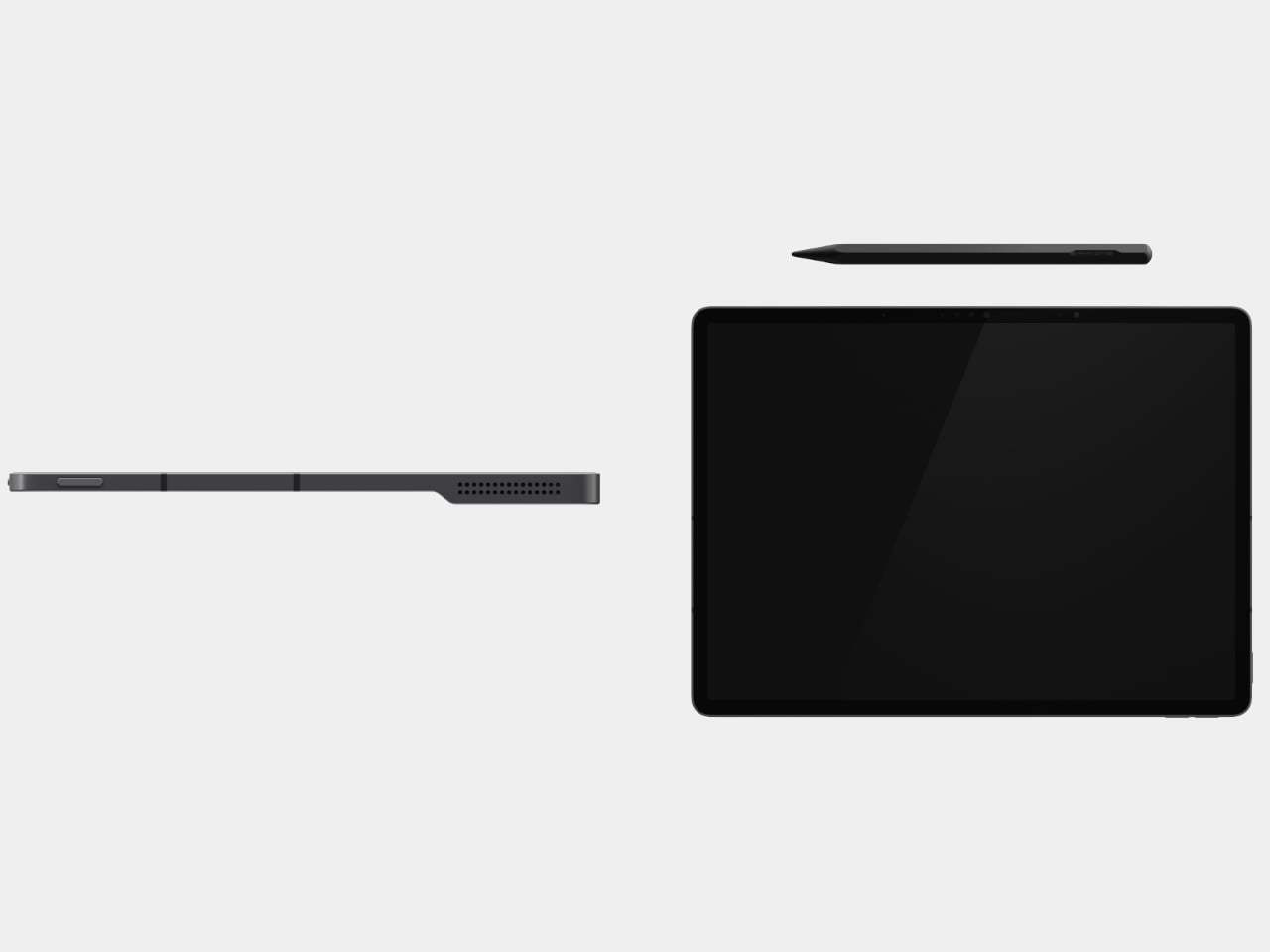
However, a tablet is only as good as the stylus it comes with, and the LincStudio S1 packs Wacom’s cutting-edge Shinonome EMR stylus. The stylus runs on electromagnetic resonance technology instead of capacitive technology, which gives it a winning combination of precision, responsiveness, and resolution over most standard styluses. Designed to be just as precise as Apple’s own Pencil, the Wacom Shinonome has 10-millisecond instant input (without parallax), comes with 4096 pressure levels, 450PPS resolution, and even has tilt support, making it a game-changer in illustration or sculpting apps.

Meanwhile, the tablet sports dedicated shortcut buttons on its sides, allowing you to assign macros/functions to them that are specific to each program. Sort of like a Wacom tablet, you can use these shortcuts to perform certain tasks, toggle between brushes (in Photoshop), and play with parameters like brush size, opacity, screen brightness, volume, etc. The shortcuts are laid out on both the left and right side, allowing for ambidextrous use along with the stylus.

The LincStudio S1 itself comes with a sizeable 13-inch display boasting a resolution of 2160×1440, a 100% sRGB gamut, 16.7 million colors, and a wide 178° viewing angle. It’s powered by an 11th-gen Intel i7 processor, has 16GB RAM and 512GB storage, and comes running Windows 11 Pro right out of the box. In keeping with the ambidextrous design, the tablet has dual speakers, along with thunderbolt USB-C ports on both the left and right side. There’s also a USB-A port on one side for plugging in wireless peripherals or flash storage, and a 3.5mm jack for good measure, letting you connect speakers or headphones to your S1.

The tablet starts at a heavily discounted $895, which includes the Wacom stylus along with a Windows 11 Pro subscription (and is also significantly larger than most other tablets). In contrast, Microsoft’s Surface Pro 9 has similar specs, but with a whopping $1700 price tag (and the Surface Slip Pen sold separately). Apple’s no different, with a sizeable $1200 price tag for the 256GB 12.9-inch model, but an extra $79 for the pencil, $299 for the Magic Keyboard, and the inability to run desktop programs. The iPad Pro also famously lacks a kickstand, which the LincStudio S1 proudly includes in its design, and while the iPad Pro maxes out at 20W of charging, the LincStudio offers 65W charging capabilities, letting you juice your battery much faster than the competition. Perfect for creatives looking to get more hands-on with their workflows, the LincStudio offers the best of both laptop and tablet worlds.

Click Here to Buy Now: $895 $1,279 (30% off). Hurry, only a few left!

The post Forget the iPad Pro… This Windows Tablet with a 13″ 2K screen and a Wacom Stylus is perfect for digital creators first appeared on Yanko Design.
Microsoft Surface Pro 10, Surface Laptop 6 new hardware in old designs

The software company best known for the Windows operating system and the Office productivity suite hasn’t had the best of luck when it comes to hardware. Aside from the Xbox console, which is practically a separate business, most of Microsoft’s hardware products have either ended in failure or were short-lived. The Zune media player and Windows Phone devices quickly come to mind, and the dual-screen Surface Duo phone is just the most recent example. That’s why it’s almost a bit of a miracle that its Surface brand is still going, though it isn’t free from speculations about its pending doom. After more than a year and a half, Microsoft is finally updating its 2-in-1 tablet and traditional laptop devices, but both have one big reason they might not achieve much fame or adoption.

Designer: Microsoft

It’s arguable that the Microsoft Surface Pro popularized the 2-in-1 laptop design, especially one with a built-in kickstand and a cover that functions as a keyboard. Although the first ARM-based non-Pro Surface tablet flopped for other reasons, it seemed that Microsoft hit a gold mine with the Surface Pro to the point that it created a whole product line around the Surface brand. That family now includes an all-in-one Surface Studio desktop, a traditional Surface Laptop, and a Surface Studio Laptop that’s like a cross of those two.

Perhaps due to that success, Microsoft is a bit wary of changing the formula too much, especially when it comes to design. It was only recently that the Surface Pro shed off its thick bezels, but little has changed since then. In fact, the new Surface Pro 10 and Surface Laptop 6 would be dead ringers for their 2022 predecessors. Yes, there are upgrades, thankfully, but the majority can be found inside, like the new Intel Core Ultra processors that equip the portable computers with AI capabilities.

There are some notable improvements in other areas as well, particularly when it comes to accessibility and sustainability. The Microsoft Surface Type Cover, for example, now uses bolder fonts and brighter backlight to make keys easier to see and reduce eye strain. Microsoft also boasts that these two new devices contain the most recycled content it has ever included in its computers, a minimum of 25.8% recycled content for the Surface Laptop 6 enclosure and a minimum of 72% of the same for the Surface Pro 10.

But that lack of notable design changes isn’t what stops these two new products from becoming Microsoft’s big stars. These will only be available to business and commercial customers, which means most people won’t be able to buy them off shelves. Granted, the commercial segment might be more consistent in its buying capacity, but that still leaves out a huge chunk of potential sales. Rumor has it that Microsoft is planning a consumer Surface computer that’s powered by Qualcomm’s Snapdragon chip, the same kind of processor that runs on powerful smartphones. But considering its luck with Windows running on that platform, it remains to be seen if it will finally be able to shake off that curse.

The post Microsoft Surface Pro 10, Surface Laptop 6 new hardware in old designs first appeared on Yanko Design.
The Google Pixel Tablet is up to $150 off ahead of the Amazon Big Spring Sale

The Google Pixel Tablet is one of the better options for those dead set on an Android slate, as it doubles as a sort of smart display when hooked up to an included charging speaker dock. If you've been interested, now looks like a decent time to take the plunge: The 11-inch tablet is back down to $399 at multiple retailers, including Amazon, Target and the Google Store

Google ran this deal a few times toward the end of last year, but it matches the lowest price we've seen and comes in $100 below the 128GB model's usual going rate. If you need more storage, the 256GB version is $150 off and available for $449, another all-time low. The offer comes as part of a wider spate of sales on Google devices and just ahead of Amazon's "Big Spring Sale" sales event. Google says these deals will run through April 3.

My colleague Cherlynn Low gave the Pixel Tablet a score of 85 in her review last June, and we note the device in our tablet buying guide. The aforementioned dock is really what helps it stand out: Plop the tablet onto that and it becomes something akin to a detachable Nest Hub Max. It doesn't have all the same functionality, but you can use it to control smart home devices, showcase photos, stream music with the improved speakers, cast video from your phone and so on. It all makes this the rare tablet that can be useful even when when you aren't holding it. 
Without the dock, the Pixel Tablet isn't quite as remarkable: Its LCD display is limited to a basic 60Hz refresh rate, its Tensor G2 chip is now a generation old and Google doesn't support it with a custom-made keyboard or stylus. The screen's rectangular 16:10 aspect ratio may take a bit to get used to as well. Samsung's Galaxy Tab S9, the top Android pick in our guide, costs a few hundred extra but has more premium hardware and better tools for getting work done. And all Android tablets still lag behind Apple's iPadOS when it comes to optimizing apps for large displays. 

That said, even if it's not superlative, the Pixel Tablet is still perfectly solid for web browsing, streaming video and playing games. Unlike the iPad, it also supports multiple user profiles, so it's a good choice if you want share one tablet with everyone in your family. Google says it'll supply OS updates through June 2026 and security updates through June 2028. There's at least some chance that a follow-up device is in the works, but for now, this is a decent deal if you want a big-screen Android device.

Your Spring Sales Shopping Guide: Spring sales are in the air, headlined by Amazon’s Big Spring sale event. Our expert editors are curating all the best spring sales right here. Follow Engadget to shop the best tech deals from Amazon’s Big Spring Sale, hear from Autoblog’s car experts on the best spring auto deals on Amazon, and find spring sales to shop on AOL, handpicked just for you.

This article originally appeared on Engadget at https://www.engadget.com/the-google-pixel-tablet-is-up-to-150-off-ahead-of-the-amazon-big-spring-sale-152009518.html?src=rss

The Google Pixel Tablet is up to $150 off ahead of the Amazon Big Spring Sale

The Google Pixel Tablet is one of the better options for those dead set on an Android slate, as it doubles as a sort of smart display when hooked up to an included charging speaker dock. If you've been interested, now looks like a decent time to take the plunge: The 11-inch tablet is back down to $399 at multiple retailers, including Amazon, Target and the Google Store

Google ran this deal a few times toward the end of last year, but it matches the lowest price we've seen and comes in $100 below the 128GB model's usual going rate. If you need more storage, the 256GB version is $150 off and available for $449, another all-time low. The offer comes as part of a wider spate of sales on Google devices and just ahead of Amazon's "Big Spring Sale" sales event. Google says these deals will run through April 3.

My colleague Cherlynn Low gave the Pixel Tablet a score of 85 in her review last June, and we note the device in our tablet buying guide. The aforementioned dock is really what helps it stand out: Plop the tablet onto that and it becomes something akin to a detachable Nest Hub Max. It doesn't have all the same functionality, but you can use it to control smart home devices, showcase photos, stream music with the improved speakers, cast video from your phone and so on. It all makes this the rare tablet that can be useful even when when you aren't holding it. 

Without the dock, the Pixel Tablet isn't quite as remarkable: Its LCD display is limited to a basic 60Hz refresh rate, its Tensor G2 chip is now a generation old and Google doesn't support it with a custom-made keyboard or stylus. The screen's rectangular 16:10 aspect ratio may take a bit to get used to as well. Samsung's Galaxy Tab S9, the top Android pick in our guide, costs a few hundred extra but has more premium hardware and better tools for getting work done. And all Android tablets still lag behind Apple's iPadOS when it comes to optimizing apps for large displays. 

That said, even if it's not superlative, the Pixel Tablet is still perfectly solid for web browsing, streaming video and playing games. Unlike the iPad, it also supports multiple user profiles, so it's a good choice if you want share one tablet with everyone in your family. Google says it'll supply OS updates through June 2026 and security updates through June 2028. There's at least some chance that a follow-up device is in the works, but for now, this is a decent deal if you want a big-screen Android device.

Your Spring Sales Shopping Guide: Spring sales are in the air, headlined by Amazon’s Big Spring sale event. Our expert editors are curating all the best spring sales right here. Follow Engadget to shop the best tech deals from Amazon’s Big Spring Sale, hear from Autoblog’s car experts on the best spring auto deals on Amazon, and find spring sales to shop on AOL, handpicked just for you.

This article originally appeared on Engadget at https://www.engadget.com/the-google-pixel-tablet-is-up-to-150-off-ahead-of-the-amazon-big-spring-sale-152009518.html?src=rss

The best E Ink tablets for 2025

E Ink tablets have always been intriguing to me because I’m a longtime lover of pen and paper. I’ve had probably hundreds of notebooks over the years, serving as repositories for my story ideas, to-do lists, meeting notes and everything in between. However, I turned away from physical notebooks at a certain point because it was just easier to store everything digitally so I always had my most important information at my fingertips.

E Ink tablets seem to provide the best of both worlds: the tactile satisfaction of regular notebooks with many of the conveniences found in digital tools, plus easy-on-the-eyes E Ink screens. These devices have come a long way in the past few years, and we’re just starting to see more color E Ink tablets become more widely available. I tested out a number of different E Ink tablets to see how well they work, how convenient they really are and which are the best tablets using E Ink screens available today.

An E Ink tablet will be a worthwhile purchase to a very select group of people. If you prefer the look and feel of an e paper display to LCD panels found on traditional tablets, it makes a lot of sense. They’re also good options for those who want a more paper-like writing experience (although you can get that kind of functionality on a regular tablet with the right screen protector) or a more distraction-free device overall.

The final note is key here. Many E Ink tablets don’t run on the same operating systems as regular tablets, so you’re automatically going to be limited in what you can do. And even with those that do allow you to download traditional apps like Chrome, Instagram and Facebook, E Ink tablets are not designed to give you the best casual-browsing experience. This is mostly due to the nature of E Ink displays, which have noticeable refreshes, a lack of vibrant colors and lower picture quality than the panels you’ll find on even the cheapest iPad.

Arguably the biggest reason why you wouldn’t want to go with an iPad (all models of which support stylus input, a plethora of reading apps, etc) is because it’s much easier to get distracted by email, social media and other Internet-related temptations.

Arguably the most important thing to consider when looking for an E Ink tablet is the writing experience. How good it is will depend a lot on the display’s refresh rate (does it refresh after every time you put pen to “paper,” or at a different regular interval) and the stylus’ latency. Most of the tablets I’ve tested have little to no latency, but some are certainly better than others. Finally, you should double check before buying that your preferred E Ink tablet comes with a stylus, or if you need to purchase one separately.

How much will you be reading books, documents and other things on this tablet? E Ink tablets come in many sizes, but most of them tend to be larger than your standard e-reader because it makes writing much easier. Having a larger display isn’t a bad thing, but it might make holding it for long periods slightly more uncomfortable. (Most e-readers are roughly the size of a paperback book, giving you a similar feeling to analog reading).

The supported file types for e-books can also make a big difference. It’s hard to make a blanket statement here because this varies so much among E Ink tablets. The TL;DR is that you’ll have a much better reading experience if you go with one made by a company that already has a history in e-book sales (i.e. Amazon or Kobo). All of the titles you bought via the Kindle or Kobo store should automatically be available to you on your Kindle or Kobo E Ink tablet.

Also with Kindle titles, specifically, since they are protected by DRM, it’s not necessarily the best idea to try to bring those titles over to a third-party device. Unless the tablet runs an operating system like Android that supports downloads for apps like Kindle and Kobo, you’ll be limited to supported file types, like ePUB, PDF, MOBI, JPEG, PNG and others.

Most E Ink tablets have some on-device search features, but they can vary widely between models. You’ll want to consider how important it is to you to be able to search through all your handwritten notes and markups. I noticed in my testing that Amazon’s and Kobo’s E Ink tablets made it easy to refer back to notes made in books and files because they automatically save to the specific pages on which you took notes, made highlights and more.

Searching is less standardized on E Ink tablets that have different supported file types, but their features can be quite powerful in their own right. For example, a few devices I tested supported text search in handwritten notes along with handwriting recognition, the latter of which allows you to translate your scribbles into typed text.

While we established that E Ink tablets can be great distraction-free devices, most manufacturers understand that your notes and doodles aren’t created in a vacuum. You may want to access them elsewhere, and that requires some form of connectivity. All of the E Ink tablets I tried have Wi-Fi support, and some support cloud syncing, companion mobile apps and the ability to export notes via email so you can access them elsewhere.

None of them, however, integrate directly with a digital note taking system like Evernote or OneNote, so these devices will always be somewhat supplementary if you use apps like that, too. I’d argue that, if you already lean heavily on apps like OneNote, a standard tablet with a stylus and screen protector might be the best way to go. Ultimately, you should think about what you will want to do with the documents you’ll interact with on your E Ink tablet after the tablet portion is done.

E Ink tablets aren’t known for being cheap. They generally fall into the $300-$800 price range, which is what you can expect to pay for a solid regular tablet, too. A key factor in price is size: cheaper devices with E Ink displays are likely to have smaller screens, and stylus support isn’t as much of a given. Also, those types of devices are generally considered e-readers because of their size and may not be the best for note-taking, doodling and the like.

E Ink tablets have gone up in price recently. Supernote and Onyx Boox increased prices, as did reMarkable. The former said it was due to "increased costs,” and a reMarkable representative confirmed this to Engadget and provided the following statement: "We regularly review our pricing based on market conditions and operational costs. We've communicated an upcoming adjustment for the US market effective in May to provide transparency to our customers. Multiple factors influence our pricing decisions, including supply chain dynamics and overall operational costs in specific markets.”

As a result, the reMarkable Paper Pro jumped from $579 to $629 (that's for the bundle with the standard Marker and no Folio). This isn't great, considering the Paper Pro was already on the expensive side of the spectrum for E Ink tablets. It's also worth noting that Supernote and Onyx Boox have raised prices in the past few months as well.

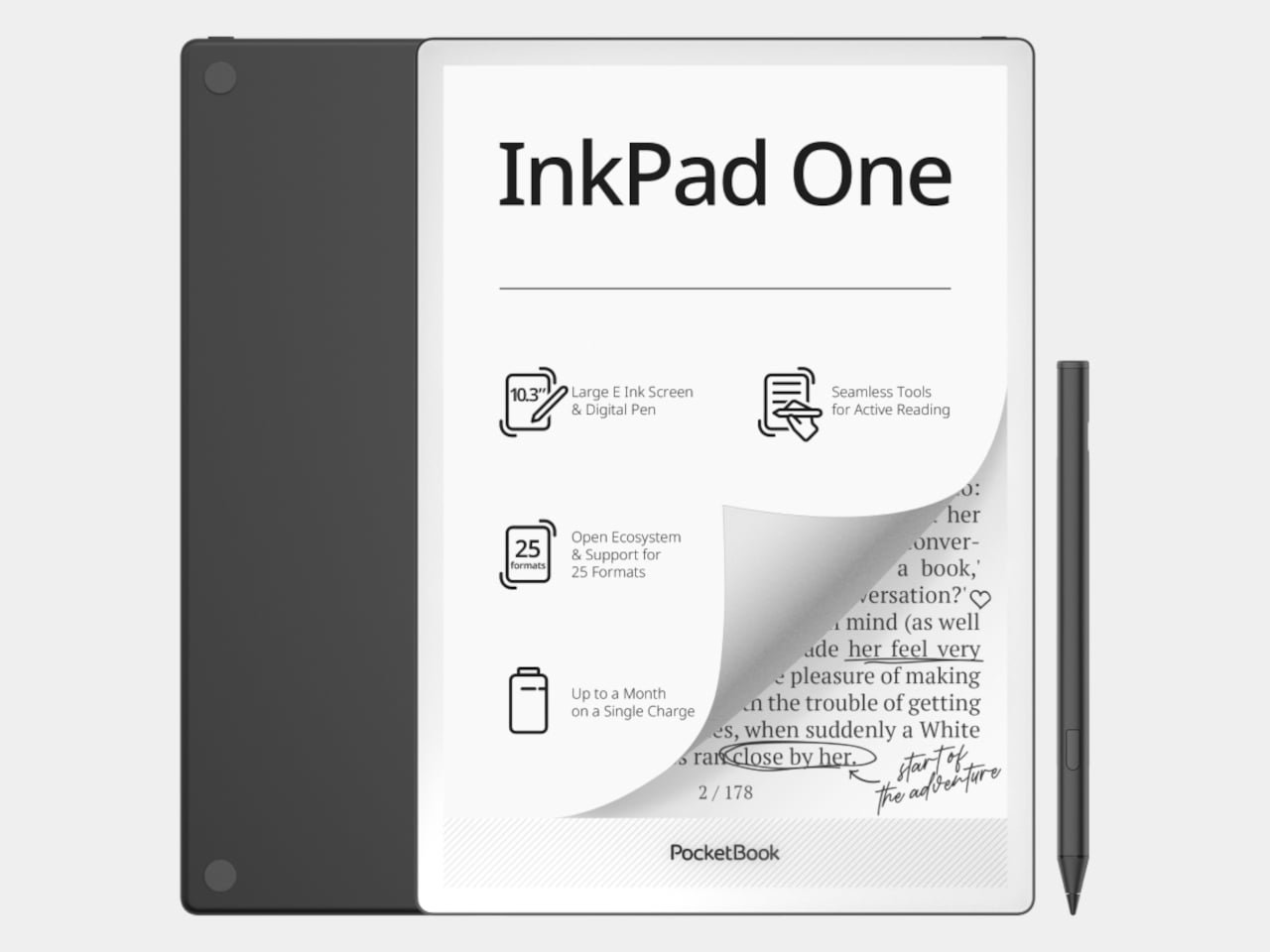
The Boox Tab X C is a color-screened version of the Tab X, the company’s all-purpose e-paper Android tablet. The Tab X C has a lovely 13.3-inch Kaleido 3 E Ink color display, an octa-core processor, 6GB of RAM and it runs on Android 13, making it one of the most powerful tablets in Boox’s lineup. I’ve used the Tab X in the past and this color version runs similarly, if not better, and at 5.3mm thick, it’s impressively svelte even when you pair it with its folio keyboard case. As someone who loves legal-pad sized things to write on, I also like how the Tab X C is most akin to A4-size paper. But at $820 for the bundle with the standard case (or a whopping $970 for the tablet and its keyboard case), it’s really only best for those who are ready to go all-in on a premium E Ink tablet.

Lenovo made a solid E Ink tablet in the Smart Paper, but it's too pricey and too married to the company's companion cloud service to warrant a spot on our top picks list. The hardware is great, but the software isn't as flexible as those of competitors like the reMarkable 2. It has good Google Drive integration, but you must pair it with Lenovo's cloud service to really get the most use out of it — and in the UK, the service costs £9 per month for three months, which is quite expensive.

The Boox Tab Ultra has a lot of the same features we like in the Note Air 2 Plus, but it’s designed to be a true, all-purpose tablet with an E Ink screen. Running Android 11 and compatible with a magnetic keyboard case, you can use it like a standard 2-in-1 laptop, albeit a low-powered one. You can browse the web, check email and even watch YouTube videos on this thing — but that doesn’t mean you should. A standard 2-in-1 laptop with a more responsive screen and better overall performance would be a better fit for most people who even have the slightest desire to have an all-in-one device. Like the rest of Onyx’s devices, the Tab Ultra is specifically for those who put reading and eye comfort above all else.

This article originally appeared on Engadget at https://www.engadget.com/mobile/tablets/best-e-ink-tablet-130037939.html?src=rss

Amazon discounts Fire tablets by 35 percent ahead of the Big Spring Sale

Amazon's Big Spring Sale is almost here, and deals on its Fire tablets are already trickling in. Take the new Amazon Fire HD 10 tablet, down to $95 from $140 — a 32 percent discount. This sale brings the 32GB device to only $15 more than its all-time low since launching last October. 

Amazon's new Fire HD 10 tablet is a solid boost from its predecessor, thanks, in part, to 25 percent faster performance and 3GB of RAM. It has a 10.1-inch HD touchscreen with 1,920 x 1,200 resolution, 5MP front and rear-facing cameras, and 13 hours of battery life. Plus, it offers a microSD slot that can be used to add another 1TB of storage. This model does feature lockscreen ads, and it currently costs $110 to buy the device without them. 

Then there's Amazon's 32GB Fire HD 8 tablet, down to $65 from $100 thanks to a 35 percent discount. The eight-inch HD, 1280 x 800 resolution screen also features lockscreen ads at this price. The Fire HD 8 tablet's processor works 30 percent faster than its predecessor, and it has 2GB of RAM. For $30 less than the Fire HD 10 tablet, it offers similar features, just with not as high-quality (or large) a screen. 

The Amazon Fire Max 11 tablet and Fire 7 Kids tablet are among the other models on sale, with 22 percent and 36 percent discounts, respectively. 

Your Spring Sales Shopping Guide: Spring sales are in the air, headlined by Amazon’s Big Spring sale event. Our expert editors are curating all the best spring sales right here. Follow Engadget to shop the best tech deals from Amazon’s Big Spring Sale, hear from Autoblog’s car experts on the best spring auto deals on Amazon, and find spring sales to shop on AOL, handpicked just for you.

This article originally appeared on Engadget at https://www.engadget.com/amazon-discounts-fire-tablets-by-35-percent-ahead-of-the-big-spring-sale-145954252.html?src=rss

The second-generation Apple Pencil is on sale for $79 during the Amazon Spring Sale

Apple’s second-generation Apple Pencil is down to one of the best prices we’ve seen yet in an Amazon Big Spring Sale deal. You can grab one for just $79, which is a 39 percent discount and $50 off its normal $129 price tag. This is the pencil that's used with most of the latest iPads (except for the 9th-gen tablet) and we consider it to be one of the best iPad accessories you can get.

The second-generation Apple Pencil is great for artists and note-takers who make heavy use of their iPads. It works with the iPad mini (sixth generation), iPad Air (fourth generation and later), the 12.9-inch iPad Pro from the third generation on, and all 11-inch iPad pro models. When it comes to choosing a stylus for your iPad, you really can’t do any better than the Apple Pencil, as it’s designed specifically to be used with Apple’s tablets. It boasts pressure sensitivity for a more realistic drawing experience and has a hover feature that will preview your pen marks to improve precision.

The second-generation Apple Pencil also has a customizable double-tap feature so you can have easier access to the tools you use the most. It charges wirelessly as well, when it’s magnetically attached to a compatible iPad. Apple’s second-generation Pencil was also designed with a more practical flat edge on either side, so it’s less likely to roll off the table when you set it down.

This model of the Apple Pencil came out a few years ago, but it’s still the best of the current lineup. There have been rumors for months that Apple is planning to release new Apple Pencils, possibly as soon as this spring, but that has yet to be confirmed by the company itself. In the meantime, the second generation Apple Pencil is as cheap as the less feature-rich USB-C Apple Pencil.

Your Spring Sales Shopping Guide: Spring sales are in the air, headlined by Amazon’s Big Spring sale event. Our expert editors are curating all the best spring sales right here. Follow Engadget to shop the best tech deals from Amazon’s Big Spring Sale, hear from Autoblog’s car experts on the best spring auto deals on Amazon, and find spring sales to shop on AOL, handpicked just for you.

This article originally appeared on Engadget at https://www.engadget.com/the-second-generation-apple-pencil-is-on-sale-for-79-during-the-amazon-spring-sale-162232269.html?src=rss

Samsung’s Galaxy Tab S9 is cheaper than ever right now

Samsung’s Galaxy Tab S9 is on sale for $680 via Amazon, which is a discount of $120. This is a record low price for the well-regarded tablet. The S9 is the most recent iteration and there likely won't be a refresh on the horizon until at least September.

Now onto some specs. The standard S9 boasts an 11-inch AMOLED screen, a Snapdragon 8 Gen 2 processor and 12GB of RAM. It also comes with the company’s S Pen stylus, which is something I wish Apple did for its tablets. The $680 price tag gets you a device with 128GB of internal storage, but 256GB and 512GB models are also on sale. 

The Galaxy Tab S9 easily made our list of the best tablets, and for good reason. We loved the gorgeous AMOLED screen, the powerful speakers and the tablet’s surprisingly useful Dex multitasking mode. For the uninitiated, this mode basically turns the tablet into a PC, complete with standard windows, folders and a taskbar, with the ability to drag and drop files.

The 11-inch screen is a joy to behold and probably the best fit for most people. The S9+, which is also on sale, boasts a particularly large 12.4-inch AMOLED display. Those with small hands should probably demo that unit before making the splurge. 

This is part of a larger Amazon sale on a bunch of Samsung tablets. There’s the aforementioned S9 tablets with more hard drive space, but also discounts on the entire A9+ line and the S9 FE+. There are no deals, however, for the top-of-the-line S9 Ultra.

Follow @EngadgetDeals on Twitter and subscribe to the Engadget Deals newsletter for the latest tech deals and buying advice.

This article originally appeared on Engadget at https://www.engadget.com/samsungs-galaxy-tab-s9-is-cheaper-than-ever-right-now-155536182.html?src=rss

Samsung’s Galaxy Tab S9 is cheaper than ever right now

Samsung’s Galaxy Tab S9 is on sale for $680 via Amazon, which is a discount of $120. This is a record low price for the well-regarded tablet. The S9 is the most recent iteration and there likely won't be a refresh on the horizon until at least September.

Now onto some specs. The standard S9 boasts an 11-inch AMOLED screen, a Snapdragon 8 Gen 2 processor and 12GB of RAM. It also comes with the company’s S Pen stylus, which is something I wish Apple did for its tablets. The $680 price tag gets you a device with 128GB of internal storage, but 256GB and 512GB models are also on sale. 

The Galaxy Tab S9 easily made our list of the best tablets, and for good reason. We loved the gorgeous AMOLED screen, the powerful speakers and the tablet’s surprisingly useful Dex multitasking mode. For the uninitiated, this mode basically turns the tablet into a PC, complete with standard windows, folders and a taskbar, with the ability to drag and drop files.

The 11-inch screen is a joy to behold and probably the best fit for most people. The S9+, which is also on sale, boasts a particularly large 12.4-inch AMOLED display. Those with small hands should probably demo that unit before making the splurge. 

This is part of a larger Amazon sale on a bunch of Samsung tablets. There’s the aforementioned S9 tablets with more hard drive space, but also discounts on the entire A9+ line and the S9 FE+. There are no deals, however, for the top-of-the-line S9 Ultra.

Follow @EngadgetDeals on Twitter and subscribe to the Engadget Deals newsletter for the latest tech deals and buying advice.

This article originally appeared on Engadget at https://www.engadget.com/samsungs-galaxy-tab-s9-is-cheaper-than-ever-right-now-155536182.html?src=rss

Compal gaming 2-in-1 laptop concept has controls hidden on its back

Handheld gaming PCs are becoming a bit more popular these days, especially with major brands getting in on the game, pun intended. But while these small computers seem impressive for packing that much power inside, their designs make them less useful for anything else unless you connect an external monitor, keyboard, and mouse. Not only do gaming laptops offer more power, they can also be used for other purposes. Conversely, you need to connect a game controller and put the laptop down on a table, which loses the appeal of being able to play anytime, anywhere. Compal has an idea that attempts to bridge the best of both worlds, though its 2-in-1 gaming laptop design does raise just as many questions as it answers.

Designer: Compal

2-in-1 laptops and tablets that have touchscreens do offer a compromise when it comes to gaming with a controller. Just like with smartphones, it’s theoretically possible to put virtual joysticks and buttons, but those are actually awkward and more cumbersome to use on such a large screen. And just like on smartphones, it also means covering up part of the screen with their thumbs, and most PC games don’t take that into account.

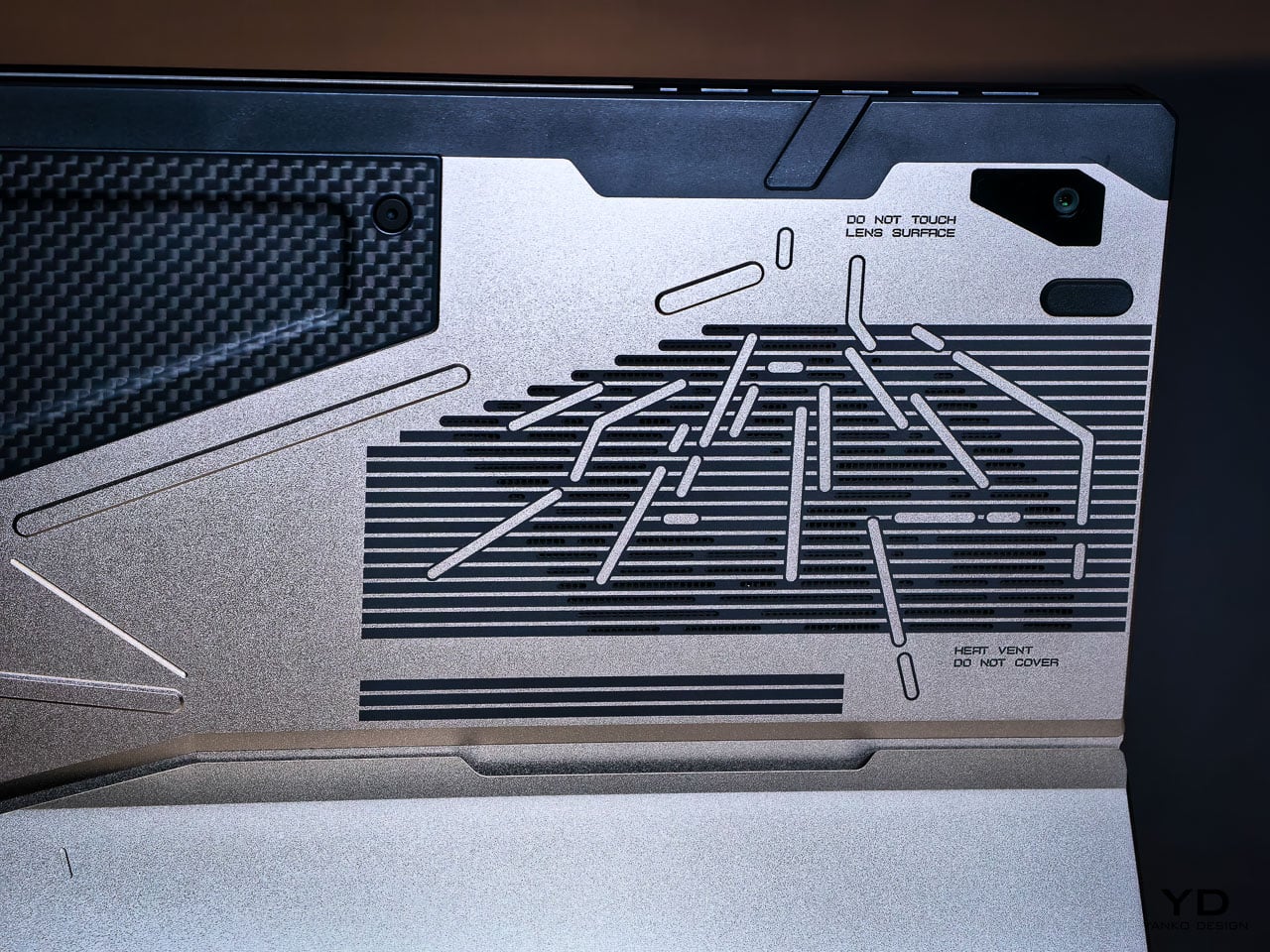
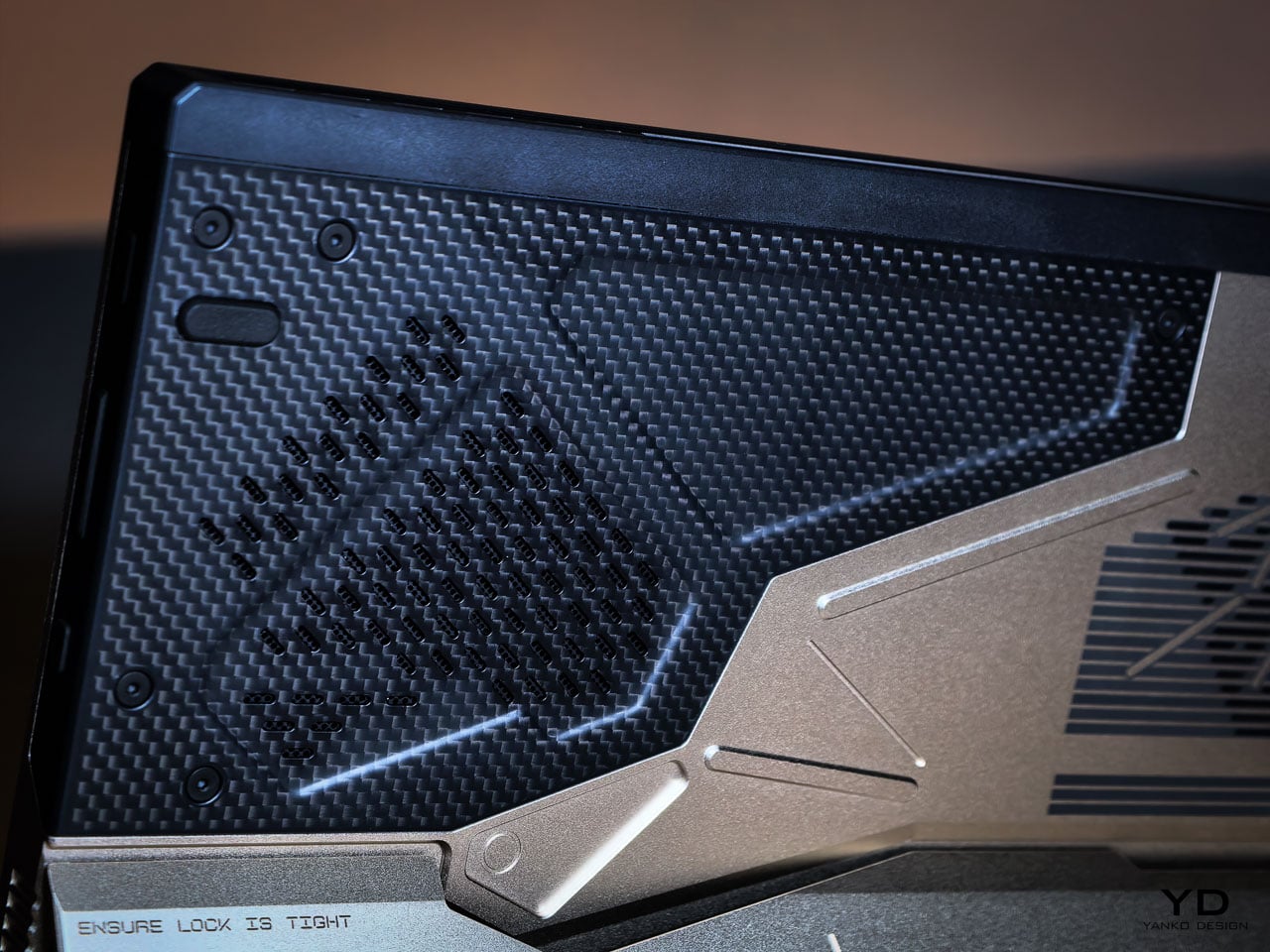
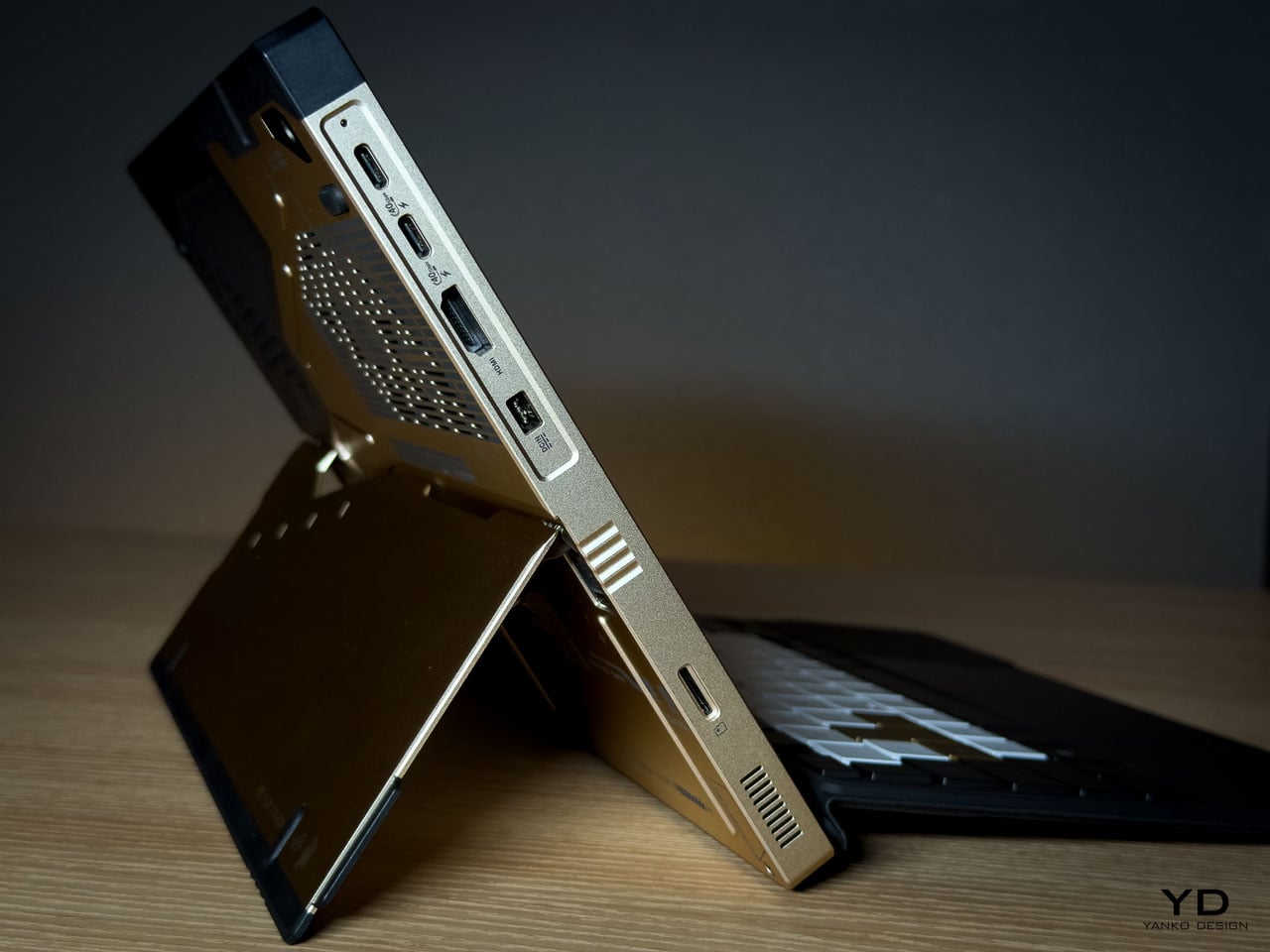
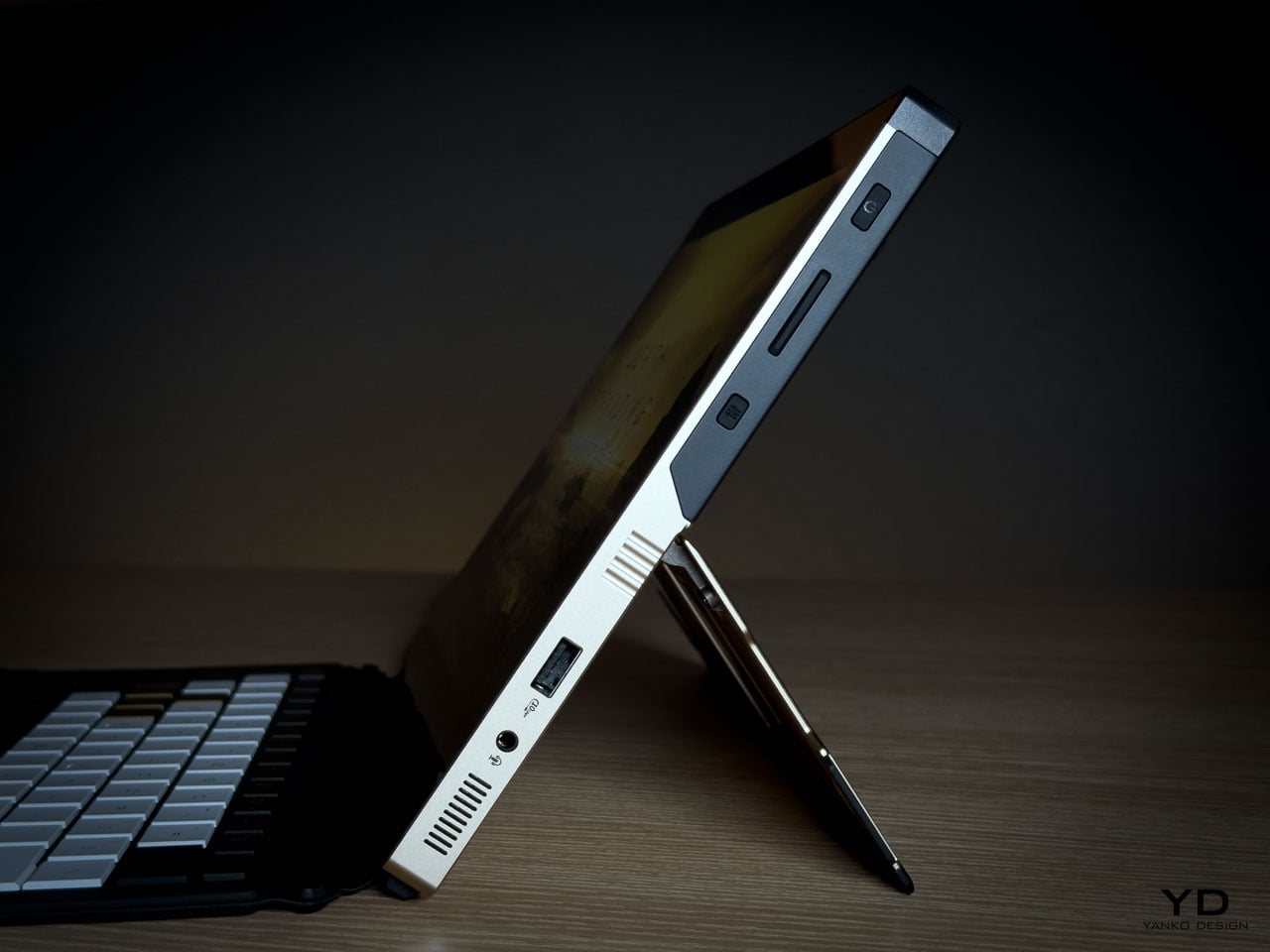
The Compal Rover Play concept solves that by putting the controls on the back of the tablet half of the 2-in-1 laptop, almost like those paddles on the back of modern controllers. These aren’t simple buttons, though, as they would make the laptop look rather odd and unusable when not used to play games. Instead, there are panels on the back of the laptop that slide and fold slightly outward, creating an angled structure that’s like grips on a controller.

These FlexiRear Controllers have ultrasonic sensors that don’t use physical buttons to register presses and gestures. The idea is that instead of using the touchscreen on the front, you use those sensors on the back to control the game. The concept doesn’t exactly explain how those gestures would map to standard controller input, but it’s not difficult to imagine some specialized software making that conversion.

The biggest hurdle for this rather intriguing design is how such controls would feel alien to gamers. Not only would it require a considerable amount of learning effort, switching between this non-standard input method and a conventional controller could also prove to be confusing. Still, Rover Play is an interesting design that aims to bring the best of both worlds, but it’s still a little bit raw for any PC maker to implement in an actual product.

The post Compal gaming 2-in-1 laptop concept has controls hidden on its back first appeared on Yanko Design.