This $3,500 Guitar Changes Colors via Bluetooth, No Repainting Needed

Guitarists obsess over finishes. Sunburst fades, metallic flakes, relic’d nitro that looks like it survived three decades of dive bars, all of it matters until you realize that once you pick a color, you are stuck unless you repaint. Stage rigs and LED walls morph through palettes every night while the guitar stays frozen, a static object carried by musicians who constantly reinvent their sound and visual identity.

Cream Guitars’ DaVinci wraps its entire body in an E Ink Prism 3 panel, turning the surface into a programmable skin that changes colors and patterns over Bluetooth. Instead of a single paint job, the guitar becomes a dynamic canvas. It is the first commercially available product to use Prism 3, which is usually reserved for architectural surfaces and product experiments, not instruments you plug into an amp and carry on tour.

Designer: Cream Guitars

Prism 3 is color changing ePaper, closer to a Kindle page than an LED screen. It does not emit light, just holds pigment using low power electrophoretic particles. DaVinci’s front divides into sixty four segments, each assigned one of seven colors, white, black, yellow, orange, blue, red, or green. That segmentation lets you build stripes, blocks, and faux pickguards, changing the visual structure without touching a spray can.

A guitarist could match the guitar to different projects without owning three instruments. One night, geometric patterns echo album art. Another, a minimalist scheme feels right. The ePaper only draws power when changing, so once set, it sits visible under stage lights without glowing like LEDs or draining the battery between songs or overnight in a case, ready to change again whenever the visual identity shifts.

Under the display sits a Voltage body with roasted maple neck, rosewood fretboard, extra jumbo frets, and Graphtech locking tuners. Fishman Fluence pickups offer three voices, single coil, traditional humbucker, and high output humbucker. The tech wraps around a serious guitar, not a prop with thin pickups that sound disappointing once the visual novelty wears off after the first show or when you need to track a real session.

Traditional refinishing is messy and permanent. Sand, spray, cure, repeat if you change your mind. DaVinci’s ePaper skin reprograms endlessly, with Prism 3’s low power profile positioning it as a more sustainable alternative to LED bodies or constantly changing finishes. The guitar becomes a long term canvas rather than a disposable fashion statement that needs repainting or ends up retired because the color fell out of style after one album cycle.

DaVinci hints at instruments as programmable surfaces that evolve with the player. It feels like a crossover between luthier craft and interface design, where the object in your hands can match your projected identity without needing backup guitars. Whether or not you want one at three thousand five hundred dollars, it is easy to imagine keyboards, drum shells, and amps following the same path, turning stage gear into surfaces that shift as often as setlists do.

The post This $3,500 Guitar Changes Colors via Bluetooth, No Repainting Needed first appeared on Yanko Design.
This $3,500 Guitar Changes Colors via Bluetooth, No Repainting Needed

Guitarists obsess over finishes. Sunburst fades, metallic flakes, relic’d nitro that looks like it survived three decades of dive bars, all of it matters until you realize that once you pick a color, you are stuck unless you repaint. Stage rigs and LED walls morph through palettes every night while the guitar stays frozen, a static object carried by musicians who constantly reinvent their sound and visual identity.

Cream Guitars’ DaVinci wraps its entire body in an E Ink Prism 3 panel, turning the surface into a programmable skin that changes colors and patterns over Bluetooth. Instead of a single paint job, the guitar becomes a dynamic canvas. It is the first commercially available product to use Prism 3, which is usually reserved for architectural surfaces and product experiments, not instruments you plug into an amp and carry on tour.

Designer: Cream Guitars

Prism 3 is color changing ePaper, closer to a Kindle page than an LED screen. It does not emit light, just holds pigment using low power electrophoretic particles. DaVinci’s front divides into sixty four segments, each assigned one of seven colors, white, black, yellow, orange, blue, red, or green. That segmentation lets you build stripes, blocks, and faux pickguards, changing the visual structure without touching a spray can.

A guitarist could match the guitar to different projects without owning three instruments. One night, geometric patterns echo album art. Another, a minimalist scheme feels right. The ePaper only draws power when changing, so once set, it sits visible under stage lights without glowing like LEDs or draining the battery between songs or overnight in a case, ready to change again whenever the visual identity shifts.

Under the display sits a Voltage body with roasted maple neck, rosewood fretboard, extra jumbo frets, and Graphtech locking tuners. Fishman Fluence pickups offer three voices, single coil, traditional humbucker, and high output humbucker. The tech wraps around a serious guitar, not a prop with thin pickups that sound disappointing once the visual novelty wears off after the first show or when you need to track a real session.

Traditional refinishing is messy and permanent. Sand, spray, cure, repeat if you change your mind. DaVinci’s ePaper skin reprograms endlessly, with Prism 3’s low power profile positioning it as a more sustainable alternative to LED bodies or constantly changing finishes. The guitar becomes a long term canvas rather than a disposable fashion statement that needs repainting or ends up retired because the color fell out of style after one album cycle.

DaVinci hints at instruments as programmable surfaces that evolve with the player. It feels like a crossover between luthier craft and interface design, where the object in your hands can match your projected identity without needing backup guitars. Whether or not you want one at three thousand five hundred dollars, it is easy to imagine keyboards, drum shells, and amps following the same path, turning stage gear into surfaces that shift as often as setlists do.

The post This $3,500 Guitar Changes Colors via Bluetooth, No Repainting Needed first appeared on Yanko Design.
E-ink Vocabulary Card E2 Fits Language Learning Into a Gum Pack

Most language learning apps live on phones, competing with notifications, social media, and every other distraction fighting for your attention. Opening Duolingo between classes usually turns into five minutes of vocabulary followed by twenty minutes of scrolling through feeds you’ve already checked twice. Designers are starting to build tiny, single-purpose devices that turn fragmented time into focused practice instead of another excuse to stare at your phone screen until your eyes hurt.

The E-ink Vocabulary Card E2 is one of those tools, a chewing-gum-sized e-ink vocabulary device aimed at students but usable by anyone learning a new language. It pairs with a phone via Bluetooth to pull in study materials and memory modes from an app, then lets you review words on a 2.7-inch e-ink screen without opening your phone. It’s small enough to live in a pocket yet designed to feel like a dedicated learning tool.

Designer: DPP .

The form factor is remarkably simple. A slim rectangular bar about the size of a pack of gum, weighing only thirty grams. Rounded corners, soft edges, and a two-tone color scheme in orange, pink, green, or grey make it look friendly and approachable. The main action button is tilted at five degrees, tuned for thumb reach when you hold it in one hand, while the simple layout keeps the interaction logic easy to understand.

The 2.7-inch e-ink touch screen is the real selling point. Low blue light and low radiation make it easier on the eyes than a phone, and the high contrast gives a reading experience close to paper. Because e-ink only draws power when the screen changes, the device can reach around one hundred fifty days of standby time, which means it’s always ready when you pull it out between classes or on a commute.

E2 connects to a mobile app over Bluetooth. The device supports nine built-in languages, and the app lets you import more content and choose different study modes or memory patterns that match your learning style. You can load word lists, practice exercises, and review sessions, then leave the phone in your bag while the card handles the actual on-the-go practice.

The IP68 protection rating makes the card dust-tight and waterproof enough for more adventurous use. The renders show it in a gym, on a train, and even in a futuristic space scene, reinforcing that it’s meant to live in pockets and hands without babying. A matching wrist strap accessory clips into the body, adding security and a bit of personality to the tiny device.

The visual language is intentionally soft and playful. Big icons, rounded rectangles, and cheerful colorways make it feel more like a friendly gadget than test prep gear. The E-ink Vocabulary Card E2 treats vocabulary learning like checking a notification, but without the noise of a full smartphone, turning spare seconds into small, focused steps toward fluency.

The post E-ink Vocabulary Card E2 Fits Language Learning Into a Gum Pack first appeared on Yanko Design.
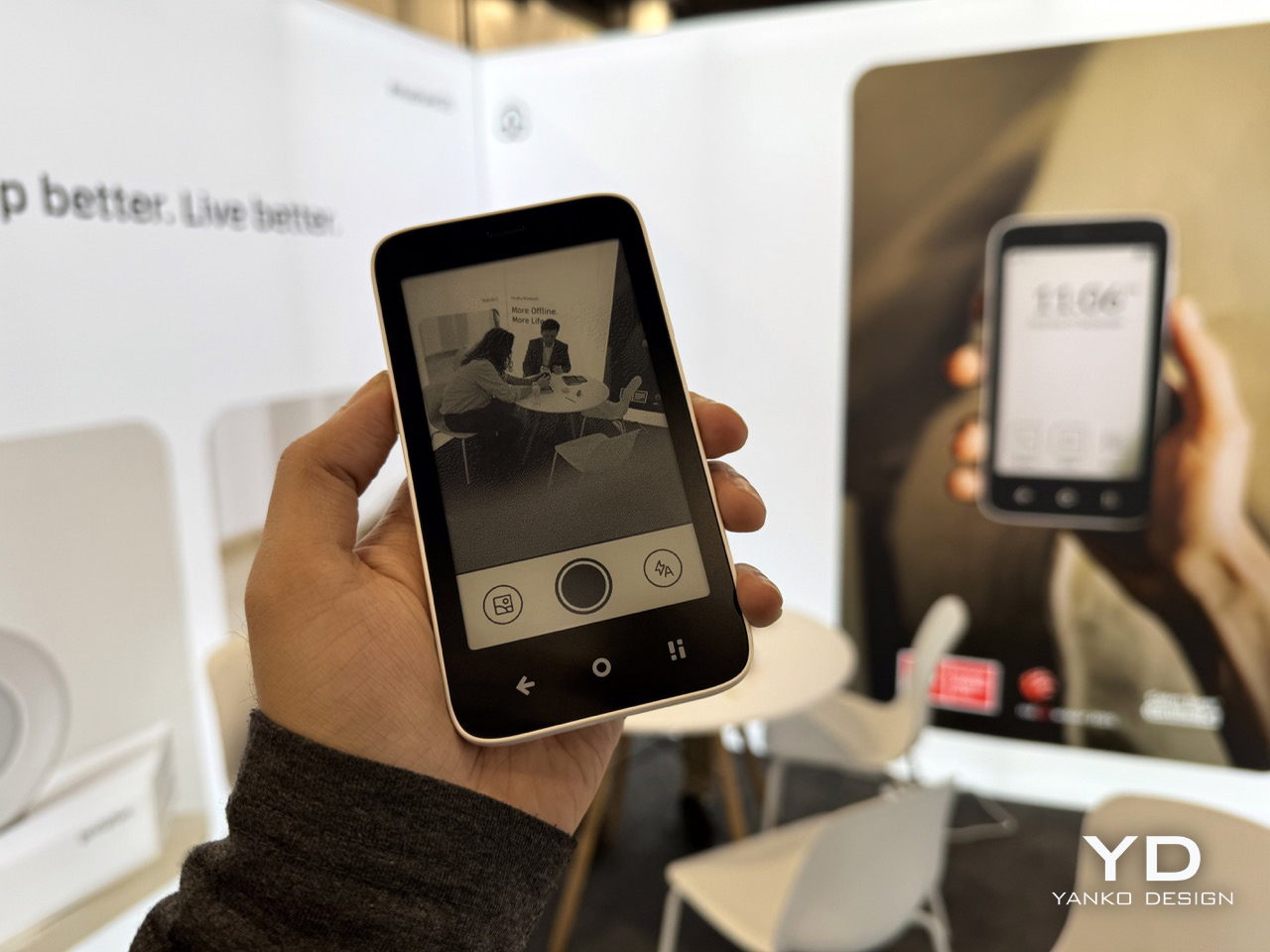
DIY 3D-Printed Clamshell Turns BOOX Palma Into a Tiny Laptop

Palmtops and UMPCs are experiencing a quiet resurgence among people who want something more focused than a laptop and more tactile than a phone. Compact e-ink devices and tiny Bluetooth keyboards have become affordable building blocks for exactly this kind of project, letting makers combine them into pocketable machines tailored to writing, reading, or just tinkering. The result is a small but growing wave of DIY cyberdecks and writerdecks that feel like modern reinterpretations of classic Psion palmtops.

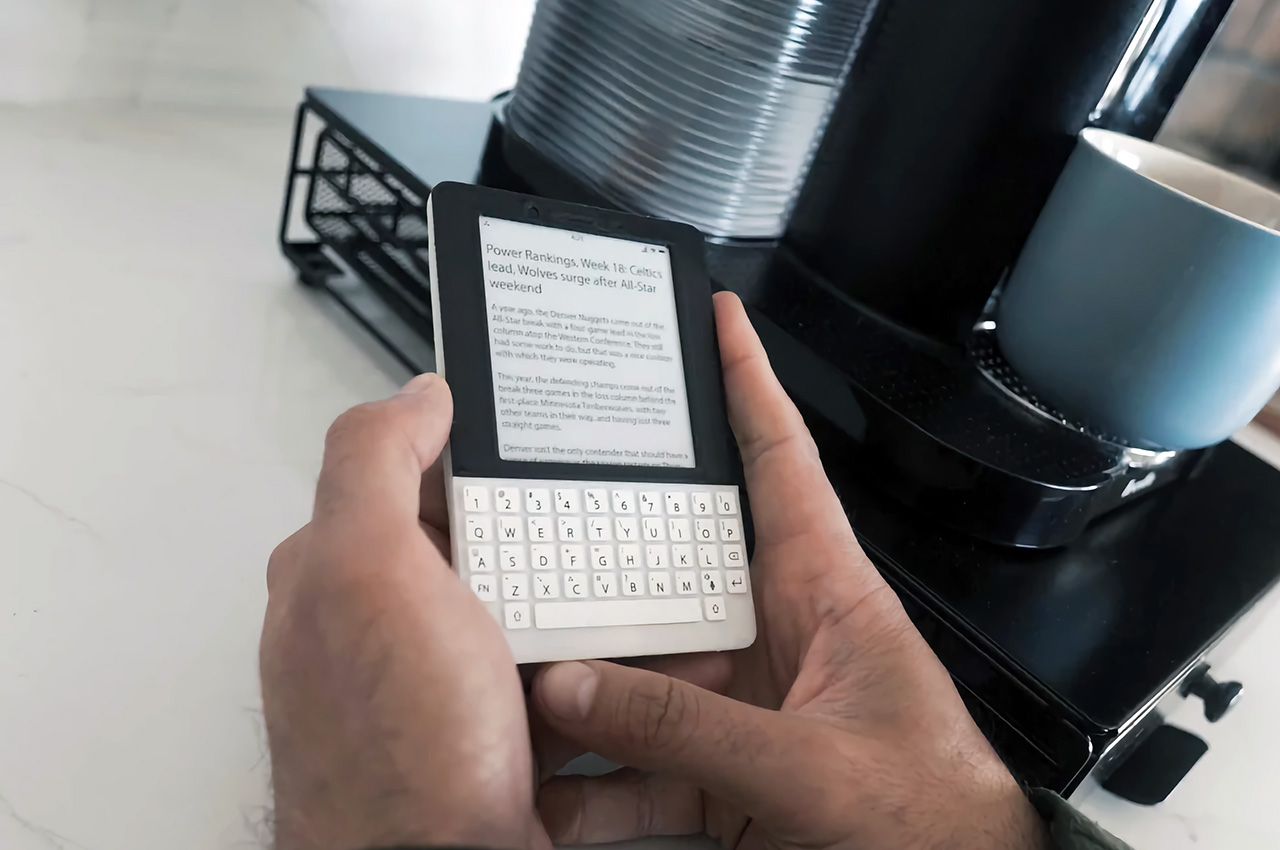
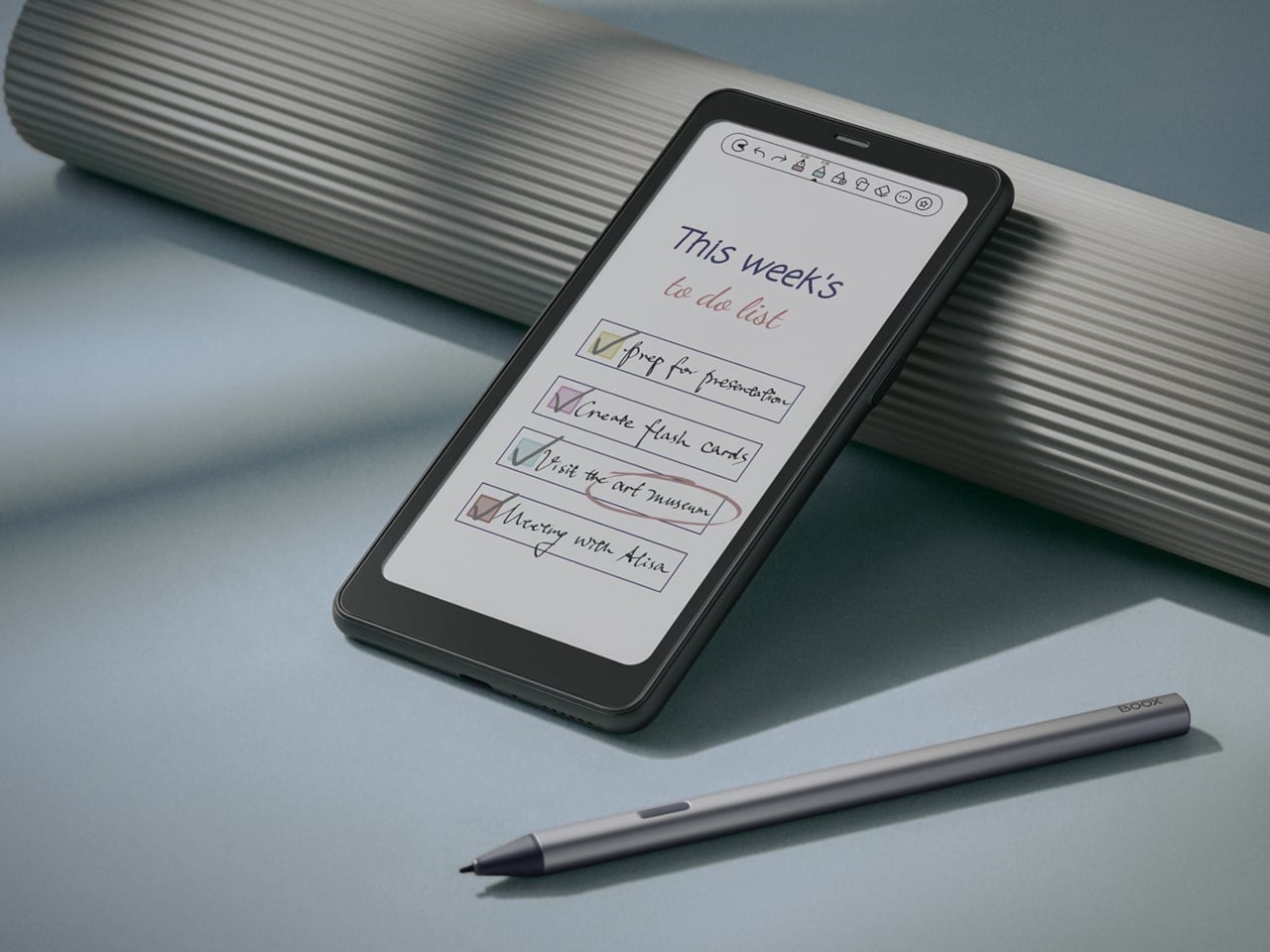
The Palm(a)top Computer v0 is one of those projects, born on Reddit when user CommonKingfisher decided to pair a BOOX Palma e-ink Android phone with a compact Bluetooth keyboard and a custom 3D-printed clamshell case. The result looks like a cross between a vintage Psion and a modern writerdeck, small enough to slide into a jacket pocket but functional enough to handle real writing and reading sessions on the go.

Designer: CommonKingfisher

The core hardware is straightforward. The BOOX Palma sits in the top half of the shell, while a CACOE Bluetooth mini keyboard occupies the bottom half. The keyboard was originally glued into a PU-leather folio, which the maker carefully peeled off using gentle heat from a hair dryer to expose the bare board. When opened, the two halves form a tiny laptop layout with the e-ink screen above and the keyboard below.

The clamshell itself is 3D-printed in a speckled filament that looks like stone, with two brass hinges along the spine giving it a slightly retro, handcrafted feel. Closed, it resembles a small hardback book with the Palma’s camera cutout visible on the back. Open, the recessed trays hold both the screen and keyboard flush, turning the whole thing into a surprisingly polished handheld computer, considering it’s a first prototype.

The typing experience is functional but not perfect. The maker describes it as “okay to type on once you get used to it,” and thumb typing “kinda works,” though it’s not ideal for either style. You can rest the device on your lap during a train ride and use it vertically like a book, with the Palma displaying an e-book and the keyboard ready for quick notes or annotations.

The build has a few issues that the maker plans to fix in the next version. It’s top-heavy, so it needs to lie flat or gain a kickstand or counterweight under the keyboard, possibly a DIY flat power bank. The hinge currently lacks friction and needs a hard stop around one hundred twenty degrees to keep the screen upright. There are also small cosmetic tweaks, like correcting the display frame width.

Palm(a)top Computer v0 shows how off-the-shelf parts and a 3D printer can turn a niche e-ink phone into a bespoke palmtop tailored to one person’s workflow. Most consumer gadgets arrive as sealed rectangles you can’t modify, but projects like this embrace iteration and imperfection. It’s less about having all the answers and more about building something personal that might inspire the next version.

The post DIY 3D-Printed Clamshell Turns BOOX Palma Into a Tiny Laptop first appeared on Yanko Design.
This E Ink Clock Prints Fortunes and Jokes on Paper Slips

Time usually passes without much fanfare. Numbers flip on your phone screen, the day blurs from morning coffee to evening TV, and most minutes feel interchangeable. Clocks are background objects, functional but forgettable, doing nothing more than reminding you how late you’re running. There’s no ceremony to checking the time, no surprise waiting when you glance at the display. It’s just numbers counting down to whatever you’re supposed to do next.

Houracle by True Angle approaches this differently. Instead of treating time as something that simply ticks away, it turns each minute into a potential moment of delight. The device is part clock, part oracle, with an eco-friendly thermal printer tucked into the top that spits out fortunes, jokes, riddles, or random facts tied to the exact moment you press the button. It’s the kind of thing that makes you want to check the time just to see what happens.

Designer: True Angle

Click Here to Buy Now: $128 $213 (40% off). Hurry, only a few left!

The design is deliberately retro. A boxy, powder-coated aluminum body with rounded edges, a large orange or yellow button on the top, and an e-ink display that looks like a pencil sketch on paper. The screen shows the time and date, the weather for your selected location, and a small prompt inviting you to press print. Five icons along the right edge let you select modes, fortune, fact, joke, riddle, or surprise, each represented by simple graphics.

Press the button and the printer whirs to life, a satisfying mechanical sound as the paper slip emerges from the top. At 7:42 in the morning, it might tell you destiny took a coffee break and suggest making your own magic. At 11:15, it could mention your brain runs on about 20 watts, enough to power a dim bulb or a brilliant idea. The messages feel oddly personal because they’re tied to that specific minute.

What makes this genuinely charming is how the slips accumulate. They end up on the fridge, tucked into notebooks, or shared with family members over breakfast. Heck, you might find yourself printing extras just to see what weird fact or ridiculous joke Houracle generates next. The lucky numbers printed at the bottom add an extra layer of whimsy that completes the fortune cookie vibe without taking itself too seriously.

The e-ink screen plays a bigger role than you’d expect. Unlike the glowing blue displays most clocks use, this one reflects ambient light rather than emitting it. That makes it easier on the eyes, especially at night, and gives the whole device a calming presence. The screen updates when you interact with it, but otherwise sits quietly, blending into the background.

Of course, the whole thing runs on wall power, which means no batteries to replace or USB cables to manage. The aluminum body is built to last, assembled with screws rather than glue. Houracle also uses BPA and BPS-free thermal slips, sourced from a company that plants a new tree or restores kelp in the ocean for every box of thermal rolls purchased. True Angle designed Houracle with sustainability in mind, using recyclable materials and avoiding planned obsolescence.

What’s surprising is how much a simple printed slip can shift your mood. A clever riddle before bed, a dumb joke during a work break, or a strange fact that makes you pause for a second. These aren’t profound moments, but they add small pockets of joy to days that might otherwise feel routine. Houracle captures the anticipation you used to feel when cracking open a fortune cookie.

The device sits on your desk or nightstand, looking unassuming until you press that button and hear the printer activate. Then it becomes something else entirely, a little machine that marks time with paper artifacts you’ll probably keep longer than you should. For anyone who’s tired of clocks that just tell time and do nothing else, that small shift makes all the difference.

Click Here to Buy Now: $128 $213 (40% off). Hurry, only a few left!

The post This E Ink Clock Prints Fortunes and Jokes on Paper Slips first appeared on Yanko Design.
Amazon Kindle Colorsoft Signature Edition finally catches up with the eReader trend

The eBook reader, a.k.a. eReader, market has grown considerably since the very first Kindles, now encompassing a more varied range of devices and capabilities. There are plenty that are really Android tablets in disguise, and some have gone beyond the blacks and grays of conventional E Ink devices. Despite all these advancements, Amazon’s devices are still the household name in this market, but the Kindle seems to have fallen behind its rivals in features. It wasn’t until late 2022, for example, that Amazon launched its first pen-enabled Kindle, the Scribe, and now it’s making another step forward with its first-ever Color E Ink device, the Kindle Colorsoft Signature Edition.

Designer: Amazon

Color E Ink isn’t a new technology, but Amazon has been very slow to embrace it. On the one hand, its core audience and the bulk of its library are centered around plain text eBooks anyway so it might not have been a high priority. But with more electronic documents embracing color and eReaders offering functions beyond just basic reading, it was definitely high time for a Kindle to follow suit.

The Kindle Colorsoft Signature Edition brings Amazon’s eReader family up to snuff, slapping a 7-inch E Ink Kaleido screen on a very familiar design. Of course, it also comes with a few Kindle innovations, like custom-formulated coatings between display layers to enhance the typically dull colors of Color E Ink, micro-deflectors to minimize stray light, and an oxide backplane for better image quality and faster page turns. There’s also 32GB of storage on board and support for wireless charging, the latter a rarity in this device category.

With a $279.99 price tag, the Amazon Kindle Colorsoft Signature Edition is quite pricey compared to other Color E Ink devices, such as the BOOX Go Color 7 and Bigme B751C, both of which have a more open Android operating system. In this regard, the Kindle Colorsoft probably only makes sense for people already hooked or locked into Amazon’s ecosystem, which includes comics and other colored documents.

Amazon also launched new editions of its existing Kindle devices, upgrading the pen-enabled Kindle Scribe with the ability to make in-book annotations using the stylus. The new Kindle Paperwhite also promises even faster page turns with a larger 7-inch display that still manages to be its thinnest Paperwhite. On the flip side, Amazon has officially discontinued the Kindle Oasis, the last of its kind in the Kindle family to have physical page-turn buttons.

The post Amazon Kindle Colorsoft Signature Edition finally catches up with the eReader trend first appeared on Yanko Design.
Onyx BOOX Go 6 proves it has become the Nokia of eReaders

eBook readers or eReaders, for short, have come a long way since the day of the first Kindles and Nooks. While they still retain that book-centric DNA, many of them have become more capable and adopted new functionality, from writing down notes to becoming digital notebooks and organizers. In fact, many of these eReaders have become Android tablets and phones with E Ink displays instead of LCDs and OLEDs. Of the growing number of players in this arena, Onyx BOOX stands out as one of the most prolific brands as proven by the launch of its third new device in three months, almost like the mobile phone giant Nokia that flooded the market with innumerable and indistinguishable models.

Designer: Onyx BOOX

Fortunately, Onyx does have just a dozen models under its name, but that’s only if you count the ones it currently sells. There are a few that have already been taken off its shelves, even just a year or two after they launched or even less (looking at you, BOOX Tab Ultra C). It’s not unusual for some of these models to have overlapping feature sets, at which point the older one gets booted out. And that seems to be the case with the newest member of the BOOX Go family, the BOOX Go 6.

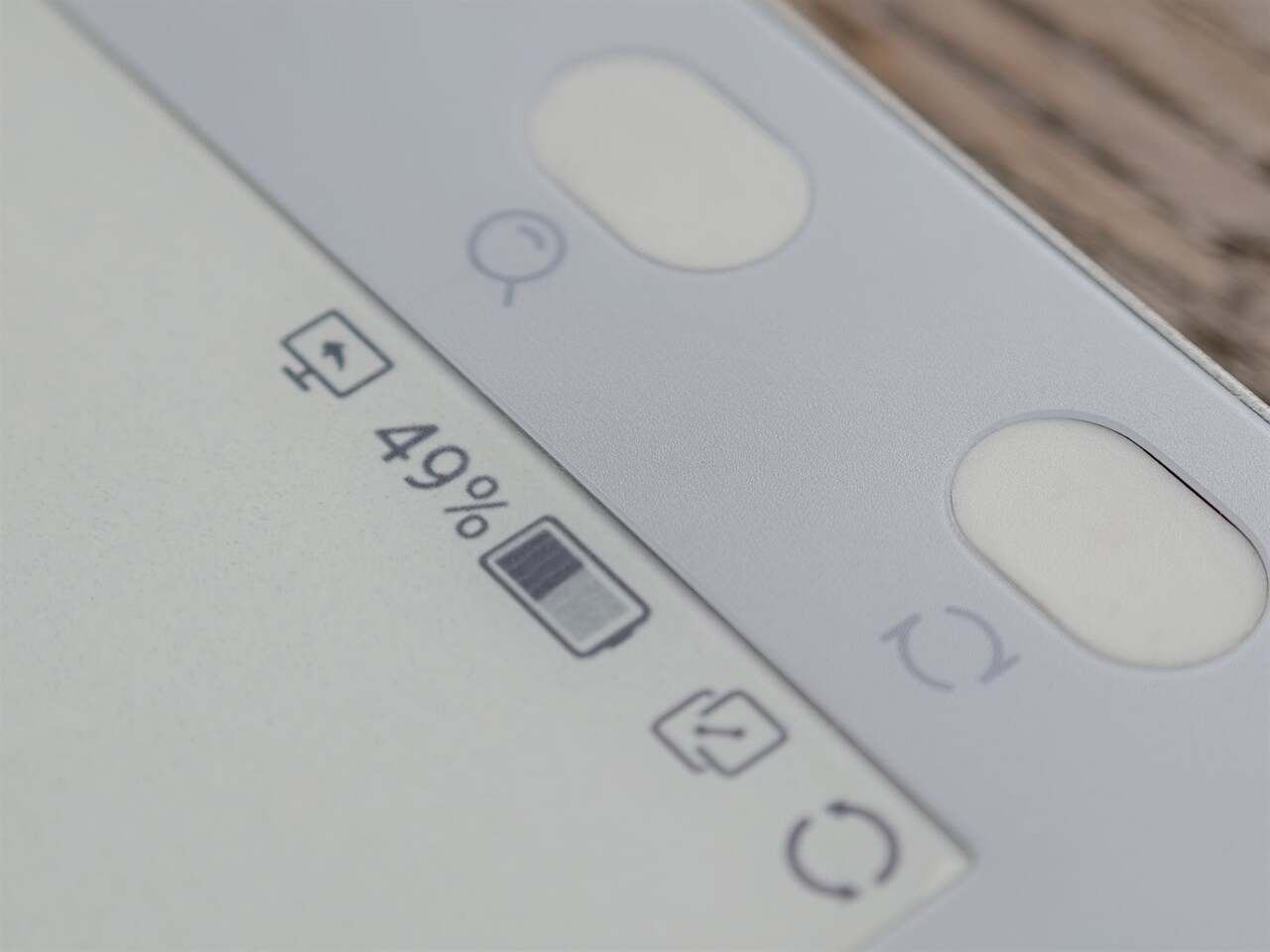
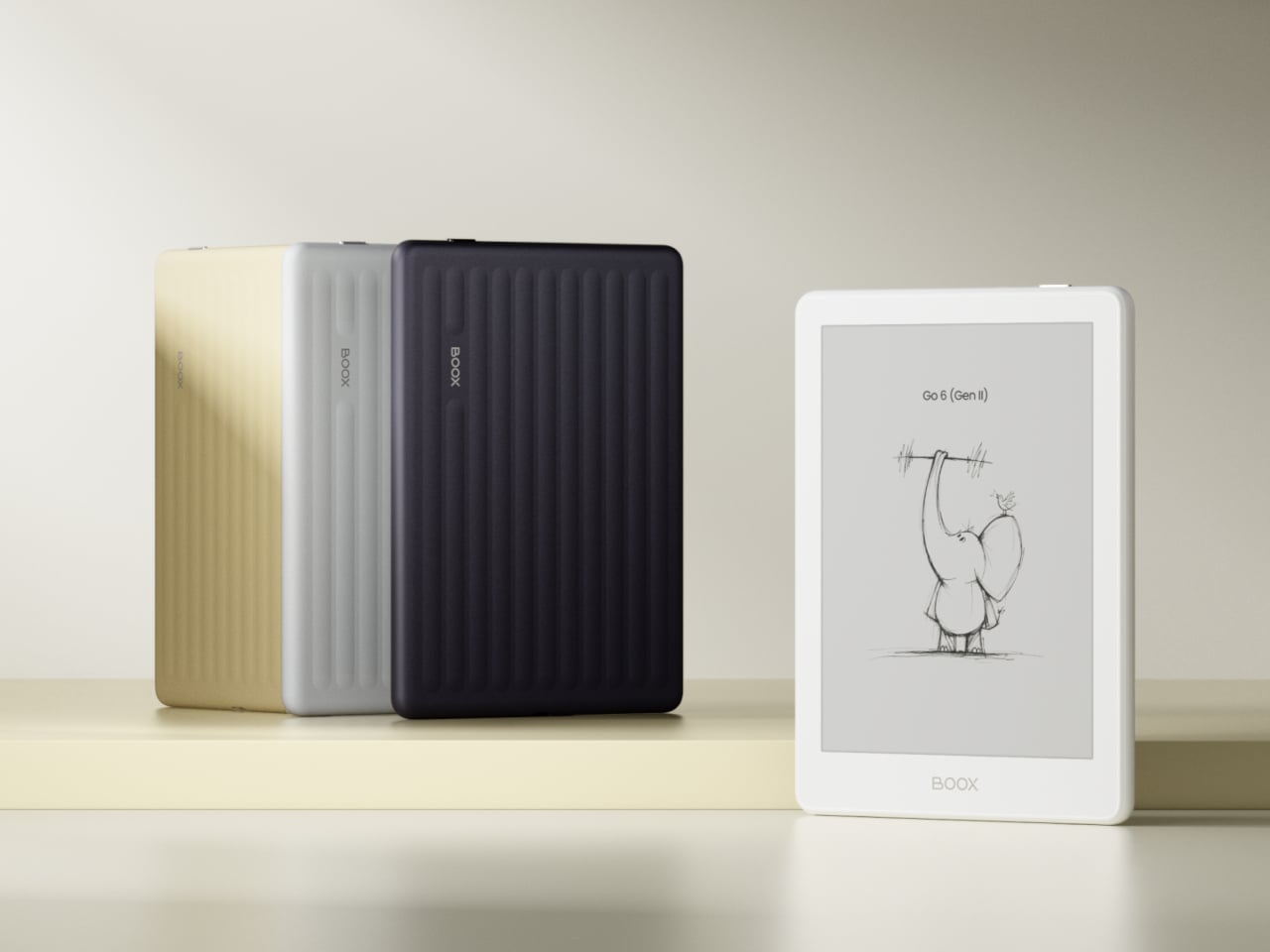
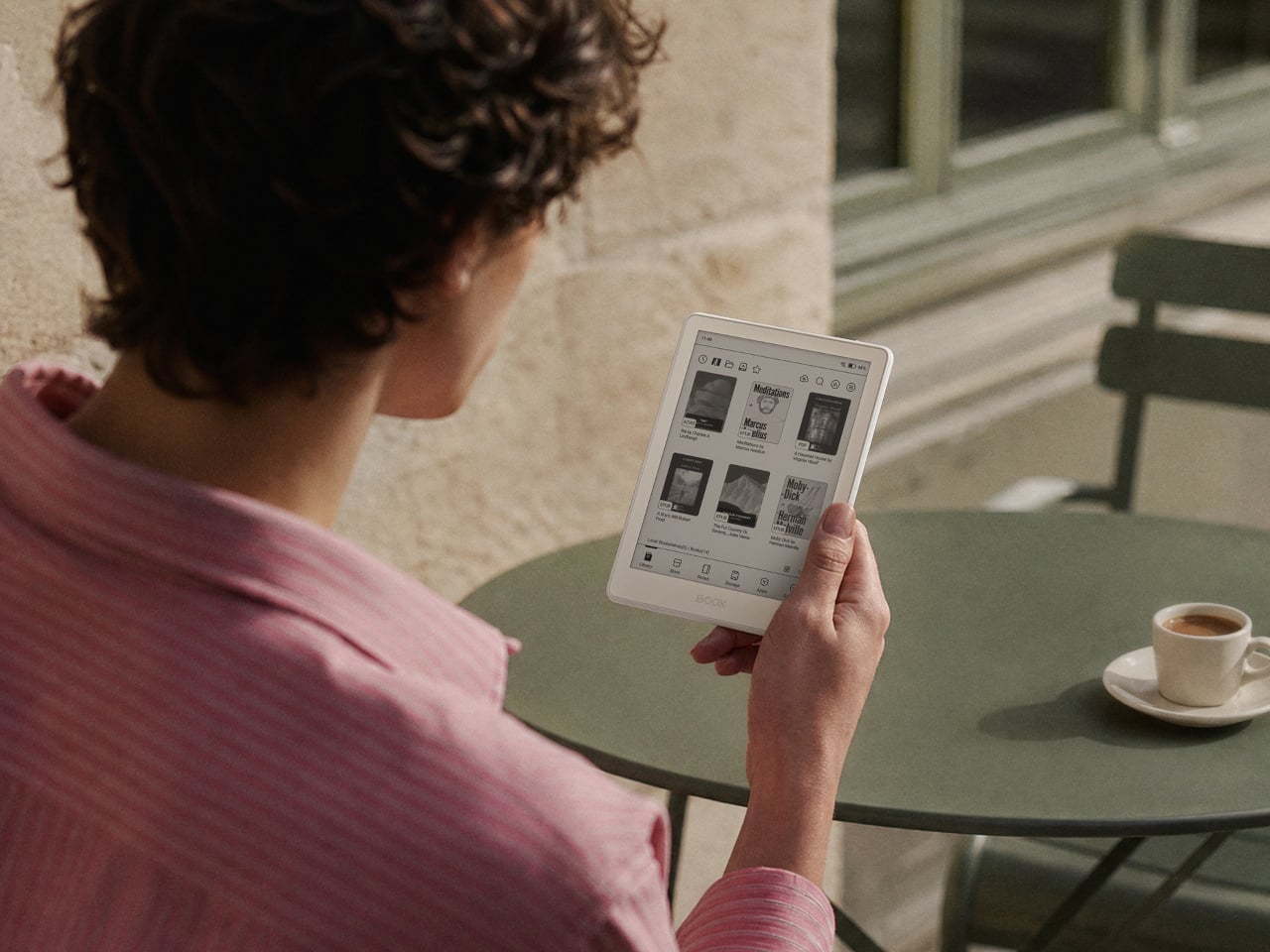
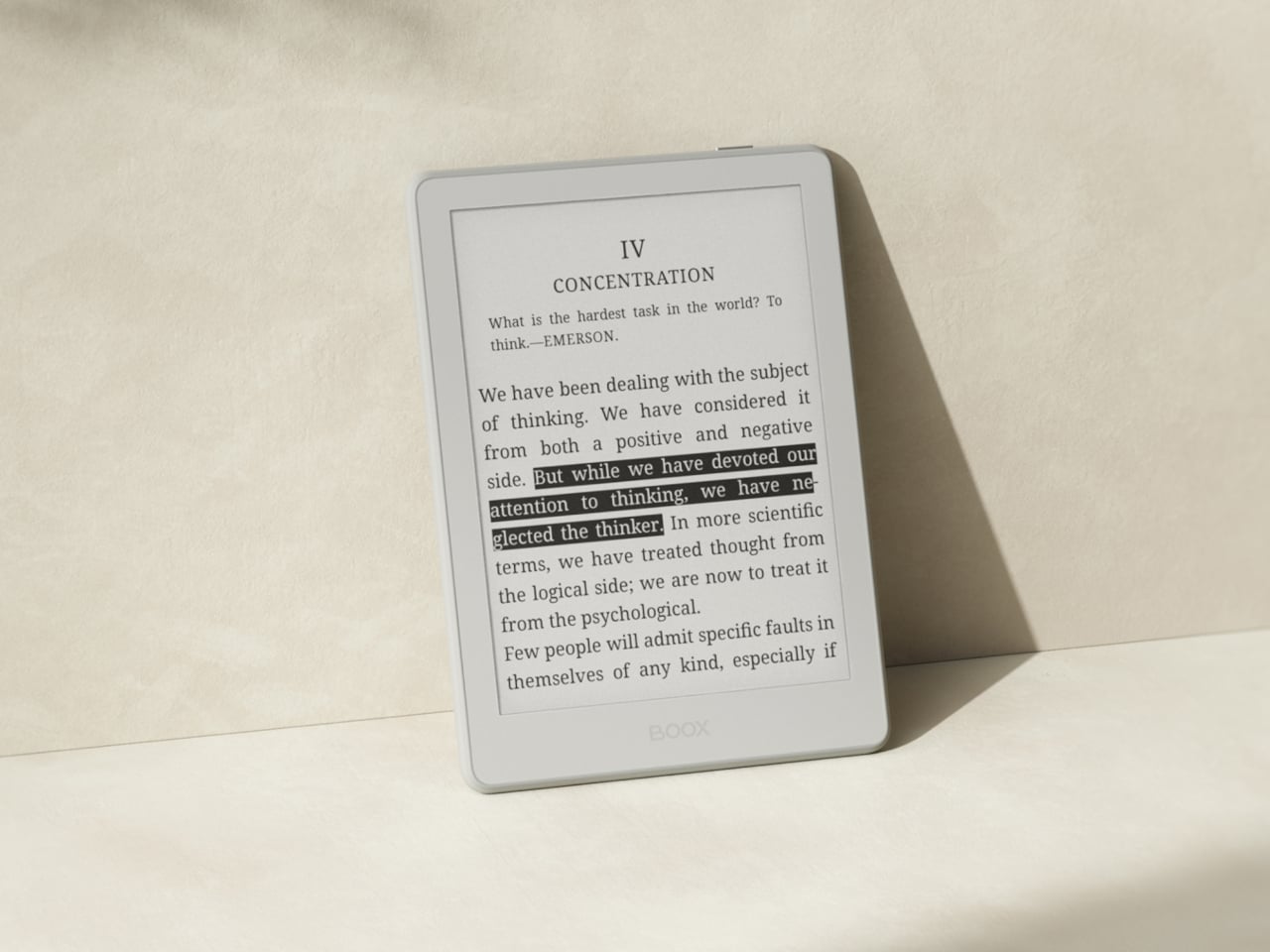
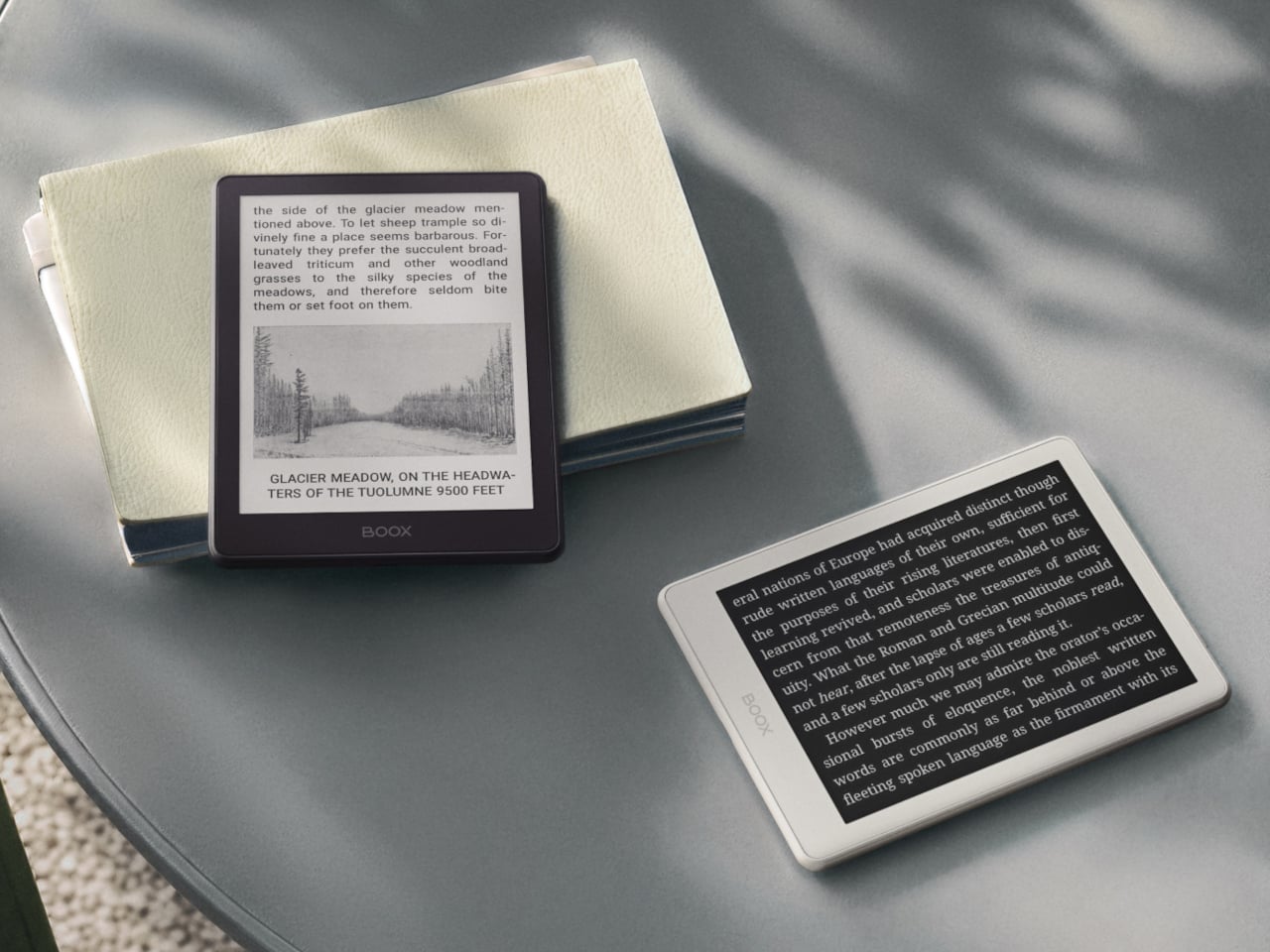
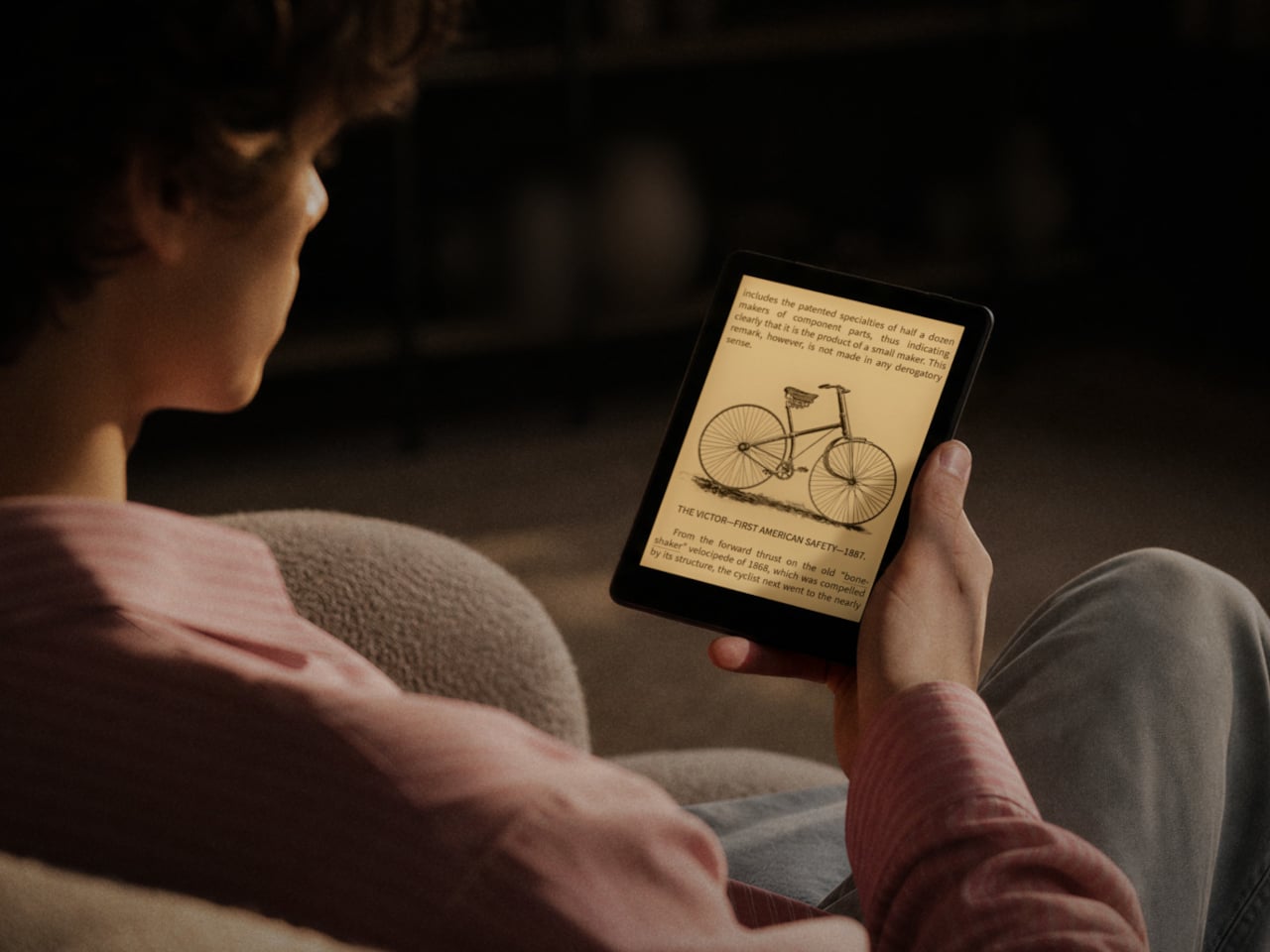
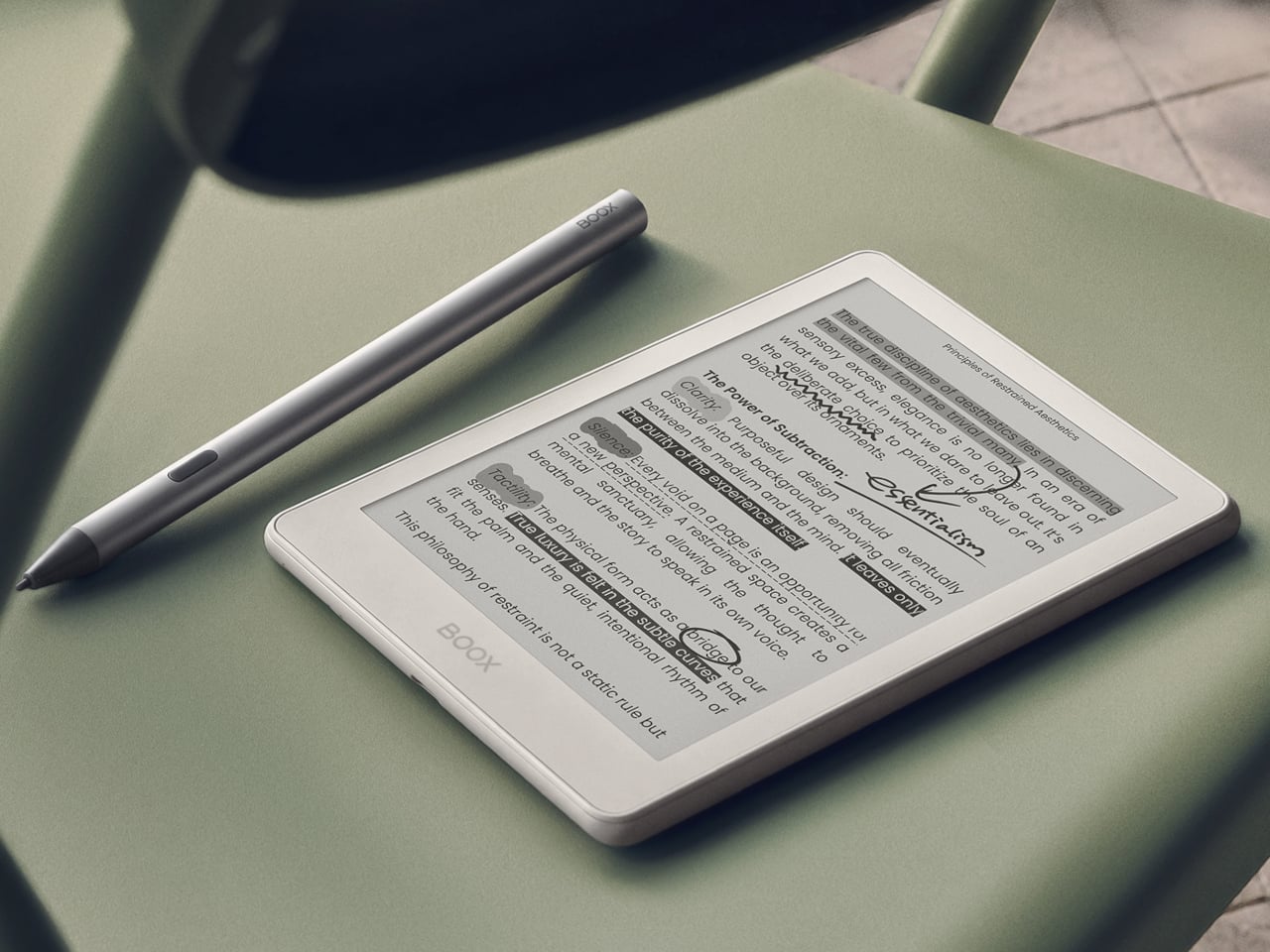
The Onyx BOOX Go 6 is basically the offspring of the BOOX Go Color 7 and the BOOX Go 10.3. With a 6-inch E Ink Carta Plus 1300 screen, it’s smaller than both, as expected of a child, making it the ultimate portable reading device. Like the BOOX Go 10.3, it has a monochrome display, which offers crisper and sharper text but at the expense of displaying any hue of color other than shades of gray. But unlike that larger “digital notebook” and more like the BOOX Go Color 7, it actually has a frontlight that makes it usable in the dark.

Those familiar with BOOX’s lineup before this would probably remember the BOOX Poke 5 which, despite the name, is also a 6-inch eReader with nearly the exact same specs except for one or two details. The biggest difference is the slightly more powerful processor (octa-core versus quad-core) and running a more updated Android 12 operating system. The latter is still old, but that’s actually the latest that Onyx has to offer.

The BOOX Go 6 is also cheaper by $20 and is a bit lighter than the Poke 5. That said, the BOOX Poke 5 was only taken off the brand’s online store recently, so it’s unsurprising that there are many disgruntled customers about this unexpected turn of events. On its own, the BOOX Go 6 does offer the company’s most portable and simplest reading experience, though it remains to be seen if that will still be true in just a few months should BOOX come out with another 6-inch or smaller device that makes this one pointless.

The post Onyx BOOX Go 6 proves it has become the Nokia of eReaders first appeared on Yanko Design.
Onyx BOOX Go Color 7 E-reader Review: Bringing Back the Simple Joys of Reading

PROS:


  • Compact and comfortable size for long reading

  • Stylish textured back cover

  • Impressive color E Ink display and performance

  • Google Play support out of the box

CONS:


  • Gapless page turn buttons

  • Some ghosting with color content

  • Fine-turning display settings per app can be overwhelming

RATINGS:

AESTHETICS
ERGONOMICS
PERFORMANCE
SUSTAINABILITY / REPAIRABILITY
VALUE FOR MONEY

EDITOR'S QUOTE:

Wrapped in a highly portable and stylish design, the BOOX Go Color 7 delivers a joyful reading experience without the distracting and sometimes confusing extra features.

Onyx BOOX is one of the more prolific E-book Reader manufacturers in the market today, always pushing the envelope of what these devices can do. It has almost a dozen models under its name, not counting discontinued ones, and every new release adds a few more features on top of the pile. While it’s good to advance the state of E-readers, sometimes one can mistake the forest for the trees and lose sight of what’s important. With the new BOOX Go line, the company is stepping back and focusing on the essentials, and while the BOOX Go 10.3 is presenting itself as a replacement for paper notebooks, the BOOX Go Color 7 is promising a return to what E-readers are meant to do: make reading pleasurable anytime, anywhere. So we pull off the shrink wrap and press the power button to see where the BOOX Go Color 7 stands in this growing sea of similar E Ink devices.

Designer: BOOX

Aesthetics

The Onyx BOOX Go Color 7 is at once both minimalist and stylish, depending on which side you’re looking at. The front has your typical asymmetrical design where one side extends beyond the screen bezel, creating not only a convenient place to hold but also a home for the physical page-turn buttons. It’s extremely bare, without even the BOOX name, making the 7-inch E Ink Kaleido 3 the sole focus of your attention. The glass protecting the screen sits flush with the bezels, creating a seamless and clean appearance that speaks to the maturity of this design.

Flip the device over and you have something more interesting, both for your eyes and your fingers. Eschewing the typical matte plastic cover on these devices, BOOX uses a paper-like material that adds not just texture but also improves your grip. In a way, it tries to bring back the tactile experience of holding a paper book in your hands, a small pleasure that is lost with these devices.

The BOOX Go Color 7 is hardly the thinnest nor the lightest, even among 7-inch E-readers, but it is definitely in that group. Its compact and portable design makes it a familiar face, one that makes it clear that this is a device for reading books. It just so happens to run Android, just like a tablet.

Ergonomics

While the BOOX Go 10.3 aimed for maximum thinness and minimum weight, its smaller but more colorful sibling is admittedly a bit all over the place. Compared to BOOX’s other 7-inch devices, it’s only slightly lighter but a bit thicker than the monochrome BOOX Page, but it definitely trumps the BOOX Tab Mini C in every dimension. Suffice it to say, it’s not going to break records, but it won’t break your wrist either.

The BOOX Go Color 7 is designed with ergonomics at its core, and not just because it’s small and light. That textured back cover does more than just make the E-reader look good, it also adds to its grippiness. You definitely won’t have to worry too much about the device slipping off your hand, nor do you even have to fret about leaving greasy fingerprints on the paper-like material.

The small E-reader is also designed for one-handed use, even for turning pages. The physical buttons, or button rather, are positioned precisely where you’d rest your thumb, so you easily press down either end to move forward or backward. It doesn’t even care if you’re right-handed or left-handed, because thanks to its support for auto-rotation, the buttons know which way is up all the time. The one design gripe we have is that the page-turn button is just a single, indistinguishable bar with no gap to separate the two functions. You’ll find yourself losing a few precious seconds either trying to feel for which end is which or, more likely, looking at the button to make sure you’re hitting the right half.

Performance

Anyone familiar with the BOOX family of devices pretty much knows its DNA. Every single one at this point is practically an Android device decked with an E Ink panel, not the custom operating systems used by Kindles and Kobos. Even better, it actually has Google Play support already built-in, which means you have access to almost all Android apps available, including those that you can sideload on your own.

Of course, you’ll have to set your expectations correctly, despite all the potential that the platform has. This is not a powerful Android device, not with an aging Qualcomm Snapdragon 665 processor and just 4GB of RAM. It’s enough to run a few apps, especially those related to reading or even browsing the Web, but it won’t be as fluid an experience, especially with the E Ink display, which we’ll get to later. There’s 64GB of onboard storage that you can expand up to 1TB with a microSD card. Definitely plenty of room for books and even audio files or recordings.

The killer feature is, of course, the E Ink Kaleido 3 screen, which also separates the BOOX Go Color 7 from the almost identical BOOX Page. This former supports 4,096 colors while the latter is just different shades of black and white. On top of this, BOOX adds its own technologies to tweak the performance of the E Ink panel, like introducing different refresh modes to make you choose between quality and speed, among other things. Suffice it to say, Onyx’s expertise in this area clearly shows how clear, crisp, and colorful the screen can be. Plain black and white text renders at 300ppi and is a joy to read, while colored content is halved at 150ppi, which is typical for this display. Nonetheless, reading comics and magazines is still comfortable and meaningful, even with muted tones.

The BOOX Go Color 7 brings back a bit of sanity by having front lighting and configurable light temperature, something that the BOOX Go 10.3 removed for the sake of thinness. This means you can easily read with the device at night, in the dark, or in any low-light situation, whenever and wherever you feel the urge to knock a few pages off your reading list. Onyx, however, did exclude a few features to keep the product light not only in weight but also in cost. There is no Wacom digitizer for scribbling notes, for example. It also doesn’t feature the company’s famed BOOX Super Refresh or BSR, a technology that significantly reduces ghosting at the expense of battery life. Otherwise, the E-reader’s 2,300mAh battery wouldn’t last the days that it did.

At the end of the day, the Onyx BOOX Go Color 7 is hyper-focused on doing only one thing and one thing well: be an enjoyable E-book Reader, whether that’s a plain-text book or a colorful magazine. It doesn’t distract you with features only tangential to that activity, like taking notes, making sketches, or even watching videos. While you can install almost any Android app under the sun, the hardware limitations actually serve to dissuade you from subverting the product’s spirit and purpose. And when it comes to that, the BOOX Go Color 7 is definitely one of the best choices in the market today.

Sustainability

Onyx is a company that has grown by leaps and bounds over the past few years. The number of devices it has launched is quite significant, but that also means the amount of material waste that comes from these devices is substantial as well. Fortunately, these devices are made for long-term use, unlike phones and tablets which still have a very high turnover. That only delays the inevitable, however, so we’re still looking forward to the day that the company starts switching to more sustainable materials or recycled plastics for its products.

Although Onyx does make devices with longevity in mind, the same can’t be said for the version of Android they use. The BOOX Go duo, for example, uses a nearly three-year-old Android 12, and most of its products were using Android 11 before that. Granted, E-readers aren’t exactly known for keeping up with the latest software fads, but those don’t run Android either. What this means is that not only are BOOX devices behind in terms of potentially useful features and optimizations, they’re also lagging in security patches and bug fixes that would protect users from digital harm.

Value

The Onyx BOOX Go Color 7 is a delightful little device designed to make reading enjoyable anywhere you are. It has a solid set of capabilities that focus on this core use case and isn’t encumbered by extraneous features, though it still leaves the door wide open for other experiences. On its own, it is quite a competitive product, especially with a $249.99 tag, but it doesn’t exist in a vacuum and, in a way, even competes with BOOX’s other 7-inch readers. Fortunately, the distinction between them is quite clear, especially when it comes to their price tag.

Closest to it is the BOOX Page, to the point that it could have very well been called the BOOX Page Color. They share many things in common but are ultimately separated by color or the lack of it. If all you need is a plain E-book reader and don’t mind reading colored content in shades of gray, the BOOX Page actually offers a sharper screen and a slightly more affordable $219.99 price tag. On the opposite side stands the BOOX Tab Mini C, which is the portable productivity partner. It has all the bells and whistles, including a stylus, but also a heavier figure and a heavier cost at $399.99. If all you really want to do is read and enjoy it in color, then you can’t go wrong with the BOOX Go Color 7.

Verdict

BOOX’s new Go devices are quite bold, but not because they’re debuting something new and exciting. On the contrary, their audacity comes from going in the completely opposite direction, shedding off the baggage that they’ve accumulated over the years. It’s not like all those powerful features are bad, just that they’re not everyone’s cup of tea. And for those who truly love sneaking in a page or two during unexpected moments of freedom, the portability and clarity that the Onyx BOOX Go Color 7 brings could very well be what they need.

The post Onyx BOOX Go Color 7 E-reader Review: Bringing Back the Simple Joys of Reading first appeared on Yanko Design.
Onyx BOOX Go 10.3 E-reader Review: Hitting the Brakes to Go Back to the Roots

PROS:


  • Incredibly slim and lightweight design

  • Pleasurable reading and note-taking experience

  • Google Play Store support

  • More accessible price tag

CONS:


  • No front lights for reading in the dark

  • No microSD card slot

  • Included pen has no eraser function

RATINGS:

AESTHETICS
ERGONOMICS
PERFORMANCE
SUSTAINABILITY / REPAIRABILITY
VALUE FOR MONEY

EDITOR'S QUOTE:

The BOOX Go 10.3 brings a refreshing change in pace that focuses on comfort and enjoyment for both reading and note-taking, but be sure to read the fine print to know what you'll be getting for that super slim profile.

E-book Readers or E-readers have come a long way since the earliest days of the Amazon Kindle, and much of the innovation in that space can perhaps be credited to companies like Onyx BOOX. The brand has been aggressive in pushing new technologies and designs, from E-readers that are actually Android tablets in disguise to bringing a pinch of color to this predominantly monochrome world. In fact, it might have gotten too aggressive with almost a dozen models under its belt. The competition is tough, of course, but it’s also easy to lose sight of the gold in the heat of the race. It seems that BOOX took a step back to take stock of where it is now and out of that introspection came out what is probably the thinnest E-reader or even tablet in the market. But what sacrifices did the Onyx BOOX Go 10.3 make to reach that achievement? We give it a spin to give you that answer.

Designer: BOOX

Aesthetics

The first thing you’ll notice about the BOOX Go 10.3 will naturally be its thickness or rather its lack of it. At only 4.5mm, it is undeniably the thinnest E Ink device in the market, at least in the 10-inch or larger category. It’s probably not a coincidence that Onyx launched this reading and note-taking wonder a little after the launch of the thinnest iPads ever, so drawing parallels isn’t exactly that difficult. For a device category that was once characterized by bulky chassis and cheap plastic, such a slim and sleek entry is a breath of fresh air.

The BOOX Go 10.3’s beauty goes beyond its remarkable (no pun intended) profile, however. It carries a minimalist and clean aesthetic that makes sure your focus is on the page and not on any extraneous decoration around it. The 10.3-inch screen is surrounded by an admittedly thick bezel, but its light gray tone makes it look less offensive as it almost blends with the white theme of the UI. The left side of the device has a white border, mimicking the margin of a notebook or the spine of a book, and is one of only two places you will see the BOOX branding.

Flip the device over and you will see a design that BOOX has never tried before. Instead of a matte metal or plastic surface, you get something akin to fabric or faux leather, definitely a much-welcome stylish detail. The metal-like strip that runs down the side, however, is an accent that will probably prove to be a bit controversial. It’s not that bad a design, just a little distracting both for the eyes as well as the fingers that will be touching that part.

All in all, there’s a very good reason for all the buzz surrounding the BOOX Go 10.3. Its mind-blowing thinness is definitely one, but its simple yet beautiful design also elevates its character even among its other BOOX siblings. And it’s definitely not just for show, because that slimness does have other usability implications as well.

Ergonomics

The Onyx BOOX Go 10.3 isn’t just incredibly thin, it’s also extra light as well at only 365g (0.8 lbs). OK, that’s not exactly the lightest figure, but it is when you put it side-by-side with other 10-inch E-readers, let alone 10-inch tablets. That’s already enough for bragging rights, but it also has an important consequence: it’s comfortable to hold up for long periods of time.

Unlike desktops and laptops and even some tablets, you often hold E-readers while using them, whether you’re sitting back or lying down in bed. With a typical 10-inch screen, your hand and your arm are bound to tire out quickly, but not so with such a lightweight device. It also helps that the BOOX Go 10.3’s textured back helps improve the grip so you can hold it with confidence for longer periods of time. Of course, smaller and lighter BOOX readers do exist, but you’ll miss out on some features like an expansive screen or note-taking.

It bears noting here that the stylus that comes with the device is also designed for better ergonomics. This special version of the Onyx BOOX Pen2 Plus has vertical ridges on its barrel for a better hold, but even the “vanilla” design of the stylus has a faceted design that makes it easier to grip like a traditional wooden pencil. Considering writing down notes or even sketching is the secondary purpose of this slate, any improvement in the pen’s ergonomics goes a long way in making that a more enjoyable experience.

Performance

Given the thinness of the BOOX Go 10.3, you’ll be forgiven for wondering if there’s any catch to that impressive design. You’d be right, of course, since there’s only so much you can cram inside a very cramped space. Onyx naturally had to drop a few things from its usual repertoire, but it didn’t do so willy-nilly. It made a conscientious effort to only cut off features that won’t be essential to reading and writing enjoyment, except for one rather controversial thing.

There is no front light, or what other brands would call a glowlight, which sounds like a rather critical flaw at first brush. It means you won’t be able to read in the dark without some external light, but even some low-light situations can prove to be challenging given the nature of E Ink screens. That said, the removal of built-in lighting does also have some advantages, and not just for the sake of making the tablet super-thin.

Having no front light means there is one less layer in between the E Ink panel and the protective glass, so there is barely any gap that could diffuse and blur the content being shown. In other words, text on the BOOX Go 10.3 looks extra sharp and crisp, which means they’re also easier on the eyes. The same principle holds for the lack of color support since the device uses the E Ink Carta Plus rather than the now-popular Kaleido 3, which removes yet another layer of interference. Yes, you give up seeing a limited number of colors, but in exchange, you get one of the best reading experiences in the market, at least with sufficient lighting.

This “gapless” display also has some bearing on the second thing that the BOOX Go 10.3 is great at: note-taking and even a bit of sketching. Thanks to a more direct interaction with the panel and Wacom digitizer, there is very little lag or parallax when writing on the screen. There’s still a bit, given the nature of E Ink displays, but it’s almost unnoticeable except to well-trained eyes. The texture of the screen, paired with the nib of the stylus, also produces this scratchy sound that makes it really feel like you’re writing on paper. If you’re the type who loves to write by hand, you’ll definitely love the device’s writing experience, along with some of the apps and features that support it. In fact, Onyx itself calls the BOOX Go 10.3 an “E-paper Notepad” to emphasize this use case and, in a way, temper the expectations of reading aficionados.

With how thin the device is, it’s probably more impressive how much BOOX was able to cram inside than how much it left out. It’s still a true Android device, running on an 8-core processor with 4GB of RAM and 64GB of internal storage. It even has some decent-sounding speakers and a mic, though you’ll probably find few uses for those outside of recording and playing back lectures and talks. There’s a large 3,700mAh battery that’s going to last you days if not weeks, considering there will be no lights or colors to drain it quickly. Unfortunately, it does leave out the microSD card slot, so you’ll have to be smarter about the apps you install or the books you save on the device.

The BOOX Go 10.3 is clearly not your average E-reader, not just from its looks but also from the way it works. With a 300ppi pixel density, it has one of the sharpest E Ink displays in the market rivaled only by the 10-inch Amazon Kindle Scribe. The lack of front light and color is responsible for that feat, but it will also be a deal-breaker for many E-reader fans. Suffice it to say, it won’t be for everyone.

Sustainability

As mentioned earlier, Onyx has been making a rather aggressive push in the E-reader market, bringing out new products regularly. For better or worse, that also means it is also contributing to the growing volume of material waste from production as well as carbon emissions. Thankfully, it designs its devices for longevity, and some even use more sustainable materials like aluminum, but the overall situation isn’t looking too positive as far as eco-friendliness is concerned. As the company grows, we hope that it will also shift its focus on such issues to help make every device not only enjoyable but also a guilt-free purchase as well.

Value

The Onyx BOOX Go 10.3 definitely turned heads and raised eyebrows with its super slim design and, consequently, its lack of a front light. It’s definitely a unique design, even among other BOOX products, but it doesn’t exist in a vacuum either. Despite its distinctiveness, it actually aims for a rather specific market known to many E-reader fans, a market currently dominated by the Remarkable 2 and the Supernote A5 X. These 10-inch devices, while more than capable of displaying e-Books, are geared more as paper notebook replacements than plain E-readers.

That’s pretty much the same proposition that the BOOX Go 10.3 is making but with a twist. It’s still a BOOX device, which means having most of the features that define the brand, including full Google Play support. This immediately takes it beyond just being an e-Paper Notepad slash E-reader into almost anything you want it to become, at least within the limits of an E Ink display that doesn’t have any lighting whatsoever. For avid note-takers who also happen to love reading plain-text books on large screens, that $379.99 price tag might not look so bad after all.

Verdict

Even with the prevalence of computers and smartphones, there is still a strong culture that extols the benefits of writing things down by hand. But while paper notebooks and layouts have gained a cult following, there are many who consider digital solutions to still be more efficient and, in the long run, less expensive. The Onyx BOOX Go 10.3 is designed for such people, trying to recreate the experience of writing on paper but with a stylus. And just like paper, it doesn’t have a light of its own, which may make it sound less convincing as an E-reader. It’s admittedly still a niche market, but for those squarely living in it, the BOOX Go 10.3 offers a striking and slim design focused just on the essentials, no more, no less.

The post Onyx BOOX Go 10.3 E-reader Review: Hitting the Brakes to Go Back to the Roots first appeared on Yanko Design.
Dual-screen Android tablet combines LCD and E Ink screens with some compromises

It seems that the Microsoft Duo dream, and that of the Courier concept before it, is pretty much dead in the water. While the idea looked tantalizing, execution left much to be desired, especially when it came to using a mobile platform such as Android. A tech giant’s failure, however, never stopped anyone from dreaming up other designs, as can be seen in some of the dual-screen Windows laptops being sold by the likes of ASUS and Lenovo. Of course, those are large and expensive devices that don’t capture the flexibility and agility of earlier concepts. Unsurprisingly, someone is trying to bring that idea to life again, this time with a combination that somewhat makes sense, if only the implementation does as well.
Designer: Bluegen

To be clear, this isn’t the first device that put a regular colored LCD screen and a monochrome E Ink display side-by-side. Ever the bold explorer, Lenovo launched the Windows-powered Yoga Book C930 half a decade ago, and the fact that it isn’t as widely known is probably proof of how popular the design was. To be fair, the idea had merit on its own, combining a colorful and vibrant screen with an eye-friendly and battery-efficient display to have the best of both worlds.

Lenovo Yoga Book C930

That’s the same proposition that the OKPad is making but on a smaller scale and a significantly lower price point. With an 8.9-inch IPS LCD screen paired with a 7.8-inch E Ink screen, it’s aiming for portability and convenience more than power and performance. It’s more like a sidekick than a main mobile device, useful for taking notes, typing out quick documents, or even giving a business presentation off-site.

1

There are, however, some details that make the OKPad a little less convincing. The aluminum alloy shell does have some aesthetic appeal, but the large bezels around both screens make it look more like a prototype or a blast from the past. There is also some confusion about the exact specs of the device, but it sounds like a mish-mash of modern hardware like USB-C and Wi-Fi 5 as well as an unidentified Snapdragon processor that might be from 2018 or earlier. And then there’s the fact that it’s running Android 10, a version that’s almost ancient by now, both in terms of features and, more importantly, security updates.

Admittedly, the OKPad concept is quite intriguing, and for people who love to read and take quick notes on the go, it does offer the best of both worlds of regular Android tablets and E Ink readers. There might be some concerns about apps, not to mention the uncertainty of a crowdfunded device, but at its price point, it’s almost too tempting not to take the risk. Then again, there are now E Ink readers with colored screens, more powerful hardware, and more recent Android versions, so those two worlds have already been bridged in some other way as well.

The post Dual-screen Android tablet combines LCD and E Ink screens with some compromises first appeared on Yanko Design.