Fauna Robotics Just Built the First Humanoid You’d Want Home

Picture a humanoid robot, and you probably imagine something sleek, vaguely threatening, or at least a little cold. Maybe it’s built for a factory floor, towering and intimidating, or designed to look eerily human in a way that triggers that uncanny valley feeling. Either way, it’s not exactly something you’d want hanging around your living room.

That’s what makes Sprout so different. This portable humanoid from Fauna Robotics just launched out of stealth mode, and it’s taking a completely opposite approach to robot design. Instead of trying to look impressively human or industrial, Sprout leans into something that feels refreshingly approachable and, dare I say it, genuinely charming.

Designer: Fauna Robotics

Standing just 3.5 feet tall and weighing about 50 pounds, Sprout is compact and lightweight in ways that most humanoid robots simply aren’t. But what really sets it apart are those antenna-like eyebrows perched on its wide, rectangular head. They move up and down like little windshield wipers, giving this robot an expressive quality that feels more Pixar character than sterile machine.

The eyebrows work alongside a 360-degree LED facial display that animates with different light patterns and colors, plus body language that includes walking, kneeling, crawling, and sitting. Together, these features create a communication style that doesn’t rely on mimicking human faces or voices alone. Instead, Sprout uses a whole vocabulary of movement and light to express what it’s doing or feeling, which somehow makes it feel less like a failed attempt at humanity and more like its own friendly creature.

The design philosophy here clearly draws inspiration from beloved fictional robots like Baymax from Big Hero 6 or Rosie from The Jetsons, characters designed to feel helpful rather than threatening. Fauna Robotics wrapped the whole thing in a soft, padded exterior that’s safe to touch, and the company emphasizes that Sprout is built to operate in shared human spaces, around adults, children, and even pets.

This isn’t just a cute toy, though. The Creator Edition that’s shipping now is aimed at developers, researchers, and institutions that want to experiment with embodied AI in real-world settings. Sprout comes with some serious tech under that friendly exterior, including an NVIDIA Jetson AGX Orin processor with 64GB, stereoscopic vision, four time-of-flight sensors, a directional microphone array, and dual speakers.

Early customers are already putting Sprout to work. Disney, Boston Dynamics, UC San Diego, and NYU are all testing applications across retail, entertainment, home services, and research. The robot can navigate both indoor and outdoor environments without needing restricted zones, and its battery runs for about 3 to 3.5 hours before needing a swap. The price tag sits at $50,000 for the Creator Edition, which positions it as a serious development platform rather than a consumer product ready for mass adoption. But that’s kind of the point. Fauna Robotics is building the foundation for what humanoid robots could become once they leave the factory and start mingling with regular people in everyday spaces.

What strikes me most about Sprout is how it sidesteps the whole debate about whether robots should look human. By embracing a more abstract, expressive design, it avoids that creepy almost-human trap while still feeling relatable and engaging. Those eyebrows, as simple as they are, do more emotional heavy lifting than a thousand attempts at realistic facial expressions.

The broader question, of course, is whether we’re ready for robots like this in our lives. But maybe that’s the wrong question. Maybe the better question is whether robots are ready for us, designed in ways that make interaction feel natural rather than forced or unsettling. Sprout suggests that the path forward might not be about making robots that look like people, but rather creating robots that feel like they belong in the spaces where people actually live, work, and play.

With its soft exterior, expressive features, and human-scale design, Sprout represents a different vision of what personal robotics could look like. Whether it succeeds in changing minds about humanoid robots remains to be seen, but those articulated eyebrows are certainly making a compelling argument.

The post Fauna Robotics Just Built the First Humanoid You’d Want Home first appeared on Yanko Design.
DIYer creates a retro-modern typewriter computer with moving screen on the slide

What’s the precursor of the computer? The typewriter, of course. Taking things the other way around, a DIYer has built a gaming PC inside an old typewriter for the sake of technology. First of its kind, this DIY is all about building everything from scratch to have a typewriter that works better than your average computer.

Fitting a computer inside a typewriter requires a lot of brainstorming about which components are useful and which can give way to the PC components. Sounds easy, doesn’t it? The art here is to be very careful when removing unwanted parts like the keyboard, motor, and side brackets, while still retaining the slide’s functionality via the hammers and the main movement.

Designer: Prototype

After removing the components, there is just enough space to fit in a motherboard, power supply, and a graphics card. Before sorting this bit of the DIY, the first step is to sort out the keyboard assembly by preplacing it with a modern keyboard that is made from scratch, using the keys of the keyboard to keep the theme alive. This is where 3D printing comes in by taking a 360-degree scan of the typewriter’s keyboard and modelling the desired keyboard case that has more height for fitting in all the PCB components of a modern keyboard. The hard part here is to make the PCB assembly that corresponds to the key input and send it over to a PCB manufacturer to make.

Next comes the easy bit, where the keycaps are 3D modelled and printed to test fit the adapters. Attaching them to the corresponding key strokes does the job. The backplate is a cakewalk, and the parts are done. Finally, all the parts are put together, and the keyboard for the typewriter is ready. Then it’s time to connect the keyboard to the complex working of the computer using a servo motor. To test the thing, the DIYer attaches it to his laptop, and it works all fine with the slide and the bell working perfectly.

The final part is to fit the PC mechanism and screen onto the typewriter assembly for the magic as the typing action moves the whole thing on the slide. Incredible, I must say. The final part of the build is yet to be released, but we know what to expect!

The post DIYer creates a retro-modern typewriter computer with moving screen on the slide first appeared on Yanko Design.
This 6-Fingered Robot Hand Crawls Away From Its Own Arm

Imagine a robotic hand that not only mimics human dexterity but completely reimagines what a hand can do. Researchers at École Polytechnique Fédérale de Lausanne (EPFL) have developed something that looks like it crawled straight out of a sci-fi fever dream: a modular robotic hand that can detach from its arm, scuttle across surfaces spider-style, and grab multiple objects at once.

The human hand has long been considered the gold standard for dexterity. But here’s the thing about trying to replicate perfection: you often inherit its limitations, too. Our hands are fundamentally asymmetrical. We have one opposable thumb per hand, which means we’re constantly repositioning our wrists and contorting our bodies to reach awkwardly placed objects or grasp items from different angles. Try reaching behind your hand while keeping a firm grip on something, and you’ll quickly understand the problem.

Designer: École Polytechnique Fédérale de Lausanne’s (EPFL) school of engineering

The team at EPFL, led by Aude Billard from the Learning Algorithms and Systems Laboratory, decided to throw the rulebook out the window. Instead of copying human anatomy, they created something better: a symmetrical hand that features up to six identical fingers, each tipped with silicone for grip. The genius lies in the design, where any combination of fingers can form opposing pairs for pinching and grasping. No single designated thumb here.

But wait, it gets wilder. The hand is completely reversible, meaning the palm and back are interchangeable. Flip it over, and it works just as effectively from either side. This eliminates the need for awkward repositioning and opens up grasping possibilities that humans simply can’t achieve. The device can perform 33 different types of human grasping motions, and thanks to its modular design, it can hold multiple objects simultaneously with fewer fingers than we’d need.

The most mind-bending feature? This hand can literally walk away from its job. Using a magnetic attachment and motor-driven bolt system, it detaches from its robotic arm and crawls independently to retrieve objects beyond the arm’s reach. Picture a warehouse robot that needs to grab something just out of range. Instead of the entire system repositioning, the hand simply walks over, grabs what it needs, and returns like a loyal (if slightly creepy) pet.

The practical applications are staggering. In industrial settings, this kind of “loco-manipulation” (locomotion plus manipulation) could revolutionize how robots interact with their environments. Service robots could navigate complex spaces and handle multiple tasks without constant human intervention. In exploratory robotics, think Mars rovers or deep-sea vehicles, a detachable hand could investigate tight spaces or retrieve samples from areas the main body can’t access.

The research team’s work, published in Nature, demonstrates that symmetrical design provides measurably better performance, with 5 to 10 percent improvements in crawling distance compared to traditional asymmetric configurations. The hand’s 160mm diameter palm houses motors that mimic the natural forward movement of human finger joints, but without being constrained by human limitations.

What makes this project so compelling isn’t just the technical achievement. It’s the philosophical shift it represents. For years, robotics has been obsessed with replicating human form and function. But by questioning whether human design is actually optimal for all tasks, the EPFL team has created something that surpasses our biological blueprint. It’s a reminder that innovation often requires abandoning our assumptions about how things should work.

This robotic hand represents more than just another engineering marvel. It’s a glimpse into a future where machines aren’t limited by human constraints, where form follows function in unexpected ways, and where a hand doesn’t need to stay attached to be incredibly handy. Whether it’s retrieving your dropped phone from under the couch or assembling complex machinery in factories, this crawling, grasping, reversible wonder proves that sometimes the best way forward is to let go of convention entirely.

The post This 6-Fingered Robot Hand Crawls Away From Its Own Arm first appeared on Yanko Design.
5 Best Tech Gadgets of February 2026

February finds us in that strange liminal space where the hype of CES has barely settled and the actual products are just starting to trickle into reality. This year brought us plenty of vaporware wrapped in ambitious promises, but these five gadgets represent something different. They solve real problems with clever engineering and genuinely fresh thinking.

Walking the show floor in Vegas last month revealed a clear shift away from novelty toward utility. The best announcements were the ones that respected your workflow, your attention, and the physical space you live in. These five designs emerge from that ethos. They are tools that bend technology to fit your life rather than demanding you rearrange yourself around yet another screen or charging cable.

1. Keychron Nape Pro

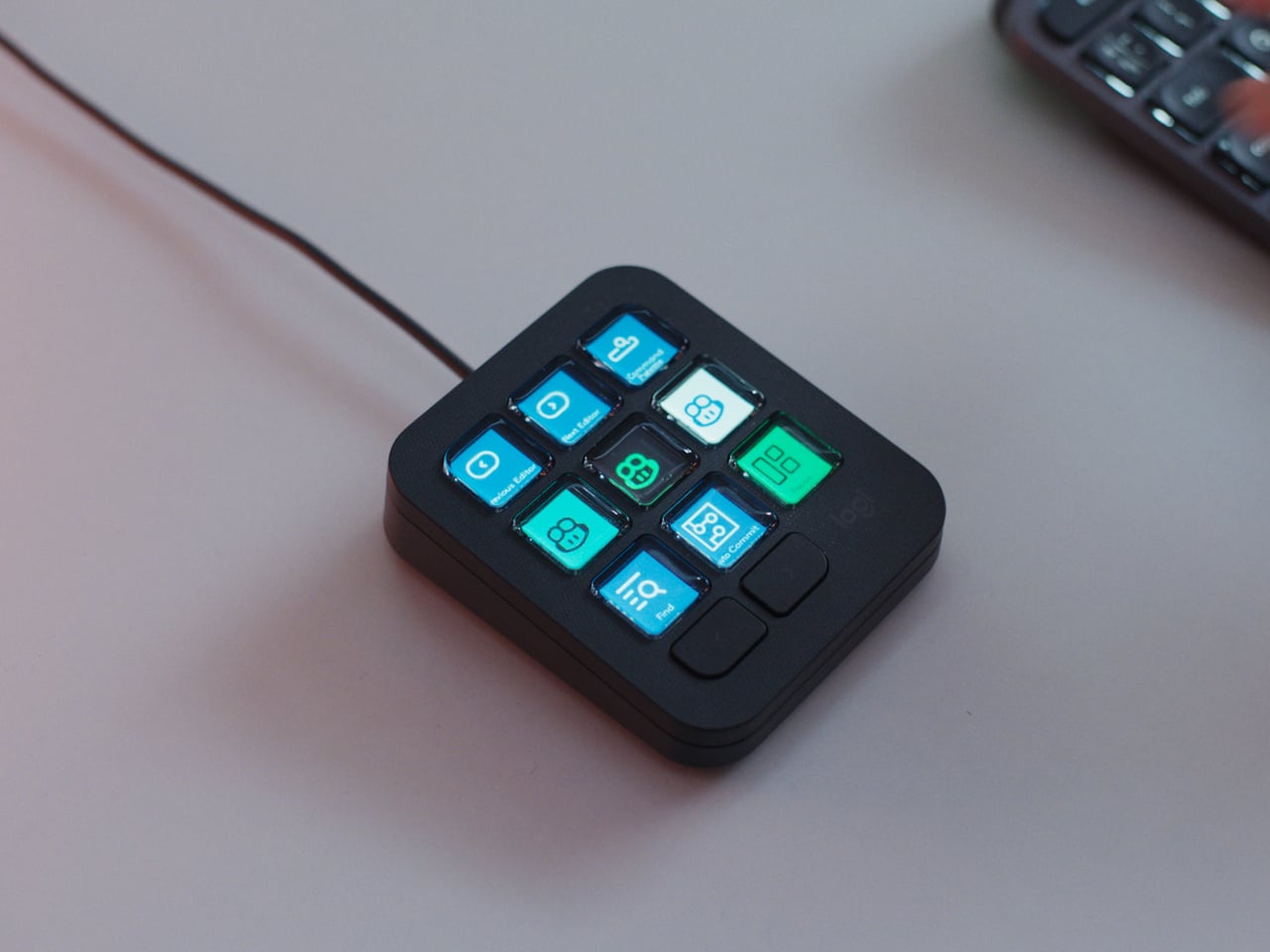
Keychron carved out a reputation for building mechanical keyboards that do not compromise on quality while remaining accessible. The Nape Pro takes that same philosophy and applies it to the awkward gap between your hands and your cursor. What results is a modular trackball that sits under your keyboard and turns typing sessions into something smoother and less physically punishing.

The design prioritizes economy of motion. Thumb operation means your hands stay planted on the home row. No more stretching for a distant mouse or breaking your typing flow for minor navigation tasks. The 25 mm trackball is noticeably smaller than desktop monsters like the Kensington Expert, but that size feels intentional. It is responsive without demanding the kind of hand repositioning that defeats the whole purpose. The unit occupies just 135.2 mm in length and 34.7 mm in width, so it tucks neatly within a tenkeyless footprint. Quiet Huano micro switches across six buttons ensure you are not broadcasting every click to anyone within earshot. ZMK customization means layers, shortcuts, and macros live right where your thumb rests. It is a genuinely modular control surface disguised as a pointing device, and the wireless connectivity means you can slide it around without cable anxiety.

What We Like

• The compact footprint means it works on cramped desks without territorial disputes with your keyboard.

• Thumb operation keeps your fingers on home row and drastically reduces reaching.

• ZMK-powered layers bring macro pad functionality without needing a separate device.

• Quiet switches make sense for something living directly under your palms during work calls.

What We Dislike

• The 25 mm ball is smaller than dedicated trackball users might prefer for precision tasks.

• Wireless means yet another thing competing for battery attention in your peripherals drawer.

2. TWS Earbuds with Built-in Cameras

The race to build wearable AI took a weird turn with pins, pendants, and smart glasses that scream, “I am wearing a camera.” This concept flips the script by hiding the whole thing in earbuds. Each stem carries a camera positioned near your natural line of sight. Paired with ChatGPT, those lenses feed a constant visual stream to an assistant that lives in your ears without broadcasting your tech evangelist status to everyone you meet.

The brilliance is in the form factor. TWS earbuds are already socially normalized. People wear them everywhere without raising eyebrows. Adding cameras to the stems turns a familiar object into something functionally new without the social friction of face-mounted glass. The setup can read menus, interpret signs, describe scenes, and guide navigation through unfamiliar cities without demanding you pull out your phone. Voice interaction keeps your hands free. The AI processes visual information in real time and responds through audio, creating a genuinely assistive loop that does not require staring at a screen. It is the kind of product that could make AI feel less like a gimmick and more like a utility you actually use daily. OpenAI has been hunting for a hardware play that sticks. This might be the one that finally makes sense beyond early adopters and conference demos.

What We Like

• Form factor avoids the social awkwardness of wearing cameras on your face in public spaces.

• Voice and audio interaction keep your hands free and your phone in your pocket.

• Real-time visual processing paired with ChatGPT turns navigation and scene interpretation into something genuinely useful.

• Familiar earbud design means minimal learning curve for adoption.

What We Dislike

• Battery life will be a concern with cameras and AI processing running on tiny earbud cells.

• Privacy questions around always-on cameras in social settings will be unavoidable.

3. Focus Desktop Board

Phones created a problem that app makers spent years optimizing to exploit. Notifications turned into weapons-grade attention traps designed to pull you back into the feed. Focus tackles this with an E Ink panel that syncs with your phone but forces you to choose what actually deserves your eyes. It is a multifunctional hub that doubles as a magnetic tool board with a built-in speaker, but the real value is in the filtering.

E Ink delivers that paper-like quality familiar to anyone who has used a Kindle. It is easy on the eyes and legible in any lighting condition, which makes it a natural fit for something meant to sit on your desk all day. Focus displays tasks, calendar events, and selected notifications, but the keyword is selected. You decide what makes it through. Your cousin’s takes and algorithm-fed suggestions stay trapped on your phone where they belong. The magnetic surface lets you attach tools, notes, or whatever analog objects you need within arm’s reach. The built-in speaker handles calls or audio reminders without needing yet another Bluetooth device cluttering your setup. The whole thing is designed to look like minimalist desk art, which is probably the smartest move they could have made. It sits in your peripheral vision without screaming for attention, offering information when you glance over rather than demanding you stop what you are doing.

What We Like

• E Ink panel is easy on the eyes during long work sessions and readable in any light.

• Selective notification filtering gives you control over what interrupts your focus.

• Magnetic tool board integrates analog and digital workflows without forcing you to choose one.

• Minimalist design looks intentional on a desk rather than like forgotten tech clutter.

What We Dislike

• E Ink refresh rates mean it is not suited for real-time updates or dynamic content.

• Another device to sync and charge adds friction to an already crowded digital ecosystem.

4. CMF Phone Mini Concept

The compact smartphone market died not because people stopped wanting small phones, but because manufacturers decided the margins were not worth the engineering. The iPhone 13 mini was the last credible option, and its discontinuation left a genuine void. Designer Preet Ajmeri’s CMF Phone Mini concept, posted on the Nothing Community forum, suggests a smarter path forward built around accessibility and modularity rather than flagship specs.

What makes this concept compelling is its complete lack of flagship pretension. The design feels like a tool, with an aesthetic closer to a Braun appliance than a fragile glass sandwich. Two-tone back panels secured by exposed screws nod directly to the modularity of the CMF Phone 1 and 2 Pro. The circular element in the lower corner practically begs for a lanyard or magnetic accessory, turning portability into something tangible rather than a spec-sheet claim. The camera housing integrates into a stepped corner plate, making it feel like a distinct functional component rather than a generic bump. It is an honest object designed to be held and used without demanding reverence. The concept suggests that small phones do not need flagship processors or camera arrays to justify their existence. They need a thoughtful design that respects the reality of one-handed use and pockets that are not cargo pants. If Nothing or CMF actually builds this, it would fill a market gap that has been ignored for years.

What We Like

• Modularity through exposed screws and swappable back panels extends device lifespan and personalization.

• Tool-like aesthetic prioritizes function and durability over fragile premium materials.

• Compact size addresses the genuine demand for one-handed usability that flagship lines abandoned.

• Circular lanyard element turns portability into a practical feature rather than marketing speak.

What We Dislike

• Concept status means there is no guarantee this will ever reach production.

• Smaller size likely means compromises on battery capacity that could limit all-day use.

5. SanDisk FIFA World Cup 2026 USB-C Flash Drive

SanDisk made a USB-C flash drive shaped like a referee’s whistle, and it somehow manages to be both completely ridiculous and genuinely clever. The FIFA World Cup 2026 collection turns storage into collectible objects that celebrate the tournament across the three host countries. The whistle drive packs up to 128GB of storage with speeds hitting 300MB/s, so it is not just a novelty item you shove in a drawer after the unboxing photo.

The collection includes editions for the USA, Canada, Mexico, plus a Global Edition and a premium Gold Edition. Each design draws from the culture of its respective host country, turning these drives into objects that feel like memorabilia rather than disposable tech. The whistle shape is practical in a weird way. It is distinctive enough that you would not lose it in a cable drawer, and the loop means you can attach it to a keychain or lanyard. Storage is increasingly cloud-based, but physical drives still matter for quick transfers, backups, and situations where you do not want to trust your files to someone else’s servers. Turning that utility into something fun is rare in a category dominated by boring rectangles. The design asks a question more tech companies should be asking: Why are we making everything so serious? The World Cup collection proves that functional objects can carry personality without sacrificing performance. It is the kind of thing that makes you wonder why more companies are not having this much fun with products people actually use.

What We Like

• Up to 128GB storage with 300MB/s speeds means it is genuinely useful beyond novelty status.

• Distinctive whistle shape makes it hard to lose in a drawer full of generic cables and drives.

• Collectible editions tied to World Cup host countries turn storage into cultural memorabilia.

• USB-C compatibility ensures it works with modern devices without adapter hassles.

What We Dislike

• Novelty design might feel dated once the World Cup hype cycle ends.

• Physical drives are increasingly niche as cloud storage dominates mainstream workflows.

Where February Leaves Us

These five gadgets represent a shift in how companies are thinking about technology’s role in daily life. The focus has moved away from adding more screens and notifications toward tools that integrate without demanding constant attention. They solve specific problems with thoughtful design rather than throwing features at spec sheets.

February is always that strange month where CES announcements start transitioning from vaporware to actual products you can touch and buy. These five stand out because they respect your time, your space, and your sanity. They bend technology to fit your workflow rather than demanding you rearrange your life around yet another device. That feels like progress worth celebrating.

The post 5 Best Tech Gadgets of February 2026 first appeared on Yanko Design.
Samsung Just Made Those Viral 3D Billboards Fit on Any Wall

Walking through a mall means passing bright rectangles looping 2D video, occasionally interrupted by a viral 3D billboard that makes people stop and film it. Those 3D moments usually feel like one-off stunts with custom hardware and bespoke content, not something you can bolt to a wall like normal signage and manage alongside the rest of your screens without rebuilding your entire workflow from scratch.

Samsung’s Spatial Signage tries to make that volumetric effect practical. The first global product is an 85-inch 4K portrait display that uses a patented 3D Plate behind the LCD to create depth you perceive behind the glass, without glasses or headsets. It is still wall-mounted, but it behaves more like a window where products and scenes sit in real space instead of just flickering on a surface.

Designer: Samsung

Picture a flagship store or museum lobby where a life-size figure or product appears to stand just behind the glass, rotating to show front, back, and side views. The 9:16 portrait format and 4K resolution let brands run 360-degree spins or full-height characters that feel more like installations than ads. Samsung’s Quantum Processor handles upscaling, color mapping, and HDR tweaks so older assets stay sharp, and an anti-glare panel keeps the illusion working under bright retail lighting.

The 85-inch unit is only 52mm thick and weighs 49kg, so it mounts with a Slim Fit Wall Mount like regular signage instead of needing a deep box enclosure. That means it can integrate into compact or design-sensitive locations without construction overhauls. Samsung is launching smaller 32-inch and 55-inch versions later, making it easier to repeat the same 3D language in window displays or feature walls across a retail chain.

Of course, the content side matters as much as the hardware. AI Studio, the new app inside Samsung’s VXT cloud platform, can take static images and automatically turn them into signage-ready video, adjusting shadows, margins, and backgrounds specifically for Spatial Signage. That means brands without dedicated 3D pipelines can still get depth-friendly motion from existing imagery instead of hiring specialized studios for every campaign.

Spatial Signage launches alongside other supersized displays, like a 130-inch Micro RGB signage and a 108-inch The Wall All-in-One that simplifies LED installs, plus Cisco and Logitech partnerships for meeting rooms. The point is that this 3D panel is not a toy but one piece of a lineup meant to cover storefronts, lobbies, and boardrooms with different flavors of immersive screens that plug into the same management stack.

Samsung’s Spatial Signage hints at a future where digital signage is less about flat loops and more about volumetric storytelling that fits into normal walls and workflows. It does not ask passersby to put on glasses or download an app; it just quietly makes content feel like it occupies space. Brands and venues that live or die by how long people stop and stare will see this, pun intended, as the logical next step after everyone got bored with rectangles running the same video on repeat.

The post Samsung Just Made Those Viral 3D Billboards Fit on Any Wall first appeared on Yanko Design.
When Furniture Meets High Fidelity: The Ruark R810 MiE

There’s something beautifully nostalgic about the radiogram. You know, those elegant wooden cabinets from the mid-century that housed radio, turntable, and speakers all in one piece of furniture that looked good enough to anchor your living room. Ruark Audio clearly remembers, and they’re marking their 40th anniversary by bringing that concept into 2026 with the R810 MiE (Made in England edition), a stunning collaboration with Storm Furniture that proves technology can be just as much art as function.

This isn’t just a speaker in a nice box. The R810 MiE is part of Ruark’s Made in England project, which focuses on limited production, hand-built products using traditional craftsmanship. Only 100 units will ever exist, split evenly between two exquisite finishes: Penta-Chord Walnut with ebony detailing and Leaf-Line Oak with sycamore accents. Each piece is truly unique, bearing patterns that resemble fingerprints, no two exactly alike.

Designers: Ruark Audio and Storm Furniture

What makes these so special is the centuries-old art of marquetry that decorates the cabinet tops. If you’re not familiar, marquetry involves meticulously cutting selected veneers and arranging them into intricate patterns before bonding them to the cabinet. It demands precision and patience, the kind that only artisan makers possess. Storm Furniture, based in Norfolk and a proud member of the Guild of Master Craftsmen, hand-builds each cabinet and grille component before carefully transporting them to Ruark’s headquarters in Southend, where each R810 MiE is individually assembled, tested, and signed off.

The patterns themselves are designed to reflect modern life while honoring traditional techniques. Multiple layers of lacquer are then applied to create that lustrous finish that makes you want to run your hand across the surface (though you’ll probably resist once you see the price tag). Combined with precision-formed trims and a polished chrome stand, the result radiates the kind of sophistication you’d expect from fine furniture.

But let’s talk about what this thing actually does, because looks alone don’t justify nearly $9,000. The R810 MiE packs the same technological prowess as its standard R810 sibling, which retails for around $5,000. You get a 4.1 speaker system powered by 180 watts of Class A/B amplification, with a frequency response that dips down to 30Hz. It supports hi-res music files up to 32-bit/192kHz, has built-in Spotify Connect, TIDAL Connect, and Qobuz Connect, works with Apple Music and BBC Sounds, and includes AirPlay and Google Cast.

There’s also HDMI ARC/eARC connection for your TV, plus Internet, DAB, DAB+, and FM tuners because sometimes you just want to flip through actual radio stations. It’s essentially a complete home audio hub disguised as an heirloom-quality piece of furniture. Like the iconic radiograms it takes inspiration from, the R810 is designed to be seen, to be a focal point rather than something you hide in a cabinet or tuck into a corner.

What strikes me most about this release is the timing. We’re living through an era where so much technology feels disposable, designed to be replaced in a few years when the next model drops. The R810 MiE pushes back against that entire philosophy. This is a piece you’re meant to keep, to pass down, to let age gracefully in your home. That marquetry top isn’t going out of style, and that hand-built cabinet isn’t falling apart after a couple of years.

Each unit comes with an engraved plaque as proof of authenticity, which feels appropriate for something this exclusive. At £6,495 (roughly $8,955), it’s absolutely a luxury item. But when you consider that only 50 of each finish will ever be produced, and that each one is genuinely handcrafted using techniques that have been around for centuries, that price starts to make sense for collectors and audiophiles who want something genuinely special.

The R810 MiE represents what happens when a 40-year-old British audio company decides to celebrate not by churning out another limited colorway, but by going all-in on craftsmanship and exclusivity. It’s a statement piece that happens to deliver exceptional sound, or maybe it’s an exceptional sound system that happens to be a statement piece. Either way, it’s proof that furniture really can sound this good.

The post When Furniture Meets High Fidelity: The Ruark R810 MiE first appeared on Yanko Design.
When Your Speaker Is Also a Statement: The Tresound Mini

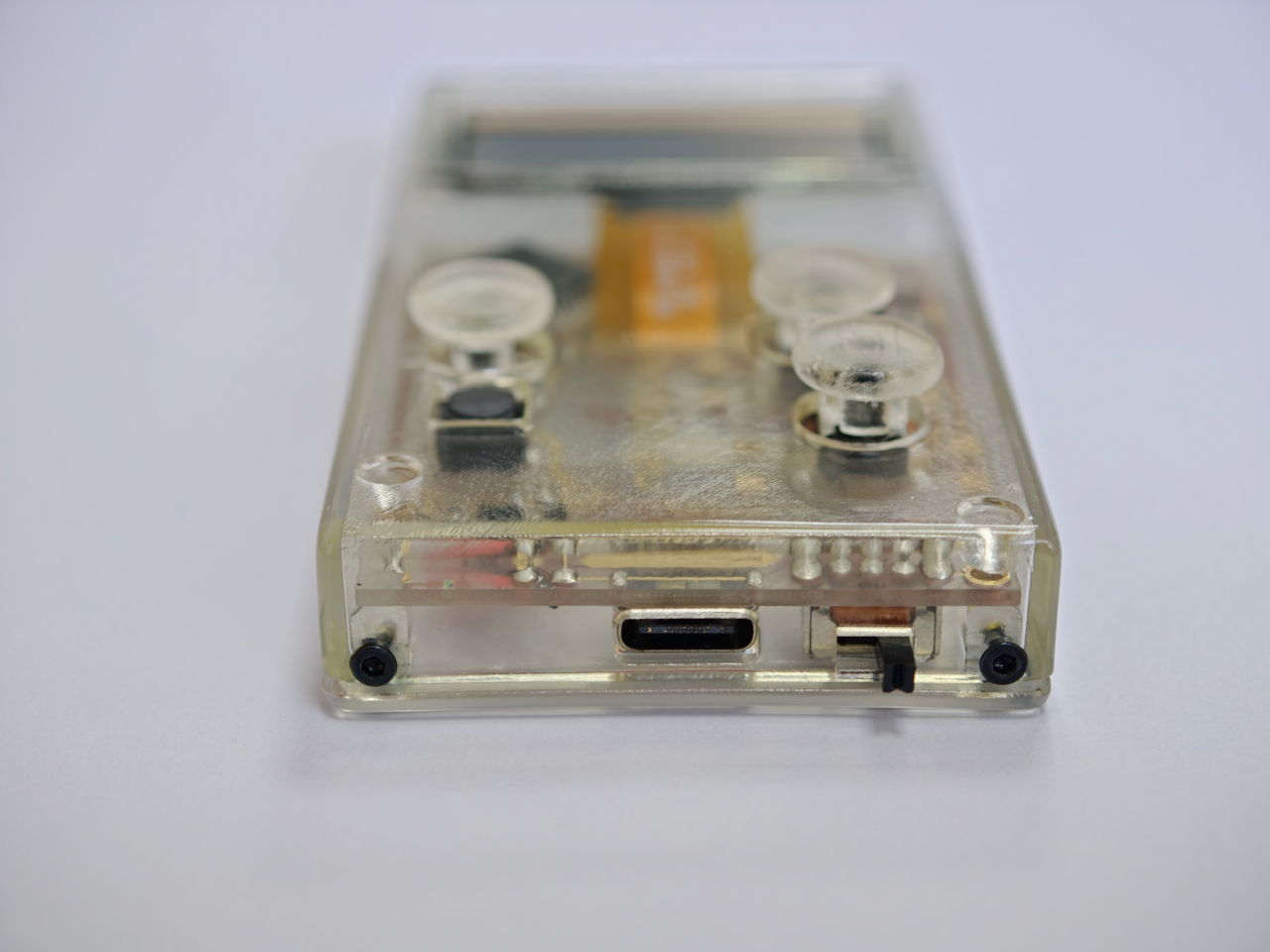
Sometimes the best tech isn’t the loudest. It’s the one that makes you pause and actually look at it before you press play. That’s what designers Yong Cao and Jianfeng Lv have managed to pull off with the Tresound Mini, a desktop Bluetooth speaker that refuses to be just another black box on your desk.

At first glance, this compact speaker looks like it wandered in from a modern art gallery. Its cone-shaped design is clean, almost architectural, with a minimalist aesthetic that feels intentional without being precious about it. The form isn’t just for show, either. TRETTITRE, the emerging HiFi brand behind the speaker, describes itself as bridging traditional audio quality with something more forward-thinking, and you can see that philosophy at work here.

Designers: Yong Cao and Jianfeng Lv

The Tresound Mini recently won the Golden A’ Design Award in the Audio and Sound Equipment Design category, which is one of those achievements that signals serious design cred. But awards aside, what makes this speaker interesting is how it thinks about the desktop experience differently. Instead of trying to dominate your workspace with aggressive angles or flashy lights, it takes a more refined approach. The design integrates seamlessly into your environment, whether that’s a home office setup, a creative studio, or just a corner of your apartment where you actually get things done.

Art Director Yong Cao and Designer Jianfeng Lv, both from China, approached this project with a focus on what they call the “deep integration of brand design and product design”. That sounds like design speak, but what it really means is that every element serves a purpose. The cone shape isn’t arbitrary. It contributes to the audio performance while also giving the speaker a distinctive profile that stands out without screaming for attention. It’s the kind of design that works equally well in a carefully curated Instagram photo or just sitting there doing its job.

Let’s talk about the packaging, because this is where things get genuinely clever. Instead of going with the typical cardboard box and foam inserts, the Tresound Mini comes with a carrying bag that’s wet-pressed from bamboo fiber pulp. This isn’t just packaging in the traditional sense. It’s designed to double as a carrying case, making the speaker genuinely portable. The bamboo fiber approach is both environmentally friendly and cost-effective, reducing packaging waste while providing actual protection for the product. It’s the kind of thoughtful detail that shows someone was actually thinking about the full lifecycle of the product, not just the unboxing moment.

The portability factor is key here. Desktop speakers traditionally live in one spot, tethered to your workspace. But the Tresound Mini was designed with the understanding that people move around now. You might want it on your desk in the morning, out on a balcony in the afternoon, or in your kitchen while you’re cooking dinner. The compact size and that bamboo fiber carrying bag make that kind of flexibility possible.

TRETTITRE positions itself as catering to “the new generation of HiFi enthusiasts”, which is a smart read of where audio culture is heading. There’s a growing audience that cares about sound quality but doesn’t want to sacrifice design or deal with the bulk and complexity of traditional HiFi setups. They want something that sounds good, looks intentional, and fits into spaces that might not have room for a full speaker system. The Tresound Mini seems built specifically for that demographic.

What’s interesting about this design is how it challenges the assumption that good audio equipment needs to look technical or industrial. There’s no display screen, no visible screws, no aggressive branding. Just a clean geometric form that happens to deliver quality sound. It’s the audio equivalent of those minimal tech accessories that proved you don’t need to sacrifice aesthetics for function.

The success of the Tresound Mini might signal a broader shift in how we think about desktop audio. As more people work from home or create hybrid living and working spaces, there’s an appetite for products that perform well without dominating the visual landscape. We want our tech to be good at what it does, but we also want it to feel like it belongs in our actual lives, not in a showroom.

Yong Cao and Jianfeng Lv have created something that manages to be both functional and thoughtful. The Tresound Mini proves that when you approach product design with real consideration for how people actually use things, you can create something that transcends its basic function and becomes worth talking about.

The post When Your Speaker Is Also a Statement: The Tresound Mini first appeared on Yanko Design.
This 5-Inch “Video Business Card” Wants To Replace Your Stack Of Paper Cards

Televisions used to be heavy boxes that dominated a room. Now, the latest LG and Samsung prototypes at CES 2026 look more like posters than TVs, with panels so slim they almost blend into the wall and bezels that seem to disappear when the screen lights up. These displays are no longer just appliances in the corner of a living room. They are becoming design elements that can live almost anywhere you might put a sheet of paper.

That shift makes it feel natural to ask a simple question: if screens can be this thin, why not put them where we have always relied on print? Business cards are a perfect example. They carry introductions, identity, and a first impression in a tiny rectangle. VidCard takes that same footprint and turns it into a living surface, transforming the familiar business card into a personal video introduction that plays in the palm of your hand.

Designer: Parsifal

Click Here to Buy Now: $59 $99 (40% off). Hurry, only a few left! Raised over $66,000.

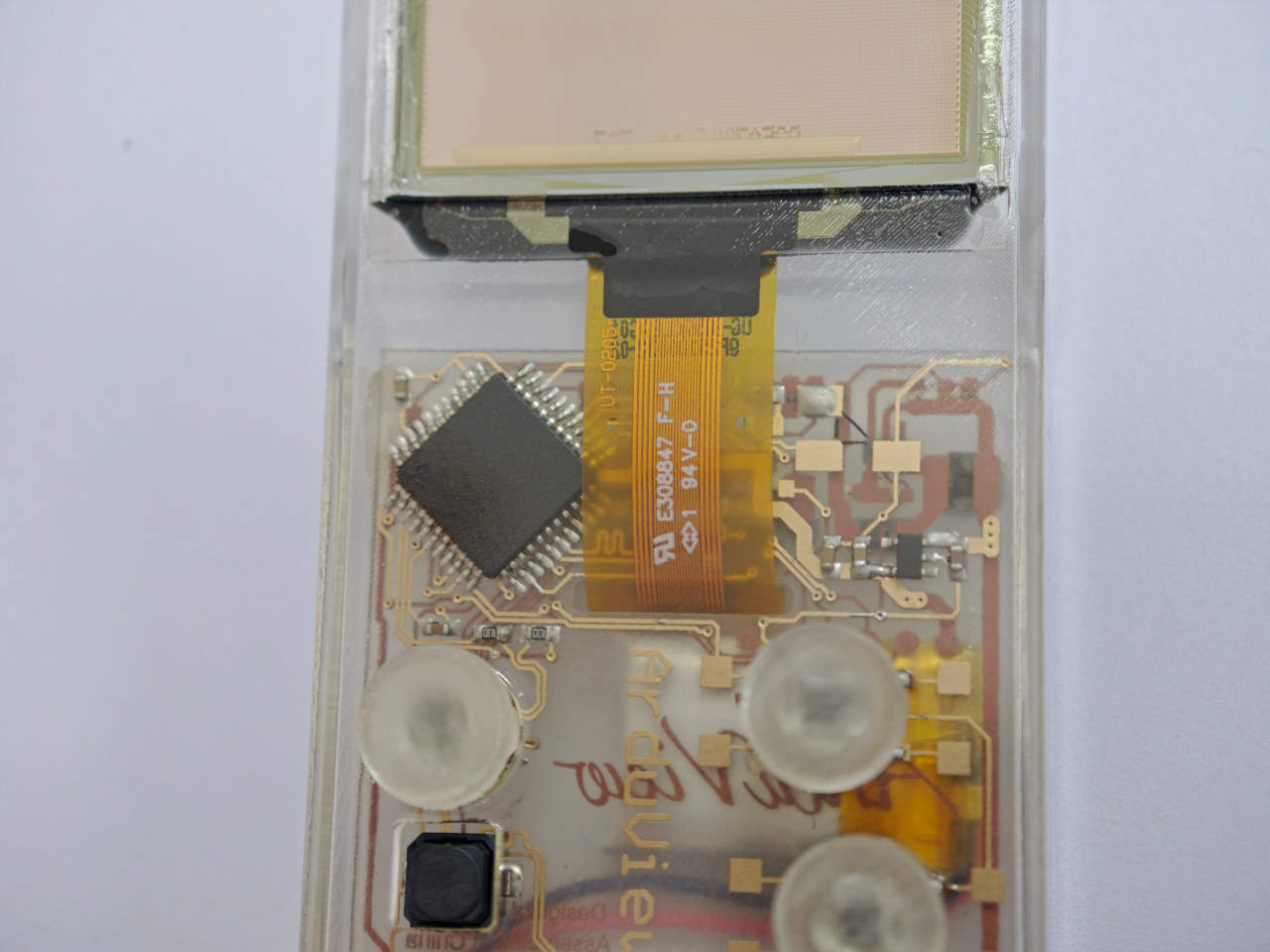
VidCard is basically what it sounds like: a rigid card with a 5 inch, 1280×720 IPS LCD screen built in, playing a looping video of you introducing yourself or your brand motion graphic. The whole thing measures 120.05mm by 86.4mm, which puts it somewhere between a credit card and a small phone, and it’s under 5mm thick. That’s genuinely impressive when you remember there’s a battery, NFC chip, display controller, and 256MB of onboard storage packed inside. The card charges via contact pins, lasts about an hour of continuous playback (roughly 120 to 240 interactions per charge), and syncs content through a companion app on iOS or Android. You upload your intro video, it pushes to the card, and you’re set. The screen itself looks clean in the campaign photos and bright enough for indoor use.

The NFC feature sidesteps the whole “how do I actually save your contact info” problem. You tap the card against someone’s phone, and it pulls up your mobile optimized landing page with your video, company profile, documents, and whatever else you want to link. No app download required on their end, which makes sense because nobody wants to install something just to see your business card. Real time analytics track who viewed your profile, when they watched, how long they engaged, and if they came back for a second look. There’s a slightly dystopian charm to getting a notification at 11pm that someone just rewatched your intro for 87 seconds, but it does give you actual data to inform follow ups instead of wondering if your card got tossed in a drawer.

Here’s the thing, though. You know what else has a high resolution screen, NFC, internet connectivity, and can play video? The phone in your pocket. You could theoretically just show someone your intro video on your phone, tap for NFC sharing, and achieve most of the same result for zero additional hardware. VidCard’s counter to that is the physical artifact itself. Handing someone a glowing screen feels different than showing them your phone (besides, unlocking a phone, opening your gallery, and finding the right video can take painful minutes), and if you leave the card behind with a high value contact, it becomes a keepsake that lives on their desk instead of disappearing into a contacts list. That’s either brilliant or unnecessary depending on how much you value the showmanship in networking, although I genuinely can’t decide which camp I’m in.

The founders claim inspiration from Call of Duty: Advanced Warfare, where a character hands over a video business card inviting you to join a fictional military contractor. That’s a deeply nerdy origin story, and I respect it. VidCard works best in situations where you need to stand out in a sea of forgettable interactions: trade shows, high stakes sales meetings, investor pitches, creative industry networking where showing your work matters more than listing credentials. It’s overkill for casual meetups or industries where a LinkedIn connection does the job, but if you’re trying to leave an impression on someone who sees 50 people a day, a card that talks and moves will get you remembered. The real test is whether that memory translates to actual follow through, which the analytics dashboard is designed to help with by showing you who’s genuinely interested versus who just thought the card was neat.

VidCard is live on Kickstarter through February 5, 2026, with early bird pricing starting at $59 USD for a single unit, $162 USD for a three pack, and scaling up to $599 USD for a 10 unit business pack with bulk branding options. Estimated delivery is June 2026 for early backers, with standard shipments following through June 20. The campaign has already cleared its funding goal by a wide margin, which suggests the concept resonates with enough people that we may just end up seeing video or even holographic business cards in the not-so-distant future.

Click Here to Buy Now: $59 $99 (40% off). Hurry, only a few left! Raised over $66,000.

The post This 5-Inch “Video Business Card” Wants To Replace Your Stack Of Paper Cards first appeared on Yanko Design.
Your Dog Can Now Turn On the Lights (No, Really)

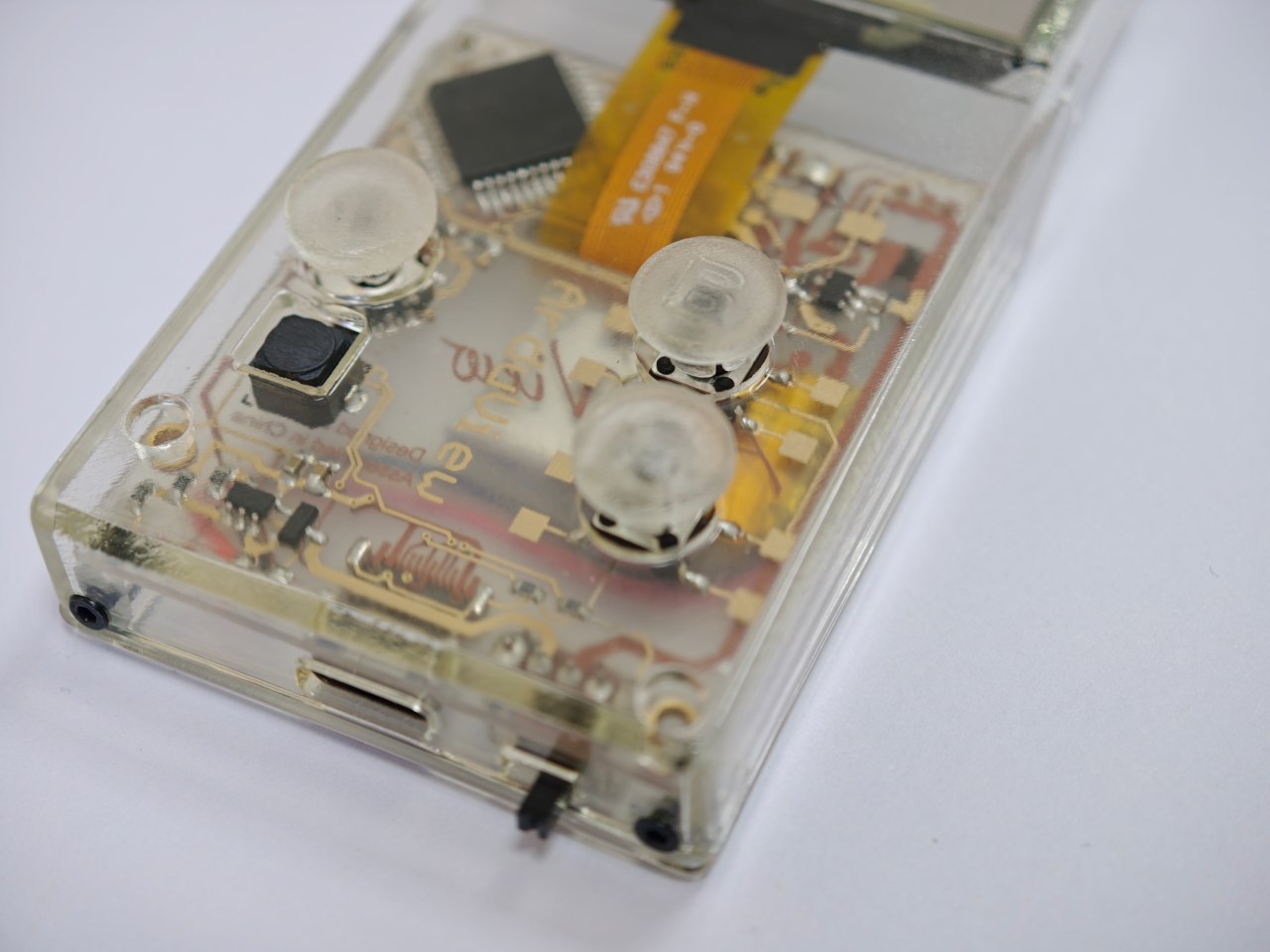
We’re living through a strange moment where our refrigerators are smarter than ever, our thermostats learn our habits, and now, apparently, dogs can control household appliances. The Dogosophy Button, developed by researchers at The Open University’s Animal-Computer Interaction Laboratory, is a wireless switch designed specifically for canine use. Think of it as a smart home device, but instead of asking Alexa, you’re teaching your golden retriever.

This isn’t some novelty gadget cooked up to go viral on TikTok. The button is the result of years of serious research led by Professor Clara Mancini, who runs the ACI Lab. Initially created for assistance dogs who need to help their owners turn on lights, fans, or kettles, the button has now been launched to the public for any dog owner who wants to give their pet a bit more agency. The philosophy behind it, called “Dogosophy,” centers on designing technology around how dogs actually experience the world, rather than forcing them to adapt to our human habits.

Designer: The Open University’s Animal-Computer Interaction Laboratory

So what makes this button dog-friendly? Start with color. Dogs see the world differently than we do, and blue happens to be one of the colors they can recognize most clearly. The button’s push pad is a bright blue, set against a white casing that creates high contrast, making it easier to spot against floors, walls, or furniture. The slightly curved, raised shape means dogs can press it from various angles without needing pinpoint accuracy, which anyone who’s watched a dog enthusiastically miss their water bowl can appreciate.

The button itself is built to handle the reality of being used by an animal. The outer casing is sturdy plastic designed to withstand repeated nose-booping and paw-whacking. The push pad has a textured surface that helps dogs grip without slipping, whether they’re using their snout or paw. Inside, a small light flashes when the button is pressed, soft enough not to hurt their eyes but clear enough to confirm the action worked. It’s the kind of thoughtful design that comes from actually studying how dogs interact with objects, not just shrinking human tech down to pet size.

The system is refreshingly simple. Each set includes the button, a receiver, and basic mounting hardware. The receiver plugs into whatever appliance you want your dog to control, from a lamp to a fan to a kettle. The button connects wirelessly up to 40 meters away, giving you flexibility in where you place it. Press the button once, the appliance turns on. Press it again, it turns off. No app required, no monthly subscription, no “please update your firmware” notifications.

For assistance dogs, this kind of tool is genuinely useful. A dog trained to help someone with mobility issues could turn on a light when their owner enters a dark room or switch on a fan during hot weather. But the public release opens up more playful possibilities. Your dog could theoretically learn to turn on a fan when they’re overheated, activate a toy dispenser when they’re bored, or signal when they want attention by flipping a lamp on and off like a furry poltergeist.

Of course, training matters. Professor Mancini tested the button with her own husky, Kara, noting that huskies are notoriously stubborn compared to more biddable breeds like Labradors. The button works if your dog is motivated and you’re patient. This isn’t plug-and-play; it’s more like plug-and-train-with-treats-and-repetition.

The Dogosophy Button is priced at £96 (including VAT) and is currently available through retailers like Story & Sons. Whether it becomes a legitimate tool for pet owners or just an interesting experiment in animal-computer interaction remains to be seen. But there’s something appealing about the idea of designing technology that considers more than just human needs. Professor Mancini puts it plainly: humans have built a world measured for ourselves, often pushing other species out. A button that meets dogs on their terms feels like a small step toward sharing space more thoughtfully.

The post Your Dog Can Now Turn On the Lights (No, Really) first appeared on Yanko Design.
World’s first MW-class S2000 airborne wind turbine just powered the grid in China

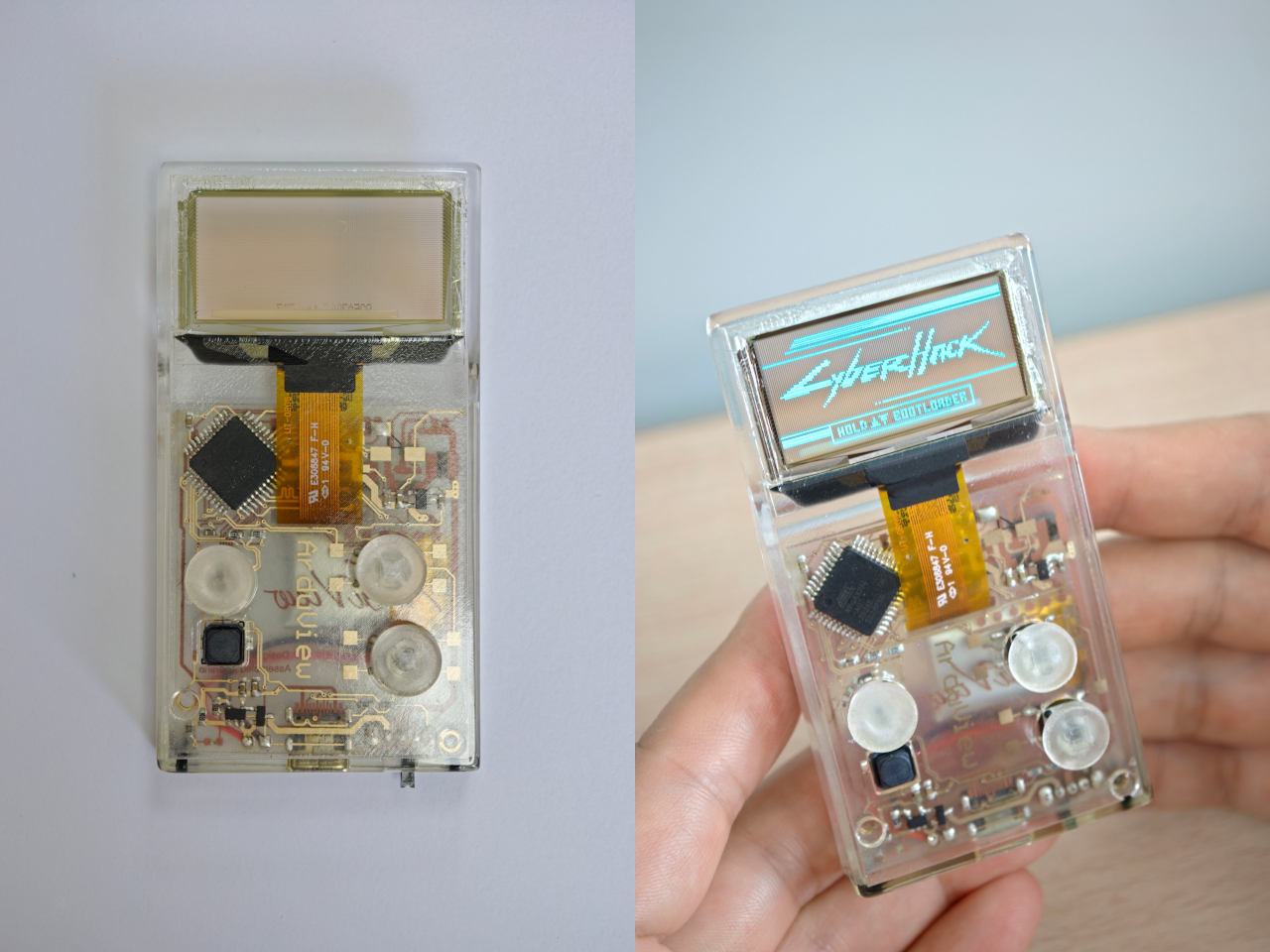
An object shaped like an inflatable airship was seen floating over Yibin, Sichuan Province in Southwest China earlier this month. Turns out, it wasn’t some unidentified object. In fact, it was an airborne wind turbine completing its maiden in-flight grid-connected power generation test. The airborne wind energy system comprises an airship platform and wind turbines integrated in a single unit resembling a fantasy airship.

Dubbed the world’s first MW-class S2000 Stratosphere Airborne Wind Energy System (SAWES), it is developed by Beijing Linyi Yunchuan Energy Technology and designed for use near urban areas. Its successful testing marks a demonstration of how an airborne wind power system can generate and transmit electricity down for real-world usage.

Designer: Beijing Linyi Yunchuan Energy Technology

Wind turbines on the ground require a massive land area, tend to have low efficiency, and end up spoiling the landscape. The company behind the S2000 says that their Stratosphere Airborne Wind Energy System could be a difference, which definitely is not cost-effective, but is actually viable and an environmentally-friendly choice. During its testing, the floating power platform was able to rise up to about 2,000 meters, successfully delivering 385 kilowatt-hours of electricity to the local grid. The S2000 SAWES has a volume of about 20,000 cubic meters and, according to press information, has a maximum rated power capacity of 3 megawatts.

The system measures 60 meters long, is 40 meters high, and also 40 meters wide. The big thing took almost 30 minutes to ascend to 2,000 meters in the Yibin test. When at that altitude, it was able to maintain a stable hover, while generating power and delivering it back to the grid. The system basically uses a helium-filled balloon to get the power generation unit high into the atmosphere, where winds are generally stronger and more consistent than those near the ground. This means a power generating unit in the higher altitudes can generate and transmit several times more power compared to ground-based turbines, that with a lower carbon footprint.

When airborne the system, tethered by cable to the ground, uses it to send the power back to the ground, and also helps keep the power-generating unit stable mid-air during operation. Even though the S2000 is chiefly tested and developed for urban areas, it should be able to work just fine in remote areas, such as over a barren desert. The system, therefore, has manifold applications: while it can be used in off-grid settings offering relatively stable alternative energy, or it can function as a backup, complementing traditional ground-based wind power stations. Whatever may be the use case, S2000 is already going into production in small batches, and we could see the wind power generating airships in the stratosphere sooner than we can think.
The post World’s first MW-class S2000 airborne wind turbine just powered the grid in China first appeared on Yanko Design.