This week, we're diving into the big changes at Xbox and what it all means for Microsoft's gaming future. Phil Spencer, the longtime face of Xbox, announced he's retiring last week. He'll be replaced by Microsoft's former CoreAI CEO Asha Sharma, instead of his longtime deputy Sarah Bond, who plans to leave the company. Will this change actually help the beleaguered Xbox division, or is it another example of Microsoft shoving AI into everything?
Also, Samsung held its latest Unpacked event this week to announce its new Galaxy S26 family. They look pretty much the same as last year, but the Ultra model includes a unique privacy feature that can instantly make the screen unreadable to bystanders. It's one of those features we expect to see in every phone eventually.
Xbox leadership falls apart. what happens next with Phil Spencer and Sarah Bond out? – 1:53
Samsung Unpacked: Privacy display on the S26 Ultra looks amazing – 27:27
U.S. Defense leadership gives Anthropic a Friday deadline to let it use Claude as it sees fit – 42:38
MrBeast editor accused of insider trading on Kalshi – 50:40
Discord delays age verification program after user revolt – 54:09
Around Engadget – 1:04:04
Working on – 1:05:16
Pop culture picks – 1:08:21
Credits
Hosts: Devindra Hardawar and Igor Bonifacic Producer: Ben Ellman Music: Dale North and Terrence O’Brien
This article originally appeared on Engadget at https://www.engadget.com/gaming/xbox/engadget-podcast-xboxs-leadership-shakeup-and-samsungs-galaxy-s26-150000180.html?src=rss
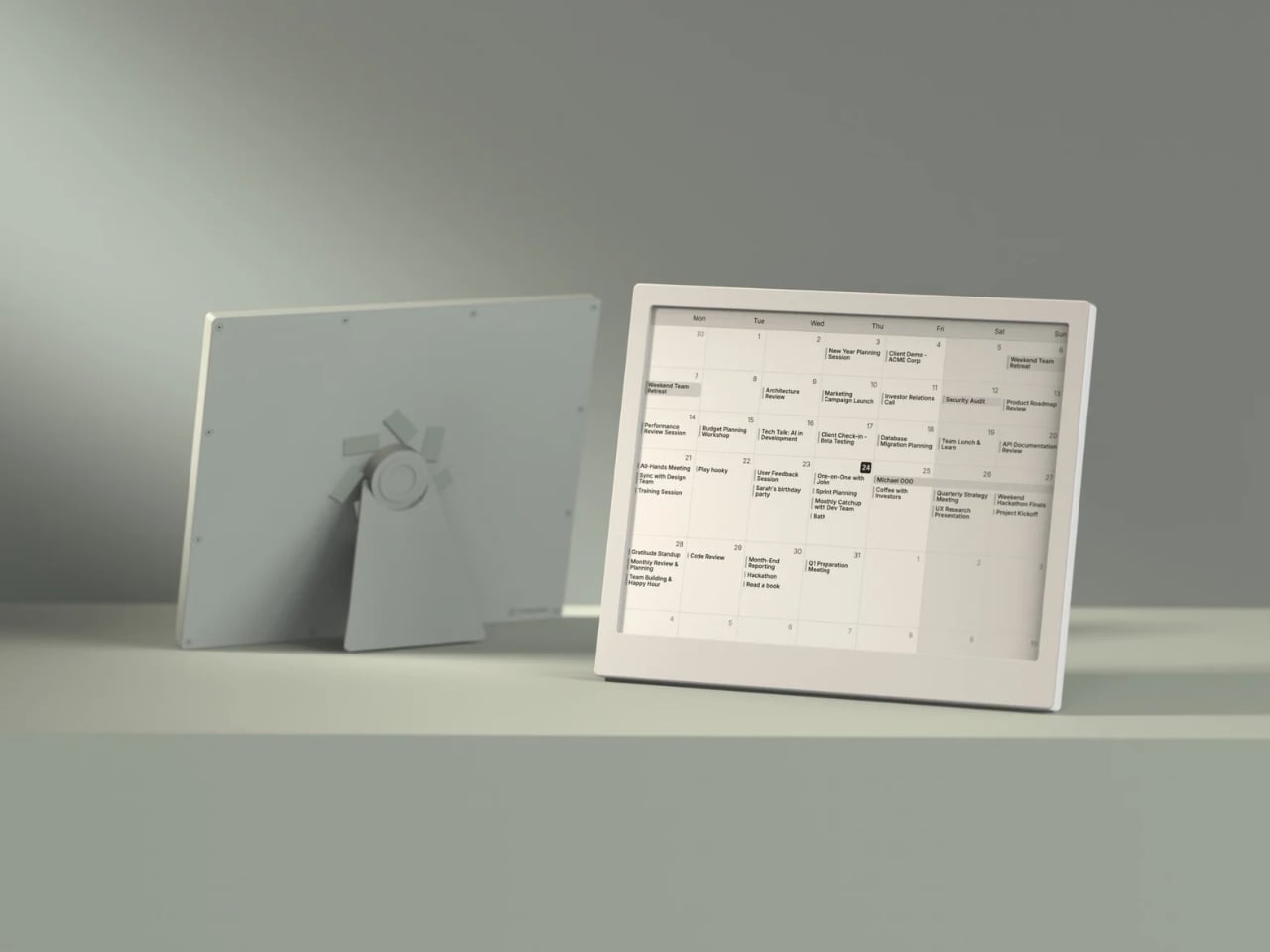
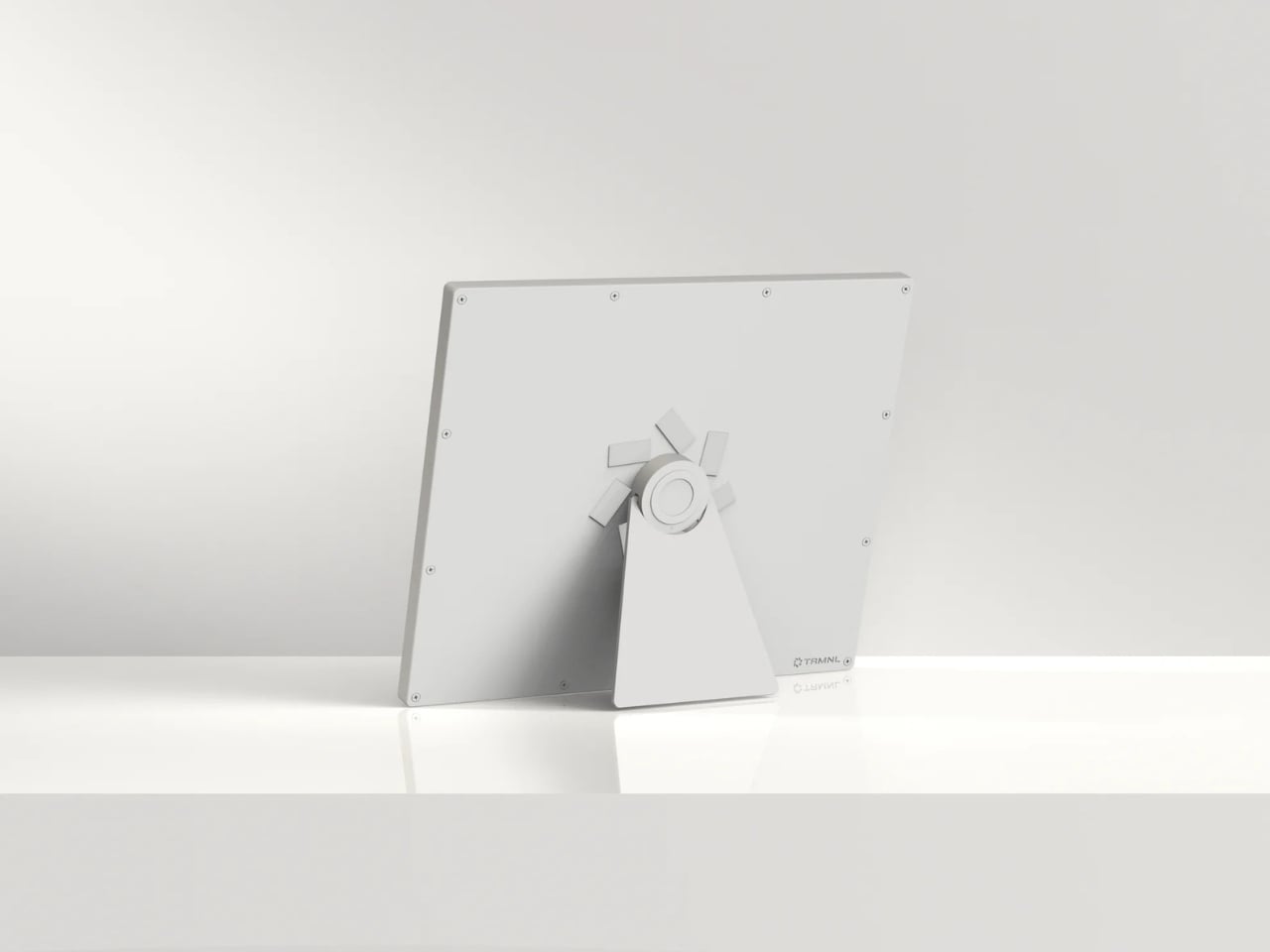
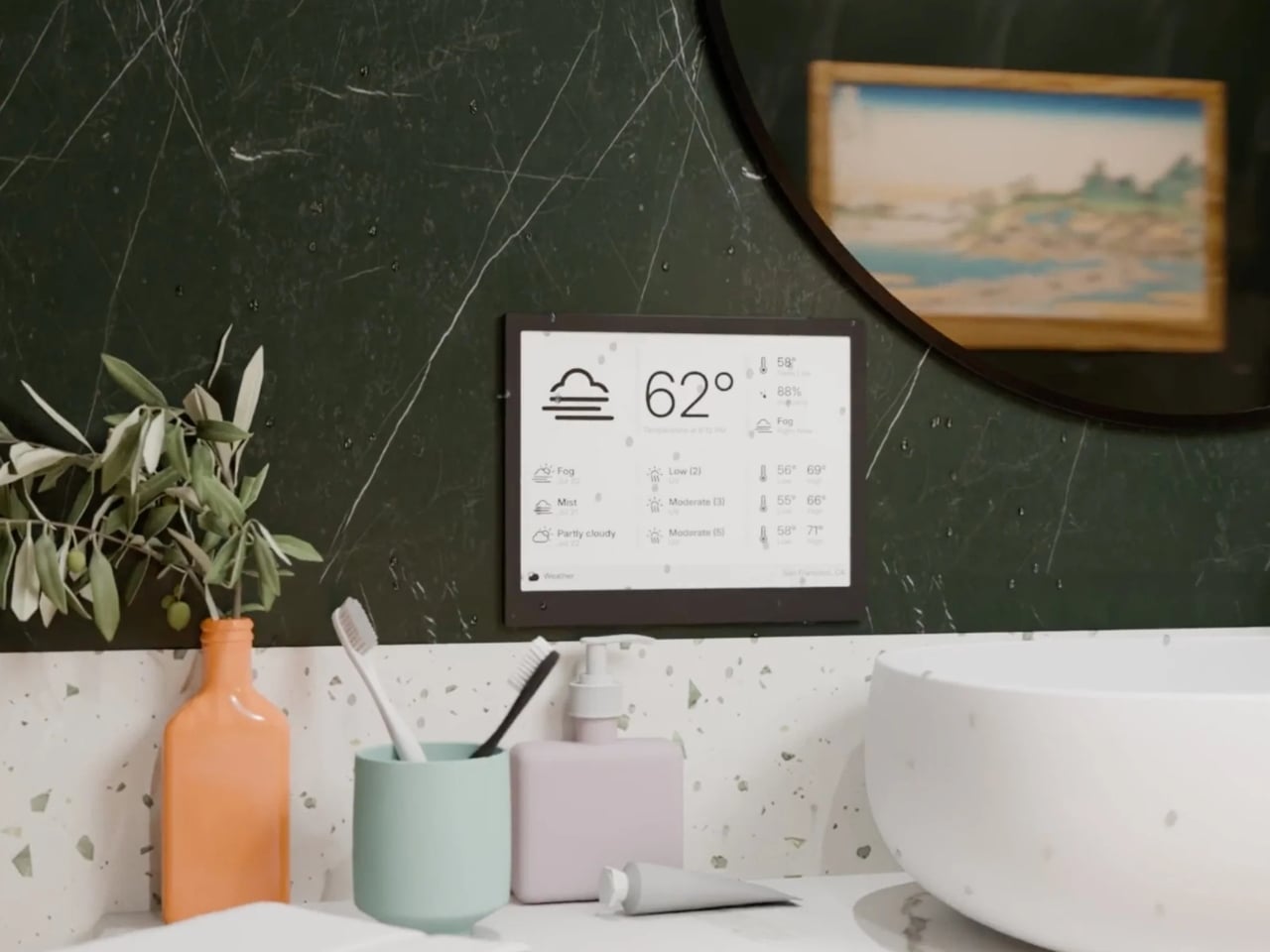
Most of the screens that you encounter everyday is always fighting for your attention, always buzzing, glowing, pulsing with red notification badges designed to hijack your focus. The TRMNL X, a 10.3-inch e-ink smart display priced at $219, takes the opposite approach entirely. It just sits there, calm and papery, waiting for you to glance over when you’re ready. And that restraint might be the most radical design choice in consumer tech right now.
TRMNL’s original model was deliberately lo-fi, a smaller 7.5-inch 1-bit screen with no touchscreen and no backlight. It was almost stubbornly analog in spirit. It appealed to developers, minimalists, and those of us tired of all the bright screens. The TRMNL X is the company’s answer to users who loved the philosophy but wanted more screen real estate and polish. And it delivers on both counts without losing what made the original special.
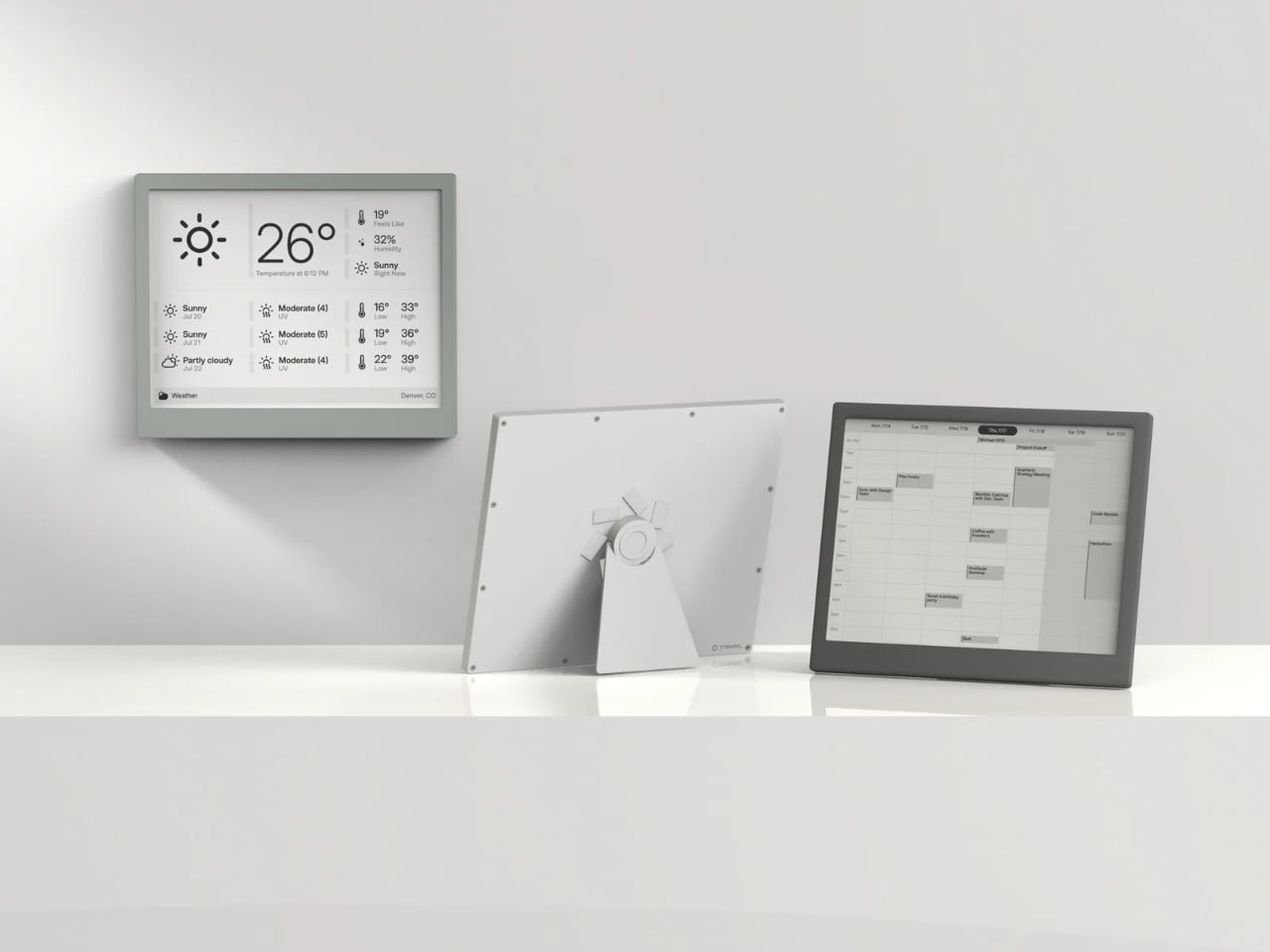
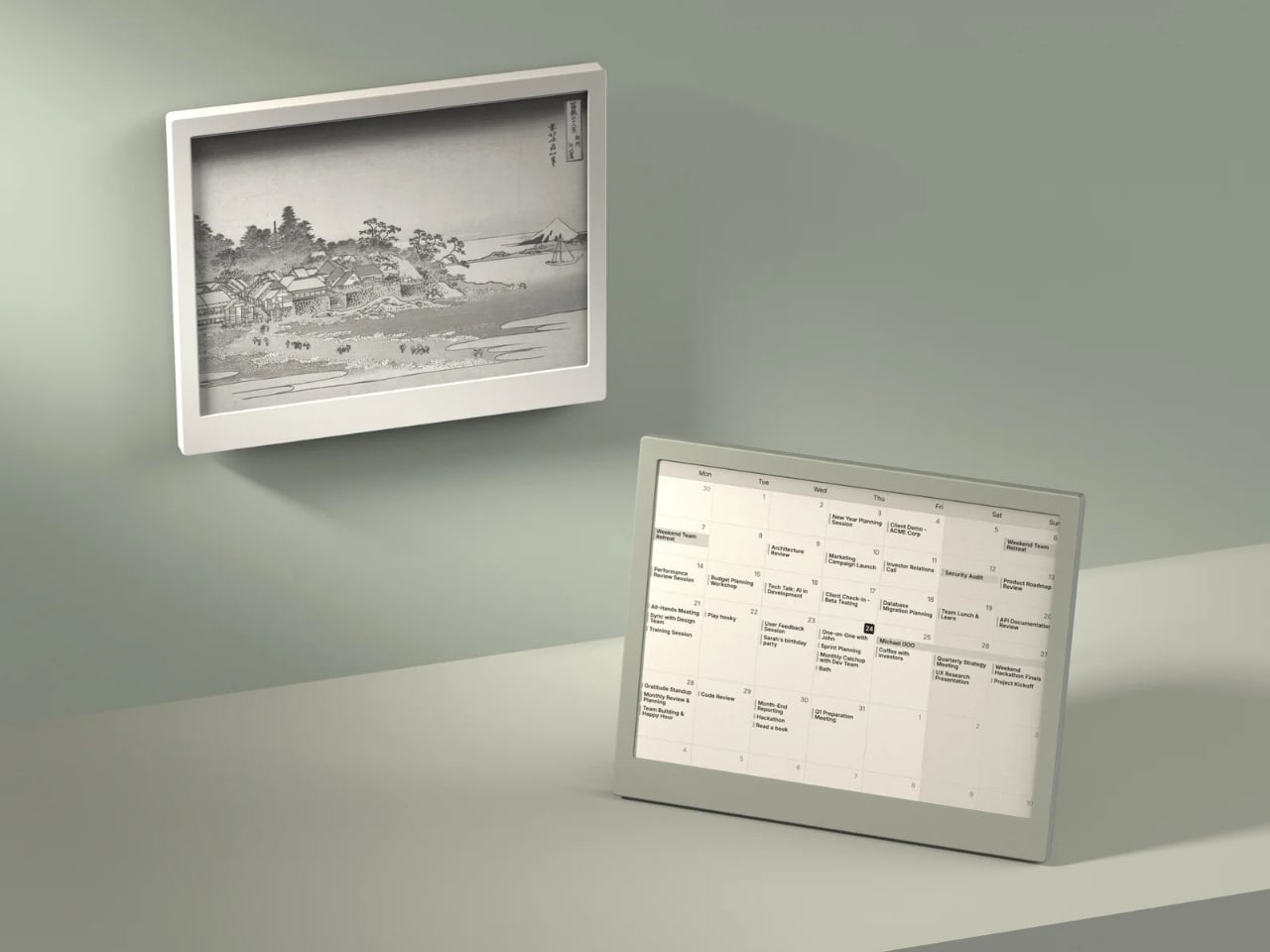
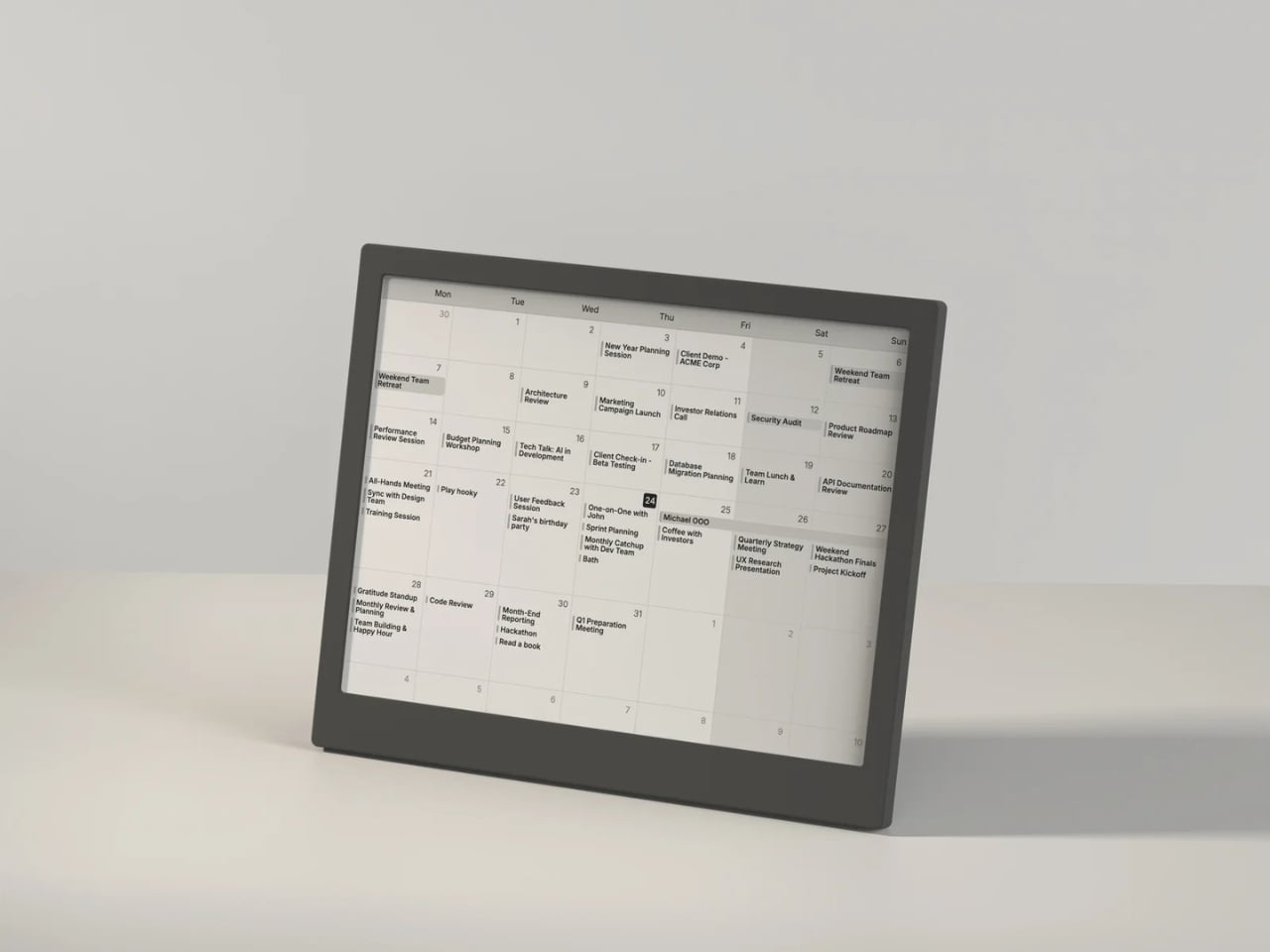
The display itself is gorgeous in the understated way that only e-ink can be. At 1872 x 1404 resolution with 16 shades of gray, it renders calendars, weather dashboards, news headlines, and artwork with a crispness that feels more like a printed page than a screen. Partial refreshes happen in under 200 milliseconds, which is fast enough that the display doesn’t feel sluggish when cycling through your content. It’s the kind of screen you can stare at for hours without your eyes complaining, which is something no LCD or OLED can honestly claim.
What I find most compelling about the TRMNL X is how much it trusts you. There’s no algorithm deciding what you should see. You configure your own dashboard with plugins pulled from a library of over 850 options, everything from Google Calendar and Reddit feeds to ChatGPT summaries and YouTube subscriber counts. You arrange them in one of eight layout templates, set your refresh interval, and walk away. The device wakes up periodically, pulls a new image from the server, displays it, and goes back to sleep. That’s it. No infinite scroll. No dopamine trap. No dark patterns. Just information you asked for, presented when you want it.
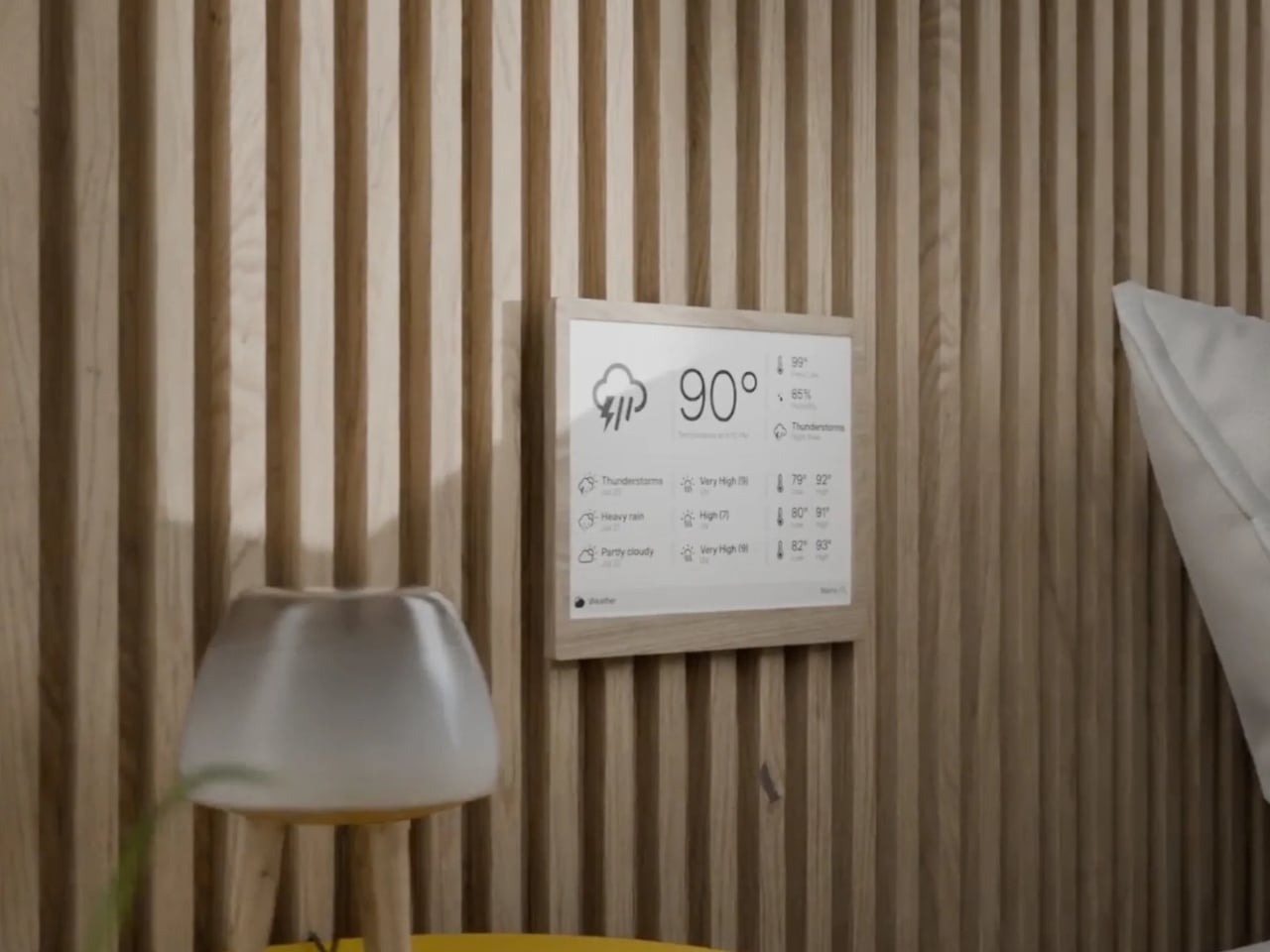
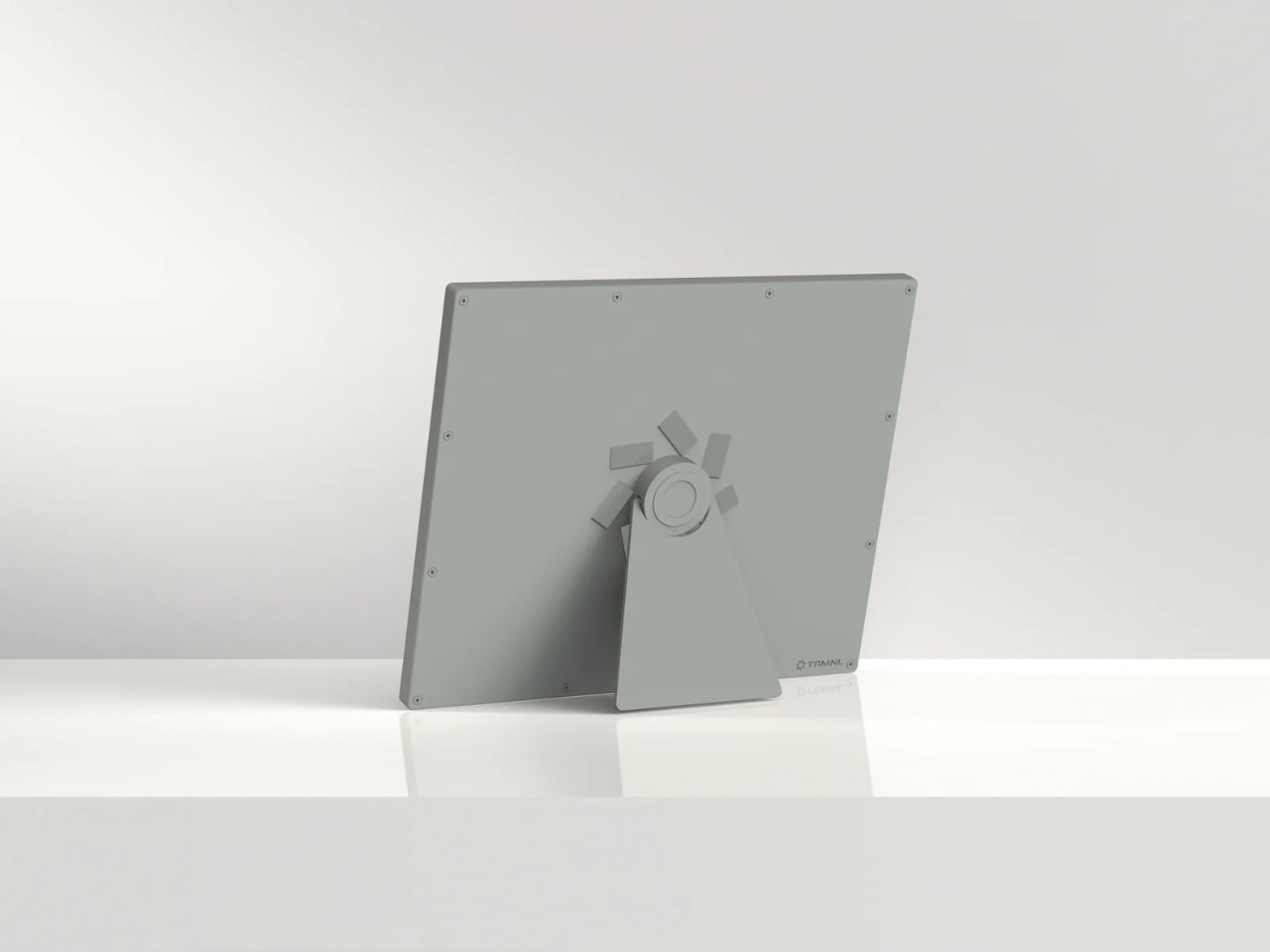
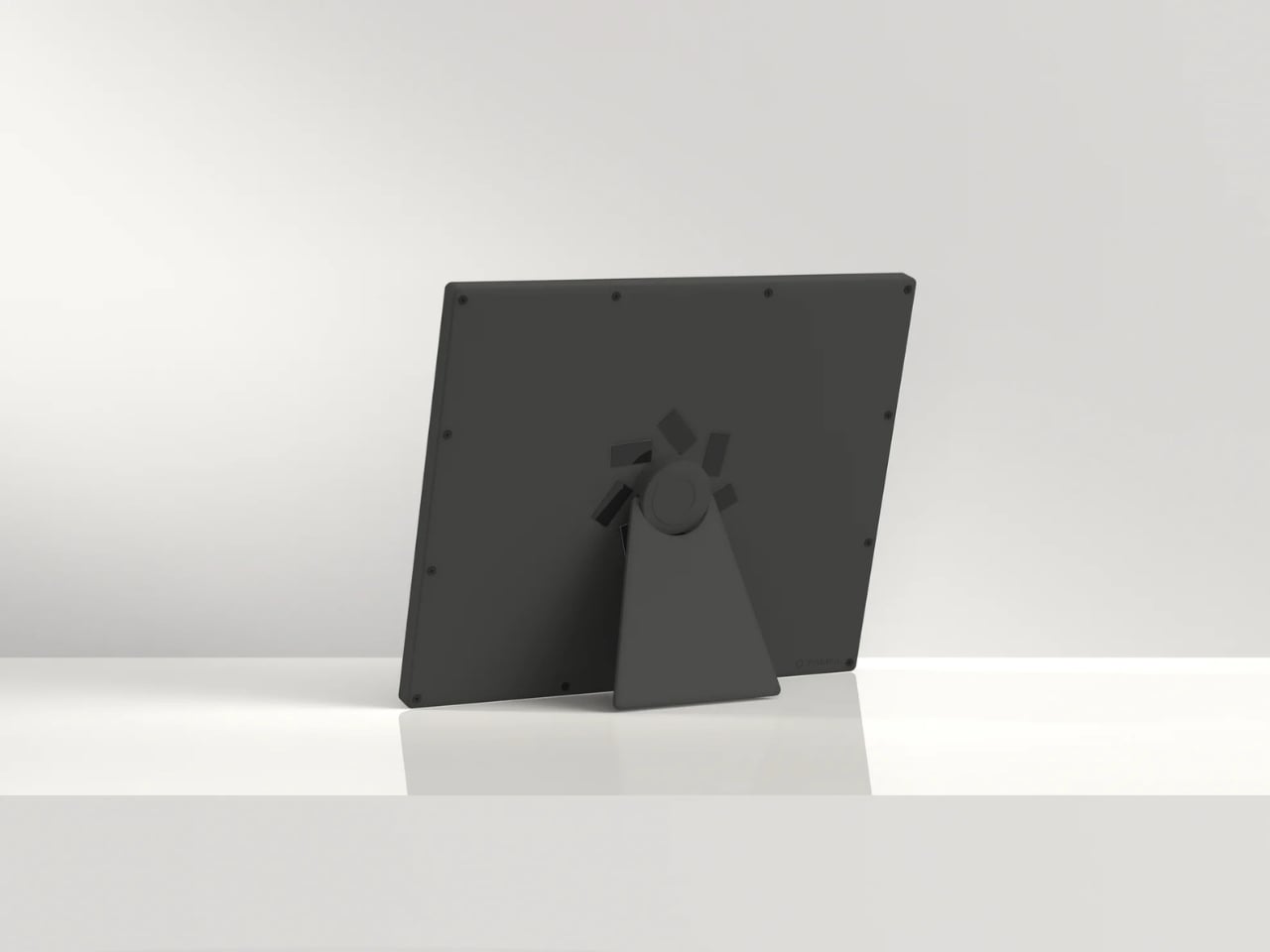
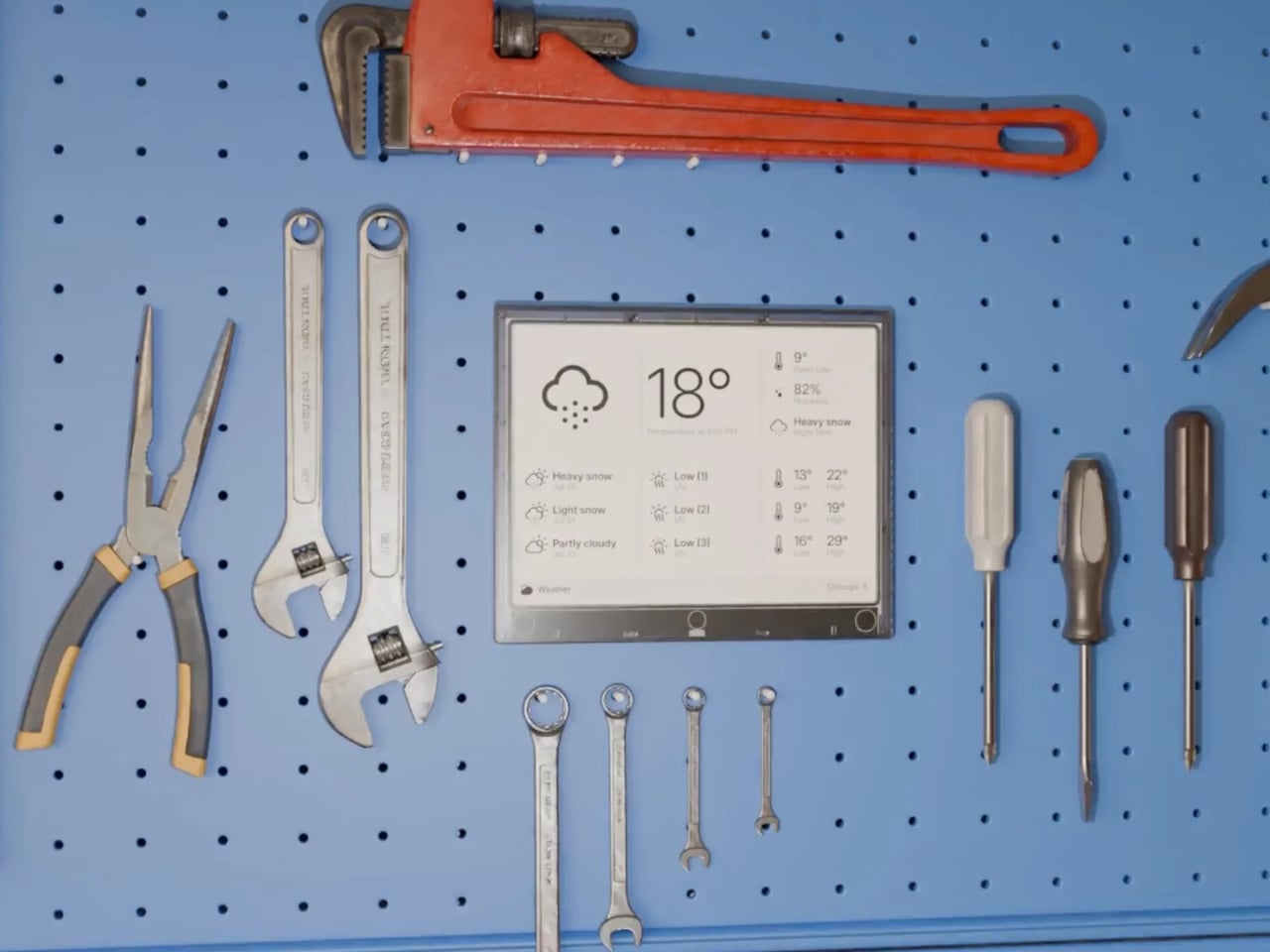
The hardware reflects this same philosophy of quiet confidence. The frame comes in six finishes, from black and white to sage and faux wood, and the front is completely clean with no visible branding. There’s a magnetic USB-C charging connector, a built-in accelerometer for auto-rotation, and a touch gesture bar for quick navigation. Battery life stretches anywhere from two to six months depending on your refresh rate, which means you can genuinely forget it needs power at all. The enclosure is also waterproof and dust-proof, so it can live in a bathroom or a workshop without issue.
But the real personality of the TRMNL X shows in its hacker-friendly DNA. The firmware is fully open source. The case has actual screws, not glue, so you can open it up, swap components, and tinker to your heart’s content. There’s a Qwiic connector for attaching external sensors, and the community on Discord has already built custom integrations for Home Assistant and all sorts of niche projects. In an era when most gadgets are sealed shut and locked down, this level of openness feels almost rebellious.
At $219, the TRMNL X isn’t an impulse buy. But it’s also not competing with tablets or smart home hubs. It occupies a category that barely existed a few years ago: the passive information display. Something you put on your desk or mount on a wall that keeps you informed without pulling you into a screen-time spiral. The fact that it runs for months on a charge and requires almost zero maintenance makes it feel less like a gadget and more like a piece of furniture.
There’s a growing appetite for technology that respects boundaries, that does its job and then gets out of the way. The TRMNL X is a beautifully considered expression of that idea, a screen that proves sometimes the most powerful design choice is simply knowing when to stay quiet.
The latest feature from Universe of AI provide more insights into the evolving landscape of AI-driven productivity, focusing on Anthropic’s Claude Code Remote Control and Cowork platform. These updates highlight the growing emphasis on flexibility and collaboration in professional workflows. For instance, the Claude Code Remote Control introduces a session URL system that allows users […]
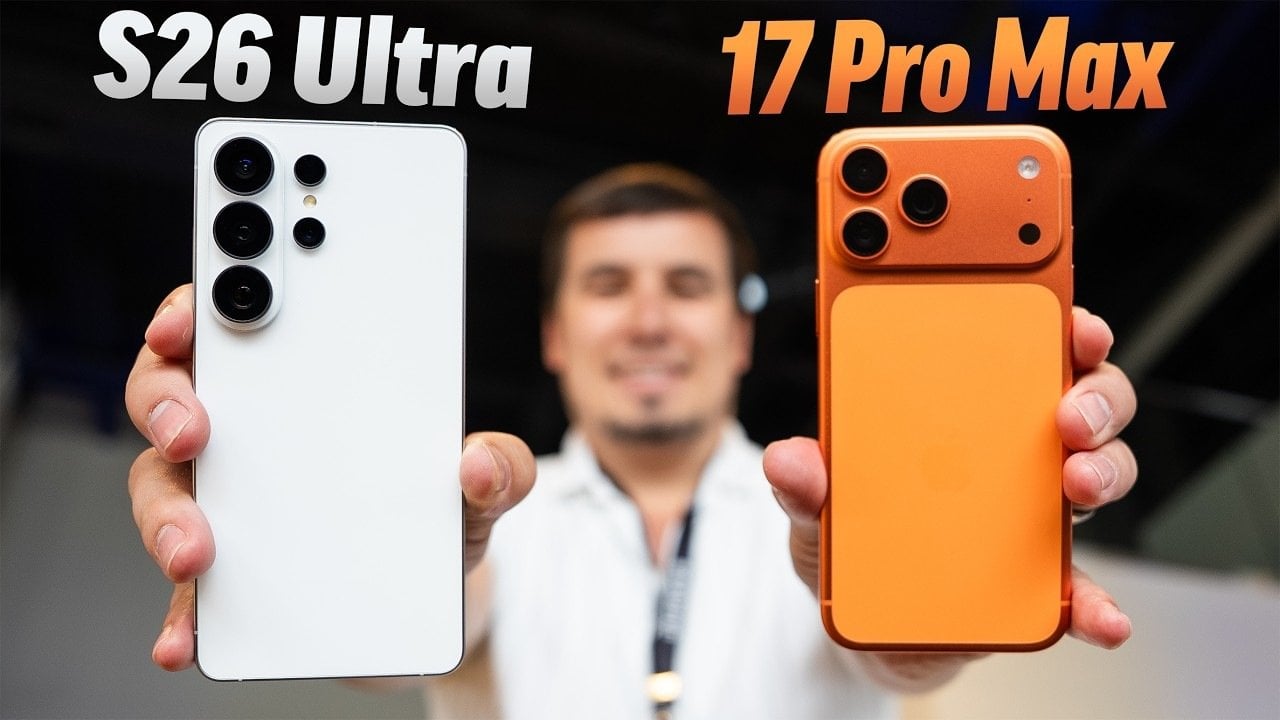
The Samsung Galaxy S26 Ultra and iPhone 17 Pro Max represent the pinnacle of modern smartphone technology, each offering a suite of features designed to enhance user experience. However, the Galaxy S26 Ultra introduces a series of advancements that push the boundaries of what a smartphone can achieve. From privacy-focused displays to AI-powered tools, Samsung’s […]
Elite Dangerous has undergone a significant evolution since its original launch, shifting from a solitary spaceflight simulator to a dynamic, player-driven galaxy. As Nyxson highlights in the video below, this transformation is exemplified by updates like the Trailblazers Update (2025), which introduced system colonization and the Operations Update (2026), which added zero-gravity combat and mega-ship […]
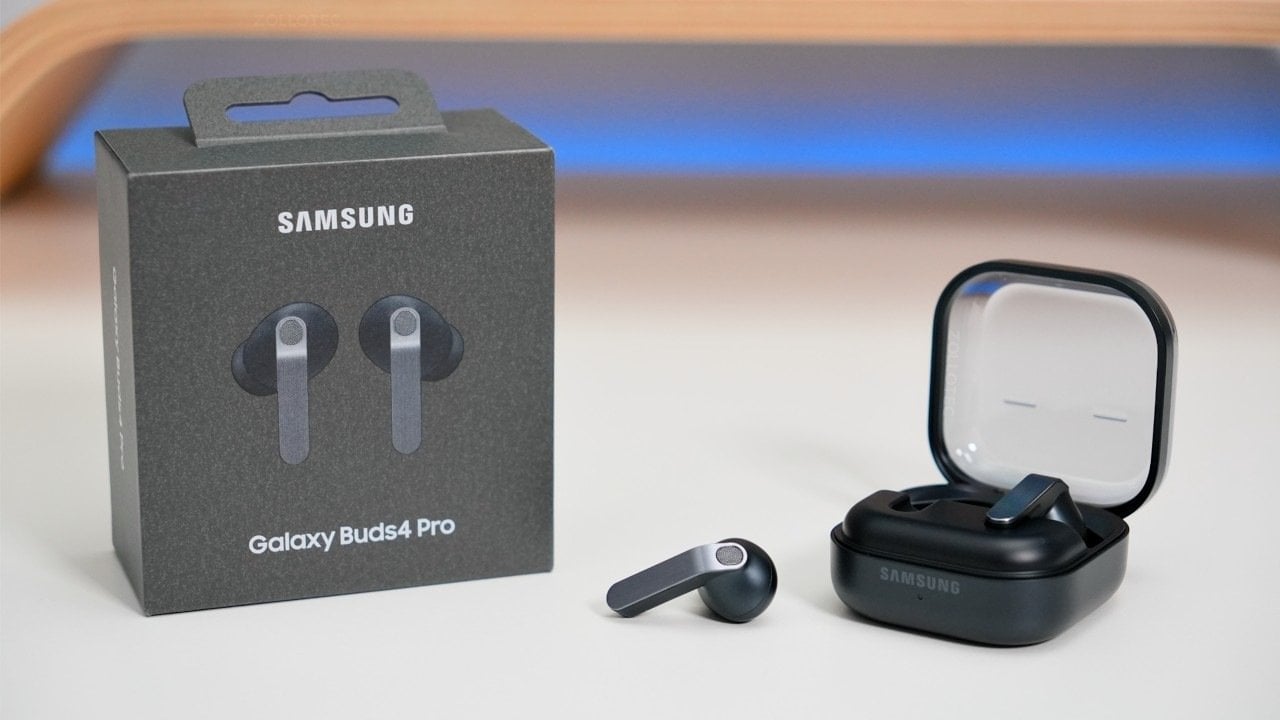
The Samsung Galaxy Buds 4 Pro represent a significant step forward in the world of premium wireless earbuds. With features such as adaptive noise cancellation, high-resolution audio support, and intuitive controls, they cater to a wide range of users, from audiophiles to casual listeners. However, their full potential is most evident when used within the […]
Google’s new Nano Banana 2 is a platform designed for creative professionals and hobbyists, offering advanced AI features alongside customizable settings. According to Olivio Sarikas, one notable capability is its ability to generate high-resolution visuals tailored to specific requirements by adjusting parameters such as temperature, aspect ratio and resolution. For instance, users can produce 4K-quality […]
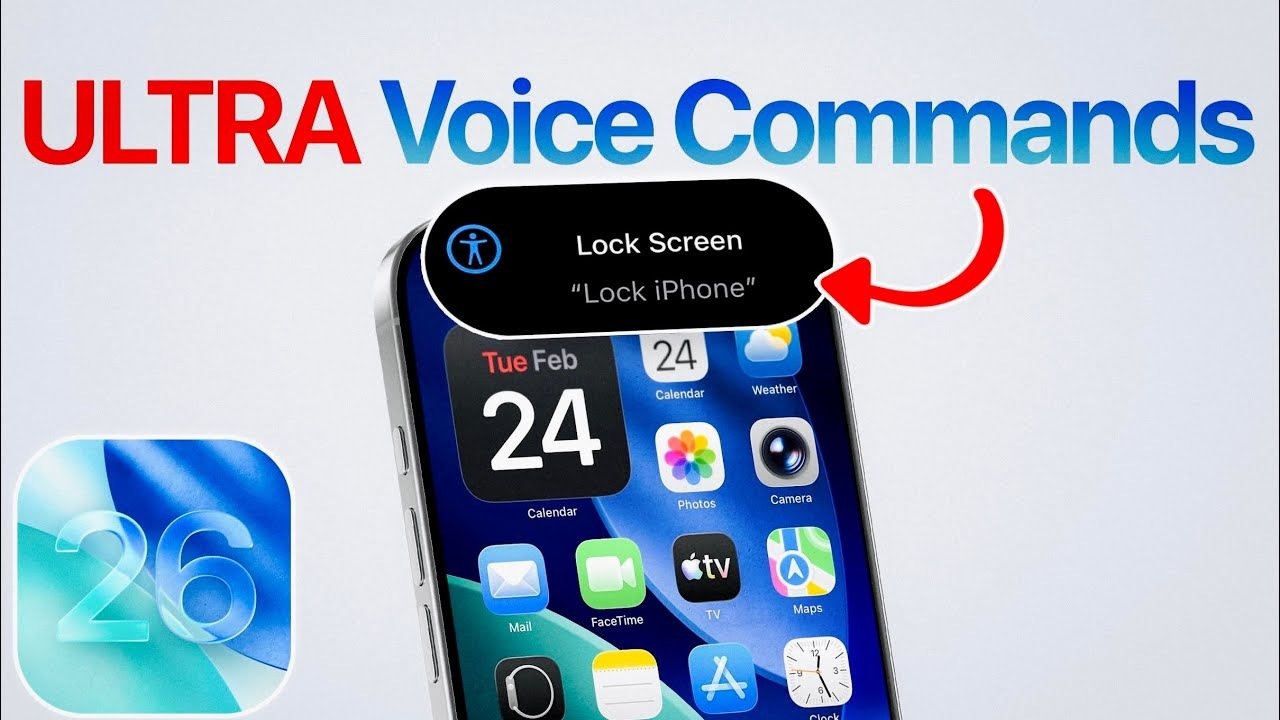
Apple’s iOS 26 introduces a new feature called “Vocal Shortcuts,” designed to transform how you interact with your iPhone. This innovative tool allows you to create custom voice commands that bypass Siri, making sure your commands are directed solely to your iPhone without inadvertently activating other Apple devices. With Vocal Shortcuts, you gain a new […]
The MacBook is coming back — or at least, that's what the rumors claim. Next week, Apple is expected to announce a colorful, low-cost, non-Air, non-Pro MacBook powered by one of its mobile processors. By avoiding its pricier M-series chips, Apple may reportedly be able to reach a low $699 or $799 price for the MacBook. The $999 MacBook Air is the cheapest laptop on the company's website right now, but Apple also sold the older M1 MacBook Air at Walmart for $700 in 2024, which later went down to $650 last year.
That Walmart deal was a smart way for Apple to test out the viability of cheaper MacBooks without building an entirely new product. But now the M1 Air’s design looks seriously dated, and the company also needs to move beyond the six-year-old M1 chip. It's time to get serious about delivering a true low-cost Apple laptop.
There's another compelling reason to bring back a cheaper MacBook: It's the perfect way to court disgruntled Windows users, something Apple hasn't really done since its "Get A Mac" ads from the mid-2000s. I figure the unbridled success of the iPhone and iPad made Apple focus less on directly competing with Windows. The sleek designs of the 2011-2015 era MacBook Air and Pros were their main selling points, but Apple's push towards USB-C-only machines and unreliable butterfly keyboards later made it clear it wasn't totally focused on Macs.
But now Microsoft is distracted by AI — it's been pushing Copilot and AI features for years, instead of improving the Windows experience with more useful upgrades. Recent talk of agentic AI capabilities, which would let Copilot handle tasks for you automatically, also sparked plenty of criticism from Windows users. And with all of the focus on AI, Microsoft has also released some disastrous Windows updates over the last year, which have bricked OS installations. So, Apple, why not make a direct play for Windows users?
Last year, I covered why it's a great time to jump ship from Windows to Mac, and I haven't been able to let go of that idea since. Apple's M-series chips are shockingly fast and efficient, and its hardware tends to be more durable than typical PC fare. Rumors point to Apple developing a new aluminum case for the low-cost MacBook, so it will likely feel more polished than a typical sub-$1,000 Windows laptop. macOS has also avoided the bloat that's plagued Windows for years — you can turn off Apple Intelligence with two clicks if you want to, and there aren't any annoying ads to deal with.
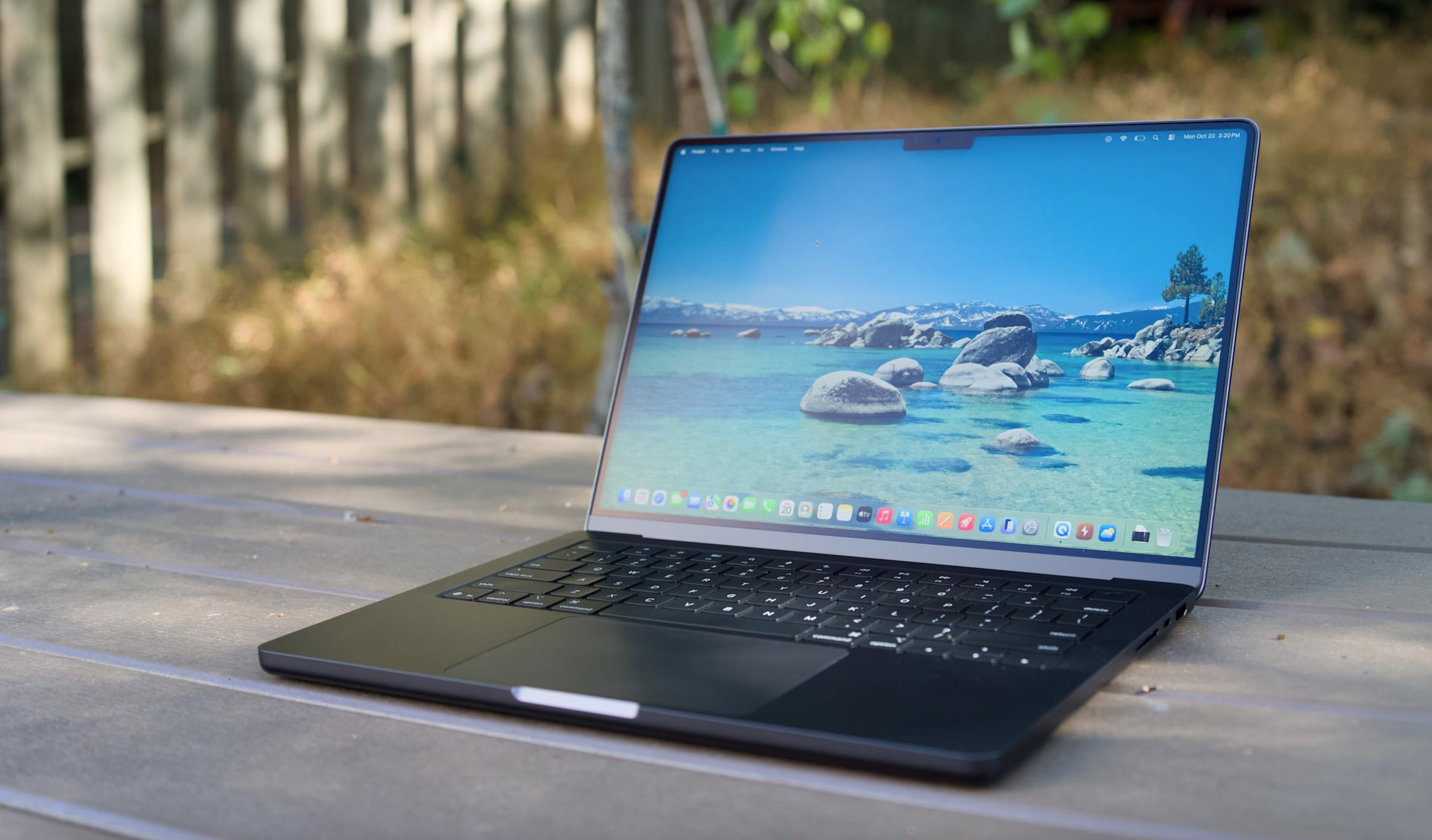
A MacBook Air M5 on a table.
Devindra Hardawar for Engadget
And while it used to be a pain to transition from Windows to Mac, it’s far easier these days, especially if you mainly rely on web apps. It also wouldn't be tough for Apple to make short tutorials to help Windows users get their bearings with the macOS basics, like installing apps and juggling app windows. Apple could also make a play for iPhone owners using Windows, who may not be aware of the many ways iOS and macOS are integrated. iPhone mirroring may be a huge draw on its own.
Rumors also suggest the upcoming MacBook might use the A18 Pro from the iPhone 16 Pro, a chip that benchmarks faster than the M1. Even if it only has six cores, making it slower for heavy workloads than the M2, an A18 Pro-powered MacBook would still be more than enough power for basic productivity work. Not everyone needs the surprising amount of GPU power in the MacBook Air — especially if downgrading means they can save $200 to $300.
I'm not saying any of this through any sort of Apple-loving bias. I typically use a MacBook Pro for work, but I'm a Windows user at heart. Windows was my gateway to computing in the '90s, back when Macs were far more expensive than PCs. These days, I spend more time on my Windows desktop making podcasts, playing PC games and bumming around the internet than I do working on Macs.
And yet, it’s hard to deny everything Apple is doing right today — the only thing it’s missing is an inexpensive laptop entry. A $699 or $799 MacBook simply makes sense. And for many Windows users, it’ll be just the escape from Microsoft they need.
This article originally appeared on Engadget at https://www.engadget.com/computing/laptops/a-cheap-macbook-is-the-perfect-way-for-apple-to-win-over-windows-users-130000045.html?src=rss
Valve’s Steam Frame offers a standalone VR experience that bridges the gap between wireless PCVR and independent gaming. In a hands-on session covered by Gamertag VR, the headset demonstrated its ability to run demanding titles like Half-Life Alyx natively, achieving frame rates of 40-50 FPS on low settings. This performance is supported by features such […]