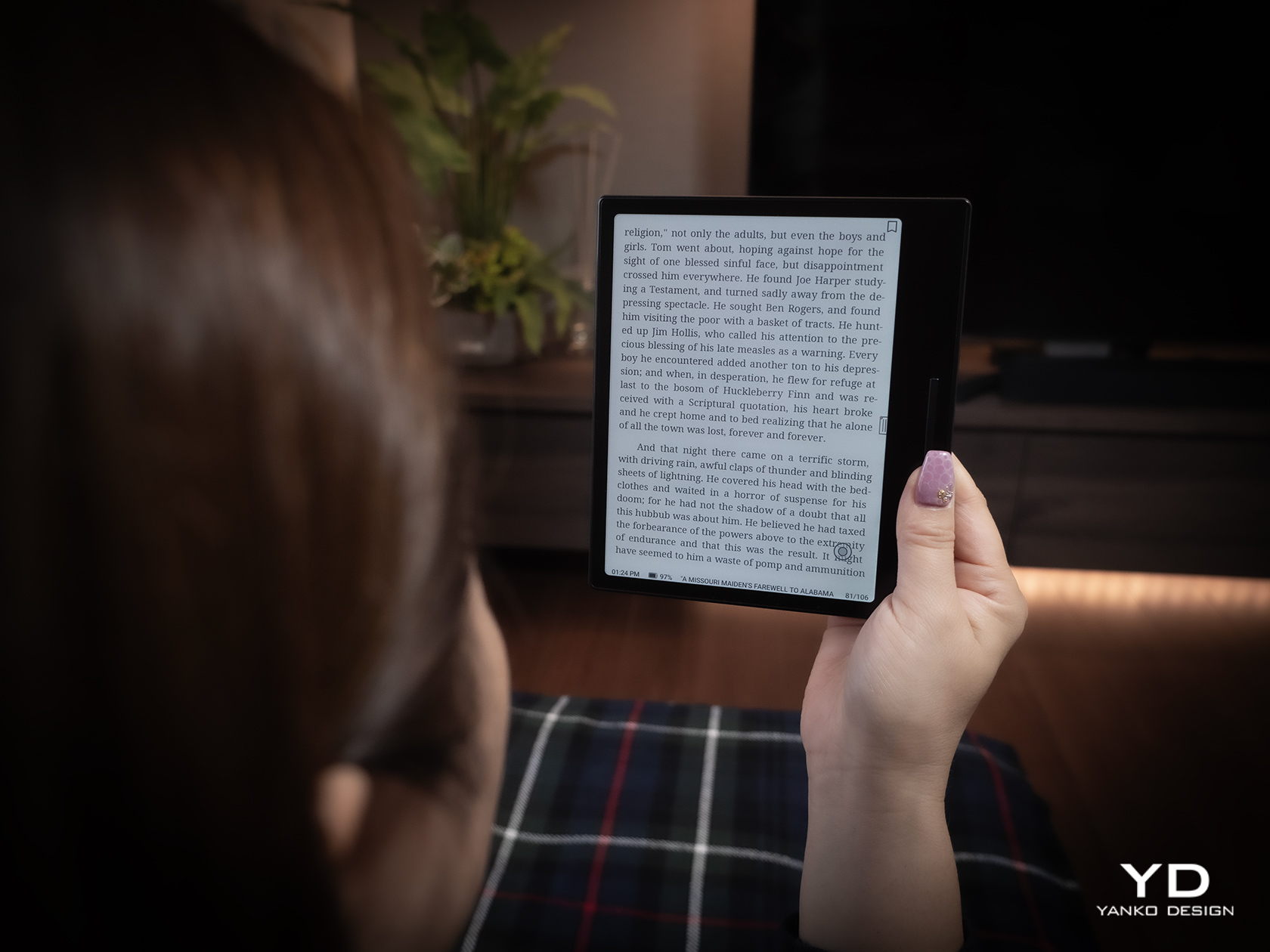
Spending hours in front of a glowing screen is unavoidable for most people, and the toll it takes on the eyes is a problem the monitor industry hasn’t truly solved. E Ink displays offer a gentler, paper-like alternative that’s far easier to stare at for long stretches, but most of them are painfully slow, limited in resolution, and not really up to the demands of daily computing.
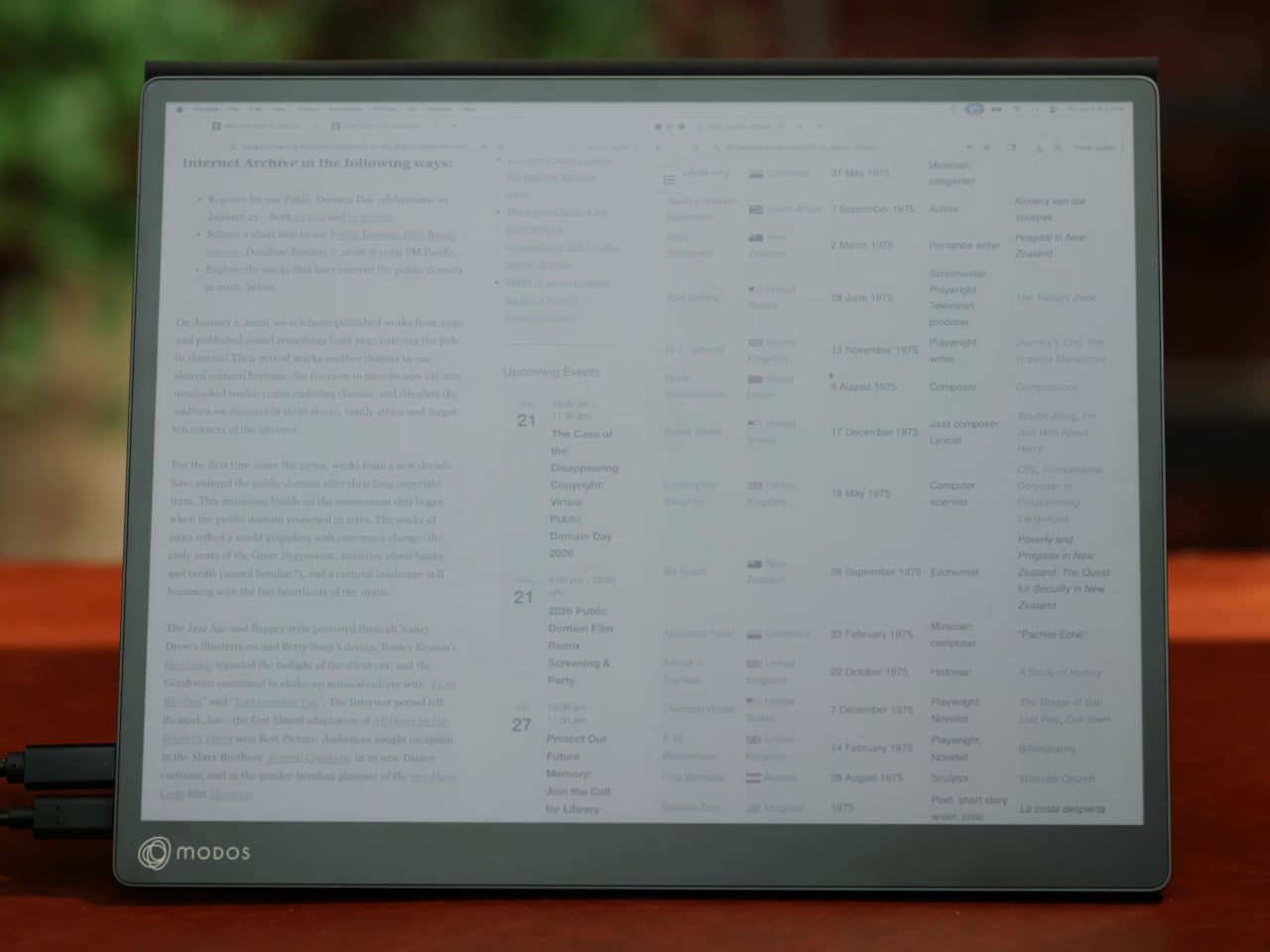
The Modos Flow is Modos Tech’s answer to that problem. Built by a Boston-based hardware startup, it’s a 13.3-inch E Ink portable monitor designed not just for casual reading but for all-day, focused work. It targets the kind of person who needs a real secondary screen but wants to spend less time squinting and more time actually getting things done.
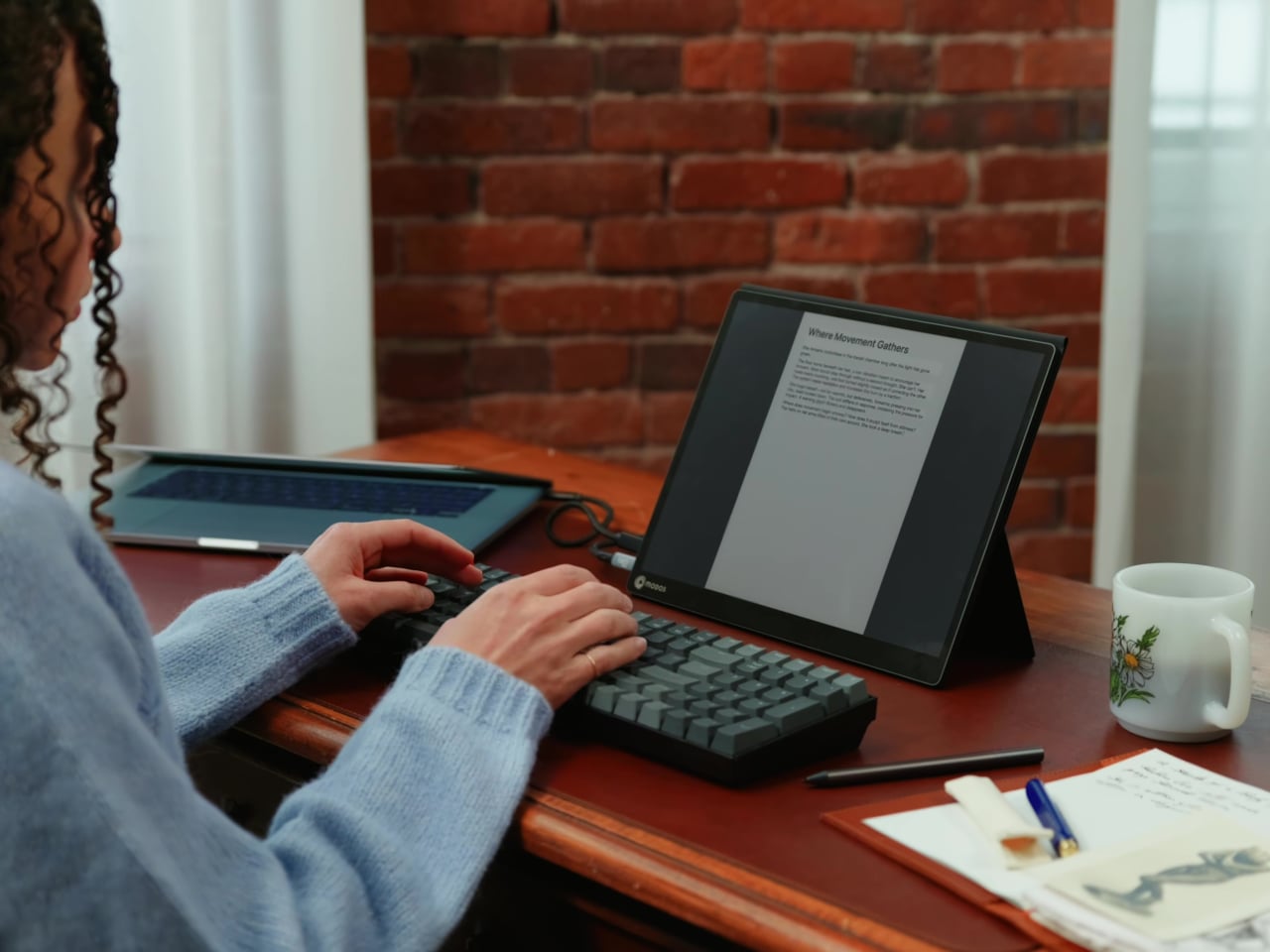
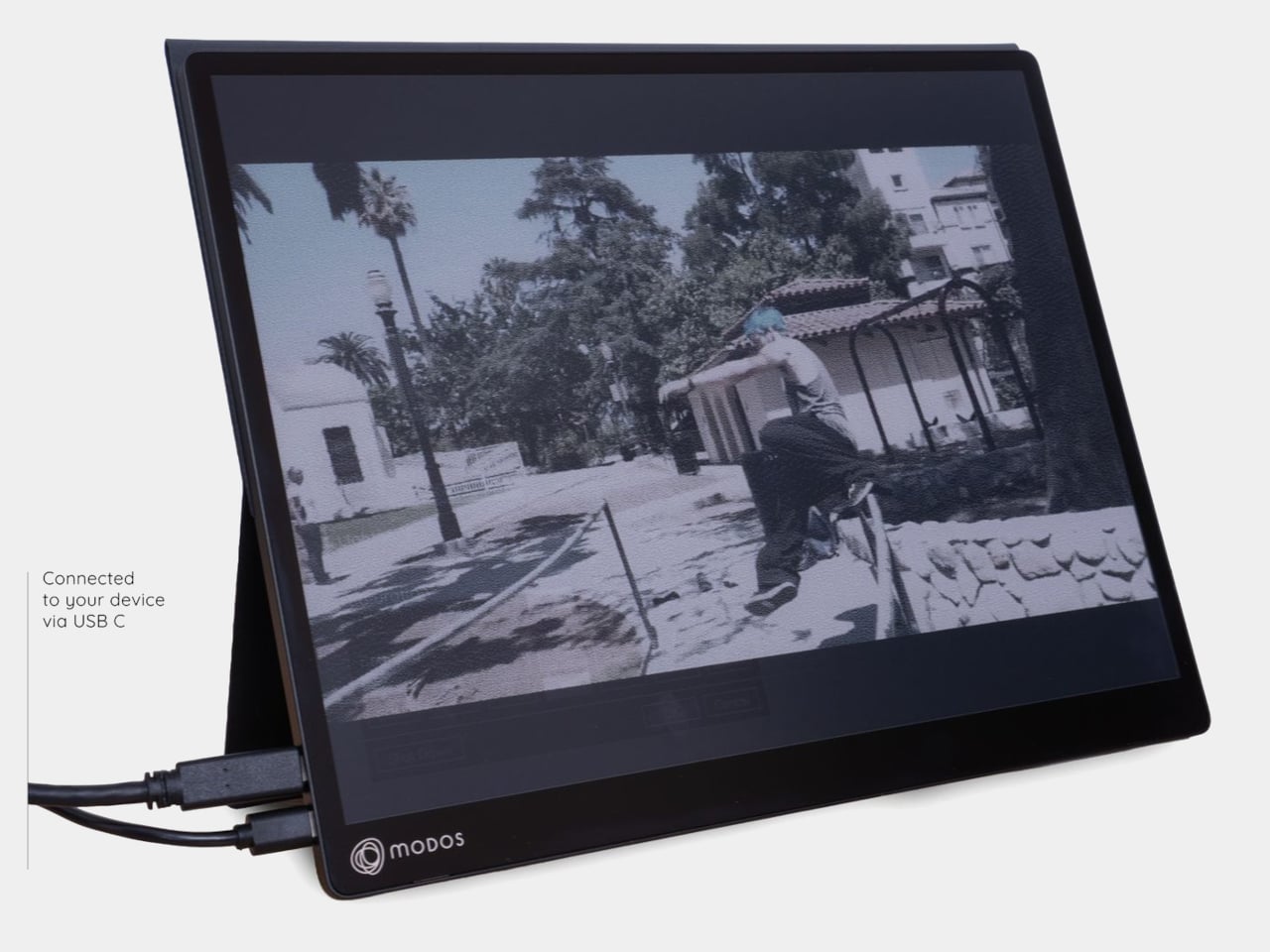
Most E Ink monitors struggle as daily drivers because of their refresh rate. Traditional panels tend to crawl, making anything beyond static document reading a frustrating experience. The Modos Flow uses a custom board with open-source firmware to push its display to 60 Hz, enough to scroll through pages, type without noticeable lag, and use the screen as a functional everyday monitor rather than a glorified e-reader.
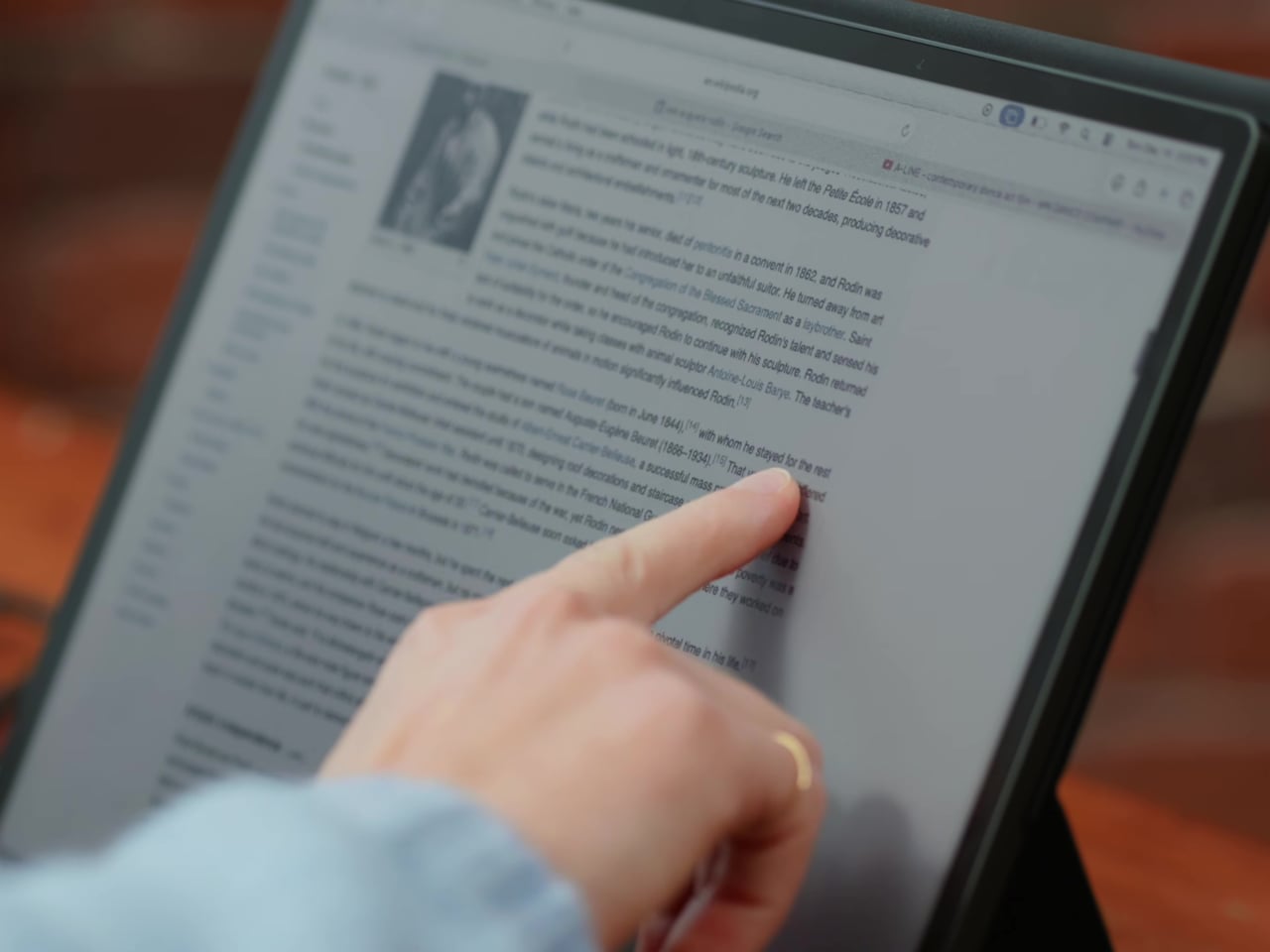
Resolution is also where the Modos Flow separates itself. In black-and-white mode, it renders at 3,200 x 2,400 pixels with a pixel density of 300 PPI, making text crisp enough to satisfy anyone used to retina-grade displays. Color mode brings the resolution down to 1,600 x 1,200 pixels at 150 PPI, which is a fair trade given how rarely E Ink panels offer color at all.
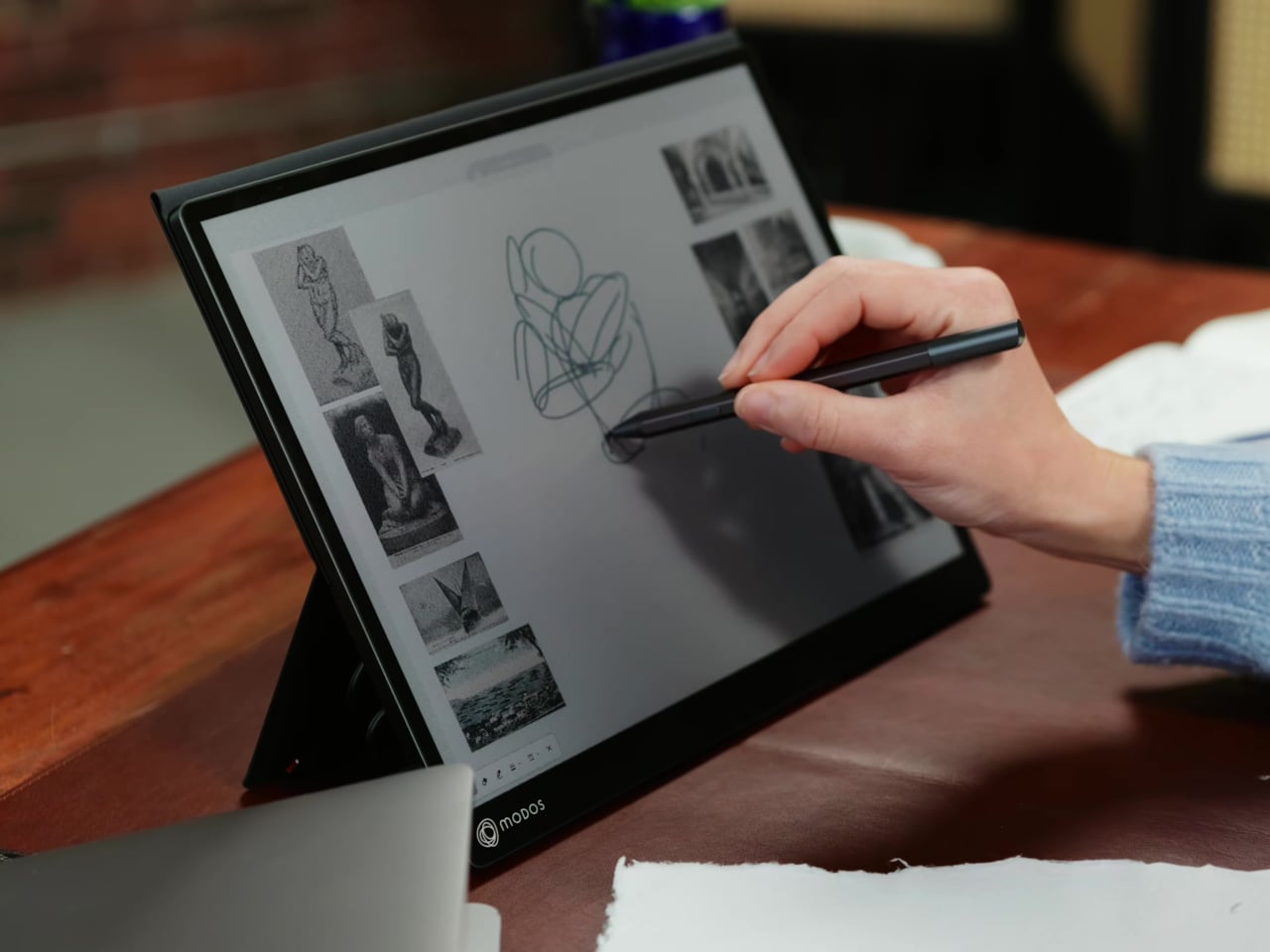
Touch and stylus support round out what’s becoming a surprisingly versatile display. Modos brought the latency down to under 100ms, so annotating a document, sketching ideas, or jotting notes with a stylus actually responds the way you’d want it to. It won’t replace a dedicated drawing tablet, but for someone who routinely works between a laptop and a secondary screen, having that input option without swapping devices is genuinely useful.
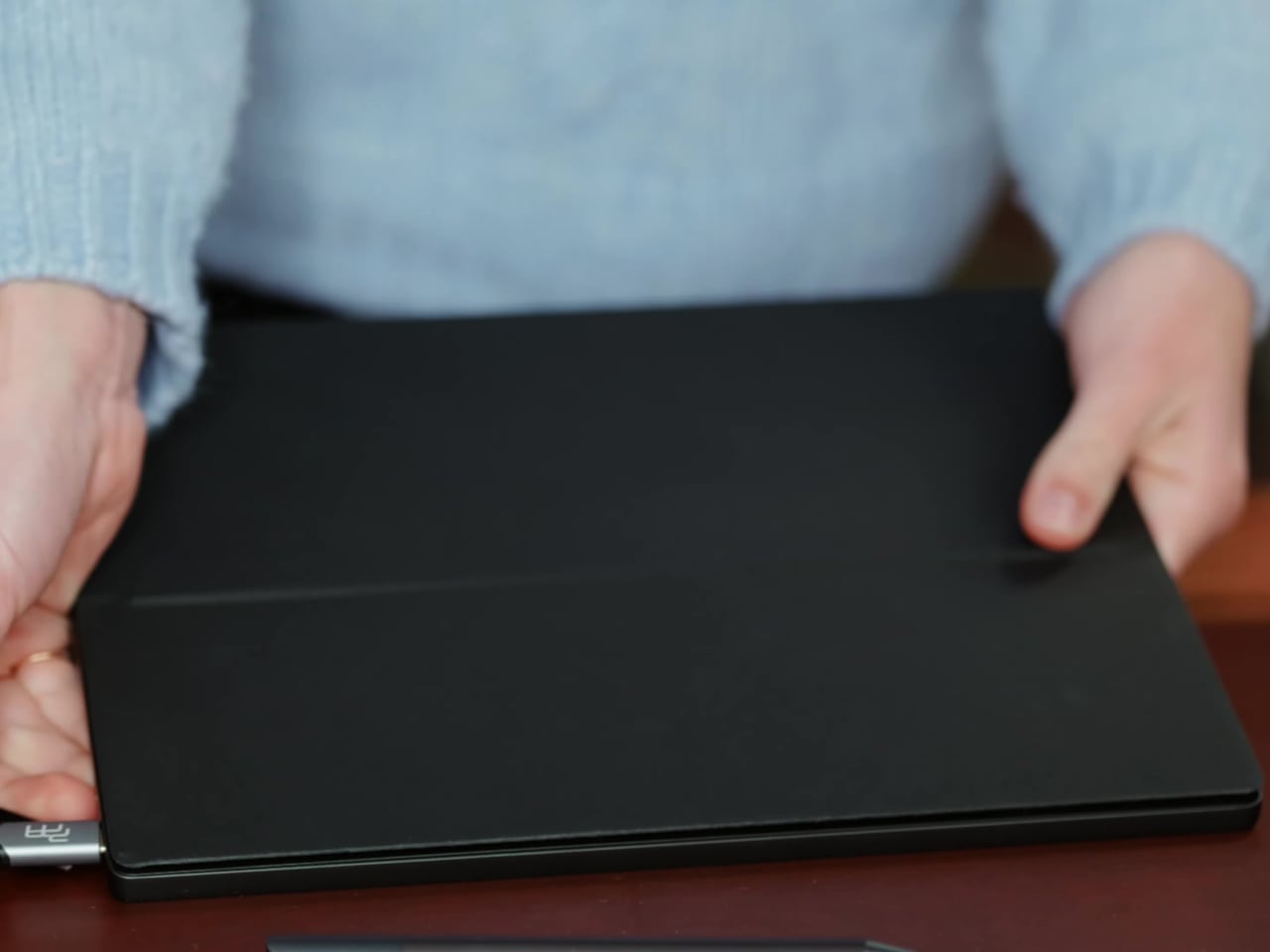
Its physical design is straightforward and practical. A built-in cover doubles as a stand and folds flat for travel, while VESA mounting holes on the back make it easy to attach to a monitor arm or desk mount. Three side buttons let you adjust brightness, contrast, and display mode without touching your computer. Connectivity runs through USB-C with DisplayPort Alt-Mode support, which keeps the setup clean with a single cable.
One of the quieter advantages of E Ink over LCD or OLED is power consumption, and that matters here. When connected to a laptop via USB-C, the Modos Flow draws significantly less power than a conventional secondary monitor, meaning your battery isn’t taking nearly the hit it normally would. It works with Windows, macOS, and Linux out of the box, so there’s no particular setup hurdle to clear. Pricing hasn’t been confirmed yet, but Modos has indicated it should be comparable to other portable monitors.
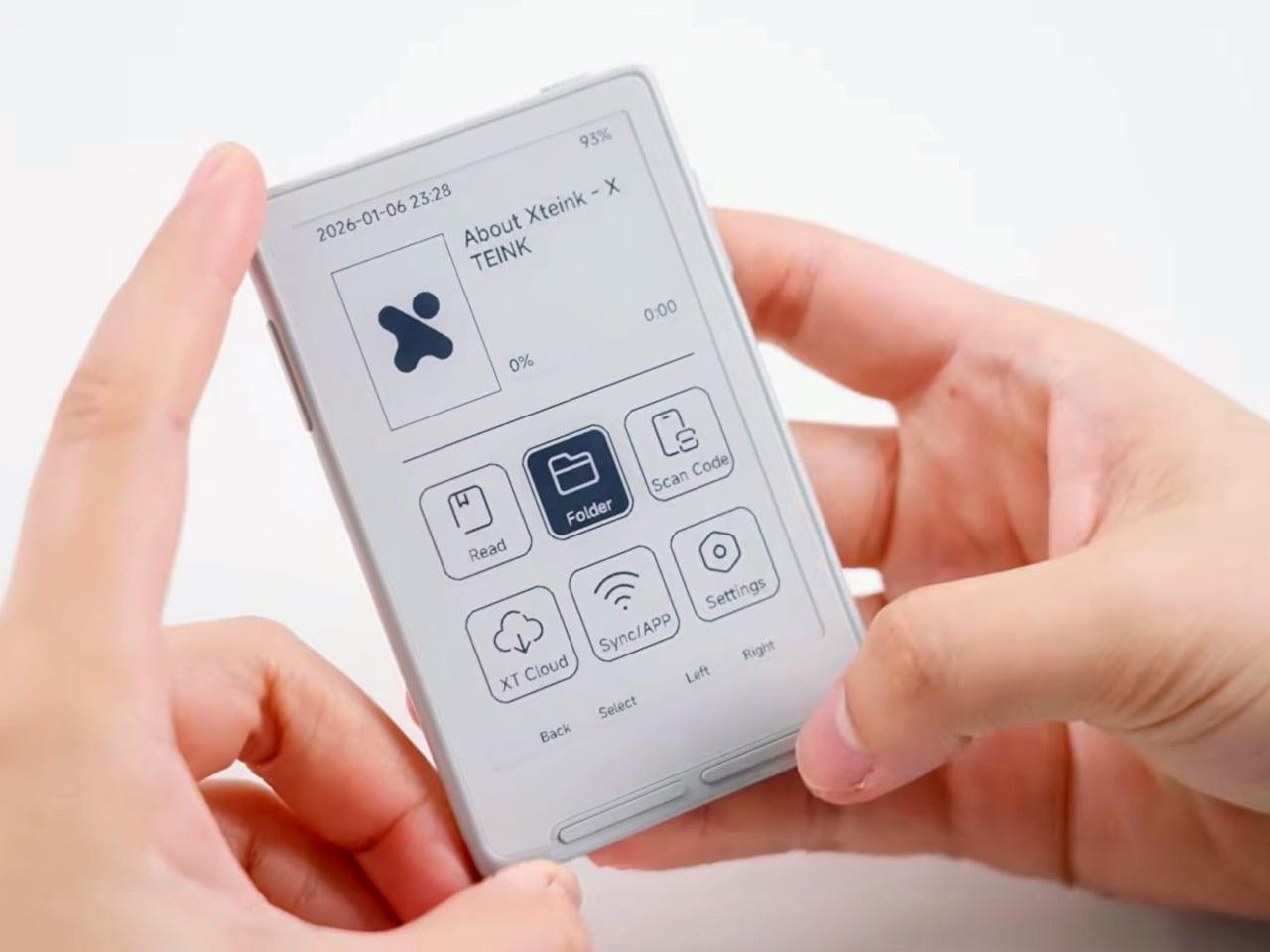
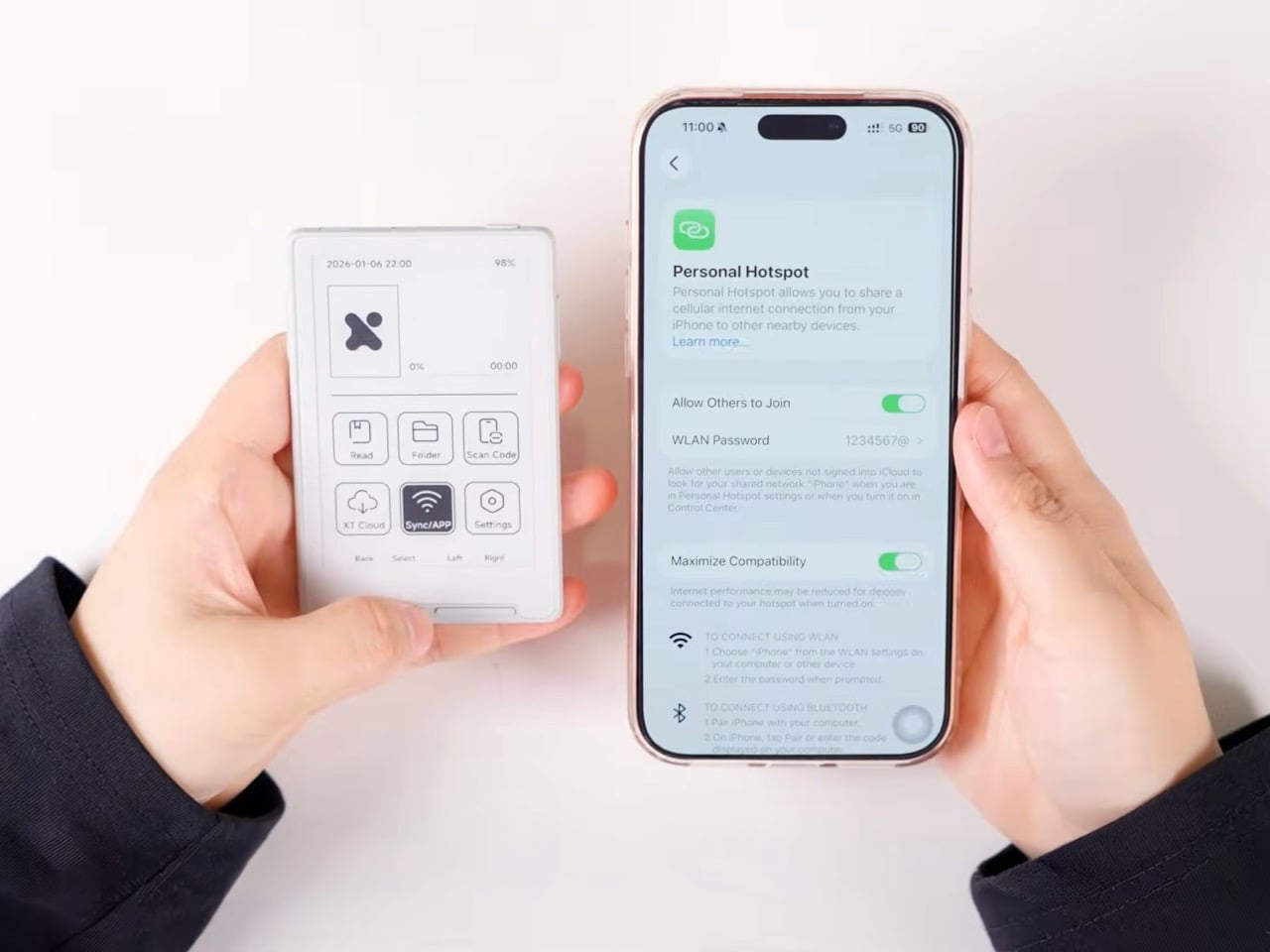
MagSafe was supposed to unlock a universe of snap-on accessories that would turn your iPhone into a modular Swiss Army knife of functionality. Instead, we got wallet cases, battery packs, and a parade of stands. The ecosystem felt like a promise unfulfilled, a magnetic ring waiting for someone to actually think beyond charging. Chinese startup Xteink apparently got the memo everyone else missed, because they just shipped an e-reader designed to live magnetically attached to the back of your phone. The device weighs 58 grams, costs $79, and slots into the exact use case MagSafe seemed built for: turning dead space on the back of your iPhone into a second screen you actually want.
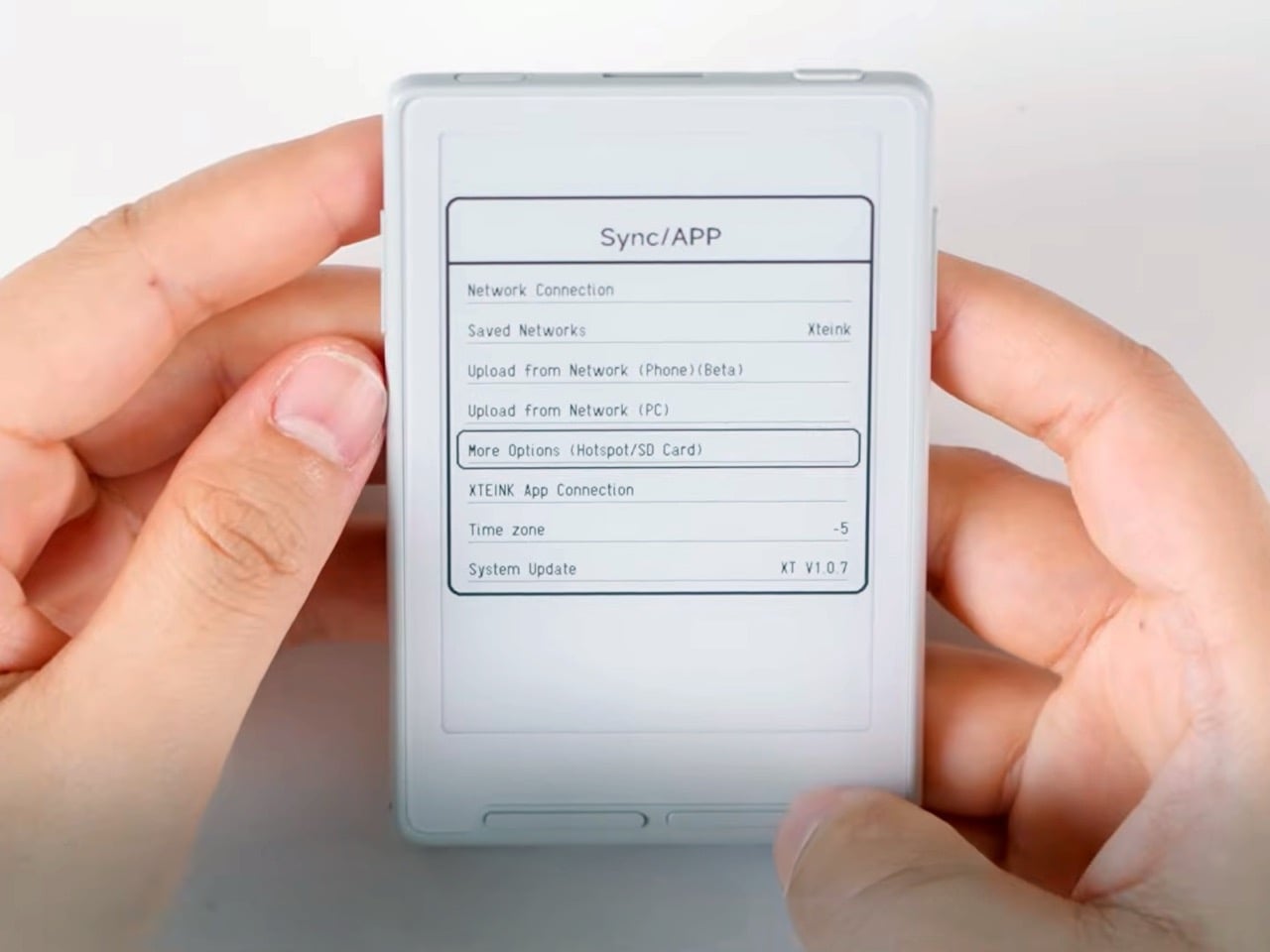
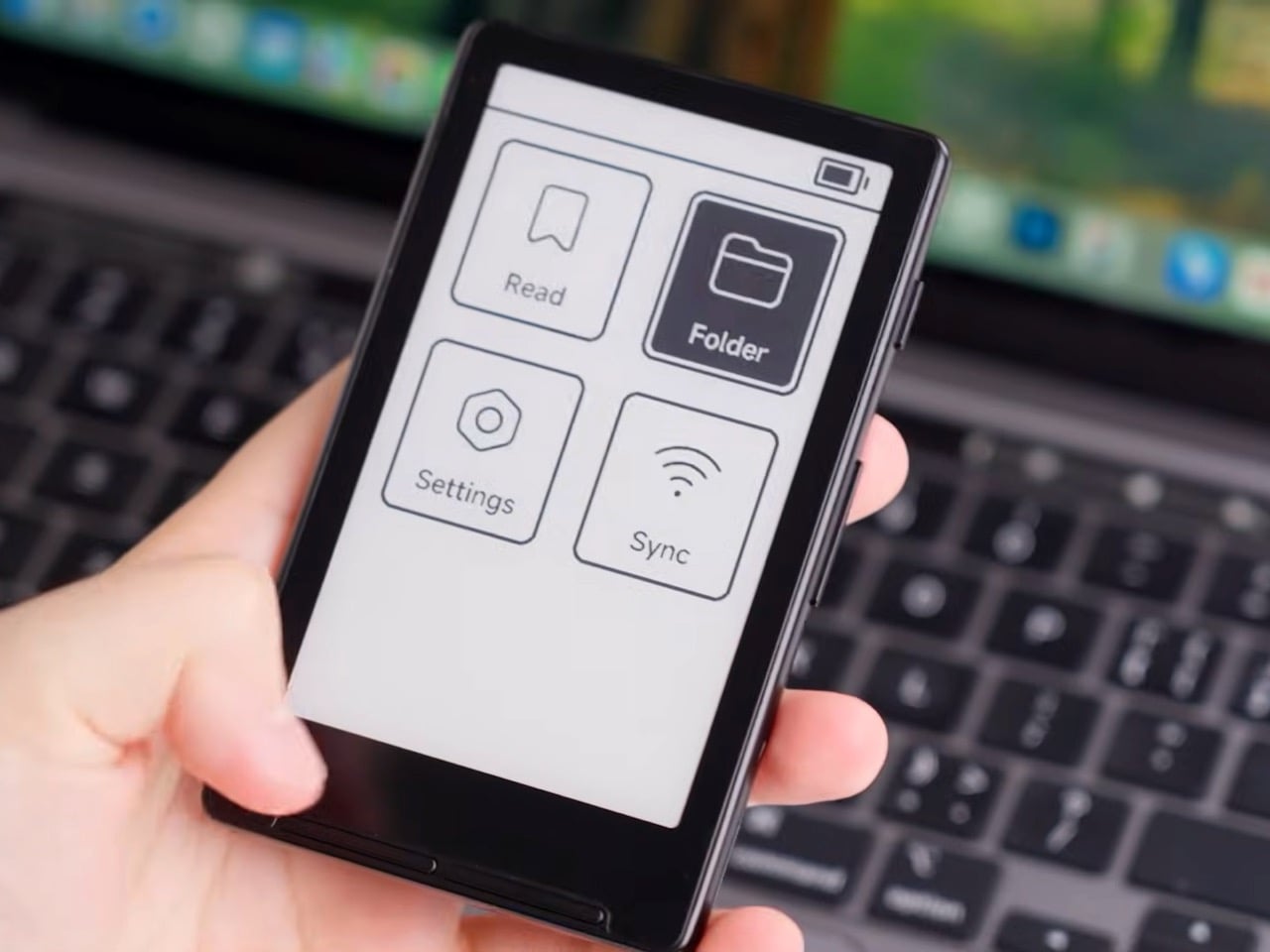
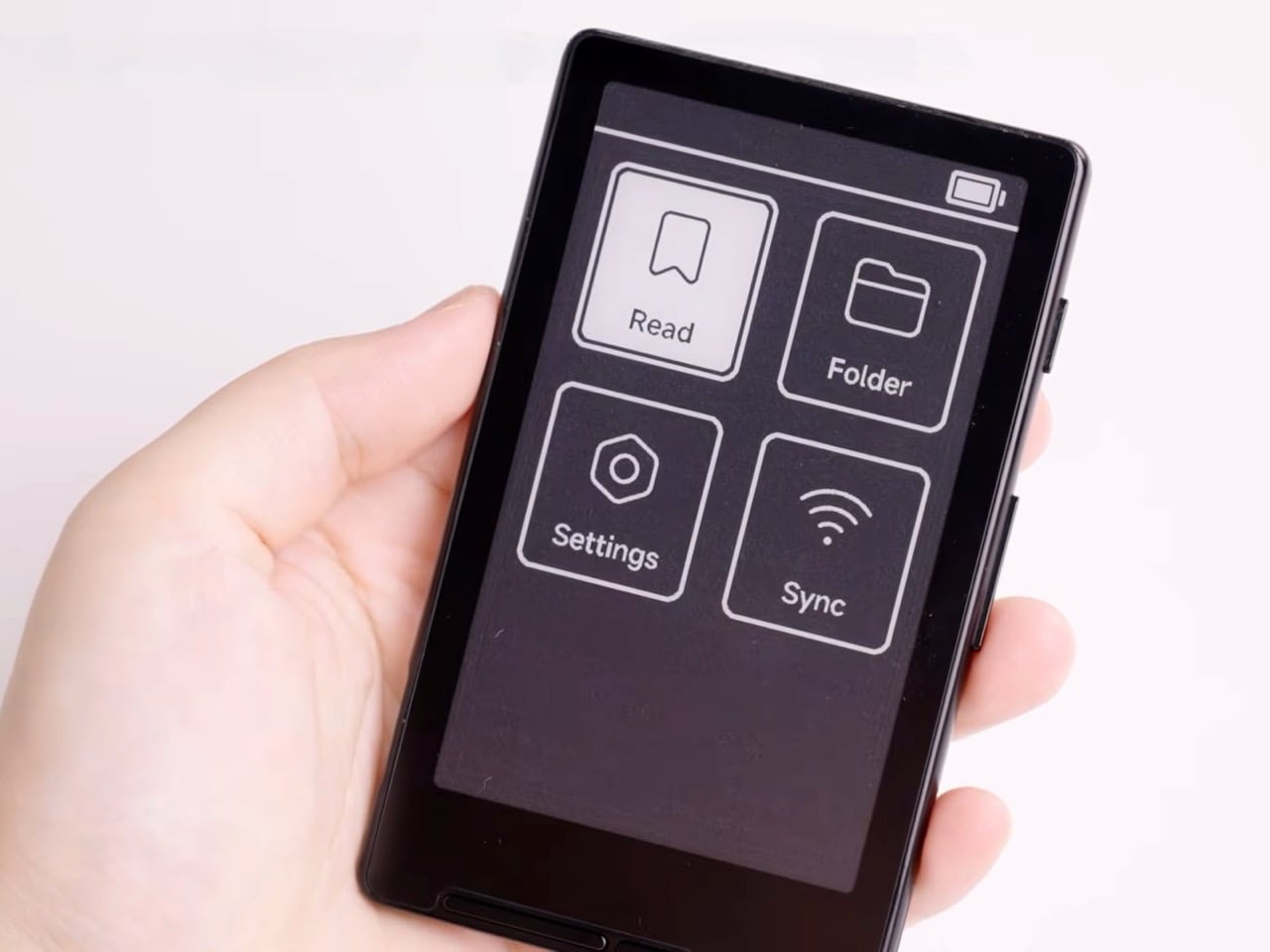
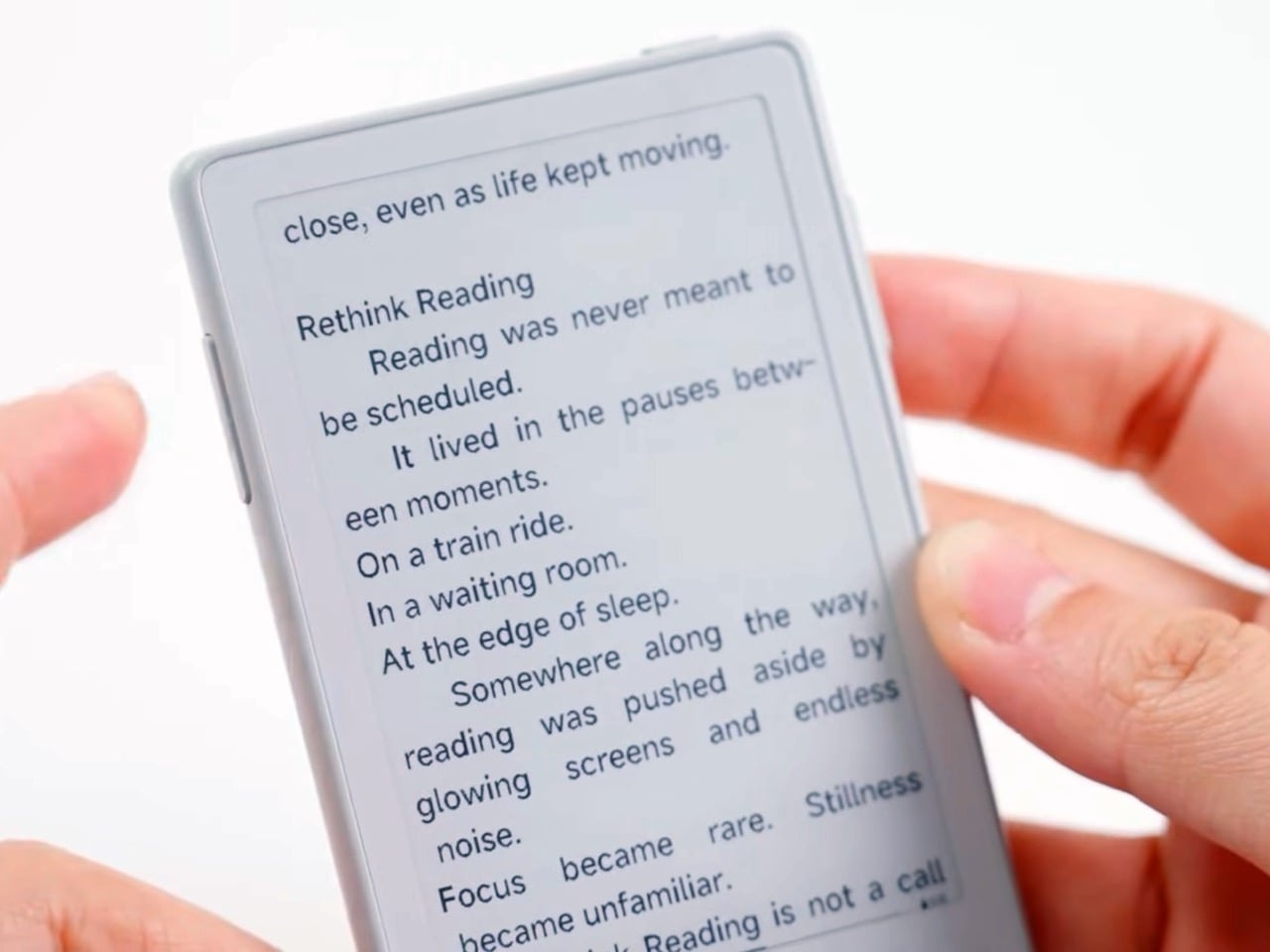
The Xteink X3 comes in two display sizes, 3.7 inches or 4.3 inches, both built around E Ink panels with physical page-turn buttons and zero touchscreen functionality. Navigation runs through a grid of tile-based icons controlled entirely by hardware controls, giving the device a throwback MP3 player vibe that somehow works at this scale. Battery life sits at 10 to 14 days per charge assuming one to three hours of daily reading, and the whole package ships with a 16GB microSD card pre-installed, magnetic stick-on rings for non-MagSafe phones, and a proprietary Pogo Pin charging cable. For iPhone users, it snaps directly to the MagSafe ring and stays there, a permanent passenger in your pocket that weighs less than a deck of cards.
Designer: Xteink
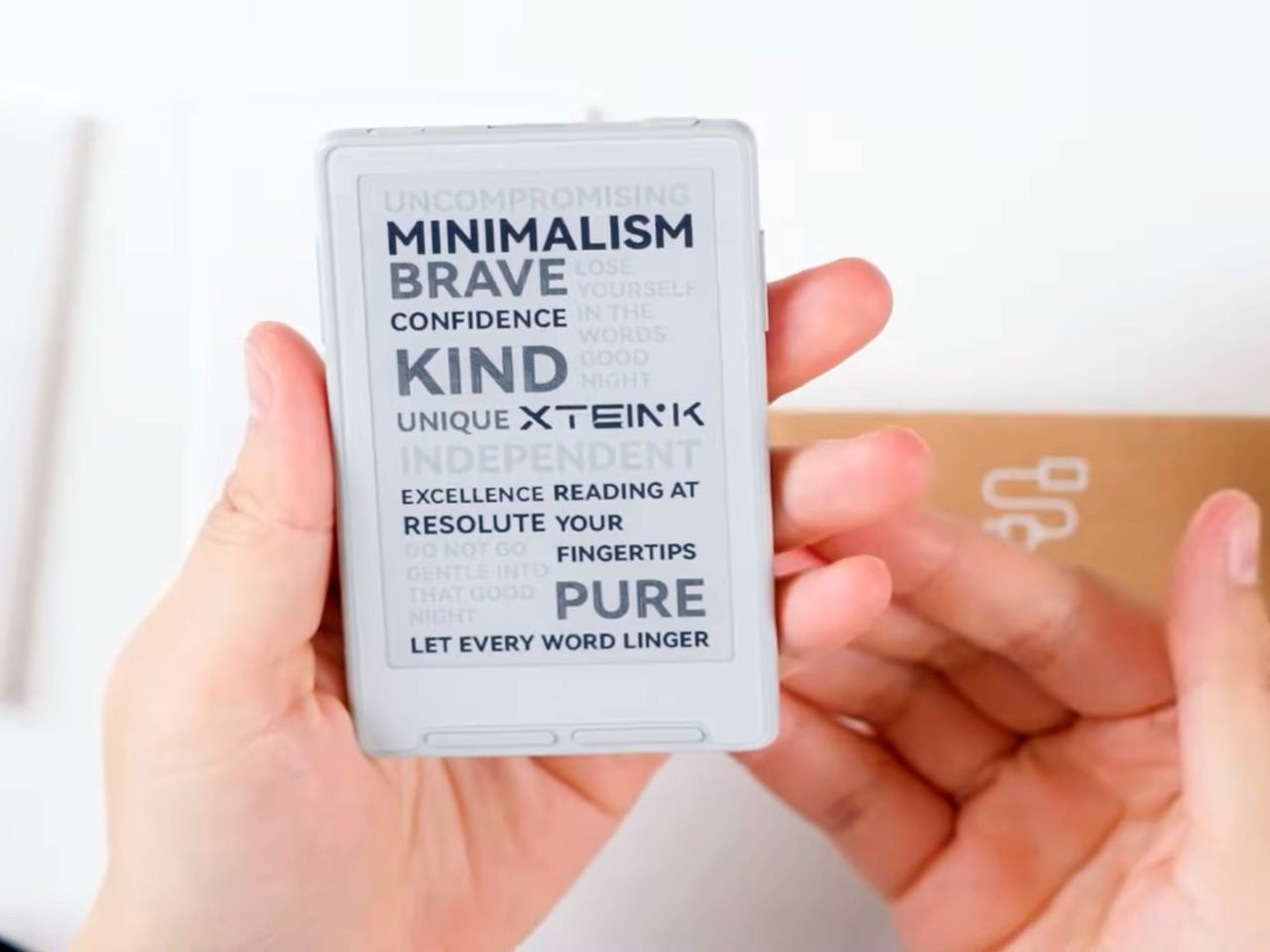
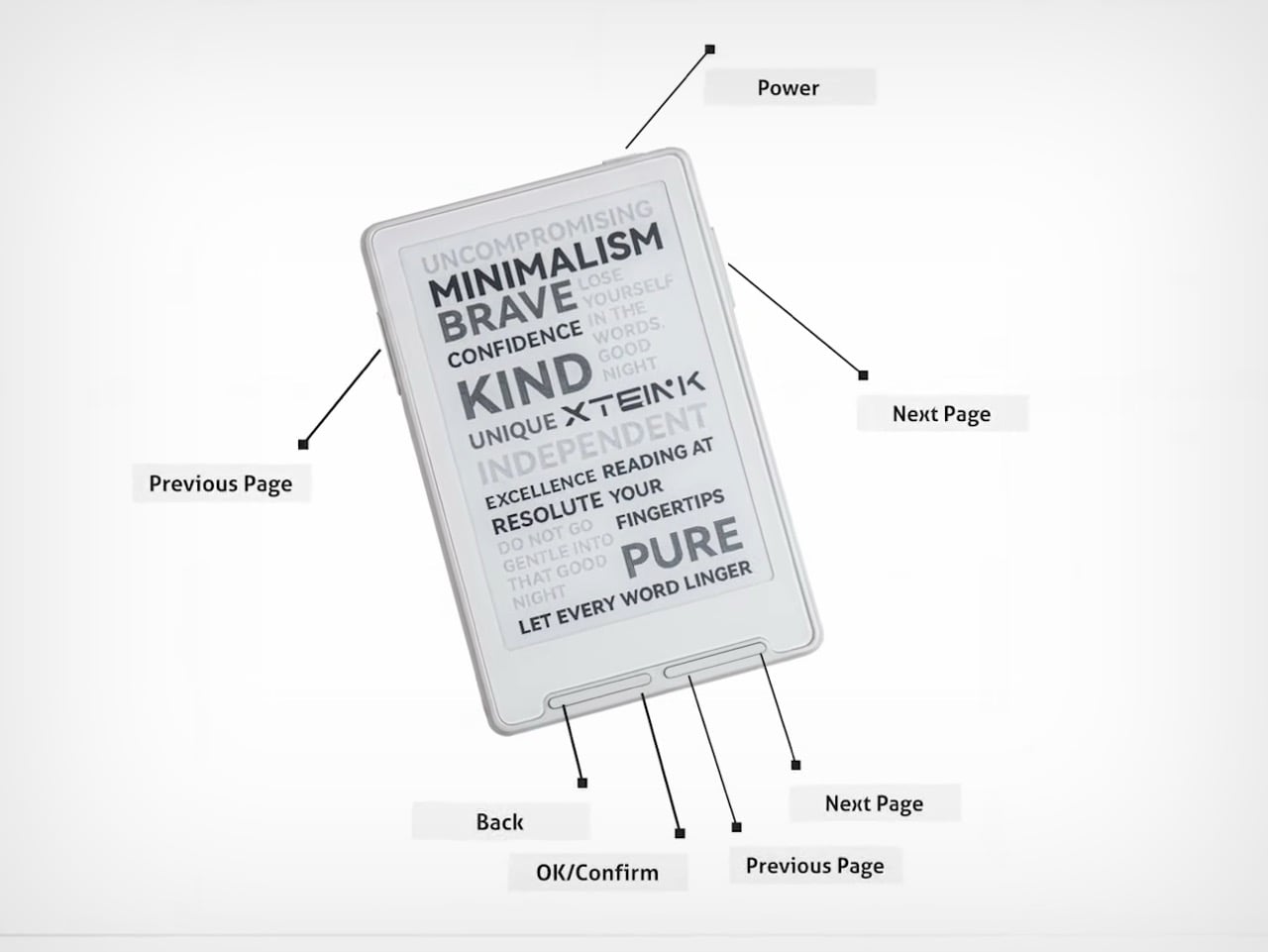
The industrial design leans into minimalism in ways that feel deliberate rather than cost-cut. Product shots show a frosted white variant and a black option, both with rounded corners and a clean bezel that frames the E Ink display without visual clutter. The startup/sleep screen displays typographic word art, phrases like “MINIMALISM,” “PURE,” and “LET EVERY WORD LINGER” arranged across the panel in varying weights and sizes, which gives the device an identity beyond generic tech. Button placement spans three edges: power on top, page-turn controls on the left and right sides, and a row of navigation keys along the bottom for Back, OK/Confirm, and redundant page controls. That redundancy matters, it means one-handed use works regardless of which hand you’re holding the device with, a small detail that signals someone actually thought through real-world ergonomics.
You give up a lot at this price and size. There’s no front light, though Xteink sells a magnetic clip-on reading light separately for $9.99. There’s no touchscreen, which means navigating menus involves button-mashing through tile grids rather than tapping what you want. The smaller 3.7-inch display pushes compactness to a point where readability likely suffers for anyone used to a standard Kindle’s 6-inch panel. Resolution sits below the 300ppi standard most e-readers target, and early user reports suggest MagSafe alignment with certain iPhone models can be finicky depending on orientation. These are real compromises, the kind you accept when portability is the primary design goal and everything else is secondary.
The X3 works best as a concept piece for what the MagSafe ecosystem could become if more companies treated that magnetic ring as an opportunity rather than an accessory mount. At $79, it costs less than most MagSafe battery packs and delivers more utility for anyone who reads regularly. Whether it survives real-world use comes down to whether the form factor trade-offs are worth the pocketability gain, but at least someone is finally asking the right question: what else can we snap to the back of this phone?
Smartphone cases have become one of the more predictable corners of the mobile accessory market. Most of them do exactly what you’d expect: wrap around the phone, absorb some impact, and stay out of the way. A few go further with card slots or battery packs, but the core idea hasn’t changed much in years. You’re still waking the screen every time you want a quick glance at the time.
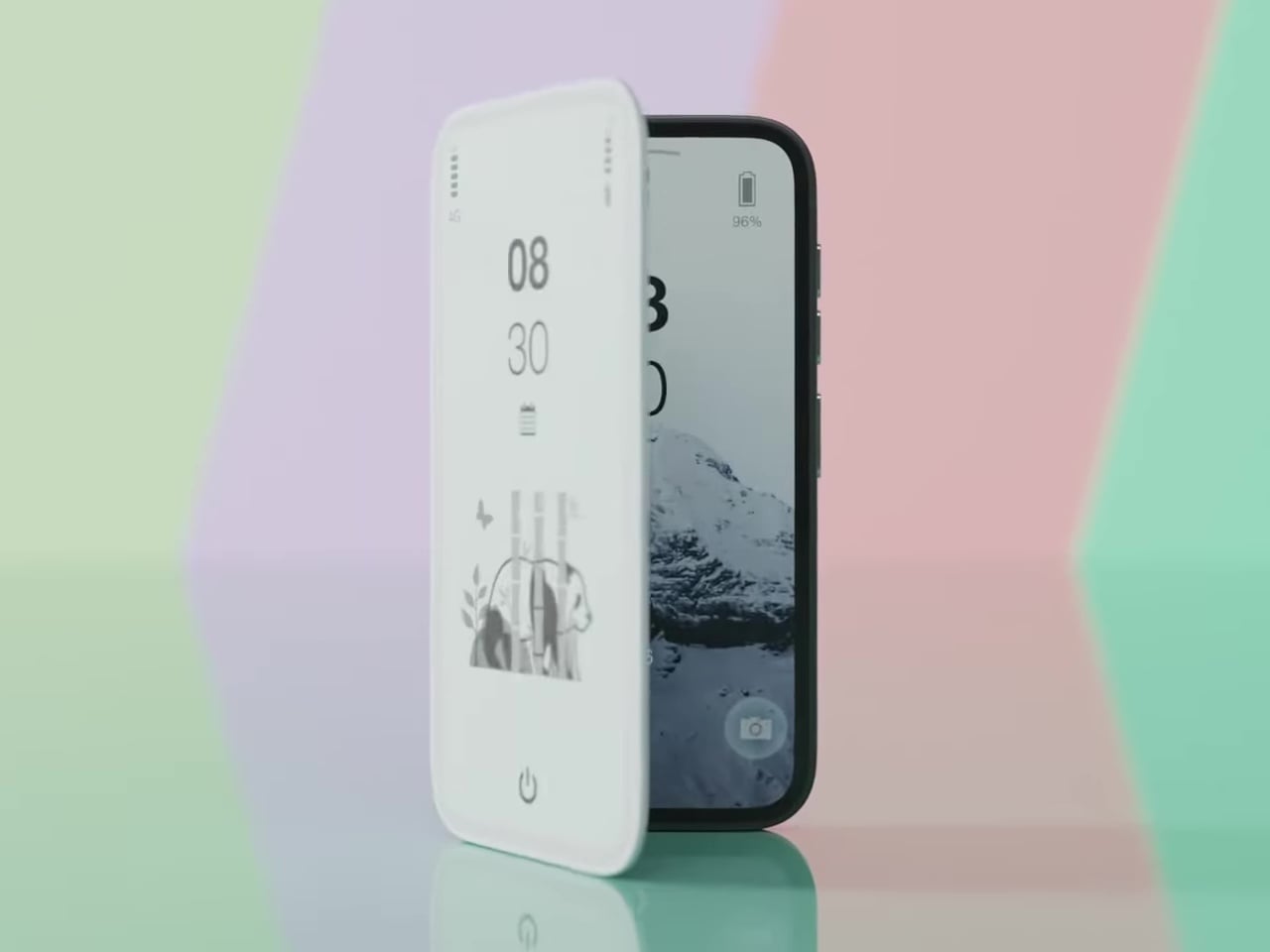
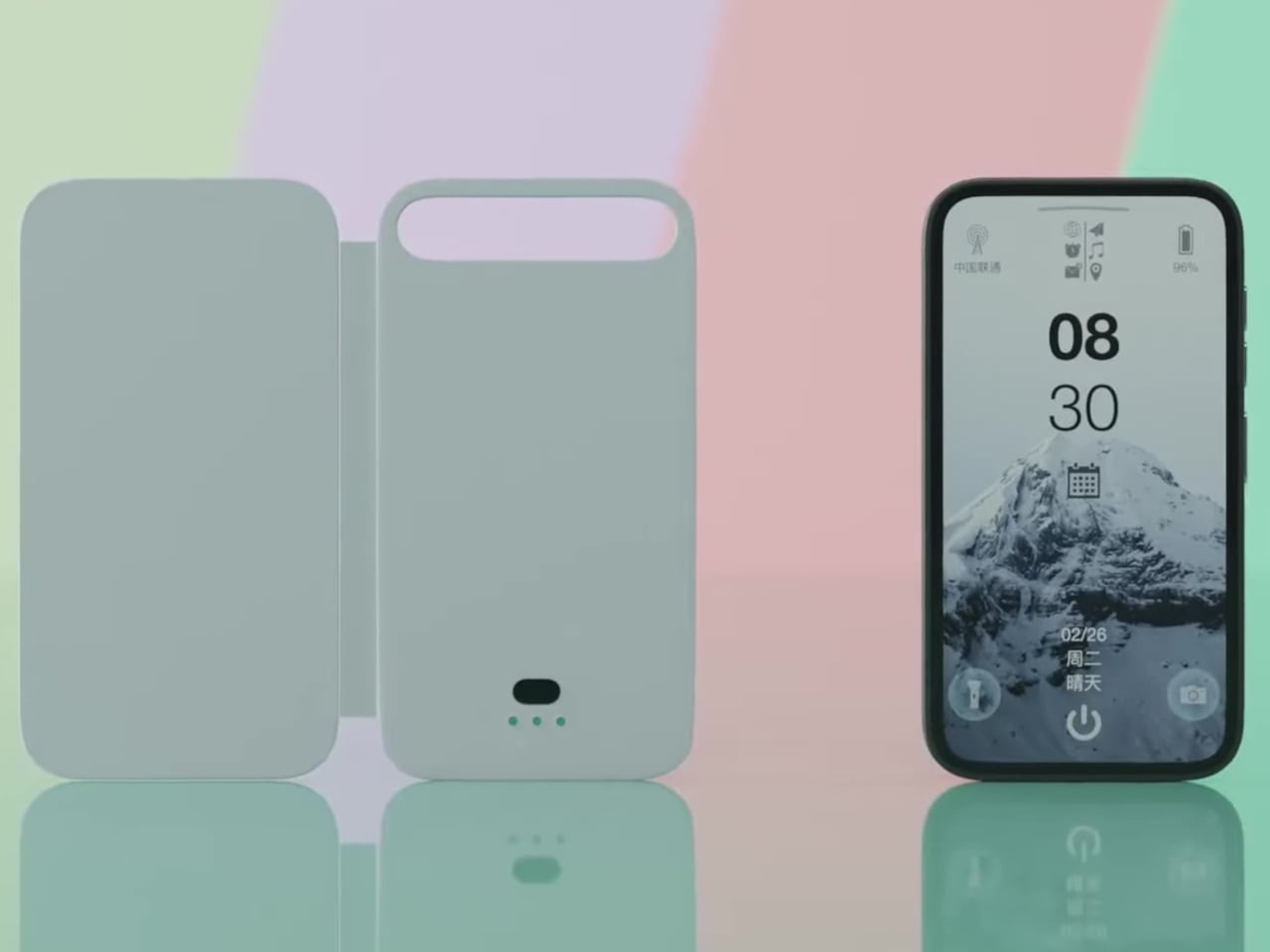
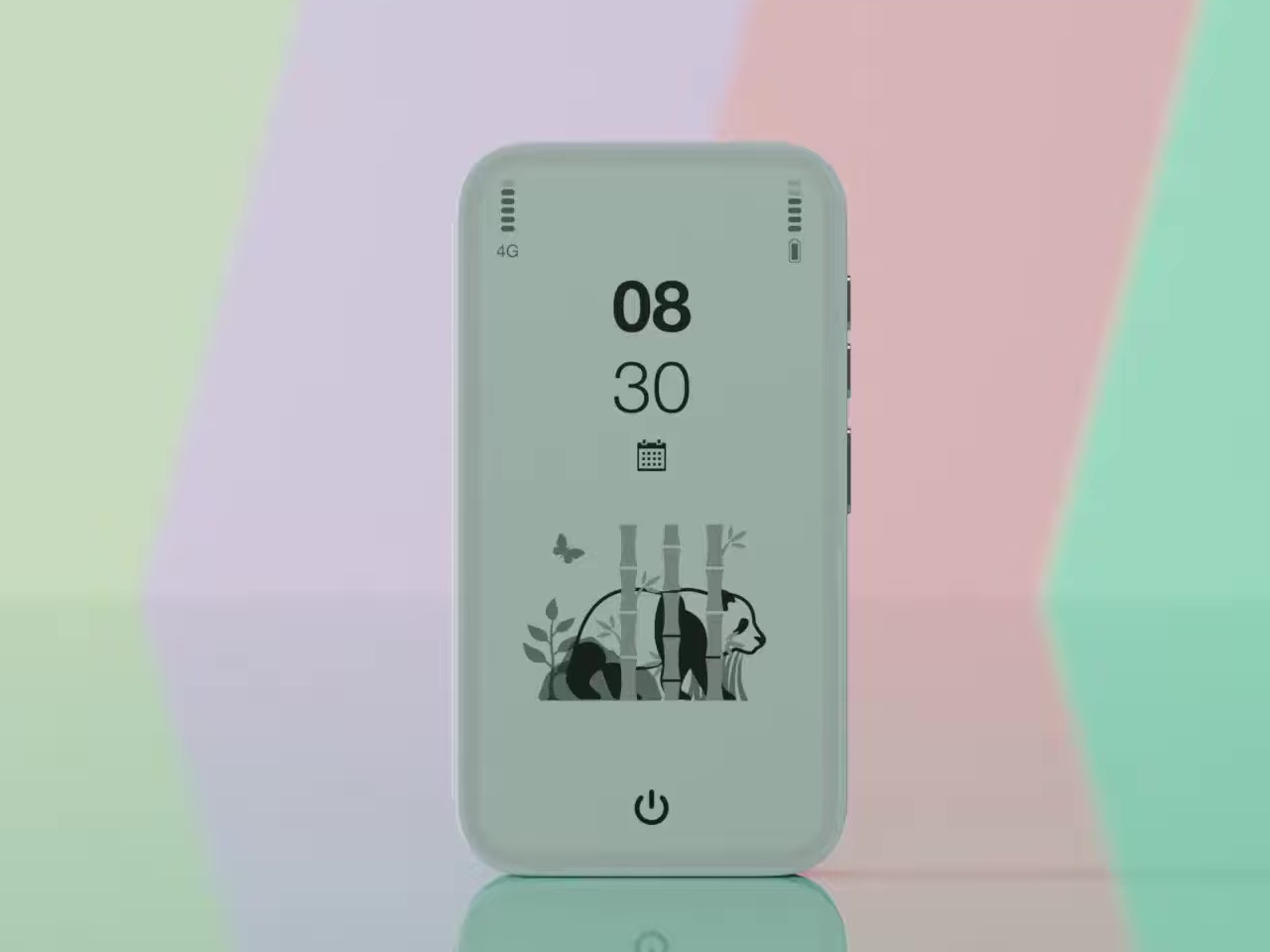
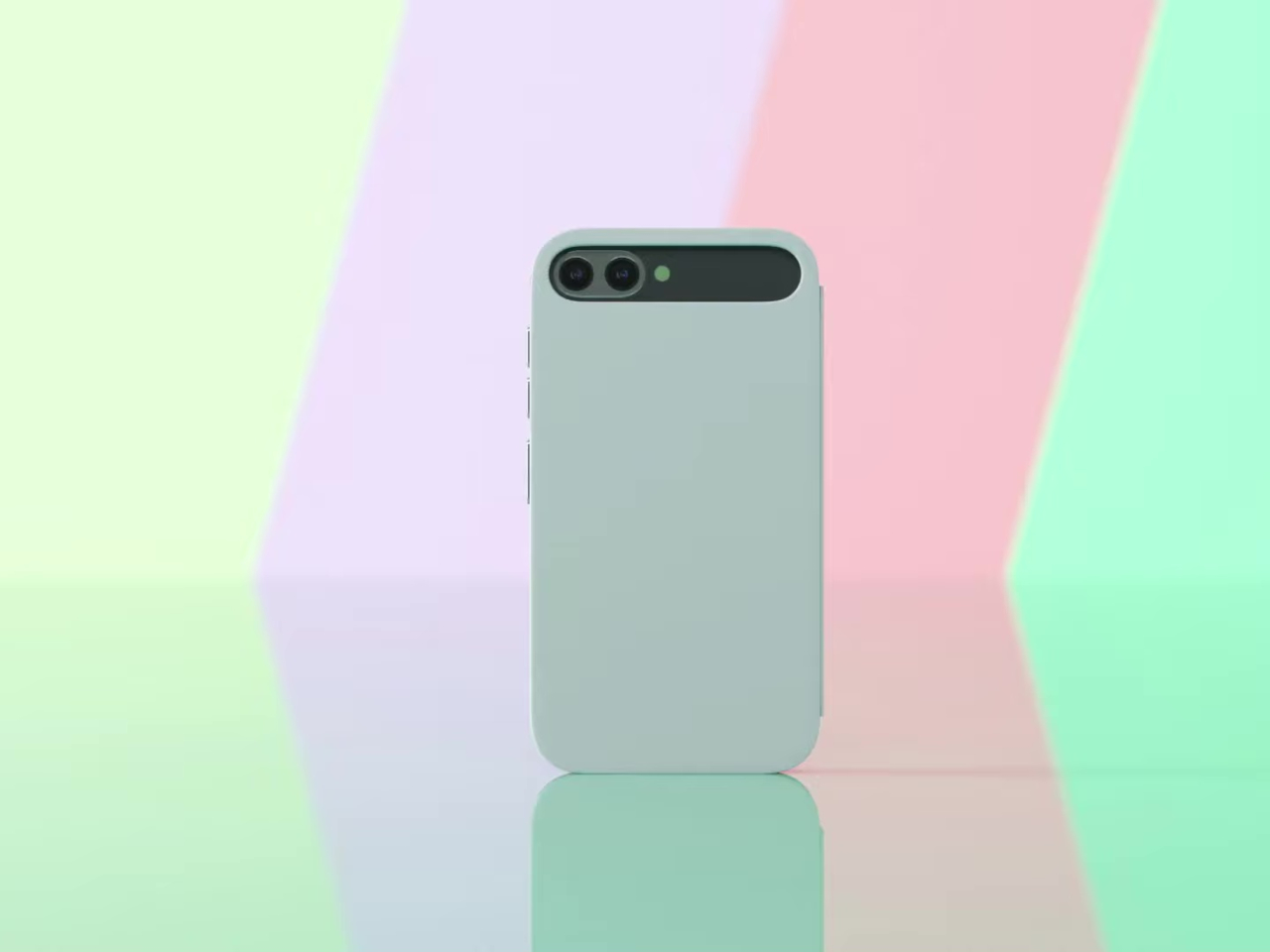
Pixel Dynamics’s E Ink Flip Cover concept takes a simpler approach. It’s a flip-style case with an E Ink screen on the outer panel, so even when the cover is shut, and the phone is locked, you can still check the time, date, battery level, and signal without waking the main display. E Ink only draws power when the image changes, making it a natural fit for an always-on panel.
Designer: Pixel Dynamics
There’s more to the display than status data, though. Beyond the time, date, and connectivity readouts, you can set it to show ambient illustrations that make the cover feel more personal, less like a utility panel, and more like something worth looking at. An E Ink screen isn’t going to win awards for visual richness, but for something that stays visible all day without demanding attention, that’s a reasonable ask.
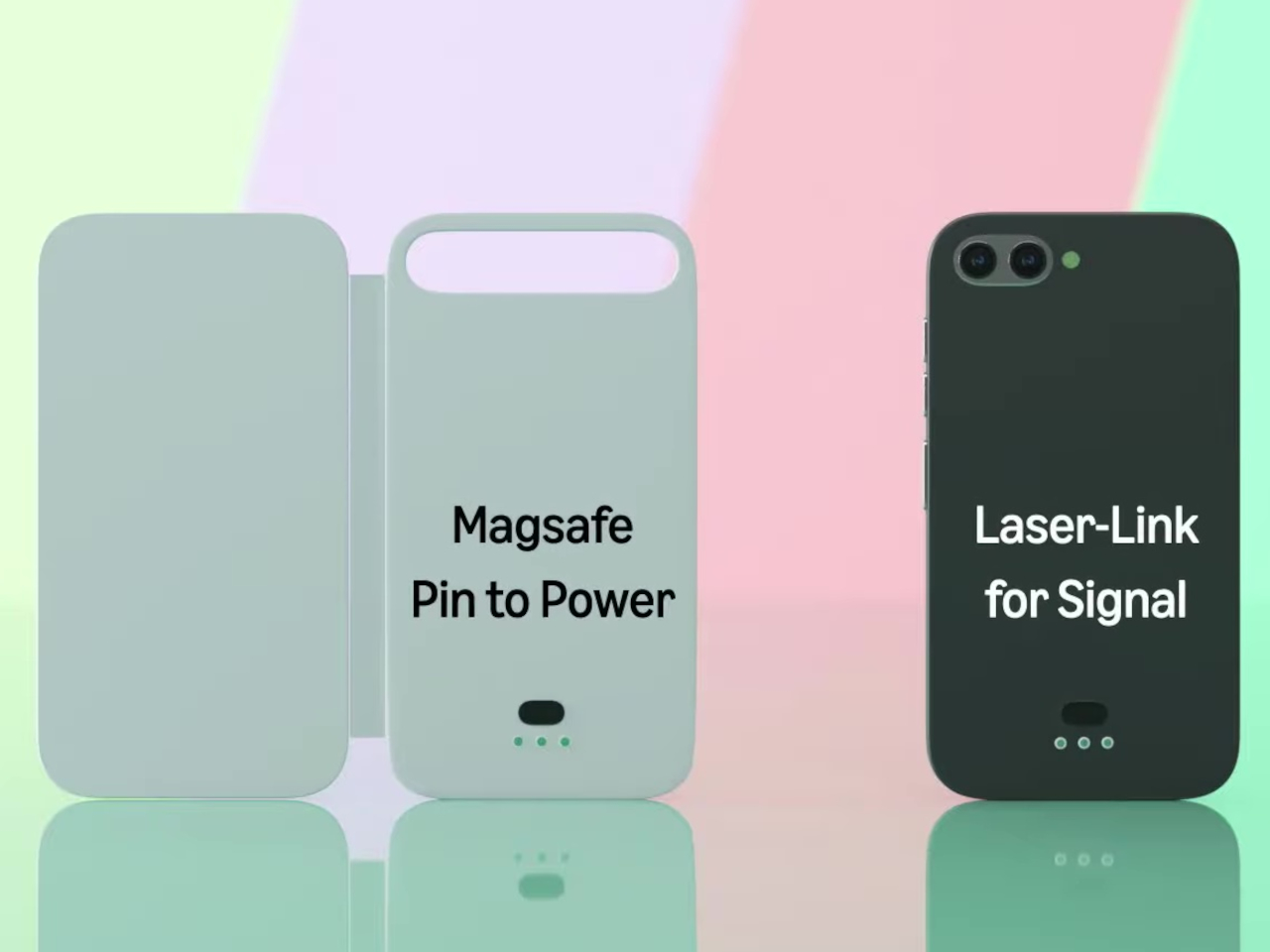
The case attaches to the phone through a MagSafe-style magnetic system, snapping into place without any physical ports. Power is handled through contact pins that draw directly from the phone’s battery, so there’s nothing to charge separately and no second battery bloating the profile. That’s a smart call; one of the quickest ways to kill an otherwise good accessory concept is to make the user manage another charging cable.
Data between the case and the phone travels through what the concept calls Laser-Link, pitched as a higher-efficiency alternative to Bluetooth or NFC. The idea is that replacing radio-based communication with a laser signal gets you faster data transfer with less power overhead and no interference issues. It’s still concept-level technology, of course, so there aren’t any real specs to evaluate, but the thinking behind it is sound.
Put it together, and the pitch is easy to follow. You keep the phone in your pocket or face-down on a desk, and the E Ink panel handles quick glances that don’t need the main screen, saving the battery drain of waking an OLED display dozens of times a day. When you do need the full phone, flipping the cover open gets you there just as fast as any other case.
That said, a few things here are easier to propose than to build. Laser-Link doesn’t have a clear path to production yet, and it raises obvious questions about reliability when the phone and case aren’t perfectly aligned. The E Ink display part is more grounded, since that technology already exists in other accessories.
The phone case hasn’t had a genuine design moment in quite a while, and a concept that starts asking what the outer panel can actively do for you is a reasonable place to start that conversation. It still has a long road before reaching any shelf, but for a category that’s mostly been stuck recycling the same rigid shells, that’s actually not a bad place to be.
Most smartphones are designed to be impossible to put down. The screen faces up on every table, the display lights up for every notification, and the cost of checking it one more time is exactly zero. That’s not an accident. The hardware removes friction from compulsive use because removing friction is what makes these devices feel indispensable. The tinyBook Flip concept asks a different question entirely: what if the phone were designed to get out of the way?
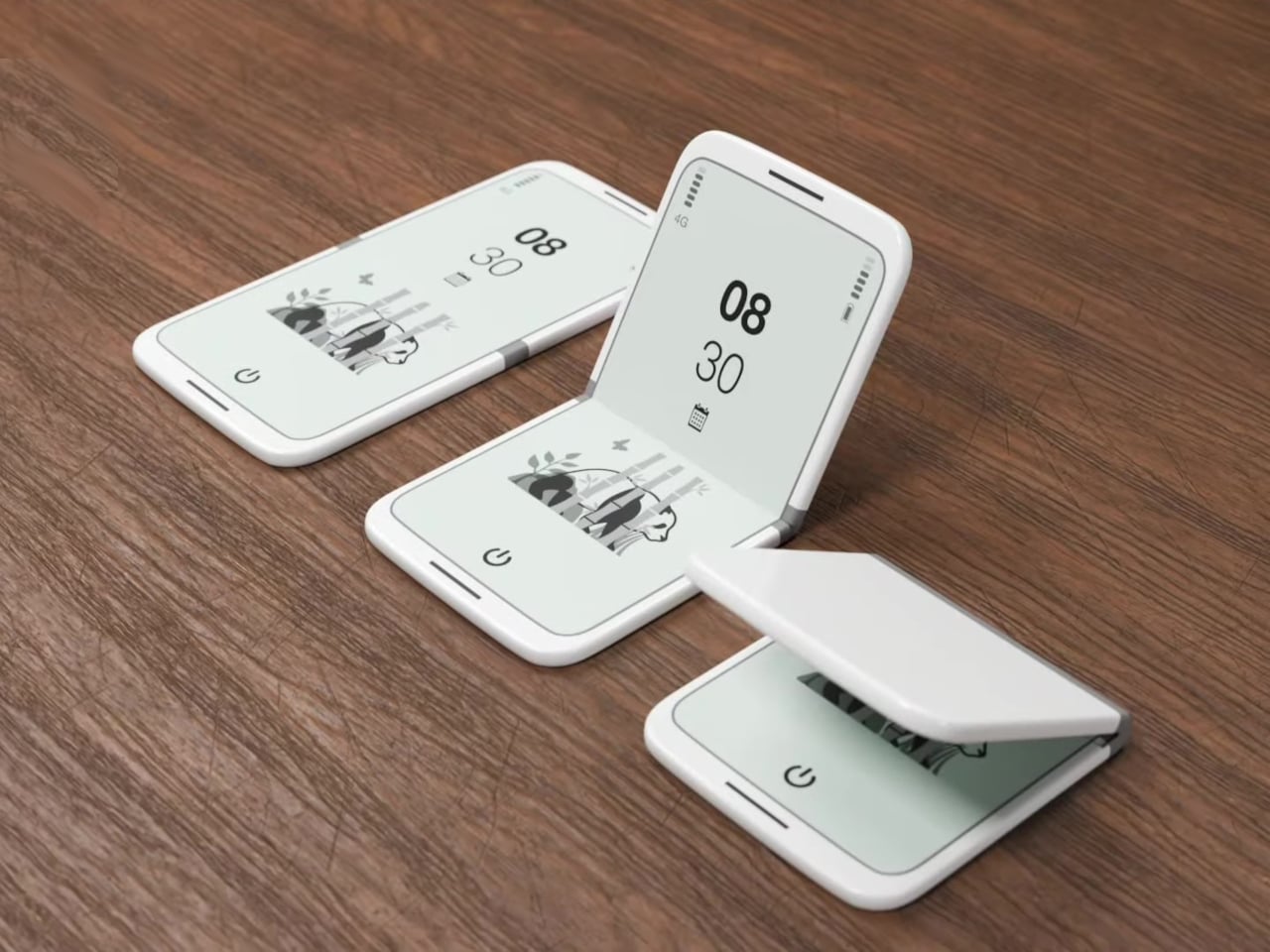
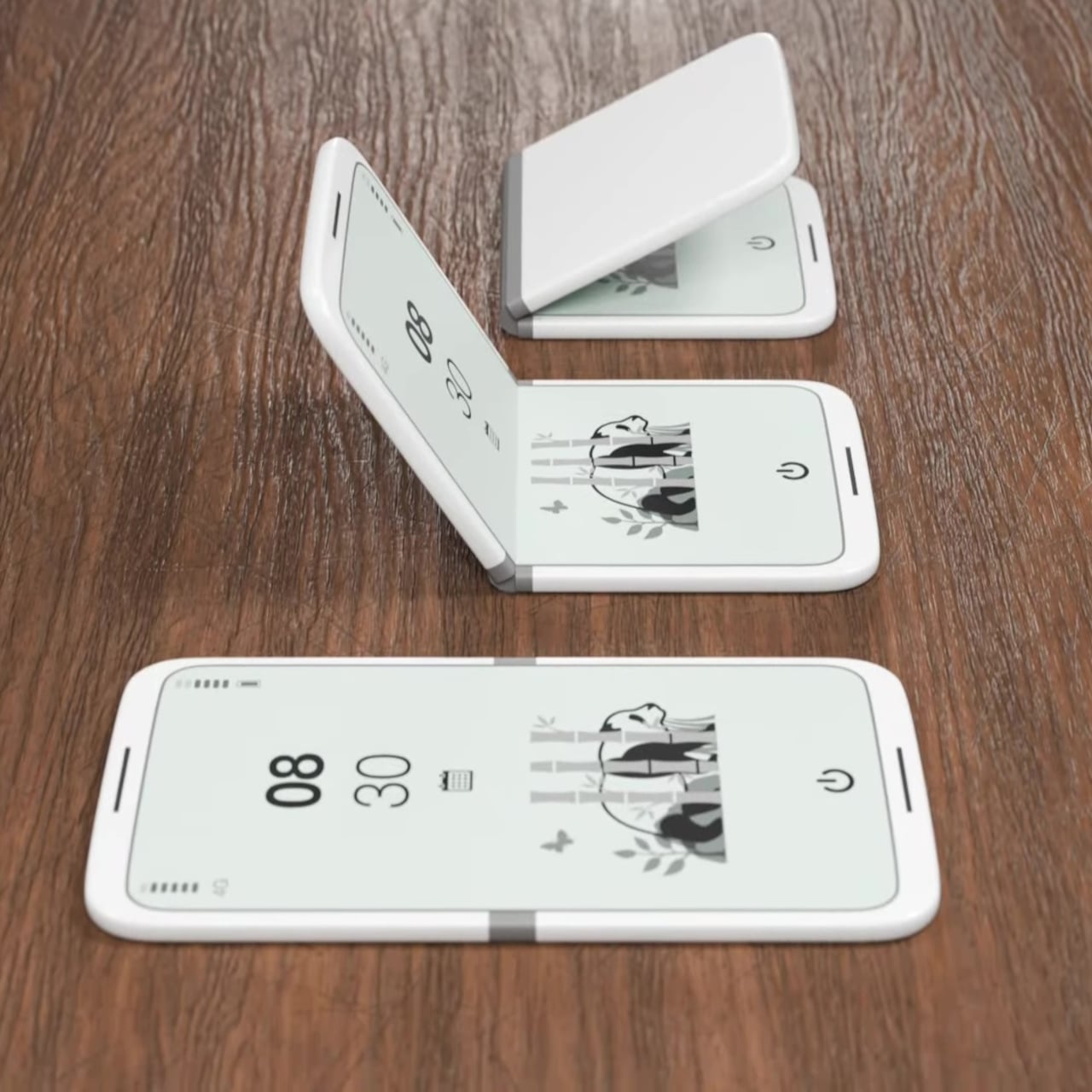
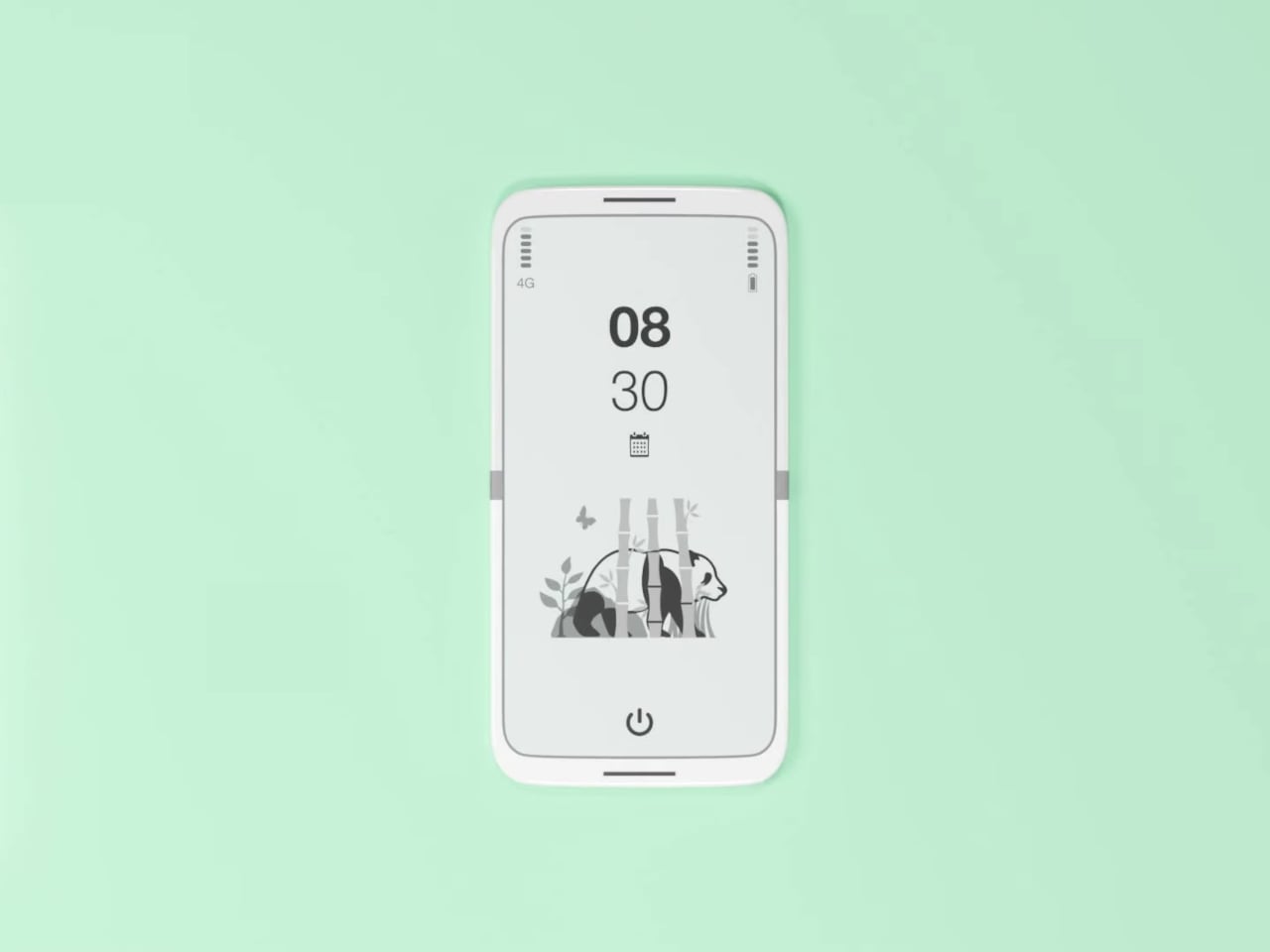
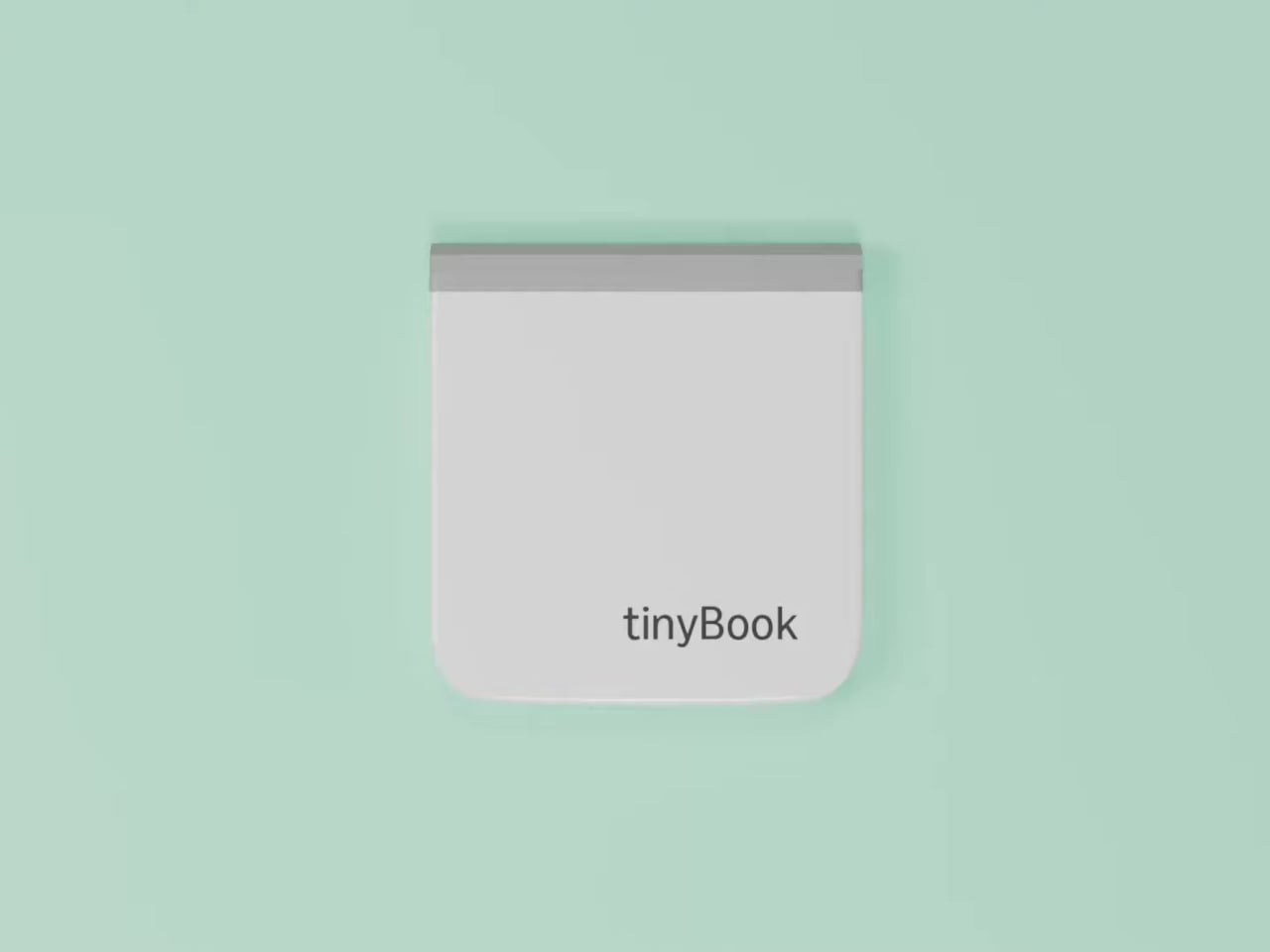
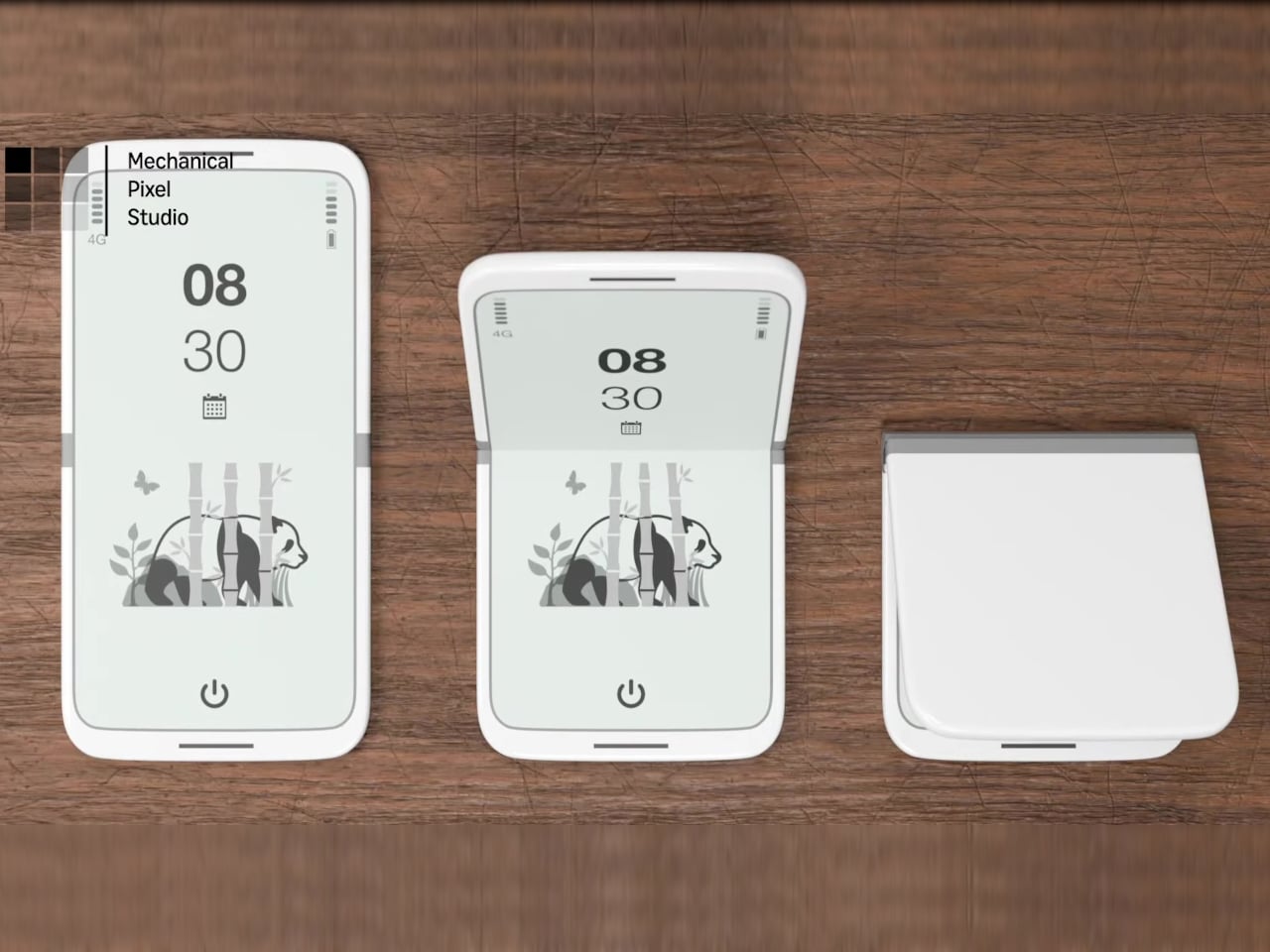
The tinyBook Flip is a vertical foldable phone concept built around a 6.1-inch E Ink display. Closed, it collapses into a compact, near-square form with rounded corners and a matte white finish, something closer in proportion to a folded notecard than a smartphone. The screen disappears entirely when the device is closed shut. No glowing rectangle sitting face-up on the desk, no ambient reminder that there are things to check. Just a small, quiet object.
Designer: Pixel Dynamics
That folded form is doing more work than it might seem. Opening the phone requires a deliberate physical action, and that small added step changes the behavioral math. A reflexive grab becomes a conscious decision. The friction is minimal in absolute terms, maybe two seconds, but two seconds of resistance is often enough to interrupt the loop. The concept treats that interruption as a design feature, which puts it in genuinely different territory from most phones.
The E Ink display adds a second layer of resistance, and this one is less subtle. E ink refreshes slowly, renders in grayscale or muted colors, and handles fast-moving content poorly. Social media feeds become tedious. Short-form video becomes unwatchable. Anything built around color, motion, and rapid visual feedback stops working the way it was designed to. This is precisely the point. The screen’s limitations aren’t engineering compromises left over from an earlier era of display technology; they’re structural properties that make certain behaviors genuinely unpleasant to sustain.
What E Ink handles well is a shorter list, but a coherent one. Text reading, messaging, calendars, and static interfaces are all comfortable at E Ink’s native pace. The renders of the tinyBook Flip show a UI built around exactly these strengths: a large clock face, a calendar widget, and a grayscale illustrated wallpaper. The interface doesn’t reach for capabilities the display can’t support. The phone isn’t trying to do everything; it’s trying to do a narrower set of things without apology.
Foldable E Ink panels aren’t a speculative technology. The hardware exists at the component level and has already appeared in experimental e-readers, though no consumer phone has shipped with one in any meaningful volume. The tinyBook Flip isn’t imagining impossible components; it’s proposing a form factor that manufacturers haven’t yet committed to producing. The distance between those two things is largely commercial, not technical.
There’s also something worth noticing about how the device reads as a physical object in social space. Closed, the tinyBook Flip looks like almost nothing. No visible screen, no status indicators, no glow. A phone that carries no visual weight when it’s not in use sends a different signal than one that’s always broadcasting its presence. Putting it down means it actually disappears from the environment, not just from your hand.
That said, the concept leaves some real friction points unaddressed, and not the intentional kind. E Ink handles camera use, live navigation, video calls, and authentication apps poorly. A foldable hinge adds mechanical complexity and thickness that clean renders tend to obscure. The tinyBook Flip looks resolved in this form, but a production version would have to make tradeoffs that these images don’t show and the concept doesn’t acknowledge.
Still, the more interesting question isn’t whether this specific device could ship. It’s whether a phone that makes itself harder to misuse is a reasonable design goal at all, or whether that’s just a way of describing a phone that most people wouldn’t actually want. The tinyBook Flip lands firmly on one side of that question. Whether the market agrees is a different problem entirely.
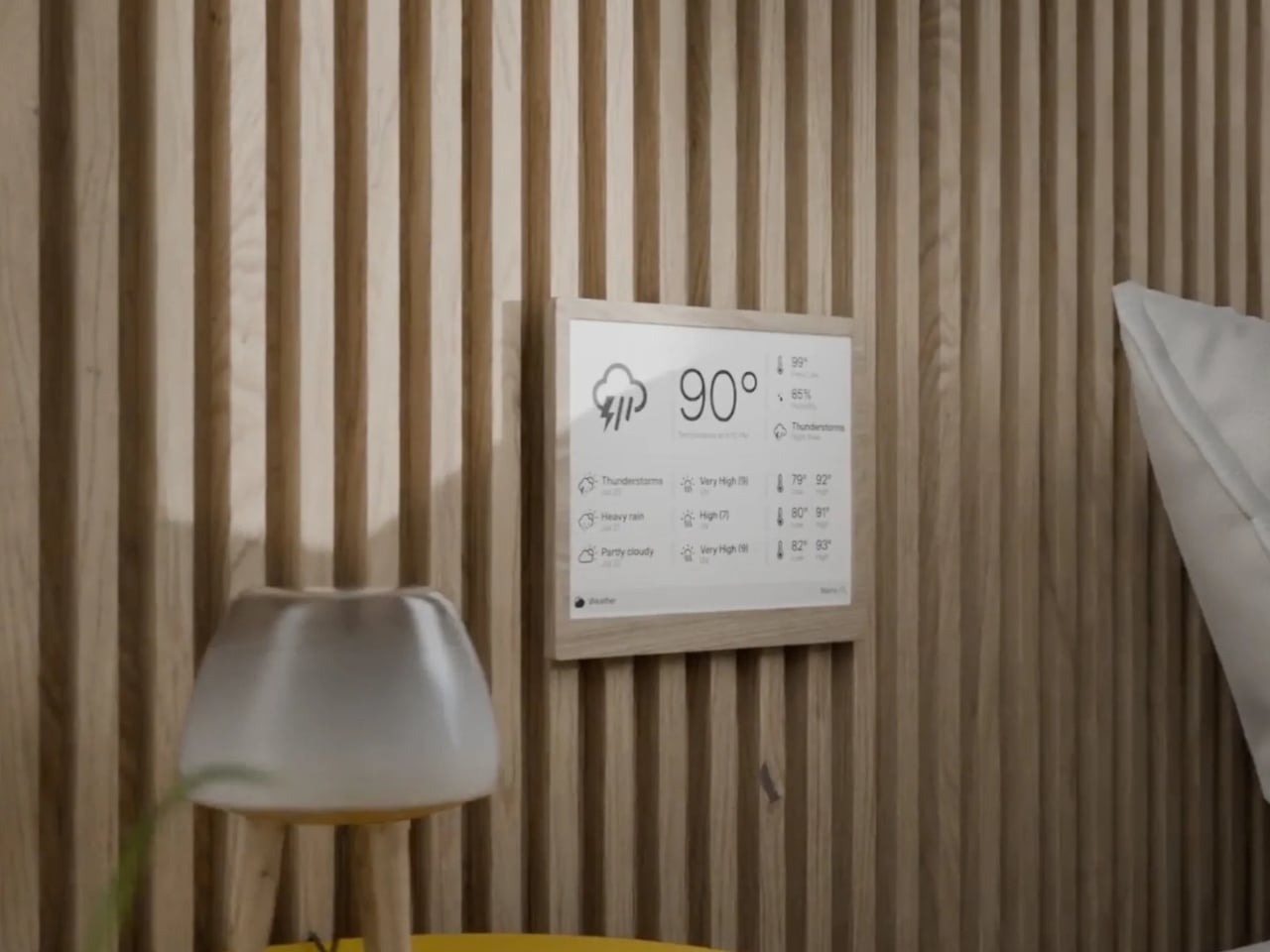
Most of the screens that you encounter everyday is always fighting for your attention, always buzzing, glowing, pulsing with red notification badges designed to hijack your focus. The TRMNL X, a 10.3-inch e-ink smart display priced at $219, takes the opposite approach entirely. It just sits there, calm and papery, waiting for you to glance over when you’re ready. And that restraint might be the most radical design choice in consumer tech right now.
TRMNL’s original model was deliberately lo-fi, a smaller 7.5-inch 1-bit screen with no touchscreen and no backlight. It was almost stubbornly analog in spirit. It appealed to developers, minimalists, and those of us tired of all the bright screens. The TRMNL X is the company’s answer to users who loved the philosophy but wanted more screen real estate and polish. And it delivers on both counts without losing what made the original special.
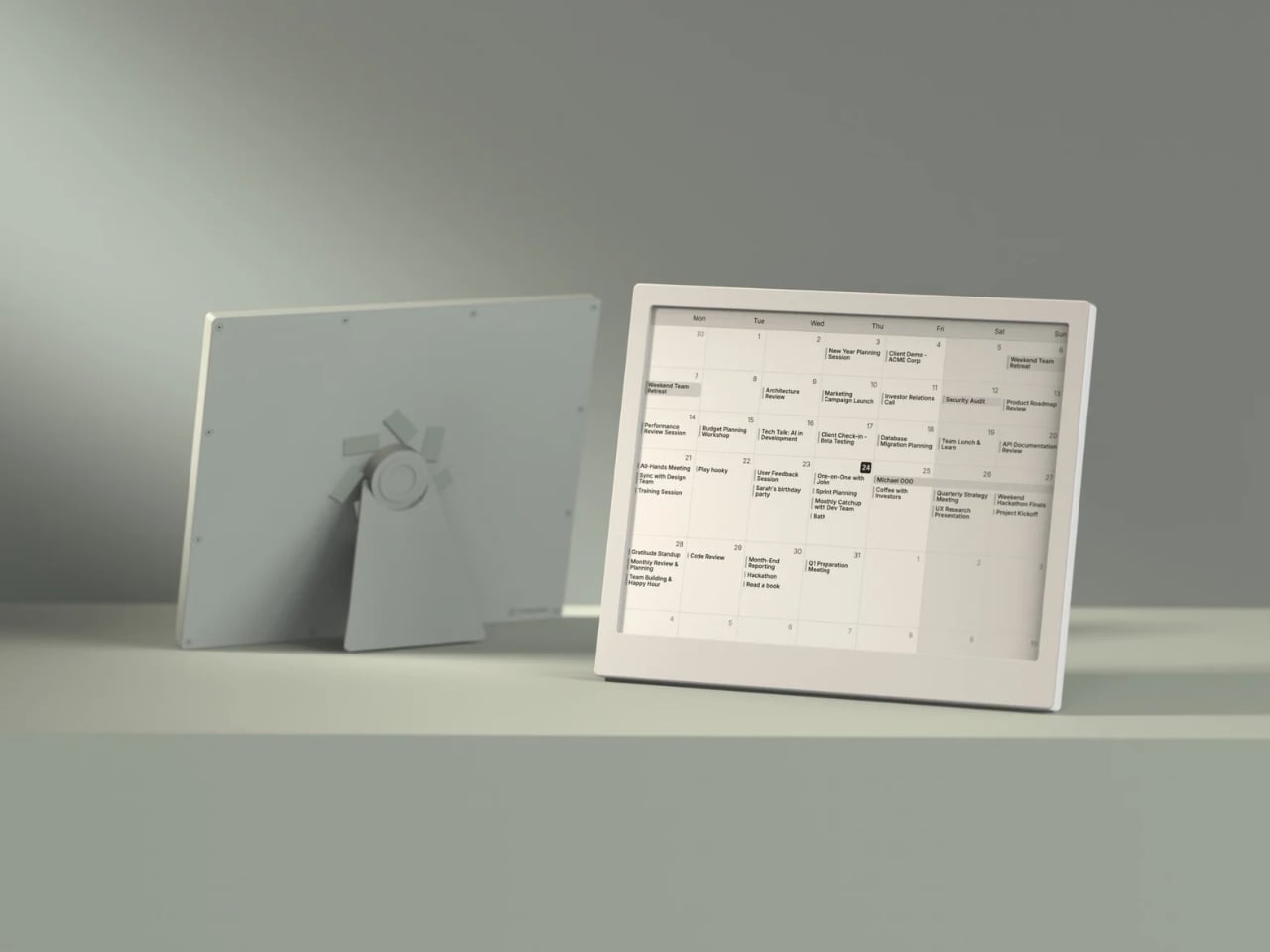
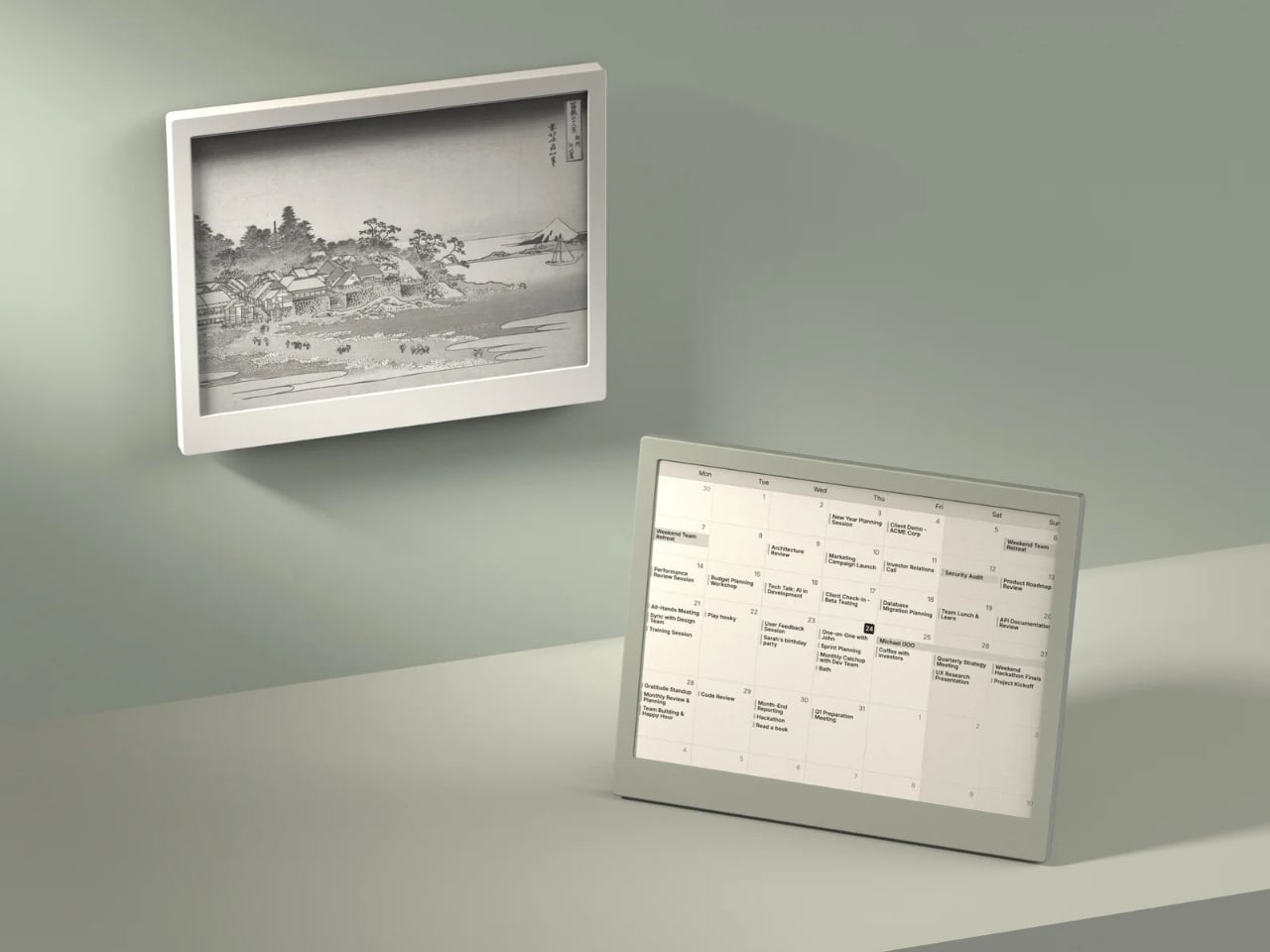
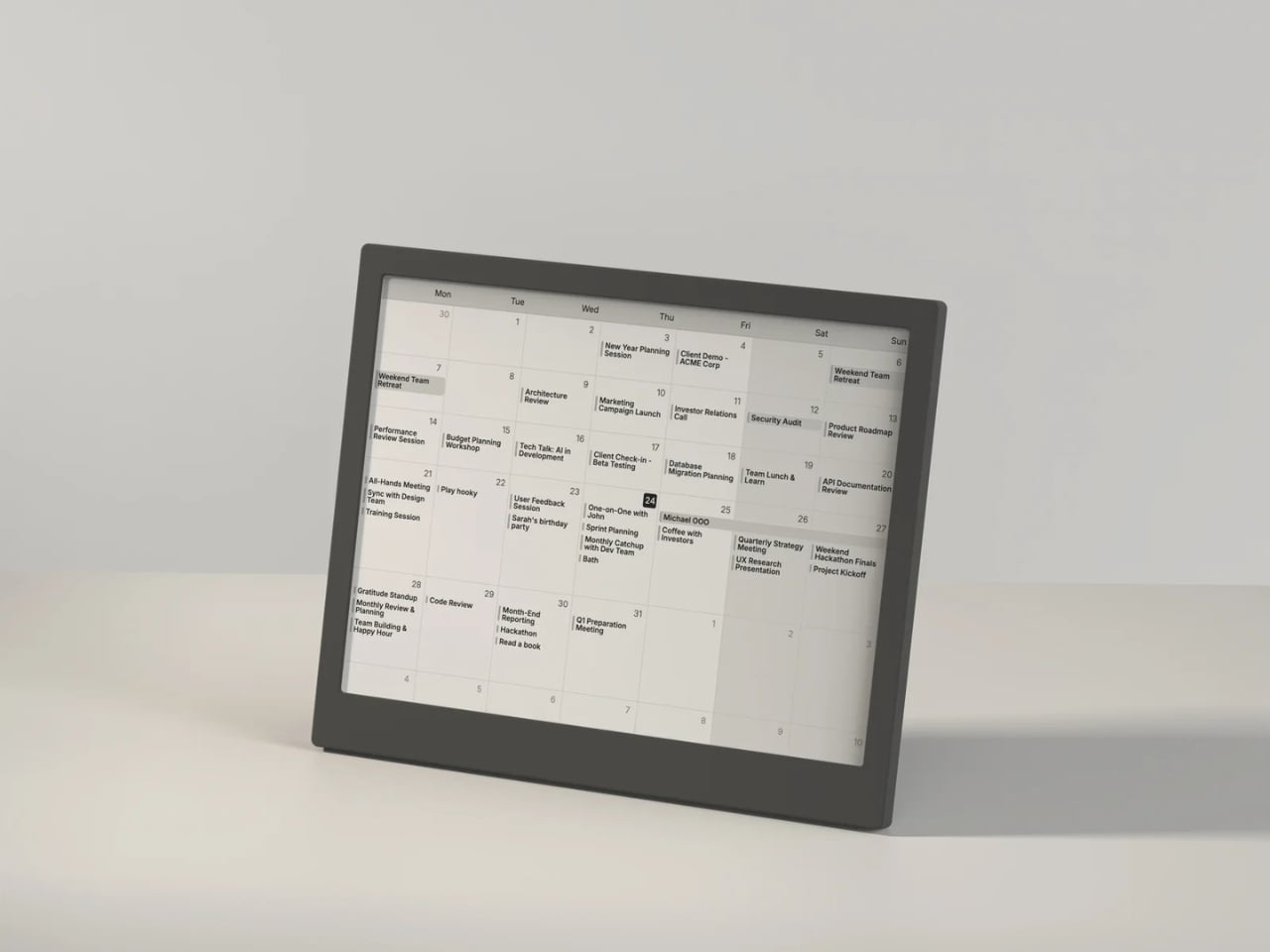
The display itself is gorgeous in the understated way that only e-ink can be. At 1872 x 1404 resolution with 16 shades of gray, it renders calendars, weather dashboards, news headlines, and artwork with a crispness that feels more like a printed page than a screen. Partial refreshes happen in under 200 milliseconds, which is fast enough that the display doesn’t feel sluggish when cycling through your content. It’s the kind of screen you can stare at for hours without your eyes complaining, which is something no LCD or OLED can honestly claim.
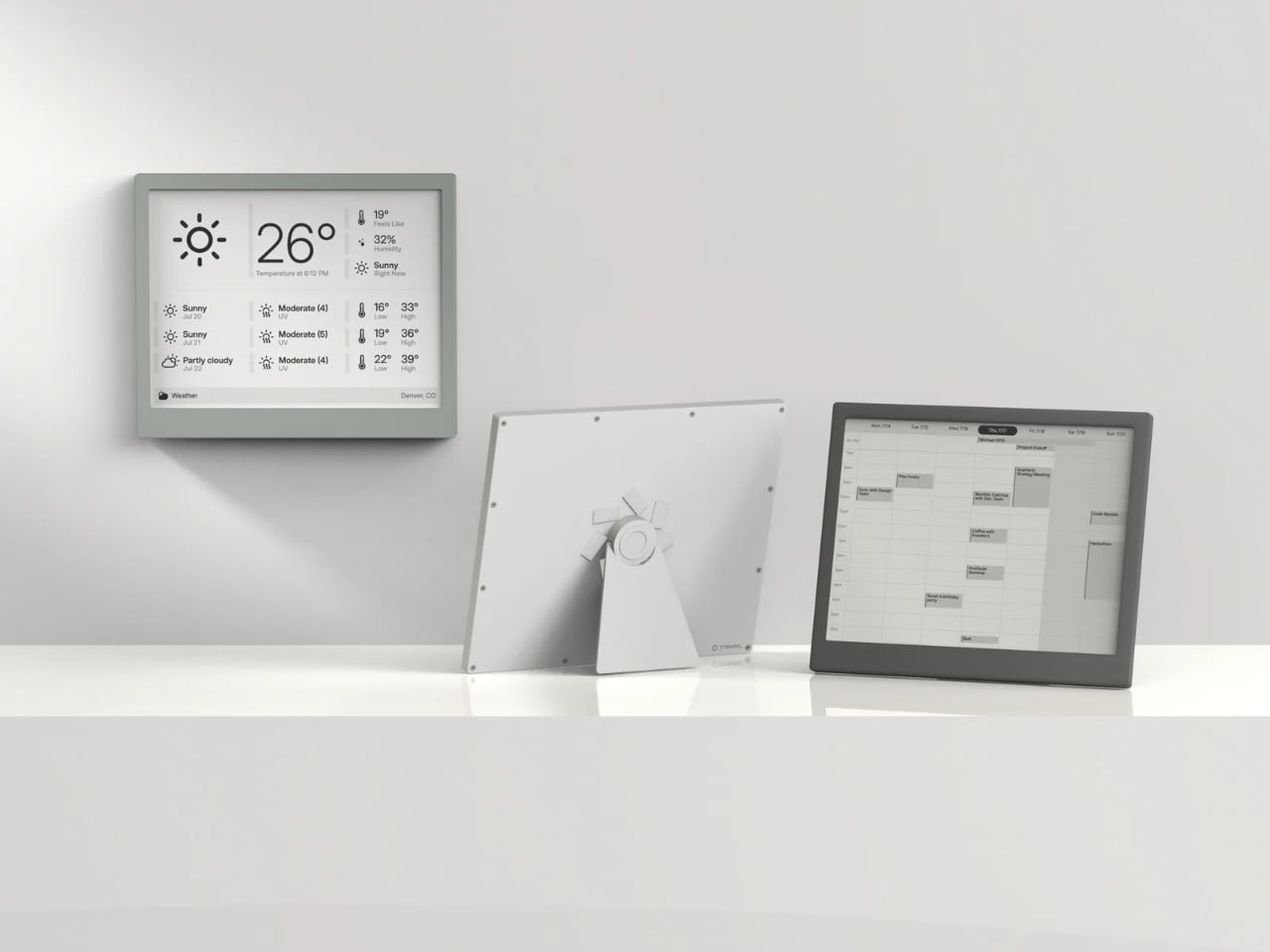
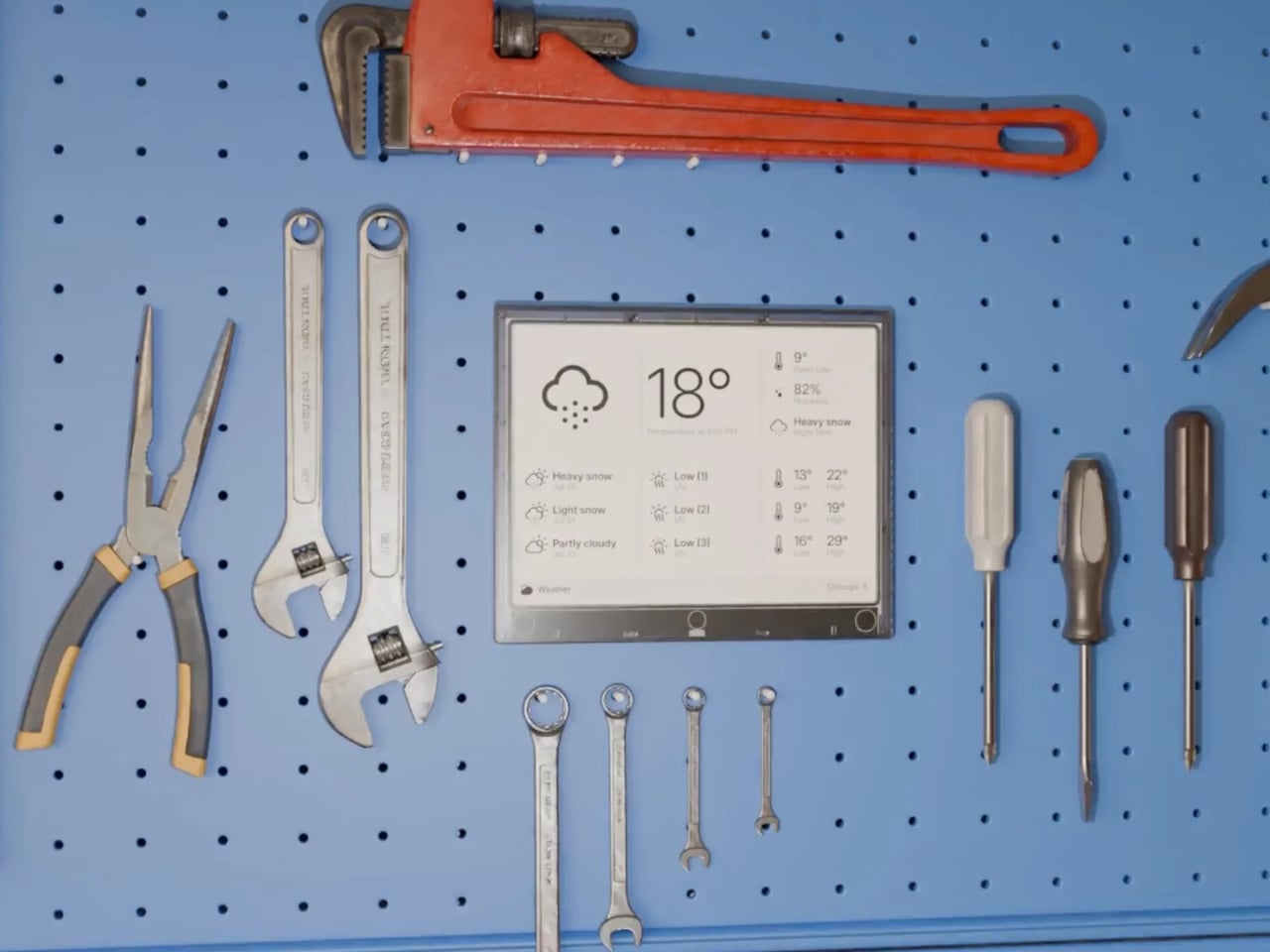
What I find most compelling about the TRMNL X is how much it trusts you. There’s no algorithm deciding what you should see. You configure your own dashboard with plugins pulled from a library of over 850 options, everything from Google Calendar and Reddit feeds to ChatGPT summaries and YouTube subscriber counts. You arrange them in one of eight layout templates, set your refresh interval, and walk away. The device wakes up periodically, pulls a new image from the server, displays it, and goes back to sleep. That’s it. No infinite scroll. No dopamine trap. No dark patterns. Just information you asked for, presented when you want it.
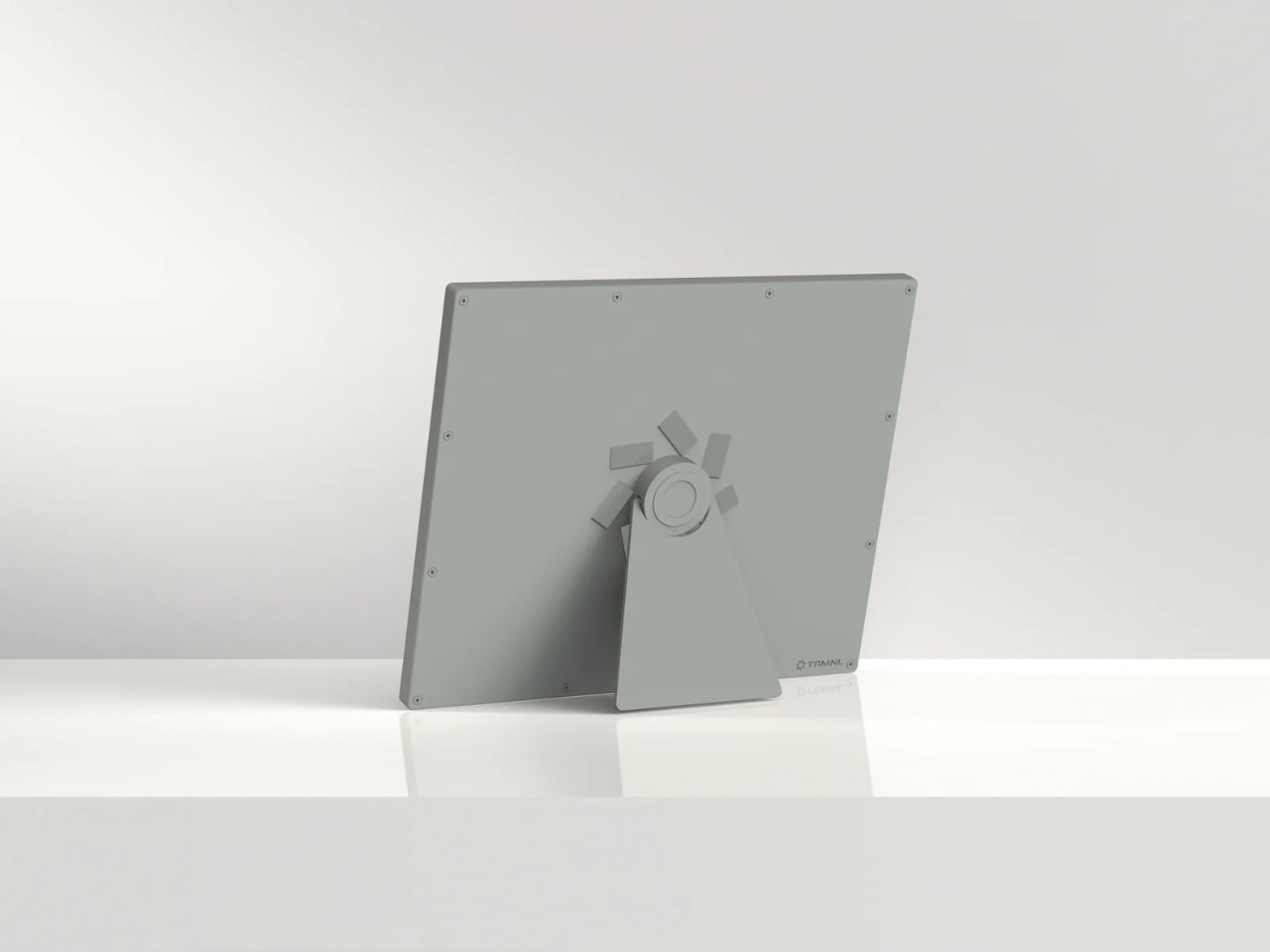
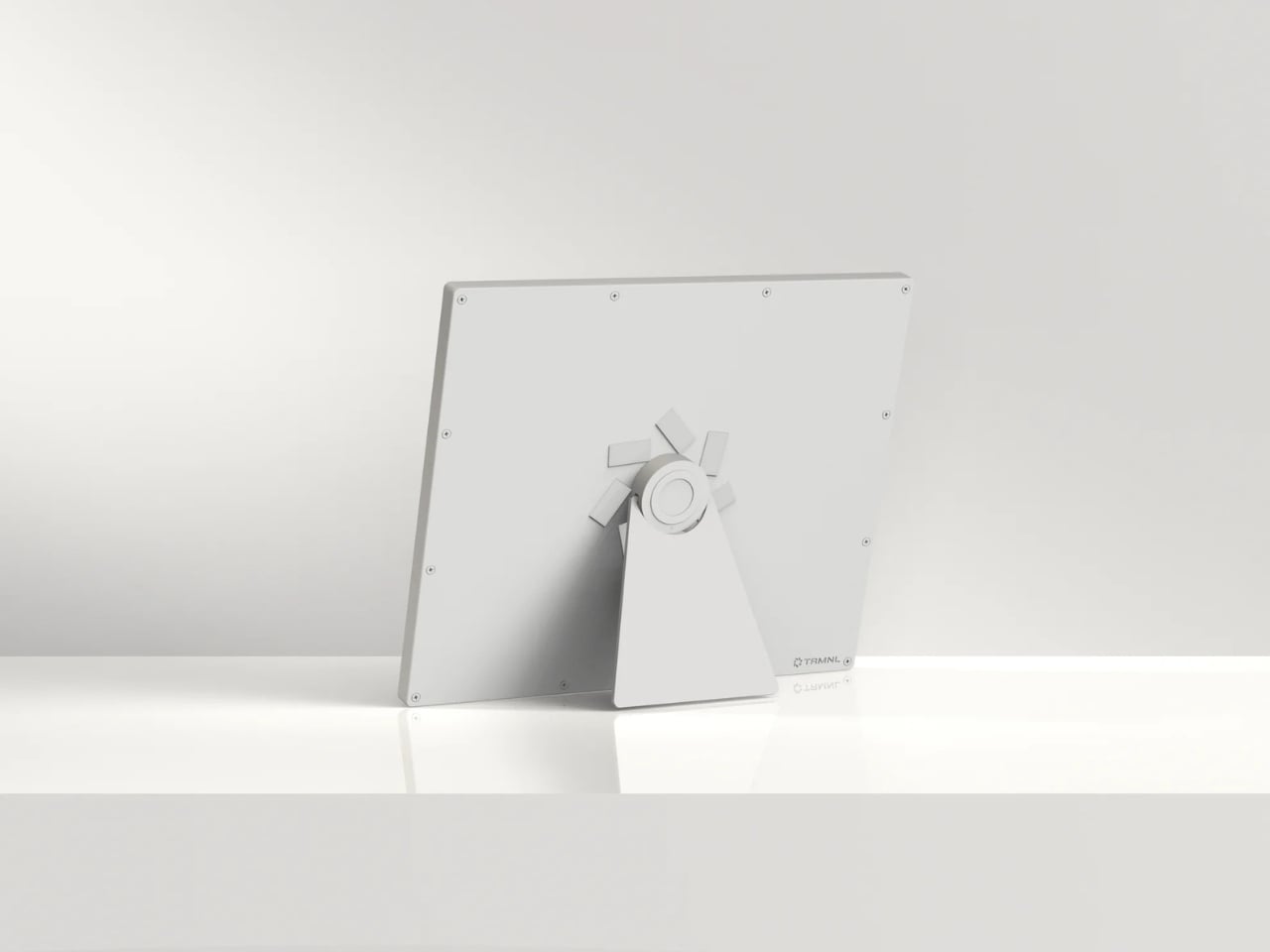
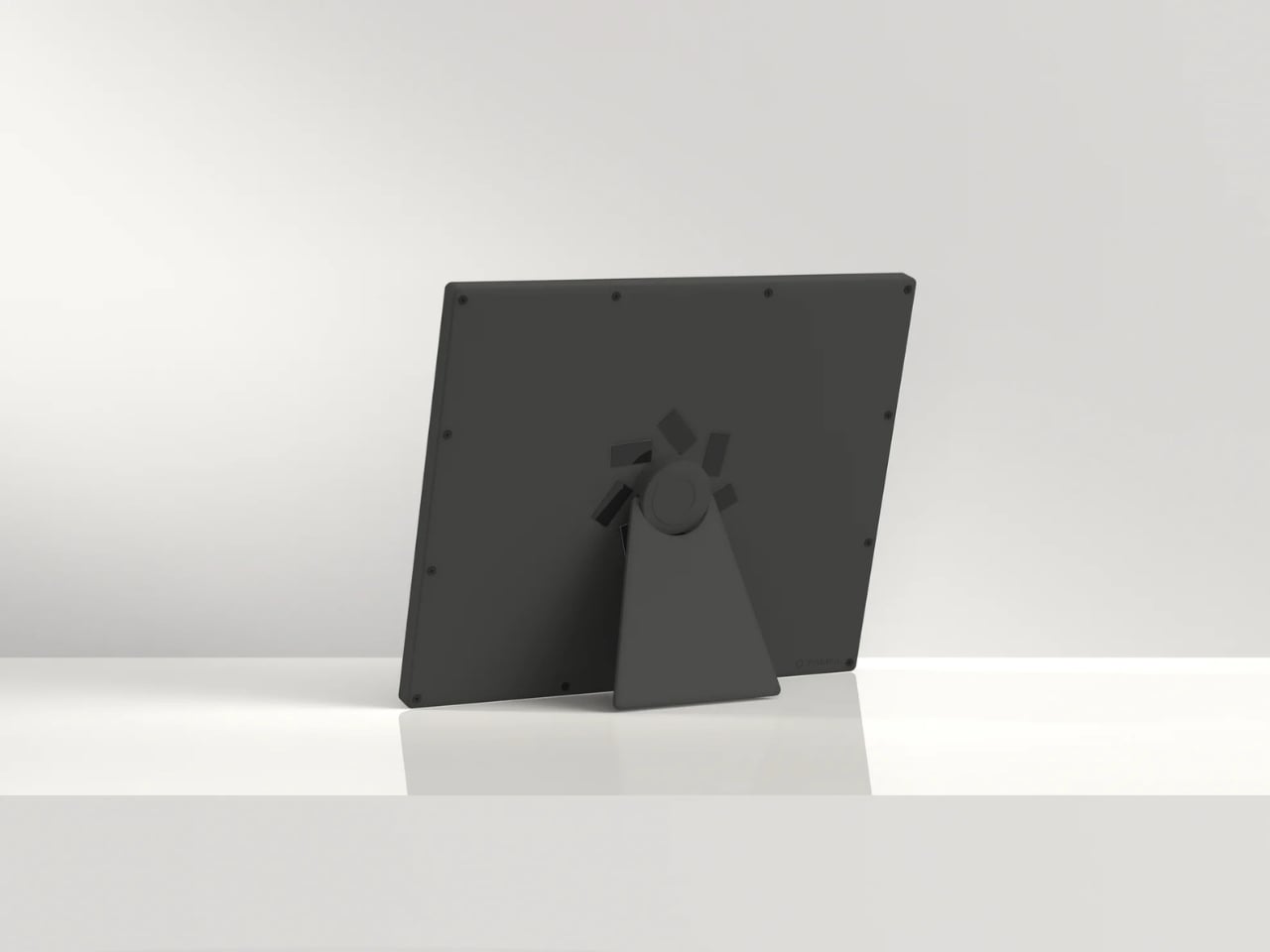
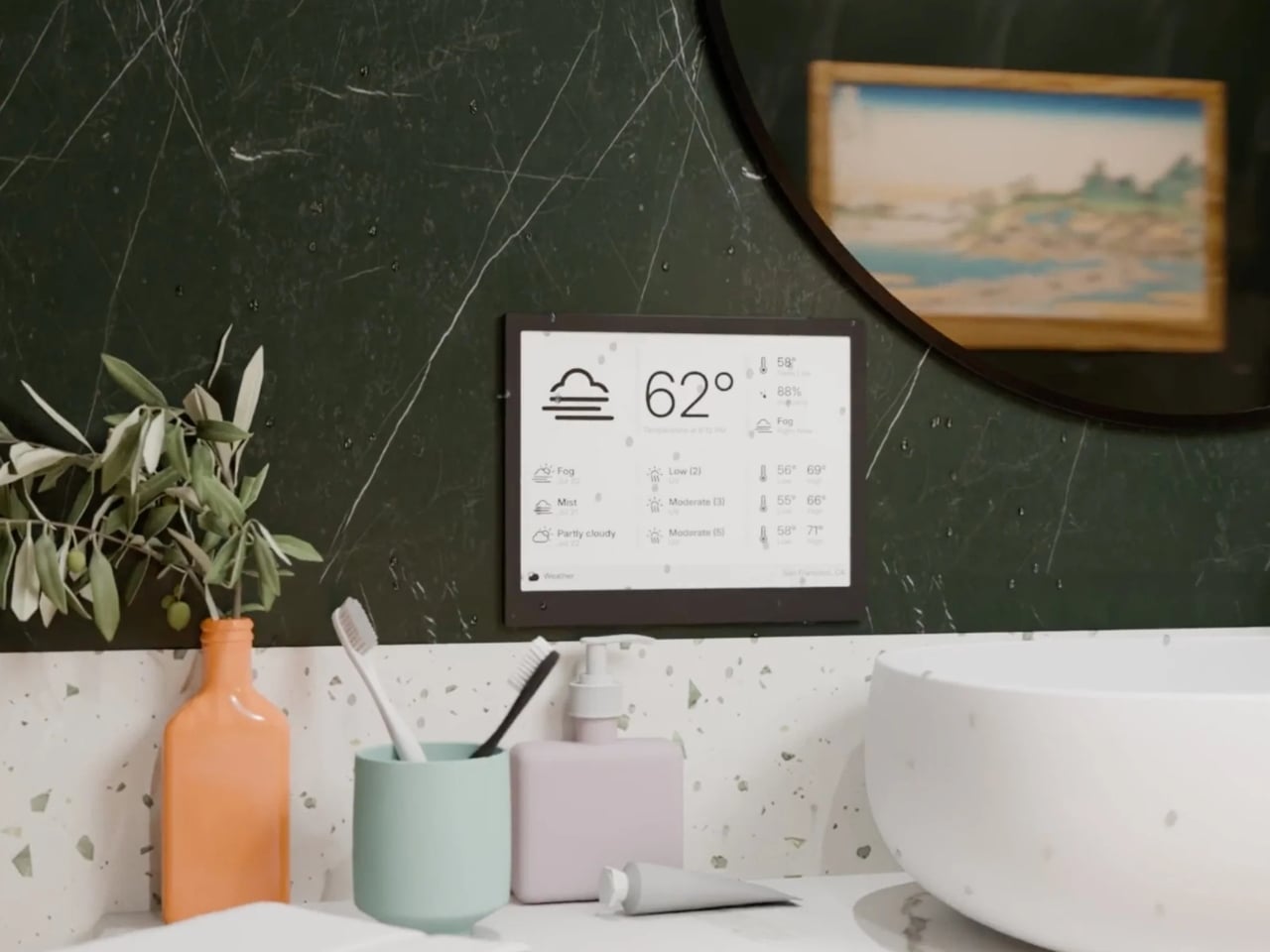
The hardware reflects this same philosophy of quiet confidence. The frame comes in six finishes, from black and white to sage and faux wood, and the front is completely clean with no visible branding. There’s a magnetic USB-C charging connector, a built-in accelerometer for auto-rotation, and a touch gesture bar for quick navigation. Battery life stretches anywhere from two to six months depending on your refresh rate, which means you can genuinely forget it needs power at all. The enclosure is also waterproof and dust-proof, so it can live in a bathroom or a workshop without issue.
But the real personality of the TRMNL X shows in its hacker-friendly DNA. The firmware is fully open source. The case has actual screws, not glue, so you can open it up, swap components, and tinker to your heart’s content. There’s a Qwiic connector for attaching external sensors, and the community on Discord has already built custom integrations for Home Assistant and all sorts of niche projects. In an era when most gadgets are sealed shut and locked down, this level of openness feels almost rebellious.
At $219, the TRMNL X isn’t an impulse buy. But it’s also not competing with tablets or smart home hubs. It occupies a category that barely existed a few years ago: the passive information display. Something you put on your desk or mount on a wall that keeps you informed without pulling you into a screen-time spiral. The fact that it runs for months on a charge and requires almost zero maintenance makes it feel less like a gadget and more like a piece of furniture.
There’s a growing appetite for technology that respects boundaries, that does its job and then gets out of the way. The TRMNL X is a beautifully considered expression of that idea, a screen that proves sometimes the most powerful design choice is simply knowing when to stay quiet.
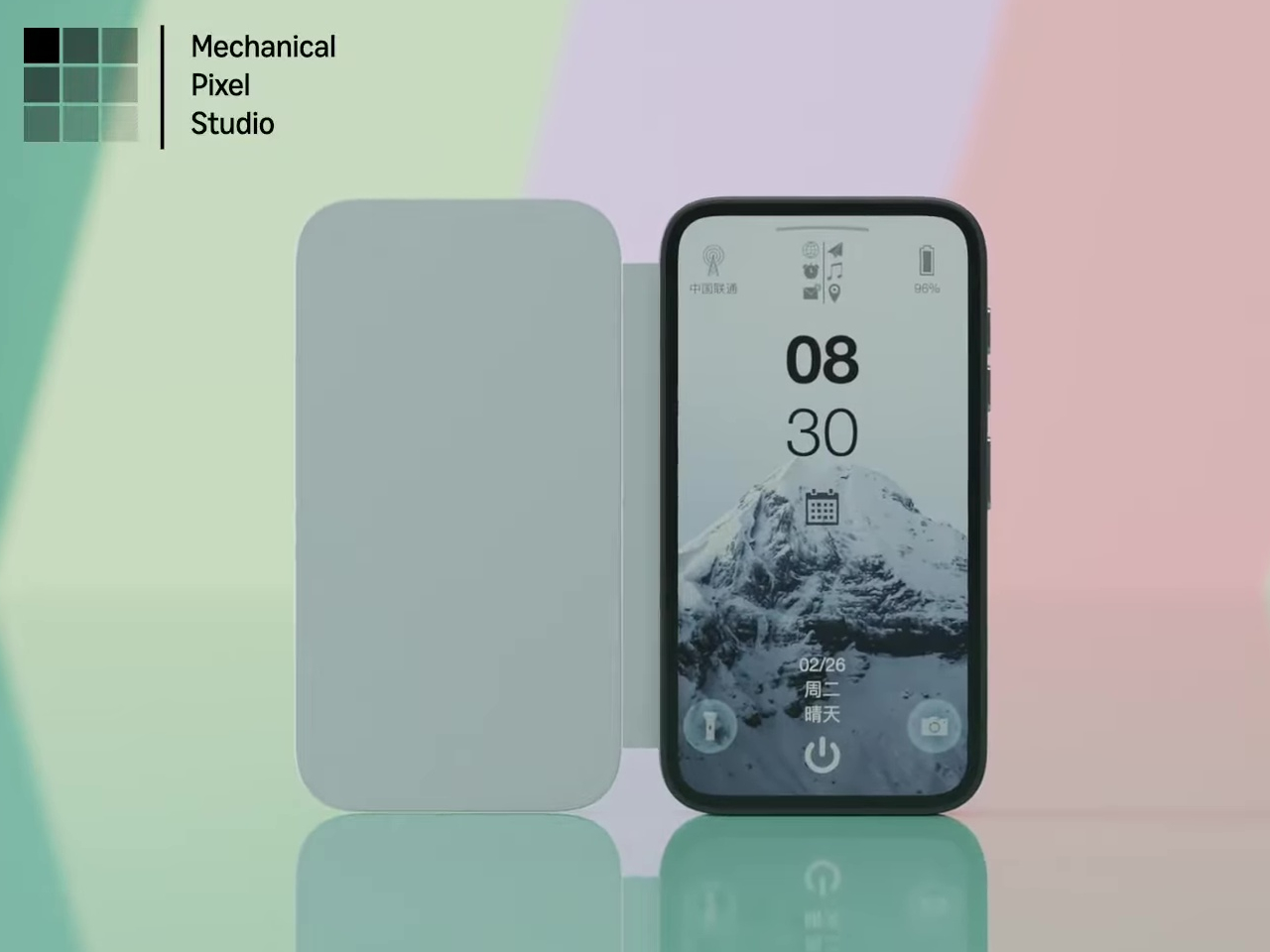
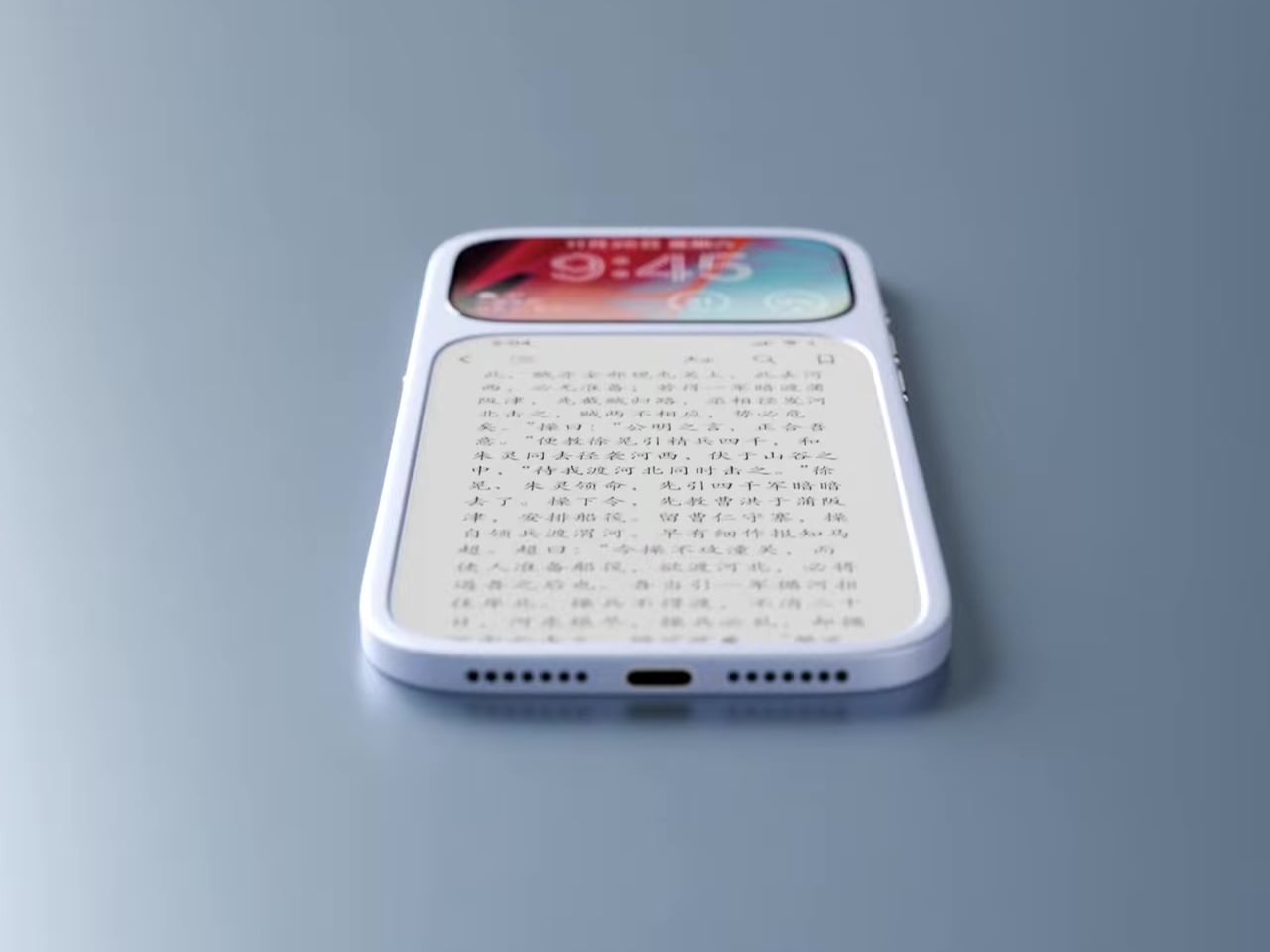
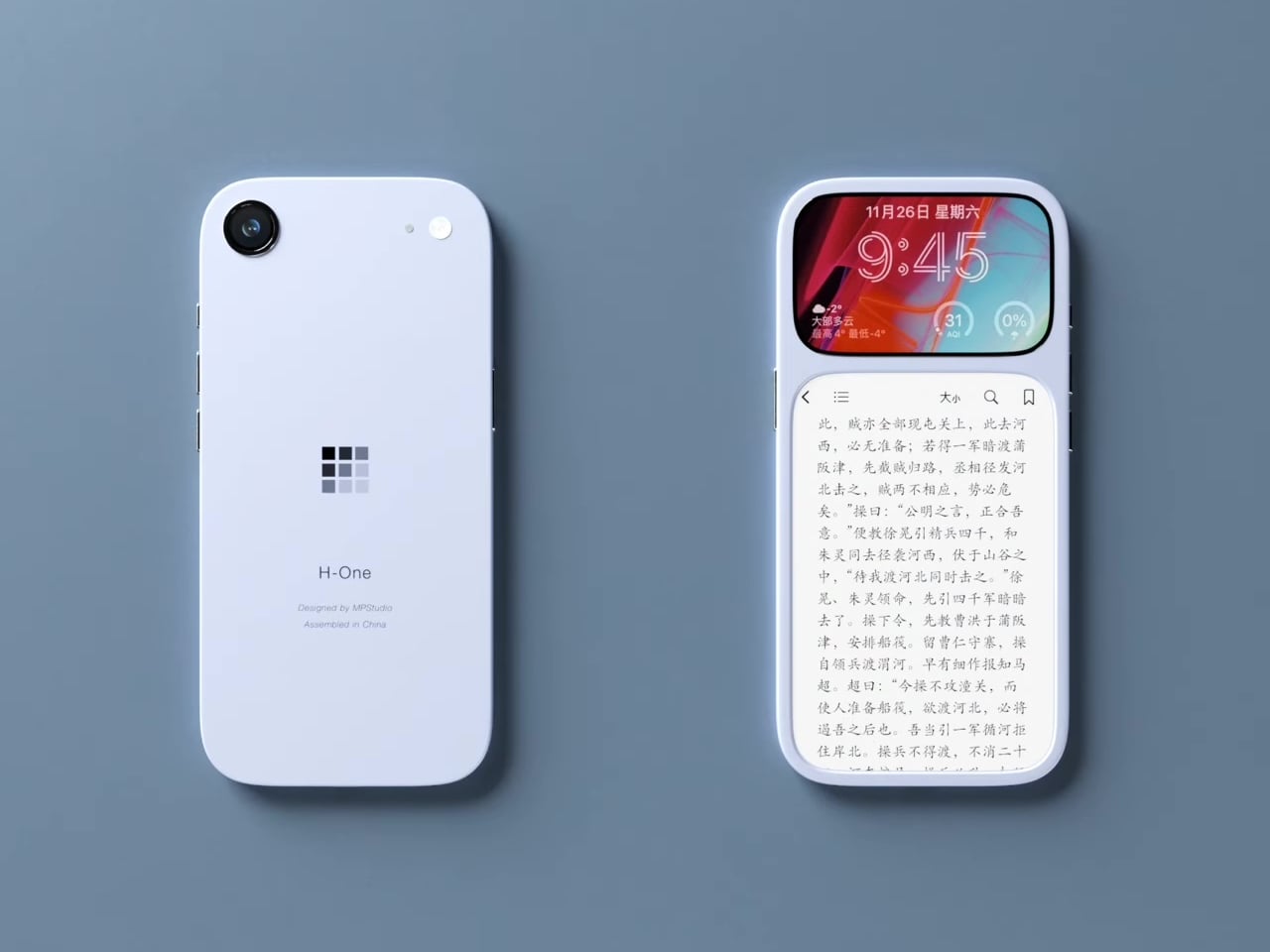
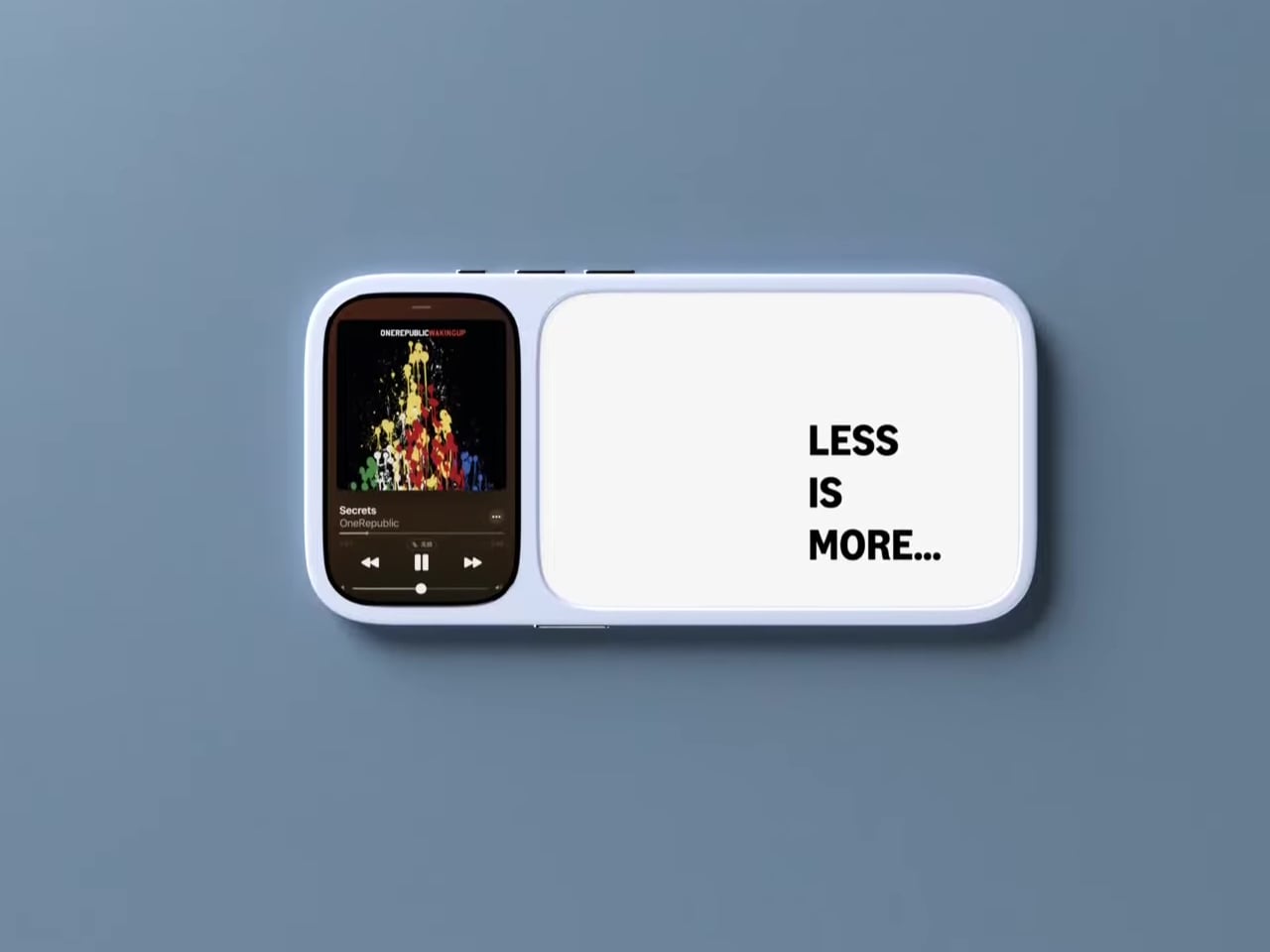
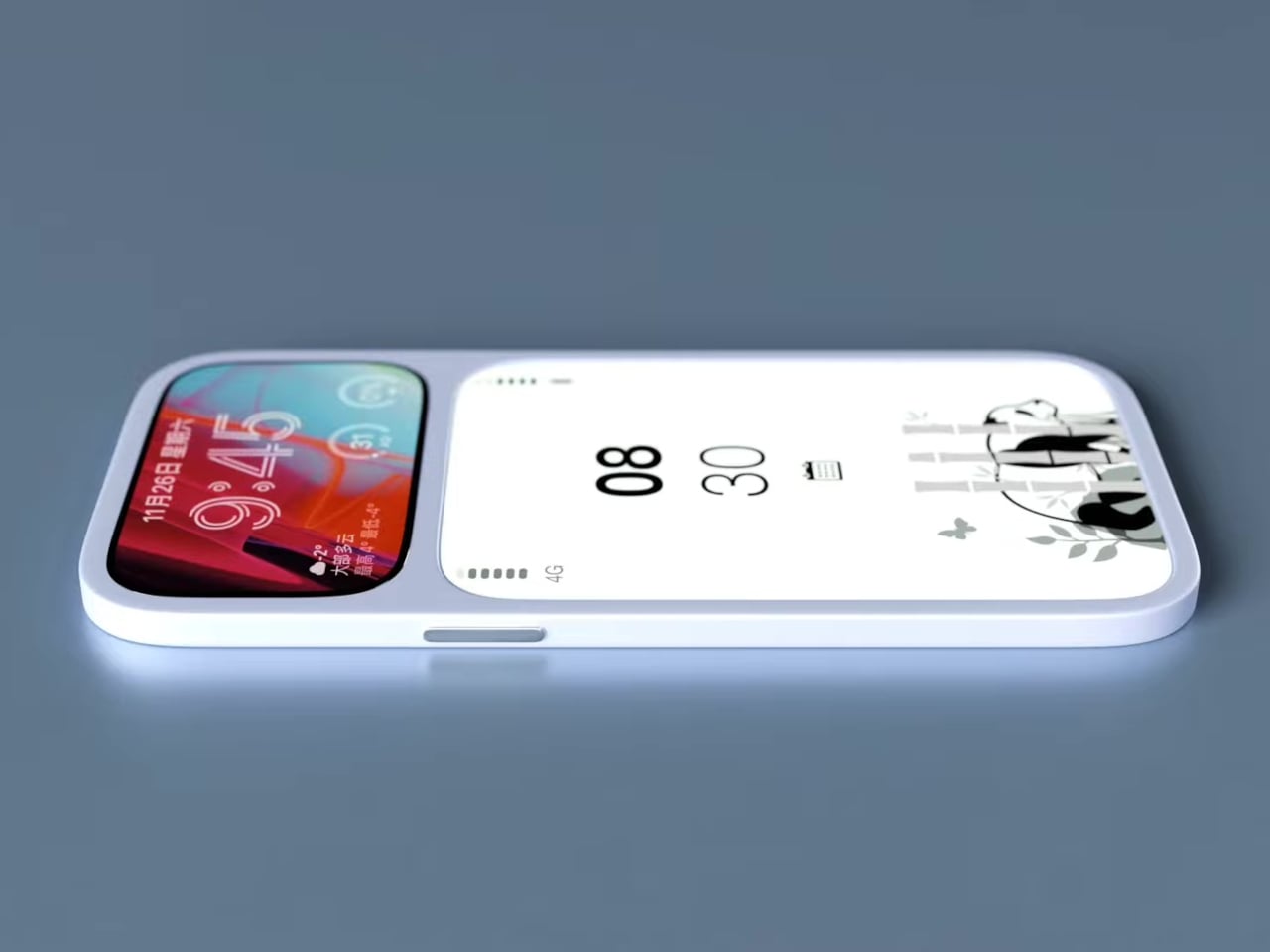
Modern phones have turned into pocket TVs, huge OLED slabs that are great for video and games but terrible for focus. Most E Ink phones go to the opposite extreme, either dropping color screens entirely or putting an E Ink panel on the back while keeping a full-size color display on the front. This dual-screen concept tries a different take, stacking both screens on the same face, with a small color LCD above a larger monochrome E Ink panel.
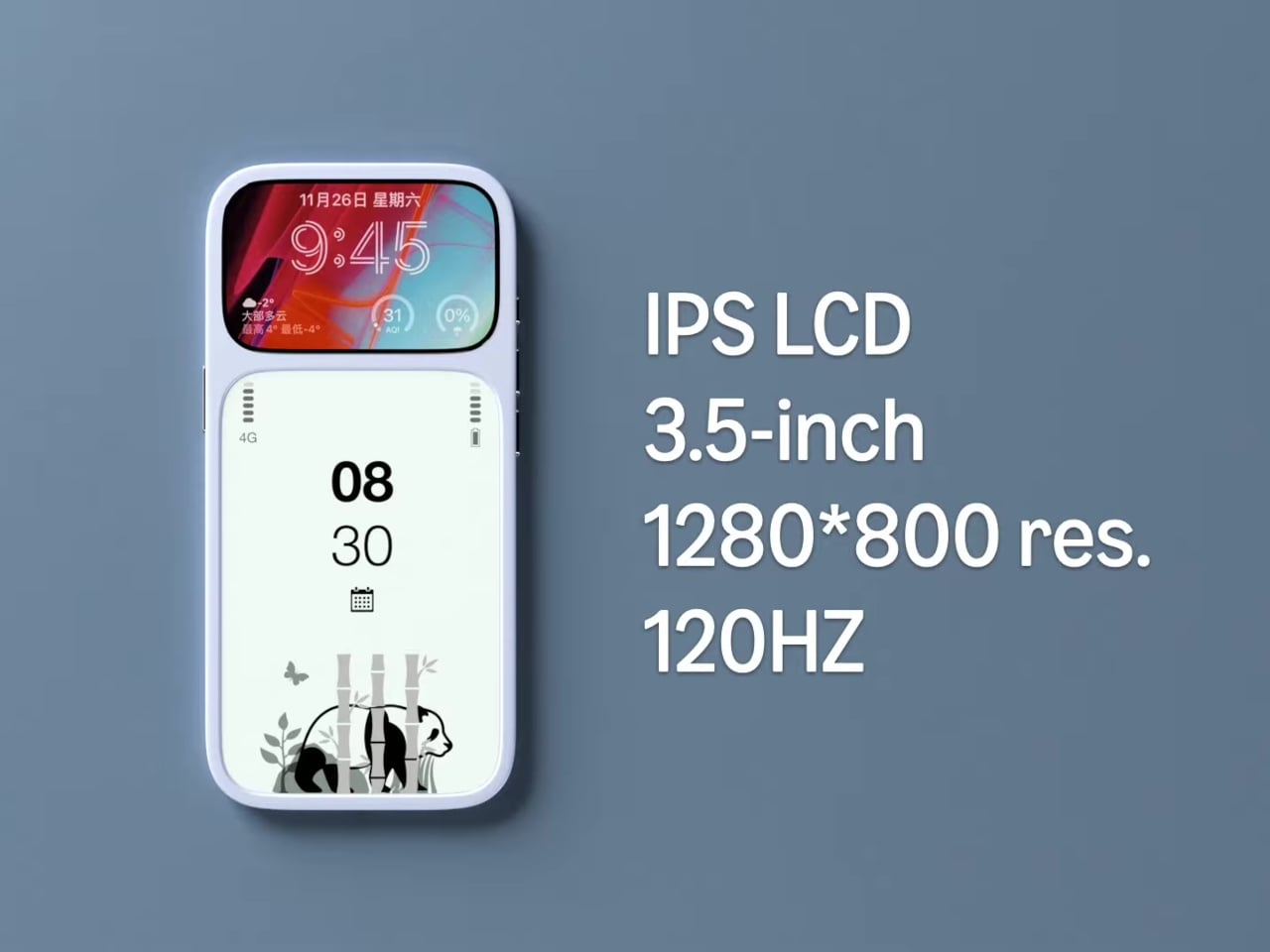
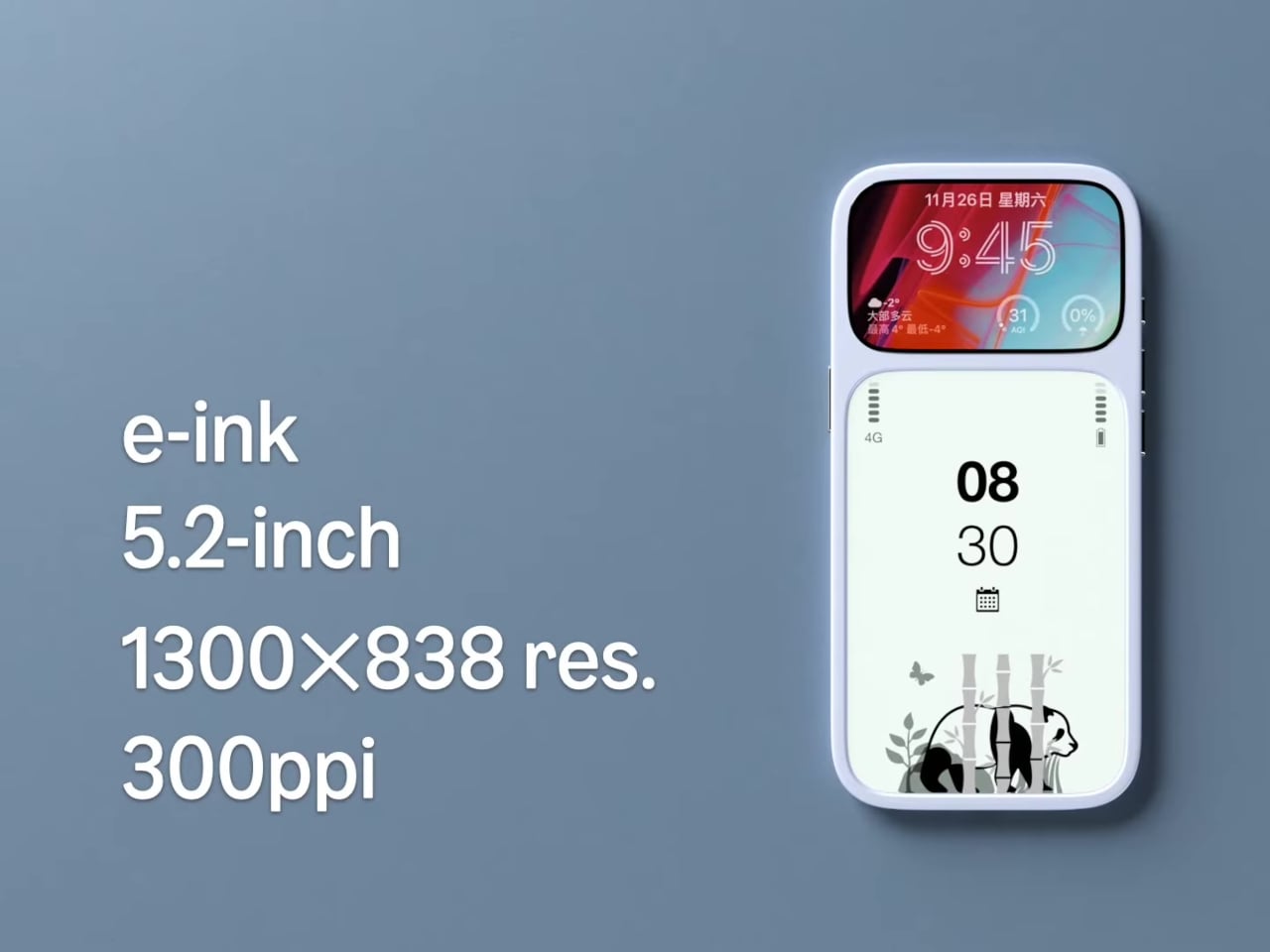
The basic layout is a 3.5-inch IPS LCD at the top and a 5.2-inch E Ink panel below, both on the front. The numbers are 1280 × 800 resolution at 120 Hz for the LCD and 1300 × 838 at 300 ppi for the E Ink. The clear back with a single camera and simple branding quietly signals that this phone is not chasing the usual multi-lens, all-screen spec race, instead treating the front as a composition of two very different surfaces.
Designer: Mechanical Pixel
The smaller LCD becomes the “burst of color” zone for time, notifications, music controls, and quick interactions, while the larger E Ink area is reserved for reading, notes, and simple widgets. This creates a hardware-level hierarchy; the calm, monochrome screen is where you spend most of your time, and you consciously move your attention to the smaller, brighter panel when you really need it, which changes the default state of the device from hyperactive to quiet.
The obvious pros are less visual noise, better eye comfort, and potentially much better battery life. E Ink only draws power when it refreshes, so a reading-first layout means the phone can idle for long stretches without burning through charge. For people who mostly message, read, and check calendars, the big E Ink panel could handle most of the day while the LCD stays off or in a low-duty role, extending runtime significantly.
The trade-offs are nothing to scoff at, though. A 3.5-inch LCD, even at 120 Hz, is not ideal for immersive video, complex productivity apps, or touch-heavy games. UI designers would need to rethink layouts for that smaller window, or accept that some tasks are better on a tablet or laptop. The E Ink panel’s slower refresh also limits it to taps and page turns, which is fine for reading but not for fast, gesture-driven interfaces that rely on immediate visual feedback.
This concept uses hardware to enforce a kind of digital minimalism. Instead of relying on focus modes and grayscale filters, it bakes the idea into the front of the phone, a big, calm screen for reading and a small, hyperactive one for everything else. For people who like the idea of a phone that nudges them toward books and away from endless feeds, that stacked layout feels like a surprisingly sharp design argument, where the very shape of the device encourages a different relationship with what lives on it.
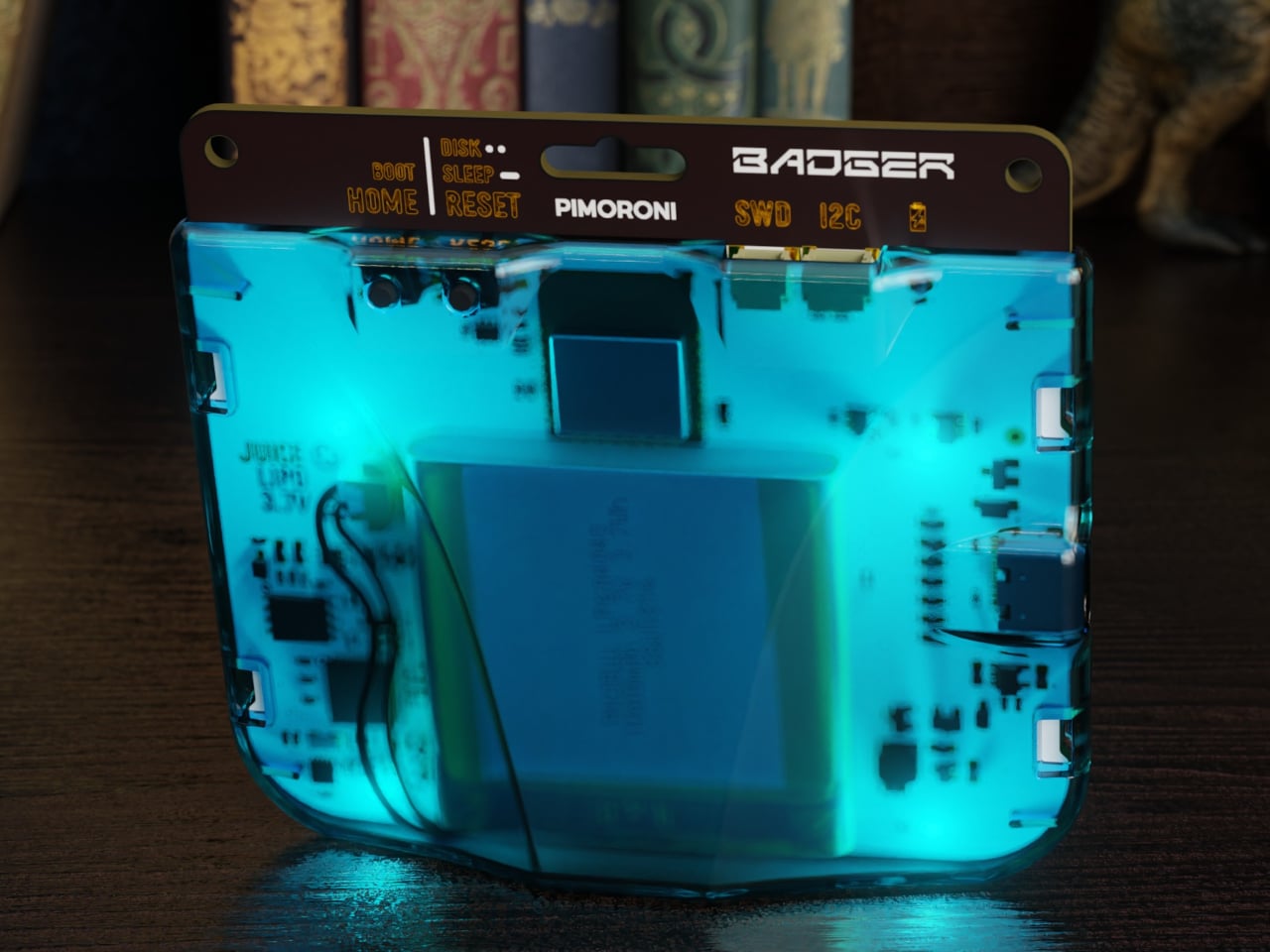
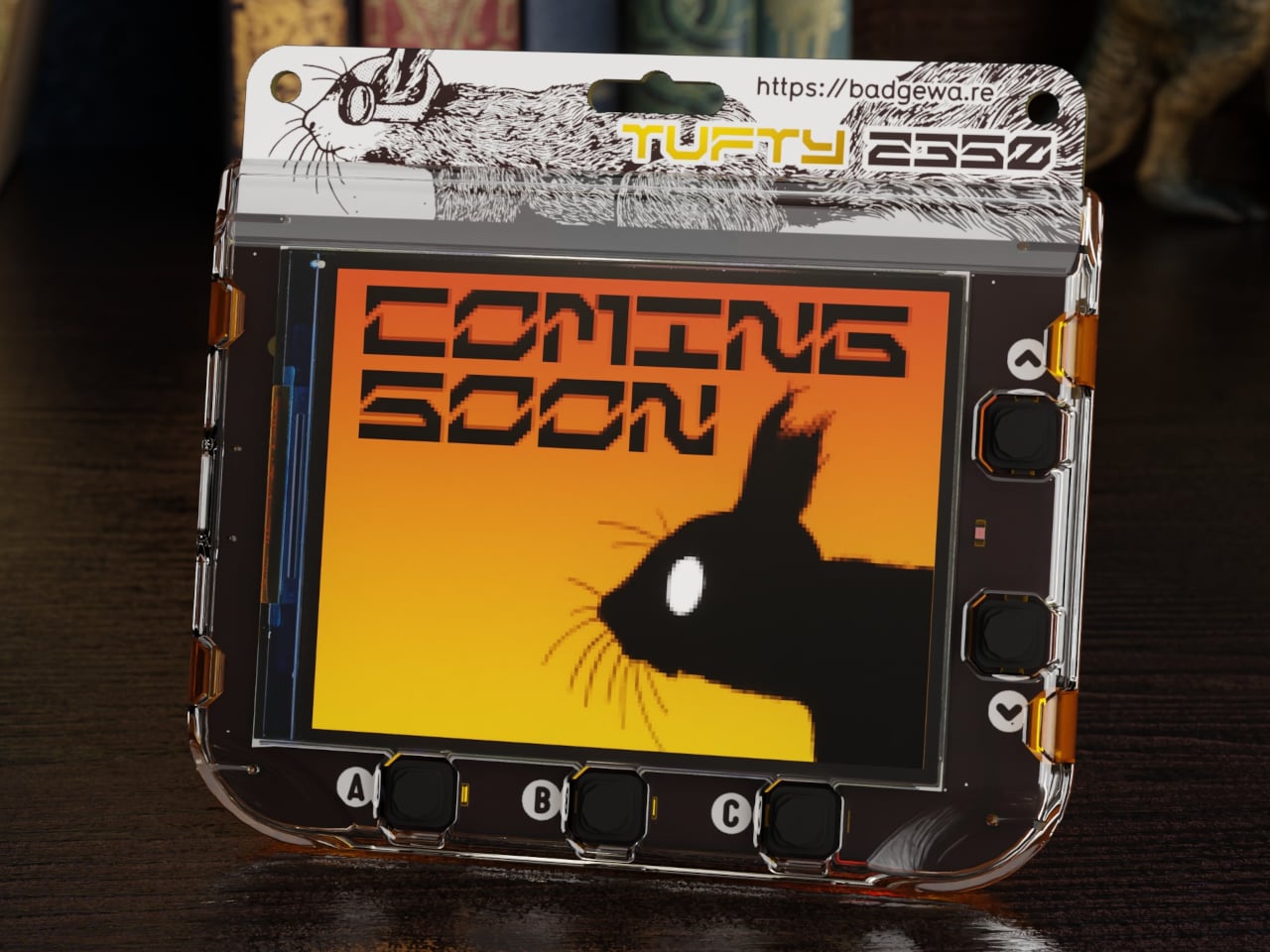
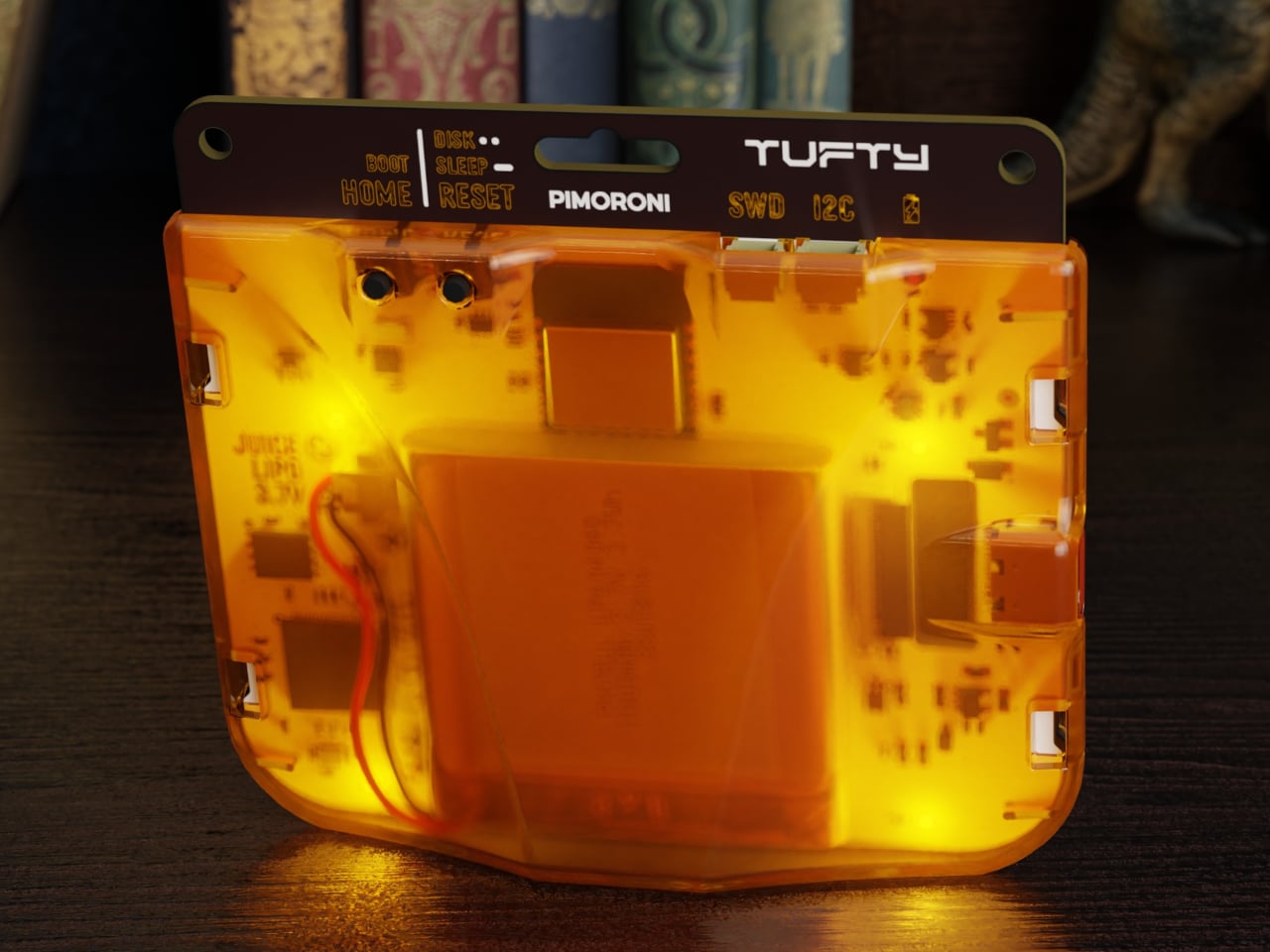
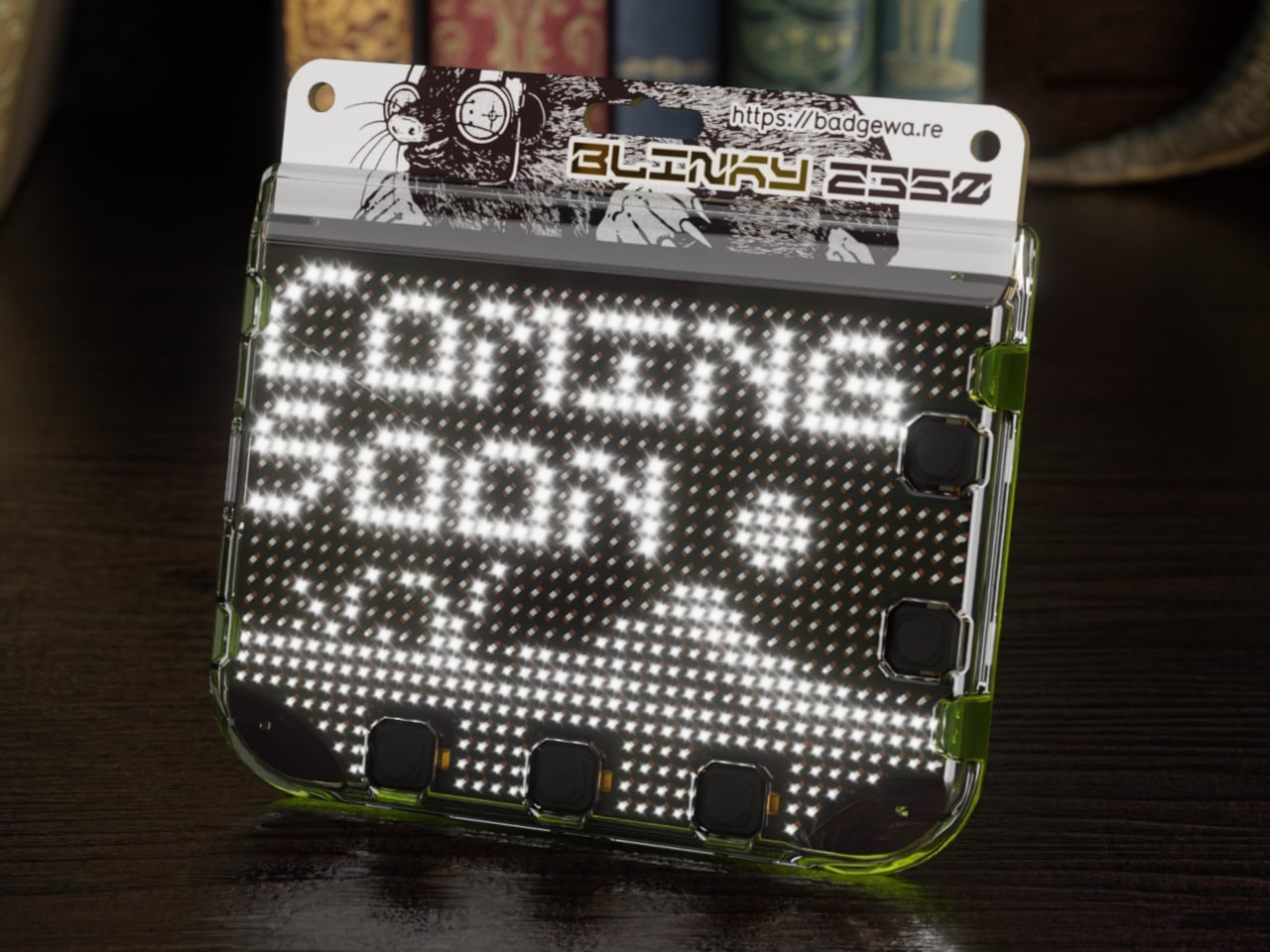
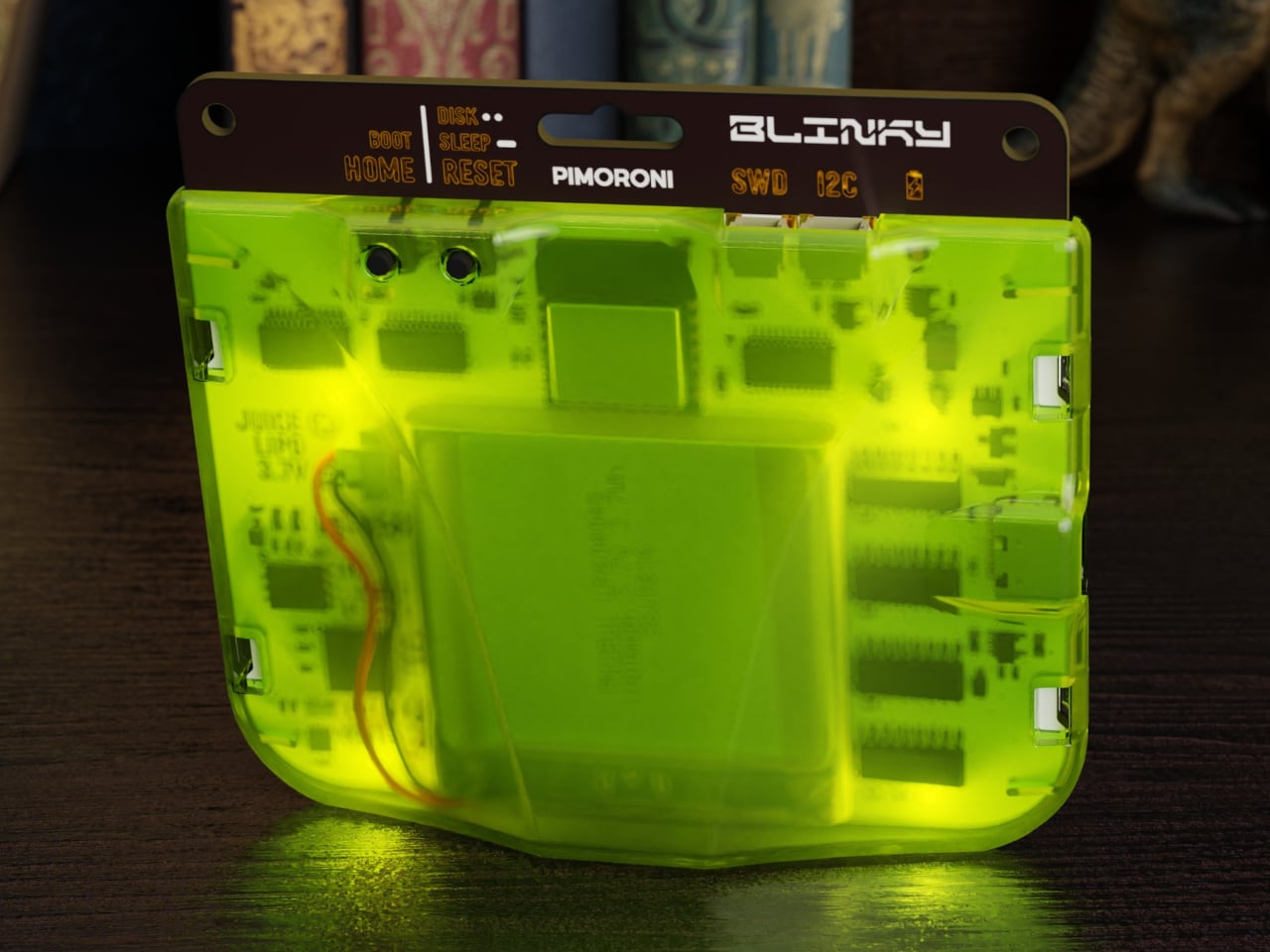
Conference badges are usually flimsy cardboard, a lanyard, maybe a QR code, and they end up in a drawer once the event wraps up. In the maker world, people already strap LEDs and e‑paper to their jackets for fun, but those tend to be one‑off hacks held together with tape and hope. Pimoroni’s Badgeware line asks a simpler question, what if the badge itself was a tiny, finished computer you actually wanted to keep wearing.
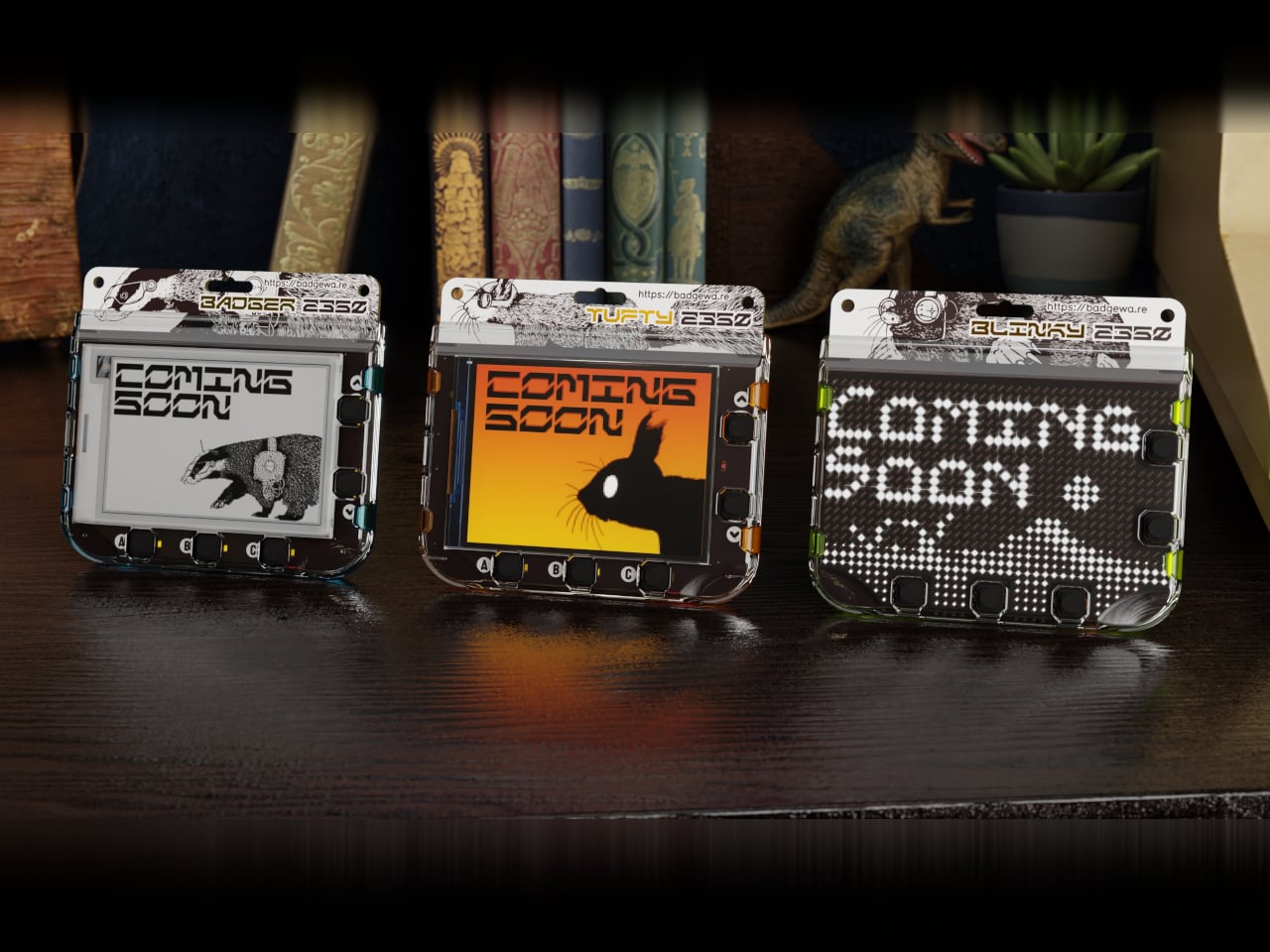
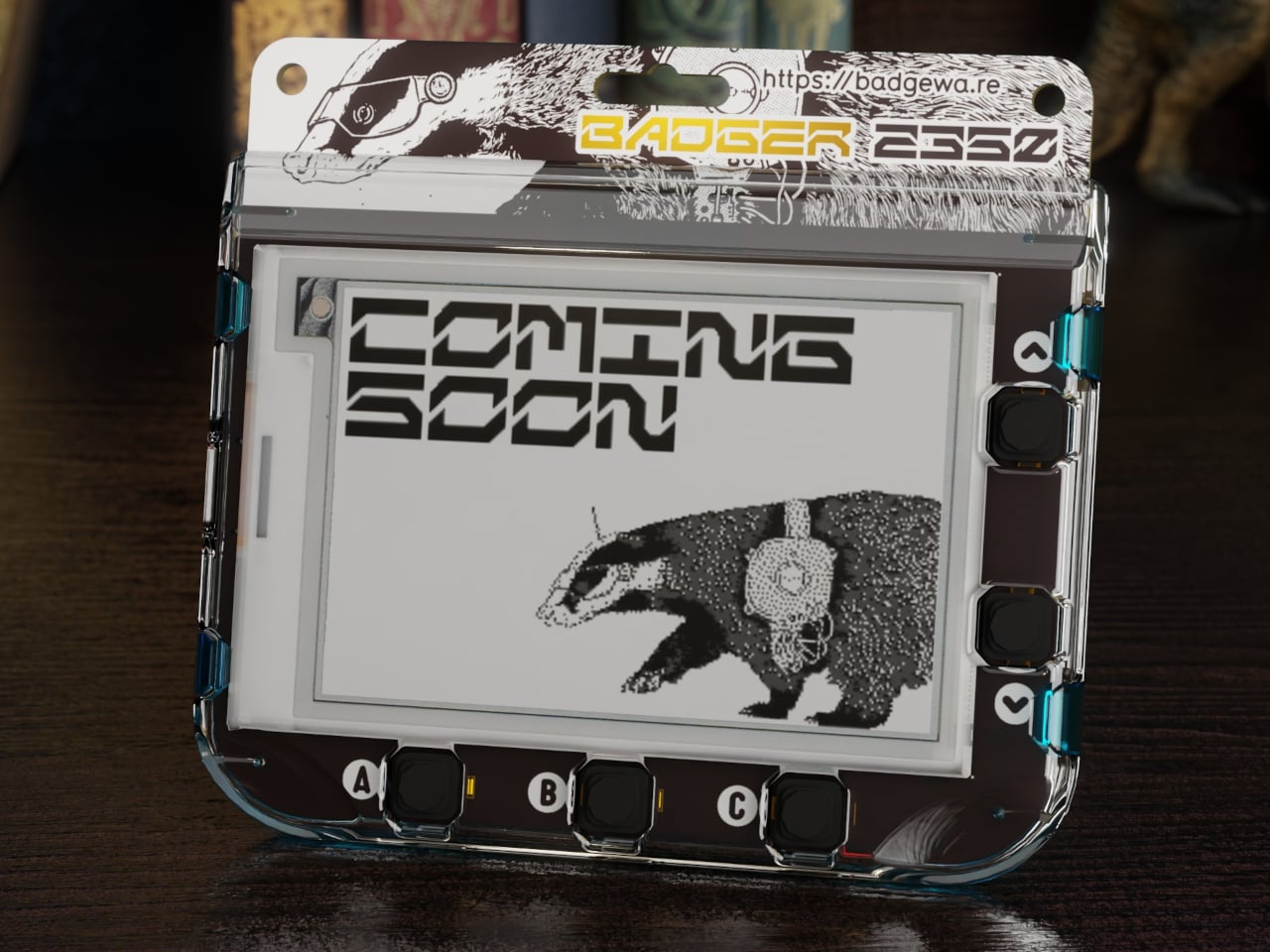
Badgeware is a family of wearable, programmable displays powered by Raspberry Pi’s new RP2350 chip. The trio gets names and personalities, Badger with a 2.7 inch e‑paper screen, Tufty with a 2.8 inch full colour IPS display, and Blinky with a 3.6 inch grid of 872 white LEDs. Translucent polycarbonate shells in teal, orange, and lime glow softly when the rear lighting kicks in, making them look like finished toys instead of bare dev boards.
The shared hardware is serious for something pocket sized. An RP2350 running at 200 megahertz with 16 megabytes of flash and 8 megabytes of PSRAM, Wi‑Fi and Bluetooth 5.2, USB C, and a built in 1,000 milliamp hour LiPo with onboard charging. The Qw/ST expansion port on the back lets you plug in sensors and add ons without soldering, while user and system buttons plus four zone rear lighting give each badge its own under glow.
Badger is the quiet one, four shade e‑paper that sips power and holds static content like names, pronouns, and tiny dashboards for days. Tufty is the show off, full colour IPS and smooth animation for mini games, widgets, and scrolling text. Blinky is the extrovert, a dense LED matrix that spells messages and patterns bright enough to read across a room. Together they cover calm, expressive, and loud without changing the basic wearable form factor.
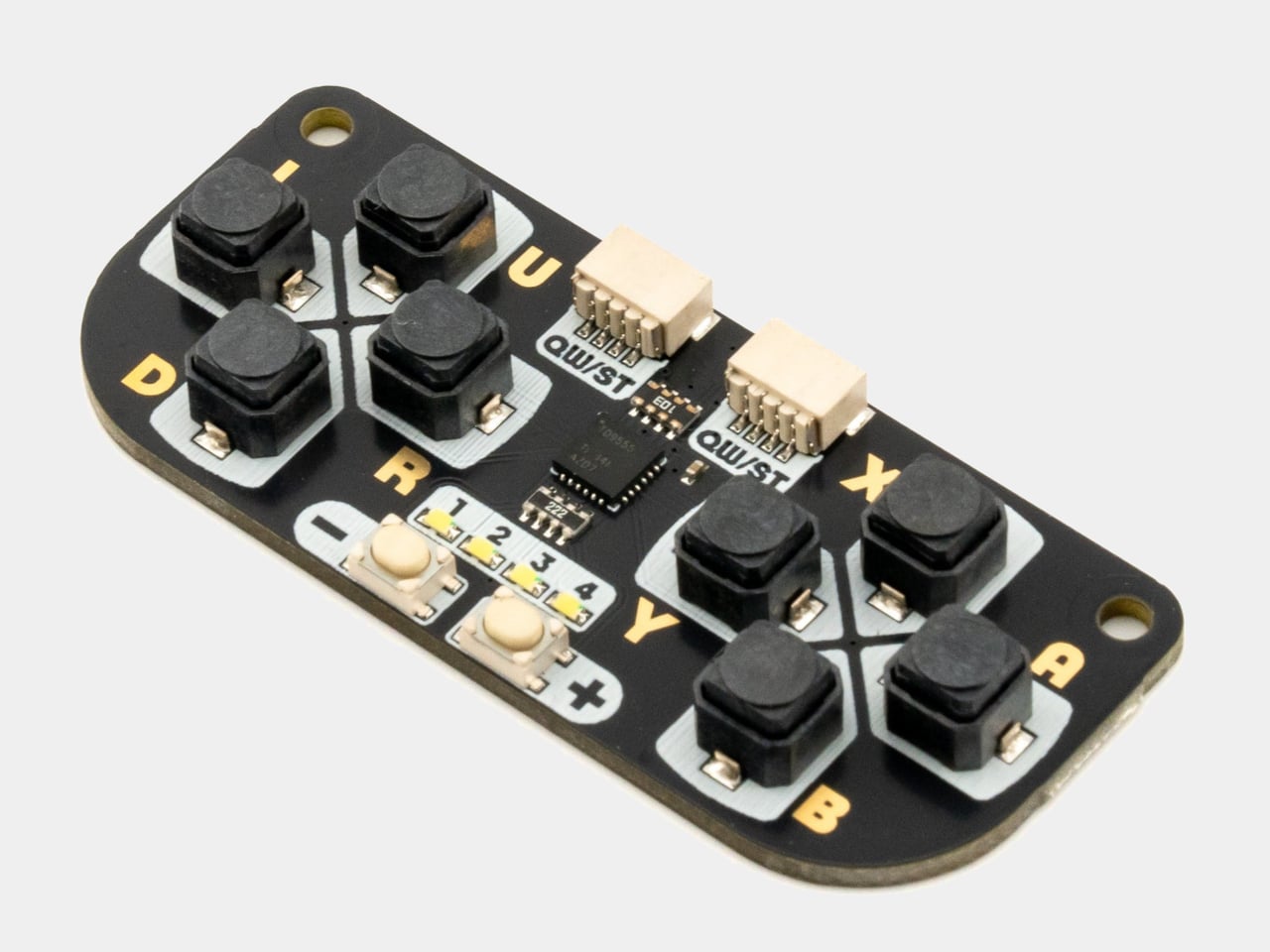
All three come pre loaded with a launcher and a bunch of open source apps, from silly games like Plucky Cluck to utilities like clocks and ISS trackers. Everything runs in MicroPython with Pimoroni’s libraries, and the optional STEM kit adds a multi sensor stick and a gamepad so badges can react to temperature, light, motion, and multiplayer button mashing, turning them into wearable sensors or tiny game consoles.
Double tapping reset drops the badge into disk mode so it shows up as a USB drive, letting you edit Python files directly without juggling tools or serial consoles. The cases have lanyard holes and can free stand on a desk, so they work as both wearable name tags and tiny desk dashboards. The clear shells and rear lighting make the electronics part of the aesthetic instead of something to hide.
Badgeware turns the throwaway conference badge into a reusable platform. Instead of printing your name once and tossing it, you get a little object that evolves from ID tag to art piece to sensor display as your code and curiosity grow. For people who like their gadgets small, expressive, and open ended, Badger, Tufty, and Blinky feel like digital jewellery that actually earns its lanyard space, whether you wear it to a meetup or keep it glowing on your desk.
Most productivity tools are designed to grab your attention constantly with pop-up reminders, blinking notifications, and endless browser tabs competing for focus throughout the day. But sometimes, the best way to stay focused is to keep your most important information quietly in view, not fighting for your eyes or demanding immediate action every few minutes. Finding that balance between visibility and distraction remains surprisingly difficult in modern productivity software.
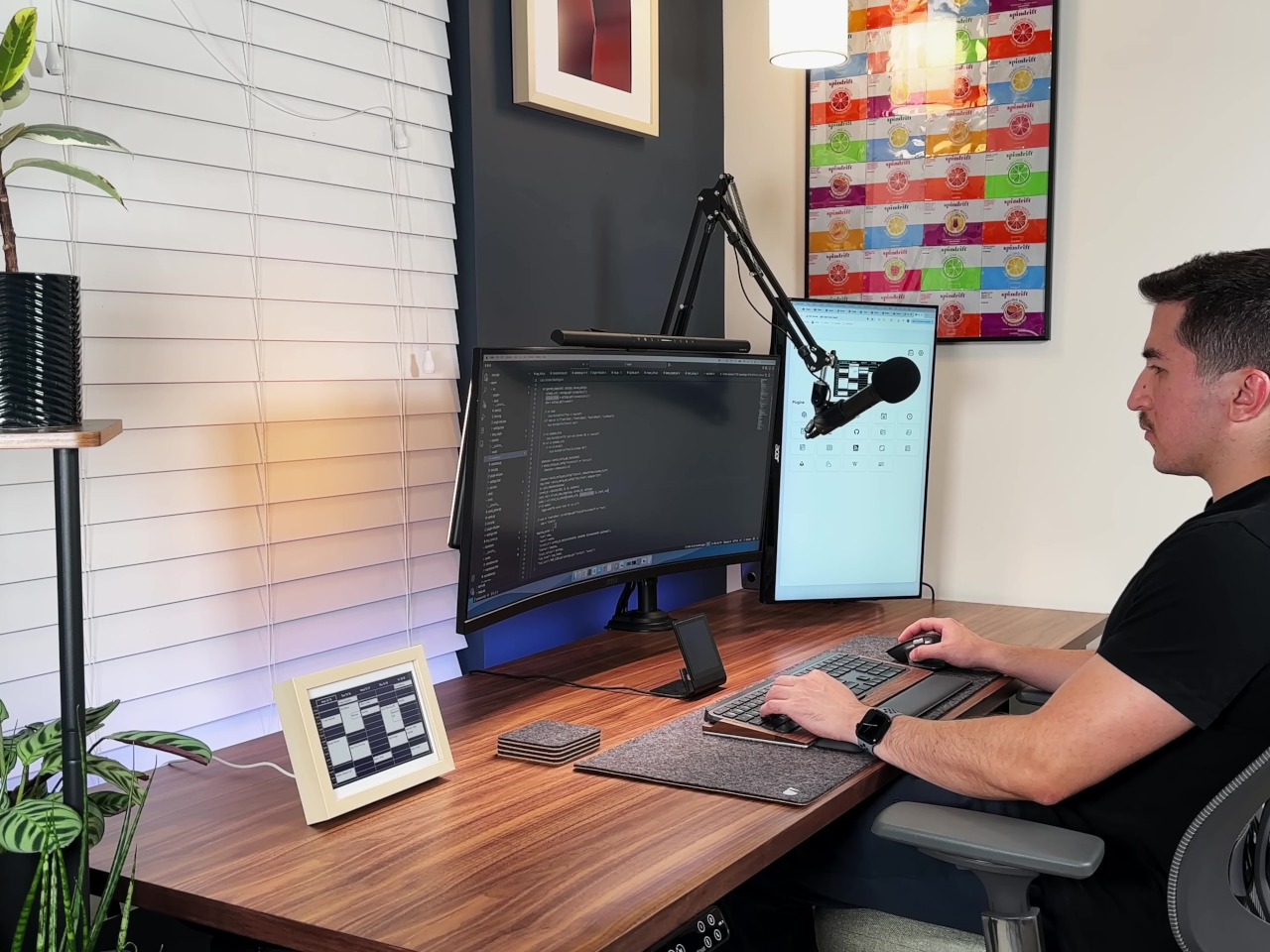
The InkyPi E-Paper Productivity Display is a DIY project that addresses this challenge directly and elegantly with minimal hardware. Built with a Raspberry Pi Zero 2 W and a crisp E-Ink screen, it turns your to-dos, deadlines, and progress into a calm, always-on dashboard that helps you stay organized without the noise. The project is open-source, customizable, and refreshingly simple in its approach to keeping you on track without overwhelming you.
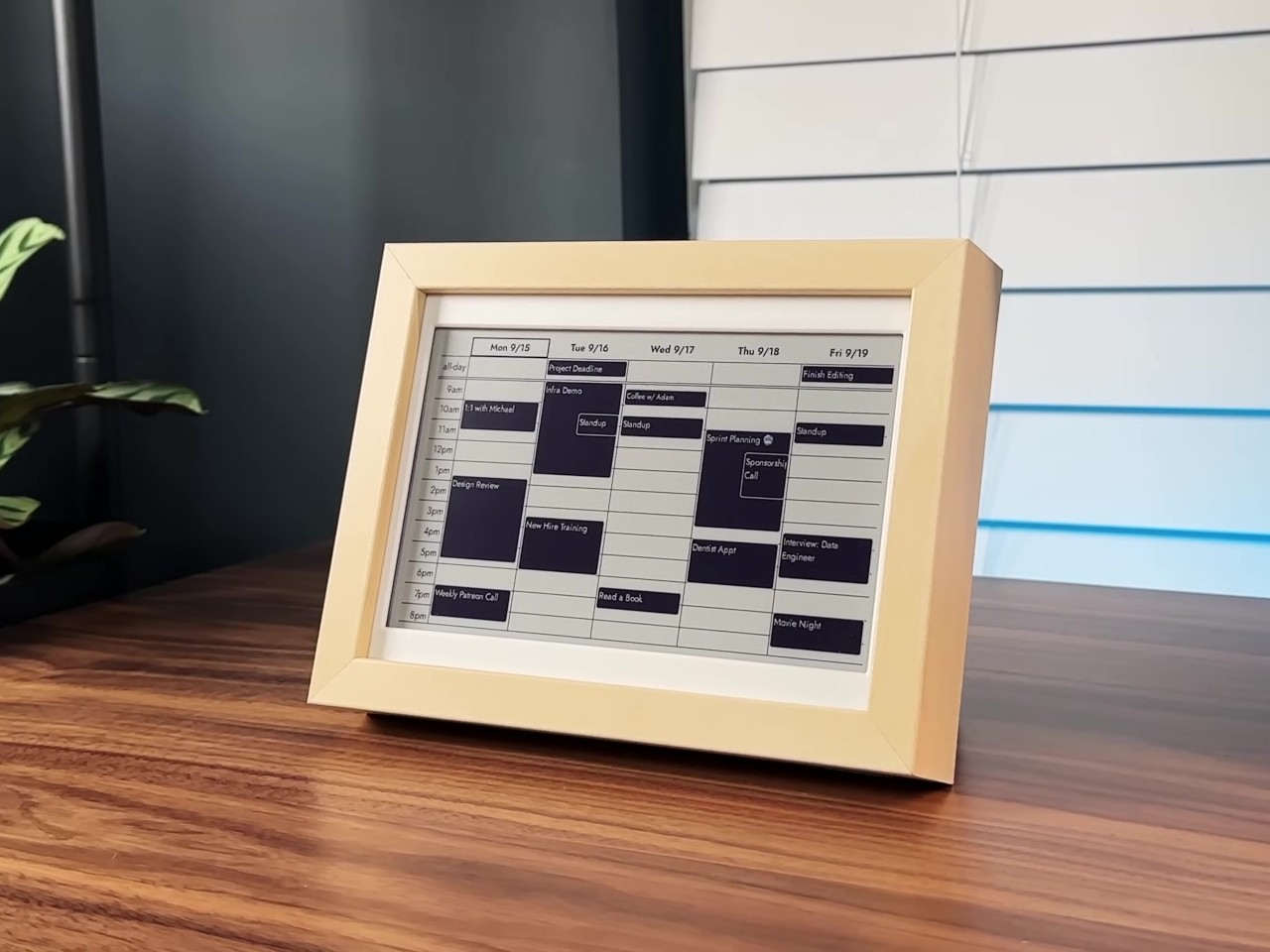
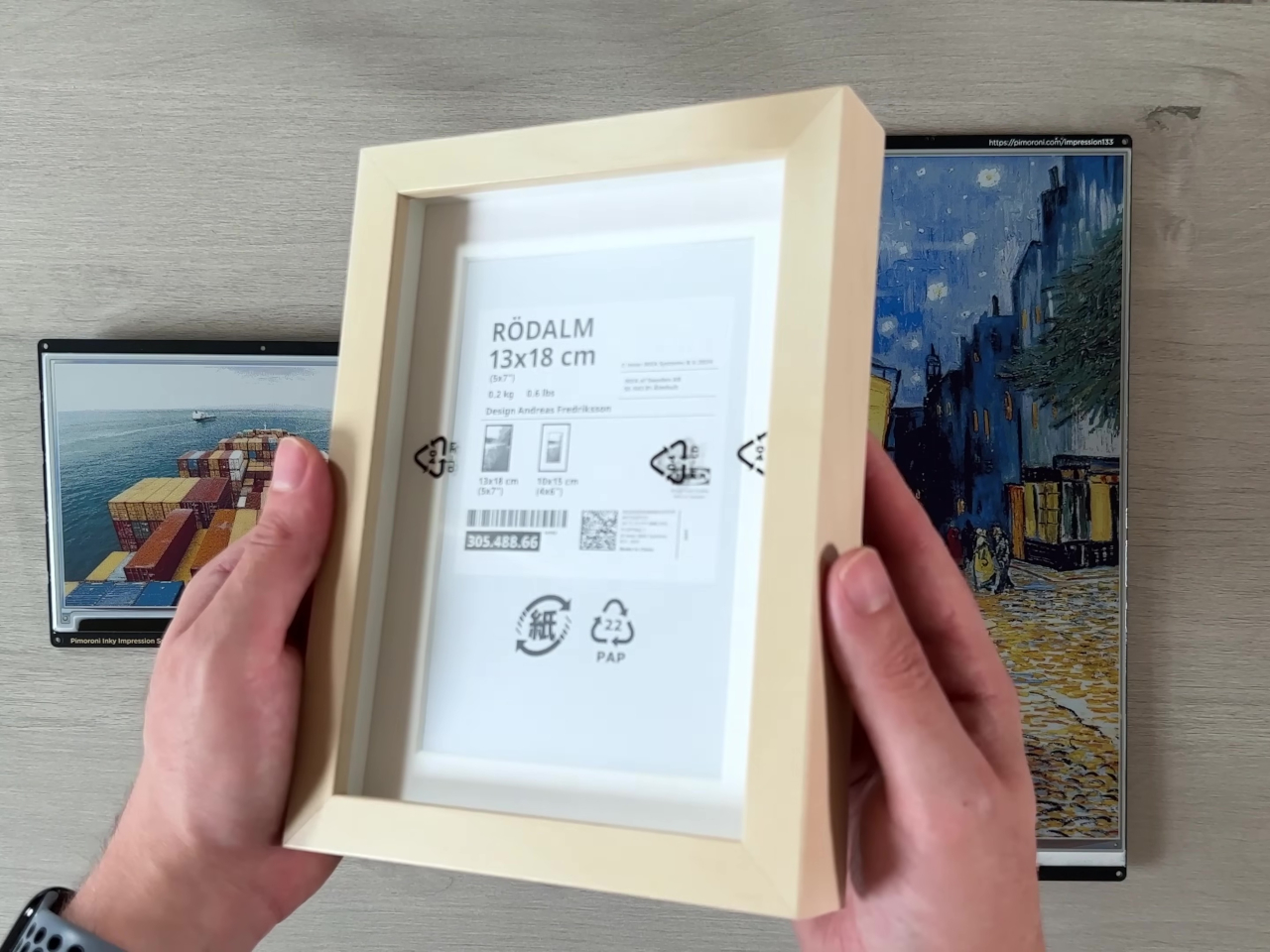
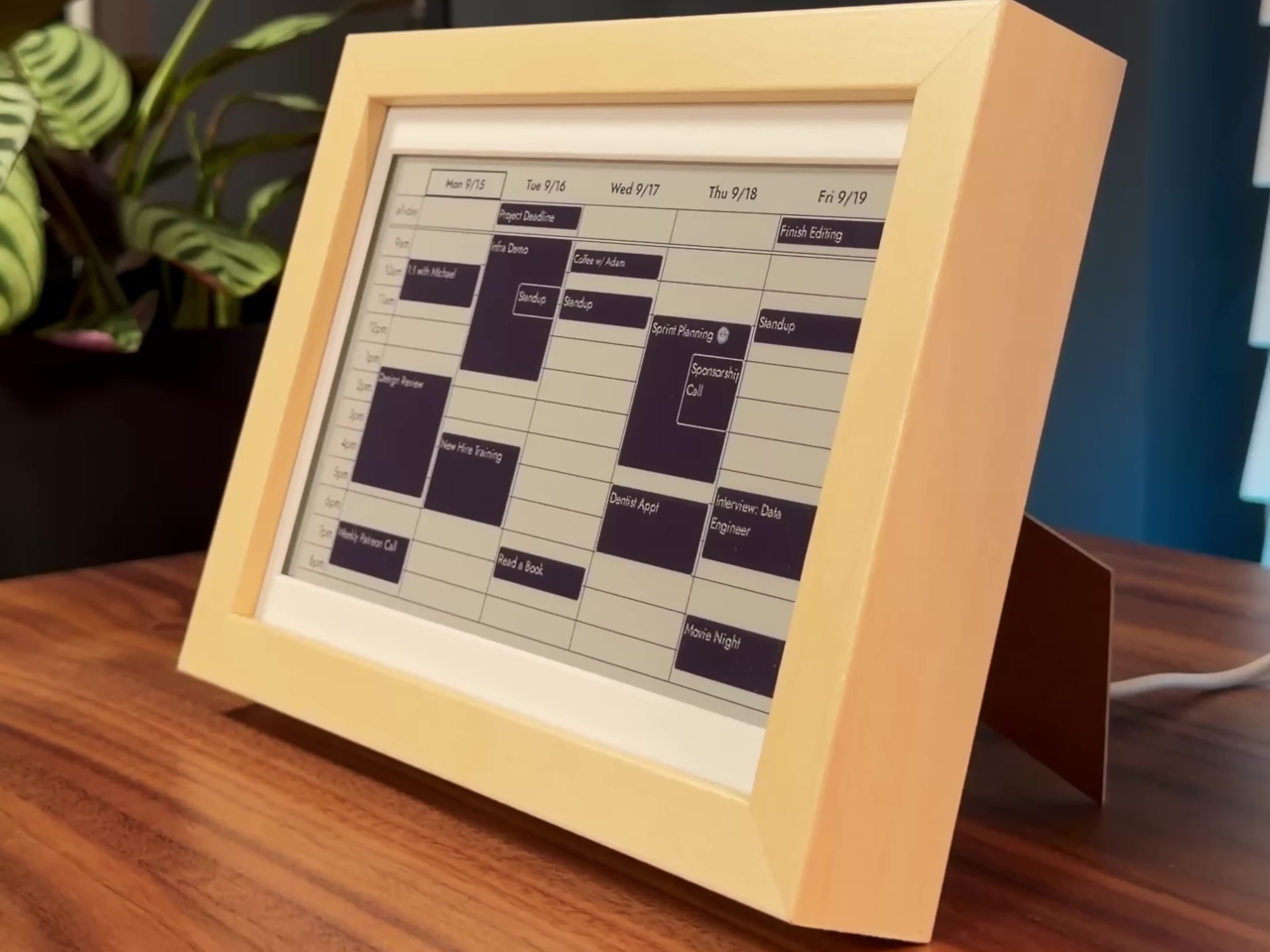
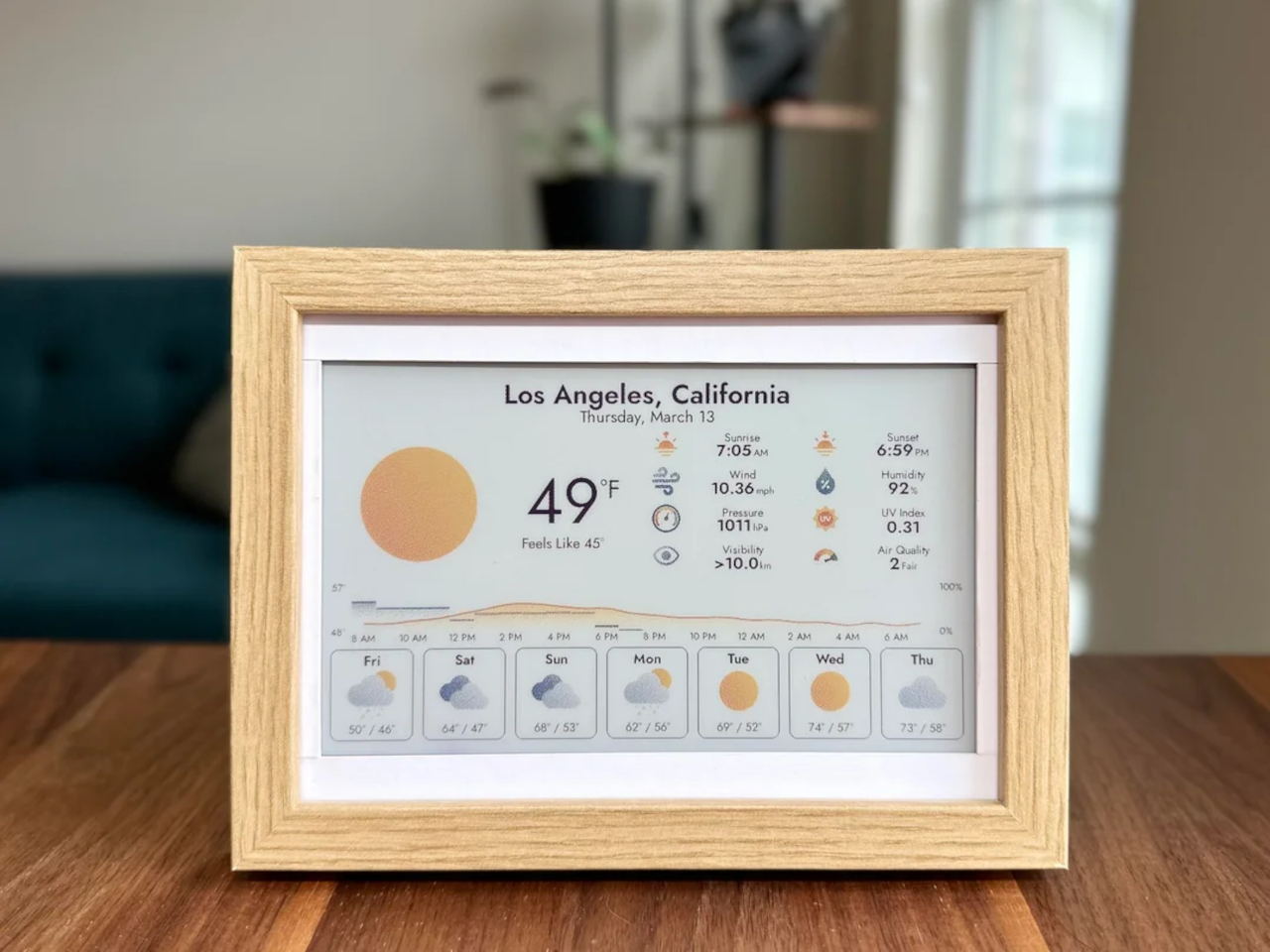
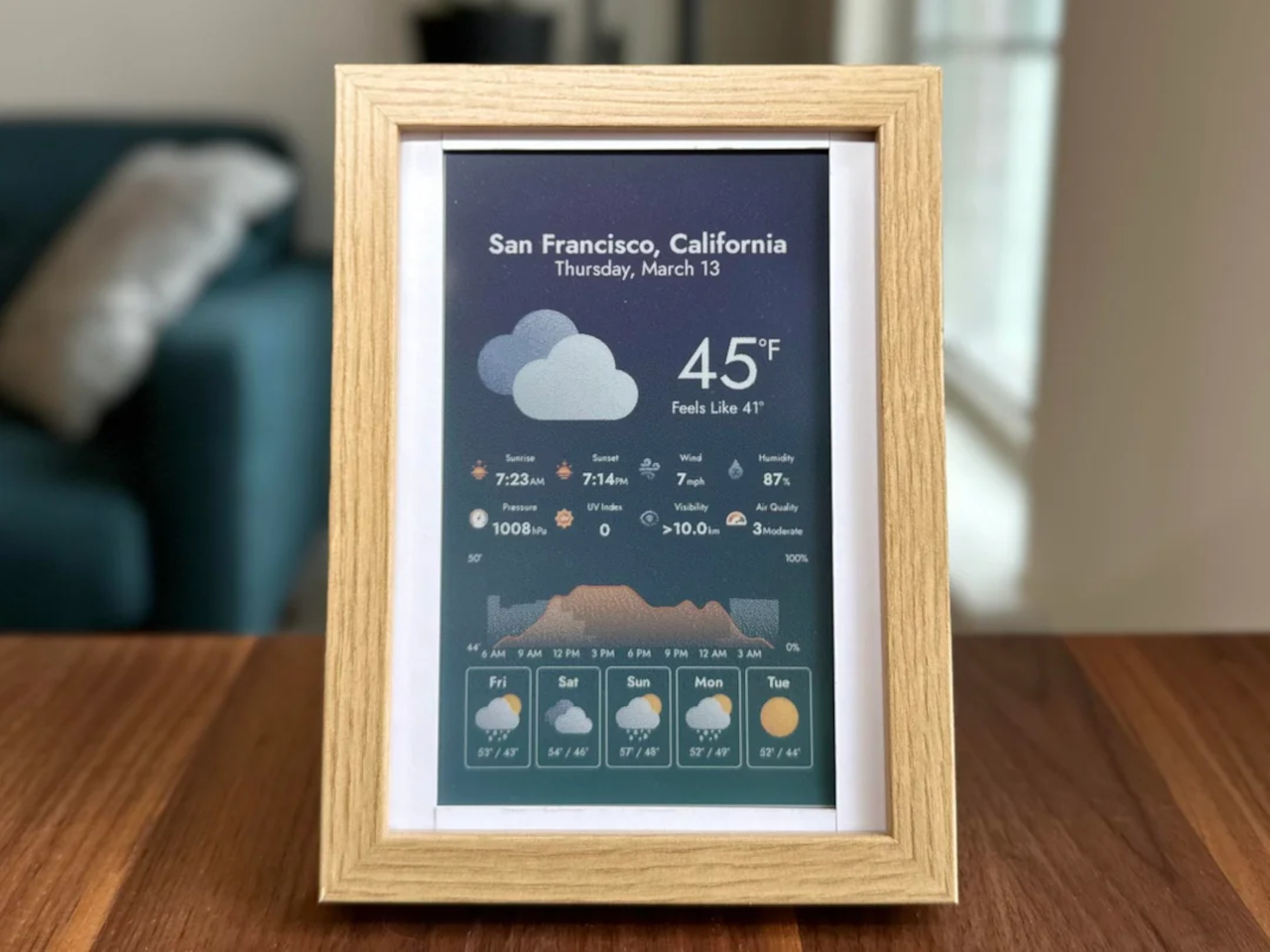
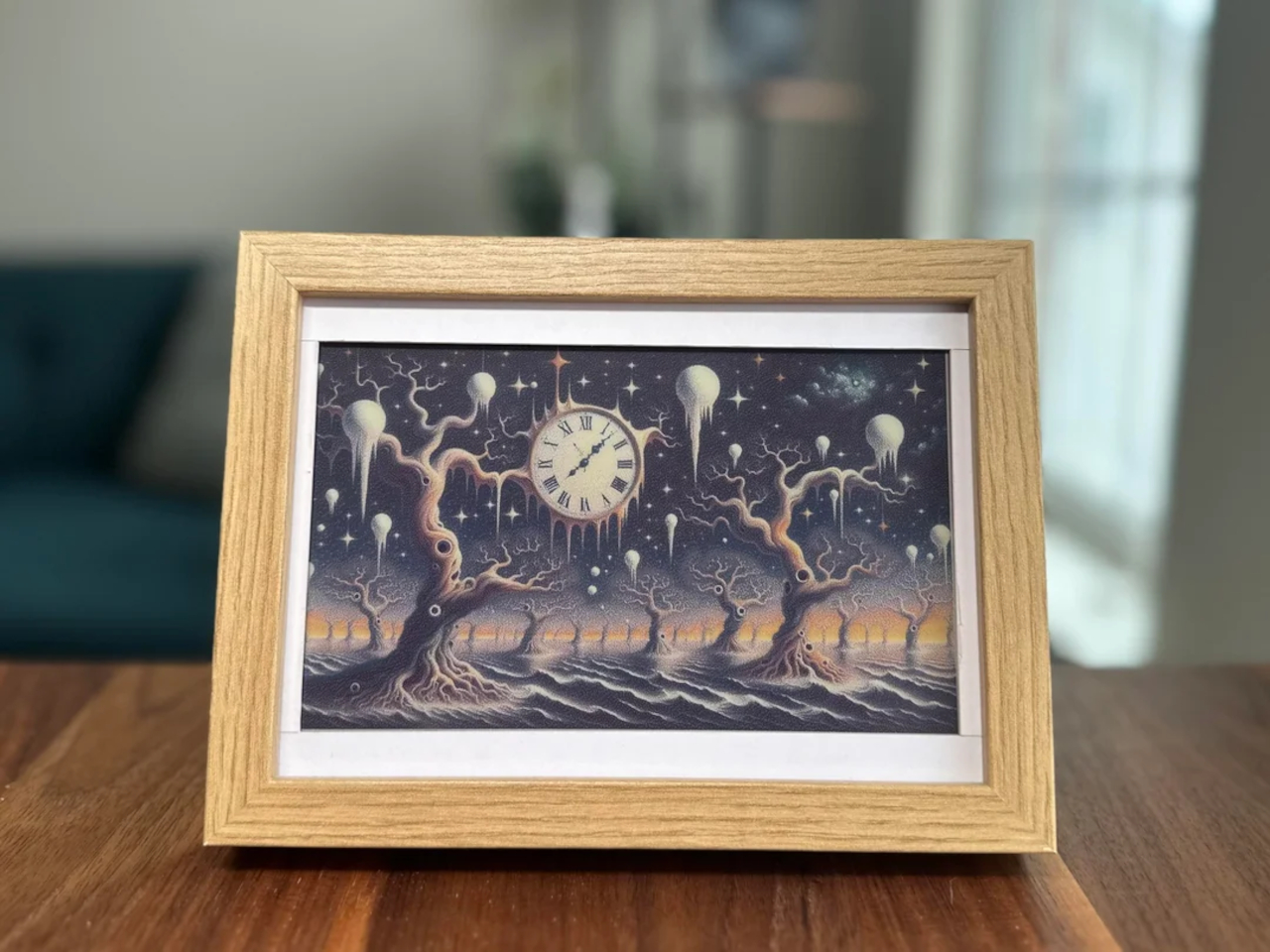
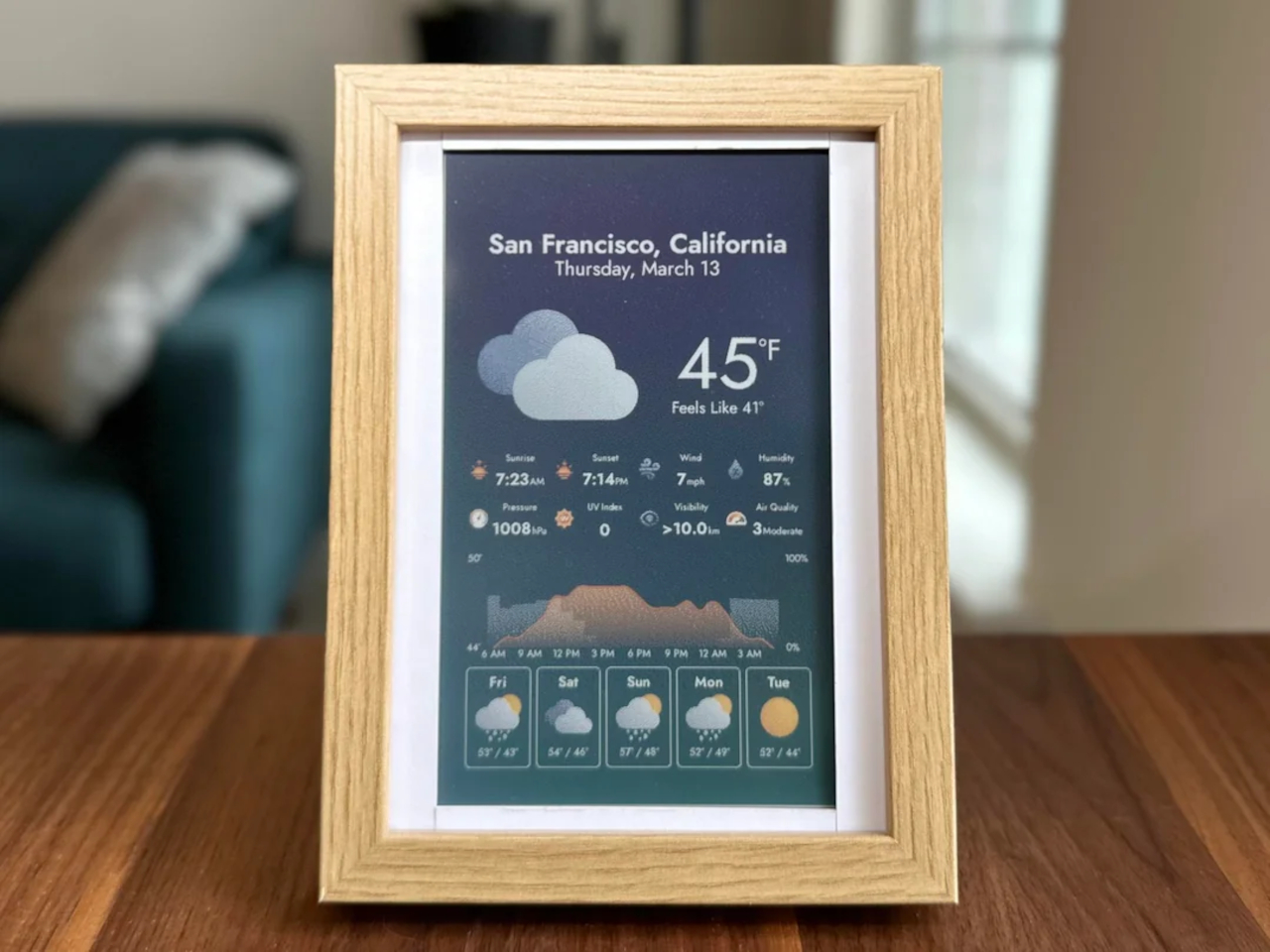
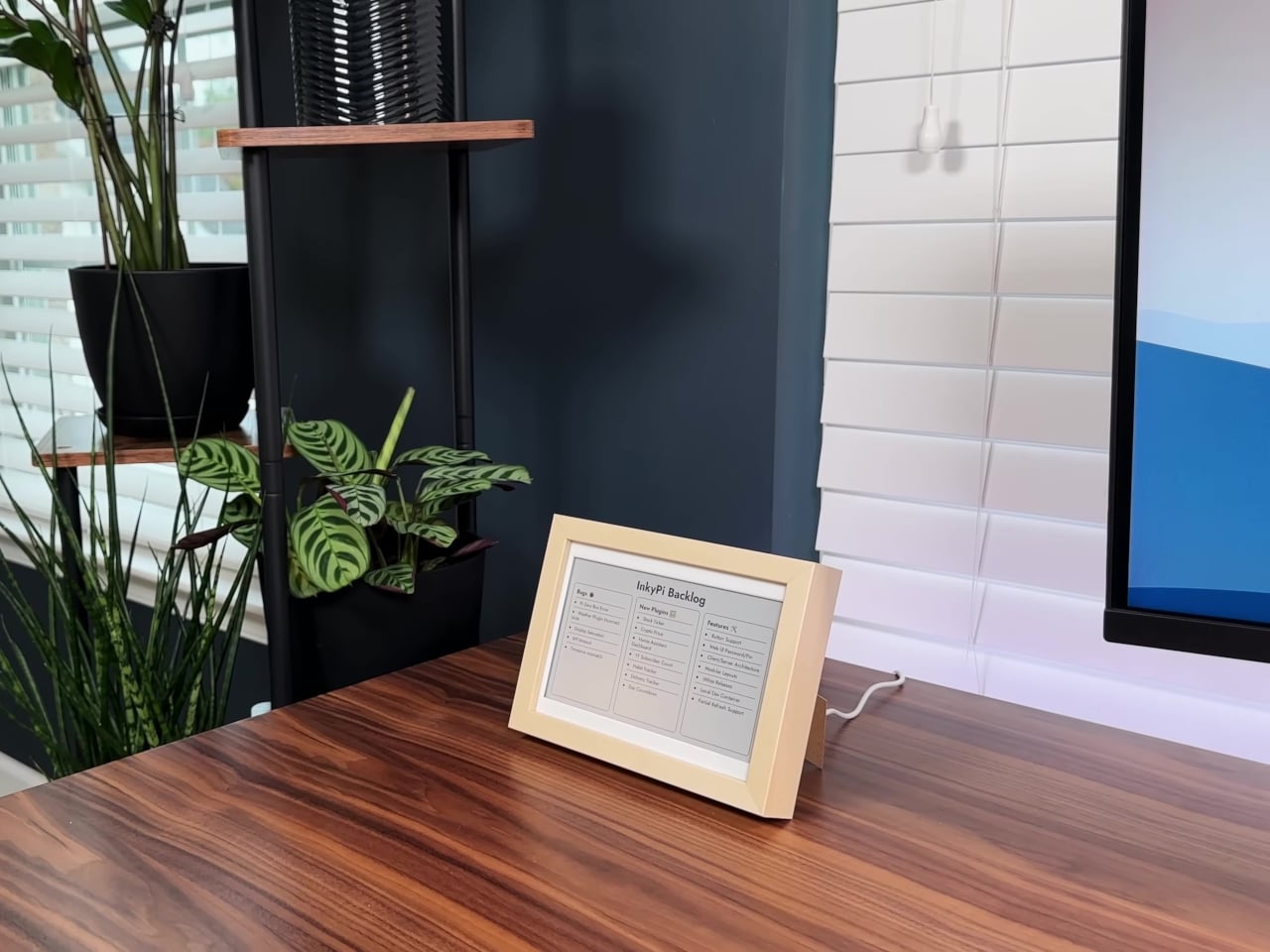
InkyPi’s minimalist design starts with a 7.3-inch or 7.8-inch E-Ink panel from Pimoroni or Waveshare, framed in a simple IKEA picture frame that looks more like a piece of art than a gadget on your desk. The Raspberry Pi Zero 2 W sits discreetly behind the display, keeping the whole setup slim, silent, and consuming minimal power throughout the day. The paper-like display is easy on the eyes and never glows or flickers.
The framed display can be wall-mounted above your desk for easy glances throughout the day or set on a stand for desktop reference during intensive work sessions. The E-Ink screen shows information with the clarity of printed paper, making text and graphics readable from across the room without squinting. The lack of a backlight means it works well in any ambient lighting without causing eye strain during long days.
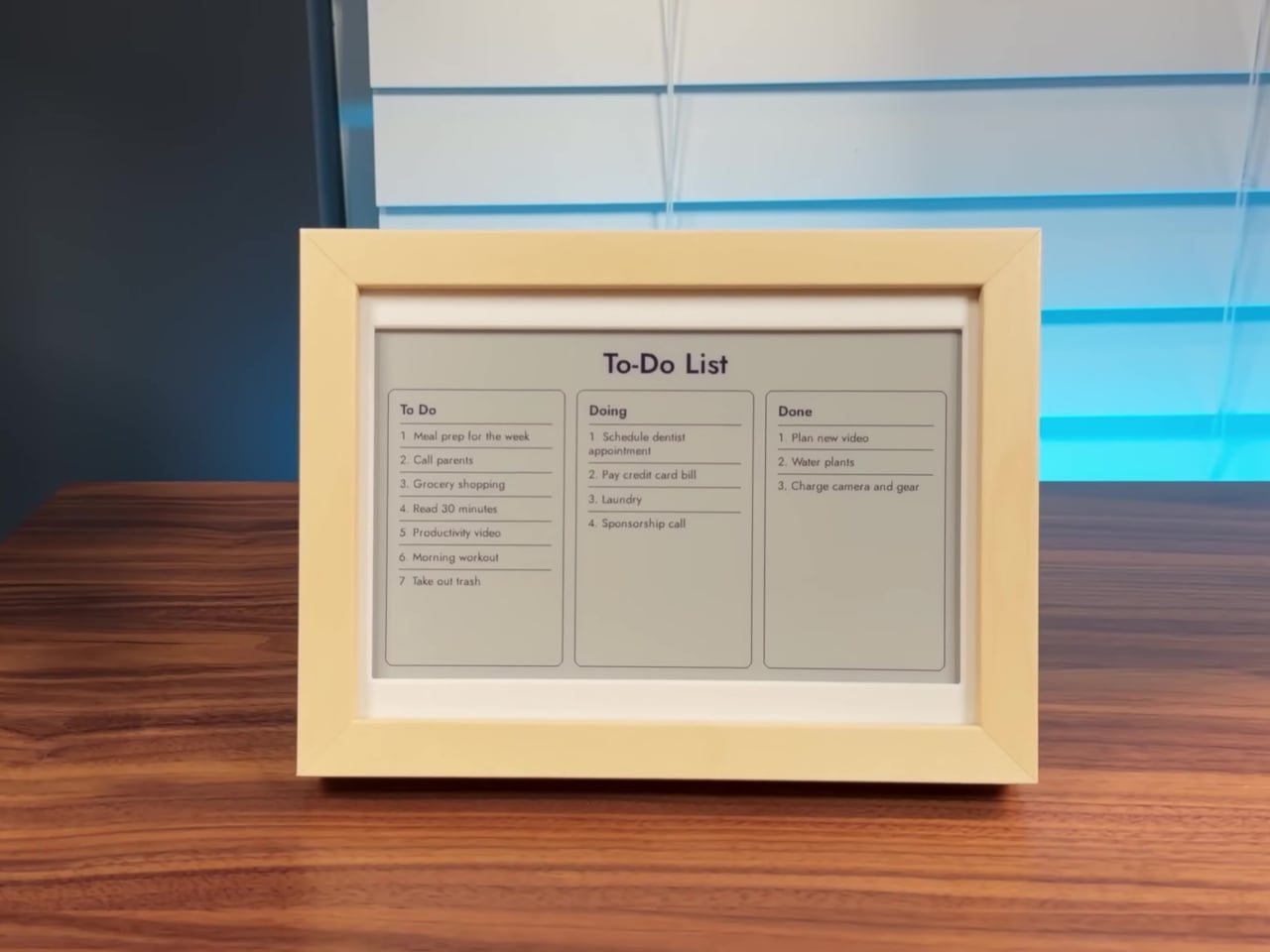
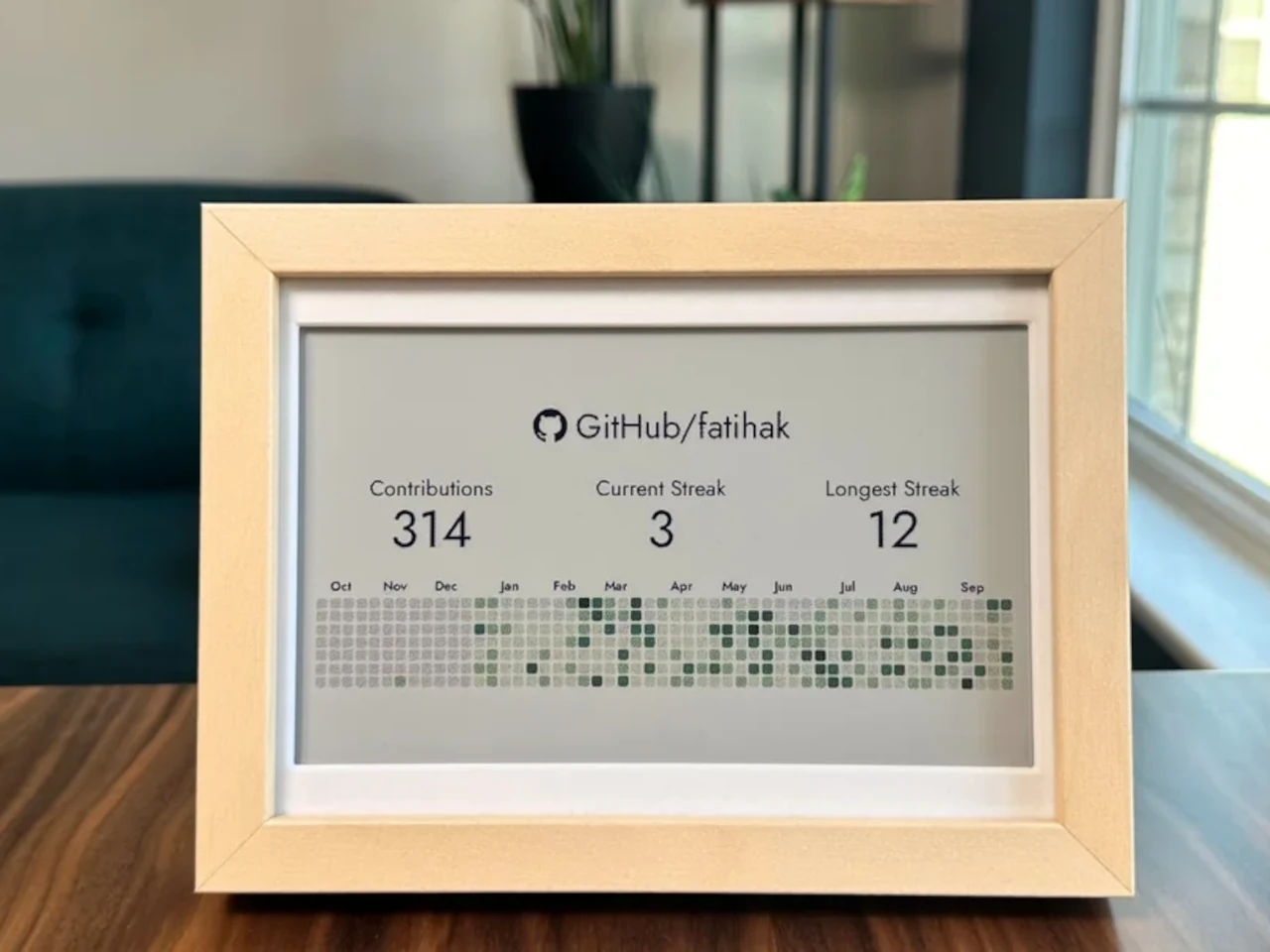
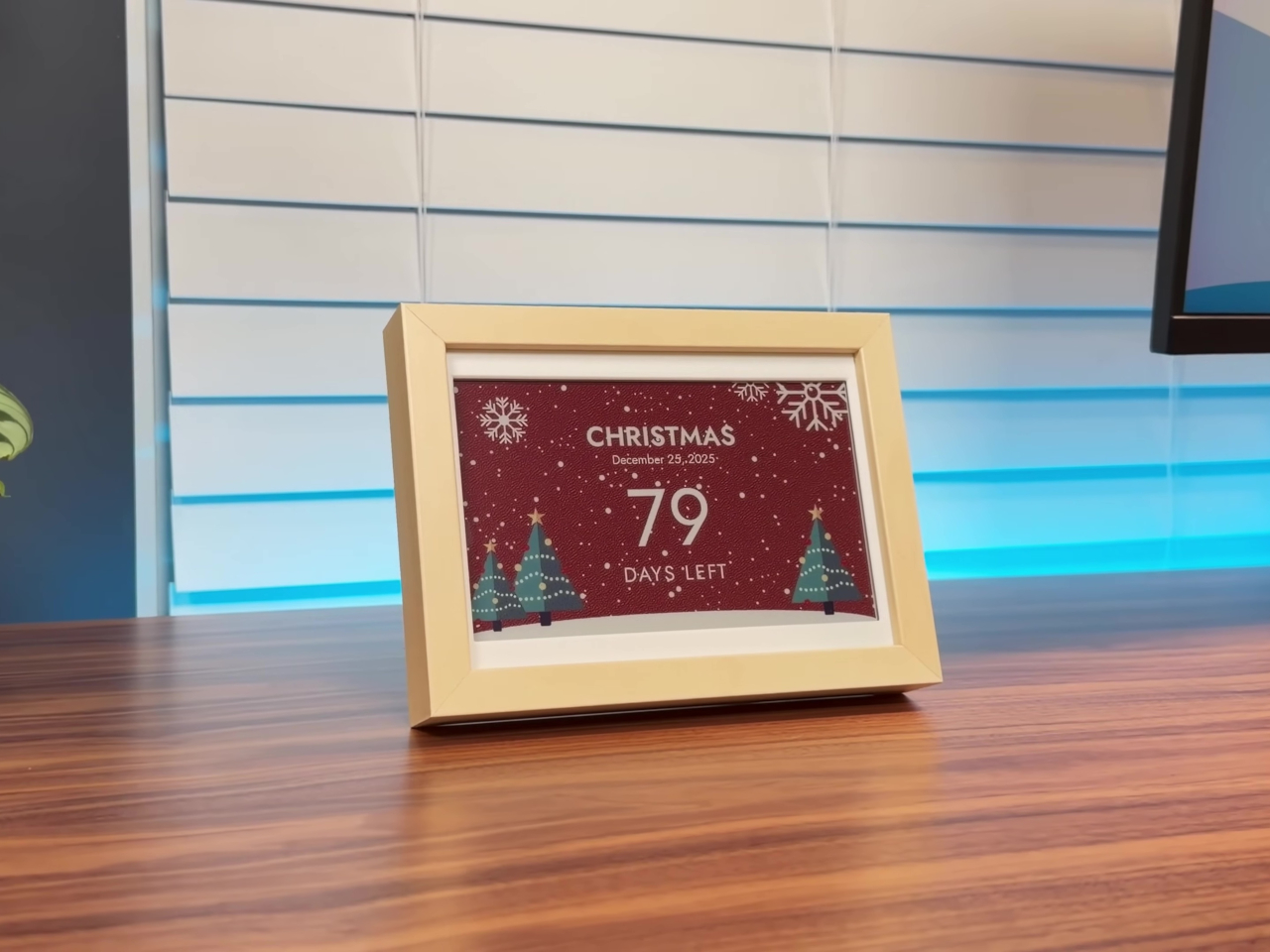
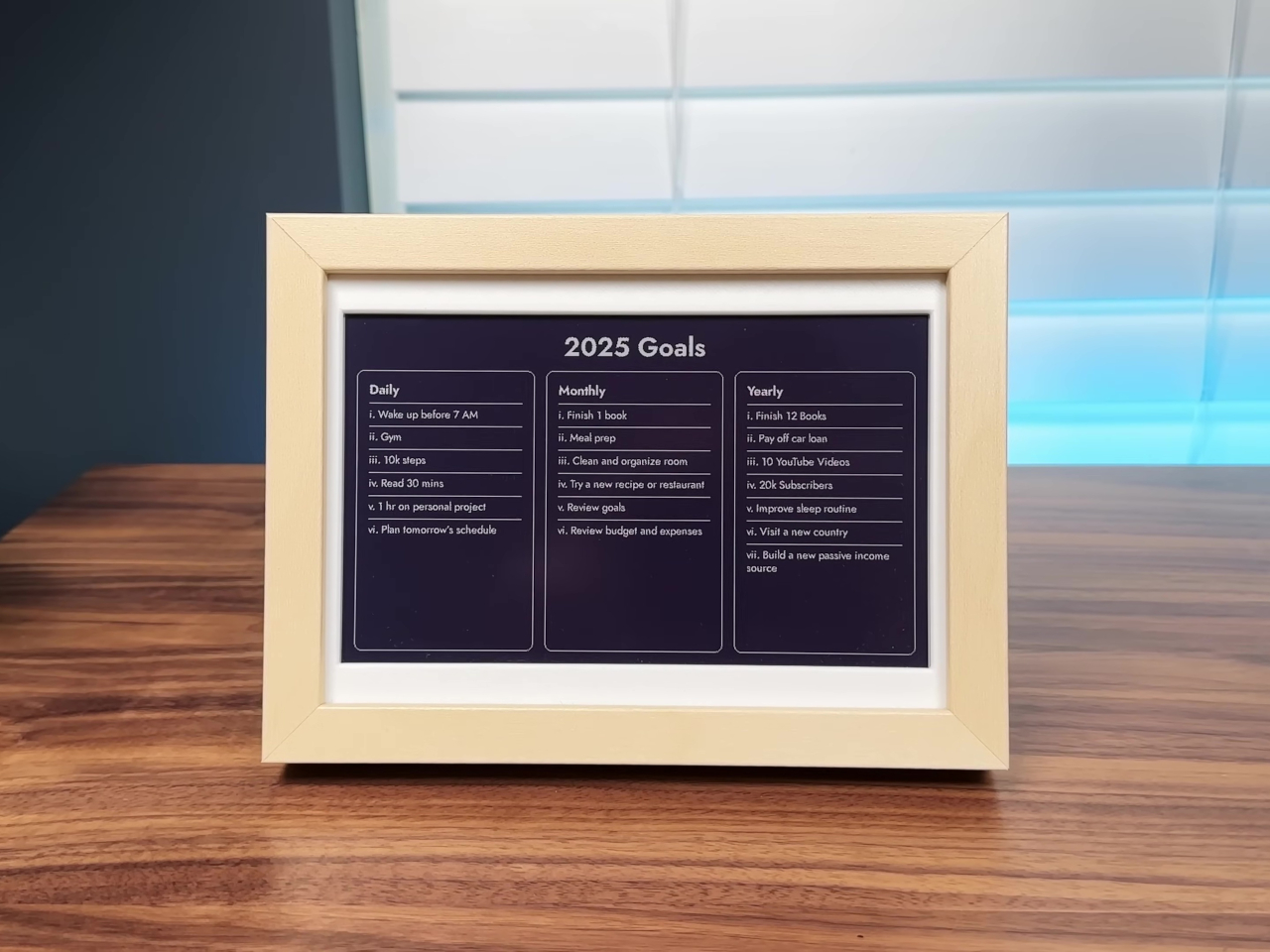
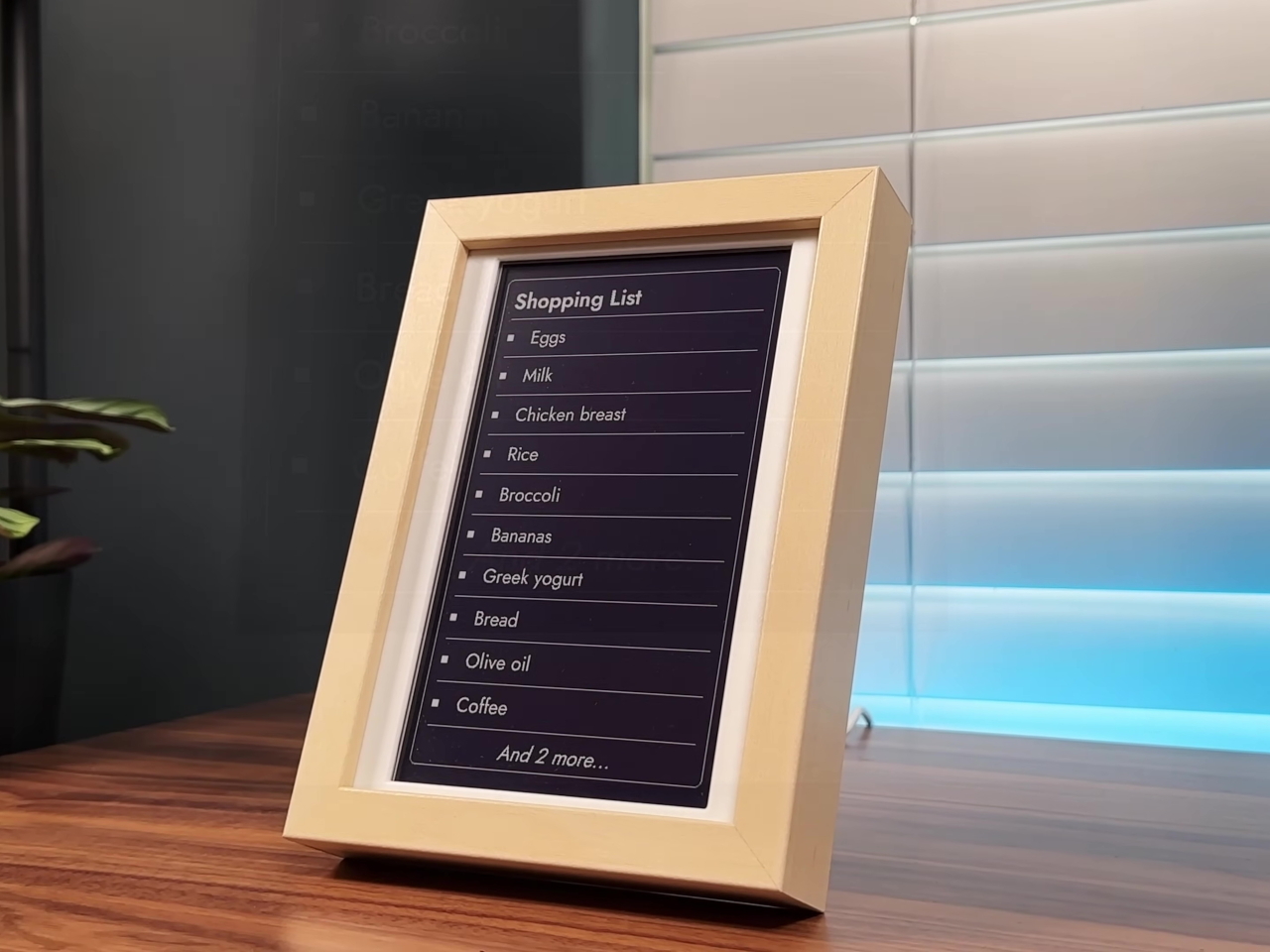
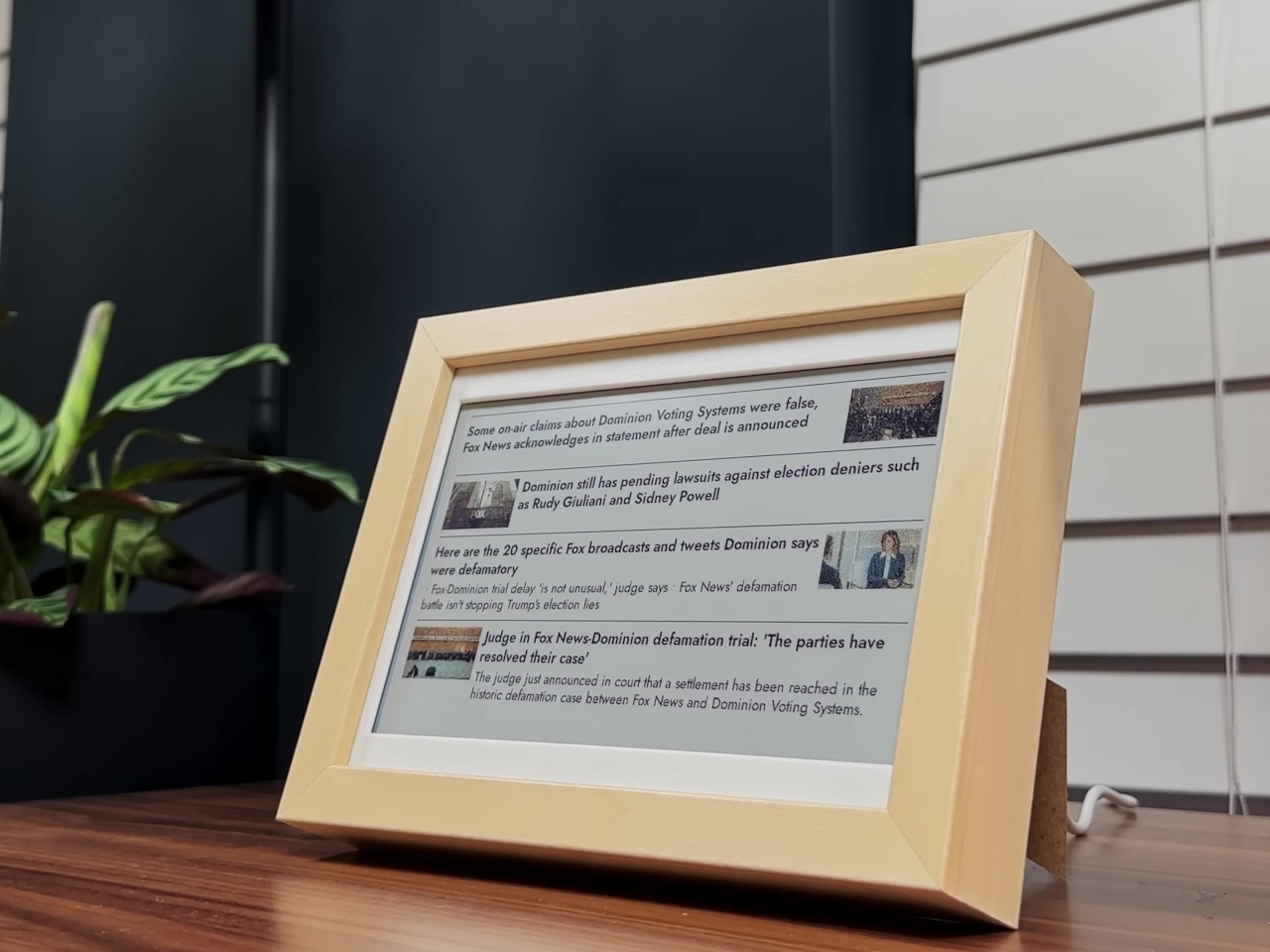
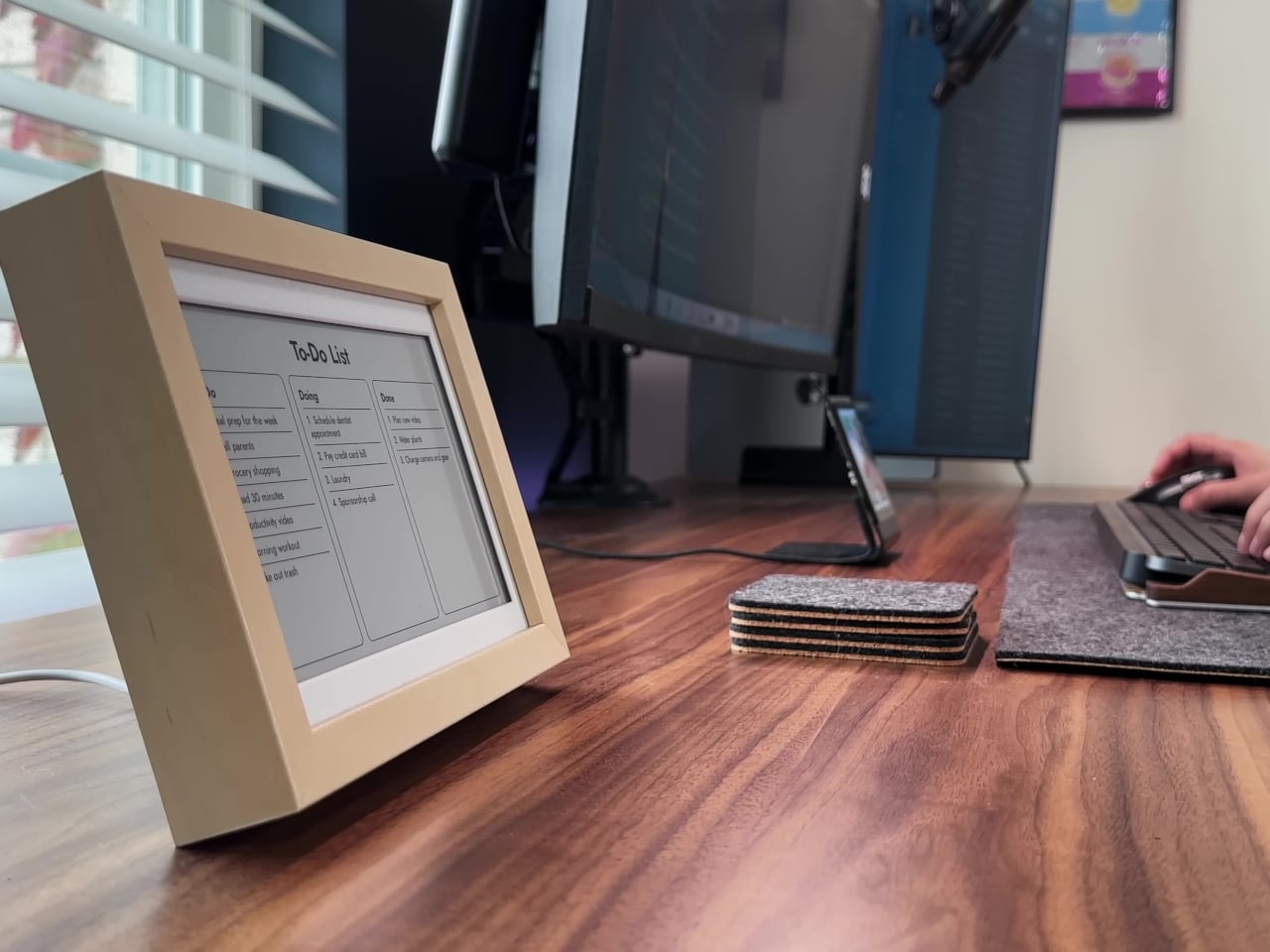
The open-source InkyPi dashboard runs a growing library of 20 plugins, all managed through a web-based user interface that’s accessible from any device on your network. You can schedule automatic refreshes, rotate through different plugins throughout the day, and customize layouts for your specific workflow. Recent plugin additions include a to-do list, day countdown, GitHub commit graph, year progress bar, and RSS feed reader for staying informed.
Each plugin is designed to give you just enough information to stay on track without overwhelming you with excessive detail or constant updates that break concentration. The to-do list shows three customizable lists with clean formatting, the year progress bar visualizes how much of the year remains for goal planning, and the GitHub graph motivates coding consistency through visual streak tracking. Everything updates automatically on your chosen schedule without requiring manual intervention.
The E-Ink display’s slow refresh rate and lack of backlight mean it’s only updated when necessary, keeping your focus on the task at hand rather than the screen itself pulling attention. The dashboard is intentionally passive, meant for glancing rather than interacting, so you’re never tempted to click, scroll, or dive into rabbit holes when you should be working. The analog feel makes it more like checking a wall calendar or notepad.
All hardware and software files are open-source on GitHub, with active community support and ongoing plugin development from contributors worldwide who continue adding features. For anyone tired of digital noise and constant notifications interrupting deep work, the InkyPi E-Paper Productivity Display offers a reminder that sometimes less screen time is exactly what you need to accomplish more meaningful work throughout your day without burning out.
eBook readers or eReaders, for short, have come a long way since the day of the first Kindles and Nooks. While they still retain that book-centric DNA, many of them have become more capable and adopted new functionality, from writing down notes to becoming digital notebooks and organizers. In fact, many of these eReaders have become Android tablets and phones with E Ink displays instead of LCDs and OLEDs. Of the growing number of players in this arena, Onyx BOOX stands out as one of the most prolific brands as proven by the launch of its third new device in three months, almost like the mobile phone giant Nokia that flooded the market with innumerable and indistinguishable models.
Fortunately, Onyx does have just a dozen models under its name, but that’s only if you count the ones it currently sells. There are a few that have already been taken off its shelves, even just a year or two after they launched or even less (looking at you, BOOX Tab Ultra C). It’s not unusual for some of these models to have overlapping feature sets, at which point the older one gets booted out. And that seems to be the case with the newest member of the BOOX Go family, the BOOX Go 6.
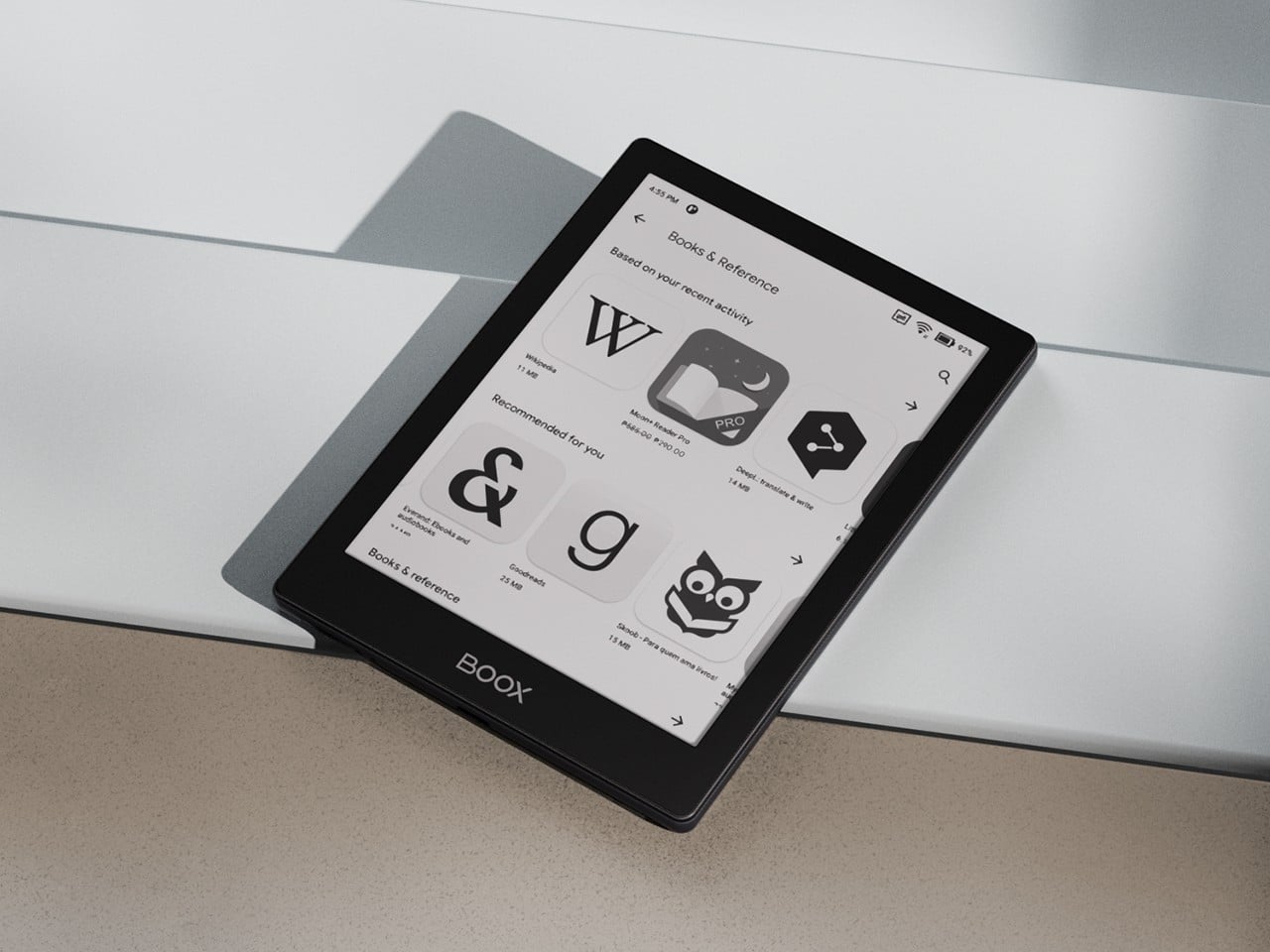
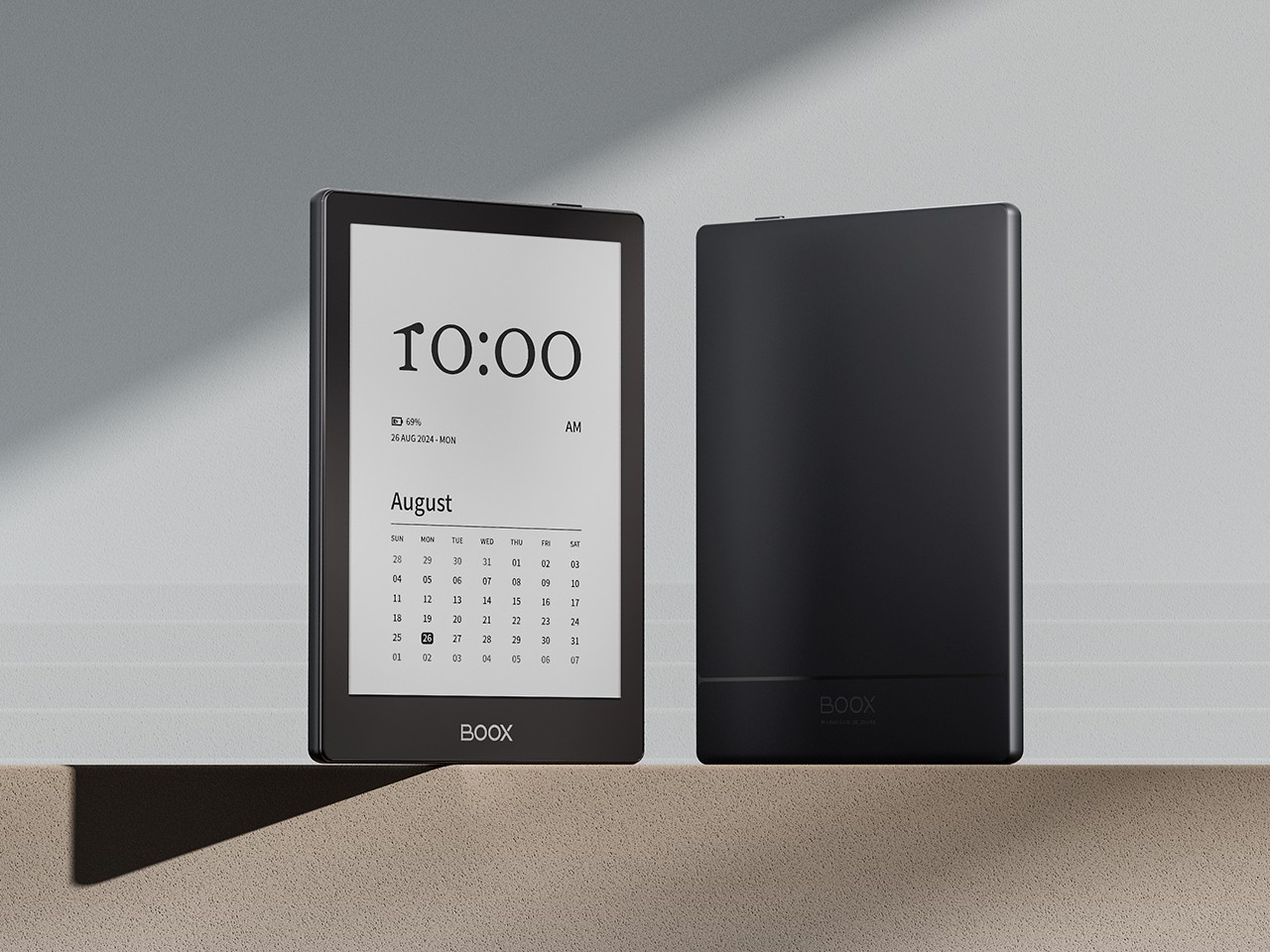
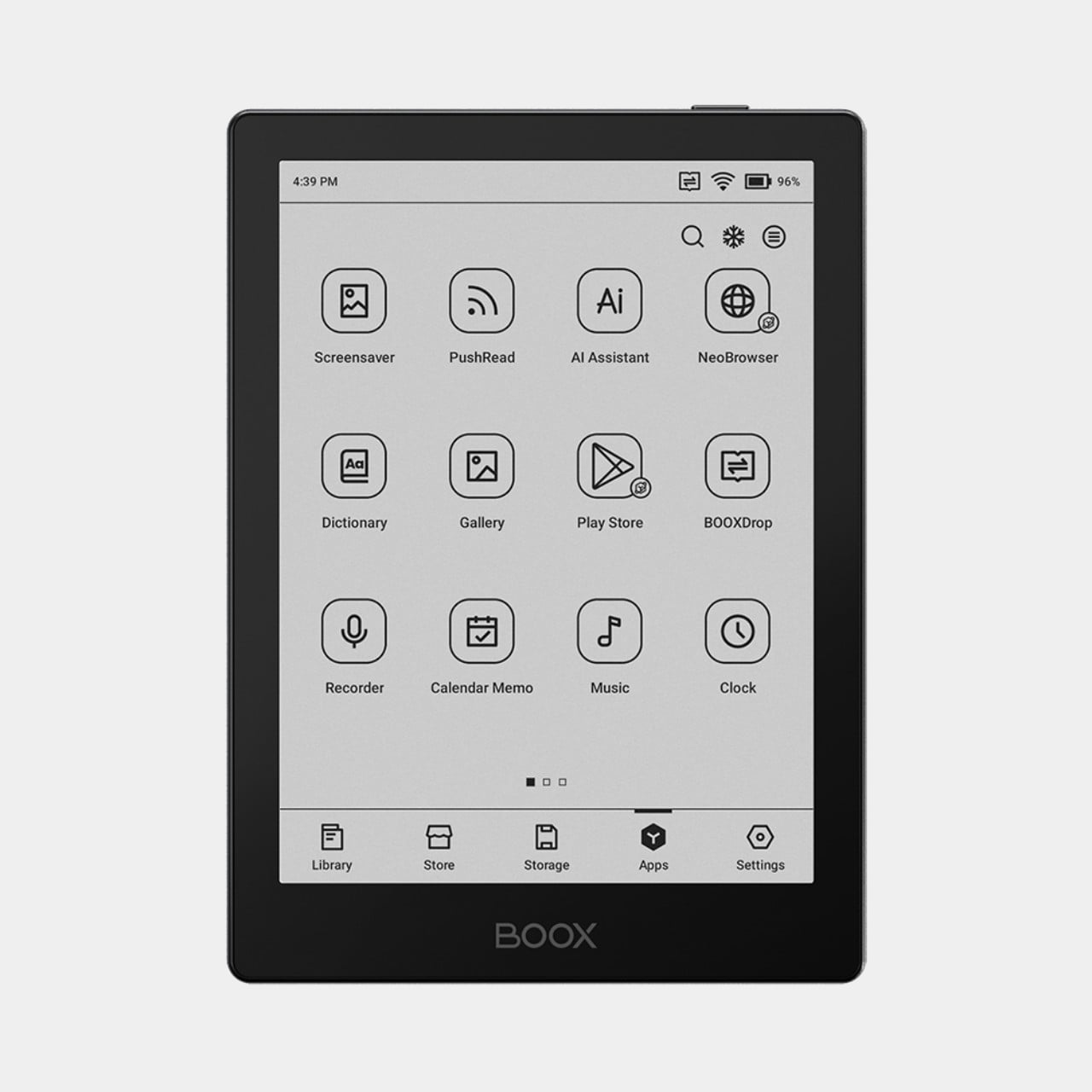
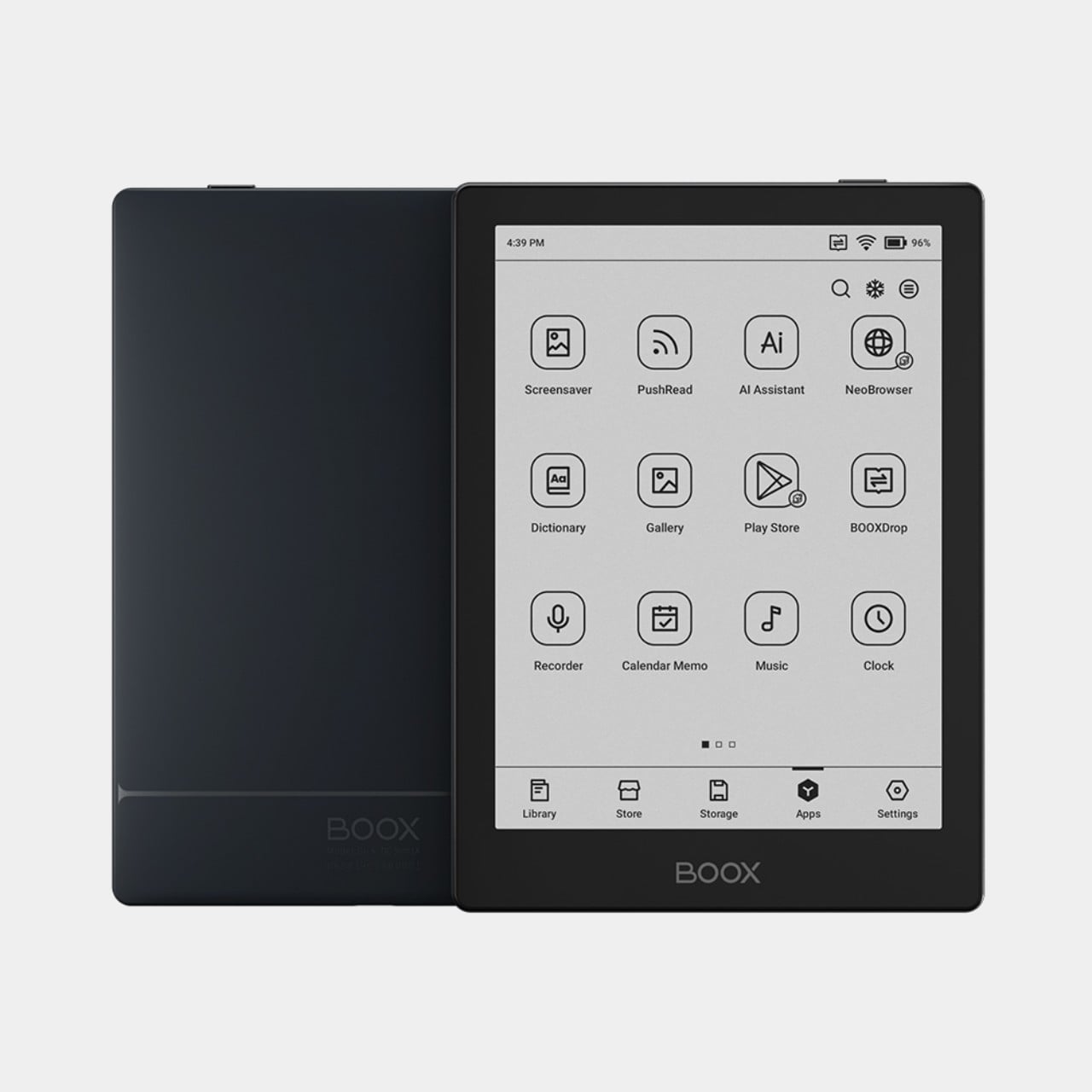
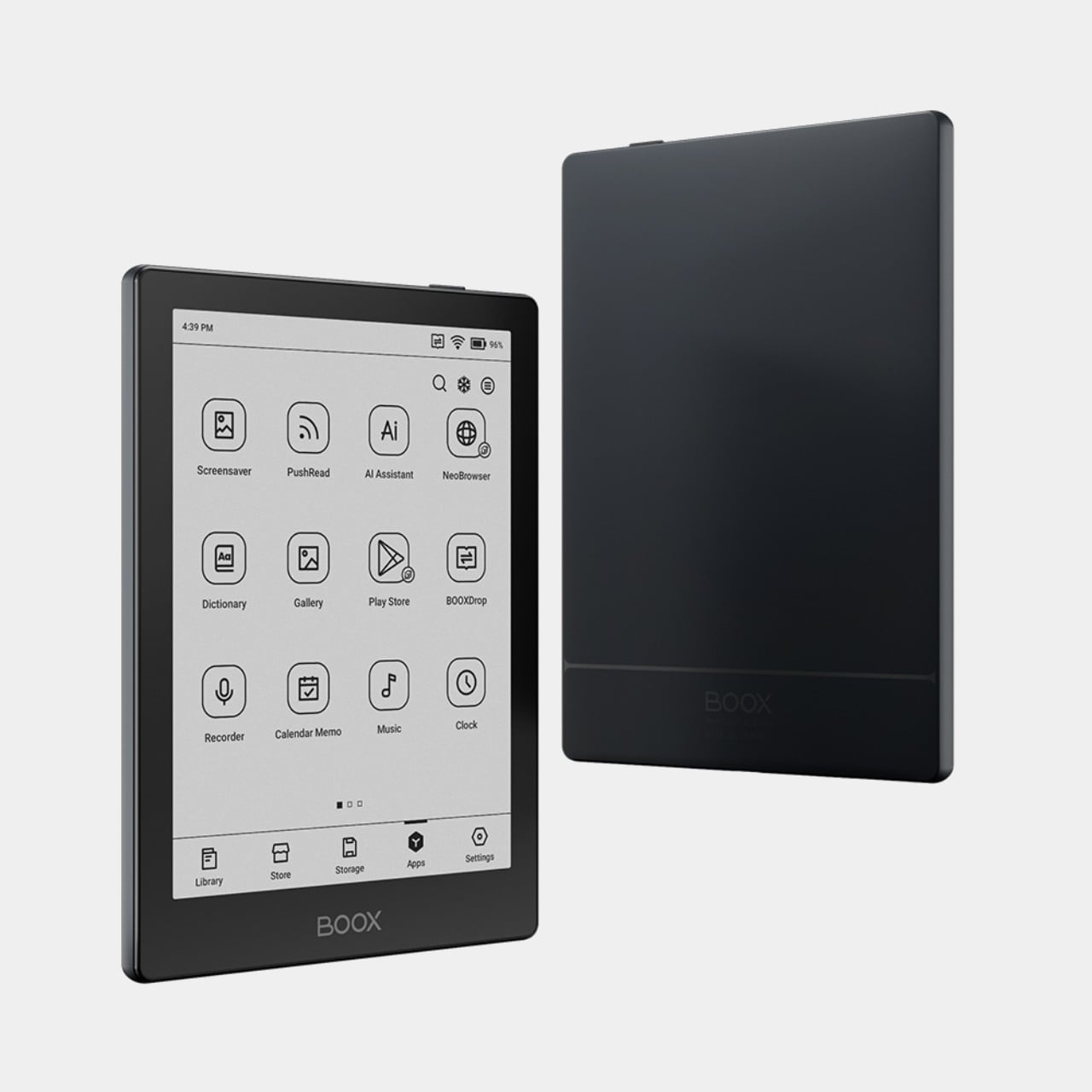
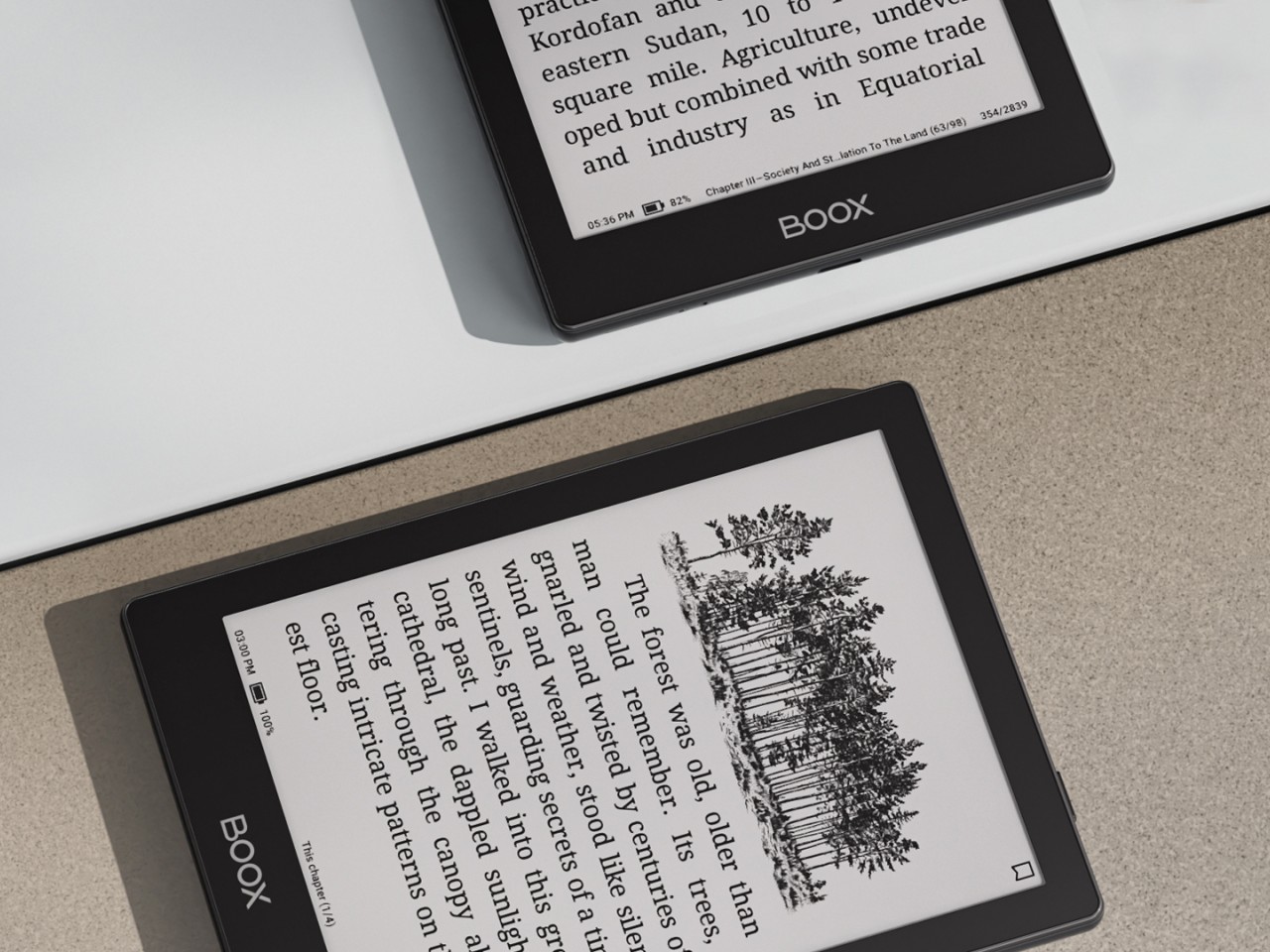
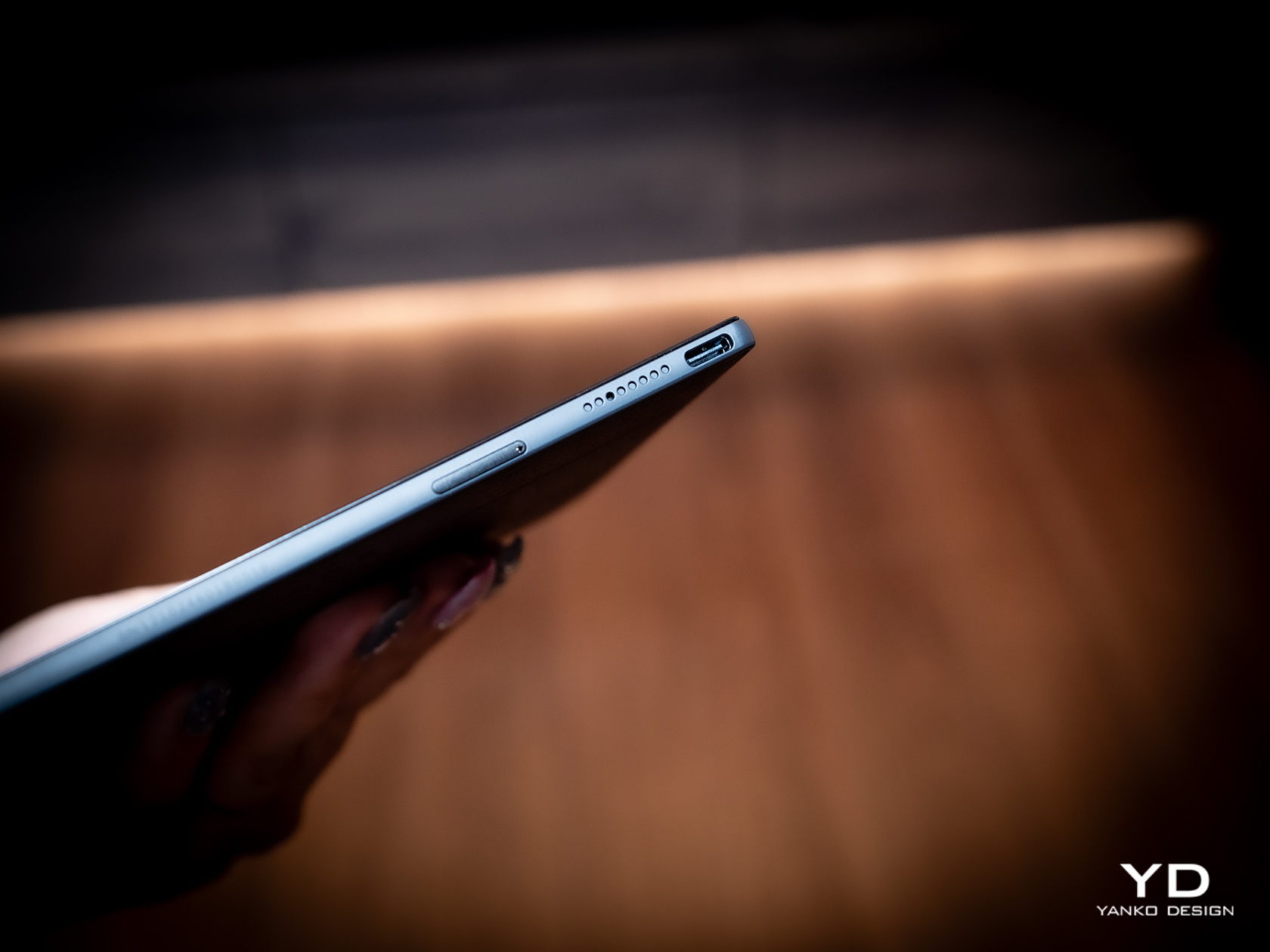
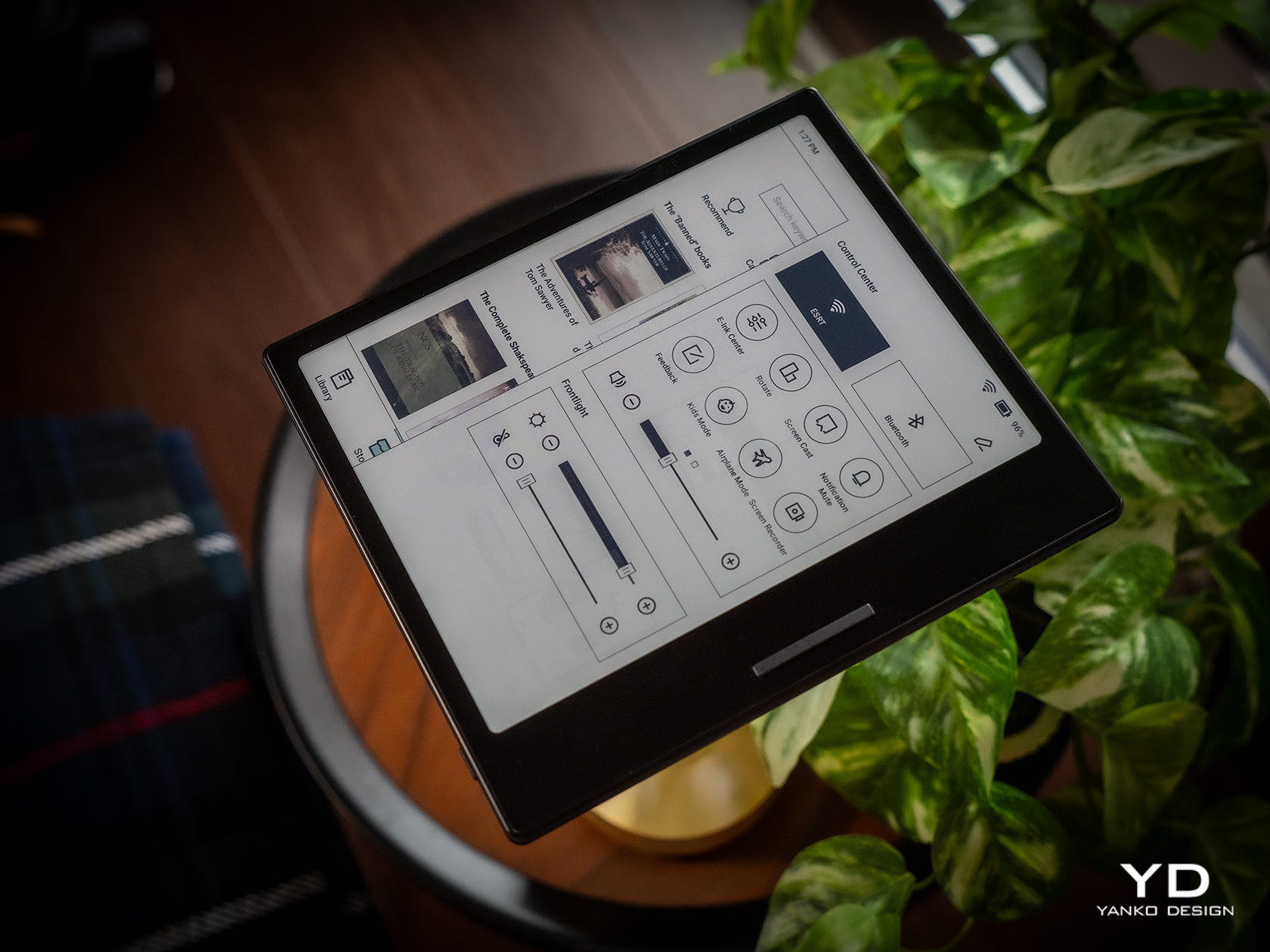
The Onyx BOOX Go 6 is basically the offspring of the BOOX Go Color 7 and the BOOX Go 10.3. With a 6-inch E Ink Carta Plus 1300 screen, it’s smaller than both, as expected of a child, making it the ultimate portable reading device. Like the BOOX Go 10.3, it has a monochrome display, which offers crisper and sharper text but at the expense of displaying any hue of color other than shades of gray. But unlike that larger “digital notebook” and more like the BOOX Go Color 7, it actually has a frontlight that makes it usable in the dark.
Those familiar with BOOX’s lineup before this would probably remember the BOOX Poke 5 which, despite the name, is also a 6-inch eReader with nearly the exact same specs except for one or two details. The biggest difference is the slightly more powerful processor (octa-core versus quad-core) and running a more updated Android 12 operating system. The latter is still old, but that’s actually the latest that Onyx has to offer.
The BOOX Go 6 is also cheaper by $20 and is a bit lighter than the Poke 5. That said, the BOOX Poke 5 was only taken off the brand’s online store recently, so it’s unsurprising that there are many disgruntled customers about this unexpected turn of events. On its own, the BOOX Go 6 does offer the company’s most portable and simplest reading experience, though it remains to be seen if that will still be true in just a few months should BOOX come out with another 6-inch or smaller device that makes this one pointless.
Fine-turning display settings per app can be overwhelming
RATINGS:
AESTHETICS
ERGONOMICS
PERFORMANCE
SUSTAINABILITY / REPAIRABILITY
VALUE FOR MONEY
EDITOR'S QUOTE:
Wrapped in a highly portable and stylish design, the BOOX Go Color 7 delivers a joyful reading experience without the distracting and sometimes confusing extra features.
Onyx BOOX is one of the more prolific E-book Reader manufacturers in the market today, always pushing the envelope of what these devices can do. It has almost a dozen models under its name, not counting discontinued ones, and every new release adds a few more features on top of the pile. While it’s good to advance the state of E-readers, sometimes one can mistake the forest for the trees and lose sight of what’s important. With the new BOOX Go line, the company is stepping back and focusing on the essentials, and while the BOOX Go 10.3 is presenting itself as a replacement for paper notebooks, the BOOX Go Color 7 is promising a return to what E-readers are meant to do: make reading pleasurable anytime, anywhere. So we pull off the shrink wrap and press the power button to see where the BOOX Go Color 7 stands in this growing sea of similar E Ink devices.
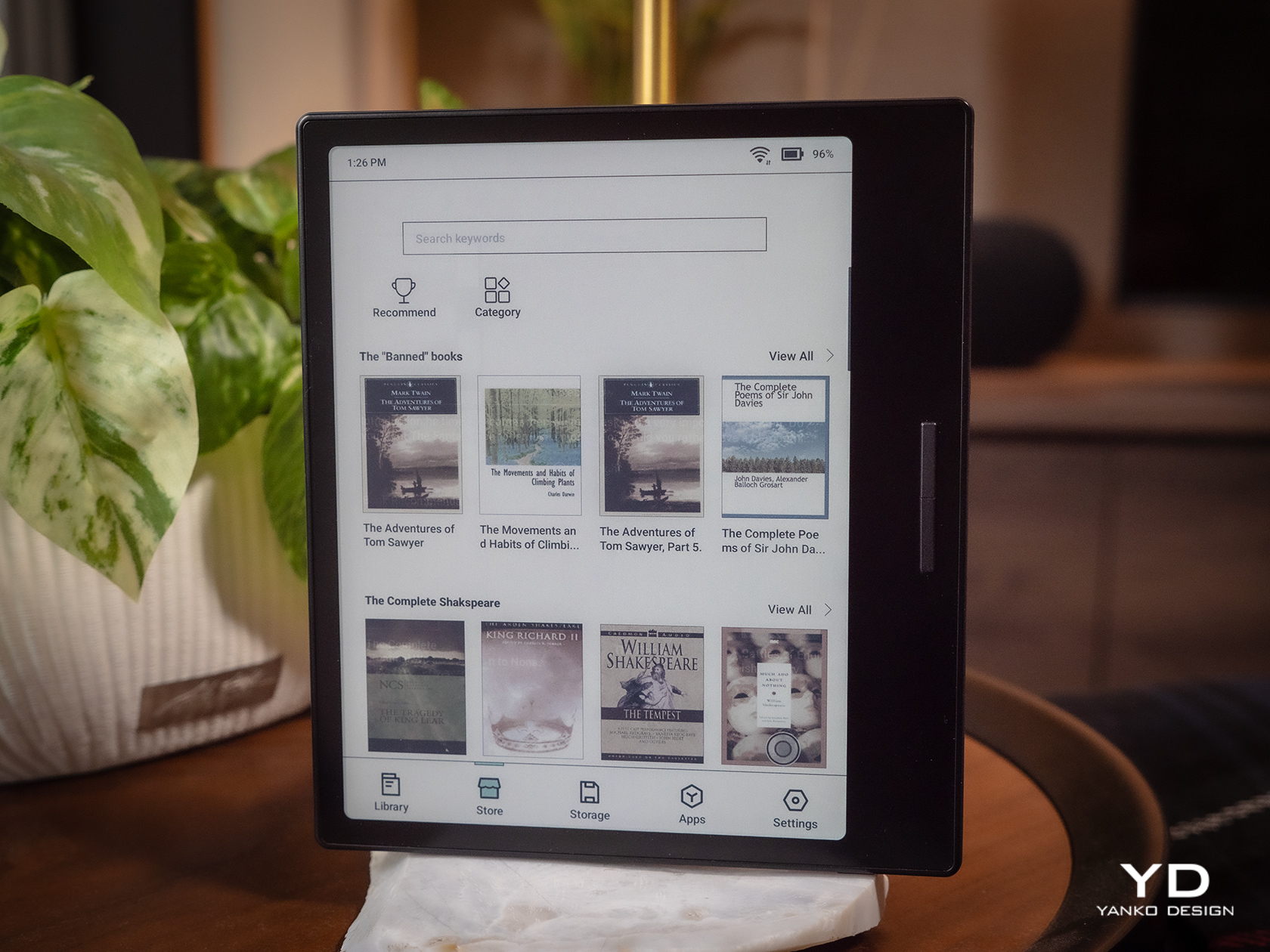
The Onyx BOOX Go Color 7 is at once both minimalist and stylish, depending on which side you’re looking at. The front has your typical asymmetrical design where one side extends beyond the screen bezel, creating not only a convenient place to hold but also a home for the physical page-turn buttons. It’s extremely bare, without even the BOOX name, making the 7-inch E Ink Kaleido 3 the sole focus of your attention. The glass protecting the screen sits flush with the bezels, creating a seamless and clean appearance that speaks to the maturity of this design.
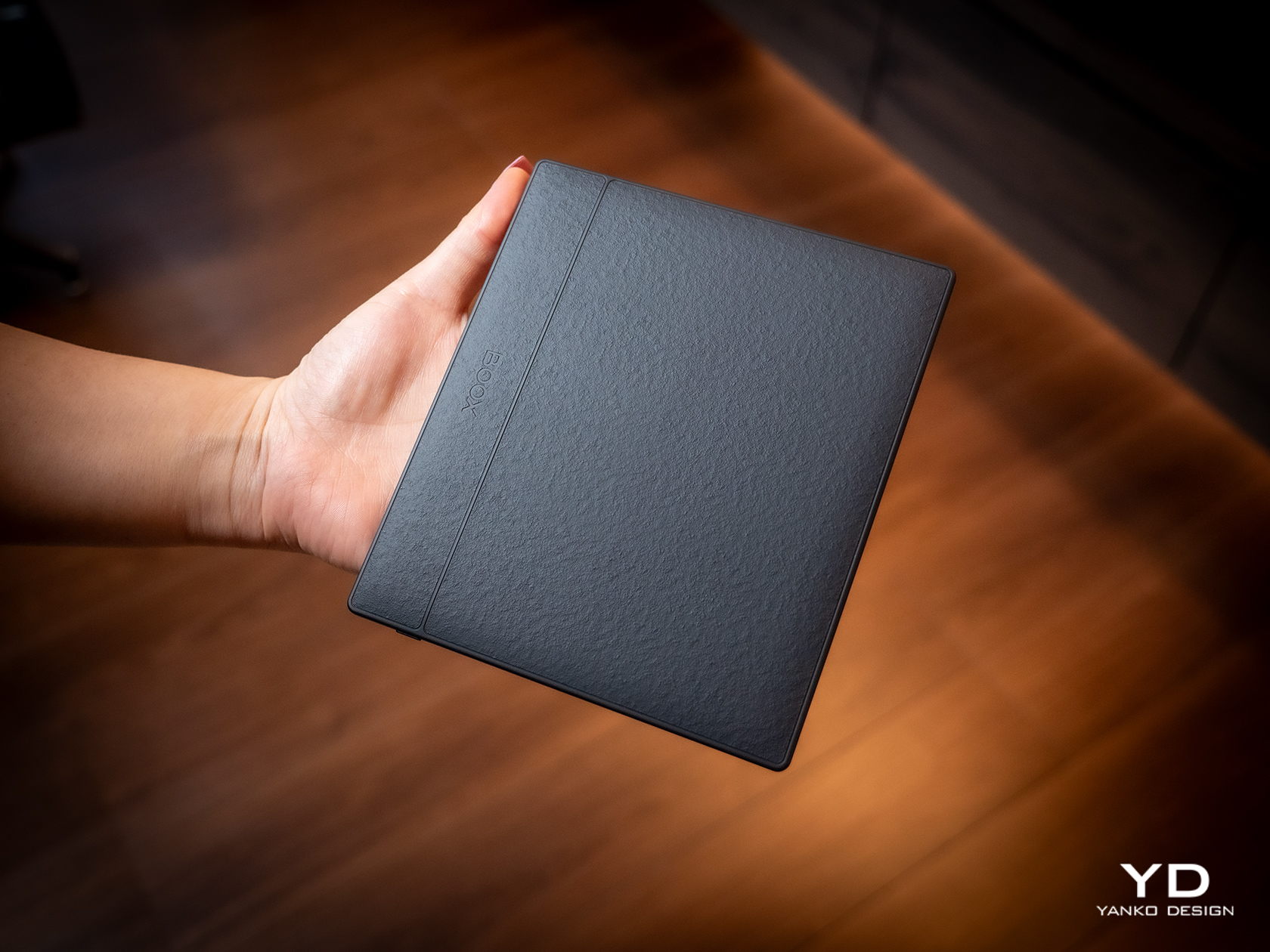
Flip the device over and you have something more interesting, both for your eyes and your fingers. Eschewing the typical matte plastic cover on these devices, BOOX uses a paper-like material that adds not just texture but also improves your grip. In a way, it tries to bring back the tactile experience of holding a paper book in your hands, a small pleasure that is lost with these devices.
The BOOX Go Color 7 is hardly the thinnest nor the lightest, even among 7-inch E-readers, but it is definitely in that group. Its compact and portable design makes it a familiar face, one that makes it clear that this is a device for reading books. It just so happens to run Android, just like a tablet.
Ergonomics
While the BOOX Go 10.3 aimed for maximum thinness and minimum weight, its smaller but more colorful sibling is admittedly a bit all over the place. Compared to BOOX’s other 7-inch devices, it’s only slightly lighter but a bit thicker than the monochrome BOOX Page, but it definitely trumps the BOOX Tab Mini C in every dimension. Suffice it to say, it’s not going to break records, but it won’t break your wrist either.
The BOOX Go Color 7 is designed with ergonomics at its core, and not just because it’s small and light. That textured back cover does more than just make the E-reader look good, it also adds to its grippiness. You definitely won’t have to worry too much about the device slipping off your hand, nor do you even have to fret about leaving greasy fingerprints on the paper-like material.
The small E-reader is also designed for one-handed use, even for turning pages. The physical buttons, or button rather, are positioned precisely where you’d rest your thumb, so you easily press down either end to move forward or backward. It doesn’t even care if you’re right-handed or left-handed, because thanks to its support for auto-rotation, the buttons know which way is up all the time. The one design gripe we have is that the page-turn button is just a single, indistinguishable bar with no gap to separate the two functions. You’ll find yourself losing a few precious seconds either trying to feel for which end is which or, more likely, looking at the button to make sure you’re hitting the right half.
Performance
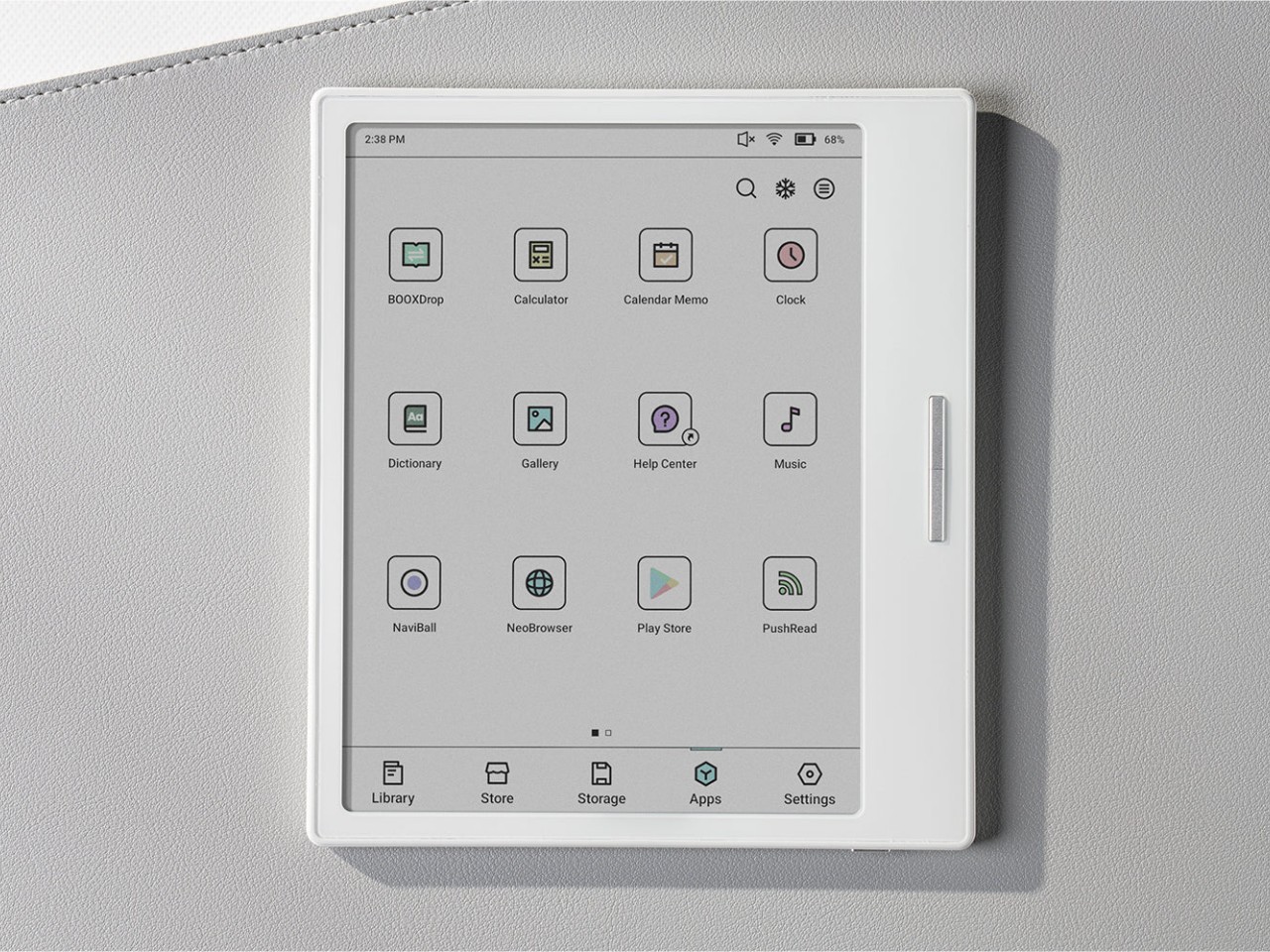
Anyone familiar with the BOOX family of devices pretty much knows its DNA. Every single one at this point is practically an Android device decked with an E Ink panel, not the custom operating systems used by Kindles and Kobos. Even better, it actually has Google Play support already built-in, which means you have access to almost all Android apps available, including those that you can sideload on your own.
Of course, you’ll have to set your expectations correctly, despite all the potential that the platform has. This is not a powerful Android device, not with an aging Qualcomm Snapdragon 665 processor and just 4GB of RAM. It’s enough to run a few apps, especially those related to reading or even browsing the Web, but it won’t be as fluid an experience, especially with the E Ink display, which we’ll get to later. There’s 64GB of onboard storage that you can expand up to 1TB with a microSD card. Definitely plenty of room for books and even audio files or recordings.
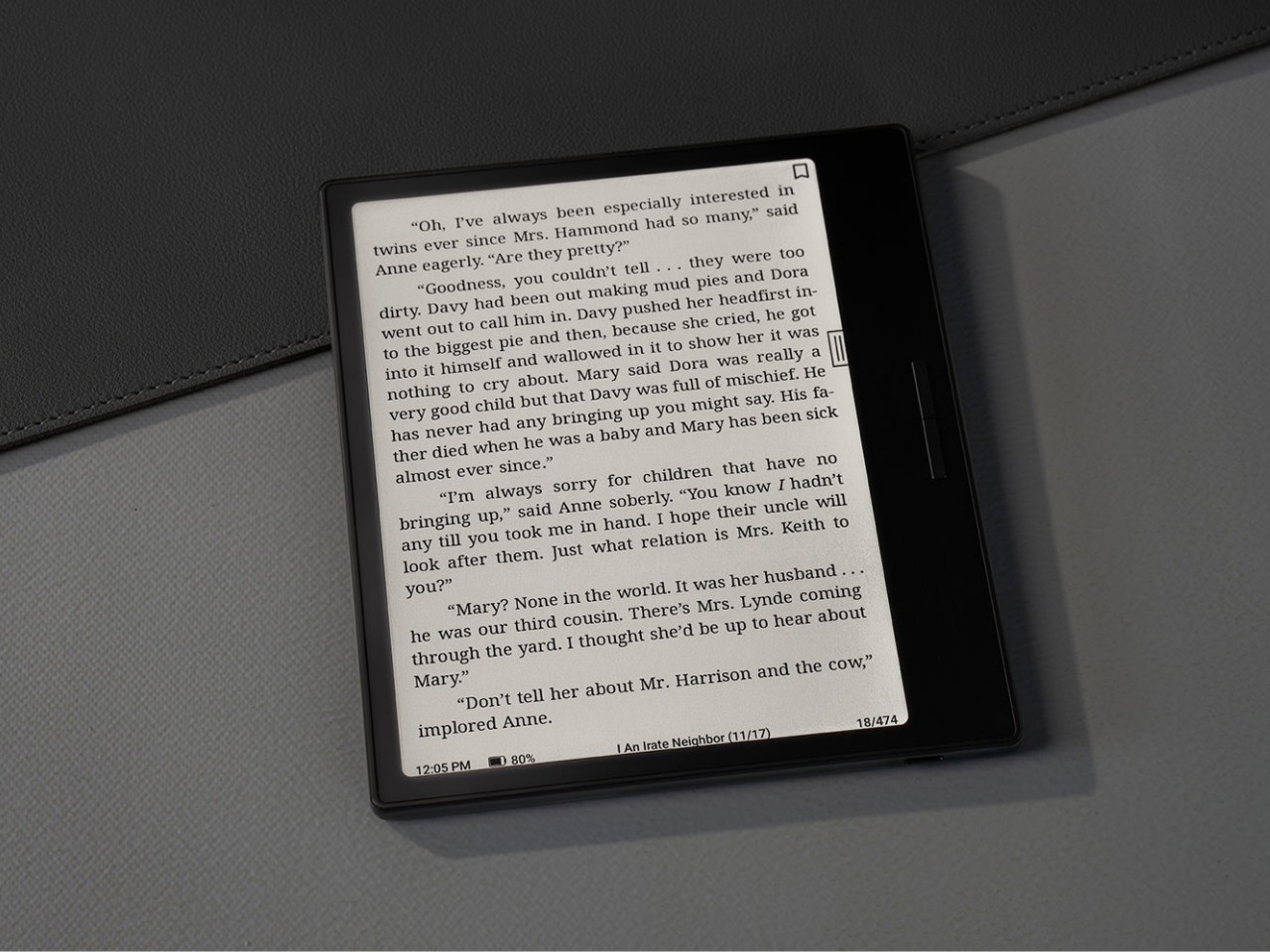
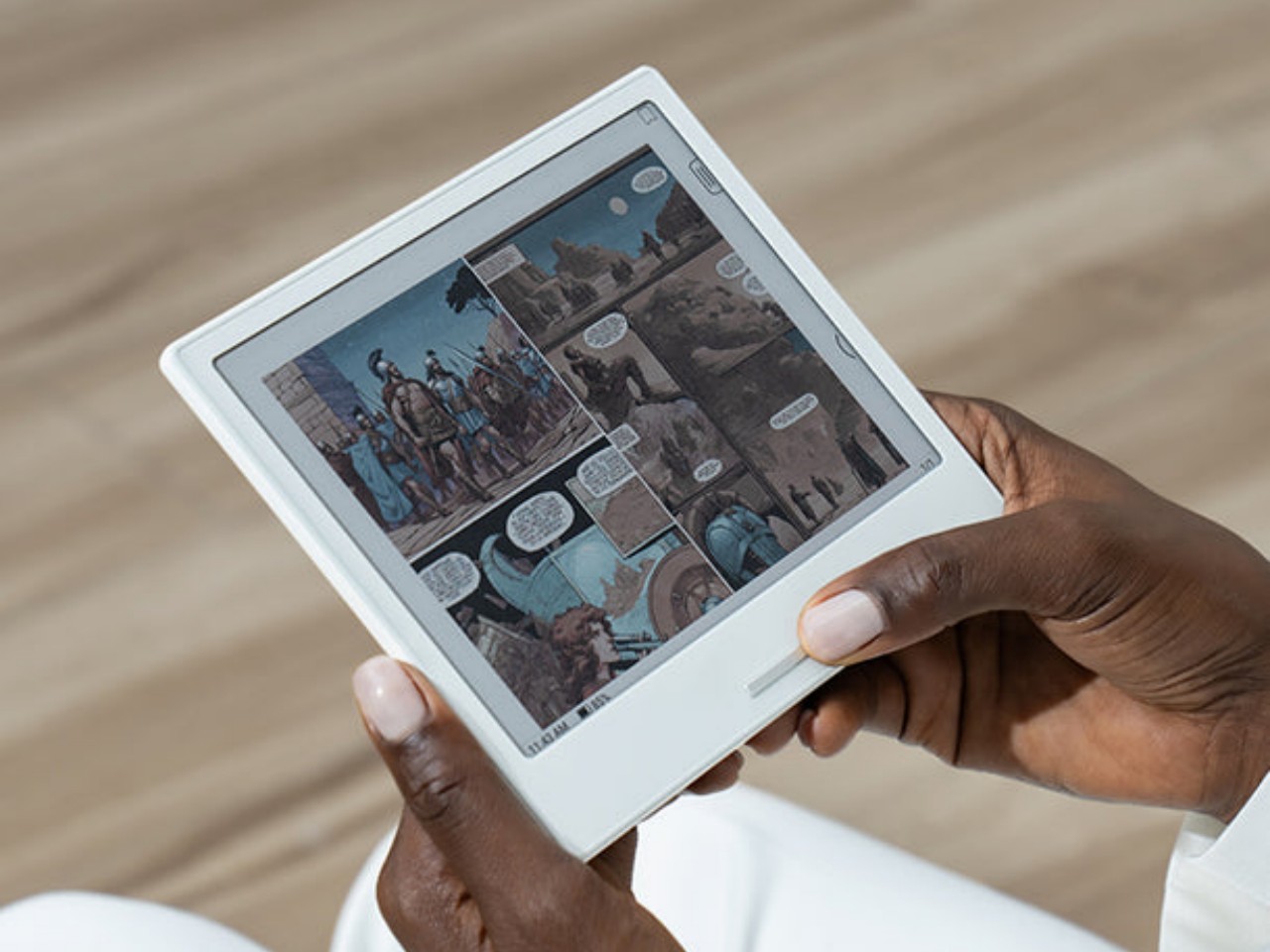
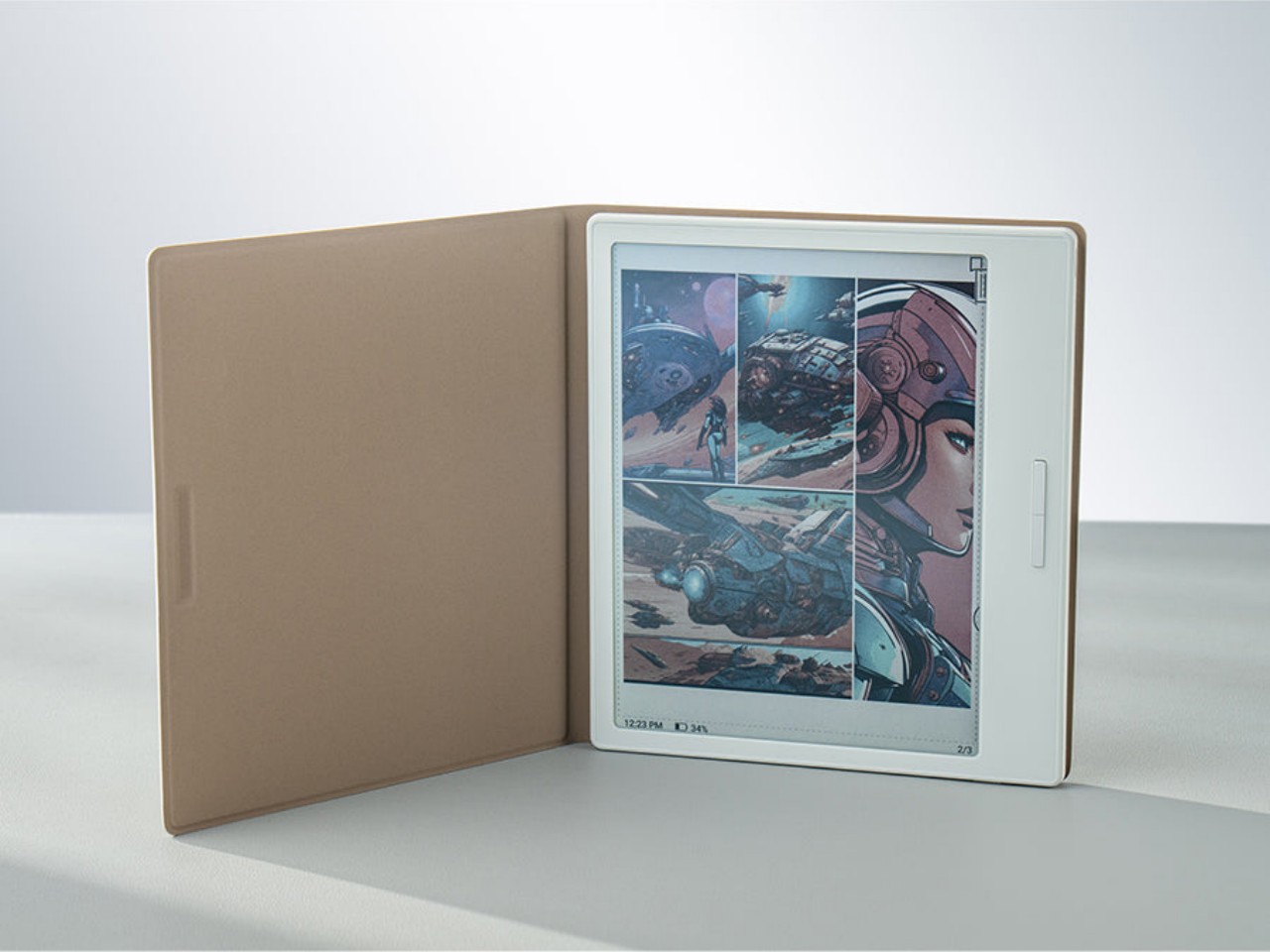
The killer feature is, of course, the E Ink Kaleido 3 screen, which also separates the BOOX Go Color 7 from the almost identical BOOX Page. This former supports 4,096 colors while the latter is just different shades of black and white. On top of this, BOOX adds its own technologies to tweak the performance of the E Ink panel, like introducing different refresh modes to make you choose between quality and speed, among other things. Suffice it to say, Onyx’s expertise in this area clearly shows how clear, crisp, and colorful the screen can be. Plain black and white text renders at 300ppi and is a joy to read, while colored content is halved at 150ppi, which is typical for this display. Nonetheless, reading comics and magazines is still comfortable and meaningful, even with muted tones.
The BOOX Go Color 7 brings back a bit of sanity by having front lighting and configurable light temperature, something that the BOOX Go 10.3 removed for the sake of thinness. This means you can easily read with the device at night, in the dark, or in any low-light situation, whenever and wherever you feel the urge to knock a few pages off your reading list. Onyx, however, did exclude a few features to keep the product light not only in weight but also in cost. There is no Wacom digitizer for scribbling notes, for example. It also doesn’t feature the company’s famed BOOX Super Refresh or BSR, a technology that significantly reduces ghosting at the expense of battery life. Otherwise, the E-reader’s 2,300mAh battery wouldn’t last the days that it did.
At the end of the day, the Onyx BOOX Go Color 7 is hyper-focused on doing only one thing and one thing well: be an enjoyable E-book Reader, whether that’s a plain-text book or a colorful magazine. It doesn’t distract you with features only tangential to that activity, like taking notes, making sketches, or even watching videos. While you can install almost any Android app under the sun, the hardware limitations actually serve to dissuade you from subverting the product’s spirit and purpose. And when it comes to that, the BOOX Go Color 7 is definitely one of the best choices in the market today.
Sustainability
Onyx is a company that has grown by leaps and bounds over the past few years. The number of devices it has launched is quite significant, but that also means the amount of material waste that comes from these devices is substantial as well. Fortunately, these devices are made for long-term use, unlike phones and tablets which still have a very high turnover. That only delays the inevitable, however, so we’re still looking forward to the day that the company starts switching to more sustainable materials or recycled plastics for its products.
Although Onyx does make devices with longevity in mind, the same can’t be said for the version of Android they use. The BOOX Go duo, for example, uses a nearly three-year-old Android 12, and most of its products were using Android 11 before that. Granted, E-readers aren’t exactly known for keeping up with the latest software fads, but those don’t run Android either. What this means is that not only are BOOX devices behind in terms of potentially useful features and optimizations, they’re also lagging in security patches and bug fixes that would protect users from digital harm.
Value
The Onyx BOOX Go Color 7 is a delightful little device designed to make reading enjoyable anywhere you are. It has a solid set of capabilities that focus on this core use case and isn’t encumbered by extraneous features, though it still leaves the door wide open for other experiences. On its own, it is quite a competitive product, especially with a $249.99 tag, but it doesn’t exist in a vacuum and, in a way, even competes with BOOX’s other 7-inch readers. Fortunately, the distinction between them is quite clear, especially when it comes to their price tag.
Closest to it is the BOOX Page, to the point that it could have very well been called the BOOX Page Color. They share many things in common but are ultimately separated by color or the lack of it. If all you need is a plain E-book reader and don’t mind reading colored content in shades of gray, the BOOX Page actually offers a sharper screen and a slightly more affordable $219.99 price tag. On the opposite side stands the BOOX Tab Mini C, which is the portable productivity partner. It has all the bells and whistles, including a stylus, but also a heavier figure and a heavier cost at $399.99. If all you really want to do is read and enjoy it in color, then you can’t go wrong with the BOOX Go Color 7.
Verdict
BOOX’s new Go devices are quite bold, but not because they’re debuting something new and exciting. On the contrary, their audacity comes from going in the completely opposite direction, shedding off the baggage that they’ve accumulated over the years. It’s not like all those powerful features are bad, just that they’re not everyone’s cup of tea. And for those who truly love sneaking in a page or two during unexpected moments of freedom, the portability and clarity that the Onyx BOOX Go Color 7 brings could very well be what they need.