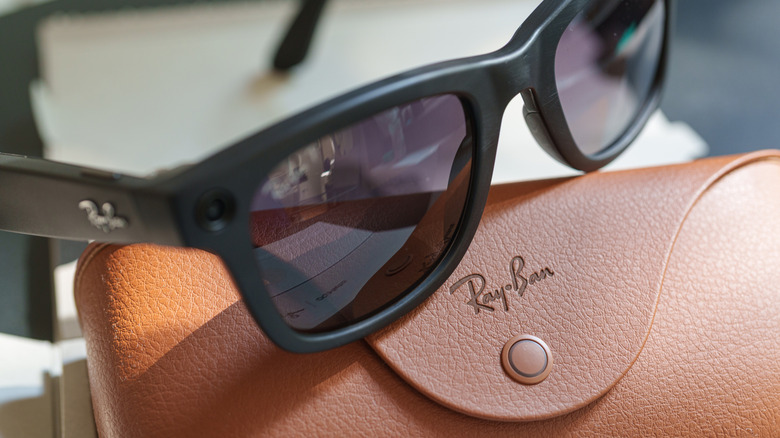
4 Ray-Ban Meta privacy settings you should change before wearing them
Ray-Ban Meta smart glasses have rightly been criticized for the many ways they can violate people's privacy.

We are already wearing clothing with heaters and Bluetooth speakers built in. But tech-infused clothing to do more than that still feels ugly and nerd chic. Changing that perspective for good and giving us a reason to believe that the next touchscreen interactive device will not be made from plastic- it will be woven into the sleeves- researchers at the National University of Singapore (NUS) have developed a touchscreen sewn into clothing.
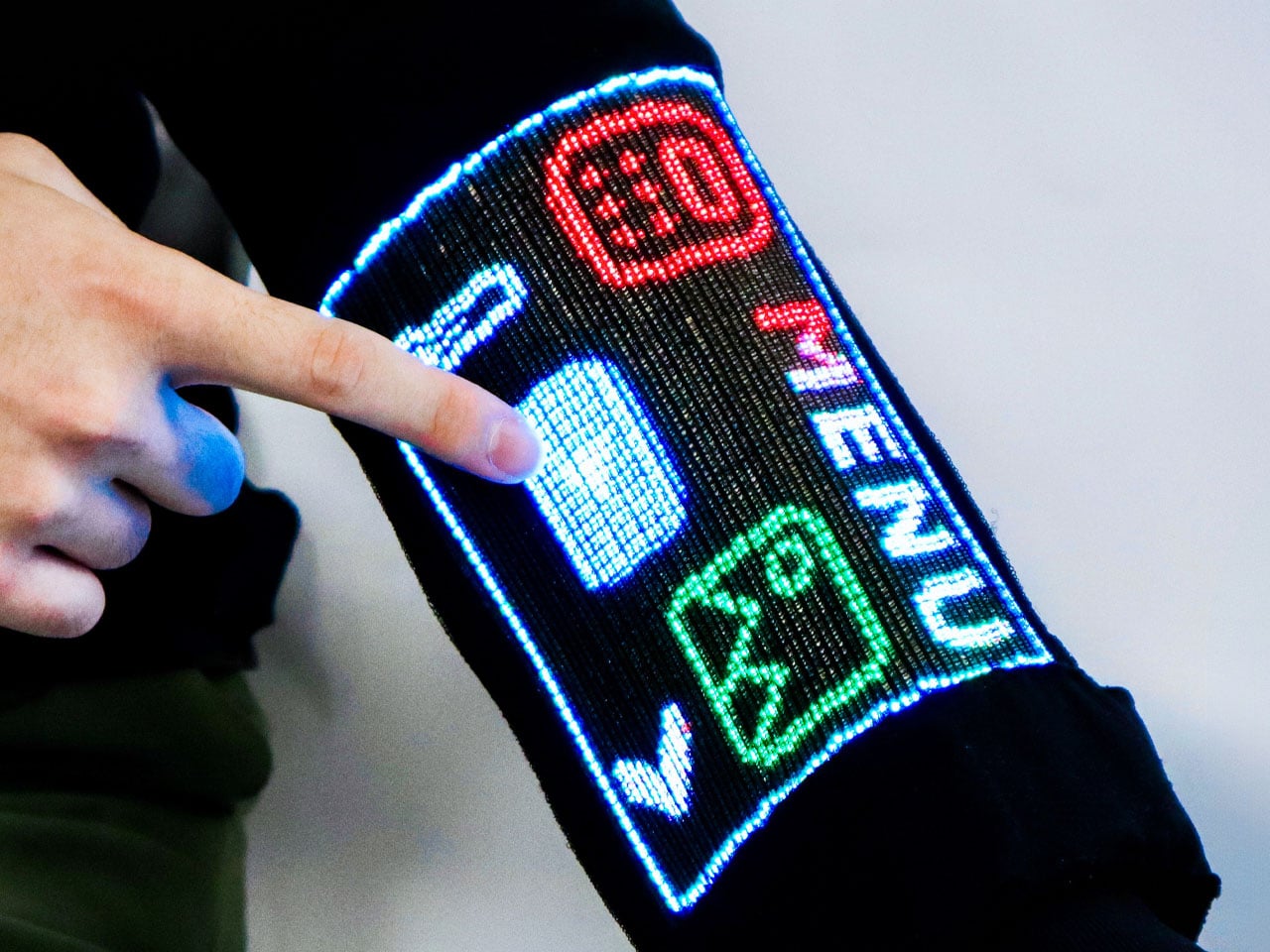
The team of scientists led by Assistant Professor Tural Khudiyev from the Department of Materials Science and Engineering at CDE, has created fiber that functions as pixels and senses touch at the same time. They have integrated 54 specialized fibers into a sleeve, which they described as the world’s first touchscreen built into a garment. The findings of their research were published in Nature on 21 October 2026.
Designers: NUS
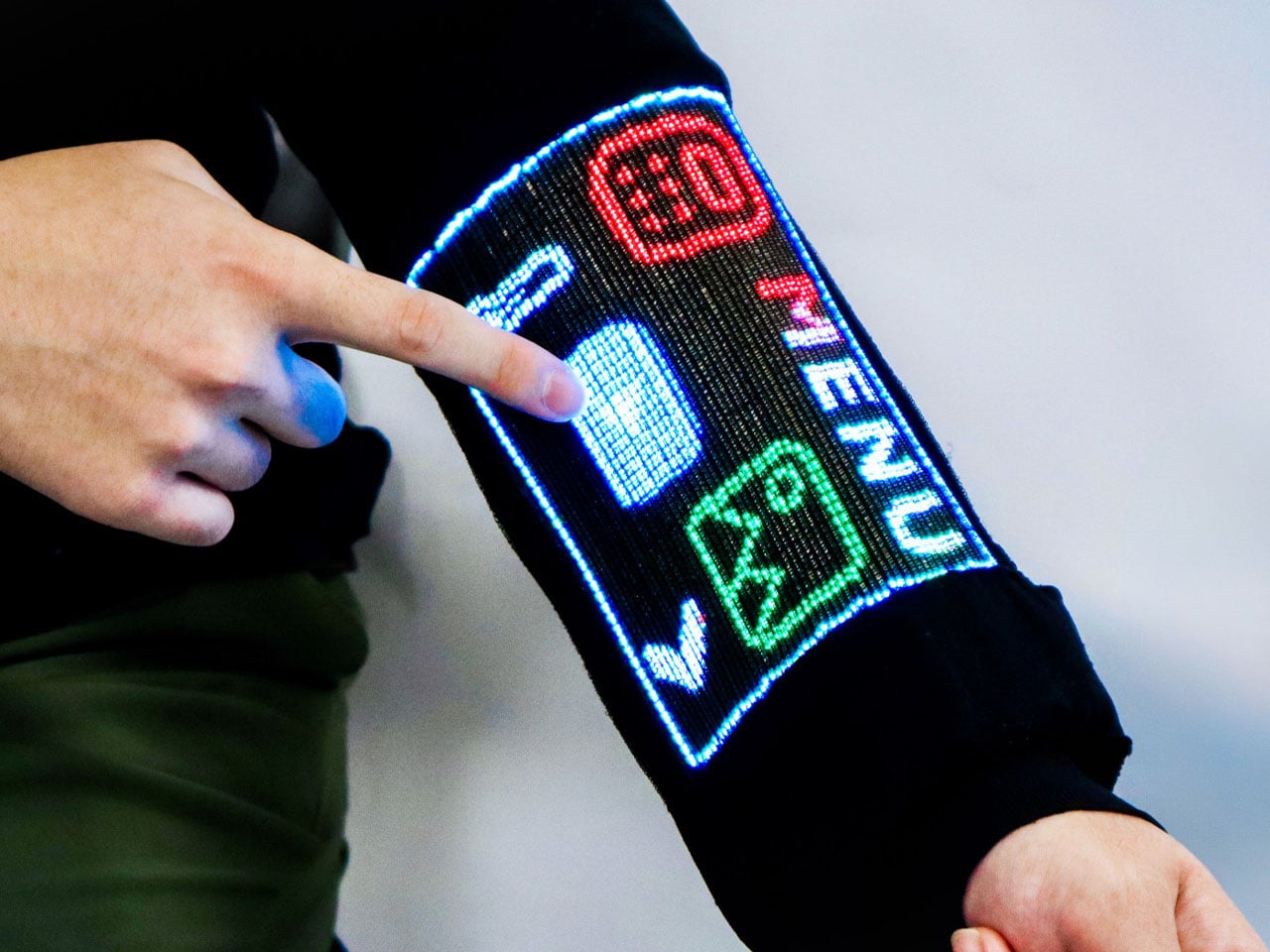
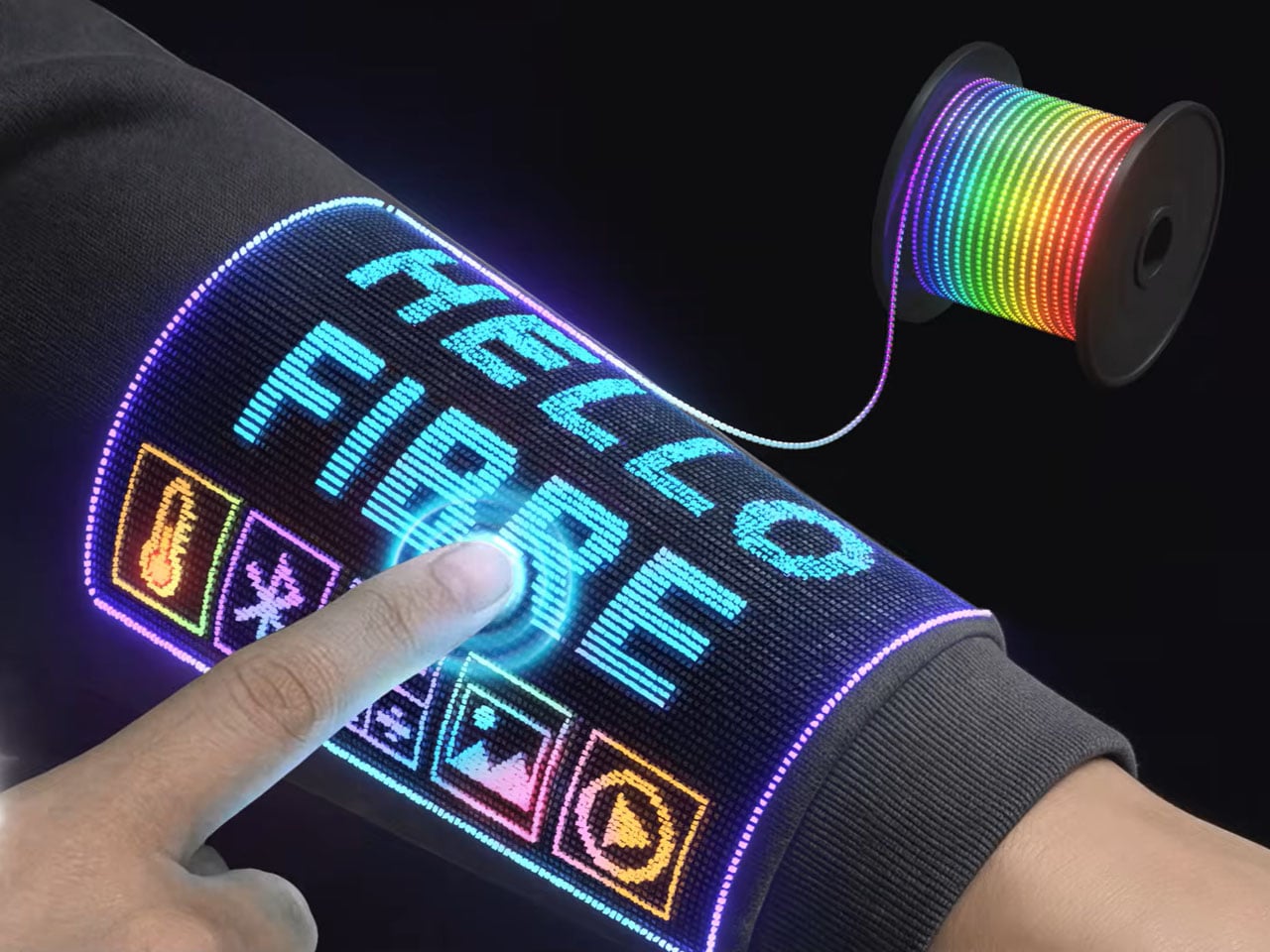
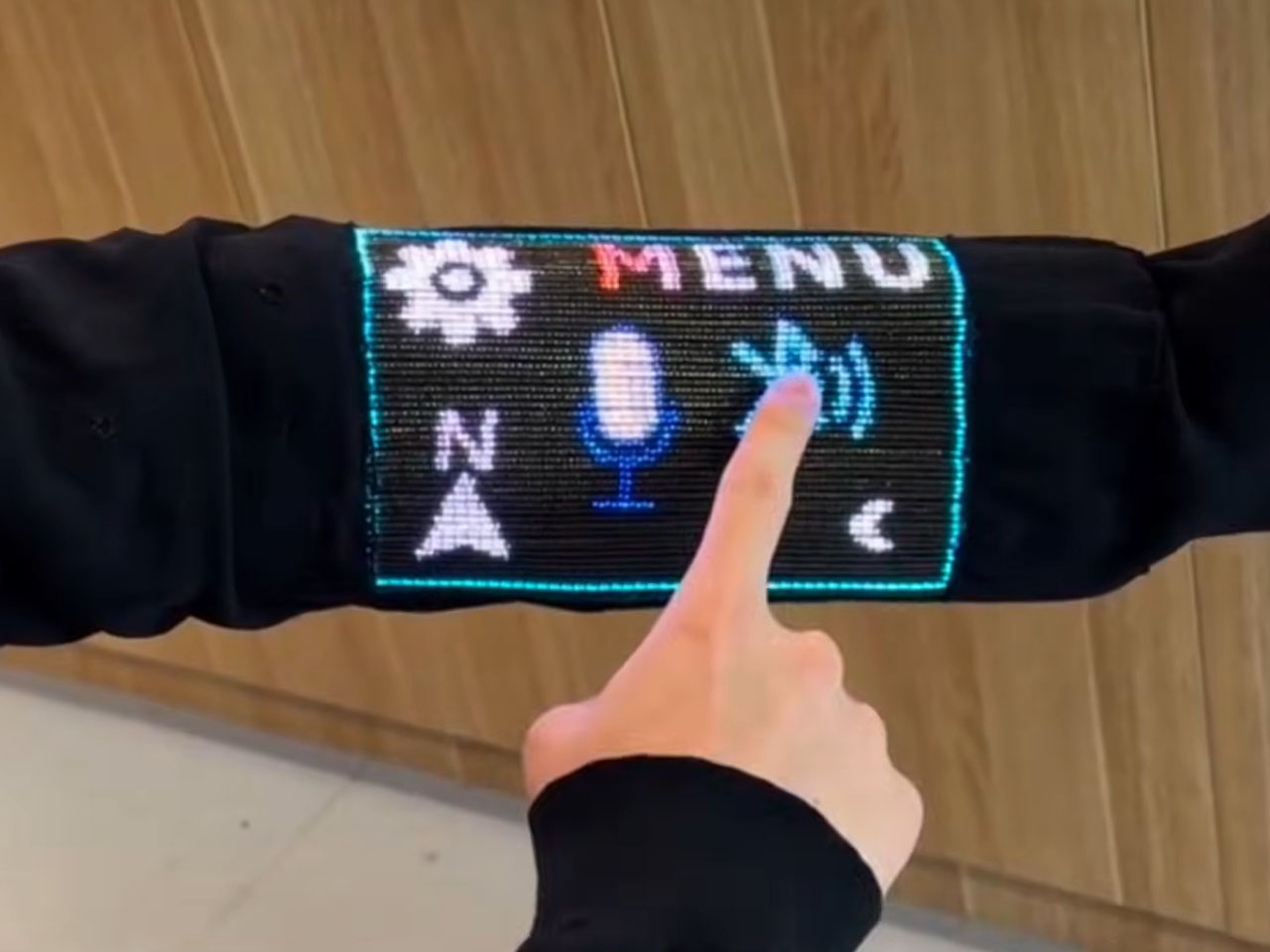
Opening doors for tech-integrated clothing that does more than the usual heating and playing music features, it has a 96 x 54-pixel display on the sleeve, which can show images, play videos, and respond to touch. For the real-world mathematicians, it can also do some calculations. While the techier have the option of pairing the touch-sensitive layer on their sleeve with another Bluetooth device, or interact with it over voice commands.
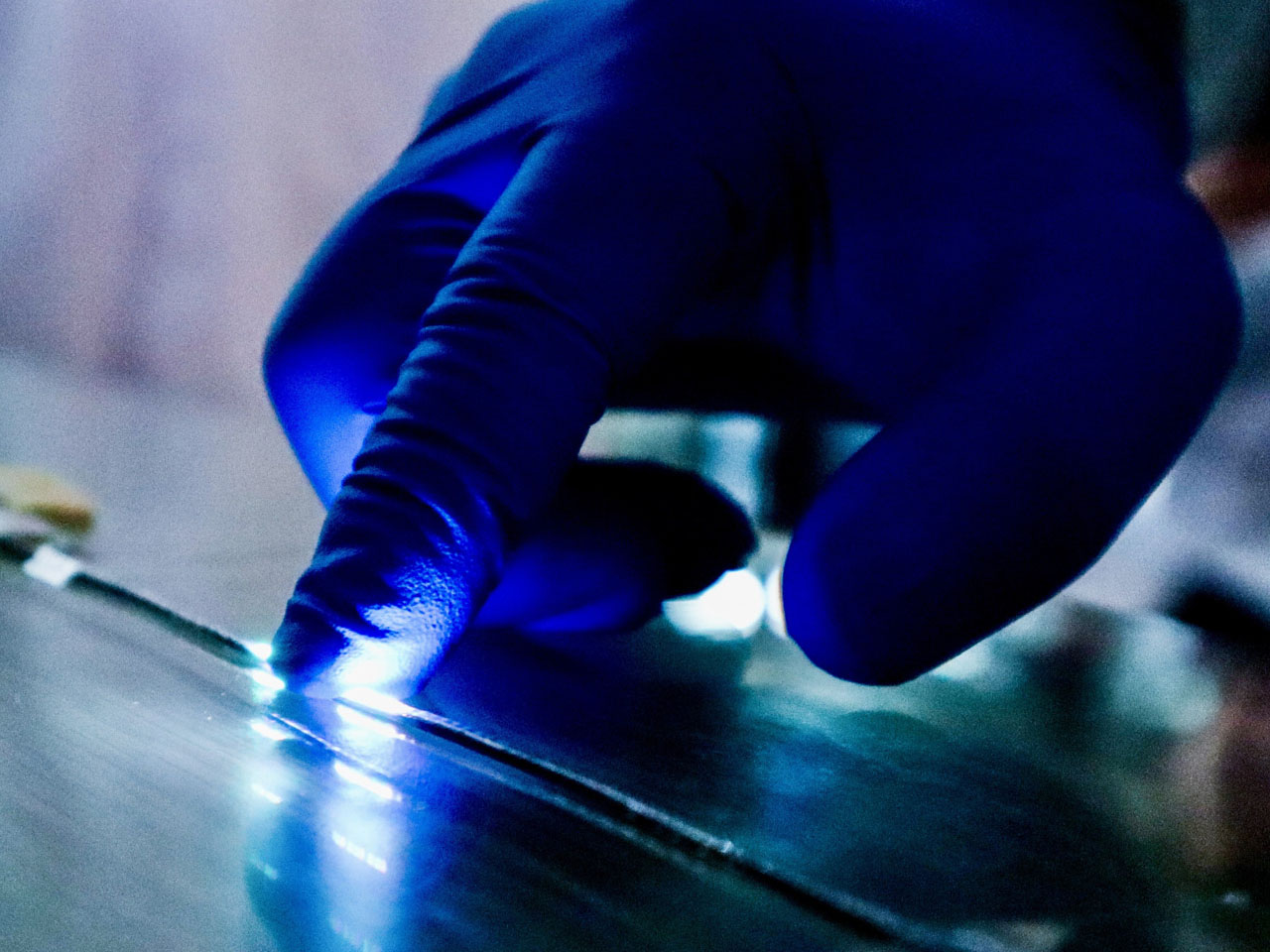
The scientists inform that this is not a screen integrated into the fabric, instead, it features electronics that are built right into the fibers themselves, ensuring that in addition to carrying out some of the functions on the mobile device in your pocket, it can also display body temperature readings when required. The fiber comprises a display and sensing capability, while an integrated touch-sensitive layer helps detect finger inputs and helps activate the corresponding pixels.
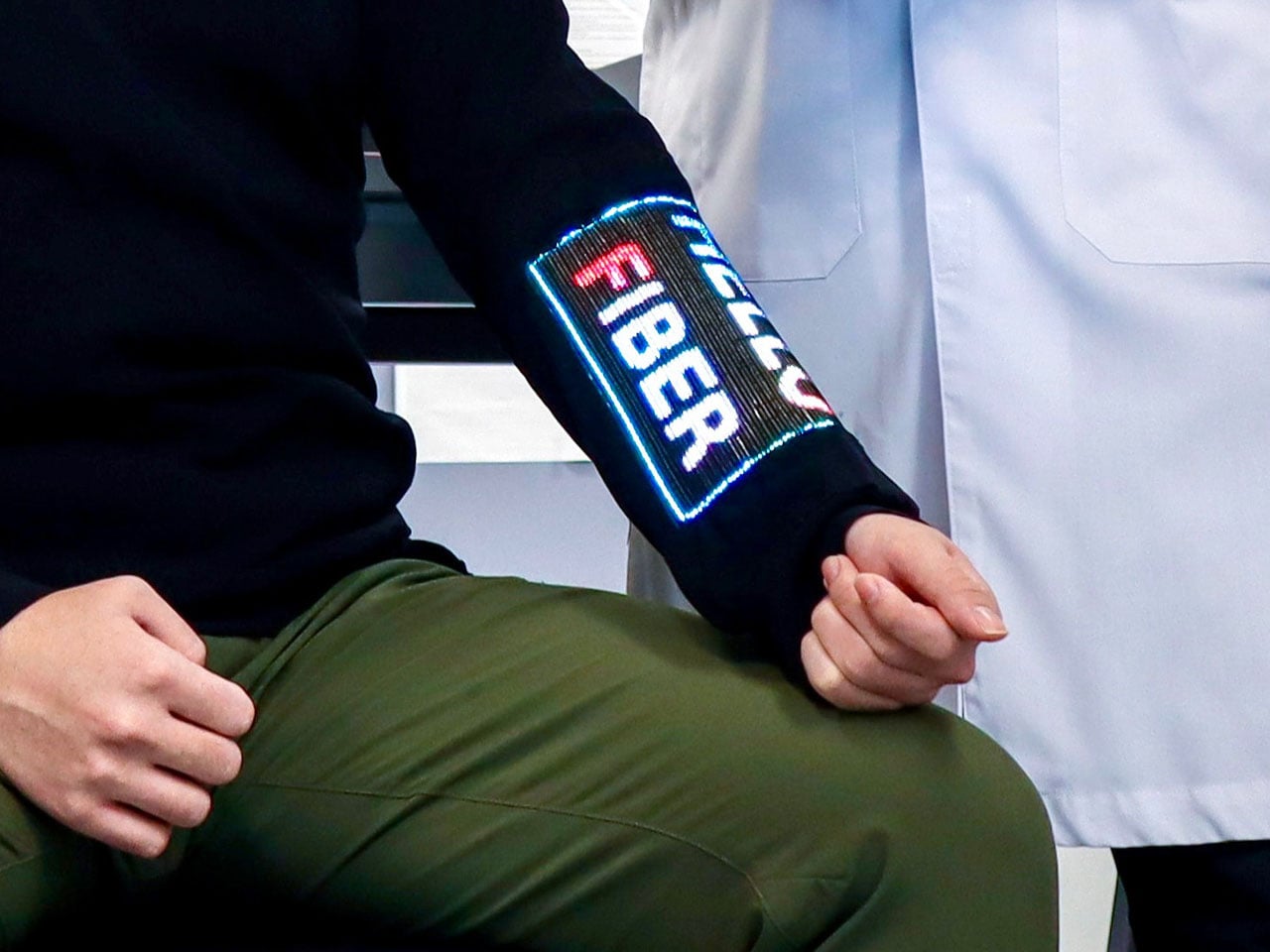

Talking about their creation, Asst Prof Khudiyev said, “What made this possible was our ability to construct the GUI system from electronic building blocks in fibre form — similar to traditional yarn, but with the sophisticated electronic functionality built directly into the fibres.” The display that has been created is for now a pretty low-resolution interface, so you cannot expect to play high-res videos on it just yet, but from what we are seeing, it can have a range of applications, such as health monitoring. Imagine a display on your garments that displays your physiological readings?
One concern that instantly comes to mind is how safe a garment GUI system like this one. According to the scientist behind the innovation have found that the display and touch sensitivity of the fabric remains almost unchanged after “50 machine-washing cycles and 1,000 bending cycles.” Also, the garment embedded with the electronics and the touch display remains flexible and breathable, making it usable for everyday wear. The team has not yet announced any possible release date for such a technology, but we already sense that the possibility of its release in the very near future is immense.


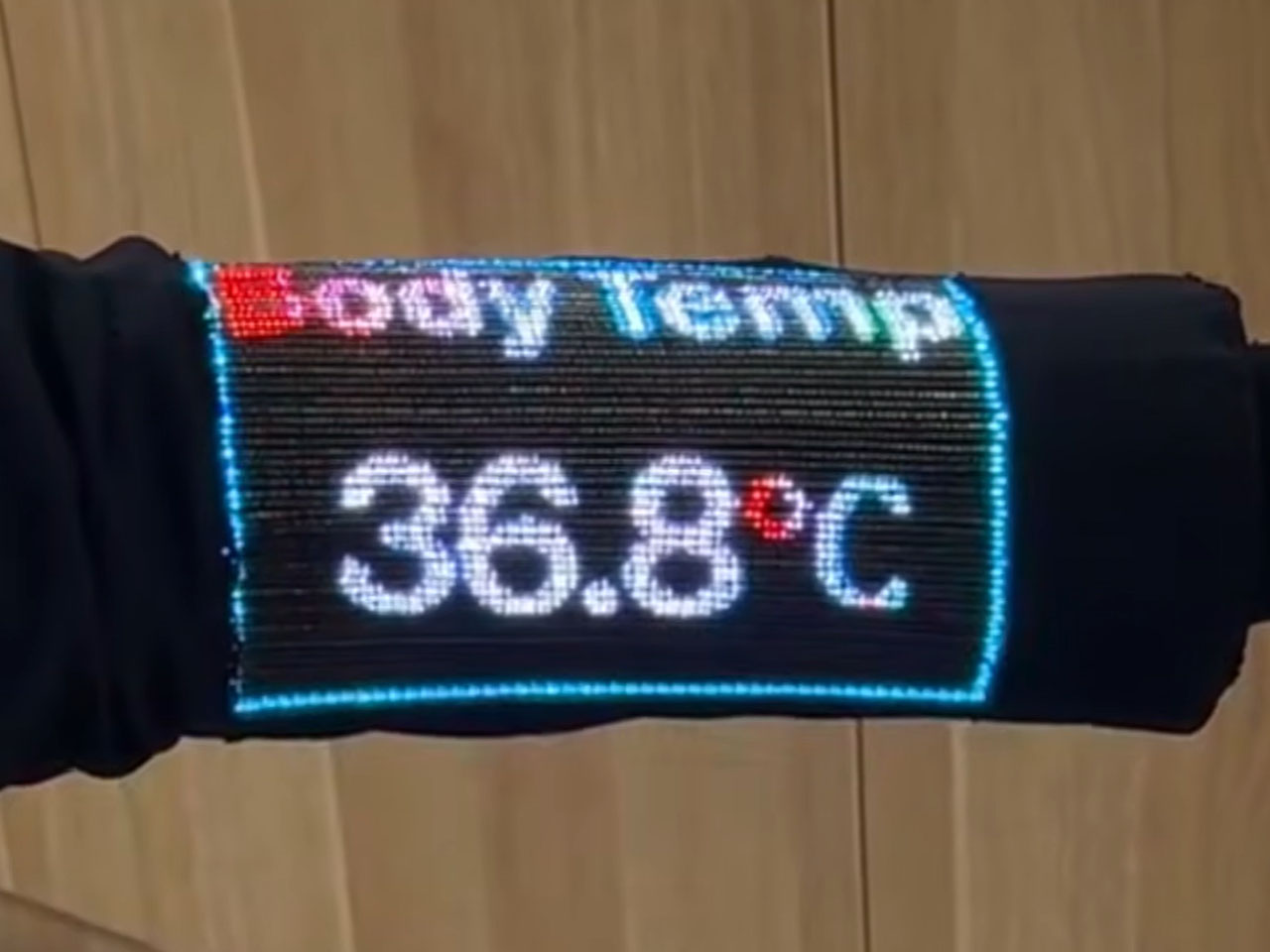
The post Your next touchscreen device will not be made from plastic, it will be woven into the sleeves first appeared on Yanko Design.
Looking down at a phone to translate a conversation can interrupt the exchange it’s supposed to help. Reading presentation notes creates a similar problem, pulling attention away from the people in front of you. The INMO GO3 AI Glasses bring those words into view instead, putting translation and presentation tools inside a familiar rectangular frame that doesn’t require a dramatic change in personal style.
That familiar shape is only part of the appeal, though. Adjustable contact points, discreet controls, and, most importantly, a replaceable battery give the GO3 a practical foundation beyond its display. Together, they suggest an approach to smart glasses that puts everyday wear on equal footing with software features. How convincingly the GO3 brings those priorities together comes down to a few details, starting with the frame itself.
Designer: INMO
Click Here to Buy Now: $509 $699 ($190 off). Hurry, deal ends in 48-hours!
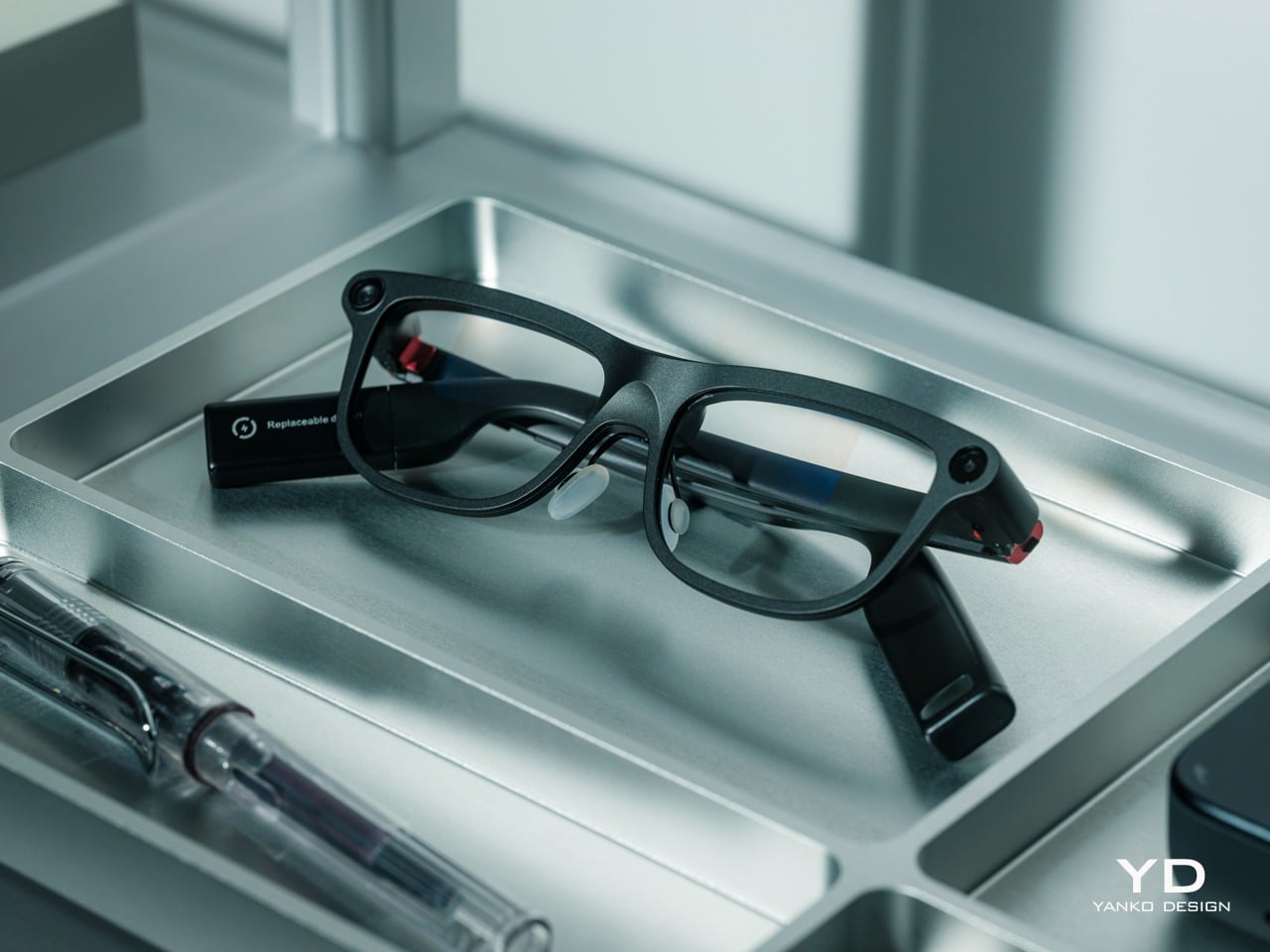
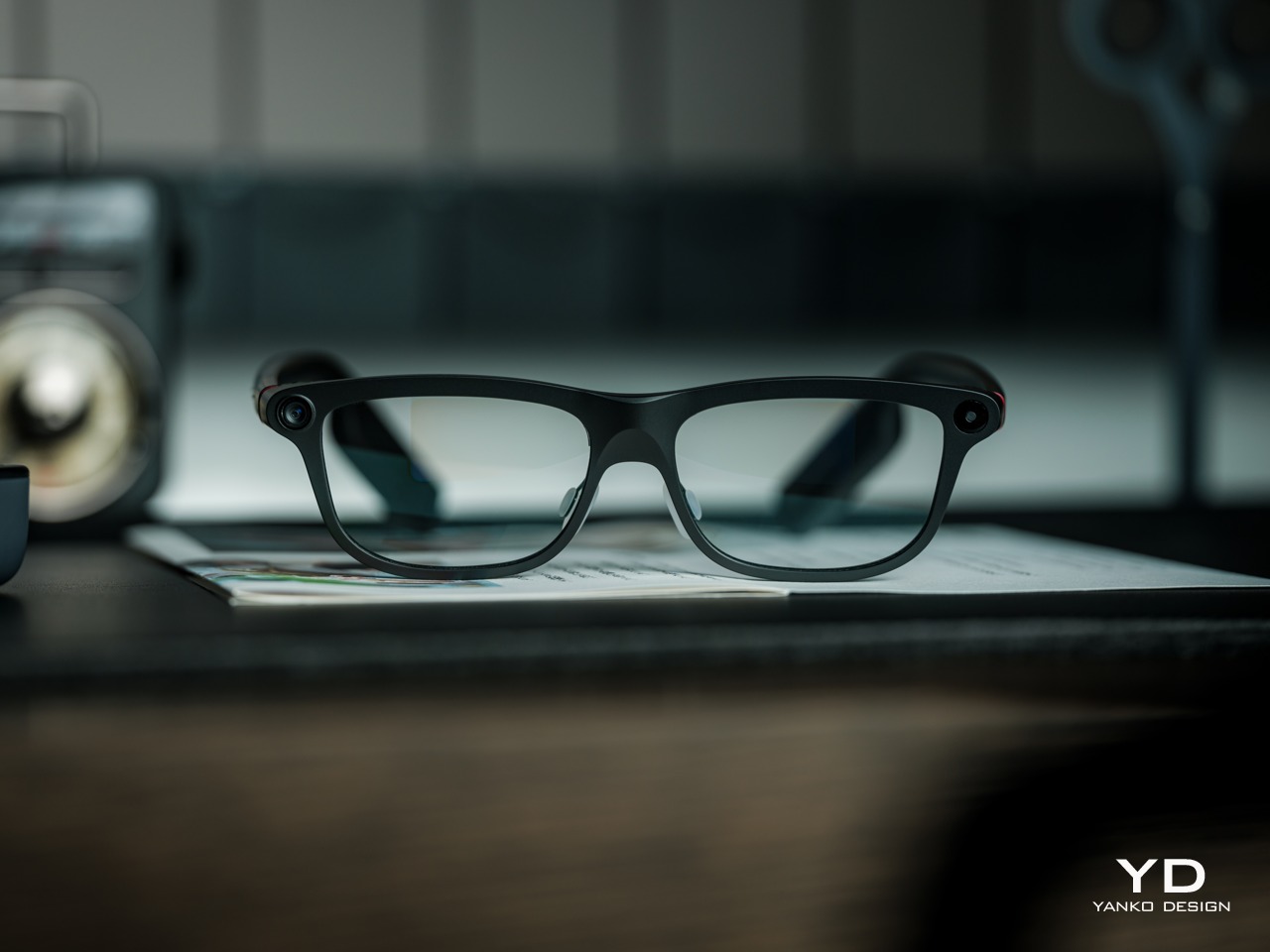
The INMO GO3’s rectangular lenses and softened corners give it the outline of conventional eyewear, although the frame has more substance than a pair of reading glasses. That’s a reasonable visual compromise, of course, given what it packs inside. The thicker brow provides room for the display hardware while giving the front a confident shape, rather than leaving its components looking like something awkwardly attached afterward.
The dark matte finish does much of the visual work. It gives the broad surfaces a quieter presence than glossy plastic would, while the small red accents around the hinges add a bit of personality. Thankfully, the color doesn’t spread across the frame. There’s enough contrast to make the details interesting without making the glasses look like equipment borrowed from a gaming setup.
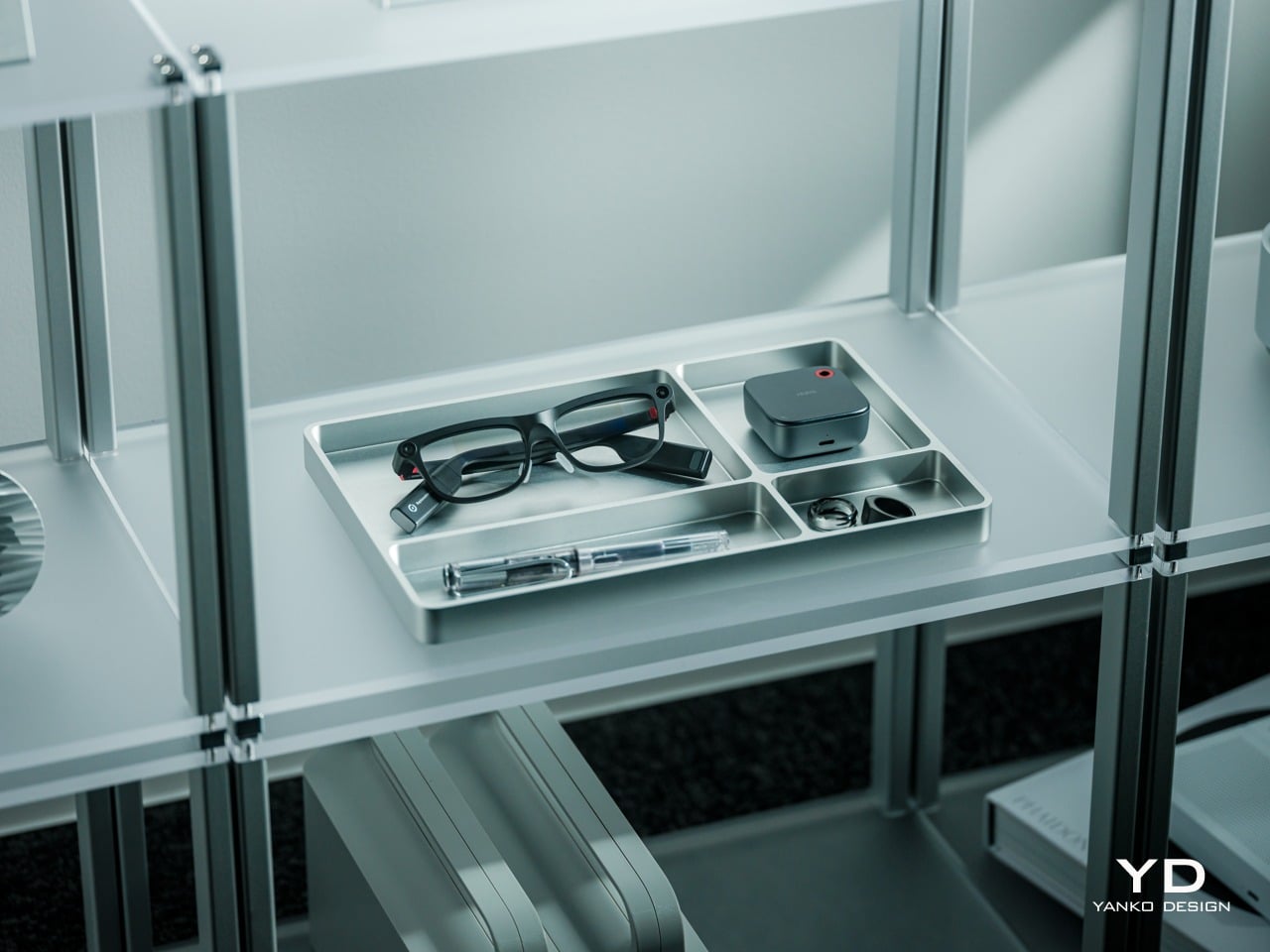
The GO3 utilizes aluminum alloy and polyamide for the construction with a CNC-finished, fingerprint-resistant surface. It’s not an entirely metal object, which makes sense when you consider that the electronics also add their own weight to the equation. The frame and temples share a restrained finish instead of competing for attention through contrasting textures.
The slim temples measure around 8mm, keeping the side profile from becoming an oversized box. The curved ends retain the familiar outline of glasses, even with additional hardware inside. It isn’t dainty eyewear, admittedly, but the shape avoids the visor treatment that would make a business lunch feel like a technology demonstration.
The camera is integrated into the front rather than perched above it, and the controls follow the temples. These details help the INMO GO3 read as a somewhat fashionable object instead of gadgets sharing a frame. A supplied camera cover also provides a way to obscure the lens when recording isn’t appropriate, especially given the current conversations around smart glasses.
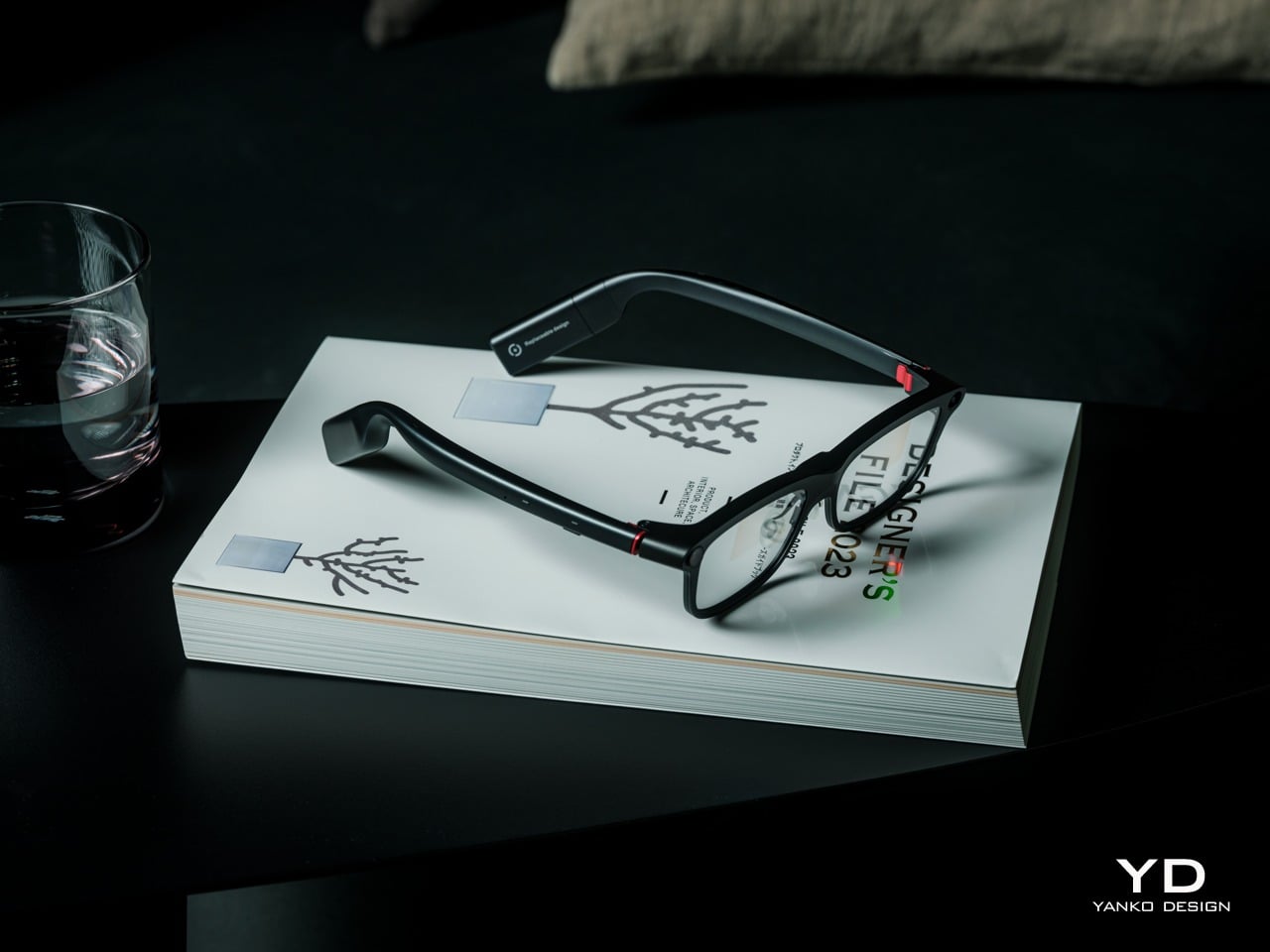
At approximately 58 grams, the INMO GO3 has the weight of electronics to accommodate as well as the frame itself. Comfort depends on more than the number on the specification sheet. The relationship between the nose pads, temples, and ears matters as much. There’s a focus on those contact points, rather than relying on a lightweight label to explain away the fitting process.
Air-cushion nose pads support the front, while the temples offer 15 degrees of adaptive movement, at least on paper. That flexibility gives the frame room to accommodate differences in head shape. Naturally, there will be cases when the head shape just won’t fit, but INMO has tried to accommodate as many head sizes as possible.
Given we’re talking about glasses, prescription support is another important piece of that everyday equation. The GO3 uses an insert system, with INMO’s current lenses supporting nearsightedness and astigmatism, though not farsightedness. That won’t cover every prescription, but it gives supported wearers a way to combine vision correction and the display.
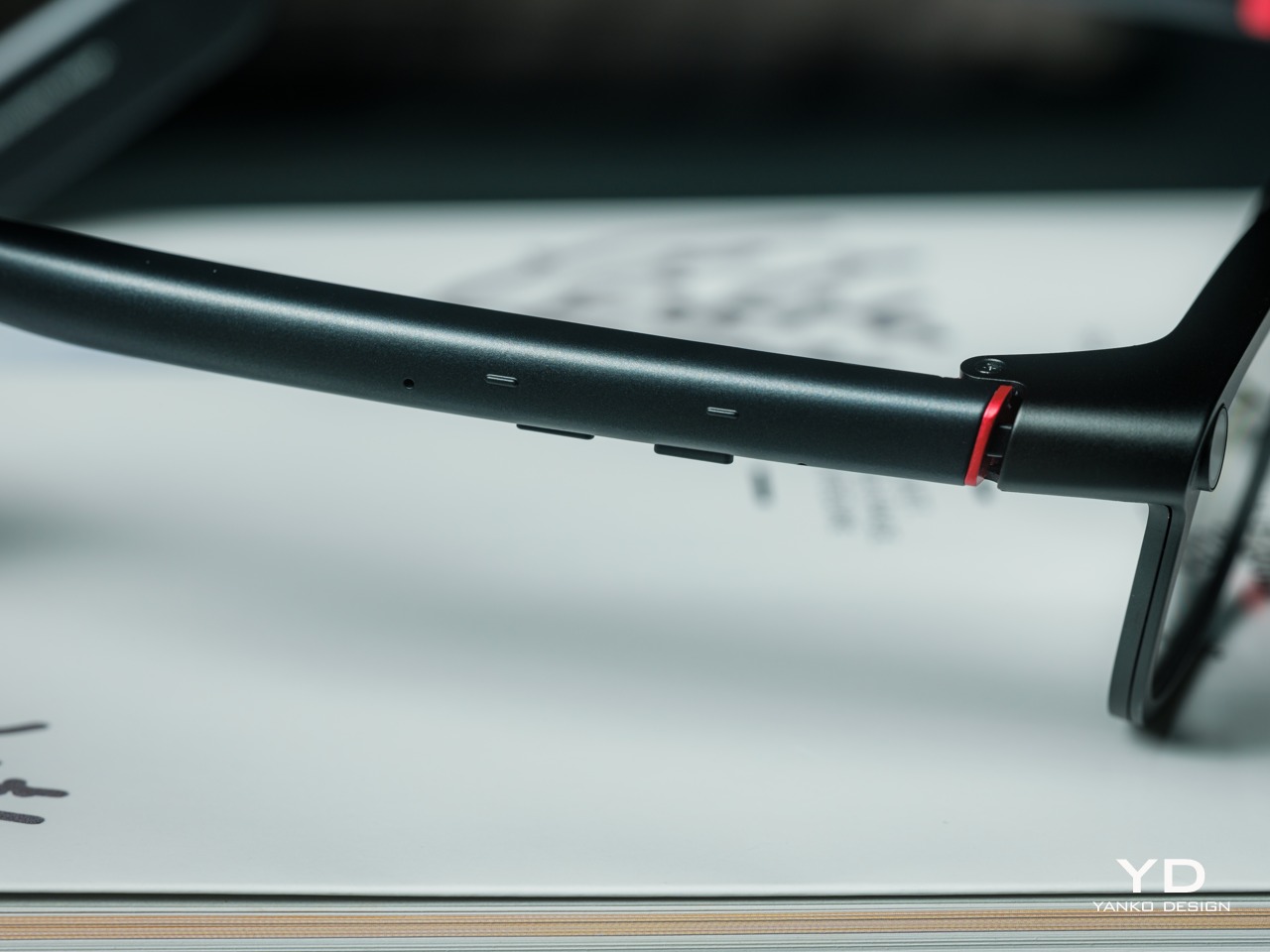
Operating the glasses doesn’t have to depend on talking to them. Temple touch controls and physical power and GO buttons provide alternatives, while the companion app handles setup and settings. When you’re around people or somewhere that requires a degree of silence, a discreet gesture is often preferable to a spoken command, and familiar controls help make the wearable format a little less foreign.

Two-Way Dialogue Translation – Read translations directly through the glasses, while the other person sees or hears your translated response on the phone.
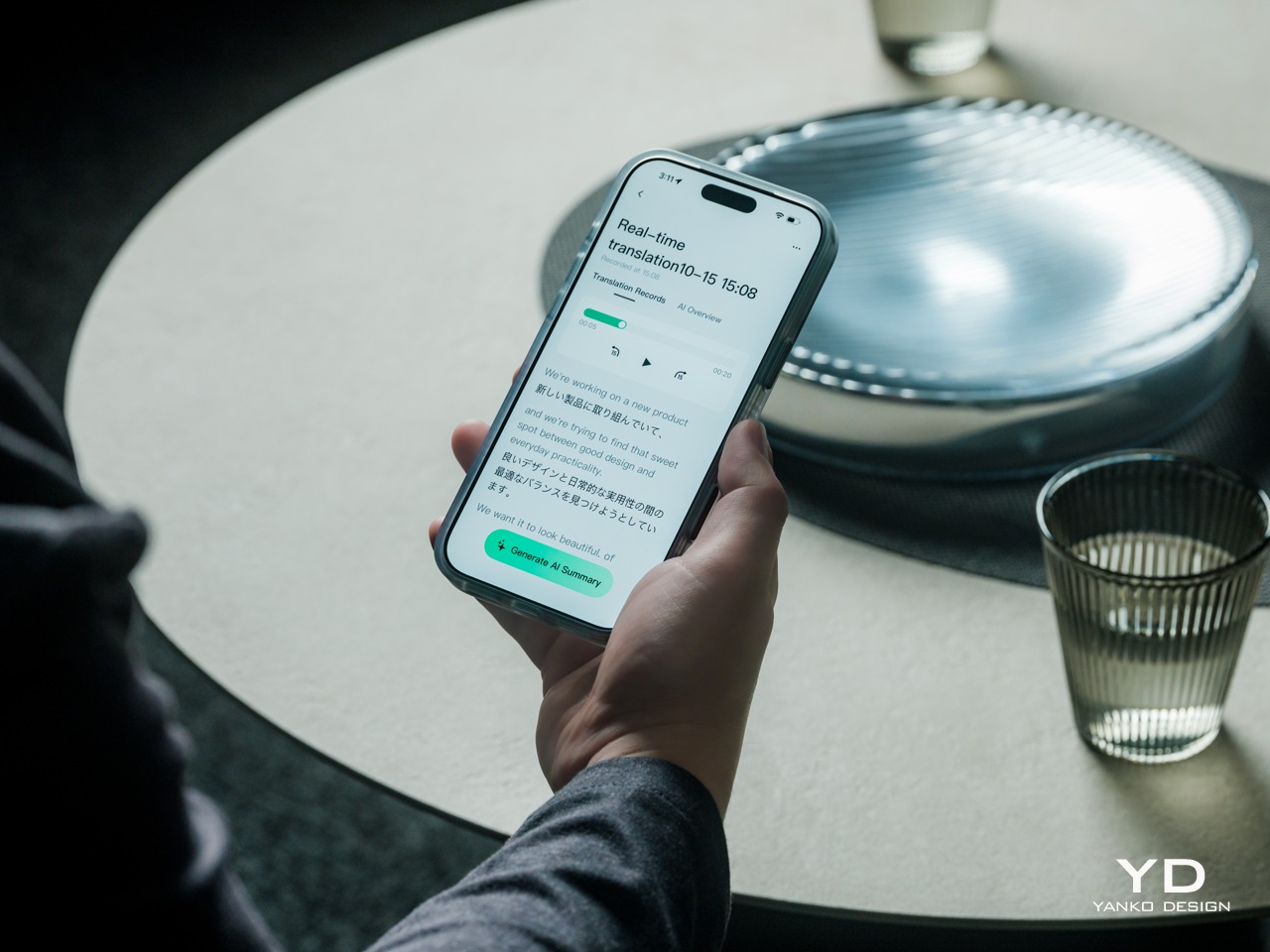
The INMO GO3’s binocular green Micro-LED display uses optical waveguides, with a 640×480 resolution and a 30-degree field of view. Adjustable brightness is listed up to 1,500 nits, which is plenty even for the bright outdoors. That said, those specs clearly mark it as something more for text and guidance rather than a miniature cinema. Green lettering has a slightly retro character, but a translation or the next line of a speech doesn’t need a full-color backdrop to be useful.
Translation, of course, is the primary use case for these glasses, and the numbers are admittedly impressive. INMO lists 78 source languages and 98 target languages online, with subtitles appearing in view rather than on a phone held between speakers. Offline support covers nine languages on Android and 13 on iOS, and future updates promise even more. The phone still needs to stay paired to a phone, of course, but a missing internet connection needn’t end every supported conversation.

Built-In Teleprompter – Follow your script directly through the glasses.
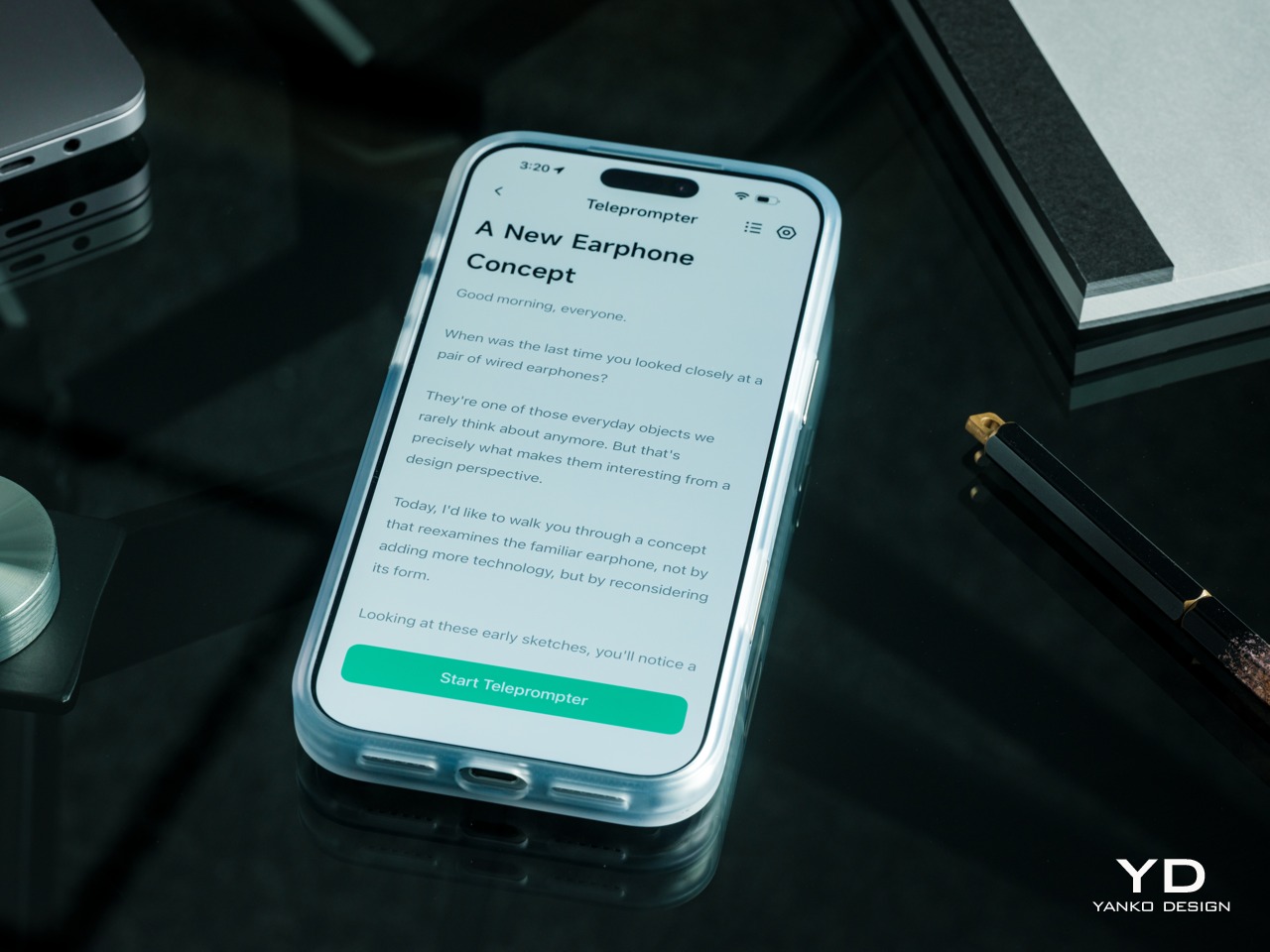

For presentations, the teleprompter moves the script from a desk into the speaker’s field of view, allowing for a more natural-looking stage presence. There’s automatic voice-following advancement in 17 languages (including English, Mandarin, Cantonese, Japanese, Korean, German, French, Thai, Russian, Spanish, Portuguese, Polish, Arabic, Indonesian, Vietnamese, Dutch, and Italian), alongside manual scrolling from the temple. Other languages will be displayed, depending on the document uploaded by the user, but the pages for unsupported languages can’t be automatically turned by voice. Very few will be sitting close enough to realize you’re not exactly looking at them, but at least you won’t be spending half of the presentation staring down at your notes.
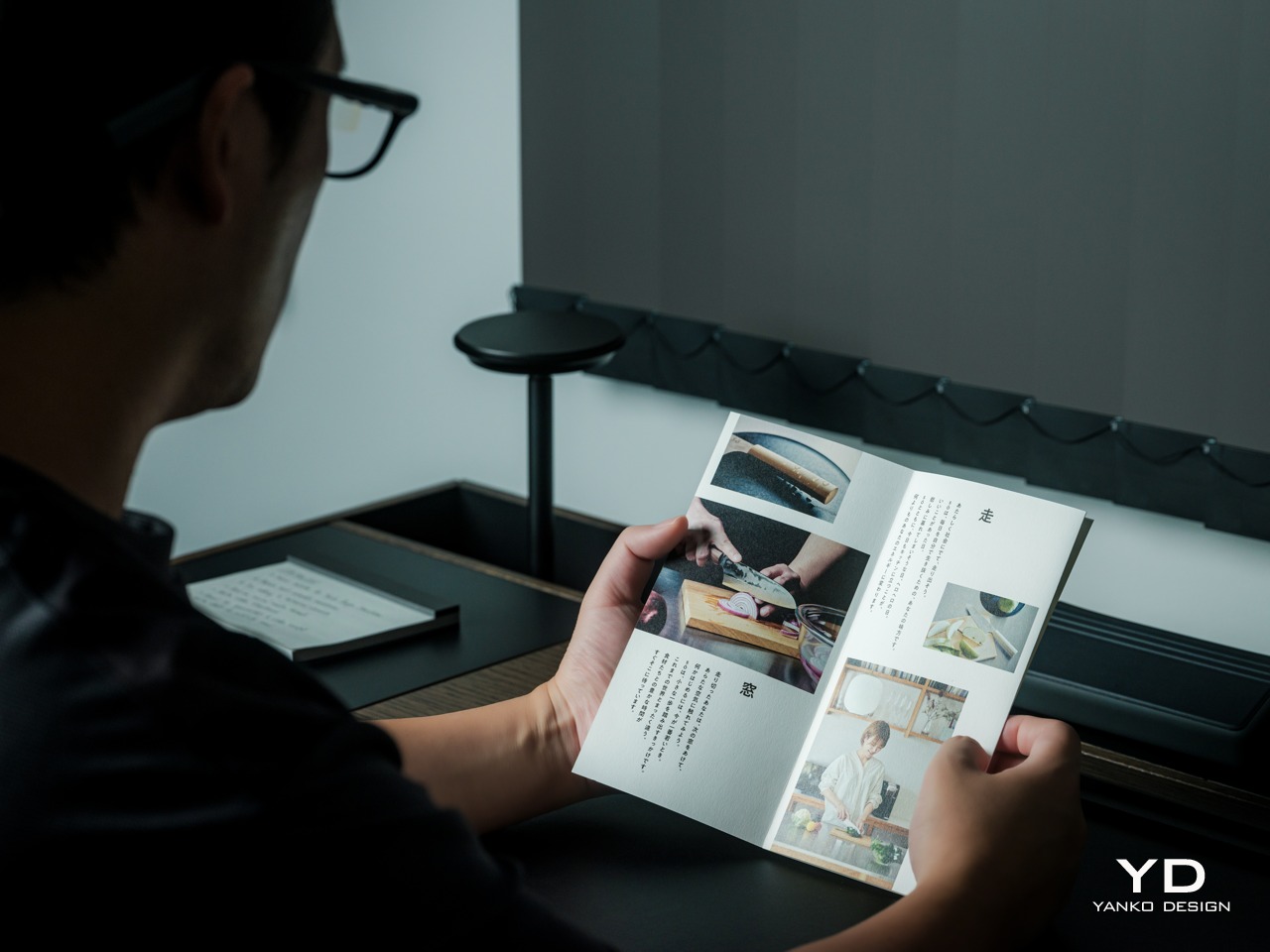
Photo Translation – Point the camera at written text and read its translation directly through the glasses.
The GO3 also offers features better used in meetings, such as recording, transcription, and AI summaries for later review. Walking and cycling directions, an AI assistant powered by ChatGPT and Gemini, and photo translation extend the same idea beyond work scenarios: put a useful answer nearby without making a phone screen the center of every activity.
Admittedly, many AI smart glasses offer similar features, but the INMO GO3’s killer feature is its interchangeable battery system. One 270mAh battery is installed in the glasses, with one spare included. Continuous use yields around 3 hours on a full charge, which is probably more than enough for most use cases. The 1,300mAh battery charging case offers three to four more charges, so you practically get a full day’s worth in total.
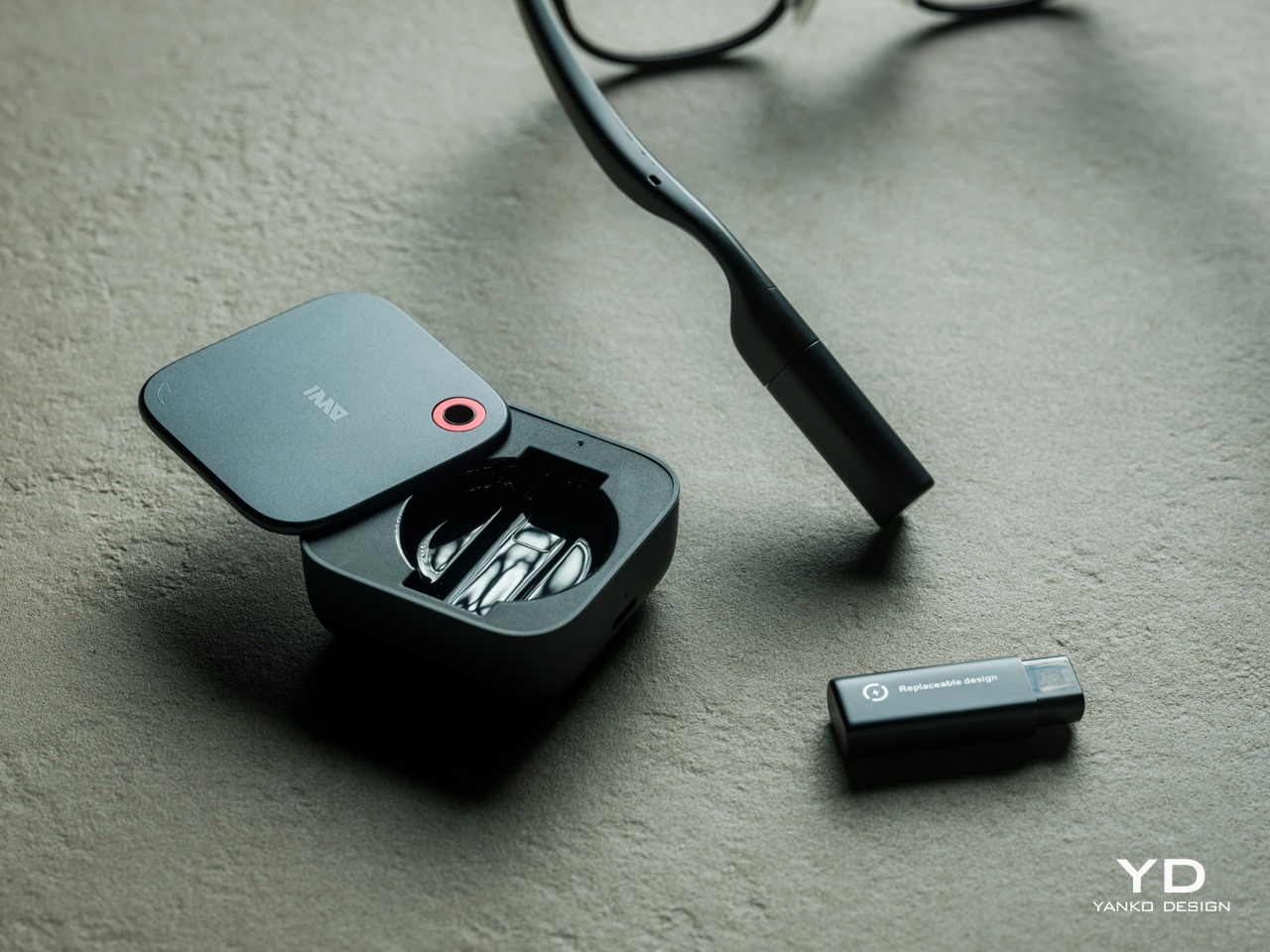
Where it gets interesting is how you can swap out the dead battery on the tip of the GO3 with the spare in the charging case. It’s quick and convenient, but not entirely seamless. The glasses will shut down when you pull out the battery, but plugging a fresh one in boots it up in just a few seconds. It does mean you have to briefly stop what you’re doing or make sure you’re not in the middle of something critical, but it’s better than waiting for minutes for the glasses to charge up.
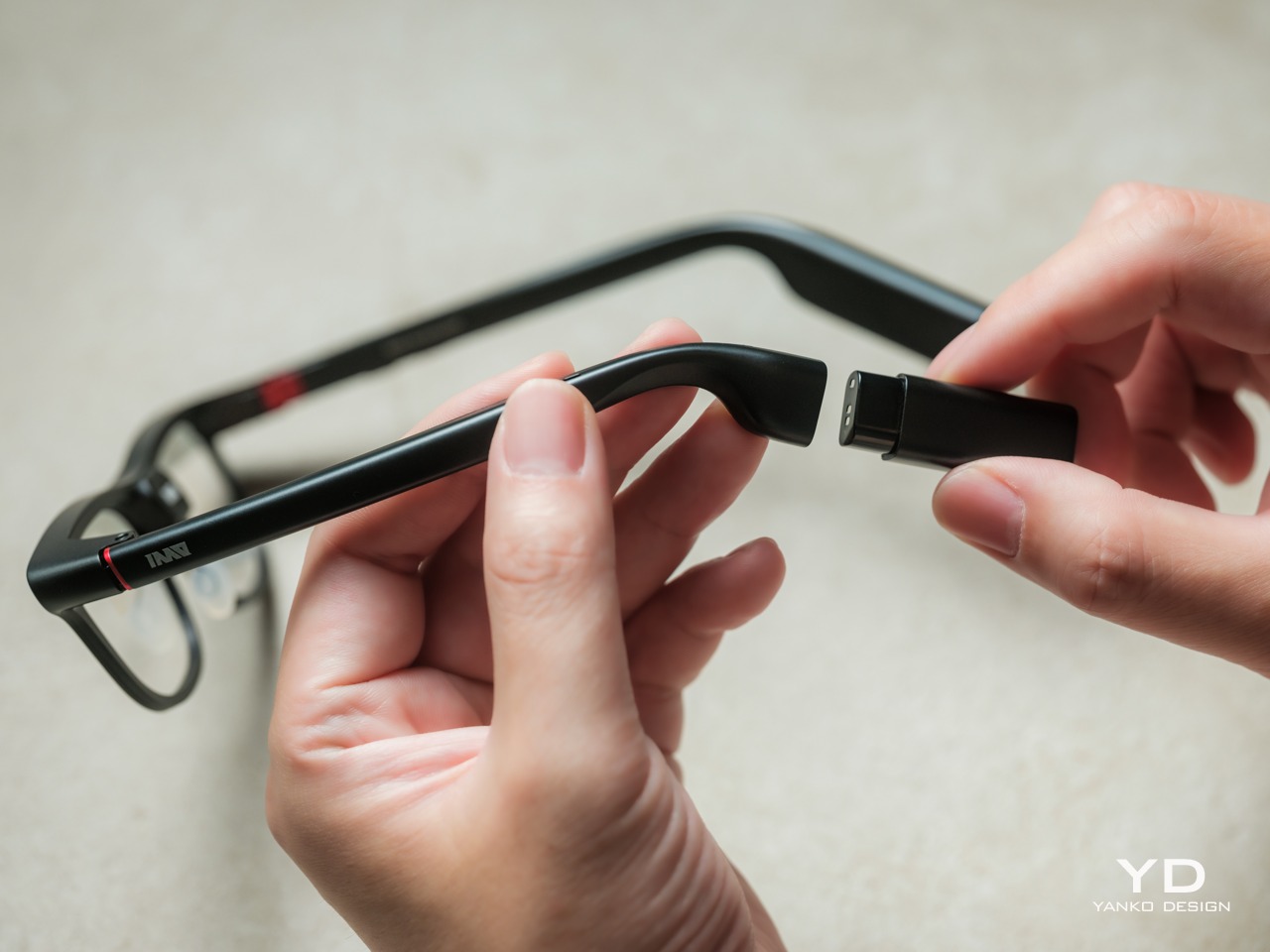
The replaceable battery has a longer-term benefit beyond getting through a busy afternoon. An aging power cell doesn’t automatically have to take the entire pair of glasses out of service. INMO lists a replacement battery at $49, making that component a separate ownership expense. That’s a useful piece of product design: the part expected to wear with repeated charging doesn’t have to remain permanently sealed inside.
That doesn’t establish a complete sustainability story, and there’s no need to pretend otherwise. The reviewed specifications don’t establish recycled material content, comprehensive component repairability, or an end-of-life program. The more defensible advantage is the ability to keep the same frame in service when its battery needs replacing. Thoughtful care still matters, particularly for the lenses and hinges, but accessible power replacement is a concrete place to start.
At $699, currently discounted to $509, the INMO GO3 asks for a commitment beyond casual curiosity. The standard package includes the glasses, installed battery, single spare, and battery charging case. That’s a coherent starting point, with the power system already accounted for. The value comes from using the display repeatedly, rather than paying for a collection of functions that remain untouched save for a few presentations or travels abroad.
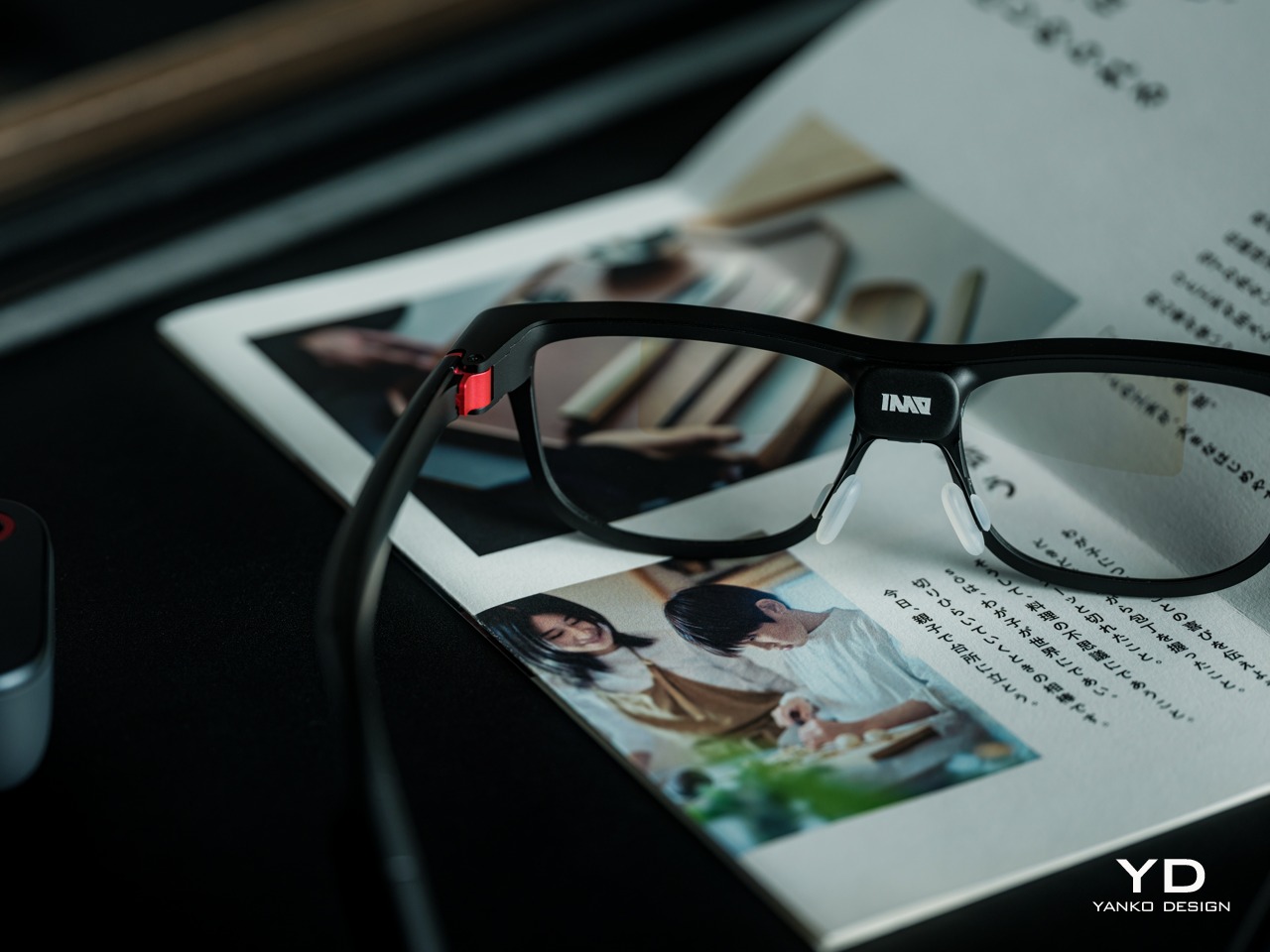
The useful comparison is between priorities, rather than a contest over the longest feature list. Camera-and-audio glasses answer a different need from eyewear that puts text in view, while entertainment-focused displays serve another purpose again. For someone moving between multilingual conversations and presentations, the GO3’s combination is easier to justify. That it can also be your travel companion and AI assistant brings added value to the table, especially when you don’t look like a walking technology advertisement.
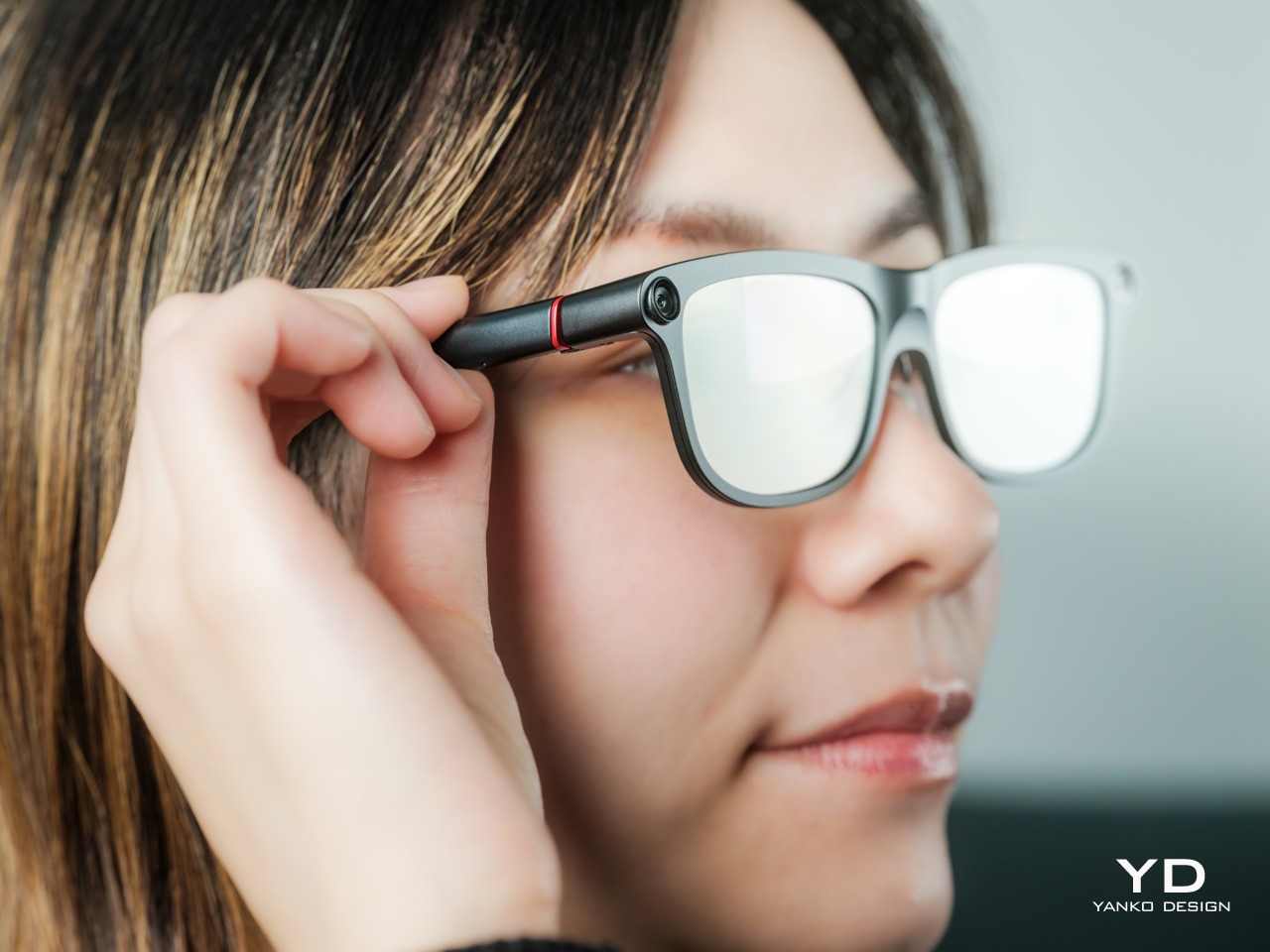
The INMO GO3’s most appealing quality is how its design keeps returning to recognizable habits. Wear glasses, follow a conversation, glance at a script, and change a battery when necessary. The technology adds steps of its own, of course, but the physical form doesn’t ask for an entirely new routine. Its familiar outline and adaptable contact points give the translation and presentation tools a sensible place to live.
Travelers, presenters, and people working across languages have the clearest reasons to appreciate that combination. A paired phone remains part of most workflows, and battery changes belong between tasks, but neither qualification takes away the appeal of information placed closer to the conversation. There’s something refreshingly practical about glasses that leave room for ordinary interactions, even when a little green text is helping them along.
Click Here to Buy Now: $509 $699 ($190 off). Hurry, deal ends in 48-hours!
The post INMO GO3 AI Glasses Review: Putting Information in Your Line of Sight first appeared on Yanko Design.

There are days when you work on just your laptop. And then there are days when you have to switch between different devices and therefore also use different controllers. If you have a huge desk or workspace, then that’s probably fine. But if you’re working in a limited space, then the different controllers add to the clutter. What if you have something that can fit onto a finger and let you switch between different devices more easily?
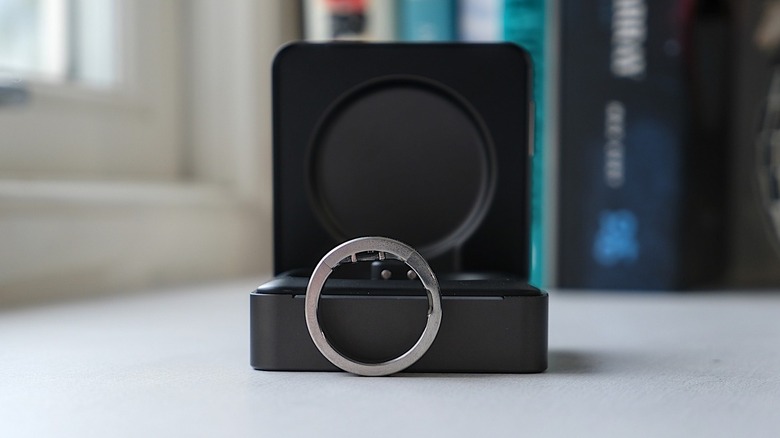
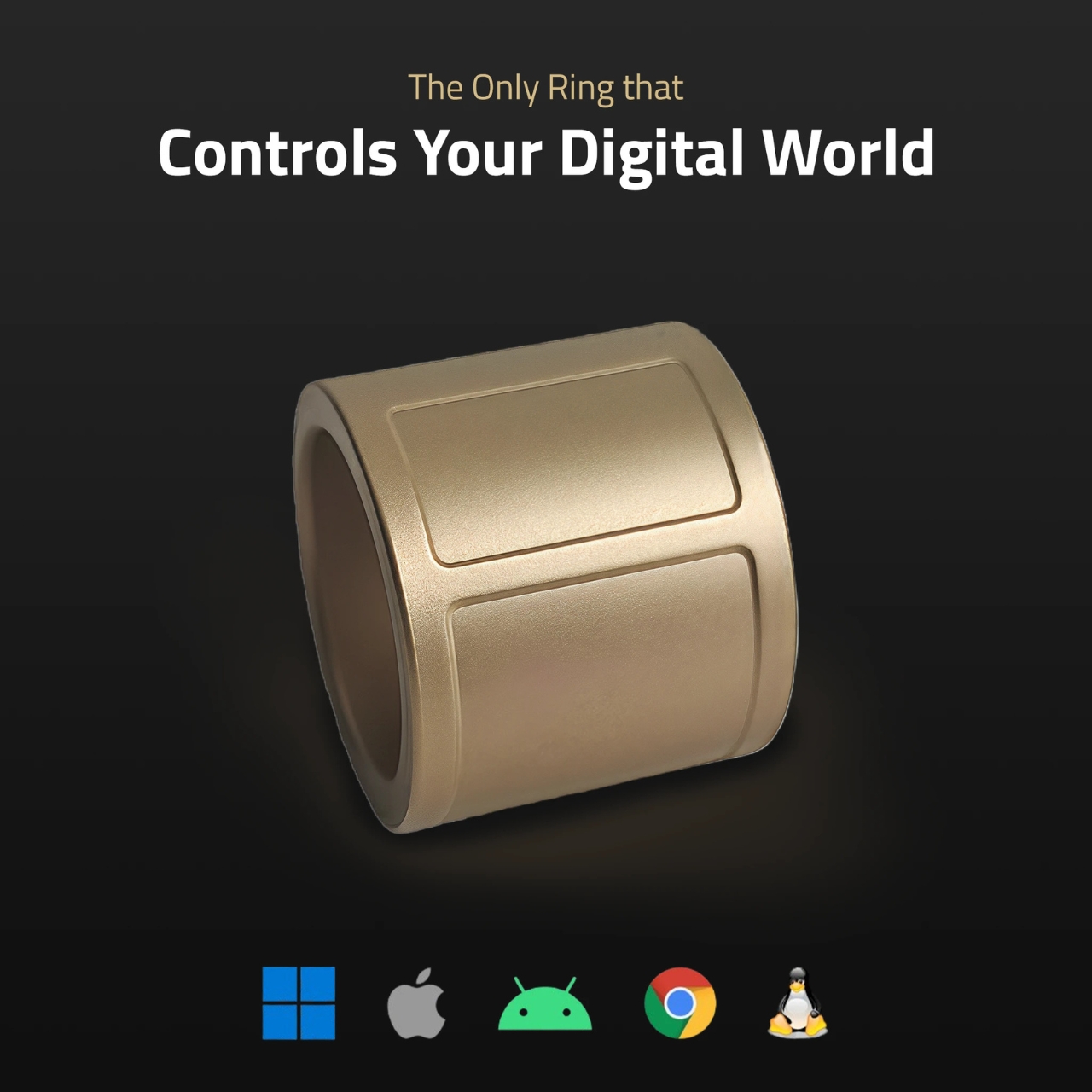
That’s the promise that the Wearable Ring Controller by Prolo is making. Called the Prolo Ring, it is a Bluetooth wearable input controller that can be worn on your index finger. It has a trackpad that your thumb can use to move the cursor and scroll, and a touch strip that your other hand’s index finger can operate. The Pro Edition even supports air gestures, giving you another way to control your devices.
Designer: Prolo
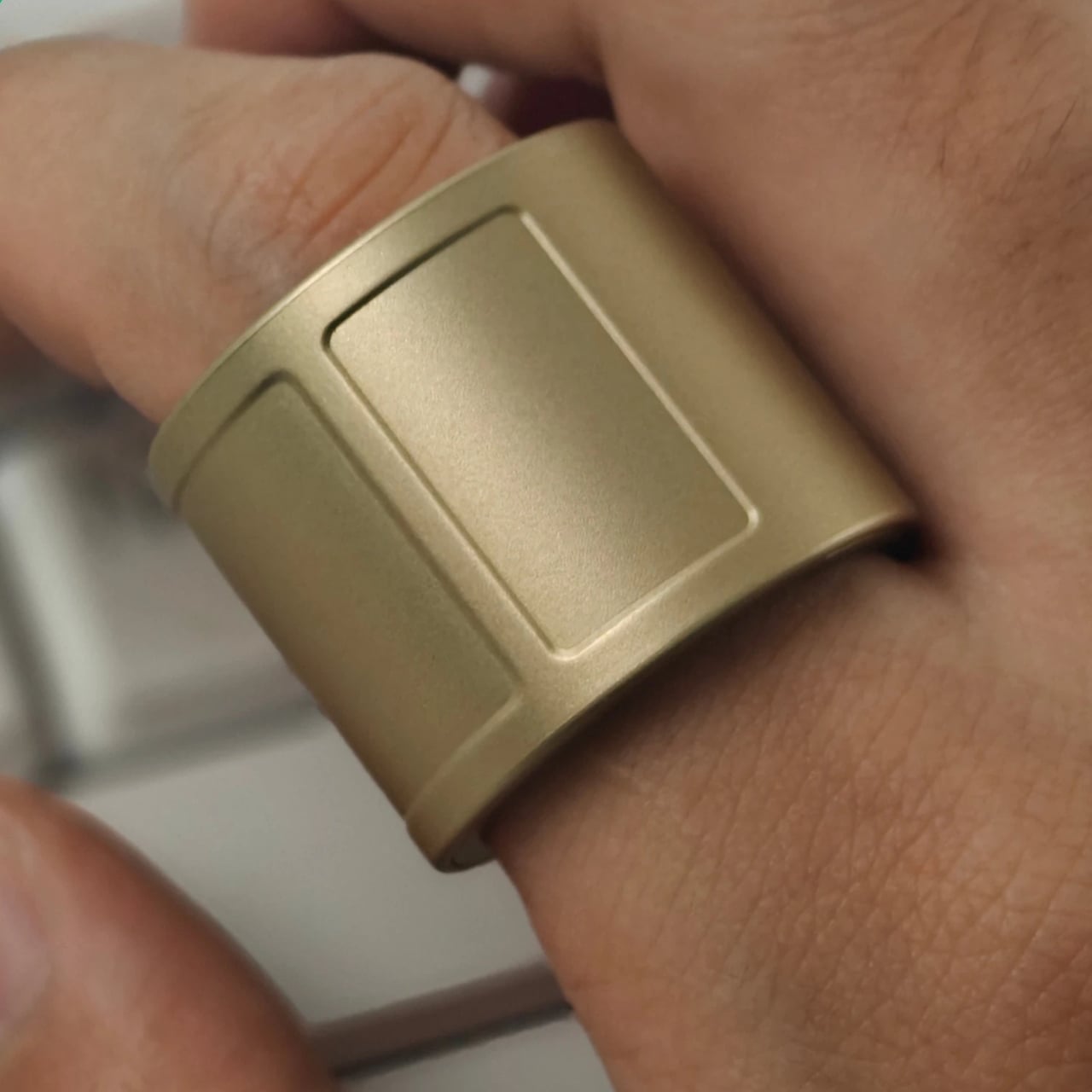

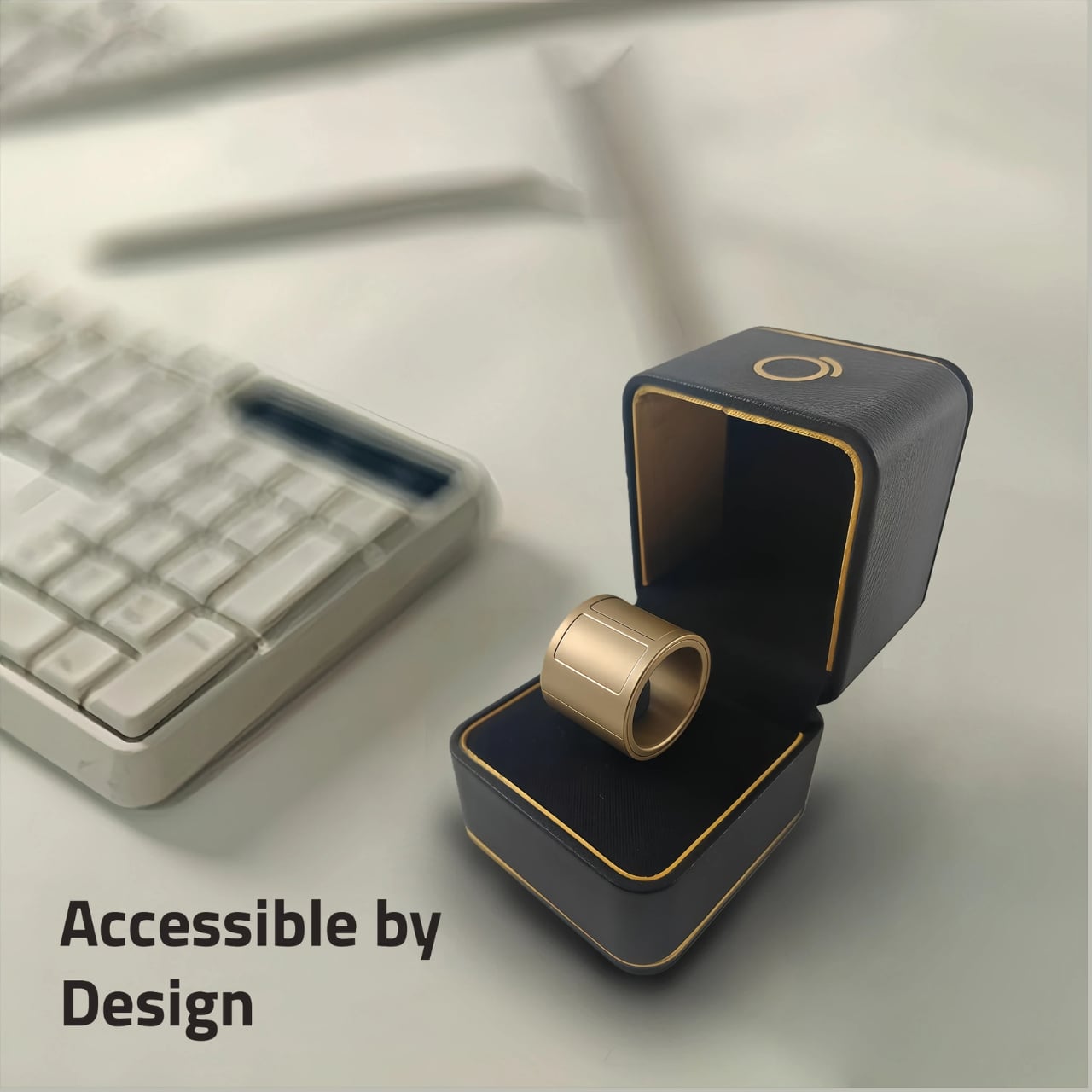
The most noticeable design choice is its wide band. This gives your thumb room to work with an 18 × 30 mm capacitive touch surface rather than a tiny button. According to Prolo, the ring measures 23 mm wide and 2.9 mm thick and weighs between 4.1 and 5.2 grams. Its shell is made from polycarbonate, despite the metallic-looking finishes available for the Pro Edition. The broad profile makes it look more like a wearable tool than a discreet piece of jewelry.
That width also makes sizing important. Prolo lists US sizes 7–18 and requires test wear with its sizing kit or a 3D-printed sizer before you confirm your size. Your usual jewelry size may not translate directly to this wider band. Included adjustment shims help fine-tune a slightly loose fit. You can wear it on either index finger, keeping the trackpad facing your thumb.

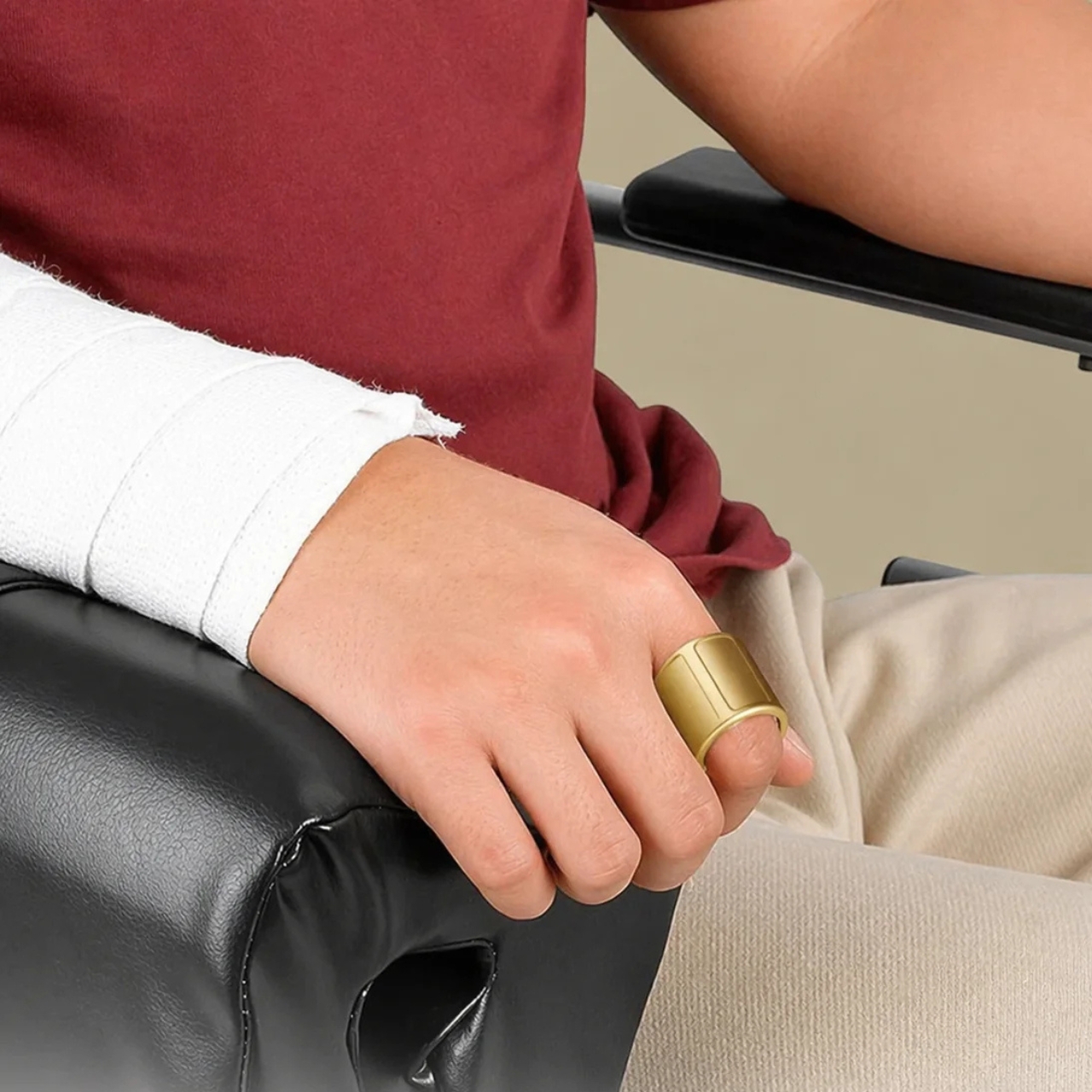
The top touch strip, called the Modstrip, handles mode switching and additional commands. The four modes are Cursor, Navigation, Touch, and Air, organizing functions such as pointing, browsing, media playback, and motion gestures. Separating these controls lets the same small surface perform different jobs, although it also means learning which mode you’re using. Some interactions require both hands.
One particularly interesting feature is Joystick Assist. Swipe quickly from one edge of the trackpad to the other and keep holding, and the cursor continues moving. Moving your thumb farther from the center increases its speed; releasing stops it. This addresses the limited travel of a finger-sized trackpad, while ordinary trackpad movements remain available for finer positioning.
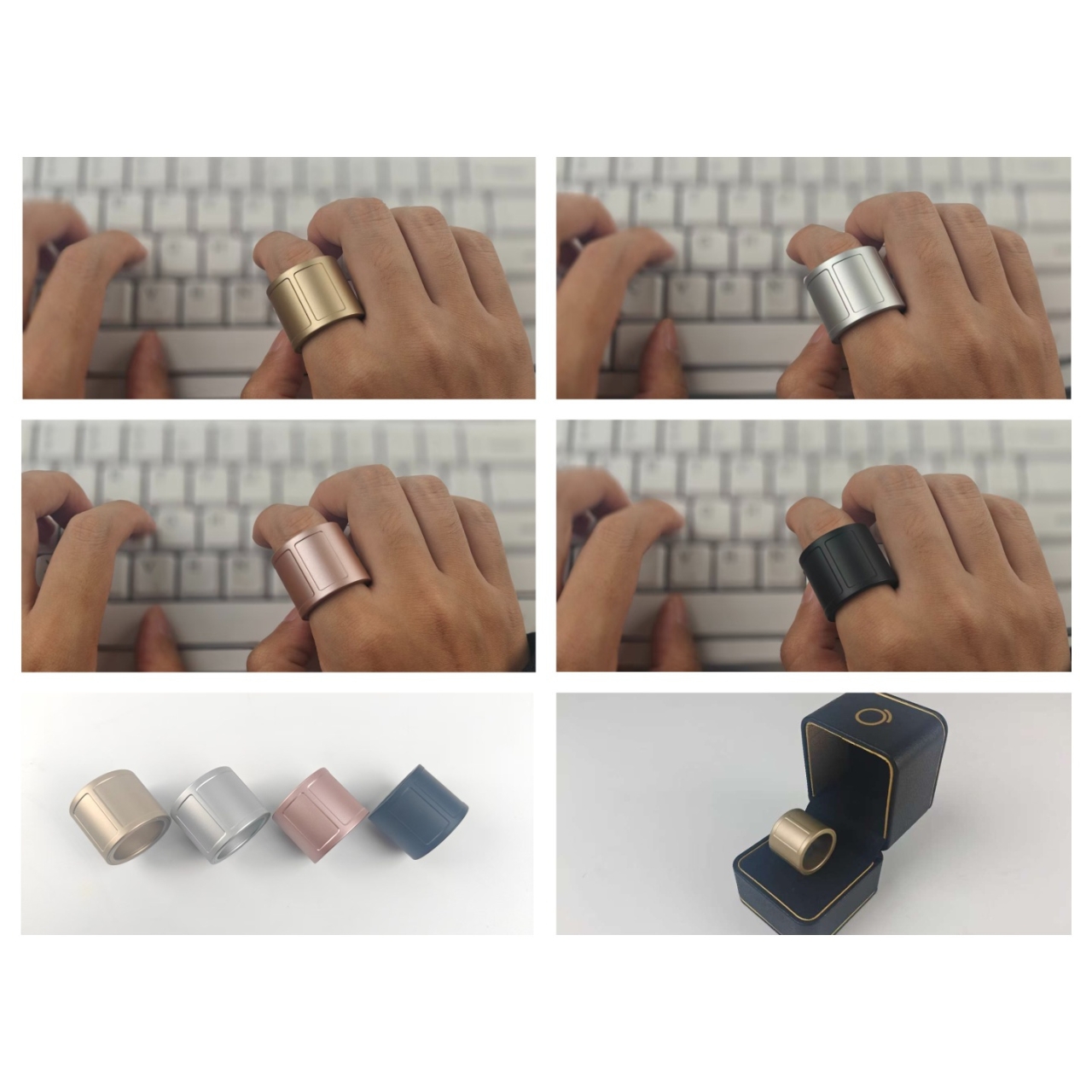
Switching devices uses a tap followed by a hold on the Modstrip. The ring disconnects from the current device and reconnects to another saved device, so “instantly” would be an overstatement. It connects to only one device at a time. For someone moving between a laptop and a tablet, the appeal is keeping the same controller rather than reaching for another one.
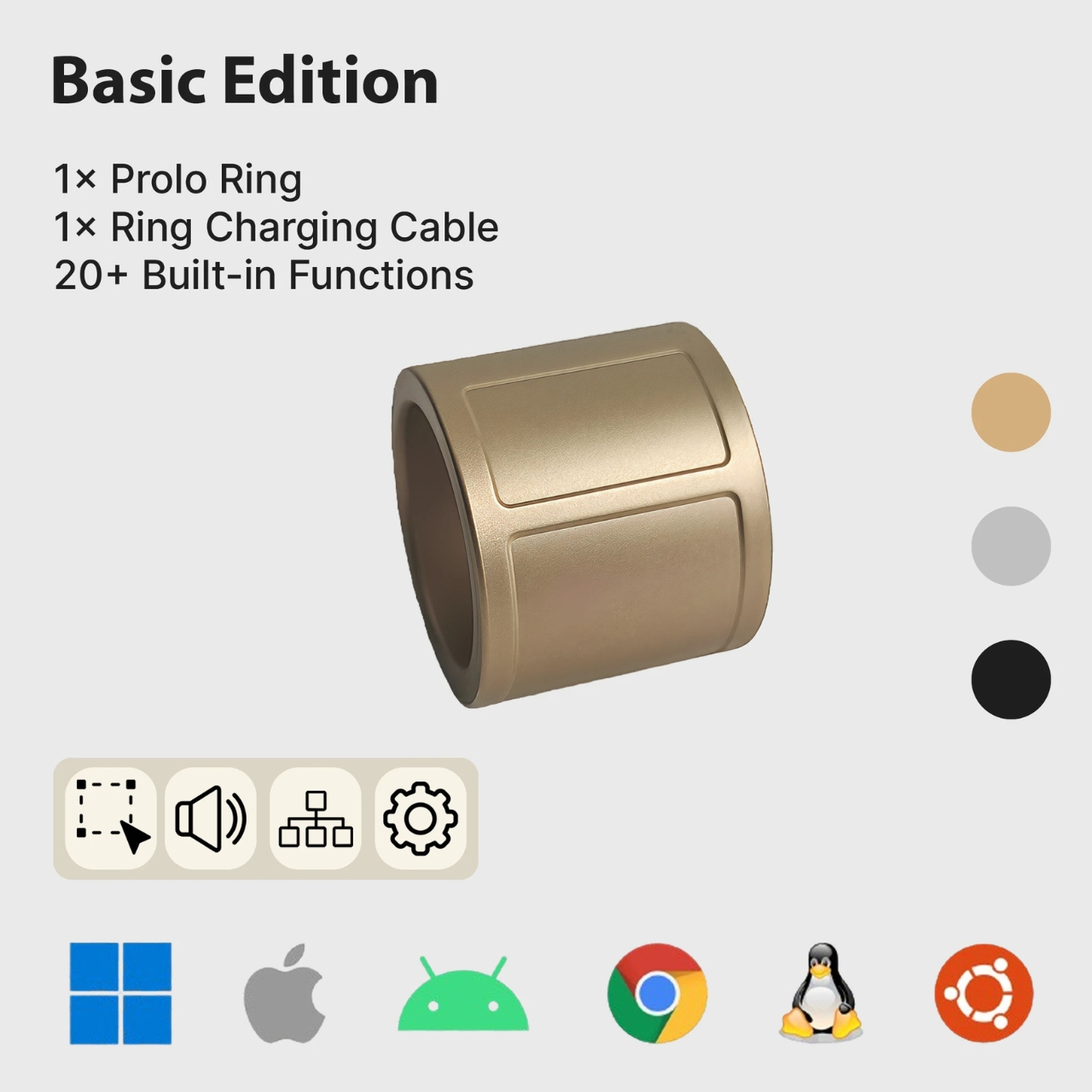
Basic controls use standard Bluetooth HID, the protocol used by compatible input devices, without requiring a dedicated driver or app. Prolo lists support for Windows, macOS, Linux, Android, and iOS/iPadOS, plus compatible smart TVs and XR devices. Available functions vary by device and app. It can also work alongside your existing mouse and keyboard rather than requiring you to replace them.

The Pro Edition adds more than 40 customizable gestures, assignable shortcuts, macros, and profiles. Prolo Studio, the free desktop companion app, handles customization. You could organize controls around presentations or media playback rather than use every available gesture. Push-to-talk can trigger dictation or AI shortcuts, but the ring has no microphone; a connected device handles the voice input.
Prolo claims up to 10 hours of typical use per charge and includes a magnetic charging cable. The ring is not waterproof, so it needs to come off before showering or swimming. For cramped workspaces, its clearest potential benefit is freeing you from needing a separate mousing surface. Whether that convenience outweighs wearing a broad band and learning its controls will depend on how you work.
The post Prolo Ring Lets You Click and Scroll Without a Mouse first appeared on Yanko Design.
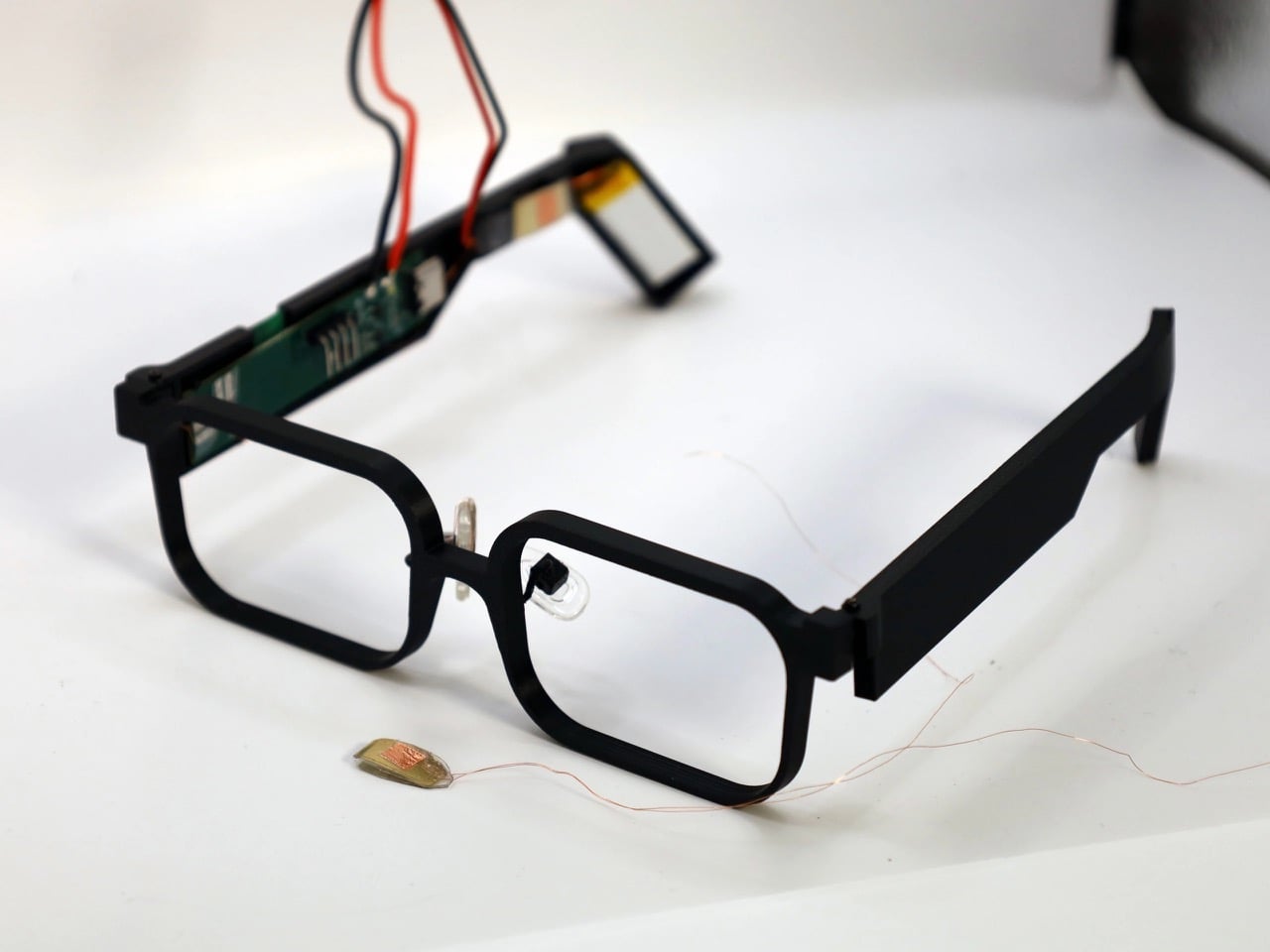
Your face is a power plant, and you’ve been running it for free your whole life. Every blink and jaw clench releases a tiny burst of mechanical energy that simply vanishes. A team at Northwestern University figured out how to catch it, using static electricity, the same stuff that makes a balloon stick to your hair. Their prototype glasses, GlassTENG, use that energy to run sensors tracking your pulse, blinks, and teeth clenching. As a feat of energy harvesting it’s fantastic, and I’d love to see it in everything from earbuds to shoe insoles.
Then the other shoe drops, because smart glasses are already the most side-eyed gadget around, with Meta’s Ray-Bans filming strangers in coffee shops and a battery that needs its case after a few hours serving as the only real limit. GlassTENG’s three sensors, built by Nivedita Arora’s VAK Embodied Systems Lab, draw just 4.1 microwatts combined, and the team wants to go fully battery-free next. That would remove the last speed bump on always-on face computers. Your pulse and jaw clenches are deeply personal data, and glasses like these could log them around the clock. Then again, if such glasses are coming anyway, I’d much rather they ran on blinks than on lithium-ion cells strapped to my head.
Designers: Nivedita Arora, Raj Dave, Jovanis Prodanich & Yung-ching Lai (Northwestern University)
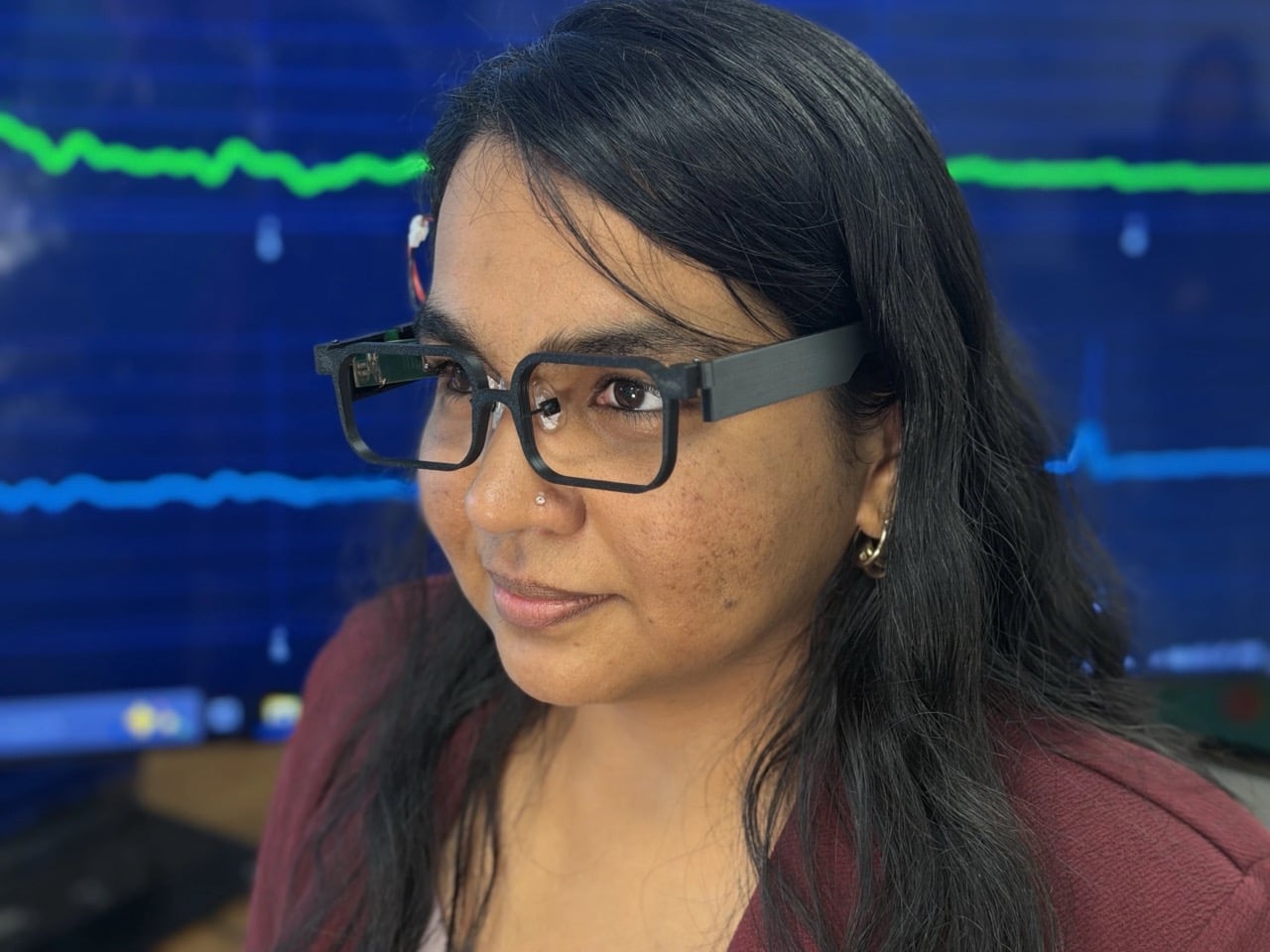
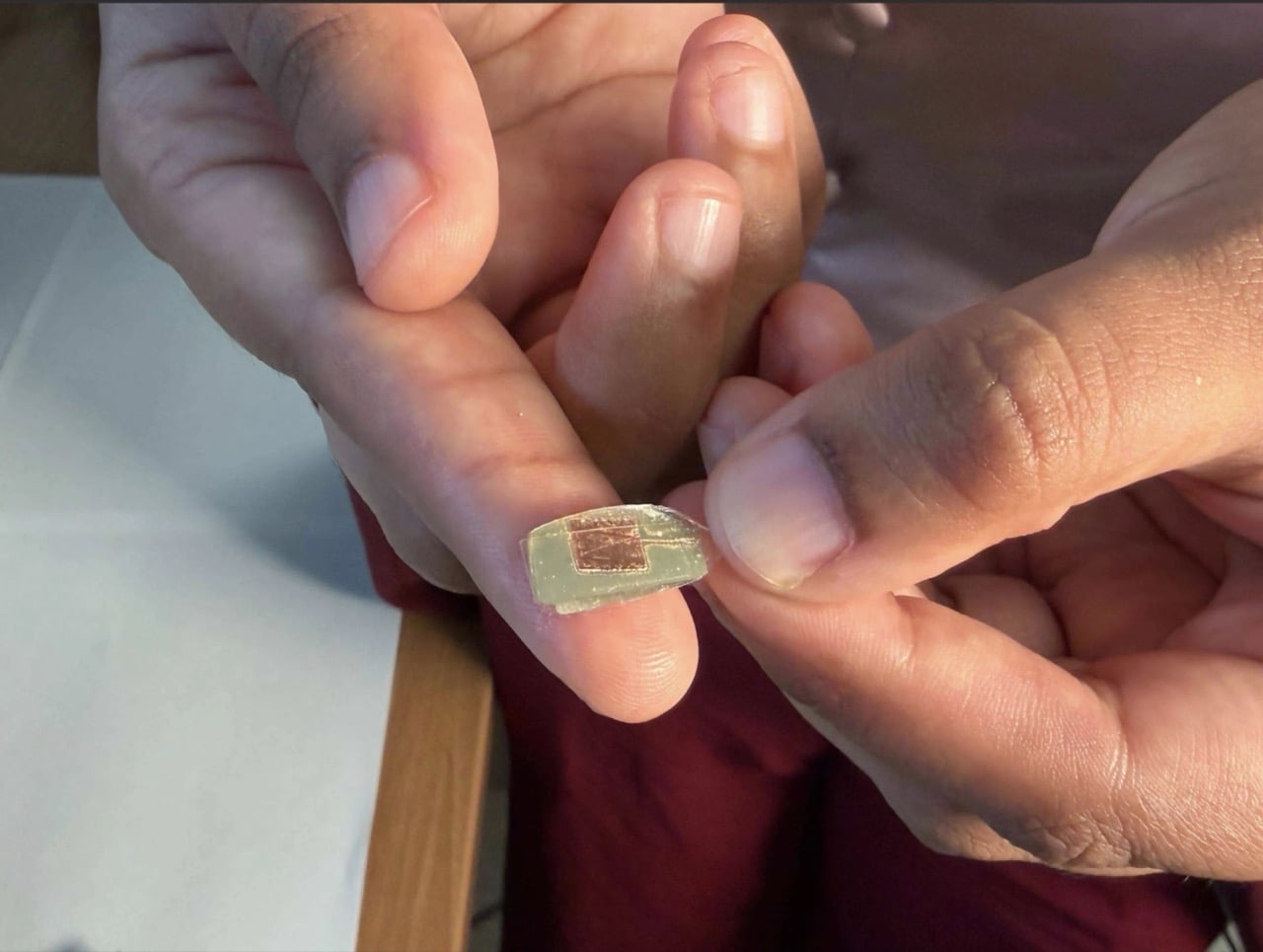
The sensor is a two-layer sandwich of PDMS, a soft silicone, and FEP, a slick fluoropolymer from the Teflon family. When the layers press together and spring apart, one hogs electrons from the other, which is the balloon-and-hair trick in a lab coat. Silver electrodes, each 150 nanometers thick, collect the resulting voltage. Pulse is the faintest signal, around 50 to 100 millivolts, while blinks and eyebrow raises land at 200 to 500 millivolts. A hard jaw clench climbs to about 1.5 volts, which is a wide enough range for one thin stack to tell a heartbeat from a chomp.
The silicone is Sylgard 184, mixed 10 to 1, degassed, spin-coated to roughly 490 microns (about 0.02 inches), and left to cure overnight. The FEP gets blasted with oxygen plasma on both sides, which roughens the surface so more of it touches the silicone. The team started by etching one side, then found that doing both measurably boosted the signal. Bare silicone faces your skin while the charge-trading interface stays sealed inside, so skin oils can’t muck up the readings. It’s baking show energy, just with a vacuum chamber instead of an oven.
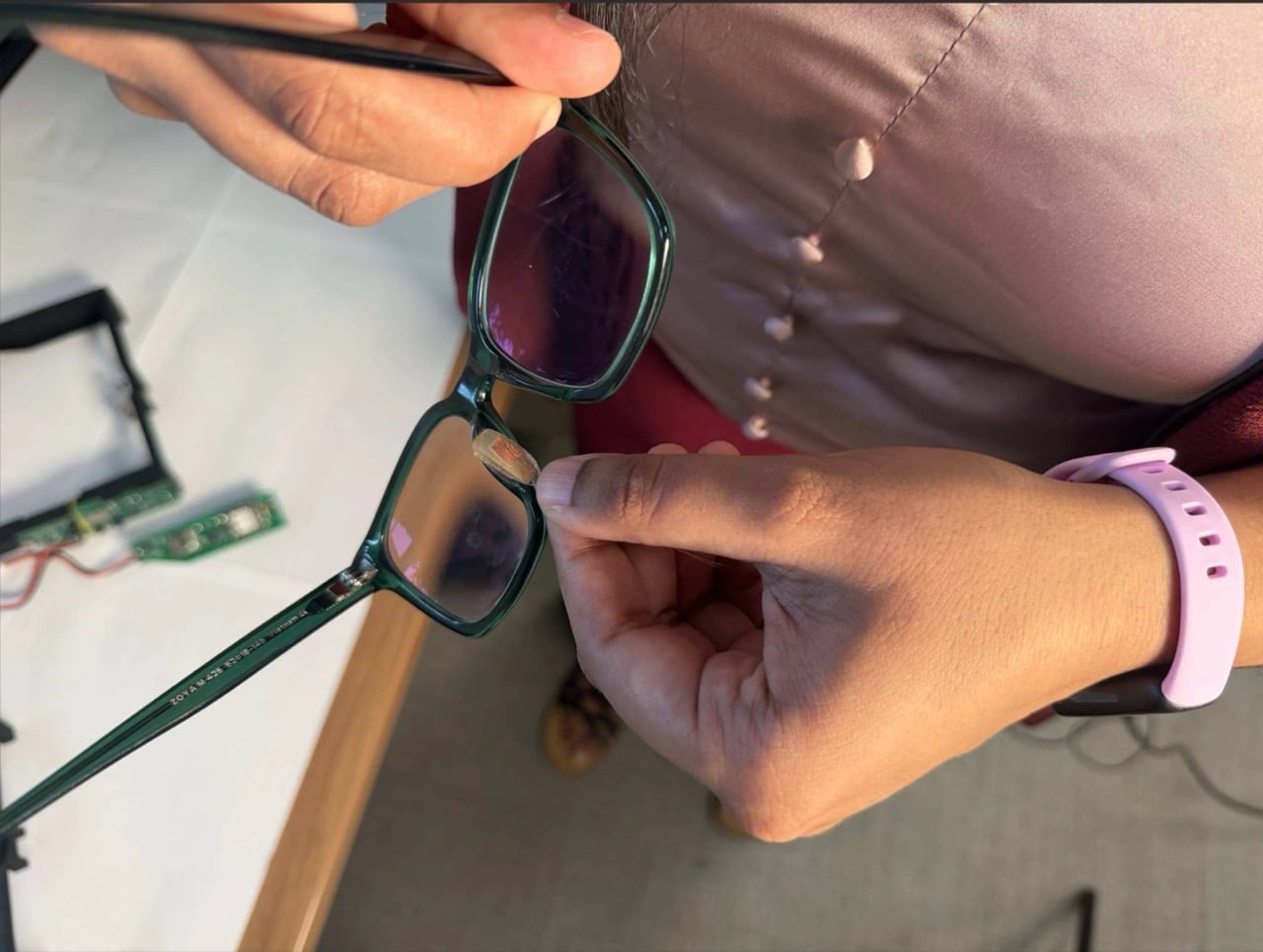
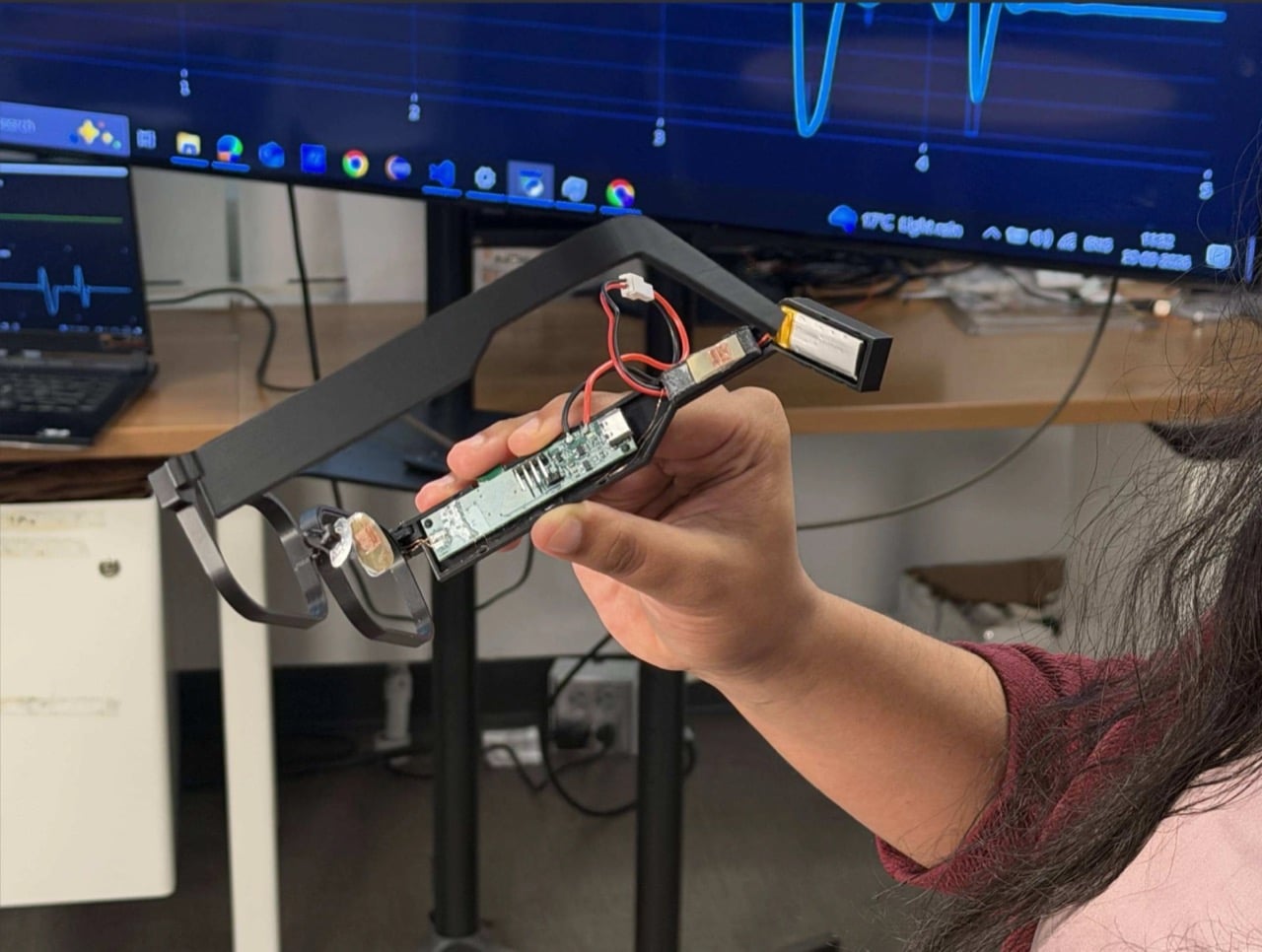
One sensor sits on the nose bridge over the angular artery, where it reads pulse, forceful blinks, and eyebrow raises. A second hangs off a small arm near the temple, aimed at the superficial temporal artery to catch clenching, tapping, and chewing. The third is embedded in the temple arm above the ear, and here the design gets clever, because the natural clamp of the frame on your head supplies the contact pressure for free. Early 3D-printed nose pads gave patchy contact, so the team swapped in adjustable off-the-shelf pads from regular eyewear. Decades of optician ergonomics beat the custom part, which is a humbling result for any designer.
In a study with 20 people, half of them daily glasses wearers, a Random Forest classifier (a machine-learning model that takes votes from many decision trees) sorted six activities with 93.8% accuracy. Forceful blinks and teeth tapping both hit 99%. Heart rate landed within 1.82 beats per minute of a Polar H10 chest strap, measured on 10 seated volunteers at rest. Talking was the weak spot at 55%, and the system mistook it for eating 37% of the time, since both work the same jaw muscle. For now, your glasses might assume you’re mid-sandwich when you’re just mid-rant, and honestly, I know people like that.
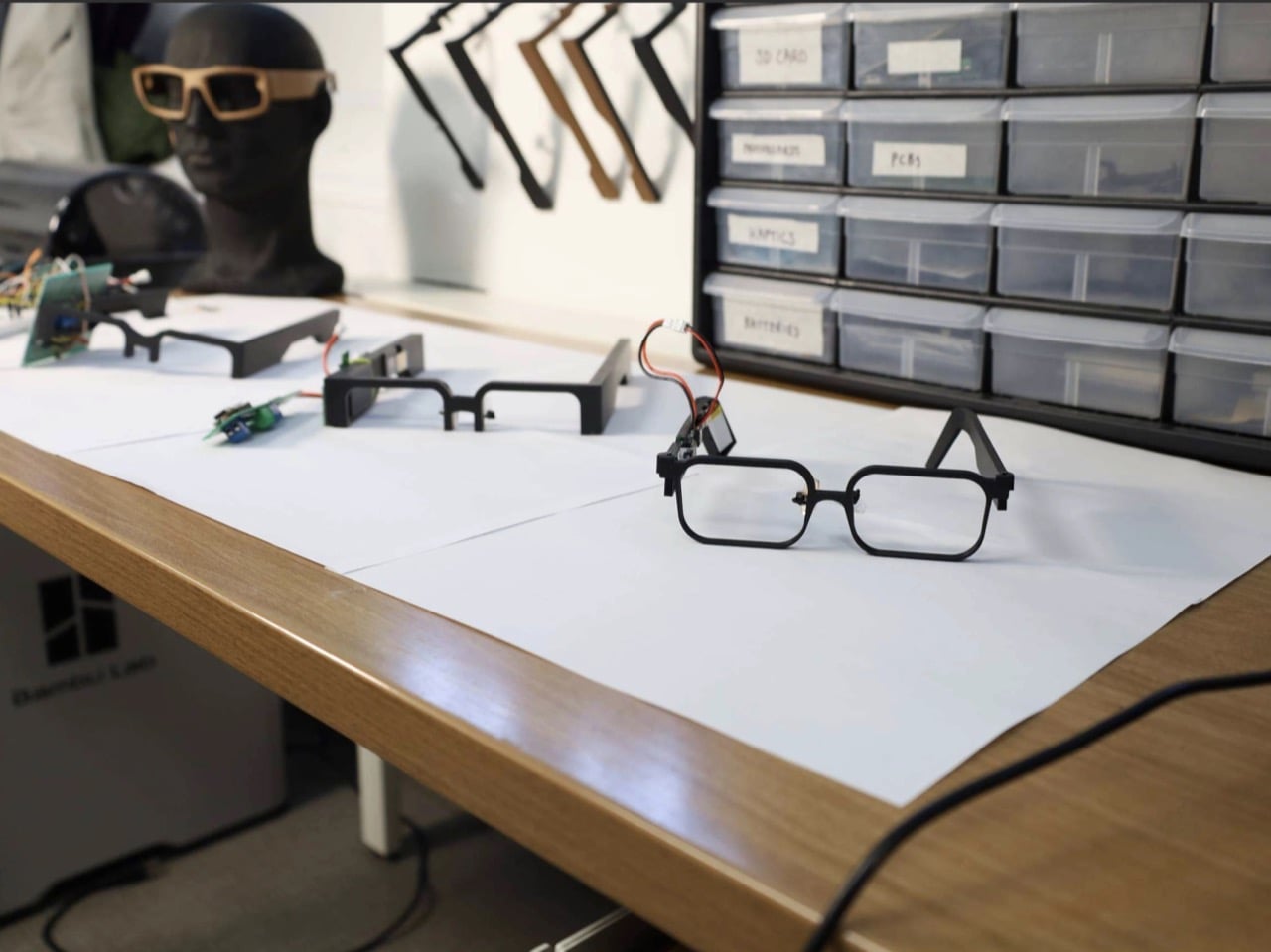
Those 4.1 microwatts cover the sensing front-end, the circuitry that cleans up the sensor signal, and they look tiny next to the alternatives. The paper pegs optical pulse sensors (the glowing green lights on your smartwatch) at 1 to 10 milliwatts, and gel-based muscle sensors at 10 to 160 milliwatts. On a 100 mAh battery, the authors calculate that the GlassTENG front-end would cost less than half a minute of runtime, where an optical sensor would burn through hours. The prototype still uses a small battery for its microcontroller and Bluetooth, and fully battery-free operation is listed as future work. Even so, shrinking the sensing bill to almost nothing is what lets a frame stay a frame.
Ray-Ban Meta Gen 3 starts at $449 and rates nine hours per charge, while the Meta Ray-Ban Display runs $799, and that charging case remains the main limit on how long those glasses can watch the world. GlassTENG has no price or release date, so nobody is buying it this holiday season. I’d happily see self-powered sensing in earbuds, insoles, and medical patches. Glasses are the tricky one, because the cleverer the sensor gets, the fewer excuses a company has to leave it off. Still, if face computers are coming regardless, I’ll take the pair powered by my own twitchy eyelids over the one with a lithium cell parked next to my temple.
The post These smart glasses turn your blinks into electricity first appeared on Yanko Design.