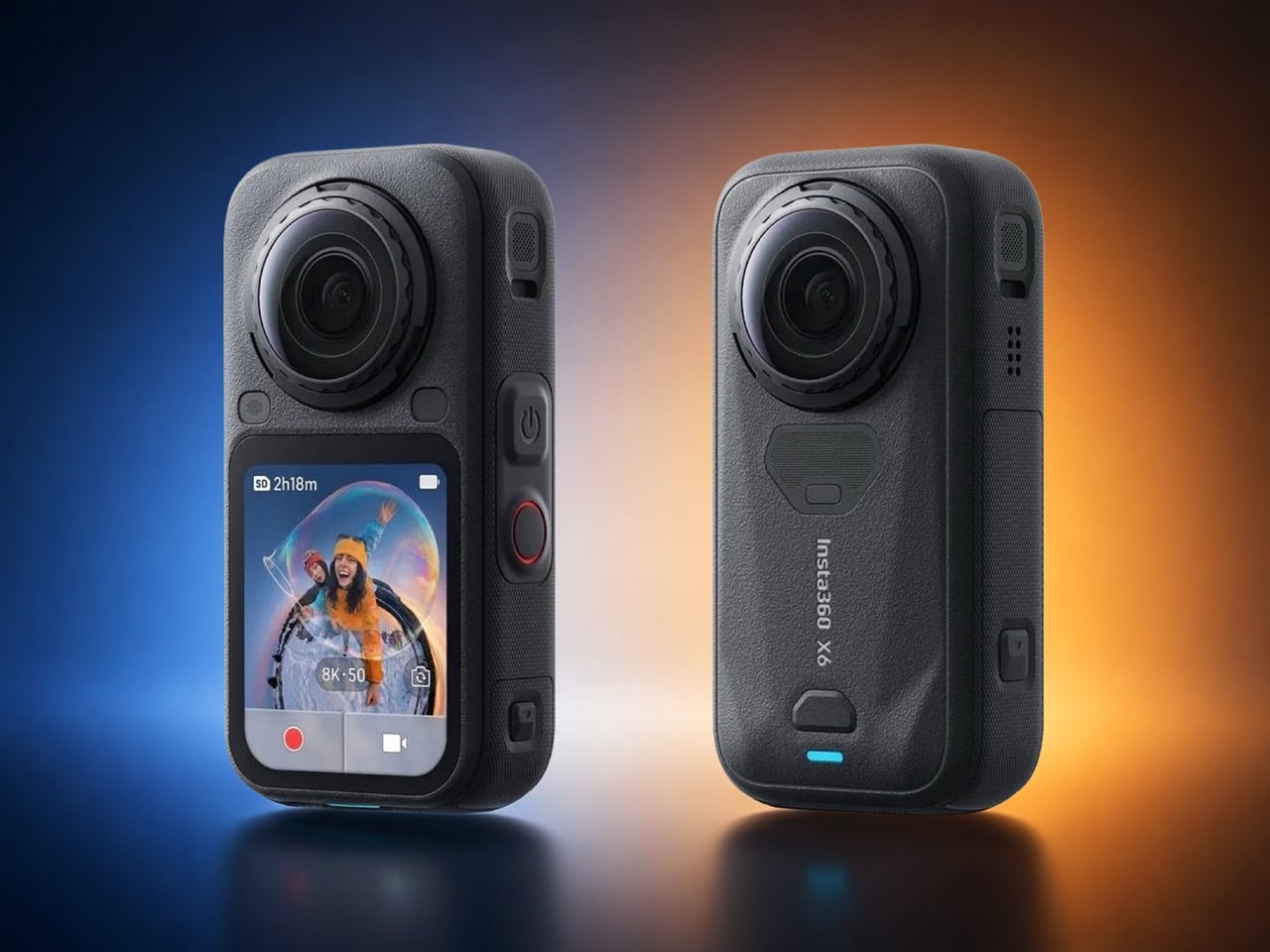
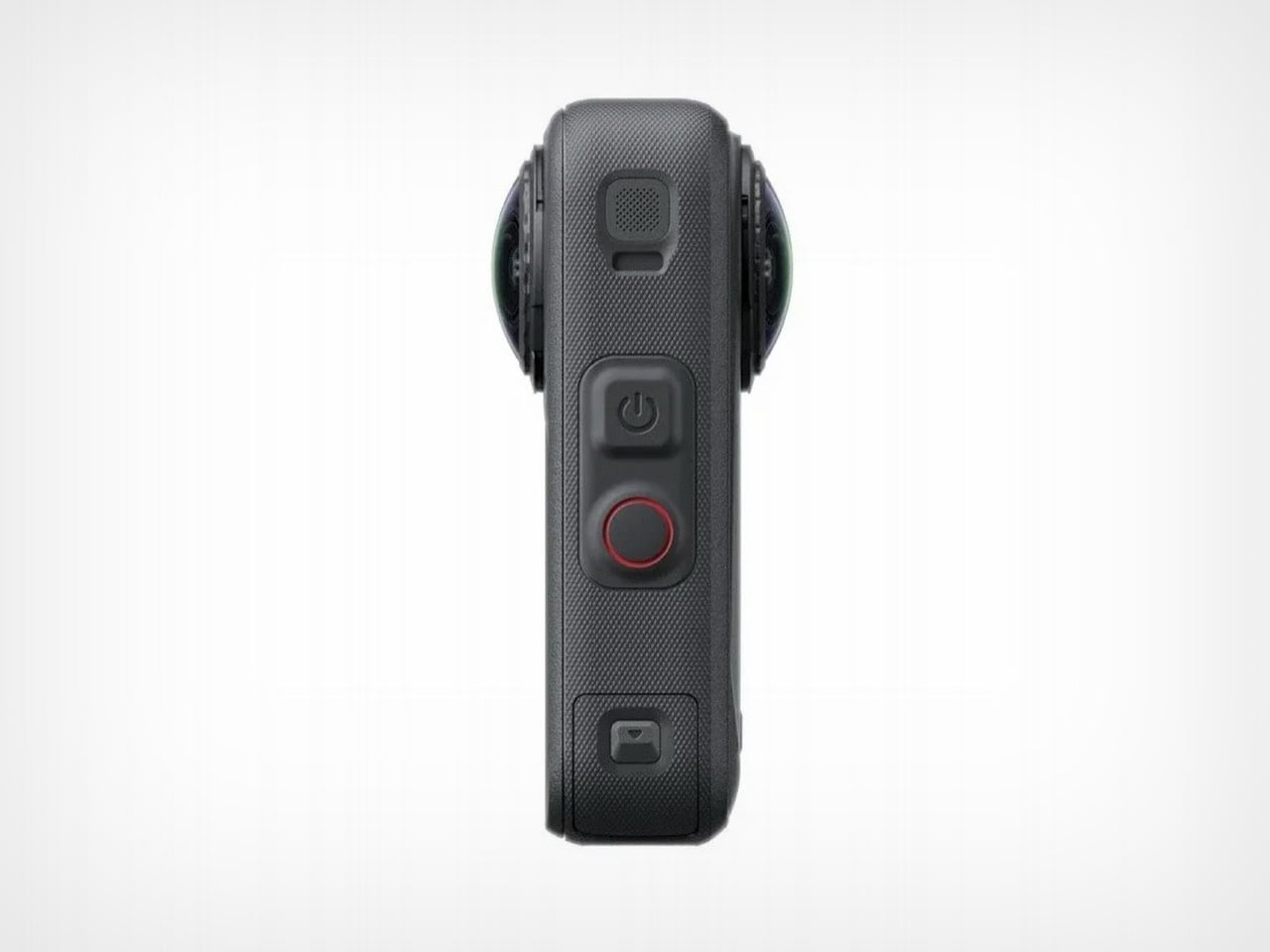
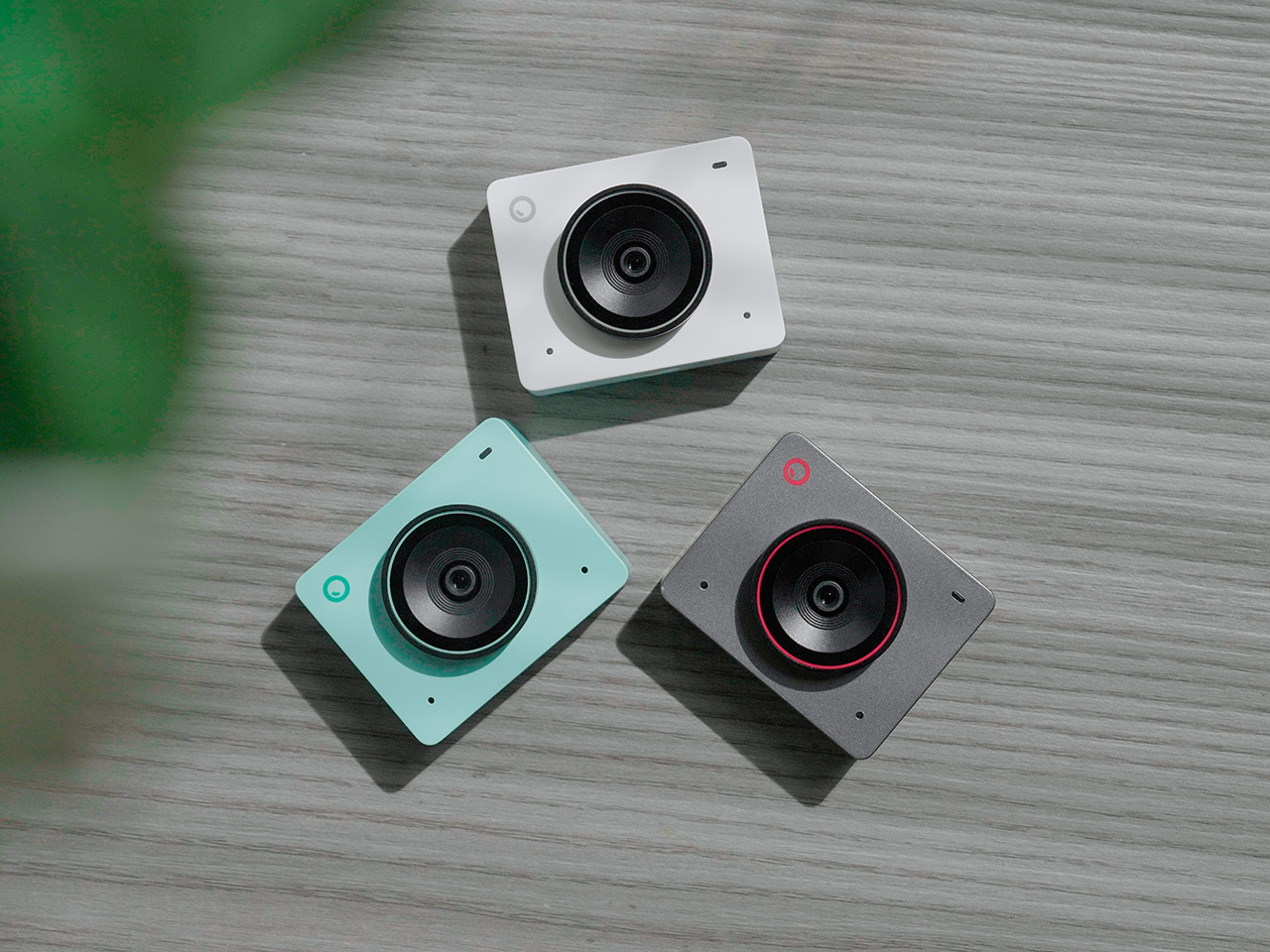
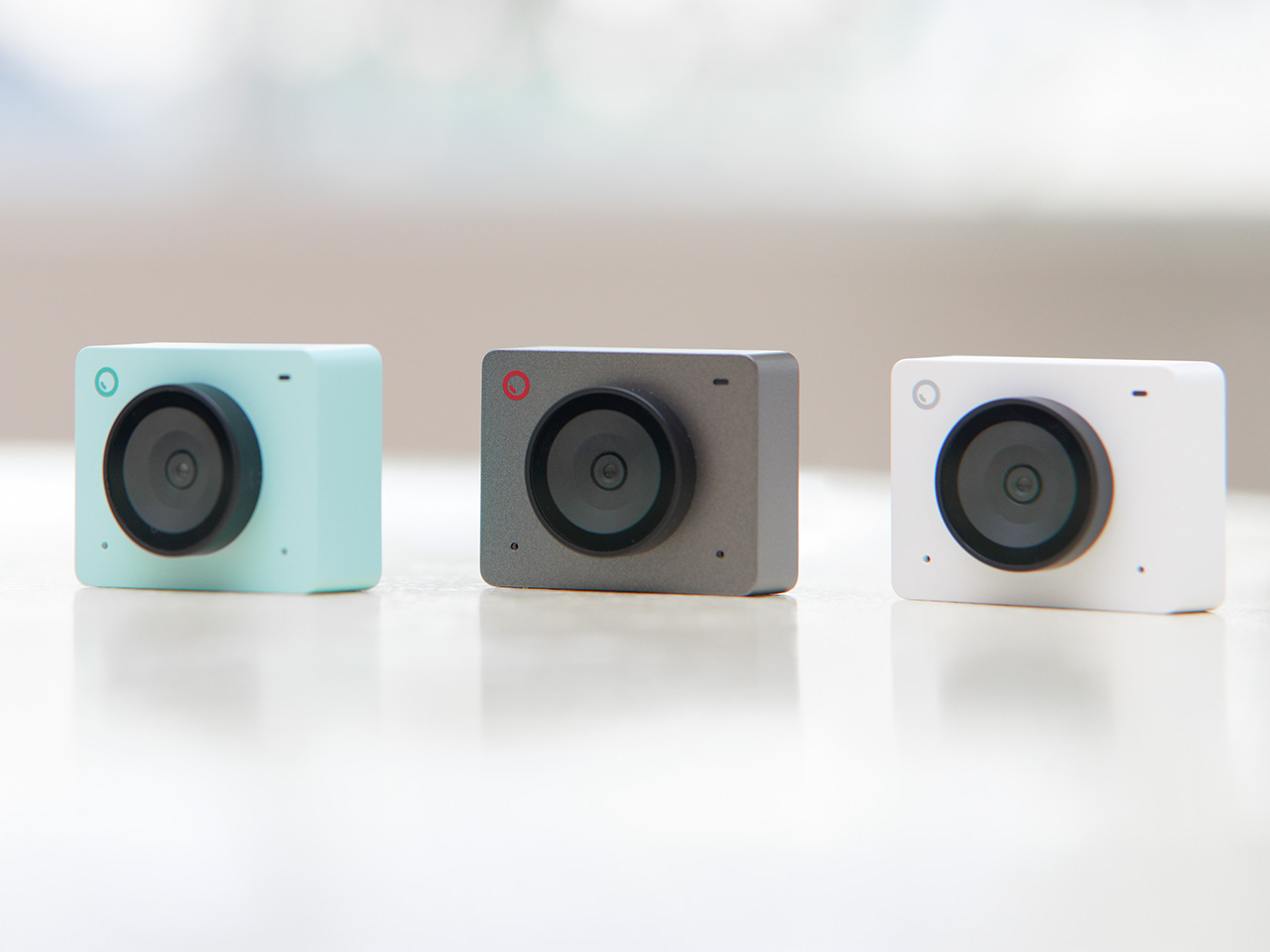
The internet has spent actual years begging for a mini smartphone. Compact flagships, tiny bezels, something that fits in a single palm without needing a spreadsheet to justify the screen size. Samsung teased it, forums campaigned for it, and every rumor cycle ends the same way, with a phone that somehow got taller instead of smaller. Insta360 looked at all that unmet demand and, whether on purpose or by accident, decided to answer it in the one product category nobody was petitioning about. Their upcoming X6 leaked this week, and the headline isn’t just the spec bump, it’s the shape. Shorter. Stockier. A real departure from the elongated body the X series has worn since the X3.
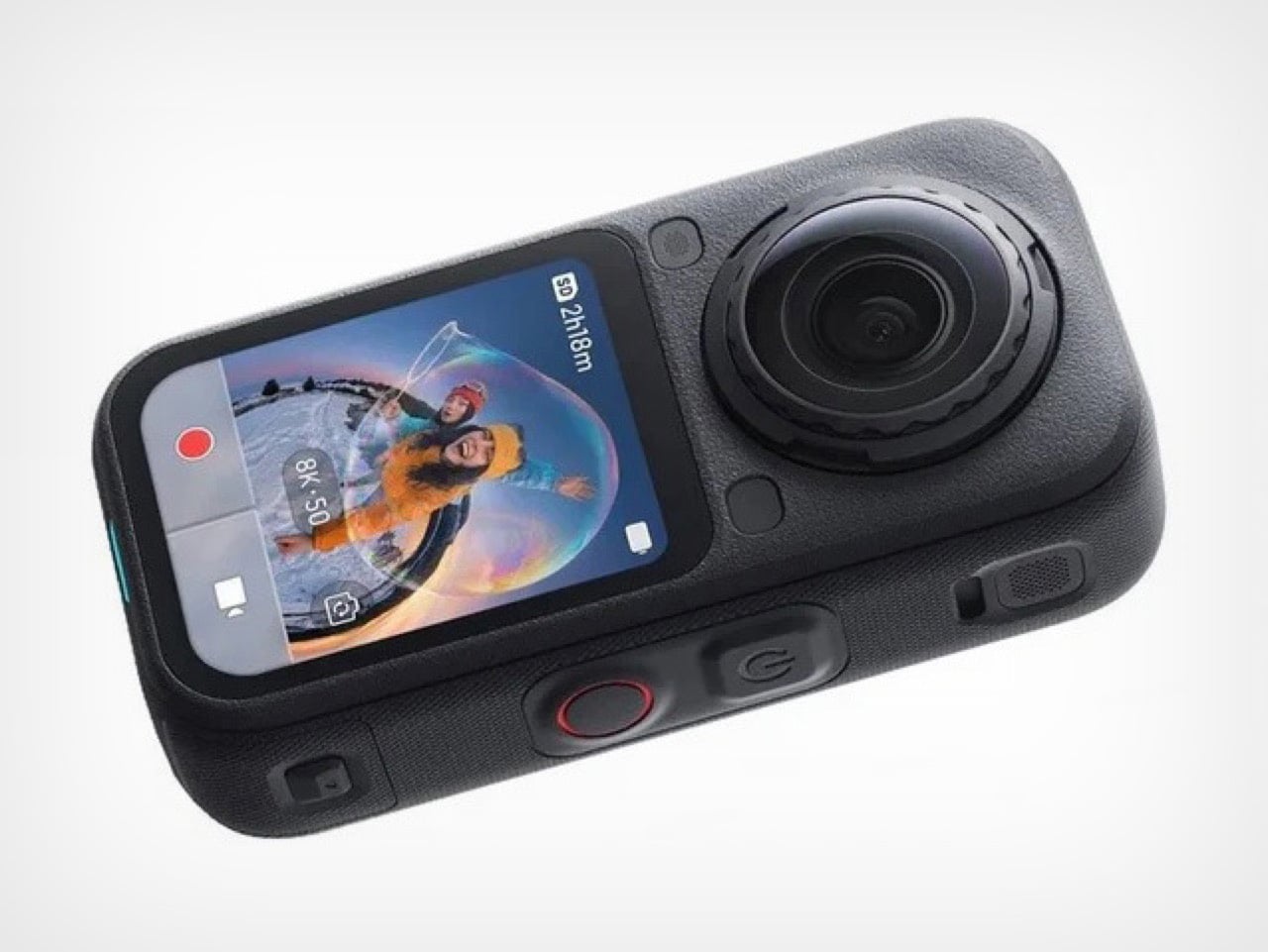
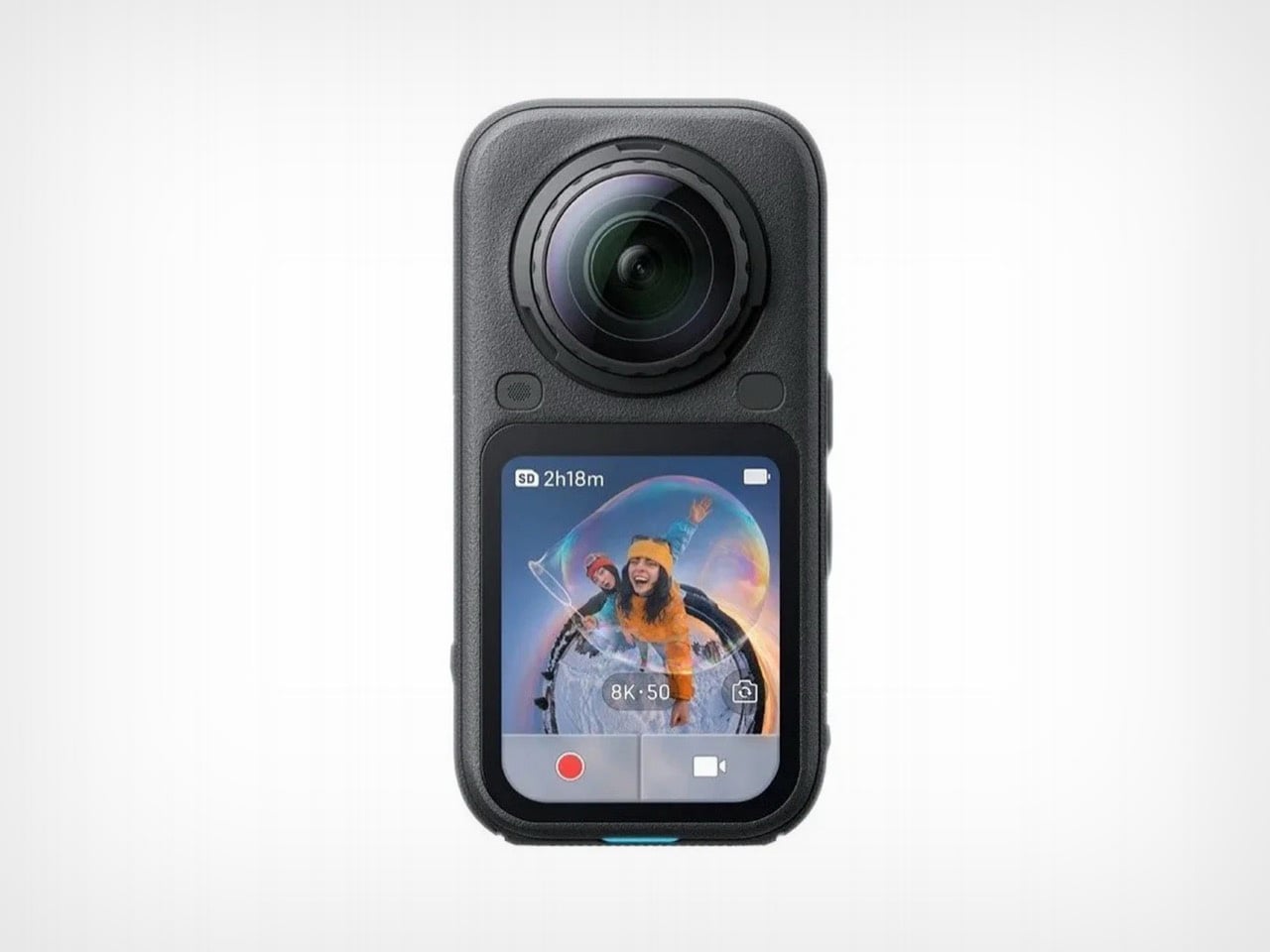
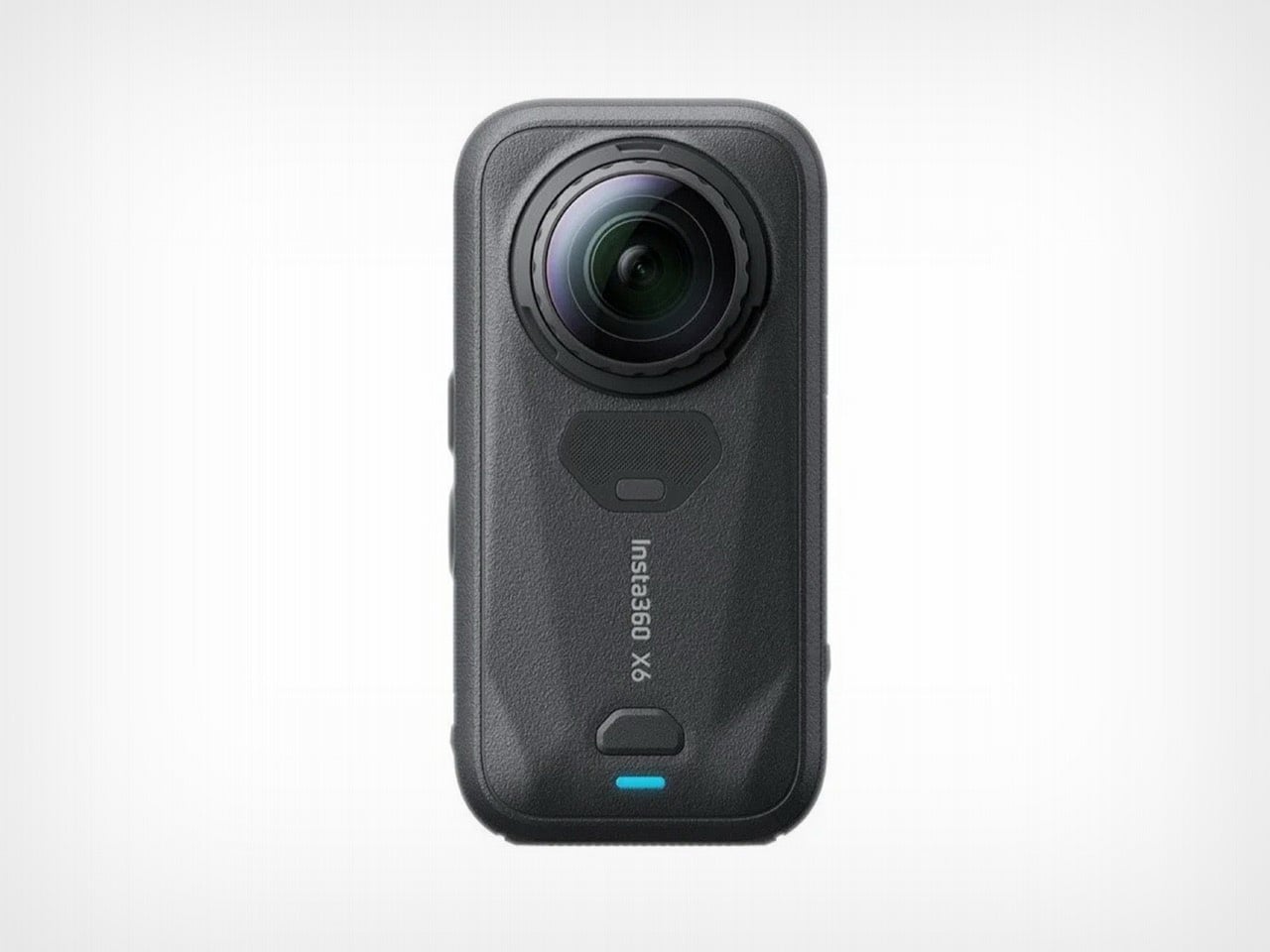
Roland Quandt of WinFuture broke the story, spotting the camera listed early at a retailer alongside official marketing images that confirm the redesign in full. The X6 keeps the dual fisheye lens setup on front and back for capturing 360 degree footage, along with the small side mounted display that’s handled preview and settings duties since earlier generations. What’s changed is everything around that formula. Performance climbs to 8K at 50 frames per second in full 360 mode, up from the X5’s 30fps ceiling. Pricing leaks put the base model at 689 euros, with an Essentials Bundle running 789 euros. No official launch date has surfaced yet, though a retail listing at this stage usually means an announcement isn’t far behind.
Designer: Insta360
Nobody asked Insta360 for a smaller camera specifically, but the timing scratches an oddly similar itch to the mini phone conversation. We wanted small and premium in our pockets, they’re apparently delivering small and spherical instead, and the resemblance to a standard action cam silhouette is doing a lot of the visual work here. Gone is the candy bar proportions that made the X5 and X3 instantly recognizable from across a gear bag. In its place sits something that could plausibly be mistaken for a GoPro at a glance, at least until you clock the second lens staring back at you from the rear.
That shrink isn’t free – the X5’s battery wasn’t tucked into a corner somewhere convenient, it ran along nearly the entire length of that longer chassis, functioning almost like a structural spine as much as a power source. Compress the spine and you’re left with a real engineering decision to make. Either the cell itself shrank, sacrificing some runtime in the process, or Insta360 found a differently shaped battery that fits the new footprint without giving up capacity, or there’s some internal repackaging happening that redistributes components in ways this product line hasn’t tried before.
None of this has been confirmed yet, and that’s precisely the fun part of covering a leak this early. The images give us the exterior story clearly enough, right down to the reshaped corners on that side display and a button layout that looks reorganized to fit the tighter shell. What they don’t give us is a teardown, a battery spec sheet, or any hint of how Insta360 is managing thermals for a higher frame rate inside a smaller volume. Cramming more compute into less space usually means better heat engineering somewhere, or a compromise the company hasn’t disclosed. We’ll be watching for the official reveal, because this is the kind of redesign that deserves receipts, not just render leaks.
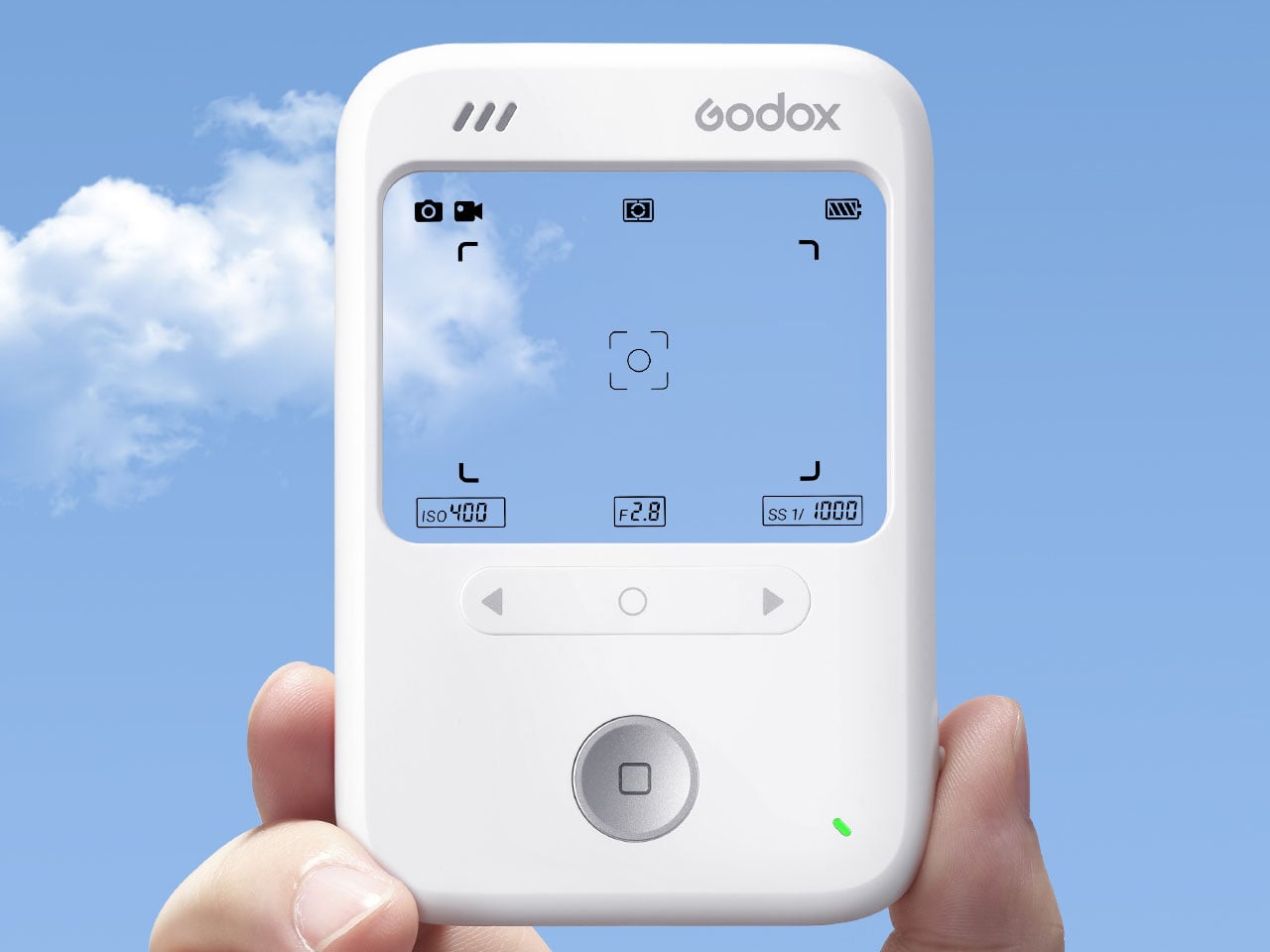
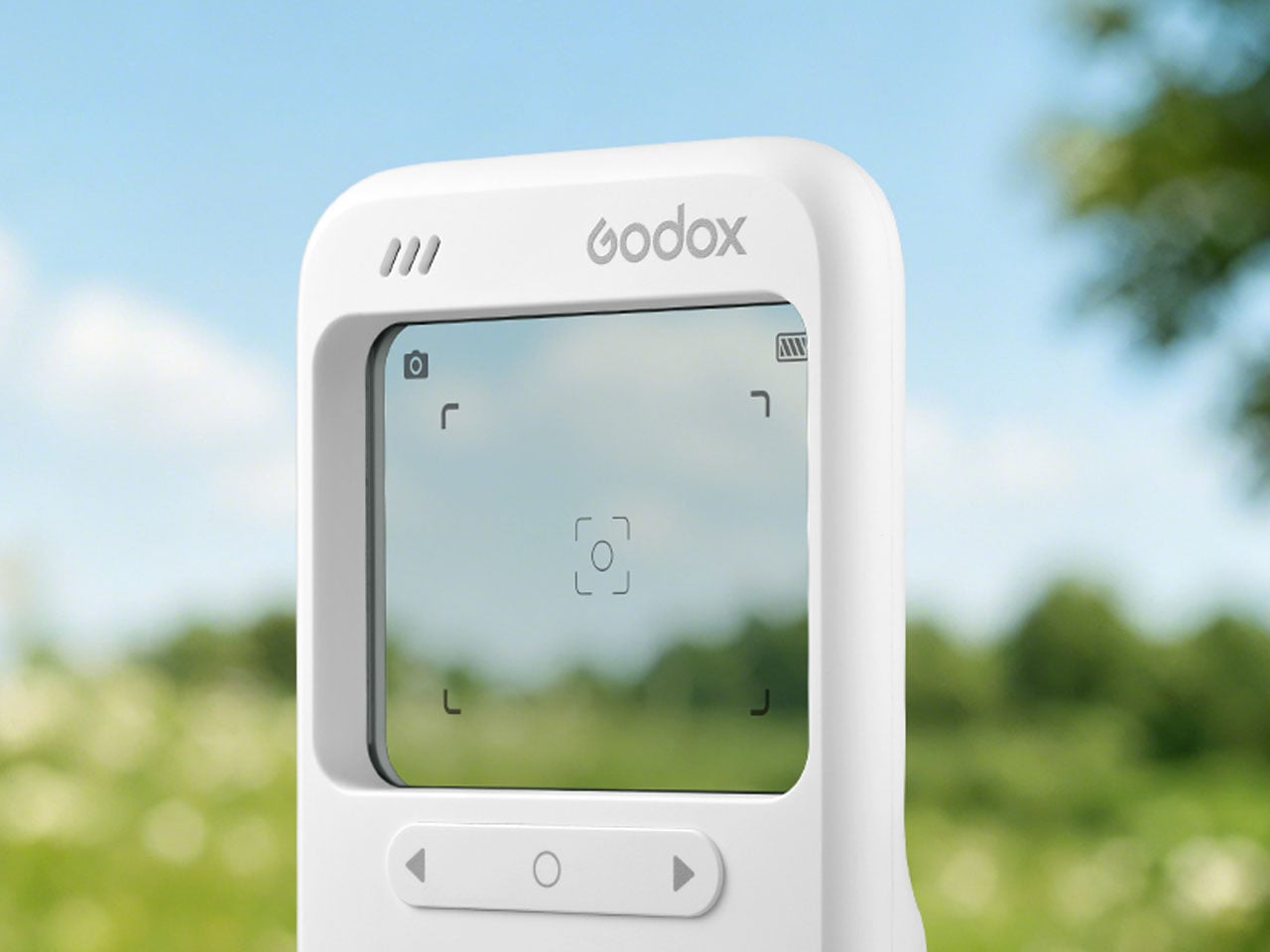
With a smartphone in their pocket, everyone is a photographer. But clicking a good picture is still a creativity reserved for the trained. Unless you are from the Instagram generation and you know how to use filters. Clicking and then post-editing with filters and everything is so time-consuming. To give your Instagram frenzy an instant photography impetus, Godox in China has created the C100 camera with a unique transparent viewfinder screen that lets you capture the real thing by looking at it in the real-life environment, no filters required.
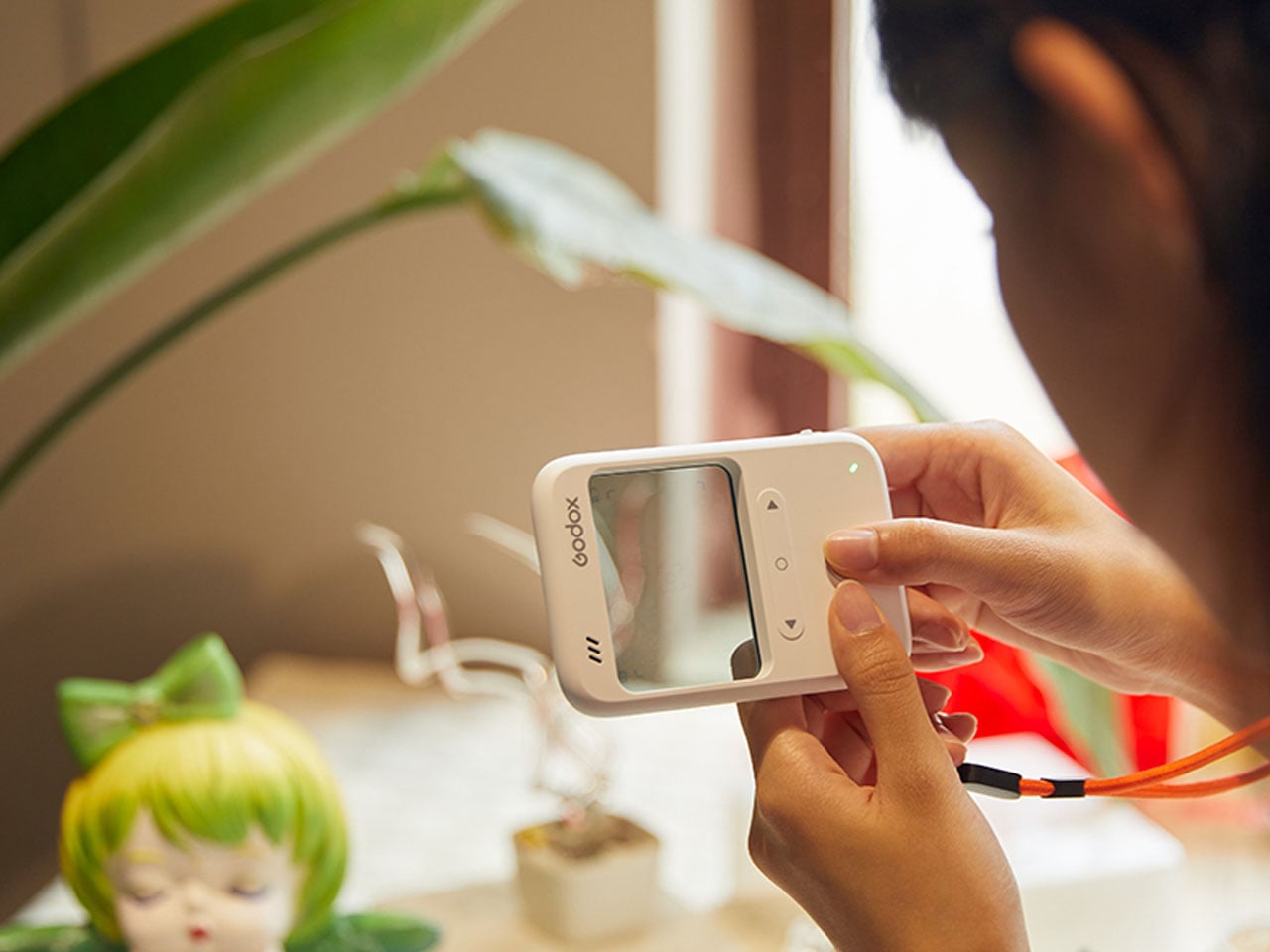
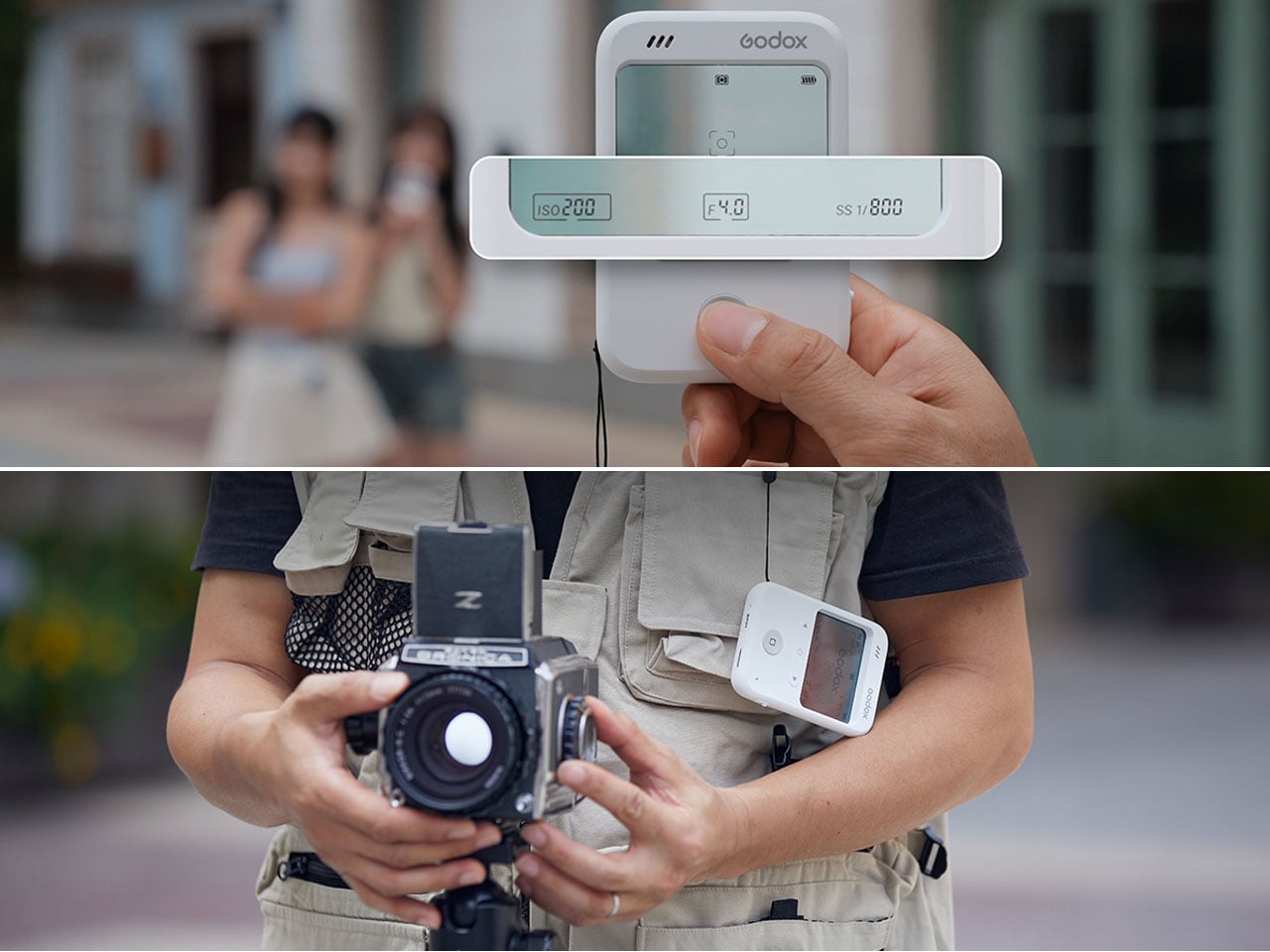
Godox is globally recognized for its lighting products for photography; therefore, a distinctive camera from the company can be considered more than a gimmick. The camera tabs on the interesting resurgence of point and shoot-style cameras, whether in the form of this action camera that pops-off to become a wearable or a Polaroid camera with a burst mode, we have seen in the recent past. The C100, however, makes a special case. The camera eliminates the color preview screen and replaces it with a transparent LCD that functions as an optical viewfinder.
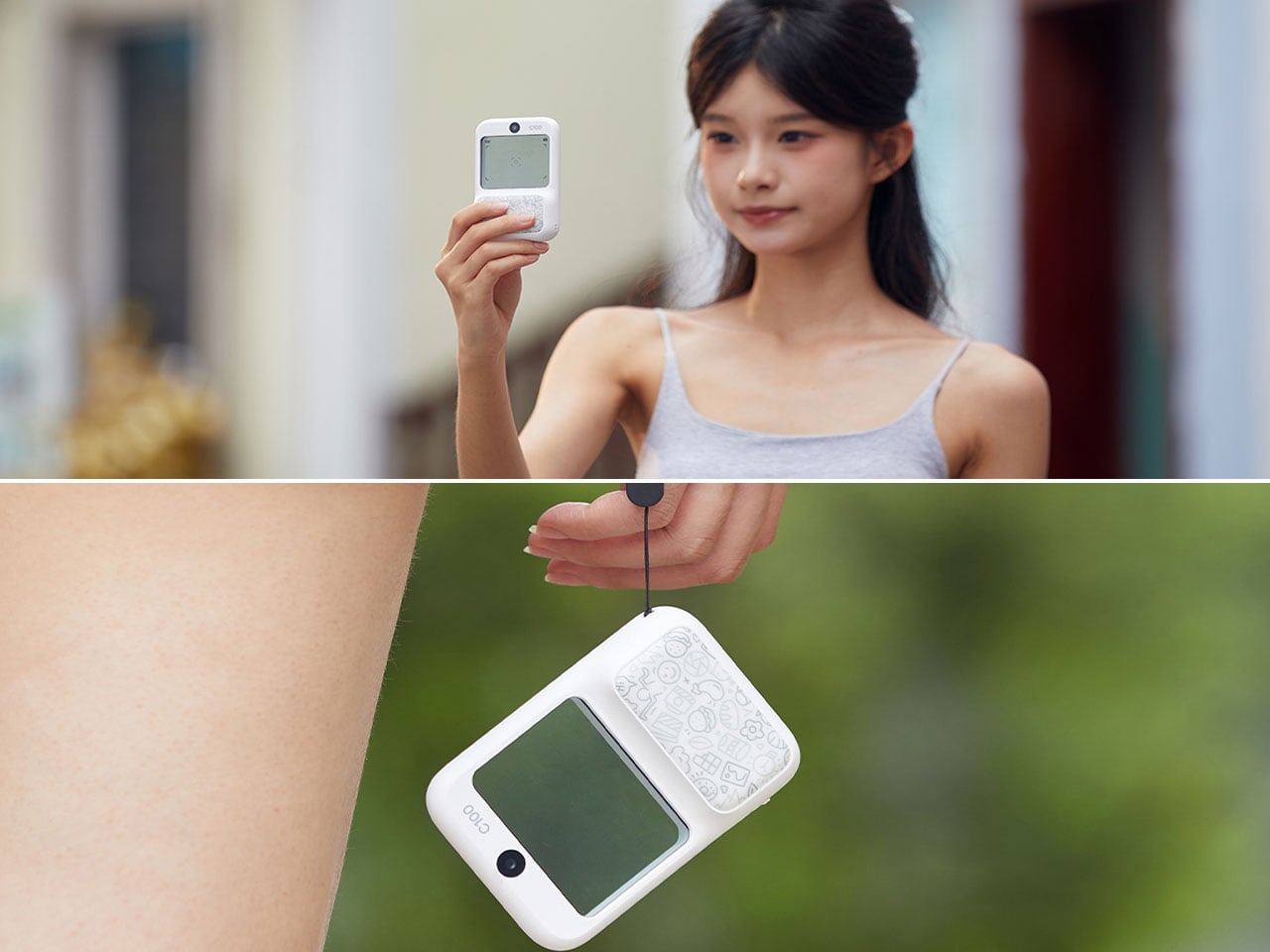
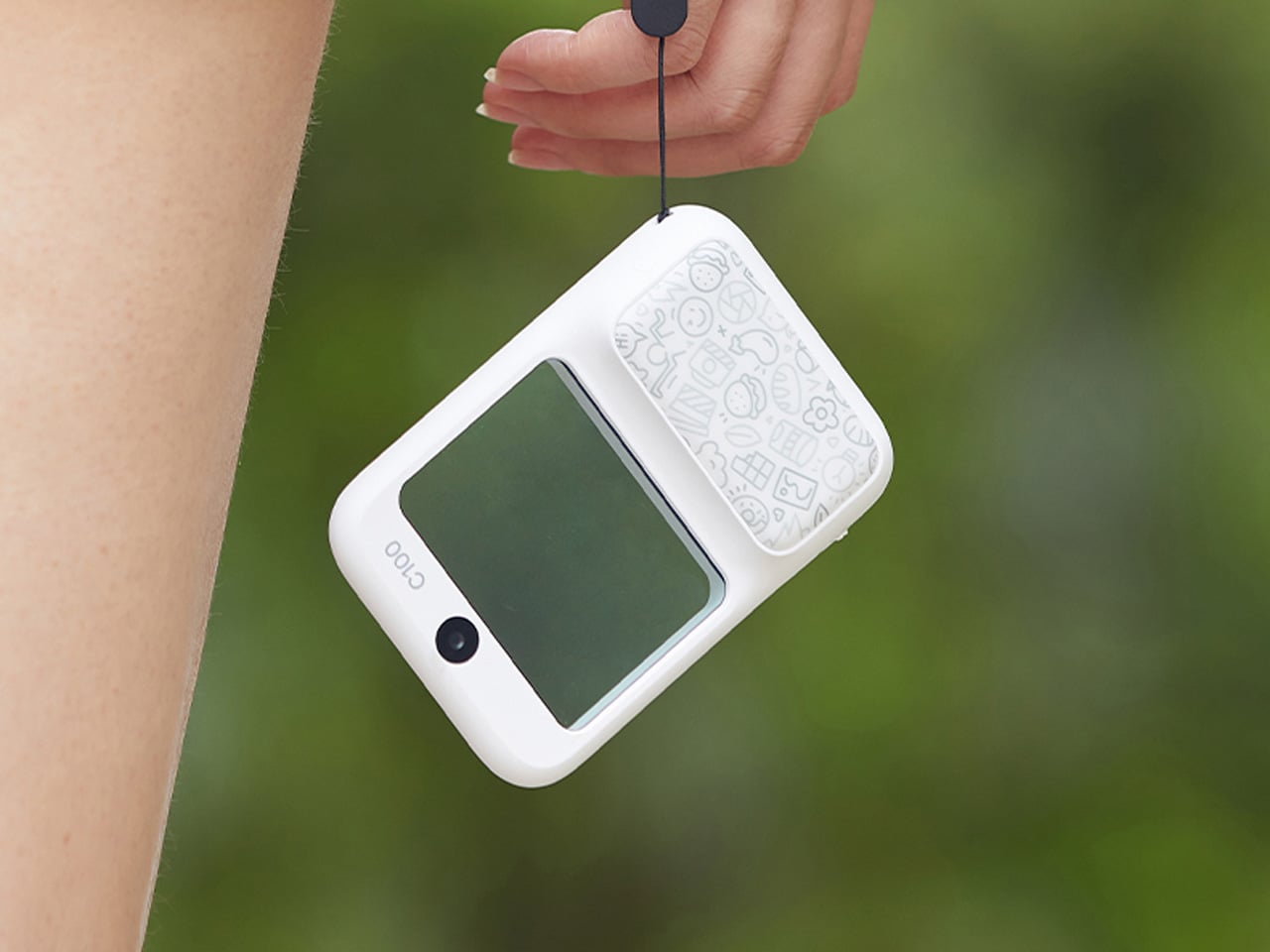
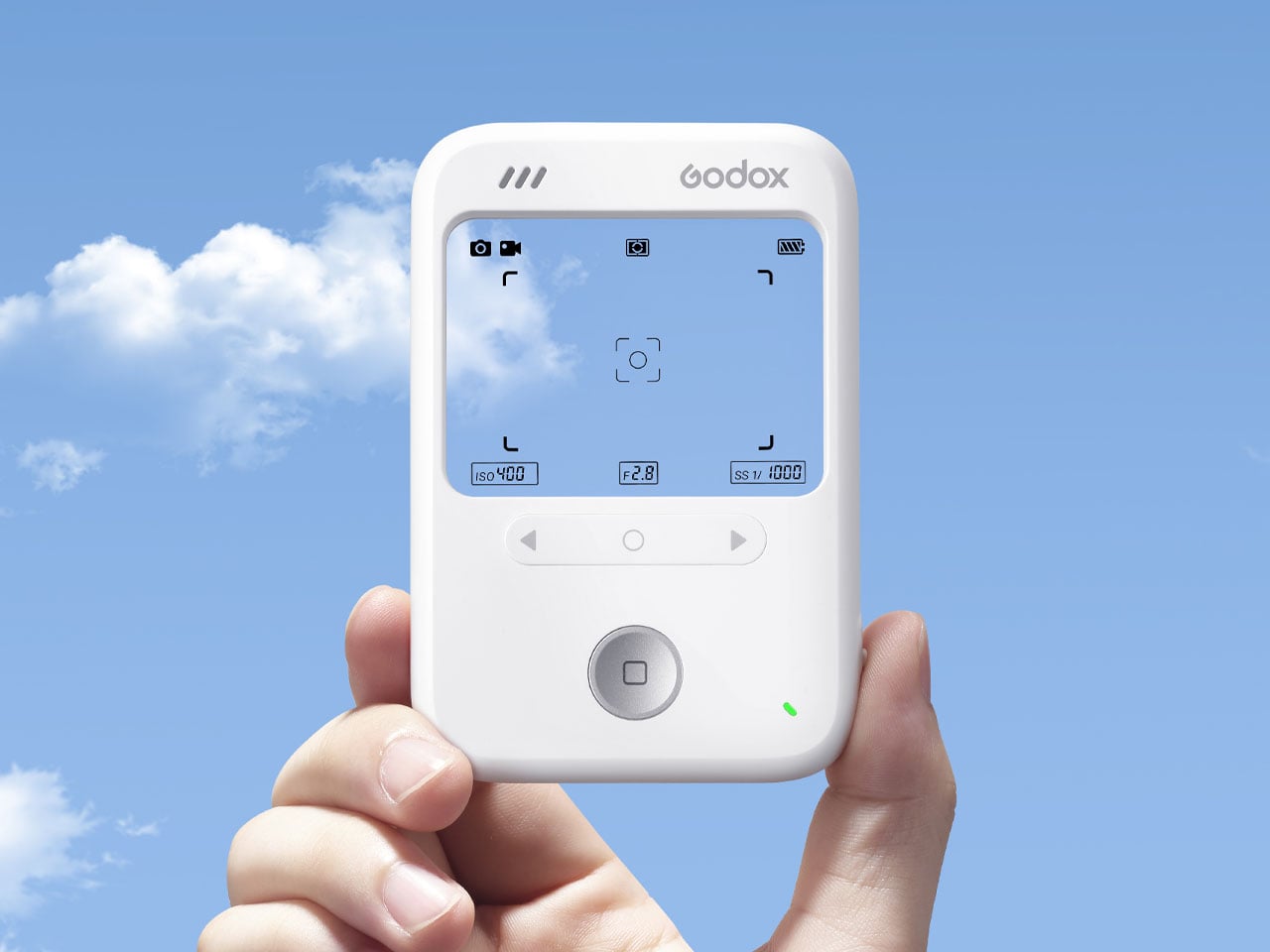
Designed to be your simplistic filming companion on the go, the device is created to be lightweight. Weighing only 65g, the camera lets you “look directly at the real scene when composing your shot, press the shutter, and capture the beautiful moment,” Godox explains. Unlike a digital camera, you don’t see the view through a display. There is no display, so you create the composition through its transparent screen. “No complicated operations are required. Take photos or record videos anytime, anywhere,” the company claims.
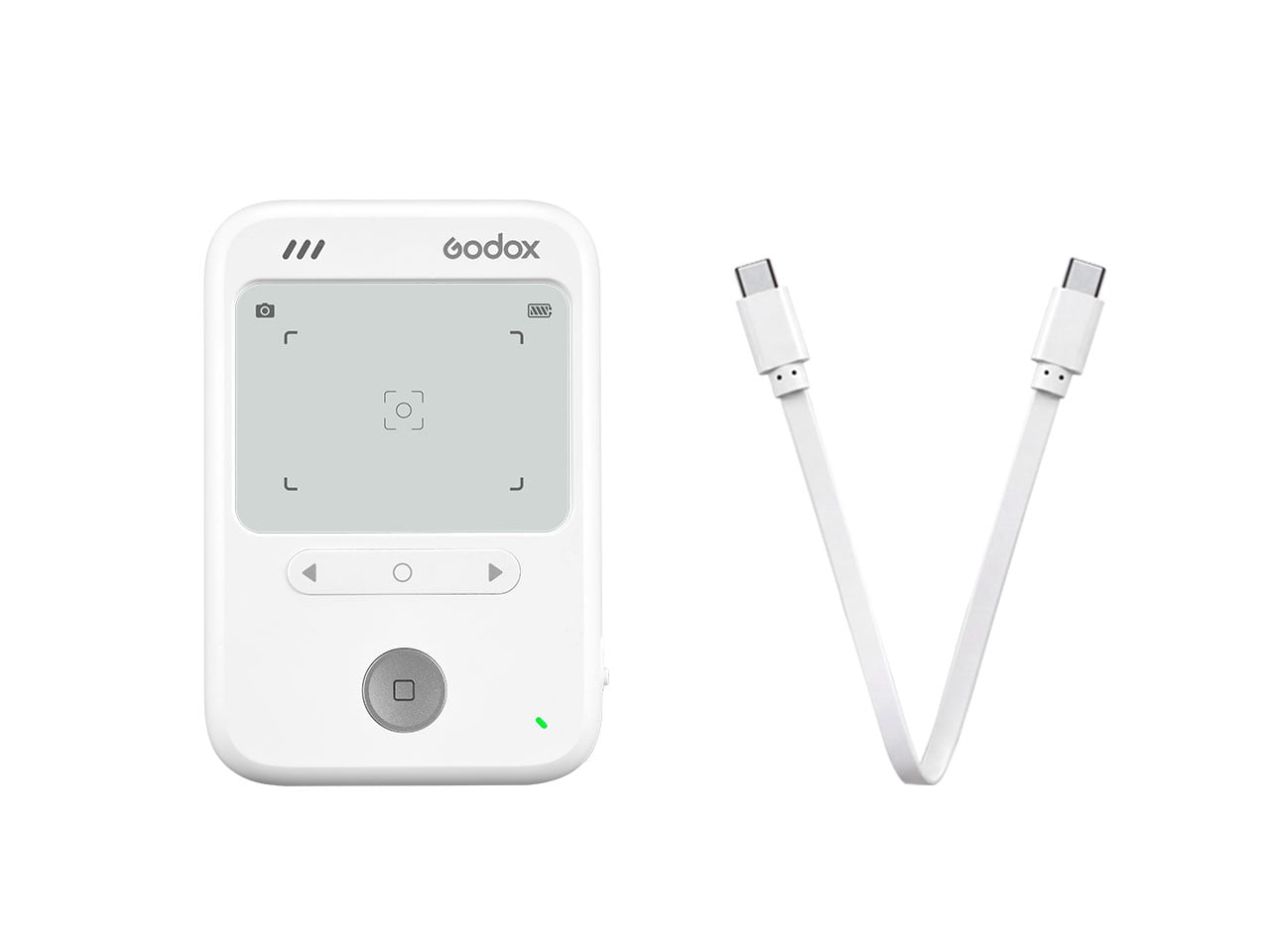
The device is basically a two-part unit, akin to handheld games we had growing up in the nineties. The top half features a transparent screen inside a thickish bezel comprising a camera in the center (like the selfie camera on a smartphone). Below it, in the other half, are the battery, SD card, and charging slot, toggle buttons for left and right adjustment, and the click-to-capture shutter. The lower half is also where you grip the camera to take pictures.
Godox points out on its product page that the C100 camera features metering capabilities. It can read the brightness of the central area (you’re trying to capture) and can automatically calculate the optimal exposure settings. This information can also be used to click with a separate camera, if you may. According to the company, the transparent screen on the C100 has about 50% light transmittance. The display shows information like active exposure, current frame, and battery life while clicking.
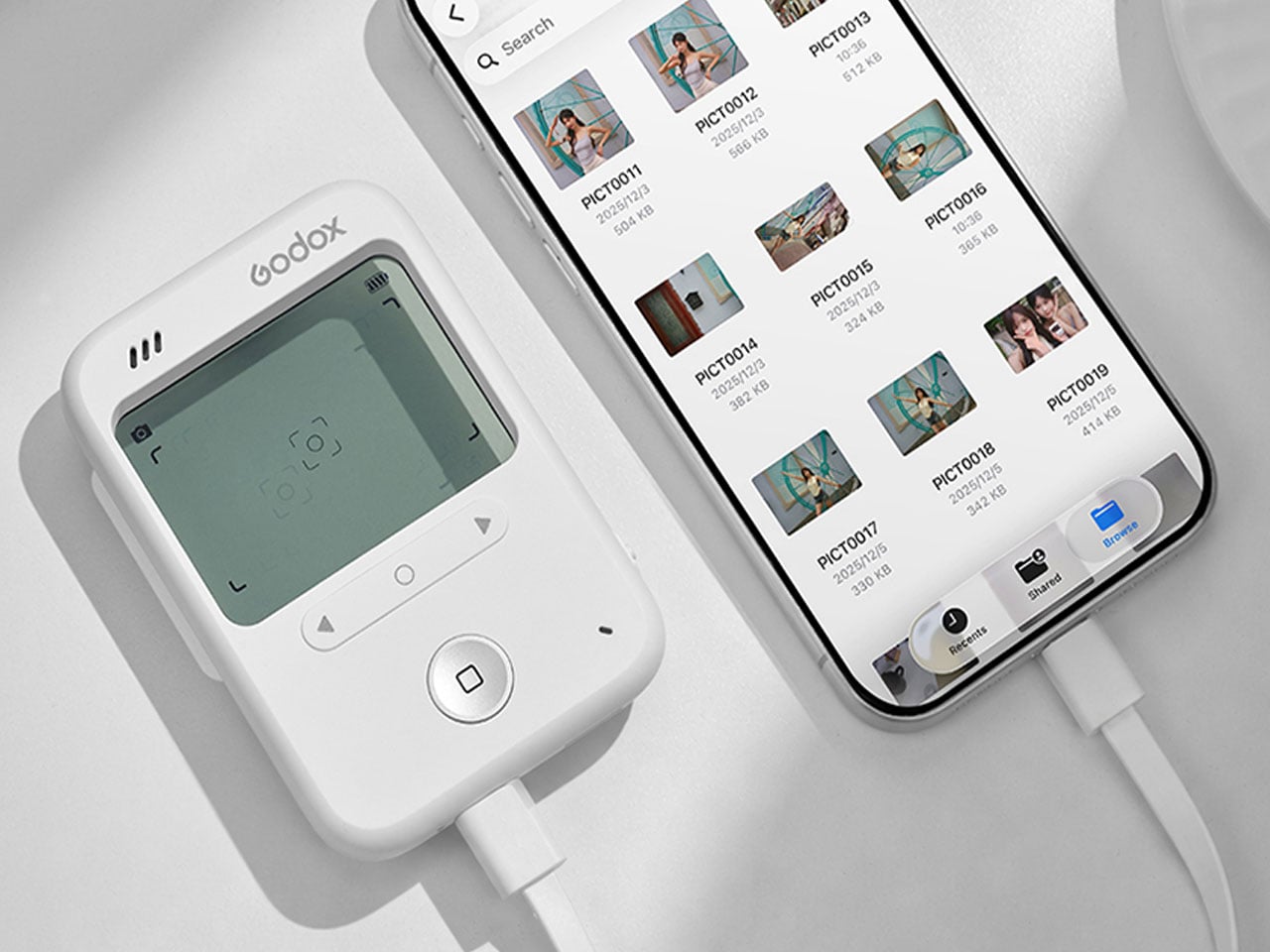
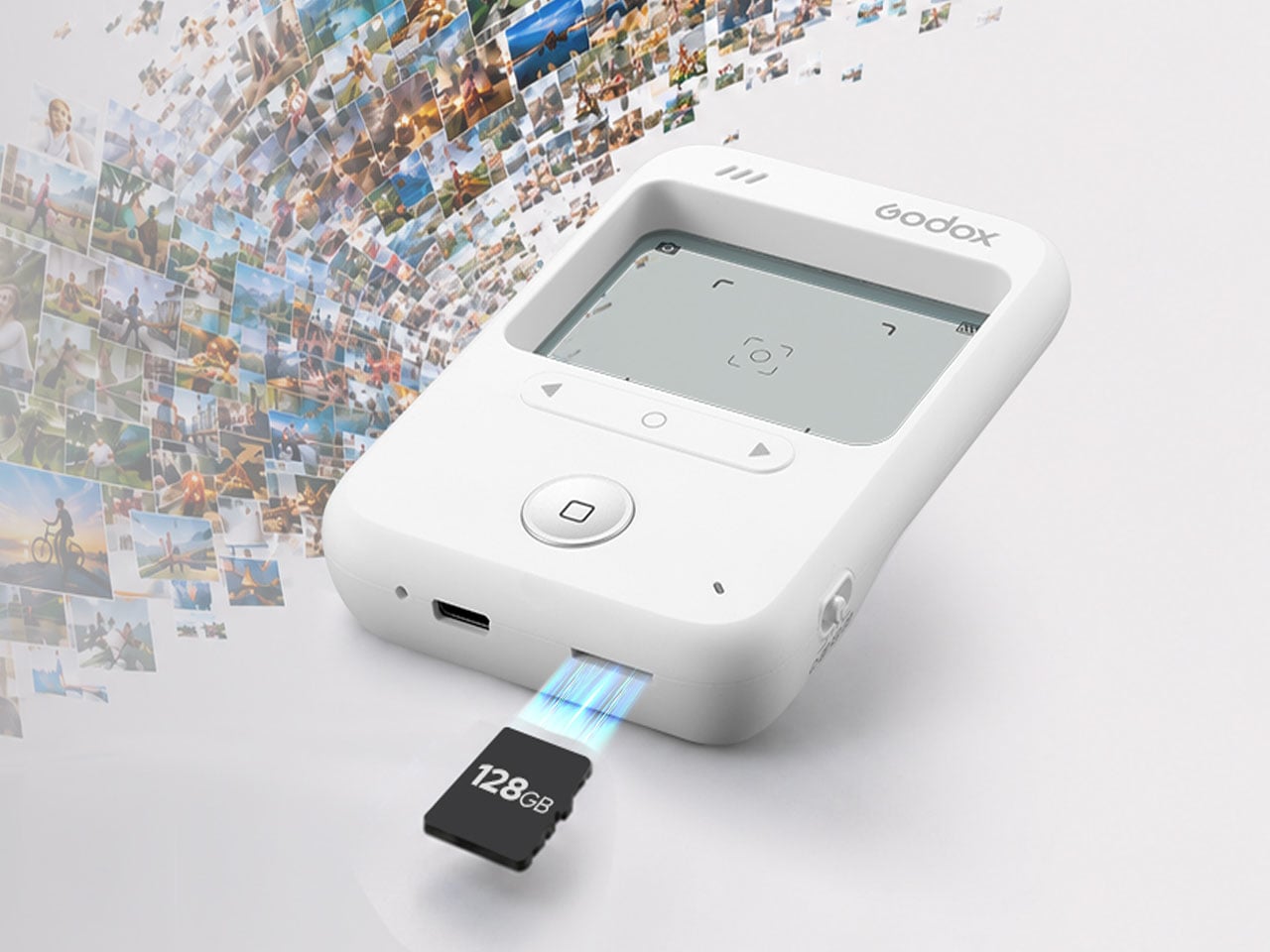
For stress-free shooting in all types of environments, the C100 camera is said to feature four creative aspect ratios. You can shoot in either 6:9, 4:3, 3:2, or 1:1. The camera doesn’t have built-in storage but is compatible with up to a 128GB microSD card. You can transfer your media from the C100 to your phone or laptop via USB-C, which can also be used to recharge its built-in battery that lasts 1.5 hours.
Godox hasn’t shared information regarding the camera sensor used or the image formats and video quality it supports, but has specified the retail price of the C100 at $44.90 in the official release video of the camera.
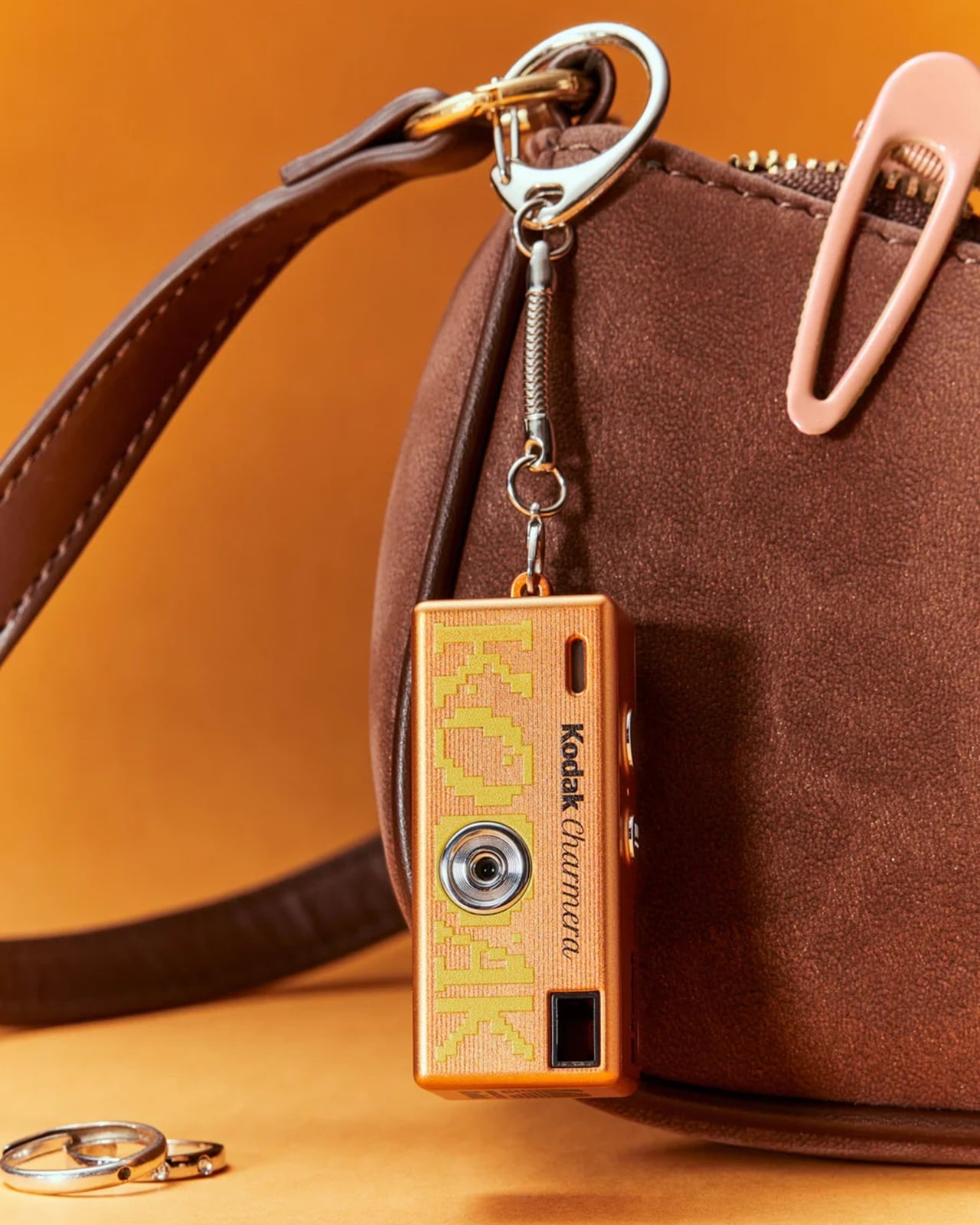
Cutesy analog-inspired cameras that also serve as keychains are probably all over your feed, if it’s anything like mine. And just when you thought you might be satisfied with the one you already have (if you actually have one), they go ahead and release new designs that make you want to replace what you have, or finally succumb and get one.
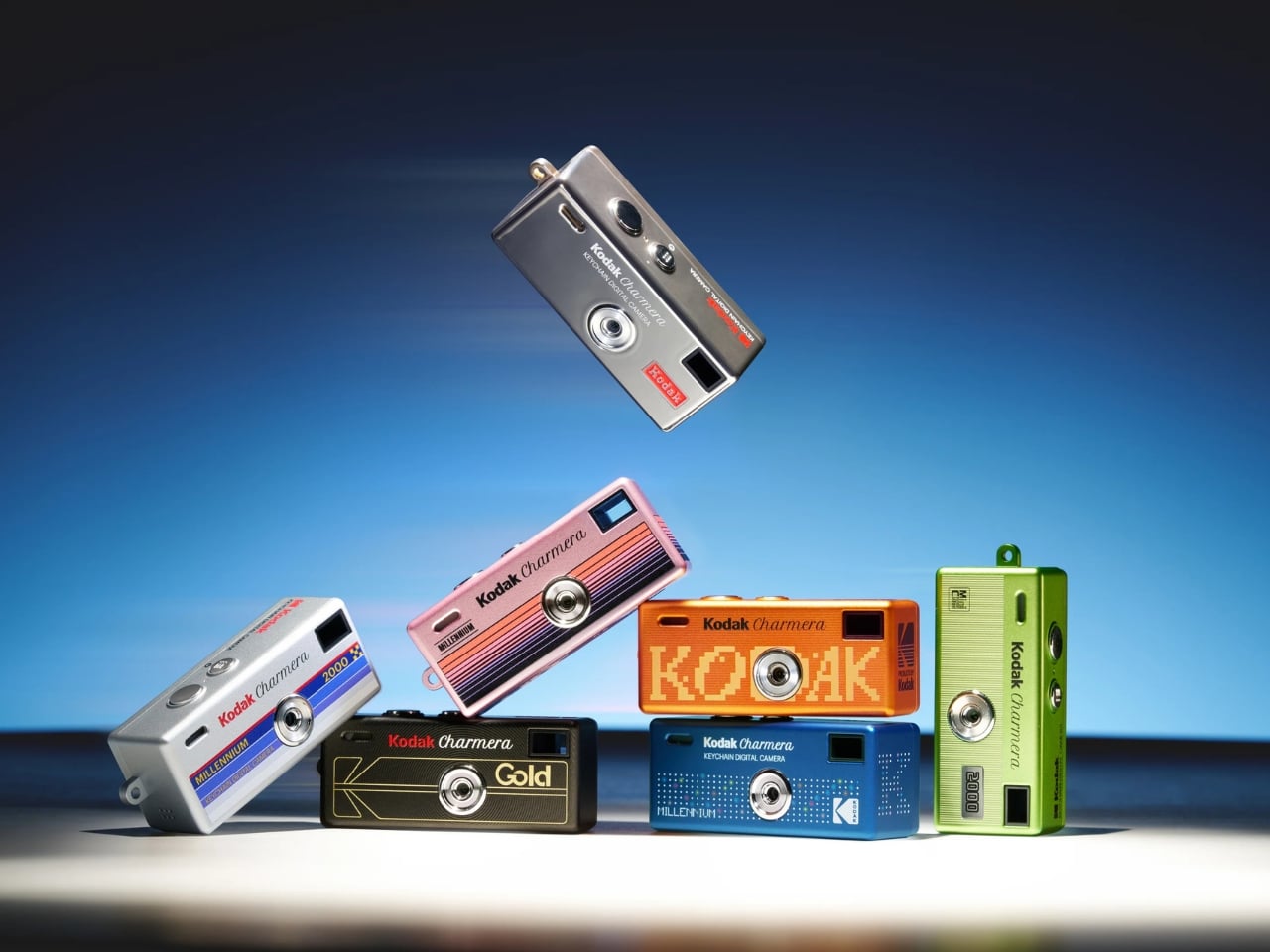
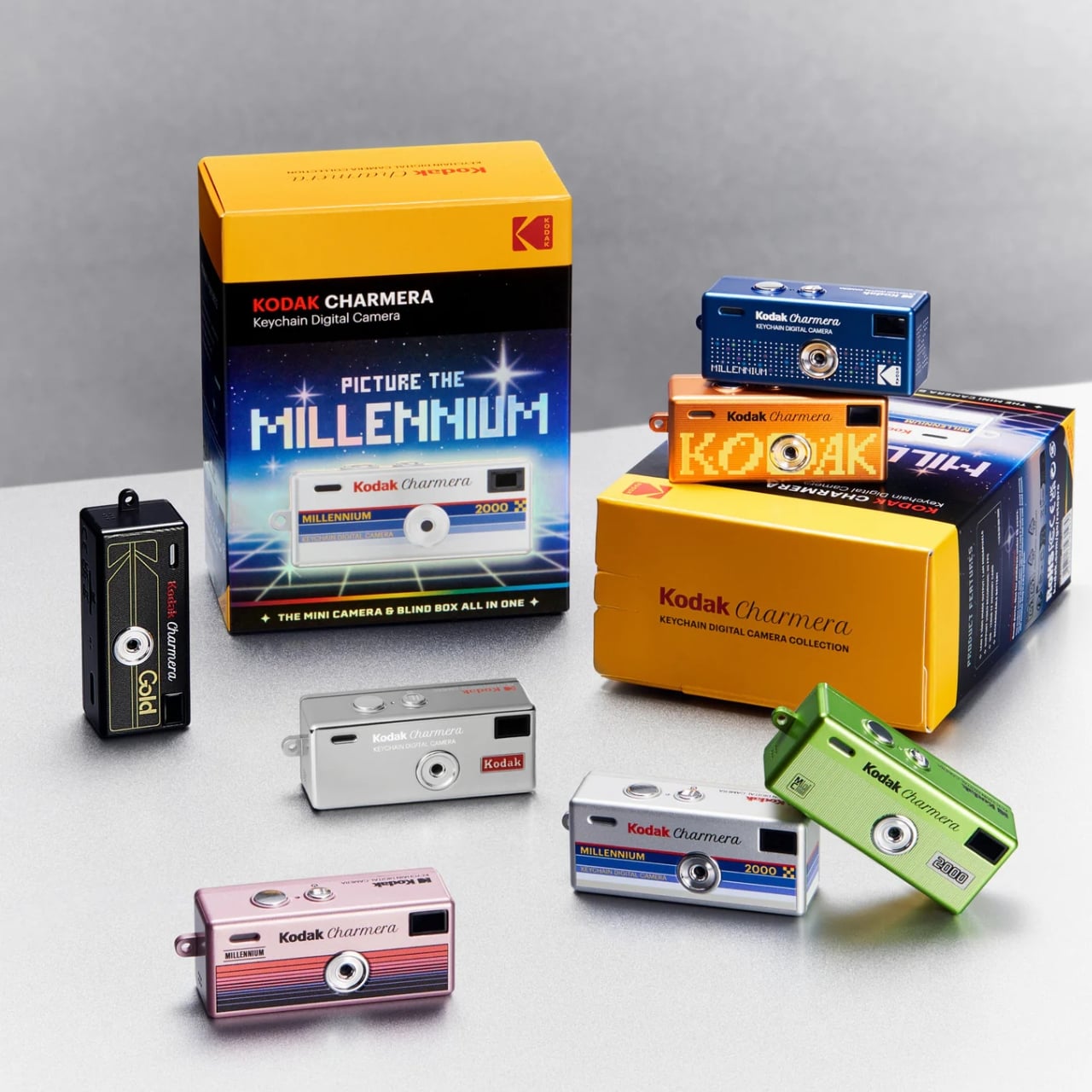
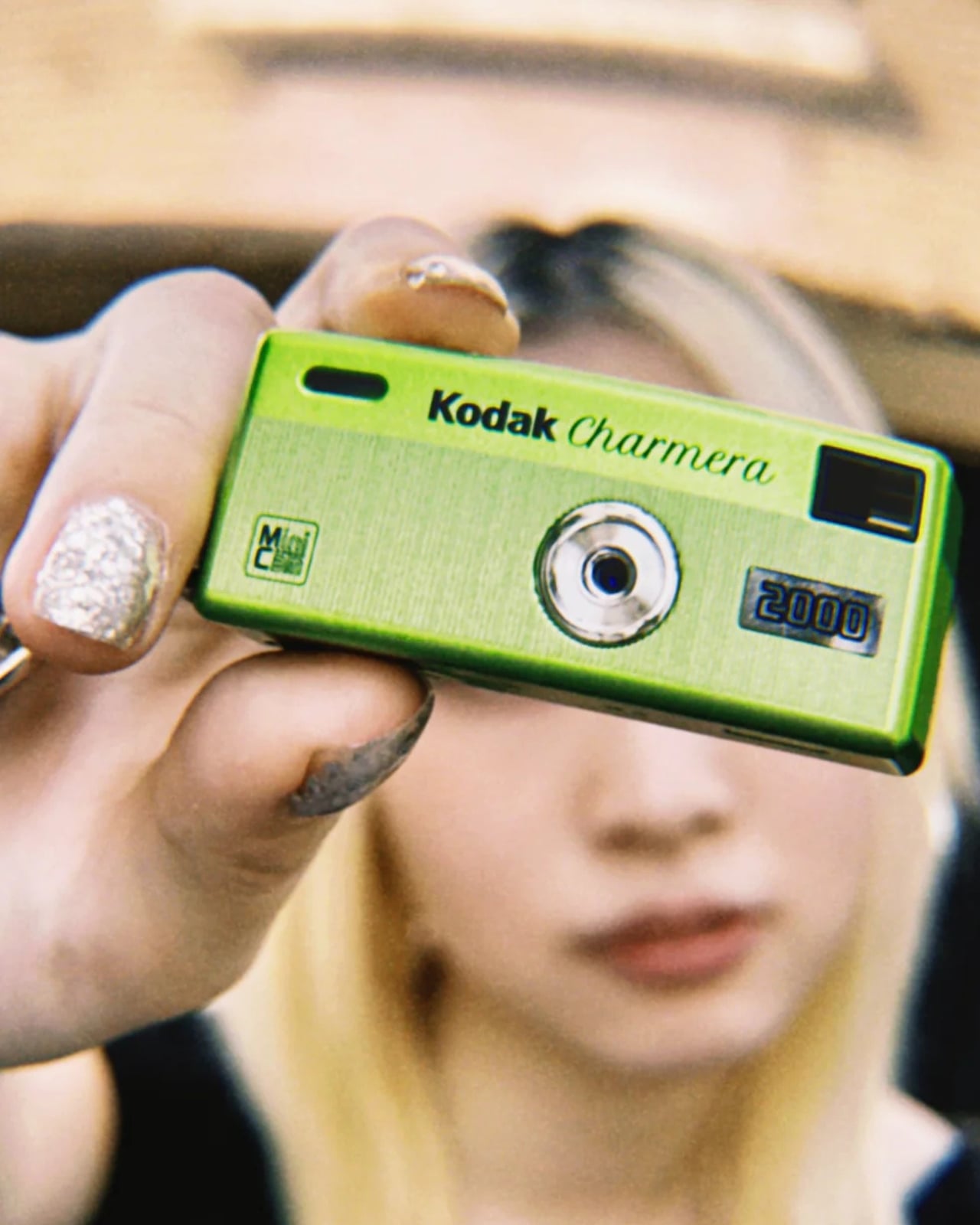
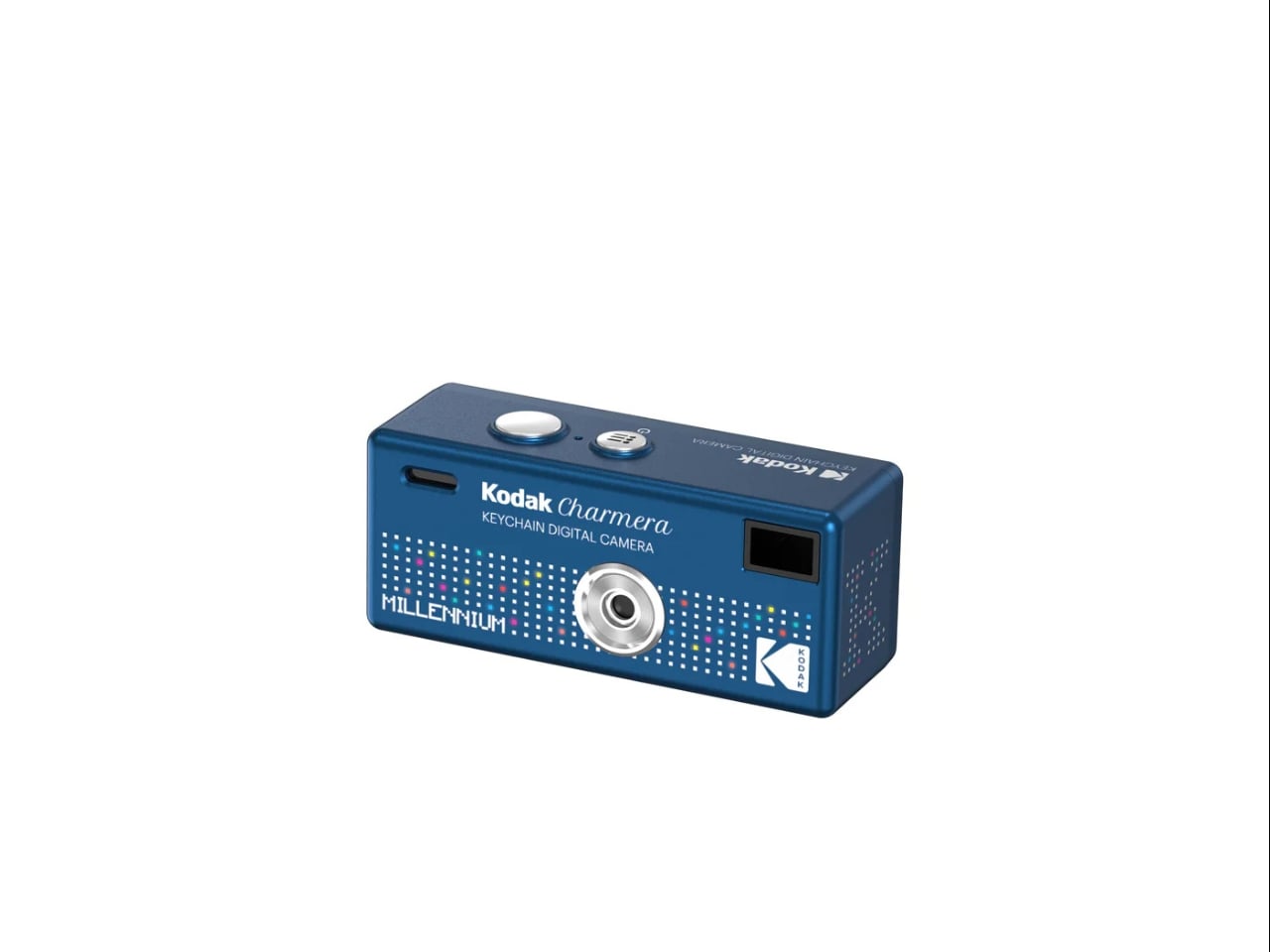
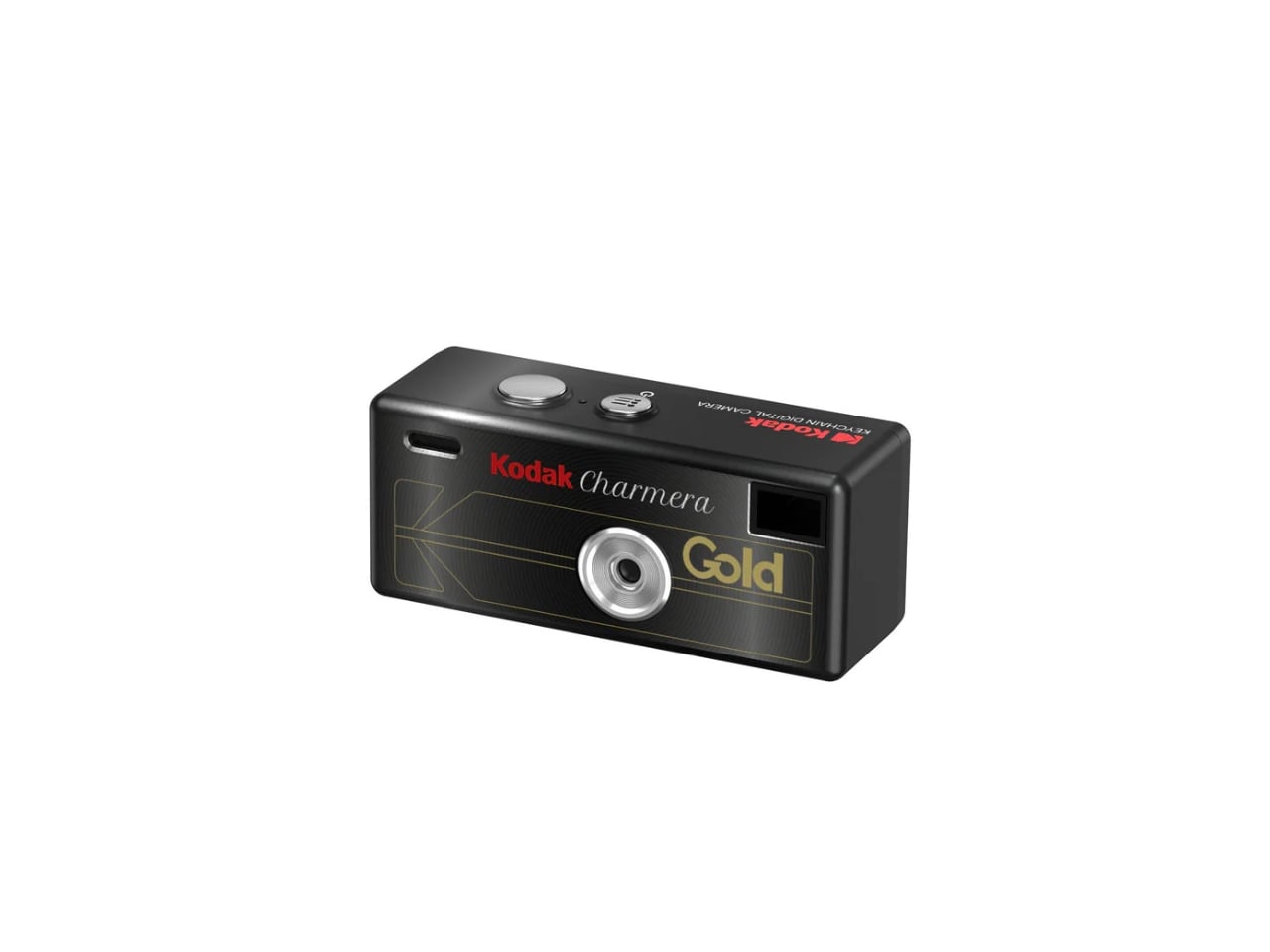
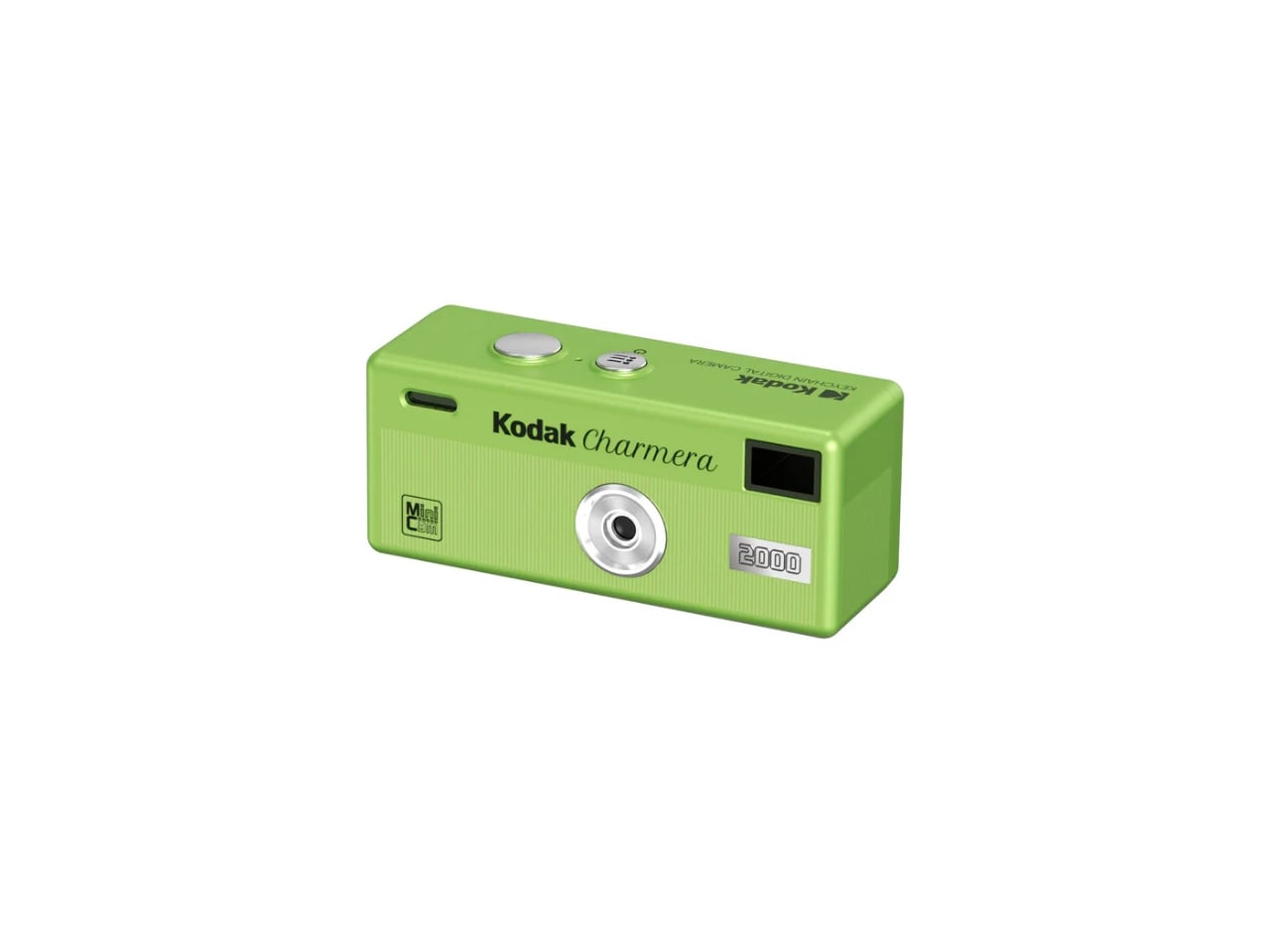
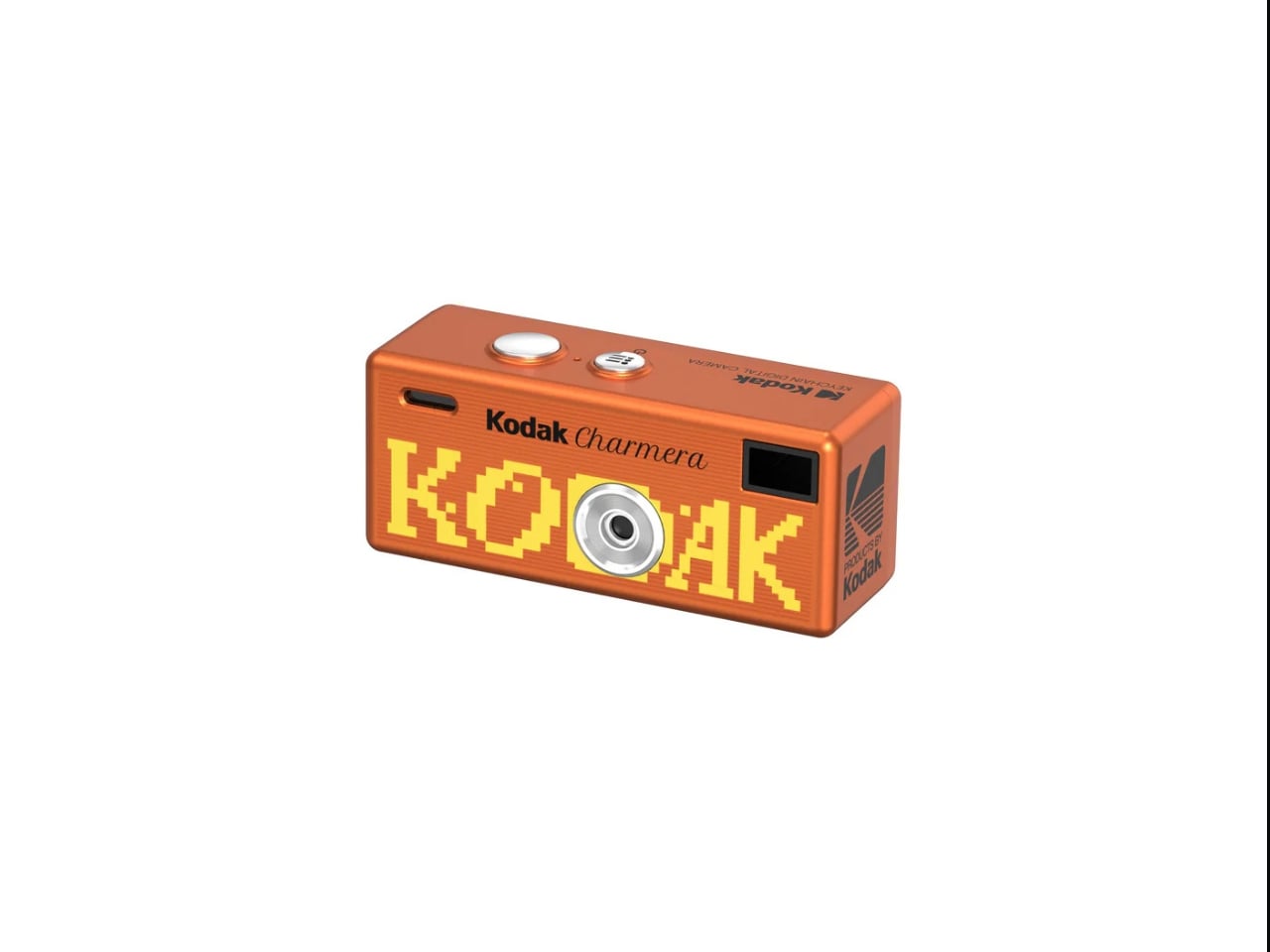
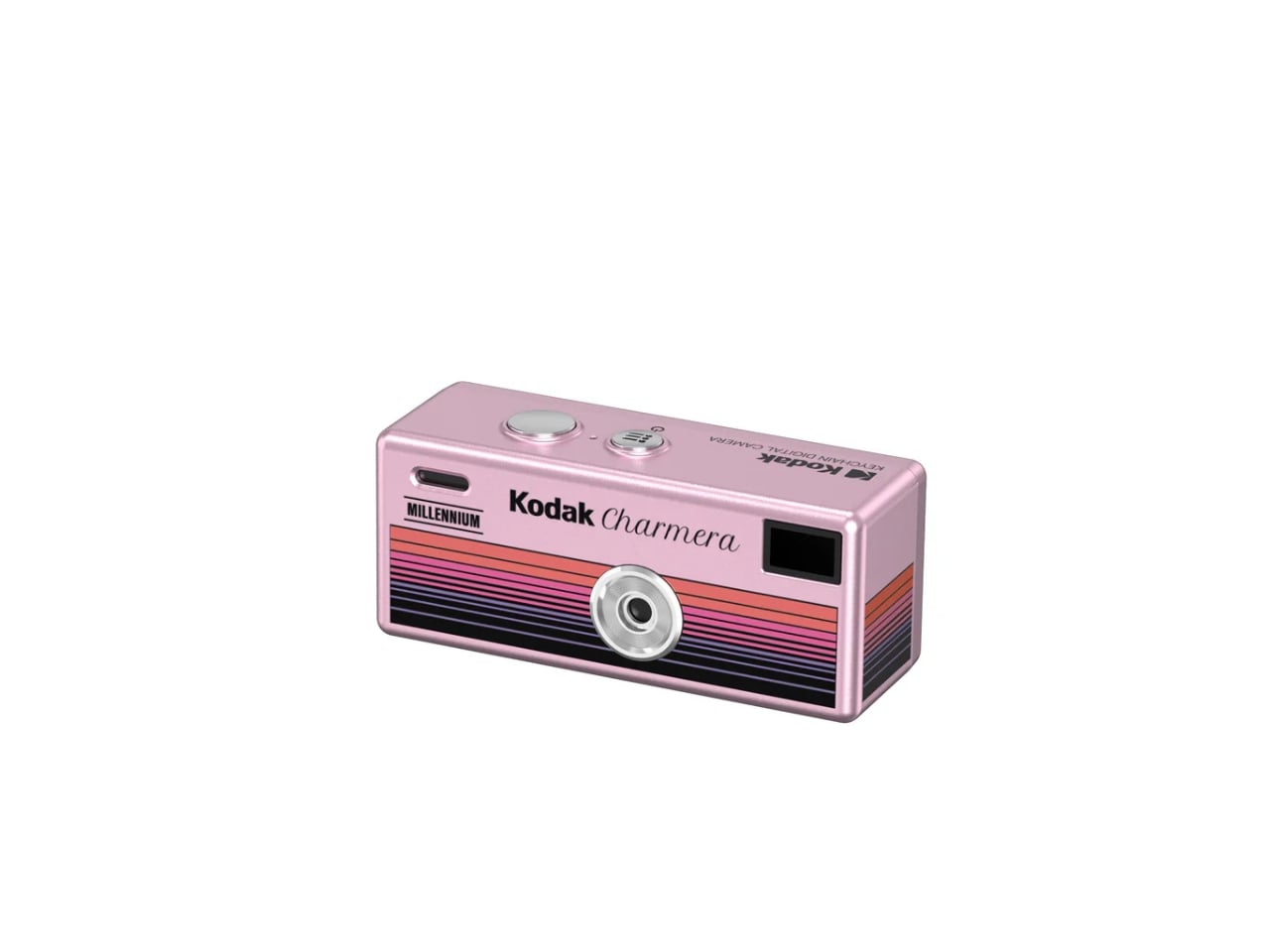
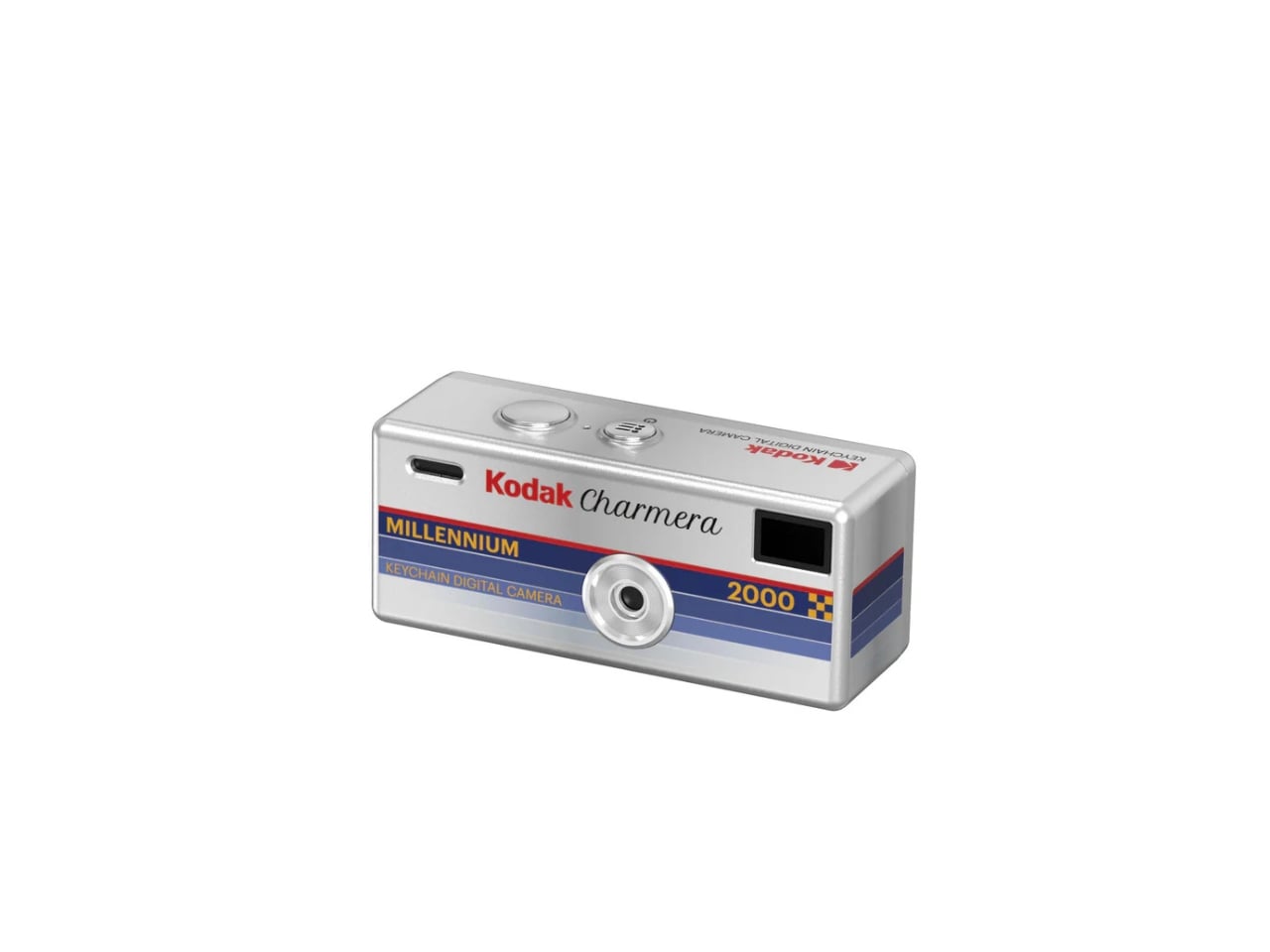
The Kodak Charmera line is one of the most popular devices in this segment, and now they have released a new series that will scratch the Y2K itch within you. The Kodak Charmera Keychain Digital Camera – Millennium Edition brings this line into the future-past, stepping away from the “portable retro” look of the original 1987 Kodak Fling-inspired Charmera. Riding on the current wave of Y2K nostalgia, Kodak is branding this new line as “the ultimate lo-fi futurist accessory.”
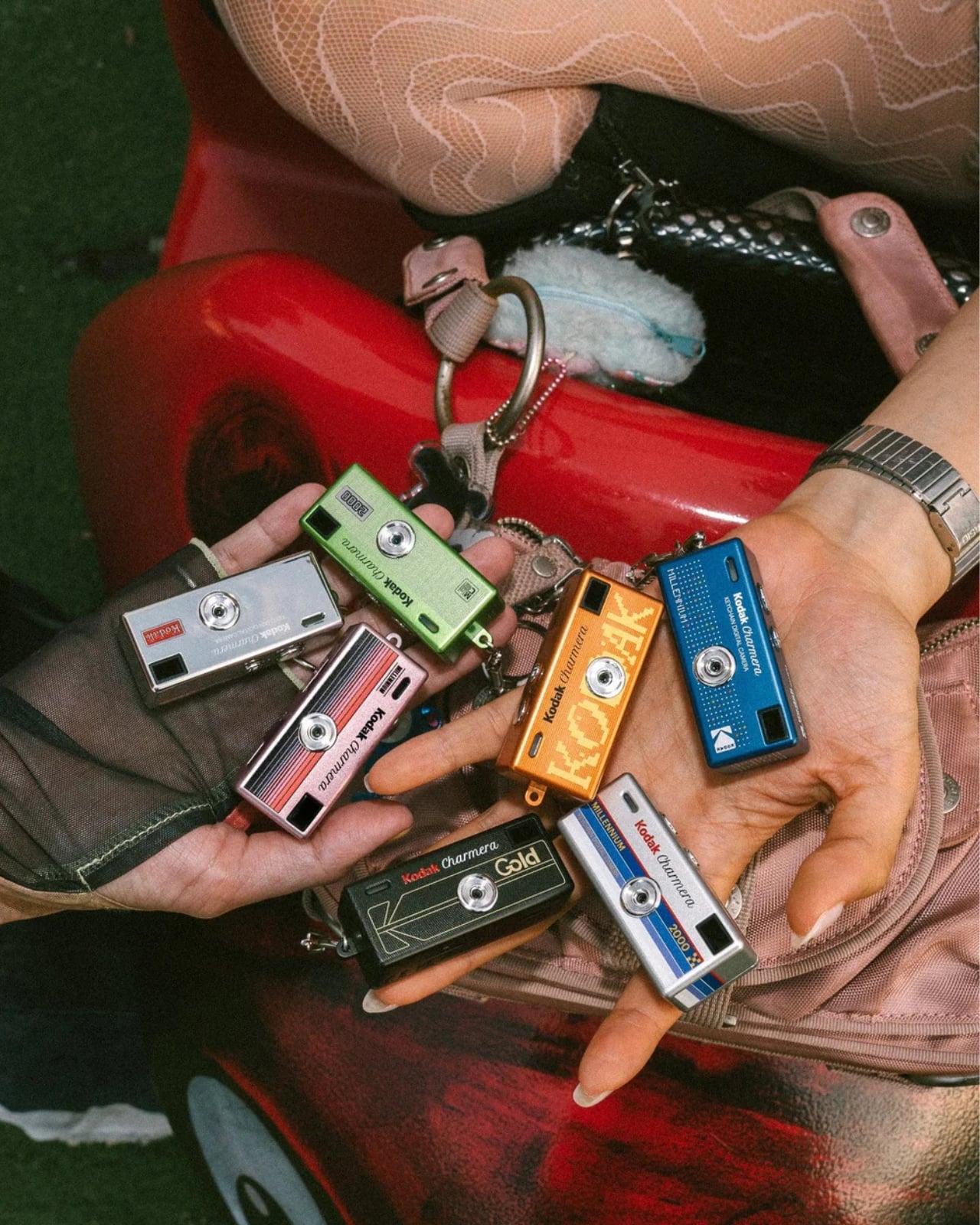
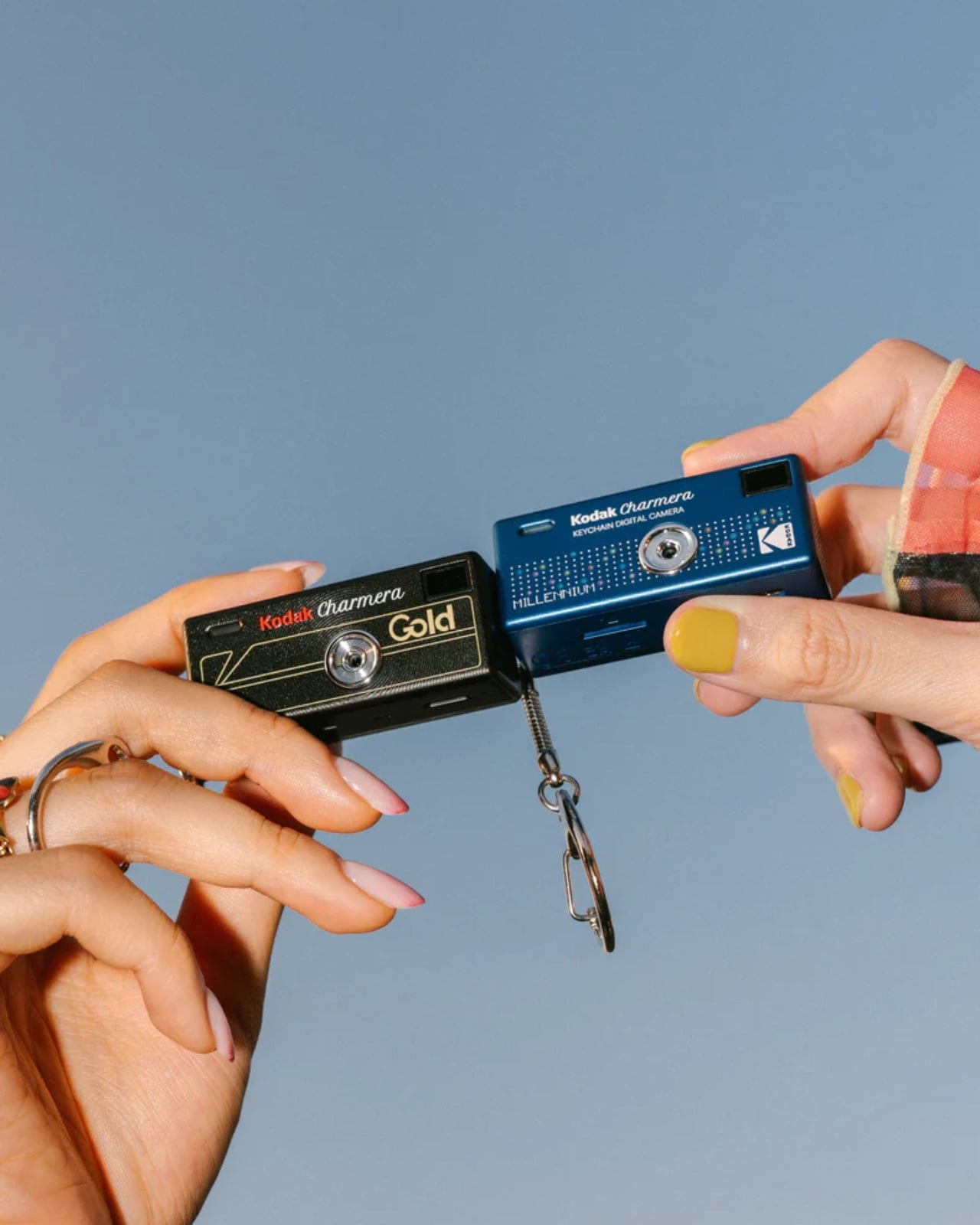
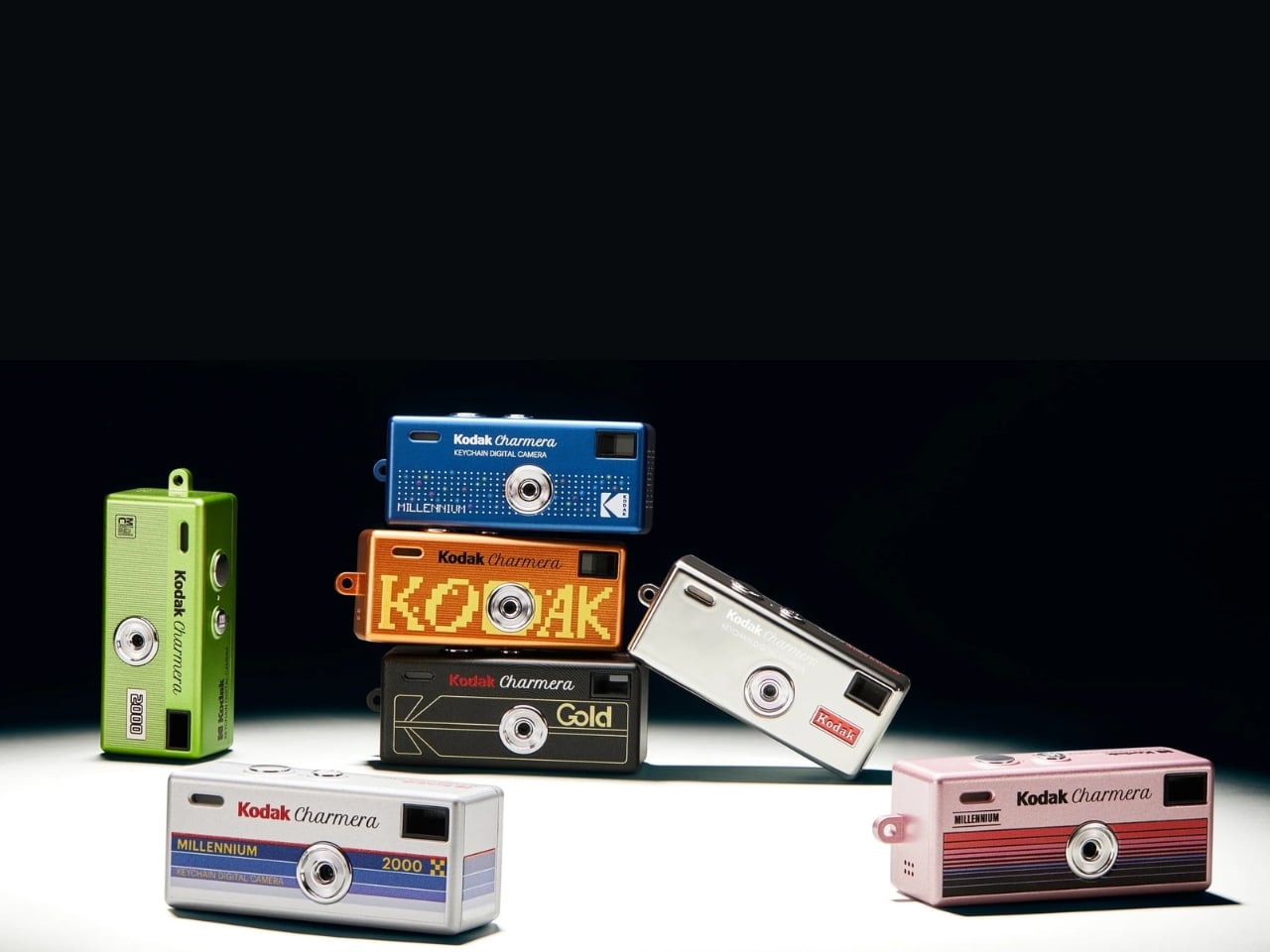
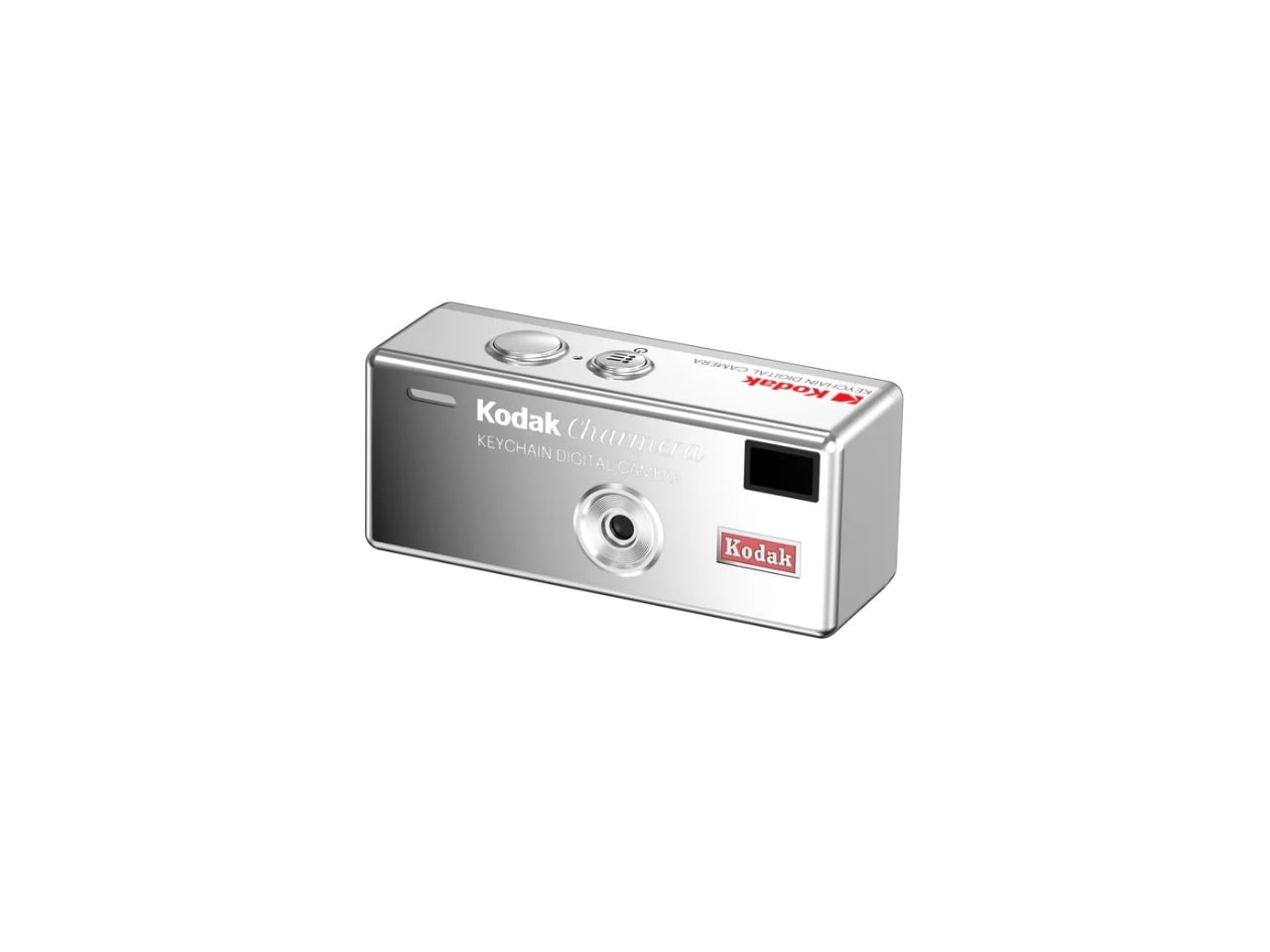
Just like the previous Kodak Charmera cameras, this one is a Blind Box edition, so you never know which of the seven designs you’re going to get. There are six standard colorways: silver, black, green, orange, pink, and metallic, plus a chrome-like secret mirror variant, which you have a one-in-48 chance of getting. The original Charmera features a classic retro look, while this edition gives you a new high-gloss metallic Y2K finish. Think bedazzled flip phones, candy-colored Discmans, and the iMac G3. That’s the exact energy the Millennium Edition is channeling.
In terms of hardware, everything is more or less the same as the original. You have a 1.6MP 1/4-inch CMOS sensor, a 35mm F2.4 fixed lens, an image output of 1440 x 1080, and 30fps video recording. This is still in keeping with the lo-fi nature of what you’ll get from these keychain cameras, so don’t expect sharp or crisp images and videos. The intentionally grainy, pixelated results are all part of the charm. Lo-fi is a feature, not a flaw. After all, you’re not buying this camera to replace your phone. You’re buying it for the vibe.
What is new in this edition is the software and aesthetic overhaul. In photo mode, you get access to 4 retro-futurism frames, 7 color-rich pixelated filters, and a date stamp, all designed to give your shots that unmistakable early-2000s digital soul. The camera also comes with a dual zone focus system that distinguishes between subjects closer than eight feet and those farther away, giving you a little more control over your shots than you might expect from something this tiny.
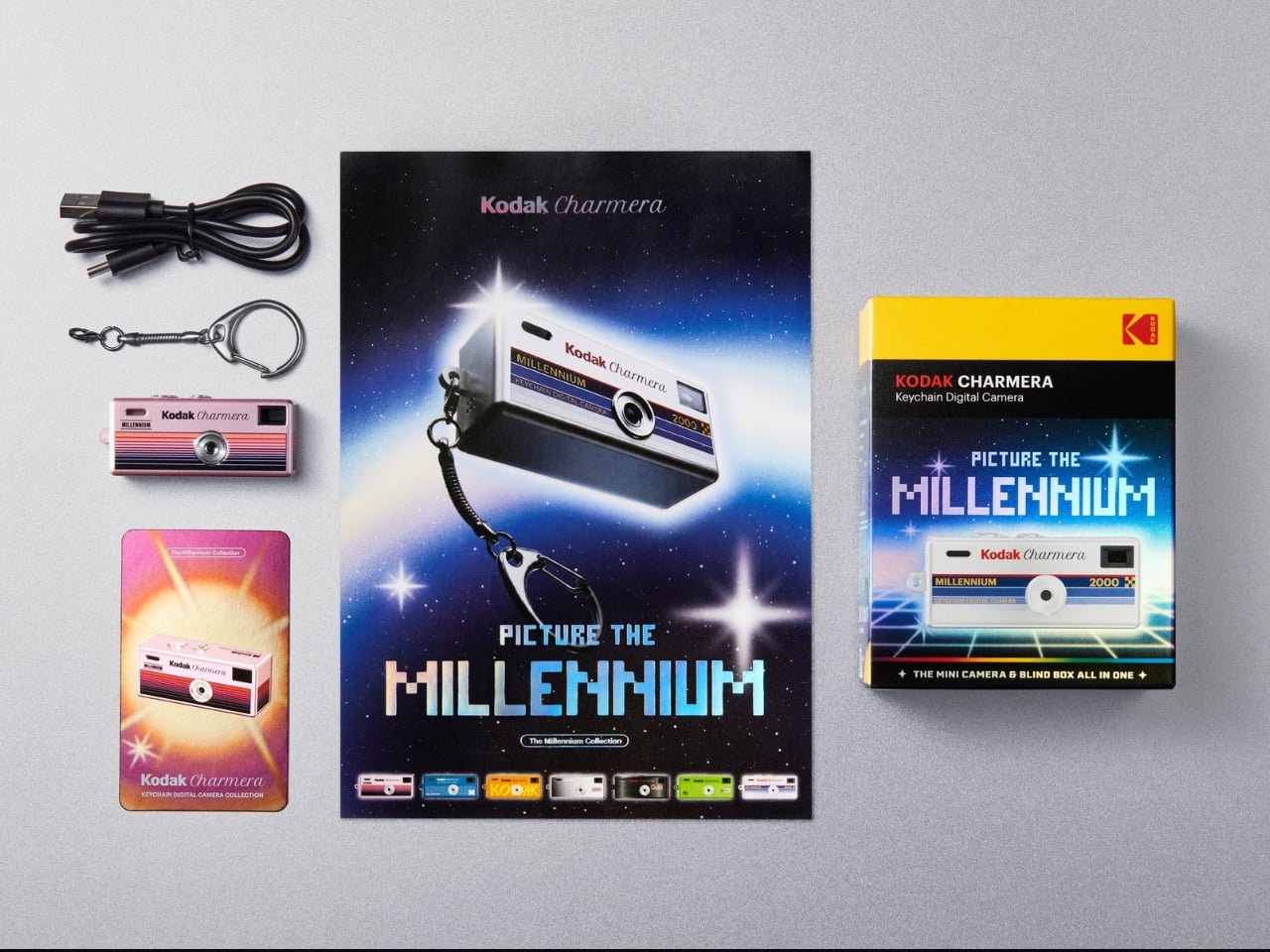
The Charmera Millennium Edition is pocket-sized, literally. It measures just 58 x 24.5 x 20mm and weighs only 30 grams, making it one of the most carry-friendly cameras around. It charges via USB-C, which is included in the box, and runs on a built-in 200mAh rechargeable battery. You will also need to bring your own microSD card (up to 128GB supported), as one is not included. Each blind box also comes with a keyring, a CHARMERA ID card, and an A5 leaflet.
Now, about that blind box format. It truly is half the fun. You pay $34.99 and get one random design out of seven. For collectors, this is both the thrill and the torment. You might land the silver on your first try, or you might end up with four oranges before you see the one you actually want. Kodak also offers the whole set for those who simply need them all, and yes, you know who you are.
The Kodak Charmera Millennium Edition is available for $34.99 per single blind box on the official RETO Pro website and on Amazon. Whether you are a longtime collector of the Charmera line, a devoted Y2K aesthetic enthusiast, or just looking for the most fun $35 you will spend this year, this tiny camera delivers exactly what it promises. No more, no less, and honestly? That is exactly the point.
Framework laptops let you swap the motherboard. Fairphone lets you replace the battery with a coin. Teenage Engineering builds entire product ecosystems around interoperability. Somewhere between the maker-movement idealism of the mid-2010s and the sustainability push of the pandemic years, modularity graduated from hobbyist curiosity to a legitimate consumer electronics strategy. Now GoPro has quietly joined that movement, and almost nobody has noticed because the packaging looks like a standard product launch.
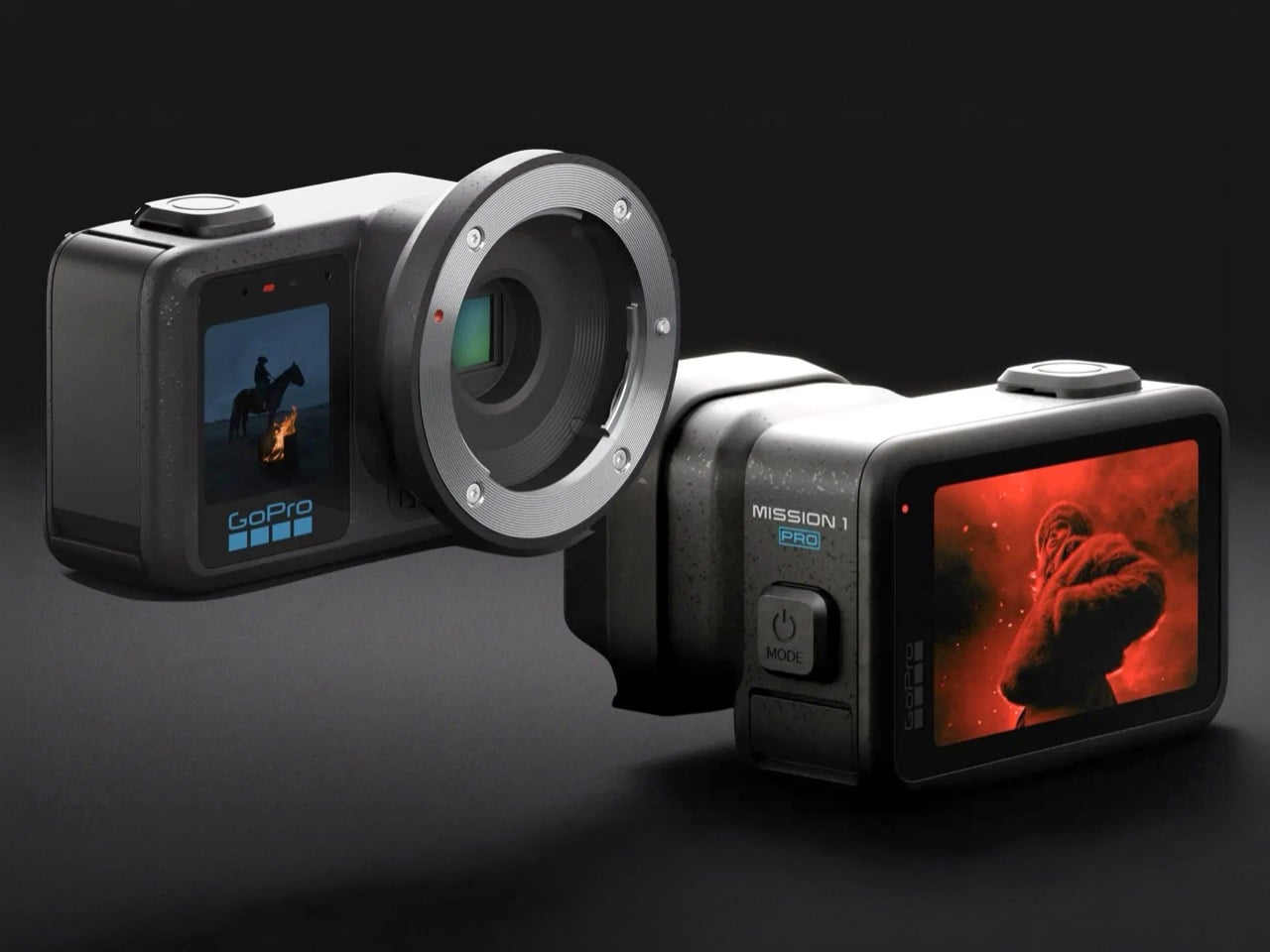
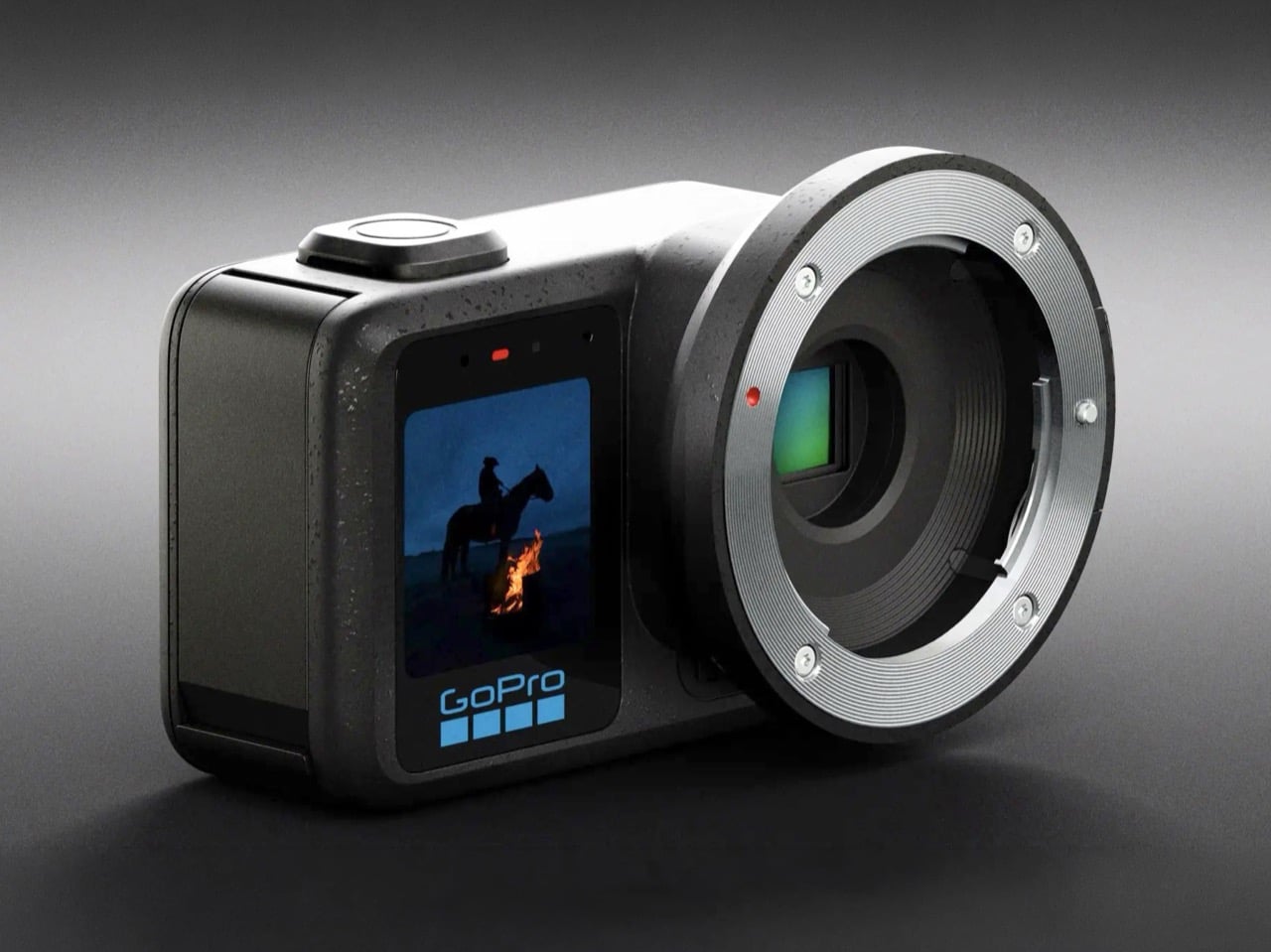
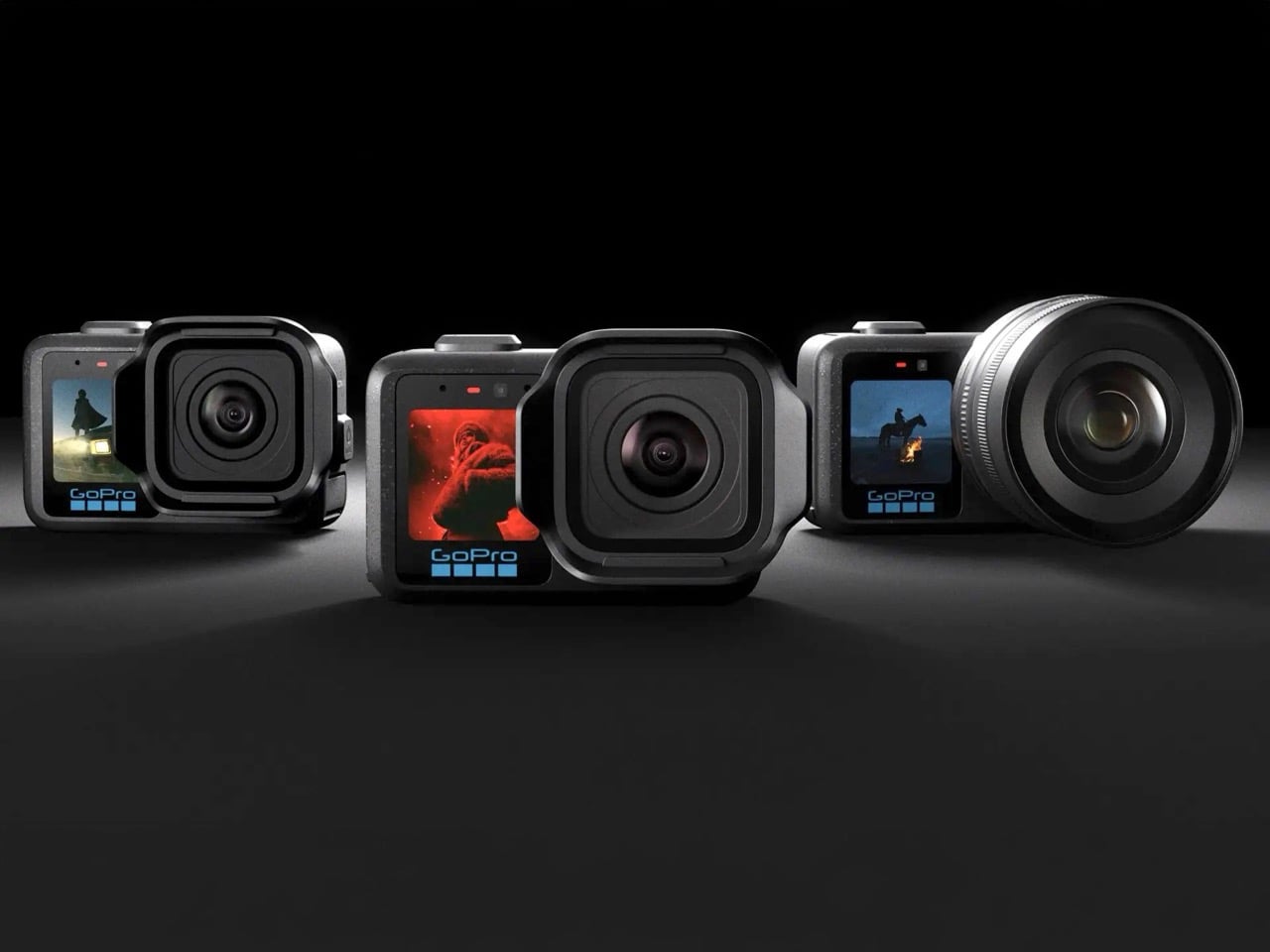
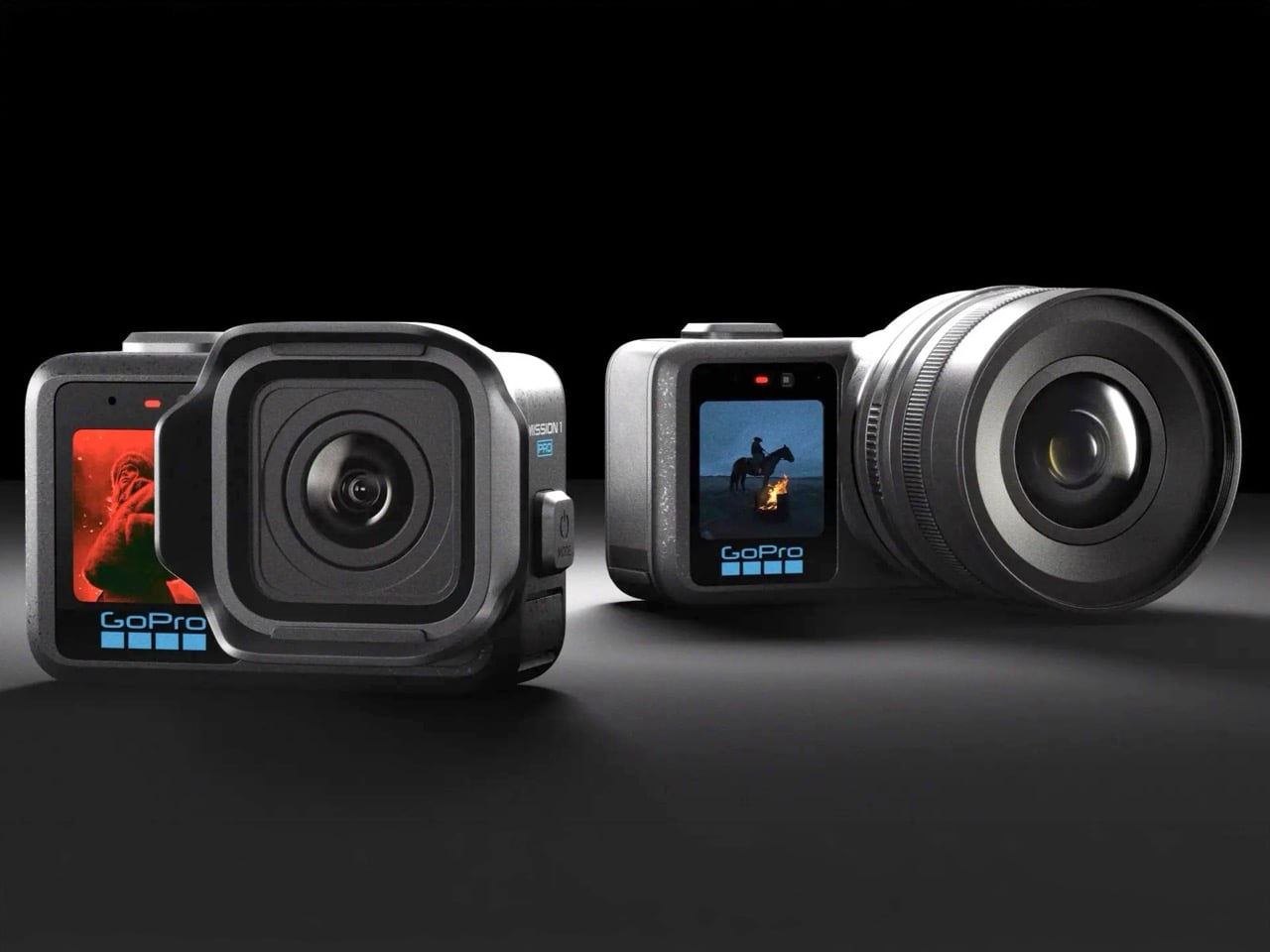
The MISSION 1 lineup contains six distinct configurations built around a single hardware core: a 50MP 1-inch sensor and GP3 processor, wrapped in a rugged compact body waterproof to 20 meters. There’s the base MISSION 1, the MISSION 1 PRO, the PRO Grip Edition, the PRO ILS with a Micro Four Thirds mount, the PRO Creator Edition, and the PRO Ultimate Creator Edition. Preorders opened May 21, 2026, with the ILS and Creator variants shipping in Q3. Pricing wasn’t announced at launch, which is its own kind of tell. What GoPro has actually built here is a hardware platform wearing the clothes of a product line.
Designer: GoPro
The base MISSION 1 caps at 4K120 Open Gate and 8K30 in 16:9, positioned for creators who want the new sensor without paying flagship money. The MISSION 1 PRO unlocks 8K60, 4K240, and 1080p960 slow motion, all recorded in 10-bit with the GP Log2 profile for grading headroom. The PRO Grip Edition bundles a dedicated handle for run-and-gun work. The Creator and Ultimate Creator Editions add production accessories aimed at YouTubers who want a boxed kit rather than a shopping list. Every variant shares the same 14-stop dynamic range, the same 32-bit float audio, and the same waterproofing without an external housing. Firmware caps and bundled accessories, in other words, do all the heavy lifting across five of the six SKUs.
Micro Four Thirds compatibility on the PRO ILS is where the platform argument stops being subtle. The mount opens the door to hundreds of existing lenses from Panasonic, OM System, Sigma, Voigtländer, and Laowa, meaning GoPro inherits nearly two decades of glass engineering without designing a single optical element themselves. HyperSmooth stabilization keeps working with any rectilinear prime, which is genuinely wild given how stabilization algorithms usually assume a fixed lens with known distortion characteristics. The body stays waterproof despite the mechanical mount, which required custom sealing work that GoPro has been notably quiet about. This is Framework’s motherboard-swap philosophy transplanted into a category where interchangeable parts were reserved for cameras that cost five times more. MFT also carries mature adapters for Canon EF, Nikon F, and PL cinema glass, quietly extending the effective lens library into the thousands.
Six SKUs from a single sensor line is also a hedge, and a smart one. If the ILS flops with videographers because Blackmagic and Panasonic own that mindshare, the base MISSION 1 still sells to adventure creators on brand recognition alone. If 8K60 pricing scares off the semi-pro tier, the 4K120 base model catches the mid-market. The recent industry chatter that GoPro may be for sale following the MISSION 1 pivot reads very differently through this lens. Whether Nicholas Woodman is building for the next decade or quietly pitching to potential acquirers like DJI or Sony, a modular platform tells a far more compelling story than a single hero product ever could. The action camera market that GoPro invented has been eating itself for years, and platforms tend to survive longer than products in categories that are actively contracting.
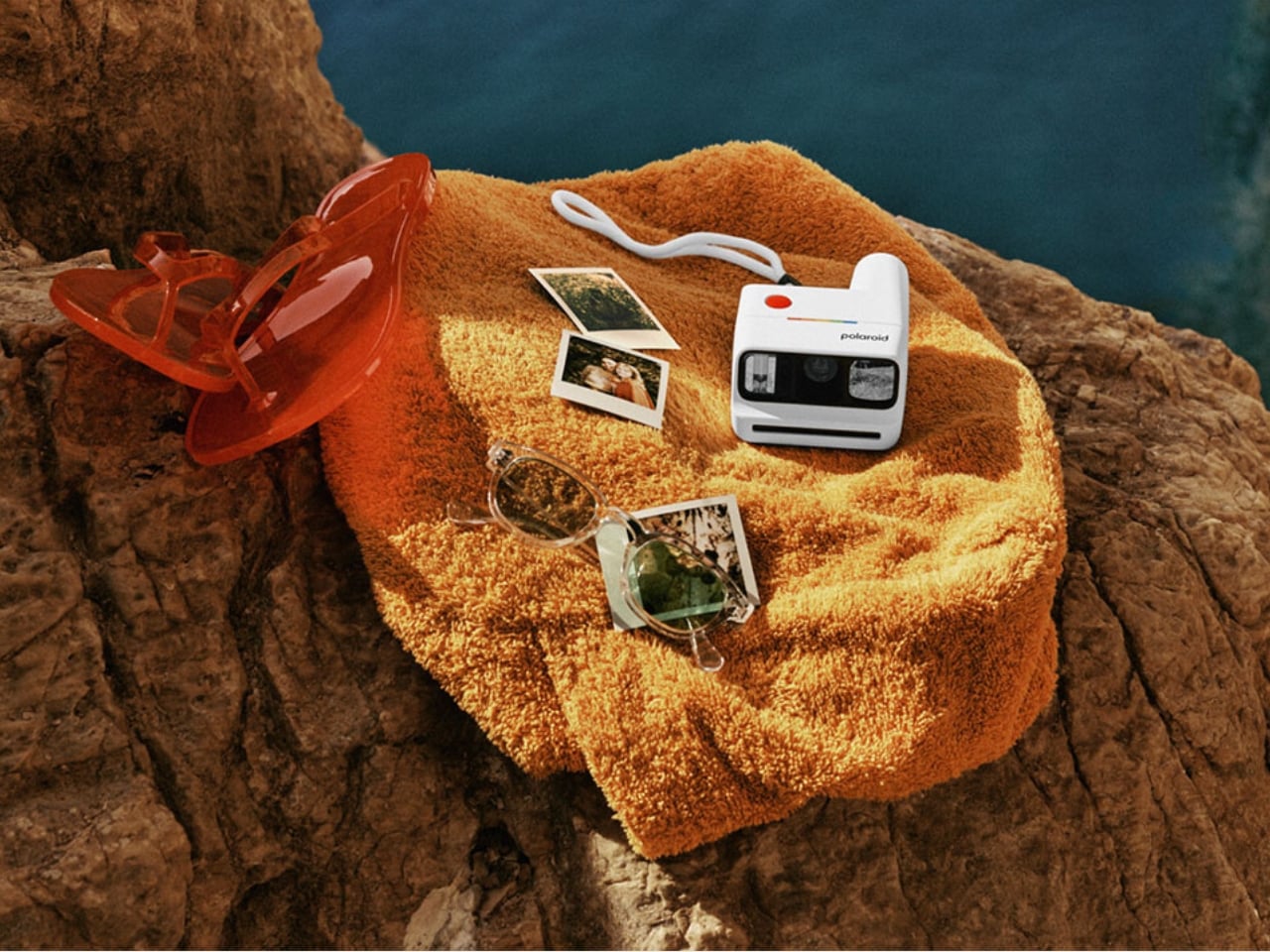
There was a time when the only people you would see carrying around Polaroid cameras were the hipster film or art students or the always-on-a-nostalgic-trip enthusiasts. But now, analog cameras have become part of the lives of those who are into photography or those who just like collecting printed photos to tuck into their journals or cork boards.
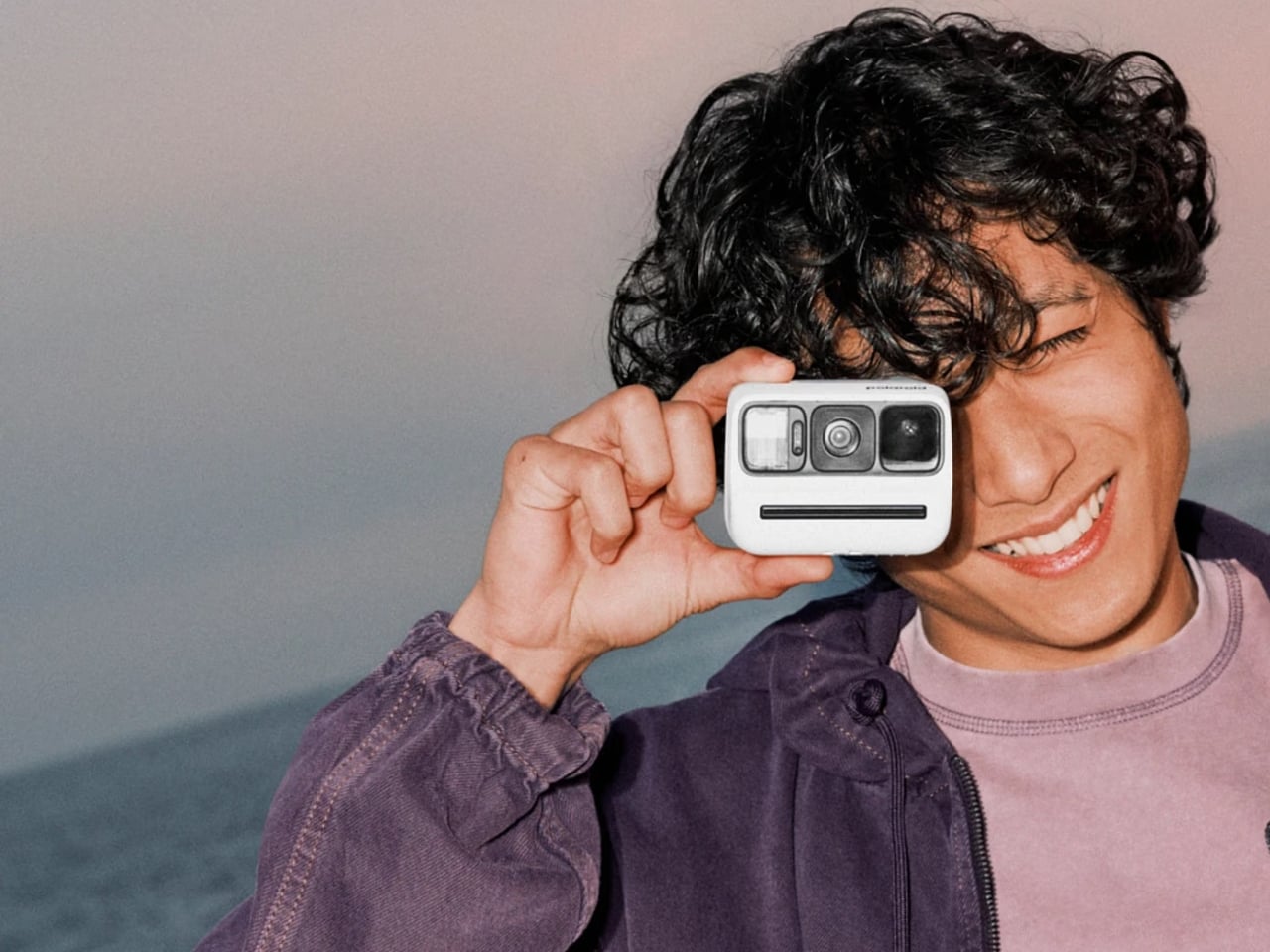
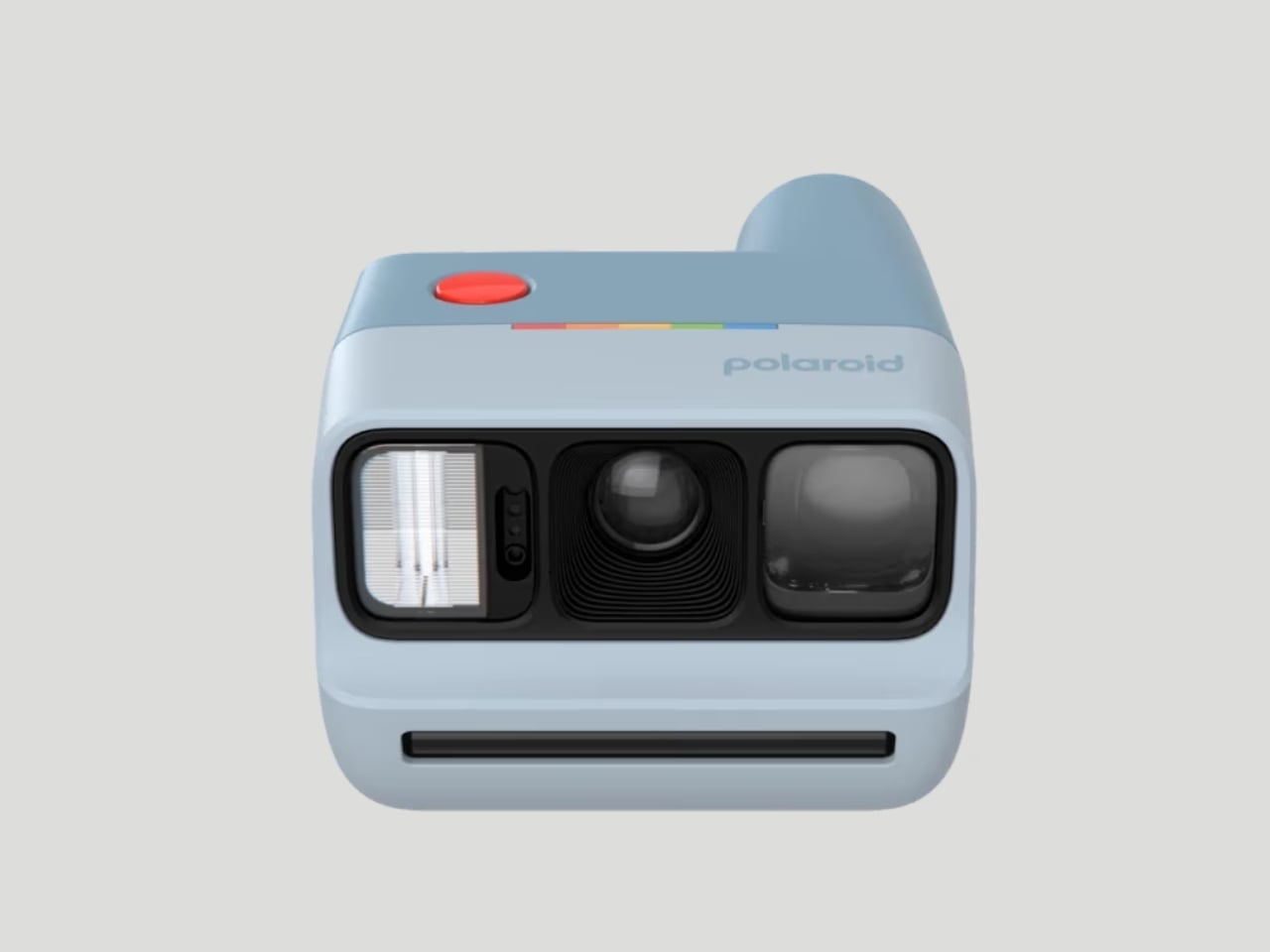
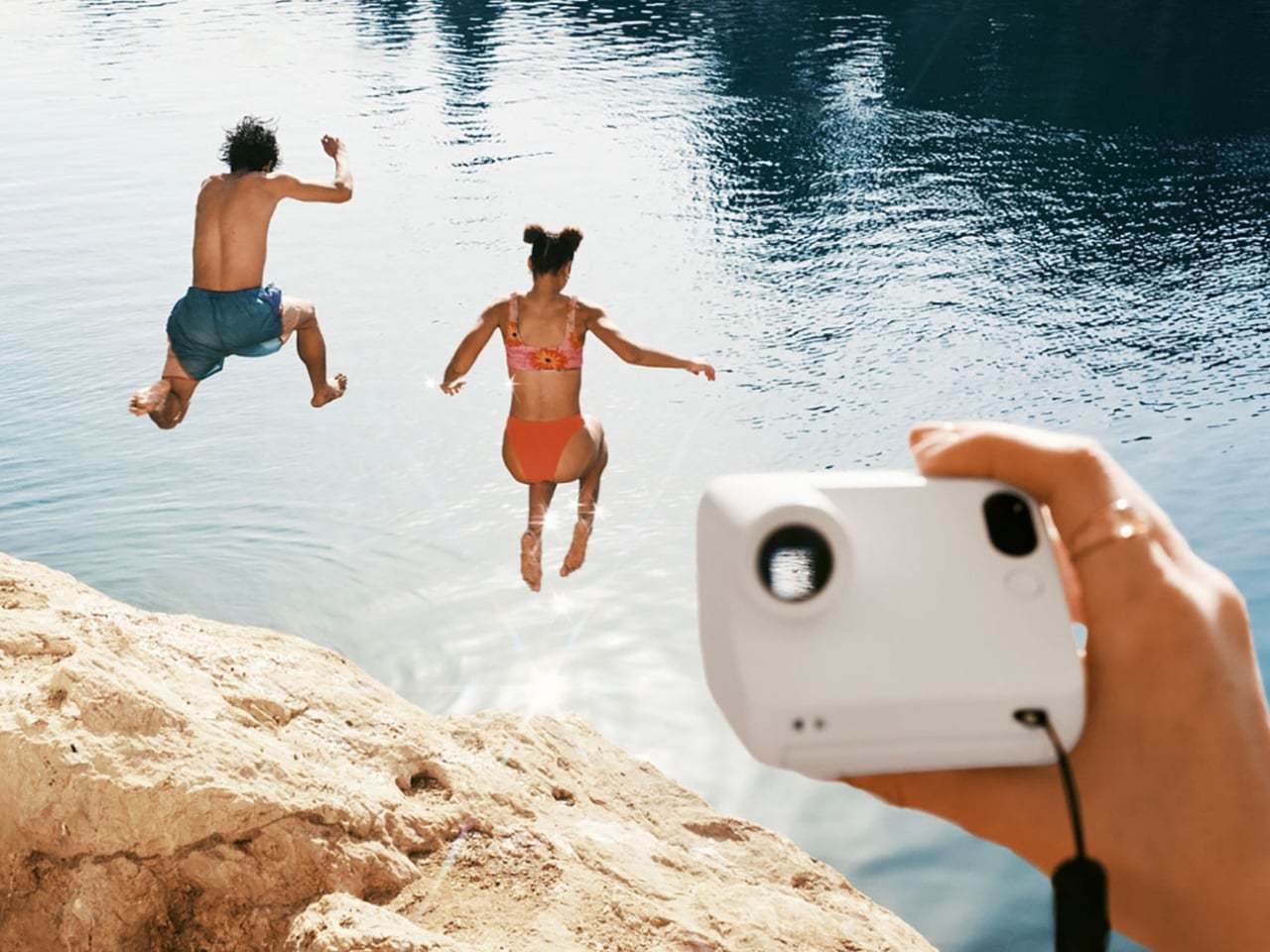
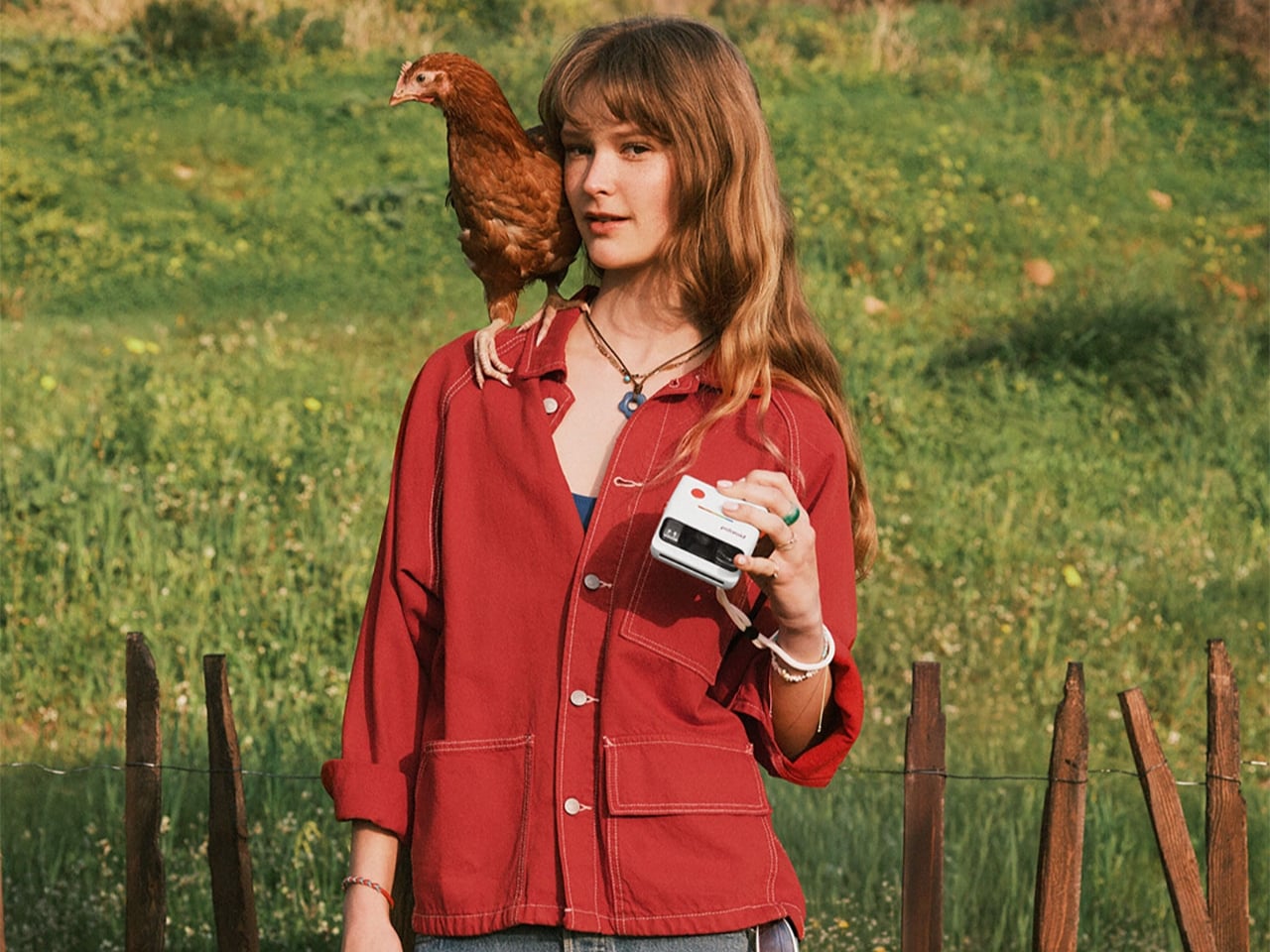
Polaroid is one of those brands that has really gotten into this whole analog-digital hybrid lifestyle by consistently releasing new products that the market gobbles up. Their latest release is the Polaroid Go Generation 3, the newest iteration of this product line that brings exciting new features, fresh vibrant colorways, and even more ways to capture those memories.
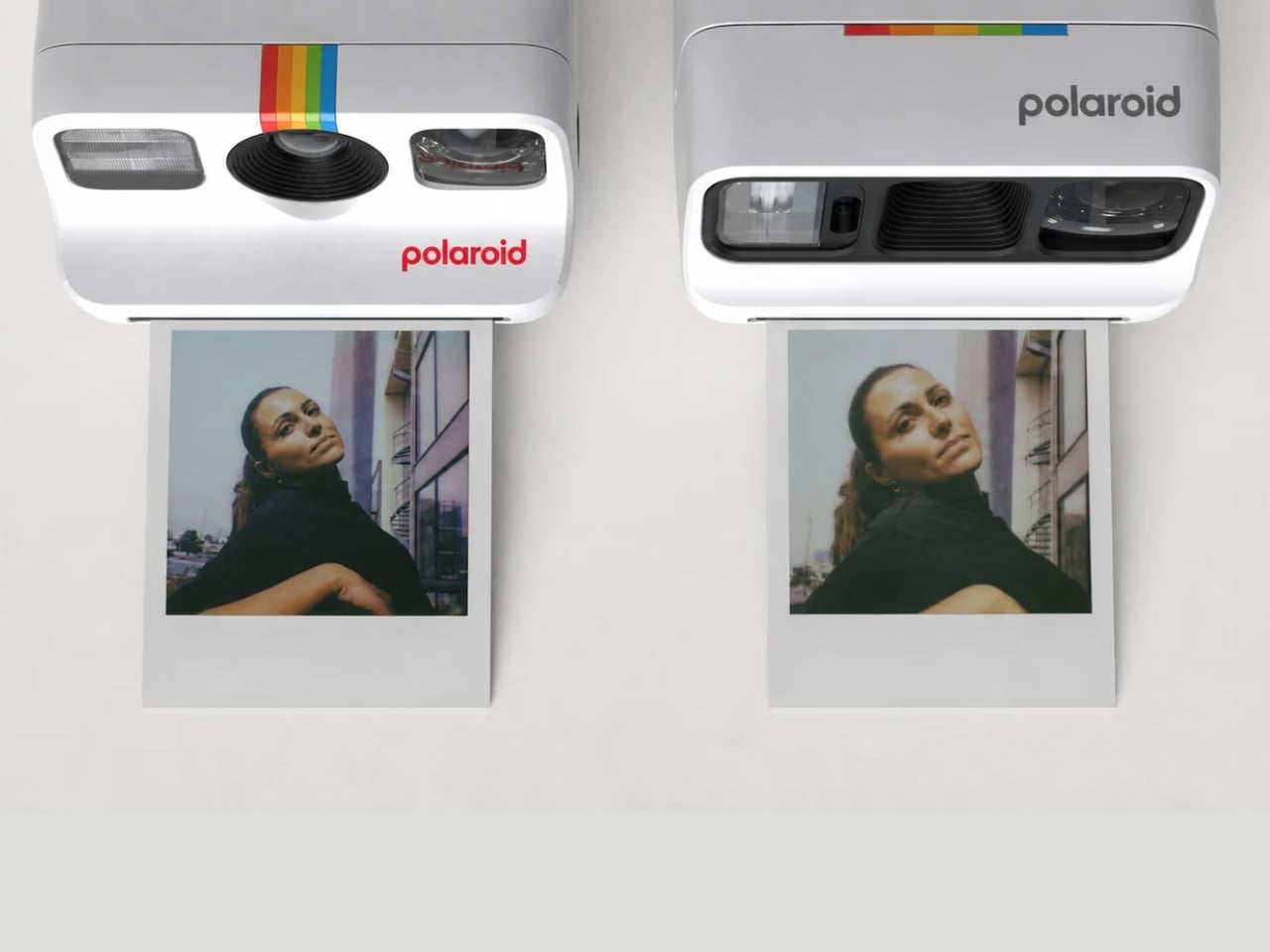
This new version of this beloved Polaroid camera offers several new things that collectors and enthusiasts will enjoy. The biggest upgrade is that the new polycarbonate optic brings you sharper and clearer photos. I know the lo-fi nature of a lot of these analog cameras is part of the appeal, but of course, sometimes you’d still want to have something that has higher quality.
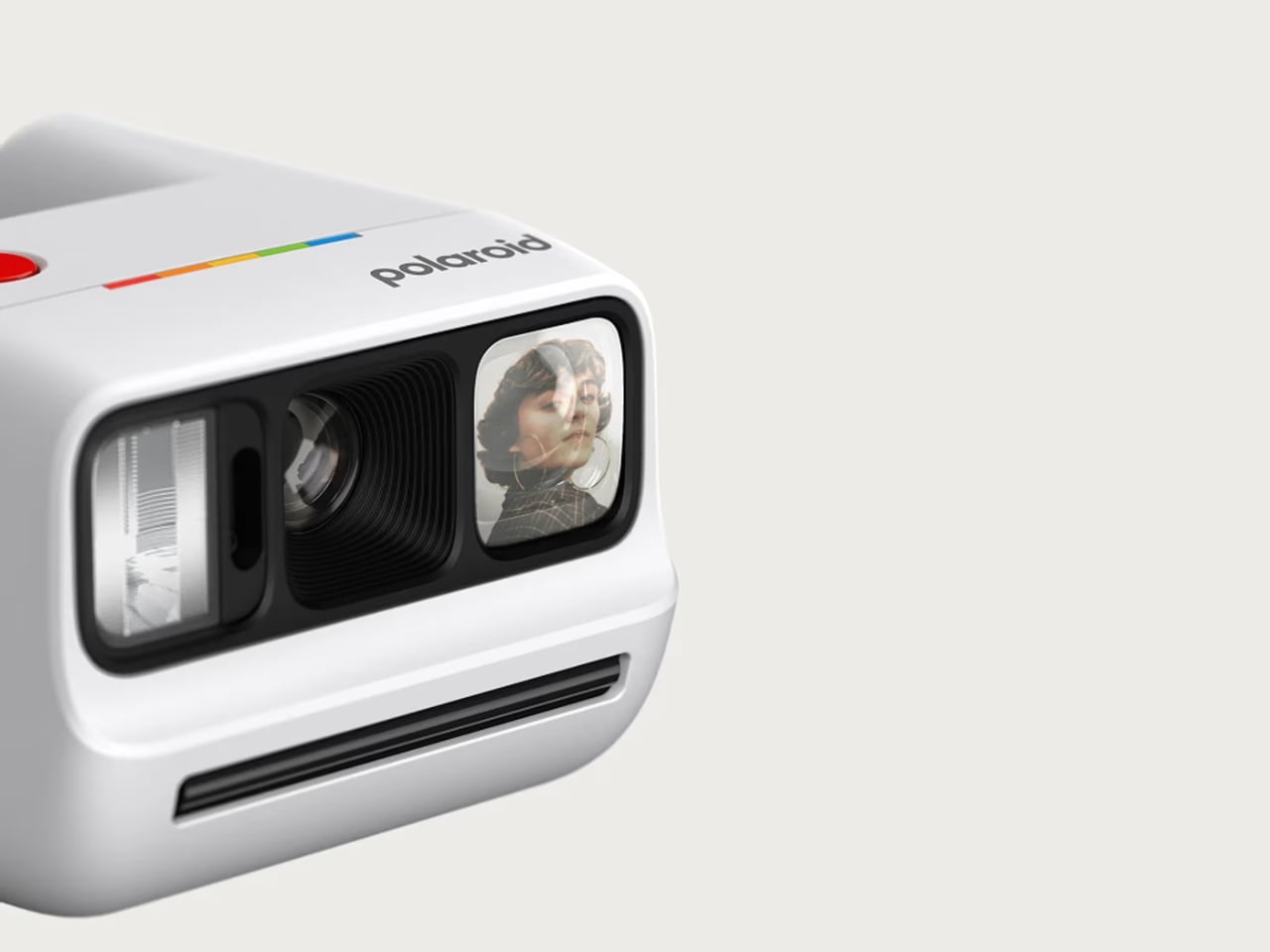
This camera, which is the world’s smallest instant analog one, now also has a better Xenon flash which performs better than the LED flashes on modern cameras when taking low-light photos. It is also able to handle lens flaring better, and the selfie mirror now also has less glare.
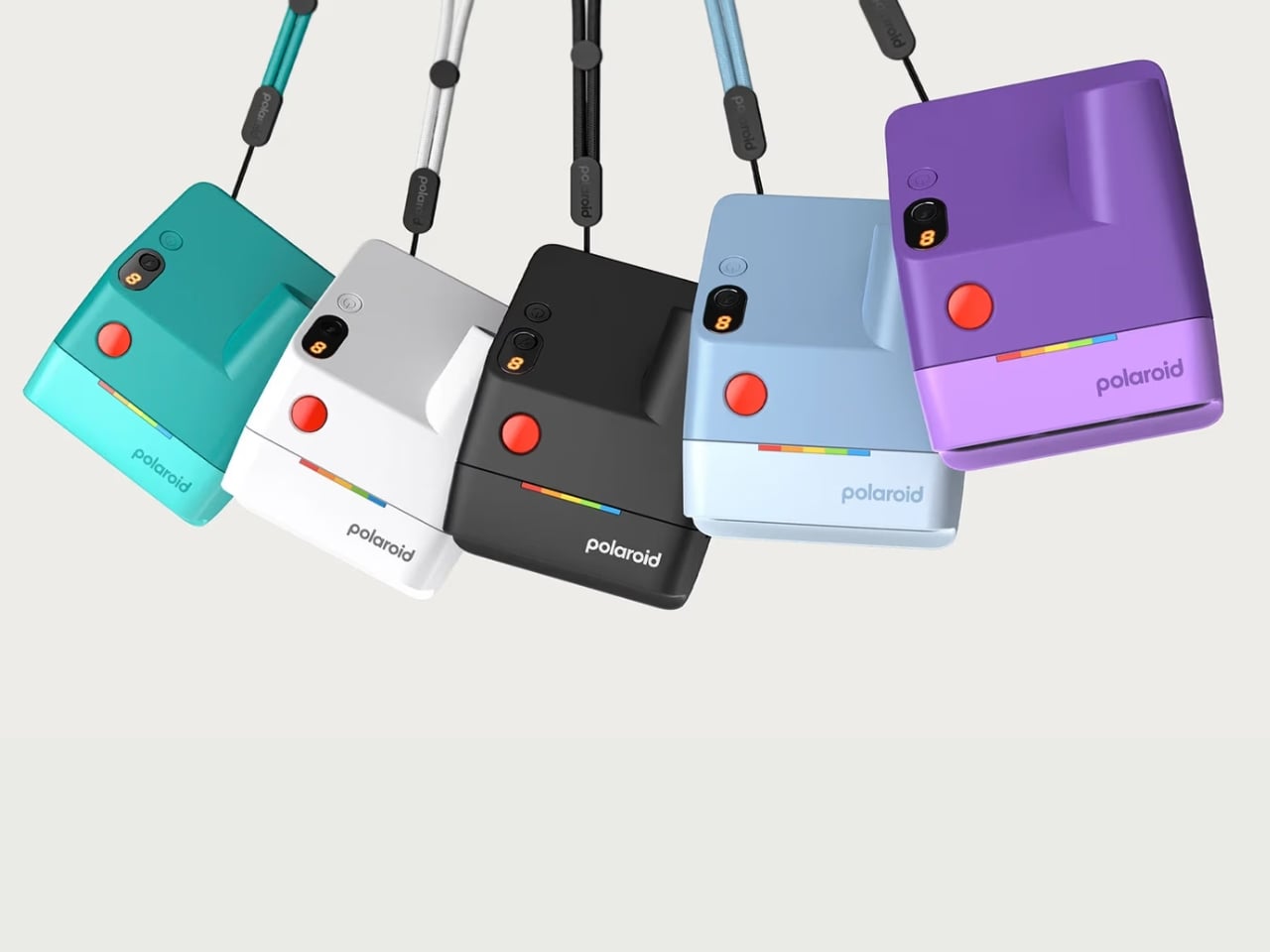
For collectors who are focused on the design of the camera itself, this version comes in five new vibrant colors: purple, teal, light blue, black, and white. Personally, I can’t wait to have the purple one and carry it around with its pocket-friendly dimensions.
Another upgrade worth getting excited about is the improved viewfinder. The new wider design with its elongated eyepiece lets you see your full composition comfortably, with no more awkwardly pressing your face against the camera just to frame a shot. It is a small but impactful change, especially when you’re trying to capture a spontaneous group moment and need to get the framing right on the first try. No more accidentally cut-off heads or missed expressions.
What also stays from the previous generations, and that is very much a good thing, are the beloved shooting modes. Use the self-timer for those full-group shots where everyone actually needs to be in the frame, or activate the double exposure mode for dreamy, creative layered shots that give your photos a truly artistic edge. Flash control is also all handled through a single button, keeping the whole experience intuitive and fuss-free. It is simple, fun, and exactly the kind of energy you want from a camera this size.
And for those who still want a little digital in their analog life, the Polaroid Go Gen 3 pairs nicely with the free Polaroid app. You can scan your prints and share them online, so you truly get the best of both worlds. The physical photo to stick on your wall, tuck into your journal, or swap with a friend, plus a digital copy ready to share whenever you feel like it.
The rechargeable lithium-ion battery holds up impressively too, giving you up to 15 film packs per charge, more than enough for a full weekend getaway or a long day of adventures without worrying about it dying on you at the worst possible moment. And at just $89.99, it is an accessible and very giftable entry into the world of instant analog photography.
Whether you are a die-hard Polaroid collector, a photo journaler, or someone who simply wants to step away from the overly curated world of digital photography and capture something real and unfiltered, the Polaroid Go Generation 3 is worth every penny. It is small enough to slip into a bag, beautiful enough to show off, and capable enough to make your memories look genuinely great. Big energy in the tiniest package, and honestly, is there anything more Polaroid than that?
The bridge between digital and analog has been continually growing over the years. 2026 in particular has seen a lot of analog-first or analog-only products in the market. Mobile photography in particular has seen a lot of compact cameras make their way into our pockets and bags. While we of course have our smartphones where there are a lot of advances in taking photos and videos, there’s something very cool in using retro-looking gadgets to capture our everyday lives.
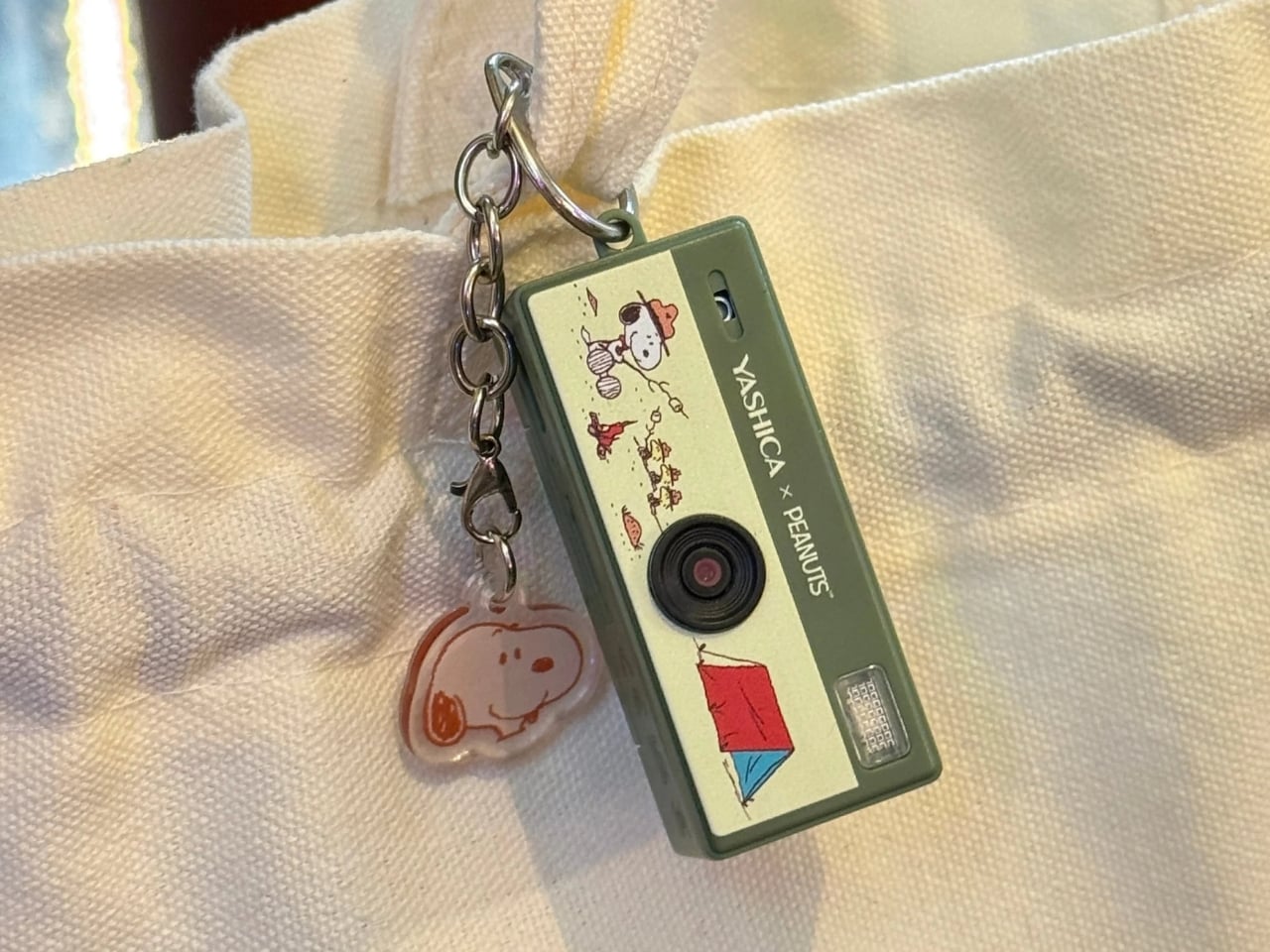
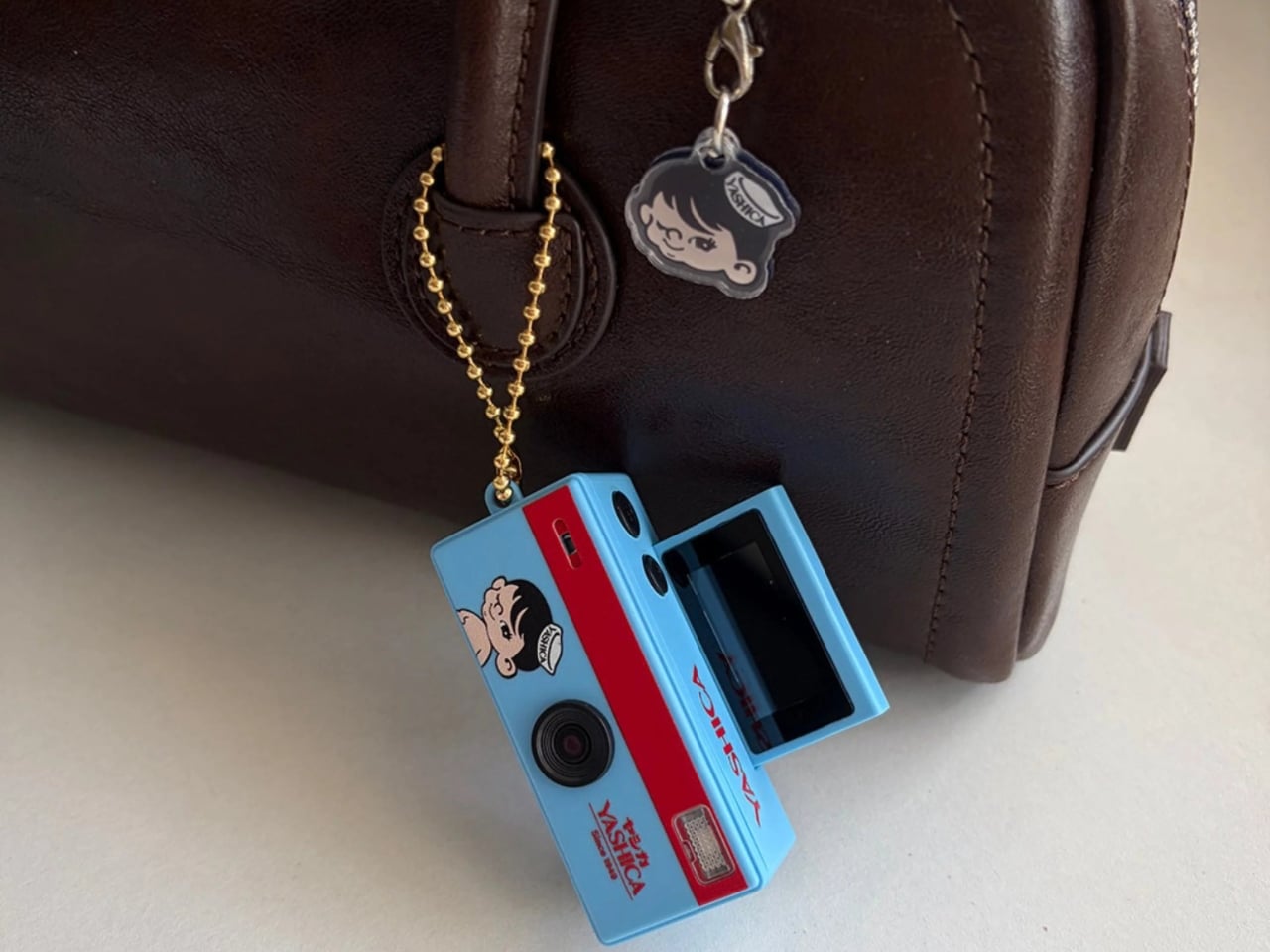
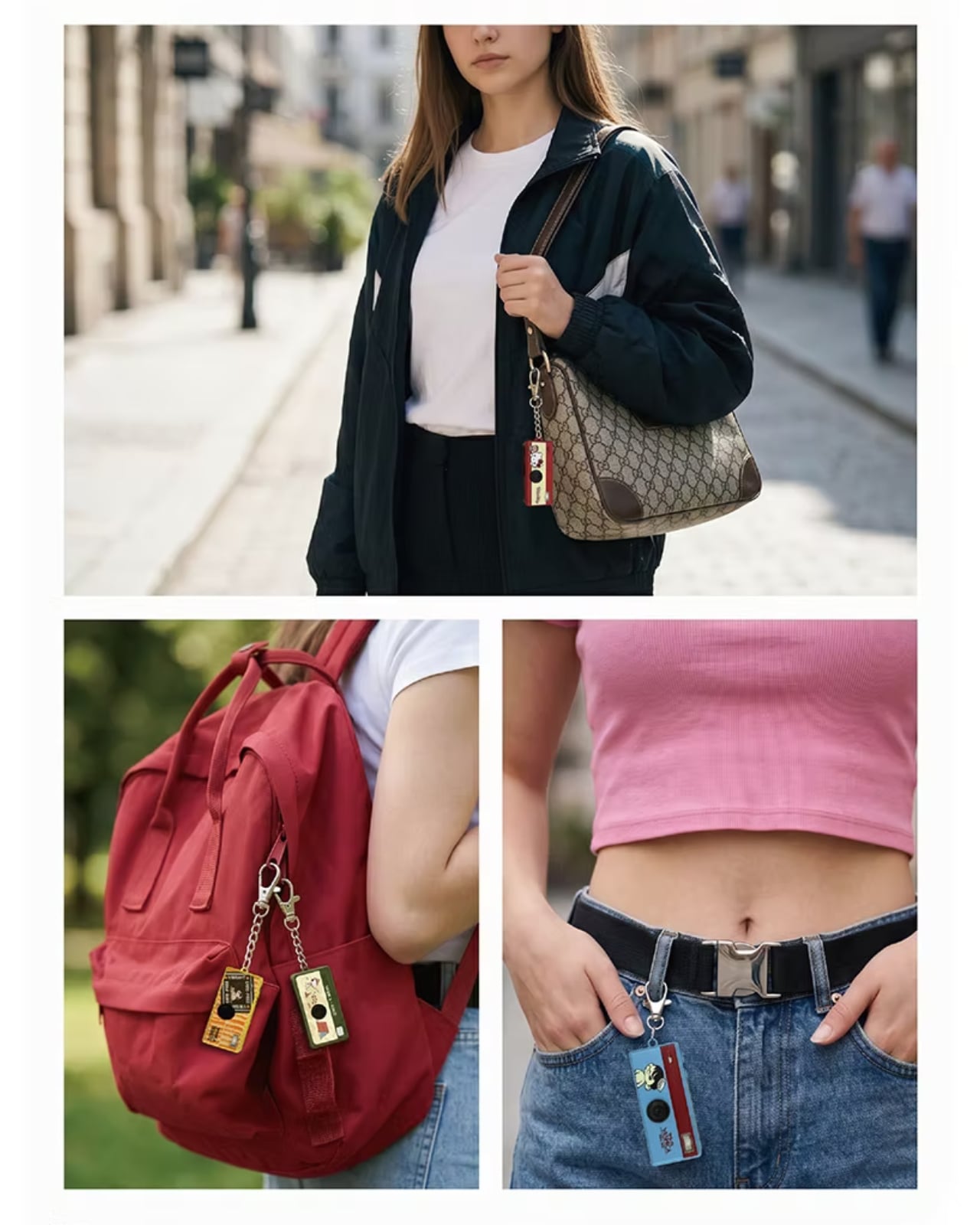
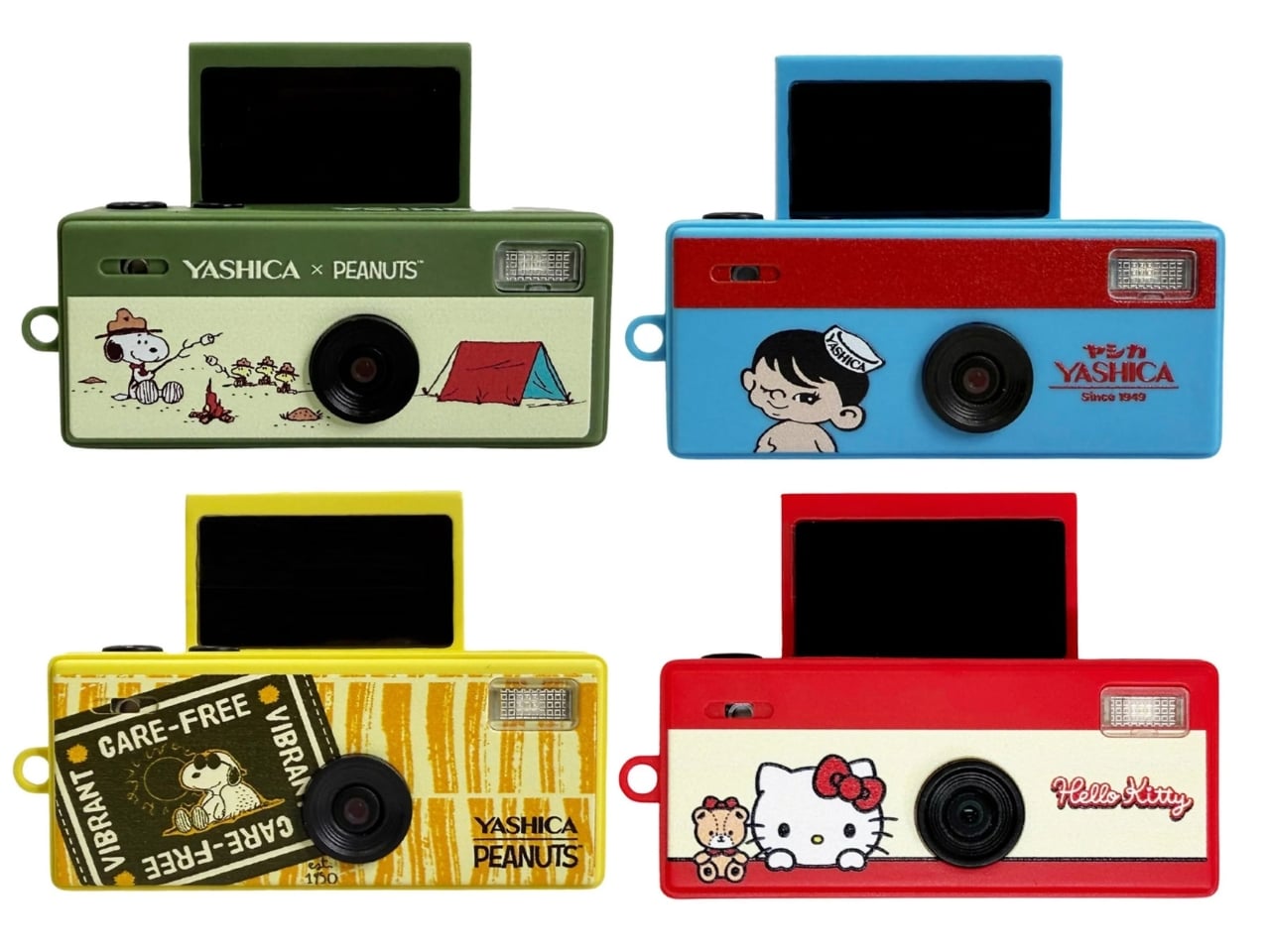
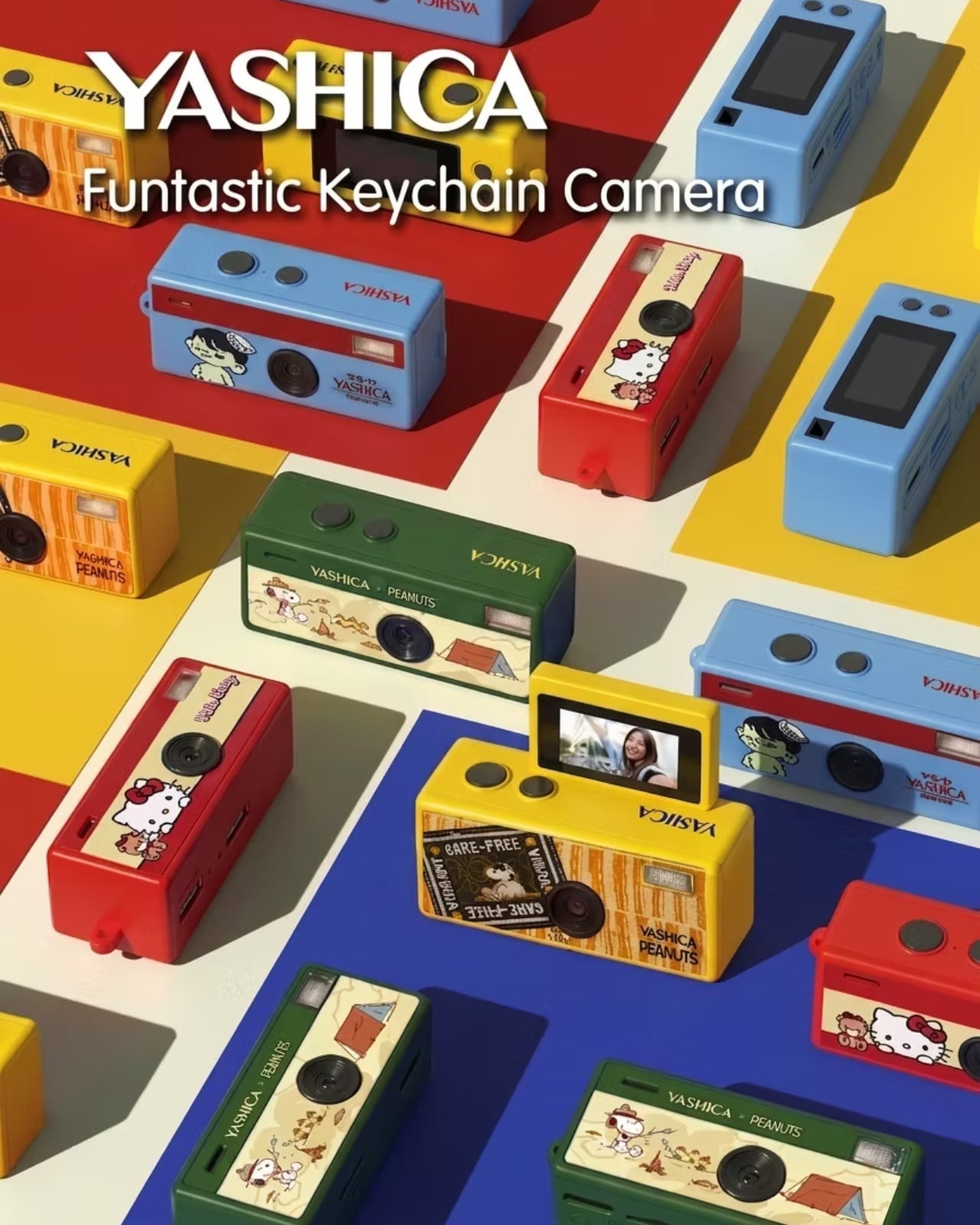
Yashica’s Funtastic Keychain Camera is one such device. It’s part of a trend of these tiny cameras that you can also use as keychains and accessories, but also let you take digital photos and even videos. Obviously, you won’t get sharp and clear images when you use them given their limited specifications, but that’s part of the appeal and the charm of these lo-fi gadgets. And it’s also a bonus that they look good enough to serve as part of your fashion statement.
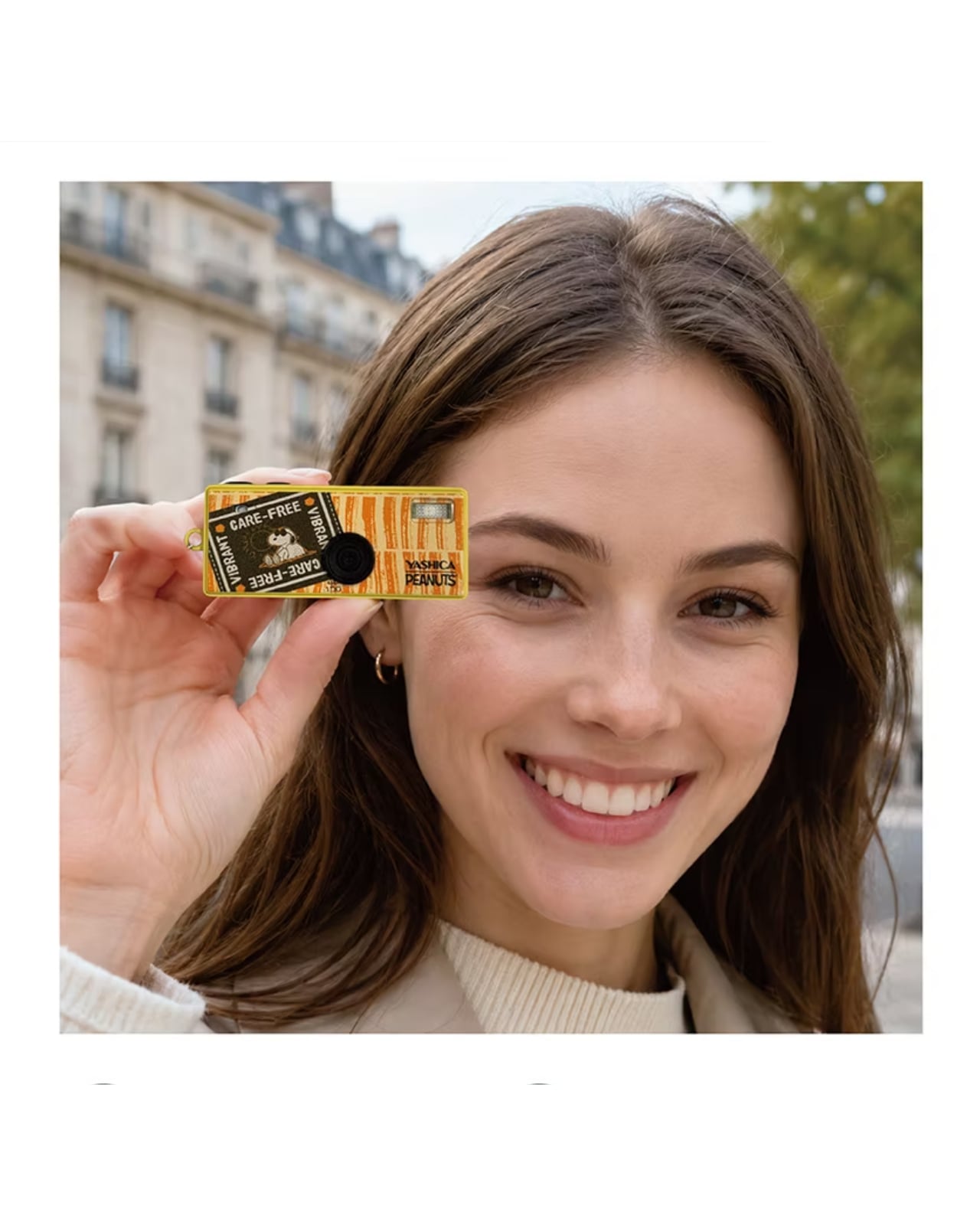
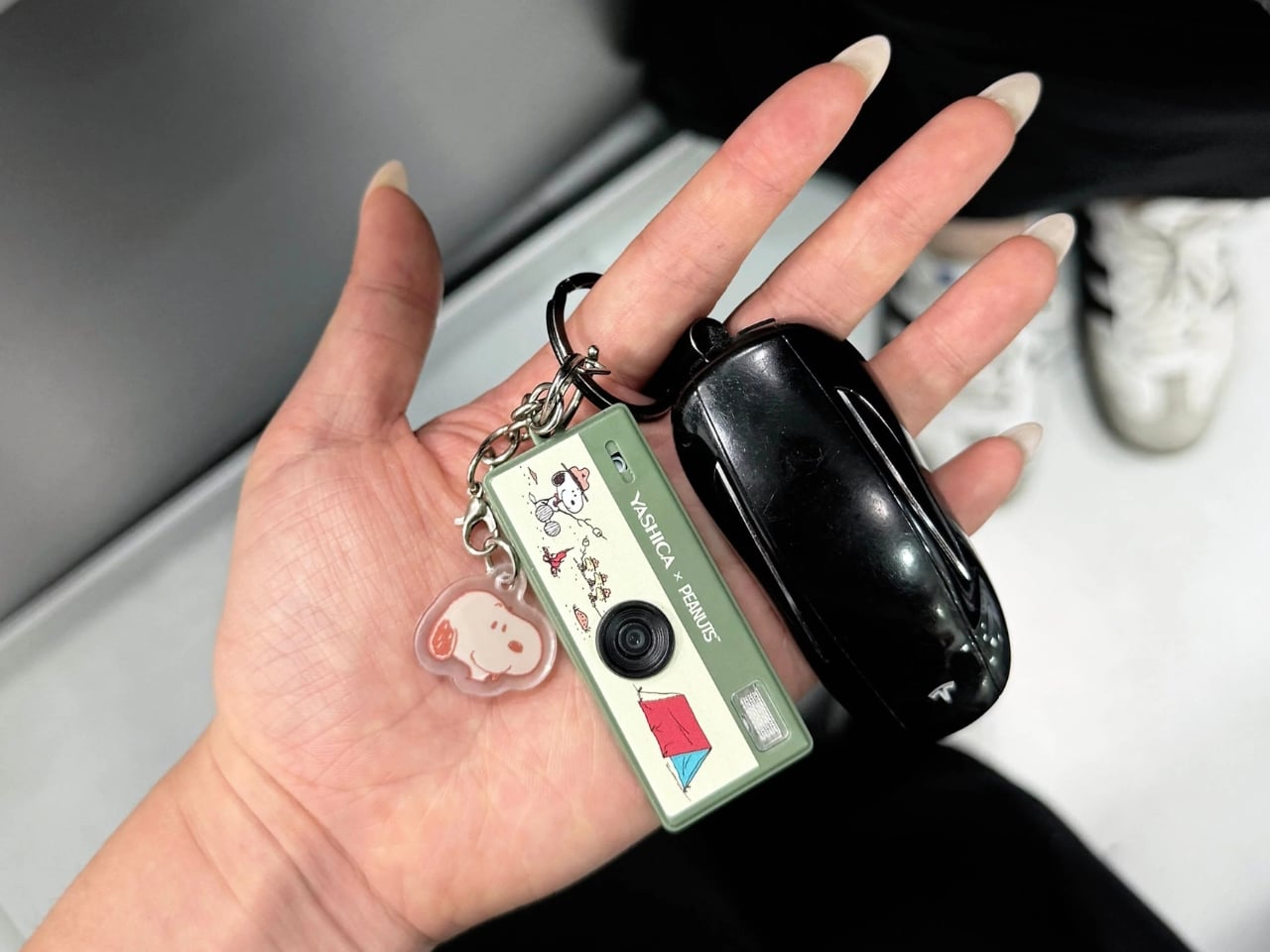
At just 22 grams and measuring 63×22×25mm, you can bring the Funtastic Keychain Camera with you wherever you go, even without a bag. Aside from attaching it to your bag or purse, some have even used it as a charm for eyeglasses or clipped it to their jeans or shorts. It blurs the line between gadget and accessory, especially with collaborations with brands like Hello Kitty and Snoopy, which collectors will definitely enjoy.
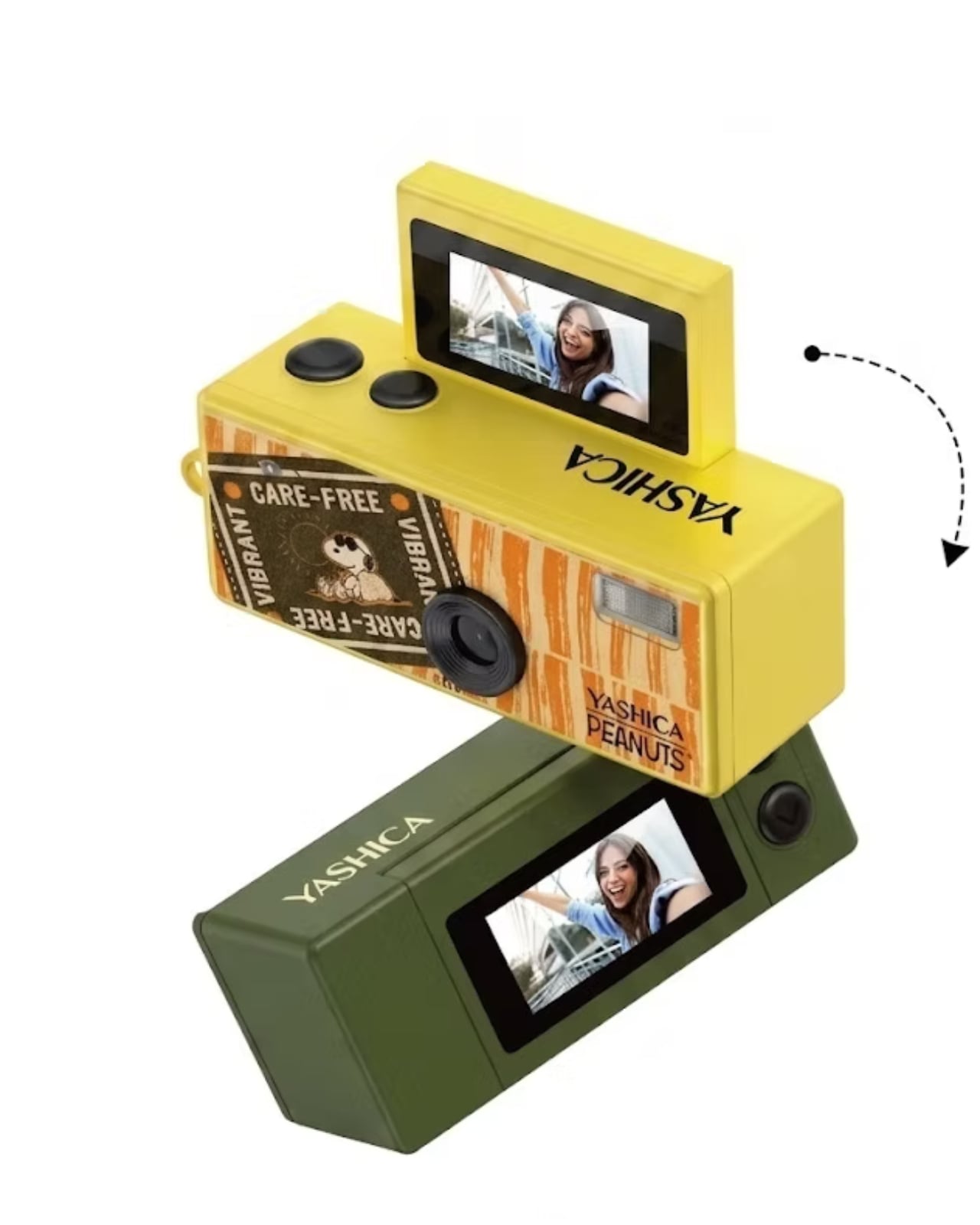
One advantage it has over its competitors, including the super popular Kodak Charmera, is its tiny 180° flip screen, which lets you frame your selfies easily instead of just hoping for the best when you take a snap. It’s actually a surprising “premium” feature for such a small device, and it makes capturing photos and videos a whole lot easier. There are also some fun filters and presets that you can use without the complexity that some phones and digital cameras bring.
Don’t let the tiny size fool you. This little camera actually packs in everything it needs to do its job. Inside, you’ll find a 1-megapixel CMOS sensor and an F2.8 lens that shoot crisp JPEG photos at 1,440 x 1,080 and smooth 30fps AVI video. It saves everything to a microSD card, charges easily via USB-C, and runs on a built-in 200mAh Li-ion battery. Oh, and it weighs just 22 grams, so light you’ll genuinely forget it’s dangling from your keys.
Ultimately, the Yashica Funtastic Keychain Camera isn’t trying to replace your smartphone or your mirrorless camera, and honestly, it doesn’t have to. What it does instead is give you a reason to slow down, have a little fun, and embrace the beautiful imperfection of lo-fi photography without overthinking it. The slightly grainy, characterful shots you’ll capture are very much part of the experience, reflecting a visual aesthetic that mirrors what so many people love about film photography.
The collaboration editions are also worth highlighting, especially for collectors. Whether you’re a Hello Kitty devotee, a Snoopy fan, or simply someone who appreciates a beautifully designed limited piece, these cameras have genuine appeal beyond just their functionality. They also make for wonderful gifts, for the photography enthusiast, the accessory lover, or the fashion-forward friend who’s always the first to spot an exciting new trend.
At its very accessible price point, the Funtastic is a great entry into the growing world of tiny, playful cameras. You don’t need to spend a fortune to get in on the fun, and practical touches like USB-C charging and microSD storage mean it’s genuinely usable every day, not just a display piece.
If you’ve been curious about this rising wave of keychain and lo-fi cameras but weren’t sure where to start, the Yashica Funtastic is a wonderful first pick. It’s charming, collectible, and just the right amount of extra. Sometimes, the best camera really is the one that makes you smile every time you reach for your keys.
The DJI Osmo Pocket 4 doesn't ask you to compromise between portability and quality. It just delivers both.
The gap between smartphone convenience and dedicated camera quality has never been more complicated to navigate. Smartphones shoot impressive footage, but the moment you start walking, panning, or filming yourself without a stabilizer, the limitations show. Shaky handheld video, compromised low-light performance, and the inconvenience of carrying a larger camera rig have pushed creators to look for a smarter middle ground.
The DJI Osmo Pocket 4 is designed to solve that exact problem. Building on a line of compact gimbal cameras that have quietly become a go-to tool for vloggers and travel creators alike, the fourth generation pushes the formula further with an improved sensor, smarter tracking, and a handful of practical upgrades that address the friction points that have always come with shooting on the go.
Designer: DJI
Aesthetics
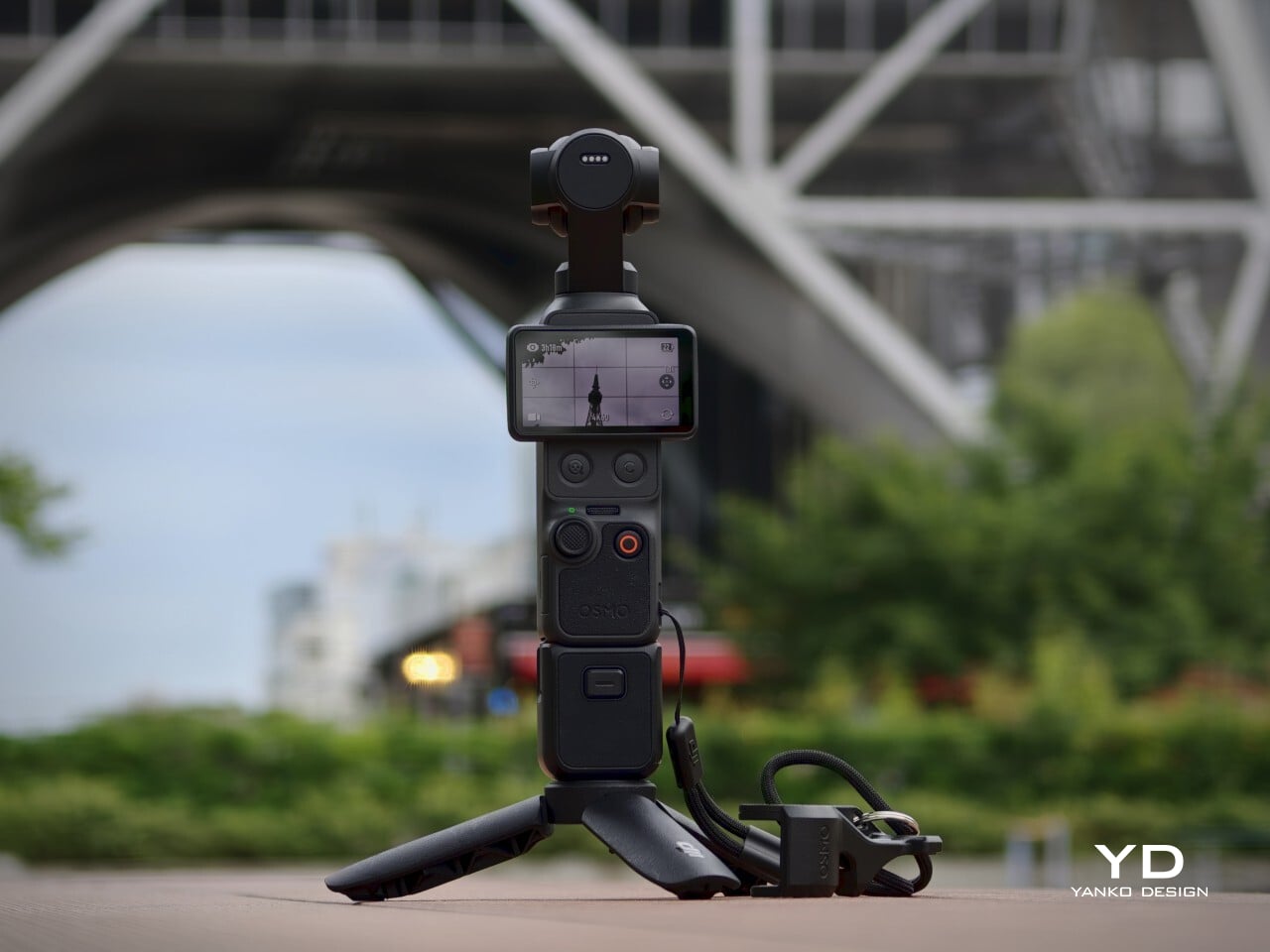
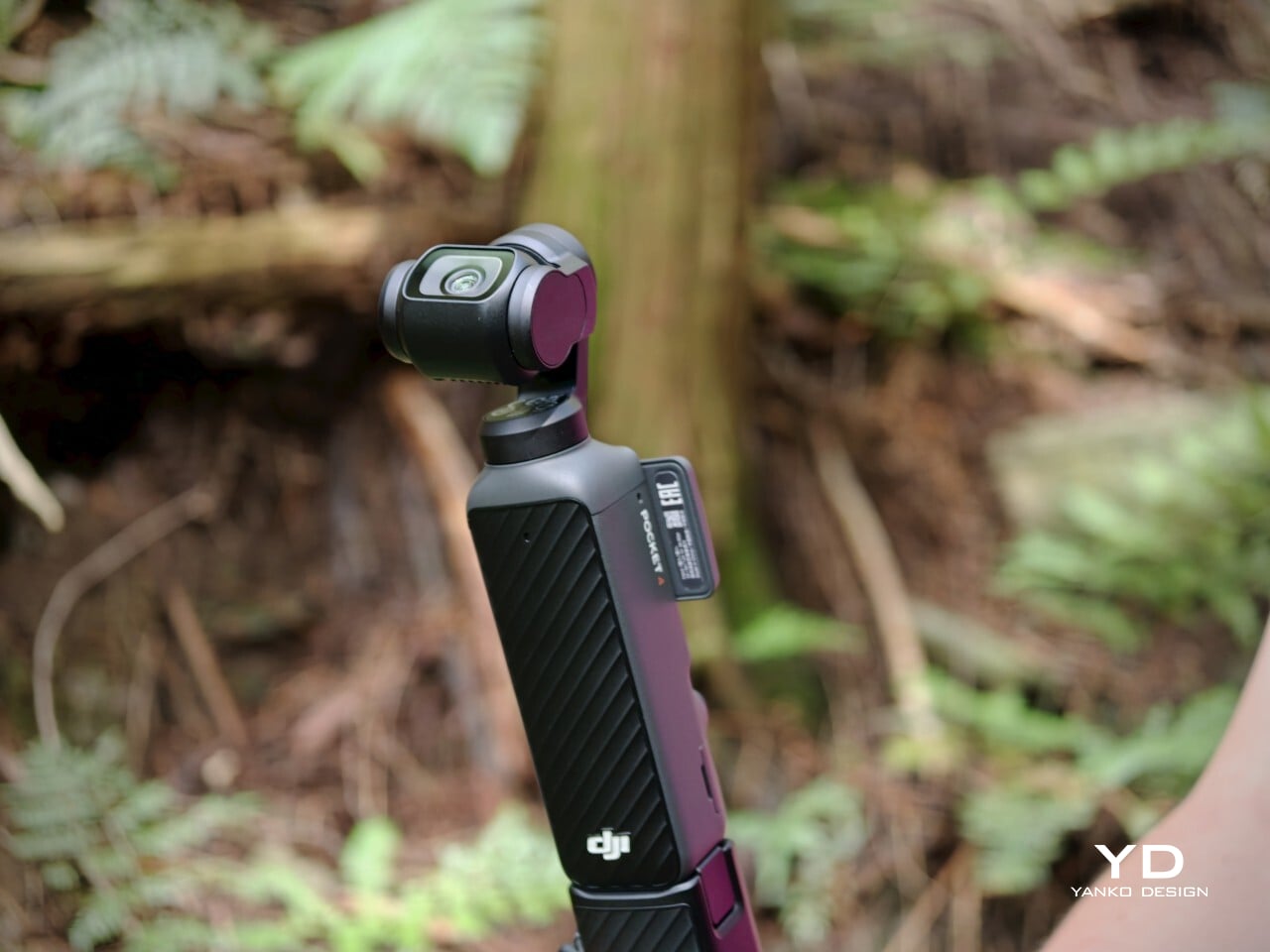
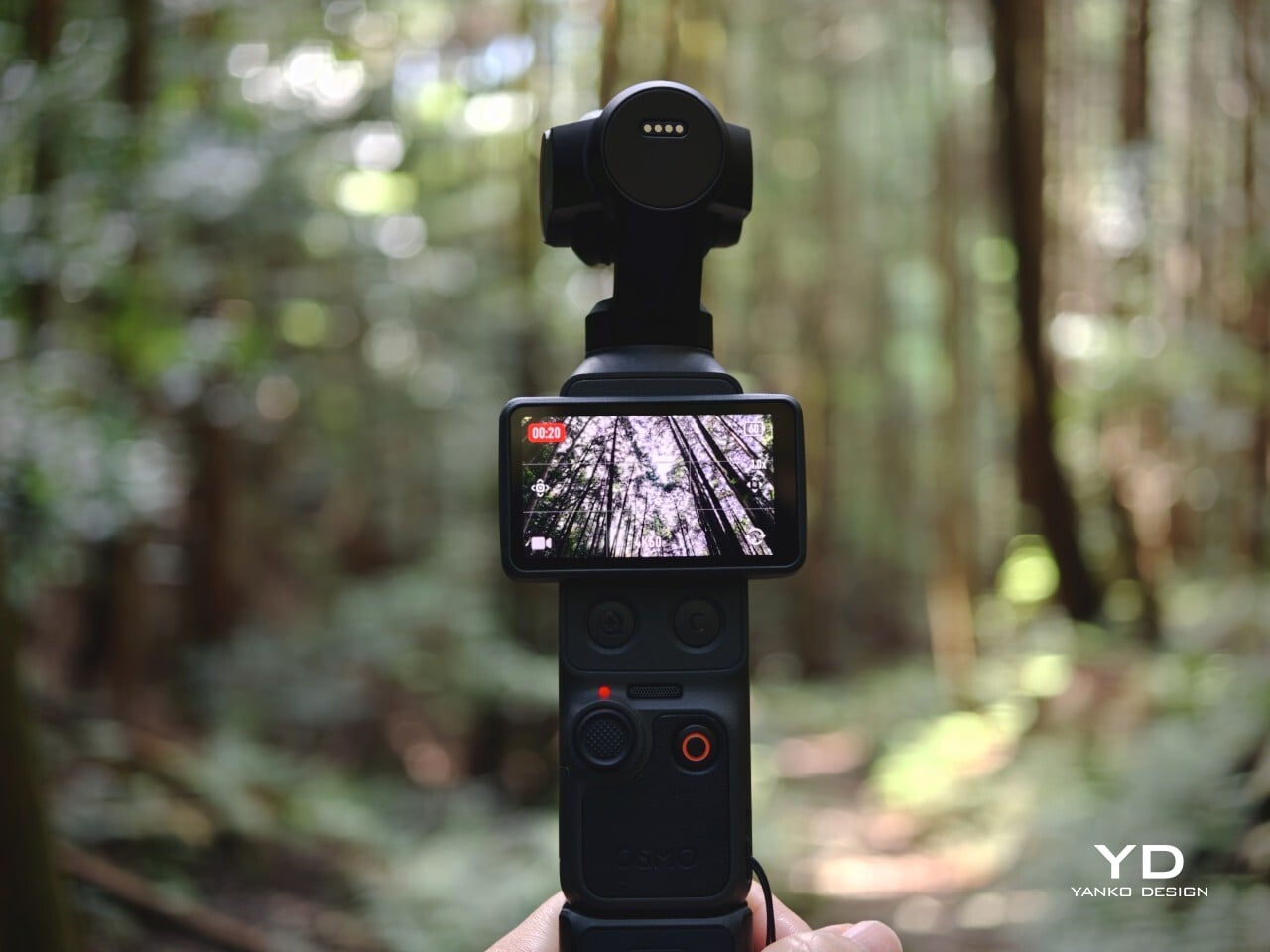
The Osmo Pocket 4 doesn’t try to look exciting. Its silhouette is tall and narrow, with a small three-axis gimbal head sitting at the top. It’s a restrained design that communicates precision rather than personality, and that’s part of the appeal. The matte black finish and clean lines make it look purposeful without being flashy, which is exactly the visual confidence that good industrial design earns.
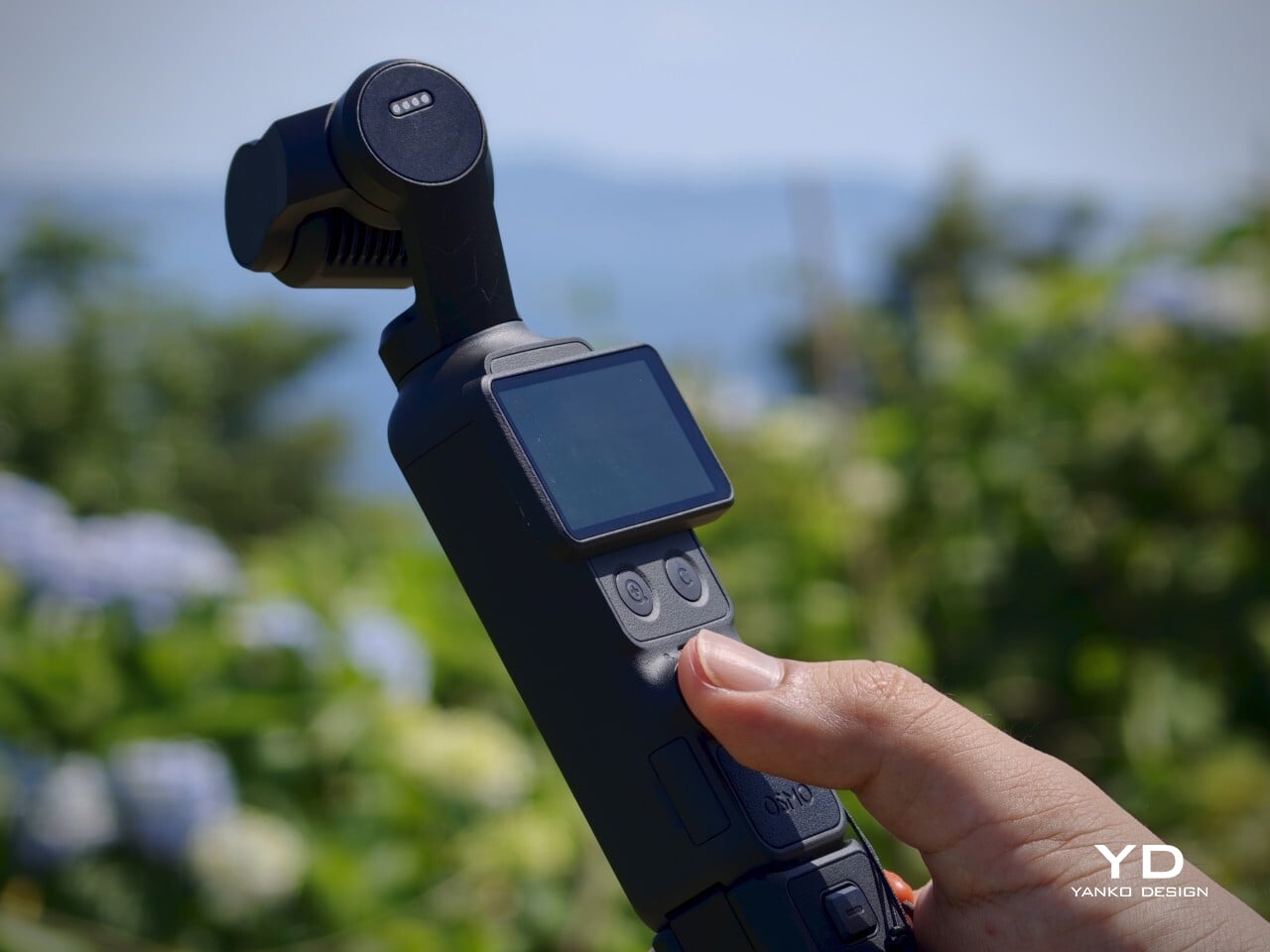
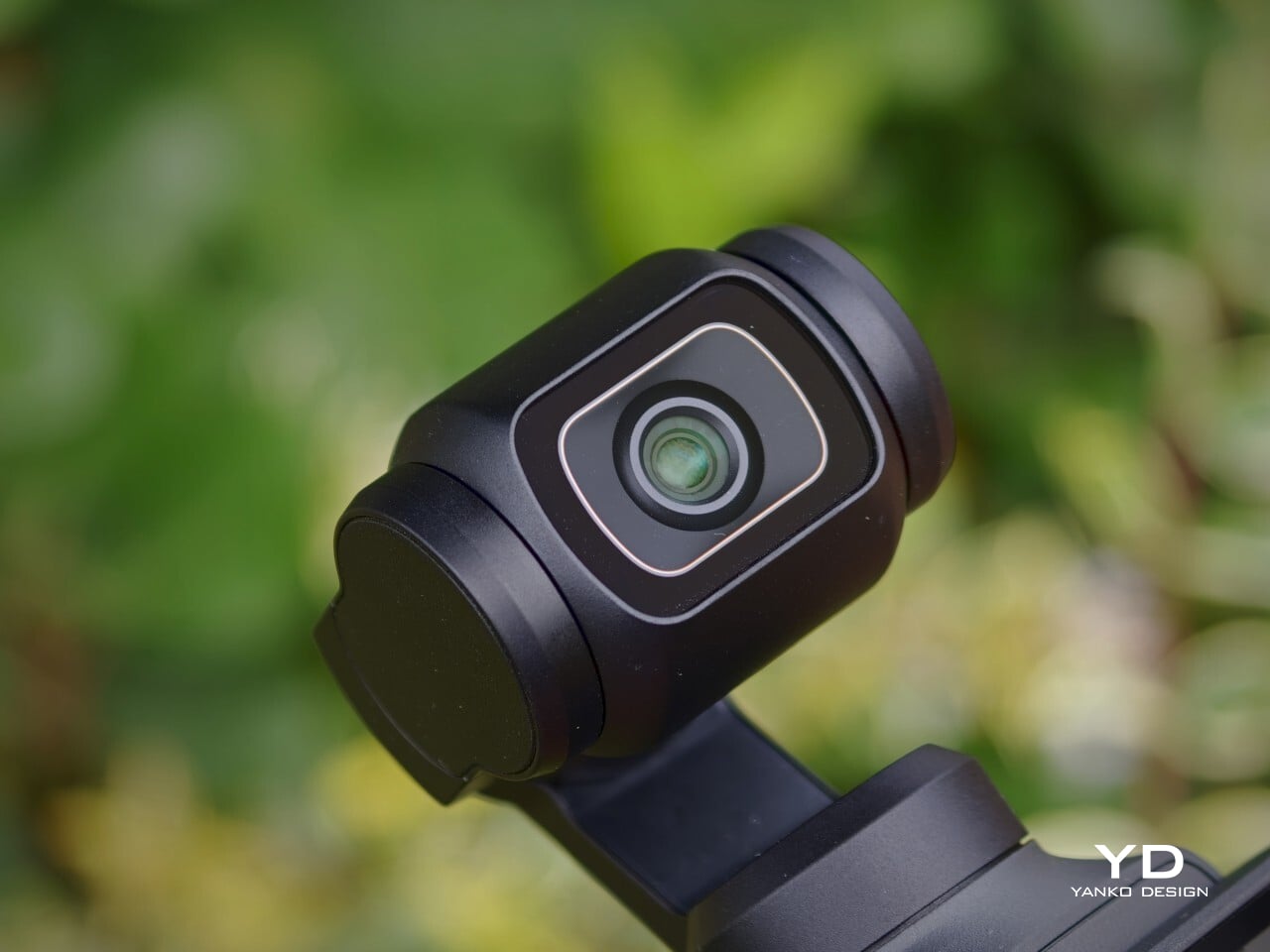
What makes it visually distinctive is the tension between the utilitarian body and the delicate gimbal mechanism at the top. The rotating touchscreen adds a layer of mechanical thoughtfulness to the otherwise straightforward form. Up close, the camera looks precise and well-assembled, with tight tolerances and a consistent finish across its surfaces. It’s the kind of object that rewards a closer look.
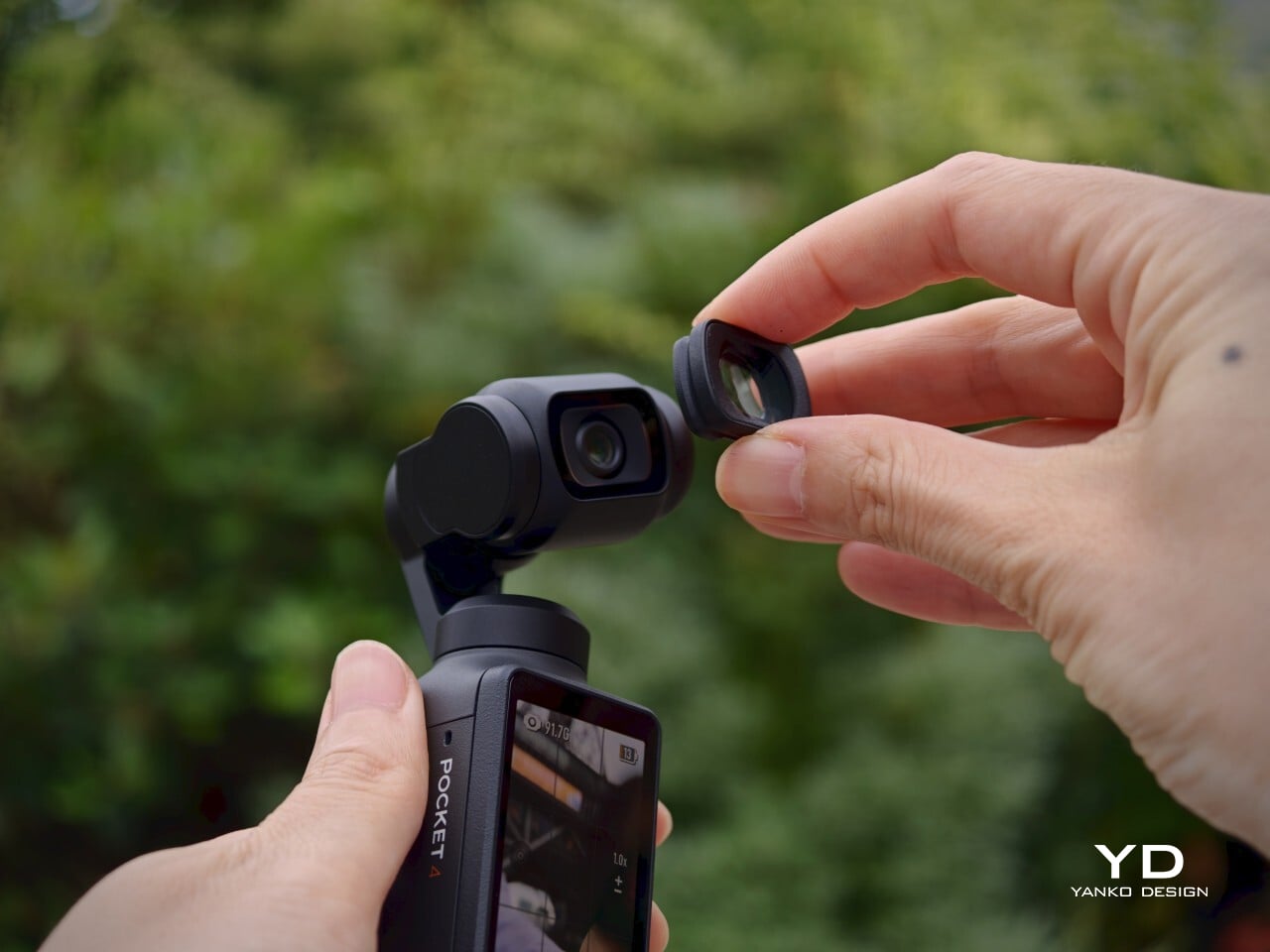
The Creator Combo accessories, including the magnetic fill light and the wide-angle lens, add functional range without dramatically changing the camera’s character. They fit onto the device with minimal fuss and are compact enough to carry without much extra bulk. The wide-angle lens introduces some edge distortion, a minor tradeoff, and it needs to be removed before powering the camera down, making it a small but notable habit to build.
Ergonomics
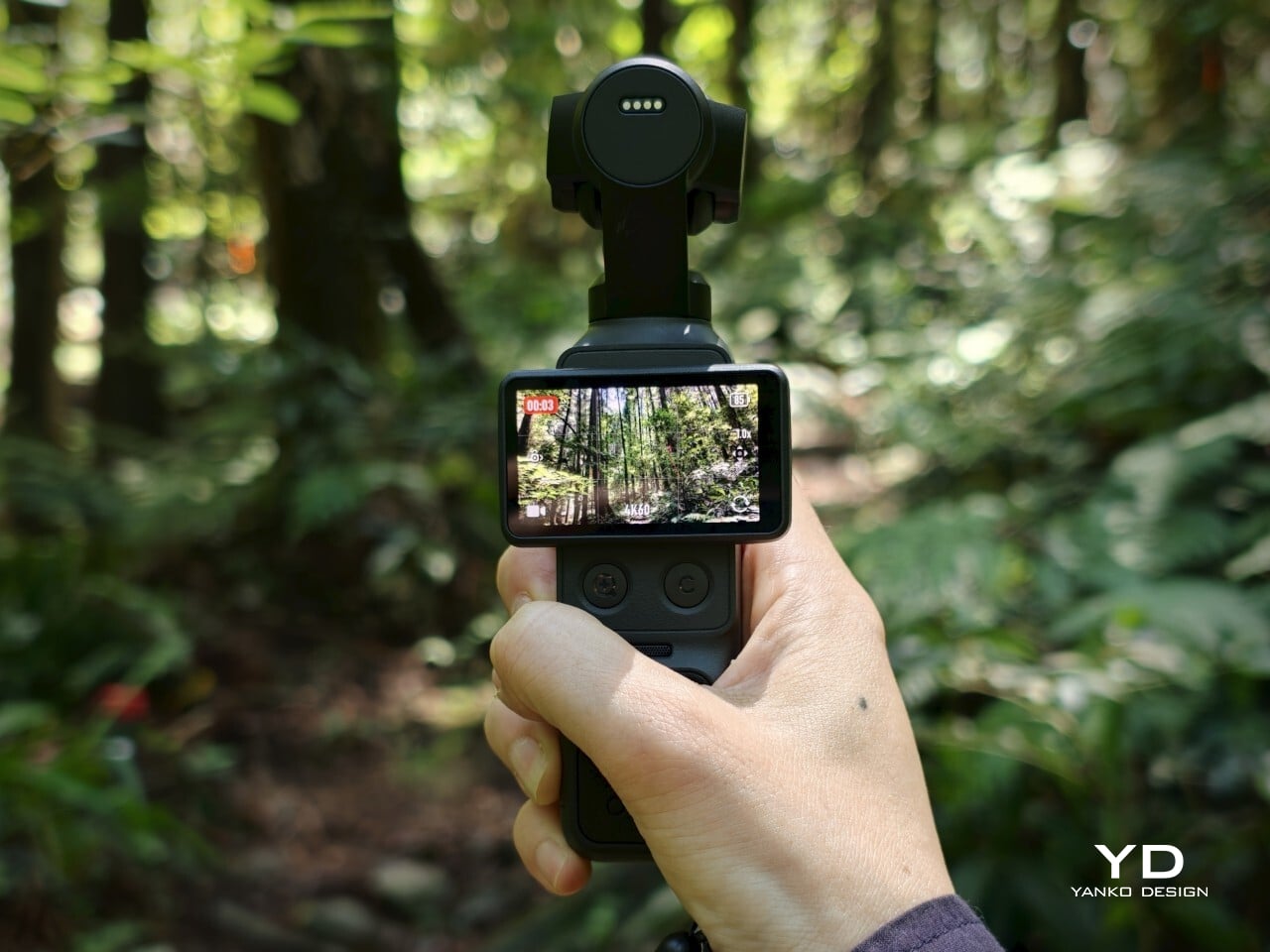
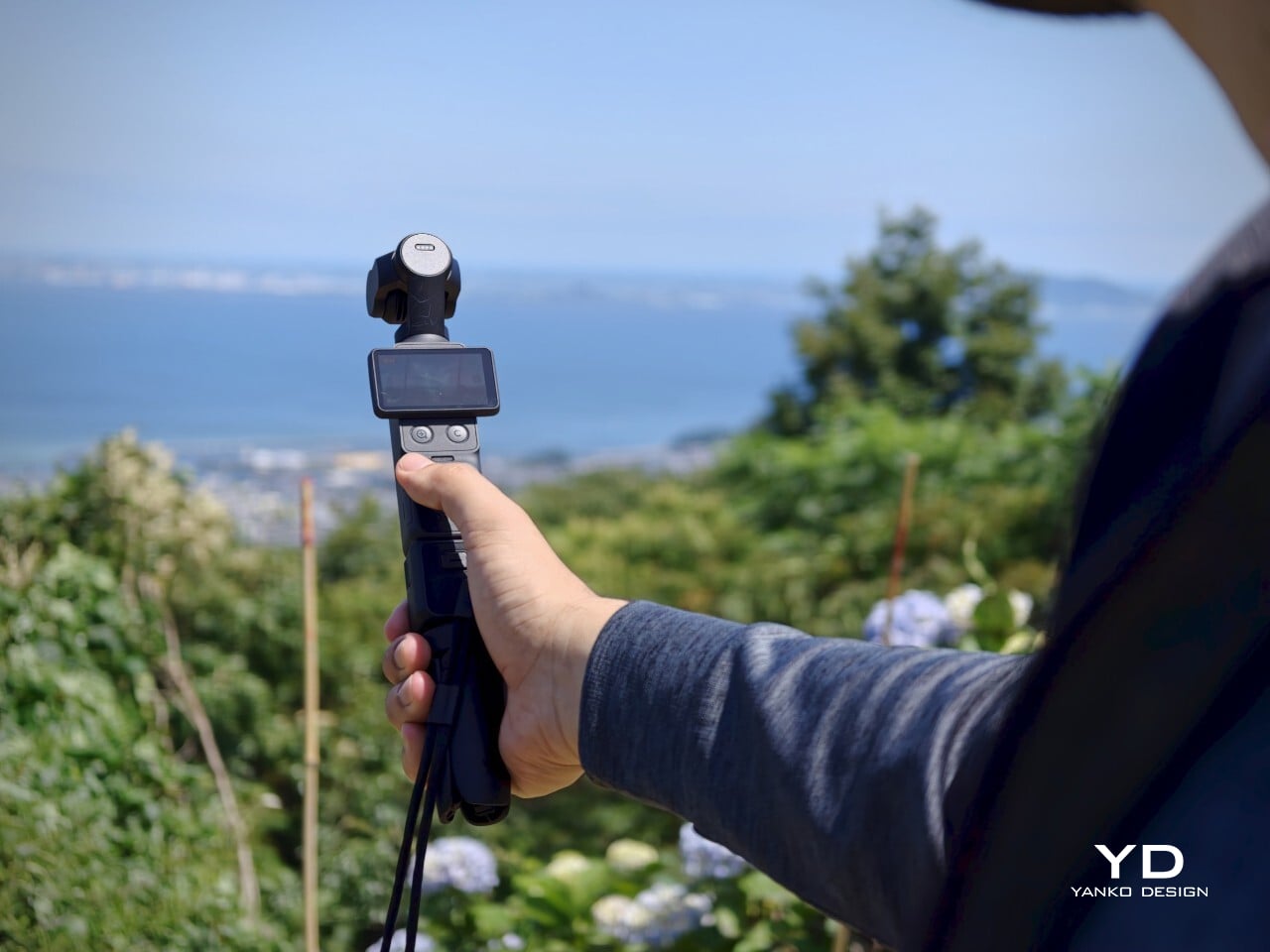
At 190.5g and measuring 144.2mm x 44.4mm x 33.5mm, the Osmo Pocket 4 genuinely fits in a pocket. That sounds like a marketing line, but it’s one of the more meaningful things you can say about a dedicated camera. It’s light enough to forget you have it and small enough that pulling it out feels no more dramatic than reaching for your phone, which is completely the point.
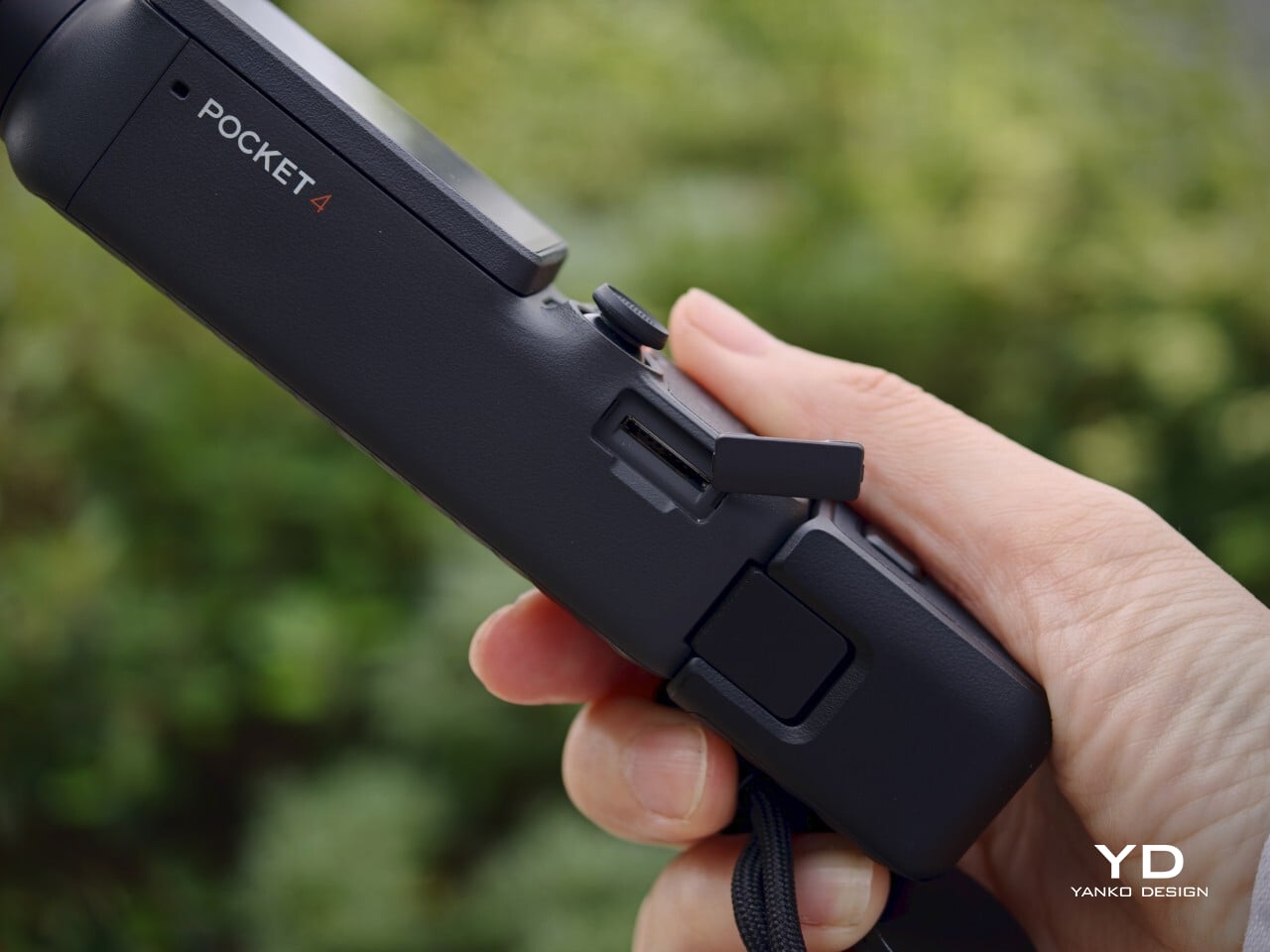
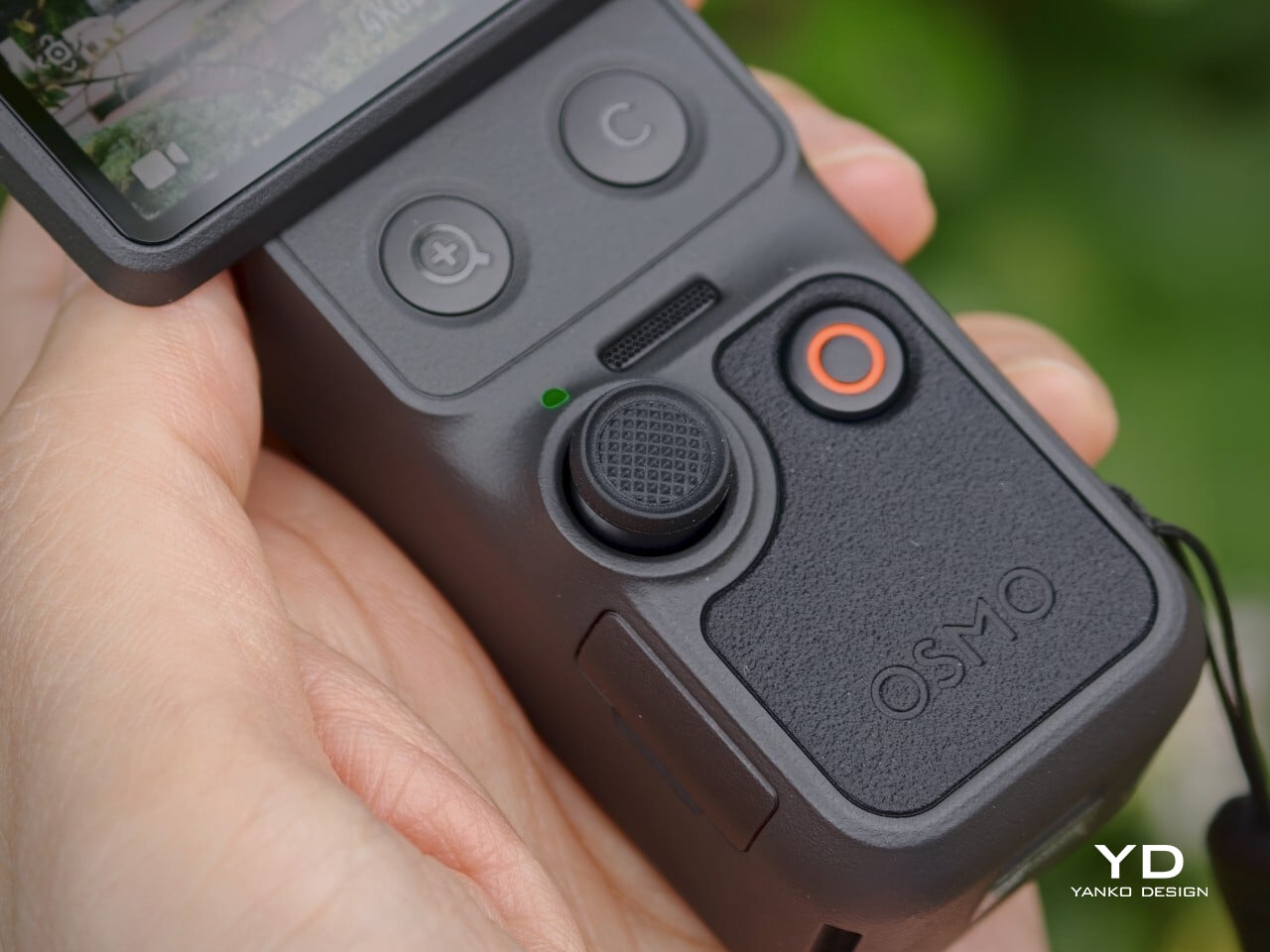
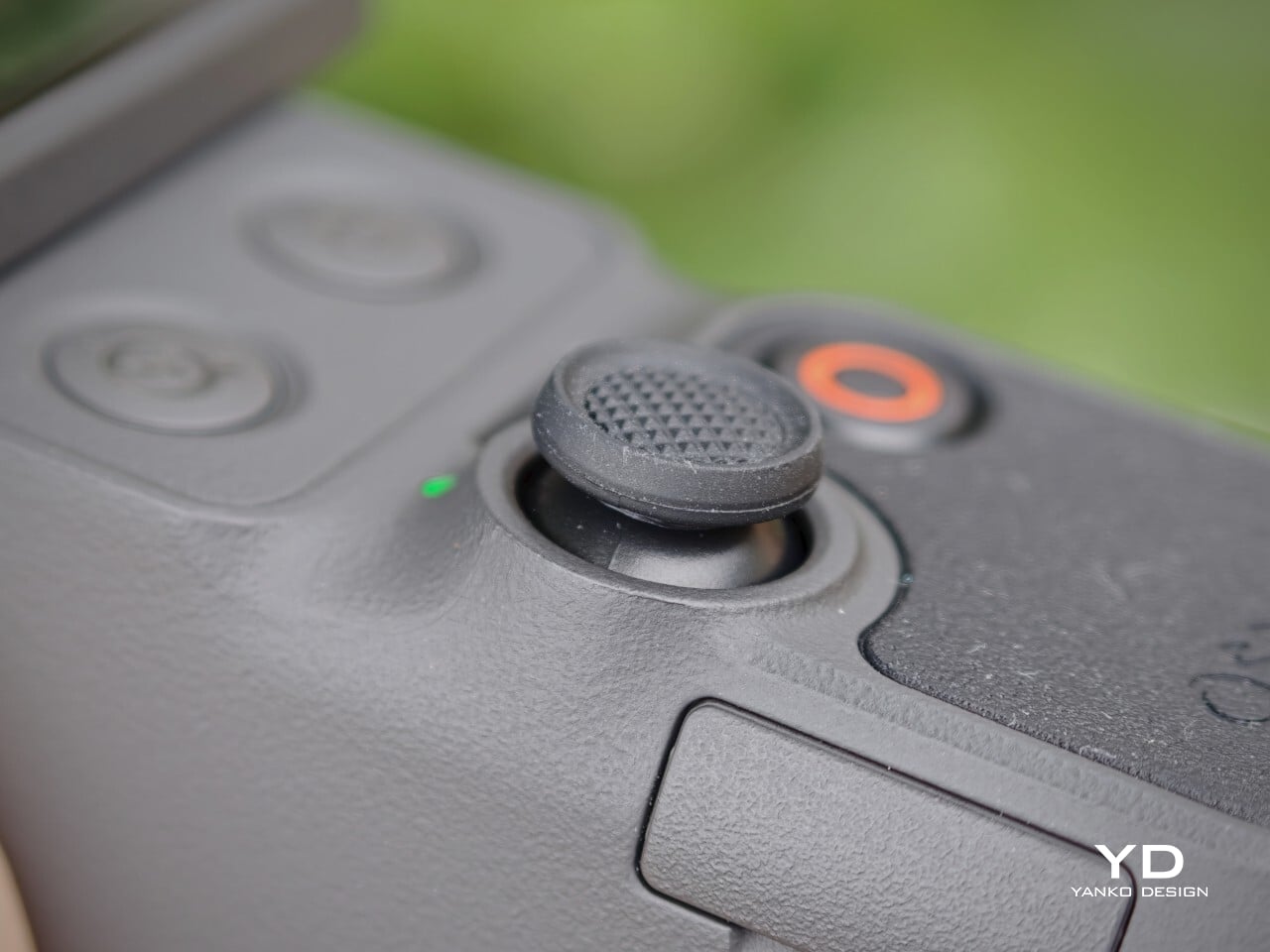
Operating the Osmo Pocket 4 is intuitive. Rotating the screen starts recording automatically, a shortcut that makes spontaneous moments actually capturable. Two new buttons below the screen handle zoom and custom presets, while the 5D joystick lets you reposition the gimbal or flip the camera orientation without going into menus. The controls feel deliberate rather than crowded, and that discipline counts in a device this compact.
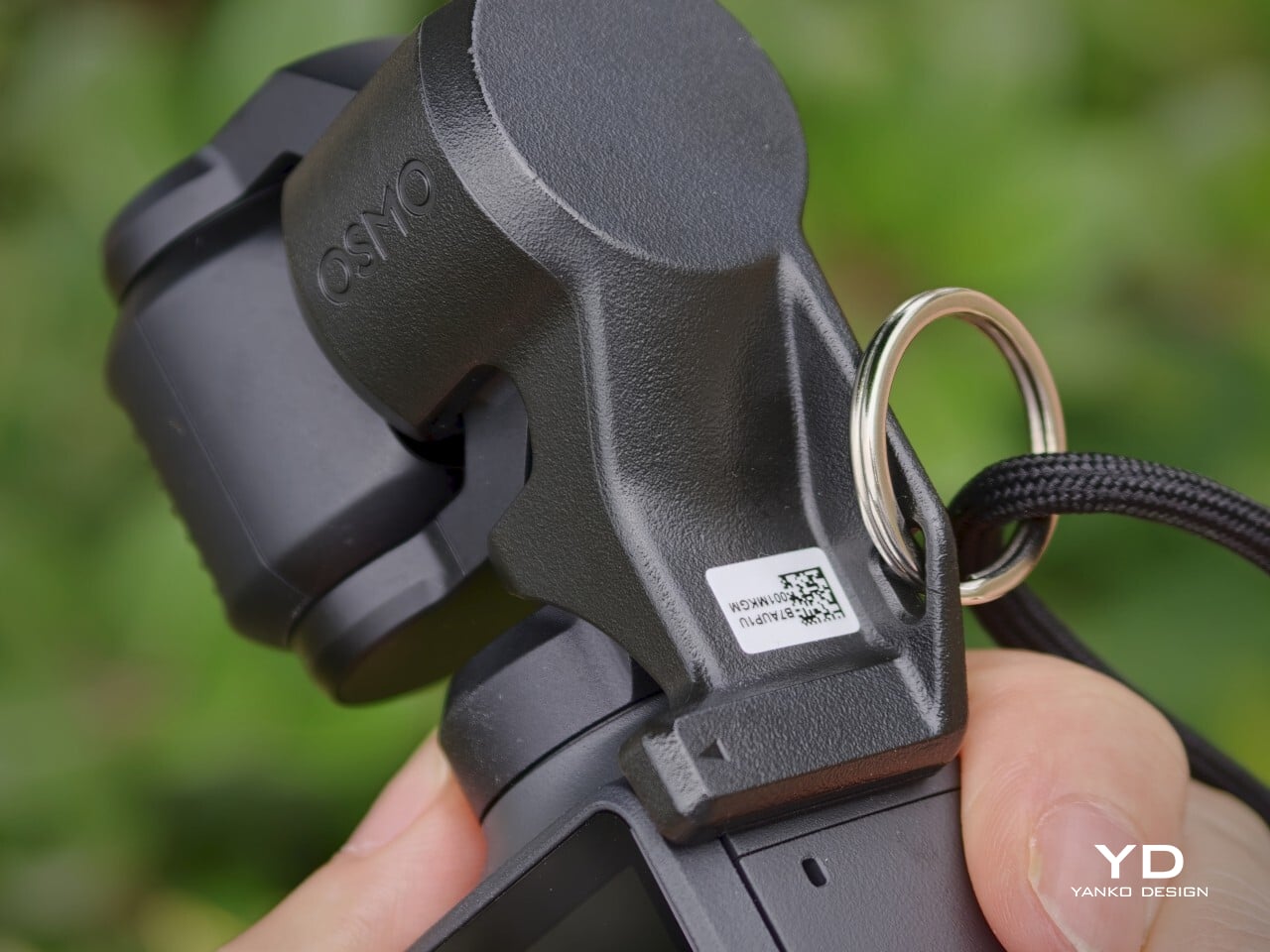
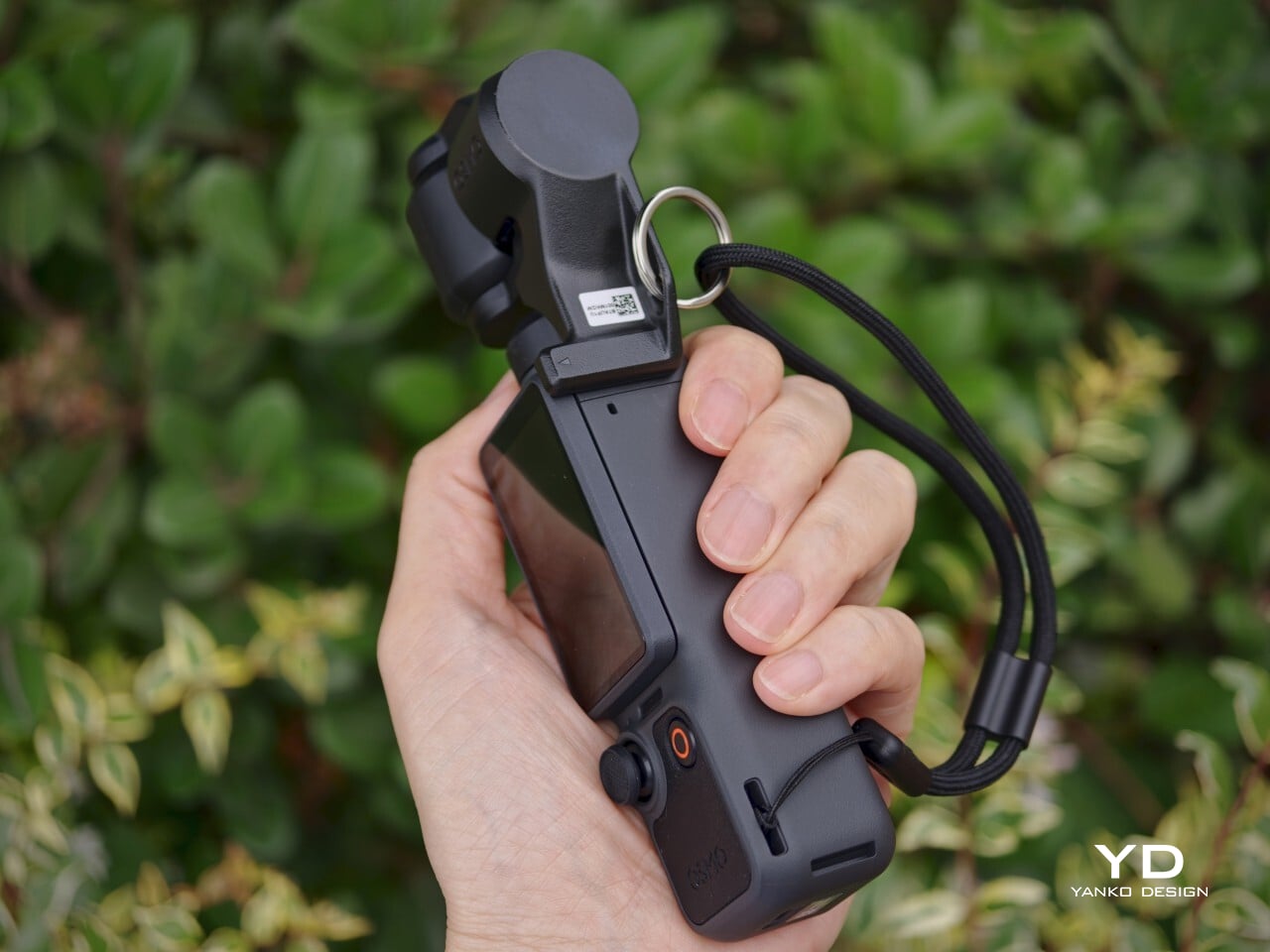
The 2.0-inch touchscreen is bright at 1000 nits, visible enough for outdoor framing, though it could benefit from an anti-reflective surface under harsh direct sunlight. The gimbal clamp that protects the camera head during storage is usefully low-profile, but it’s also easy to misplace precisely because of that. A lanyard attachment helps solve that problem and keeps the clamp reliably on hand whenever the camera needs to be put away.
Performance
The core of the Osmo Pocket 4’s appeal is its improved 1-inch CMOS sensor, paired with an f/2.0 lens and 14 stops of dynamic range. In practice, that combination produces video with noticeably more texture and tonal depth than a typical smartphone sensor can manage. Highlight retention in bright outdoor scenes holds up well, and shadow detail in mixed-light interiors stays controlled rather than collapsing into noise or flat gray.
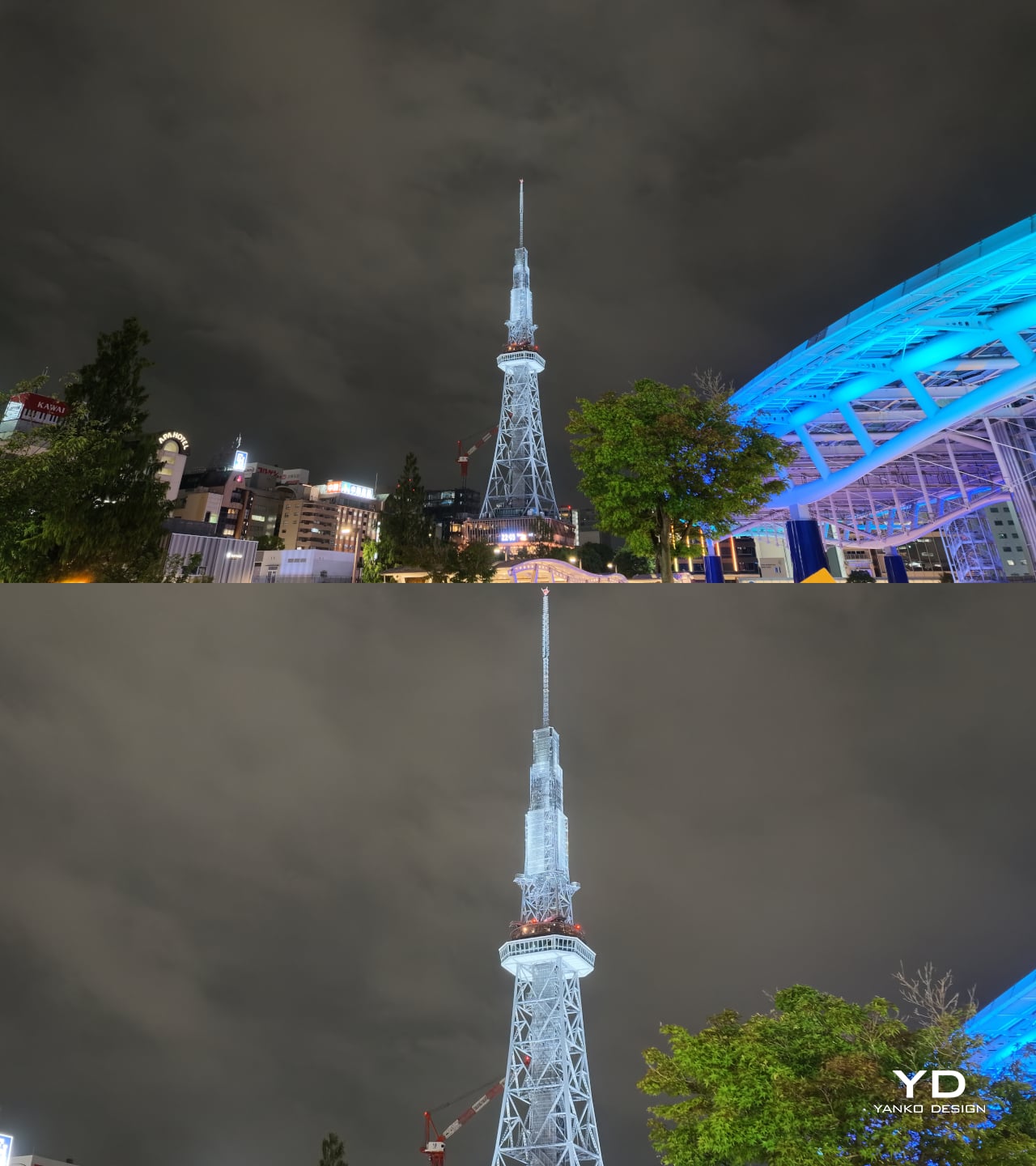
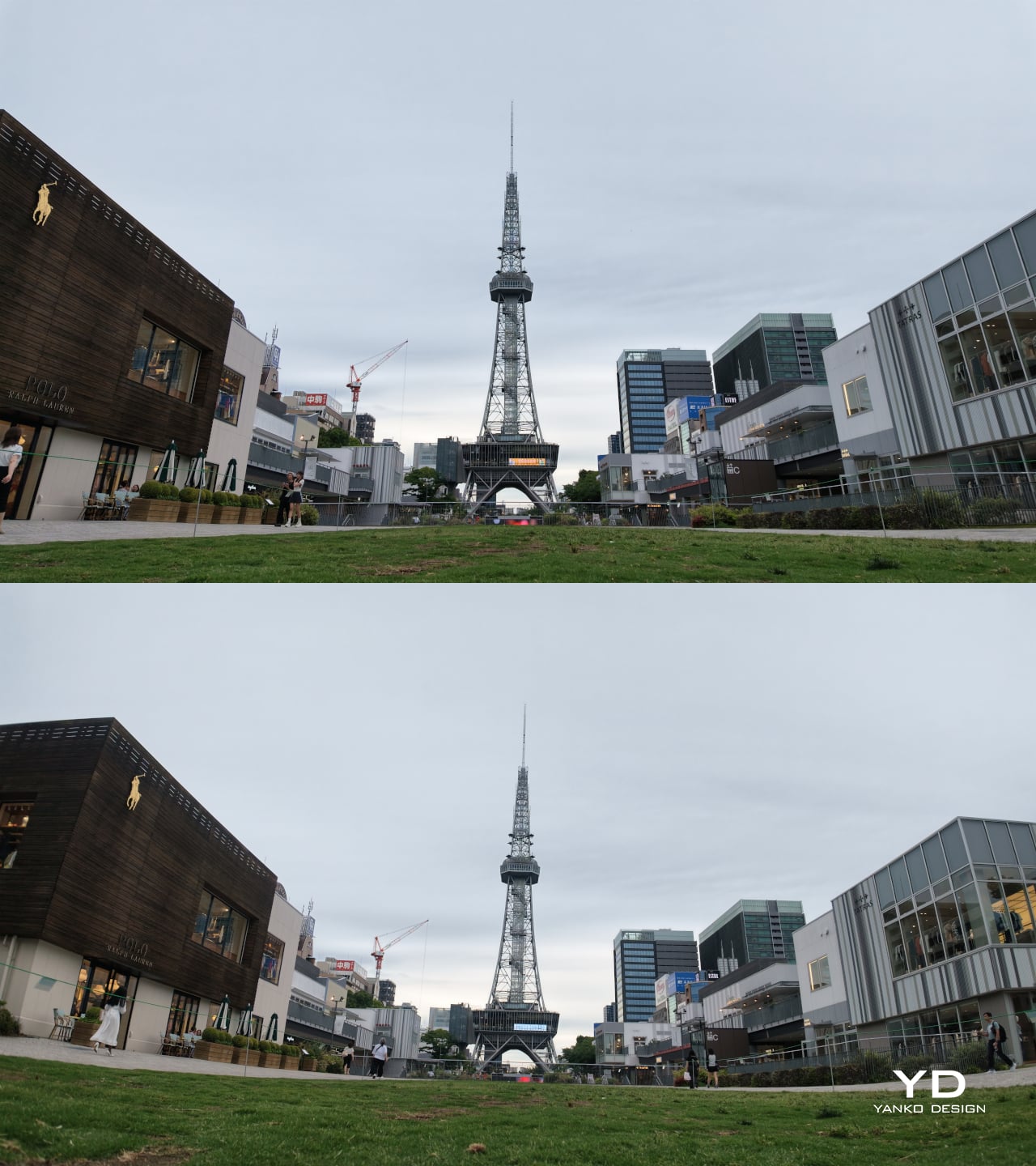
1x (Top) | 2x (Bottom)
1x (Top) | Wide Lens Attachment (Bottom)
Low-light performance is one of the Pocket 4’s stronger points, both for still photos and videos. The dedicated low-light video mode produces clean, well-exposed footage in dim environments where smartphones typically struggle with noise and color accuracy. Sadly, the latter comes with a hidden cost: low-light video mode only works at 1x zoom.
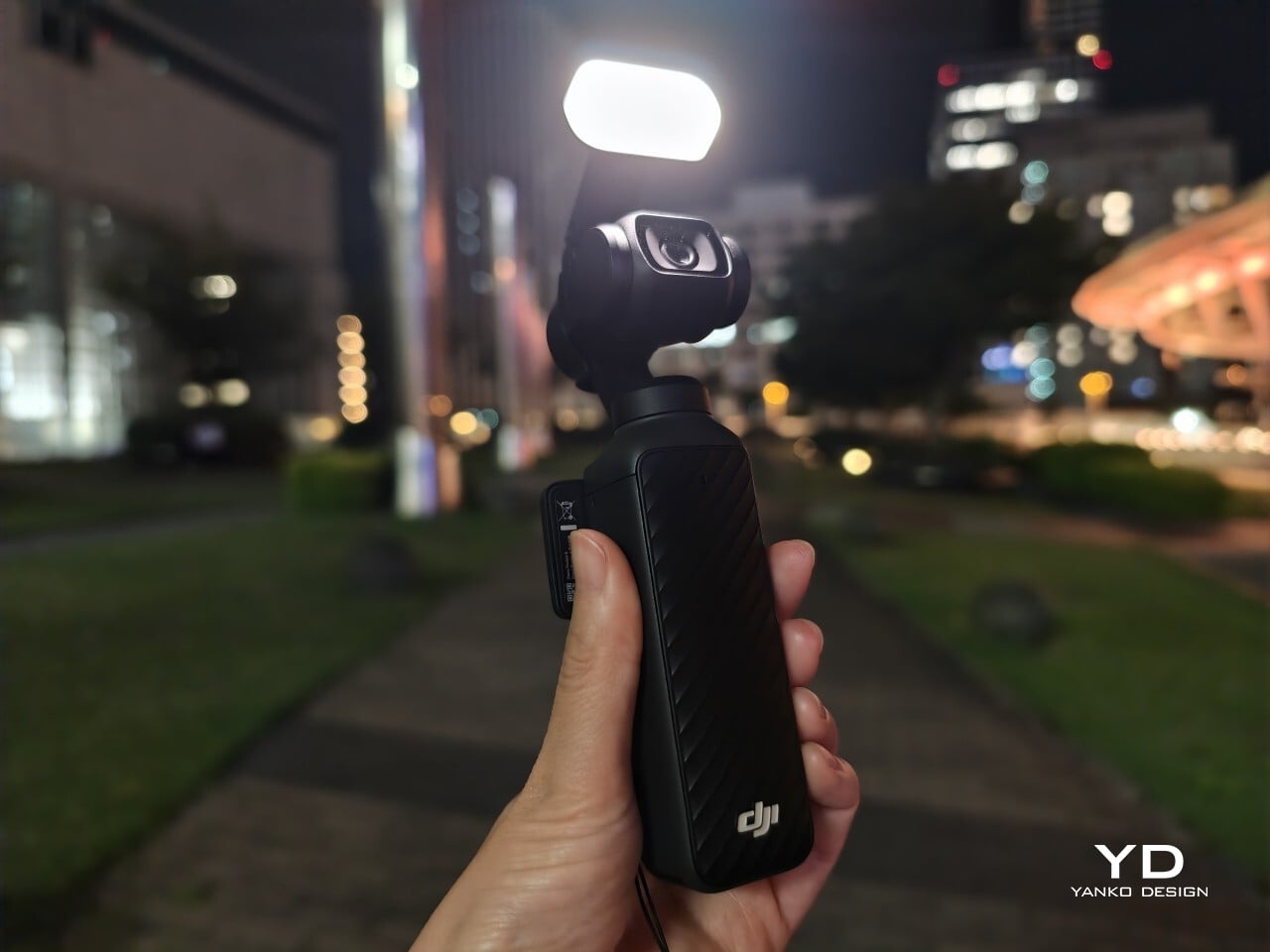
The magnetic fill light from the Creator Combo is a helpful companion for indoor portraits and evening setups, adding enough brightness to make skin tones look clear, though it’s more of a useful enhancement than an absolute necessity. The Osmo Pocket 4 works well enough on its own for nighttime photography and low-lit environments, but in pitch-black situations, the fill light snaps on in a flash, pardon the pun.
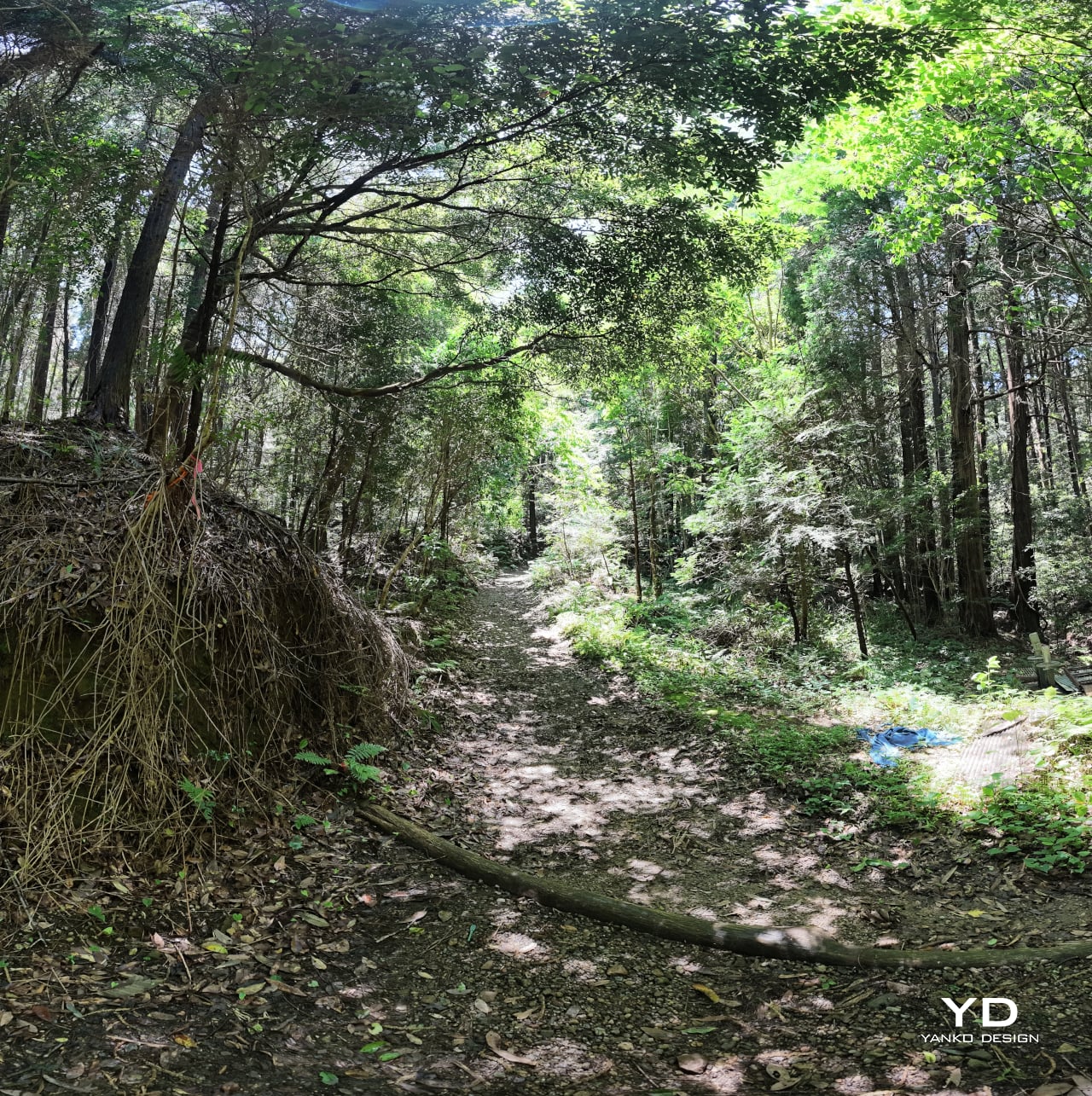
Panorama
Landscape
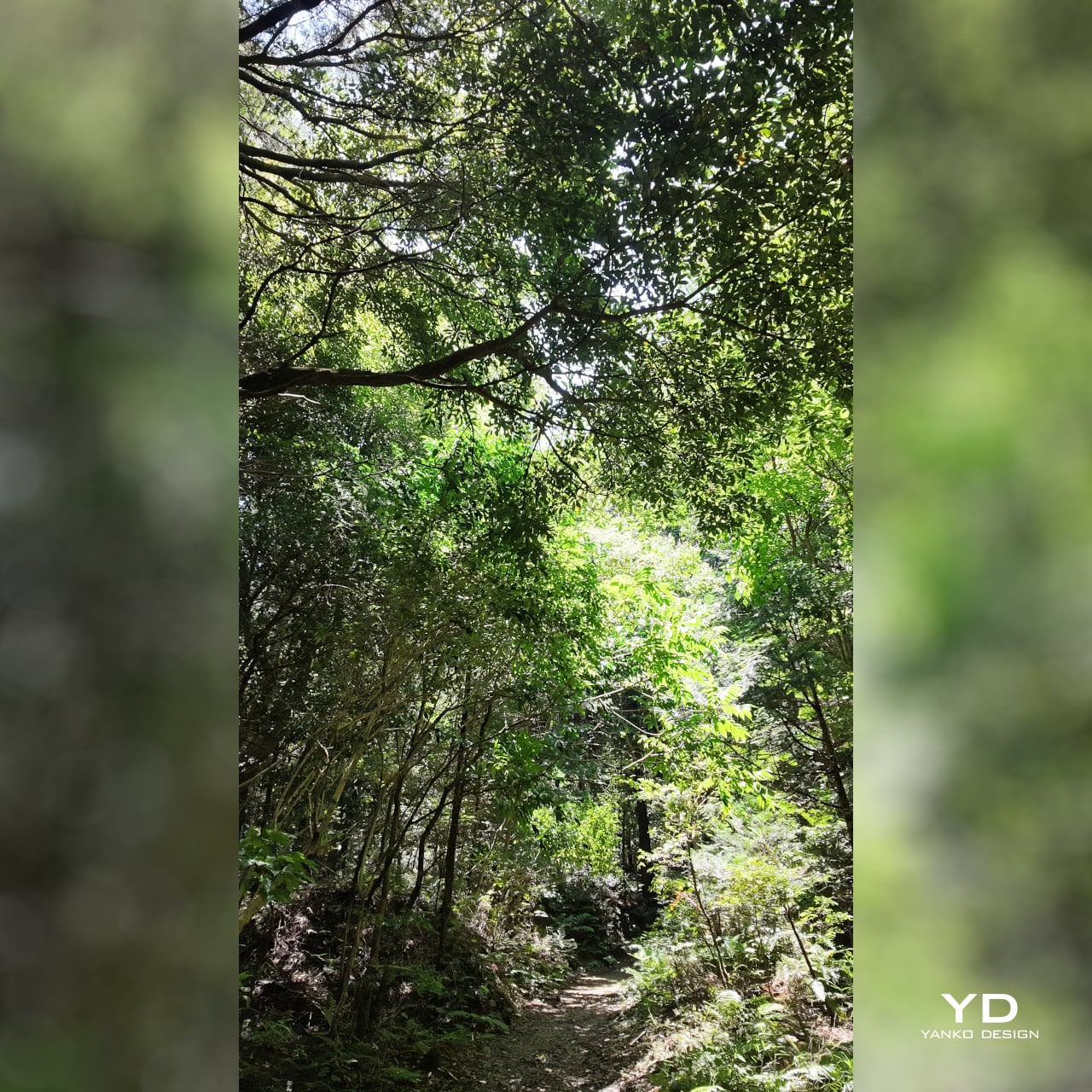
Vertical
For video enthusiasts, the 4K/240 fps slow-motion mode is a genuine highlight. Capturing slow motion at that resolution opens up detailed, cinematic-looking sequences that would have required bulkier equipment not long ago. Sadly, that 4K upgrade doesn’t apply to vertical portrait mode, which remains in 3K land. The 10-bit D-Log color profile adds post-production flexibility, capturing a wider tonal range for those who want to grade their footage in editing software. It’s a meaningful upgrade from the lighter D-Log M available on the previous generation.
With Fill Light
No Fill Light (top) | With Fill Light (bottom)
The three-axis stabilization is the product’s most compelling advantage. Walking footage stays smooth without the warping that aggressive digital stabilization sometimes produces, and ActiveTrack 7.0 tracks subjects confidently through movement at up to 4x zoom. The 107 GB of built-in storage, transferable at up to 800 MB/s via USB 3.1, removes the need for a memory card on most shoots and makes offloading footage back at a desk genuinely fast.
Pitch Black
With Fill Light
Night Shot (Without Fill Light)
Night Shot (With Fill Light)
Sustainability
The Osmo Pocket 4 doesn’t make bold claims about eco-friendly materials, and that honesty is more useful than hollow greenwashing. What it does offer is a well-built product that feels designed to last. The body has no creaking or flex, and the feature set is current enough that it isn’t likely to feel obsolete quickly. That kind of longevity is a meaningful sustainability argument for a consumer electronics device.
Unfortunately, it doesn’t come with any water or dust resistance guarantee, let alone a formal IP (ingress protection) rating. The Osmo Pocket 4 is best used with a bit of care outdoors, since its gimbal-based design doesn’t lend itself to the kind of weather resistance you’d expect from a rugged action camera.
Like most compact gimbal cameras, the Pocket 4 isn’t particularly serviceable at the consumer level. Tightly integrated components make independent repair difficult, so long-term ownership depends on careful handling more than easy maintenance. That said, the modular accessory system means you’re less likely to replace the camera because one peripheral breaks or becomes outdated. The accessories extend the product’s useful life without requiring a full device swap.
Value
At $486, the Osmo Pocket 4 sits at a price point where expectations of serious performance are fair, and for the most part, it delivers. What you’re paying for isn’t just a feature list but the engineering that concentrates stabilization, a 1-inch sensor, internal storage, and creator-focused controls into something pocketable. That concentration costs more than a simpler compact camera, and the footage quality shows where the money went.
The $607 Creator Combo version adds genuine value through the DJI Mic 3 transmitter, the fill light, and a handful of supporting accessories. The wireless microphone alone is a meaningful addition for anyone who records dialogue, since the built-in setup works well but can’t match a properly placed lapel mic. Together, these accessories shift the package from a capable camera into a more complete creator kit.
For creators who shoot on the go regularly and want footage that looks better than what a phone can deliver, the Pocket 4 sits in a position few other devices can match cleanly. The form factor eliminates excuses for not having the camera out, the stabilization removes the need for post-production smoothing, and the image quality means you’re not apologizing for what you captured.
Verdict
The Osmo Pocket 4 is a thoughtfully resolved compact camera that does its intended job with real consistency. The stabilized footage looks clean and confident, the low-light performance holds up better than the size suggests, and the built-in storage removes a quiet but persistent inconvenience. These aren’t small things for a device that has to fit in your jeans pocket while still competing with cameras twice its size.
There are tradeoffs, as there always are with a device optimized this tightly. Portrait shooting tops out at 3K rather than full 4K, the low-light mode locks to 1x zoom, and the lack of weather sealing limits it in unpredictable outdoor conditions. These aren’t dealbreakers so much as parameters, and understanding them is all it takes to decide whether the Pocket 4 fits the footage you actually want to make.
Lo-fi photography has quietly staged a comeback over the past several years. Grainy film shots and pixel-heavy images have become a sought-after look among photographers and casual snappers alike, partly as a reaction to the almost clinical sharpness of modern smartphone cameras. The Game Boy Camera, Nintendo’s cartridge-based accessory from 1998, sits at the center of this revival, beloved for its impossibly low resolution and four-shade grayscale.
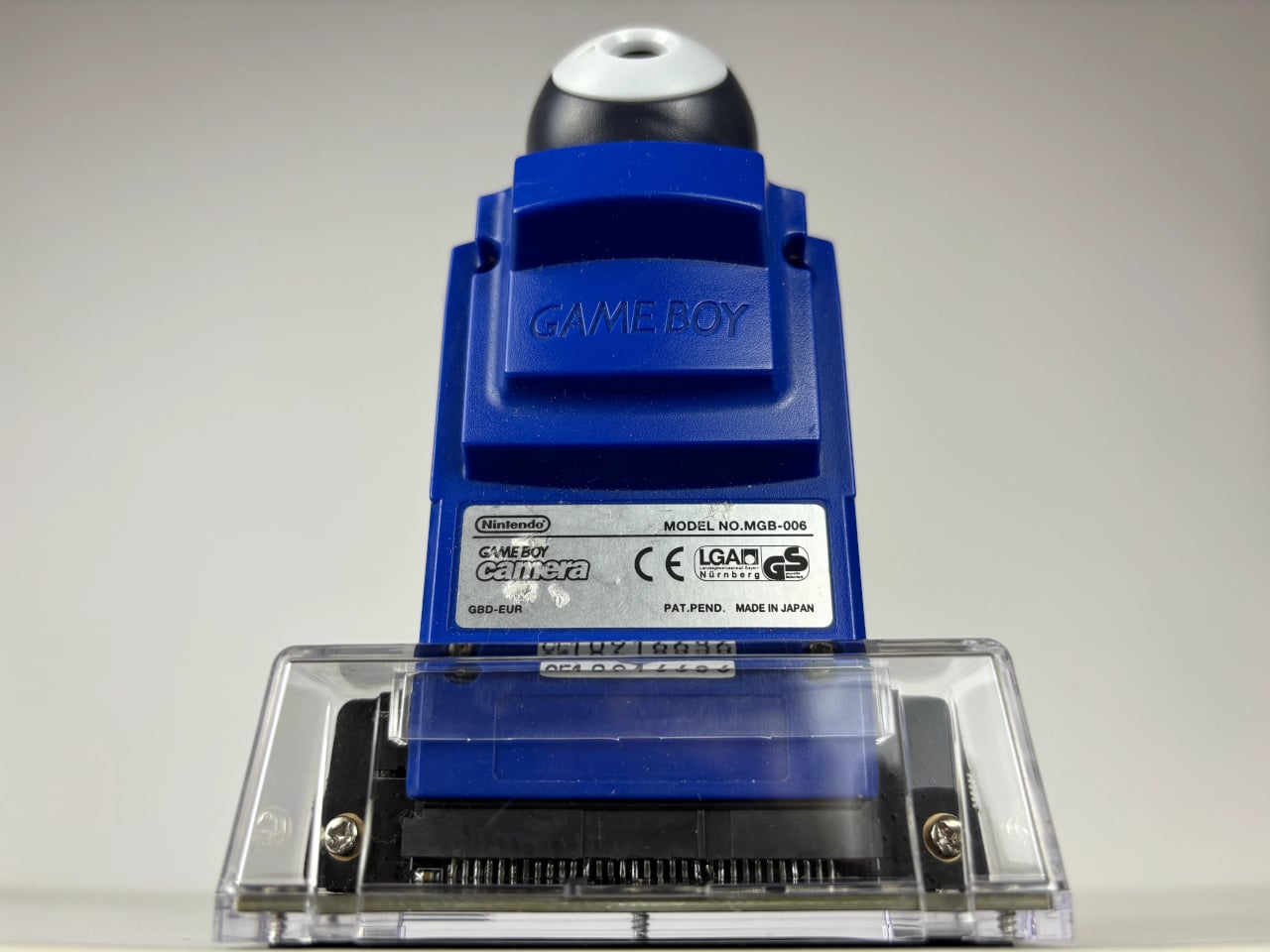
Getting that Game Boy Camera experience has typically meant tracking down the original hardware through secondhand markets, often at a premium, with no guarantee the cartridge still works. Epilogue’s Flashback app changes that. It bridges the gap between a Nintendo accessory from the late ’90s and your current smartphone, letting you capture images in that pixelated, lo-fi style with or without the original cartridge, and it doesn’t cost a thing.
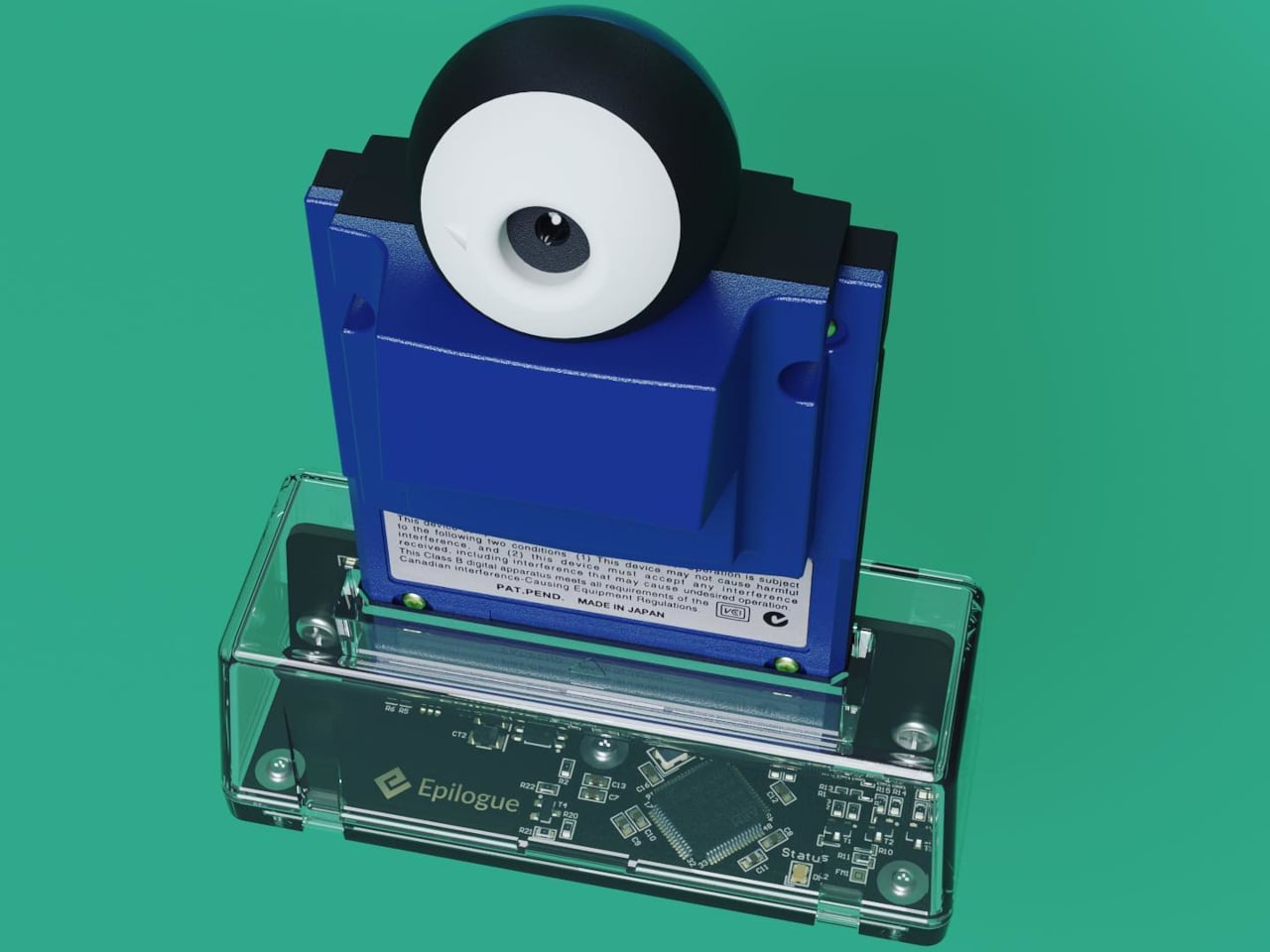
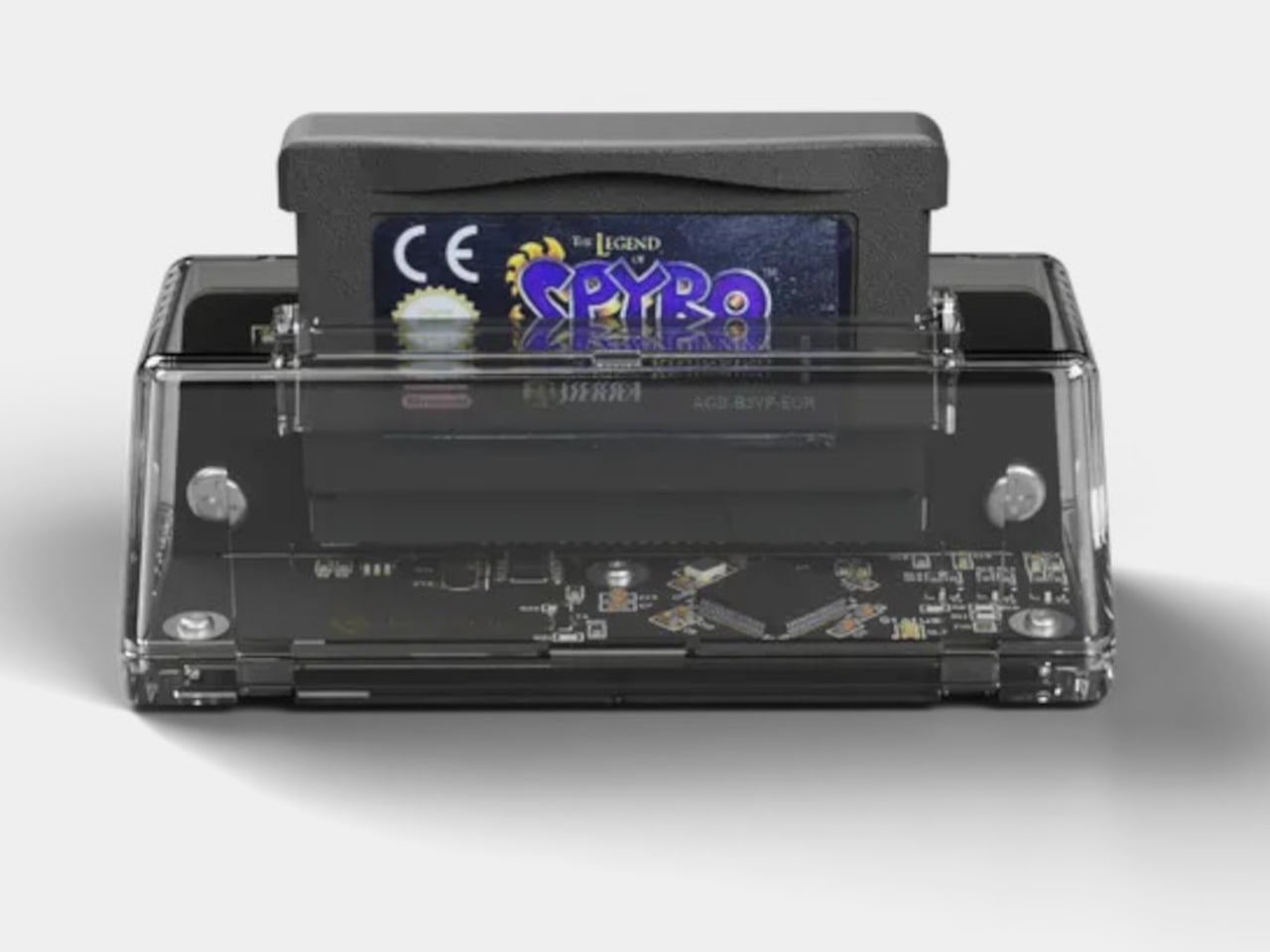
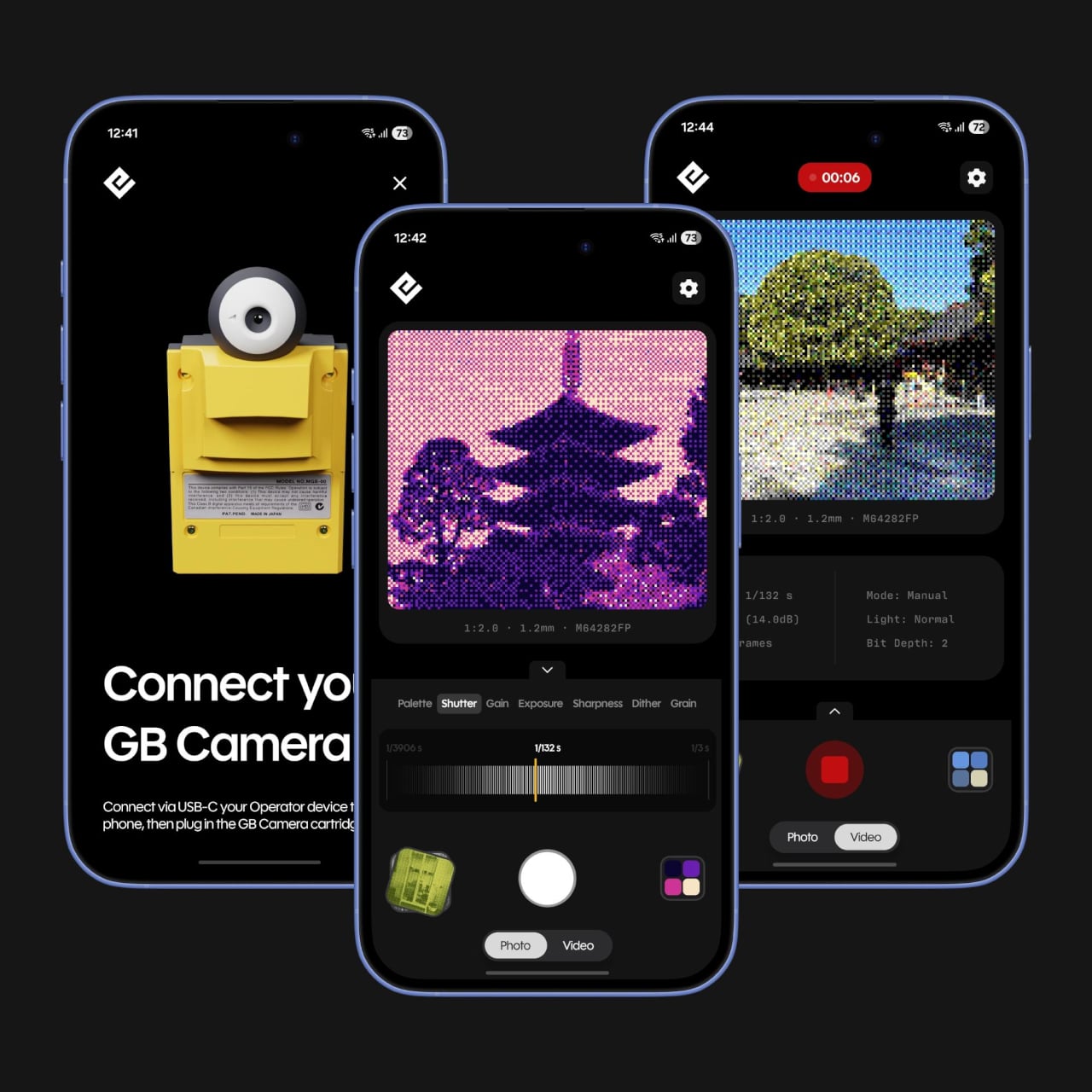
If you do have the original Game Boy Camera tucked away, Flashback has a Hardware Mode that pairs with Epilogue’s GB Operator, a $90 cartridge reader that connects to your phone via USB-C. Slot in the cartridge, plug it into your phone, and the app detects the camera automatically. No pairing is needed, and nothing is emulated: you’re shooting straight through the original Mitsubishi M64282FP sensor.
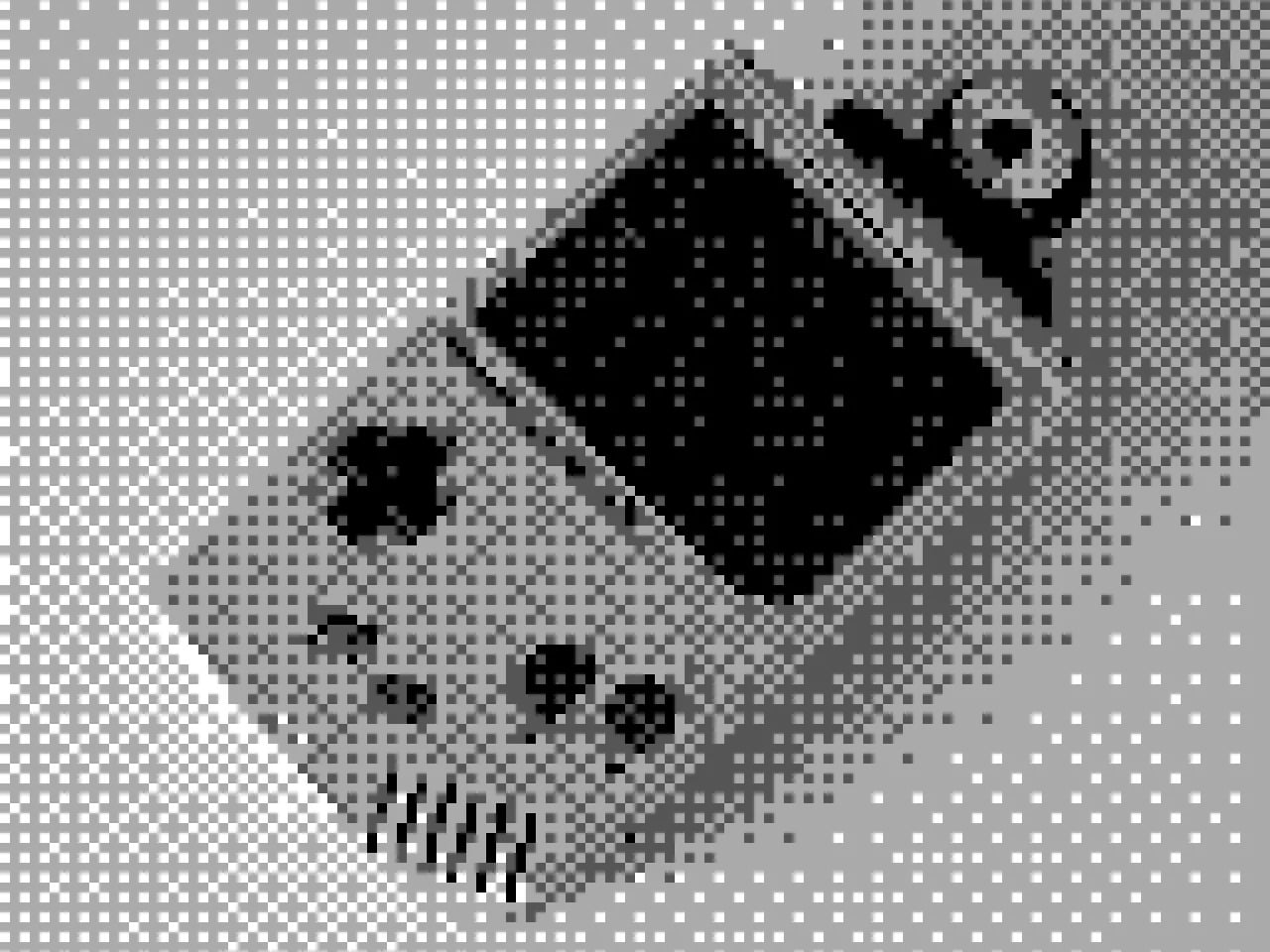
Not everyone held onto their Game Boy Camera from the ’90s, and Flashback accounts for that. Its Software Mode skips the hardware altogether, using your phone’s own camera and faithfully recreating the Game Boy Camera’s image processing pipeline. You get the same 128×112 pixel grid, the same dithering, and the same four-shade rendering, applied to whatever your lens captures. It’s a faithful recreation, not a generic retro filter.
You’re not limited to gray, either. Flashback comes loaded with 32 color palettes, ranging from the original grayscale to classic Game Boy green, plus creative options like Ice Cream, Tidewater, Spacehaze, and Velvet Cherry. In Software Mode, there’s also a Color Mode that dynamically builds a palette from whatever hues are actually in front of your lens, making the filter feel responsive rather than fixed.
For those who want to go further, Flashback opens up manual controls for shutter speed, gain, exposure, sharpness, dither, and grain. These aren’t decorative sliders. They map to the actual registers of the M64282FP sensor itself. Every shot you take gets stamped with its exact settings, so if you land on a combination you like, you’ve already saved the recipe for getting back to it.
Flashback isn’t limited to photos. It records video too, with audio captured through your phone’s microphone, giving the lo-fi aesthetic a moving dimension. Everything goes straight to your Camera Roll when you’re done. The app is free on the App Store and Google Play, available on iOS 17.2 and above, or Android 8.0 and above, and it also runs natively on Mac.
For anyone who grew up with a Game Boy, getting back to that same exact photographic experience today costs only a free app download and, if you still have the cartridge, a USB-C cable. It’s a combination that makes a sensor originally from 1998 feel unexpectedly relevant, and its lo-fi images strangely compelling for something that barely clocks 14 kilopixels.
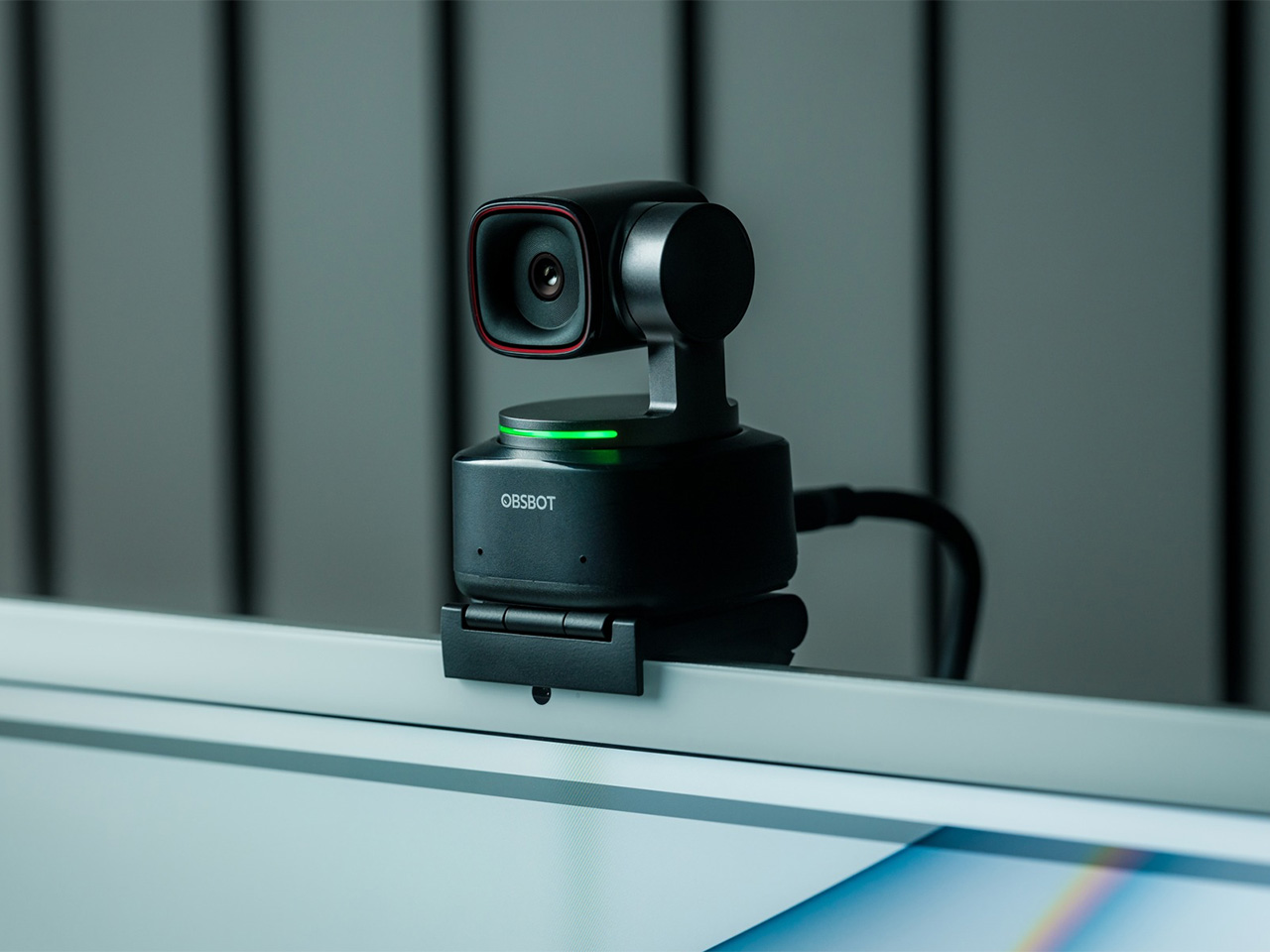
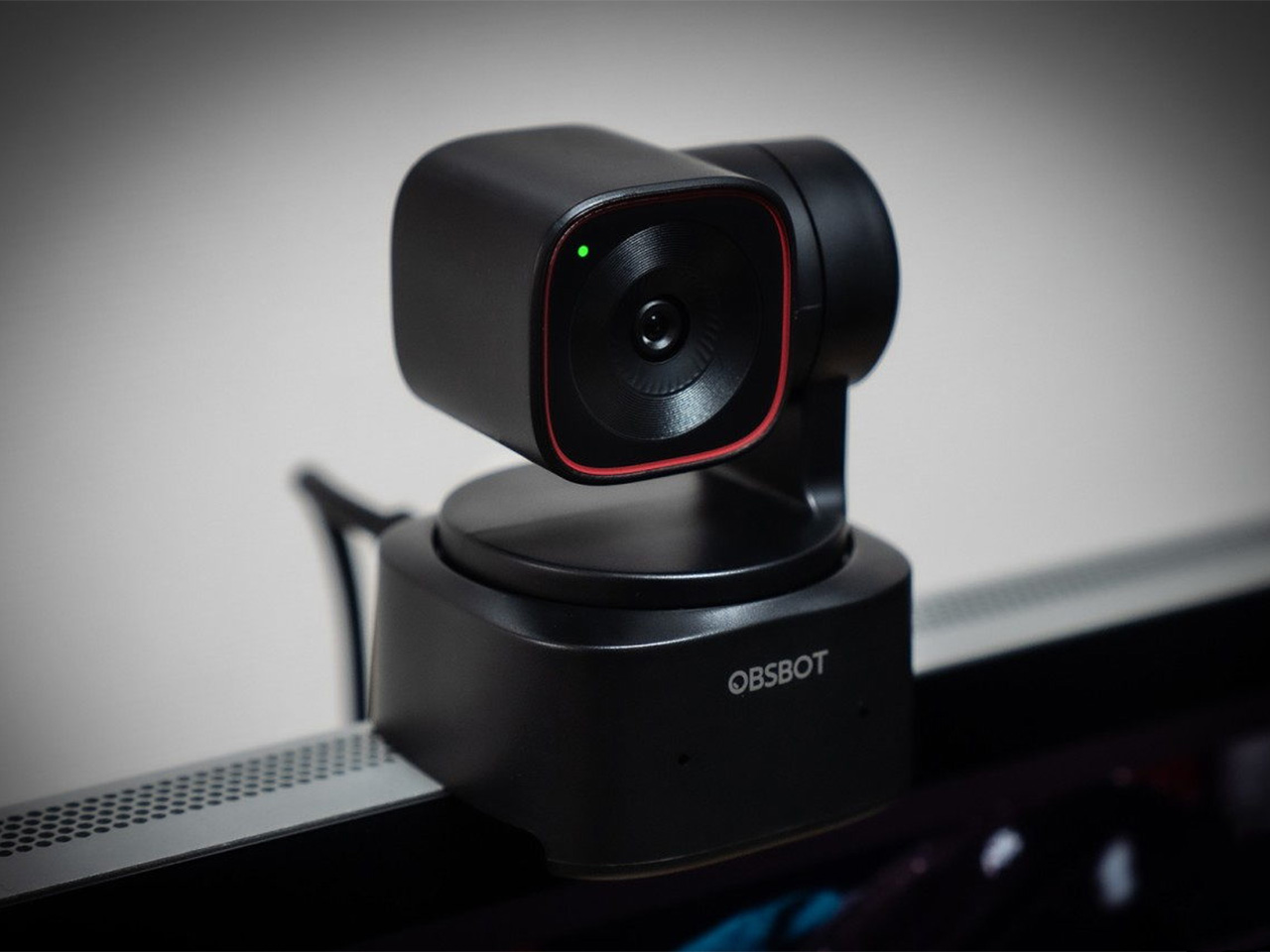
There is a camera brand that has shown up at International Broadcasting Conference, partnered with the Esports World Cup as an official camera provider, earned Editor’s Choice awards from music and DJ publications, and landed in the desk setups of remote workers, streamers, worship AV teams, and solo creators, all while keeping a relatively low profile compared to the legacy names in the category. OBSBOT, founded in 2016, has built its reputation the way durable hardware brands tend to: by making things that keep working, and keep getting better. Reviewers have consistently noted that firmware updates meaningfully improve OBSBOT cameras after purchase, which is a rarer quality in hardware than it should be.
Prime Day 2026 will put seven OBSBOT cameras on sale simultaneously, running through June 29 across Amazon and the OBSBOT official store. The lineup covers three distinct use cases: the Meet series for plug-and-play video calls and casual streaming, the Tiny series for creators and hybrid workers who want PTZ tracking at their desk, and the Tail 2 for anyone running a live production setup that used to require a full crew. The discounts range from around 15% on the newer Tiny 3 series to over 30% on the Tiny 2, which arrives at a price point that has not been seen before. Discounts hit on June 23rd – here is the full breakdown.
OBSBOT Tail 2 ($1088) – The AI Camera That Puts a Production Crew on Your Tripod
The OBSBOT Tail 2 is what happens when a camera is designed to solve the most persistent problem in solo and small-team video production: the need for a human operator. This is the company’s flagship live production camera, built around an advanced AI tracking system and a three-axis gimbal that does more than just pan and tilt. It is the world’s first PTZR (Pan-Tilt-Zoom-Roll) camera, with the Roll being a new game-changing feature that allows the entire lens and sensor assembly to rotate 90 degrees. This delivers true, uncropped vertical video, a clever piece of engineering that makes it immediately relevant for anyone creating content for mobile-first platforms. It pairs that mechanical intelligence with serious imaging hardware, including a large 1/1.5-inch CMOS sensor, a 5x optical zoom, and the ability to capture sharp 4K footage at a fluid 60 frames per second.
What separates the Tail 2 from a high-end webcam is how it fits into a professional workflow. It comes equipped with a full suite of broadcast-standard ports, including NDI, SDI, HDMI, and Ethernet, allowing it to integrate directly with live switching hardware and streaming software with minimal latency. For solo operators, the system works with gesture controls for hands-free adjustments, and a dedicated app provides granular remote control over framing and movement. This combination of broadcast-grade connectivity and intelligent automation is what makes the Tail 2 so versatile. It is equally at home as the primary camera for a DJ’s live stream, a dynamic tracking camera for a church service, or part of a multi-camera setup for a corporate event.
Why We Recommend
At its core, the Tail 2 is an investment in workflow efficiency. Tech reviewers have consistently framed it as a tool that can pay for itself, replacing the cost and complexity of hiring a camera operator for recurring shoots. The Prime Day discount reinforces that value proposition, knocking $200 off the price and bringing the non-NDI version down to $999. Breaking the thousand-dollar barrier is significant, shifting the Tail 2 from a niche professional tool to a much more accessible option for serious creators, small businesses, and organizations looking to upgrade their production quality. For anyone who needs cinematic, automated camera movement without a dedicated crew, this is the camera to get.
OBSBOT Tiny 3 ($296) – A Palm-Sized PTZ Camera with Full-Sized Ambition
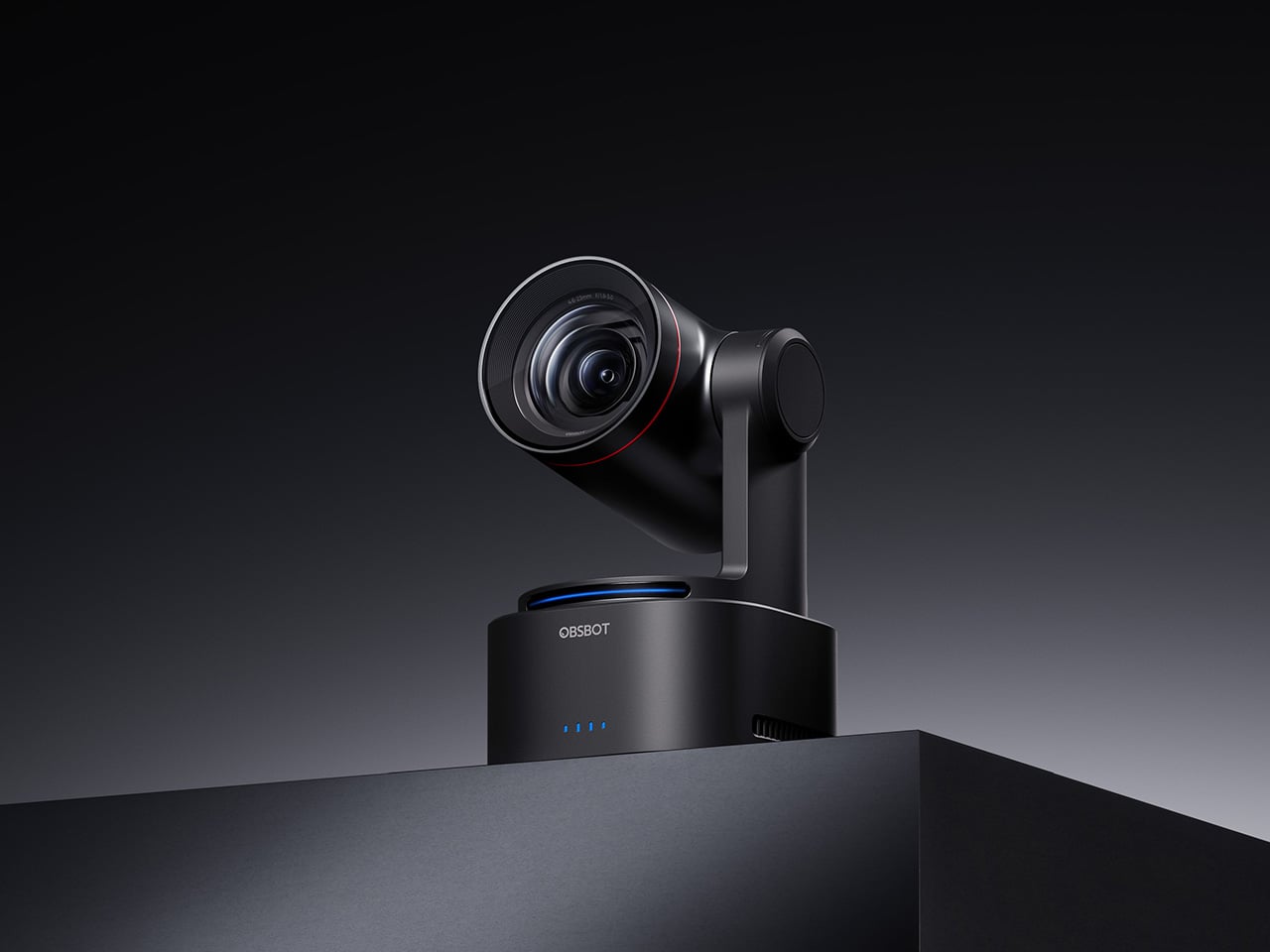
The OBSBOT Tiny 3 is the company’s answer to a simple question: how much professional-grade technology can you fit into a webcam that is smaller than a cup of coffee? The answer, it turns out, is quite a lot. This is the flagship of the Tiny series, designed for creators and hybrid workers who want the absolute best imaging and tracking performance in a desk-friendly format. It starts with a massive 1/1.28-inch CMOS sensor, which is exceptionally large for a webcam and allows it to capture more light for a cleaner, more detailed 4K image. That sensor is paired with a pan-tilt-zoom system that moves with near-silent precision, keeping the subject perfectly framed.
Where the Tiny 3 really shows its intelligence is in the software and processing that drive its hardware. It inherits the refined AI Tracking 2.0 from the larger Tail 2, making its auto-framing and subject tracking remarkably smooth and reliable. It also features Gesture Control 2.0, allowing users to manage zoom and tracking with simple hand signals, a feature that feels genuinely useful in practice. For streamers and power users, the native integration with Elgato’s Stream Deck is a critical addition, bringing PTZ controls directly into their existing workflow. OBSBOT even added creative tools like virtual avatars and improved the audio with a five-mode stereo microphone system, rounding out a feature set that feels both powerful and polished.
Why We Recommend
The Tiny 3 is the pick for anyone who prioritizes having the latest and most refined technology on their desk. While other models in the lineup offer steeper discounts, the Prime Day price drop brings this premium, current-generation flagship under the $300 mark. This is the camera for the user who wants the best sensor, the most advanced AI tracking, and the tightest software integration OBSBOT offers in a webcam. It represents the peak of the Tiny series, and this is the most affordable it has been since its launch.
OBSBOT Tiny 3 Lite ($169) – The Same Intelligence with a Focus on Value
For many users, the appeal of the flagship Tiny 3 lies in its advanced AI brain, not necessarily its top-of-the-line sensor. OBSBOT created the Tiny 3 Lite for exactly that audience. This camera is built on the same intelligent foundation as its more expensive sibling, delivering the same seamless AI Tracking 2.0, responsive Gesture Control 2.0, and sharp 4K resolution. It is, for all practical purposes, the same smart user experience. The key difference, and the reason for its more accessible price, is the move to a slightly smaller 1/2-inch CMOS sensor. This strategic trade-off makes the Tiny 3 Lite an incredibly compelling option for anyone who works in a space with reasonably good lighting.
In practice, the Tiny 3 Lite feels nearly identical to the flagship during everyday use. It keeps you perfectly in frame during video calls, responds to hand gestures to zoom in on a whiteboard, and integrates with the same powerful OBSBOT software suite, including Stream Deck support. It also features a slightly different physical design with an integrated stand, making it incredibly simple to set up on any monitor or desk. By preserving the core software and AI features that define the Tiny 3 experience, OBSBOT has distilled the product down to its most important essentials, creating a camera that performs well above its price point.
Why We Recommend
The Tiny 3 Lite is the pragmatic choice in the Tiny 3 series. It offers access to OBSBOT’s latest-generation AI tracking and software ecosystem for a fraction of the flagship’s cost. The Prime Day deal, which brings the price down to $169, makes it one of the best values in the entire lineup for a current-generation product. If you want the smartest PTZ webcam on the market but do not need the absolute best low-light performance that the Tiny 3’s larger sensor provides, the Lite version is the smarter purchase. It delivers the features that matter most without the premium price tag.
OBSBOT Tiny 2 ($229) – The Champion Webcam Now Available at Under $250
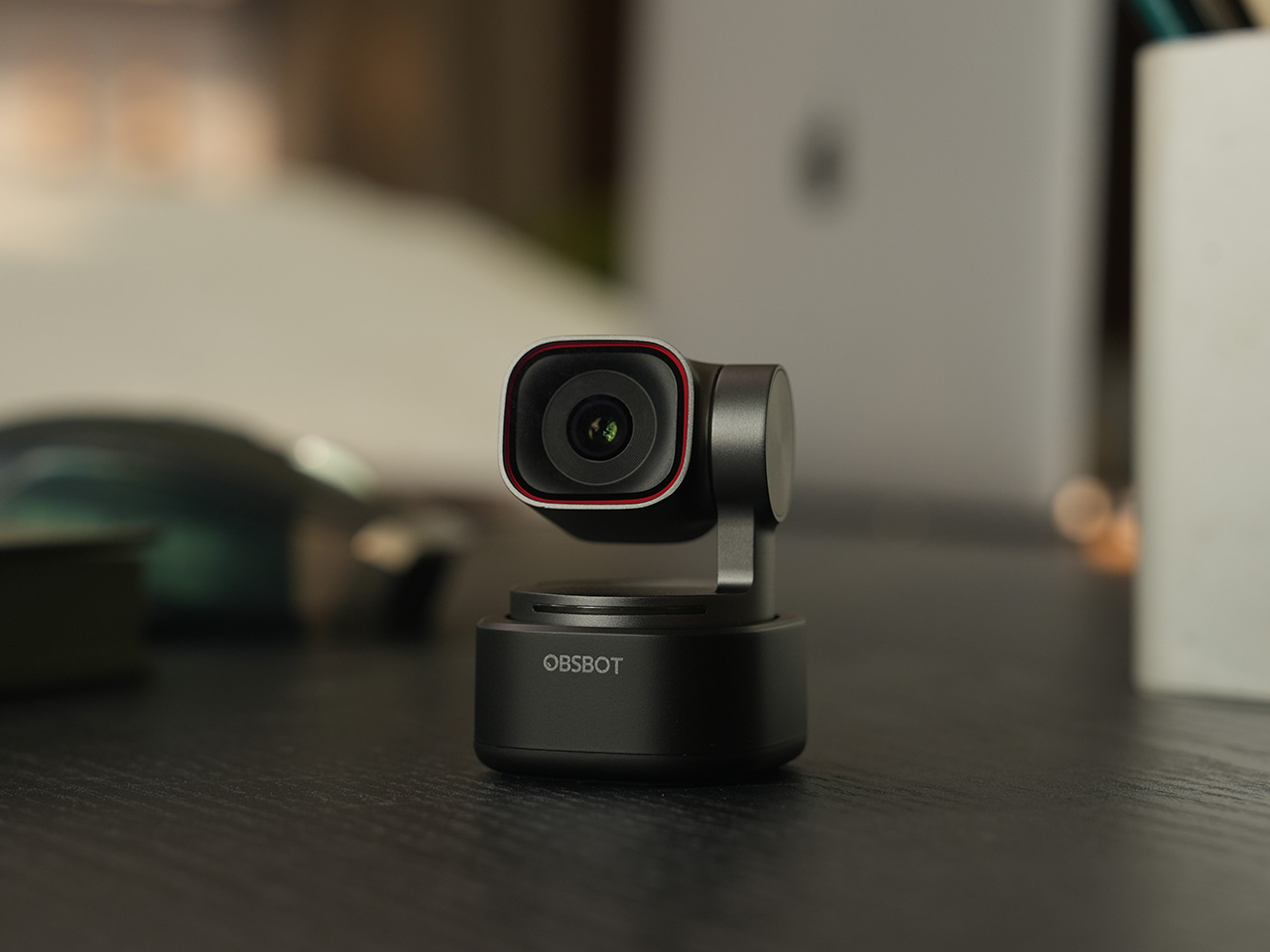
Before the Tiny 3 arrived, the Tiny 2 was OBSBOT’s undisputed flagship desk camera, and it remains a formidable piece of hardware. This is the camera that set the standard for what a premium AI webcam could be, pairing a huge 1/1.5-inch CMOS sensor with exceptionally fast autofocus and reliable AI tracking. That large sensor is a critical detail, as it gives the Tiny 2 excellent low-light capabilities and a natural depth of field that rivals even some of the newer models in the lineup. It established the features that now define the Tiny series, including effective auto-zoom, dynamic gesture controls, and even voice commands for a completely hands-free experience.
The Tiny 2 is a proven workhorse. It has benefited from years of firmware updates that have refined its performance, making it a stable and dependable choice for streamers, content creators, and professionals who need consistently great video. While it may not have every single new software feature from the Tiny 3 series, its core performance remains top-tier. The image quality from its large sensor and premium lens system is still a benchmark for the category, delivering a crisp, professional look that cheaper webcams simply cannot match. For many users, this level of raw performance is far more important than the latest software gimmicks.
Why We Recommend
This is arguably the single best deal of the entire Prime Day event. The Tiny 2 is seeing a massive price drop of $100, bringing it down to just $229, a discount of over 30% and its lowest price ever. This is a rare opportunity to get a former flagship product with a best-in-class sensor for the price of a mid-range webcam. For anyone prioritizing pure image quality over having the absolute newest model, the Tiny 2 offers a value proposition that is impossible to ignore. It is the smartest purchase for the performance-focused buyer.
OBSBOT Tiny 2 Lite ($129) – The Smartest Way to Get into AI-Powered PTZ
The OBSBOT Tiny 2 Lite takes the intelligent core of the celebrated Tiny 2 and packages it into an even more accessible and affordable design. This camera is built for the user who wants to step up from a static webcam to the world of AI-powered pan, tilt, and zoom without paying a premium. It delivers the essential features that made its bigger brother a success, including reliable AI tracking with auto-zoom, crisp 4K resolution, and multipurpose tracking modes that can follow a subject’s whole body or focus just on their head and shoulders. It is a streamlined experience focused entirely on delivering smart, automated framing.
While it does not have the same massive sensor as the standard Tiny 2, the Tiny 2 Lite still produces a clean, professional image that is a significant upgrade over nearly any built-in laptop camera or budget webcam. The real magic, however, is in the motion. For presenters, educators, or streamers who move around, the camera’s ability to smoothly follow them is a game-changer. It also includes useful features like preset PTZ positions, allowing users to instantly switch between a tight shot and a wide view with the press of a button, a function typically found on much more expensive hardware.
Why We Recommend
This is the ultimate entry point into intelligent webcams. With the Prime Day discount bringing its price down to just $129, the Tiny 2 Lite is in a class of its own. At that price, it competes with high-end static webcams while offering a full suite of AI and PTZ features that its rivals lack. For anyone who has been frustrated by fixed-frame cameras but felt priced out of the AI tracking market, this deal removes that barrier. It offers the most important features of the Tiny 2 generation at a cost that makes it an easy and obvious upgrade.
OBSBOT Meet 2 ($99) – The 4K Webcam That Makes Every Meeting Smarter
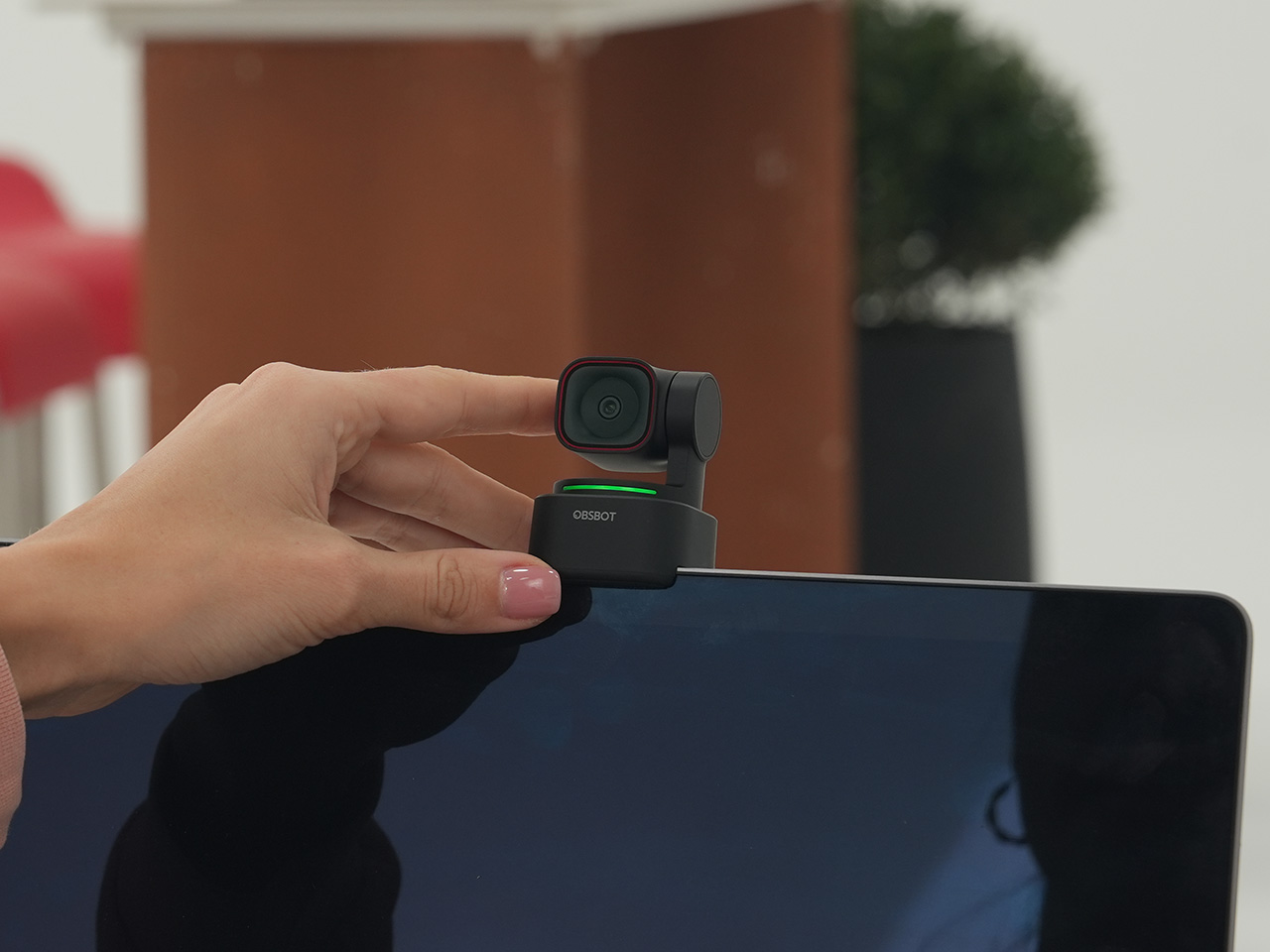
The OBSBOT Meet 2 is designed to solve a very specific, modern problem: making you look and sound as professional as possible on a video call with the least amount of effort. This is not a complex PTZ camera for creators; it is a sleek, intelligent webcam for the hybrid worker, the remote professional, and anyone who spends their day in virtual meetings. It delivers a sharp, vibrant 4K image at 30 frames per second, providing a significant leap in clarity over standard-issue laptop cameras. Its compact and lightweight design allows it to sit discreetly atop any monitor or laptop, instantly elevating the look of a desk setup.
The real intelligence of the Meet 2 lies in its automation. It features fast, reliable AI-powered auto-framing that keeps you perfectly centered in the shot, even if you shift or lean. It can also widen its frame to include a second person, making it ideal for small group meetings in a huddle room. This is paired with a fast autofocus system that keeps the image sharp and professional. The setup is pure plug-and-play; you connect it via USB, and it works seamlessly with Zoom, Microsoft Teams, Google Meet, and other major platforms without requiring any complicated software or drivers. It is designed to be an invisible upgrade that simply makes you look better.
Why We Recommend
The Meet 2 hits the sweet spot between performance and simplicity. It offers two of the most important features from high-end cameras, 4K resolution and AI auto-framing, in an accessible, user-friendly package. The Prime Day deal makes its value proposition even stronger, dropping the price to just $99. For under a hundred dollars, it provides a massive upgrade in video quality and intelligence for any professional. This is the ideal camera for anyone who wants to improve their virtual presence without adding the complexity of a PTZ system.
OBSBOT Meet SE ($58) – The Easiest and Most Affordable Upgrade for Any Setup
Sometimes, the best upgrade is the one you do not have to think about. The OBSBOT Meet SE is built on that principle. It takes the single most useful intelligent feature from its more expensive siblings, AI-powered auto-framing, and delivers it in a simple, incredibly affordable package. This camera is designed for anyone and everyone who is still using a basic, fixed-frame webcam and wants a better experience without any complexity. It captures clean, clear 1080p video and uses its AI brain to make sure you are always centered in the frame, looking professional and engaged.
The Meet SE is a masterclass in thoughtful, essentialist design. It is a true plug-and-play device that works the moment you connect it, with no drivers to install or complicated settings to configure. It even includes a physical privacy cover, a simple but crucial feature that provides peace of mind for remote workers and students. While its primary focus is on effortless video calls, OBSBOT also included a surprisingly capable 1/2.8-inch stacked CMOS sensor, which gives it better-than-expected image quality and even allows for high frame rate capture for smooth slow-motion effects, a rare bonus in a webcam at this price.
Why We Recommend
This is the definitive “no-brainer” upgrade. With its Prime Day price of just $58, the OBSBOT Meet SE is likely cheaper than the keyboard on your desk, yet it delivers a feature that was, until recently, reserved for premium cameras. It completely eliminates the problem of awkward, off-center framing on video calls for less than the cost of a nice dinner out. For students, remote workers, or anyone who simply wants to look better in their daily meetings without spending a lot of money or time, there is no better value to be found in this entire sale.
Keychain cameras have been enjoying a quiet revival, driven largely by a growing appetite for lo-fi photography and a general fatigue with the algorithmic complexity baked into smartphone cameras. Most of what’s available comes pre-assembled and pre-decided, right down to the app you’re expected to use and whose cloud account your photos end up in. That framing leaves very little room for the person actually taking the pictures.
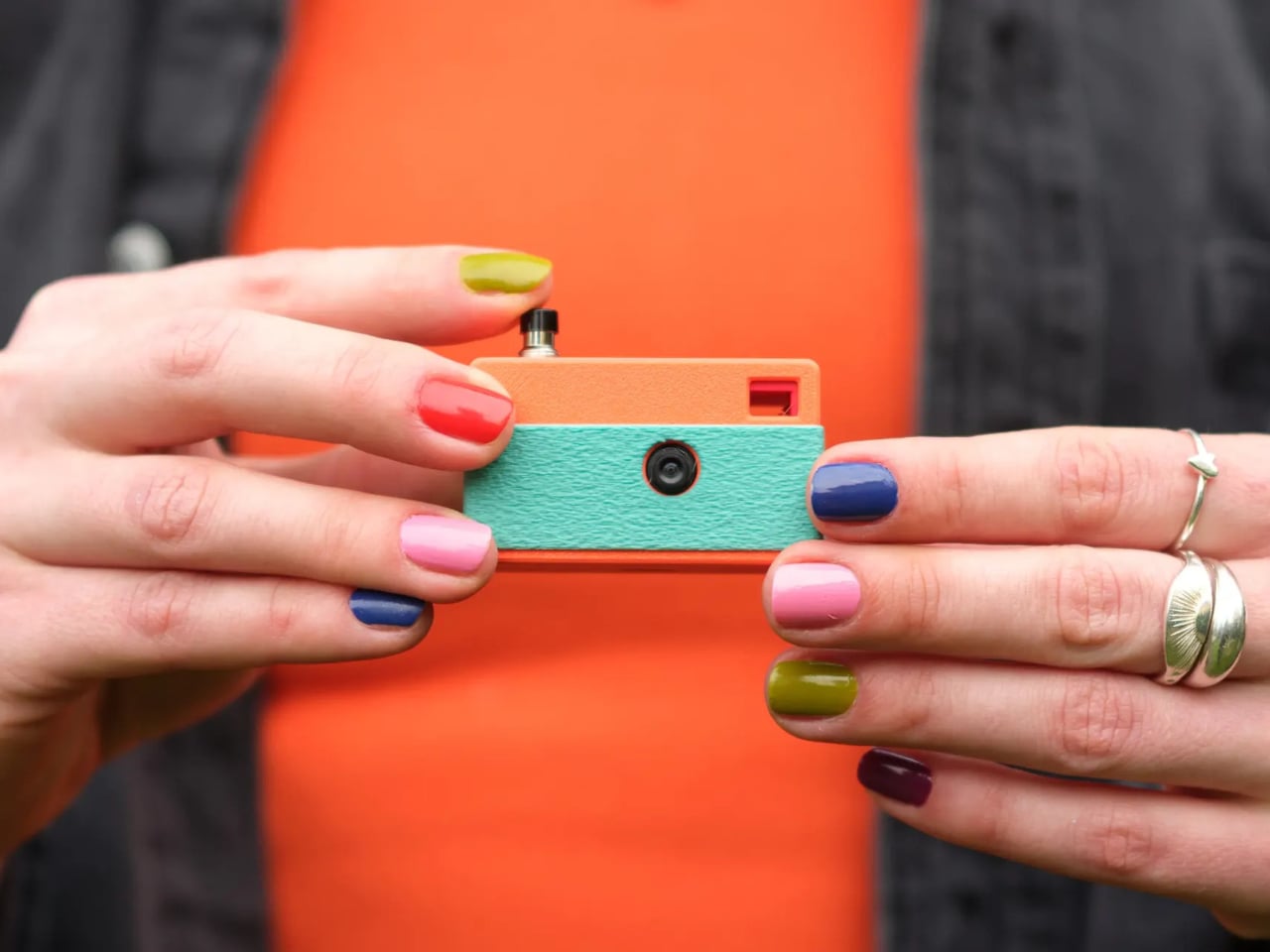
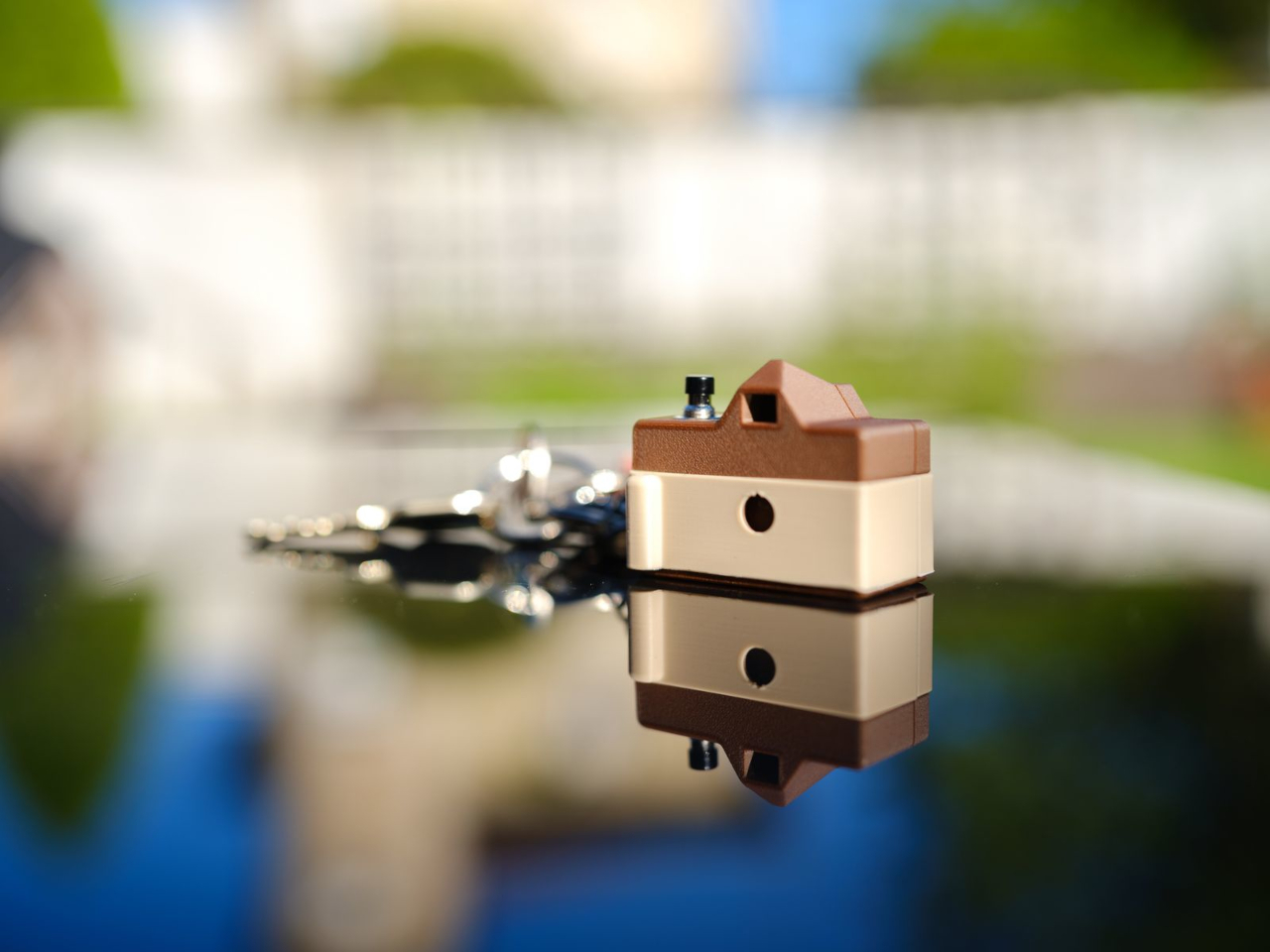
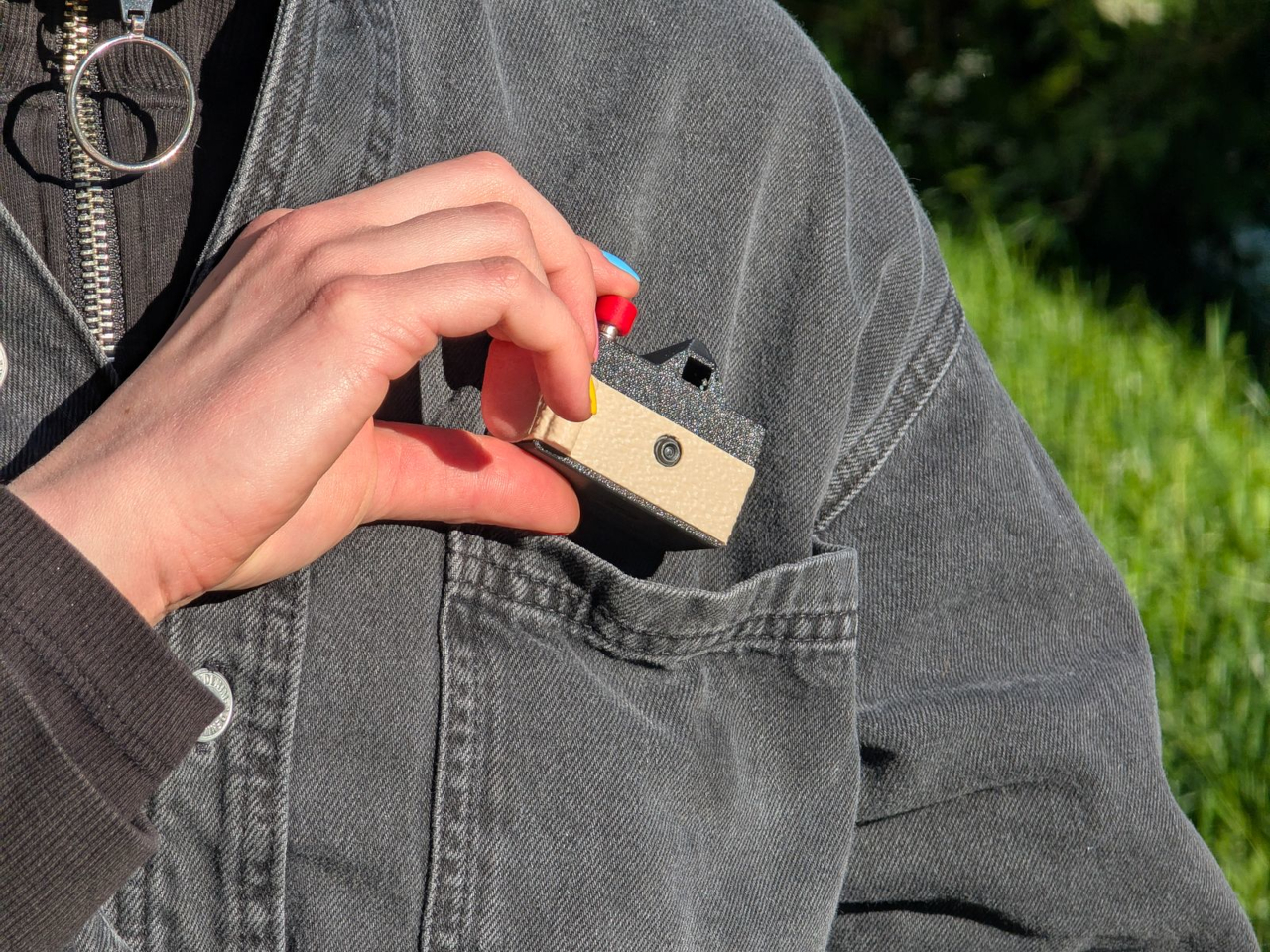
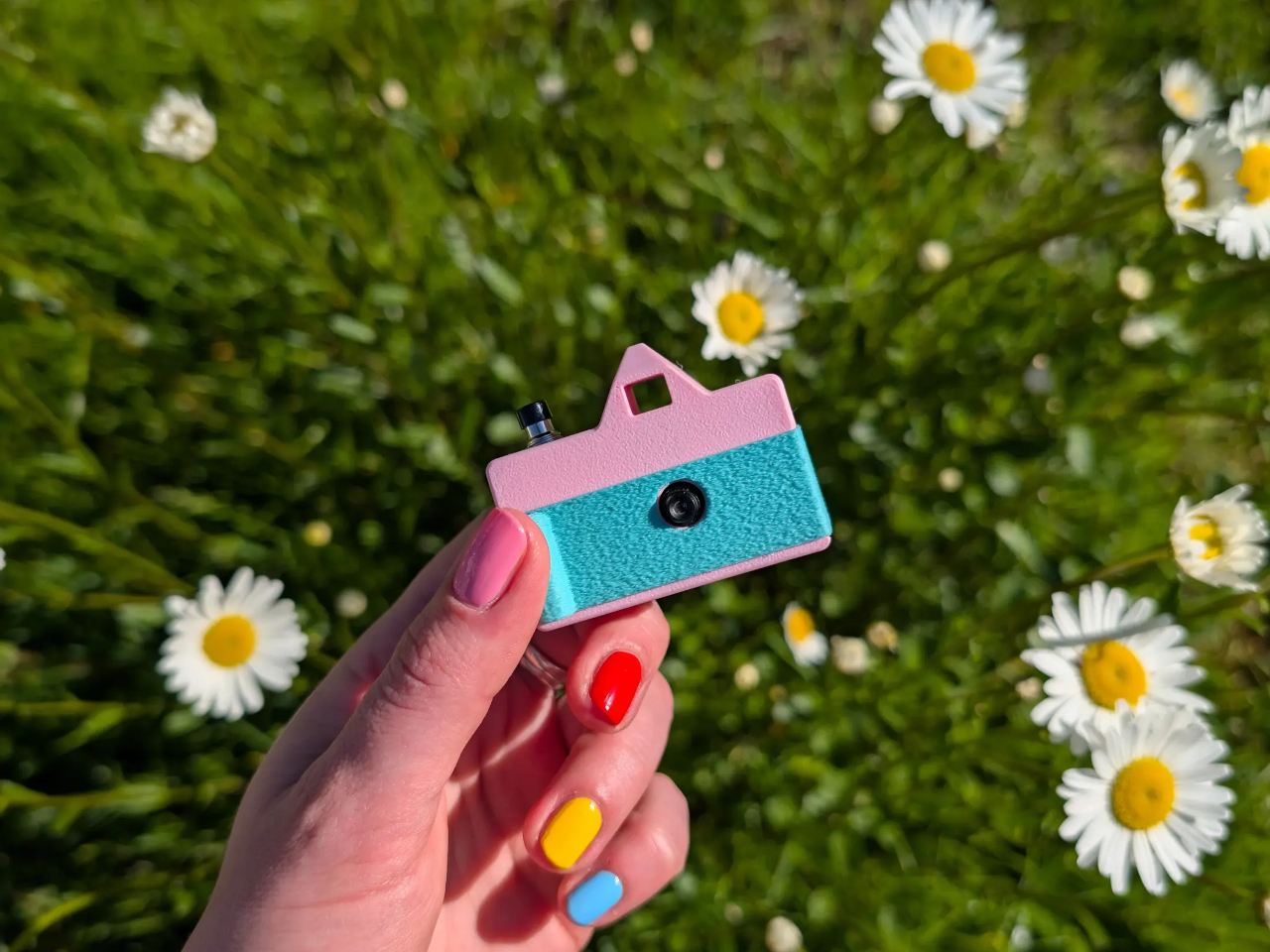
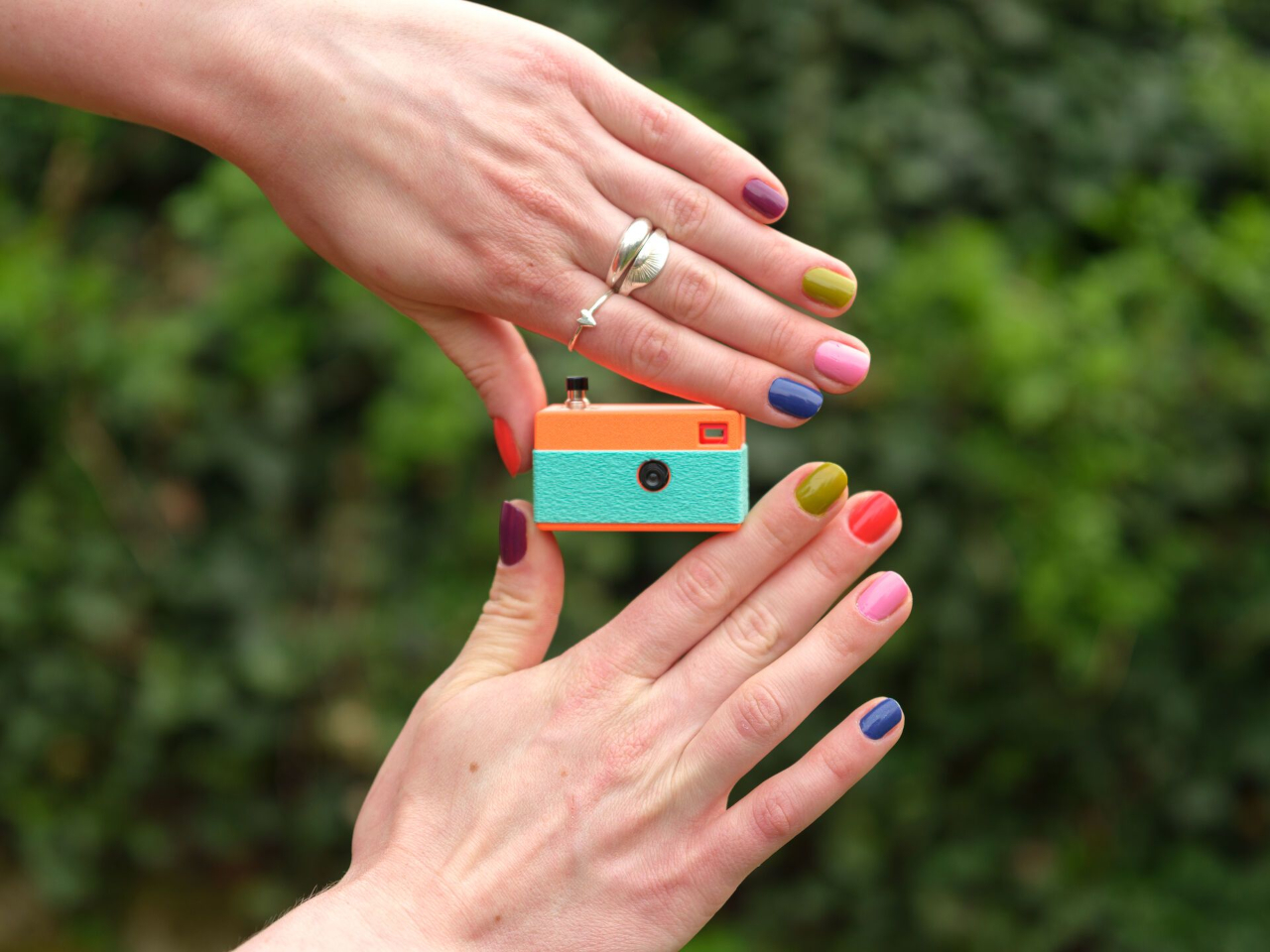
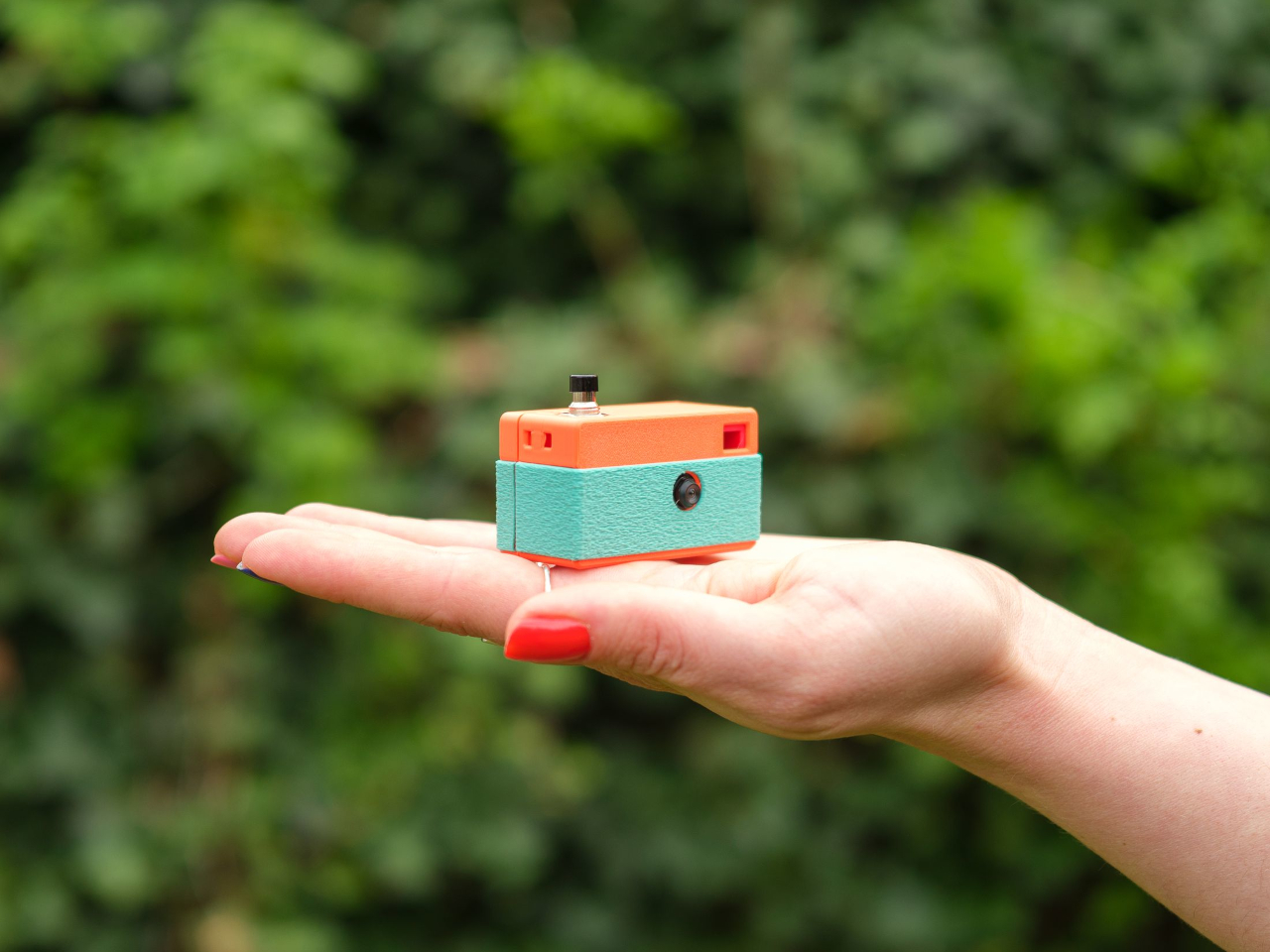
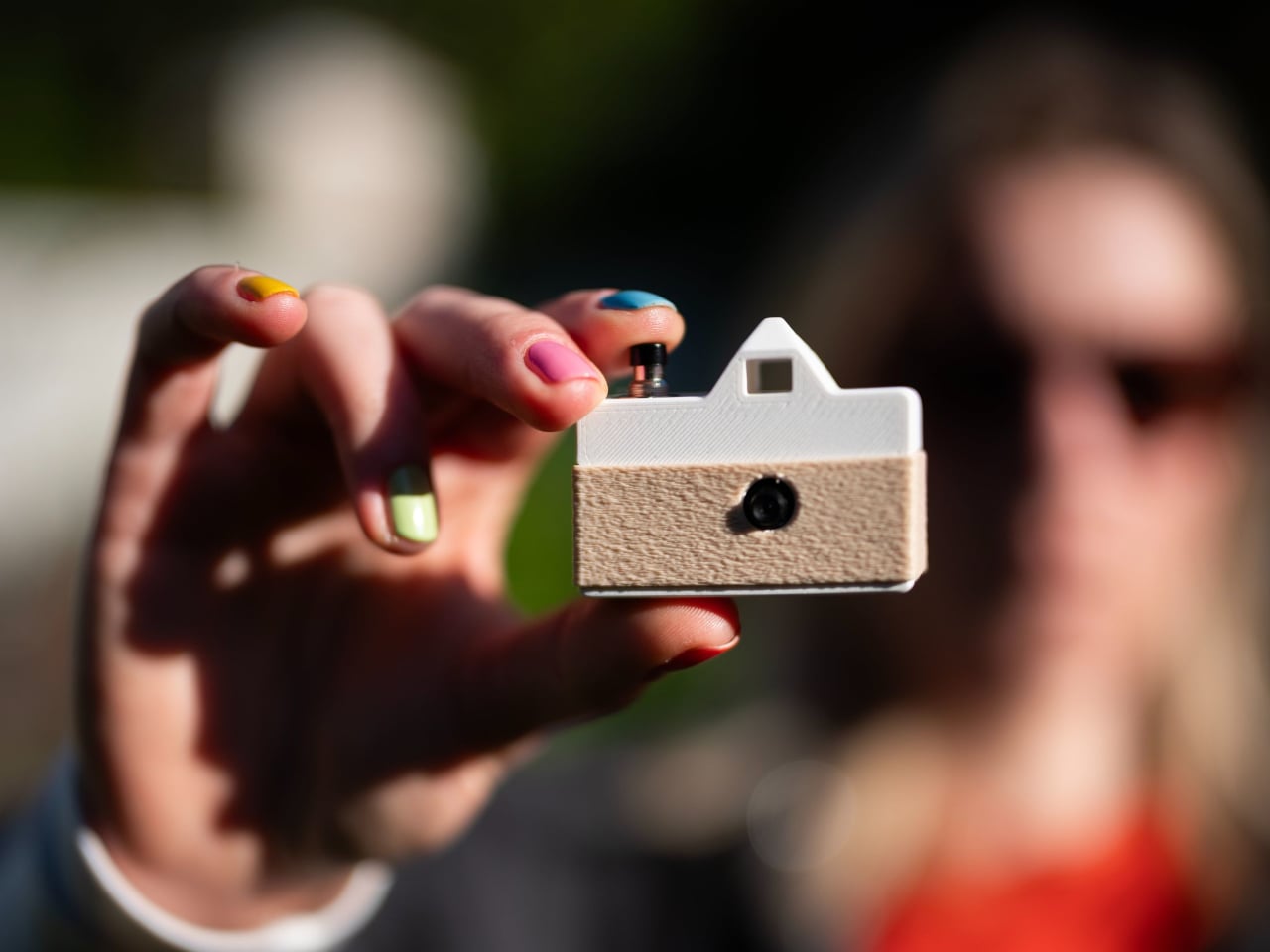
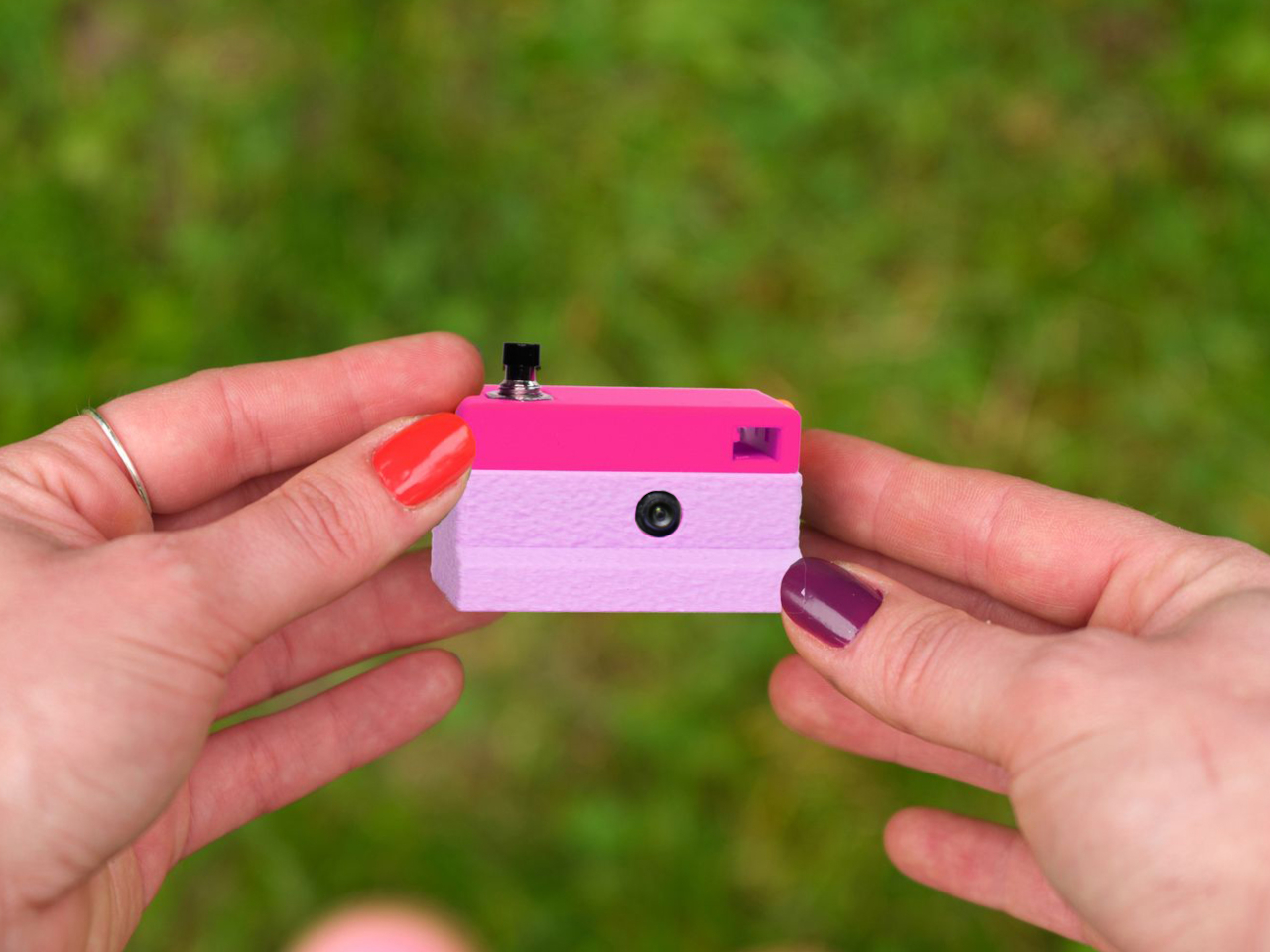
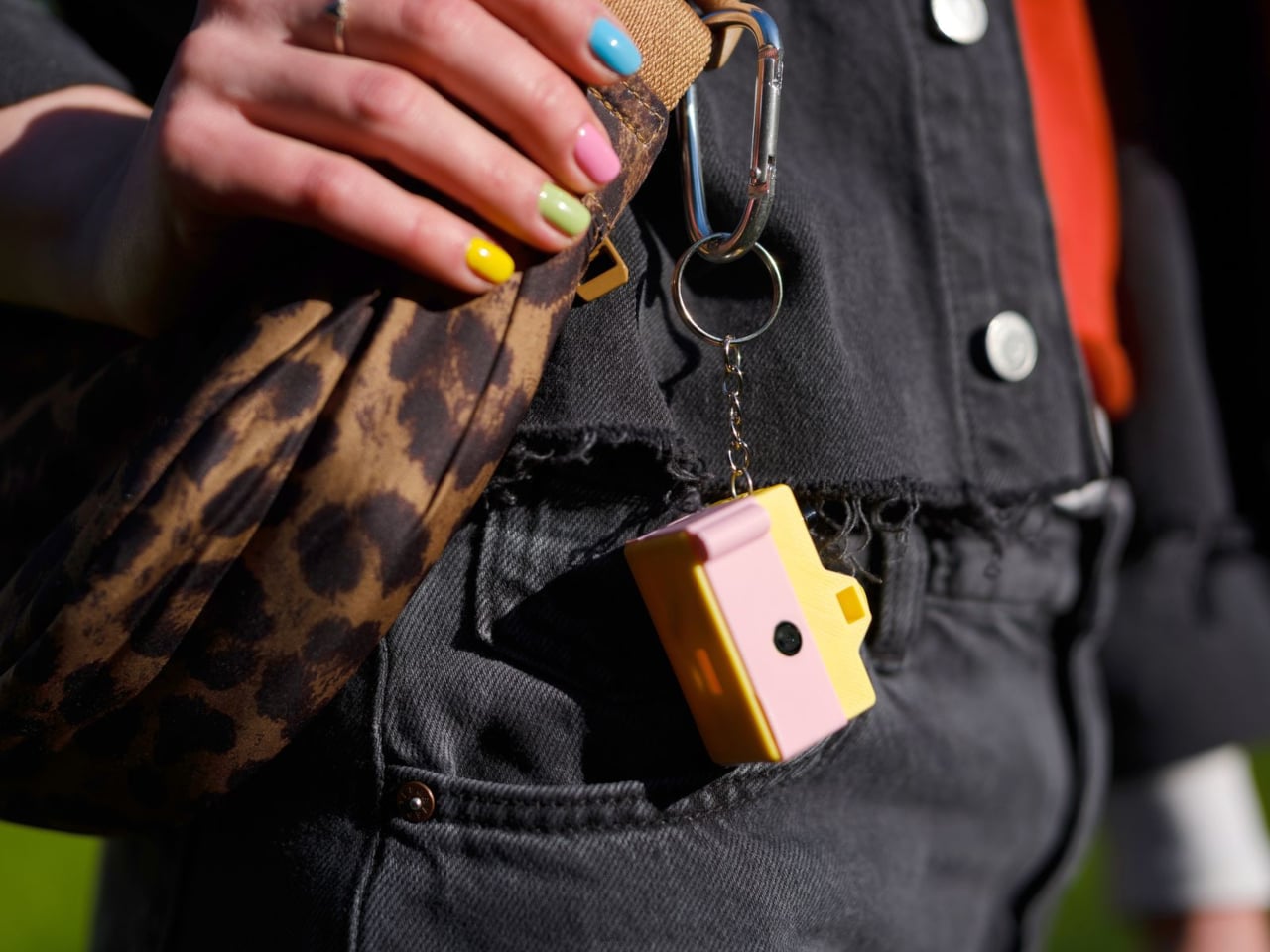
Designer Matej Nahtigal built an answer to that problem, and it’s small enough to hang off your keyring. The Keymera is a fully functional camera that you 3D print and assemble yourself, built around just five printed parts and four electronic components. It takes real 3 MP photos, stores them locally, asks for nothing in return, and fits roughly in the same space as a car key fob.
The build is intentionally minimal. The electronics stack consists of a Seeed Studio XIAO ESP32S3 Sense board, a 3 MP OV3660 image sensor, a small LiPo cell, and a single tactile button, connected with four solder joints. Print the shell, wire the components, flash the firmware, and press-fit everything together. No screws, no glue. The whole process takes about an hour to print and another hour to assemble.
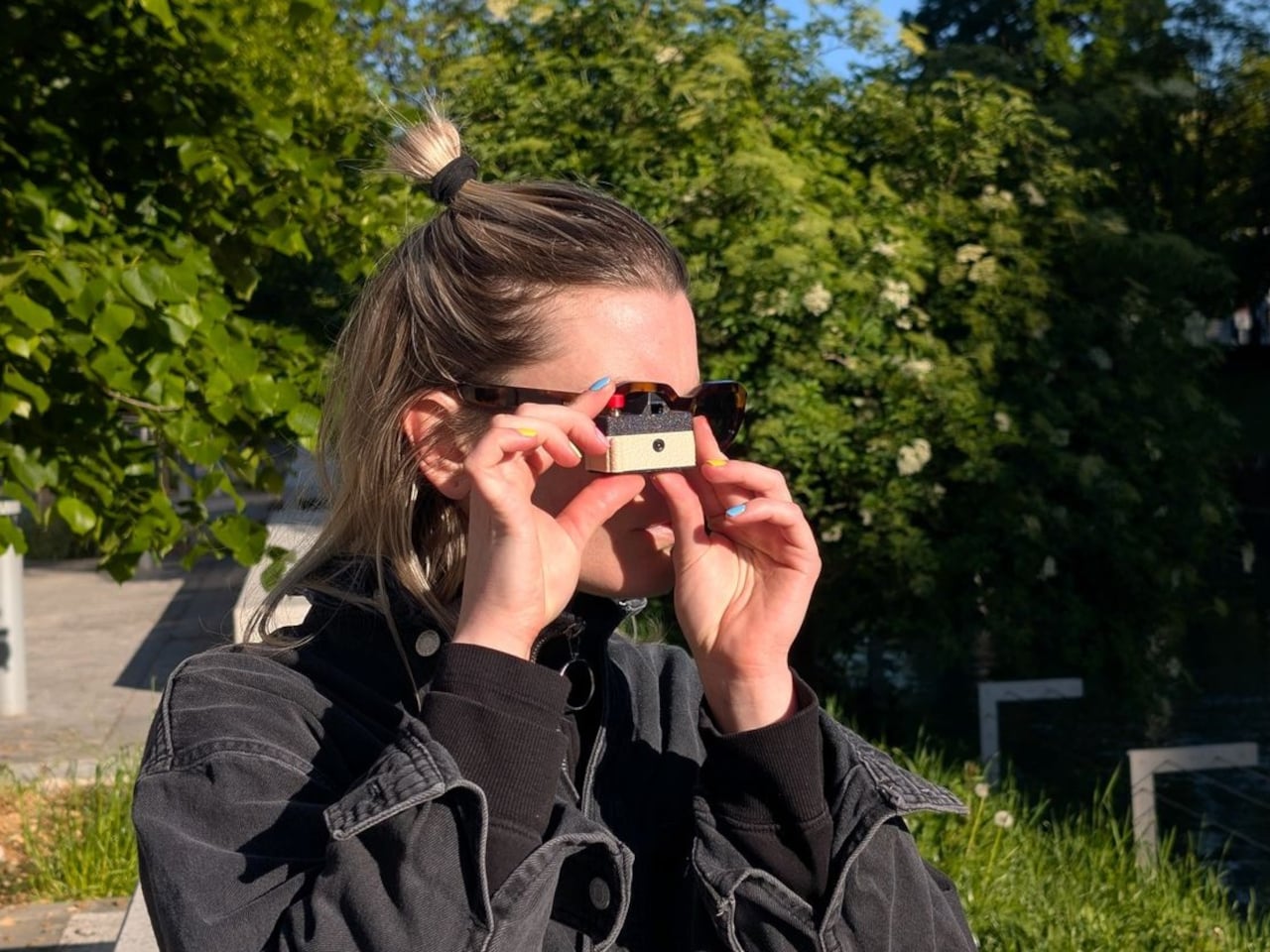
Using it is even simpler. A single button does everything. Press it once, and the camera wakes, captures a photo, saves it to a microSD card, blinks an LED to confirm, and goes back to sleep. On standby, it draws roughly 10 µA, which means it can sit on your keyring for weeks between charges without running dry. The logic behind all of it couldn’t be simpler.
Getting your photos off the camera doesn’t require a cable or an app. Hold the button, and the Keymera broadcasts its own Wi-Fi network. Connect any phone or laptop, and a gallery page opens directly in the browser. You can scroll through your shots, view them full-size, and download them from there. That gallery lives entirely on the device. No account required, no metadata harvested, no service to subscribe to.
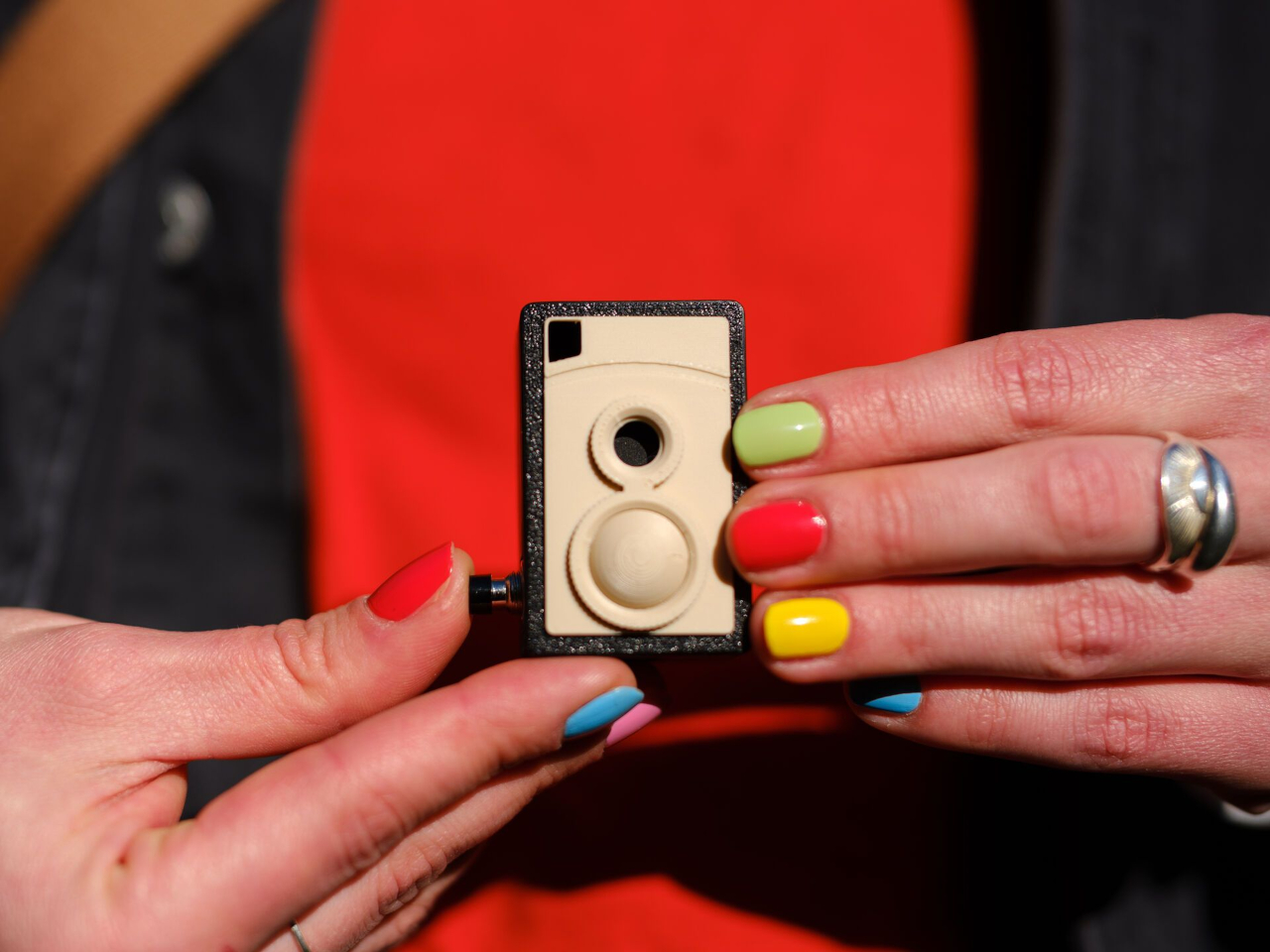
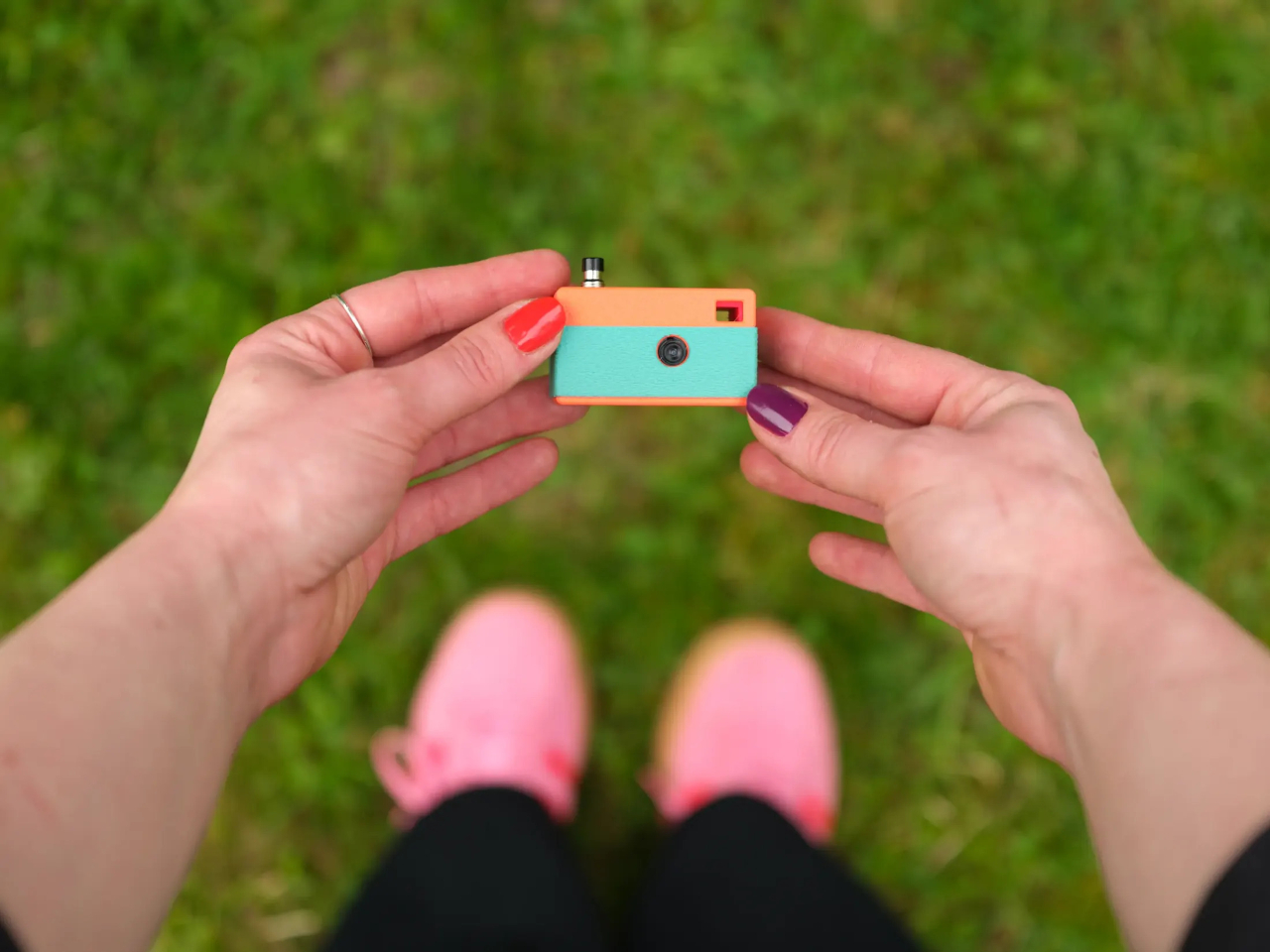
What makes the Keymera a design object rather than just a circuit board in a box is the shell system. One electronics core fits into interchangeable outer shells, each inspired by a different camera era. The original three designs reference a rangefinder, an SLR, and an instant camera, with a twin-lens reflex (TLR) added as a fourth. Any color or filament finish is yours to choose.
That idea, that a camera should fit in your pocket, behave honestly, and let you own the experience from print to final photo, reflects Nahtigal’s deliberate pushback against a moment when phones are adding AI features to everything. There’s no computational processing, no hidden metadata collection, and no account to manage. You clip it to your bag, your belt loop, or your keyring, and it’s simply there when something happens.
The Keymera’s files are sold as licensed digital products, not released as open-source files, which keeps the design controlled and the project financially sustainable for a single maker. The photos it produces are lo-fi and unprocessed, captured on a fixed 3 MP sensor with no computational adjustments applied afterward. For something this small and this honest, that kind of clarity is very much the point.