ACEMAGIC M1A PRO+ Is a Tank-Styled Ryzen AI Cube With 128GB RAM

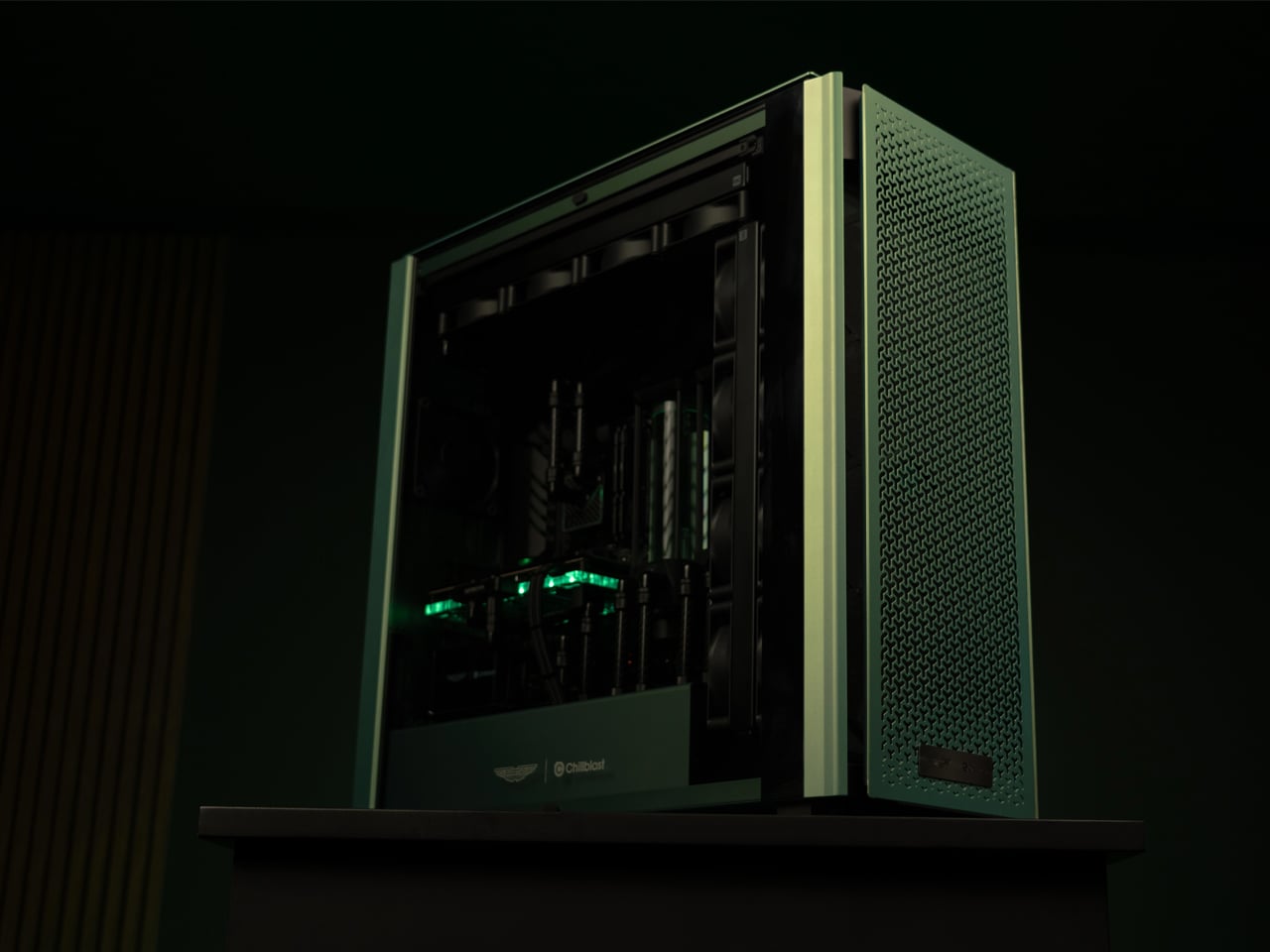
Most mini PCs still look like shrunken office desktops, anonymous rectangles that hide under monitors or behind screens. That makes sense for some setups, but feels out of step with people who treat their desk as a curated space where every object carries some weight. ACEMAGIC’s M1A PRO+ leans in the opposite direction, turning the computer into a visible, sculpted object that occupies the desk like a small piece of machinery rather than a hidden utility box.

The ACEMAGIC M1A PRO+ is a cube-shaped mini PC built around AMD’s Ryzen AI MAX 395, but the way it presents itself matters as much as the silicon inside. The compact cube footprint, faceted corners, and layered panels make it feel more like a small engine block or sci-fi module than a piece of office equipment. ACEMAGIC calls it a “tank,” which fits the visual language of sharp edges, reinforced surfaces, and functional venting that runs across every face.

Designer: ACEMAGIC

The front is dominated by a circular dial with the TANK label and concentric RGB rings glowing around it. That element acts as both a visual anchor and a mode selector, echoing the kind of control you would find on pro gear. The RGB is contained and graphic rather than sprayed everywhere, keeping it closer to an instrument than a light show, even when it is glowing in performance mode. Below, the ACEMAGIC wordmark and a row of front USB ports ground the composition.

The side panels carry the Tank Centre wordmark, with subtle venting near the base and a dark metallic finish that shifts between charcoal and gunmetal depending on the light. The surfaces are clean enough to sit in a studio or office, but the geometry and branding still signal that this is a performance machine. It looks intentional from every angle, which matters when it is sitting in full view instead of hiding under a desk.

The rear is where function gets framed. A large, octagonal grill and honeycomb vent surround a dense cluster of ports, two HDMI 2.1, one DisplayPort 2.0, dual 2.5 GbE Ethernet, four USB 3.2 Type-A, plus audio and power. The symmetry of the grill and the disciplined arrangement make the back feel like the business end of a device designed to drive multiple 8K displays and fast networks. Function is not hidden; it is organized and expressed through geometry.

The exterior makes sense when you realize what is inside: a Ryzen AI MAX 395 processor with 16 cores and 32 threads, Radeon 8060S graphics, 128 GB of LPDDR5X memory, and room for up to 12 TB of PCIe 4.0 storage. The tank metaphor feels earned when the machine is meant to run local AI models, heavy creative workloads, and modern games without flinching, all while the cooling system and power modes are controlled from that central dial.

The M1A PRO+ is talking to people who want their main machine to look like a deliberate part of the setup, not an afterthought. For developers, creators, and gamers who spend hours at a desk, having a compact cube that looks like a self-contained engine, with lighting and form language to match its capabilities, makes the idea of a mini PC feel a lot less anonymous and a lot more personal. It sits on the desk as if it belongs there, not like it is hiding until you need it.

The post ACEMAGIC M1A PRO+ Is a Tank-Styled Ryzen AI Cube With 128GB RAM first appeared on Yanko Design.
This $2,899 Desktop AI Computer With RTX 5090M Lets You Cancel Every AI Subscription Forever

Look across the history of consumer tech and a pattern appears. Ownership gives way to services, and services become subscriptions. We went from stacks of DVDs to streaming movies online, from external drives for storing data and backups to cloud drives, from MP3s on a player to Spotify subscriptions, from one time software licenses to recurring plans. But when AI arrived, it skipped the ownership phase entirely. Intelligence came as a service, priced per month or per million tokens. No ownership, no privacy. Just a $20 a month fee.

A device like Olares One rearranges that relationship. It compresses a full AI stack into a desktop sized box that behaves less like a website and more like a personal studio. You install models the way you once installed apps. You shape its behavior over time, training it on your documents, your archives, your creative habits. The result is an assistant that feels less rented and more grown, with privacy, latency, and long term cost all tilting back toward the owner.

Designer: Olares

Click Here to Buy Now: $2,899 $3,999 (28% off) Hurry! Only 15/320 units left!

The pitch is straightforward. Take the guts of a $4,000 gaming laptop, strip out the screen and keyboard, put everything in a minimalist chassis that looks like Apple designed a chonky Mac mini, and tune it for sustained performance instead of portability. Dimensions are 320 x 197 x 55mm, weighs 2.15 kg without the PSU, and the whole package pulls 330 watts under full load. Inside sits an Intel Core Ultra 9 275HX with 24 cores running up to 5.4 GHz and 36 MB of cache, the same chip you would find in flagship creator laptops this year. The GPU is an NVIDIA GeForce RTX 5090 Mobile with 24 GB of GDDR7 VRAM, 1824 AI TOPS of tensor performance, and a 175W max TGP. Pair that with 96 GB of DDR5 RAM at 5600 MHz and a PCIe 4.0 NVMe SSD, and you have workstation level compute in a box smaller than most soundbars.

Olares OS runs on top of all that hardware, and it is open source, which means you can audit the code, fork it, or wipe it entirely if you want. Out of the box it behaves like a personal cloud with an app store containing over 200 applications ready to deploy with one click. Think Docker and Kubernetes, but without needing to touch a terminal unless you want to. The interface looks clean, almost suspiciously clean, like someone finally asked what would happen if you gave a NAS the polish of an iPhone. You get a unified account system so all your apps share a single login, configurable multi factor authentication, enterprise grade sandboxing for third party apps, and Tailscale integration that lets you access your Olares box securely from anywhere in the world. Your data stays on your hardware, full stop.

I have been tinkering with local LLMs for the past year, and the setup has always been the worst part. You spend hours wrestling with CUDA drivers, Python environments, and obscure GitHub repos just to get a model running, and then you realize you need a different frontend for image generation and another tool for managing multiple models and suddenly you have seven terminal windows open and nothing talks to each other. Olares solves that friction by bundling everything into a coherent ecosystem. Chat agents like Open WebUI and Lobe Chat, general agents like Suna and OWL, AI search with Perplexica and SearXNG, coding assistants like Void, design agents like Denpot, deep research tools like DeerFlow, task automation with n8n and Dify. Local LLMs include Ollama, vLLM, and SGIL. You also get observability tools like Grafana, Prometheus, and Langfuse so you can actually monitor what your models are doing. The philosophy is simple. String together workflows that feel as fluid as using a cloud service, except everything runs on metal you control.

Gaming on this thing is a legitimate use case, which feels almost incidental given the AI focus but makes total sense once you look at the hardware. That RTX 5090 Mobile with 24 GB of VRAM and 175 watts of power can handle AAA titles at high settings, and because the machine is designed as a desktop box, you can hook it up to any monitor or TV you want. Olares positions this as a way to turn your Steam library into a personal cloud gaming service. You install your games on the Olares One, then stream them to your phone, tablet, or laptop from anywhere. It is like running your own GeForce Now or Xbox Cloud Gaming, except you own the server and there are no monthly fees eating into your budget. The 2 TB of NVMe storage gives you room for a decent library, and if you need more, the system uses standard M.2 drives, so upgrades are straightforward.

Cooling is borrowed from high end laptops, with a 2.8mm vapor chamber and a 176 layer copper fin array handling heat dissipation across a massive 310,000 square millimeter surface. Two custom 54 blade fans keep everything moving, and the acoustic tuning is genuinely impressive. At idle, the system sits at 19 dB, which is whisper quiet. Under full GPU and CPU load, it climbs to 38.8 dB, quieter than most gaming desktops and even some laptops. Thermal control keeps things stable at 43.8 degrees Celsius under sustained loads, which means you can run inference on a 70B model or render a Blender scene without the fans turning into jet engines. I have used plenty of small form factor PCs that sound like they are preparing for liftoff the moment you ask them to do anything demanding, so this is a welcome change.

RAGFlow and AnythingLLM handle retrieval augmented generation, which lets you feed your own documents, notes, and files into your AI models so they can answer questions about your specific data. Wise and Files manage your media and documents, all searchable and indexed locally. There is a digital secret garden feature that keeps an AI powered local first reader for articles and research, with third party integration so you can pull in content from RSS feeds or save articles for later. The configuration hub lets you manage storage, backups, network settings, and app deployments without touching config files, and there is a full Kubernetes console if you want to go deep. The no CLI Kubernetes interface is a big deal for people who want the power of container orchestration but do not want to memorize kubectl commands. You get centralized control, performance monitoring at a glance, and the ability to spin up or tear down services in seconds.

Olares makes a blunt economic argument. If you are using Midjourney, Runway, ChatGPT Pro, and Manus for creative work, you are probably spending around $6,456 per year per user. For a five person team, that balloons to $32,280 annually. Olares One costs $2,899 for the hardware (early-bird pricing), which breaks down to about $22.20 per month per user over three years if you split it across a five person team. Your data stays private, stored locally on your own hardware instead of floating through someone else’s data center. You get a unified hub of over 200 apps with one click installs, so there are no fragmented tools or inconsistent experiences. Performance is fast and reliable, even when you are offline, because everything runs on device. You own the infrastructure, which means unconditional and sovereign control over your tools and data. The rented AI stack leaves you as a tenant with conditional and revocable access.

Ports include Thunderbolt 5, RJ45 Ethernet at 2.5 Gbps, USB A, and HDMI 2.1, plus Wi-Fi 7 and Bluetooth 5.4 for wireless connectivity. The industrial design leans heavily into the golden ratio aesthetic, with smooth curves and a matte aluminum finish that would not look out of place next to a high end monitor or a piece of studio equipment. It feels like someone took the guts of a $4,000 gaming laptop, stripped out the compromises of portability, and optimized everything for sustained performance and quietness. The result is a machine that can handle creative work, AI experimentation, gaming, and personal cloud duties without breaking a sweat or your eardrums.

Olares One is available now on Kickstarter, with units expected to ship early next year. The base configuration with the RTX 5090 Mobile, Intel Core Ultra 9 275HX, 96 GB RAM, and 2 TB SSD is priced at a discounted $2,899 for early-bird backers (MSRP $3,999). That still is a substantial upfront cost, but when you compare it to the ongoing expense of cloud AI subscriptions and the privacy compromises that come with them, the math starts to make sense. You pay once, and the machine is yours. No throttling, no price hikes, no terms of service updates that quietly change what the company can do with your data. If you have been looking for a way to bring AI home without sacrificing capability or convenience, this is probably the most polished attempt at that idea so far.

Click Here to Buy Now: $2,899 $3,999 (28% off) Hurry! Only 15/320 units left!

The post This $2,899 Desktop AI Computer With RTX 5090M Lets You Cancel Every AI Subscription Forever first appeared on Yanko Design.
Custom Modded iMac G3 Has An M4 Chip And Runs Cyberpunk 2077 At 30 FPS

Remember the Apple iMac G3? Those translucent, candy-colored bubble machines were everywhere in the late 90s and early 2000s. Steve Jobs and Jony Ive turned computing into something you’d actually want on your desk, and suddenly schools, offices, and homes were full of these things. For a lot of people, this was their first real computer.

But try using one today and you’ll understand why they’re mostly decorative now. The CRT screen hurts to look at, the processor moves like molasses, and those integrated speakers that seemed so premium back then sound absolutely terrible. That’s what makes Zac Builds’ recent project worth paying attention to. He took an iMac G3 shell and rebuilt it with current hardware, keeping everything that made the original iconic while fixing everything that makes it painful to actually use.

Designer: Zac Builds

The teardown shows just how strange these computers were. Apple used pressed-form RF shielding that looked genuinely sculptural, completely functional but designed to look cool even though nobody would ever see it. Then there’s the CRT, which can store lethal amounts of energy months after you unplug it. After carefully discharging the tube and pulling out all the original components, Zac had that famous shell and a whole lot of empty space to work with.

Removing everything created a structural problem. The case was basically held together with clips, so Zac 3D-scanned all the remaining parts to create precise digital models. He designed custom posts to properly connect the top and bottom halves, plus replacement clips where the old plastic had crumbled. He even tracked down the right 3D printing filament to match Apple’s original translucent plastic, testing physical color swatches until he found Bambu’s transparent PETG.

The core of the build is an M4 Mac Mini. Apple’s M-series chips have turned out to be legitimately good. They’re efficient, compact, and powerful enough for serious work without turning into space heaters. The base $599 model delivers solid performance, though Apple still charges obscene amounts for storage upgrades.

Zac addressed storage with three different solutions. First, he upgraded the internal NVMe drive. The Mac Mini’s storage isn’t soldered, which is unusual for Apple, though it uses a proprietary format and requires another Mac to restore the system via DFU mode. Apple’s documentation even gets it wrong, saying not to use a Thunderbolt cable when that’s actually what makes it work. Second, he added a UGREEN hub that plugs into the Mac Mini and has its own NVMe slot underneath, adding 2TB in about 15 seconds. Third, he connected a UGREEN NAS for bulk storage, supporting up to 60TB without subscription fees.

The display replacement required some creative problem-solving. Finding a modern screen that fits the G3’s curved opening while maintaining that retro 4:3 aspect ratio is basically impossible. Zac went with a 14-inch 4K OLED at 16:10, then designed a custom interposer frame to bridge the gap between the flat screen and the curved case. Getting that transparent frame to look right meant using CA glue without accelerator spray, which takes 8+ hours to cure but avoids the foamy expansion you’d see through clear plastic.

The audio system got a proper upgrade too. Zac installed Dayton Audio 1.5-inch full-range drivers in custom 3D-printed enclosures designed for optimal acoustic volume. A 200-watt digital amp boosts the signal from the Mac Mini’s headphone jack, and after some tweaking, the whole setup works like it’s factory-integrated and responds to software volume controls.

The power system is genuinely clever. Zac rewired the original power cord to feed automotive-grade junction terminals that distribute 120V AC to everything inside: the Mac Mini, the screen’s power supply, the amp’s transformer, and anything else that needs power. It’s live electricity, so there’s real risk if you’re careless, but the modular approach means one cord powers everything.

The IO panel mirrors the original’s placement while offering Thunderbolt, USB-C, dual USB-A, and Ethernet, all connected back to the Mac Mini through short cable extensions. Even the original power button works, thanks to some microscope-assisted soldering that extended the Mac Mini’s switch contacts to reach the front of the case.

The rebuilt machine runs Cyberpunk 2077 and handles 6K video editing smoothly. The upgraded internal drive shows 50% speed improvements, while the external NVMe delivers nearly 1GB/s transfers. Both options cost significantly less than Apple’s storage pricing.

Could you just buy a MacBook instead? Sure, and you’d get more portability. But you’d also pay nearly three times as much for comparable storage, and you’d miss the entire point. This project isn’t about building the most practical computer – it’s about preserving a design icon while making it genuinely usable. Like restoring a classic car, you’re trading pure practicality for the joy of bringing something meaningful back to life. Zac’s rebuilt iMac G3 delivers that early-2000s nostalgia without the painful slowness, eye-straining display, or terrible speakers, proving that sometimes the best way forward is to bring the past along with you.

The post Custom Modded iMac G3 Has An M4 Chip And Runs Cyberpunk 2077 At 30 FPS first appeared on Yanko Design.
MINISFORUM AtomMan G1 Pro Packs Desktop RTX 5060 in a White Tower

Most mini PCs fall into two visual camps: anonymous black boxes meant to hide behind a monitor, or aggressive RGB bricks that look like shrunken gaming rigs. Neither category thinks much about how the machine actually sits in a room. The MINISFORUM AtomMan G1 Pro takes a different route, leaning into a slim white tower form that looks more like a scaled-down desktop than a puck, designed to live on the desk as part of the composition.

The AtomMan G1 Pro is a compact gaming and creator PC that pairs an AMD Ryzen 9 8945HX with a desktop-class NVIDIA RTX 5060. It’s powerful enough for AAA gaming and 3D work, but what makes it interesting from a design perspective is how it packages that hardware into a minimalist vertical tower with a wave-textured side panel and a single, controlled strip of lighting in front.

Designer: MINISFORUM

The G1 Pro stands upright on a small base, with a tall, slim body finished in white rather than the usual black. One side panel is a continuous wave texture that catches light softly instead of shouting with vents and logos. That vertical stance frees up desk space and makes it feel more like a small speaker or piece of audio gear than a traditional mini PC, which changes how you might place it in a living room or studio.

A vertical light strip runs along the front, adding a subtle cyan accent without turning the whole case into an RGB billboard. The MINISFORUM logo is printed vertically, aligning with the tower posture. Front I/O is tucked into that same edge, with a power button, USB-A, USB-C, and audio jack easily reachable but visually quiet, so the wave-textured face stays clean and uninterrupted.

Inside, a full-length RTX 5060 desktop GPU sits vertically alongside the Ryzen 9 CPU, fed by a 350W internal PSU and a third-generation Glacier cooling system. Wide-diameter fans, copper heat pipes, and a two-sided exhaust layout push air through the tall chassis. The tower form is not just aesthetic; it gives the airflow a clear path and lets the machine dissipate up to 300W without looking like a heat sink on legs.

On the back, multiple DisplayPort and HDMI ports support up to four 4K displays, along with plenty of USB and a 5GbE LAN port. That means it can anchor a serious multi-monitor setup for gaming, editing, or coding while still looking tidy from the front. The white shell and vertical stance help it blend into both studio and living room setups without dominating the visual field.

The AtomMan G1 Pro shows what happens when a performance-focused mini PC gets a bit more design attention. It doesn’t abandon specs, but it wraps them in a form that feels more considered than another black brick. For anyone who wants desktop-class power in a machine that can actually sit on the desk without spoiling the view, this little white tower is worth watching when it ships early next year.

The post MINISFORUM AtomMan G1 Pro Packs Desktop RTX 5060 in a White Tower first appeared on Yanko Design.
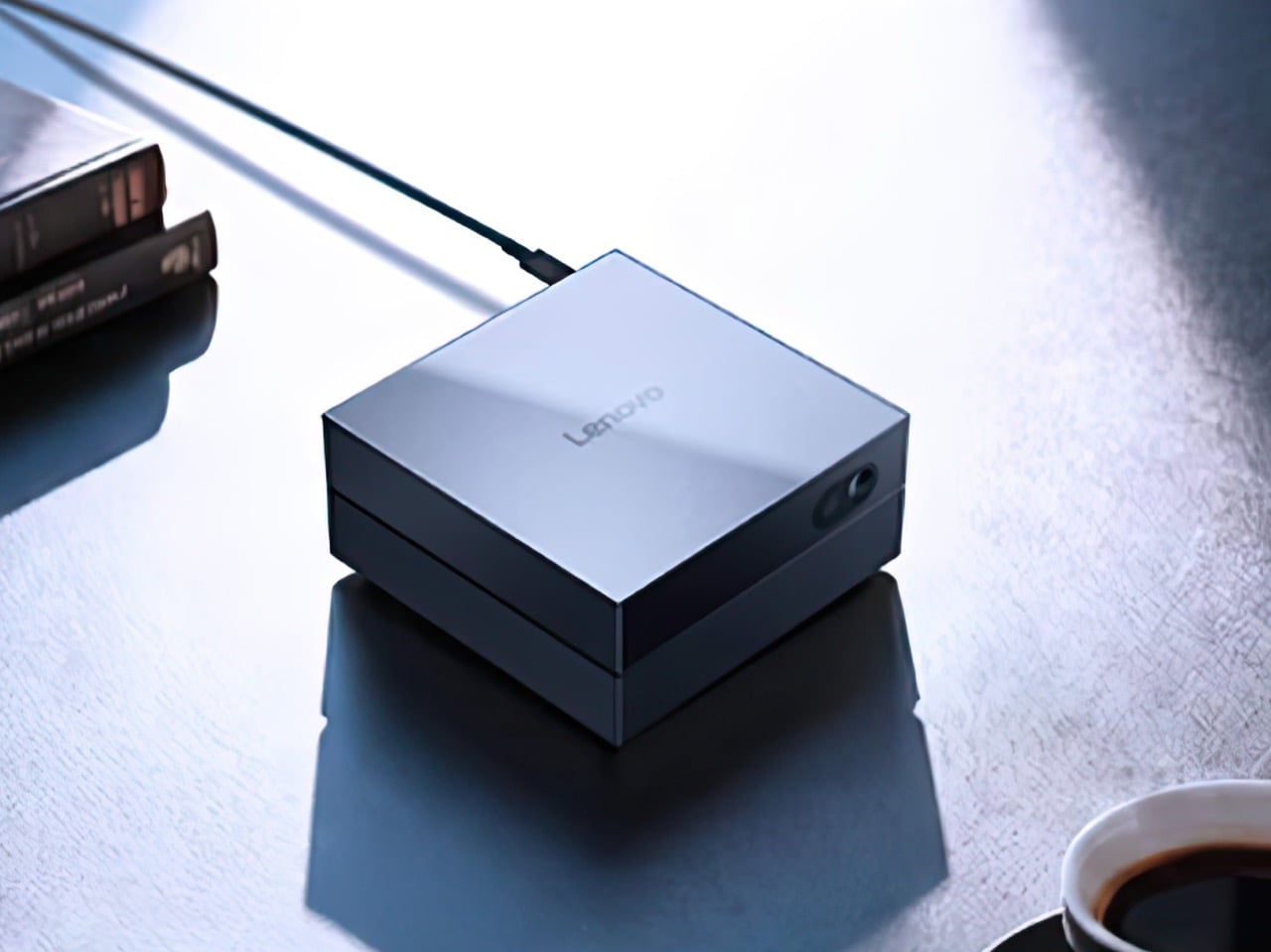
NOVA Cools PCs Without Fans or Spinning Blades, Uses Ion Wind

RGB fans have become the default way to make a PC build look custom, yet most of them look the same. Spinning blades, ring lights, and aggressive grilles dominate the category, visually loud but rarely distinctive. NOVA is a Red Dot-winning concept that asks what a cooler could look like if you removed the fan entirely and treated airflow as a sculpted, silent element instead of a spinning propeller.

NOVA is a fanless desktop cooler designed to sit where a case fan would normally go. Instead of blades, it uses a shaped intake, ion electrodes, and clever airflow to move air through a central opening. The frame reads more like a minimalist architectural vent than a traditional PC fan, with a form language closer to audio components or precision instruments than the usual gamer aesthetic.

Designers: Minhwan Kim, Gyuri Kim

Create your own Aesthetic Render: Download KeySh2ot Studio Right Now!

The front face is a square frame with rounded corners and four curved ribs that form a circular opening in the middle. The ribs flare from a wide outer edge to a narrower inner throat, guiding air and accelerating it toward the center. The metallic finish and subtle LED halo around the intake give it a calm, sculptural presence rather than the visual noise of rainbow patterns.

The airflow works through shaped channels and ion wind. The intake narrows the path, so air speeds up as it moves toward the center, like water through a nozzle. Ion electrodes arranged in a ring around the opening create a high-speed jet that clings to the curved surfaces and pulls surrounding air along with it. The result is a strong flow through the central hole without any visible blades or motor noise.

NOVA is designed to look finished from both sides. Opaque materials and careful detailing mean the cooler maintains its identity even when mounted at the rear of a case. A circular PCB carries both the ion electrodes and LEDs, arranged in a ring that simplifies assembly and gives a clean visual effect. The lighting is more like an architectural accent than a typical fan RGB, emphasizing form over flash.

The intake components are modular curved segments that assemble into a full ring. The circular layout minimizes unique parts and makes production more straightforward if the concept ever moves to market. Everything feels engineered with manufacturing in mind, not just designed to look good in a portfolio, with careful attention to how pieces fit together and how the whole unit mounts inside standard cases.

NOVA shows what PC cooling could look like once we stop assuming every solution needs spinning blades and RGB chaos. By combining ion wind, shaped channels, and a sculptural form, it turns a background component into a visible design element. Whether or not this exact concept ships, it makes a strong case that airflow inside a case deserves the same design attention as the hardware it keeps cool.

The post NOVA Cools PCs Without Fans or Spinning Blades, Uses Ion Wind first appeared on Yanko Design.
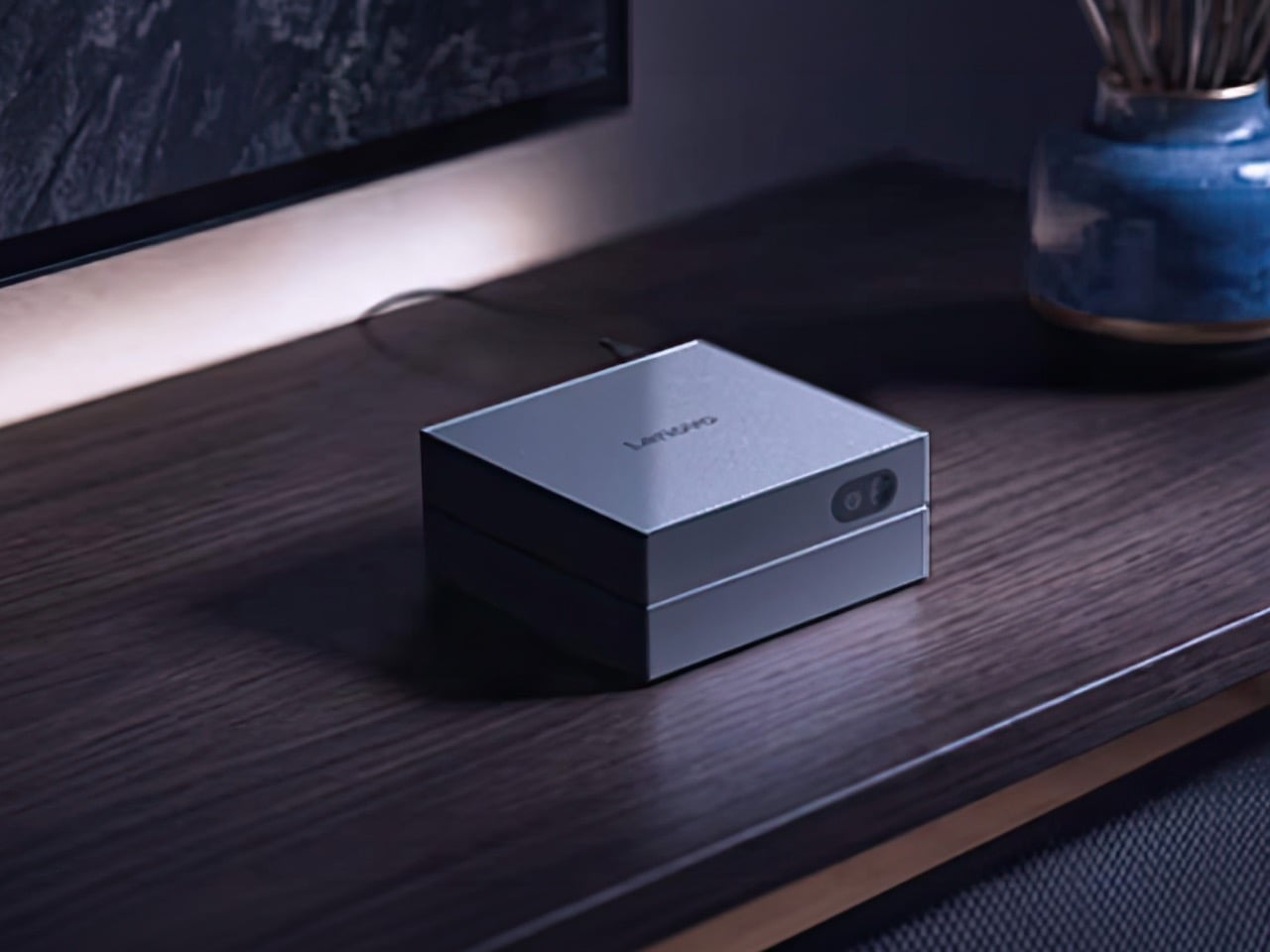
New Steam Machine and Controller Bring Living Room Gaming Back to PCs

Living room gaming has always meant choosing between the simplicity of consoles and the raw power of PCs. Consoles offer plug-and-play convenience with hardware that fits neatly under your TV, but you’re locked into their ecosystems and performance limits. Gaming PCs deliver the horsepower and flexibility, but they’re often noisy, bulky, and require enough desk space to house a small village. Valve’s original Steam Machine experiment tried bridging this gap back in 2015, but awkward controllers and limited adoption meant the idea fizzled out before it could catch on.

Now Valve is trying again, and this time the pieces actually fit together. The new Steam Machine and Steam Controller arrive in early 2026 as part of a broader hardware ecosystem that includes the Steam Deck and Steam Frame VR headset. These aren’t just updated versions of old ideas; they’re built on years of learning from the Steam Deck’s success, with designs that finally deliver on the promise of powerful, flexible PC gaming in a package your living room won’t reject.

Designer: Valve

Steam Machine

The Steam Machine packs desktop-class gaming into a cube that’s roughly six inches on each side. The matte black enclosure features a magnetically swappable front faceplate and a customizable LED strip that displays system status, download progress, or whatever color gradient suits your mood. It’s a minimalist design that hides pretty impressive hardware, including a semi-custom AMD Zen 4 CPU and RDNA3 GPU capable of 4K gaming at 60fps with FSR enabled. Valve claims it’s over six times more powerful than the Steam Deck, which should handle most AAA titles without breaking a sweat.

Inside, you get 16GB of DDR5 RAM plus 8GB of dedicated VRAM, with storage options of either 512GB or 2TB NVMe SSDs. Both models include microSD expansion if you need even more space. The internal power supply means no bulky external brick cluttering your entertainment center, and the whole thing runs whisper-quiet even under load. Valve designed the cooling system to handle demanding games without turning your living room into a wind tunnel, which is a thoughtful touch for something meant to sit in plain sight.

The I/O situation is refreshingly generous. You get DisplayPort 1.4 and HDMI 2.0 outputs for connecting to TVs or monitors, with support for resolutions up to 8K at 60Hz or 4K at 240Hz, depending on which port you use. There are five USB ports total, split between the front and back, plus Gigabit Ethernet and Wi-Fi 6E for connectivity. The Steam Machine also has a built-in wireless adapter that pairs directly with up to four Steam Controllers, letting you wake the system from your couch without fumbling for a keyboard.

Of course, the Steam Machine runs SteamOS, the same Linux-based operating system that powers the Steam Deck. The interface is designed for controllers rather than mice, with fast suspend and resume that works like a console. That said, it’s still a PC underneath, so you can install whatever apps or operating systems you want. Valve isn’t locking you into anything, which feels like a rare bit of freedom in hardware that’s otherwise pretty locked down these days.

Steam Controller

The new Steam Controller takes everything Valve learned from the Steam Deck’s controls and packages it into a standalone gamepad. The layout is familiar if you’ve used a Steam Deck, with two full-size magnetic thumbsticks, dual square trackpads, and all the standard buttons you’d expect. The thumbsticks use TMR technology for better durability and responsiveness, and they support capacitive touch for enabling motion controls. The trackpads are pressure-sensitive and include haptic feedback, making them viable for games that normally require a mouse.

What sets this controller apart are the extras. Four assignable grip buttons sit on the back, letting you map additional controls without taking your thumbs off the sticks or pads. There’s also a feature Valve calls Grip Sense, which uses capacitive sensors along the handles to enable gyro aiming when you hold the controller and disable it when you let go. It’s a small detail that makes aiming in shooters feel more natural without requiring you to toggle a button every time you want precision.

The controller connects via a dedicated wireless puck that doubles as a magnetic charging dock. The puck uses a 2.4GHz connection with about 8ms latency, which is noticeably faster than Bluetooth and feels snappy during gameplay. You can also connect via Bluetooth or USB-C if you prefer, and the 8.39Wh battery is rated for over 35 hours of play. One puck can handle up to four controllers, which makes local multiplayer setups pretty straightforward.

Customization runs deep thanks to Steam Input, which lets you remap every button, adjust sensitivity, and tweak haptics to your liking. Community configurations are available from day one, so you can load presets for thousands of games or build your own and share them. The controller also works across Valve’s entire ecosystem, from PCs and laptops to Steam Deck and the new Steam Machine, with infrared LEDs that let the Steam Frame VR headset track it for mixed-reality gameplay.

Valve’s hardware lineup is expanding into a proper ecosystem rather than just scattered experiments. The Steam Machine and Steam Controller arrive as the cornerstones of that vision, offering power and flexibility without forcing you to choose between the simplicity of consoles and the openness of PCs. Whether that’s enough to pull gamers off the couch and away from their PlayStations remains to be seen, but the pieces are finally in place.

The post New Steam Machine and Controller Bring Living Room Gaming Back to PCs first appeared on Yanko Design.
10 Best Tech Accessories & Gadgets That Add Personality To Any Space In November 2025

Your workspace doesn’t have to be a sterile collection of black rectangles and generic gadgets. The most interesting people surround themselves with objects that spark conversations, evoke emotions, and reflect their unique perspective on the world. These ten exceptional tech accessories prove that functionality and personality can coexist beautifully.

Each piece on this list transforms routine interactions with technology into moments of genuine delight. They’re the kind of accessories that make visitors pause, smile, and ask, “Where did you get that?” More importantly, they remind us daily that our spaces should inspire us, not drain us.

1. Trozk Marvel Infinity Stones 35W USB-C Chargers

Power adapters typically disappear into cable chaos, forgotten until desperately needed. Trozk’s Infinity Stone chargers flip this relationship entirely, transforming charging into a collectible experience that Marvel fans genuinely want to display. Each cube captures light like genuine gemstones, with translucent shells that seem to glow from within when catching desk lamp illumination.

The genius lies in making something utilitarian genuinely beautiful. Six different stone colors create a collectible series that encourages completion, turning mundane power delivery into treasure hunting. These aren’t just pretty faces either—each adapter delivers legitimate 35W fast charging through advanced GaN technology, proving that exceptional design doesn’t require performance compromises.

What we like

• Transforms everyday charging accessories into displayable collectibles.

• Delivers genuine 35W fast charging performance with modern GaN efficiency.

What we dislike

• Premium pricing significantly exceeds standard charger costs.

• Marvel theming may not appeal to users preferring subtle aesthetics.

2. OrigamiSwift Mouse

Portable mice traditionally sacrifice comfort for compactness, creating cramped experiences that leave your hand aching after extended use. OrigamiSwift solves this fundamental compromise through ingenious origami-inspired engineering that delivers full-sized ergonomics while folding completely flat. The transformation happens in milliseconds, springing from storage to workspace readiness almost magically.

This represents thoughtful design at its finest—understanding that mobile professionals need both portability and comfort without choosing between them. The mouse fits naturally in your palm during use, then disappears into laptop bags or pockets when traveling. Every interaction feels intentionally crafted, from the satisfying snap of deployment to the precise tracking across any surface.

Click Here to Buy Now: $79.00

What we like

• Provides full-sized ergonomic comfort while folding completely flat for storage.

• Sub-second deployment makes it instantly ready whenever needed.

What we dislike

• The mechanical folding system may experience wear with intensive daily use.

• Higher cost compared to traditional compact travel mice.

3. Gboard Dial Version Concept Keyboard

Some design experiments exist purely to make you reconsider fundamental assumptions, and Google Japan’s dial keyboard succeeds spectacularly. This delightfully absurd concept replaces key pressing with rotary phone mechanics, turning text input into a nostalgic ritual. Users insert fingers into vintage-style holes, rotating to select characters while enjoying the satisfying “jiko-jiko” grinding sounds of mechanical precision.

The three-layer dial structure claims faster input speeds, though productivity clearly isn’t the primary goal here. This keyboard exists to spark smiles, generate conversations, and remind us that technology doesn’t always need to optimize for efficiency. Sometimes the best innovations simply help us rediscover joy in everyday interactions with our devices.

What we like

• Creates a unique conversation piece that challenges conventional input methods.

• Nostalgic mechanical sounds provide a meditative, deliberate typing experience.

What we dislike

• Likely much slower than traditional keyboards for practical work tasks.

• Conceptual nature means commercial availability remains uncertain.

4. Minions-Themed Wi-Fi Routers

Network equipment usually hides in closets and cabinets, forgotten until connection problems arise. These Minion-themed routers celebrate connectivity infrastructure, transforming essential but invisible technology into cheerful desk companions. Bob and Kevin’s designs aren’t just cosmetic—shorter Bob handles dual-band networking while taller Kevin manages triple-band frequencies, including cutting-edge 6GHz connectivity.

The character selection reflects genuine technical differences, creating functional storytelling that makes networking specs memorable. Mesh capabilities eliminate dead zones throughout your home, ensuring every corner maintains strong connectivity for 8K streaming or competitive gaming. These routers prove that essential technology can bring personality to spaces without sacrificing performance.

What we like

• High-performance mesh networking with comprehensive multi-band frequency support.

• Character theming makes typically hidden networking equipment genuinely enjoyable.

What we dislike

• Playful aesthetic may clash with sophisticated or minimalist interior design.

• Licensed character branding typically commands premium pricing over generic alternatives.

5. Side A Cassette Bluetooth Speaker

Nostalgia products often prioritize appearance over functionality, creating beautiful objects that disappoint when actually used. This cassette speaker nails both dimensions perfectly, delivering authentic mixtape aesthetics with genuinely useful modern features. The transparent shell and Side A labeling create instant recognition, while Bluetooth 5.3 connectivity provides reliable wireless audio that sounds surprisingly warm for such compact dimensions.

The clear case doubles as a display stand, transforming any shelf into a mini music museum. MicroSD card support enables offline playback, letting you curate actual digital mixtapes without streaming dependencies. This clever design bridges decades of music technology, honoring analog heritage while embracing contemporary convenience.

Click Here to Buy Now: $45.00

What we like

• Authentic cassette design combined with modern Bluetooth 5.3 wireless connectivity.

• MicroSD card support enables offline playback without internet streaming requirements.

What we dislike

• Compact dimensions naturally limit maximum volume output and bass response.

• Retro aesthetic appeals primarily to specific generational demographics.

6. XDOBO BMTL Mushroom Bluetooth Speaker

Audio equipment tends toward aggressive, angular designs that announce their presence loudly. This mushroom speaker takes the opposite approach, bringing organic whimsy to tech-heavy environments while delivering surprisingly robust sound quality for its diminutive size. The design immediately evokes forest floors and fairy tales, creating instant warmth wherever it’s placed.

Despite its compact footprint, the speaker produces full, rich audio that reviewers consistently praise for clarity and balance. The form factor encourages creative placement—nestled among books, perched on nightstands, or clustered with plants for a woodland aesthetic. This speaker proves that audio equipment can integrate naturally into living spaces rather than dominating them.

What we like

• Unique mushroom aesthetic creates instant visual appeal and conversation opportunities.

• Delivers impressive audio quality despite an extremely compact, novelty-focused design.

What we dislike

• Limited room-filling capabilities compared to larger, traditional speaker designs.

• Whimsical appearance may not suit minimalist or professional workspace aesthetics.

7. Corsair iCUE 5000X RGB Tempered Glass Case

Desktop computers traditionally hide components behind opaque panels, treating internal hardware as purely functional elements. The iCUE 5000X flips this philosophy completely, featuring four tempered glass panels that transform your build into an illuminated sculpture. Smart RGB lighting responds to music, temperatures, or gaming events, creating a dynamic room ambiance that extends far beyond the desktop.

Cable management systems ensure clean aesthetics match the technical showcase, while the included RGB fans provide both cooling performance and customizable lighting effects. This case supports high-end builds without compromising display potential, accommodating large graphics cards and multiple fans while maintaining pristine sightlines. Modern front panel I/O, including USB-C, keeps connectivity current with contemporary device requirements.

What we like

• Four-panel tempered glass design creates a stunning 360-degree component visibility showcase.

• Advanced RGB lighting ecosystem allows extensive customization and environmental response.

What we dislike

• Glass panels require frequent cleaning to maintain a pristine, fingerprint-free appearance.

• Premium materials and lighting features command significantly higher pricing.

8. Dieter Rams-Inspired Desk Clock with Wireless Charging

Digital displays typically compete for attention through brightness and animation, creating visual noise that disrupts workspace tranquility. This Braun-inspired clock takes the opposite approach, embedding time and date information so subtly into the matte surface that they appear almost ghostly. The asymmetrical layout breaks conventional clock design while maintaining perfect balance.

Wireless charging integration eliminates cable clutter without compromising the clean aesthetic that makes this piece special. The design philosophy prioritizes essential functions while removing everything superfluous, creating a timeless appeal that won’t feel dated in five years. This clock proves that the best technology often involves thoughtful subtraction rather than feature addition.

What we like

• Timeless Braun-inspired design philosophy ensures lasting aesthetic appeal across decades.

• Seamlessly integrates essential functions without creating visual clutter or distraction.

What we dislike

• Subtle display design may challenge readability from certain viewing angles.

• Wireless charging compatibility is limited by specific phone dimensions and case thickness.

9. InkyPi E-Paper Productivity Display

Digital productivity tools often create more distraction than focus, bombarding users with notifications and visual noise. The InkyPi display takes a fundamentally different approach, using E-ink technology to create calm, always-on information that never glows, flickers, or demands attention. Housed in a simple picture frame, it resembles desk art more than technology.

The Raspberry Pi Zero foundation enables complete customization for specific workflow needs while consuming minimal power throughout the day. Open-source design means endless possibilities for displaying to-dos, calendar events, weather information, or progress tracking. This project proves that the most effective productivity tools often embrace simplicity over feature complexity.

What we like

• E-ink technology provides distraction-free, always-visible information without eye strain. • Open-source foundation enables complete customization for individual productivity workflows.

What we dislike

• DIY assembly requirements may challenge users without basic technical skills.

• Slow E-ink refresh rates are unsuitable for dynamic or frequently updating information.

10. LEGO Brick Wireless Charging Platform

Wireless charging pads typically serve single purposes, providing power delivery without additional functionality or personality. This LEGO-inspired charging platform transforms power delivery into a creative playground, featuring modular docking areas for accessories, lighting, and actual brick building. The concept celebrates modularity that appeals equally to tech enthusiasts and brick builders.

Hidden coils power connected modules without additional cables, while the square platform provides dedicated space for displaying building skills or docking essential accessories. The design bridges childhood creativity with adult functionality, proving that the best tech accessories can nurture playfulness alongside productivity. This platform shows how familiar building concepts can revolutionize everyday technology interactions.

What we like

• Modular design enables endless customization, combining charging, accessories, and creative building.

• Hidden power coils eliminate cable clutter while supporting multiple connected modules.

What we dislike

• Fan-made concept design means limited availability and uncertain commercial production.

• Building block compatibility may not appeal to users preferring streamlined aesthetics.

Tech Accessories That Tell Your Story

These ten accessories prove that technology can enhance our spaces emotionally as well as functionally. They remind us that the best designs don’t just solve problems—they bring joy to daily interactions, spark conversations, and reflect the personalities of the people who choose them. Each piece transforms routine tech use into moments of genuine delight and connection.

In a world of increasingly generic technology, these pieces celebrate the human desire to surround ourselves with objects that truly resonate. They show that functionality and personality aren’t opposing forces but complementary elements that create richer, more meaningful relationships with our digital tools and the spaces they inhabit.

The post 10 Best Tech Accessories & Gadgets That Add Personality To Any Space In November 2025 first appeared on Yanko Design.
Mac mini M4 dock offers a stylish way to expand your ports and storage

The popularity of the Mac mini has made small desktop computers quite the fad. Especially with small components getting more powerful, it’s now possible to have a decent desktop experience in a small box. What isn’t possible, however, is enjoying the same range and variety of ports available on towers, at least not without some outside help.

Docks for mini PCs aren’t new, but the Mac mini does present some very particular design challenges. How do you make a dock that isn’t just functional but also just as aesthetic as the Mac mini itself? That’s the puzzle that this new dock for the latest Apple mini computer tries to solve using a large number of ports, a hidden SSD enclosure, and a rather peculiar appearance.

Designer: RayCue

The Mac mini has always been designed to be discreet and subtle so it could be hidden from view while it does its job. Lately, however, the trend has been to actually show off the beautiful minimalism of these small boxes, though that also meant exposing hubs and docks that extend the modest port selection of the mini computer. Rather than those conventional long bars, hubs made specifically for the Mac mini are designed to sit beneath the computer, blending in as if part of Apple’s design itself.

RayCue’s hub and stand for the newest Mac mini M4 and M4 Pro follow that trend, adopting the same silver colorway as the Mac mini itself as well as its length and width. It sits below the Mac mini, leaving a slight gap in between for better airflow. A rather interesting design choice, however, is the raised fins radiating from the center of the dock, perhaps acting as passive cooling for the small yet powerful computer.

The RayCue Mac mini M4 dock expands the port selection with 10 different connectivity options, including an additional HDMI port for a dual display setup that doesn’t sacrifice a Thunderbolt port. Just like the Mac mini itself, it’s designed to have the most often accessed ports in the front, leaving the more “stationary” ones on the back.

Another trend in this product category is using the spacious dock for additional storage. The RayCue dock and stand supports a variety of M.2 NVMe SSD sizes up to 4TB in capacity, almost double the maximum Mac mini configuration available. Stylish and functional, it’s a perfect complement to the elegant Mac mini M4, one that will, however, cost you $99 without a $20 pre-order discount.

The post Mac mini M4 dock offers a stylish way to expand your ports and storage first appeared on Yanko Design.
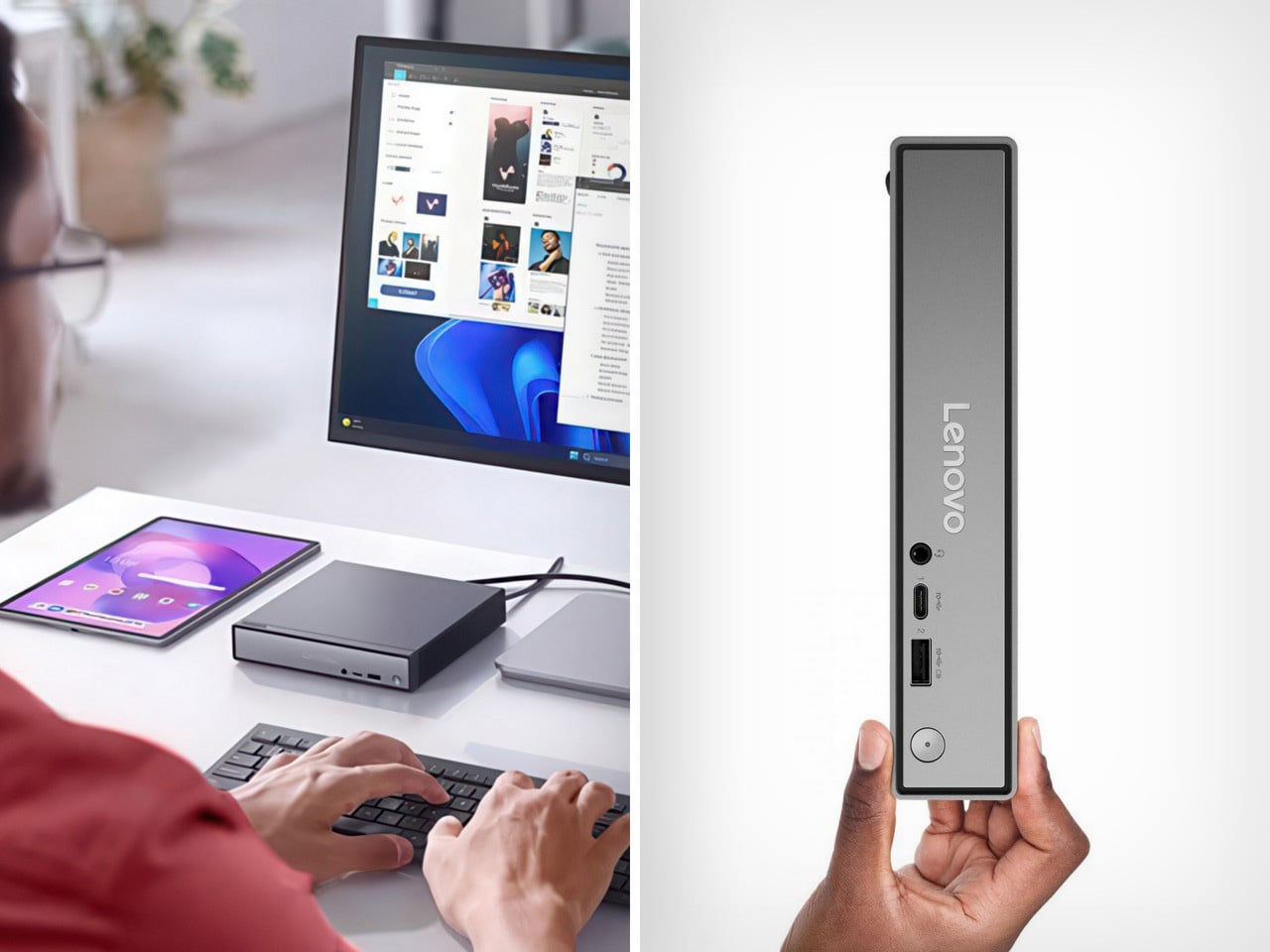
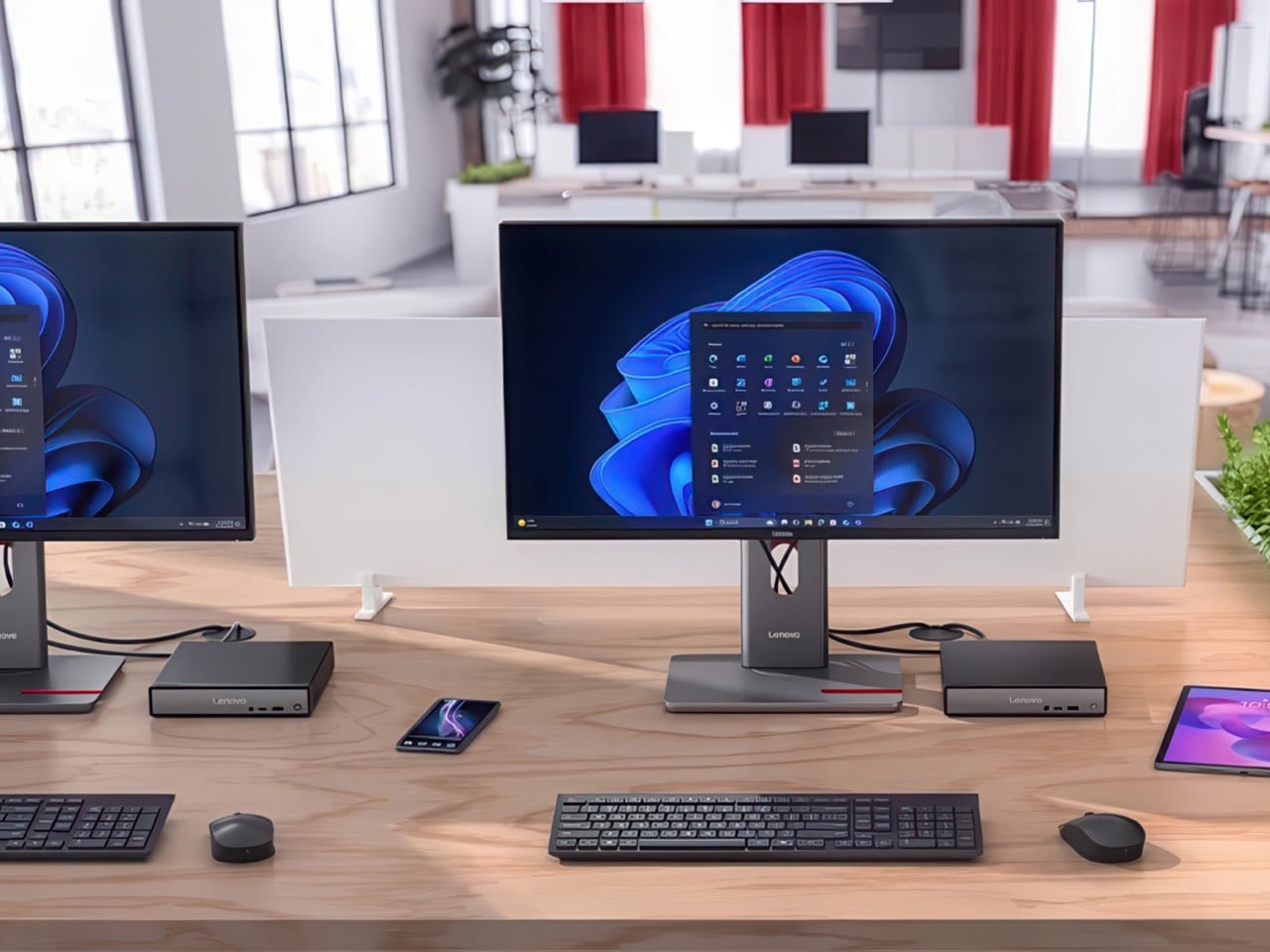
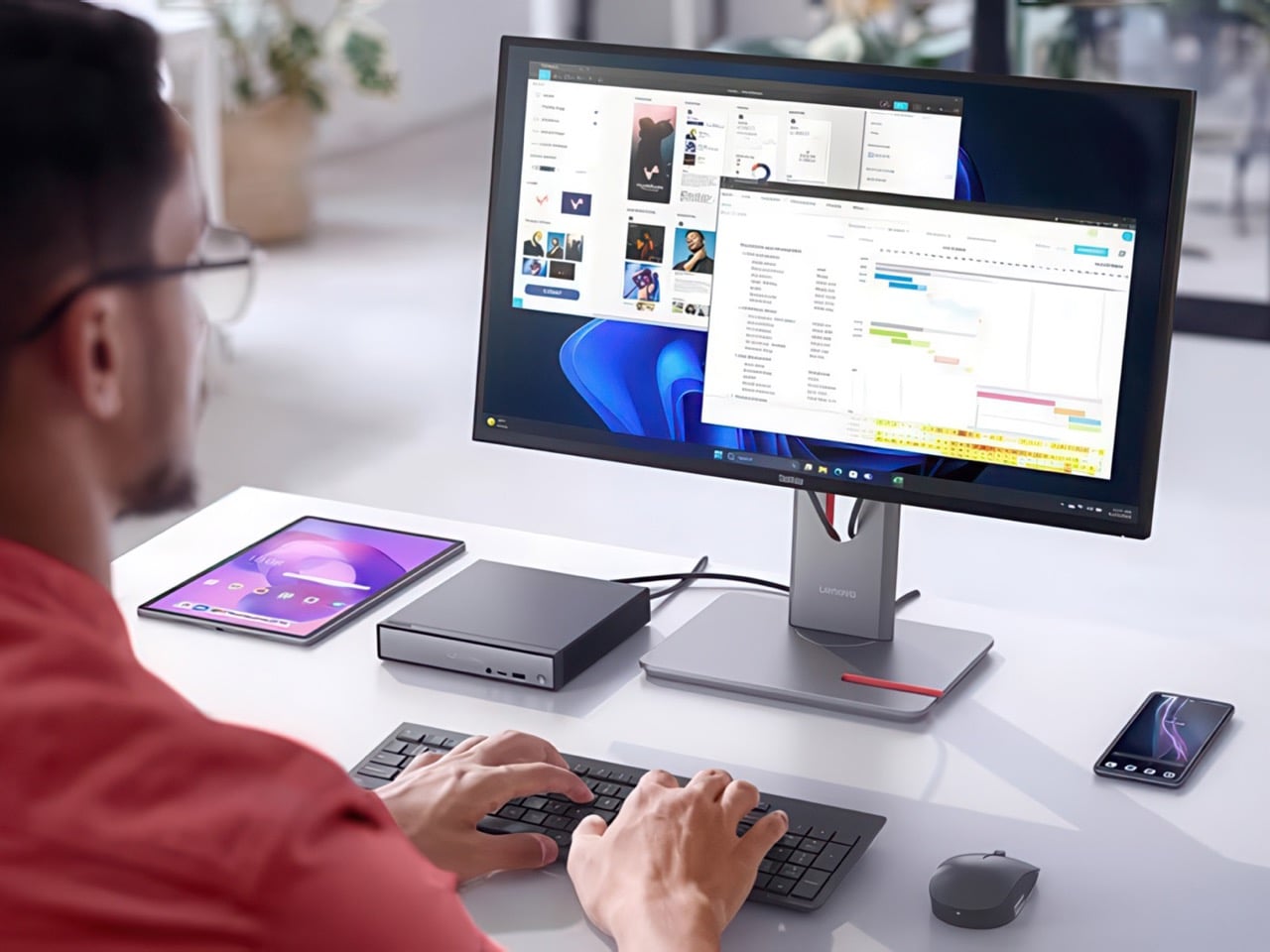
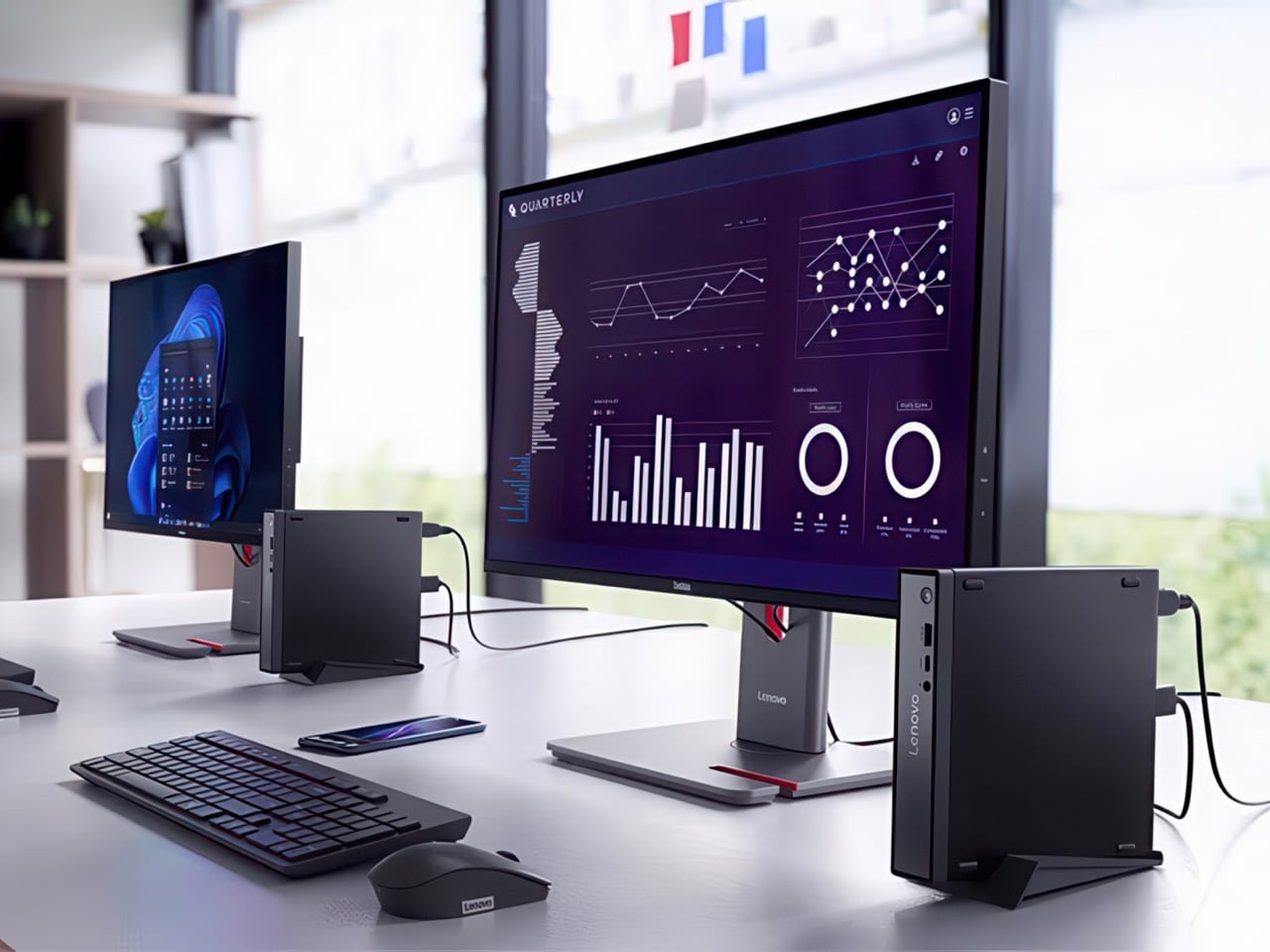
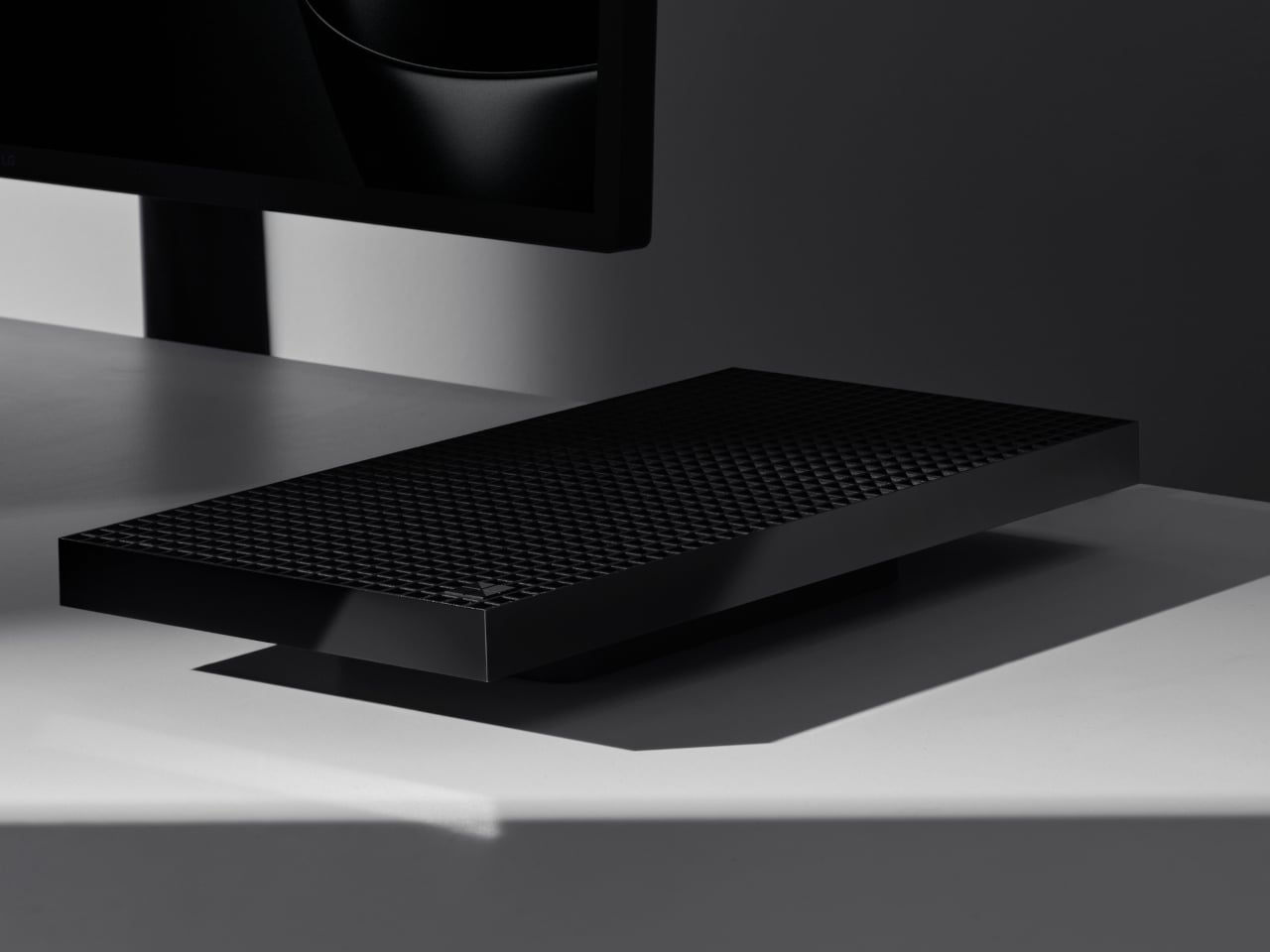
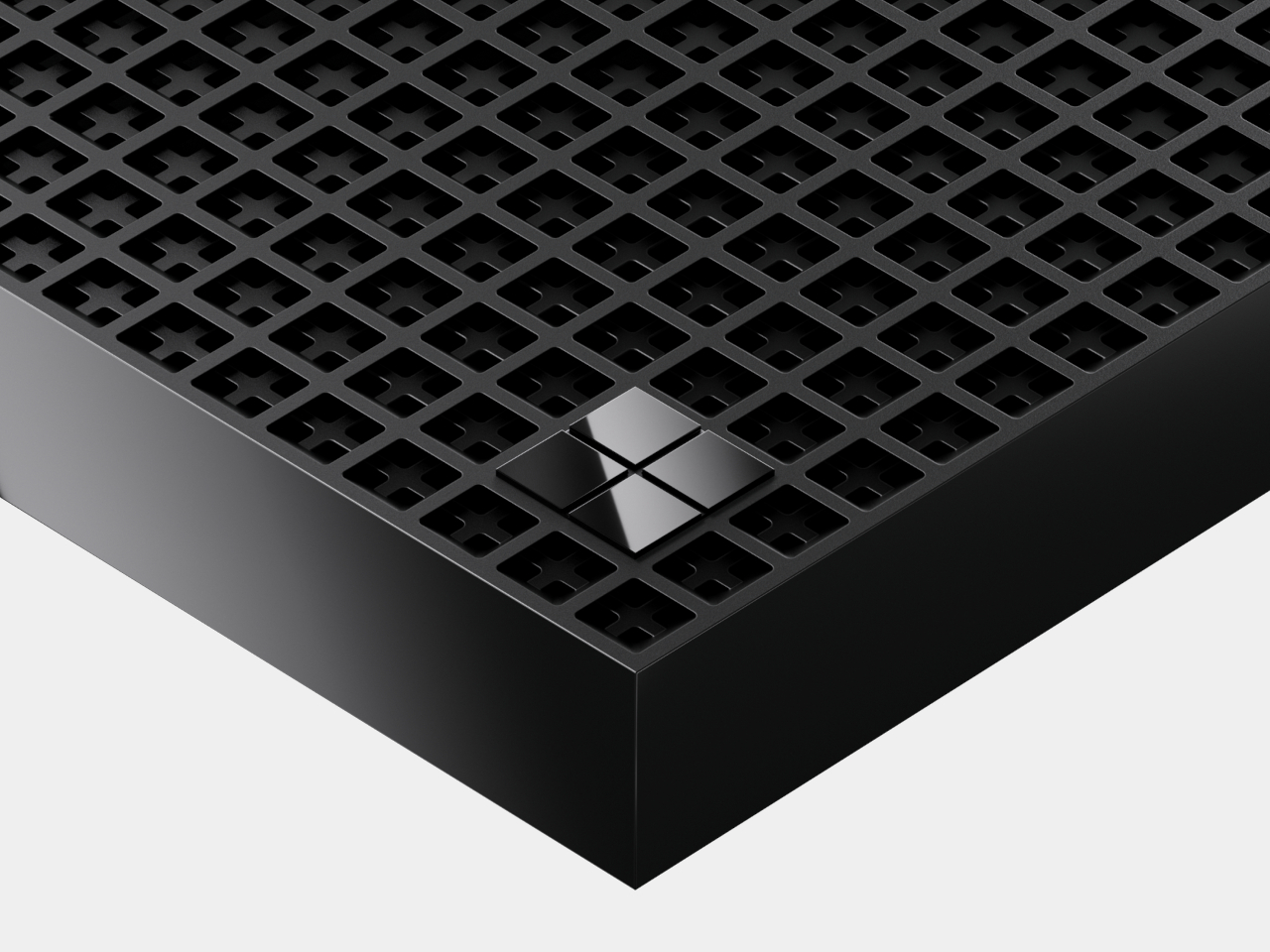
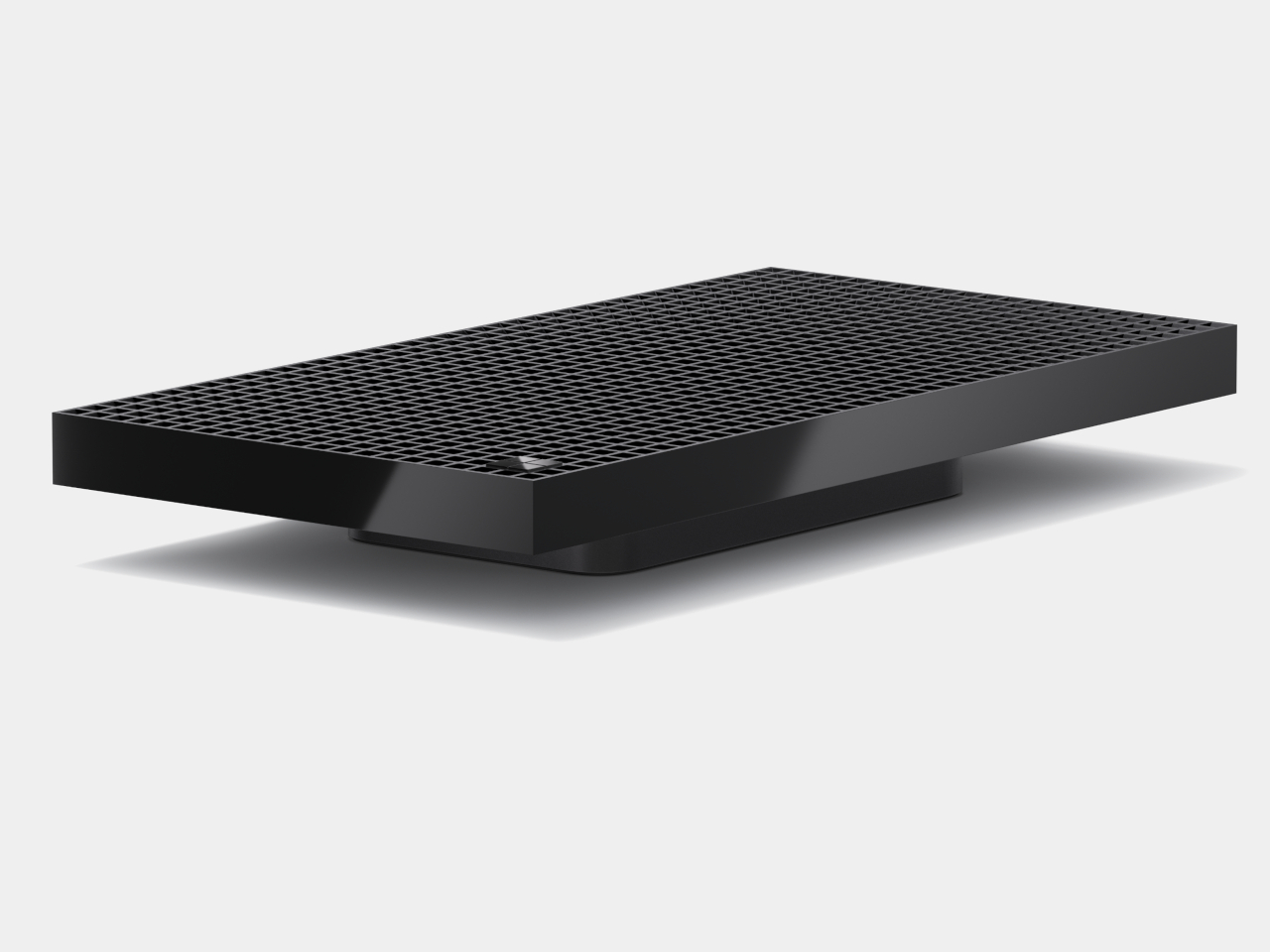
Microsoft 365 Link mini PC streams Windows 11 from the cloud in a secure ecosystem

Let’s be honest Windows 11 is not perfect, evolving at an agonizingly slow pace. This has pushed many power users down the Apple alley. The recently launched Mac Mini has a lot going in its favor, further creating a deep divide between the Microsoft and Apple options.

As a last-ditch effort to save the glitchy Windows 11 OS and very less options to choose from that bind the hardware and software for a seamless experience, Microsoft has introduced the Windows 365 Link mini PC strictly limited to cloud usage in a walled environment. The portable CPU is targeted towards big organizations and businesses who give a lot of weightage to security and keeping the working environment productive.

Designer: Microsoft

Targeted towards enterprise users

This is the world’s first dedicated “boot to cloud” device that runs Windows 11 OS via the Windows 365 link on the Windows 365 servers. Priced at $349 it is specifically designed to run Windows 365 Cloud PCs, and you need a Windows 365 subscription to get started. That adds another $28 to $315 per month. It’s still not clear whether the mini PC will get the extra perk of a subscription discount as a bundle, but we hope so.

The most popular option for employees is a $66 per month per user with applications including Microsoft Teams and browsers. Include the $349 hardware cost of the Windows mini PC and you’ve got a fat bill of $2,000 for a closed ecosystem with limited applications. Compare that to the $1,300 price tag for the 15-inch touchscreen Microsoft Surface Laptop powered by the Snapdragon X Elite chip and having 256GB storage. Clearly, Microsoft’s compact PC is not targeted towards individual users, and in no way competes with Apple’s powerhouse mini PC.

Security takes center stage

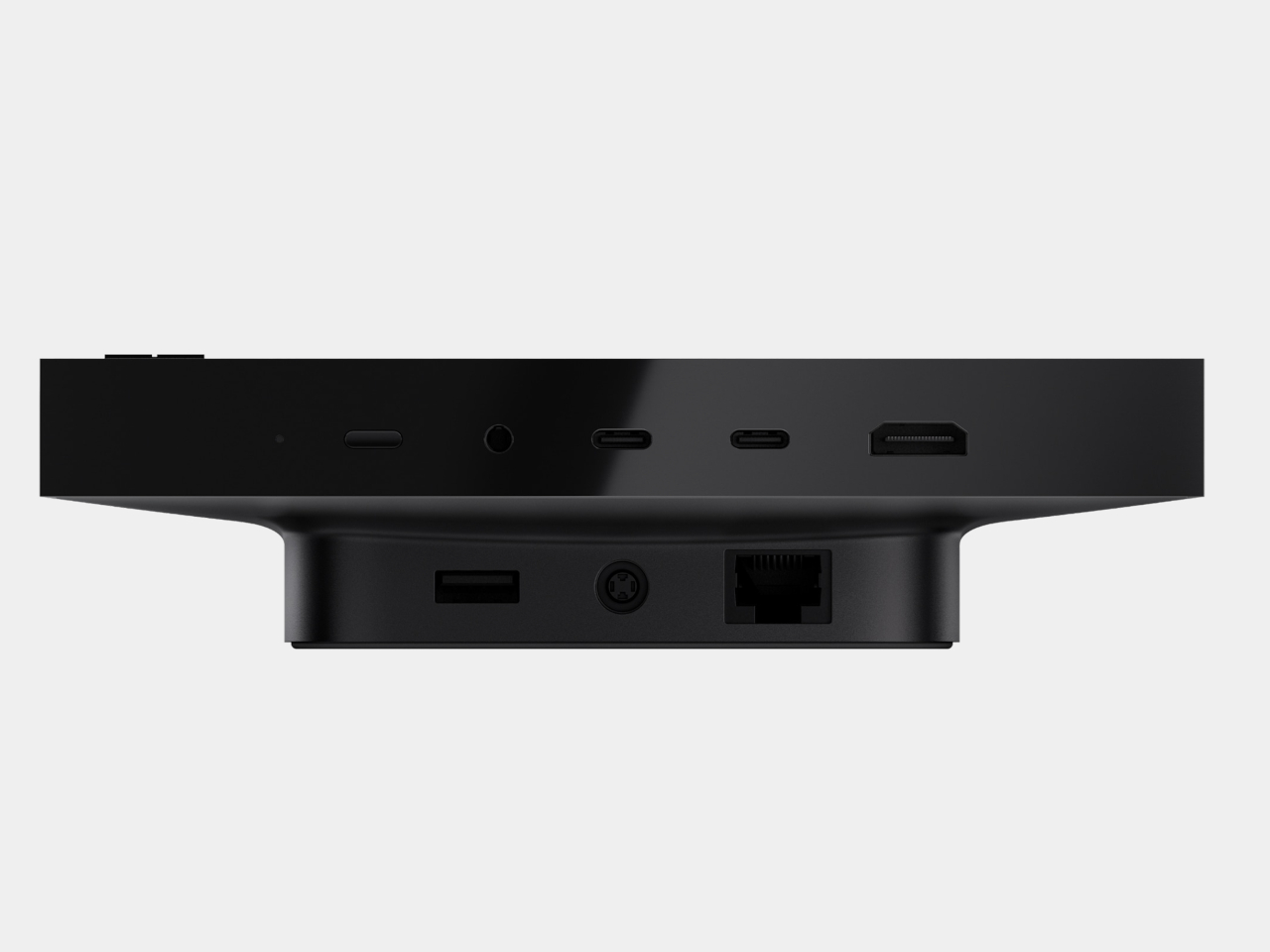
This 120 x 120 x 30 mm desktop PC has a fanless design, and comes with a 3.5mm audio jack, three USB-A ports, one USB-C port, an HDMI port, and a single DisplayPort output. There’s one Ethernet port, WiFi 6E, and Bluetooth 5.3 for wireless connectivity. The mini PC is designed for specific requirements where workers need to be quickly rotated between workstations and securely access their files. This eliminates the hassle of configuring the user settings and saving time. Also, the PC is ideal for setups where cloud-based software and hardware integration takes precedence.

Windows 365 Link will be available for purchase in April 2025 – that’s a long way off. However, one can enroll for the preview program in the U.S., Canada, the U.K., Germany, Japan, Australia, or New Zealand. Interested users can join the program before December 15 with permission from the Microsoft account team.

The post Microsoft 365 Link mini PC streams Windows 11 from the cloud in a secure ecosystem first appeared on Yanko Design.
Turntable-inspired graphics card concept adds a retro-futuristic flavor to desktops

In the not-so-distant past, desktop computers were almost literal black boxes, closed and obscured from view. Although they’re still enclosed today to block the easy entry of dust and harmful particles, many desktop towers have adopted transparent designs that show everything inside.


This aesthetic is mostly to appeal to gamers who dress up their rigs with RGB lights and fancy-looking cooling systems, but the majority of the hardware you can see inside is hardly aesthetic (unless you go for that look). Graphics cards are slowly getting a facelift, but they still have a more technical and geeky look. This concept tries to challenge that status quo with a GPU design that could interest even non-gaming computer users.

Designer: Seunghun Lee

Of all the components inside a desktop computer, at least the ones built for gaming or heavy-duty creative work, the graphics card is the bulkiest, boxiest, and most visible one. Of course, that design is intentional because of the electronics it has to pack inside as well as the large fans that keep things from overheating. Such graphics cards today come with some RGB lighting or accents to make them look a little livelier, but the overall aesthetic remains the same.

G-Turn360 is a concept design that tries to add some visual appeal by taking inspiration from a completely different product. It chose the turntable, now a staple of the retro movement, as the foundation of the GPU redesign, combining mechanical elements into a more pleasing composition using basic geometric shapes. The cooling fan, after all, is already a large circle, so why not use that form to represent a record player on a box?

The concept also goes beyond that simple association with the record player. It completely throws out the conventional LED lighting which, in addition to being over the top, also prevents visual consistency. In fact, the G-Turn360 embraces a lighter color scheme, which better fits desktop designs that are moving away from dark and black boxes commonly associated with gaming gear.

The result is a graphics card design that somehow looks both retro and futuristic at the same time, adopting a clean aesthetic that can appeal to a more diverse audience. That said, the G-Turn360 concept could be sacrificing performance and safety with its unconventional design, so it’s definitely not something that can simply be used without some modification and careful engineering.

The post Turntable-inspired graphics card concept adds a retro-futuristic flavor to desktops first appeared on Yanko Design.