This Color E Ink Monitor Runs at 60Hz: Real Work, No Eye Strain

Spending hours in front of a glowing screen is unavoidable for most people, and the toll it takes on the eyes is a problem the monitor industry hasn’t truly solved. E Ink displays offer a gentler, paper-like alternative that’s far easier to stare at for long stretches, but most of them are painfully slow, limited in resolution, and not really up to the demands of daily computing.

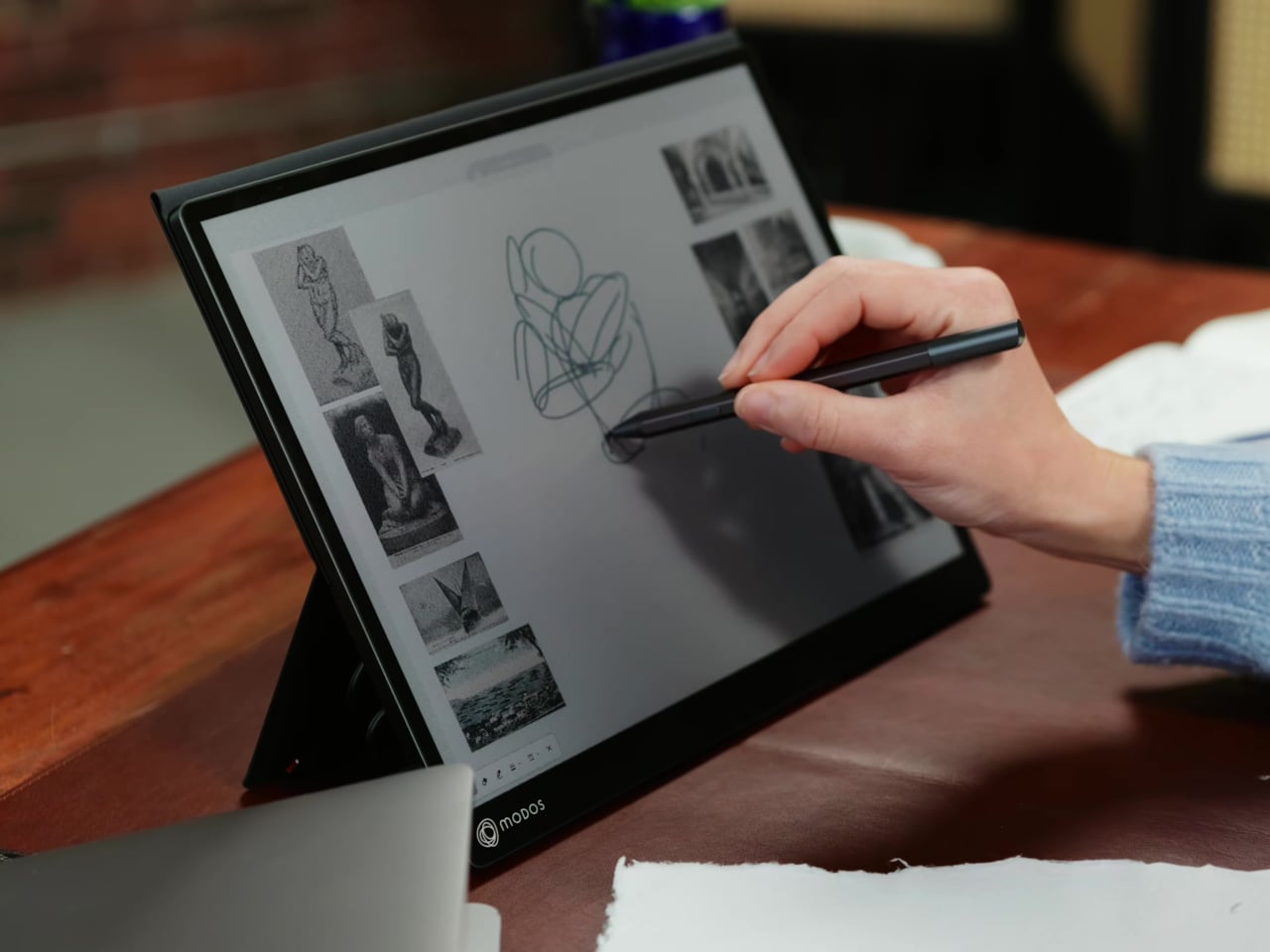
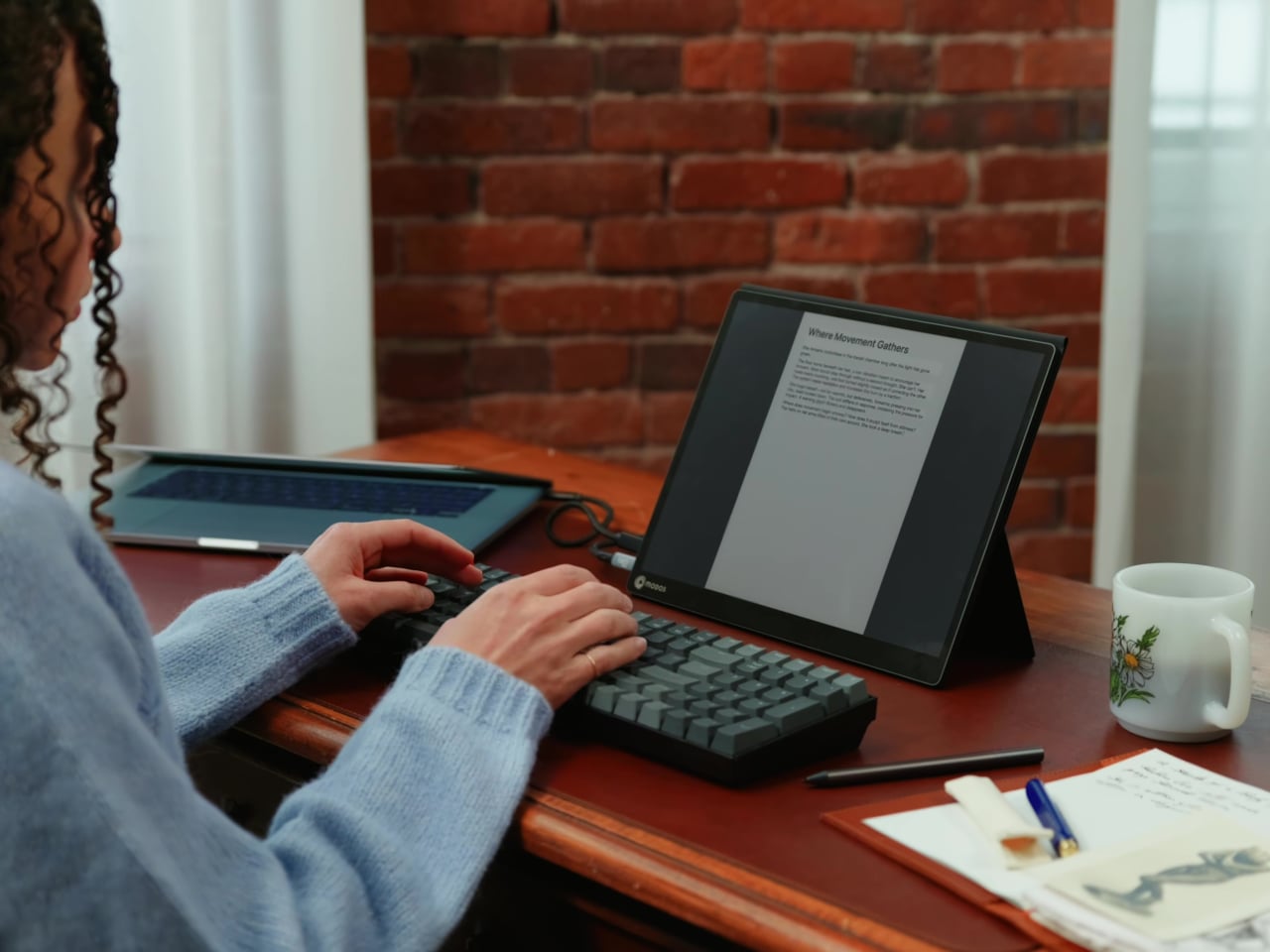
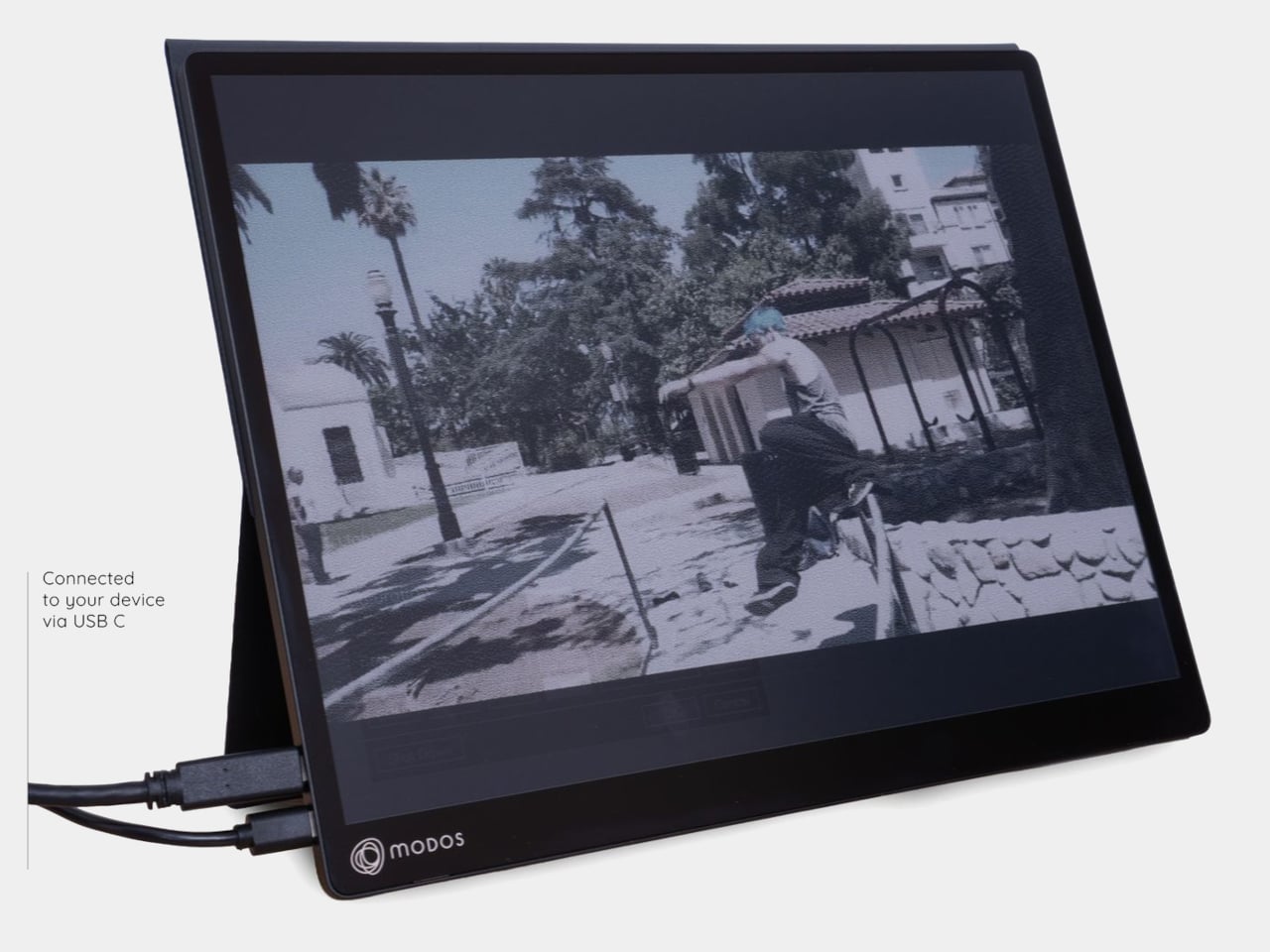
The Modos Flow is Modos Tech’s answer to that problem. Built by a Boston-based hardware startup, it’s a 13.3-inch E Ink portable monitor designed not just for casual reading but for all-day, focused work. It targets the kind of person who needs a real secondary screen but wants to spend less time squinting and more time actually getting things done.

Designer: Modos Tech

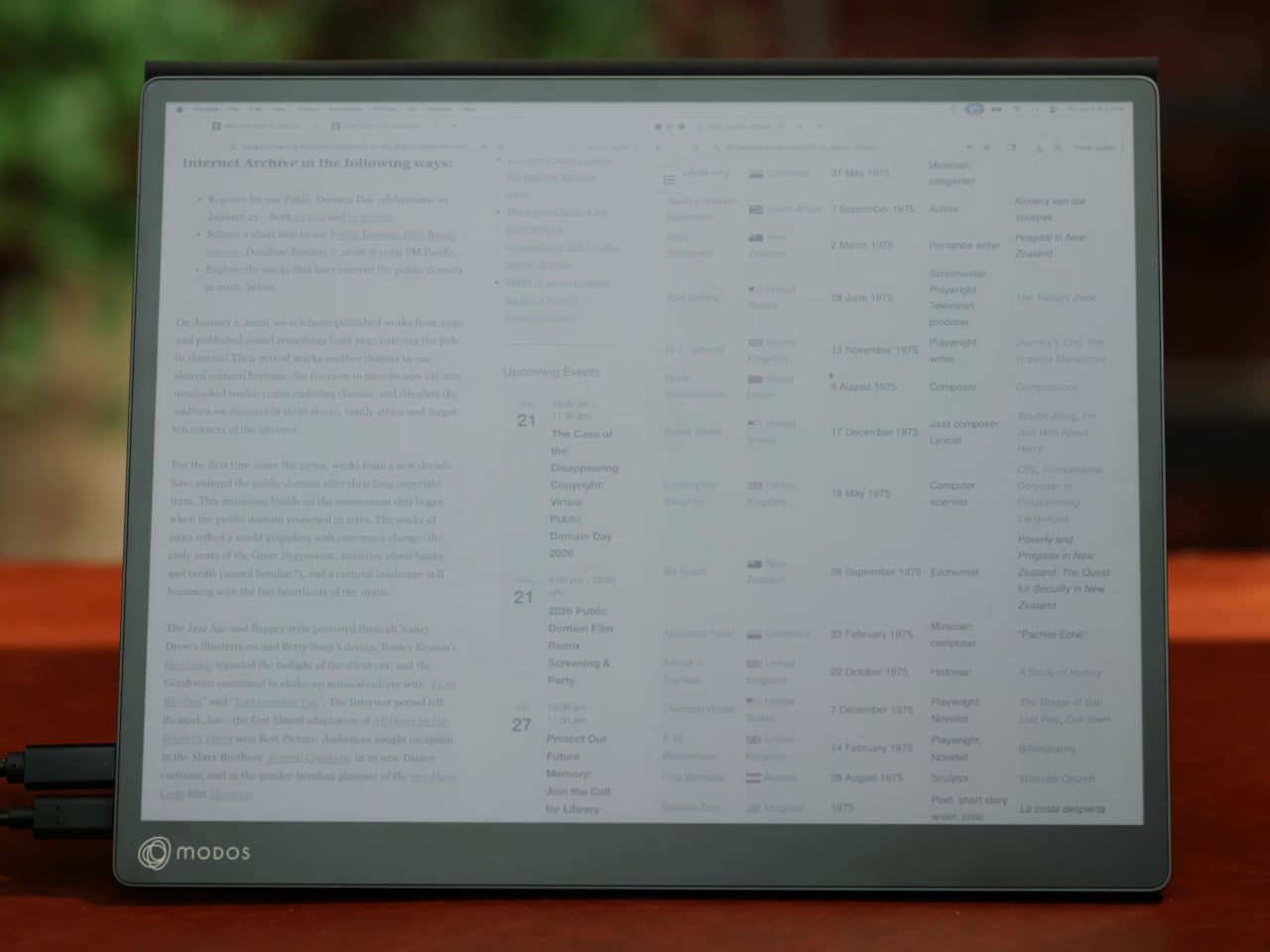
Most E Ink monitors struggle as daily drivers because of their refresh rate. Traditional panels tend to crawl, making anything beyond static document reading a frustrating experience. The Modos Flow uses a custom board with open-source firmware to push its display to 60 Hz, enough to scroll through pages, type without noticeable lag, and use the screen as a functional everyday monitor rather than a glorified e-reader.

Resolution is also where the Modos Flow separates itself. In black-and-white mode, it renders at 3,200 x 2,400 pixels with a pixel density of 300 PPI, making text crisp enough to satisfy anyone used to retina-grade displays. Color mode brings the resolution down to 1,600 x 1,200 pixels at 150 PPI, which is a fair trade given how rarely E Ink panels offer color at all.

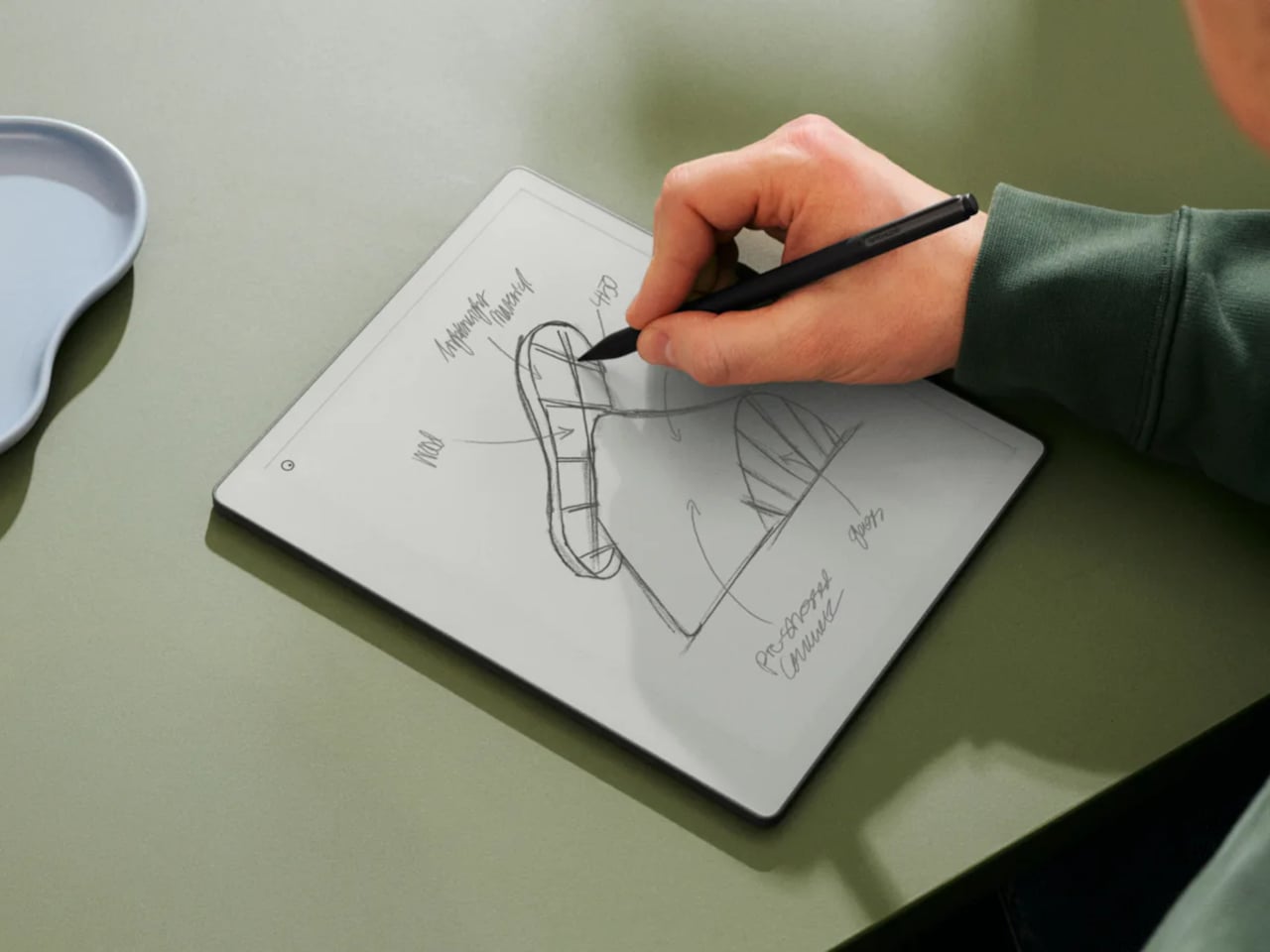
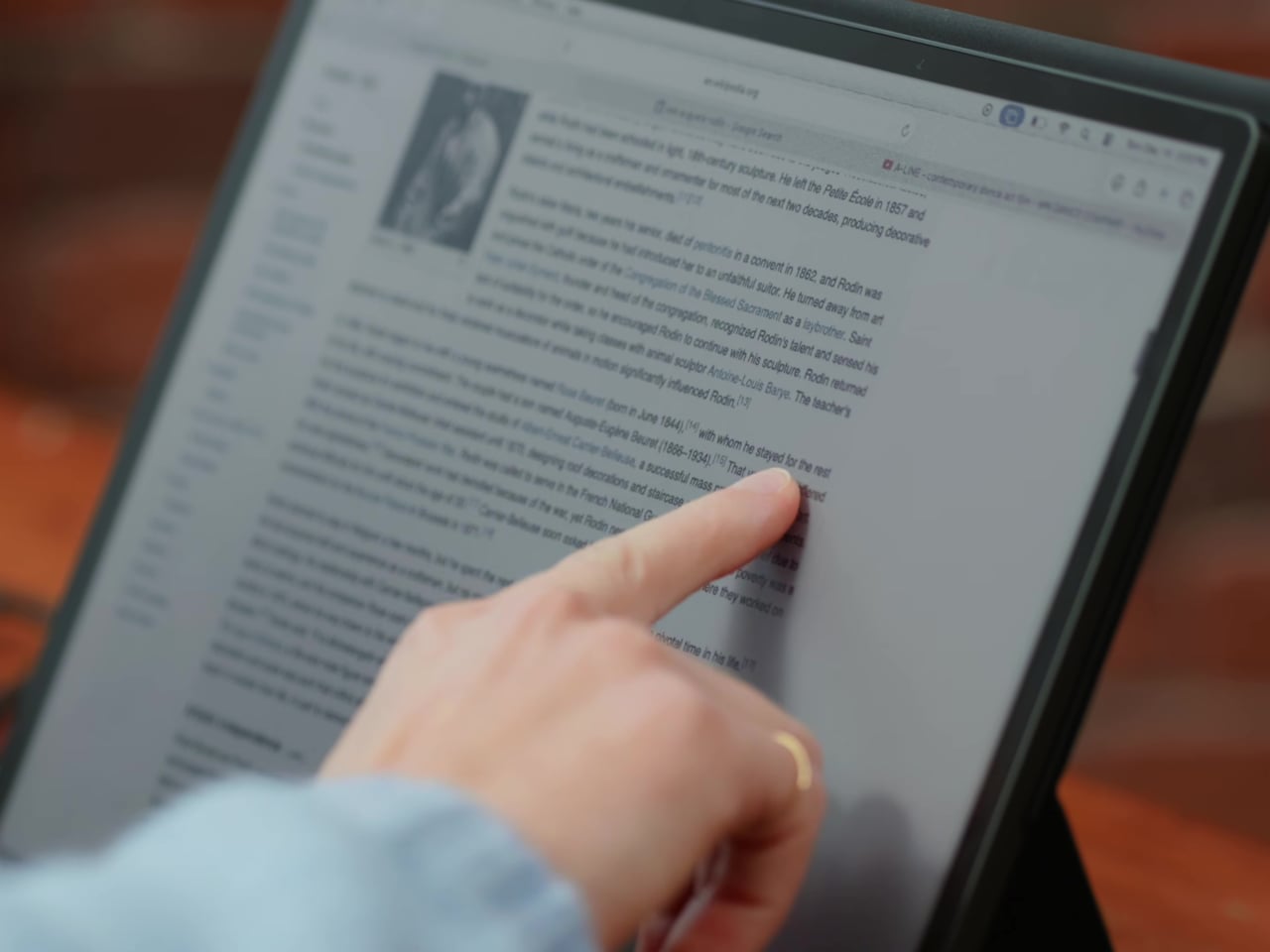
Touch and stylus support round out what’s becoming a surprisingly versatile display. Modos brought the latency down to under 100ms, so annotating a document, sketching ideas, or jotting notes with a stylus actually responds the way you’d want it to. It won’t replace a dedicated drawing tablet, but for someone who routinely works between a laptop and a secondary screen, having that input option without swapping devices is genuinely useful.

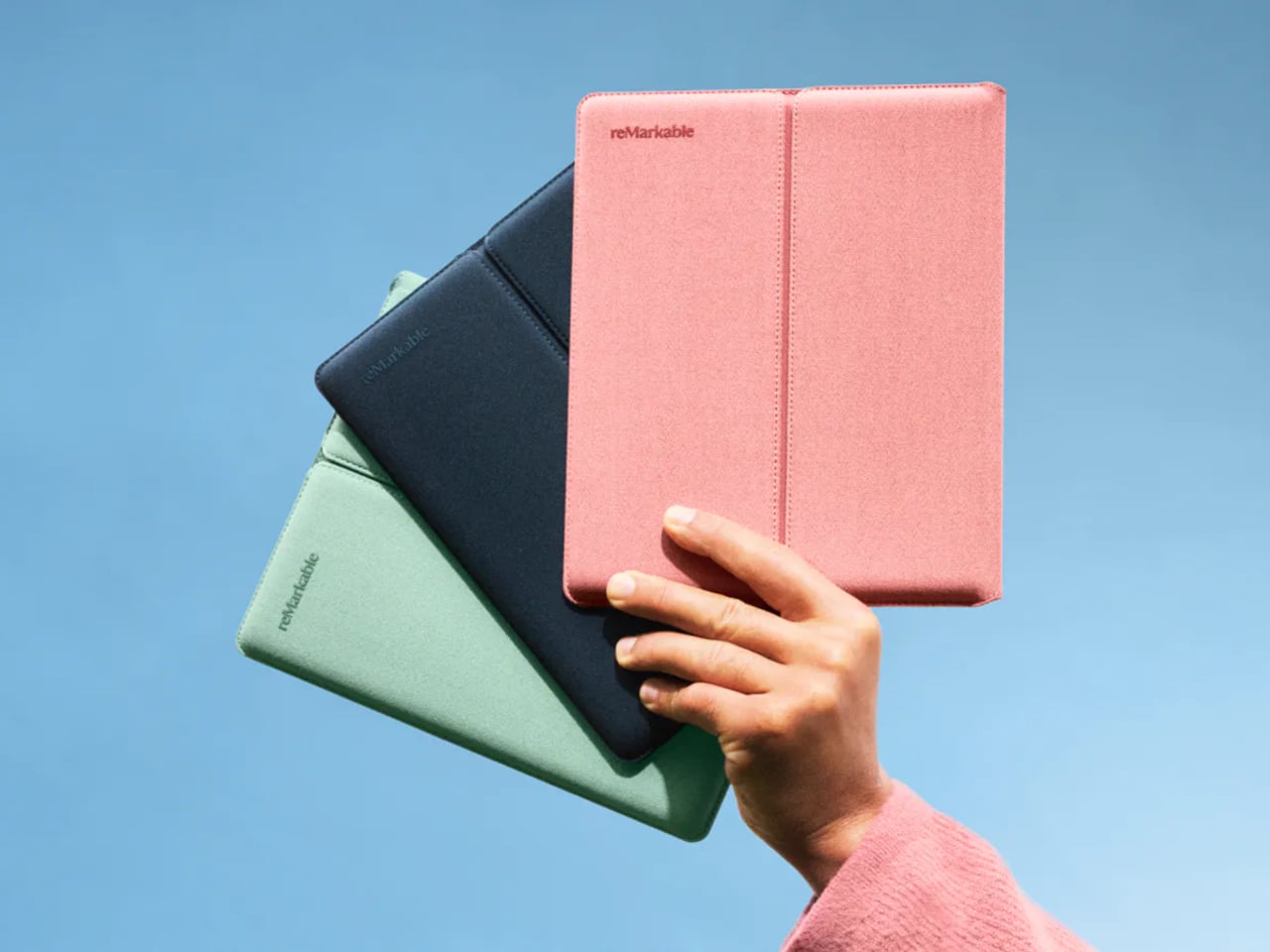
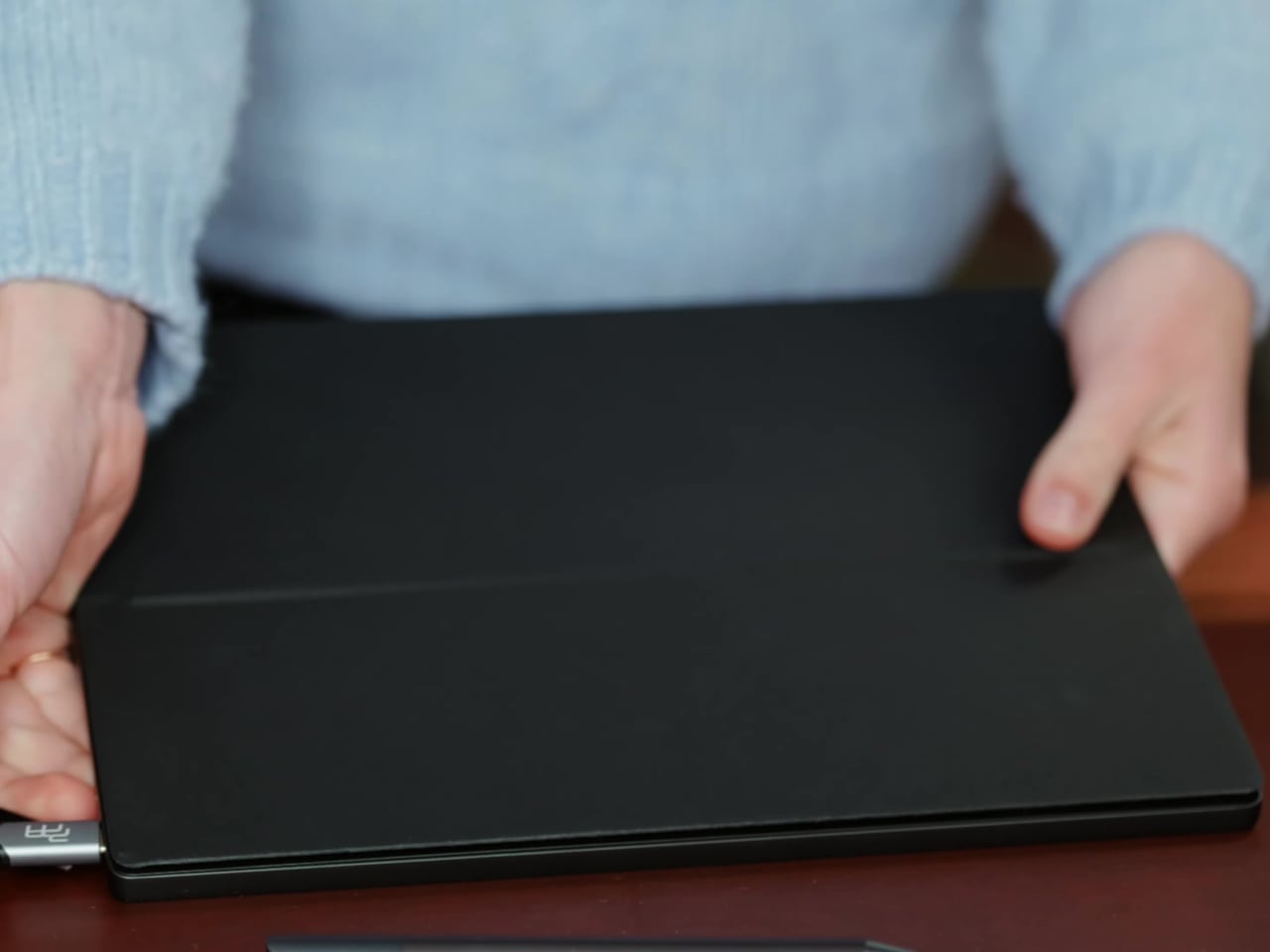
Its physical design is straightforward and practical. A built-in cover doubles as a stand and folds flat for travel, while VESA mounting holes on the back make it easy to attach to a monitor arm or desk mount. Three side buttons let you adjust brightness, contrast, and display mode without touching your computer. Connectivity runs through USB-C with DisplayPort Alt-Mode support, which keeps the setup clean with a single cable.

One of the quieter advantages of E Ink over LCD or OLED is power consumption, and that matters here. When connected to a laptop via USB-C, the Modos Flow draws significantly less power than a conventional secondary monitor, meaning your battery isn’t taking nearly the hit it normally would. It works with Windows, macOS, and Linux out of the box, so there’s no particular setup hurdle to clear. Pricing hasn’t been confirmed yet, but Modos has indicated it should be comparable to other portable monitors.

The post This Color E Ink Monitor Runs at 60Hz: Real Work, No Eye Strain first appeared on Yanko Design.
This $299 Android Phone Says Glowing Screens Are Already Obsolete

For most people, the smartphone screen is where focus goes to die. Even when you pick one up with a purpose, the bright OLED glare, the notifications, and the endless scroll have a way of pulling you elsewhere. Screen fatigue is real, blue light is a genuine concern, and the push for digital wellness has grown loud enough that even tech companies have started quietly acknowledging it.

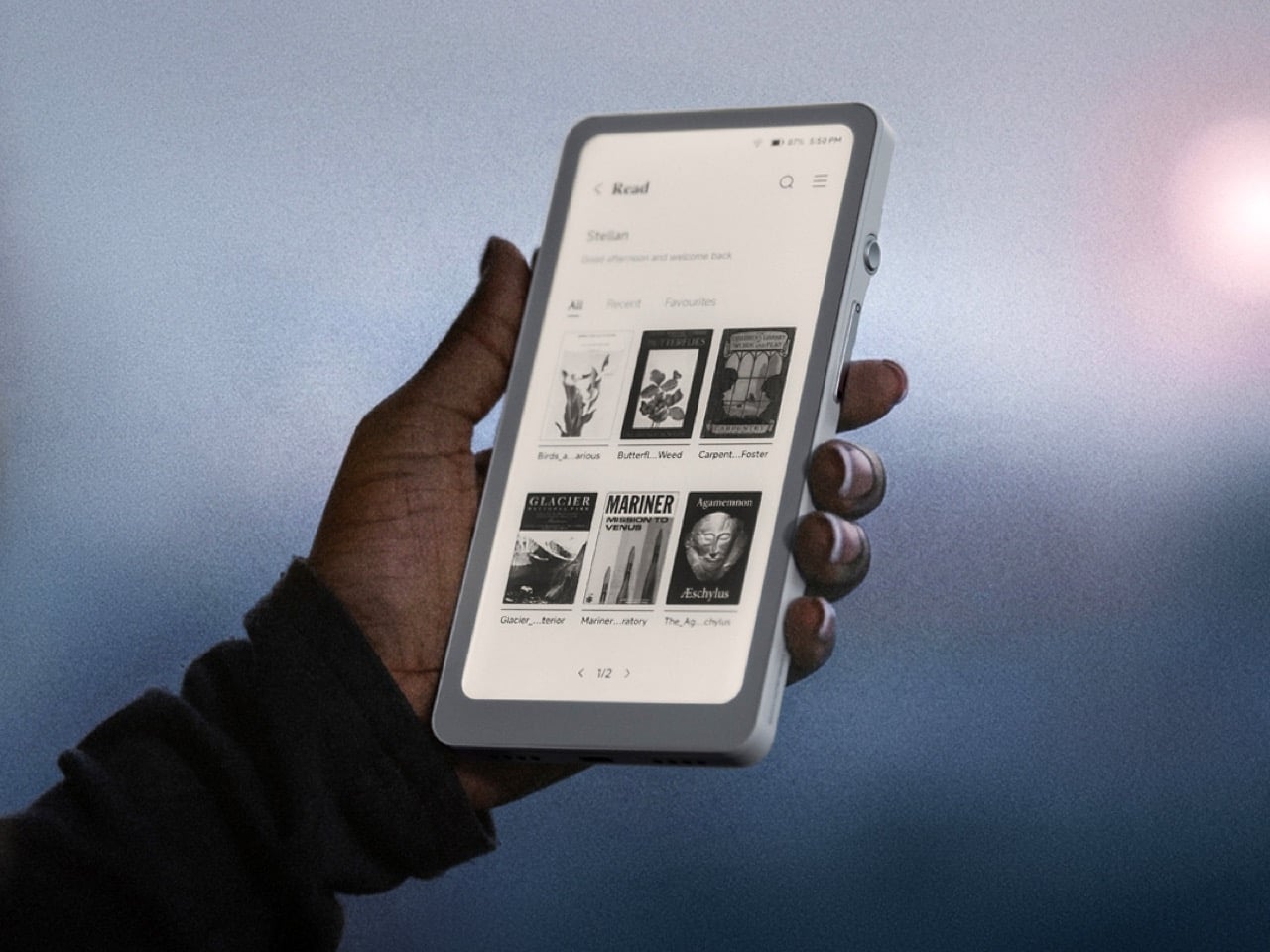
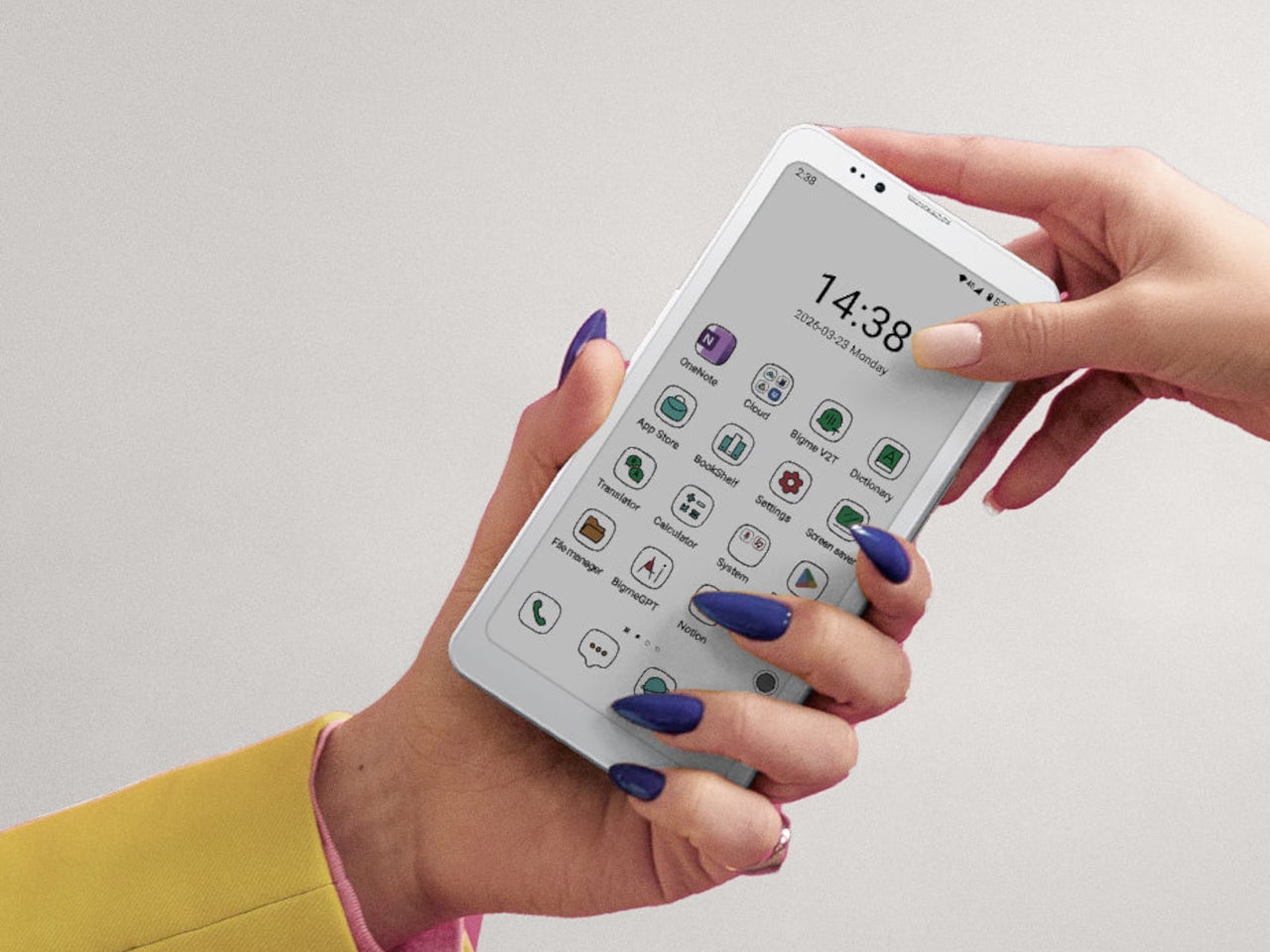
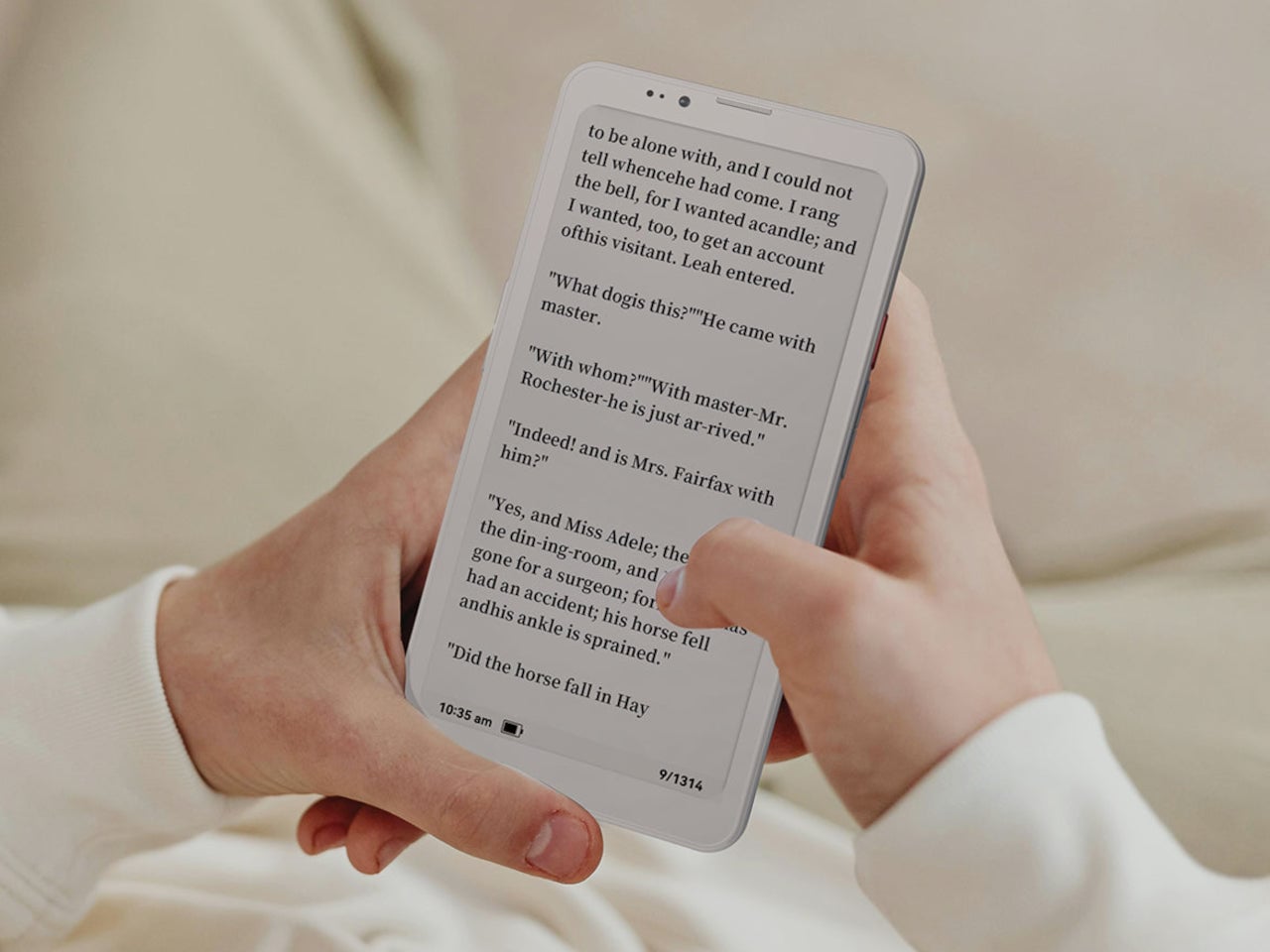
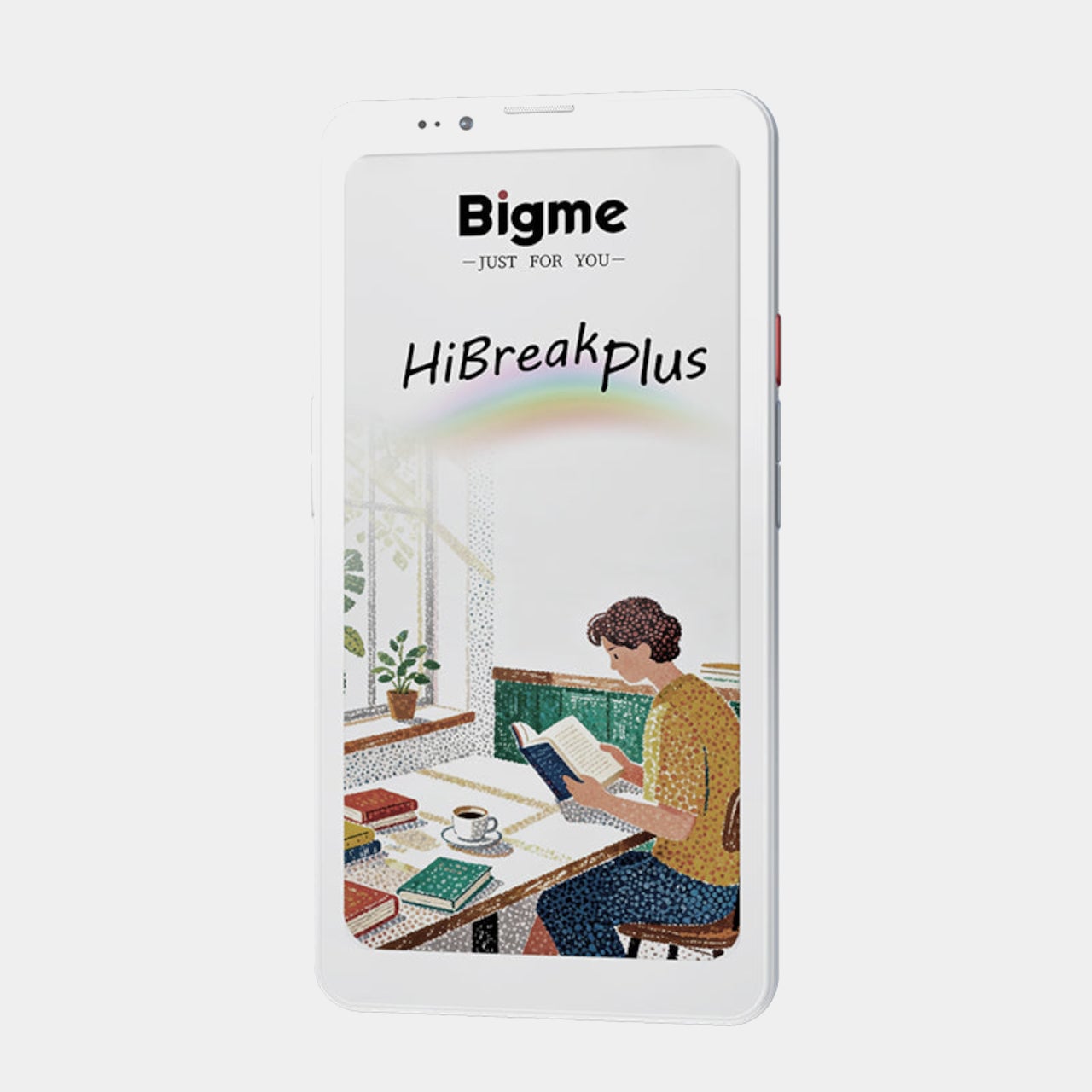
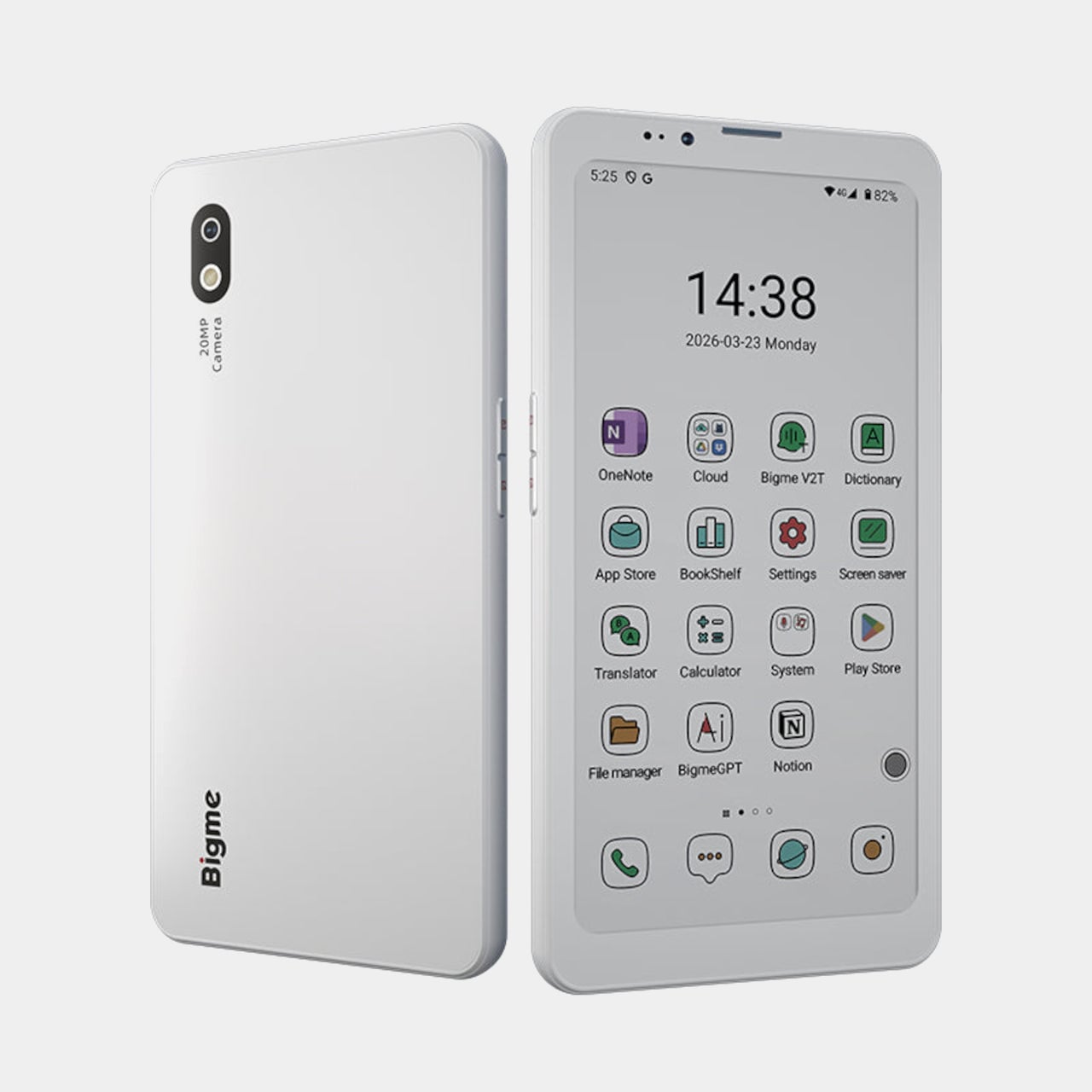
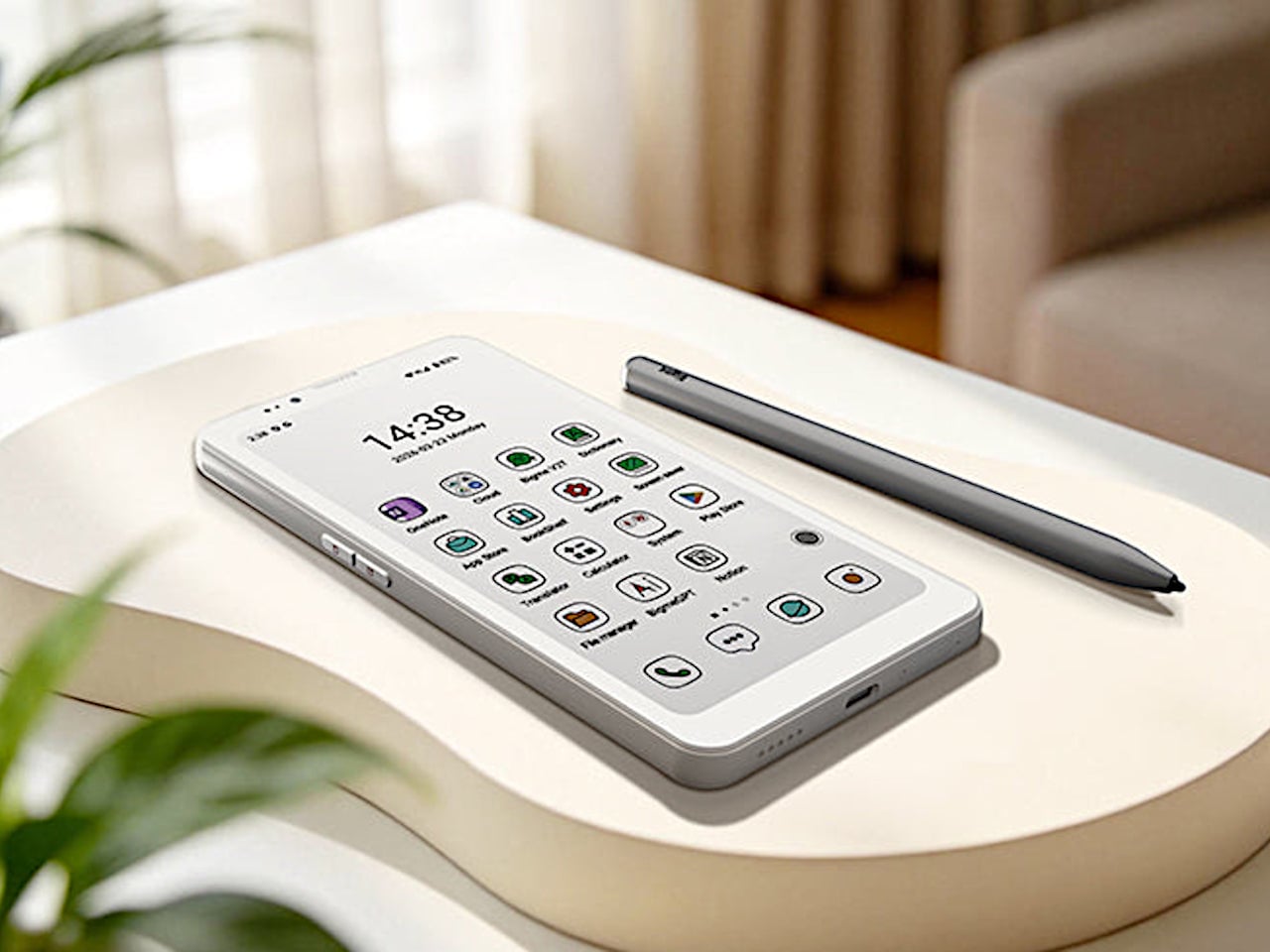
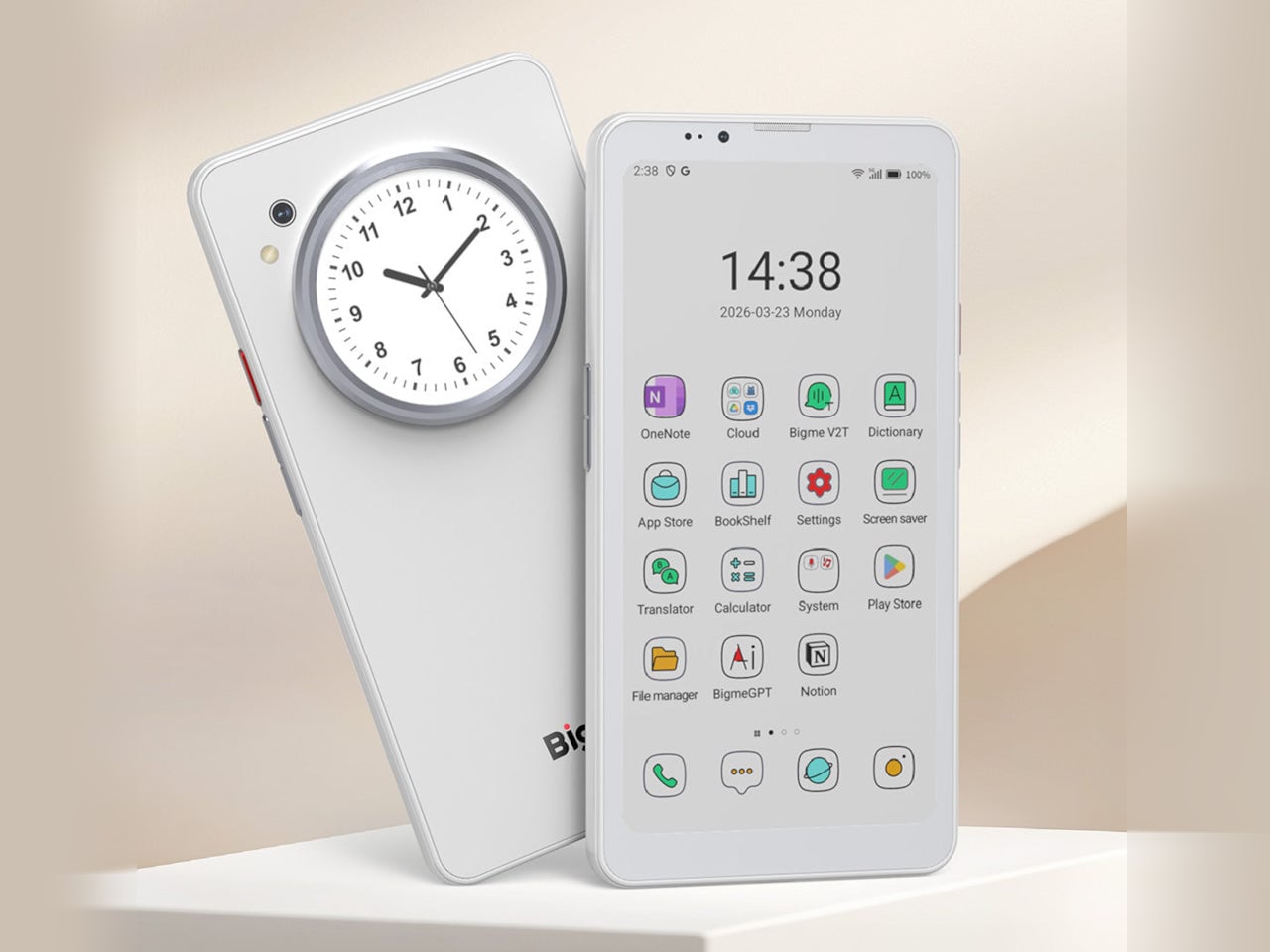
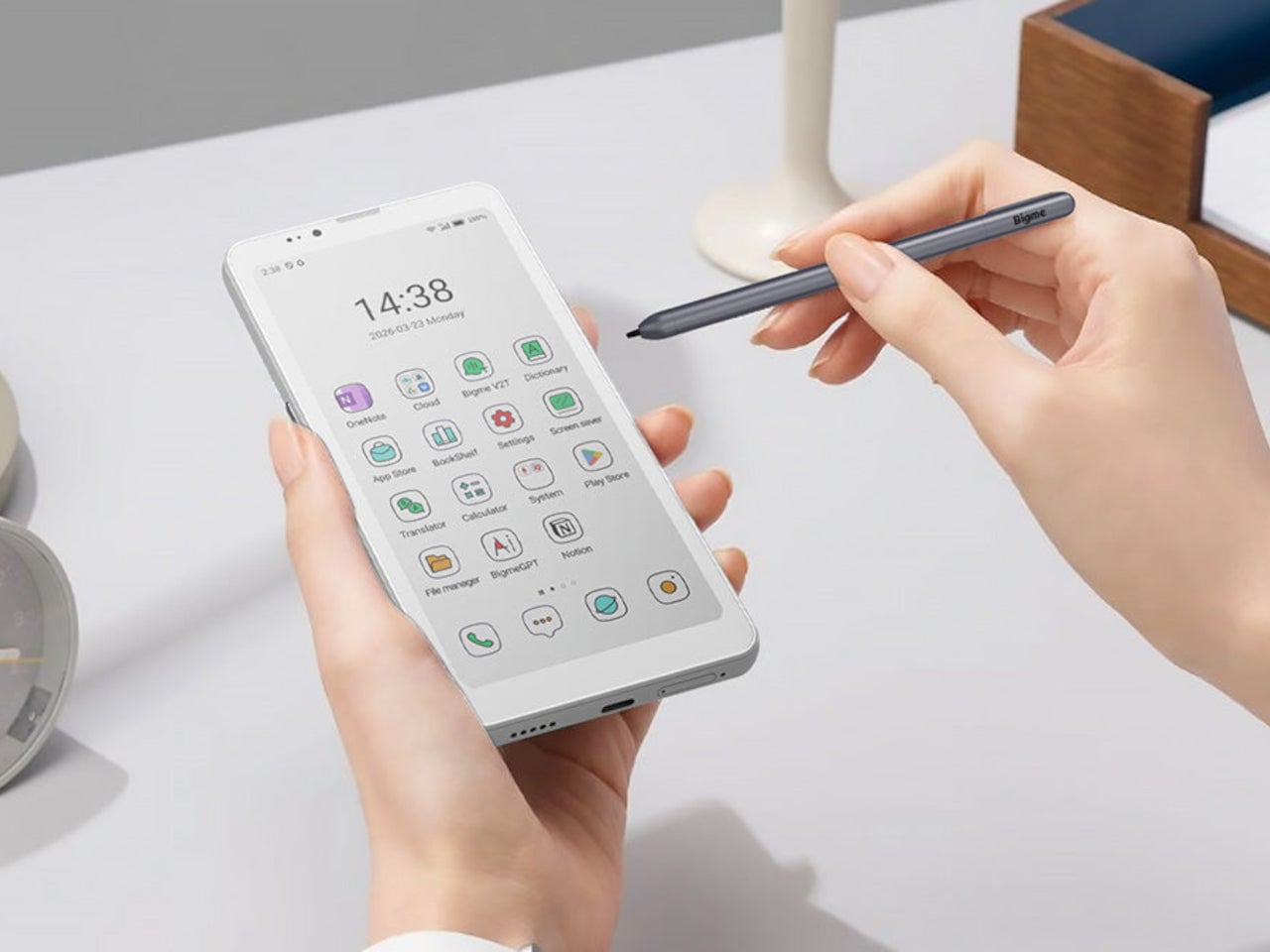
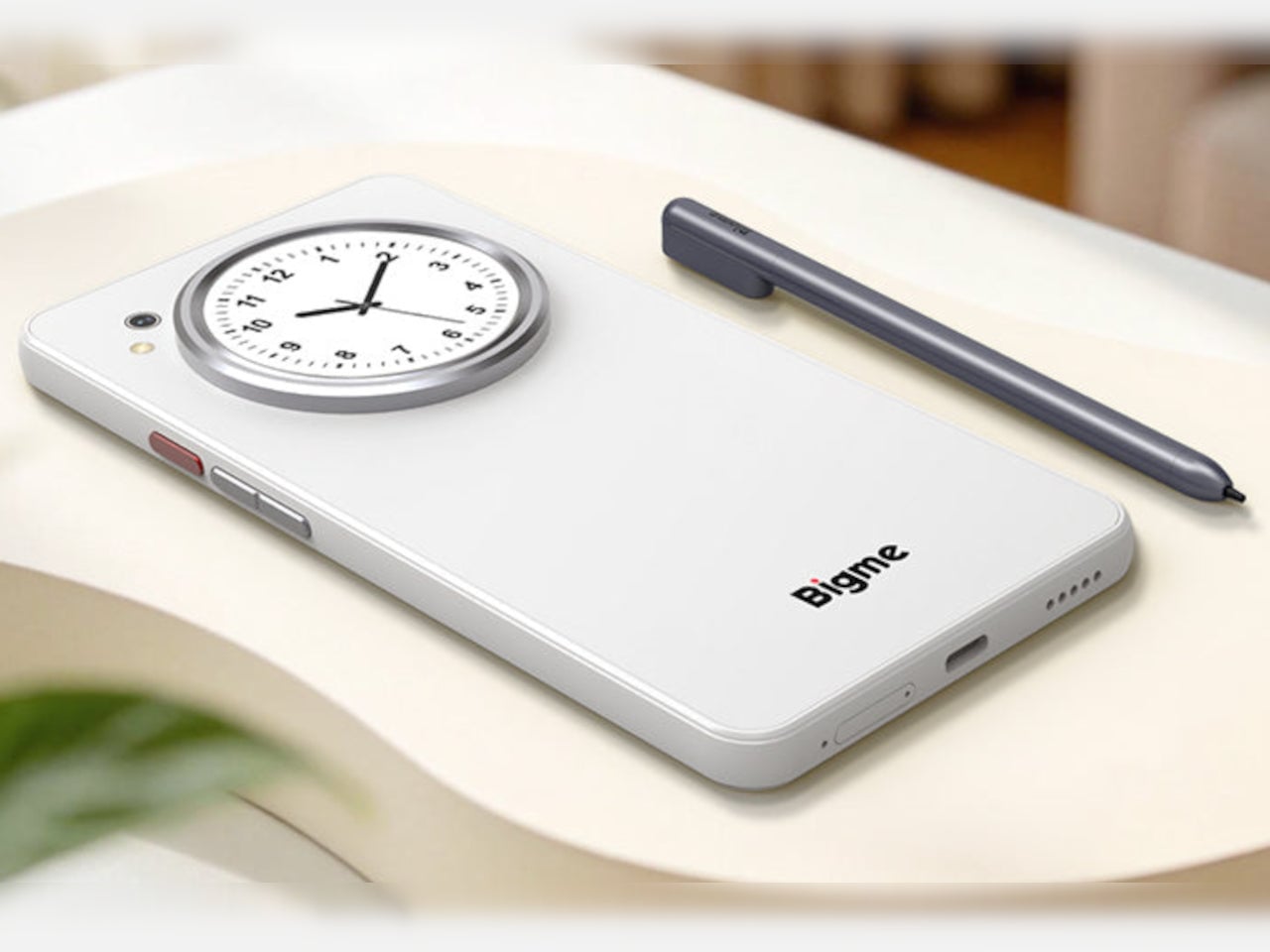
The Bigme HiBreak Plus takes a different approach to the smartphone entirely. Built around a 6.13-inch E Ink Kaleido 3 color display, it runs on Android 14 with full Google Play support and connects via dual 4G SIM, making it a genuinely functional phone. But unlike everything else in your pocket, it defaults to a mode that’s easier on the eyes and harder to mindlessly abuse.

Designer: Bigme

E Ink displays on smartphones have always had one obvious weakness: the refresh rate. Previous devices refreshed so slowly that casual scrolling felt like a real chore. The HiBreak Plus addresses that with a remarkably high 52 FPS refresh rate for an E Ink display, making it responsive enough for reading, annotating, and light browsing without the ghost-image flicker that dogged earlier E Ink phones.

The display’s advantages don’t stop at being easy to look at. E Ink panels are naturally readable under direct sunlight without any brightness cranked up, which means you can check maps, take notes outdoors, or read in the afternoon light without squinting. There’s no backlight shining toward your face either, just a soft, paper-like surface that reflects the ambient light around it.

A front light with 36 brightness levels handles the dimmer end of things. It reads the surrounding environment and automatically calibrates brightness and color temperature, going from a cool, crisp tone for morning work to a warm amber glow at night. There’s no digging through menus or manually adjusting sliders; the phone handles it quietly in the background, adapting to wherever you happen to be.

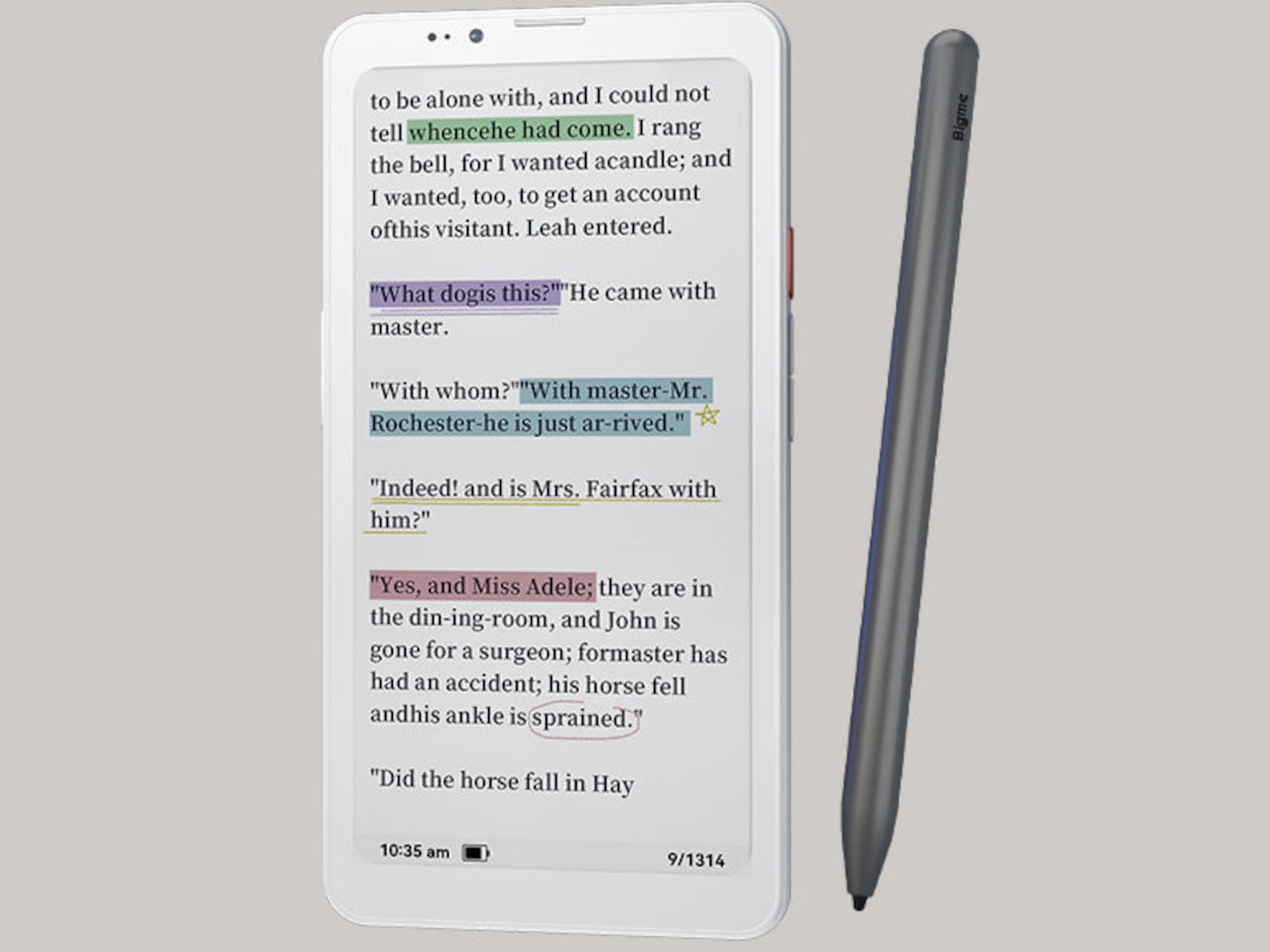
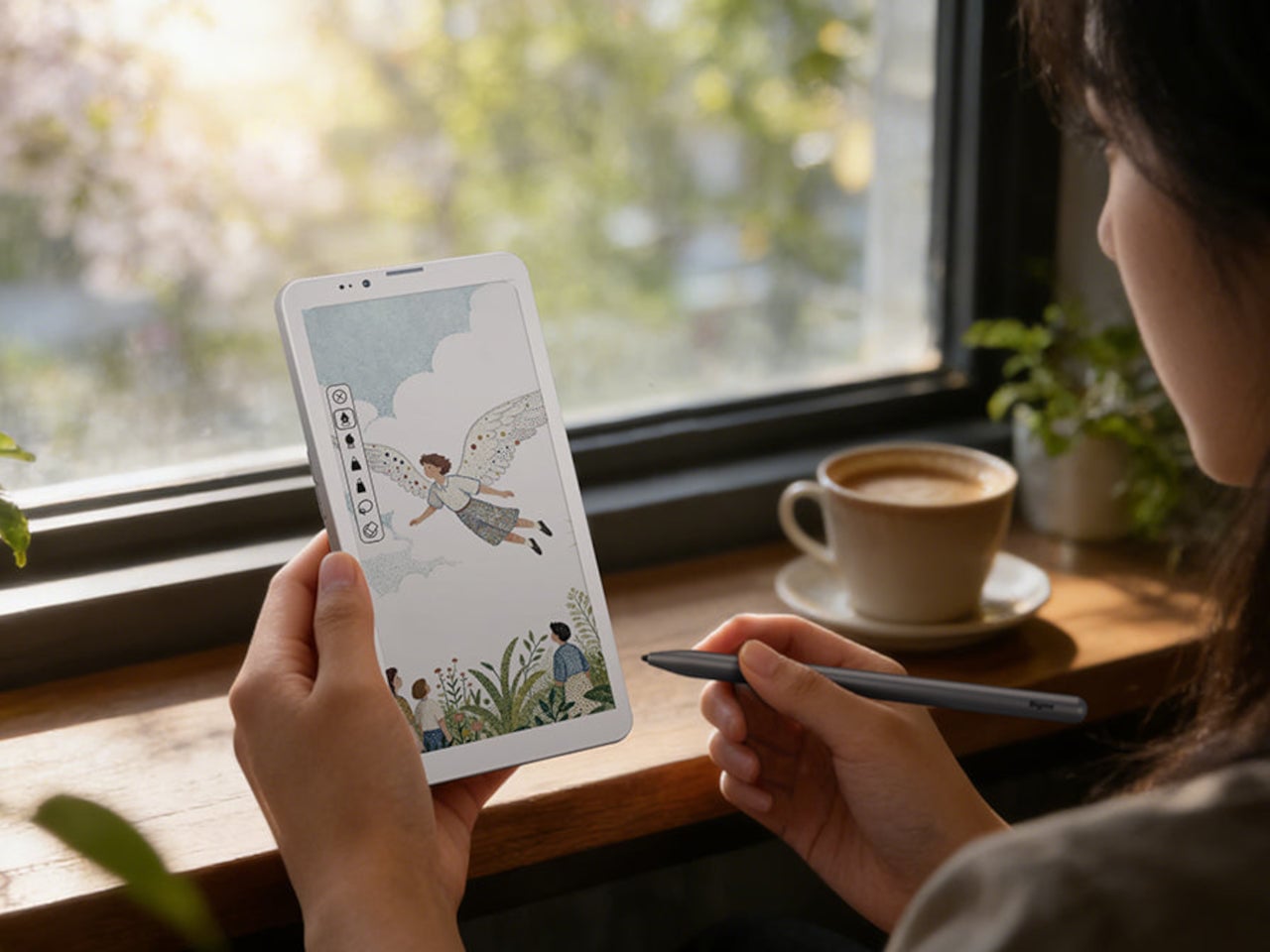
Handwriting support, via an optional stylus, adds another layer to what the phone can do. Writing directly on the E Ink surface feels closer to putting pen to paper than tapping on glass. It makes the HiBreak Plus a natural fit for jotting down thoughts during a commute, capturing ideas in a meeting, or working through a long reading session with annotations in the margins.

The rest of the specs are functional rather than flashy: an octa-core processor, 4GB of RAM, 64GB of storage, GPS, a fingerprint sensor in the power button, and a 4500 mAh battery that should comfortably outlast most conventional smartphones thanks to the energy-efficient E Ink display. The whole package weighs just 193g, light enough to slip into a shirt pocket without a second thought.

Of course, there are some downsides as well, ones that go beyond the screen refresh rate and color vibrancy. Although not exactly outdated, 4G LTE caps data speed significantly, and the rather modest RAM and storage capacity don’t do it any favors either. That said, at a $299 price point ($249 on pre-order), you are getting a pocket-sized color e-reader that can also make calls and connect to the Internet, without the usual distracting trappings of a smartphone.

The post This $299 Android Phone Says Glowing Screens Are Already Obsolete first appeared on Yanko Design.
This E Ink Wisephone Has No Camera, No App Store, No Social Media

Smartphones have become something of a paradox. The more capable they get, the less in control we feel. Notifications pull us in every direction, social feeds demand constant attention, and app stores offer thousands of things we never asked for. For all the technology packed into these slim glass rectangles, they’ve stopped being tools we use and started being systems we manage.

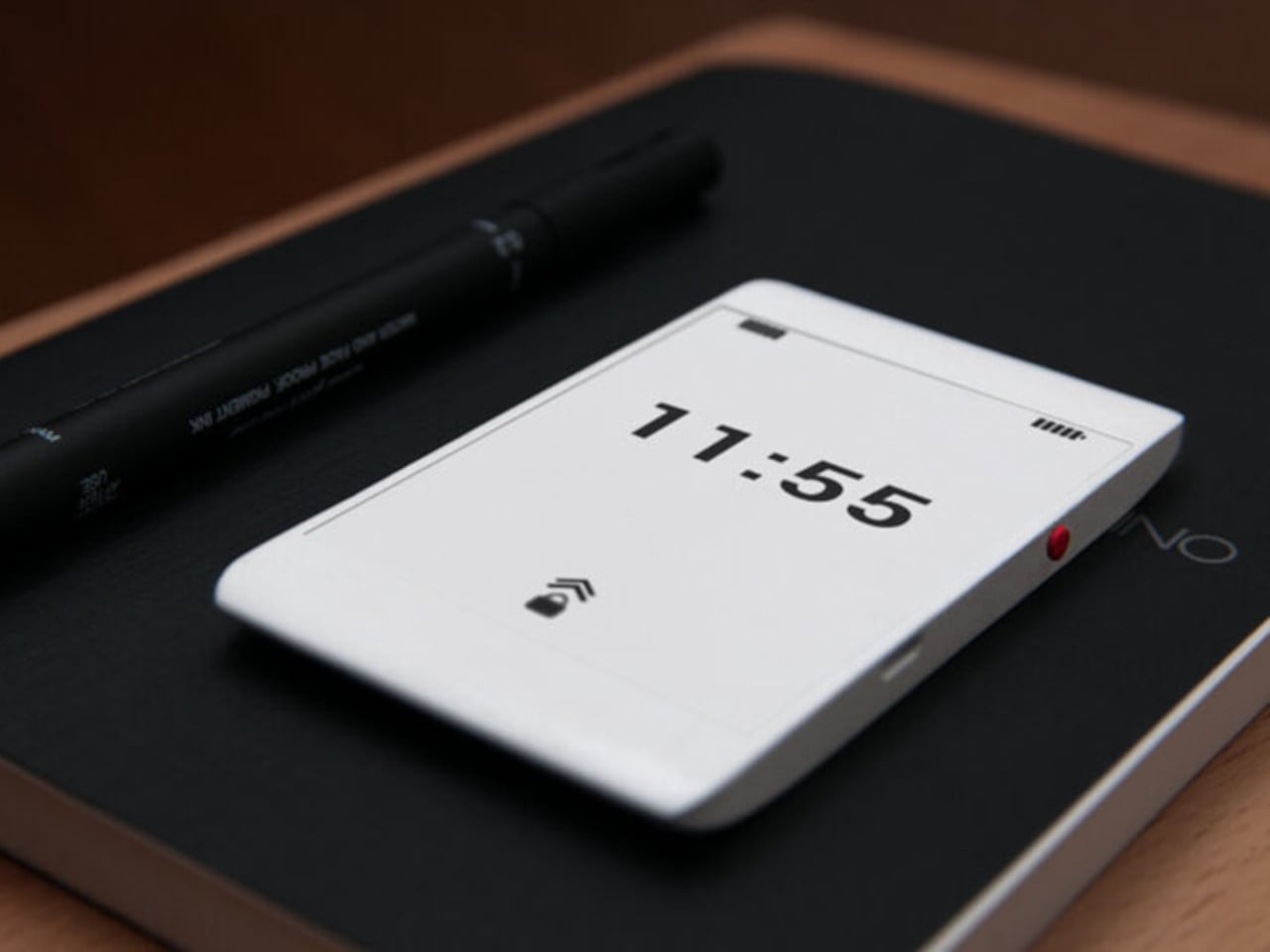
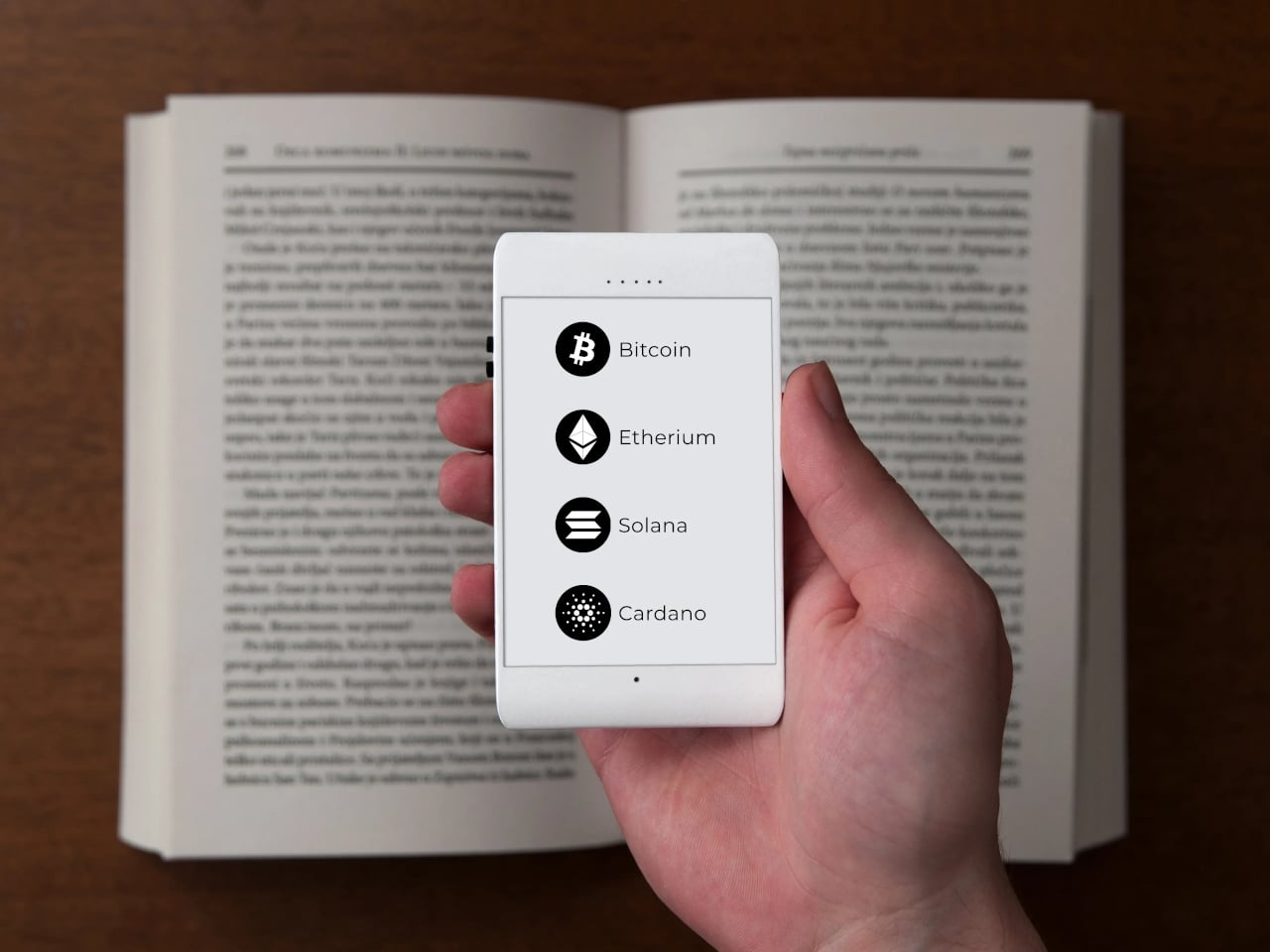
That tension is exactly what Berlin-based architect Marko Lazić sat with one afternoon in 2016, waiting for a friend at a coffee shop with his phone battery nearly dead. He sketched an idea, one that took years to develop but eventually became Offone, a 3D-printed phone with an E Ink display that he calls a “wisephone.” Not a dumbphone, and certainly not a smartphone, but something deliberately in between.

Designer: Marko Lazic

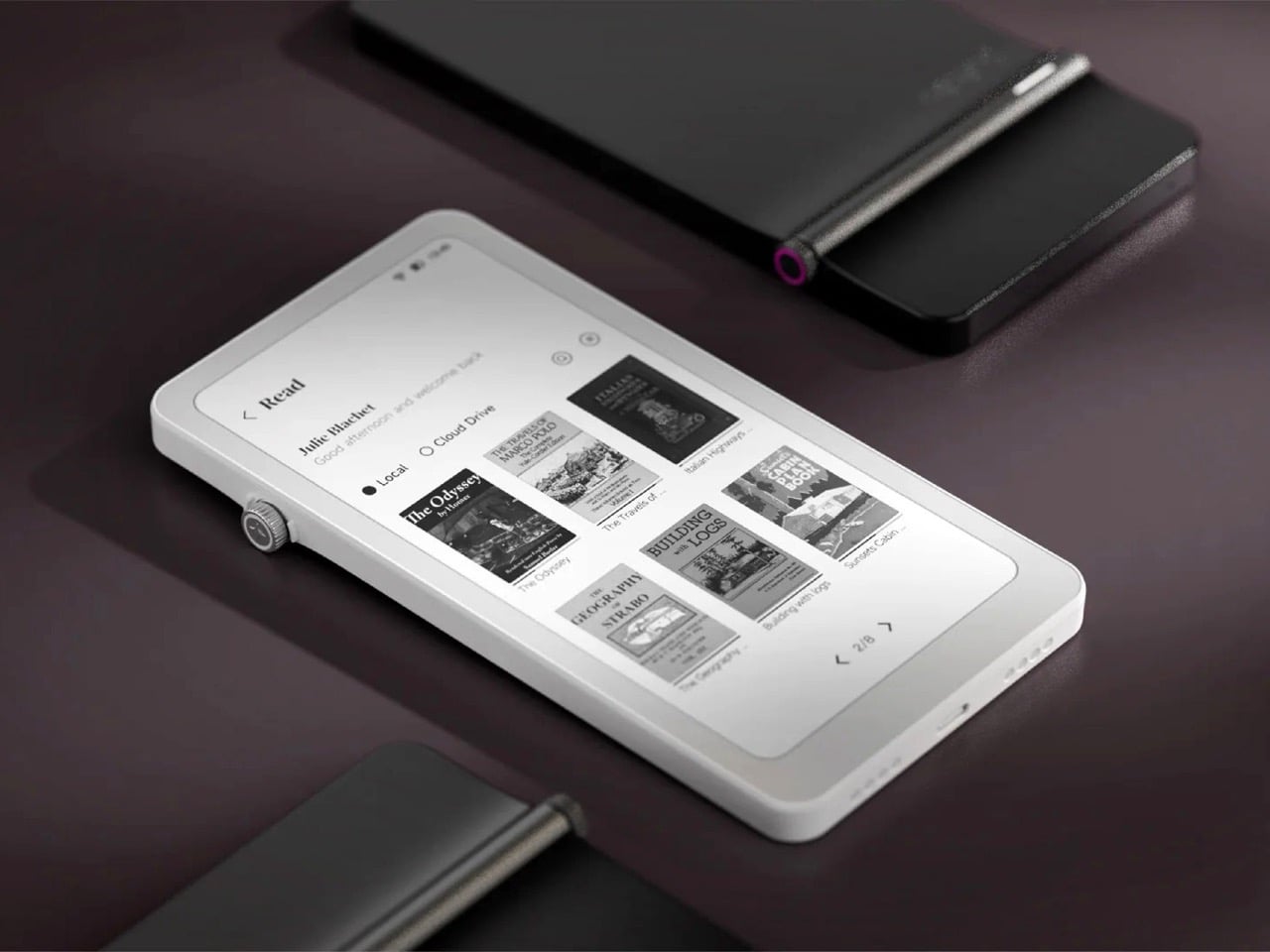
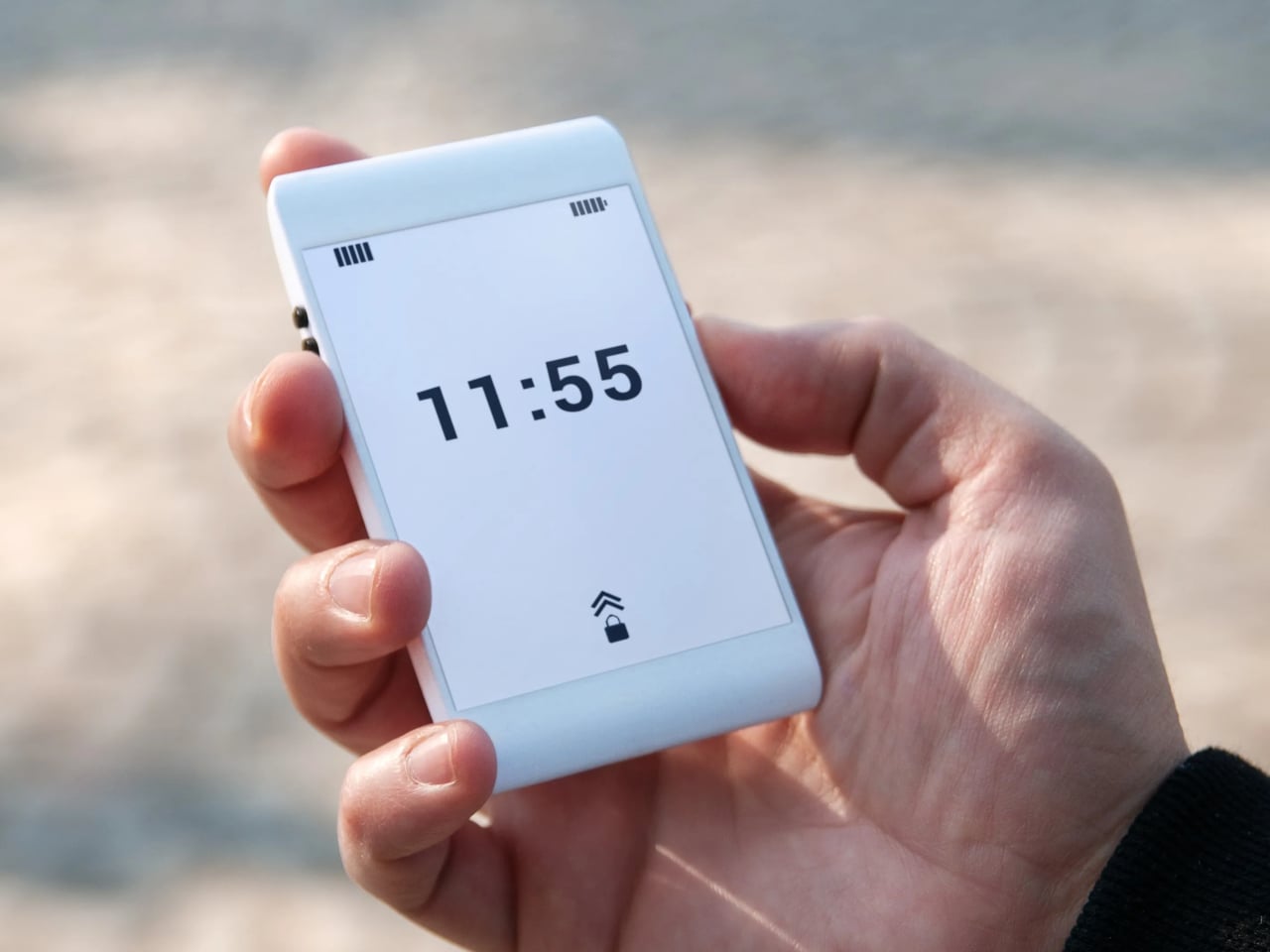
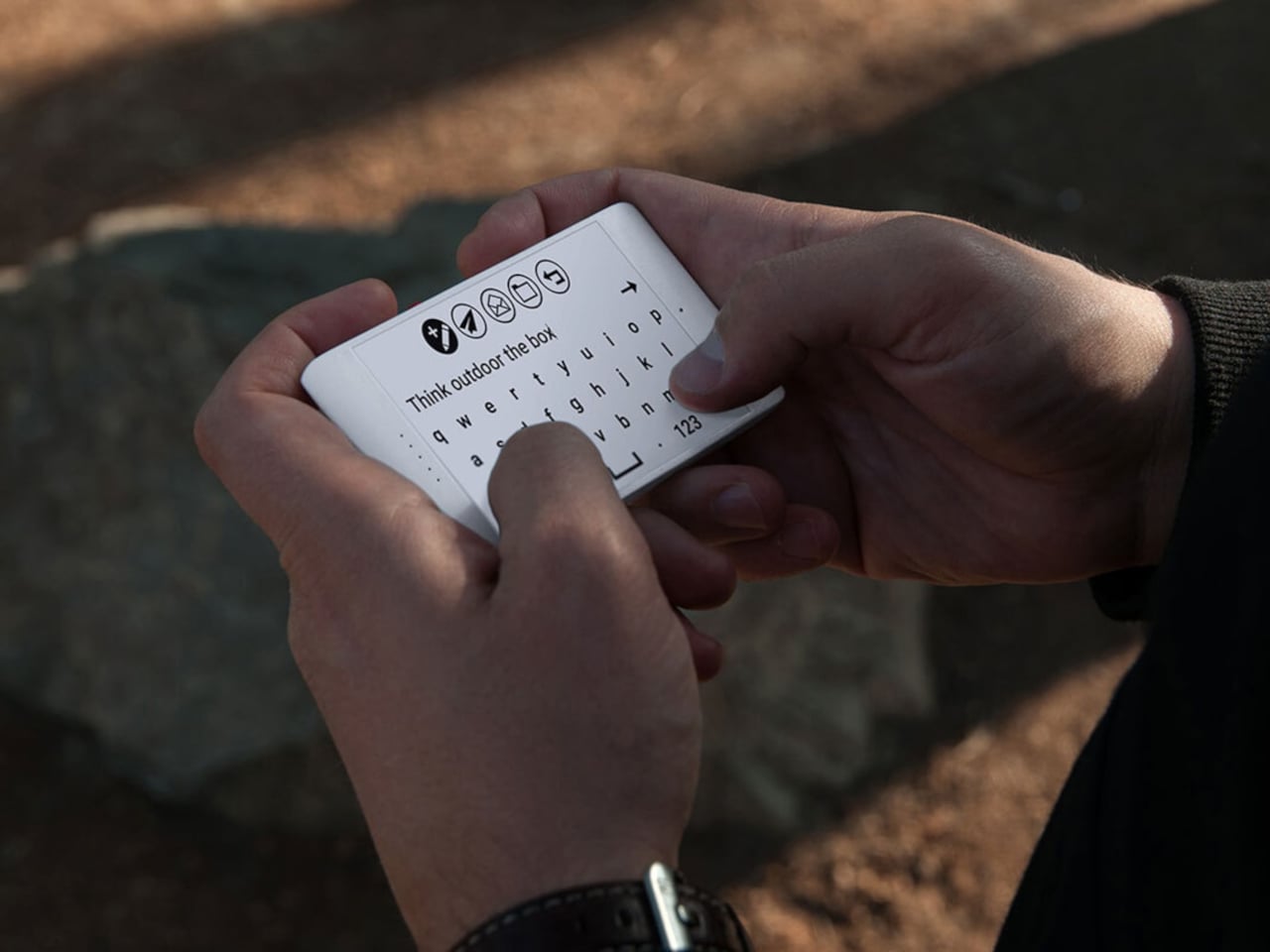
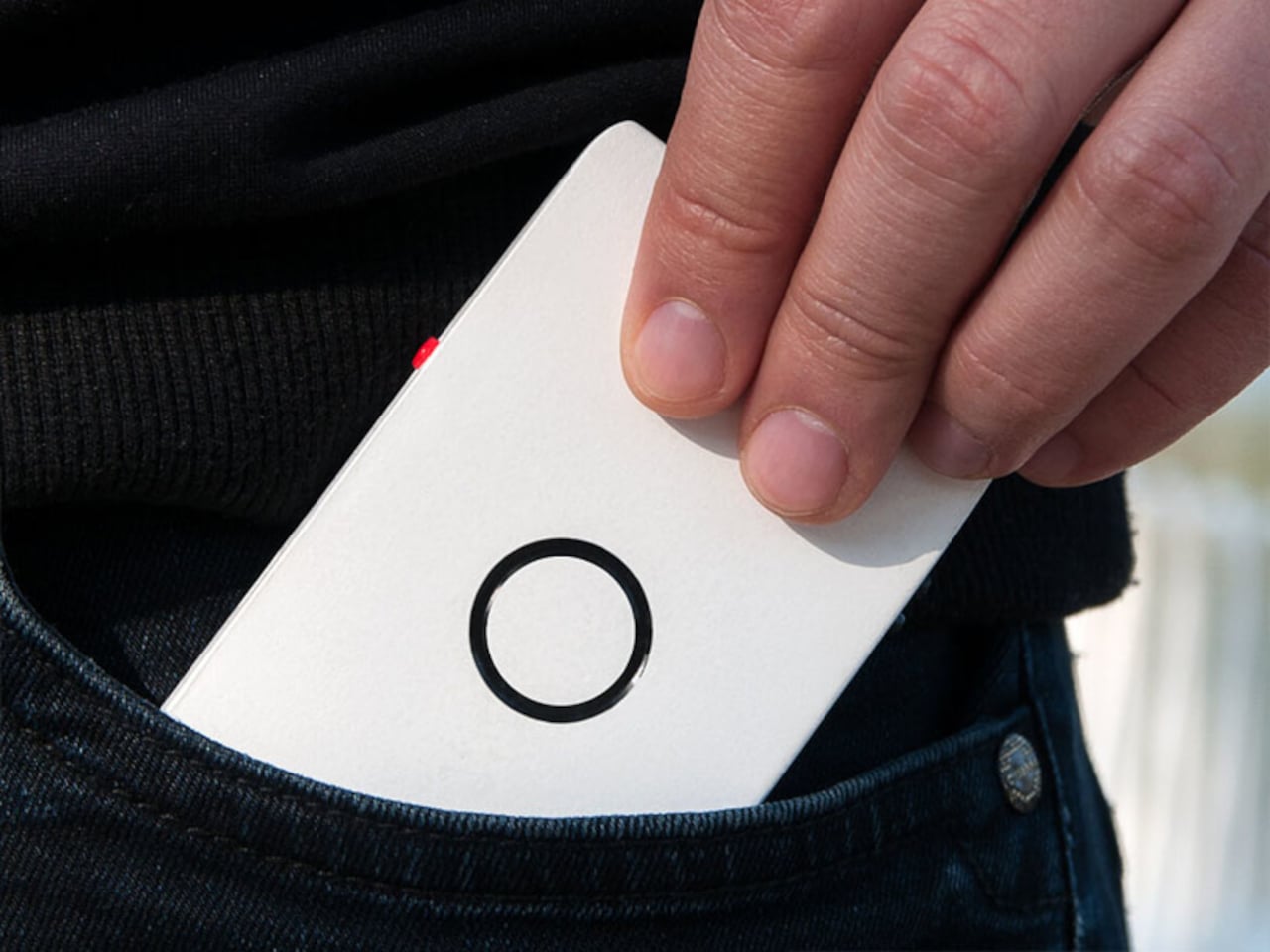
The first thing that catches your attention is how unassuming Offone is. Its 3D-printed body is slim enough to slip into a wallet alongside your cards and fits in the palm without effort. White, monochrome, and clean, the E Ink touchscreen looks more like paper than a display. The side bezels are practically nonexistent, while the top and bottom house the usual earpiece and microphone.

The E Ink display is a practical choice as much as an aesthetic one. It means no screen glare, no blue light, and no eye strain from prolonged use. Reading a text or checking a contact feels like glancing at a printed page. Lazić also considered night use, suggesting optional backlighting so the phone remains usable in the dark without disrupting sleep the way most backlit screens tend to do.

Lazić’s approach to the interface is as intentional as the hardware. Instead of text labels, Offone uses universal symbols to represent its apps, meaning navigating the phone doesn’t require knowing any particular language. It’s a small detail but a telling one, reflecting a philosophy where clarity and accessibility come before convention. The only time you type letters is when writing a message or searching for a contact.

The app selection is just as deliberate. You get calls, SMS, Google Maps, Waze, Uber, and messaging platforms like WhatsApp, but nothing else. No camera, no app store, no social feeds. Imagine getting through a travel day, navigating an unfamiliar city, calling ahead to a hotel, and ordering a ride, all without once falling into the scroll. For frequent travelers and the easily distracted, that’s a meaningful trade-off.

Even the hardware choices are guided by this spirit of restraint. At least one prototype shows no ports at all, meaning charging would be wireless and headphone connectivity handled over Bluetooth. It’s a cleaner device in every sense, free from the usual tangle of cables. The E Ink display also dramatically reduces power consumption, pushing battery life well past what most smartphones manage in a day.

Offone never reached production. Lazić wrote about the startup’s collapse in a 2022 Medium post, pointing to a mix of ambition, poor team choices, and a lack of funding as the reasons it fell apart. Development halted that same year after the team disbanded, leaving it an intriguing concept that was perhaps just a few years ahead of the minimalist phone movement it helped inspire.

The post This E Ink Wisephone Has No Camera, No App Store, No Social Media first appeared on Yanko Design.
This E Ink Flip Case Shows the Time Without Ever Waking Your Phone

Smartphone cases have become one of the more predictable corners of the mobile accessory market. Most of them do exactly what you’d expect: wrap around the phone, absorb some impact, and stay out of the way. A few go further with card slots or battery packs, but the core idea hasn’t changed much in years. You’re still waking the screen every time you want a quick glance at the time.

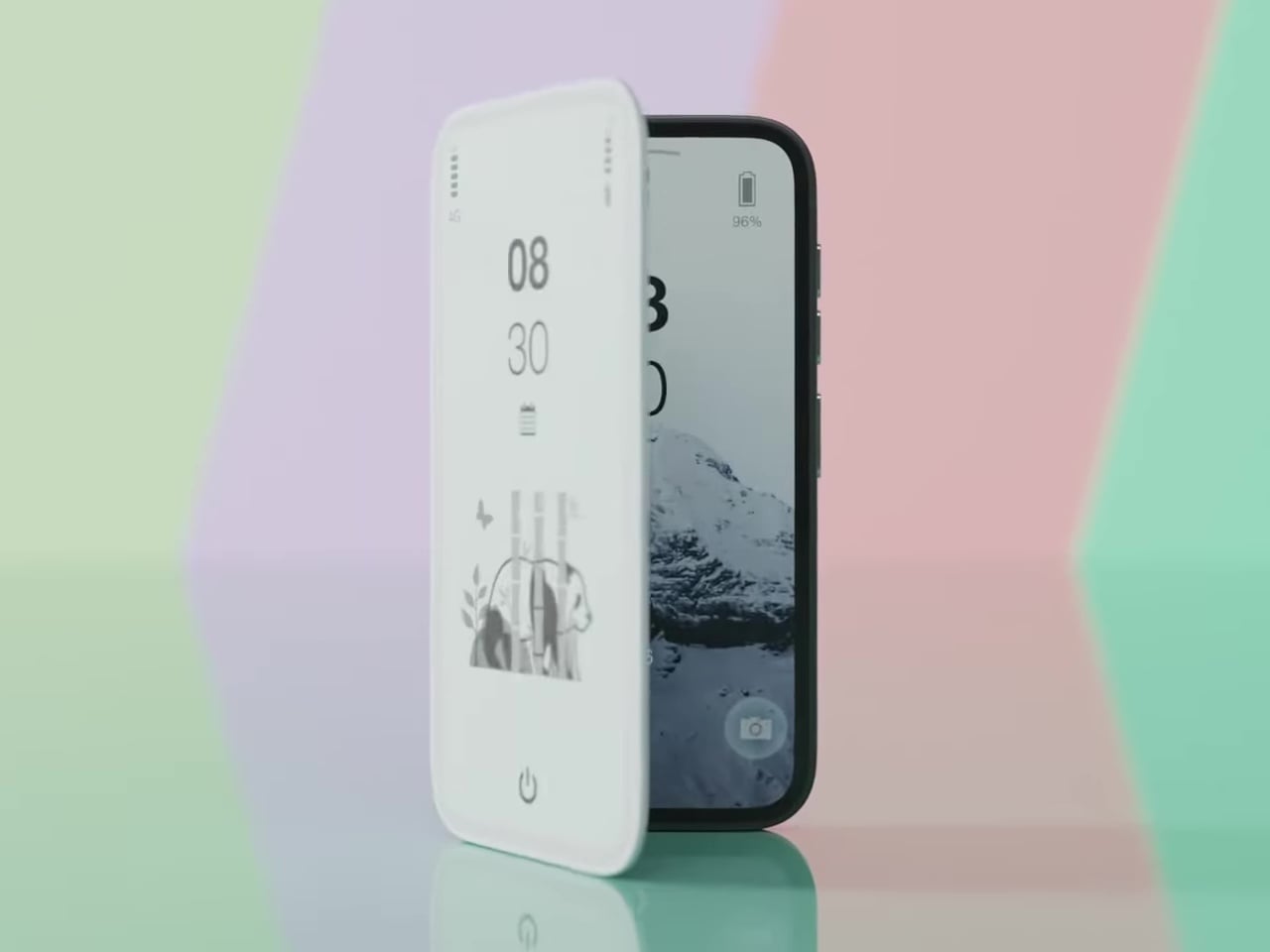
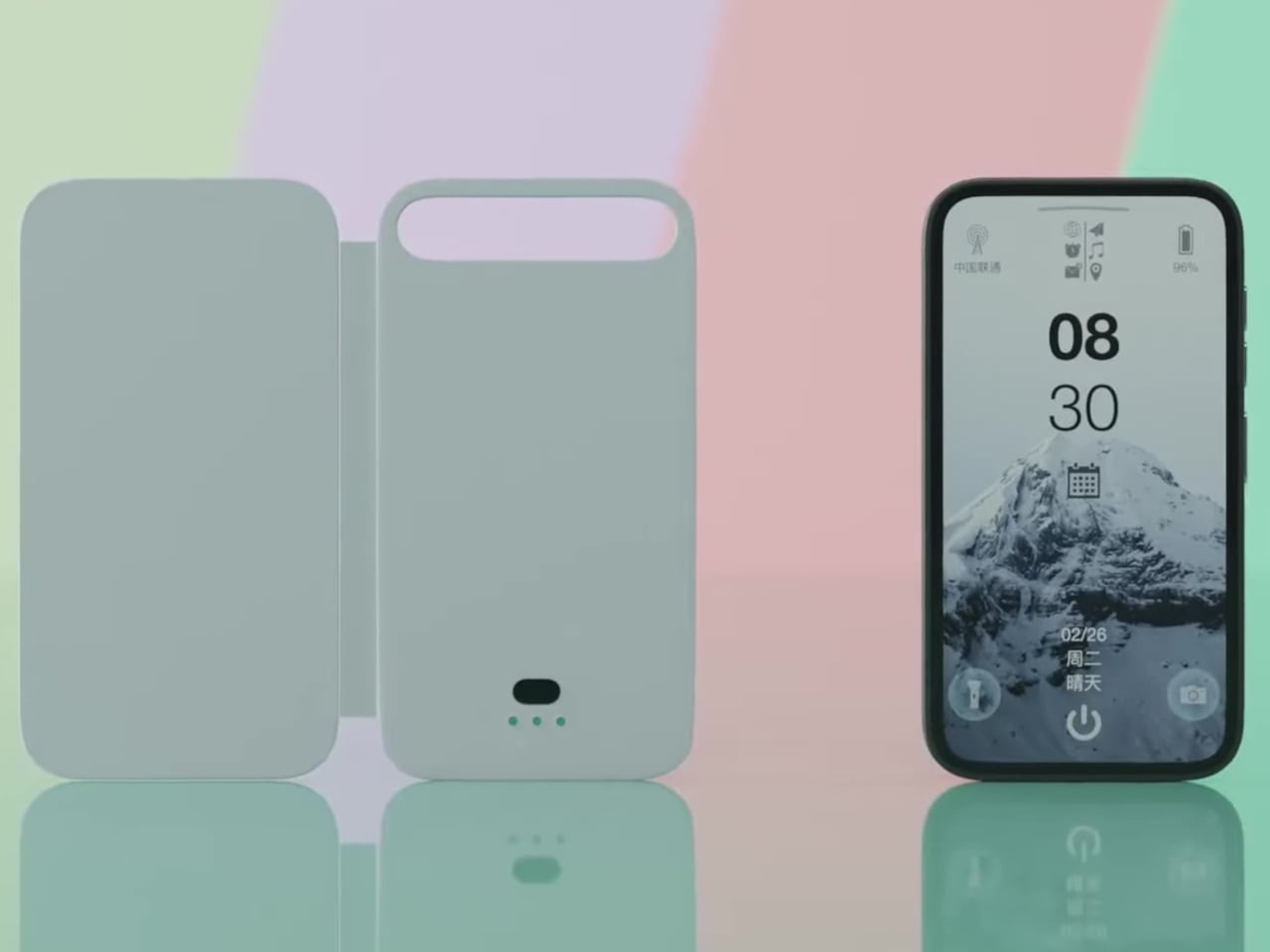
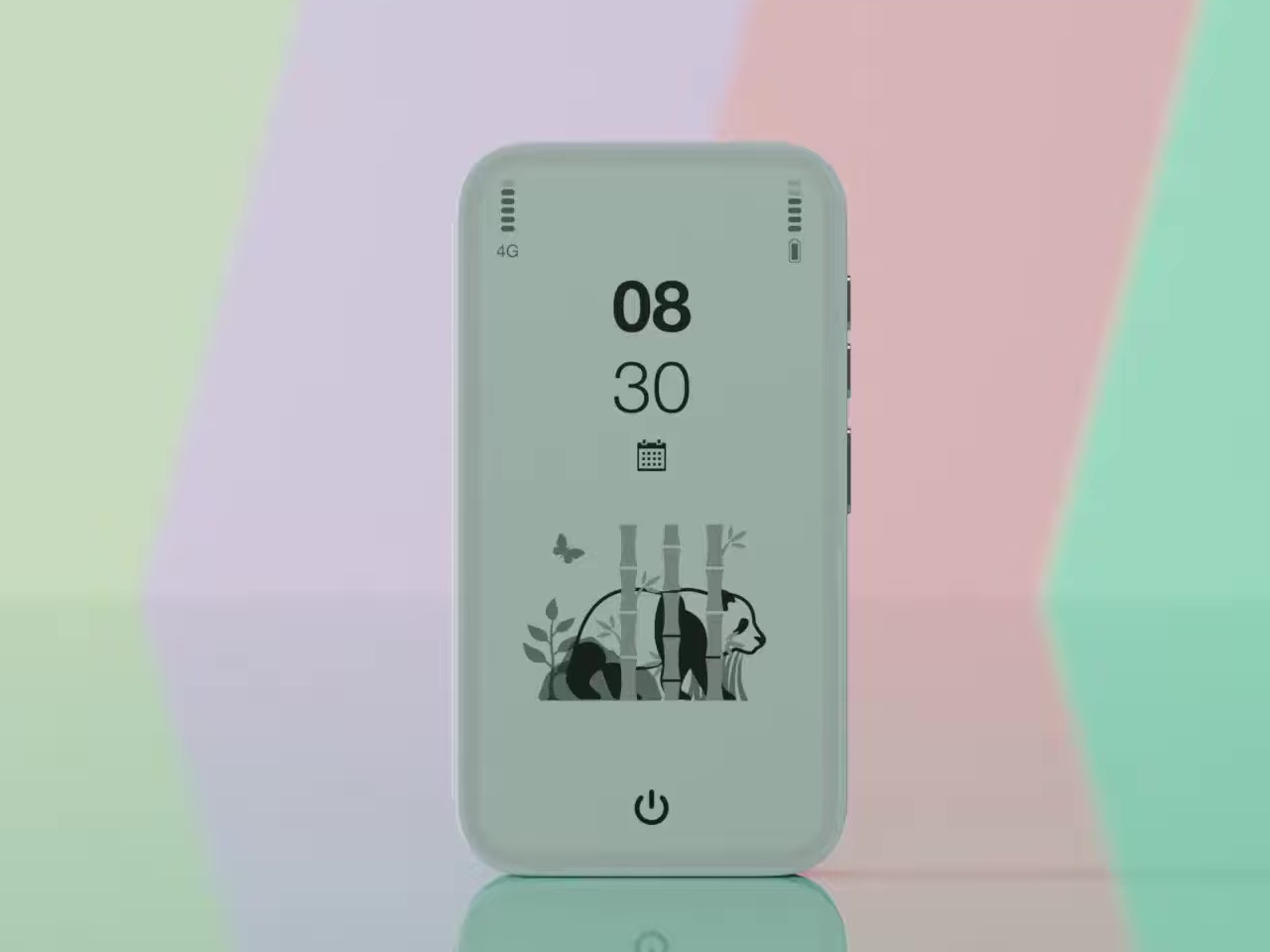
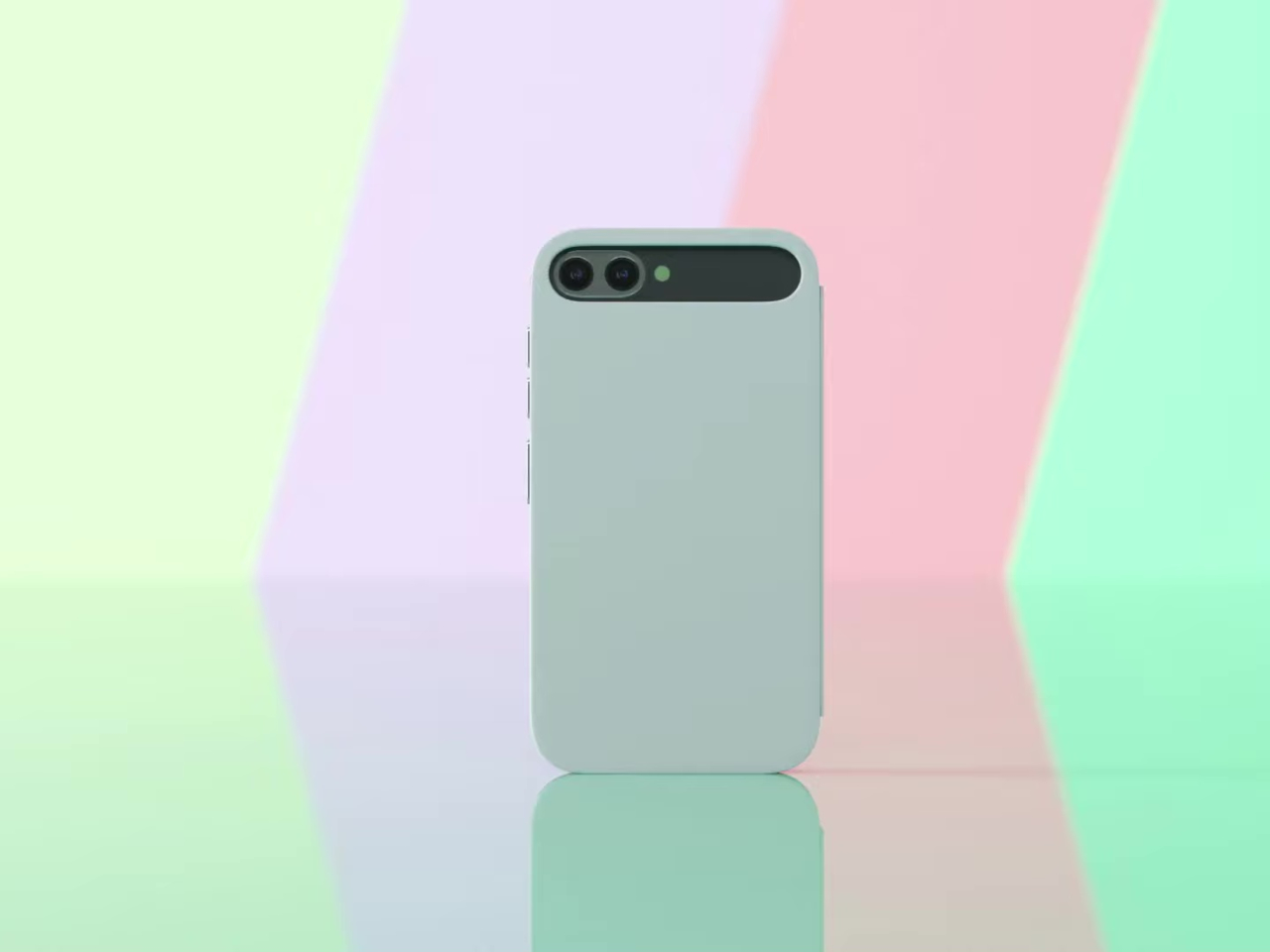
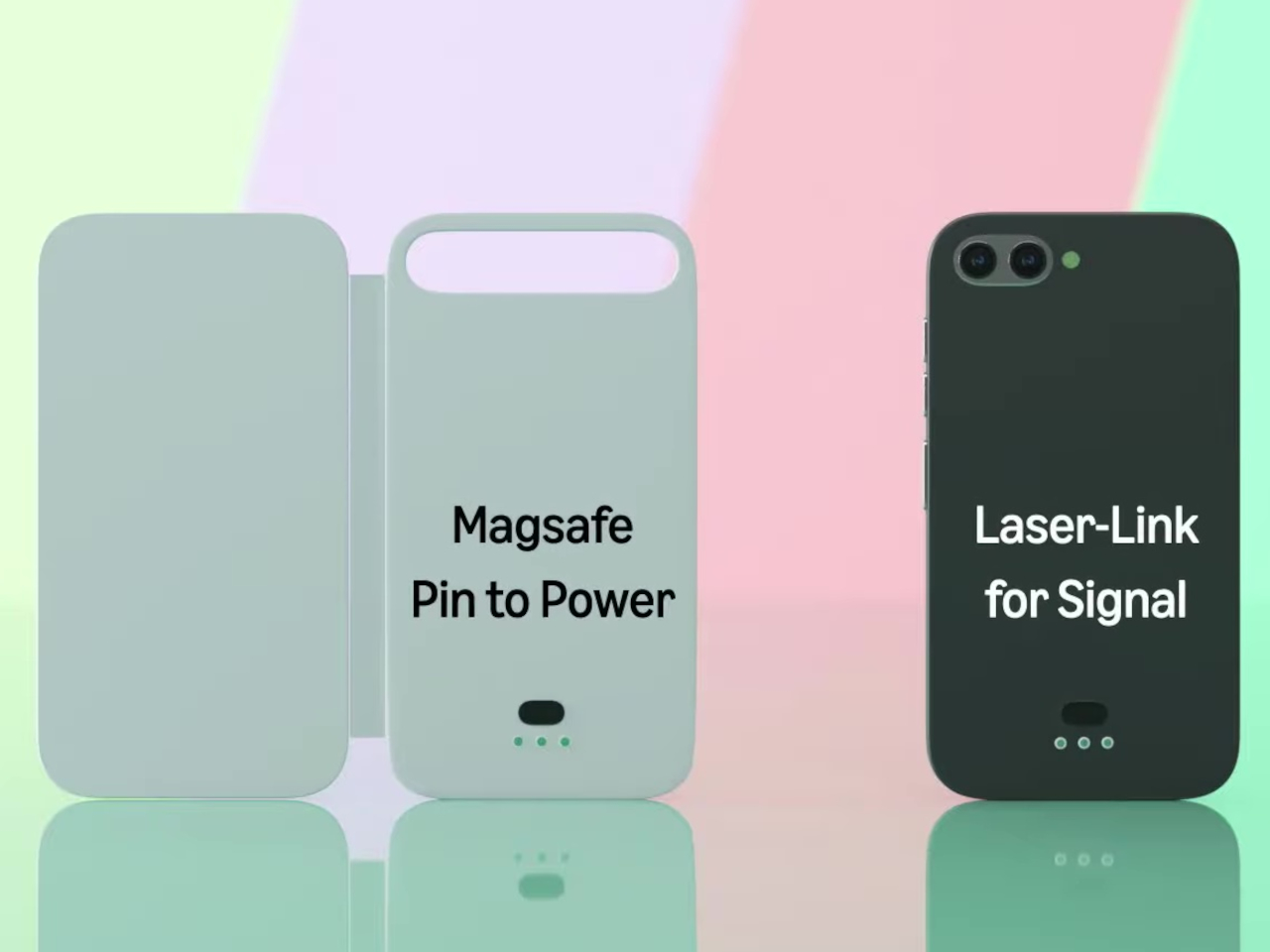
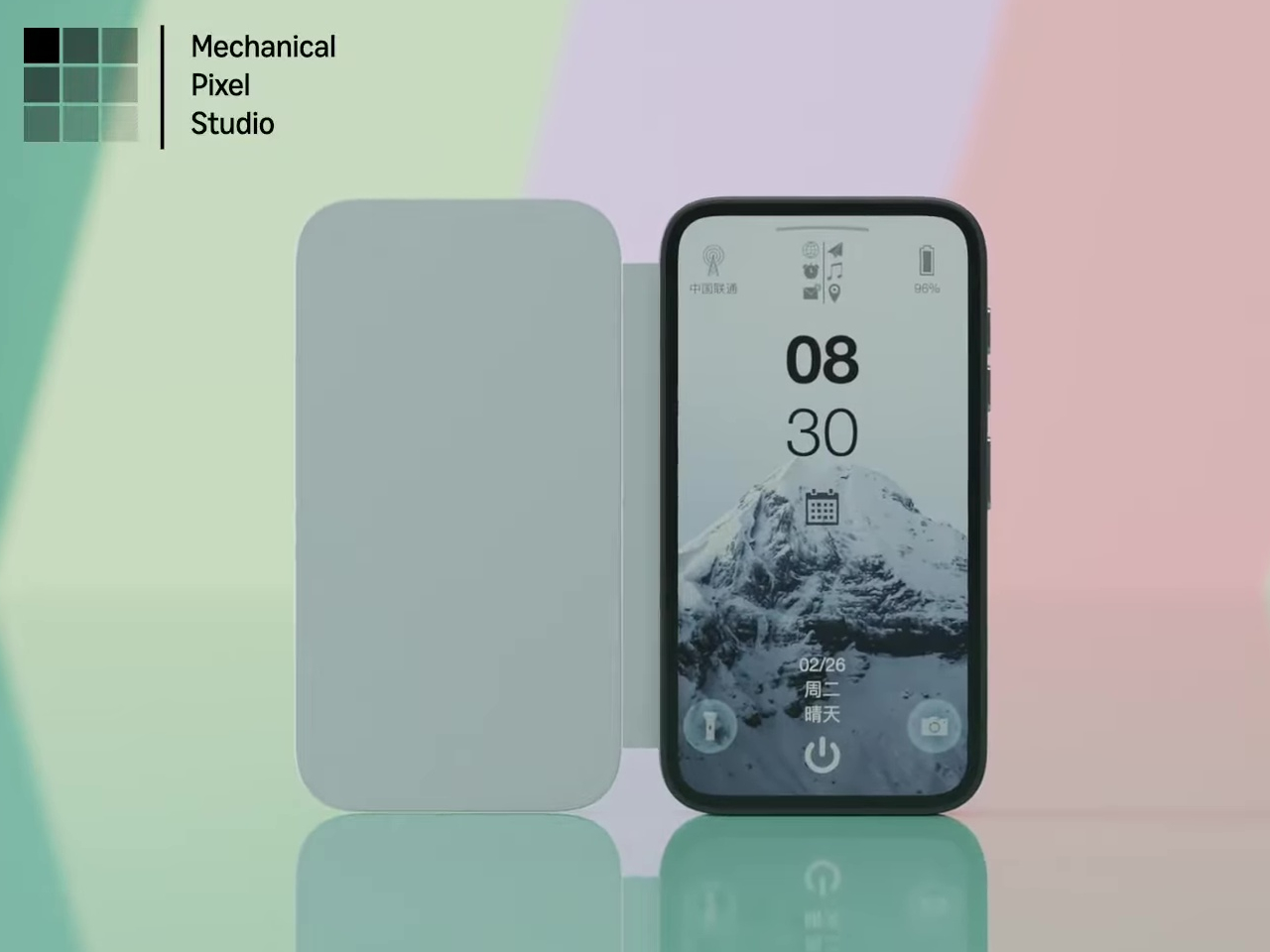
Pixel Dynamics’s E Ink Flip Cover concept takes a simpler approach. It’s a flip-style case with an E Ink screen on the outer panel, so even when the cover is shut, and the phone is locked, you can still check the time, date, battery level, and signal without waking the main display. E Ink only draws power when the image changes, making it a natural fit for an always-on panel.

Designer: Pixel Dynamics

There’s more to the display than status data, though. Beyond the time, date, and connectivity readouts, you can set it to show ambient illustrations that make the cover feel more personal, less like a utility panel, and more like something worth looking at. An E Ink screen isn’t going to win awards for visual richness, but for something that stays visible all day without demanding attention, that’s a reasonable ask.

The case attaches to the phone through a MagSafe-style magnetic system, snapping into place without any physical ports. Power is handled through contact pins that draw directly from the phone’s battery, so there’s nothing to charge separately and no second battery bloating the profile. That’s a smart call; one of the quickest ways to kill an otherwise good accessory concept is to make the user manage another charging cable.

Data between the case and the phone travels through what the concept calls Laser-Link, pitched as a higher-efficiency alternative to Bluetooth or NFC. The idea is that replacing radio-based communication with a laser signal gets you faster data transfer with less power overhead and no interference issues. It’s still concept-level technology, of course, so there aren’t any real specs to evaluate, but the thinking behind it is sound.

Put it together, and the pitch is easy to follow. You keep the phone in your pocket or face-down on a desk, and the E Ink panel handles quick glances that don’t need the main screen, saving the battery drain of waking an OLED display dozens of times a day. When you do need the full phone, flipping the cover open gets you there just as fast as any other case.

That said, a few things here are easier to propose than to build. Laser-Link doesn’t have a clear path to production yet, and it raises obvious questions about reliability when the phone and case aren’t perfectly aligned. The E Ink display part is more grounded, since that technology already exists in other accessories.

The phone case hasn’t had a genuine design moment in quite a while, and a concept that starts asking what the outer panel can actively do for you is a reasonable place to start that conversation. It still has a long road before reaching any shelf, but for a category that’s mostly been stuck recycling the same rigid shells, that’s actually not a bad place to be.

The post This E Ink Flip Case Shows the Time Without Ever Waking Your Phone first appeared on Yanko Design.
This E Ink Foldable Phone Concept Punishes Doomscrolling by Design

Most smartphones are designed to be impossible to put down. The screen faces up on every table, the display lights up for every notification, and the cost of checking it one more time is exactly zero. That’s not an accident. The hardware removes friction from compulsive use because removing friction is what makes these devices feel indispensable. The tinyBook Flip concept asks a different question entirely: what if the phone were designed to get out of the way?

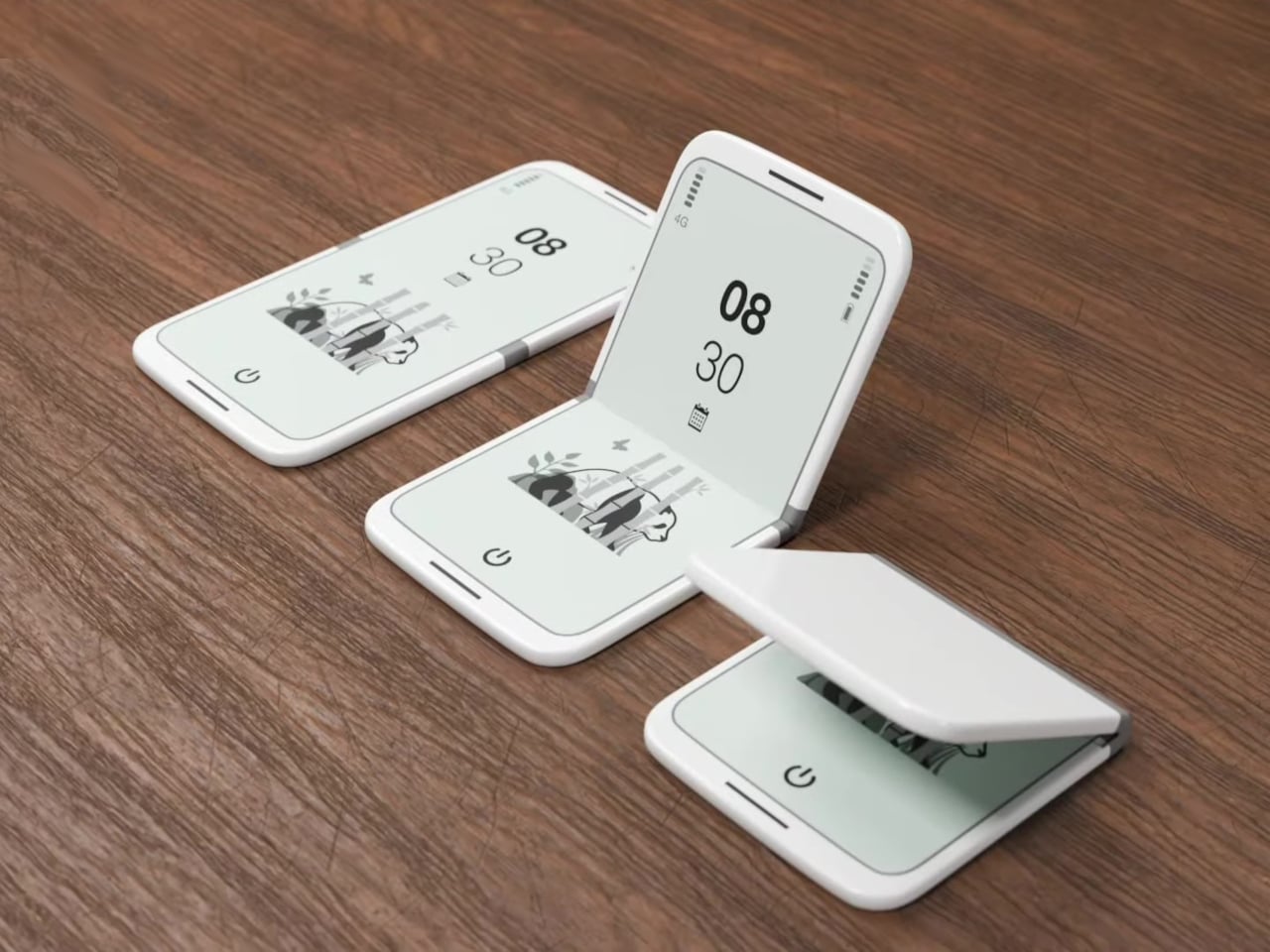
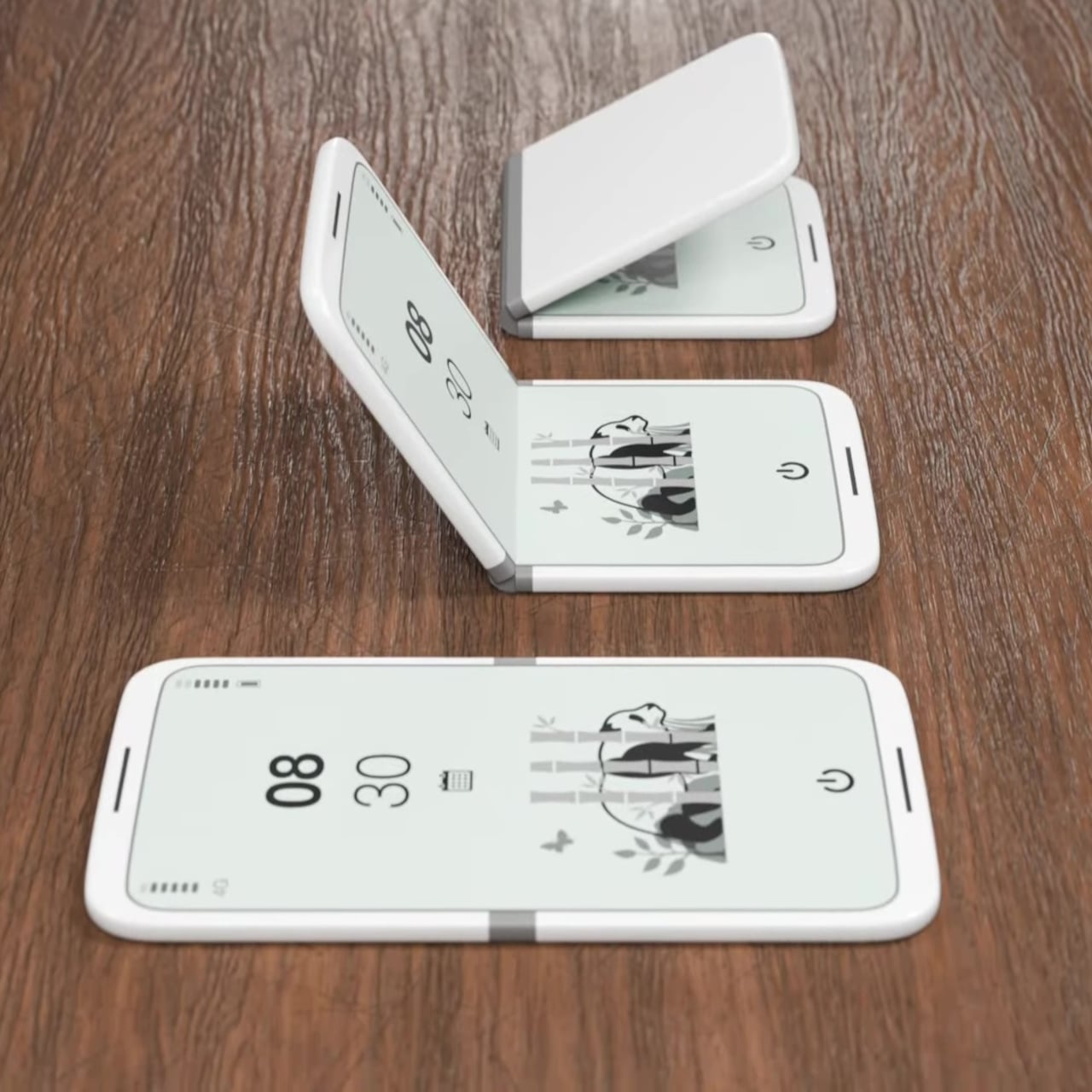
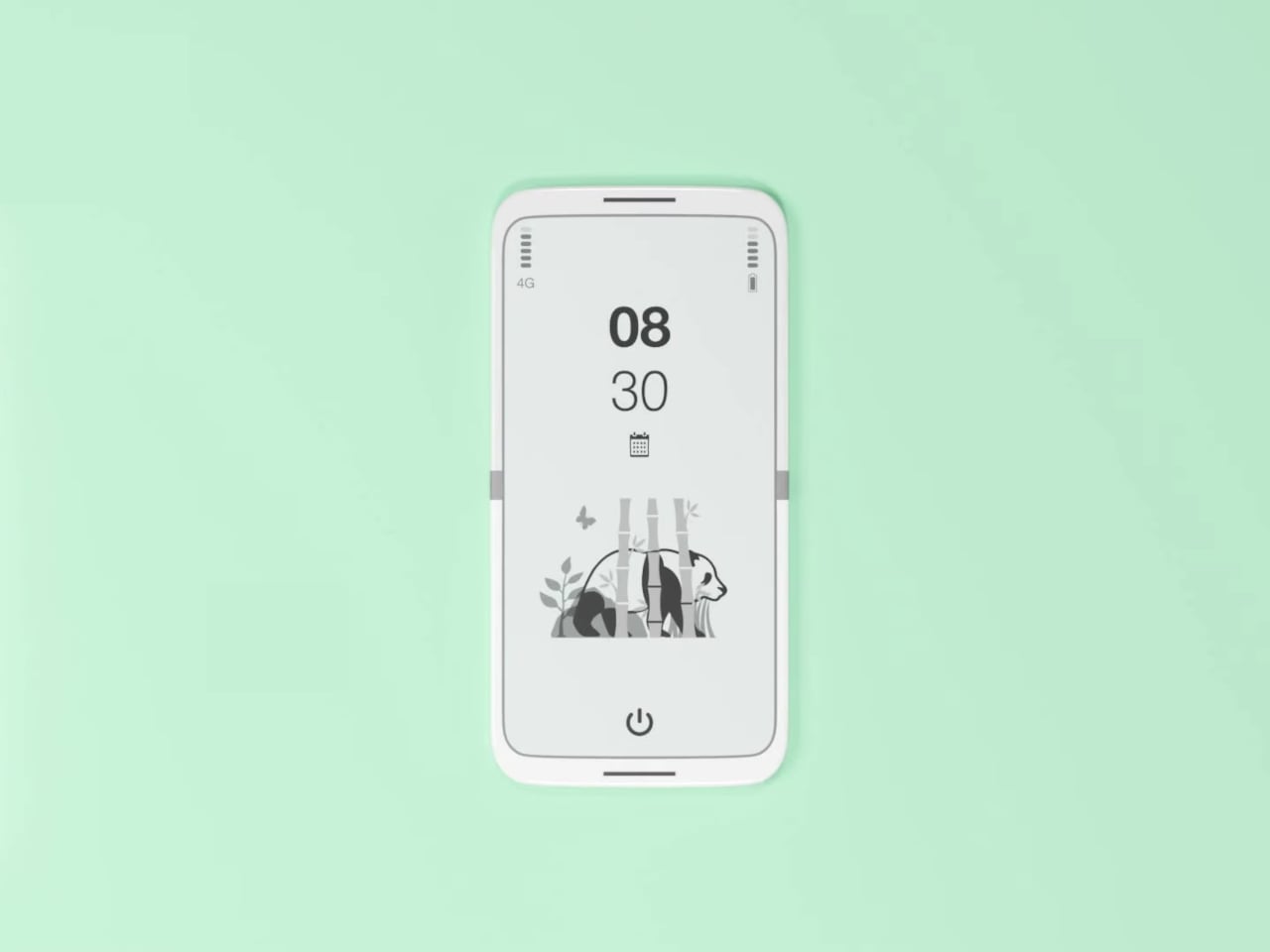
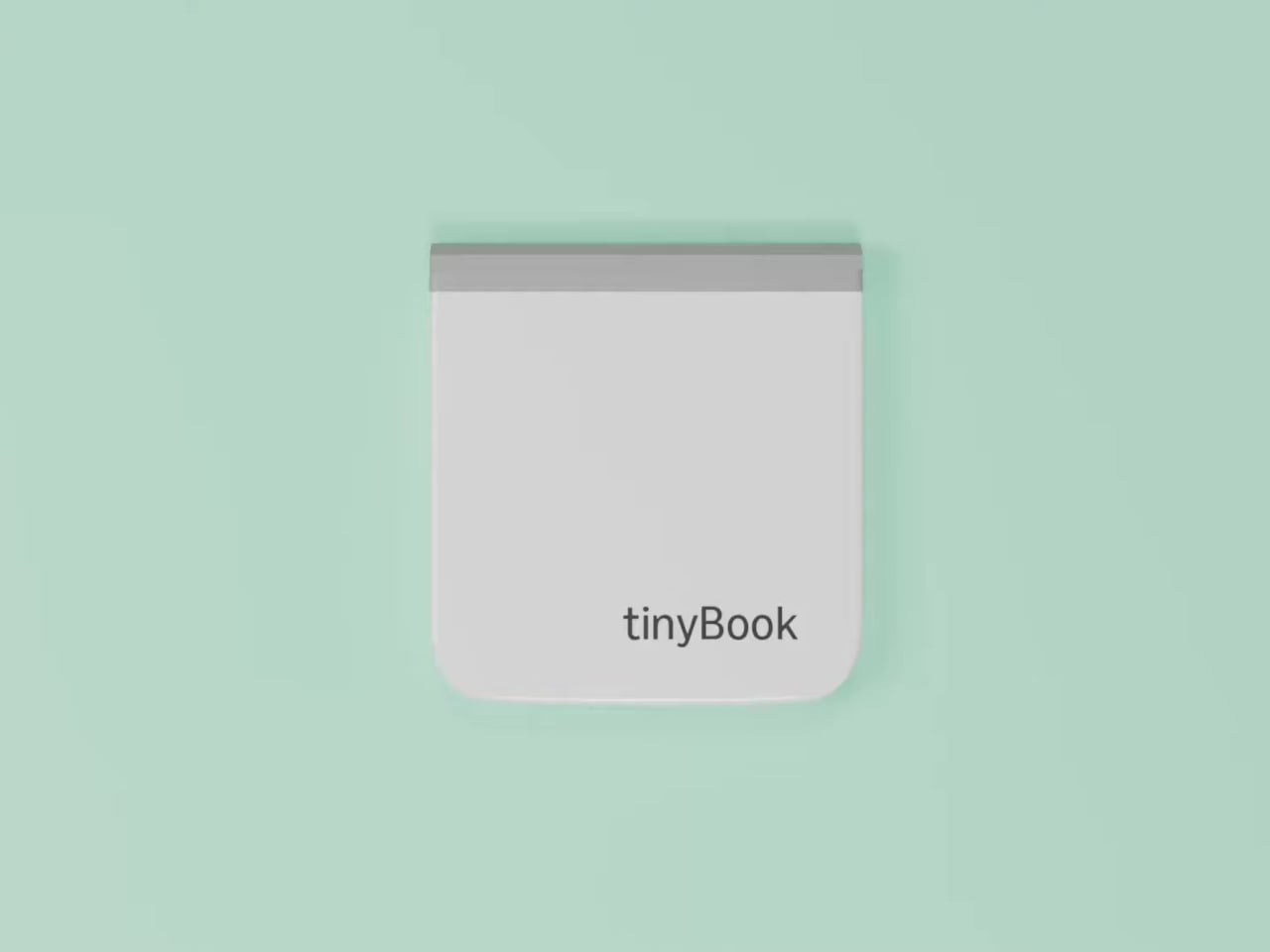
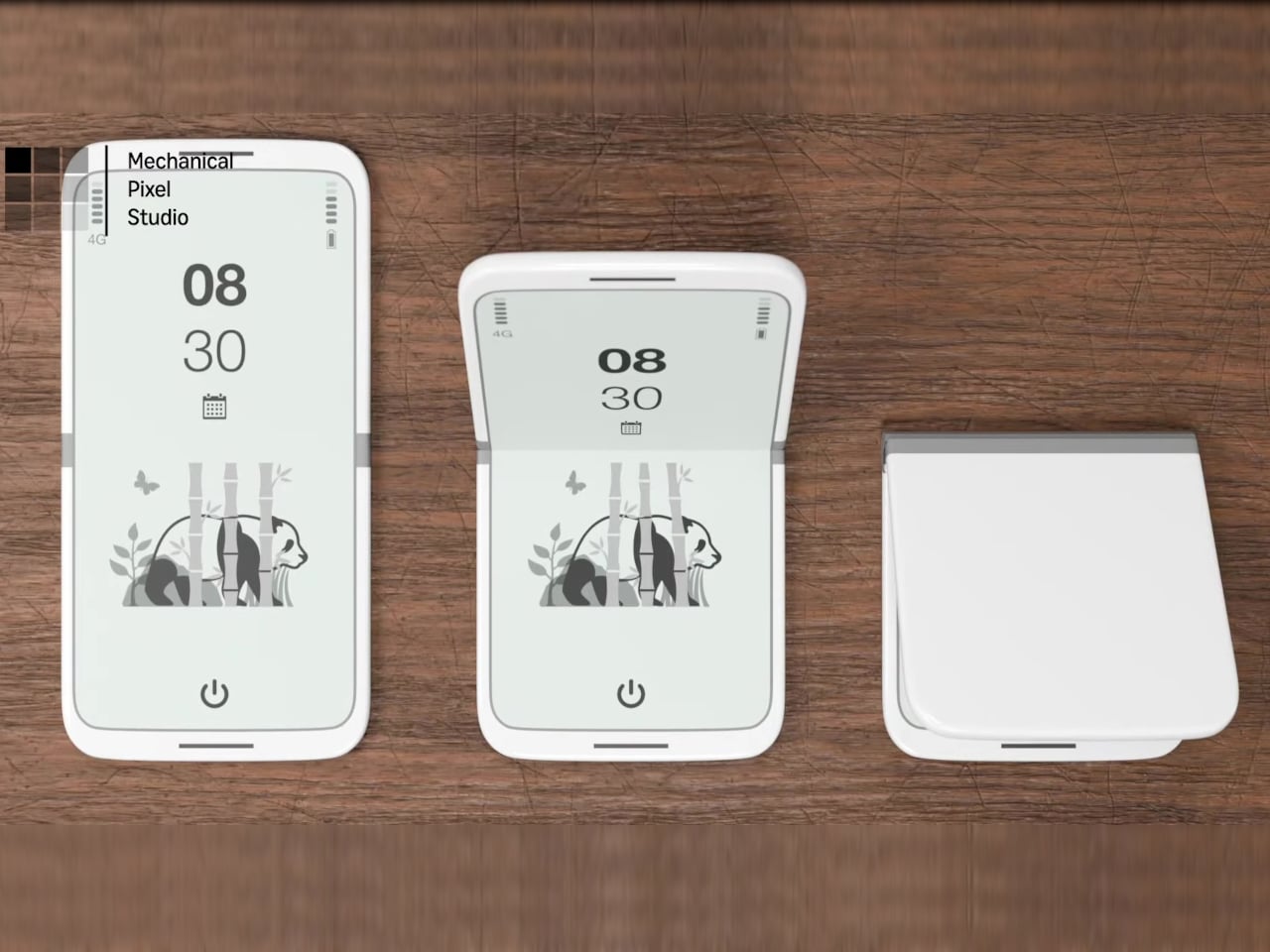
The tinyBook Flip is a vertical foldable phone concept built around a 6.1-inch E Ink display. Closed, it collapses into a compact, near-square form with rounded corners and a matte white finish, something closer in proportion to a folded notecard than a smartphone. The screen disappears entirely when the device is closed shut. No glowing rectangle sitting face-up on the desk, no ambient reminder that there are things to check. Just a small, quiet object.

Designer: Pixel Dynamics

That folded form is doing more work than it might seem. Opening the phone requires a deliberate physical action, and that small added step changes the behavioral math. A reflexive grab becomes a conscious decision. The friction is minimal in absolute terms, maybe two seconds, but two seconds of resistance is often enough to interrupt the loop. The concept treats that interruption as a design feature, which puts it in genuinely different territory from most phones.

The E Ink display adds a second layer of resistance, and this one is less subtle. E ink refreshes slowly, renders in grayscale or muted colors, and handles fast-moving content poorly. Social media feeds become tedious. Short-form video becomes unwatchable. Anything built around color, motion, and rapid visual feedback stops working the way it was designed to. This is precisely the point. The screen’s limitations aren’t engineering compromises left over from an earlier era of display technology; they’re structural properties that make certain behaviors genuinely unpleasant to sustain.

What E Ink handles well is a shorter list, but a coherent one. Text reading, messaging, calendars, and static interfaces are all comfortable at E Ink’s native pace. The renders of the tinyBook Flip show a UI built around exactly these strengths: a large clock face, a calendar widget, and a grayscale illustrated wallpaper. The interface doesn’t reach for capabilities the display can’t support. The phone isn’t trying to do everything; it’s trying to do a narrower set of things without apology.

Foldable E Ink panels aren’t a speculative technology. The hardware exists at the component level and has already appeared in experimental e-readers, though no consumer phone has shipped with one in any meaningful volume. The tinyBook Flip isn’t imagining impossible components; it’s proposing a form factor that manufacturers haven’t yet committed to producing. The distance between those two things is largely commercial, not technical.

There’s also something worth noticing about how the device reads as a physical object in social space. Closed, the tinyBook Flip looks like almost nothing. No visible screen, no status indicators, no glow. A phone that carries no visual weight when it’s not in use sends a different signal than one that’s always broadcasting its presence. Putting it down means it actually disappears from the environment, not just from your hand.

That said, the concept leaves some real friction points unaddressed, and not the intentional kind. E Ink handles camera use, live navigation, video calls, and authentication apps poorly. A foldable hinge adds mechanical complexity and thickness that clean renders tend to obscure. The tinyBook Flip looks resolved in this form, but a production version would have to make tradeoffs that these images don’t show and the concept doesn’t acknowledge.

Still, the more interesting question isn’t whether this specific device could ship. It’s whether a phone that makes itself harder to misuse is a reasonable design goal at all, or whether that’s just a way of describing a phone that most people wouldn’t actually want. The tinyBook Flip lands firmly on one side of that question. Whether the market agrees is a different problem entirely.

The post This E Ink Foldable Phone Concept Punishes Doomscrolling by Design first appeared on Yanko Design.
Compal turns a laptop palm rest into an always-on E Ink notepad

Most of the unused real estate on a laptop has never really been a problem worth solving. The palm rest just sits there, flat and inert, supporting your hands while the screen above does all the actual work. Compal, the Taiwanese ODM behind a string of forward-looking laptop concepts, decided that was a waste of space and came up with something genuinely different for its AI Book concept.

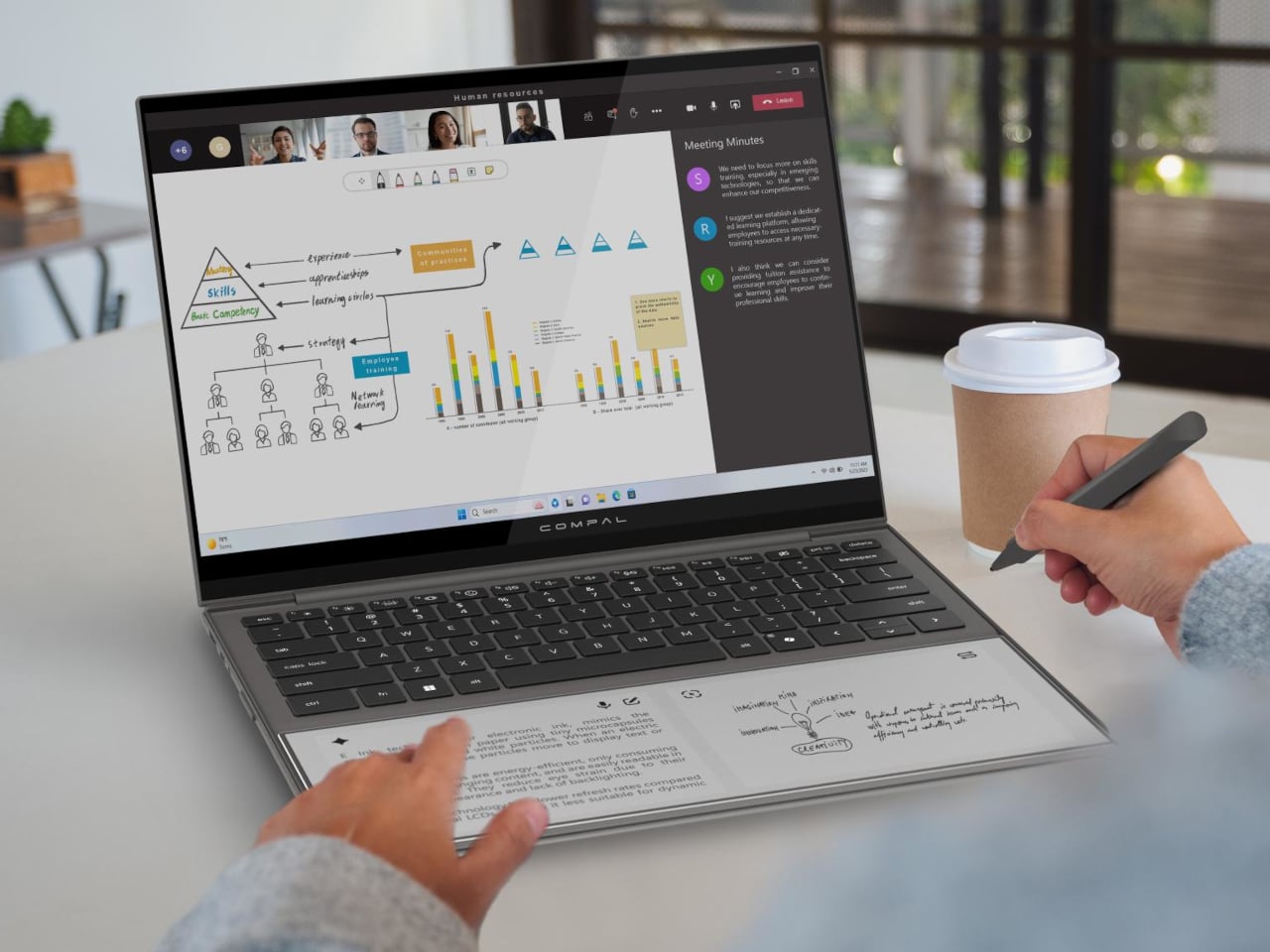
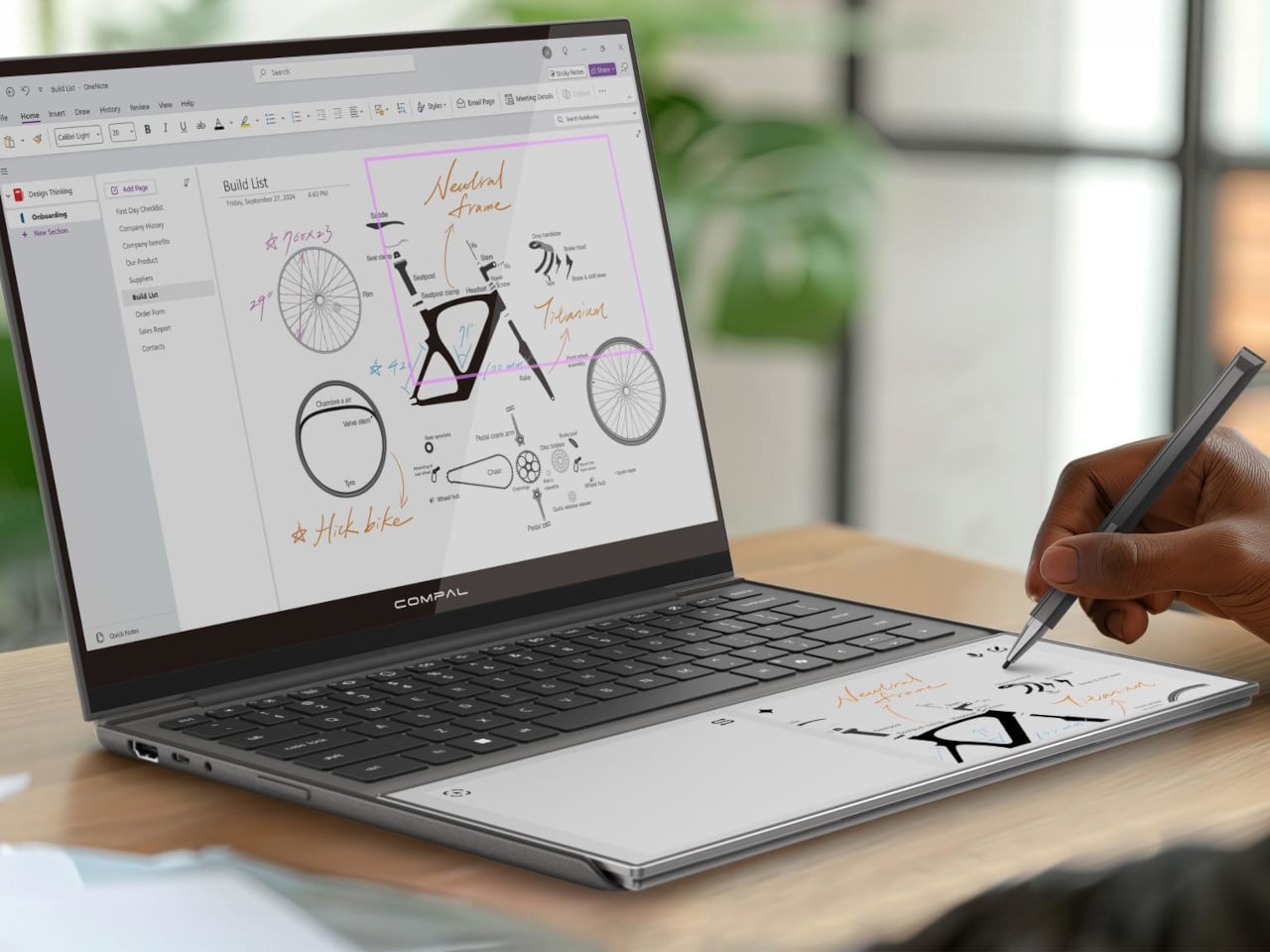
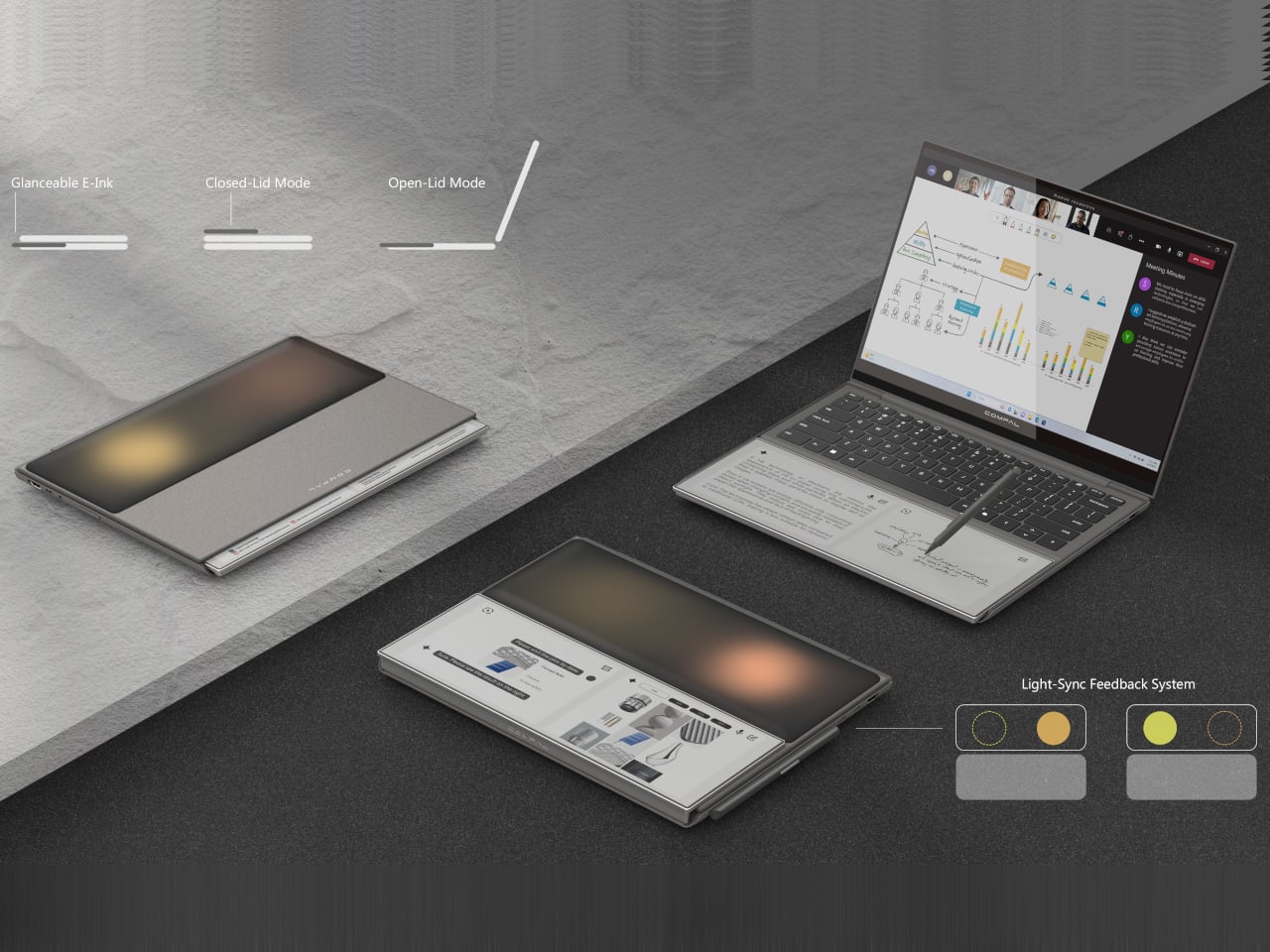
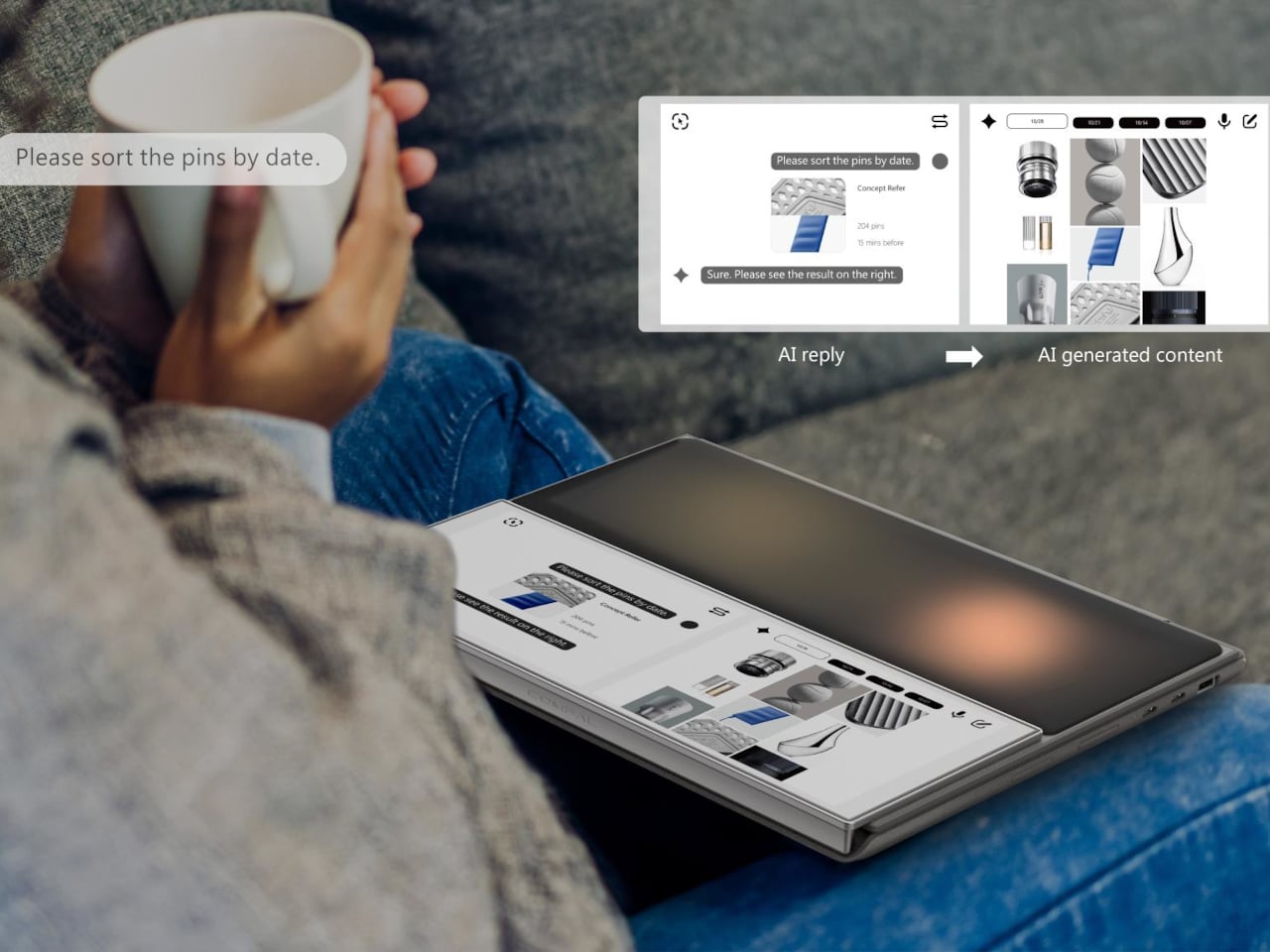
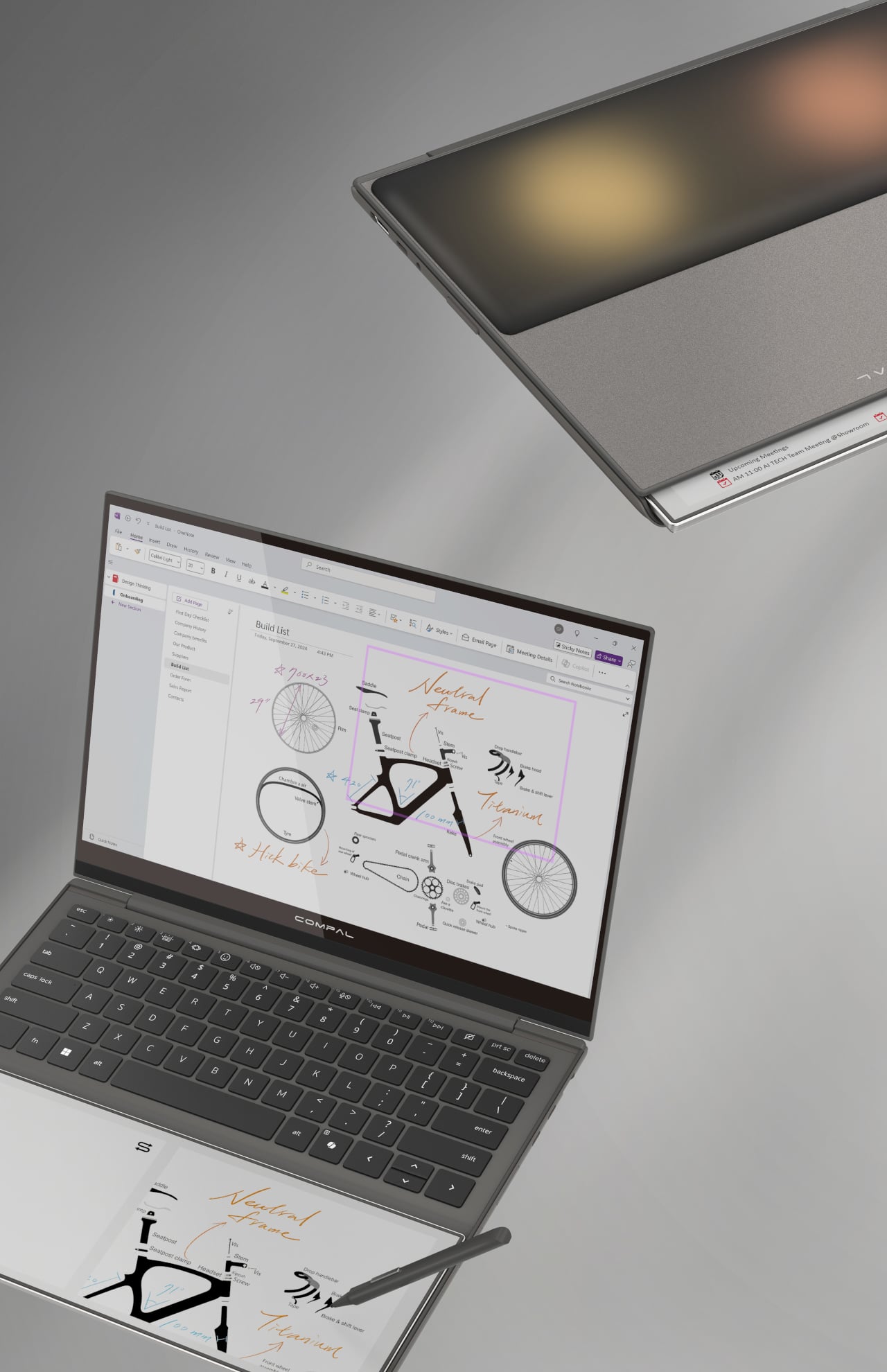
The AI Book replaces the traditional static palm rest with a touch-enabled E Ink display that supports stylus input, turning dead surface area into a secondary workspace. You could sketch a quick diagram while waiting for a file to export, jot down a phone number without switching apps, or keep a running to-do list visible without dedicating screen space to a sticky-note app. E Ink doesn’t consume power to hold a static image, so that list stays put even after you shut the laptop down.

Designer: Compal

That last detail matters more than it might seem at first. A conventional display goes dark the moment you close the lid, taking your notes with it. The AI Book’s E Ink panel doesn’t, which means whatever you left there is still there in the morning, no login required, no waiting for the machine to wake. For anyone who treats a physical notebook as a memory aid rather than an archive, the behavior feels familiar and immediately sensible.

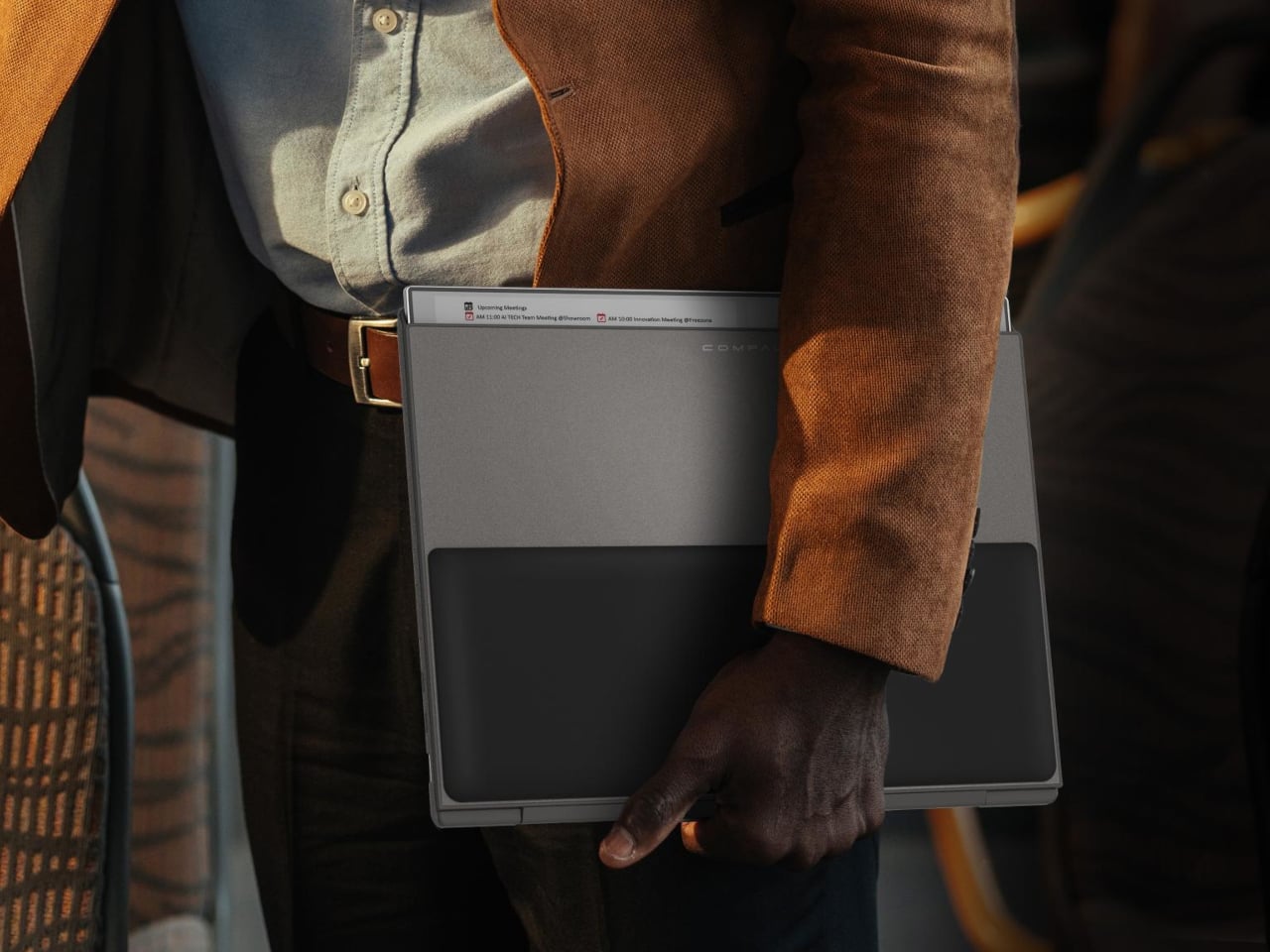
The concept goes further than a fixed notepad. The E Ink panel has a hinge, allowing it to flip outward when the laptop is closed so it faces up rather than folding in against the keyboard. In that position, it can show notifications, calendar entries, or a stylus sketch without requiring the lid to open. A narrow strip of the panel also stays visible even before flipping, offering a passive, glanceable information band that doesn’t ask anything of the user.

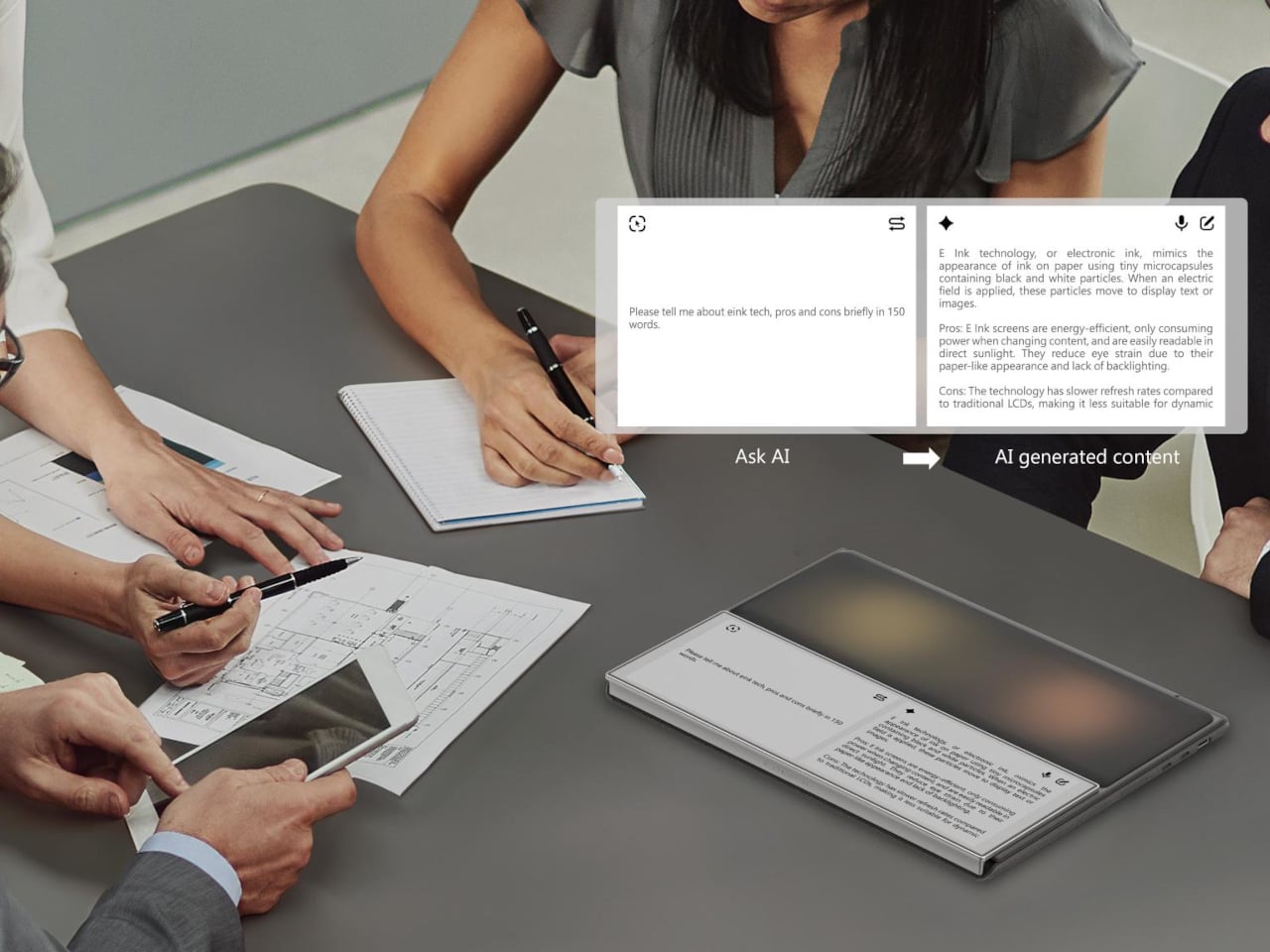
The “AI” branding, though, is harder to defend. Compal explains the name by pointing to the laptop’s ability to display AI-generated content, which describes any screen sold in the last decade. It’s a label that says more about current marketing instincts than about any specific hardware capability, and it does the more interesting E Ink story no favors at all. The palm rest idea holds up fine without the prefix.

As with most Compal concepts, this one comes with the standard caveats: no confirmed specifications, no launch date, no pricing. The company has introduced compelling ideas before, including a modular laptop and one with a rollable display, and neither made it to production in any recognizable form. The more honest question here isn’t whether the E Ink palm rest is clever, because it is, but whether it would actually change how people work, or just become another surface that gets ignored after the first week.

The post Compal turns a laptop palm rest into an always-on E Ink notepad first appeared on Yanko Design.
This $219 Screen Runs 6 Months Per Charge and Wants Nothing From You

Most of the screens that you encounter everyday is always fighting for your attention, always buzzing, glowing, pulsing with red notification badges designed to hijack your focus. The TRMNL X, a 10.3-inch e-ink smart display priced at $219, takes the opposite approach entirely. It just sits there, calm and papery, waiting for you to glance over when you’re ready. And that restraint might be the most radical design choice in consumer tech right now.

TRMNL’s original model was deliberately lo-fi, a smaller 7.5-inch 1-bit screen with no touchscreen and no backlight. It was almost stubbornly analog in spirit. It appealed to developers, minimalists, and those of us tired of all the bright screens. The TRMNL X is the company’s answer to users who loved the philosophy but wanted more screen real estate and polish. And it delivers on both counts without losing what made the original special.

Designer: TRMNL

The display itself is gorgeous in the understated way that only e-ink can be. At 1872 x 1404 resolution with 16 shades of gray, it renders calendars, weather dashboards, news headlines, and artwork with a crispness that feels more like a printed page than a screen. Partial refreshes happen in under 200 milliseconds, which is fast enough that the display doesn’t feel sluggish when cycling through your content. It’s the kind of screen you can stare at for hours without your eyes complaining, which is something no LCD or OLED can honestly claim.

What I find most compelling about the TRMNL X is how much it trusts you. There’s no algorithm deciding what you should see. You configure your own dashboard with plugins pulled from a library of over 850 options, everything from Google Calendar and Reddit feeds to ChatGPT summaries and YouTube subscriber counts. You arrange them in one of eight layout templates, set your refresh interval, and walk away. The device wakes up periodically, pulls a new image from the server, displays it, and goes back to sleep. That’s it. No infinite scroll. No dopamine trap. No dark patterns. Just information you asked for, presented when you want it.

The hardware reflects this same philosophy of quiet confidence. The frame comes in six finishes, from black and white to sage and faux wood, and the front is completely clean with no visible branding. There’s a magnetic USB-C charging connector, a built-in accelerometer for auto-rotation, and a touch gesture bar for quick navigation. Battery life stretches anywhere from two to six months depending on your refresh rate, which means you can genuinely forget it needs power at all. The enclosure is also waterproof and dust-proof, so it can live in a bathroom or a workshop without issue.

But the real personality of the TRMNL X shows in its hacker-friendly DNA. The firmware is fully open source. The case has actual screws, not glue, so you can open it up, swap components, and tinker to your heart’s content. There’s a Qwiic connector for attaching external sensors, and the community on Discord has already built custom integrations for Home Assistant and all sorts of niche projects. In an era when most gadgets are sealed shut and locked down, this level of openness feels almost rebellious.

At $219, the TRMNL X isn’t an impulse buy. But it’s also not competing with tablets or smart home hubs. It occupies a category that barely existed a few years ago: the passive information display. Something you put on your desk or mount on a wall that keeps you informed without pulling you into a screen-time spiral. The fact that it runs for months on a charge and requires almost zero maintenance makes it feel less like a gadget and more like a piece of furniture.

There’s a growing appetite for technology that respects boundaries, that does its job and then gets out of the way. The TRMNL X is a beautifully considered expression of that idea, a screen that proves sometimes the most powerful design choice is simply knowing when to stay quiet.

The post This $219 Screen Runs 6 Months Per Charge and Wants Nothing From You first appeared on Yanko Design.
This 10.3-Inch E-Ink Reader Was Built for Annotating Dense PDFs

Reading seriously on a tablet means fighting the device as much as the text. Notifications creep in, brightness is calibrated for apps rather than paper, and the browser is always one tap away. E-ink devices have been solving that distraction problem for years, but most are sized for novels rather than the dense PDFs, research papers, and annotated books that require space to actually work on.

The PocketBook InkPad One is a 10.3-inch e-ink slate with a stylus, running a Linux-based reading interface instead of an Android tablet OS. The aluminum frame is 5.15mm thin and wraps an E Ink Mobius display, which uses a plastic substrate rather than glass, making it lighter and more resistant to the casual impacts that happen in bags and on desks.

Designer: PocketBook

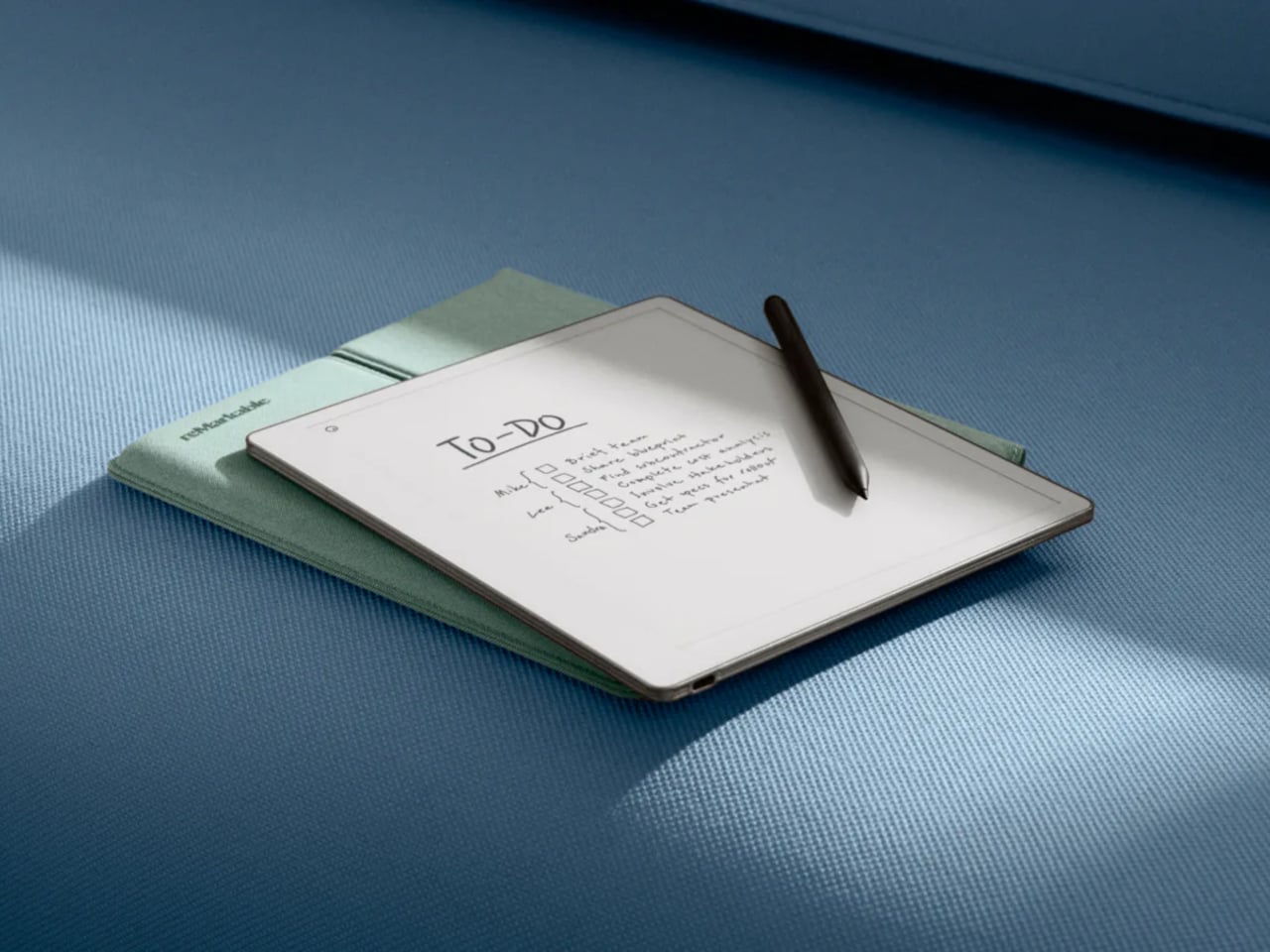
The key interaction design choice is “Comment Mode,” where finger touch handles page navigation and the stylus handles everything else, highlights, notes, and annotations on the same page you’re reading. That split means you can navigate naturally without accidentally triggering the pen, which matters when 60-page PDFs are the main material. The included PocketBook Stylus 2 is positioned as a reading-first annotation tool rather than a speed-writing device.

The E Ink Mobius panel runs at 1404×1872 resolution and 226 ppi, with SMARTlight adjusting both brightness and color temperature together. Long evening sessions of marking up papers under warm indoor light are where color temperature adjustment earns its presence. Battery life is rated at up to two months on a single charge, backed by a 3700mAh cell.

The open ecosystem is where InkPad One separates from store-locked readers. It supports 25 file formats natively without conversion, including EPUB, PDF, CBR, CBZ, and AZW, plus Adobe DRM and LCP DRM for protected content. Library borrowing via Libby is built in, so you can borrow from a public library and read on the same device where your own PDFs live, without format gymnastics.

Bluetooth 5.0 and built-in Text-to-Speech round out the feature set. TTS reads aloud any text file and resumes from where you stopped, useful when switching from reading to listening during a commute. Audiobook formats including M4A, MP3, and OGG are supported natively alongside the reading library, all synced via PocketBook Cloud and compatible with Dropbox.

InkPad One sits in a useful gap, less locked-in than store-driven readers like Kindle, less Android-cluttered than BOOX or Bigme devices, and bigger than most small e-readers for anything involving dense text and active annotation. It’s a calm, thin tool for people who want to work with what they read rather than just collect it.

The post This 10.3-Inch E-Ink Reader Was Built for Annotating Dense PDFs first appeared on Yanko Design.
Zerowriter Ink Is an Open-Source E-Paper Typewriter Built for Writers

Trying to write on a laptop means fighting a machine that is also a notification box, streaming portal, and social feed. Distraction-free apps help, but they still live inside the same browser-and-tab chaos, surrounded by everything else your computer knows how to do. Some writers just want a device that only knows how to produce plain text and does not care about anything else happening in the world.

Zerowriter Ink is an open-source e-paper word processor that tries to be exactly that. It combines a 5.2-inch Inkplate e-paper display with a 61-key low-profile mechanical keyboard in a slim slab that fits in a 13-inch laptop sleeve. It wakes instantly, shows a clean page, and runs for weeks on a single charge instead of draining down to zero by lunchtime like most laptops.

Designer: Adam Wilk

Picture drafting on a park bench or train, where the high-contrast e-paper screen stays readable in direct sunlight and does not blast blue light. A custom refresh engine keeps typing lag almost imperceptible, so it feels more like a fast e-reader that learned to keep up with your thoughts than the sluggish e-paper most people expect from displays that usually just show book pages or bus schedules.

1

The 60% mechanical keyboard uses Kailh Choc Pro Red switches, and every switch and keycap is hot-swappable. That means you can tune the feel and sound to your taste, or replace a dead switch without tossing the device. It feels more like a compact enthusiast board that happens to have an e-paper screen attached than a sealed writing appliance you cannot repair or modify.

The built-in software offers a drafting mode and a simple word-processing mode, letting you either pour out text or make quick cursor-based edits with arrow keys. On-device file management lets you save and rename documents, and finished .txt files live on a microSD card. When ready to polish, you plug in over USB or scan a QR code to move drafts to your main machine for formatting and revision.

Zerowriter Ink ships completely offline, with no accounts, no cloud sync, and no AI quietly indexing your drafts. Your words stay on the microSD card unless you decide otherwise. At the same time, the ESP32 hardware and Arduino-based firmware mean Wi-Fi and Bluetooth are there for anyone who wants to add sync or other features, either by writing their own build or grabbing one from the community.

The device is definitely not trying to replace laptops. It is trying to give writers a small, reliable space where nothing else happens. It is for people who miss the simplicity of an Alphasmart but want a sharper screen and a better keyboard, and for tinkerers who like the idea of a writing tool they can open up, both in hardware and in code, once the draft is done and curiosity takes over.

The post Zerowriter Ink Is an Open-Source E-Paper Typewriter Built for Writers first appeared on Yanko Design.

DuRoBo Krono Brings an AI-Powered Pocket ePaper Focus Hub to the US

Trying to read or think on a phone never quite works. Notifications interrupt articles halfway through, feeds wait one swipe away from whatever you were concentrating on, and even long reads become just another tab competing for attention. E‑readers tried to solve this, but most stopped at books and stayed locked into one ecosystem. DuRoBo, a Dutch e‑paper specialist, is bringing Krono to CES 2026 in Las Vegas with a different ambition, treating focus, reflection, and idea capture as equally important.
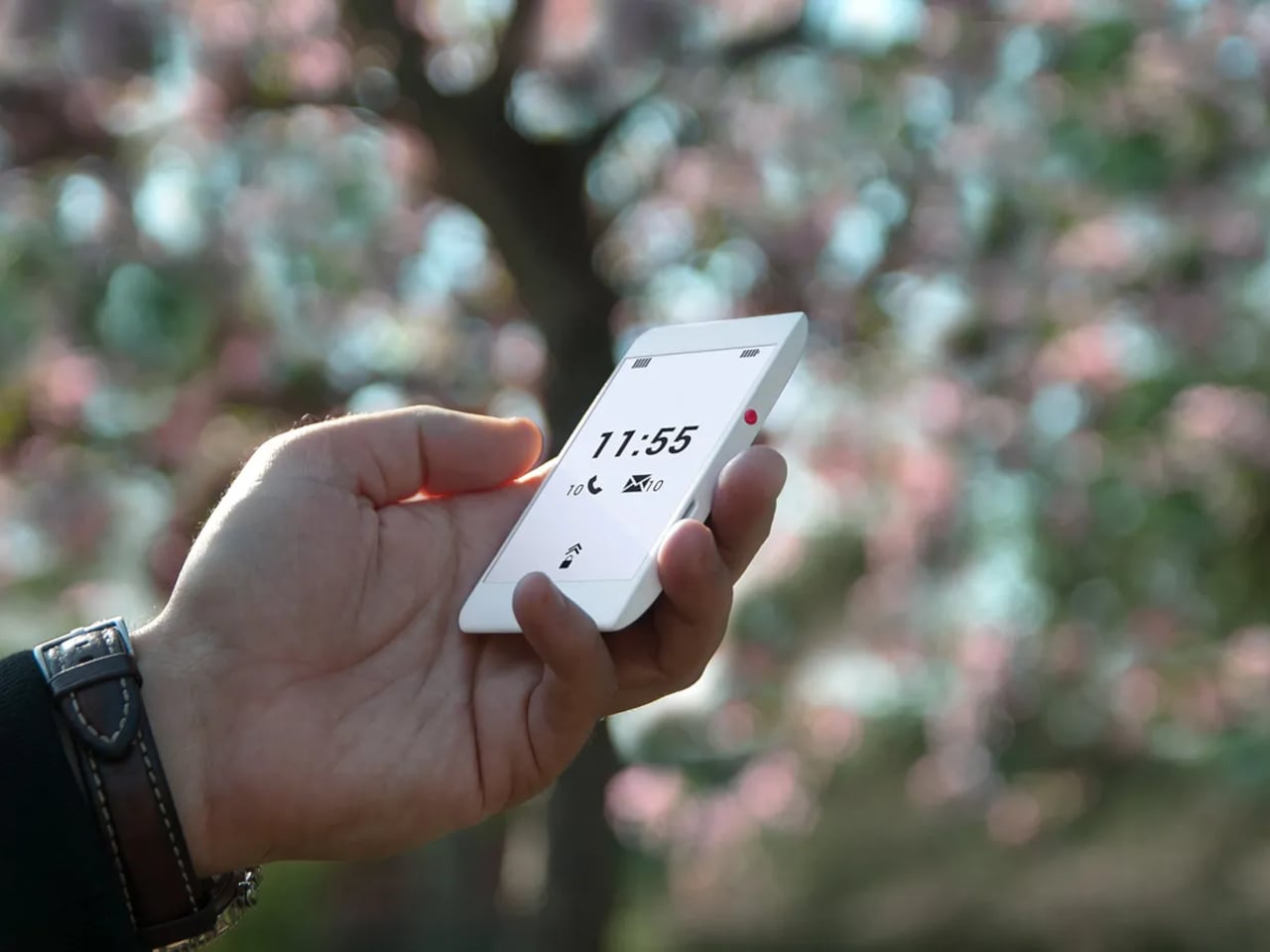
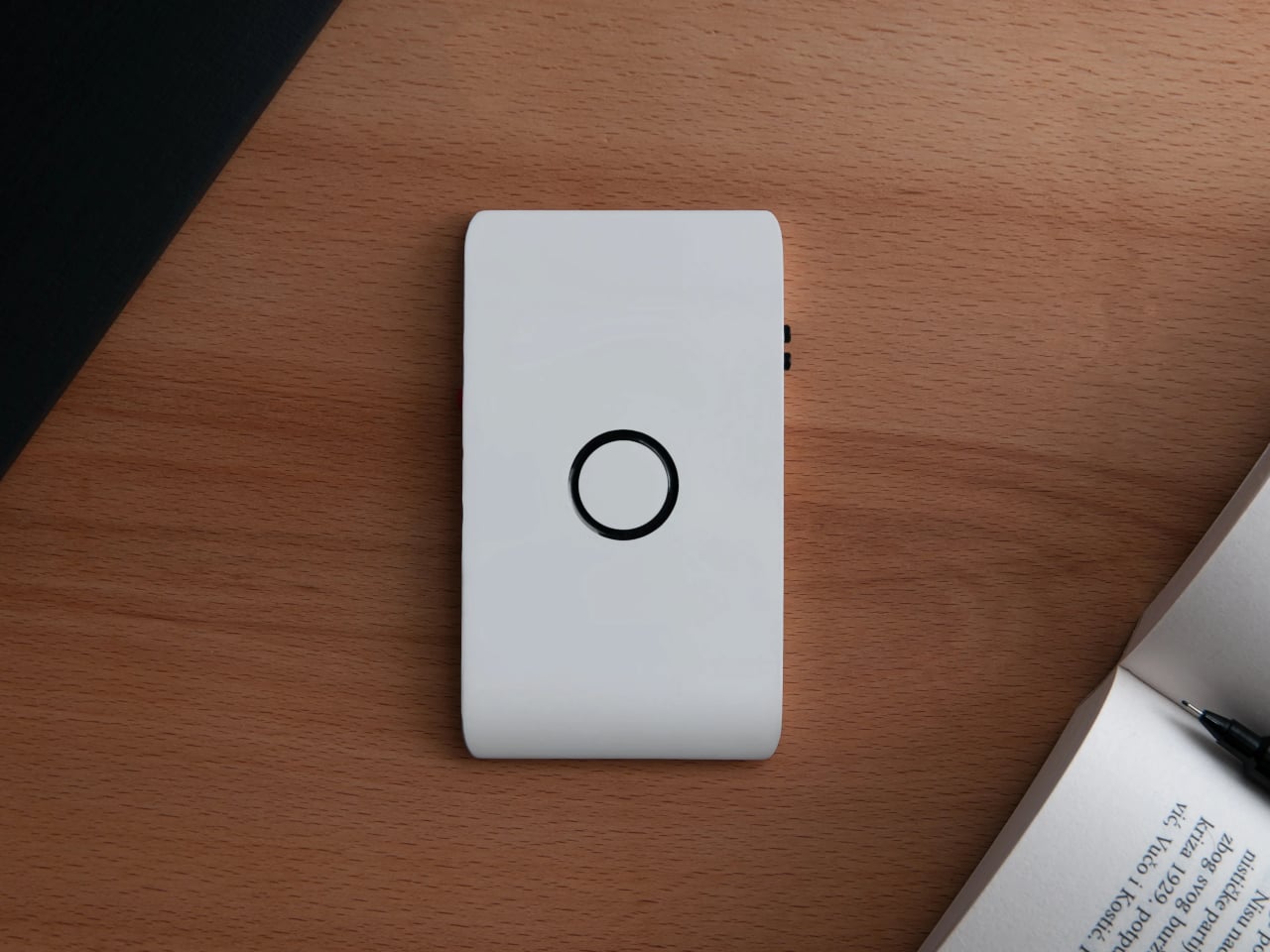
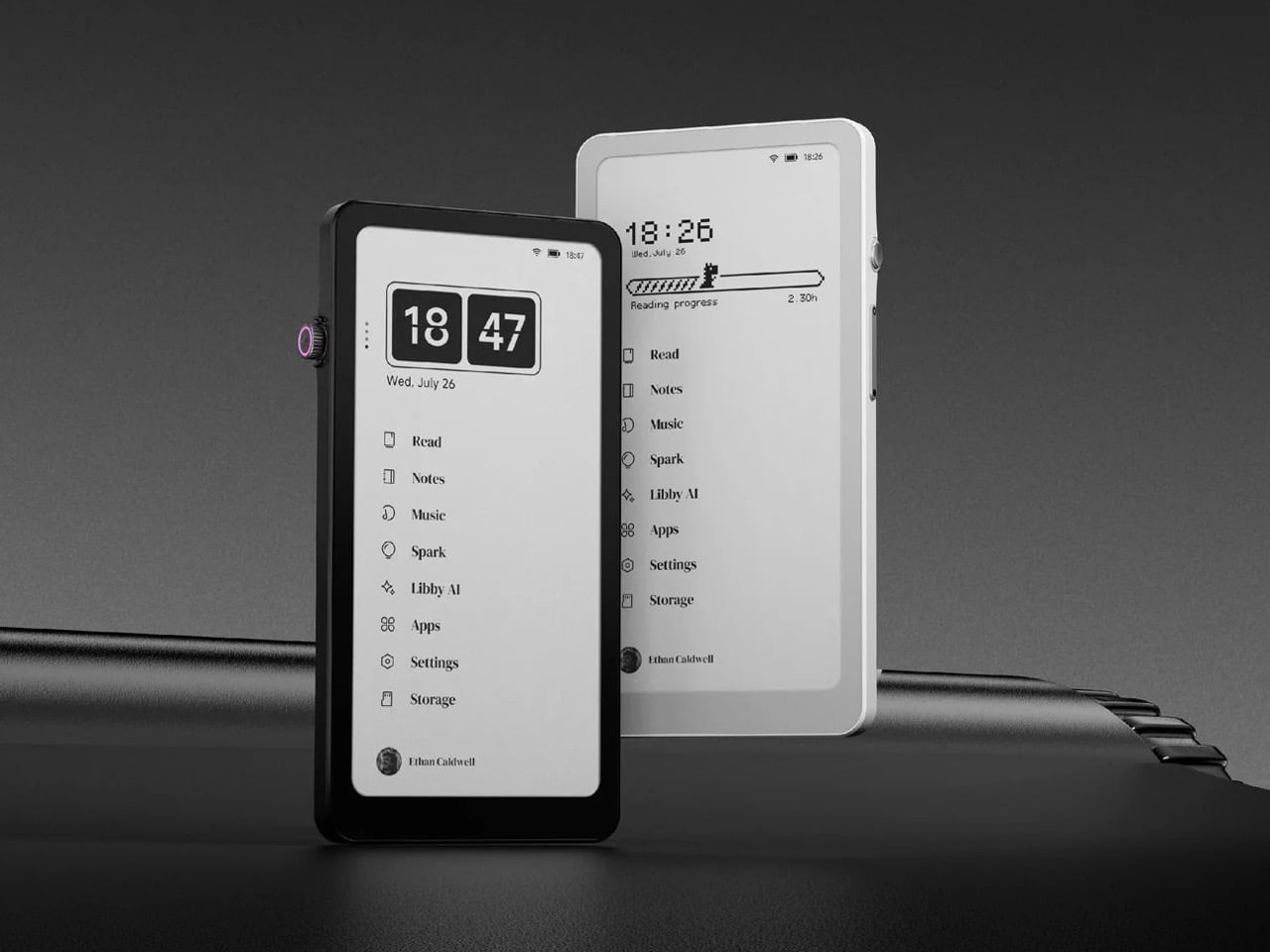
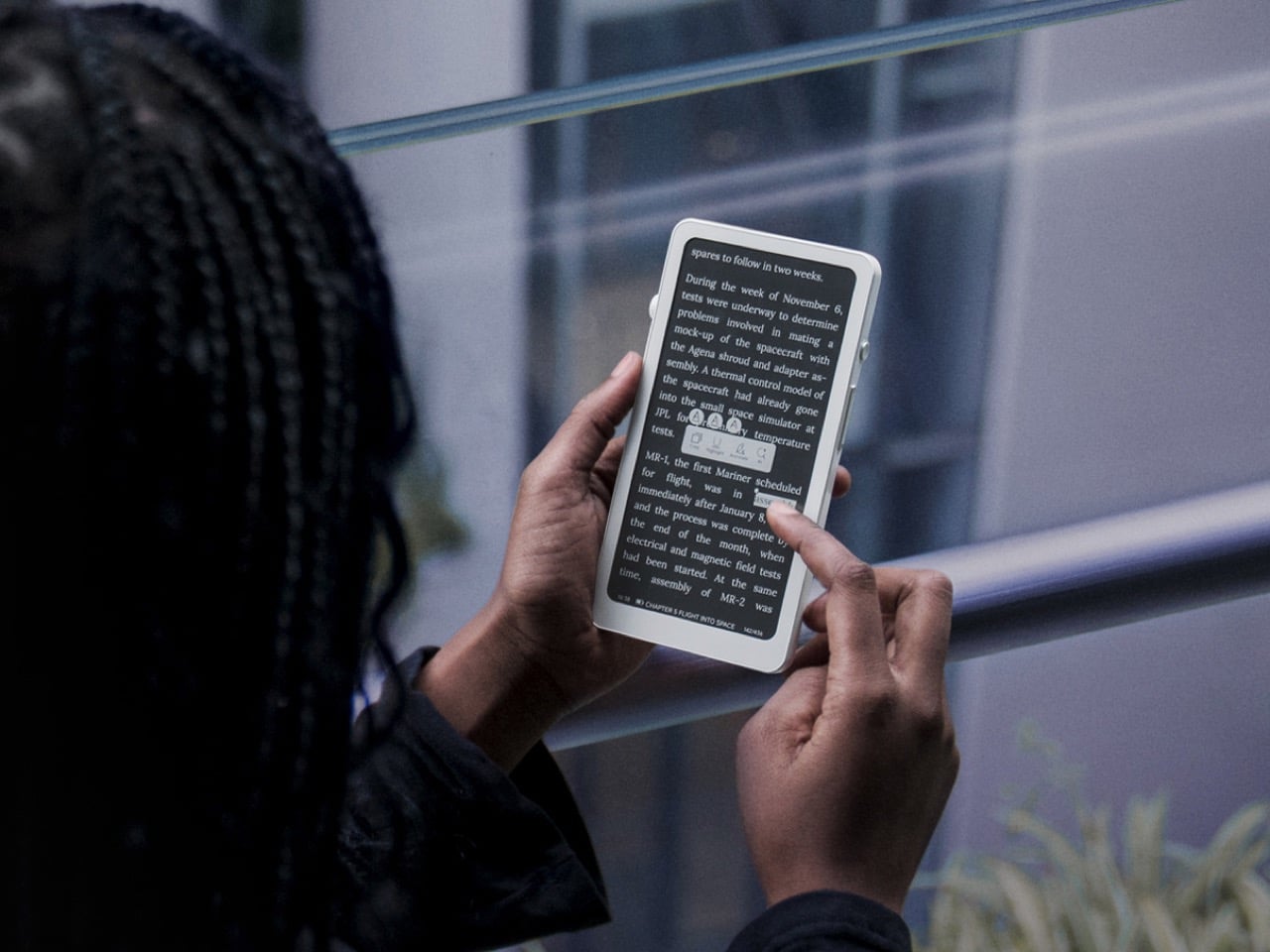
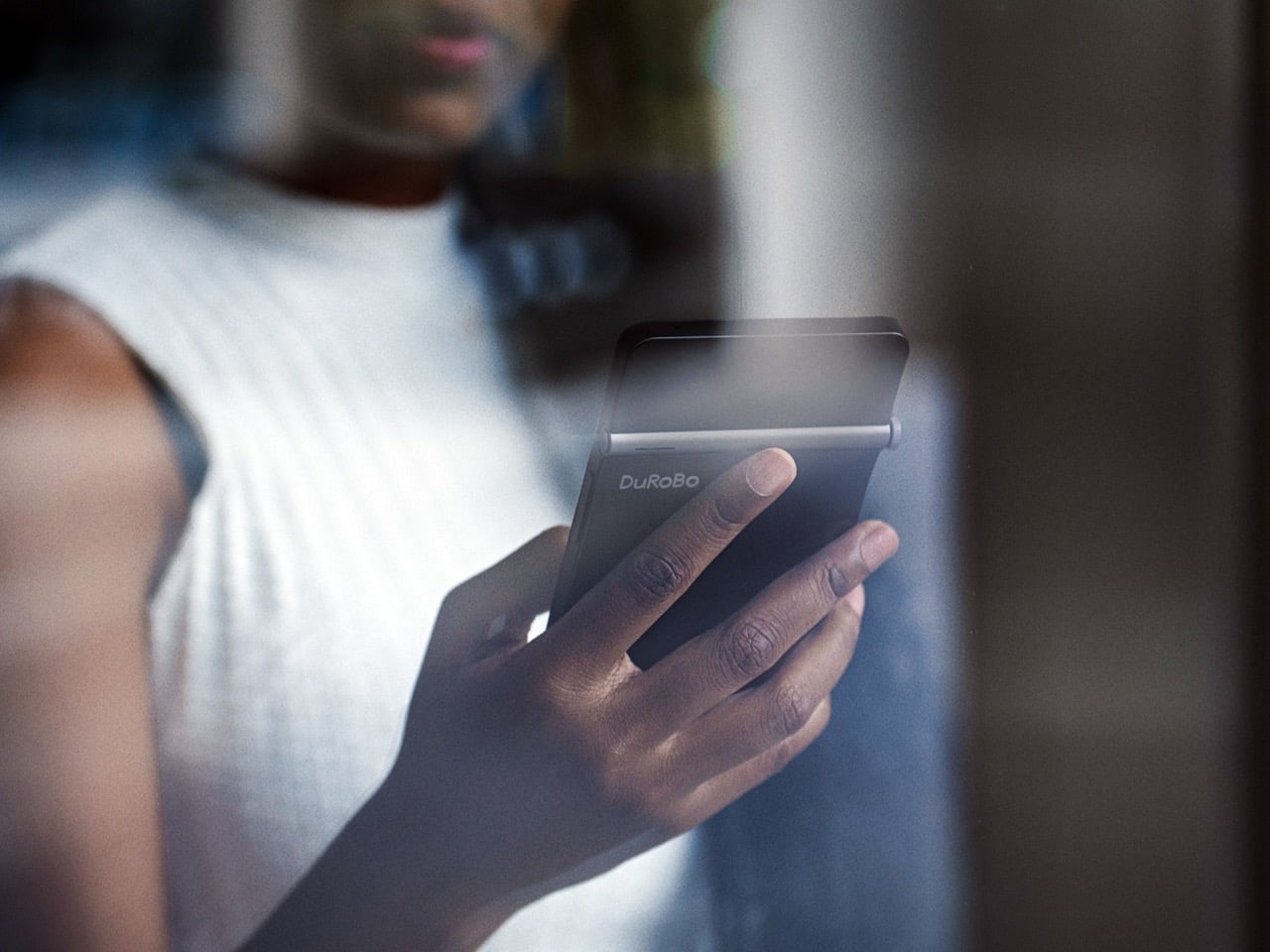
Krono is a pocket‑sized smart ePaper focus hub that has made waves in Europe and is now entering the US market. It wraps a 6.13‑inch E Ink Carta 1200 display with 300 PPI clarity into a minimalist, mechanical‑inspired body that measures 154 × 80 × 9 mm and weighs about 173 g. It is for capturing and shaping thoughts with on‑device AI, ambient audio, and a Smart Dial that feels more tactile than tapping glass.

Designer: DuRoBo

The paper‑like screen, anti‑glare etching, and dual‑tone frontlight make it comfortable for long reads, whether books, saved articles, or PDFs. The compact body feels closer to a large phone than a tablet, which encourages carrying it everywhere as a dedicated space for slower content. The display mimics paper well enough that you can read for hours without the eye strain from backlit screens.

The Smart Dial and Axis bar are the main interaction story. The dial lets you flip pages, adjust brightness or volume, and, with a long‑press, open Spark, Krono’s idea vault. The Axis along the top rear houses eight breathing lights that glow subtly while you read or work, reinforcing the sense of a calm, separate device. The dial and lights give Krono a more analog feel, turning navigation and focus into something you do with your hand.

Spark is where AI enters. Press and hold the dial to dictate a thought, meeting note, or passing idea, and Krono records it, transcribes it with speech‑to‑text, and runs an AI summary that turns it into a structured note. Text Mode lets you refine that note on the e‑paper screen. The whole process happens on‑device, keeping ideas private and the interface calm.

Libby AI is the on‑device assistant that answers prompts and helps with outlines or clarifications without dragging you into a browser. Krono runs Android 15 with full Google Play Store access, powered by an octa‑core processor, 6 GB of RAM, and 128 GB of storage, so it can run Kindle, Notion, or other tools. DuRoBo’s own interface keeps the experience geometric and minimal.

The built‑in speaker and Bluetooth audio are part of the focus story. You can listen to music, podcasts, or audiobooks while reading or writing, turning Krono into a self‑contained environment for commutes or late‑night sessions. The 3,950 mAh battery and tuned refresh algorithms support long stretches of use, not constant app‑hopping, which is what you want from a device that is supposed to be a reprieve from the usual screen.

Krono’s CES 2026 appearance is more than just another e‑reader launch. It is DuRoBo’s attempt to give US readers and thinkers a pocketable device that treats focus, reflection, and idea capture as first‑class design problems. The specs matter, but the real promise is a small, quiet object that can sit between a book and a phone, borrowing the best of both without inheriting their worst habits.

The post DuRoBo Krono Brings an AI-Powered Pocket ePaper Focus Hub to the US first appeared on Yanko Design.