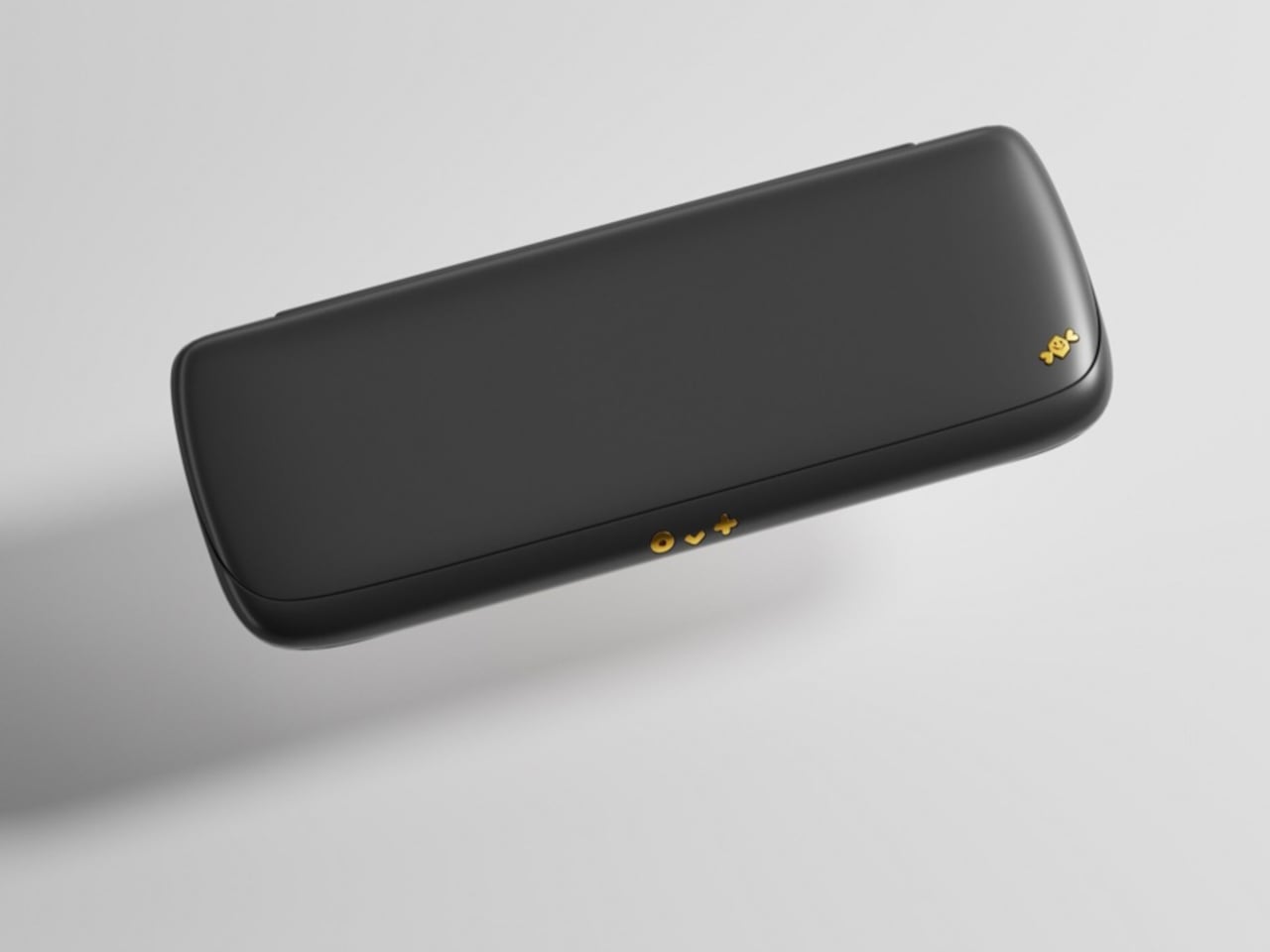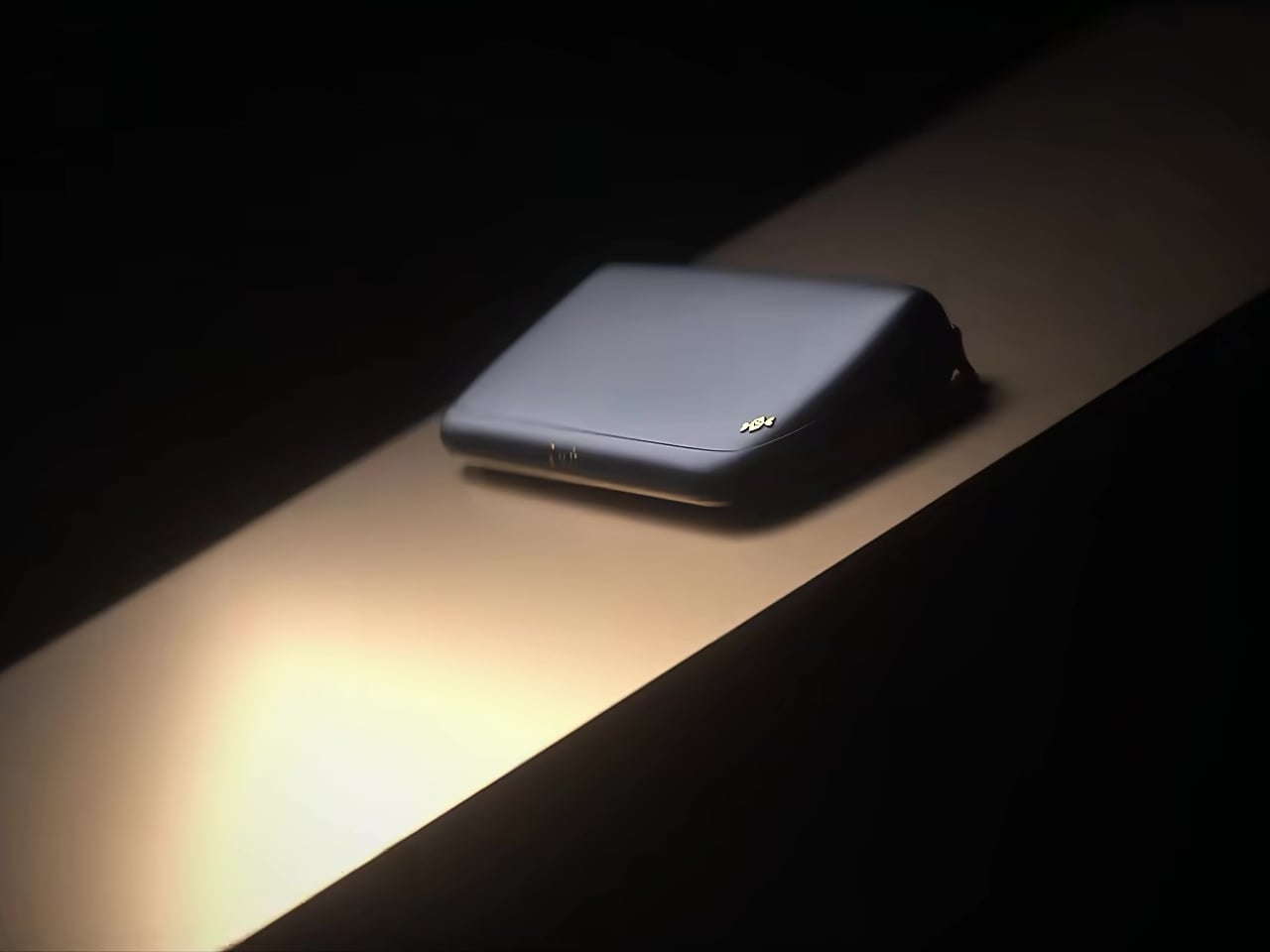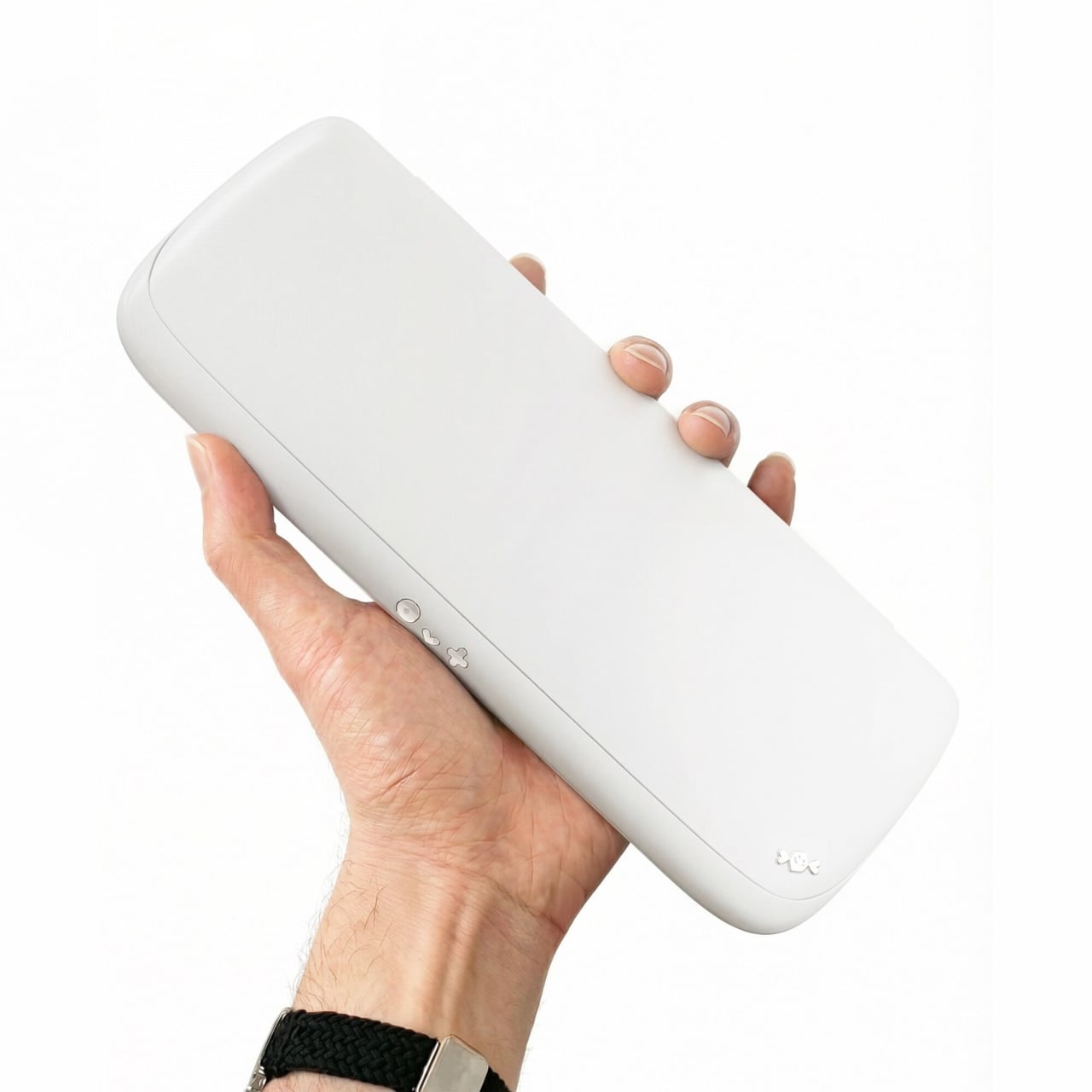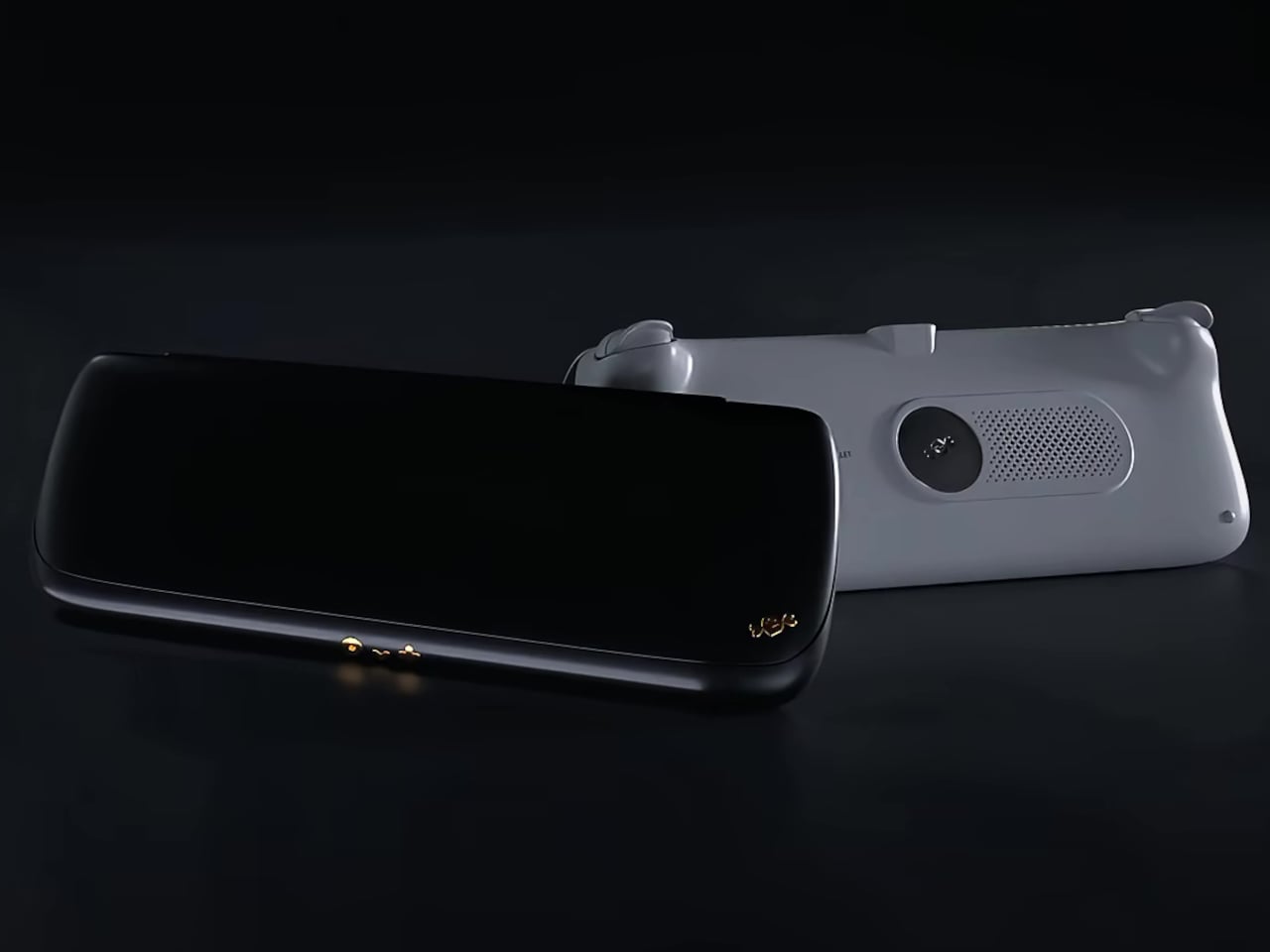
Retro-style handheld computer flaunts QWERTY keyboard and a Raspberry Pi

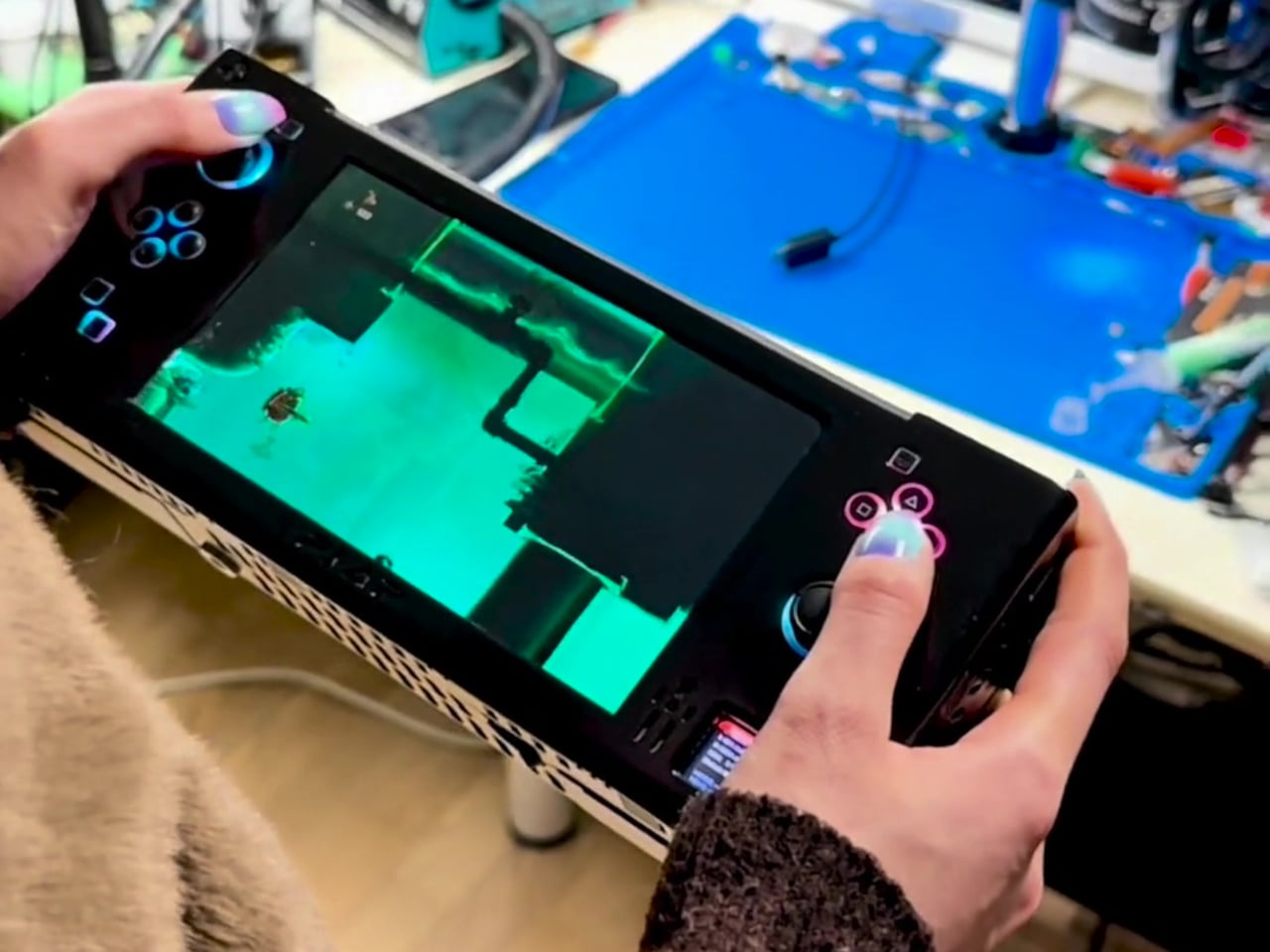
It’s pretty amazing how much computing power can be crammed into a small space these days. After all, our smartphones are very capable computers themselves, but we also have handheld gaming PCs and single-board computers or SBCs that are no larger than (very thick) credit cards. The latter, popularized by the super-affordable Raspberry Pi, blasted wide open the doors to creative projects and gadgets, from mirrors that act as your smart home console to fictional cyberdeck computers brought to life. This latest design is one of the latter, offering a handheld computer with modern features and an aesthetic that seems to come from an alternate 80s timeline.

Designer: soulscircuit

Despite its size, the Raspberry Pi is a complete computer, one that can run desktop operating systems, including a trimmed-down version of Windows. With just the right peripherals, it can be used as a normal computer, and some have even turned the SBC into a laptop or even a desktop, complete with liquid cooling. These, however, don’t take full advantage of the Raspberry Pi’s small and portable size, a form that’s perfect for a handheld computer.

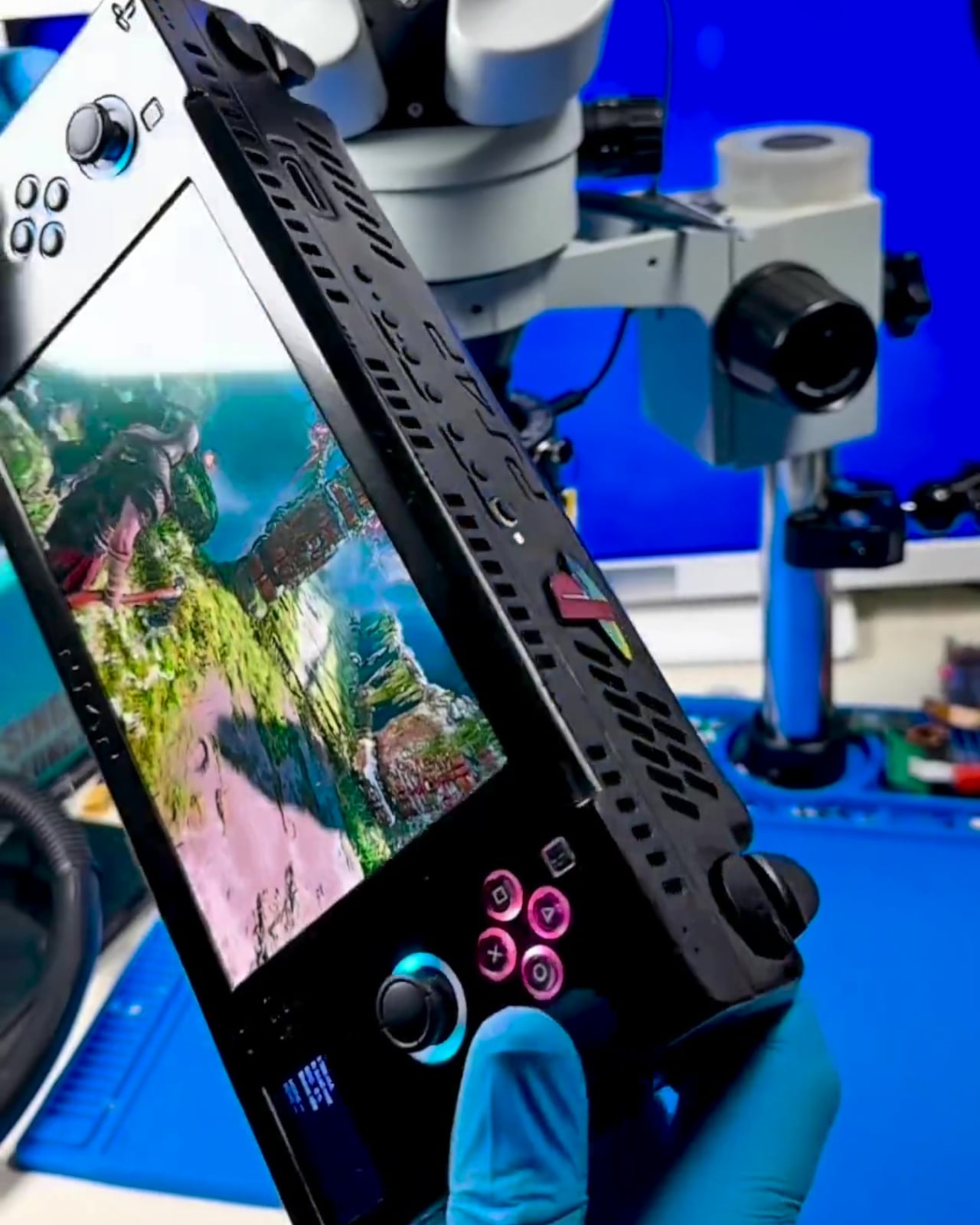
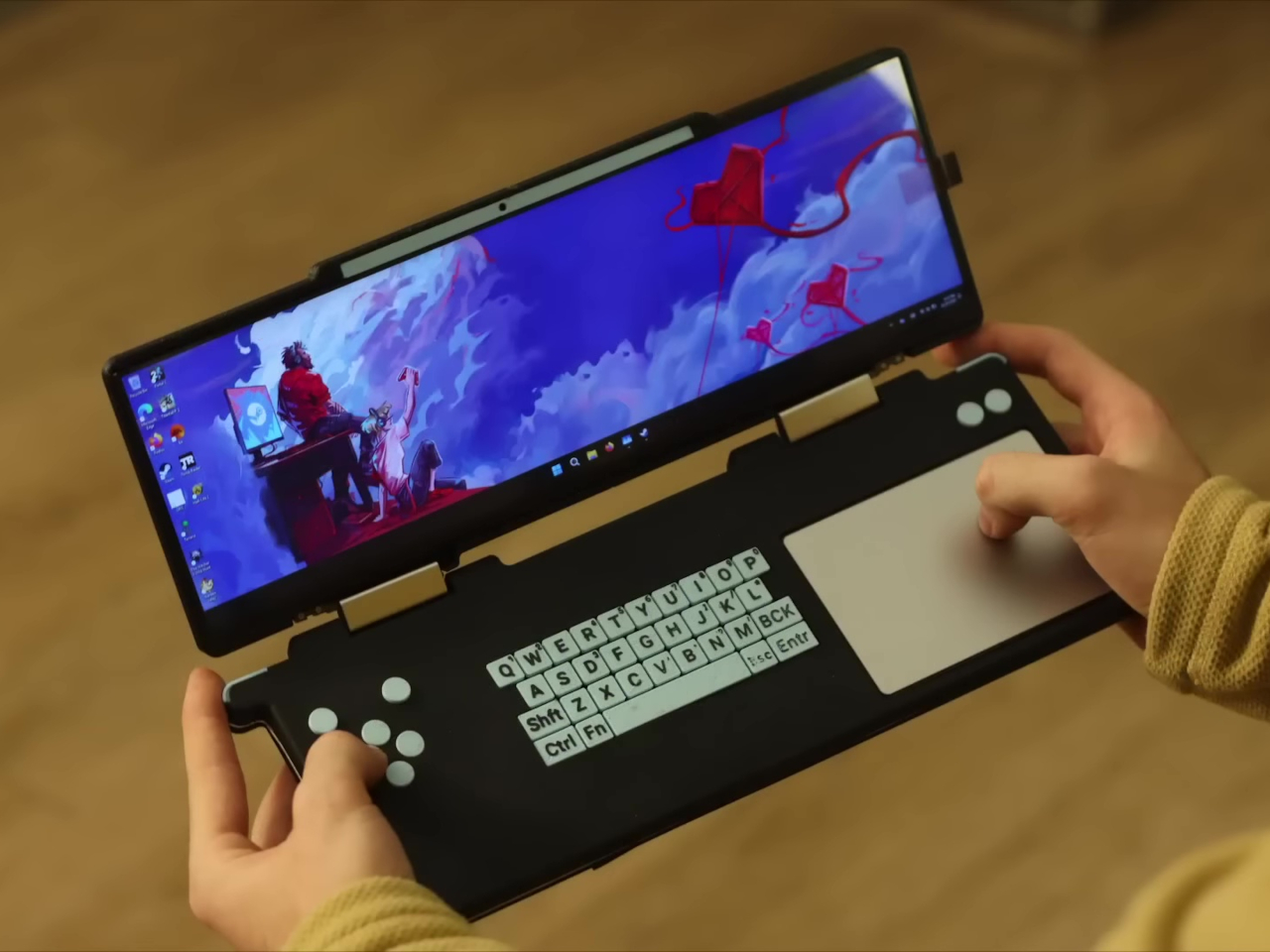
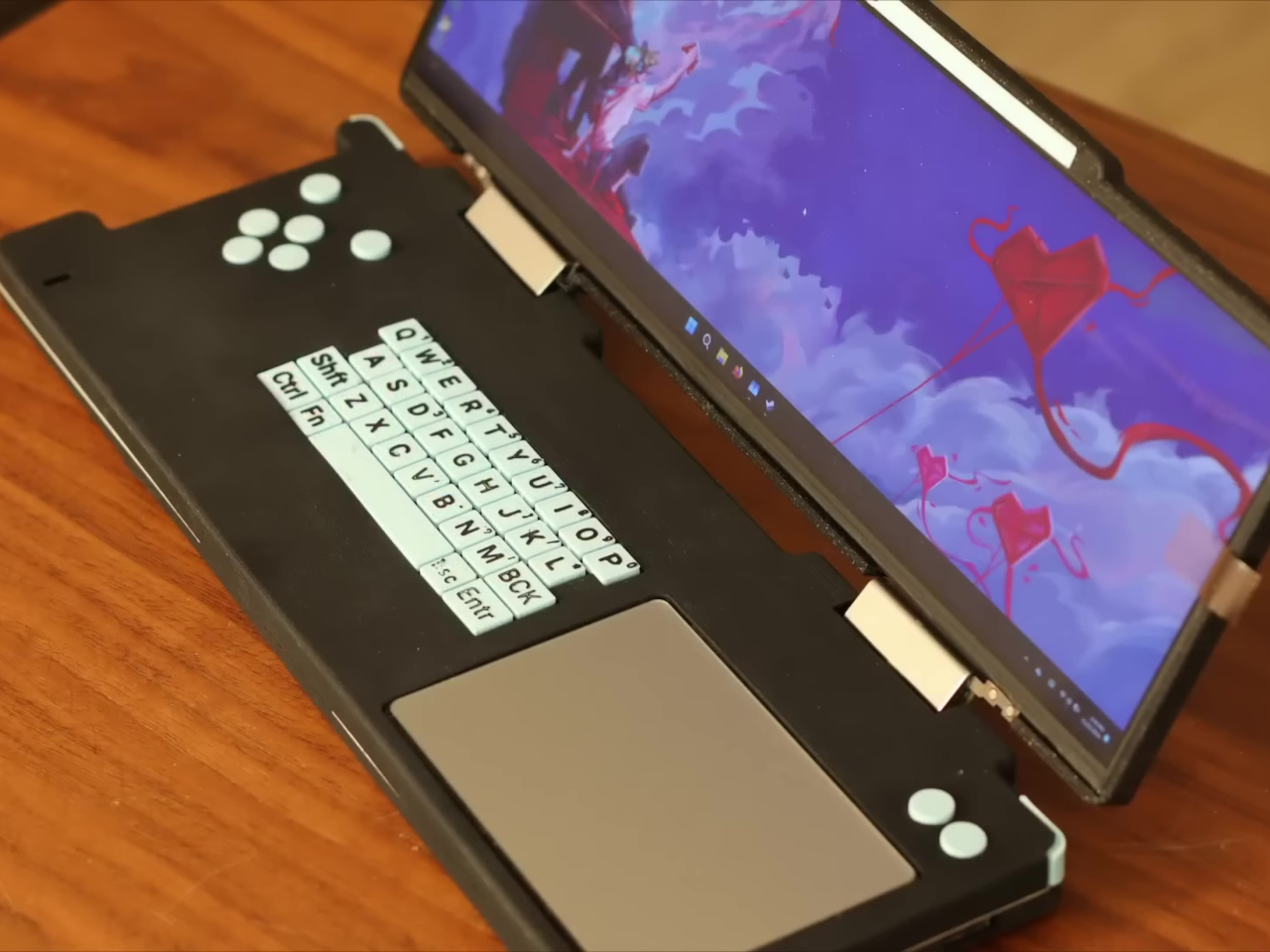
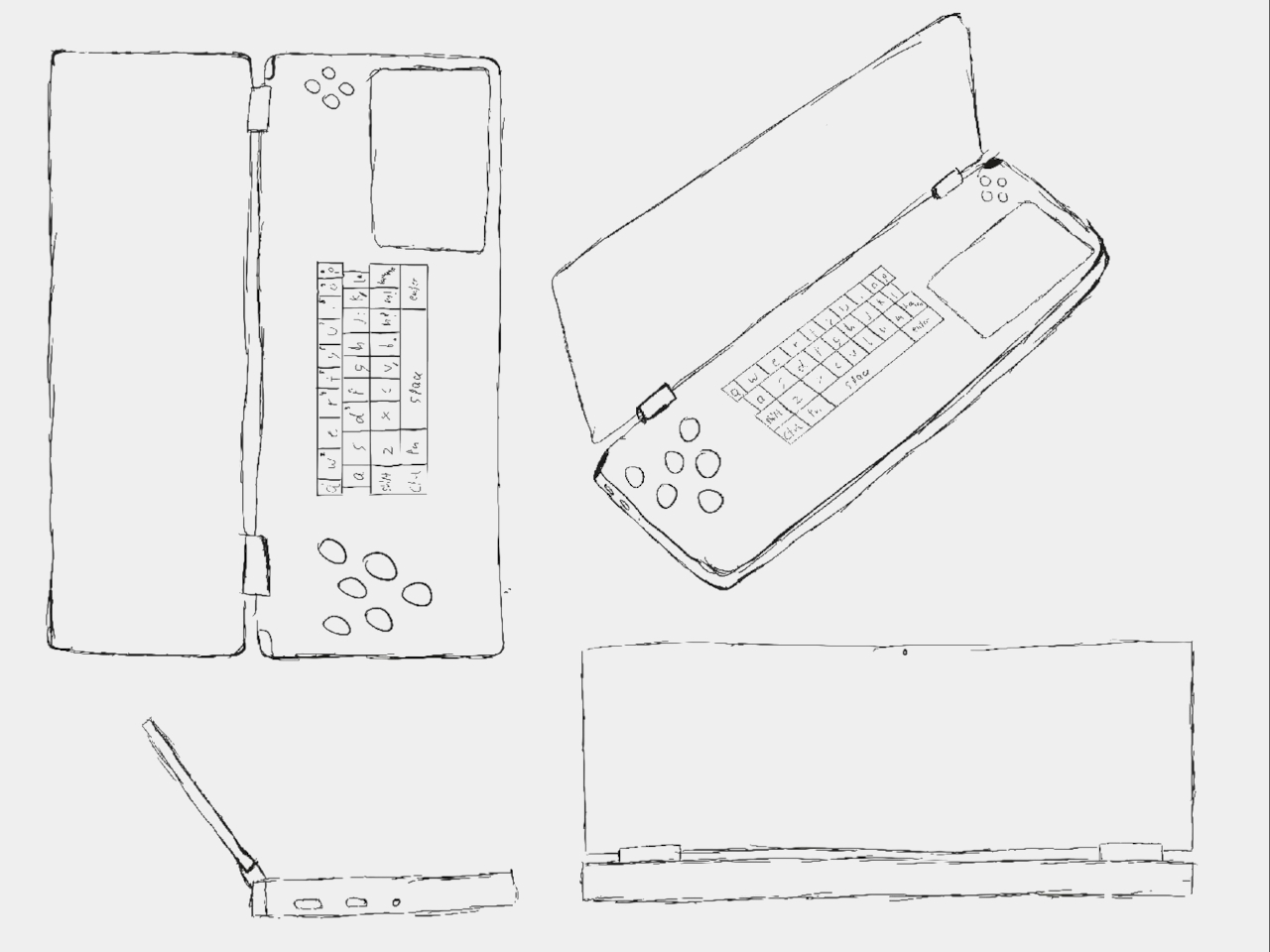
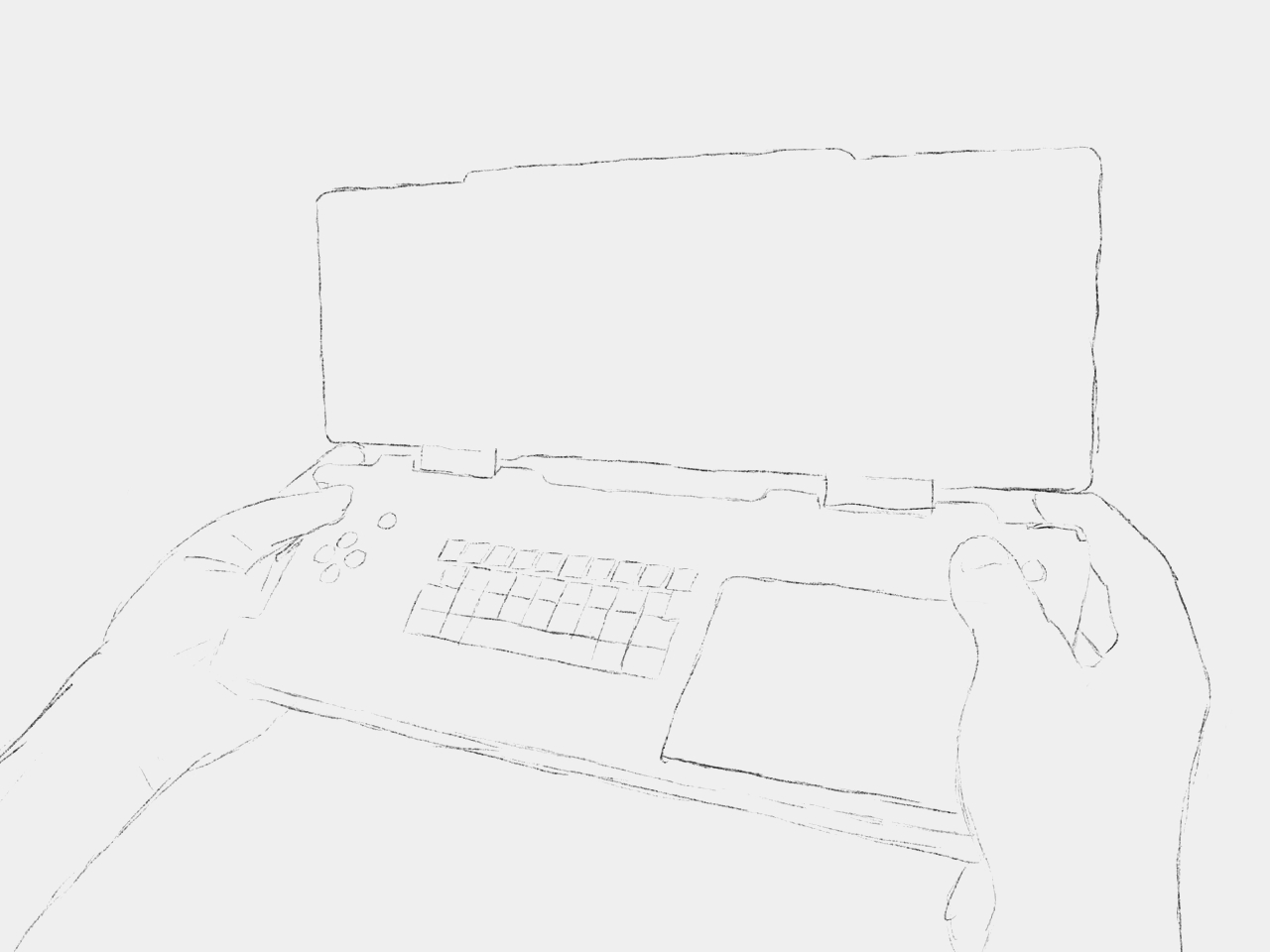
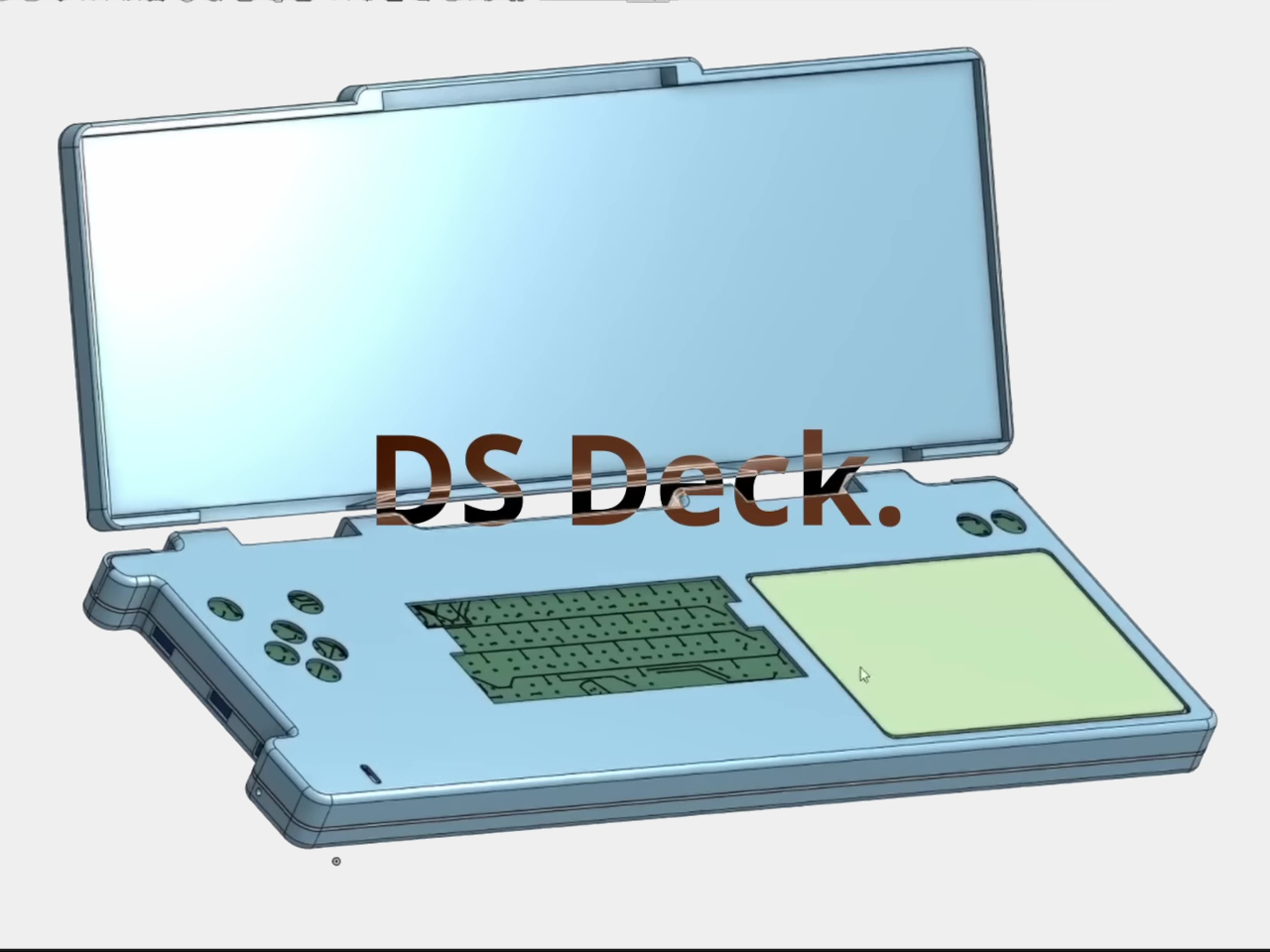
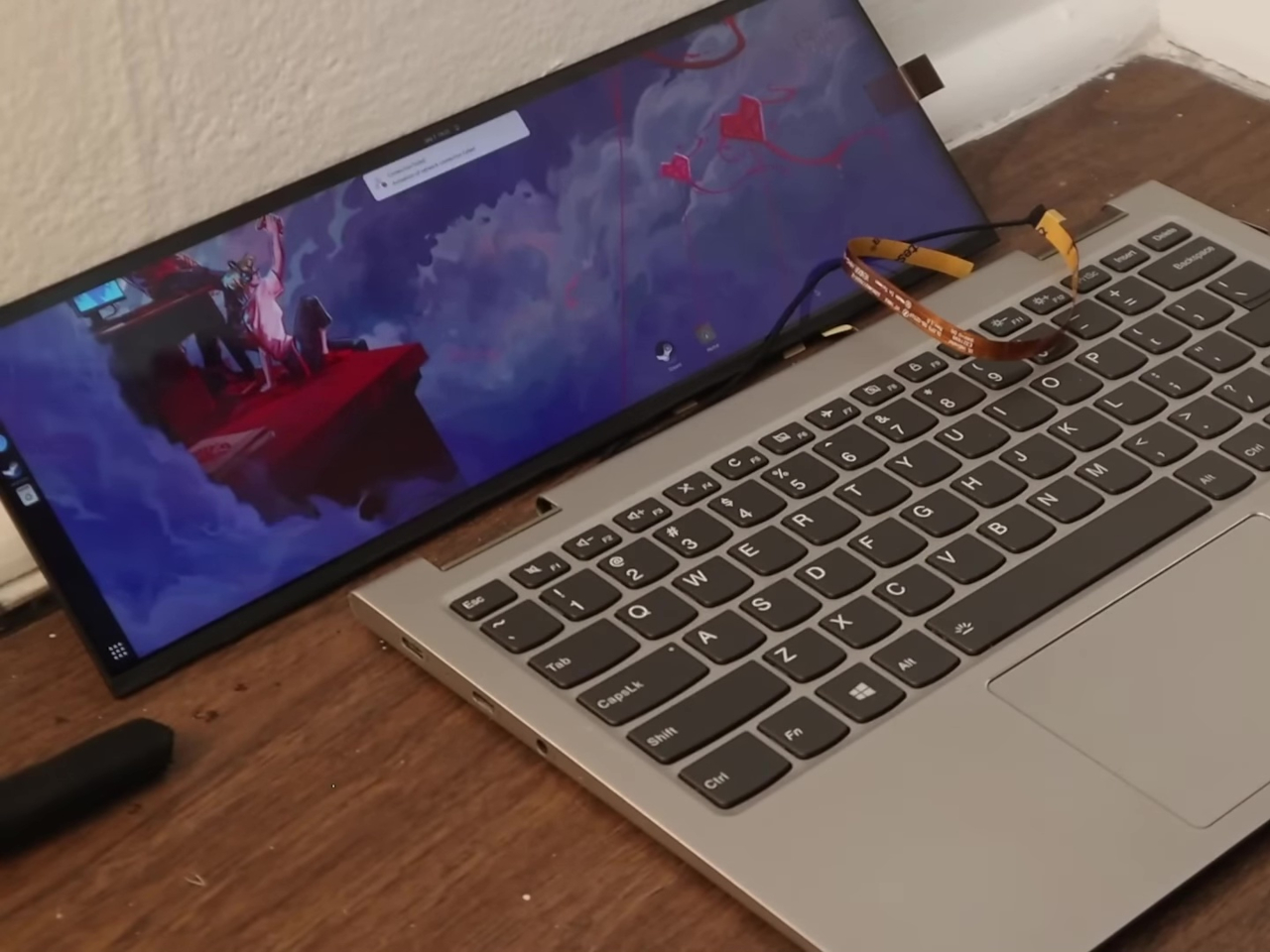
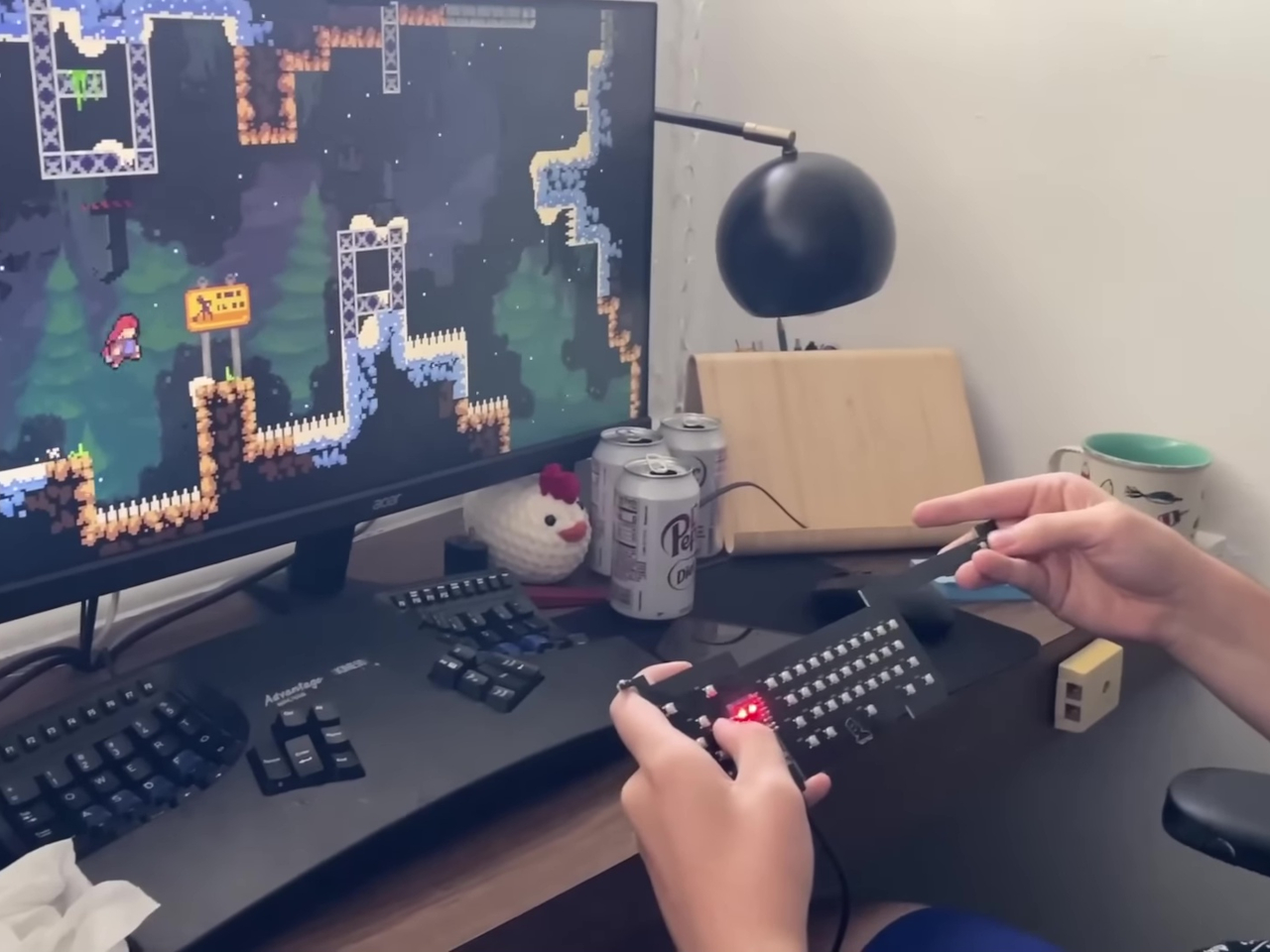
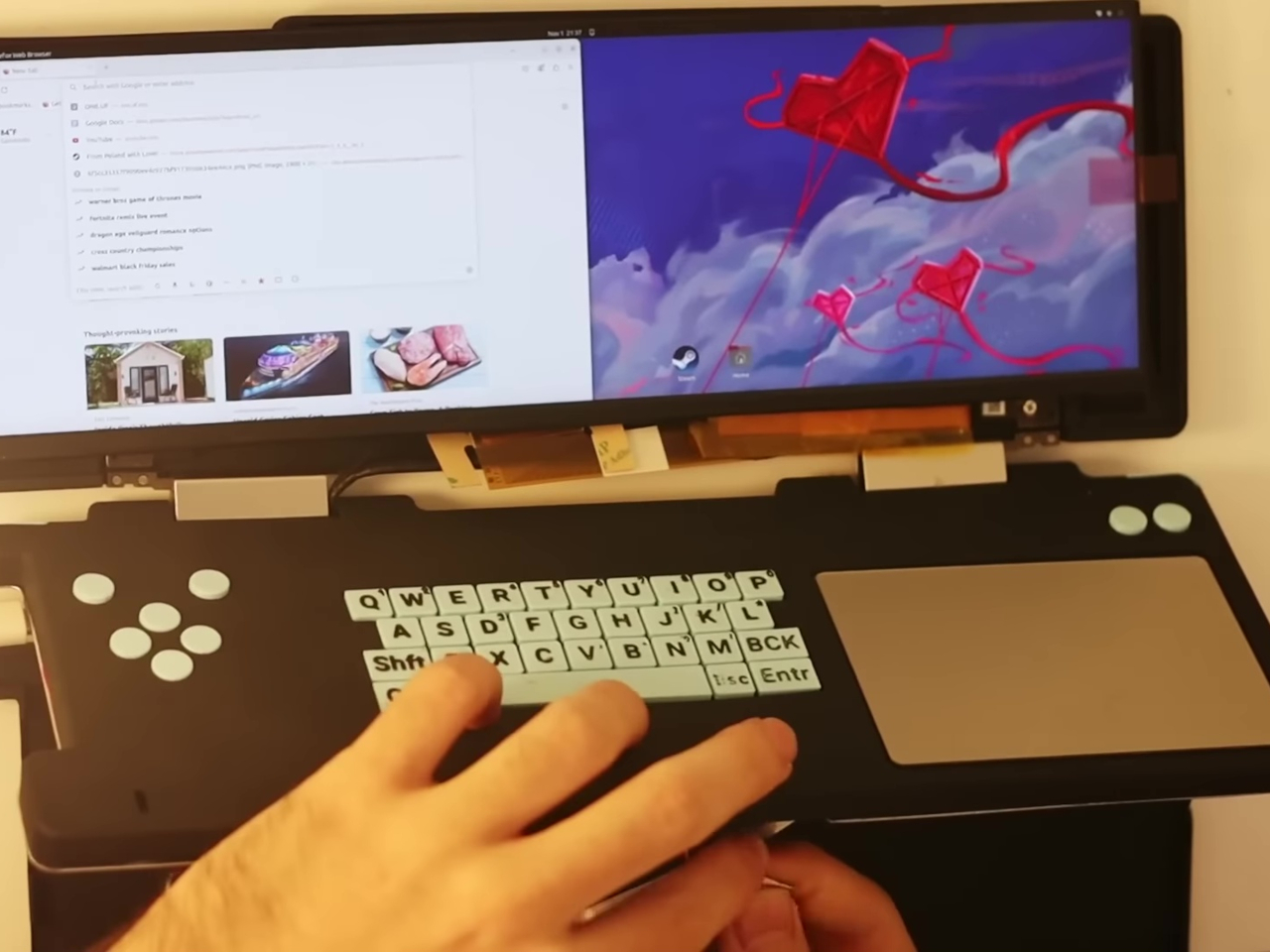
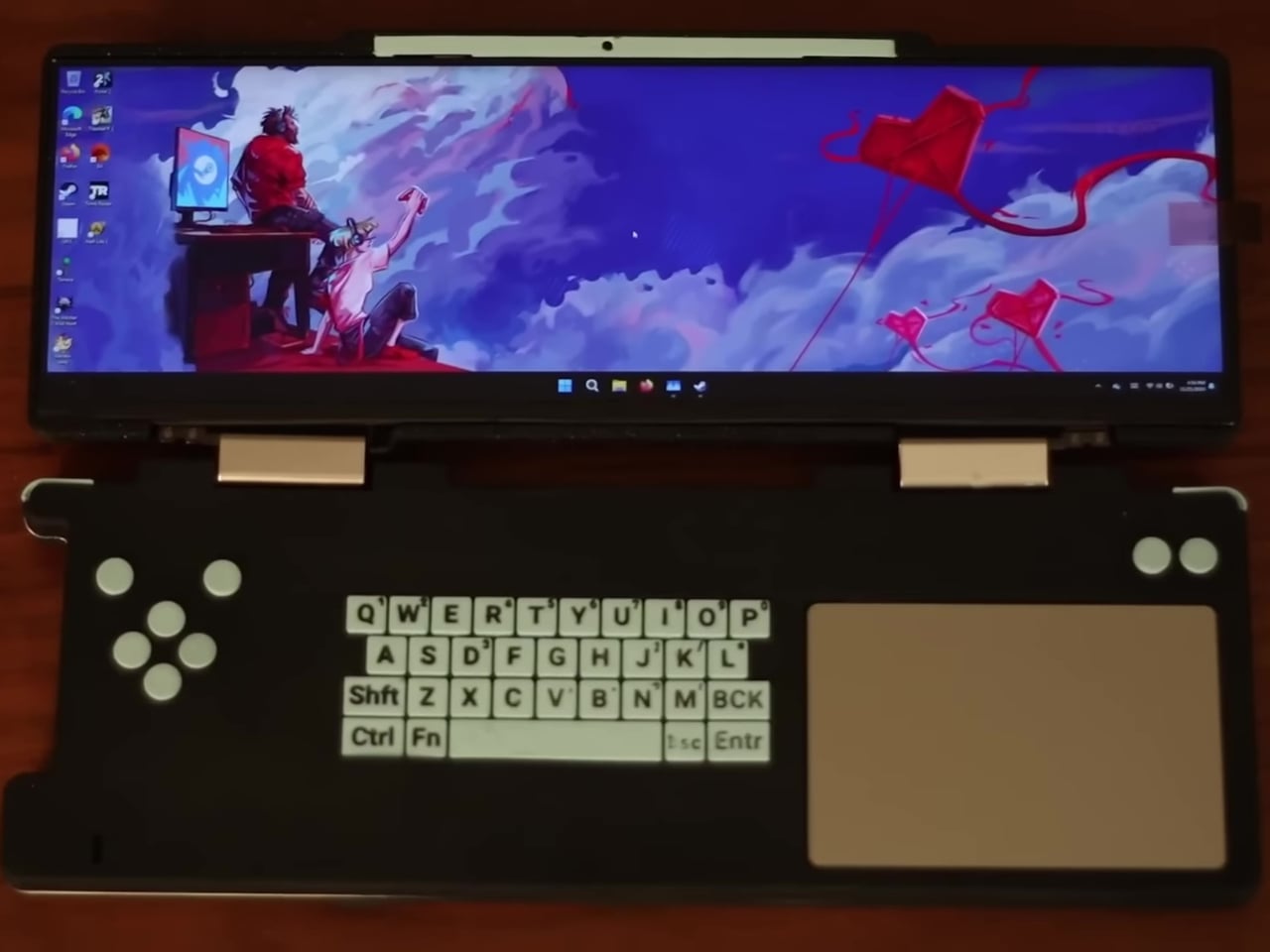
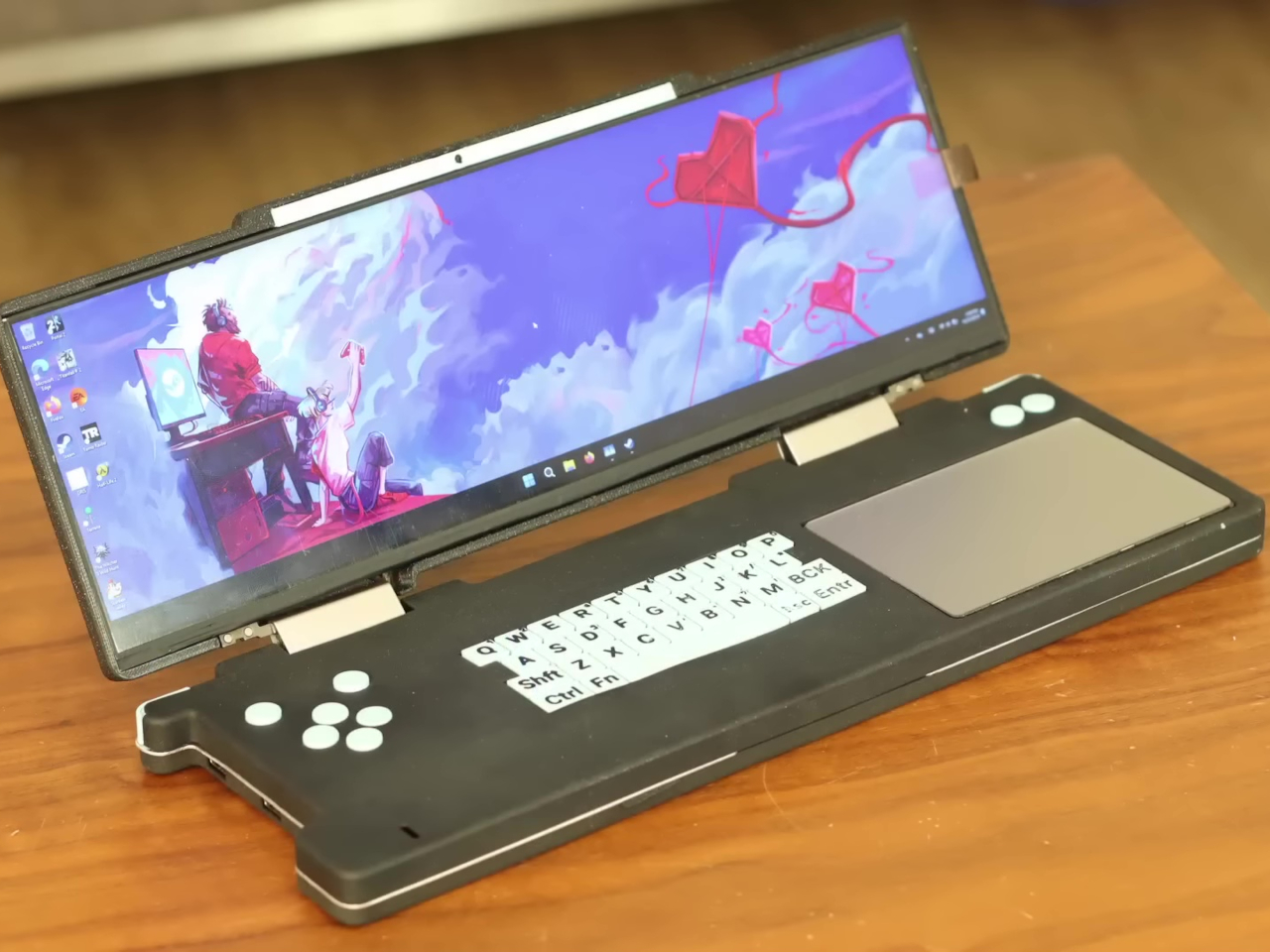
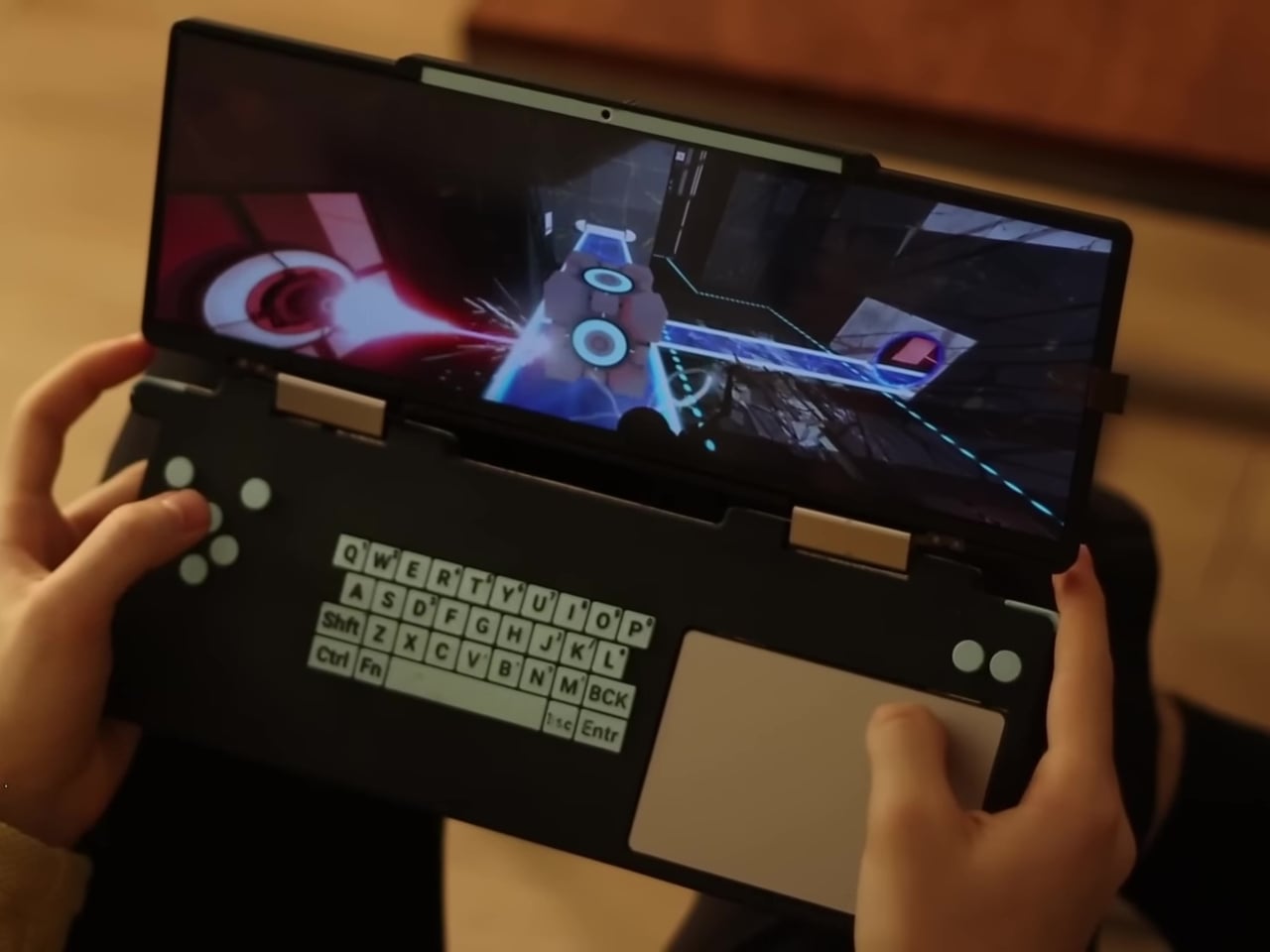
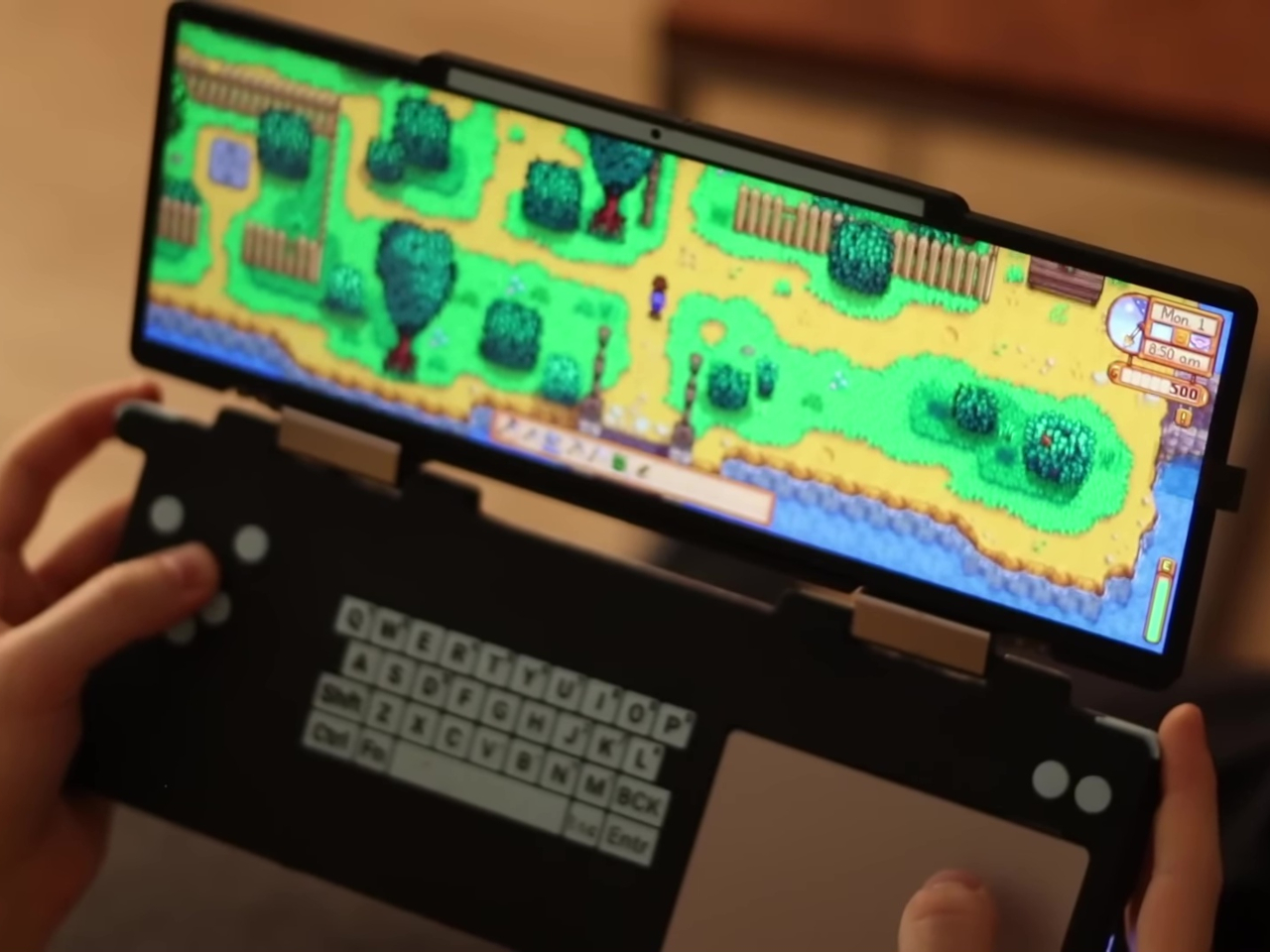
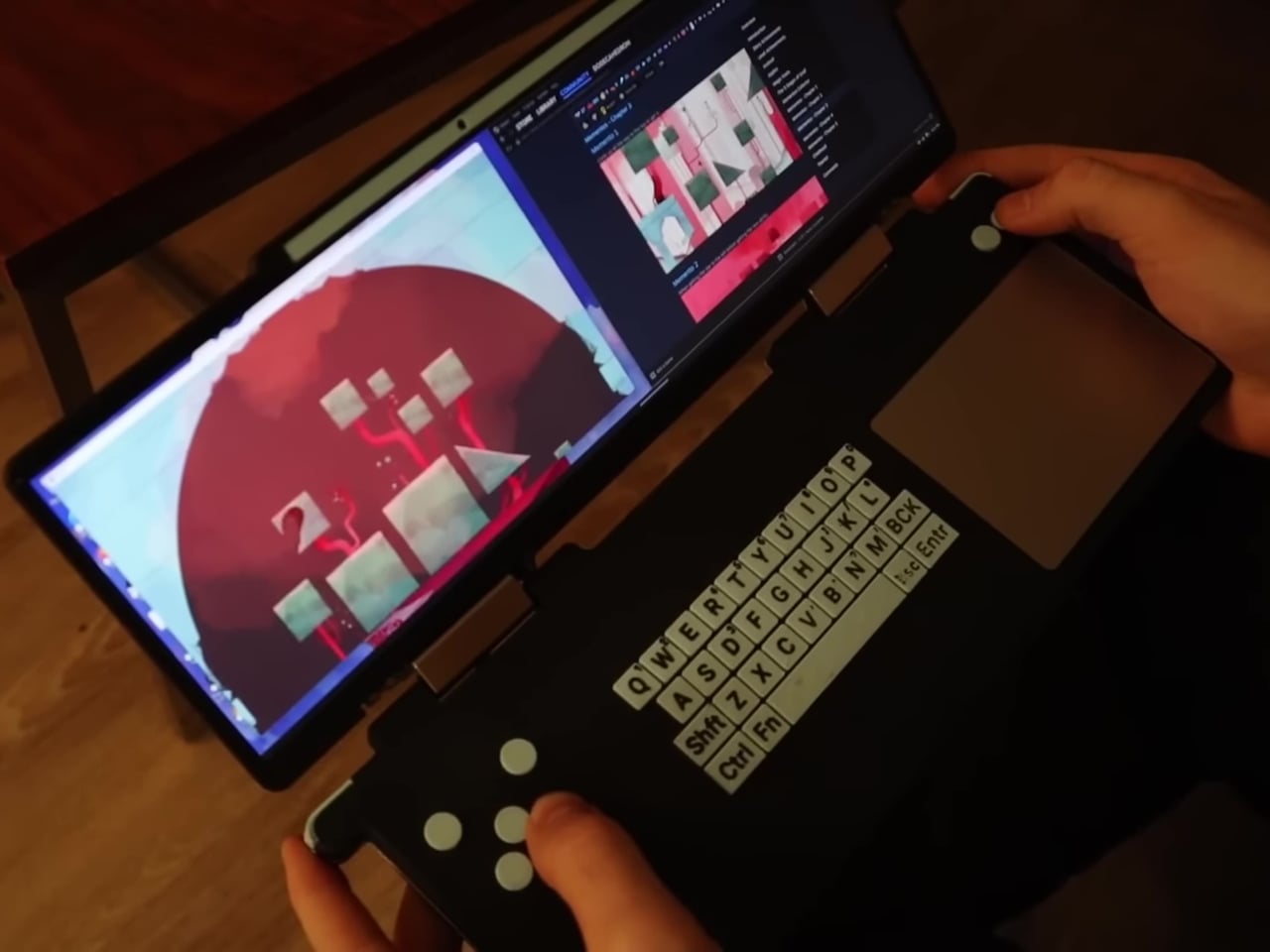
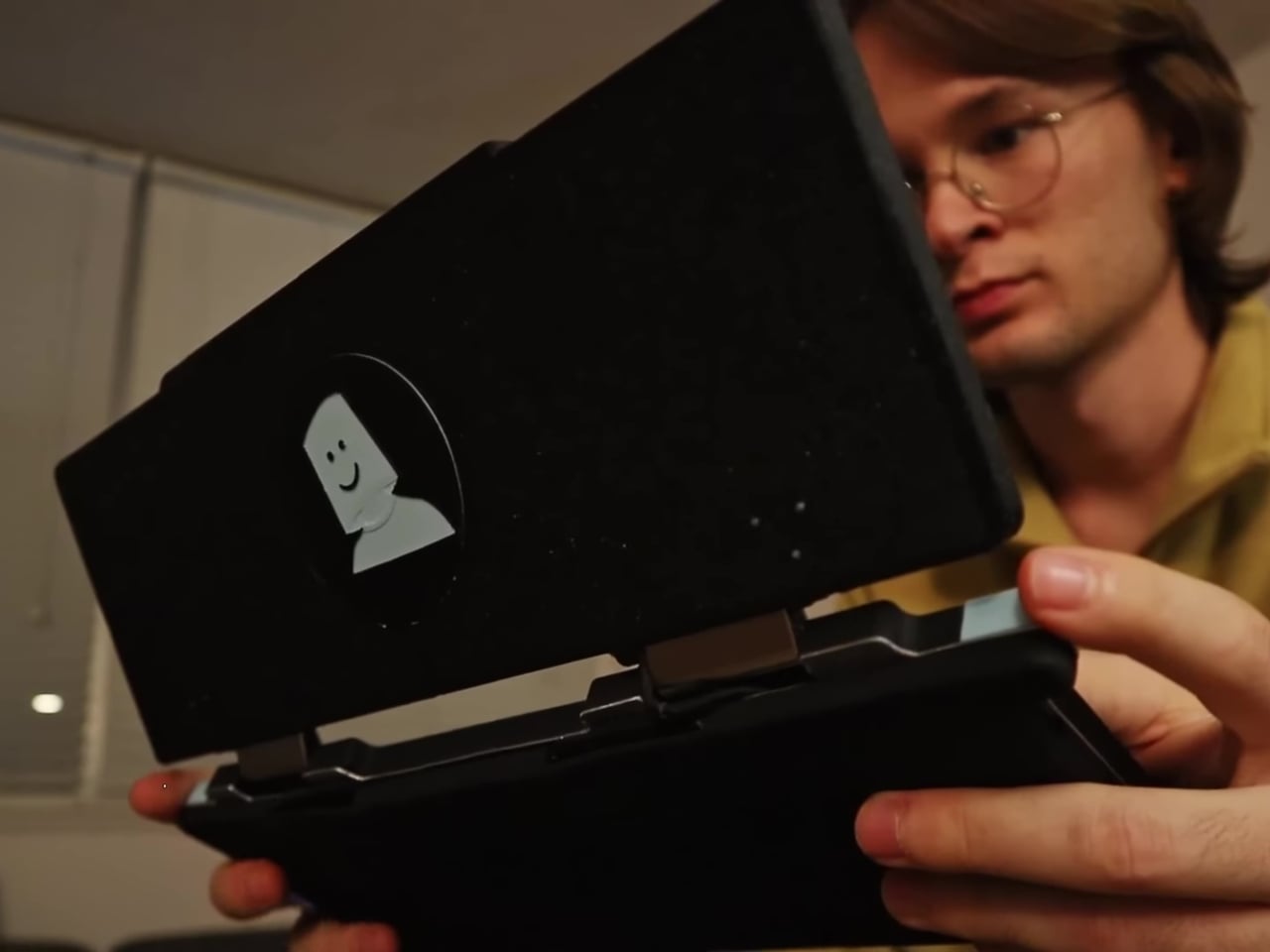
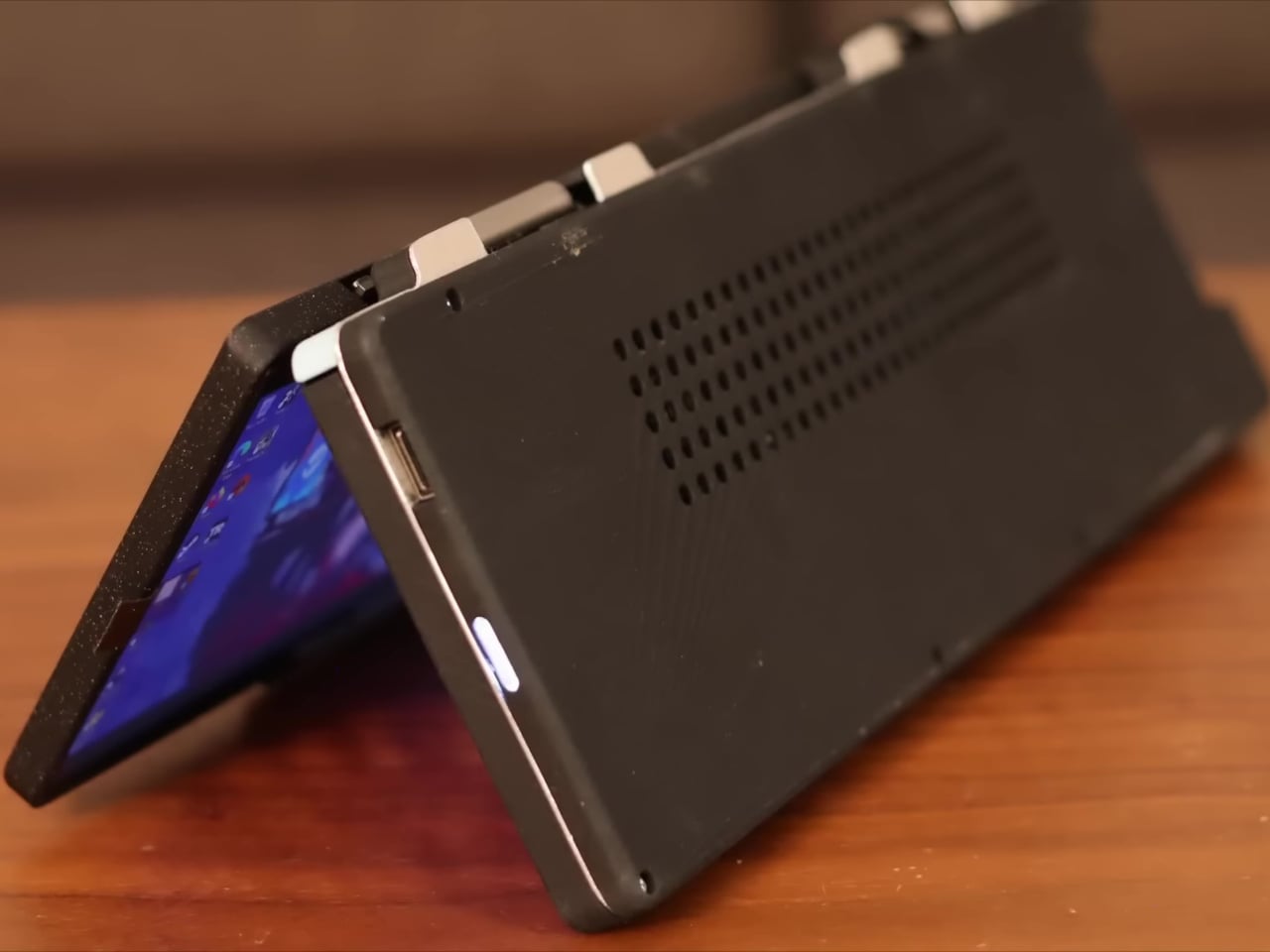
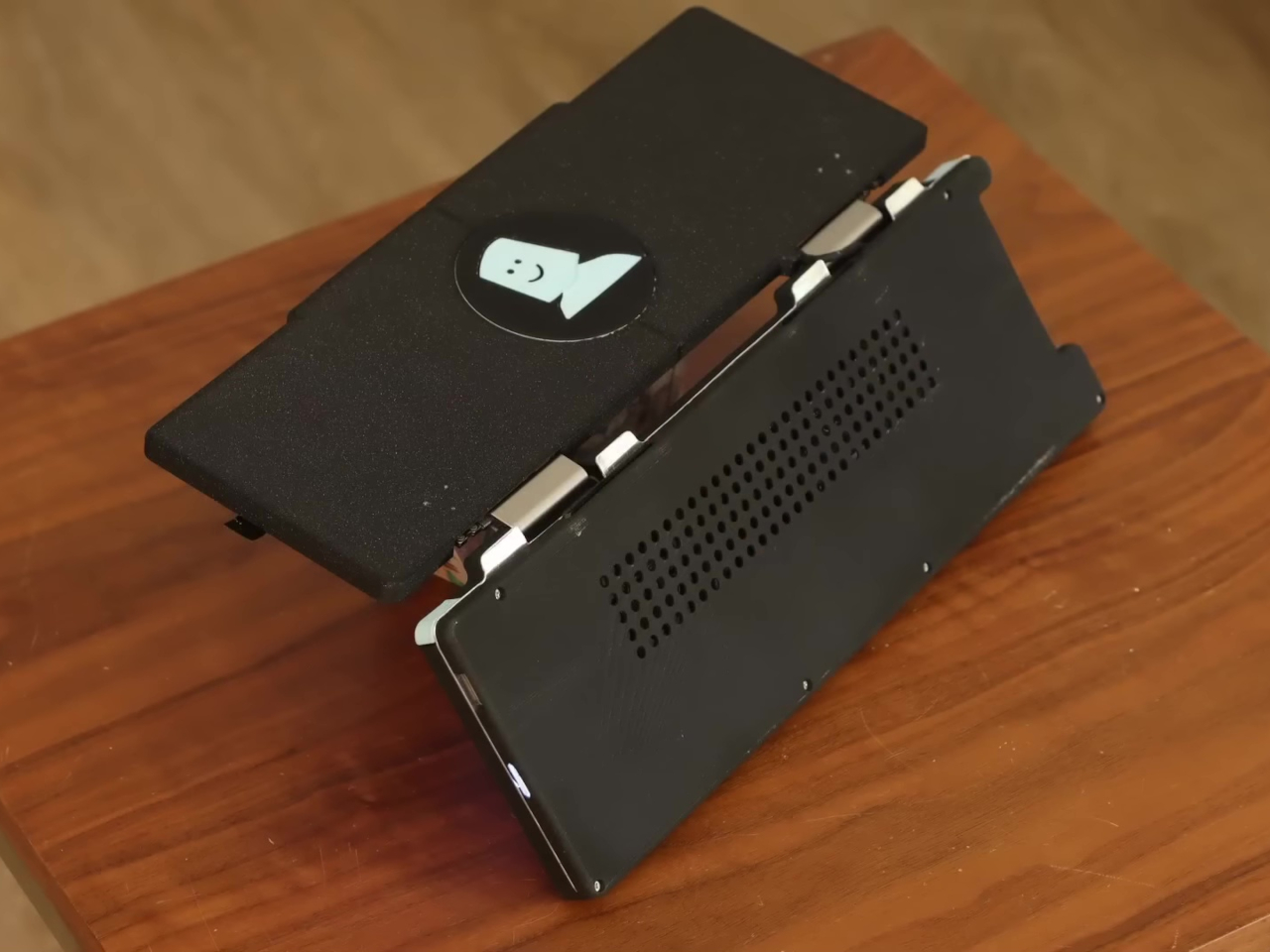
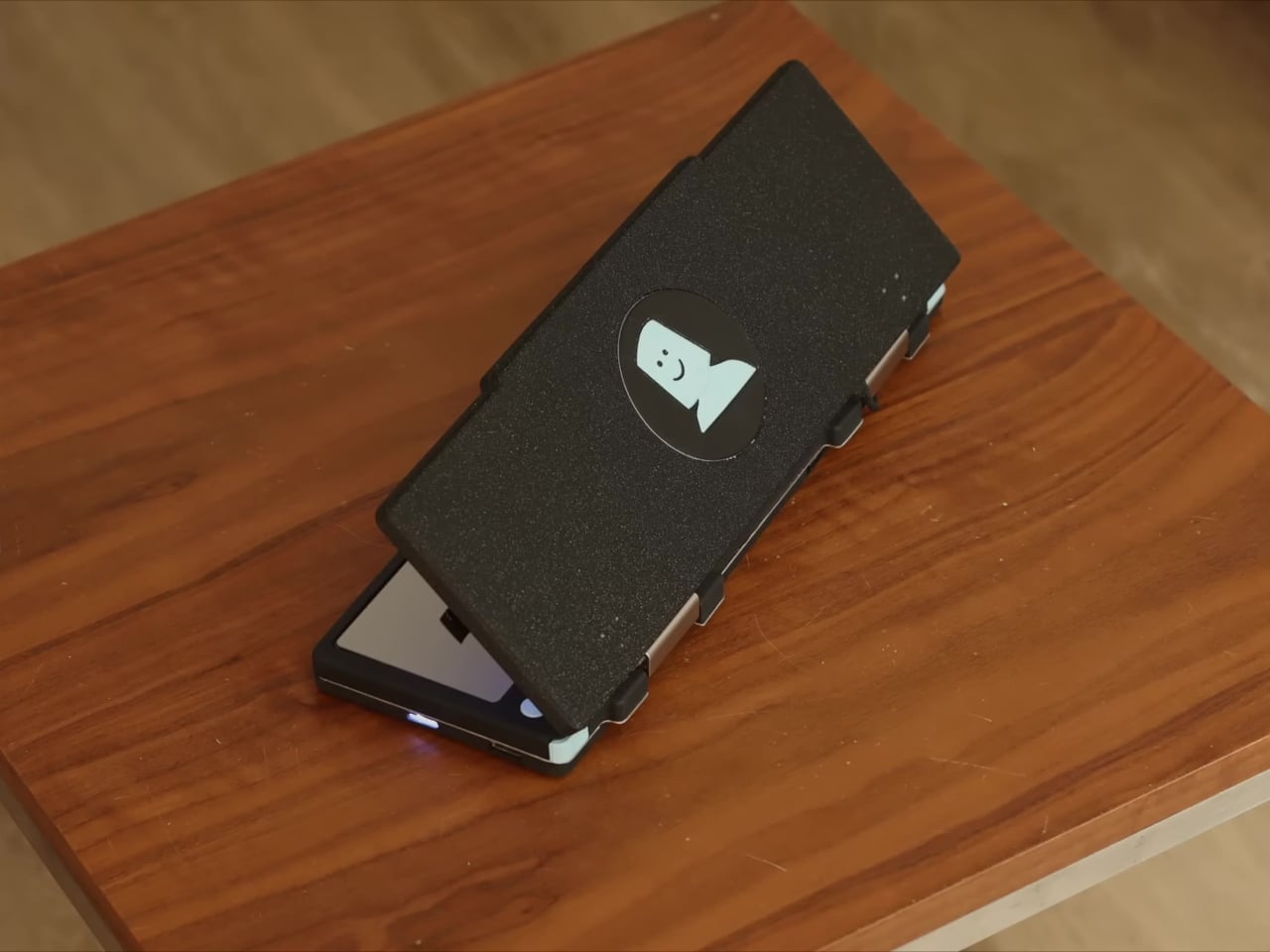
The Pilet 5 handheld console adds those essential missing parts to the barebones computer, turning it into a finished product that is usable the moment you turn it on. This form takes the shape of a rather chunky box with a 5-inch screen at the top and a QWERTY keyboard on the bottom half. This isn’t the first BlackBerry-like design powered by a Raspberry Pi and it definitely won’t be the last, but there are a few details that makes this project a bit interesting.

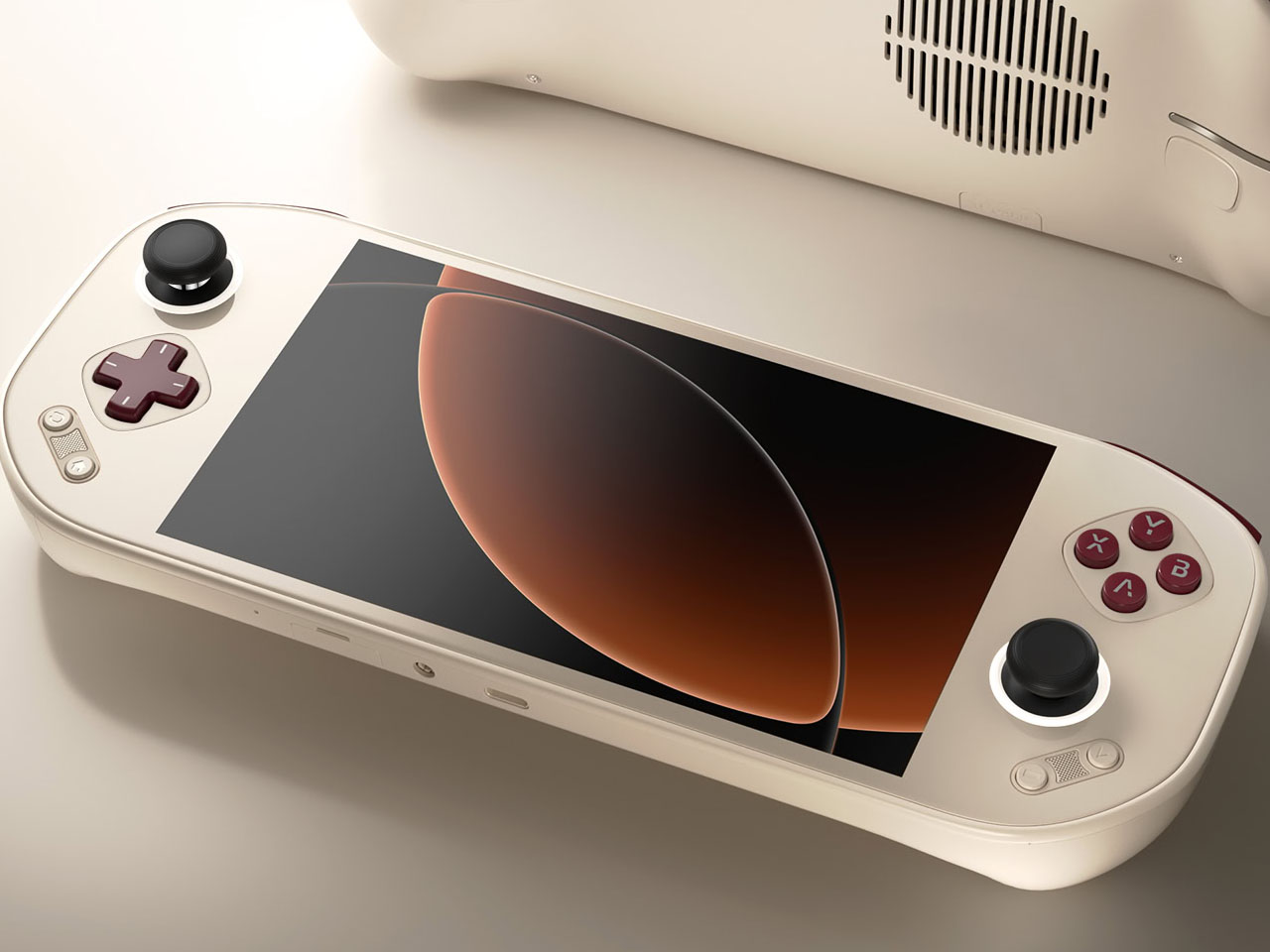
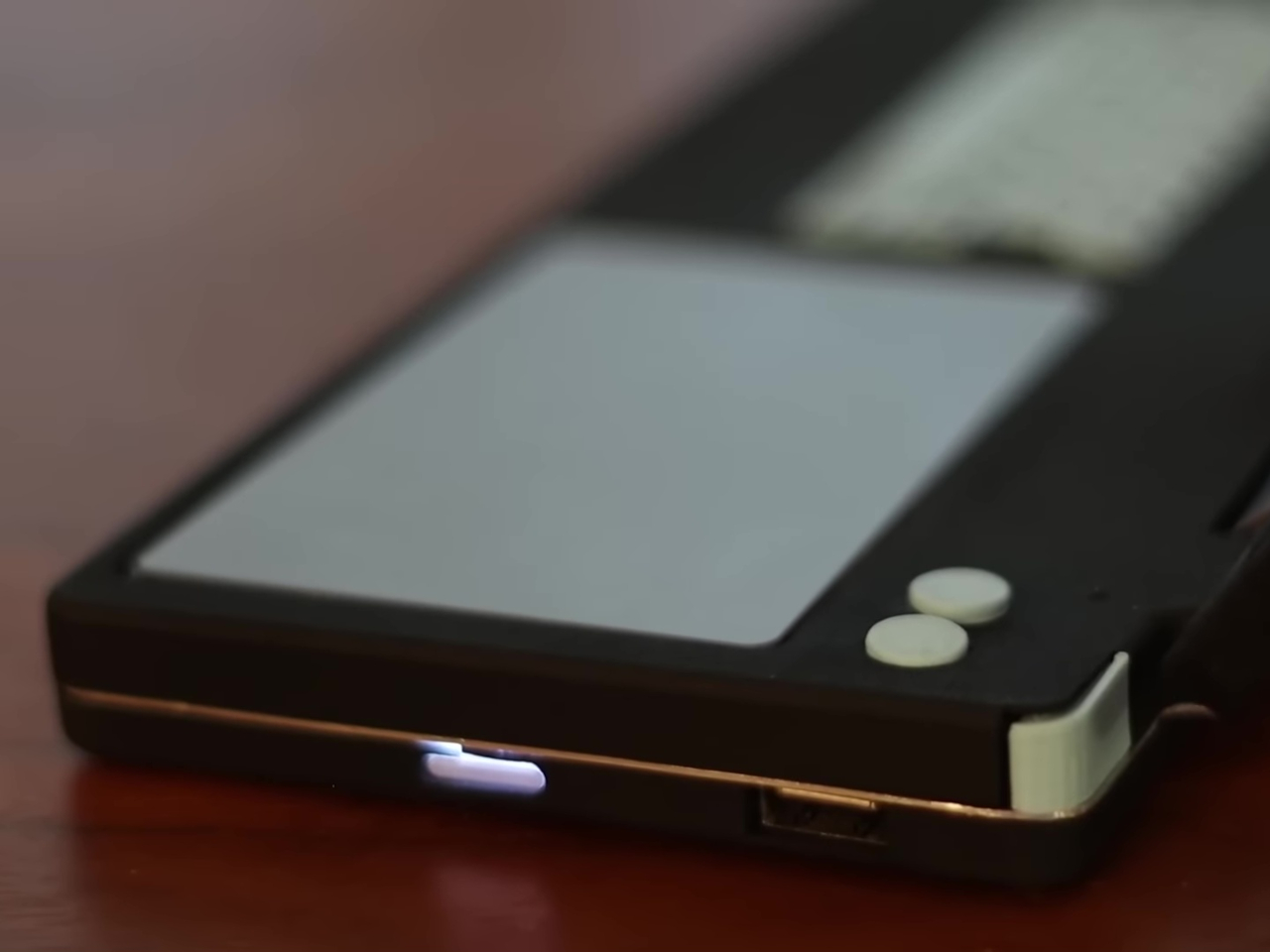
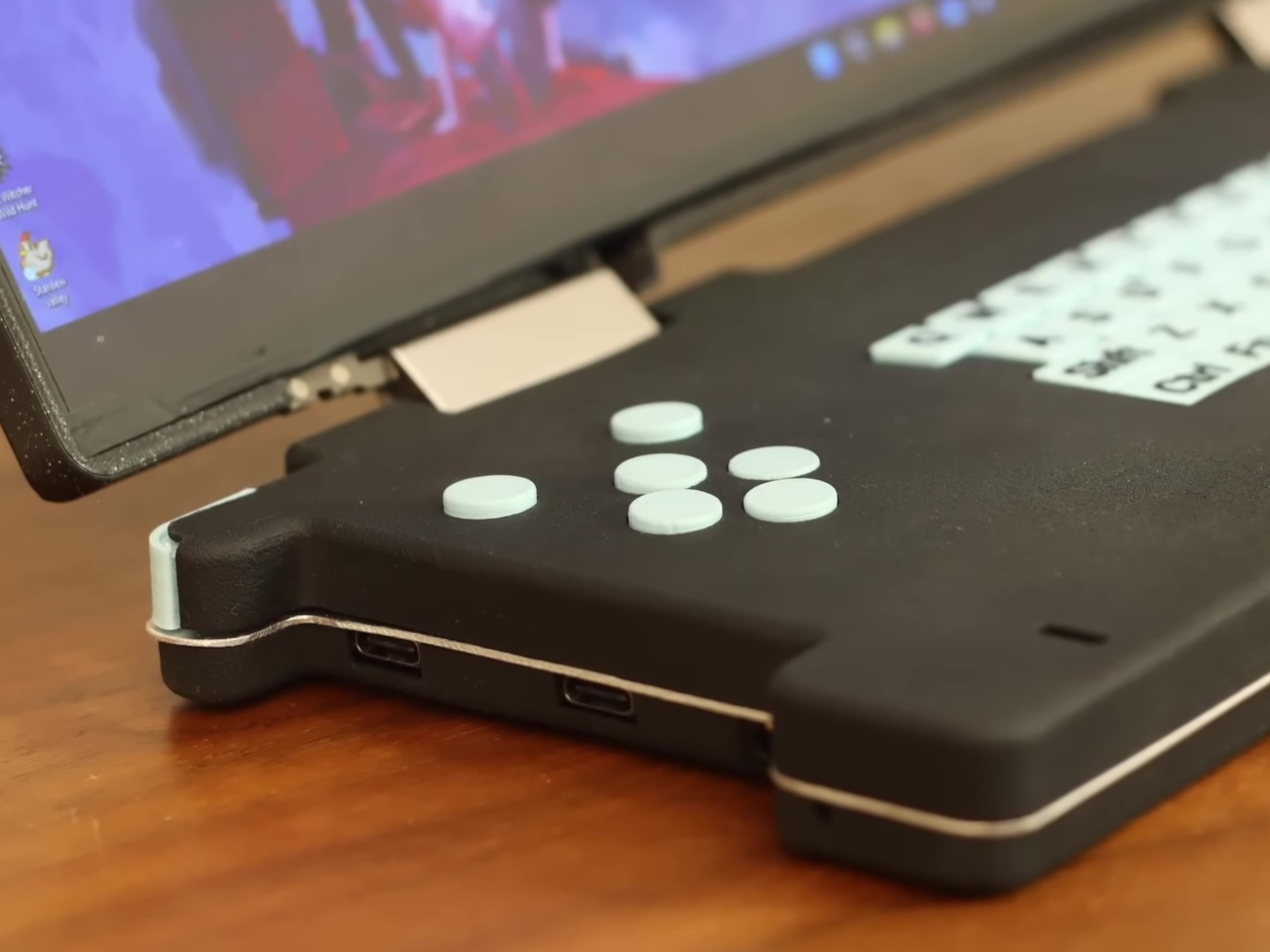
In addition to the keyboard, Pilet 5 has a four-direction D-pad as well as a tiny trackball on the right side of the device, while the opposite side has a joystick and a scroll wheel. These would definitely be more than enough to move the mouse, if the touchscreen still wasn’t enough, and they open up more use cases, like gaming for example. The aesthetic of the design is also less grungy and raw, unlike typical cyberpunk-inspired “cyberdecks.” The beige motif, gray buttons, and minimal colors give it a vibe similar to the consoles and computers from the late 80s and early 90s.

Just like the Pilet 7, formerly known as Consolo, the more compact Pilet 5 still promises a 7-hour battery life thanks to dual 8,000mAh batteries, just in a smaller and more complete form. That said, it does lose out on the appeal of a modular design that can adapt to almost any use case, which is what the Pilet 7 will bring to the table once it’s actually out.

The post Retro-style handheld computer flaunts QWERTY keyboard and a Raspberry Pi first appeared on Yanko Design.
Acer Nitro Blaze 7 jumps into handheld gaming PC arena with Ryzen AI chops

You know that handheld gaming PCs have made it big when major PC manufacturers join the fray. At this point, almost every major brand has put out its own take on mobile gaming, not to mention the smaller names that really pushed this niche market long before it became mainstream. Acer was noticeably the only one that was falling behind, but that all changes today at IFA 2024. With the Nitro Blaze 7, not only is it coming out with its first-ever handheld gaming PC, it’s arriving guns blazing (pun intended) with the latest AMD Ryzen chip boasting powerful AI capabilities to take your experience beyond just gaming.

Designer: Acer

If there’s one area that Intel has pretty much been left behind, it would be the nascent handheld gaming PC race where AMD’s Ryzen has become the chip of choice since the Valve Steam Deck. Conversely, Intel has been ramping up its new AI-powered processors, and AMD is now pushing its Ryzen AI generation to new PCs in every form. Being a bit late does have its share of benefits, and Acer’s first stab at a handheld gaming PC is able to immediately gain the lead in this area, with the new AMD Ryzen 8040 series and Ryzen AI giving the portable computer a needed boost.

The AMD Ryzen 7 8840HS inside the Acer Nitro Blaze 7 boasts 39 AI TOPS (tera or trillion operations per second), putting it in the same league as many AI-powered laptops. Teamed up with the AMD Radeon 780M and 16GB of RAM, you’ve got the makings of a powerful gaming beast that can fit into a small bag. Then there’s the 7-inch 1920×1080 144Hz IPS touch display with 100% sRGB color gamut support, delivering vibrant and bright visuals, even for the darkest of horror games.

What really sets a gaming handheld apart, however, are its controls, which often translate to joysticks and buttons that you’d also see on gamepads. The Acer Nitro Blaze 7 also features touchscreen support for more direct interaction with UI elements on the screen, while the traditional joysticks and d-pad offer more precise control. There’s also a dedicated hotkey that brings players to their game libraries without having to fumble with half a dozen menus and screens. This customized Acer Game Space feature fixes one of the biggest pain points of Windows gaming: managing titles from different platforms and sources.

The Acer Nitro Blaze 7’s straightforward and simple design eschews complicated and extraneous details that only get in the way of you and your favorite games. With its arrival, the roster of major handheld gaming PC brands is more or less now complete, heating up the competition for the market’s most powerful gaming machine in the smallest form factor. Availability details for the Acer Nitro Blaze 7 handheld gaming PC will vary by market and have yet to be confirmed.

The post Acer Nitro Blaze 7 jumps into handheld gaming PC arena with Ryzen AI chops first appeared on Yanko Design.
GPD Pocket 4 modular handheld PC is for serious business with gaming on the side

Never have there been so many handheld PCs than in the past year or so, but unlike their larger laptop cousins, these are all designed for gaming. Yes, there are some that have one form of keyboard or another, but these are often added for the sake of chatting in games more than for productivity. Of course, computers can do more than just play games, especially ones that run full operating systems like Windows or Linux. GPD, one of the most prolific manufacturers of these gaming handheld computers, also has a product line designed for more serious applications, and the upcoming GPD Pocket 4 promises an AI-powered productivity and content creation experience thanks to the newest AMD Ryzen AI processor. And yes, it can play PC games, too!

Designer: GPD

GPD was actually one of the first few brands to launch pocketable handheld computers even before handheld gaming PCs were a thing. The first two GPD WIN devices were nearly the same size and form as the Nintendo DS, but now it has branched out to other form factors and sizes, like the 10-inch GPD WIN MAX. It also has a specific product line for what are basically handheld laptops, and the GPD Pocket 4 brings that design to the world of AI.

Unlike any gaming handheld, including the laptop-like GPD WIN MINI, this one has no gaming controls whatsoever. That leaves plenty of room for a larger keyboard, but not enough for a normal touchpad. Instead, the Pocket 4 shoves this small rectangle to the upper right corner, where one can use their right thumb to move the cursor when holding the device in both hands. Opposite this are the mouse buttons, which probably give the feeling of using a game controller as well.

Powering this new handheld PC is an equally new AMD Ryzen AI 9 HX 370, the chipmaker’s latest and greatest AI-powered processor for laptops, paired with an onboard Radeon 890M graphics chip. It has 64GB of RAM inside and a whopping 4TB of NVMe SSD storage, upgradable to 8TB. It is pretty much a normal laptop, except for the tinier size and the equally small 44.8Wh battery. But that means it is quite capable as a laptop replacement for content creation, entertainment, productivity, and anything else under the sun, including some gaming within certain limits.

The GPD Pocket 4 is more than just a mini laptop, however. It’s also a mini tablet, thanks to the swiveling 8.8-inch 2560×1600 144Hz display. It even has stylus support, so you can scribble notes or even sketch a few drawings on the go. Its key feature, like its predecessor, is a modular component on the back where you can switch between a classic EIA RS-232 Port port, a KVM switch, a microSD card reader, or a SIM card module. Availability details are still under wraps but going by previous iterations, it will cost as much as a full-sized laptop anyway, raising the question of whether that kind of portability is worth the price.

The post GPD Pocket 4 modular handheld PC is for serious business with gaming on the side first appeared on Yanko Design.
Lenovo Legion Go accessories make it a true Nintendo Switch rival

The new breed of handheld PCs designed for gaming can’t deny their inspiration. The success of the Nintendo Switch definitely made the dream of AAA gaming on the go a reality. Of course, that only works if you’re all in on Nintendo’s ecosystem, though PC gamers have been relying on laptops for their portable experience. The likes of the Lenovo Legion Go, however, have taken us closer not just to truly portable PC gaming but to an experience almost similar to the Nintendo Switch with its removable controllers. Now the PC giant has come out not with a successor but with much-needed accessories that give the handheld gaming PC a more holistic image and a more complete mobile experience.

Designer: Lenovo

Handheld gaming PCs have definitely kicked the doors wide open for PC gaming on the go, but almost all of them lacked one important Nintendo Switch feature from day one: first-party accessories. Sure, you can connect a keyboard, mouse, and maybe even an external monitor, but in most cases you also have to hunt for hubs and docks that you can only hope will actually work as promised. In contrast, the Switch had the TV dock, holders and chargers for Joycons, and more, emphasizing a complete ecosystem that removed much of the concerns that PC gamers face even on laptops and desktops.

The new set of Legion Go accessories does that for Lenovo’s first-ever handheld, making it an even more flexible system for gaming and, ironically, work. At the top of the list is probably the official Legion Go USB-C Dock, providing a home for the handheld at home, making it easy to turn the Legion Go into a desktop or living room console when you’re not out and about. The Legion Go Charging Connector keeps the handheld’s removable TrueStrike controllers always ready when you need them. You can even use the controllers while attached, turning them into a distinct and standalone gamepad.

Although not directly related to the Legion Go, Lenovo also announced a mini Bluetooth keyboard that’s a perfect complement to the portable computer. The Legion Go has one of the largest screens among handheld PCs, so you can type out an email response or some other document with this keyboard. Plus, it also lets you easily play PC games that can only use a keyboard and mouse for input, especially since one of the TrueStrike controllers functions as a joystick-like mouse when detached.

Other members of the Legion Go accessory family include an official carrying bag, as well as joystick and button caps. Unfortunately, they may have come a little too late to make a world of difference. While some owners have probably made do with third-party products that offer the same functionality, these official Lenovo accessories bring the guarantee of actually working well with the Legion Go.

The post Lenovo Legion Go accessories make it a true Nintendo Switch rival first appeared on Yanko Design.
Transparent Game Boy with detachable projector promises uninterrupted gaming on the big screen

Nintendo Game Boy is one of the bestselling consoles of all time, owing to its competitive pricing and gamer-friendly features. Right from the original version to the consequent variants released in the 90s, the handheld gaming console has been popular across generations and inspired similar designs all these years.

While Nintendo has no plans to release a Game Boy version in the future, a concept design puts the handheld right in the realms of ultra-advanced gaming accessories. The gaming handheld visualized here solves your gaming needs indoors and outdoors sans any restrictions on whether you prefer playing it on the native small screen or the bigger one.

Designer: LFD Official

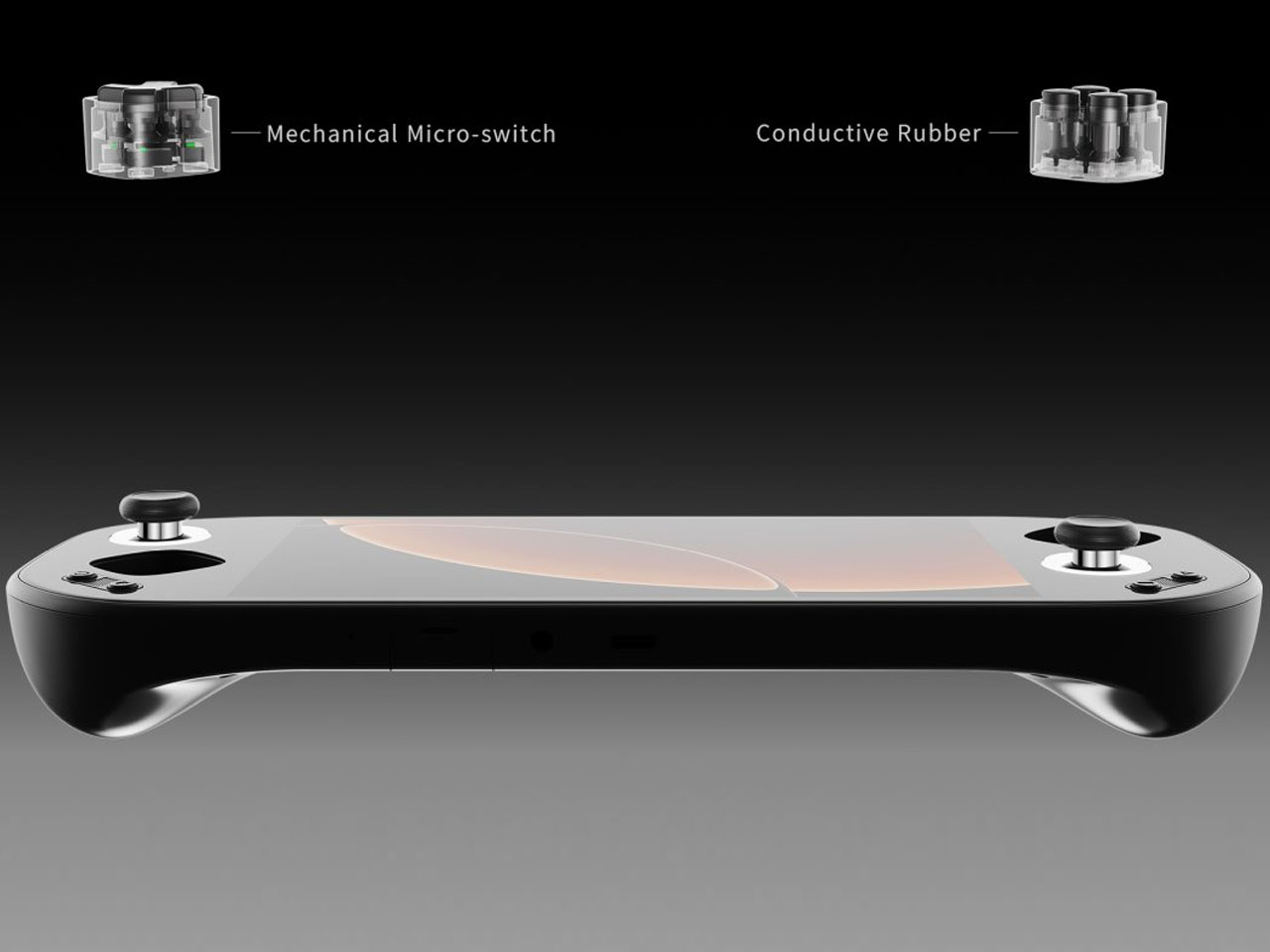
That’s possible with an integrated mini projector that can be taken right off the back of the handheld and positioned to project on any room wall, outdoor tent, or anything with a plain surface. This detachable projector module seamlessly switches the gameplay output, so you can enjoy games on the big canvas anytime. The transparent aesthetics of the handheld are inspired by the clear transparent version dubbed Game Boy Bros. released in 1995.

The display is much bigger, using most of the screen real estate with minimal bezels. Right below it are the gamepad controls that are much bigger and more tactile for improved gameplay and ergonomics. The tiny hardware of the gadget is enclosed in a transparent polycarbonate housing protected by the gorilla glass layer. To make this modern Nintendo handheld stand out, the designer envisions it in cool color options – Flame Scarlet, Greenery, Ultra Violet and Blue Grotto.

The back panel of the handheld holds the detachable projector in place and adjacent is the speaker to enjoy multimedia content and favorite games on the go. The UI of the gadget is heavily influenced by the Game Boy cartridge and the pixelated Gill Sans font evokes the neo-retro feel.

The post Transparent Game Boy with detachable projector promises uninterrupted gaming on the big screen first appeared on Yanko Design.
ASUS ROG Ally X Gaming Handheld Review: What the OG Ally should have been

PROS:


  • More RAM, Double Battery Capacity

  • Two USB-C Ports

  • More ergonomic design despite heavier and thicker chassis

  • Higher performance with lower thermals

CONS:


  • Windows 11 is still awkward to use on touch screens

  • Comes in black colorway only

RATINGS:

AESTHETICS
ERGONOMICS
PERFORMANCE
SUSTAINABILITY / REPAIRABILITY
VALUE FOR MONEY

EDITOR'S QUOTE:

The ASUS ROG Ally X is a clear upgrade over the original, addressing complaints without losing what made the ROG Ally great.

They say hindsight is 20/20, but not everyone gets the opportunity to make a redo of their past actions. That’s especially true when it comes to consumer electronics, where every product involves no small amount of investment and risk. And yet ASUS surprised us at Computex 2024 last month when it revealed not a generational upgrade to its first-ever gaming handheld PC but what is, instead, a redo of the original. The ROG Ally X definitely brings a few much-needed upgrades, but it also feels like this is what should have been launched in the first place last year. That’s why we took this handsome black handheld for a spin to see if it’s really worth its weight in gold or if waiting for the real next-gen design is a better choice.

Designer: ASUS Republic of Gamers

Aesthetics

Simply looking at the ROG Ally X on its own, you might easily mistake it for a black version of the original ROG Ally. Of course, there are subtle yet significant changes here and there, but the fact that it’s able to keep its design identity is still a laudable achievement. On the flip side, there will be no mistaking it for a ROG Ally 2 that’s yet to come, as it shares that DNA so closely with the first model.

Whether the ROG Ally had a more angular and more aggressive appearance despite its white coating, the ROG Ally X is rounder, curvier, and a bit gentler. This has consequences for the device’s ergonomics, which we’ll get to later, but it also exudes a slightly different character compared to its progenitor. It manages to be a bit more welcoming, almost comfortable, without losing its cyberpunk aesthetic thanks to those RGB lighting accents.

The color choice might prove to be a bit controversial, though. Not because no one likes black but because there’s no other choice. Just like how the ROG Ally came only in white, the Ally X is a black-only design. In a way, it stands out less from the crowd, making it less distinctive. But it also invites less visible stains and dirt on a device that will most likely see a lot of action outdoors. Truth be told, gamers are more likely to slap some skins on these devices than stick with the original coating, but having some choice would definitely help improve its appeal.

Ergonomics

Ergonomics for computers often lags behind performance and aesthetics, but it is even more critical for one that you’ll hold in your hand rather than use on a table. More than just the aesthetics, it’s actually this aspect of the ROG Ally X that sees the most changes, at least externally. Suffice it to say, the handheld is finally designed to let you hold it in your hands for longer periods of time, which translates to more playtime overall.

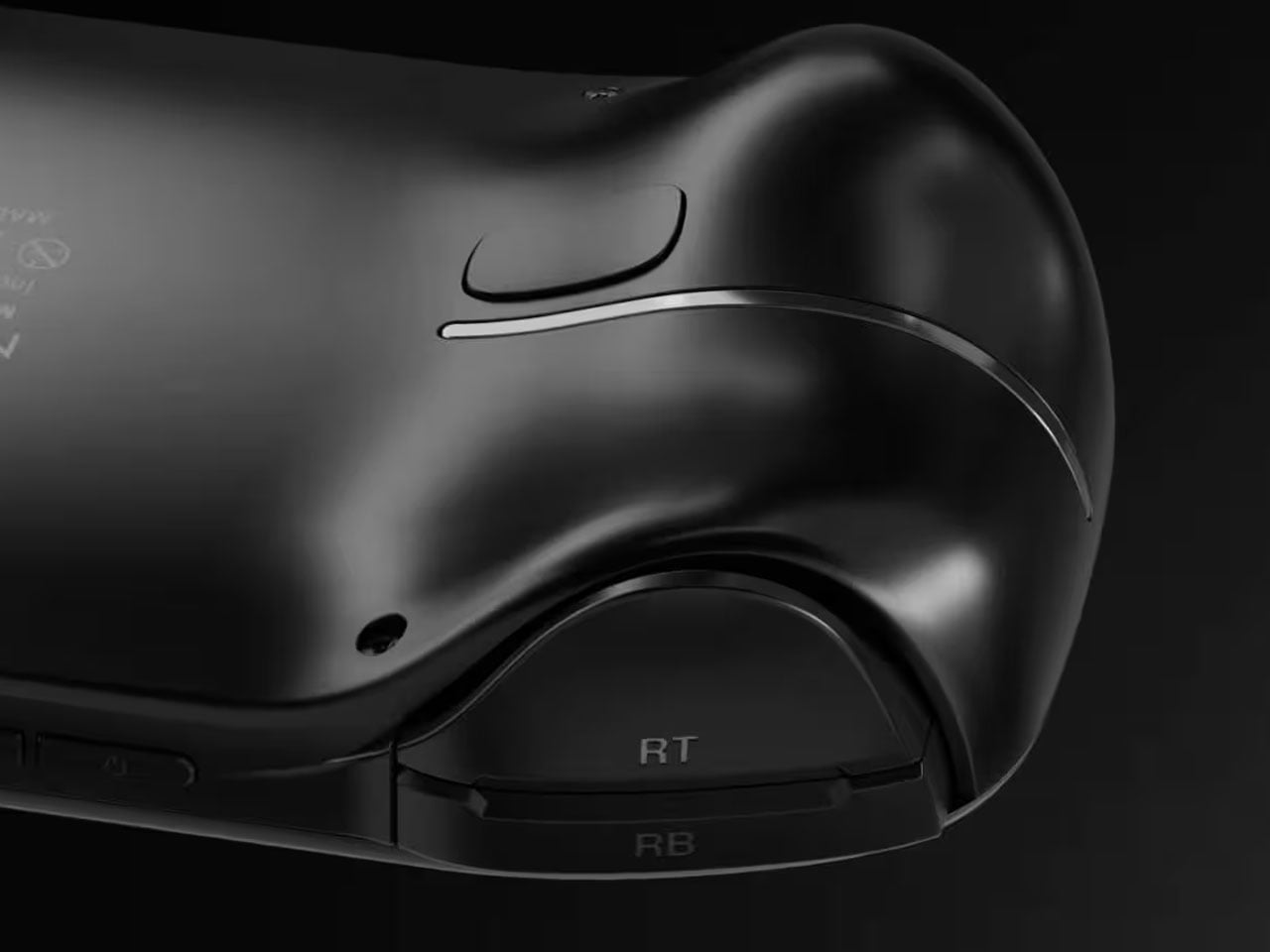
Because of internal changes, the ROG Ally X is chunkier and heavier at 1.45 inches thick and 1.49 lbs compared to the OG Ally’s 1.28 inches and 1.34 lbs. Ironically, the handheld is actually more ergonomic now despite the added bulk and heft thanks to key changes in the grip design and button. The sides, for example, are now more rounded than angular so they don’t cut into your palm. The grips themselves have a more natural contour that’s easier to hold, though they’re still shallower compared to the Steam Deck’s design. Depending on your hand size, you might not have enough room for a good grip just like on the ROG Ally.

The buttons and sticks feel more solid, too, and give better resistance and stability than the rather loose and flimsy controls of the previous half-generation. The back buttons are smaller and placed higher to address complaints of frequent accidental presses that come too naturally when holding the device. Ironically, players with smaller hands might find it harder to reach them now. Thankfully, their function is usually optional in most games, which is why owners of the ROG Ally were fine with disabling those.

Performance

There are, of course, also upgrades internally, but not enough to call this the ROG Ally 2. It still uses the same AMD Ryzen Z1 Extreme processor, for example, which is capable but not exactly top-notch. What carries its performance forward is the new 24GB LPDDR5 RAM clocked at 7,500MHz, a rather big jump from the previous-gen 16GB 6,400MHz RAM. It’s almost unbelievable how much more RAM boosts overall performance, especially when neither the CPU nor the integrated GPU are starved for memory. More disappointing, however, is the fact that ASUS didn’t go all out to put a solid 32GB in there, but that would have probably raised the already higher price tag.

Another big upgrade is the 80Wh battery that’s double the capacity of the meager 40Wh of the OG Ally. This alone accounts for the increase in weight and thickness, and it’s a price many gamers are only too willing to pay. Of course, your mileage will vary, but this allows you to either tack on a few more hours to your game time or, alternatively, crank up the settings higher and still get the same uptime. You can also charge the battery at the maximum 100W that both USB-C ports support, but the included charger only goes as far as 65W.

And yes, you read that right, USB-C ports. Plural. ASUS has done away with the proprietary XG Mobile port for connecting an external GPU and replaced it with a USB-C port with support for USB4, Thunderbolt 4, and DisplayPort 1.4 with FreeSync. This means you can still connect an external graphics dock, but now you have more options if you don’t need to. Unfortunately, both ports are located at the top, so you have less wiggle room when connecting angled cables or thick adapters.

The ASUS ROG Ally X retains most of what its predecessor has, including the aforementioned processor. The 7-inch 120Hz IPS LCD is still the same, which means it’s still bright and vibrant, at least for an LCD panel. The speakers are supposedly upgraded a little, but you’ll hardly notice the difference. The microSD card slot is still located at the top, which might worry some who have experienced fried electronics on the first ROG Ally.

What all these changes and similarities boil down to is a more powerful computer that delivers a better gaming experience overall. Despite all that power, however, the ROG Ally X still runs cooler than its predecessor thanks to an improved cooling system that pulls heat away from the screen more effectively. This is actually important when you consider that this screen is the primary way you’ll be interacting with the Windows 11 operating system. Unfortunately, even with ASUS’ custom software, Windows is still largely a mouse and keyboard-driven platform, which means navigating through menus and windows is still a pain.

Sustainability

Unfortunately, this is one area left completely unchanged between generations. Like the majority of designs in this still nascent market, the ROG Ally X has that typical mixture of metal and plastic, both taken from new materials rather than recycled. It might take a few more generations before they start catching up to their larger gaming laptop cousins.

The same can be said for repairability and even upgradability. You can’t even upgrade the SSD storage, making that microSD card expansion slot even more critical, at least for non-game files. Again, the market is still in its infancy, so we’re holding out hope that the situation will improve over time. After all, some lesser-known brands are already providing easy access to SSD storage for upgrading, so there’s little reason why giants like ASUS can’t do likewise.

Value

It’s clear as day that the ASUS ROG Ally X is a big step forward, fixing the flaws of the ROG Ally in a half-step upgrade. But are those enough to warrant its $800 price tag that makes it one of the more expensive options in the market? As always, the answer isn’t as clear-cut, but the scales might not be tipping in the Republic of Gamers’ favor.

The original ROG Ally was by no means a terrible device even considering the ergonomics, and its current $650 price tag (or even $550 on discount) makes it a more viable starting handheld for those who aren’t sold on the Steam Deck. There’s definitely no reason for ROG Ally owners to upgrade this early, either, so only those who have been on the fence until now might find the ROG Ally X more convincing. But there are also other options in the market, like the Steam Deck that started it all or the Lenovo Legion Go with its Switch-like removable controllers. Then again, you can’t go wrong with the ROG Ally X either, especially if you have the cash to spare.

Verdict

It’s rare for manufacturers to push out a version 1.5 product, especially one that almost makes the original feel inadequate. At the same time, such a strategy weakens the appeal of the “half-step” upgrade, particularly because of the price difference between the two generations. That’s the limbo that the ASUS ROG Ally X practically finds itself in. Taken on its own, it’s a fine gaming kit that offers commendable performance in a more ergonomic design, but it’s no ROG Ally 2. If you’ve been undecided about getting your first ROG Ally, now might be a good time to grab one, especially if a good deal comes up to sweeten that price a bit.

The post ASUS ROG Ally X Gaming Handheld Review: What the OG Ally should have been first appeared on Yanko Design.
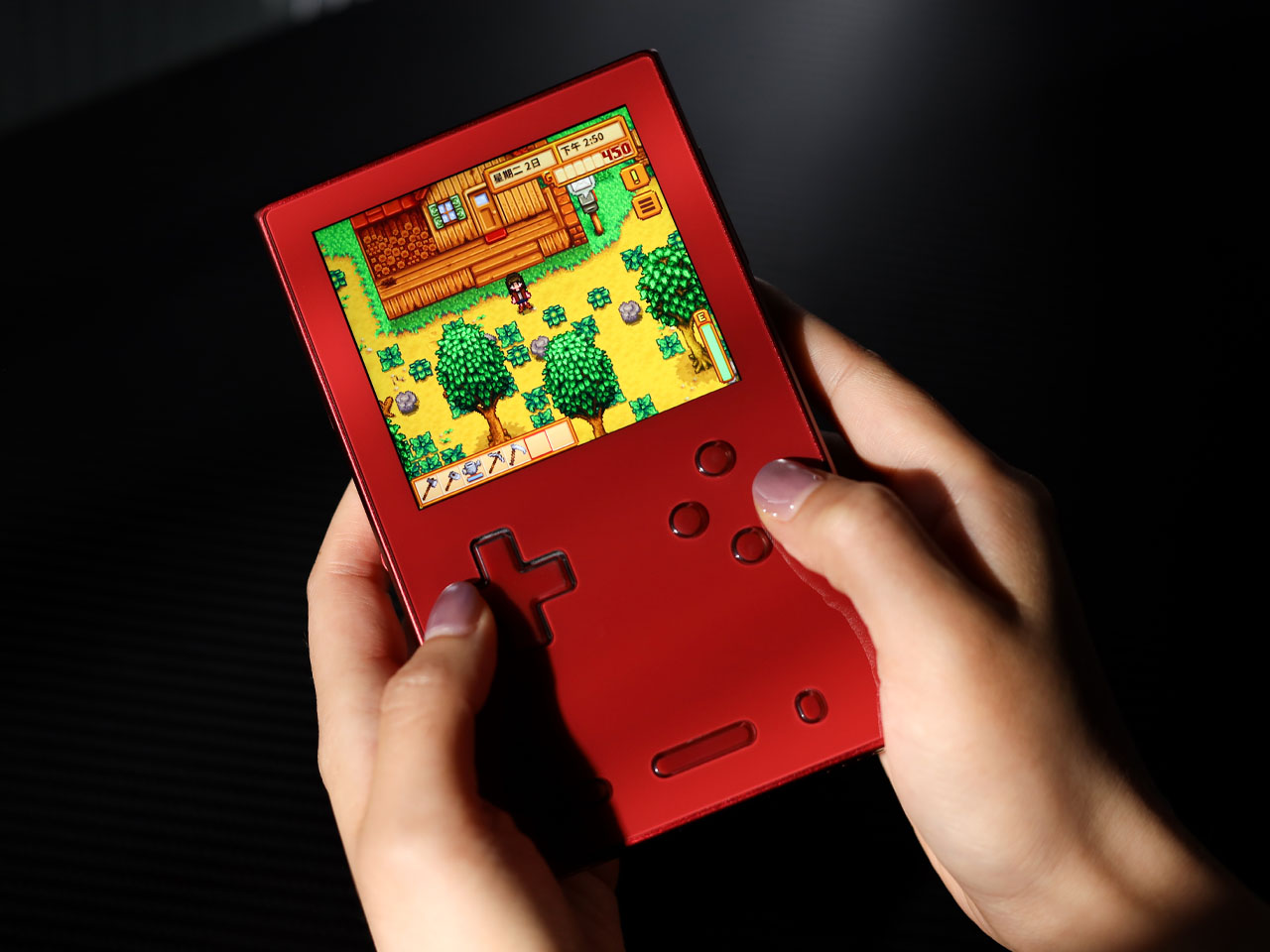
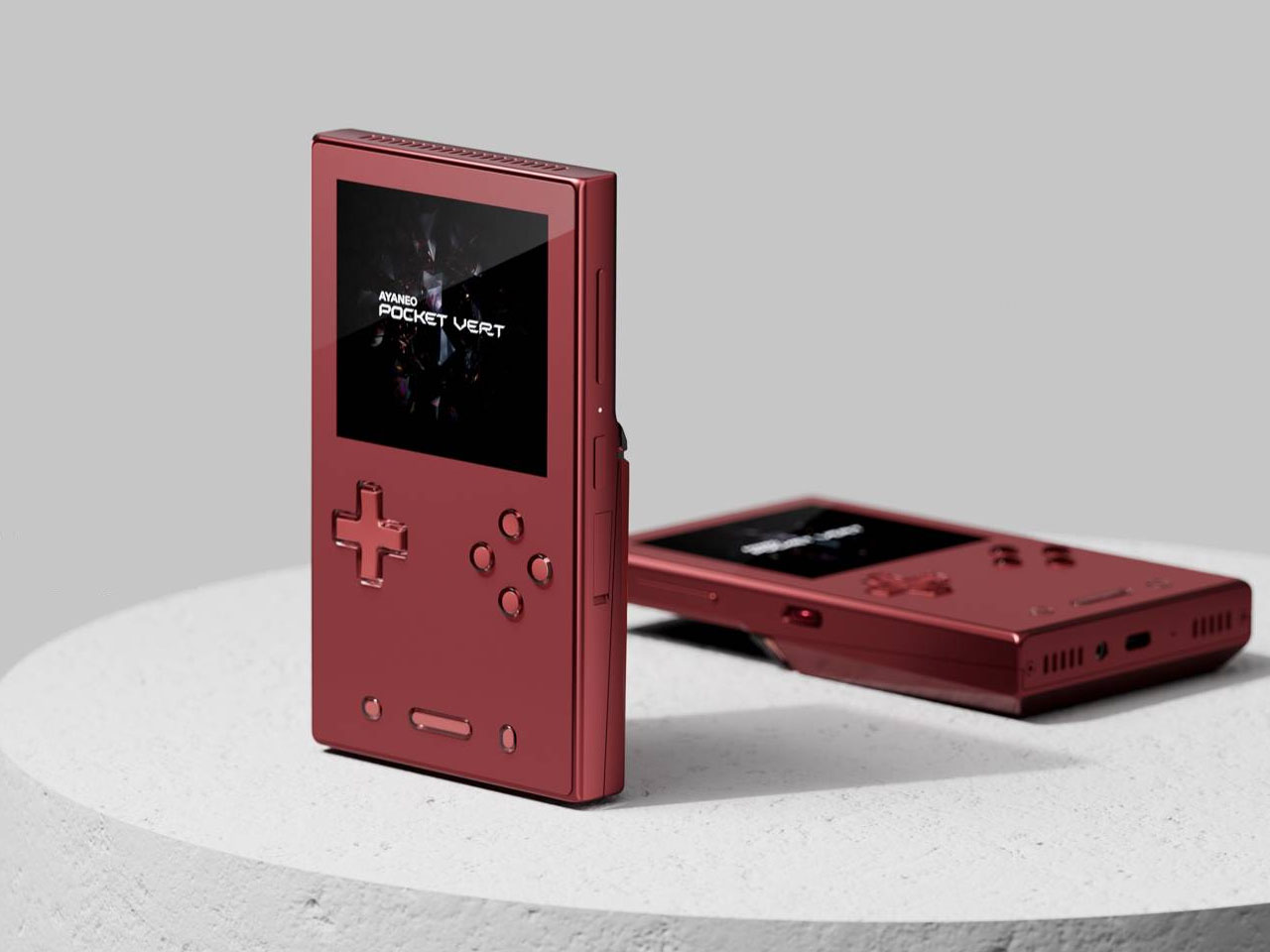
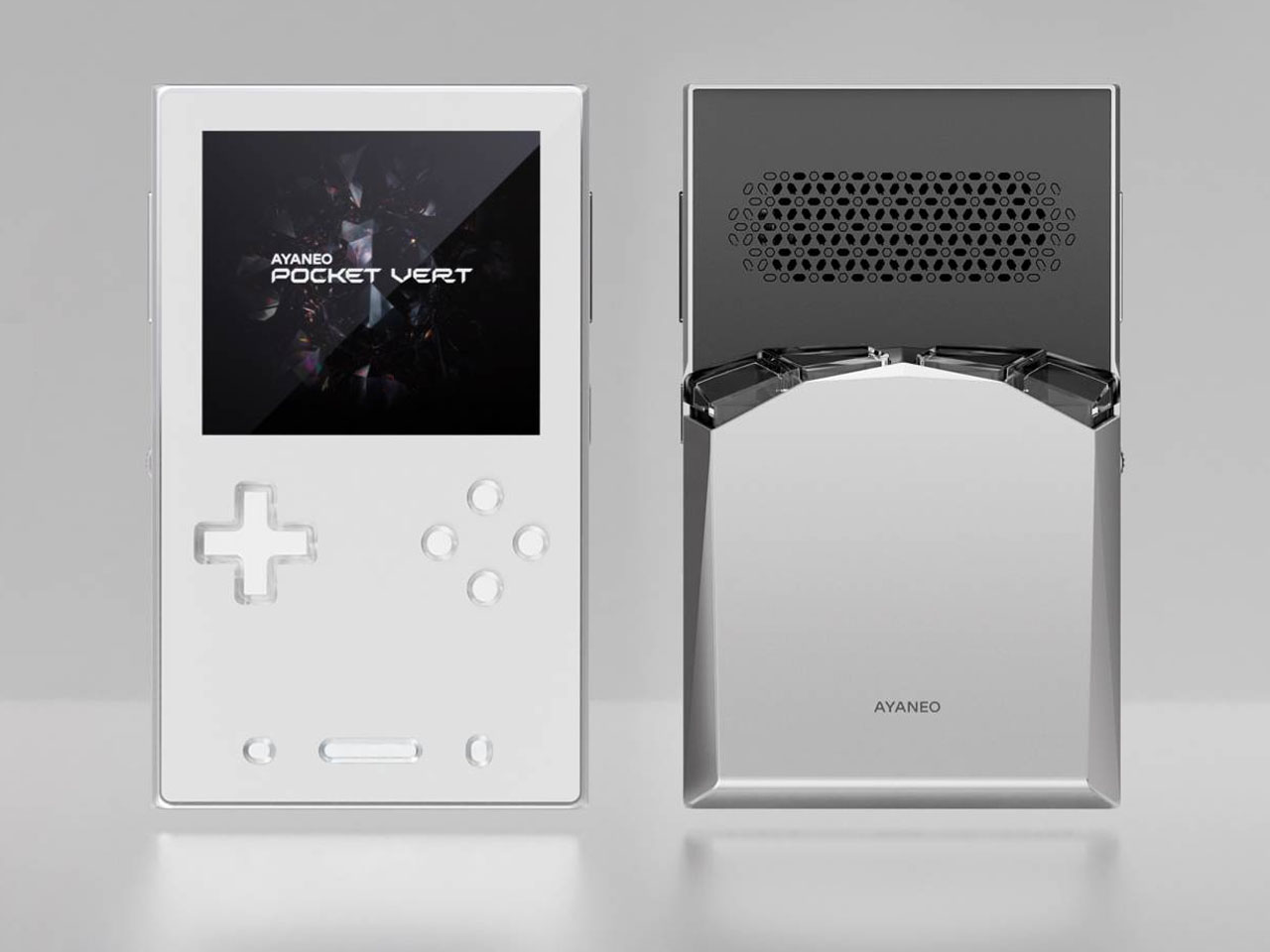
Analogue Pocket is getting classy with a limited-edition Aluminum chassis

Gaming handhelds are making quite the trend in the video game industry these days, from small DIY gadgets the size of key fobs to hulking computers crammed in a questionably portable form factor. But with the exception of the more expensive handheld PCs, the vast majority of these handheld consoles are made of plastic, at least for their bodies. Plastic, after all, is durable, lightweight, resilient, and, more importantly, cheap, and the products made with it sometimes come out feeling that way too. Once in a while, however, someone gets the idea to turn a geeky device into a glamorous product, like this aluminum-clad version of the Pocket Analogue that makes it one of the most stylish, let alone distinctive, gaming handhelds to grace the market today.

Designer: Analogue

It has been years since Analogue pulled off what can probably be considered a miracle in this industry. It launched what looks like a homage to the Game Boy, one that can actually play original Game Boy cartridges, that hasn’t hit any legal roadblocks considering how popular it is. Over the years, it has launched various limited editions of the Analogue Pocket, but this Aluminum Edition is its most ambitious one yet.

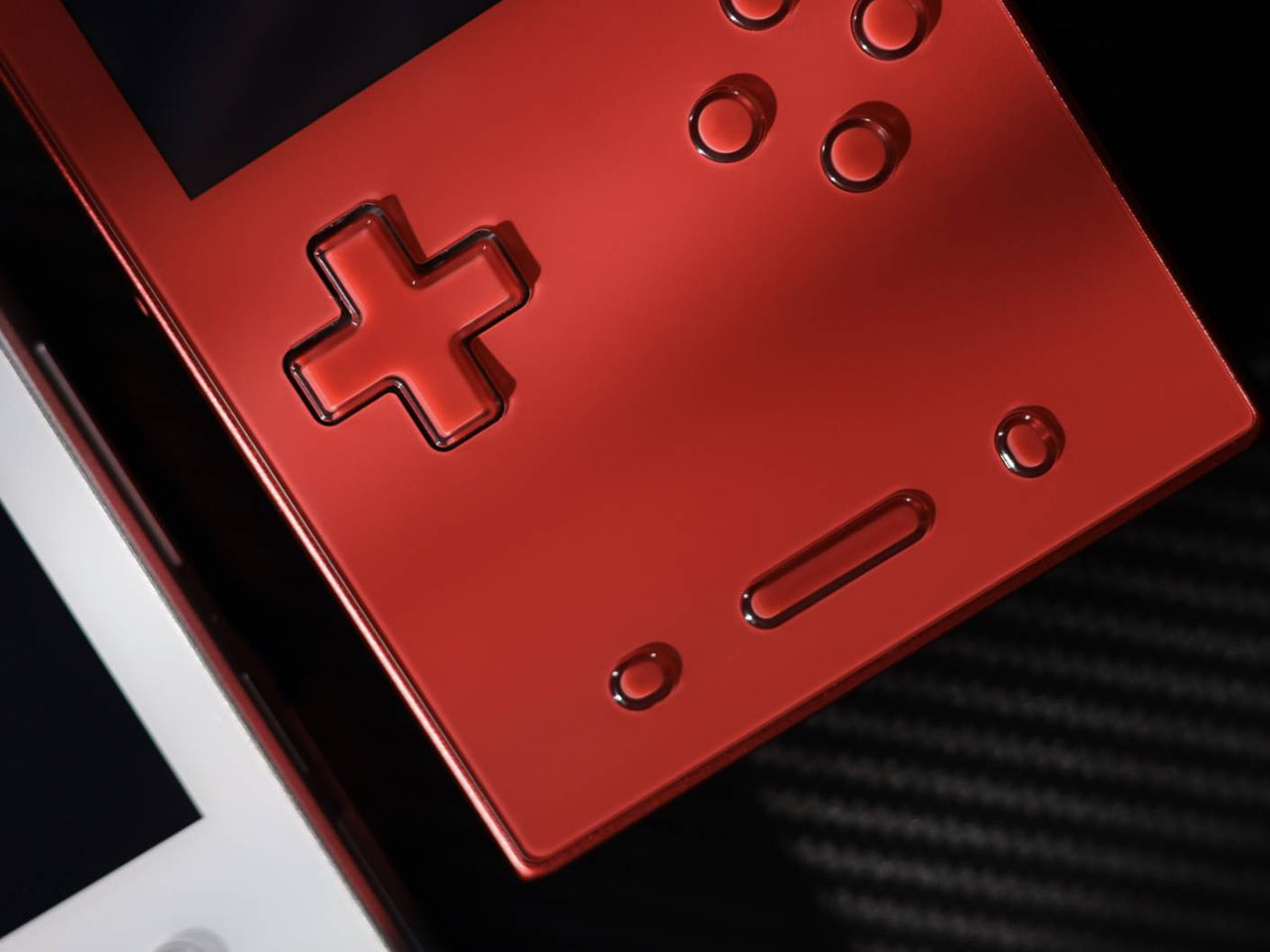
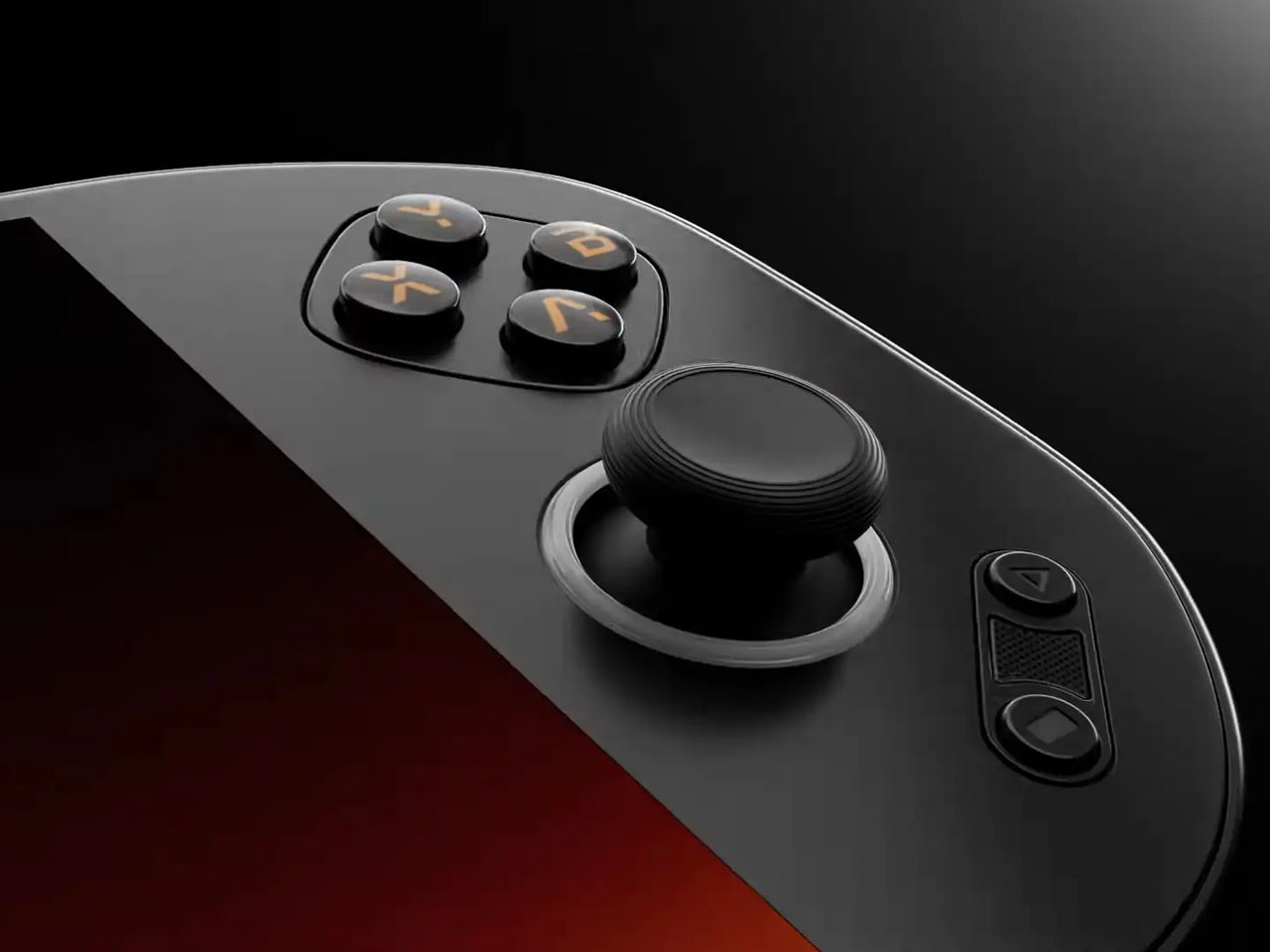
Precision CNC’d from solid billet 6061 aluminum, the limited edition Analogue Pocket Aluminum looks and feels more like a designer product than a functional gaming device, one that’s just meant to honor the original and be put on display but not used. That wouldn’t be much fun, of course, and thankfully this is not the kind of product that Analogue is putting out. It’s the same gaming experience offered by any Analogue Pocket, except now in a chassis that’s designed to really outlast those games.

If Analogue had left the Aluminum edition unfinished, it would have resulted in a striking and unique industrial aesthetic. But for those who still prefer a pinch of style and class, the limited-run gaming handheld is being offered in four anodized colors. Natural is as closest as you’ll get to that raw aluminum look, while Noir (Dark Gray) and Black both offer subdued hues. Bluish Indigo, on the other hand, stands out the most and is probably reminiscent of the transparent Atomic Purple case of the Game Boy Color.

Given its name, it probably shouldn’t come as a surprise that the Analogue Pocket Aluminum Limited Edition will be, well, limited. There’s no word on how many units will be made, but the $499.99 price tag and difficulty of machining a block of aluminum suggest there won’t be much. Judging by how fast previous limited editions disappeared, this will probably be gone before you know it.

The post Analogue Pocket is getting classy with a limited-edition Aluminum chassis first appeared on Yanko Design.
ZOTAC ZONE gaming handheld PC tries to outdo the Steam Deck

Although it’s unsurprising that plenty of the announcements at Computex 2024 revolved around AI, the event is still pretty much a showcase of actual physical products. Among the new AI-toting laptops are, also unsurprisingly, a new batch of handheld computers that try to recreate the magic of the Steam Deck and the Nintendo Switch for themselves. Although there are finally some variations in designs that are showing up, the original Steam Deck still has nooks and crannies that can be explored and improved. That seems to be what PC maker ZOTAC is trying to do by putting out what is trying to be a better Steam Deck than the Steam Deck.

Designer: ZOTAC

Although there have been some handheld gaming PCs before it, the Steam Deck was the first to come from a well-established name in the industry. But rather than simply be a Nintendo Switch clone, the Steam Deck differed significantly in its design, not to mention its internals and software. In a nutshell, it was an extra large handheld that, unlike any other gaming handheld even today, added not one but two trackpads on each side of the screen. It was a rather unique design detail that has so far been exclusive to the Steam Deck, at least until now.

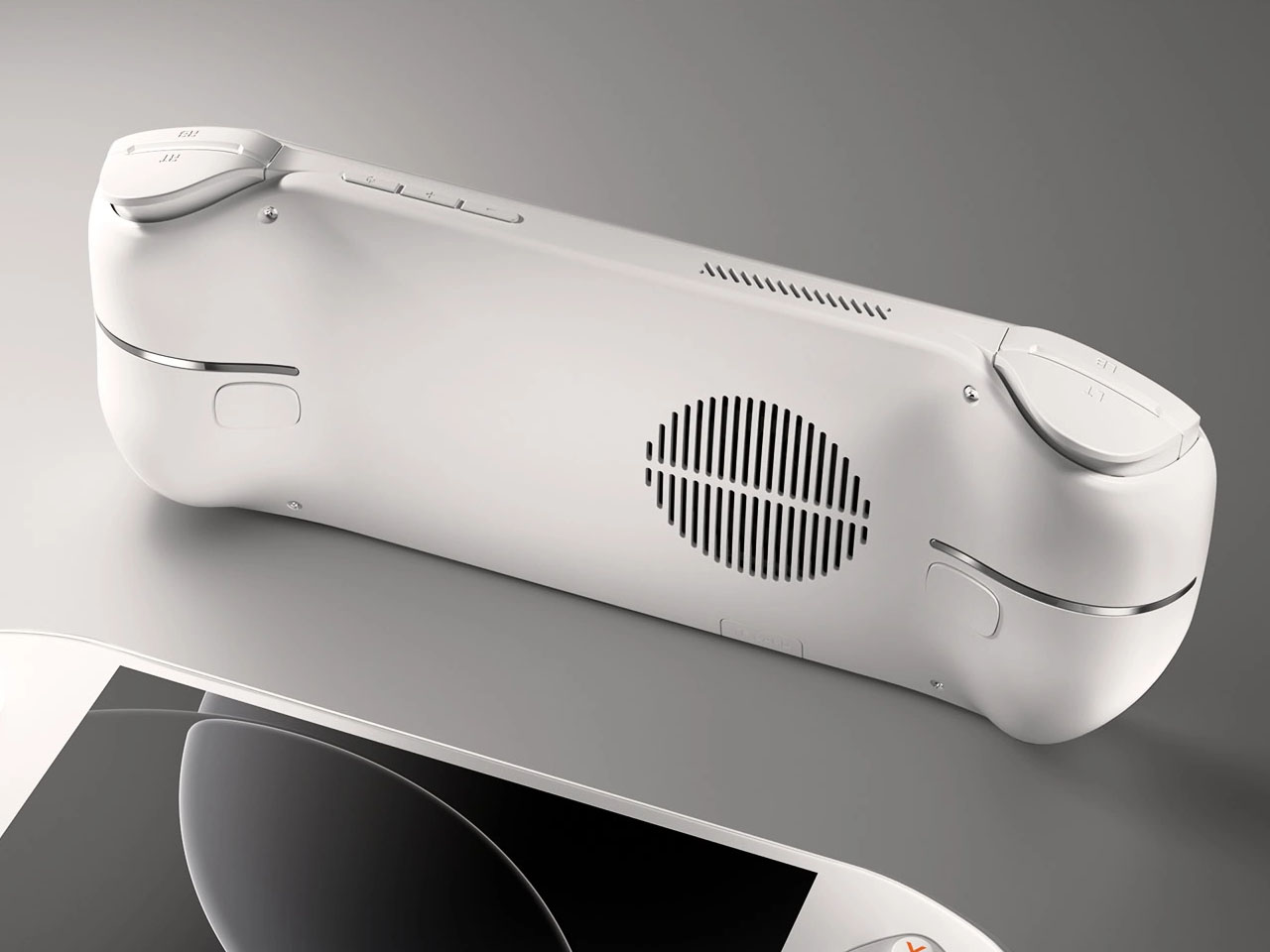
To be rather blunt, it’s not hard to see the ZOTAC ZONE as a Steam Deck clone precisely because of this feature. In fact, there are two other things that make it almost too similar to Valve’s gaming handheld. It has an OLED screen, something that almost no other handheld PC has at the moment, and its button layout follows the PlayStation controller more than the Xbox which everyone except the Steam Deck uses.

At the same time, however, the ZOTAC ZONE is, to some extent, also a step above the Steam Deck in so many ways. For one, it will be running more recent hardware while the Steam Deck is still stuck in 2022. For another, it has a built-in kickstand, a feature that’s oddly absent from many handheld PCs that are clearly inspired by the Nintendo Switch. Last but not least, ZOTAC goes all out on configurable controls, from two-stage adjustable triggers to programmable dials around each of the two joysticks. It’s a gamer’s dream, definitely, but one that also carries quite a steep price.

According to the latest information, the ZOTAC ZONE will launch in September with a $800 price tag, which puts it on the more expensive end of the spectrum. That’s not surprising, though, given how much power the device will be carrying. But as ZOTAC’s first foray into this niche market, it remains to be seen whether the handheld PC will experience growing pains, especially when it comes to the durability of its components.

The post ZOTAC ZONE gaming handheld PC tries to outdo the Steam Deck first appeared on Yanko Design.
ADATA XPG Nia handheld gaming PC brings a bit of ergonomics and sustainability

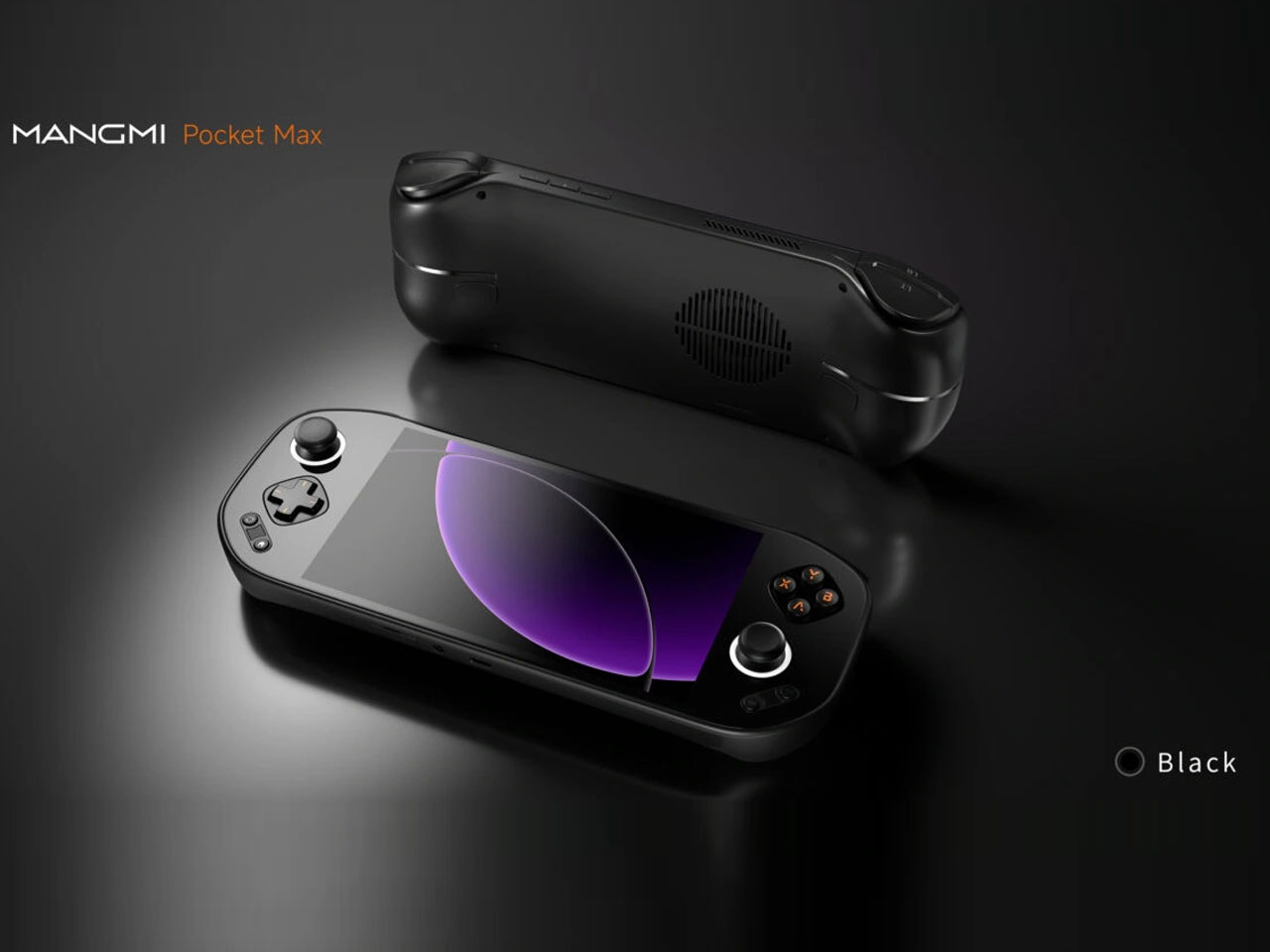
Although they have existed for a long time now, it seems that handheld PCs are finally taking root in the market. These mobile gaming devices are becoming more numerous, including a few from well-known manufacturers as well as a bit more obscure brands. That, unfortunately, also means that some designs are getting all too common, even if there’s still plenty of room for experimentation and innovation. At Computex 2024, we’re seeing some of these bold designs that are trying to challenge the status quo and one of them comes from an unlikely name yet could also be bringing some much-needed improvements to handheld gaming computers.

Designer: ADATA XPG

Handheld PCs are pretty much miniature laptops and they even use some of the same hardware but with weaker cooling solutions. That practically means you’re stuck with the specs you got when you bought the device, though there might be options to upgrade the storage and only that. Many laptops these days, however, also have upgradable RAM, and ADATA, a brand better known for its data storage solutions, is bringing that to the handheld PC market with the XPG Nia.

This feat is being attributed to the equally new LPCAMM2 memory module which, unlike most RAM on handhelds and some laptops, isn’t soldered to the motherboard. This makes memory upgradable in theory, though how easy it will be still remains to be seen. The XPG Nia also features upgradable storage courtesy of a more standard M.2 2230 SSD slot. This might sound like minor improvements since the capability has been around in laptops for many years, but it goes a long way in making handhelds last longer and be more sustainable in their own small way.

That isn’t the only novelty that the ADATA XPG Nia is bringing to the table, however. The handheld has a tilting screen that you can adjust to your comfort, and it has a built-in kickstand that lets you put the device down on a table without requiring a separate stand or dock. And unlike the majority of handheld gaming PCs, it has a front-facing camera that can be used for eye-tracking and, possibly, video chat among gamers. Again small details, but ones that significantly improve the usability and ergonomics of a device that still hasn’t cemented its place in the market.

As admirable as these improvements might be, the big drawback to the ADATA XPG Nia is that it’s not a product you can buy, at least not any time soon. What was shown at Computex was just a prototype, and the earliest ETA for the handheld PC is 2025. That leaves not only a lot of room for the brand to change or even backtrack on these features, it also gives its competitors the opportunity to steal the limelight even before the XPG Nia has a chance to get out the door.

The post ADATA XPG Nia handheld gaming PC brings a bit of ergonomics and sustainability first appeared on Yanko Design.
ASUS ROG Ally X gaming handheld PC brings small changes that have a big impact

After numerous leaks and rumors, the cat is finally out of the bag. The next ASUS Republic of Gamers handheld PC isn’t the Ally 2 but the ROG Ally X as expected. While some might see it as simply splitting hairs, the naming does make a difference. It still has the beating heart of the first ROG Ally, but with a few extras that respond to the criticisms and requests of the gaming community who embraced this more portable form factor right off the bat. From some perspectives, those extras are really small and subtle, especially if looking at it from the outside. But with enough of those changes working together, the ROG Ally X is positioning itself to be a more powerful companion that will let you play more games longer.

Designer: ASUS ROG

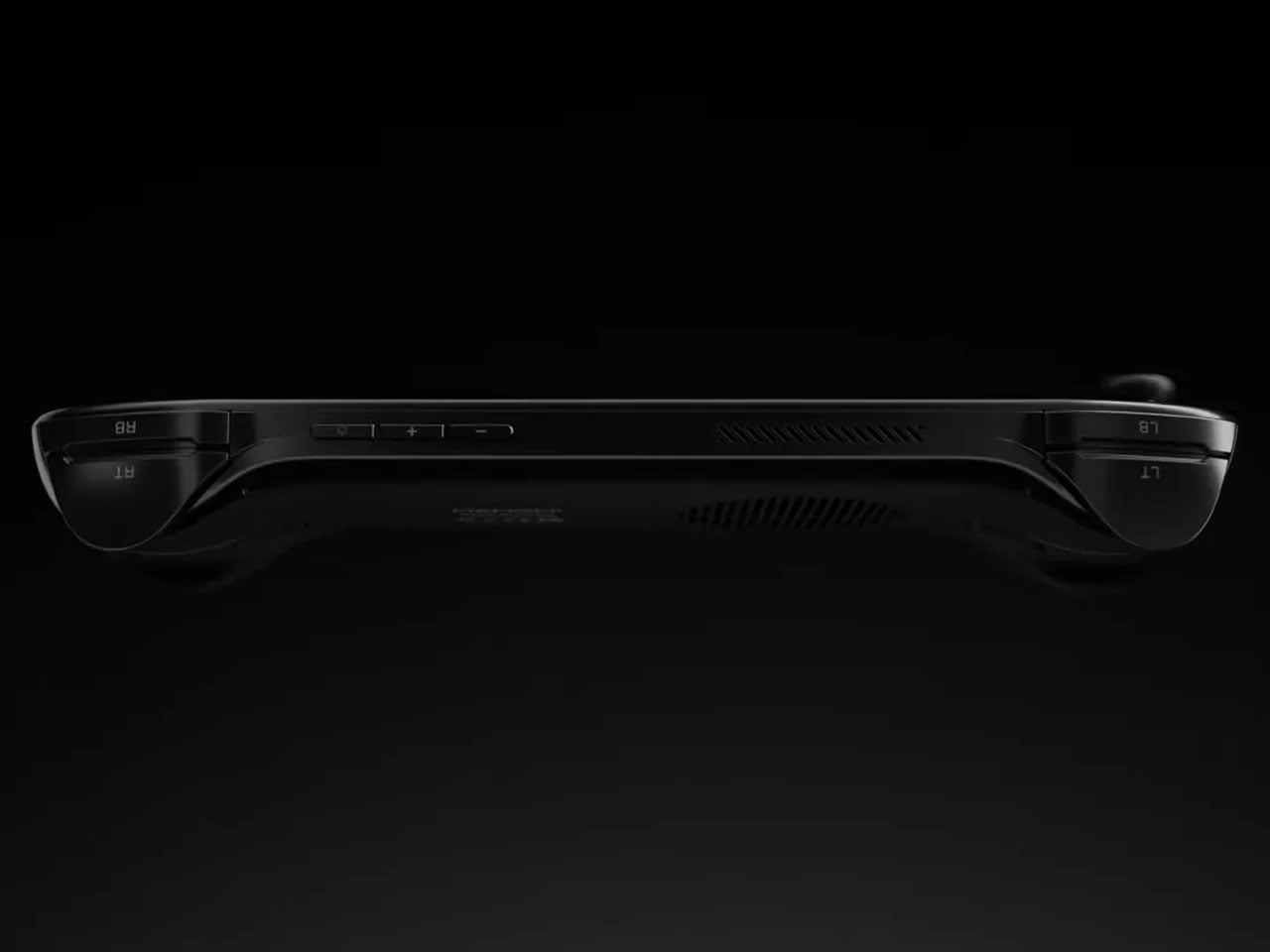
Just from a glance, you might not be able to tell that this is in any way different from the OG ROG Ally, at least except for its new all-black motif. It still boggles the mind why ASUS chose white for its first iteration, a color that’s almost alien to gamers’ palettes, though it did help the ROG Ally stand out from its rivals. If you look more closely, however, and hold the device in your hands, you might notice how things are somewhat different, hopefully for the better.

The handles, for example, are rounder now, which helps improve the grip that’s critical to a handheld device. The back triggers now come at an angle for better ergonomics, while the joystick and D-pad have been improved to be more durable and more precise. The biggest changes, however, are on the inside, where every little thing counts if it’s meant to improve the gaming experience.

It’s still the same AMD Ryzen Z1 Extreme as the original ROG Ally, but that mobile gaming processor is now paired with 24GB of DDR-7500 RAM, up from 16GB in the first iteration. The storage capacity has been doubled to up to 1TB, but the bigger surprise is that ASUS is making it easier to upgrade it. The battery has also been doubled to 80Wh, which means you’ll have more time playing before you need to plug the little monster in. To compensate for this newfound power, ASUS ROG promises an improved thermal cooling solution so you won’t burn your hand while you play.
There is at least one change that some might consider a downgrade, depending on how attached they’ve become to ASUS’ proprietary XG external graphics port. In its place, the ROG Ally X uses a more standard Thunderbolt-compatible USB-C port that could still work with external GPUs but also with a lot more devices as well. Given all these changes, it’s no surprise that the ASUS ROG Ally X will cost more than its predecessor at $799.99. Then again, this version is squarely aimed at power gamers, and those who can live with the bare minimum can still get the older model, at least for now.

The post ASUS ROG Ally X gaming handheld PC brings small changes that have a big impact first appeared on Yanko Design.