The $3500 Apple Vision Pro deserves this gorgeous chrome-plated metal stand

A throne worthy of a $3500 face-computer.

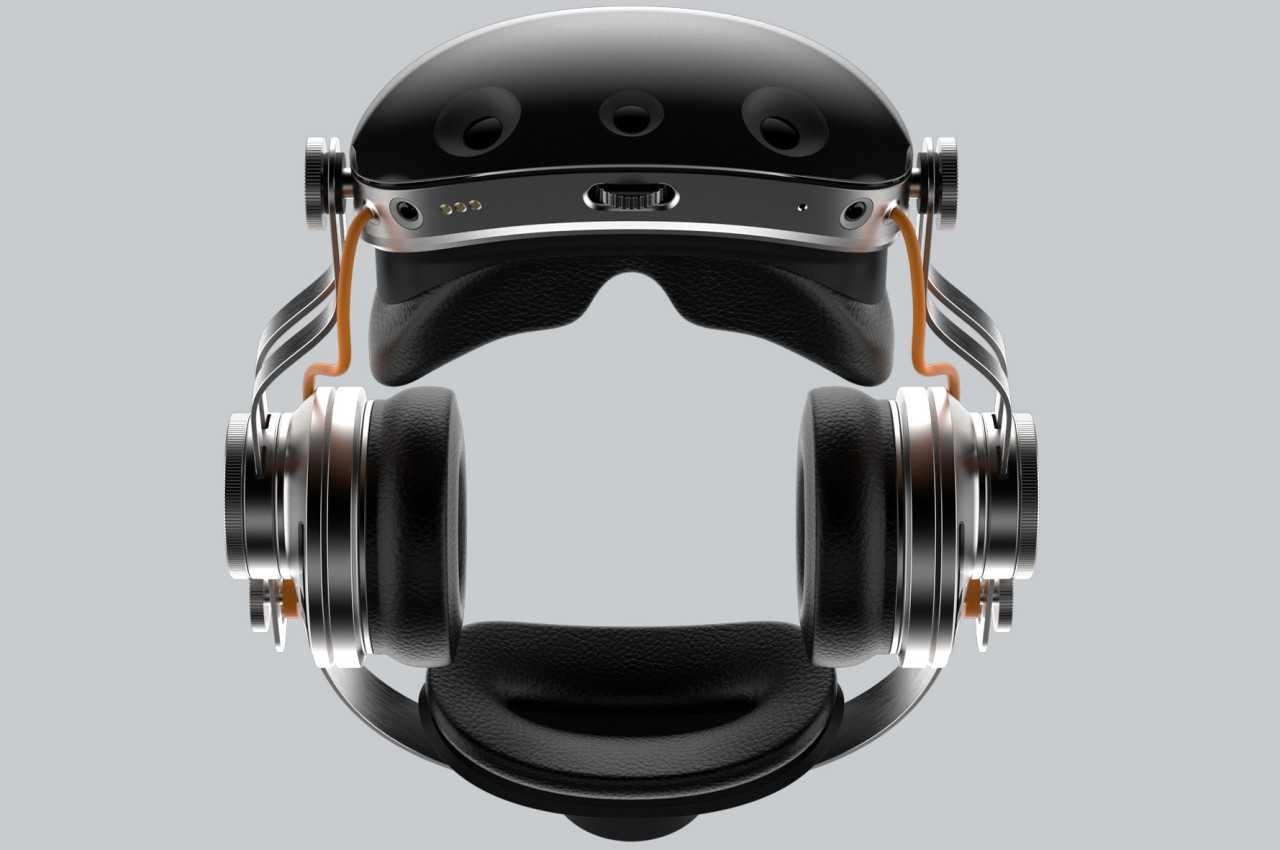
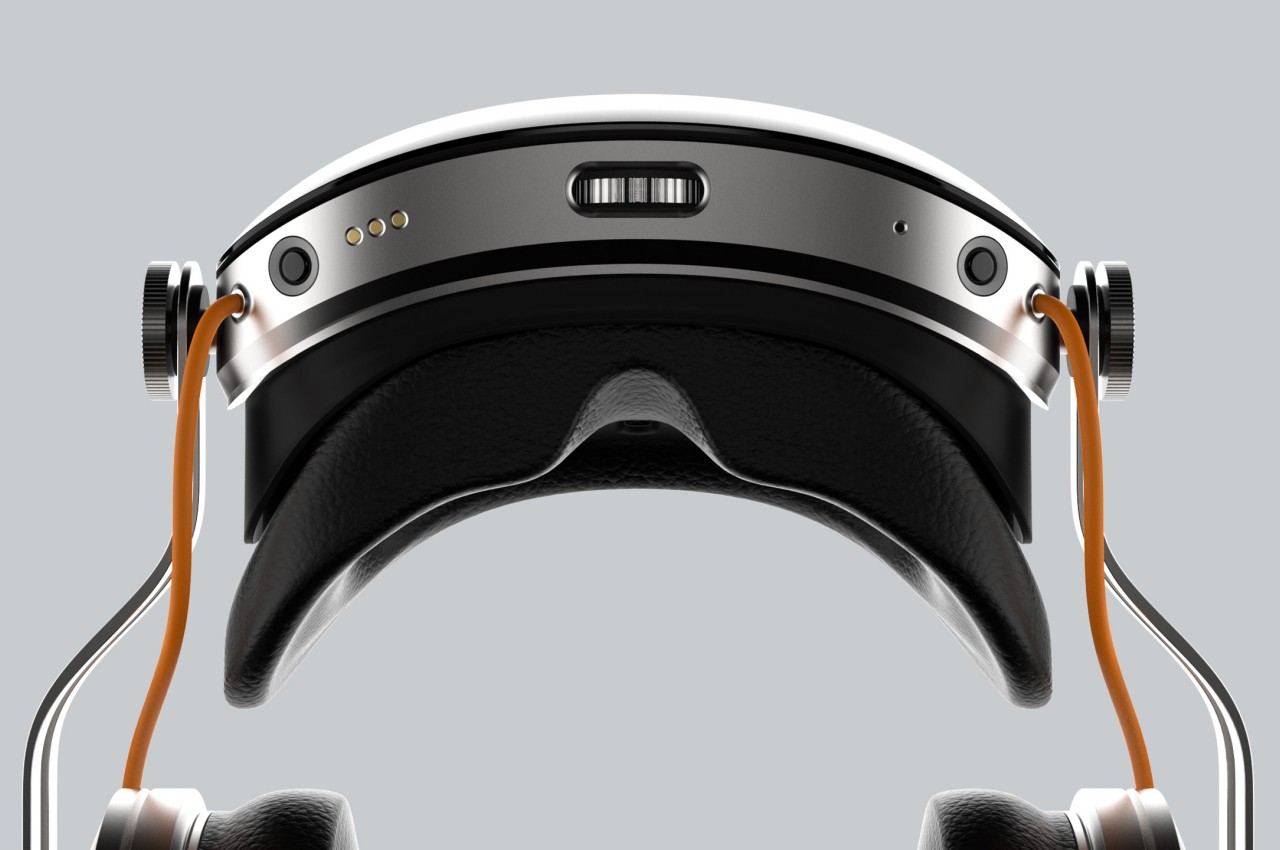
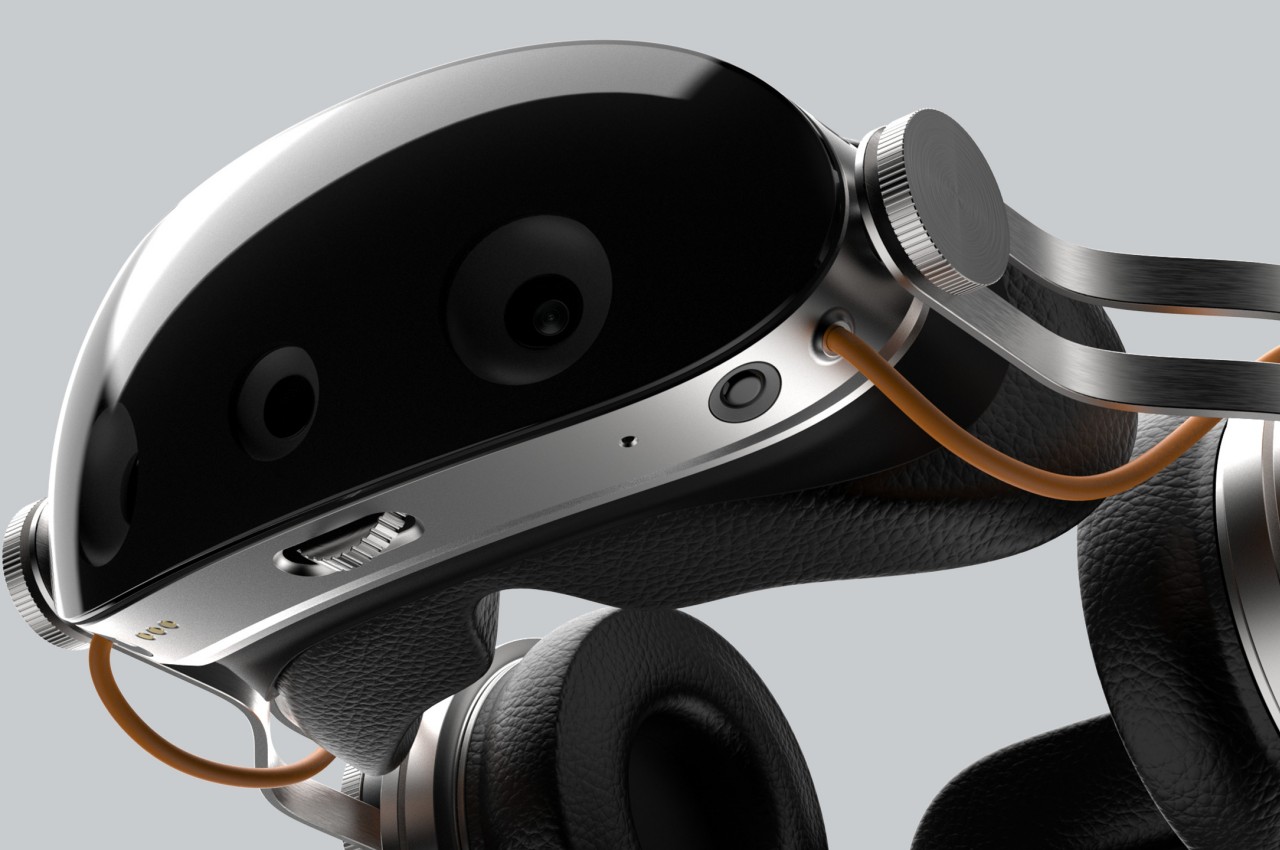
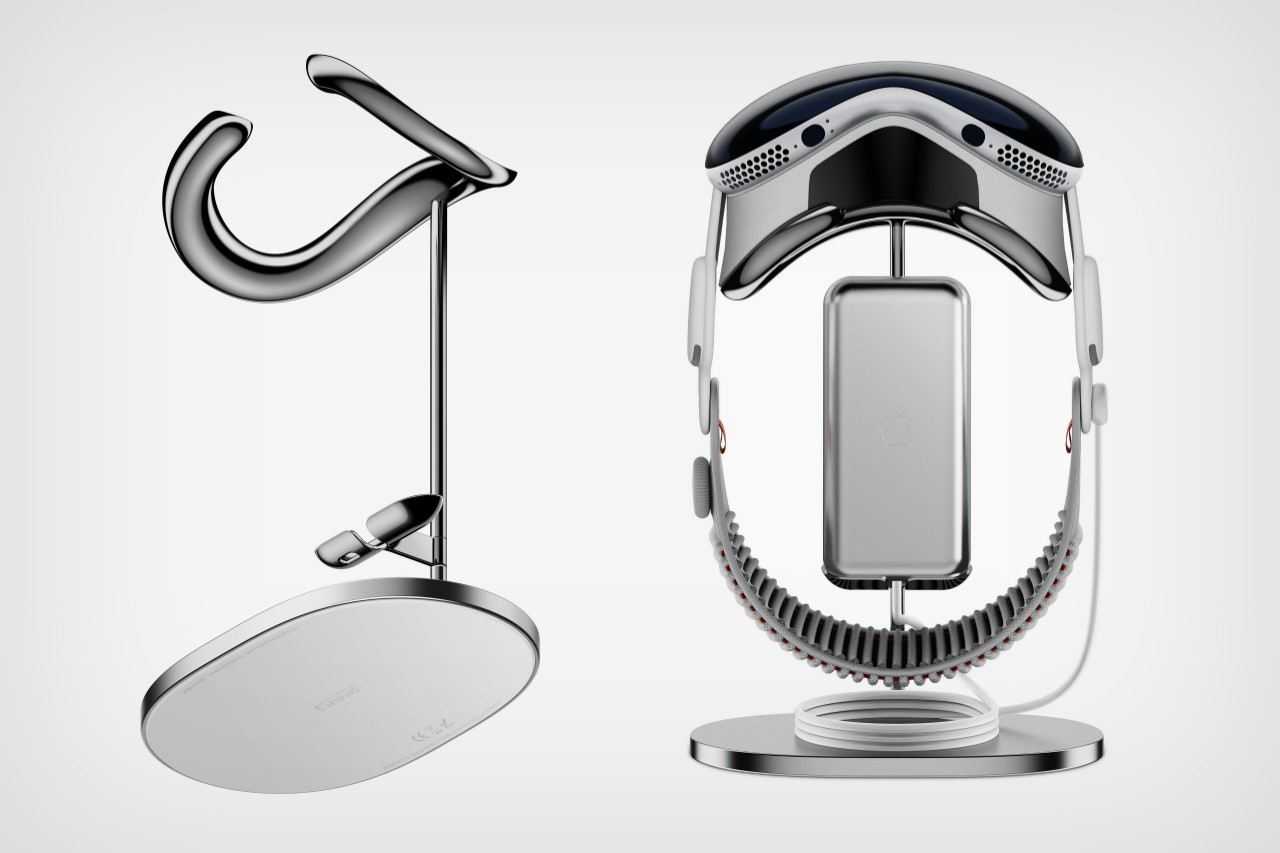
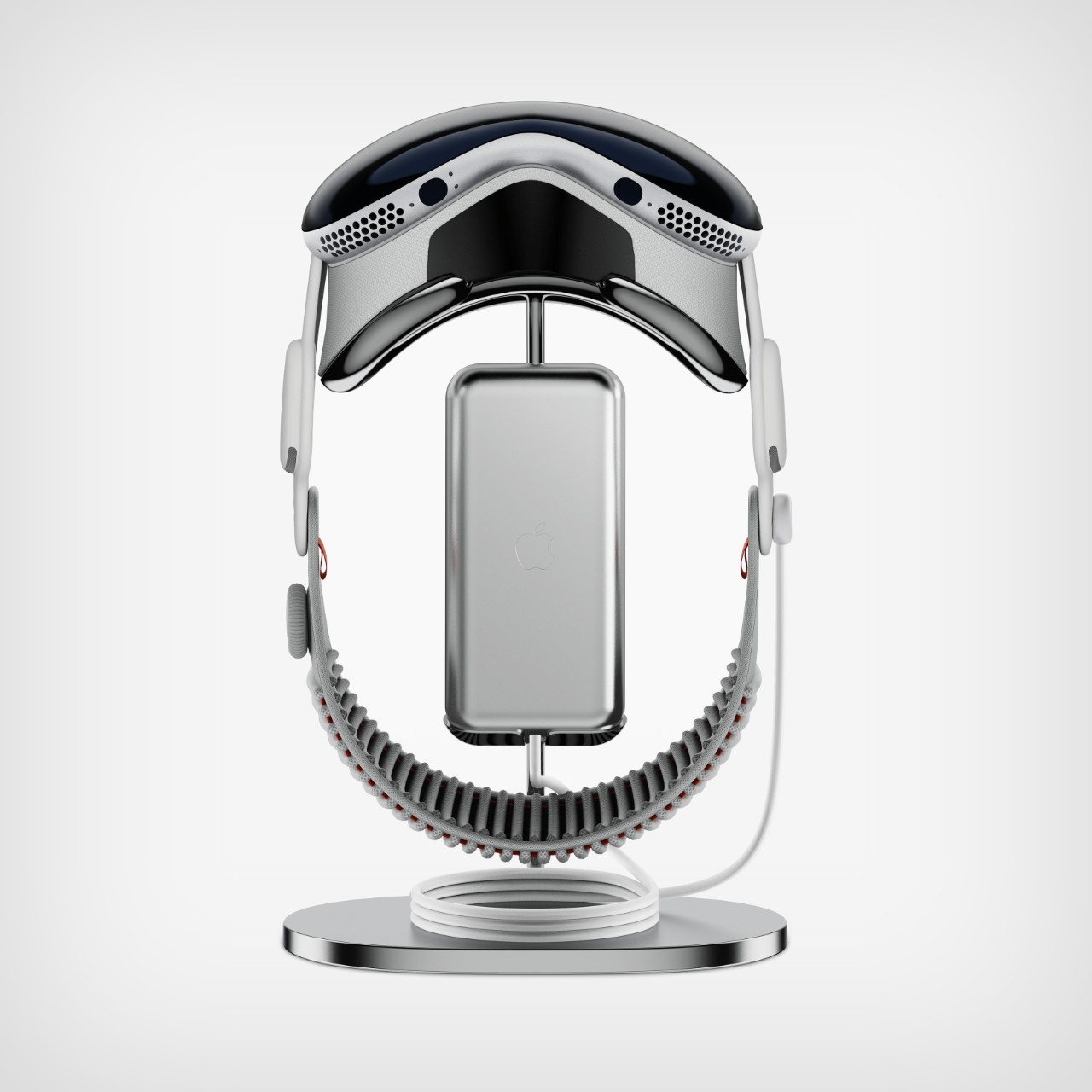
Sure, the Apple Vision Pro got its first accessory in the form of a protective cover… but what the high-end spatial computing device desperately needs is a stand to dock and highlight the beauty of Apple’s latest and most impressive gadget. The Vision Pro stand by Sy Wong fills the void with its gorgeously slick design that highlights your headset without eating too much table real estate. Quite akin to a headphone stand, the Vision Pro stand has your headset hanging vertically, along with a docking station for the accompanying battery pack.

Designer: Sy Wong

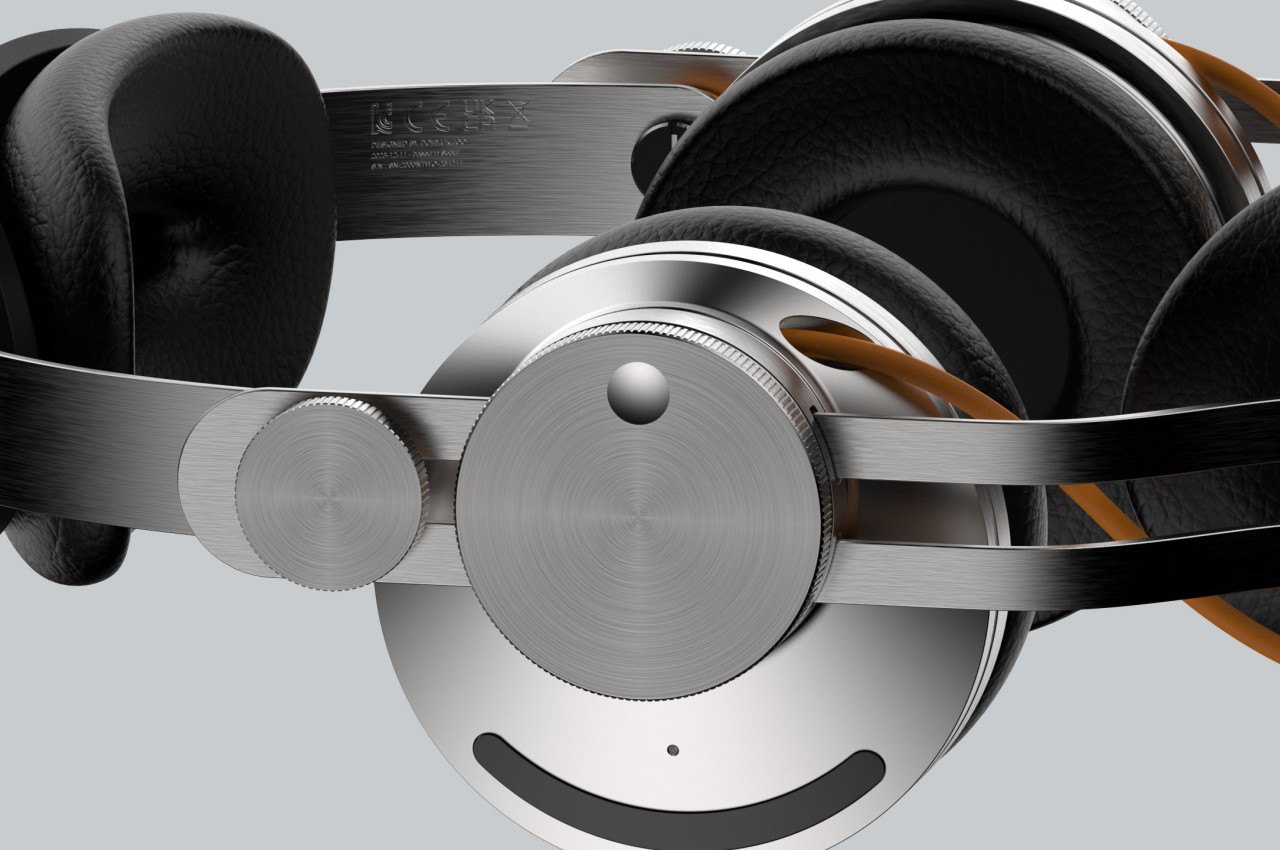
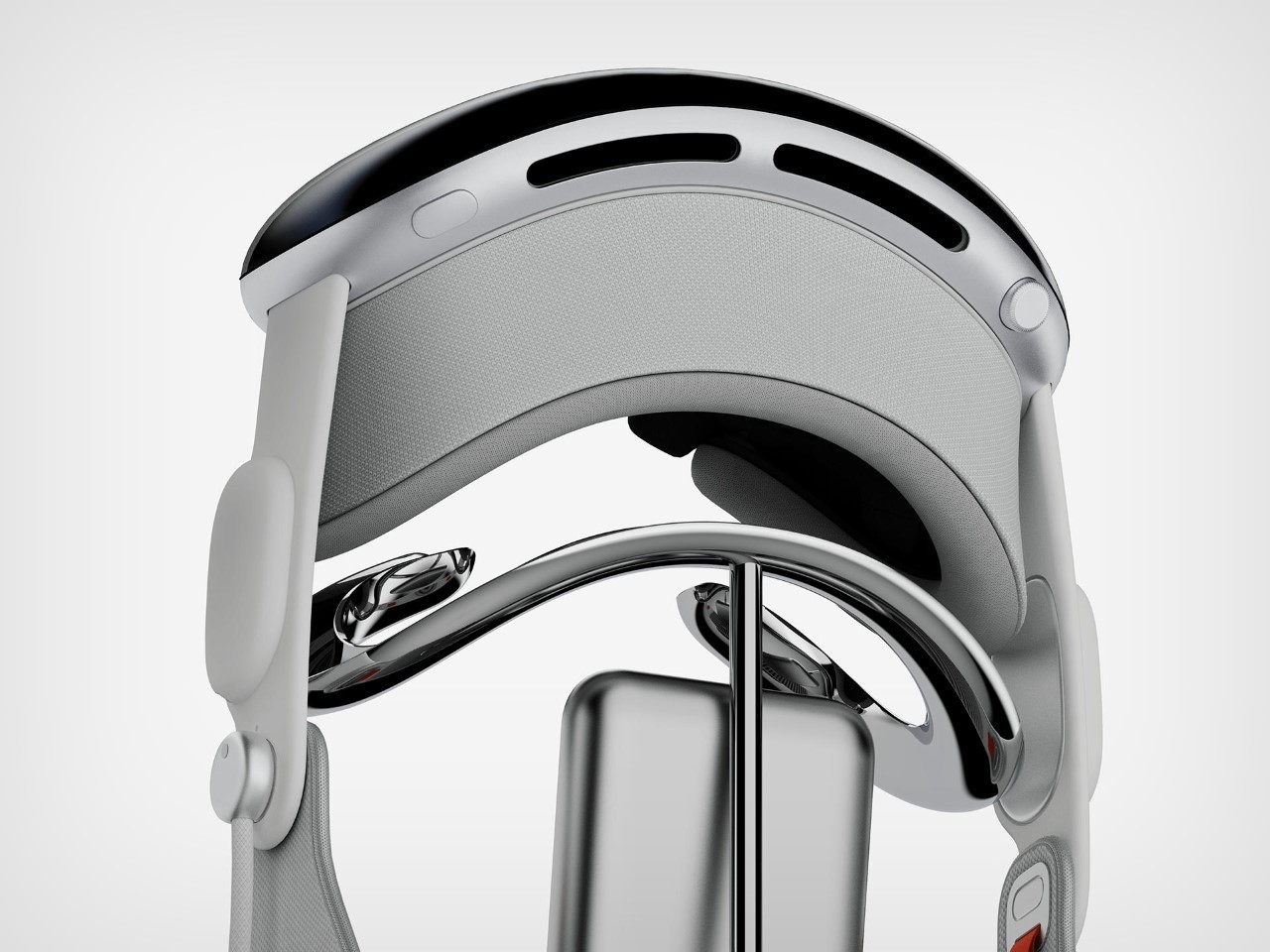
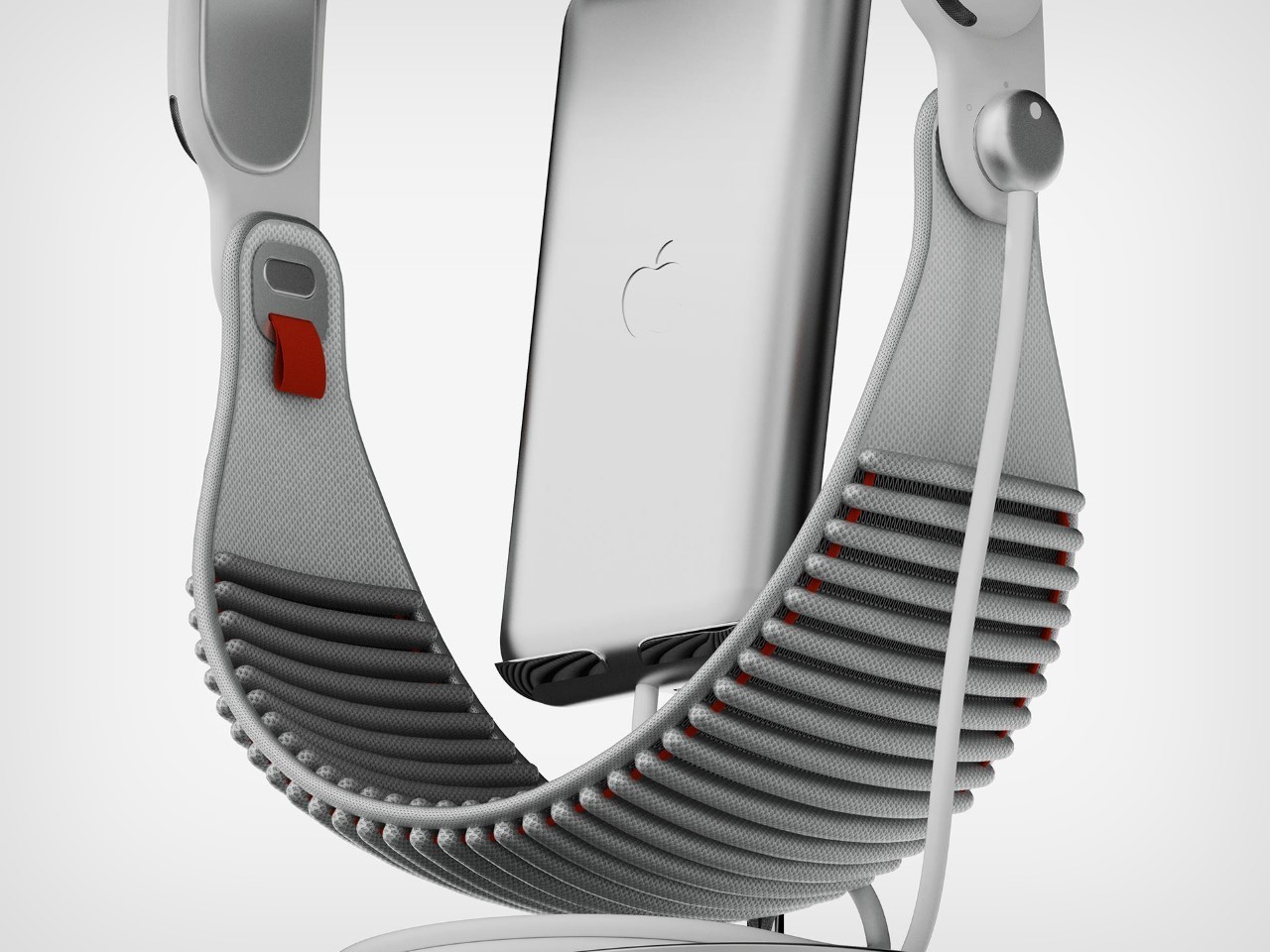
The stand’s specific shape allows it to support the Vision Pro’s contoured cushion with ease. The stand’s steel platform only makes contact with the plush cushion, ensuring that no part of the stand comes in contact with the glass or metal components of the Vision Pro. Meanwhile, a dedicated dock for the Vision Pro’s battery pack keeps it close to the headset, allowing you to easily lift and wear the entire setup or dock it back after a spatial session.

The beauty of Sy Wong’s stand lies not just in its overall visual simplicity, but also its glorious chrome-plated finish. The stand comes crafted from stainless steel (or at least that’s what Wong mentions on their Behance page), with an immaculate chrome finish that rivals the kind you see Apple’s own accessories (like the handles on the Mac Pro, or even those $700 wheels).

For the select few who’ve bought the Vision Pro, unfortunately, Sy Wong’s stand is just a concept… so you’re going to have to either place the expensive headset on your desk *shudder*, back in its box after every use, or buy the $299 soft-shell case for the headset and battery pack. Apple hasn’t announced any other major accessories for the Vision Pro, although the market is ripe for stands like the one Sy Wong designed… or this neck-worn power bank that’s a whole lot better than Apple’s own battery pack.

The post The $3500 Apple Vision Pro deserves this gorgeous chrome-plated metal stand first appeared on Yanko Design.

Apple Vision Pro’s Spatial Computing needs a Killer App… and it should be a Pokemon Game

It seems unbelievable that Pokemon GO debuted a stunning 8 years ago… but if you remember the year 2016, you’ll also remember what a massive phenomenon it was. The game singlehandedly revived the relatively flatlined mobile gaming industry, uniting millions of players around the world and actually getting them to step out of their houses. Most importantly, however, it proved to be the PERFECT embodiment of the potential mixed reality killer app. The Apple Vision Pro, which begins deliveries starting 2nd of February, currently lacks that killer app… and a strategic partnership between Apple and Nintendo (just like their partnership with Disney) could really give the Vision Pro the killer app it needs – Mixed Reality Pokemon (or ‘Spatial Computing’ if you’re one of Apple’s vocabulary purists).

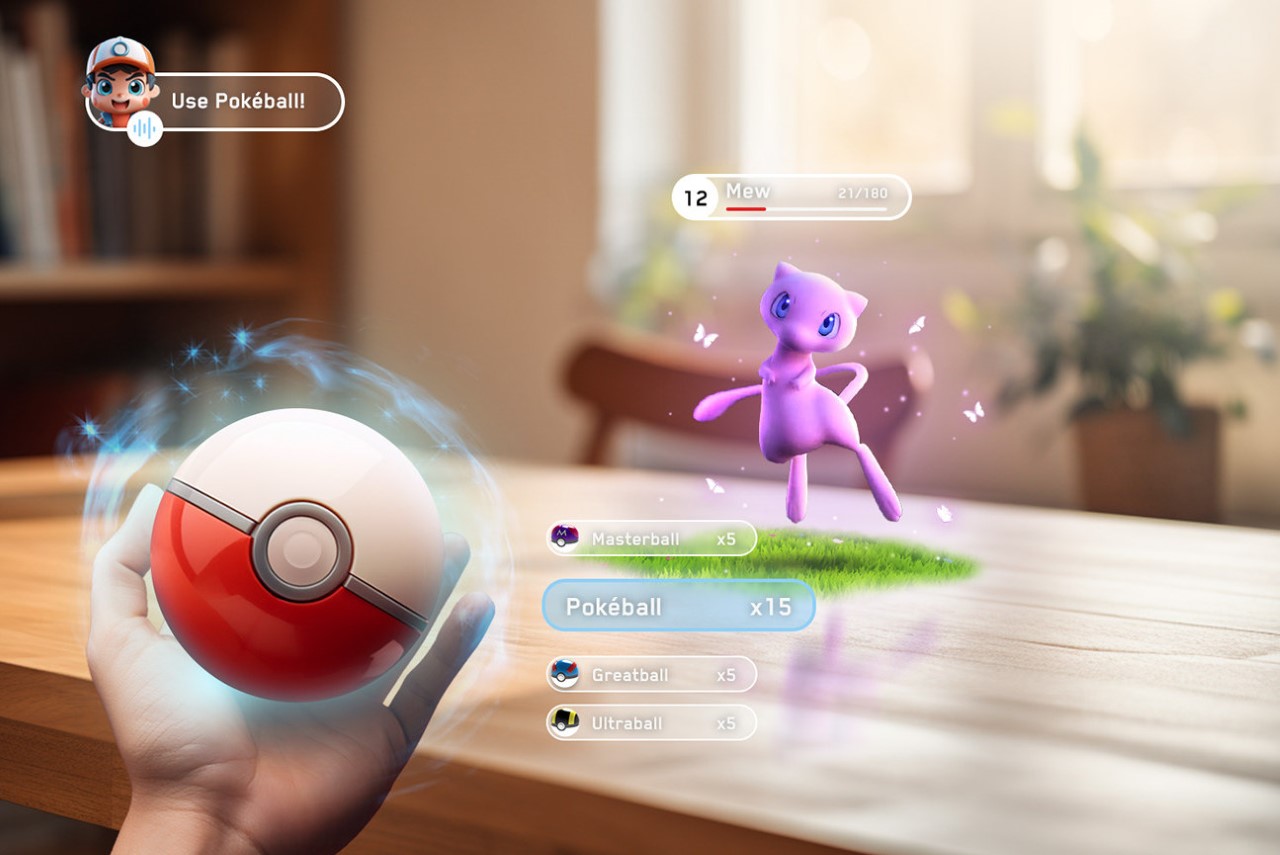
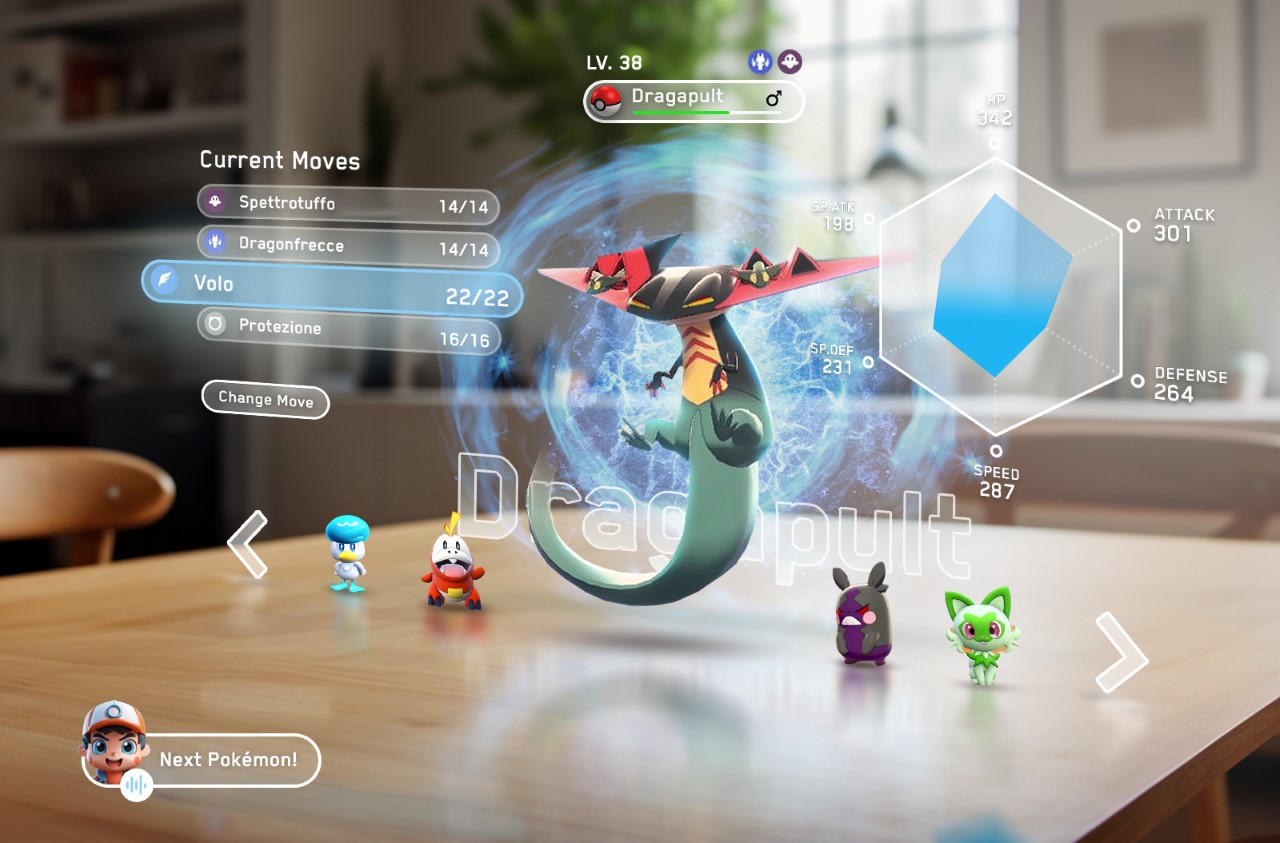
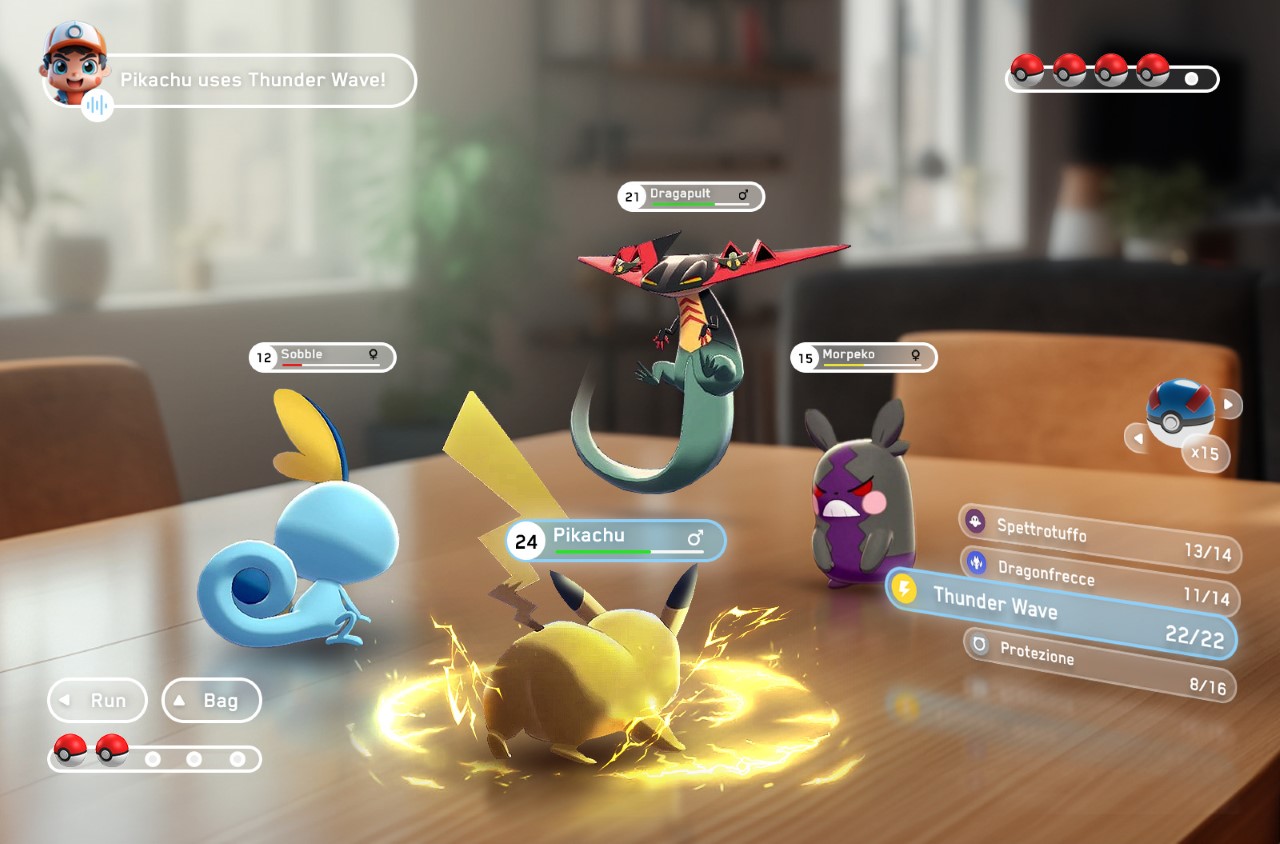
This game demo, designed by Thailand-based Kumpanat Samkumlue, explores the many benefits and features of Apple’s spatial computing push. The company boasted quite a few features like realistic rendering, voice commands, and gesture inputs – all that would complement the game perfectly. Imagine seeing Pokemon battling on your coffee table, with the ability to hold and throw Pokeballs during fights, or even give vocal commands to your Pokemon mid-battle. The UI (and even the UX) lend themself PERFECTLY to the Vision Pro, which would vastly benefit from this smash success game. Heck, it would put the Vision Pro leaps and bounds ahead of Meta’s own Quest headsets, which lack their own Pokemon game too (but have other killer-app-worthy experiences like Beat Saber, Supernatural, and more recently, Assassin’s Creed).

Designer: Kumpanat Samkumlue

“Imagine turning your home into a Pokémon playground, where you can use cutting-edge technology like Apple Vision Pro or Oculus Quest 3 to embark on thrilling Pokémon adventures right on your tabletop. With this fan-made version, I bring to life the idea of playing a Pokémon game in Mixed Reality (MR), Inspiration from the popular Pokémon Sword and Shield games,” says designer Kumpanat. “Transforming Your Home into a Pokémon Playground: A Vision for Tabletop Pokémon Adventures in Mixed Reality. Catch ’em, battle ’em, and explore ’em—all in your own space with voice commands or a controller magic!”

What Pokemon GO did for mixed reality gaming on the phone, it can absolutely do for the Vision Pro too. Sure, your first instinct is to dismiss the idea that a Pokemon game could make a $3500 headset more desirable, but here’s what we aren’t thinking of. The point isn’t to sell more units of the Vision Pro headsets… the point is to give spatial computing its Killer App, which in turn helps the entire headset category. Apple’s rumored to be working on a cheaper, more consumer-friendly model of the Vision Pro too… and this game would pretty much etch its commercial success in stone.

The post Apple Vision Pro’s Spatial Computing needs a Killer App… and it should be a Pokemon Game first appeared on Yanko Design.
Visor mixed reality headset promises a more accessible Apple Vision Pro

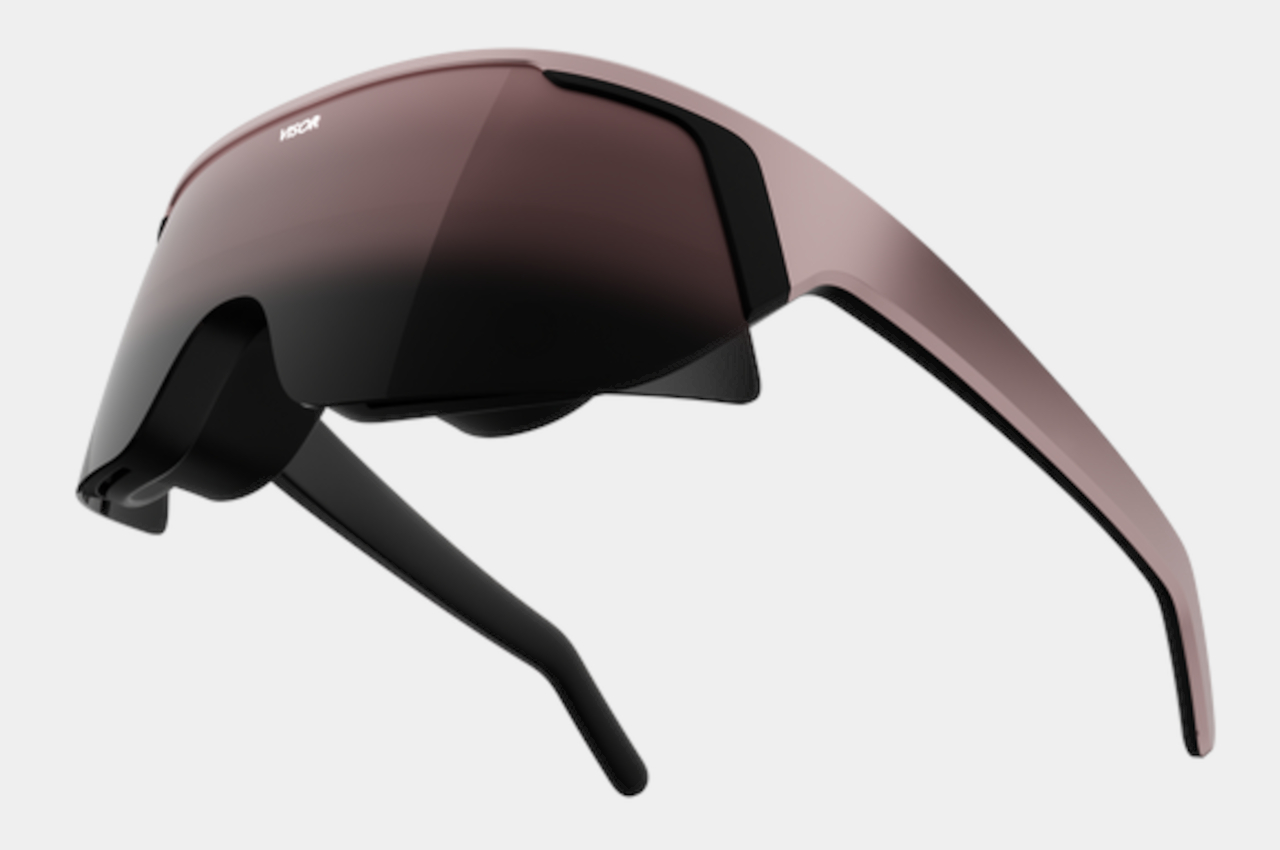
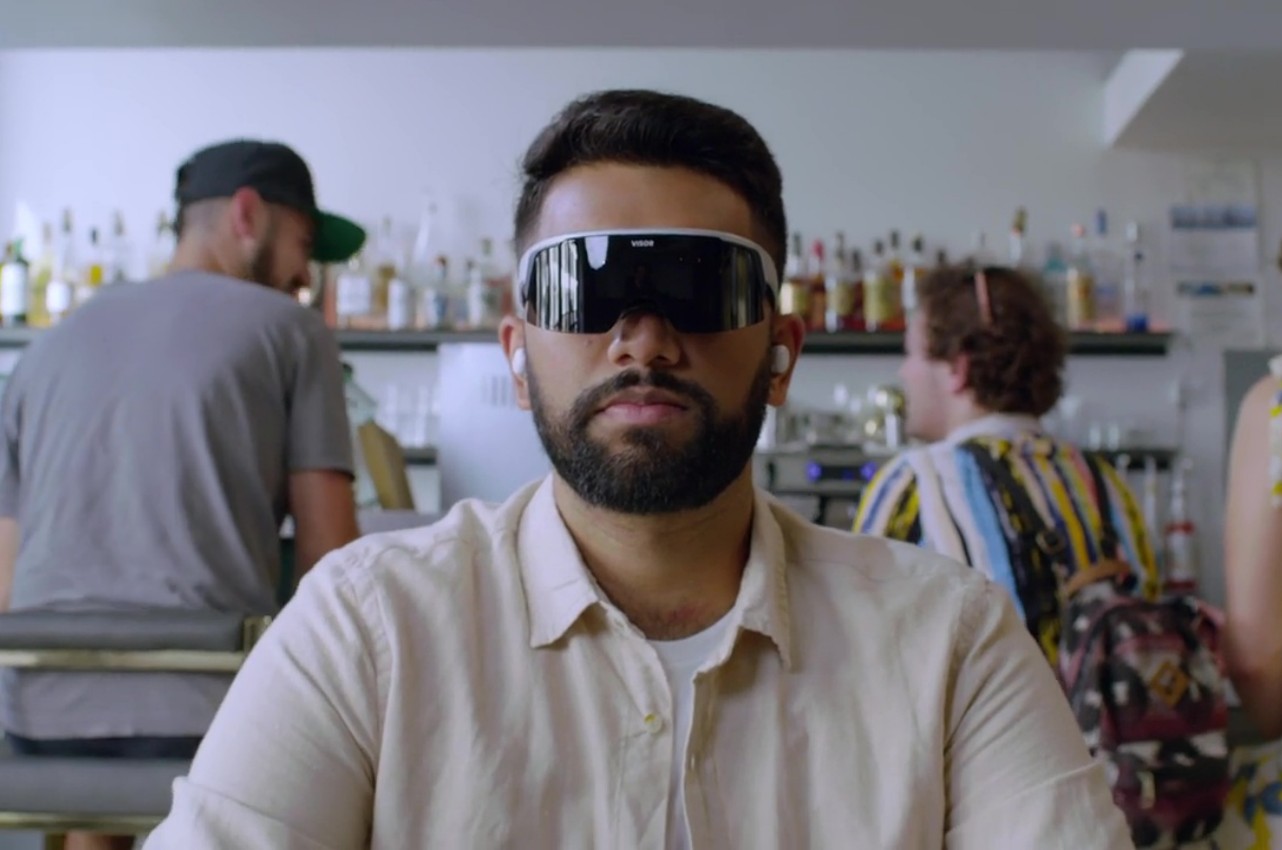
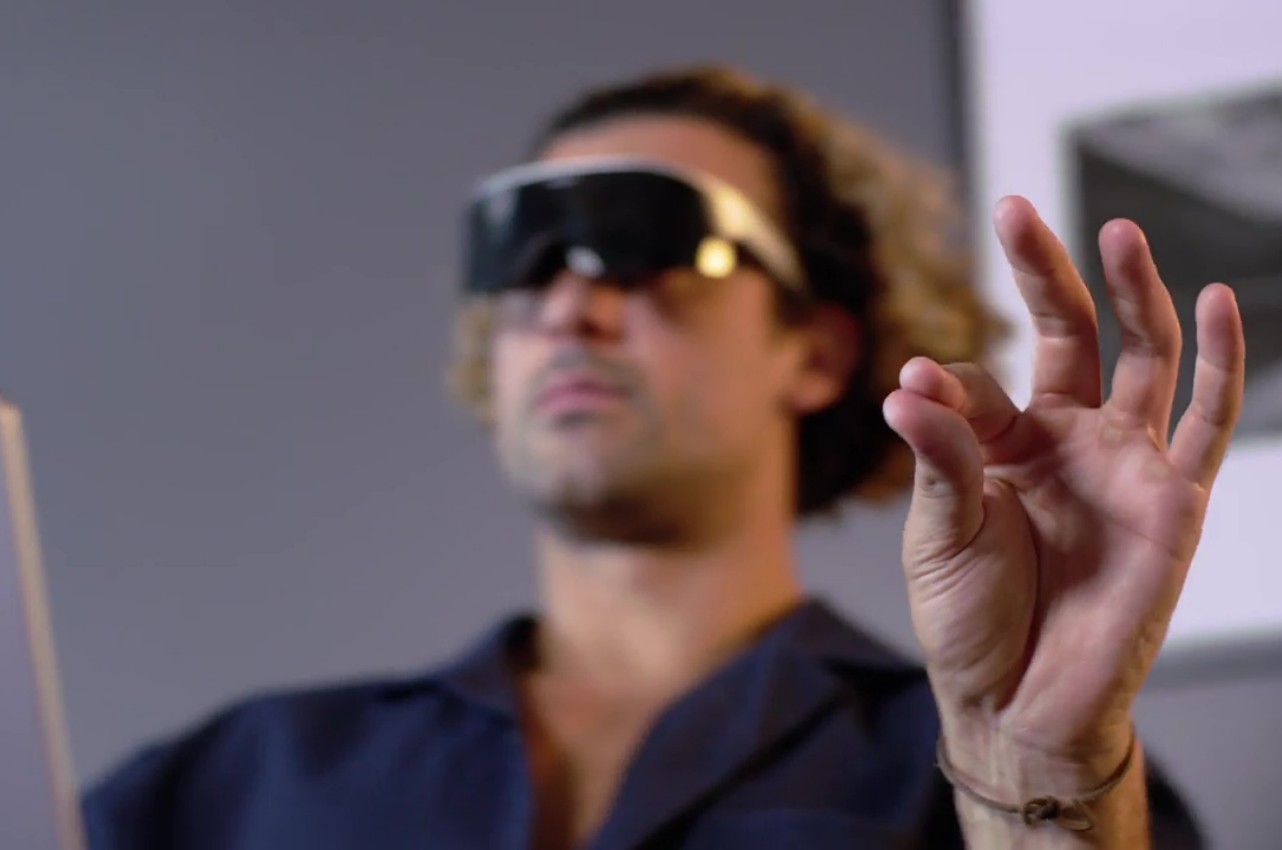
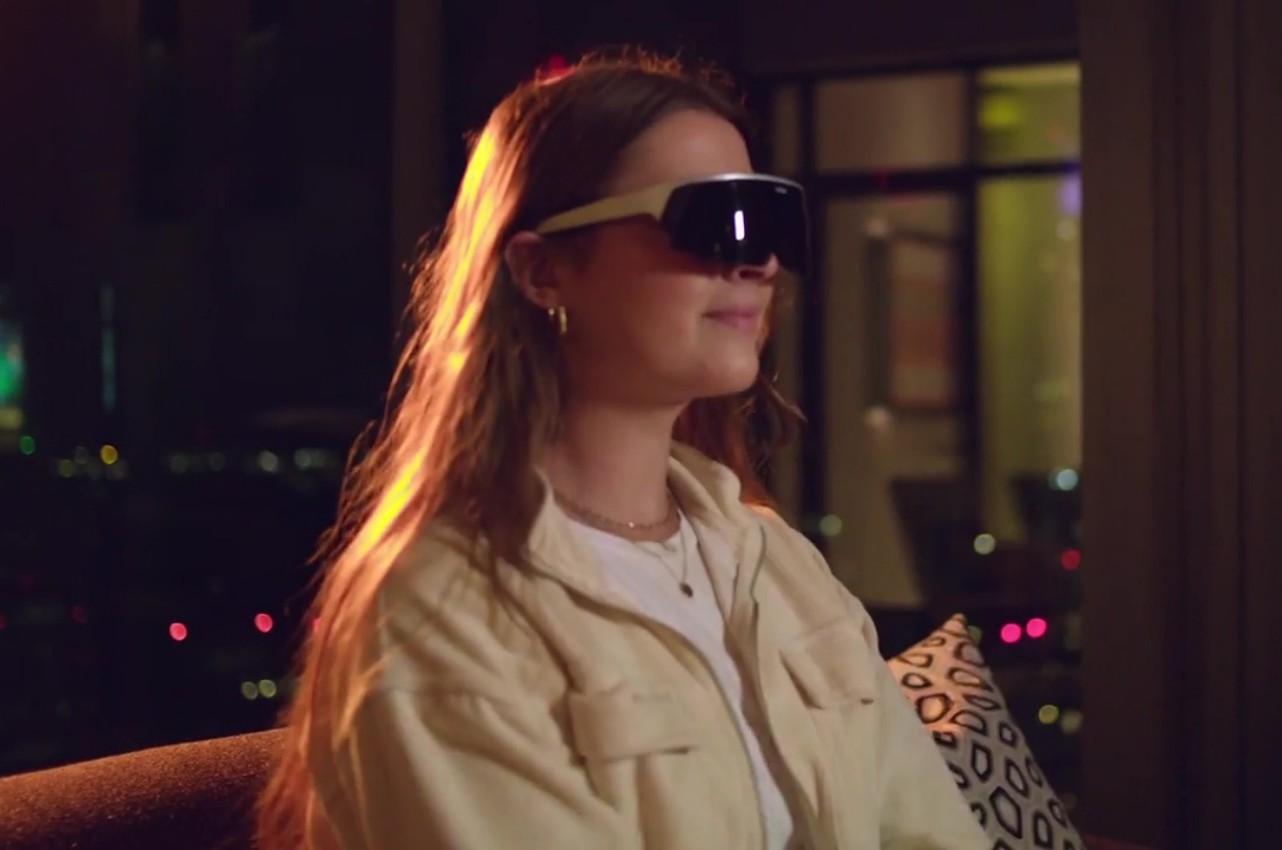
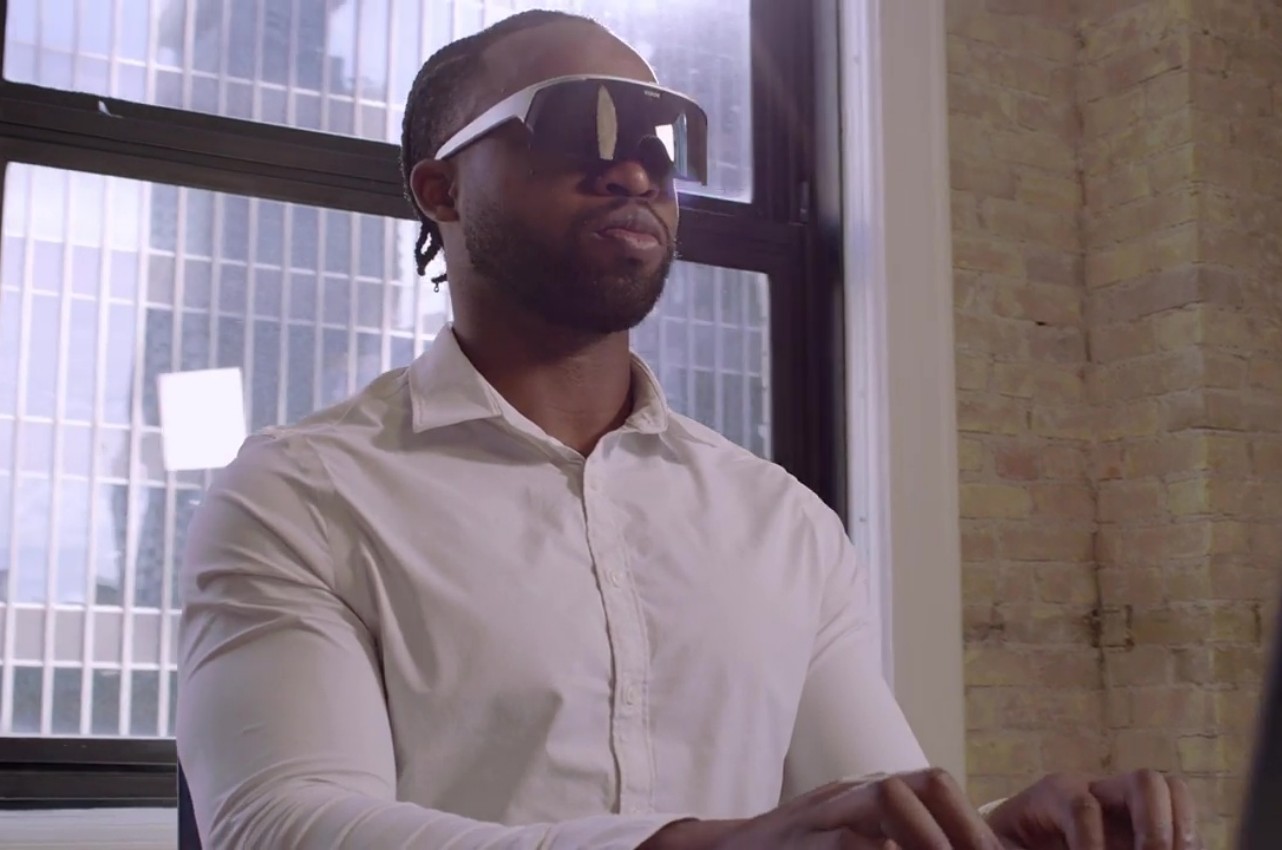
Although it’s definitely the latecomer, Apple is unsurprisingly stirring up a storm with the launch of the Vision Pro. Mixed reality, or spatial computing as Apple named it, is en vogue once again, and many companies are making a lot of noise to demonstrate how they’ve been playing the game long before the Vision Pro was even announced. That boast comes with the implication that they can offer a better experience and a more accessible product, like this visor-like Visor headset that’s trying to be a better Vision Pro than the Vision Pro with a more open platform, a more stylish design, and most importantly, a more affordable price tag.

Designer: Immersed

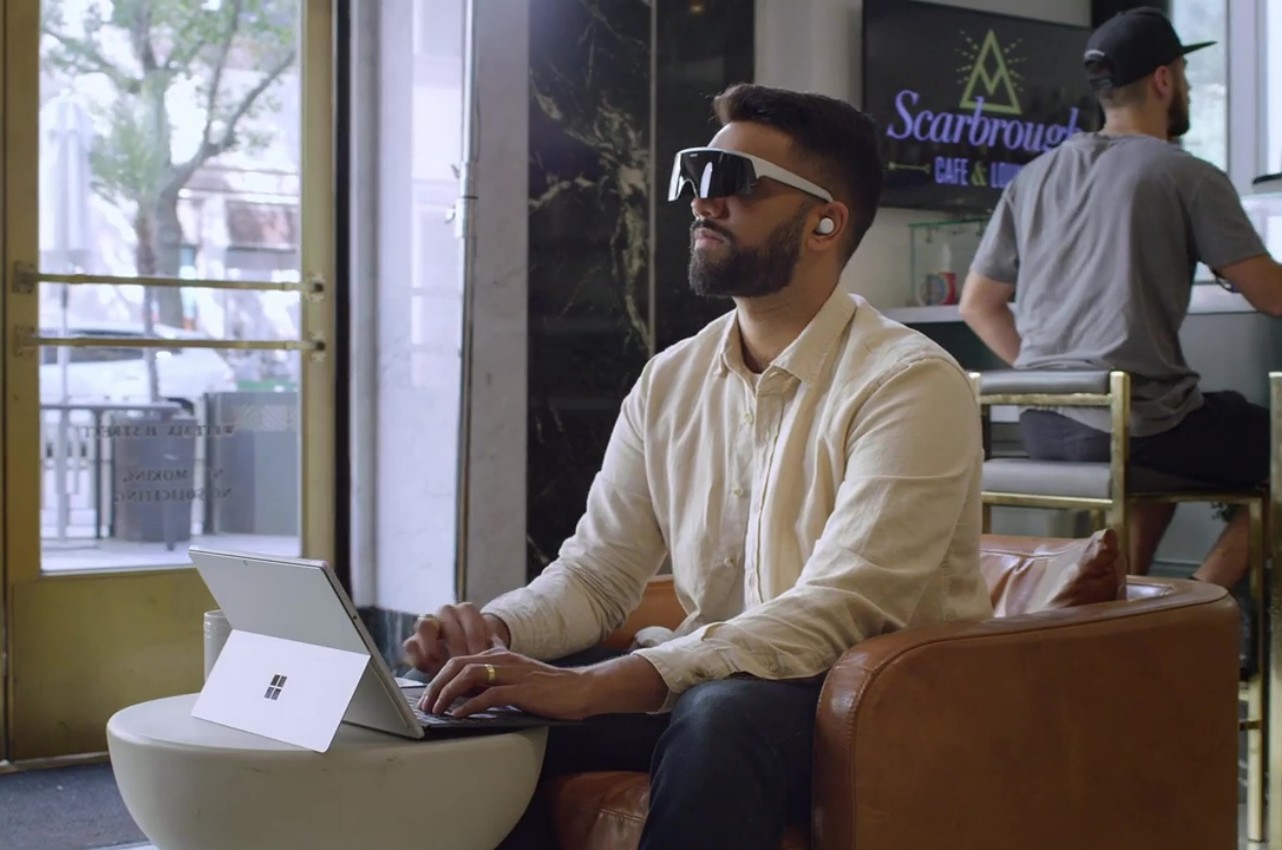
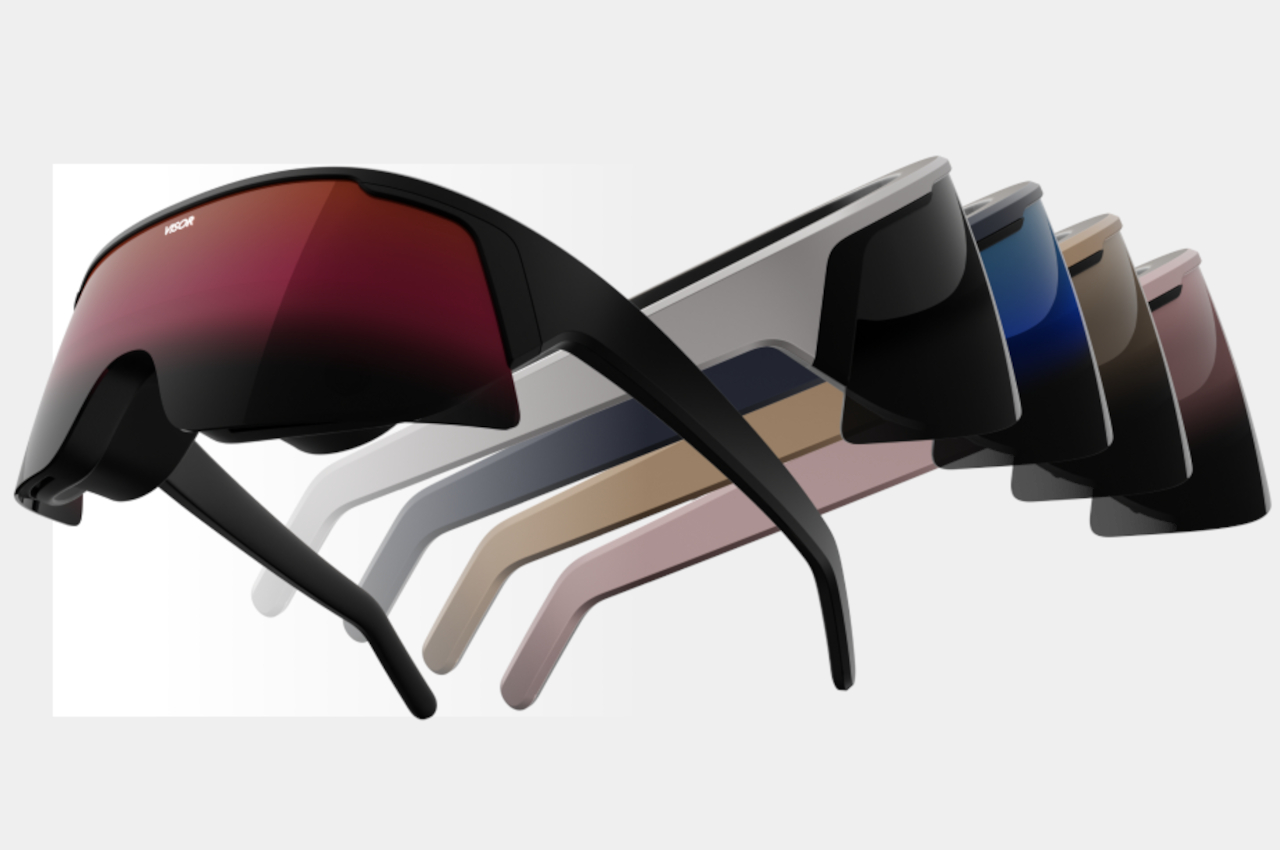
Although the Apple Vision Pro is definitely more stylish than other mixed reality headsets, it’s still a headset that leaves nothing to the imagination about what you’re wearing or doing. Visor, on the other hand, looks more like its namesake, at least outwardly. Despite the spectacle-like design, it actually bears 4K micro OLED displays per eye, a lot more than what the Visor Pro boasts. And yet the headset itself manages to weigh only 200g, more than half what the Meta Quest 3 weighs. And yes, it has an external battery to help keep the weight down.

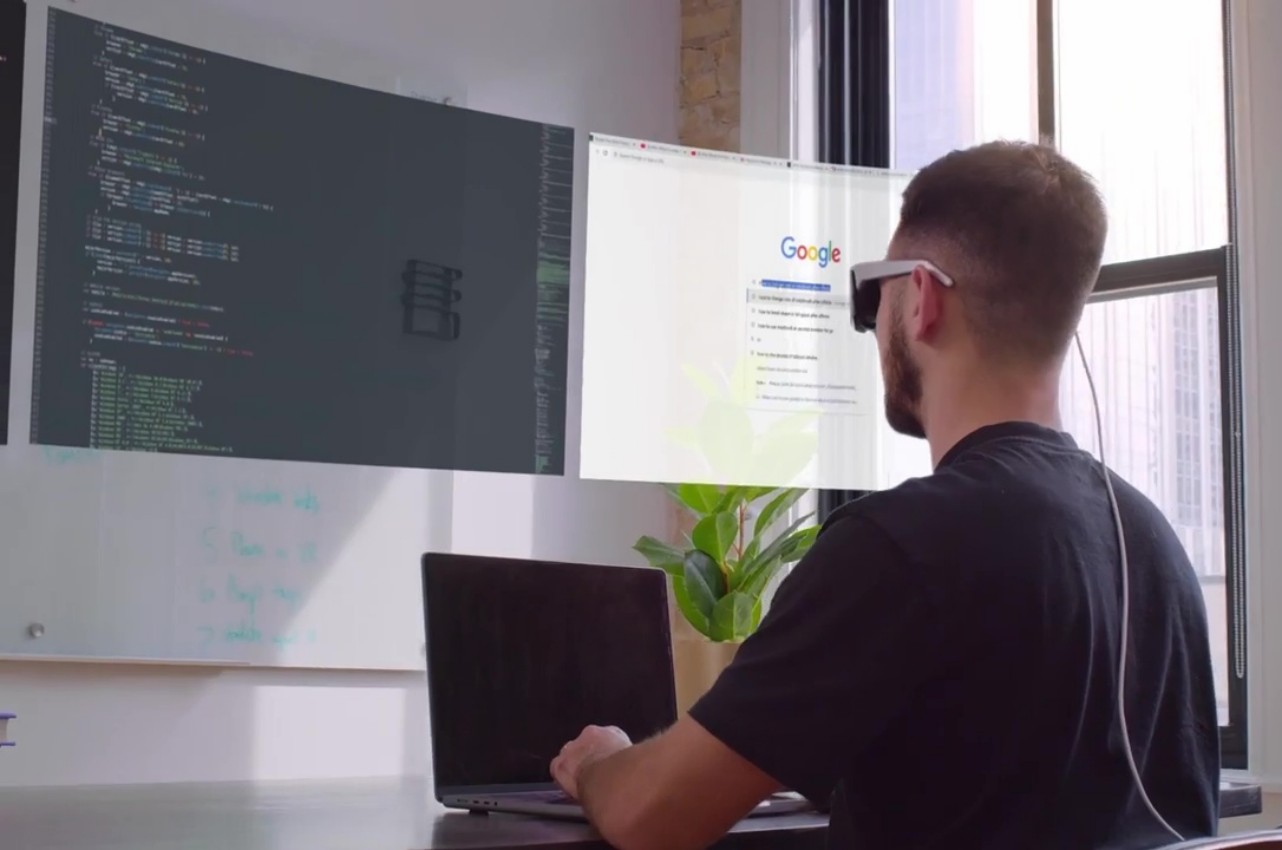
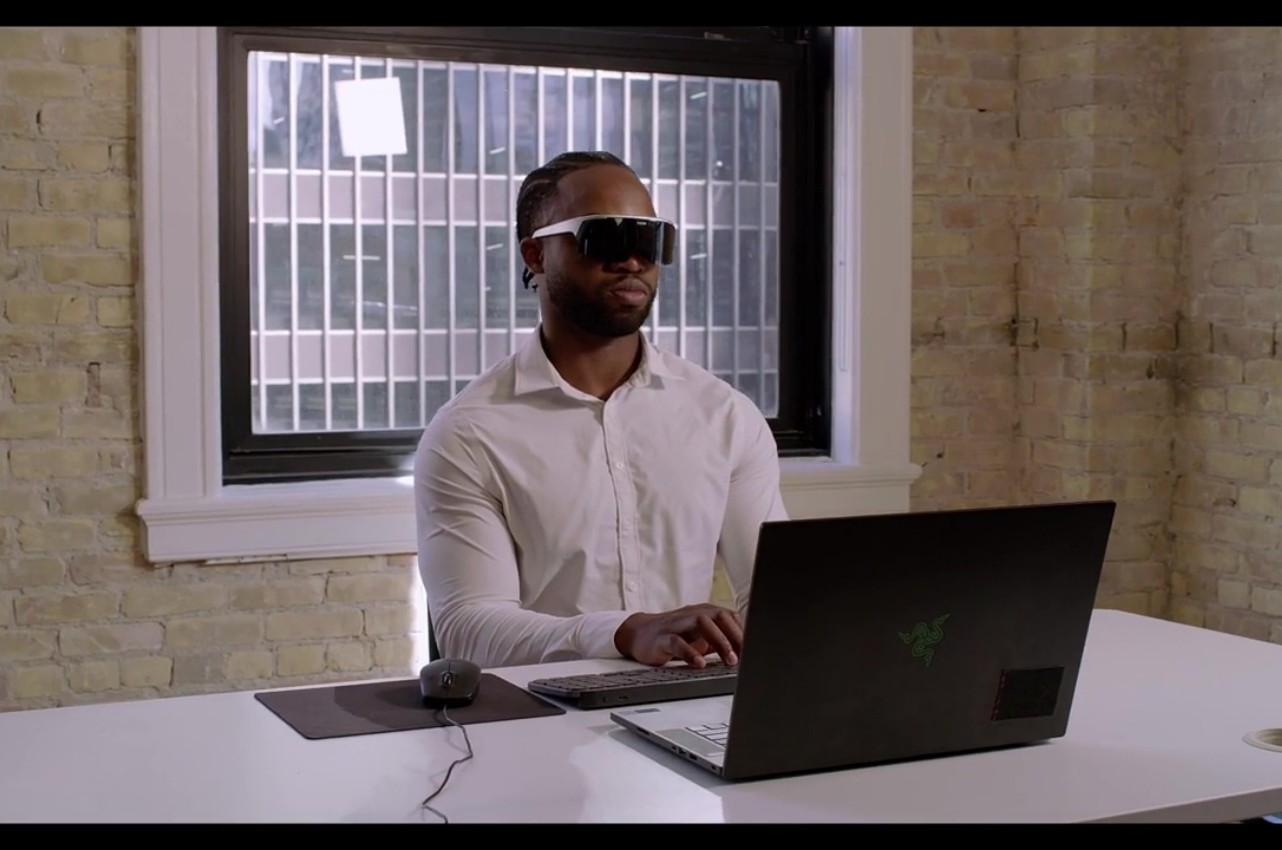
Beyond just the design of the device itself, the Visor offers a completely different experience from the likes of the Vision Pro or even the new Xreal Air 2 Ultra that was announced at CES 2024 earlier this month. It neither runs its own operating system nor does it just mirror the screen of a computer. Instead, it harnesses Immersed’s mixed reality software that it has been developing for years that practically gives you virtual monitors spread across your vision, resulting in a wider field of view compared to the common smart glasses implementation.

What this means in practice is that you can keep on using the software and operating system you’re already familiar with without any limitations. In fact, Immersed says it won’t even block attempts to make SteamVR work with its device, even though its focus is more towards productivity and professional use. Visor doesn’t even have an app marketplace, but it will release development tools for sideloading apps later on.

If Visor’s $399.99 price tag sounds too good to be true, that’s because it somewhat is. That cheap figure actually requires you to also buy a “Membership Plus” subscription that will cost $59.99 a month for 12 months or $39.99 for 24 months. The good news is that you won’t lose access to the basic features of the device if you decide not to renew after that period. Alternatively, you can buy the device alone for a full $999.99, without any of the extras, which is still a lot cheaper than the Apple Vision Pro. Whether it can deliver all these promises, however, is something we’ll have to see in due time, no pun intended.

The post Visor mixed reality headset promises a more accessible Apple Vision Pro first appeared on Yanko Design.
Microsoft Mesh lets you hold virtual meetings around virtual bonfires

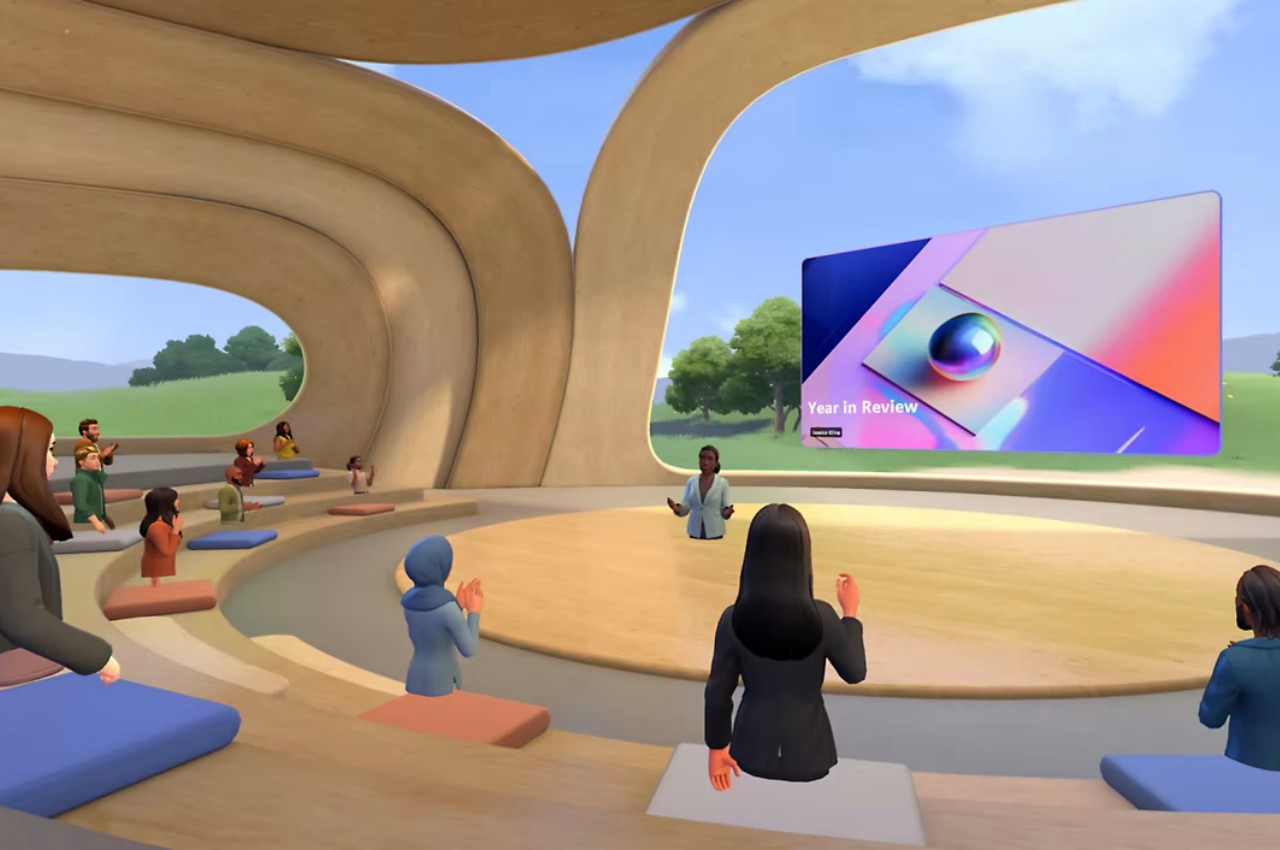
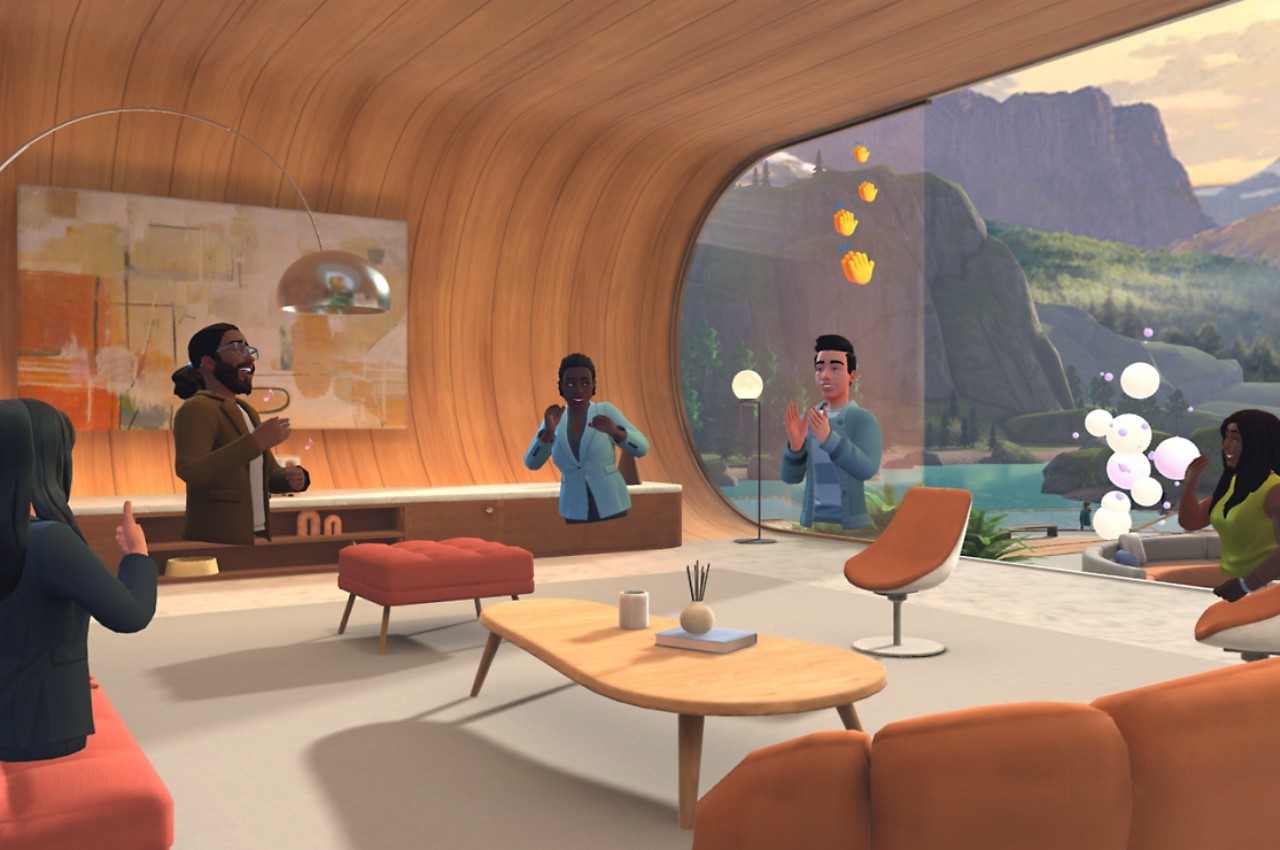
The hype around the so-called Metaverse seems to have died down a bit. Even Facebook, which changed its name to Meta to emphasize its new mission, has been rather silent on that front, especially in light of AI being the hottest thing in tech these days. With the launch of the Apple Vision Pro, however, interest in mixed reality, as well as AR and VR, is once again on the rise. As such, now seems to be the best time for Microsoft to also make widely available its own virtual meeting platform, Microsoft Mesh, encouraging a new approach to hybrid work arrangements that will have attendees “sitting” around digital bonfires or posh virtual rooms, all for the sake of trying to make people feel more connected even when they’re all just sitting in their own homes.

Designer: Microsoft

In order to shake off the image of something only for games and entertainment, platform developers like Meta and Microsoft try to make mixed reality technologies something that’s actually useful for serious business as well. These usually involve providing virtual spaces for meetings, creating avatars that represent employees, and holding more interactive and livelier gatherings that would otherwise be a boring experience of watching people’s faces in a grid of boxes. In other words, they try to recreate the feelings and emotions of meeting in person when they physically can’t.

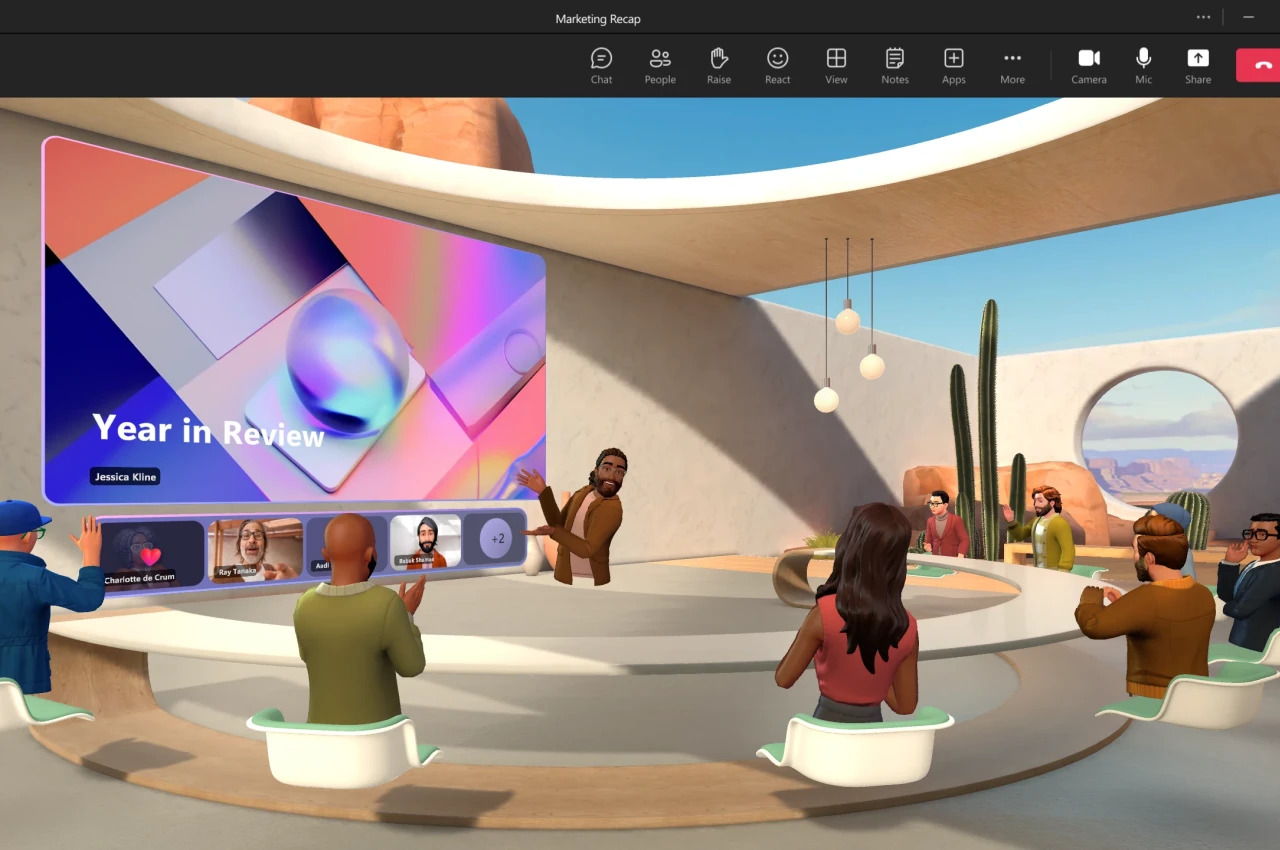
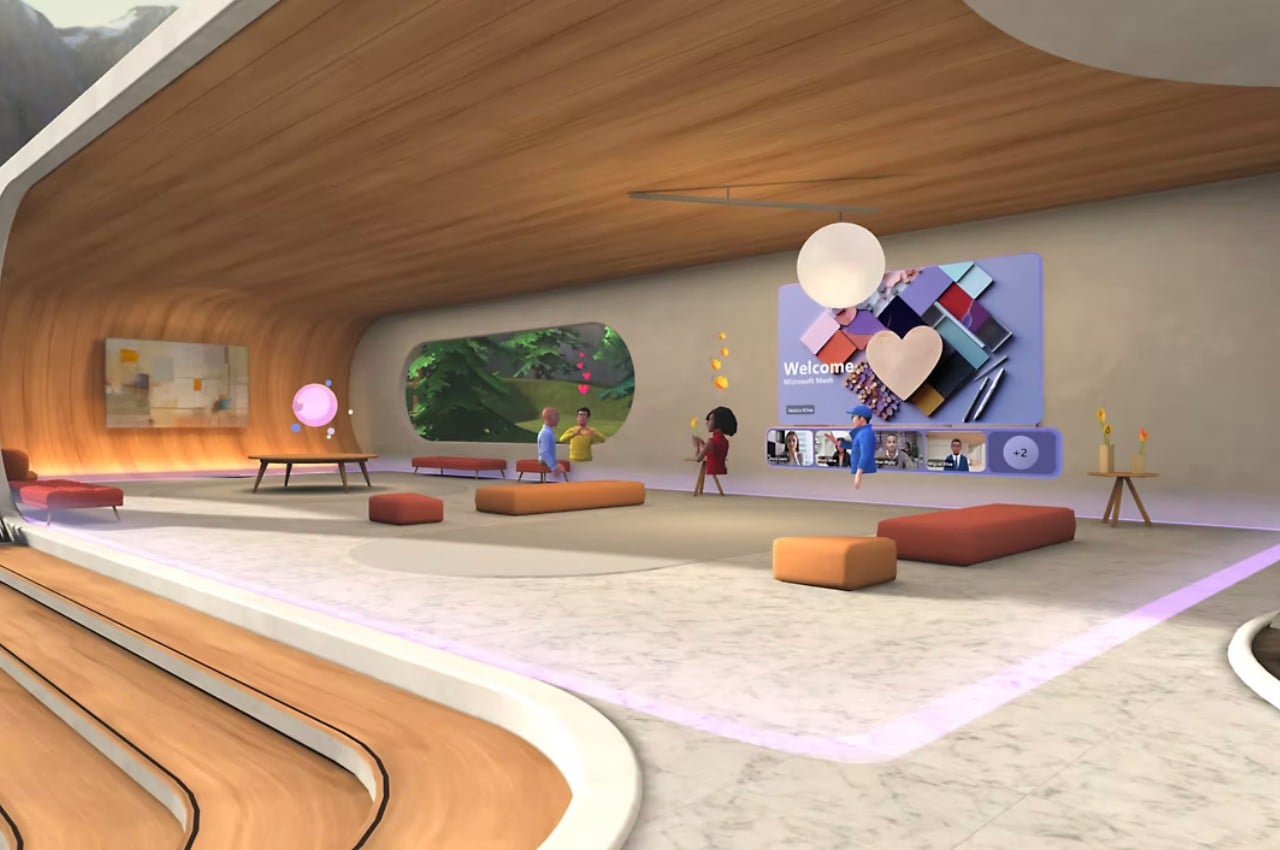
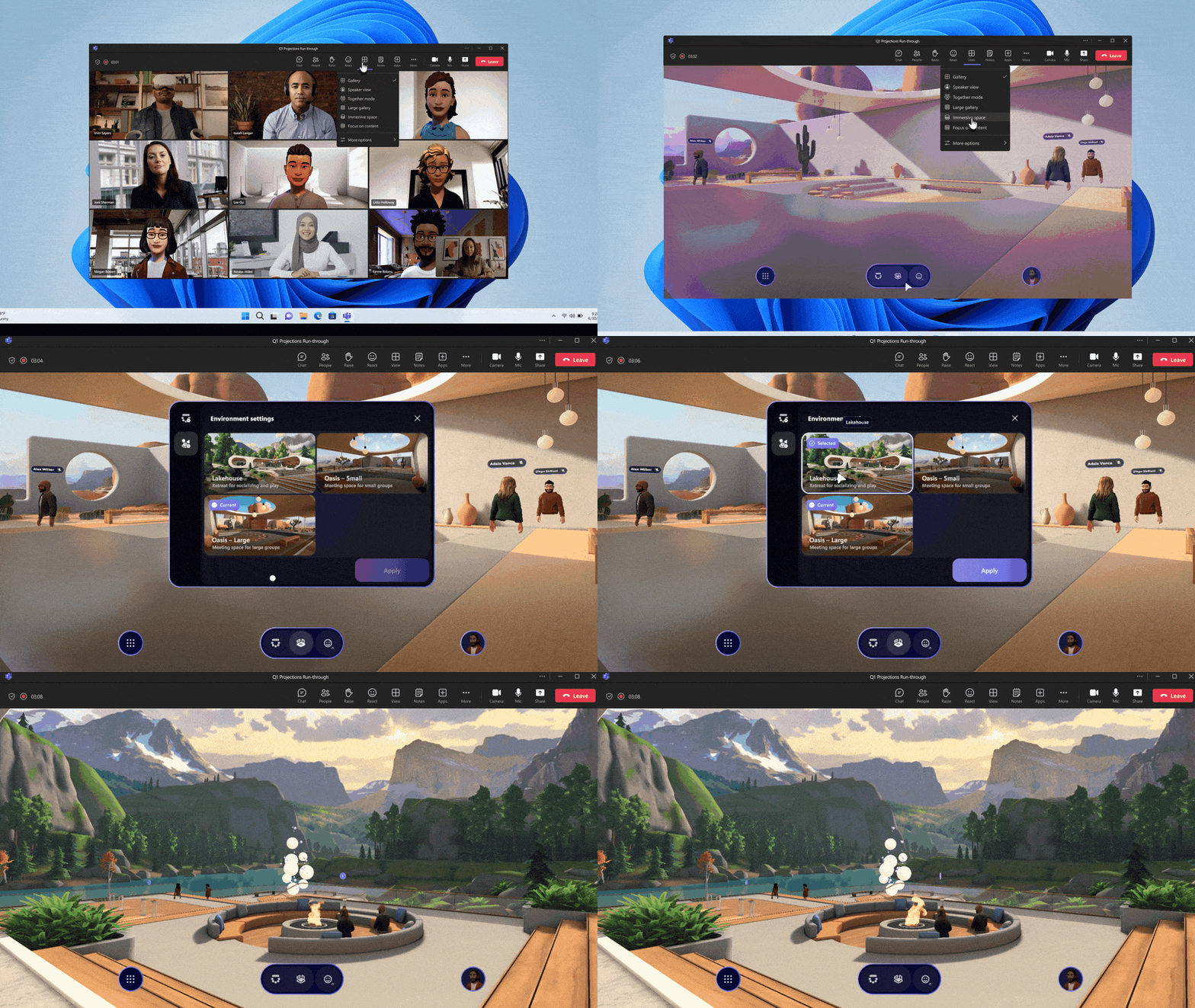
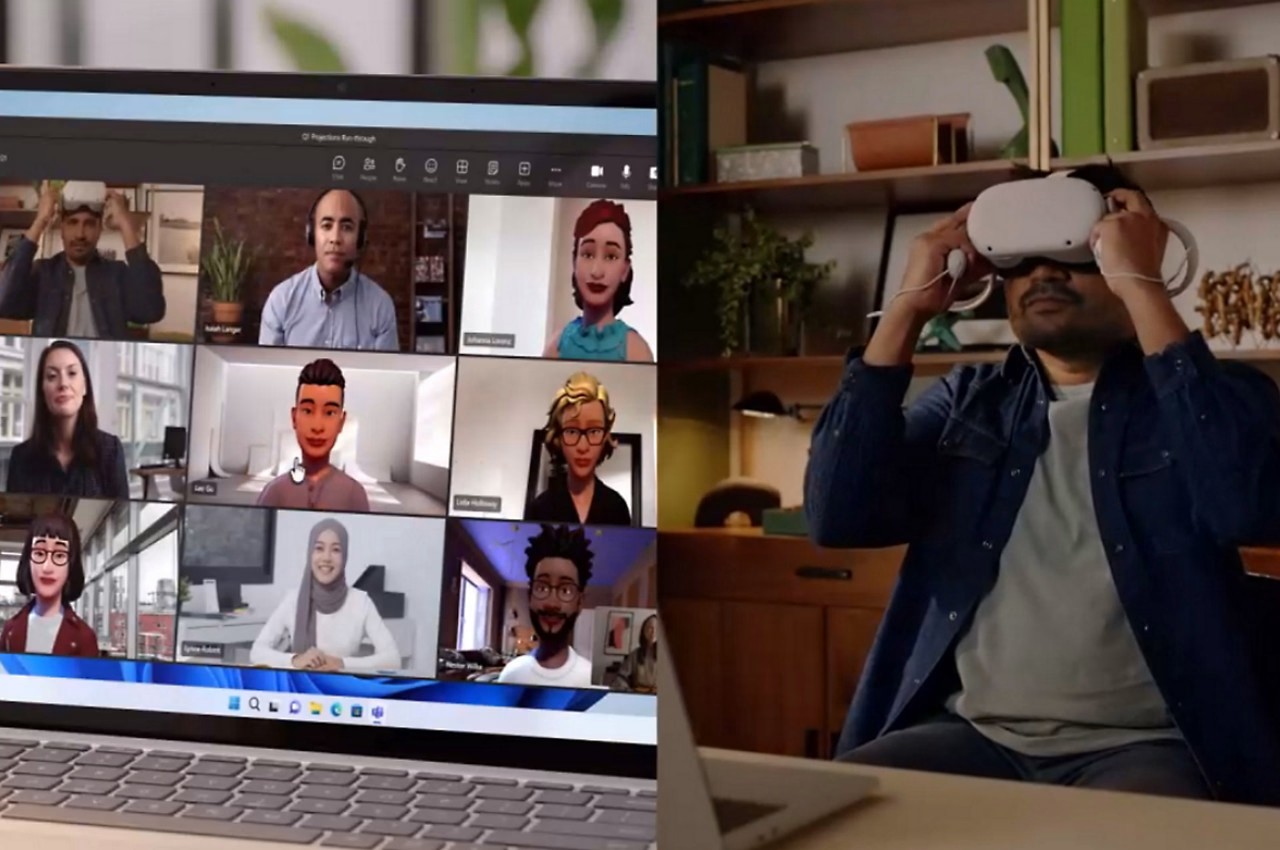
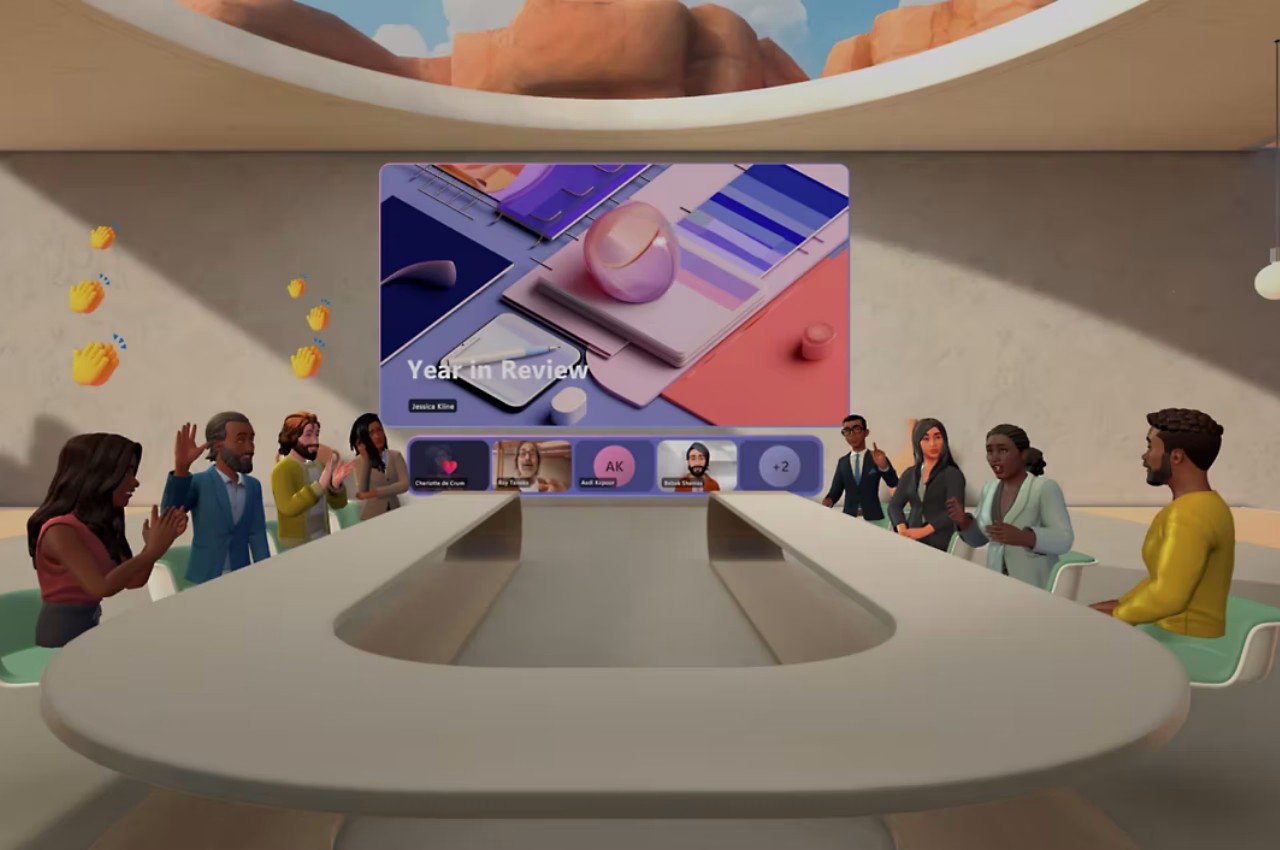
Microsoft Mesh is Redmond’s solution to this problem. Think of it like a VR Microsoft Teams and is, in fact, integrated into Microsoft’s collaboration platform. With just a few clicks, you can turn a flat, literally and figuratively, meeting into a 3D virtual experience, complete with bars, chairs, fires, and, of course, a screen inside a screen for showing presentations to your team. You’ll have to create your own personalized avatar, preferably something close to your real-world appearance, and you can decorate your spaces the way you want, including company logos, of course.

1

Microsoft is leaning heavily on its no-code tools to make Mesh more enticing, in addition to having it tied to Microsoft Teams in the first place. Designing the area is a simple process of dragging and dropping assets as you would in a 3D game editor, thanks to a collaboration with Unity 3D. But if that is already too complex, Microsoft Co-Pilot offers an easier method that utilizes AI to translate your prompts into captivating virtual interiors, or at least the semblance of one. Whether it’s just a simple stand-up meeting that needs everyone to be on their toes, a brainstorming session that requires a bit more creativity, or a presentation that needs to keep people attentive, a virtual meeting space is probably going to help spice things up a bit.

Mesh comes at an interesting time when businesses are actually pushing for their workers to return to the office completely. For many companies, however, hybrid has become an unavoidable and permanent reality, with both the benefits and drawbacks it carries, particularly when it comes to the indirect interaction between humans. Microsoft Mesh is being positioned as the next best thing to support those social connections even when actual physical cues are absent. It’s now being made available for Windows PCs, but those who want a more immersive and convincing experience can enjoy it using their Meta Quest headset. That said, you’ll need a Microsoft subscription as well, so it’s not exactly something that everyone can experience.

The post Microsoft Mesh lets you hold virtual meetings around virtual bonfires first appeared on Yanko Design.
Netflix won’t be coming to the Vision Pro, but here’s what the streaming app could look like in spatial VR

As the Vision Pro begins rolling out exactly a week from now, news is making way of what users can expect on the game-changing XR headset, and surprisingly enough, some companies have expressly mentioned that their apps won’t be available on the Vision Pro’s app store. Notably, apps like Netflix, YouTube, and Spotify (among others) have announced a soft-boycott of the device. Instead of dedicated versions of the apps, they will only be available through the Vision Pro’s browser, offering a less-than-ideal experience as compared to more tailor-made apps like Disney+, which Apple formally partnered with over the Vision Pro.

Designer: Harshita Jajani

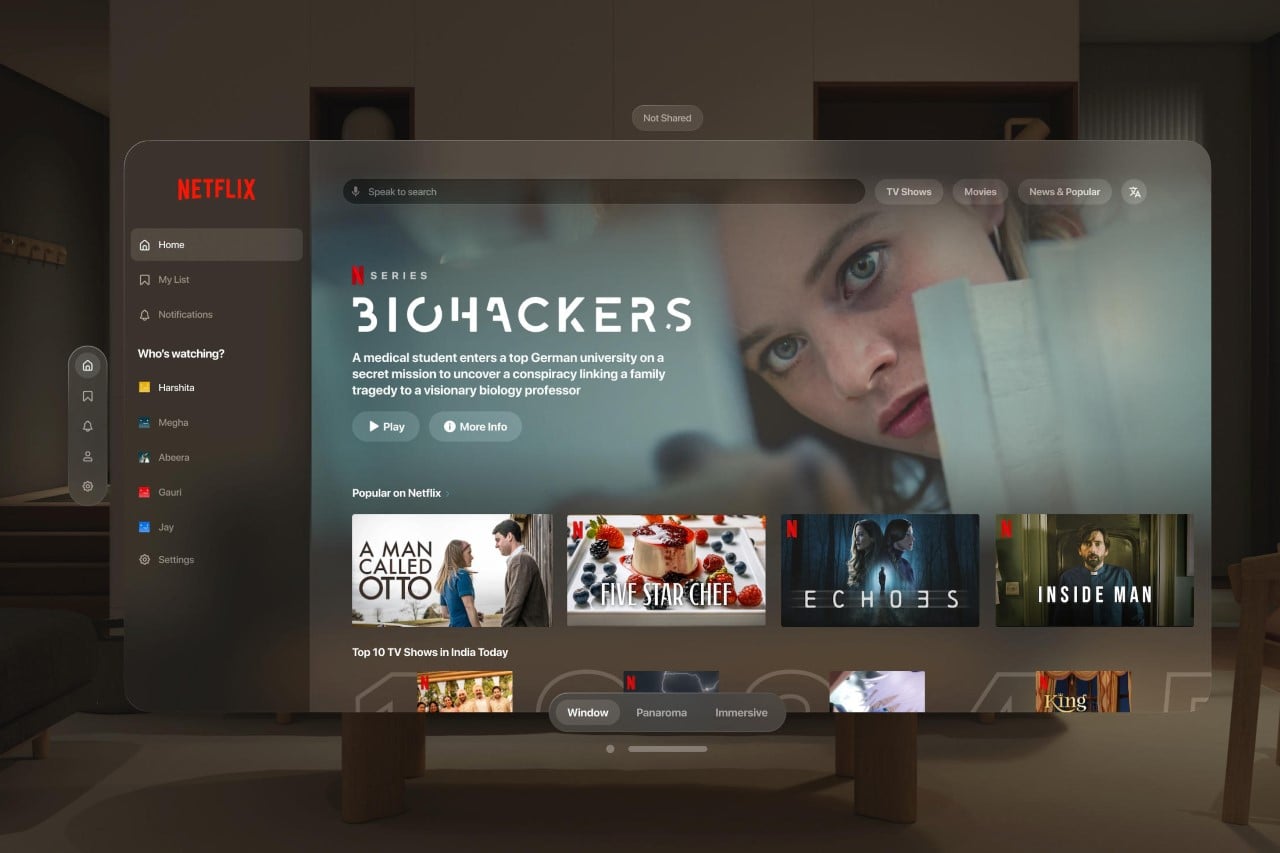
However, that hasn’t stopped designers from making their own versions of popular apps (like this Spotify app) for the XR headset. When Apple debuted the Vision Pro in June last year, it spoke highly of its passthrough interface that practically blurred the lines between reality and digitalism. These UX concepts explore that aspect of spatial computing, putting virtual elements in real spaces in a way that feels incredibly believable.

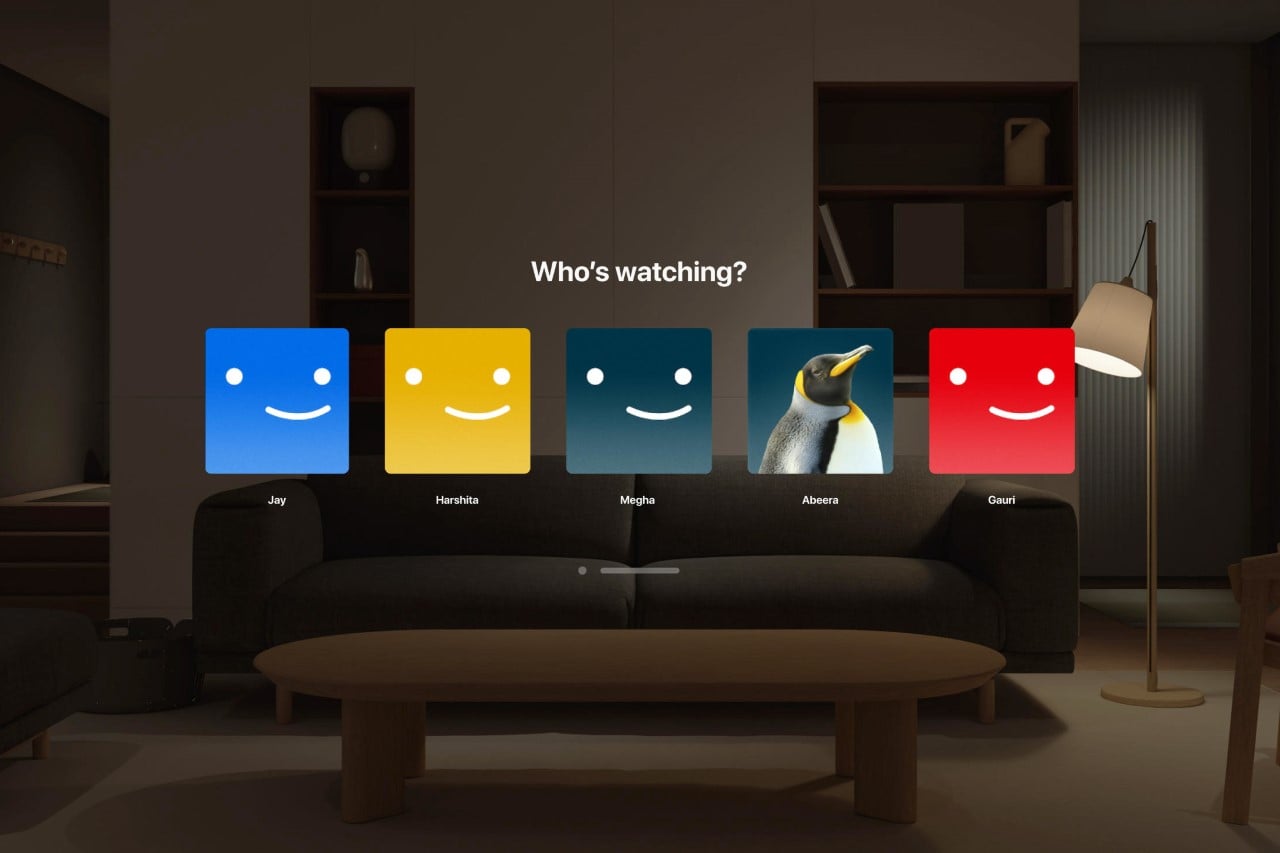
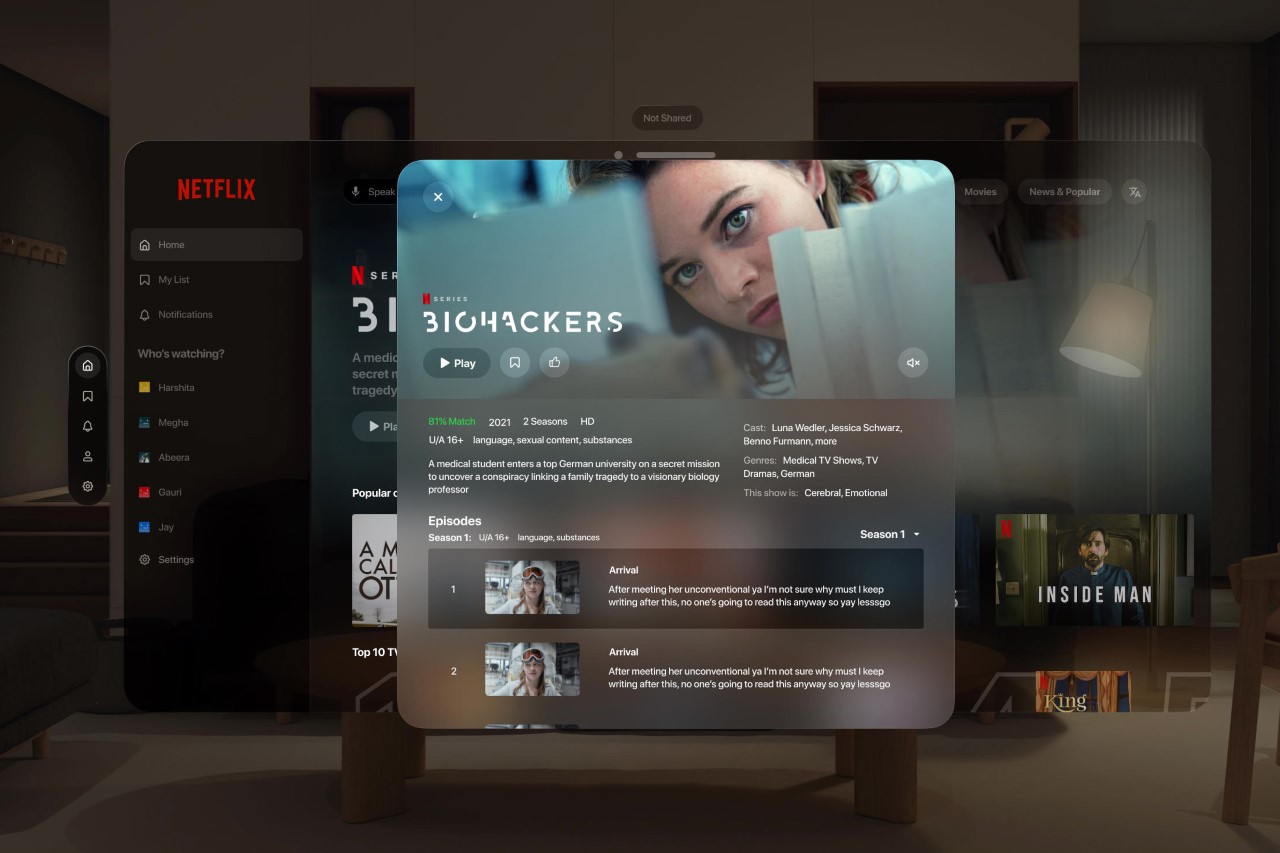
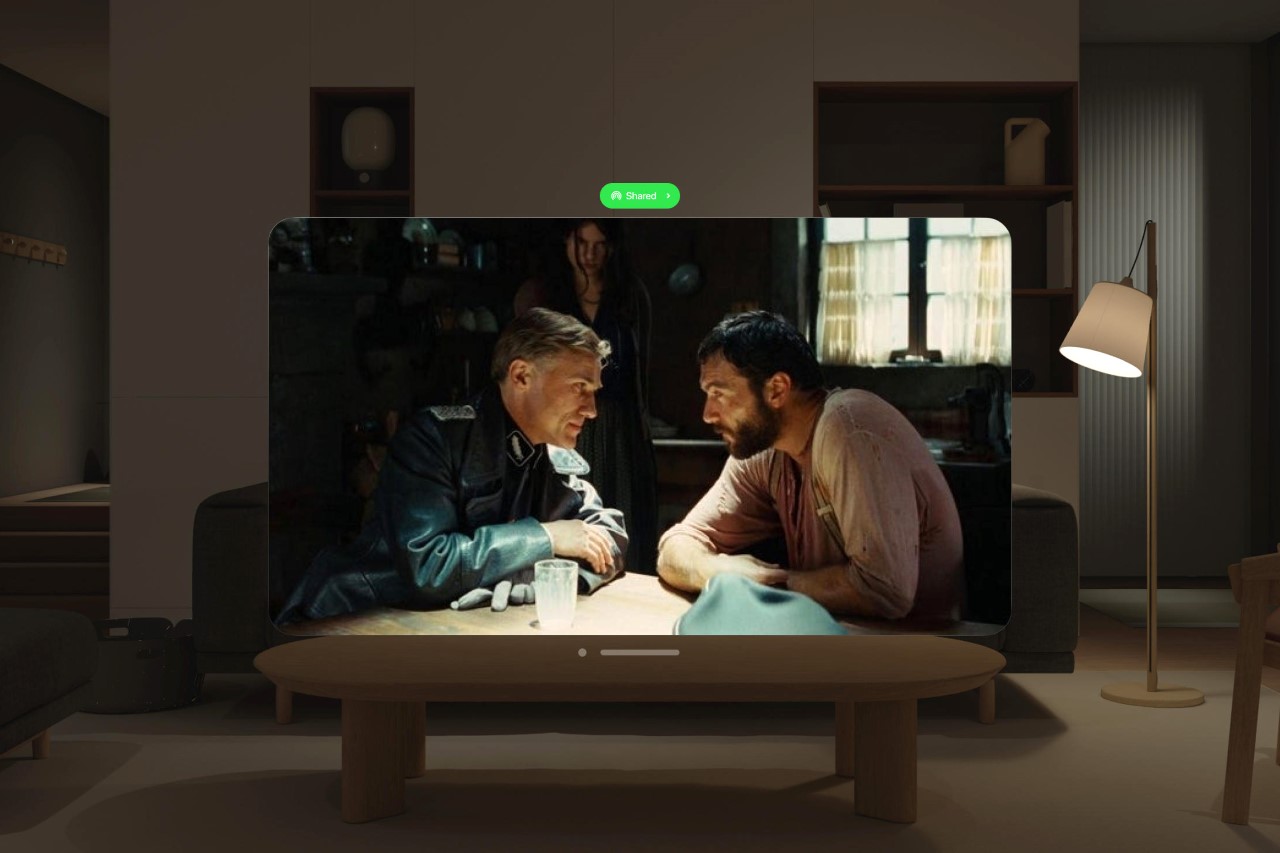
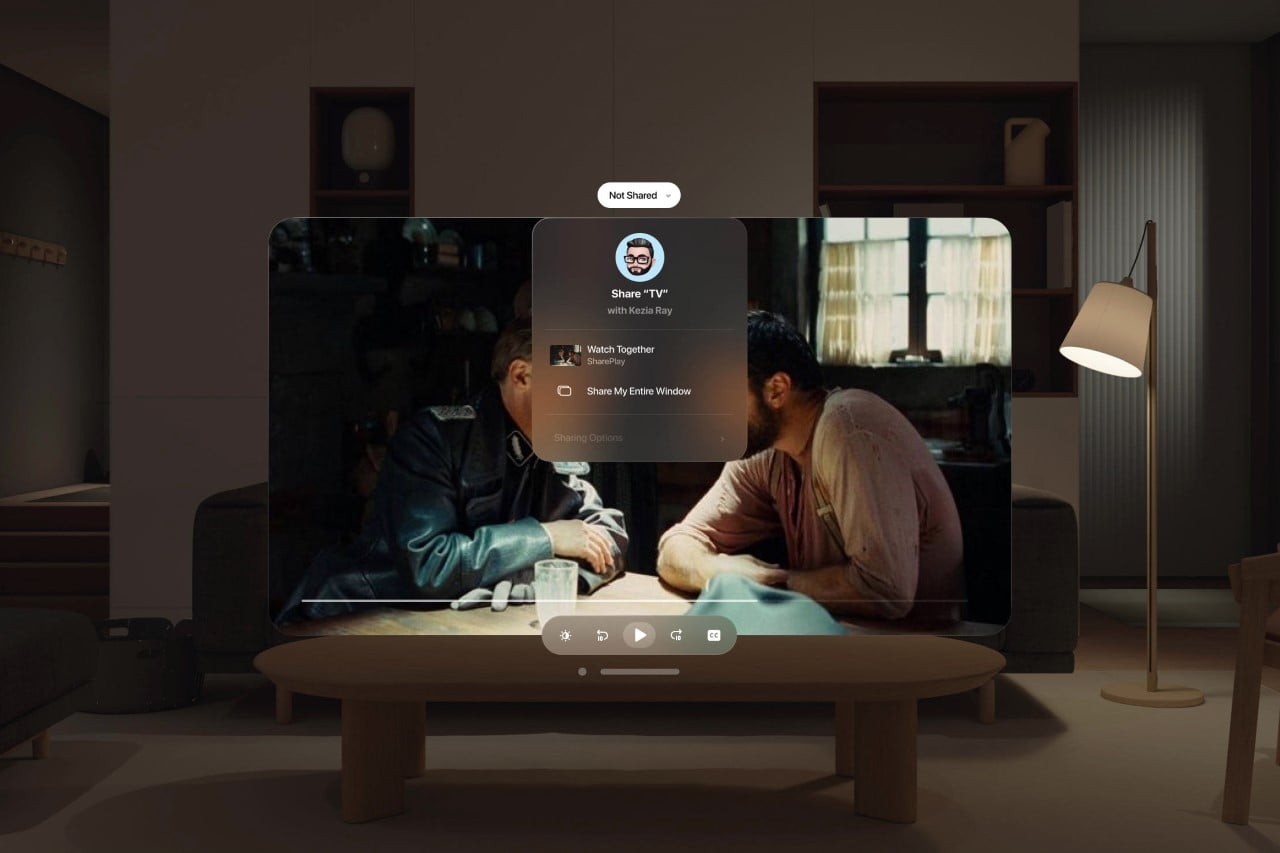
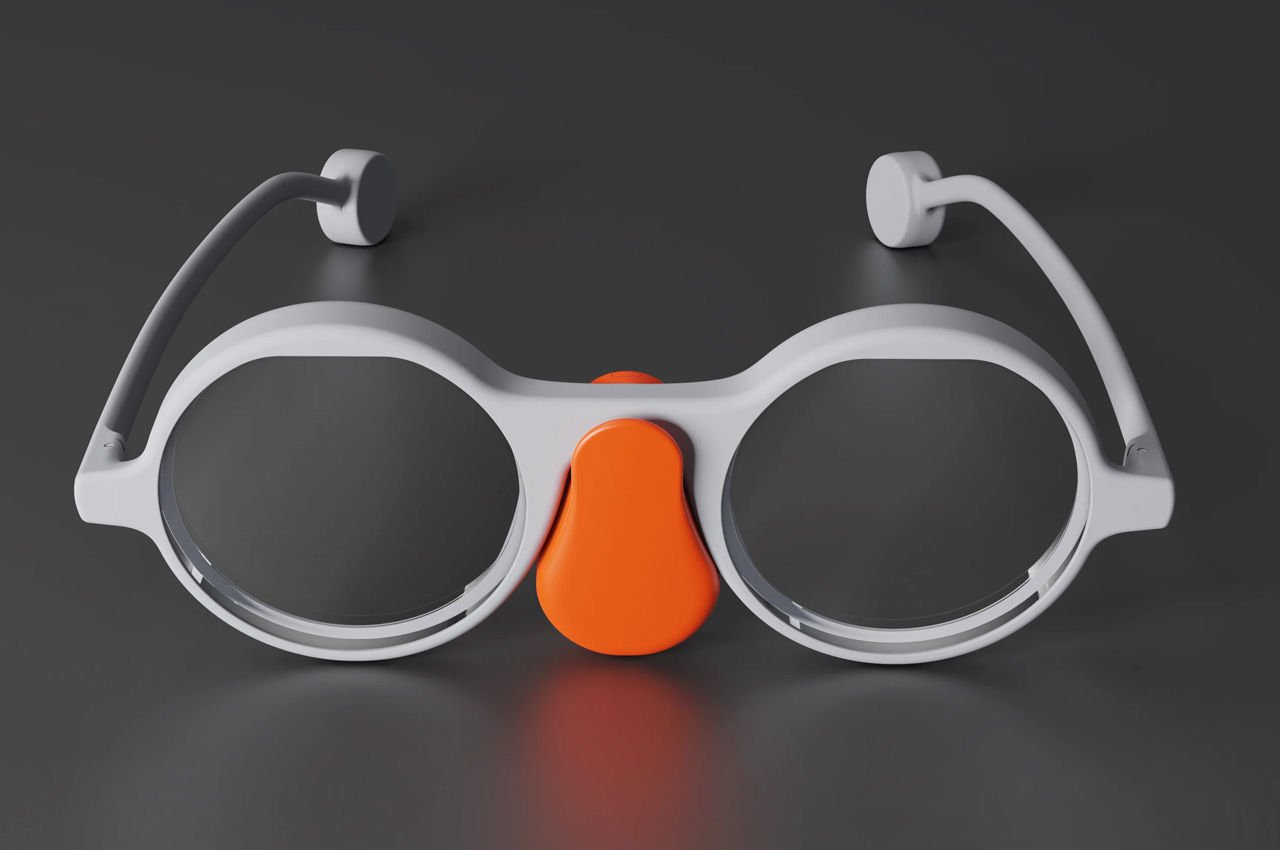
Designed by Harshita Jajani, this unofficial Netflix ‘app’ for the Vision Pro shows how immersive the streaming service could look in a spatial environment. Jajani took parts of the Netflix interface, translating them rather wonderfully into a style synonymous with the Vision Pro’s digital glass interface. The Netflix app features those classic rounded corners, translucent frosted windows, and the ability to shift from a window screen to a much more immersive full-periphery view.

Maybe Netflix will relent after a few months of withholding on the app, but only time will tell. Disney CEO Bob Iger promised a ‘magical’ experience with the Disney+ app (which will come bundled with the Vision Pro), and if anything Netflix’s own app for the Meta Quest is arguably one of the most immersive and fun experiences out there. However, until that happens, these concepts help fill that void. A void that feels like a lot after you spend $3600 on hardware!

The post Netflix won’t be coming to the Vision Pro, but here’s what the streaming app could look like in spatial VR first appeared on Yanko Design.
This Neck-worn Power Bank for the Vision Pro may be better than Apple’s own battery pack

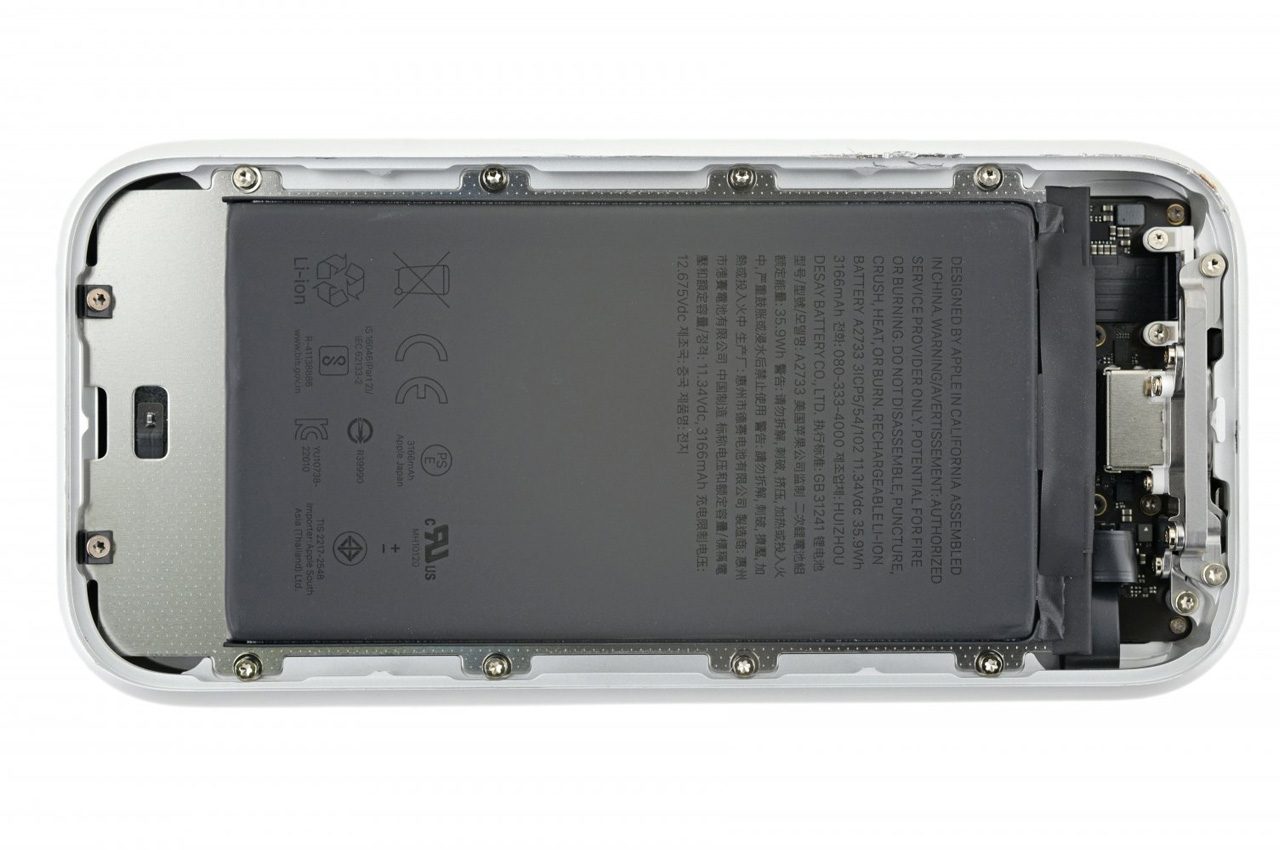
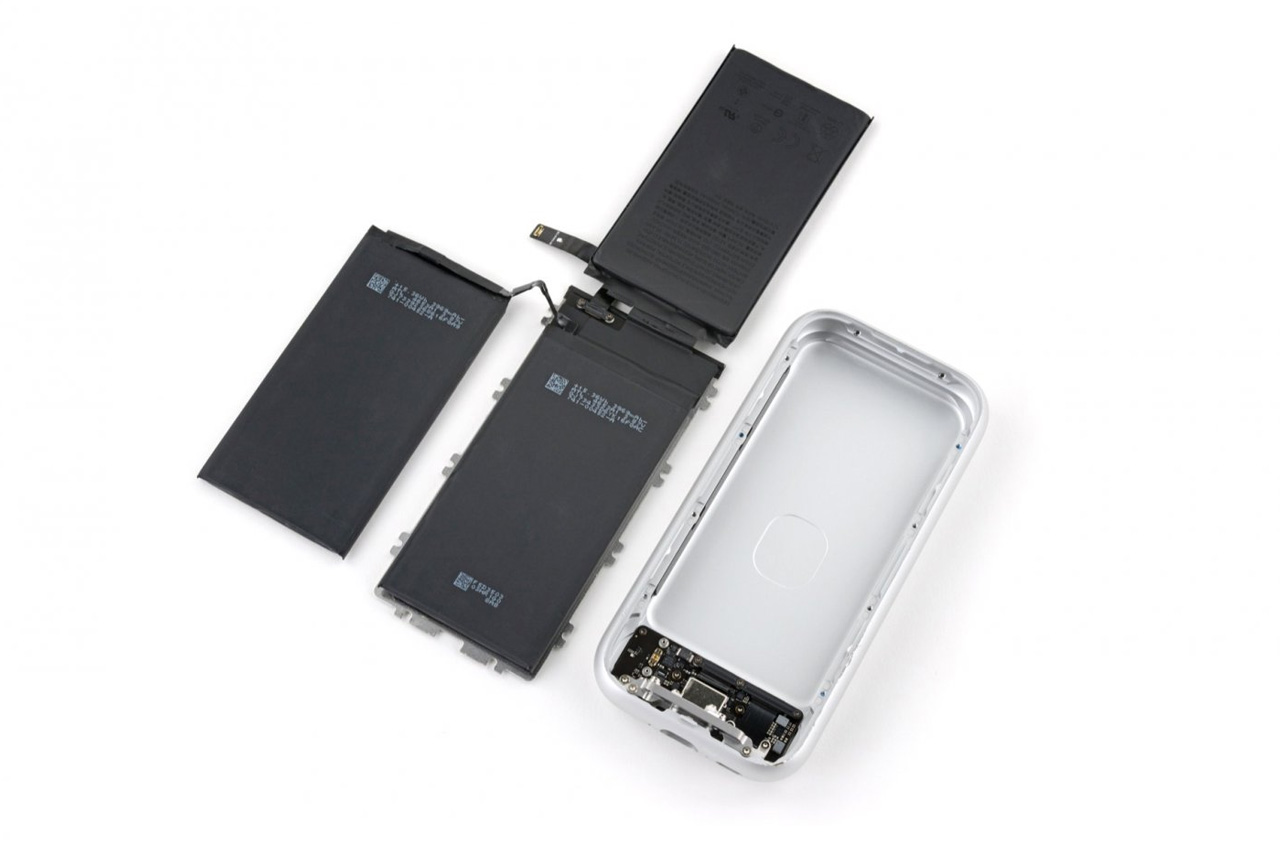
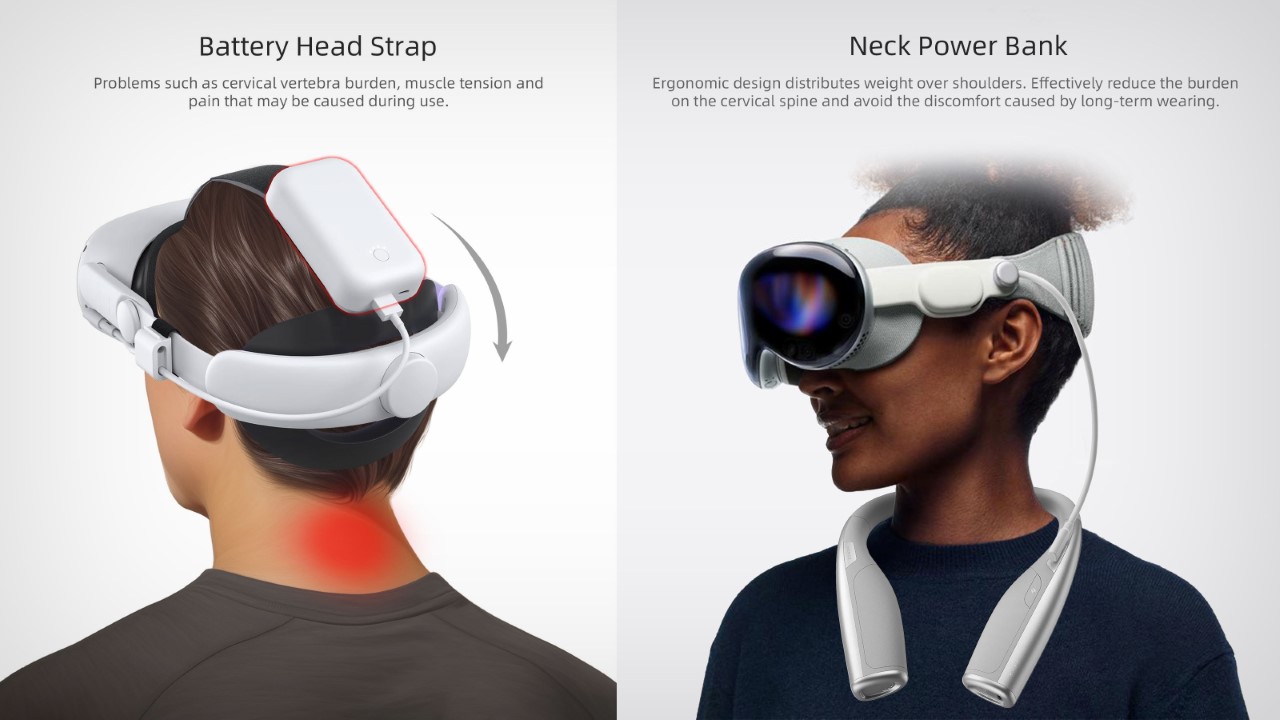
Virtually everyone who’s tried the Vision Pro has mentioned one pain-point, its external battery pack. Designed to strap to your Vision Pro like an IV drip for your headset, this battery pack isn’t particularly elegantly designed. It’s a rather heavy metal cuboid that’s tethered to your headset, and the only way to elegantly store it while in use is to slide it into your pocket – leaving a sole wire that dangles from your head to your waist, coming in the way of your hand while you move around.

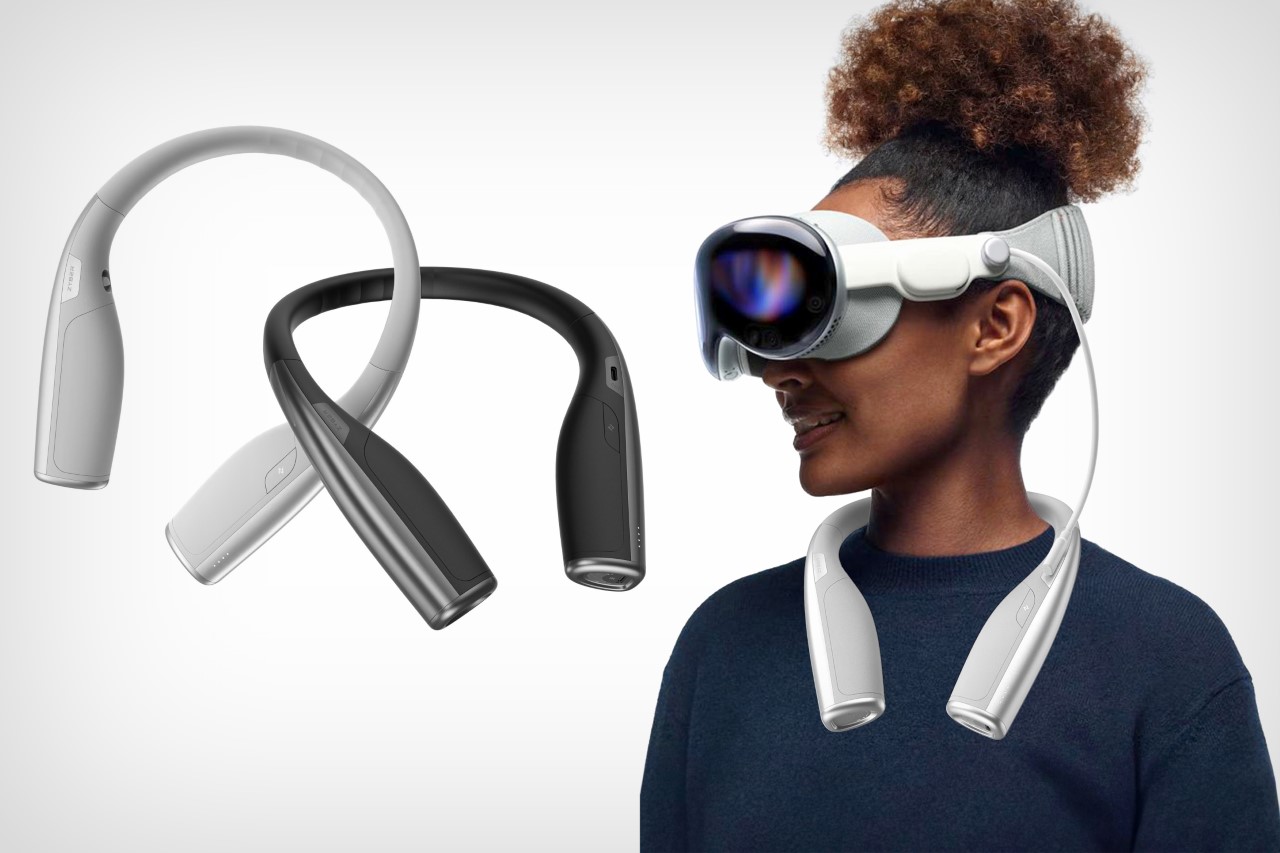
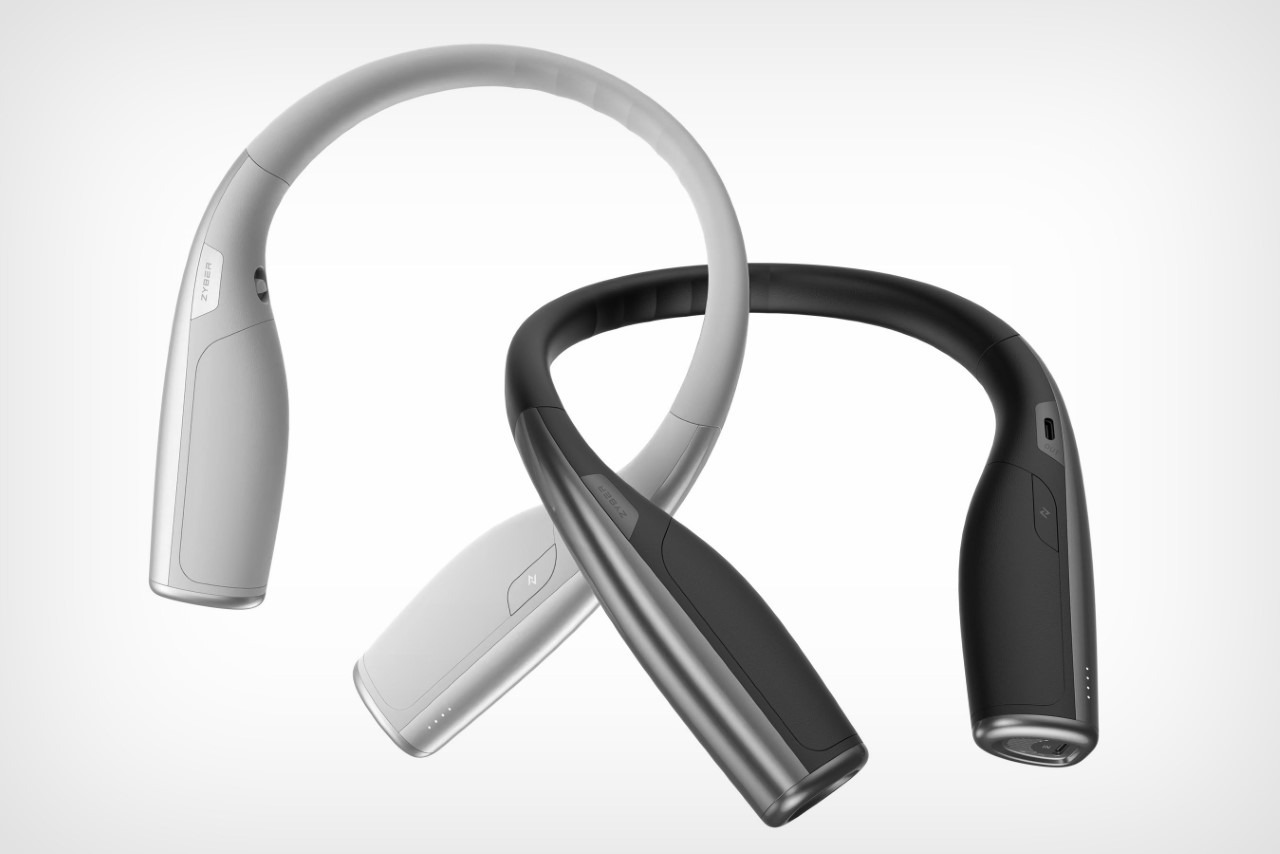
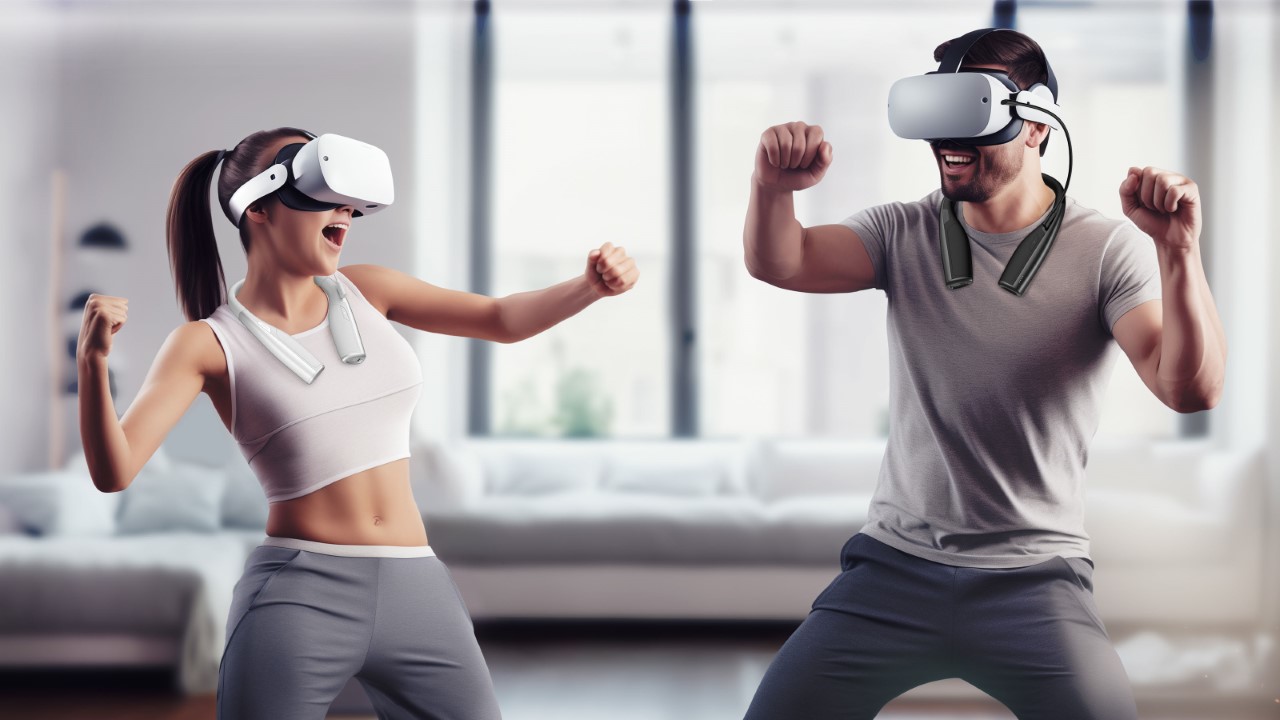
It’s almost like Apple WANTS you to know that they’re great at primary products but terrible at accessories, after various debacles surrounding the questionable designs of the Magic Mouse, the Air Power Mat, the Gen 1 Apple Pencil’s charging solution, and the carrying case for the AirPods Max. The Vision Pro’s battery pack is yet another example of Apple’s questionable approach to product functionality, but it seems like ZyberVR has a better fix. The Neck Power Bank, as its name suggests, straps two lithium-ion battery packs around your neck. Perfect for spatial computing, this power bank rests naturally along the curve of your neck, and connects to your AR/VR headset via a rather short cable. It’s an elegant solution to a rather simple problem, and even allows you to move around unencumbered.

Designer: Kylin Wu

Click Here to Buy Now

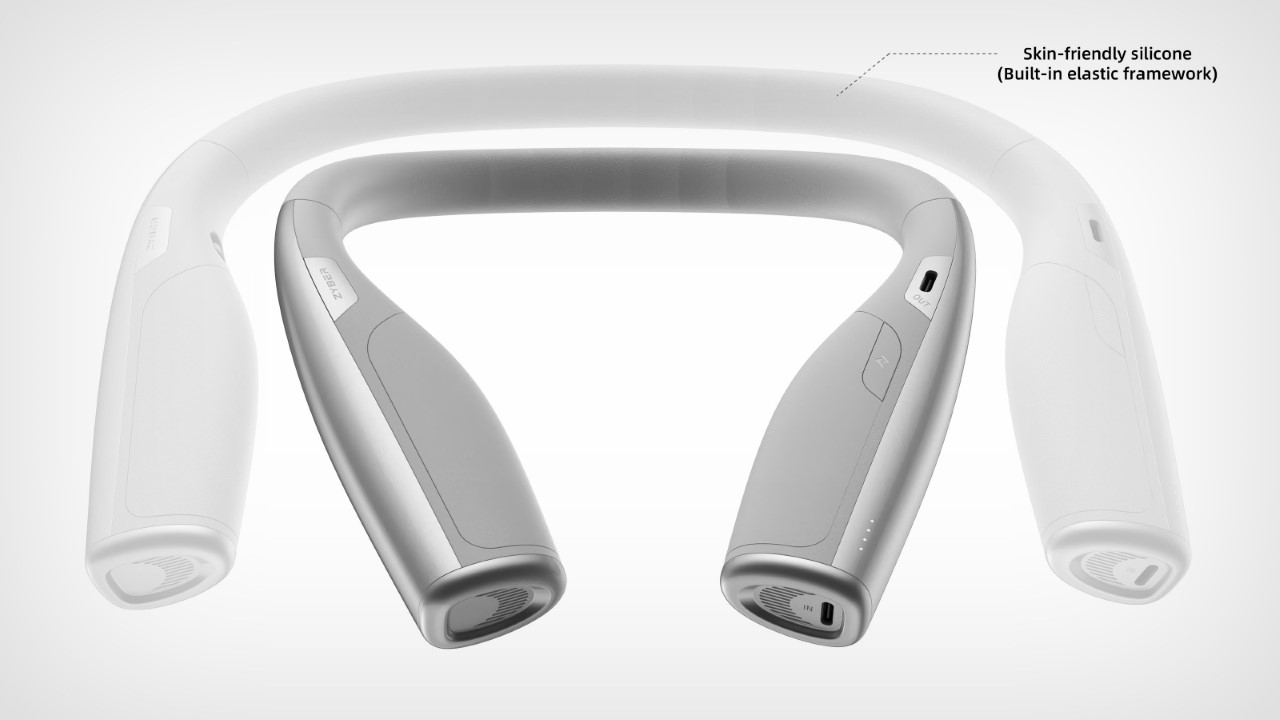
The Neck Power Bank assumes the familiar horseshoe shape of a neck pillow, a pair of sporty earphones, or one of those neck-worn air conditioners. The power bank boasts a fresh and ergonomic design that sets it apart from the rest. Featuring a flexible center frame, it simplifies the process of unfolding and wearing it comfortably around your neck. Prioritizing ergonomic principles, it skillfully redistributes weight onto your shoulders, effectively relieving neck strain. The product seamlessly conforms to your shoulder’s natural curve, ensuring a secure fit during physical activities and minimizing unwanted shaking. This cutting-edge design departs from convention, effectively eliminating the discomfort often associated with prolonged use and offering users a more convenient, stable, and enjoyable charging experience.

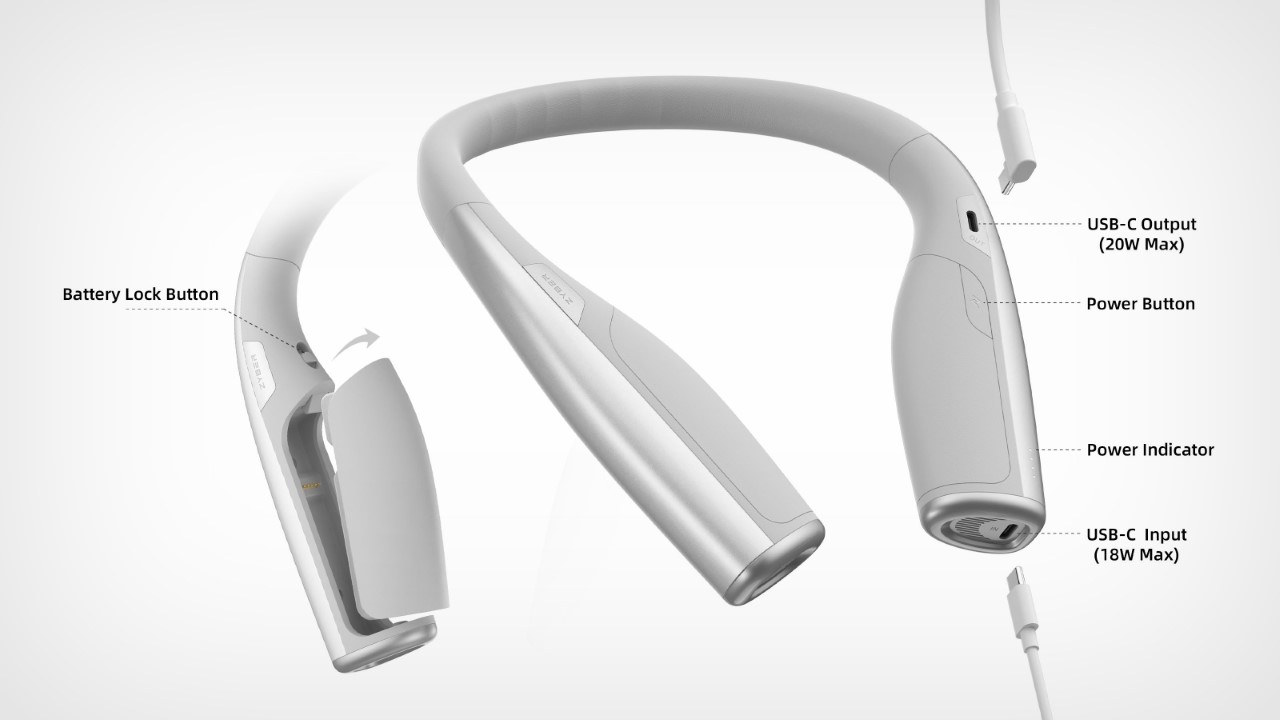
With a robust overall capacity of 10,000mAh, the neck-worn device ensures a seamless 2-3 hours of XR device use, freeing users from battery anxiety. Additionally, the Neck Power Bank packs a removable 5000mAh backup battery that can be hot-swapped during use. Thanks to the quick-release switch, users can effortlessly swap out a depleted battery in a matter of seconds. The removed battery can be charged independently, guaranteeing uninterrupted power and catering to the demands of power users.

A USB-C port allows you to connect the power bank to a host of AR/VR headsets like Meta’s Quest series, Sony’s PlayStation VR, or even other devices like headphones or even your smartphone. ZyberVR even boasts compatibility with Apple’s upcoming Vision Pro headset, although you’d need a proprietary connector cable that can attach to the Vision Pro (which launches February 2nd). That shouldn’t take time, as Apple would probably want third-party manufacturers to build out accessories to make the headset more lucrative. After all, if they want developers to start building a software ecosystem around the product… a hardware ecosystem would surely help contribute to the Vision Pro’s eventual success!

Click Here to Buy Now

The post This Neck-worn Power Bank for the Vision Pro may be better than Apple’s own battery pack first appeared on Yanko Design.
Disney’s intuitive solution to physically moving around in metaverse is the HoloTitle floor

Virtual reality and augmented reality are going to set the tone this decade without a semblance of doubt. Moving around your avatar in larger-than-life worlds tickles your visual senses but you always realize it’s not the real thing since you are sitting or standing still while the character moves around in a virtual environment.

The Virtuix Omini was a good attempt at elevating your multi-dimensional experience in the metaverse but it didn’t fare well owing to its hardware and software limitations. After that things went back to square one, that is till now. The legendary Disney legend Lanny Smoot who’s got over 100 patented inventions has finally created something that’ll interest the most finicky of geeks.

Designer: Disney

This HoloDeck-inspired VR accessory is that’s an omnidirectional treadmill project that’s going to change how virtual reality is experienced. Dubbed the HoloTile, this creation has individual rotating tiles that actuate the real moment of the user corresponding to the movement in the VR world. The modular, expandable treadmill floor lets the user move in an infinite direction without walking off the surface. Lanny who’s currently a Disney Research Fellow has developed this system to create a deeper connection between the VR world and the body movement.

The treadmill can be expanded if multiple users want to use it, without bumping into each other. A good example of this would be several people in a room able to “be somewhere else collaboratively and moving around, seeing, doing sightseeing,” according to Smooth. Another application would be in theatrical stages, where multiple artists can collaborate in virtual worlds for a spectacular performance.

The HoloTile floor is still a work in progress and as we can see from the video it looks promising. Smoot walks in VR wearing the Quest Pro headset, as if walking on a real tarmac. The technology aims to address the locomotion problem without hitting obstacles or feeling clumsy enough to not walk naturally on the surface.

The post Disney’s intuitive solution to physically moving around in metaverse is the HoloTitle floor first appeared on Yanko Design.
Lightweight XREAL Air 2 Ultra glasses deliver advanced VR experience at a fraction of price of the Apple Vision Pro

Talk of AR glasses and the first names that come to mind are Apple Visions Pro and Meta Quest 3. Priced exorbitantly, given their early stage of development, a lesser-priced alternative is bound to attract attention. That’s exactly what the $699 XREAL Air 2 Ultra is with a shipping date slated sometime in March 2024 for early adopters.

The wearable accessories are a cross between AR glasses and smart spectacles, making them highly practical for real-life situations. At the ongoing event, we got a chance to experience the Air 2 Ultra with its directional audio technology and were impressed by the experience. Also, we resonated well with the vision of bringing augmented reality (AR) to everyone. No doubt they won our “Best of CES 2024” award at the mega event!

Designer: XREAL

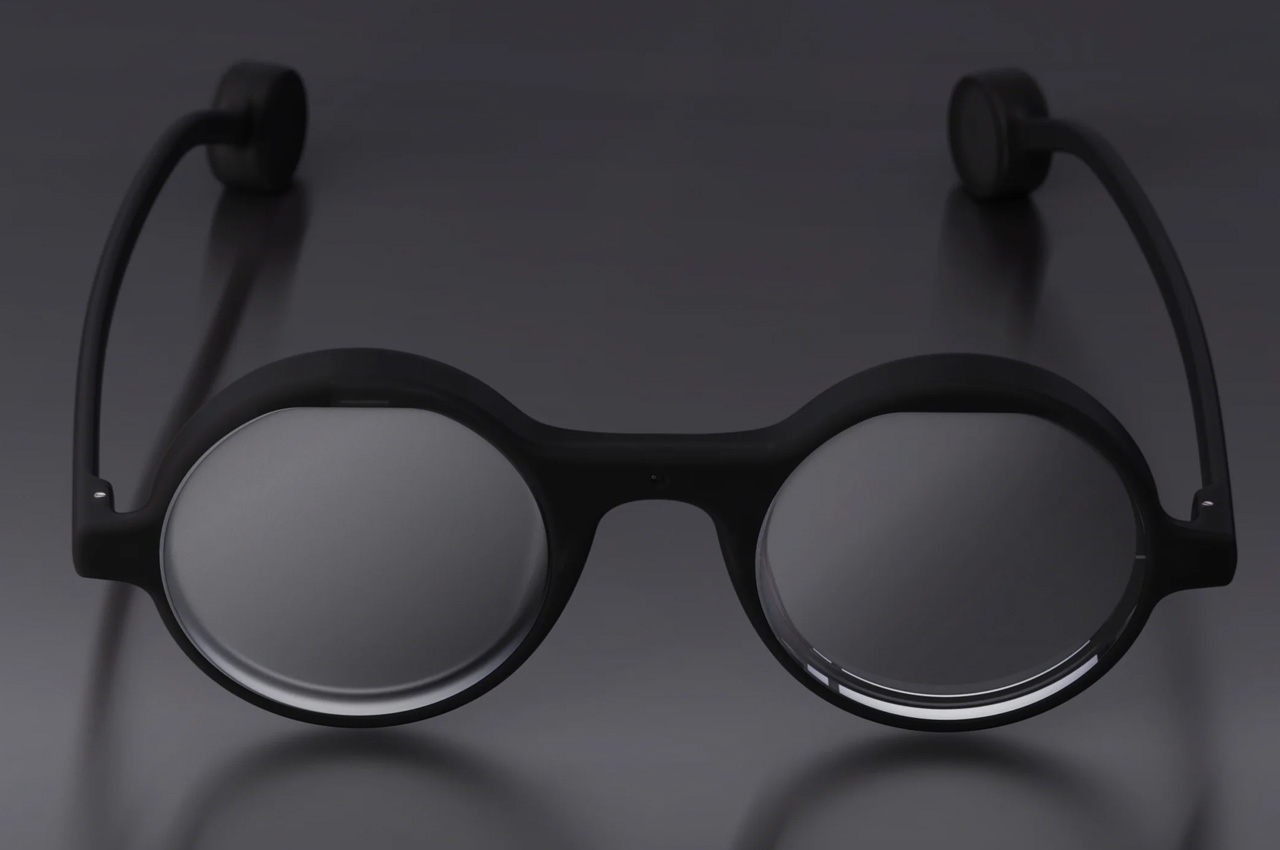
These new fashion-forward glasses are lighter at 72 grams compared to the 80 grams of the earlier version. The display like the Air 2 is 1080p at a refresh rate of 120Hz and 500 nits brightness. A worthy upgrade comes in the form of 52 degrees FOV and the 42 pixels per degree which is even better than the Apple Vision Pro. It has also been improved to get an additional pair of cameras on each side for six degrees of freedom and positional tracking. This enables interaction with both hands for a surreal experience and applications like 3D mesh creation and future-proof AI capabilities.

Talking of the mixed reality experiences that developers can create, the company has laid much focus on the spatial computing aspect. To that accord, the Air 2 Ultra comes with a suite of tools for developers like the Nebula, an in-house developed AR environment launcher and the latest SDK. Given their smaller size, comfortable form factor and new in-frame sensors; the developers will be more than eager to put that hardware to use for unique mixed-reality applications.

XREAL has also proactively partnered with Qualcomm Technologies, BMW Group, NIO, Quintar, and Forma Vision to create niche spatial computing interfaces. These come in the form of navigation instructions, hazard warnings, holographic meetings, or entertainment content.

The post Lightweight XREAL Air 2 Ultra glasses deliver advanced VR experience at a fraction of price of the Apple Vision Pro first appeared on Yanko Design.
We checked out The World’s First “Aroma Speaker” at CES 2024

It projects audio as well as over 100 different unique scents. The creators, Aroma Join, say that developers can customize their own scents and use an SDK (scent development kit?) to create specific experiences that combine video with smell to make a much more immersive overall experience.

As I entered Showstoppers, I walked past the exhibitors, even past the food buffet (which didn’t have a smell, to be frank), but was stopped dead in my tracks when I smelled a distinct salted caramel scent coming from somewhere. I looked around and saw a sign that said “Digital Scent Technology” two meters away from me. At the booth sat two rather gorgeous glossy-red speakers, and a screen that displayed a looped video of different sceneries. The folks at Aroma Join were debuting their “Aroma Speaker 60” for the first time – a speaker capable of projecting both sound and scent up to distances of 6.5 feet.

Designer: AromaJoin

The metaverse, or at least its initial stages, has always focused on just three things – sight, sound, and touch. If you’re wondering why metaverse experiences (or spatial ones, for Apple lovers) aren’t highly immersive, it’s because your brain uses a combination of inputs from all your senses together. Leave out one or more, and the experience feels less believable… Designer Jinsop Lee has a very interesting TED Talk on this too. What the Aroma Speaker 60 does is plug that gap in a way. By shooting both audio as well as aromas, it subconsciously tricks your brain into believing what it sees. You’ll see a grassy field and feel more relaxed, even if you don’t know it. Or if you see food, your mind will make your tongue salivate.

Scent-firing devices have been around for a decade now, but if you listen to anyone who’s tried them, they’ll all tell you the same thing. The technology isn’t completely there yet. I stood alongside industry veteran Vincent Nguyen and his first reaction was “this isn’t like the stuff we’ve seen before”. The Aroma Speaker does a few things incredibly well. It hyper-targets an area and shoots scents really far (up to 6-7 feet). That’s enough to catch your attention even if you aren’t paying attention. The smells are distinct, powerful, and VERY dynamic… by which I mean when a scene on the TV or monitor chances, the old scent vanishes and a new scent appears almost instantly.

Although the technology is a bit of a black box (they won’t tell us how it works), it boils down to a set of aroma modules that sit in each individual speaker unit, totaling 10 modules in two speakers. Each module is equipped with 6 cartridges that have essential oils of some sort. The speaker (and the software on the laptop) use those 6 cartridges as the building blocks for scents, creating as many as 60 different distinct scents. Sure, the speakers fire audio too, but it’s the fragrances that really set it apart.

The folks at AromaJoin have figured out how to precisely blend these 6 base fragrances to create an entire gamut of aromas – both pleasant and unpleasant. The scented caramel aroma was almost too strong, but the floral aromas were wonderful, the speaker even generated a petrichor aroma as the laptop display showed an endless green field. The scene then switched to a polluted city and you could instantly smell the smoke. The fragrances weren’t a 100% exact (your mind can somewhat tell that they’re artificial), but they fell well within their ballpark.

AromaJoin isn’t currently selling these speakers but is using them as a proof of concept to lure developers and marketers into building out the ecosystem. They’ve got an open-source app and SDK that allows people to build scent profiles for their video content, and with time, hopefully, AromaJoin will have an entire library that then makes the Aroma Speaker 60 a much more lucrative buy. Until that happens, the company IS selling its VR accessory, the Aroma Shooter Wearable 3, a neck-worn device that works in tandem with headsets like the Meta Quest 3 to help make the metaverse more immersive and multisensory.

The post We checked out The World’s First “Aroma Speaker” at CES 2024 first appeared on Yanko Design.
AR/XR Glasses could get a lot slimmer thanks to this unique new hardware arrangement

During the pandemic, we were stuck in our homes and we got used to watching video content through our smart TVs or mobile devices. Now that we can once again enjoy movies in cinemas, there has been a push and pull between the “regular” cinema experience and the comfort of watching these movies in the comfort of our homes through OTT platforms. There are still limitations with the latter but we’re seeing technology trying to catch up through various devices and gadgets that we can use at home.

Designer: Woojin Jang

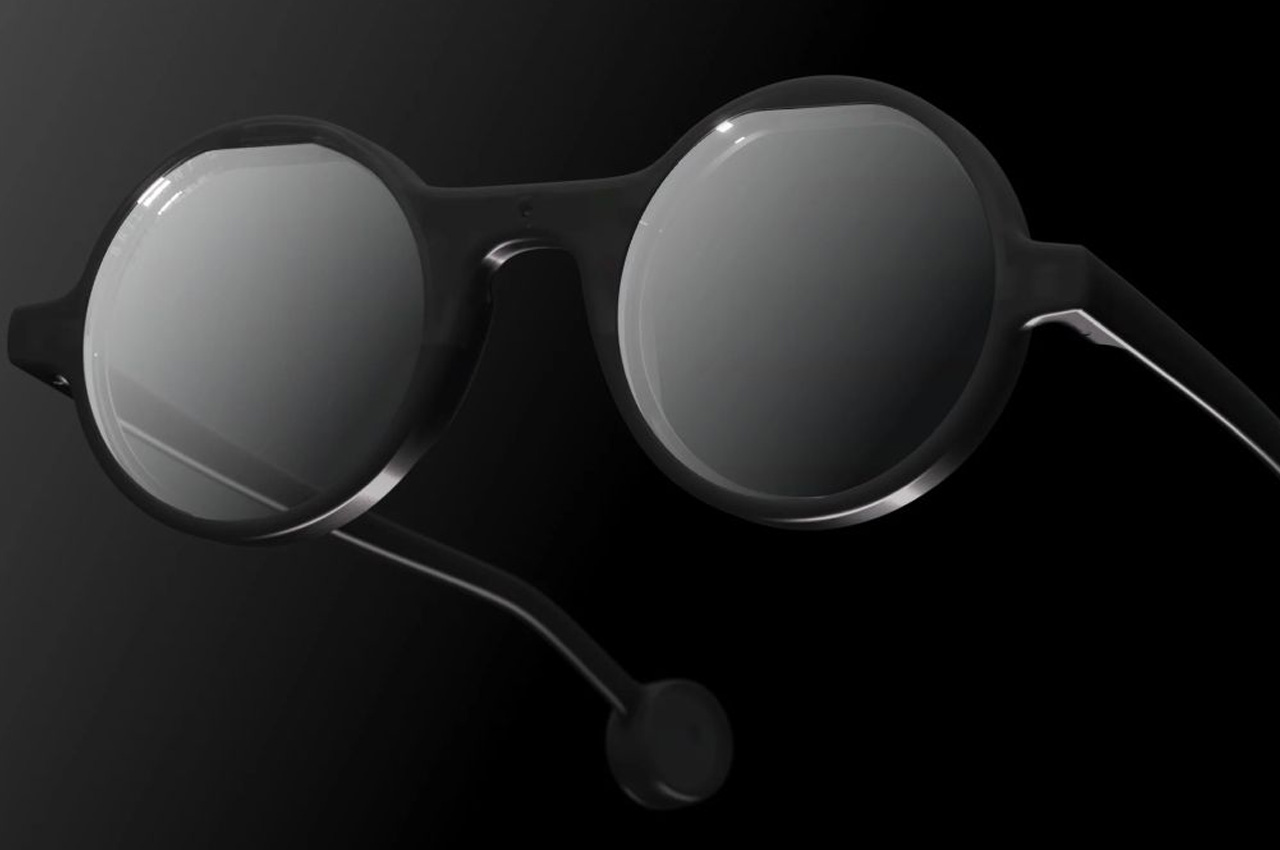
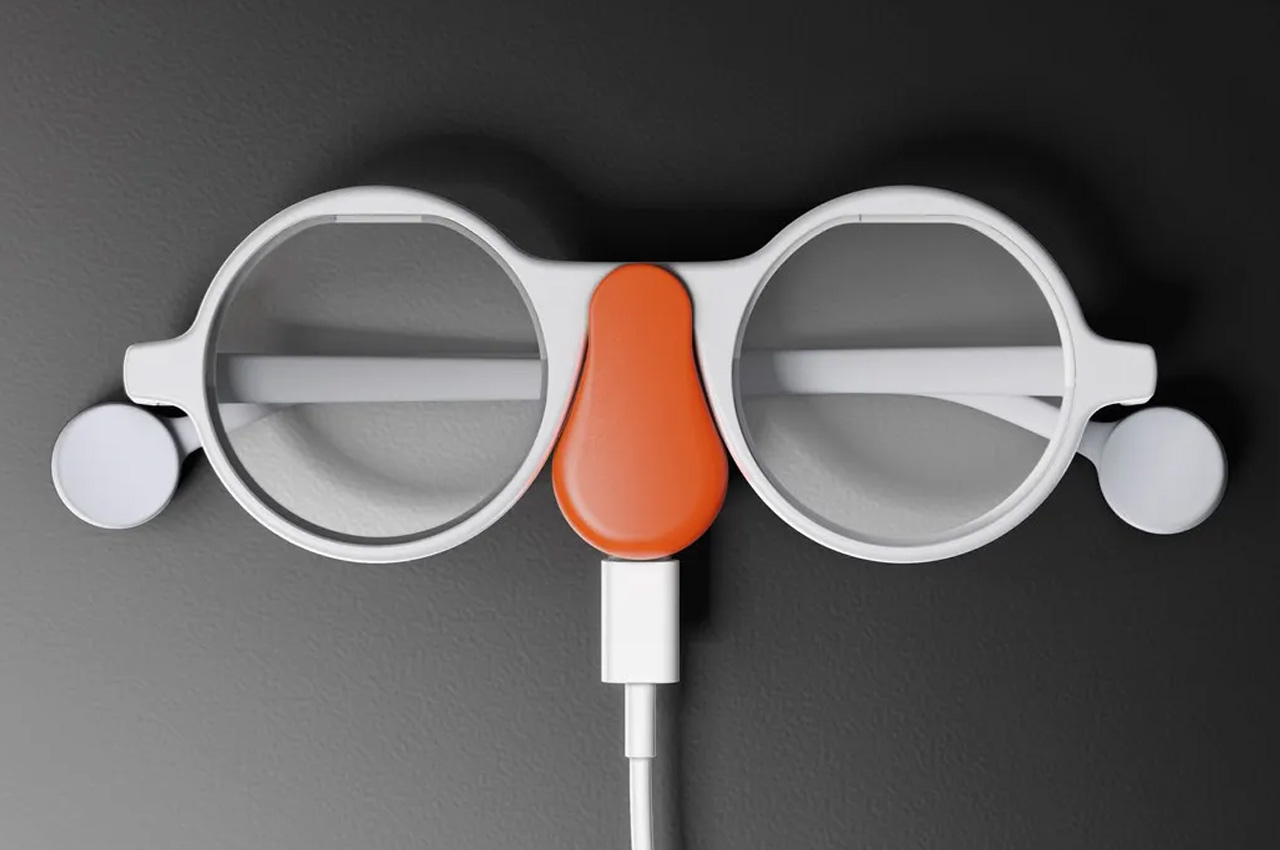
Movi is a concept for an XR eyewear device that can make the movie watching more immersive even when you don’t have the benefit of a large screen. Compared to other existing VR glasses right now, this one is conceptualized to be a lighter version that you can also carry with you so you can enjoy movies on the plane or wherever you want.
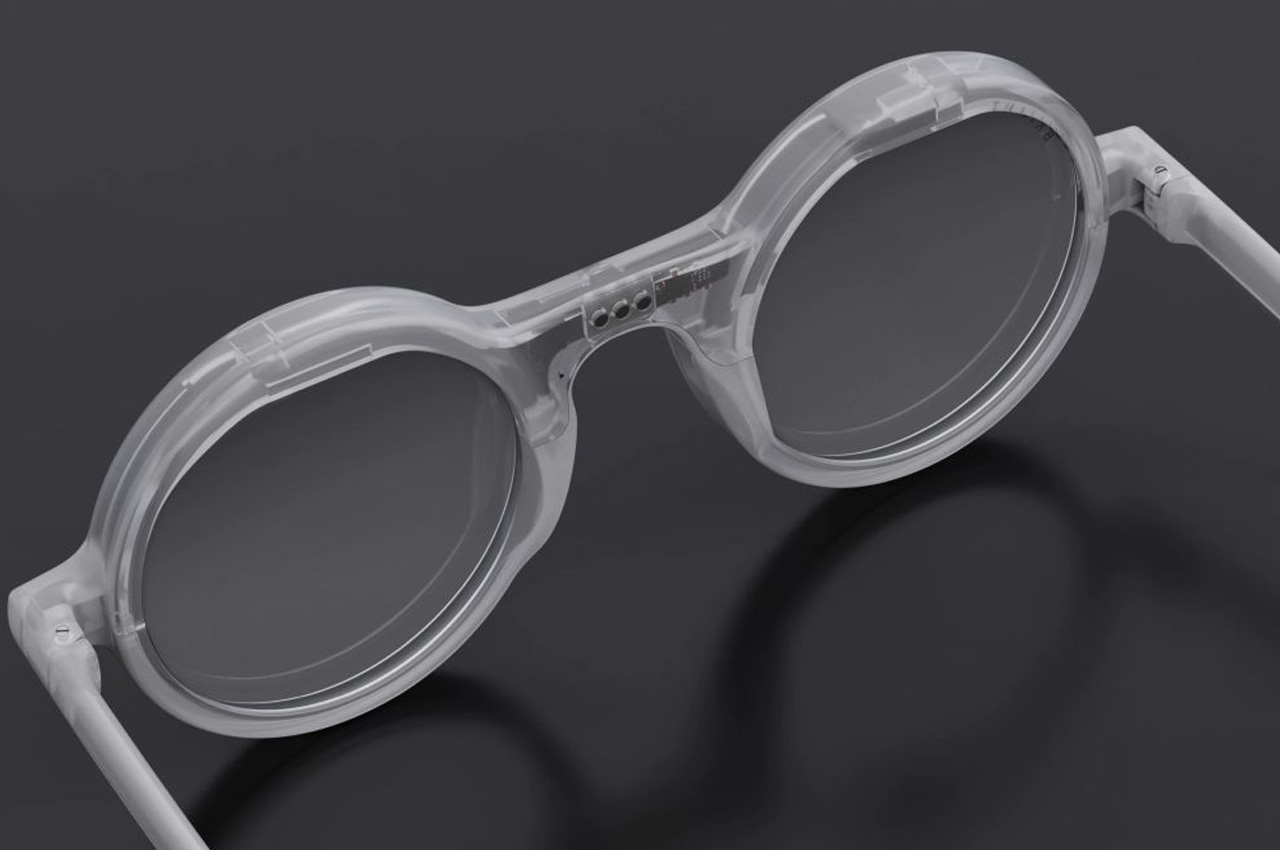
It is lighter because it uses a lens called Lenslet Array which reduces the focal length and eye relief distance. The regular distance is one of the main reasons why most VR devices are heavier and bulkier this lens is a two-dimensional array of around 20,000 small lenses that have been arranged in parallel. It also uses transparent OLED so that our eyes look outward so the glasses can be designed like actual eyewear you would wear every day rather than the weird-looking bulky VR glasses we have now.

As a concept, Movi seems to be an interesting way to make watching videos on our TVs at home on our mobile devices. It would also probably rely on how movie makers and content creators can make films and videos that can adapt these kinds of technology, although that will bring about even more debate on how this may destroy the actual cinema-going experience.

The post AR/XR Glasses could get a lot slimmer thanks to this unique new hardware arrangement first appeared on Yanko Design.