Onyx BOOX Go 10.3 E-reader Review: Hitting the Brakes to Go Back to the Roots

PROS:


  • Incredibly slim and lightweight design

  • Pleasurable reading and note-taking experience

  • Google Play Store support

  • More accessible price tag

CONS:


  • No front lights for reading in the dark

  • No microSD card slot

  • Included pen has no eraser function

RATINGS:

AESTHETICS
ERGONOMICS
PERFORMANCE
SUSTAINABILITY / REPAIRABILITY
VALUE FOR MONEY

EDITOR'S QUOTE:

The BOOX Go 10.3 brings a refreshing change in pace that focuses on comfort and enjoyment for both reading and note-taking, but be sure to read the fine print to know what you'll be getting for that super slim profile.

E-book Readers or E-readers have come a long way since the earliest days of the Amazon Kindle, and much of the innovation in that space can perhaps be credited to companies like Onyx BOOX. The brand has been aggressive in pushing new technologies and designs, from E-readers that are actually Android tablets in disguise to bringing a pinch of color to this predominantly monochrome world. In fact, it might have gotten too aggressive with almost a dozen models under its belt. The competition is tough, of course, but it’s also easy to lose sight of the gold in the heat of the race. It seems that BOOX took a step back to take stock of where it is now and out of that introspection came out what is probably the thinnest E-reader or even tablet in the market. But what sacrifices did the Onyx BOOX Go 10.3 make to reach that achievement? We give it a spin to give you that answer.

Designer: BOOX

Aesthetics

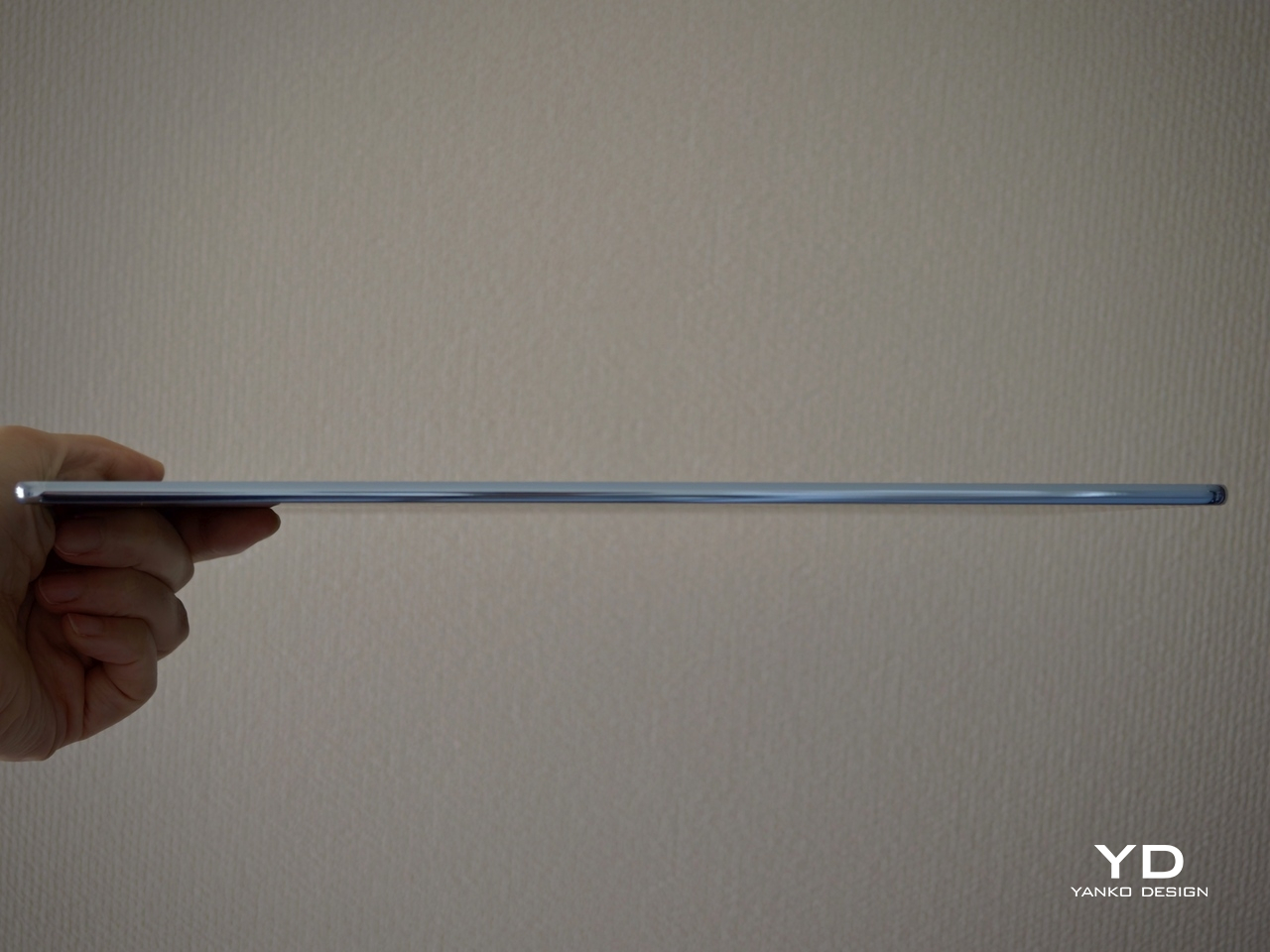
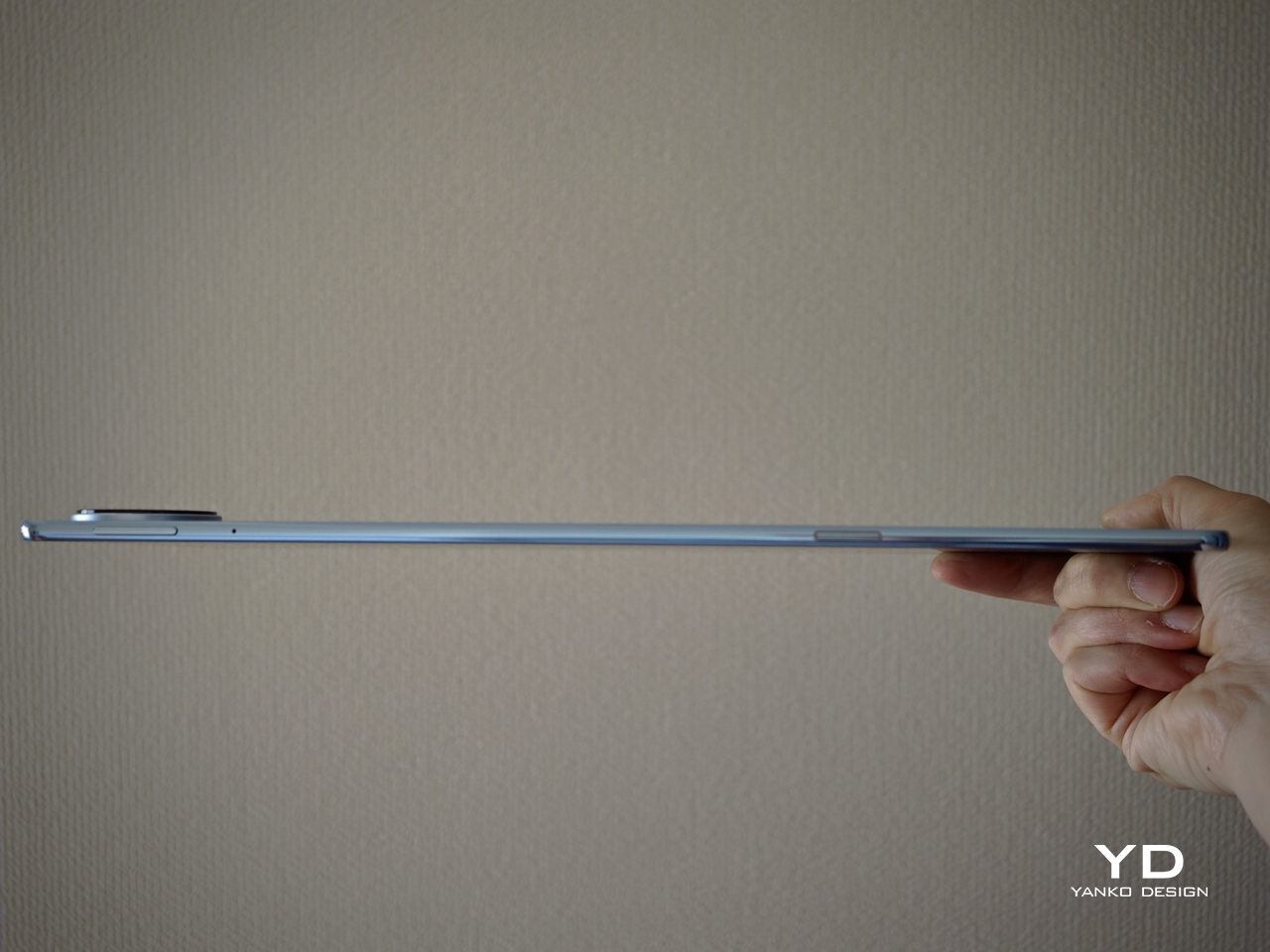
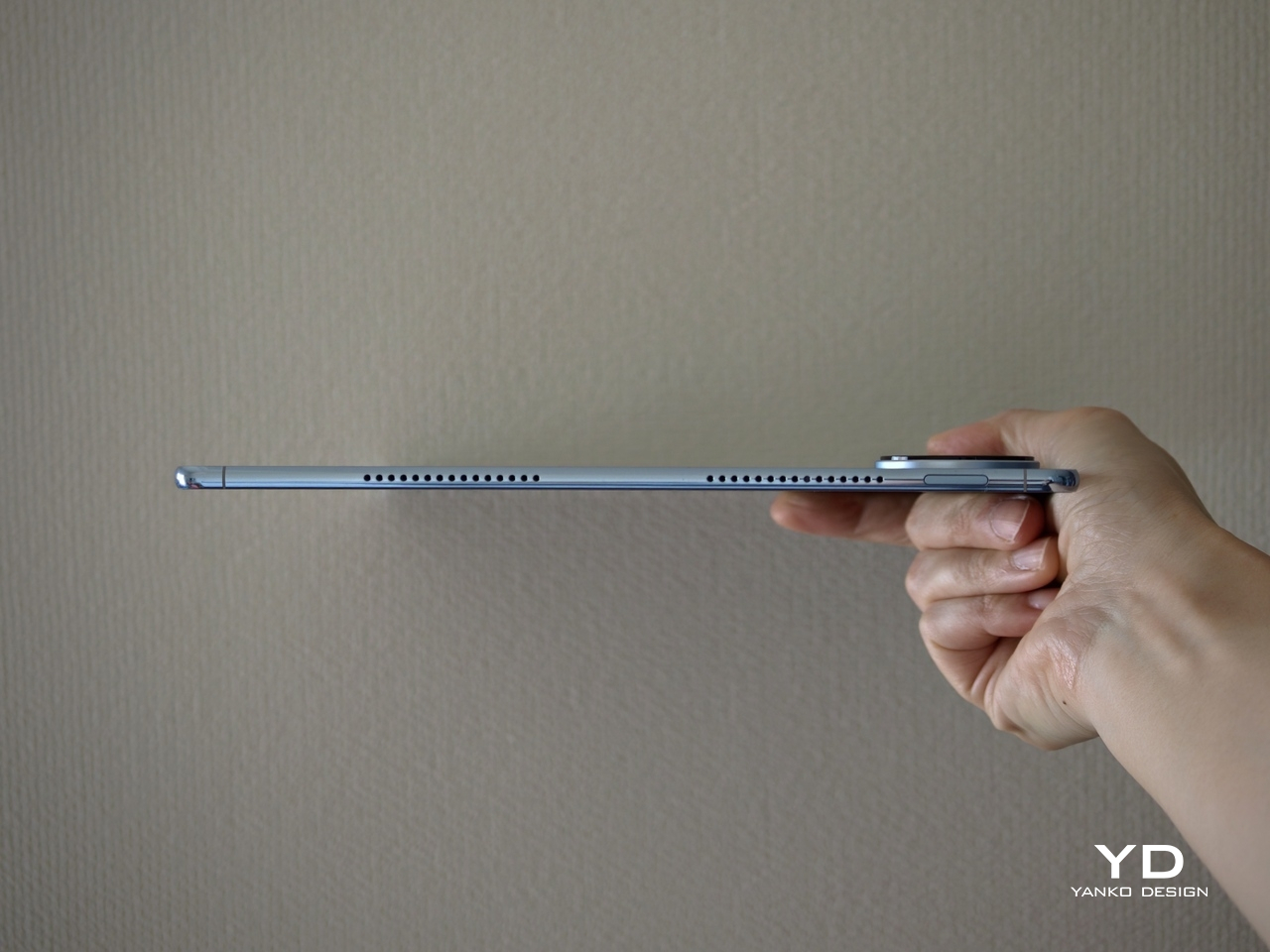
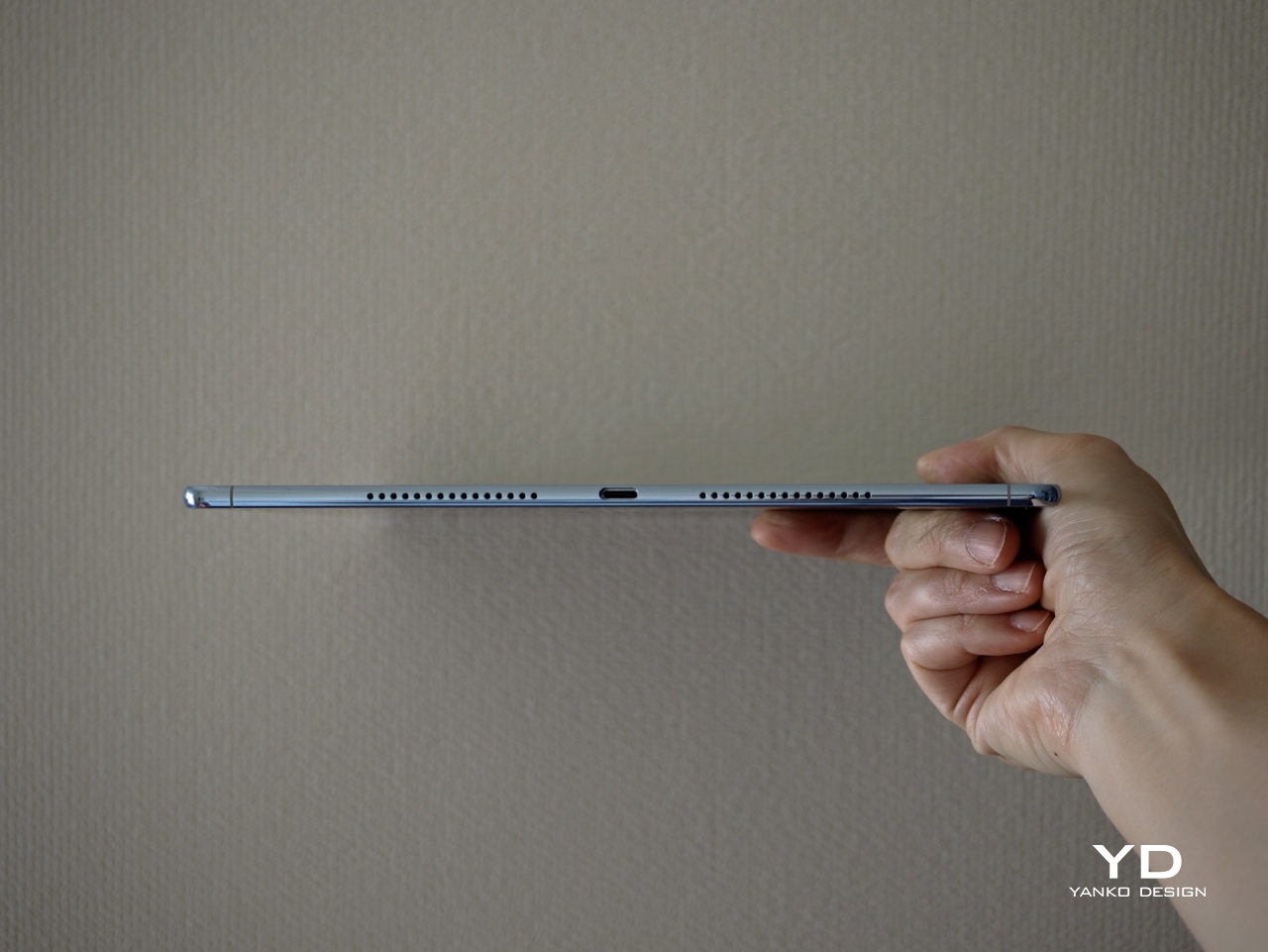
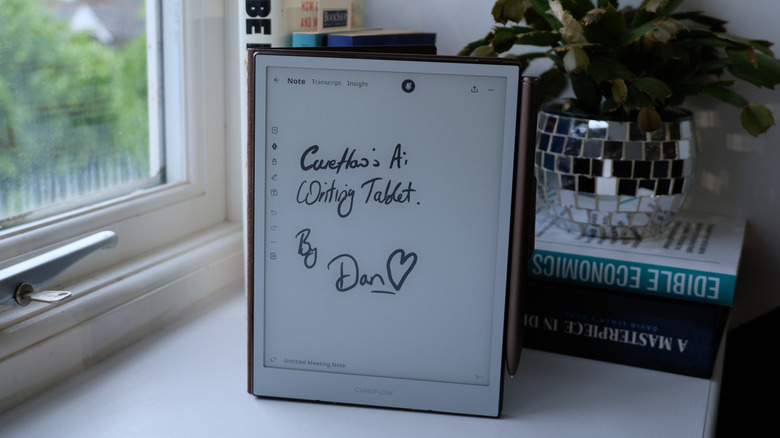
The first thing you’ll notice about the BOOX Go 10.3 will naturally be its thickness or rather its lack of it. At only 4.5mm, it is undeniably the thinnest E Ink device in the market, at least in the 10-inch or larger category. It’s probably not a coincidence that Onyx launched this reading and note-taking wonder a little after the launch of the thinnest iPads ever, so drawing parallels isn’t exactly that difficult. For a device category that was once characterized by bulky chassis and cheap plastic, such a slim and sleek entry is a breath of fresh air.

The BOOX Go 10.3’s beauty goes beyond its remarkable (no pun intended) profile, however. It carries a minimalist and clean aesthetic that makes sure your focus is on the page and not on any extraneous decoration around it. The 10.3-inch screen is surrounded by an admittedly thick bezel, but its light gray tone makes it look less offensive as it almost blends with the white theme of the UI. The left side of the device has a white border, mimicking the margin of a notebook or the spine of a book, and is one of only two places you will see the BOOX branding.

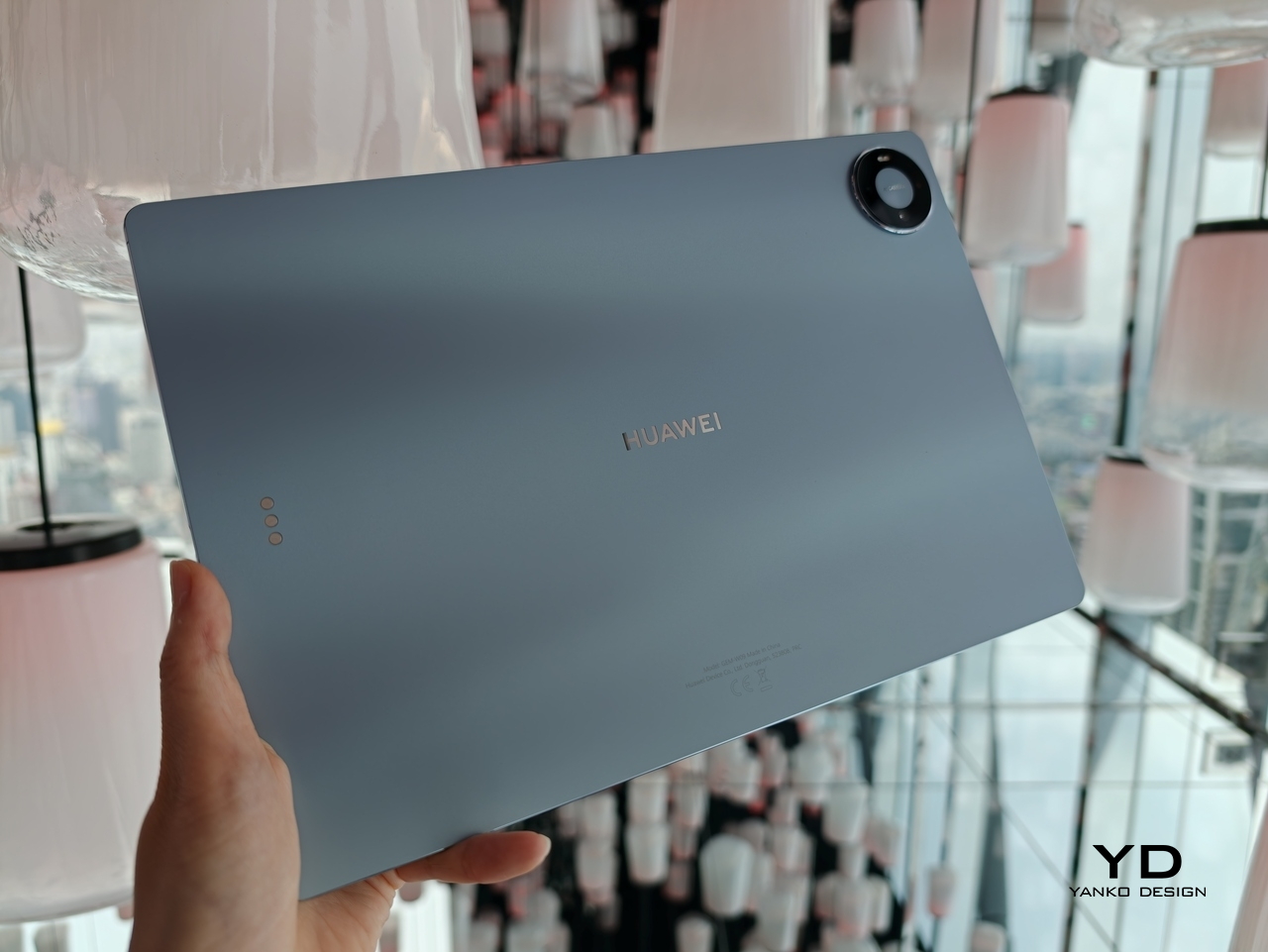
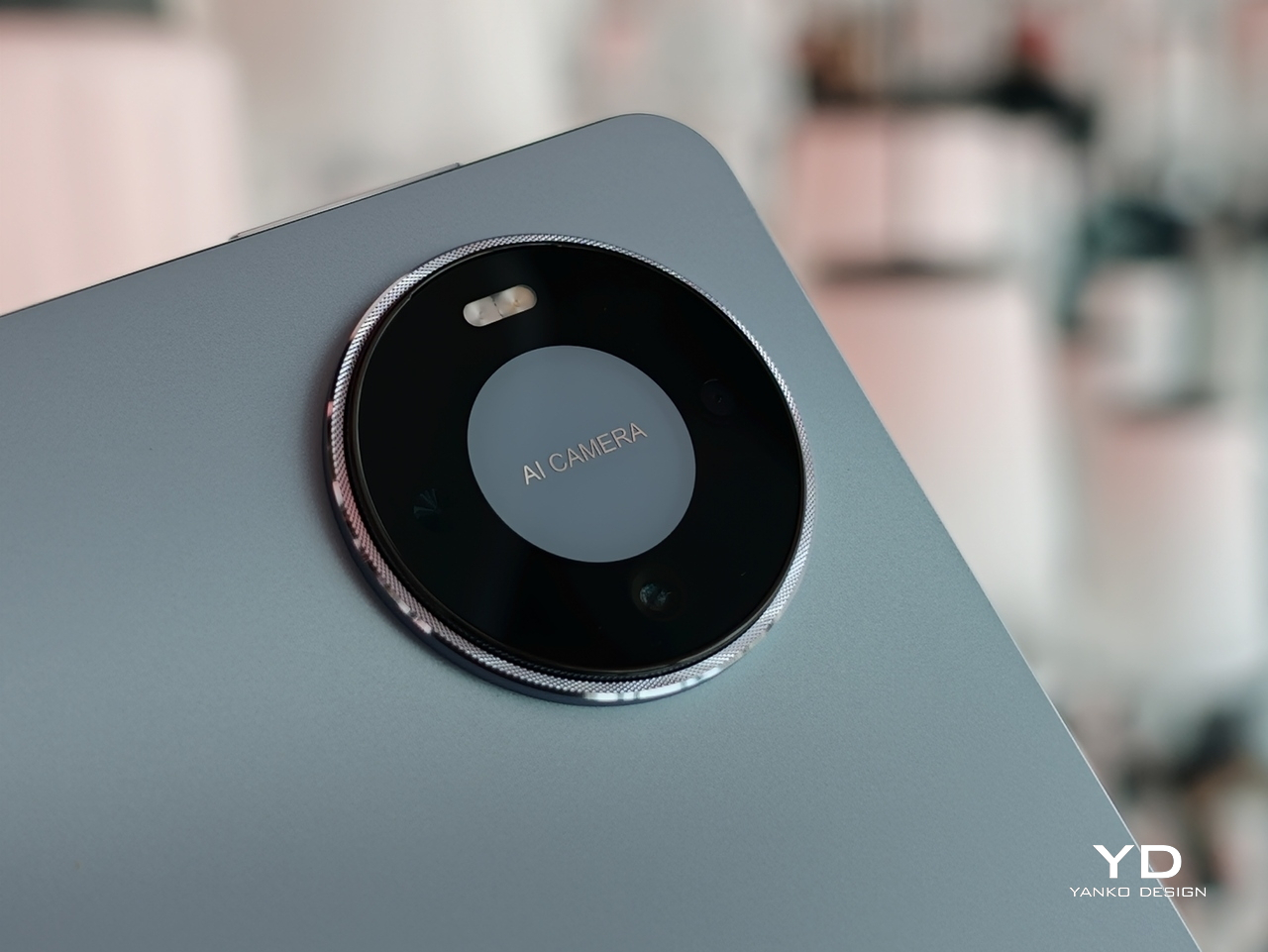
Flip the device over and you will see a design that BOOX has never tried before. Instead of a matte metal or plastic surface, you get something akin to fabric or faux leather, definitely a much-welcome stylish detail. The metal-like strip that runs down the side, however, is an accent that will probably prove to be a bit controversial. It’s not that bad a design, just a little distracting both for the eyes as well as the fingers that will be touching that part.

All in all, there’s a very good reason for all the buzz surrounding the BOOX Go 10.3. Its mind-blowing thinness is definitely one, but its simple yet beautiful design also elevates its character even among its other BOOX siblings. And it’s definitely not just for show, because that slimness does have other usability implications as well.

Ergonomics

The Onyx BOOX Go 10.3 isn’t just incredibly thin, it’s also extra light as well at only 365g (0.8 lbs). OK, that’s not exactly the lightest figure, but it is when you put it side-by-side with other 10-inch E-readers, let alone 10-inch tablets. That’s already enough for bragging rights, but it also has an important consequence: it’s comfortable to hold up for long periods of time.

Unlike desktops and laptops and even some tablets, you often hold E-readers while using them, whether you’re sitting back or lying down in bed. With a typical 10-inch screen, your hand and your arm are bound to tire out quickly, but not so with such a lightweight device. It also helps that the BOOX Go 10.3’s textured back helps improve the grip so you can hold it with confidence for longer periods of time. Of course, smaller and lighter BOOX readers do exist, but you’ll miss out on some features like an expansive screen or note-taking.

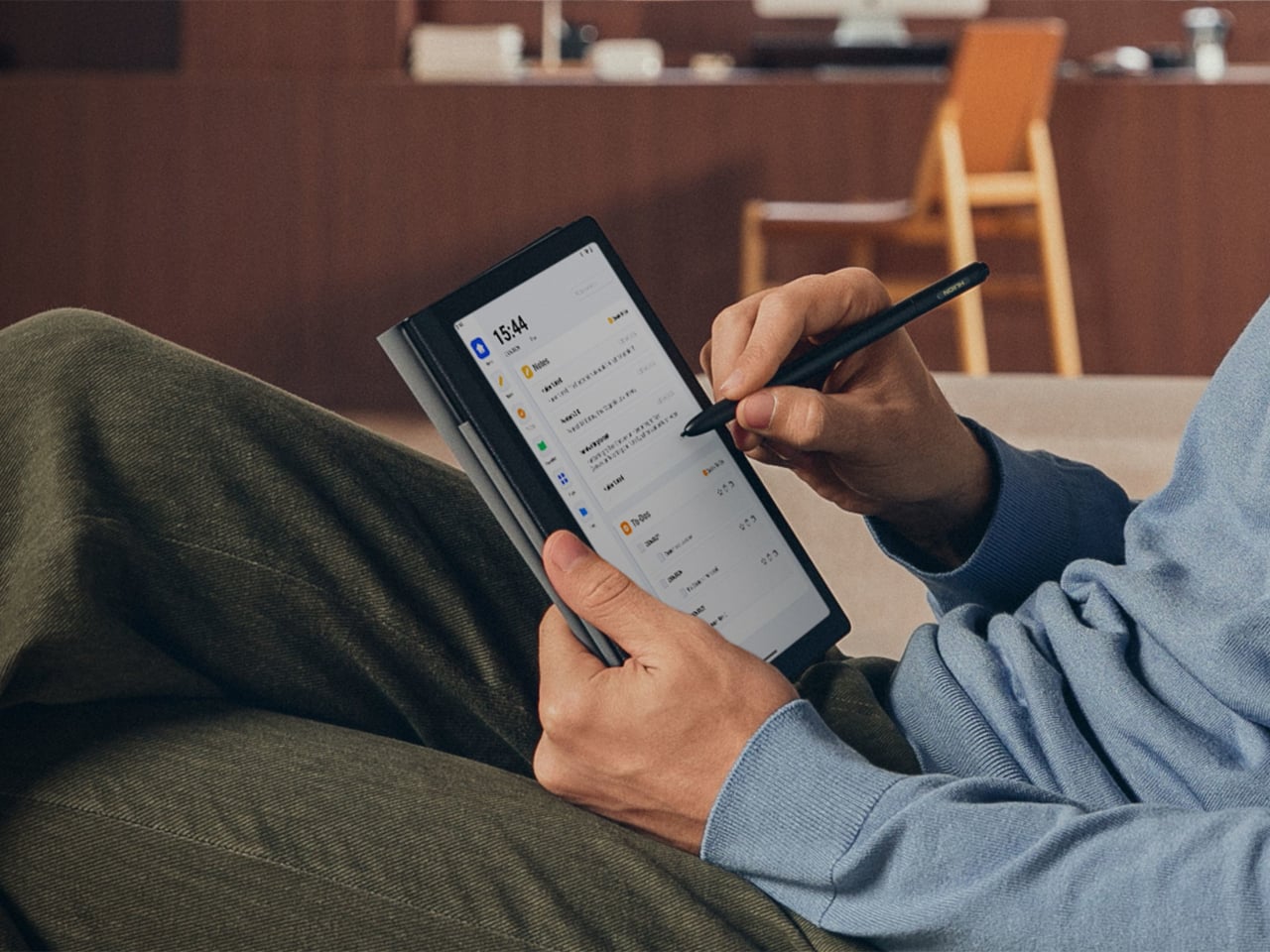
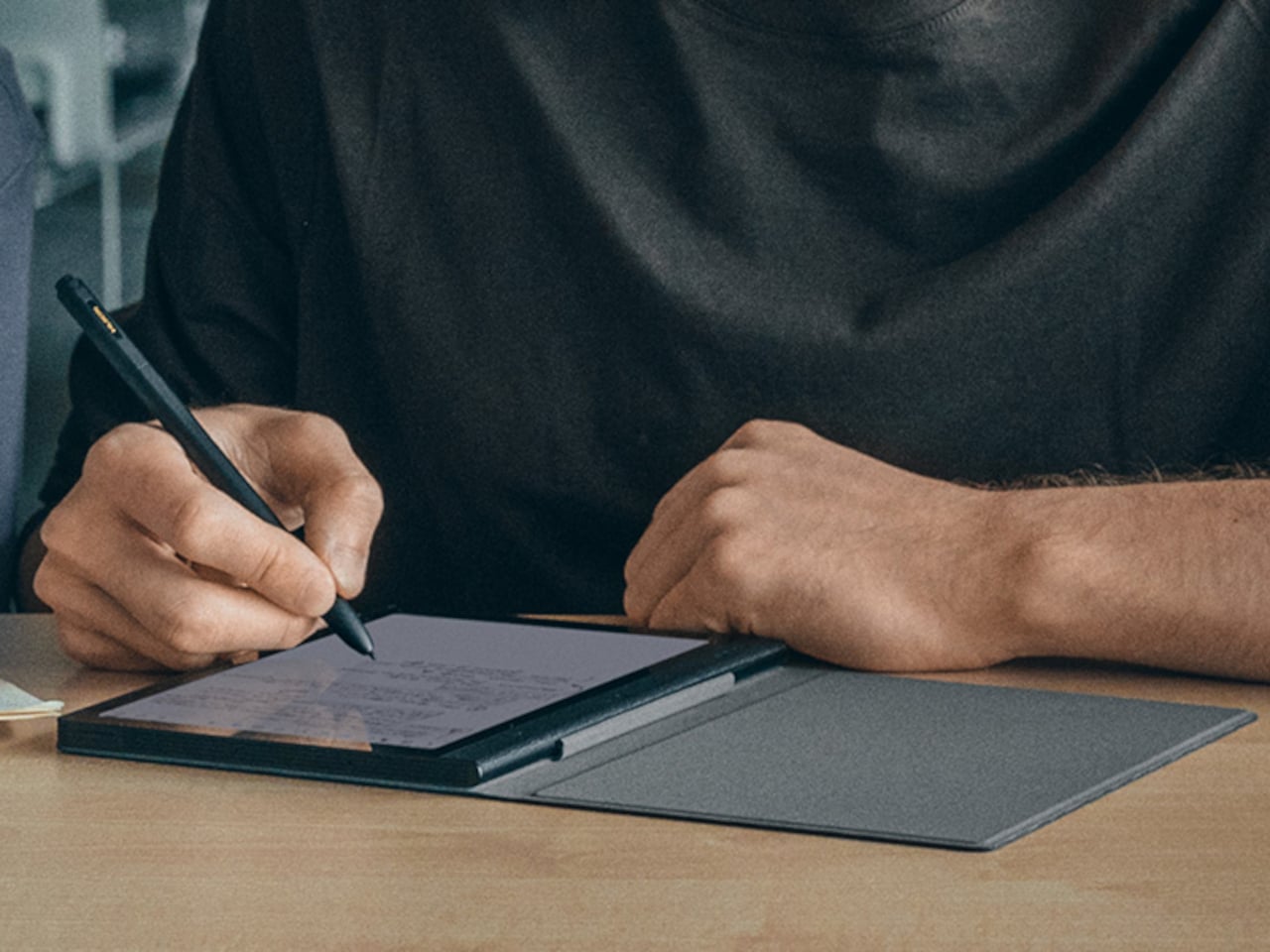
It bears noting here that the stylus that comes with the device is also designed for better ergonomics. This special version of the Onyx BOOX Pen2 Plus has vertical ridges on its barrel for a better hold, but even the “vanilla” design of the stylus has a faceted design that makes it easier to grip like a traditional wooden pencil. Considering writing down notes or even sketching is the secondary purpose of this slate, any improvement in the pen’s ergonomics goes a long way in making that a more enjoyable experience.

Performance

Given the thinness of the BOOX Go 10.3, you’ll be forgiven for wondering if there’s any catch to that impressive design. You’d be right, of course, since there’s only so much you can cram inside a very cramped space. Onyx naturally had to drop a few things from its usual repertoire, but it didn’t do so willy-nilly. It made a conscientious effort to only cut off features that won’t be essential to reading and writing enjoyment, except for one rather controversial thing.

There is no front light, or what other brands would call a glowlight, which sounds like a rather critical flaw at first brush. It means you won’t be able to read in the dark without some external light, but even some low-light situations can prove to be challenging given the nature of E Ink screens. That said, the removal of built-in lighting does also have some advantages, and not just for the sake of making the tablet super-thin.

Having no front light means there is one less layer in between the E Ink panel and the protective glass, so there is barely any gap that could diffuse and blur the content being shown. In other words, text on the BOOX Go 10.3 looks extra sharp and crisp, which means they’re also easier on the eyes. The same principle holds for the lack of color support since the device uses the E Ink Carta Plus rather than the now-popular Kaleido 3, which removes yet another layer of interference. Yes, you give up seeing a limited number of colors, but in exchange, you get one of the best reading experiences in the market, at least with sufficient lighting.

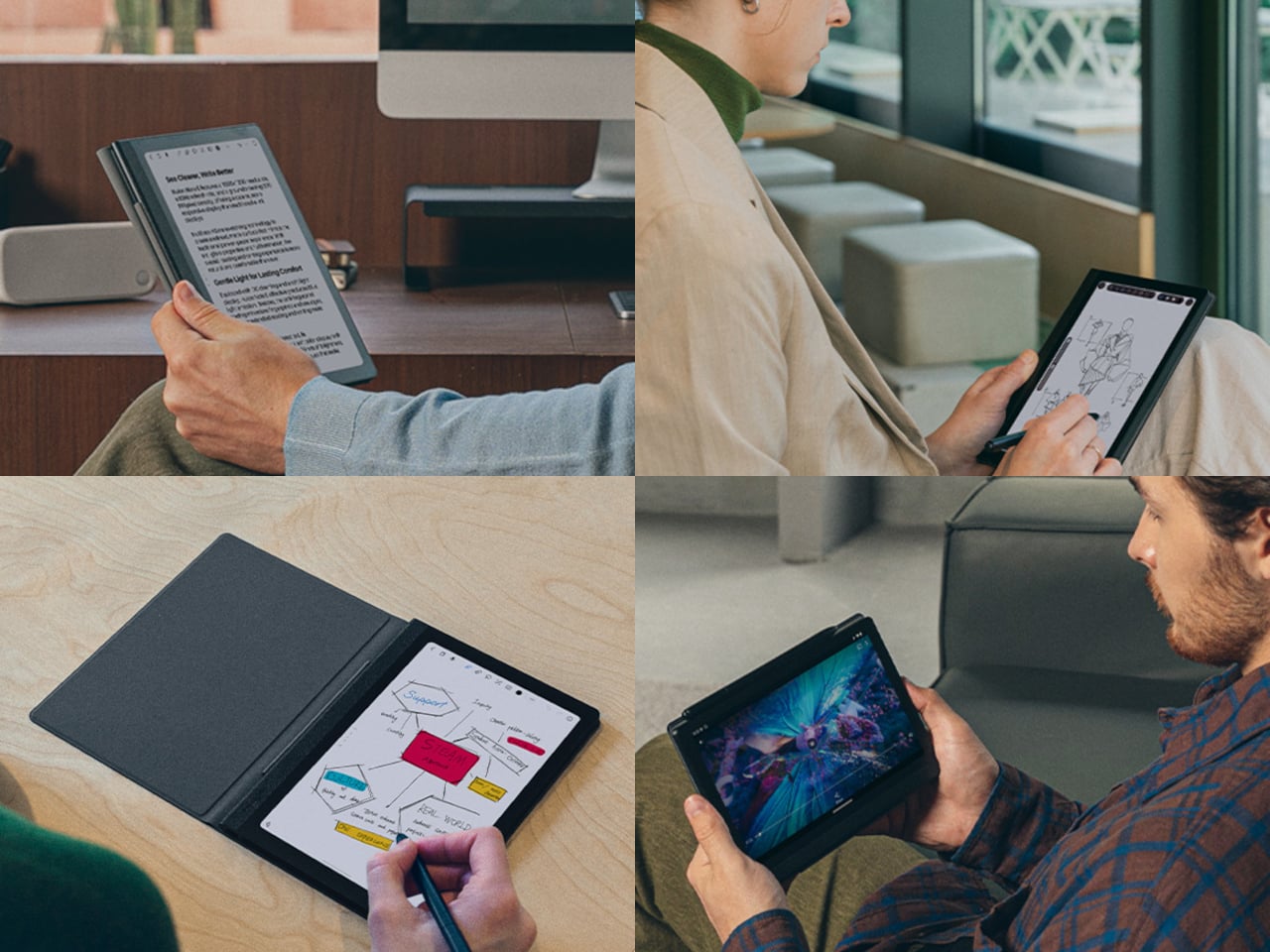
This “gapless” display also has some bearing on the second thing that the BOOX Go 10.3 is great at: note-taking and even a bit of sketching. Thanks to a more direct interaction with the panel and Wacom digitizer, there is very little lag or parallax when writing on the screen. There’s still a bit, given the nature of E Ink displays, but it’s almost unnoticeable except to well-trained eyes. The texture of the screen, paired with the nib of the stylus, also produces this scratchy sound that makes it really feel like you’re writing on paper. If you’re the type who loves to write by hand, you’ll definitely love the device’s writing experience, along with some of the apps and features that support it. In fact, Onyx itself calls the BOOX Go 10.3 an “E-paper Notepad” to emphasize this use case and, in a way, temper the expectations of reading aficionados.

With how thin the device is, it’s probably more impressive how much BOOX was able to cram inside than how much it left out. It’s still a true Android device, running on an 8-core processor with 4GB of RAM and 64GB of internal storage. It even has some decent-sounding speakers and a mic, though you’ll probably find few uses for those outside of recording and playing back lectures and talks. There’s a large 3,700mAh battery that’s going to last you days if not weeks, considering there will be no lights or colors to drain it quickly. Unfortunately, it does leave out the microSD card slot, so you’ll have to be smarter about the apps you install or the books you save on the device.

The BOOX Go 10.3 is clearly not your average E-reader, not just from its looks but also from the way it works. With a 300ppi pixel density, it has one of the sharpest E Ink displays in the market rivaled only by the 10-inch Amazon Kindle Scribe. The lack of front light and color is responsible for that feat, but it will also be a deal-breaker for many E-reader fans. Suffice it to say, it won’t be for everyone.

Sustainability

As mentioned earlier, Onyx has been making a rather aggressive push in the E-reader market, bringing out new products regularly. For better or worse, that also means it is also contributing to the growing volume of material waste from production as well as carbon emissions. Thankfully, it designs its devices for longevity, and some even use more sustainable materials like aluminum, but the overall situation isn’t looking too positive as far as eco-friendliness is concerned. As the company grows, we hope that it will also shift its focus on such issues to help make every device not only enjoyable but also a guilt-free purchase as well.

Value

The Onyx BOOX Go 10.3 definitely turned heads and raised eyebrows with its super slim design and, consequently, its lack of a front light. It’s definitely a unique design, even among other BOOX products, but it doesn’t exist in a vacuum either. Despite its distinctiveness, it actually aims for a rather specific market known to many E-reader fans, a market currently dominated by the Remarkable 2 and the Supernote A5 X. These 10-inch devices, while more than capable of displaying e-Books, are geared more as paper notebook replacements than plain E-readers.

That’s pretty much the same proposition that the BOOX Go 10.3 is making but with a twist. It’s still a BOOX device, which means having most of the features that define the brand, including full Google Play support. This immediately takes it beyond just being an e-Paper Notepad slash E-reader into almost anything you want it to become, at least within the limits of an E Ink display that doesn’t have any lighting whatsoever. For avid note-takers who also happen to love reading plain-text books on large screens, that $379.99 price tag might not look so bad after all.

Verdict

Even with the prevalence of computers and smartphones, there is still a strong culture that extols the benefits of writing things down by hand. But while paper notebooks and layouts have gained a cult following, there are many who consider digital solutions to still be more efficient and, in the long run, less expensive. The Onyx BOOX Go 10.3 is designed for such people, trying to recreate the experience of writing on paper but with a stylus. And just like paper, it doesn’t have a light of its own, which may make it sound less convincing as an E-reader. It’s admittedly still a niche market, but for those squarely living in it, the BOOX Go 10.3 offers a striking and slim design focused just on the essentials, no more, no less.

The post Onyx BOOX Go 10.3 E-reader Review: Hitting the Brakes to Go Back to the Roots first appeared on Yanko Design.

Dual-screen Android tablet combines LCD and E Ink screens with some compromises

It seems that the Microsoft Duo dream, and that of the Courier concept before it, is pretty much dead in the water. While the idea looked tantalizing, execution left much to be desired, especially when it came to using a mobile platform such as Android. A tech giant’s failure, however, never stopped anyone from dreaming up other designs, as can be seen in some of the dual-screen Windows laptops being sold by the likes of ASUS and Lenovo. Of course, those are large and expensive devices that don’t capture the flexibility and agility of earlier concepts. Unsurprisingly, someone is trying to bring that idea to life again, this time with a combination that somewhat makes sense, if only the implementation does as well.

Designer: Bluegen

To be clear, this isn’t the first device that put a regular colored LCD screen and a monochrome E Ink display side-by-side. Ever the bold explorer, Lenovo launched the Windows-powered Yoga Book C930 half a decade ago, and the fact that it isn’t as widely known is probably proof of how popular the design was. To be fair, the idea had merit on its own, combining a colorful and vibrant screen with an eye-friendly and battery-efficient display to have the best of both worlds.

Lenovo Yoga Book C930

That’s the same proposition that the OKPad is making but on a smaller scale and a significantly lower price point. With an 8.9-inch IPS LCD screen paired with a 7.8-inch E Ink screen, it’s aiming for portability and convenience more than power and performance. It’s more like a sidekick than a main mobile device, useful for taking notes, typing out quick documents, or even giving a business presentation off-site.

1

There are, however, some details that make the OKPad a little less convincing. The aluminum alloy shell does have some aesthetic appeal, but the large bezels around both screens make it look more like a prototype or a blast from the past. There is also some confusion about the exact specs of the device, but it sounds like a mish-mash of modern hardware like USB-C and Wi-Fi 5 as well as an unidentified Snapdragon processor that might be from 2018 or earlier. And then there’s the fact that it’s running Android 10, a version that’s almost ancient by now, both in terms of features and, more importantly, security updates.

Admittedly, the OKPad concept is quite intriguing, and for people who love to read and take quick notes on the go, it does offer the best of both worlds of regular Android tablets and E Ink readers. There might be some concerns about apps, not to mention the uncertainty of a crowdfunded device, but at its price point, it’s almost too tempting not to take the risk. Then again, there are now E Ink readers with colored screens, more powerful hardware, and more recent Android versions, so those two worlds have already been bridged in some other way as well.

The post Dual-screen Android tablet combines LCD and E Ink screens with some compromises first appeared on Yanko Design.
The Amazon Fire Max 11 tablet is on sale for a record low of $140 for Prime Day 2024

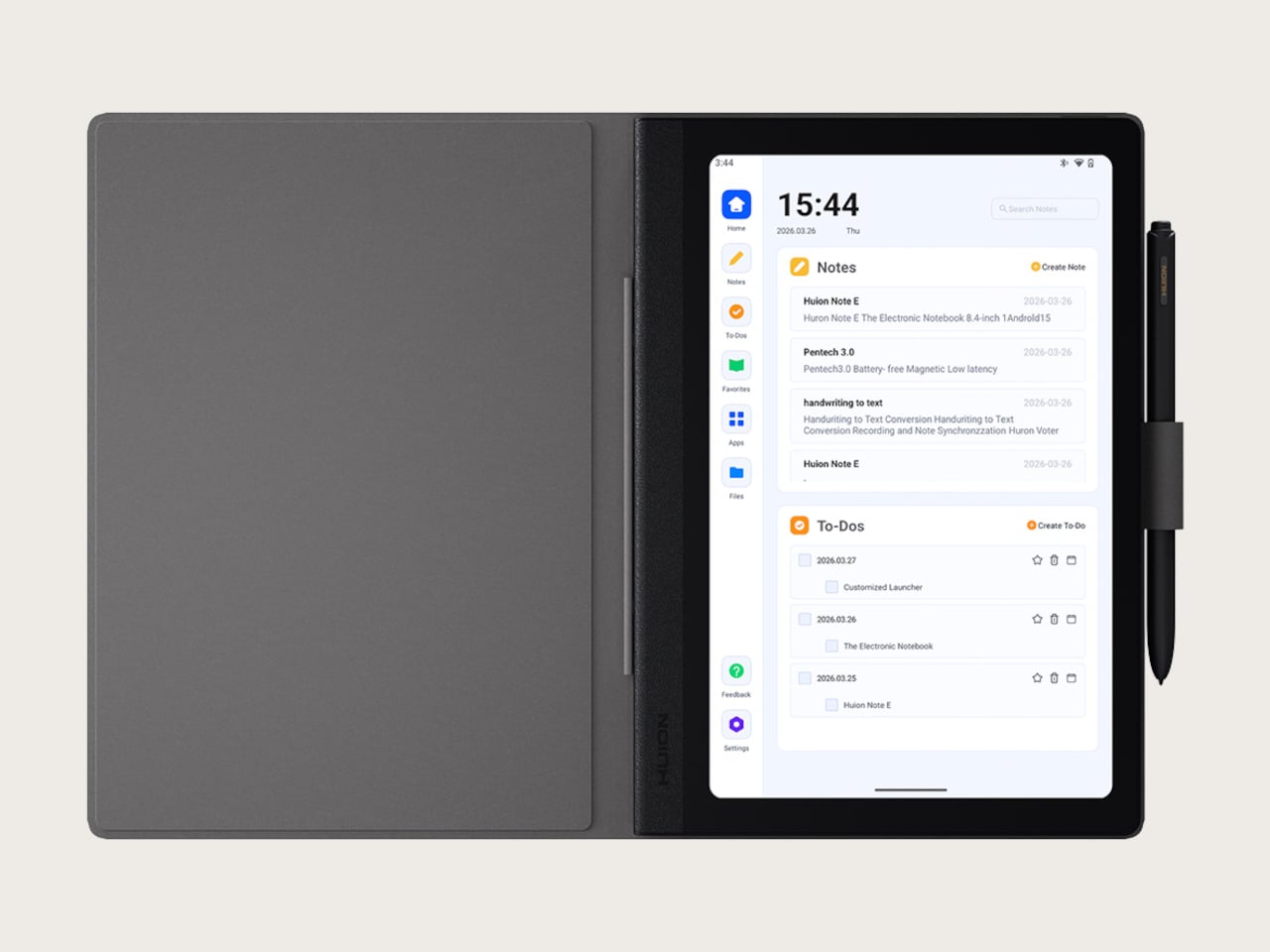
Amazon Prime Day has arrived and it's brought a ton of discounts on Amazon's own devices. One standout deal is on Amazon's Fire Max 11 tablet, which is on sale for $140, down from its usual price of $230. (It was briefly out of stock on Tuesday morning, but has since returned.) The $90 discount is precisely what you'd need to spend for Amazon's Fire Max 11 Keyboard Case, if you're considering using the tablet as a productivity machine.

The Fire Max 11 features, you guessed it, an 11-inch screen with a sharp 2,000 by 1,200 pixel resolution. Its octa-core CPU should be plenty for streaming media and browsing maps, and it also features 4GB of RAM. The Fire Max 11 ships with either 64GB or 128GB of storage, and you can expand that to 1TB using an additional microSD card. It sports 8MP cameras on the front and back for video calls, as well as 1080p video recording. With an estimated 14 hours of battery life, the Fire Max 11 should make for a great road trip companion for the summer. 

In our hands-on with the Fire Max 11, we found it to feel more like a premium tablet, compared to Amazon's cheaper and kid-friendly Fire line. "With slimmer bezels, a more-premium aluminum build and weighing just over a pound, it's designed for those who also want to do some work and multi-tasking," Engadget's Cherlynn Low wrote.

With this new low price, it makes sense to pair the Fire Max 11 with Amazon's $90 keyboard case. It has a kickstand for propping up the tablet, and it delivers a decent typing and touchpad experience. You can also add on Amazon's $35 Stylus Pen for doodling and jotting down notes. With all of those accessories, the Fire Max 11 could be nearly as productive as an iPad or Surface decked out with similar hardware.

Your Prime Day Shopping Guide: See all of our Prime Day coverage. Shop the best Prime Day deals on Yahoo Life. Follow Engadget for Prime Day tech deals. Hear from Autoblog’s experts on the best Amazon Prime Day deals for your car, garage, and home, and find Prime Day sales to shop on AOL, handpicked just for you.

This article originally appeared on Engadget at https://www.engadget.com/the-amazon-fire-max-11-tablet-is-on-sale-for-a-record-low-of-140-for-prime-day-2024-173040164.html?src=rss

Early Prime Day deals bring the Samsung Galaxy S9+ tablet down to a record-low price

Investing in a new tablet can be costly but early Prime Day deals are making it a bit more reasonable. Ahead of Amazon Prime Day, the online marketplace has discounted Samsung's Galaxy S9+ tablet by 25 percent, bringing its cost down to an all-time low price of $750 from $1000. This deal is available for the 256GB Beige model, while the Graphite model is down to $800 from $1,000 — still lower than we've previously seen it (let's hear it for the best Prime Day deals).

The Samsung Galaxy S9+ tablet is part of a series of great tablets that includes the Galaxy S9 Ultra and Galaxy S9 — the latter of which is our choice for 2024's best Android tablet. The Galaxy S9+ is a slightly larger model (12.4-inch screen, compared to 11-inch), with Vision Booster and a 2800p x 1752p max screen resolution. Plus, it has exceptionally thin bezels and an Armor Aluminum finish. 

Samsung's Galaxy S9+ is equipped with the Snapdragon 8 Gen 2 chip, providing it with faster processing. The device also offers 12GB of RAM, 10,090mAh battery and an IP68 dust and water resistance rating.

Your Prime Day Shopping Guide: See all of our Prime Day coverage. Shop the best Prime Day deals on Yahoo Life. Follow Engadget for Prime Day tech deals. Hear from Autoblog’s experts on the best Amazon Prime Day deals for your car, garage, and home, and find Prime Day sales to shop on AOL, handpicked just for you.

This article originally appeared on Engadget at https://www.engadget.com/early-prime-day-deals-bring-the-samsung-galaxy-s9-tablet-down-to-a-record-low-price-142946216.html?src=rss

Early Prime Day deals bring the Samsung Galaxy S9+ tablet down to a record-low price

Investing in a new tablet can be costly but early Prime Day deals are making it a bit more reasonable. Ahead of Amazon Prime Day, the online marketplace has discounted Samsung's Galaxy S9+ tablet by 25 percent, bringing its cost down to an all-time low price of $750 from $1000. This deal is available for the 256GB Beige model, while the Graphite model is down to $800 from $1,000 — still lower than we've previously seen it (let's hear it for the best Prime Day deals).

The Samsung Galaxy S9+ tablet is part of a series of great tablets that includes the Galaxy S9 Ultra and Galaxy S9 — the latter of which is our choice for 2024's best Android tablet. The Galaxy S9+ is a slightly larger model (12.4-inch screen, compared to 11-inch), with Vision Booster and a 2800p x 1752p max screen resolution. Plus, it has exceptionally thin bezels and an Armor Aluminum finish. 

Samsung's Galaxy S9+ is equipped with the Snapdragon 8 Gen 2 chip, providing it with faster processing. The device also offers 12GB of RAM, 10,090mAh battery and an IP68 dust and water resistance rating.

Your Prime Day Shopping Guide: See all of our Prime Day coverage. Shop the best Prime Day deals on Yahoo Life. Follow Engadget for Prime Day tech deals. Hear from Autoblog’s experts on the best Amazon Prime Day deals for your car, garage, and home, and find Prime Day sales to shop on AOL, handpicked just for you.

This article originally appeared on Engadget at https://www.engadget.com/early-prime-day-deals-bring-the-samsung-galaxy-s9-tablet-down-to-a-record-low-price-142946216.html?src=rss

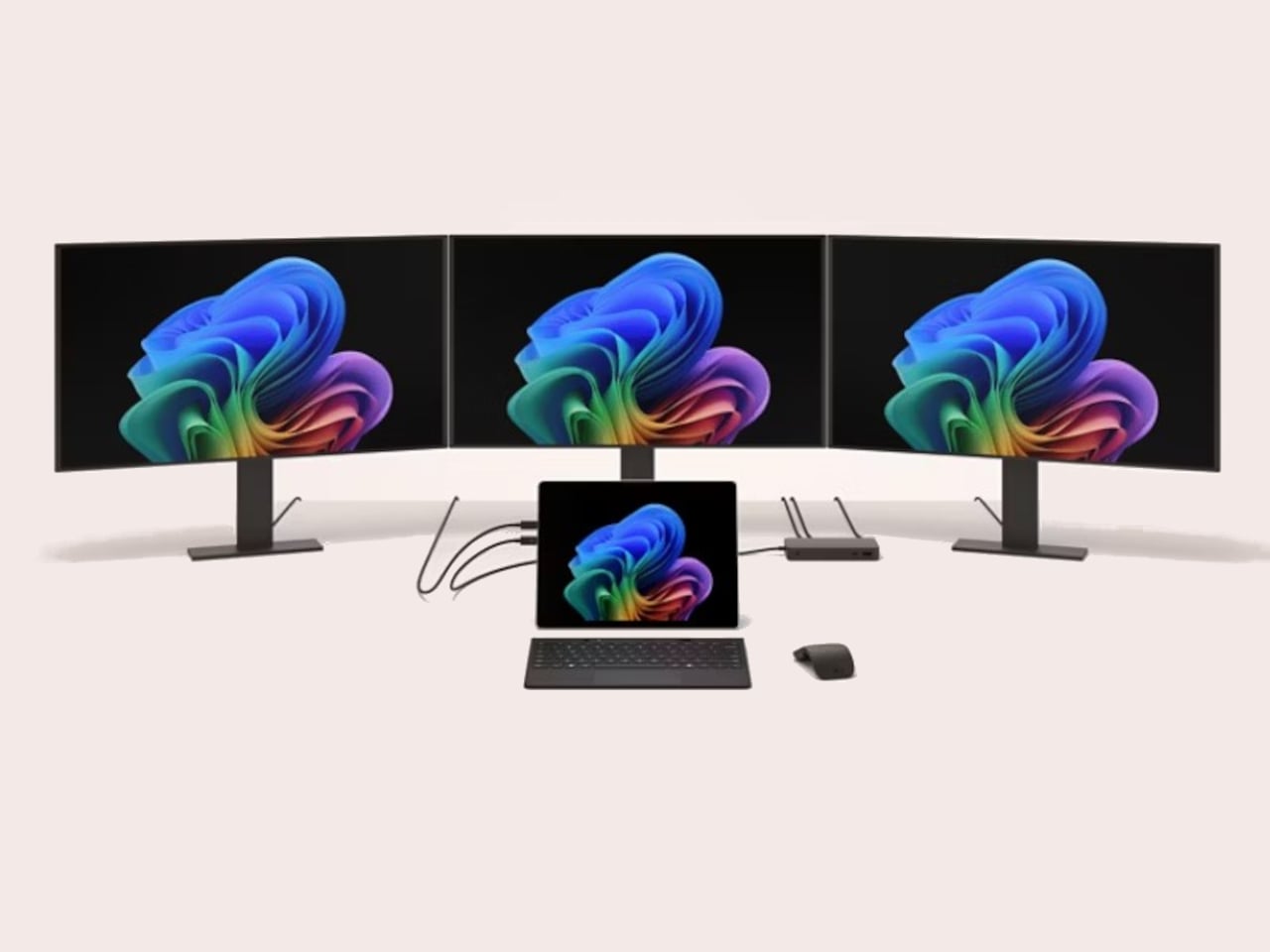
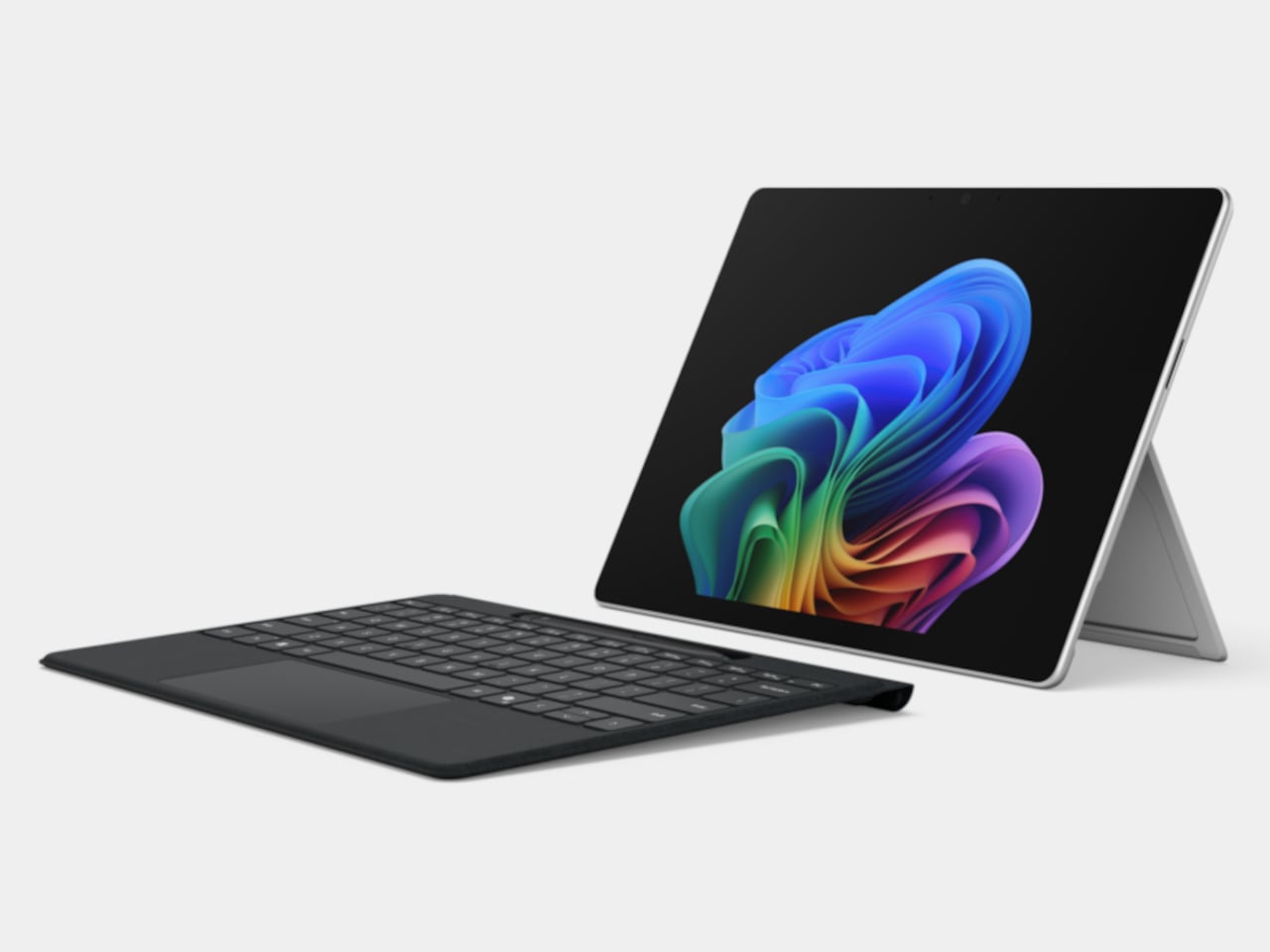
Microsoft Surface Pro 11, Surface Laptop 7 repairability gets thumbs up from iFixit

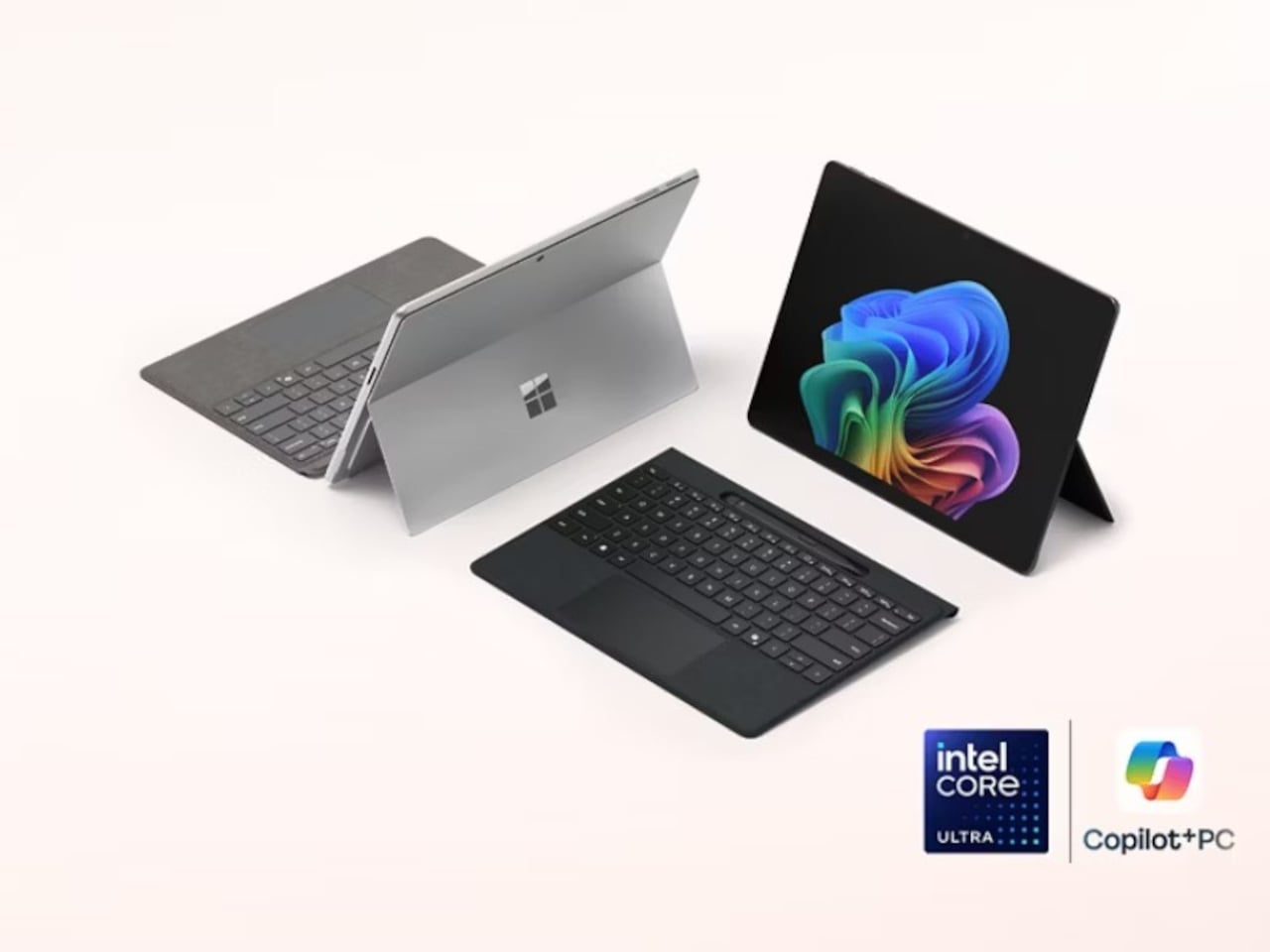
It has only been a month since Microsoft unveiled its latest Surface-branded computers, and while the tech industry was awash with discussions on the company’s aggressive Copilot AI push and ARM-based Snapdragon X silicon, the products’ design may have left some people less than impressed. The Surface Pro 11 and Surface Laptop, for all intents and purposes, look exactly like their forebears, making one wonder if Microsoft has run out of creative juice or is desperate to milk its current design until it runs dry. Fortunately, that isn’t the end of the new Microsoft Story, as it turns out that the latest Surface Pro and Surface Laptop computers have one “invisible” upgrade it didn’t really talk about much: an easier repair process that has even the meticulous and stingy iFixit impressed.

Designer: Microsoft (via iFixit)

Laptops have come a long way from being impregnable fortresses that made even the smallest repairs or upgrades a hellish experience, though there are still some companies living the past in the present. Initially, the Surface Laptop was part of that group, requiring cutting through fancy Alcantara fabric just to open the laptop to replace a battery or upgrade the storage. This year’s design almost makes a complete U-turn with a bottom plate that’s only held down by four screws and magnets; no adhesive in sight. Even the battery can be easily removed by just removing screws and a few layers of parts blocking those.

Tablets are even worse news for repairs, especially with displays that are glued on top of the frame. To its credit, Microsoft has at least made changing the Surface Pro M.2 SSD painless by having an accessible magnet-locked panel to get to that storage instantly. The 11th-gen model takes things further by employing as little adhesive as possible, though you still have to go through the risky process of removing the screen first. Fortunately, getting to important parts like the battery is less of a grueling task, especially since it’s only held down by screws as well.

Even more impressive, however, is the fact that Microsoft officially supports such self-repair processes. It has made repair guides publicly available since day one and has even clearly marked out the number and types of screws that hold certain components in place. It’s far from perfect and definitely not on the same level as a Framework laptop, but it’s still an unexpected yet pleasant surprise, especially considering it’s Microsoft we’re talking about.

The post Microsoft Surface Pro 11, Surface Laptop 7 repairability gets thumbs up from iFixit first appeared on Yanko Design.
Top 5 iPad Accessories To Elevate Your Tablet Game To A Whole New Level

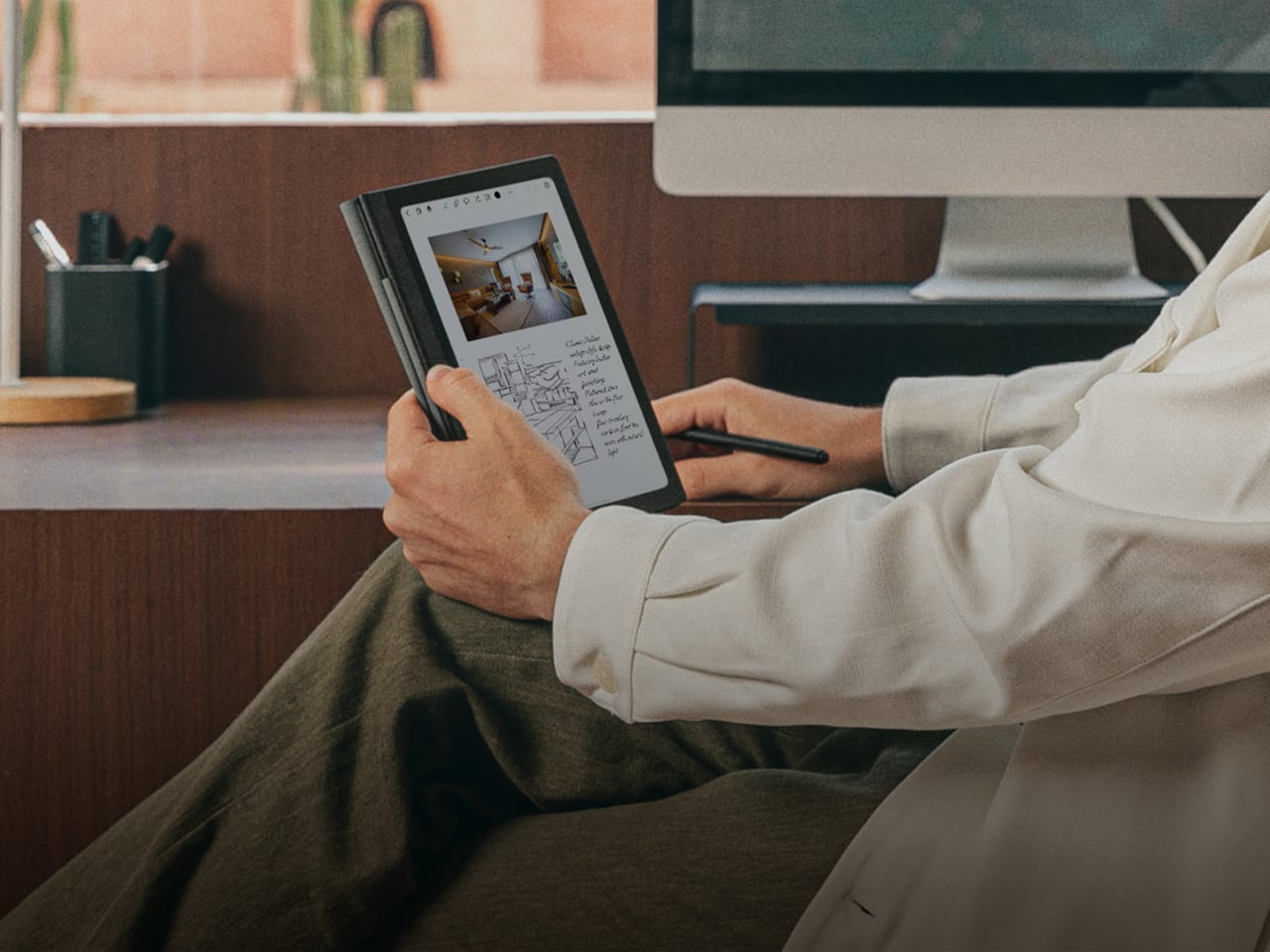
My iPad has almost reached necessity status in my life, I’m pretty sure all of us tablet owners are super reliant on them (I mean, I am for sure)! I personally find tablets extremely handy, they’re the comfortable middle ground between a smartphone and a laptop, and they pretty much perform the same functions as these two. They’re super easy to carry around, and honestly, I could survive wholly and solely on my iPad if I really wanted to. I’m always on the lookout for innovative and fun accessories to amp up my tablet (besides the basic ones Apple offers). Luckily there’s a whole bunch of crafty designs out there that can function as the perfect sidekick to your precious tablet.  Here’s a collection of super cool and functional product designs that promise to upgrade your iPad game to a whole other level!

1. HyperDrive

Dubbed HyperDrive, this is the world’s first-ever form-fitting USB-C hub with six different media ports and a media shortcut key. The HyperDrive is quite compact and fits perfectly into the palm of your hand. It features a 4K60Hz HDMI port, USB-C 5Gbps 60W Power Delivery port, MicroSD UHS-I port, SD UHS-I port, USB-A 5Gbps port, and a 3.5mm Audio Jack. It is also equipped with a built-in shortcut key which lets you “play, pause, fast-forward or rewind your favorite songs, videos, or podcasts without interrupting your workflow.”

2. Macintosh Studio

Designed by Scott Yu-Jan, this interesting DIY project is inspired by the Mac mini. It gives a home for an iPad mini and hides the Mac Studio in plain sight. Called the Macintosh Studio, the enclosure is placed on top of and hugs the Mac Studio, only the buttons are left unrestricted. The front of the device features a slot for the iPad mini to slide in and connect to the Mac Mini using a single UBC-C cable. This allows the iPad mini to be charged always, keeping it ready to go whenever you need, it while also allowing it to serve as a second screen for the Mac Studio.

3. Pro Stylus 2

Meet ZAGG’s Pro Stylus 2, which is designed to work with the iPad as well as the iPhone. The Pro Stylus 2 will feel super familiar and comfortable in your hand owing to its slim design. It features a precise fine tip that supports accurate drawing, as well as palm rejection to prevent your hand from accidentally touching or tapping the screen as you sketch or write. It is also equipped with tilt recognition to alter your stroke style when you change angles. Magnetic wireless charging allows you to snap the Pro Stylus 2 onto the side of your iPad Pro.

4. PenPad

The PenPad is designed to make the iPad’s famous sketching/painting app easier to use by removing the trouble of navigating the Procreate interface. The PenPad offers access to 22 different functions that you can use while sketching on Procreate – these range from increasing and decreasing brush size to even accessing the color wheel. It is a compact hardware accessory that allows you to paint with one hand while letting you press buttons to make the workflow faster and more efficient.

5. Apple Pencil Nibs

Yanko Design created nibs for the Apple Pencil! These fascinating interchangeable nibs include a fine-tip nib, a chisel nib, and a flexible brush-pen nib. Other different nibs could also hold the potential for 3D modeling features like the ability to sculpt on the iPad. These nibs would allow the iPad Pro to become the ultimate creator’s setup – for both 2D and 3D creation. It would serve as a ‘power-user’ tool enabling creators and designers to unlock new potentials.

The post Top 5 iPad Accessories To Elevate Your Tablet Game To A Whole New Level first appeared on Yanko Design.
The Google Pixel Tablet with charging speaker dock is $130 off right now

The Google Pixel Tablet with charging speaker dock is $130 off right now via Woot. This is a discount of 26 percent and a record low for the tablet. That's a pretty good deal for a device that’s still under a year old.

It’s worth re-emphasizing that this sale is for the tablet and the charging speaker dock. It’s the latter accessory that was largely responsible for the positive review we gave the tablet last year. The dock lets the tablet double as a smart display. It charges the tablet quickly and provides a sturdy base for touch gestures. The speakers are also much louder than one would expect, given the size. The combination of a useful dashboard, an easy-to-read interface and impressive audio make it one heck of a smart display.

We were a bit cooler on the tablet itself, though it's perfectly serviceable. The nano-ceramic coating and glass-like backing makes it feel more expensive than it actually is and the low weight, at just over one pound, ensures you won’t cramp up while streaming the latest hit TV show. It is, however, slightly heavier than the iPad Air.

There’s also a neat little kickstand-hanger combo that lets you place the tablet just about anywhere. This is useful, for instance, when following a recipe in the kitchen. You can just hang it right on a cabinet knob. The 2,560 x 1,600 LCD panel isn’t as vibrant as a modern OLED, but it gets the job done.

The Pixel Tablet is the first of Google’s tablets to be a Chromecast receiver, so you can control it from your phone. This comes in especially handy when watching streaming apps, though it only works when docked.

Follow @EngadgetDeals on Twitter and subscribe to the Engadget Deals newsletter for the latest tech deals and buying advice.

This article originally appeared on Engadget at https://www.engadget.com/the-google-pixel-tablet-with-charging-speaker-dock-is-130-off-right-now-165101833.html?src=rss