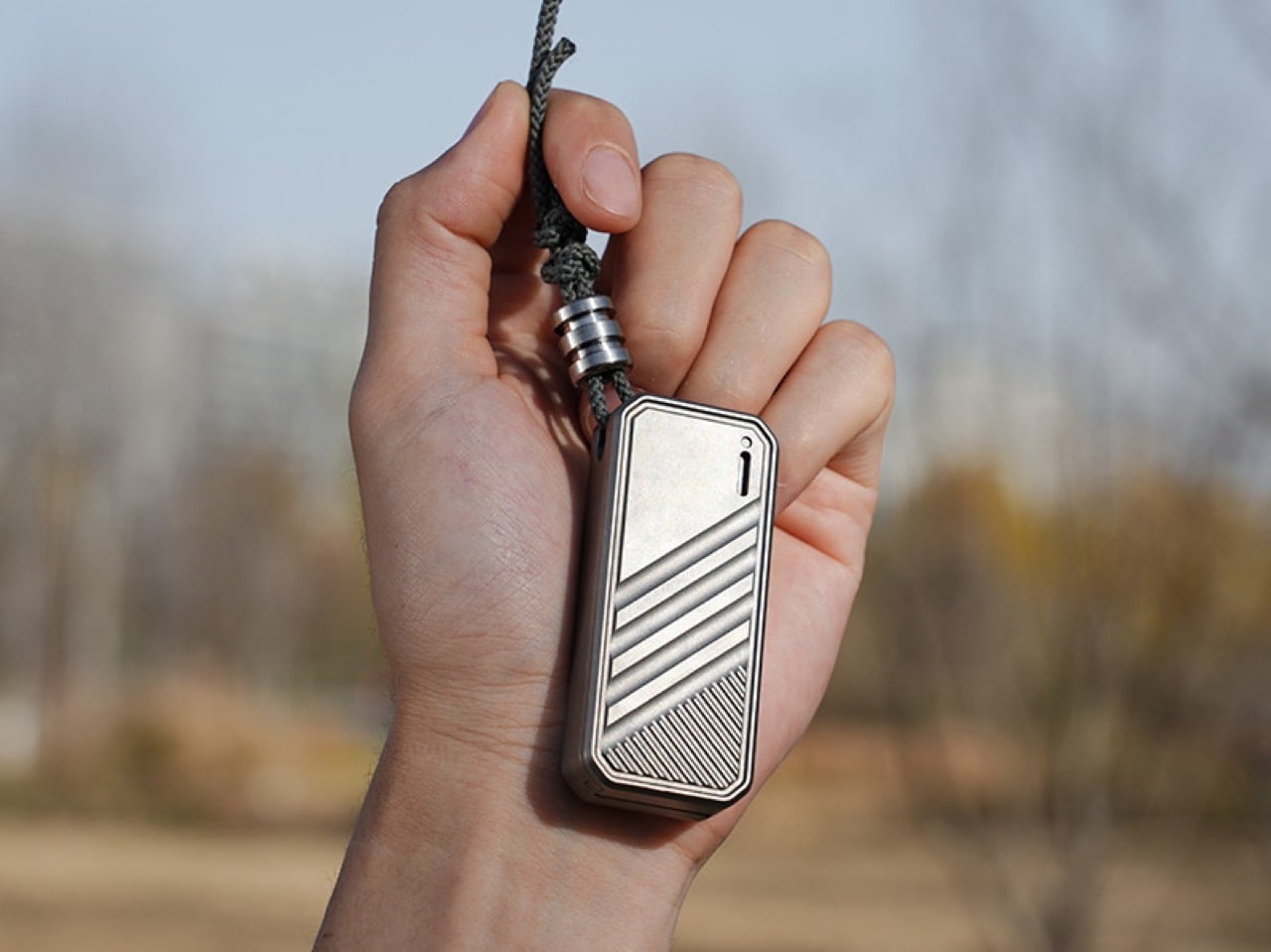
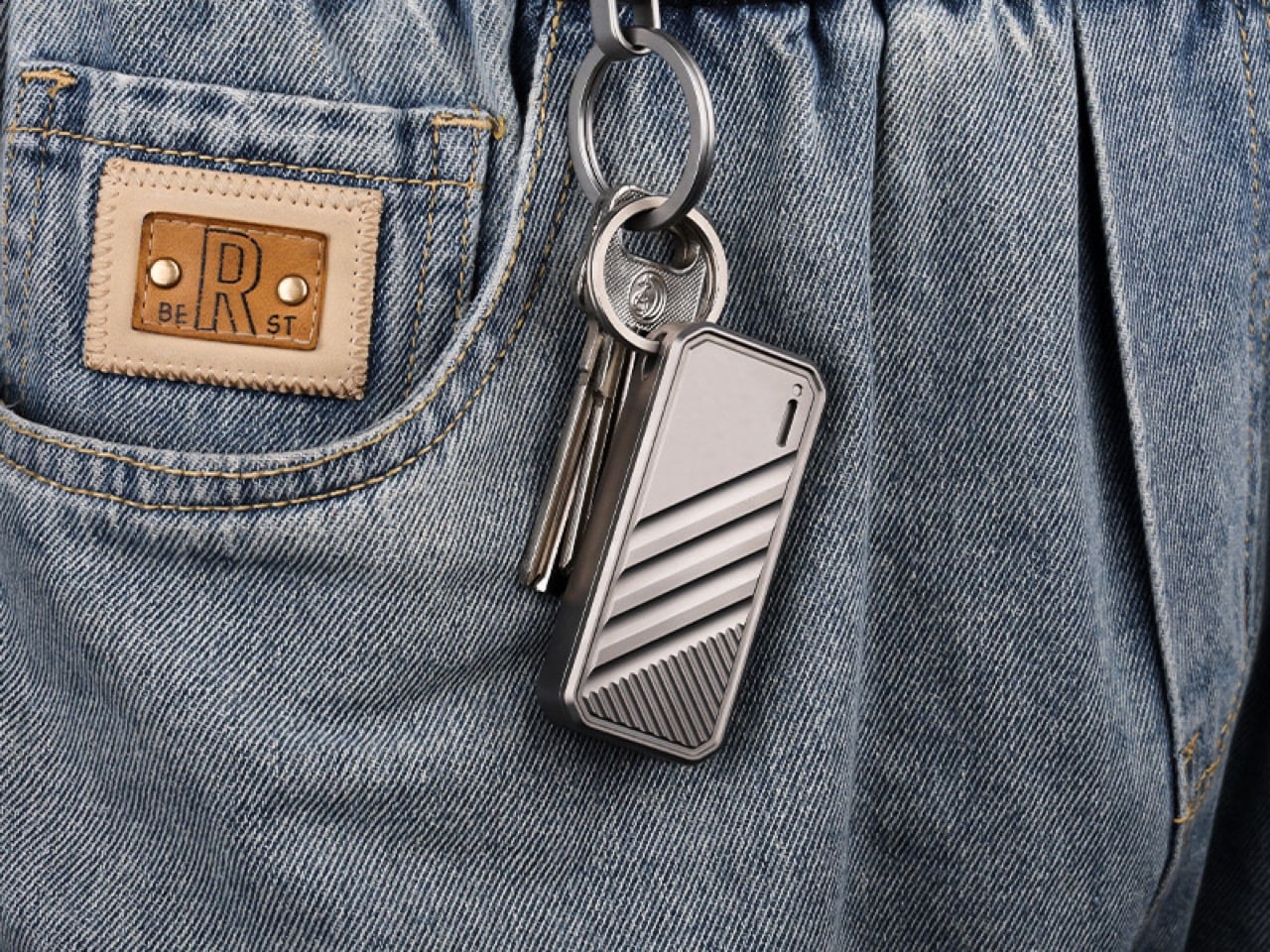
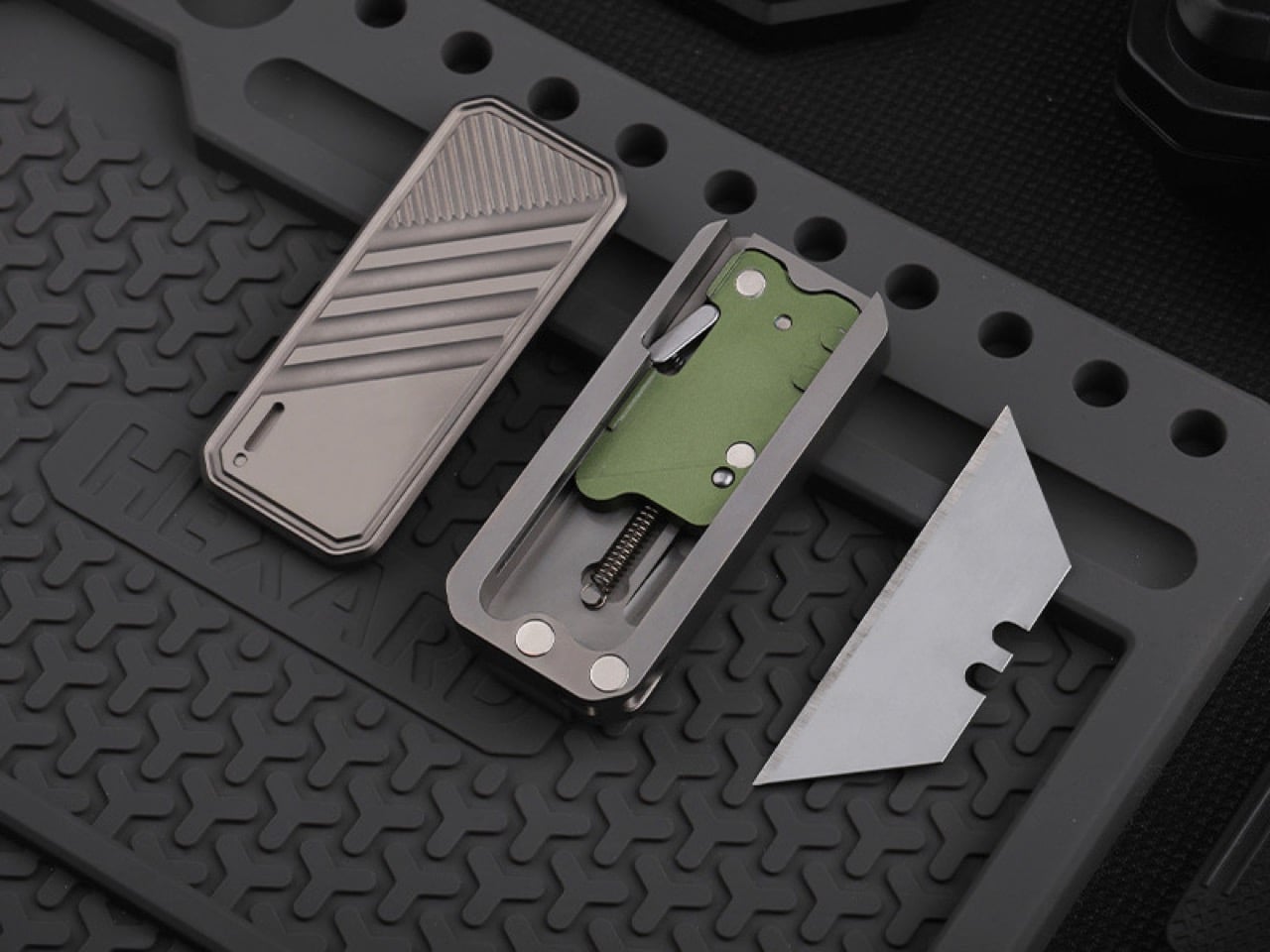
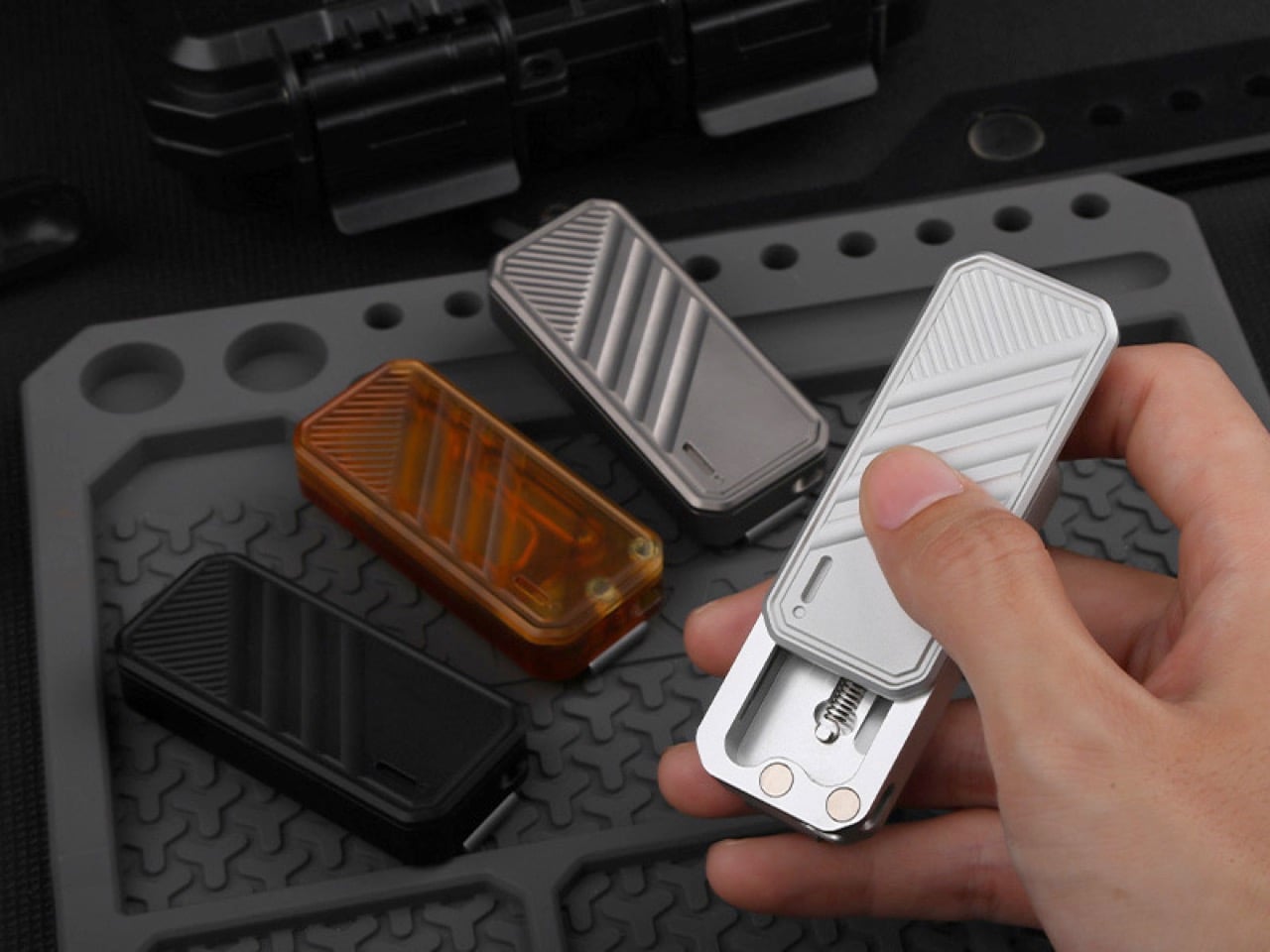
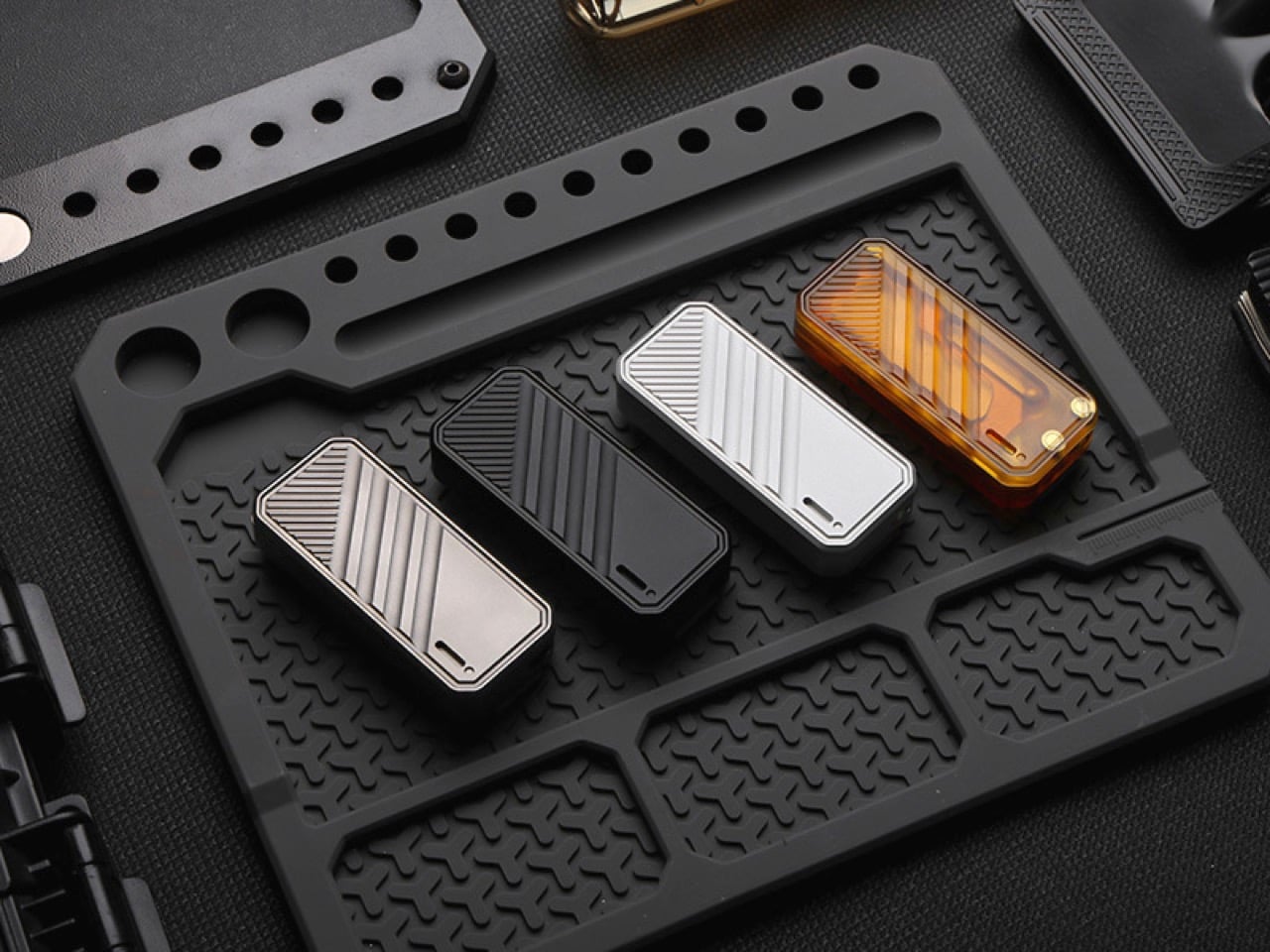
I’d like to think that we’re in a golden age for Titanium (I get the irony of using the term golden to describe it but let’s not focus on that)… whether it’s dominating the EDC world or even slowly carving its way into popular culture with the latest iPhone 15 Pro. Touted as the world’s strongest metal, titanium has some significant benefits that make it such a perfect pick for tools and other EDC. It’s medical-grade, corrosion-resistant, relatively non-reactive, fairly lightweight, and is nearly impossible to damage or even make a dent on. That makes it perfect for EDC, but it also means your EDC can be smaller but still have multiple functions and features, like the TiSpanner, a scaled-down version of your hefty toolkit spanner, but with a few extra tricks up its sleeve. Aside from being the size of a car key, the TiSpanner has a built-in spanner, caliper, bottle-opener, nail-pry, and tungsten-carbide glass-breaker for emergencies. It’s the perfect blend between size and functionality, and fits right on your keychain, allowing you to carry it wherever you go.
The TiSpanner is a uniquely versatile tool with a built-in precision spanner that can open/close nuts and bolts, while also functioning as a caliper tool for measuring. A rotating knob lets you make micro-adjustments to the TiSpanner’s jaws, while its meticulously machined threading ensures the kind of accuracy a pair of calipers would demand. Etched markings on the side of the TiSpanner let you calculate linear measurements, while the adjustable metal jaws themselves expand to fit hex nuts or bolts as large as M10 on the nominal scale.
Look around a bit further and you spot a few extra details that bring more value to the TiSpanner. For starters, a notch in its outer jaw, coupled with the TiSpanner’s general shape, makes it a perfect nail-pry, while a groove in the inner jaw allows the TiSpanner to function as a bottle opener. The linear design of the spanner lends itself well to both those uses, as it turns into a class 3 lever for opening bottles, and a class 2 lever for pulling/prying nails. Finally, the TiSpanner ends with quite a tactical flair, boasting a glass-breaker tip on its reverse end. Designed to be held in between your fingers with the glass-breaker pointing outwards, the TiSpanner can easily shatter even laminated panes of glass like the ones found in cars, allowing for a quick and effortless exit in an emergency.
Each TiSpanner comes meticulously machined from individual pieces of titanium, giving it incredible strength and a fairly long lifespan (I assume a couple of generations at the least). The spanner is small enough to be carried everywhere, measuring merely 2.2 inches when closed. Given its tiny size, it comes with a few slots to put in vials of tritium that help you spot your EDC in the dark, or better yet, just string your TiSpanner around a keychain and you’ll always have your multitool right at your fingertips! The TiSpanner starts at $68 USD and begins shipping in January 2024.
Believe you me, just the way vinyl made its glorious comeback, CDs too will see a resurrection in popularity… and when they do, the Cp1 CD Player will stand out as the most sophisticated-looking player of our time. Combining age-old technology with a clean, minimalist, design-driven aesthetic, the Cp1 is a wall-mounted compact disc player that doubles as wall art. Its all-white design with clear lines and subtle detailing makes it blend perfectly into modern Japandi-style homes. Dieter Rams and Naoto Fukasawa would be proud.
“Streaming may be all the rage, but it often eclipses the holistic experience of a full album,” says the Cp1’s designer Tatsufumi Funayma. “While artists pour their souls into their albums, streaming emphasizes single tracks. NEW Cp1 nudges you to revisit the magic of entire albums, offering a chance to truly understand an artist’s intent and narrative, all while enjoying the accompanying art.” A billion CDs are still produced annually, yet the only way to buy a CD player today is to search for one at a thrift shop, on eBay, or go garage-sale hunting to grab a second-hand one for dirt cheap. The Cp1 changes that by hat-tipping an existing technology that doesn’t get enough credit, and is heavily due for a nostalgic resurgence.
At first glance, the Cp1’s design is a striking balance of retro and modern aesthetics. Look at it and you’re instantly reminded of a Polaroid film with the way it’s designed. It has a border on all four sides, with a thicker one at the base, like an instant photo. The center is where the magic occurs, where you can either observe the CD playing through a clear window, or slide the CD cover’s artwork in, transforming the player into a large retro-style relic of your eclectic music collection. The minimalist front, dominated by the disc tray and tiny display for track-number, exudes a no-nonsense attitude towards music playback. Look on the top edge and you’ll see the Cp1’s controls – simple self-colored tactile buttons that are easy to understand with zero text or labeling, reinforcing the Cp1’s clean design.
Despite its retro functionality, it’s equipped with modern connectivity options like Bluetooth 5.1. This means it can easily integrate into a variety of audio setups, from traditional home stereo systems to more contemporary multi-room setups. A 3.5mm audio jack encourages you to use wired headsets or speakers (as any audiophile will rightfully suggest), a built-in li-ion battery gives the Cp1 portable playback, and a USB-C port on the base lets you charge your CD player (never thought I’d say those words in 2023!) If you DO choose to mount your Cp1 on a wall, each CD player ships with a wall-mount that lets you attach the device temporarily, removing it whenever you wish like you would a wall-hung photo frame.
The Cp1’s transparent window is suitable for displaying photos and pieces of art too. Whether it’s abstract art you’ve created, images off the web, your own photos, or NFTs you may have regrettably invested in. You can slide a print right into the player, allowing it to serve as a larger-than-life Polaroid that sits on your desk or your wall. The Cp1 comes in white and even black variants, although the former is clearly a personal favorite. Even with its built-in battery, it measures a mere 26mm (1 inch) in thickness, which means it won’t occupy much real estate on your wall. The 1800mAh battery offers 7-8 hours of playback on a full charge – that’s roughly 10 or more albums for you to listen to while you relish the music as well as the art on the front facade of your gorgeous CD player from a minimalist future!
Peak Design’s new tripod for smartphones may be the slimmest one we’ve seen so far. Designed to snap onto the back of your MagSafe-enabled device, it works in both landscape and portrait, giving creators the one accessory they need to supplement their incredible smartphone camera. At its thickest point, it’s just 0.3 inches in thickness, while gradually transitioning down to 0.2 inches for a nice sleek wedge profile. It also weighs a paltry 2.6 ounces (78 grams), and is robust, thanks to its machined aluminum body. I think it’s time to say goodbye to selfie sticks and propping your phone against random objects to get the right shot.
You may remember Peak Design for their incredibly durable carbon-fiber travel tripod from 2019, although the company isn’t limiting itself to larger DSLR-adjacent gear. The aptly named Mobile Tripod is roughly the size of a MagSafe wallet, sitting perpetually on the back of your smartphone. With three legs that pop out on command, the Mobile Tripod props you phone up at just the perfect angle, allowing you to instantly begin recording videos, reactions, dance tiktoks, and vlogs, whether you’re recording in landscape or portrait.
The Mobile Tripod snaps directly onto your iPhone (or any smartphone with the MagSafe sticker), using a series of powerful neodymium magnets to firmly attach in place. It works with smartphone cases too, although Peak Design recommends using their own case which relies on their SlimLink technology to attach in a more secure manner.
The slim tripod fits rather neatly onto the back of your phone, with a wedge-shaped side profile that lets you slide your phone in and out of your pocket without catching any fabric or slipping off. Three legs on the back can either be popped out independently to form a traditional tripod, or can be folded open together as a single, wide kickstand that you can angle-adjust.
The Mobile Tripod comes machined from solid anodized aluminum, which holds up much better than those flimsy plastic tripods you’d find elsewhere on the internet. A “buttery-smooth” micro ballhead allows for precise adjustments with a fair amount of friction that lets it hold any angle you adjust your phone at, and anti-slip TPU feet help the tripod hold its position without sliding around. All that sort of adds up to a $71 price-point, which certainly isn’t cheap, but it’s worth the money for a product that’s sure to come incredibly handy taking selfies, tiktoks, or even answering video-calls hands-free. Oh, and did I mention that it also comes with a lifetime guarantee, like all of Peak Design’s products?
Did you know Nintendo *almost* made a smartphone case with a built-in Game Boy? Well, now you do…
Nintendo has always been a pioneer in the gaming world, known for its innovation and creativity. Starting out selling gaming cards, the company practically led the charge on gaming innovation, starting with their entertainment systems, to the birth of the world’s first handheld gaming console (Apple TV has an entire movie on how Tetris made its way to the first Game Boy). That was just a milestone for the company, which went on to revolutionize gaming with Super Mario, Pokemon, Legend of Zelda, and an entire host of other games that hold legend-status in the gaming world. The Game Boy then transformed into the Nintendo DS, which led to the Wii, and finally the wildly successful Switch. But did you know that not all of Nintendo’s ideas have seen the light of day? Or rather, some of their less-than-brilliant ideas that remain languishing in a patent office.
The folks at NeoMam Studios partnered with Guide Strats to bring some of these patents to life and let’s say, we would have loved to be a fly on the wall at the Nintendo office when these products were being pitched. From a Joy Con-enabled horse saddle to a smartphone case with a Game Boy built into it, these concepts are bizarre, to say the least…
Somewhere down the road execs at Nintendo saw the rise of smartphones and thought – what if we turned the iPhone into a GameBoy?! This slap-on case for your smartphone basically acts as a physical emulator, blocking most of the screen to allow you to only see a small portion of it, where the game would be displayed. Buttons on the front tap the screen when pressed, allowing you to effectively get the Game Boy experience on a modern-day smartphone. The pros? Peak nostalgia and tactile buttons. The cons? Pretty much everything else, including the clunky GB cover that would practically consume your smartphone’s entire aesthetic.
2. Nintendo Switch Joy-Cons with Hinges
(Patent No: JP2019146737A)
A little less weird conceptually, but equally absurd on a technical level, Nintendo patented ‘bendable’ Joy-Cons for their Switch device. The reason? Ergonomics in general, given that the Joy-Cons aren’t as ergonomically shaped as other controllers on the market like Sony’s DualSense controller or Microsoft’s Xbox Wireless Controller. These unique controllers, however, have hinges in them that allow them to bend away from you, enabling a natural gripping position while still having the screen facing you clearly. Given that ‘drifting’ is already a problem within the Joy-Cons, having more moving parts that could compromise accuracy seemed like a bad idea, which is why the patent was left as it was.
3. Nintendo Wii Football Controller
(Patent No: EP2090346B1)
Given how the Wii’s controllers made them perfectly suited for workouts and sports like boxing, skiing, and table tennis, the good folks at Nintendo thought it would make sense to have a football (or rugby ball) accessory for the Wii remote, allowing people to pass, throw, dodge, and run in the game. The solution was an incredibly odd-looking accessory that felt like shoving a remote control into an existing football. “The game-playing public generally expects a football video game to provide a reasonably accurate model of at least some aspects of the actual game of football,” argued Nintendo’s patent. What Nintendo didn’t realize at the time, was that it wasn’t realistic to expect people to play football indoors without breaking bones, furniture, and possibly even your Nintendo Wii. Luckily, sanity prevailed and the Nintendo Wii Football Controller was scrapped.
4. Nintendo Portable System with Interchangeable Controls
(Patent No: US20140121023A1)
This one might be the least absurd because you can really see Nintendo’s thinking at the time. The “Nintendo Portable System with Interchangeable Controls” was filed as a patent 10 years ago, long before the Switch was released. The idea – a Nintendo 3DS-style handheld console with interchangeable controls that could slide in and out, allowing you to swap between joysticks, action buttons, and a D-pad based on the game you wanted to play. Eventually, this concept evolved into the Switch as we know it today, and these tiny removable modules were effectively adapted into removable joy-cons, which many will argue was a much better idea in hindsight!
5. Nintendo Wii Inflatable Horseback Riding Peripheral
(Patent No: US8277327B2)
Let it be known that the Wii years should go down into the annals of history as some of Nintendo’s weirdest years. As the company saw success with its motion-sensing console/controller system, the company decided the best way to build out the Wii ecosystem would be to create accessories. If the football accessory wasn’t enough, the Nintendudes decided to patent this ridiculous exercise-ball-inspired “Inflatable Horseback Riding Peripheral”. The idea, you’d sit on it with the Wii remote docked between your legs, rocking back and forth to control the horse’s movements. Thankfully for Nintendo and all the gaming fans out there, a particular Jim and Dwight scene from The Office helped Nintendo understand exactly how ridiculous this would look…
Opportunity rarely knocks twice, but this is one of those times. If you missed CIVIVI’s Thanksgiving Month discounts, you may be in luck! Their top-of-the-line EDC is still on a 15-25% discount, which means your new favorite folding knife is still quite literally within grasp. CIVIVI’s knives are loved by tens of thousands of patrons who form the broad EDC community. Designed to be a handy carry-on that you can keep in your pocket, bag, or even attached to the strap of your backpack, CIVIVI’s folding knives are perfect for everything from opening holiday gifts to using as a survival tool in the great outdoors if you plan on heading camping or alternatively to more temperate climates for the wintertime. The discounts make these knives absolute no-brainers, and like all of CIVIVI’s gear, they’re all built to be incredibly resilient, so your first CIVIVI folding blade might just end up being the last one you ever need… Unless you’re a collector like us!
01. CIVIVI Mini Praxis
CIVIVI’s Mini Praxis knife is a compact powerhouse that draws inspiration from its larger counterpart, the Praxis. With a 2.98-inch D2 steel drop-point blade, it balances strength and sharpness. The wide G10 handle offers excellent grip, supported by a skeletonized stainless steel liner for added stability without excess weight. Remarkably, the Mini Praxis comes at an affordable price point, making it accessible to a broad audience. Engineered as a reliable workhorse, this pocket-sized gem offers blade options in both D2 steel and stunning Damascus steel, known for its marbling patterns. The handle choices include G10, translucent Ultem, and the luxurious Guibourtia Wood for the Damascus variant. The blade measures just under 3 inches, while the overall design prioritizes compactness for everyday carry (EDC). Weighing a mere 2.77 ounces (78.5 grams) and equipped with a practical pocket clip, it ensures easy and discreet portability.
The Mini Praxis seamlessly blends compact design with uncompromising performance, making it an essential companion for modern adventurers.
What we like
Portable and lightweight
That 25% discount makes it even more attractive!
What we dislike
The 2.98-inch blade may be too short for certain applications
02. CIVIVI Baby Banter
The CIVIVI Baby Banter excels as an everyday carry (EDC) knife, combining compact design and practicality for effortless portability. Its petite 59mm (2.34 inch) blade is surprisingly versatile, thanks to the drop-point shape, suitable for various tasks indoors, outdoors, or in tactical situations. Crafted from durable Nitro-V steel with a hardness rating of up to 60HRC, the blade ensures long-lasting sharpness. The full-sized handle, made from G10, offers a comfortable and secure grip while remaining lightweight and rugged.
Incorporating the perfect balance of compactness and functionality, the CIVIVI Baby Banter is a reliable companion for daily adventures. Whether you’re tackling everyday challenges or outdoor escapades, this EDC knife is up to the task, delivering dependable performance in a compact form.
What we like
Small and powerful, like dynamite
Nitro-V Steel is much tougher than D2 Steel
What we dislike
It’s smaller than the Mini Praxis, but double the price because of that Nitro-V Blade
03. CIVIVI Qubit
Designed for those who appreciate efficiency in a small package, this unassuming knife boasts a clever feature – an integrated bottle opener discreetly hidden within the closed blade. Unfold the Qubit, and you’ll discover a classic drop-point blade, now crafted from Swedish 14C28N Steel. This choice of steel ensures exceptional resistance to corrosion, chipping, and everyday wear and tear. The Qubit also offers the convenience of a button-lock mechanism for quick and secure closure. Its aluminum handle adds both heft and maneuverability, enhancing not only functionality but also the knife’s all-metal aesthetic appeal. The knife is running a site-wide 25% discount, and CIVIVI’s just dropped a pink-handled variant which has an introductory 15% discount.
The Qubit effortlessly combines practicality and style, making it a versatile companion for various tasks. Whether you require a reliable cutting tool or a bottle opener, this knife has you covered. Its compact size and innovative design make it an essential addition to your everyday carry toolkit.
What we like
Aluminum handle gives the Qubit a premium touch
The integrated bottle opener makes the Qubit a jack of all trades
What we dislike
At 80 grams (2.82 ounces) some small-knife cravers may find the Qubit a tad too heavy
04. CIVIVI StellarQuill Pen & Button Lock Elementum II Knife Combo Pack
Although well known for their knife craftsmanship, CIVIVI also has a reputation for stepping out of its comfort zone ever so often. By which I mean that if its audience demands it, they’ll redesign one of their best knives with a new feature, like the Elementum II which now has a button lock. Heck, they’ll even design pens if there’s enough buzz from the fan base. The StellarQuill Pen and Button Lock Elementum II Knife Combo Pack are a perfect culmination of this, giving you an updated crowd-favorite pocket folder, along with a compact all-metal ballpoint pen. The Elementum II retains its modern classic status with a beloved drop-point blade, now made from Nitro-V Steel. The most notable detail is the absence of the liner-lock from the previous model, replaced by a tactile button-lock mechanism that most enthusiasts will love.
Dedicated patrons get a special-edition version of the Elementum II with an ivory-colored G10 handle and bright red liner on the inside. The knife is accompanied by CIVIVI’s StellarQuill pen, a precisely machined piece of stationery made from aerospace-grade aluminum that’s perfectly sized to slide right into your pocket. It even comes with a lanyard hole to string into your keychain or a lanyard.
What we like
The button-lock and caged ceramic ball-bearing allow you to easily deploy that gorgeous Nitro-V blade
The StellarQuill pen gets all the points for its small-yet-hefty all-metal build
What we dislike
The pen could use a pocket clip to prevent it from rolling around
05. CIVIVI Button Lock Praxis
Built on the framework of one of their most popular knives, this variation of the full-size Praxis now comes with a button lock, allowing for a more engaging and reliable deploying and retracting experience. Unlike the Mini Praxis (which has its own fan base), the Button Lock Praxis is a little larger and a little more capable, thanks to its full-size grip and 3.75″ Nitro-V blade. The blade still retains its drop-point design, which most people will say is the most popular design in the knife world, but the handle now comes made from Aluminum, giving the knife a balanced grip and a wee bit of weight (6.55oz / 185.6g) that makes it much more stable during use. If you felt like the Mini Praxis was the right design but just a tad too small for your liking, the Button Lock Praxis may just be the perfect alternative.
The Button Lock Praxis is just one of those knives that has been perfected over time and has reached a place where it arguably couldn’t be improved any further. Aside from adding extra tools/features, there’s not much you can do to make this knife better than it already is, aside from a discount I guess?! *wink wink nudge nudge*
What we like
Great value for money with that Nitro-V blade and Aluminum handle
Reliable button lock makes opening and closing easy
What we dislike
The clean design is great, but a thumb stud would have really given the Button Lock Praxis a fun opening interaction
06. CIVIVI Chevalier Ⅱ
The Chevalier II isn’t too different from its predecessor, the Chevalier, except for the fact that it now comes with a gorgeous machined aluminum handle that elevates the knife’s design. When you close your eyes and imagine a classic pocket knife, chances are your brain thinks of something like the Chevalier II – a simple, sophisticated little EDC that’s no-fuss and no-nonsense. The 3.47″ 14C28N steel blade is arguably the perfect size (not too small or big) and comes in a sheepsfoot profile that is great for cutting and slicing, and minimizes the risk of accidentally piercing yourself with the blade’s tip.
There’s something beautiful about how clean and slick the Chevalier II’s design is. This doesn’t, however, compromise on its functionality, whether it’s the balanced all-metal design, the pocket-clip that can be reversed, or the years of expertise its maker CIVIVI has in the knife business.
What we like
Gorgeous clean design with a premium metal handle
What we dislike
The lack of jimping on the top of the blade, which was present on the older Chevalier
07. CIVIVI Propugnator
The Propugnator stands out in this entire list because unlike every other knife, it comes with a fixed D2 blade that doesn’t fold into the handle. This significant design directions means the Propugnator is significantly more robust and is designed for heavy-duty tasks. If you want an EDC that doubles as a letter-opener, owning the Propugnator would be like using a flamethrower to light a candle – it’s kind of overkill. Instead, the Propugnator is built for a more hardcore lifestyle, whether it’s hunting, fishing, bushcraft, survival, or tactical use. The knife comes with a full-tang design, which means the blade’s metal extends all the way to the back, forming the skeleton of its handle. The edge of the blade measures well over 4 inches and comes with a rather edgy-looking reverse-tanto design that resembles the raw appeal of chiseled obsidian. You’ve got a choice between G10, Micarta, or Ultem handles, which give your knife a distinct design and tactile grip. The fixed-blade structure means each knife also comes with its own sheath crafted from Black Kydex, with a loop that lets it attach to your pants or belt loop.
The Propugnator, which means defender or vindicator, is far from your average EDC knife. It clearly means business and nothing else. The full-tang fixed D2 blade is sturdy and reliable, and that sculpted reverse tanto edge works remarkably well for all sorts of cutting, piercing, slicing, stabbing, and scraping tasks. Look away if you’re faint-hearted…
What we like
The raw, brutish design and grippy ergonomic handle is perfect for tactical use
What we dislike
The fixed-blade design makes the Propugnator significantly bigger than its folding friends, which won’t appeal to people looking for compact knives.
08. CIVIVI Typhoeus
The Typhoeus takes the term ‘folding knife’ to an entirely new level. While most knives simply have a blade that folds into a handle, the Typhoeus has a folding handle too that transforms from your regular handheld knife to a push-dagger-style knife that’s better suited for all-out tactical warfare. While the likelihood of needing a push-dagger as EDC is fairly low for us common citizens, the Typhoeus conveniently gives us the option with its convertible design. The knife sports a 2.27″ clip-point blade crafted from 14C28N steel, sitting within a two-part G10 handle that morphs from a linear form factor to a T-shaped one that you can hold in the grip of your hand with the blade pointing out between your fingers. “Perfect for general work or self-defence,” says one reviewer on CIVIVI’s site, and we can’t help but feel that might just be the best way to describe the Typhoeus… a perfectly good everyday folder, but with a wild alter-ego!
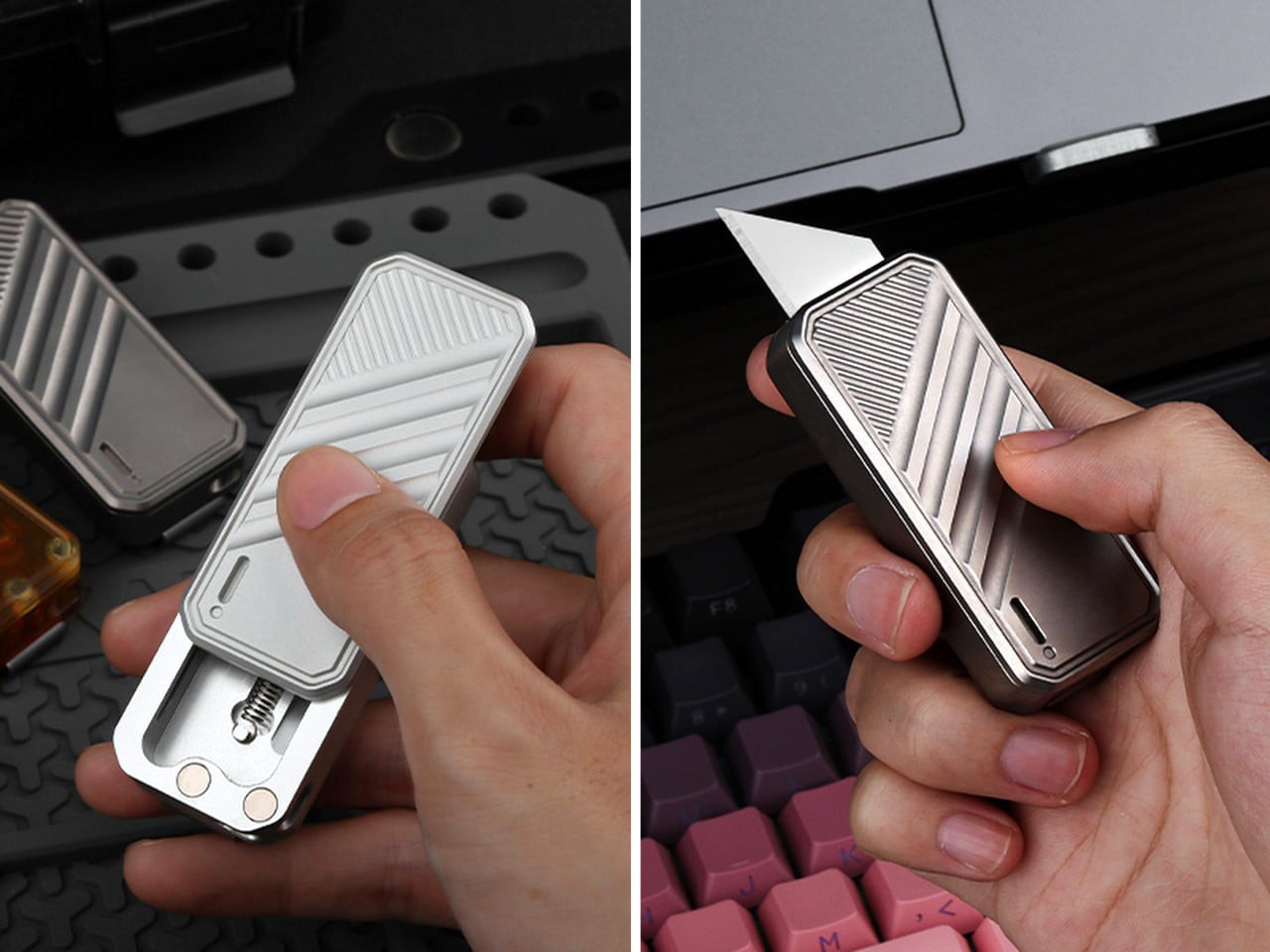
The knife’s Dr. Jekyll-Mr. Hyde persona is perfect for anything life throws at you, whether it’s an Amazon parcel or a mugger. Each knife also comes with its own black leather sheath that lets you stash your bad-boy away when not in use.
What we like
Innovative shapeshifting design
Fun to fidget with!
What we dislike
The folding handle means there’s no locking function, which might be a deal-breaker for some
There’s no pocket clip on the knife, but CIVIVI makes up for it with a leather sheath
09. CIVIVI Button Lock Brazen
Like the Typhoeus, the Brazen too has a tactical personality. It boasts an edgy, aggressive design with an American Tanto-style blade that offers dual edges and a pointed tip, perfect for piercing, slicing, chopping, and more. Crafted from 14C28N steel, the 3.46-inch (88mm) blade is housed within a slim yet grippy G10 handle, and in this variant, it ditches the liner lock for a button lock. Rightfully christened Brazen, it isn’t afraid of challenges, making it the top choice for those who confront adversity head-on. With a weight of 3.91 ounces (101.8 grams), it’s a practical everyday carry that’s ready to prove itself, and be carried everywhere you go, thanks to the deep pocket clip attached to the handle.
The Brazen, now with a button-lock, is effortless yet tactical – which sound like conflicting attributes, but they aren’t. The Button Lock Brazen is a lovely companion that gives you two edges for the price of one (thanks to the American Tanto blade), allowing you to cut, pierce, score, and do everything you would with your knife, using whichever edge you find more convenient. It also has a cool-kid aesthetic that should rub off on you too, making everyone ask you where you got your EDC from.
What we like
Two separate edges, where one can be used for scraping or opening packages, while the other can be used for slicing
What we dislike
The double-edged American Tanto blade can be a little tricky to sharpen
10. CIVIVI Vision FG
The Vision FG is our new favorite CIVIVI knife because it ticks all the boxes with an eye-catching ambidextrous design, a unique handle that comes with holes that let you peek through and see the blade when closed (and also make the knife lightweight), and a Superlock on top that lets you effortlessly deploy and dock the knife’s highly capable blade in seconds. Before we admire the superlock and the handle, it’s worth noting that the Vision FG comes with a different kind of drop-point, boasting a straight-back that gives the blade a ‘belly’ of sorts that lets you rock the knife back and forth while using it. The blade, crafted from Nitro-V, measures a respectable 3.54 inches (89.9mm), and will slice even through paracords with practically zero resistance. The handle, on the other hand, comes in translucent Ultem, highly durable Micarta, and the standard G10 variants. A noteworthy detail is the presence of holes that make the handle rather interesting to look at, giving it visual as well as physical lightness (the Vision FG weighs 4.35 ounces or 123.4 grams). Built into the top of the handle is a superlock that relaxes the blade, allowing you to deploy or retract it in milliseconds. The superlock is unique to just the Vision FG, and play with it once and you’ll never want to go back to a button or liner lock ever again!
The Vision FG is a rare combination of good-looking, powerful, and uniquely pleasurable to hold and use. The ambidextrous handle and superlock are sure to keep your hands and fingers occupied at all times, and that straight-back Nitro-V blade is formidable, to say the least.
What we like
The unique design is unlike any of the other knives on this list
That superlock is both functional and fidgety, and is arguably the feature you’ll love the most
What we dislike
Superlock exclusivity! We wish more CIVIVI knives had this kind of satisfying action.
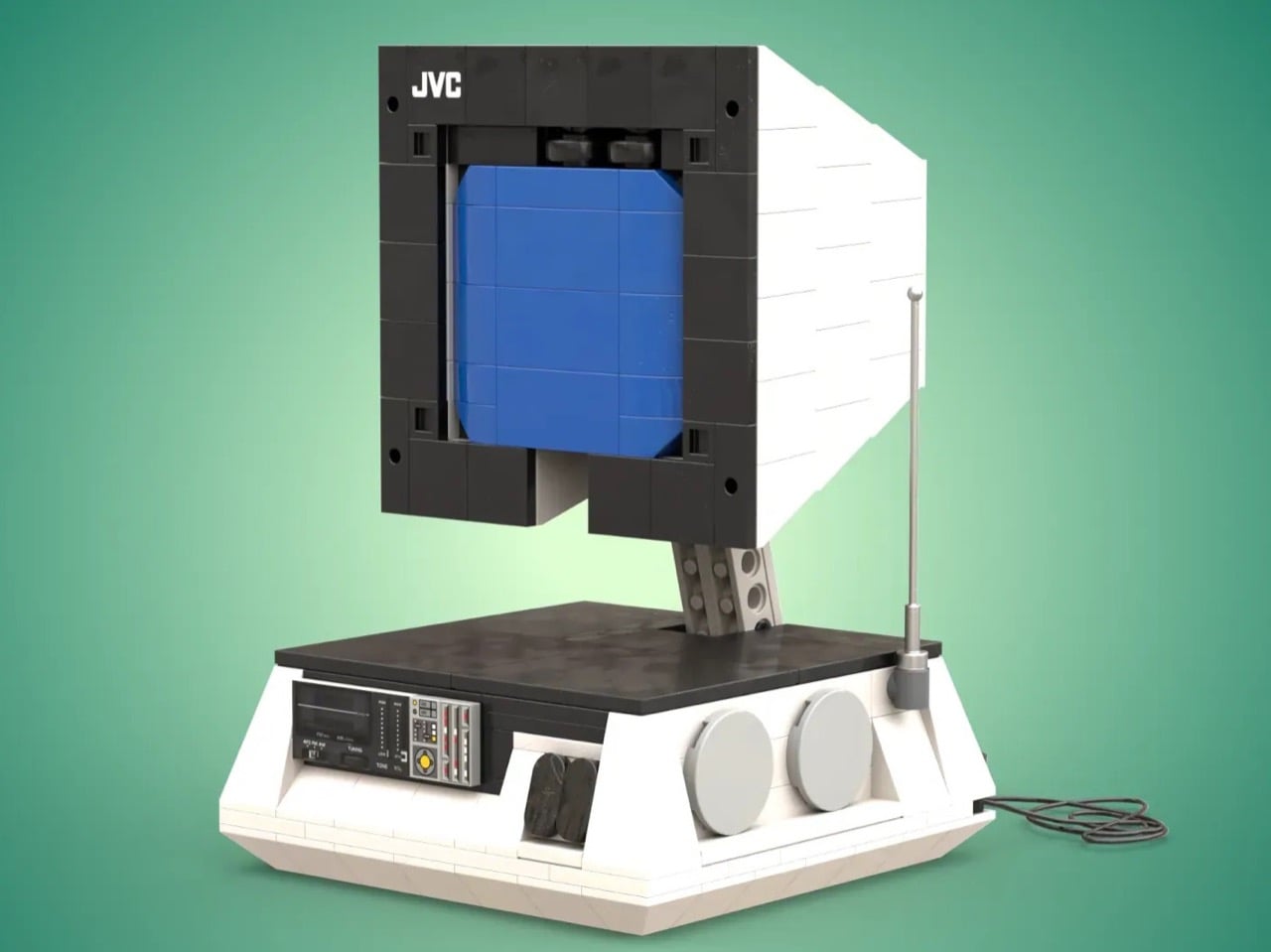
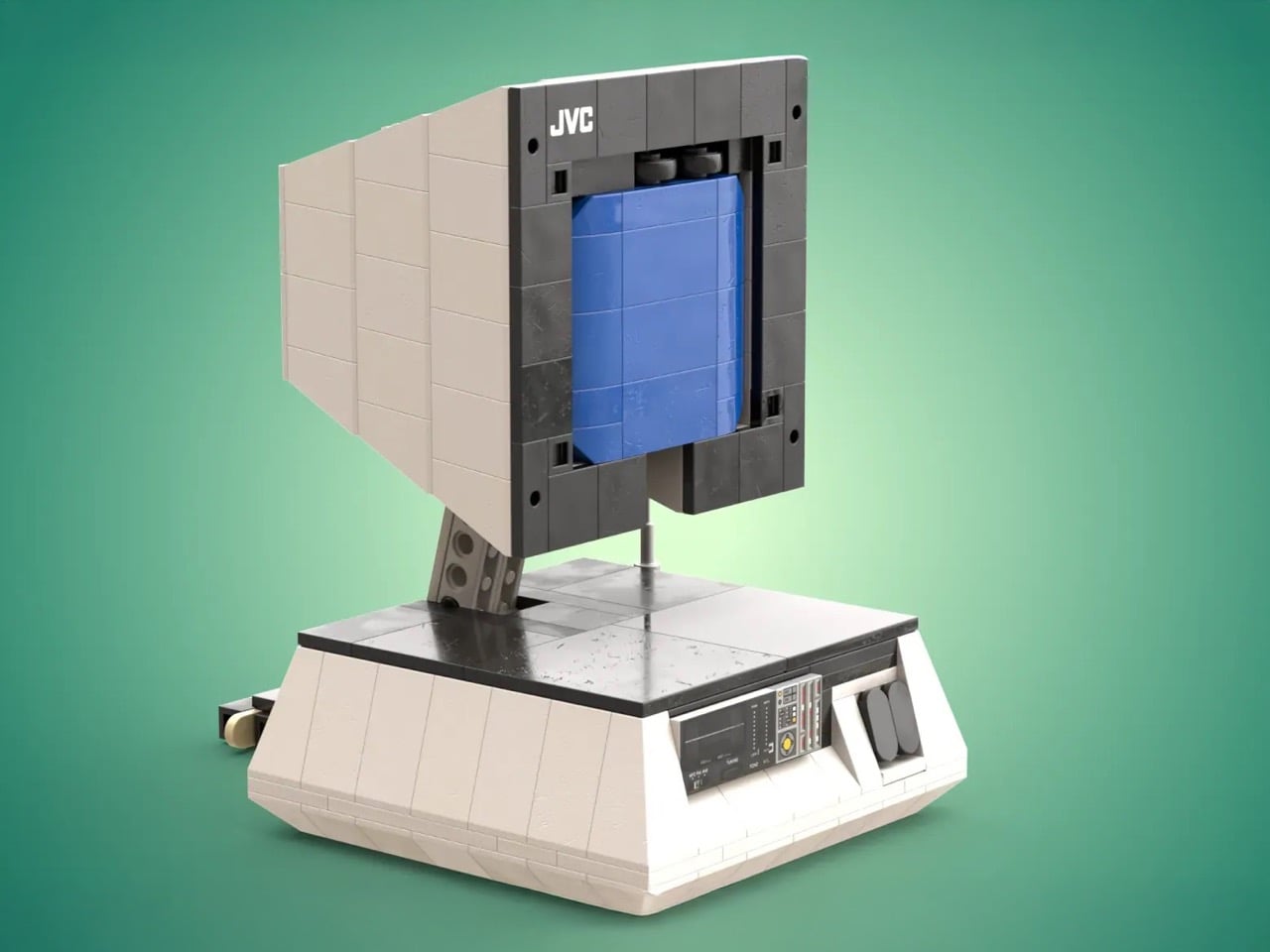
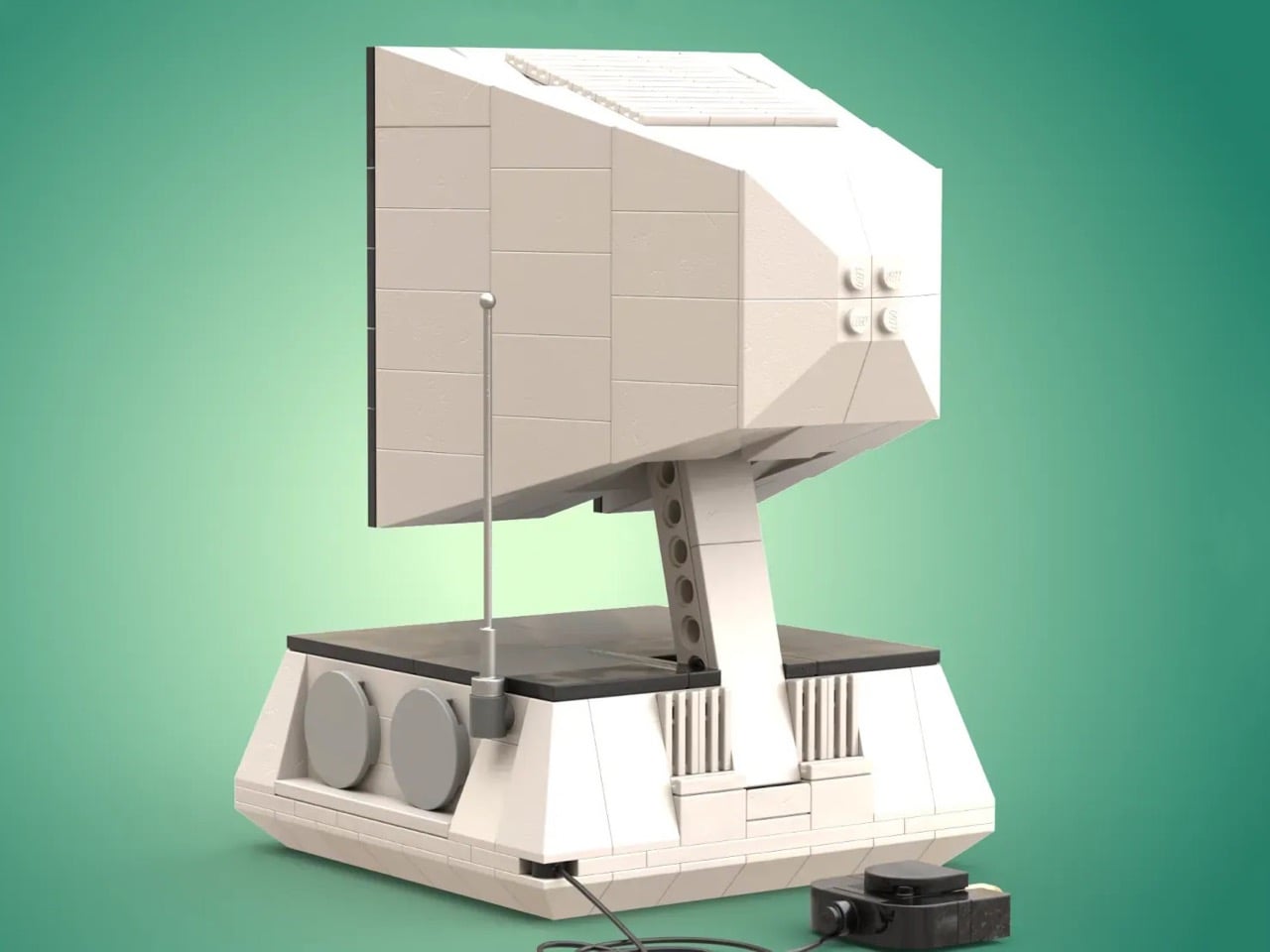
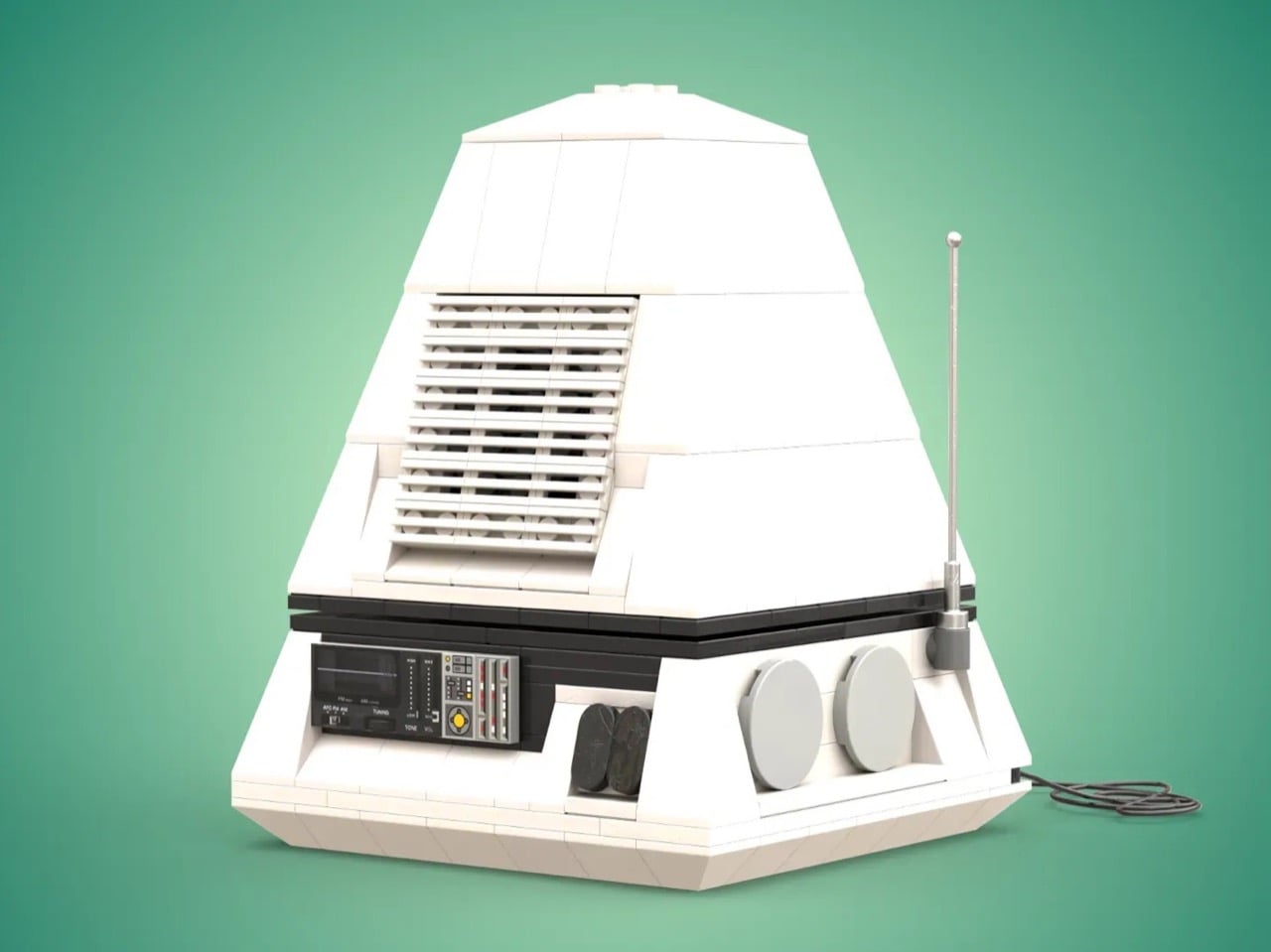
The LEGO-based pixelated look goes well with the PS One, which ran 32-bit games when it launched in the 90s. We’ve come a long way since then, but LEGO Builder GoofySwan099 decided to do a grand throwback to the good old days with this LEGO version of Sony’s first-ever gaming console. It isn’t clear how many bricks this build uses, but it comes with all the bells and whistles, including memory card and controller inputs on the front, an opening CD tray, and RCA ports on the back. Accompanying the console itself is a controller, multiple memory cards, and even a LEGO compact disc that fits right into the machine!
Although a little rough around the edges, the LEGO PS One is a spitting replica of the original. It’s fairly operational with maneuverable parts, add-ons, and a matching color scheme complete with logos to remind you of the real deal. Lift the hood and you’ll see a rotating CD that comes out (don’t forget to blow on the CD as you put it in like they used to back in the old days), and along with memory cards that saved game progress, you’ve got two slots for controllers, enabling team and mano-a-mano gameplay.
“The console has working features such as a power button, open button, memory card ports, controller port, and reset button. The back of the console is also detailed, showing all of the ports to connect the console to a television,” says LEGO builder GoofySwan099.
There’s even venting on the sides, designed to push air backward and out of the console!
At 2487 votes, the LEGO PlayStation One is gradually climbing up the Ideas forum charts, where community members like you and me get to vote for our favorite fan-made pieces. If it reaches the 10,000 vote target, LEGO’s internal team will consider making this into a box set, following some amount of design refinement.
Imagine a car so tiny it can fit in an elevator, yet it’s yours to build and drive. Enter the Peel P50, the world’s smallest production car from the 1960s, now available as a DIY kit. This miniature marvel, originally produced with just enough room for “one adult and one shopping bag,” is smaller than a Vespa scooter and lacks a reverse gear, relying instead on a handle at the back for manual maneuvering.
Touted as quite literally the world’s smallest car, the P50 sports a fiberglass shell, has a 49cc engine on the inside, weighs a paltry 300 pounds, and is like an adult equivalent of the iconic Little Tikes Cozy Coupe. For the eco-conscious or the simply curious, the electric model, powered by a 4 kW motor, tops out at a modest 28 mph. The car is available as a DIY kit that ships complete with wheels, body, seat, steering wheel, drivetrain, and more, demanding around 50 hours of assembly time. For those less inclined to build their own, fully-assembled versions are available too!
Despite its diminutive size, the P50 replica doesn’t skimp on essentials: suspension, lighting, horn, brakes, mirrors, and the iconic single suicide door on the left side. It’s street legal in most places, classified as a kit car, moped, or motorcycle. As P50 Cars puts it, the P50 and Trident are ideal for novice car builders due to their mechanical simplicity, light weight, and small size. All you need is a few tools, a little garage space, and patience. Registering your completed kit car is typically straightforward, given its classification.
This unique piece of automotive history may be scooter-sized, although it’s priced slightly higher than your average two-wheeler. The self-assembly kit starts at approximately £12,100 ($15,435), while a fully-assembled model will set you back around £15,200 ($19,389). But for the chance to own and drive the world’s smallest car, that might just be a price worth paying.
The modern P50 has been updated with more contemporary stylings and paint options. Its classification as a light moped or scooter makes it street legal, adding a unique, space-efficient touch to your garage. Measuring only four and a half feet long and three and a quarter feet wide, the car is akin to a playful piece of nostalgia or a statement in eco-conscious driving.
Described by the folks at Tekto as “Compact and Formidable”, the A2 Badger is an impressive little picket blade that’s sure to be a favorite in your EDC collection.
What’s an OTF Knife you ask? Short for Out The Front, OTF Knives are switchblades with a vertical deploying action. Unlike traditional folding knives with folding/rotating blades, the blade of an OTF knife slides forward and backward out of the handle rather than swinging open on a pivot. This mechanism is typically operated by a switch or button located on the handle. OTF knives are known for their quick and easy deployment, making them popular among military, law enforcement, and outdoor enthusiasts… and if you still don’t own one, this might as well be the universe giving you that sign.
Featuring an oversized lanyard hole, this knife design accommodates a wider range of attachment options, including larger cords and paracords. This enhances convenience and accessibility, especially in low-light conditions or when wearing gloves, making it an ideal tool for any situation.
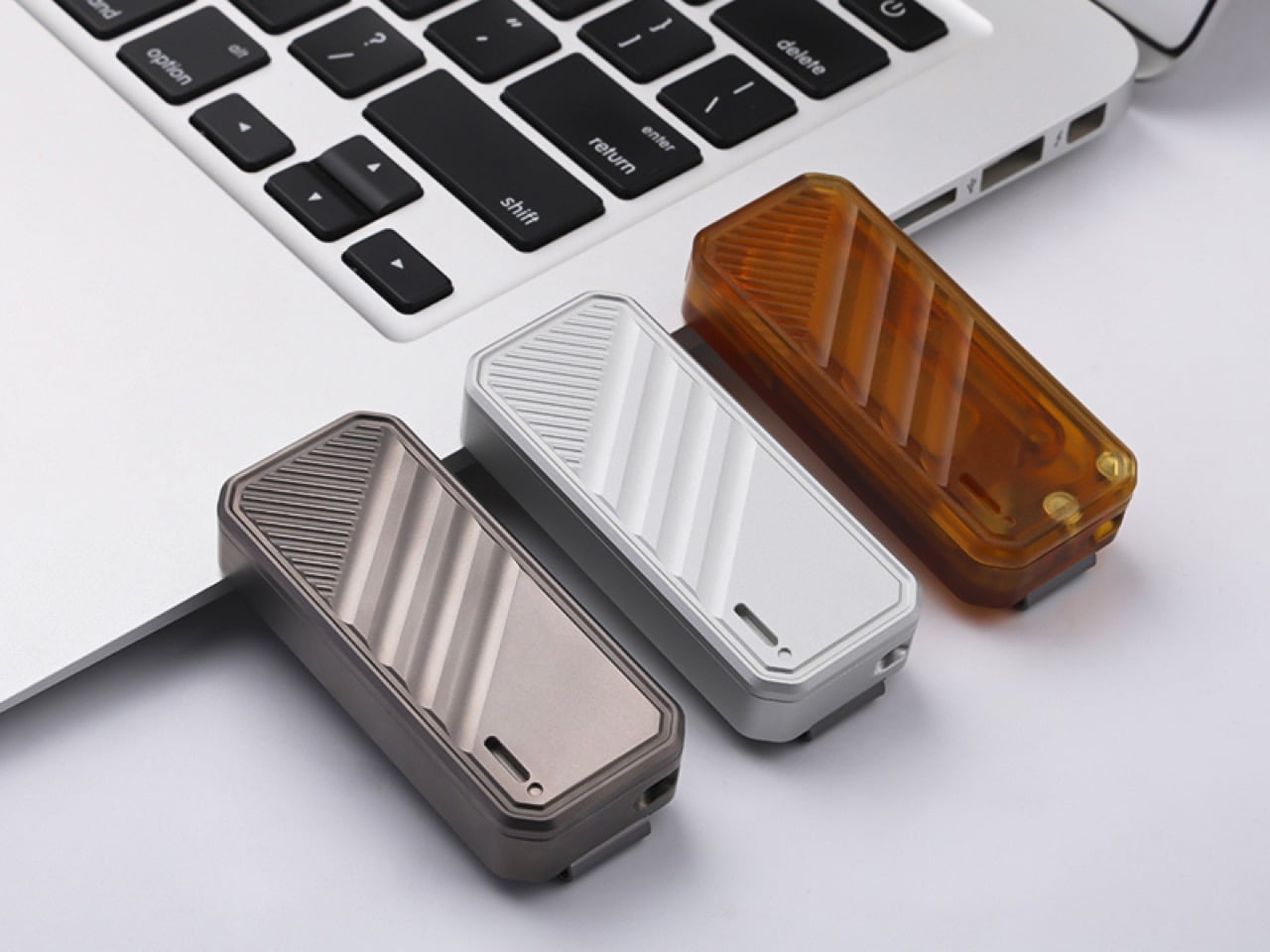
Pioneered by the folks at Tekto, OTF Knives have a tactile thrill to them that folding knives don’t. There’s always that bit of surprise and a slight amount of recoil associated with activating an OTF knife that you’re bound to fall in love with. The A2 Badger, like all of Tekto’s OTF knives, is deployed by a contoured switch located on the top of the handle, right underneath your thumb. Slide the switch and the blade gets deployed out the front (hence the name). The entire process can be done with a single hand in under a second, and even with gloves on, making the OTF knife perfect for scenarios with split-second consequences.
The A2 Badger button boasts an exceptional grip, ensuring maximum grip and control in any situation.
Its precisely contoured button allows for fast and effortless ejection and retraction of the blade.
Measuring a mere 5.26 inches when open, the A2 Badger is Tekto’s smallest OTF knife sporting a 1.8-inch tanto-style blade made from titanium-coated D2 steel. Although the 1.8-inch blade is smaller than your average pocket flipper, the A2 Badger still is quite a nimble beast, making it a favorite among both enthusiasts as well as tactical personnel and first responders. The tanto-style blade comes with a pointed tip and two sharp edges that make it perfect for all sorts of knife strokes. The titanium-coated D2 steel blade holds its edge incredibly well, taking on benign indoor activities, outdoor excursions, and even tactical scenarios with ease. For getting out of emergencies, the A2 Badger also packs a glass-breaker on the rear of its handle, helping you make quick exits.
With its compact and lightweight design, the A2 Badger is both easy to store and transport, making it a popular choice among outdoor enthusiasts and those with limited space.
Weighing a mere 2.18 ounces and measuring just 3.3 inches when closed, the A2 Badger holds the title of being Tekto’s smallest and lightest knife. It’s built to be ambidextrous, and comes with a 6061 Aluminum handle that houses the OTF mechanism that’s backed by a button lock system so the blade doesn’t slide in while you’re cutting. A pocket clip can be attached to either side of the handle (depending on whether you’re right or left-handed), and a wide lanyard hole allows you to string your A2 Badger to your backpack, around your neck, or even your keychain for carrying wherever you go. The A2 Badger comes in 3 grip color variants – Black, Desert, and OD Green (Olive Drab Green) with a black-coated blade and a 15% discount on its $139.99 price tag.
Motorcycles are agile but don’t have the conveniences a car offers. Cars have roofs, storage space, and are more stable, but they aren’t as compact as motorcycles. Granstudio’s vision for Komma, a Swiss-based mobility startup, was to blur the line between the two. The Komma UMV is unique in that it borrows the best bits from a car and a motorcycle. For all intents and purposes, it looks and feels like a car, with four wheels, a roof, doors, and even a boot to store luggage. However, it’s no wider than a motorcycle, making it 80% smaller than most cars, run on 66% less energy, and have all the safety features of a car, from seatbelts to airbags.
The Komma UMV is entirely a new category of vehicle, borrowing the best bits from cars, motorbikes, ATVs, and even the Asian TukTuks. It prioritizes efficiency without compromising on mobility and rider comfort, and when it does make trade-offs, it does so in a way that really feels like features. For example, it might be smaller than a car, but its slim format allows it to weave between traffic and park in even the tightest spaces without breaking a sweat.
“In the studio, we focus on both designing cars and developing mobility plans for future cities. However, when we try to combine these two aspects, something doesn’t quite fit,” say the designers at GranStudio “This is particularly evident in Europe, where it is clear that the ideal city we envision for the future prioritizes the quality of public spaces and community values. It is a city where cars do not naturally belong and are out of context.”
In scaling the car down to this two-seater format, the math adds up to some real savings for both the rider and the planet. The Komma UMV is 80% smaller than your average car and has a 70% reduced ecological footprint. It consumes 66% less energy than a car, which translates to 70% lower operational and fuel costs than your regular gas-powered vehicle. All that really makes a difference in the grand scheme of things, making the Komma UMV perfect for single-person or two-person rides.
That being said, the UMV has all the benefits of a car. It runs on four wheels that employ a unique hydraulic tilting system for stability, but also enable tighter turns, just like a motorcycle. You’ve got a 4WD system, suspension, anti-collision protocols, and an anti-lock braking system. The car also comes with doors, a roof, seatbelts, airbags, and its occupants don’t need helmets. The windshield has airbags, and the UMV has storage space in both the front as well as the boot, offering much more storage space than a two-wheeler. Given its width constraint and hydraulic tilting system, it uses handlebars, which seem to be the only actual remnant left behind from the motorcycling world, along with the seating format where the passenger sits right behind the rider.
Komma offers a transformative vision for urban environments, placing a strong emphasis on enhancing the quality of public spaces and nurturing community values. By reducing the dominance of automobiles (or at least the space occupied by them), Komma paves the way for a more harmonious coexistence with nature, creating abundant room for leisure pursuits, and fostering vibrant social interactions. This shift in perspective not only redefines the city but also revitalizes it, making it a place where people and nature thrive together.
Here’s a fact you probably didn’t know – In the time it takes to blink, a car traveling at 60 mph will have moved over 50 feet. It’s exactly that much of a moment, a single blink, that is enough to change an entire life or multiple lives… and while your eyes might have missed that moment, a dashcam never blinks. Once a tool for law enforcement, these compact devices have become indispensable for everyday drivers around the globe. With road incidents on the rise and accountability more important than ever, we’re diving into why equipping your vehicle with a dashcam isn’t just smart—it’s essential. Whether it’s a near brush with death, a careless driver/pedestrian flouting traffic rules, or just a vandal trying to cause trouble, having a steady pair of eyes on the road helps keep you safe and also helps prove your point. The folks at 70mai, makers of some of the leading dashcams on the market, are running a 25% discount on their best-selling dashcams. With features such as 4K capture, AI motion detection, built-in GPS, and 24-hour surveillance, 70mai’s dashcams start as low as $66 and fit easily on both the front and the rear of your car, monitoring every corner to keep your car, but also ultimately you and your family, safe.
1. 70mai Omni Dash Cam 360° Vehicle Security Guard
Touted as the world’s first-ever 360° rotating dashcam, the 70mai Omni monitors the front, rear, and even insides of your car. The single-unit camera attaches to your front windshield, with a 140° FoV wide-angle lens that can rotate 360° to surveil every corner of your car and its periphery. The cameras rely on best-in-class OS02K10 sensors which record at FullHD 1080p@60fps in HDR, working even in low light thanks to 70mai’s Night Owl Vision feature. The patented design features a compact display for viewing your feed, and a set of rotating cameras that leave no stone unturned, especially given their AI-powered features that track motion, humans, and collisions. Moreover, the dashcam’s ADAS (Advanced Driver Assistance System) feature helps you stay aware of your surroundings as you drive. 24-hour smart surveillance means your car stays alert even when you’re not in it, and video footage gets recorded locally to an eMMC built-in storage (this offers faster read and write speeds than an SD card), and can also be accessed using 70mai’s app. The camera automatically rolls over older footage if it doesn’t detect any activity, and automatically saves logs of events/detections that don’t get deleted, allowing you to access them at a later date. The Omni comes with voice control, along with a built-in GPS that location-stamps your footage and even tracks your routes for you, making it a remarkably vigilant companion. Currently running on a special 25% discount, the 128G version Omni with hardwire kit bundle starts at just $164.98 which includes the camera unit, mounting accessories, a crowbar for concealing the wiring behind the interior paneling, a power cable, and a car charger to keep your dashcam charged when its 300mAh battery runs out.
If you’re looking for something reliable without breaking the bank, the A810 is a stellar pick. It uses Sony’s best-in-class STARVIS sensor to capture 4K footage from the front while offering 1080P HDR footage from the rear camera of your car. The two-part camera system attaches to your front and rear windshield, with dual-channel HDR recording and 70mai’s Night Owl Vision that gives you a clear picture even in low-light settings. A 150° FoV on the front and 130° on the back gives a reliable wide-angle view of your car with hardly any blind spots, and the dashcam’s display and ADAS (Advanced Driver Assistance System) prove handy when it comes to navigating tight spaces or parking. The A810’s smart features allow it to capture incidents before they even happen. The camera runs on a 24-hour surveillance mode, rolling over older footage with a new video feed. AI-powered software aids in motion detection, human detection, and collision detection, and the dashcam sends alerts to your smartphone through a dedicated app, while also saving a log of any event that it may have captured. The video is also accompanied by GPS metadata that proves incredibly handy in ensuring the validity of legal and insurance claims. The 70mai Dash Cam 4K A810 is available for a special Christmas discounted price of $149.98, which includes the two cameras, mounting gear, a hardwire kit for parking surveillance, a power cord, and a car charger that lets you juice the dashcam’s 500mAh battery.
For $45 less, the 70mai A800S is a compelling budget alternative with a $104.99 price tag. It has all of the A810’s features including dual-channel 4K recording with 70mai Night Owl Vision, built-in ADAS (Advanced Driver Assistance System), and 3D dynamic noise reduction to give you a clear image in both night and day. The A800S, however, records at a slightly smaller 140° FoV, and at 30fps, using Sony IMX415 sensors on both the front and back. Those minor changes don’t affect the A800S’ performance, given that it still has all the AI-powered motion, human, and collision-detection features. You’ve still got 24-hour surveillance, which lets you keep an eye on your car even when you’re not inside, and events get logged locally on an SD card and can be accessed, along with GPS data, on 70mai’s smartphone app. The A800S is available for a discounted $104.98, which fetches you the dual-camera setup, mounts, a power cable, and a car-charger.
At $65.99, the A500S is 70mai’s best-selling dashcam on sale. With 1944p recording capabilities, the video footage is just above FullHD (2.7K to be precise), thanks to Sony IMX335 sensors on the front and back that offer stellar recording quality even at night (coupled with 70mai’s 3D Dynamic Noise Reduction). A 140° FoV, parking surveillance, ADAS (Advanced Driver Assistance System), time-lapse recording, built-in GPS, and a companion app give you everything you need if you’re looking for a budget-friendly dashcam for your car. Don’t trust us, how about asking the 500,000 drivers who use it every day?!