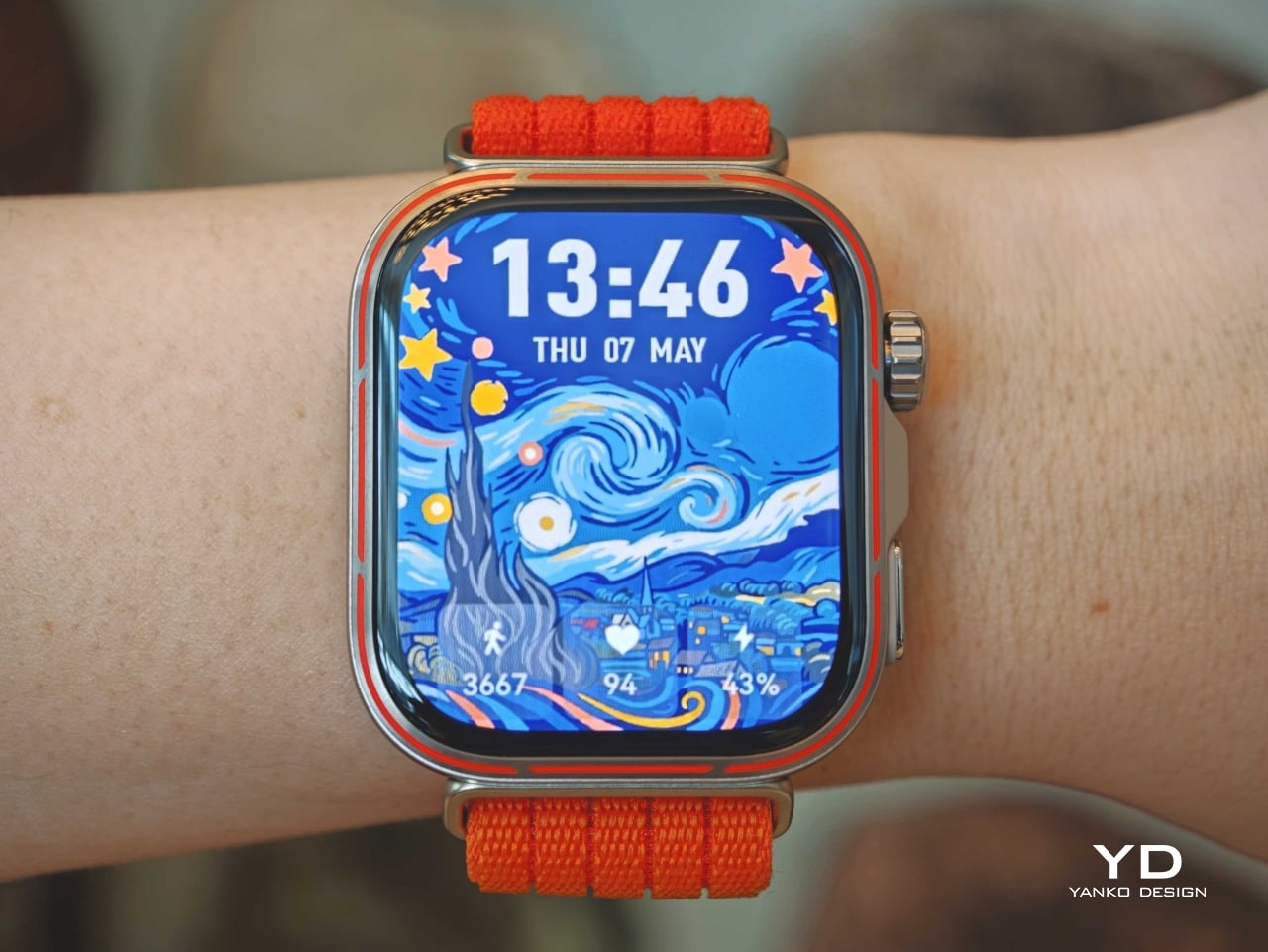
Huawei Watch Fit 5 Pro Review: More Than Its Slim Design Suggests

PROS:


  • Excellent battery life

  • Bright, vivid display

  • Lightweight and slim design

  • Strong sports and health tracking features

CONS:


  • App ecosystem is still limited compared to WatchOS or Wear OS

  • Some features are restricted by region or work best with a Huawei phone

RATINGS:

AESTHETICS
ERGONOMICS
PERFORMANCE
SUSTAINABILITY / REPAIRABILITY
VALUE FOR MONEY

EDITOR'S QUOTE:

The Huawei Watch Fit 5 Pro blends style, comfort, and serious fitness features into a smartwatch that feels more capable than its slim design suggests.

Huawei has launched the Watch Fit 5 series, continuing the evolution of a product line that now feels far more ambitious than its name might suggest. The Watch Fit 5 Pro is only the second Pro entry in the series after the Watch Fit 4 Pro, but it makes a strong case for why that upgrade matters. Rather than simply offering a slightly nicer version of the standard model, Huawei is using the Pro label to push the Fit line into more premium territory.

That shift is immediately clear in the hardware, but it goes beyond looks. The Watch Fit 5 Pro combines a slim and comfortable design with higher-end materials, stronger health tracking, and a deeper set of sports and outdoor features than you might expect from something this light. After spending time with the Orange version, I found myself appreciating not just how much Huawei has added, but how well the watch still holds onto the easy-wearing character that made the Fit series appealing in the first place.

Aesthetics
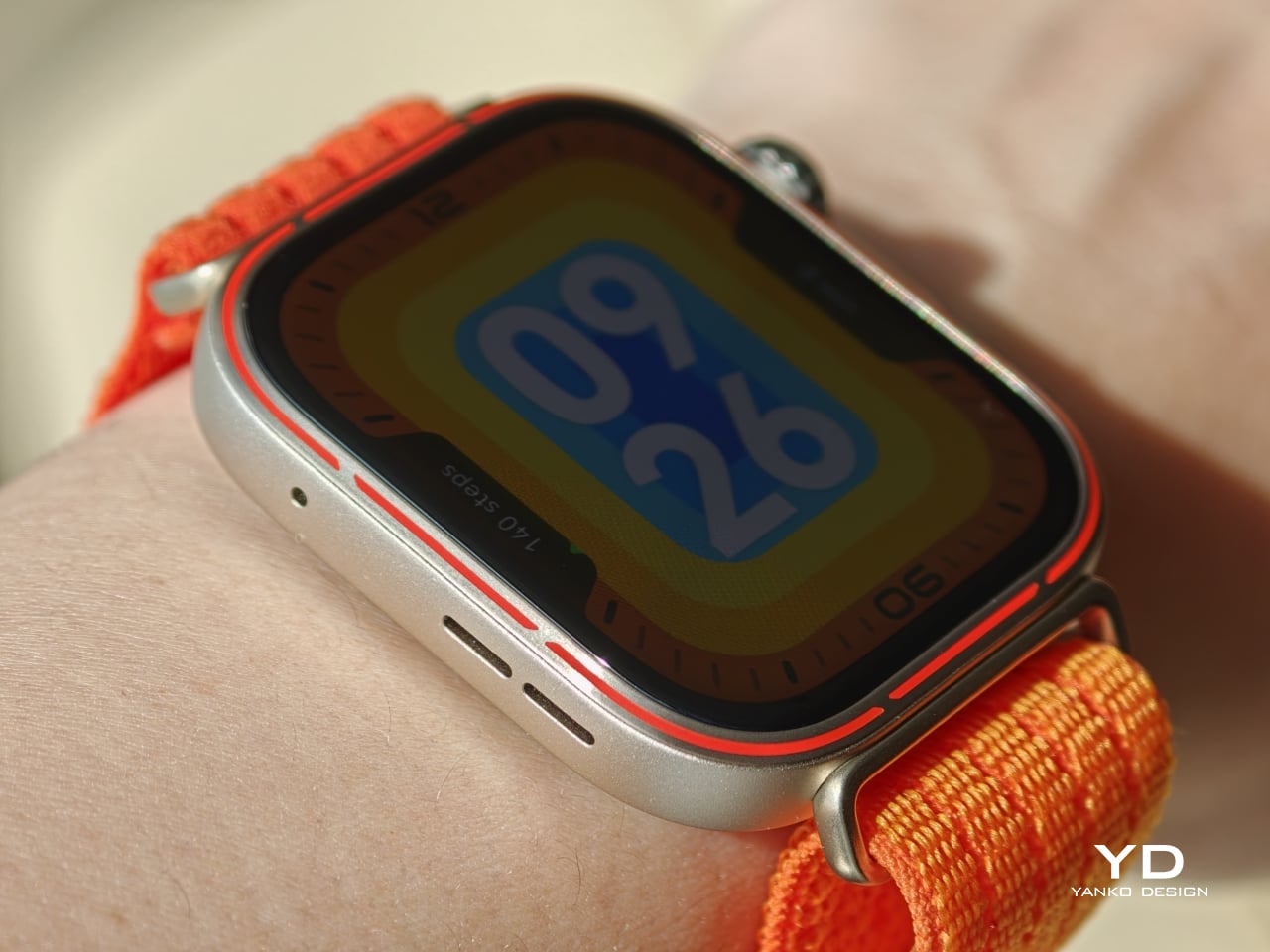
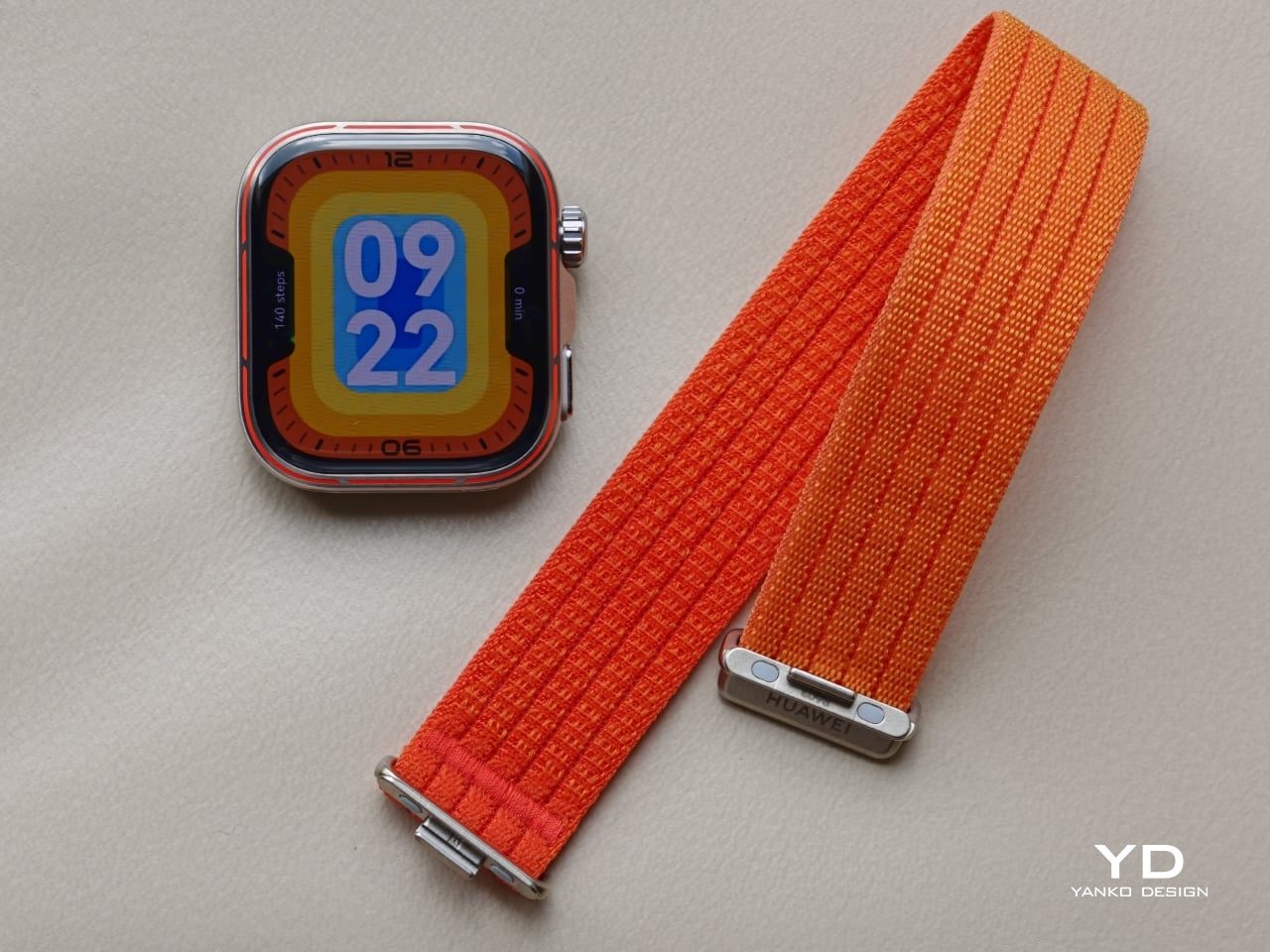
The Huawei Watch Fit 5 Pro is largely identical to its predecessor in overall shape, and that familiarity works in its favour. It continues Huawei’s Apple Watch Ultra-like approach, with a squared display, a rotating crown, and a secondary button on the right side, but slimmer and sleeker in execution. Rather than reinventing the formula, Huawei has refined it, giving the Watch Fit 5 Pro a cleaner and more polished presence than the Watch Fit 4 Pro.
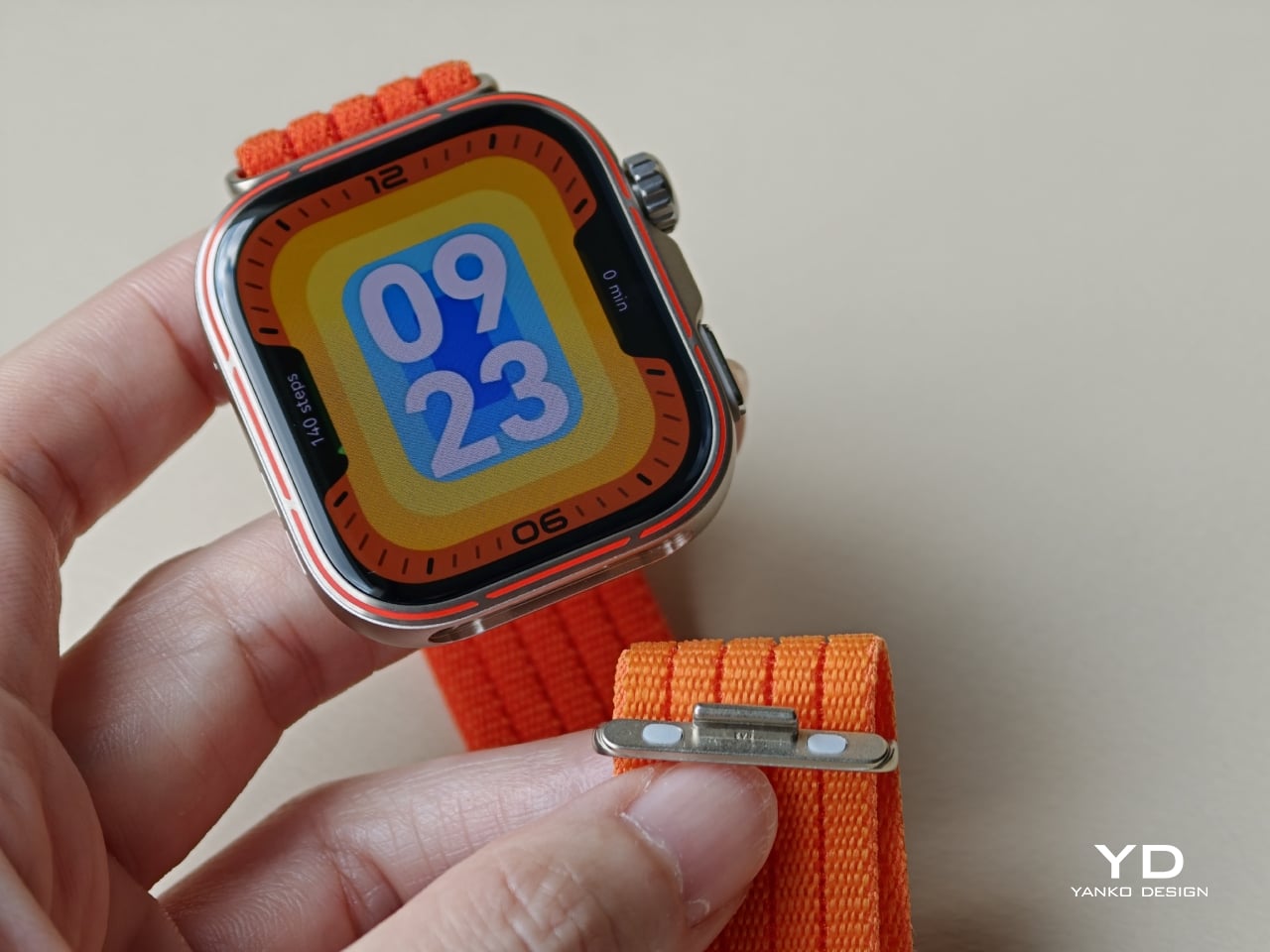
Huawei offers the watch in three colour versions, Orange, Black, and White, and each gives the design a distinct mood. The Orange version pairs a subtle warm gold-toned body with a vivid orange woven strap, along with an orange accent line around the bezel that stands out more clearly than on the other two models. The Black version is the most understated of the trio, with a black body, a black fluoroelastomer strap, and a matching black accent line around the bezel that blends in much more subtly. The White version is the most distinctive, using what Huawei calls Aerospace-Grade Nanoceramic Metal, where the surface is treated through oxidation technology to create a ceramic-like texture while also improving hardness and stain resistance. It too has a matching white accent line around the bezel, but like the black model, it is more understated than the orange version.
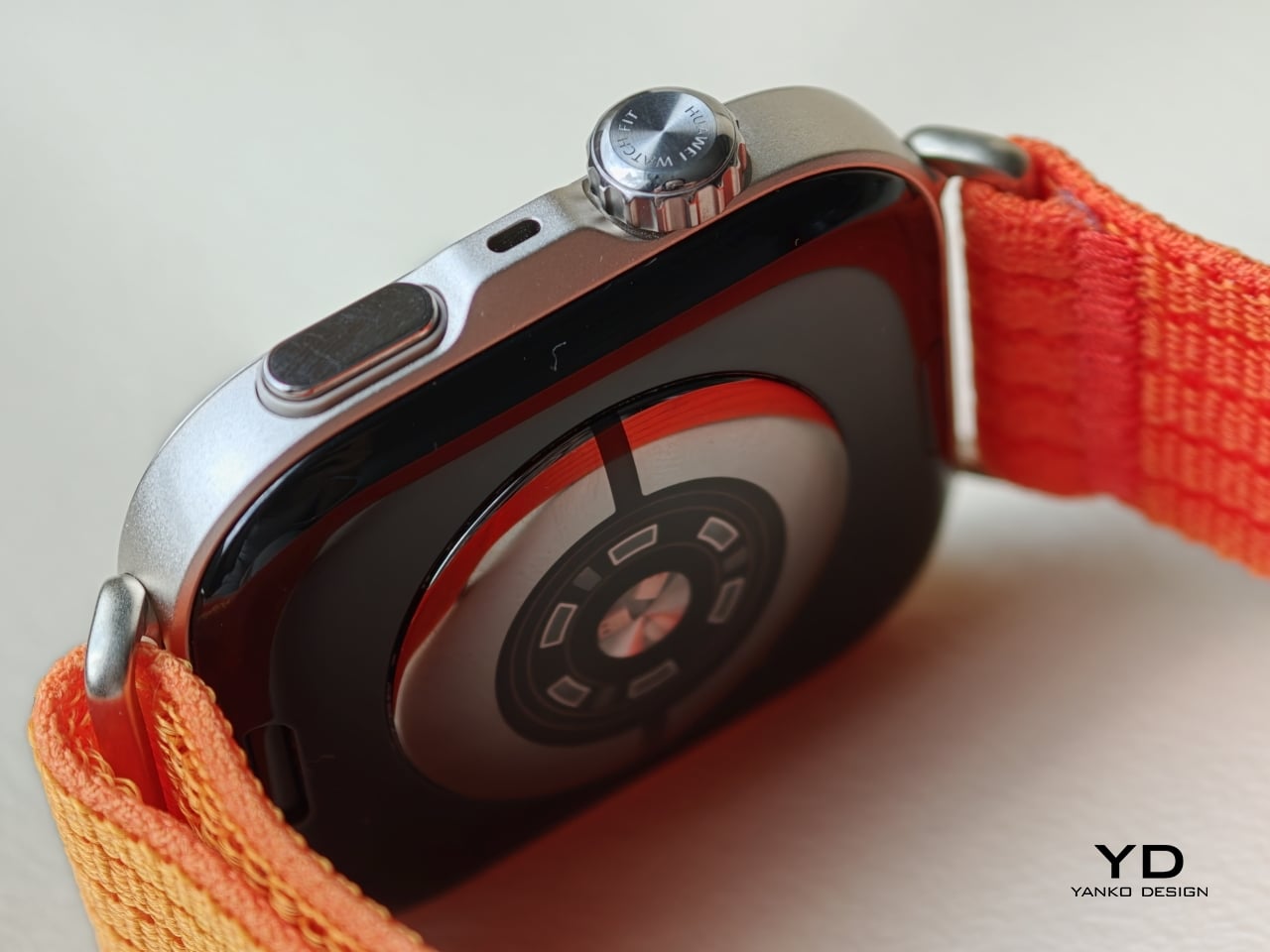
Part of what makes the Watch Fit 5 Pro feel more premium is its material mix. Huawei uses 2.5D sapphire glass, a titanium alloy bezel, and an aluminium alloy body, which gives the watch a stronger sense of quality than most slim fitness-focused wearables. Even if the silhouette remains familiar, the finishing does a lot of heavy lifting. The watch looks more elevated than a typical rectangular sports tracker, and that added material richness helps justify the Pro positioning.
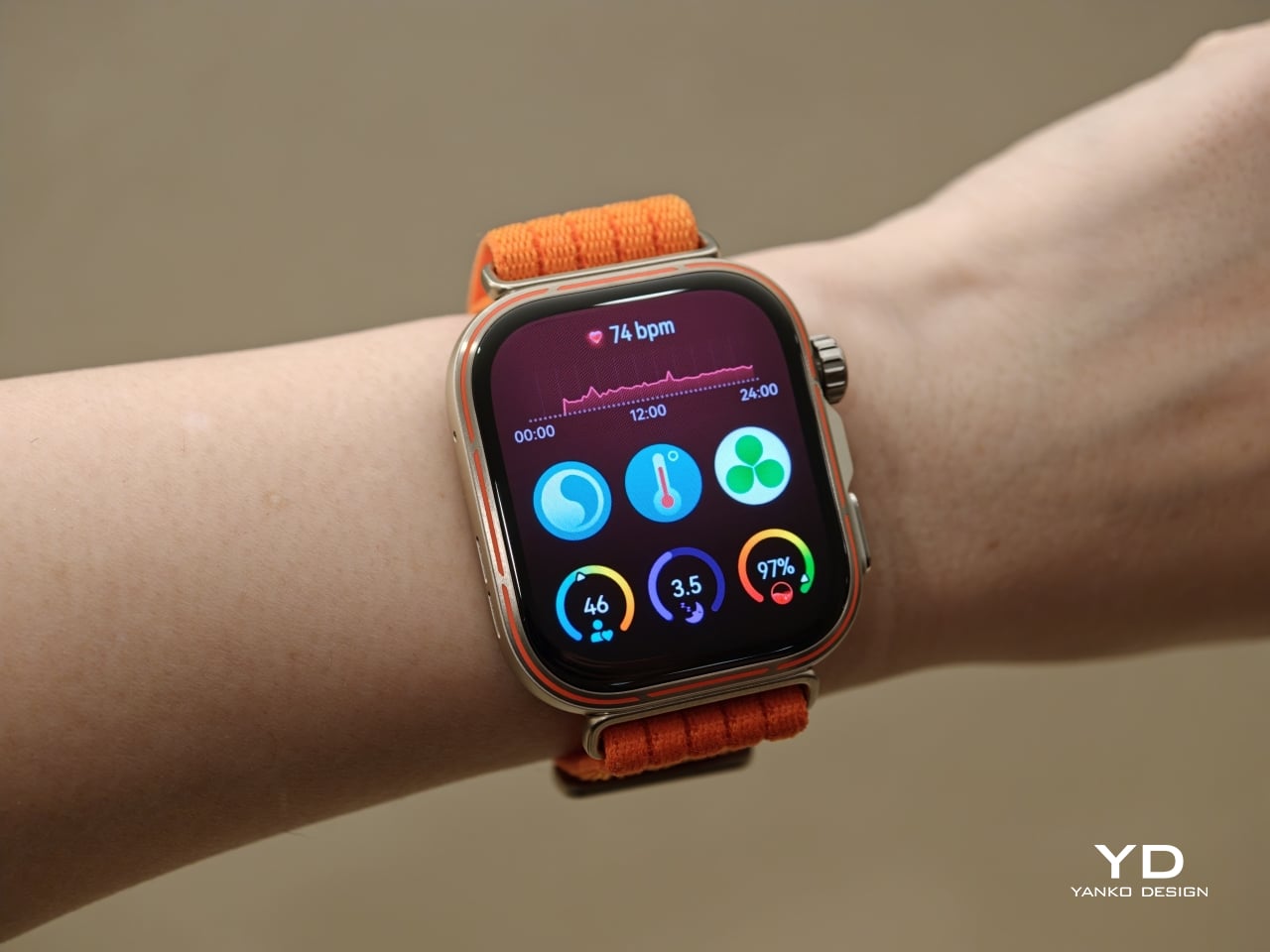
I received the Orange version, and while I like the overall design, I am less convinced by one specific detail. The subtle warm gold tone of the body looks great, and I especially like the brushed metal texture, which gives the finish a bit more depth. The woven orange strap also gives the watch plenty of character without feeling cheap. But I am not a fan of the orange accent line around the bezel. I understand the intention, since it adds contrast and a more dynamic feel, but for me, it also makes the front of the watch look busier than necessary. It is still an attractive watch, but that accent slightly interrupts an otherwise polished design.

Ergonomics

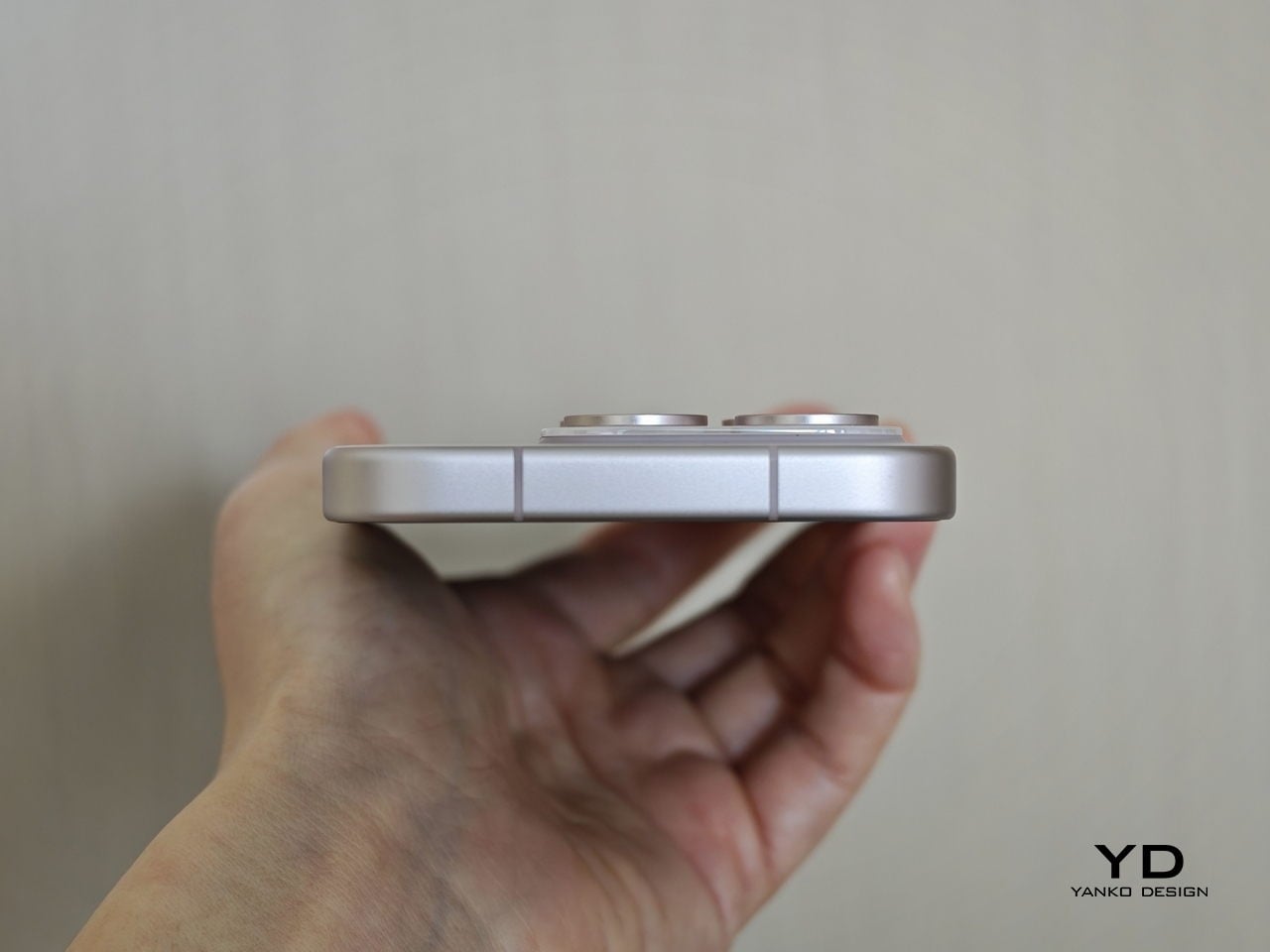
One of the most impressive things about the Watch Fit 5 Pro is how little bulk Huawei seems to have added despite how much the watch offers. It measures 44.5 × 40.8 × 9.5 mm and weighs just 30.4 g without the strap, which helps it feel surprisingly manageable for a smartwatch with features like ECG, golf maps, trail tools, and diving support. On paper, it sounds like a device that could easily become too much for everyday wear. In practice, it does a good job avoiding that trap.
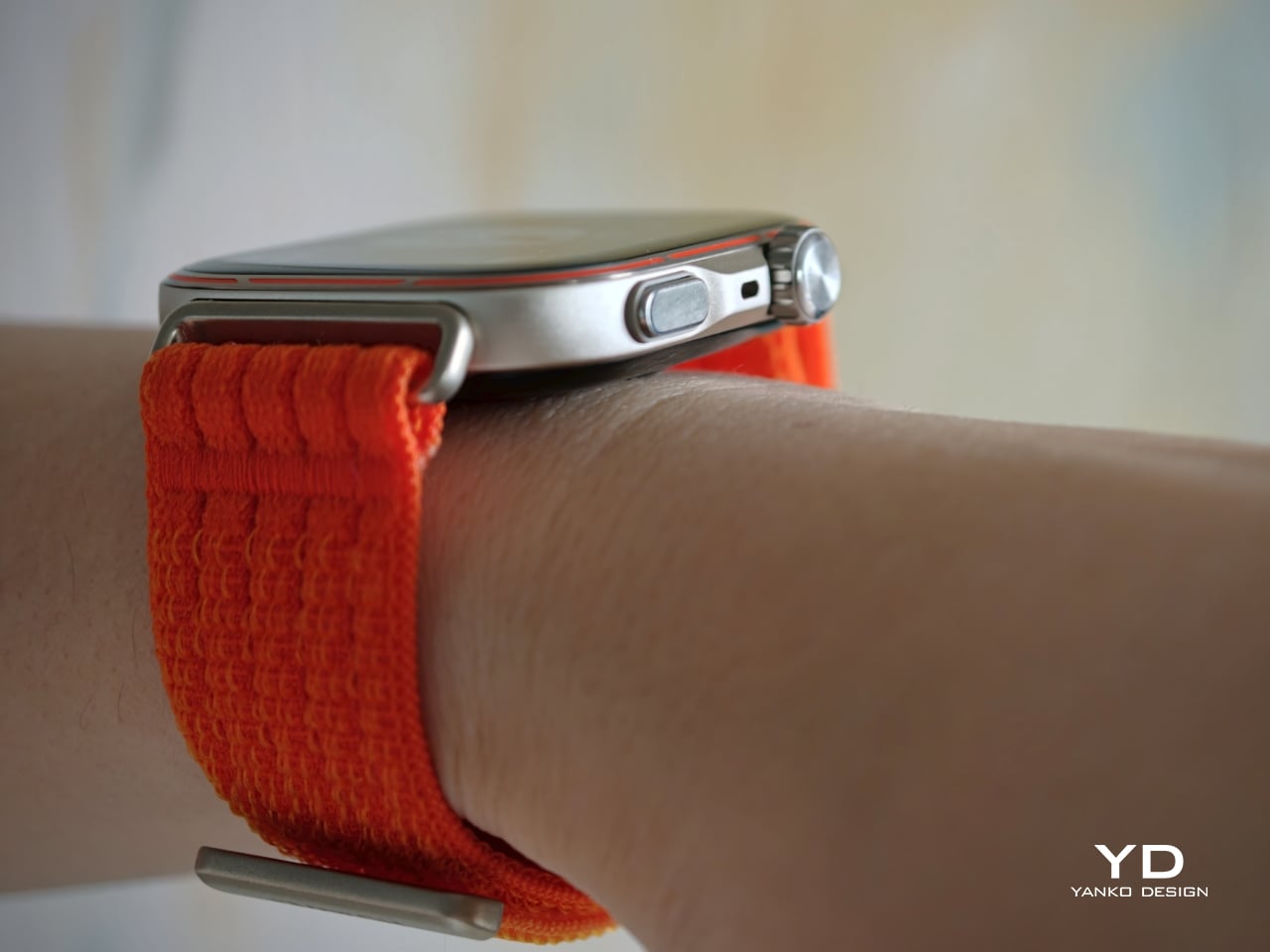
Comfort is not only about weight. It is also about how easily a watch disappears into your routine. A model with this many features would be far less appealing if it felt awkward at a desk, uncomfortable in bed, or distracting during a run. Thankfully, the Watch Fit 5 Pro remains slim and light on the wrist, while the crown and side button are neatly integrated into the frame. I found the watch, especially with the breathable fabric strap, comfortable enough for all-day wear, even on a small wrist, which makes a real difference over longer stretches of use.
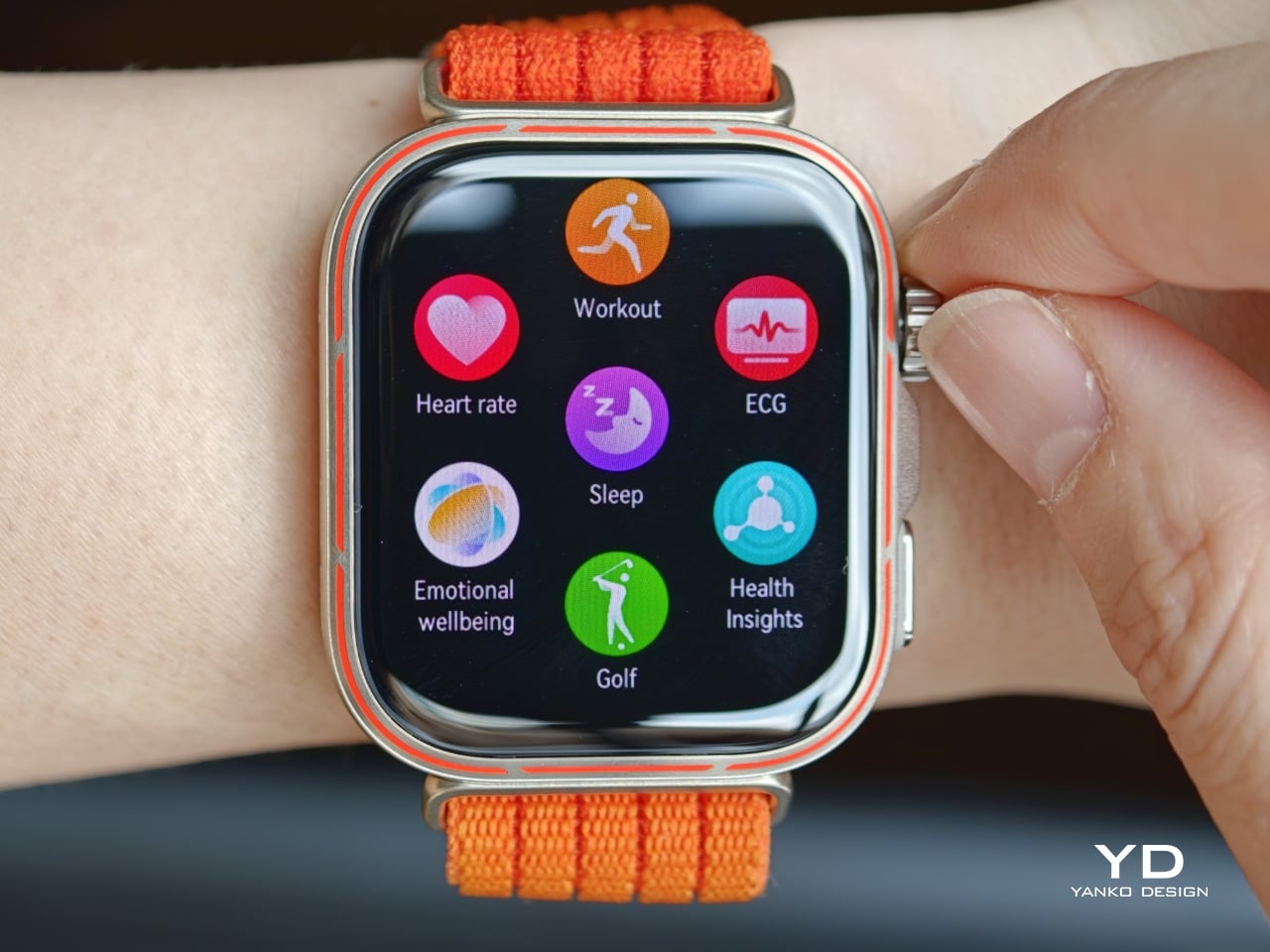
The smaller details are well handled, too. The rotating crown and side button are both responsive, and the haptic feedback on the crown feels pleasantly precise. The screen has a slight curve at the edges, so swiping in from the side never feels sharp or awkward against the finger. The fabric strap is also easy to put on and take off, while staying secure once fastened. Altogether, the Watch Fit 5 Pro feels like a watch designed not just to look sleek, but to stay comfortable and easy to use throughout the day.

Performance

Huawei has upgraded the display to a 1.92-inch panel with an 83 percent screen-to-body ratio, evenly slim borders, and peak brightness of up to 3000 nits. Compared with the Watch Fit 4 Pro, which had a 79 percent screen-to-body ratio, the new model feels more immersive and more expansive at a glance. The slimmer borders make the interface look cleaner, while the brighter screen makes a real difference outdoors. For a watch built around workouts and activity, that matters more than raw numbers on a spec sheet. A bright and easily readable display is one of those things you notice every single day.
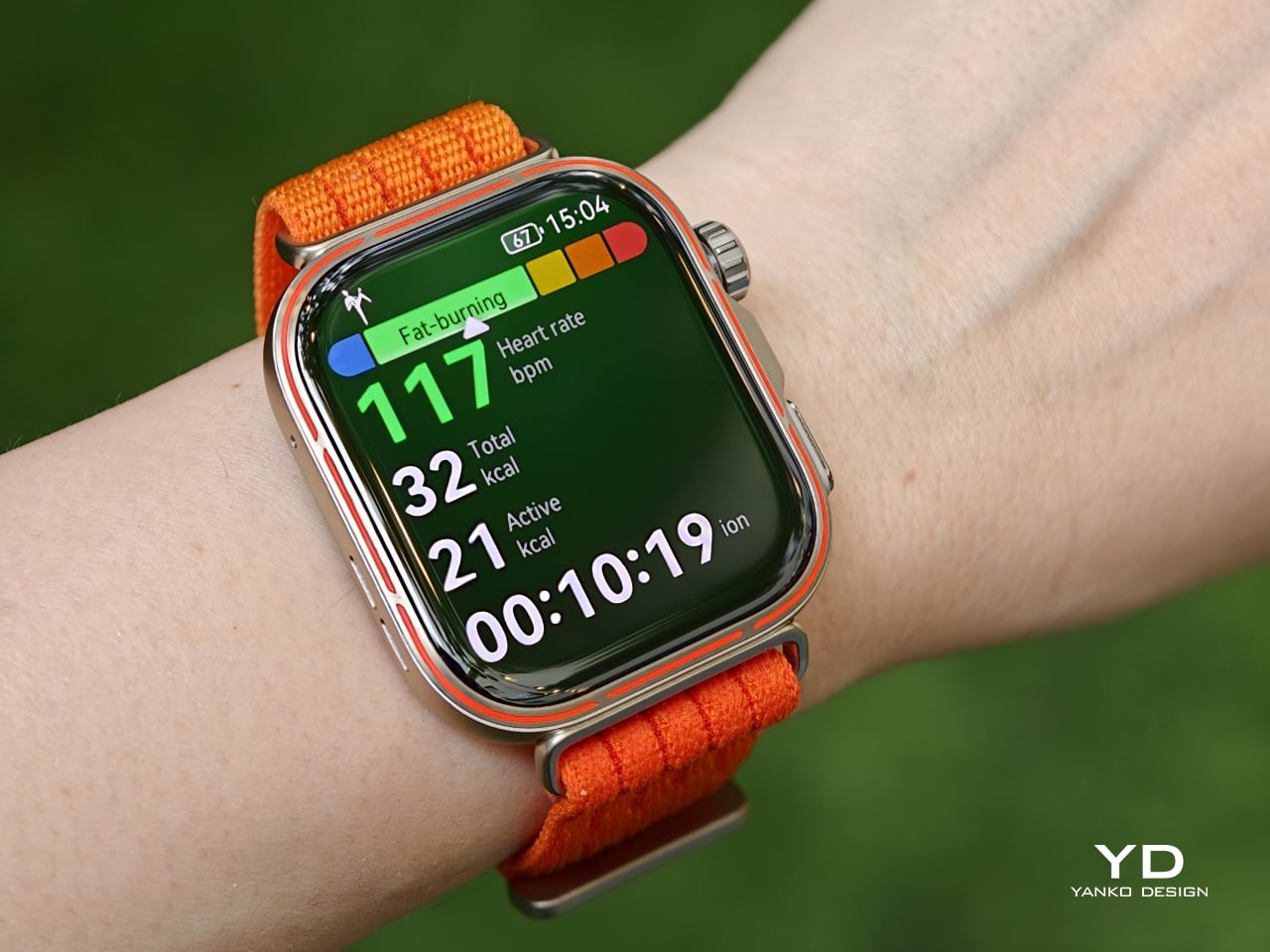
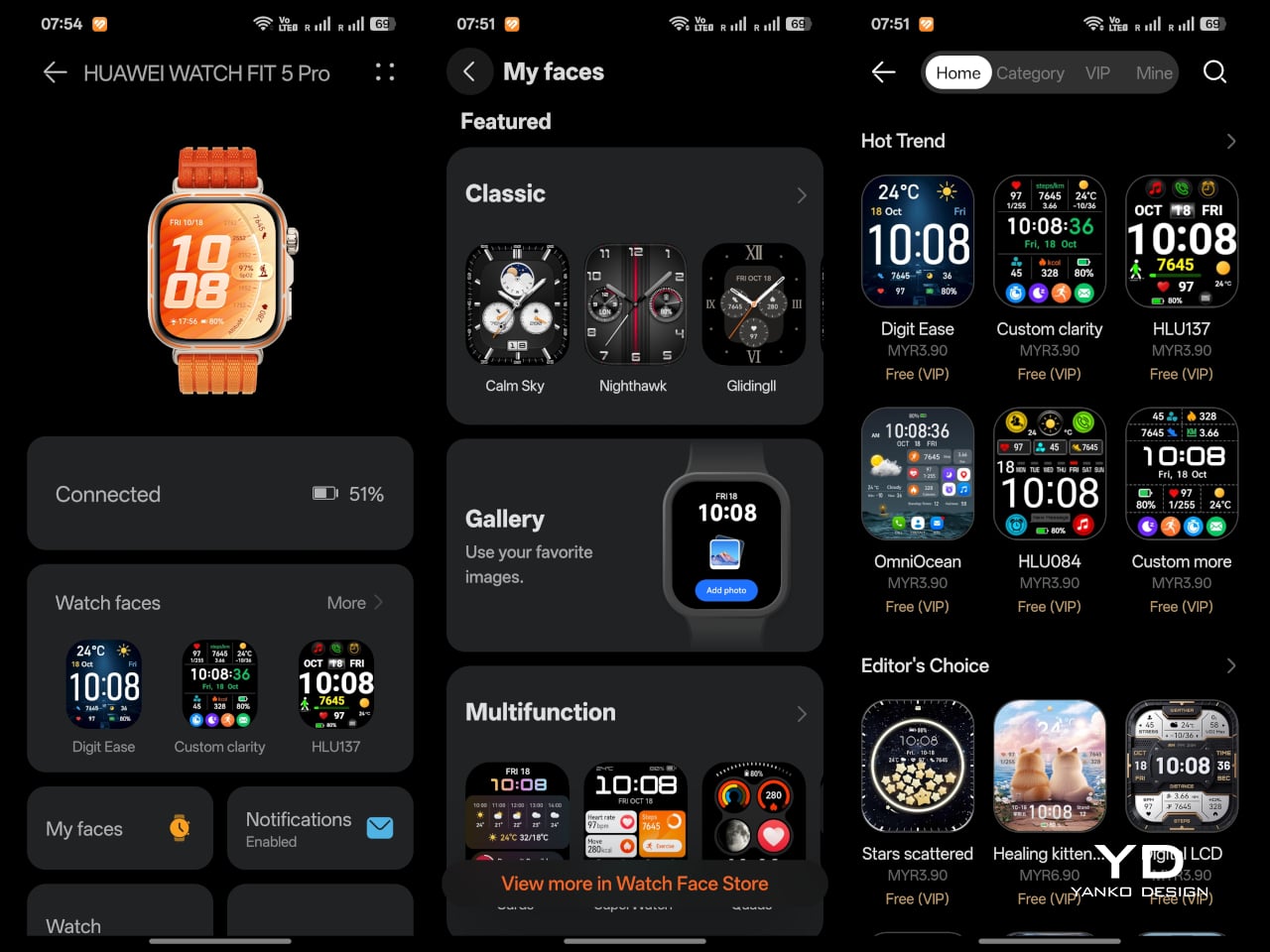
The Watch Fit 5 Pro is compatible with both iOS and Android, though you need to install the Huawei Health app, either through a QR code or directly from Huawei’s website. The watch runs HarmonyOS 6, and its smart features feel fairly basic by smartwatch standards. Notifications are supported, and you can reply using preset messages, emoji, or the on-screen keyboard. There is also Bluetooth calling, along with a remote camera shutter feature, though opening the camera remotely still requires a Huawei phone. You can also install third-party apps through Huawei AppGallery, but the overall app ecosystem remains more limited than what you get on Apple’s watchOS or Google’s Wear OS. Huawei also offers plenty of watch face designs, which adds some welcome personality and makes the watch easier to tailor to your taste. AI voice assistance is available too, but only for Huawei phone users.
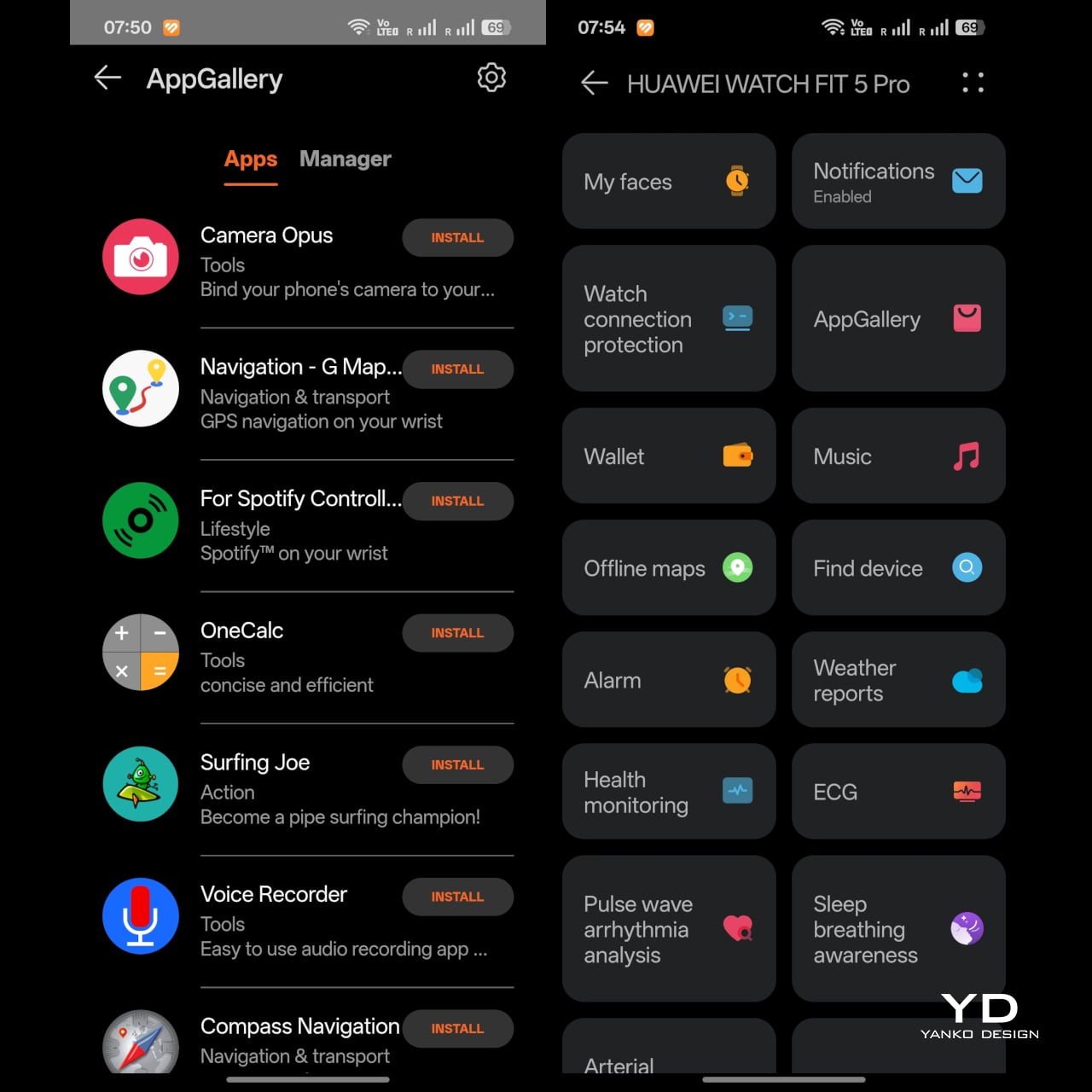
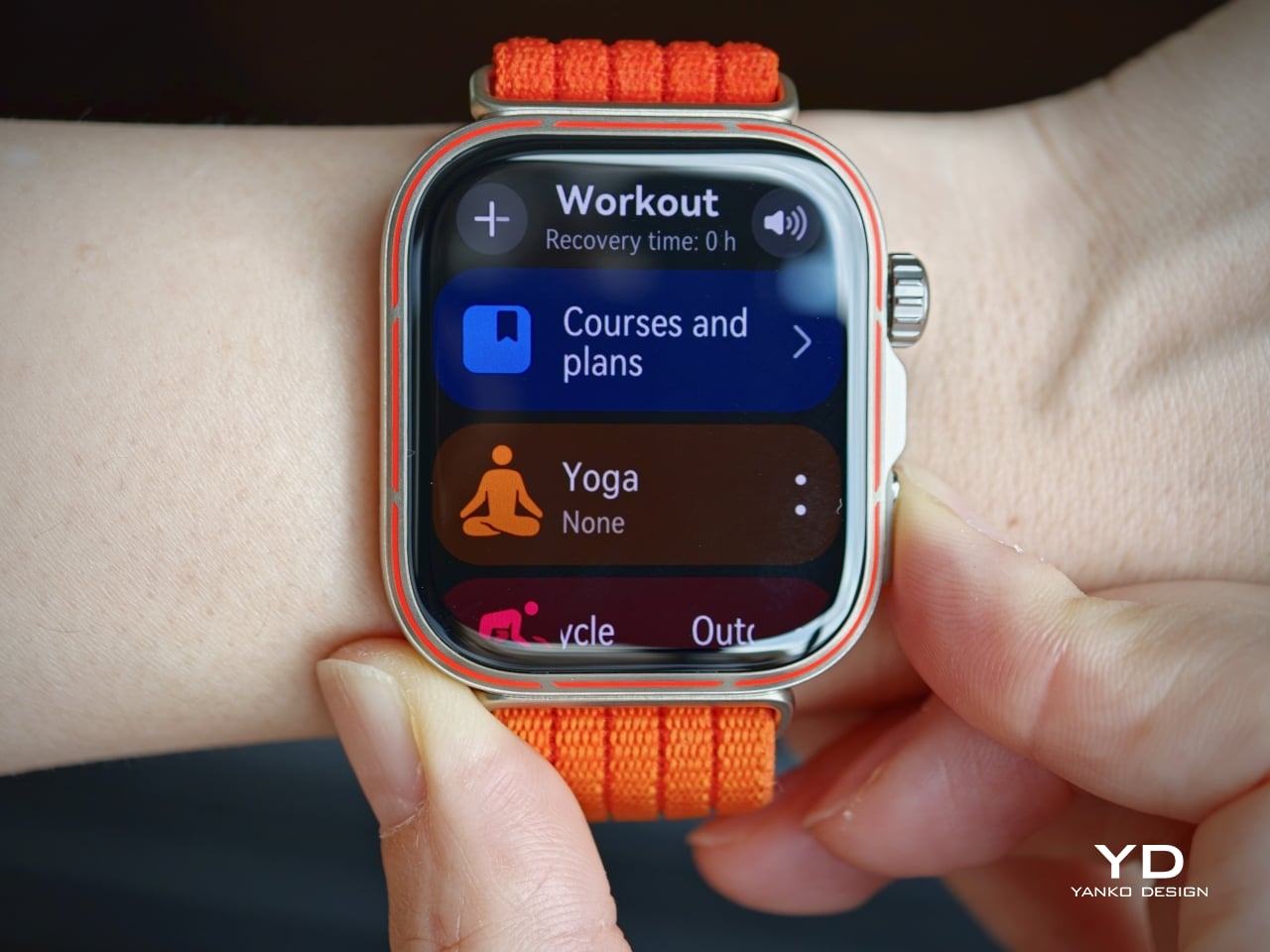
The interface is generally easy to navigate. Swiping down or rotating the crown downward brings up the quick menu, while swiping up or rotating the crown upward opens notifications. Swiping in from the right brings up the widget panels. Pressing the side button once opens the workout menu, and this can also be customized as a shortcut, which adds a bit of flexibility to the experience. That said, pressing the side button twice is assigned to the Wallet shortcut, and this cannot be changed. This feels less useful if contactless payment is not supported in your region, which limits part of the watch’s convenience.
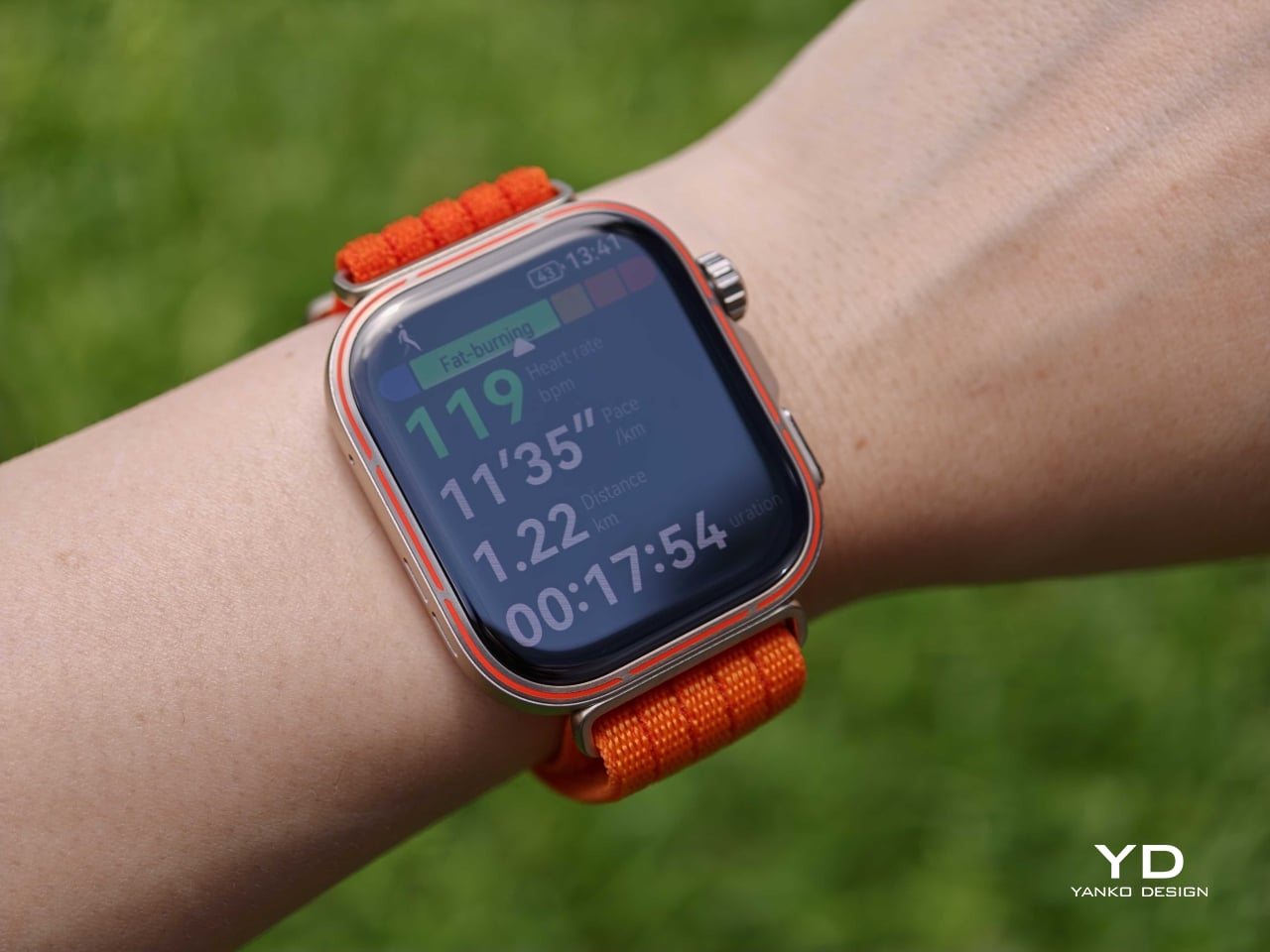
The sports side is where the Watch Fit 5 Pro starts to feel much more serious than a typical slim fitness watch. Huawei has added a richer set of cycling metrics, including virtual power, virtual cadence, and real-time grade, while trail running gets route navigation, off-course alerts, map zooming, split elevation, and estimated distance to markers. Golf is another major differentiator, with support for more than 17,000 course maps, up from 15,000 on the Watch Fit 4 Pro, alongside vector layouts, green view, custom distance measurement, and live scorecard features. There is also support for 40-metre free-diving. Taken together, these features make the Watch Fit 5 Pro feel less like a stylish wellness watch with extra modes and more like a genuinely capable sports companion.
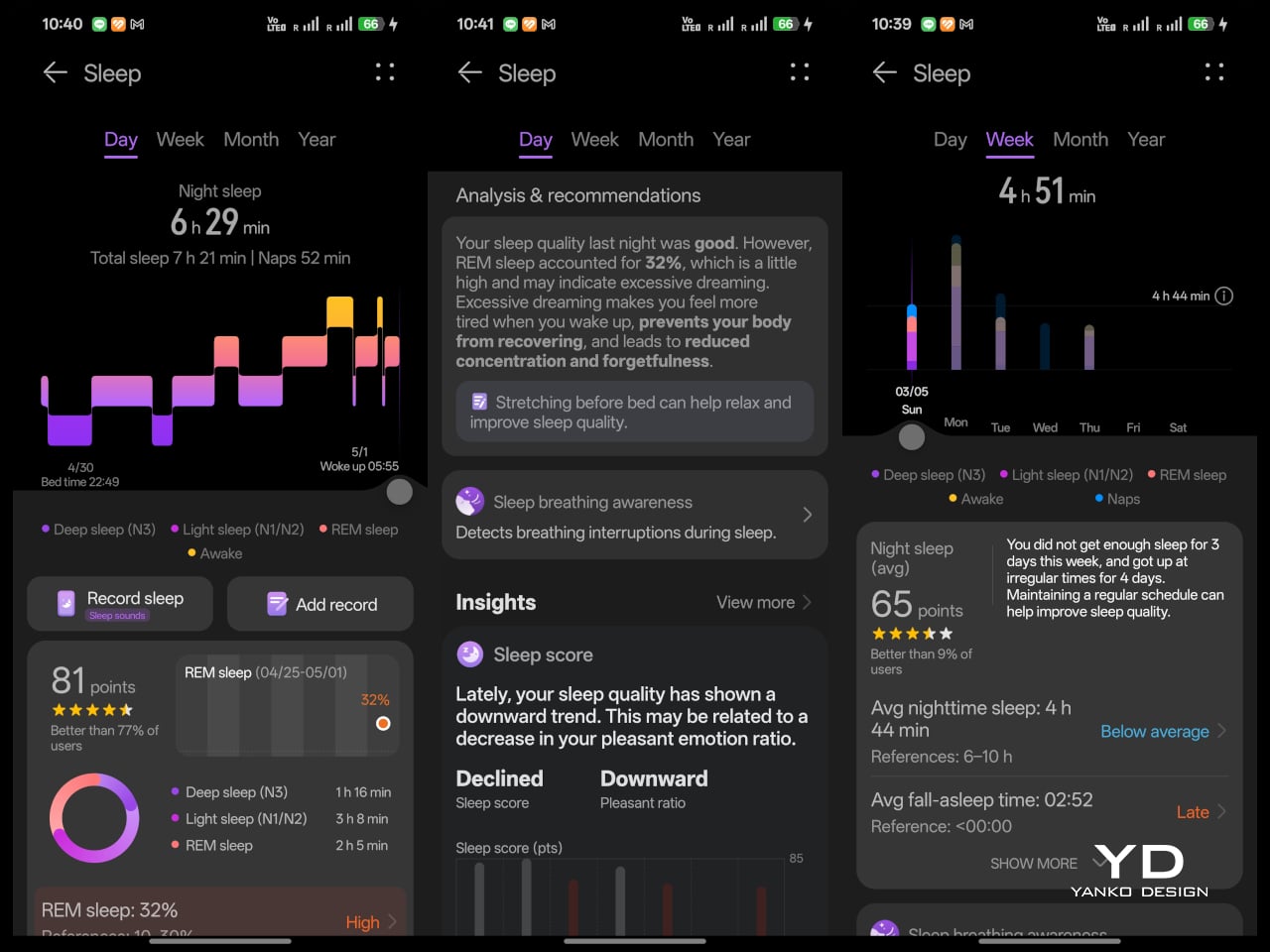
Huawei is also pushing the watch harder on health tracking. The Watch Fit 5 Pro supports ECG analysis, arterial stiffness detection, pulse wave arrhythmia analysis, sleep breathing awareness, emotional well-being tracking, and the Diabetes Risk Study. That is an ambitious set of tools for a watch in this category, and it shows that Huawei wants the Pro model to do more than count steps and monitor heart rate. Some of these features are region-dependent, which is worth keeping in mind, but the overall package still feels notably broader than what the Fit line used to offer. It gives the Watch Fit 5 Pro a stronger sense of purpose beyond fitness alone.
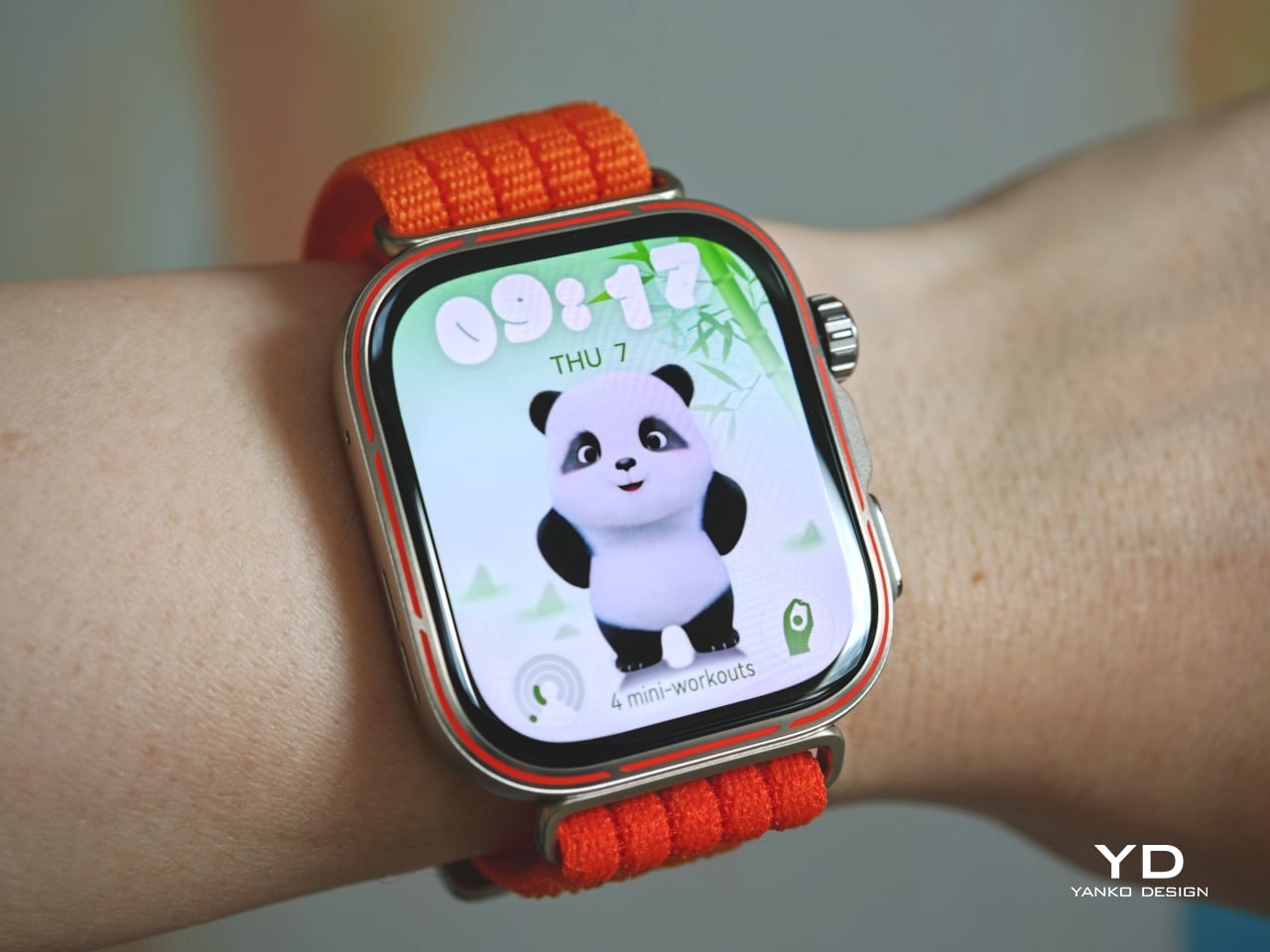
Even if you are not into cycling, golf, free-diving, or most of the 100-plus workout modes, the Watch Fit 5 Pro still offers plenty of practical reasons to care. One of the more charming additions is Mini-workout, which includes 30 guided movements designed to help you exercise anytime and anywhere, complete with playful panda animations. I appreciated this because I tend to shy away from regular exercise, and it encouraged me to fit in quick stretches and more movement throughout the day. I do wish Mini-workout were easier to access, as it is tucked under “Courses and Plans” in the Workout menu. If you use the dedicated Mini-Workout Panda watch face, you can also open it directly from the home screen.
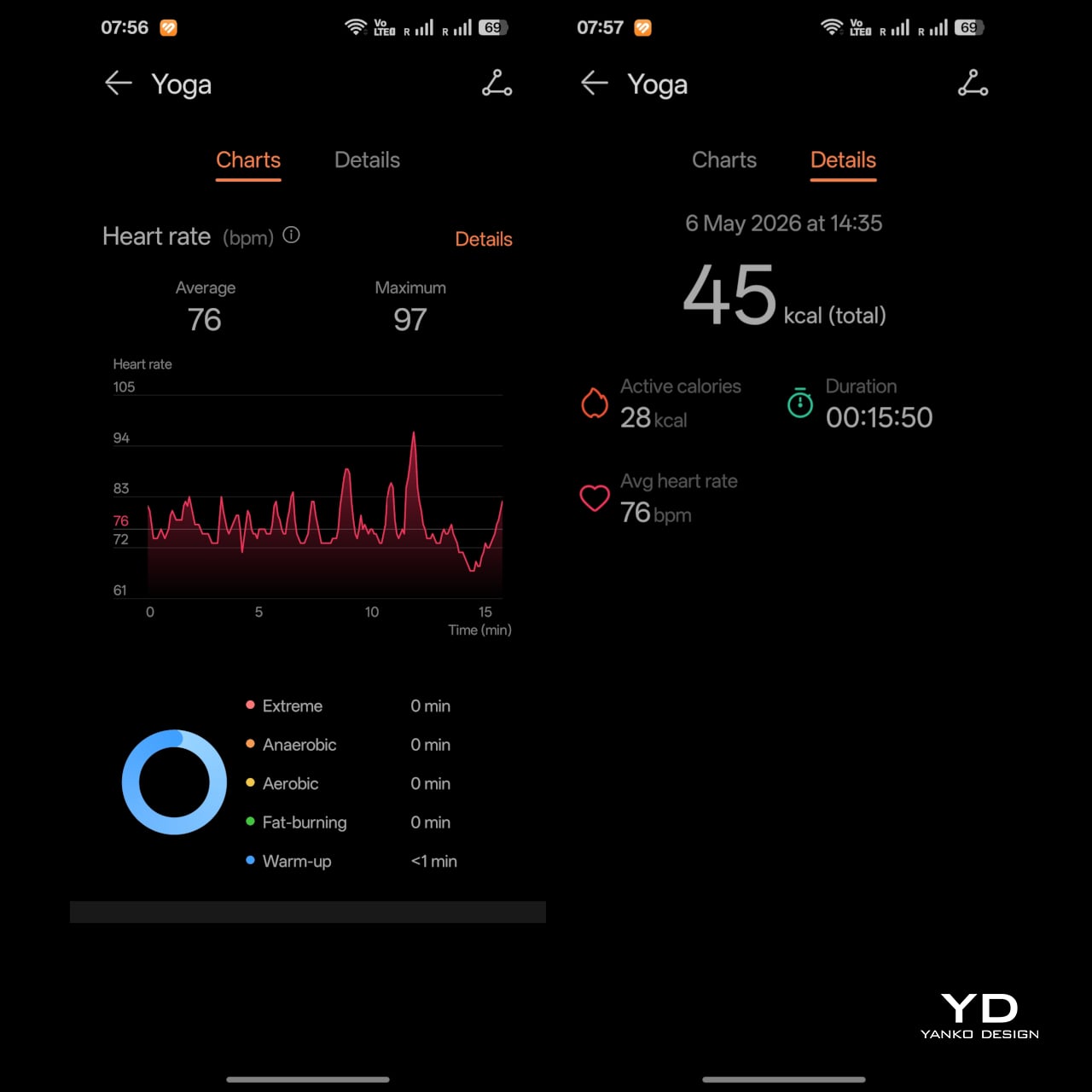
In daily use, the upgraded Huawei Sunflower Positioning System also proved accurate for GPS tracking. Sleep tracking is detailed, and I especially appreciated the easy-to-understand sleep report in the app. Huawei Health also lets you manually add sleep records, which came in handy on nights when I went to bed without wearing the watch.
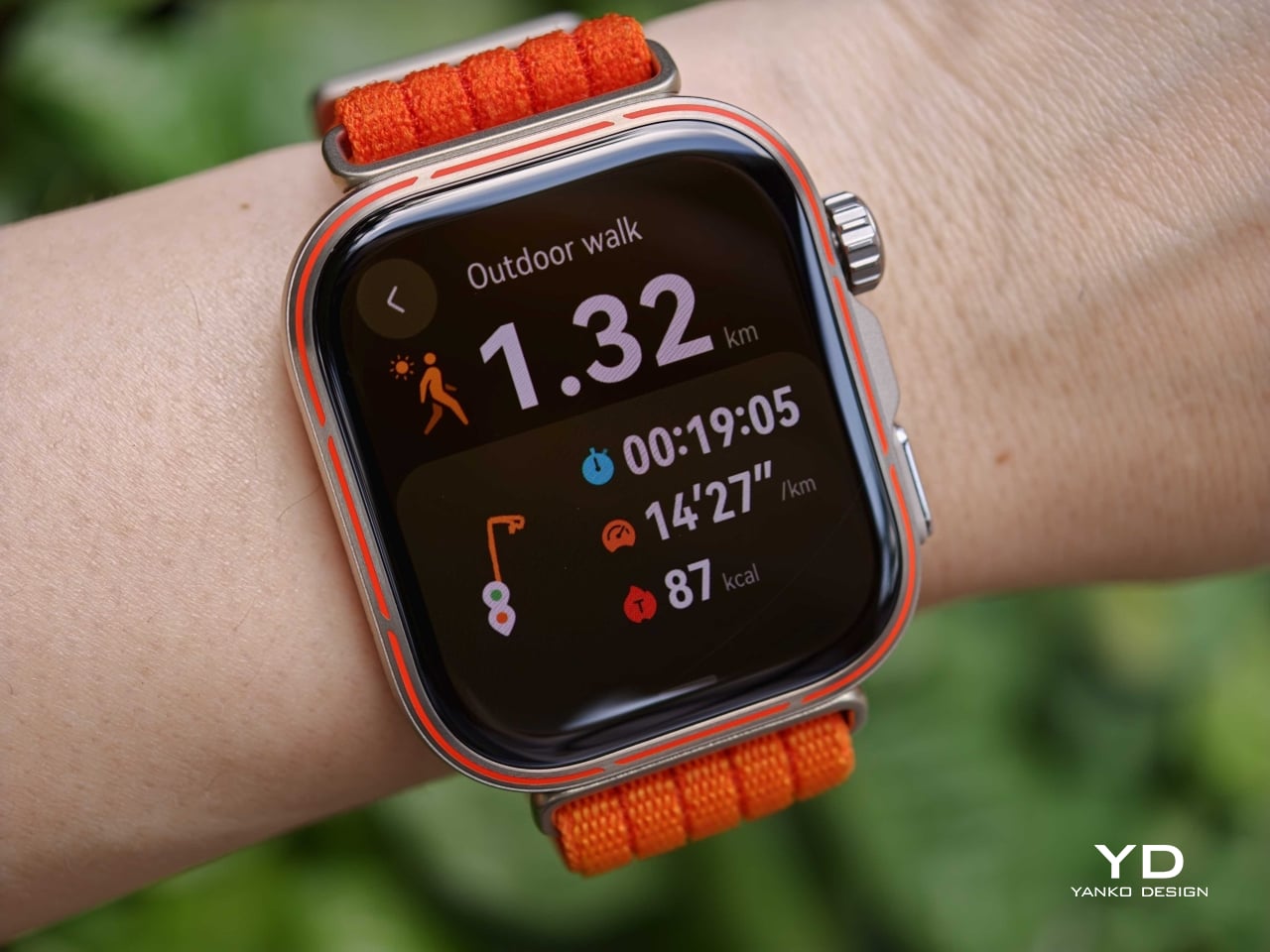
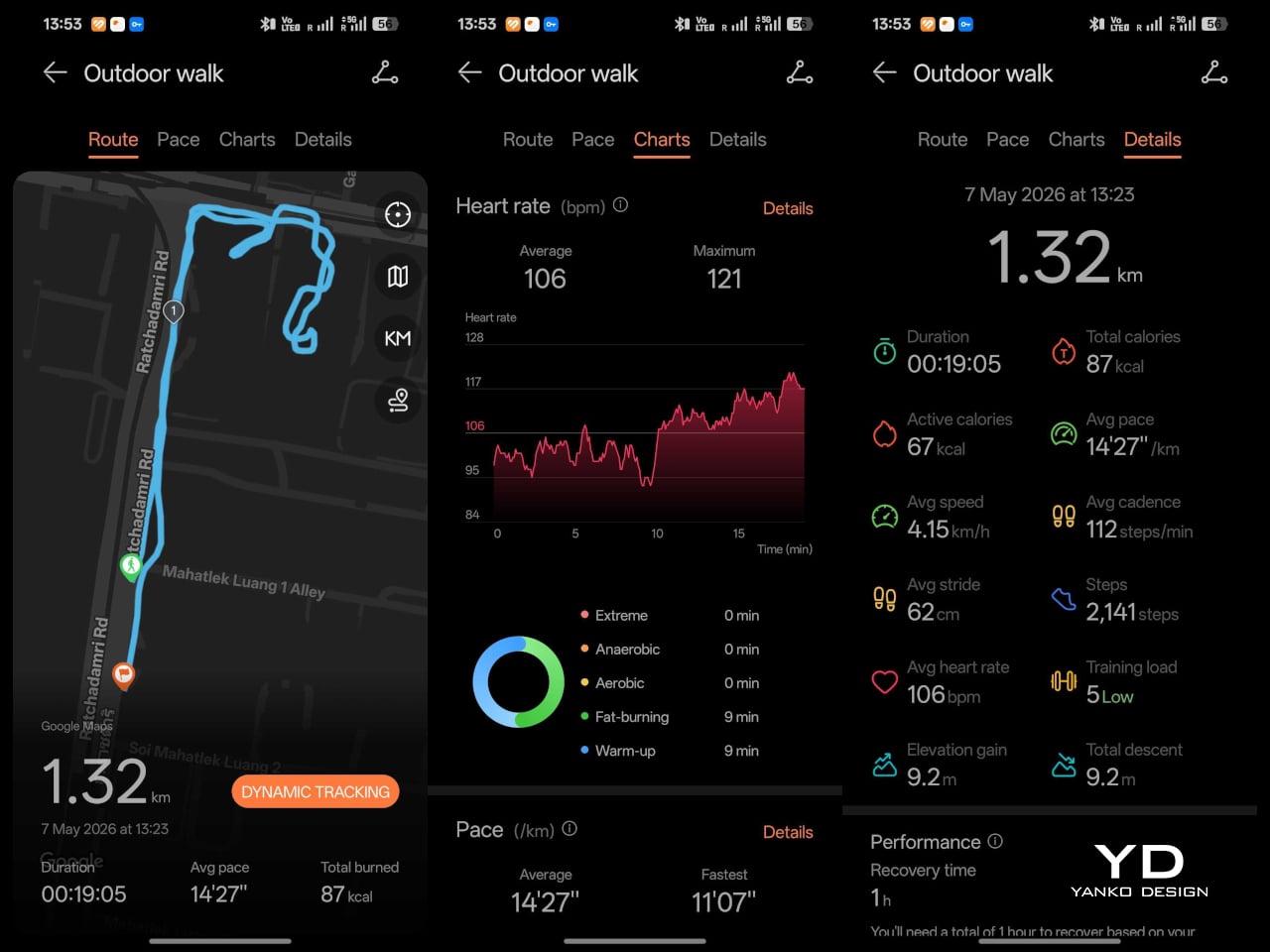
Battery life remains one of the Watch Fit 5 Pro’s biggest strengths. It uses a 471 mAh battery, with Huawei claiming up to 7 days of typical use, 10 days of light use, and as much as 25 hours in trail run mode. It also supports 60-minute wireless fast charging. Those figures matter because a watch with a bright display and this many sensors could easily become high maintenance, yet Huawei still seems focused on making it practical for daily use. In my experience, the real-world performance comes close to those claims. That makes the Watch Fit 5 Pro far more convenient than smartwatches that demand charging every day or two. I do wish the included magnetic charger used USB-C rather than USB-A.

Sustainability

Sustainability is not a major part of Huawei’s pitch for the Watch Fit 5 Pro, and unfortunately, that seems to be true for most smartwatches on the market. There is little emphasis on recycled materials, repairability, or broader environmental commitments. As a result, this is not a watch that stands out as an especially sustainability-focused product.
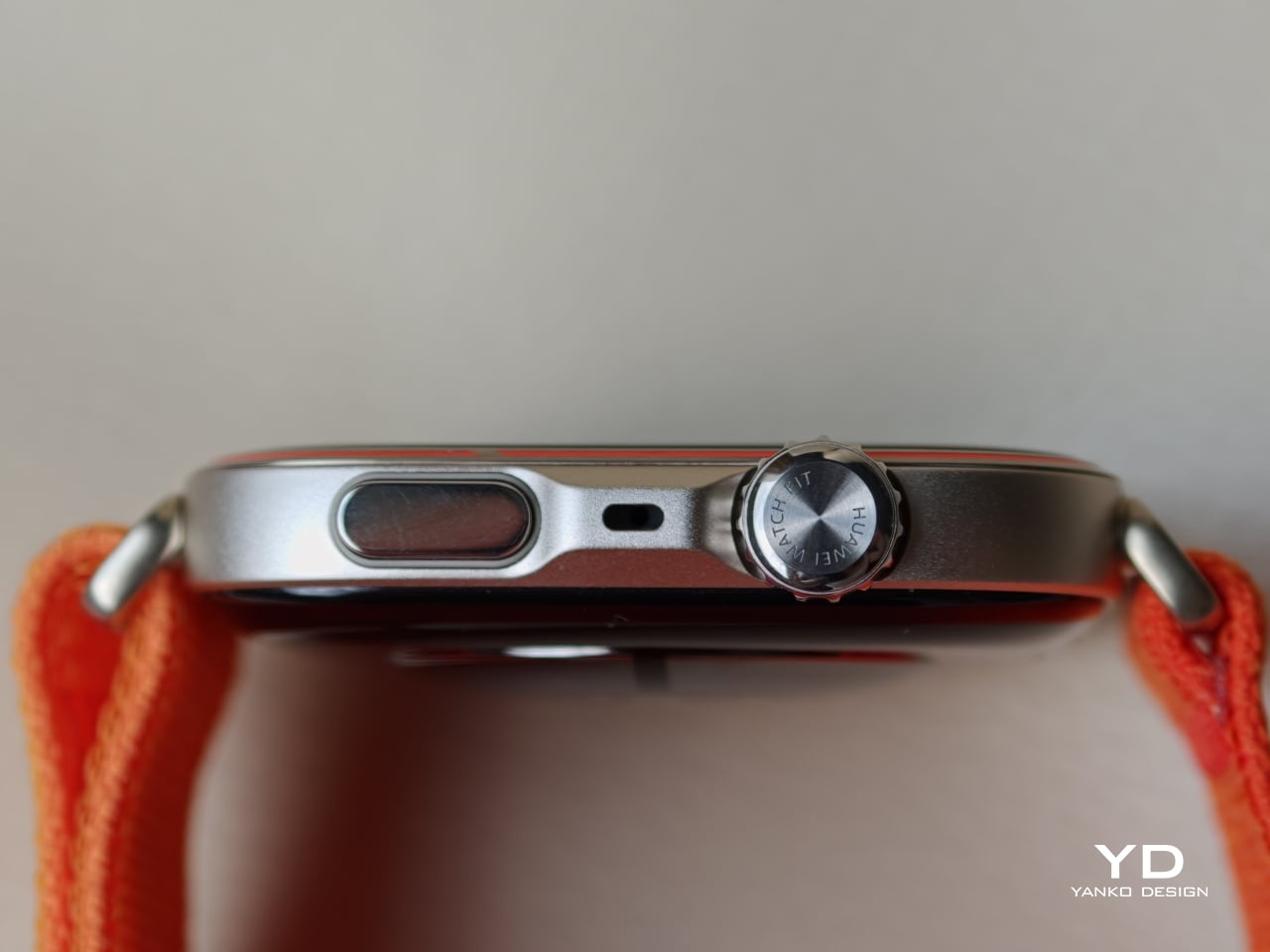
What it does offer is durability and a bit of long-term flexibility. With sapphire glass, a titanium alloy bezel, and an aluminium body, the Watch Fit 5 Pro feels better built than many lightweight fitness watches. The strap is also easily replaceable without any extra hardware, which is a small but meaningful advantage if the original band wears out or if you simply want to change the look over time. It is also compatible with both iOS and Android, which adds a bit of flexibility if your phone platform ever changes. That does not make it a sustainability leader, but it does suggest a product designed to stay useful for longer rather than be quickly replaced.

Value

At £249.99, the Huawei Watch Fit 5 Pro feels competitively priced rather than aggressively cheap, and that is what makes its value proposition work. Huawei is not trying to win purely by offering the lowest price. Instead, it is offering a slim and comfortable watch with premium materials, a bright display, strong battery life, broad health tracking, and a surprisingly serious set of sports and outdoor features. That combination makes it feel more substantial than many rivals that sit somewhere between a basic fitness band and a full smartwatch.
That value does come with some limits. The smart features are still fairly basic by broader smartwatch standards, the app ecosystem remains more limited than what you get from Apple or Google, and features like Wallet will matter less in regions where support is restricted. Even so, I think Huawei has judged the balance well. At its price point, the Watch Fit 5 Pro does not need to be the smartest watch in its class to feel like good value. For the right user, especially someone who wants a sleek, lightweight watch with serious fitness and outdoor ability, it is a well-judged package at a fair price.

Verdict

After spending time with it, the Huawei Watch Fit 5 Pro feels like a smartwatch that understands. The Huawei Watch Fit 5 Pro strikes a convincing balance between style, comfort, and capability. It takes the slim and approachable Fit formula and elevates it with better materials, a brighter and more immersive display, stronger sports and health features, and battery life that remains comfortably practical. Just as importantly, it still feels light and easy to live with, which is not something every feature-packed smartwatch manages to achieve.

It is not perfect. The smart features are still fairly basic by broader smartwatch standards, the app ecosystem remains limited, and some functions become less useful depending on your region or phone. But if your priorities lean more toward fitness, health tracking, comfort, and design than deep app support, the Watch Fit 5 Pro makes a very strong case for itself. It is not trying to be the smartest watch you can buy. It is trying to be a sleek, capable, and highly wearable one, and in that role, it succeeds.
The post Huawei Watch Fit 5 Pro Review: More Than Its Slim Design Suggests first appeared on Yanko Design.
ecal x Google Just Imagined 10 Phones Beyond the Slab

At ECAL’s collaboration with Google’s Industrial Design team, the smartphone is no longer treated as a fixed icon of consumer tech. In A Message from Tomorrow, it becomes something far more fluid, a design question that deserves to be reopened. The brief invited ECAL’s Master Product Design students to develop mobile-focused concepts inspired by daily rituals, with an emphasis on storytelling and the human dimension of technology. That framing gives the exhibition its real energy. Instead of chasing the usual upgrades in speed, resolution, or sleekness, the projects ask how mobile devices might evolve if they were designed around touch, companionship, movement, energy, and the subtle gestures that shape everyday life.

That shift feels especially relevant now. Smartphones have absorbed nearly everything, from cameras and maps to notebooks, music players, and assistants, yet the object itself has become strangely stagnant. For all the complexity hidden inside, the form remains stubbornly familiar, a smooth slab built around endless visual attention. A Message from Tomorrow pushes against that stagnation by imagining mobile hardware as a much broader territory. Here, devices can be expressive, self-sufficient, spatial, tactile, or emotionally responsive. The exhibition does not present one neat answer to the future of the phone. It presents a series of alternate directions, each exposing something our current devices no longer do well.

Deigner: ECAL/University of Art and Design Lausanne x Google ID

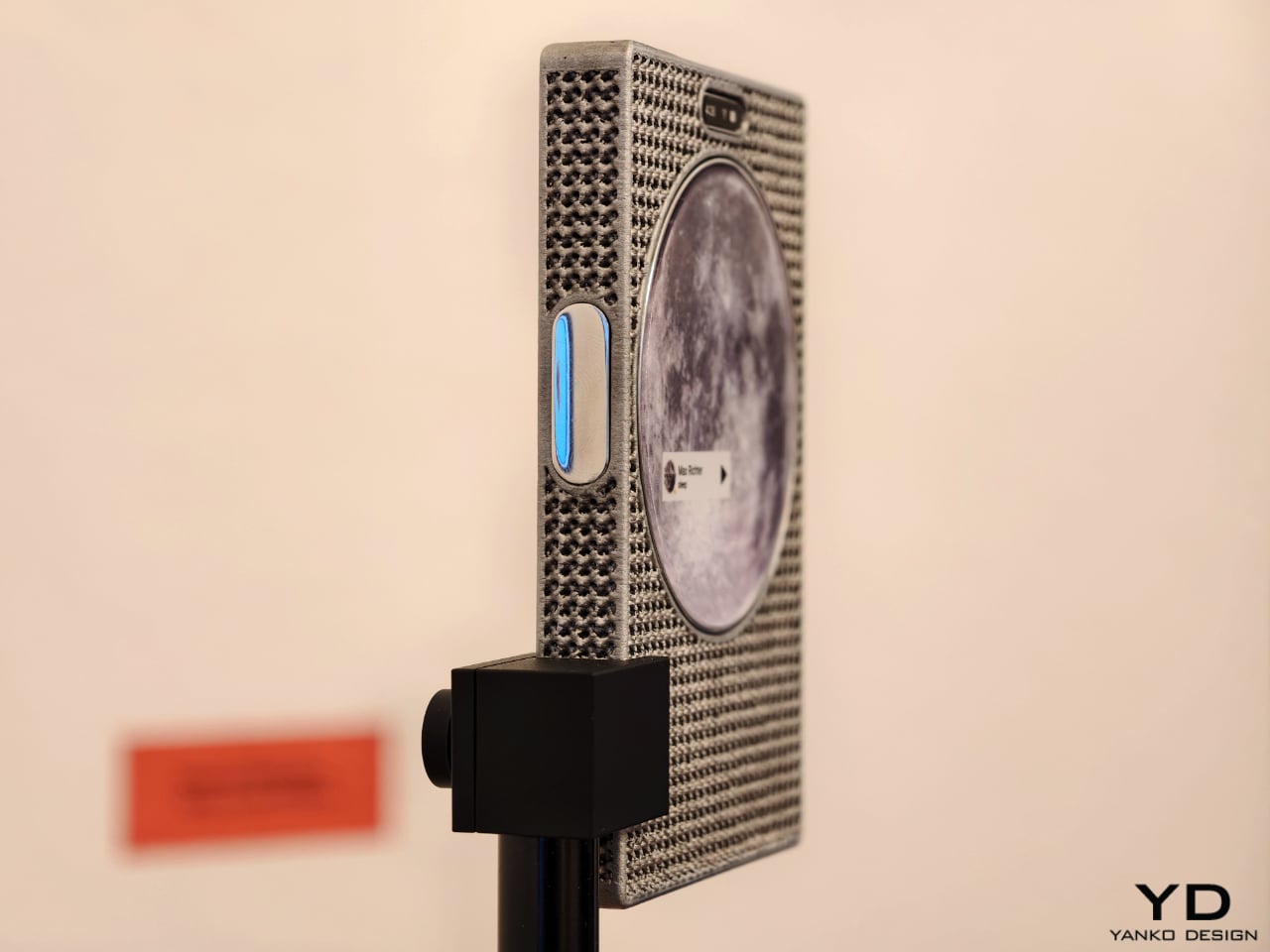
One of the show’s strongest ideas is that the future of mobile technology may not be screen-first at all. Several projects deliberately loosen the screen’s dominance and focus instead on sound, physical presence, or integration with the surrounding world. Sound Machine, by Xose Lois Piñeira, rebuilds the phone around voice. Its 3D-printed aluminum lattice body is acoustically transparent, allowing sound to move through a layered assembly while a contact transducer on the back transmits audio through surfaces or through the body when worn against the sternum. A small circular screen handles only the essentials. It is a compelling proposition because it refuses the idea that a phone must always function as a miniature display first and everything else second.

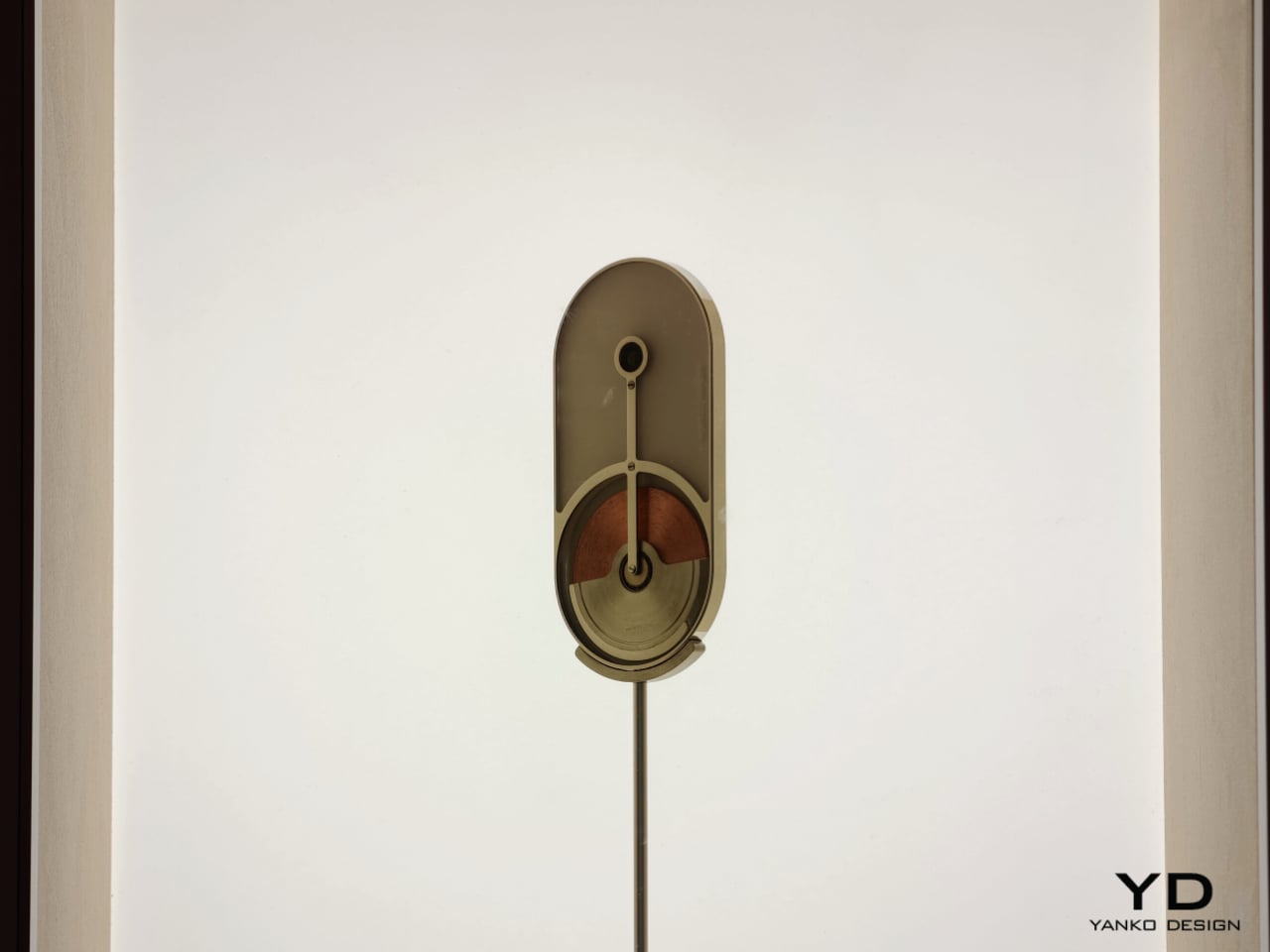
Liminal Frame, by Ehrat Lee, offers another escape from flat-screen logic. Its four-layer display can shift between opaque and transparent states, letting digital content coexist with the physical world rather than replacing it. The device allows users to look through the phone, place information in space, and return to it later without relying on a headset. It turns the phone into a kind of portal rather than a closed surface. In a moment when spatial computing is often imagined through bulky wearables, this project feels especially elegant. It suggests that the phone itself could evolve into a lighter and more natural bridge between digital and physical experience.

Some of the exhibition’s most memorable concepts explore personality as much as function. Robin, by Gyuhan Park, imagines a mobile device modeled on pet-bird behavior. Cameras become eyes, a beak-like feature acts as sensor and speaker, and the object communicates like a companion rather than a conventional assistant. It can tease, joke, or sulk while also helping with planning, messages, and everyday tasks. The concept is playful, but it also raises a serious question about the future of devices. As AI becomes more embedded in daily life, will our relationship with technology become less transactional and more behavioral.

That same willingness to rethink familiar habits appears in The Finger Phone by Hugo Von Hofsten. Starting from the frustration that phones always need to be held, it introduces an animated finger-like extension carrying a camera, light, and touchpad. The idea is delightfully odd, but also surprisingly practical. It imagines a device that can stand on its own, assist in small moments, and illuminate more than just its own screen. In a market dominated by polished uniformity, The Finger Phone feels refreshingly unconcerned with conventional elegance. It is willing to be useful, strange, and memorable all at once.

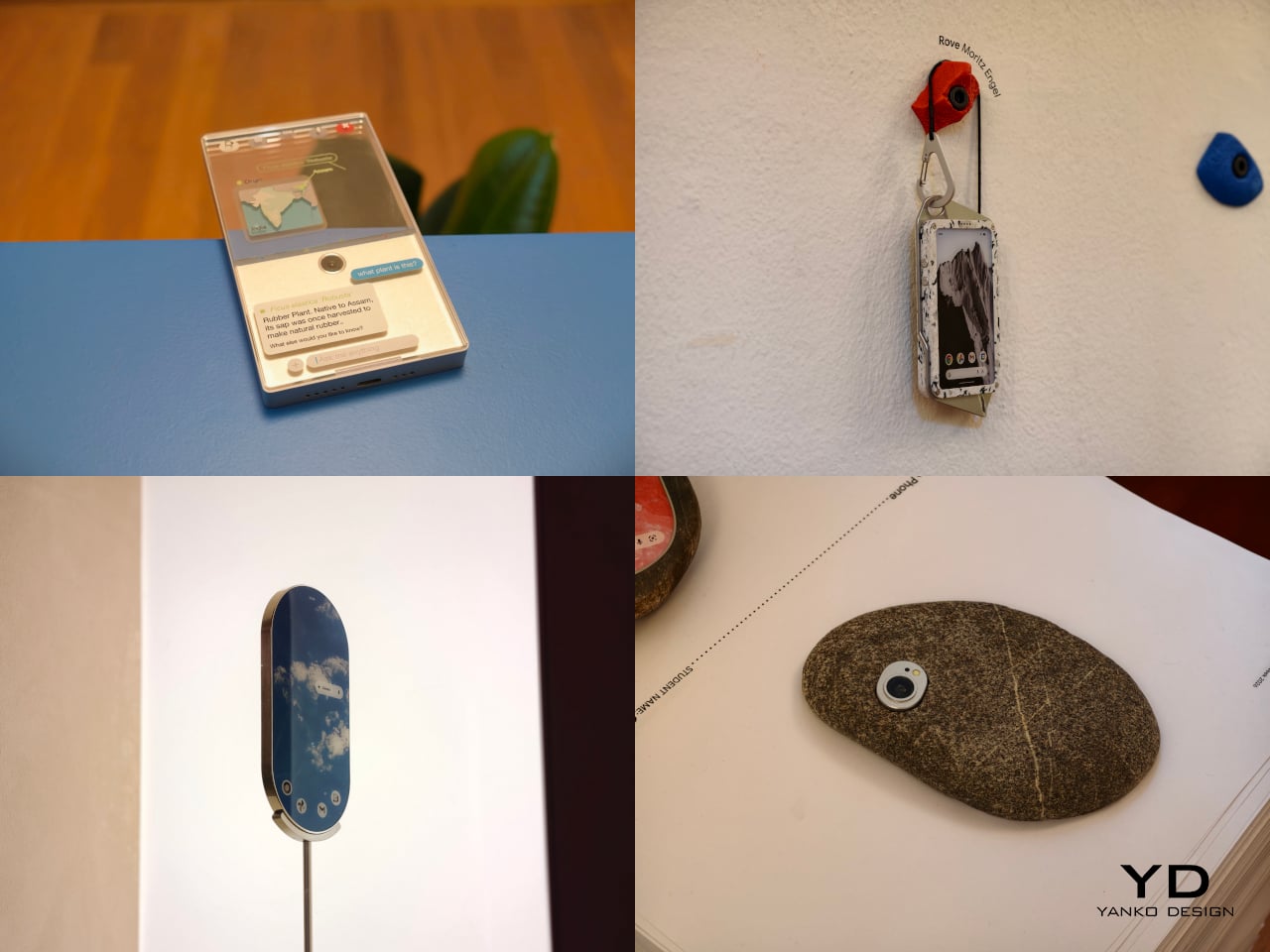
The exhibition also includes projects that challenge the smartphone’s dependence on charging infrastructure and standardized use cases. Rove, by Moritz Engel, is designed for off-grid wilderness and uses a pull-cord system to generate power through an axial flux generator. One minute of pulling creates twenty minutes of battery life, while the Dyneema cord doubles as a carrying strap and the spool becomes a tactile control wheel. Dyno, by Julia Siebert Cáceres, tackles the same problem from a more everyday angle, using body movement and electromagnetic induction to generate electricity throughout the day. Its visible rotor and magnet system make the act of charging tangible rather than hidden, giving the device an honesty that most sealed electronics lack.

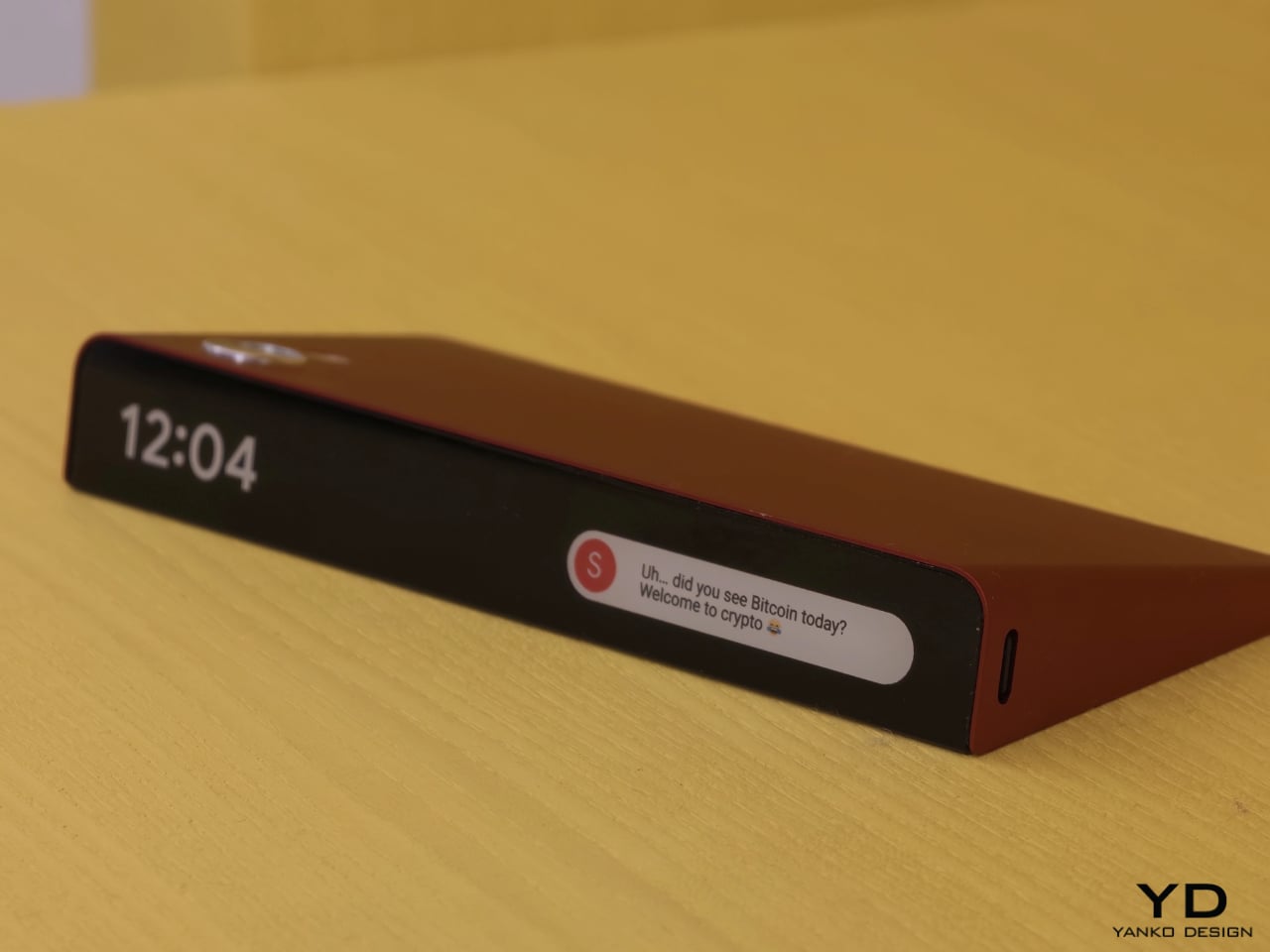
Other projects focus on what the phone means as a physical object in domestic and personal life. Everydaycarry, by Motong Yang, critiques the smartphone as a standardized entity that contains everything yet expresses very little. It proposes a more adaptive device whose character can still reflect the identity of the person carrying it. Totem, by Paul Quentin, reshapes the phone into a wedge so it can function more naturally as a tabletop object for video calls, media viewing, or AI assistance. When laid flat, its edge becomes a subtle notification interface. These projects are not simply formal experiments. They rethink how devices occupy space, signal presence, and fit into routines beyond the hand and pocket.

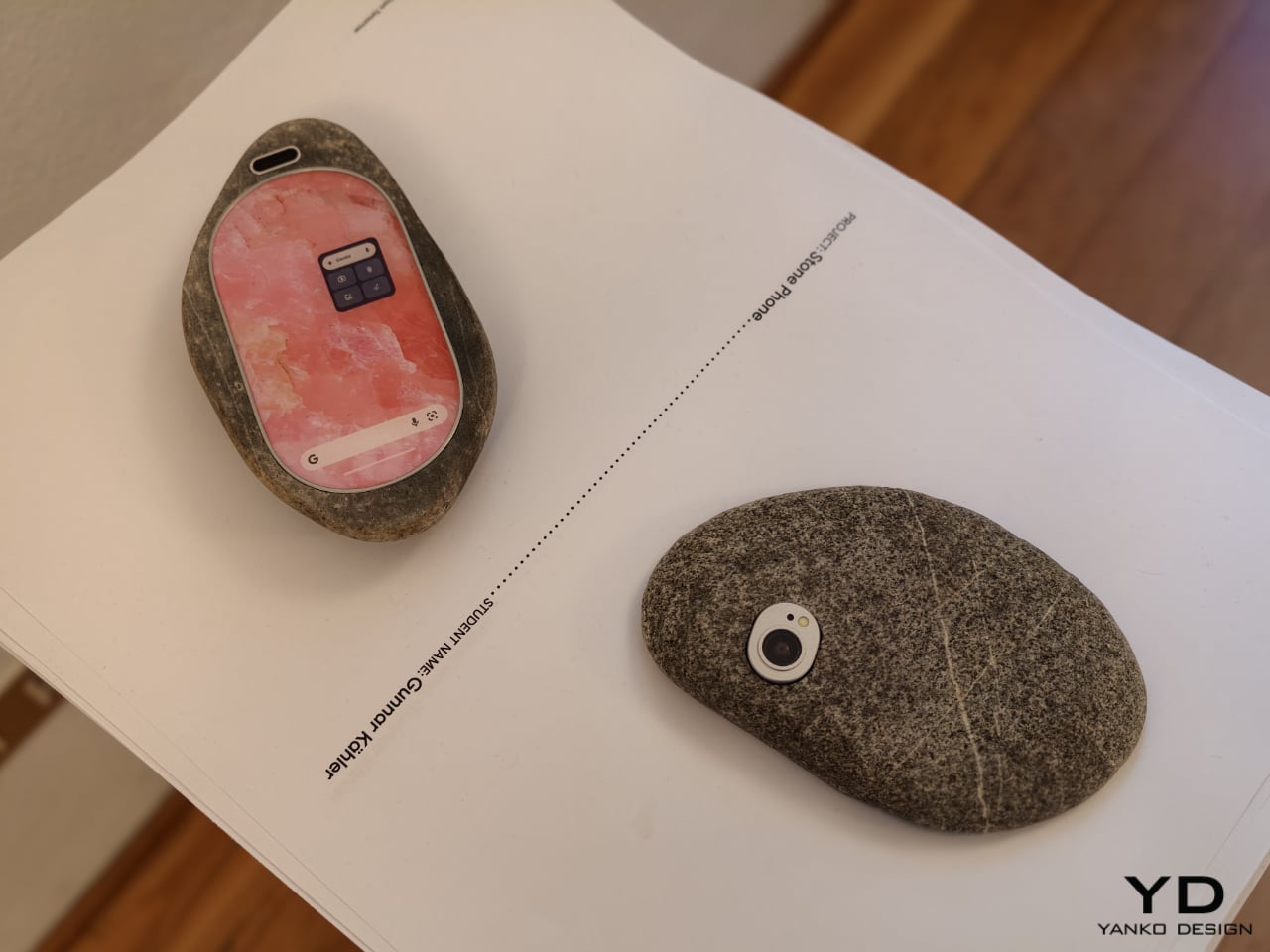
Then there is Stone Phone by Gunnar Kähler, one of the exhibition’s most quietly affecting concepts. Inspired by the instinctive act of picking up a stone from a beach or riverbank and choosing the one that feels right in the hand, the project imagines smartphones in an endlessly varied range of shapes. Instead of accepting industrial uniformity as a given, Stone Phone suggests that users might choose a device based on texture, comfort, and tactile pleasure. It blurs the line between archaic tool and advanced technology, making the smartphone feel less like a mass-produced command and more like a personal object discovered through touch. In a show full of speculative gestures, this one stands out for its simplicity. It reminds us that before a device does anything, it is first something we hold.

What makes A Message from Tomorrow compelling is not that every concept seems ready for mass production. It is that each one identifies a real tension in our relationship with mobile technology and gives it a physical form. Together, the projects reveal how narrow the current smartphone archetype has become. More importantly, they show that industrial design still has the power to meaningfully reshape our technological future. In an era when innovation is often framed as software alone, this exhibition argues that form, material, behavior, and ritual still matter deeply.

The post ecal x Google Just Imagined 10 Phones Beyond the Slab first appeared on Yanko Design.

moto pad – 2026: 5G Tablet With 2.5K Screen, Quad Dolby Atmos

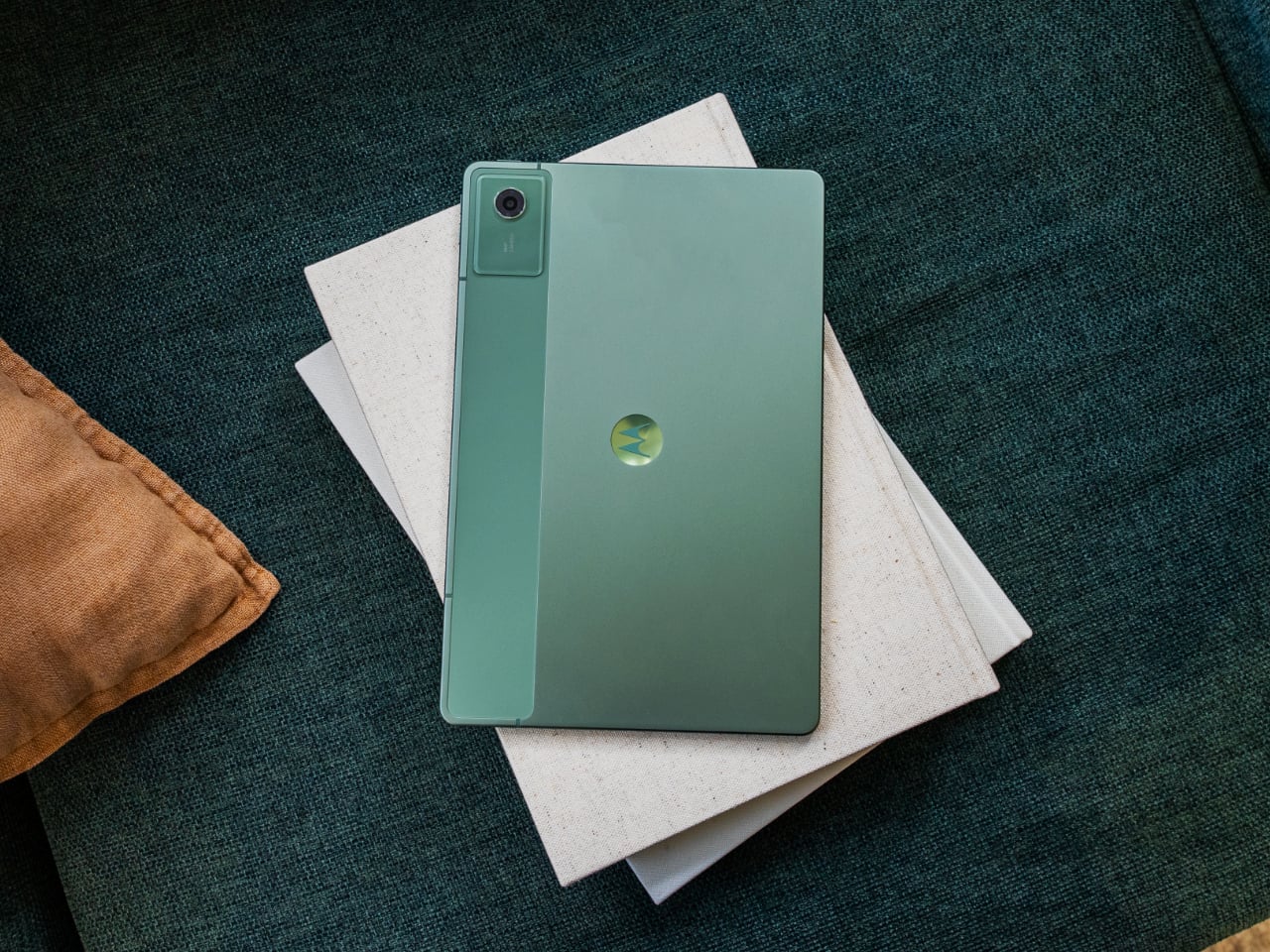
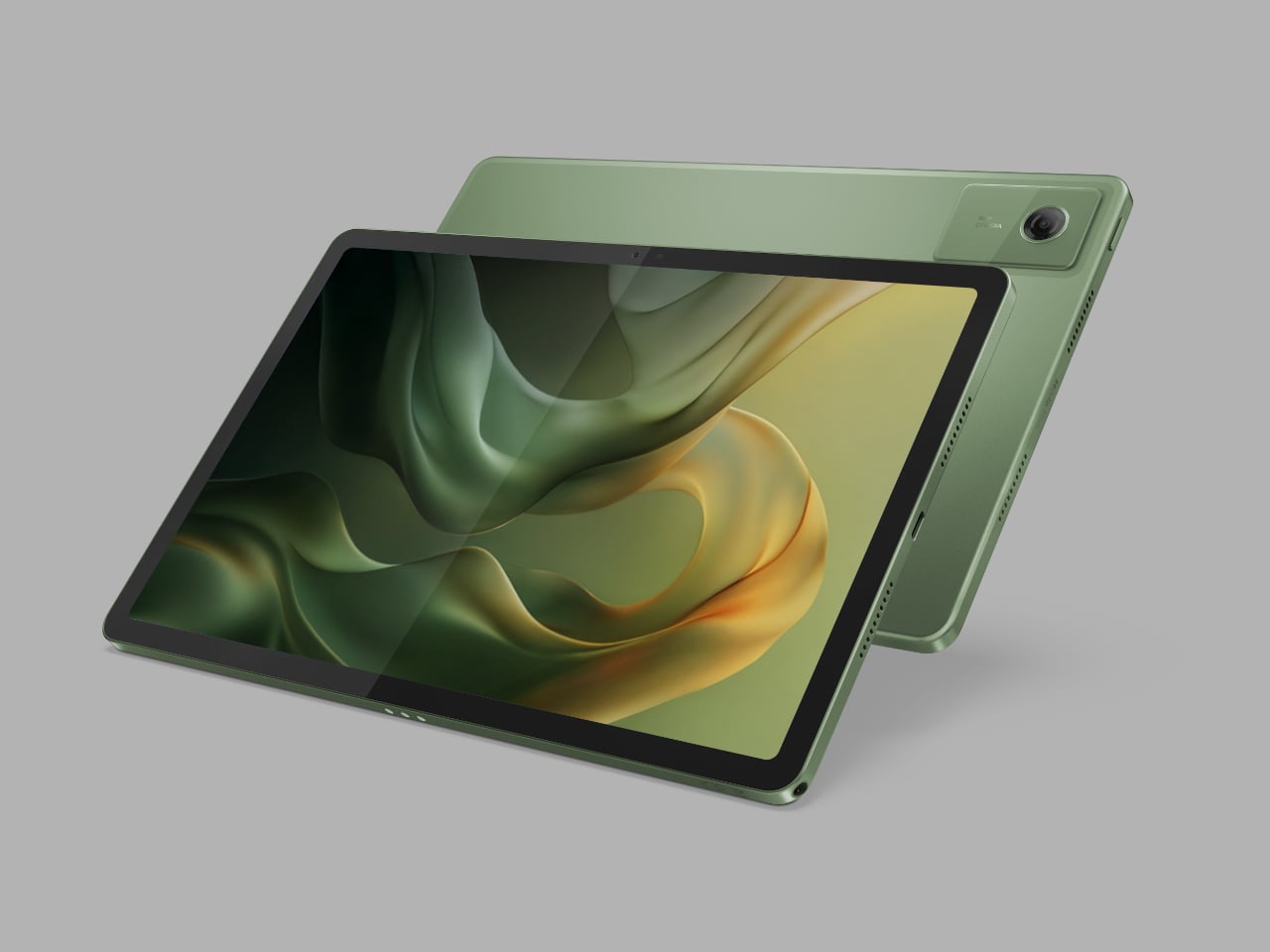
Motorola has introduced the moto pad – 2026, a new Android tablet that expands the company’s device lineup beyond smartphones and into a more connected cross-screen experience. Announced alongside the moto g stylus – 2026, the tablet is positioned as a larger-screen companion for productivity, entertainment, and everyday multitasking. Based on its specs and overall appearance, the device also appears to be a rebranded version of the Moto Pad 60 Neo, which launched in India last year.

That resemblance matters because the moto pad – 2026 does not arrive as a dramatic reinvention of the Android tablet formula. Instead, it looks like Motorola is leaning on a familiar hardware base and repositioning it for a wider audience under a simpler product name. In that sense, the story here is not just about a new tablet, but about how Motorola is continuing to build out a broader ecosystem around its existing devices.

Designer: Motorola

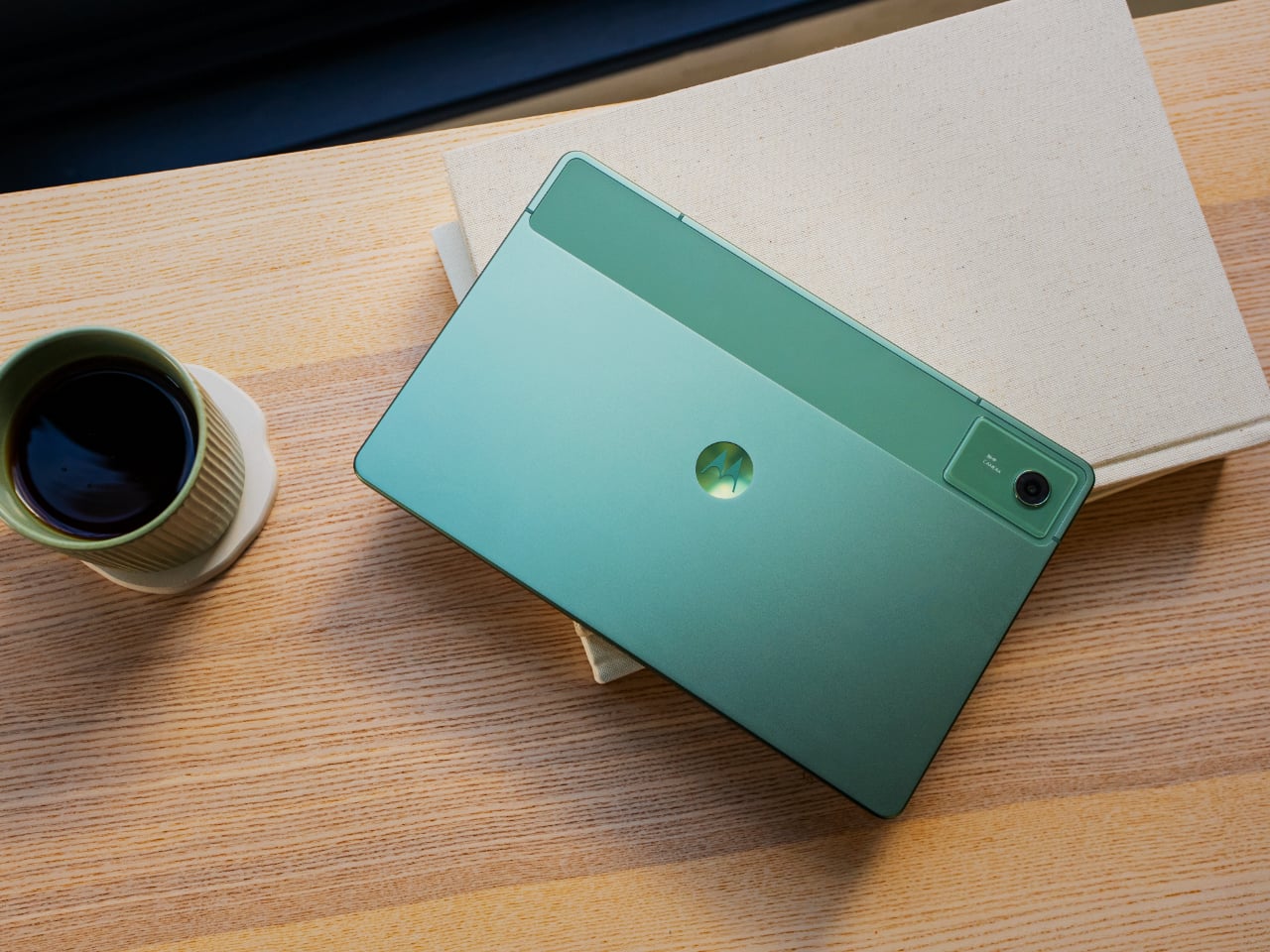
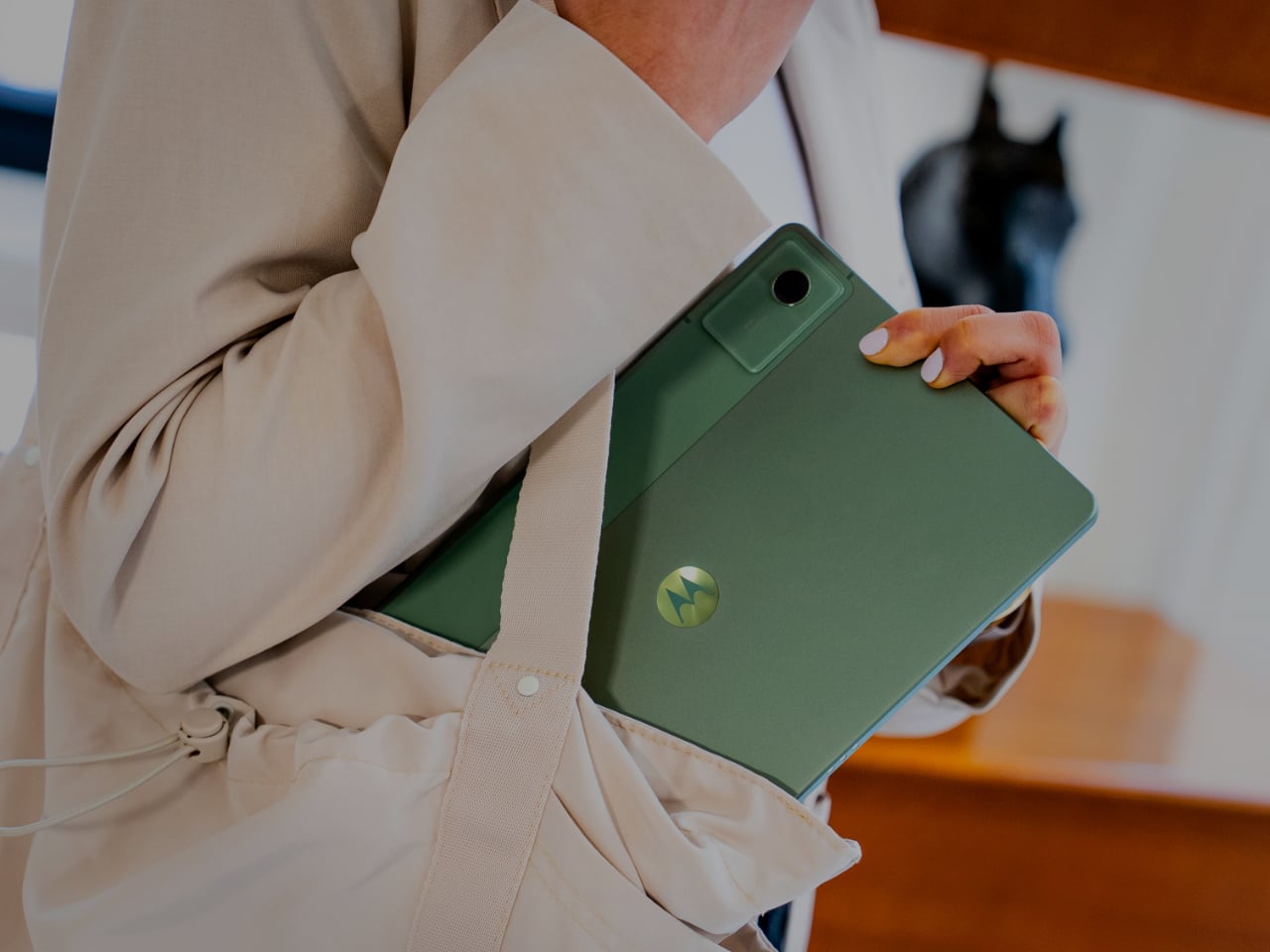
The moto pad – 2026 centers on an 11-inch display with 2.5K resolution and a 90Hz refresh rate, giving it a hardware foundation aimed at streaming, reading, and light productivity. Motorola says the screen reaches up to 500 nits in High Brightness Mode, which should make it usable in a wider range of lighting conditions. The tablet’s 6.99mm profile and roughly 480g weight also suggest a design meant to feel portable rather than bulky, whether it is being used on a desk, on a couch, or on the go.

The spec sheet also points to an anti-fingerprint finish and a PANTONE Bronze Green metal design. Those details give the device a cleaner and slightly more refined visual identity than many budget-focused tablets that tend to settle for plain plastic shells. Even if the overall hardware looks familiar, Motorola is clearly trying to make the tablet feel more polished and lifestyle-friendly in the way it is presented.

Performance is handled by the MediaTek D6300 5G processor, paired with 8GB of LPDDR4x memory and 128GB of built-in storage. The tablet also supports microSD expansion up to 2TB, adding flexibility for users who want to keep more video, downloads, apps, and documents locally. That combination should be enough for everyday streaming, browsing, reading, casual gaming, and light multitasking, even if it is not positioned as a high-end productivity machine.

One of the more practical additions is 5G connectivity, which gives the moto pad – 2026 an advantage over Wi-Fi-only tablets that lose some of their usefulness away from home or office networks. That makes the device easier to imagine as a portable screen for students, travelers, or anyone who wants a larger display without constantly relying on hotspot connections. It also helps reinforce the idea that this is meant to be a flexible everyday tablet rather than a stay-at-home media slab.

Audio appears to be one of the stronger parts of the package. The moto pad – 2026 includes quad speakers with Dolby Atmos, which should give it a better foundation for movies, streaming, and casual gaming than entry-level tablets with simpler speaker setups. A 3.5mm headphone jack is also included, which remains a practical feature for users who still prefer wired audio or want an easy connection for older accessories.

The software story here is less about reinvention and more about ecosystem fit. Motorola says the moto pad 2026 supports Smart Connect, allowing it to work more closely with phones and PCs for multitasking and content sharing across screens. It also includes Circle to Search, extending one of Android’s more useful recent features to a larger display and giving the tablet a more modern software feel.

Battery life is backed by a 7,040mAh cell, while charging tops out at 20W. The spec sheet also lists an IP52 rating, along with a 5-megapixel front camera and an 8-megapixel rear camera, reinforcing the sense that this is primarily a media and productivity tablet rather than a device built around photography or premium flagship ambitions. Taken as a whole, the moto pad 2026 looks like a practical addition to Motorola’s lineup, even if its strongest selling point may be how familiar it already seems.

The post moto pad – 2026: 5G Tablet With 2.5K Screen, Quad Dolby Atmos first appeared on Yanko Design.
moto g stylus – 2026: Pressure-Sensitive Stylus, Military-Tough, $500

Motorola has introduced the moto g stylus – 2026, refreshing one of its more popular smartphone lines with an upgraded built-in stylus, added durability, and a feature set aimed at users who want productivity tools without stepping into flagship pricing. The moto g stylus has become one of Motorola’s more popular models by offering a built-in stylus in a segment where that feature remains relatively rare. With the 2026 version, Motorola is clearly building on one of the line’s biggest points of differentiation.

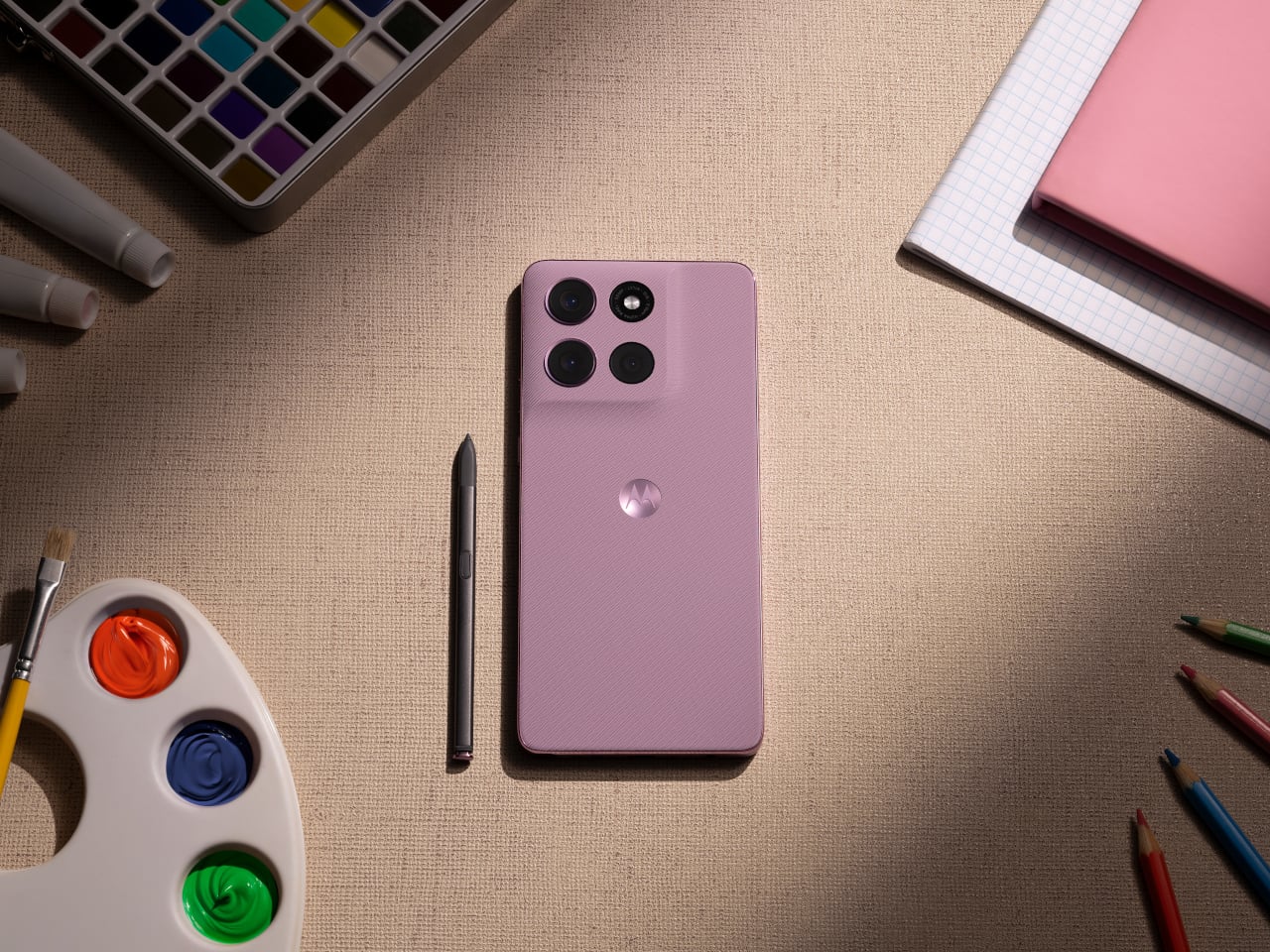
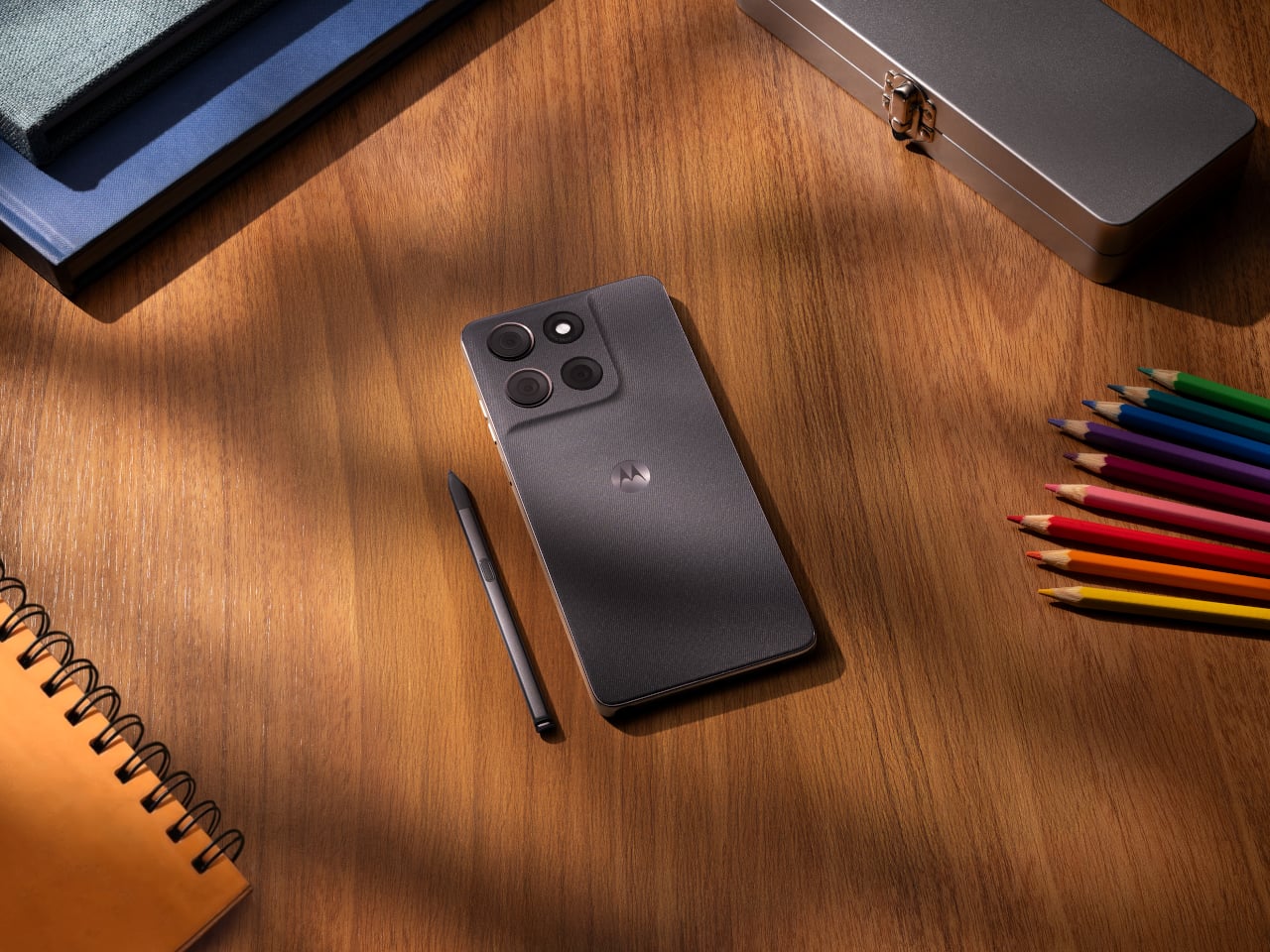
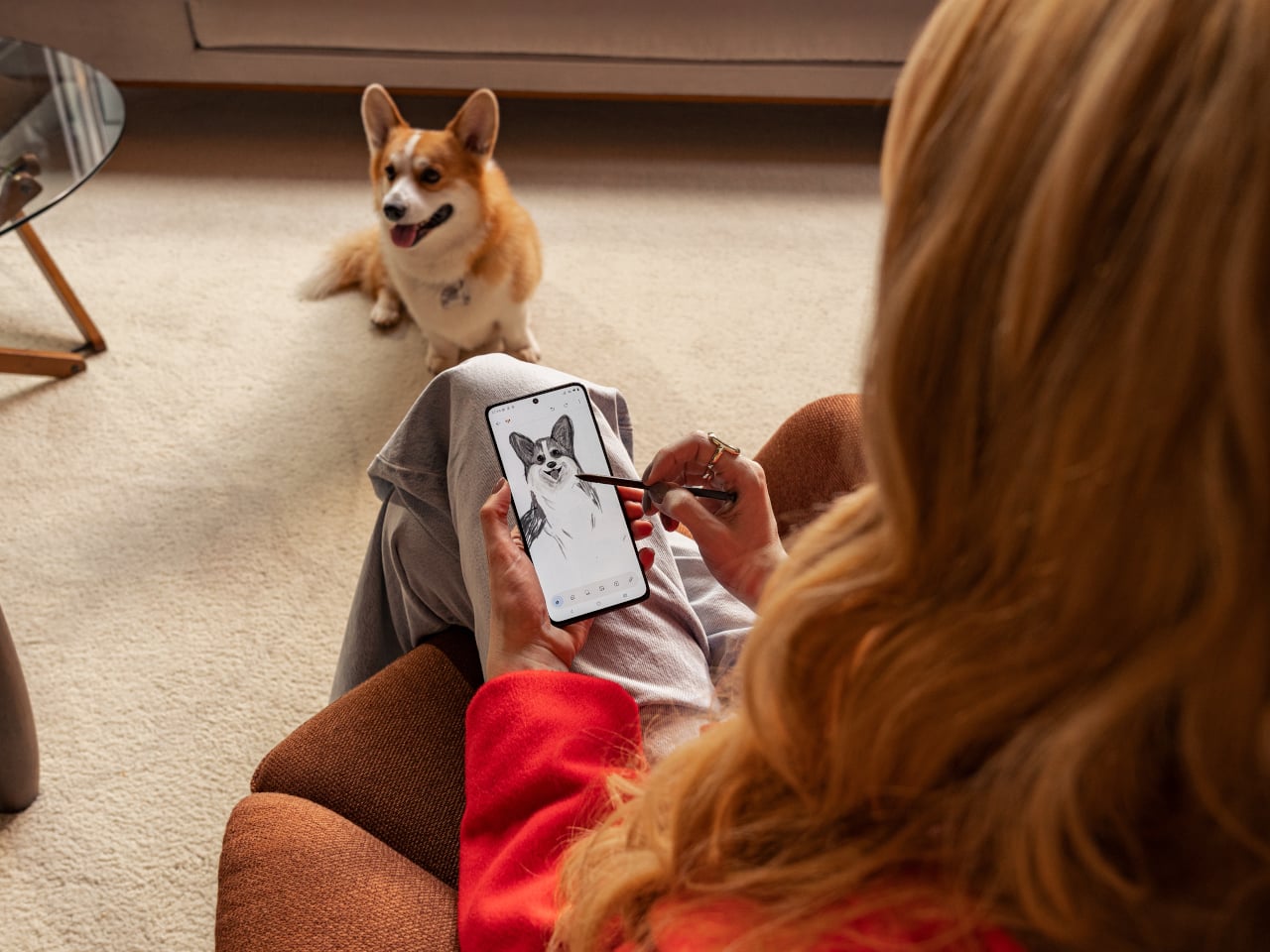
The stylus is central to the phone’s updated experience. It now supports tilt and pressure sensitivity in supported apps, allowing for broader shading, finer lines, and a more natural pen-on-paper feel when sketching, jotting notes, or marking up ideas on the fly. That functionality extends to a refreshed Notes experience, where handwritten notes, doodles, and brainstorms live in one place.

Designer: Motorola

Beyond the pen features, the moto g stylus – 2026 brings together a hardware package aimed at broadening its appeal. The phone includes a 6.7-inch AMOLED display with 1.5K resolution and a 120Hz refresh rate. Peak brightness has been increased to 5,000 nits, up from 3,000 nits on the previous model.

The camera hardware, however, looks rather familiar. Motorola lists a 50-megapixel main camera with Sony’s LYTIA 700C sensor, along with a 13-megapixel ultrawide and macro camera and a 32-megapixel front-facing camera. That mirrors the setup used on the 2025 model on paper, suggesting the bigger story this year is the stylus and durability rather than a major imaging overhaul.

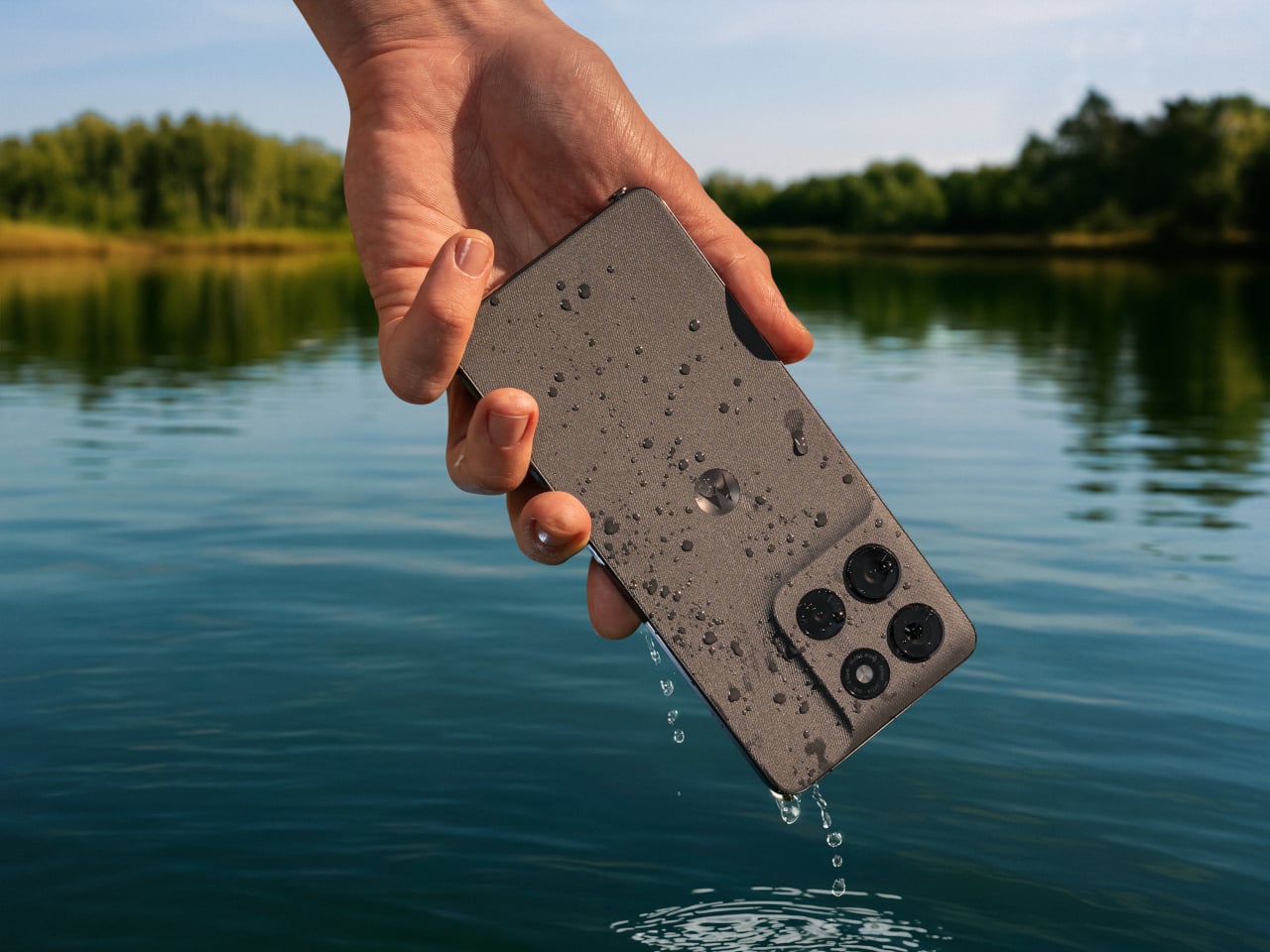
Motorola is also putting more emphasis on durability this year. The moto g stylus – 2026 adds IP69 protection and SGS-certified military-grade toughness, building on the IP68 resistance already offered by the previous model. That should help the phone better handle dust, water exposure, drops, and more demanding day-to-day conditions.

Battery life remains another key part of the package. The phone includes a 5,200mAh battery that Motorola says can deliver up to 44 hours of use, along with support for 68W wired charging and 15W wireless charging. On the software side, the device ships with Android 16 and includes Google Gemini, Motorola’s Hello UX customization layer, Smart Connect for multi-device experiences, and Moto Secure.

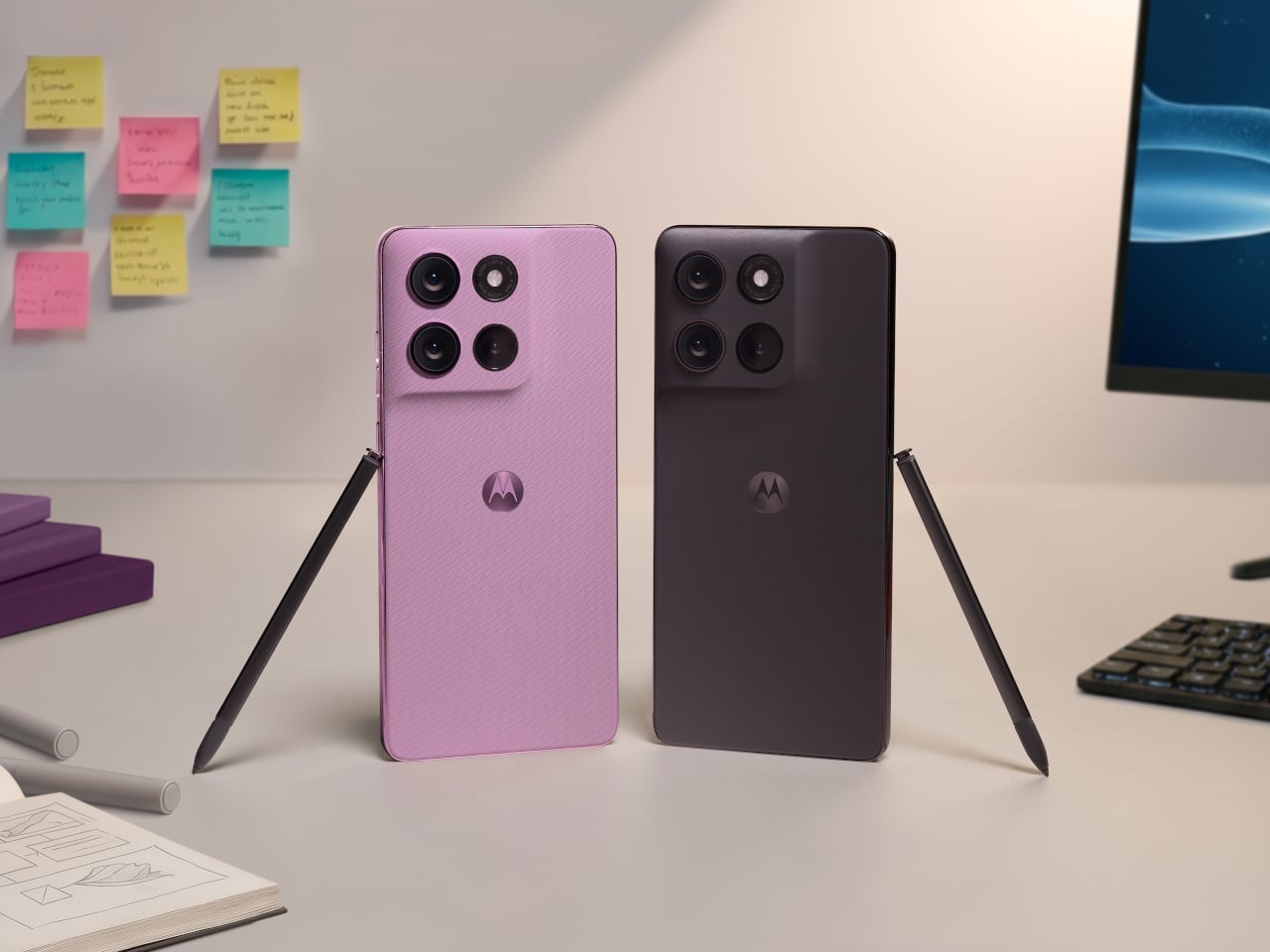
The new model continues Motorola’s design-forward approach, pairing its feature set with a leather-inspired finish and twill-like texture. It will be offered in Pantone-curated Coal Smoke and Lavender Mist color options. Motorola announced the phone alongside the Moto Pad 2026, a new tablet intended to complement the smartphone across productivity and entertainment use cases.

The Moto G Stylus 2026 will go on sale on April 16 as an unlocked device through Best Buy, Amazon, and Motorola.com, with a starting price of $499.99. We are expecting to receive a review unit, and we will have more to say once we have had the chance to test the stylus, camera system, battery life, and day-to-day performance. Stay tuned for our full review.

The post moto g stylus – 2026: Pressure-Sensitive Stylus, Military-Tough, $500 first appeared on Yanko Design.

Xiaomi Pad 8 Review: The $310 Tablet That Feels More Expensive

PROS:


  • Bright and smooth 11.2-inch display

  • Solid accessory ecosystem

  • Long battery life

CONS:


  • No microSD card slot

  • No official IP rating

RATINGS:

AESTHETICS
ERGONOMICS
PERFORMANCE
SUSTAINABILITY / REPAIRABILITY
VALUE FOR MONEY

EDITOR'S QUOTE:

Xiaomi Pad 8 gives you a premium tablet experience without the premium price tag. If entertainment and everyday use are your priorities, this is one of the smartest buys in the mid-range.

Xiaomi Pad 8 is built for casual buyers who want a fast, good-looking tablet without paying flagship prices. It keeps the familiar Pad design, but pairs it with a sharp 11.2-inch 3.2K class 144 Hz display, strong quad speakers, and a noticeably more powerful Snapdragon 8s Gen 4 chipset. The result is a device that feels premium for streaming, browsing, and gaming, even if it is not trying to reinvent what a Xiaomi tablet looks like.

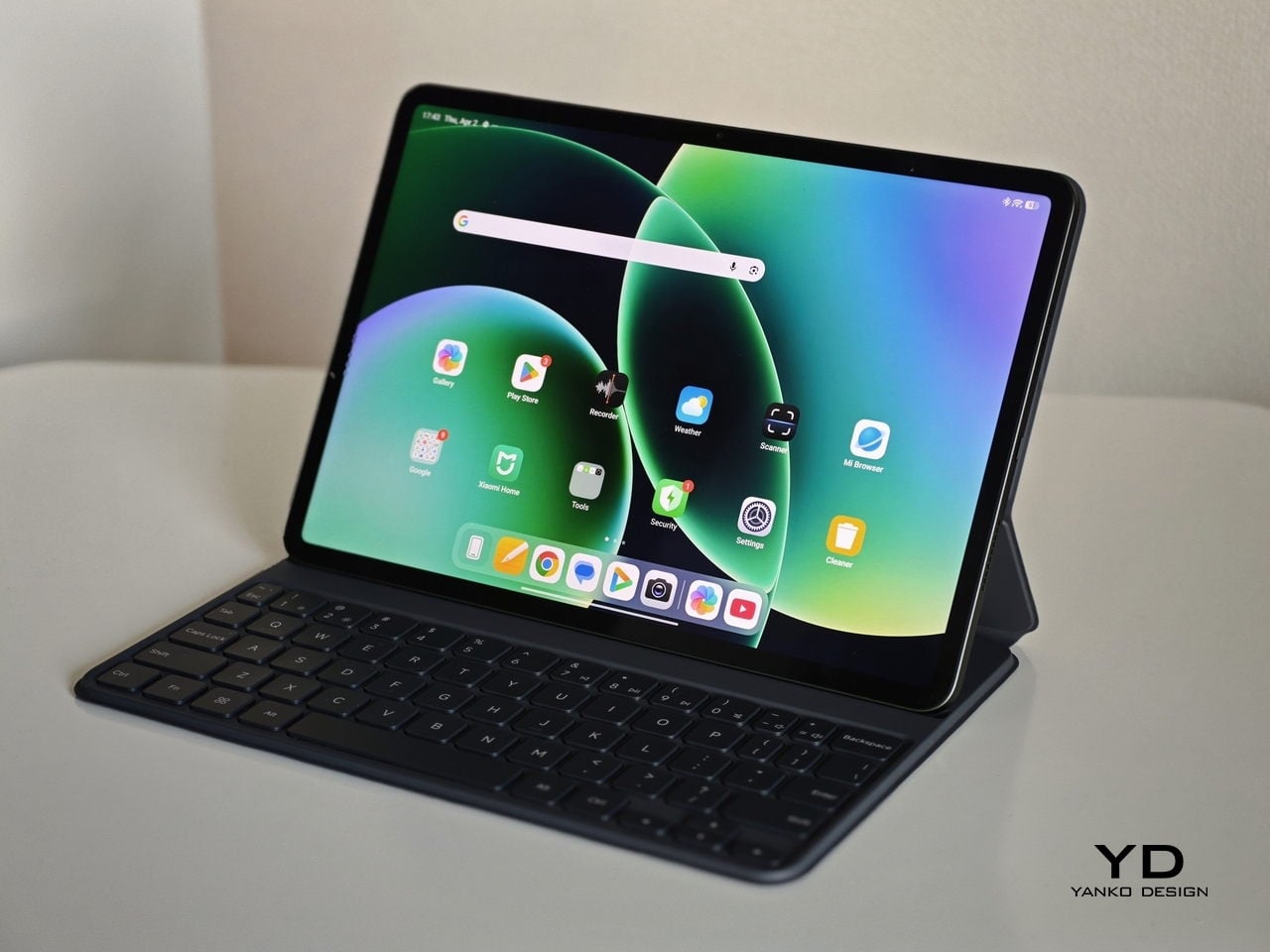
What matters is how complete the package feels in daily use. HyperOS 3 keeps the interface smooth and adds useful multitasking tools like split screen and desktop mode for light productivity. Xiaomi also supports the tablet with practical accessories, including two keyboard options, a cover that doubles as a stand, and the Focus Pen Pro for notes and sketches. If you want one tablet that can handle entertainment and occasional work, Pad 8 is designed to fit that role.

Designer: Xiaomi

Aesthetics

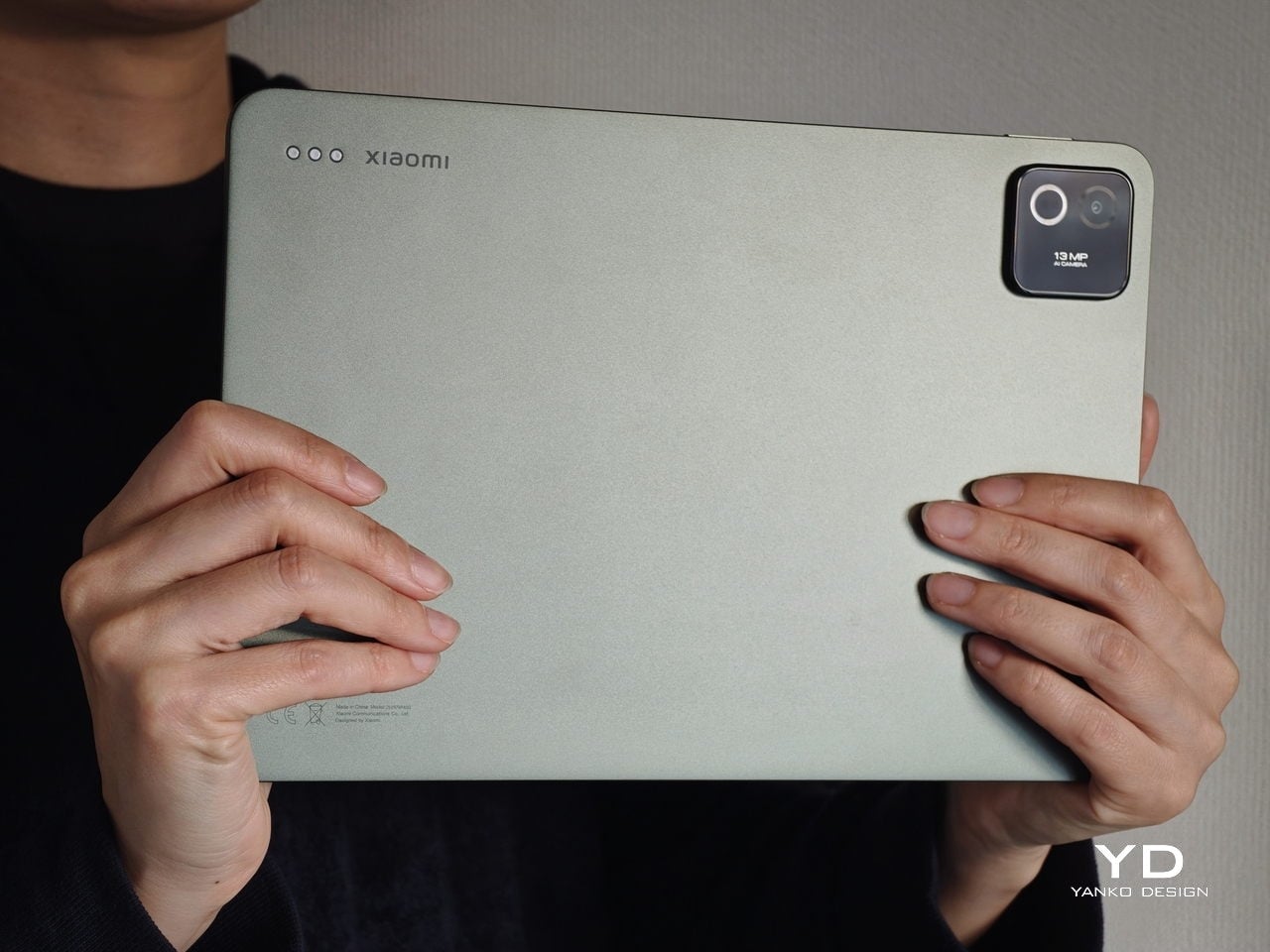
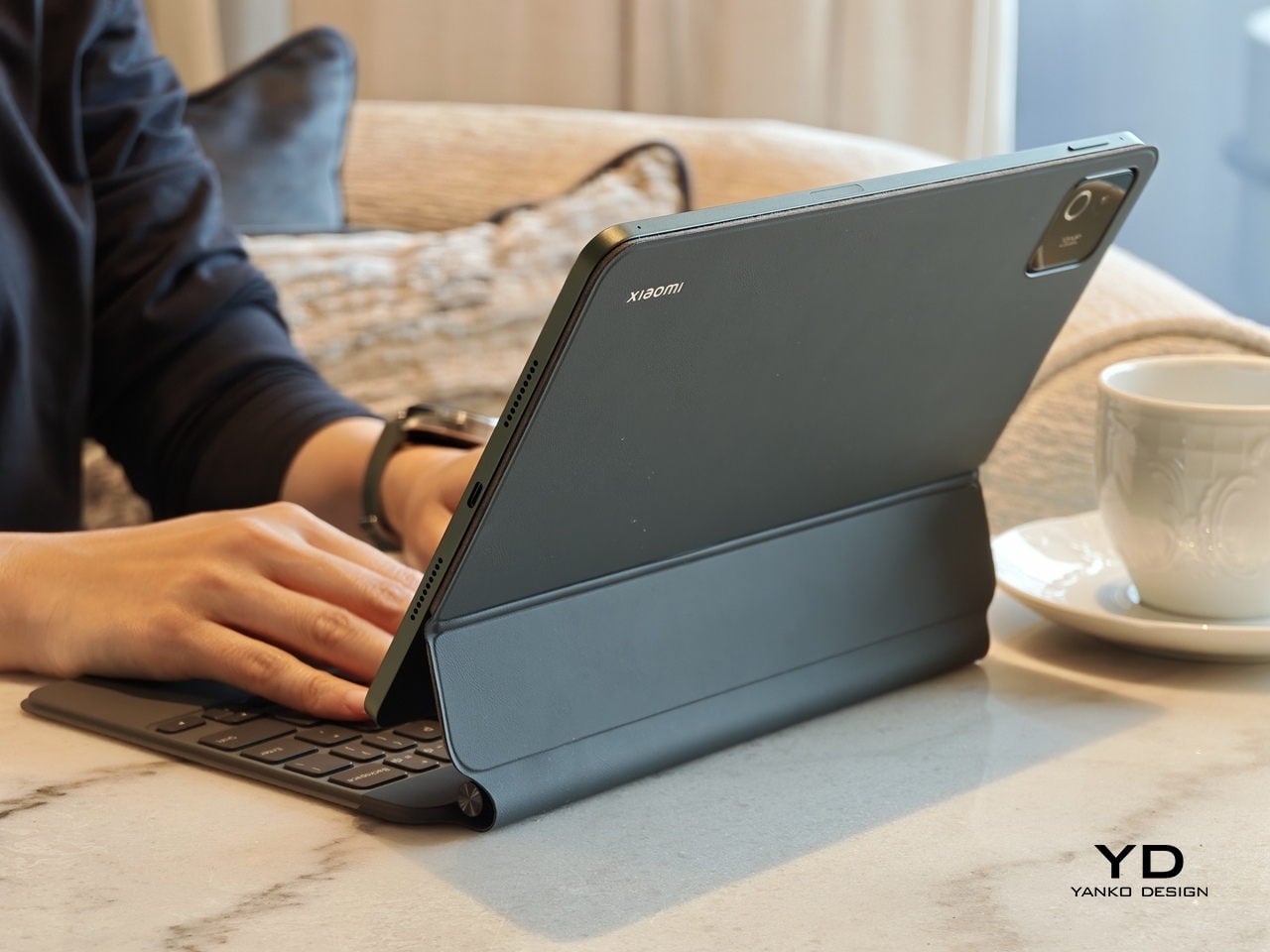
From the outside, the Xiaomi Pad 8 looks almost identical to its predecessor, the Xiaomi Pad 7. The design follows a flat edge language with soft rounded corners that soften the overall silhouette and keep it friendly in the hand. The rear panel is simple and uncluttered, with a single camera island and a centered Xiaomi logo that does not shout for attention. This minimal approach gives the Pad 8 a calm and almost understated personality that feels more premium than its price suggests.

The camera module itself is neatly integrated into the back design. It sits in a small rectangular island that reads more like a design accent than a visual interruption. Edges transition smoothly between the back and the frame, so the tablet looks like a single continuous piece rather than a stack of separate parts. Xiaomi offers the Pad 8 in three colors, Pine Green, Blue, and Gray, and all of these variants are tuned to look subtle and refined rather than loud. All of these add up to a device that feels stylish enough for a café table or a meeting room, without ever looking like a toy or a purely budget gadget.

Ergonomics

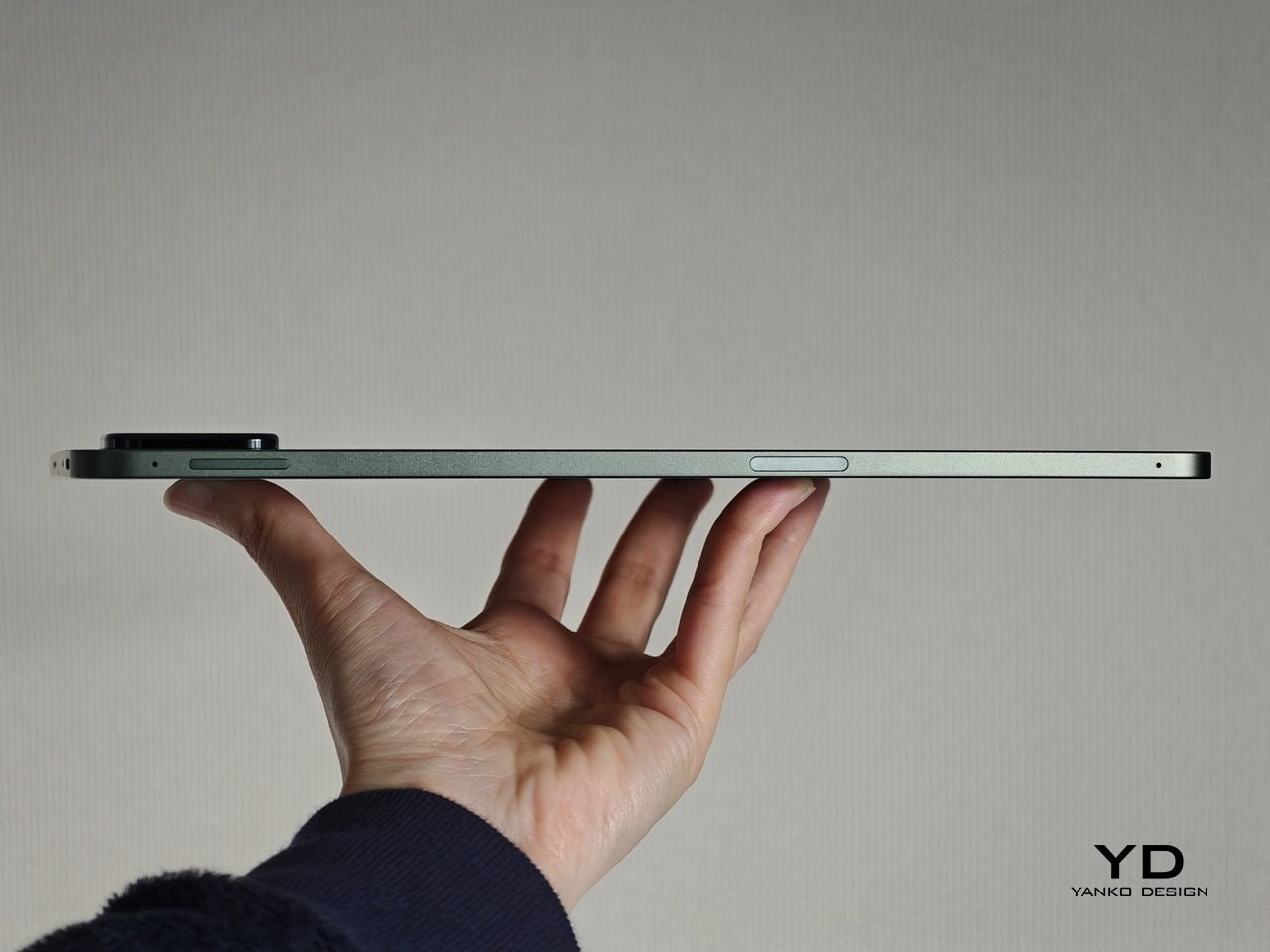
While the design focuses on clean lines and visual calm, the build of the Xiaomi Pad 8 focuses on comfort and practicality. Pad 8 measures 241.2 x 173.4 x 5.8 mm and weighs either 485g or 494g, depending on the variant, which makes it slightly slimmer and lighter than Xiaomi Pad 7. The difference on paper may look small, yet in the hand it translates into a tablet that feels more refined and easier to hold for long stretches. For casual users who spend evenings streaming or reading, this gentle reduction in bulk becomes a quiet but meaningful upgrade.

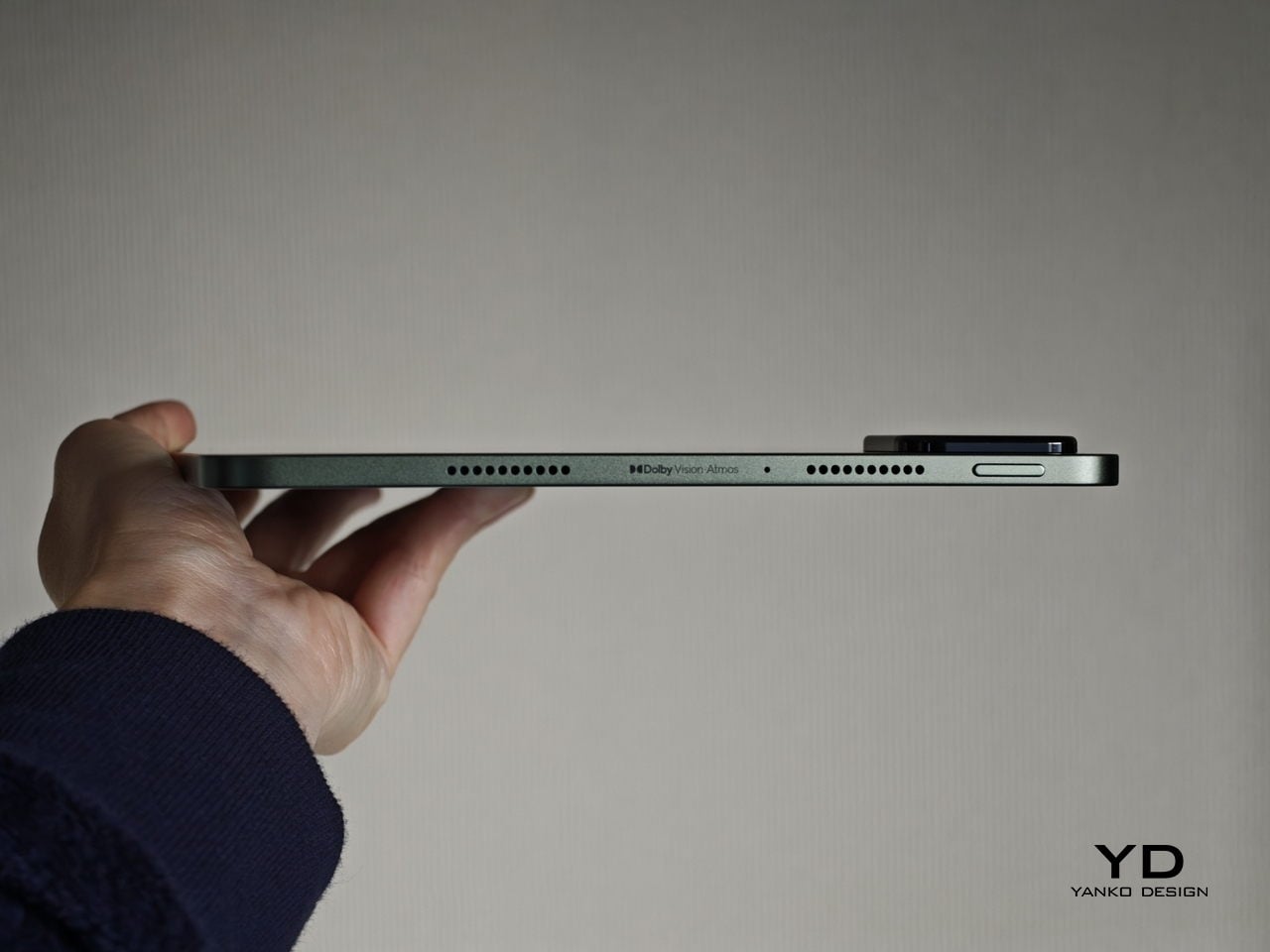
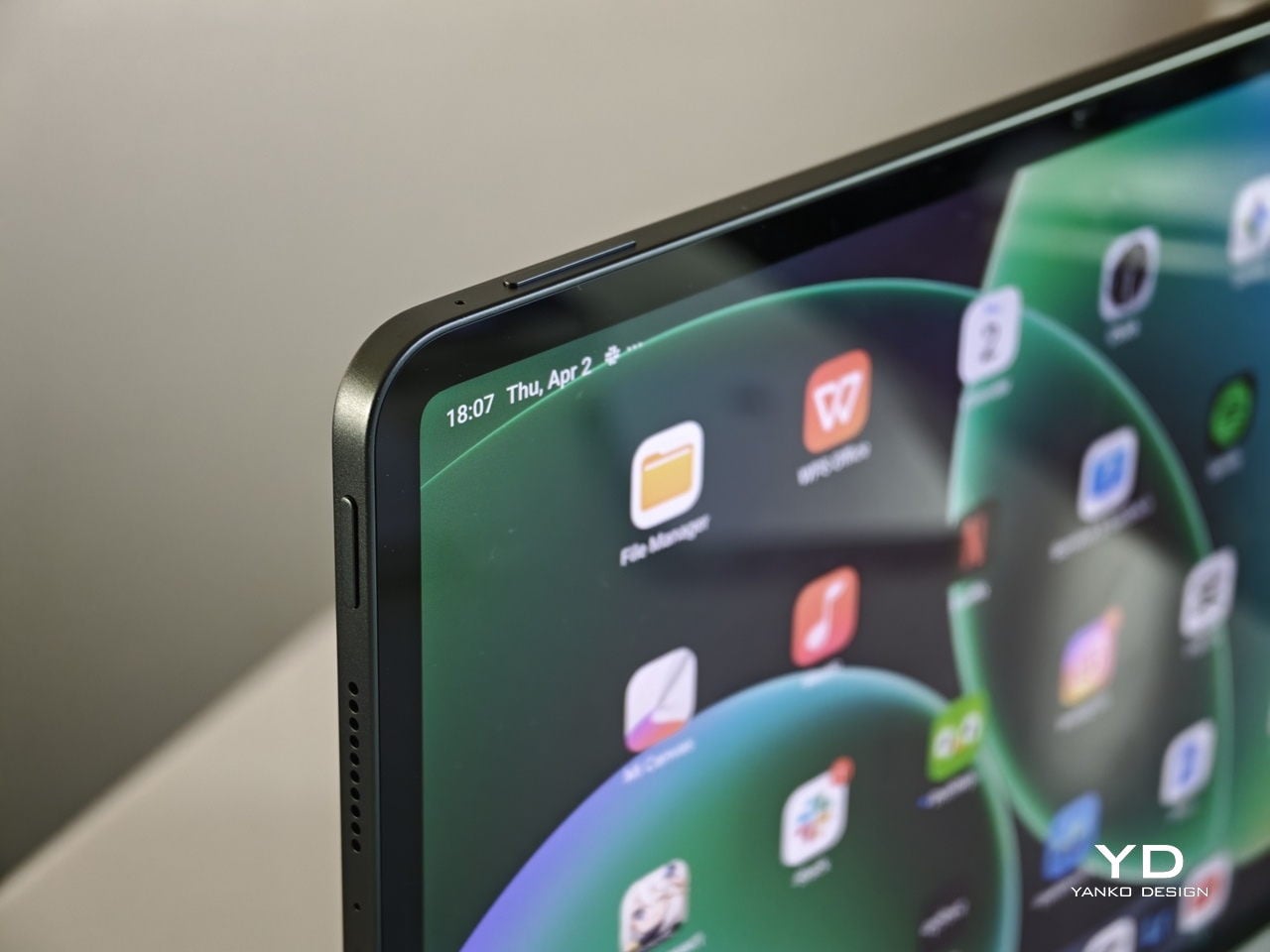
The metal frame feels sturdy in the hand and gives the tablet a reassuring sense of solidity. Button placement feels thoughtful as well, with the power and volume keys sitting where your fingers naturally land when you hold the tablet. You do not have to stretch awkwardly to adjust volume during a show, which keeps the experience relaxed and natural. The stereo speakers are positioned so that your hands are less likely to block them when you grip the device in landscape, which helps maintain clear sound without forcing you to change how you hold the tablet.

Performance

The display remains largely unchanged from Pad 7. You get an 11.2-inch IPS panel with a sharp 3.2K class resolution and a very fast 144 Hz refresh rate. Brightness peaks around 800 nits, which is strong for an LCD in this range and helps keep the screen readable near windows or outdoors on bright days. It supports DCI P3, HDR10, HDR10+, HDR Vivid, and Dolby Vision, so movies and shows benefit from richer colors and better contrast when the content is mastered for it.

Like most tablets with a glossy front glass, the Pad 8 screen is fairly reflective, so you will notice glare near bright windows or under strong indoor lighting. It is not worse than what you will see on most competing tablets. Xiaomi will also offer a Pad 8 Matte Glass version globally, and that option should be the better pick if reflections annoy you.

Audio quality keeps pace with the visuals. The Pad 8 uses a four-speaker setup that creates a satisfying level of volume and a well-balanced soundstage. Voices stay clear in dialogue-heavy scenes, while music and effects have enough presence to make games and films feel more immersive. This means you can comfortably watch or play without always reaching for headphones.

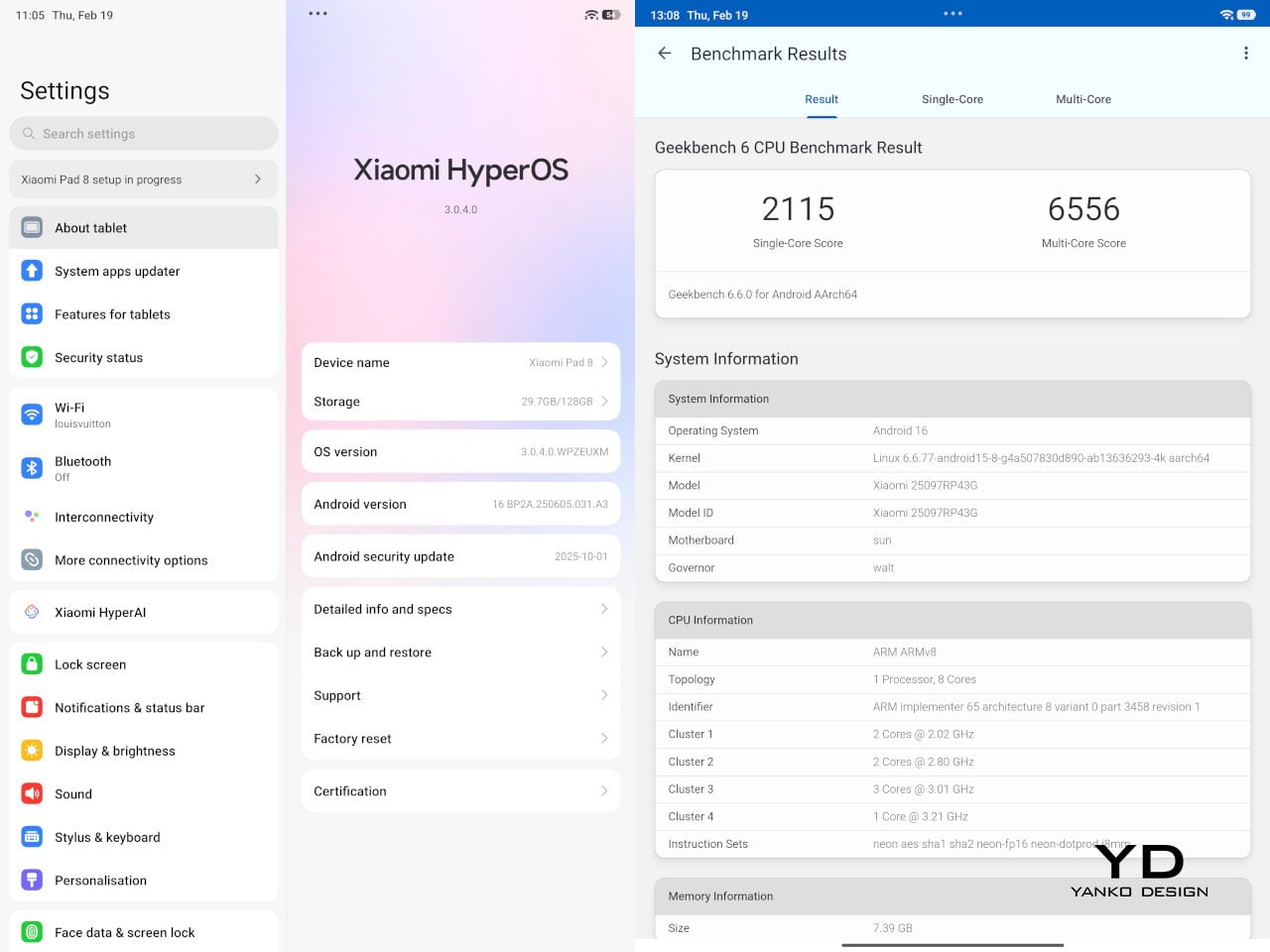
The biggest upgrade comes from the chipset. Xiaomi Pad 8 runs on the Snapdragon 8s Gen 4 processor, and the GPU delivers plenty of power for modern titles and smooth animations across the interface. Even when you play graphically demanding games for long sessions, the device does not stutter, and it keeps its temperature under control, so performance remains stable, and the tablet stays comfortable to hold.

That performance is backed by a straightforward set of memory and storage options. You can choose between 8 GB and 128 GB, 8 GB and 256 GB, or 12 GB and 256 GB. The 8 GB model uses LPDDR5X memory, while the 12 GB model steps up to LPDDR5T, and storage is either 128 GB UFS 3.1 or 256 GB UFS 4.1, depending on the version you choose. There is no microSD card slot, so it is worth picking the capacity you will be happy with long term. The USB-C port also supports display output, so you can connect Pad 8 to an external monitor when you need a bigger screen for work or entertainment.

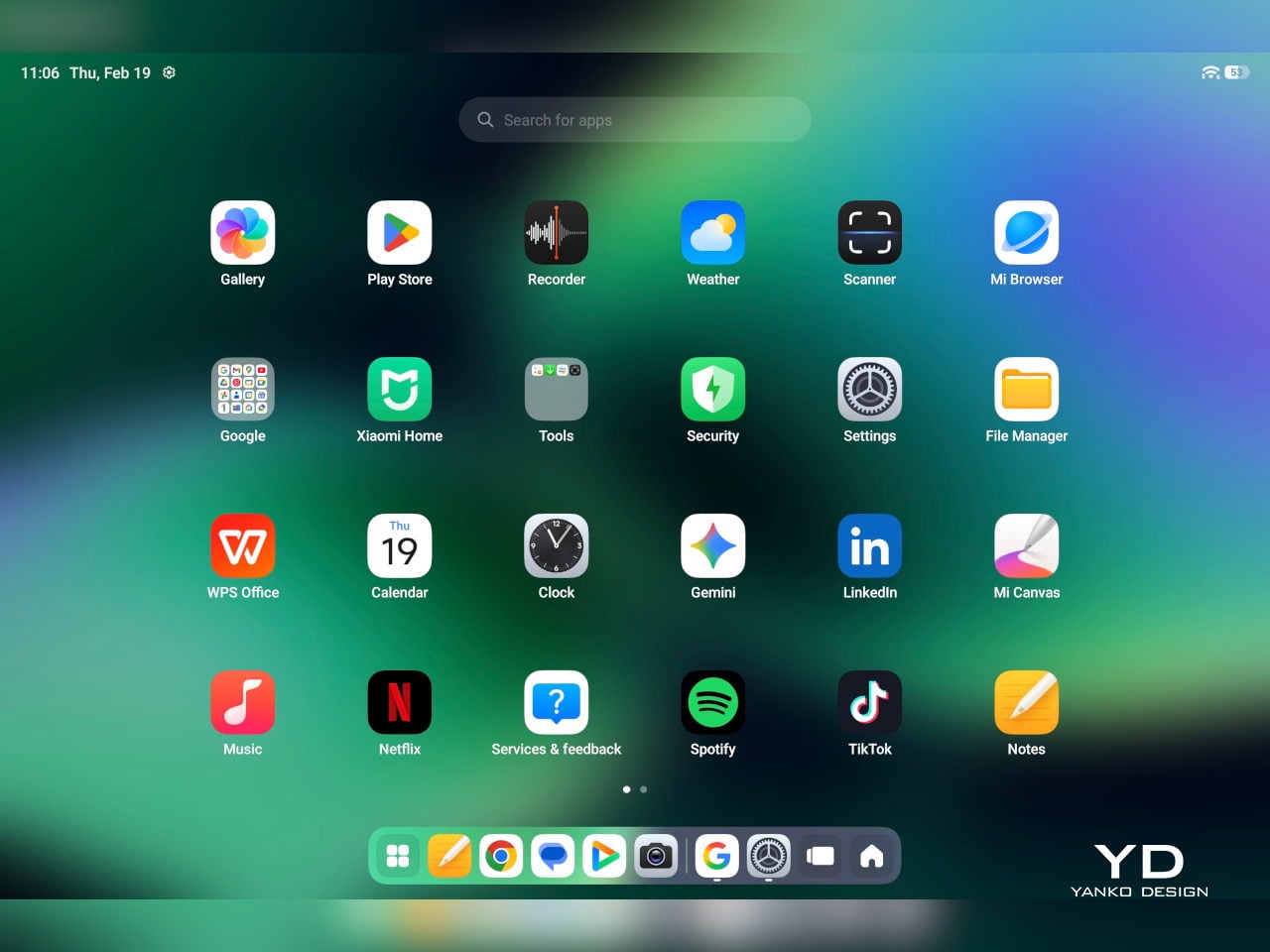
Xiaomi Pad 8 runs HyperOS 3 based on Android 16, and it feels quick and modern. The interface is clean, and it makes the large screen feel purposeful rather than like a stretched phone layout. It stays out of your way and keeps everyday tasks feeling smooth.

It supports split-screen multitasking, including a vertical split view that makes better use of the display. Xiaomi also keeps its desktop mode here, letting you open up to four floating, flexible windows at once for light productivity. This is handy when you want to browse, chat, and reference a document without constantly switching apps.

If you already own a Xiaomi phone, the ecosystem integration works very well. You can transfer calls and files between your phone and tablet seamlessly, and you can even mirror your phone screen directly on the Pad 8. For users who live in the Xiaomi ecosystem, this kind of connected experience makes the tablet feel like a natural extension of your phone rather than a separate device.

Cameras are not a headline feature on most tablets, and Xiaomi Pad 8 follows that familiar pattern. You get a 13 MP rear camera and an 8 MP front camera, which is enough for scanning documents, grabbing reference photos, and handling video calls without fuss. Image quality is best in good light, but for casual use, it is perfectly serviceable and convenient.

Battery size sees a modest upgrade, now with a 9200 mAh cell instead of the 8850 mAh unit in Pad 7, and it matches the capacity of the more expensive Pad 8 Pro. In real use, that means a full day of mixed activity is easy to achieve, even if you spend several hours streaming video and browsing. Light users who mostly read, check email, and watch a bit of content in the evening can often stretch the tablet across multiple days between charges.

Charging speed is unchanged from Pad 7 at 45W, so you still get reasonably quick top-ups when you plug in. Pad 8 now also supports 25W reverse charging, which lets you use the tablet as a power source for other devices when needed. This is especially handy for phones, earbuds, or accessories that are running low, and it adds a practical bonus to that large battery that casual users will appreciate on trips or long days out.

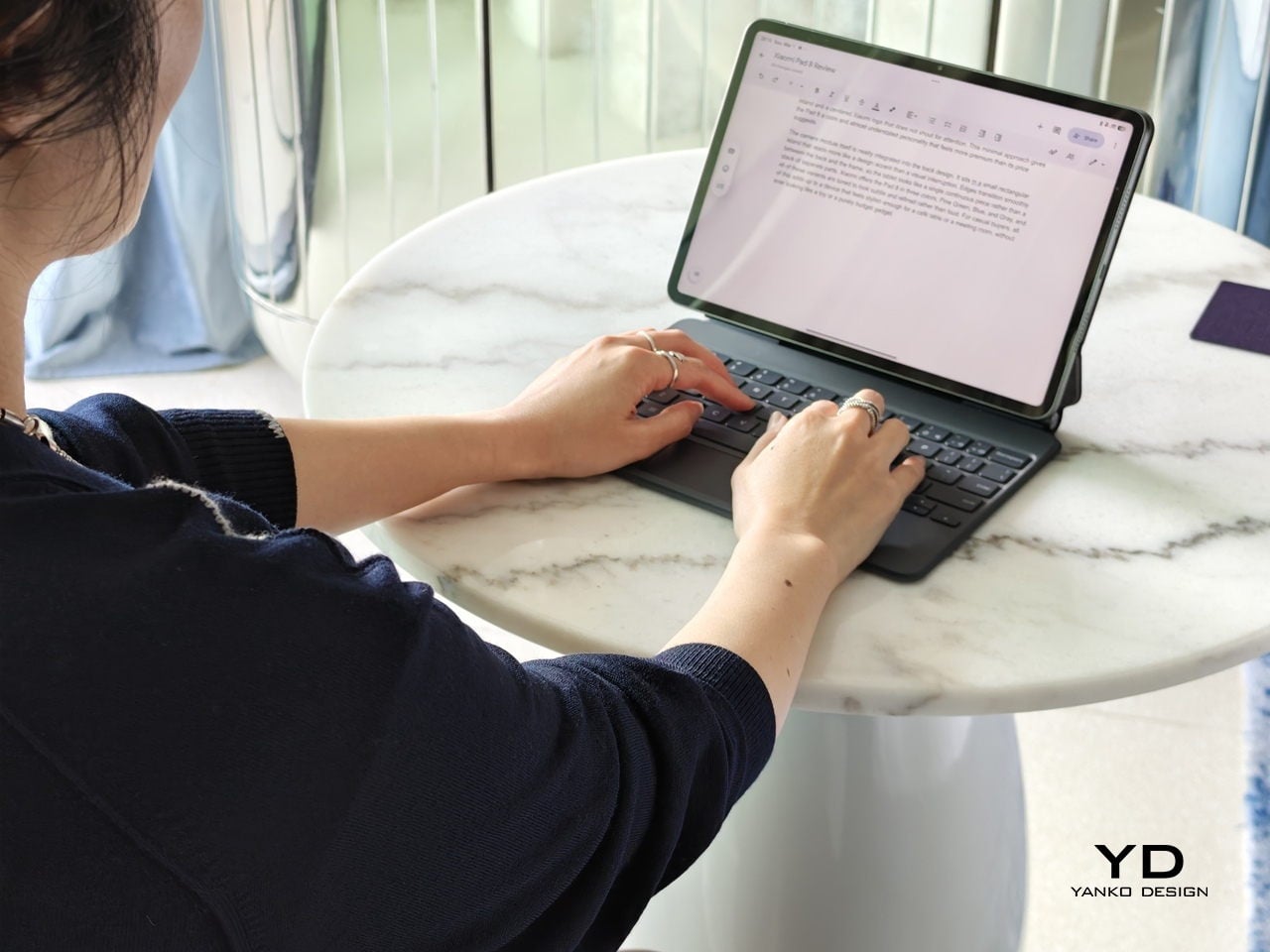
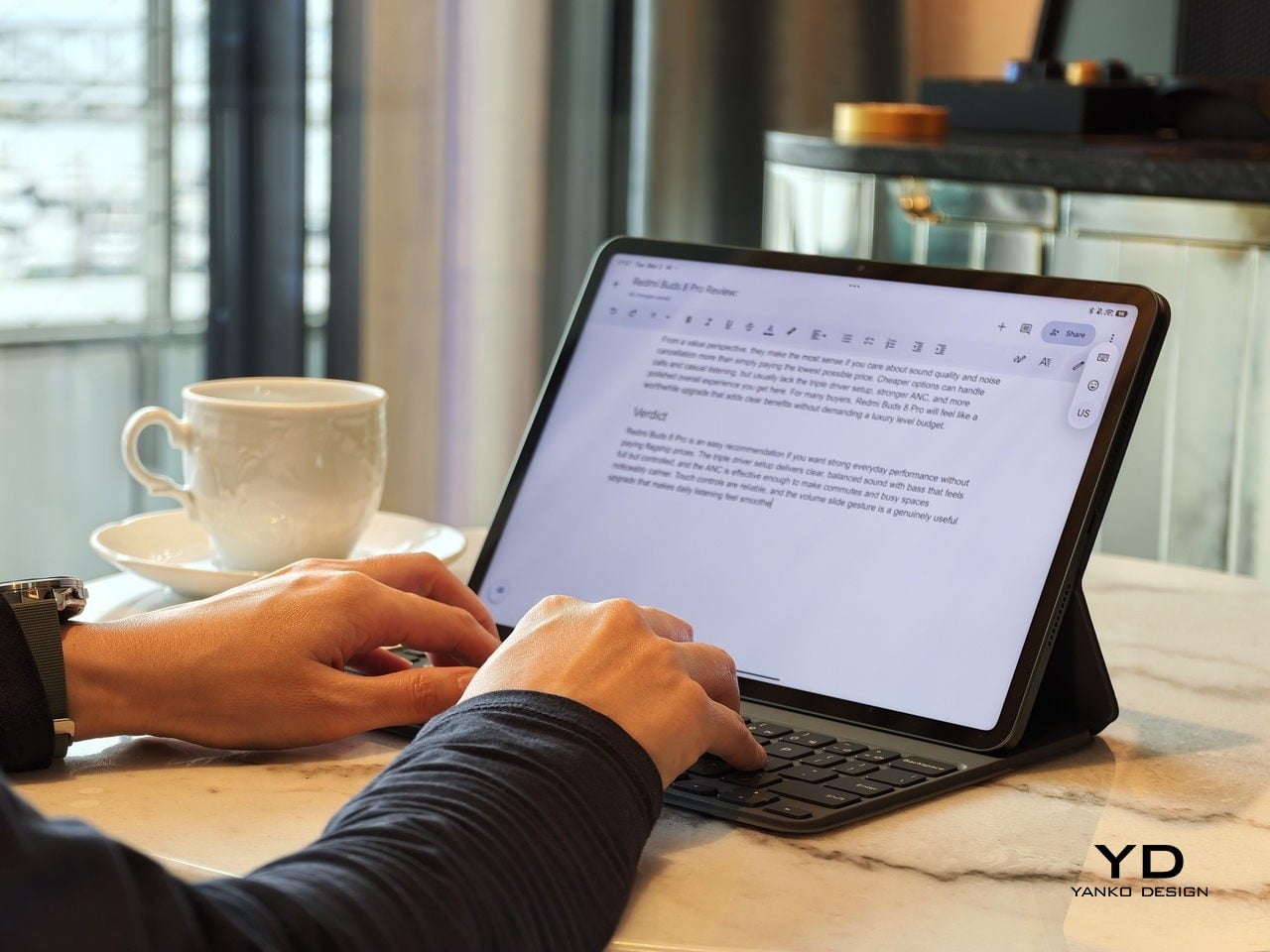
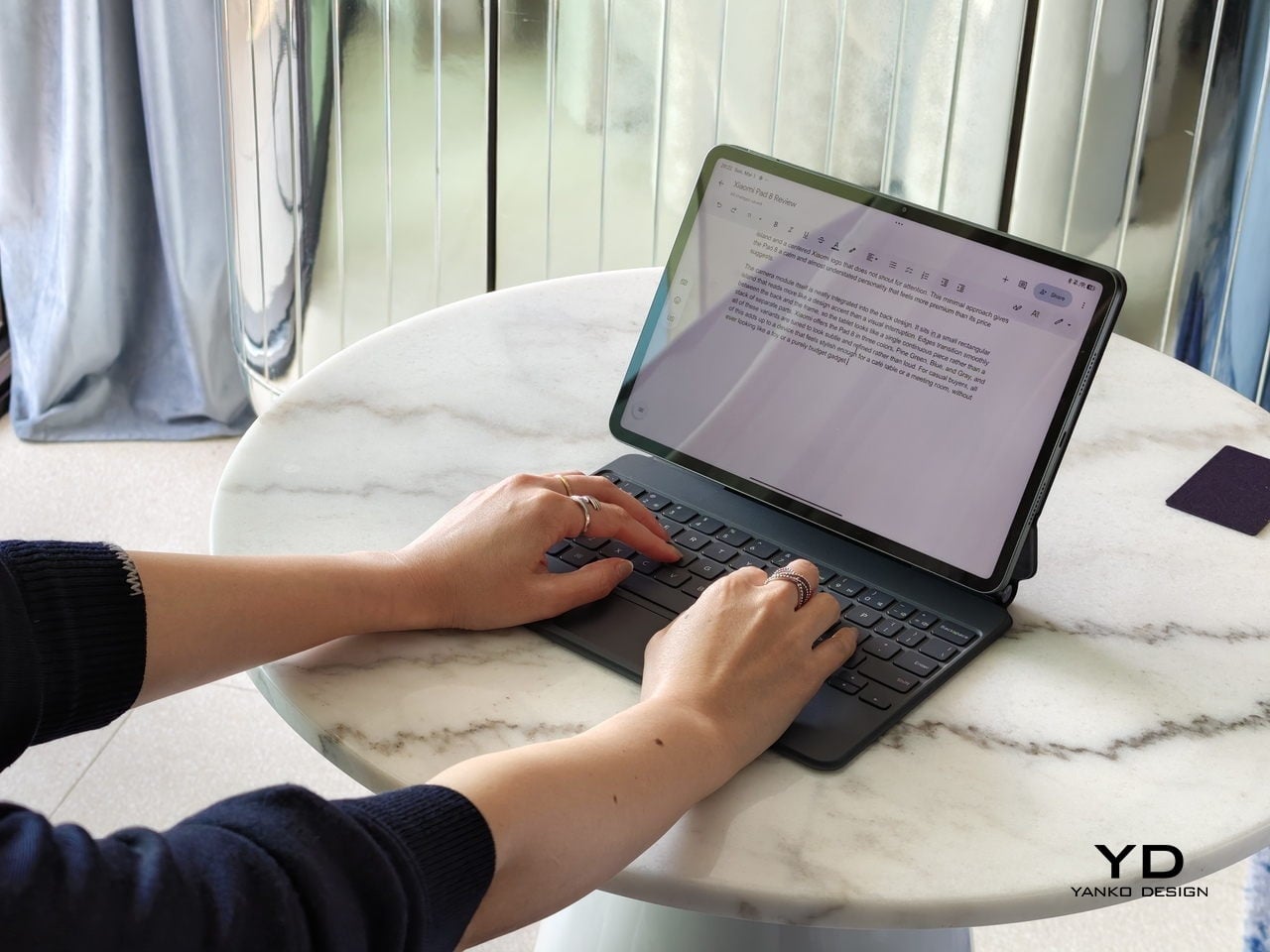
Xiaomi offers a solid accessory lineup for Pad 8, including the Xiaomi Pad 8 and Pad 8 Pro Focus Keyboard, the standard Keyboard, the Cover, and the Xiaomi Focus Pen Pro. Both keyboards are comfortable to type on, and the cover doubles as a stand for easy viewing. If you are coming from Pad 7, most of these accessories will feel familiar, since the Focus Keyboard, Keyboard, and Cover are largely unchanged from the previous generation.

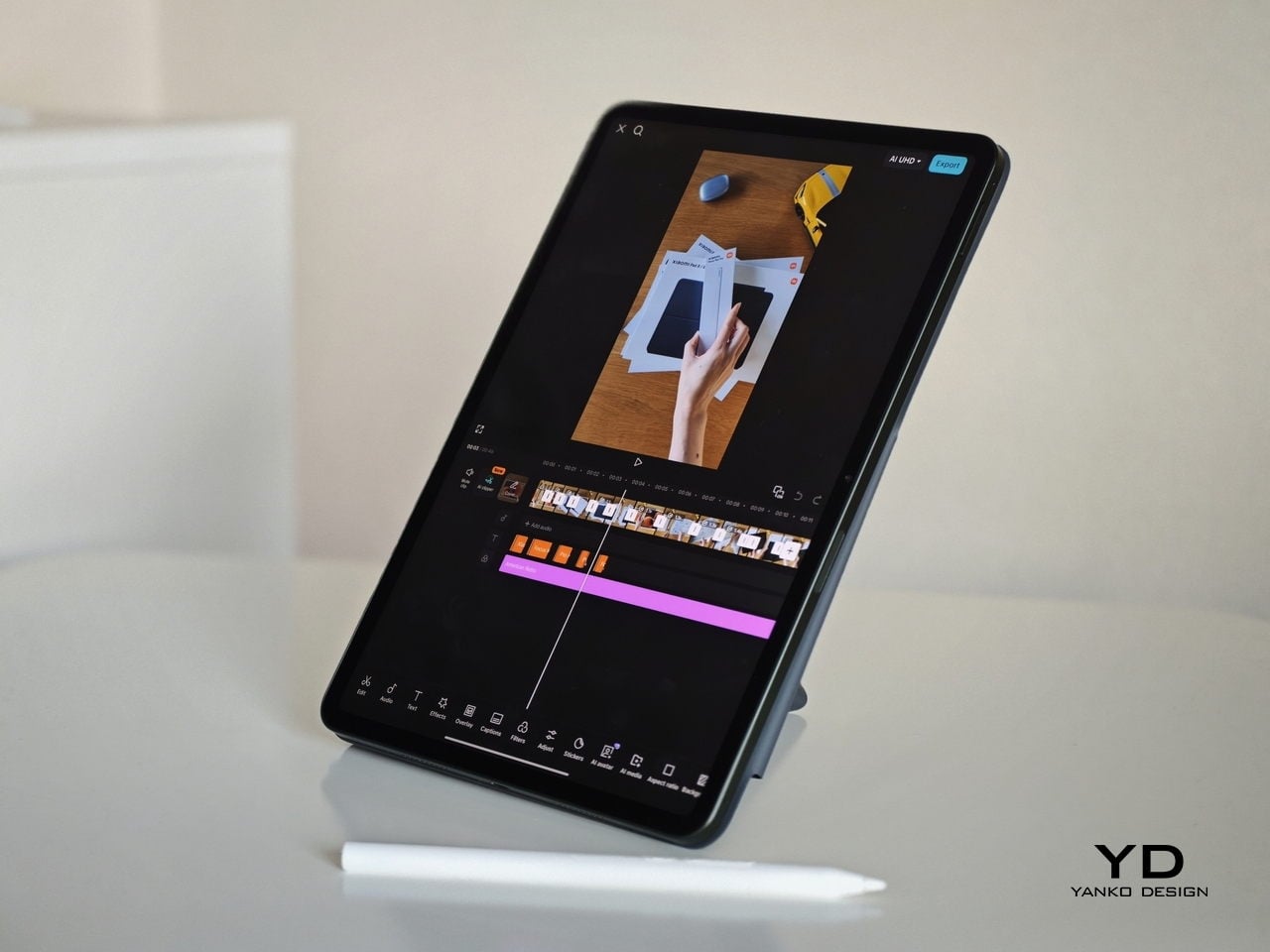
The most interesting addition is the Xiaomi Focus Pen Pro. It goes button-free for a cleaner, simpler feel, and it adds pressure sensitivity with haptic feedback for more natural writing and sketching. Even if you are not an artist, pressure sensitivity makes note-taking feel smoother and more expressive than a basic stylus. You can squeeze to open a choice of three apps. In the drawing app, you can slide your finger through the Pen to change the brush size. It will take some time to get used to, and the sensitivity and responsiveness can be improved.

Sustainability

Xiaomi makes a solid commitment to longevity with Pad 8. The tablet is promised 4 years of OS updates and 6 years of security patches, which helps it stay secure and usable for much longer than many budget and mid-range Android tablets. For casual buyers, that means you can treat it as a long-term device rather than something you will quickly need to replace.

On the hardware side, the build feels solid and reassuring in the hand, but there is no official IP rating for dust or water resistance, so you still need to be careful around spills and rough environments. A decent case and perhaps a screen protector are sensible additions if you plan to carry it everywhere. In short, the software support looks built to last, the chassis feels robust, and the overall physical durability will still depend on how well you protect it.

Value

Xiaomi Pad 8 offers strong everyday value for casual buyers, with a sharp 11.2-inch 3.2K class 144 Hz display, quad speakers, Snapdragon 8s Gen 4 performance, and a large 9200 mAh battery. In China, pricing starts at CNY 2,199 for the 8 GB and 128 GB models, commonly quoted as about $310, with higher tiers at CNY 2,499, about $350, and CNY 2,799, about $390. US and EU pricing will differ, but the message is clear. Xiaomi is aiming for premium specs without a premium price.

The compromises are straightforward. There is no microSD card slot on the Pad 8, so you need to choose your storage tier carefully from the start. There is also no fingerprint sensor on Pad 8, so you need the Pad 8 Pro if you want that convenience. The standard screen is also reflective unless you opt for the Matte Glass version. If those points do not bother you, Pad 8 lands in a very appealing sweet spot for streaming, browsing, and gaming.

Verdict

Xiaomi Pad 8 is an easy tablet to like because it focuses on the basics and executes them well. The display is sharp and fluid, the speakers are loud and balanced, and performance stays stable even during longer gaming sessions. It also feels solid in the hand, and the slimmer, lighter body makes it comfortable for long reading or streaming sessions.

The downsides are straightforward, with no fingerprint sensor, no microSD card slot, and a glossy screen that can show reflections unless you choose the Matte Glass version. On the plus side, Xiaomi’s accessory lineup gives you room to grow, whether you want a keyboard setup for light work or a pressure-sensitive pen for note-taking. The overall package lands as a strong value, especially if your tablet time revolves around entertainment with occasional productivity.

The post Xiaomi Pad 8 Review: The $310 Tablet That Feels More Expensive first appeared on Yanko Design.
We Saw the AtomForm Palette 300 at CES, Now It Looks Even More Interesting

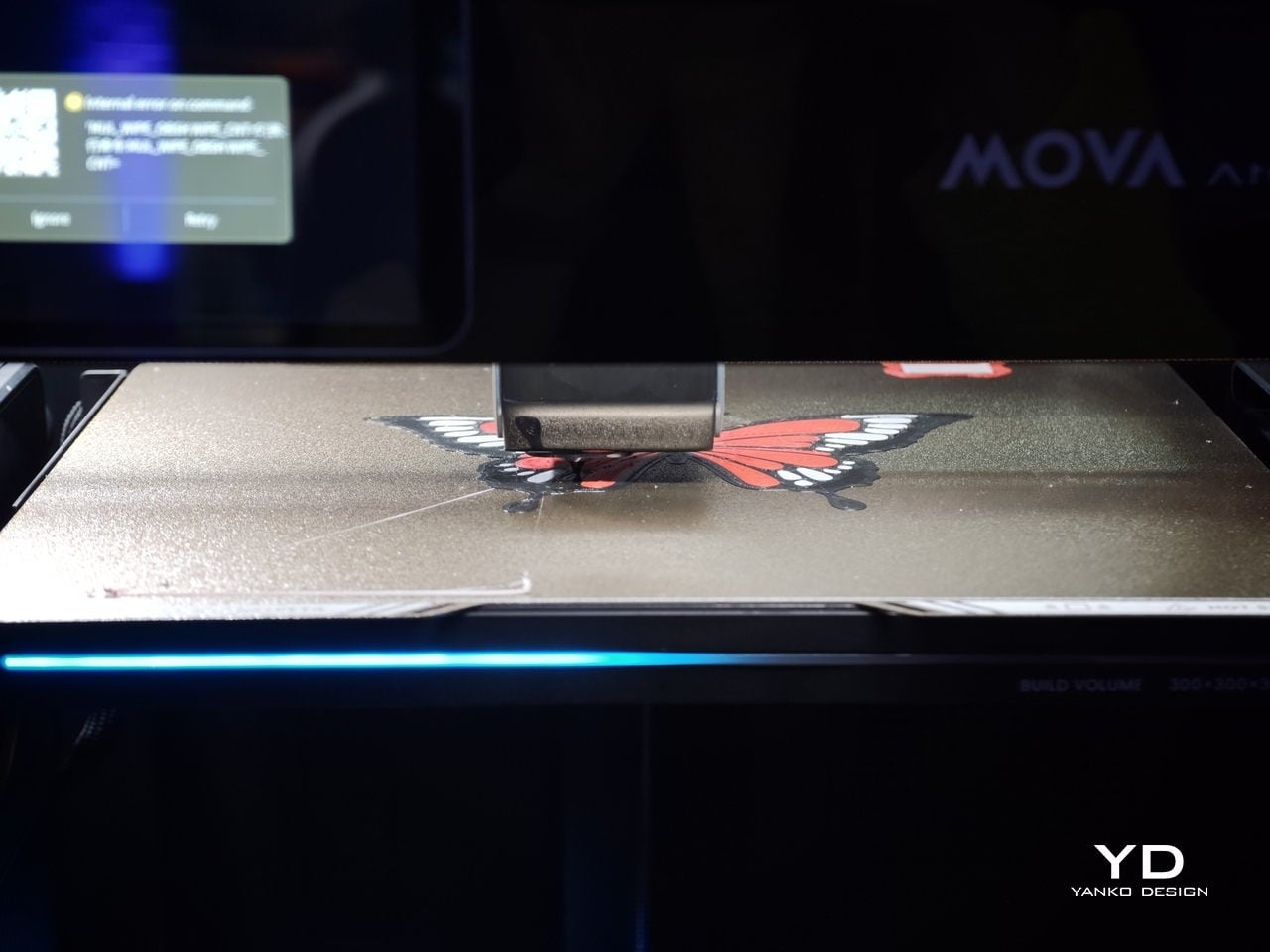
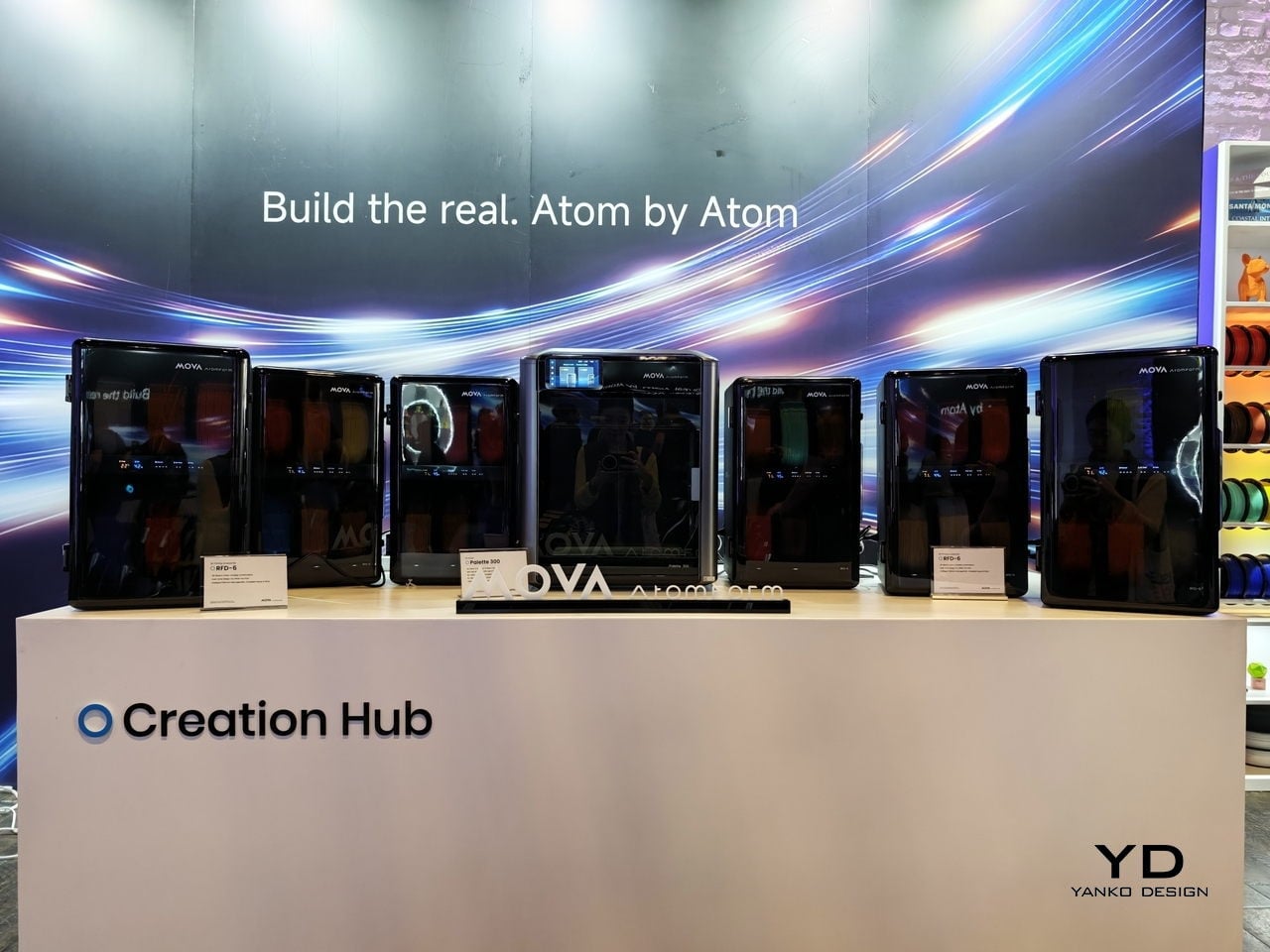
We first saw the Mova AtomForm Palette 300 at CES earlier this year, where its unusual approach to multicolor 3D printing immediately stood out. Seeing it again at AtomForm’s San Jose demo event left an even stronger impression, especially in a category where most launches tend to focus on speed, build volume, or software polish rather than rethinking the workflow itself.

That is what makes the Palette 300 so interesting. Instead of treating multicolor printing as a feature layered onto a conventional FDM machine, Mova seems to have built this printer around one of the biggest frustrations in the category. For anyone who has spent time with multicolor 3D printers, that pain point will feel very familiar.

Designer: MOVA

Switching between colors or materials usually means purging filament over and over again before printing can continue. It is messy, wasteful, and often slow, with purge towers piling up next to the final print. The end result can still look impressive, but the process behind it rarely feels elegant.

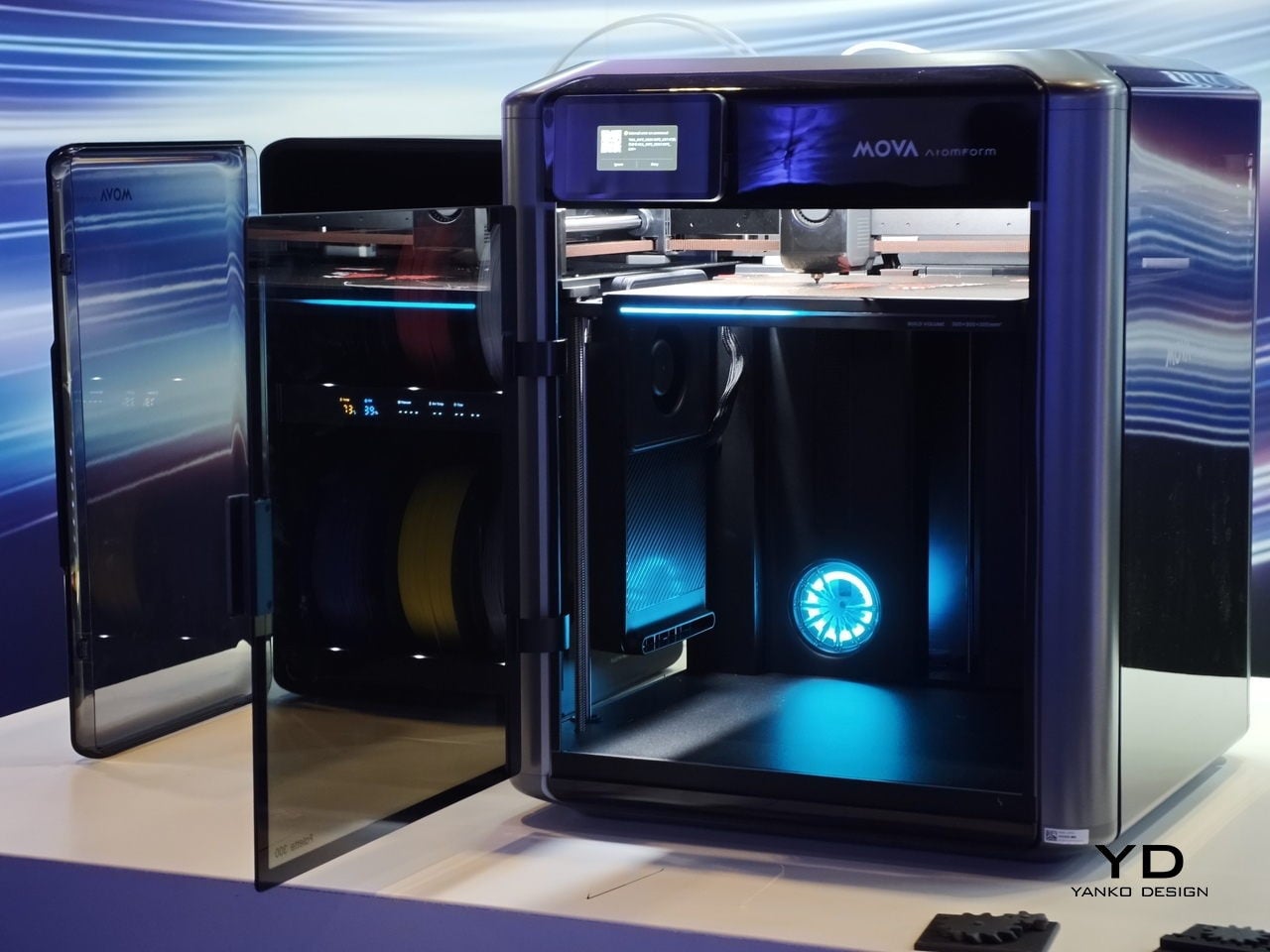
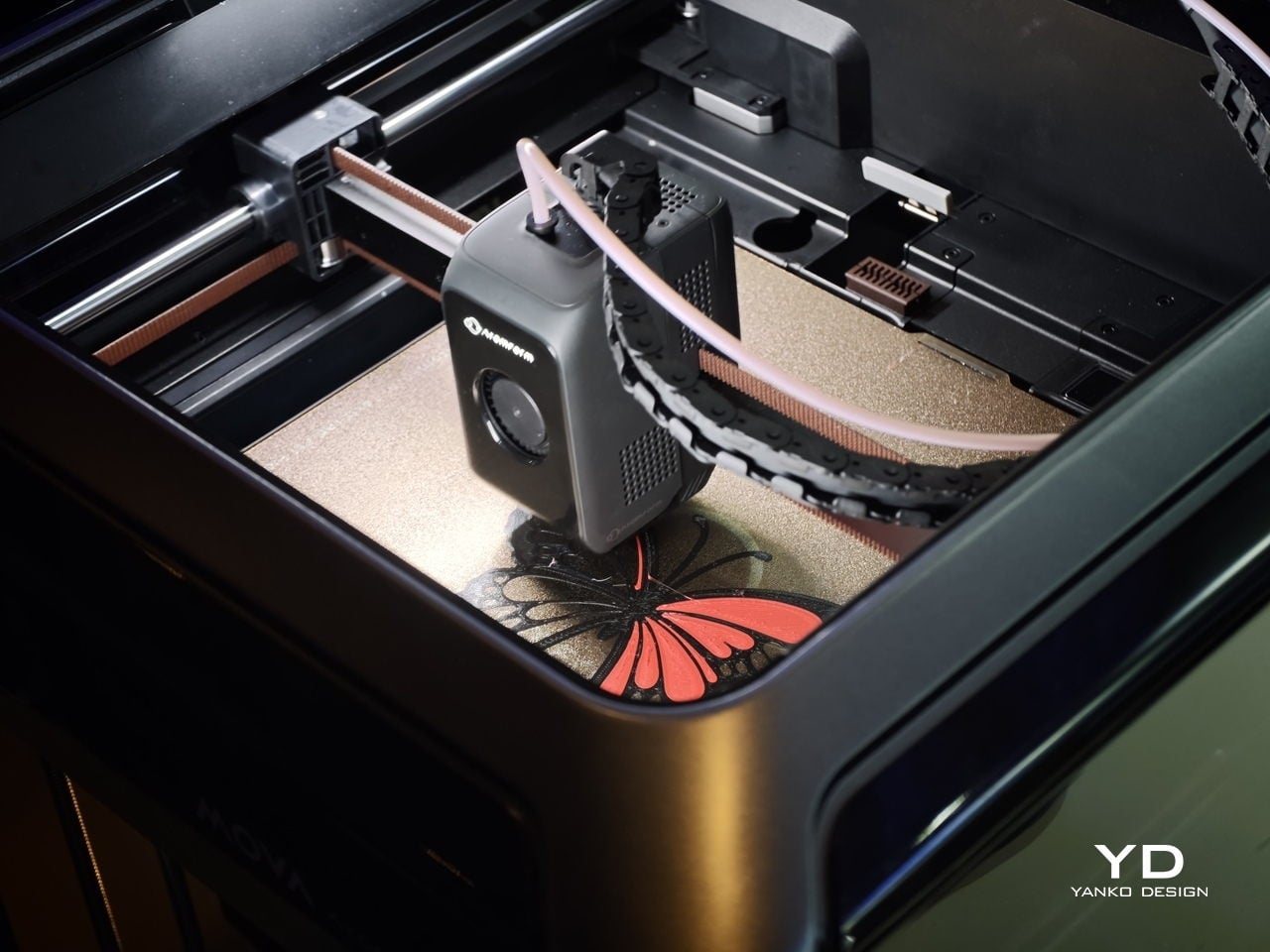
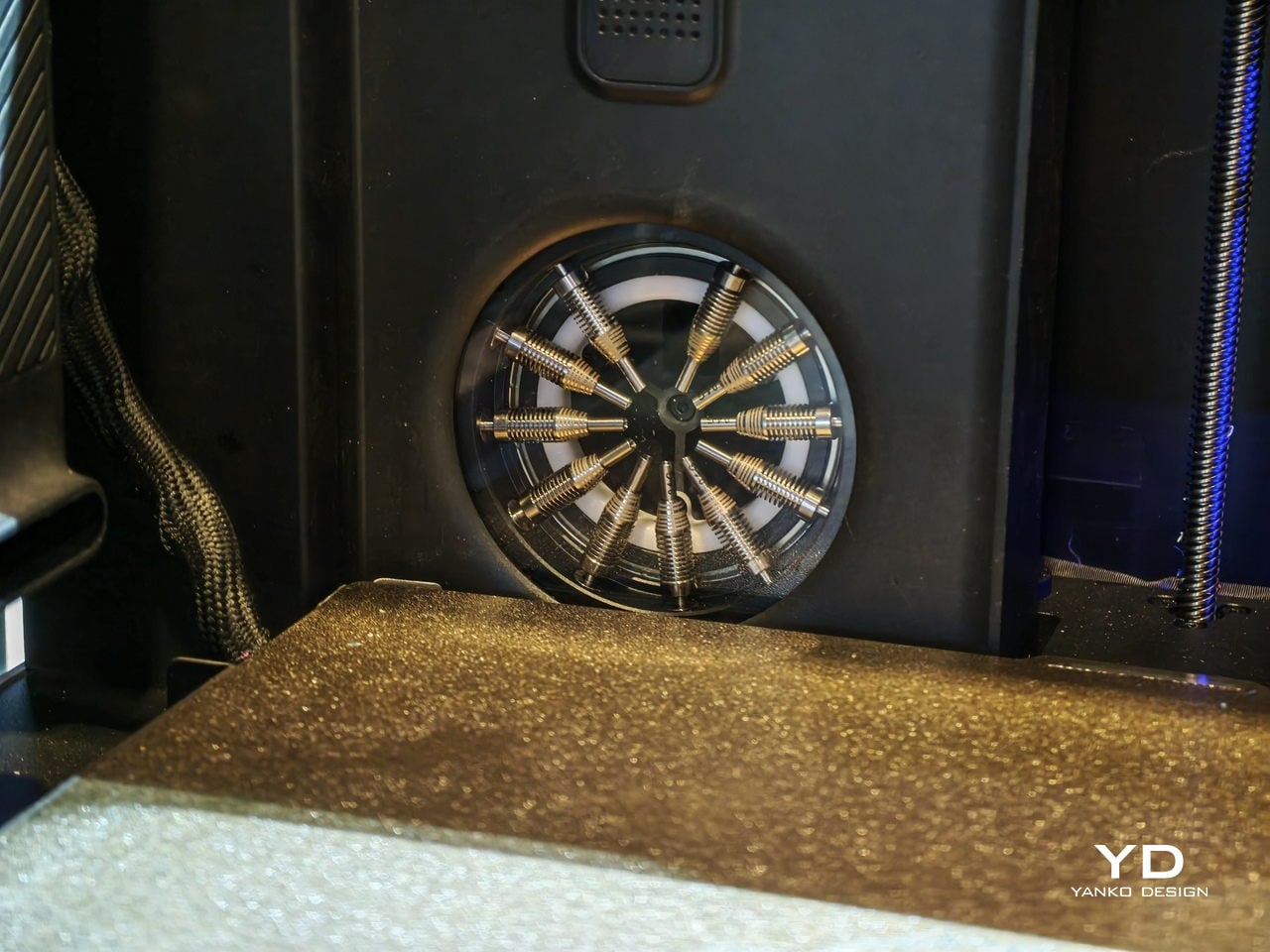
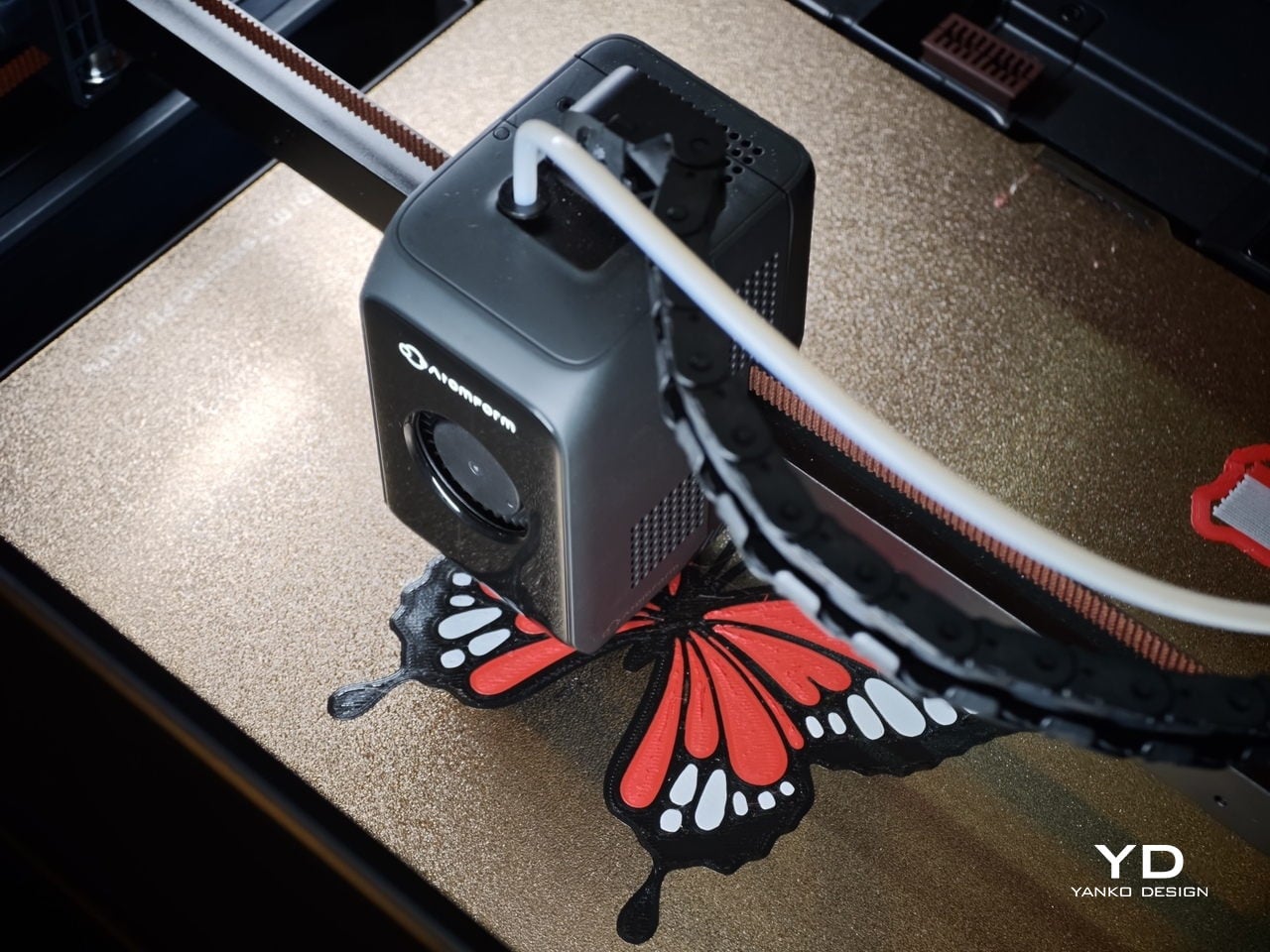
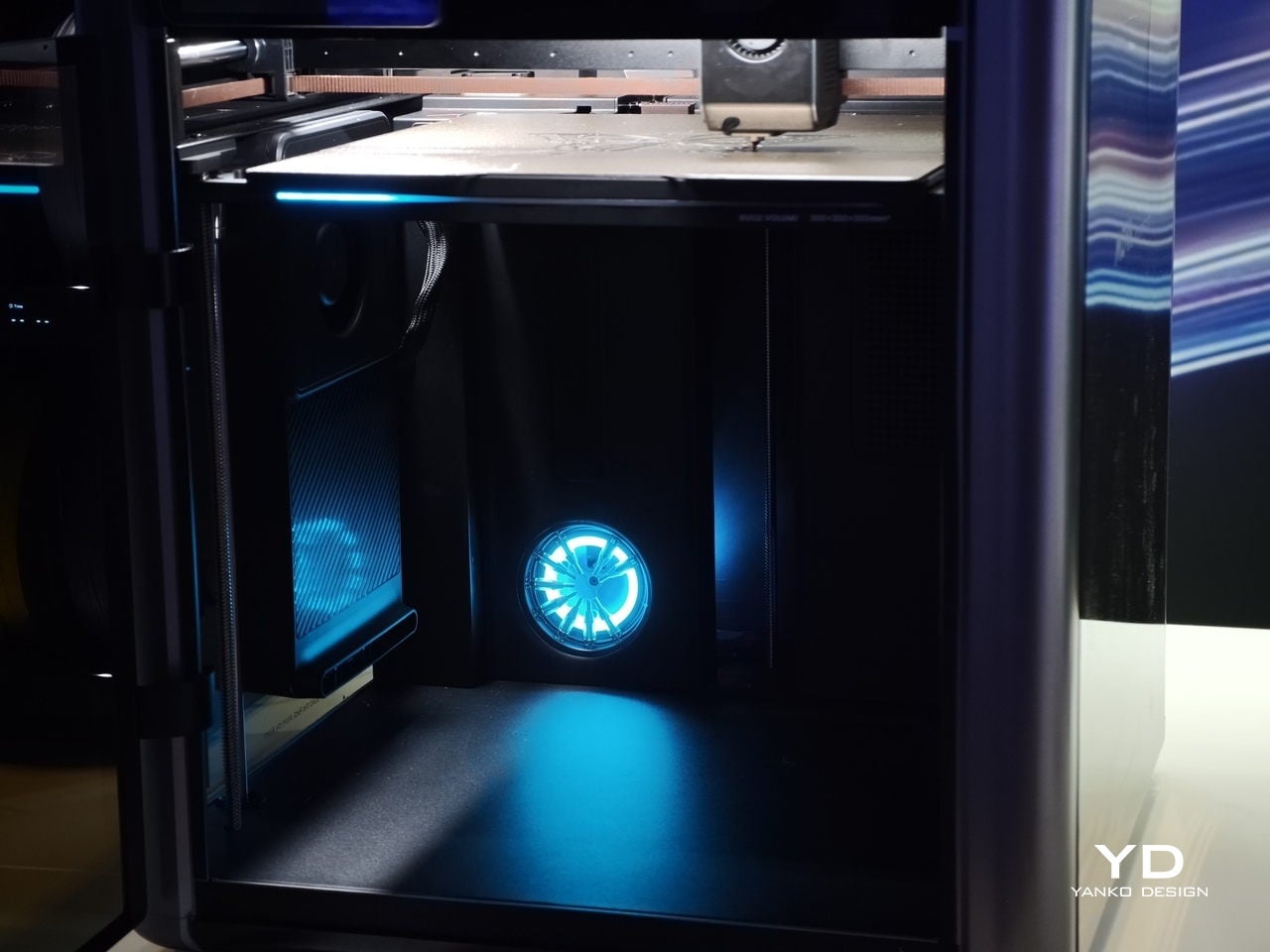
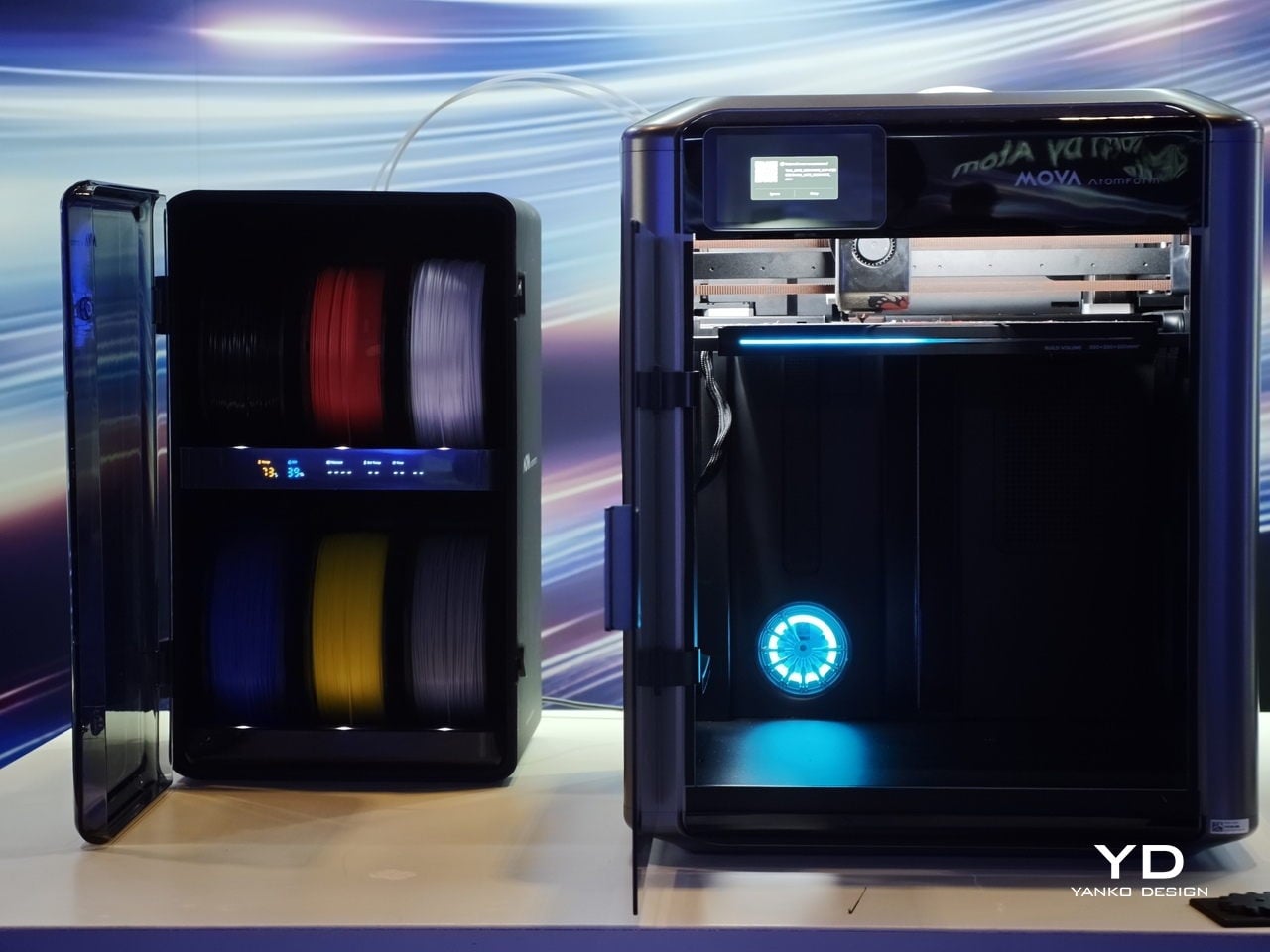
The Palette 300 is designed to tackle that problem in a more inventive way. Its headline feature is what Mova describes as the world’s first automatic 12-nozzle swapping system. Rather than constantly purging filament every time a color or material change is needed, the printer swaps to another nozzle that is already loaded. In theory, that means cleaner transitions, less wasted material, and a much smoother path to complex multicolor prints.

At the San Jose demo, that concept felt like the real story behind the machine. Plenty of 3D printers promise better quality or faster output, but the Palette 300 seems more focused on improving the actual experience of multicolor printing. That gives it a different kind of appeal. It is not just trying to be faster or bigger. It is trying to make a frustrating process feel smarter.

The rest of the hardware helps support that pitch. AtomForm says the system can support up to 12 materials and up to 36 colors in one print setup, which is far beyond what most consumer-level multicolor machines currently offer. The company also says nozzle swaps can be up to 50 percent faster and filament waste can be reduced by up to 90 percent compared with traditional purge-based systems. If those claims hold up in broader real-world use, the Palette 300 could become a very compelling option for makers, designers, and small creative studios that want more ambitious color work without the usual trade-offs.

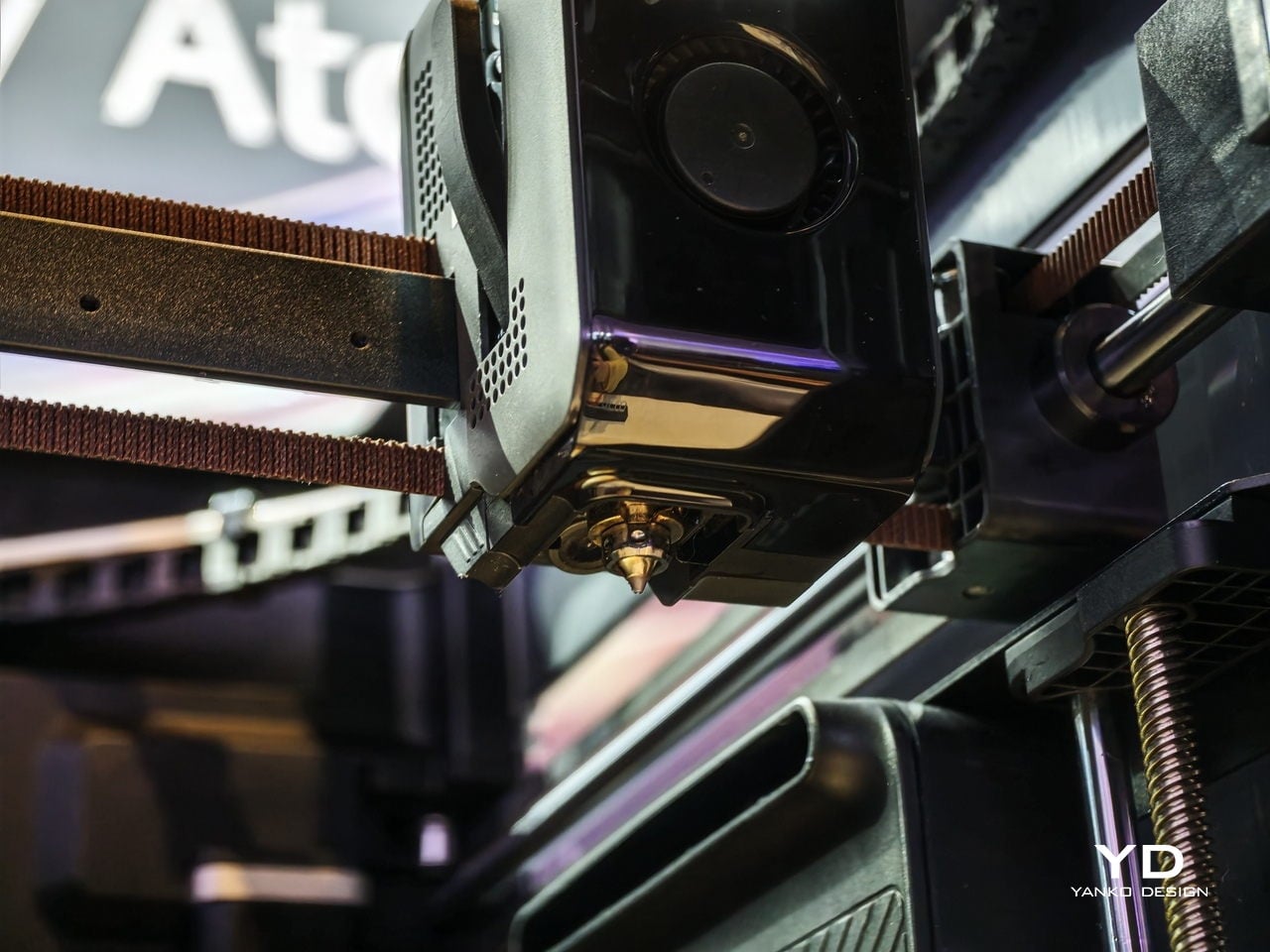
There is also a serious performance story here. The Palette 300 is equipped with FOC step-servo motors and is rated for speeds up to 800 mm/s, with acceleration up to 25,000 mm/s². That puts it firmly in the high-speed conversation, but the machine is not just about raw pace. AtomForm is also emphasizing precision, thanks to a smart positioning system that identifies nozzle attributes and compensates for microscopic alignment variations in milliseconds. On paper, that should help maintain consistency even in more demanding prints.

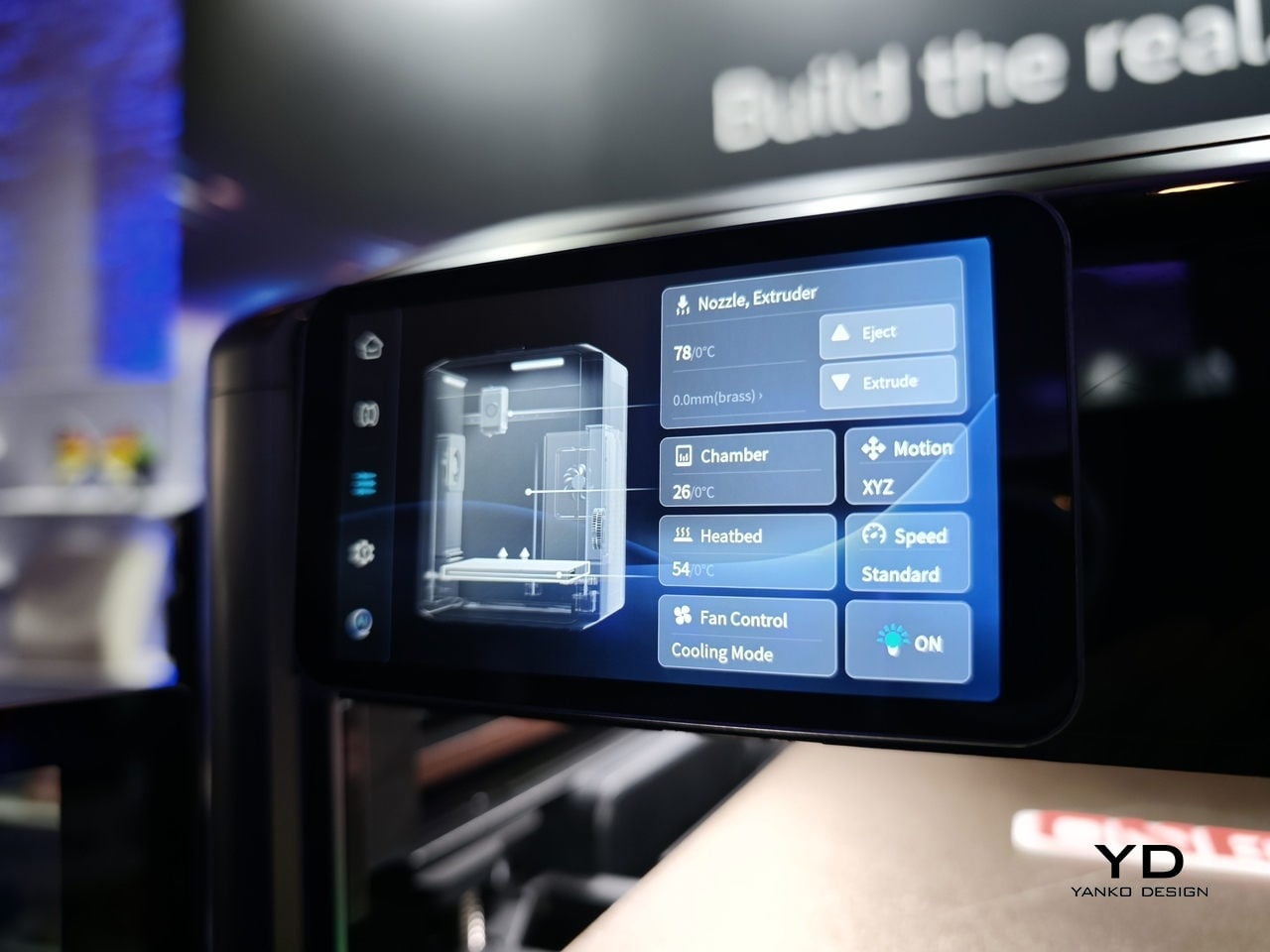
Another detail that stands out is the RFD-6 filament management system, which combines drying, storage, and feeding in one setup. Its dual-zone design allows one section to dry filament while another feeds material into the printer. That may sound like a smaller feature compared with the nozzle-swapping system, but it speaks to the broader thinking behind the machine. The goal seems to be reducing friction across the entire printing workflow, not just solving one isolated issue.

So, is this the best multicolor 3D printer? Right now, it is probably more accurate to say it is one of the most intriguing. The Palette 300 brings a genuinely fresh idea to a space that can often feel iterative, and that alone makes it worth paying attention to. Its approach to nozzle swapping could prove to be a meaningful step forward for multicolor FDM printing, especially if it delivers on waste reduction and speed in everyday use.

After seeing it first at CES and then again in San Jose, my takeaway is that the MOVA AtomForm Palette 300 has the potential to be a standout machine for anyone who cares about multicolor printing. It is ambitious, technically interesting, and clearly designed around a real user pain point. Whether it becomes the best multicolor 3D printer will depend on long-term testing, software reliability, and how well the full system performs outside the demo environment. Even so, it already feels like one of the most promising new entries in the category.

The post We Saw the AtomForm Palette 300 at CES, Now It Looks Even More Interesting first appeared on Yanko Design.
Xiaomi 17 Review: The Compact Flagship With a 6330mAh Battery

PROS:


  • Compact flagship design

  • Bright 6.3-inch LTPO AMOLED display

  • Strong all-around camera system

  • Excellent battery capacity for its size

CONS:


  • Global version gets a smaller battery than the Chinese version

  • Haptic rattles a little in some apps and games

  • Camera is a slight step down compared to the Ultra, especially the telephoto

RATINGS:

AESTHETICS
ERGONOMICS
PERFORMANCE
SUSTAINABILITY / REPAIRABILITY
VALUE FOR MONEY

EDITOR'S QUOTE:

The Xiaomi 17 gets a lot right by knowing exactly what it wants to be.

The Xiaomi 17 is a rare thing in 2026. It is a genuinely compact Android flagship that still throws around huge‑phone specs. You get a 6.3‑inch LTPO AMOLED display, a Snapdragon 8 Elite Gen 5 chipset, a Leica‑branded triple camera, and a battery that is bigger than many tablets at up to 7000 mAh in the Chinese version and 6330mAh in the global version.

Unlike its louder siblings, the Xiaomi 17 Pro, 17 Pro Max, or 17 Ultra, the standard Xiaomi 17 skips the rear secondary screen and wild camera modules. That makes it the most understated member of the family, but also the one that will fit most hands and pockets, while still behaving like a no‑compromise flagship.

Designer: Xiaomi

Aesthetics

The Xiaomi 17 is the quietest looking member of the 17 family, yet it still feels unmistakably premium. Xiaomi leans into clean lines and soft geometry rather than aggressive angles, which gives the phone a calm, almost minimalist presence. The side frame is color-matched to the back, so the whole device reads as a single block, which gives it an almost monolith-like feel in the hand and on the desk. From the back, the design is deliberately restrained and avoids the visual noise you see on many flagships today.

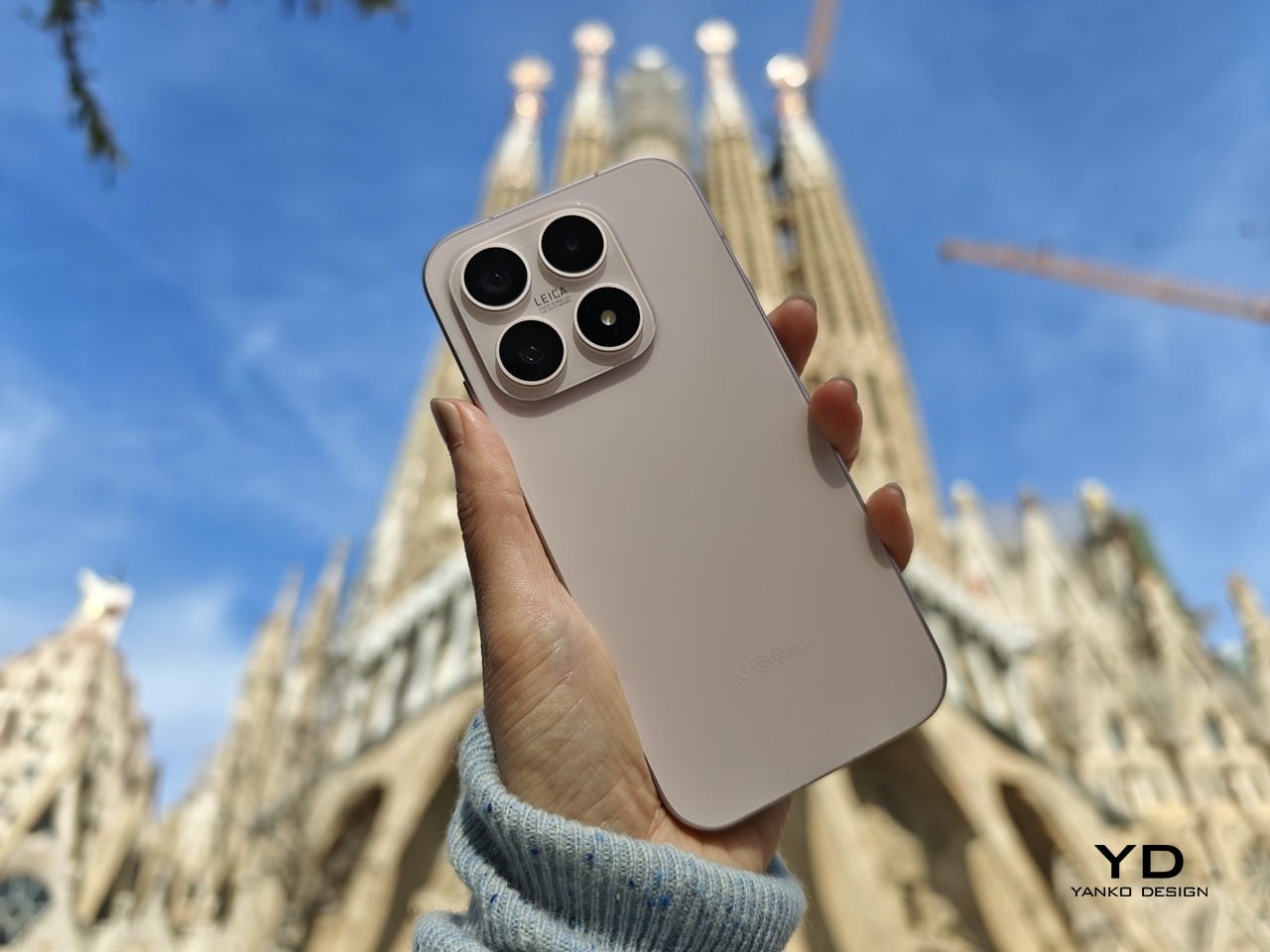
The camera island is compact and neatly integrated, without the oversized rings or dramatic steps used on some rivals and on Xiaomi’s own Pro and Ultra models. The color-matched square camera bump has a reflective finish and houses three cameras and an LED flash, each framed by its own ring.

The Xiaomi logo is treated almost like a subtle cutout in the glass, using the same base color as the back but with a glossy finish, so it only really pops when light hits it at the right angle. Matte glass finishes soften reflections across the rest of the panel and help the phone catch light in a more diffuse, satin way rather than a mirror-like glare.

Color choices reinforce this subtle aesthetic. Global versions come in black, blue, pink, and green, which gives a mix of classic and slightly playful options without drifting into toy-like territory.

Overall, the Xiaomi 17’s aesthetic is about understatement and quiet confidence. It looks like a high-end object, but it doesn’t shout about it or demand attention. If you are tired of oversized camera bump theatrics or overly glossy finishes, this is a design that blends into your everyday environment in a very good way.

Ergonomics

The Xiaomi 17 sits in a sweet spot at about 151.1 × 71.8 × 8.1 mm and 191 g, which makes it noticeably more compact than the typical 6.7‑inch flagship while still feeling dense and substantial. In daily use, that translates into easier one‑hand reach, less finger gymnastics for the notification shade, and a more secure grip when you are walking or commuting.

Corner radius and gently curved edges help the phone nestle into the palm without sharp pressure points, so the 191 g weight feels planted rather than fatiguing. The matte glass back adds a touch of grip compared with glossy finishes, and the relatively modest camera bump means the phone rocks less on a table when you tap the upper corners.

The fingerprint scanner is positioned well enough that you can unlock the phone and continue using it in one smooth motion, which adds to the sense that the Xiaomi 17 was designed around everyday comfort rather than just visual appeal. At the same time, its compact proportions are what really make the phone stand out. It is easier to live with than most modern flagships, especially for users who still value one-handed usability.

Performance

The Xiaomi 17 features a 6.3-inch LTPO AMOLED panel that runs at up to 120 Hz. Resolution is around 2656 × 1220, which Xiaomi positions as a 1.5K-class display. That gives a high pixel density without the power draw of a full 4K panel. According to Xiaomi, it can reach around 3500 nits of peak brightness.

The display looks vibrant and gets bright enough to stay comfortable in most lighting conditions. Dual speakers deliver clear sound with enough volume for videos, games, and casual listening. The only drawback is the haptic feedback, which feels a little too strong and gives the phone a faint rattling sensation that I found slightly distracting during longer sessions.

Under the hood, the Xiaomi 17 debuts Qualcomm’s Snapdragon 8 Elite Gen 5 chipset in Xiaomi’s flagship line. Configurations start at 12 GB of LPDDR5X RAM with 256 GB of UFS 4.1 storage and go up to 16 GB of RAM and 512 GB of storage for the global version.

On the software side, the phone ships with HyperOS 3 based on Android 16. HyperOS is Xiaomi’s unified platform that aims to tie together phones, tablets, TVs, smart home devices, and even vehicles under a single ecosystem. The Xiaomi 17 benefits from this through features like cross-device clipboard, multi-screen collaboration, and tighter integration with Xiaomi’s smart home products.

Xiaomi continues its partnership with Leica on the Xiaomi 17. The base model gets a triple rear camera setup, with all three modules using 50 MP sensors. The main camera is a 50 MP wide unit at about 23 mm equivalent, with an f/1.7 aperture, optical image stabilization, and a relatively large sensor around the 1/1.3 inch class. This is the primary workhorse for most shots, combining high resolution with good light-gathering ability. The telephoto camera is a 50 MP module around 60 mm equivalent with an f/2.0 aperture, OIS, and roughly 2.6× optical zoom. Xiaomi advertises close focus capability down to around 10 cm, which lets this lens double as a pseudo macro option.

The third camera is a 50 MP ultrawide unit at about 17 mm equivalent with an f/2.4 aperture and around a 102 degree field of view. This keeps detail relatively high for landscape and architecture shots compared to the 8 MP or 12 MP ultrawides found on many mid-range phones.

On the front, there is a 50 MP selfie camera with an f/2.2 lens around 21 mm equivalent and phase detect autofocus. That autofocus support is still not universal on front cameras, so it is a noteworthy inclusion for vloggers and selfie-heavy users.

Video capture on the rear camera supports up to 8K at 30 fps and 4K at up to 60 fps, with HDR10 plus and 10-bit recording modes including Dolby Vision and log profiles. Slow motion options go up to very high frame rates at 1080p and even 720p, assisted by gyro-based electronic stabilization.

For global markets, the Xiaomi 17 packs a 6330 mAh battery, which is roughly 10 percent smaller than the 7000 mAh pack in the Chinese version. Even so, it is still impressive to see such a large battery in a compact body, and that capacity can translate to multi-day light use or very comfortable single-day heavy use. The Xiaomi 17 supports 100 W wired charging, 50 W wireless charging, and 22.5 W reverse wireless charging.

Sustainability

The Xiaomi 17 does not make sustainability a headline feature, but it does include a few things that matter for long-term ownership. It carries an IP68 rating, meaning it is dust-tight and water-resistant for immersion in up to 1.5 meters of water for 30 minutes. The display is also protected by Xiaomi Shield Glass, which should add another layer of durability against everyday wear. That kind of protection helps the phone better survive spills, rain, and minor accidents, which can reduce the risk of early replacement.

Xiaomi also promises five major Android upgrades and six years of security patches for the Xiaomi 17, which gives it a solid software support window for an Android flagship. That should help the device stay secure and usable for longer, even if Xiaomi still does not push sustainability as strongly as some rivals through repairability programs or detailed environmental claims.

Value

The Xiaomi 17 starts at €999 for the 12GB/256GB configuration, which works out to roughly $1,080 at current exchange rates. For that money, you are getting a compact flagship with a 6.3-inch LTPO AMOLED display, a Snapdragon 8 Elite Gen 5 chip, a Leica-tuned triple camera system, and a battery that is unusually large for a phone of this size.

What makes the Xiaomi 17 feel competitive is how complete the package is. The hardware feels premium, the charging speeds are still among the best in the class, and Xiaomi’s promise of 5 major Android upgrades and 6 years of security patches adds more long-term value than older Xiaomi flagships offered. It is an expensive phone, but it still makes a strong case for buyers who want top-tier specs in a smaller body without stepping into Ultra-level pricing.

Verdict

The Xiaomi 17 gets a lot right by knowing exactly what it wants to be. Instead of chasing gimmicks or trying to outdo its siblings with louder hardware, it focuses on delivering a compact flagship experience that still feels complete. The understated design, comfortable in-hand feel, strong display, capable Leica camera system, and unusually large battery all come together in a package that feels thoughtfully balanced rather than compromised.

It is not perfect. The haptics can feel a little too aggressive, and at €999, it is clearly a premium purchase rather than an easy impulse buy. Still, the Xiaomi 17 makes a convincing case for itself by offering top-tier performance, long software support, and excellent battery life in a size that is becoming increasingly rare. For anyone who wants a flagship Android phone without moving up to a much larger Pro, Max, or Ultra device, the Xiaomi 17 is one of the most appealing options in its class.

The post Xiaomi 17 Review: The Compact Flagship With a 6330mAh Battery first appeared on Yanko Design.

Oppo Find N6 Review: The Best Foldable Phone Right Now

PROS:


  • Excellent multitasking experience

  • Nearly invisible and undetectable crease

  • Slim and light form factor for a book-style foldable

  • Powerful performance

CONS:


  • Camera system is good for a foldable, but not truly flagship-level

RATINGS:

AESTHETICS
ERGONOMICS
PERFORMANCE
SUSTAINABILITY / REPAIRABILITY
VALUE FOR MONEY

EDITOR'S QUOTE:

The OPPO Find N6 is one of the few foldables that trades novelty for genuine polish, delivering a device that feels as complete as it does considered.

The Oppo Find N6 arrives at a moment when foldables can no longer rely on novelty alone to justify their place in the premium market. Buyers now expect these devices to feel as polished and dependable as any top-tier flagship, while still delivering the sense of occasion that only a folding design can offer. That is what makes the Find N6 so interesting, because it is not simply trying to look futuristic. It is trying to feel complete.

That question lands differently for me because the Oppo Find N5 has been my daily driver for most of the time since its launch. Living with that phone has given me a clear sense of what Oppo already does exceptionally well in this category, from hardware refinement to the balance between portability and immersion. It also means I came to the Find N6 with real expectations rather than fresh curiosity alone. More than anything, I wanted to see whether Oppo had merely polished an already strong formula or taken a meaningful step forward.

Designer: OPPO

Aesthetics

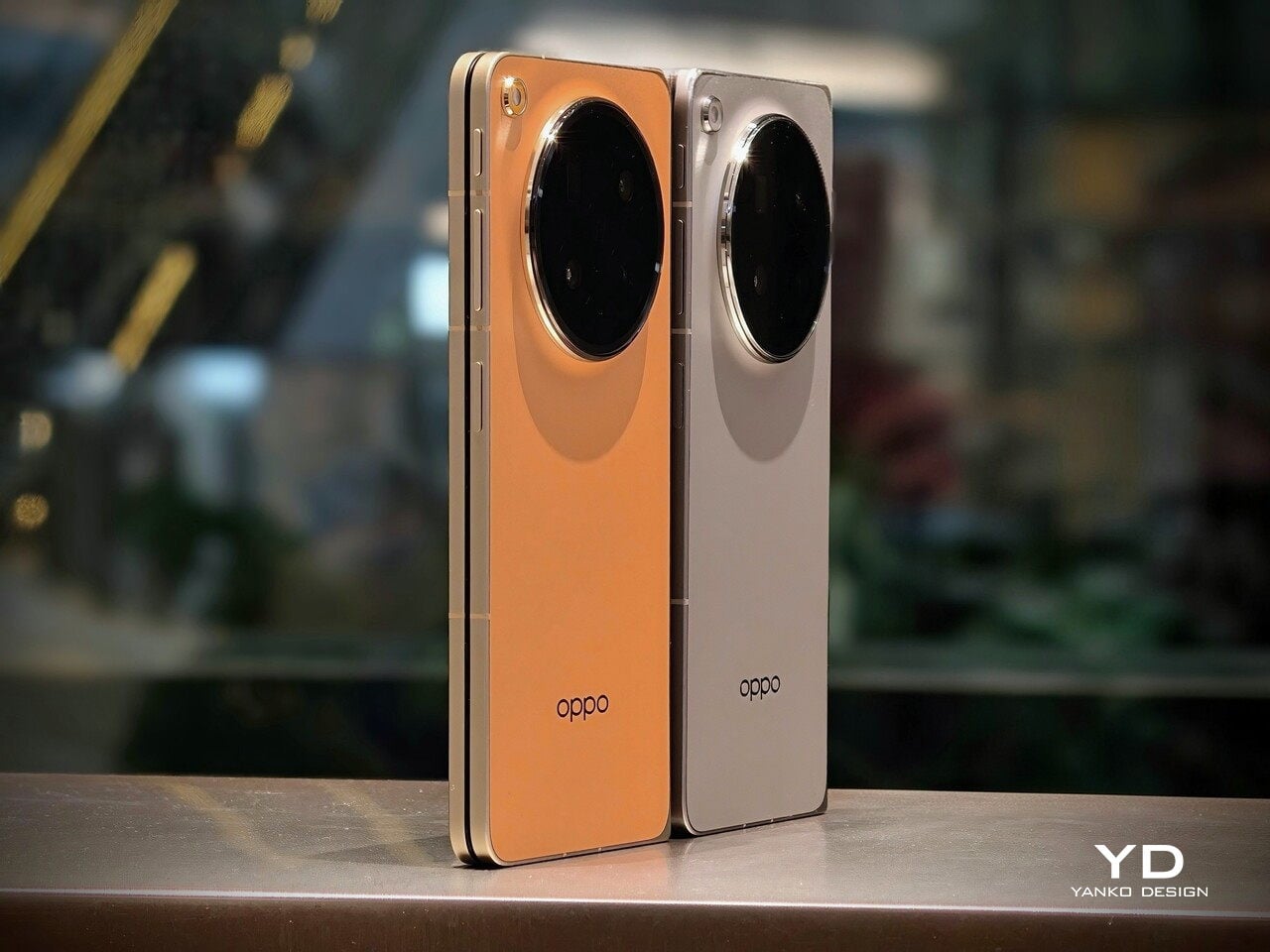
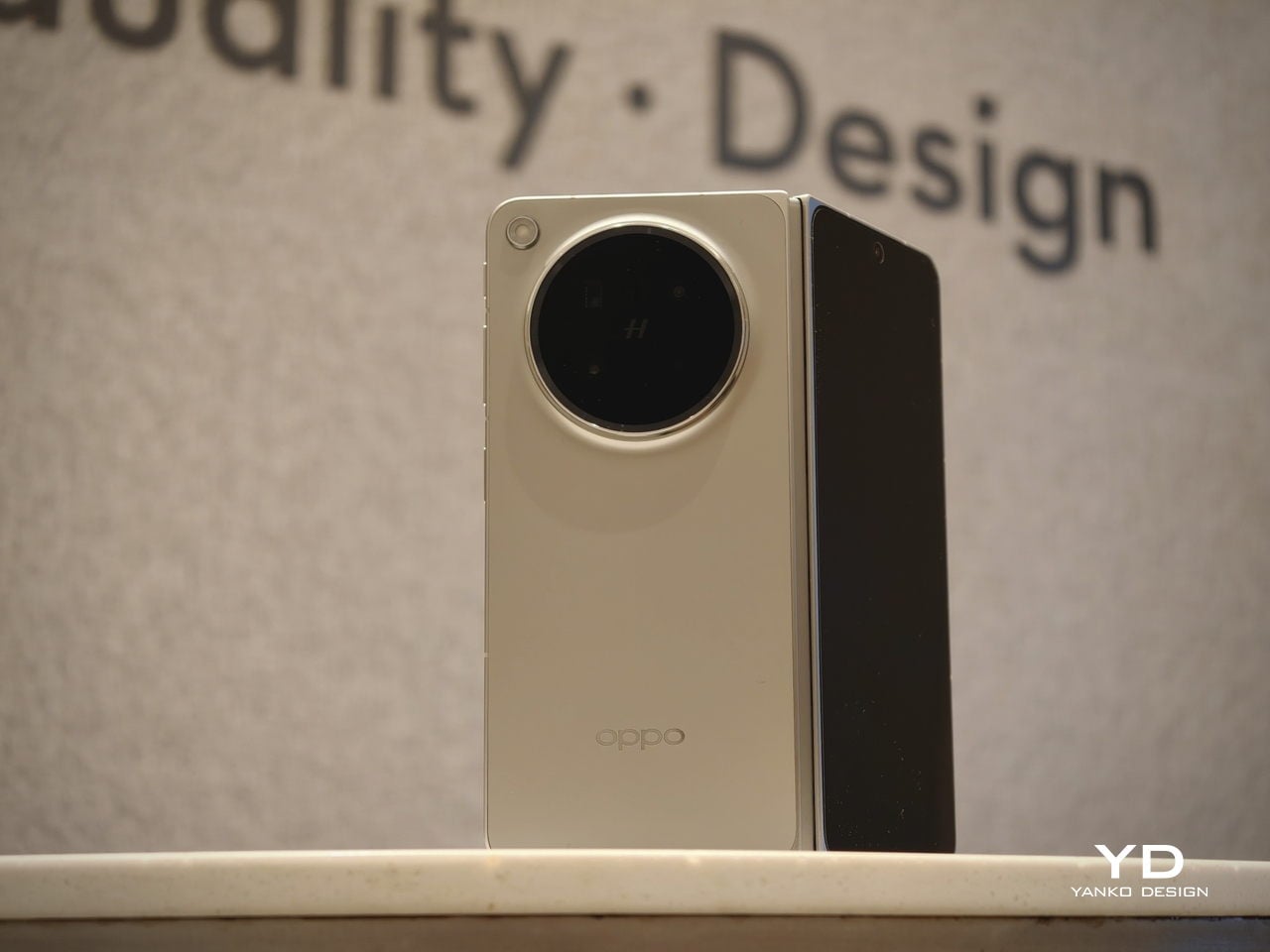
The Oppo Find N6 does not stray far from the design language established by the Find N5, but it feels like a more polished and disciplined evolution of that formula. The overall look is largely unchanged, yet the Find N6 comes across as more minimalistic and more refined, with a cleaner visual identity that feels calmer and more mature. Rather than chasing a dramatic redesign, Oppo has focused on tightening the details, and that gives the phone a stronger sense of cohesion.

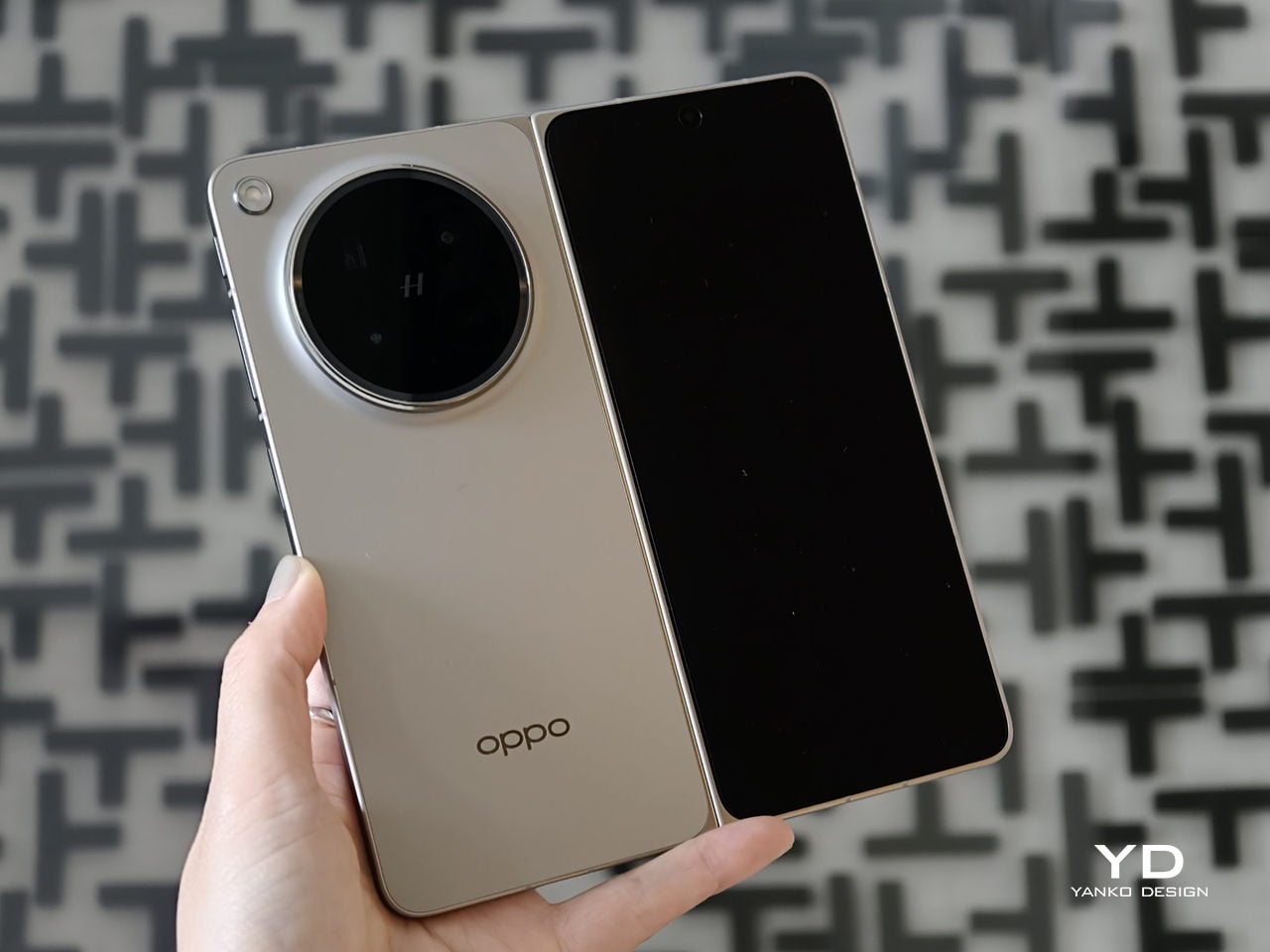
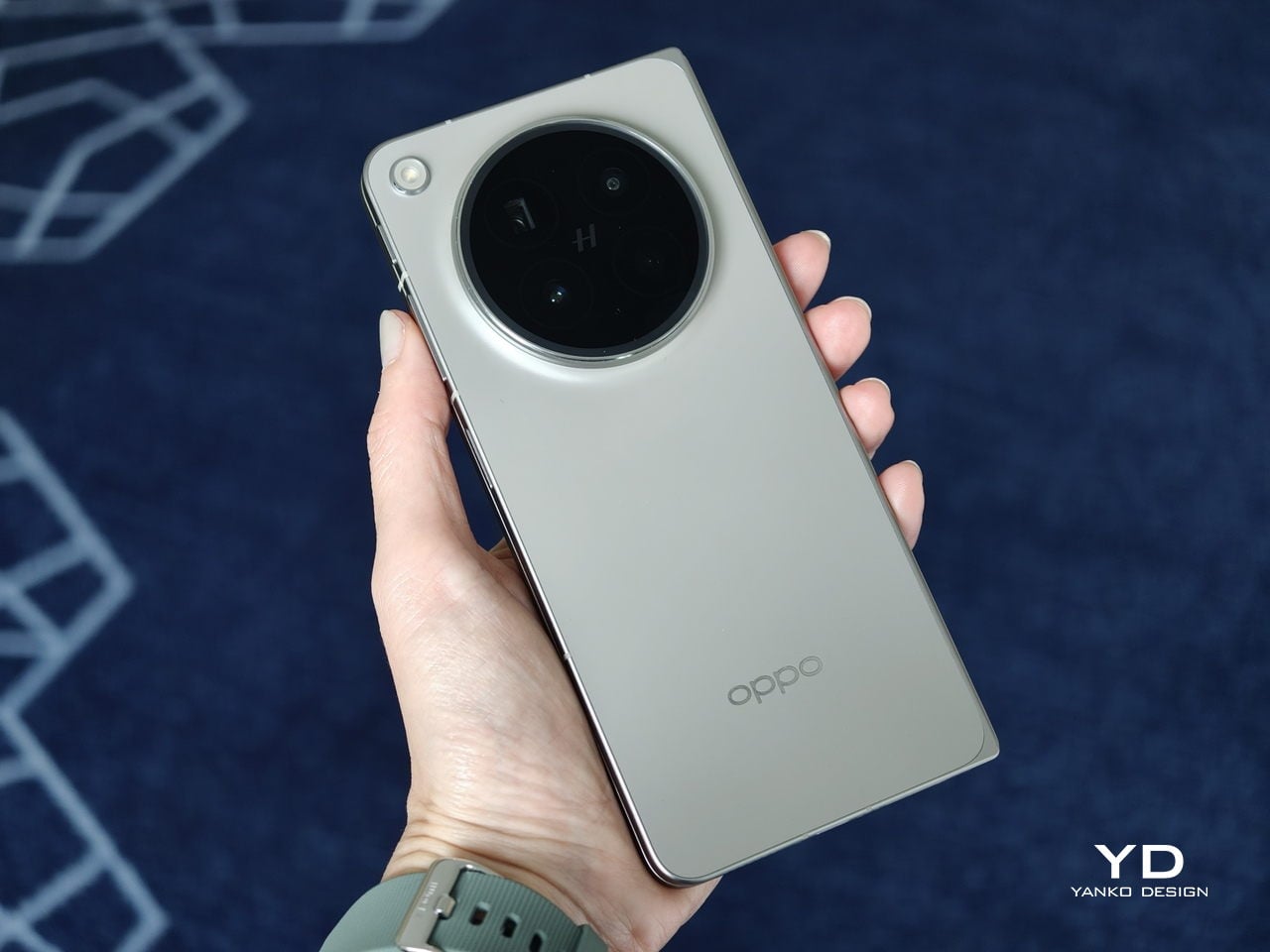
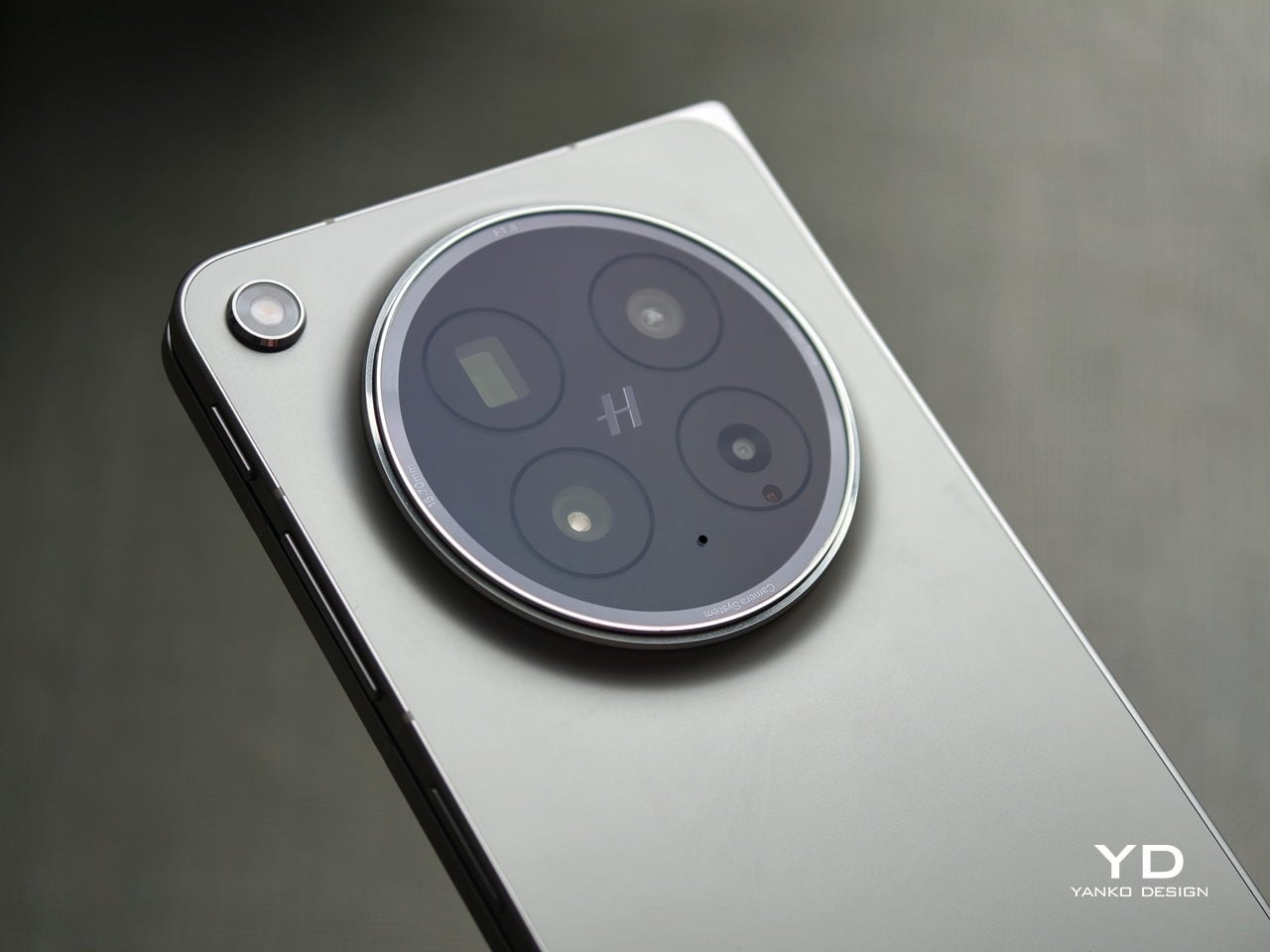
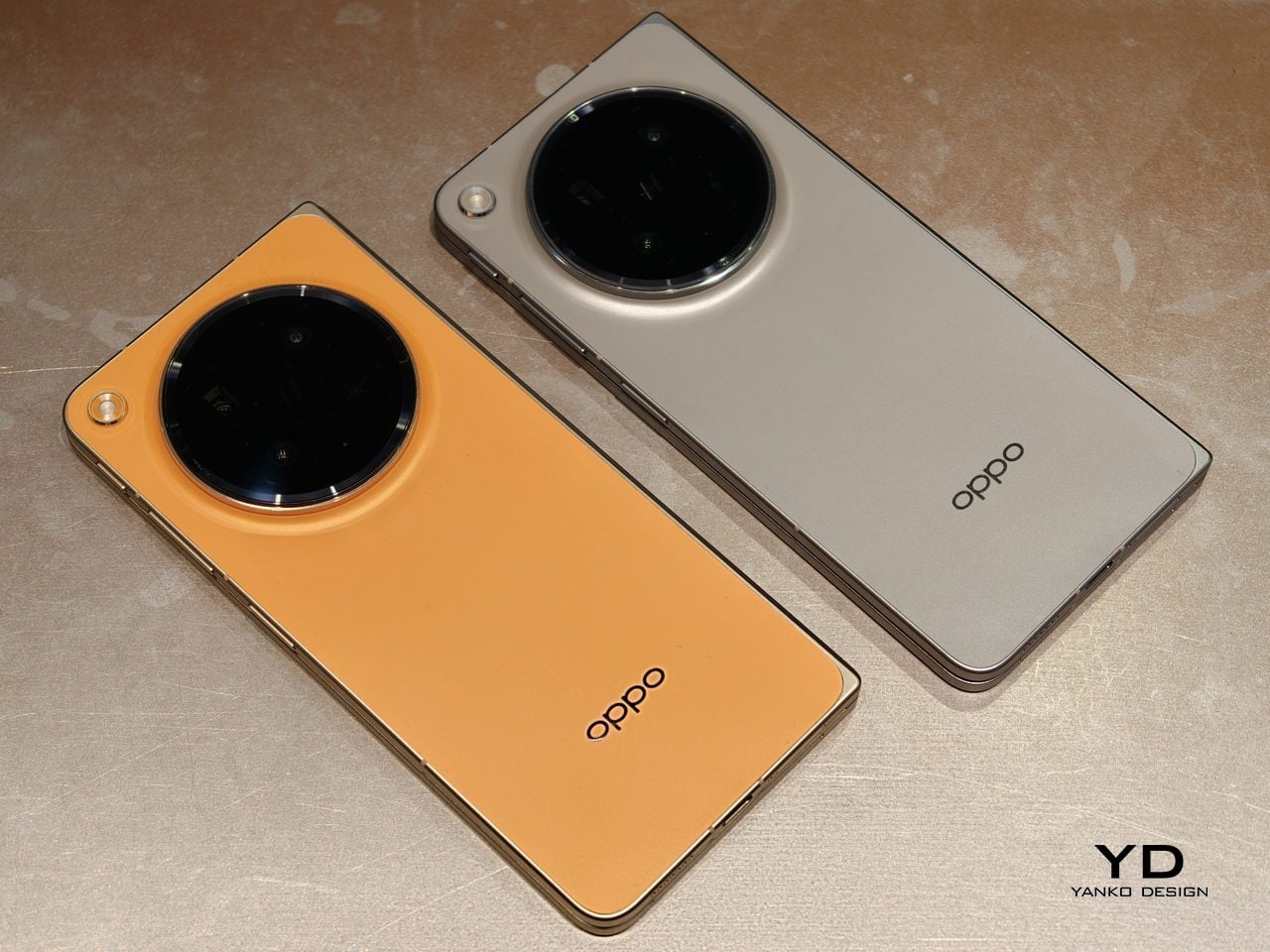
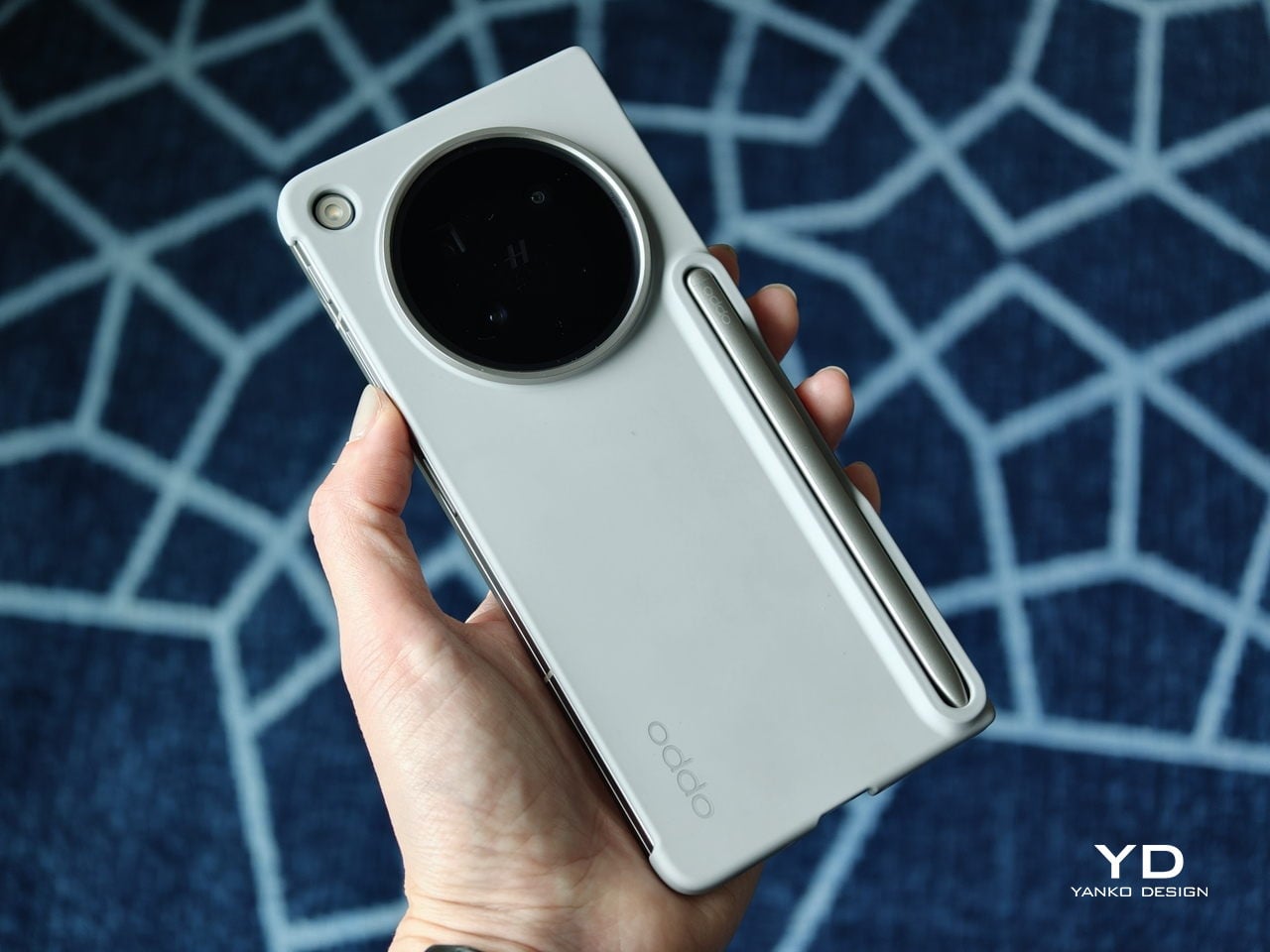
The biggest improvement is in the rear camera treatment. The refined Cosmos Ring camera deco looks more elegant and less ornamental, while the individual camera elements feel more integrated into the overall composition instead of standing apart from it. This makes the back of the phone look tidier and more resolved, which suits the Find N6’s more minimal direction. It still has the visual presence expected of a flagship foldable, but it carries that presence with greater restraint.

What also stands out is Oppo’s color choice. For the first time on one of its foldables, the company is offering a much bolder orange finish, which Oppo calls Blossom Orange, alongside a more classic Stellar Titanium, and the timing does not feel accidental. Ever since the iPhone 17 Pro series introduced orange into the flagship conversation, it feels like other brands have been quick to follow Apple’s lead, and the Find N6 is part of that wave. Even so, the orange works well here, giving the phone more personality, while the gray remains the safer and more traditional option.

Ergonomics

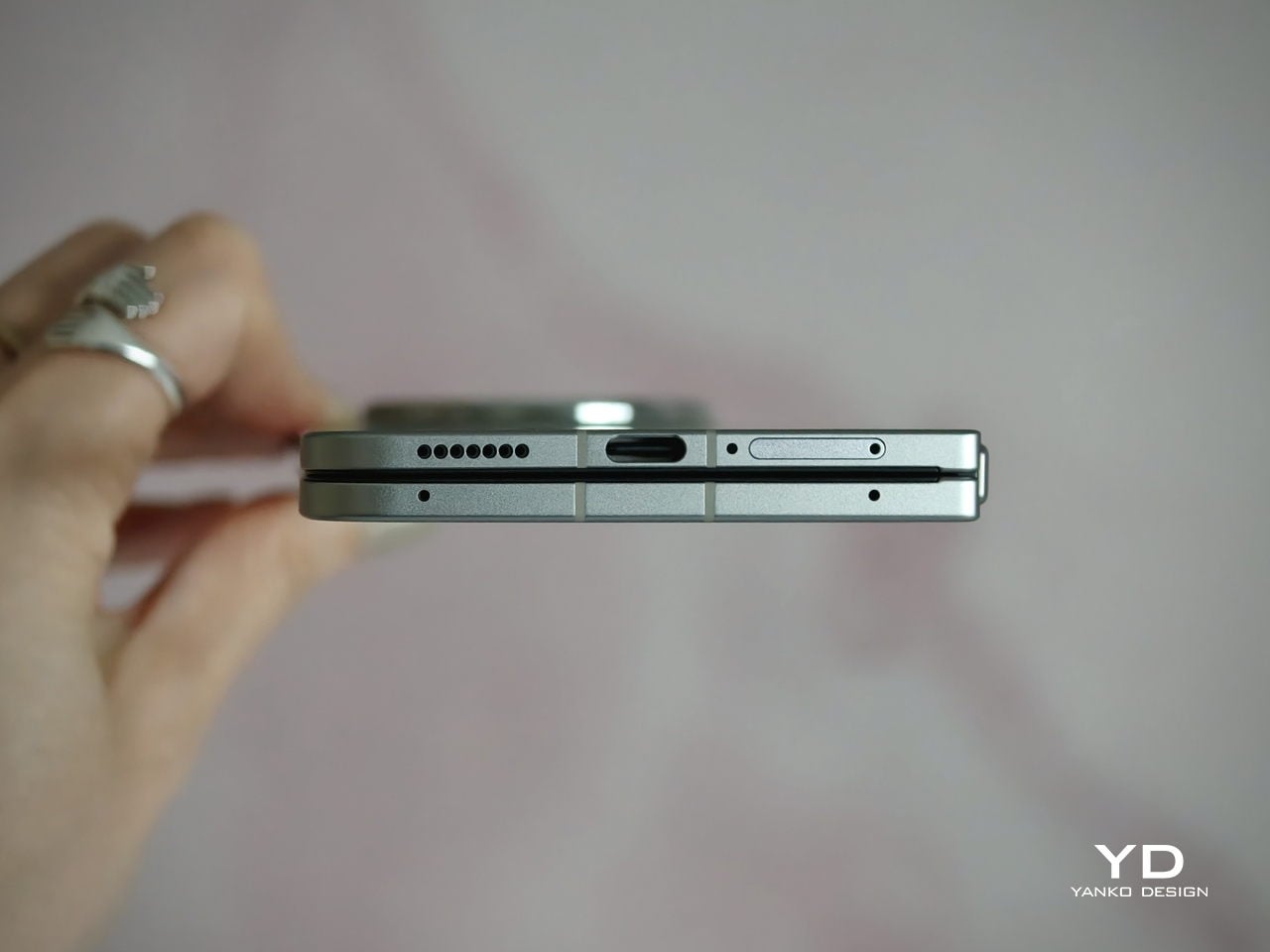
The generous screen real estate of a foldable usually comes with familiar compromises. Thickness, weight, and the crease are often treated as the unavoidable price of admission. The Oppo Find N6, however, feels designed to challenge that assumption in a way that is noticeable the moment you pick it up.

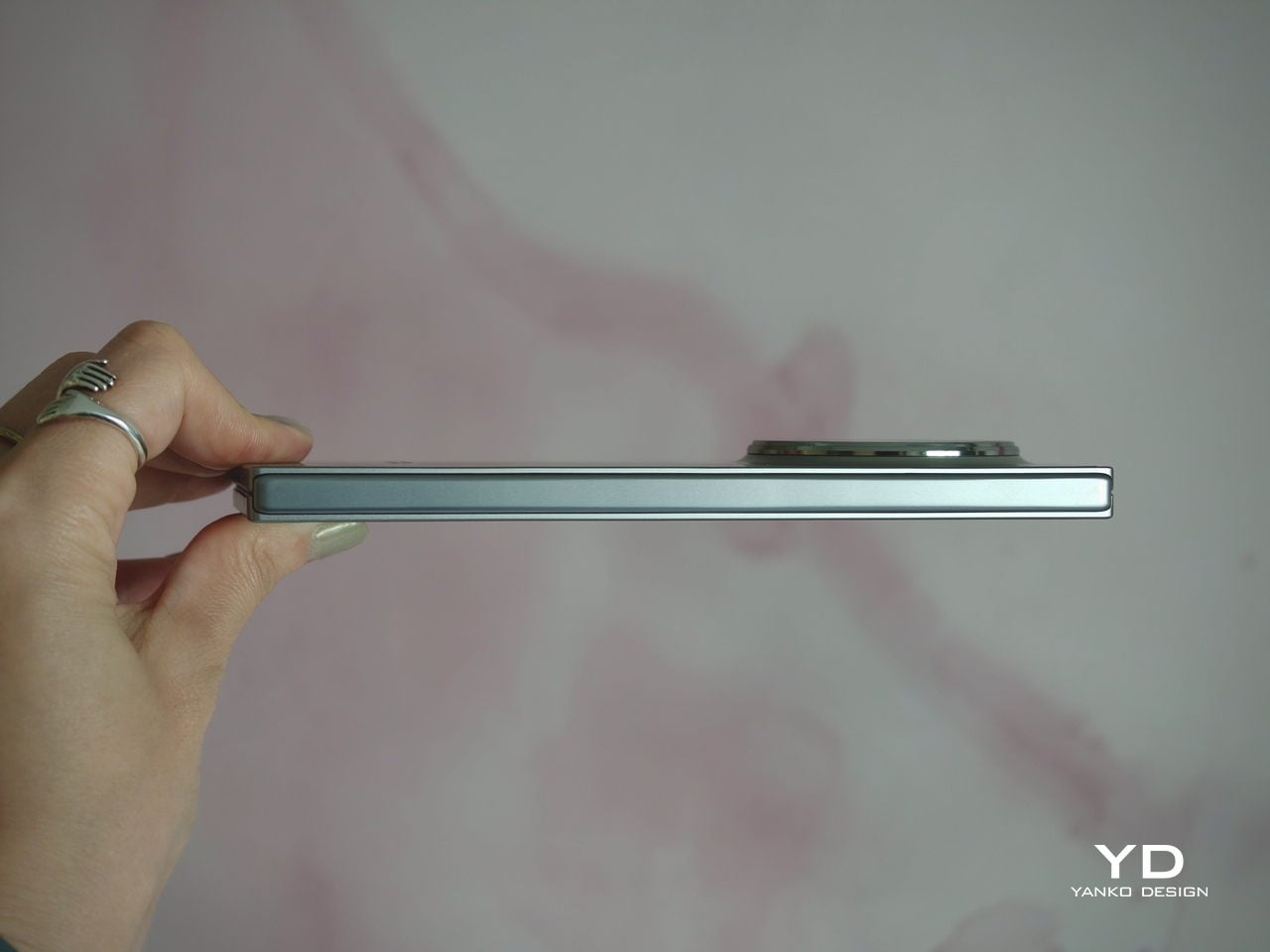
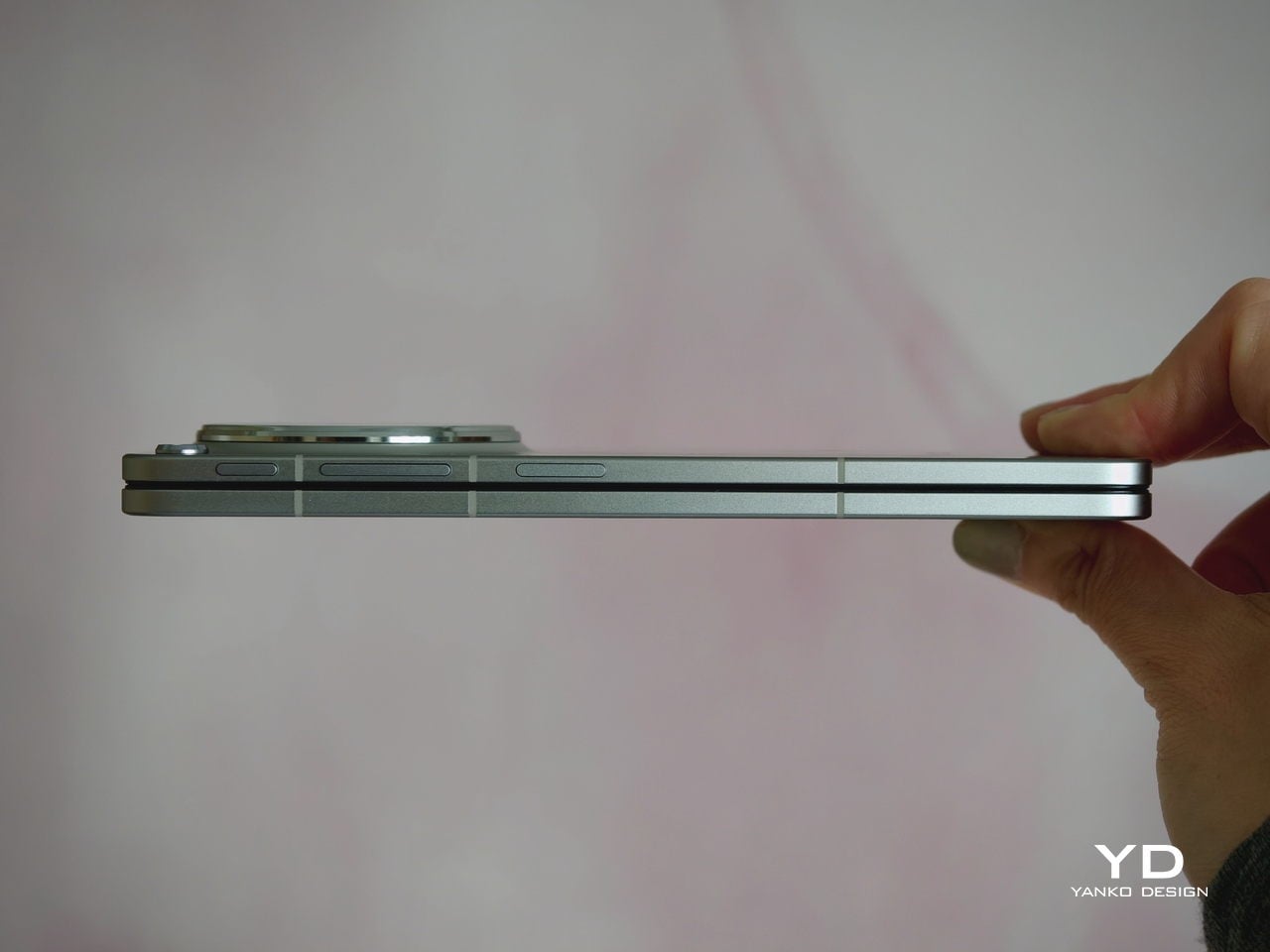
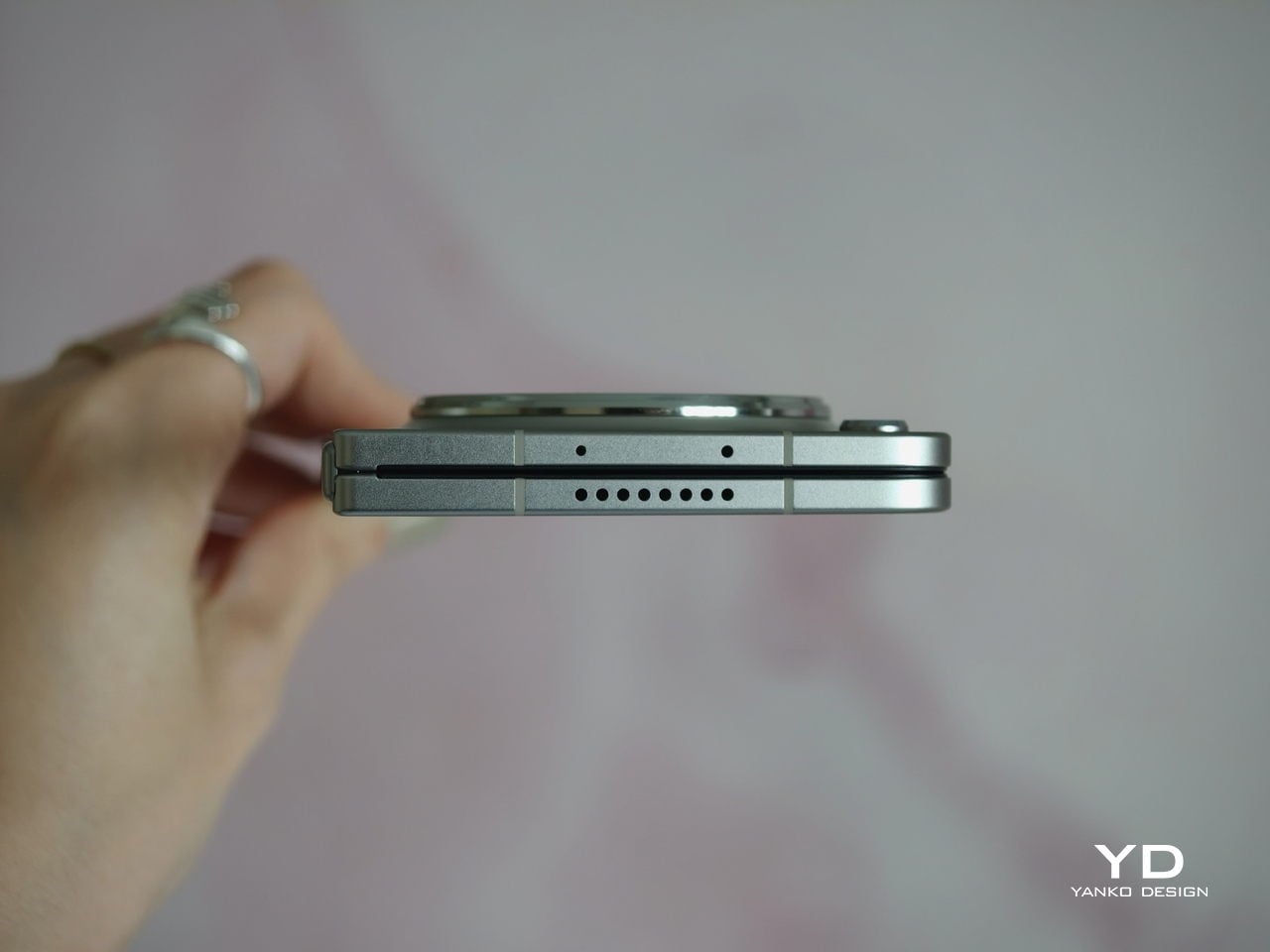
At 8.3 mm when folded and 225 g, the Find N6 feels surprisingly close to a premium flagship bar phone in everyday use. It does not come across as awkwardly bulky or excessively heavy, which makes it more approachable than many devices in this category. That balance matters over time, whether you are using it one-handed, slipping it into a pocket, or simply carrying it through a long day.

That does not mean the form factor is free of trade-offs. If I rest some of the phone’s weight on my pinky, the lower edge can still dig in a bit, especially when the device is open. It is less noticeable than on the Find N5, but not completely gone.

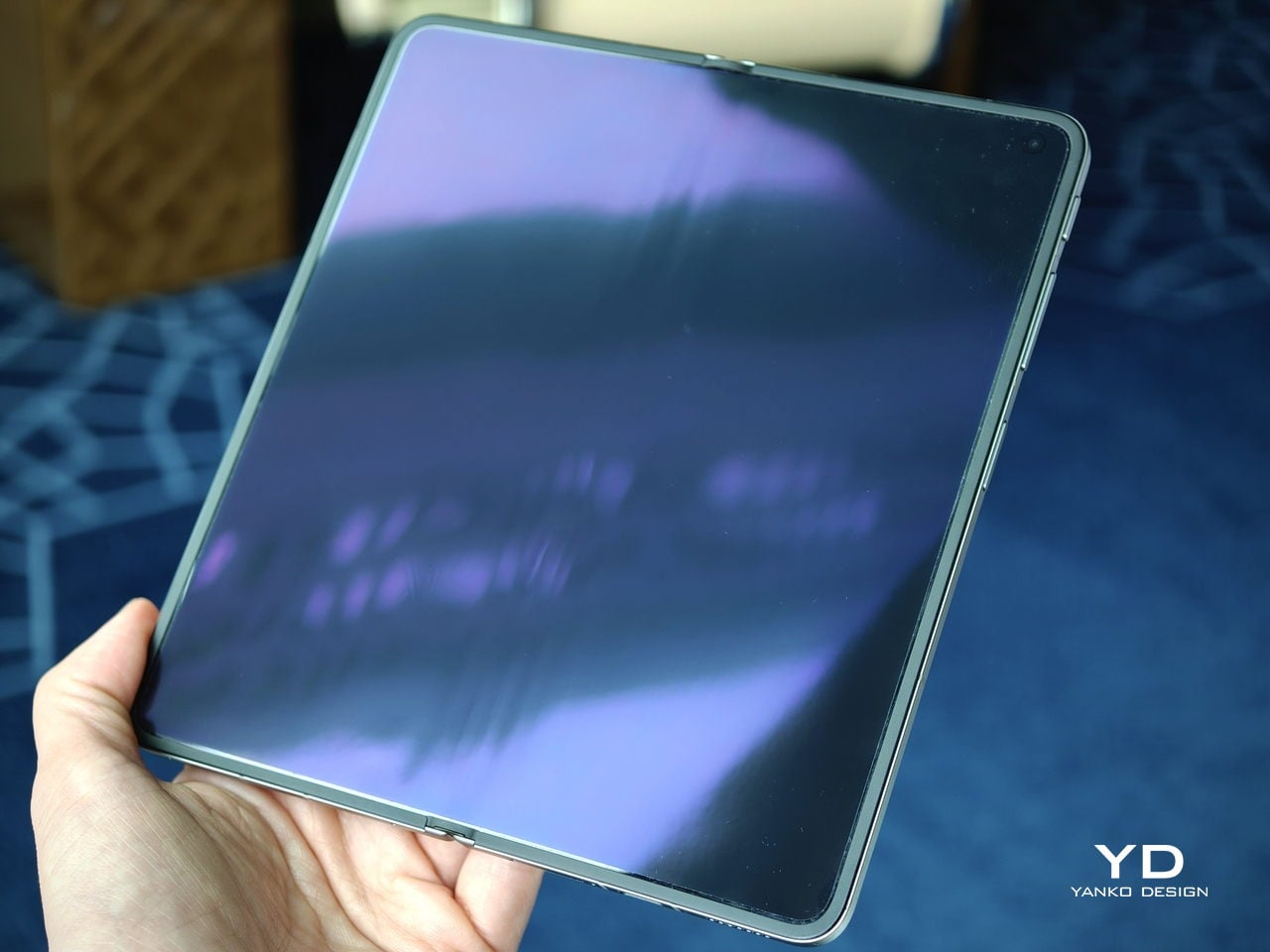
Perhaps the most impressive detail, though, is the crease, or more precisely, how little of it remains. I have never been particularly bothered by creases on foldables, and I was already satisfied with the subtle crease on the Find N5. Even so, the Find N6 feels like a meaningful refinement rather than a minor iteration.

Visually, the crease is practically nonexistent in normal use and only becomes noticeable if the screen is off and viewed from a very specific angle. More impressive still, it also feels nearly absent under the finger when swiping across the display. Our fingertips are quick to pick up even slight ridges or shallow dents, which makes the Find N6’s smooth, uninterrupted surface especially impressive in daily use.

That sense of appreciation only grows once you look at how Oppo arrived at this result. The company refined the hinge architecture itself and paired it with state-of-the-art 3D scanning and 3D printing technologies, a combination that helps explain why the Find N6 feels so polished in the hand.

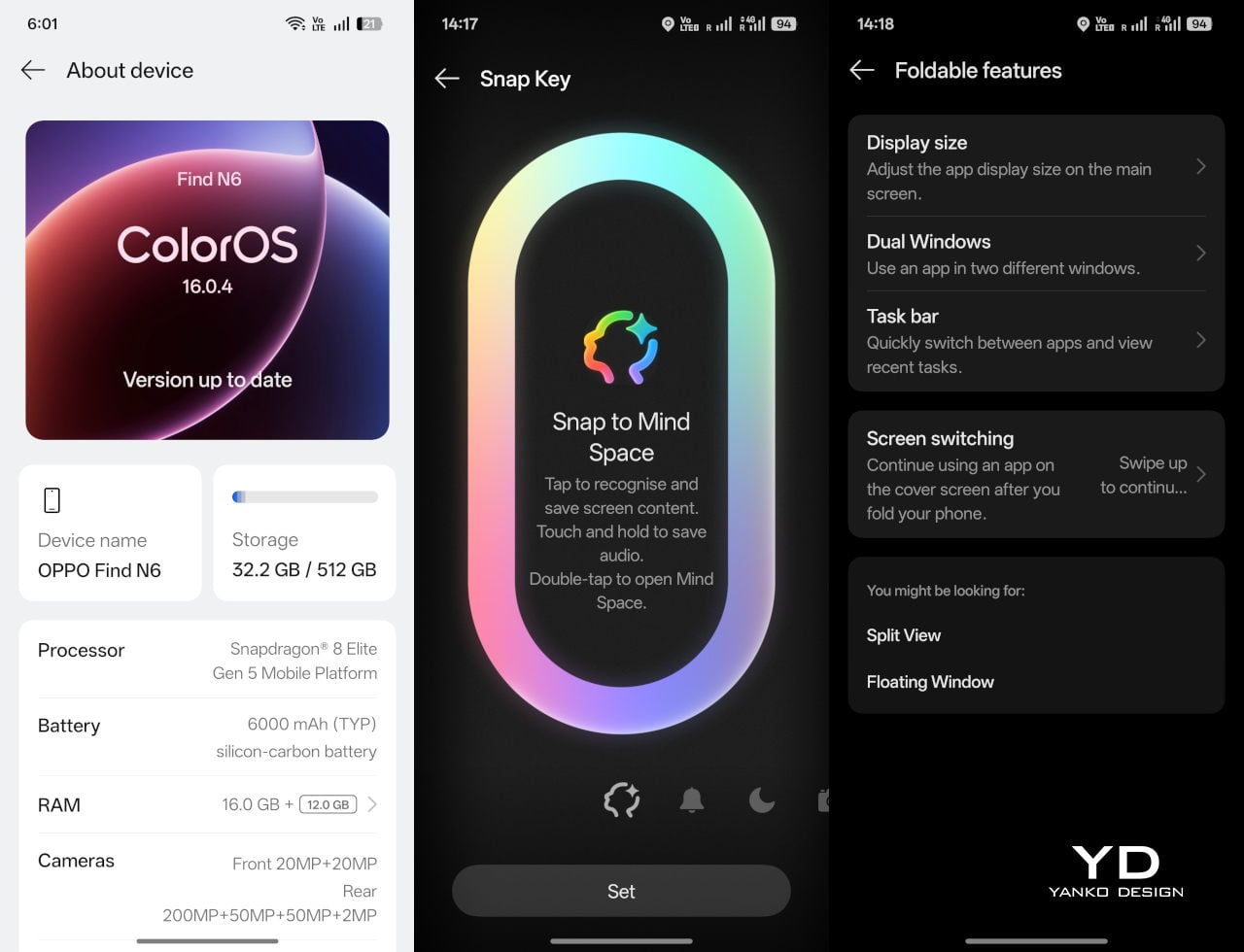
That same attention extends to the physical controls. In place of the OnePlus-style alert slider on the upper left, Oppo now uses the customizable Snap Key, first introduced on the Find X9 series and now positioned on the upper right side. It can be mapped to quick actions such as launching the camera, turning on the flashlight, starting a voice memo, or opening translation, giving it a broader role than the slider it replaces.

Just below sit the fingerprint reader and volume rocker, both placed lower than they were on the Find N5. That may sound like a minor adjustment, but it makes the controls easier to reach and better aligned with the way the phone naturally rests in the hand. It is a subtle refinement, though one that proves genuinely useful in everyday use.

Performance

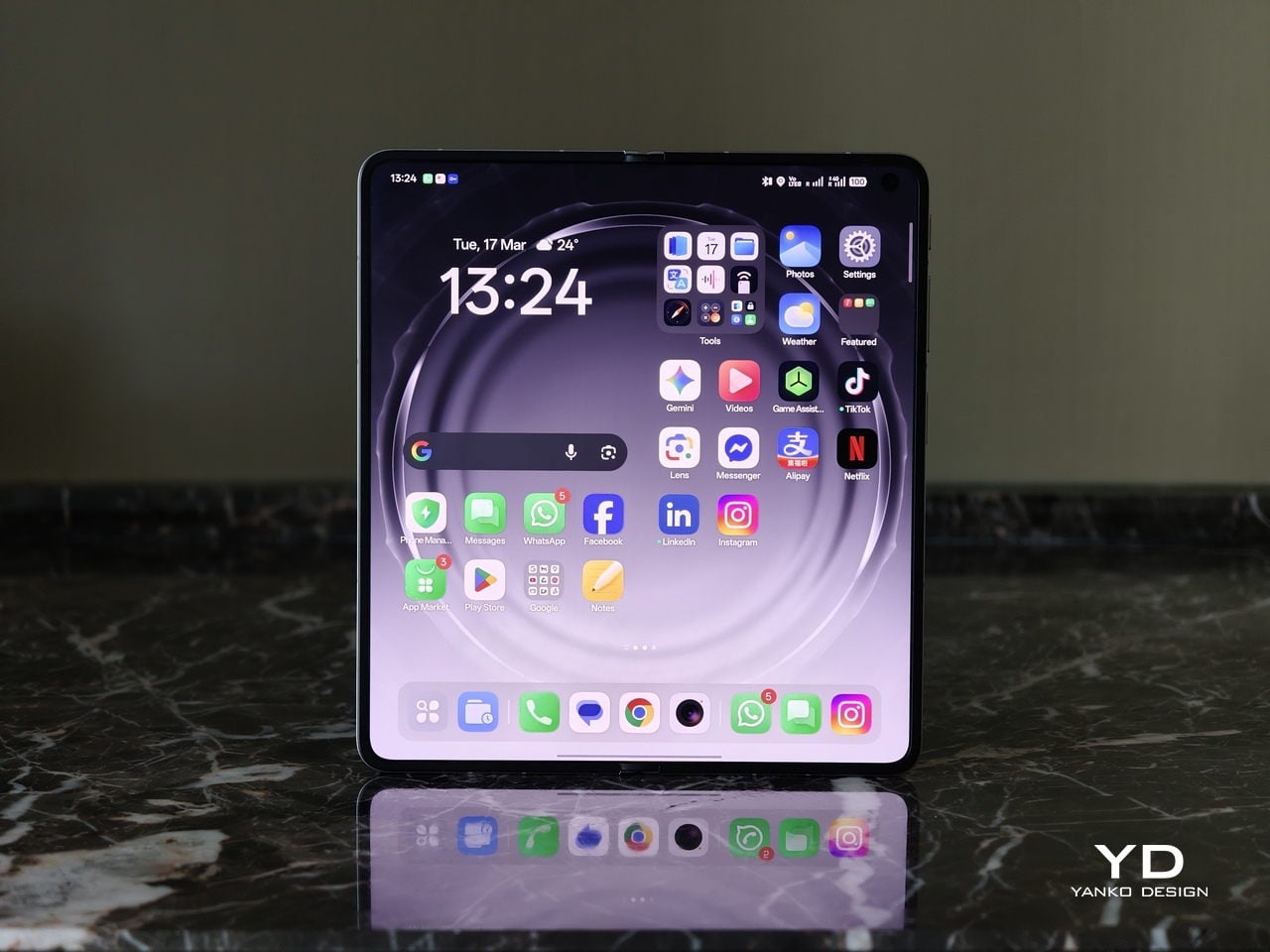
With foldables, the screens have to justify the form factor. The Find N6 uses a 6.62-inch cover display and an 8.12-inch inner screen, both with 120Hz LTPO panels. That is the expected hardware at this level, so the more interesting part is how Oppo tries to improve the experience around visibility, comfort, and immersion.

According to Oppo, both displays can reach 1,800 nits in outdoor use, with peak HDR brightness topping out at 3,600 nits on the cover screen and 2,500 nits on the inner panel. In practice, both displays are bright enough to remain comfortably usable even under harsh sunlight. They also support Dolby Vision and HDR Vivid, and content looks rich and vibrant across both panels.

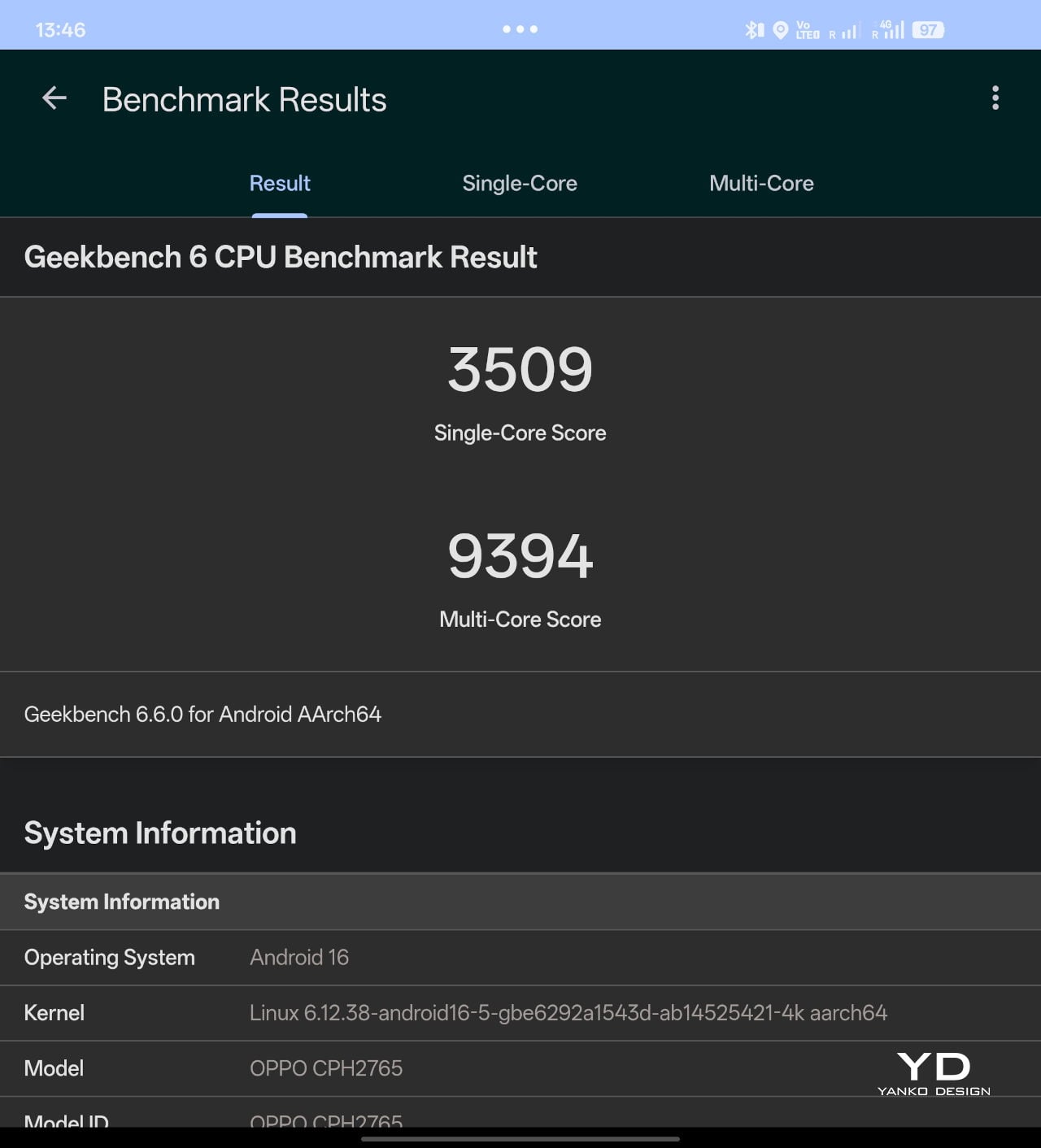
The Find N6 is powered by Qualcomm’s Snapdragon 8 Elite, and it has no trouble keeping up with the kind of multitasking a foldable encourages. Apps open quickly, navigation feels immediate, and even with several windows open at once, the phone stayed smooth and responsive. I also edited a short video on the device, specifically an unboxing of the Find N6 and AI Pen Kit, and the experience was smooth and free of noticeable stutter.

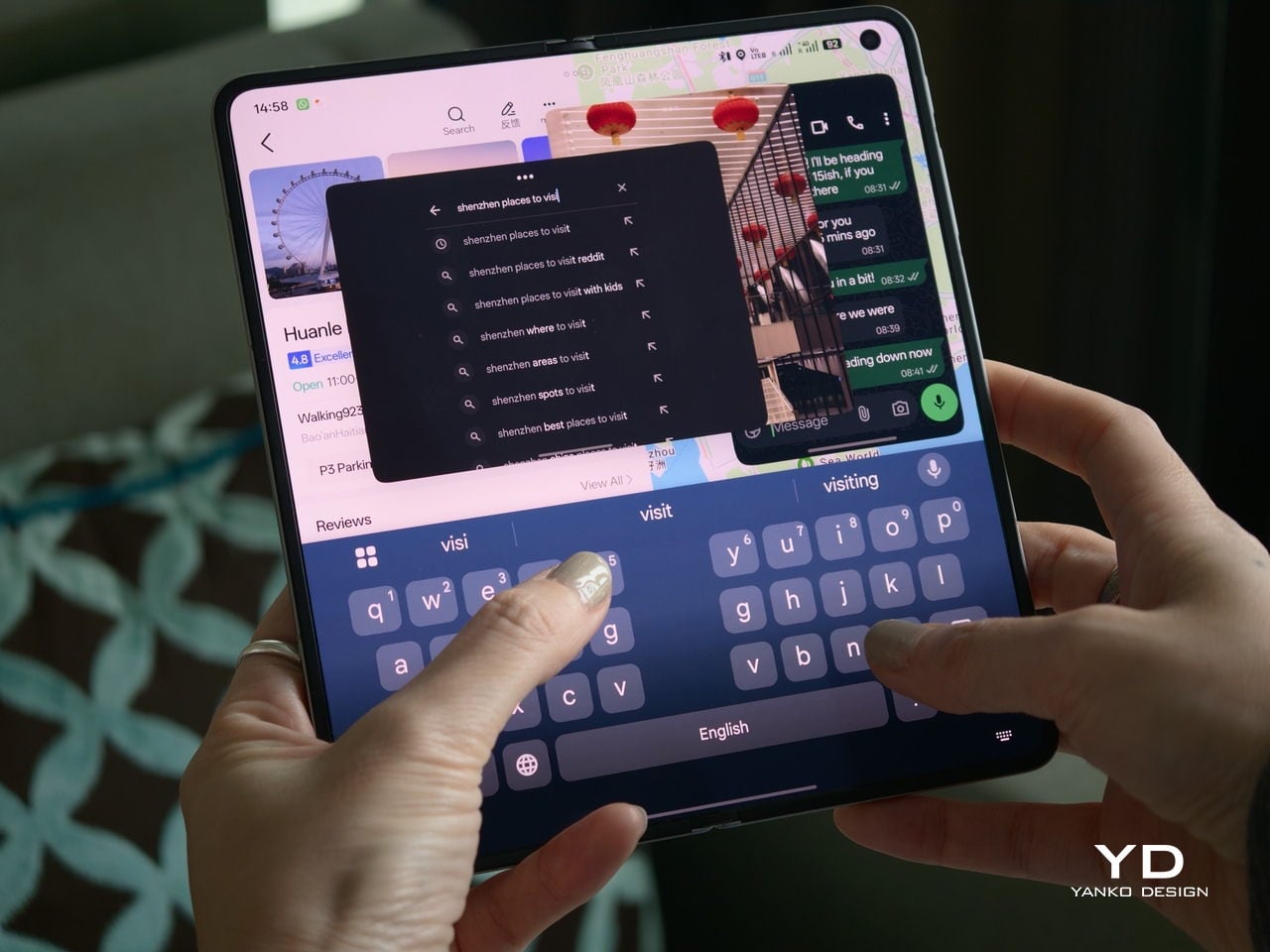
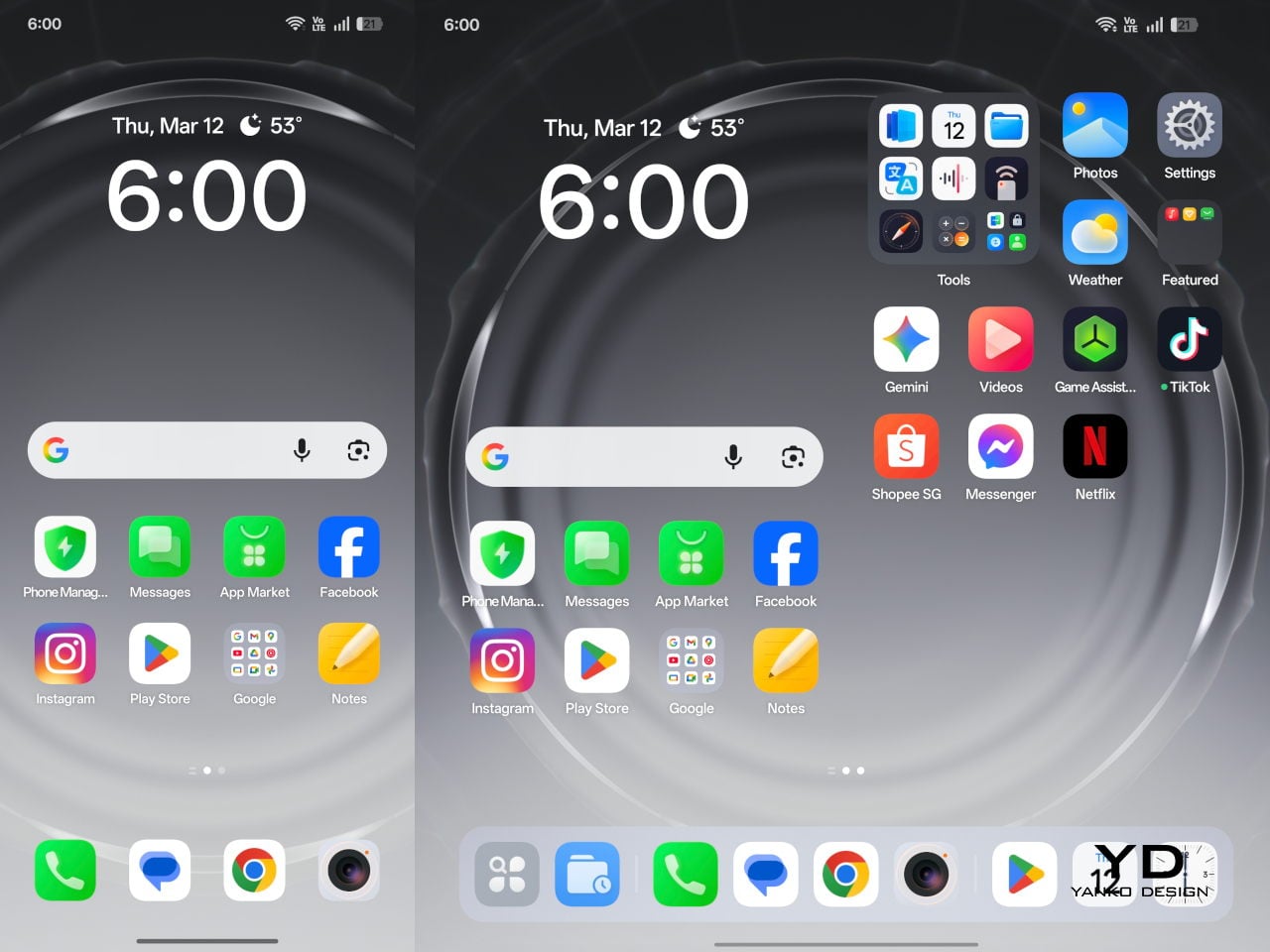
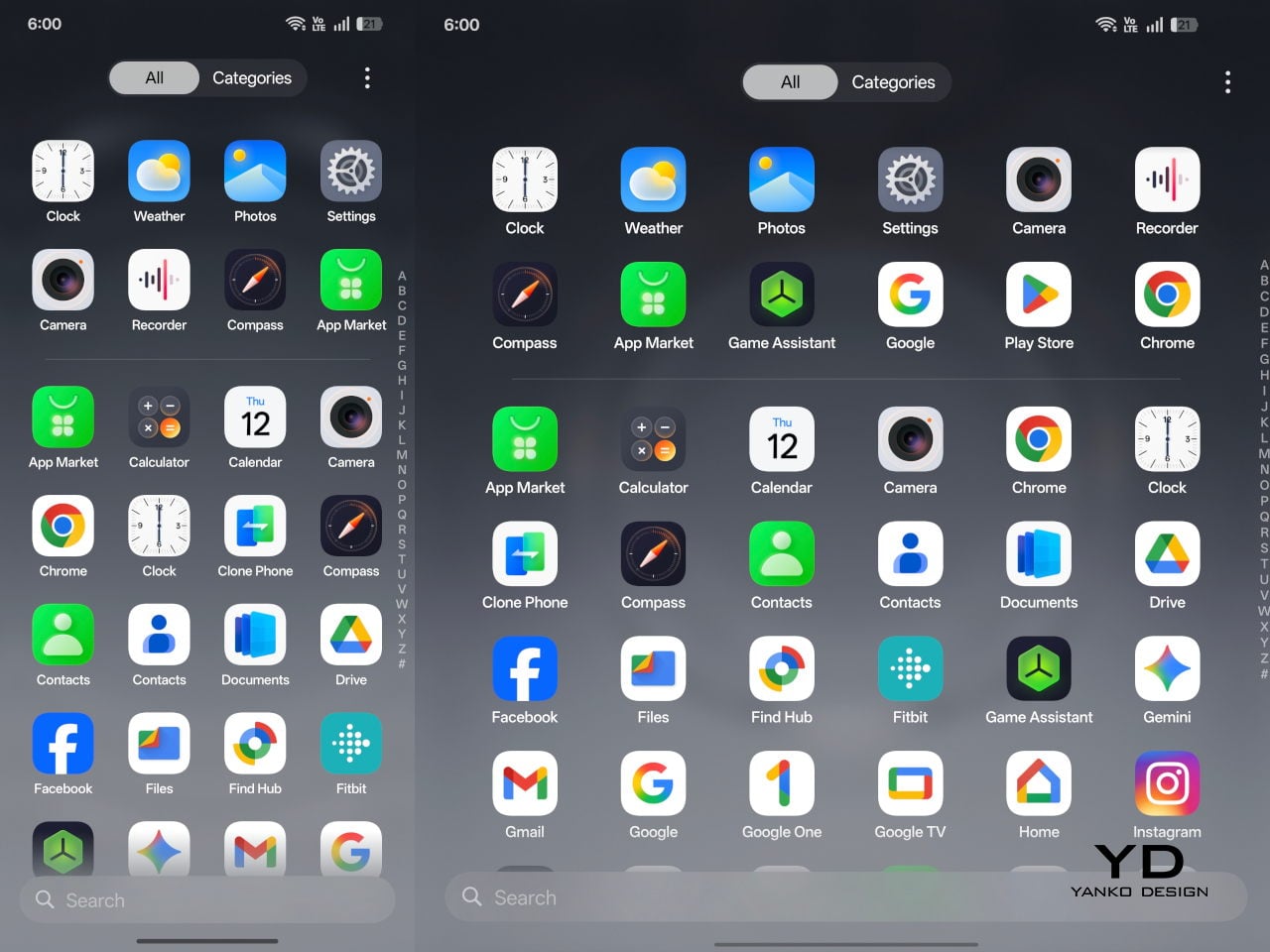
That matters because a device like this only really makes sense if it can handle more than the usual phone workload without feeling strained. Oppo’s software does a good job of making that extra screen space feel useful. Free-Flow Window lets you open up to four apps at once in floating windows, and in practice, it feels less fiddly than it sounds.

Boundless View adds even more flexibility, and the gestures linking the two work naturally enough that moving between layouts never feels like a chore. Resizing windows, shifting focus, and juggling multiple apps all feel smooth and seamless, which makes the Find N6 genuinely effective as a productivity device rather than just a phone with a bigger screen.

Even under sustained use, the phone remained smooth and reasonably controlled, and I also did not notice any stutter while playing Genshin Impact. Gaming feels more like a bonus here than the main point of the device, but the large inner display still gives it a more immersive, almost tablet-like feel than a standard phone can offer.

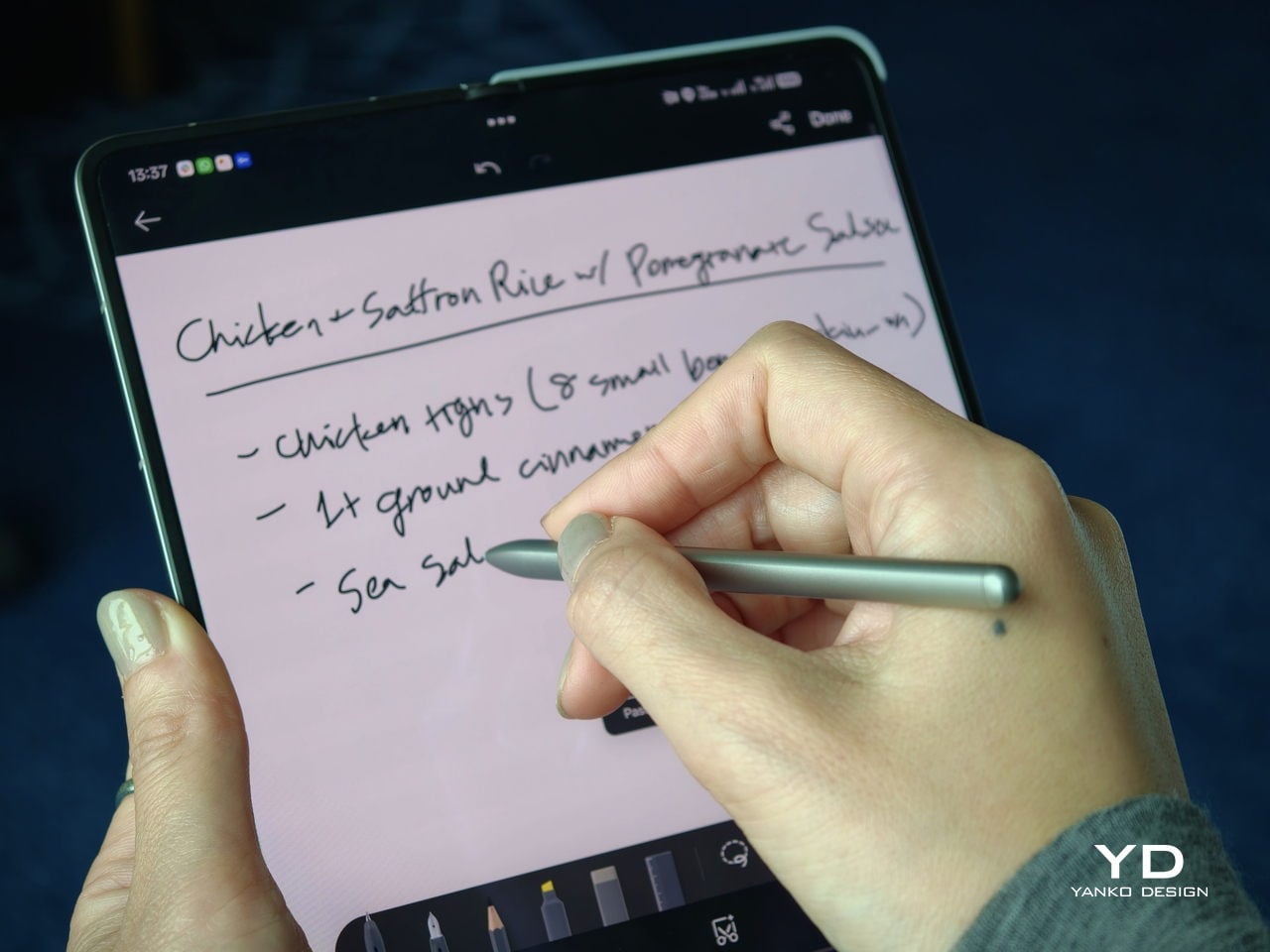
That same focus on utility extends to the AI Pen Kit, which is one of the more interesting hardware additions. The Oppo AI Pen supports 4,096 levels of pressure sensitivity and works on both the inner and outer displays, which makes the Find N6 more versatile for note-taking, annotation, and quick sketching. Because it connects over Bluetooth, the pen can also double as a remote shutter for both photos and video, which adds a genuinely useful layer of flexibility.

Oppo has also handled the practical side fairly well. The dedicated case gives the pen a proper place to live and keeps it charged through reverse wireless charging from the phone itself. That kind of integration is important because accessories like this are only useful if they are easy to carry and ready when you need them.

The software support around the pen is also fairly thoughtful. Quick Note lets you start writing quickly, a double press switches between writing and erasing, and global annotation makes it possible to mark up content across the interface and export it as an image or PDF afterward. There are also a few more specialized tools, including handwriting optimization, a handwriting calculator, and a Laser Pointer mode for presentations. Not all of these will be essential, but together they make the pen feel more genuinely useful than most stylus add-ons tend to.

Camera

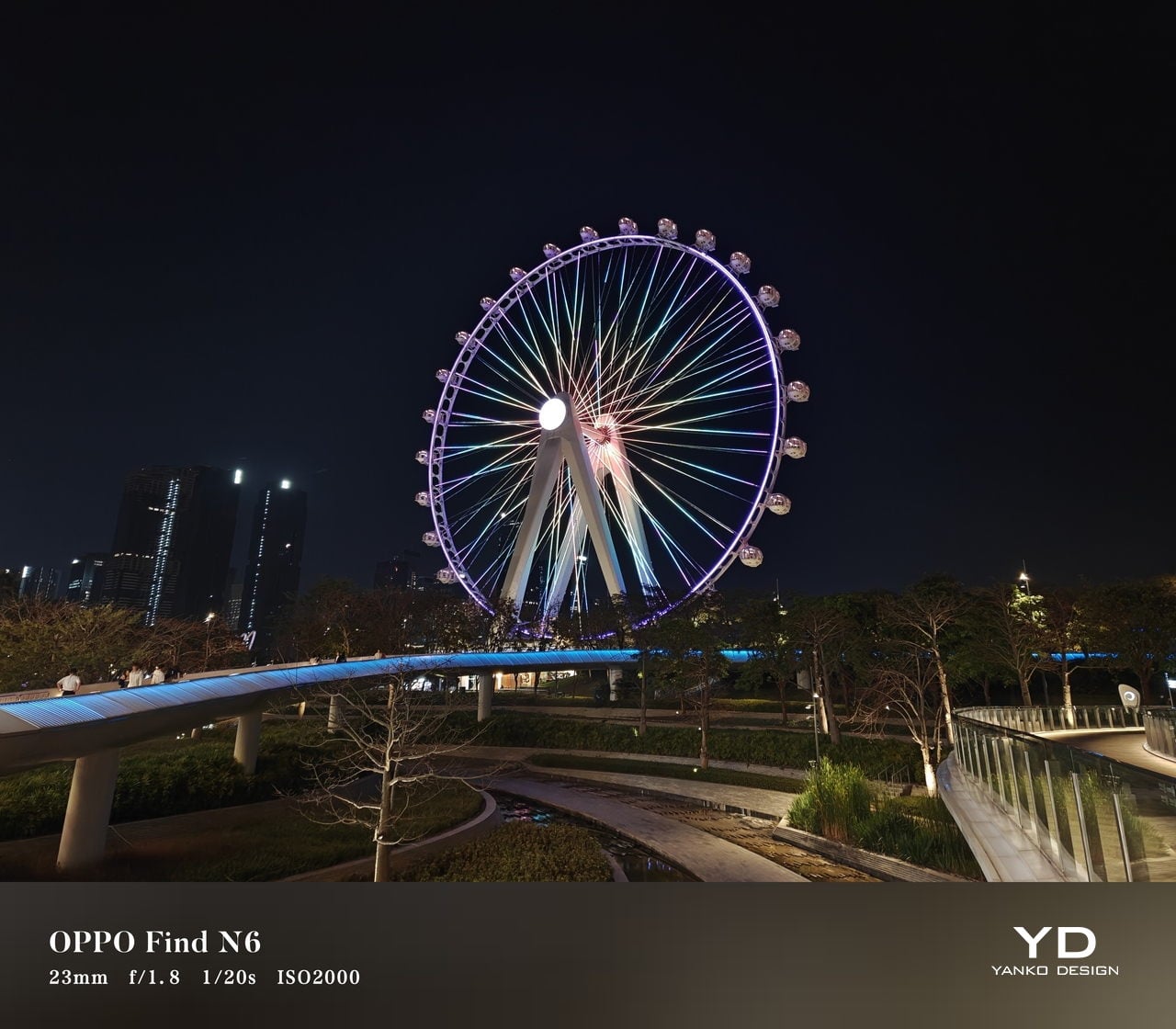
The camera system performs well by foldable standards, but it is not on the level of the best camera-focused flagships. In practice, it feels closer to a solid upper mid-range setup, which is respectable enough for a device like this.

The rear camera system includes a 200MP main camera with a 21mm-equivalent focal length, a 1/1.56-inch ISOCELL HP5 sensor, an f/1.8 aperture, and OIS, a 50MP telephoto at 70mm equivalent with an ISOCELL JN5 sensor, an f/2.7 aperture, and OIS, and a 50MP ultra-wide at 15mm equivalent with another ISOCELL JN5 sensor, an f/2.0 aperture, and autofocus.

In daylight, the Find N6 delivers good detail, pleasing dynamic range, and generally accurate color, even if images tend to run slightly bright. The telephoto and ultra-wide are serviceable, while low light is where the limitations become more obvious, especially when there is movement in the scene.

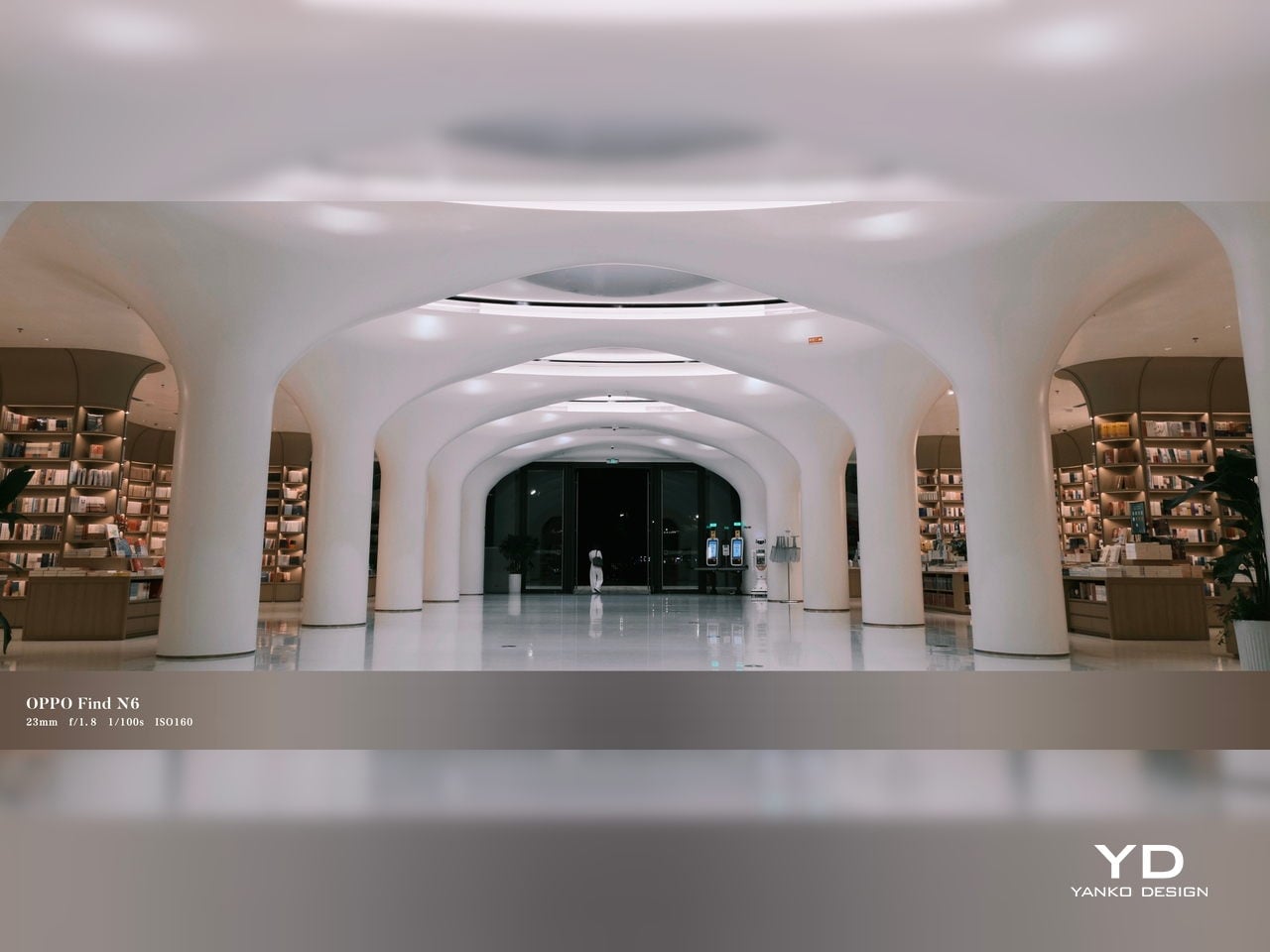
XPan Mode

Oppo does at least include a healthy set of features, including log video recording and XPan mode. There are also two 20MP selfie cameras, one on the outer display and one on the inner screen, though they feel more useful for video calls than for anything else. Video is also fairly capable, with all three rear cameras supporting up to 4K 60fps Dolby Vision HDR, while the main camera can go up to 4K 120fps Dolby Vision.

Battery and charging

The Find N6 packs a 6,000mAh battery, and in practice, it delivers strong battery life. Unless you are using the camera heavily, it can easily last a full day and more, which is a very good result for a foldable with two high-refresh-rate displays.

Charging is strong as well. The phone supports 80W wired and 50W wireless charging, which makes it easier to top up quickly when needed. That only adds to the sense that the Find N6 is easier to live with day to day than many foldables.

Sustainability

For a foldable, the Find N6 makes a fairly strong durability case. It carries IP56, IP58, and IP59 ratings, and Oppo also points to stronger materials and a more robust hinge design as part of the broader durability story. More importantly, it feels reassuringly solid in hand, which goes a long way in making the device seem built to last.

That is matched by fairly solid long-term support. The phone is TÜV Rheinland certified for one million folding cycles and has minimized crease performance after 600,000 folds, while Oppo promises five years of Android updates and six years of security patches. That may not fully define sustainability, but it does give the Find N6 a more convincing case for longevity.

Value

At a starting price of around $1,440 for 12 GB/256GB configuration ($1,580 for 16 GB/512GB and $1,730 for 16 GB/1TB), the Find N6 is firmly in premium territory, but it also makes one of the strongest value cases in the foldable market. The design is slim and polished, the crease is impressively well controlled, battery life is strong, and the multitasking experience makes the larger display feel genuinely useful. More importantly, it feels like a foldable that gets the fundamentals right rather than relying on novelty alone.

The price is still high, and the camera system does not quite match the best camera-focused flagships, so there are limits to how broadly its value can be argued. But within the foldable category, the Find N6 feels unusually complete and easier to justify than many of its rivals if you already know this is the form factor you want.

Conclusion

After spending time with the Find N6, I came away feeling that Oppo has done more than just refine the formula. This is one of the few foldables that feels designed around everyday use rather than the novelty of unfolding into a larger screen. The ergonomics are better than expected, the crease is remarkably well controlled, battery life is strong, and the software makes the larger display feel genuinely useful.

It is still an expensive device, and the camera system does not quite reach the level of the best camera-focused flagships. Even so, the more I used the Find N6, the more complete it felt. There is a level of polish here that remains rare in this category, and it makes a very strong case for itself as one of the best all-around foldables available right now.

The post Oppo Find N6 Review: The Best Foldable Phone Right Now first appeared on Yanko Design.
Carriers Want This BlackBerry-Style Phone – I Tried It at MWC

When Clicks unveiled the Clicks Communicator at CES 2026, the device immediately stood out in a sea of look-alike smartphones. It pairs a physical QWERTY keyboard with a communication-first philosophy that feels intentionally different from the current slab phone crowd. Clicks also shared several specifications at the time, yet it did not confirm exactly when the phone would launch.

At a Mobile World Congress (MWC) off-site event in Barcelona, Clicks offered a clearer update on where the Communicator stands today. The company used the event to signal that the project is progressing beyond the early reveal phase. It positioned the Communicator as moving steadily toward launch.

Designer: Clicks

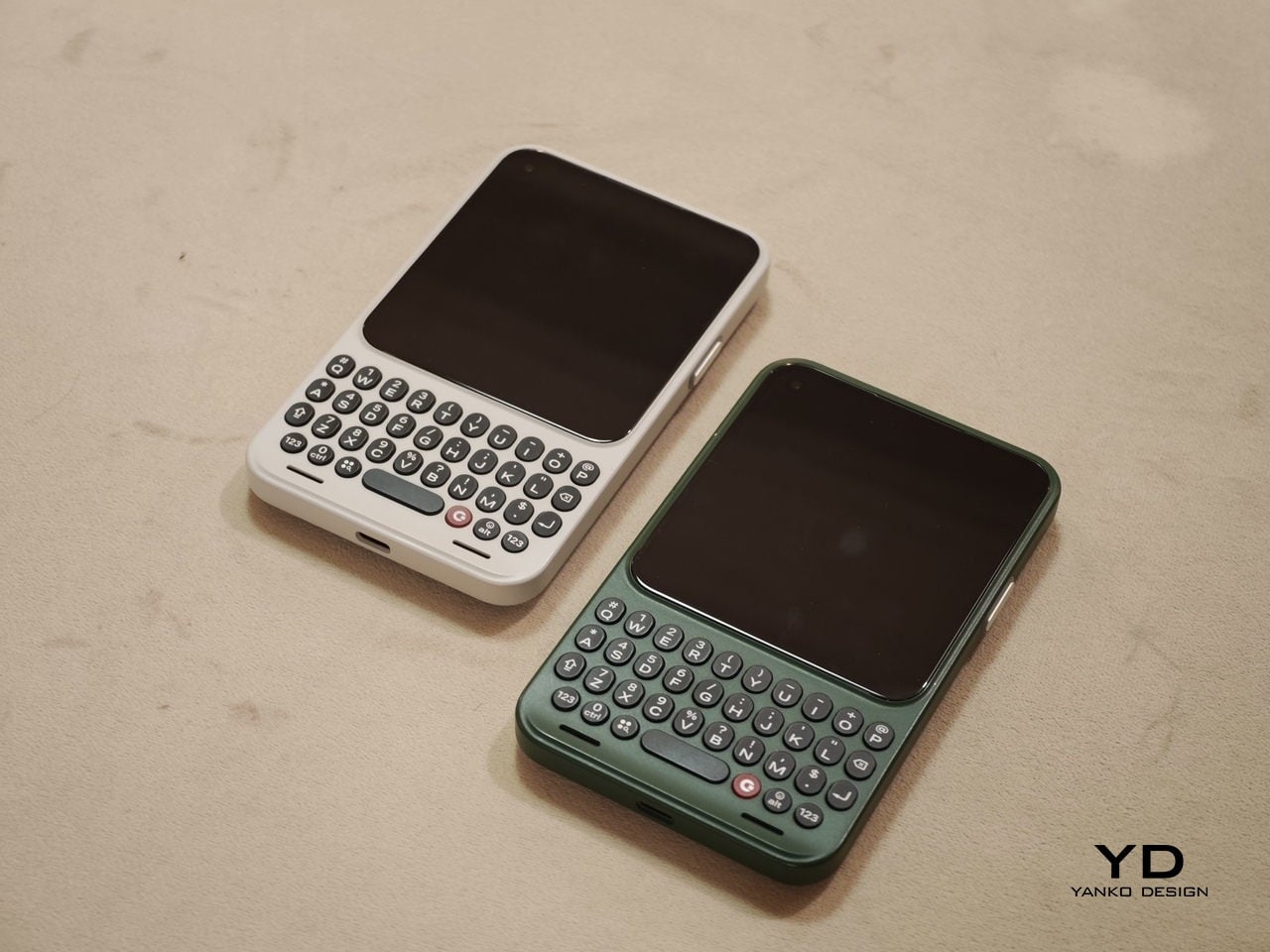
Clicks showcased the Communicator to media and potential partners, and I had the opportunity to briefly go hands-on with the device. The unit on display was still a mockup rather than a final production model. Even so, it offered a useful glimpse at how the hardware direction is taking shape.

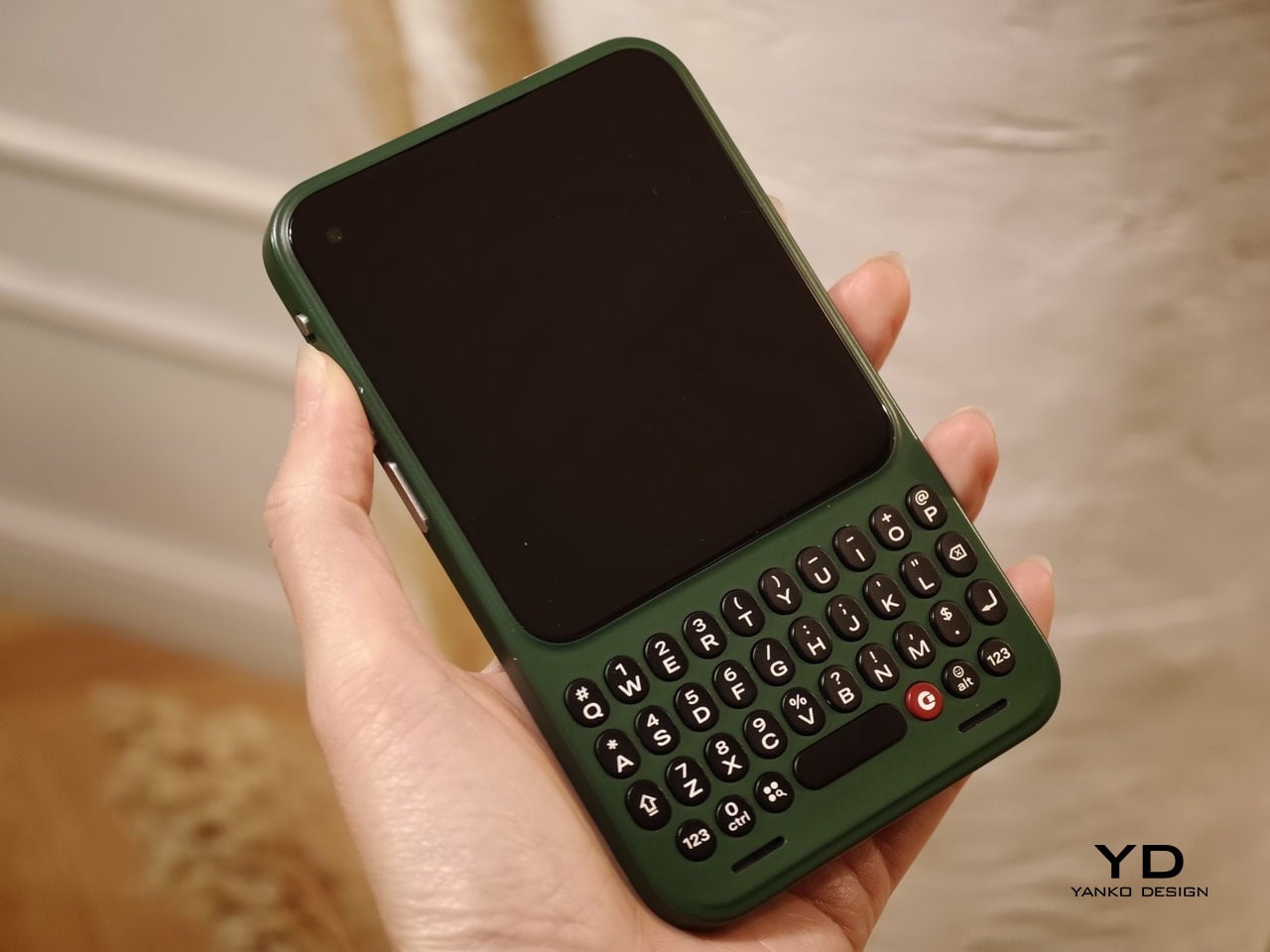
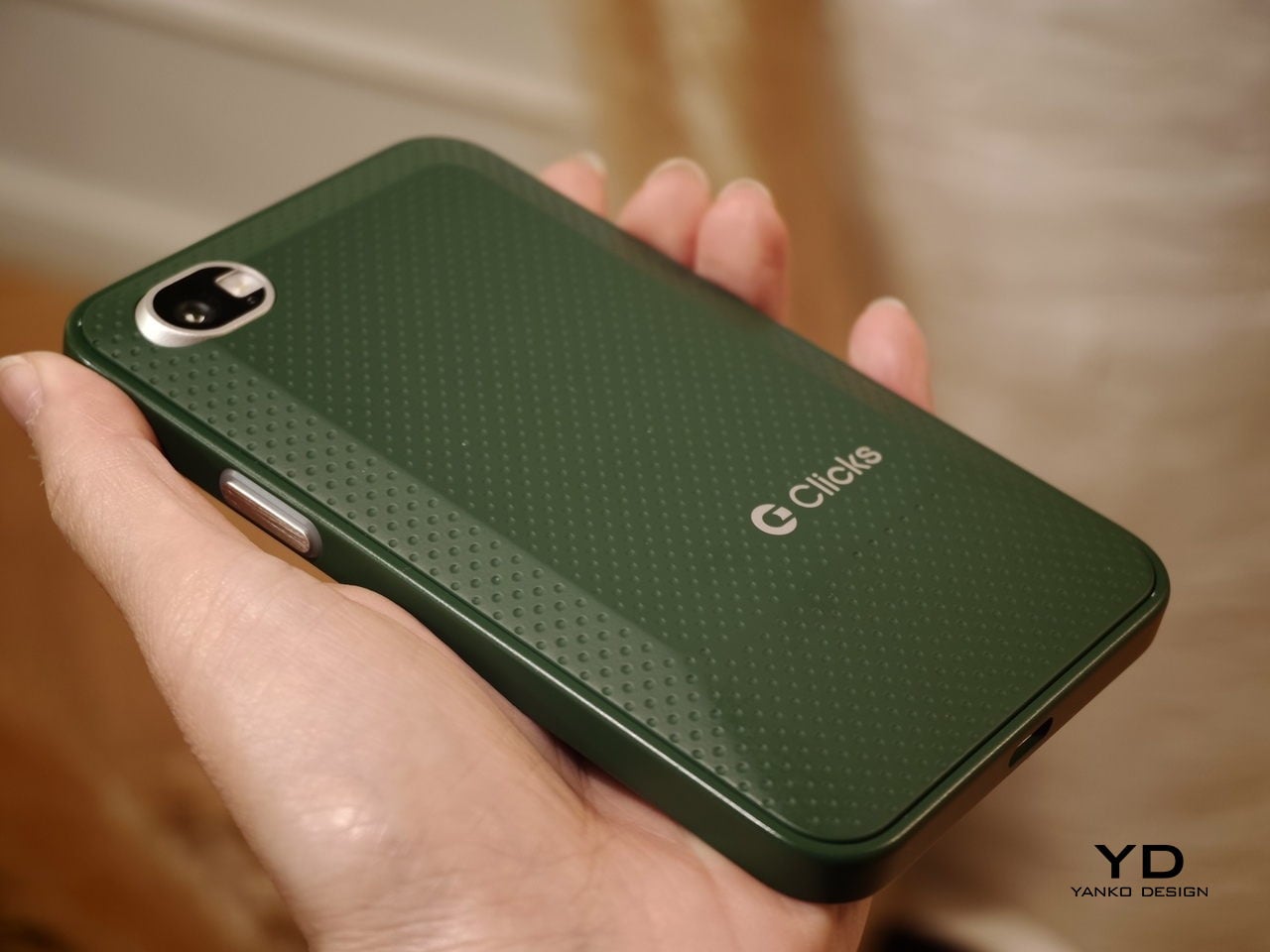
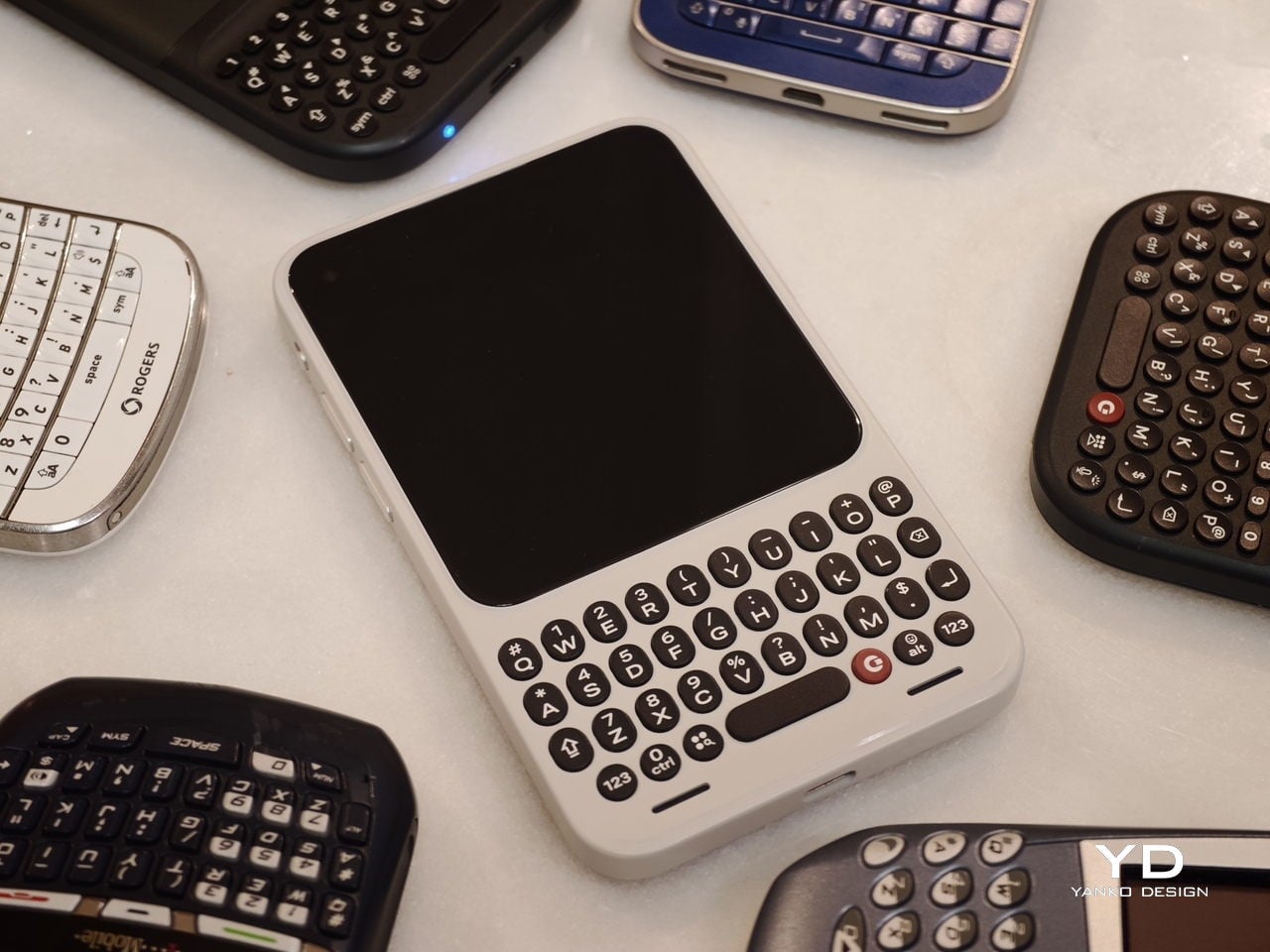
In hand, the Communicator feels nice and compact, and it sits comfortably in the palm. The balance feels considered, and the overall shape makes it easy to grip without feeling slippery or awkward. Typing also felt comfortable during my short time with it, which is the “make or break” moment for any keyboard phone.

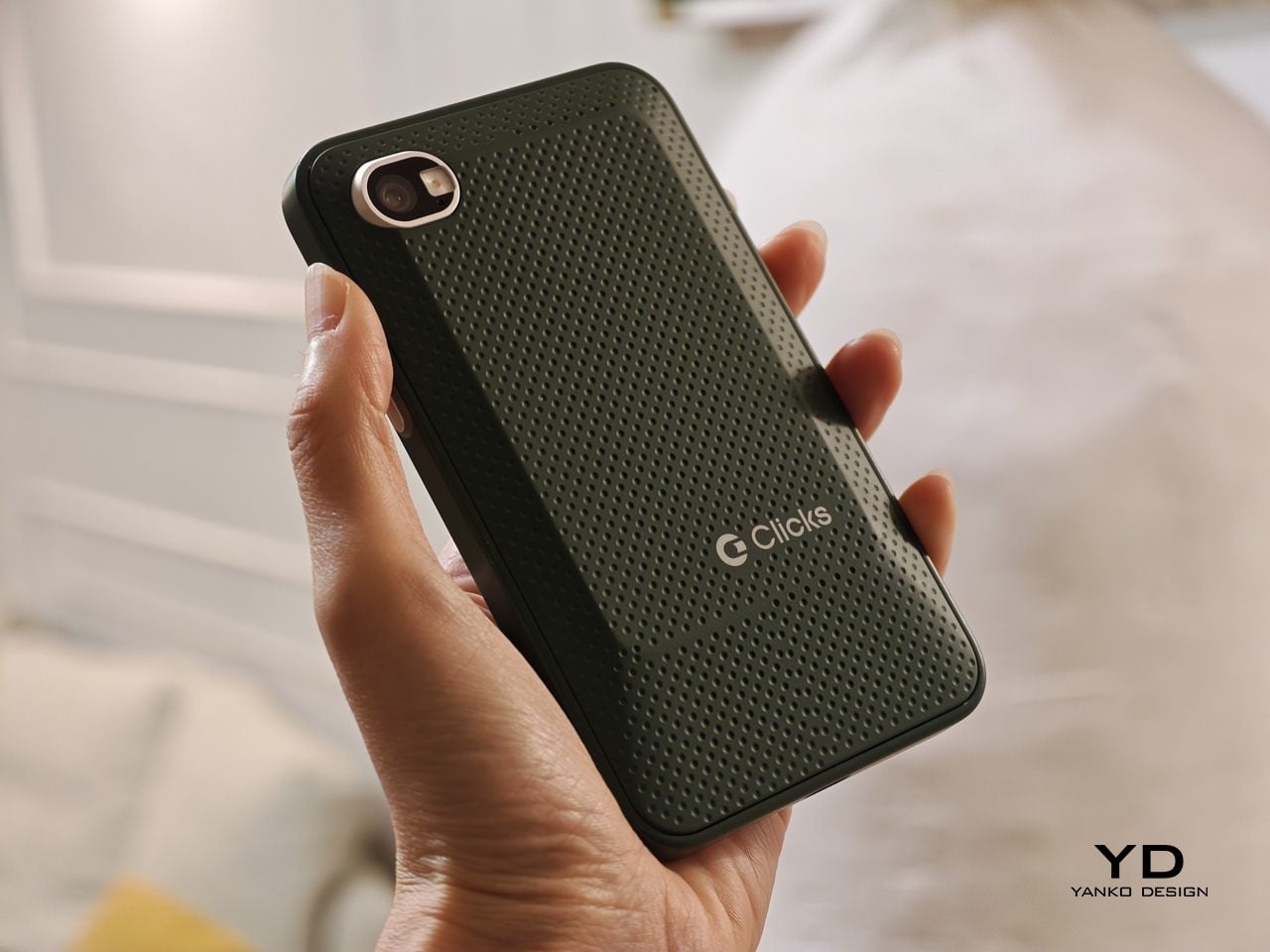
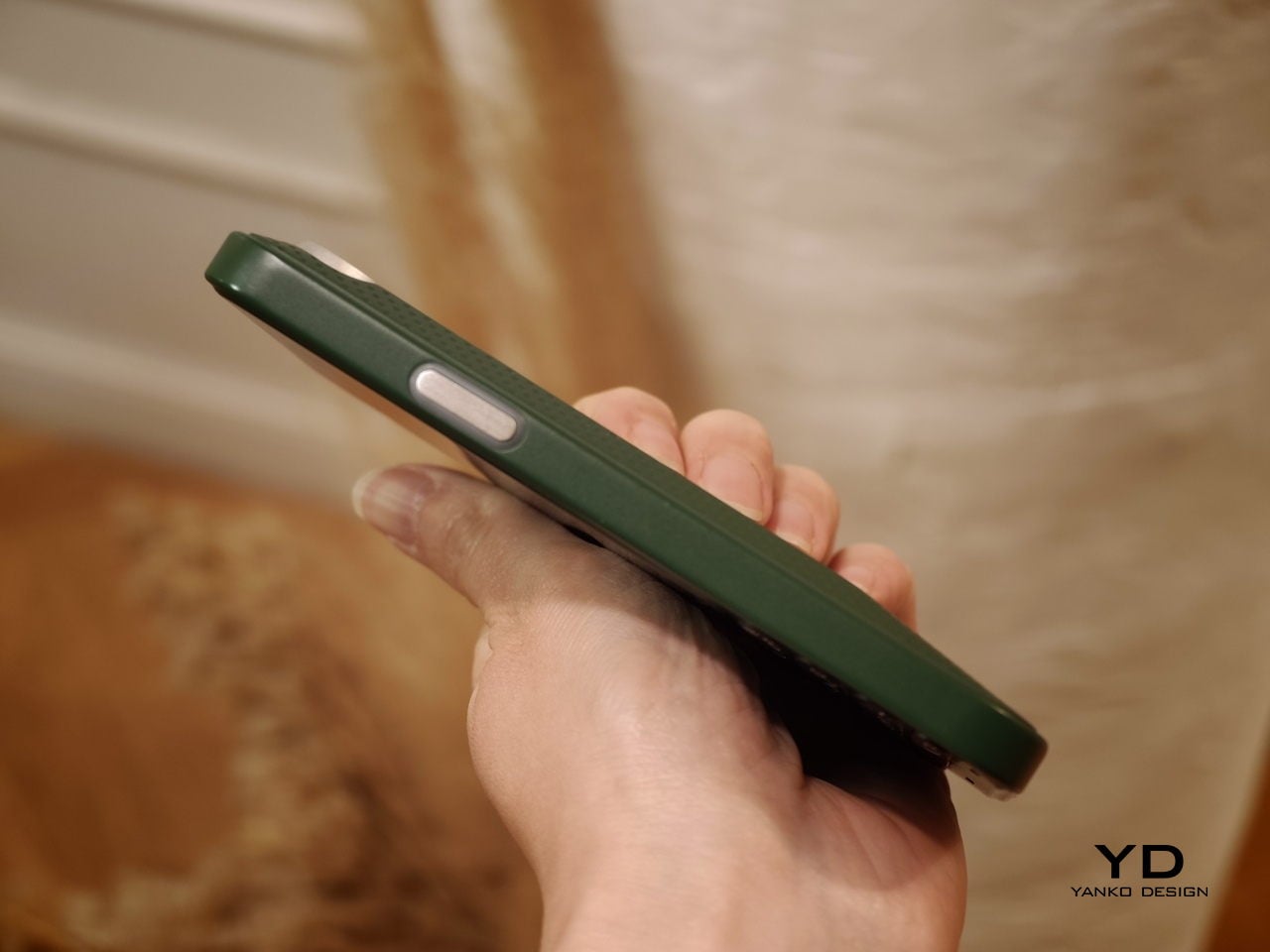
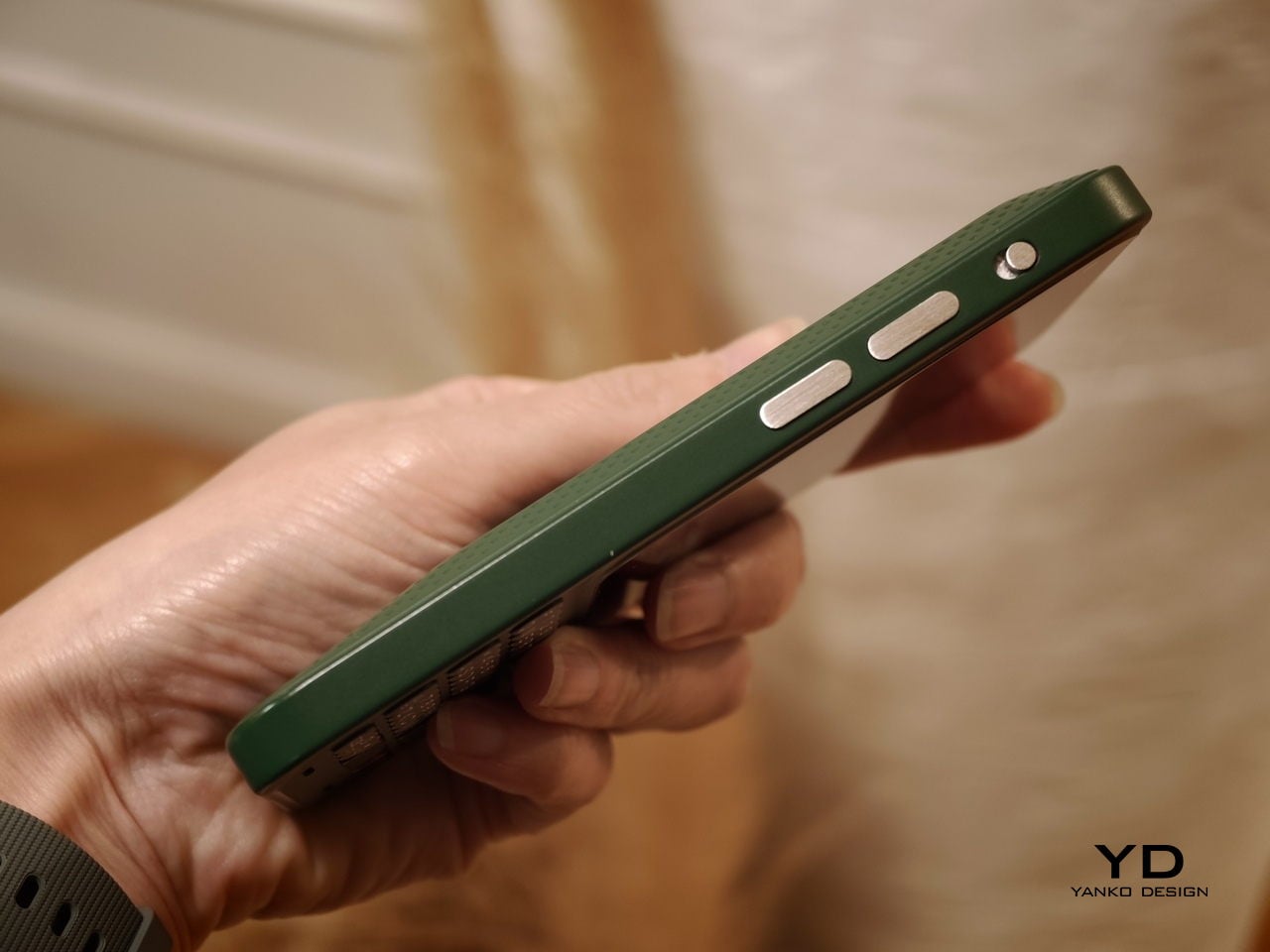
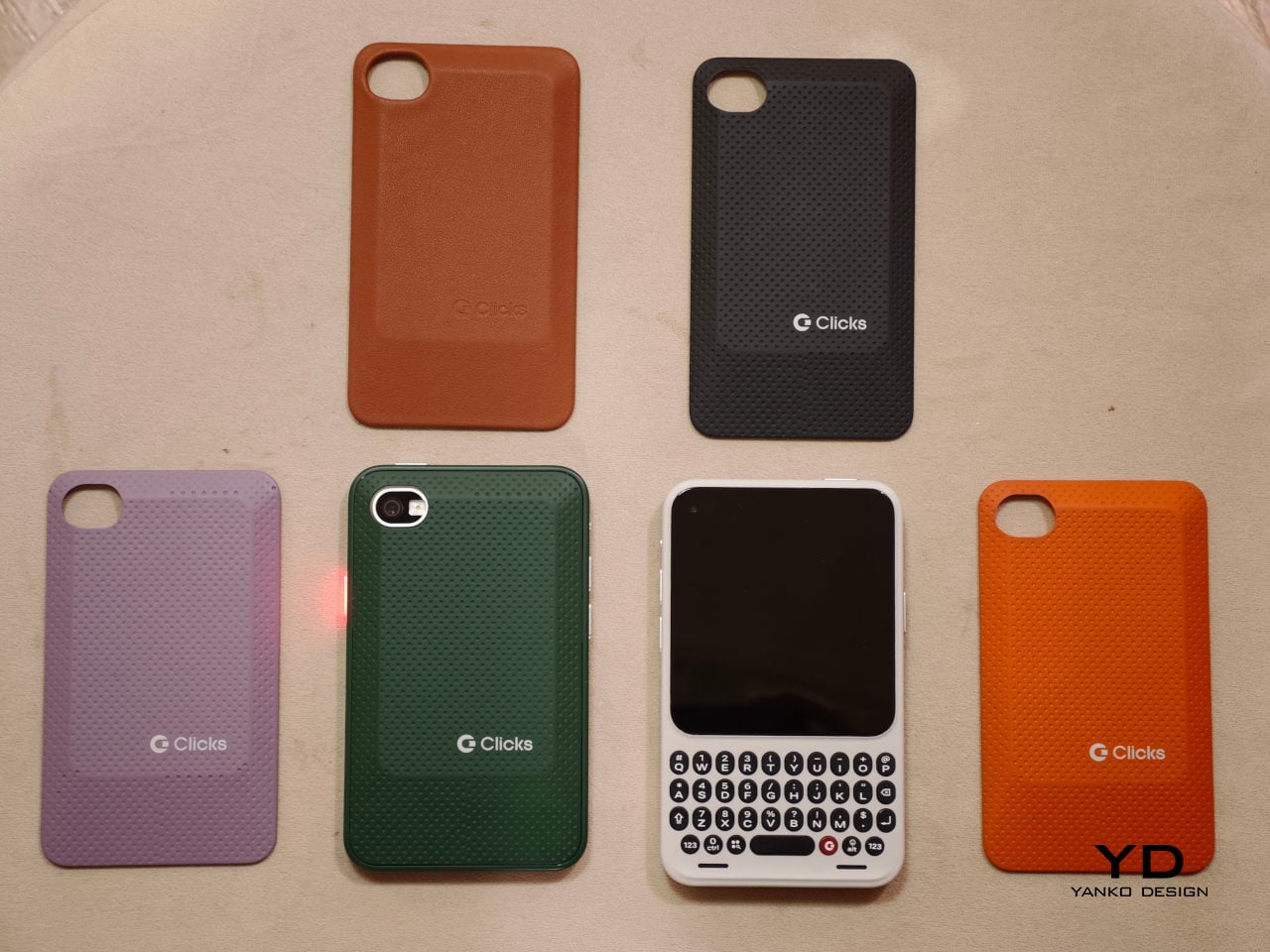
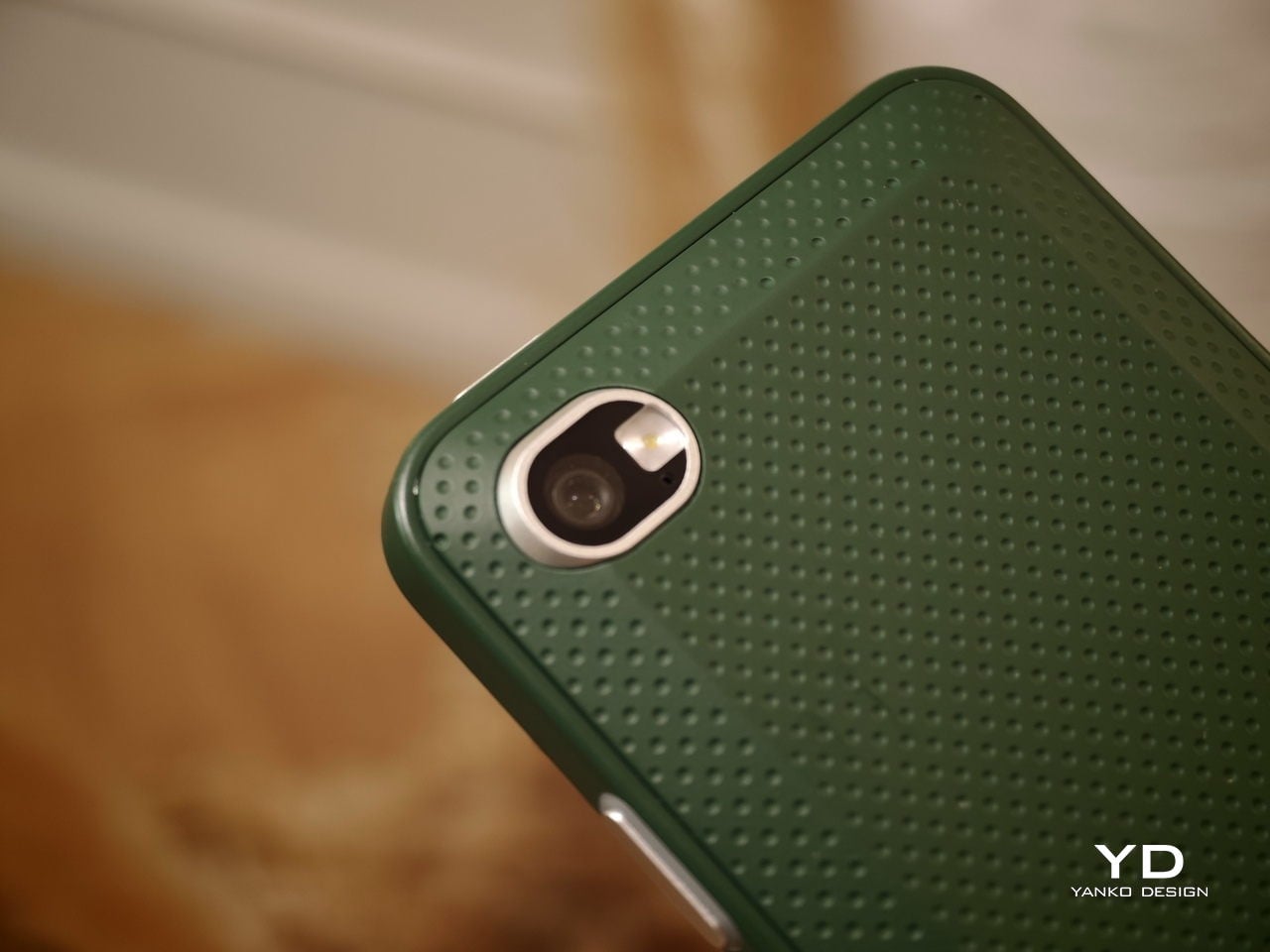
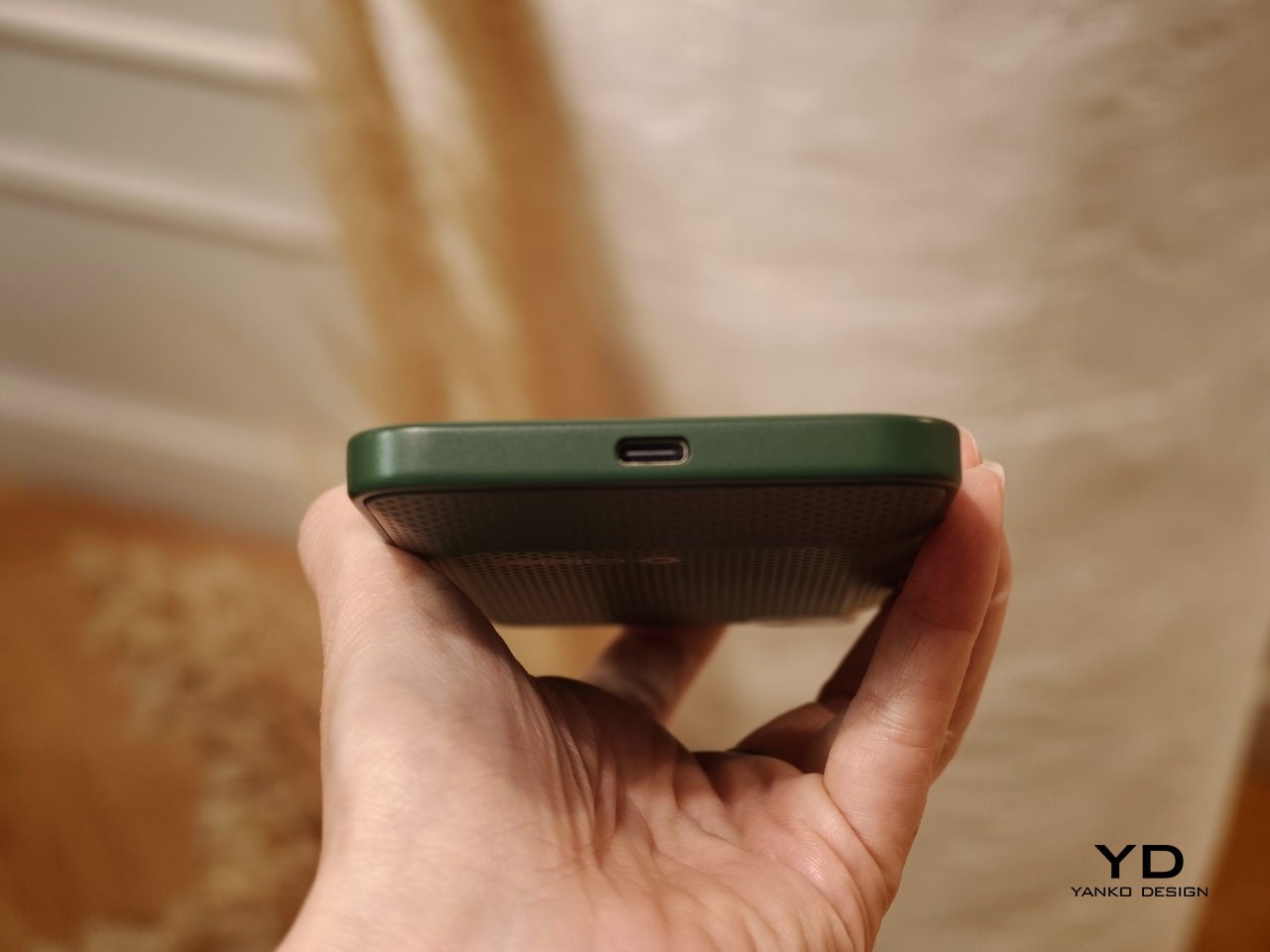
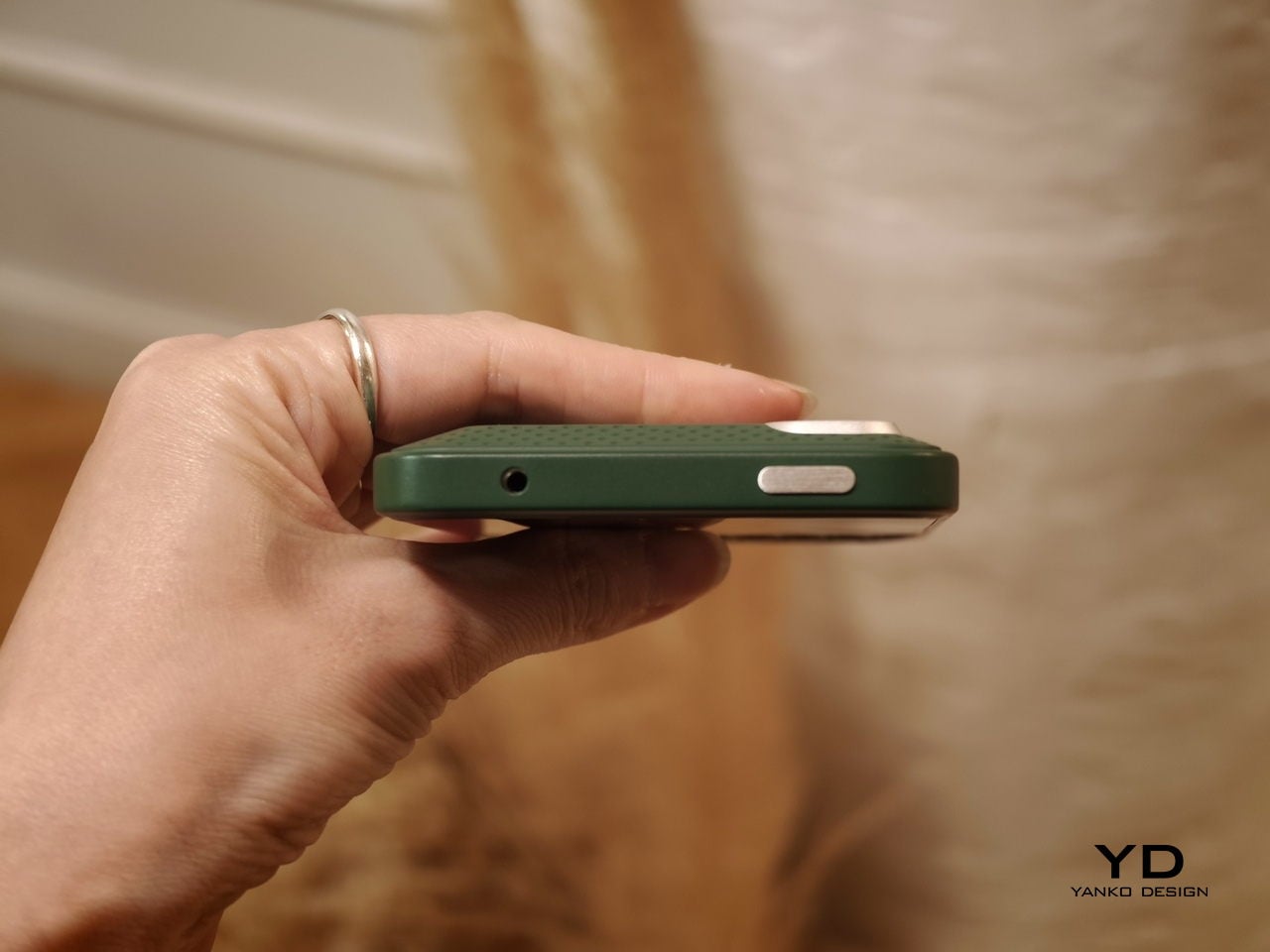
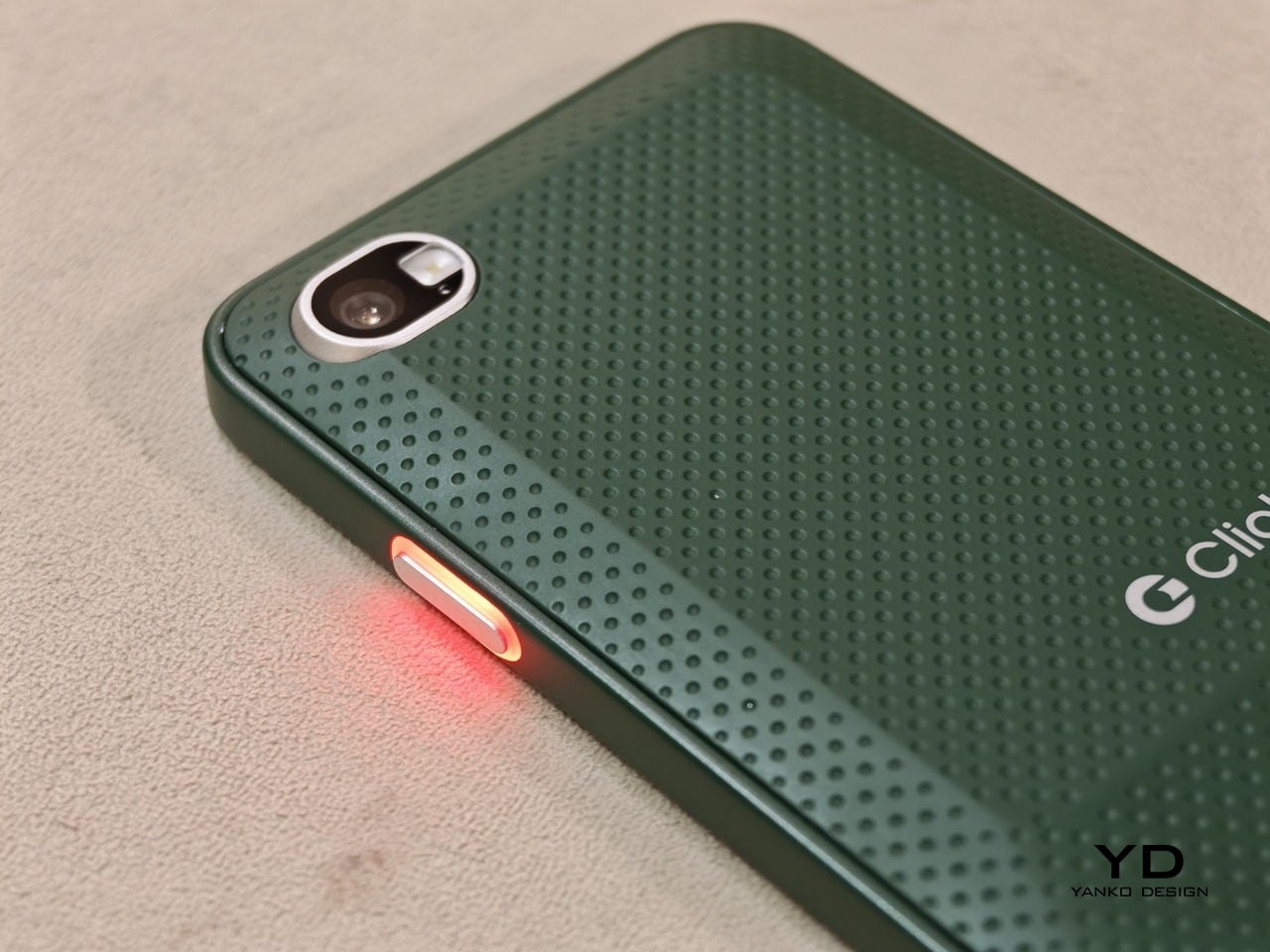
The build felt solid, even in mockup form. One of the most interesting design touches is a magnetic, swappable back panel that snaps on with a confident fit. That modular detail gives the phone a more personal, tool-like vibe, and it suggests Clicks is thinking about long-term ownership rather than quick upgrades.

According to Adrian Li, founder and CEO of Clicks, the Communicator has generated significant interest from the industry over the past few months. Li said the company has been approached by several mobile carriers as well as major retailers that are interested in bringing the device to market. For a young hardware company entering the competitive smartphone space, that attention could be critical.

Carrier partnerships in particular could play a decisive role in the Communicator’s success. While some niche smartphones rely primarily on direct online sales, carrier support can expand a device’s reach through retail stores and bundled service plans. Li noted that Clicks is currently in discussions with potential carrier partners as it explores different distribution strategies for the phone.

Although the prototype shown at MWC was not yet fully functional, the hardware design already reflects the Communicator’s core idea of efficient communication. The device features a compact 4-inch class AMOLED display positioned above a physical backlit QWERTY keyboard. The keyboard is designed to deliver tactile feedback for fast, accurate typing, and it also supports gesture controls for scrolling and navigation.

Under the hood, the Communicator is powered by MediaTek’s Dimensity 8300 processor and runs Android 16. That combination should provide access to the full Android app ecosystem while keeping the experience centered on messaging and productivity. The phone is expected to ship with 256GB of internal storage and support microSD expansion of up to 2TB, which is increasingly rare in modern smartphones.

The rest of the hardware stays firmly in modern smartphone territory. The Communicator includes a 50 MP rear camera with optical image stabilization, plus a 24 MP front camera for video calls and selfies. A 4,000 mAh silicon carbon battery powers the device, with support for USB-C charging and Qi2 wireless charging.

Connectivity options include 5G, Wi Fi 6, Bluetooth, and NFC. A combination of nano SIM and eSIM support gives users flexibility when choosing carriers. The Communicator also retains a 3.5mm headphone jack, which will matter to power users and anyone who still prefers wired audio.

Clicks is building several software features around the phone’s communication first pitch. The device includes a Message Hub that aggregates conversations from multiple messaging platforms into a single interface, which should reduce app hopping. A customizable notification light known as the Signal LED can display different colors depending on which contact or app is reaching out.

Despite its productivity focus, the Communicator is not meant to be a limited-function device. Clicks positions it as either a primary smartphone for users who prioritize messaging or a secondary device that complements a larger entertainment-focused phone. That flexibility could be a key part of its appeal, especially for people who want a more focused tool without giving up modern apps.

As for when the Communicator will reach consumers, Clicks says more information is coming soon. According to the company, the official launch date will be revealed in roughly two months. Until then, the Communicator remains in the promising middle ground between concept and product.

For now, the Communicator blends nostalgia with modern smartphone capabilities in a way that feels deliberate rather than gimmicky. The compact in-hand feel, comfortable typing, and sturdy build are encouraging signs, even if this was not yet a final unit. If carrier and retail interest continues to build, Clicks may be on track to ship a device that serves people who still value fast typing and focused communication in an increasingly distraction-heavy mobile world.

The post Carriers Want This BlackBerry-Style Phone – I Tried It at MWC first appeared on Yanko Design.
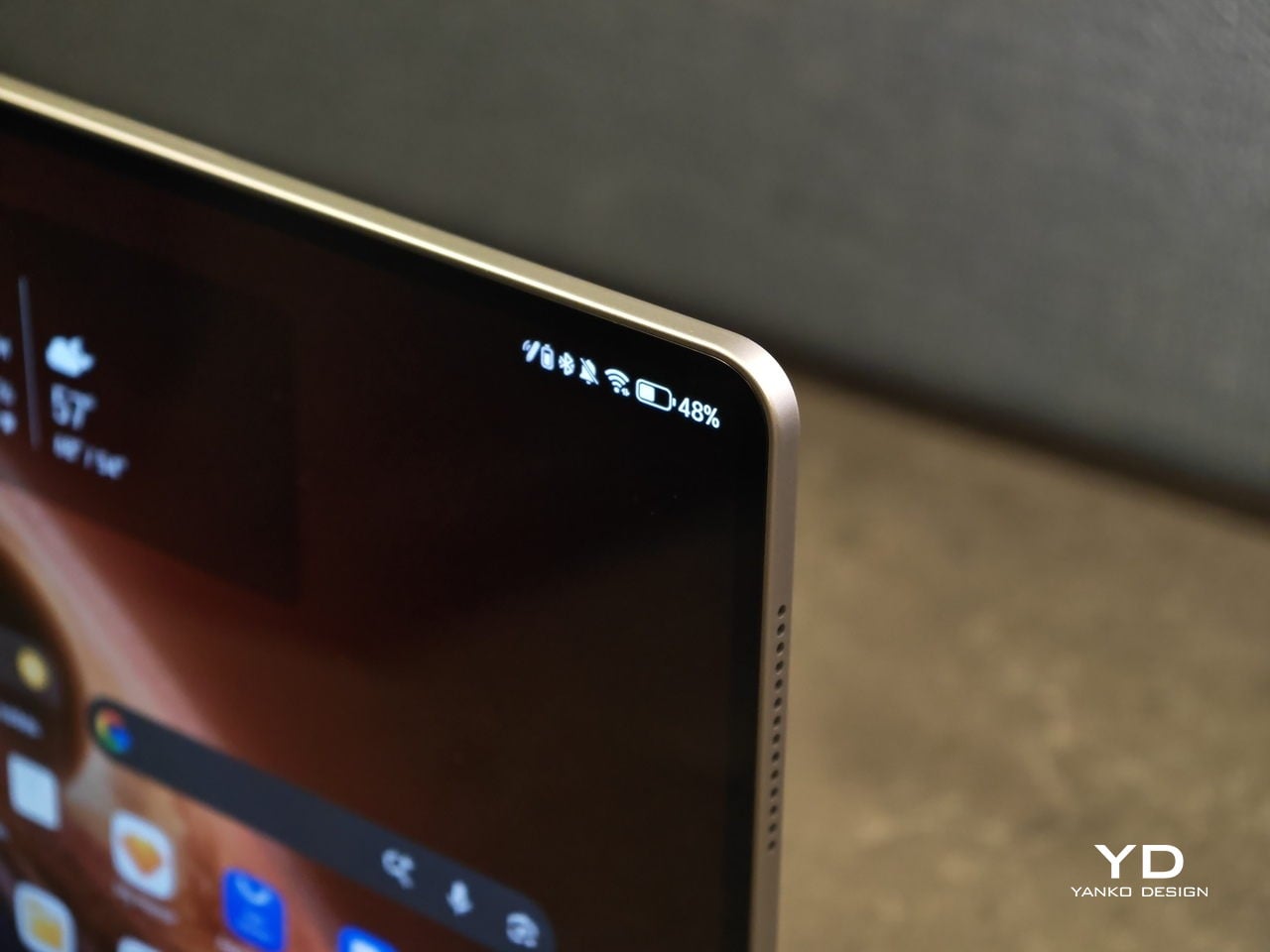
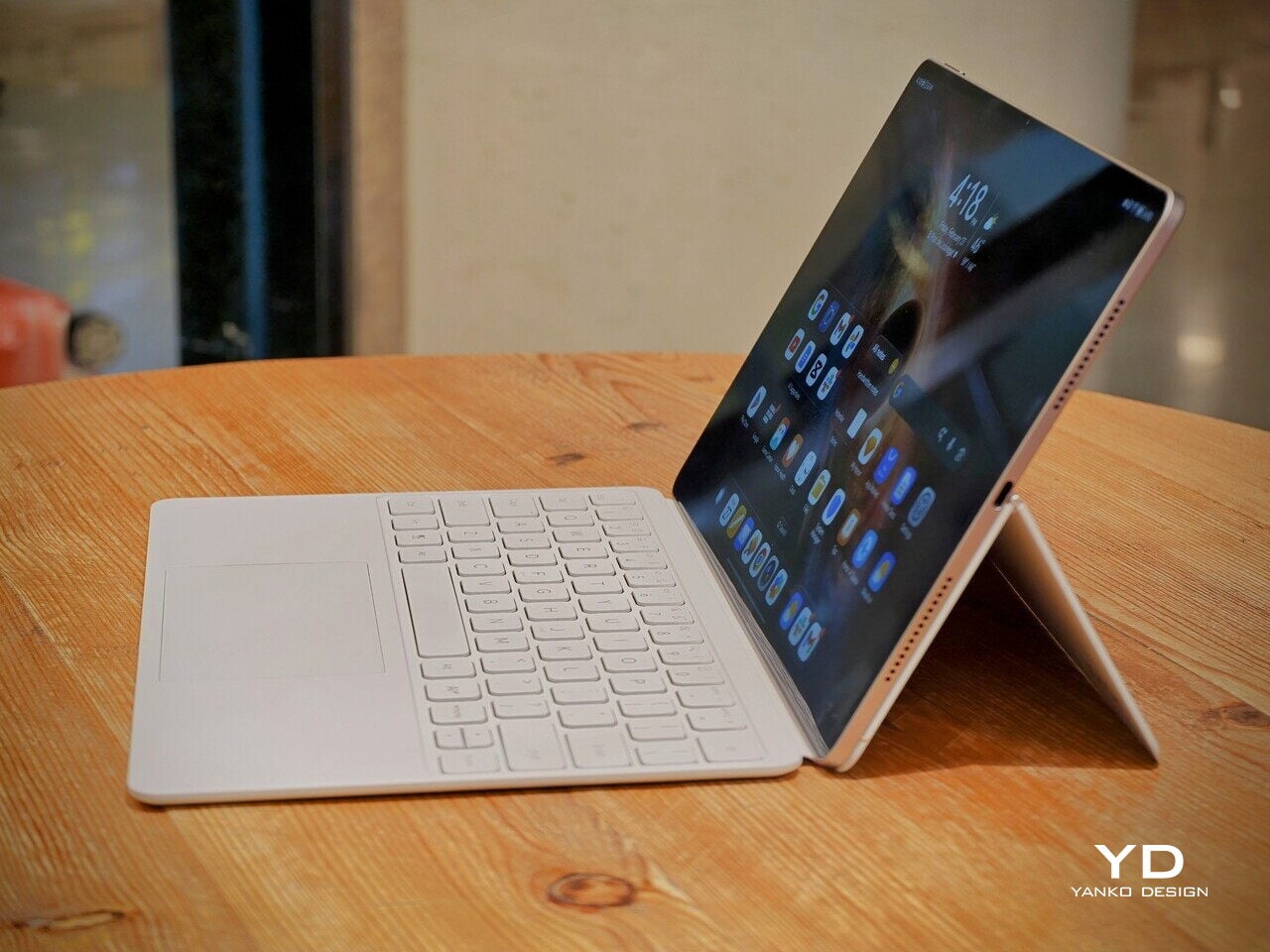
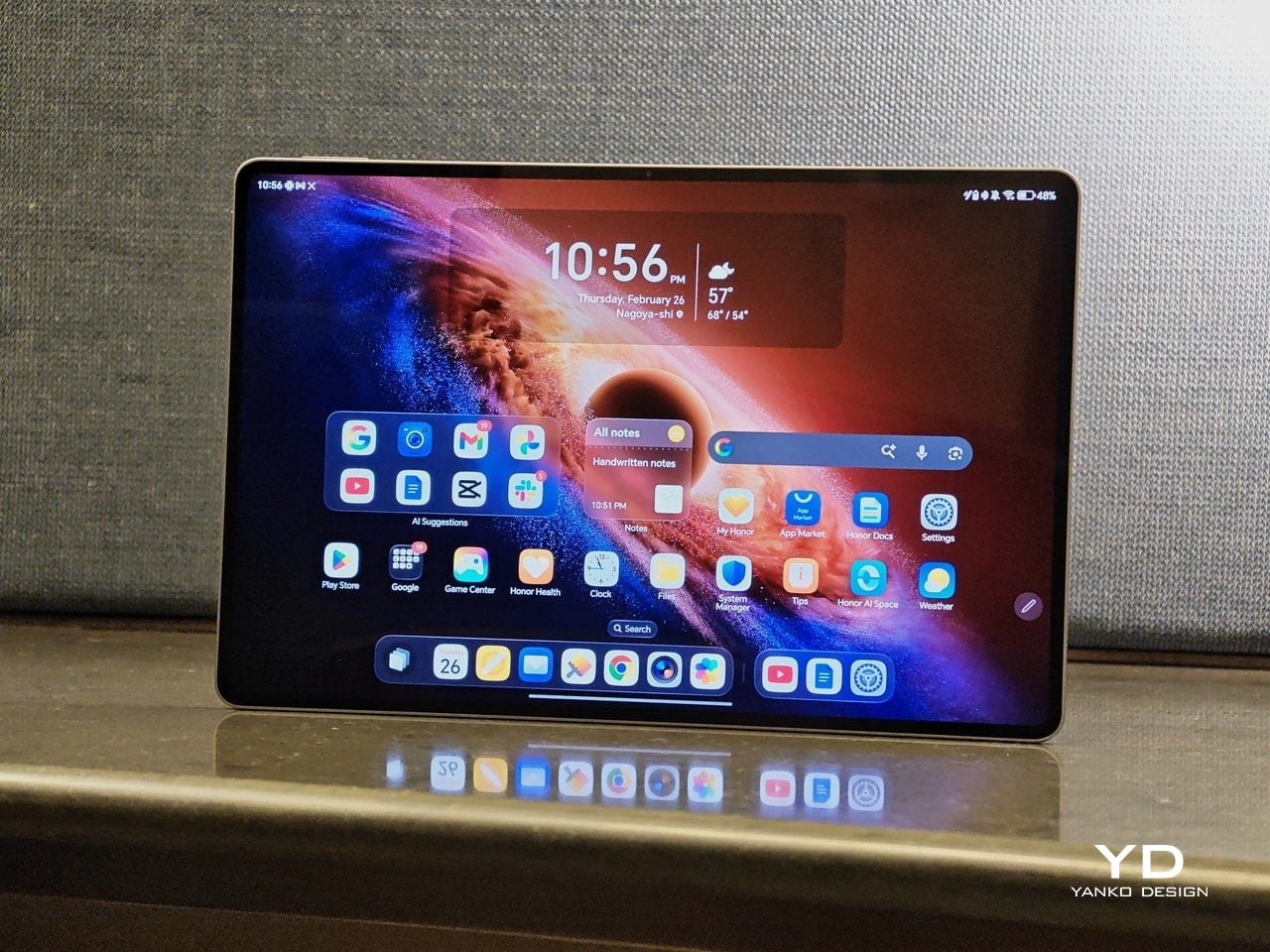
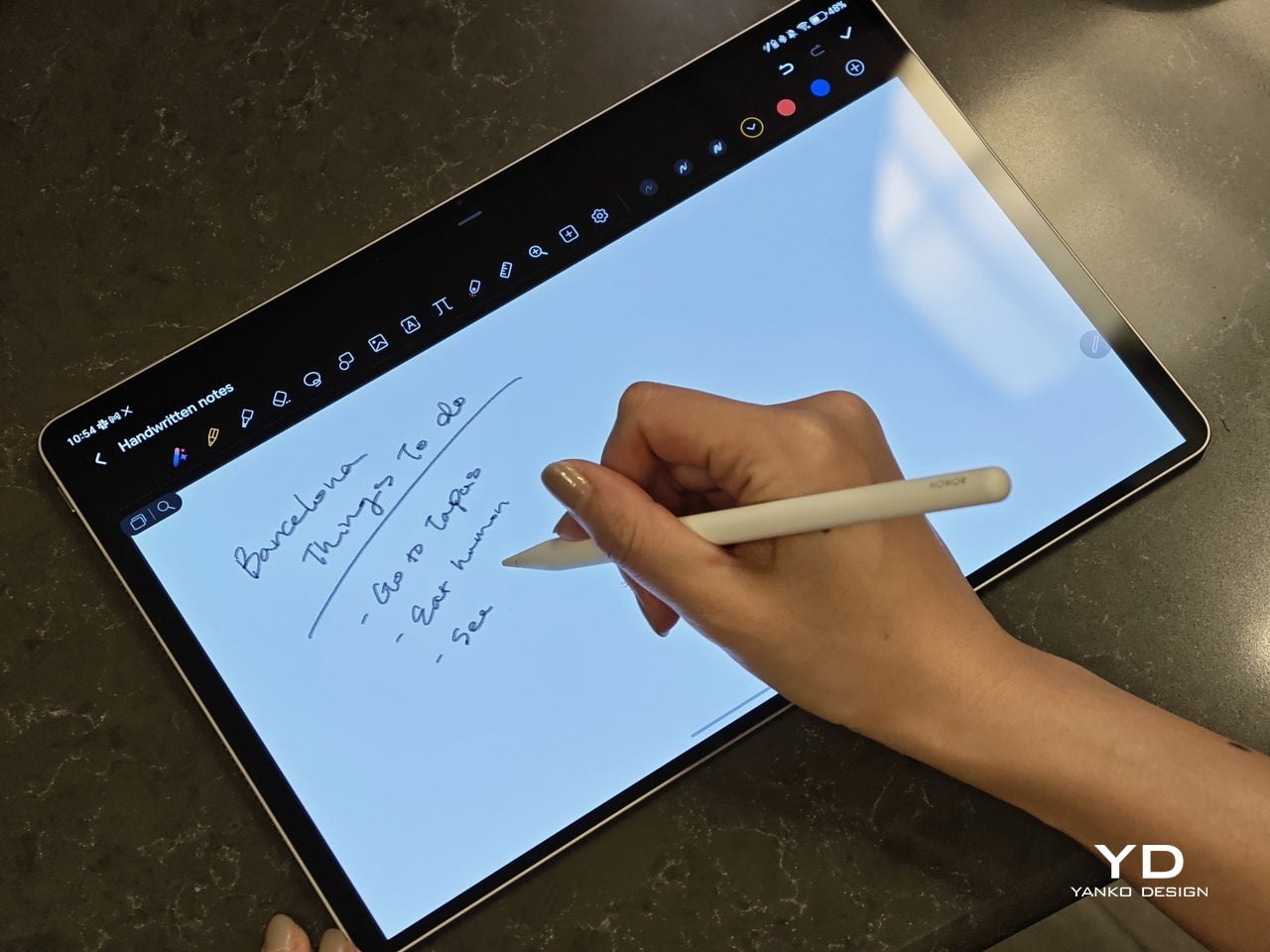
Honor MagicPad4 Review: The World’s Thinnest Tablet Nails Portability and Performance

PROS:


  • Excellent portability

  • Immersive content-consuming experience

  • Great battery life

  • Powerful performance

CONS:


  • No microSD card slot

  • No IP rating

  • Underwhelming software support period

RATINGS:

AESTHETICS
ERGONOMICS
PERFORMANCE
SUSTAINABILITY / REPAIRABILITY
VALUE FOR MONEY

EDITOR'S QUOTE:

The Honor MagicPad4 nails extreme portability with a gorgeous OLED screen, strong performance, and a surprisingly complete productivity toolkit that makes it feel like a real work-capable tablet.

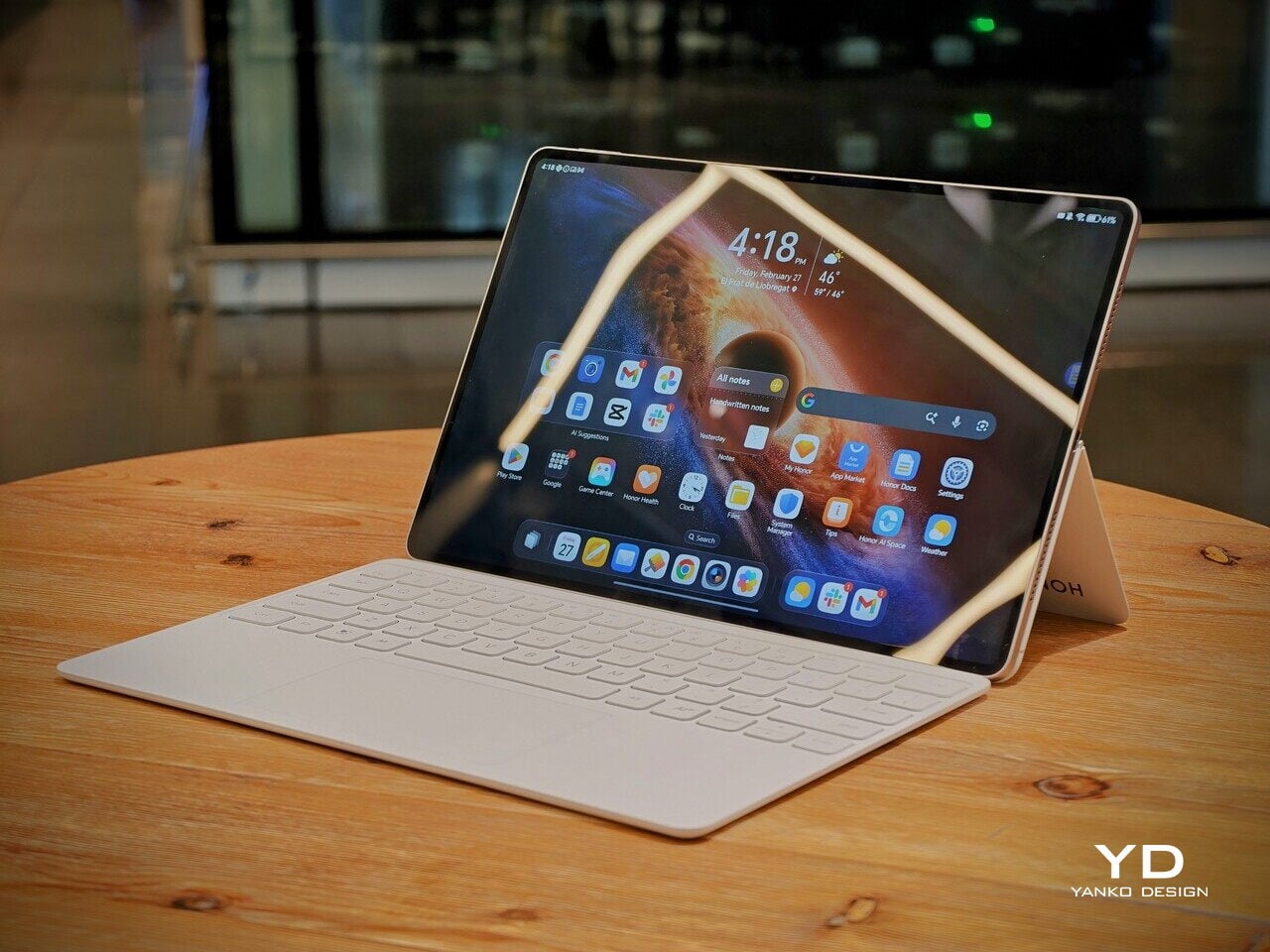
Honor is pitching the MagicPad4 as a tablet that can travel like a notebook and work like a small laptop, without dragging you into the usual compromises. The headline numbers are bold. 4.8mm thin and about 450g, paired with a 12.3-inch OLED panel that runs up to 165Hz and hits a claimed 2400 nits peak brightness in HDR. 

Under that sleek shell, HONOR is also treating this as a proper flagship. You get Snapdragon 8 Gen 5, Wi-Fi 7, a 10,100mAh typical battery with 66W wired charging, and a cooling system designed to keep performance consistent under load. With the headline specs out of the way, let’s get into what the MagicPad4 is actually like to live with.

Designer: Honor

Aesthetics

The MagicPad 4 looks like it was designed with a single obsession. Make the body feel impossibly slim, then let the display do the talking. Its design language is clean, modern, and very display-forward, and it feels intentionally restrained in the best way. Instead of chasing flashy accents, the tablet leans into a minimalist, yet elegant look that quietly simmers.
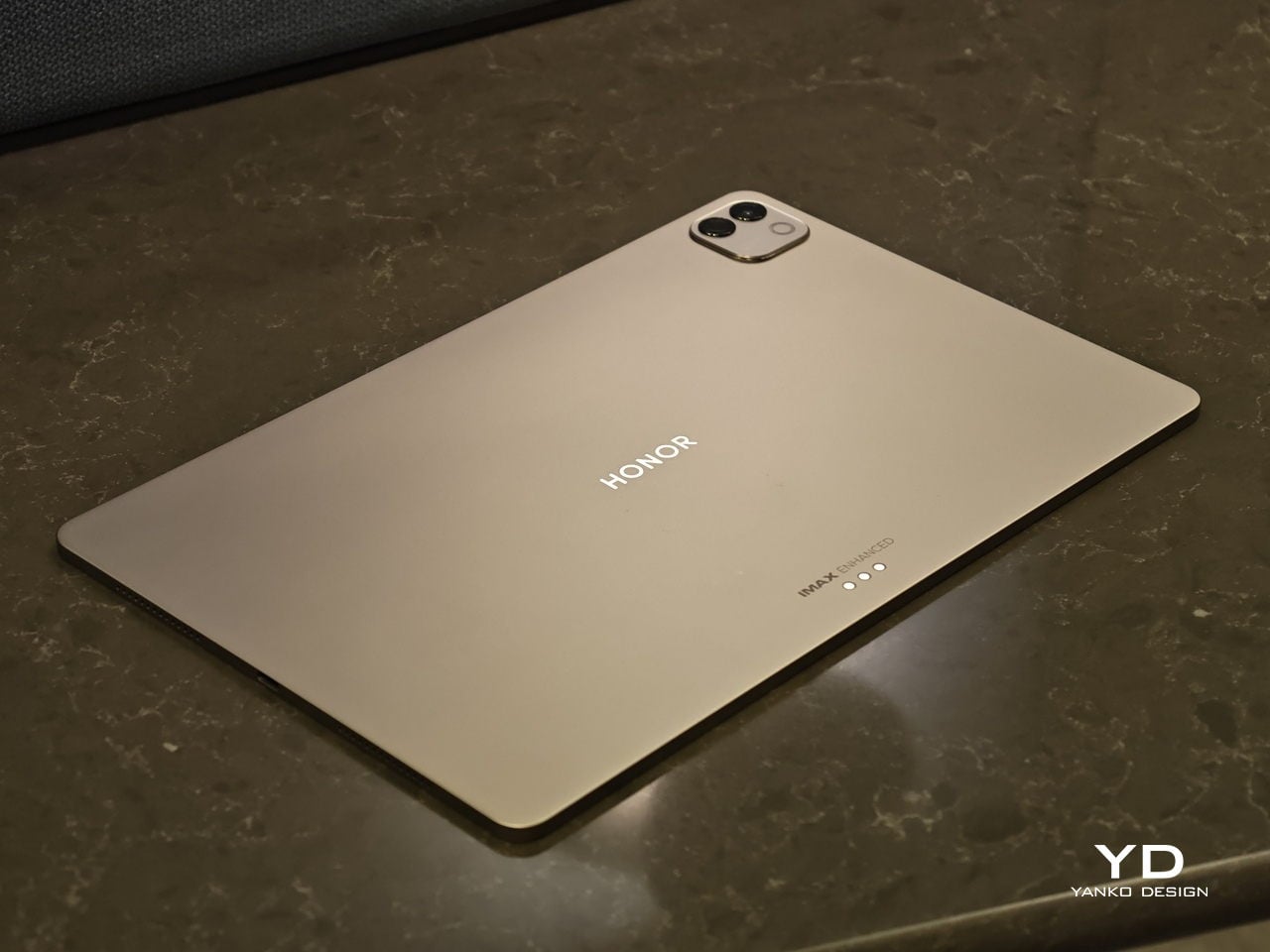
Flip it over, and the styling stays just as composed. On the back, the MagicPad 4 features a square camera bump in the upper left corner, while the HONOR logo sits centered for a balanced, gallery-like finish. Color options are simple and confident, with Gray and White both pairing naturally with the tablet’s understated aesthetic.

Ergonomics

In hand, the MagicPad4’s defining ergonomic feature is slimness and weight, or the lack of it. The MagicPad 3 was already ahead of the pack on portability, listed at 5.79mm and about 595g, but the MagicPad4 still makes a meaningful leap at just 4.8mm thin and about 450g. The screen is slightly smaller this time around, dropping from 13.3 inches on the MagicPad 3 to 12.3 inches here, yet the reduction in thickness and weight is still impressive, even with that display size change in mind.

On paper, those numbers can sound like a modest revision. In use, they show up as less hand fatigue and less hesitation to pick it up for quick reading, quick edits, or a short sketching session. To underline how light it is for its size, HONOR even notes that the 12.3-inch MagicPad4 is lighter than an 11-inch iPad Air at around 462g, which is a helpful reality check for just how portable it feels.
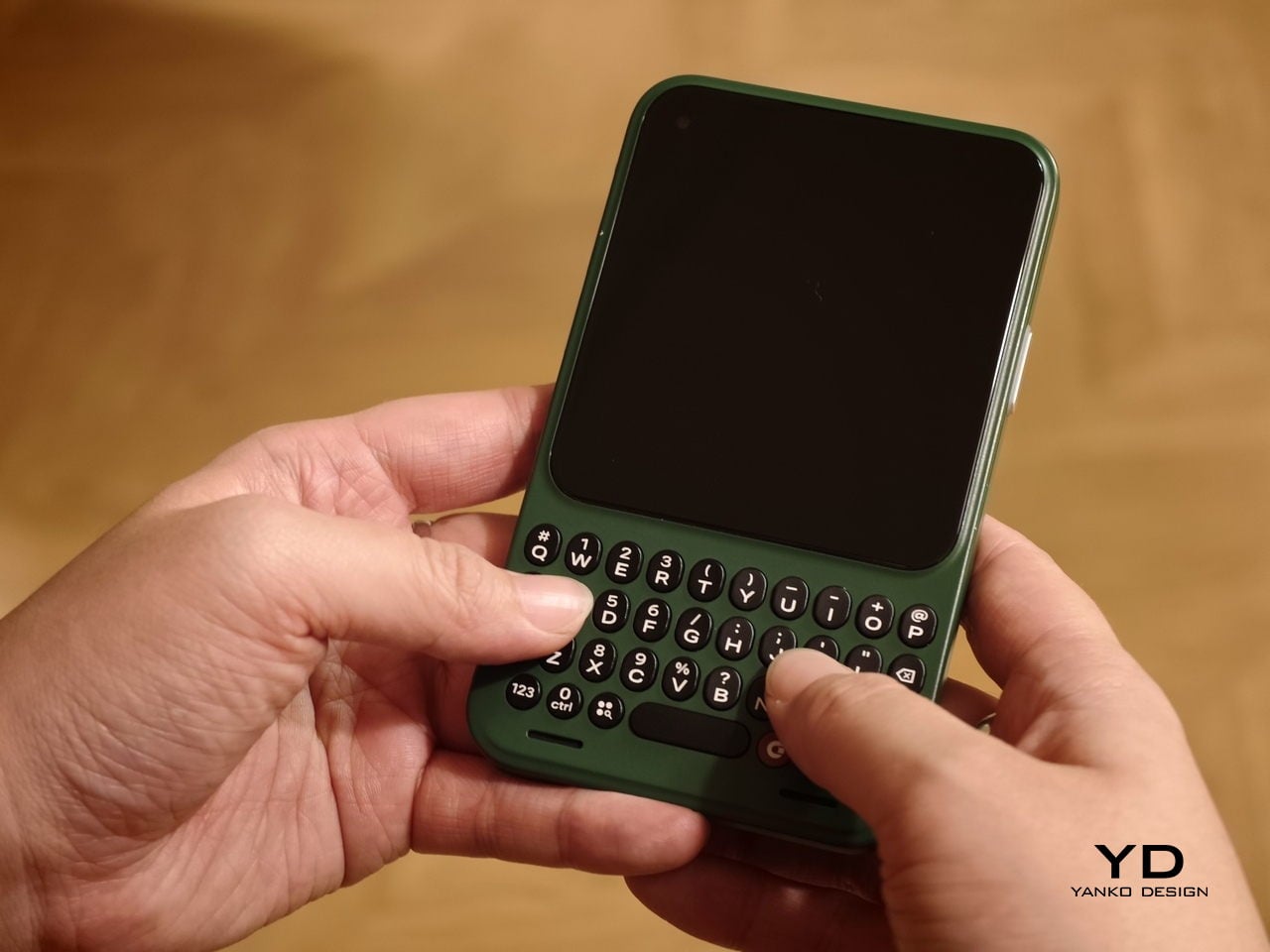
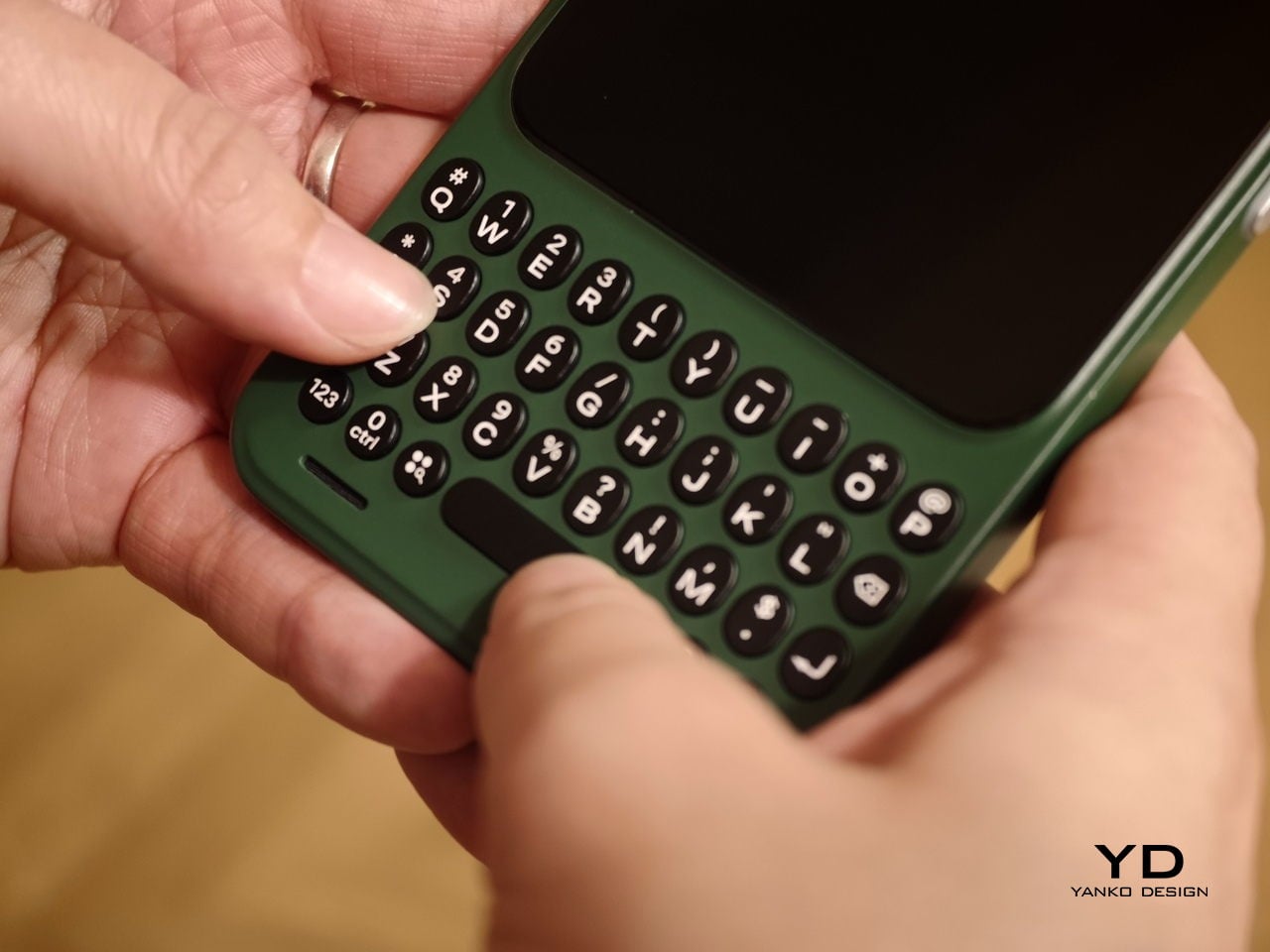
Attach the optional keyboard, and that light, sheet-like feeling largely stays intact. That is when it becomes obvious the MagicPad4 is meant to be used as a full kit. HONOR’s three-piece mobile office set, meaning tablet plus keyboard plus stylus, comes in at about 852g, which is still easy to treat as a grab-and-go setup.

Typing feels surprisingly firm, but the slim keyboard has shallower key travel, so long sessions are a bit less comfortable than on a thicker, more laptop-like keyboard. Still, it is a tradeoff I am willing to take for how portable the whole setup is. Typing on your lap is doable, but the keyboard does not feel as planted as a laptop or a more rigid keyboard setup, so it can wobble a bit when you shift around.

Where the keyboard design really helps is flexibility. You fold the top half of the back cover to prop the tablet up, and it gives you a wide range of display tilt angles. It is the kind of flexibility you end up using constantly, especially on the go, when you are stuck working with whatever table and chair height you find.

Performance

Performance starts with the panel, because it sets the tone for everything you do on the tablet. There was a lot of backlash when HONOR switched from OLED to IPS LCD on the MagicPad 3, so bringing OLED back on the MagicPad4 feels like a direct response to what people actually wanted. Here, you get a 12.3-inch OLED with a 3000 x 1920 resolution and up to a 165Hz refresh rate, framed by a 4mm ultra-narrow bezel and a 93% screen-to-body ratio that makes the front feel almost all screen.

In use, the MagicPad4 feels smooth when you scroll, sharp when you read, and fluid when you bounce between apps. The high refresh rate is not something you consciously track all the time, but it helps everything look a bit more stable and refined, especially when you are moving quickly through feeds, documents, and multi-app workflows. It also supports 1.07 billion colors and a claimed 2400 nits peak brightness for HDR and strong light scenarios, which is a strong fit for both entertainment and everyday browsing.

Just like its flagship smartphones, HONOR treats eye comfort as part of the performance story, not a footnote. The MagicPad4 is TÜV Rheinland flicker-free and low blue light certified, and it stacks 5280Hz PWM dimming with Chip-Level AI Defocus Display and DOT Eye Comfort Technology. None of this is medical, but it is the kind of feature set that matters if you read, write, and edit for hours, because it gives you a concrete way to talk about comfort over long sessions.

The display performance also matters for pen input, and the MagicPad4 is compatible with the HONOR Magic-Pencil 3. For note-taking and sketching, it makes the tablet feel more like a digital notebook than just a consumption screen, and it is the accessory that turns that big OLED into something you can actually work on, not just look at.

HONOR pairs the display with an eight-speaker setup featuring HONOR Spatial Audio. It sounds excellent overall, with a wide soundstage and solid clarity. Dialogue comes through cleanly, and music has enough separation that it does not blur into a flat wall of sound, though bass is a bit limited, as you would expect from a tablet this slim.

Combined with the 93% screen-to-body ratio and those slim bezels, the MagicPad4 can feel genuinely immersive for movies and video. It is the kind of tablet that makes you want to watch one more episode, because the screen and speakers work together in a way that feels closer to a tiny home theater than a typical mobile device.

Under the hood, it runs on Snapdragon 8 Gen 5, which gives it the headroom to stay responsive when you start stacking tasks, juggling multiple apps, or pushing more demanding games and creative workloads. Configurations include 12GB RAM with 256GB storage, or 16GB RAM with 512GB storage.

The MagicPad4 runs MagicOS 10 based on Android 16, and a lot of its performance feel comes from the PC-style features and multitasking tools built into the software. For instance, the moment you attach the keyboard, the system prompts you to switch into PC Mode, which immediately reframes the tablet as more of a small desktop than a giant phone.

With PC Mode on, you can open up to four floating windows at once. You can resize them, move them around freely, and set up your own layout depending on what you are doing, like notes on one side, a browser on the other, and a couple of smaller apps layered in. It is a simple feature, but it makes multitasking feel natural on a 12.3-inch screen. On top of that, HONOR bundles a full suite of AI features, so the tablet is not just fast, it is clearly designed to help you get through work faster too.

The cameras are not the reason you buy the MagicPad 4, but they are perfectly fine for what a tablet usually gets used for. You get a 13MP autofocus rear camera for quick document scans and occasional shots, plus a 9MP fixed-focus front camera that is mainly for video calls, and both are serviceable without being a main selling point.

Sustainability

HONOR does not lean heavily on sustainability messaging for the MagicPad4. What it emphasizes instead is structural durability. The MagicPad4 uses aerospace-grade special fiber as part of its body, which HONOR says reduces weight while increasing stiffness by 30%.

There is also a practical durability caveat. There is no IP rating mentioned, so I would be careful around water and treat it like a device that is not meant to handle spills. Software support matters for longevity, too, and HONOR’s promise of three years of major OS updates and three years of security updates is far from class-leading, so it is worth factoring in if you plan to keep the tablet for the long haul.

Value

Value is where the MagicPad4 starts to make a lot of sense, because HONOR is not pricing it like a niche luxury tablet. In the U.K., the 12GB plus 256GB model is £599.99 (about $760 USD), and the 16GB plus 512GB version is £699.99 (about $890 USD). Accessories are priced separately, with the HONOR MagicPad4 Smart Keyboard listed at £140.98 and the Magic-Pencil 3 at £30, which is worth factoring in if you plan to use it as more than a media tablet.

What makes this feel like great value is the overall hardware and feature mix. You are getting a flagship Snapdragon chip, a 12.3-inch 165Hz OLED, a sleek form factor, and a software experience that leans into PC-style multitasking. At these prices, the MagicPad4 makes the most sense for people who will actually use that work-capable tablet angle, not just the big-screen entertainment side.

Verdict

The HONOR MagicPad4 nails the parts of tablet life that actually matter day to day. It is exceptionally portable, the 12.3-inch 165Hz OLED is excellent for reading and media, and the eight-speaker setup helps it feel more immersive than most thin tablets. With the keyboard attached, PC Mode and floating windows make it feel closer to a small laptop than a typical Android tablet.

The compromises are more about the physical keyboard experience and long-term ownership than the software itself. The keyboard is convenient and flexible, but the shallow key travel and slightly wobbly lap use remind you that it is still a tablet-first setup. Honor also does not say much about sustainability, and the promised two major OS updates and four years of security patches are not class-leading, so it is worth weighing if you plan to keep the tablet for many years.

The post Honor MagicPad4 Review: The World’s Thinnest Tablet Nails Portability and Performance first appeared on Yanko Design.