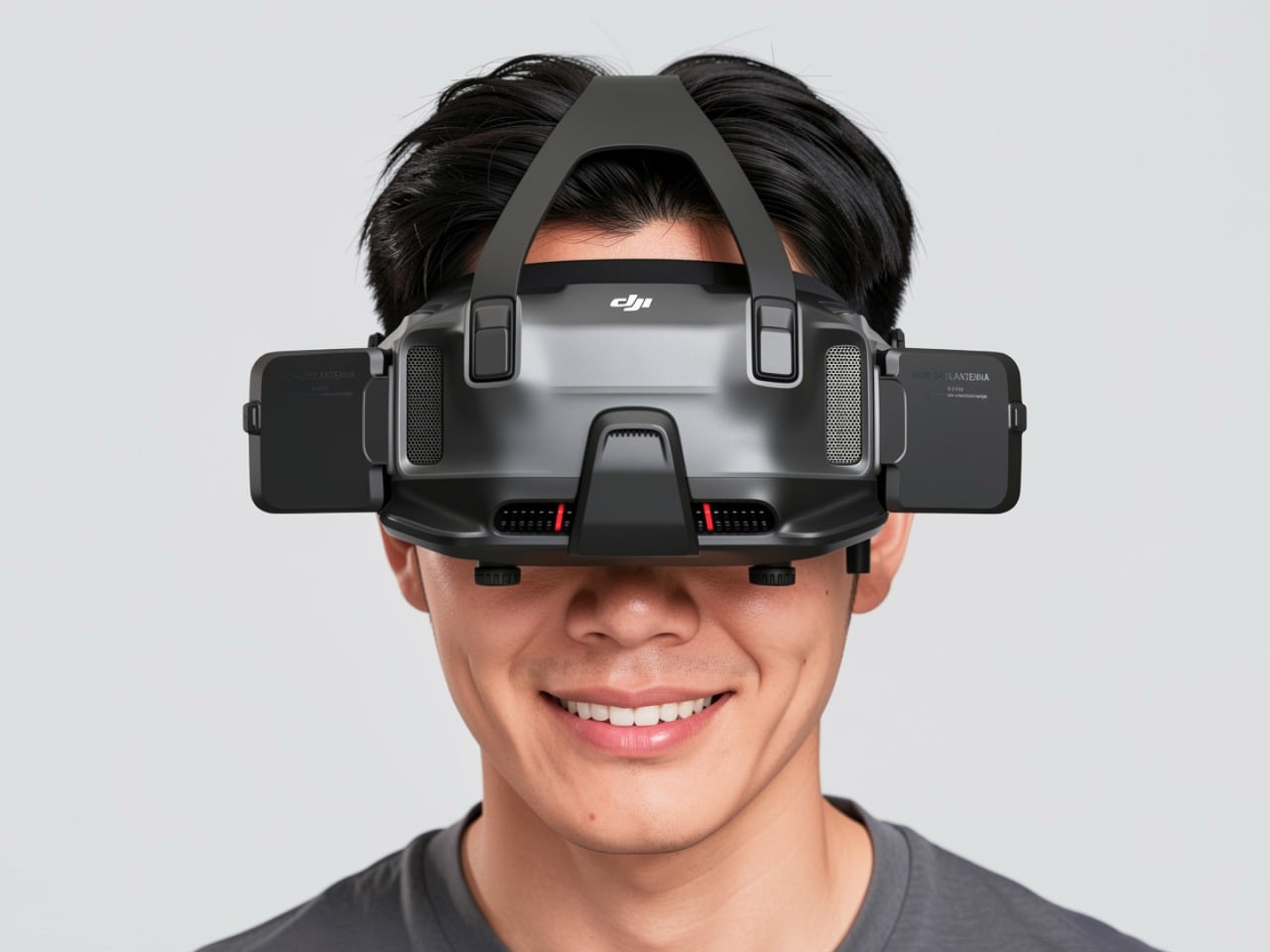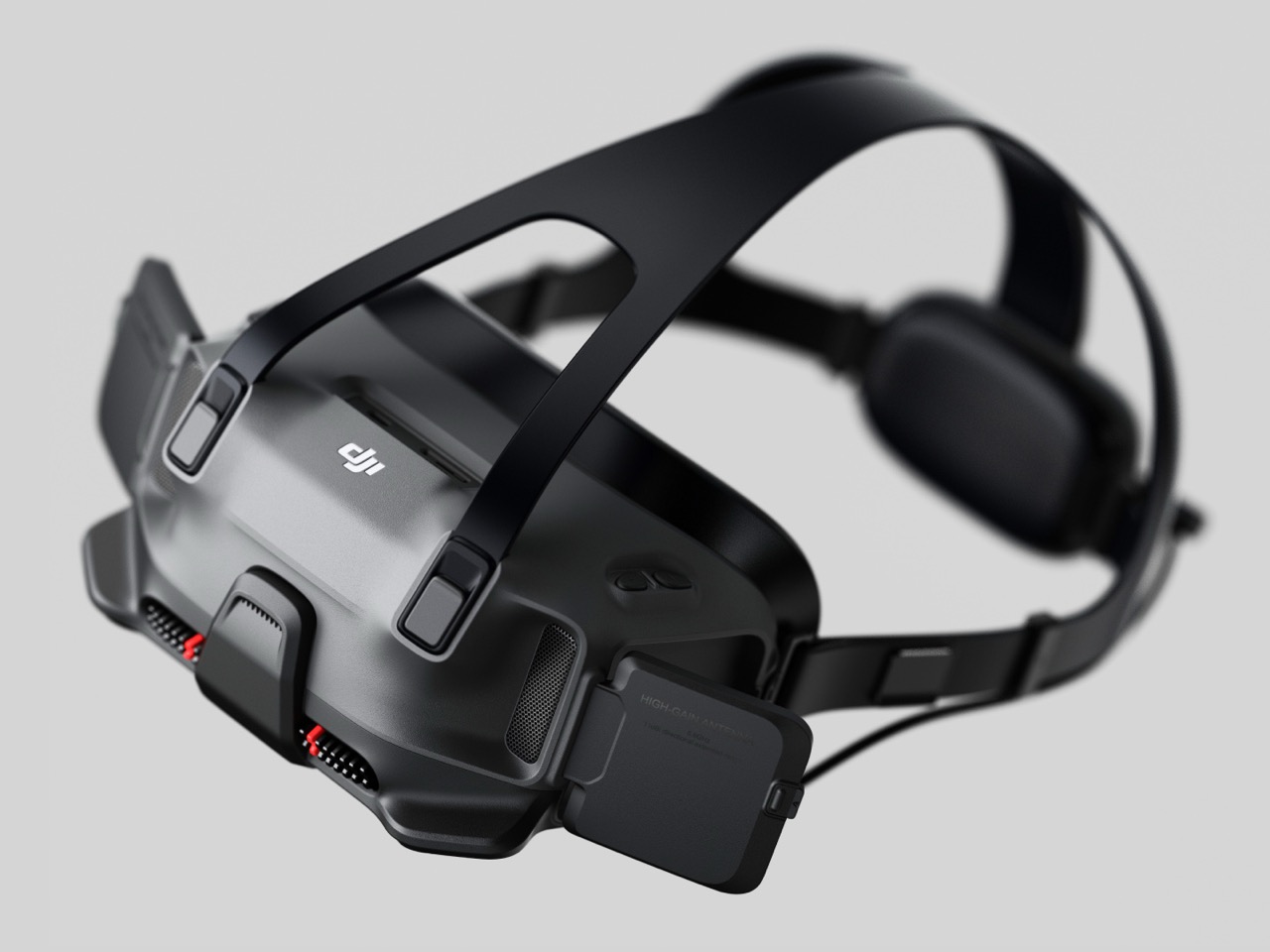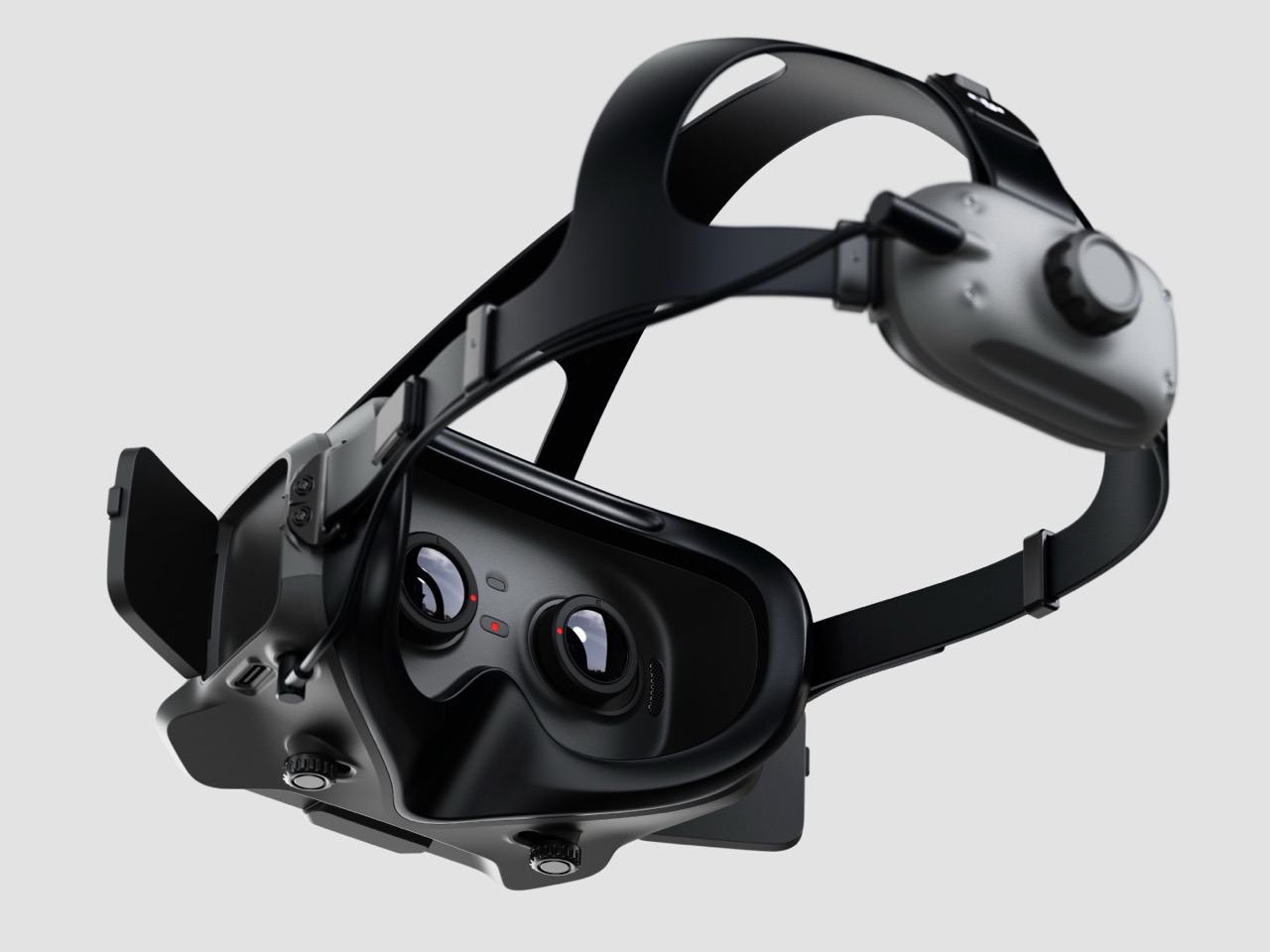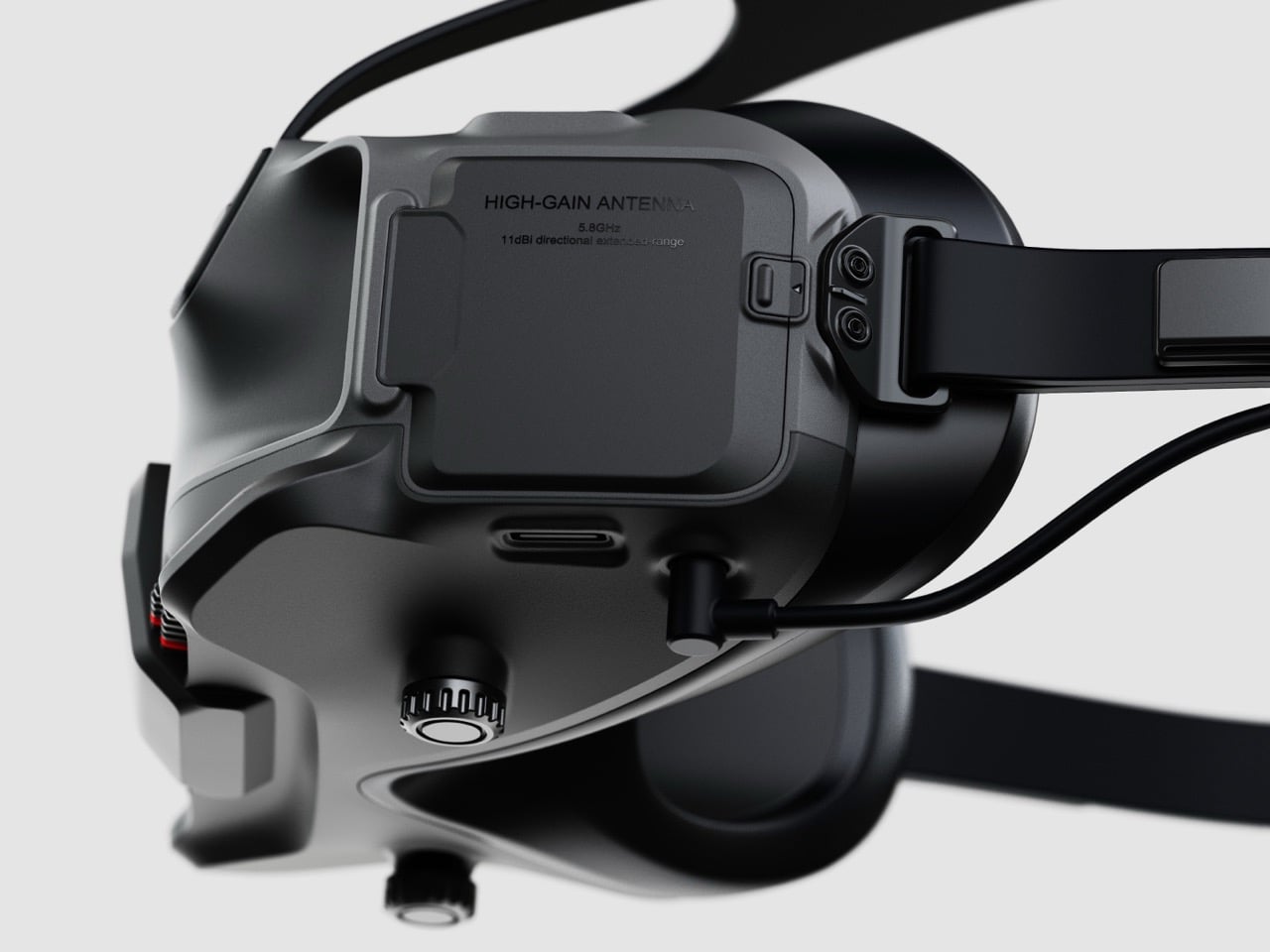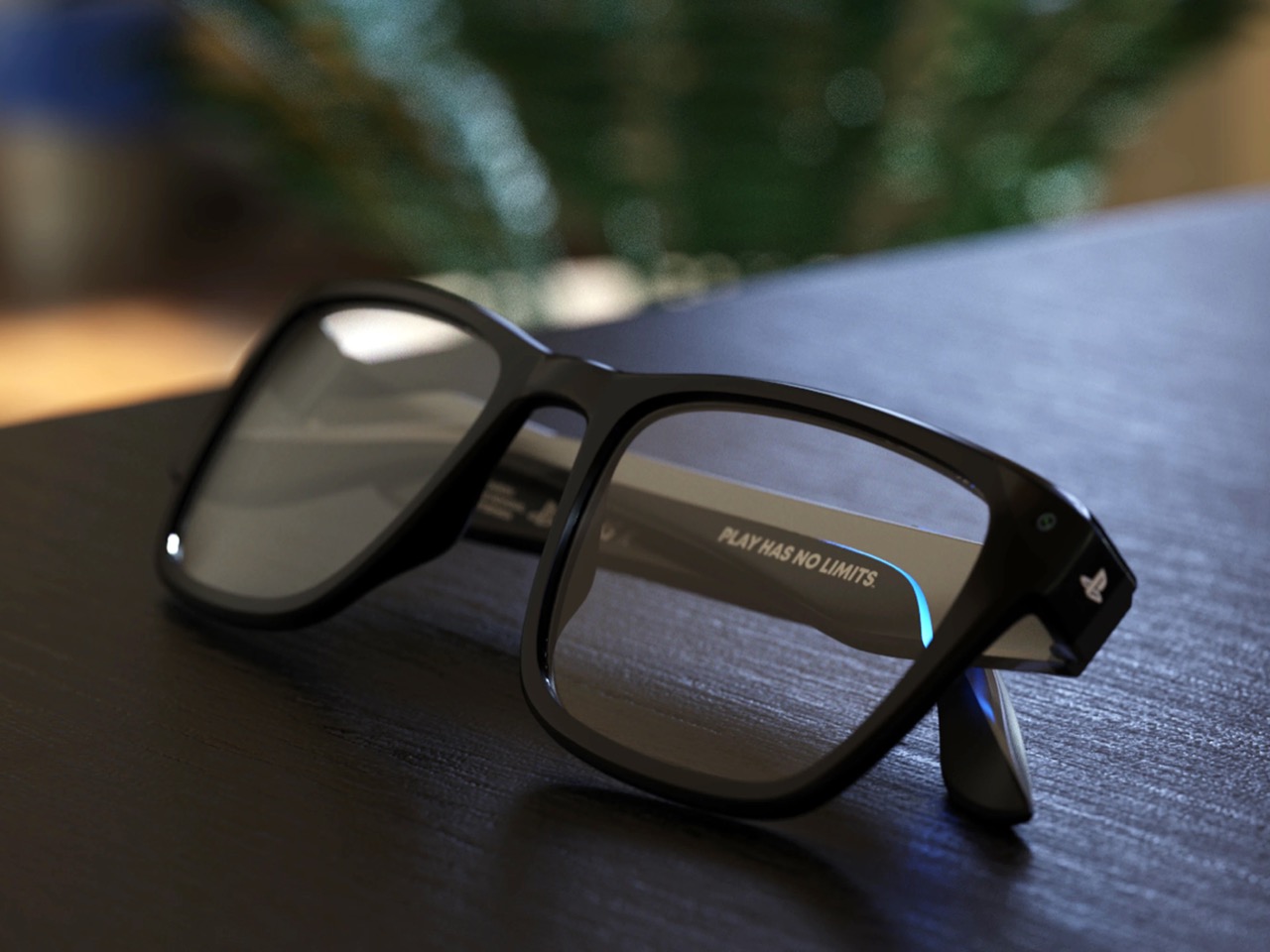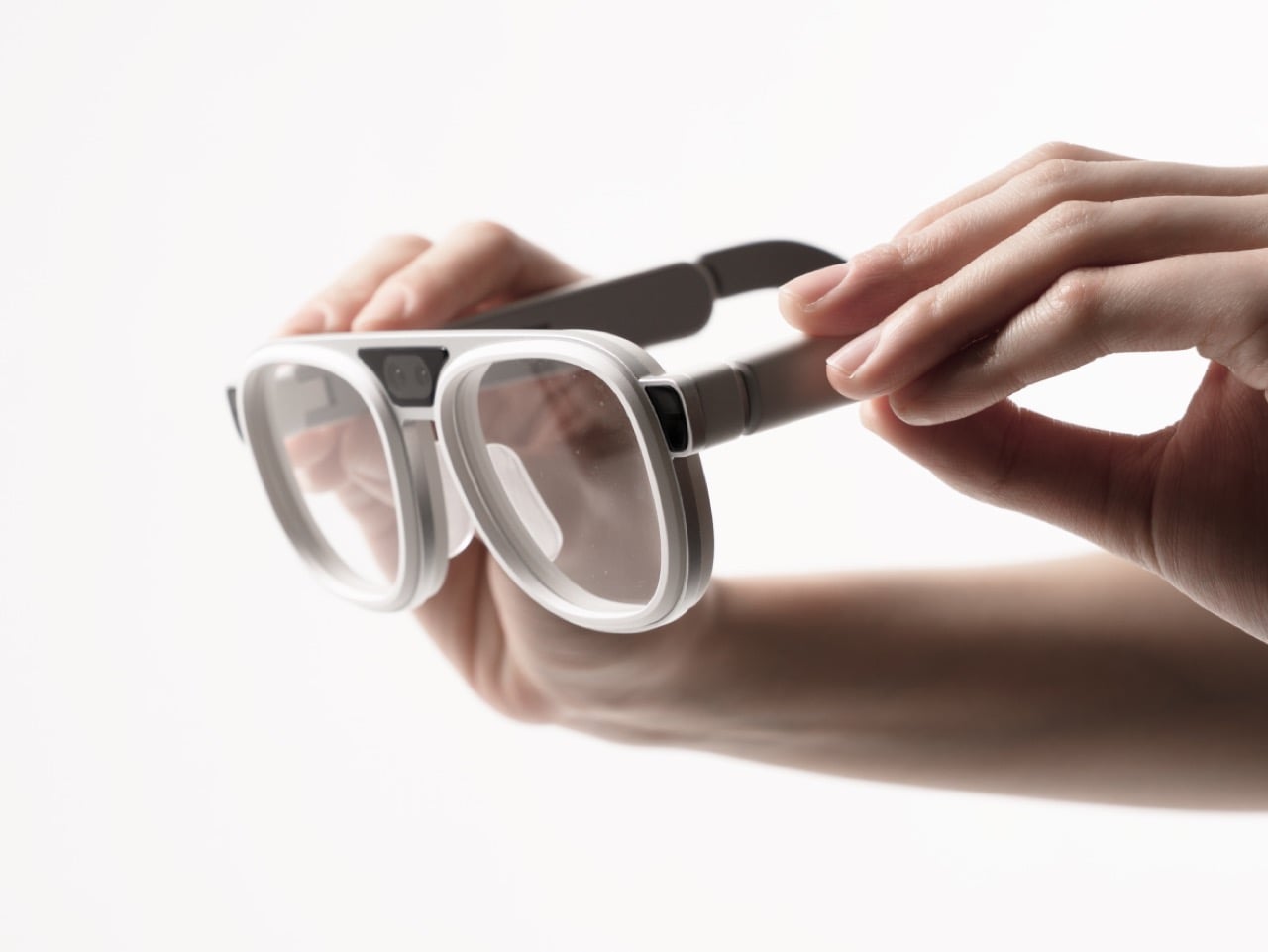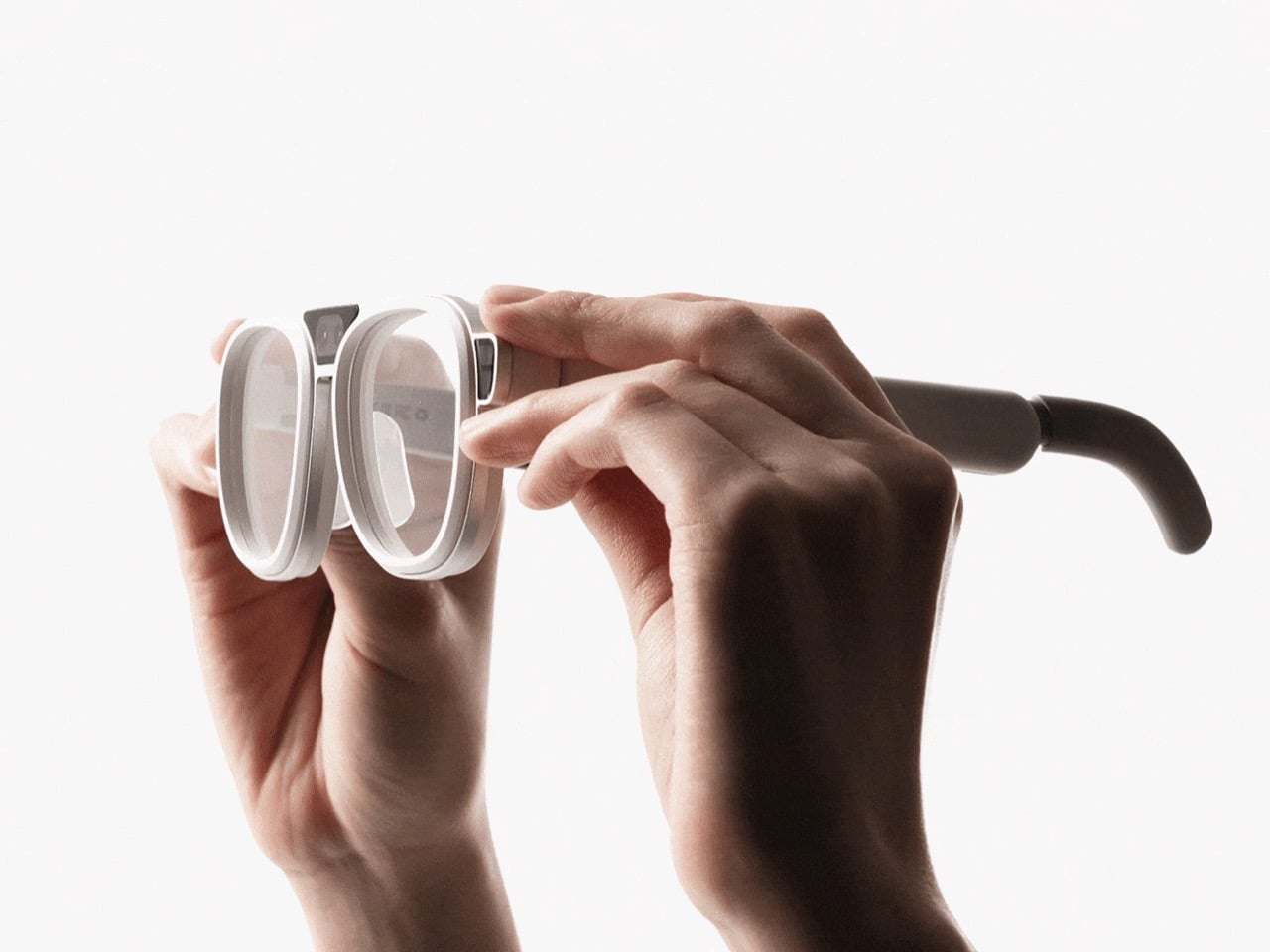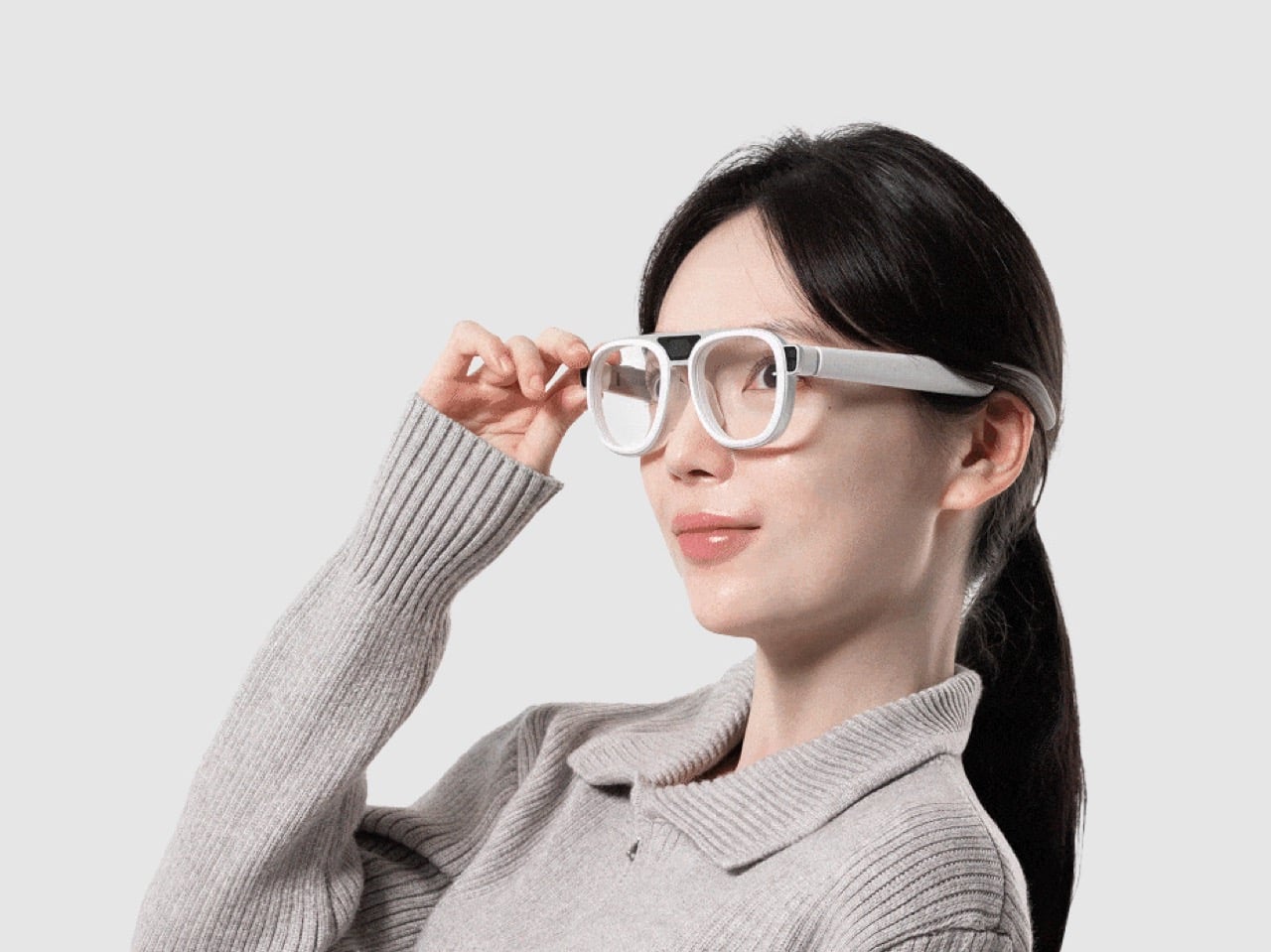
Ovme Smart Mirror System Lets You See, Feel, and Fit Virtual Outfits

The everyday “what should I wear today?” moment has gotten more complicated by online shopping. You can scroll endless outfits, but a screen cannot show how something fits, feels, or plays with what you already own. Ovme is a concept that treats the mirror as a missing link between your closet, your feed, and your actual body, closing the gap between seeing and knowing.

Ovme is an AR smart mirror ecosystem built around three objects: a full-height mirror, a sensor-laden fitting belt, and a haptic tactile table, plus a companion app. The name stands for “Own version of me,” and the system is designed to help you find new styles, feel how they fit, and touch virtual fabrics before you ever click buy or open your wallet.

Designers: Daun Park, Seyeon Park, Chawon So, Yewon Shim, Yejin Hong

The mirror acts like a personal stylist, overlaying outfits on your reflection and pulling from three sources: new looks, your existing wardrobe, and reference images you feed it. You can swipe through categories like formal, sporty, or feminine, and see complete outfits assembled around your silhouette, then save the ones that feel right into a virtual closet for later when you need inspiration or want to revisit.

The fitting belt is a flexible band with sensors that can wrap around your head, waist, or thigh. It measures circumference and applies gentle pressure, tightening or loosening to simulate how a garment would hug or hang on that part of your body. On the mirror, the virtual outfit responds in real time, turning fit from a guess based on size charts into something your body can actually sense.

The tactile table is a slim pedestal with a haptic surface that uses electro-tactile feedback to mimic fabric textures. When you place your hand on it, the system can suggest sensations like smooth silk, textured knit, or structured leather in sync with what you see in the mirror. It attempts to close the gap between seeing a material and knowing how it might feel against your skin or draped over your shoulders.

Ovme also acts as a style diary. It can scan what you are wearing today, score the outfit, and save it to a timeline called My Closet, so you can revisit past looks and see patterns in what you actually wear. A social layer called OvUS lets you browse other people’s saved styles and mood boards, turning the mirror into a place to share and borrow ideas rather than stare at yourself alone.

Ovme treats getting dressed as an ongoing design process, not a daily panic, and uses AR, haptics, and sensing to give online fashion some of the feedback loops of a real fitting room. Whether or not this exact hardware ever ships, the idea of a home mirror that helps you experiment, feel, and remember your style captures a direction that deserves attention, especially as wardrobes become more scattered across platforms and shopping becomes more remote.

The post Ovme Smart Mirror System Lets You See, Feel, and Fit Virtual Outfits first appeared on Yanko Design.

Apple Vision Pro M5: How Tungsten, Knit, and Silicon Finally Make Spatial Computing Livable


The first time I strapped on Apple’s original Vision Pro, I almost waved to the nonexistent crowd watching me in that demo. It was that breathtaking an introduction to futuristic technology. But thirty minutes later, reality set in. That curved laminated glass and aluminum shell felt less like a window into the future and more like a beautiful brick bolted to my forehead.

Designer: Apple

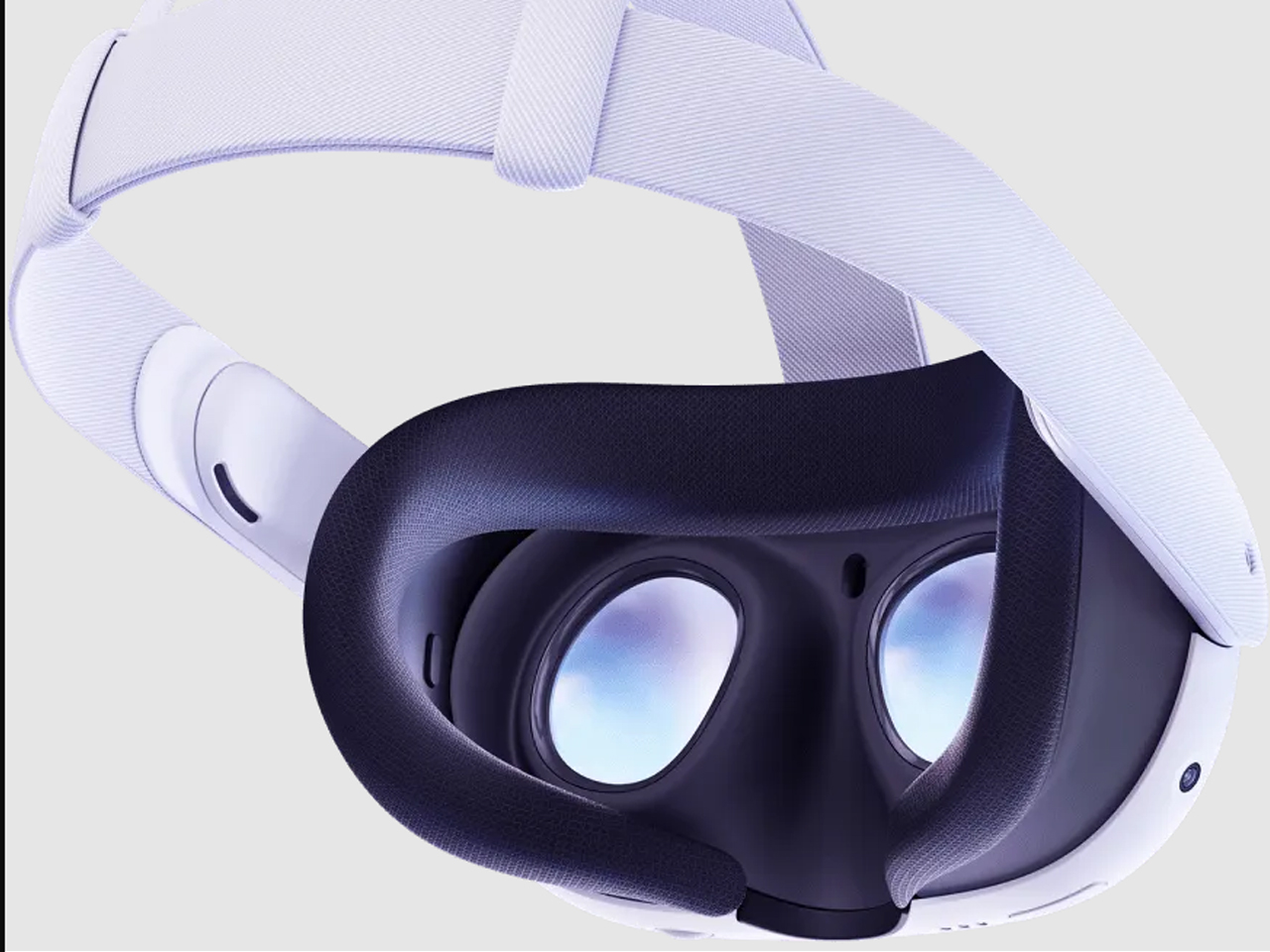
Apple’s M5 Vision Pro refresh doesn’t change the object language. It still reads like a sci-fi ski goggle crossed with a premium camera body: all that curved glass, recycled aluminum, and fabric-wrapped interface that refuses to acknowledge gaming headset aesthetics exist. What Apple has done instead is far more interesting from a design standpoint. They’ve attacked the two biggest experiential flaws (visual fidelity under load and sustained wear comfort) through a combination of silicon headroom and, surprisingly, soft goods engineering.

The result is a product story that shifts from “breathtaking demo” to “actually livable spatial computer”: a device that doesn’t just show you other worlds but gives you psychological real estate to inhabit them. And that shift has everything to do with how Apple thinks about weight, balance, and the invisible physics of putting a computer on your face.

The Shell Stays the Same, The Experience Doesn’t

The M5 Vision Pro maintains the core silhouette that made the original so visually striking. That curved laminated glass front still acts as both visor and UI canvas for EyeSight, letting the device communicate outward while you compute inward. The aluminum frame still wraps the optics with the kind of machining tolerances you’d expect from Apple’s camera and audio hardware. If you put the M2 and M5 side by side, you’d struggle to spot the difference.

But inside that familiar shell, the micro-OLED optics now render roughly 10 percent more pixels than the original. That’s not Apple chasing field-of-view gimmicks. It’s a design decision aimed at reducing the cognitive friction of spatial computing. Higher pixel density and refresh rates up to 120 Hz for passthrough and Mac Virtual Display mean less motion blur, less eye strain, and less of that “I’m clearly looking at a screen” sensation that pulled you out of the experience on the M2.

Apple is using resolution and refresh as ergonomic features, not just spec bumps. They’re making the same industrial shell more transparent and less perceptible in daily use.

The M5 Chip as Comfort Feature

Apple’s M5 plus R1 pairing is positioned as a “dual-chip architecture”: one brain handles spatial computing while the other maintains that 12-millisecond photon-to-photon latency. That’s essentially a UX decision framed as silicon.

The 10-core CPU, 10-core GPU, hardware-accelerated ray tracing, and 16-core Neural Engine give Apple headroom for denser environments, more dynamic lighting, and heavier AI-assisted interactions without dropping frames. But the design-workflow angle is what matters here:

  • Sharper typography and UI chrome in floating windows, which is critical for Mac Virtual Display and creative tools
  • Higher, more flexible refresh rates (90/96/100/120 Hz), tuned to reduce blur when you’re looking through to the real world as much as at virtual content

You can frame the M5 not as “faster chip” but as “making the headset behave more like a neutral lens,” removing perceptible latency and grain from spatial interfaces until the technology itself becomes forgettable.

But visual clarity is only half the comfort equation. The other half is physical.

The Weight Problem Was Never Really About Weight

The original Vision Pro’s biggest experiential flaw wasn’t that it weighed too much. It was that it weighed too much forward. All that glass and optics cantilevered off your face, and after 30 to 60 minutes, you felt it in your cheekbones, your neck, your desire to take the thing off.

The battery is still external on the M5, with similar runtime: about 2.5 hours general use, 3 hours video. So the way the device sits on the skull is the only real comfort lever Apple can pull this generation. They’ve pulled it hard.

The first-gen straps forced an uncomfortable choice. The Solo Knit Band was soft but floppy. It worked for short sessions but couldn’t distribute load for extended wear. The Dual Loop Band was secure but clampy, leaving pressure lines and pushing users toward third-party halo straps and CPAP-style hacks.

Apple’s answer is the Dual Knit Band. And it’s the most “design-nerd” detail in the entire M5 product story.

Dual Knit Band: Tungsten, Torque, and Perceived Weight

The Dual Knit Band introduces a two-strap geometry where upper and lower straps are 3D-knitted as a single piece into what Apple calls a “dual-rib structure.” One strap cups the back of the head, the other runs over the crown, creating a cradle that triangulates the headset’s mass around the skull instead of hanging it from the face.

But here’s where it gets interesting: the lower strap hides flexible fabric ribs embedded with tungsten inserts that act as counterweights. They literally pull some of the load backward and down to reduce the forward torque on your neck.

Apple is manipulating the moment arm via hidden dense material so the device feels lighter without actually being dramatically lighter. It’s a borrowed-from-watchmaking move. Tungsten is what you use for rotor weights and balance wheels when you need maximum density in minimum space. It’s visually invisible but functionally critical.

The real-world effect is that the Dual Knit Band doesn’t change the number on the scale, but it changes where you feel those grams. A front-heavy visor becomes something closer to a weighted pair of headphones. Two-hour sessions feel normal instead of like a tech demo punishment.

Soft Goods as Core UX

Apple describes the Dual Knit Band as soft, breathable, and stretchy: 3D-knitted from performance yarns similar to the Solo Knit Band. The dual-rib knit structure is designed for cushioning and airflow. Reviewers and users commonly reported that earlier bands ran hot and left pressure lines; this one appears to address both complaints through textile engineering.

The Fit Dial mechanism uses a metal core with a textured outer ring and a slight pull-to-unlock action. Push to adjust one axis, pull to adjust the other, letting you independently tune top and back tension with one control. Micro ratchets give tactile feedback, and the push-pull gesture mirrors the Digital Crown’s multifunctionality elsewhere in Apple’s ecosystem.

Read together, Apple appears to be treating knit textiles, counterweights, and mechanical dials as part of the interface surface area, not just an accessory. That signals a philosophical shift: comfort isn’t something you tolerate to use Vision Pro. It’s designed into the product with the same rigor as the silicon.

Retrofit Ergonomics: The Cheapest Upgrade

The Dual Knit Band attaches to the Audio Straps via a simple, secure mechanism with release tabs, preserving the modular ecosystem introduced with the first Vision Pro. It ships in small, medium, and large sizes, comes included with M5 by default, and is sold separately as an upgrade that’s fully compatible with the original M2 model.

That compatibility is an important design signal. Apple is treating headbands as swappable “ergonomic modules” rather than disposable accessories. The Dual Knit Band becomes a retrofit that can rehabilitate earlier hardware, extending the life and desirability of equipment people already own.

If you already have the first Vision Pro, the cheapest way to “upgrade” isn’t the new chip. It’s this strip of knit and tungsten that quietly rehabilitates the hardware you already have.

What Changes in Practice

The M5 with Dual Knit Band finally makes Vision Pro something I can wear for hours. Less cheek pressure, less neck fatigue, and none of that “face is sliding off my skull” sensation that defined first-gen fit. People who tried 3D-printed hacks and CPAP-style mods say this is the first official strap that beats their DIY solutions, which is high praise from tinkerers.

A recent cross-country test made the difference concrete. Economy class, Dallas to New York and back. Sold-out flight, middle seat, hostile in every physical dimension. But with Vision Pro strapped on, the environment selector became an escape hatch. Moon surface, Yosemite, Mount Hood: each one a functional retreat that made a miserable seat survivable. The hardware disappeared; the space remained. For a four-hour flight wedged between strangers, I was effectively in my own private cabin.

One small design detail made the in-flight experience smoother: when Vision Pro detects motion (plane, car, train), rotating the Digital Crown surfaces a Travel Mode prompt. No fumbling with eye tracking while the cabin shakes. Just turn the crown, tap confirm, and the headset stabilizes for a moving environment. The button just works.

That’s the psychological real estate concept paying off in practice. The immersive environments aren’t screensavers. They’re functional escapes that only work when the hardware is comfortable enough to forget. When you can wear Vision Pro for an entire cross-country flight without wanting to rip it off, the environments graduate from novelty demo to genuine utility.

The combined story is holistic: fewer pressure points, less motion blur, and less cognitive friction all point to longer, more natural sessions. Multi-hour productivity runs and movie marathons feel more plausible because comfort and visual stability are both improved. Five or six hours in a day with minimal discomfort would have been unthinkable with the old strap without modifications.

The real story isn’t that Vision Pro gained new tricks. It’s that the things people already loved doing in it (3D movies, floating Mac screens, immersive photos) no longer come with the same physical tax.

Still a Computer on Your Face

Even with the improvements, the headset is still big, still expensive at $3,499 for 256GB, and still leaves some marks under the eyes for certain faces, just less aggressively than before. Some users report needing to fine-tune fit over a few days, especially when finding the right light seal and tension balance. There’s also the hair situation: if I had short hair, the Dual Knit Band would probably bother me more. With longer hair, everything just gets pushed back and settles into place. Vision Pro hair is a thing, but it’s not as bad as hat hair. I can tolerate it.

It’s still very much a computer on your face, not a magic pair of AR glasses. But the Dual Knit Band and M5’s visual stability nudge Vision Pro out of “showpiece gadget” territory and closer to something you can actually live in.

The post Apple Vision Pro M5: How Tungsten, Knit, and Silicon Finally Make Spatial Computing Livable first appeared on Yanko Design.

Shoei GT-Air 3 Smart helmet comes with integrated AR display for safer, smarter riding

Shoei has long been known for blending craftsmanship with subtle yet meaningful innovation, often pushing helmet design forward without relying on gimmicks. That legacy has included advancements in aerodynamics, visor clarity, and long-distance comfort – traits that touring riders have come to trust. EyeLights, on the other hand, has built a reputation for compact augmented-reality systems designed to keep information within a rider’s natural field of view.

Their paths converging was almost inevitable, and the result is a smart accessory for riders that shifts helmet technology into an entirely new category. The Shoei GT-Air 3 Smart takes the familiar touring shell and transforms it into the first full-face helmet with a fully integrated AR heads-up display, created to deliver essential riding data without ever diverting attention from the road.

Designer: Shoei and EyeLights

Developed jointly by Shoei and EyeLights, the GT-Air 3 Smart embeds a nano-OLED microdisplay directly into the visor structure. The projection appears about three meters ahead of the rider’s line of sight, presenting speed, navigation cues, call notifications, radar alerts, and even a compact map overlay. The Full HD display uses a 3,000-nit output so the information stays visible in strong daylight, and EyeLights claims the system can reduce reaction time by more than 32 percent compared to glancing down at external screens. Beneath the new visual technology, the helmet maintains Shoei’s established safety foundation. Its shell is constructed from the brand’s Advanced Integrated Matrix composite, which is an engineered blend of fiberglass and organic fibers used across the GT-Air 3 lineup. Apparently, it carries both DOT and ECE 22.06 certifications. Ventilation comes from a wide lower intake and upper intake with internal channels cut into the EPS liner, along with exhaust ports that release heat and moisture. A quick-release CNS-1C face shield with Pinlock support and an integrated QSV-2 sun visor maintains clarity across changing weather and lighting.

Communication features are built in through EyeLights’ Bluetooth system, supporting unlimited users and effectively unlimited range through cellular connectivity, with an offline mesh fallback when service drops. The audio kit includes speakers positioned within dedicated ear pockets and a microphone with active noise cancellation for clear conversations at speed. Voice control works with both Siri and Google Assistant to reduce rider input and keep focus ahead. The HUD, intercom, and audio system are powered by an internal battery designed to last more than ten hours under mixed use.

Charging is handled through a compact USB-C port positioned discreetly along the lower edge. The smart helmet retains the comfort and protection expected from the GT-Air line while introducing a fluid way to see essential data without shifting attention downward. For long-distance riders and daily commuters alike, the integration feels like a natural evolution rather than an add-on, offering a clearer, safer way to stay informed while riding. Shoei offers the helmet in White, Matte Black, Matte Metallic Blue, Matte Metallic Gray, and Realm TC10, with sizes ranging from S to XXL. Pricing starts at US$1,199, with a limited EICMA edition for those who like to ride differently.

The post Shoei GT-Air 3 Smart helmet comes with integrated AR display for safer, smarter riding first appeared on Yanko Design.

Samsung’s ‘Advanced Hinge’ Patent Could Finally Make Smart Glasses Comfortable for All-Day Wear

Samsung just published a patent for smart glasses with a pulley-and-cable hinge system, which sounds about as exciting as reading appliance manuals until you realize it’s solving the problem that kills most wearables: they don’t actually stay on your head comfortably. The mechanism synchronizes both temple arms so when one adjusts, the other follows automatically. This matters because smart glasses tend to slide around the moment you tilt your head or start moving, and no amount of fancy AR features can compensate for constantly pushing them back up your nose.

Here’s why this is so interesting. Meta’s Ray-Ban glasses have quietly sold over 2 million pairs, growing 60 percent year over year, which means there’s actually a market for this stuff when done right. Samsung’s apparently aiming for a 2026 launch at around $379 with a 50-gram frame, photochromic lenses, a 12MP camera, and Gemini AI handling translations and notifications. They’re partnering with Gentle Monster and Warby Parker, which suggests someone there finally understood that tech specs don’t matter if people feel ridiculous wearing them in public.

Designer: Samsung

The patent itself (image above) shows Samsung thinking through actual wearing scenarios rather than just cramming in features. The dual-axis hinge distributes pressure evenly and prevents the kind of hotspots that develop after an hour of wear. They’ve also filed separate patents for bone conduction audio, eye-tracking, and clip-on prescription lenses. Taken together, these aren’t random experiments but a systematic approach to the basic problems that have kept smart glasses niche.

This fits into Samsung’s broader XR strategy with Google and Qualcomm. They’ve already launched the $1,799 Project Moohan headset with 3,000 DPI micro-OLED displays, undercutting Apple’s Vision Pro while actually beating it on resolution density. The smart glasses represent the opposite end of that spectrum, trading immersion for something you might actually wear outside. Both products target a market expected to hit $1.7 trillion by 2032, up from $131 billion in 2024, which explains why everyone’s suddenly interested in getting the fundamentals right.

Samsung’s planning a screenless version first, then a display-equipped model in 2027. Starting without a screen is probably smart. Getting people comfortable with the form factor and basic features before adding display complexity gives them room to iterate on fit and battery life without dealing with every problem simultaneously. It’s less exciting than promising the future immediately, but it’s also how you avoid launching something that gets used twice and forgotten.

The hinge patent won’t make headlines, but it represents the unglamorous engineering that actually determines whether such products succeed (we covered another patent on Samsung’s audio tech advancements for smart glasses). Plenty of companies can build a prototype that impresses in a demo. Far fewer can make something comfortable enough that people choose to wear it every day for months. Samsung seems to be betting that solving fit and comfort first, then adding features, beats the alternative of spectacular demos followed by drawer-dwelling devices.

(Images visualized using AI)

The post Samsung’s ‘Advanced Hinge’ Patent Could Finally Make Smart Glasses Comfortable for All-Day Wear first appeared on Yanko Design.
Favor AR Pen Lets You Draw Messages in Air, Print as Photo Cards

Most of our gifts to friends now are quick messages, emojis, or mobile vouchers that arrive instantly and disappear just as fast. They’re convenient but rarely feel as meaningful as a handwritten note or a physical card you can pin to a wall. Favor AR Message is a concept that tries to bring some of that effort and ceremony back into how Gen Z says thank you, sorry, or congratulations, without abandoning phones entirely.

Favor is a speculative system built around three parts: an AR pen, a tiny photo printer, and a mobile app. You use the pen to draw messages in augmented reality, the app to decorate and package them, and the printer to turn them into physical photo cards. The recipient scans the card with their phone to see the hidden AR message floating above it, like a secret that only appears when you know where to look.

Designers: Junseo Oh, Seungyeon Hong, Yoojin Lee, Youn Taejune

The AR pen, called LIT, is a slim wand that the phone’s camera tracks while you draw in the air. In the app, your strokes become floating 3D text and graphics, animated with light and particles. The designers call this process “LITing,” and it turns writing a message into a small performance, closer to painting with light than typing into a chat window or firing off another text you’ll forget about ten minutes later.

The printer is a compact, pastel-colored box that takes your AR composition and links it to a printed photo card. You can choose selfies, pet photos, or travel shots, then layer stickers and assets on top. On the surface, the card looks like a cute mini print, but when the recipient scans it with the app, the hidden AR message appears in space above the card, like a secret only they can unlock.

The app’s flow is straightforward. You pick a friend, choose a template, LIT your message with the pen, and send or print the card. When your friend receives it, they scan to reveal the AR content, then record a reaction video and send it back. The concept even imagines smart lights in the room reacting when a new Favor is opened, turning the exchange into a tiny event.

The visual language is deliberately playful. The hardware uses soft rectangles, rounded corners, and gentle gradients in lilac and mint, while the app leans into bold purple, bubbly 3D type, and oversized icons. Everything is designed to feel approachable and fun, more like a toy or cosmetic gadget than a piece of serious tech that takes itself too seriously.

Favor AR Message is a thought experiment about how we might make digital communication feel more like a ritual again. By asking you to stand up, wave a pen, design a card, and wait for a reaction, it slows the process down just enough to feel intentional. Whether or not something like this ever ships, the idea of turning AR into something you can hold and revisit is an appealing twist on how we say “this is for you.”

The post Favor AR Pen Lets You Draw Messages in Air, Print as Photo Cards first appeared on Yanko Design.

Apple Vision Pro Expands Its Immersive Universe: New Content and Award-Winning Apps Redefine Spatial Computing

Apple just dropped a wave of announcements that prove the Vision Pro isn’t just a headset. It’s becoming a legitimate platform for experiences you can’t get anywhere else. From backcountry skiing with Red Bull athletes to stepping inside Real Madrid’s locker room, the content pipeline is starting to deliver on spatial computing’s promise.

Designer: Apple

The Dual Knit Band Finally Solves Vision Pro’s Comfort Problem

The original Vision Pro had a fatal flaw. You could wear it for 30 minutes before the front-heavy weight started digging into your forehead. The Solo Knit Band slipped. The Dual Loop Band created pressure points. Extended viewing sessions meant discomfort, which meant the immersive content didn’t matter if you couldn’t stay immersed.

Apple’s new Dual Knit Band addresses this directly. The design looks simple but hides serious engineering.

3D-Knitted Counterweight Engineering

The band is 3D-knitted as a single piece with upper and lower straps forming a dual-rib structure. The lower strap contains flexible fabric ribs embedded with tungsten inserts. These aren’t decorative. They’re counterweights that balance the front-heavy Vision Pro by adding weight at the rear. The result is a headset that feels stable without the constant forward pressure that plagued earlier bands.

The upper strap provides cushioning and stretch. The dual-rib structure creates airflow channels that keep your head cooler during long sessions. The entire assembly prioritizes breathability without sacrificing support.

Dual-Function Fit Dial

The Fit Dial is now dual-function, letting users adjust both the top and rear straps independently. Previous bands forced you to choose between secure fit and comfort. The Dual Knit Band lets you dial in both. Tighter at the rear for stability. Looser at the top for comfort. Or whatever combination works for your head shape.

This matters more than it sounds. Vision Pro works through eye tracking and precise positioning. If the headset shifts during use, the tracking fails. The Dual Knit Band keeps the Vision Pro stable without creating pressure points.

Universal Compatibility

The band comes in small, medium, and large sizes. Apple uses iPhone Face ID scanning through the Apple Store App to recommend the correct size. The interesting detail: it works with both the new Vision Pro M5 and previous-generation models. If you bought a Vision Pro at launch and have been living with the Solo Knit Band’s compromises, you can buy the Dual Knit Band separately for $99.

Why This Matters for Content

The Dual Knit Band isn’t about specs. It’s about whether you can actually watch the World of Red Bull backcountry skiing episode all the way through without adjusting the headset. It’s about whether the Real Madrid documentary’s immersive locker room access works when you’re constantly aware of the weight on your forehead.

Previous Vision Pro bands made extended viewing uncomfortable. The Solo Knit Band worked for demos. The Dual Loop Band worked for specific head shapes. The Dual Knit Band is engineered for universal comfort during the 2.5-hour battery life the Vision Pro M5 delivers.

The tungsten counterweights in the lower rib are a subtle detail that makes a significant difference. The dual-function Fit Dial turns comfort from compromise into customization. Apple’s immersive content pipeline is finally delivering. The Dual Knit Band ensures you can actually experience it.

Red Bull Takes Immersive Video to Remote Slopes

World of Red Bull debuts December 4 with its first episode, “Backcountry Skiing.” The series uses Apple’s Immersive Video format to transport you into Revelstoke, British Columbia, where the world’s top freeskiers push their limits on remote, untouched slopes. This isn’t watching skiing on a screen. It’s being there as athletes carve through powder in terrain most of us will never access.

Red Bull’s built its brand on putting cameras in impossible places. Apple Immersive Video gives them a format that matches that energy. The result is content that uses the Vision Pro’s strengths instead of fighting against them.

Real Madrid Opens the Locker Room Door

Next year, Apple and Real Madrid are teaming up on an immersive documentary filmed during the 2025-26 Champions League. Over 30 Blackmagic immersive cameras captured Real Madrid versus Juventus, bringing you inside the world’s most decorated club with access fans have never experienced before. Practice sessions. Pre-game tension. Pitch-level intensity. This is spatial computing applied to sports storytelling.

The documentary arrives in 2026, but it signals where this platform is heading. Premium content from premium brands, shot specifically for spatial viewing.

What to Watch Right Now

The content library keeps expanding with experiences that show what spatial computing can do:

Elevated: Maine flies you above autumn landscapes with Oscar-winning actor Tim Robbins as your guide. Rugged coastlines, pristine lakes, and forests of the Pine Tree State unfold below you in ways that make traditional nature documentaries feel flat.

Flight Ready straps you into an F-18 fighter jet on the USS Nimitz flight deck. Full-throttle rides through the skies with real fighter pilots. No green screen. No simulation. Actual carrier operations captured in immersive video.

The Fine Dining Bakery premieres this Friday on the Theater app. Australian filmmakers Ben Allan and Clara Chong created an immersive documentary short about an iconic strawberry watermelon cake. They’ve also authored a book about immersive filmmaking, available exclusively on Apple Books this Friday.

“No Brainer” is an immersive music video from Dallas music collective Cure for Paranoia, filmed with the Blackmagic URSA Cine Immersive. It’s available for free on Amplium, and also from the Groove Jones website using Spatial Browsing in Safari. Music videos in spatial format are just starting to happen, and this is one of the early experiments worth watching.

Fantastic Four: First Steps in 3D brings Marvel’s first family to Vision Pro. Set against a 1960s-inspired, retro-futuristic world, viewers meet the team as they face a daunting challenge. The 3D presentation uses depth in ways traditional 3D movies can’t match.

2025 App Store Awards Spotlight Vision Pro Innovation

Yesterday, Apple announced the finalists for the 2025 App Store Awards. The Vision Pro categories showcase apps and games that exemplify technical innovation, user experience, and design.

Apple Vision Pro App of the Year Finalists

Camo Studio offers creators a more flexible way to livestream and create videos, turning Vision Pro into a production tool.

D-Day: The Camera Soldier pioneers the future of immersive storytelling by putting you in the boots of soldiers during the Normandy invasion. Historical storytelling gets a spatial computing treatment that makes the events feel immediate and personal.

Explore POV transports users through its library of Apple Immersive videos filmed around the world. It’s a curated collection that shows off what spatial video can do when shot properly.

Apple Vision Pro Games of the Year Finalists

Fishing Haven immerses players seeking a retreat into calm waters. Transform your surroundings into beautiful fishing locations for a peaceful escape.

Gears & Goo combines strategic gameplay with endearing characters in a spatial gaming experience that uses the Vision Pro’s unique capabilities.

Porta Nubi builds atmospheric puzzles that make users feel like a light-bending superhero. The spatial puzzles work because you’re physically moving around them, not just looking at a screen.

PlayStation VR2 Controller Support Expands Gaming Options

The PlayStation VR2 Sense Controller and Charging Station is now available from the Apple Store online in the U.S. This opens up new gaming possibilities with haptic feedback and adaptive triggers designed for VR. Here’s what you can play:

Porta Nubi works with the PS VR2 controller for more precise puzzle manipulation.

Pickle Pro turns your surroundings into your own personal pickleball court. With PS VR2 Sense controller support, every swing feels natural and precise with proper haptic feedback.

Spatial Rifts invites players to team up in the same space and fight waves of monsters. This Apple Vision Pro exclusive uses spatial gaming in ways that make co-op play feel genuinely different.

FunFitLand blends spatial interaction, real movement, and guided coaching into one seamless fitness experience. The PS VR2 controller adds tactile feedback to workout routines.

New Games Arriving on the Platform

Following last month’s announcement about expanded controller support, new compatible games are arriving:

Sniper Elite 4 delivers hours of gripping single-player campaign gameplay, with cross-save capabilities to seamlessly pick up where you left off across iPad, Mac, and Vision Pro. The tactical shooting translates surprisingly well to spatial computing.

POOLS offers no typical story. It’s slow, reflective, and intentionally uneventful. This relaxing, unnerving, eerie, and immersive experience rewards patience and quiet attention. It’s the kind of meditative experience that works when you’re fully immersed.

Glassbreakers: Champions of Moss lets players lead their squad of Champions into a fast-paced and immersive arena where tactics, magic, and power collide. This new spatial game is available on Apple Arcade.

The iPad Game of the Year finalists DREDGE and Prince of Persia Lost Crown are also available to play on Apple Vision Pro, showing how Apple’s gaming ecosystem is starting to connect across devices.

The Platform Is Maturing

A year ago, the Vision Pro launched with promise but limited content. Now the pipeline is filling with experiences that justify the hardware. Red Bull backcountry skiing. Real Madrid locker room access. Award-winning apps and games that couldn’t exist on flat screens.

Spatial computing still feels early. But with content like this arriving regularly, it’s starting to feel less like a tech demo and more like a platform with staying power. The question isn’t whether immersive content works on Vision Pro. It’s whether there will be enough of it to matter.

Based on what’s coming in the next few months, that answer is starting to look like yes.

The post Apple Vision Pro Expands Its Immersive Universe: New Content and Award-Winning Apps Redefine Spatial Computing first appeared on Yanko Design.
What If Houses Were Spheres and AR Glasses Showed the Facade?

Buildings consume massive amounts of resources just to look a certain way. Houses could function perfectly well as simple, efficient structures that keep us warm, dry, and comfortable, but we demand gables, columns, brick facades, and decorative trim because we want them to look appealing. The materials and energy required to build and maintain those aesthetic choices far outweigh what’s actually needed for shelter. If we were all blind, the argument goes, our houses would be optimized spheres or domes with minimal material use and maximum efficiency.

The Virtual Reality Veneer proposes a radical split between what a house is and what it looks like. The physical structure would always be a simple white sphere, built from the most environmentally friendly materials available and outfitted with efficient energy systems. The appearance, however, would be entirely digital, generated by a computer inside the sphere and broadcast to special AR glasses worn by anyone nearby. Look at the sphere through those glasses and you’d see whatever aesthetic the owner chose, from a traditional suburban home to an abstract sculpture.

Designer: Michael Jantzen

The concept is illustrated through a series of renderings showing the same spherical structure in a green landscape. The base condition is just a plain white sphere on supports, accessed by a simple staircase. The other images show that same sphere with a virtual skin unfurling to cover it, transforming into a classic American house complete with gables, shutters, and landscaping. This isn’t a different building but just a digital veneer unfolding over the same unchanging physical form.

The system would work both inside and outside. When you approach the sphere wearing the glasses, you’d see the chosen exterior facade overlaid on the plain structure. Step inside, and the glasses would switch to a different set of images, replacing the minimal interior with virtual walls, furniture, and even window views showing landscapes that don’t physically exist. The owner could change everything on a whim without touching a single material.

Of course, this raises plenty of questions. What happens when different people want to see different aesthetics for the same building? Do non-wearers just see plain spheres dotting the landscape while everyone else experiences virtual variety? The concept assumes widespread adoption of AR glasses or possibly future retinal implants, which is a big leap from where we are now, even with mixed reality headsets becoming more common.

What makes the Virtual Reality Veneer interesting is how current technology is catching up to the idea. AR glasses, spatial computing, and AI image generation already let us overlay digital content onto the real world. The concept simply pushes that logic further, asking whether we could satisfy our desire for beautiful homes without actually building beautiful homes, using light and computation instead of lumber and stone.

The proposal works best as a provocation rather than a blueprint. It forces you to consider how much waste comes from wanting things to look a certain way, and whether we’d trade physical aesthetics for virtual ones if it meant reducing our environmental footprint. That’s a question without an easy answer, but worth asking as AR technology continues blurring the line between what’s real and what’s projected.

The post What If Houses Were Spheres and AR Glasses Showed the Facade? first appeared on Yanko Design.
Apple, Hear Me Out… An iPhone Pocket, but for the Vision Pro’s Battery Pack

Decades after giving Steve Jobs his iconic turtleneck, Japanese fashion behemoth Issey Miyake returned to Apple with a product that somewhat felt absurd at first. The iPhone Pocket is an oddly specific handbag for just your phones (and maybe some other bits and bobs), but here’s a reality check the folks at Apple probably didn’t get. Your phone doesn’t need a dedicated solo-bag. It fits in most pockets, and when it doesn’t, people carry handbags or purses. If there’s a single Apple product that DOES need its own ‘holster’, it’s probably the Vision Pro Battery Pack.

This concept from Nathaniël de Jong cleverly gives that power bank a dedicated holster to make spatial computing more convenient without the added bulk. Almost everyone who’s reviewed the Vision Pro has railed against that silly little appendage that simply hangs off the already heavy Vision Pro. Apple just assumed you’d end up putting it in your pocket… but somehow it decided to make a dedicated holder for its phones, but not for this?!

Designer: Nathaniël de Jong

The beauty of this entire arrangement is that nothing needs to change. Apple just needs to ALSO market the iPhone Pocket as a perfect holder for the Vision Pro’s Battery Pack. It’s roughly the same size as a small phone, probably weighs a bit thanks to its thick metal design, and gives the Vision Pro a slightly fashionable touch… with the 3D woven iPhone Pocket matching the 3D weave on the Vision Pro’s headbands. It’s synergy just waiting to happen, and I love that someone decided to cobble up some renders and put them out there just to show us all that there’s a great alternative use for this fairly expensive fabric accessory.

The iPhone Pocket is limited to just 10 stores worldwide, and will only be sold in limited stock. Is that a deal-breaker? Probably not, because most Vision Pro users probably live in one of these 10 fancy cities (New York, Paris, Milan, Hong Kong, Singapore, etc.). The limited stock isn’t a problem either, because the Vision Pro’s fairly limited in its consumer reach too… and I don’t mean that as a diss. I just think these two are a match made in heaven!

The post Apple, Hear Me Out… An iPhone Pocket, but for the Vision Pro’s Battery Pack first appeared on Yanko Design.
Valve Steam Frame standalone VR headset could be the game changer Industry’s been waiting for

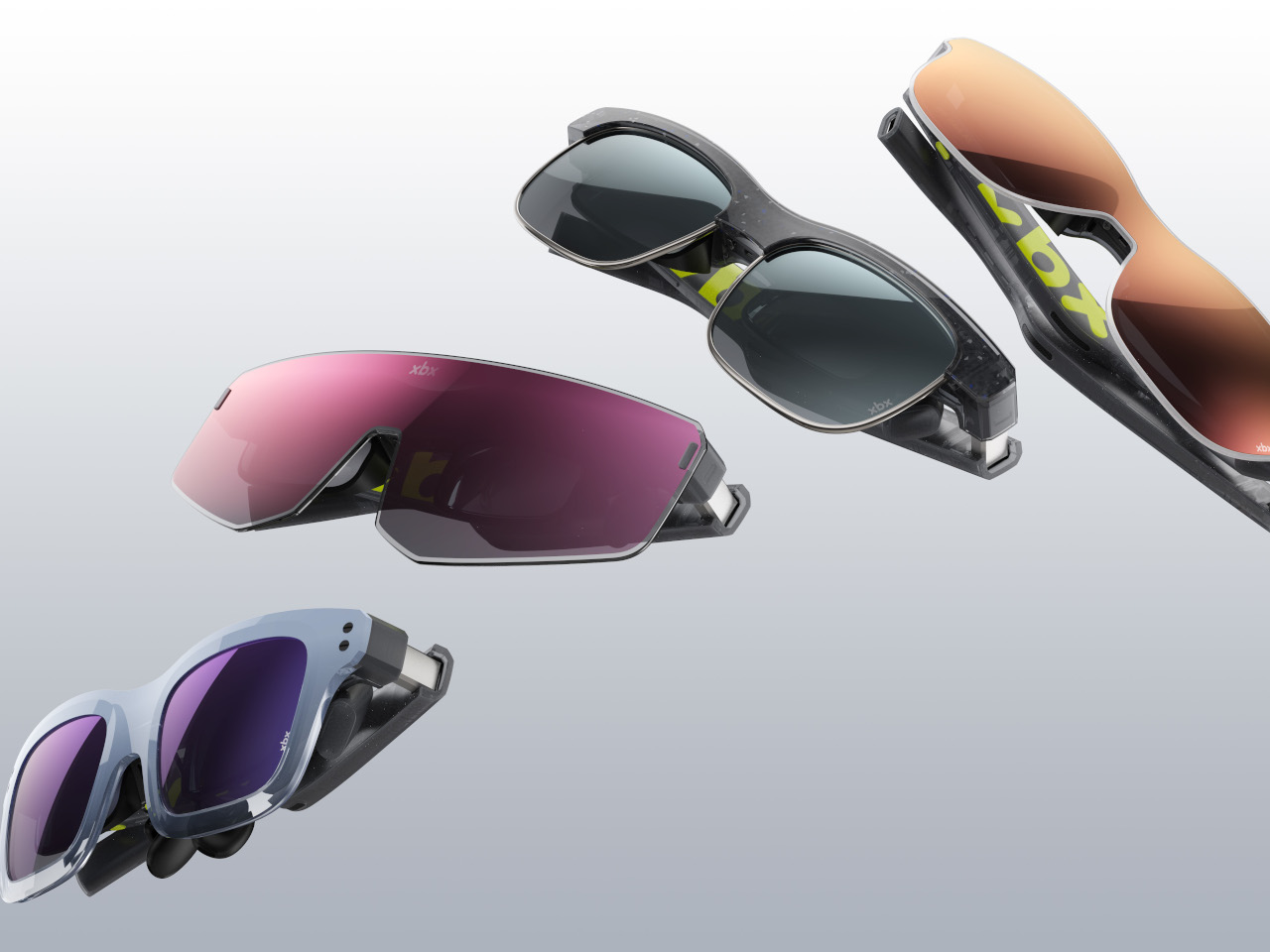
I can recall my experience strapping on a virtual reality headset for the first time. It promised me a new world experience, but the immersive presence was nothing more than stained eyes and a throbbing head. VR headsets have come a long way since then, and now the tech has advanced into a more comfortable and untethered domain. It has advanced beyond requiring cables and now connects to Steam wirelessly. Yes, this is made possible by the Steam Frame: a standalone VR headset that Valve Corporation has just announced silently on its website.

The new Steam Frame is designed to seamlessly connect with both PC and Steam games. You can also play games locally on the VR headset, thanks to an ARM chip onboard. After making its presence felt in the living room gaming scene, the American gaming giant, already recognized for its handheld Steam Deck, is now entering the immersive virtual reality gaming with the Steam Frame, which has been announced alongside the company’s gaming console, called the Steam Machine, and the Steam Controller featuring a cleaner design and a joystick.

Designer: Valve

While the cube-shaped Steam Machine gaming console is created to take on the market dominated by the PlayStation 5 and Xbox. To that accord, it is built compact, but it does not compromise power, which is assured by the custom AMD Zen 4 CPU, RDNA 3 GPU paired with Linux-based SteamOS. We have a detailed report on the gaming console here. Coming back to the Steam Frame, let’s try and understand what the VR headset entails.

The first standalone, wireless Steam VR headset comes with its own hand controller and is designed to handle your entire Steam game library. Whether it’s an immersive VR or no VR game, the standalone headset supports both. Unlike those initial headsets, Steam Frame is designed with comfort and ease of use in mind, and it is powered by an ARM processor for local emulation of PC games as well. For streaming games directly from the computer, Valve provides a 6GHz wireless dongle, which it claims provides low latency and high bandwidth to ensure a smooth game experience.

The headset draws its processing power from a Snapdragon 8 Gen 3 chip onboard, which is paired with 16GB of LPDDR5X RAM. It is available in two storage variants: 256GB or 1TB of UFS internal storage, which can be expanded using a microSD card. The Steam Frame features a rechargeable 21.6Whr battery with 45W fast charging support, and the device runs on SteamOS 3.

Starting off with the Steam Frame is as easy as lifting it up, strapping it around the head, and you’re right into the game. No setup, no wires required. The four high-res monochrome cameras are straight at tracking the headset and its controller, while the 2160 x 2160 LCD panels, one for each eye, with support for up to 144 Hz refresh rate make gameplay smooth and immersive. Thin and light custom pancake lenses provide up to 110 degrees FOV while infrared LEDs on the outside ensure the headset’s tracking right in all light conditions, even in a dark bedroom (letting you play quietly while your partner sleeps undisturbed).

The pricing structure of the Steam Frame VR headset remains unconfirmed at the time of writing, but rumors suggest a tentative $1,000 tag for it. What we know for certain is that the headset will ship in Spring 2026 with a detachable head strap featuring integrated dual-speakers, a battery that keeps it going for up to 40 hours, and its charging port. The 440g headset will support dual-band Wi-Fi 7 and Bluetooth 5.3 for connectivity. One of the biggest selling points of the Steam Frame could be the Steam Frame developer kit program that Valve is offering developers to bring their Android apps to Steam as well.

The post Valve Steam Frame standalone VR headset could be the game changer Industry’s been waiting for first appeared on Yanko Design.
Even Realities G2 Just Solved the Biggest Problem With Smart Glasses… Using A Ring

Even Realities launched their first smart glasses last year with a pitch that felt almost countercultural: what if your eyewear didn’t record everything around you, didn’t pipe audio into your ears, and didn’t make everyone nearby wonder if you were filming them? Instead of packing their frames with cameras and speakers, they focused on a single function: a clean, effective heads-up display. The G1 glasses were a minimalist take on wearables, offering monochrome green text in your line of sight for notifications and AI assistance, all without the privacy concerns of outward-facing cameras. This focused approach found its niche, landing the G1 in 350 luxury eyewear shops globally and proving there’s a real appetite for smart glasses that prioritize subtlety and practical assistance.

The G2 glasses themselves improve on last year’s G1 in predictable but welcome ways. Bigger display, better optics, lighter frame, longer battery life. They still avoid cameras and speakers entirely, sticking with Even’s “Quiet Tech” philosophy of providing information without creating privacy concerns. But pair them with the new R1 ring and you get something more interesting than incremental hardware improvements. The ring lets you control the glasses with thumb gestures against your index finger, turning navigation into something closer to using a trackpad than fumbling with voice commands or head taps. Whether that’s actually more natural in practice than the alternatives depends partly on how well the gesture recognition works and partly on whether you’re the kind of person who wants to wear a ring in the first place.

Designer: Even Realities

The display improvements are significant enough to matter in daily use. Even calls their new system HAO 2.0, which stands for Holistic Adaptive Optics, and the practical result is that information appears in layers rather than as flat text plastered across your vision. Quick notifications and AI prompts sit closer in your field of view, while longer content like navigation directions or notes recede slightly into the background. It’s still monochrome green, the same matrix-style aesthetic from the G1, but sharper and easier to read in motion or bright light. The frame itself weighs just 36 grams and carries an IP67 rating for water and dust resistance, so you can wear them in the rain without worrying about killing a $599 investment. Battery life stretches past two days now, and the prescription range goes from -12 to +12, covering most people who need corrective lenses.
What made the G1 frustrating for some users was the interaction model. You could talk to the glasses, but that meant either looking weird in public or finding a quiet spot. You could tap the touch-sensitive nubs on the temples, but they were finicky and required you to constantly reach up to your face. While the G2 improves the reliability of those touchpads significantly, Even Realities’ R1 smart ring practically revolutionizes how you interact with the smart display. Worn on your index finger, the ring lets you swipe up and down with your thumb or tap to select options, essentially turning your hand into a trackpad for your face. The ring is made from zirconia ceramic and stainless steel, costs $249 separately, and connects to the glasses through what Even calls their TriSync ecosystem, linking the glasses, ring, and phone into one synchronized unit.

The gesture controls take some getting used to, based on early reviews. Accidental swipes are common at first, and the learning curve means you might fumble through menus for the first few days. But when it works smoothly, navigating with the ring is more subtle than any of the alternatives. You can check a notification, dismiss it, and move on without anyone noticing you’ve interacted with your glasses at all. That subtlety matters more than it sounds like it would, especially if you’re using features like the built-in teleprompter for presentations or the real-time translation during conversations. The glasses still support the old interaction methods too, so you’re not locked into one way of controlling them.

The AI side of things has been upgraded as well, with Even introducing what they call the Conversate assistant. It handles the usual smart glasses tasks like showing notifications, reading messages, and providing contextual information, but it’s designed to be less intrusive about it. You talk to it and get text responses on the display rather than audio, which keeps conversations private and avoids the awkwardness of having your glasses talk back to you in a quiet room. The system pulls from your phone’s connectivity, so there’s no separate data plan or complex setup required. The AI integration feels thoughtful rather than forced, providing information when you need it without constantly demanding attention.

One detail worth noting: the R1 ring is not compatible with the original G1 glasses. If you bought the first generation and want the ring’s functionality, you’ll need to upgrade to the G2 entirely. Even is offering a launch promotion where buying the G2 gets you the ring and other accessories at 50 percent off, which brings the combined price to $724 instead of $848. For context, Meta’s Ray-Ban smart glasses with their Neural Band controller and full-color display cost $799, though those come with cameras and all the privacy considerations that entails. The G2 and R1 combo sits in an interesting middle ground, offering more focused functionality at a similar price point.

The combination of display-only glasses and a gesture-controlled ring represents a particular vision of what smart eyewear could be. It’s not trying to replace your phone or capture every moment of your life. Instead, it extends your phone’s functionality into your field of view while giving you a discreet way to interact with that information. For people who give frequent presentations, the teleprompter feature alone could justify the cost. For travelers, having real-time translation floating in your vision during conversations is genuinely useful. And for anyone tired of constantly pulling out their phone to check notifications, the G2 offers a less disruptive alternative. Even Realities is refining an approach that feels increasingly relevant as smart glasses move from novelty to practical tool, and the G2 with R1 suggests they’re learning the right lessons from their first attempt.

The post Even Realities G2 Just Solved the Biggest Problem With Smart Glasses… Using A Ring first appeared on Yanko Design.