Razer Turned Its Snake Logo Into a $90 Keycap and It Sold Out in 8 Minutes

Every major brand consultancy on earth will tell you the same thing right now: flatten your logo, go monochrome, simplify for digital. BMW listened. Volkswagen listened. Mastercard, Burberry, Warner Bros., all of them listened, and all of them emerged from their rebrands looking vaguely like they were designed by the same committee in the same week. The industry calls it blanding. The internet calls it something less polite. Razer, apparently, calls it an opportunity.

The Artisan Keycap Triple-Headed Snake Edition is the brand’s first artisan keycap, and it is about as far from a flat logo as physically possible. The triple-headed snake emblem that has lived as a 2D print on Razer products for nearly three decades has been turned into a full sculptural form: resin-cast, painted by hand, and detailed down to the tiny yellow irises in each snake’s eyes. It went on sale on August 22nd, 2026, priced at $89.99, and was gone in eight minutes.

Designer: Razer
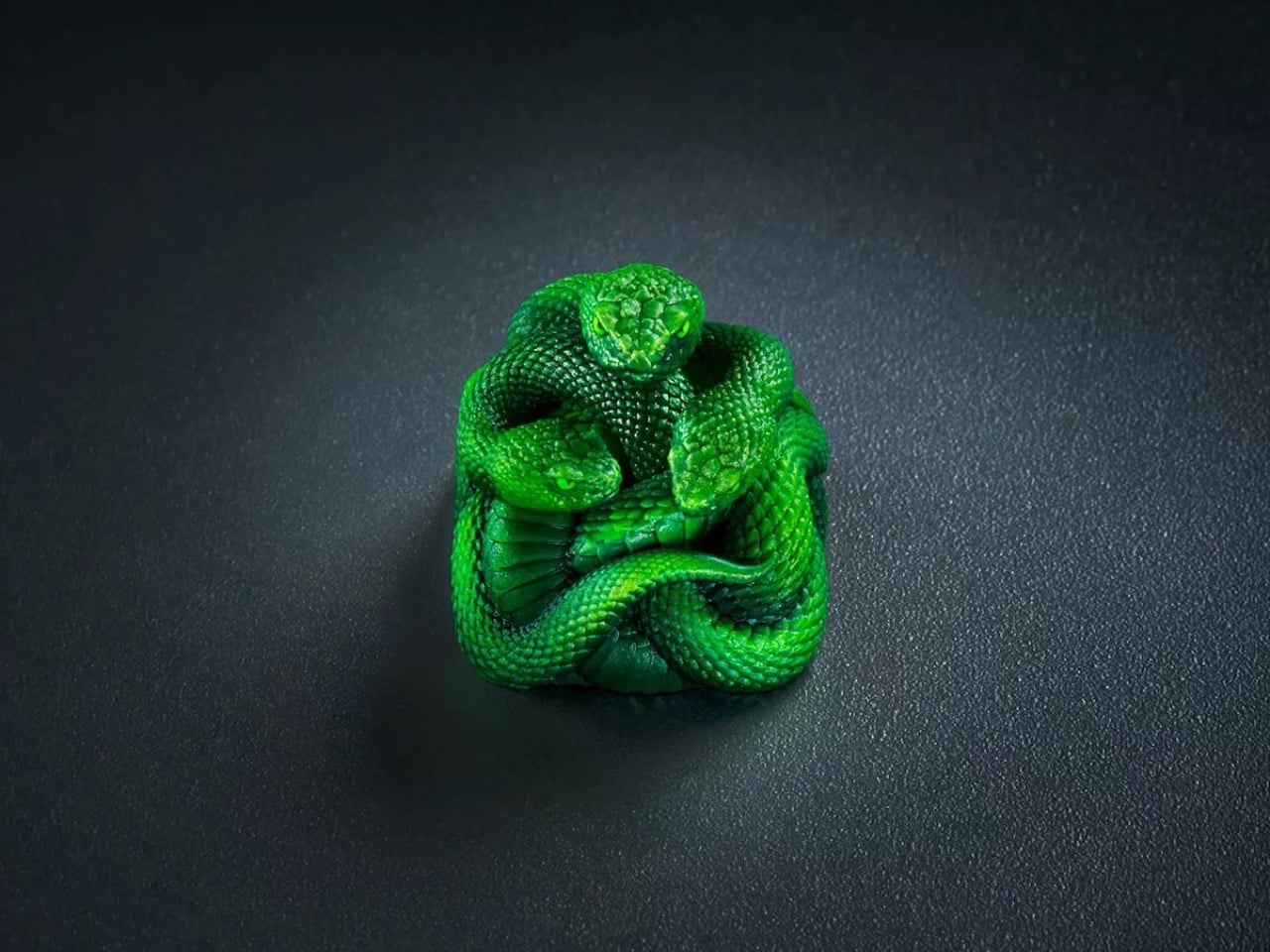
Razer’s first product was the Boomslang gaming mouse, named after a venomous green snake from sub-Saharan Africa, with the brand’s now-iconic acid green pulled straight from the animal’s coloring. The triple-headed emblem grew out of that, and has been staring out from mice, keyboards, and headsets ever since. What nobody had done, until now, was give it a body. The Artisan Keycap starts from a precision 3D model built to hold detail at close range from every angle, then gets cast in resin mixed and cured to maximum hardness so the color won’t fade with daily use. After that, a human being sits down and paints each one individually, which means no two come out identical. Razer runs a two-stage quality check against the original model before anything ships.
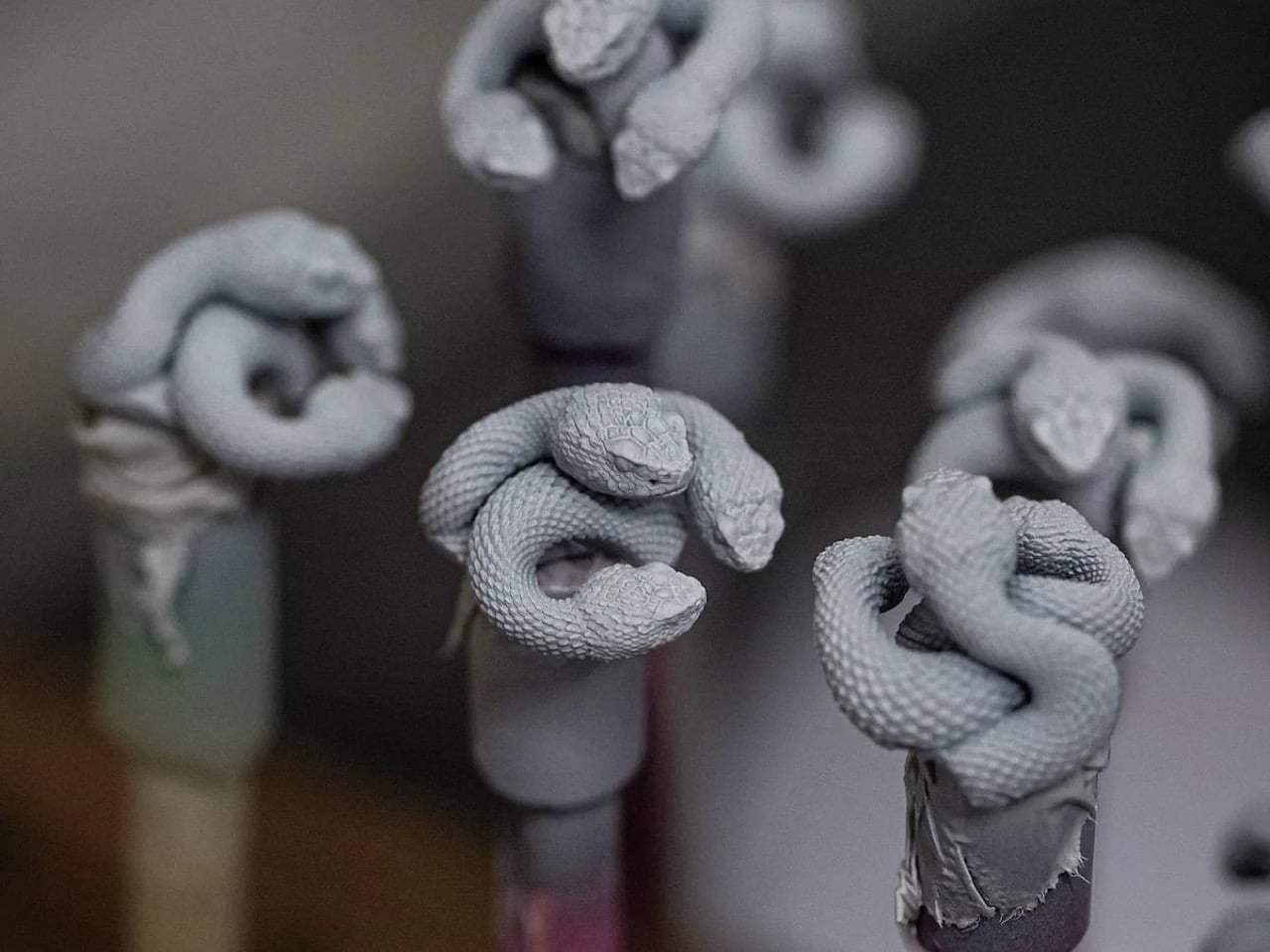
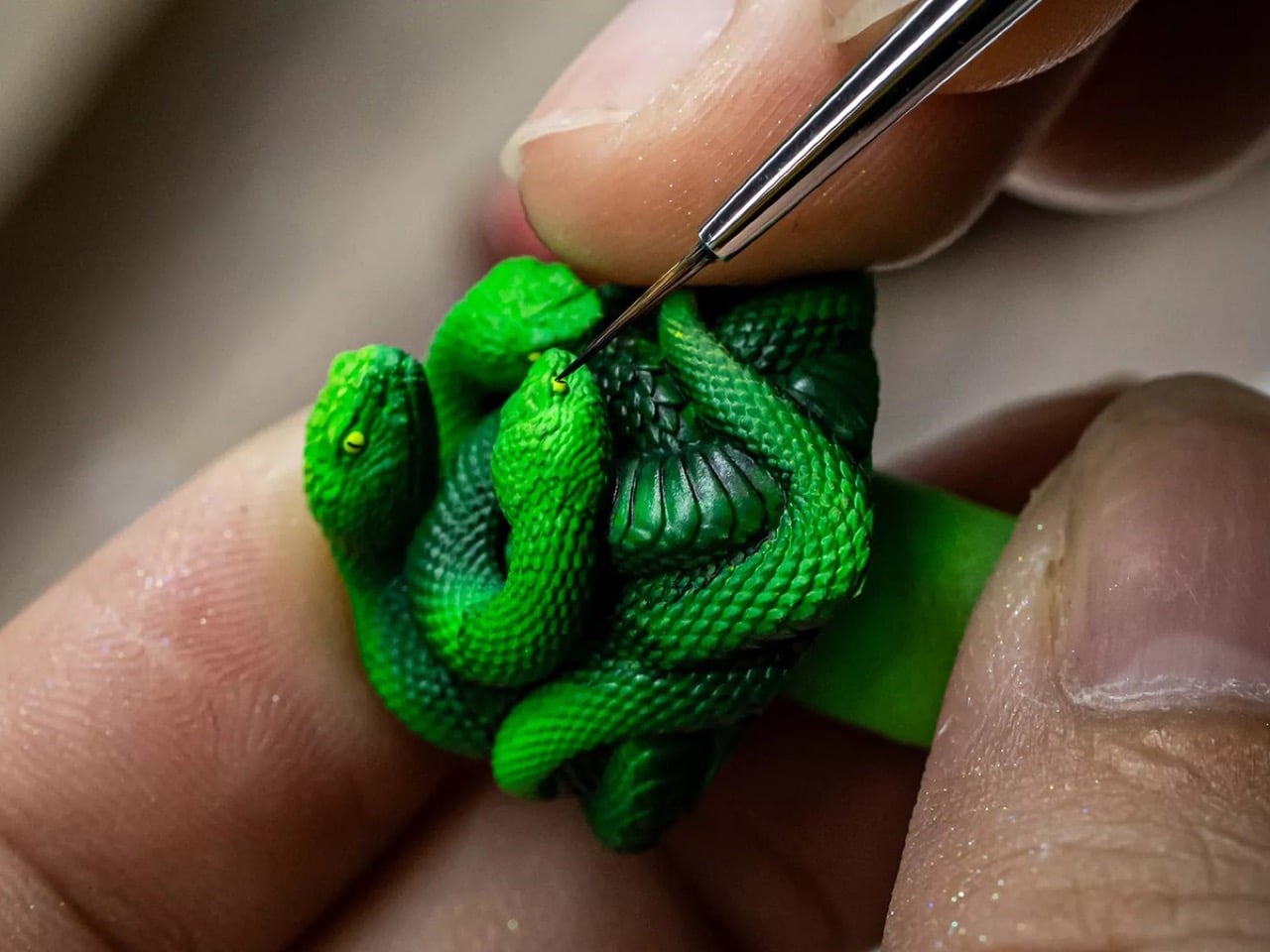
The result, as seen in the process shots from Razer’s own production workflow, is genuinely impressive at this scale. Grey primed sculpts on painting stands give way to base-coated Razer green, and then a detail brush places the yellow eye dots with the kind of precision you’d normally associate with Warhammer miniature painters, not gaming peripheral makers. The GamesRadar reviewer who got a sample a week before it sold out noted that even the snakes’ tiny nostrils had been painted, which is a level of detail nobody strictly asked for and is therefore exactly the kind of detail worth celebrating.

On the practical side, the keycap fits any cross-stem (MX-style) switch, which covers most mechanical keyboards on the market, not just Razer’s own lineup. Razer recommends dropping it on a lower-traffic key like F12, partly because the three-dimensional snake heads sit noticeably proud of the surrounding keys, and partly because solid resin won’t let RGB backlighting through. The Chroma lighting on your other keys stays unaffected. You can technically use it on any key you want, but putting it on Escape and then accidentally hammering it during a tense moment in CS2 seems like tempting fate.
The keycap is currently sold out, exclusive to Razer.com and RazerStores. Whether Razer runs another batch is unconfirmed, so if the secondary market is your only option right now, just know that resellers have been asking considerably more than $89.99 since about eight minutes after the drop.

The post Razer Turned Its Snake Logo Into a $90 Keycap and It Sold Out in 8 Minutes first appeared on Yanko Design.
XBOX Is 25 and 7 Accessories Just Brought Back Its Most Iconic Color

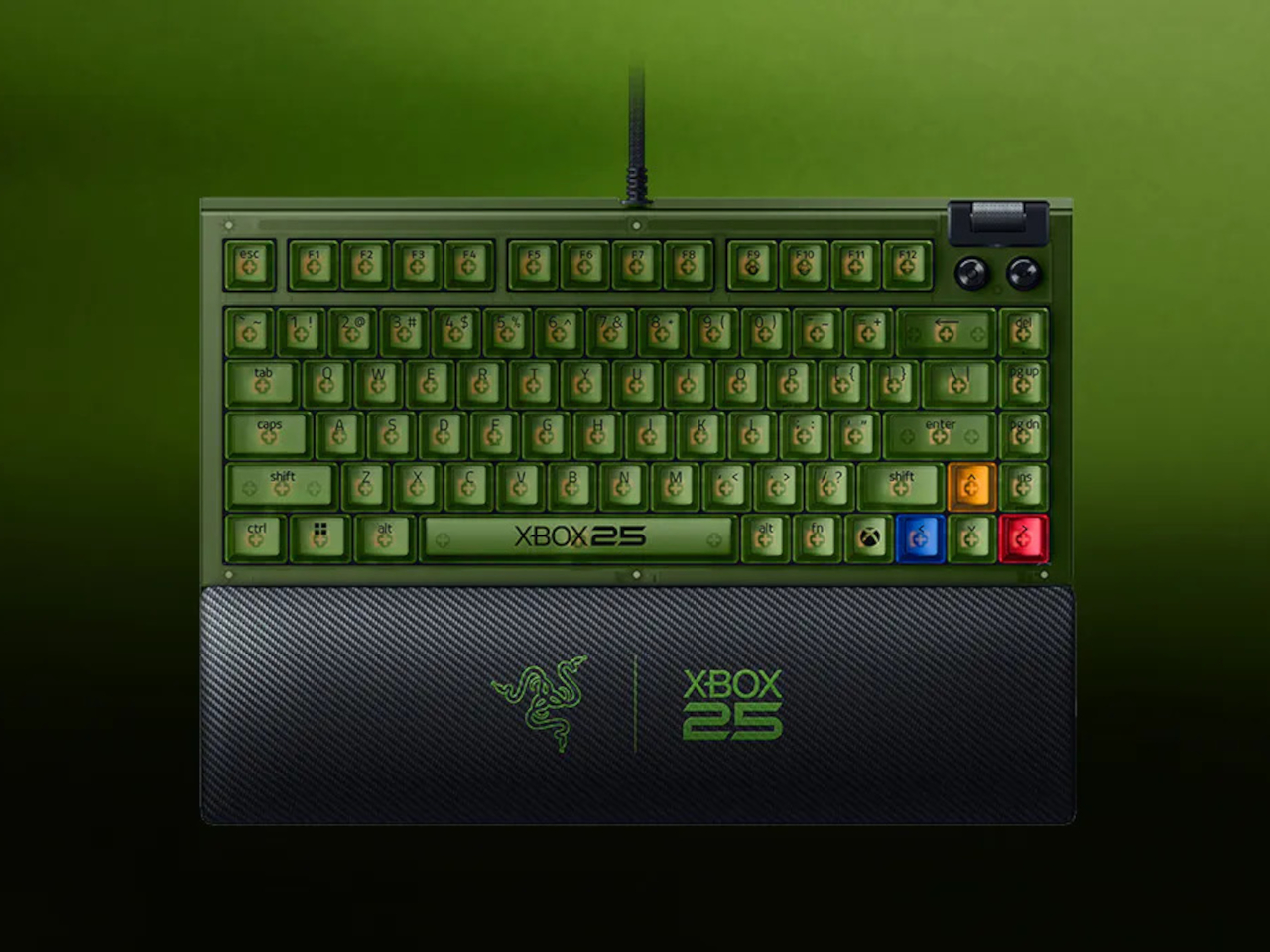
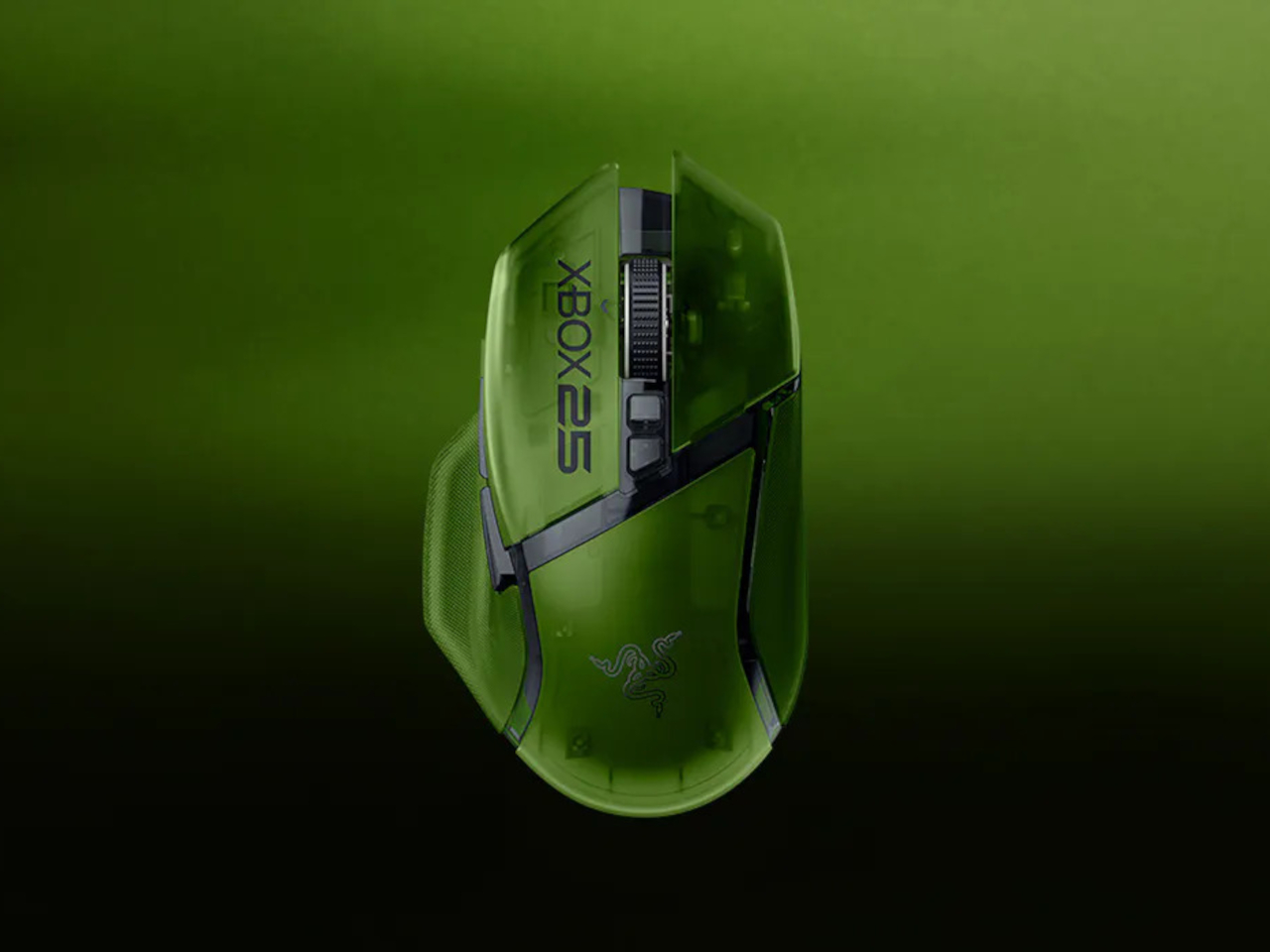
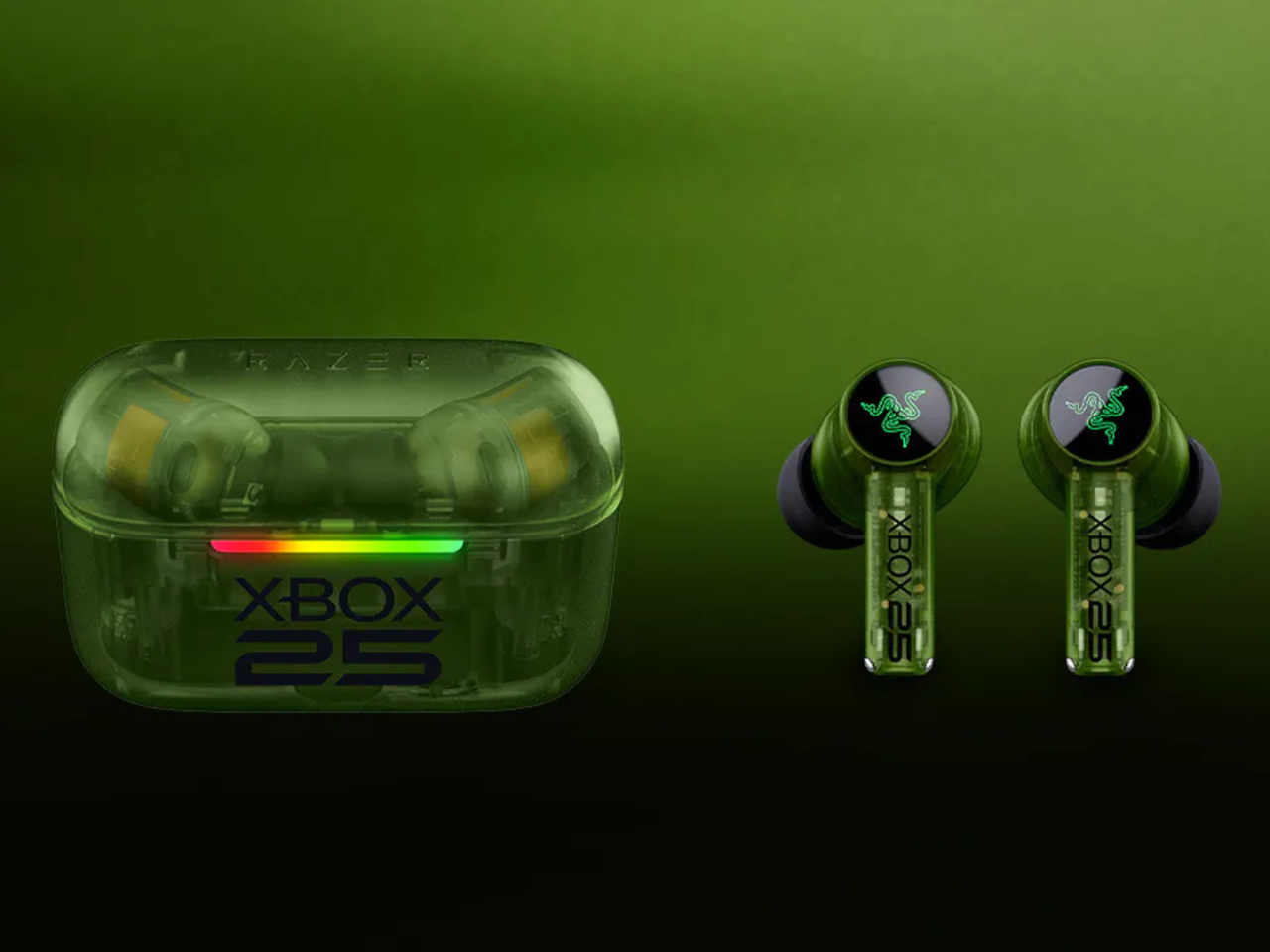
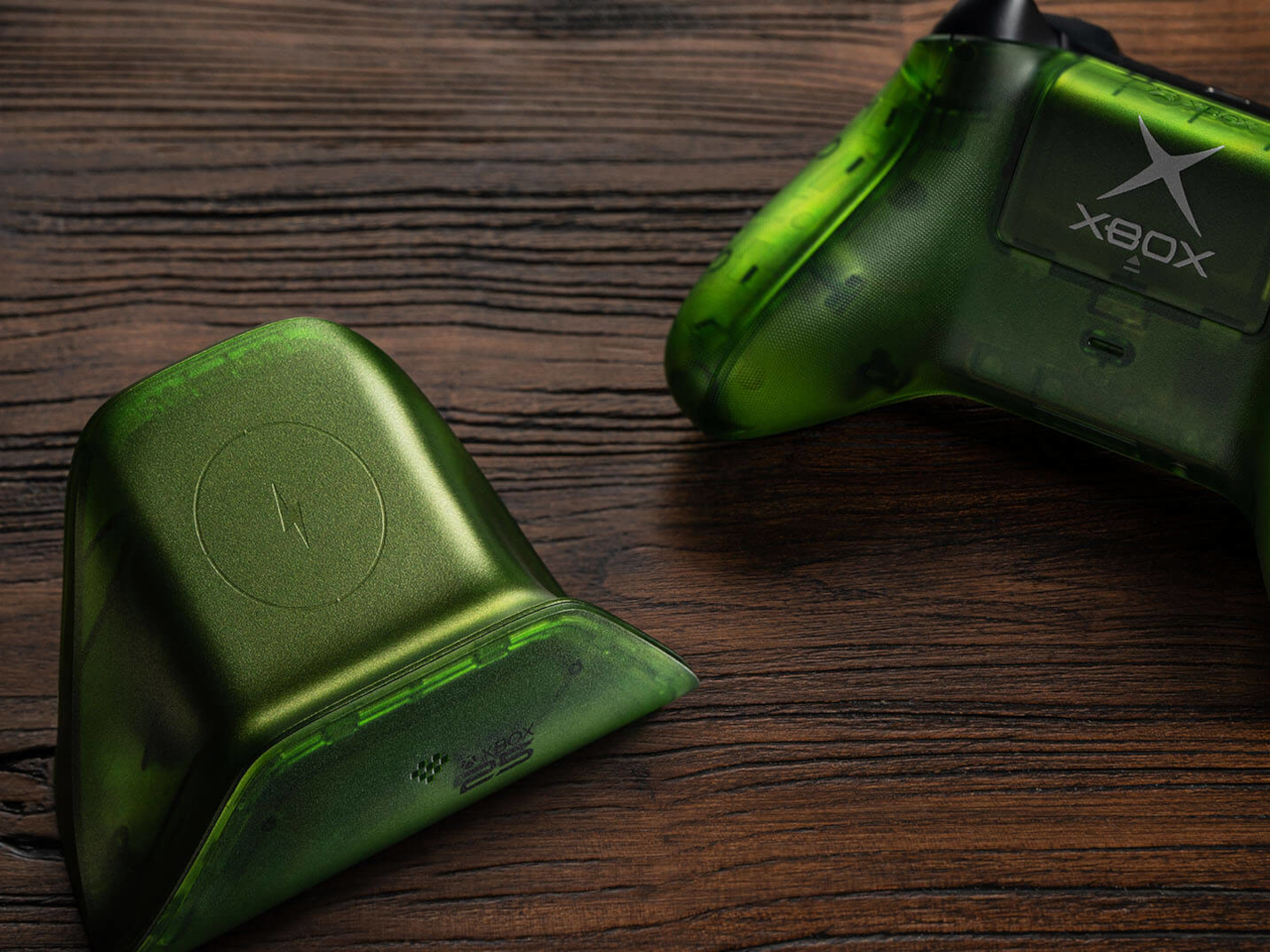
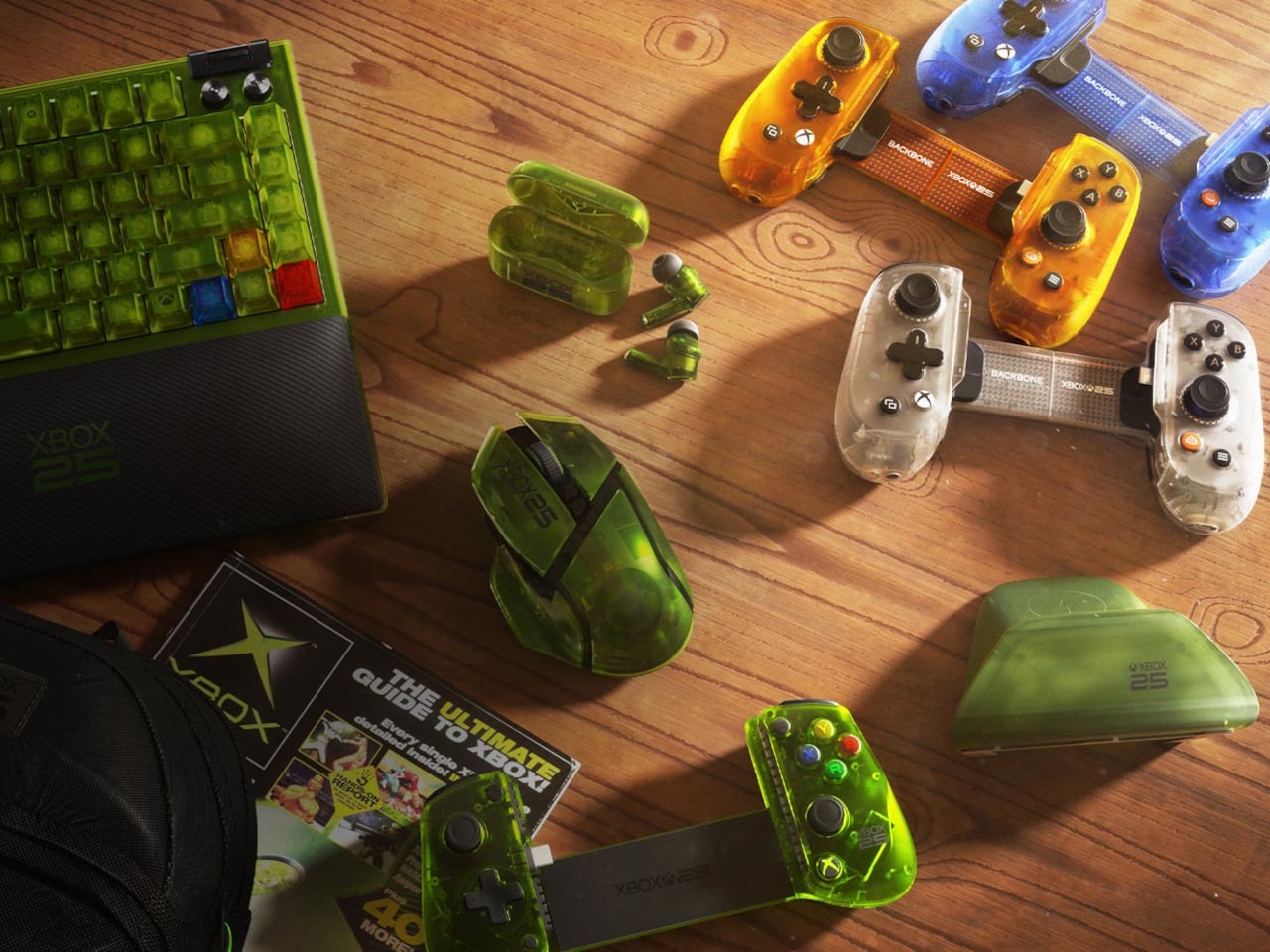
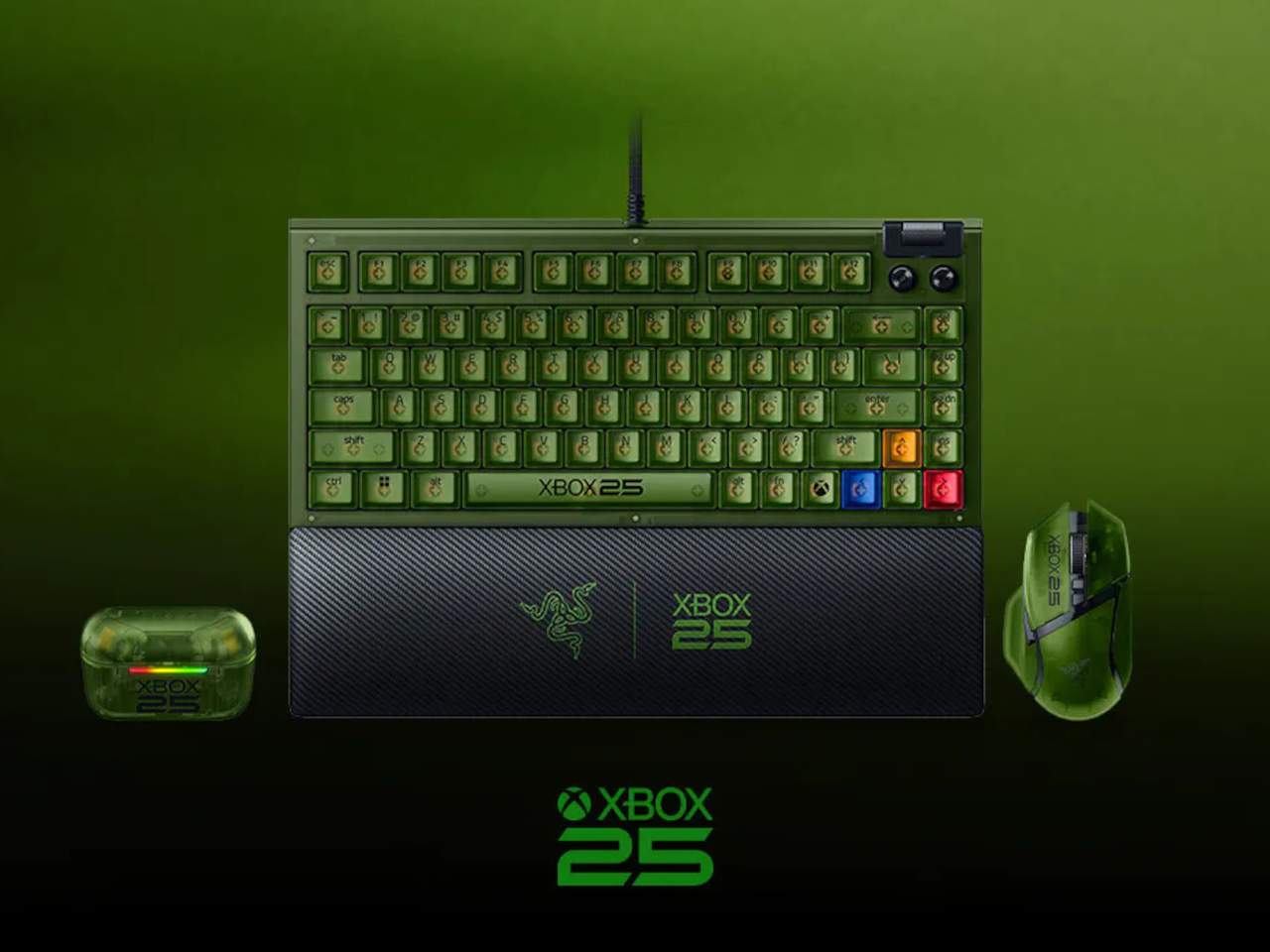
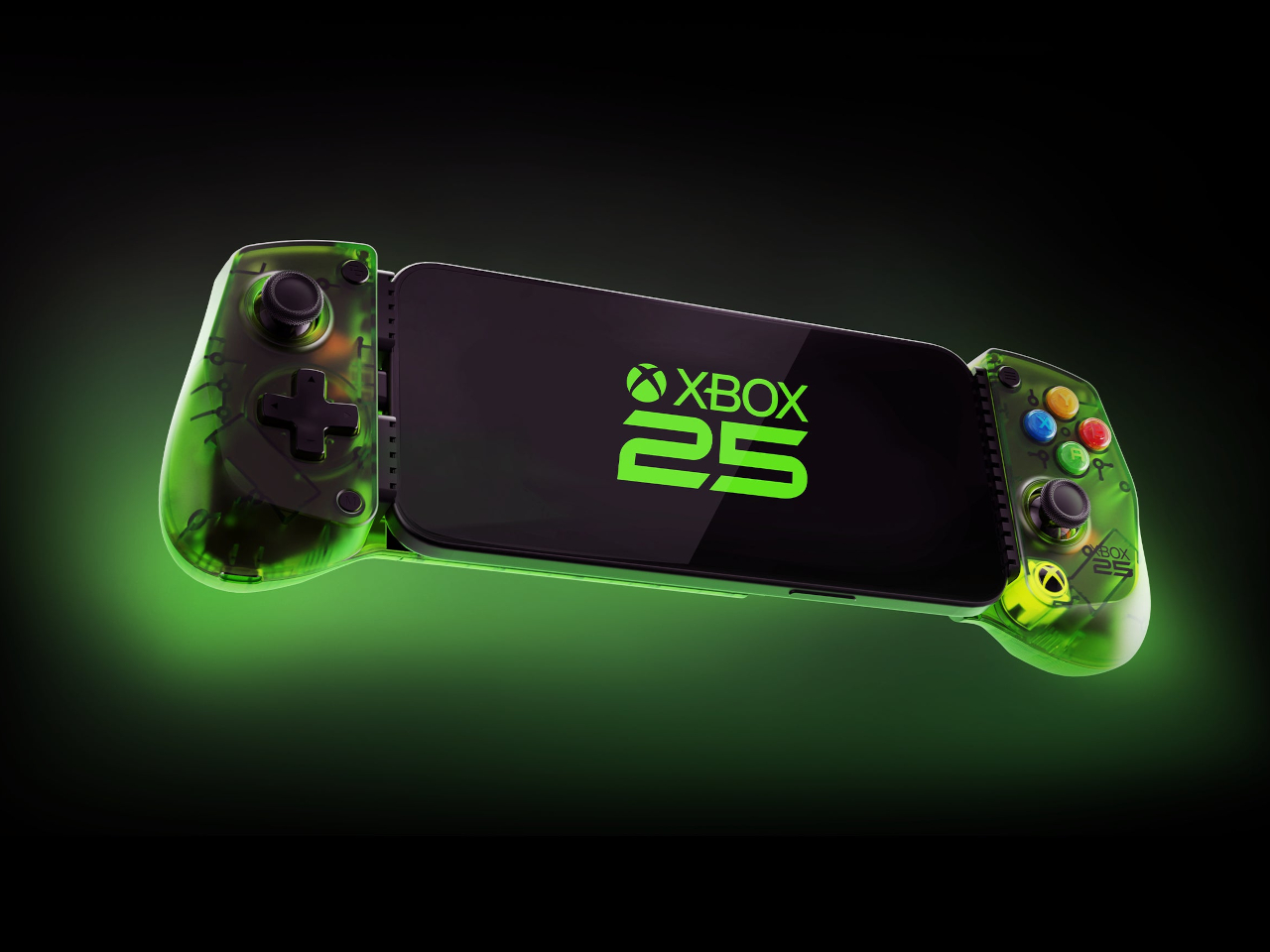
The original XBOX launched on November 15, 2001. A quarter-century later, it’s getting the tribute it probably deserves, not just a cake but a full coordinated collection of gaming accessories wrapped in the translucent green that made the first console so immediately recognizable. Seven products across five manufacturers, all designed to land before November arrives.

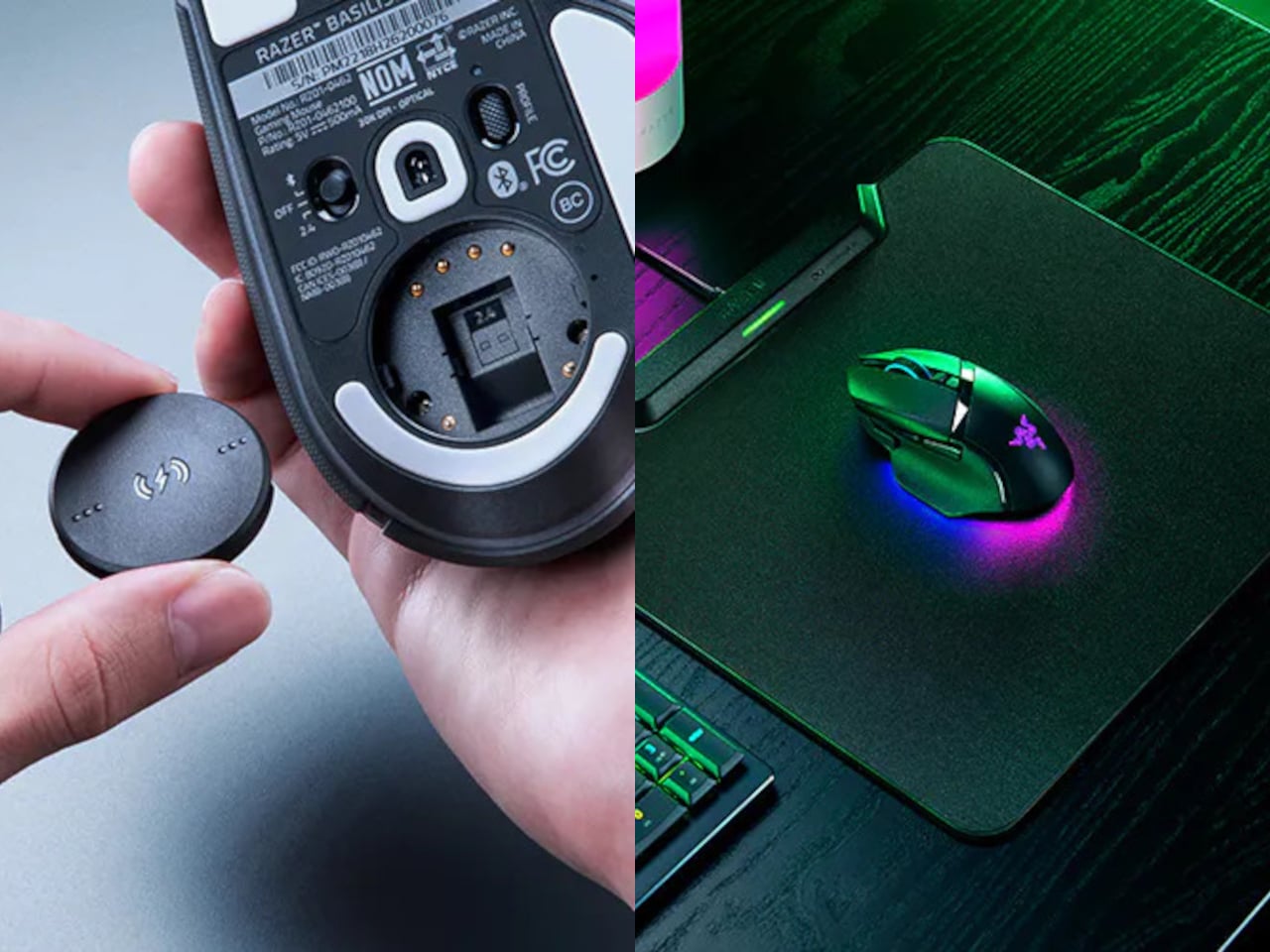
Razer leads the lineup with three anniversary editions spanning mouse, keyboard, and earbuds. The Basilisk V3 Pro 35K brings the translucent green shell to a wireless ergonomic mouse with a Focus Pro 35K Optical Sensor Gen-2, a four-way scroll wheel, and up to 140 hours of battery life between charges. It’s the same hardware underneath; the anniversary treatment is entirely in the aesthetic.

Designer: XBOX, Razer, 8BitDo, Backbone, GameSir

The BlackWidow V4 75% joins it as the compact keyboard option, a wired mechanical board with hot-swappable keys, Razer Chroma RGB, and a new XBOX key that launches Game Bar directly in Windows. It sits comfortably on a desk without dominating it, which is something a full-size board can’t always claim. The 75% layout keeps it portable without sacrificing the keys most gamers actually use.

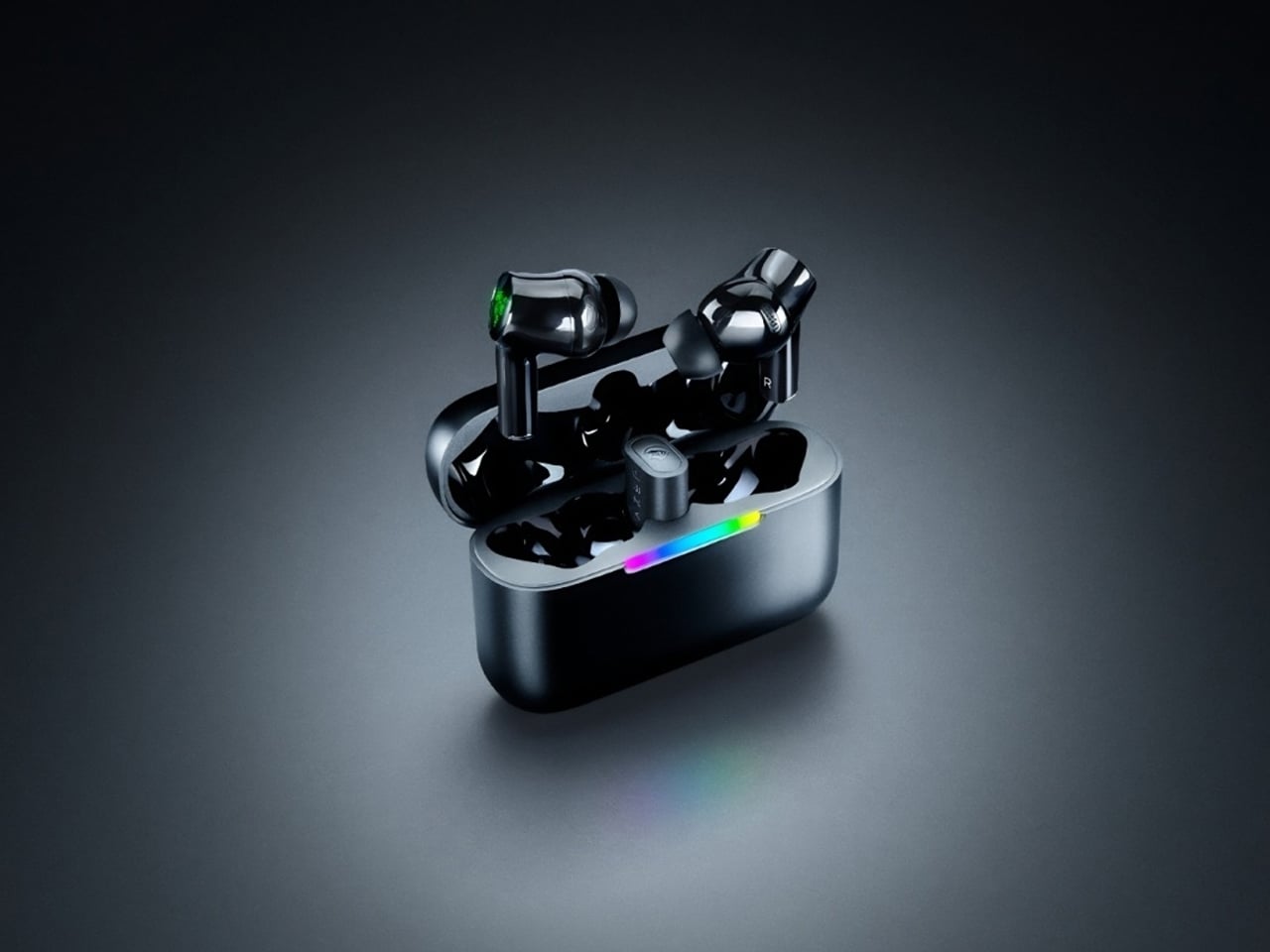
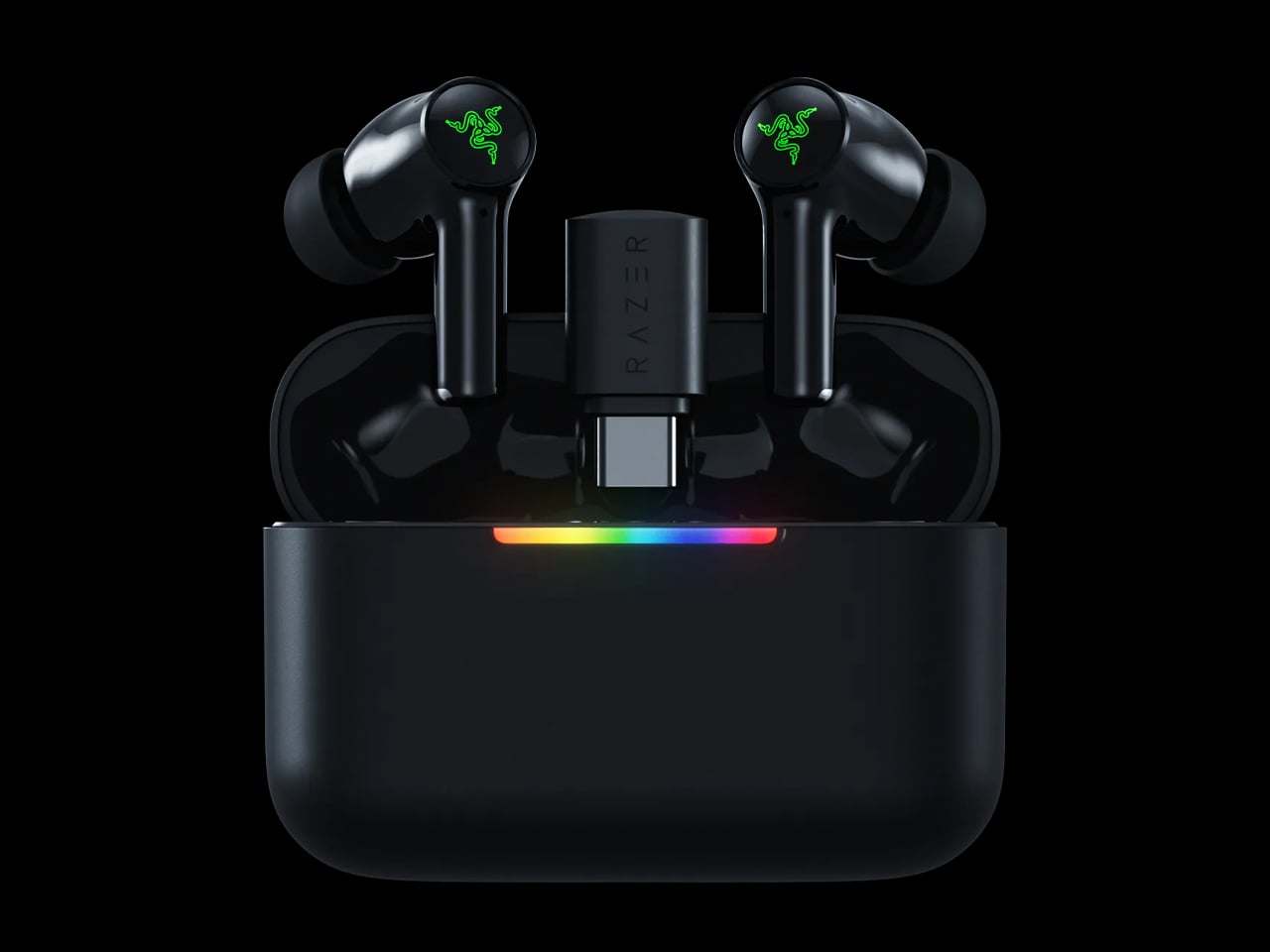
Completing Razer’s contribution are the Hammerhead V3 X HyperSpeed earbuds, which match the translucent green look across both the earbuds and the charging case. They support low-latency 2.4 GHz wireless audio alongside Bluetooth 5.3, with up to 10 hours of standalone use and 35 hours total when the case is factored in. For anyone gaming across multiple devices, the dual-connection options make them genuinely flexible.

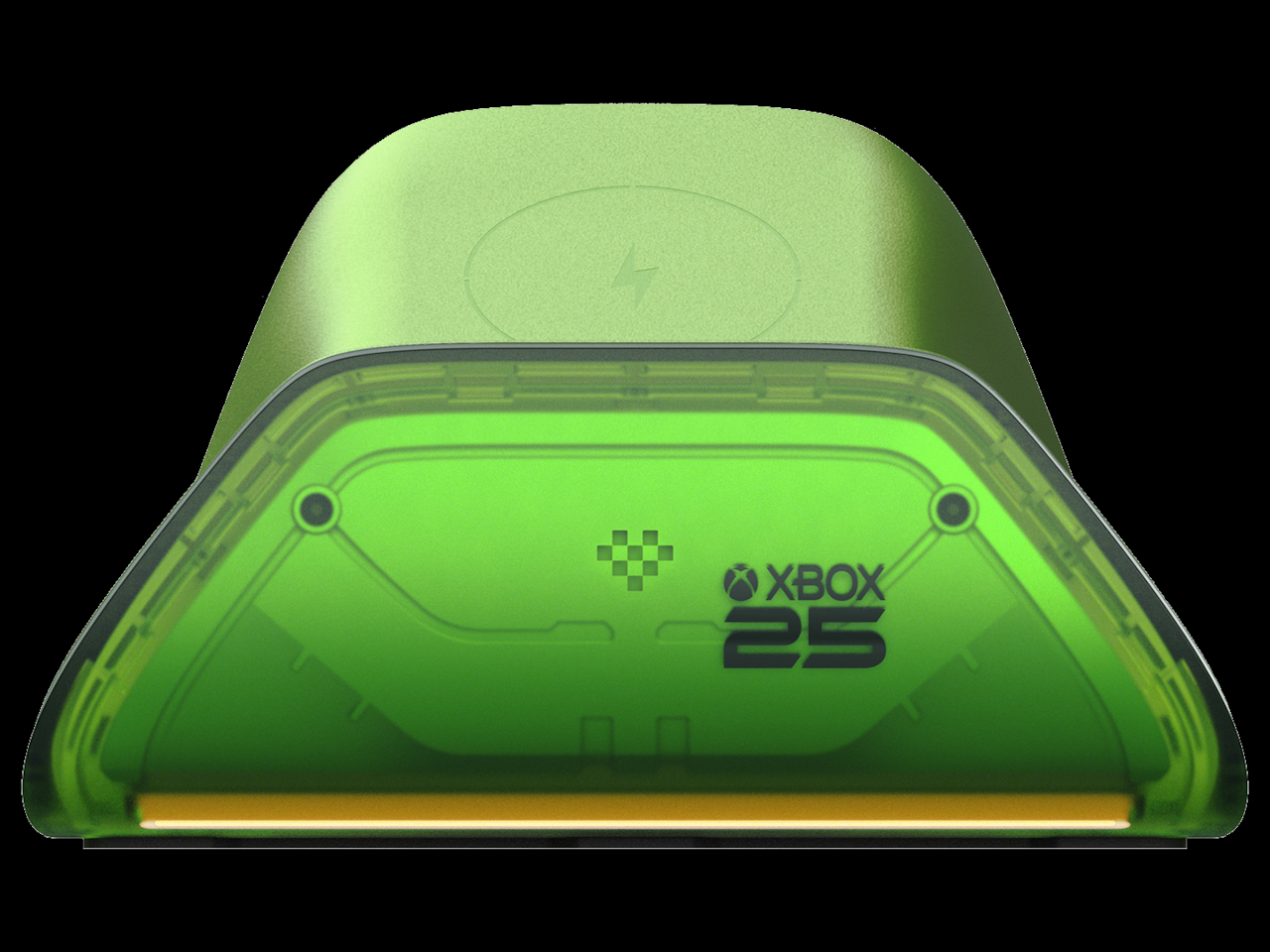
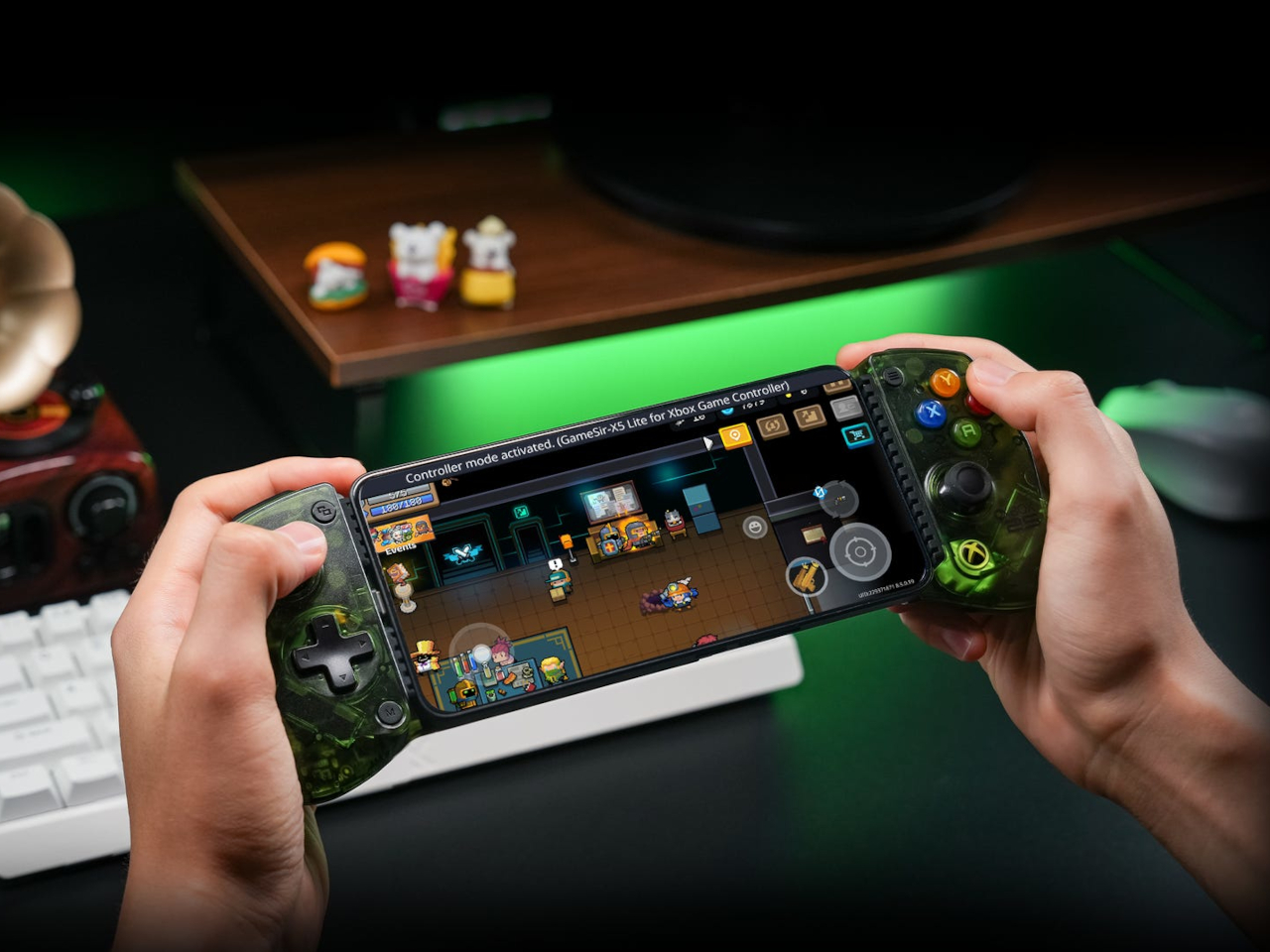
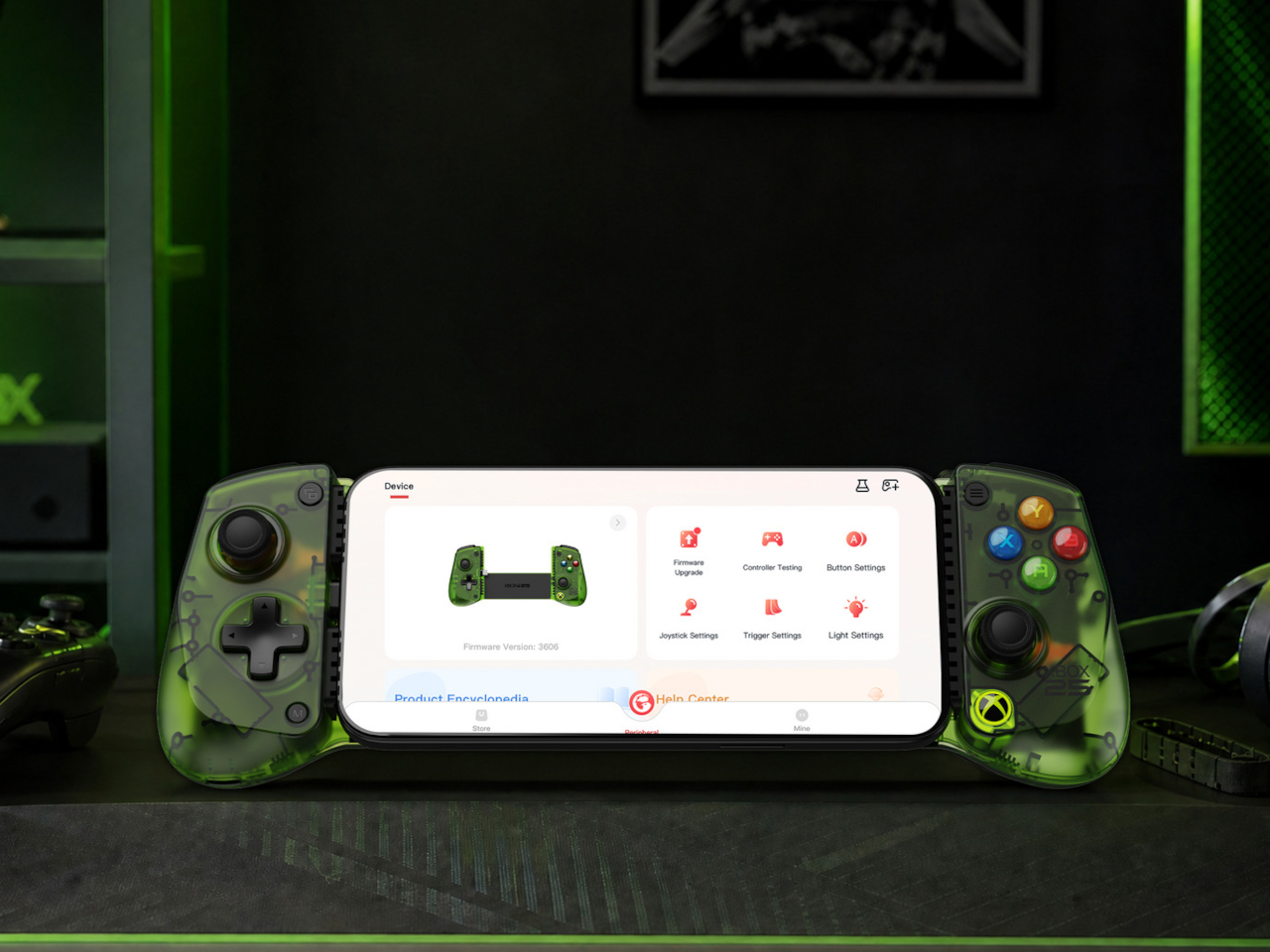
8BitDo brings back the transparent green with its X25 Special Edition of the Ultimate Charging Dock for XBOX controllers, compatible with XBOX Series X|S and XBOX One wireless controllers. GameSir’s X5 Lite for XBOX adds the anniversary colorway to a mobile controller that works with iOS and Android devices and carries Apple MFi certification for broad compatibility, including cloud gaming on either platform.

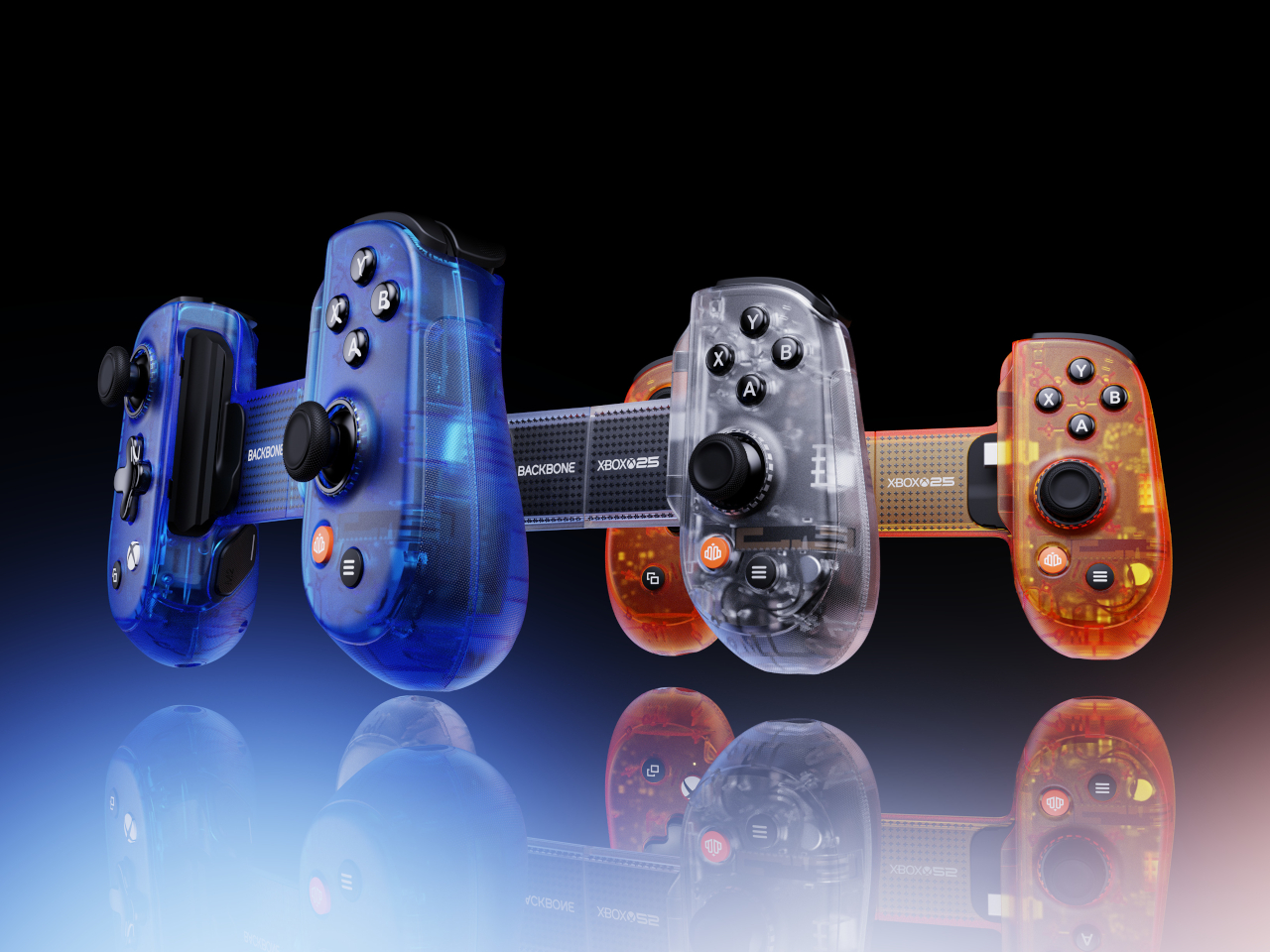
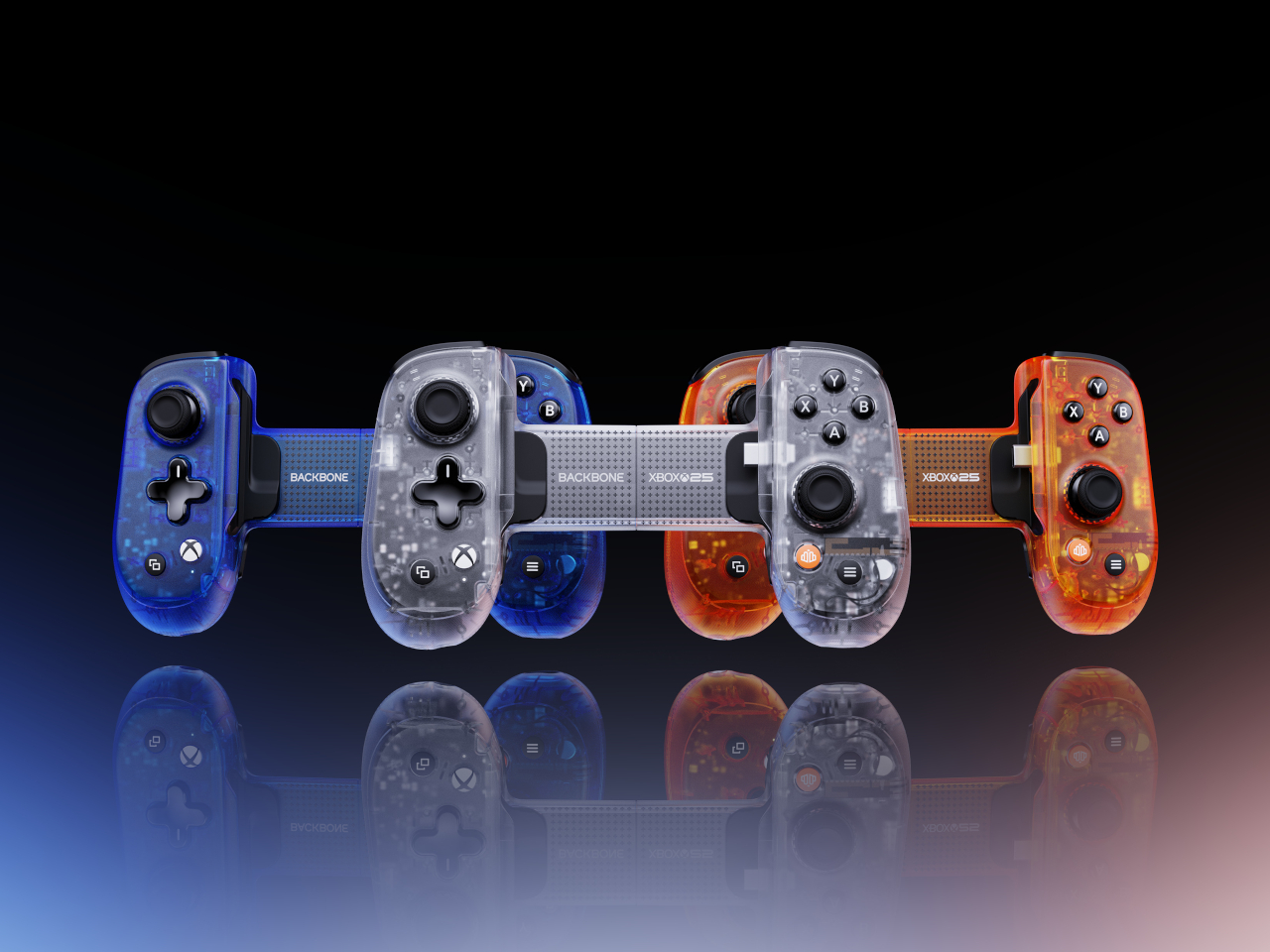
The Backbone Pro XBOX 25th Anniversary Edition takes a different angle on nostalgia. Instead of translucent green, it reaches into the original 2001 hardware’s full palette, offering Iconic Blue, Bold Orange, and Crystal Clear as the three available colorways. The catch is that it ships blind box style, so the color inside the package isn’t something you choose at checkout.

PowerA rounds out the collection with a sling bag built specifically for the ROG XBOX Ally and ROG XBOX Ally X handheld gaming PCs. The four-compartment bag has dedicated space for the device itself, a headset, a controller, and accessories, with a padded main compartment that includes thumbstick protectors. It carries the 25th anniversary logo on the front and matches the green zipper pulls across the bag.

The collection is available for preorder now, with most items shipping in November to coincide with the actual anniversary date. The XBOX Wireless Controller X25 Special Edition, sold separately, uses colored ABXY buttons and black-and-white bumpers as a callback to the original Duke controller’s layout. The PowerA sling bag retails for $39.99 and the GameSir X5 Lite for $44.99, with other pricing still unconfirmed.

The post XBOX Is 25 and 7 Accessories Just Brought Back Its Most Iconic Color first appeared on Yanko Design.

Razer’s Pompompurin Kraken Kitty V2 headphones Brings Sanrio charm to gaming

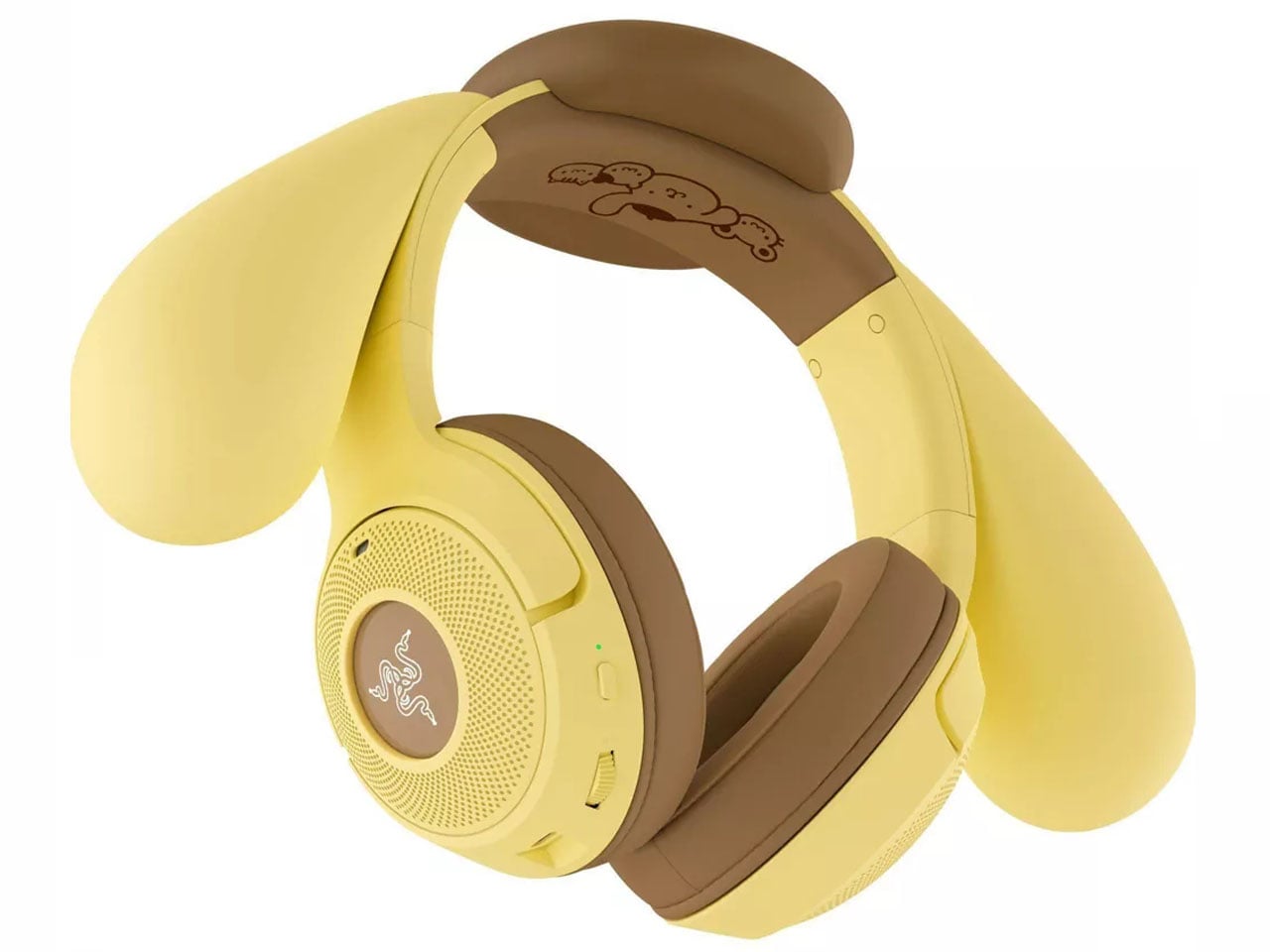
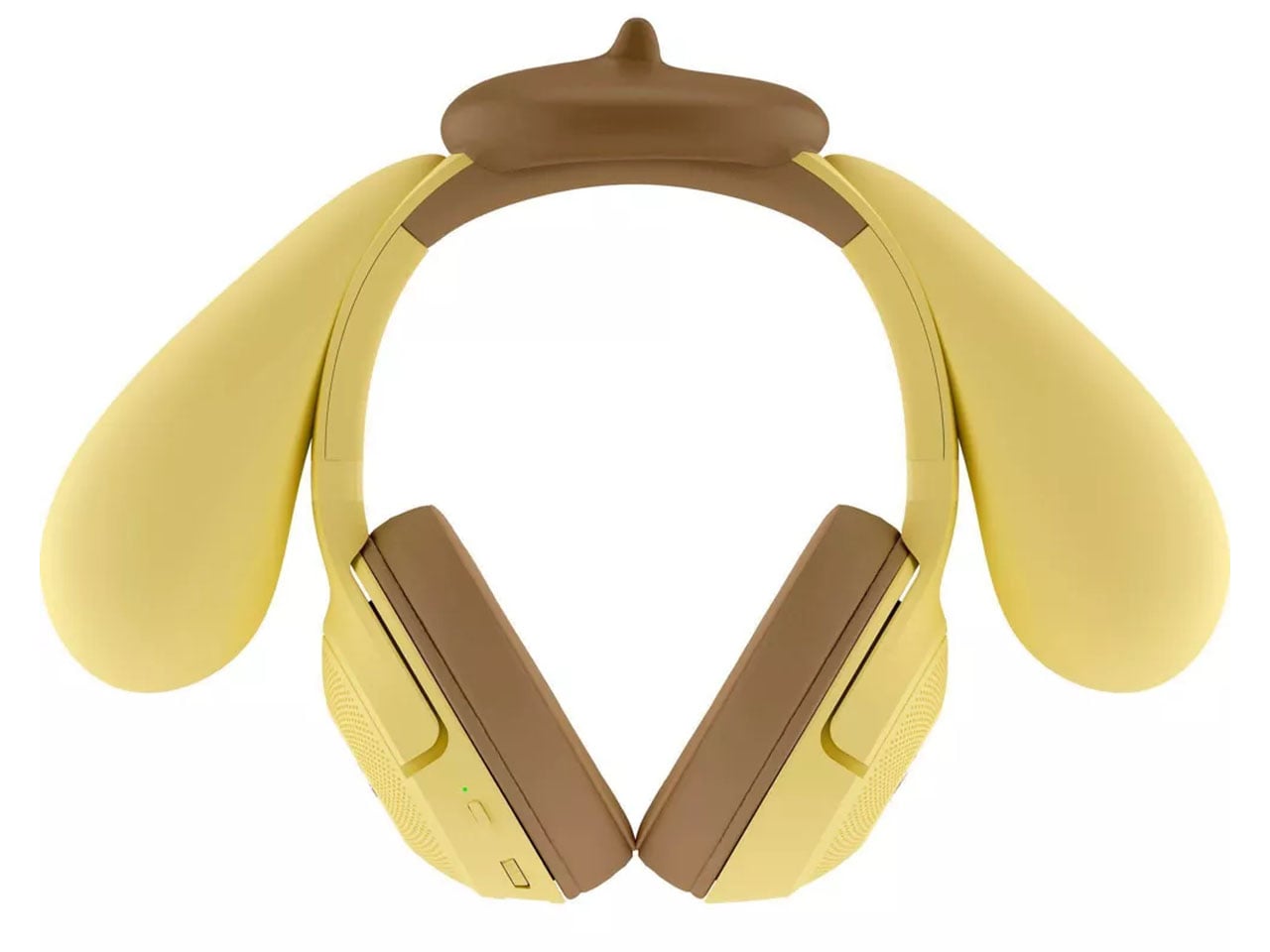
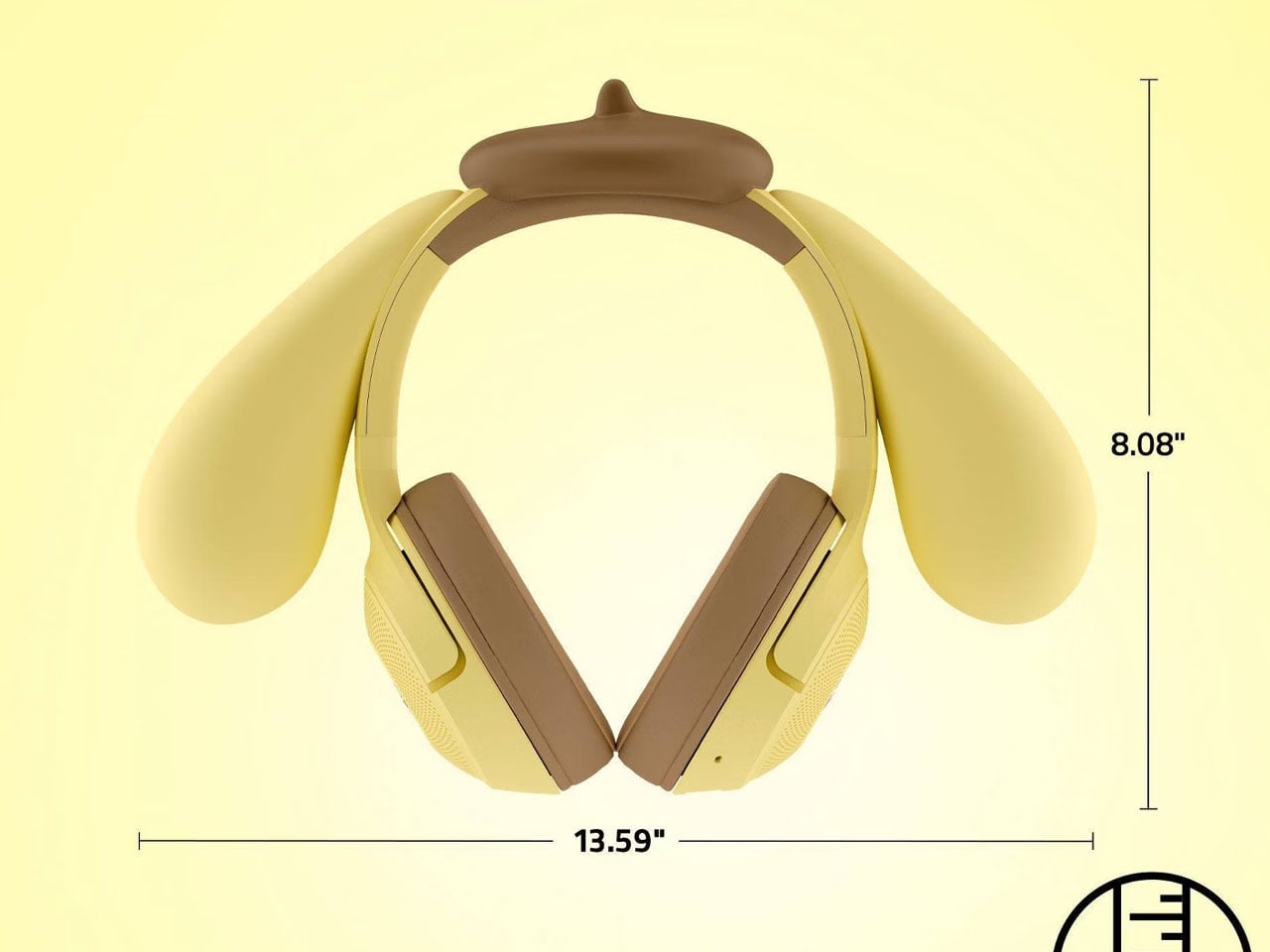
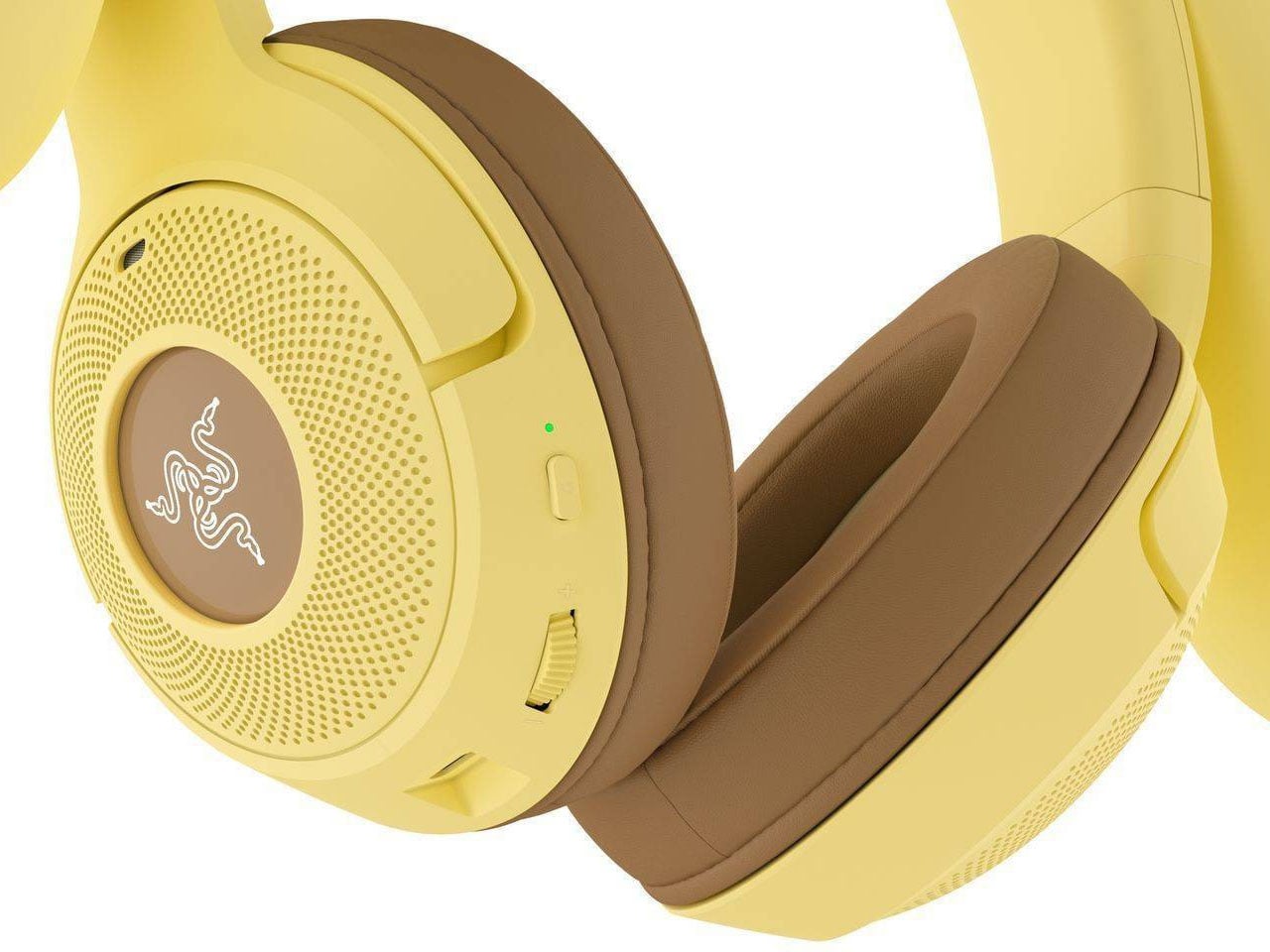
Razer is adding another Sanrio character to its growing lineup of gaming accessories, this time giving Pompompurin the starring role on its Kraken Kitty V2 BT wireless headphones. The Pompompurin Edition takes the familiar feline-inspired headset and reworks its appearance around the yellow Sanrio character, complete with distinctive ears and themed detailing. It is scheduled to arrive at Target online and in stores on October 4, 2026, priced at $140.

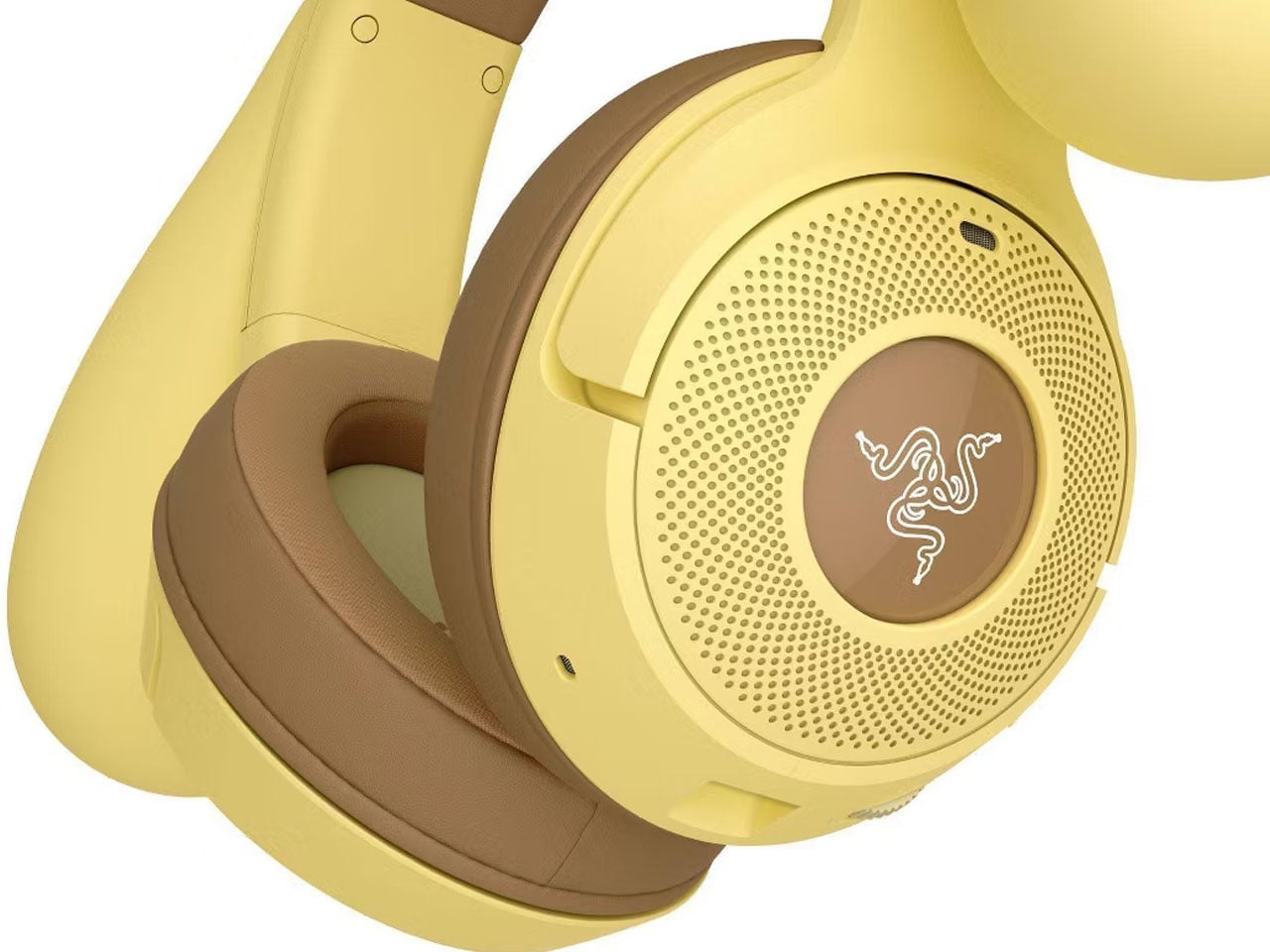
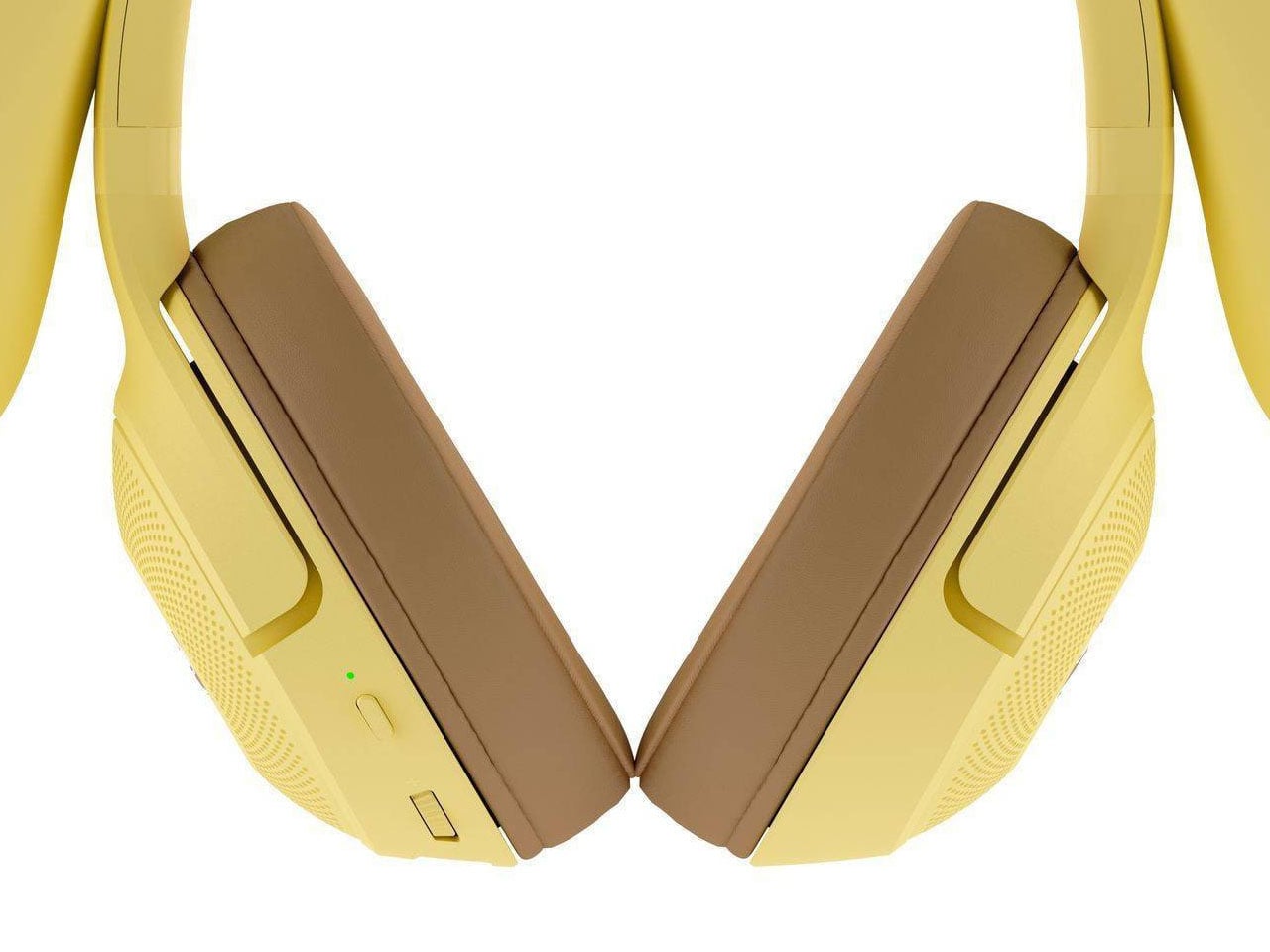
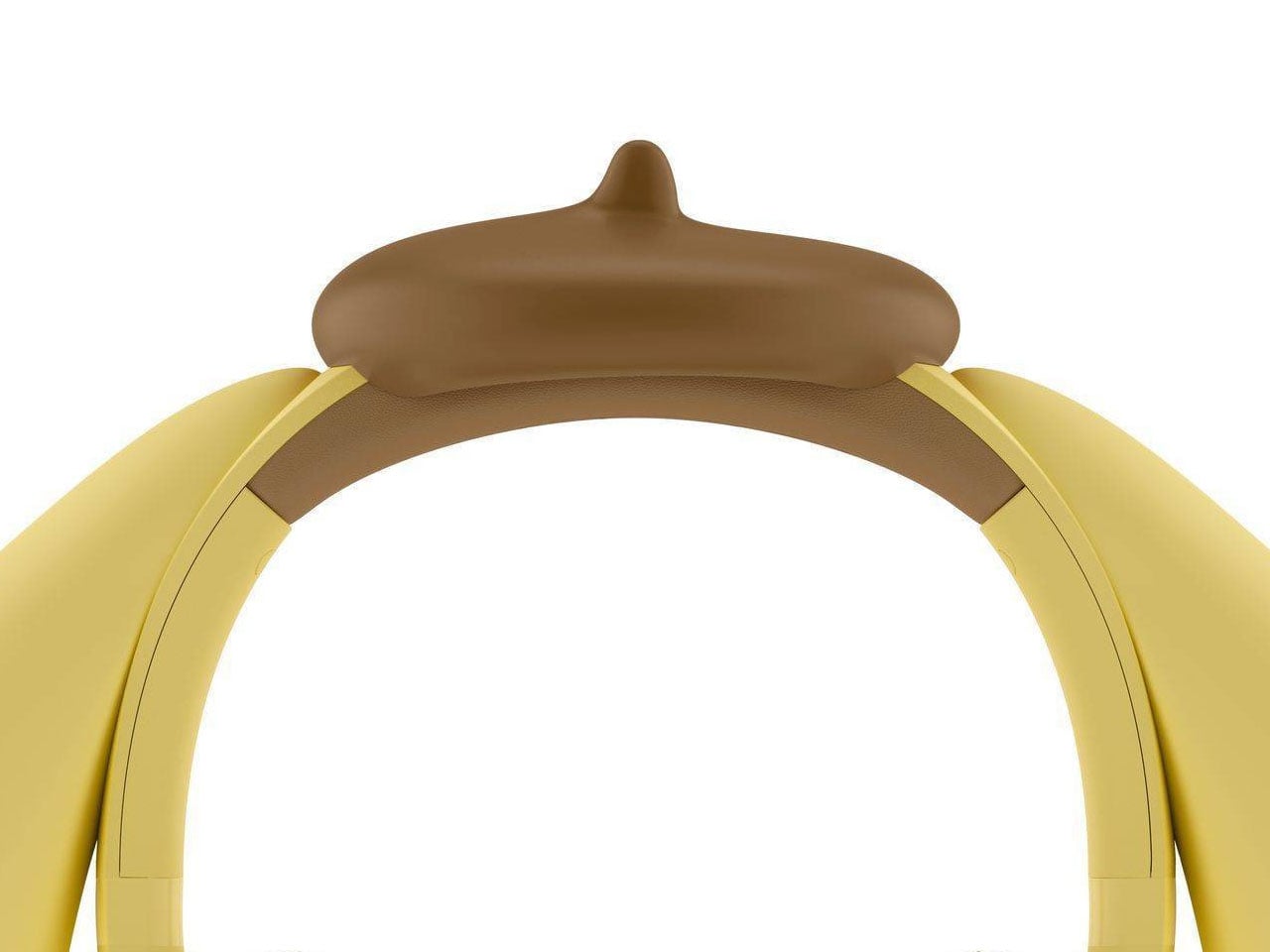
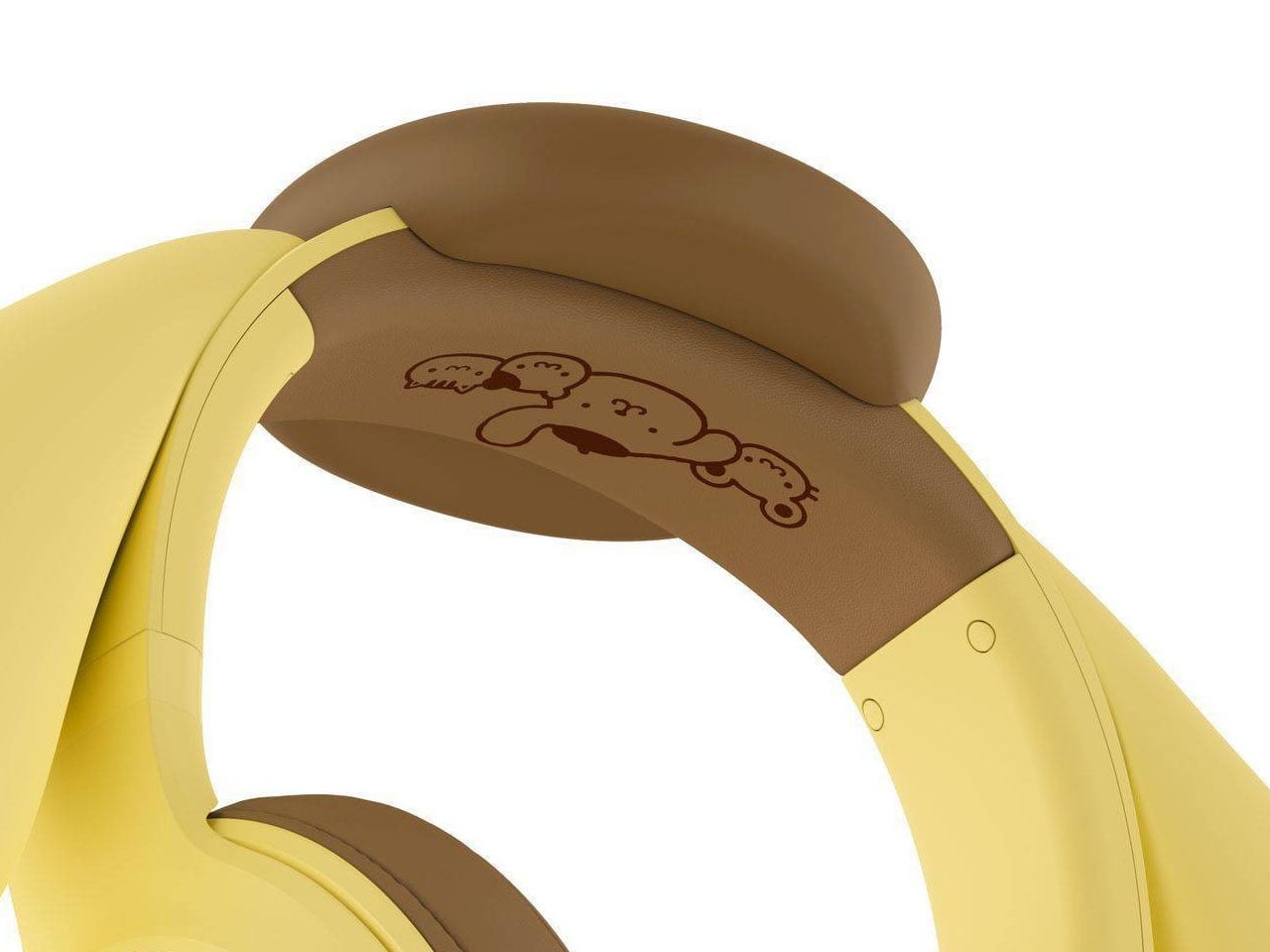
Rather than simply applying printed artwork to an existing headset, Razer has incorporated Pompompurin’s visual identity directly into the hardware. The headband features the character’s signature ears and brown beret, while additional artwork appears underneath the headband. The result is a character-inspired object compared to other conventional gaming headphones with a decorative skin.

Designer: Razer

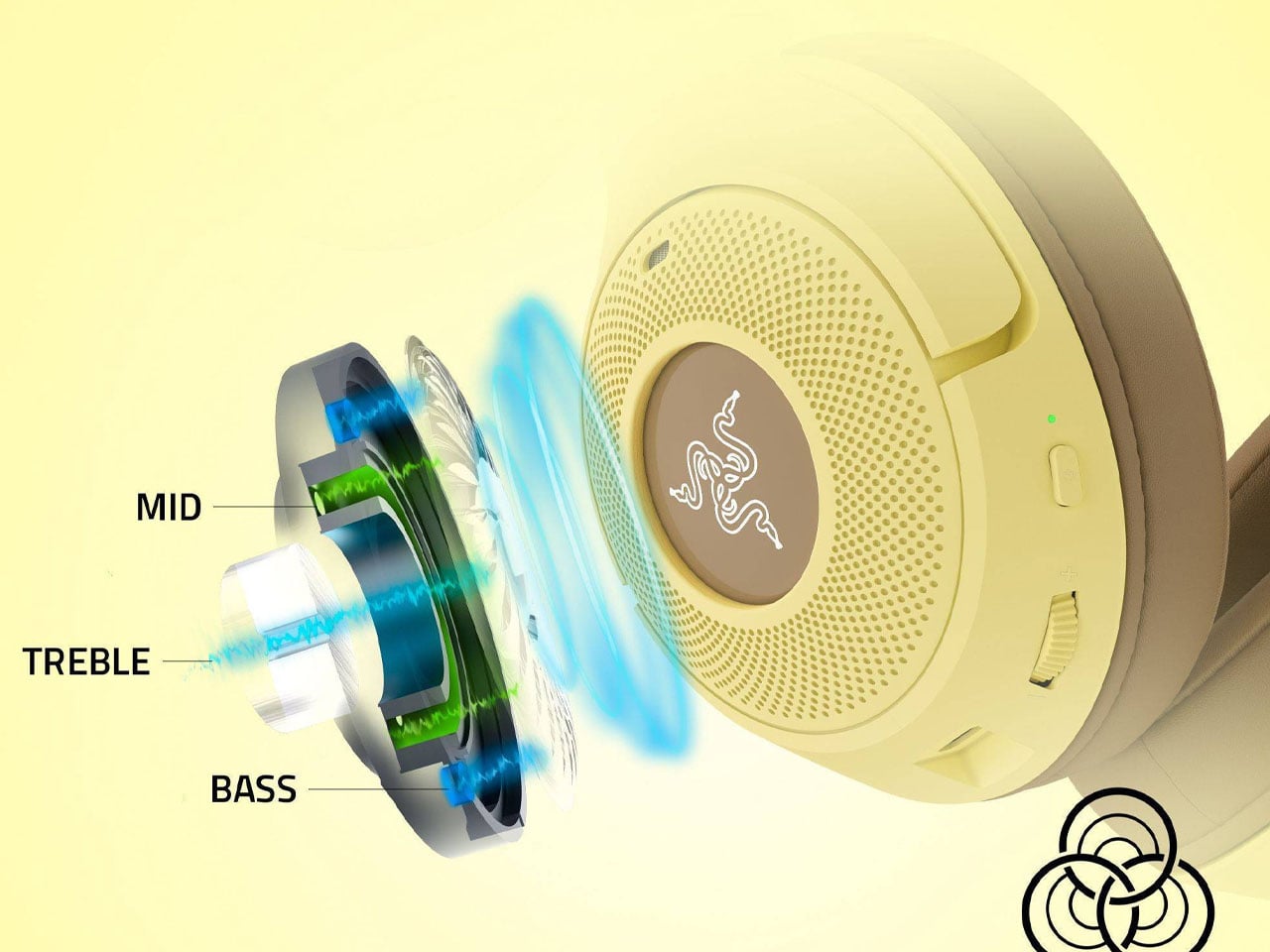
Underneath the playful exterior, the cans retain the core hardware of the Kraken Kitty V2 BT. It uses Razer’s TriForce 40 mm drivers, which separate high, mid, and low frequencies for clearer audio, along with Bluetooth 5.2 and a dedicated Gaming Mode designed to reduce wireless latency. The audio accessory is compatible with Windows PCs, Android and iOS devices, making it suitable beyond a traditional gaming setup. Communication is handled by an integrated HyperClear cardioid microphone rather than a protruding boom mic. Razer says its pickup pattern is tuned to prioritize the user’s voice while reducing sound from other directions. The headphones also support 7.1 surround sound for positional audio, although that feature is limited to Windows 10 64-bit and newer systems.

The visual side is equally configurable. Razer Chroma RGB lighting illuminates the earcups, with support for more than 16.8 million colors and a range of effects. The Pompompurin edition additionally supports stream-reactive lighting, allowing the illumination to respond to emotes, alerts, and other activity during streams. Comfort comes from hybrid fabric and leatherette ear cushions, while the headset weighs approximately 325 grams. USB-C handles charging, and the battery is rated for up to 40 hours depending on configuration. Razer’s broader specifications list up to 40 hours with lighting enabled and up to 60 hours with Chroma RGB disabled.

The Pompompurin Edition truly carries a collectible identity, and at that price tag it is an absolute buy for fans. Like other themed Kraken Kitty V2 BT editions, this pair of cans stands out for its character-focused design, as much as its gaming features. For sure, an eye-catcher on the streets for onlookers!

3

The post Razer’s Pompompurin Kraken Kitty V2 headphones Brings Sanrio charm to gaming first appeared on Yanko Design.

The $180 Razer Mouse That Makes a Second Gaming Mouse Pointless

Gaming mice have always had a specialization problem. The ones built for MMOs come loaded with thumb buttons that feel excessive the moment you switch to a shooter. FPS mice are clean and fast but leave MOBA players reaching for keyboard shortcuts that shouldn’t need to be there. Buying two mice for two genres has been the practical answer, which is also the least satisfying one.

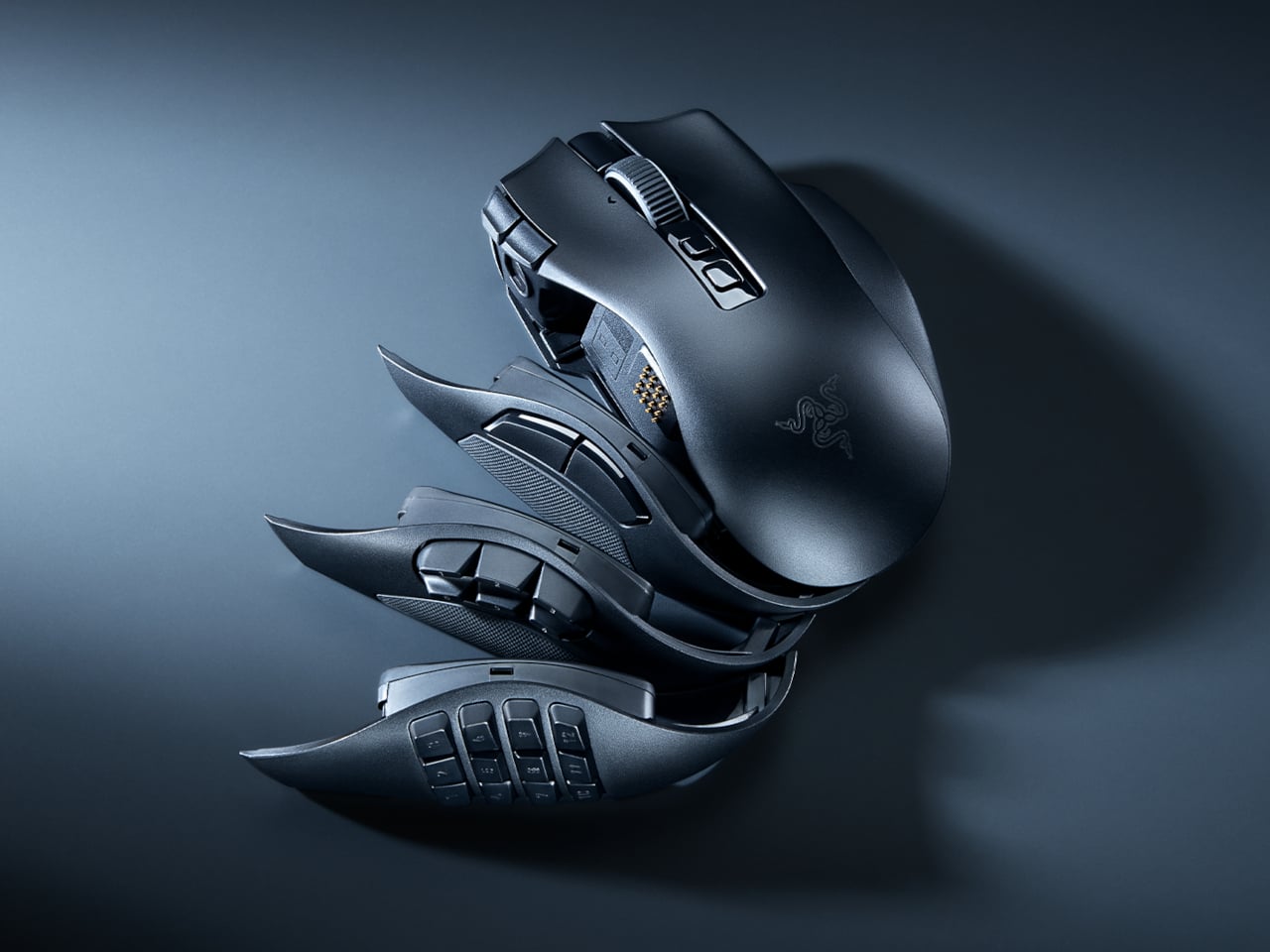
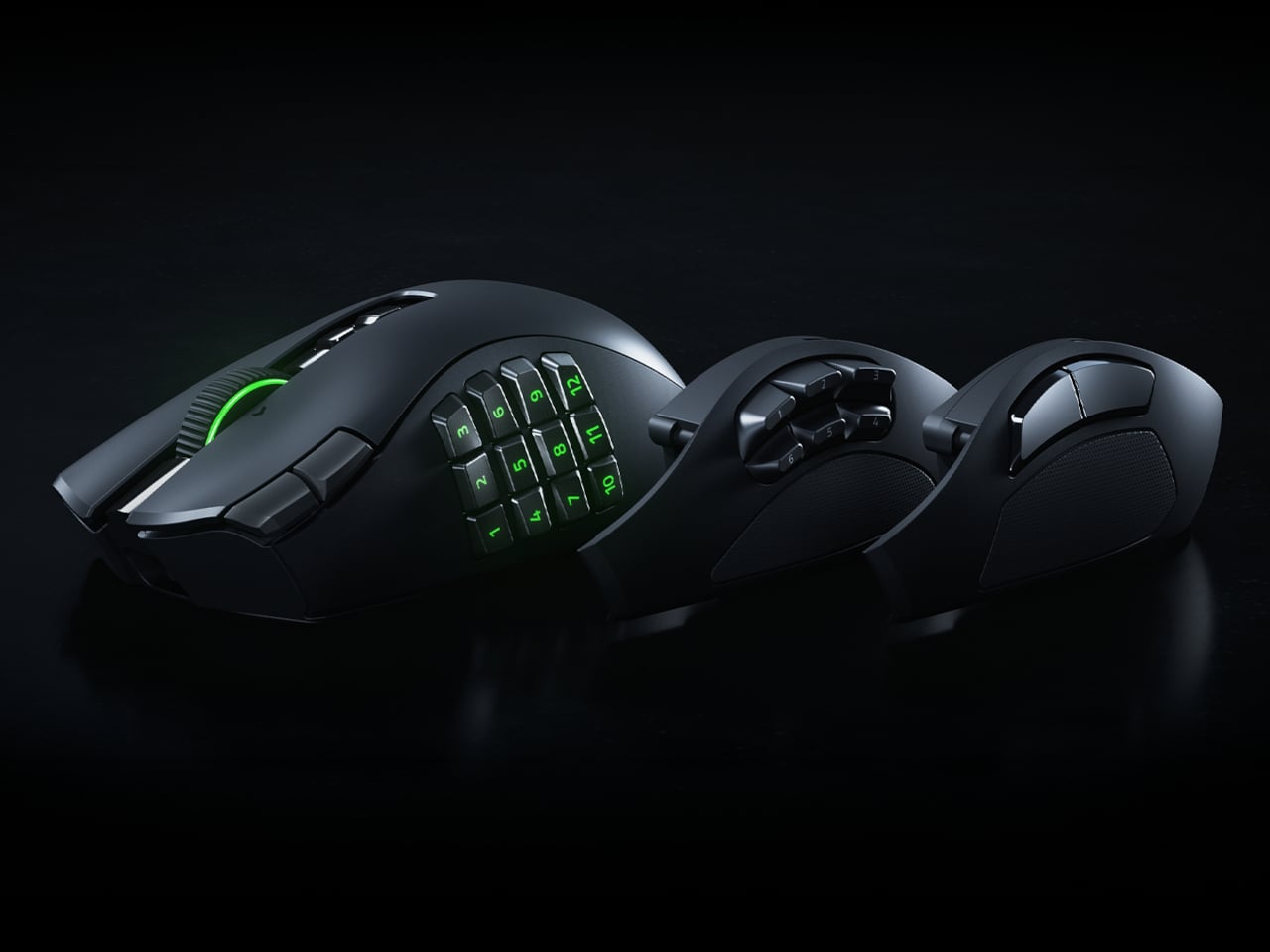
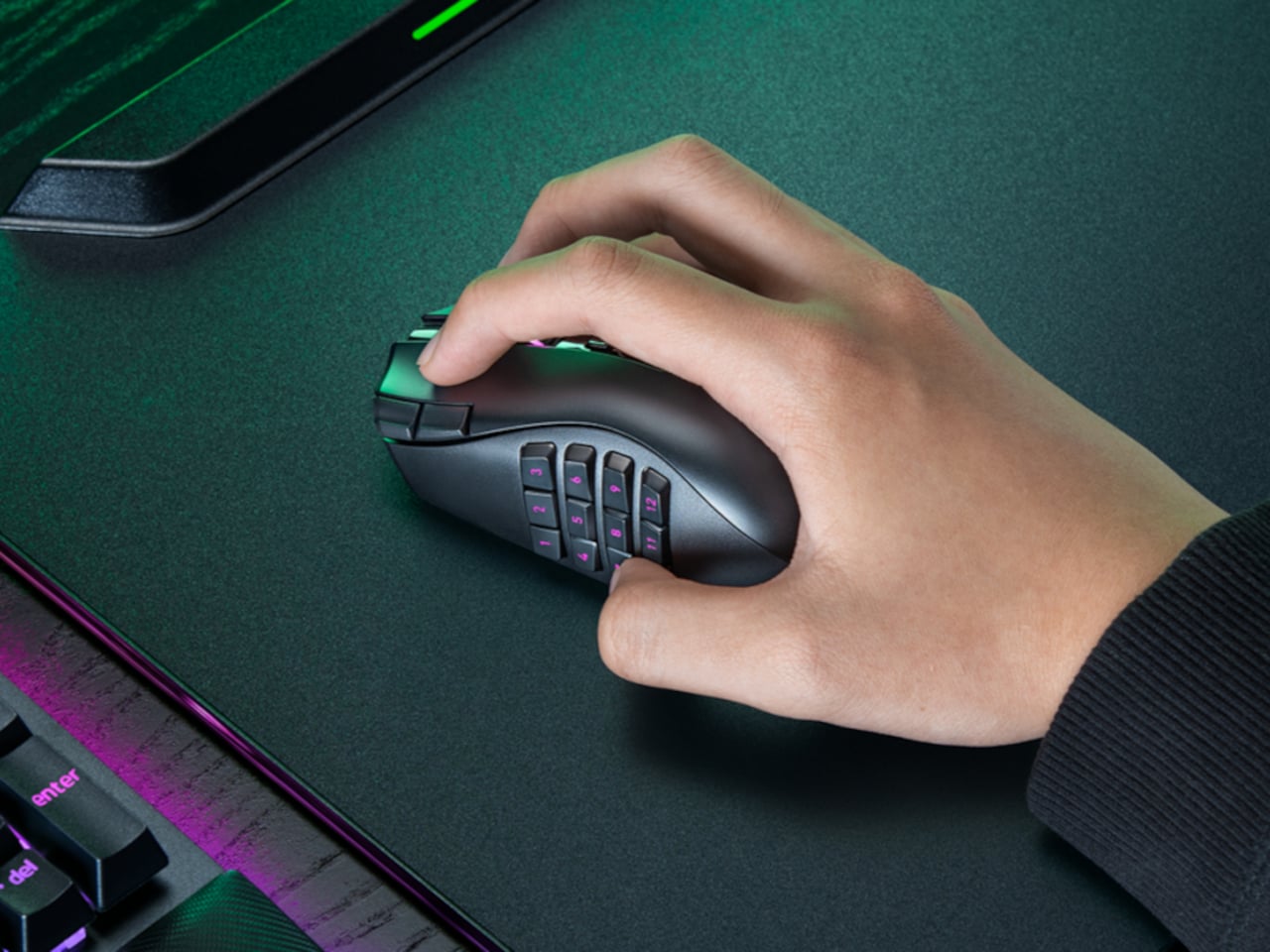
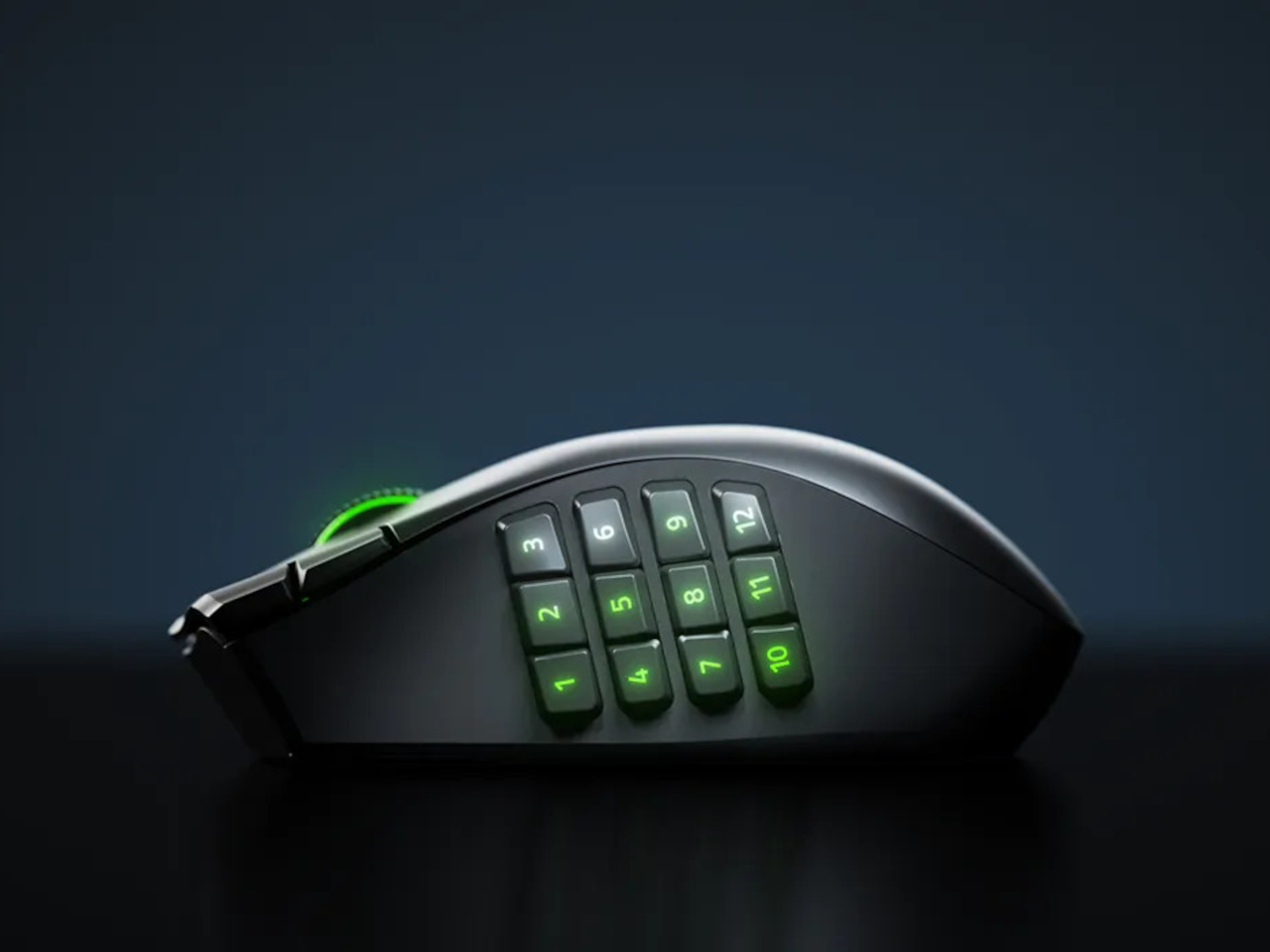
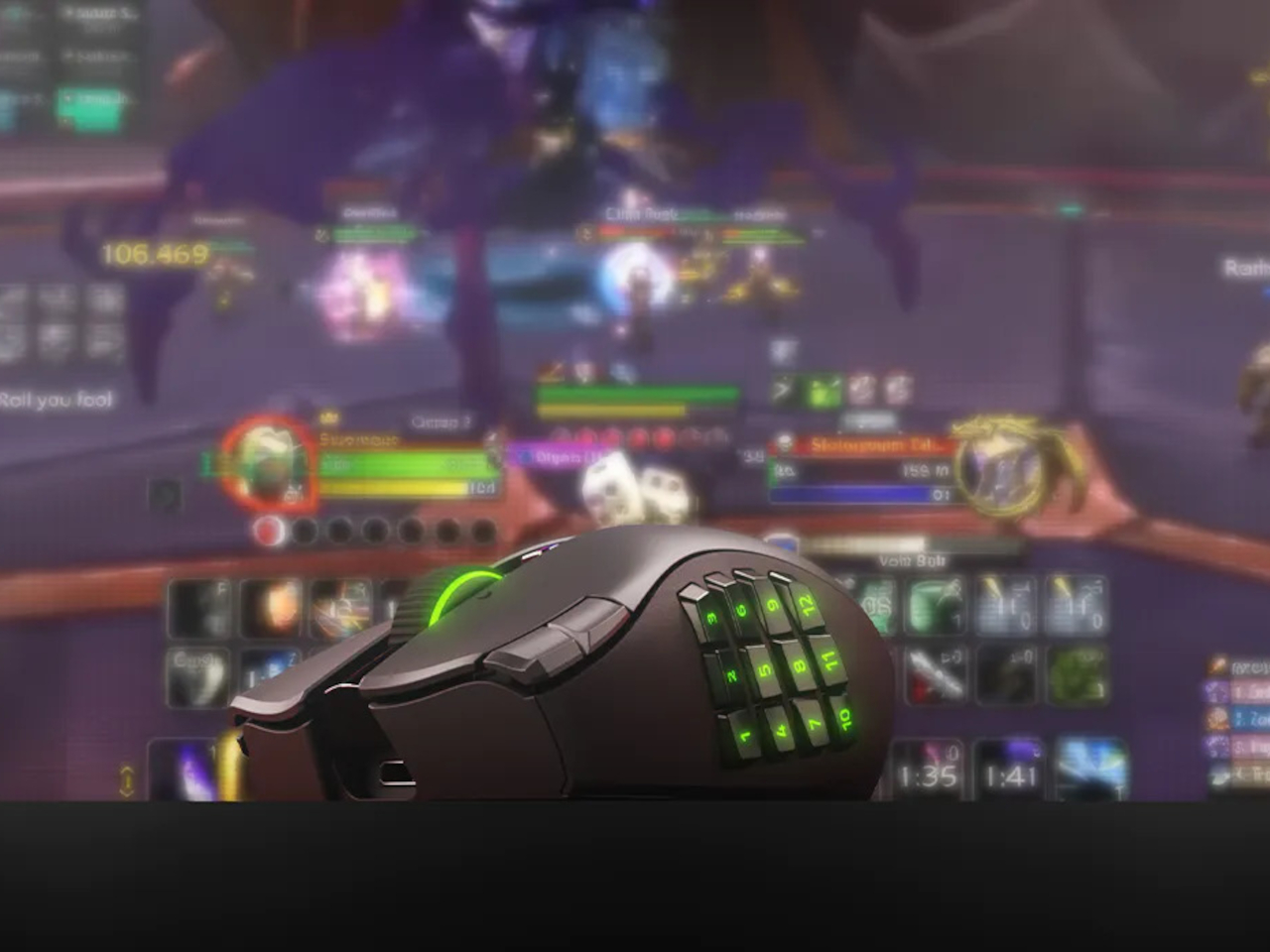
The Razer Naga V3 Pro addresses that directly. It ships with three magnetic side plates that swap out in seconds, each designed for a different genre of play. The 12-button grid suits MMOs, the six-button layout covers MOBAs and battle royale games, and the two-button plate clears the side for FPS use. One mouse, three configurations, and the same right-handed ergonomic shape throughout all of them.

Designer: Razer

The side button system itself isn’t new to the Naga line, but the V3 Pro brings the rest of the hardware up to the same level as what’s inside Razer’s top-tier esports mice. The Focus Pro 50K Optical Sensor Gen-3 powers tracking with up to 50,000 DPI and 390 IPS, the same sensor found in Razer’s dedicated competitive mice. Gen-4 optical switches handle clicks with a rated life of 100 million actuations and are designed to eliminate the bounce clicks that can misfire at the worst moments.

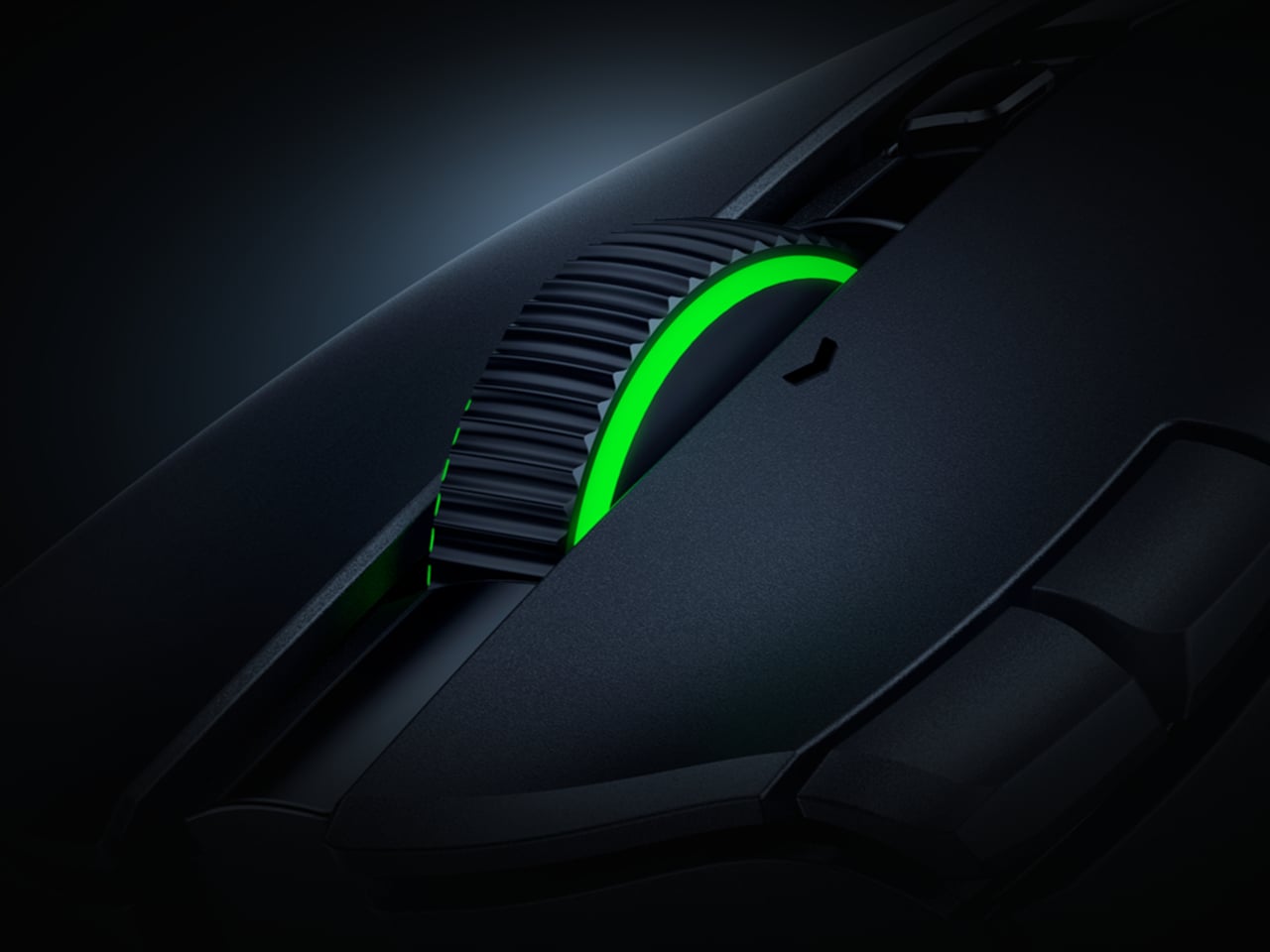
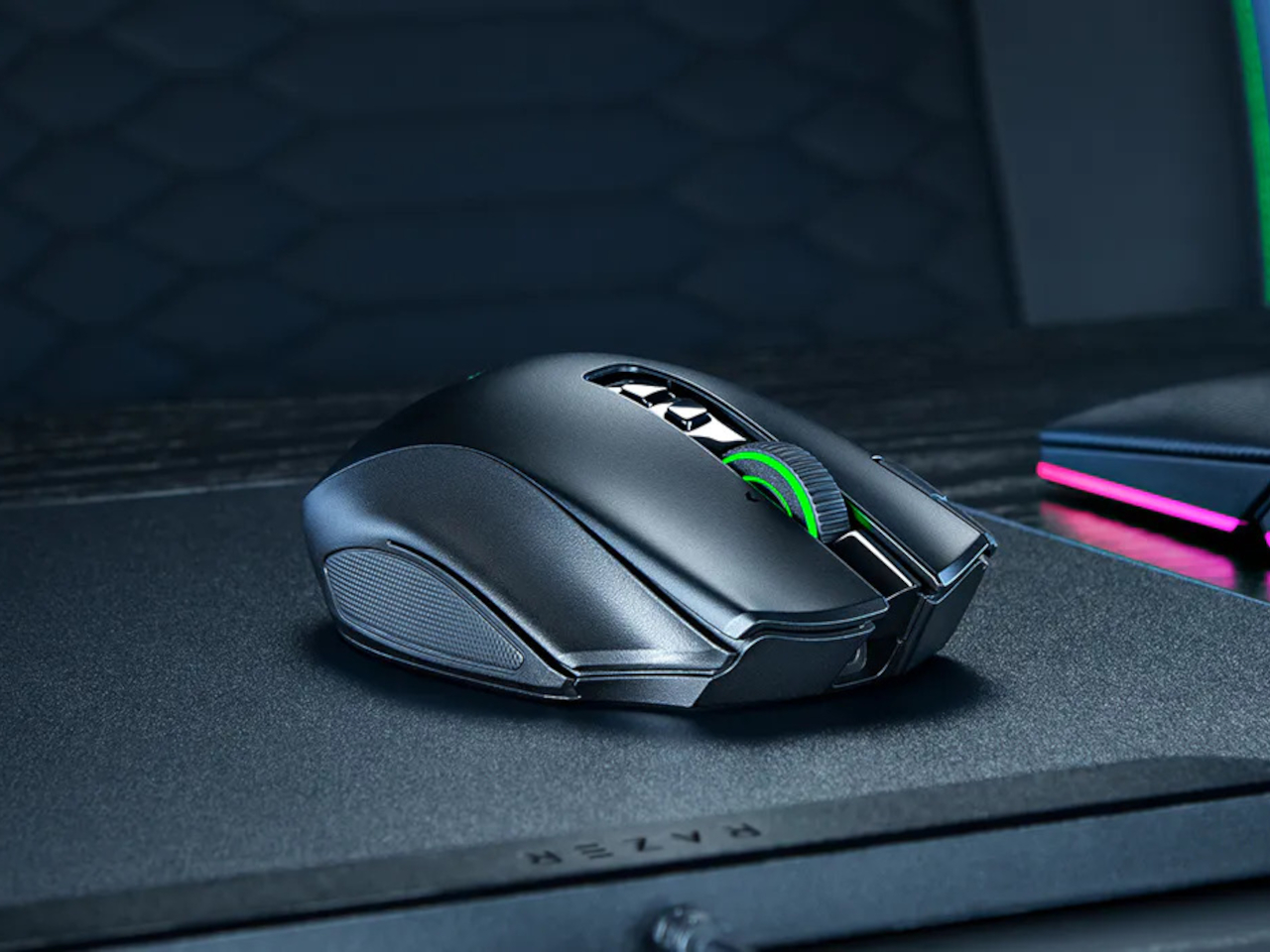
The scroll wheel also gets a meaningful upgrade here. The HyperScroll Tilt Wheel Gen-2 offers four distinct modes: Free-Spin for fast document scrolling, Tactile for click-by-click precision, Precision Tactile for finer steps, and Smart-Reel for automatic switching between modes. In an MMO, cycling through inventory with Free-Spin feels different from navigating a skill tree in Tactile mode, and having that level of control in the wheel itself is something most mice don’t bother offering.

Battery life holds up across both wireless modes. On HyperSpeed 2.4 GHz, the Naga V3 Pro runs for up to 155 hours; switch to Bluetooth and that extends to 280 hours. The mouse body weighs 112 g without a side plate, with the 12-button plate adding 20 g, the six-button adding 17 g, and the two-button adding 15 g. That last configuration brings the total down to where FPS players tend to want it, and the weight difference is noticeable enough in practice.

Up to 23 programmable buttons are available depending on the active plate, down from 23 to just two when the FPS plate is on. The pinky rest is also a button, lockable from the underside when not wanted, which adds one more control point without requiring any reach. Double-injection molded legends on the side buttons ensure the labels don’t wear off under daily use.

What the Naga V3 Pro argues, quietly but consistently, is that genre-specific peripherals don’t have to mean genre-specific hardware purchases. The plates snap off and on without tools, the transition between configurations takes less time than a loading screen, and the underlying hardware is good enough that nothing feels like a compromise.

The post The $180 Razer Mouse That Makes a Second Gaming Mouse Pointless first appeared on Yanko Design.
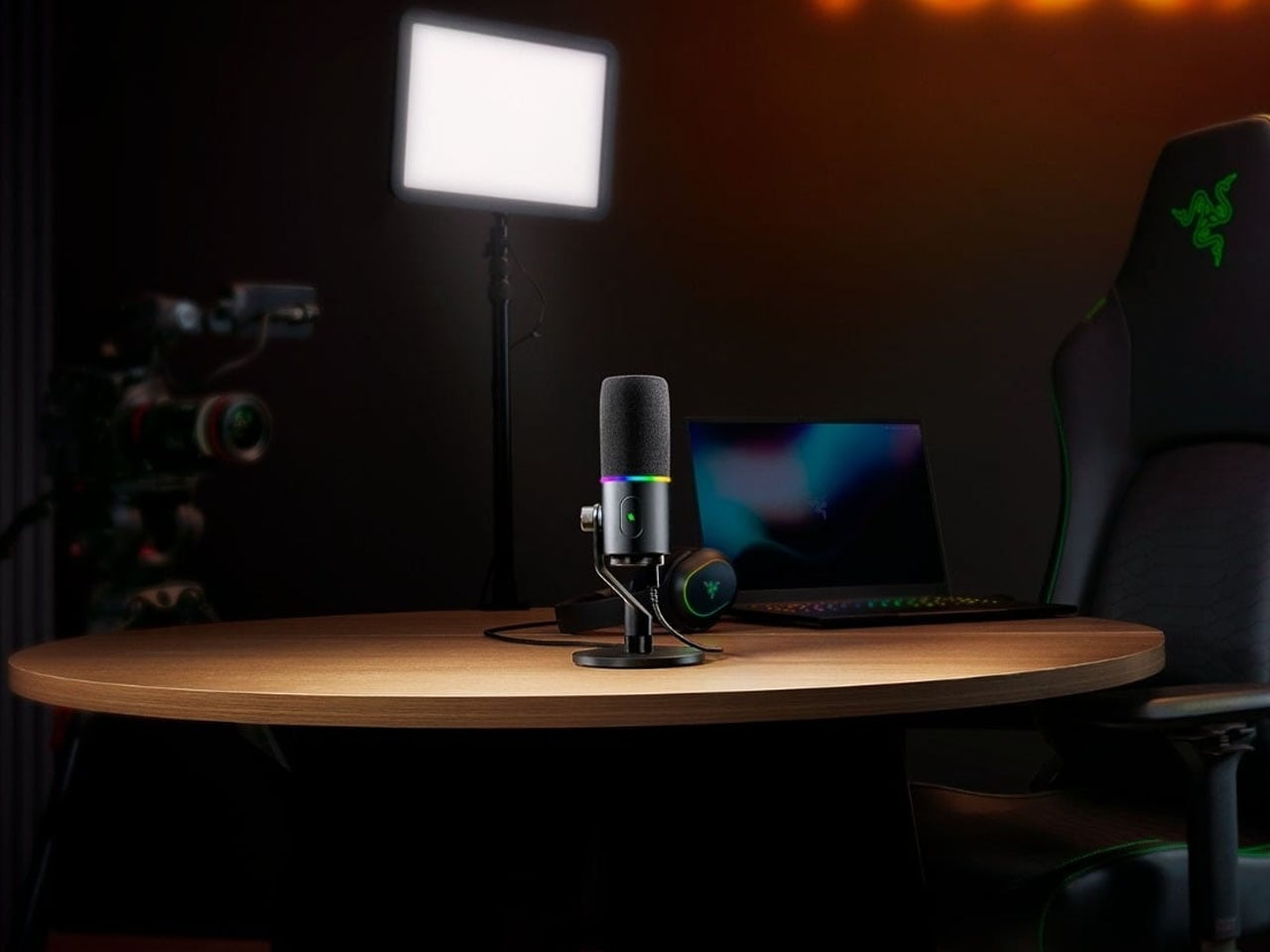
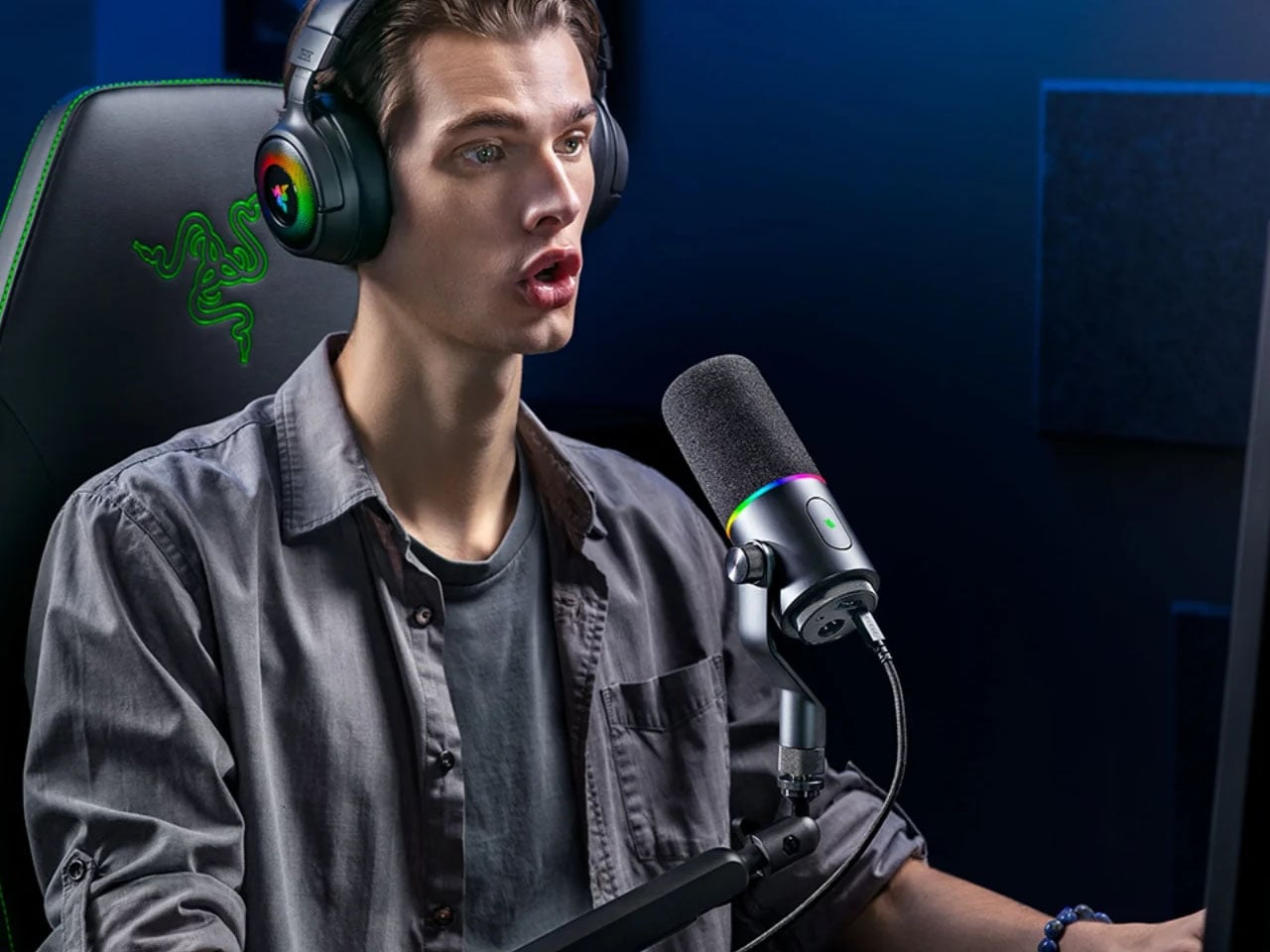
Razer Seiren V3 Pro is a studio grade plug-and-play microphone for newbies and pros

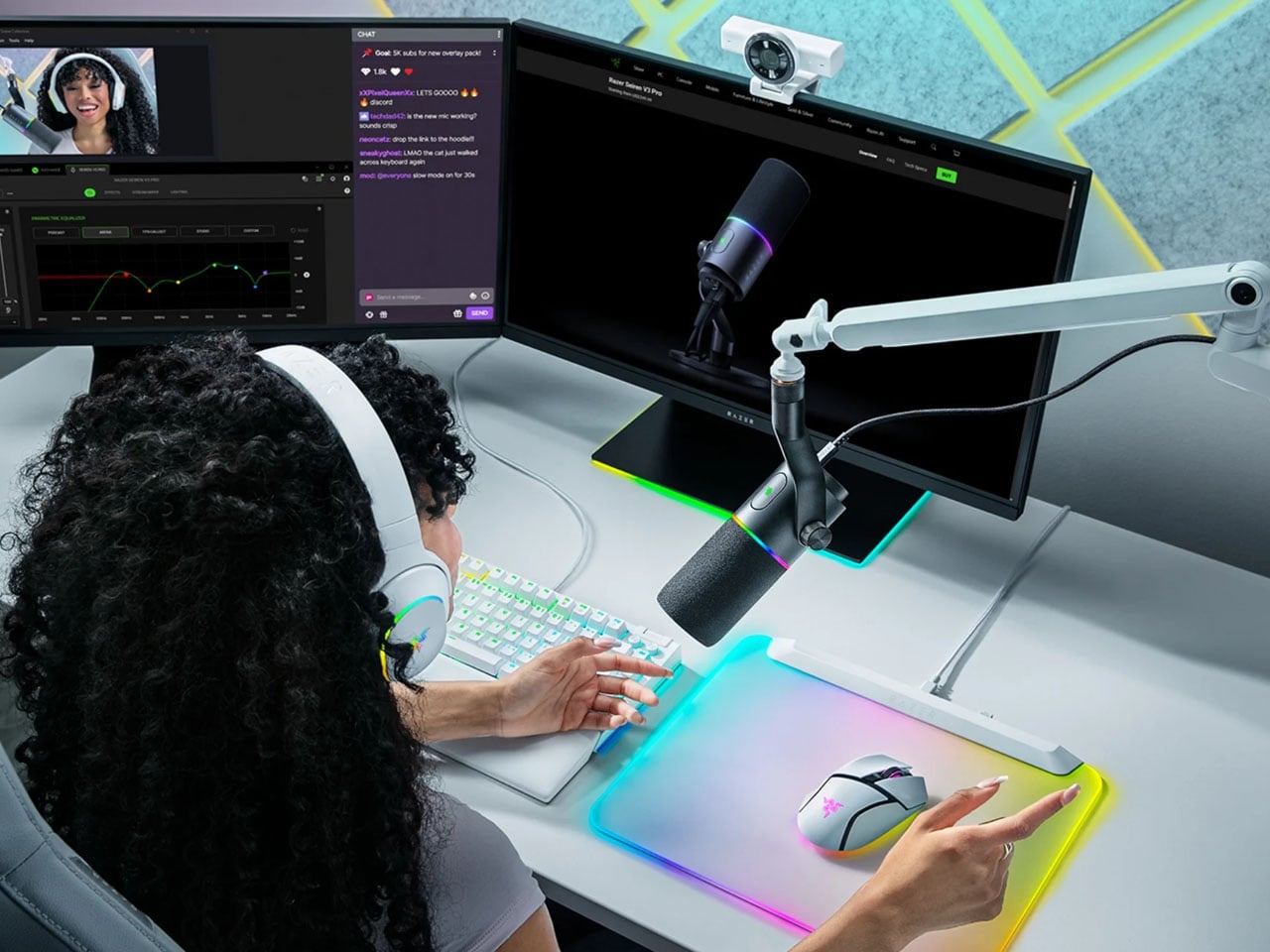
As a newbie, how many times have you shunned the idea of owning a starter-level microphone just because of the complexities involved? Always wishing to have a simpler connecting protocol for ease of use. Razer wants to address this problem with the new Seiren V3 Pro microphone targeted towards streamers, creators, gamers, and anyone who wants a pro-level mic on the fly.

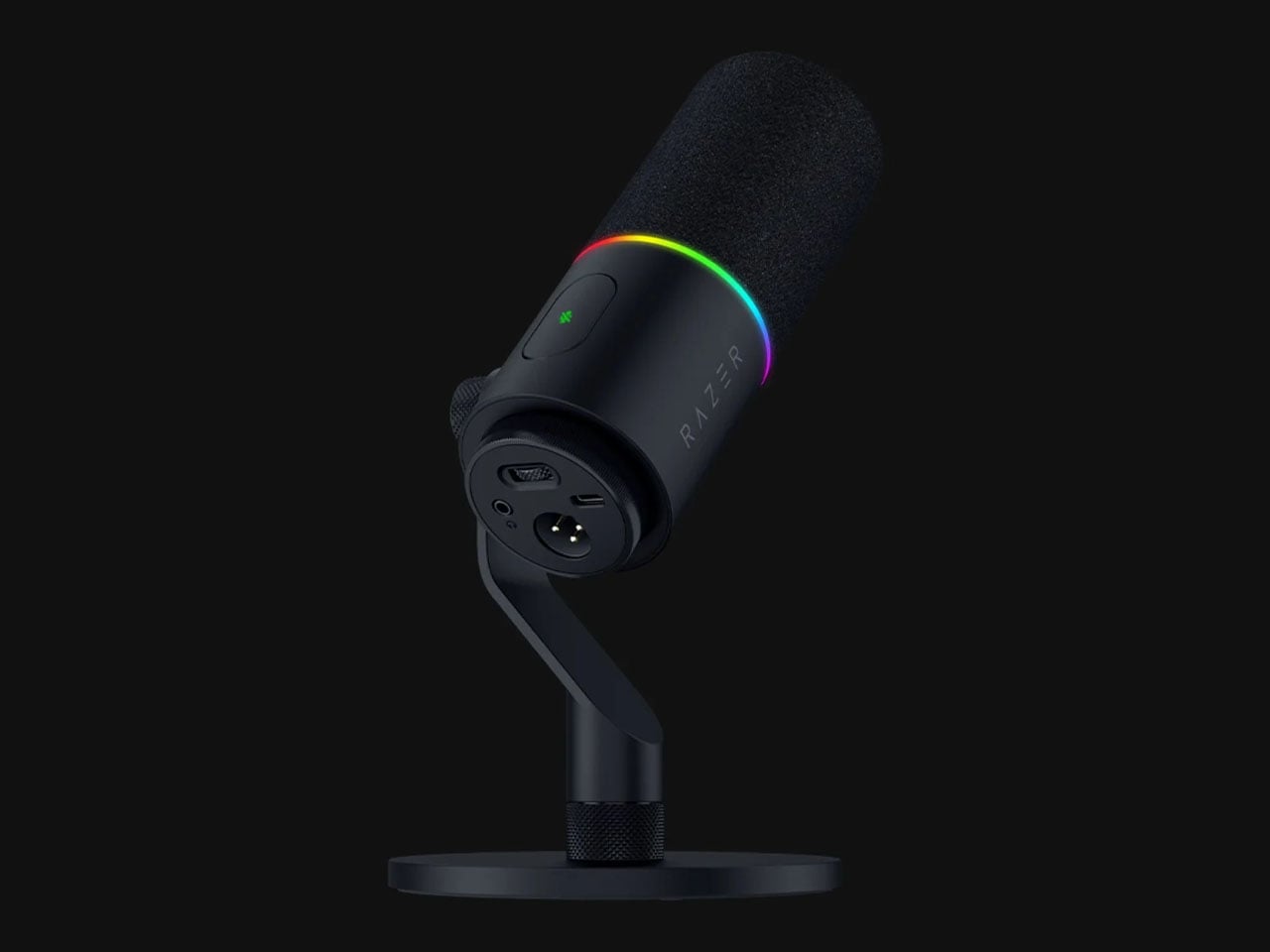
The microphone comes with support for USB-C, which simplifies things beyond comprehension for amateur content creators. Topping the cake is the XLR connectivity mode, which lets advanced users use the microphone with their existing equipment. Razer has demonstrated its eagerness to address the burning issues of the gaming and content creation communities, and this new release is no different.

Designer: Razer

Staying firmly in the XLR microphone space, even though it is targeted at amateur users, the microphone is ultra-utilitarian with its versatile hybrid connectivity options. The device aids users in beginning their content creation journey with a basic USB-C setup and then eventually upgrading to pro-level equipment like audio mixers and interfaces without any barriers. Another perk of the latest Razer offering is the $250 price, which can be otherwise be another major hurdle if even a respectable high-grade piece of equipment has to be acquired at the start of your creative journey. As per Razer’s global head of its lifestyle division, Addie Tan, “With the Seiren V3 Pro, we wanted to give creators a single mic that grows with them.”

V3 Pro solves a very basic problem with pro mics having the XLR analog connector, like their previous version – they have to run via an audio mixer or interface before being routed to a computer. For that very reason newbies, choose basic level USB-C mics for their arsenal. Razer gets the best of both worlds with this release, and there’s more to it. Another pressing reason to buy the Seiren V3 Pro is the built-in DSP, which works with both modes to deliver great output. This is important because high-quality microphones often require a lot of fine-tuning to get the desired results.

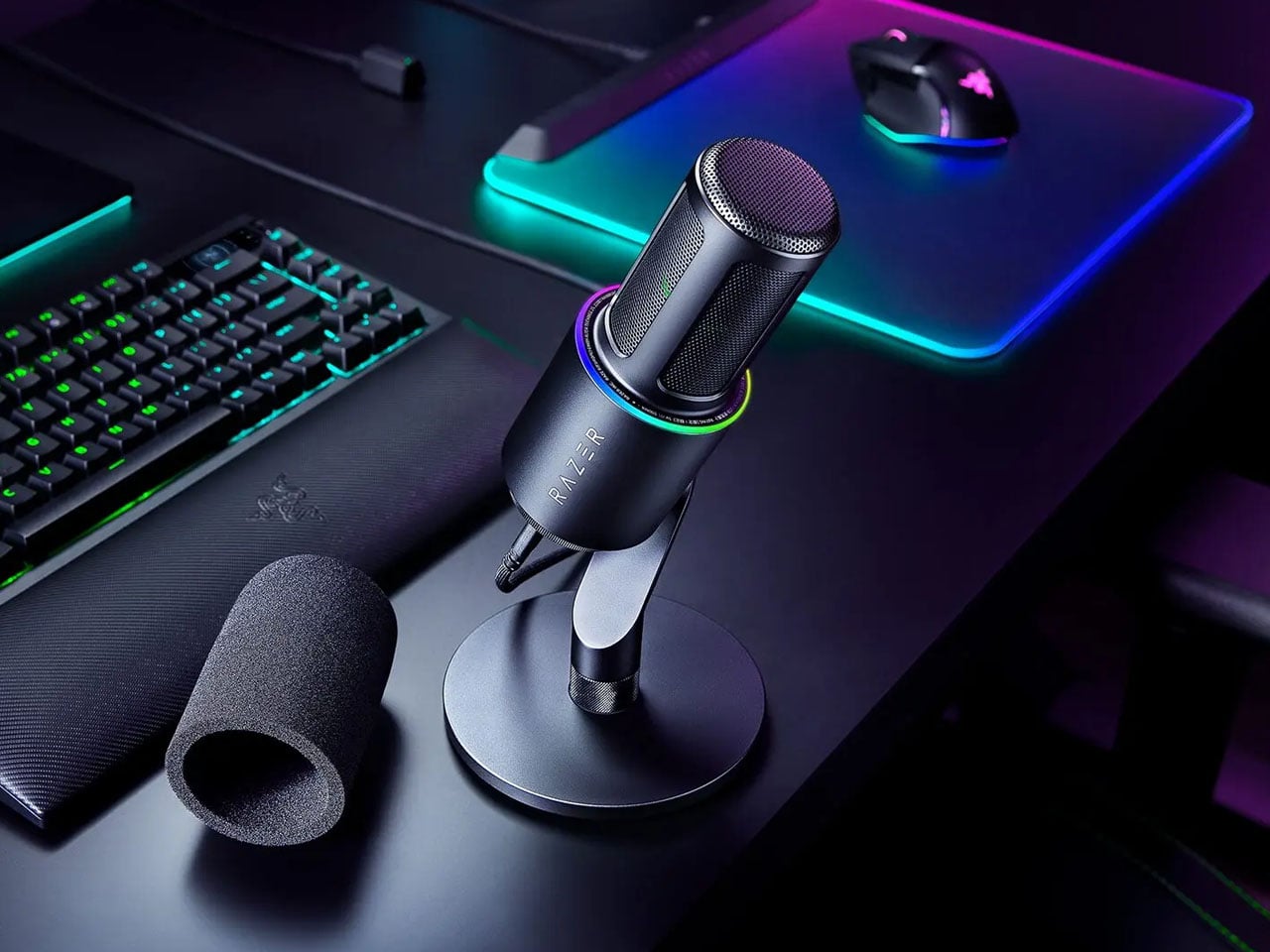
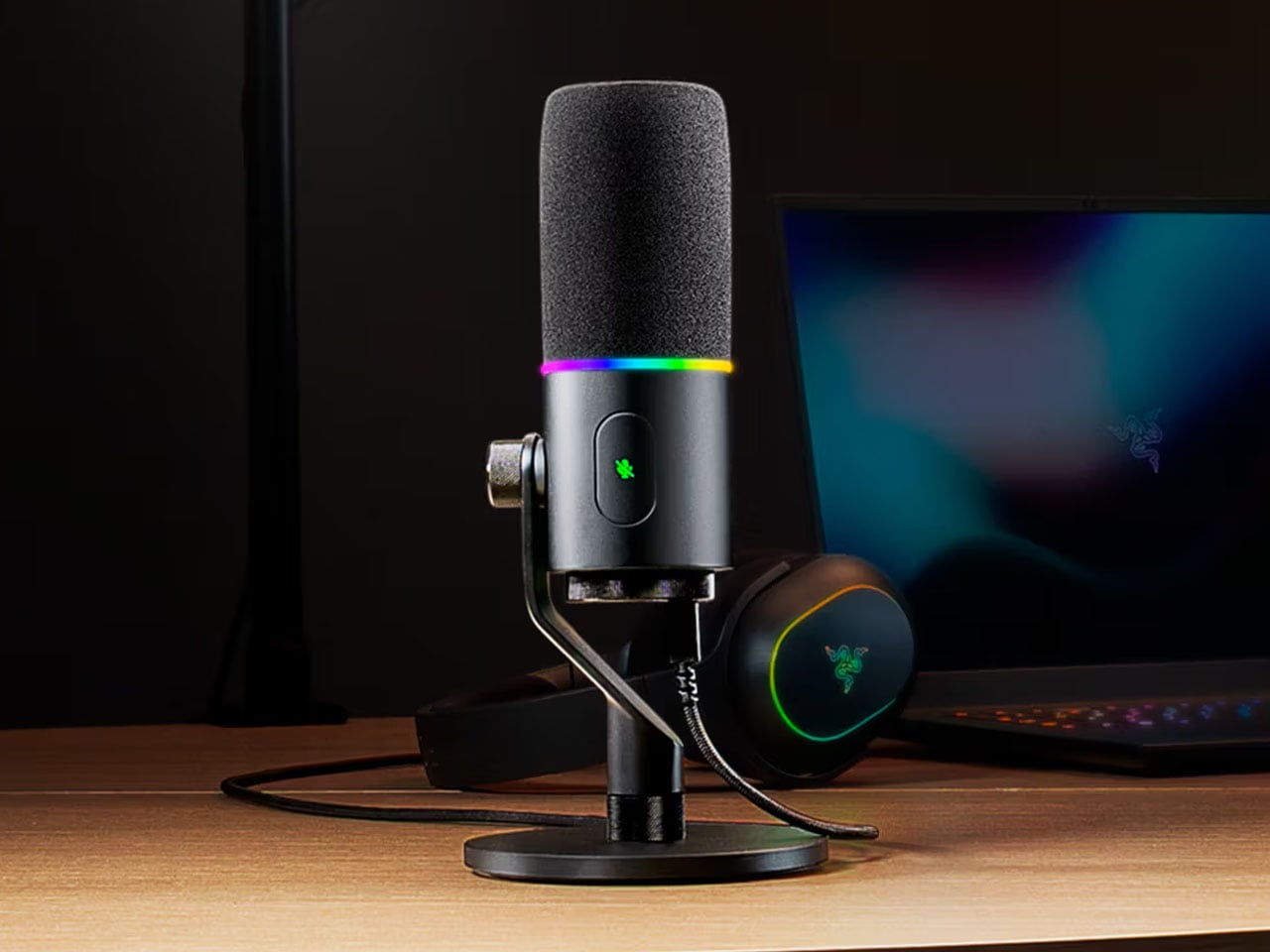
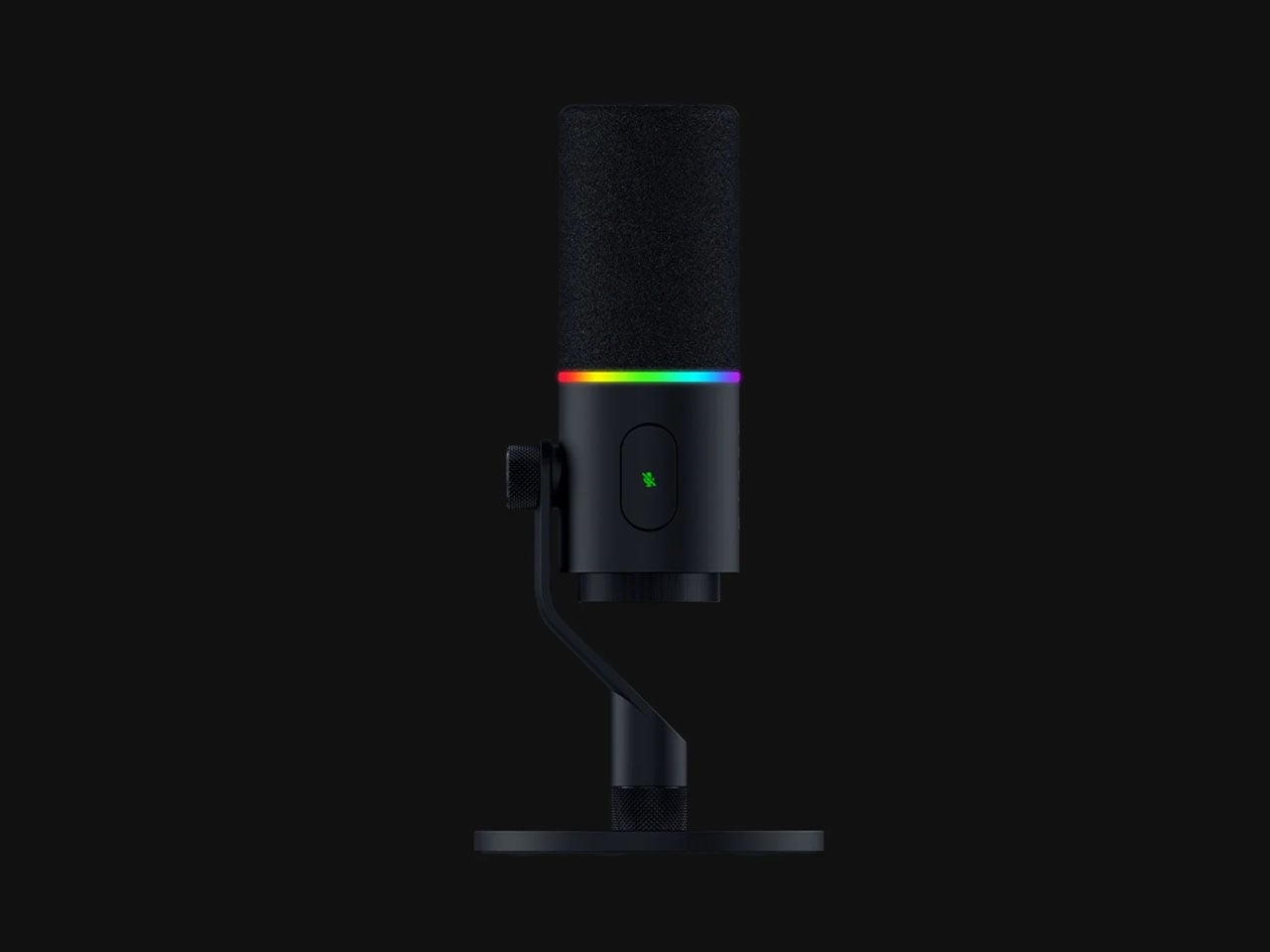
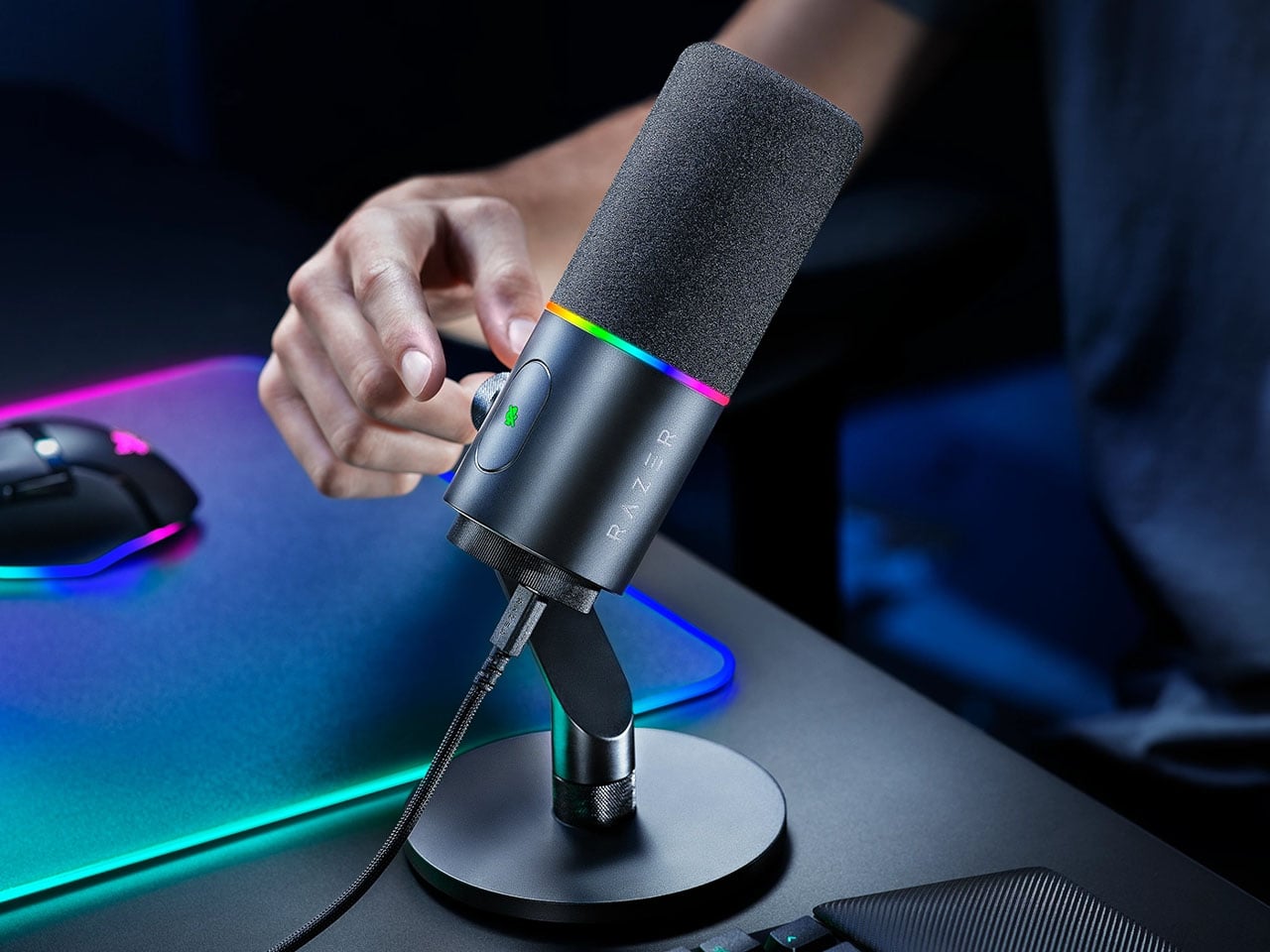
At the software level, the microphone has an AI noise remover and baked-in options that eliminate much of the tweaking needed. The device has a compressor, limiter and expander to make possible the smart tuning on the fly. At the hardware level, the mic has a pop filter and a built-in shock absorber for further clearing up the final output. The zinc unibody housing of the unit has a gain knob and mute button for ease of use. For the tech-savvy, this microphone has a 30mm dynamic range capsule and a cardioid polar pattern. The frequency range covered on this one is from 50Hz to 16kHz. The 32-bit float recording mode is also useful as it prevents clipping in audio, especially during high peak gains or sudden podcast reactions.

Content creators who look for minimalist gadgets without sacrificing functionality will love the small gain control at the bottom and the tap-to-mute sensor button, which comes in useful during live podcasts. The inclusion of a 3.5mm headphone jack lets the user hear the final output for performing any fine-tuning if required. To finish it off, the toned-down RGB lighting ring (compared to the predecessor) shows the real-time visual feedback about the gain, mute, and peak status. This can also be tweaked using the Razer Synapse app for complete control.

The post Razer Seiren V3 Pro is a studio grade plug-and-play microphone for newbies and pros first appeared on Yanko Design.
Razer Hammerhead V3 HyperSpeed earbuds switch between devices, double as 2.4GHz wireless receiver

True wireless earbuds have come a long way from their early days of bulky, uncomfortable designs to today’s slim, ergonomic form factors built for extended use. The next phase in that evolution is specialized buds designed for specific use cases. Whether it’s high-fidelity listening for music or gaining a competitive edge in fast-paced shooters where directional audio can determine outcomes, gaming earbuds have carved out a distinct and rapidly growing category.

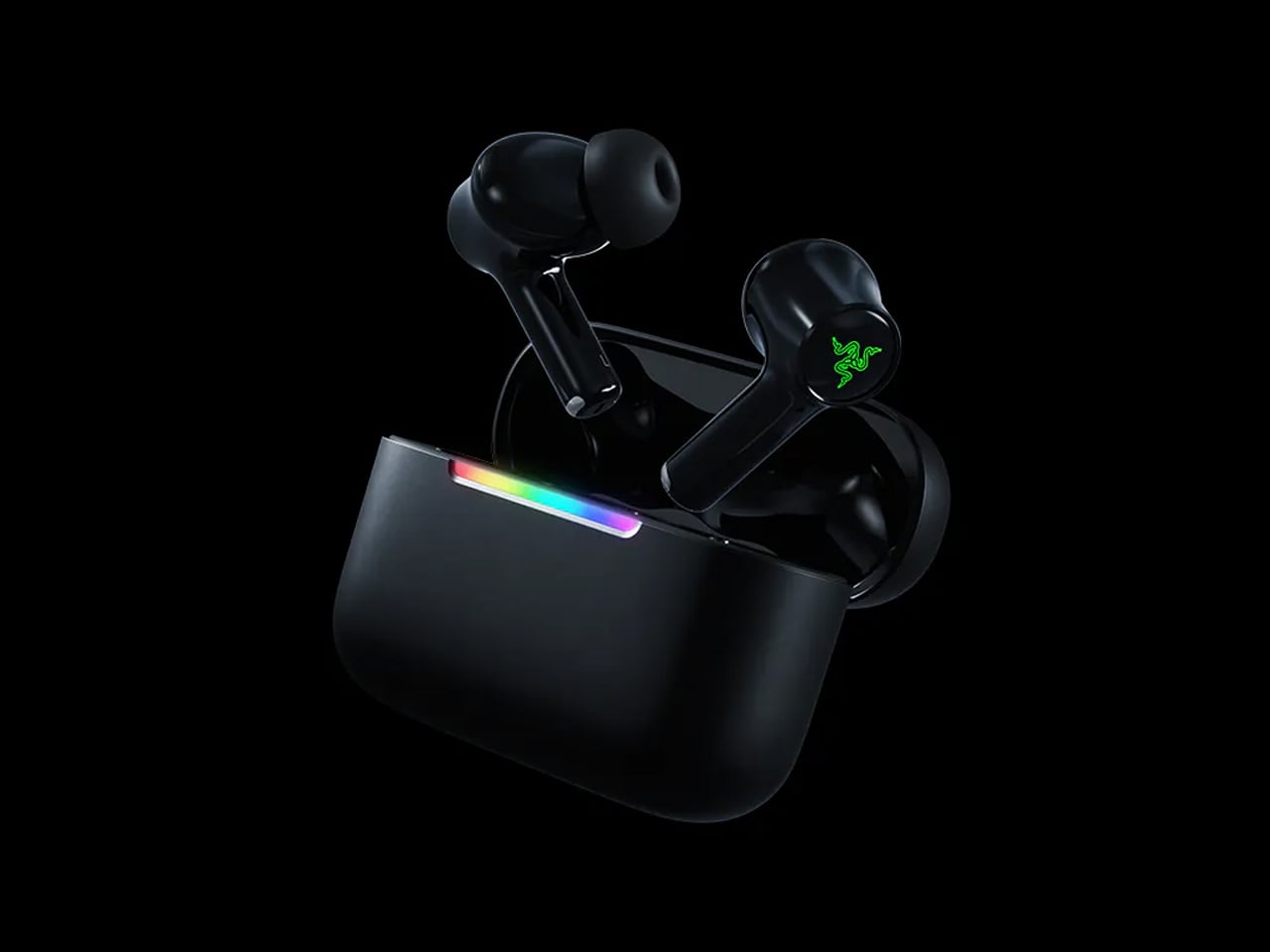
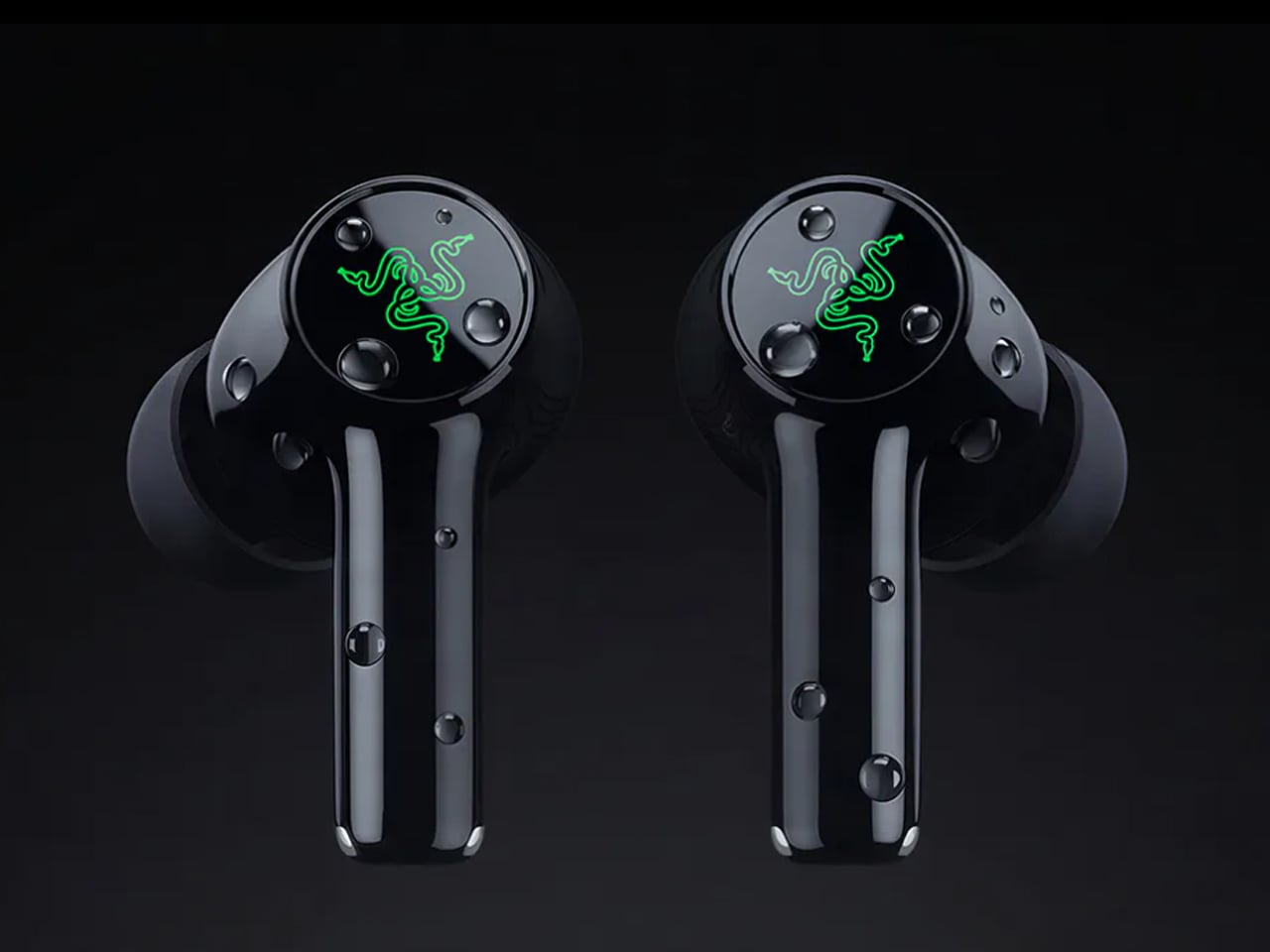
Razer sits firmly at the forefront of this shift, and its latest release pushes the idea further. The Hammerhead V3 HyperSpeed wireless earbuds refine the formula with a strong focus on cross-platform versatility and performance. Built to transition seamlessly between consoles, handhelds, PCs, and smartphones, the earbuds aim to eliminate friction in multi-device gaming setups while maintaining consistently low latency.

Designer: Razer

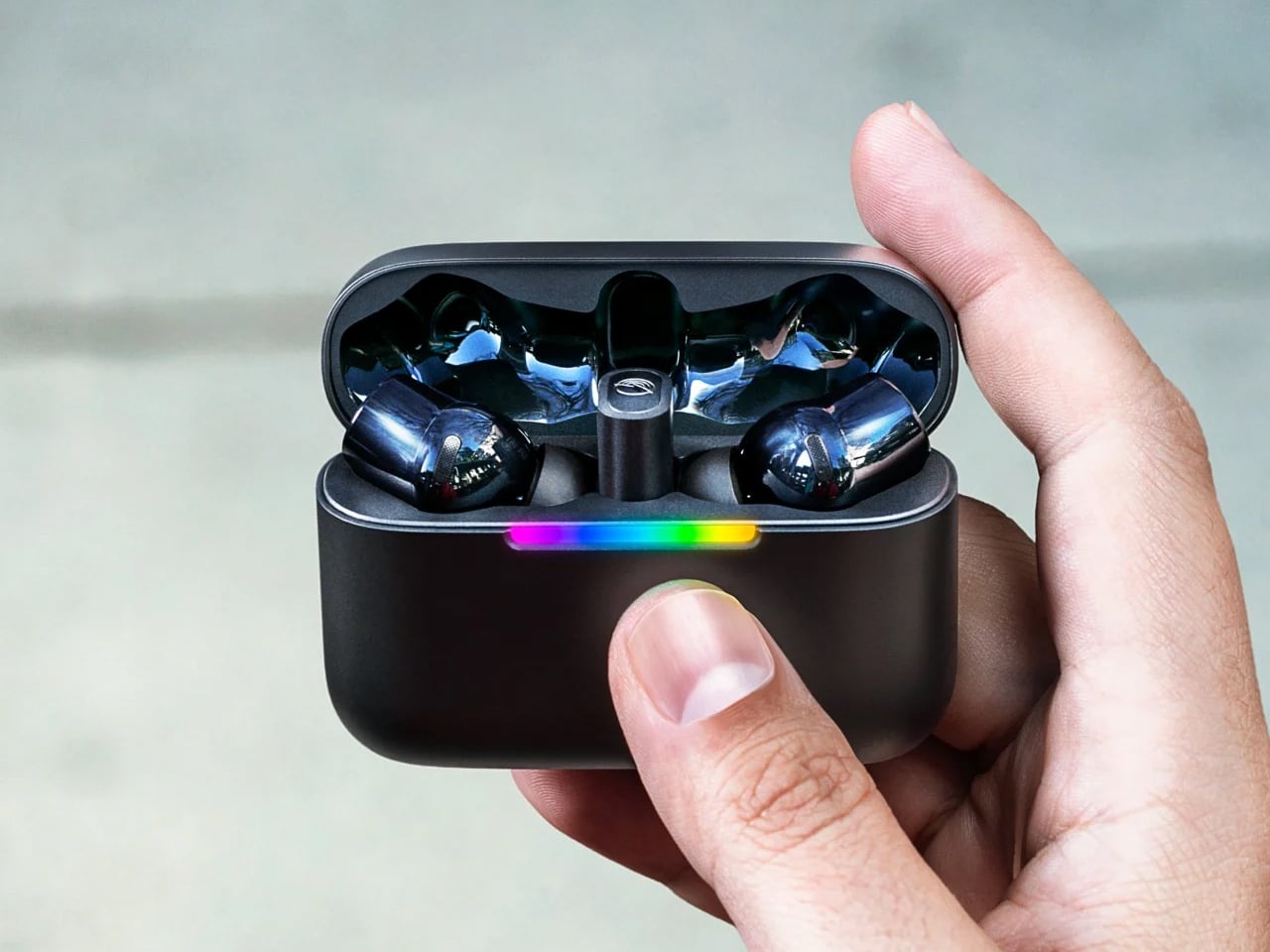
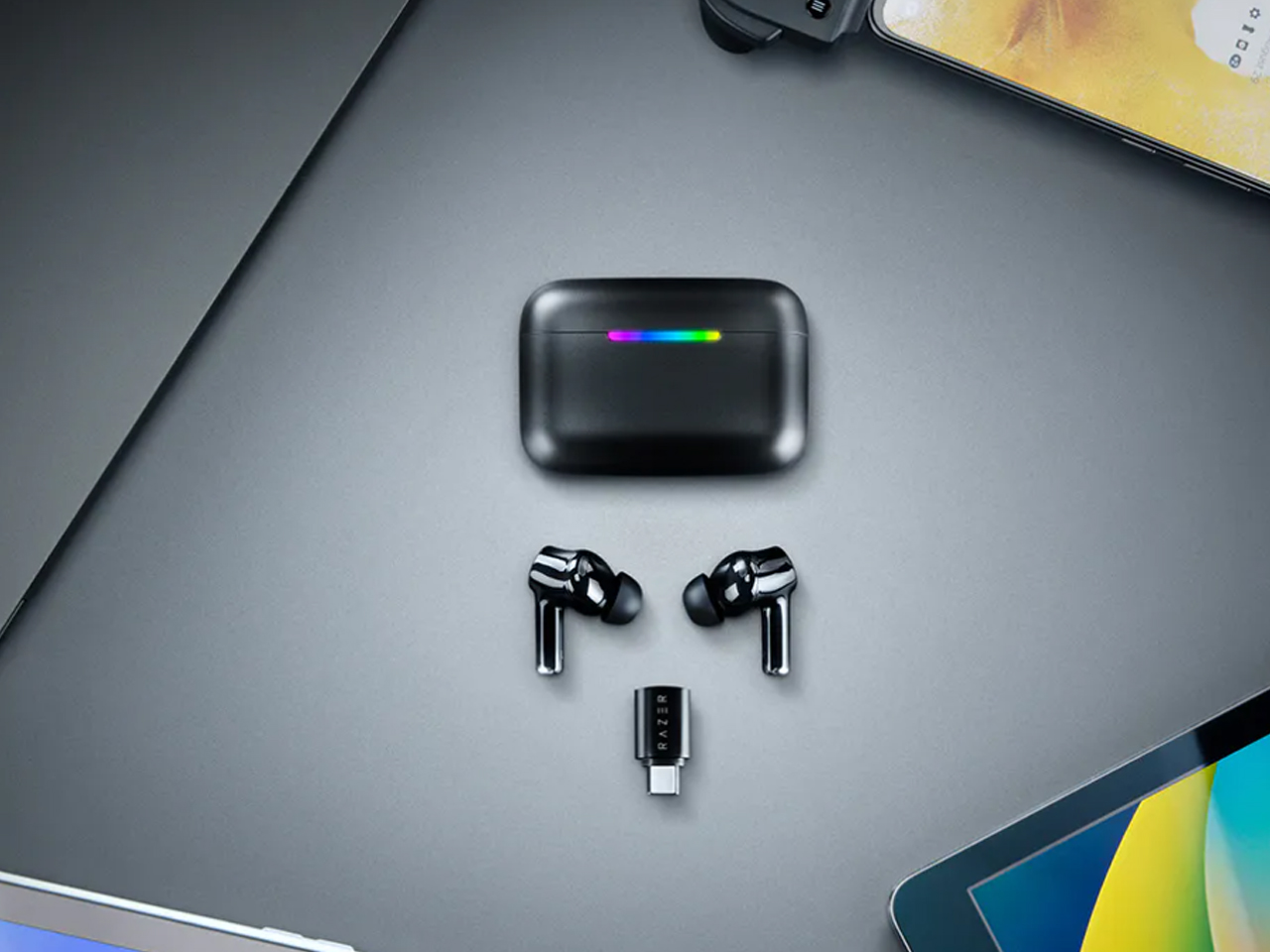
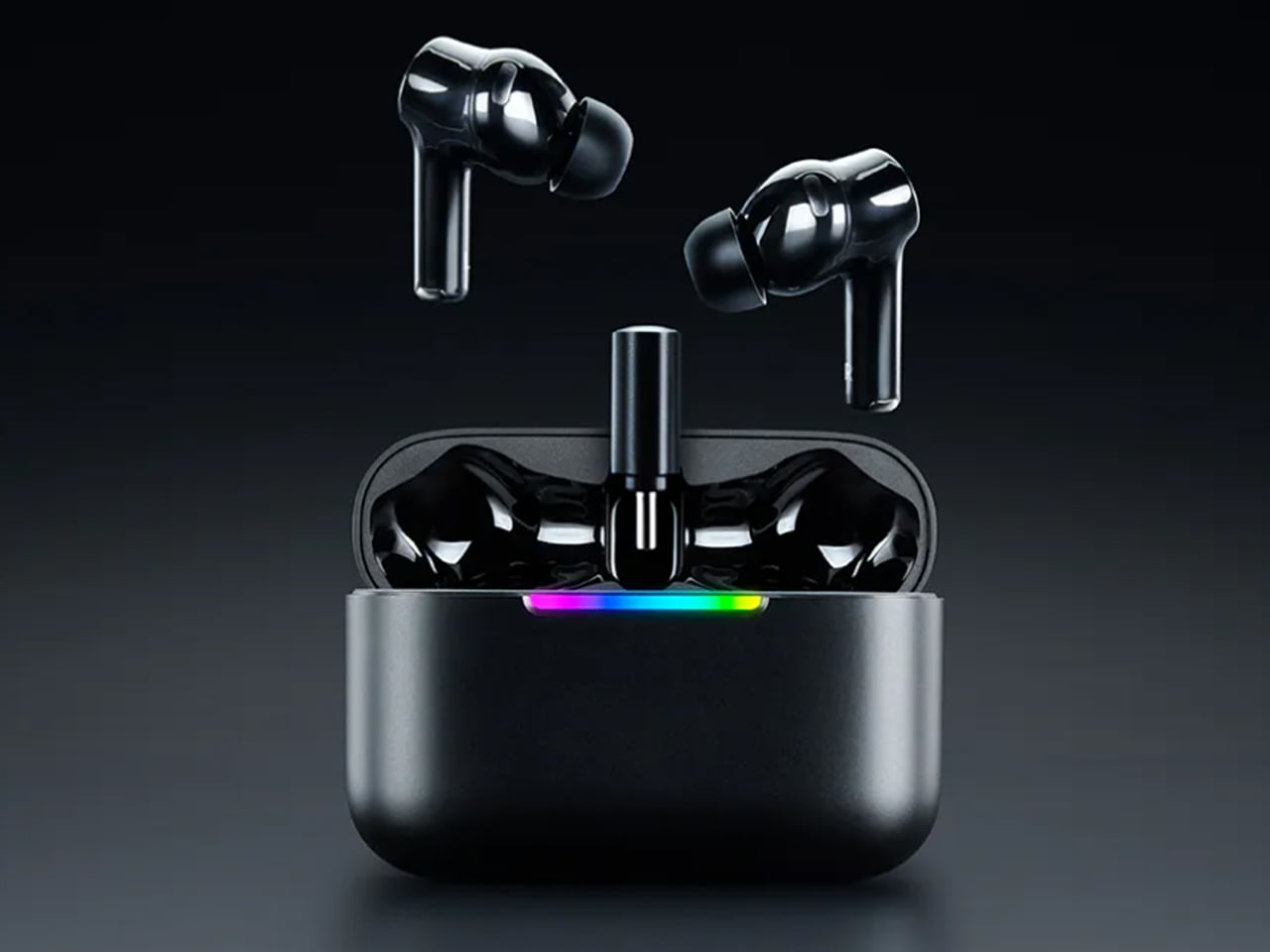
Unlike conventional true wireless options, the Hammerhead V3 HyperSpeed ships with a charging case that doubles as a 2.4GHz wireless receiver. This is a clever addition that significantly reduces latency compared to standard Bluetooth connections. The case houses a USB-C dongle that can be plugged directly into compatible devices, effectively turning the case into a bridge for high-speed wireless audio transmission. This setup ensures responsive sound delivery, which is critical in competitive gaming where even minor delays can disrupt timing and awareness.

Beyond hardware, the earbuds are engineered for fluid transitions between different usage scenarios. With Bluetooth 6.0 support alongside the HyperSpeed wireless connection, switching between devices is designed to be quick and intuitive. Razer’s SmartSwitch technology enables users to jump from a gaming session on a console or handheld to an incoming phone call without manual reconnection. This can be done via simple touch controls on the earbuds or through the companion app, making the experience feel cohesive rather than fragmented.

Audio performance remains central to the experience. The inclusion of THX-certified 7.1 spatial audio, supported through Razer Synapse 4 on PC, enhances positional awareness in games. This is particularly valuable in competitive titles where identifying the direction of footsteps or distant movement can provide a tactical advantage. The spatial processing aims to create a more immersive soundstage without overwhelming the listener, balancing clarity with depth.

Razer has also improved active noise cancellation, ensuring that external distractions are minimized during gameplay or media consumption. At the same time, ambient awareness modes allow users to stay conscious of their surroundings when needed, striking a balance between immersion and practicality. The earbuds are tuned to deliver a mix of gaming-focused precision and everyday usability, making them suitable for both intense sessions and casual listening.

Battery performance has seen a boost as well, with extended playback times supported by the charging case. Fast-charging capabilities ensure minimal downtime, aligning with the expectations of users who frequently switch between devices and activities. The earbuds also feature customizable touch controls and EQ settings, allowing users to tailor the experience based on their preferences or specific game requirements.

The Razer Hammerhead V3 HyperSpeed gaming earbuds are now up for grabs for a lucrative price of $130, which is very competitive given the features on offer. If you won’t use the dongle functionality, the V3 X version can be had for just $100 which is an even better deal.


The post Razer Hammerhead V3 HyperSpeed earbuds switch between devices, double as 2.4GHz wireless receiver first appeared on Yanko Design.
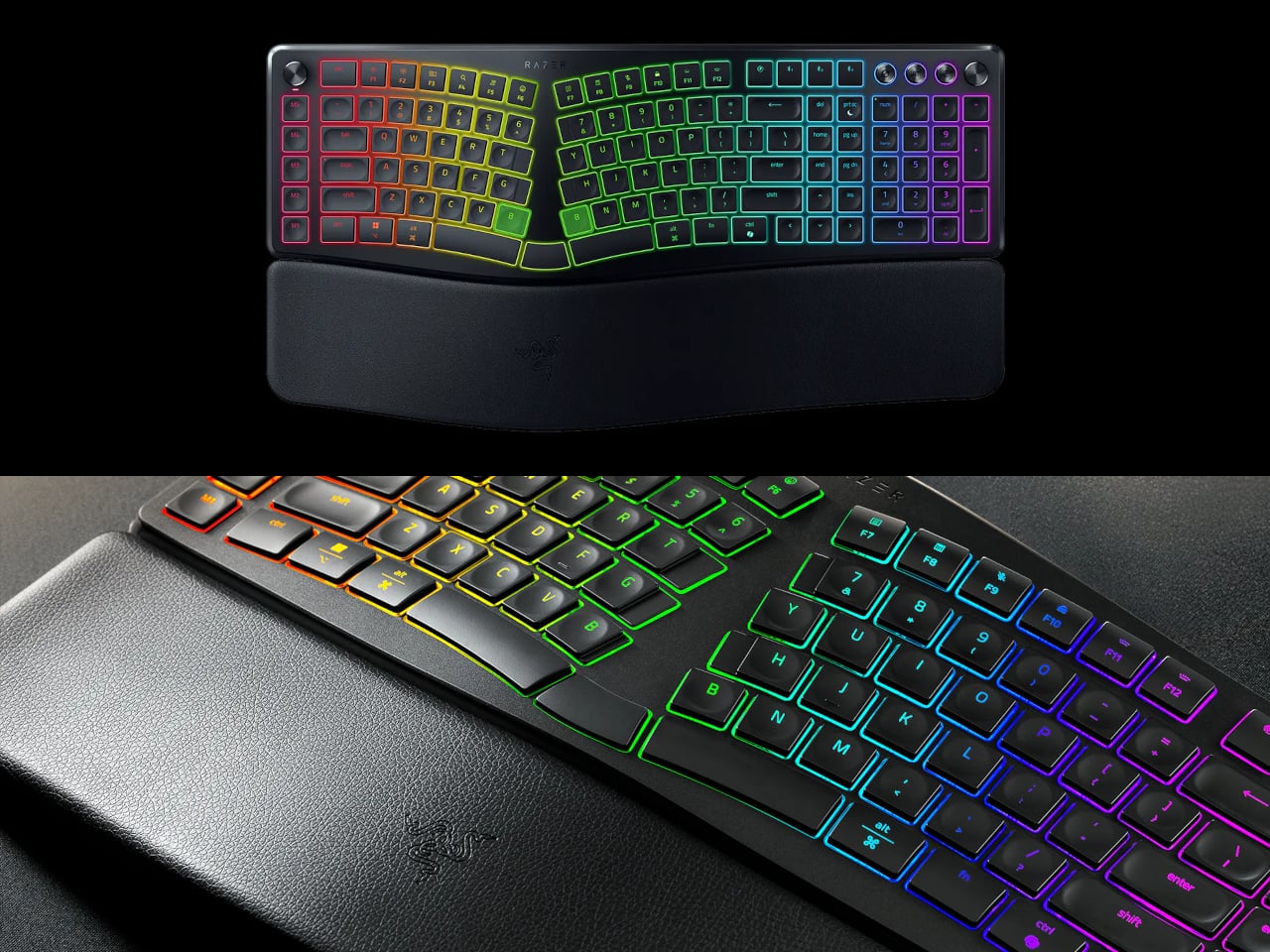
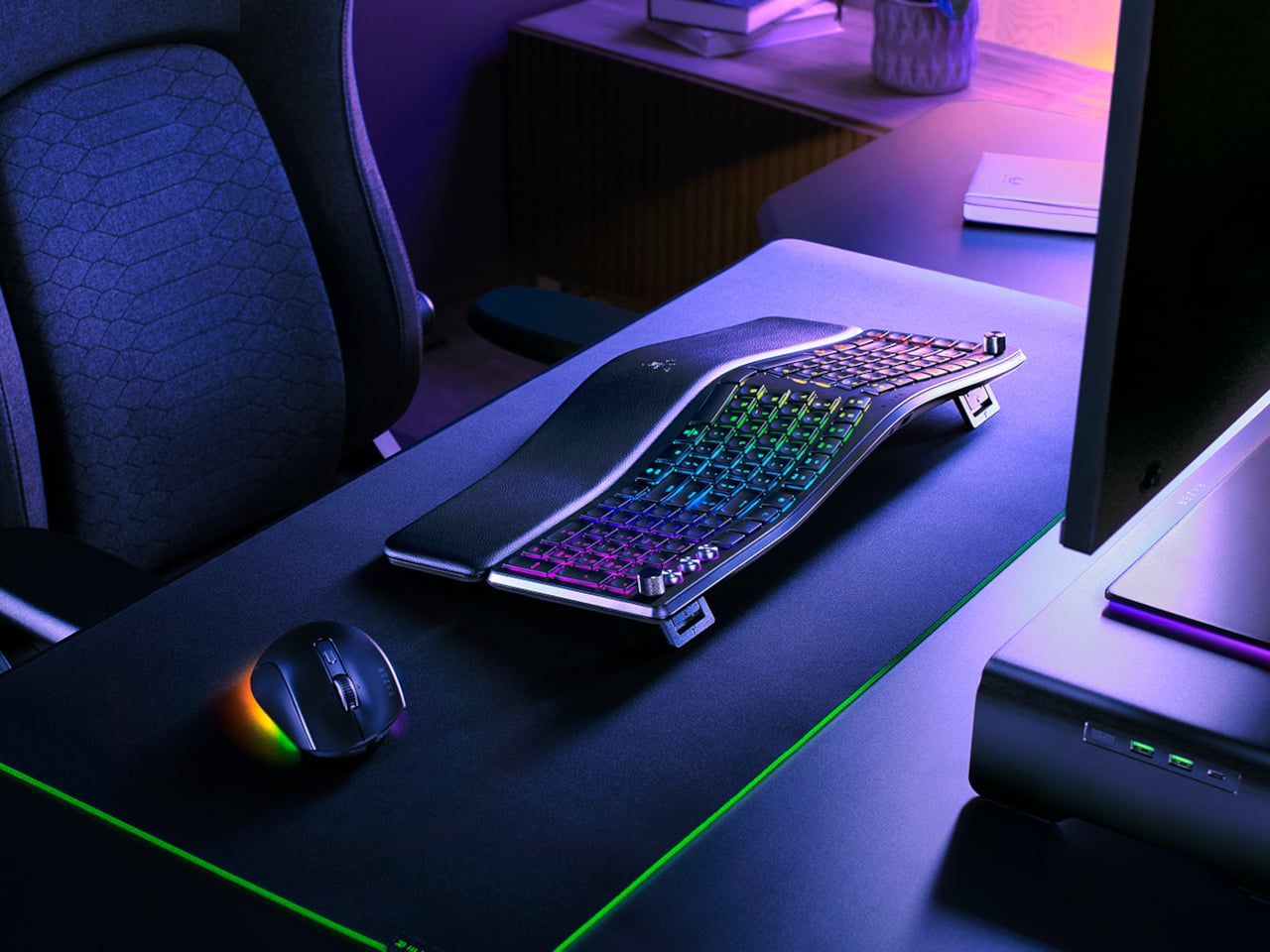
Razer Just Proved Ergonomic Keyboards Don’t Have to Be Miserable

Ergonomic keyboards have a reputation problem. They work, technically, but most of them look like they were designed by someone who’d never sat through a full workday. The splits are too wide, the angles too aggressive, and the learning curve steep enough to make you miss the flat keys you’ve always known. Plenty of people give it a try and quietly go back to what they had before.

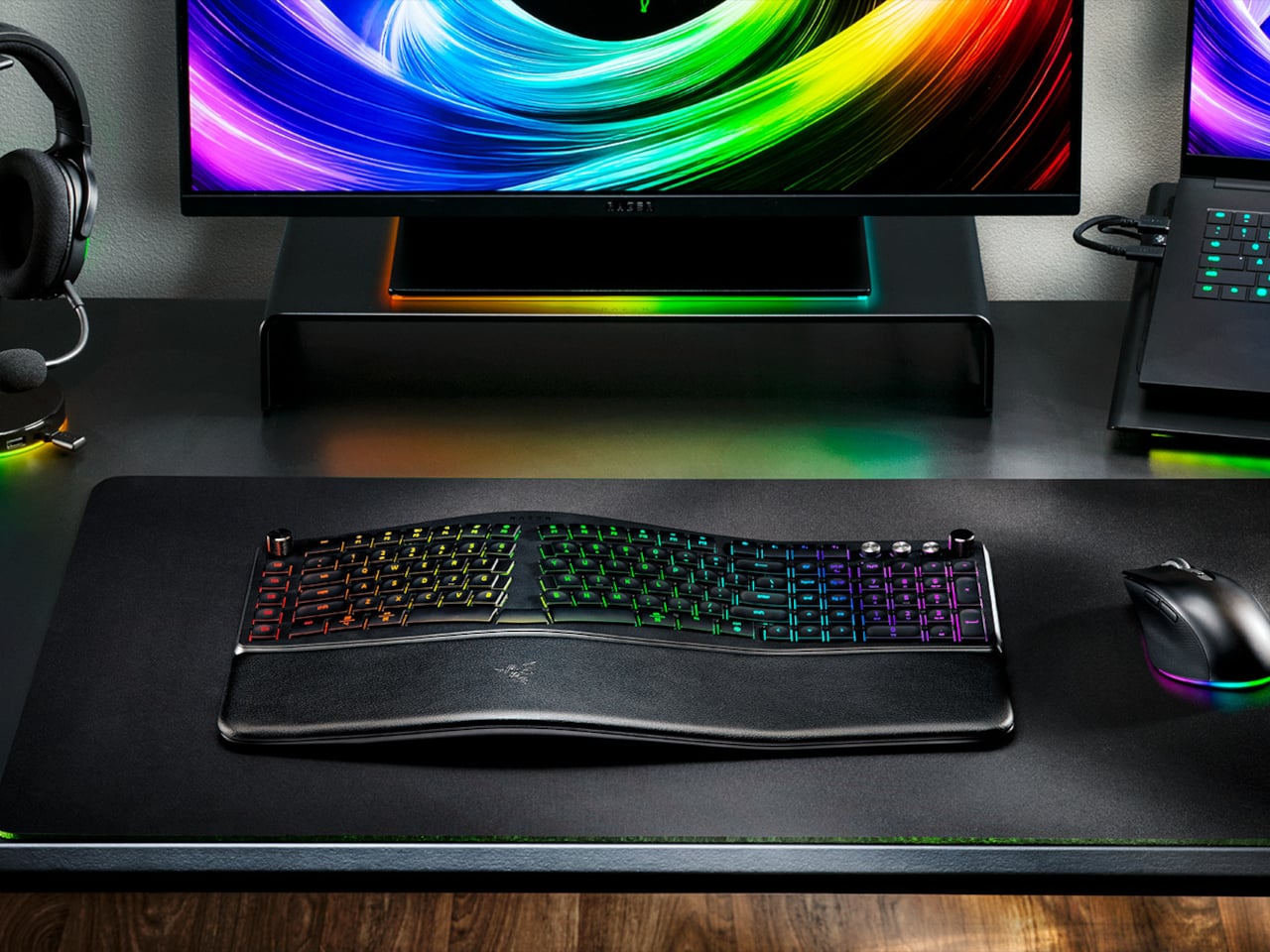
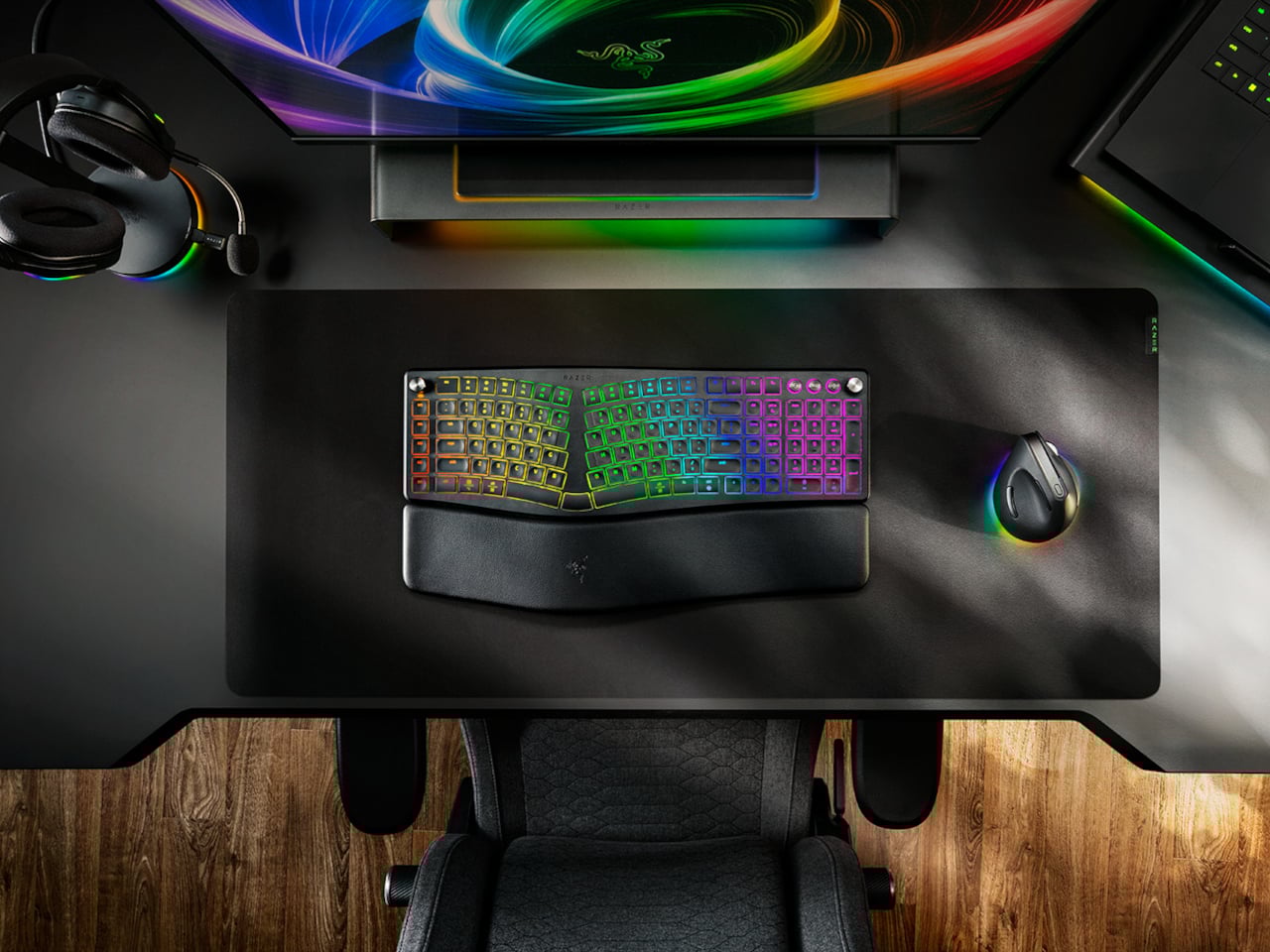
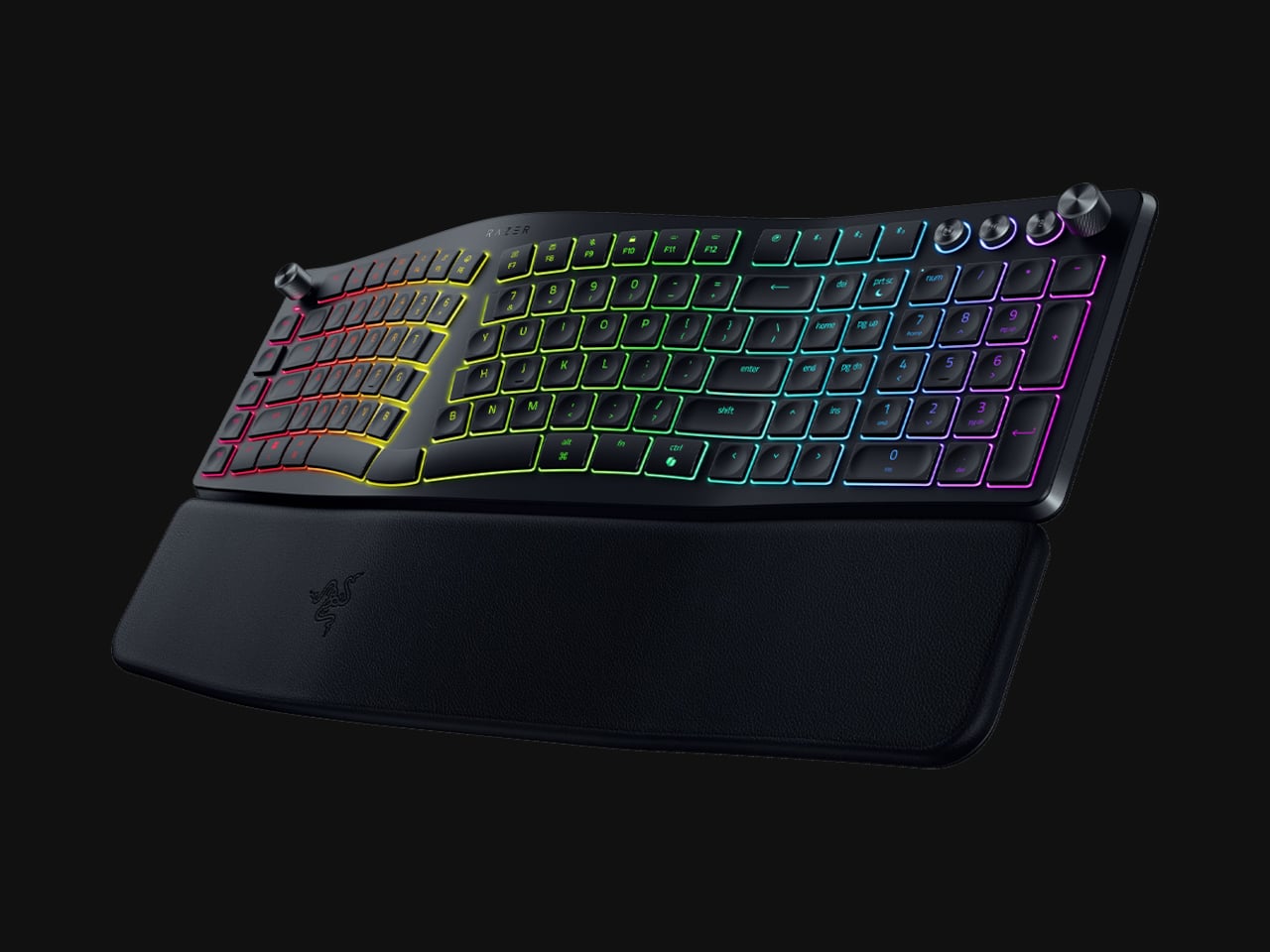
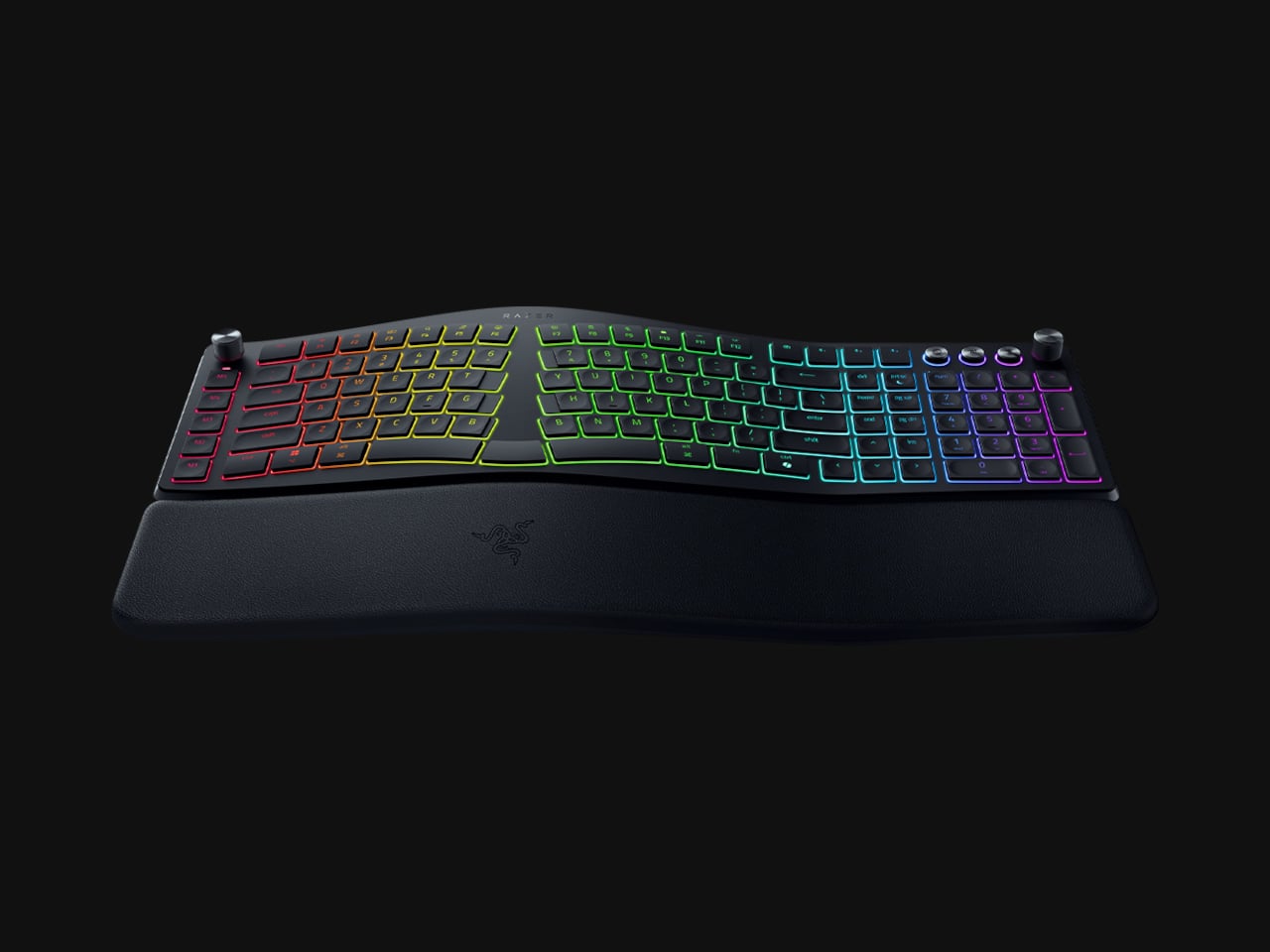
Razer’s answer is the Pro Type Ergo, its first wireless split ergonomic keyboard, built with that frustration clearly in mind. Rather than throwing you into a radical new layout, it’s tuned to feel approachable from the very first keystroke. The split gently angles your hands into a more natural alignment, easing the sideways reach that makes most forearms ache by mid-afternoon, without asking you to completely relearn how to type.

Designer: Razer

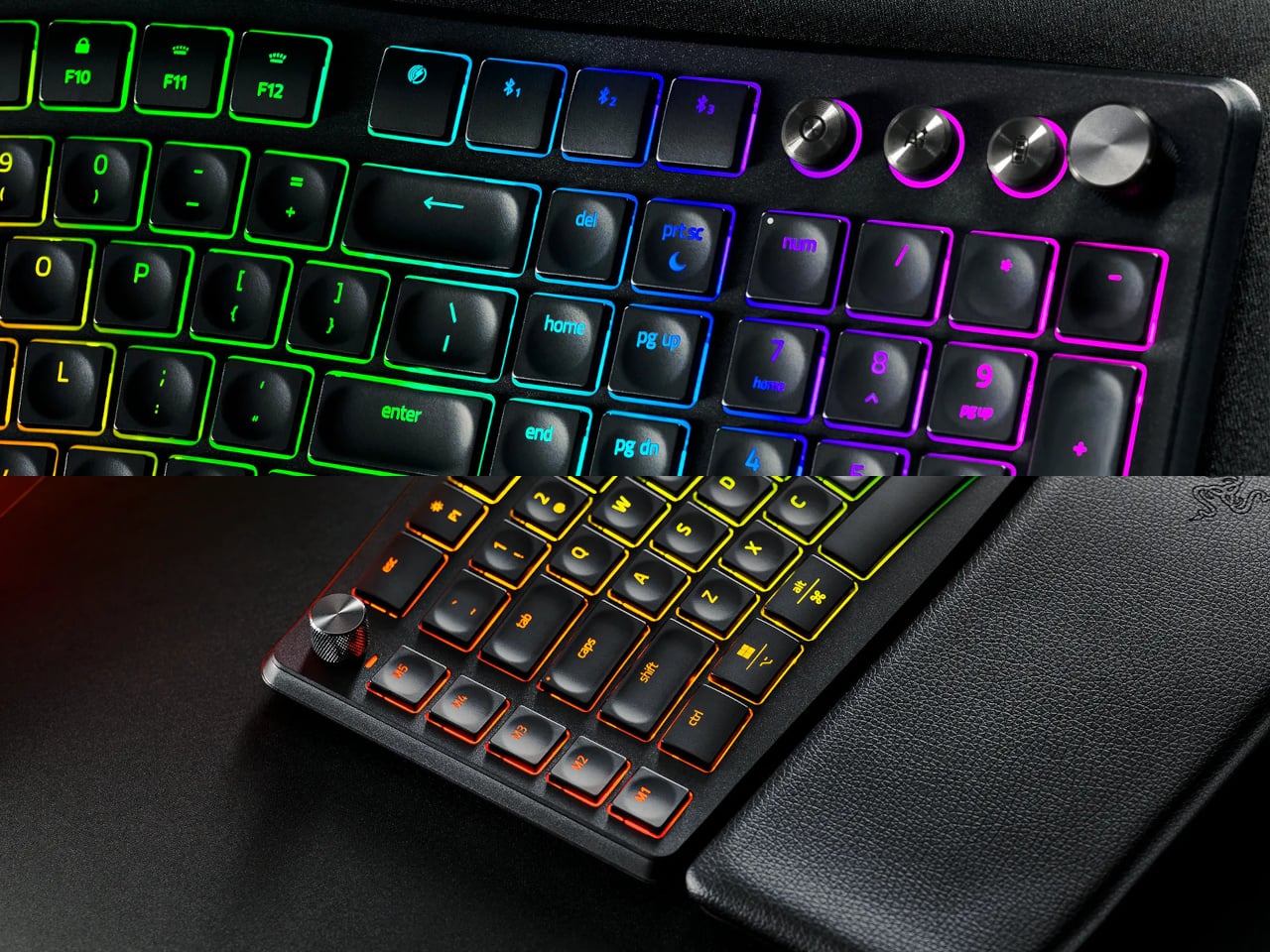
One of the more interesting layout choices is the dual “B” key arrangement, with one on each side of the split, along with an extra backspace tucked between two space bars. The idea is that both thumbs take on common actions, so you’re reaching less and crossing your fingers over each other less throughout the day. It’s a small shift that makes more sense the longer you sit with it.

The keycaps are ultra-low-profile, fitted with subtle spherical indents that nudge your fingertips into the right position without you having to think about it. Sound-dampening layers and tuned stabilizers underneath keep the typing noise low enough for open offices and video calls. Shorter key travel also means less physical effort per keystroke, which doesn’t sound like much until you’ve been at your desk for six hours straight.

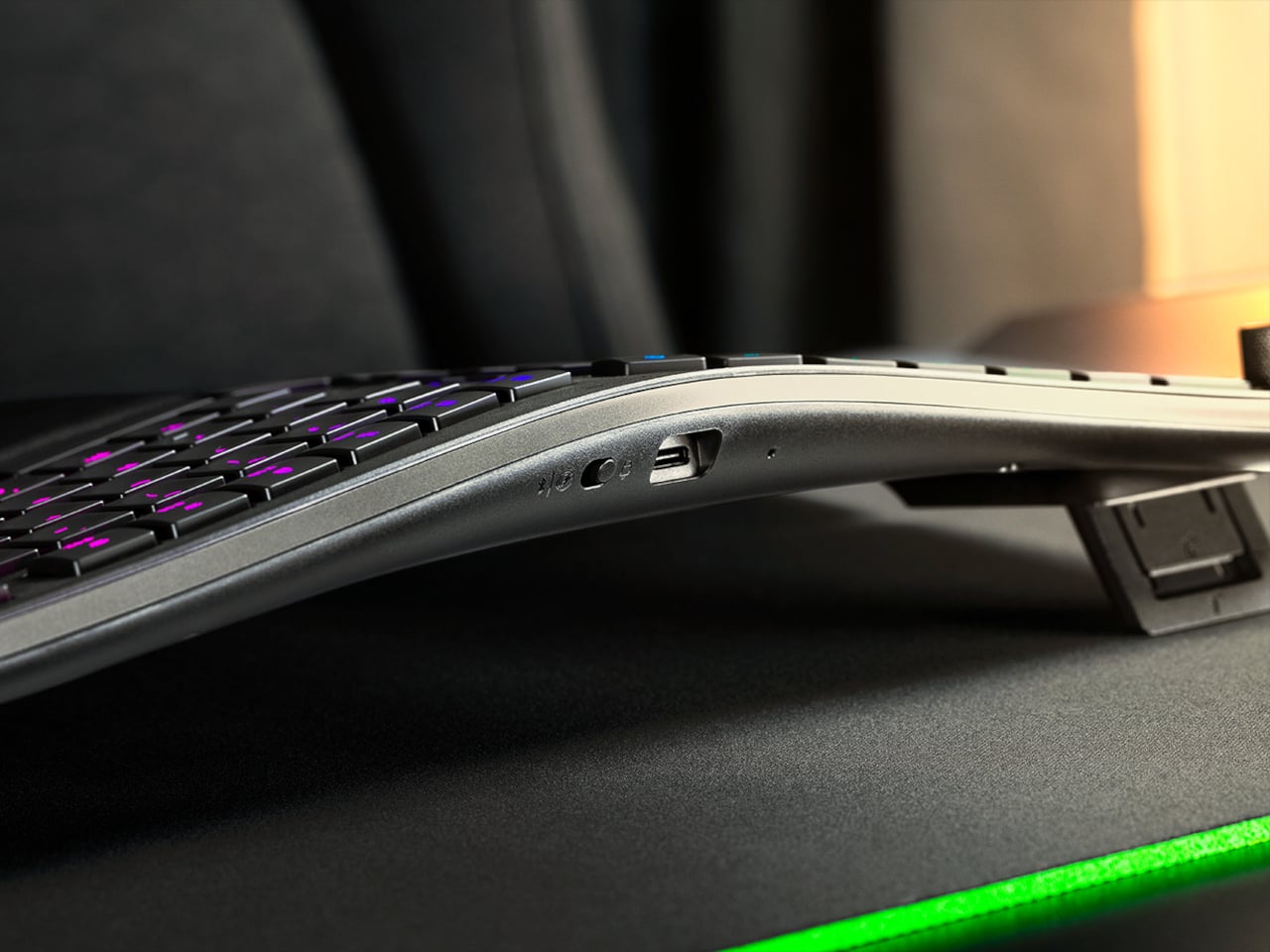
The wrist rest is permanently integrated rather than removable, which turns out to be a feature rather than a limitation. It’s just always there, supporting your wrists from the moment you sit down without any extra setup. A 10-degree base slope sets the starting angle, and five tilt positions, from flat to seven degrees forward or back, let you dial in the fit depending on your desk height and preference.

A Razer Command Dial lets you assign up to eight functions, expandable to 100 via Razer Synapse, while five macro keys along the left side keep your most-used shortcuts within easy reach. There’s also a dedicated AI Prompt Master key that handles things like drafting emails, summarizing blocks of text, or kicking off a research query in a single press, without pulling you out of whatever window you’re already in.

Connectivity spans Razer HyperSpeed Wireless at 2.4 GHz, three Bluetooth profiles, and USB-C wired mode, with support for up to five devices total. Razer Chroma RGB backlighting covers 19 customizable zones and can be switched off entirely for offices where animated key lighting might not go over well. The design is clean and understated, a far cry from the aggressively lit gaming keyboards Razer is better known for.

The Pro Type Ergo retails at $189.99, about $30 more than Razer’s conventional Pro Type Ultra from 2021. For anyone who types for a living and has been quietly working around the ache of a standard keyboard layout, that extra cost starts to feel a lot less significant once you’ve spent a full day on something that actually fits how your hands are supposed to sit.

The post Razer Just Proved Ergonomic Keyboards Don’t Have to Be Miserable first appeared on Yanko Design.
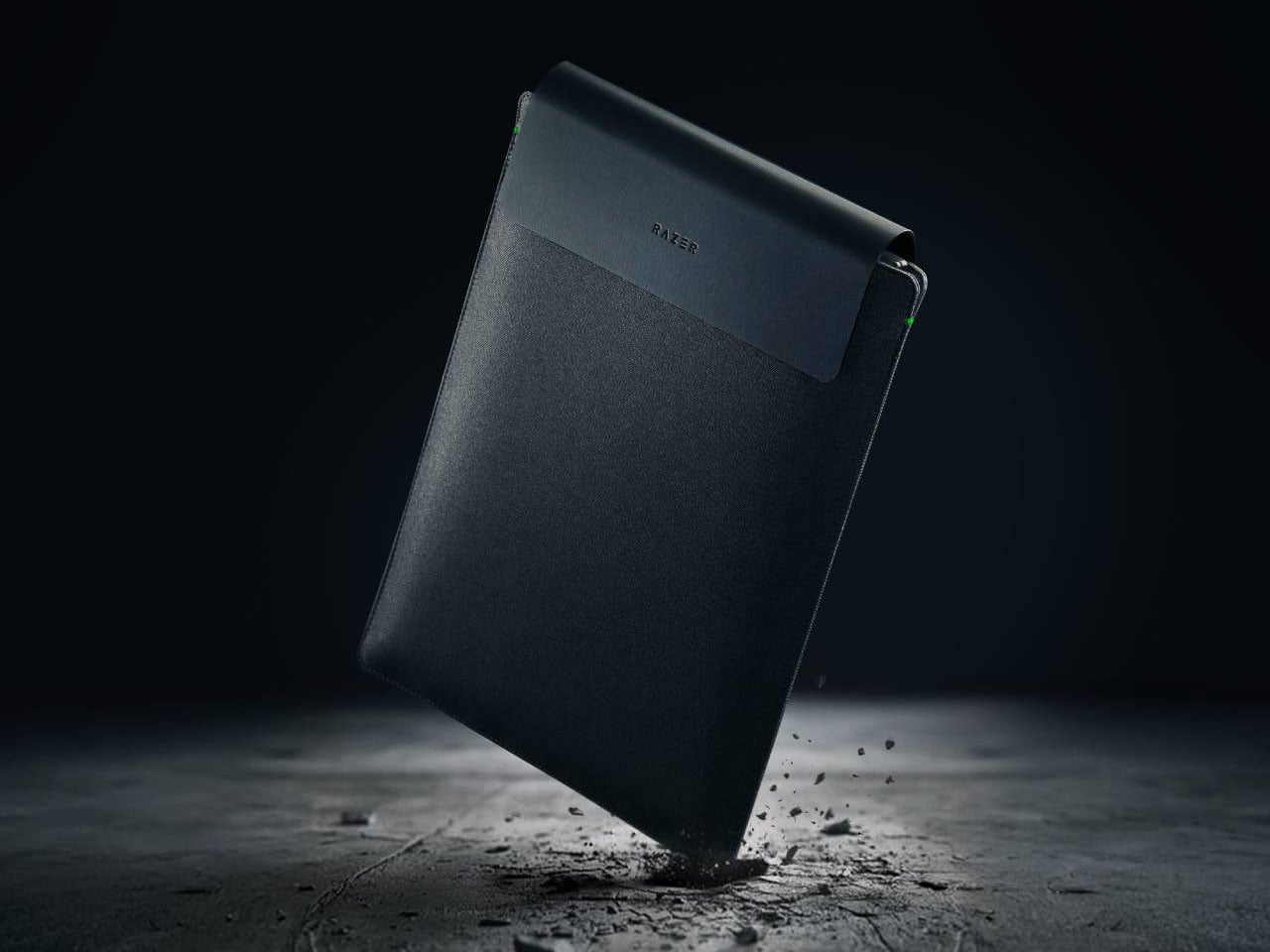
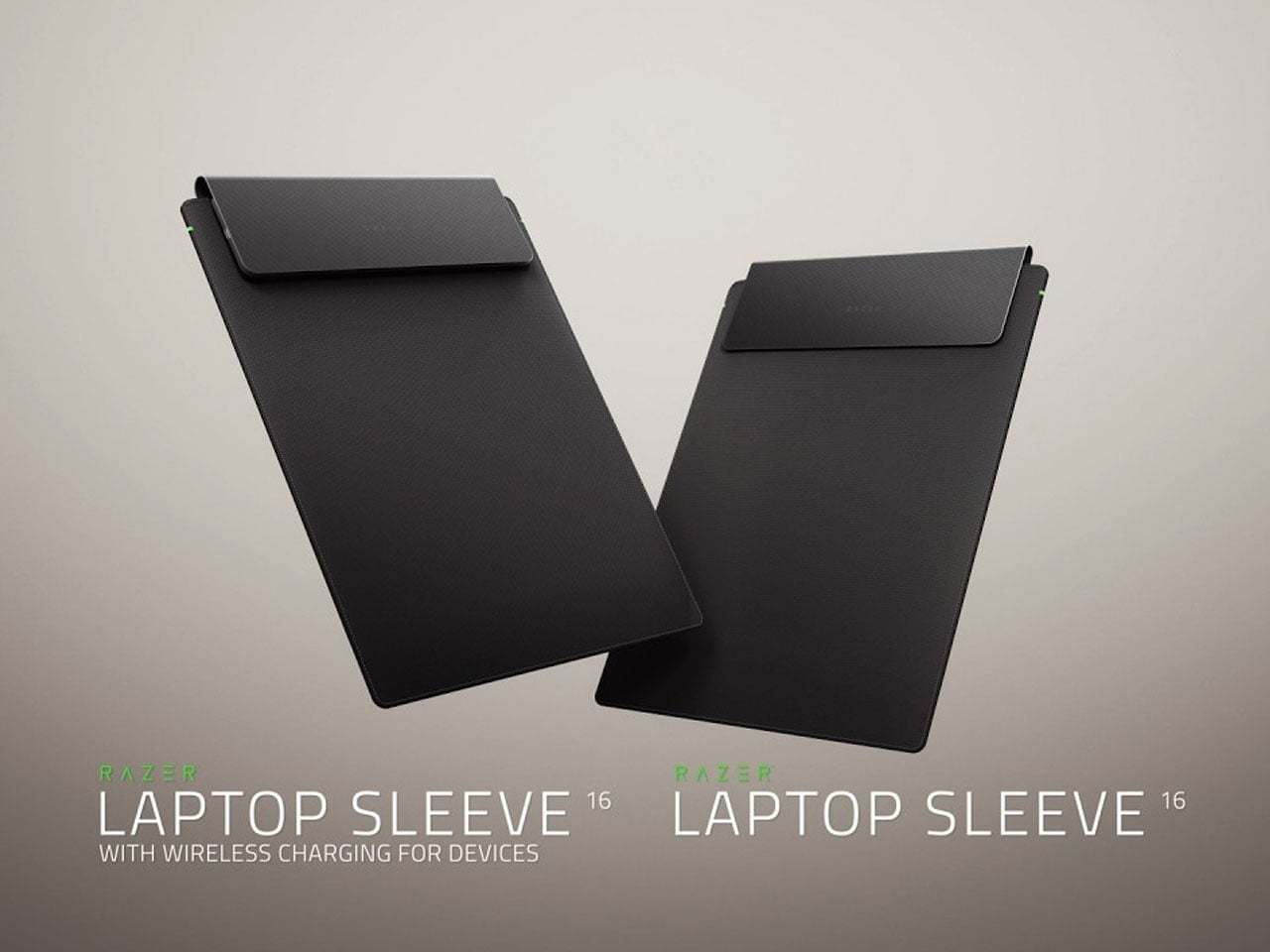
Razer Laptop Sleeve 16 integrates dual wireless charging into a sleek everyday carry essential

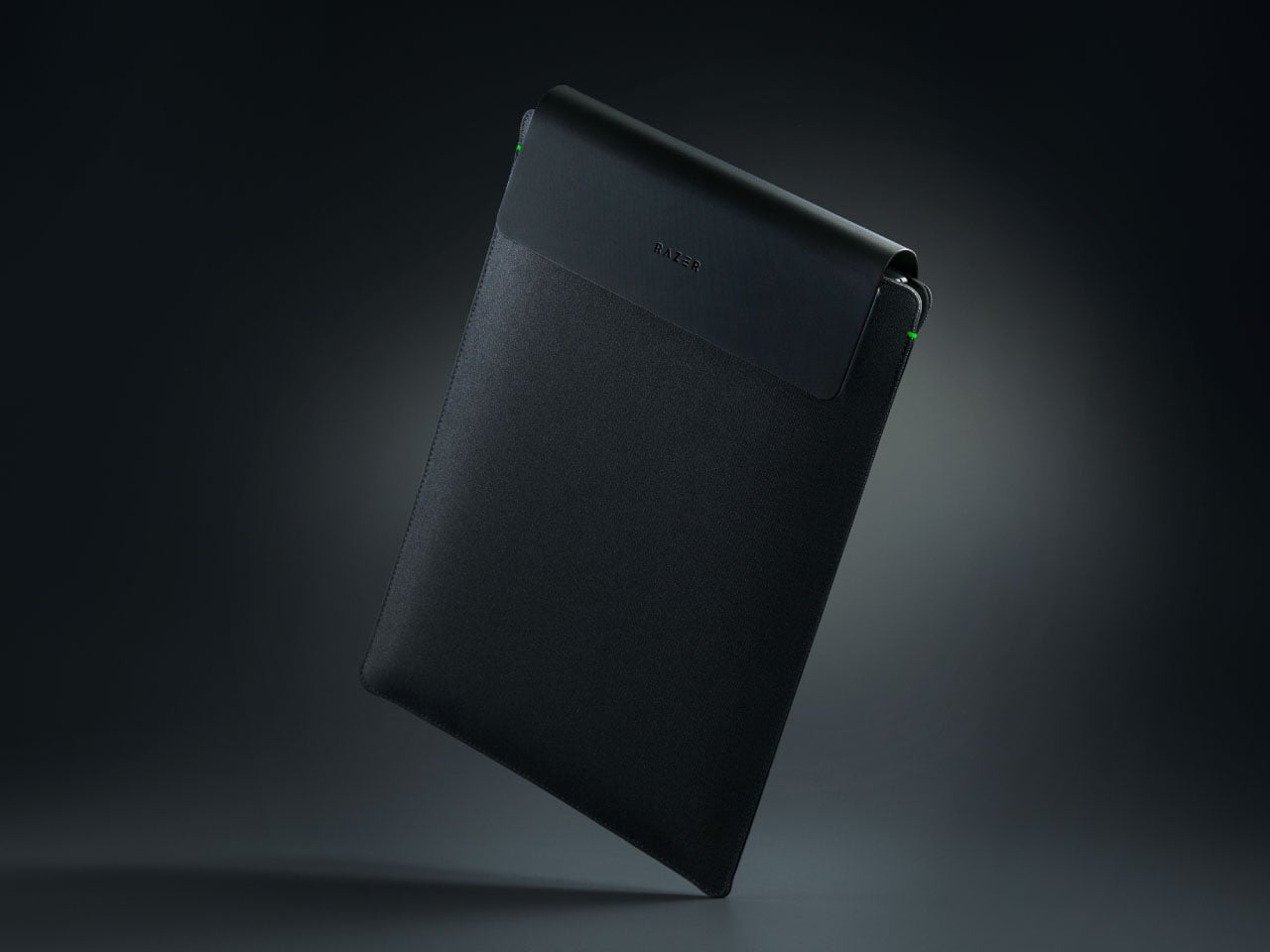
Razer has expanded its ecosystem of performance-driven accessories with a product that rethinks what a laptop sleeve can do. Known for blending gaming aesthetics with functional innovation, the California-based company has now introduced the Laptop Sleeve 16 with Wireless Charging for Devices, an accessory designed not just to protect your machine, but to power the devices you rely on every day.

Instead of carrying a separate charging pad or power bank for smaller gadgets, this sleeve integrates wireless charging directly into its design, making it particularly useful for professionals who move between offices, cafés, and shared workspaces.

Designer: Razer

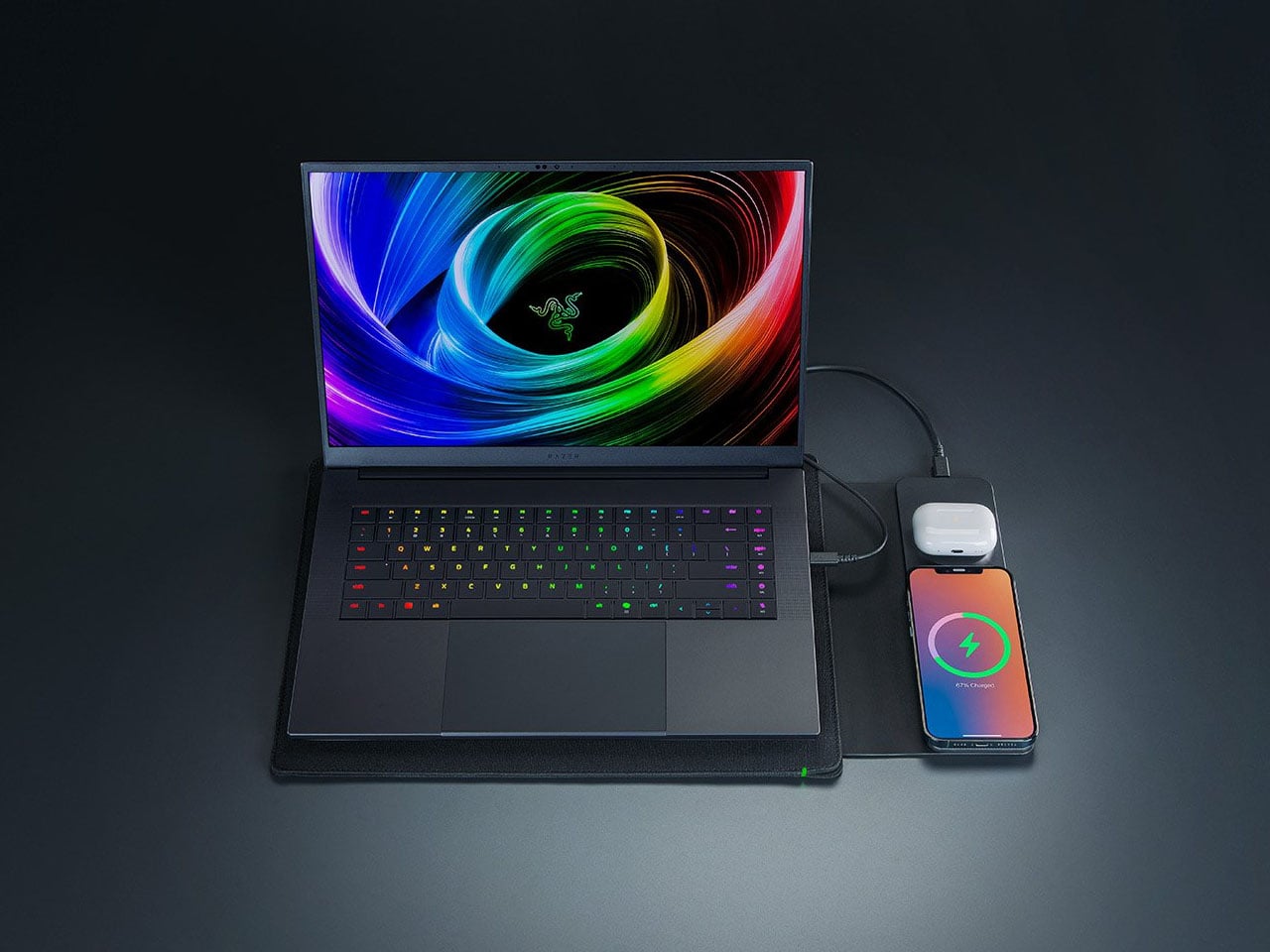
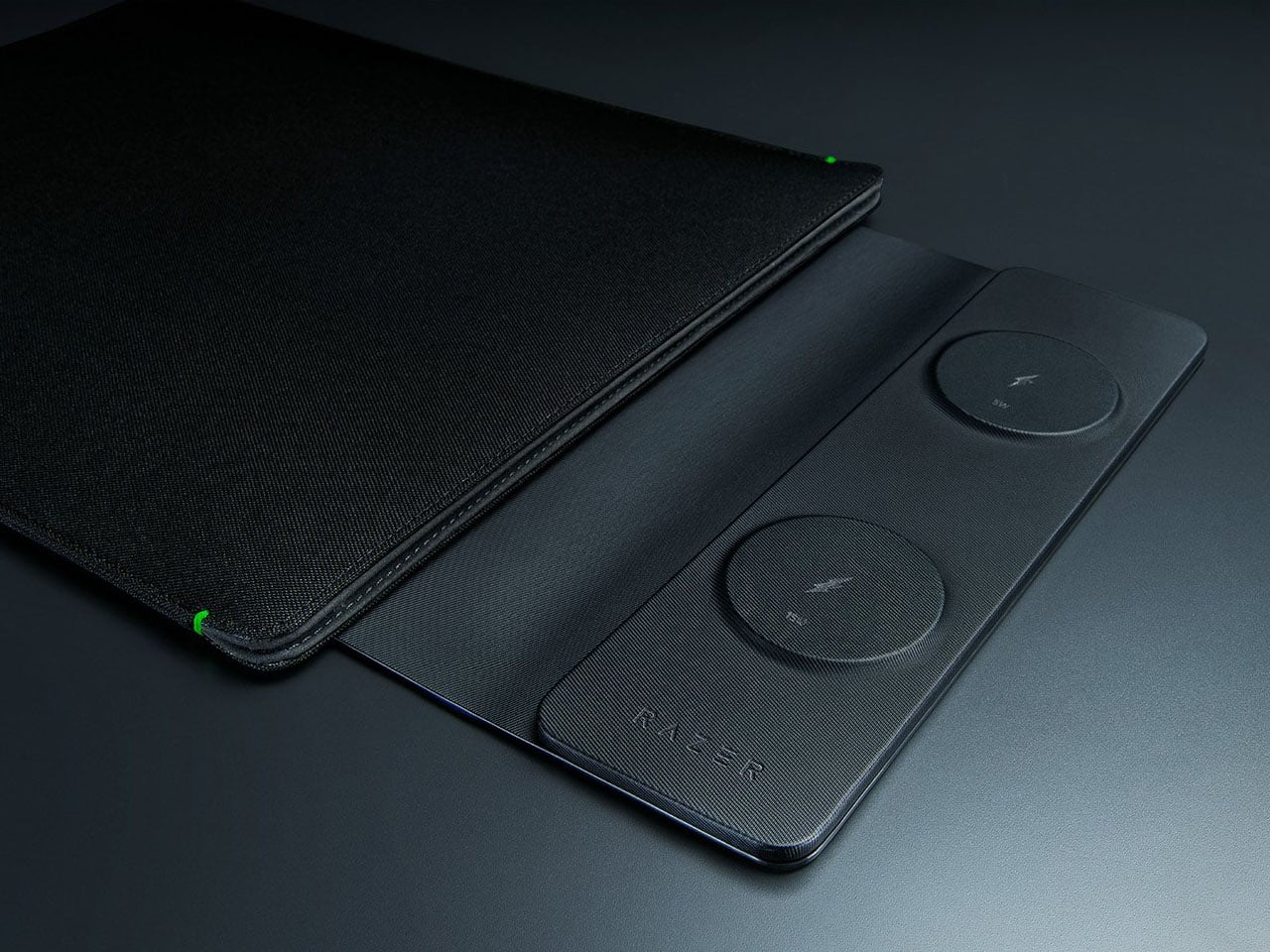
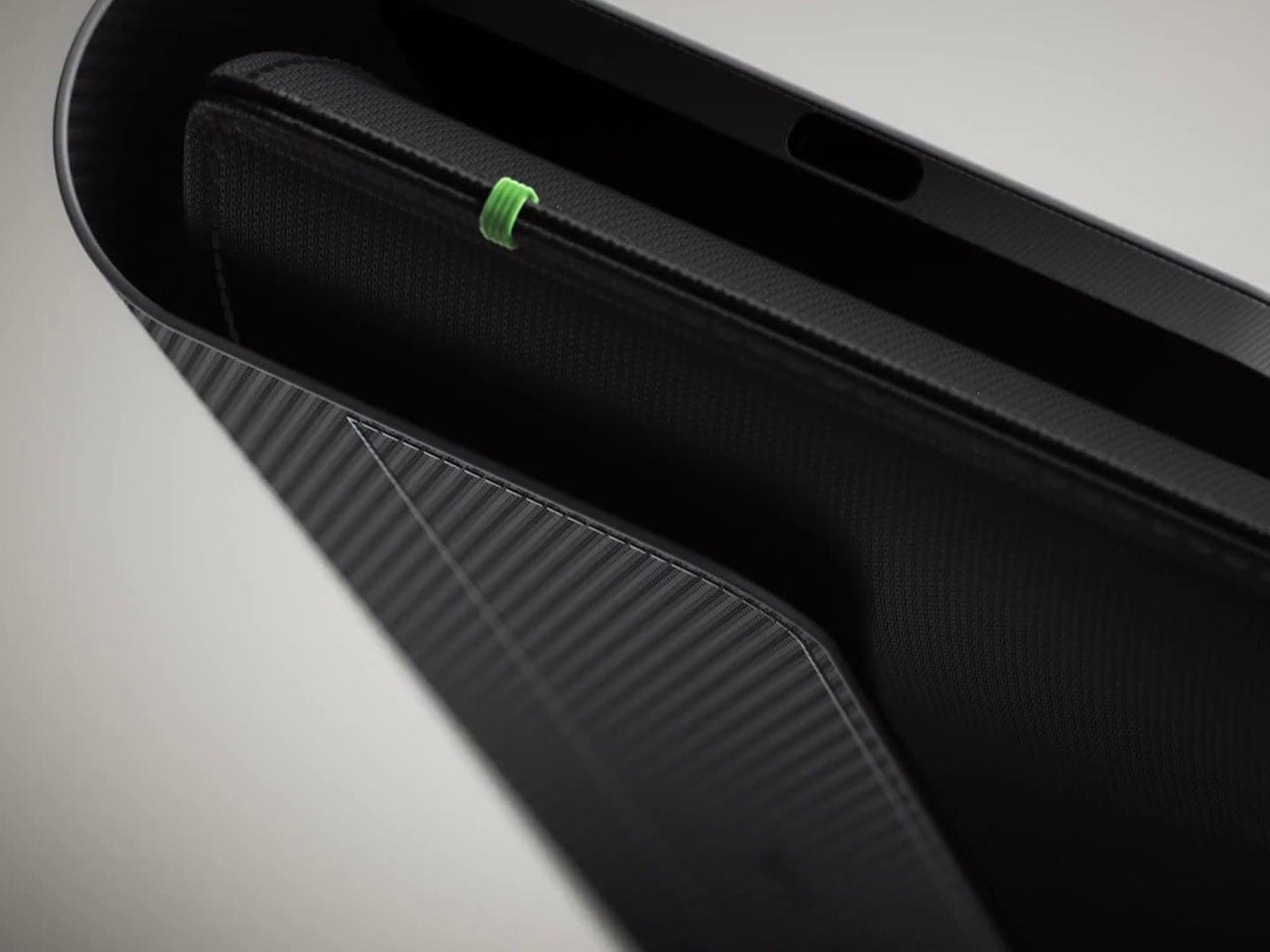
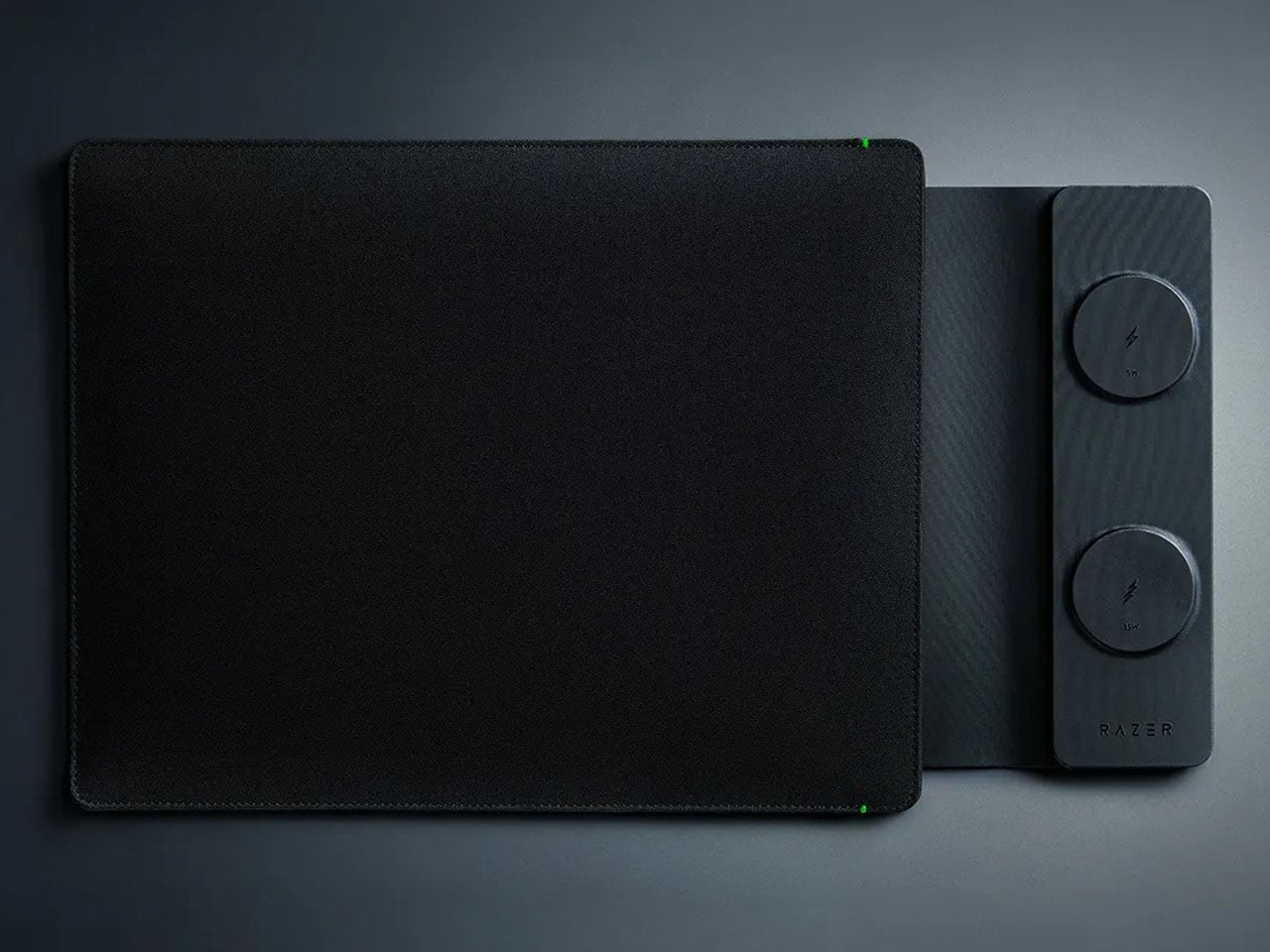
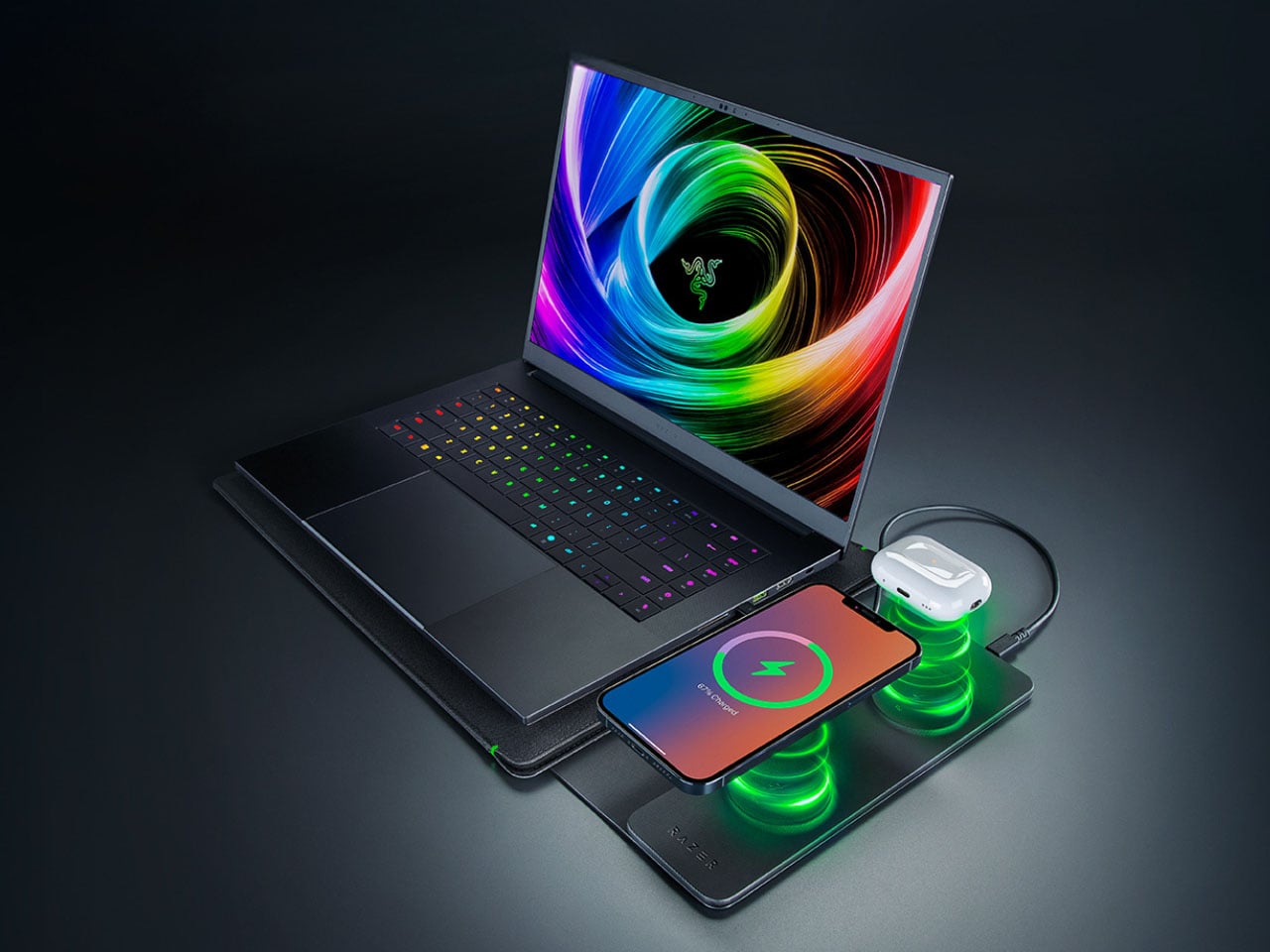
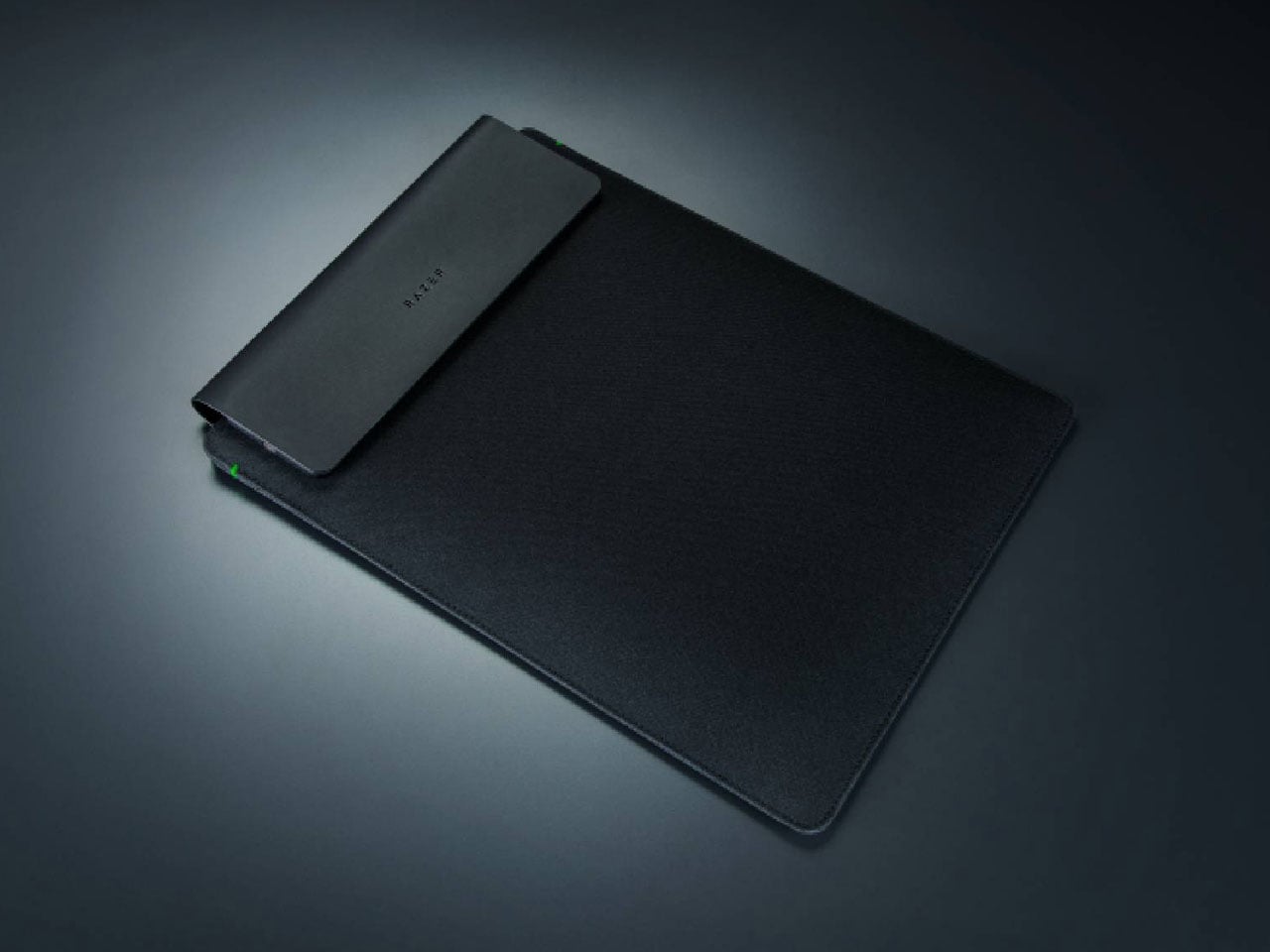
Designed to accommodate laptops up to 16 inches, the sleeve maintains a slim, minimalist profile while embedding dual wireless charging zones on its exterior front panel. The lower charging pad delivers up to 15 watts of fast wireless charging, suitable for smartphones that support higher input speeds. In comparison, the upper pad provides 5 watts for accessories such as wireless earbuds. This dual-output configuration allows users to charge two devices simultaneously without additional cables cluttering their workspace. The system supports Qi-compatible devices and also works with MagSafe-enabled products, ensuring broad cross-platform compatibility.

The sleeve itself must be connected to a power source to function as a charging hub. Razer recommends pairing it with a wall adapter or portable power bank capable of delivering at least 30 watts of output to ensure stable performance when both pads are in use. Once connected, users can place their devices onto the marked charging areas, where integrated magnetic alignment helps keep them positioned correctly. The magnetic guidance is particularly useful when on the move, preventing devices from slipping out of alignment inside a bag or while walking between meetings.

Beyond its charging functionality, the sleeve maintains the protective qualities expected from a premium laptop case. It features a durable PU leather exterior with a soft interior lining to safeguard against scratches and minor impacts. Despite integrating charging hardware and internal circuitry, the sleeve weighs approximately 0.9 pounds, making it only slightly heavier than a conventional sleeve of similar size. The added weight reflects the embedded technology but remains manageable for everyday commuting.

Compatibility extends beyond Razer’s own laptops to include other 16-inch or smaller notebooks, including Apple MacBook models. The wireless pads support a wide range of Qi-certified smartphones, earbuds, and accessories, offering flexibility for users who operate across different device ecosystems. This broad compatibility makes the sleeve less of a niche accessory and more of a practical addition to any modern tech setup. Priced at $130, the laptop sleeve is far more expensive than any other option, but the convenience of wireless charging makes it perfect for multitaskers and frequent travellers.


The post Razer Laptop Sleeve 16 integrates dual wireless charging into a sleek everyday carry essential first appeared on Yanko Design.
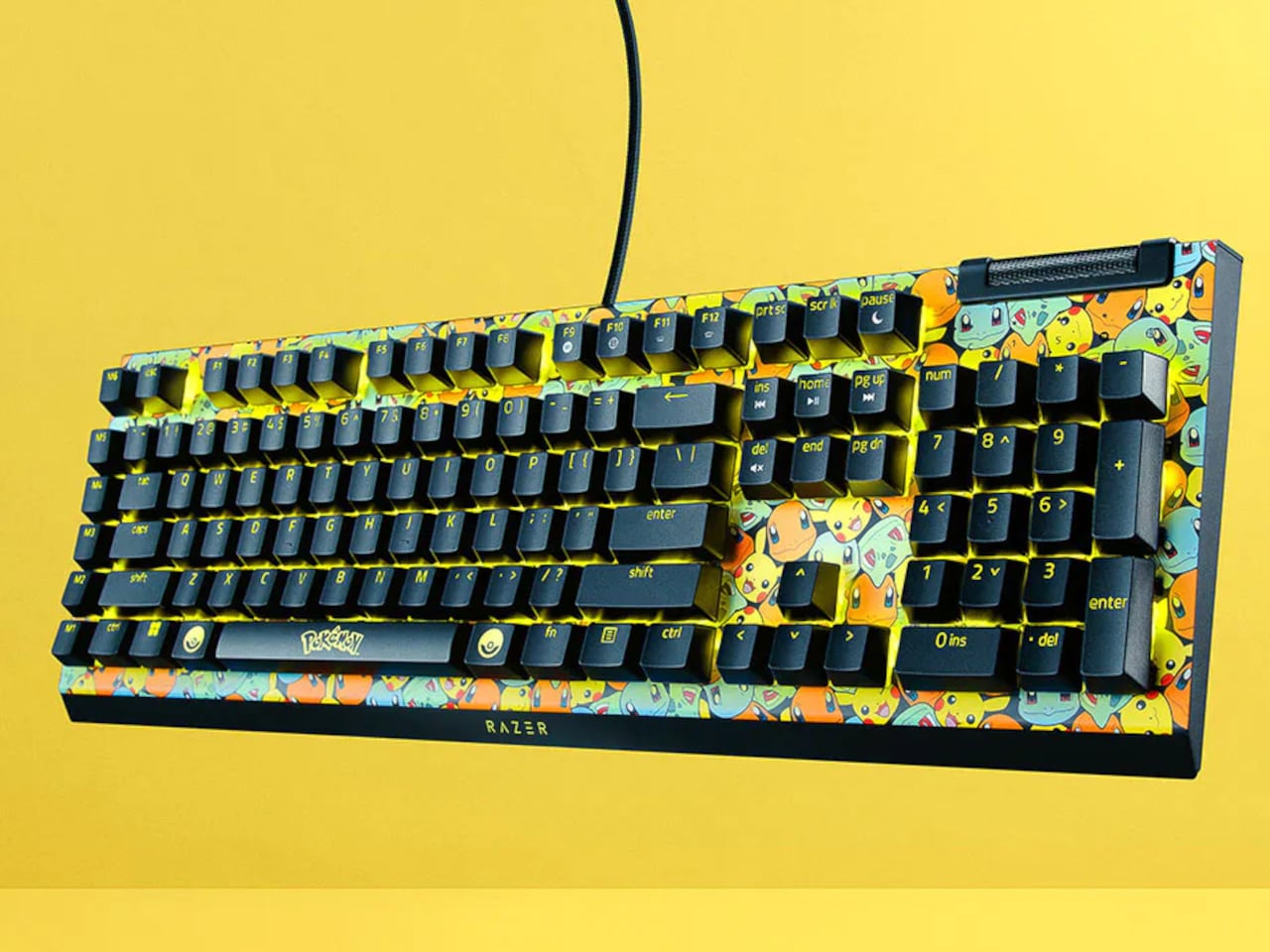
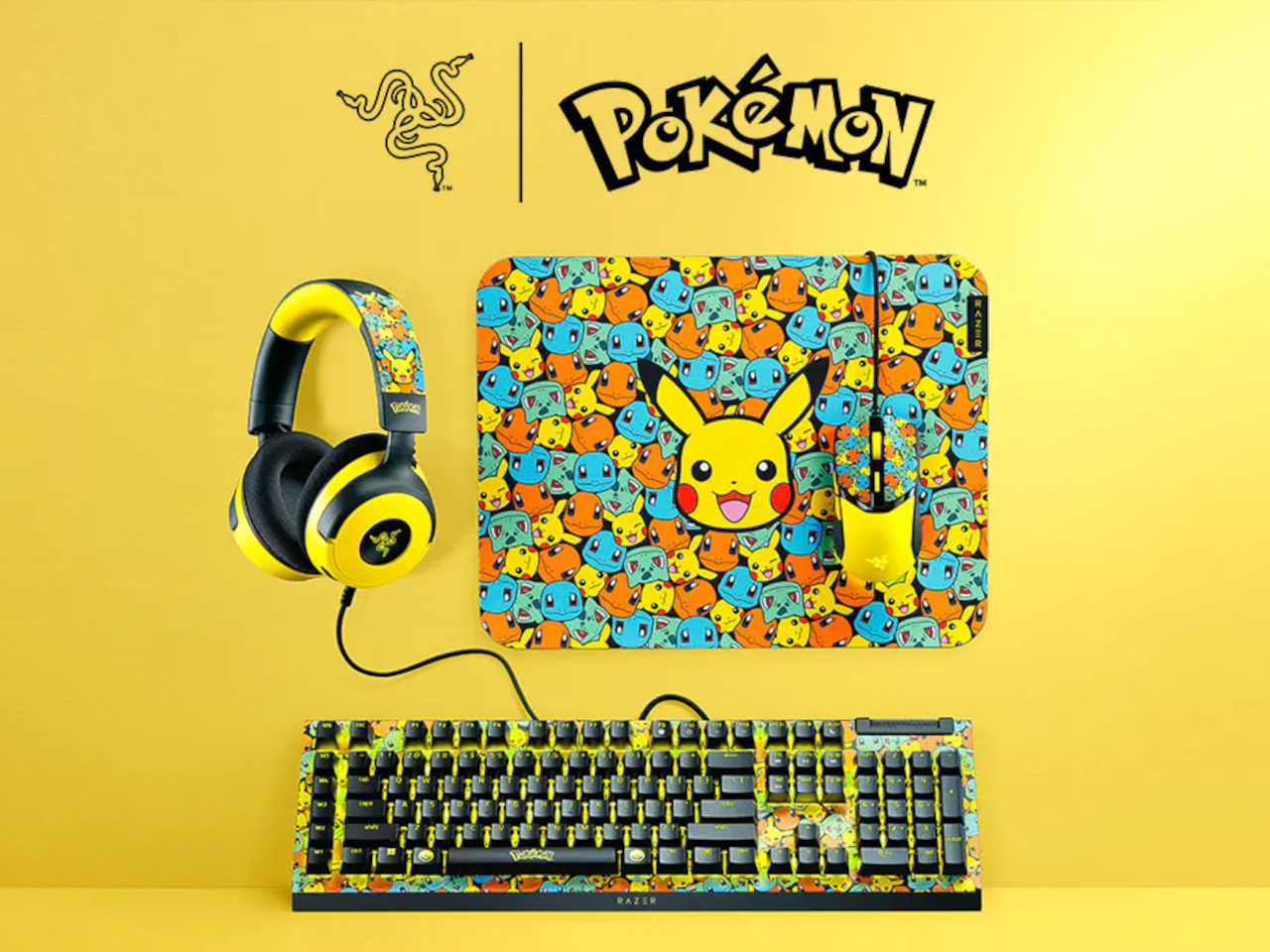
Razer Just Built the Pokémon Desk Setup Every ’90s Kid Wanted

A lot of people who picked their first starter Pokémon on a Game Boy now sit in front of multi-monitor setups, pretending to be adults. Their desks are full of neutral black peripherals that say serious work, even though their playlists are lo-fi Pokémon remixes and their browser tabs tell a different story. The gear stays boring because that is what grown-up keyboards and mice are supposed to look like, apparently.

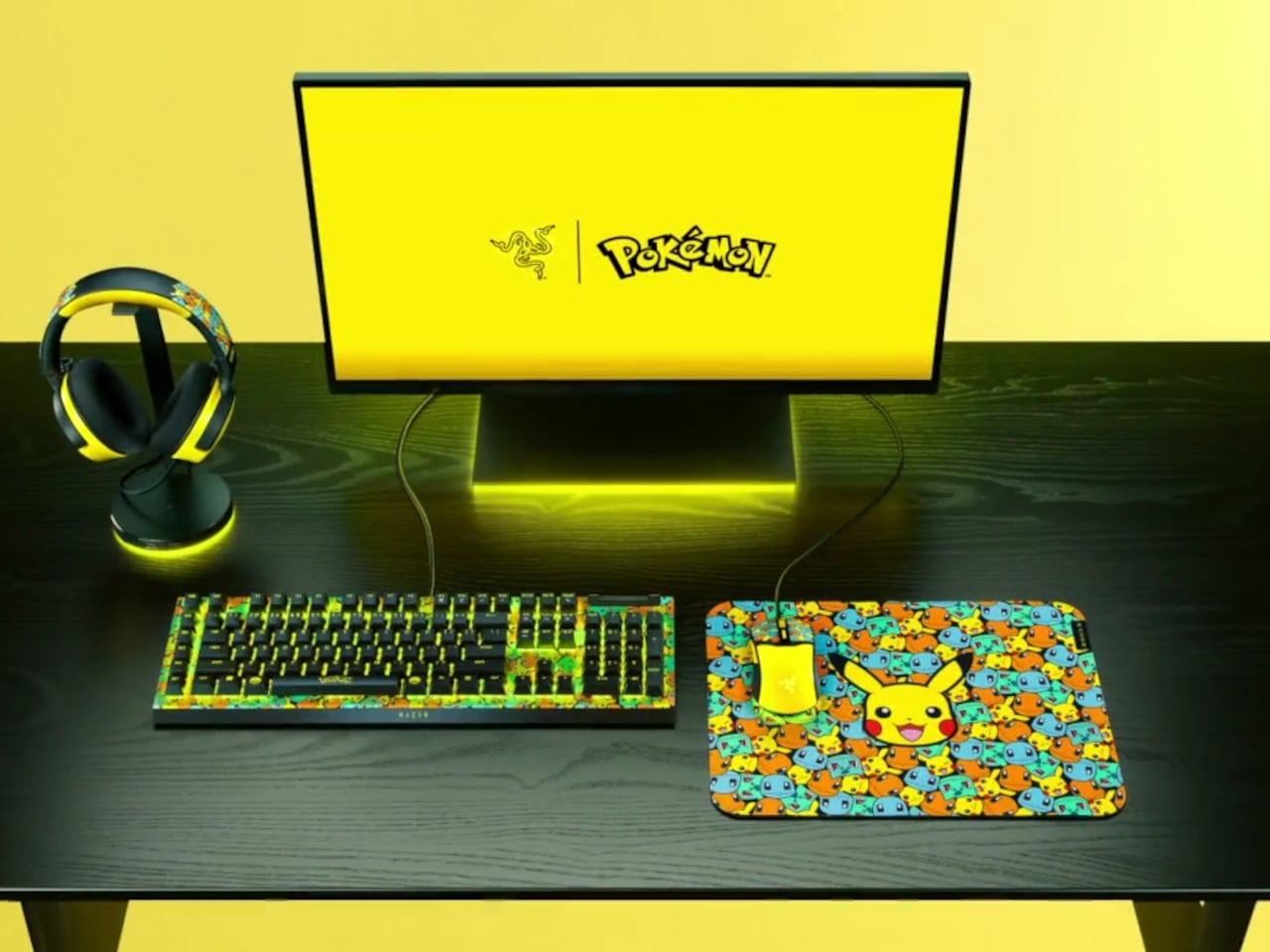
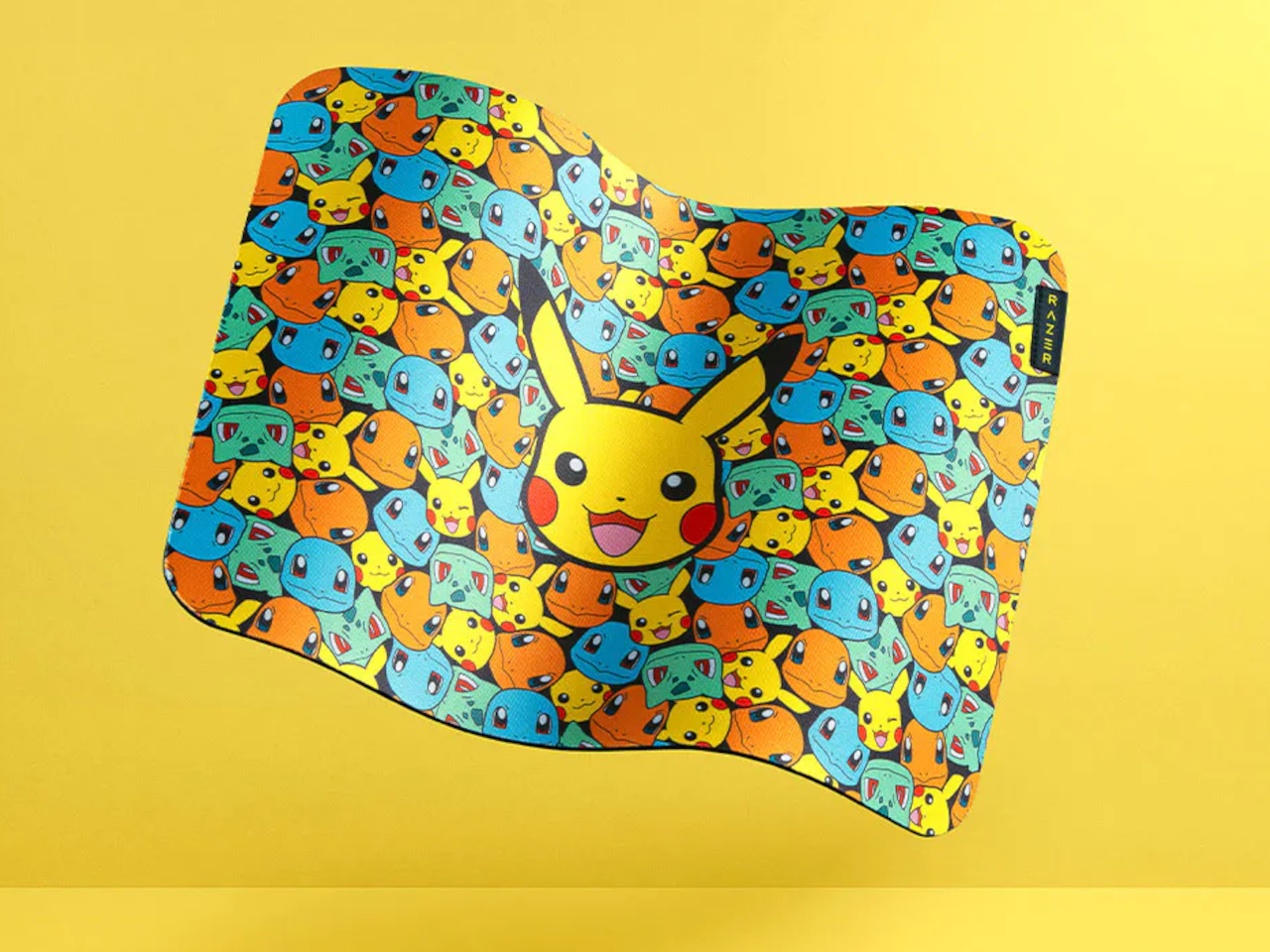
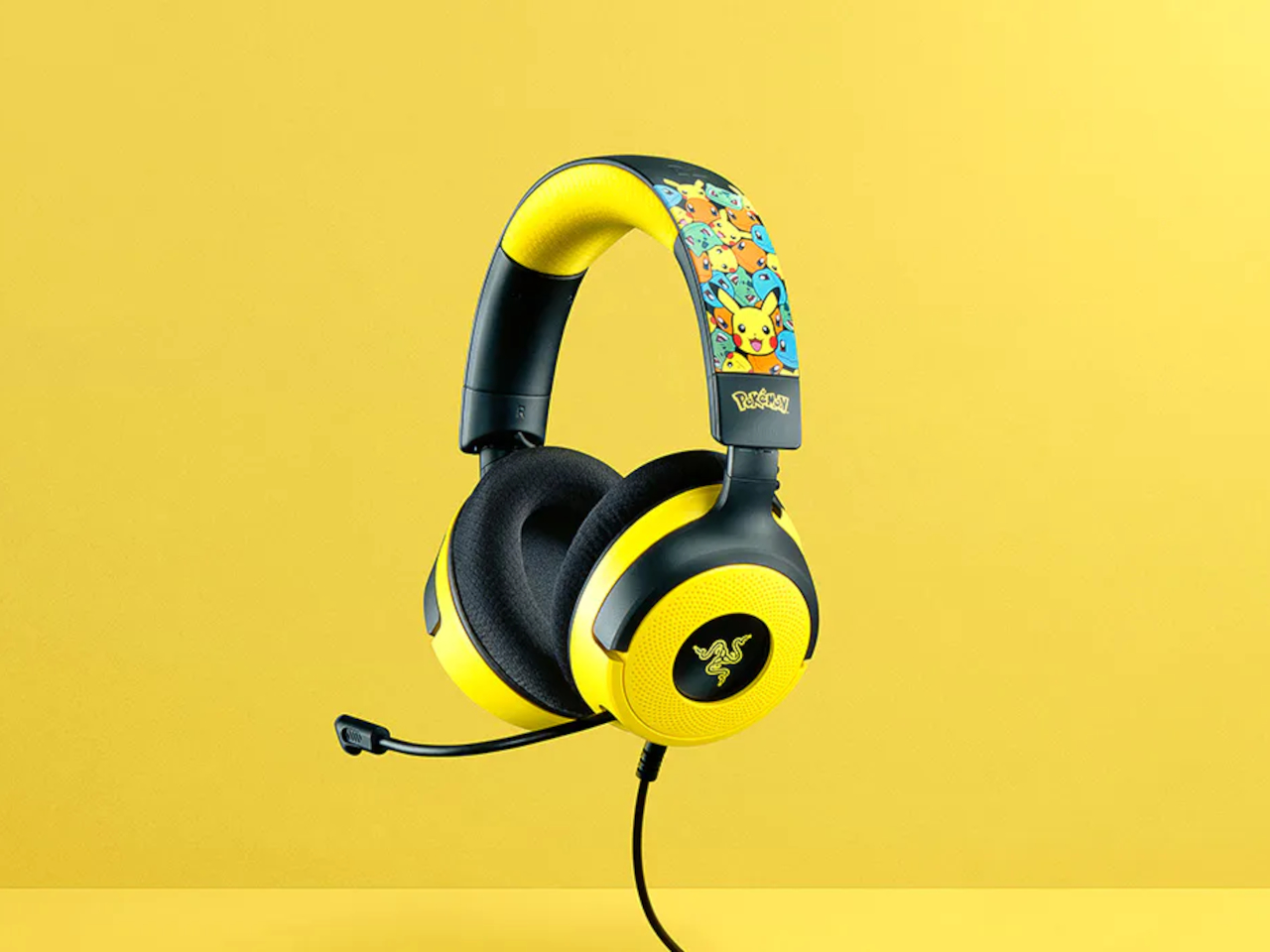
That is where Razer’s Pokémon collection comes in. Instead of one Pikachu mousepad, Razer built a full ecosystem that includes the BlackWidow V4 X keyboard, Cobra mouse, Kraken V4 X headset, and Gigantus V2 M mat. The line is officially licensed and leans into Kanto nostalgia, wrapping every peripheral in Pikachu, Bulbasaur, Charmander, and Squirtle graphics across bright yellow surfaces with synced Razer Chroma RGB lighting.

Designer: Razer x Pokemon

The BlackWidow V4 X Pokémon Edition keyboard anchors everything. Underneath the graphics, it is a mechanical keyboard with Razer’s clicky switches, six macro keys, and programmable RGB. You can map macros for raids or productivity shortcuts, and the mechanical switches help with both gaming and marathon typing. The Pokémon skin does not change performance; it just turns something you already needed into something that feels like a personal trophy from childhood.

The Cobra mouse and Gigantus V2 M mat work as a paired set. The lightweight wired mouse uses optical switches for durability and precision, with RGB lighting that syncs with the rest of your setup. The soft mat underneath is optimized for fast swipes, whether flicking through game menus or dragging layers in design software. Together, they turn everyday cursor movement into something that feels like your oldest digital companions are right there.

The Kraken V4 X headset pulls audio into the same universe. It supports surround sound for positional cues, has a clear mic for calls or streaming, and features RGB lighting around the earcups. You hear footsteps in matches, but you also use it for music while answering emails or video meetings without switching gear, which makes it more versatile than something covered in Pikachu art probably should be.

Of course, Razer points out the collection works for productivity and content creation, not just gaming. Mechanical keys help with typing speed, the mouse and mat work in design software or spreadsheets, and the headset handles conference calls. The Pokémon layer is simply a visual narrative on top of hardware you could justify buying even in plain black, which means you get function and nostalgia without compromise.

The collection treats your desktop as more than a neutral workspace. It acknowledges that the same person editing spreadsheets might still know every line of the Pokémon theme song, and both can coexist. Instead of hiding that part of yourself in a drawer of old cartridges, Razer lets it sit under your fingers, lighting up every time you log in and reminding you that being functional and still loving Pikachu are not mutually exclusive.

The post Razer Just Built the Pokémon Desk Setup Every ’90s Kid Wanted first appeared on Yanko Design.
Razer’s Project AVA Brings Holographic AI Companions to Your Desk

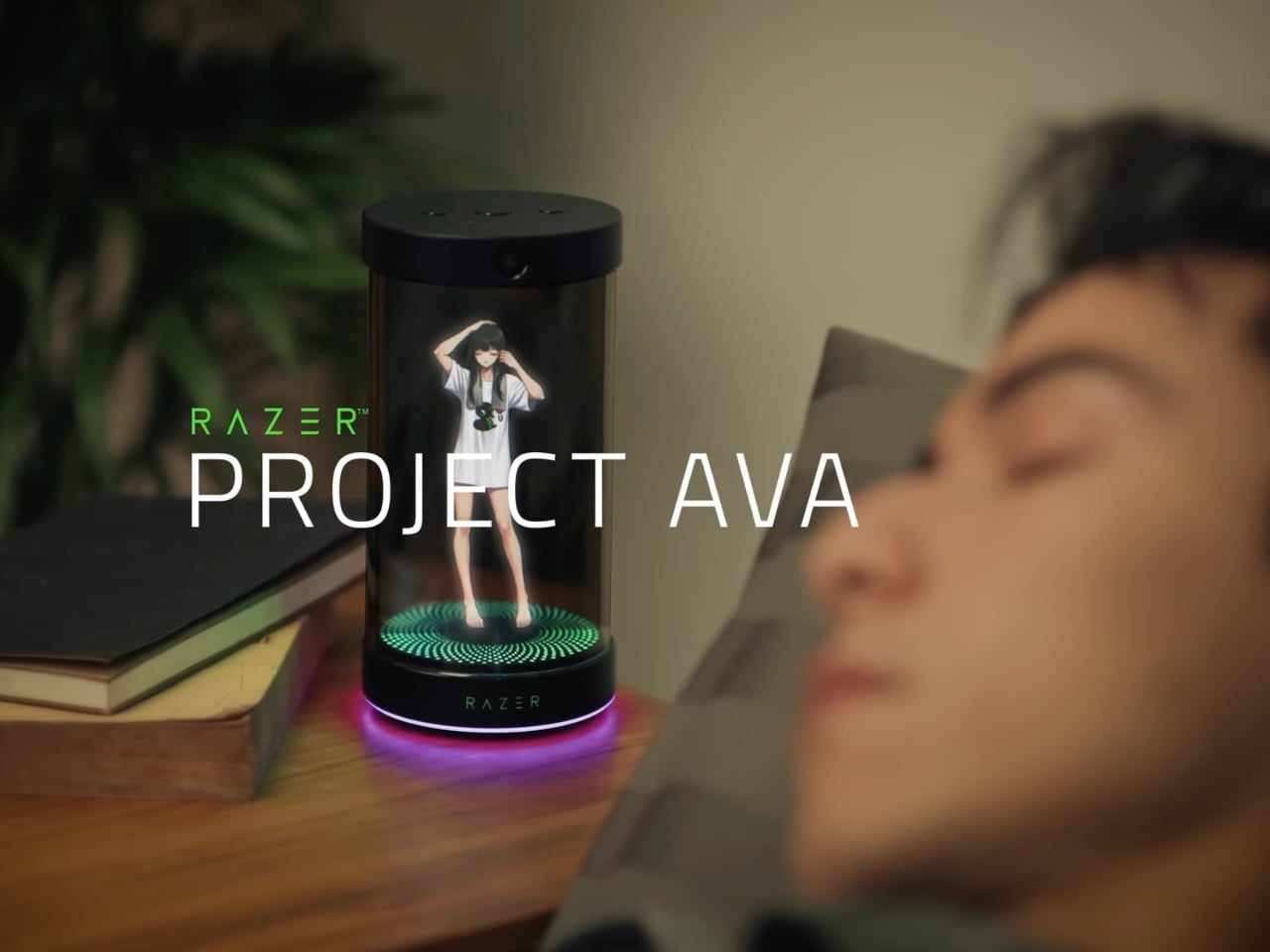
Remember watching sci-fi movies as a kid and dreaming about the day you’d have your own holographic assistant? Well, that future just arrived, and it’s cuter than we ever imagined. Razer unveiled Project AVA at CES 2026, and honestly, it’s giving us all the futuristic vibes we didn’t know we needed.

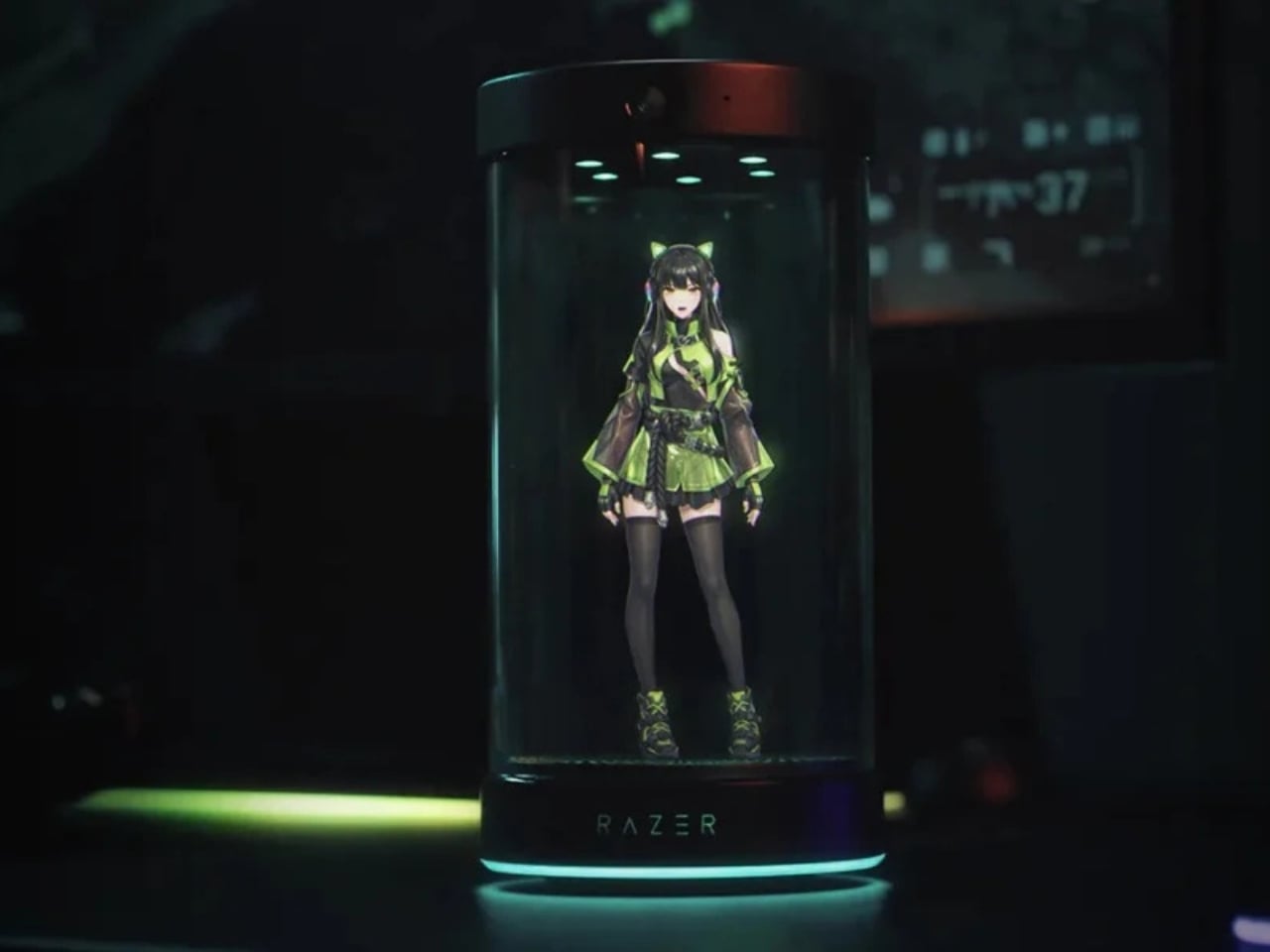
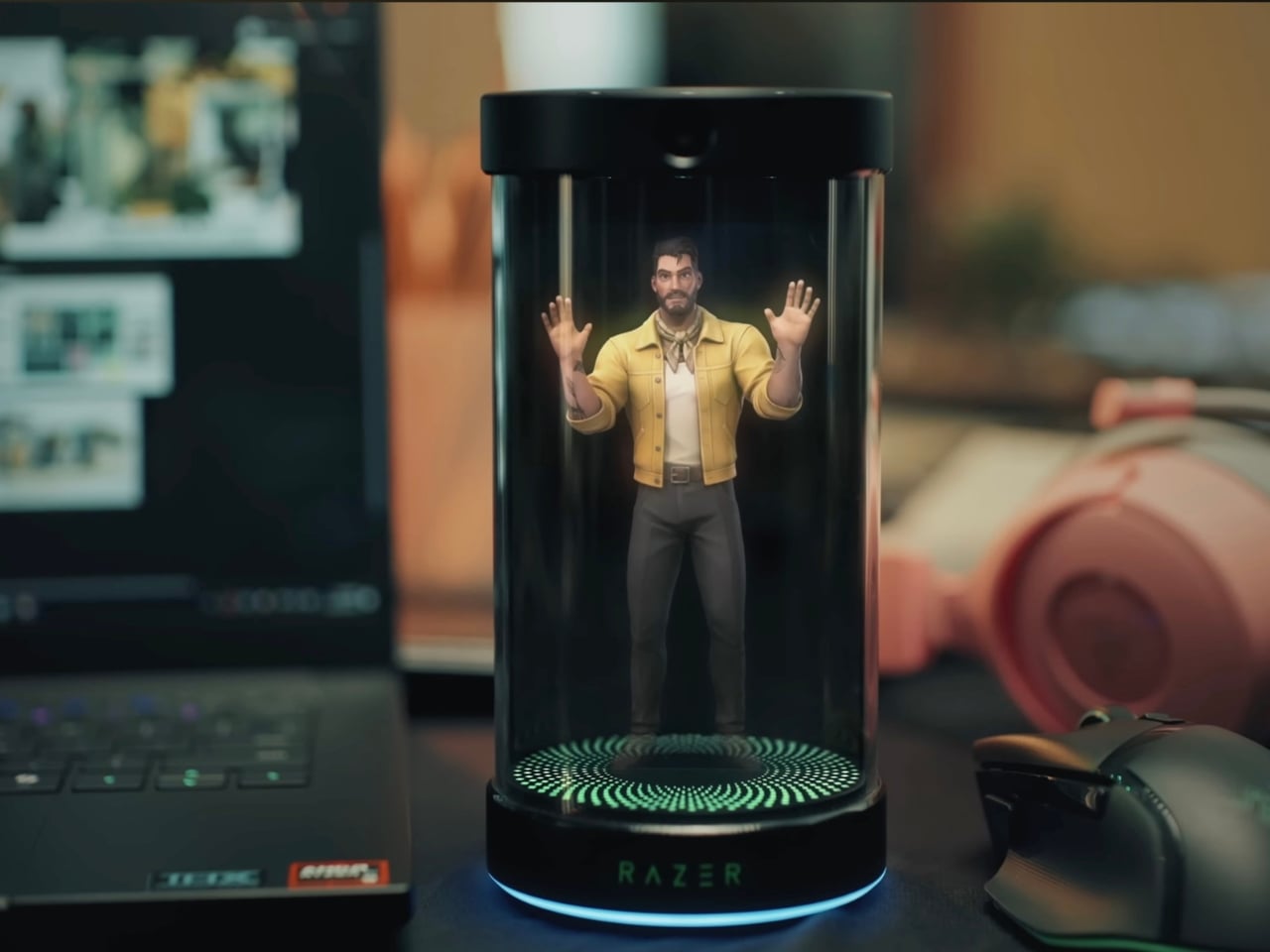
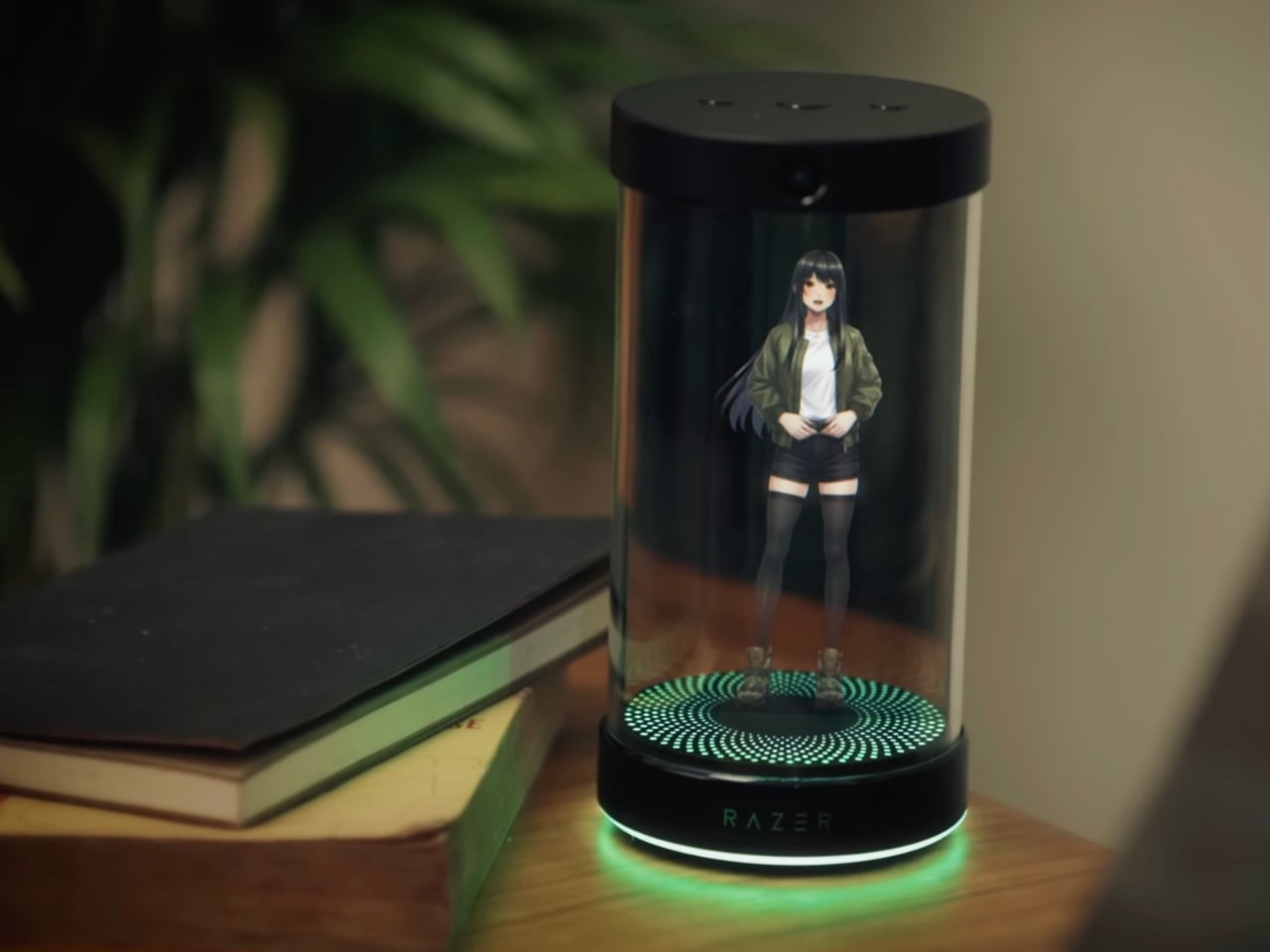
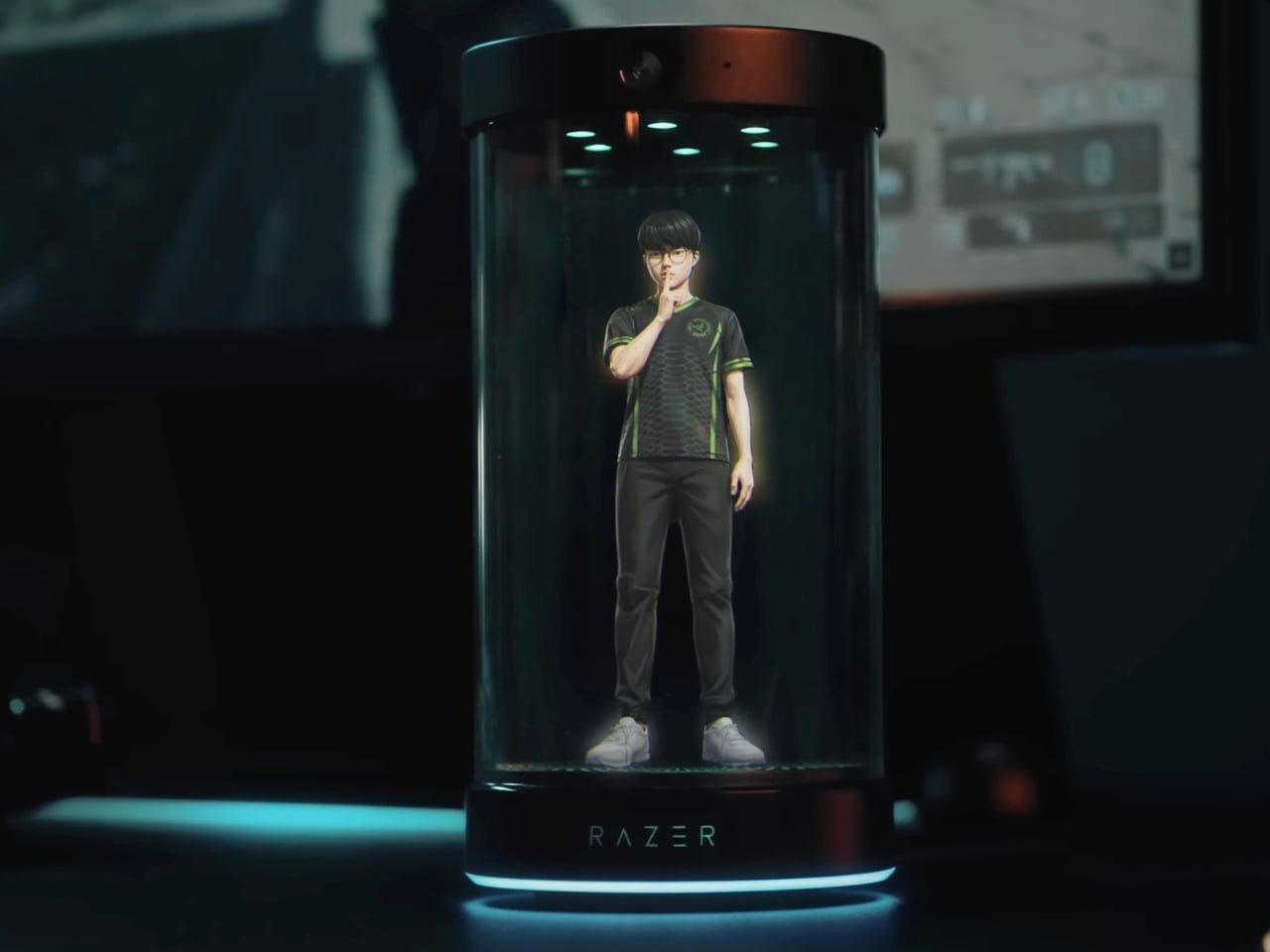
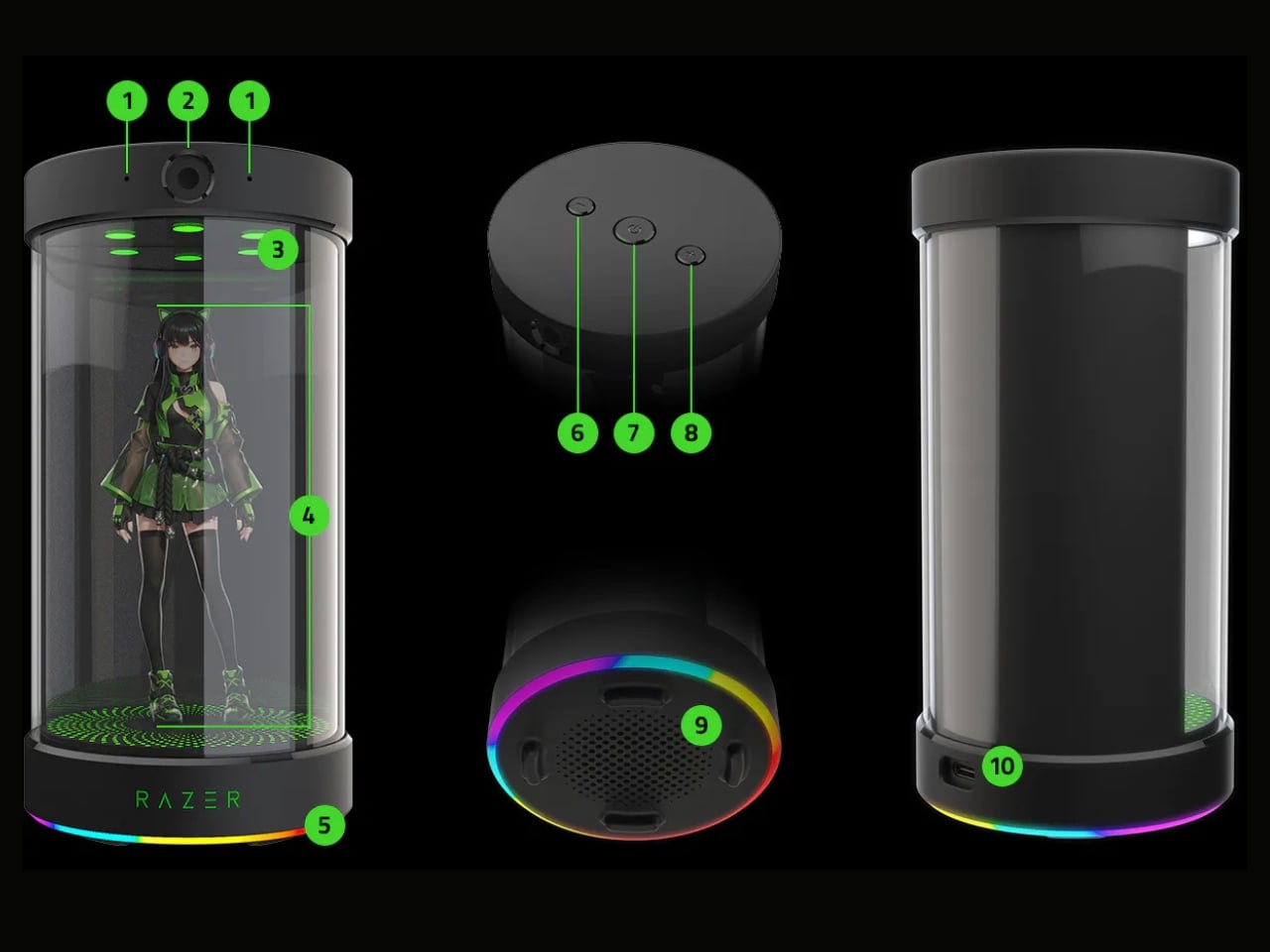
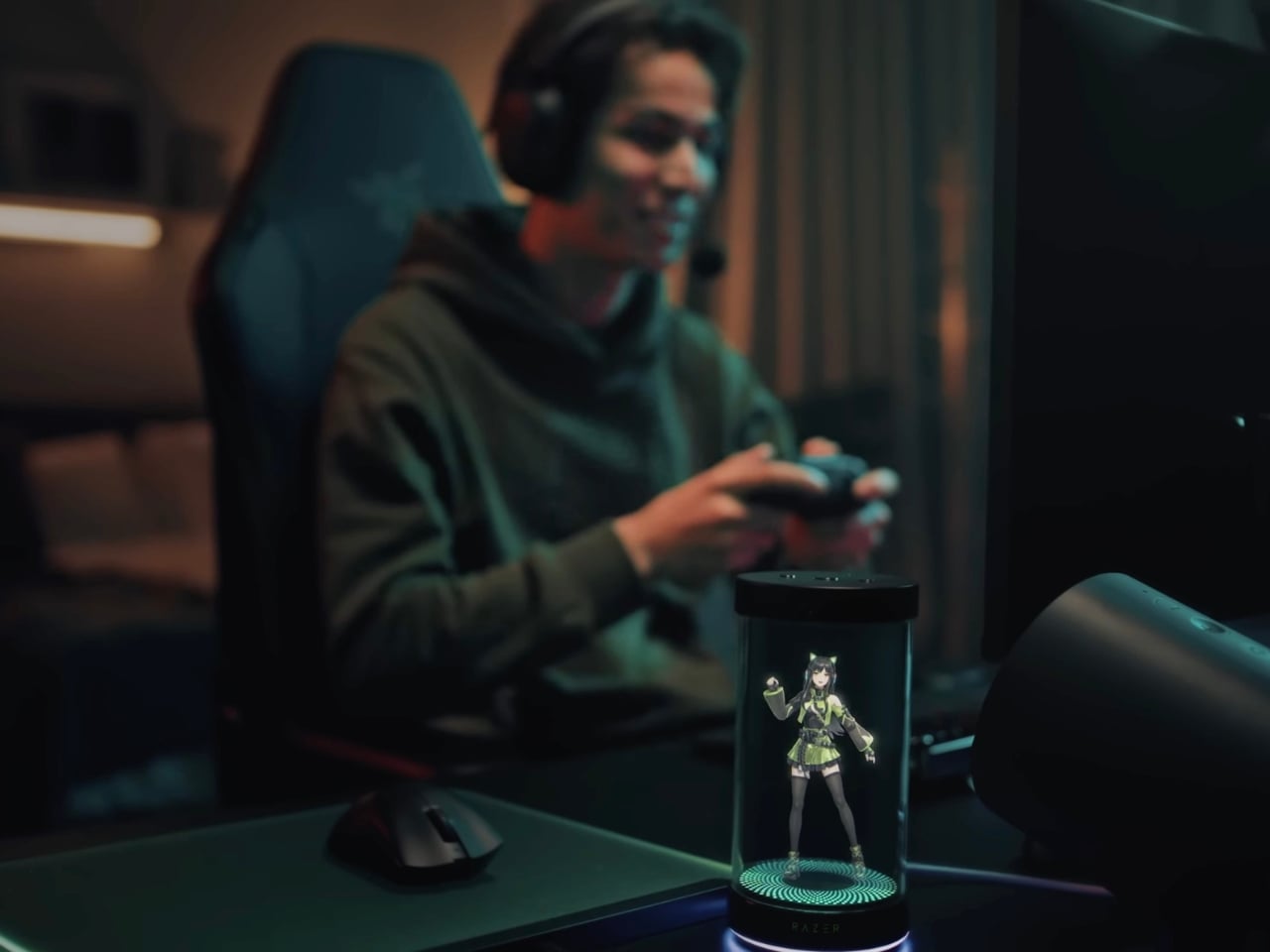
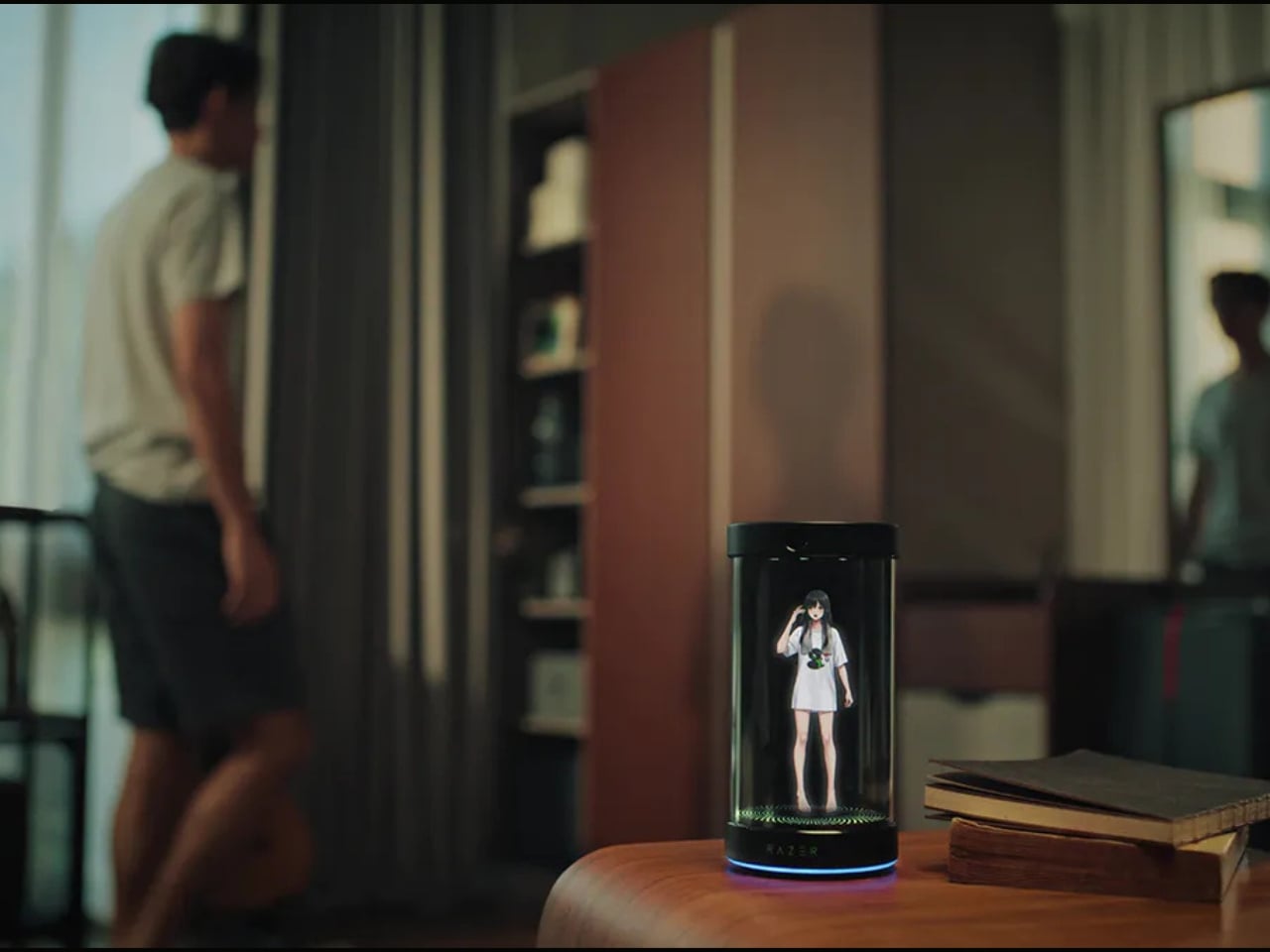
Picture this: a sleek cylindrical device sitting on your desk, projecting a 5.5-inch animated 3D hologram that actually talks to you, learns your habits, and becomes your daily companion. It sounds like something straight out of a Black Mirror episode, but in the best possible way.
Designer: Razer

What makes Project AVA so fascinating isn’t just the holographic technology itself (though let’s be real, that’s pretty spectacular). It’s how Razer has reimagined what AI companionship could look like in our physical spaces. Unlike Siri hiding in your phone or Alexa trapped in a speaker, AVA exists as a visible presence on your desk. She has facial expressions, tracks eye movement, and her lips actually sync when she talks. It’s the kind of detail that transforms a gadget into something that feels surprisingly alive.

The personality customization is where things get really interesting. You can choose from different avatars, each with their own distinct personality. There’s Kira, an anime-style character perfect for gaming enthusiasts. There’s Zane for those wanting a more professional vibe. And then, in what might be the most genius collaboration ever, there’s an avatar modeled after League of Legends legend Lee “Faker” Sang-hyeok, plus characters from Sword Art Online. Razer clearly understands its audience, and they’re leaning hard into gaming and anime culture in the best way possible.

But here’s what really sets AVA apart: she’s powered by xAI’s Grok engine, which gives her some seriously sophisticated AI capabilities. This isn’t just a voice assistant that sets timers and plays music. AVA learns from your interactions and evolves her personality based on how you communicate with her. She can help organize your schedule, brainstorm creative projects, analyze data, and even provide real-time gaming coaching by actually watching your screen and offering strategic advice.

The gaming features deserve special attention because they’re genuinely innovative. Through what Razer calls “PC Vision Mode,” AVA can analyze your gameplay in real-time and offer coaching tips. Before you worry, Razer has been clear that AVA is designed as a coach and trainer, not an automated playing tool, so she won’t get you banned from competitive games. She’s more like having a knowledgeable friend watching over your shoulder, offering helpful suggestions.

From a design perspective, the cylindrical unit houses impressive tech: dual far-field microphones, an HD camera with ambient light sensors, and of course, Razer’s signature Chroma RGB lighting because aesthetics matter. The device connects to your Windows PC via USB-C, ensuring the high-bandwidth data transfer needed for those real-time features to work smoothly.

What’s particularly clever about Project AVA is how it addresses something we’ve all experienced with traditional AI assistants: the disconnect. When you’re talking to a voice in a speaker, it feels transactional. But when there’s a holographic character making eye contact and responding with facial expressions, the interaction becomes more engaging and, dare I say, more human.

Razer is calling AVA a “Friend for Life,” which might sound like marketing hyperbole, but it hints at something bigger happening in tech culture. We’re moving beyond thinking about AI as tools and starting to explore how they might serve as companions in our daily lives. It’s a fascinating cultural shift that raises interesting questions about how we’ll interact with technology in the coming years.

For anyone interested in being part of this next wave of AI innovation, reservations are open now for a $20 deposit, with the device expected to launch in late 2026. Whether you’re a tech enthusiast, a collector of innovative gadgets, or just someone who’s always wanted their own holographic companion, Project AVA represents something genuinely new in the consumer tech space.

The post Razer’s Project AVA Brings Holographic AI Companions to Your Desk first appeared on Yanko Design.