Formula Pro simulator with ultra-realistic controls emulates F1 racing fun in your living room

In the world of Formula-1 world championships are won by the slender margin of milliseconds that turn into big margins after every passing lap. The level of engineering in the pinnacle of Motorsports is unparalleled, and the drivers competing for the top podium step do every little thing that gives them a strategic advantage over their rivals.

Personal training is a part of the drill to stay in top shape, but the real deal is to polish the skills and gain telemetry data in the racing sims that very closely mimic the nuances of each track on the season calendar. With the hybrid era, the need for simulating the real track conditions has become even more important, given the metamorphosis this sport is undergoing.  A good simulator plays a vital role in giving the F1 and F2 drivers a fair idea of areas to improve, or develop strategic maneuvers that can be finally implemented on the track.

Designer: Cool Performance

With over two decades of motorsport experience and trusted by over 250 professional racers, Cool Performance now brings its most advanced F1 sim racer for professionals and motorsports fans. Current F1 drivers who train their driving skills on the Formula Pro Simulator include Lando Norris, Carlos Sainz, Sebastian Vettel and Alex Albon. Founder Oliver Norris has designed the simulator from the ground up with tons of experience in his own Motorsports journey and his brother Lando’s last couple of successful F1 seasons.

The professional-grade simulator has a precision-designed cockpit and race seat to recreate the realism of FPV in the single-seater racer. To simulate the nuances of a Formula -1 car riding the tarmac, the simulator has a high-torque force feedback steering and a Leo Bodnar SimSteering 2 base. This lets the sim racer feel every little bump of the chicane or the minute grip changes when the car is steered off the racing line. Braking in Formula 1 is way more challenging than your average SUV. That is mimicked by the CP-S hydraulic pedals with an AP Racing master cylinder support, which can simulate 200 kgs of braking force. For that, you’ll require immense strength in your core and lower body.

Every little detail of this F1 simulator is narrowed down to the last millimeter, much like the Formula 1 cars. Right from the highly technical CP-S Formula steering wheel that has virtually everything right at arms distance for the driver, to the CP-S custom hydraulic pedals, nothing gets better than the Cool Performance’s option. Clearly, if you want to feel the realism and the tiny details of Formula 1, this is it. Each one of the Formula Pro F1 simulators is custom-manufactured and tested by Oliver and Adrian Quaife-Hobbs in Kent, United Kingdom.

Eager buyers can opt for a single curved screen setup or a multiscreen array for better realism. If you are a purist, then the UK-based manufacturer can create a bespoke version of the sim to fit your specific needs. The Formula Pro simulator price starts from $40,950 and can go higher depending on the add-ons demanded or the bespoke modifications required.

The post Formula Pro simulator with ultra-realistic controls emulates F1 racing fun in your living room first appeared on Yanko Design.

PlayStation Moon Legacy Edition TV Stand brings Retro PS1 style to your modern gaming setup

PlayStation turned 30 a couple of years ago, and milestones like this rarely pass quietly in the consumer electronics world. Sony marked the occasion with a special edition PlayStation 5 and accompanying accessories finished in a nostalgic gray tone inspired by the original PS1 console. If you were among the lucky few who managed to get hold of that anniversary edition styled after the classic PlayStation color scheme, there is now an equally themed piece of furniture designed to show it off in the living room.

Designed in collaboration with Danish furniture maker Pedestal, PlayStation Norway has introduced a statement accessory that celebrates gaming culture as much as it serves a functional purpose. The Moon Legacy Edition TV stand arrives in a muted “Legacy Gray” finish that reflects the iconic tone of the original PlayStation console. The visual connection immediately creates a retro aesthetic, making it particularly appealing for collectors who appreciate the history of gaming as much as the hardware itself.

Designer: Pedestal and PlayStation Norway

Beyond the nostalgic color palette, the stand follows Pedestal’s minimalist Scandinavian design philosophy. The frame is constructed from powder-coated steel with a satin finish, giving the structure a sturdy and refined appearance while maintaining a relatively lightweight build. Despite the industrial material choice, the design remains clean and understated, allowing the console and TV setup to remain the visual focus. The stand measures roughly 42 inches high, 31 inches wide, and 21 inches deep, and weighs just under 33 pounds, making it substantial enough for stability without feeling overly bulky. It supports flat-screen televisions between 40 and 70 inches and can handle loads of up to about 110 pounds, which comfortably covers most modern TVs and gaming setups.

The Moon Legacy Edition sits on premium furniture wheels with soft polyurethane coating, allowing the entire entertainment setup to move easily between spaces. For users who rearrange their living room or occasionally shift their gaming setup to different areas, the wheeled base offers flexibility that traditional TV cabinets often lack. The stand also adheres to the widely used VESA mounting standard, meaning it is compatible with most flat-screen television brands currently on the market.

Functionality extends beyond simply holding a TV. The limited-edition package includes a matching Legacy Shelf and a controller stand, giving players a dedicated place to display a controller or store accessories. Additional cable management accessories, such as cable dots and cable ties, are also included to help keep wires organized and out of sight. The shelf adds a subtle display area that can hold game cases, collectibles, or other gaming gear without interrupting the stand’s minimal design language.

The Moon Legacy Edition TV stand is priced significantly higher (approximately $775) than the normal version, which costs $385, reflecting its limited-edition status. The price covers only the stand and included accessories; neither the television nor the PlayStation console is part of the package. As a result, the stand clearly targets dedicated fans and collectors who value the design connection to PlayStation history rather than simply looking for a functional TV stand.

The post PlayStation Moon Legacy Edition TV Stand brings Retro PS1 style to your modern gaming setup first appeared on Yanko Design.

Lenovo’s $60 Snap-On Turns the Legion Tab Into a Bartop Arcade

Gaming on a tablet is a strange kind of compromise. The screen is great, the hardware is often genuinely powerful, and the library is enormous, but you’re still holding a slab of glass with your thumbs smudging across virtual buttons. Controllers help, and dedicated gaming tablets like Lenovo’s Legion Tab have attracted a healthy ecosystem of accessories. None of them, though, looks quite like this.

Lenovo has quietly released the Legion Y700 Tablet Arcade Dock in China, a snap-on peripheral that turns the 8.8-inch Legion Tab into a miniature arcade cabinet. The tablet slots into the dock and connects through USB-C, at which point you have a joystick, eight colored action buttons, and five additional buttons along the top edge. That’s 14 physical inputs total, which covers most of what classic arcade games and retro emulators would ever demand from a player.

Designer: Lenovo

The concept is straightforward, and the appeal is immediate. Retro gaming on Android has quietly matured into one of the more compelling reasons to own a powerful compact tablet, and a joystick changes the feel of that experience in a way no gamepad quite replicates. Fighting games, run-and-gun titles, and classic beat-em-ups were built around a stick and a row of buttons, and playing them with a thumbstick always involves a small but nagging sense of compromise that this dock resolves without much ceremony.

The dock is listed on Lenovo’s Chinese store for ¥399, which converts to roughly $60 stateside. For an accessory with this level of novelty, that pricing is surprisingly restrained. The Legion Tab itself carries real gaming hardware, and the dock is essentially asking whether you’d like to occasionally use it standing upright like a bartop cabinet. At $60, the answer doesn’t require much deliberation.

The more practical question is whether the controls hold up to repeated use. Arcade joysticks and buttons sit on a spectrum from satisfying to mushy, depending almost entirely on the microswitches underneath, and Lenovo hasn’t published specifications on what’s inside this one. The snap-lock installation is designed for quick assembly, which is convenient, but a docking mechanism that flexes during aggressive joystick inputs would undermine the whole point.

There’s also the matter of availability. This is currently a China-only product, compatible with the Legion Y700 Gen 4 and Gen 5 tablets. The Legion Tab Gen 5 is heading to the US and global markets at $849, but the dock has no confirmed international release alongside it. Lenovo launched a gamepad accessory for the same tablet at roughly the same time, and neither has been officially announced outside China.

For a tablet that positions itself as a serious portable gaming device, the arcade dock is either a genuinely clever extension of that identity or a fun novelty that will live mostly in social media posts and Chinese gaming cafes. The form factor has obvious charm, and the $60 price removes most of the financial hesitation. What’s less clear is whether the controls are built to survive a few hundred rounds of Street Fighter or just look great in product photos.

The post Lenovo’s $60 Snap-On Turns the Legion Tab Into a Bartop Arcade first appeared on Yanko Design.

A Billiards Table That Refuses to Be Played Without Being Experienced

Most billiards tables do not ask much of you. You walk up, take your shot, and move on. They are designed to be neutral, quietly functional, almost invisible. This one is not interested in being invisible at all.

Designed in Shengfang, Hebei Province, and later exhibited in Beijing, this Chinese billiards table does something rare. It slows you down. It makes you look. And if you stay with it long enough, you begin to notice that the experience extends beyond the game itself.

Designer: Mingzhi Cai and Fengshi Li

The inspiration comes from Journey to the West, a myth that sits deeply in Chinese cultural memory. Instead of simply referencing it, the designers have broken it apart and rebuilt it into the object. The table is wrapped in six narrative panels, each capturing a different moment, whether it is the intensity of the Bull Demon King, the burning of Guanyin Temple, or the surreal calm of Little Western Heaven. They do not read as surface decoration. They feel like scenes you move around, almost as if the table is holding fragments of a larger story.

This aligns naturally with how billiards is played. Every shot resets the situation. Every angle shifts your perspective. As you circle the table, the imagery changes with you, creating a rhythm between movement and narrative. The experience becomes less about a fixed viewpoint and more about continuous discovery.

There is a quiet intelligence in how symbolism is built into the structure. The six legs are shaped after the Sea God Needle, a mythological object associated with strength and transformation. Above, the six column relief references the six senses in Buddhist philosophy. It is a subtle layer, but it reframes the object. What you see, how you move, and how you interpret begin to feel connected.

The level of craft holds everything together. The reliefs are hand carved before being translated into production. The tabletop uses walnut wood, bordered with mother of pearl abalone shell inlays, a detail often found in royal furniture traditions. The paintings themselves are selected from hundreds of artists, then carefully scanned and embedded into the surface. Even the stone slabs are polished repeatedly until they reach the right balance of smoothness and durability.

Despite this richness, the table remains highly functional. The sound of the ball striking is crisp, and the movement across the surface is smooth and controlled. The visual intensity does not interfere with the game. It sits alongside it.

Color plays a similar role. The deep green and gold palette feels grounded and weighty, while the blue antique bronze variation introduces a quieter, more atmospheric tone. As light shifts across the surface, the table reveals different depths, allowing the imagery to feel active rather than static.

What becomes noticeable over time is how deliberately the design moves away from contemporary minimalism. Instead of reducing the object to its essentials, it builds layers of meaning, craft, and narrative into every surface. The process itself reflects this approach, with over 700 days of research, hundreds of iterations in modeling, and continuous refinement through collaboration.

That sense of time and attention is present in how the table is experienced. It does not reveal itself all at once. It asks for movement, for observation, for a willingness to engage with it beyond its immediate function. The act of playing becomes intertwined with noticing, reading, and interpreting.

Somewhere between the first shot and the next, the table shifts from being a surface you play on to something you are moving through.

The post A Billiards Table That Refuses to Be Played Without Being Experienced first appeared on Yanko Design.

A GameCube Controller on the Nintendo Switch 2? Meet Abxylute’s Deck-style Joy-Con Alternatives

When the Nintendo Switch 2 arrived in June 2025 at $449.99, it came with a 7.9-inch display, a faster processor, and a Joy-Con that doubles as a mouse. What it didn’t come with was a comfortable way to hold it for long sessions. The handheld form factor has always been a compromise between portability and ergonomics, and for players who log serious hours, that compromise starts showing up as wrist fatigue, awkward thumb angles, and a nagging wish for something with a proper grip. The accessory market has tried to fill that space for years, with results ranging from decent to deeply uninspiring.

Abxylute’s answer comes in two forms: the N6 and the N9C, both deck-style controllers purpose-built for Switch 2 play. The N6 wraps the console in a full-size ergonomic grip with Hall-effect joysticks, native 9-axis motion control, a dedicated C Button for GameChat, and adjustable vibration levels the player can cycle through without leaving a session. The N9C leans into personality, drawing from GameCube design DNA with mechanical buttons, trigger switches, and a capacitive joystick system paired with swappable gates.

Designer: Abxylute

Click Here to Buy Now: $79 $110 (28% off) Hurry! Only 10 days left.

Joy-Cons were engineered for flexibility: detachable, shareable, usable solo or in pairs, functional as individual controllers for two-player sessions on a single console. That versatility comes at the cost of ergonomics, because a controller small enough to slide into a rail and function independently will never offer the grip depth, trigger travel, or palm support of something purpose-built for extended solo play. The N6 and N9C abandon that modularity entirely in favor of doing one thing exceptionally well, which is making handheld Switch 2 sessions feel like you’re holding a full-size controller instead of a tablet with thumbsticks glued to the sides. The tactile feedback is immediate and familiar, the kind of responsiveness you get from hardware designed around sustained single-player sessions rather than multi-function compromise. Both controllers connect via wired USB-C, skipping wireless pairing lag entirely, because when the target is solo handheld performance, eliminating variables takes priority over flexibility.

The N6’s open-top design is the first thing people will argue about online, and they’ll mostly be wrong. The Switch 2 stands over 11 cm tall, and a fully enclosed grip pushes that height further, putting your palms in the kind of awkward hover position that builds exactly the fatigue you were trying to avoid. Abxylute held the grip height at 8.5 cm, matching full-size controller proportions, so your palms have something to rest against rather than squeeze. The 7-inch grip width sits narrower than the console body deliberately, keeping your hands at a natural, relaxed spread instead of forcing them wide across a bulky frame. The physics of holding something for two hours straight are pretty straightforward, and this design reads those physics correctly.

Hall-effect joysticks solve a specific, measurable problem that standard potentiometer sticks fundamentally cannot. Potentiometer sticks use resistive contact that physically degrades over repeated use, which is why drift rates climb after a year or two of regular play. Hall-effect reads joystick position magnetically, with zero physical contact between moving components, and the N6 bumps the stick travel angle to 23 degrees compared to 18 degrees on Joy-Con, giving your thumbs more range for fine-grained inputs. A POM anti-wear ring around each stick handles mechanical stability without adding stiffness or noise to the movement. It’s a small detail, but the kind that separates purpose-built hardware from a generic controller with a different shell. On a device you use daily, that engineering choice compounds in your favor in a way that contact-based sticks simply never will.

Inputs across the N6 break down by material type, and the distinctions matter. ABXY buttons use conductive rubber for cushioned presses that reduce finger fatigue; the D-pad uses tactile switches for sharper directional accuracy; shoulder buttons deliver tactile clicks for faster responses in action-heavy play; and the linear digital triggers provide a genuine 0-100% input range rather than binary on/off clicks. That trigger range matters considerably in racing games and anything relying on gradual pressure inputs. Vibration adjusts at four levels, 0%, 40%, 70%, and 100%, switchable via button combo directly on the controller, bypassing the game-by-game settings adjustment that the Pro Controller requires. The grip’s internal structure forms a resonance chamber that redirects the Switch 2’s speakers forward and reinforces bass by around 10%, which you’ll register in a quiet room as fuller, punchier audio than bare Joy-Cons produce.

The N9C is doing something more niche and, honestly, more interesting. Where the N6 chases Pro Controller parity, the N9C chases the GameCube controller’s specific feel, complete with a centered A button and asymmetric face layout, rebuilt for a modern console using mechanical micro-switches and ALPS tactile shoulder buttons. Capacitive joysticks sidestep magnetic interference entirely, and the swappable 8-way and circular gate rings mean you can dial in a tight directional gate for fighters and swap to a smooth circular gate for platformers. A built-in battery hatch holds two replaceable batteries that reverse-charge the Switch 2 directly during play. Most grips on the market ignore battery life almost entirely, and a reverse charge system that powers the Switch 2 directly from the controller is a differentiator almost nothing else in this category offers.

The N9C carries four programmable rear buttons, two per side compared to the N6’s one per side, and each supports the same macro-recording system that chains directional inputs and actions into a single trigger. Switch 2 system-level button remapping works natively, requiring no third-party software, so a custom layout travels across every game without reconfiguring anything. An integrated rear stand sets the N9C apart from virtually every grip in this category, giving the Switch 2 a propped tabletop angle without relying on the console’s own kickstand. The primary connection is wired USB-C for ultra-low latency, with BLE available for configuration only, keeping the input chain clean during actual play. Every N9C ships with both C-stick and ring-style joystick caps in the box, so players can dial in the stick feel before the packaging hits the trash.

Mass production kicked off in March 2026, with shipping expected between April and June. Super Early Bird pricing runs $79 for the N6 (retail $110) and $89 for the N9C (retail $120), with a bundle sitting at $159. Nintendo’s own Pro Controller for Switch 2 retails at $79.99 and carries none of the Hall-effect sticks, programmable back buttons, or turbo functionality. Abxylute has shipped over 120,000 units across more than 20 projects to 100,000-plus customers, so the production infrastructure exists. What they’re solving for is specific: handheld Switch 2 play that performs at Pro Controller level without forcing players to accept the Joy-Con’s ergonomic ceiling as permanent.

Click Here to Buy Now: $79 $110 (28% off) Hurry! Only 10 days left.

The post A GameCube Controller on the Nintendo Switch 2? Meet Abxylute’s Deck-style Joy-Con Alternatives first appeared on Yanko Design.

This Fan Made the Sony-Nintendo Handheld the Companies Never Would

The retro handheld market has a strange problem. The hardware keeps getting better, the screens get sharper, the processors get faster, and yet most of these devices land looking like prototypes someone forgot to finish. Generic shells, forgettable proportions, and LED lighting as a substitute for actual design thinking. For a category built entirely on nostalgia, very few of these devices actually look like they belong to any era at all.

That tension is what one Reddit user decided to address. Starting with a Retroid Pocket 5, a $199 Android handheld running a Snapdragon 865 and a 5.5-inch AMOLED display, the mod layers Sony and Nintendo branding onto the same shell. Vinyl decals, translucent polycarbonate, a 3D-printed volume rocker from Etsy, and a cable replaced in PS2 color. The result looks less like a sticker job and more like a concept render from an alternate 1999.

Designer: Mitchieyan

The translucent shell is doing most of the work. It pulls from the visual language of the N64’s Funtastic series, those clear and atomic-purple controllers Nintendo released in the late 1990s, where showing the circuitry was the design choice rather than concealing it. Over a piano-black grip body with PlayStation-colored face buttons, the frosted polycarbonate shifts from grey to near-white depending on the light. It shouldn’t feel considered. It does.

The branding placement is where intent becomes clear. The Sony wordmark sits centered on the upper face, exactly where it appeared on a PSOne. Below it, the PlayStation four-color logo. At the bottom bezel, the Nintendo badge mirrors its position on a Game Boy Advance SP. None of it is licensed, of course. These are adhesive vinyls placed by someone who grew up with both systems and wanted their coexistence on one device to feel inevitable rather than absurd.

Not everything here reaches backward. The analog sticks are translucent caps over hall-effect sensors, lit teal on the left and purple on the right, owing nothing to 1999. That generation didn’t have RGB anything. The lighting reads as a concession to the present; the one feature announcing this is still an Android device in 2025, not a prototype from some alternate Sony-Nintendo licensing meeting. Whether it sits comfortably alongside the retro shell is a fair question.

The rear view shifts the frame again. A large dual-grip body in smooth black rubber dominates the back, a clear plastic hinge connecting the screen to grip in full view, structural and unapologetic. The 3D-printed volume rocker at the top edge puts a physical control where fingers naturally land. The back half feels closer to a DualShock than a Game Boy, which is either the point or the problem, depending on what you wanted this thing to be.

Flip to the front screen, and the emulator grid makes the whole thing literal. DuckStation for PS1, Dolphin for GameCube, PPSSPP for PSP, melonDS for Nintendo DS, and a live PS2 wallpaper cycling behind all of it. This device runs both companies’ libraries simultaneously without asking permission from either. The branding on the shell, in that context, stops being a novelty and starts reading as a plain statement of what the hardware already does.

The retro handheld category is large enough now that sameness has become its default. The Retroid Pocket 6, the current flagship from the same manufacturer, drew community criticism for being indistinguishable from competitors: glass front, LED sticks, rounded edges, and no particular character. A fan mod building identity out of borrowed logos is one response to a problem the manufacturers haven’t solved. It’s also just someone enjoying a hobby and being honest about what they want.

The hardware to play PS1, PS2, GameCube, and Game Boy Advance all on one screen already exists and costs under $200. What the market hasn’t resolved is what that device should actually look like, or whose name should go on it. This mod doesn’t answer either question. It just makes the gap between what’s technically possible and what anyone has bothered to design feel a little harder to dismiss.

The post This Fan Made the Sony-Nintendo Handheld the Companies Never Would first appeared on Yanko Design.

$73 Lenovo Gamepad Turns the Legion Y700 Into a Switch Lite Rival

Gaming tablets have always lived awkwardly between two worlds. Hold one flat, and it’s fine for casual sessions, but the moment a game demands precise analog input, touchscreen controls fall apart fast. Clip on a generic third-party gamepad, and the fit is never right, the latency is noticeable, and the whole thing looks assembled rather than designed. Lenovo’s Legion Gamepad G9 2026 takes a more deliberate approach, built as a dedicated accessory for one specific tablet.

The G9 2026 attaches to the newly announced Legion Y700 Gen 5 via its side-mounted USB-C port, converting the 8.8-inch Android tablet into something that handles more like a purpose-built gaming handheld. The wired connection keeps latency out of the equation entirely. The combination creates a form factor that puts it in the same general footprint as a Nintendo Switch Lite, just with a brighter screen behind it.

Designer: Lenovo

The input hardware sees meaningful changes over last year’s iteration. Most practically, the 4-direction D-pad is replaced with an 8-direction micro-switch alternative, an upgrade that fighting game and platformer players will immediately feel. All 12 switches across the face buttons, D-pad, and shoulder positions carry a 5 million-cycle rating. The ABXY layout follows Xbox conventions and supports Nintendo Switch/Xbox button remapping through the companion app.

Four touch-switch macro buttons on the rear can record sequences of up to 12 steps each. Eight of the main buttons support rapid-fire at up to 20 presses per second, with shortcut combinations for volume, lighting, and screenshots available without opening any menus. The “Extreme Control” companion app, Android only, handles deeper customization, including per-side RGB color, saturation, brightness, and animation speed. The Gamepad G9 2026 retails for ¥499 in China, about $73.

The quick-release protective shell built into the accessory has a large rear cutout that leaves the tablet’s heat vents and rear camera unobstructed. For a device running demanding content at sustained loads, any restriction to thermal airflow translates directly into performance throttling. That Lenovo addressed this at the accessory design level, rather than leaving the user to manage the consequence, suggests a more complete engineering process than most clip-on controllers go through.

The obvious limitation is also the one hardest to ignore. This controller only works with the Legion Y700 Gen 5, a beefed-up version of the Legion Tab Gen 5 that was just announced for the Chinese market. There’s no confirmed global availability for either the gamepad or the new tablet. The original G9 never left China, which makes the 2026 version most relevant to buyers already committed to that specific tablet and region. For everyone else, it’s a clear demonstration of what tablet gaming hardware can look like when the accessory and the device are actually built for each other.

The post $73 Lenovo Gamepad Turns the Legion Y700 Into a Switch Lite Rival first appeared on Yanko Design.

This $130 Mario Kart Racing Wheel for the Switch 2 Has Seven Sensitivity Levels for Throwing Banana Peels

Nobody sits down to play Mario Kart and thinks “what this experience needs is a force feedback wheel, a pedal set, and a clamp-mounted desk rig.” And yet here we are, with Hori releasing two officially licensed racing wheels for the Switch 2, timed to launch alongside Mario Kart World on March 23. The Deluxe has an 11-inch wheel, a full pedal set, seven sensitivity levels, an adjustable dead zone, and a Quick Handling Mode that toggles steering output between 270 and 180 degrees. That last feature exists so you can more precisely navigate a rainbow-colored highway while a cartoon turtle throws a shell at you.

To be fair, the wheels look genuinely good. The Deluxe goes for a dark, almost aggressive red-and-black motorsport aesthetic, while the Mini leans fully into Mario’s red-blue-white color scheme with the Mario Kart World logo stamped on the base. Both add a C button for Switch 2’s GameChat, connect via a 9.8-foot USB-A cable, and work with the original Switch and OLED too. The Deluxe is $129.99, the Mini is $79.99, and both are available for pre-order now.

Designer: Hori

Click Here to Buy Now

The two wheels are closer in spec than the price gap suggests. Both have textured rubber grips, ZL and ZR buttons, racing paddles, programmable buttons, and the same ZL hold function that lets you drag items behind your kart in Mario Kart 8 Deluxe. That hold function is disabled in Mario Kart World, which handles item use differently, so if World is the primary reason you’re buying one of these, that particular feature is decorative. The Mini’s 8.6-inch wheel is smaller but not dramatically so, and for a game where precision steering matters about as much as knowing when to deploy a star, the size difference probably won’t register mid-race. Both also carry the Nintendo/PC toggle on the back, which is new to the Switch 2 versions and means you can run either wheel through a PC racing title if the Mario Kart novelty wears off.

The Mini, with its Fischer-Price aesthetic, attaches via suction cups only, which works fine on a smooth desk but becomes a liability if you’re the type to slam the wheel hard into a corner. The Deluxe, on the other hand, adds a physical clamp mount, a meaningful upgrade for anyone who takes their banana peel delivery system seriously. The dead zone adjustment and the 180/270 degree toggle are also Deluxe-only, and those matter more than they sound: dialing in the dead zone tightens center response considerably, and 180-degree mode makes the wheel feel snappier in arcadey conditions where full-rotation sim behavior would actively work against you.

The Deluxe reads like a peripheral that wants to be taken seriously, with perforated black leather-look grip material, metallic red spokes, and a fairly restrained button cluster around the center M logo. The Mini abandons that restraint completely: solid red rim, blue and white spokes, yellow accent buttons, Mario Kart World branding on the base. They’re aimed at different buyers within the same audience, and the visual split is deliberate enough that you wouldn’t mistake one for the other in a product lineup.

Both wheels connect over USB-A, which is worth flagging because the Switch 2 uses USB-C natively. You will need an adapter or a hub, and Hori ships neither in the box. The 9.8-foot cable is generous in length, but the connector mismatch is a friction point on a product designed specifically for a new console, and it’s the kind of thing that should have been sorted at the design stage rather than left to the buyer.

Hori has been the default answer for Switch racing wheels since the original console launched, and these Switch 2 versions do not reinvent that position. The older Switch wheels already work on the Switch 2, so this is really a product for new Switch 2 buyers rather than existing Hori customers looking to upgrade. For that audience, $79.99 for the Mini is a reasonable ask, $129.99 for the Deluxe is justified by the clamp mount and calibration options alone, and both are about as good as a wired USB wheel built around Mario Kart is ever going to get. Whether you need one is a separate question, but if you’re going to sit down with a dedicated racing rig to hurl banana peels at a go-kart driven by a plumber, at least Hori has given you two good ways to do it.

Click Here to Buy Now

The post This $130 Mario Kart Racing Wheel for the Switch 2 Has Seven Sensitivity Levels for Throwing Banana Peels first appeared on Yanko Design.

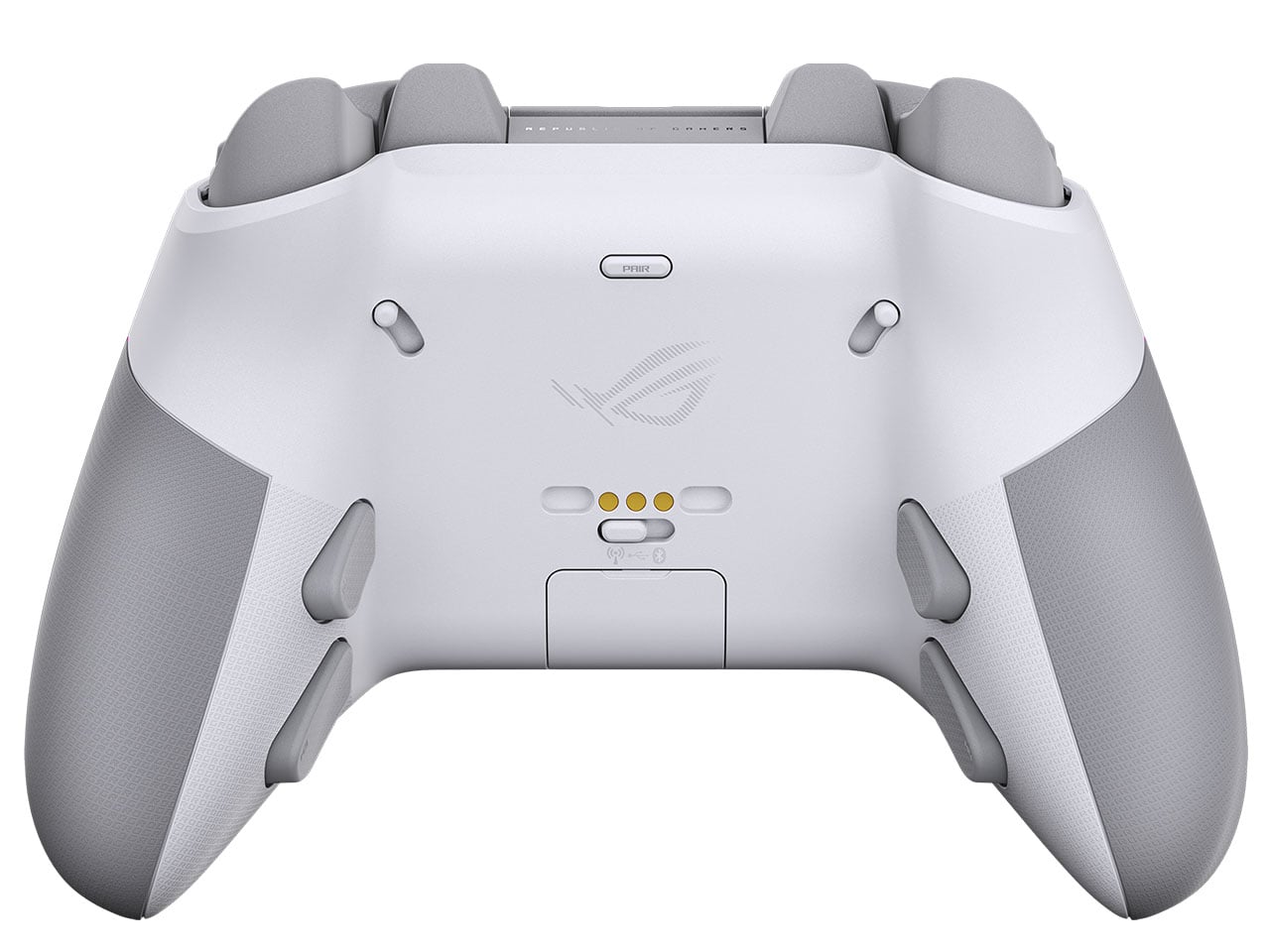
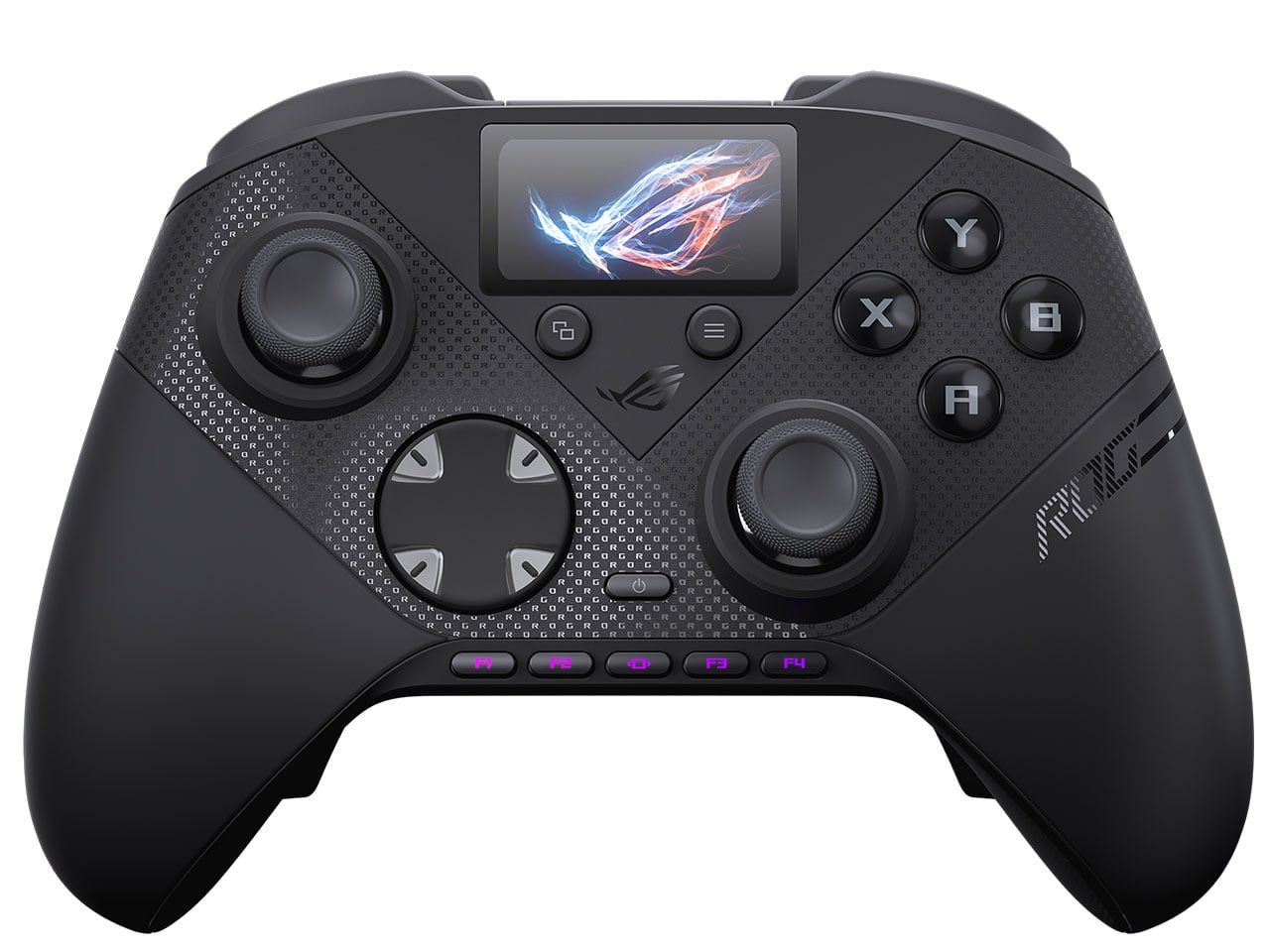
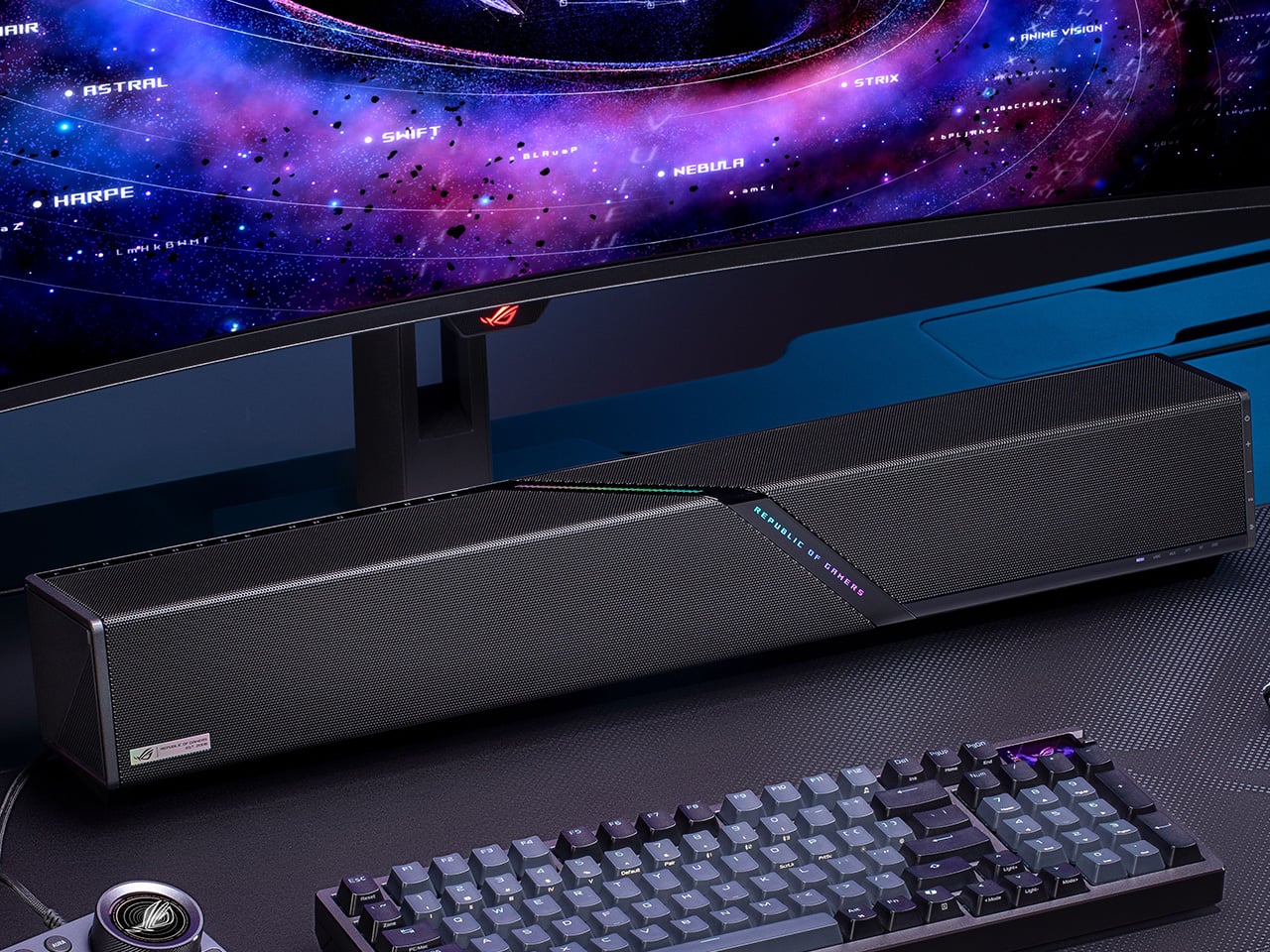
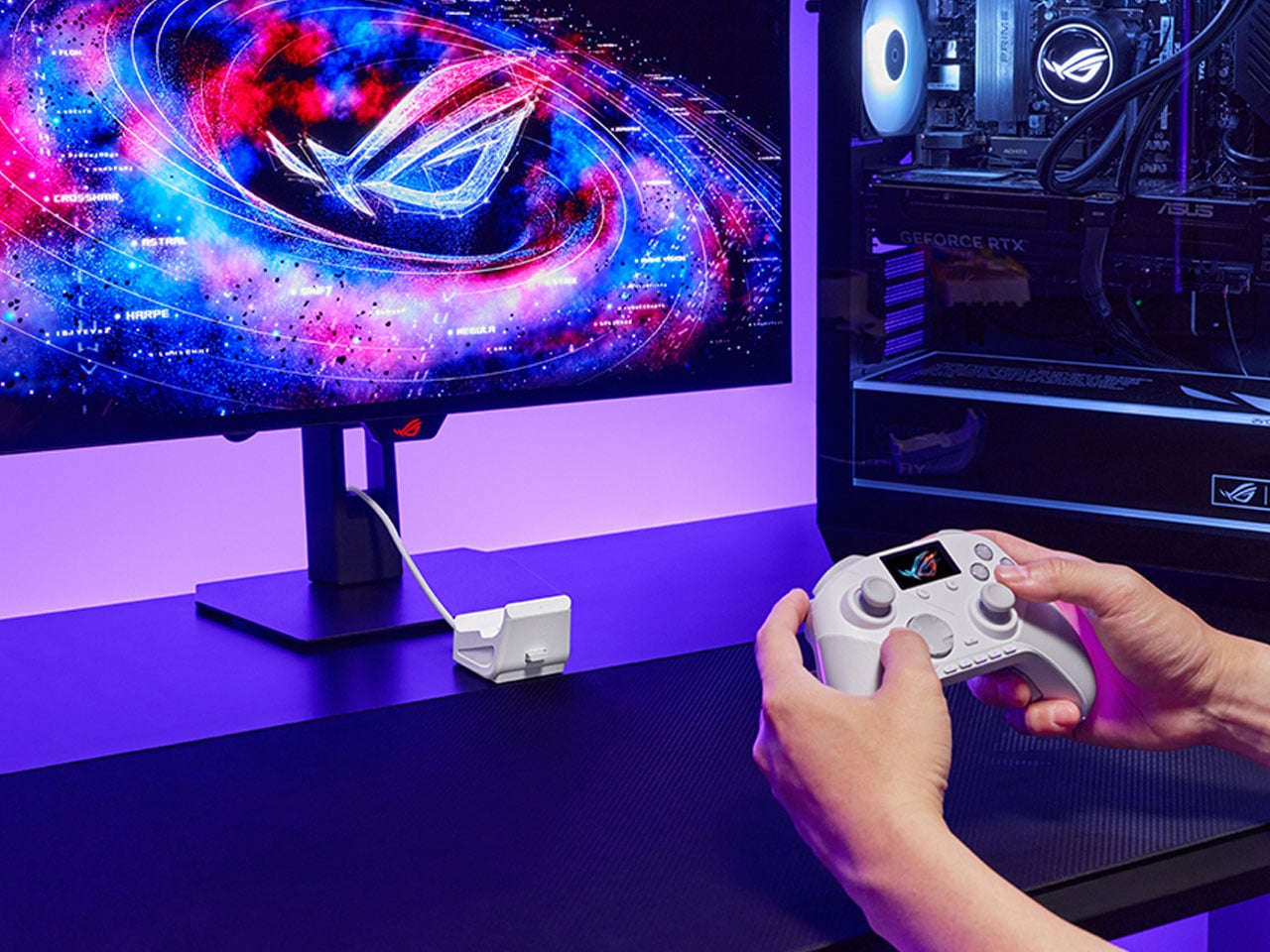
ROG Strix G16 vs G18 (2026): Specs, Display, Performance

ASUS Republic of Gamers is back again with its 2026 refresh of the ROG Strix lineup, introducing the Strix G16 and G18 powered by Intel Core Ultra 9 290HX Plus and NVIDIA GeForce RTX 5080 Laptop GPU. Designed for gamers and creators who apparently never close their apps, these machines aim to push high-performance computing […]

This Oware-inspired gaming controller replaces joysticks with a precision half-ball control system

In an era where gaming peripherals are constantly evolving, designers are increasingly experimenting with new ways to rethink the relationship between the hand and the controller. Control PlusArc concept controller challenges the familiar joystick-and-button layout with a more tactile and deliberate approach to movement. Interestingly, this exploration arrives around the same time as other unconventional input devices, such as a mouse that doubles as a hidden game controller.

Control PlusArc is built around the idea that interaction should feel natural rather than mechanical. Instead of relying on standard analog sticks, the design introduces a semi-spherical control mechanism that encourages controlled, intentional movement. The controller’s overall oval form factor reflects this philosophy as well. Rather than forcing the user into rigid hand placements, the shape allows the device to sit comfortably within the palms, encouraging a continuous grip that feels fluid and stable during gameplay.

Designer: Kusi Boateng Arthur

The concept controller is inspired by Oware, known for its rhythmic and thoughtful movement of pieces across carved pits on a wooden board. Instead of mimicking the visual style of the game, the Control PlusArc borrows its philosophy of deliberate interaction. The controller’s oval shape emphasizes the organic contours of an Oware board, creating a tactile connection between hand movement and the act of play.

This influence becomes even more evident in the controller’s semi-ball control mechanism. Unlike a full trackball or freely spinning joystick, the half-ball structure introduces clear boundaries to movement. Players can roll the control surface in different directions, but the restricted geometry ensures that movement remains precise and predictable. This design choice prevents the kind of uncontrolled spinning that often accompanies traditional trackballs, instead reinforcing a sense of intentional navigation.

The half-ball interface effectively becomes the centerpiece of the interaction. Because the surface sits partially embedded in the controller body, it balances freedom and constraint. The user can perform quick directional adjustments while still maintaining tactile awareness of the controller’s limits. The result is a control system that feels less like manipulating a mechanical stick and more like guiding motion across a defined space.

Most modern gamepads still follow a layout popularized by early console designs: two sticks, directional inputs, and face buttons. By rethinking the primary control surface itself, this gaming controller questions whether future controllers might shift toward more tactile, sculptural interfaces that respond more intuitively to the way hands naturally move.

The post This Oware-inspired gaming controller replaces joysticks with a precision half-ball control system first appeared on Yanko Design.