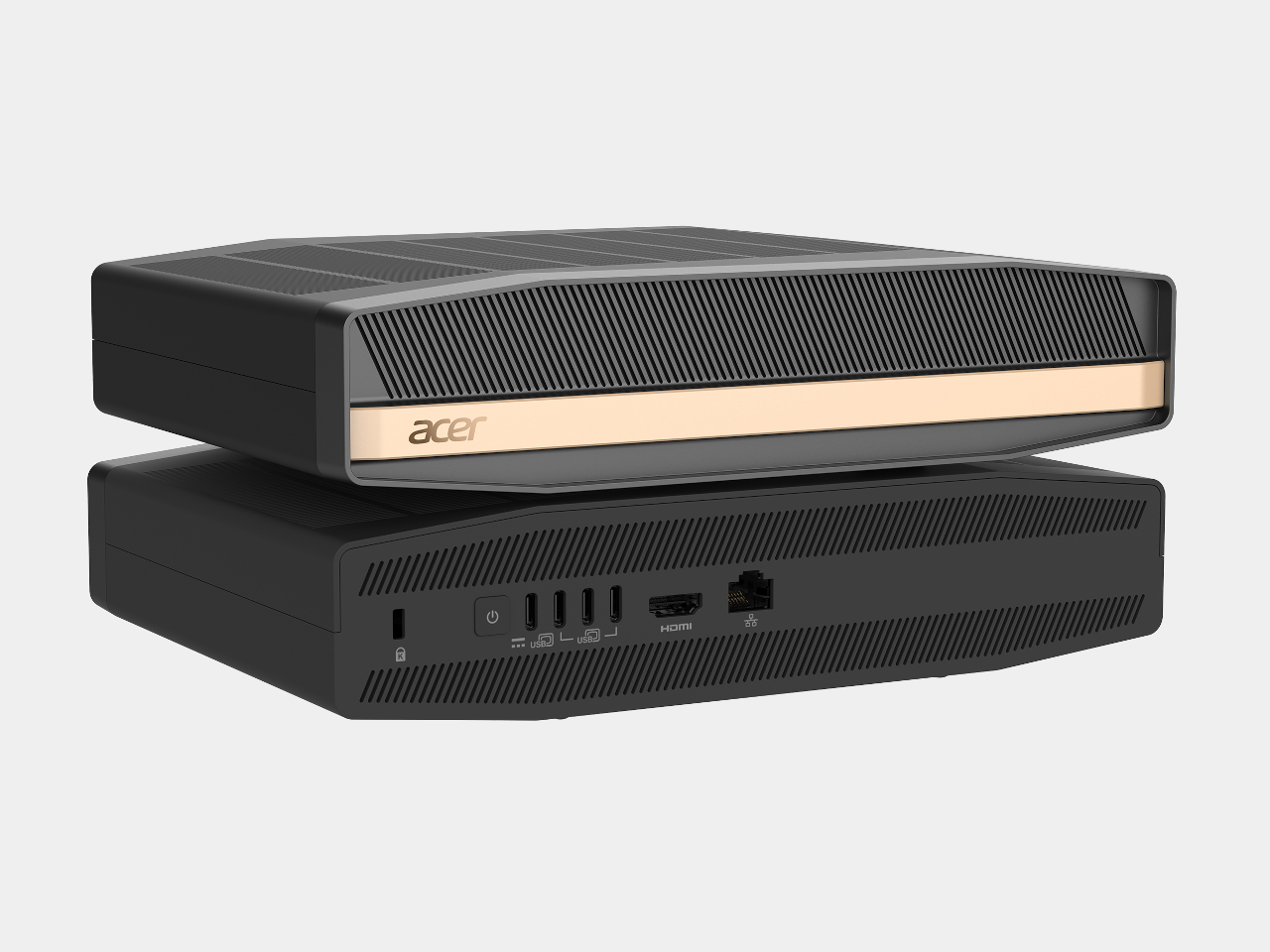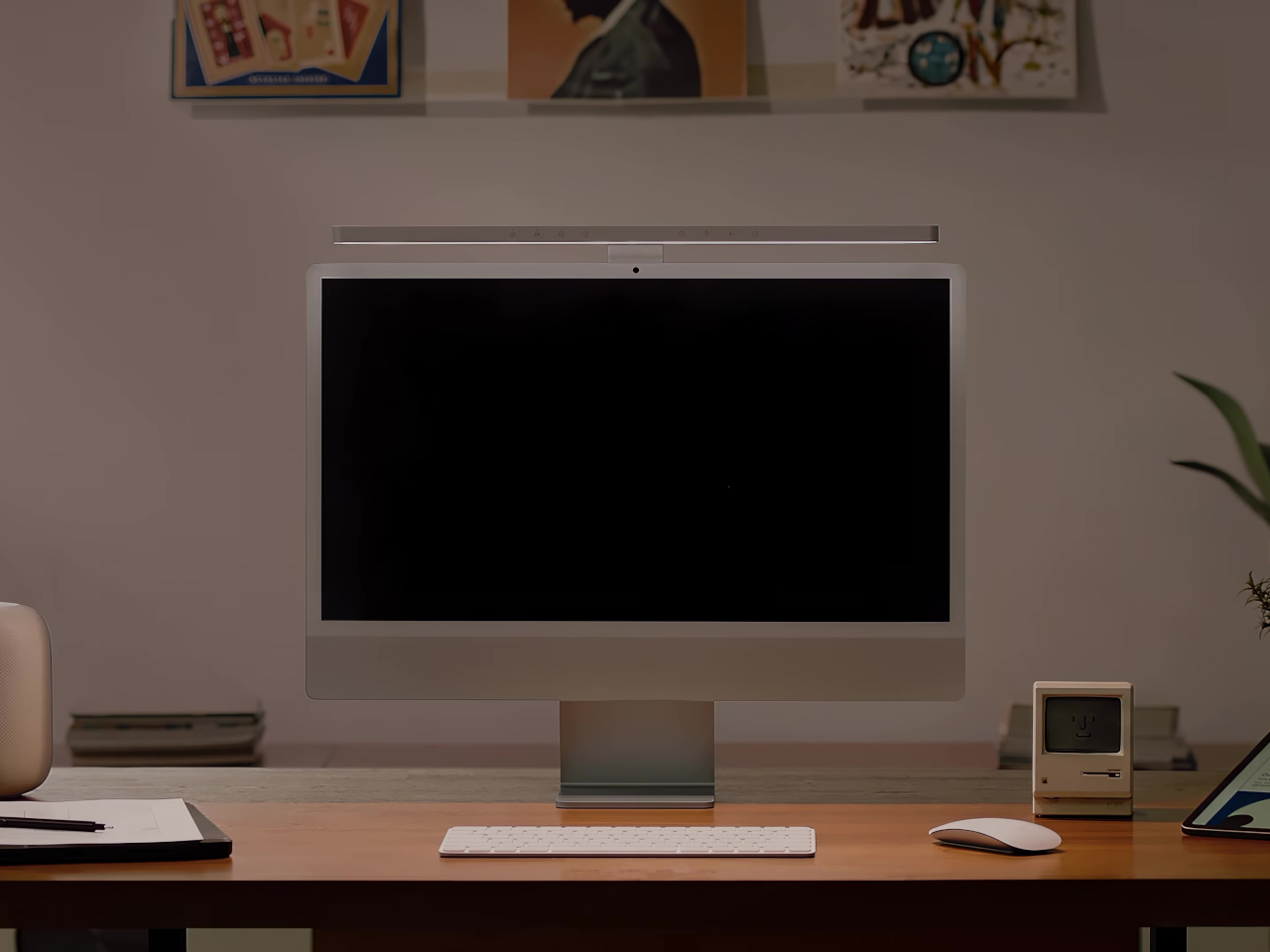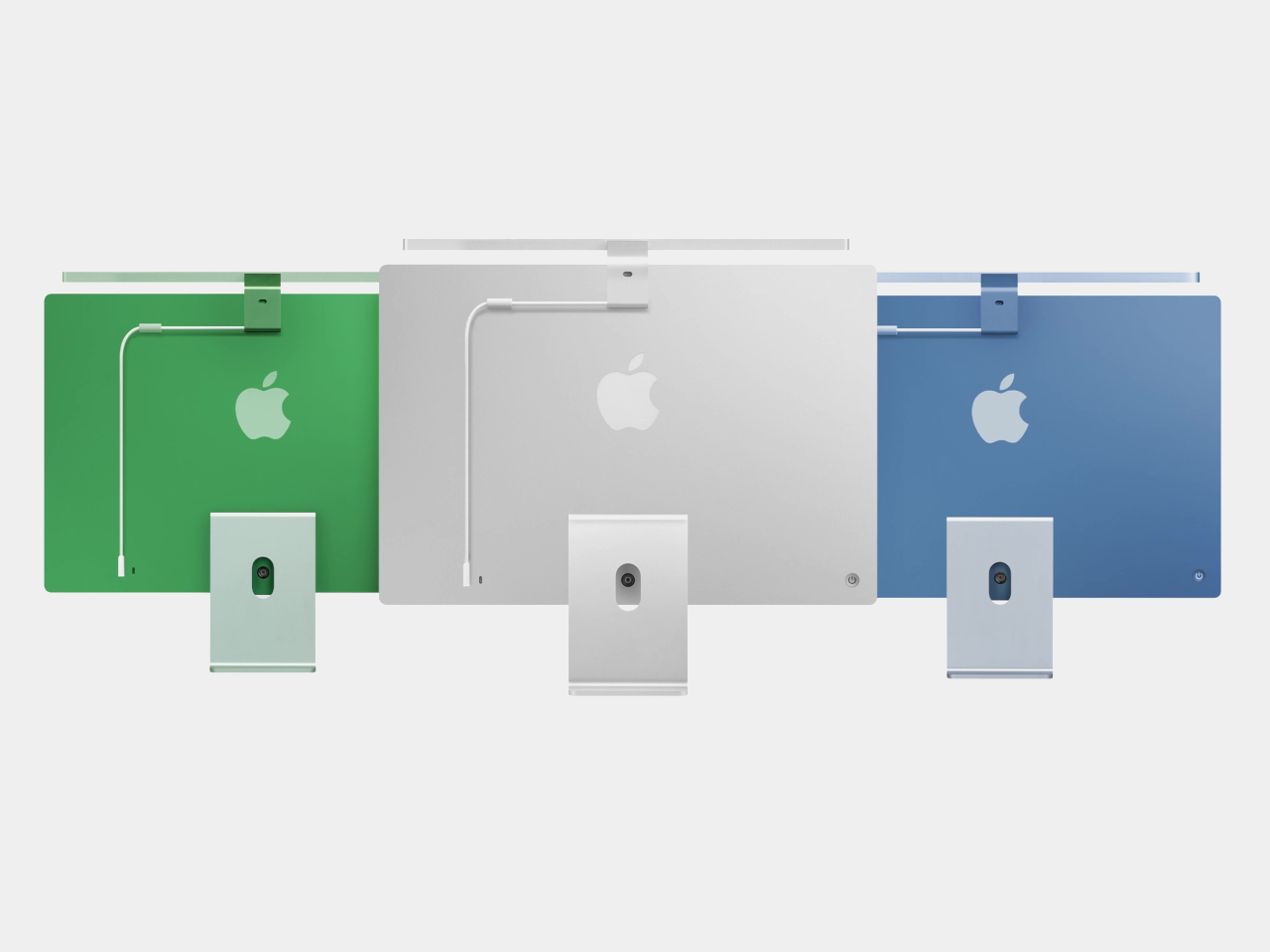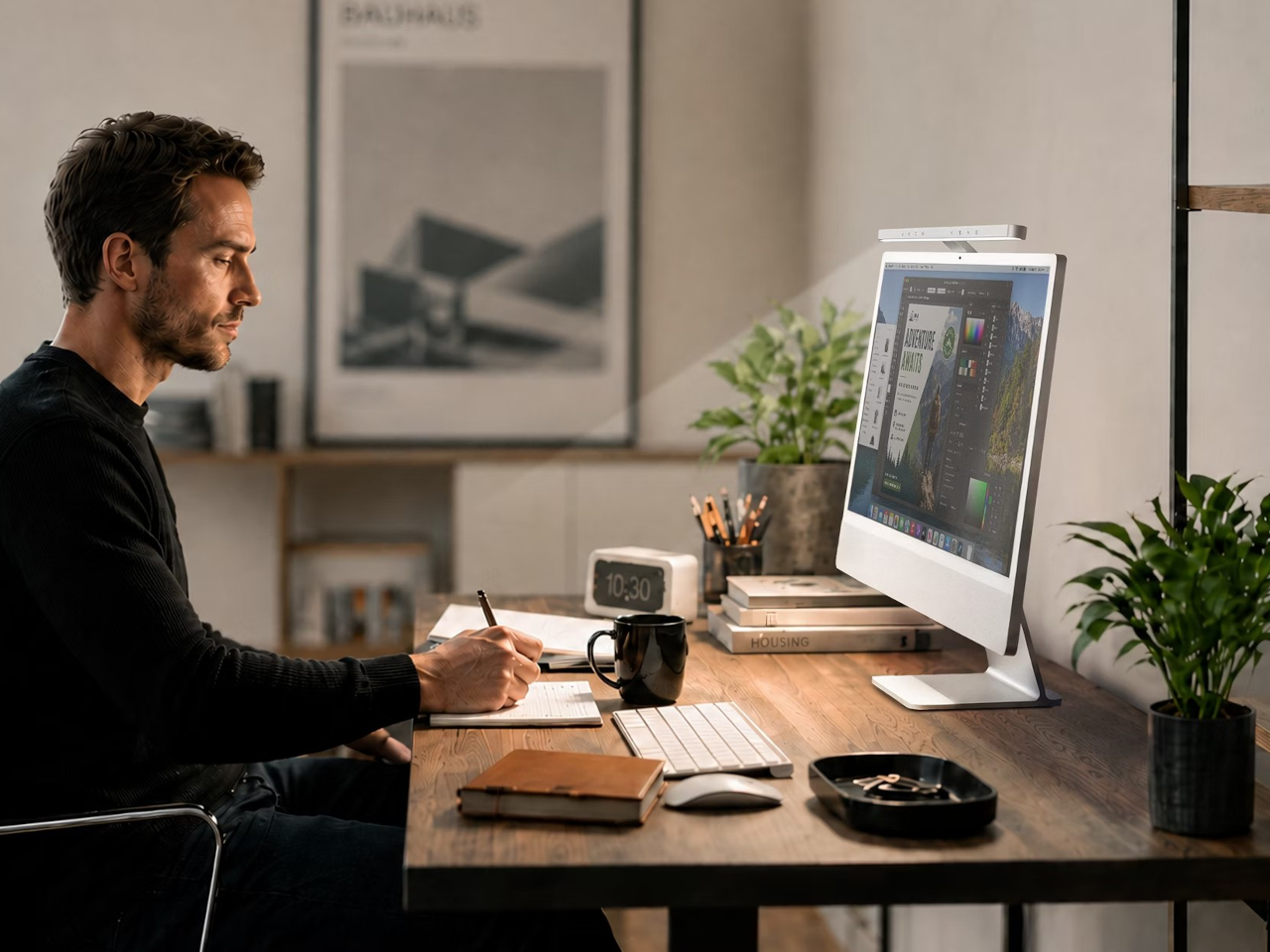
The Mighty All-New Mac mini 2024 powered by M4: Smaller, Faster, and Now Carbon Neutral

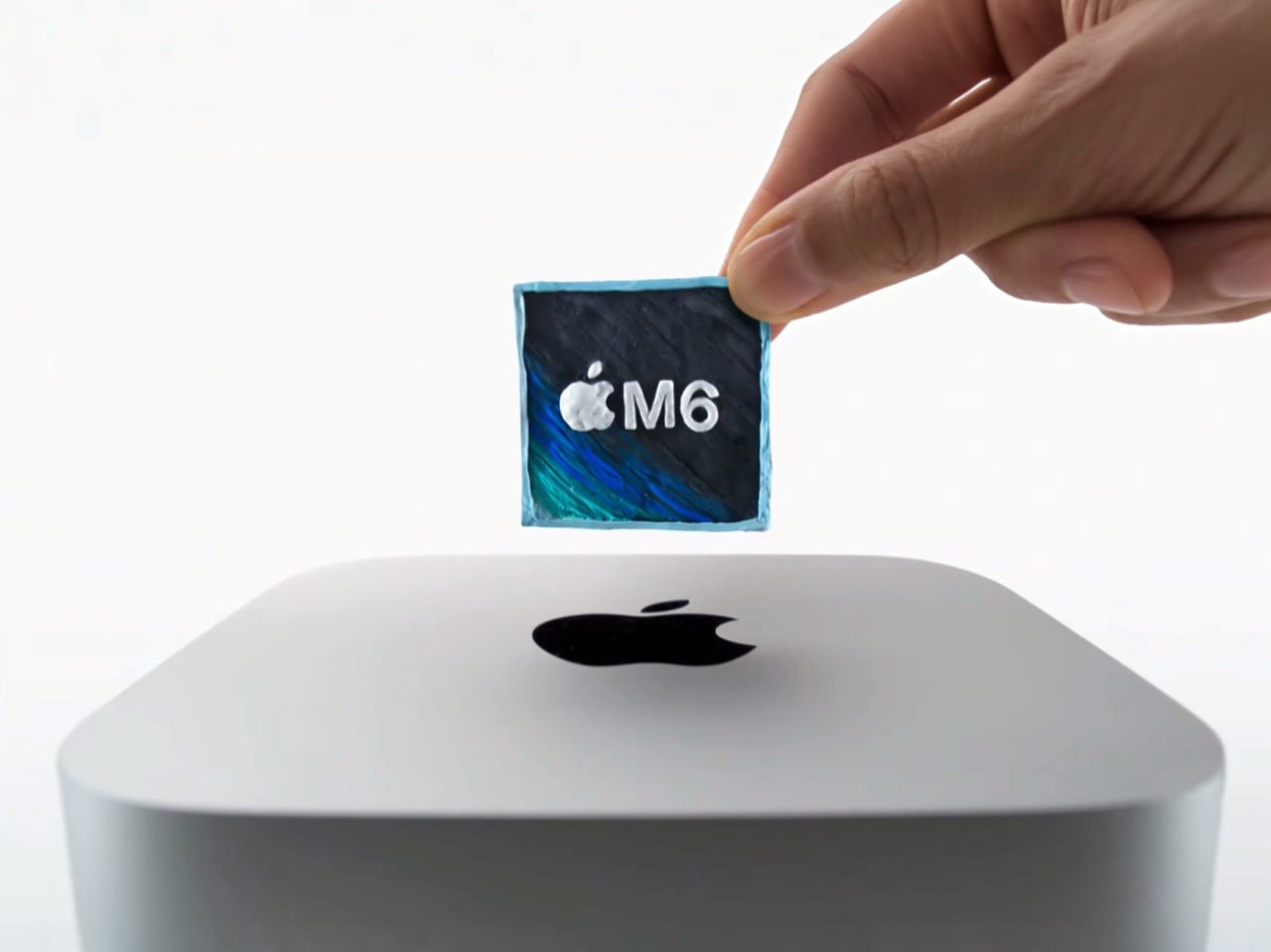
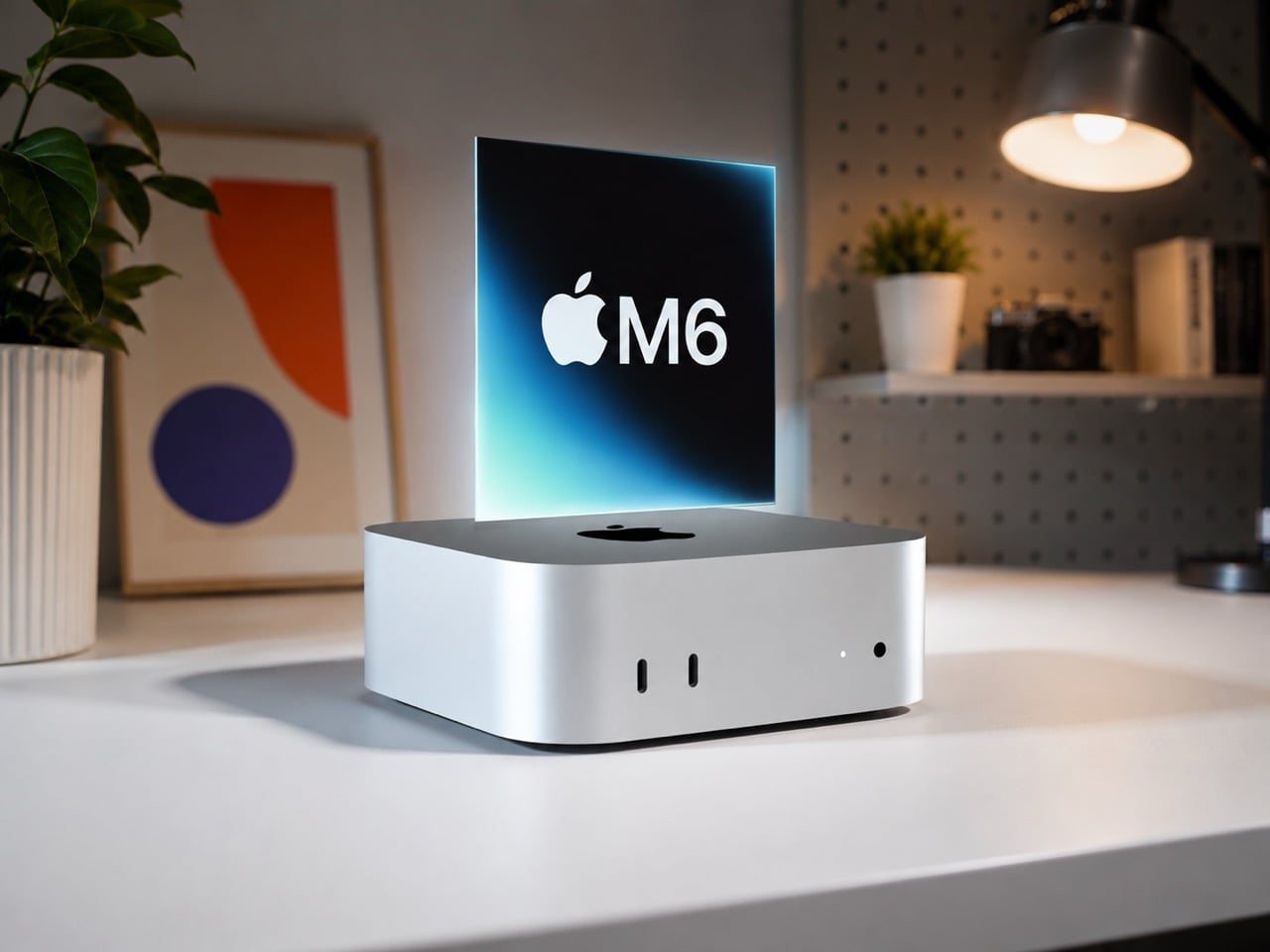
Apple has introduced its all-new Mac mini, focusing on speed, power, and a radical redesign. This Mac mini, powered by the M4 and M4 Pro chips, is a more capable machine under the hood. It’s smaller, more efficient, and built with a focus on sustainability. Let’s dig into how Apple redefined the look and feel of their mini desktop computer.

Designer: Apple

A Compact Powerhouse

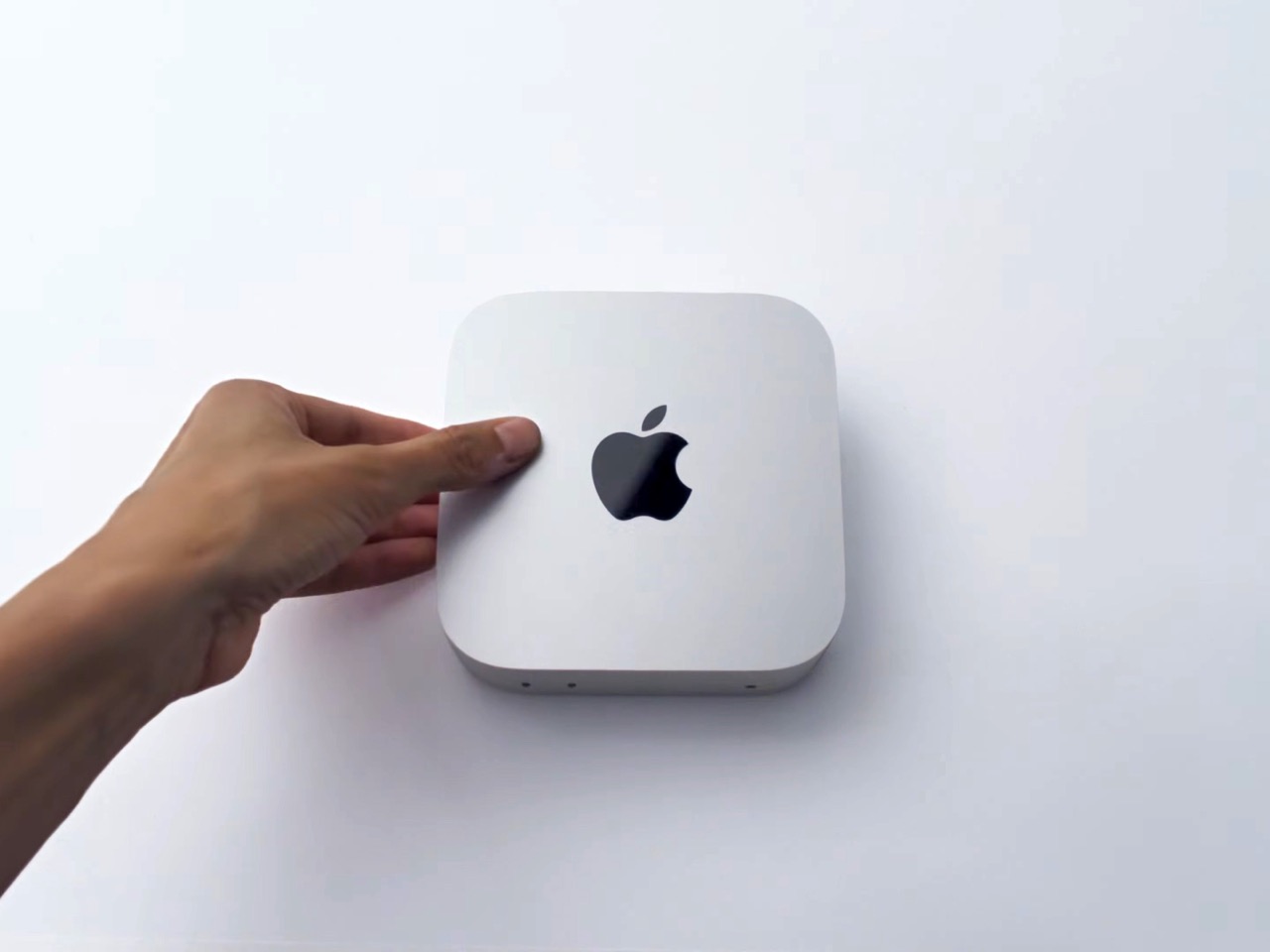
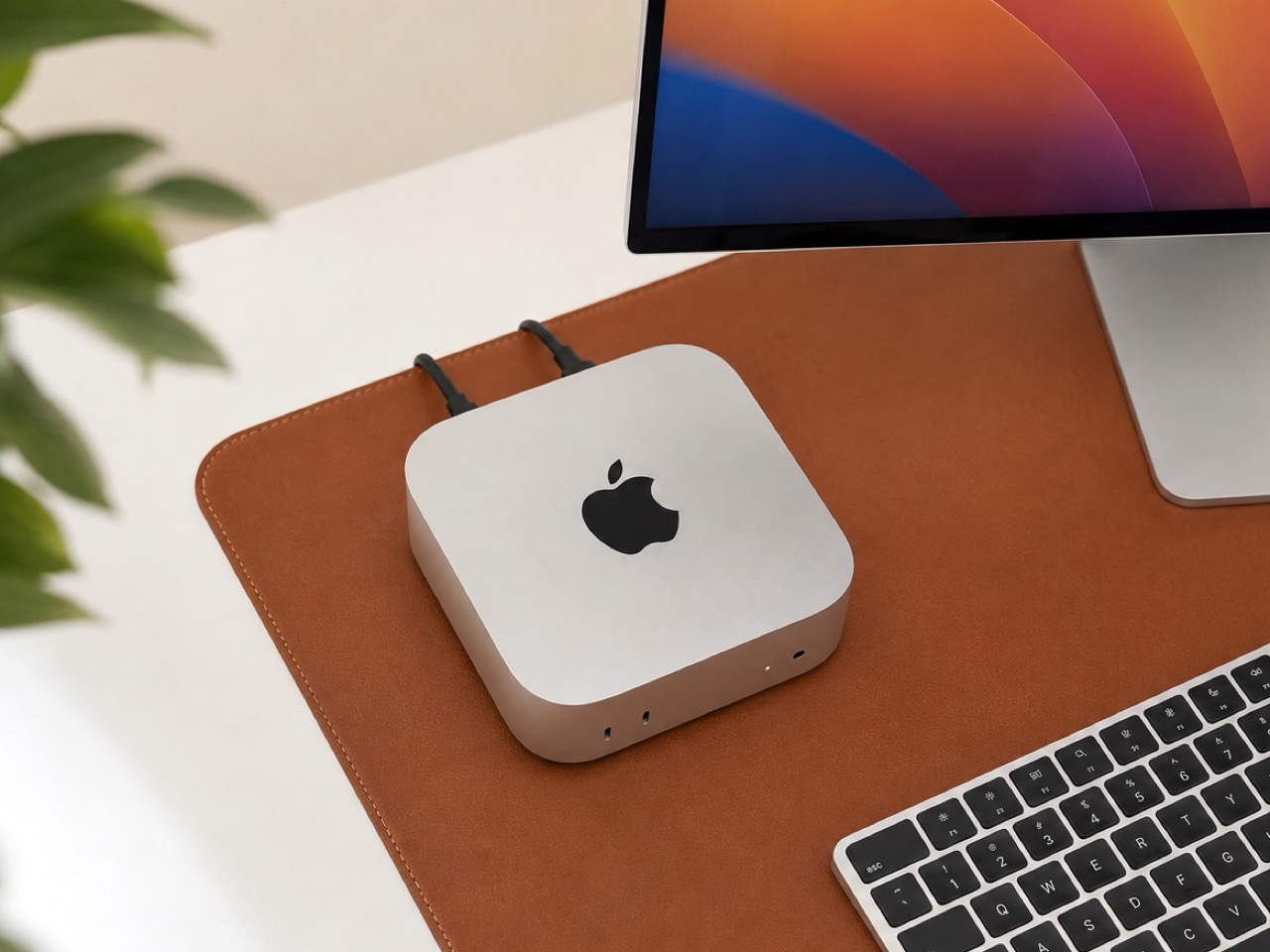
The Mac mini has always been a compact machine, but this new version takes that concept to another level. Apple managed to shrink it down to a 5 by 5-inch footprint—a considerable reduction in size compared to the previous design. This makes the new Mac mini less than half the size of its predecessor, offering all the power of the M4 chips in a package that’s much easier to fit into any workspace.

Image: Apple Mac Mini 2024 powered M4

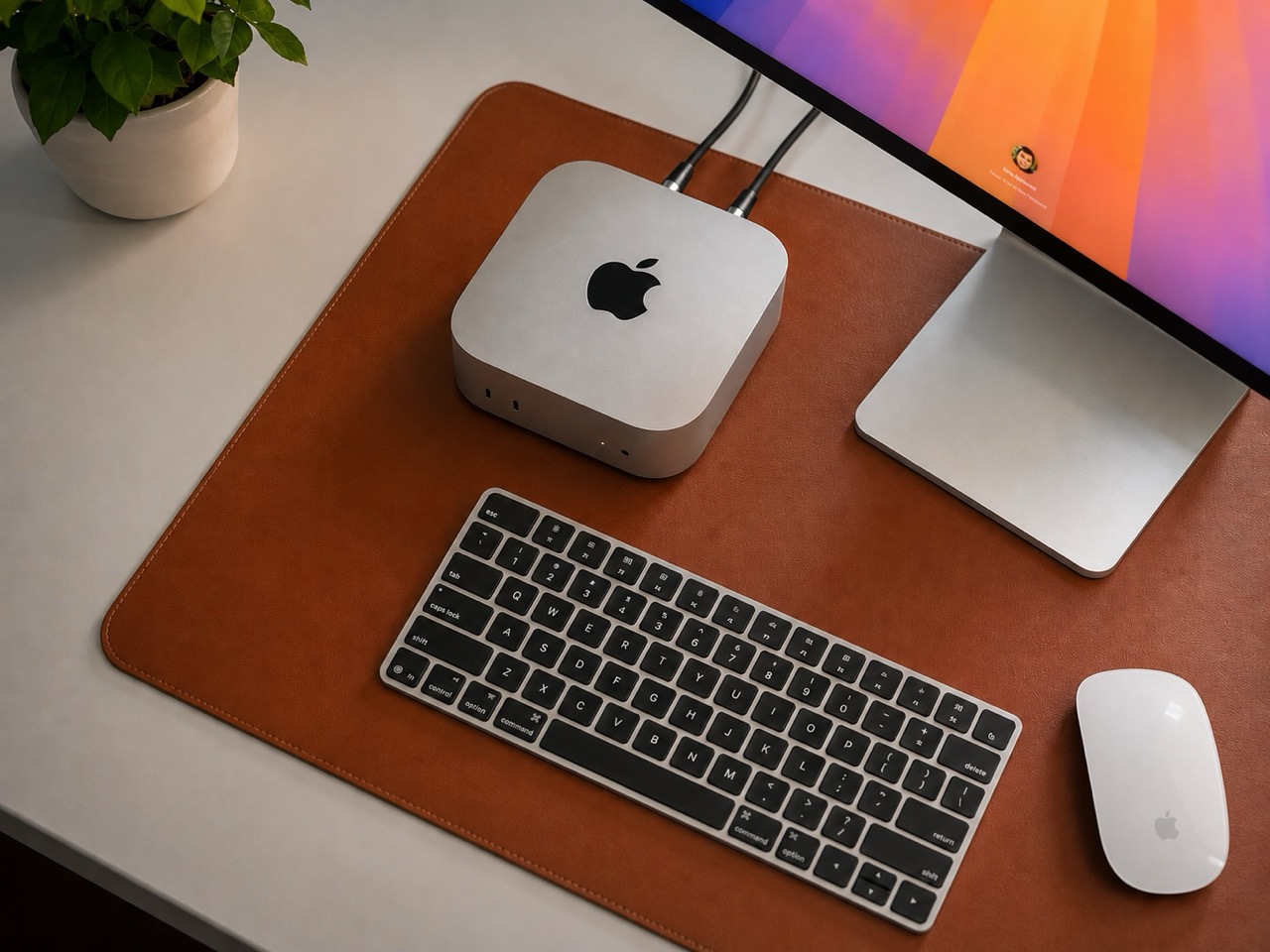
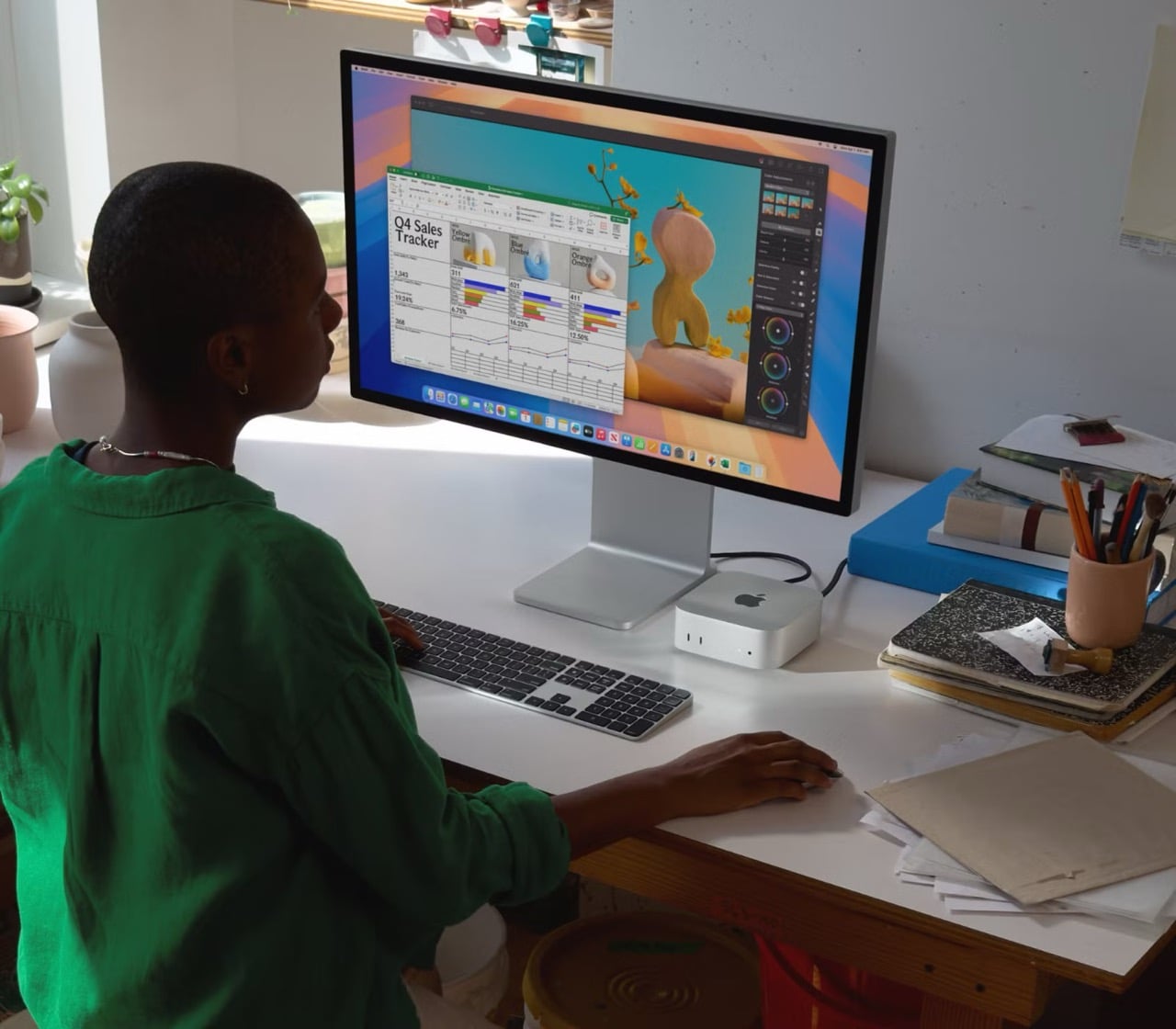
This compact size makes the Mac mini a great option for users who need performance without the bulk. Whether it’s a small home office, a minimalist desk setup, or even a portable workspace that you take from one place to another, this new Mac mini is perfect for squeezing into the tightest spots while still delivering serious computing power. Apple focused on reducing the physical footprint while retaining control and performance.

Image: Apple Mac mini (2023) 7.75 by 7.75 inches vs Mac mini (2024) 5 by 5 inches

Improved Accessibility and Design Tweaks

One of the most noticeable changes to the new Mac mini is its connectivity. Apple has included front-facing ports for the first time, making it easier than ever to plug in devices. The front features two USB-C ports and a standard audio jack. This makes a big difference in everyday usability, especially for those who regularly need to plug in external drives, cameras, or headphones. No more reaching around to the back of the device—just plug and play.

Image: Apple Mac Mini 2024 powered M4

The rear panel, however, hasn’t been left out. It comes packed with the essentials: the M4 version has three Thunderbolt 4 ports, while the M4 Pro version gets a major boost with Thunderbolt 5. This upgraded Thunderbolt port allows for much faster data transfer, which is ideal for users working with high-resolution video or massive files. There’s also an Ethernet port (configurable up to 10Gb for those needing ultra-fast networking) and an HDMI port, which makes connecting to displays straightforward without requiring adapters.

Apple’s revision of port locations and connectivity options aims to deliver a user-friendly experience. By moving critical ports to the front, they make the Mac mini far easier to use without the hassle of managing cables blindly at the back—an issue that frustrated many users of the earlier models.

Innovative Thermal Design

Maintaining cool temperatures while delivering high performance could be a challenge for a smaller desktop, but Apple introduced a new approach with the thermal architecture. The cooling system now guides airflow to various levels of the Mac mini while all of the venting is directed through the bottom of the device. This innovative method allows for efficient cooling without increasing noise, even during high-demand tasks.

Image: Apple Mac Mini 2024 powered M4

The redesign means users can push their Mac mini to its limits—like editing 4K video or running complex programs—without worrying about overheating. The revised venting and airflow management help make the system nearly silent, which is great news for those who work in quiet environments or want their workspace free from noise pollution.

Image: Apple Mac Mini 2024 powered M4

The First Carbon Neutral Mac

A major highlight of this new Mac mini is that it’s Apple’s first carbon-neutral Mac. This is a big step in Apple’s effort to achieve its sustainability goals by 2030. The compact size is part of a larger push towards efficiency, reducing the materials and energy needed to make and run the machine. Over 50% of the materials used in this Mac mini are recycled—including 100% recycled aluminum for the casing and recycled gold and rare earth elements in the internal components.

Image: Apple Mac Mini 2024 powered M4 – Carbon Neutral

Apple also shifted its shipping methods to prioritize lower-carbon modes, such as ocean freight. The packaging is now entirely fiber-based, helping the company move closer to its goal of eliminating plastic from all packaging by 2025. All these changes reduced the Mac mini’s carbon footprint by over 80%, and for any emissions that can’t be eliminated, Apple uses high-quality carbon credits.

Minimalistic, Functional, and Practical

Overall, the new Mac mini retains Apple’s signature minimalistic aesthetic. Its sleek, brushed aluminum enclosure is modern and unassuming, with rounded corners and clean lines. The smaller size and inclusion of front-facing ports give it a more streamlined and accessible look. Apple designed the Mac mini to be both visually appealing and highly practical, fitting seamlessly into any workspace without drawing unnecessary attention.

Image: Apple Mac Mini 2024 powered M4

The new design focuses on making the Mac mini practical and easy to use. Front-facing ports make connecting devices convenient, and the compact size allows it to fit just about anywhere. Despite its simplicity, it offers a wide range of connectivity options suitable for demanding setups—whether it’s multiple displays, external drives, or high-resolution accessories.

Image: Apple Mac Mini 2024 powered M4 accessories

With cutting-edge technology in the M4 and M4 Pro chips, thoughtful design elements like front ports, innovative cooling, and a reduced size, the new Mac mini is more versatile than ever. As the first carbon-neutral Mac, it represents a balance of performance, design efficiency, and sustainability, making it an excellent choice for a wide range of users.

The post The Mighty All-New Mac mini 2024 powered by M4: Smaller, Faster, and Now Carbon Neutral first appeared on Yanko Design.
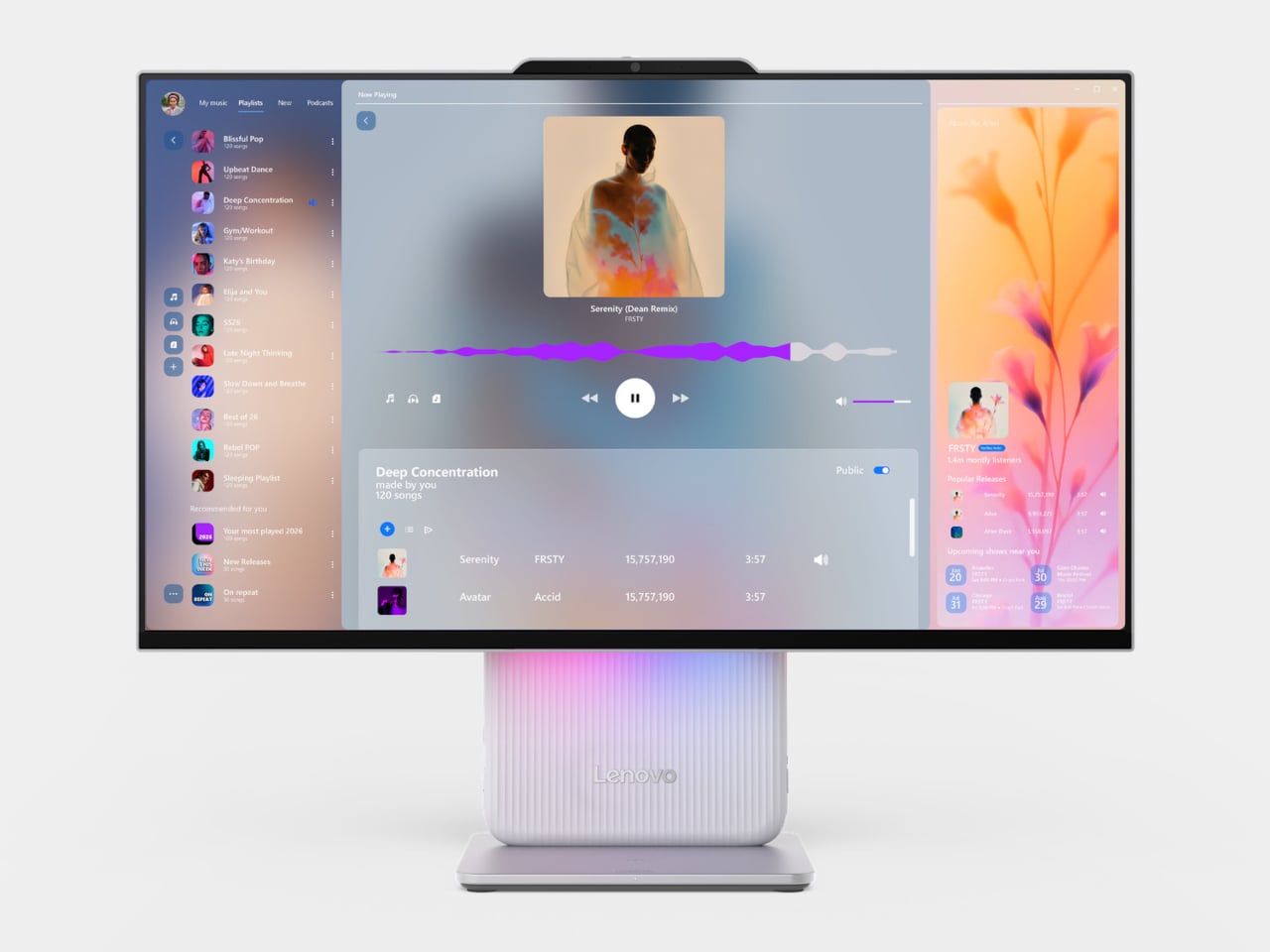
Top 10 Reasons Why Apple’s iMac M4 is the All-in-One Desktop You Need: Unmatched Power, Innovation, and Style

Apple has once again pushed the boundaries of desktop computing with the release of its latest iMac, powered by the M4 chip and Apple Intelligence. These two key advancements are central to this upgrade, driving significant improvements in performance, productivity, and user interaction. The M4 chip delivers powerful processing capabilities, while Apple Intelligence transforms how users interact with their devices through advanced AI-driven features. Let’s explore the ten features that make the iMac M4 a significant step forward in personal computing.

Designer: Apple

1. The Powerhouse M4 Chip

At the heart of the new iMac lies the M4 chip, Apple’s latest silicon marvel. This is a significant leap in performance. Compared to its M1 predecessor, the M4 chip delivers up to 1.7x faster performance for daily productivity tasks like multitasking between apps and browsing the web. For more demanding workflows, such as photo editing and gaming, users can expect up to 2.1x faster performance, offering an incredibly smooth experience for creative professionals.

According to Apple’s benchmarks, the new M4 chip features a more capable CPU with the world’s fastest CPU core, as described by Apple and an immensely powerful GPU with Apple’s most advanced graphics architecture. This allows the iMac M4 to handle more intense workloads, enabling smoother gameplay and faster rendering in Adobe Photoshop and Adobe Premiere Pro apps. For gamers, this translates to up to 2x higher frame rates in titles like the upcoming Civilization VII, and for content creators, up to 2.1x faster performance when applying complex filters and effects in apps like Adobe Photoshop and Adobe Premiere Pro.

The M4 chip’s Neural Engine delivers over 3x faster performance compared to the M1, making the iMac M4 the world’s best all-in-one for AI, according to Apple, making it a powerhouse for AI-driven tasks. This improvement supports Apple Intelligence and its advanced capabilities, transforming how users work, communicate, and express themselves. The faster Neural Engine makes tasks such as photo and video editing, AI content creation, and automation seamless and efficient.

The iMac M4 comes standard with 16GB of unified memory, which is faster and more efficient and can be configured up to 32GB. This ensures smooth multitasking and the ability to easily handle memory-intensive applications, making it ideal for professionals and power users who require robust performance for demanding tasks.

2. Apple Intelligence: Transforming How You Work and Communicate

One of the most exciting additions to the iMac M4 is Apple Intelligence, a personal intelligence system deeply integrated into macOS Sequoia. It brings powerful generative models combined with industry-first privacy protections, including on-device processing and Private Cloud Compute, unlocking new ways for users to work, communicate, and express themselves while ensuring privacy.

Apple Intelligence features systemwide Writing Tools that assist users with proofreading, rewriting, and summarizing text. These tools are available nearly everywhere users write on their Mac, making them invaluable for students, professionals, and anyone working with text. Additionally, the redesigned Siri allows users to fluidly switch between spoken and typed requests, answering thousands of questions about Mac and Apple products while accelerating everyday tasks.

In December, Apple Intelligence will also integrate ChatGPT, allowing users to access its expertise seamlessly without switching between tools. Users will be able to access ChatGPT without creating an account, with privacy protections such as IP address obscuring to safeguard user data. Features like Image Playground and Genmoji will also be introduced, offering creative ways to generate images and custom emojis.

3. A Vibrant New Color Palette

The iMac M4 is now available in seven vibrant new colors, offering buyers a broader range of choices to match their personal style. This expanded palette allows users to choose an iMac that truly reflects their personal style.

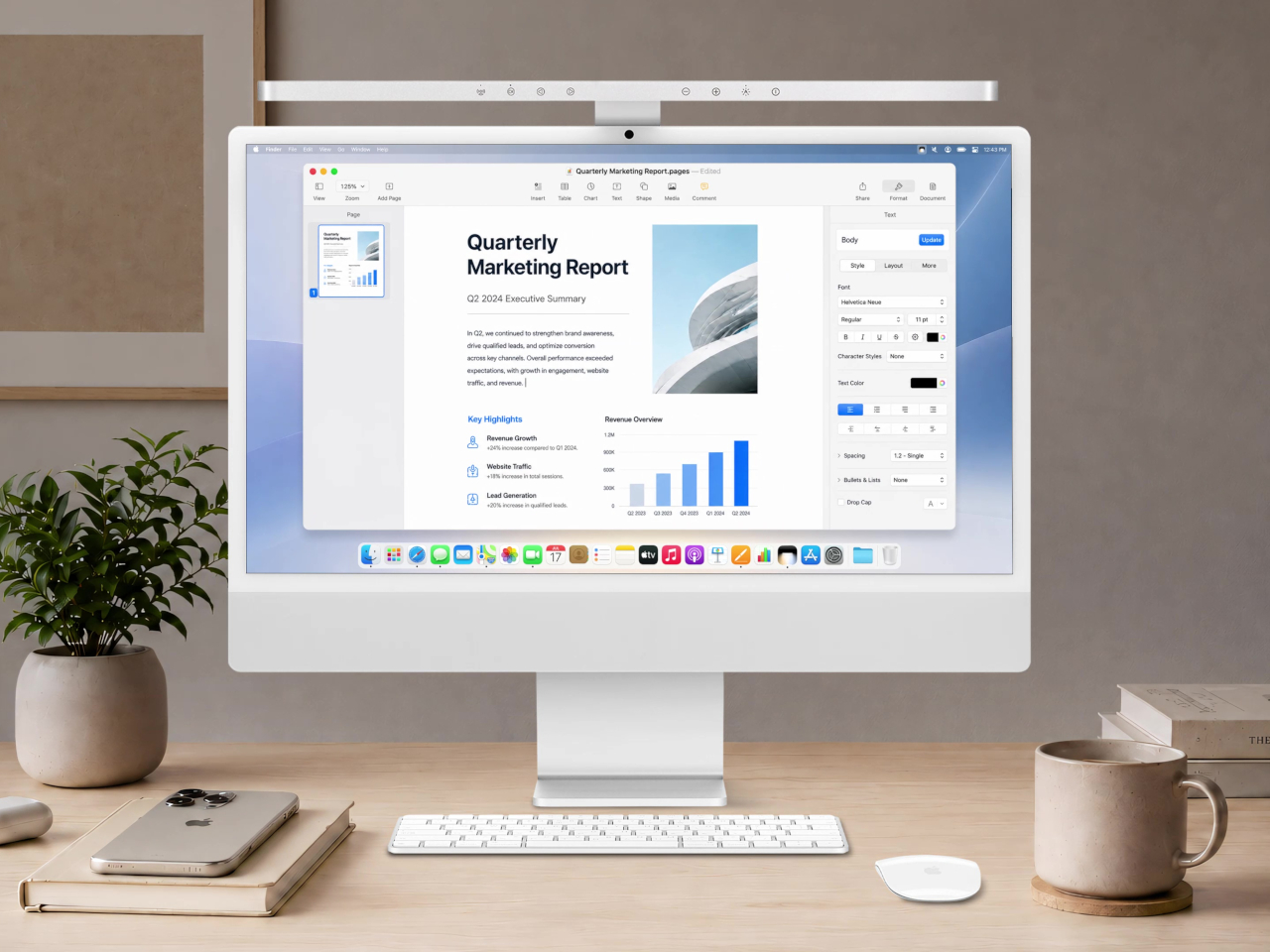
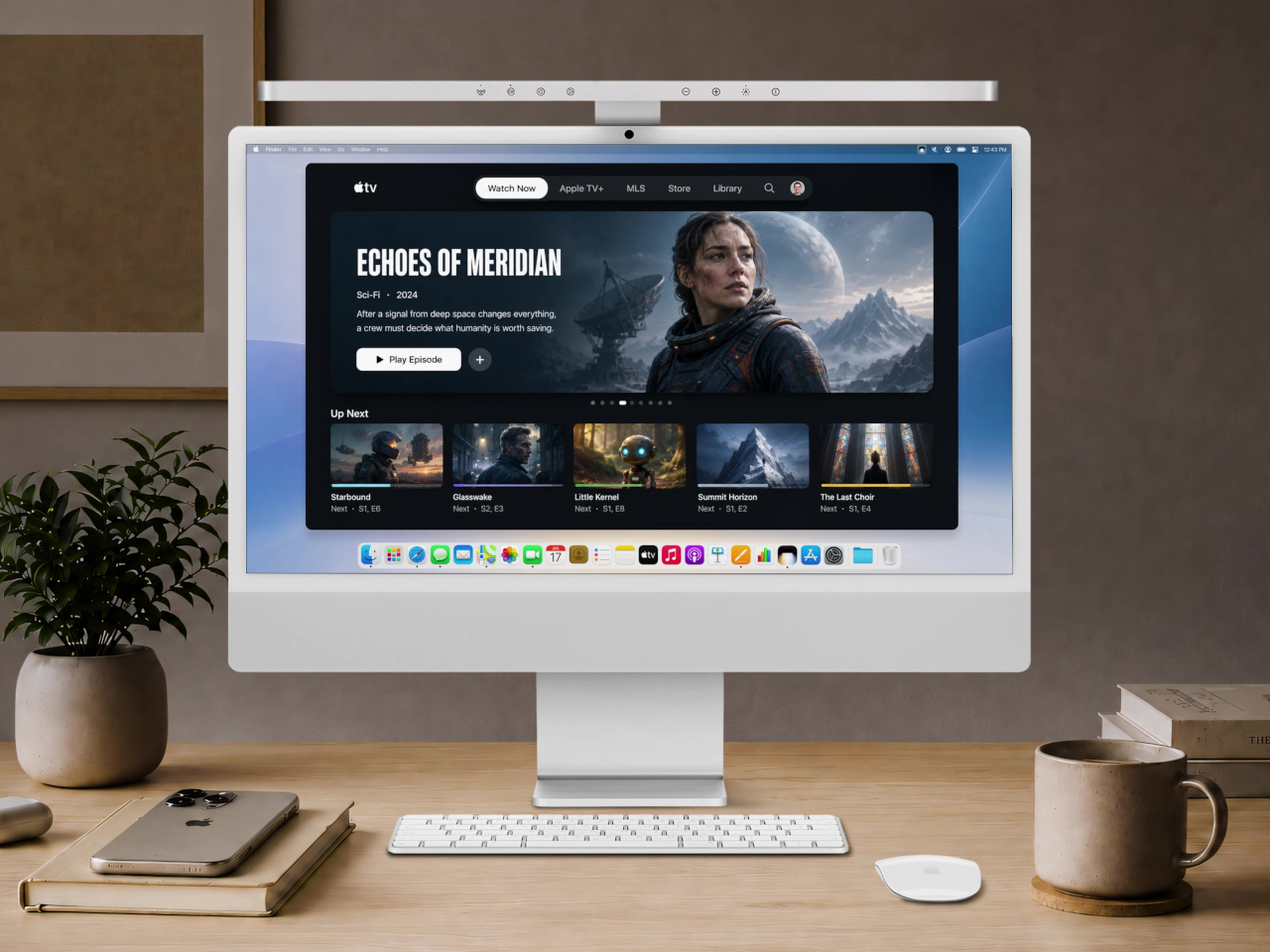
Image: Apple iMac M4

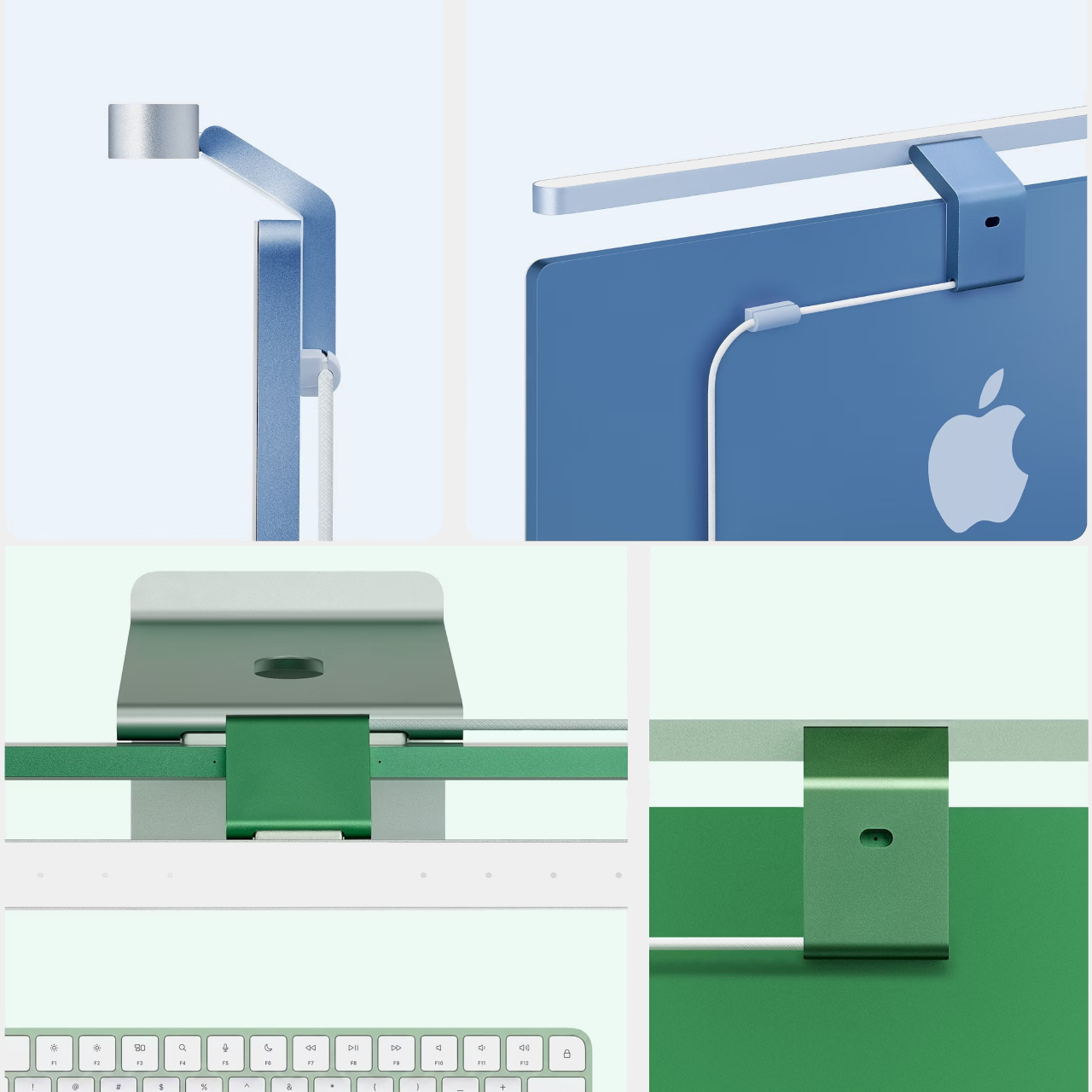
The iMac features a thoughtful color design, showcasing bold hues on the back and more subtle tones on the front. This allows it to look great from every angle while minimizing distractions during work.

Apple has also updated its accessories—the Magic Keyboard, Magic Mouse, and optional Magic Trackpad now come in colors that match the iMac.

4. Nano-Texture Display Option

Apple now offers a nano-texture glass option for the 24-inch 4.5K Retina display, significantly reducing reflections and glare for improved usability in bright environments.

Image: Apple iMac M4 New Nano-Texture Display Option

The nano-texture glass is created through a nanometer-level etching process that gives the display a matte finish, allowing users to place their iMac in brightly lit environments without worrying about reflections. This option makes the iMac particularly suitable for a wider range of locations, such as sunlit living rooms or bright office spaces, where traditional glossy screens might struggle with visibility. By reducing glare, the nano-texture glass helps maintain exceptional image quality, ensuring accurate colors and sharpness regardless of ambient lighting conditions.

5. Enhanced Video Calling with 12MP Center Stage Camera

The iMac M4 features a 12MP ultrawide camera with Center Stage, which uses machine learning to keep subjects centered in the frame. This makes video calls more engaging, whether it’s for families gathered on FaceTime or professionals giving presentations. Center Stage automatically pans and zooms as people move, ensuring everyone stays in view.

Image: Apple iMac M4 12MP Center Stage Camera

Additionally, the new camera supports Desk View, which utilizes the wide-angle lens to show both the user and a top-down view of their desk simultaneously. This feature is particularly useful for educators demonstrating lessons or creators showcasing projects, enhancing the versatility of the iMac for video communication. The camera is complemented by a studio-quality three-microphone array with beamforming technology, ensuring clear audio and a six-speaker sound system that provides an immersive audio experience for calls and media.

6. Advanced Connectivity with Thunderbolt 4

The iMac M4 features Thunderbolt 4 support on all USB-C ports, significantly enhancing data transfer speeds and providing greater versatility for external connections. With Thunderbolt 4, users can connect up to two 6K external displays, creating an expansive and productive workspace ideal for professionals needing multiple monitors for multitasking, video editing, or design work.

Image: Apple iMac 4 Thunderbolt 4

These Thunderbolt 4 ports also allow for seamless connectivity to high-speed external storage devices, making it easier to transfer large files, back up data, or expand storage capacity without compromising performance. This feature is particularly beneficial for creative professionals who work with large media files and need quick access to their projects.

In addition to Thunderbolt 4, the iMac M4 supports Wi-Fi 6E, the latest evolution in wireless technology, which provides faster internet speeds, reduced latency, and greater capacity for handling multiple devices simultaneously. Whether streaming content, gaming, or conducting video calls, users will benefit from a more stable and responsive connection.

Bluetooth 5.3 is also supported, ensuring improved connectivity with peripherals such as headphones, keyboards, and other wireless devices. This enhancement means users can enjoy faster pairing, greater range, and more reliable connections, which contribute to a more fluid and enjoyable user experience.

7. macOS Sequoia: Designed for Today’s Demands

The iMac M4 comes with macOS Sequoia, which introduces features like iPhone Mirroring—allowing users to interact with their iPhone directly from their Mac. Safari has also received significant updates, including Highlights, which quickly pulls up relevant information from websites, and a redesigned Reader offering a table of contents and high-level summaries. Distraction Control allows users to hide specific items on a webpage, creating a more focused browsing experience.

Gaming enthusiasts will appreciate the improvements to Game Mode, which optimizes system performance for gaming, and the addition of Personalized Spatial Audio, enhancing the gaming experience by delivering immersive sound that adapts to the user’s head movement. These enhancements position the iMac M4 as a capable gaming machine.

8. Environmental Consciousness

The new iMac M4 is designed with sustainability in mind. The stand is made from 100% recycled aluminum, while multiple printed circuit boards use 100% recycled gold plating, tin soldering, and copper. The packaging is entirely fiber-based, bringing Apple closer to its goal of eliminating plastic from all packaging by 2025.

Apple’s broader environmental initiatives include making the iMac energy-efficient and free of harmful substances like mercury, brominated flame retardants, and PVC. These efforts are part of Apple’s commitment to carbon neutrality across its entire carbon footprint by 2030.

9. Improved Security with Touch ID

The Magic Keyboard with Touch ID comes standard on models with the 10-core CPU and 10-core GPU, providing a convenient and secure way to unlock the computer, make online purchases with Apple Pay, and switch between user profiles. Touch ID also works with Fast User Switching, allowing multiple users to quickly and easily access their personal settings on the same iMac, making it ideal for shared environments.

Image: Apple TouchID

For those who value both privacy and convenience, Touch ID ensures that sensitive information remains secure while providing a seamless experience. Whether a family shares a computer or a small business uses a shared workstation, Touch ID enhances the usability of the iMac M4 by providing a simple yet effective security measure.

10. Customization and Accessibility

Offering a range of customization options, the iMac M4 provides different processor configurations and color-matched accessories. Users can choose between models with varying core counts to match their performance needs, and personalize their workspace with accessories that complement their iMac’s color.

macOS Sequoia continues Apple’s tradition of robust accessibility features, making the iMac usable by as many people as possible. These features include VoiceOver for visually impaired users, Switch Control for those with limited mobility, and new tools designed to make macOS even more inclusive, ensuring everyone can experience the full power of the iMac M4.

A New Standard for All-in-One Computing

The iMac M4 makes desktop computing more powerful and intuitive, thanks to the M4 chip, Apple Intelligence, and upgraded display and camera features. Together, these enhancements create an all-in-one computer that boosts performance, productivity, and everyday use.

The post Top 10 Reasons Why Apple’s iMac M4 is the All-in-One Desktop You Need: Unmatched Power, Innovation, and Style first appeared on Yanko Design.
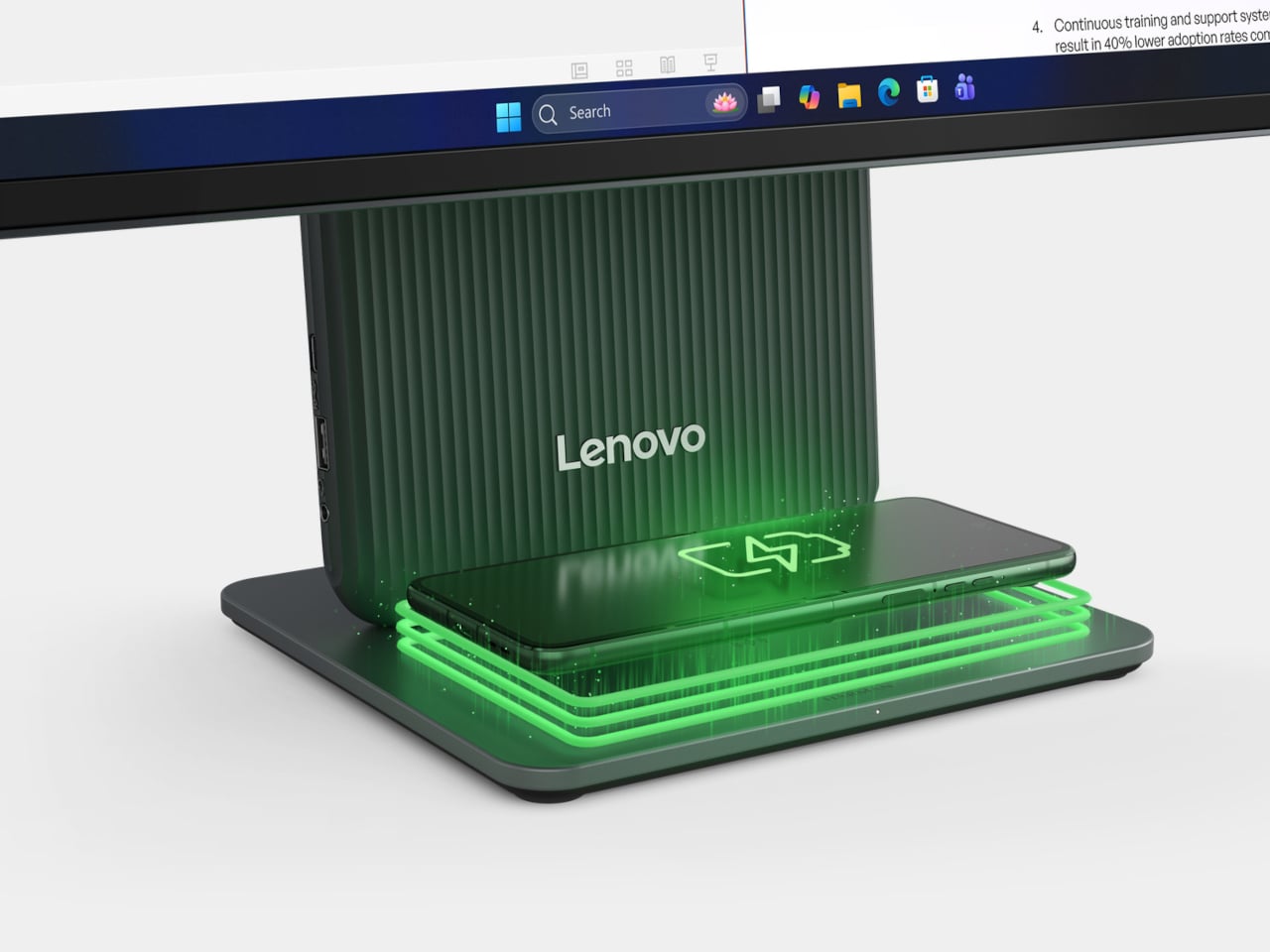
Powerful Mini-PC Fits Inside a Foldable Keyboard with AMD Ryzen 7 and 1TB SSD

Barely the size of a Mac mini, the Lunar is a 2-in-1 Foldable Keyboard that packs an entire PC into its compact design. Think of it as a laptop’s spiritual sibling – designed to fit anywhere and be carried wherever you go. All you really need is a display, be it a monitor, an iPad, or even those newfangled carry-anywhere AR glasses.

Sometimes, innovation surprises you not with flashy features, but with a simplicity that redefines an experience. The Lunar mini PC is exactly that—a folding keyboard that, when unfolded, reveals the heart of a powerful AMD Ryzen-powered computer. I’ve been following the trends in portable computing for years, and rarely does a device manage to balance performance, design, and practicality as seamlessly as this. It’s easy to overlook, especially if you’re used to thinking of PCs as large, cumbersome machines, but the Lunar mini PC changes that perception the moment you hold it.

Designer: ling long

Click Here to Buy Now: $579 $699 ($120 off) Hurry! Only 67 of 100 left. Raised over $110,000 USD.

The AMD Ryzen 7 8840U processor inside might sound like overkill for something this small, but it’s not just about raw power. Think about how we work today: jumping from a coffee shop to a co-working space, sometimes connecting to external monitors, sometimes working straight from a tablet or even AR glasses. Lunar’s decision to skip a built-in screen in favor of external display options is more of a design statement than a compromise. Why drain battery life on an extra screen when you can wirelessly stream to a device you already carry, or plug into a larger display for more serious tasks? It’s an approach that resonates with anyone tired of carrying excess tech that never quite fits their routine.

Sure, it’s portable, but how does it feel? The Lunar PC’s keyboard is surprisingly satisfying, especially given its folding nature. It’s designed to feel like a proper typing experience, not the cramped, flimsy experience you get from so many portable keyboards. Folded down, it weighs just 800 grams, and its slim profile (6.1 x 4.3 x 1.1 inches) means it can easily be slipped into a backpack or messenger bag. When unfolded, the keyboard stretches to nearly 30 cm, offering a comfortable layout even for extended typing sessions, with 1.2mm scissor switches that offer a fair amount of travel. With up to 32GB of LPDDR5X RAM, 1TB SSD, and nearly 10 hours of battery life on a full charge, you could easily use the mini-PC for everything from gaming to editing photos and videos – something you wouldn’t be able to do on, say, an Android tablet that’s just as portable.

Surprisingly, the foldable keyboard packs more port variety than your average MacBook Air or Chromebook. It’s equipped with Wi-Fi 6 and Bluetooth 5.2, ensuring you’re getting the latest in wireless technology. You’ve also got the flexibility of a USB 3.0 Type-A, a USB 3.2 Type-C, and a USB4 port, which means you can connect pretty much anything you need, whether it’s external storage, a monitor, or even a full docking station. With a 16,000mAh battery inside, it’s designed to get you through a full day of light work without being tethered to a wall. This kind of flexibility in a mini PC is rare, especially when most of us are constantly juggling devices and chargers.

The appeal of Lunar extends to its flexibility—if you need a screen, it’ll connect to virtually any display you already own, and for something more immersive, AR and VR headsets like the XReal Air 2 or Apple Vision Pro are compatible. This makes it particularly appealing for creatives or those who need to switch between work and entertainment modes seamlessly. It’s not limited to individual use either. The Lunar can create a hotspot to share its connectivity with other devices, making it a great solution for team projects or collaborative work away from the office.

As someone who’s always on the lookout for tech that balances design and functionality with a creative approach, the Lunar 2-in-1 is exciting. Currently, it’s live on Kickstarter with a starting price of $579 for the base model, which includes 16GB of RAM and 512GB of storage (that’s about as much as my gaming laptop for half the price and half the size). Shipping is expected to start in January 2025, with a GaN charger included with each Lunar mini-PC for easy charging. Whether you’re a designer, a writer, or just someone tired of carrying too many gadgets, the Lunar 2-in-1 feels like the kind of device that could simplify your setup without sacrificing performance. And honestly, isn’t that the dream? A full PC in your pocket, ready to work wherever you are.

Click Here to Buy Now: $579 $699 ($120 off) Hurry! Only 67 of 100 left. Raised over $110,000 USD.

The post Powerful Mini-PC Fits Inside a Foldable Keyboard with AMD Ryzen 7 and 1TB SSD first appeared on Yanko Design.
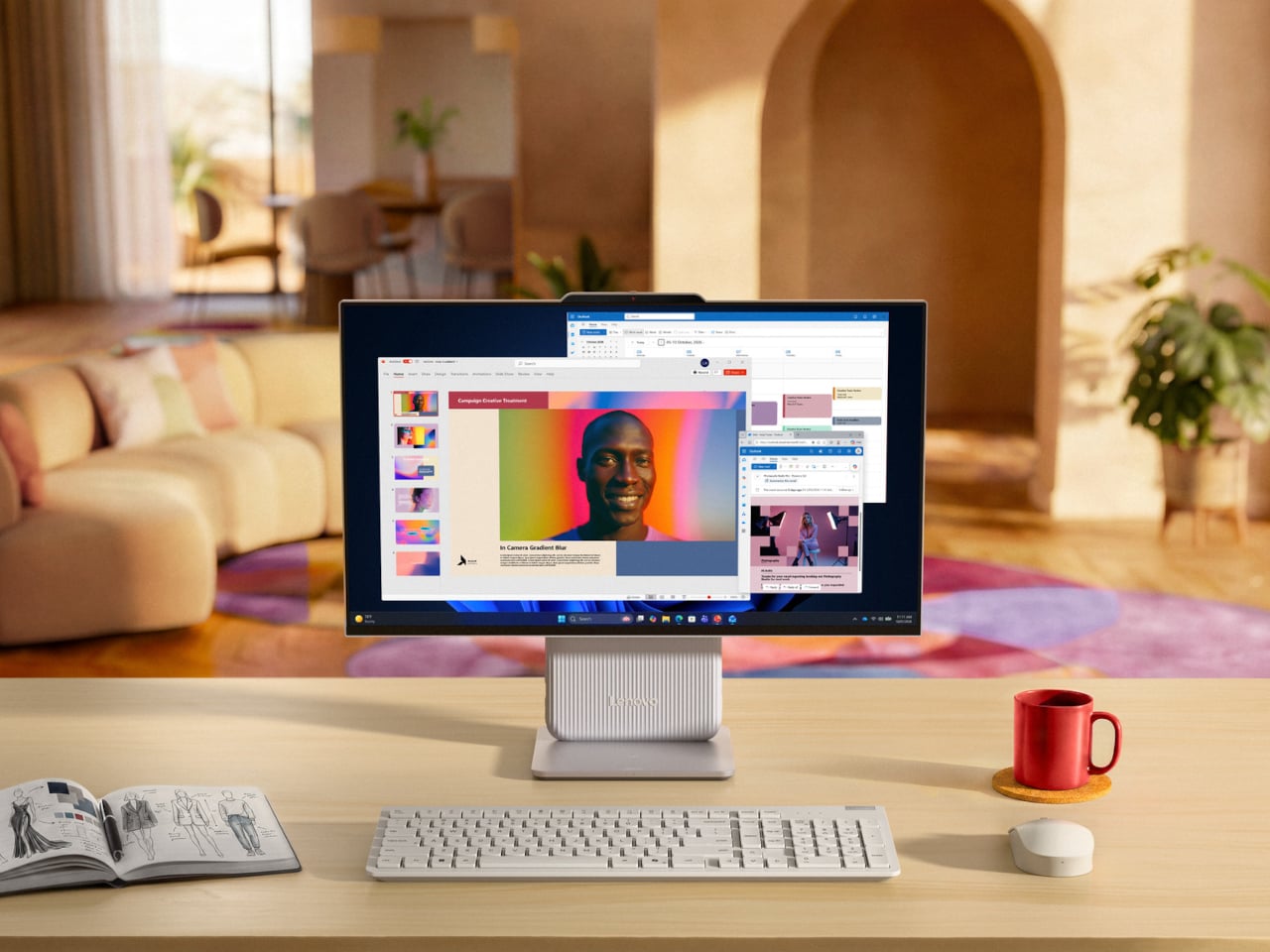
Custom Balrog and Gandalf Keycaps give your Mechanical Keyboard a LOTR Middle-Age facelift

Few moments in fantasy history are as iconic as Gandalf’s showdown with the Balrog on the Bridge of Khazad-dûm. Now, thanks to a collaboration between Drop and The Lord of the Rings, this epic clash has been immortalized in a way that combines fandom with functionality. The Balrog and Mithrandir Artisan Keycap and Spacebar set offers a chance to bring the magic of Middle-earth to your fingertips, and it’s more than just a collector’s item. It’s a fusion of premium craftsmanship, stunning design, and technical precision that adds a touch of the fantastical to your everyday typing experience.

Designer: Dwarf Factory for Drop

Crafted by Dwarf Factory, each piece is an artisan masterpiece in resin, featuring rich details that evoke the essence of these legendary characters. The Balrog, with its fiery menace and aggressive stance, looks ready to engulf your entire keyboard, while Mithrandir stands resolute, channeling his defiant power just as he did when facing the beast. The level of detail is extraordinary—from the flame-like textures on the Balrog to the serene yet powerful expression of Gandalf, these keycaps are tiny works of art. Available in a 1u size for both characters, and with the Balrog also available as a 6.25u spacebar, these keycaps not only add visual impact but are also fully functional. They integrate smoothly with Cherry MX switches and clones, making them a natural fit for most mechanical keyboards.

The 1u Balrog keycap is nothing short of a fiery masterpiece. Designed to reflect the raw power and menacing presence of Durin’s Bane, it features intricate detailing that brings the dark, fiery creature to life. With its flame-engulfed body and haunting expression, the keycap feels like it’s radiating heat right off your keyboard. The resin material used for the keycap captures the vivid colors of fire, from the burning red to deep molten black, creating a striking visual contrast that mirrors the Balrog’s destructive force. Every angle of this 1u keycap has been meticulously designed to showcase the Balrog’s fearsome nature, making it a perfect choice for those looking to add an element of danger and mystery to their keyboard setup. It fits comfortably on any Cherry MX switch or clone, ensuring that it’s as functional as it is eye-catching.

Mithrandir, or Gandalf, takes center stage in the second 1u keycap, offering a calm but powerful contrast to the Balrog. In this design, Gandalf is depicted in his role as the Grey Pilgrim, holding his staff and ready to face down the ancient evil with the iconic line, “You shall not pass!” The keycap perfectly captures the quiet strength and wisdom that defines the wizard, with intricate detailing in his robes and an expression of calm determination. Crafted in resin, the Mithrandir keycap offers a more subtle aesthetic compared to the fiery Balrog, but its craftsmanship is no less impressive. The muted grey tones and flowing details create a sense of movement, almost as if Gandalf himself is preparing to strike. This keycap serves as a symbol of resilience and courage, and for fans of The Lord of the Rings, it’s a meaningful reminder of Gandalf’s pivotal role in the story.

The pièce de résistance, however, is the 6.25u Balrog spacebar. A true showstopper, this spacebar turns your keyboard into a battleground between the Maiar. Unlike the 1u keycap, the spacebar offers a wider canvas, allowing for even more detail in the Balrog’s fiery design. The flames stretch across the length of the spacebar, creating a dramatic scene that feels like it’s pulled straight from the depths of Moria that comes to life with the backlight switched on. The spacebar also features subtle texturing that mimics the rugged look of stone, further emphasizing the destructive force of the Balrog. With its large profile and vivid design, this spacebar commands attention and becomes the focal point of any keyboard. And, like the other keycaps in the set, it’s compatible with Cherry MX switches, ensuring that your epic setup doesn’t sacrifice functionality for style.

The custom-made keycaps are the perfect combination of nostalgia and utility, seamlessly blending a piece of Tolkien’s world into your everyday life. Whether you’re aligning yourself with the fiery might of the Balrog or the steadfast courage of Mithrandir, these keycaps turn your keyboard into a mini piece of Middle-earth. And with their high-quality resin construction, you can trust that they’re built to last, no matter how epic your typing battles become.

Priced at $49, a notable drop from its original $65, the Balrog and Mithrandir Artisan Keycap and Spacebar set is available for pre-order now, with an estimated shipping date of February 10, 2025.

The post Custom Balrog and Gandalf Keycaps give your Mechanical Keyboard a LOTR Middle-Age facelift first appeared on Yanko Design.
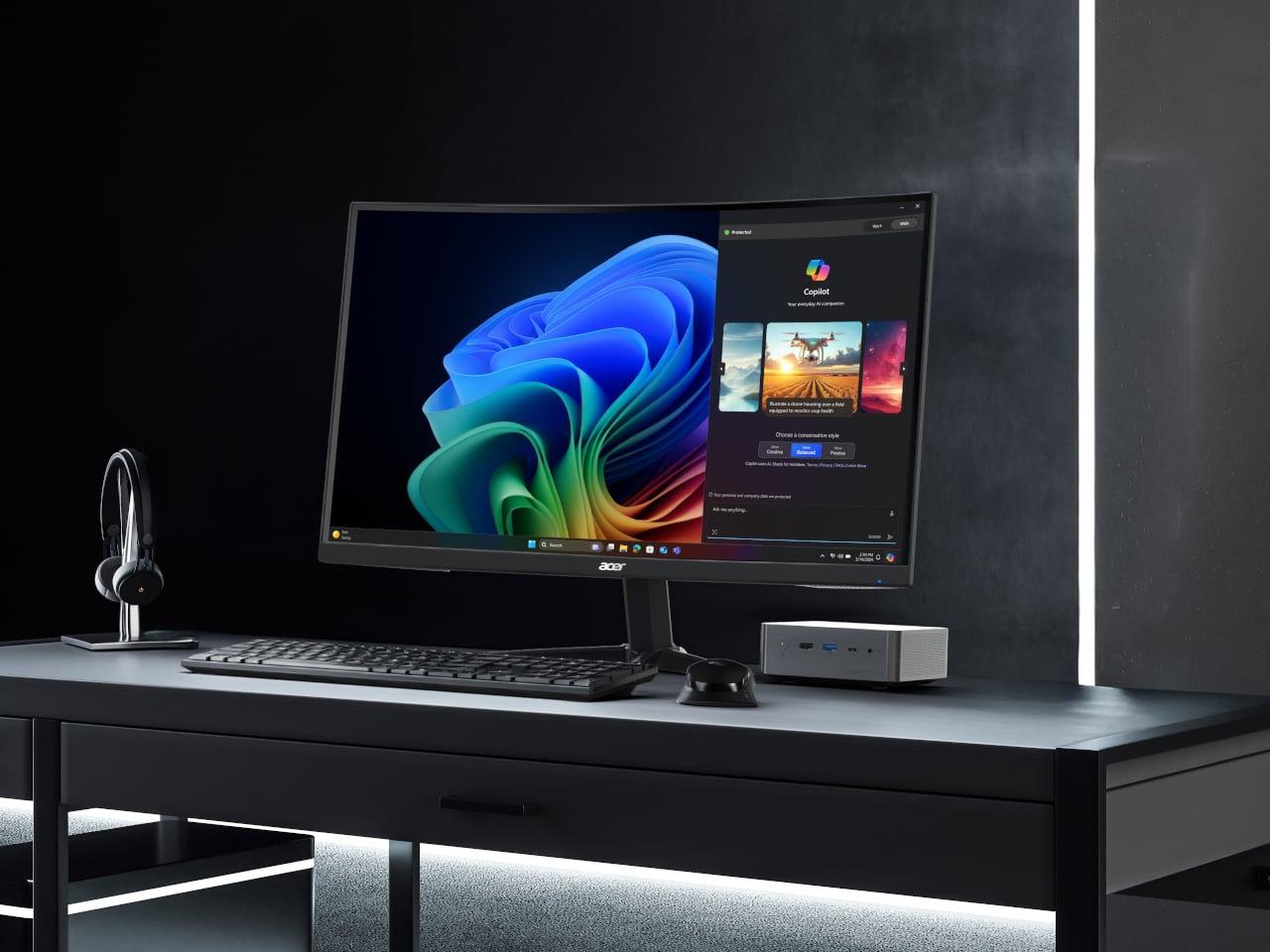
DIY tiny Windows XP PC is an extreme nostalgia trip

Although the craze for old “retro” designs has gripped many industries, it has taken a rather odd direction in the computing and gaming worlds. More than just recreating the designs and experiences of the past, many retro computers or consoles also strangely decided to shrink those products down to sometimes unusable sizes. Though manufacturers like Nintendo have jumped on that bandwagon, the biggest push comes from makers and modders who now have a wide arsenal of tools available at their disposal, giving them the freedom to create or recreate almost any design imaginable. This painstaking DIY project, for example, tries to bring back the iconic beige computer boxes of the 90s in a way that’s almost usable, at least if you can manage squinting at a 4-inch screen.

Designer: Salim Benbouziyane

The PCs of the 90s and early 2000s aren’t really the epitome of inspired industrial design, which is why their rival Macs became the choice of designers, creators, and design-conscious users. Nonetheless, these geometric boxes were also the pinnacle of computing technology of that period, earning them their place not only in offices and homes but also in iconography. There are also quite a number of fond memories attached to these machines, which some more skilled craftsmen are now using to turn some of that nostalgia into a working PC, albeit a miniature one.

Patterned after one of the more common designs of Dell PCs, this tiny retro computer revives the spirit if not the function of those 90s computers. It’s pretty much a box-like CRT monitor sitting on top of another horizontal box which was the convention for desktop computers at that time. The attention to detail is pretty impressive, from the carved DELL branding to tiny “Intel Inside” and Windows decals.

It’s a completely functional computer, though not all represented features actually work. The floppy disk drives, for example, are naturally too small for any disk, but they happen to be the right side to let a micro SD card through. There are LED lights to indicate power and mimic the flickering “hard drive spinning” activity. On the software side, it convincingly mimics the Windows XP look and feel, but it’s actually a flavor of Linux designed for the Raspberry Pi that’s running inside. And, of course, it can run DOOM, just like any self-respecting computer.

As impressive as this intricate recreation might be, it is also one that is a true labor of love. It requires a lot of 3D printing, custom soldering, and fiddling with electronics, so it’s not something that just about anyone can do on their own. Fortunately, the instructions and materials for this project are all listed and available for anyone to see, reliving the spirit of openness and exploration that was also alive during that period.

The post DIY tiny Windows XP PC is an extreme nostalgia trip first appeared on Yanko Design.
DIY tiny Windows XP PC is an extreme nostalgia trip

Although the craze for old “retro” designs has gripped many industries, it has taken a rather odd direction in the computing and gaming worlds. More than just recreating the designs and experiences of the past, many retro computers or consoles also strangely decided to shrink those products down to sometimes unusable sizes. Though manufacturers like Nintendo have jumped on that bandwagon, the biggest push comes from makers and modders who now have a wide arsenal of tools available at their disposal, giving them the freedom to create or recreate almost any design imaginable. This painstaking DIY project, for example, tries to bring back the iconic beige computer boxes of the 90s in a way that’s almost usable, at least if you can manage squinting at a 4-inch screen.

Designer: Salim Benbouziyane

The PCs of the 90s and early 2000s aren’t really the epitome of inspired industrial design, which is why their rival Macs became the choice of designers, creators, and design-conscious users. Nonetheless, these geometric boxes were also the pinnacle of computing technology of that period, earning them their place not only in offices and homes but also in iconography. There are also quite a number of fond memories attached to these machines, which some more skilled craftsmen are now using to turn some of that nostalgia into a working PC, albeit a miniature one.

Patterned after one of the more common designs of Dell PCs, this tiny retro computer revives the spirit if not the function of those 90s computers. It’s pretty much a box-like CRT monitor sitting on top of another horizontal box which was the convention for desktop computers at that time. The attention to detail is pretty impressive, from the carved DELL branding to tiny “Intel Inside” and Windows decals.

It’s a completely functional computer, though not all represented features actually work. The floppy disk drives, for example, are naturally too small for any disk, but they happen to be the right side to let a micro SD card through. There are LED lights to indicate power and mimic the flickering “hard drive spinning” activity. On the software side, it convincingly mimics the Windows XP look and feel, but it’s actually a flavor of Linux designed for the Raspberry Pi that’s running inside. And, of course, it can run DOOM, just like any self-respecting computer.

As impressive as this intricate recreation might be, it is also one that is a true labor of love. It requires a lot of 3D printing, custom soldering, and fiddling with electronics, so it’s not something that just about anyone can do on their own. Fortunately, the instructions and materials for this project are all listed and available for anyone to see, reliving the spirit of openness and exploration that was also alive during that period.

The post DIY tiny Windows XP PC is an extreme nostalgia trip first appeared on Yanko Design.
MINISFORUM AtomMan G7 Ti is a gaming laptop without a screen standing like a PS5

Gaming PCs have a notoriety for being big, hulking, and kaleidoscopic machines, though that seems to be only true for desktops these days. Gaming laptops are becoming slimmer, gaming mini PCs have started popping up, and let’s not forget the growing number of handheld PCs designed specifically for gaming purposes. Suffice it to say, the design of gaming PCs is undergoing a shift, transforming from cyberpunk monstrosities to sleek art objects. Of course, design tastes differ, and even the current PlayStation 5’s smooth curves and trophy-like appearance didn’t sit well with everyone. This new MINISFORUM “mini” gaming desktop PC follows in those footsteps and looks like something that is a cross between a very straight and tall PS5 and a gaming laptop that had its screen removed.

Designer: MINISFORUM

It’s hard to call the AtomMan G7 Ti a “mini PC” the way it stands over 15 inches tall, but it won’t take up too much desk space compared to a regular tower thanks to its super-slim 1.3-inch profile. The gaming computer is what you’d get if you took a gaming laptop and stood it on its side, which is practically what this gaming rig really is, except that it needs to be plugged into a monitor and power source, cementing not only its “feet” but also its image as a desktop computer.

Inside, it’s powered by a Core i9 14900HX, not the AI-toting “Ultra” variant, that’s paired with an NVIDIA RTX 4070 of the mobile laptop kind. If that doesn’t scream “laptop computer,” then may the two thin fans situated on only one side of the chassis will. There might be some arguments that a gaming desktop will need more cooling than that, but gaming laptops have definitely survived with just as much. This demonstrates the sort of cognitive confusion on whether this computer is really a desktop or a laptop in disguise.

It definitely offers many things you’d only find in desktop computers, like support for up to 96GB of RAM and a plethora of ports for connecting almost anything imaginable. The latter is important since you can’t really use it on its own and will need to connect peripherals like, well, a monitor. On the other hand, some gamers might be on the fence about its actual performance, considering the constrained hardware and cooling.

The MINISFORUM AtomMan G7 Ti is definitely going to be an acquired taste, especially with a design that looks more like a classy desktop than a gaming rig. It does have some RGB lighting, but only on the front and limited to a string of LED “arrows.” Pricing and availability details remain undisclosed, but it’s definitely an interesting take on your typical gaming desktop computer, one that prioritizes appearances and space efficiency over raw power.

The post MINISFORUM AtomMan G7 Ti is a gaming laptop without a screen standing like a PS5 first appeared on Yanko Design.
Mini-PC the size of a Mac Studio comes with a Ryzen 9 Chipset and a 7-inch Touchscreen

Imagine if your iPad Mini had ports, a powerful computer, and the ability to work alongside your main machine as a perfect productivity sidekick. That’s what the Miniproca is aiming to be.

Slightly wider than a Mac Studio (thanks to its rectangular design), the Miniproca is a mini PC with the attitude of a conventional desktop. Equipped with an AMD Ryzen 9 6900HX processor, this mini-PC delivers robust performance capable of handling demanding tasks with ease. Complementing the processor are Radeon RX 680M graphics, which ensure smooth visuals for gaming, video editing, and other graphically intensive applications. However, the mini PC also packs a 7-inch touchscreen on the top that folds outwards to face you, turning it into what I can only describe is the opposite of a laptop. The tiny touchscreen display becomes the Miniproca’s visual unit, allowing you to use your PC in a variety of ways. Sure, you could use it as a secondary display while you connect a larger monitor to the Miniproca, or the touchscreen could become your dashboard or widget center, acting as a place to display other core information, whether it’s stock prices for traders, gaming stats for gamers, hotkeys for streamers, or just YouTube or Netflix on the side while you work for most people.

Designer: Miniproca

Click Here to Buy Now: $699 $1259 (44% off) Hurry, only 9 days left.

The Miniproca really tries to create a new category of computing by combining two existing categories – the mini tablet, and the mini PC. Tablets are great because they’re touch-sensitive and portable… but they’re not powerful. A mini PC on the other hand packs power, but without a screen. In comes the Miniproca, hitting two birds with the same stone. The integrated touchscreen transforms the device into a versatile computing solution. The touchscreen can be positioned in various angles, from flat to a 90-degree upright position, offering flexibility for different use cases. As a secondary monitor, it can enhance productivity by providing additional workspace for applications, communication tools, or reference materials. For those seeking a more portable setup, the Miniproca can serve as a standalone device, with the touchscreen providing a convenient interface for various tasks.

Design-wise, the Miniproca adopts a minimalist aesthetic that complements modern workspaces. Its aluminum alloy chassis exudes durability while maintaining a sleek profile. The standout feature is the integrated 7-inch touchscreen, which flips up to reveal a multi-touch display. This innovative design offers flexibility in usage, allowing it to function as a standalone device, a secondary monitor, or even a digital photo frame. The inclusion of anti-slip pads on the base ensures stability on various surfaces.

Under the hood, the Miniproca packs a powerful punch. At its core lies an AMD Ryzen 9 6900HX processor, delivering robust performance for demanding tasks such as video editing, content creation, and gaming. Complementing the CPU is Radeon RX 680M graphics, capable of handling visually intensive applications with ease. Users can further enhance performance by opting for up to 32GB of DDR5 memory and a spacious 2TB PCIe 4.0 SSD.

Connectivity is a crucial aspect of any modern computing device, and the Miniproca doesn’t disappoint. The device boasts a comprehensive array of ports, including HDMI 2.1, DisplayPort 1.4, and a mix of USB 2.0, 3.2, and Type-C options (in theory, you can connect as many as 3 monitors to the Miniproca, giving you a multi-display setup). Dual Ethernet LAN ports cater to users who prioritize wired connections for stability. Wireless connectivity is ensured through Bluetooth 5.2 and Wi-Fi 6E, allowing seamless integration with other devices.

The Miniproca measures 175 x 137 x 55 mm and weighs 855g, making it highly portable and a great complementary machine to a laptop or existing peripherals. The Miniproca is currently available for pre-order on Kickstarter. Pricing starts at US$699 for the base model with 8GB of RAM and 512GB of storage, while the top-tier configuration with 32GB of RAM and 2TB of storage is priced at US$919.

Click Here to Buy Now: $699 $1259 (44% off) Hurry, only 9 days left.

The post Mini-PC the size of a Mac Studio comes with a Ryzen 9 Chipset and a 7-inch Touchscreen first appeared on Yanko Design.
Someone 3D Printed A Millennium Falcon Wireless Mouse And Now I Want One

Image Credits: @itsrillo

Now that I think about it, the Millennium Falcon’s shape sort of looks like it would lend itself well to a wireless mouse.

In yet another episode of ‘Things I don’t need but want desperately’, here’s the Millennium Falcon wireless mouse. Designed by ‘parkeryaojj’, the mouse sports a design reminiscent of a scaled down model of Han Solo’s spaceship from Star Wars, except with left and right click paddles and a scroll wheel. The only thing really missing are laser blasters and minifigures of Solo and Chewie but a little bit of paint could probably fix that.

Designer: parkeryaojj

Image Credits: @itsrillo

Although I’d expect the Star Wars merch team to already be selling this exact product, the mouse in question is entirely fan-made and has a fair amount of DIY. The outer shell needs to be 3D printed, while the internals use Bambu Labs’ Wireless Mouse Kit, which contains the inner components like the optical sensor, PCB, buttons, and battery enclosure.

You can download the 3D cad files from Maker World and print your own outer shell from ABS or PLA. The shell does come in multiple parts that fix together (and the left and right buttons are held together using pillars you need to break off), and can be printed in any color. In fact someone even managed to print one in transparent filament which does look pretty cool.

You can either print the mouse in a single filament/color and paint the details on, or edit the 3D model and print your final CAD using a multi-filament setup.

Once printed, all you need to do is put all the pieces together, which doesn’t take too long. The result is a mouse that’s gorgeous yet functional. Don’t expect it to be comparable to your ergonomic or gaming mouse, but it still does have a certain flair that will appeal to most true-blue nerds and Star Wars fans. The Bambu Labs kit starts at a mere $12, but the sensor packs a DPI range of 800-1600, which I’d say is pretty impressive.

Image Credits: @itsrillo

The post Someone 3D Printed A Millennium Falcon Wireless Mouse And Now I Want One first appeared on Yanko Design.
Actual Copper Keycaps from Awekeys turn your mechanical keyboard into an Ocean of Rose Gold

Copper plays a VERY important role in electronics, but this might be the first time copper’s been used for its aesthetic properties. Meet the Awekeys Copper Eagle Keycap set – made from actual copper alloy to give your keyboard drip like no other. Sure, people boast about customizing the RGB backlight on their keyboards, but nothing really matches having your keys be made of actual metal. The Copper Eagle set sports keycaps machined from literal metal, giving them a heft and shimmery appeal that plastic wishes it had. Compatible with Cherry MX switches and clones, these keys attach to any supporting mechanical keyboard (no matter the size or style), giving it an audiovisual makeover. The keys offer the distinctly cool feel of metal, but start typing and you realize how much of a difference they actually make. The metal keycaps offer a distinct kind of sound that feels less like a plastic clatter and more like coins clinking against each other. It also helps that the keys make your keyboard look like a million bucks.

Designer: Awekeys

Crafted from recycled cupronickel, a material known for its strength and durability, the Copper Eagle set is a testament to Awekeys’ commitment to sustainable practices without compromising on quality. Each keycap undergoes a meticulous milling process before receiving its signature satin copper plating. This finish isn’t just visually appealing; it also lends a unique tactile sensation to every keystroke. The weight of the metal keycaps contributes to a substantial feel, while the copper’s natural warmth adds a touch of elegance to any setup.

Beyond aesthetics, the Copper Eagle set offers a sonic user experience that sets it apart. Metal keycaps are renowned for their ability to produce a deeper, more resonant click compared to their plastic counterparts. The Copper Eagle does so too, delivering satisfyingly rich auditory feedback that can be customized further with the right switch and keyboard combination. Along with just the cold tactile feel of the metal against your fingertips, the satisfying metallic click just elevates the keyboard’s UX to an entirely new level, eschewing the ‘fake’ plasticity of regular mechanical keyboards and replacing it with the premium appeal of metal.
One’s immediate concern with copper alloys (and glossy keycaps in particular) is the issue of fingerprints and patinas. A copper keyboard only looks classy if it maintains its sheen, and to address that, Awekeys actually coated each keycap with a nanocoating that prevents the metal from oxidizing or reacting to the oil and sweat from your fingertips. The keys should remain pristine and shiny for months with regular wiping down, although the durability of the coating over time is still something to be determined.

The Copper Eagle set comes in various kits to accommodate different keyboard layouts and preferences. The base kit consists of every key required for a 100% layout keyboard, but you can grab custom caps too, including different copper grades that have slightly different hues, and a few vanity keys featuring eagle imagery for your special keys like the enter, escape, backspace, etc.

The obvious caveat here is weight – copper weighs significantly more than plastic, so this should definitely make your keyboard feel considerably heavier than usual, but that’s only really a problem if you’re carrying your keyboard around. The second caveat, and a slightly smaller one, is that these keys (just like your regular mechanical keycaps) won’t support backlights. Most keyboards come with dual-plastic keys that allow the symbols to glow so you can see them in the dark – that’s not really possible with copper, so you’ll be relying entirely on muscle-memory here. The benefit, however, is that you’ll also own the coolest-looking keyboard among your friend circuits.

The post Actual Copper Keycaps from Awekeys turn your mechanical keyboard into an Ocean of Rose Gold first appeared on Yanko Design.