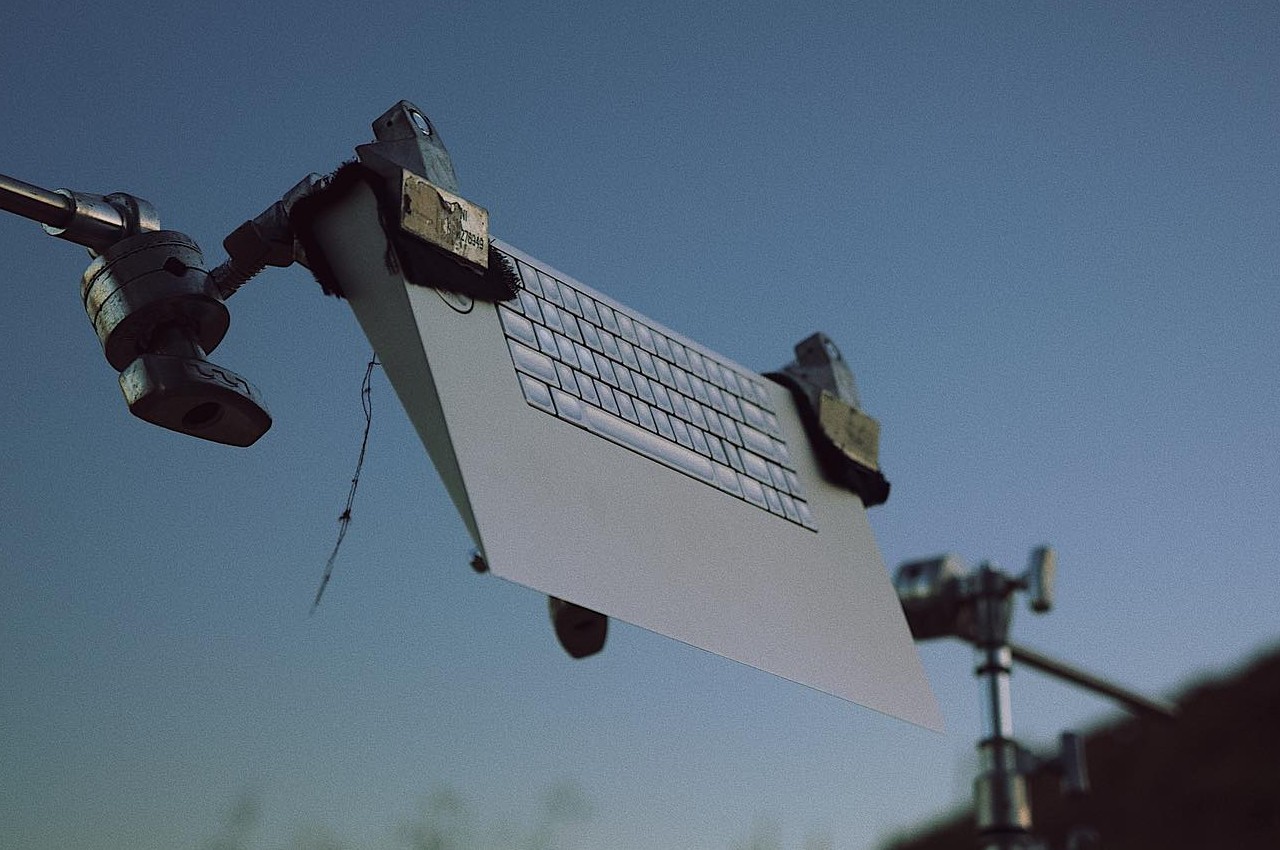
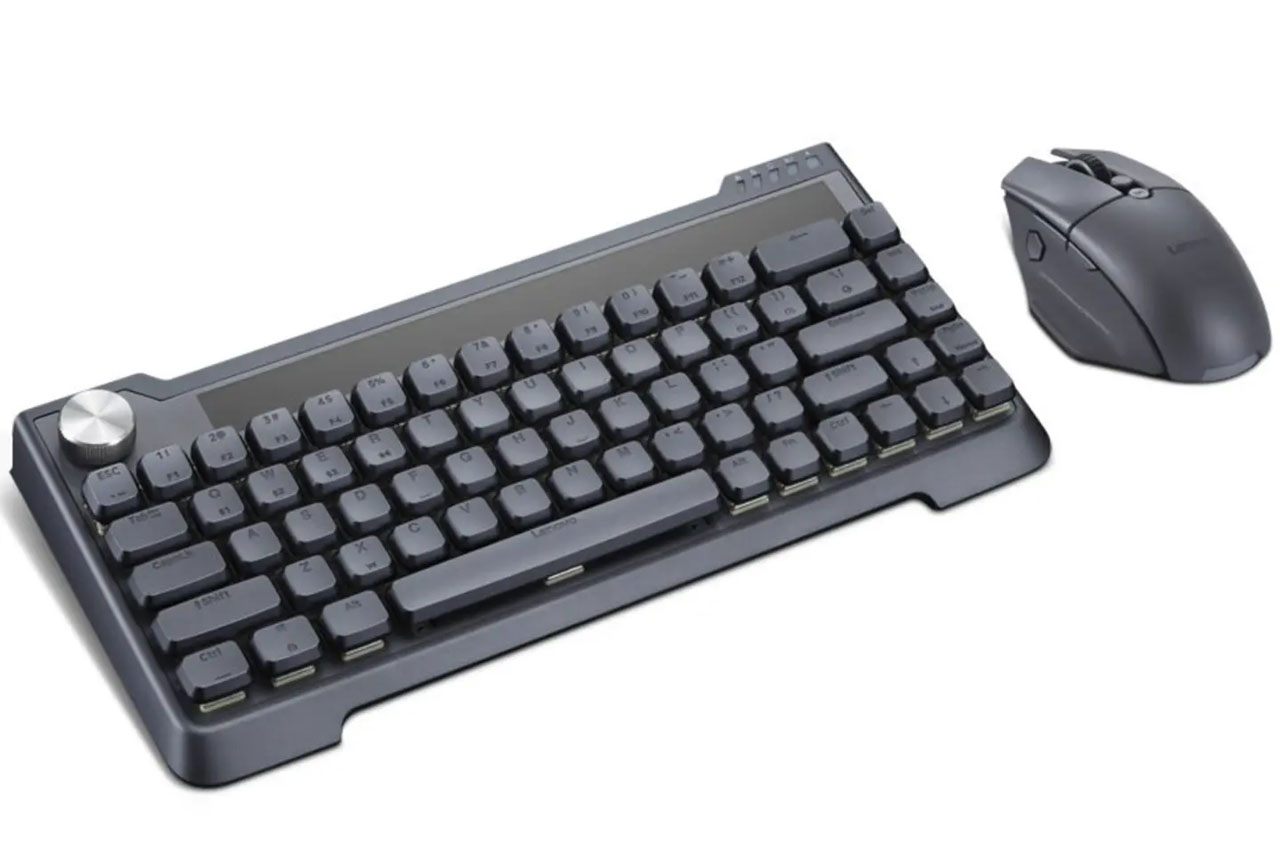
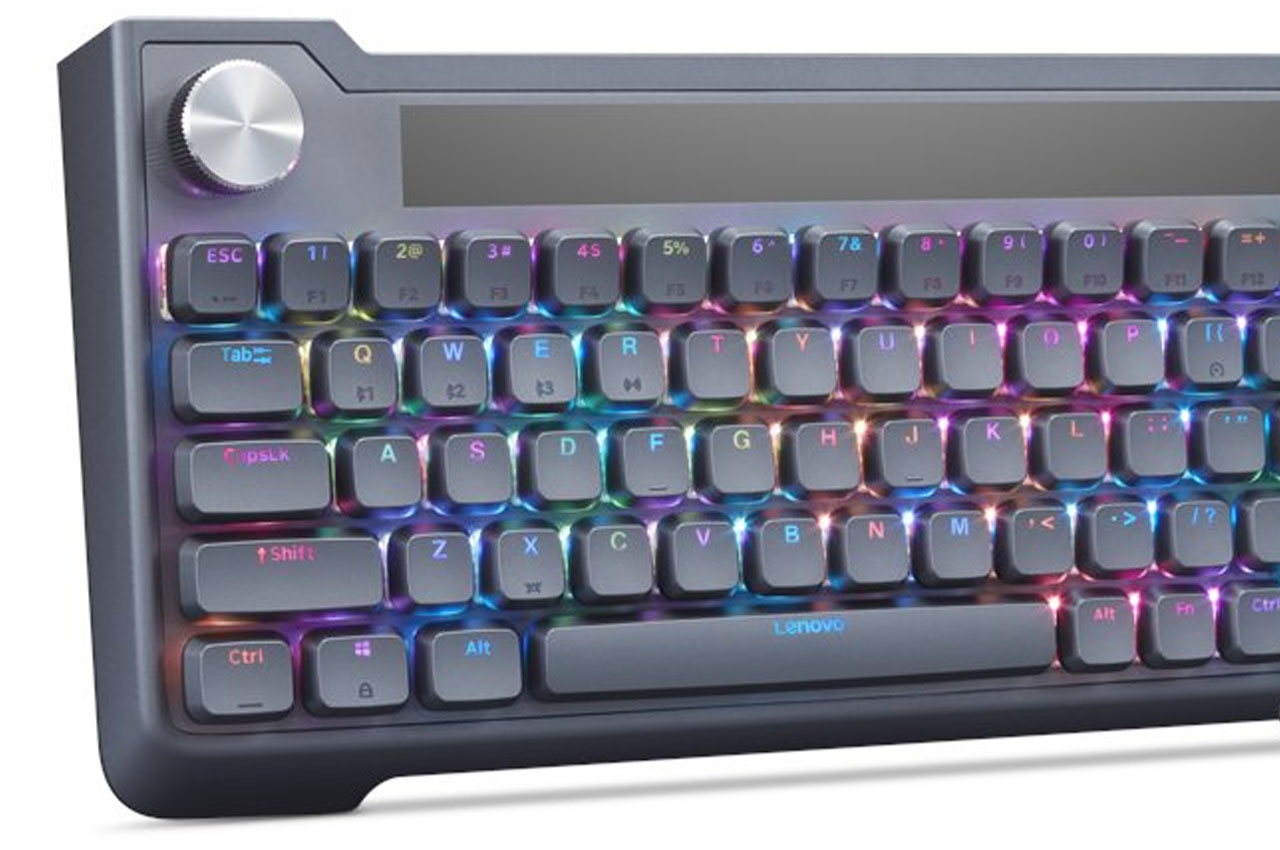
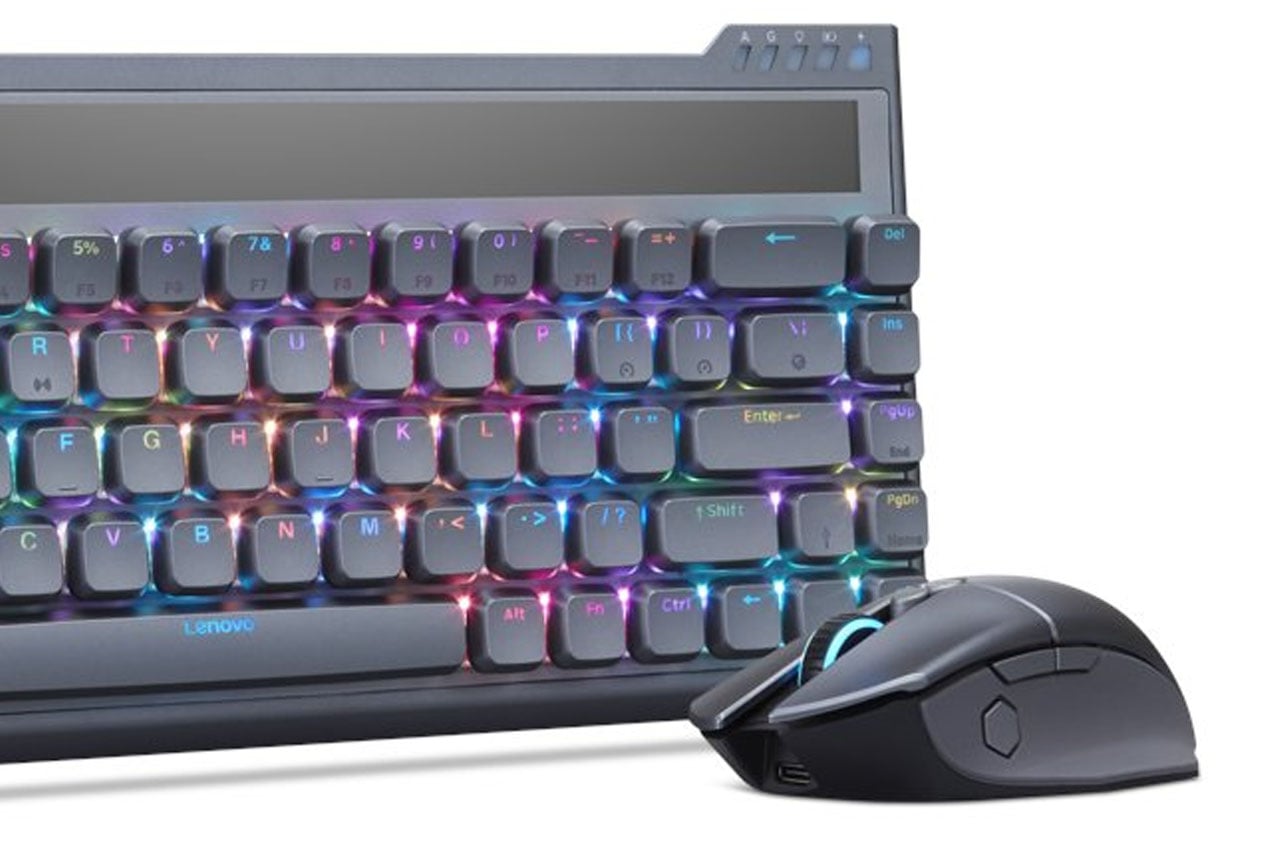
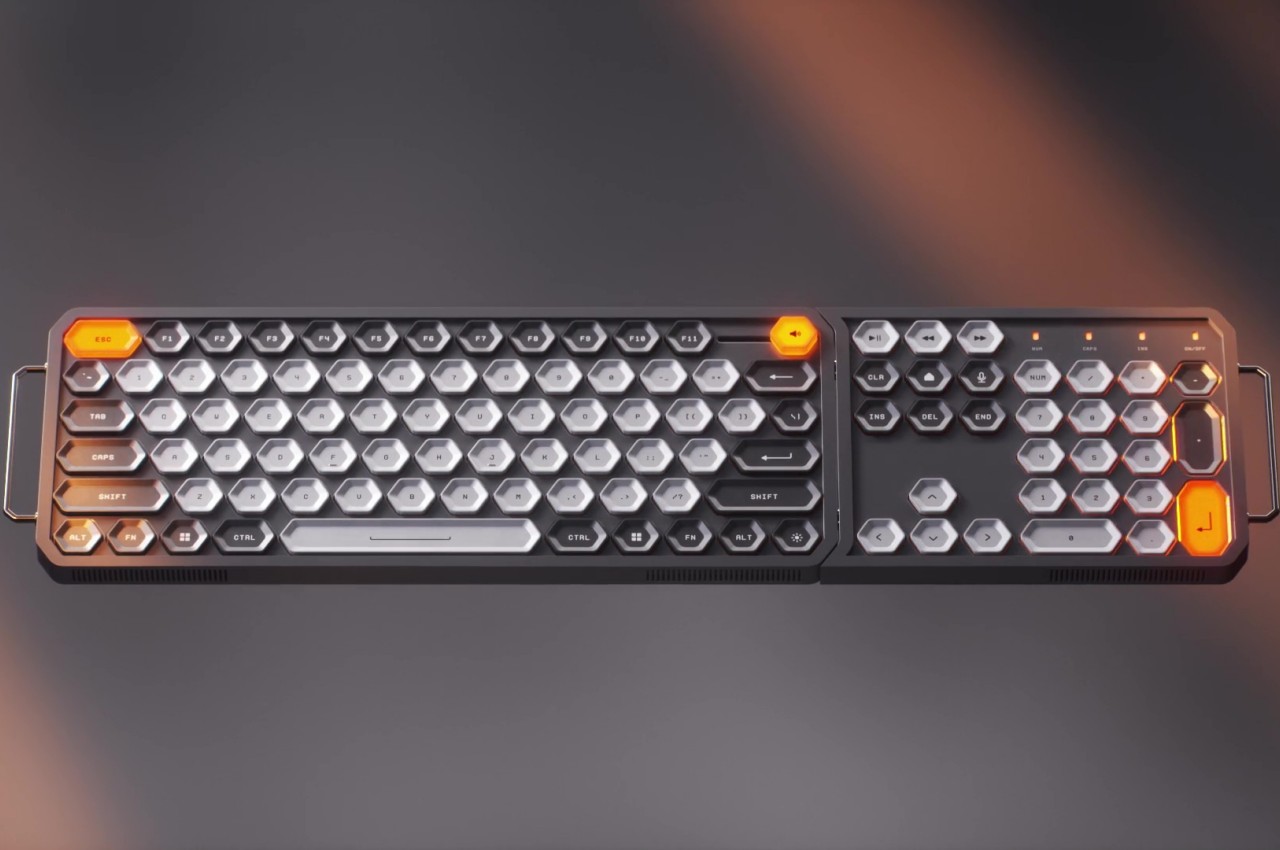
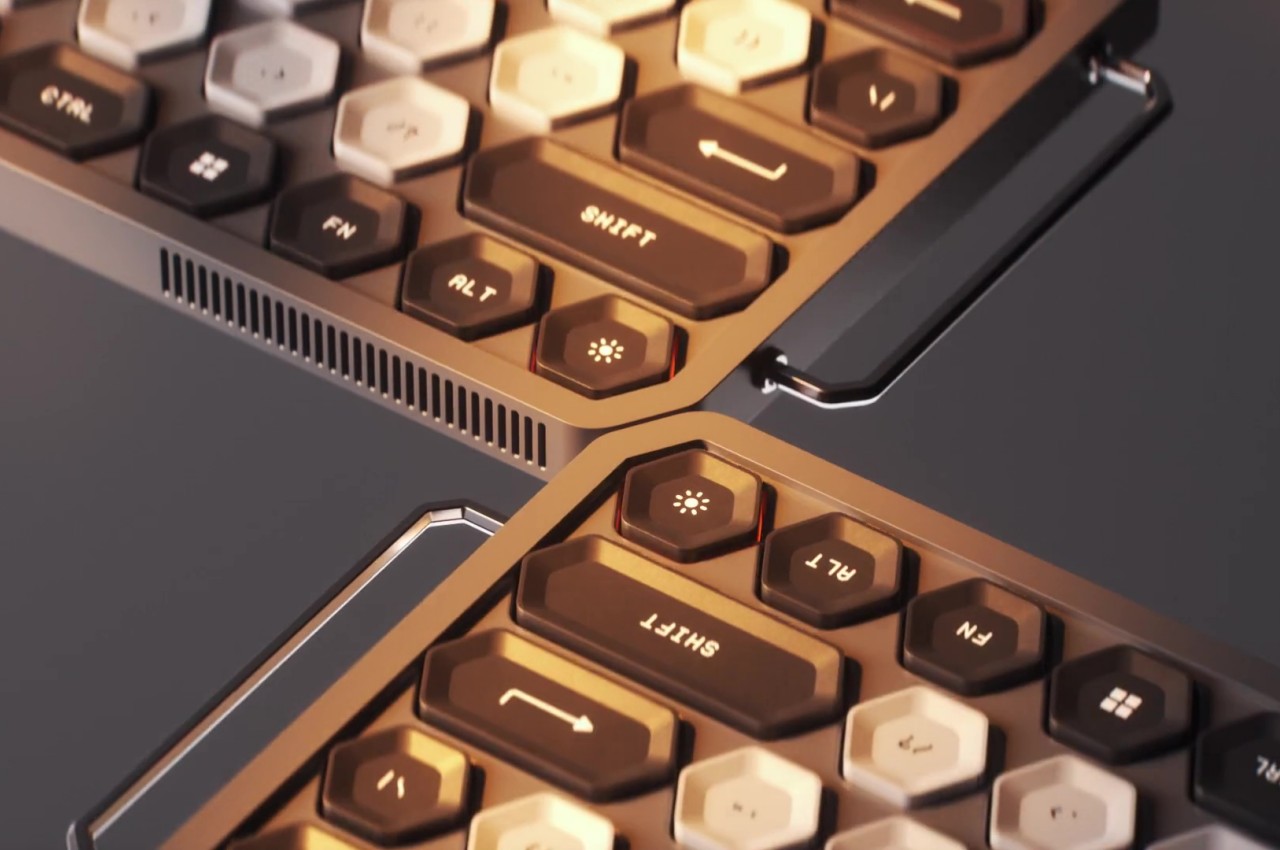
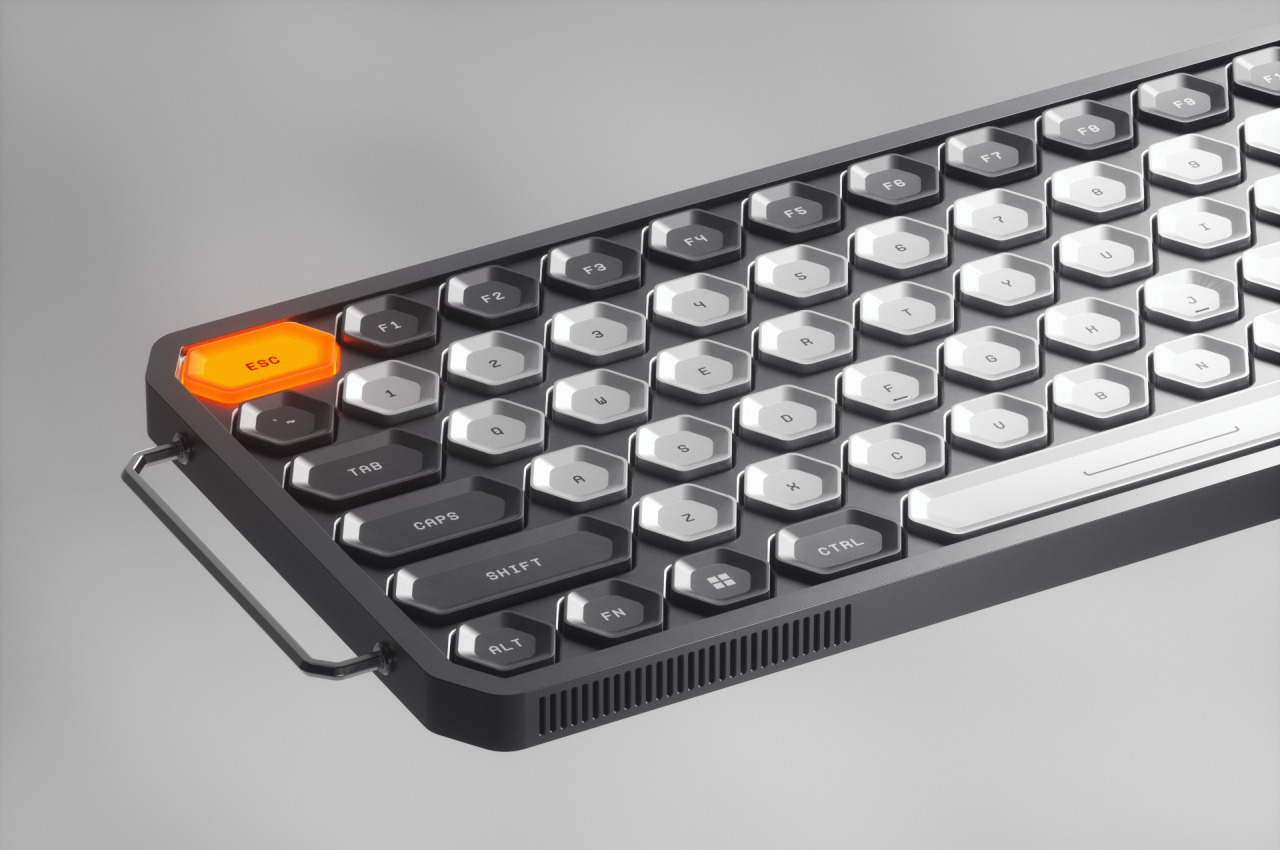
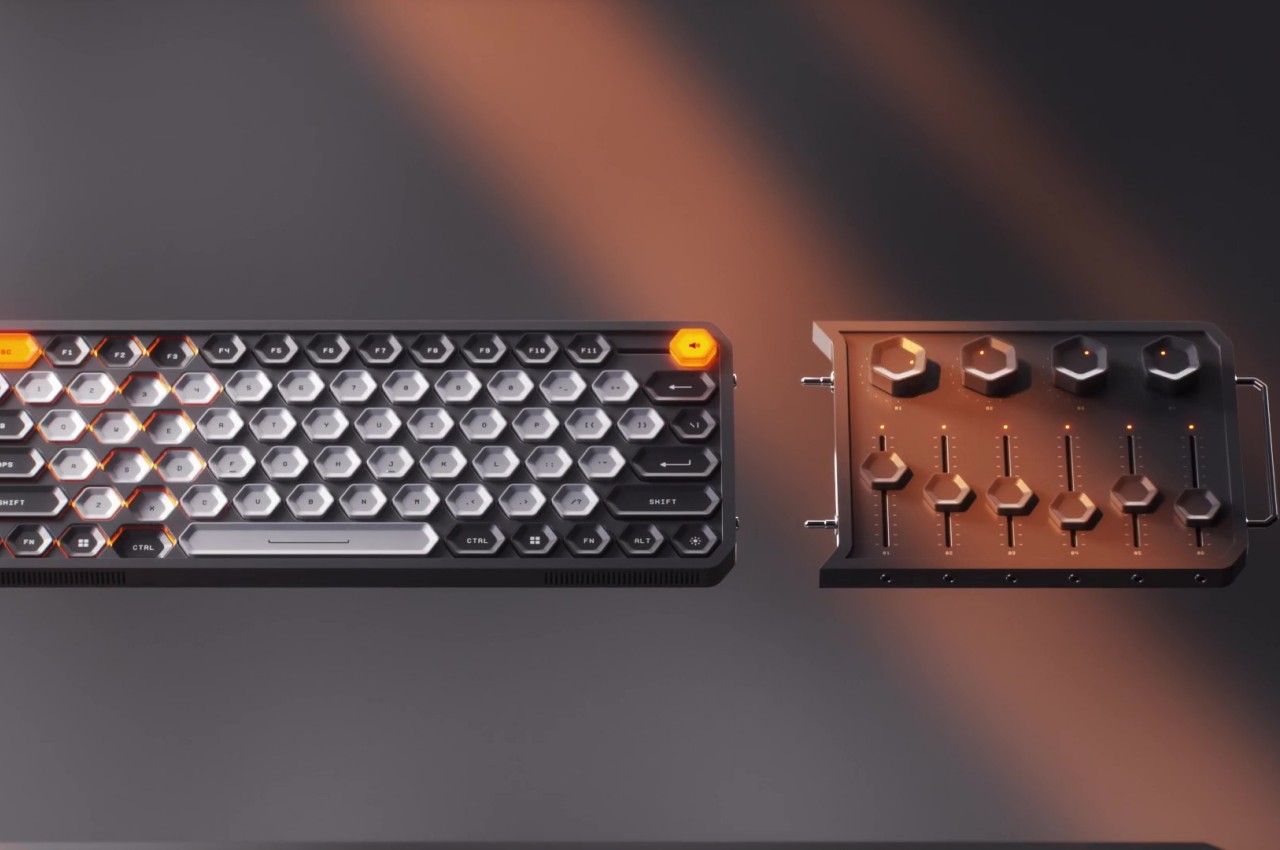
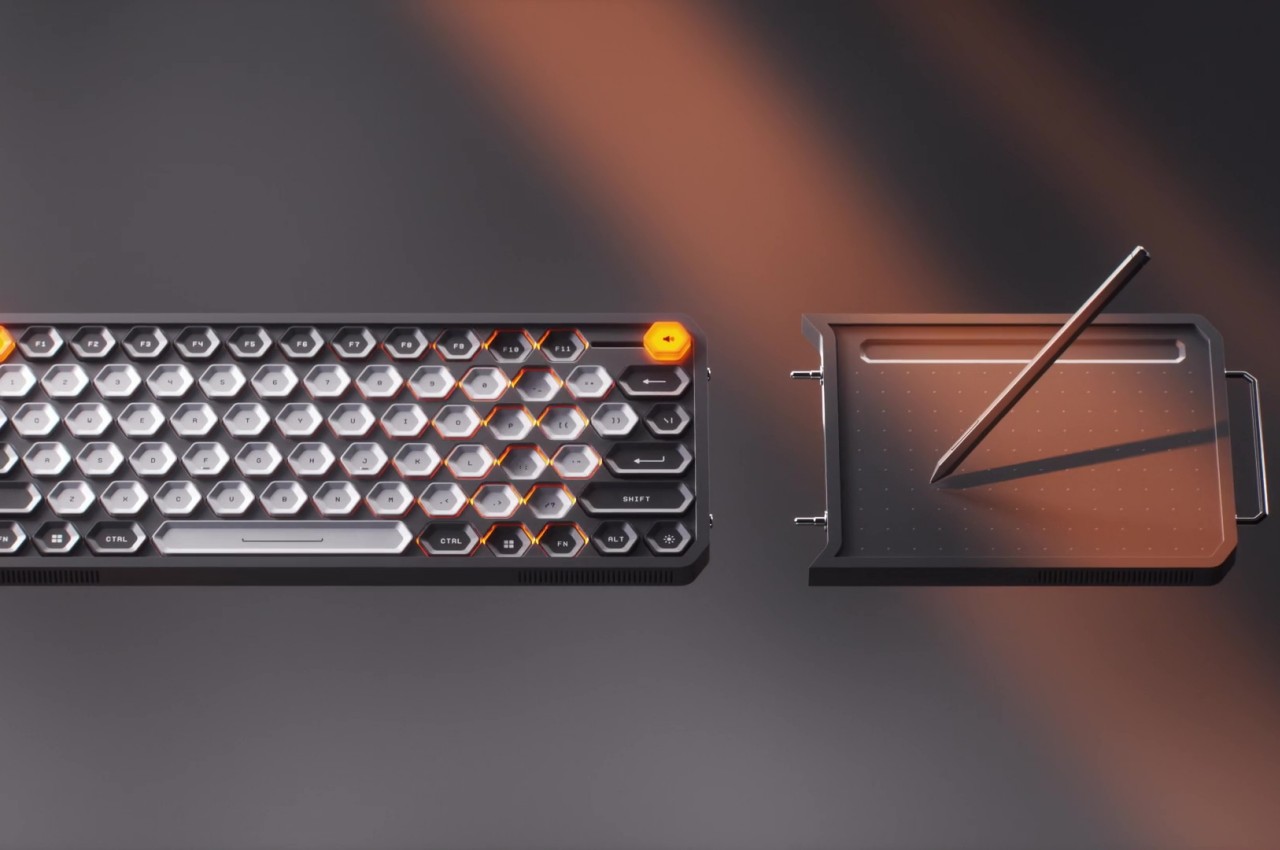
Wireless keyboards are nothing new. Whether you’re on a desktop trying to escape the tangle of cables or on a laptop wanting to expand your limited set of keys, a wireless keyboard offers a bit more freedom and flexibility than other keyboards. That said, they still have the same limitations, namely, requiring a separate mouse or touchpad to move the computer cursor around. Not only does that take up more desk space, it also means another device you might forget or lose along the way. Some Bluetooth keyboards add a tiny touchpad off to the side, but that comes at the cost of reducing the number of keys available on the keyboard. This ingenious solution gives the best of both worlds by practically turning the entire keyboard into one giant touchpad you can swipe and pinch, just like any other touchpad.
Designer: Igor Solovyov (Industrial Designer, Clevetura)
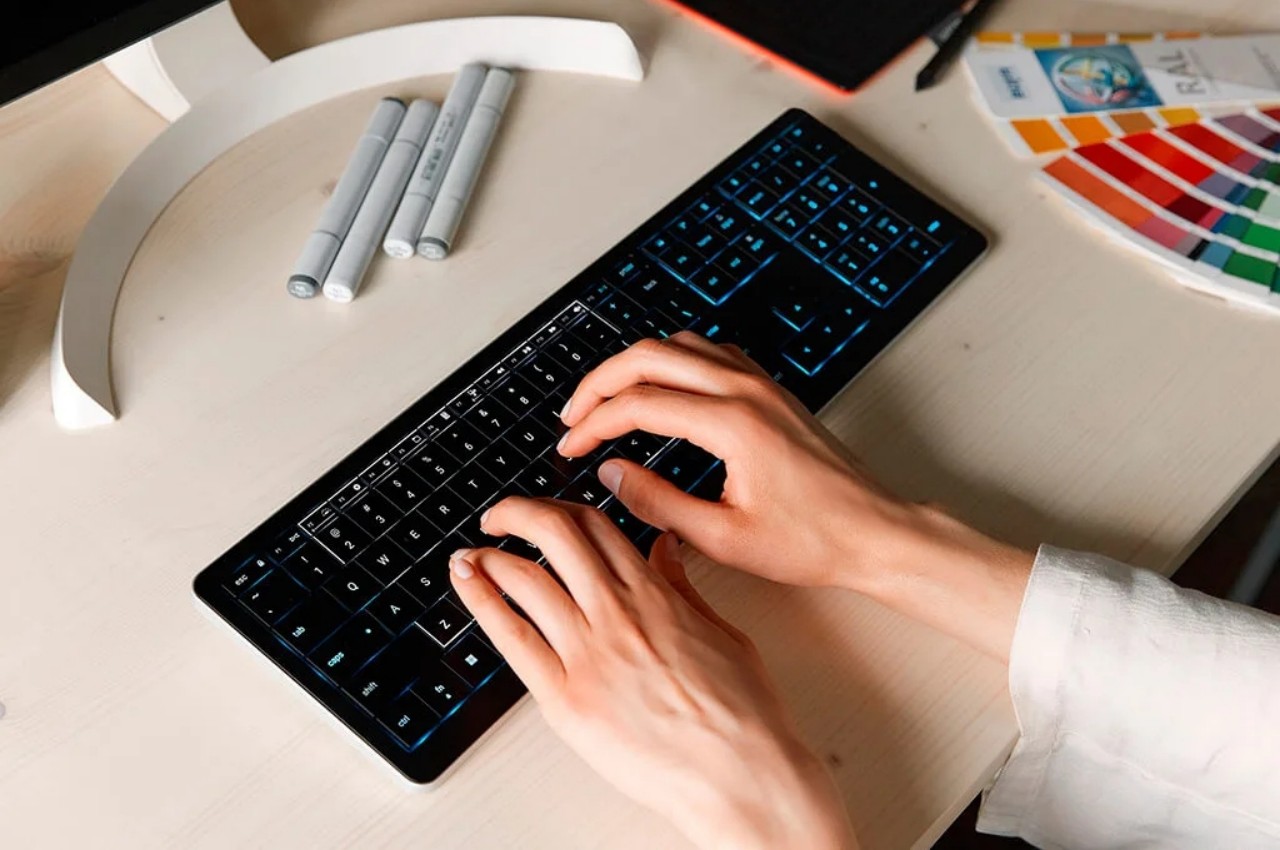
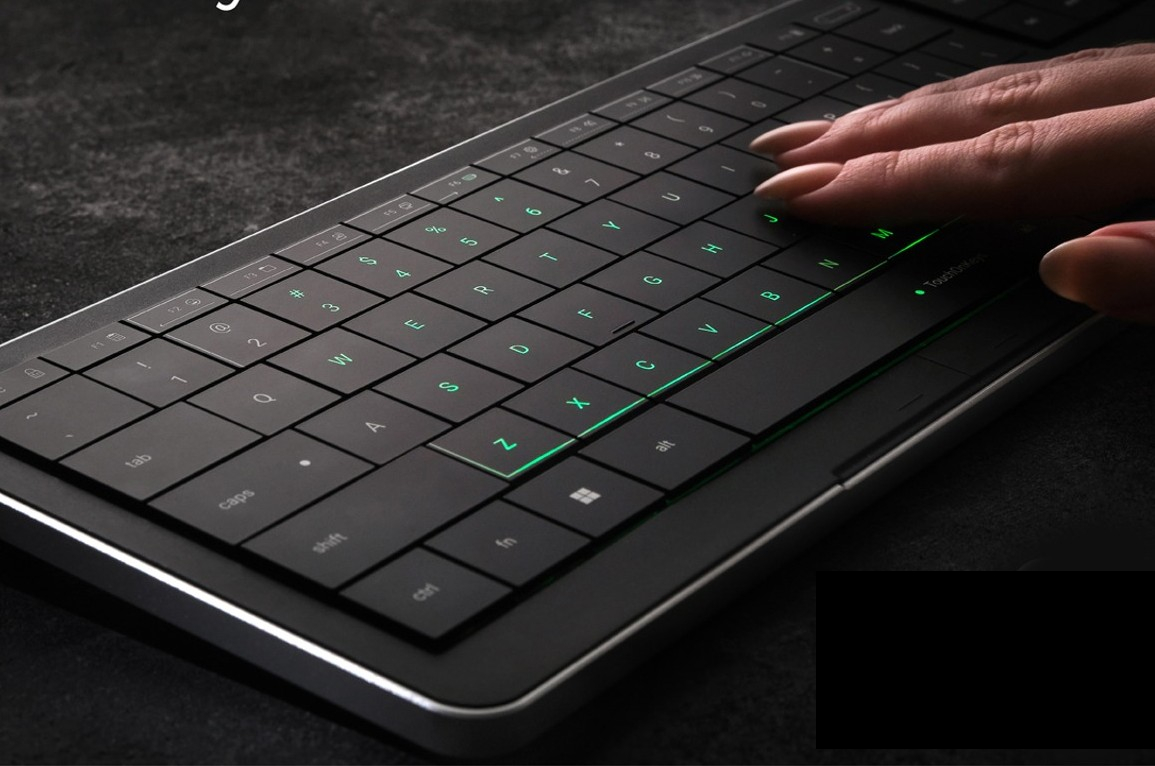
Laptops have the advantage of having both a keyboard and a pointing device in a single body, but their arrangement is hardly the best in terms of ergonomics and flexibility. Wireless keyboards with built-in trackpads, on the other hand, try to cram this component in an already small space but still manage to sacrifice keys like the numeric keypad. It’s almost as if there’s no ideal design that solves this problem, but the CLVX 1 boldly tries to think outside the box while offering a keyboard that, at least on paper, matches the functionality of many Bluetooth keyboards in the market today.

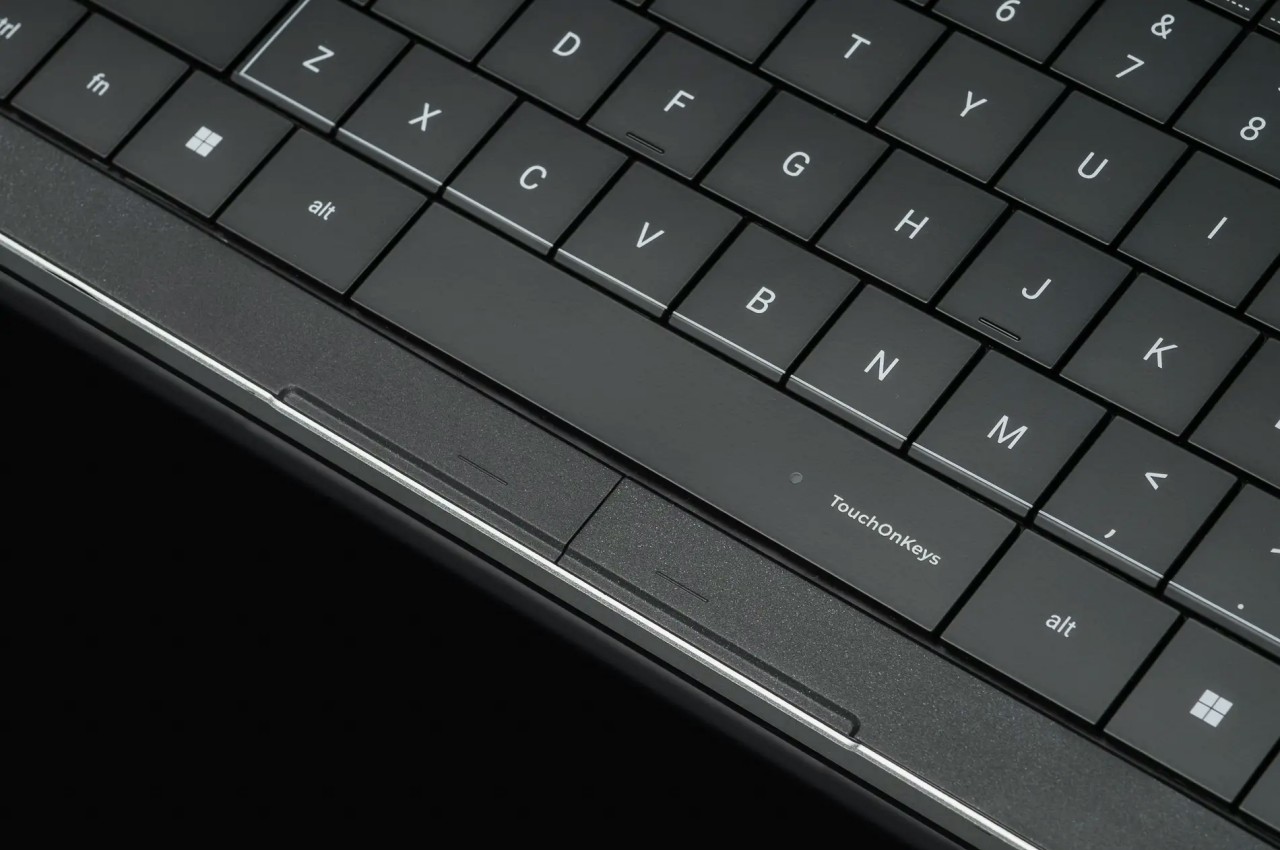
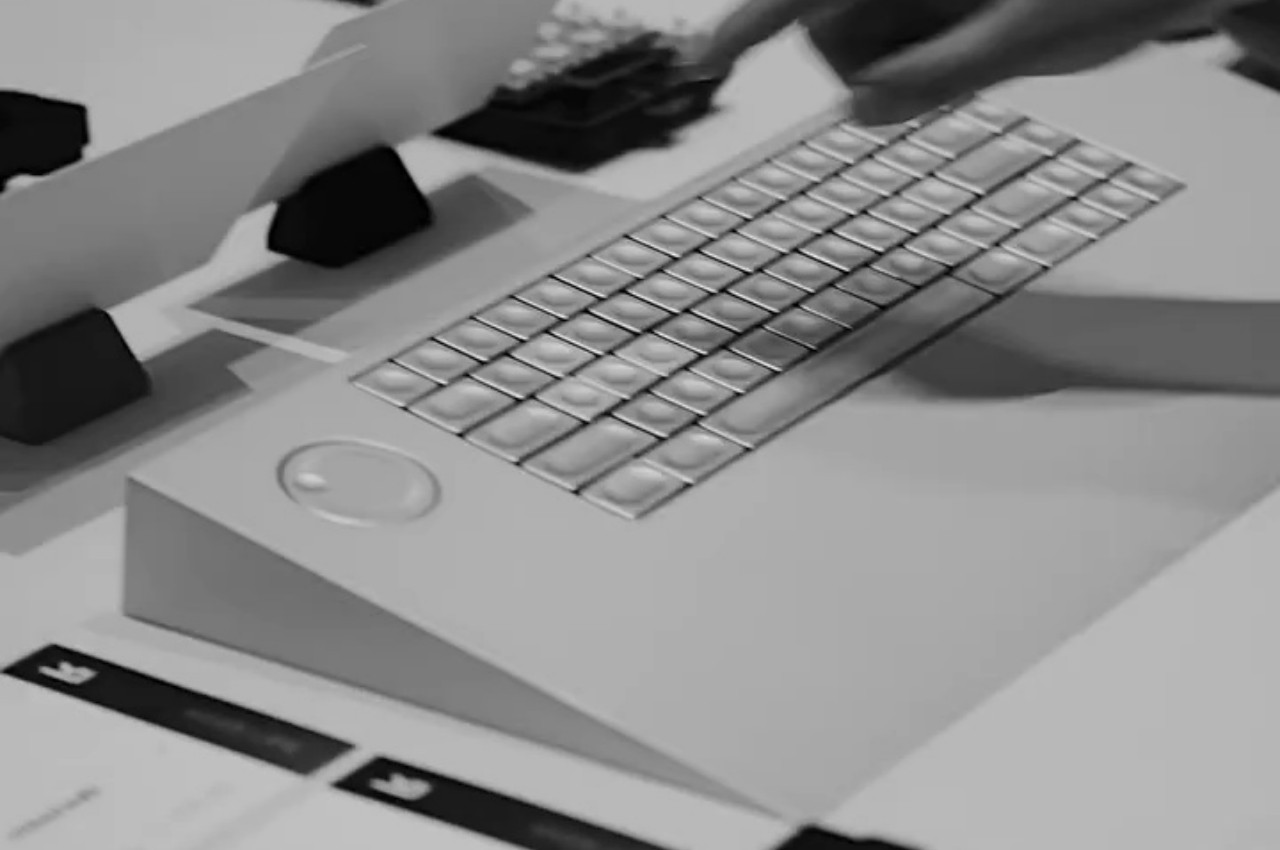
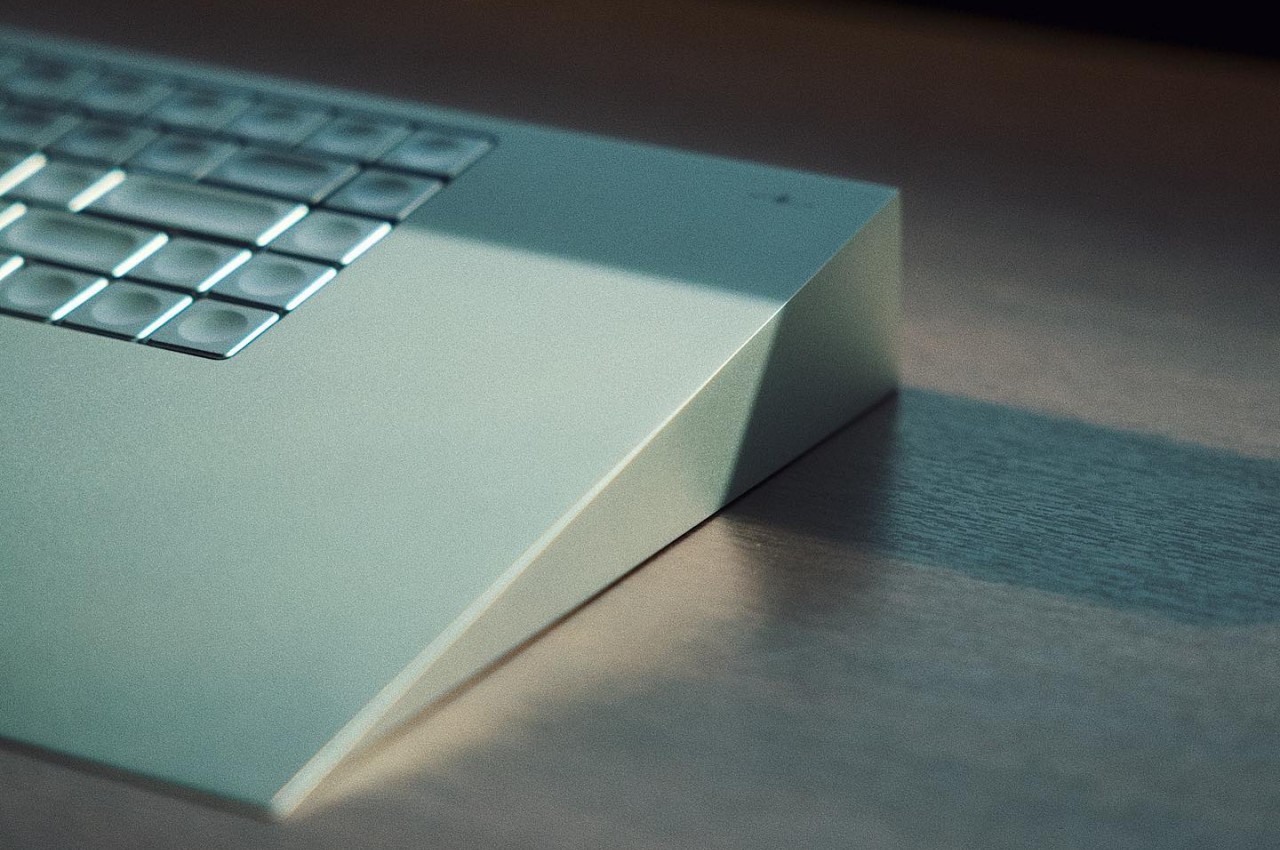
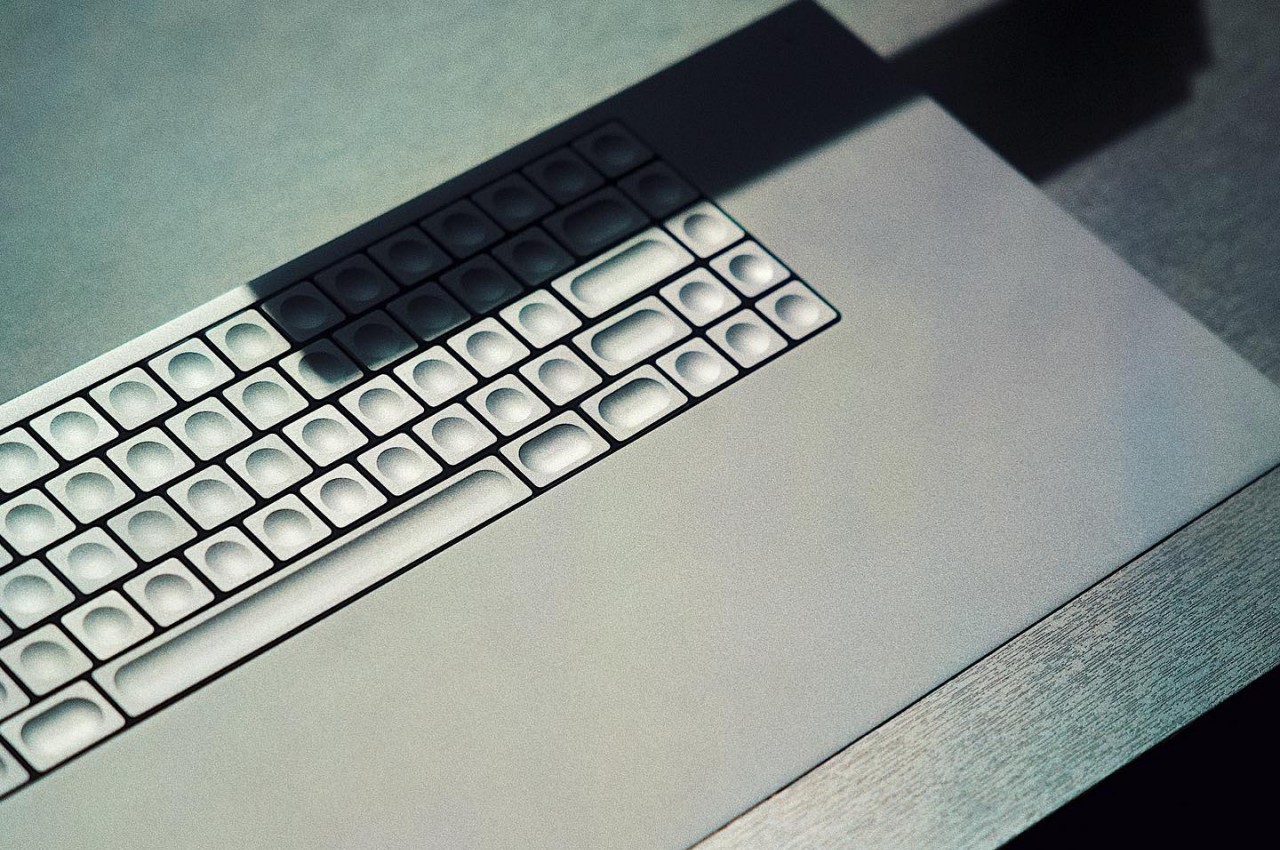
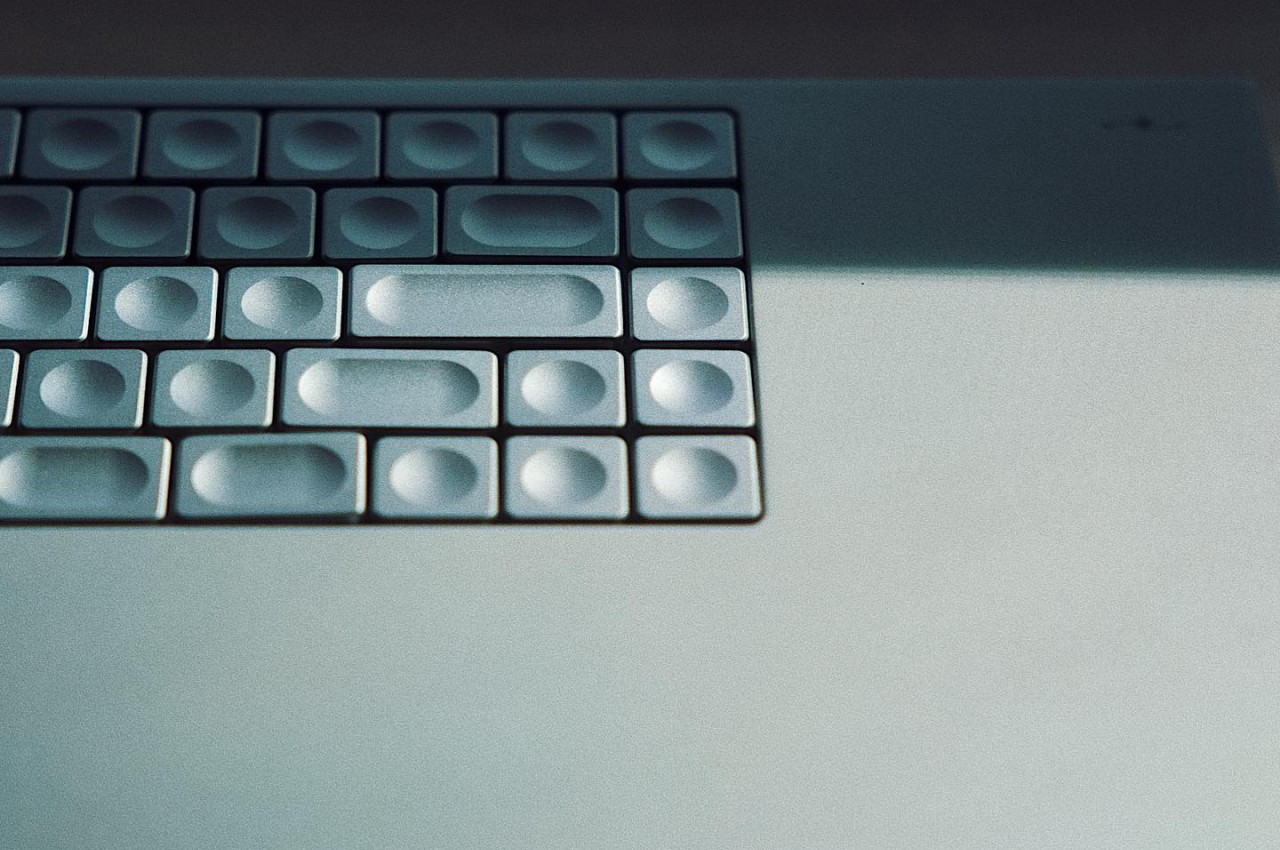
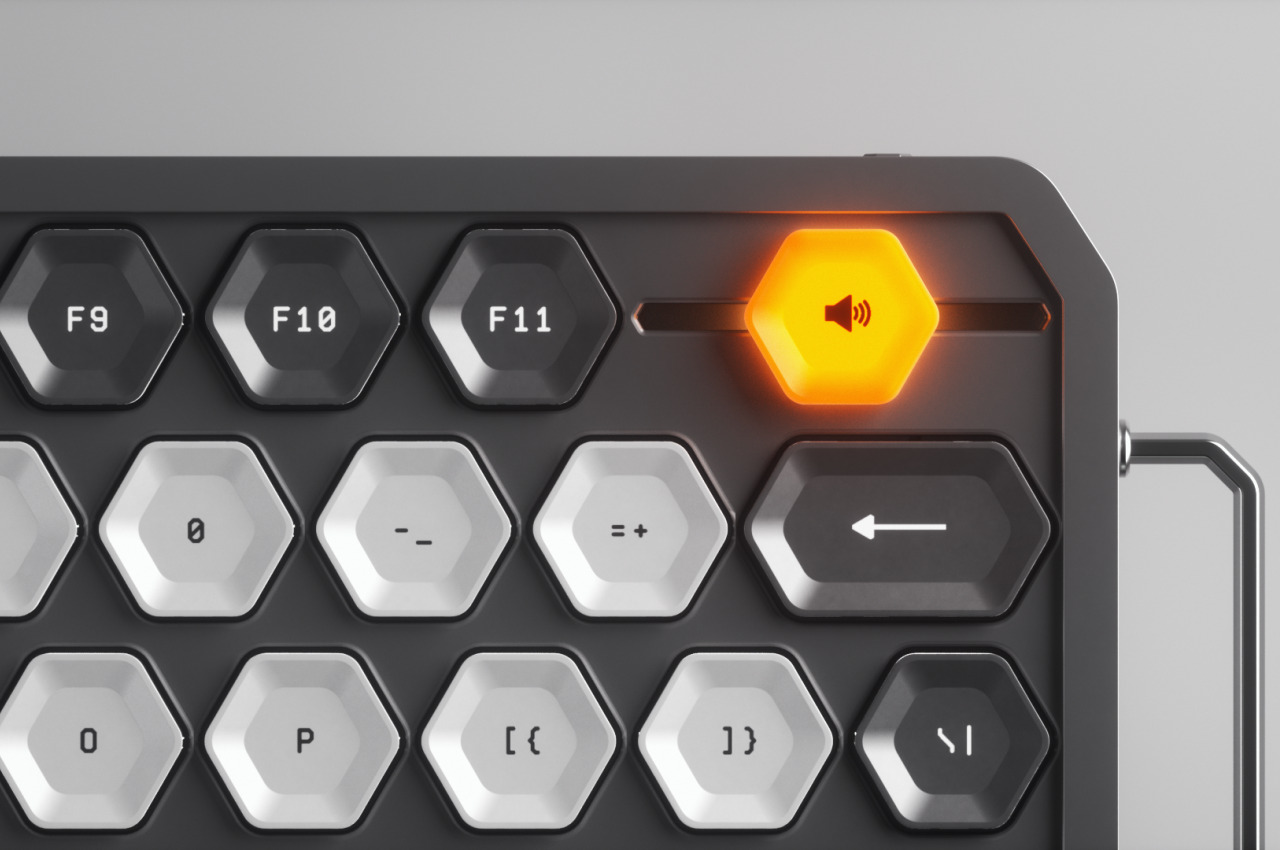
In a nutshell, the middle area of the CLVX 1 keyboard is touch-sensitive and functions like a giant touchpad. Thanks to a special slippery coating, you can effortlessly glide your finger across that area to move the mouse around without snagging on the edges of the keys. You can even pinch to zoom or perform any other touch gestures, just like a normal trackpad. As a bonus, the top row of function keys also functions as a slider that you can smoothly swipe without even having to look, making it just as easy to control the volume or any other function you program into the gesture. The keyboard promises that it won’t mix up typing and gestures, as it automatically disables touch detection once you press a key. And in case you’re wondering about mouse button presses, the keyboard has dedicated physical buttons below the spacebar for those actions.
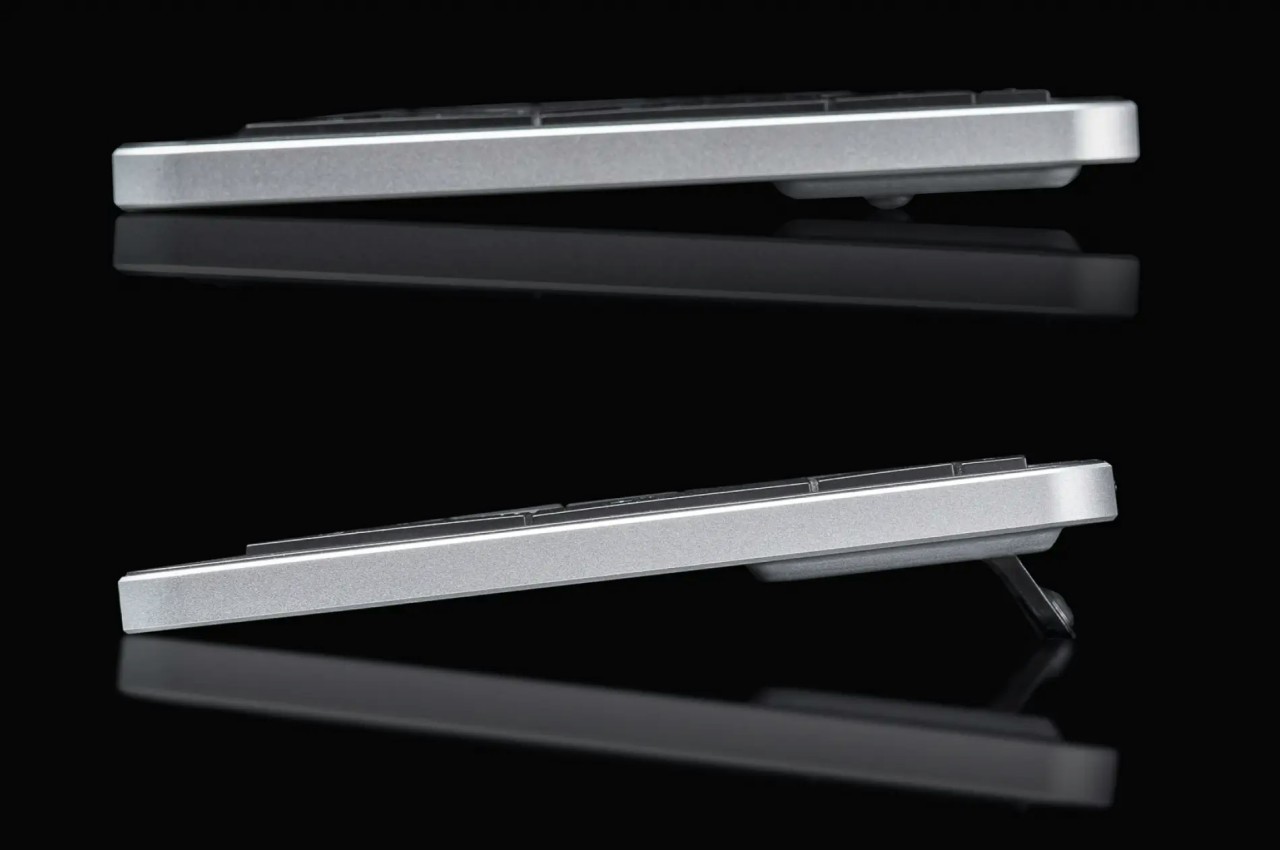

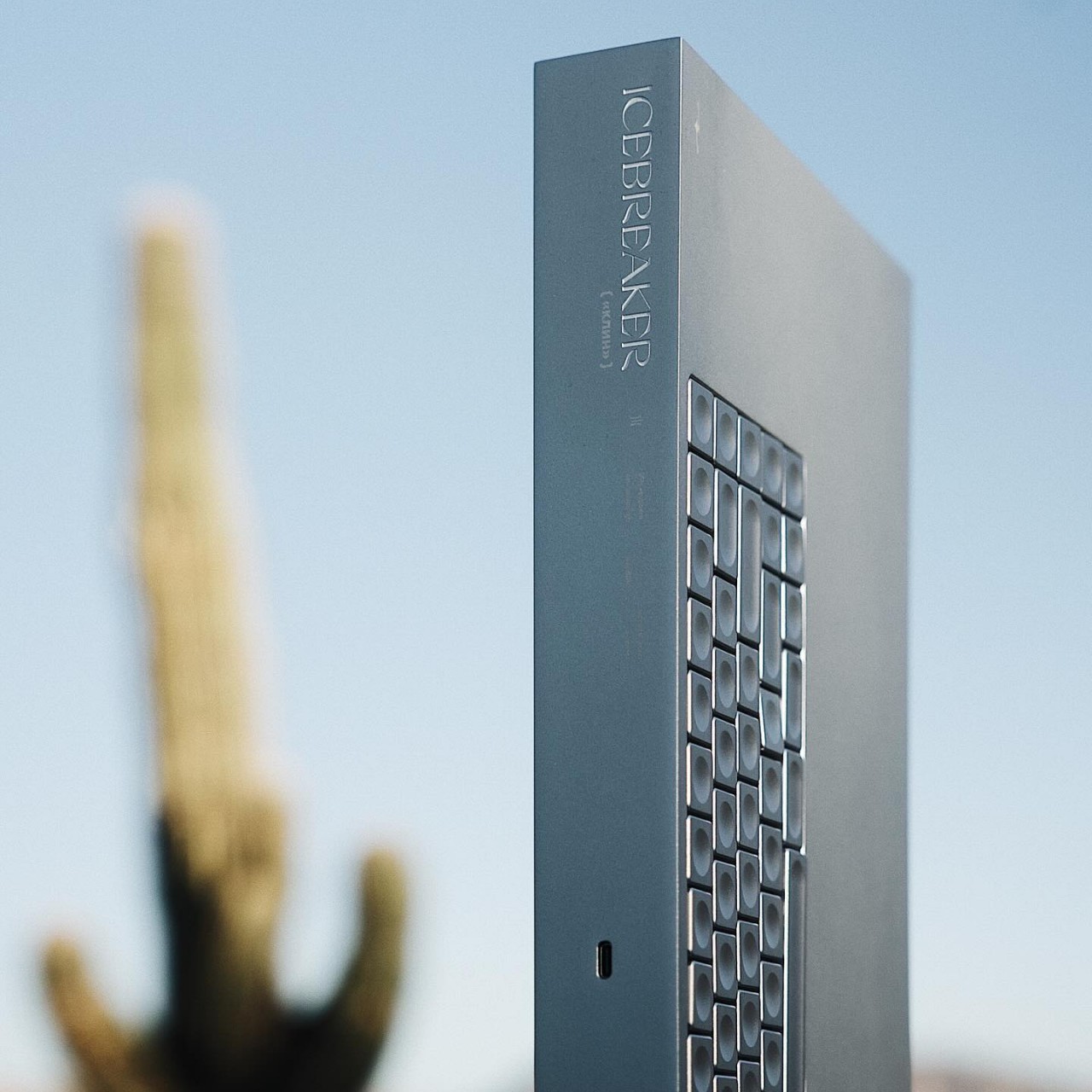
In all other aspects, the CLVX 1 boasts a laundry list of features available on many wireless keyboards and then some. It has a 110-key layout, which is far more than your typical Bluetooth keyboard, and uses scissor switches. The RGB lighting also has a few tricks, like following your finger as you glide over the keys. You can pair up to three devices with it via Bluetooth, but you can also connect to a device using USB-C for a fourth connection.

The CLVX 1 is definitely an intriguing design, but its mettle still needs to be tested in real-world use. The smoothness of swiping over keys will definitely be the biggest point of concern, but the typing experience of having those keys so close together is also an important consideration. Nevertheless, it definitely deserves some praise for thinking outside the box to deliver a design that doesn’t compromise just to mix two functions in one.


The post Innovative Bluetooth keyboard turns its surface into a giant touchpad first appeared on Yanko Design.