A Maker Built a $200 Writing-Only Device Because He Couldn’t Sleep

Writing on a laptop or phone is convenient, but it rarely stays that way. Notifications, browser tabs, and social media feeds have turned the most basic tasks into exercises in self-discipline. Writers, journalists, and anyone who just needs to put thoughts to paper have been searching for a better solution, and a growing community around dedicated, distraction-free writing devices called writerdecks has quietly been gaining momentum.

The Bee Write Back is one of the more charming entries in that space. Built by a maker named “shmimel”, the device grew out of a deeply personal need: he was having trouble sleeping and found that journaling helped, but couldn’t quite commit to a handwritten journal. So he did what any tinkerer would do and built his own dedicated writing machine from scratch.

Designer: Simon Shimel

The result is compact and immediately recognizable. Its 3D-printed enclosure comes in two tones: a bright yellow base that houses the electronics, and a matte black screen cover adorned with bee emblems. The whole thing has a hand-built charm that no mass-produced gadget can replicate, and it’s the kind of device that tends to make people stop and ask, “wait, what is that?”

At the heart of the typing experience is a YMDK Air40 keyboard PCB loaded with 47 hot-swappable mechanical switches and matching keycaps. For anyone who’s spent years on laptop chiclet keys or membrane keyboards, the tactile feedback of a proper mechanical switch changes everything. The satisfying click or thump of each keystroke becomes almost meditative, which is exactly what you want when words need to keep flowing.

The display is a 5.5-inch AMOLED panel at 1280 x 720 resolution, vivid enough for comfortable reading without the eye strain of a typical laptop screen. Powering it all is a Raspberry Pi Zero 2 W, with a quad-core Cortex-A53 chip, 512 MB of RAM, and built-in Wi-Fi. A Seengreat UPS Hat with an 18650 battery keeps everything running away from any wall outlet.

Boot it up, and you’re in Raspberry Pi OS Lite, a stripped-down Linux environment that loads fast and stays focused. There are no app stores, no notification bubbles, and no algorithms fighting for your attention. It’s the kind of thing you pull out before bed to journal, bring to a coffee shop to draft, or pack on a trip when you need a writing-only companion.

The creator made the entire project open source, with build files and a detailed assembly guide available on GitHub. The total material cost comes to roughly $200, excluding 3D printing costs. That puts it roughly in line with some off-the-shelf writing gadgets, but with the added satisfaction of building it yourself and the freedom to swap out parts, tweak the layout, or change the enclosure color entirely.

What makes the Bee Write Back worth paying attention to is less about its specs and more about what it deliberately leaves out. Most devices pack in as many features as possible, but shmimel’s creation goes the other direction: pare things down until only the writing remains. For anyone looking to reclaim the quiet, focused experience of putting words down without fighting their tools, that restraint speaks for itself.

The post A Maker Built a $200 Writing-Only Device Because He Couldn’t Sleep first appeared on Yanko Design.

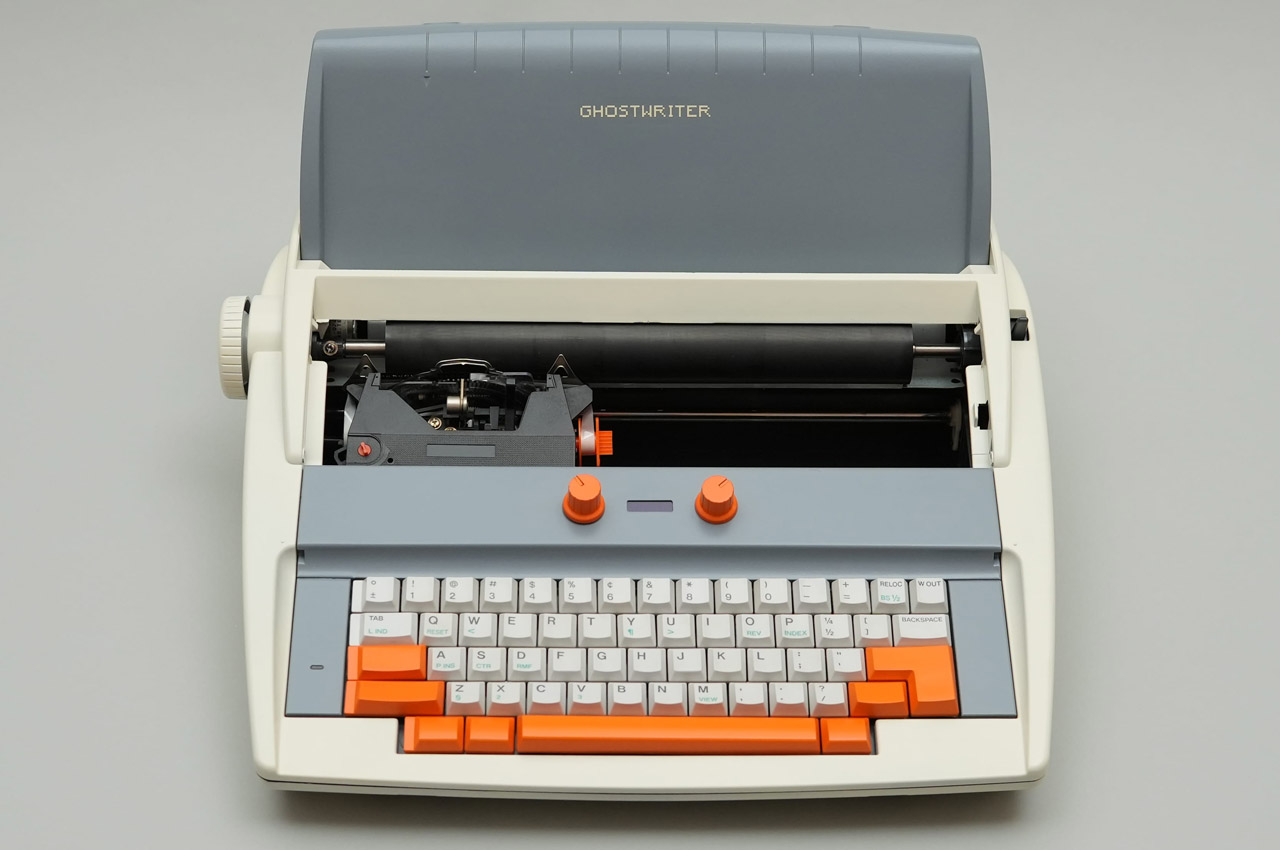
DIYer creates a retro-modern typewriter computer with moving screen on the slide

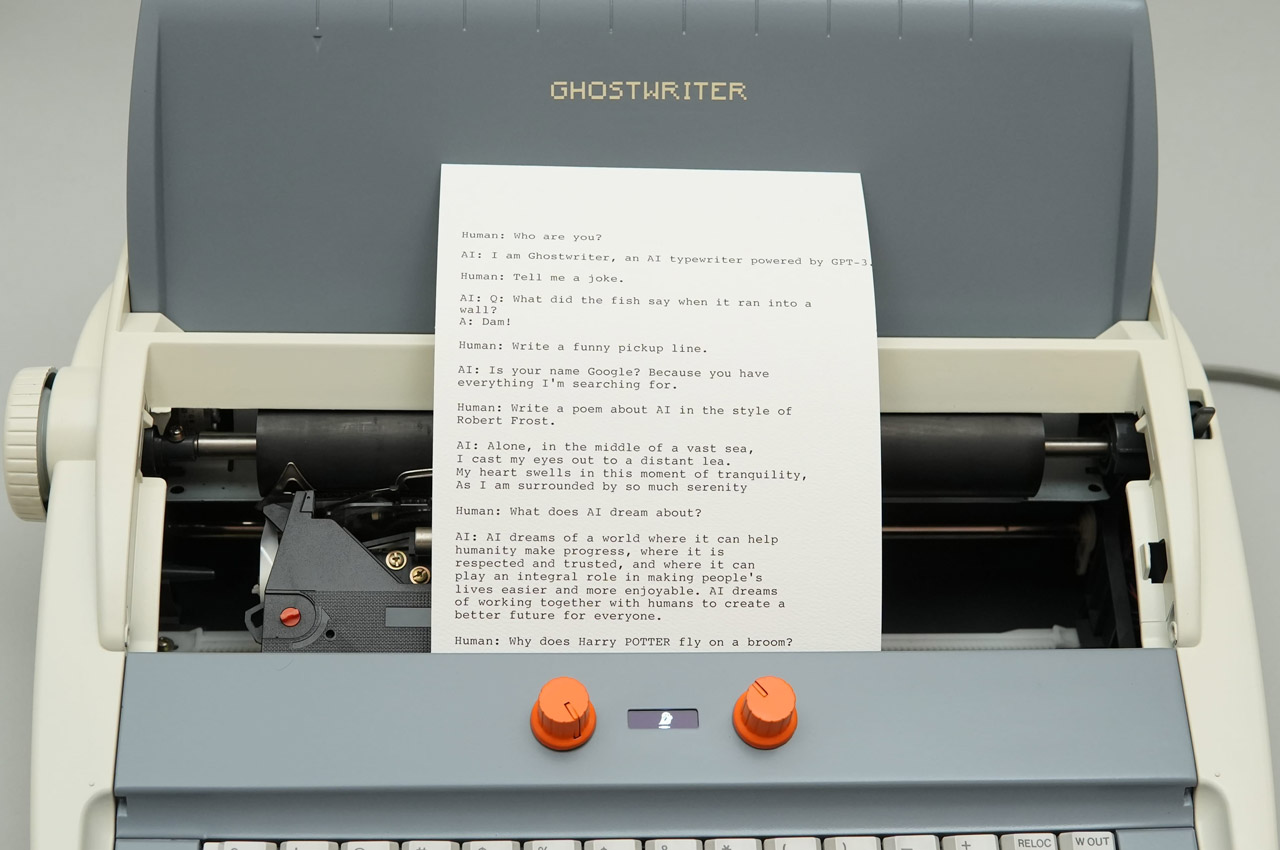
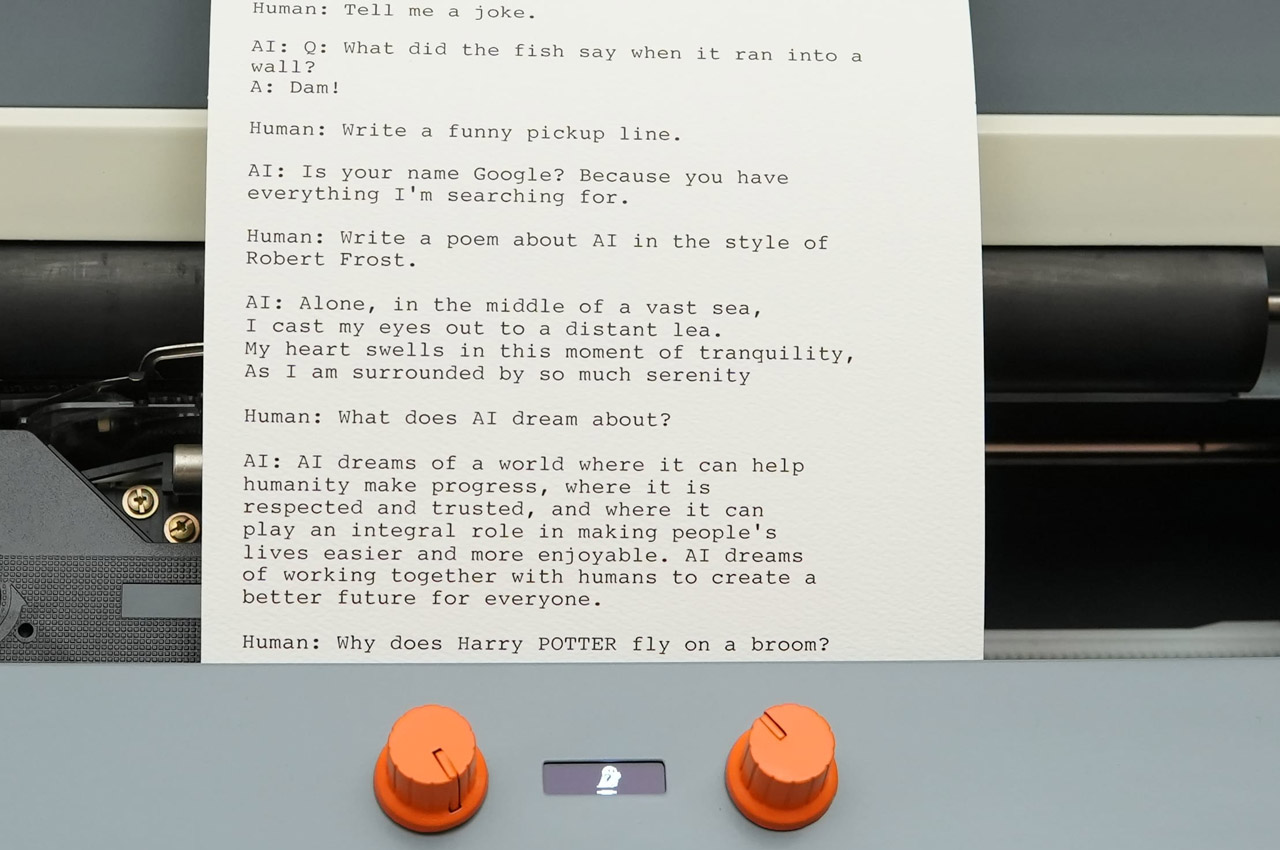
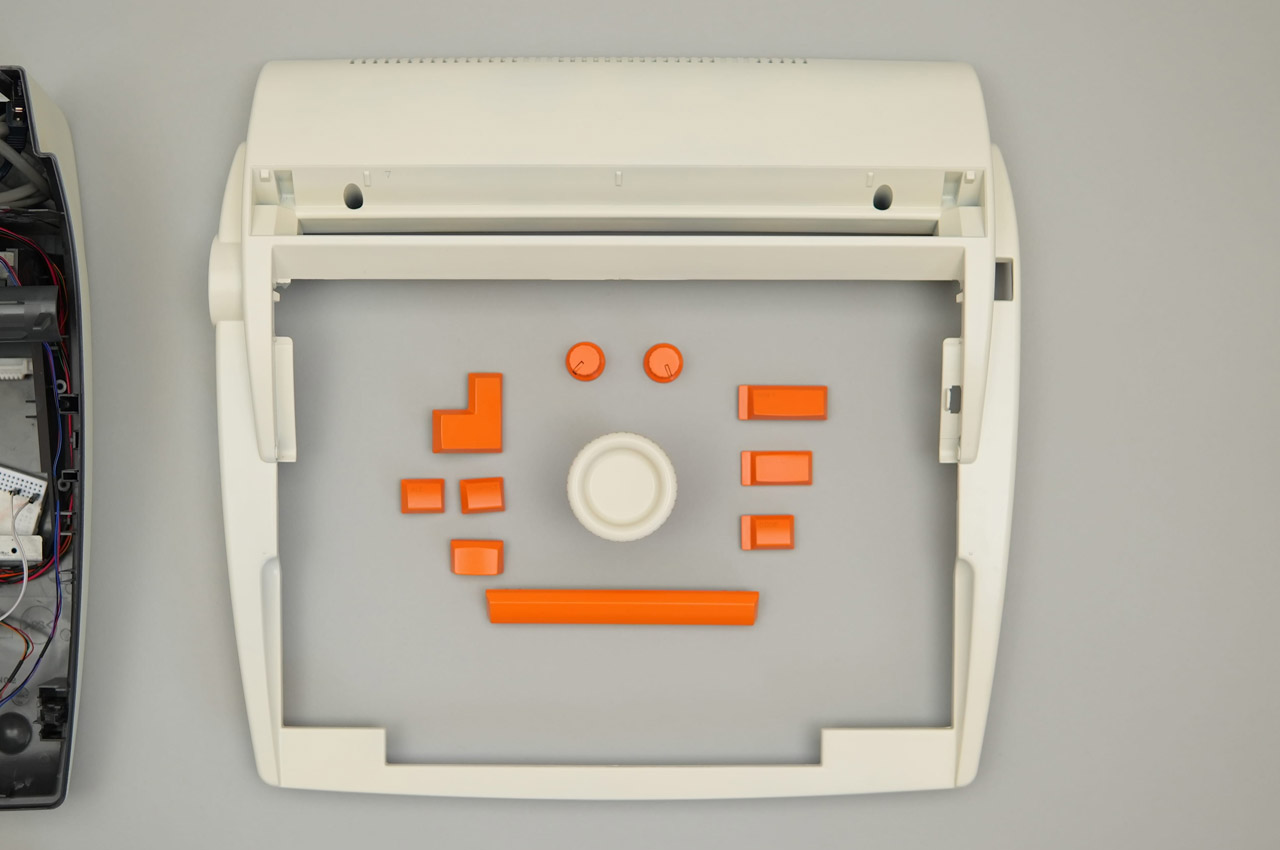
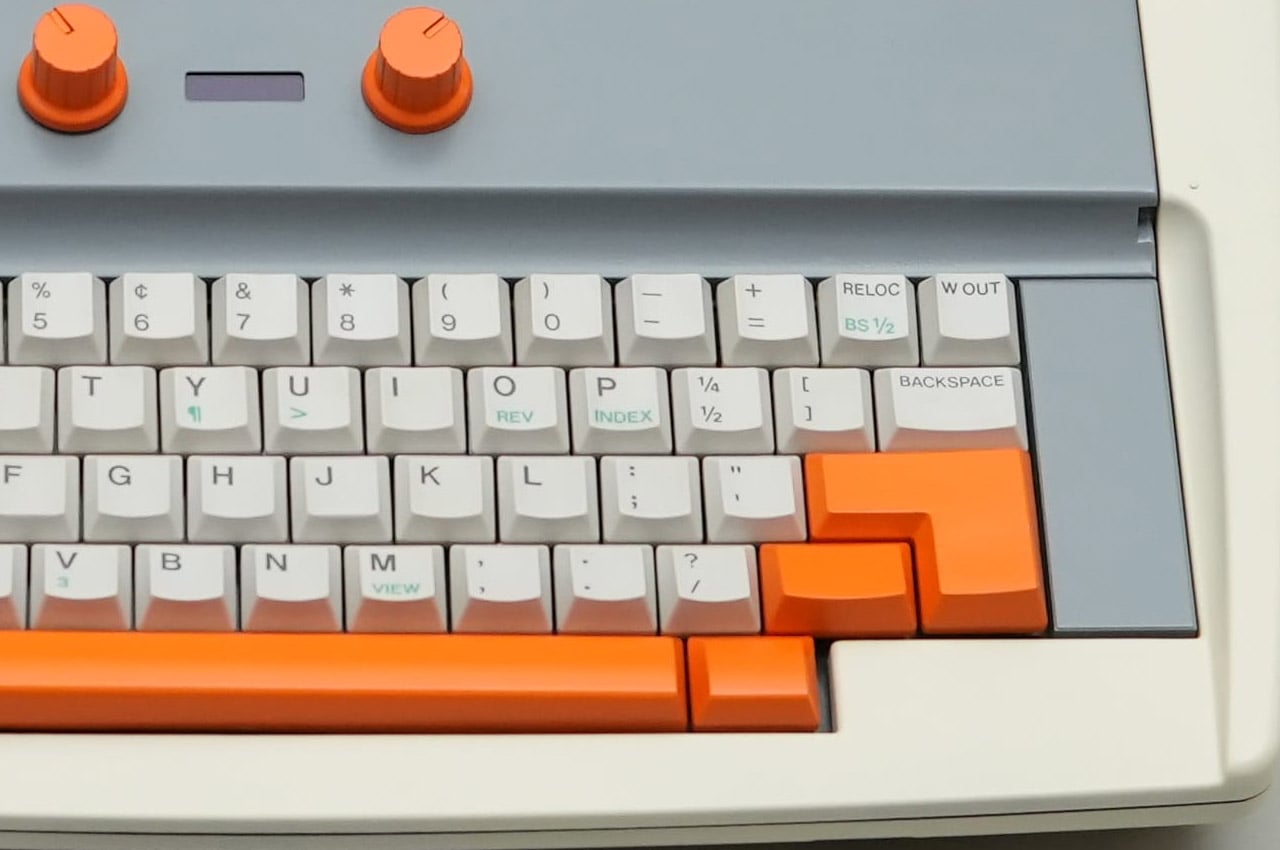
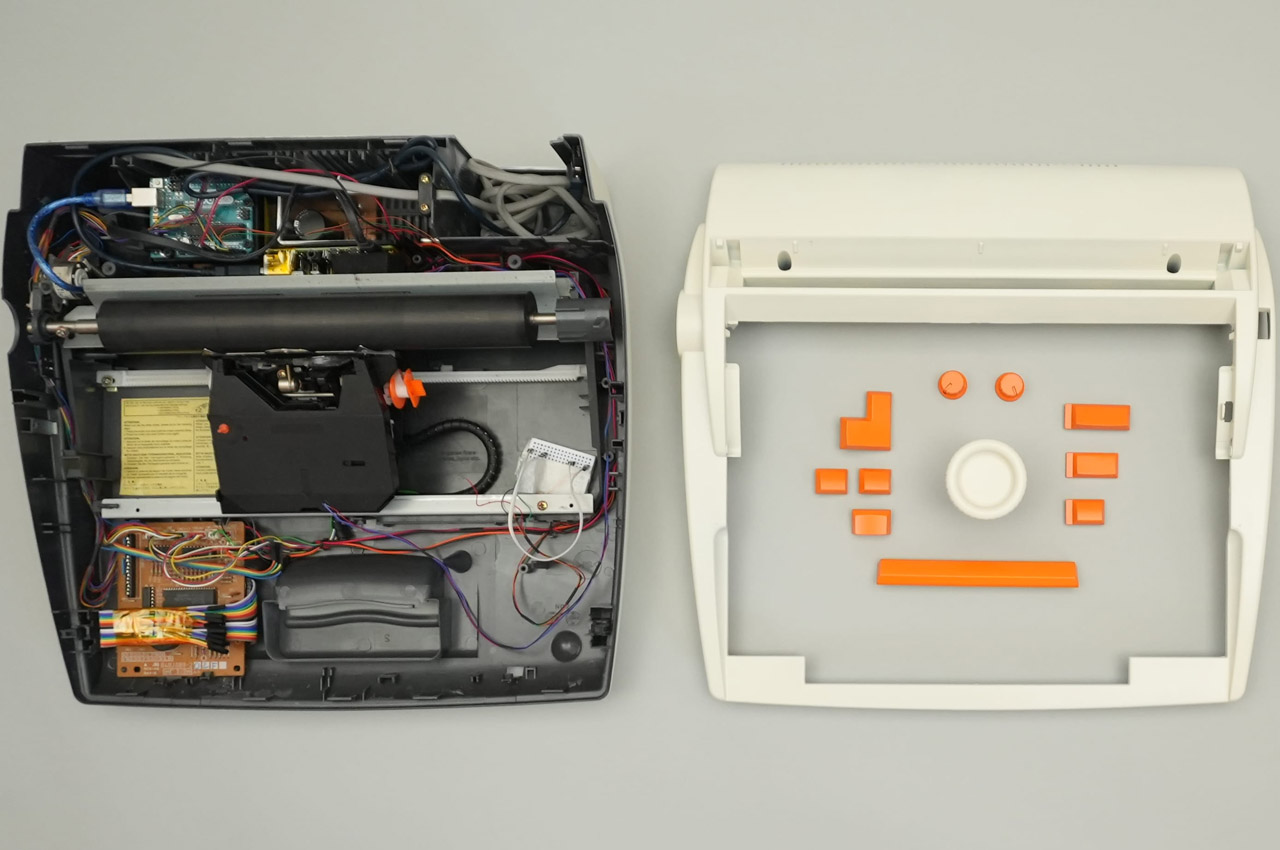
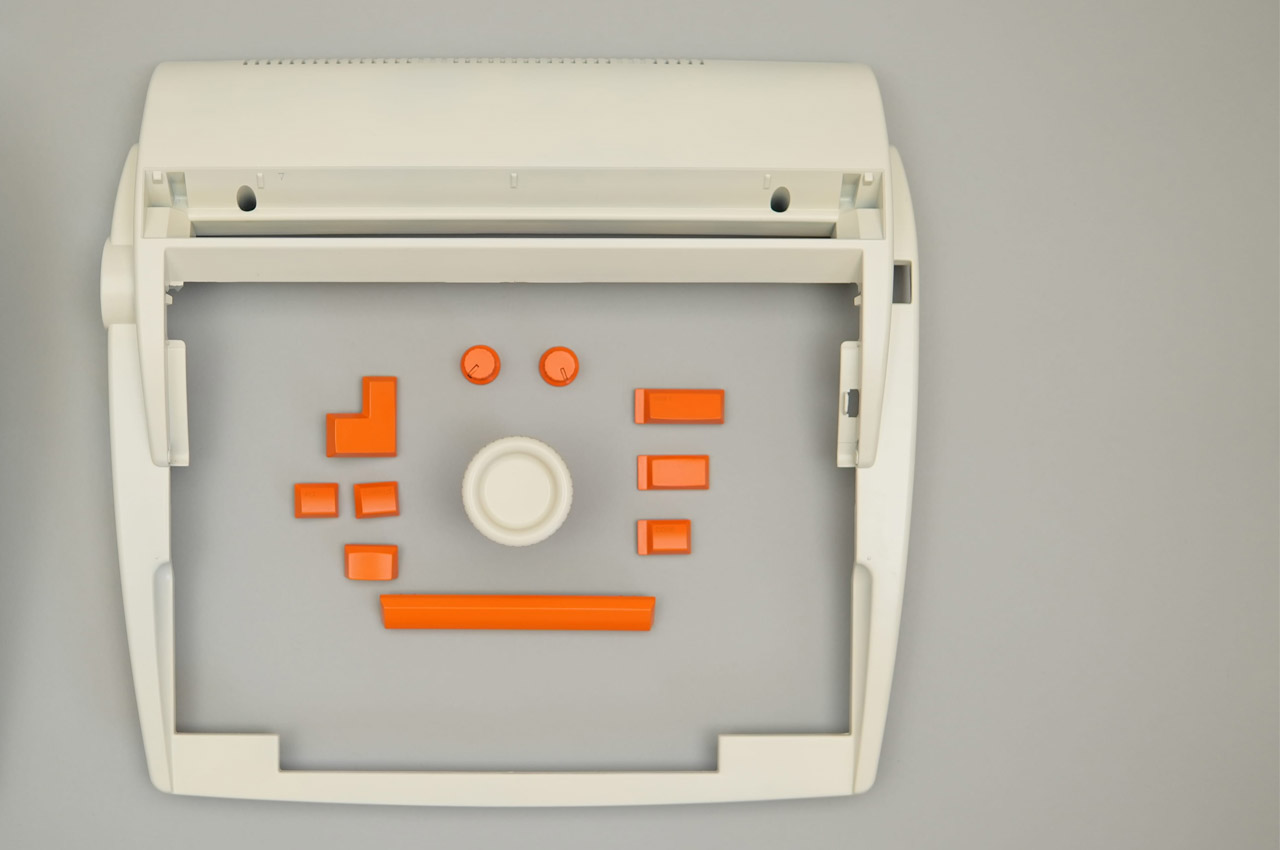
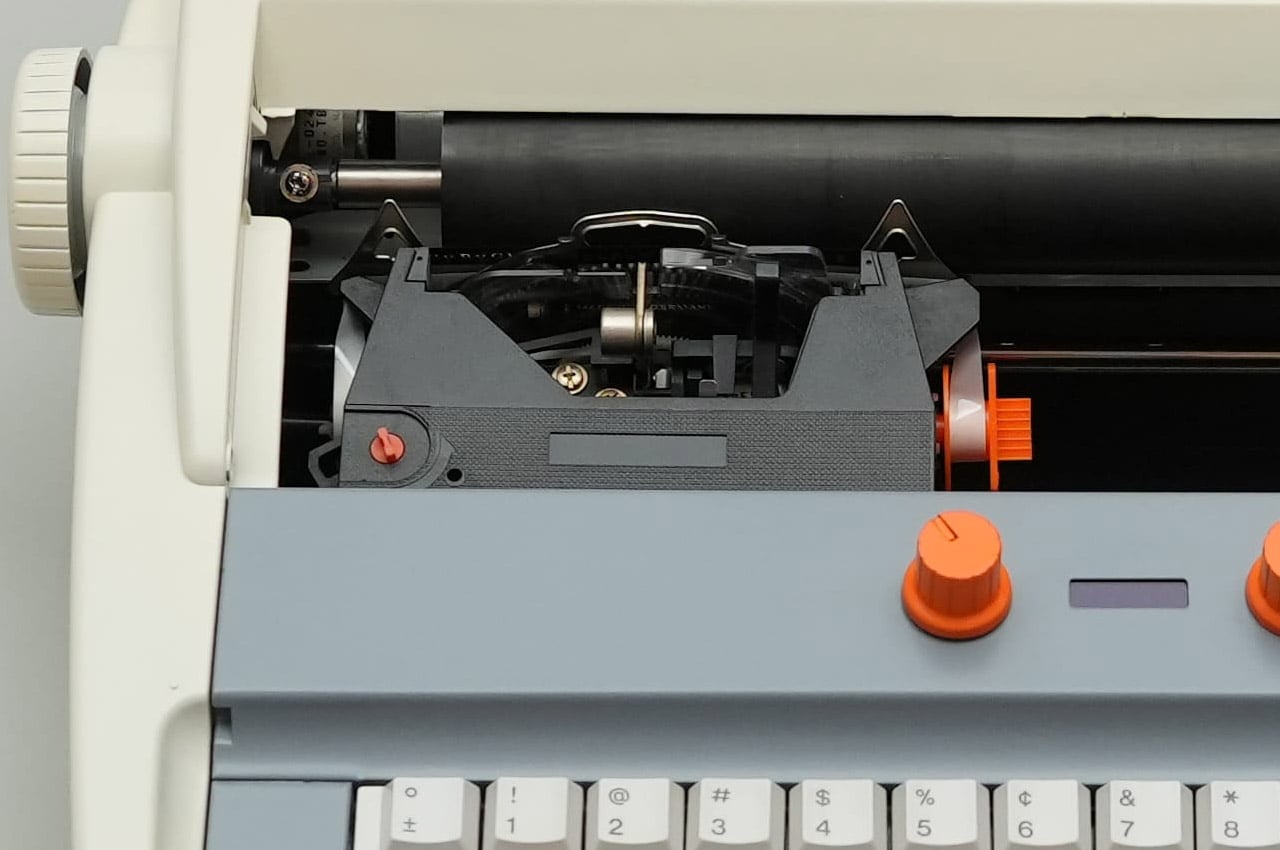
What’s the precursor of the computer? The typewriter, of course. Taking things the other way around, a DIYer has built a gaming PC inside an old typewriter for the sake of technology. First of its kind, this DIY is all about building everything from scratch to have a typewriter that works better than your average computer.

Fitting a computer inside a typewriter requires a lot of brainstorming about which components are useful and which can give way to the PC components. Sounds easy, doesn’t it? The art here is to be very careful when removing unwanted parts like the keyboard, motor, and side brackets, while still retaining the slide’s functionality via the hammers and the main movement.

Designer: Prototype

After removing the components, there is just enough space to fit in a motherboard, power supply, and a graphics card. Before sorting this bit of the DIY, the first step is to sort out the keyboard assembly by preplacing it with a modern keyboard that is made from scratch, using the keys of the keyboard to keep the theme alive. This is where 3D printing comes in by taking a 360-degree scan of the typewriter’s keyboard and modelling the desired keyboard case that has more height for fitting in all the PCB components of a modern keyboard. The hard part here is to make the PCB assembly that corresponds to the key input and send it over to a PCB manufacturer to make.

Next comes the easy bit, where the keycaps are 3D modelled and printed to test fit the adapters. Attaching them to the corresponding key strokes does the job. The backplate is a cakewalk, and the parts are done. Finally, all the parts are put together, and the keyboard for the typewriter is ready. Then it’s time to connect the keyboard to the complex working of the computer using a servo motor. To test the thing, the DIYer attaches it to his laptop, and it works all fine with the slide and the bell working perfectly.

The final part is to fit the PC mechanism and screen onto the typewriter assembly for the magic as the typing action moves the whole thing on the slide. Incredible, I must say. The final part of the build is yet to be released, but we know what to expect!

The post DIYer creates a retro-modern typewriter computer with moving screen on the slide first appeared on Yanko Design.

Zerowriter Ink Is an Open-Source E-Paper Typewriter Built for Writers

Trying to write on a laptop means fighting a machine that is also a notification box, streaming portal, and social feed. Distraction-free apps help, but they still live inside the same browser-and-tab chaos, surrounded by everything else your computer knows how to do. Some writers just want a device that only knows how to produce plain text and does not care about anything else happening in the world.

Zerowriter Ink is an open-source e-paper word processor that tries to be exactly that. It combines a 5.2-inch Inkplate e-paper display with a 61-key low-profile mechanical keyboard in a slim slab that fits in a 13-inch laptop sleeve. It wakes instantly, shows a clean page, and runs for weeks on a single charge instead of draining down to zero by lunchtime like most laptops.

Designer: Adam Wilk

Picture drafting on a park bench or train, where the high-contrast e-paper screen stays readable in direct sunlight and does not blast blue light. A custom refresh engine keeps typing lag almost imperceptible, so it feels more like a fast e-reader that learned to keep up with your thoughts than the sluggish e-paper most people expect from displays that usually just show book pages or bus schedules.

1

The 60% mechanical keyboard uses Kailh Choc Pro Red switches, and every switch and keycap is hot-swappable. That means you can tune the feel and sound to your taste, or replace a dead switch without tossing the device. It feels more like a compact enthusiast board that happens to have an e-paper screen attached than a sealed writing appliance you cannot repair or modify.

The built-in software offers a drafting mode and a simple word-processing mode, letting you either pour out text or make quick cursor-based edits with arrow keys. On-device file management lets you save and rename documents, and finished .txt files live on a microSD card. When ready to polish, you plug in over USB or scan a QR code to move drafts to your main machine for formatting and revision.

Zerowriter Ink ships completely offline, with no accounts, no cloud sync, and no AI quietly indexing your drafts. Your words stay on the microSD card unless you decide otherwise. At the same time, the ESP32 hardware and Arduino-based firmware mean Wi-Fi and Bluetooth are there for anyone who wants to add sync or other features, either by writing their own build or grabbing one from the community.

The device is definitely not trying to replace laptops. It is trying to give writers a small, reliable space where nothing else happens. It is for people who miss the simplicity of an Alphasmart but want a sharper screen and a better keyboard, and for tinkerers who like the idea of a writing tool they can open up, both in hardware and in code, once the draft is done and curiosity takes over.

The post Zerowriter Ink Is an Open-Source E-Paper Typewriter Built for Writers first appeared on Yanko Design.

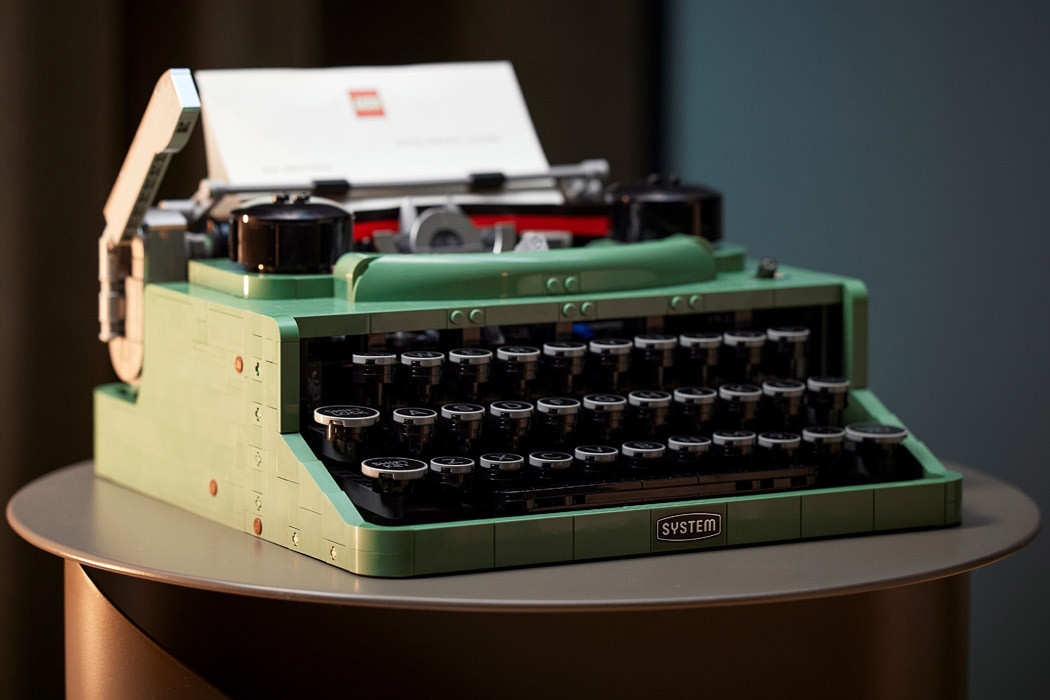
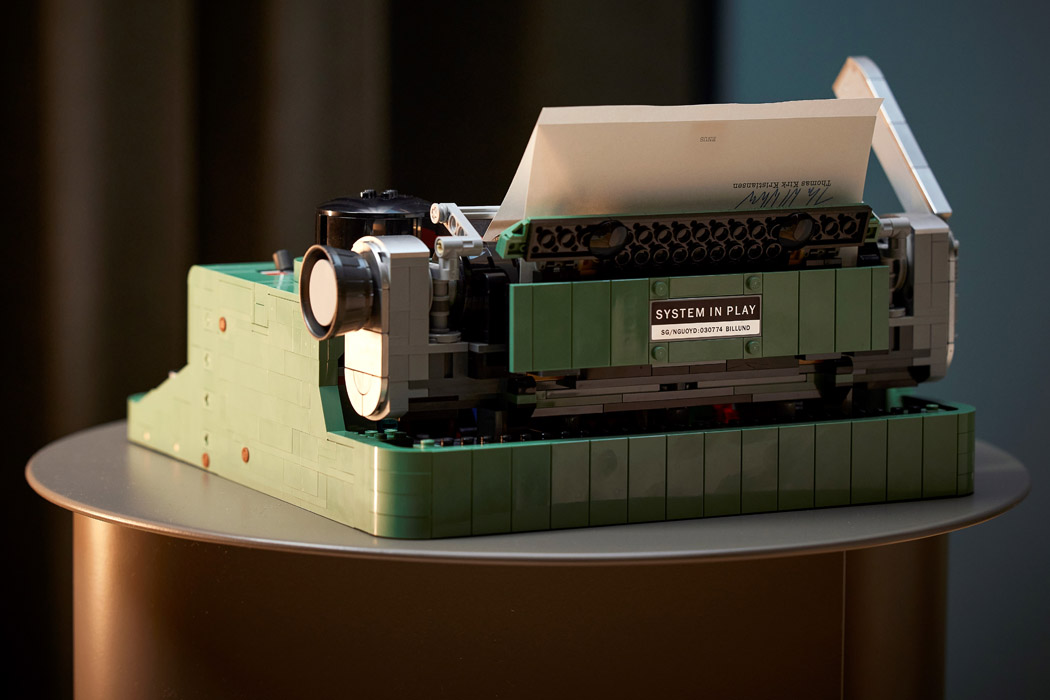
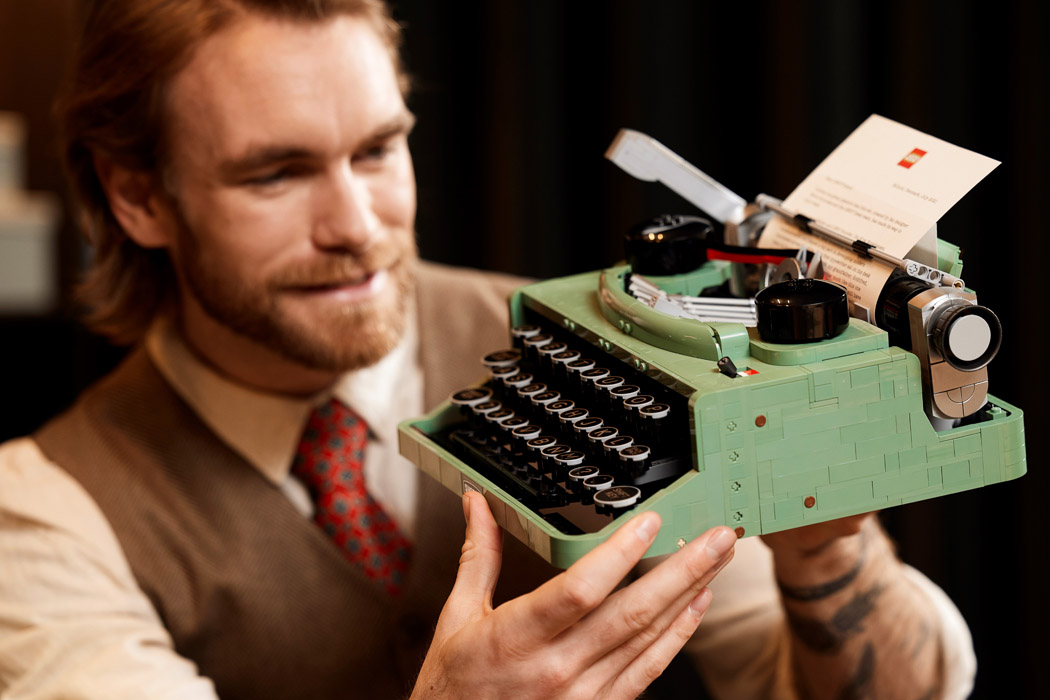
A mechanical LEGO Typewriter that types using Gravity, not ink

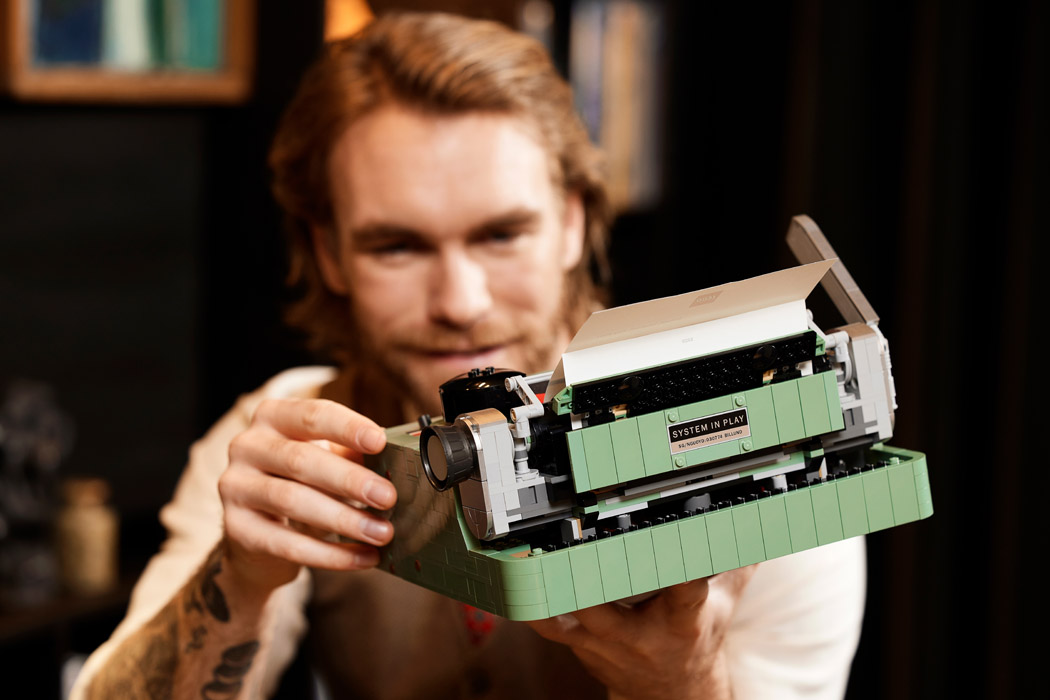
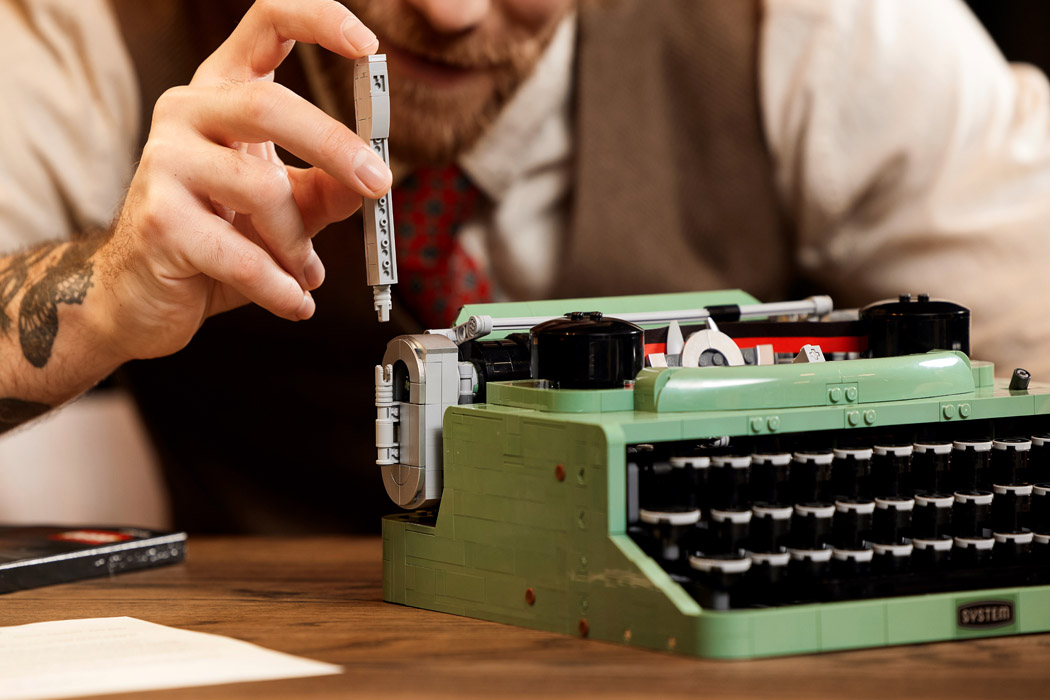
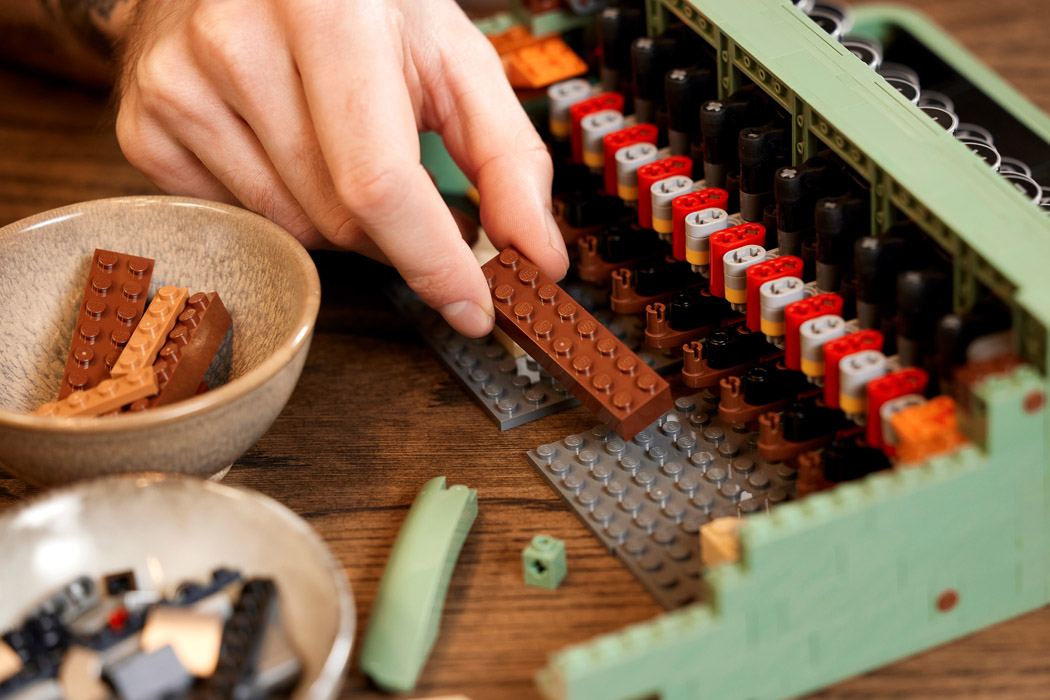
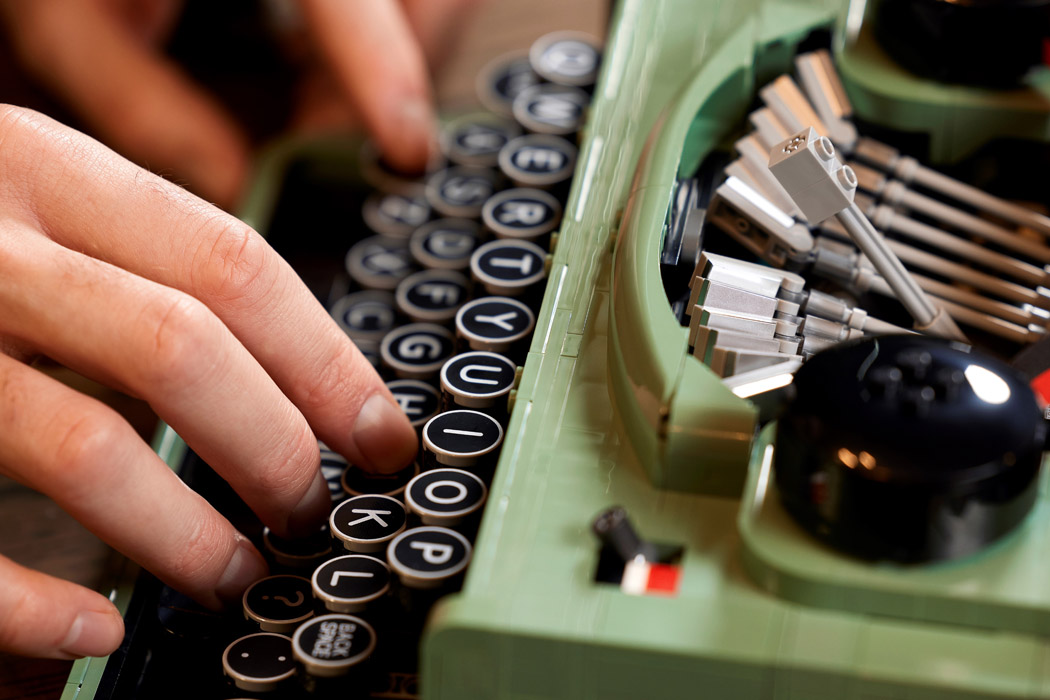
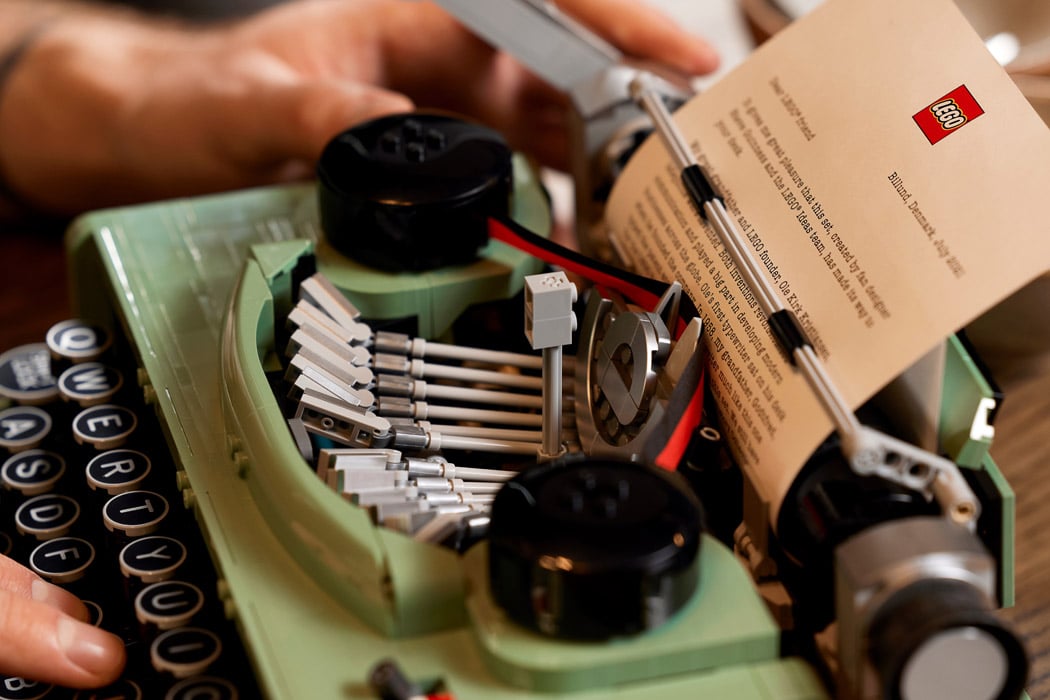
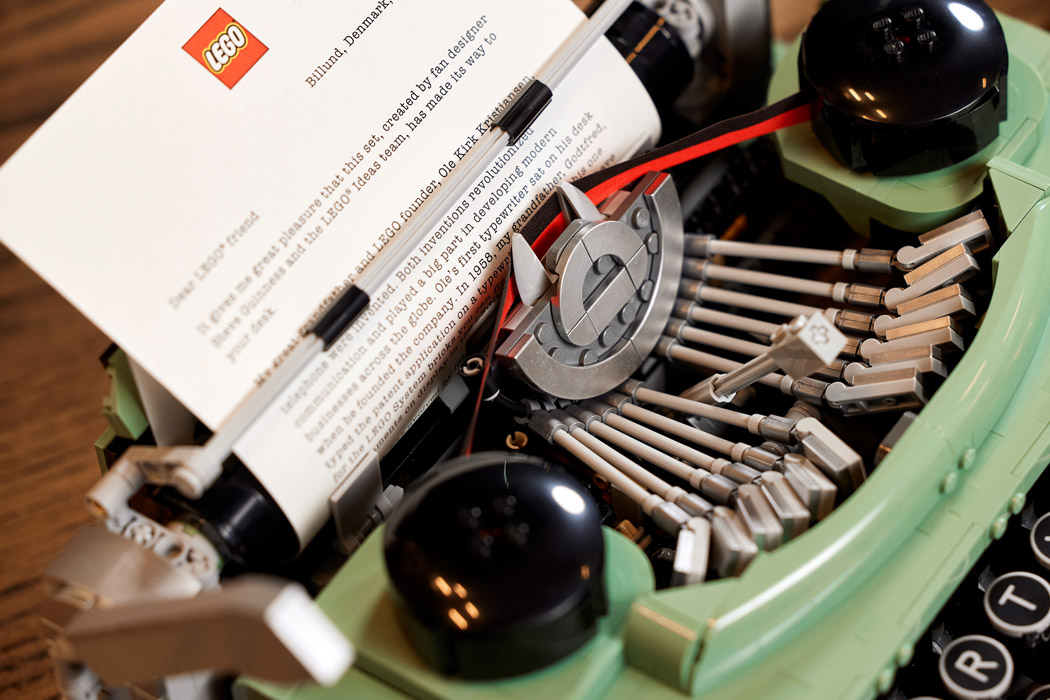
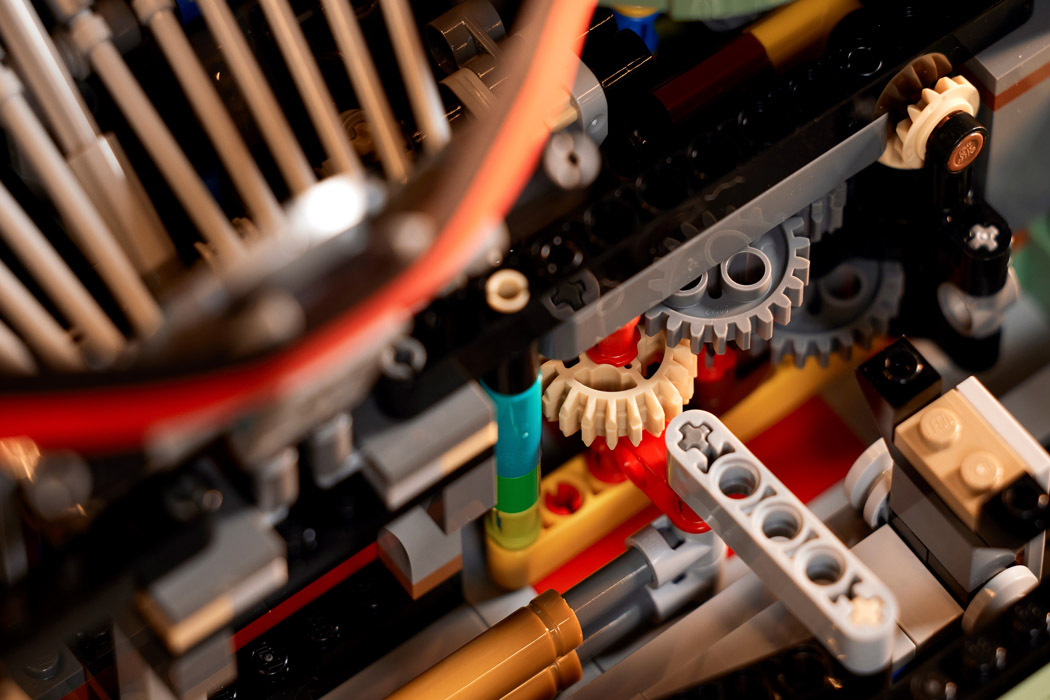
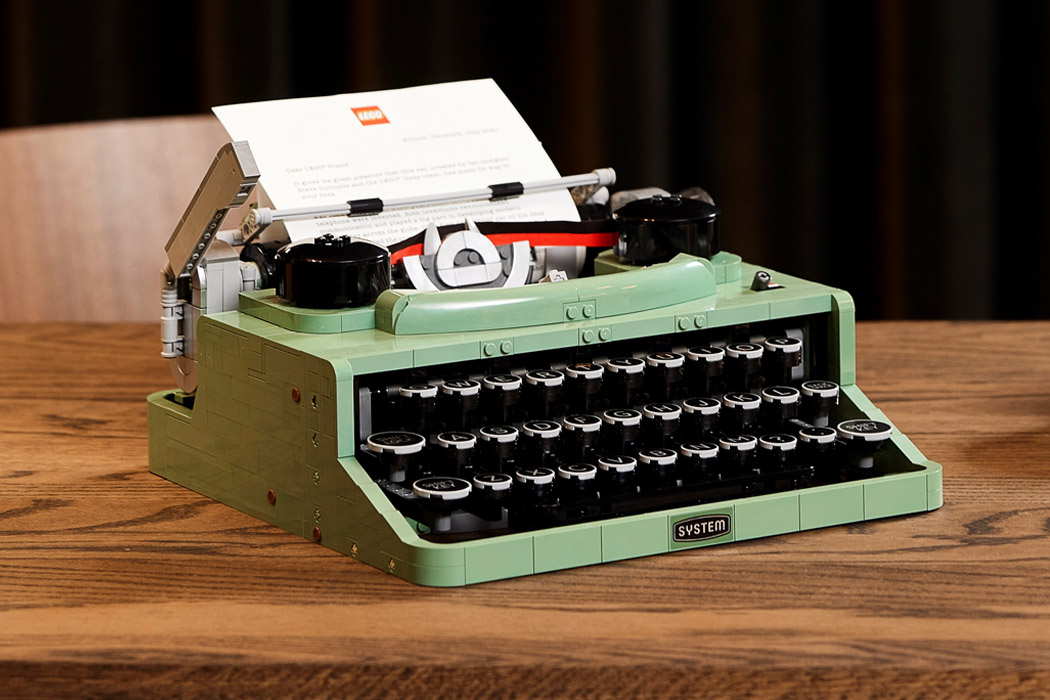
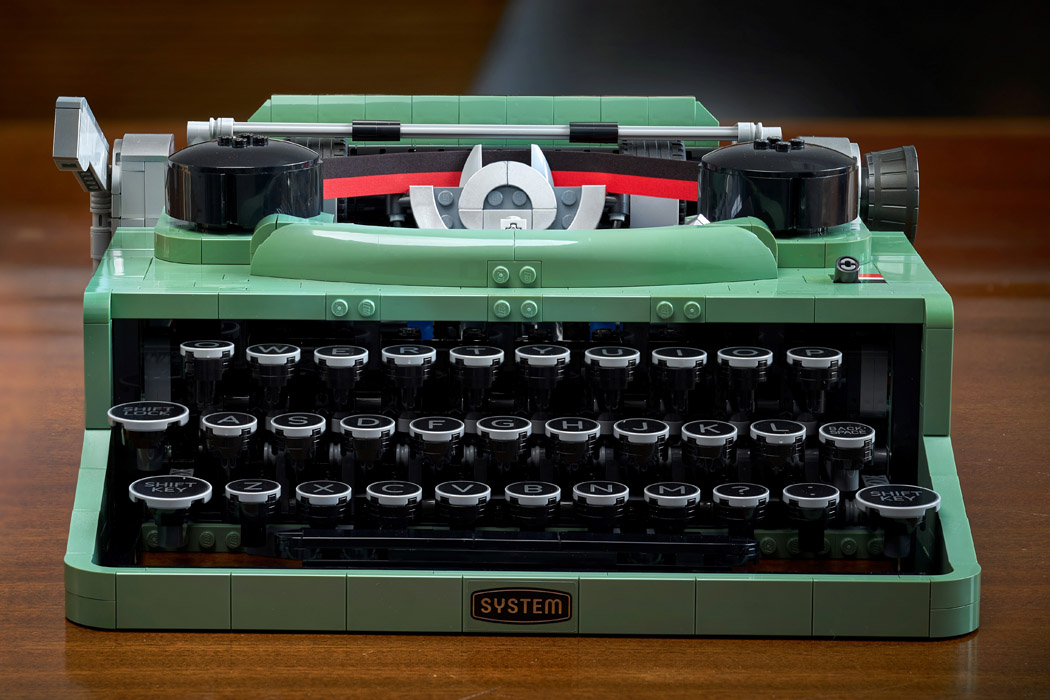
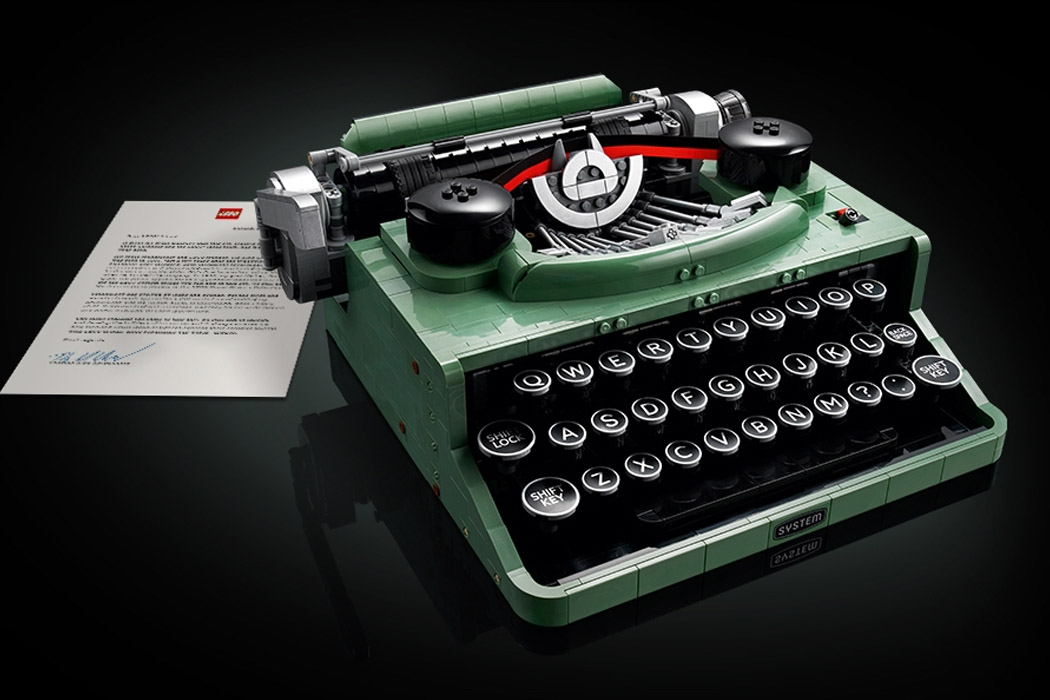
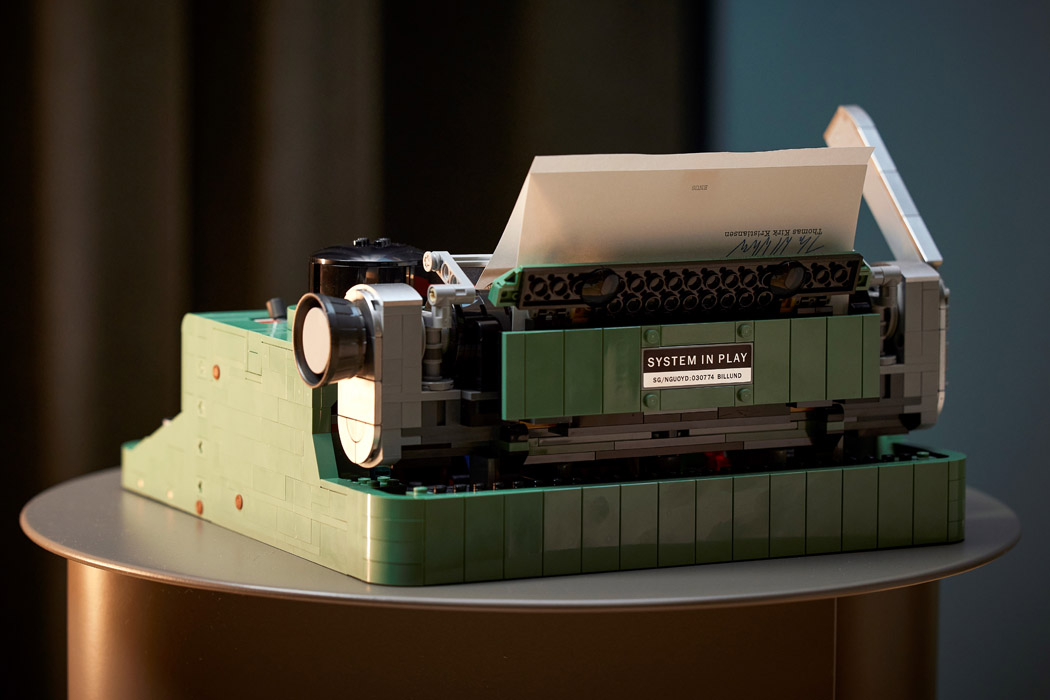
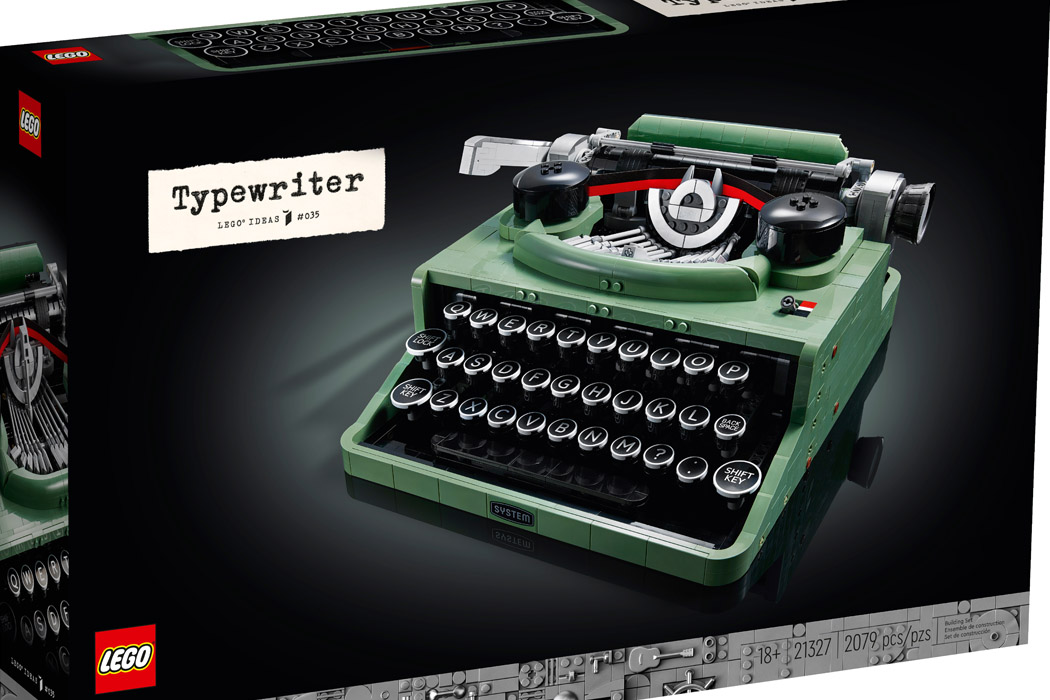
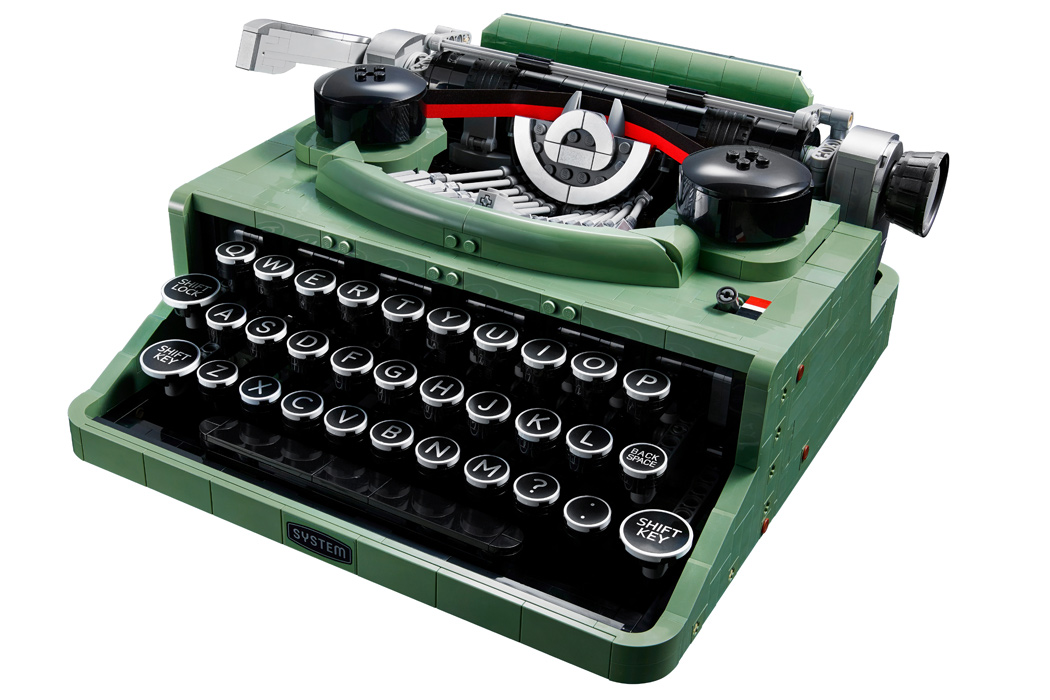
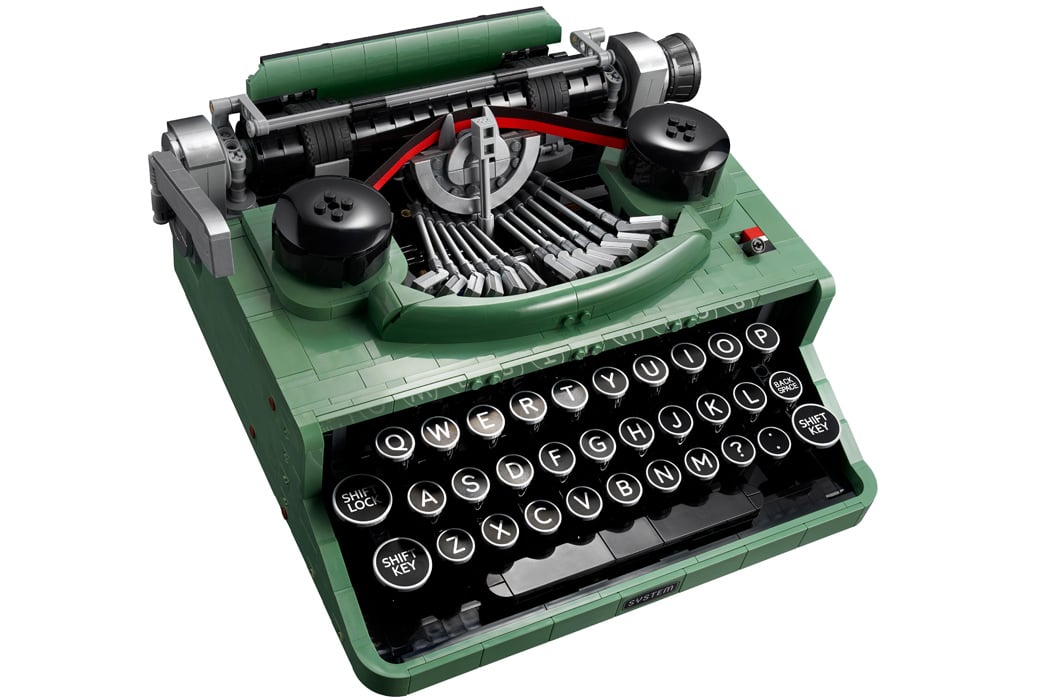
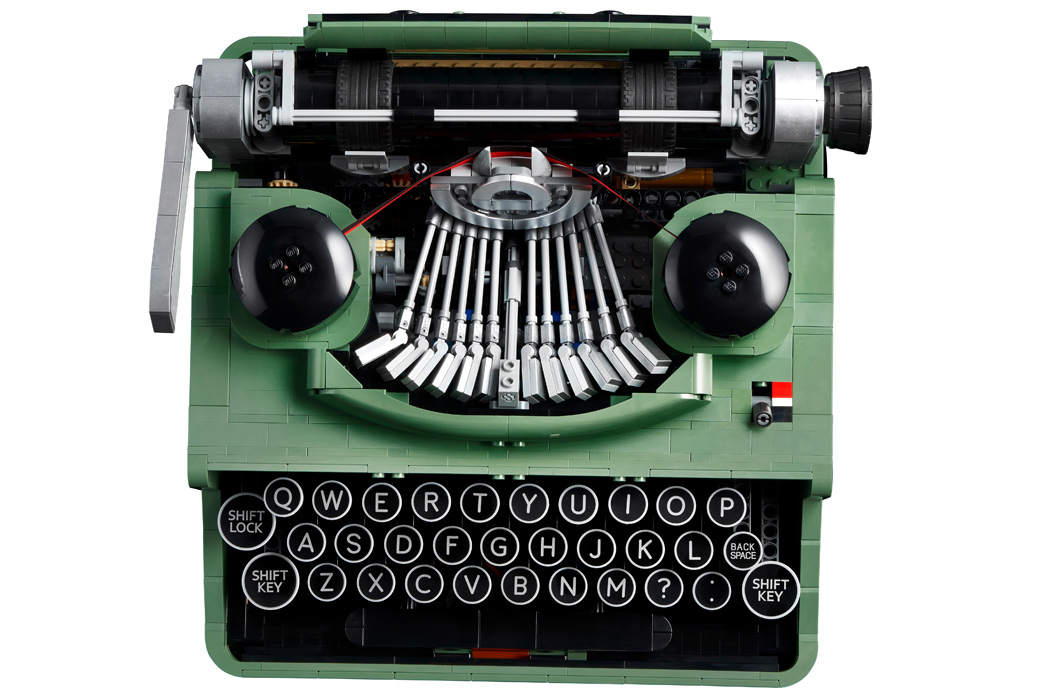
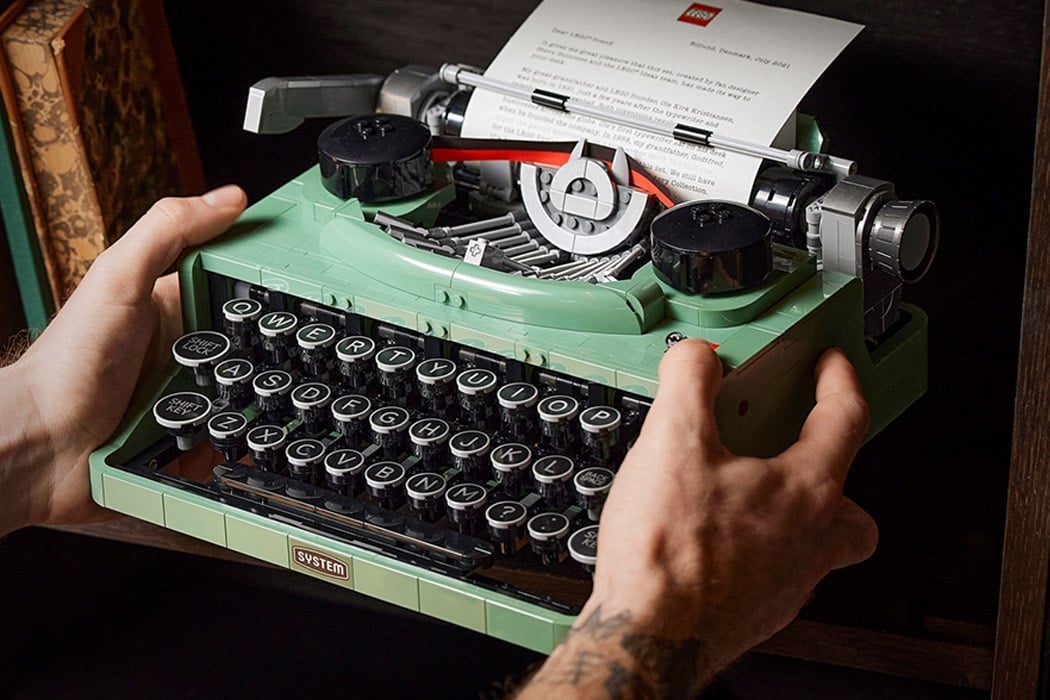
When the official LEGO Typewriter was released in 2021, it was one of the coolest sets around. The brick typewriter had a major kink, though: it could not type any genuine text. Koenkun Bricks was bugged by this shortcoming and wanted to build a working model that could type in character fits for the LEGO world.

This incredibly detailed LEGO Typewriter is a result of that ambition, as the typewriter sticks LEGO character tiles onto the LEGO brick, making the LEGO typewriter set complete in its own right. The detailed DIY is achieved with LEGO parts, a rubber band, and, of course, the maker’s intuitive engineering brain.

Designer: Koenkun Bricks

Rather than trying to replicate the full complexity of a real typewriter’s mechanics, which would require dozens of articulated typebars and space far beyond a reasonable LEGO build, the creator reinvented the typing process to fit within standard LEGO constraints. Koenkun Bricks’ solution foregoes ink and paper entirely, instead using LEGO letter tiles as the “characters” that are pushed onto a reusable base plate that stands in for the page. This clever redesign allows the model to remain roughly the size of a classic typewriter while still delivering a tactile, playful typing experience.

Each key on this functional LEGO typewriter serves two purposes. When pressed, a corresponding hopper opens to release a specific letter tile by gravity. On release, stored tension in rubber bands powers a pusher that drives the tile through a ramp and around a guiding arch before it contacts the white LEGO base plate, ensuring the tile lands facing correctly. This sequence cleverly simulates letter placement without needing complex print mechanics and shows a deep understanding of LEGO’s modular systems.

The arrangement of keys posed its own challenge. With 26 letters to accommodate, space was at a premium. Early versions attempted to eject characters forward like classic typebars, but this caused interference between adjacent mechanisms. The final design staggers the key rows slightly, allowing each to operate independently while maintaining the familiar typewriter silhouette. Rubber bands are central to the build, functioning as springs and return mechanisms throughout the machine and making iterative design adjustments more straightforward.

The movement of the plate that receives the tiles also mimics traditional typing action. After each key press, the board advances sideways automatically through a ratcheting mechanism actuated by the key itself. When a line is complete, vertical advancement is done manually with a small reel, echoing the feel of rolling the paper on an old trusty typewriter. This mix of automatic and manual motion adds to the sense of interaction and gives users a satisfying control loop as they “type.”

While Koenkun’s LEGO typewriter might not deliver ink on paper, it embodies the spirit of mechanical ingenuity and playful engineering that draws many to LEGO building in the first place. The reusable white plate means typed messages can be erased and retyped, inviting experimentation and wordplay.

The post A mechanical LEGO Typewriter that types using Gravity, not ink first appeared on Yanko Design.

Distraction-free digital typewriter carries a playful and whimsical character

Smartphones and tablets today are extremely powerful devices, allowing us to do almost anything and everything, including writing a novel. Of course, that will require more than the on-screen keyboard, but an external keyboard, even a mechanical one, isn’t always enough for a good writing experience. These mobile computers, powerful as they are, also tend to bombard writers with notifications and temptations, distracting them from the sometimes fragile flow of thought and words. Digital and smart typewriters offer a better solution, but their dry and clinical designs aren’t exactly inspiring to look at. Enter the Micro Journal, a writing device designed not just to make writing convenient but also enjoyable.

Designer: Un Kyu Lee

Digital typewriters, sometimes called smart typewriters, are the evolution of electronic typewriters. They’re more portable than these, offering the benefits of modern technologies and design, but are also single-purpose appliances compared to tablet computers. You turn them on, type on them, and turn them off again when you need to go. Everything is saved on local storage or a memory card and they don’t have any other function like connecting to the Internet or running apps.

Many such devices sport minimalist designs to avoid unnecessary visual distractions, but these designs also tend to feel uninspiring, which can actually influence the mind subconsciously. Some writers will want their tools to reflect their own creativity, and the Micro Journal’s design tries to add some style and flourish to the product to the point that it almost looks more like a toy with its pastel blue body and yellow display bezel. That tiny display also sits above the keyboard at a slight angle, offering a slightly more comfortable typing experience even if you have it on top of your legs instead of on a table.

Of course, the Micro Journal isn’t all looks and actually delivers that fun typing experience through hot-swappable Cherry MX switches. Many writers and programmers swear by this type of mechanical keyboard, and you can customize it to the layout that you want. Using the writing device is as simple as turning it on, though it also offers some advanced connectivity features, unlike other distraction-free typewriters. In particular, it allows you to sync your work with Google Drive, but it’s purely an optional feature, not a necessity.

Another difference between this product and others in the market is that, while it’s available as a finished device, you can also buy the Micro Journal as a kit that you can assemble yourself. This offers a greater level of flexibility and customization, especially if you’re the type to tinker with your tools before you use them. Either way, you get a writing partner that doesn’t nag you with incessant notifications, tempt you away from your train of thought, or make you feel embarrassed to use it in public.

The post Distraction-free digital typewriter carries a playful and whimsical character first appeared on Yanko Design.

Toaster Typewriter puts a humorous and literal spin on how words can burn you

We live in an “instant” civilization where we can get what we want almost instantly. Words appear on the screen as fast as our fingers can fly, cup noodles can be done and ready for consumption in less than five minutes, and bread jumps out of the toaster just a few seconds after simply pressing down on a switch. Can you imagine, then, the frustration of having to slowly type out each letter, or manually turning a loaf of bread every minute to make sure it’s properly toasted without burning to a crisp? Of course, no one will want to go back to those not-so-good old days, at least no one in their right mind. That said, such an unimaginable situation could also be an opportunity for a ridiculous invention, which is what this seemingly antiquated typewriter does, making you slowly type each and every letter to adequately toast a bread loaf.

Designer: Ritika Kedia

The idea of typing on an old-school typewriter to toast bread is beyond absurd. The two have almost nothing in common, except perhaps the starting letter of each word. It’s definitely an exercise in patience and futility, one that could make you lose your appetite even before you get a single word out. But like what happens in real life, some ridiculous and frustrating situations can become comic relief if done right, which is exactly what the Toaster Typewriter represents.
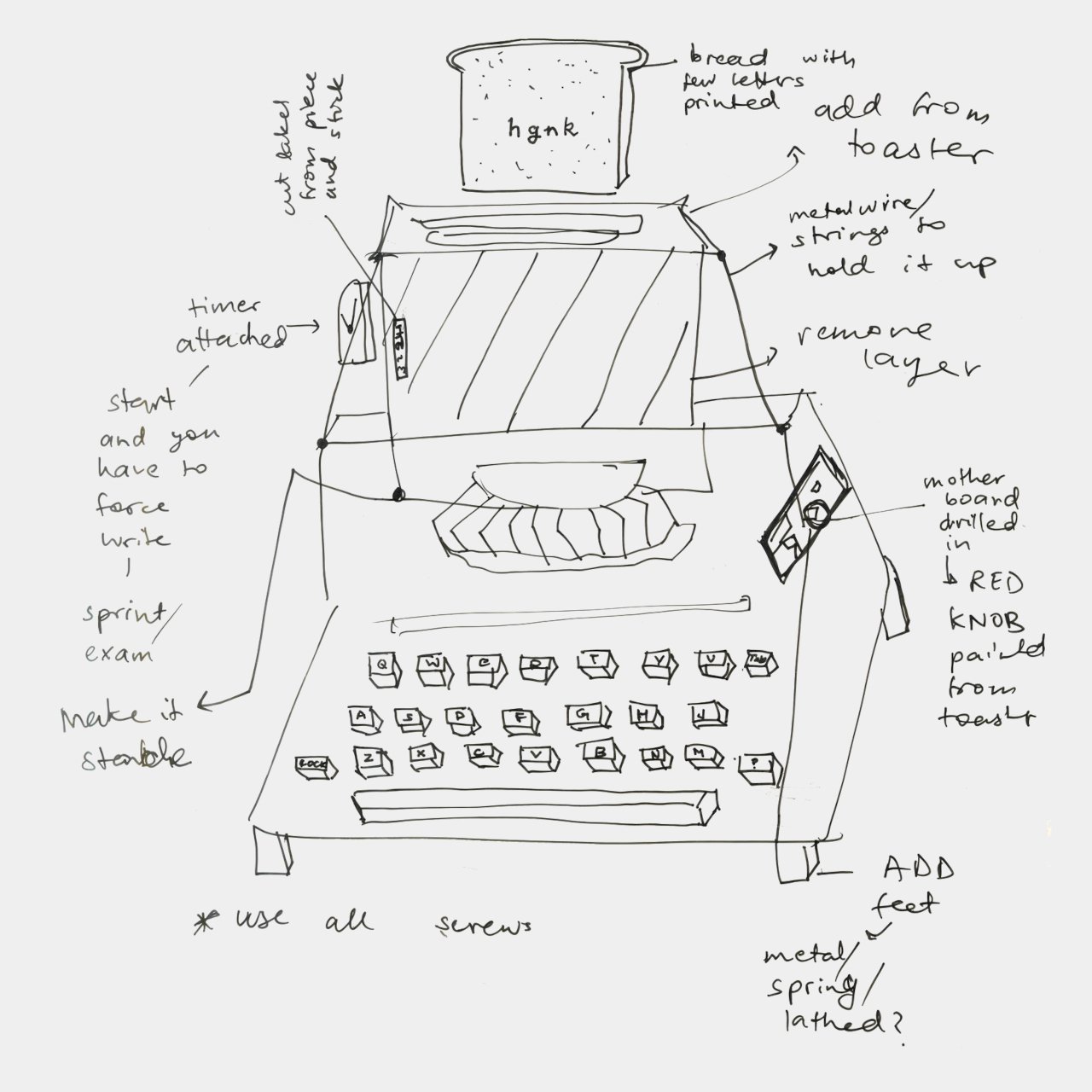
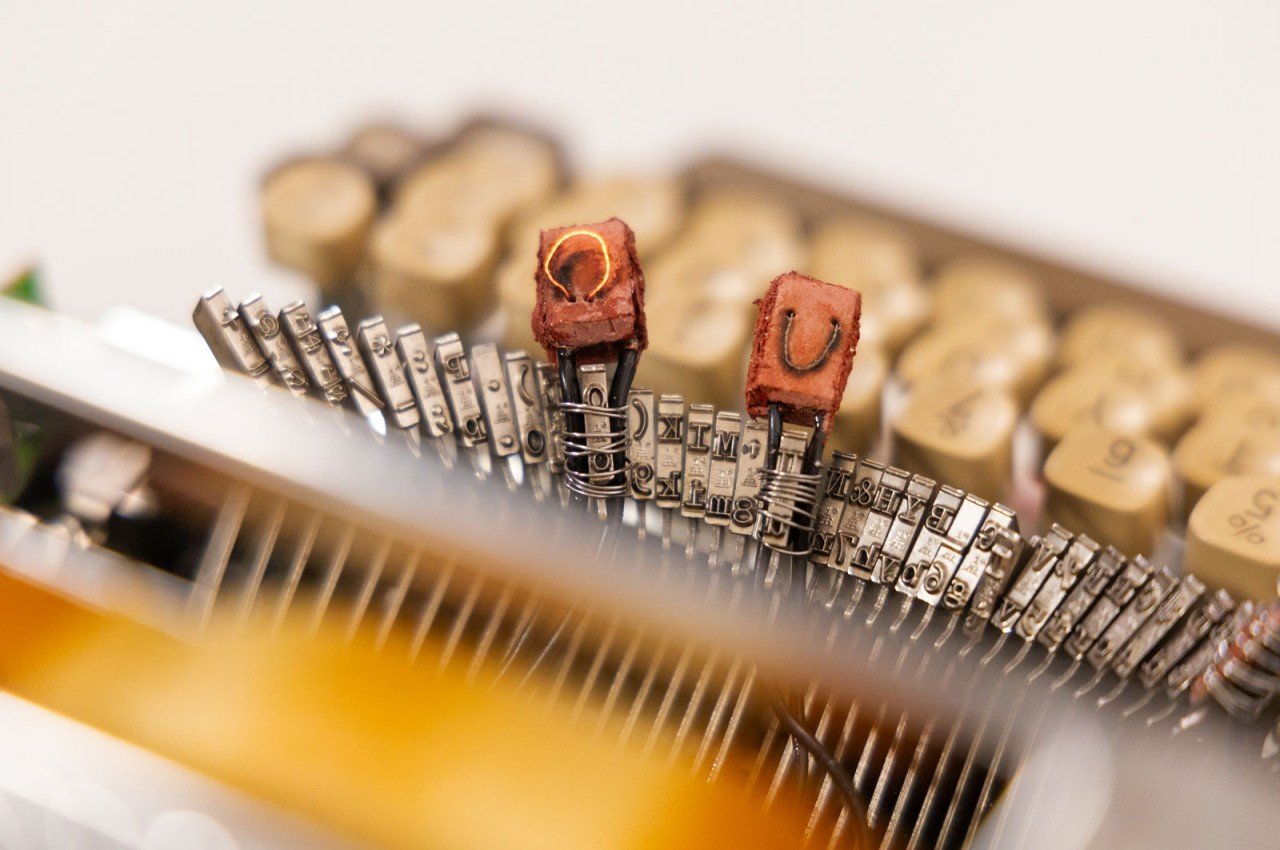
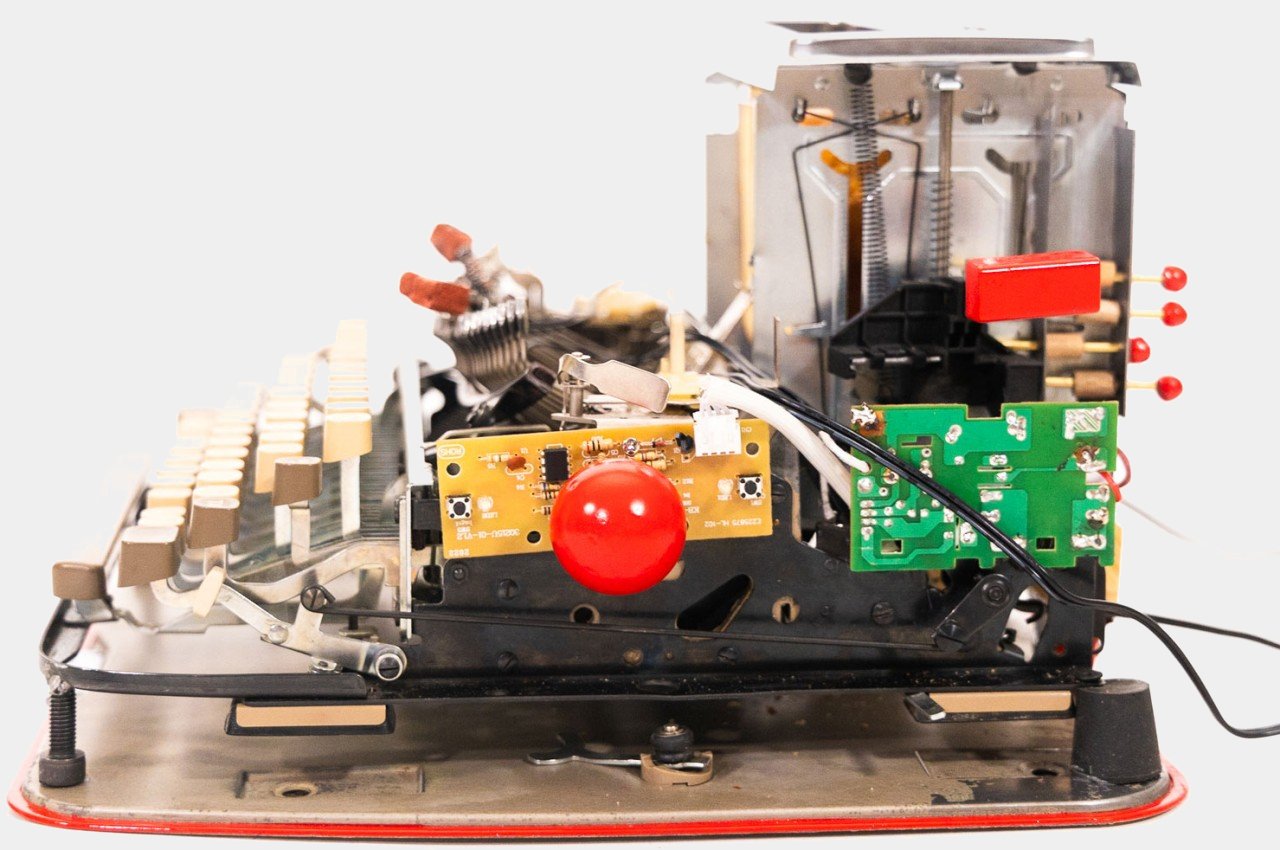
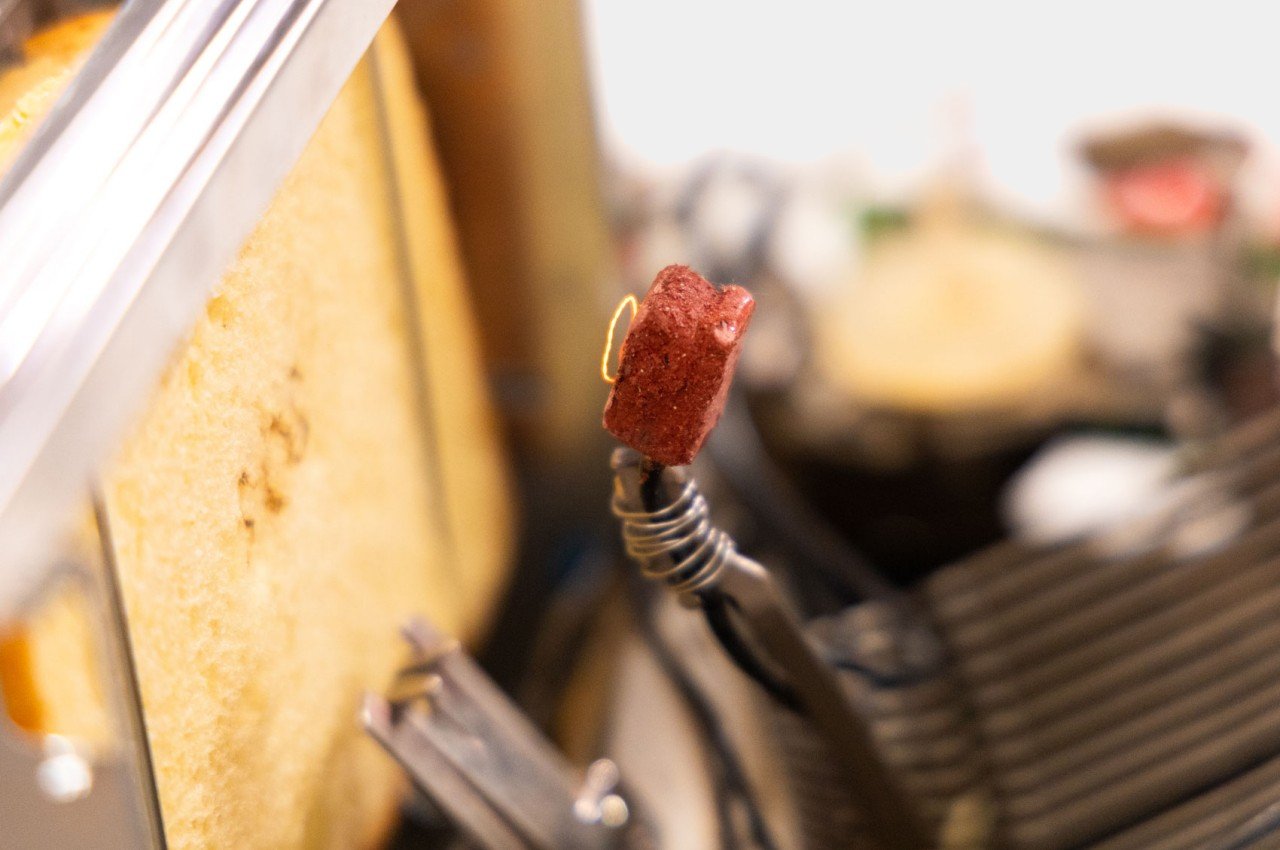
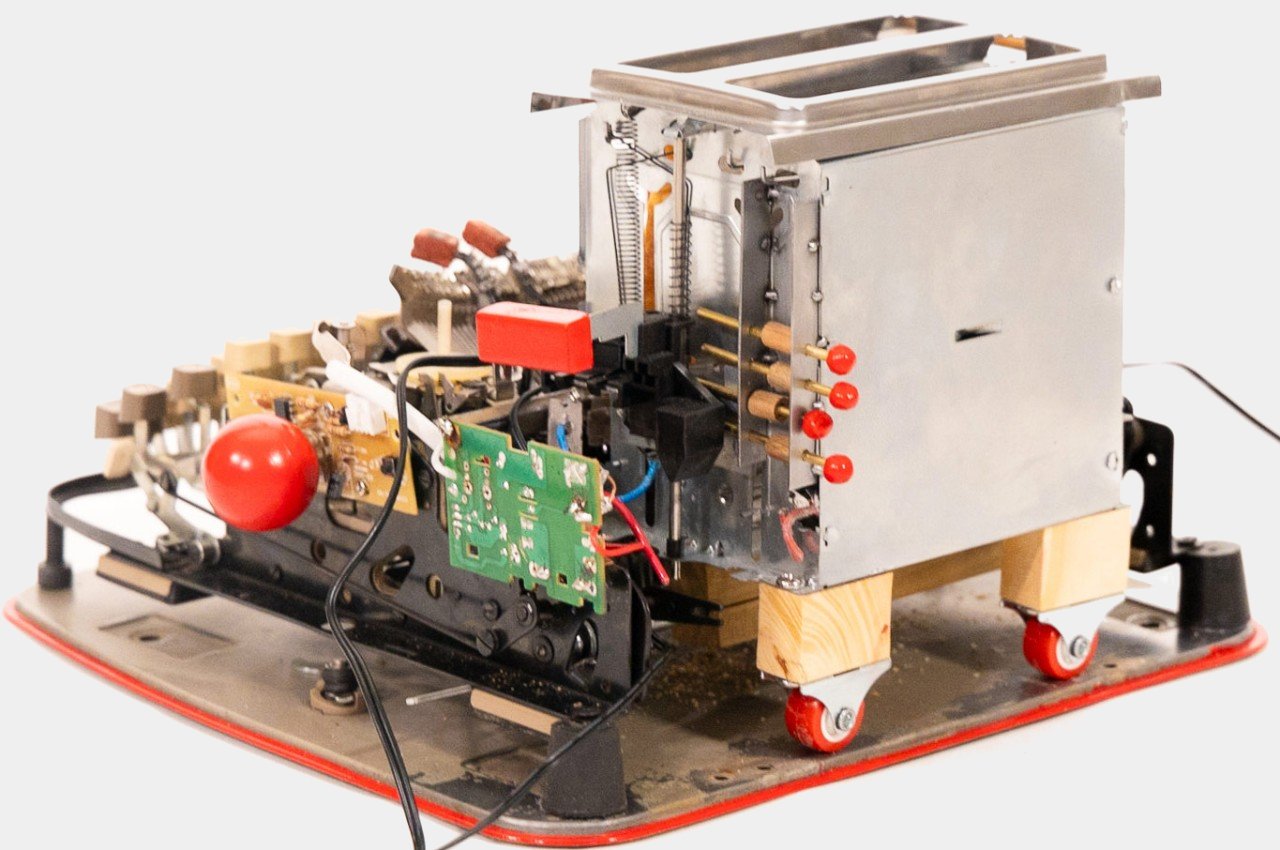
The design is practically a Frankenstein of two very mechanical products, a classical typewriter and a bread toaster with much of its outer shell stripped off. Certain letters on the typebar are covered with food-grade clay and have wires coiled around them. The cobbled machine uses multiple transformers to not only power the toaster but also generate heat for the keys, resulting in a composition that looks more like a prop from a sci-fi flick from the 50s or 60s.
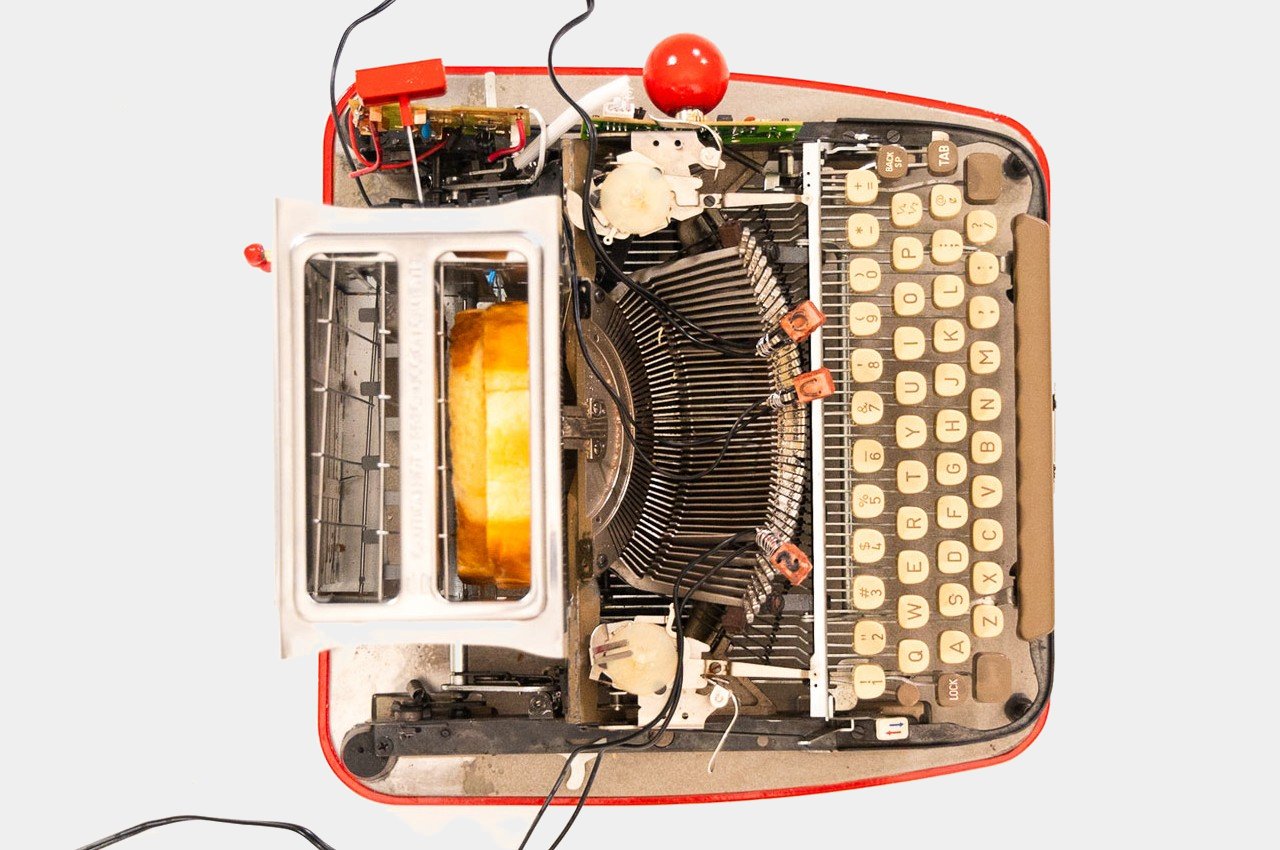
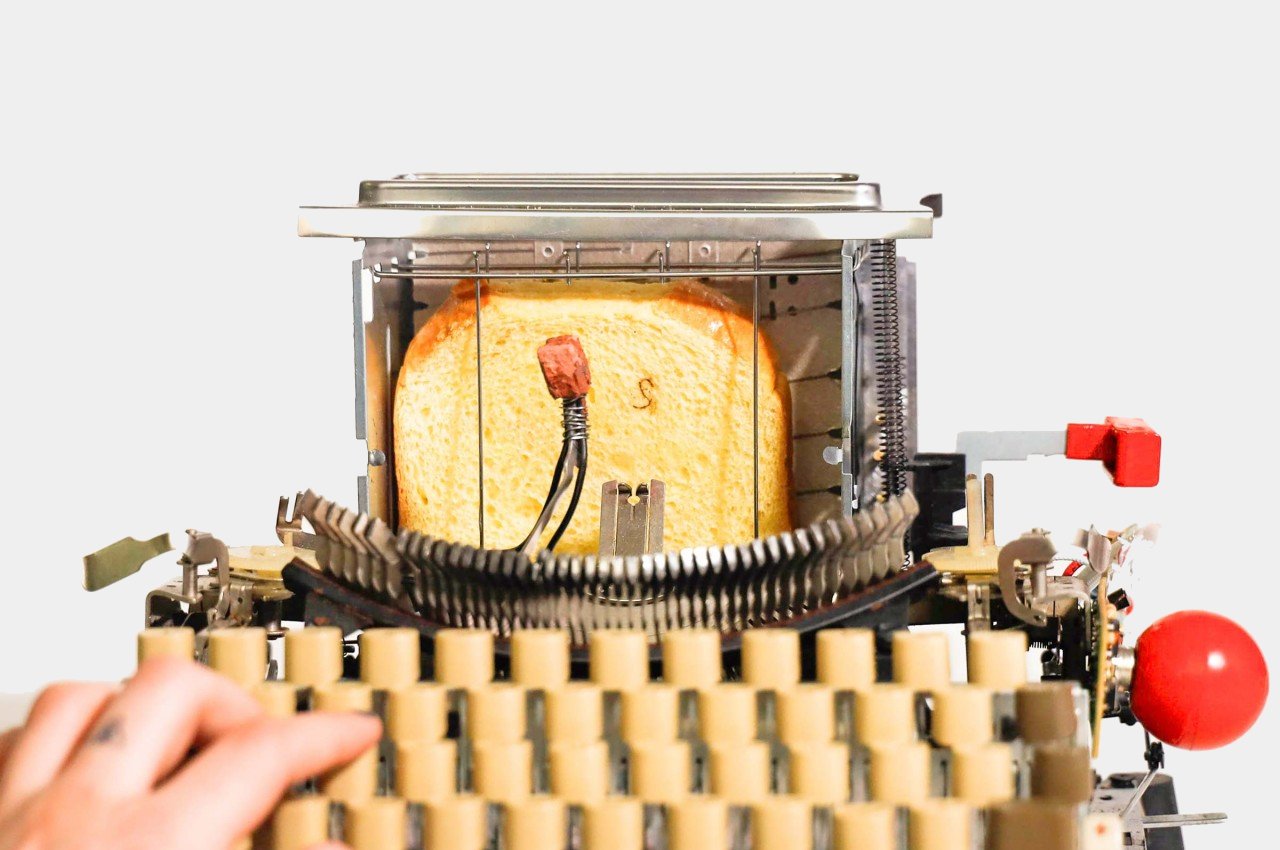
The idea is to simply slide in a loaf of bread like you would on a regular toaster, and then slide the toaster box across the typewriter as if it were a piece of paper. Once the letters are sufficiently hot, you press hard on a key and then wait for that letter to be burned onto the bread’s surface. Rinse and repeat until you finally have your desired toast, unless you lose your sanity first.
As you can probably tell, the Toaster Typewriter technically works but it’s impractical and pretty much useless. That’s exactly the point of the design, however, as a paradigm shift toward more entertaining, even comical, designs. The design space has become too serious for its own good. While product designs definitely need to address certain needs and requirements, there is also room for some more entertaining and humorous designs that bring delight in one way or another. Of course, such designs shouldn’t frustrate people the way this Toaster Typewriter does, but good designs need to be able to include more human elements, including human expressions of joy and laughter.
The post Toaster Typewriter puts a humorous and literal spin on how words can burn you first appeared on Yanko Design.
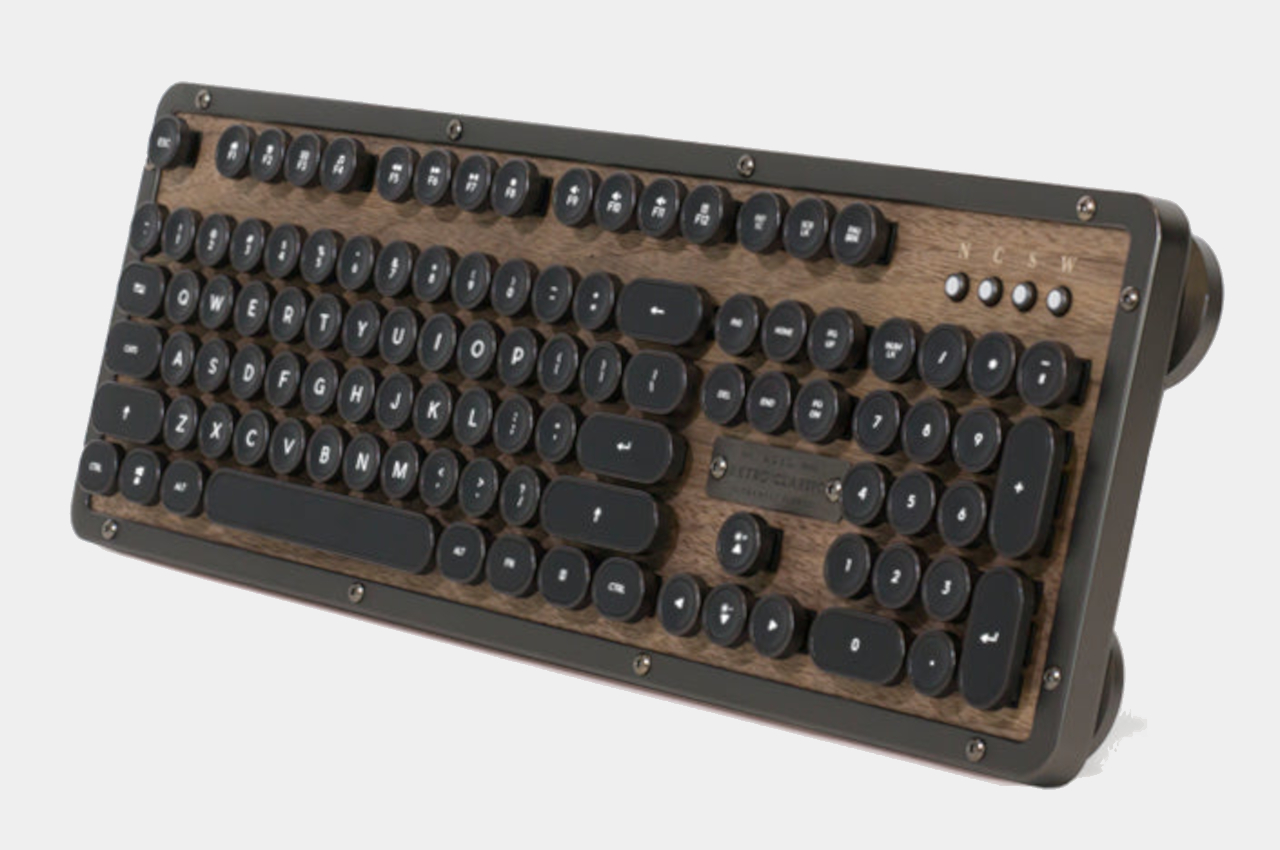
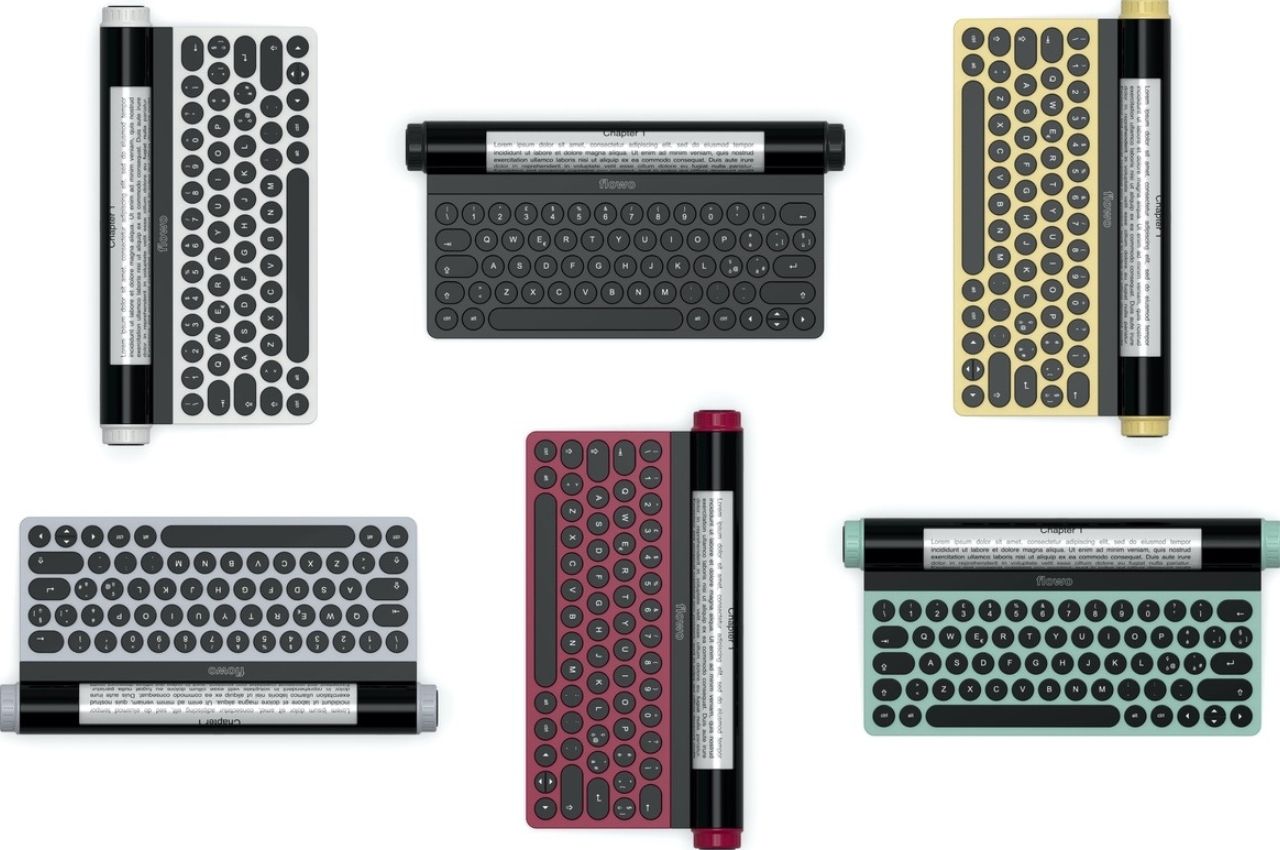
Retro mechanical keyboards offer a tactile experience to inspire creativity

We’ve all been there, staring at a blank page at a complete loss on how to get started on a written project. The dreaded writer’s block makes it feel like our brains are all dried up, but all it really needs is a little nudge to get the creative juices flowing again. That can sometimes come from a fidget toy or, more often than not, a favorite tool that stimulates our senses, especially our sense of touch. That’s the kind of experience that this retro-style keyboard wants to offer, presenting a modern keyboard that looks like a classic typewriter yet also has the elegance of a luxury item, giving both your eyes and your fingers a feast to get that brain running again.

Designer: AZIO

There’s actually no shortage of computer keyboards that lay claim to the title of “retro” or “classic, but many of them heaps on embellishment after embellishment to the point that the design becomes showy and distracting. The keyboards become more like decorative pieces to show off rather than functional tools to help you get the job done with as little friction as possible.

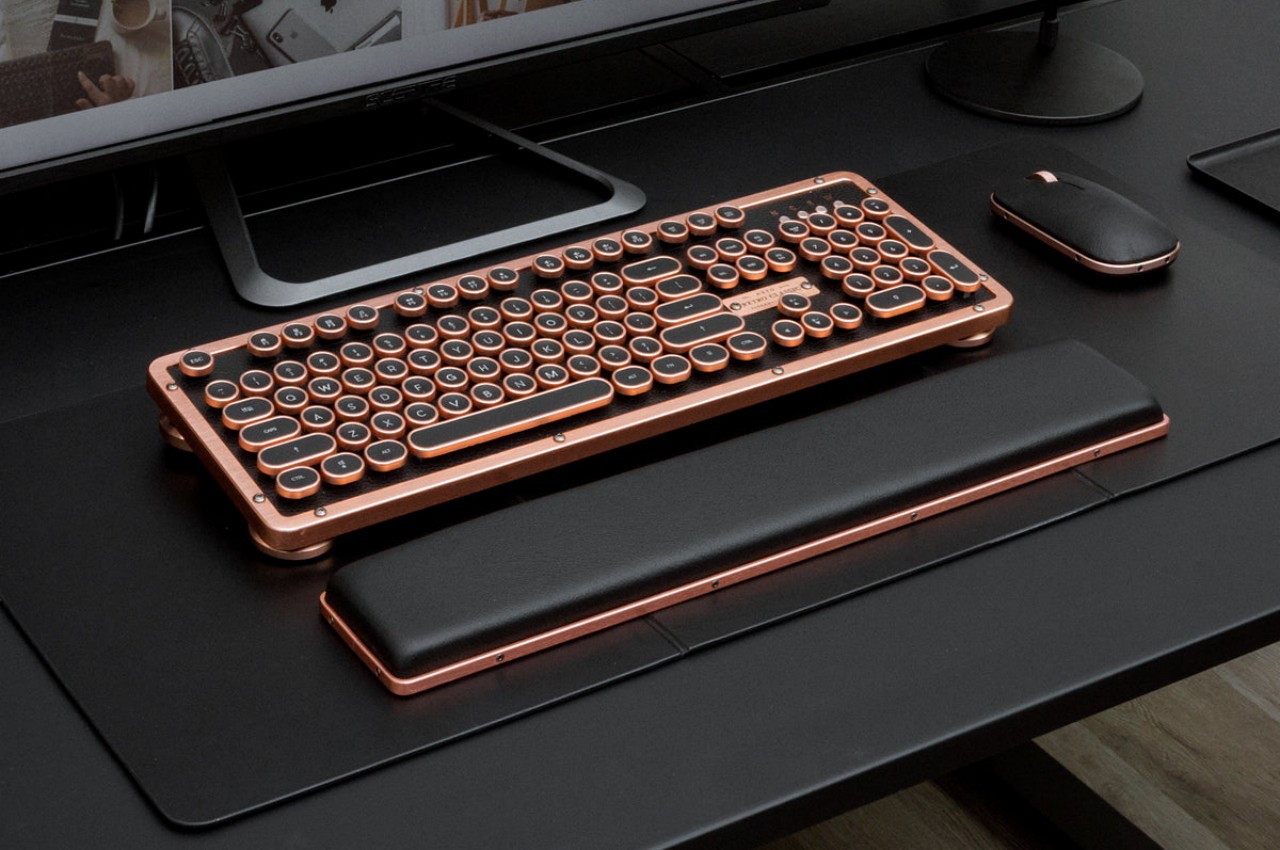
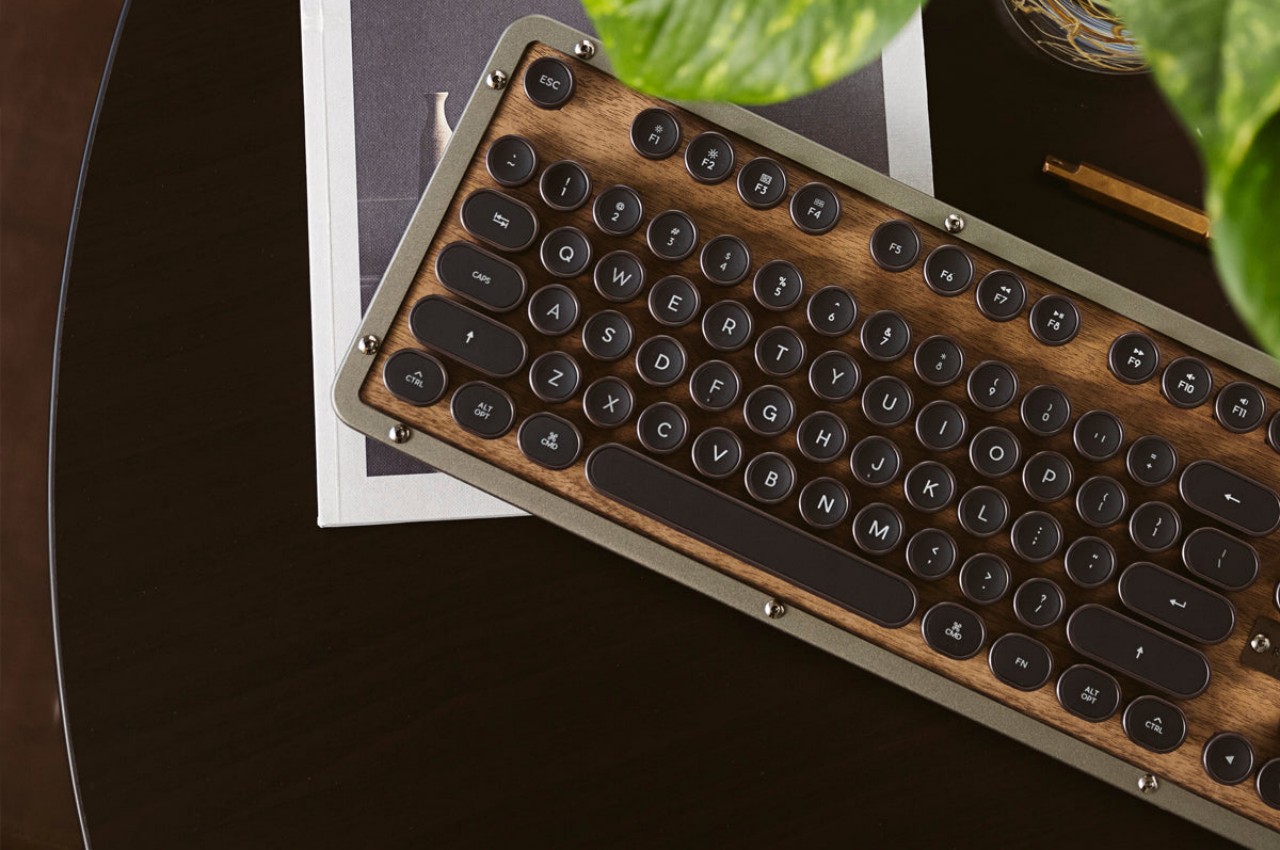
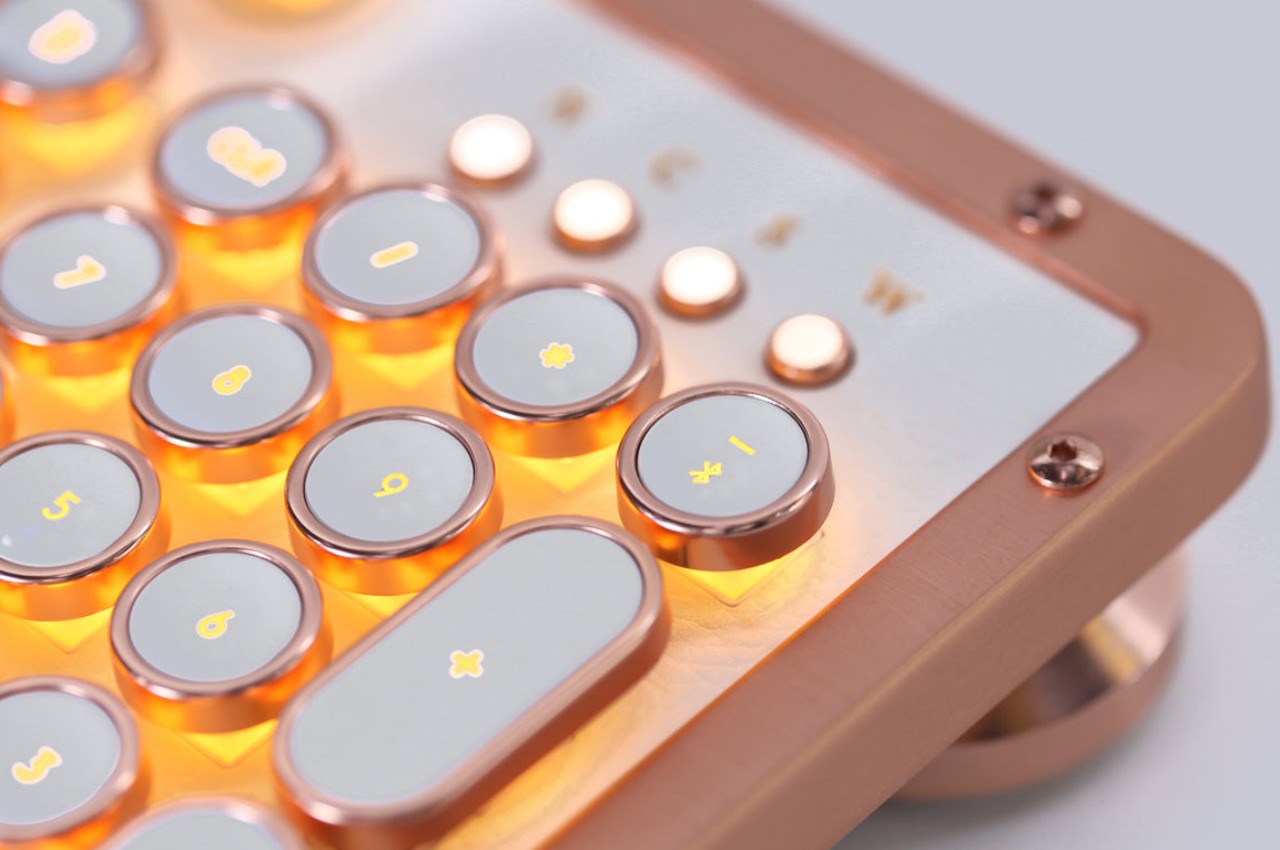
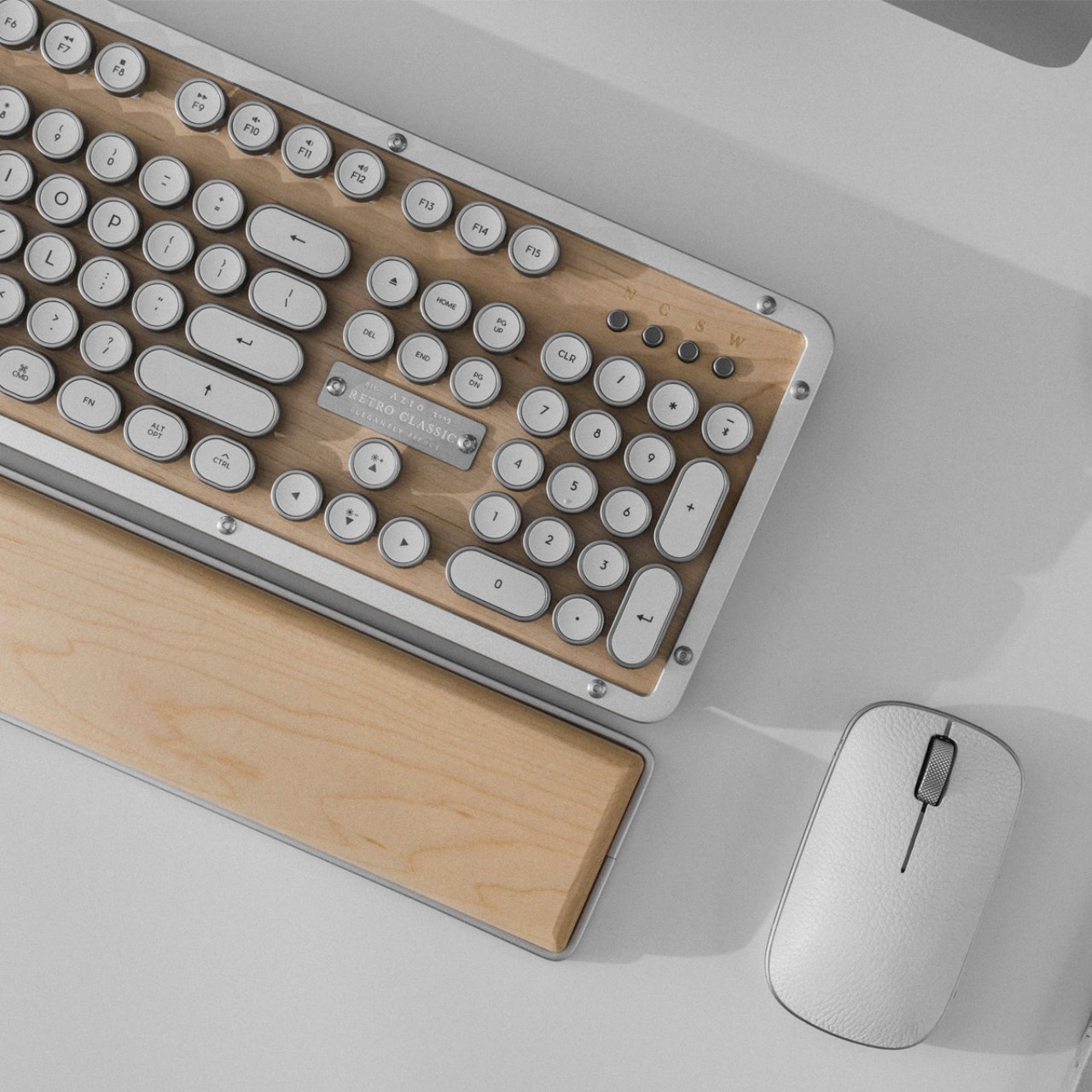
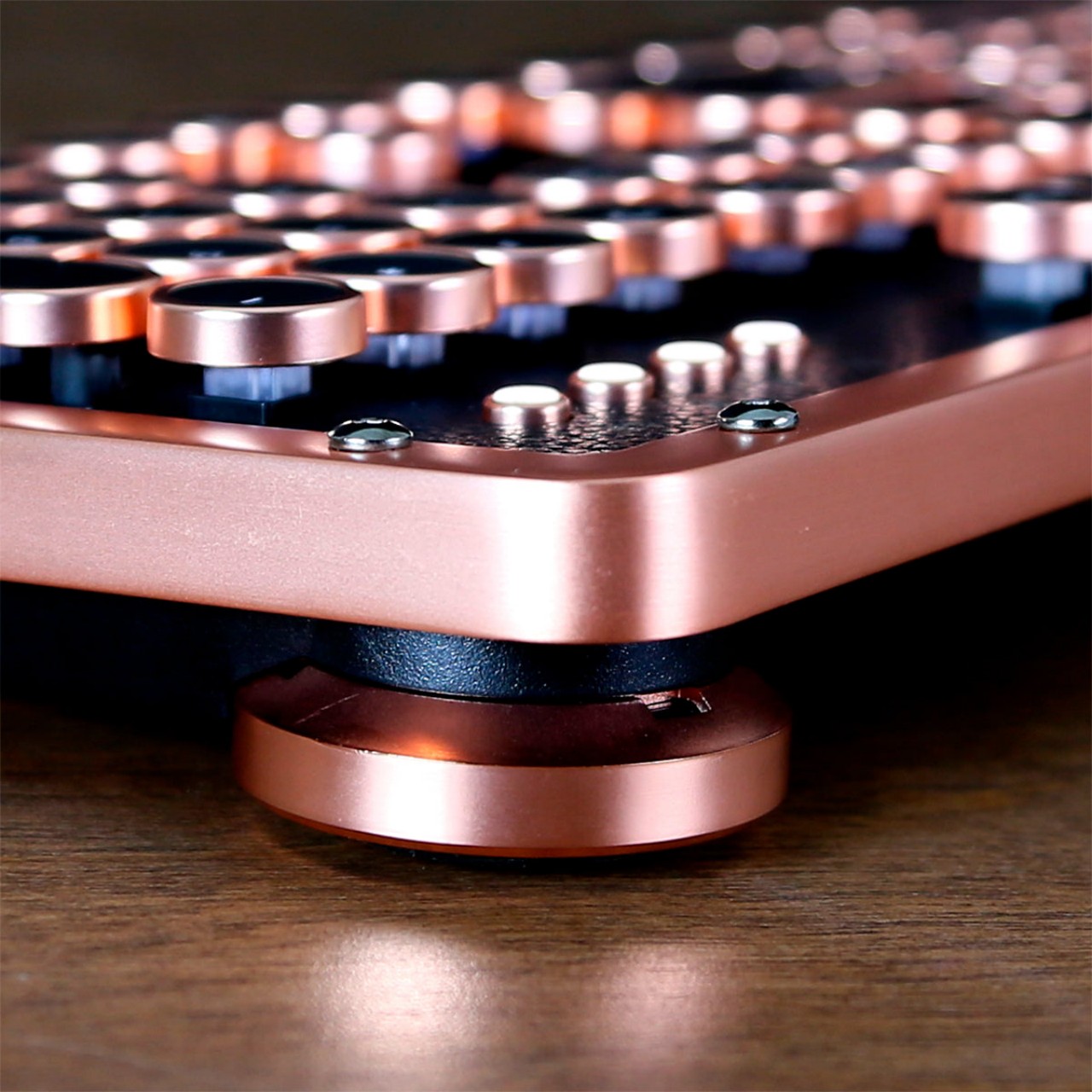
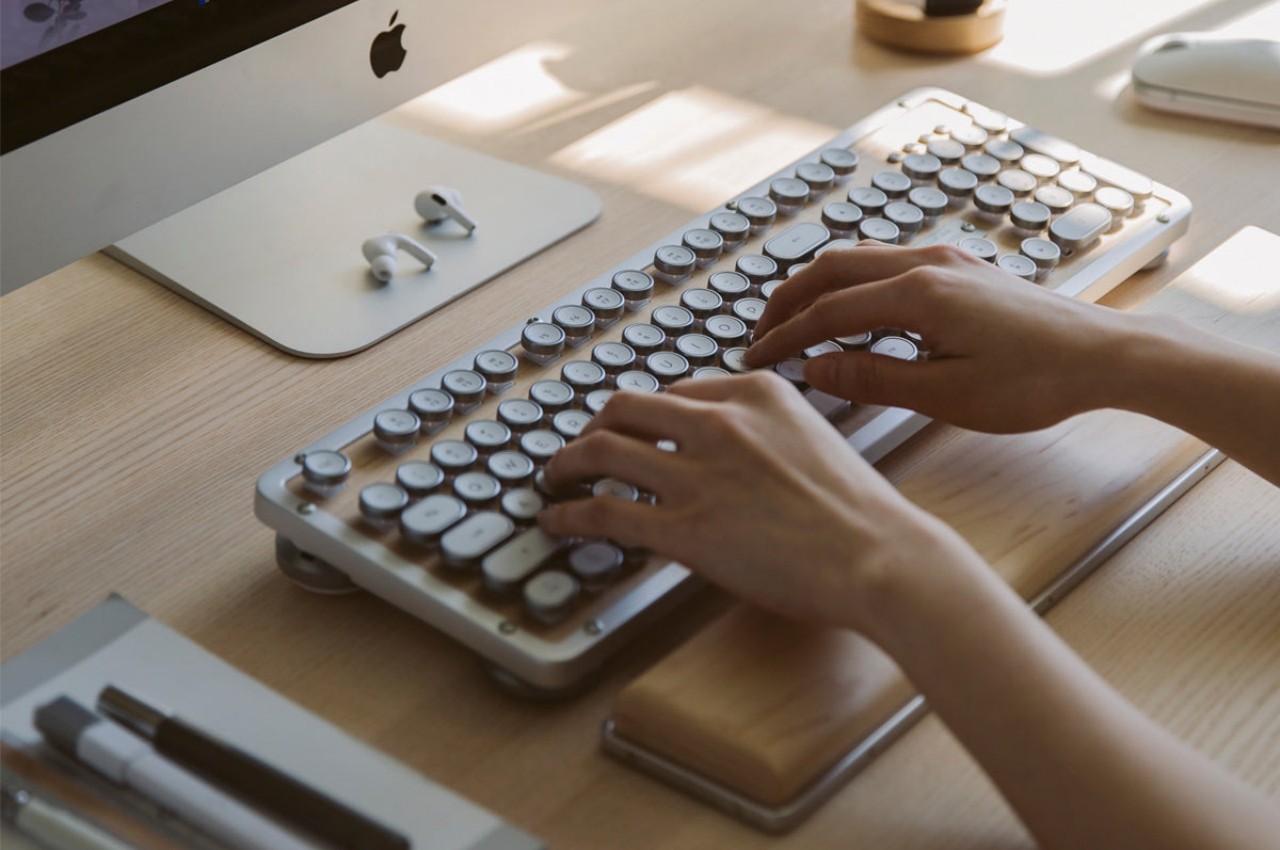
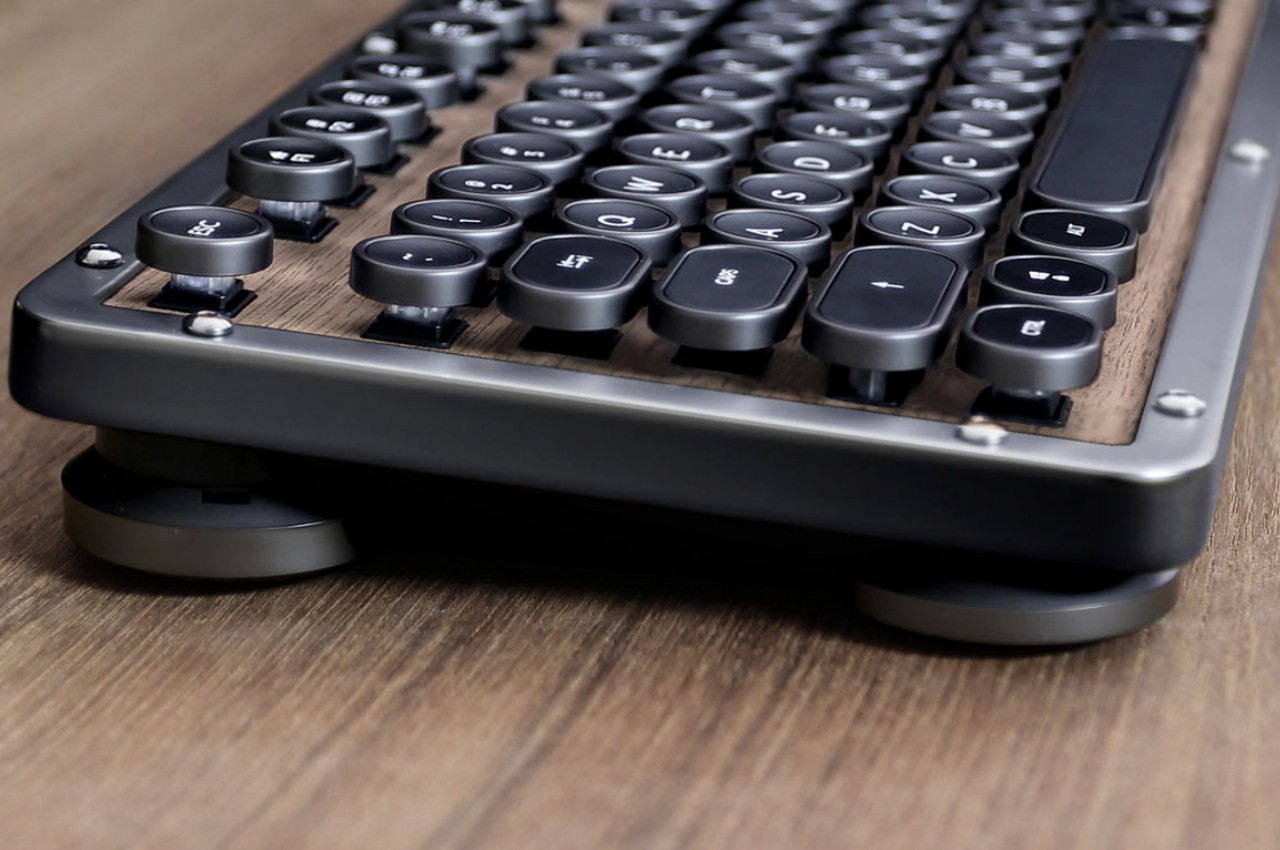
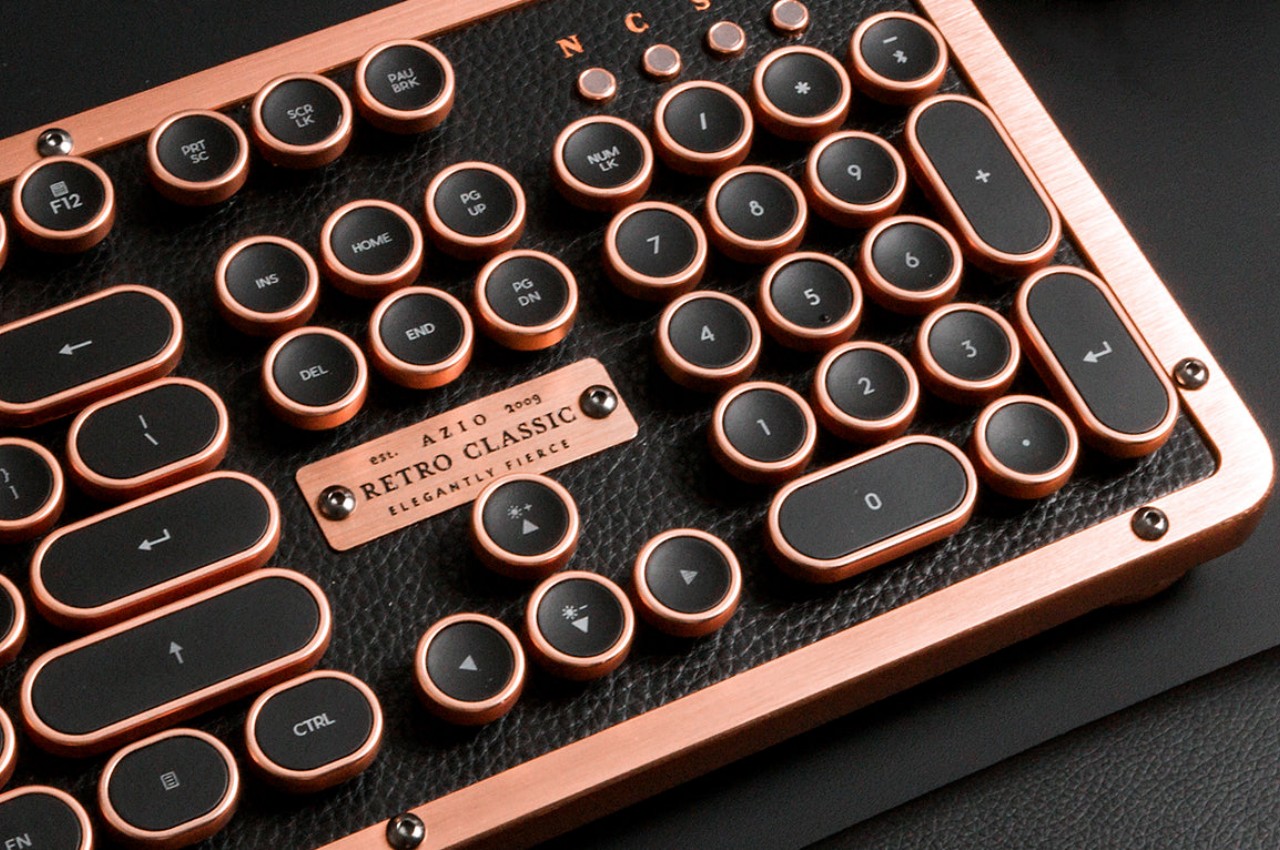
AZIO’s new collection of retro mechanical keyboards tries to strike the balance between minimalist design and detailed retro aesthetics. Inspired by the design of classic typewriters, it shaped the keys into concave circles encased in what looks like polished metal. The keys have a rather sizable gap between them, allowing the backlight underneath to shine through the spaces and give the keyboard a distinctive yet gentle glow.

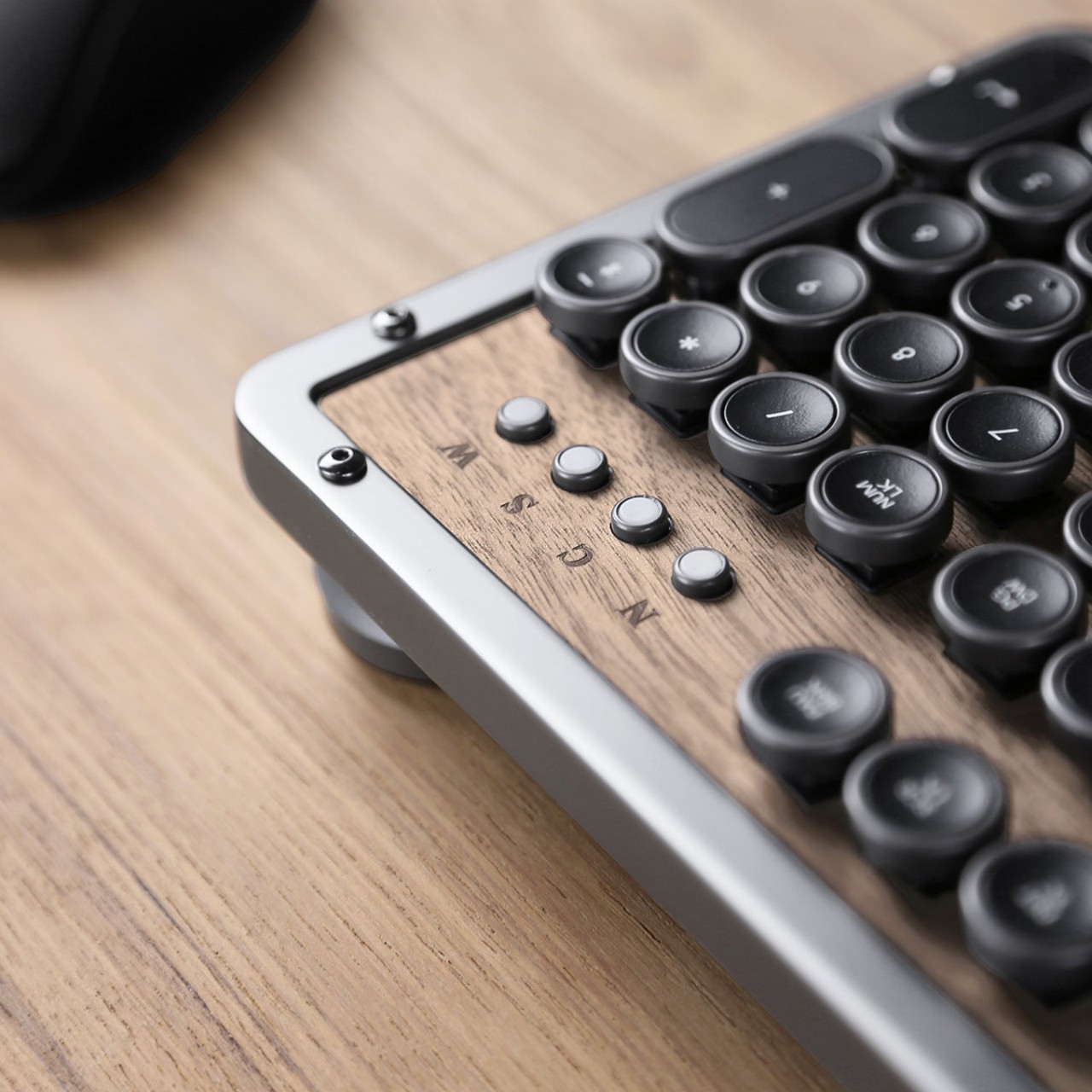
The retro keyboard, however, goes beyond simply trying to mimic a typewriter. AZIO opted to use premium materials for both the frame as well as the surface of the keyboard itself, mixing aluminum with wood or leather. These materials are already a sight to behold, but their textures can also stimulate the skin. You don’t need to reach for a fidget toy or any other object when you can just glide your finger across the luxurious materials of the keyboard instead.

Of course, this is a mechanical keyboard, so it comes with all the benefits that this kind of device entails, from a solid, tactile typing experience to the satisfying clicky sounds that each key makes. The overall design is distinctive yet subtle, giving your eyes something nice to look at without taking your mind off the task at hand. It’s a tool that is a pleasure to see, touch, and use and doesn’t get in the way of you creating your next big writing masterpiece.

The post Retro mechanical keyboards offer a tactile experience to inspire creativity first appeared on Yanko Design.
3D-printed E Ink typewriter offers distraction-free writing with modern perks

Most if not all of us may have dreamed of writing some form of literature like a book or even a novel. It may be an adventure inspired by the latest bestseller that you read, a tear-jerking drama drawn from personal experiences, or even a technical matter intended to pass down knowledge to future generations. Although we still call it “writing,” the fact is that books today are all typed on some kind of machine or another, be it a computer or even an old-school typewriter, each with its own strengths and weaknesses. A computer, of course, delivers plenty of flexibility and convenience, but those also come at the cost of complexity and, more importantly, distractions. Distraction-free typing devices have been popping up here and there to cater to the needs of writers, but this particular design lets you create your own solution and, if necessary, even repair the digital typewriter yourself.

Designer: Vicente Cruz

There are quite a few distraction-free typewriter designs, but almost all of them have one important feature in common: they all use an e-paper display like E Ink. This usually monochrome screen is not just eye-friendly, it is also not that conducive to the colorful images and animations on the Web that distract us from our writing task. The technology is starting to catch up, though, but the advantages of E Ink still make it the perfect screen for such a purpose.

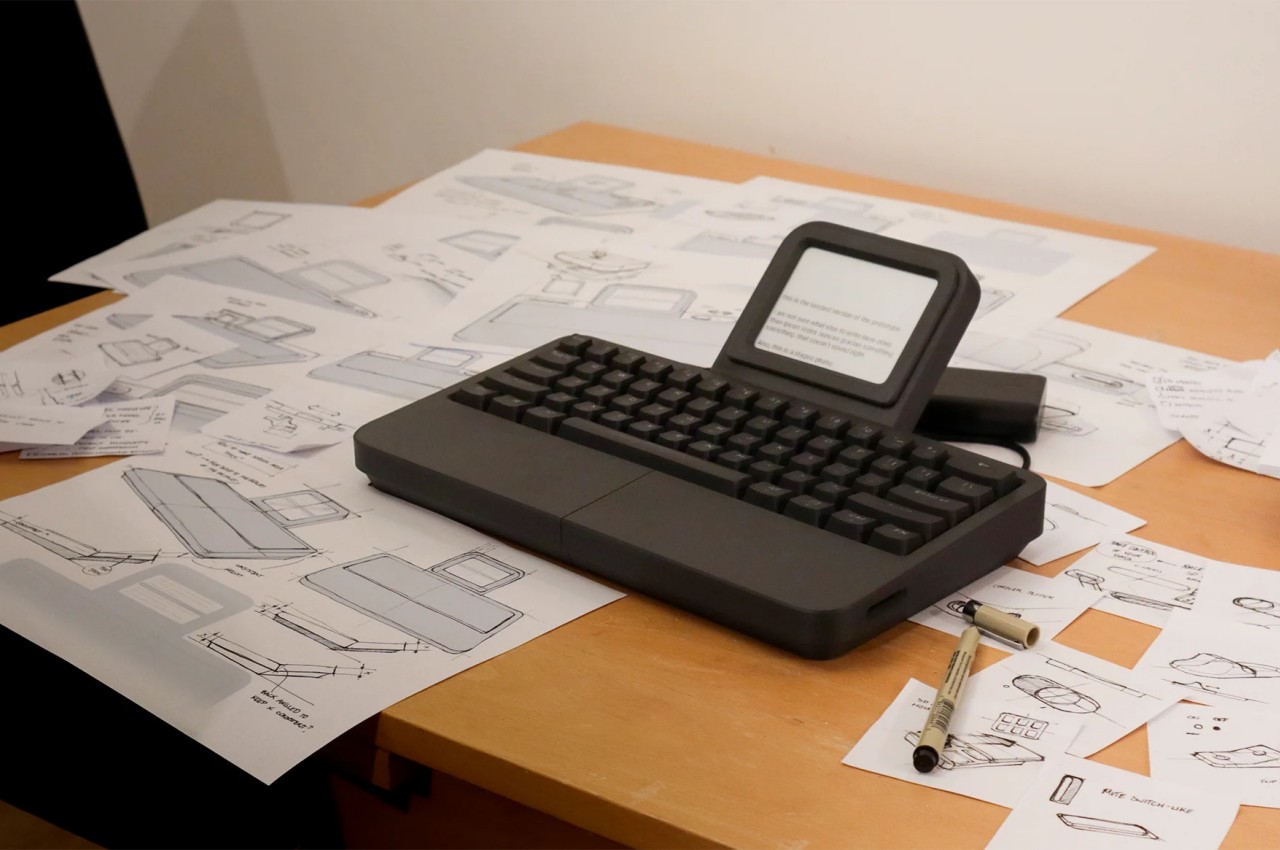
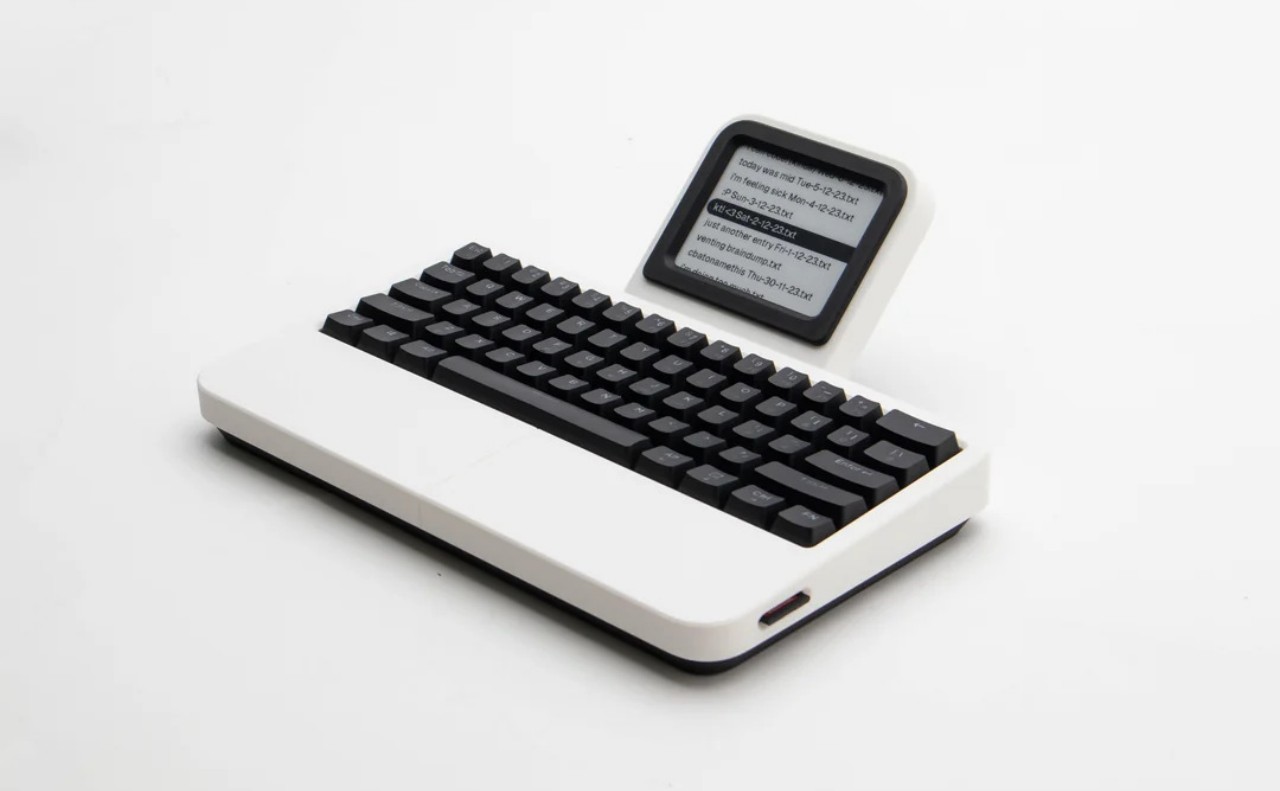
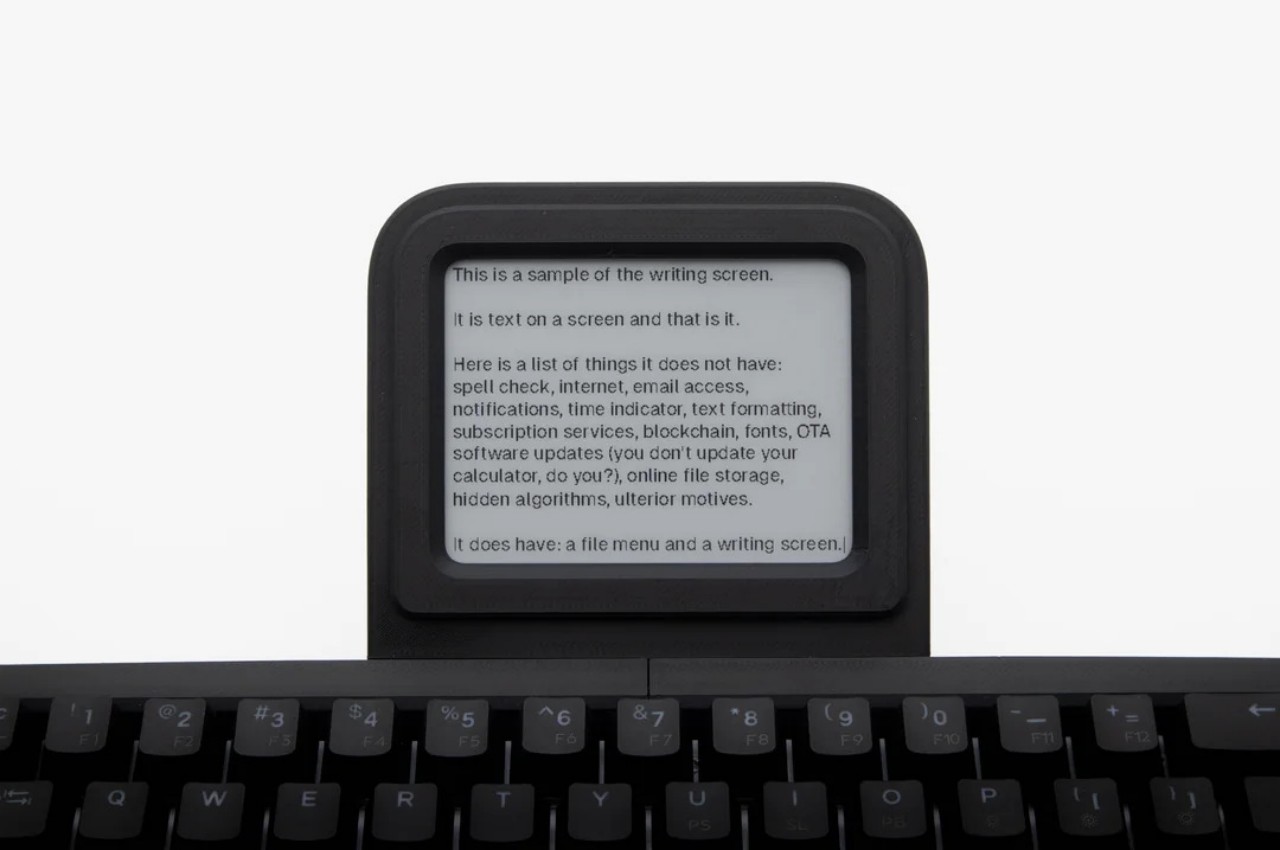
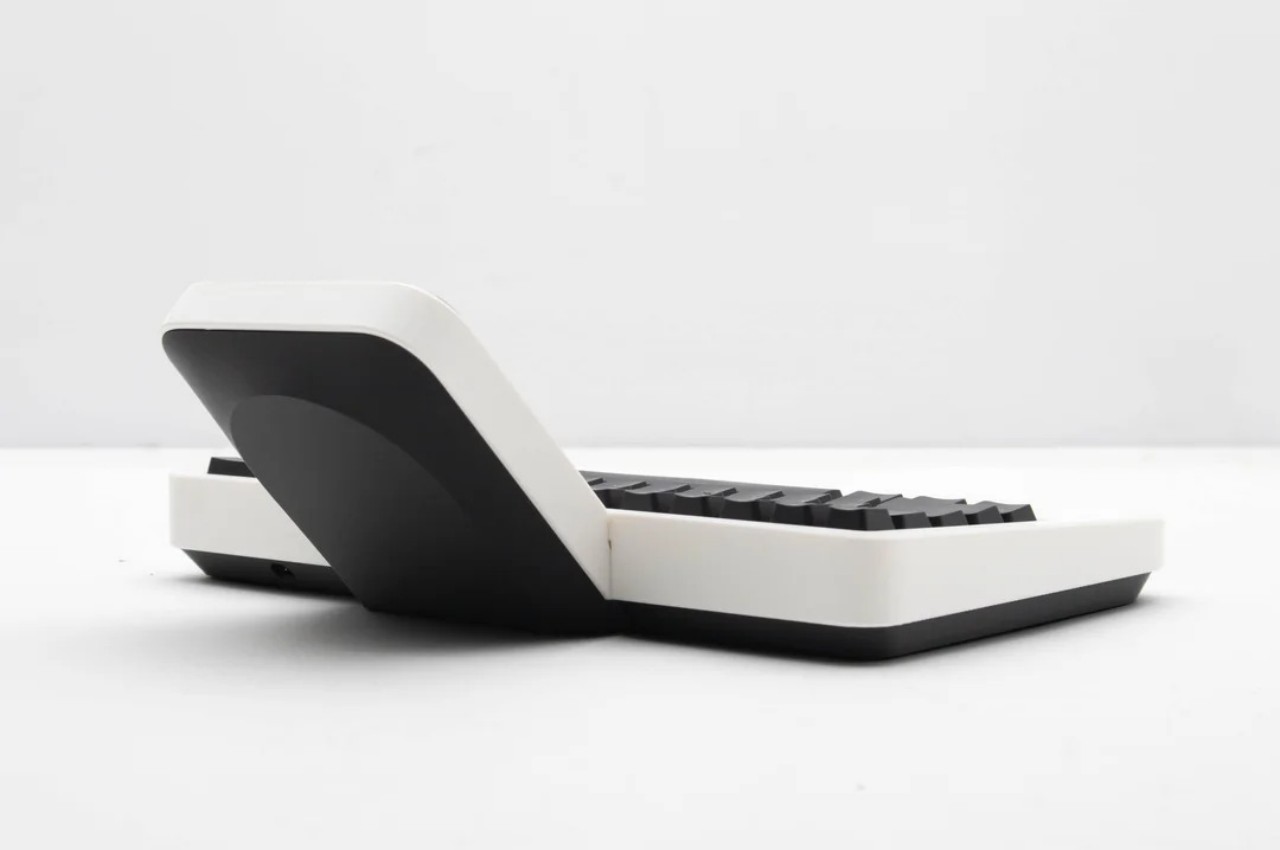
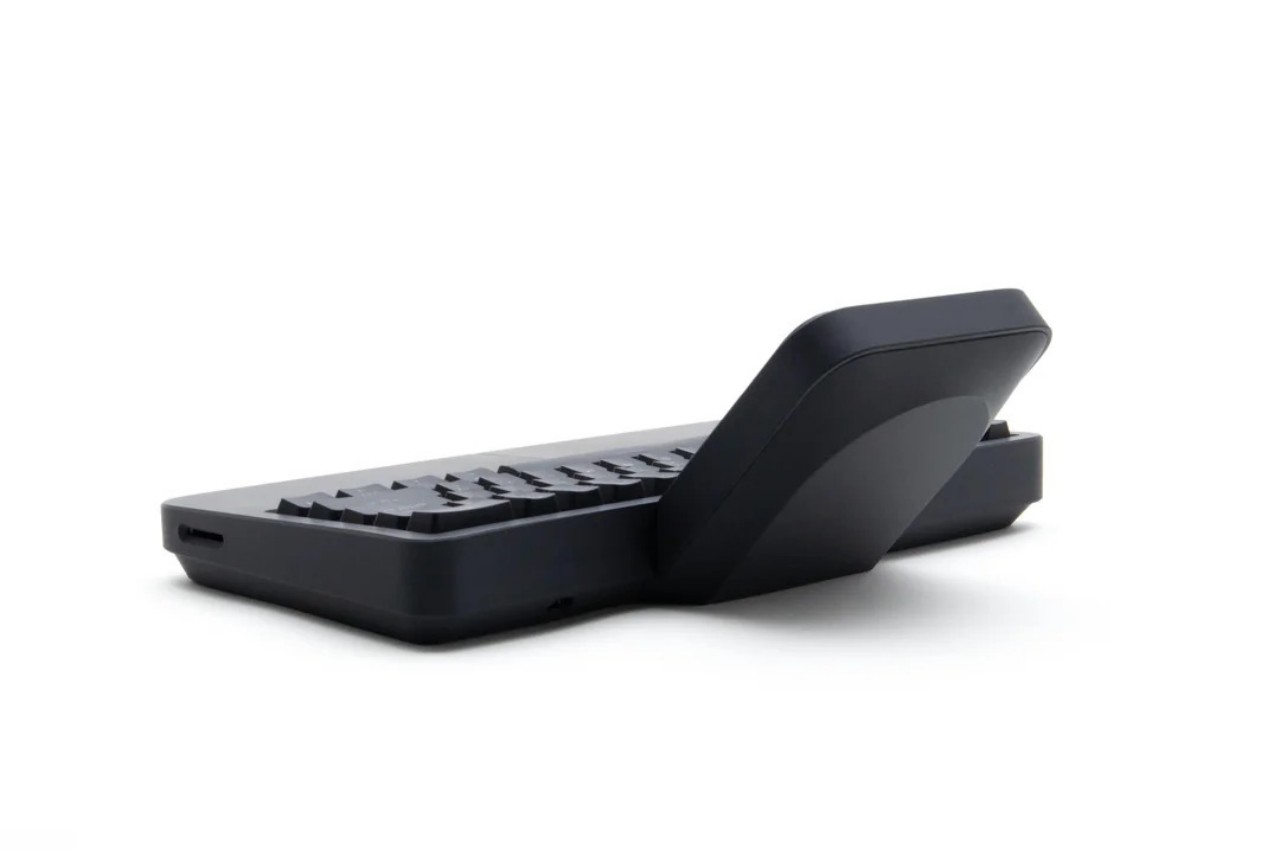
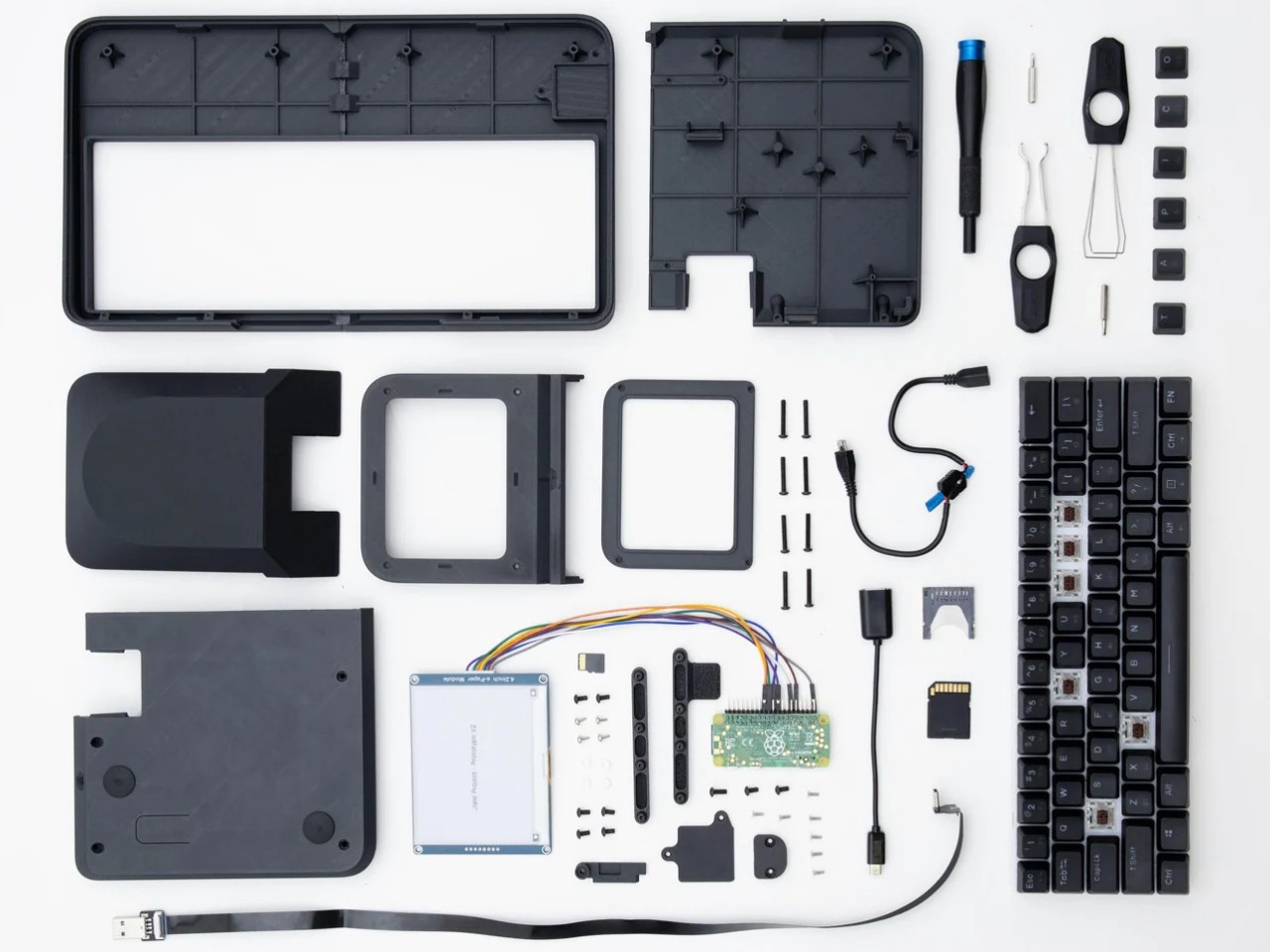
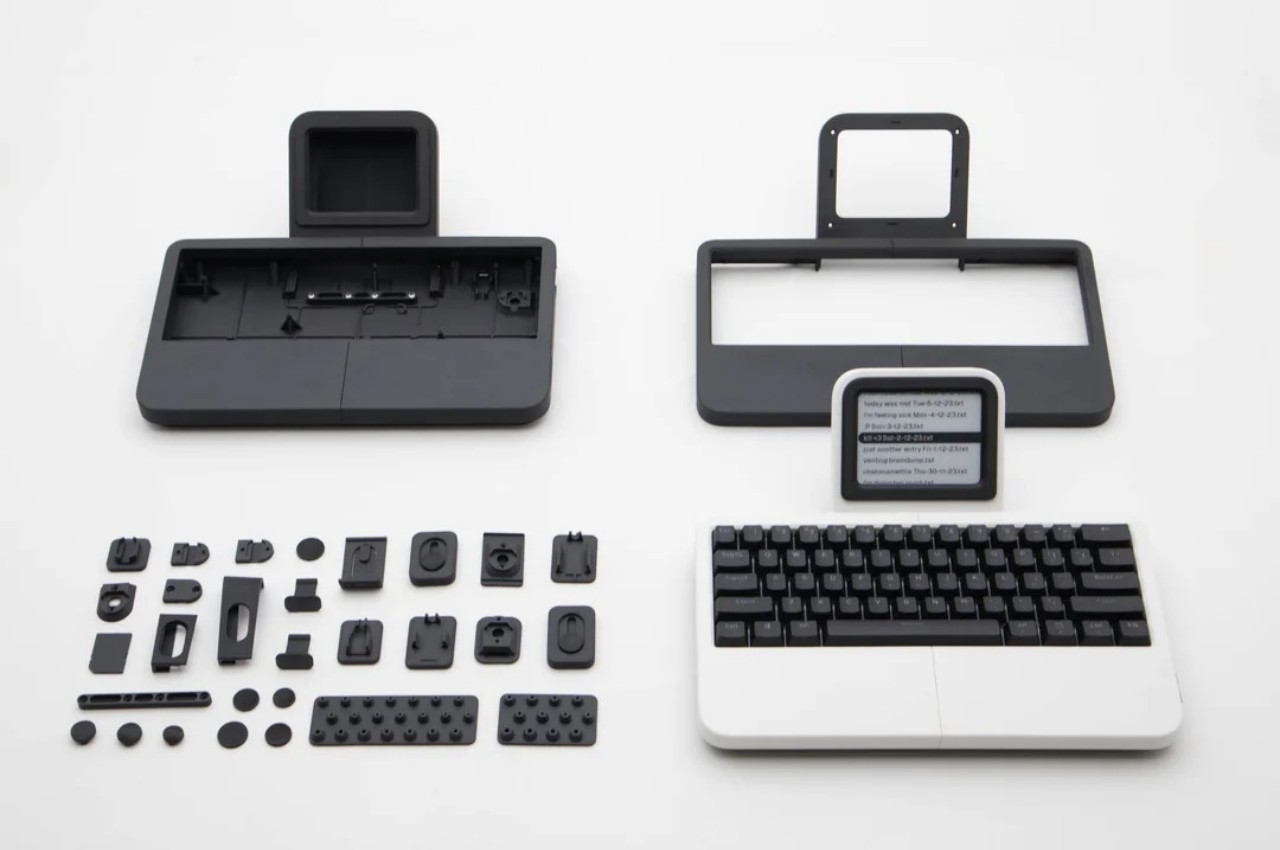
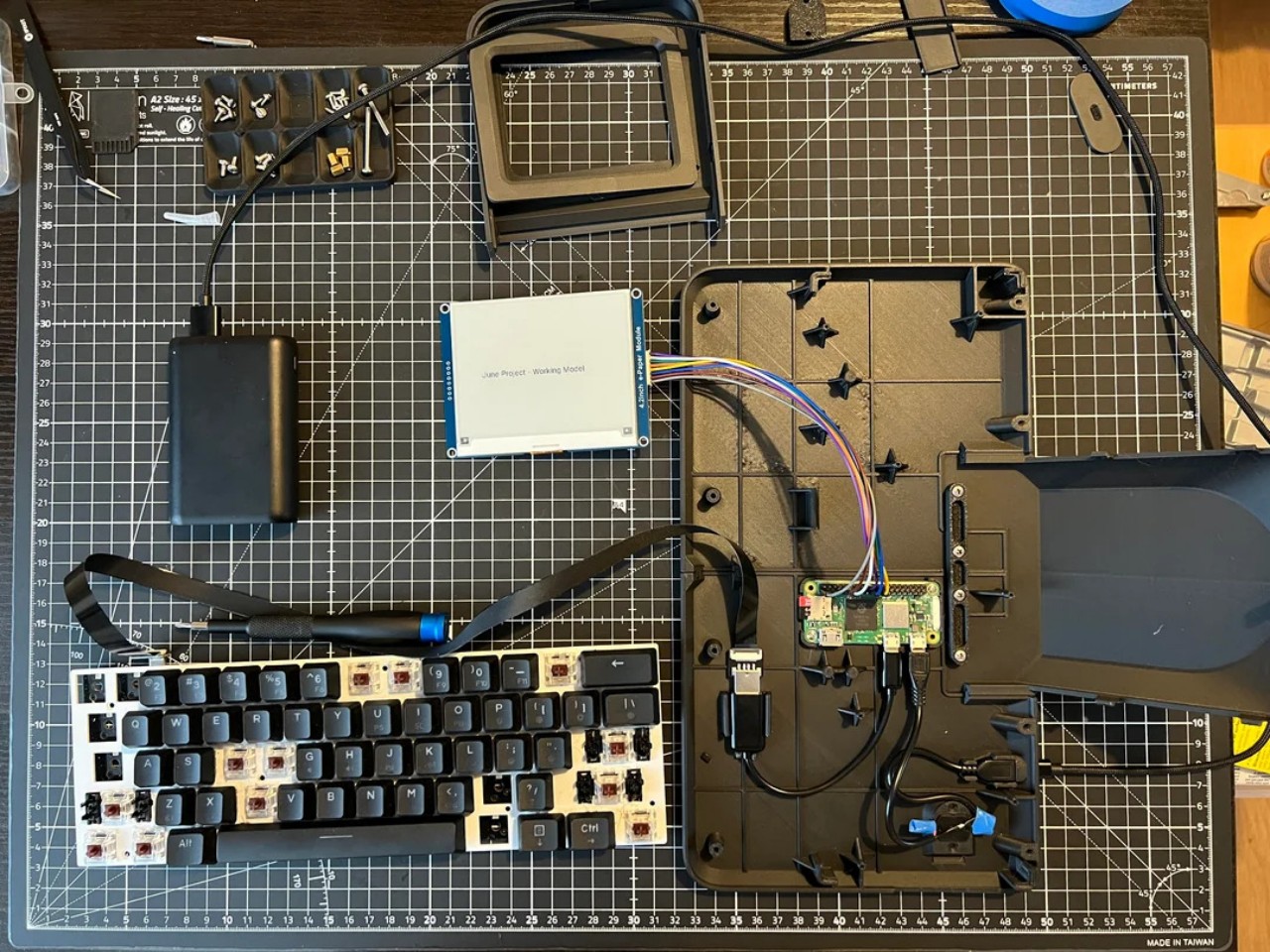
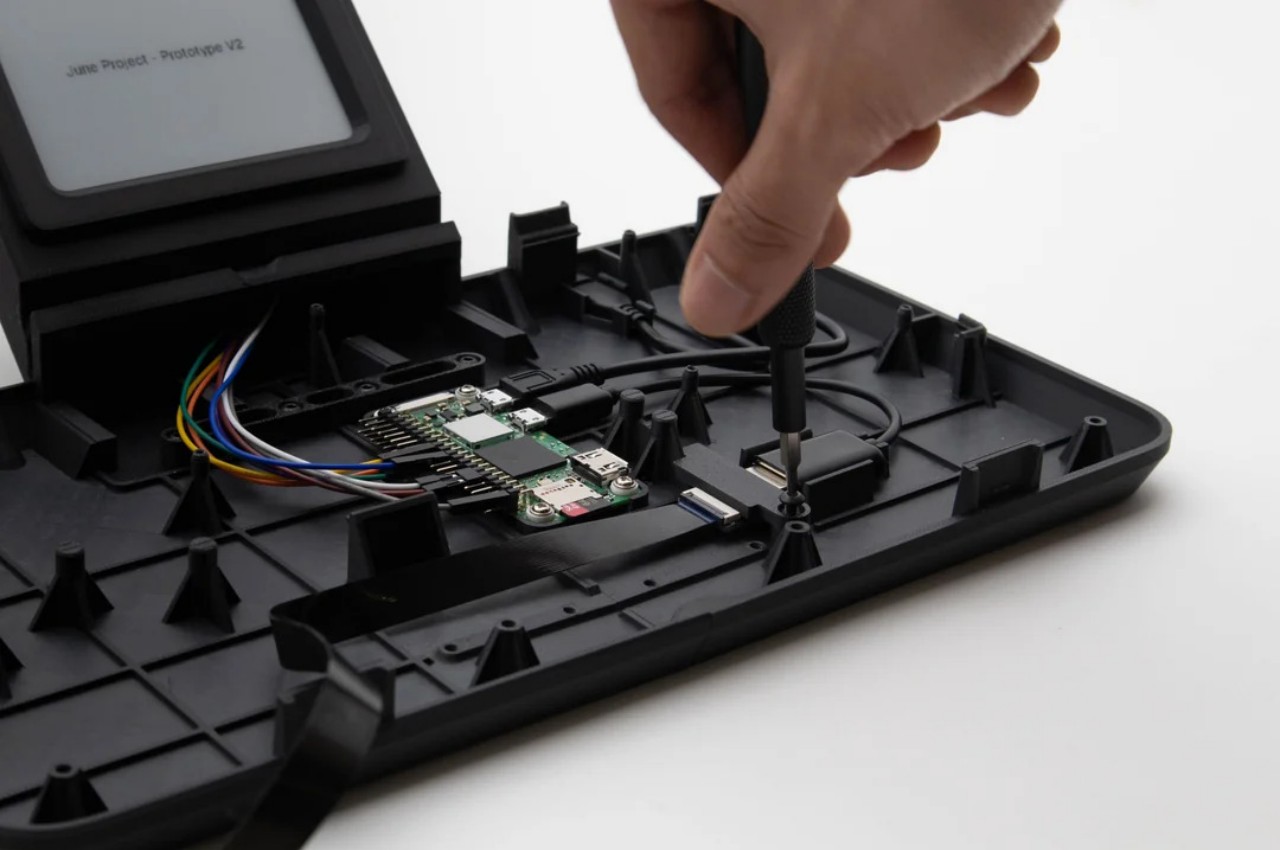
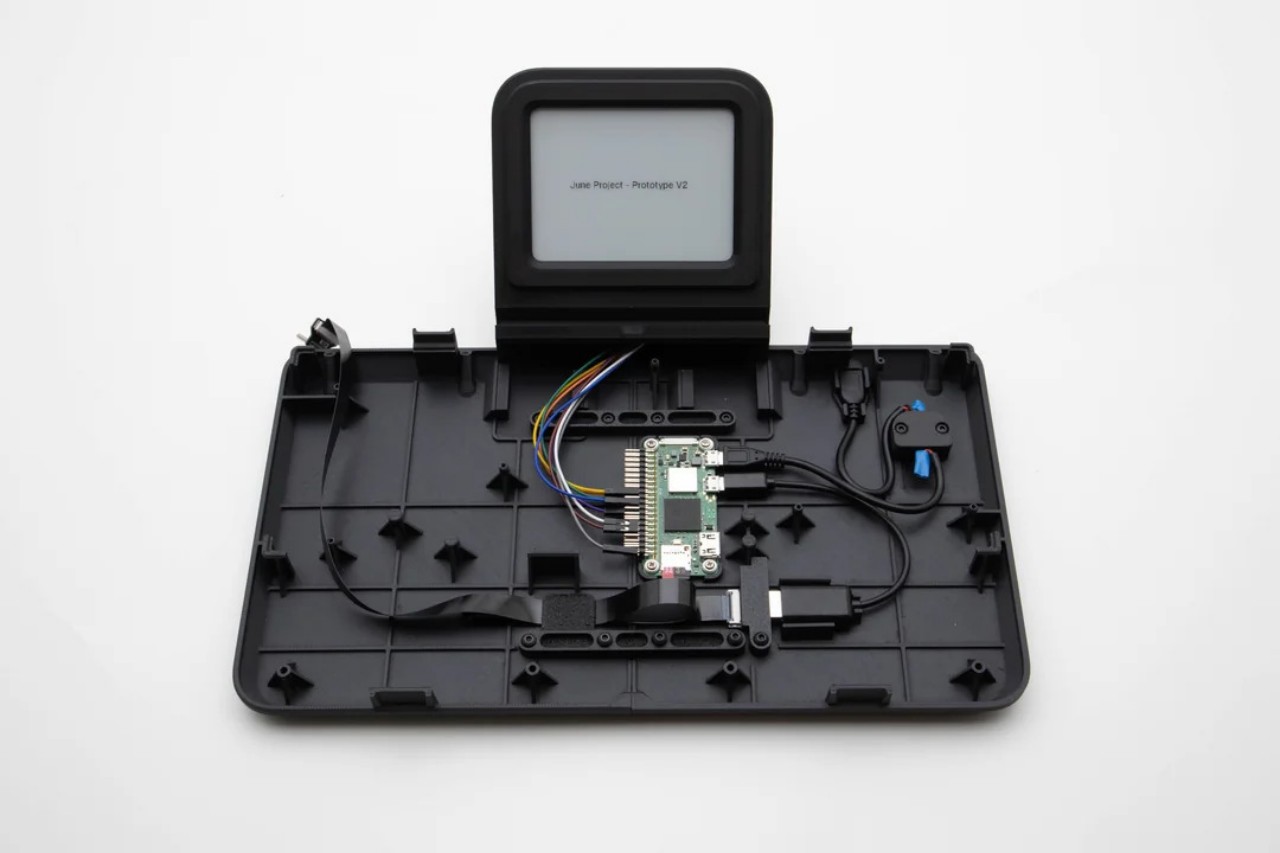
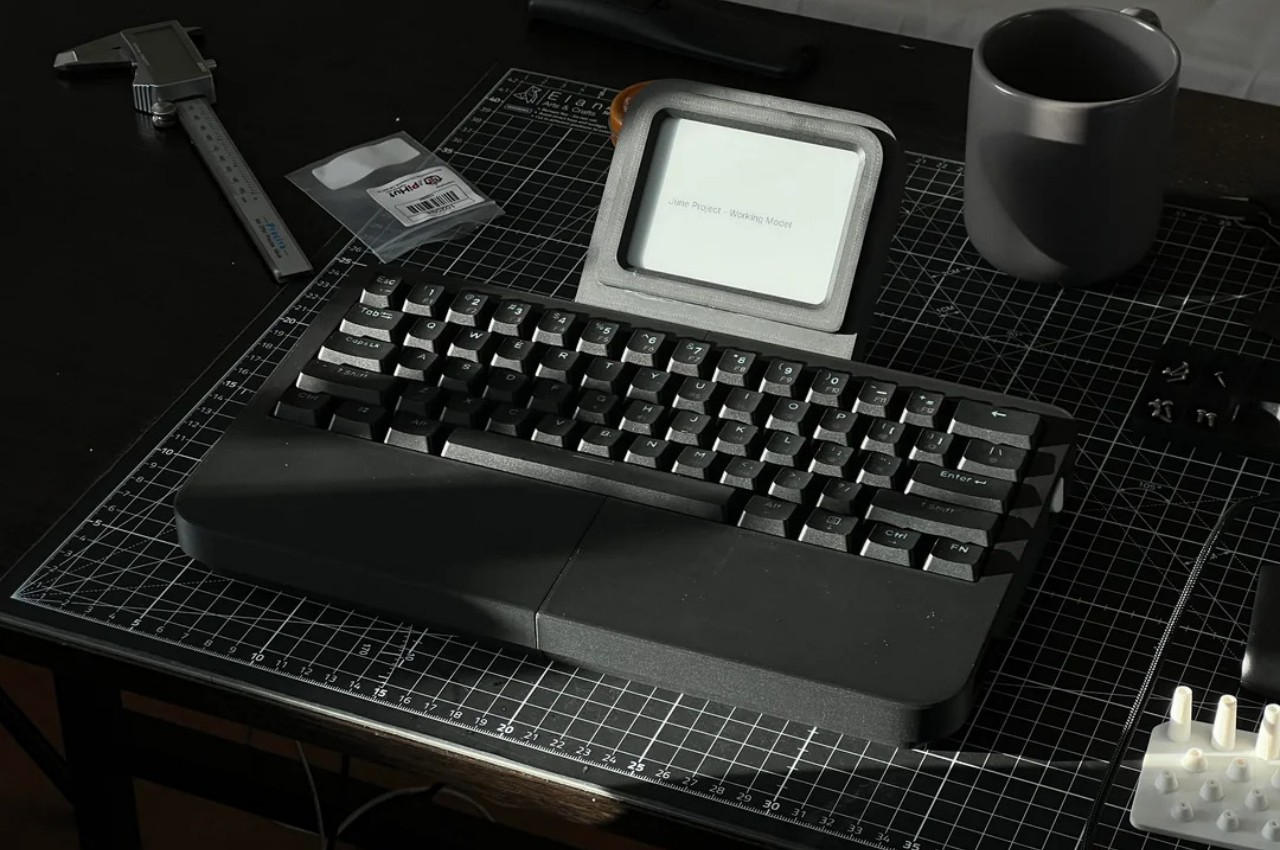
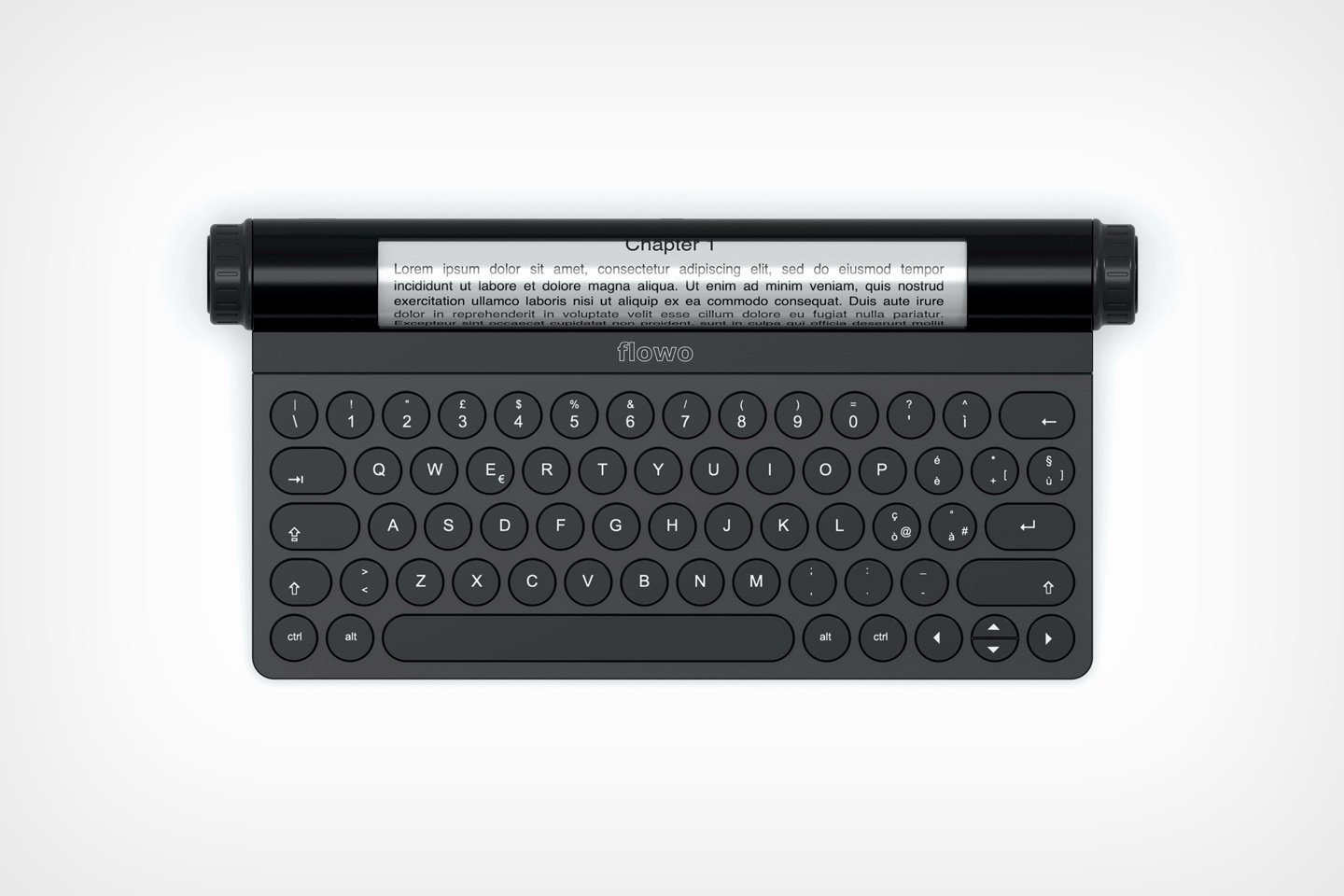
The Tapico Typer is a design that leverages that technology but also goes to the extreme when it comes to offering a distraction-free environment. You basically just have a keyboard with a somewhat small 4.2-inch E Ink screen centered on top. It doesn’t even have a battery, at least in this iteration of the design, so you’ll have to rely on an external power source like a power bank. It does have an SD card slot, however, which is the only way to get your files off the device since it has no network connectivity or even a USB data connection.

If that sounds extreme, it’s because it really is by design. The Tapico Typer is, interestingly, inspired more by a calculator than the old mechanical typewriter. It’s a single-function device that does only one thing but does it to perfection. It also means you have complete ownership of your content, free from subscription services and cloud storage. And, of course, there’s nothing to distract you on the screen, though the phone you place beside it could still steal your focus.

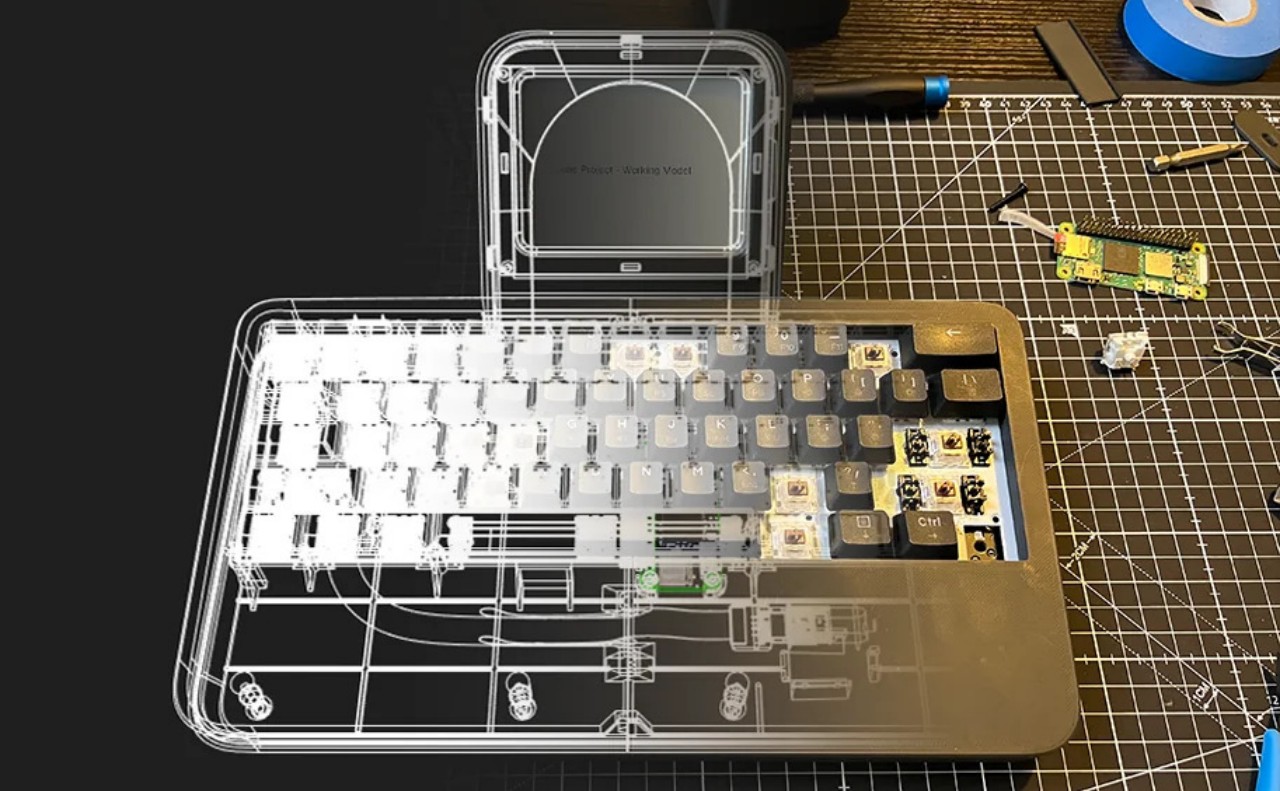
The digital typewriter is mostly 3D-printed and self-made, so it would be possible to follow the original’s design to make your own. Many of the components are available off shelves and there isn’t much soldering involved, so most of the work boils down to designing the chassis. A future plan is to include some internal power source or at least a way to use AA batteries that could last for months thanks to how little power E Ink displays consume. This also means that The Tapico Typerc can also be easily repaired, ensuring it will be your writing partner for a very long time.

The post 3D-printed E Ink typewriter offers distraction-free writing with modern perks first appeared on Yanko Design.
This portable E Ink typewriter reveals its guts to spirit you away to novel worlds

NaNoWriMo, short for National Novel Writing Month, has come and gone, but the joy and chore of churning out words never ends. Most people use a computer these days for writing any sort of content with words. Some might even use a smartphone to give their thoughts some form when a computer isn’t available. These devices are, of course, sufficient and practical, but that doesn’t mean they offer the best typing experience. They can become sources of distraction as well as cause of eye strain, both fatal for serious writers. Fortunately, there is now a class of devices that promise distraction-free typing, and this latest addition to that roster takes it up a notch with a design that will spark curiosity and flights of the imagination, hopefully, to better cajole those words out of your brain and onto a digital sheet.

Designer: Freewrite

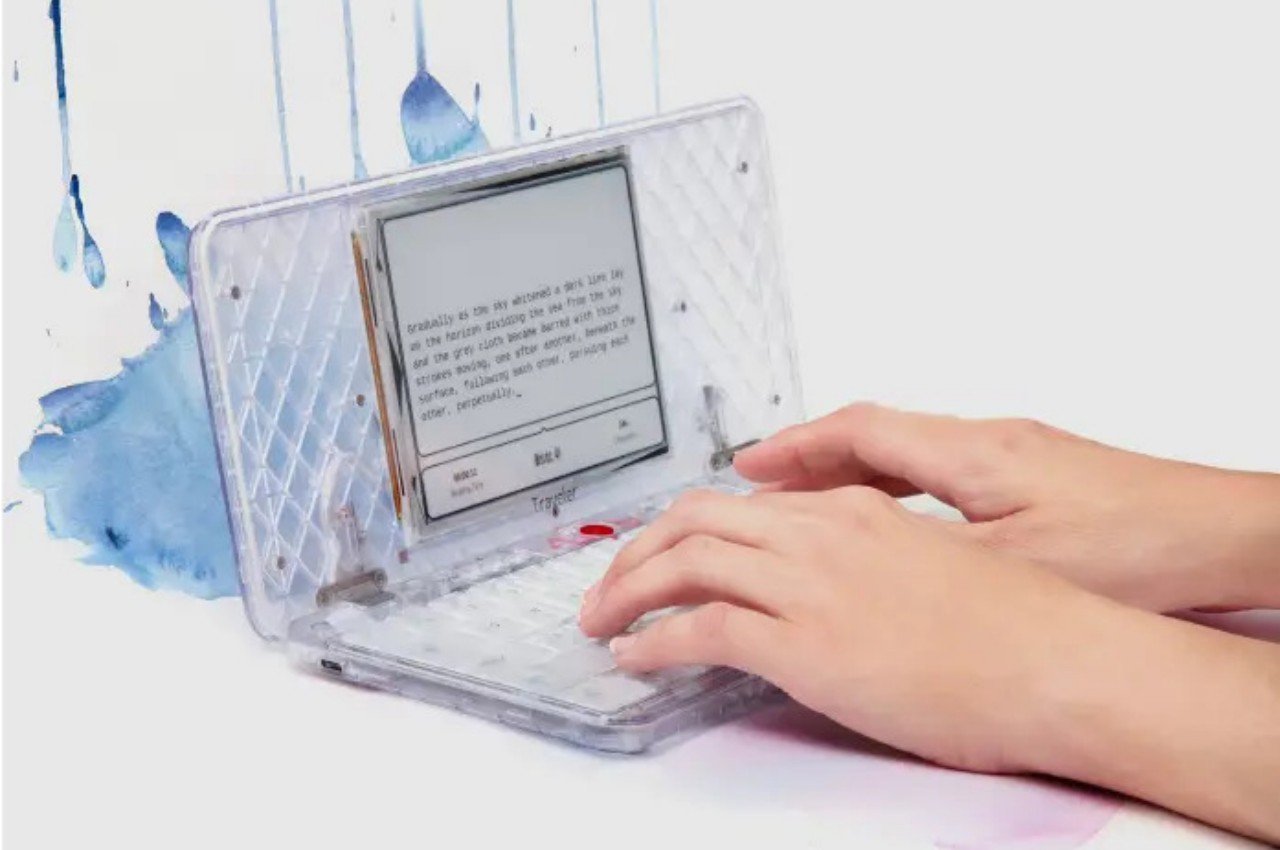
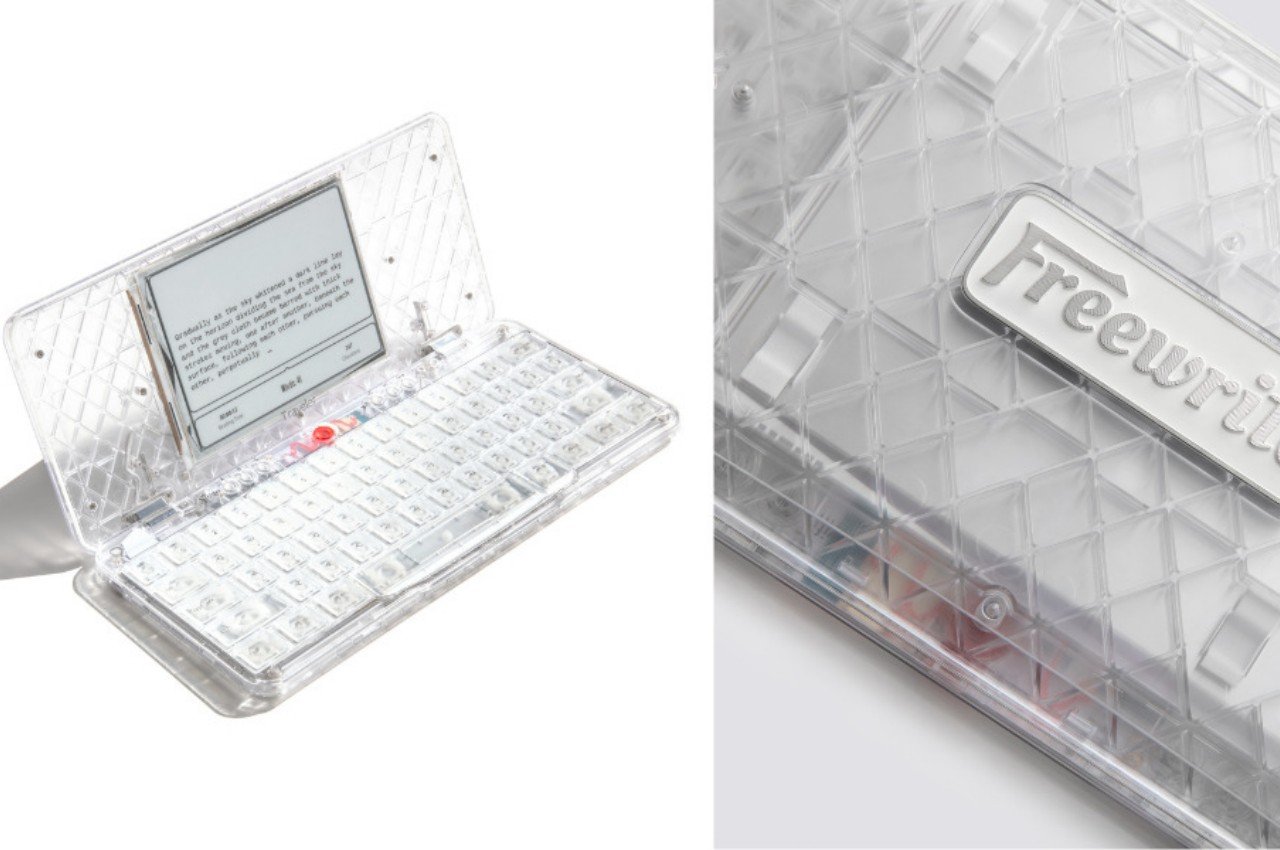
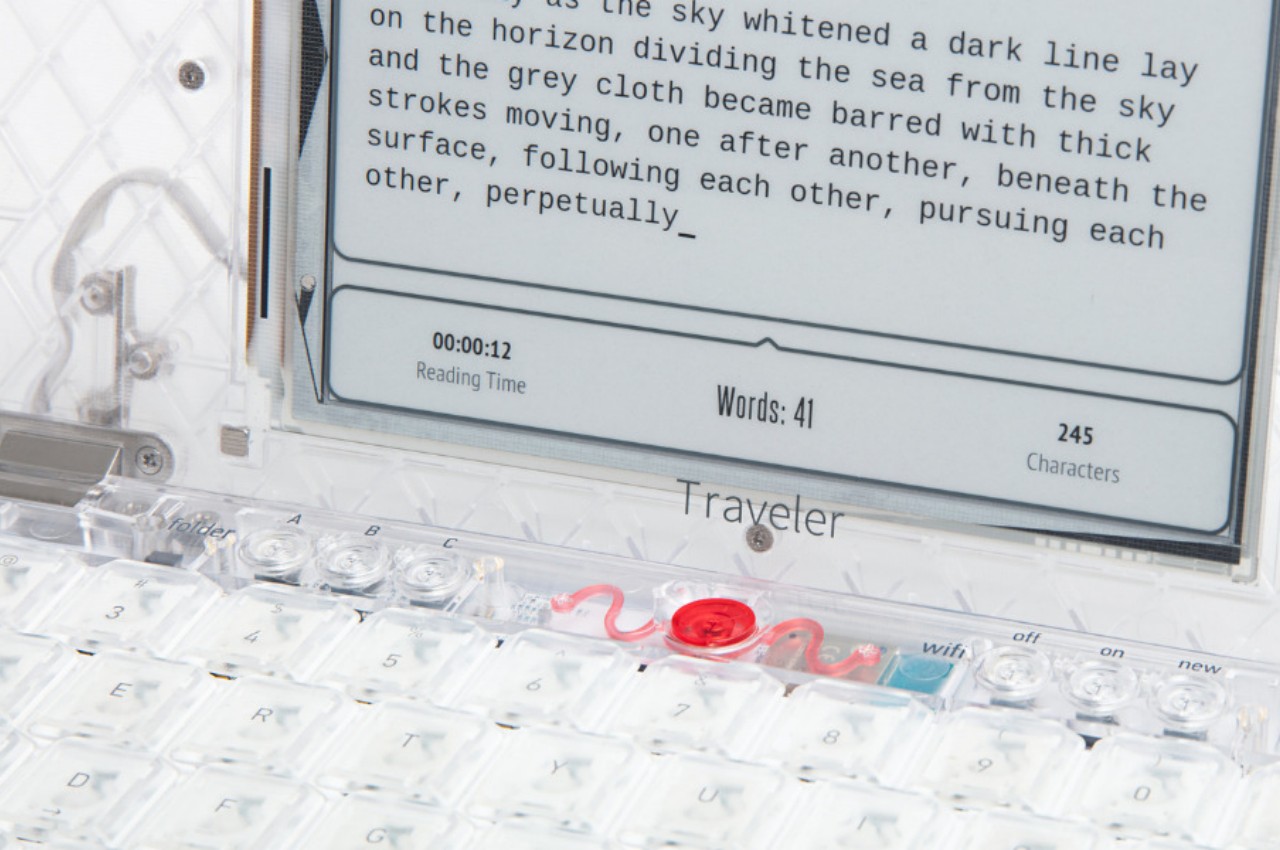
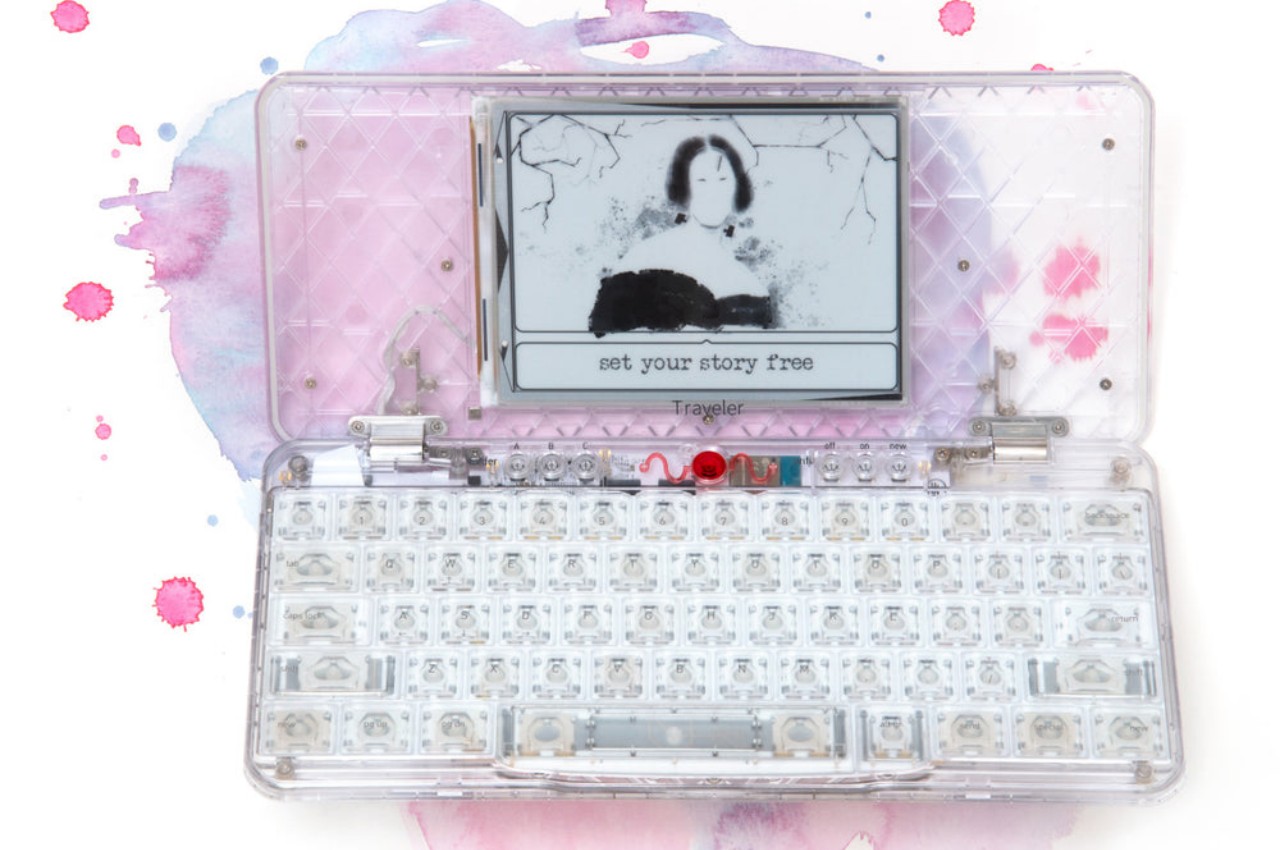
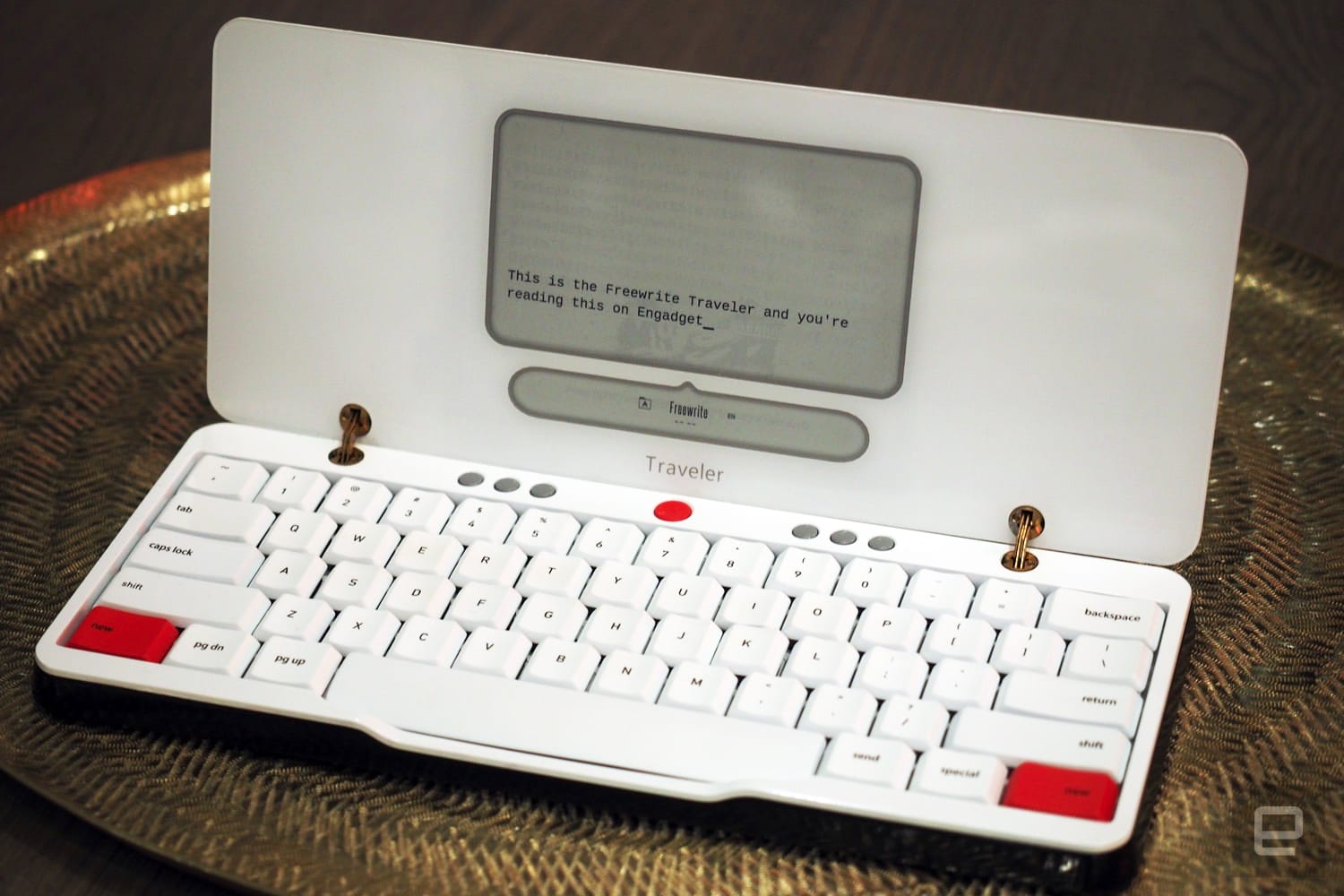
The Freewrite Traveler is hardly a new gadget. In a nutshell, it is a portable digital typewriter that uses an eye-friendly E Ink screen for displaying the words you type. Unlike a laptop or phone, it doesn’t have any other function, which means there are no notifications or inessential features to distract you from the task of writing. It’s meant to deliver the joy of uninterrupted writing while still offering conveniences like a comfortable mechanical keyboard, saving files on the cloud, and a portable design.
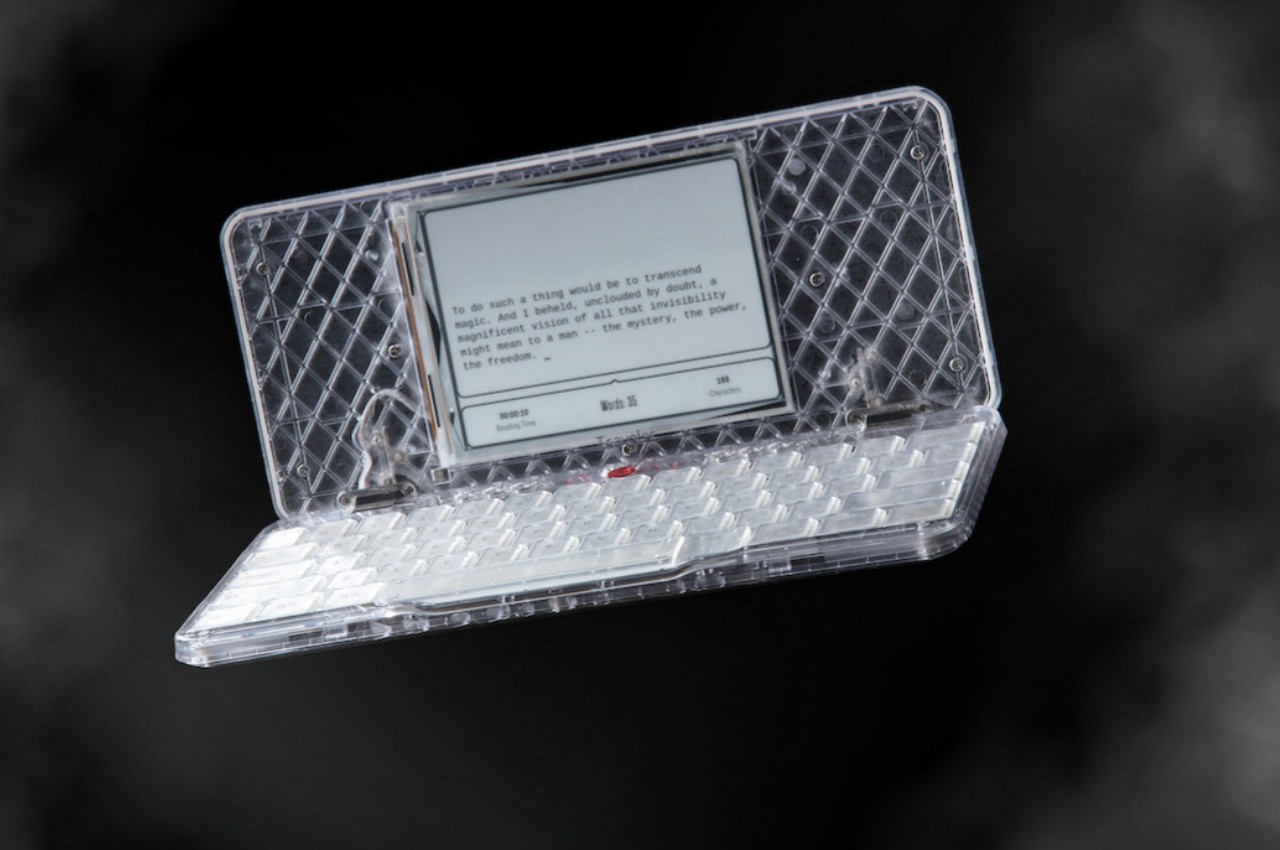
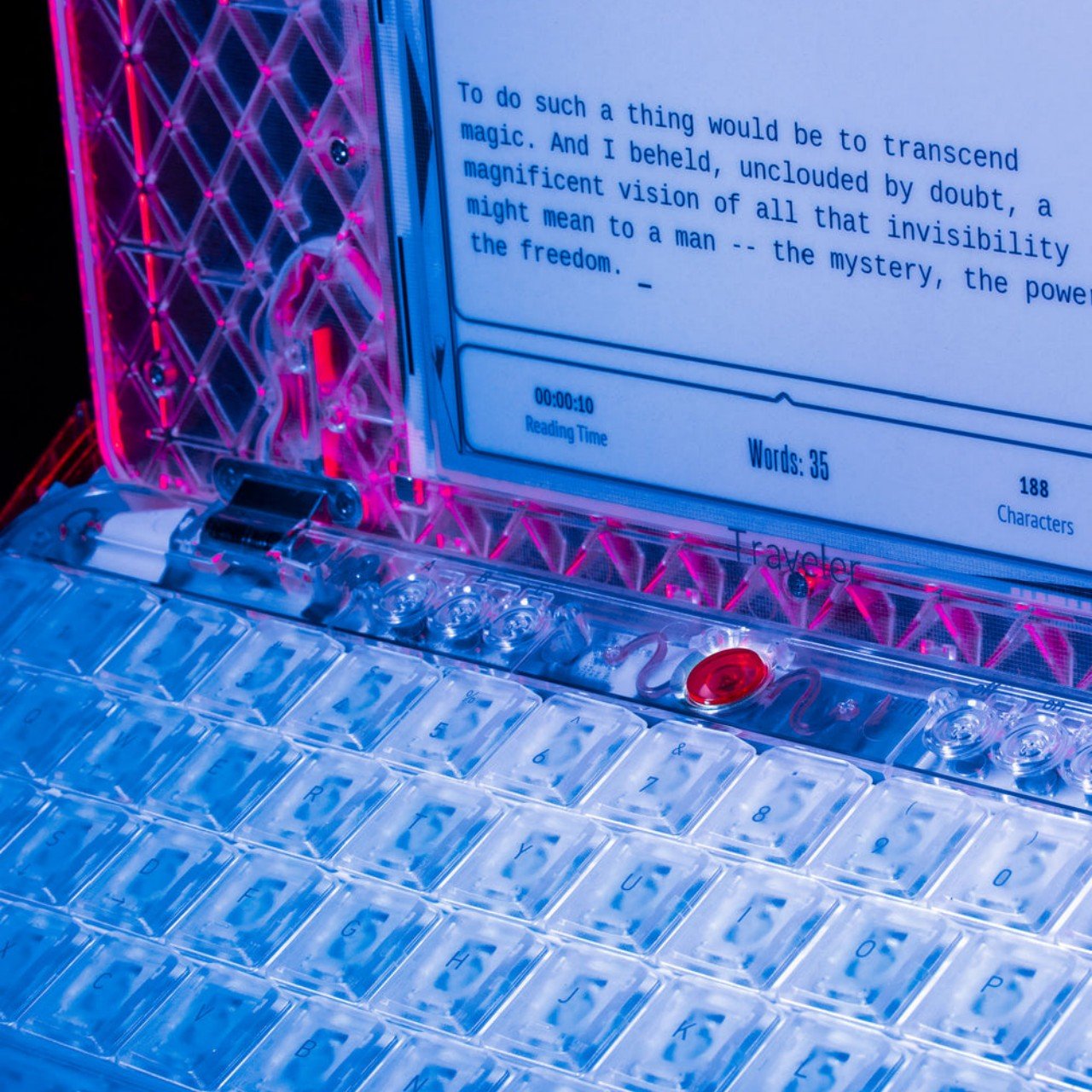
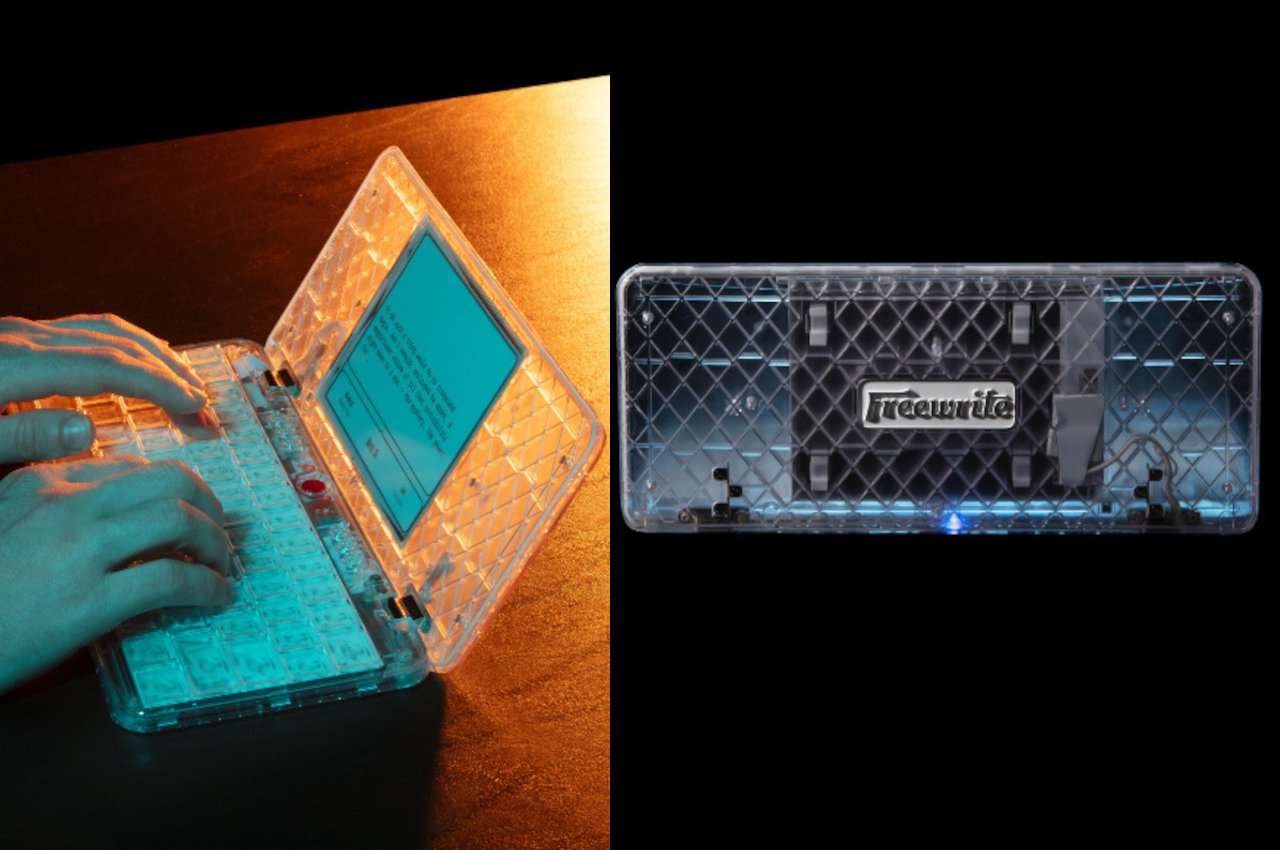
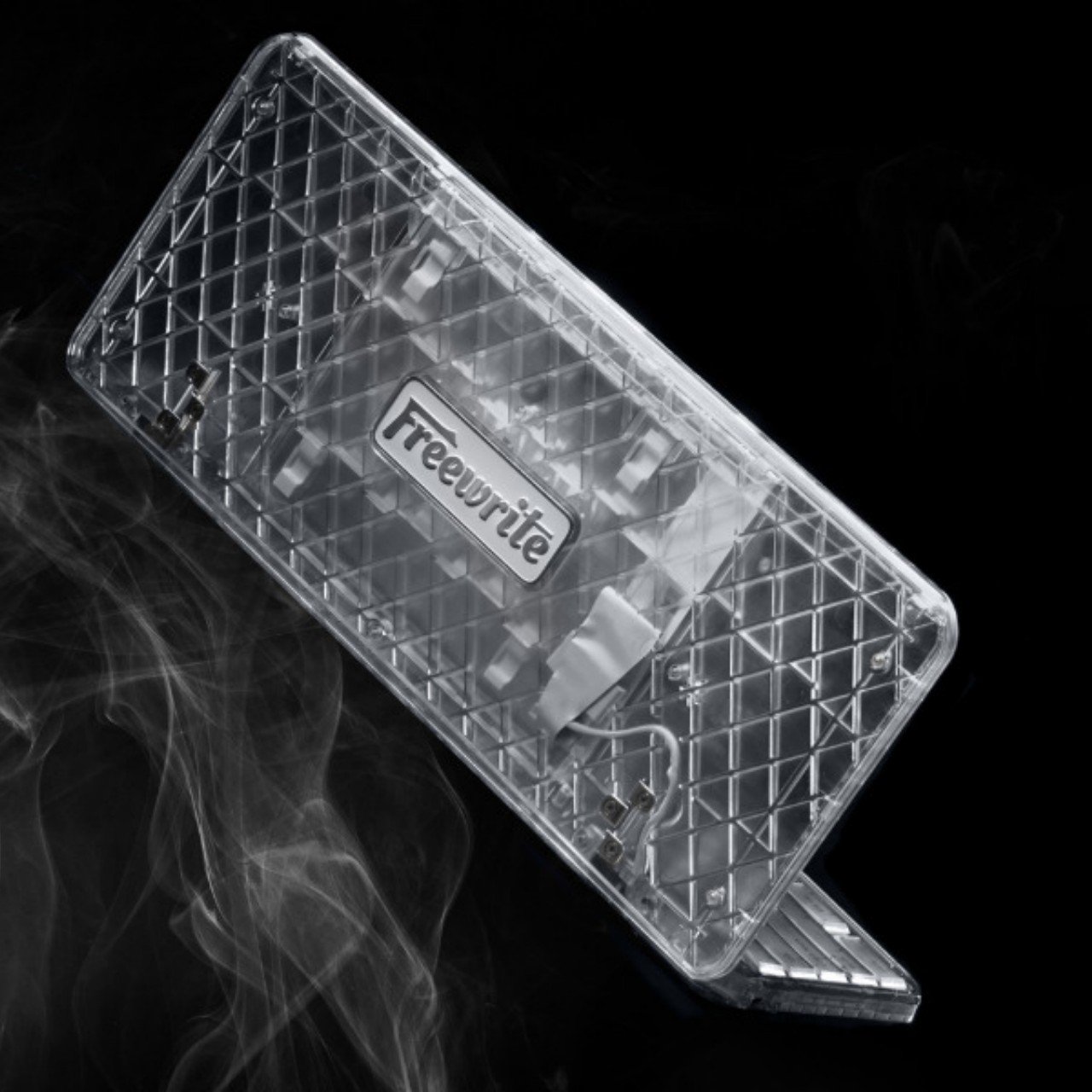
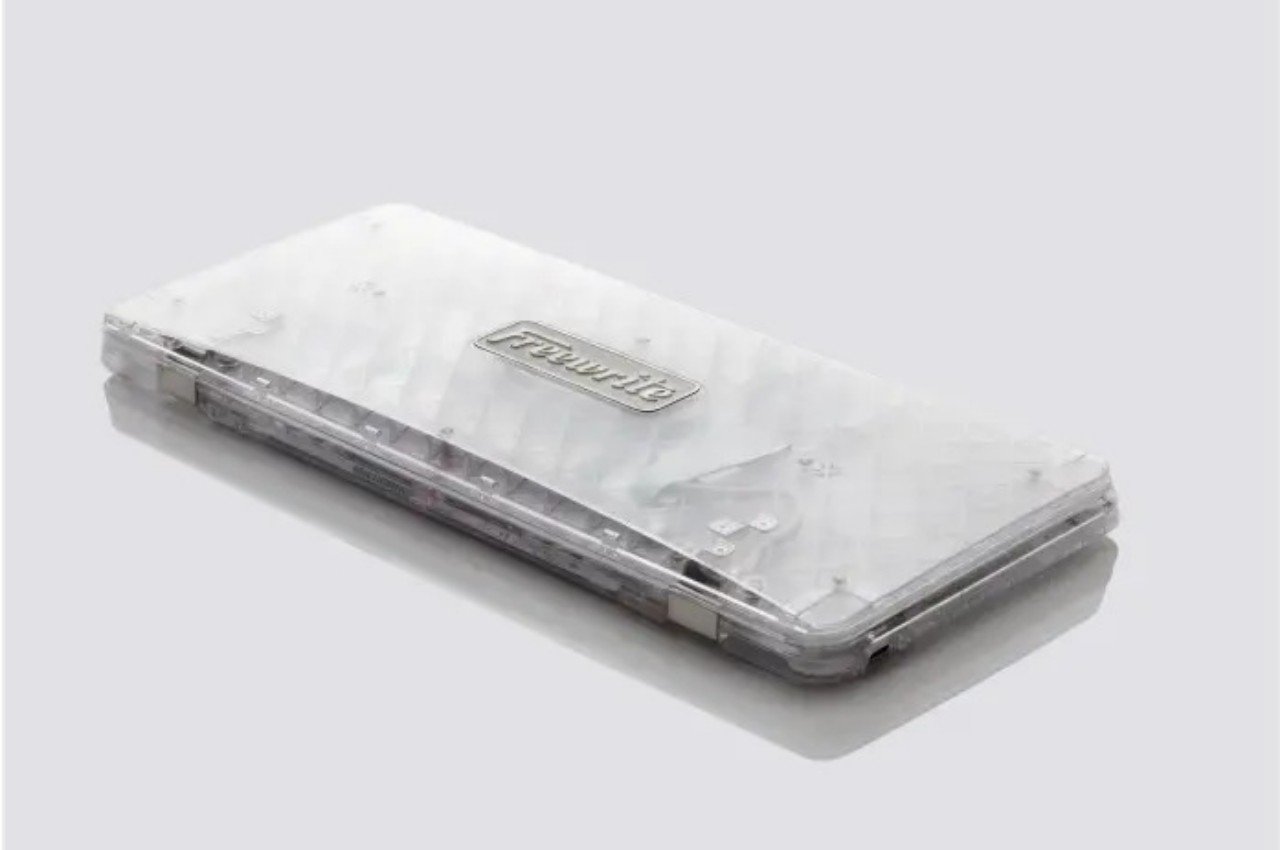
The “Ghost” builds on this solid foundation and adds a design twist that, while not exactly necessary, could help lead your mind to new ideas. It takes inspiration from products that flaunted transparent or translucent shells, including old Game Boy models, the candy-like iMacs, or even Crystal Pepsi. As its name implies, the Freewrite Traveler Ghost sports a transparent shell that lets you take a peek at the electronics that make the device tick.
It’s admittedly gimmicky, but one shouldn’t underestimate the subconscious effects of such gimmicks on our creativity. Humans have always been interested in discovering what lies within, even if it consists of a jumble of wires. The play of light on the translucent white case also gives our eyes plenty of interesting visual points that, in turn, could help trigger the brain and spark new ideas. At the very least, it could offer a nice visual break while you stretch your fingers and arms after a long period of typing.

Granted, not everyone will be keen on spending a solid $600 on a device that does one thing and one thing only, but that limitation is also the very same appeal of the Freewrite Traveler. And when you’re a writer stuck in a rut or are easily thrown off your groove by distractions, every little bit counts to get you focused and inspired, even if it means staring at the indecipherable mess of modern electronics.

The post This portable E Ink typewriter reveals its guts to spirit you away to novel worlds first appeared on Yanko Design.