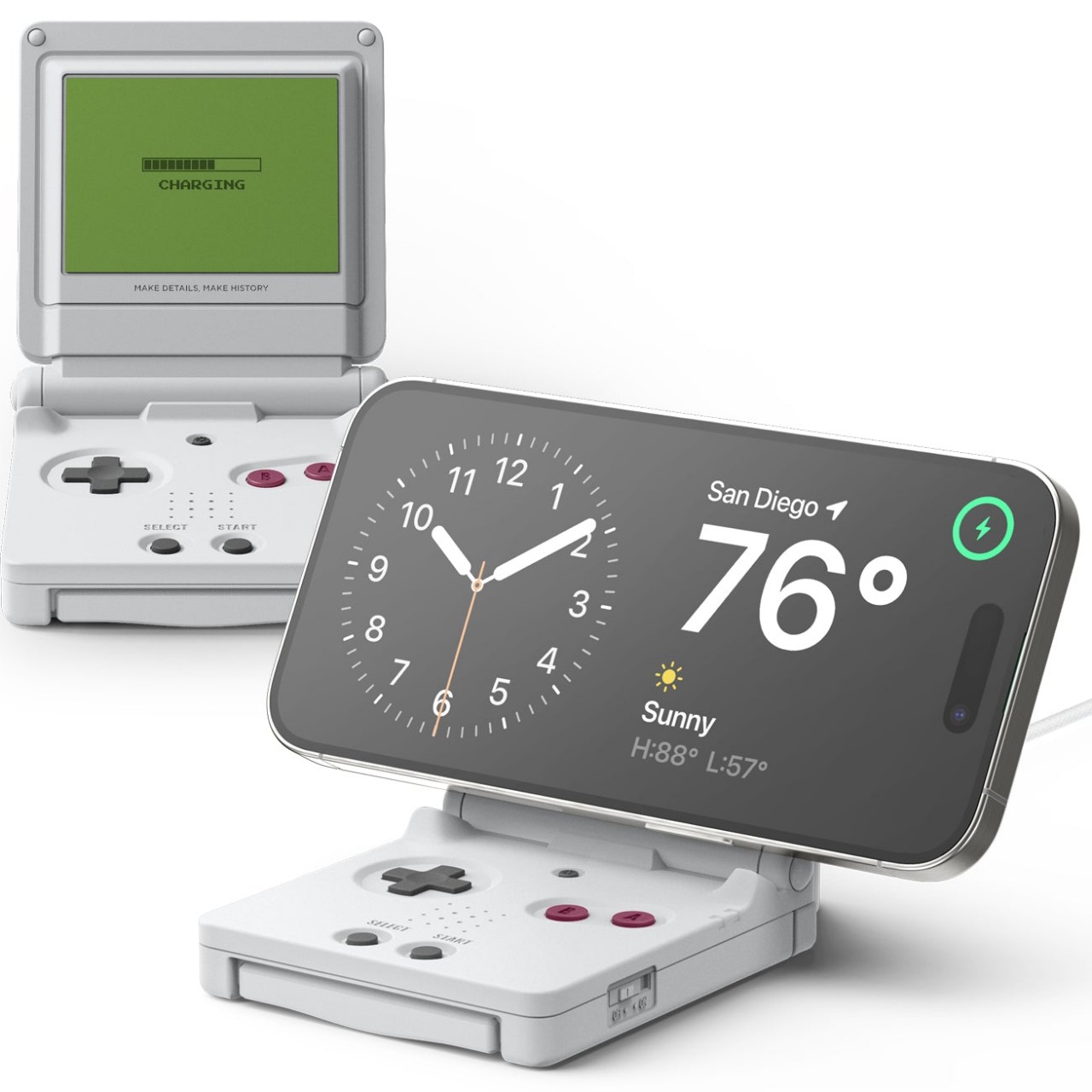
Nostalgia is a powerful emotion, as proven by the number of successful crowdfunded projects and launched products that try to capitalize on this ongoing retro trend, especially in the gaming industry. Vintage designs of the past are today’s quirky oddities, and there are many who are quick to jump on the bandwagon. While many of these retro designs try to also recreate the experience of holding a real gaming console or turntable with some modern features and conveniences, others are just content to copy the aesthetics of old-school products and leave it at that. This MagSafe iPhone charger might be in that latter category, and while it is charming in the way it brings back fun, playful memories, it could have probably gone further if it really wanted to.
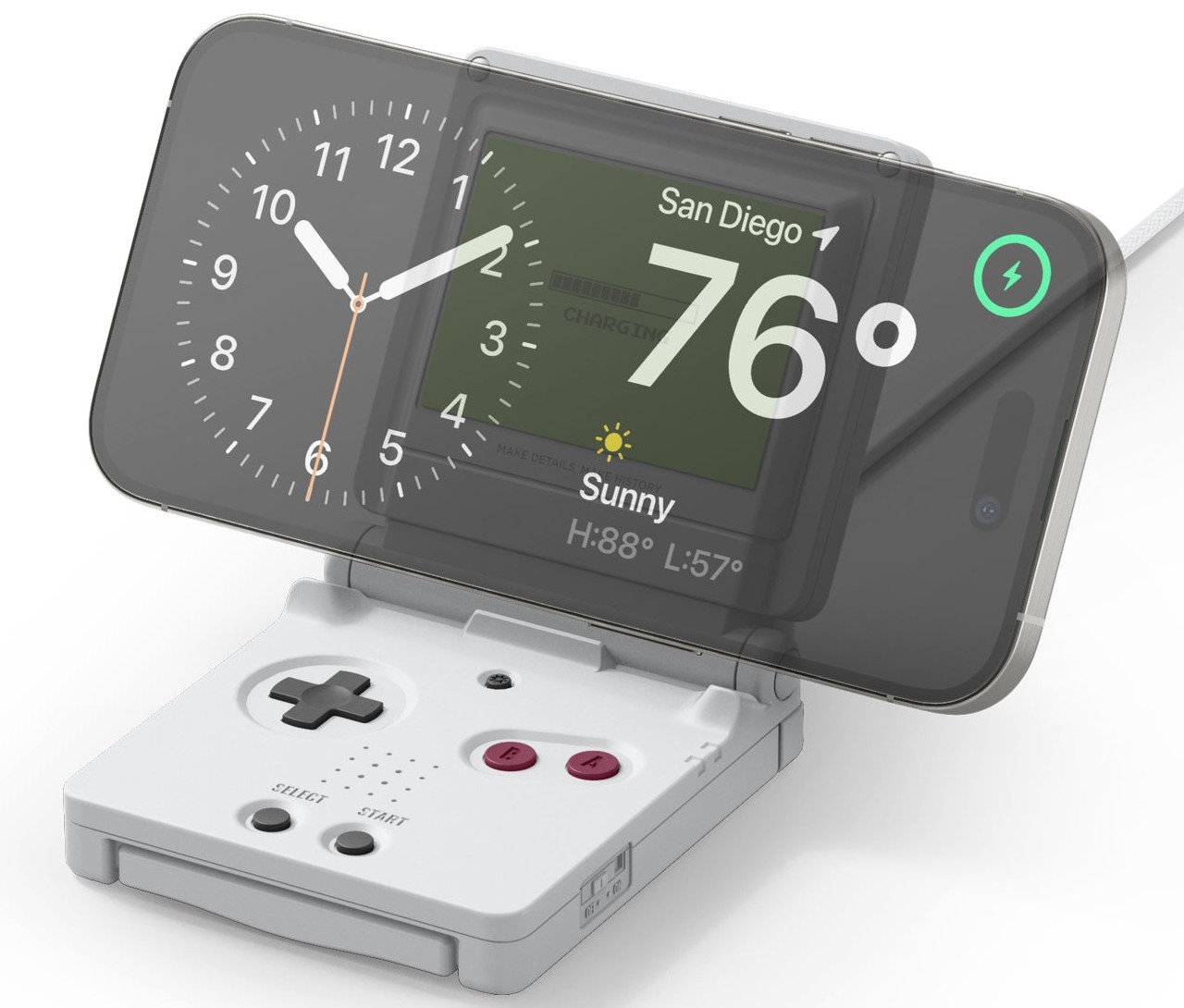
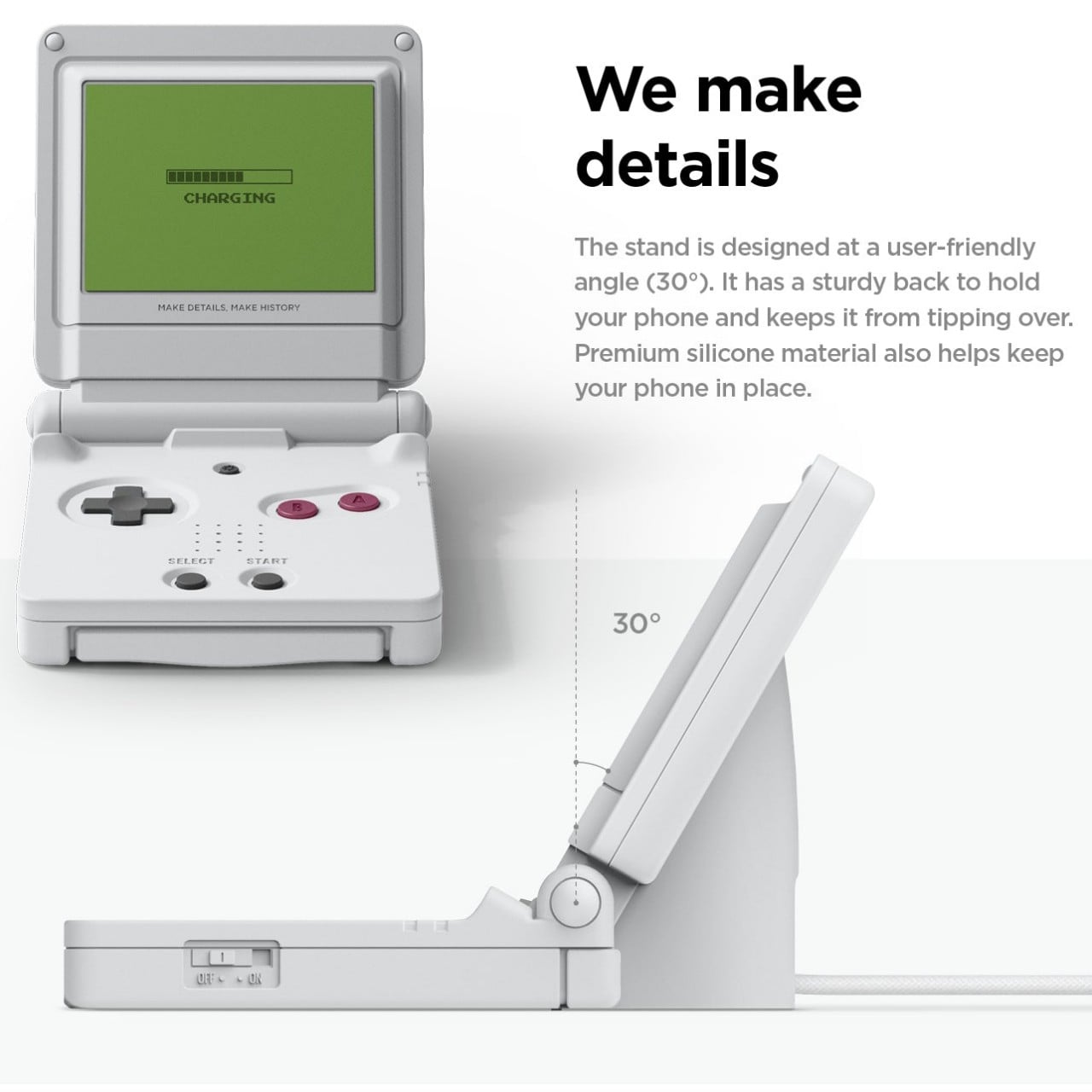
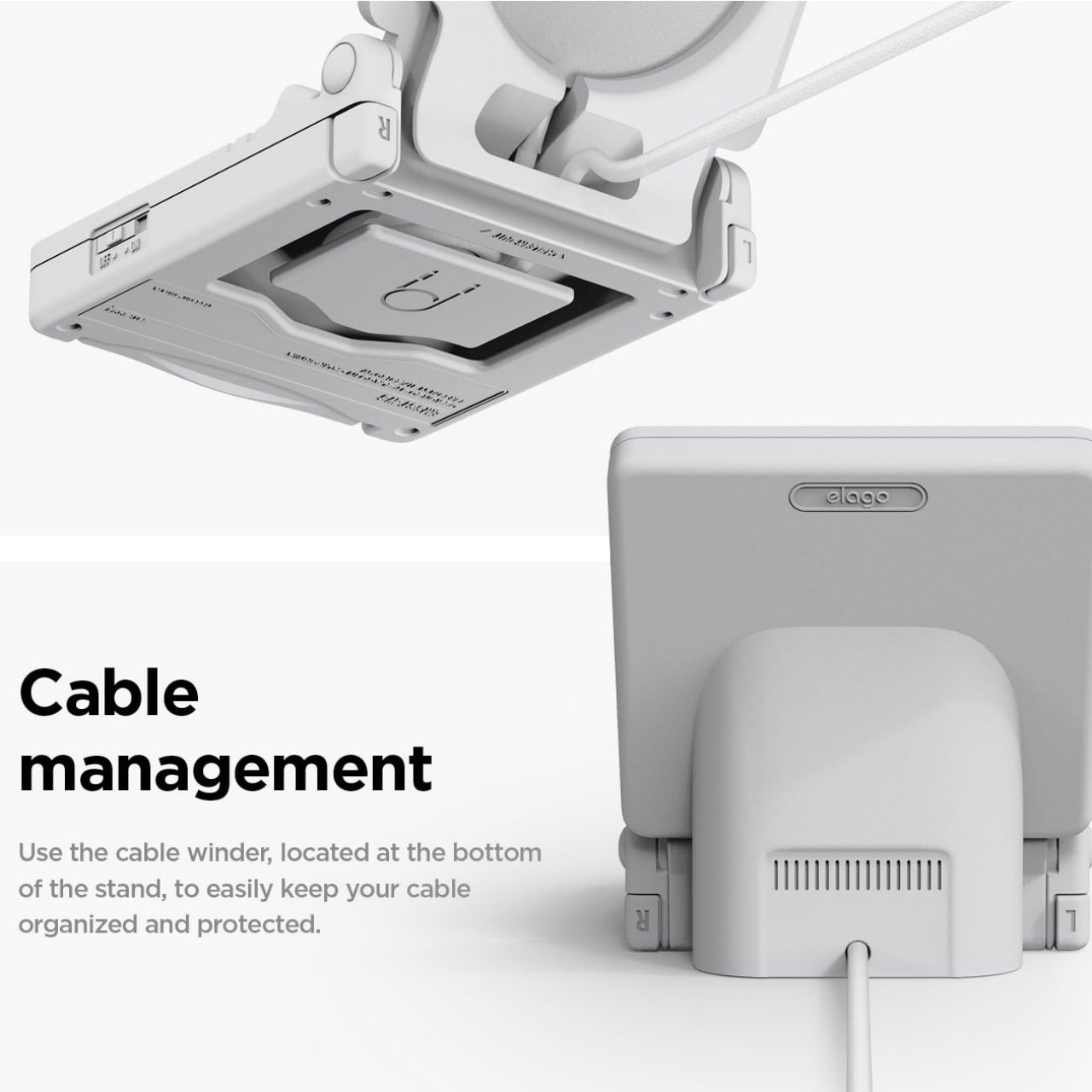
To be fair, the Elago WS M5 Charging Stand does exactly what it says it does, which is to offer a fun MagSafe charger in the design of the Nintendo Game Boy Advance SP. In that regard, it does its job well, providing a stable and useful stand for charging the phone. The fixed 30-degree angle, for example, is claimed to be perfect for watching videos or using iOS Standby Mode at night. It even has helpful support on its back to prevent the charger from tipping backward from the weight of the phone.
Elago never claimed that the stand was a functional gaming device, despite all visual indicators. It’s simply meant to inspire a trip down memory lane and nothing more. The buttons do nothing and you can’t fold the charger close like the original handheld it was based on. For a $25 MagSafe charging stand, that’s a bit disappointing. It sort of raises expectations and then dashes them quickly, making those good old days really feel more like a distant memory.
It’s also a missed opportunity for innovation and distinction. Sure, it won’t make much sense to turn it into a makeshift game controller, but having the buttons trigger some action on the phone or do anything at all is significantly better than making you feel like an idiot for expecting that a button press would actually result in something. A clamshell design would have also made this charging stand a bit more portable while relying on a kickstand mechanism to provide that same stability and support.
What this Game Boy-like MagSafe charger really accomplishes is to demonstrate the biggest benefit of this magnetic wireless charging technology. Sure, charging without cables is convenient, but its speed still leaves a lot to be desired. Instead, it’s the freedom to design a wider variety of accessories, from chargers to stands to docks, that MagSafe really shines, and this Elago WS M5, underwhelming as it might be, is just the tip of the iceberg of what’s possible.
Smartphones are powerful pieces of technology crammed in pocket-sized slabs of metal, glass, and plastic. But while they are indeed capable of impressive feats, they naturally can’t do everything on their own. Smartphones cease to be useful when they run out of battery or, worse, get a cracked screen, and no smartphone can actually stand up without some external support. And while smartphones are made to be beautiful and durable by their manufacturers’ standards, their bare forms might not meet the needs and tastes of all users. Smartphone accessories make up a huge and diverse market, and it’s too easy to drown in the number of choices available for different categories and purposes. To help ease the stress and confusion, we’ve collected this year’s 10 best designs that let you get the most out of your smartphone experience.
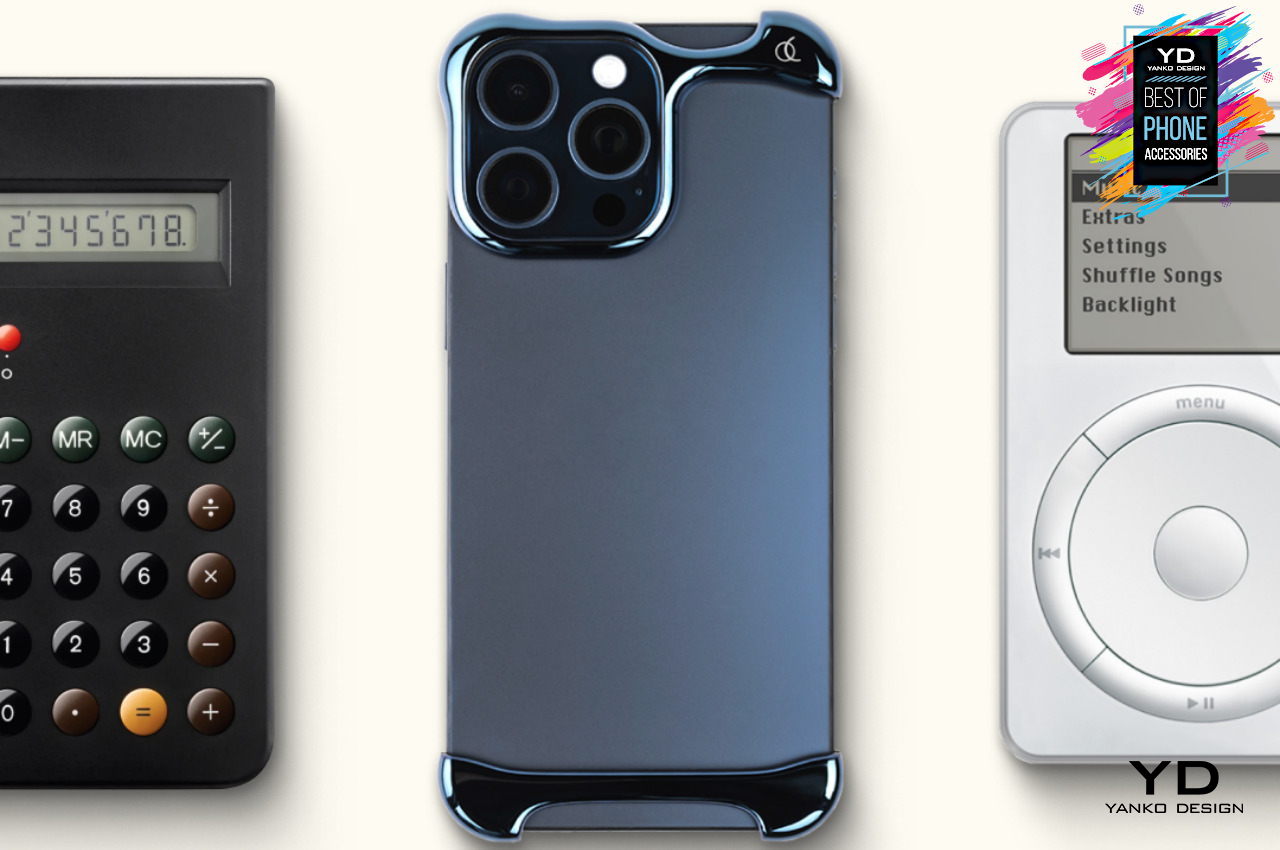
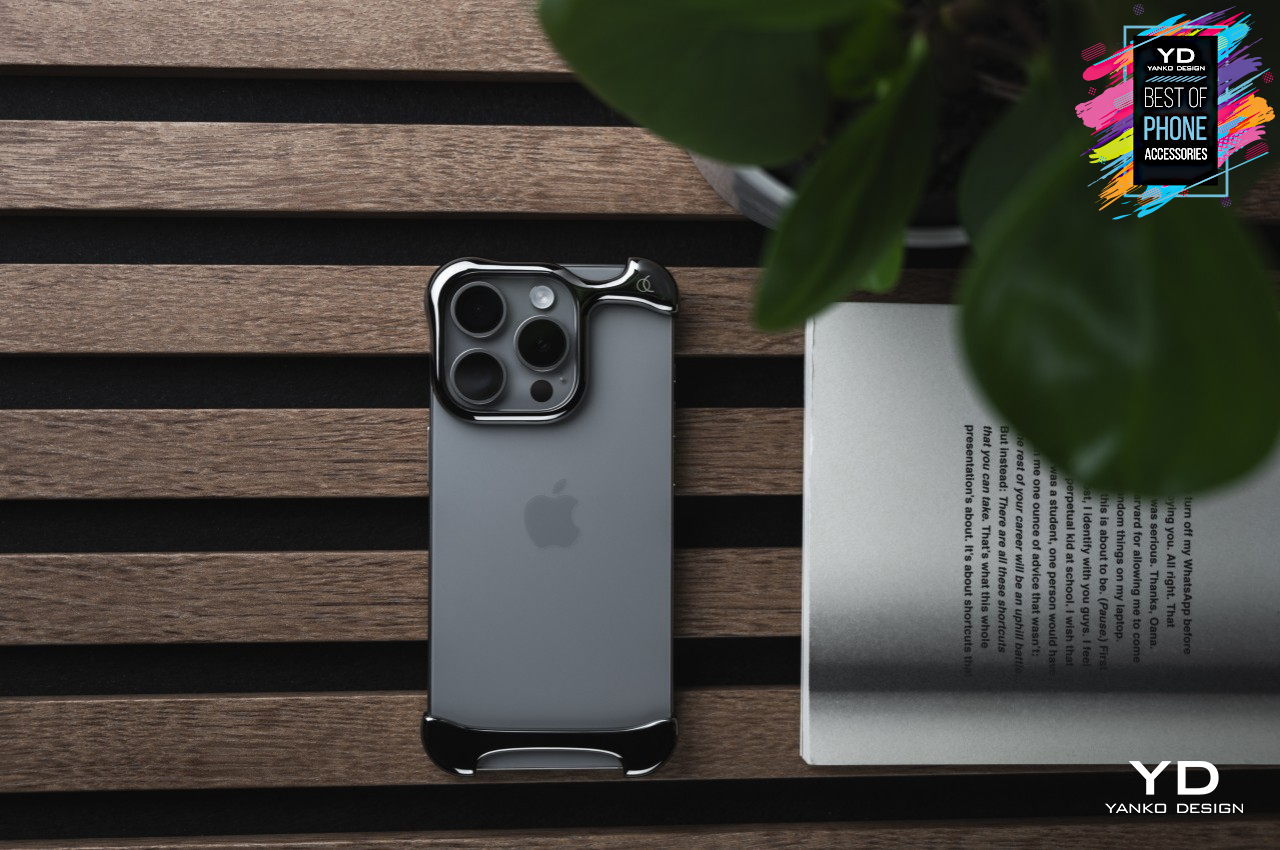
Arc Pulse Bumper Phone Case
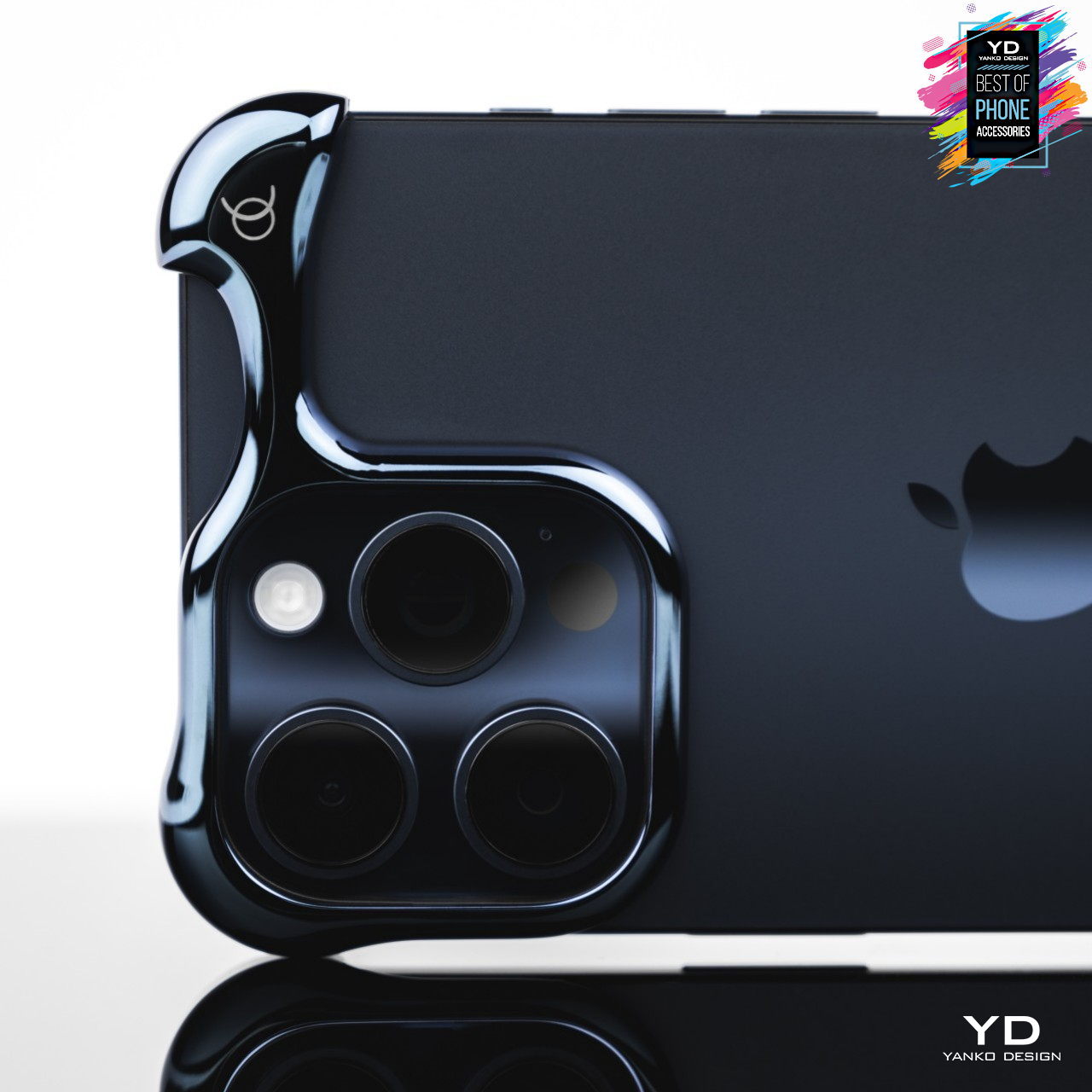
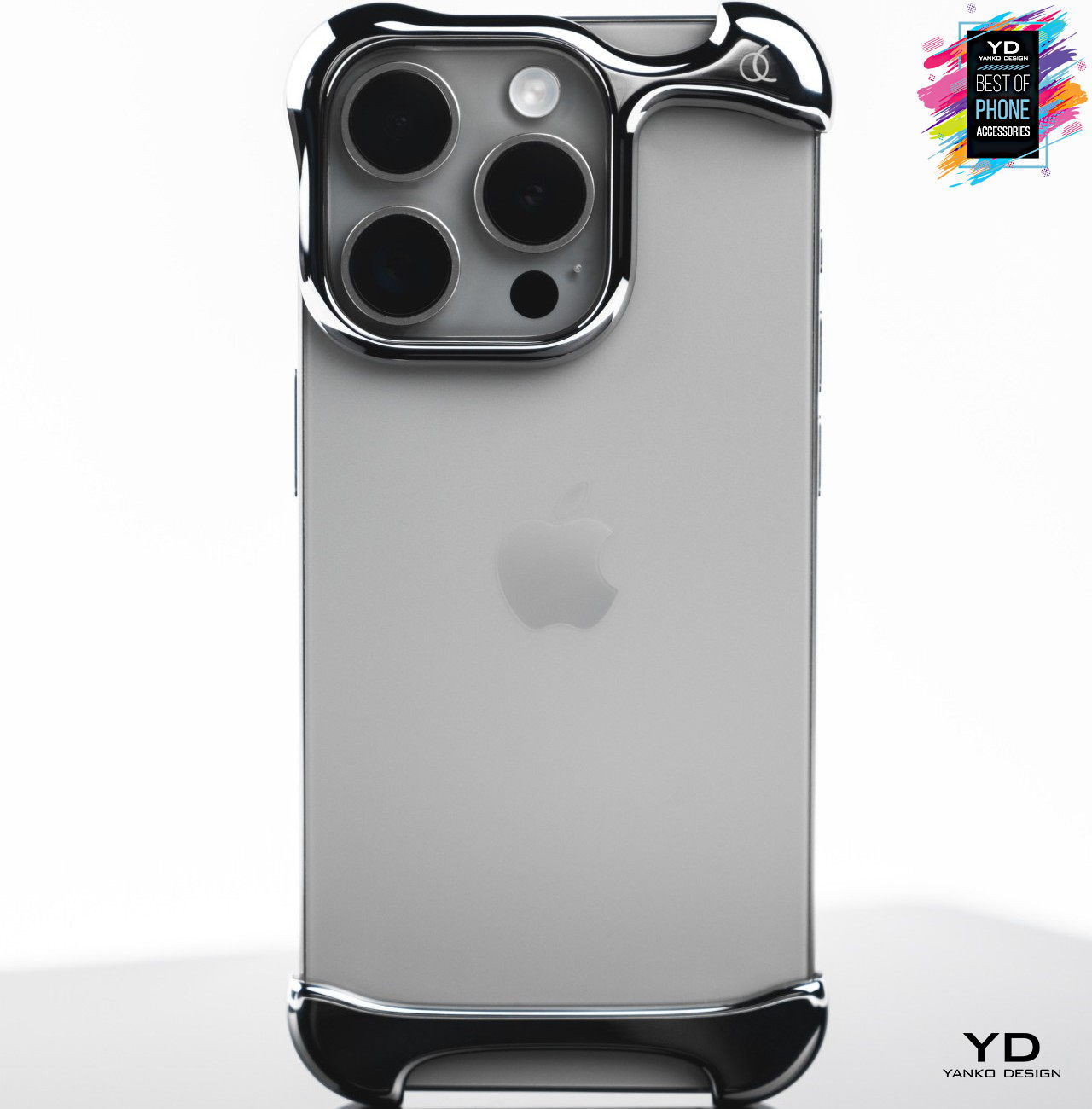
Most smartphone cases sacrifice the device’s innate beauty for added protection. Even clear cases that try to be invisible still make the phone look cheap and unrefined. It may sound like a necessary compromise, but it shouldn’t have to be the case, no pun intended, especially if you have an innovative design that gives you the best of both worlds. With a signature pressure fit, the two pieces of the Arc Pulse slide onto the bottom and top of the smartphone, protecting the most important areas of the device while leaving the rest of the phone’s beautiful design unobscured, just as it was meant to be. Plus, the Arc Pulse’s unique organic design gives your phone more personality, complementing its innate beauty without sacrificing its protection.
Innovative two-piece design protects the phone without ruining its style
Dual-layer shock absorption and distribution ensures total protection from accidents
Lightweight and eye-catching design enhances the smartphone’s aesthetic
Casely Power Pod MagSafe Battery Pack
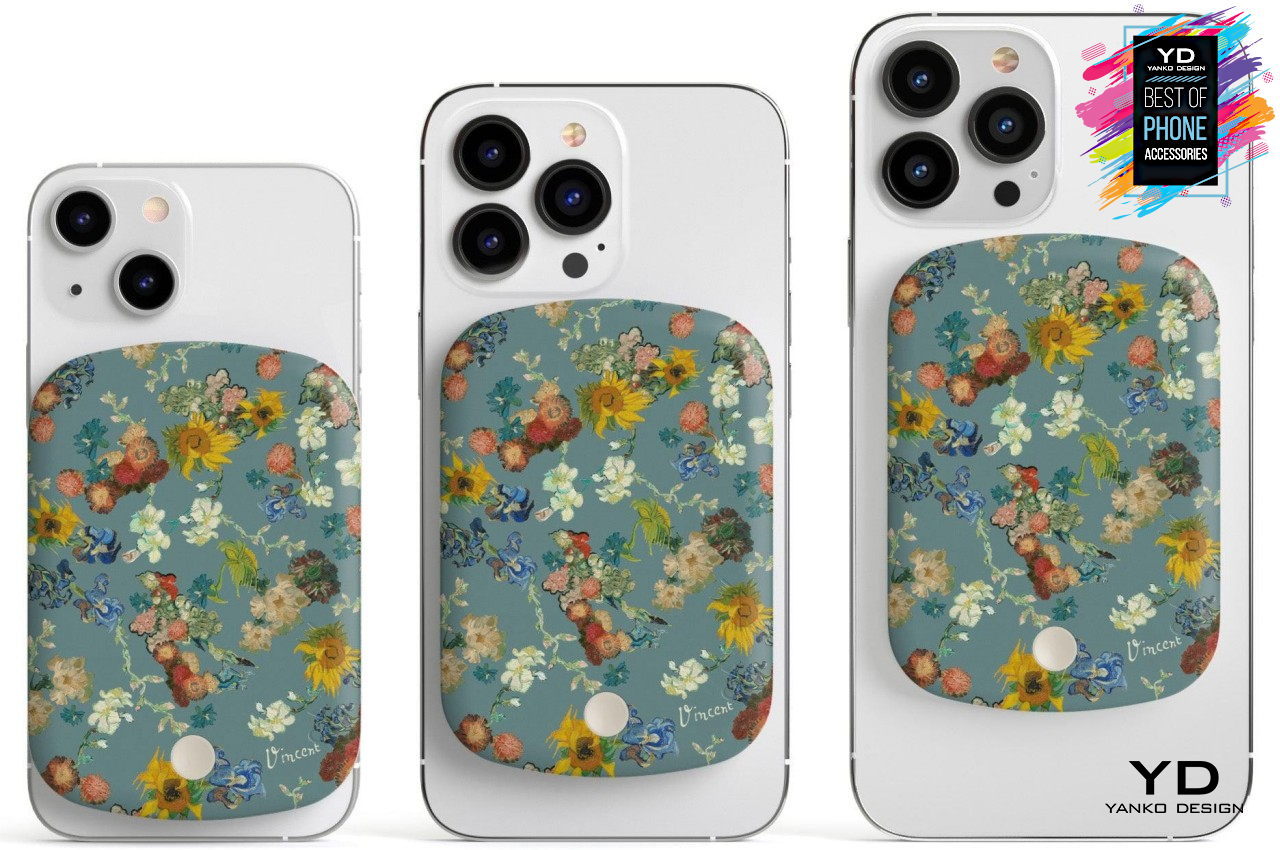
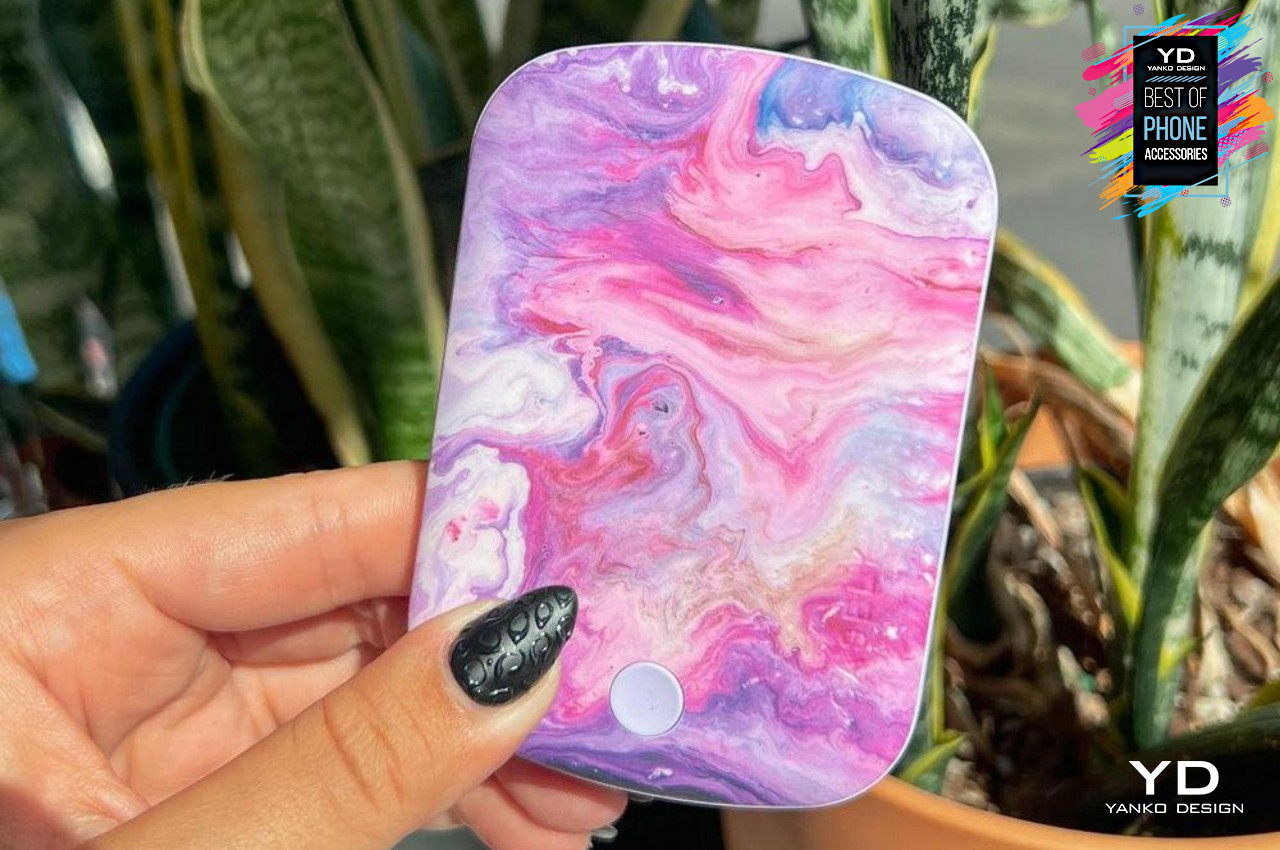
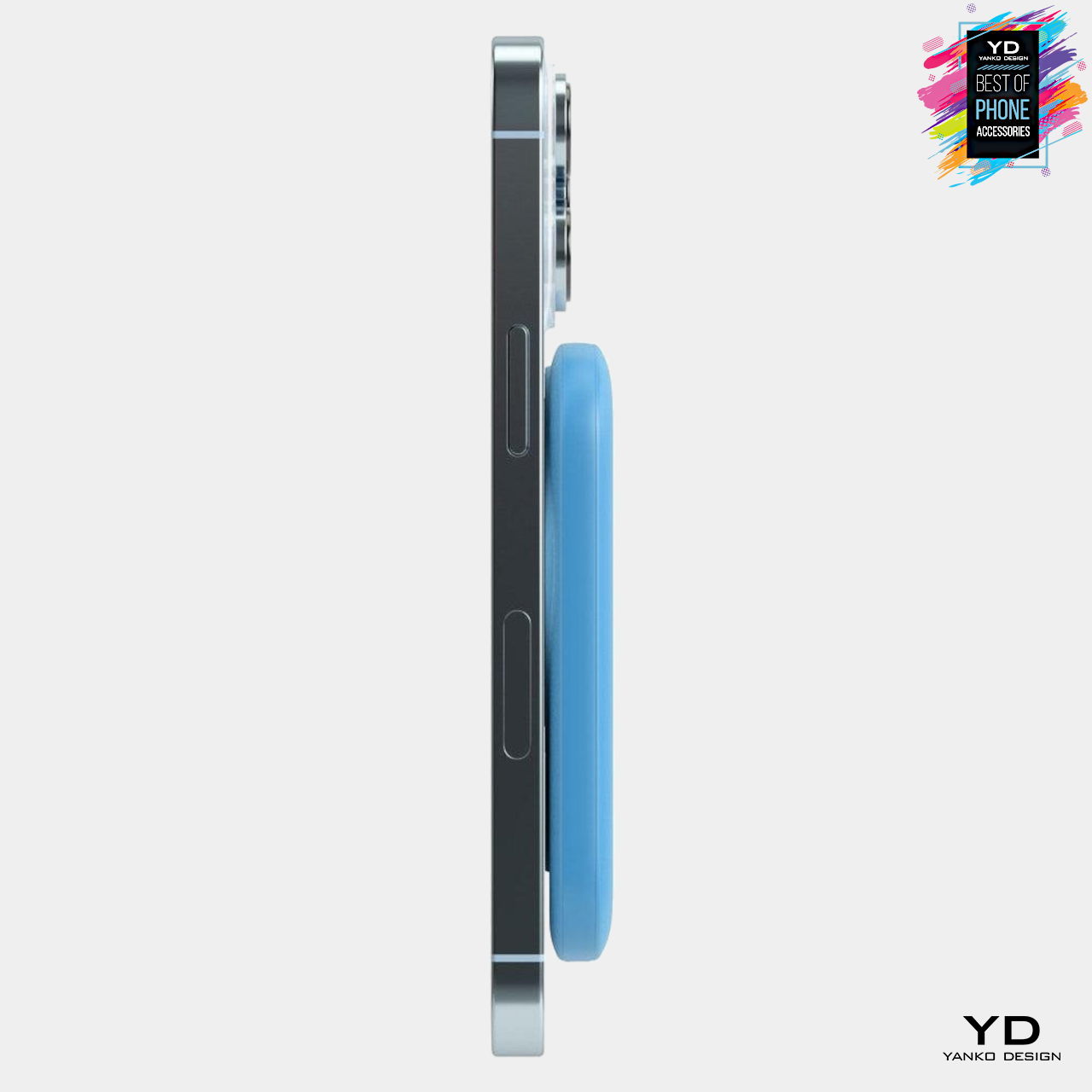
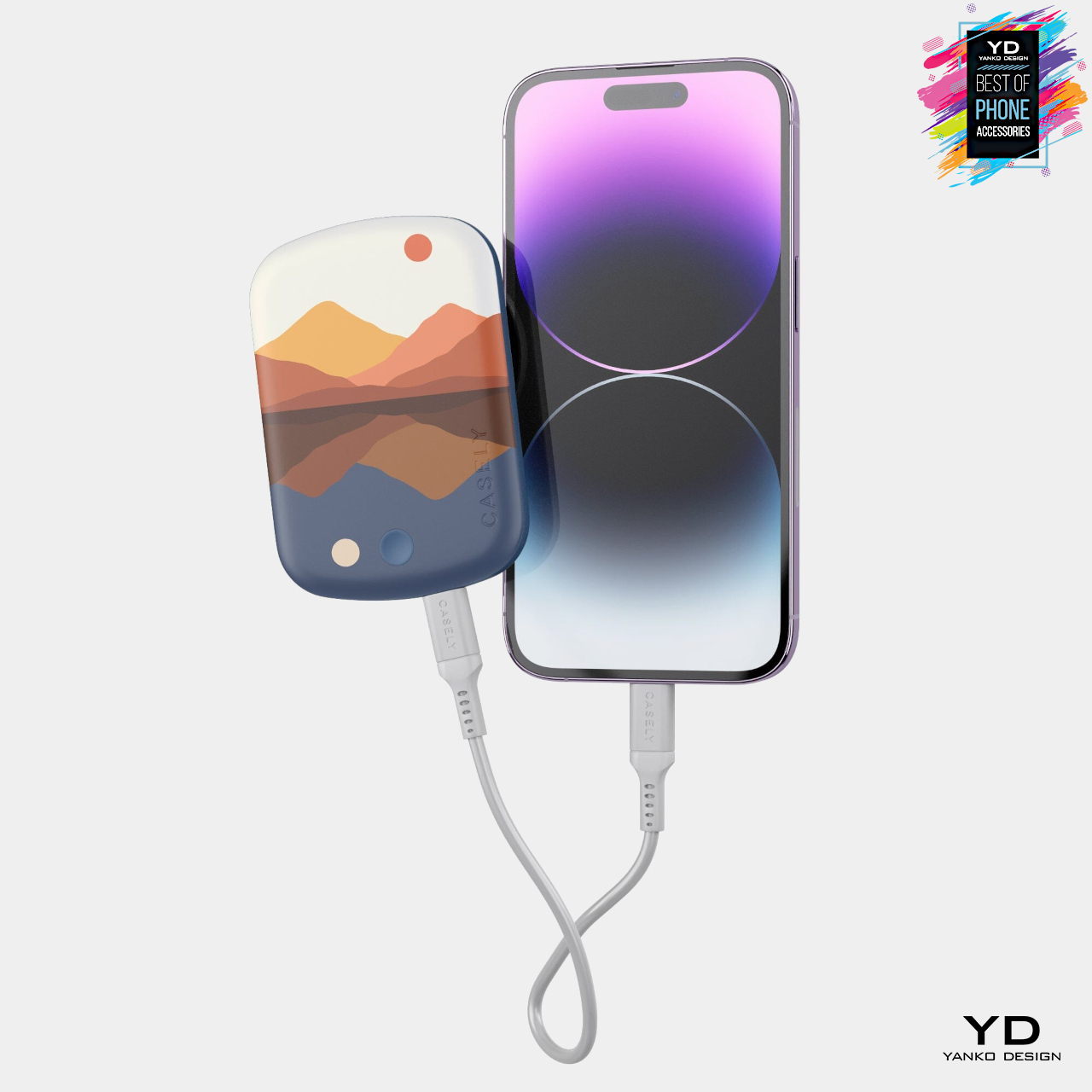
Apple’s MagSafe technology revolutionized the smartphone accessory market, especially when it came to external batteries, a.k.a. power banks. No longer literally tied down by charging cables, these extra batteries are now free to be thinner, smaller, and more expressive as they stick to the back of iPhones. Casely’s line of Power Pod MagSafe Battery Packs takes to the next level with a variety of designs, ranging from minimalist single-color blocks to artistic images, including floral paintings inspired by the great Van Gogh. Of course, these aren’t just pretty faces, as each packs a 5,000 mAh battery that’s good for another 19 hours of uptime, allowing iPhone owners to charge with confidence and in style.
Thin and lightweight for easier handling and portability
Available in a variety of colors and artistic designs
Supports both MagSafe and Qi wireless charging as well as wired USB-C
ESR Geo Wallet Stand (HaloLock)
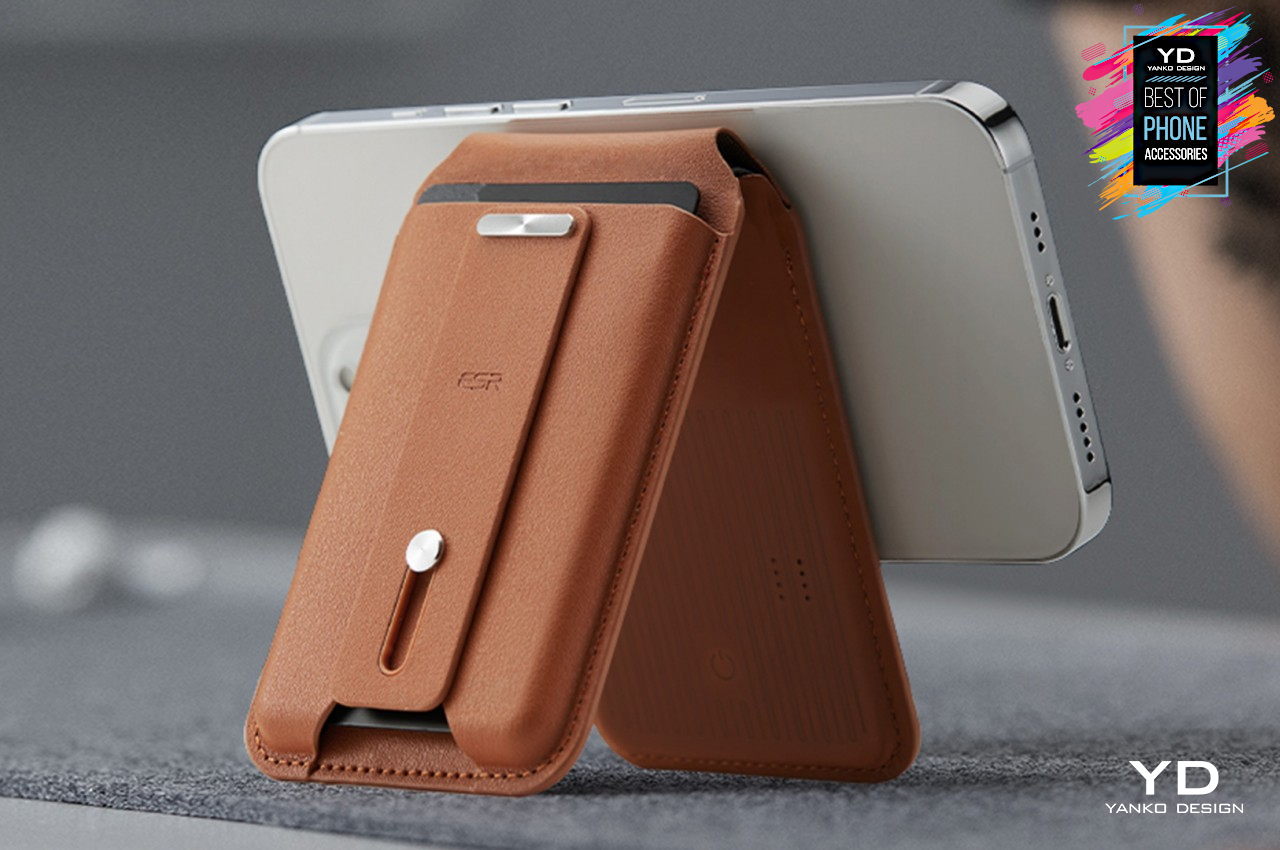
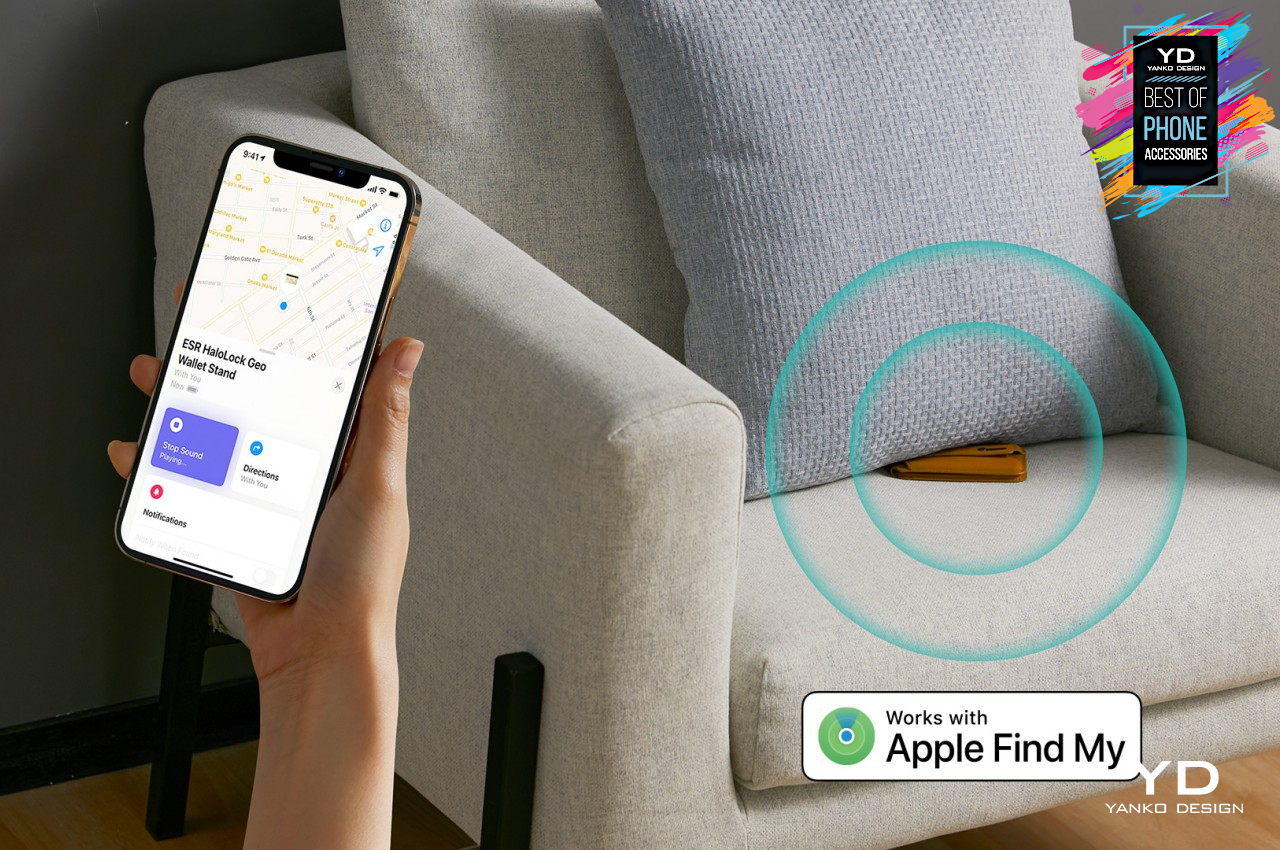
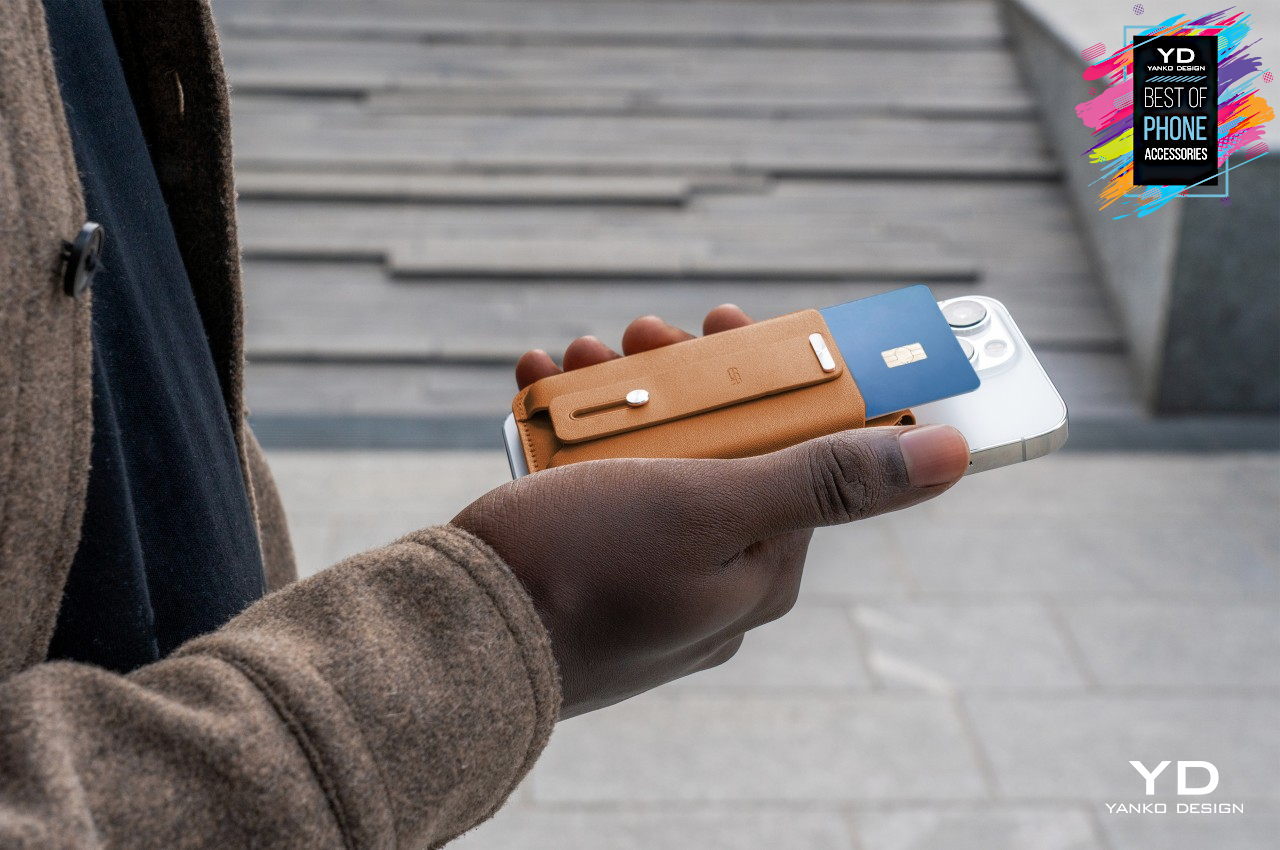
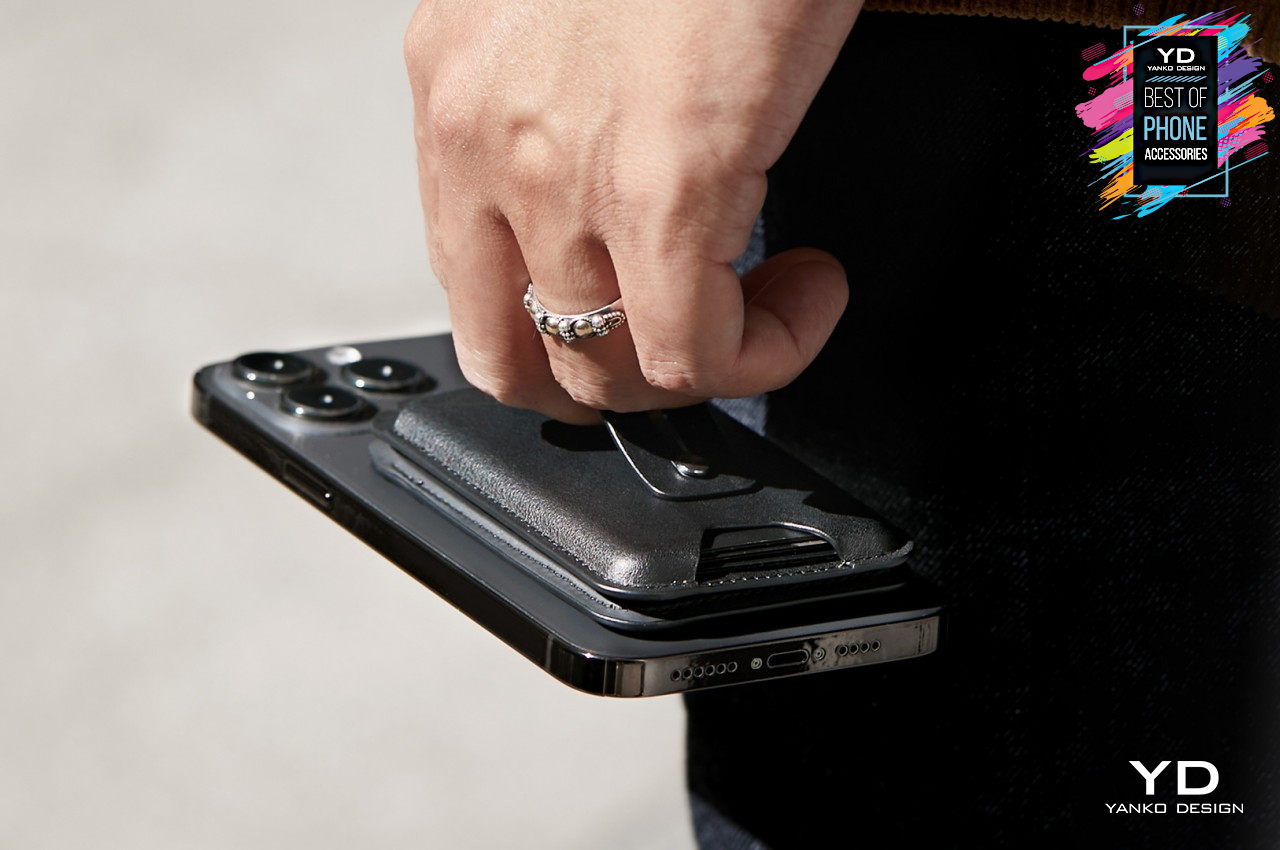
It has become common these days to keep your most used cards on your smartphone, be it through a folio case or, more recently, MagSafe accessories that stick to the phone’s back. After all, you almost always have your phone with you all the time, so you’re unlikely to forget or lose those cards unless you lose your phone, in which case Apple’s My Find network makes locating the device less nerve-wracking. But what if it’s the wallet itself that gets lost without the phone? That’s the stressful problem that the ESR Geo Wallet Stand tries to resolve with its built-in Find My module that uses that same Apple technology to make locating the wallet a breeze. Even better, the handsome MagSafe wallet has a finger loop and a stand, keeping the phone secure in your hand or on a table all the time.
Built-in My Find module to locate it even if not attached to a phone
Multi-functional finger loop and stand for flexibility and convenience
Magnetic holding force of 1,500g that’s twice as strong as official Apple wallets
Nomad Goods 65W Slim Power Adapter
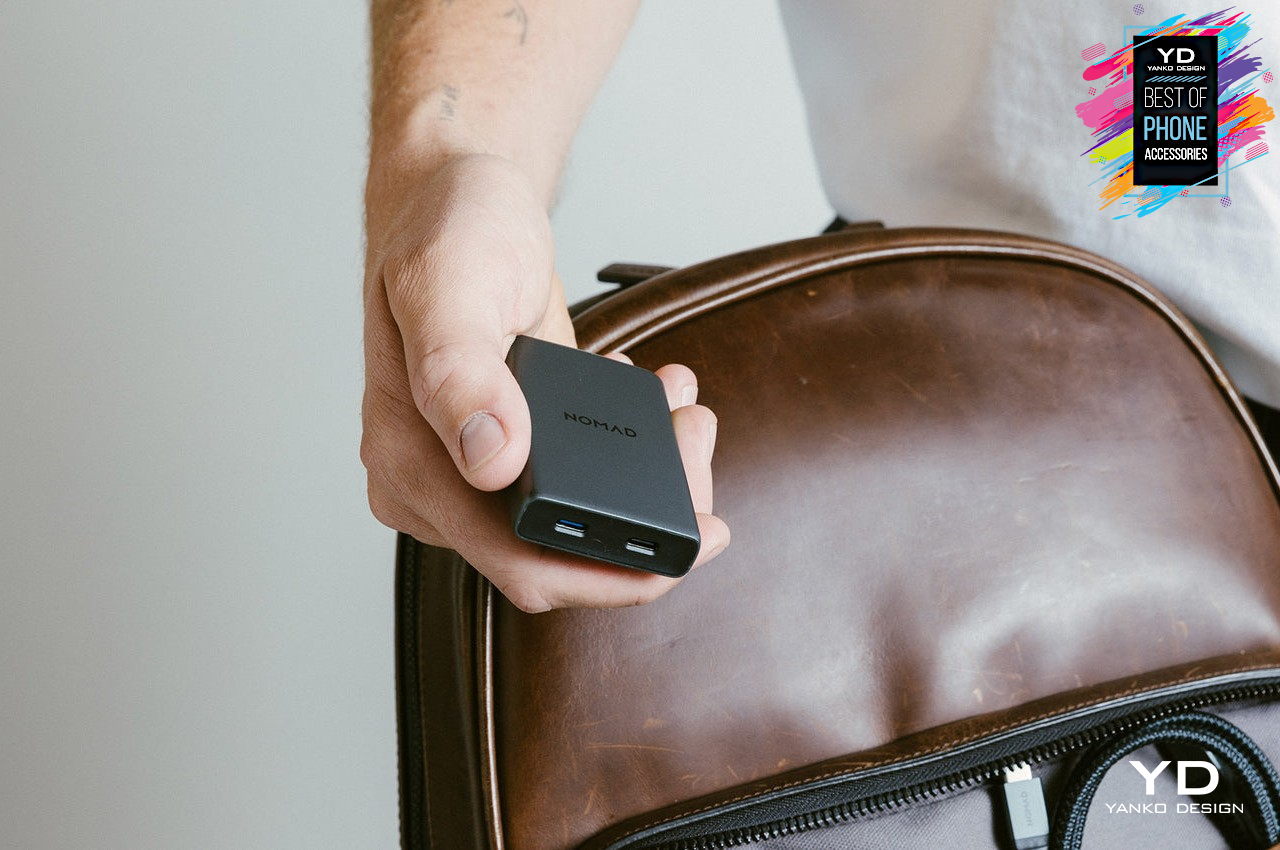
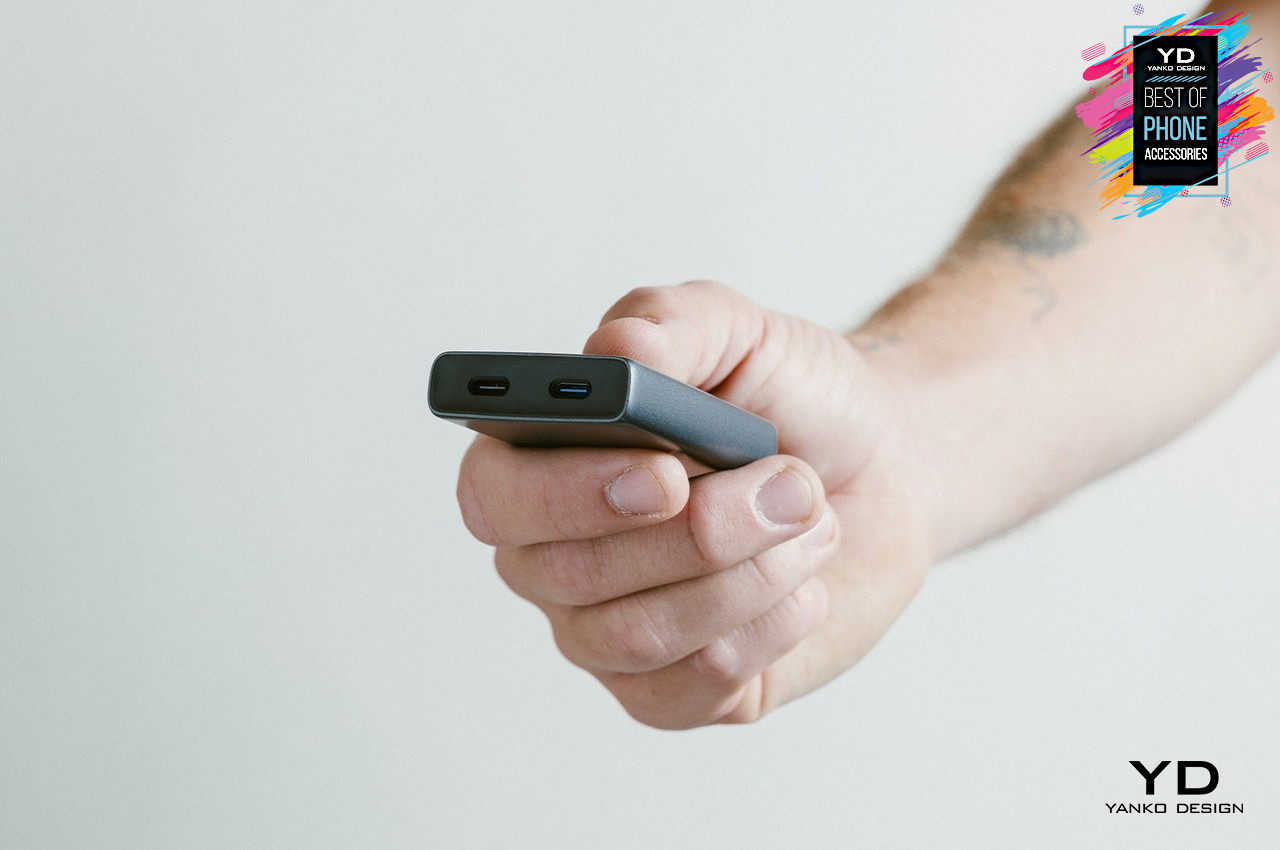
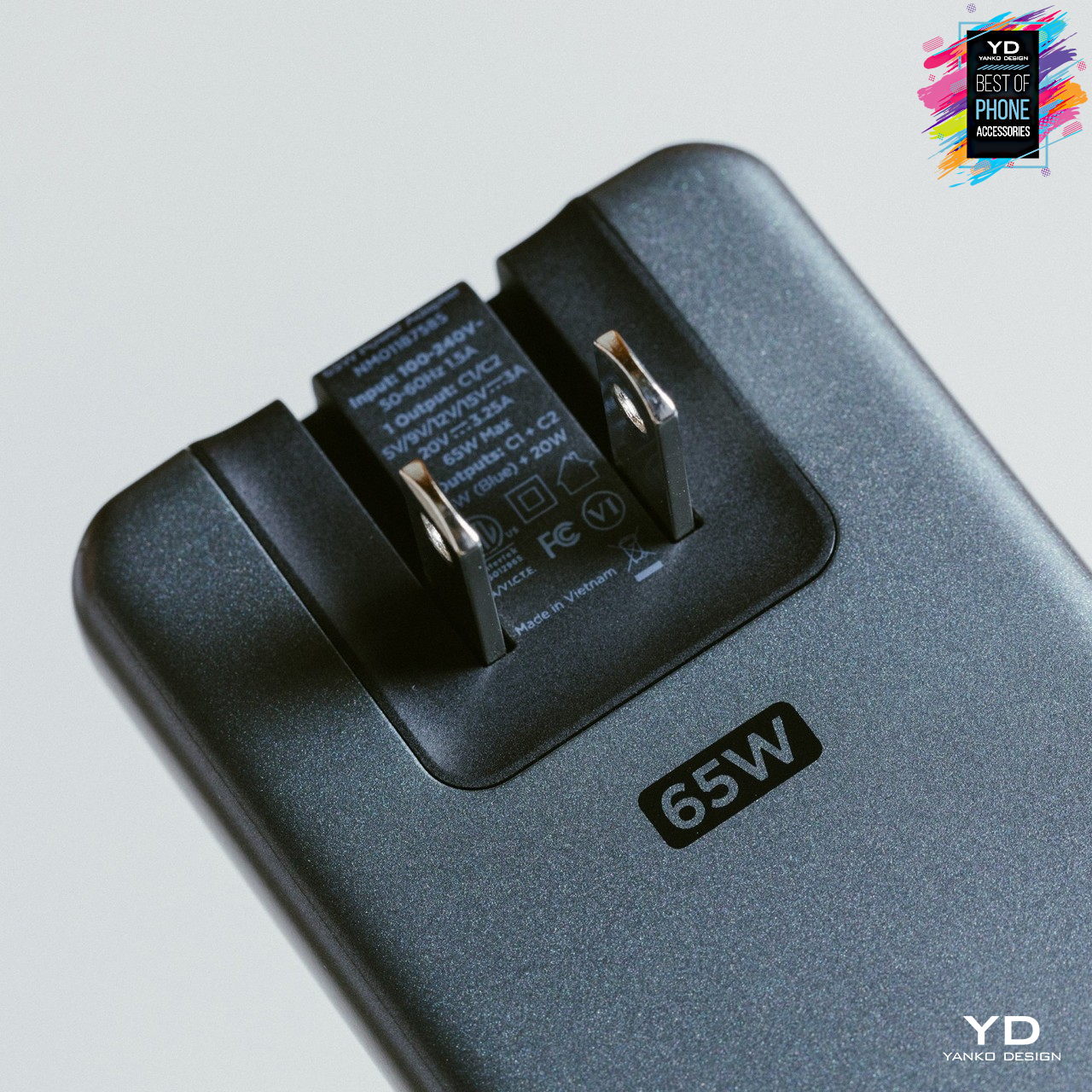
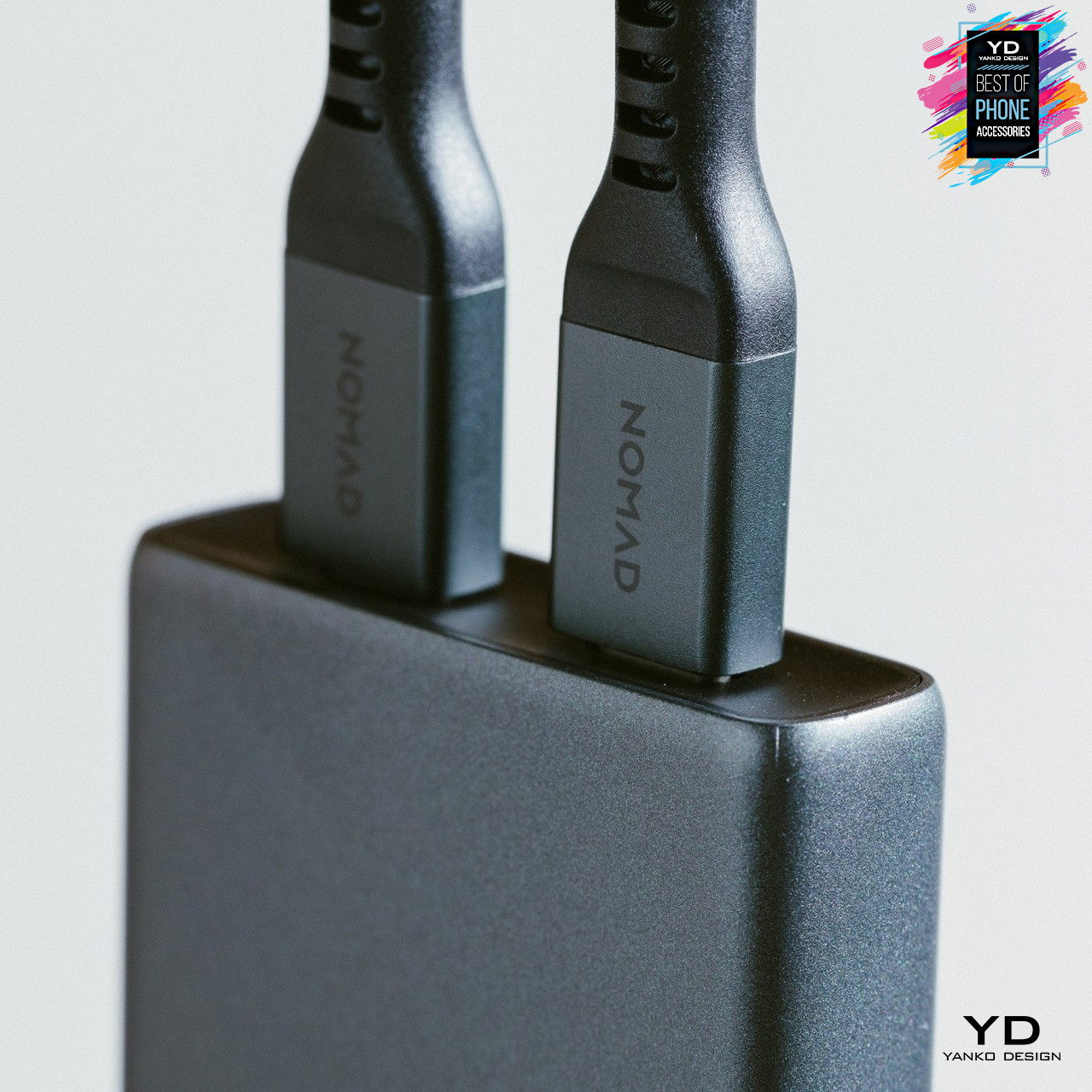
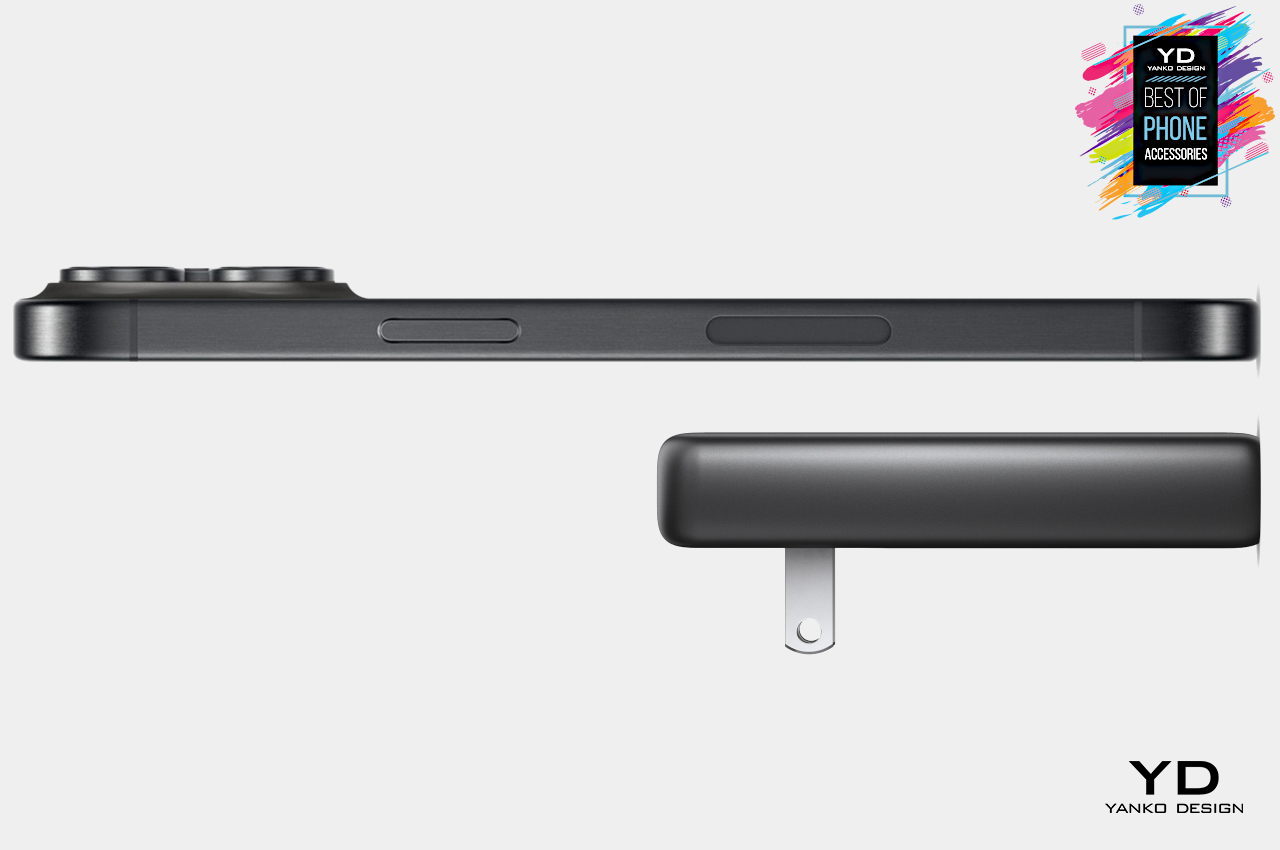
Battery packs and power banks are great for charging on the go, but you might easily hit their limitations unless you carry large and heavy bricks all the time. The faster charging method is still a dedicated charger, though you might find yourself scrambling and fumbling around in your bag to pull out the right one. Nomad Goods’ 65W Slim Power Adapter solves that problem by being the only charger you need, even if you have a MacBook. Its slim profile and small footprint make it easy to quickly drop the charger in your bag or even in your pocket, ready to get you charging the moment you reach a power outlet. It can even charge an M1 MacBook at 45W and an iPhone at 20W at the same time from the same brick, potentially winning you friends by not using up all the available outlets.
GaN technology offers faster, safer, and more efficient charging in a smaller size
Space-efficient compact design with foldable prongs
Can charge a single device at 65W or two devices simultaneously at 45W and 20W
Peak Design Mobile Tripod
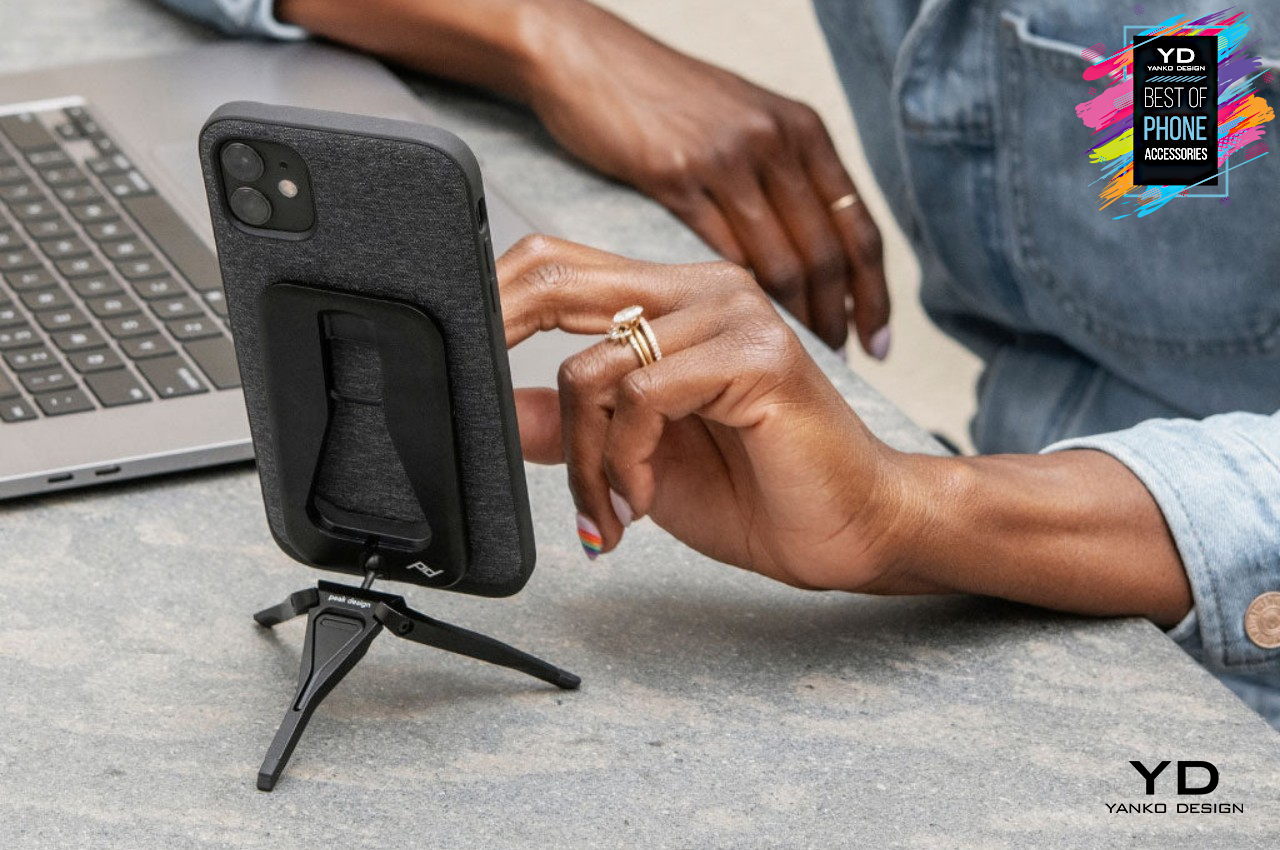
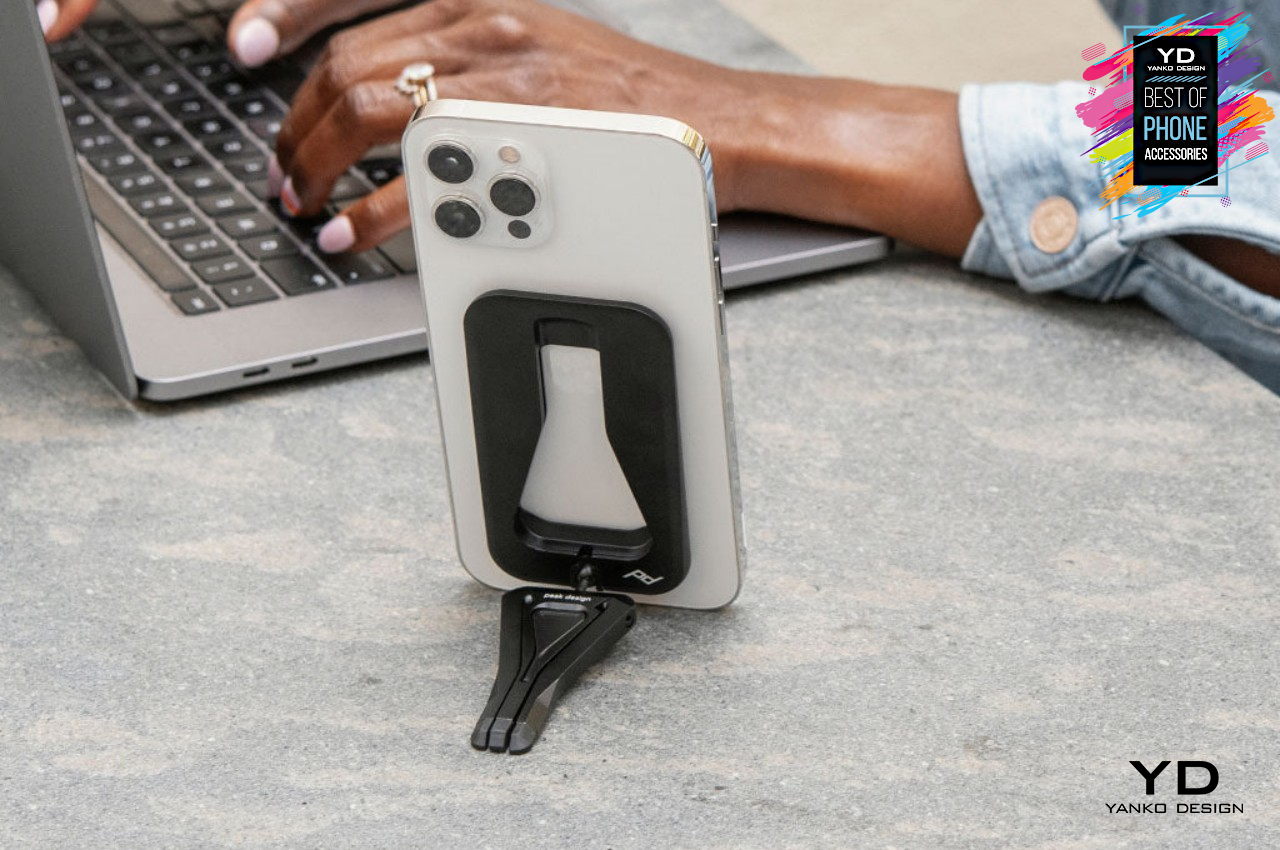
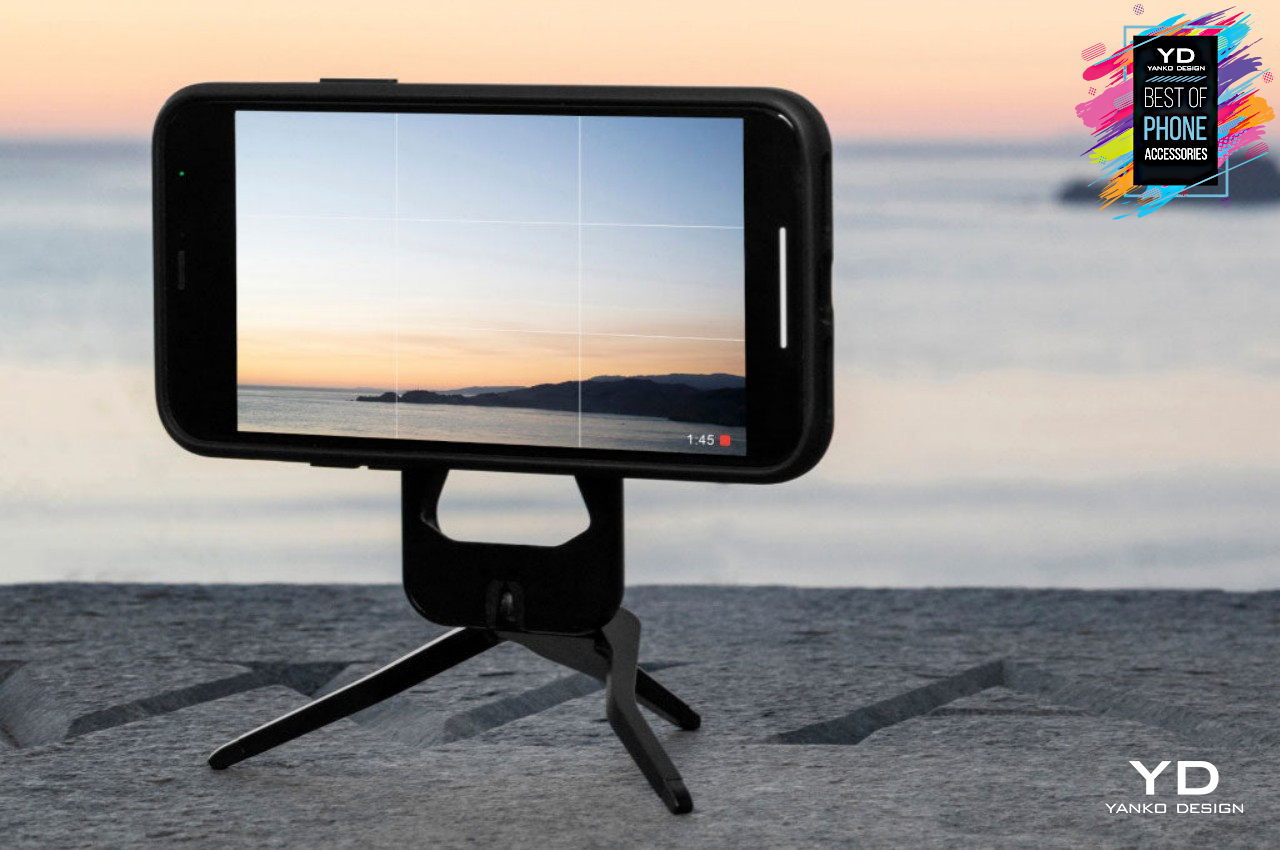
There’s no shortage of ways available today for propping up a phone, whether it’s for watching videos or making video calls, but most of them either lock you to a single angle or a single height. The Peak Design Mobile Tripod, however, offers unprecedented flexibility in how you want to make your iPhone stand, whether using it as a kickstand or setting it up on an adjustable tripod. Best of all, this mobile tripod is so slim and its magnets are so strong that you can simply snap it onto the back of your phone and take it anywhere with you, ready for your next creative endeavor.
Works as a kickstand or tripod, with a ball tension system for adjusting the angle
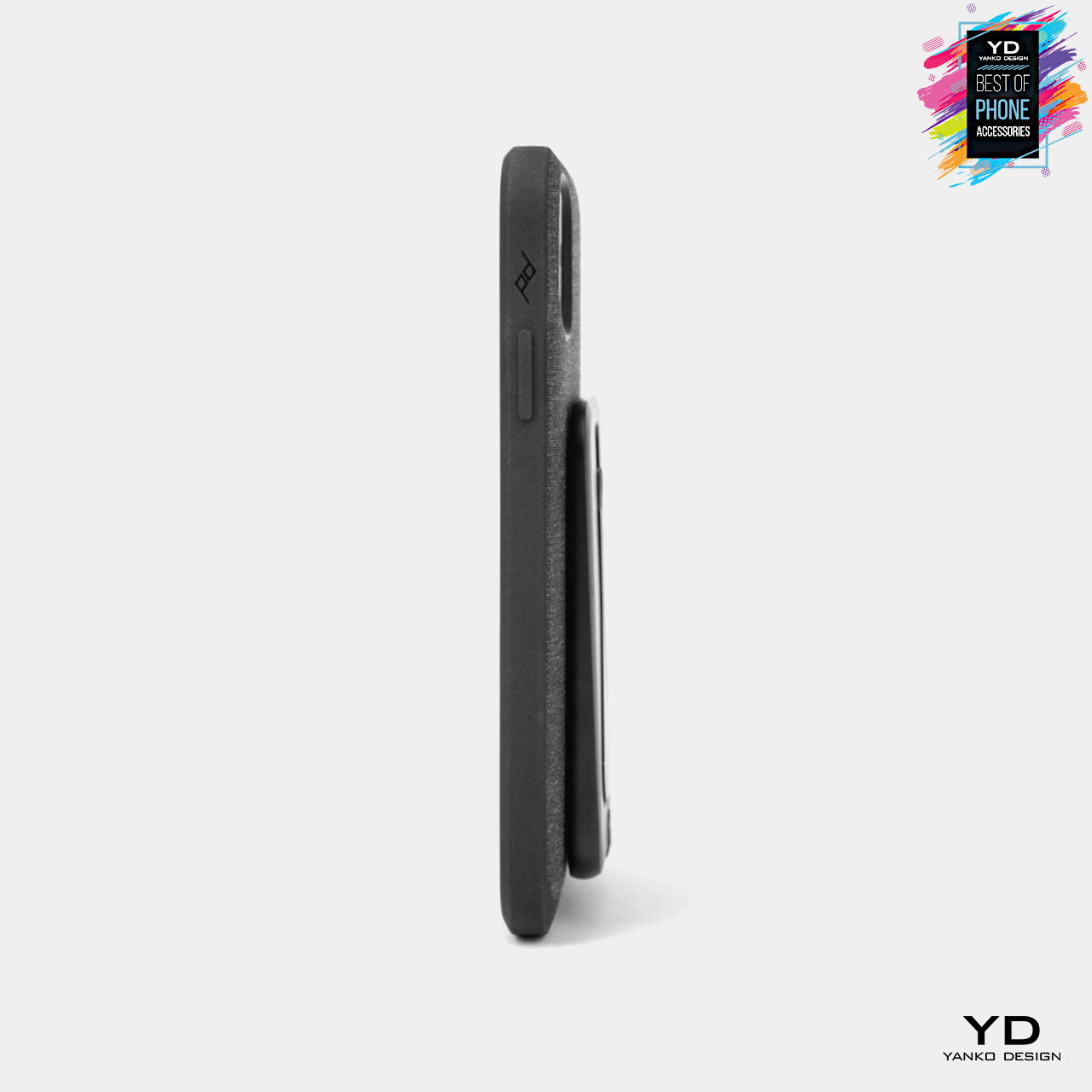
Ultra-slim 0.5cm profile with an ultra-premium machined and anodized aluminum body
Works with MagSafe phones or any phone with a Peak Design case or Universal Adapter
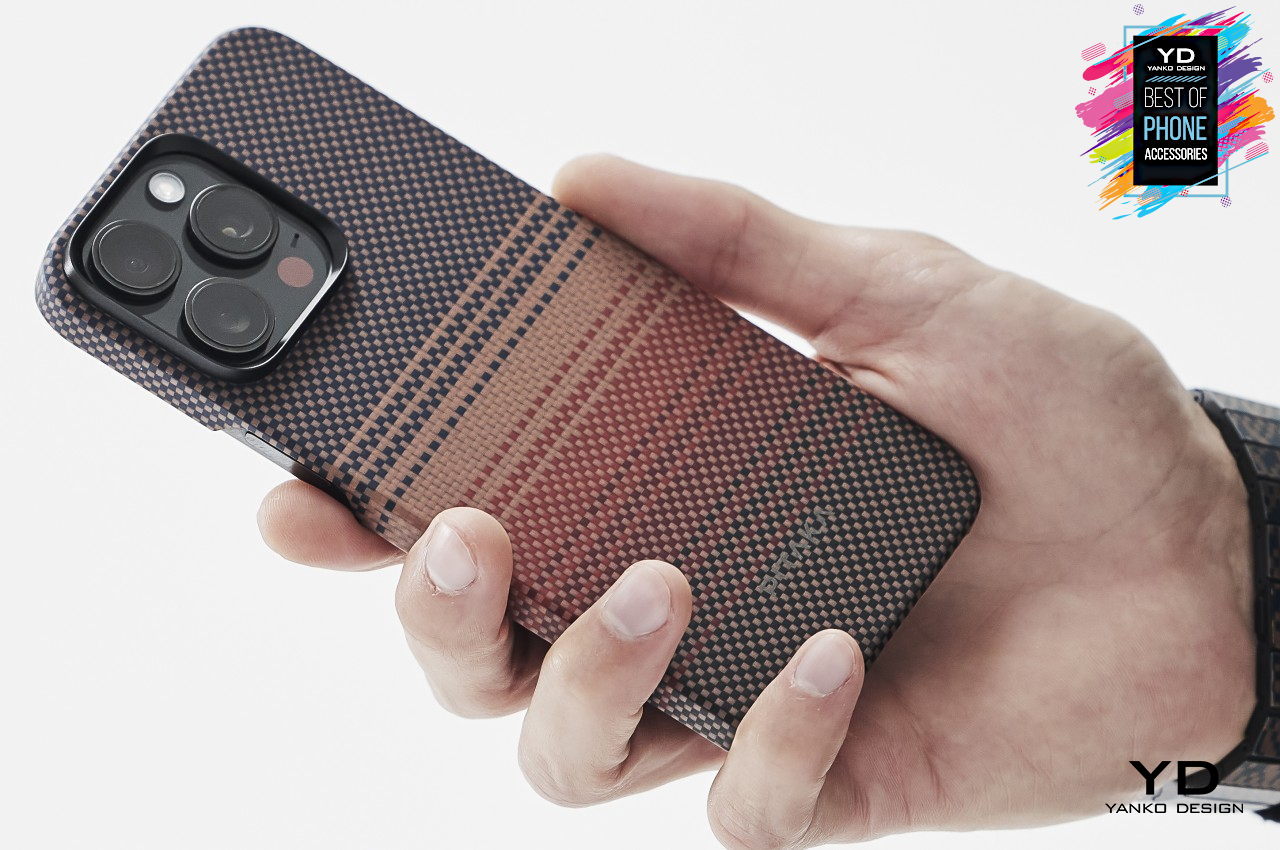
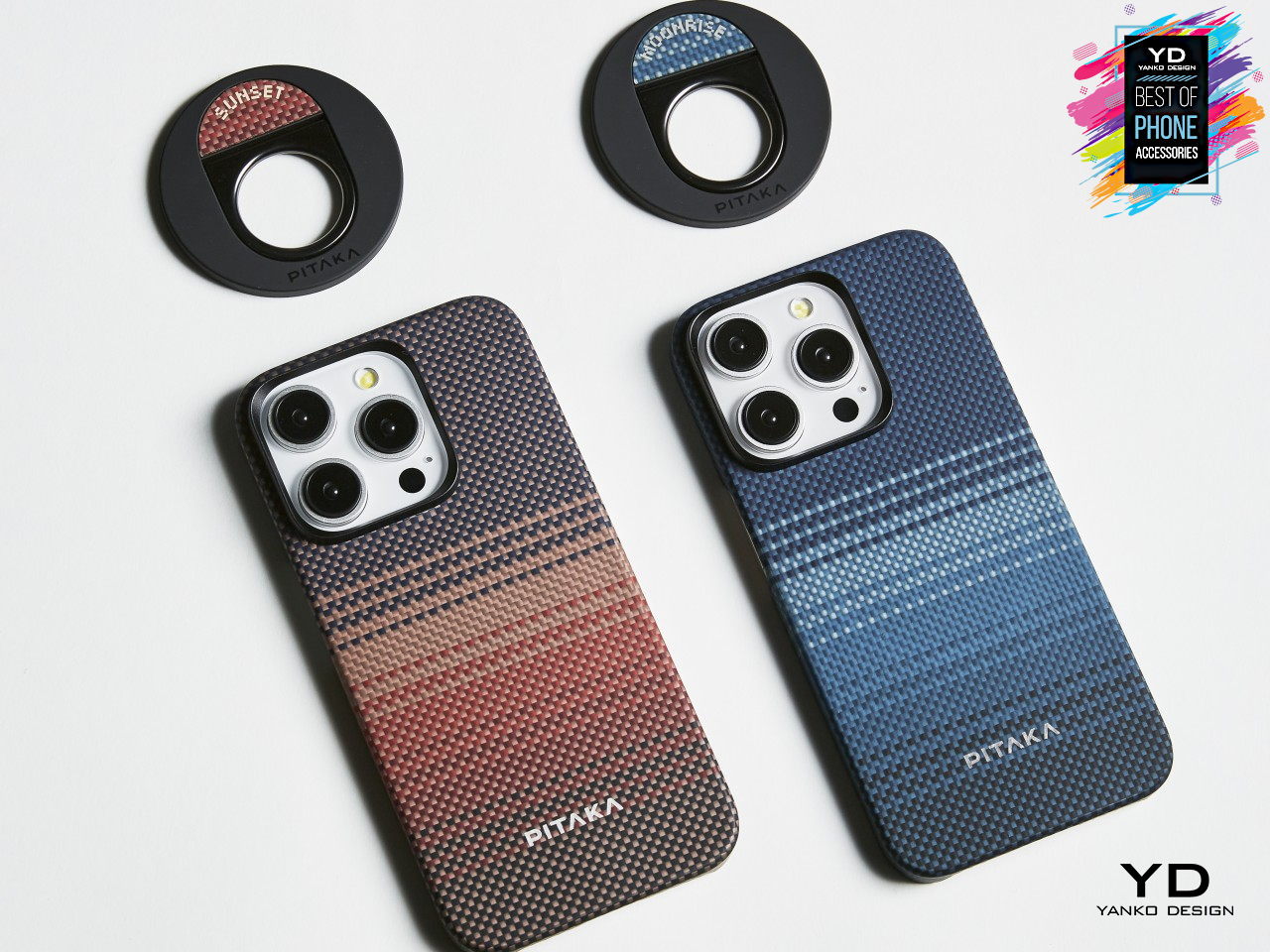
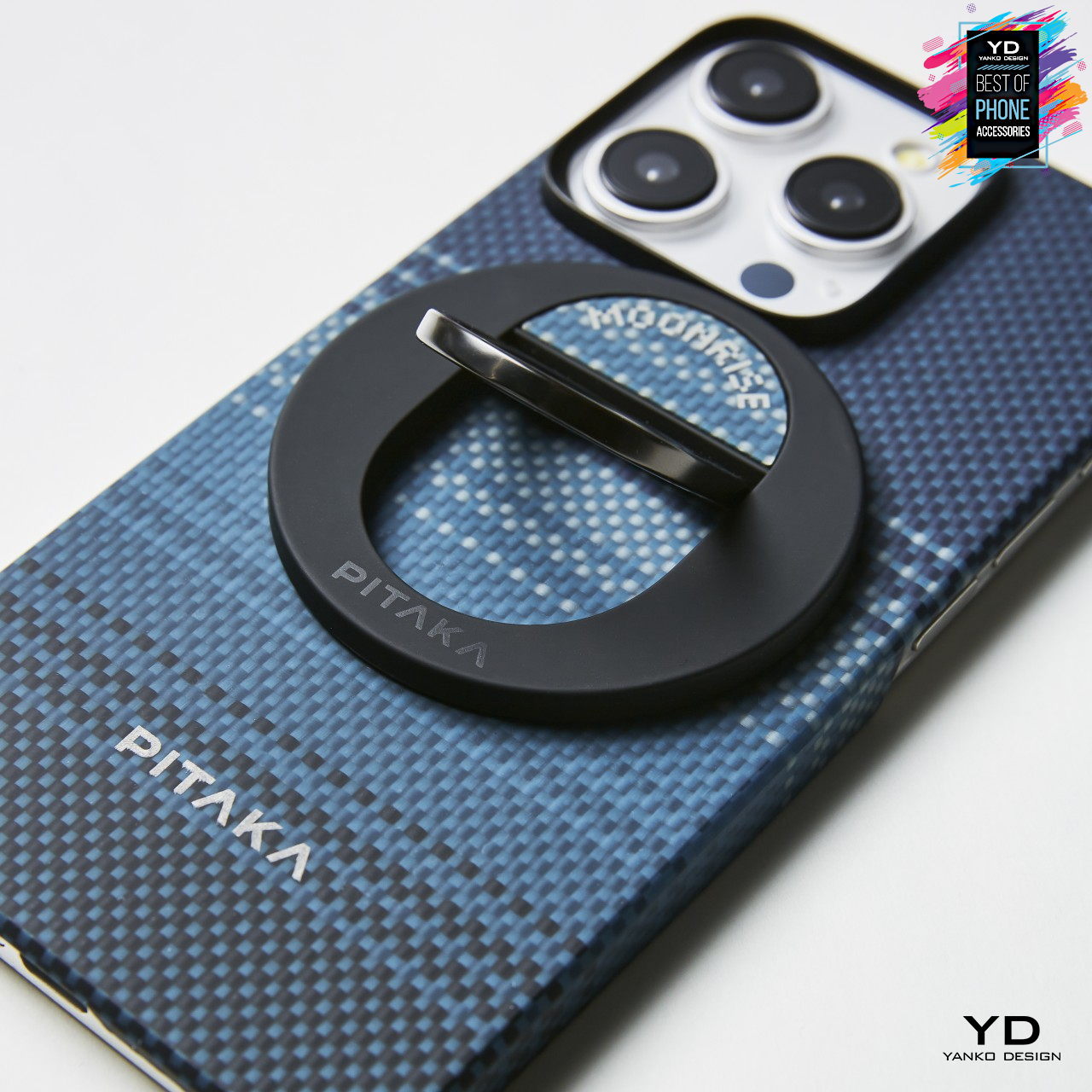
Pitaka Sunset & Moonrise MagEZ Case 5 For iPhone 15 Series
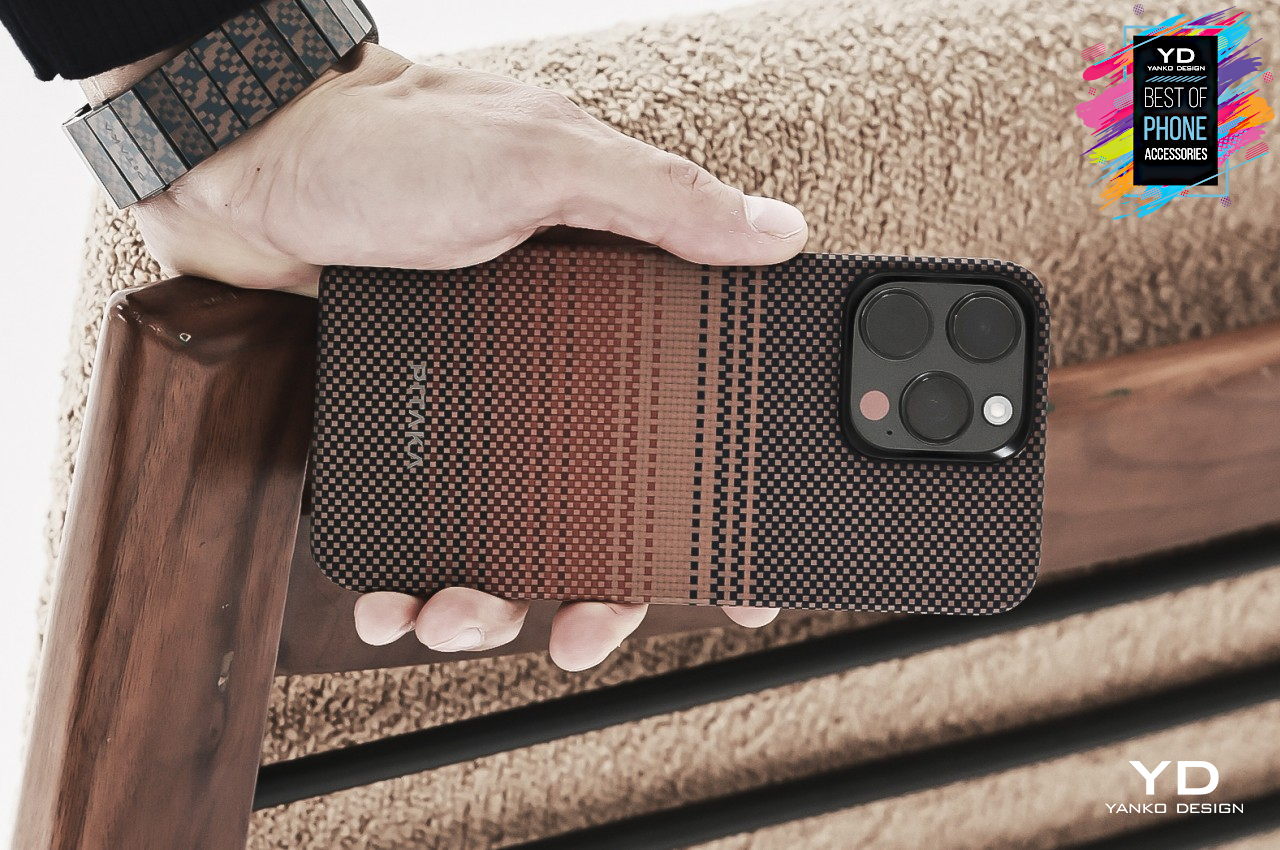
Smartphone cases not only offer added protection, they also allow for personalization and self-expression through a variety of designs. Unfortunately, those advantages come at the price of added bulk to the phone, but Pitaka is proving that it doesn’t have to be the case, no pun intended. Claiming the title of the market’s lightest and thinnest iPhone 15 MagSafe case, the Sunset and Moonrise MagEZ Case 5 adds a distinctive visual and tactile character to the phone thanks to its aramid fiber weaving. Its new Amber Magnet Film glue-free coating allows the case to be extra thin while still providing the conveniences of MagSafe charging and accessories.
Distinctive woven design captures the colors of sunset and moonrise
Incredibly thin and light MagEZ Case 5 construction
MagSafe compatible with the need for additional accessories
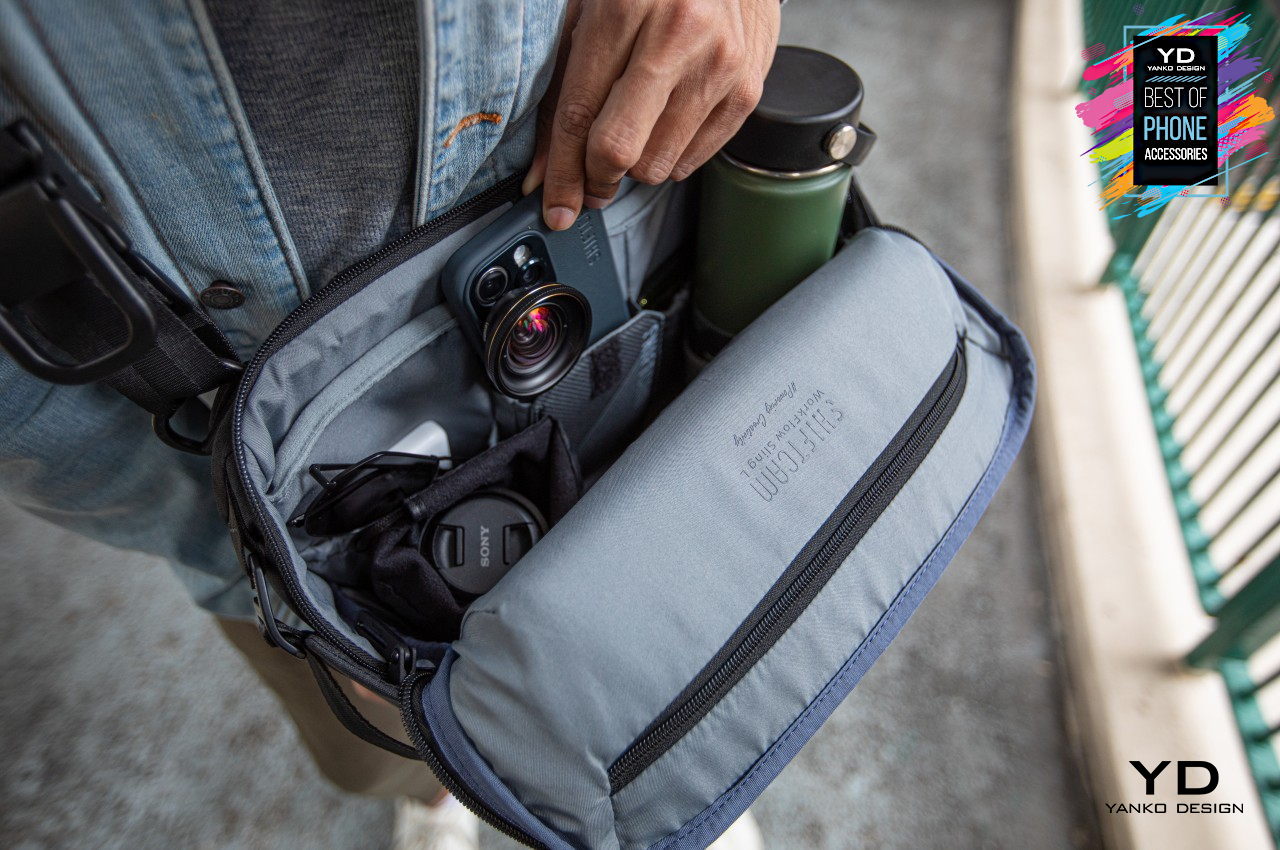
ShiftCam Workflow Sling Bag
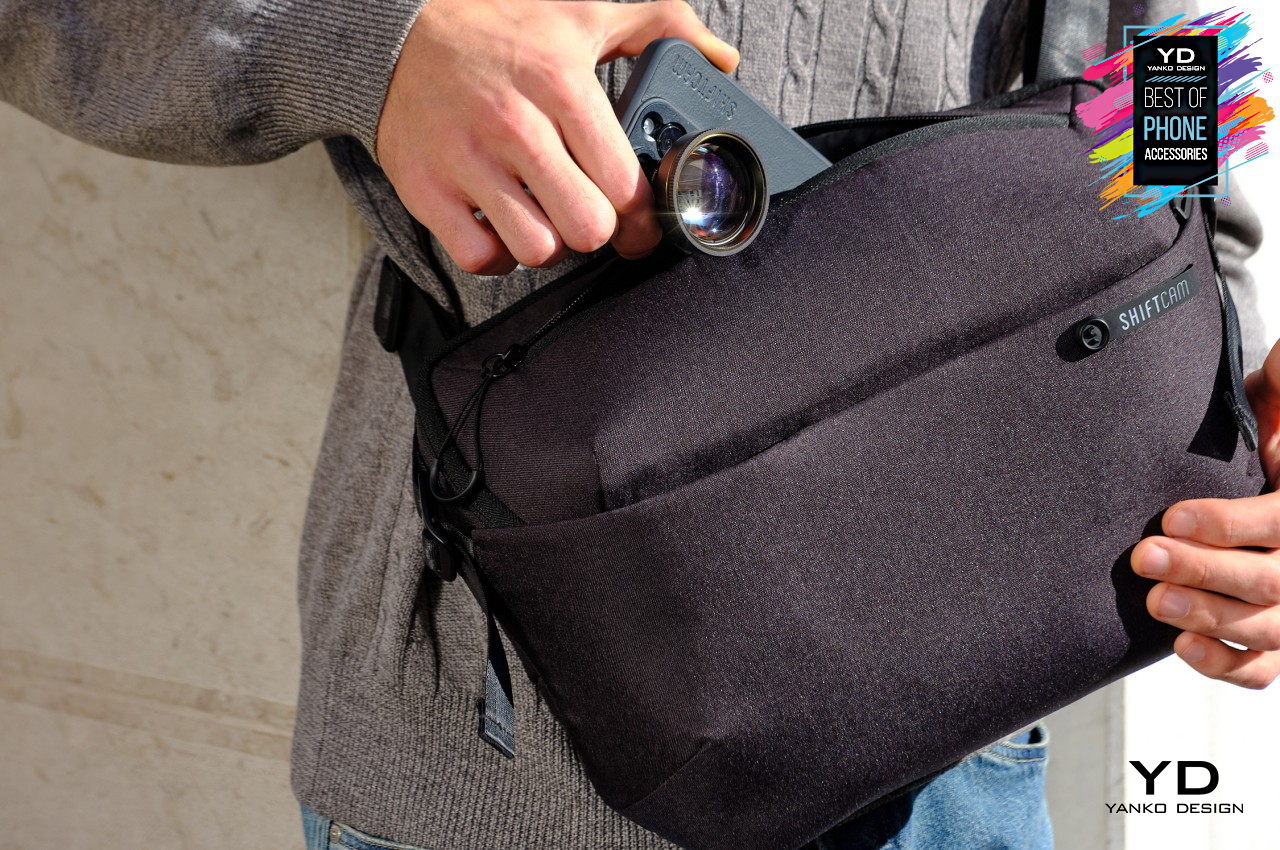
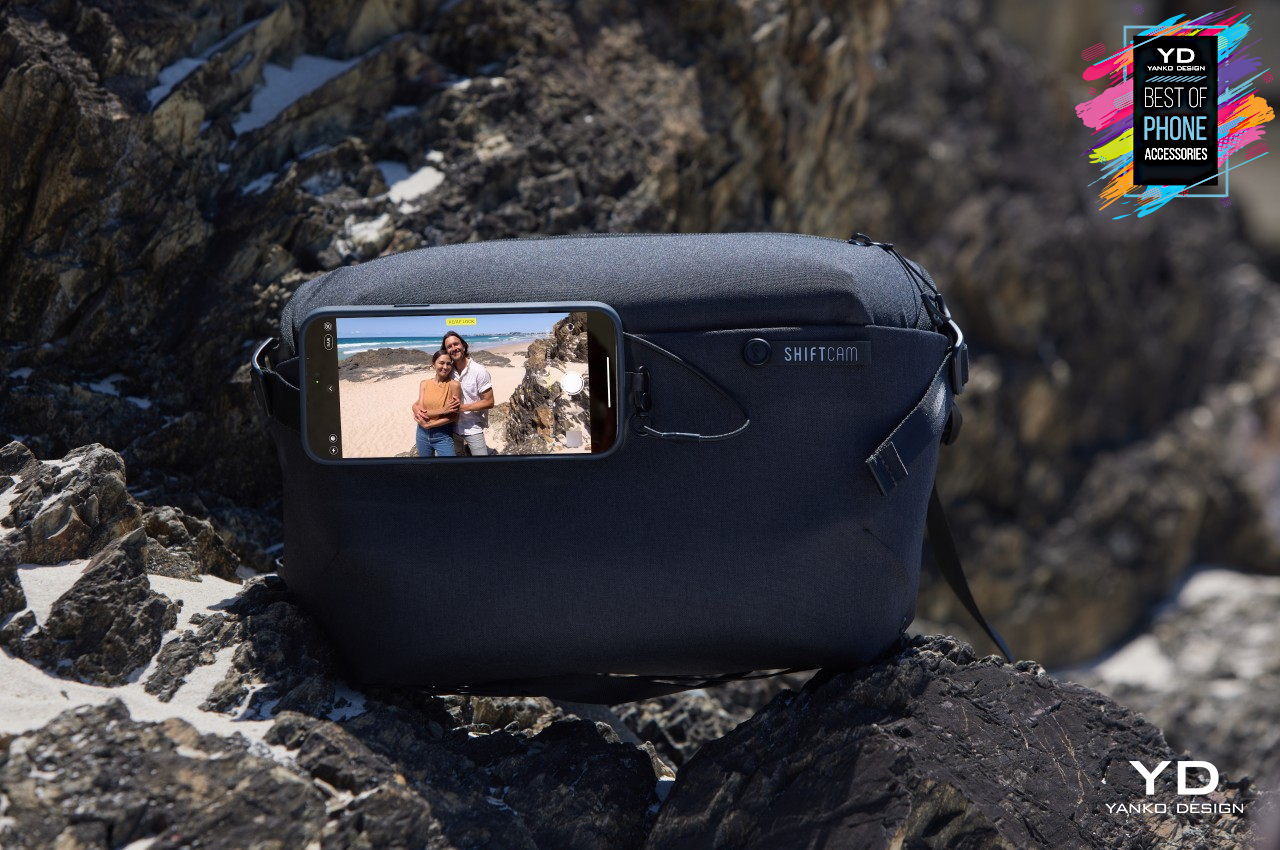
Mobile photography has become a rather serious industry of its own, with a plethora of accessories like lenses and tripods to assist hobbyists and pros alike. Unlike other types of photography, however, smartphone users seem to be lacking a bag dedicated to their craft. The ShiftCam Workflow Sling finally brings that missing piece to the puzzle, offering a product that was specifically designed to cater to mobile shutterbugs, with features like dedicated spaces for lenses and MagSafe phone mounts on the strap and on the bag itself. Of course, its simple yet sleek design, not to mention its premium materials, make it a great sling bag for any purpose and occasion as well.
Specifically designed to support mobile photographers’ workflows
Built-in MagSafe mounts provide hands-free video recording options
Made with premium and durable materials to support mobile lifestyles
Spigen iPhone 15 Slim Armor CS Case
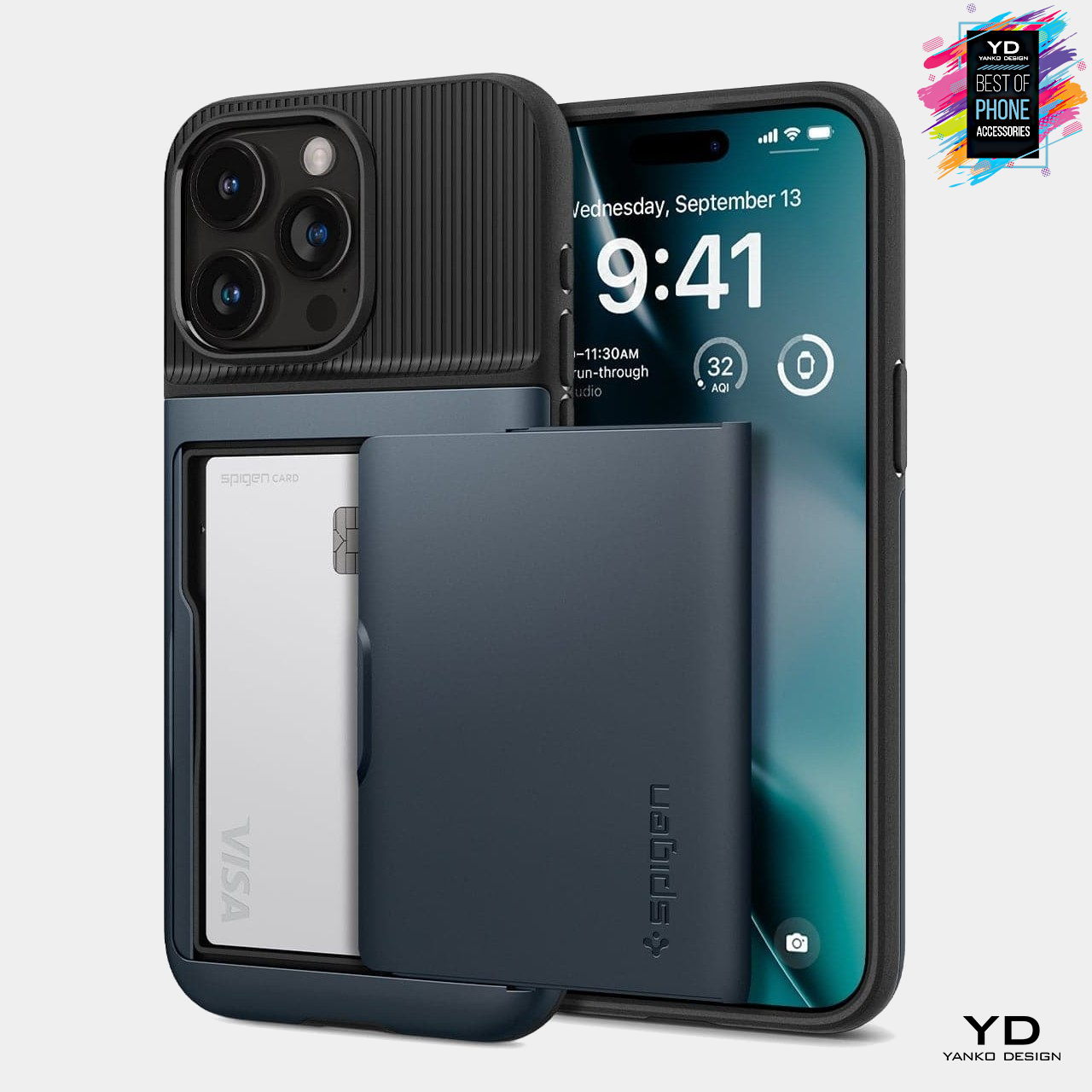
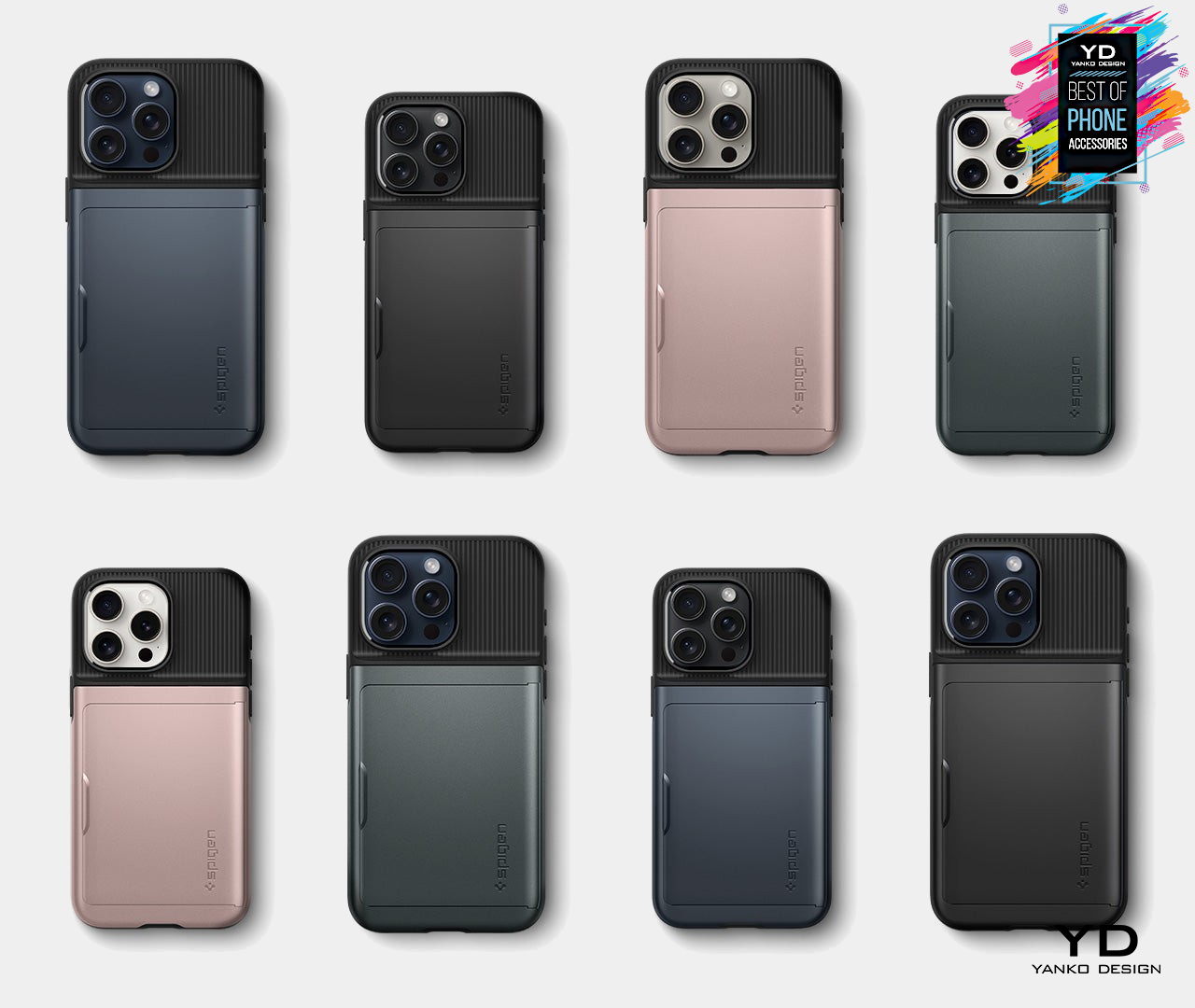
Smartphone cases that let you carry two or three of your most important cards are nothing new, but most of the designs available today place these cards in a very conspicuous hump, sometimes even exposed for everyone to see. Having honed their skills at crafting a variety of case designs for different purposes, Spigen came out with an interesting alternative that hides those cards from view. Almost like revealing treasure behind a sliding secret door, the Spigen Slim Armor CS case for the iPhone 15 manages to hold your most frequently used cards in a hidden pocket without making the case thicker than it should be.
Sliding mechanism cleverly hides two cards until they need to be used
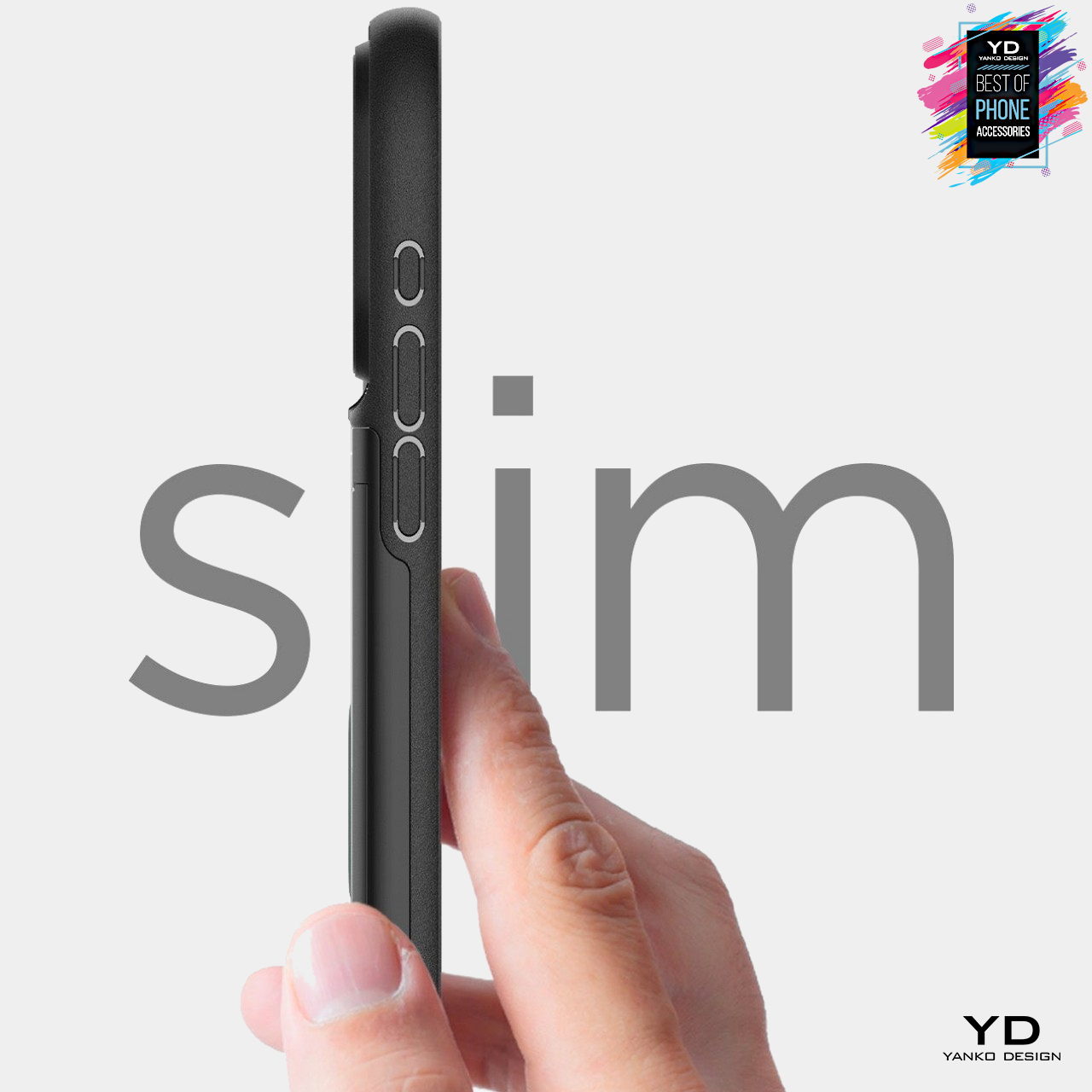
Slim profile with essential protection against scratches and drops
Simple, elegant two-tone design
TORRAS Ostand R iPhone Case with Rotating Ring Stand
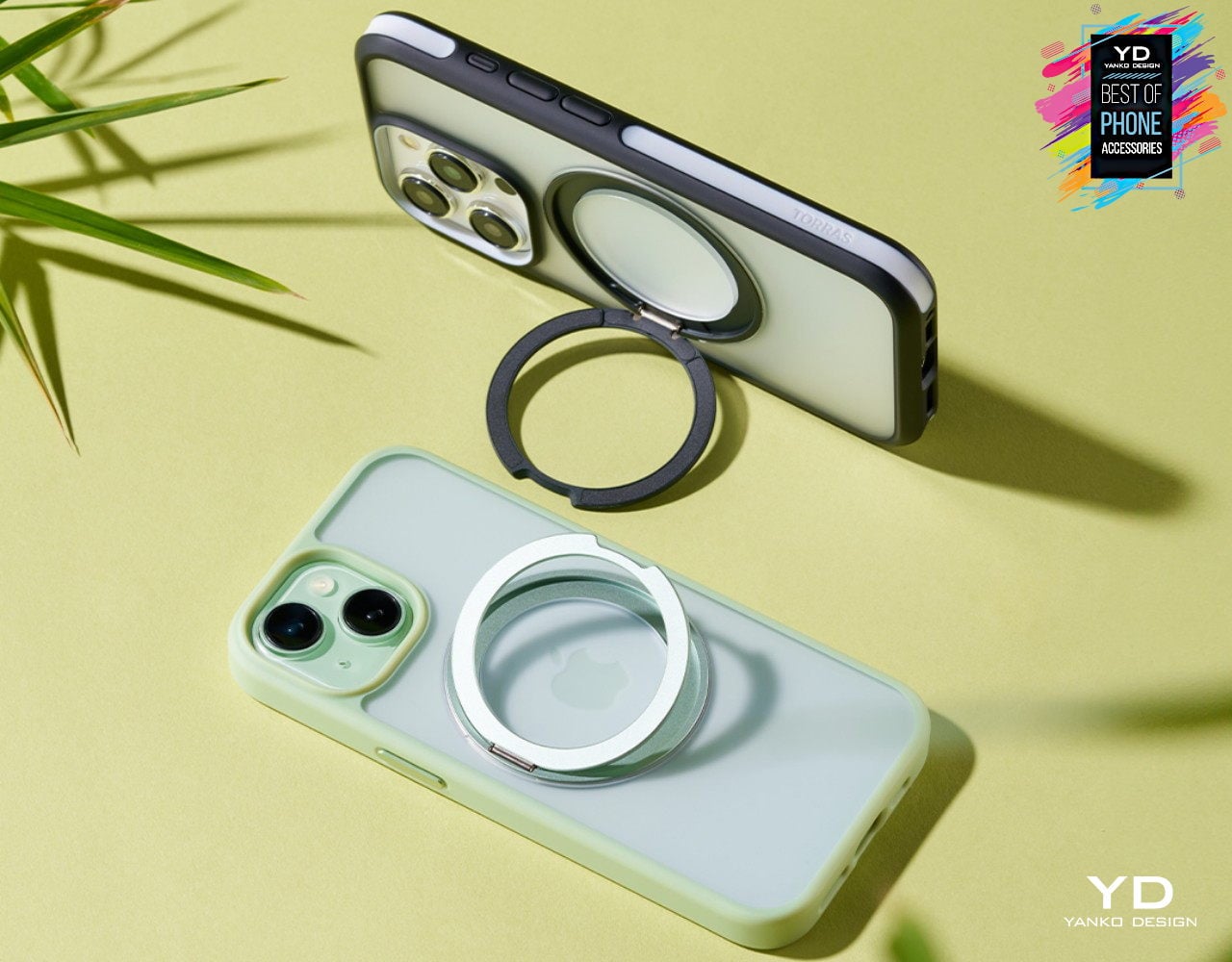
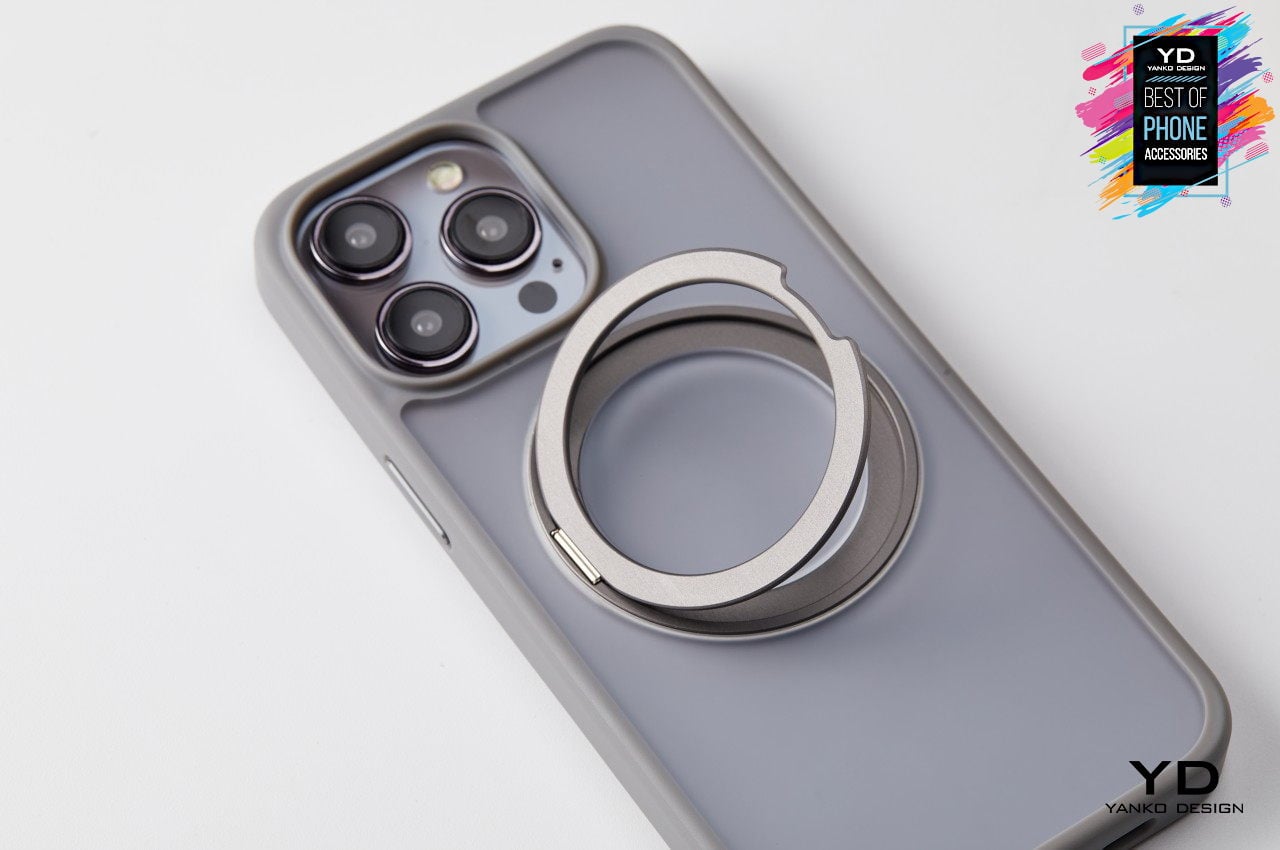
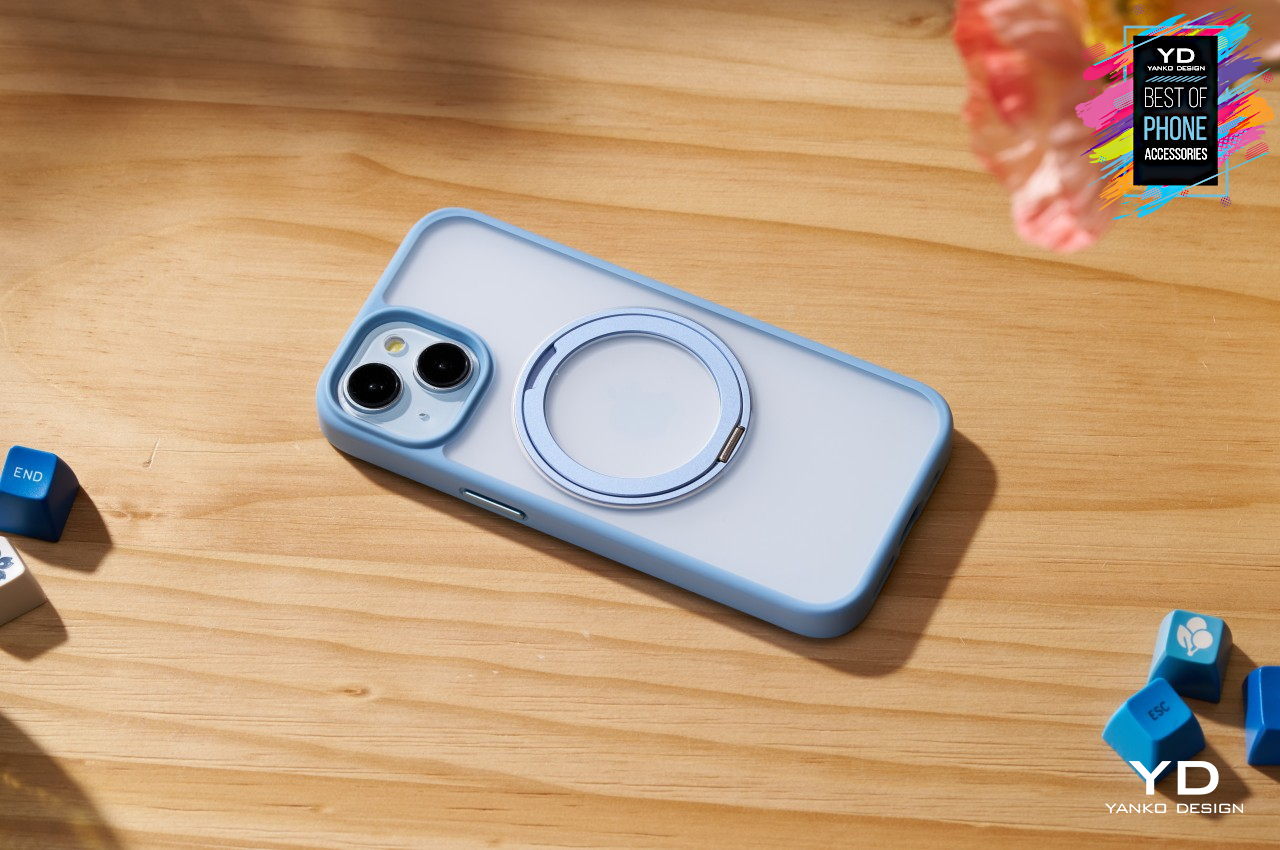
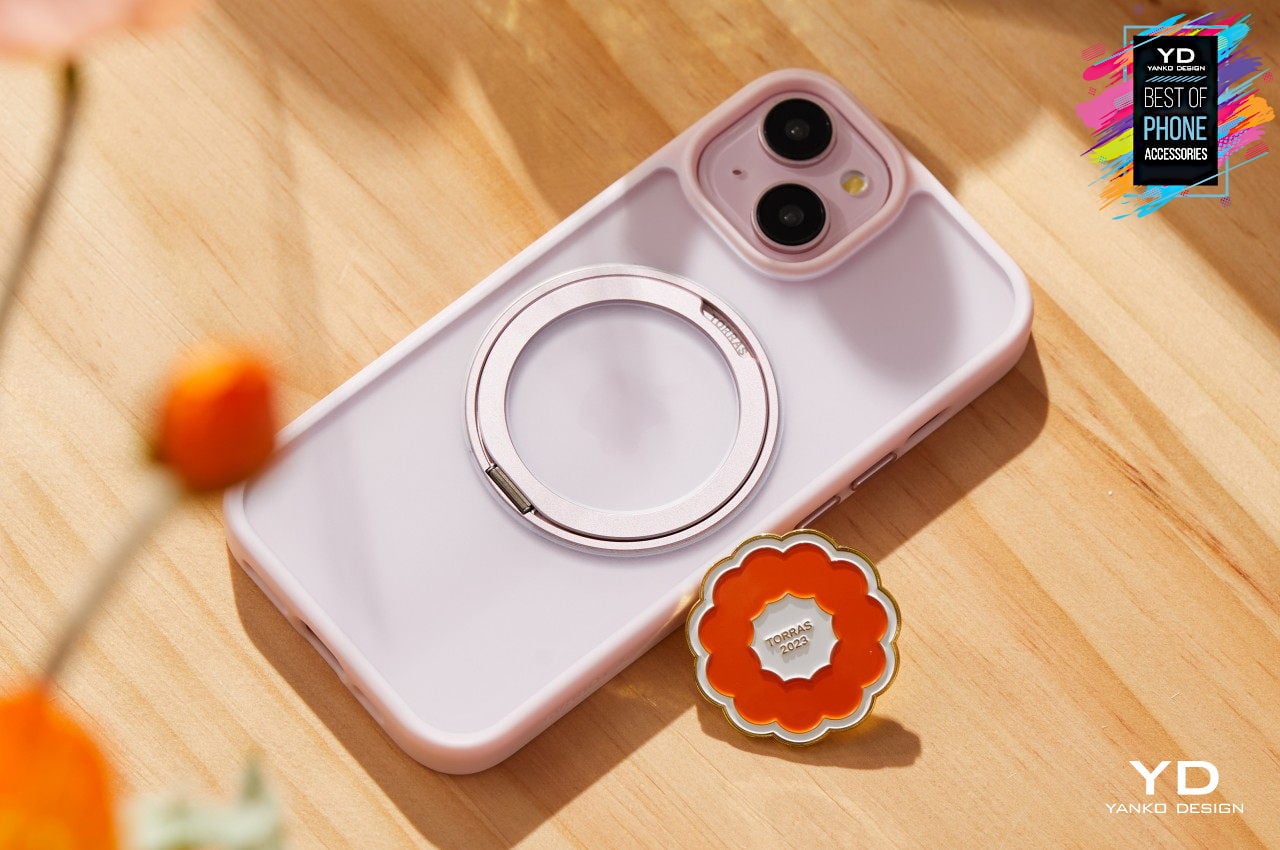
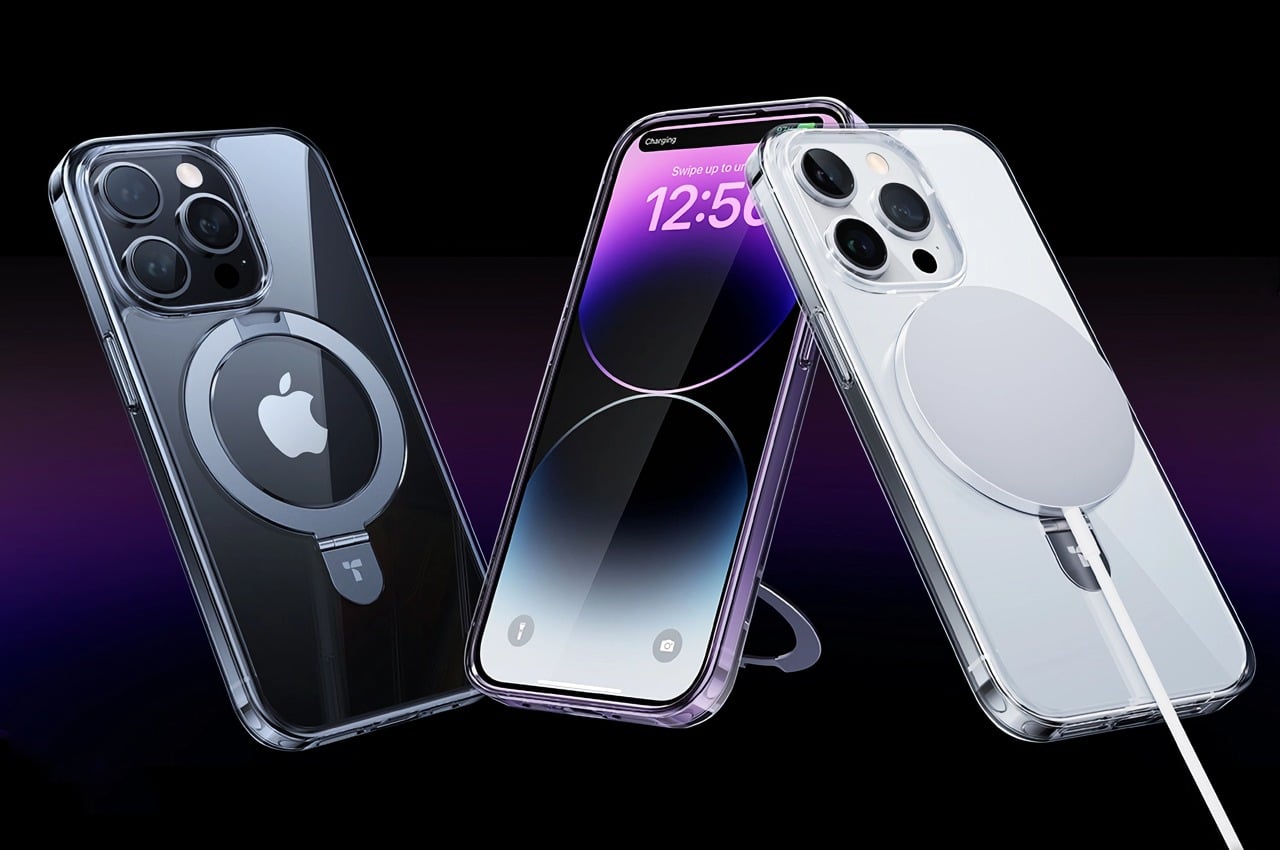
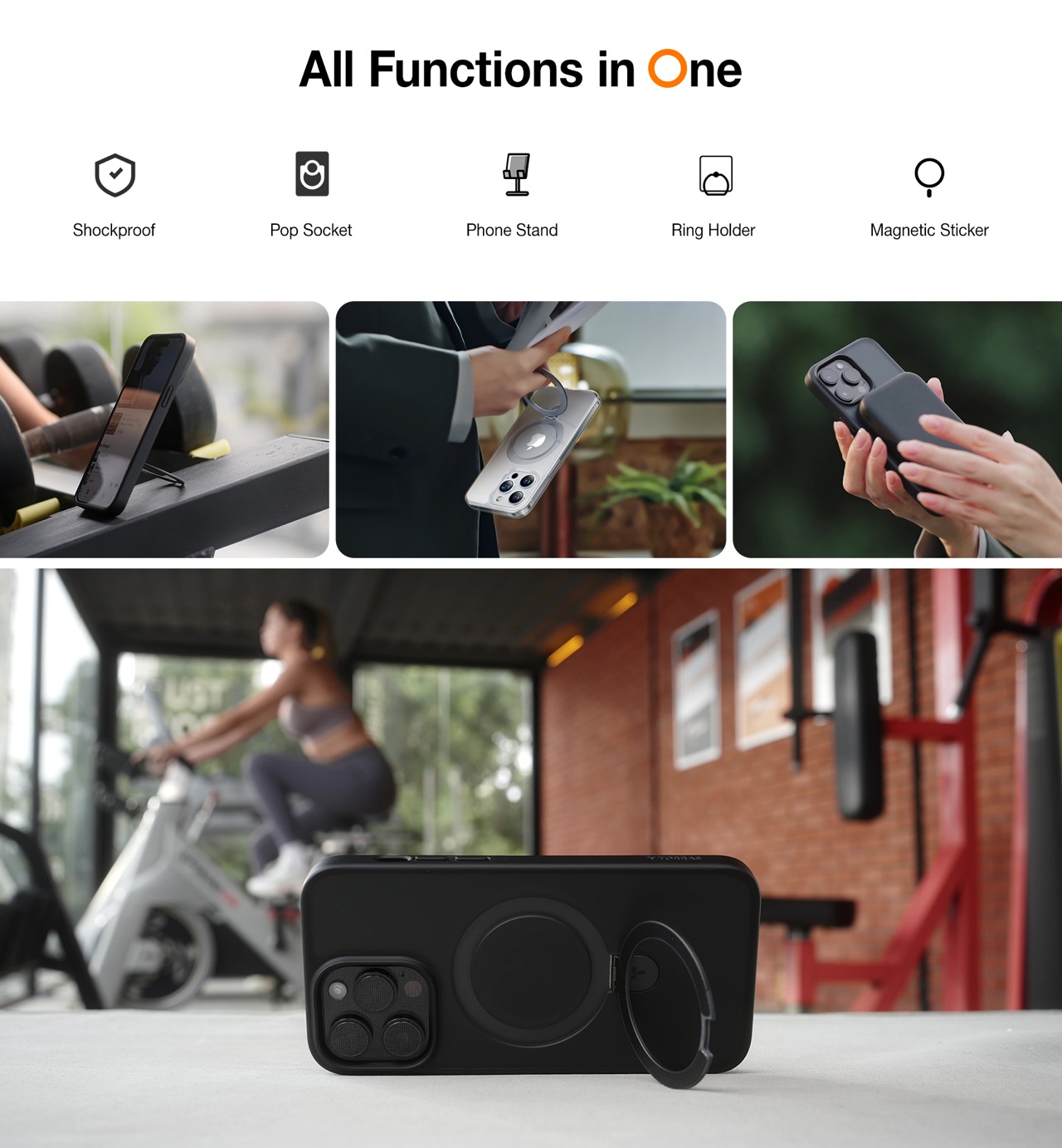
Smartphone ring holders and stands have become a popular solution mostly due to their simplicity and small footprint, but they are hardly the most aesthetic nor practical option out there. They tend to stick out from the back of your phone even when you’re not using them, and they’re positions are more or less fixed the moment you slap them on. The TORRAS Ostand R iPhone case brings all the benefits of these rings with none of the drawbacks, thanks to an innovative design that folds the ring flat when not in use and rotates it to your desired position. Plus, you don’t lose compatibility with MagSafe chargers and accessories, even while enjoying the protection that the case offers.
World’s first 360-degree Rotating Ring Stand Case with MagSafe Compatibility
Ring folds flat and stays out of the way when not in use
Minimalist design matches the aesthetics of the iPhone inside the case
Twelve South Butterfly 2-in-1 MagSafe Charger
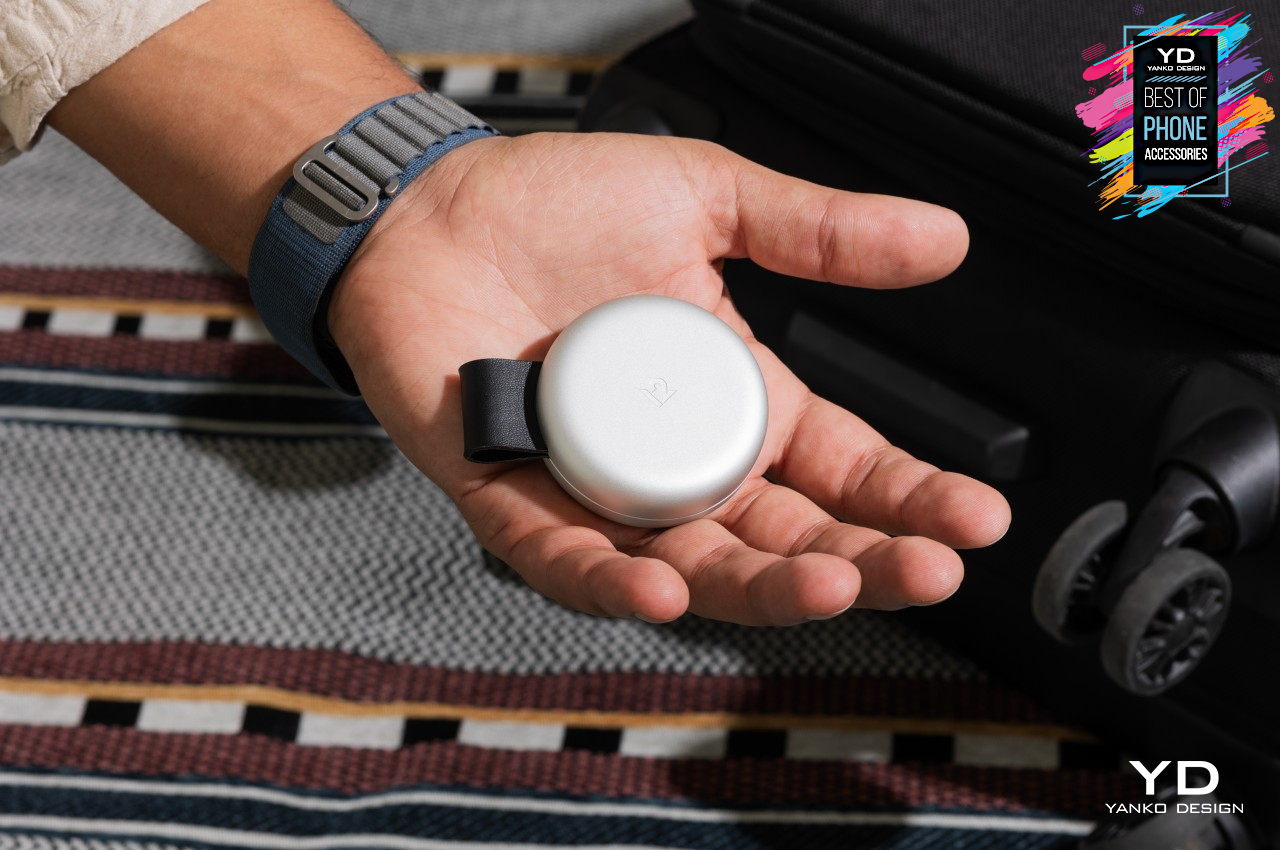
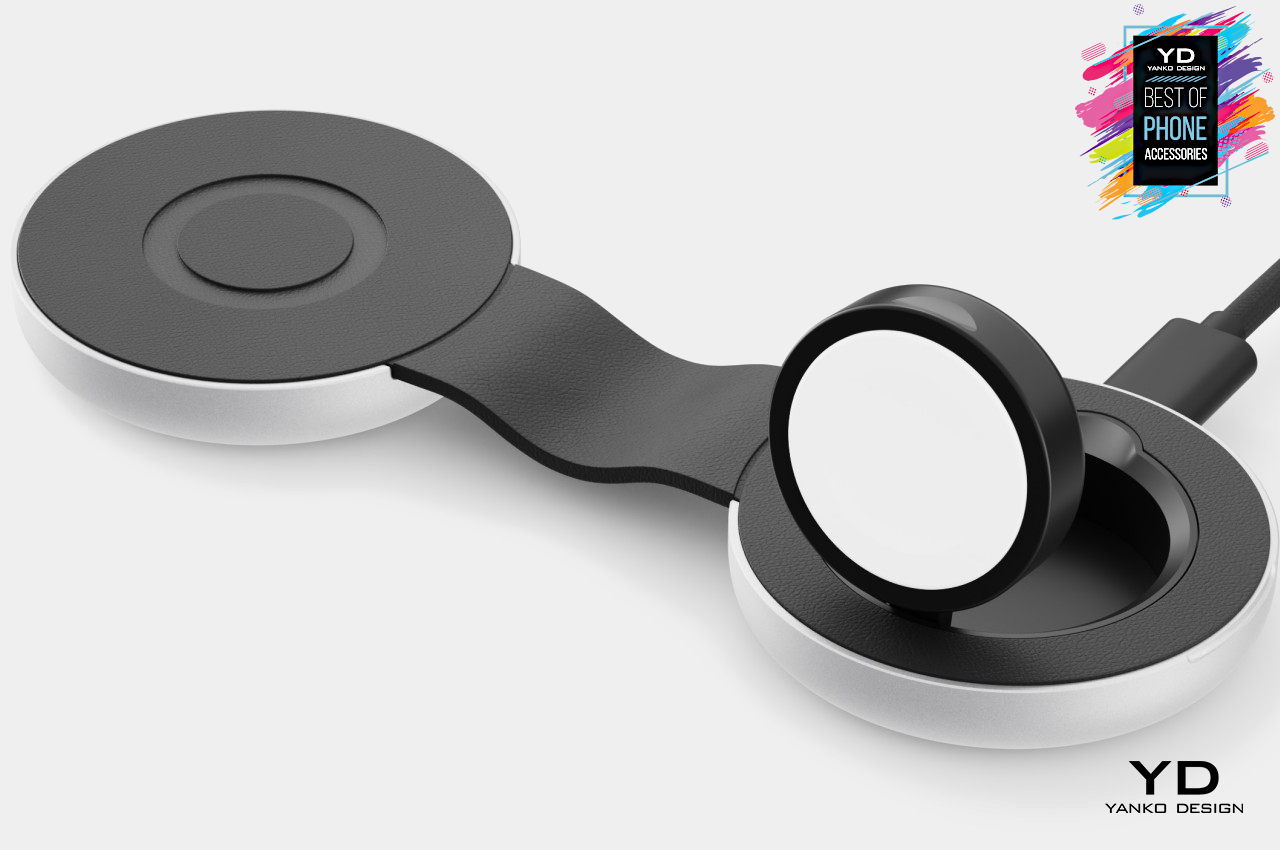
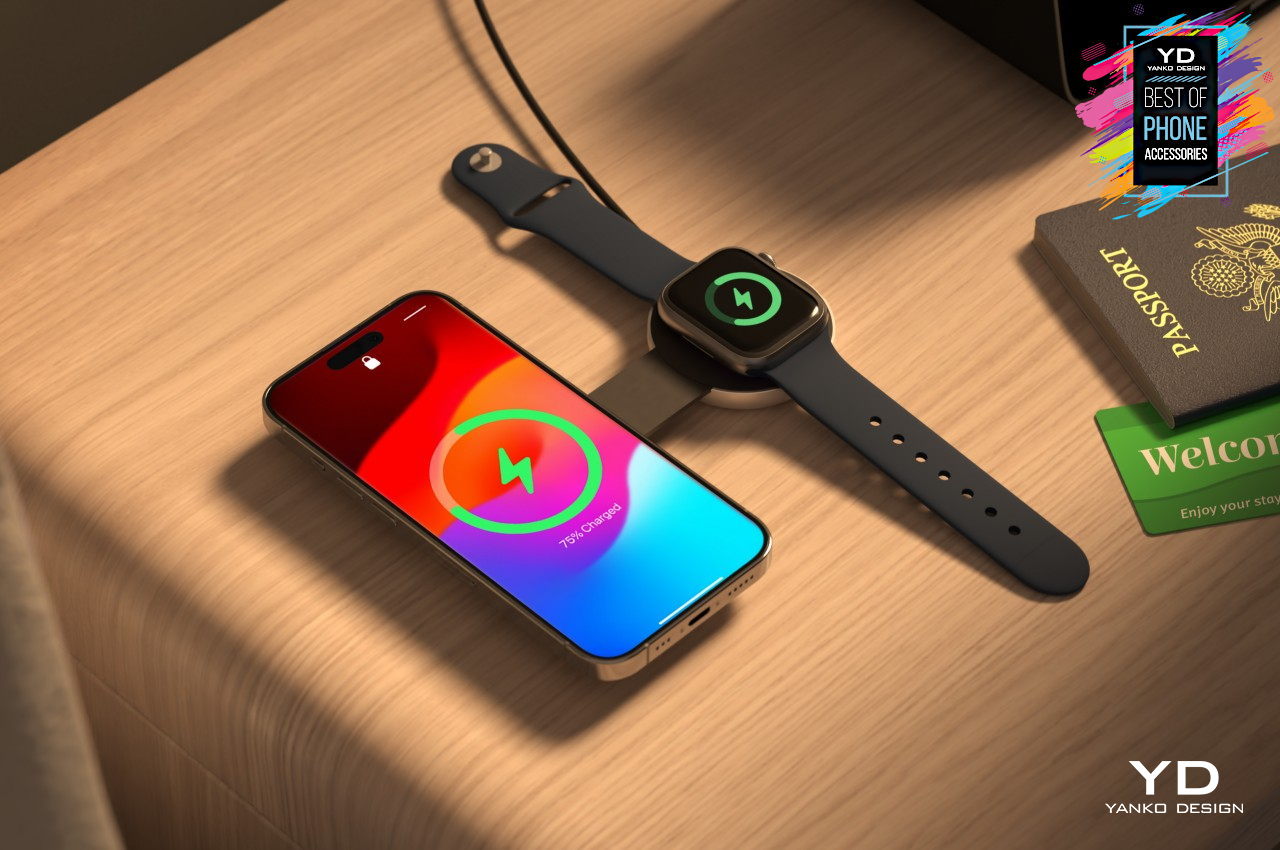
MagSafe chargers are a dime a dozen these days, but most of them fall into two camps. On one side, you have single-device chargers that can be as simple as a small disk, and on the other side you have large charging pads that can charge two or three devices at once. Proving that you don’t have to be forced to pick either side, the Twelve South Butterfly MagSafe charger combines the versatility of a multi-device wireless charger with the simplicity and portability of a small disc. The foldable design lets you quickly slip it into your pocket when you need to jet, and its unfolded form takes up almost no room at all.
The reinvention and return of MagSafe were an instant hit! There is a great sense of satisfaction, in my opinion, to have things just stick to your phone. Be it a pair of earphones (maybe that’ll be the next generation of AirPods) or have your phone just conveniently stick to a charging pad – it’s almost like magic. The reintroduction of the MagSafe led to a whole new world of accessories being unleashed. Designers and creatives were racing to create a whole range of products for the repurposed MagSafe. And we’ve been loving every bit of it! From a MagSafe power bank that cools your phone to a handcrafted MagSafe charging stand – there’s a MagSafe accessory out there for your every need. And, we’ve curated many products that we truly believe are worth buying and investing in. This army of accessories will truly amp up your Apple experience!
1. UPRO Ostand Case
Called the UPRO Ostand case, this device is the winner of the iF Design Award, and it provides your iPhone’s MagSafe with a whole bunch of cool upgrades. It can make your phone stand, hang, or stay securely in your hands as you click a selfie or mindlessly scroll through Instagram. The Ostand case may look like your mundane and average iPhone case, but it is equipped with the familiar magnetic ring which gives it a nice upgrade!
2. 2-in-1 Wireless Charger Concept
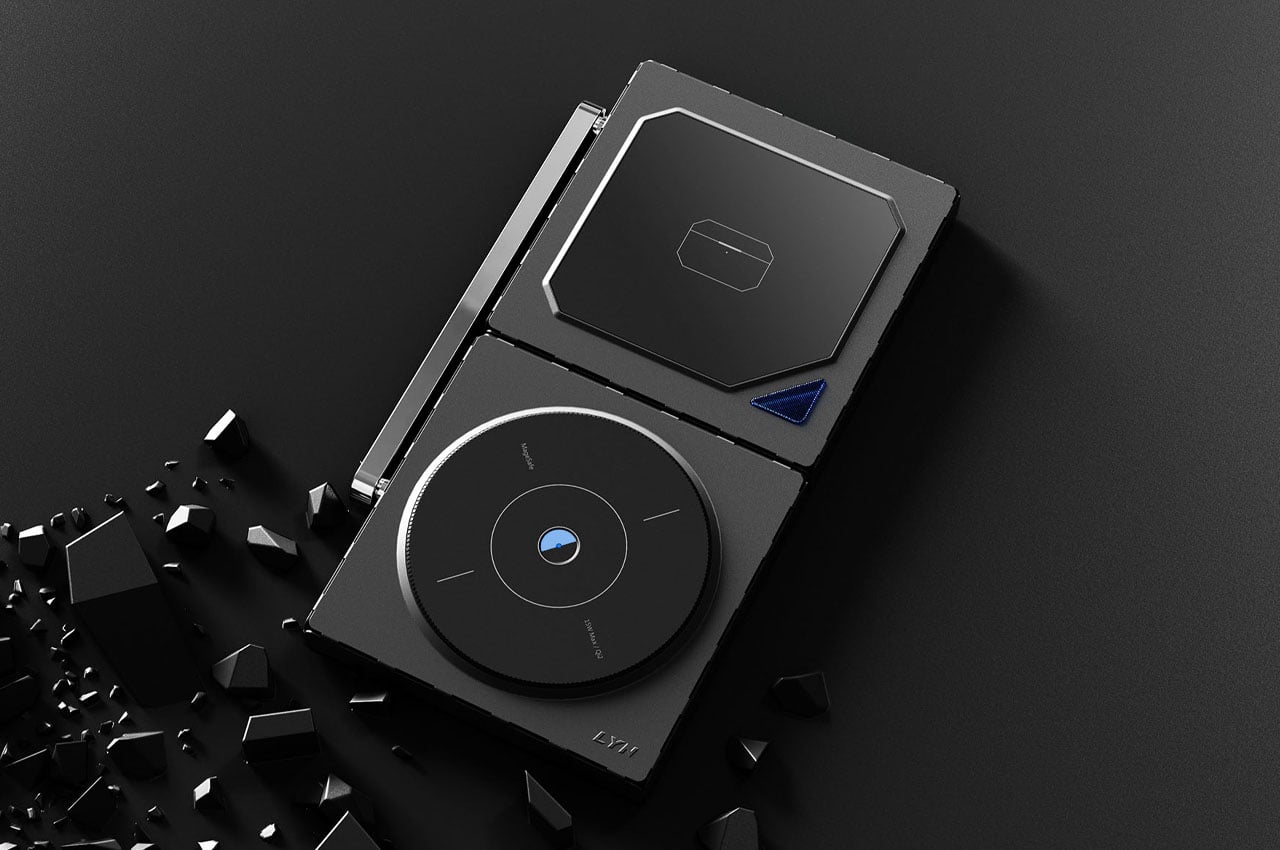
This 15W MagSafe compatible iPhone 15 charger concept can be placed in a laid-down position or an alternate orientation, allowing the phone to be set up in portrait mode for productivity. The charger’s alternate pad can be utilized to charge your earbuds or Apple Watch in a laid-down position. Although currently, the charger is in the conceptual phase, it does seem interesting enough to be executed by major accessories providers.
3. Icemag
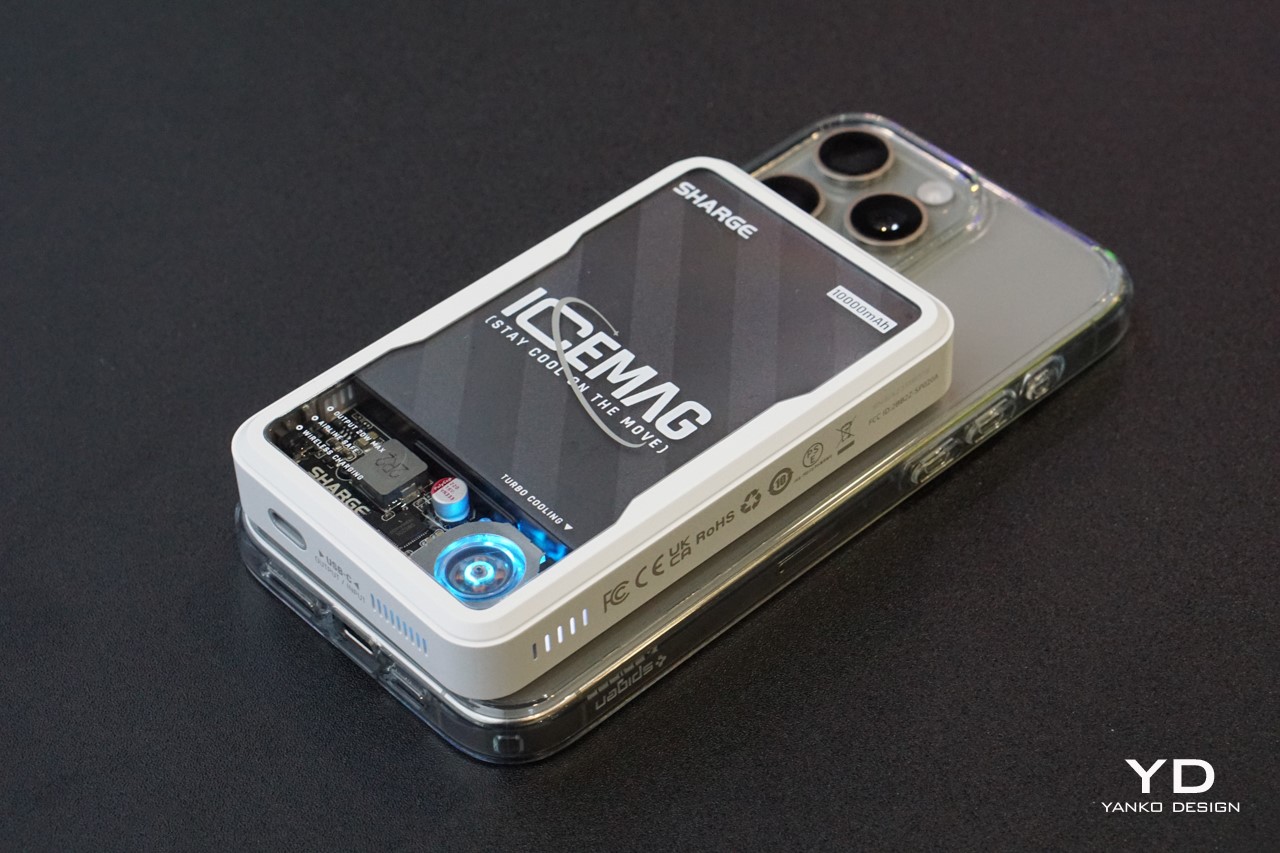
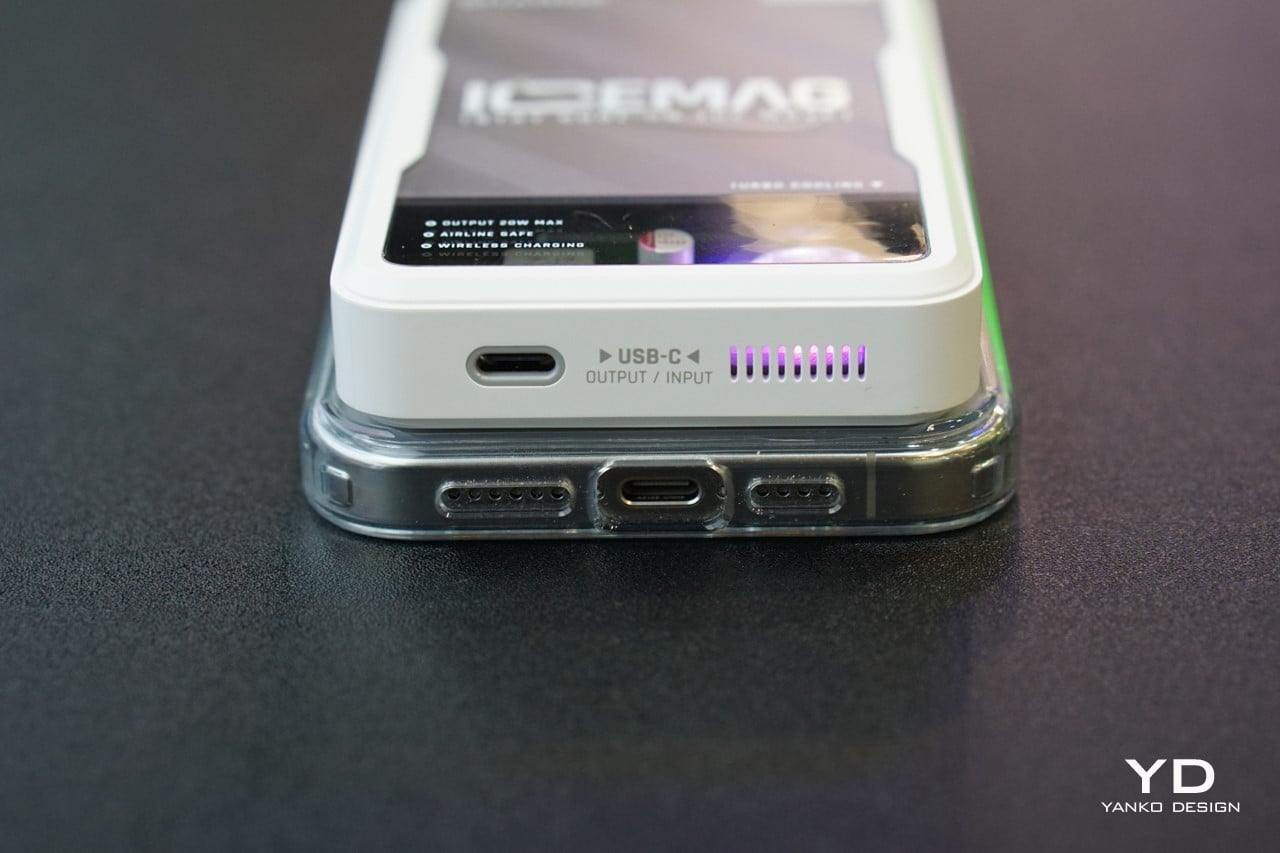
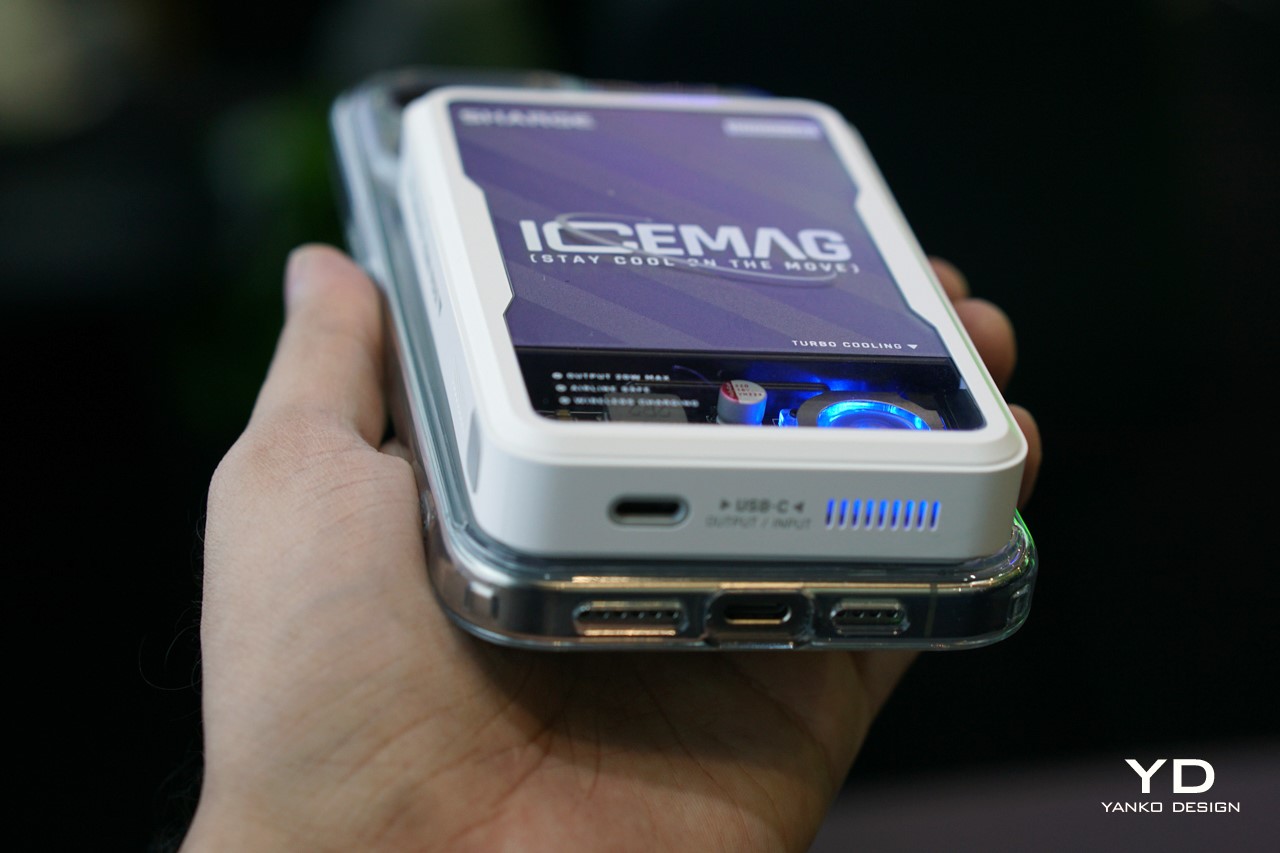
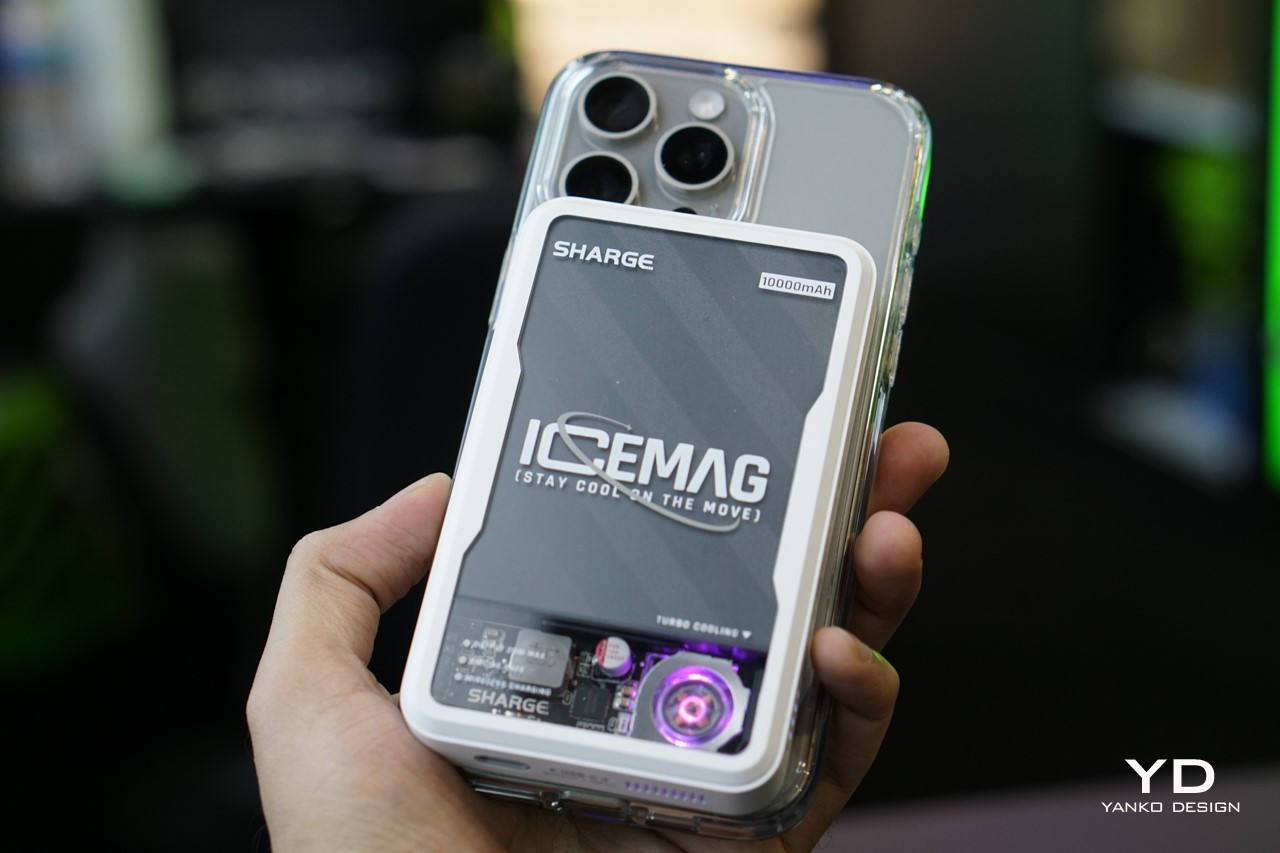
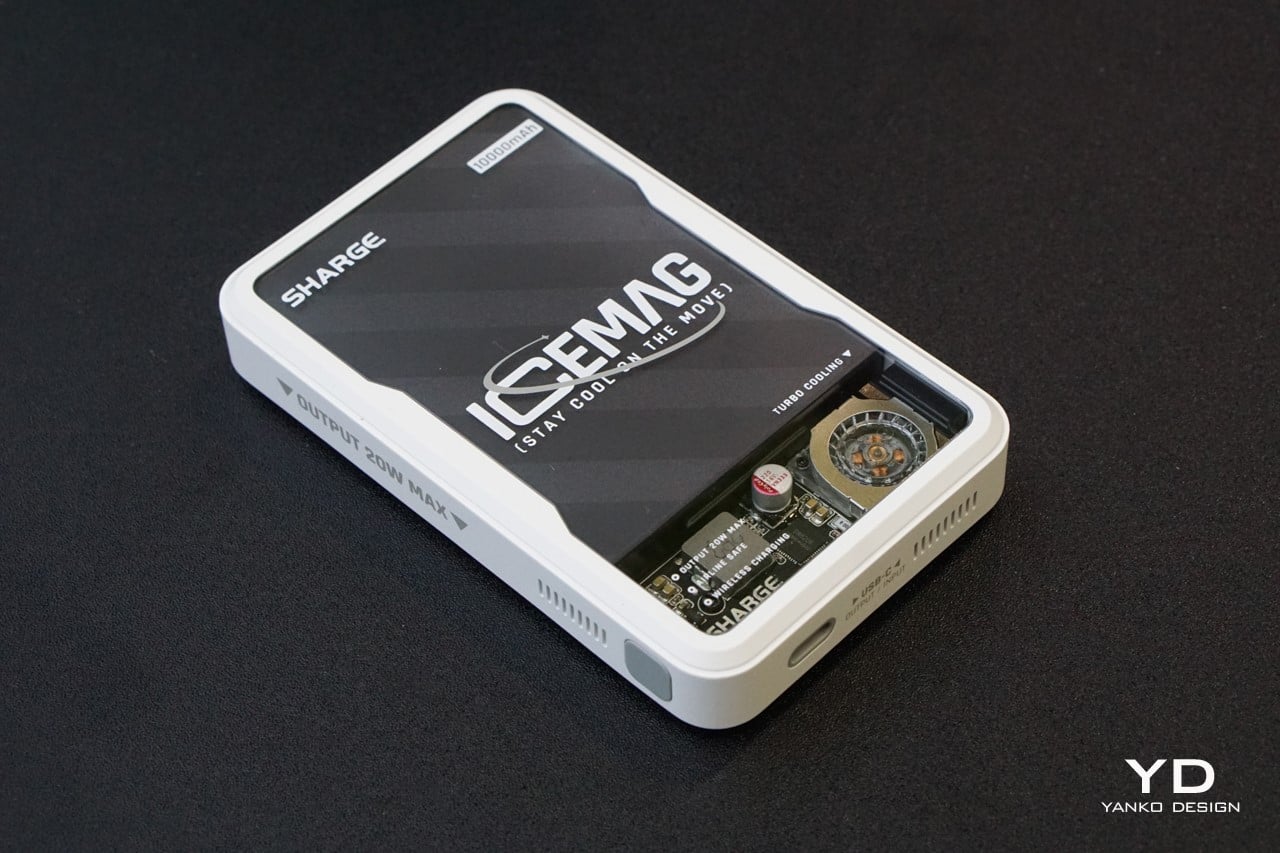
Designed by Sharge, the Icemag is the world’s first power bank with its unique turbo-cooling feature. The power bank keeps itself and your phone cool and breezy during charging. It is equipped with an ultra-silent fan that moves at a speed of 8000 RPM, which actively cools the battery pack inside, while the power bank wirelessly charges your phone, ensuring nothing gets heated up during the charging process.
4. The MAG:3
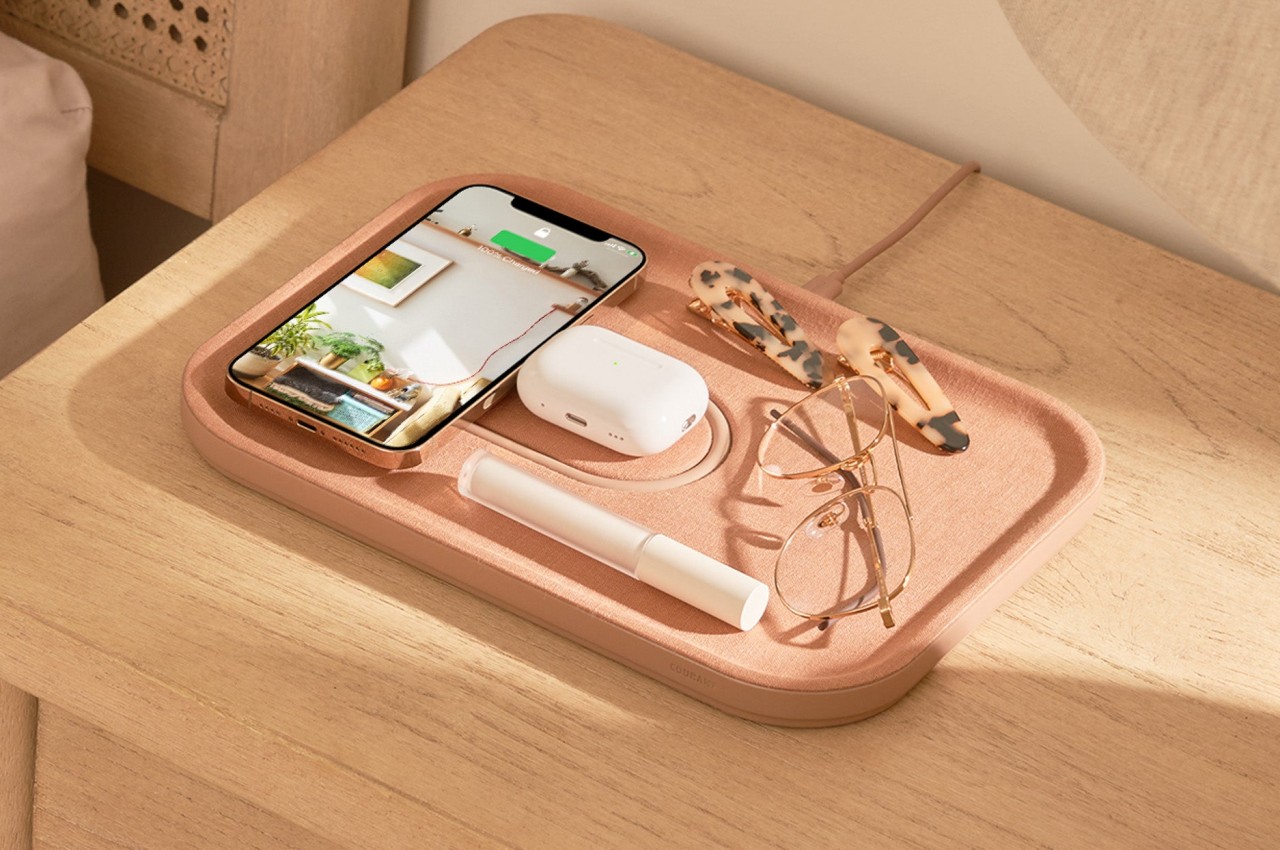
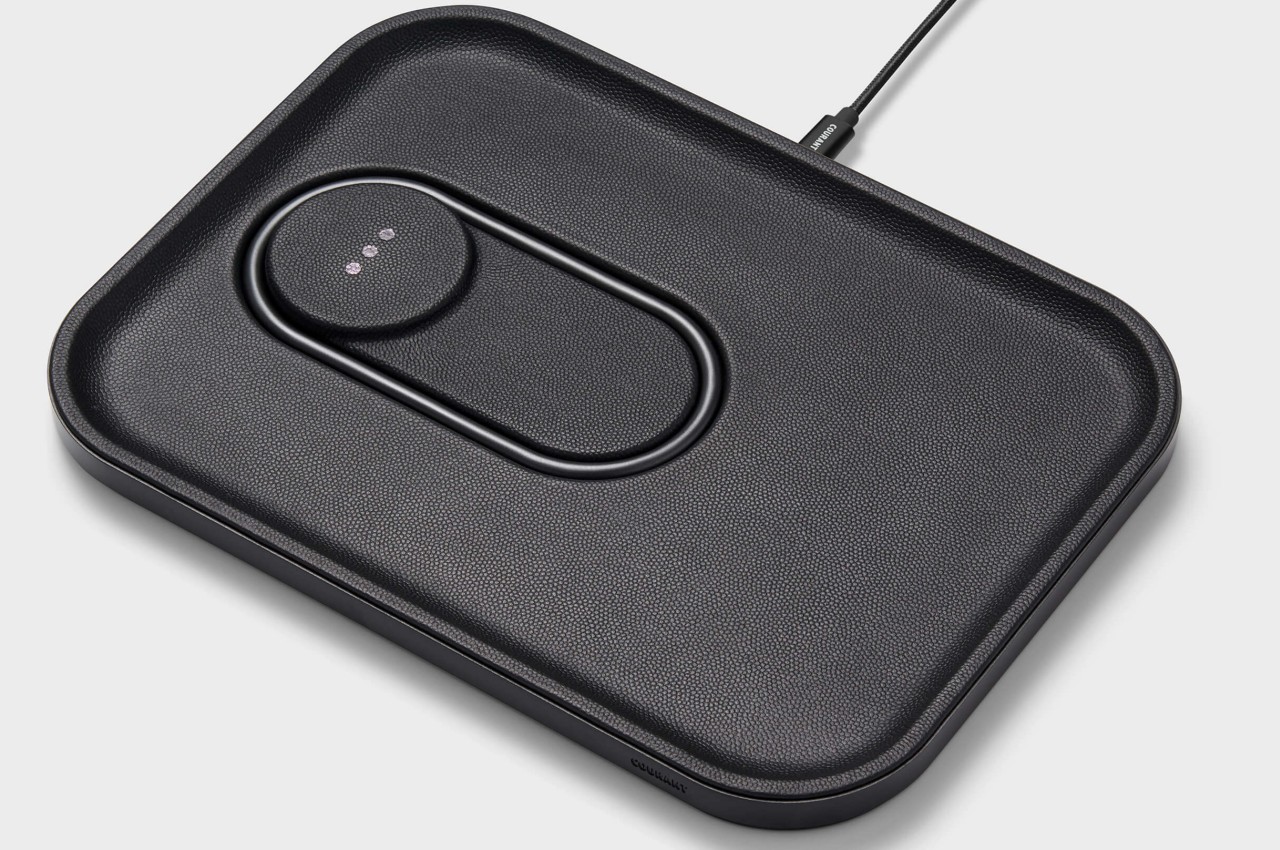
Designed by Courant, the MAG:3 is a MagSafe wireless charging device that looks like a minimalist valet tray for your iPhone, AirPods, and other little items that you can place on it to make your side table and desk look more organized. The charging device is available in both leather and linen finishes and in several colors, so you can pick the one that perfectly suits your home and work aesthetics.
5. Shin & Han’s MagSafe Accessory
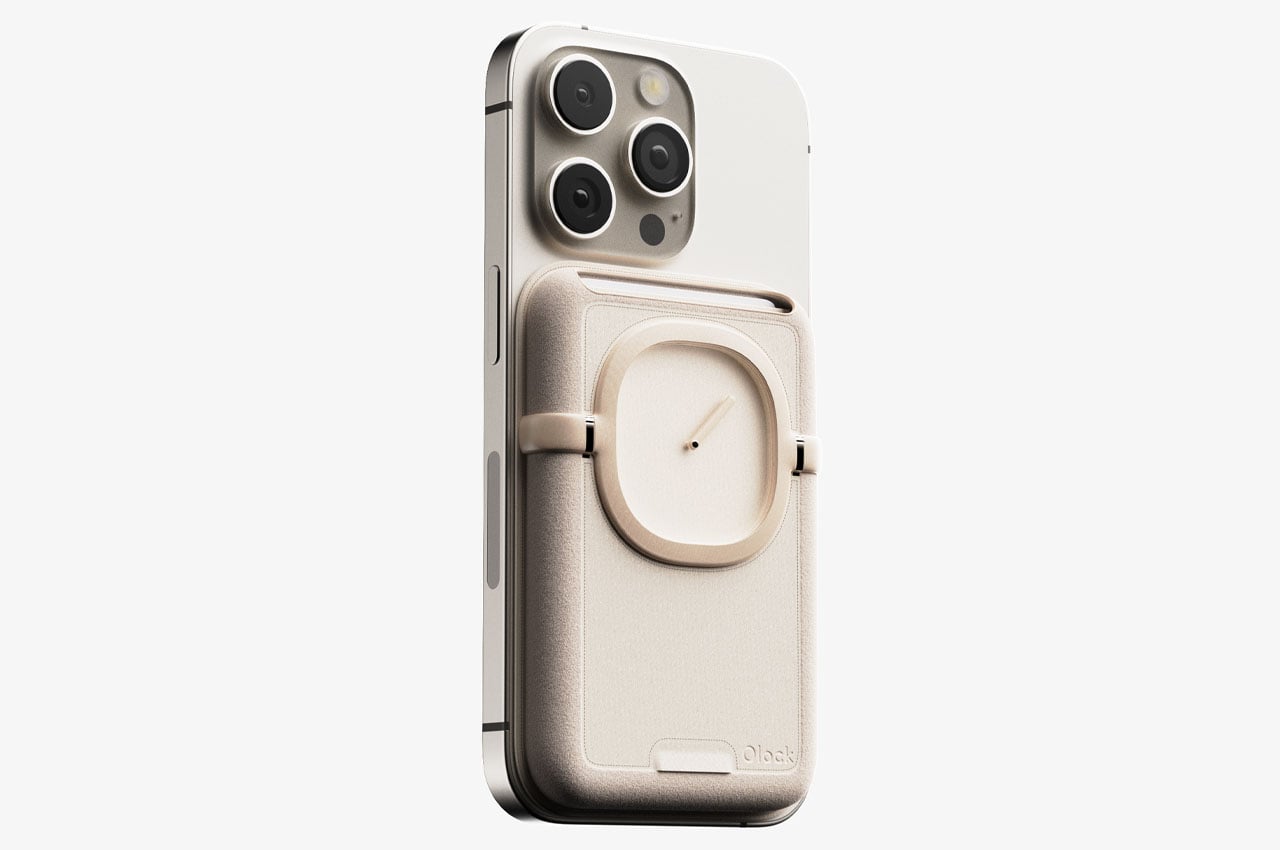
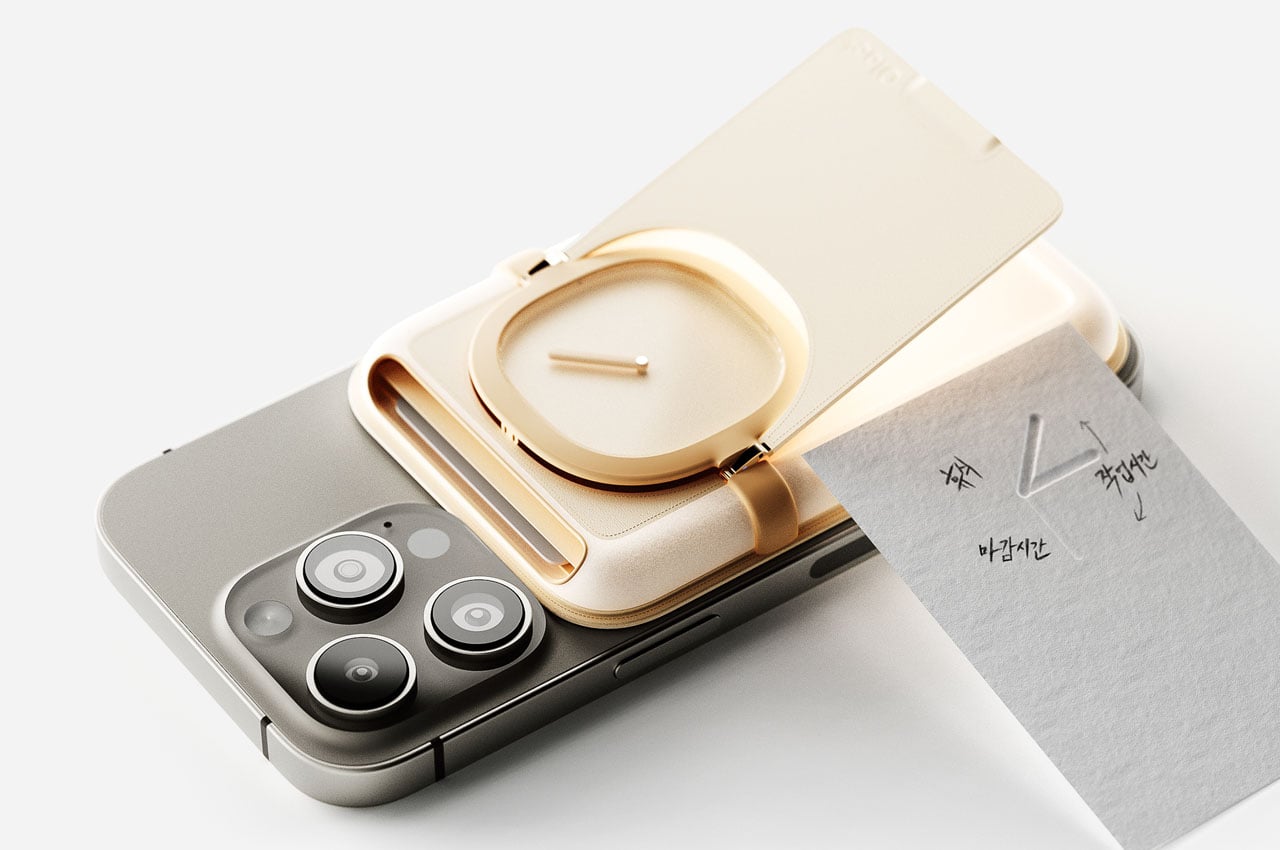
This unique MagSafe-compatible accessory is designed to help you get over digital addiction and spend less time on your phone. You can attach the accessory to the back of your smartphone. It is equipped with a real clock with a single-hour hand to keep you updated on the passing time, making sure that you don’t spend too much time on your phone. The accessory also functions as a holder for your cards and quick cash.
6. Belkin iPhone Mount
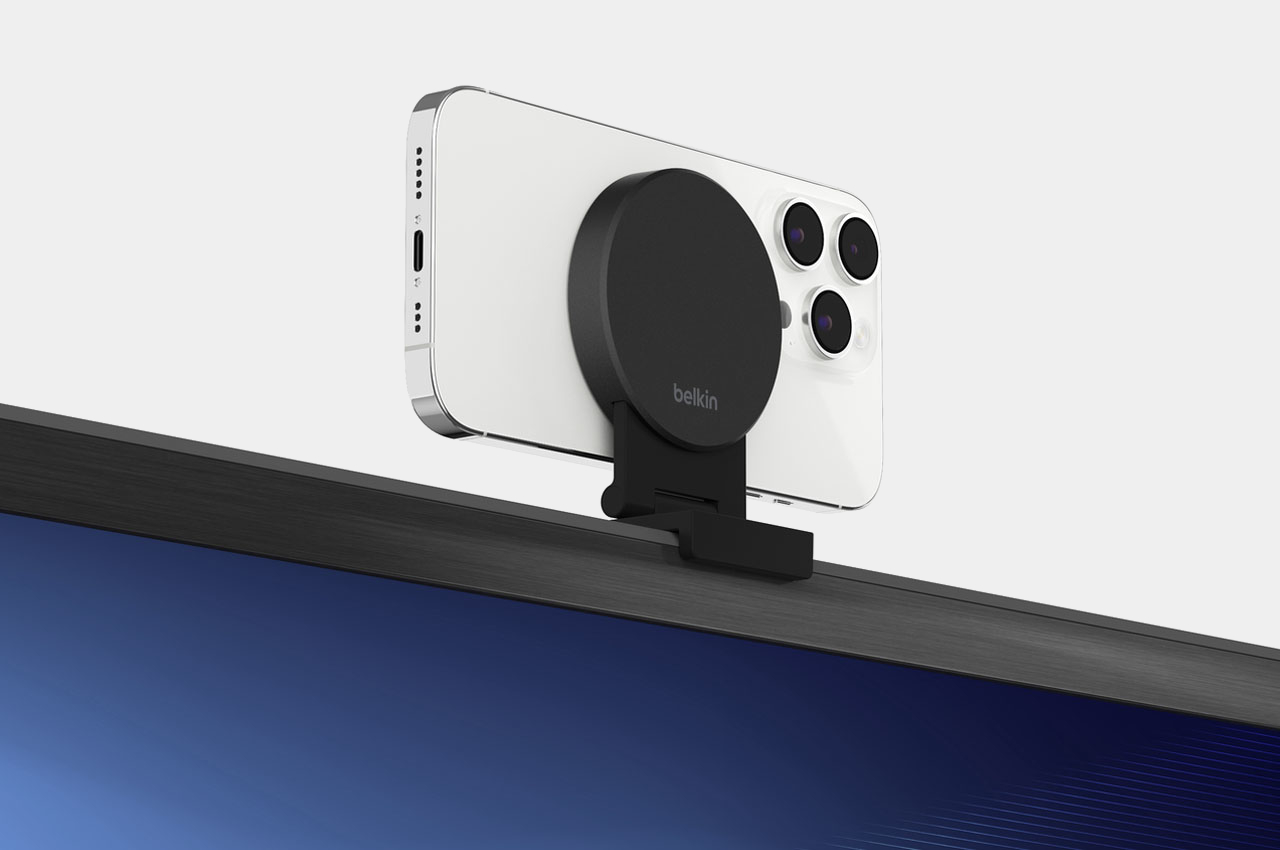
The new Belkin iPhone Mount with MagSafe transforms your iPhone into a webcam for the Apple 4K TV! The versatile mount can be attached directly to your TV with a thickness of up to 40mm without wires or tools. It lets you use your iPhone’s rear camera for FaceTime or Zoom calls. You can also fold the iPhone stand in landscape or portrait mode on a table or wall through magnetic attachment.
7. 6-in-1 MagSafe Charger
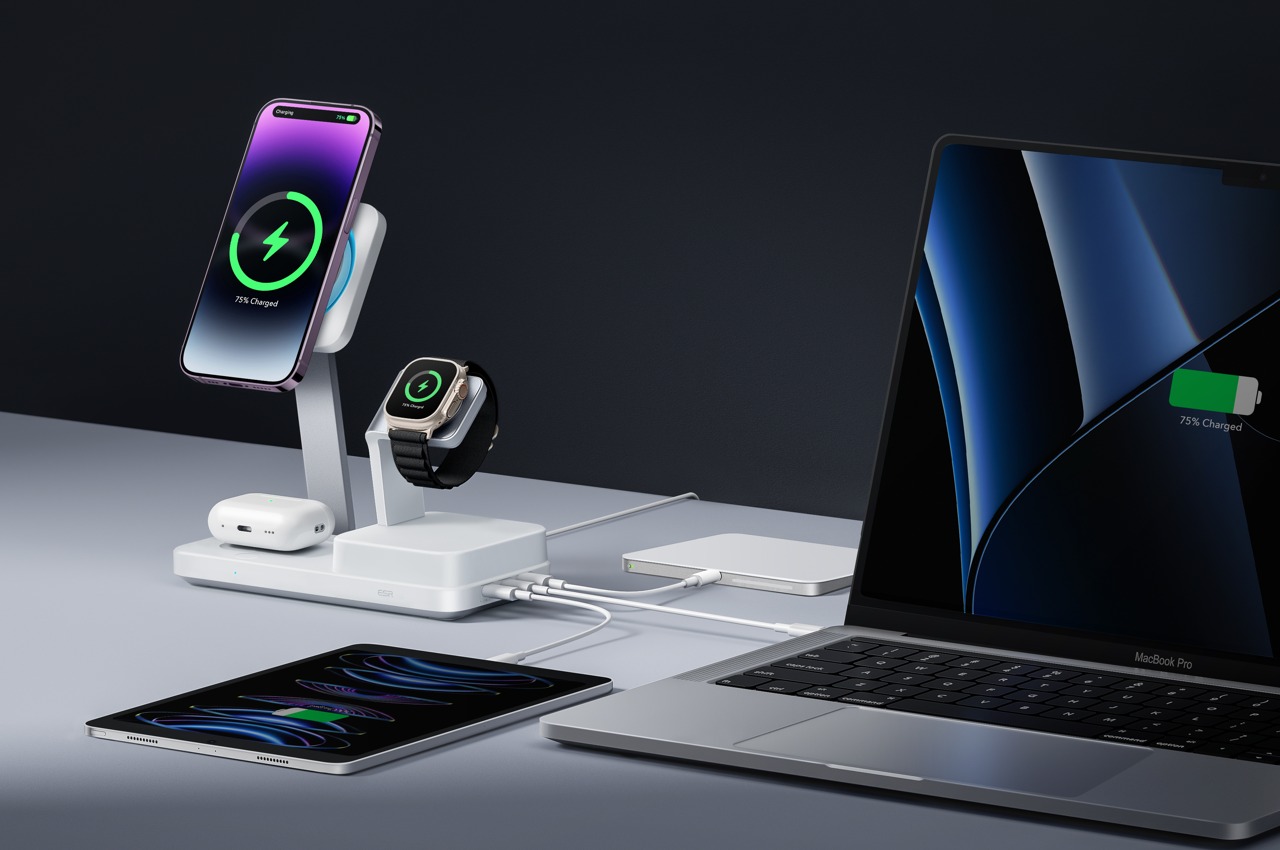
This is the world’s first Apple-Certified 6-in-1 MagSafe Charger from ESR that is equipped with a GaN semiconductor, and it doesn’t just charge your small Apple devices, but it also delivers up to 100W of power to your MacBook, providing an all-in-one solution for all your modern day charging requirements. It has three dedicated slots for your iPhone, AirPods, and Watch, as well as three output ports for charging your laptop, tablet, and power bank.
8. Electric Trout Charging Docks
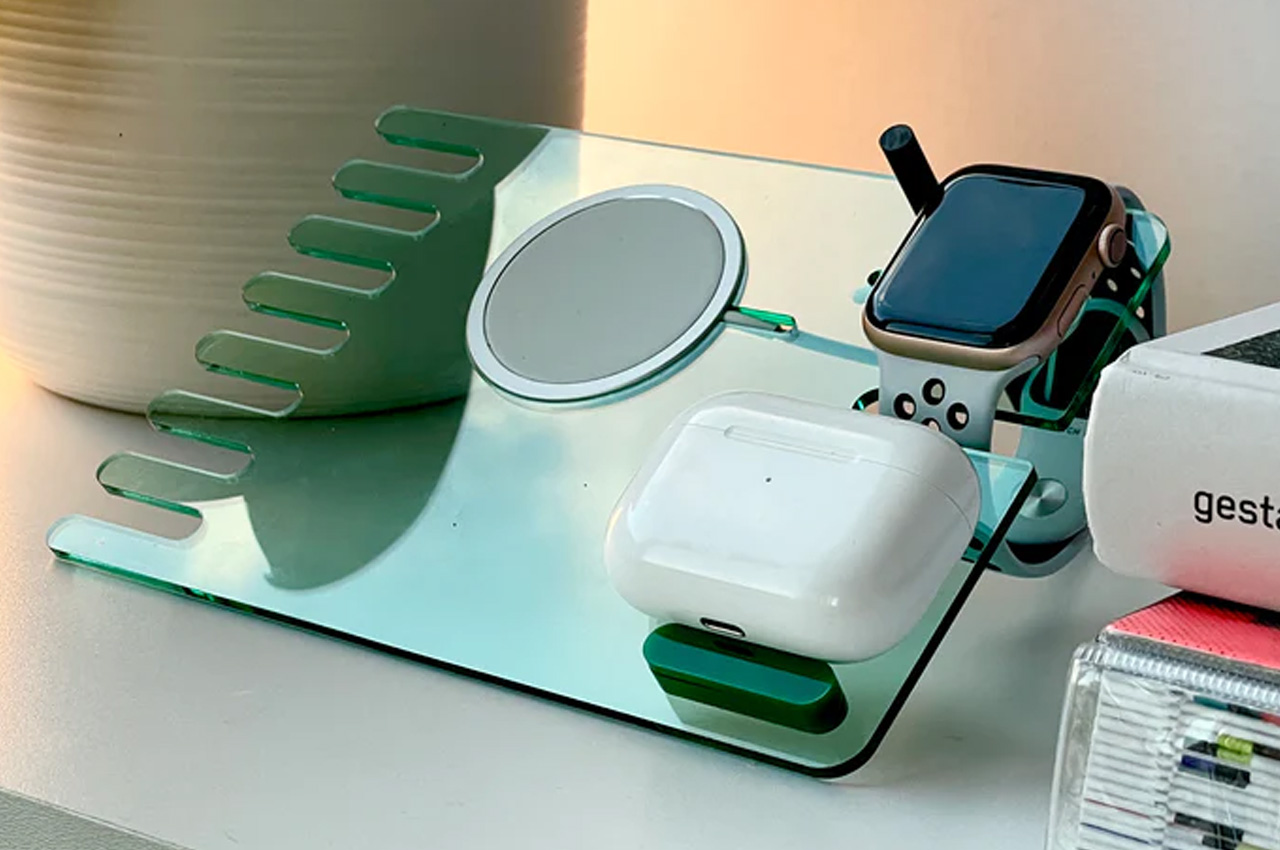
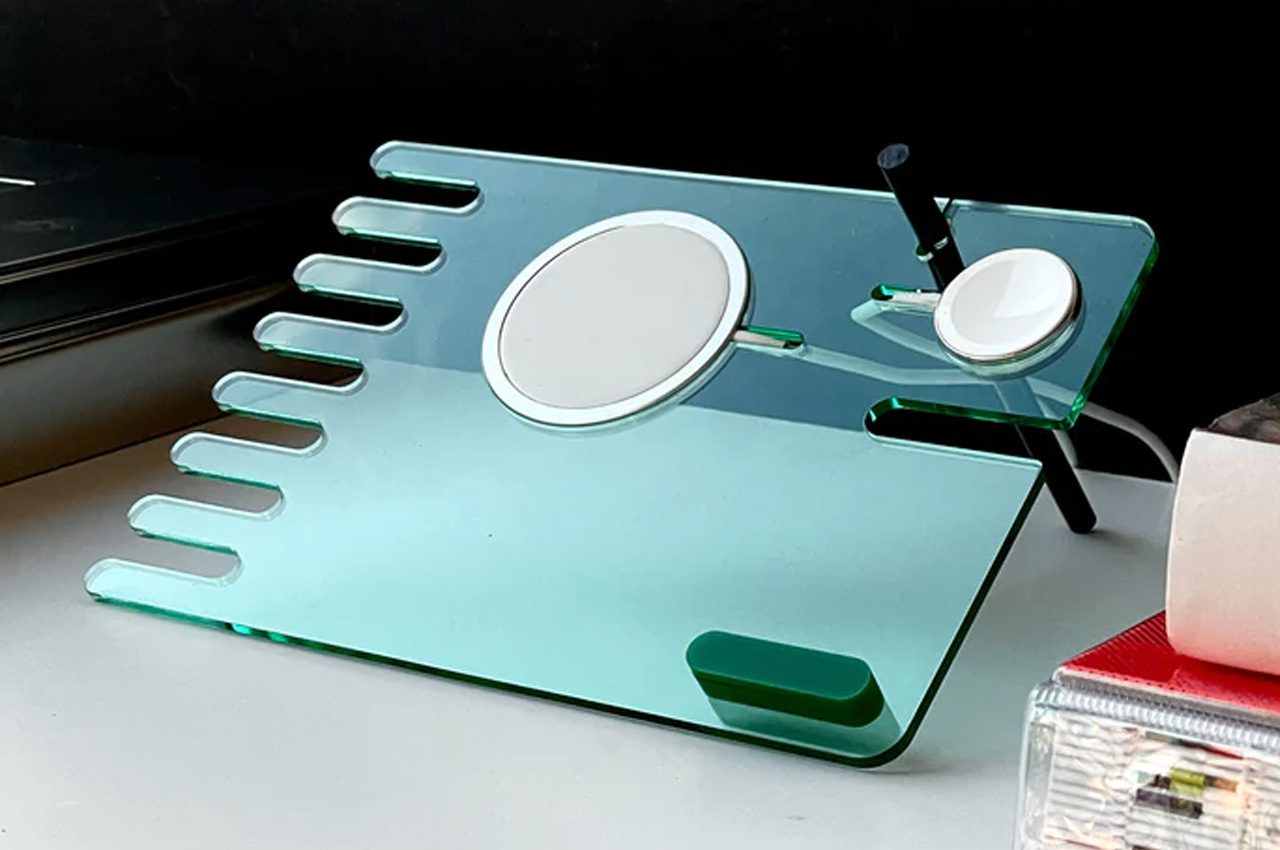
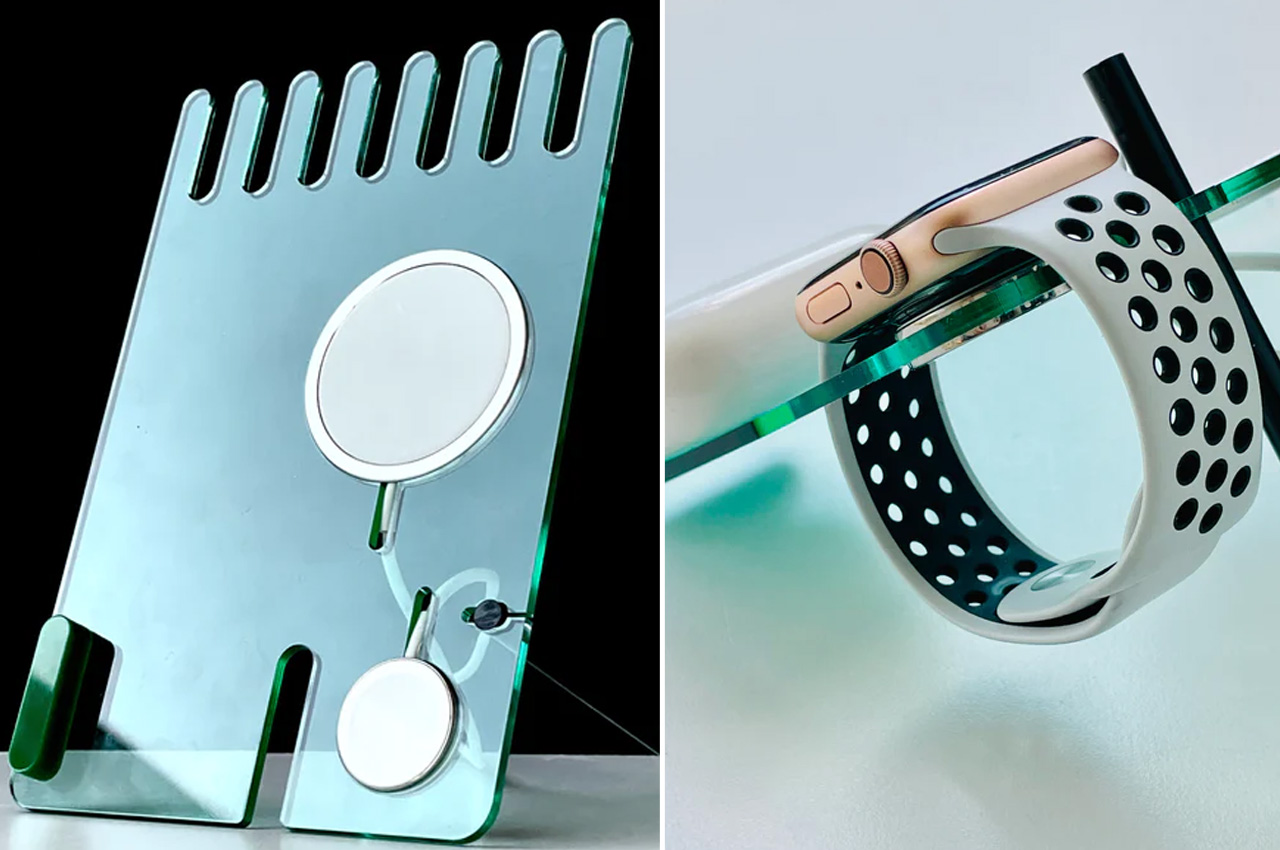
David Stychno’s Electric Trout charging docks are made from acrylic and are newly introduced accessories in the list of metallic and plasticky MagSafe accessories. They have a productive and sleek silhouette that is meant to redefine efficacy and convenience. It is designed for a large spectrum of users and is intended for one, two, or an entire range of Apple’s wearables and handhelds.
9. Side Note
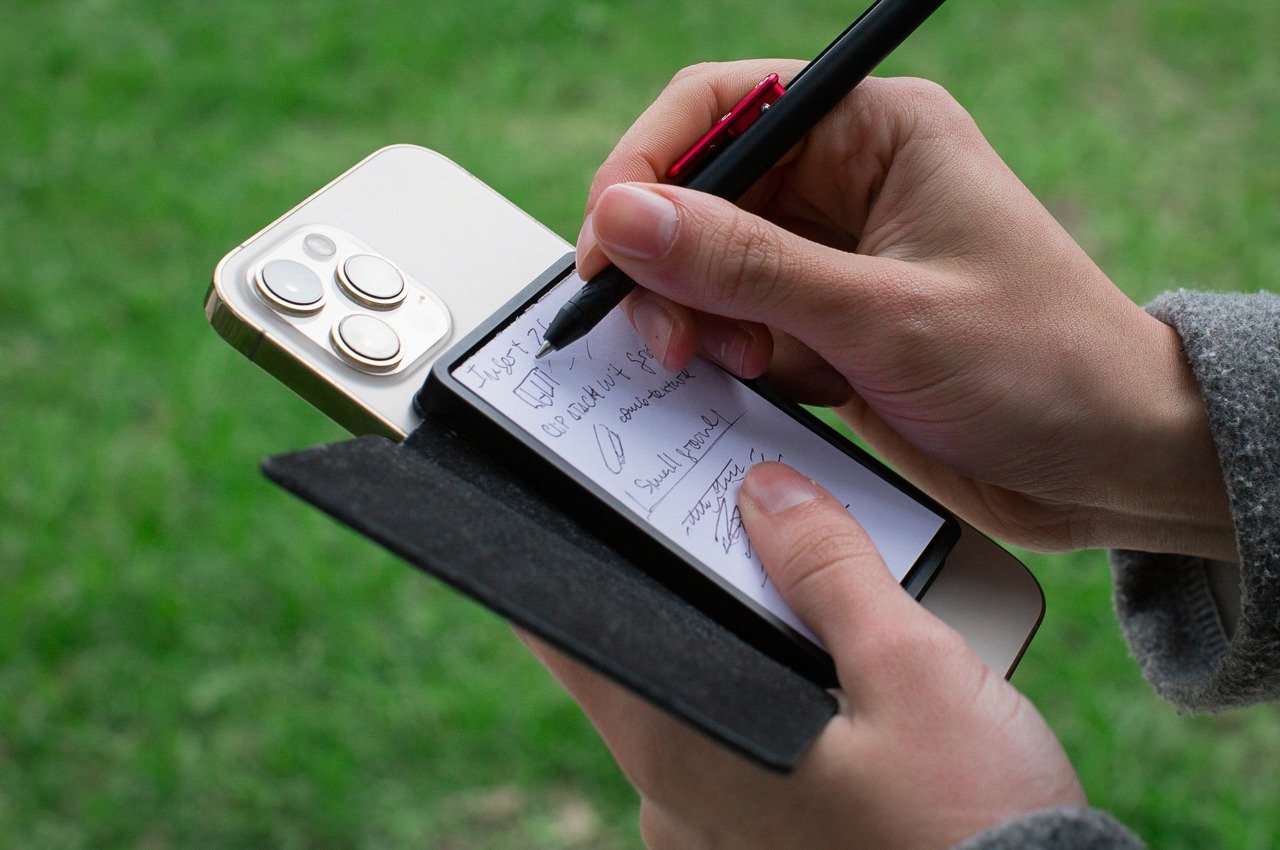
Called the Side Note, this compact leather-bound notebook features an integrated pen and a MagSafe-compatible design that lets you snap it onto your iPhone or any magnetic surface. This little accessory provides you with an analog notepad by your side, letting you quickly and efficiently note down ideas and journal. You don’t need to reach out for a separate physical notepad, as you have a handy one attached to your phone.
10.The MAG.L MagSafe Powerbank
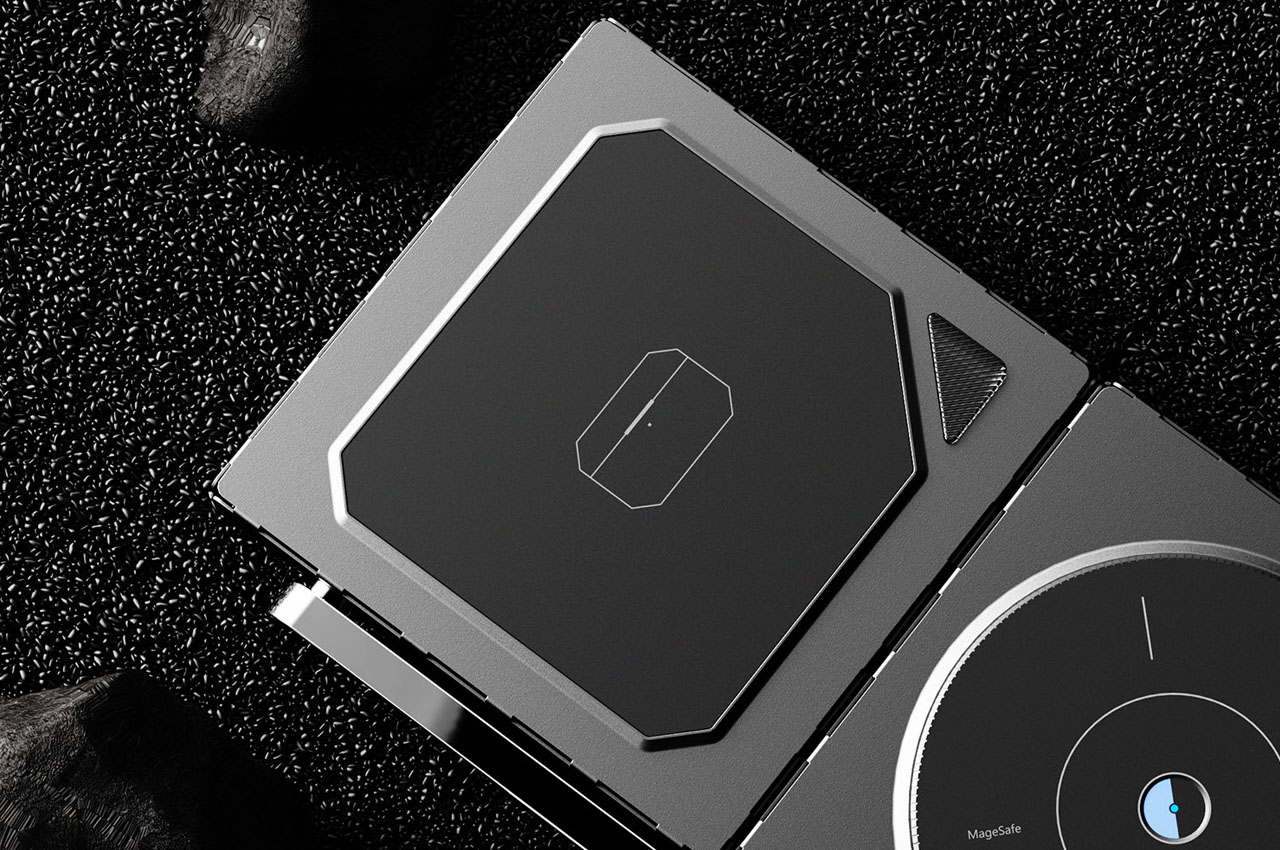
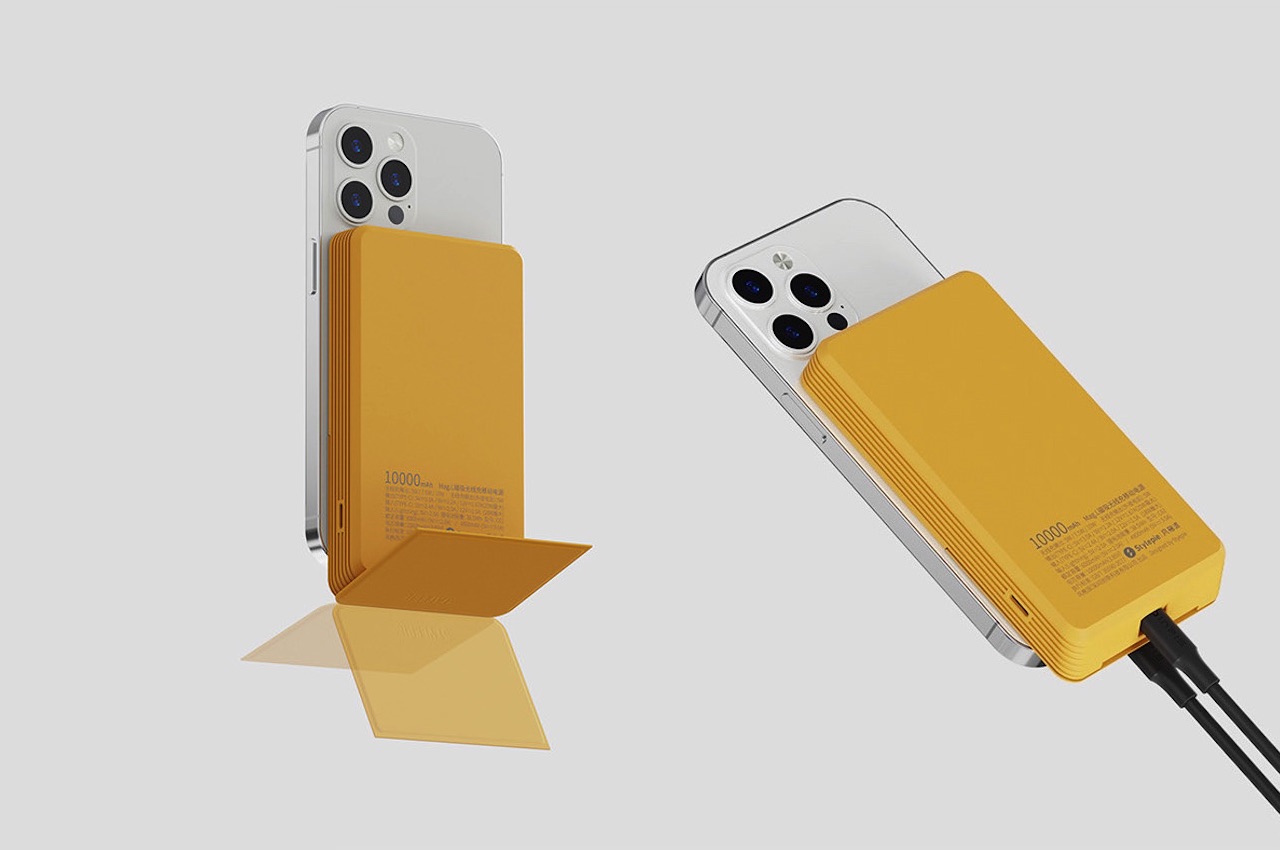
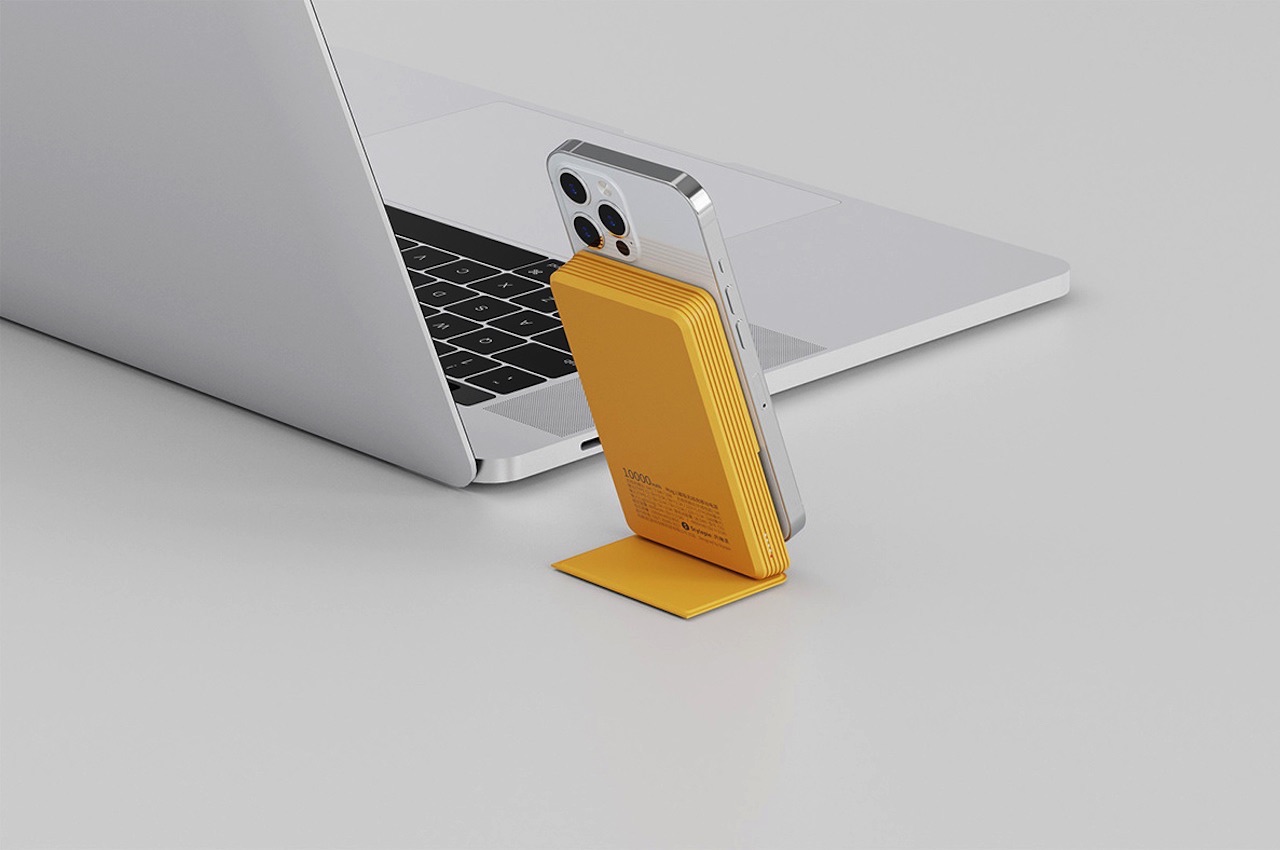
The MAG.L MagSafe Powerbank has a 10000mAH capacity that is designed to improve the wireless charging and power bank experience for everyone. Designed by Neo Bie and Leigui Lui for Stylepiece and has four usual operation buttons: SELECT, START, A, B, and a d-pad (directional pad). The lower portion of the yellow power bank has a cover that slides to work as the stand of the power bank.
MagSafe – magnetic charging and accessory attachment technology- is arguably a big transition for smartphones. It’s an Apple prerogative and has been part of every gadget the Cupertino giant has rolled out since 2020. It is no surprise then, that there’s been an unrelenting outflow of accessories for the MagSafe-compatible iPhones, Apple Watch, and AirPods. Doing this very attractively is Leon’s Electric Trout Co., which has been designing MagSafe charger stands that are a total game changer.
In the list of metallic and plasticky MagSafe accessories, David Stychno’s Electric Trout charging docks made from acrylic are confident newcomers. They outshine the old-school docks for all things Apple with productive and sleek silhouettes that are bound to redefine convenience and efficacy. Since Electric Trout wishes to tap a large spectrum of users, it has MagSafe-compatible charging solutions for one, two, or an entire range of Apple’s handheld and wearables.
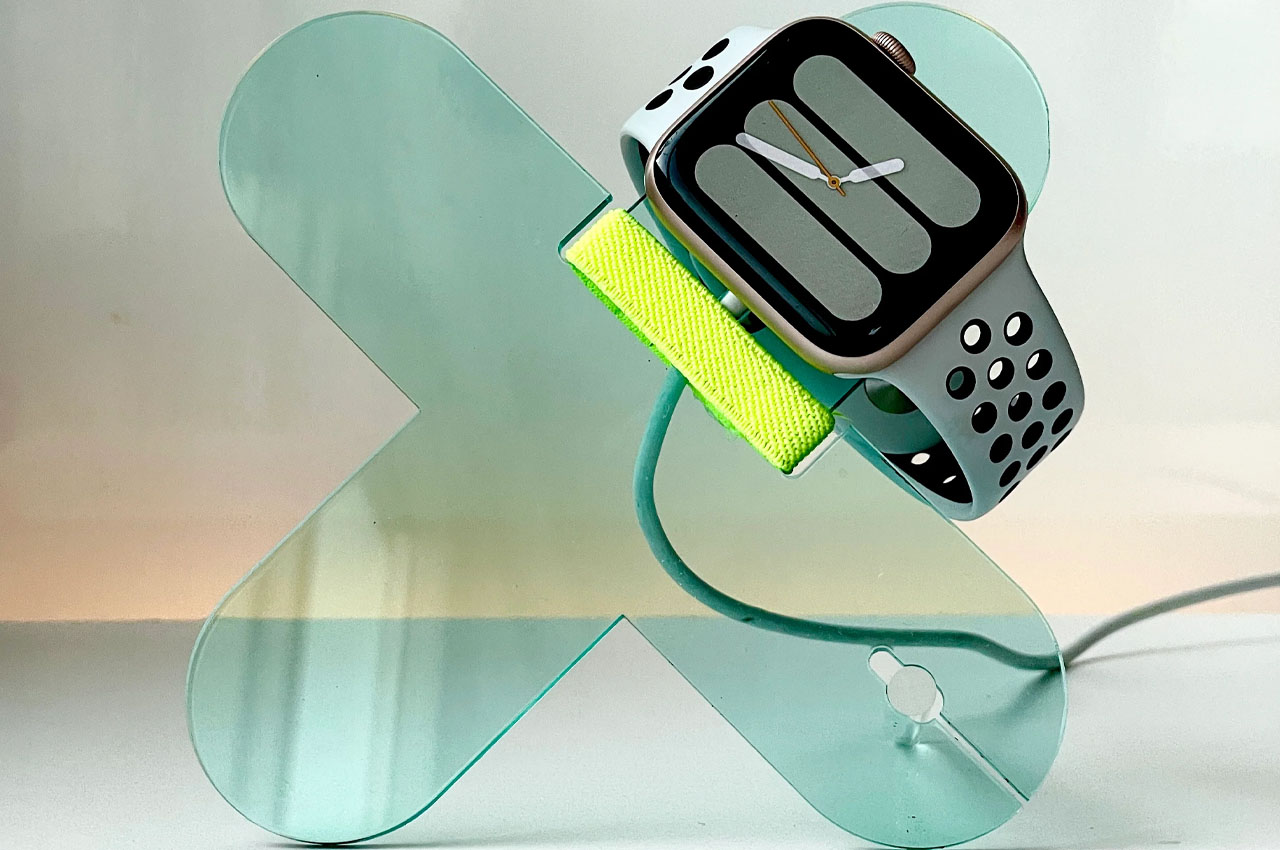
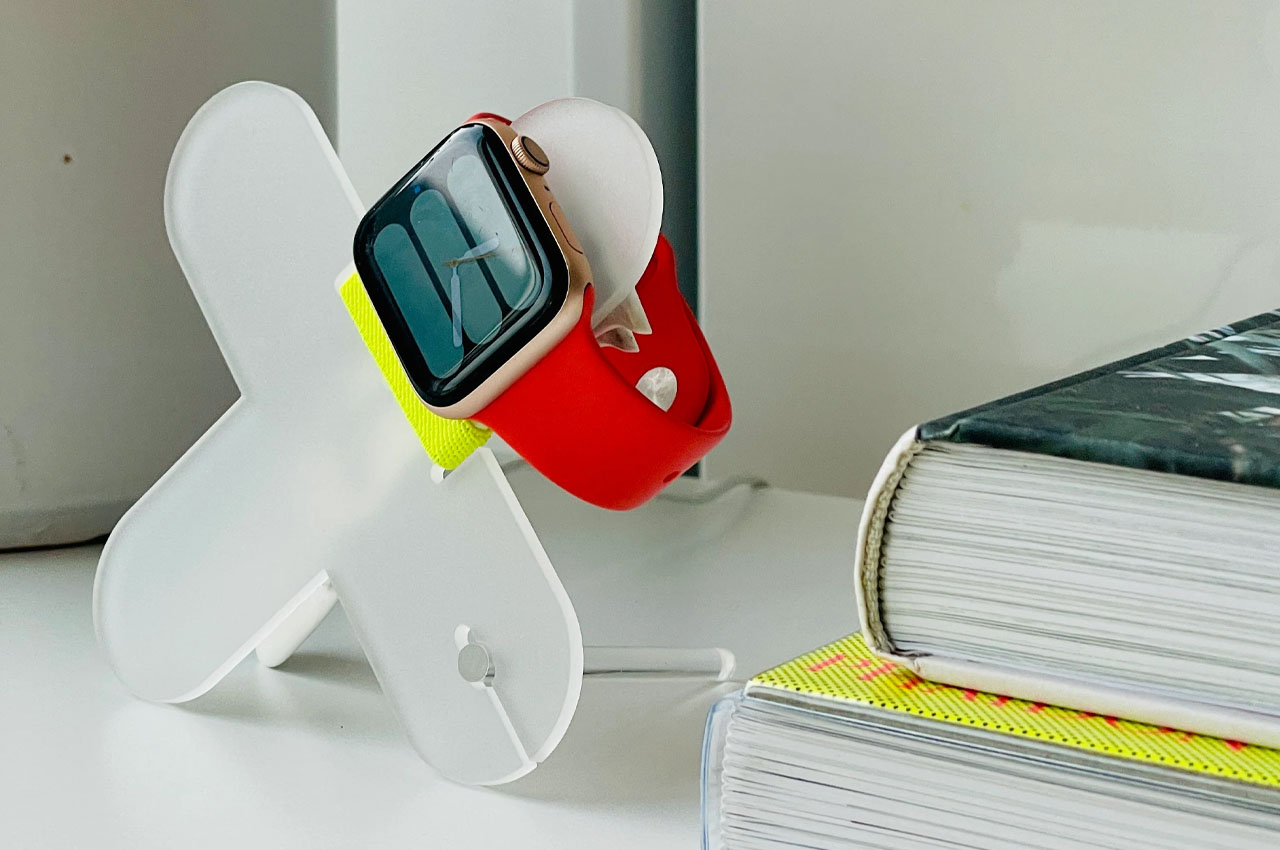
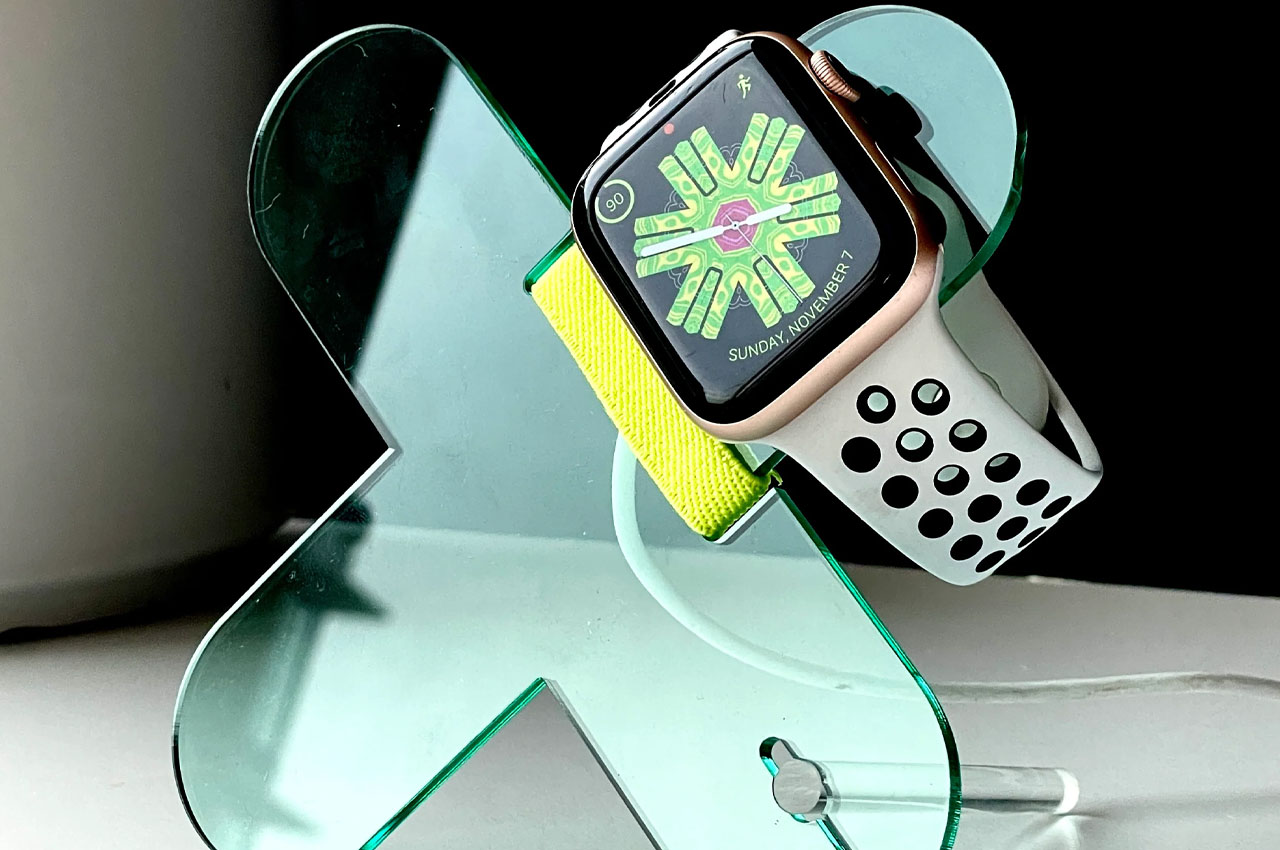
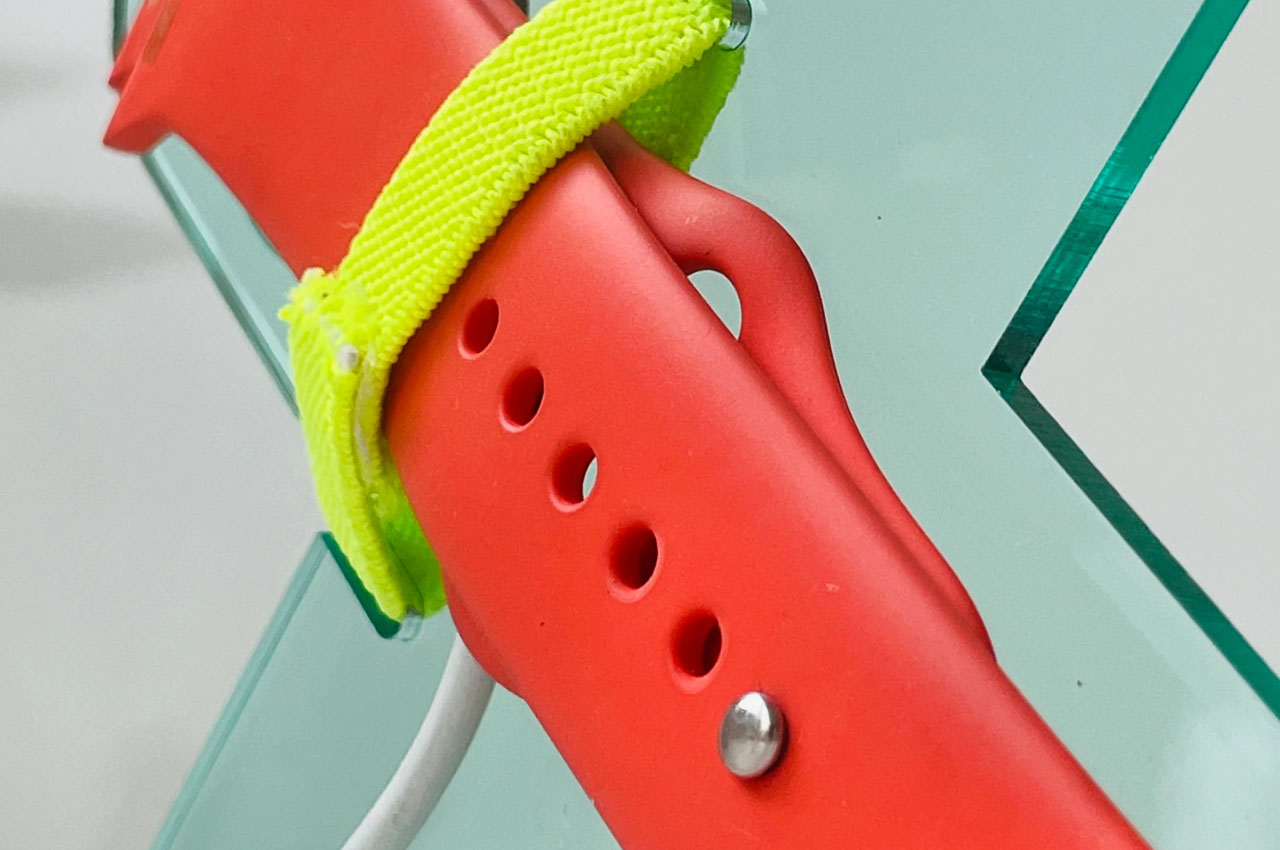
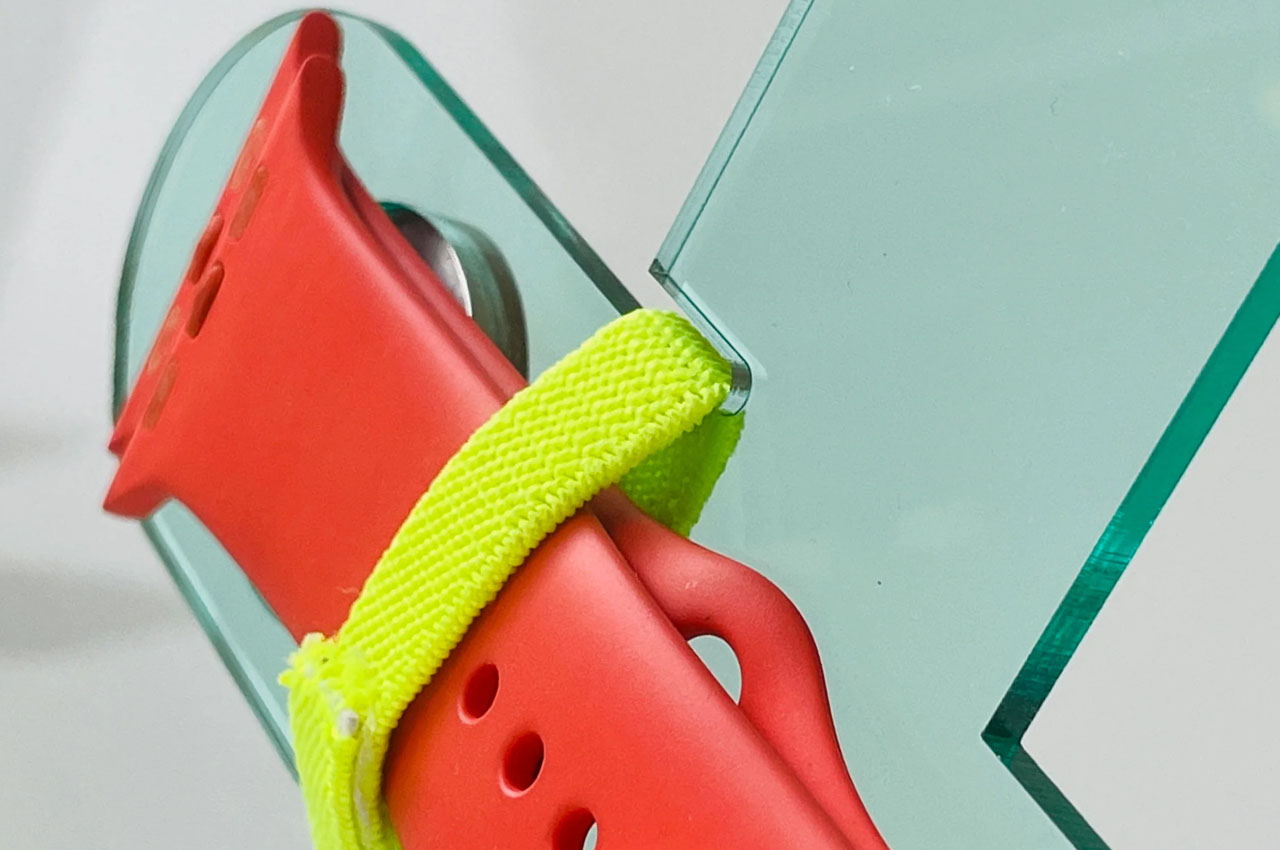
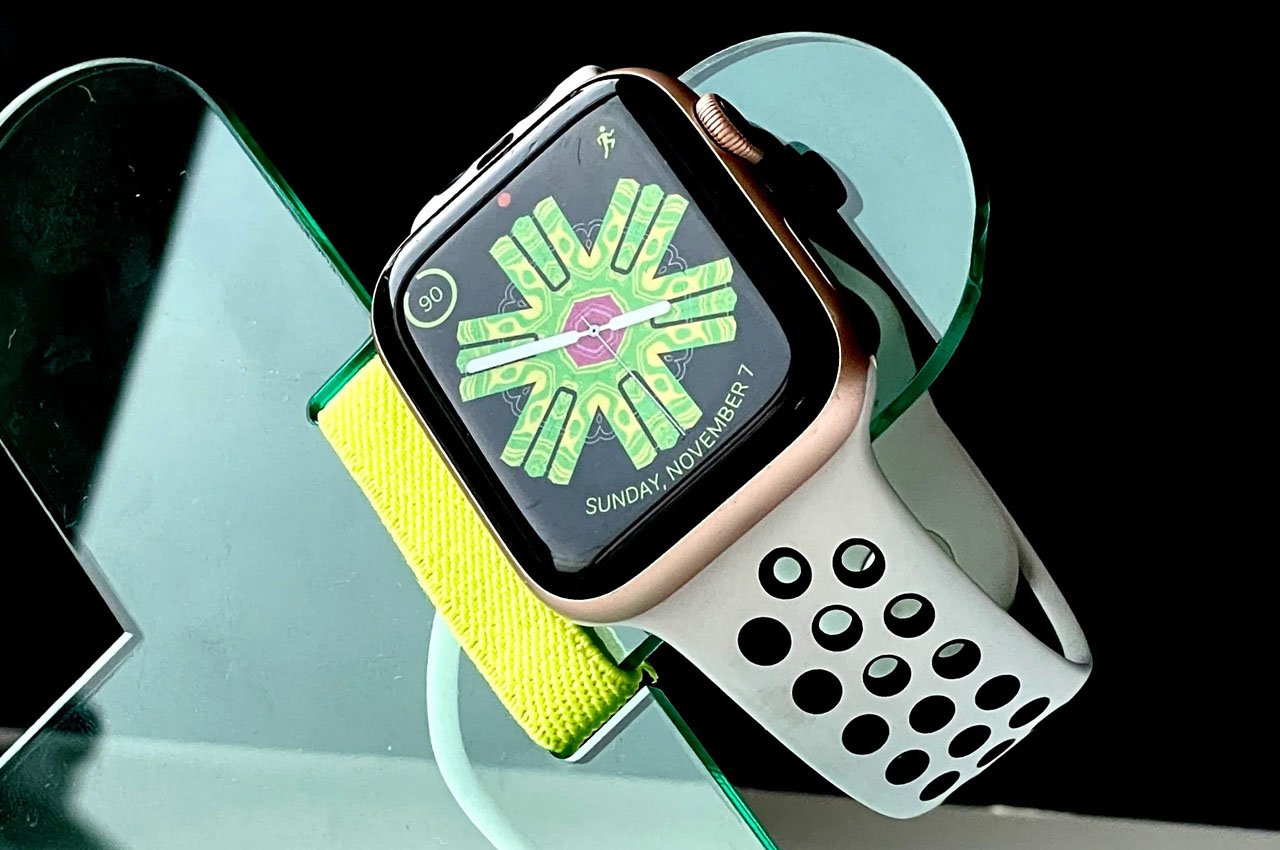
As mentioned, the stands are designed to add more character than the traditional iterations. Case in point, the $39 Expo Apple Watch charging stand with watch band storage that arrives in an ‘X’ shape. The charging dock comes flat-packed and can assemble in seconds, without the use of tools or gum. You can set the watch to charge on this acrylic stand while the extra watch bands can hang by the elastic strap, so you don’t need additional place to keep your watch accessory.
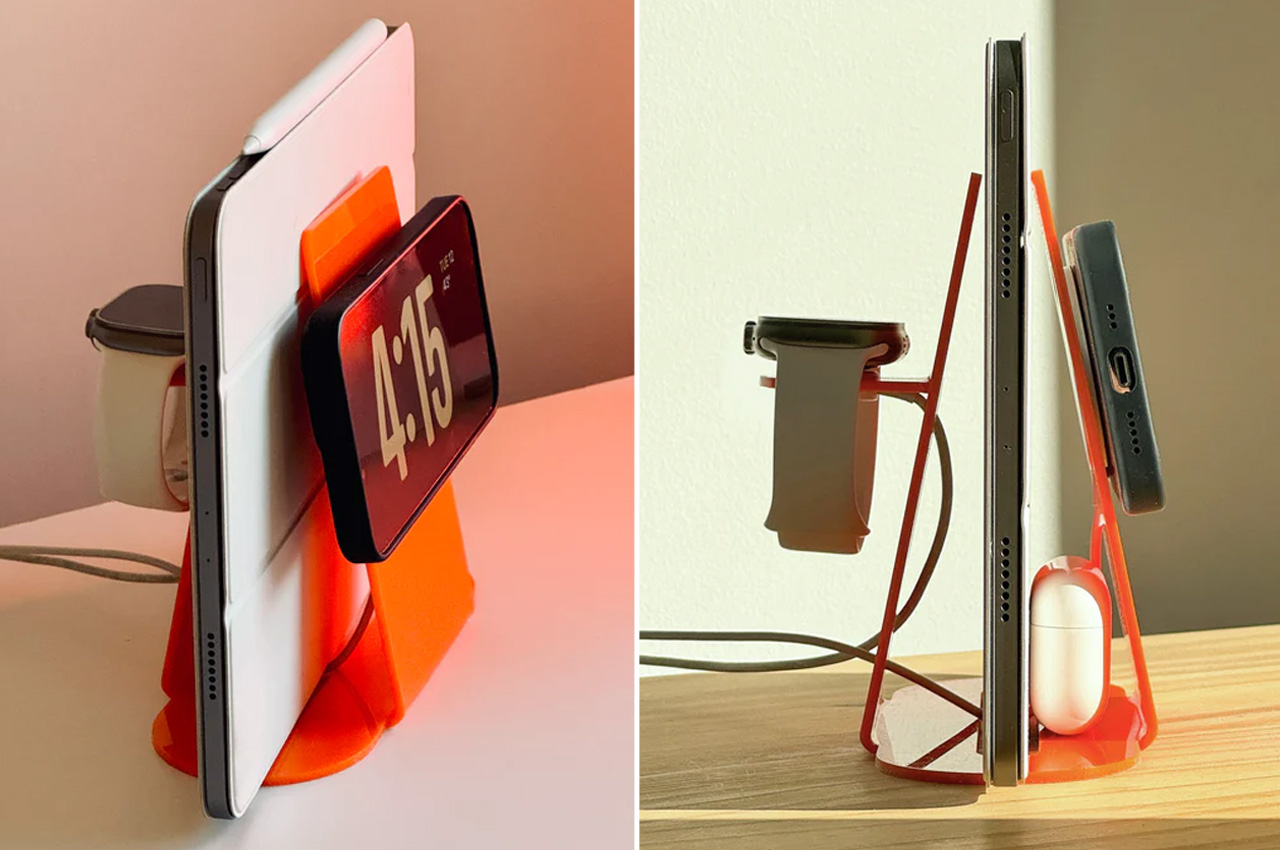
If you want a more productive accessory that does more than hold and charge your Apple Watch, David’s design house has you covered with the interestingly styled upright clip NS-3 that charges a watch and iPhone and stores a pair of AirPods for you in the base. NS-3 Clip, and the previous options in the category, can be used on the nightstand or kitchen counter. It is handmade from a single piece of laser-cut acrylic.
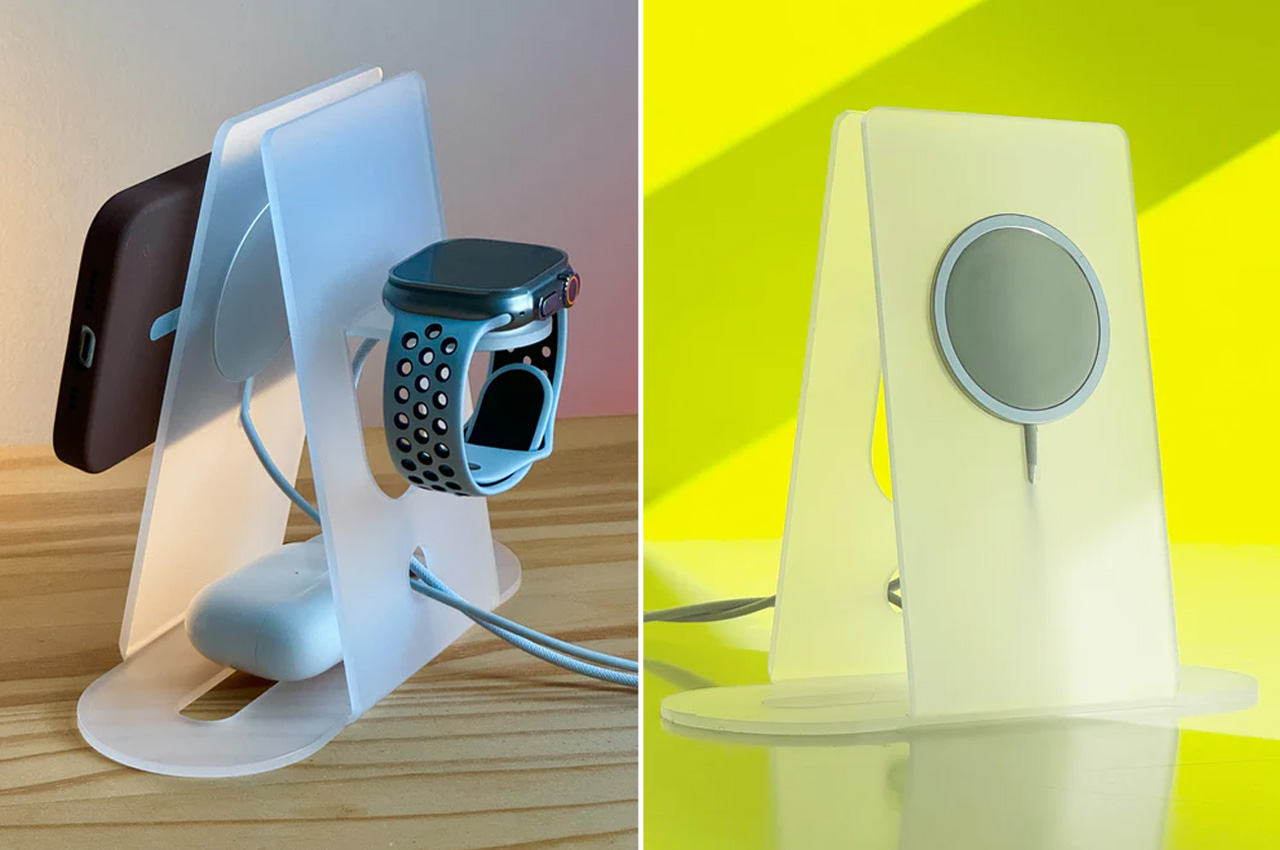
In line with the idea is the MagSafe 3-in-1 charging stand that can help charge your iPhone, Apple Watch and AirPods on a seamless sheet of acrylic. It comes flat-packed for travel, and can become your nightstand essentially with the assembly of a kickstand. The latter allows this charging stand to be used in portrait or landscape orientations to browse or take calls while charging.
The most intriguing yet is the 3D-printed Ezl-02. It is an all-in-one dock created to let you juice up your devices with the chargers you already own. Shipped with a black Mophie wireless charging pad in the box, the Ezl-02 charges and helps organize your iPhone, Apple Watch, Airpods, and extra watch bands in one place. If you have been waiting to get home a sleep charging stand for your Apple device, which won’t add clutter, but instead would look fancy, the buck stops at the Electric Trout shop!
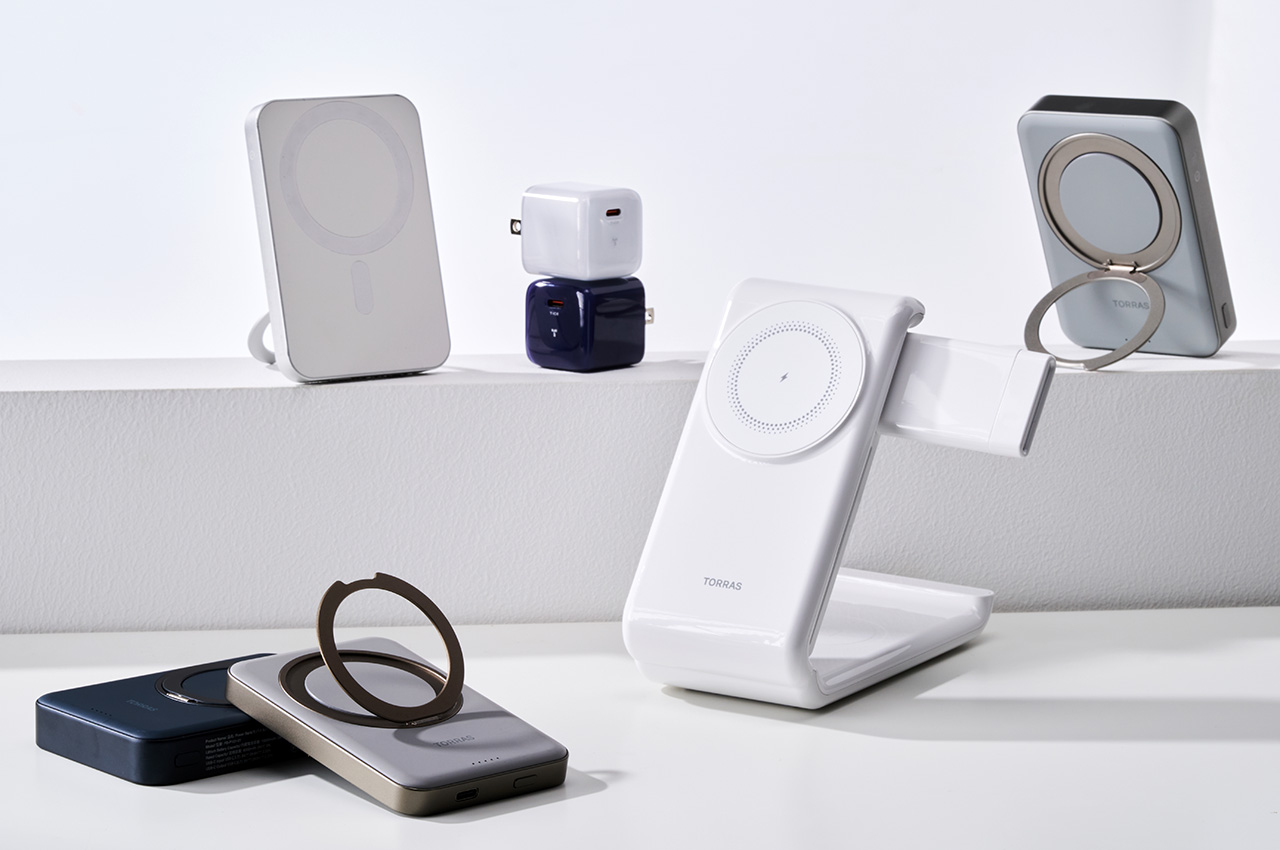
It’s a good thing Apple discontinued its MagSafe Battery Pack, because frankly, it sucked. With an abysmal 1,460mAh capacity, it’s really no match for the one from TORRAS. Armed with a whopping 10,000mAh internal battery that can wirelessly charge at speeds of 15W, the TORRAS MagSafe Battery Pack knocks pretty much any competition out of the park. It also packs a fold-out stand for good measure, allowing you to prop up your device while it’s charging.
Designer: TORRAS
Click Here to Buy Now: $47.99$79.99 (40% off, use coupon code “TORRAS214” at checkout). Hurry, offer ends in 48 hours!
The TORRAS MagSafe Battery Pack is a relatively slick snap-on gadget that attaches onto your iPhone or any MagSafe-ready smartphone. With a sizeable 10,000mAh battery, it can juice your entire smartphone four full times before it needs to be recharged, making it quite the lifesaver (especially if you’re the kind of person to forget charging their power bank). With that kind of capacity, you can charge multiple devices together (thanks to the USB-C port on the base), allowing you to share power with a buddy, or even charge an extra gadget you have on hand. The MagSafe Battery Pack will output 20W of power through its USB-C, while supplying 15W through the wireless charging coil, giving you the ability to rather rapidly charge your devices regardless of how you connect them. For smaller devices like TWS earbuds, the MagSafe Battery Pack even has a ‘trickle charge’ mode that reduces the power output, which can be activated simply by holding the power button for 2 seconds.
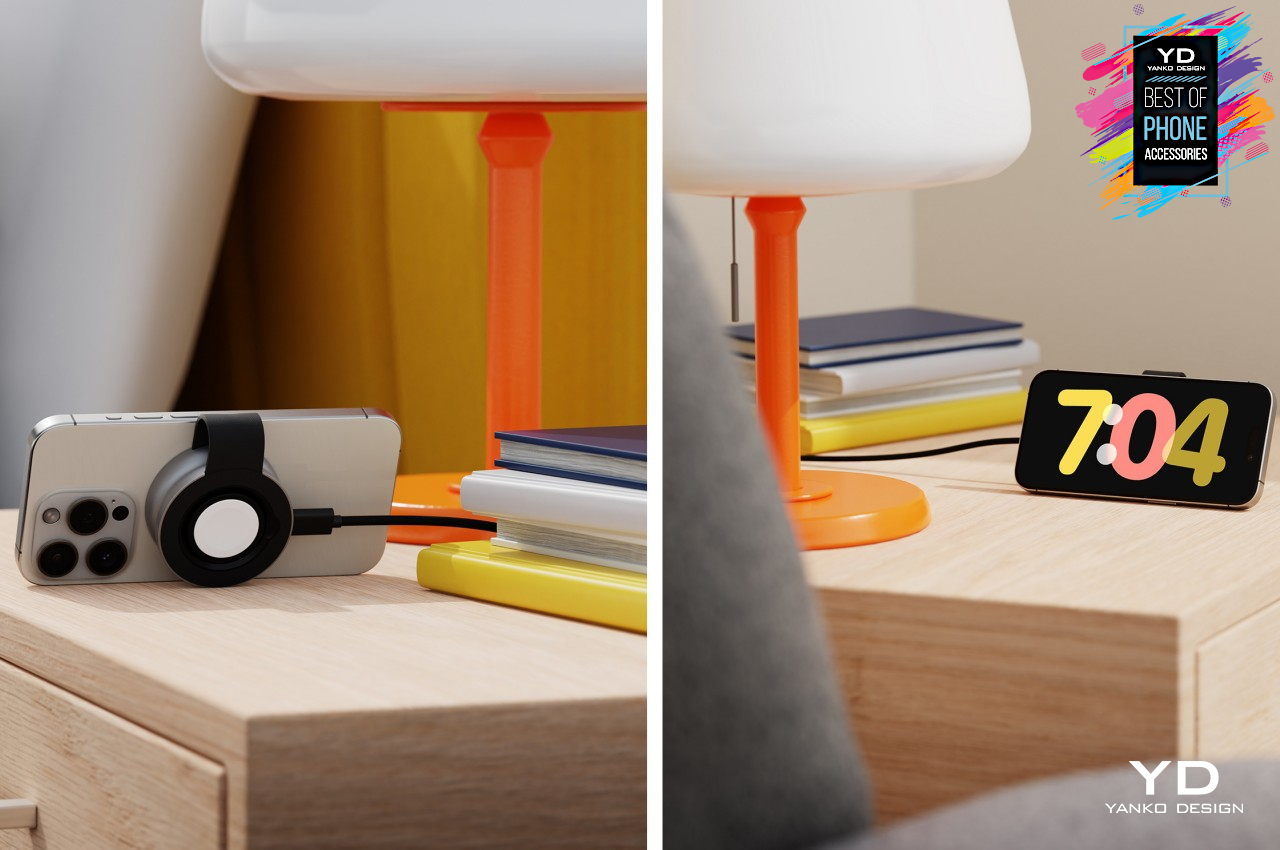
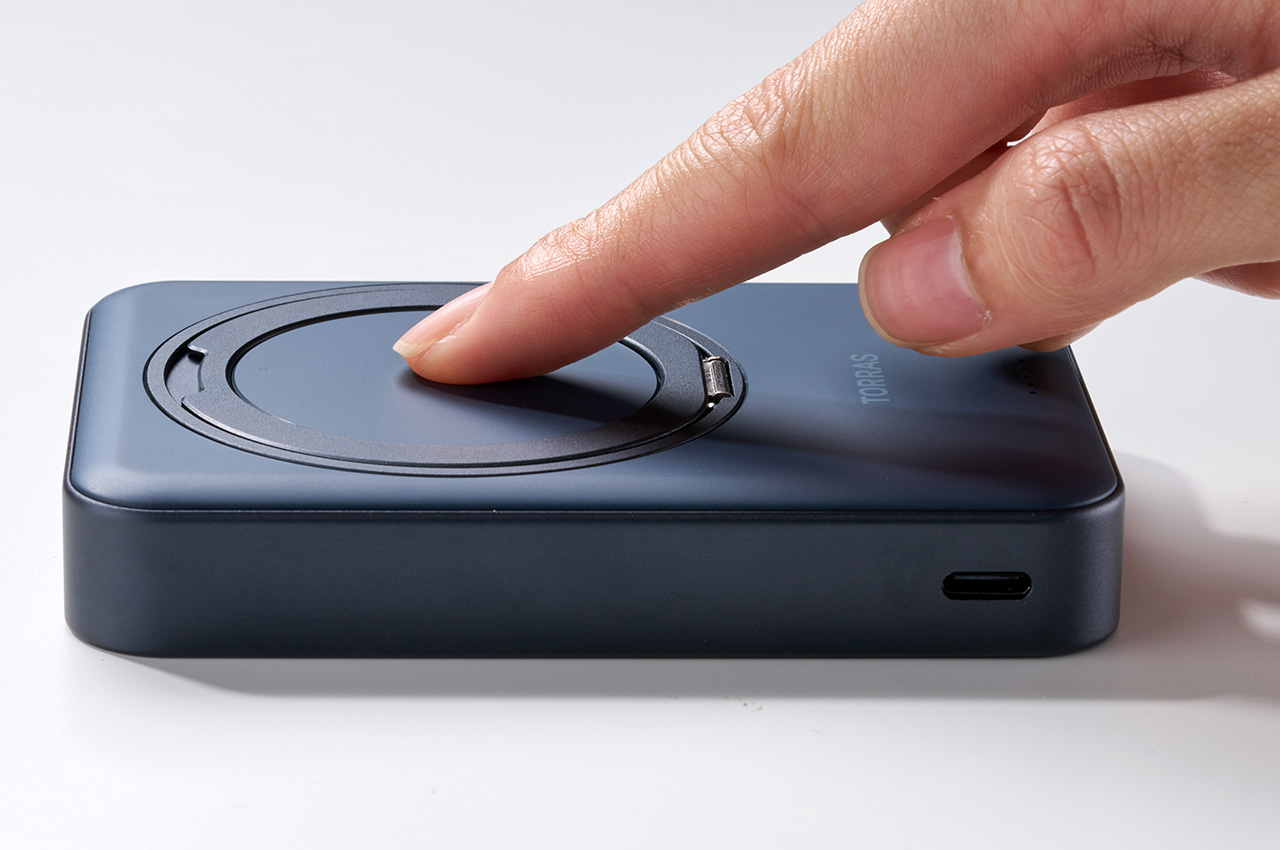
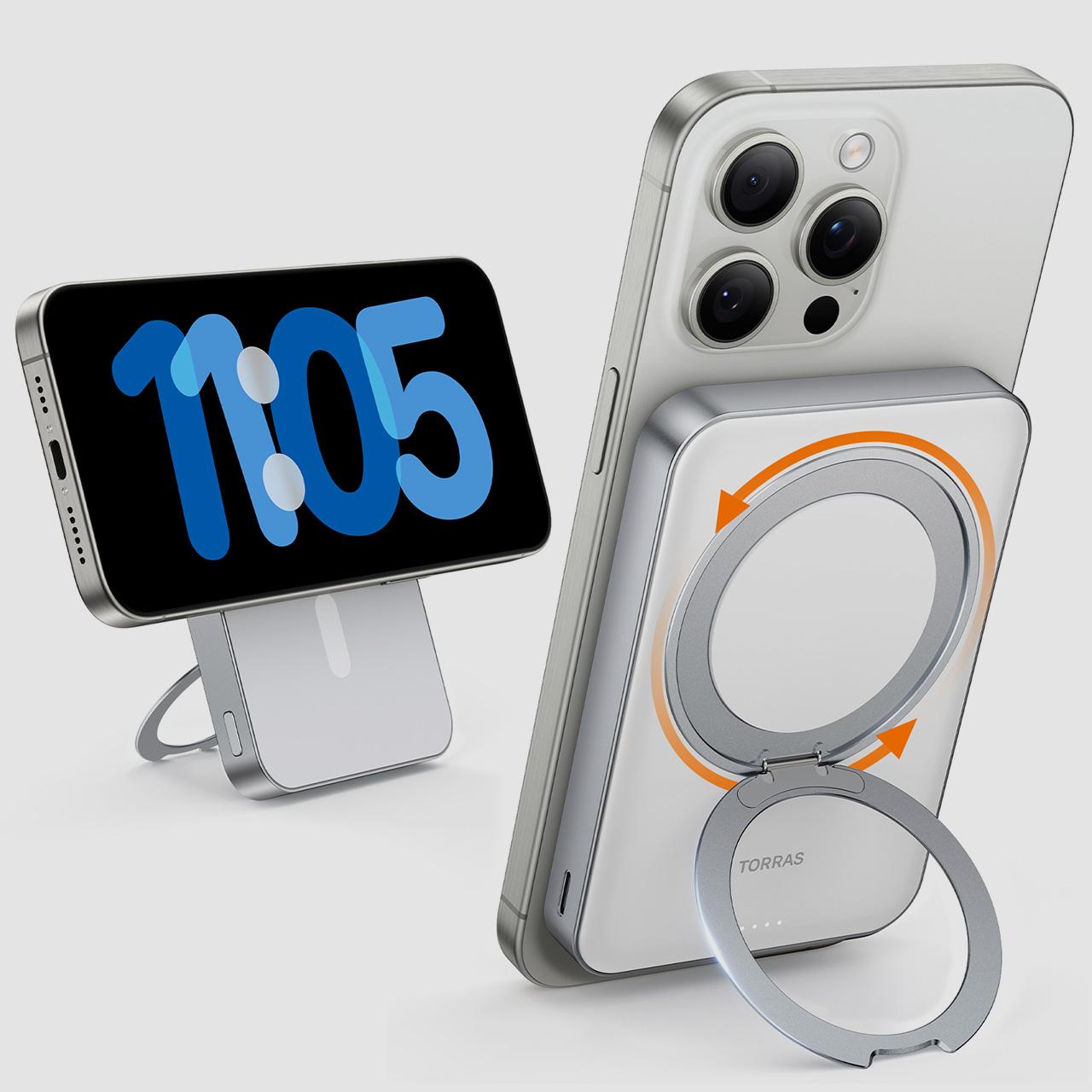
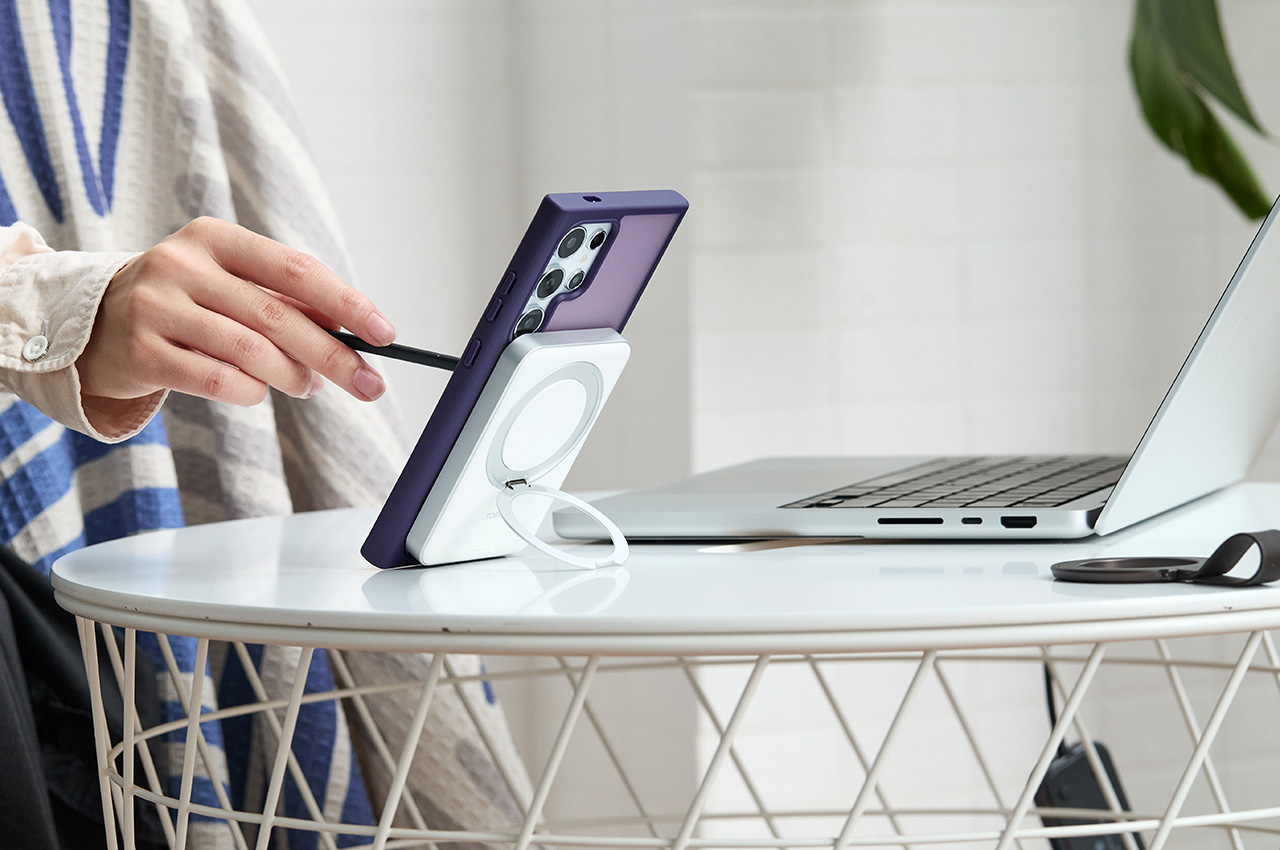
Each MagSafe Power Bank comes with a distinct metallic outer shell that feels vastly more premium than Apple’s own plastic battery pack. The metallic exterior is also furnished with one of TORRAS’ O-ring pop-out stands, which can even rotate, letting you prop your phone vertically or horizontally during charging. The latter activates your iPhone’s ‘StandBy’ mode, which is quite useful to see the date/time or the Superbowl score in realtime as your smartphone charges!
Handling a whopping 10,000mAh battery (with simultaneous device charging) obviously is no joke, but that’s a domain where TORRAS was built to shine. Having developed some industry-leading neck-worn cooling wearables, the cooling technology developed for TORRAS’ Coolify product line ended up translating rather well to its MagSafe Battery Pack. Charging can sometimes cause components to heat up, reducing the charge-efficiency… but TORRAS’ patented heat dissipation tech helps retain that high-efficiency at all times. The sleek kickstand holds a patent too, for its ability to fold flat into the power bank when not in use, and open out into a 360° rotating stand when you need.
The TORRAS MagSafe Battery Pack is available in white and black variants, with a titanium version releasing in the near future. About the same width and length as a credit card, and weighing just 206 grams (7.2 ounces), the MagSafe Battery Pack is perfectly pocket-sized, allowing you to carry it along with your phone without really feeling too much bulk. The fact that it securely snaps onto the back of your phone definitely helps too. The TORRAS MagSafe Battery pack starts at $79.99, although it’s available for a 40% discounted price of $47.99 for a limited time.
Click Here to Buy Now: $47.99$79.99 (40% off, use coupon code “TORRAS214” at checkout). Hurry, offer ends in 48 hours!
Getting an iPhone 15 series smartphone brings with it the need to get those new-age accessories that make life a tad easier. A good example is the wireless charger that gets rid of any wire clutter and the freedom to charge multiple Apple devices at once. You have the option to choose from Apple’s inventory or go for the more modesty-priced, yet time-tested options from Belkin or Anker.
Also, you have the lure to choose from not-so-popular third-party Apple accessories makers who bring the latest in technology but are not 100 percent foolproof in their implementation of multi-device charging capabilities. This holds true, especially when you go beyond anything capable of charging two devices at once. 3-in-1 Magsafe wireless chargers to be precise.
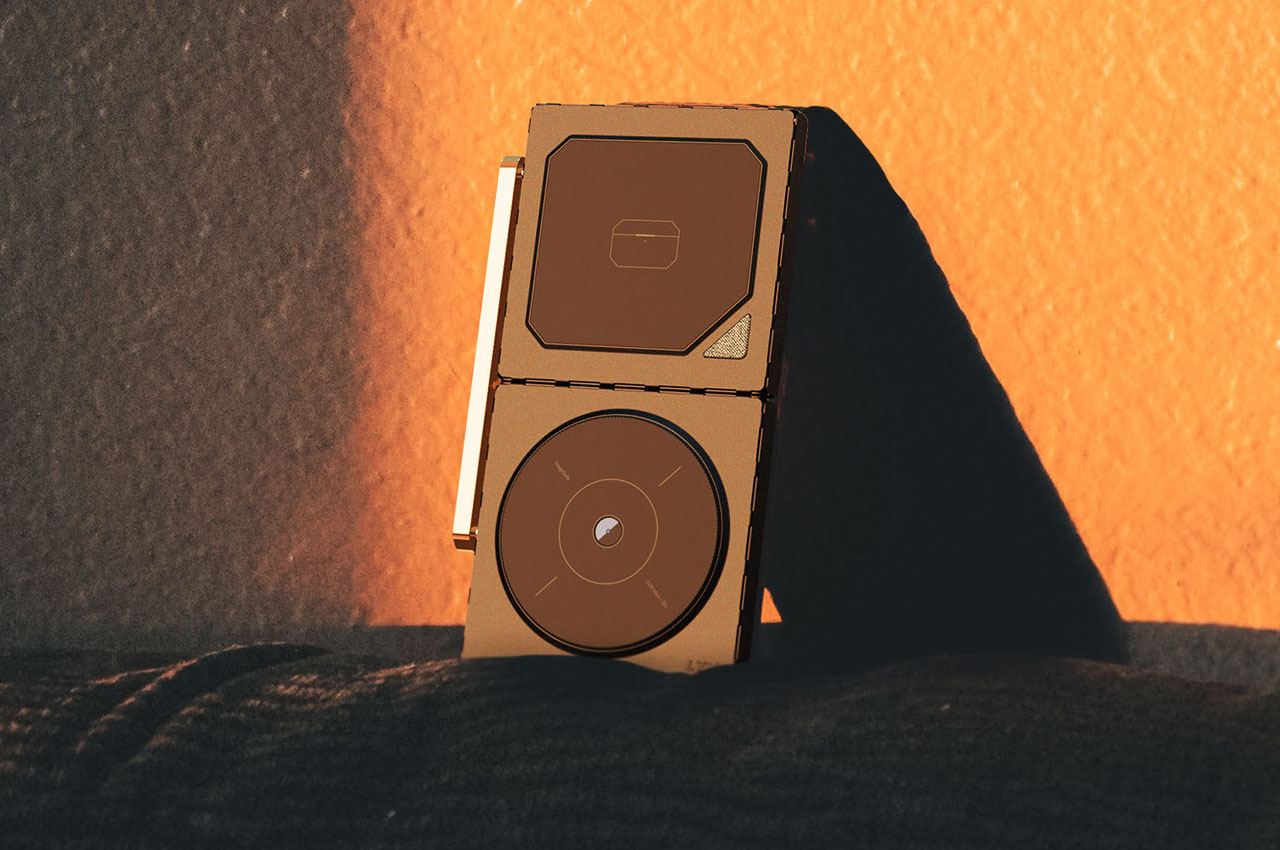
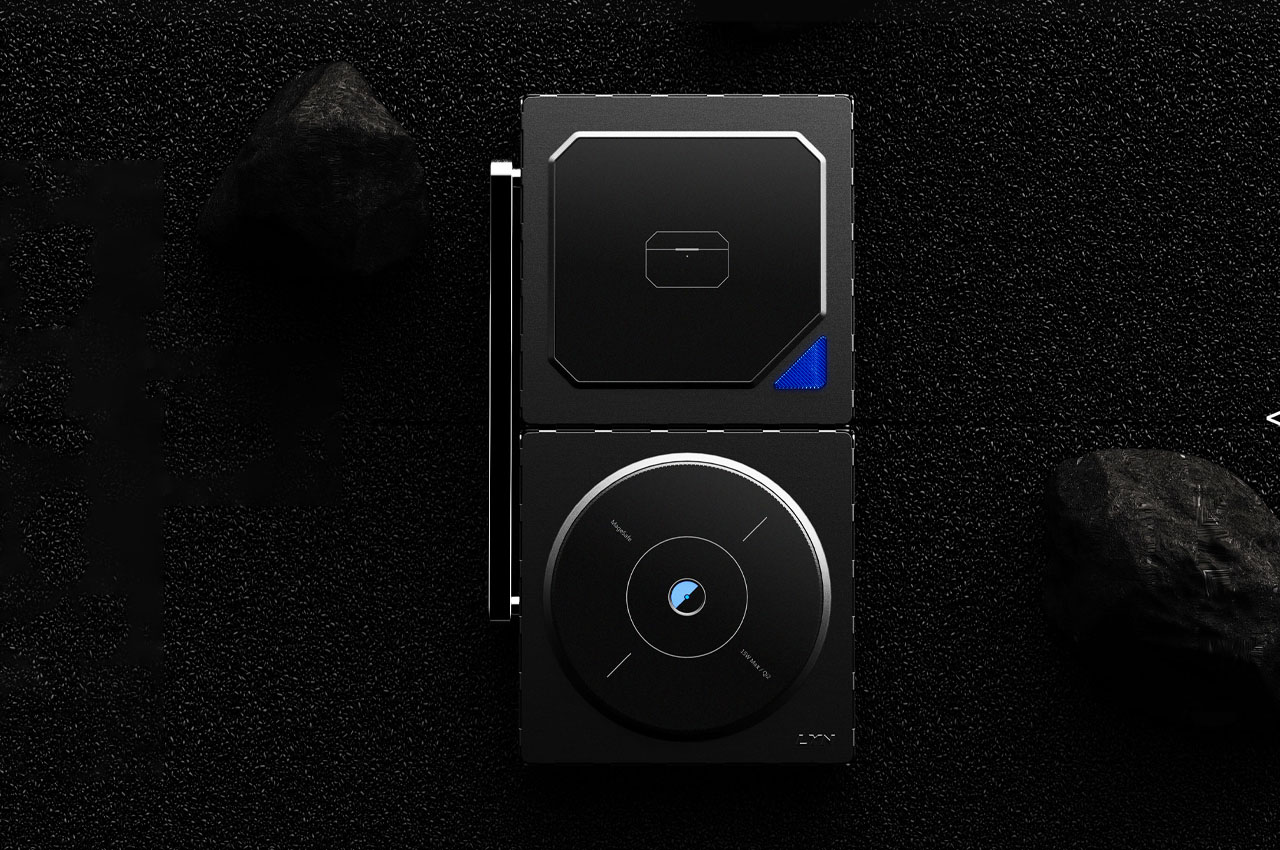
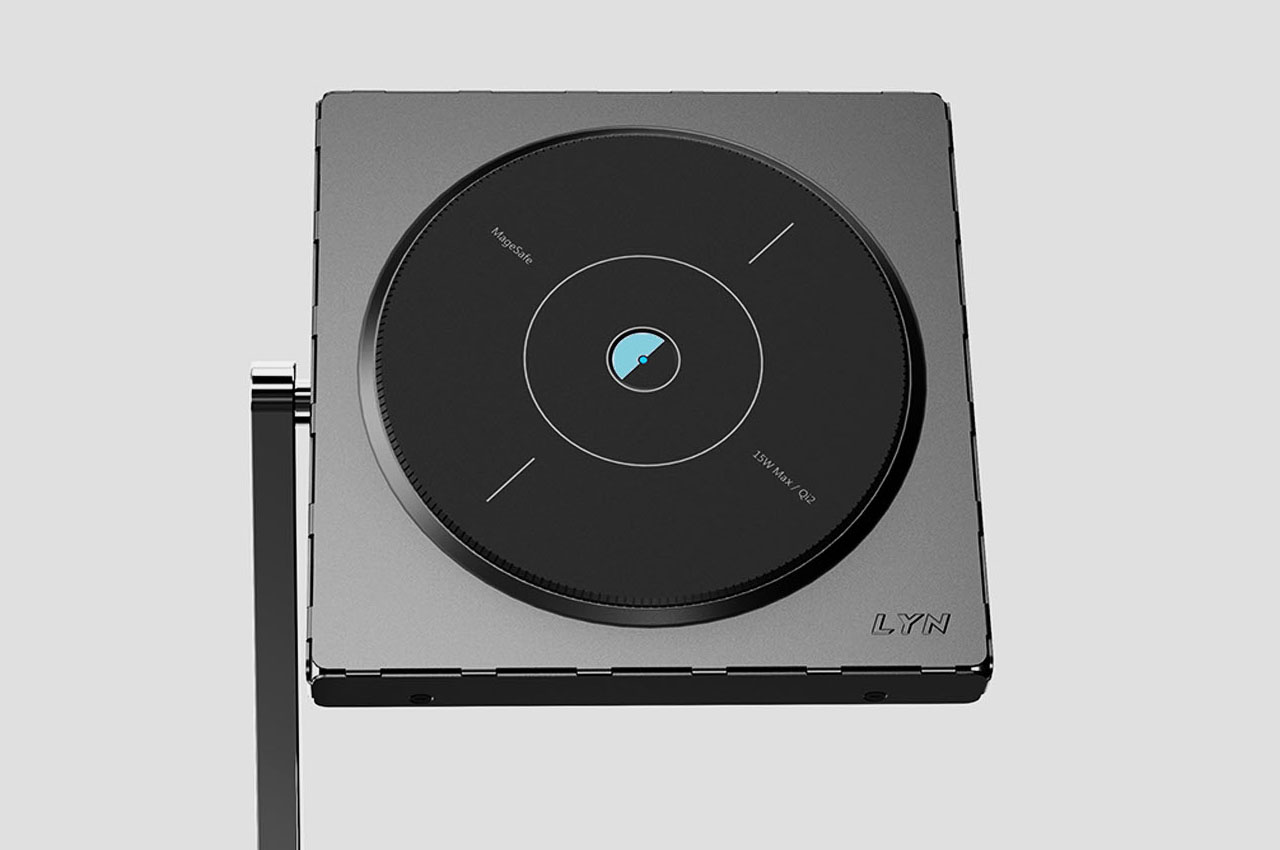
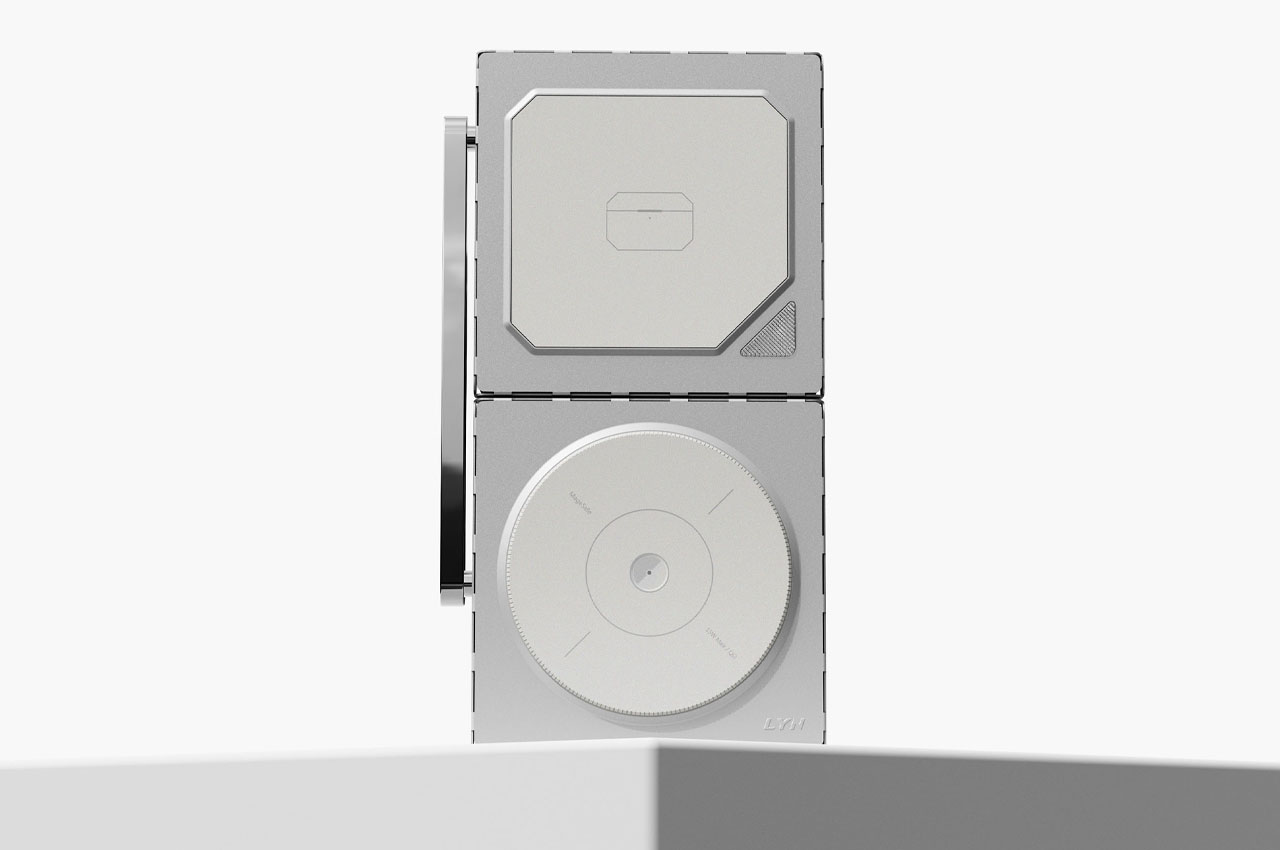
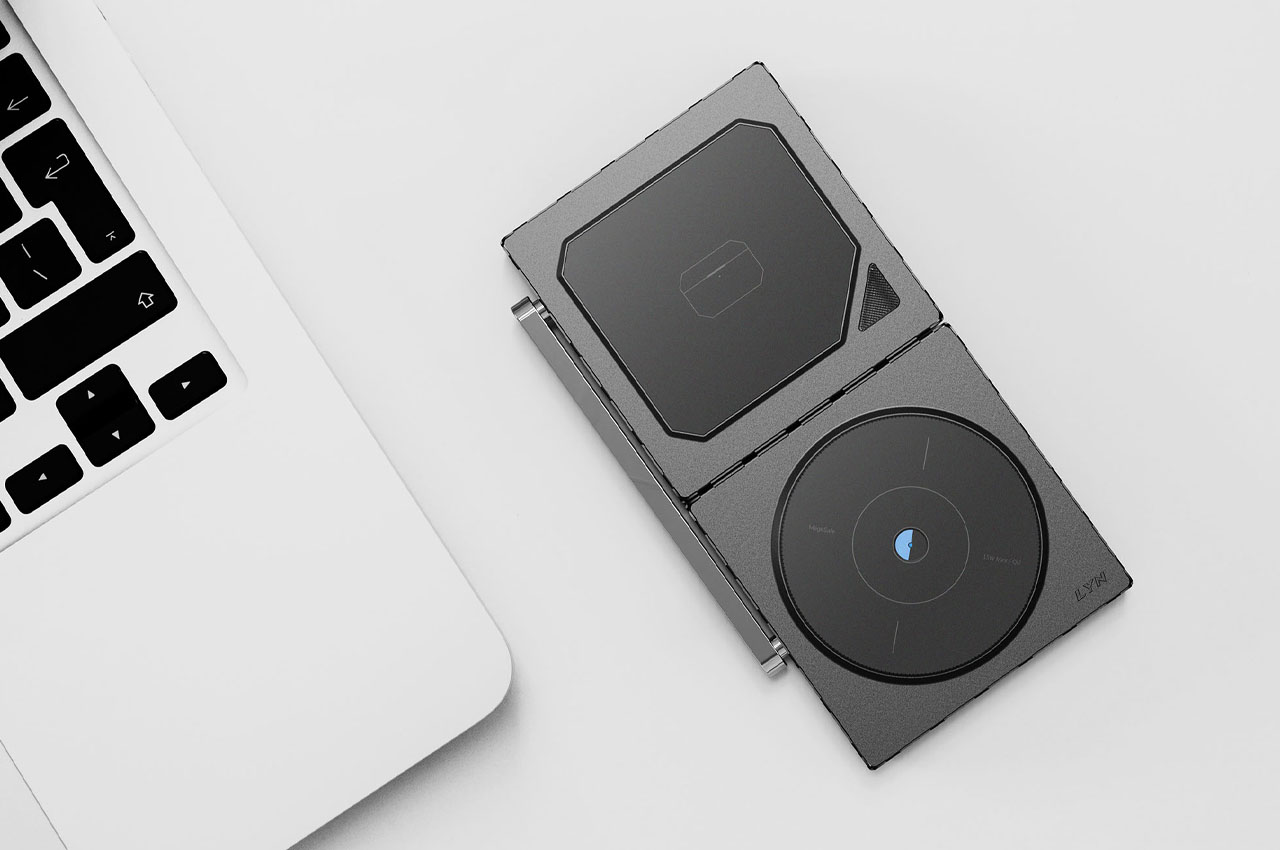
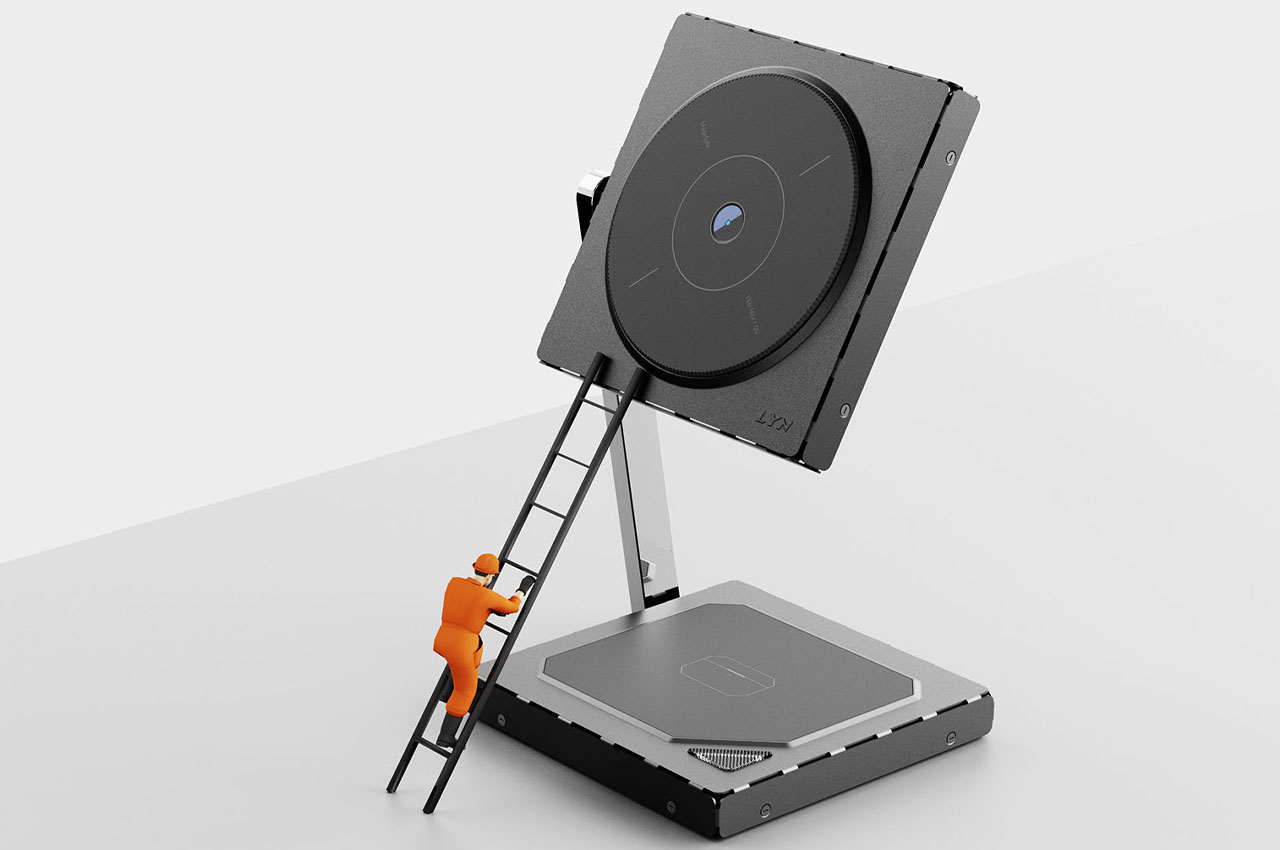
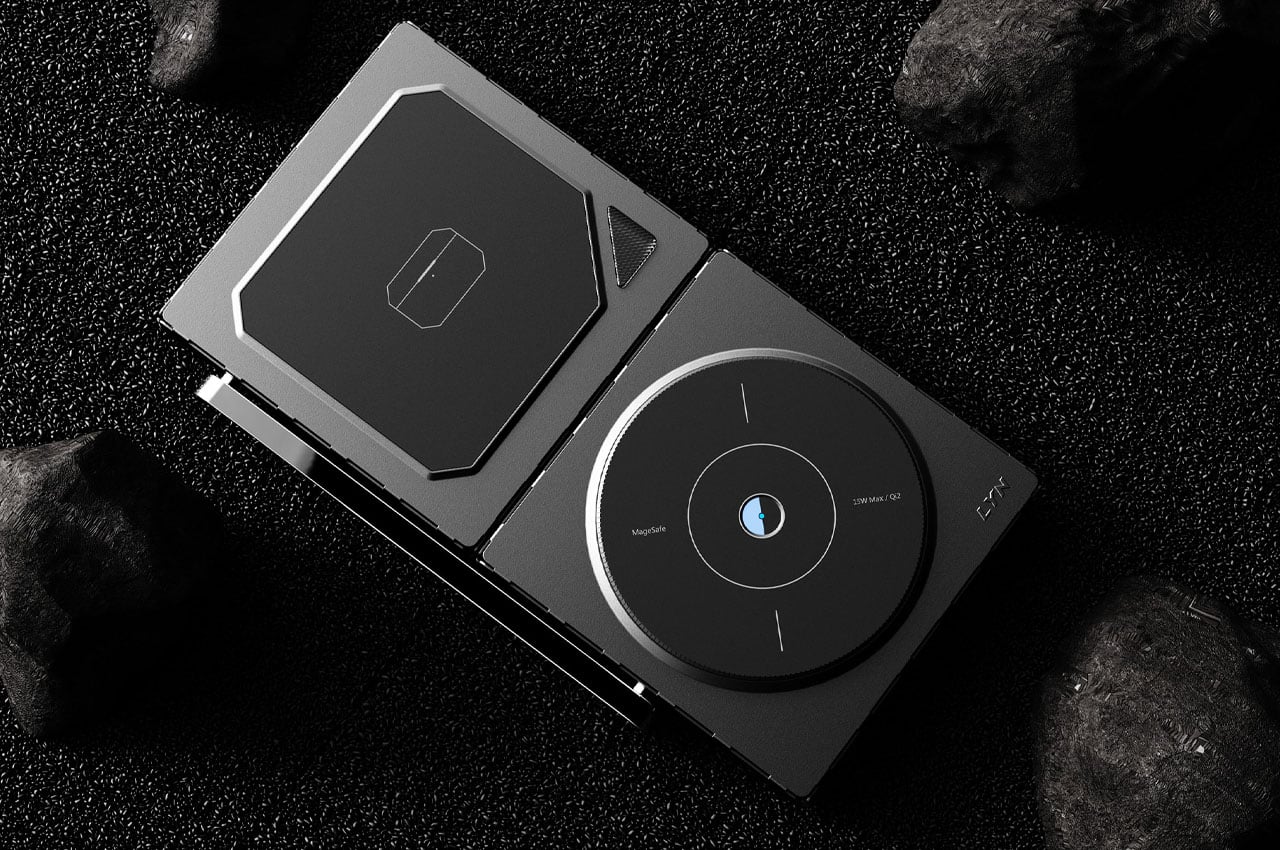
Add to the mix of options the ability to completely fold down your Magsafe wireless charger and you’ve got yourself a utilitarian accessory that’s going to take care of juicing up every Apple gadget you own without having to worry about carrying it around. Sticking to the safer and more accepted tech trend of dual gadget wireless chargers is this Qi2 certified 2-in-1 wireless charger that folds down to a very compact size. I would even go to the extent of calling it a pocketable accessory.
This 15W Magsafe compatible concept iPhone 15 charger can orient in a laid down position or an alternate orientation where the phone can be set up in a portrait mode for productivity. Of course, the alternate pad can be used to charge your earbuds or Apple Watch in the laid-down position. While the 3-in-1 chargers give you the extra option of hanging the Watch in the third vertical slot, I would refrain from doing that, especially with kids around.
While still in the concept phase, the idea is interesting enough to be implemented by renowned accessories providers for the Apple ecosystem!
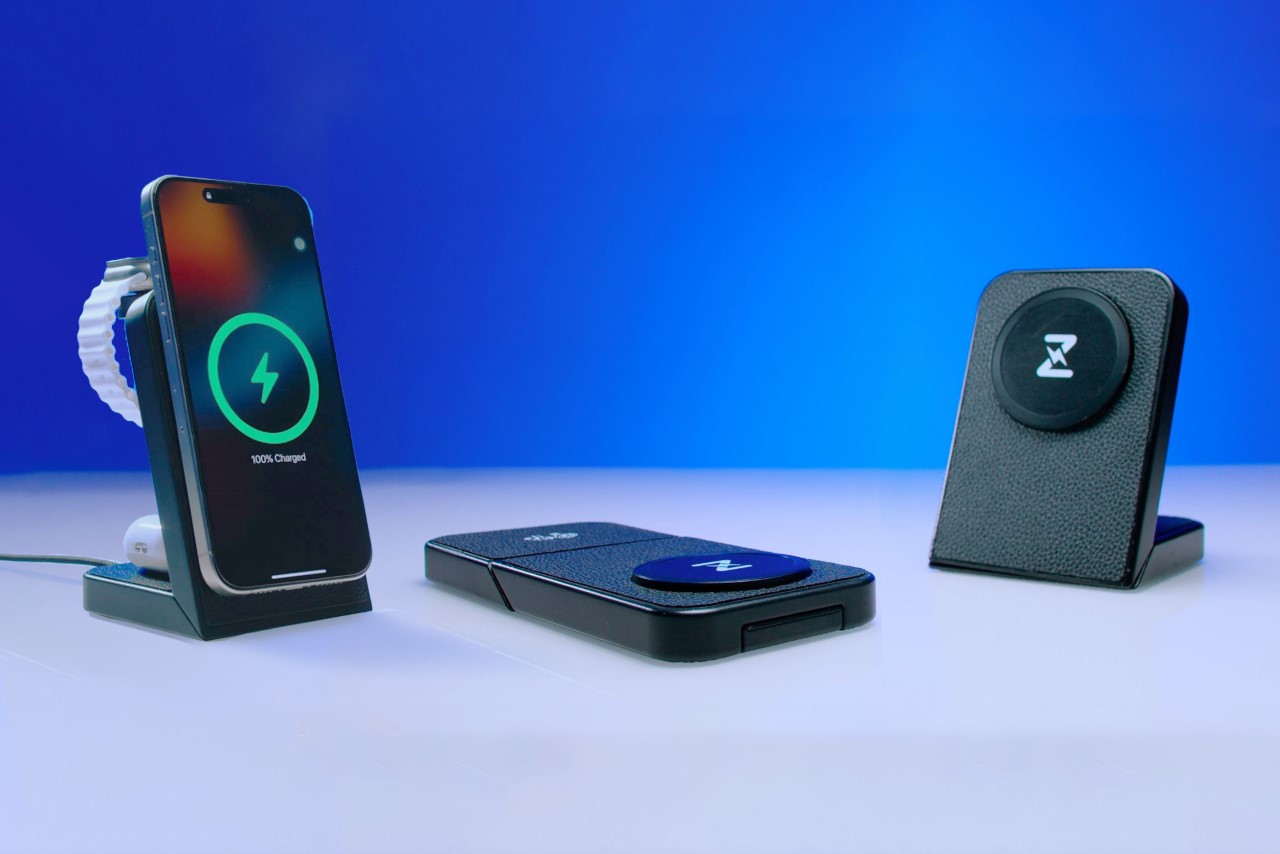
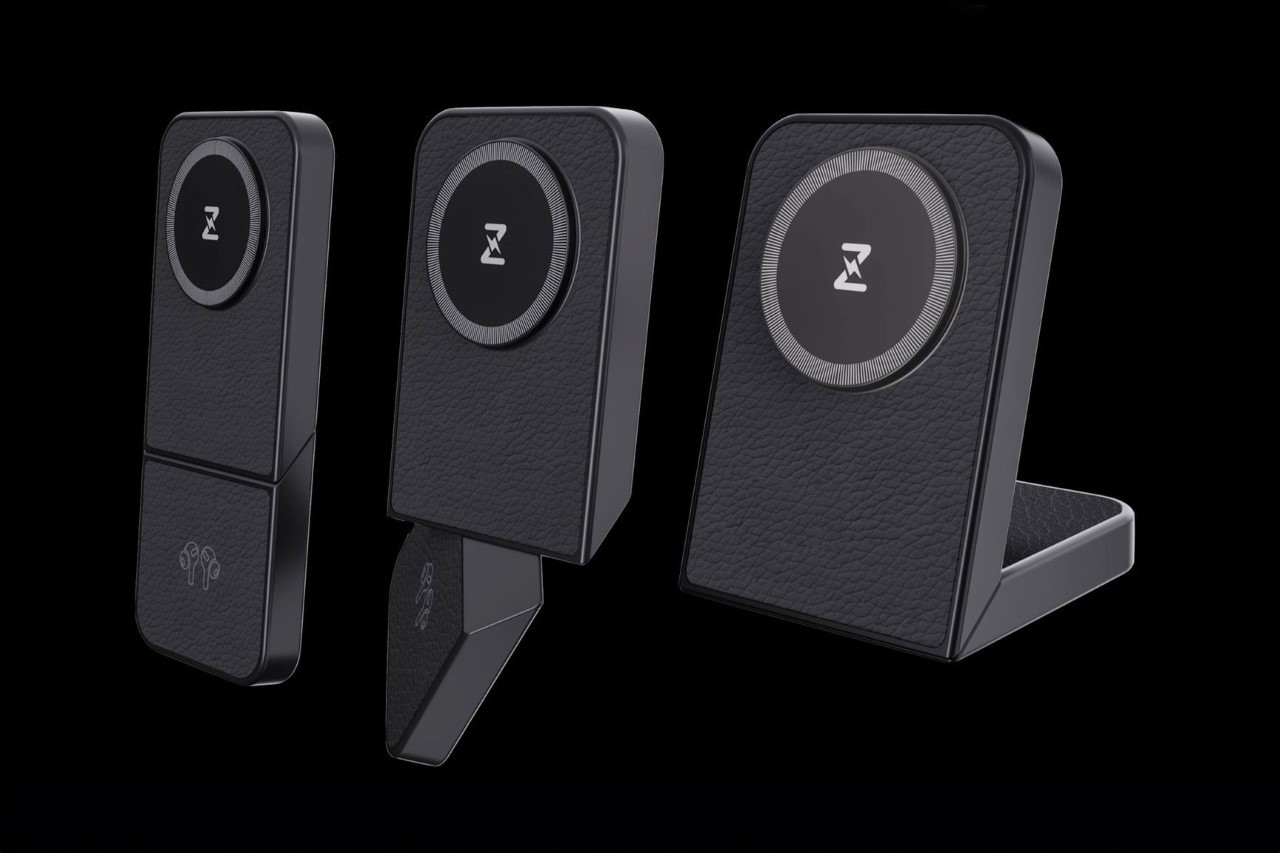
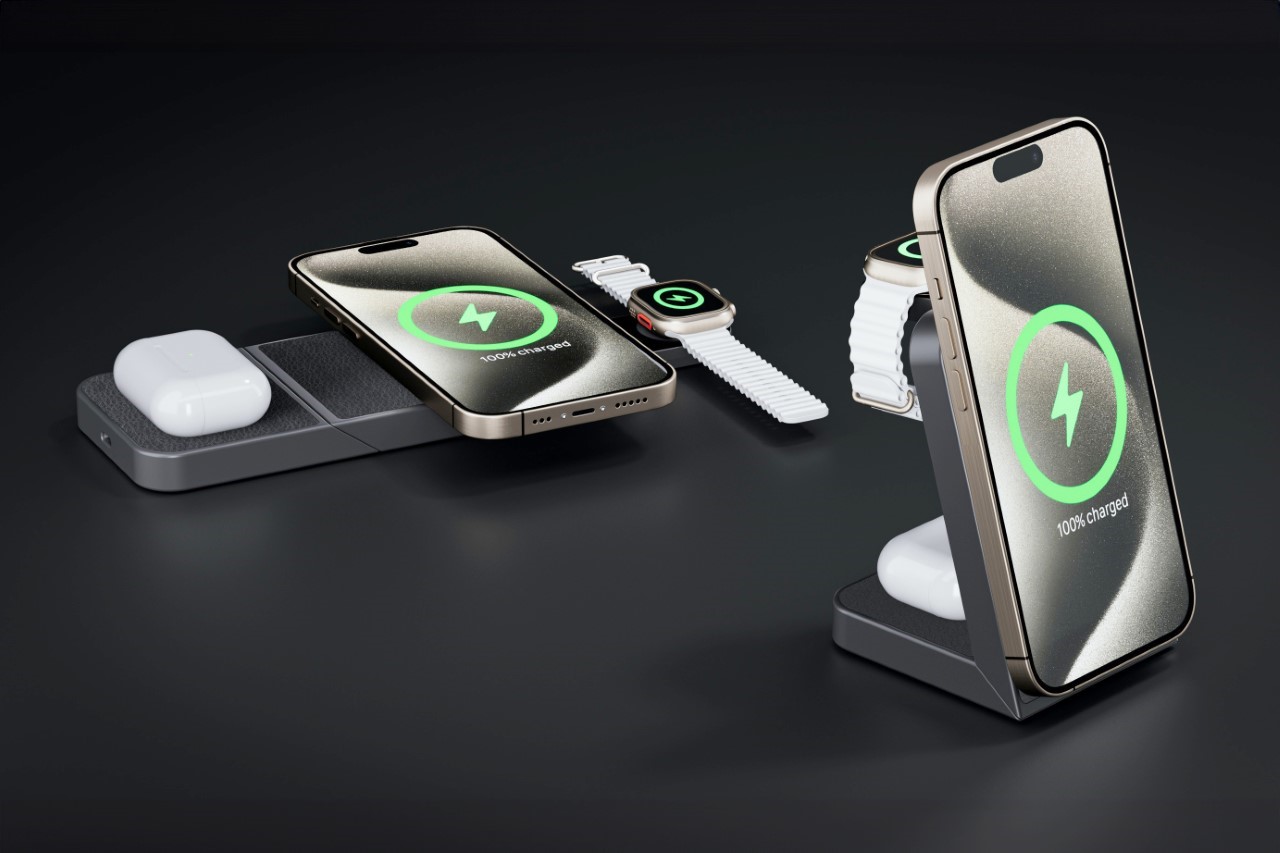
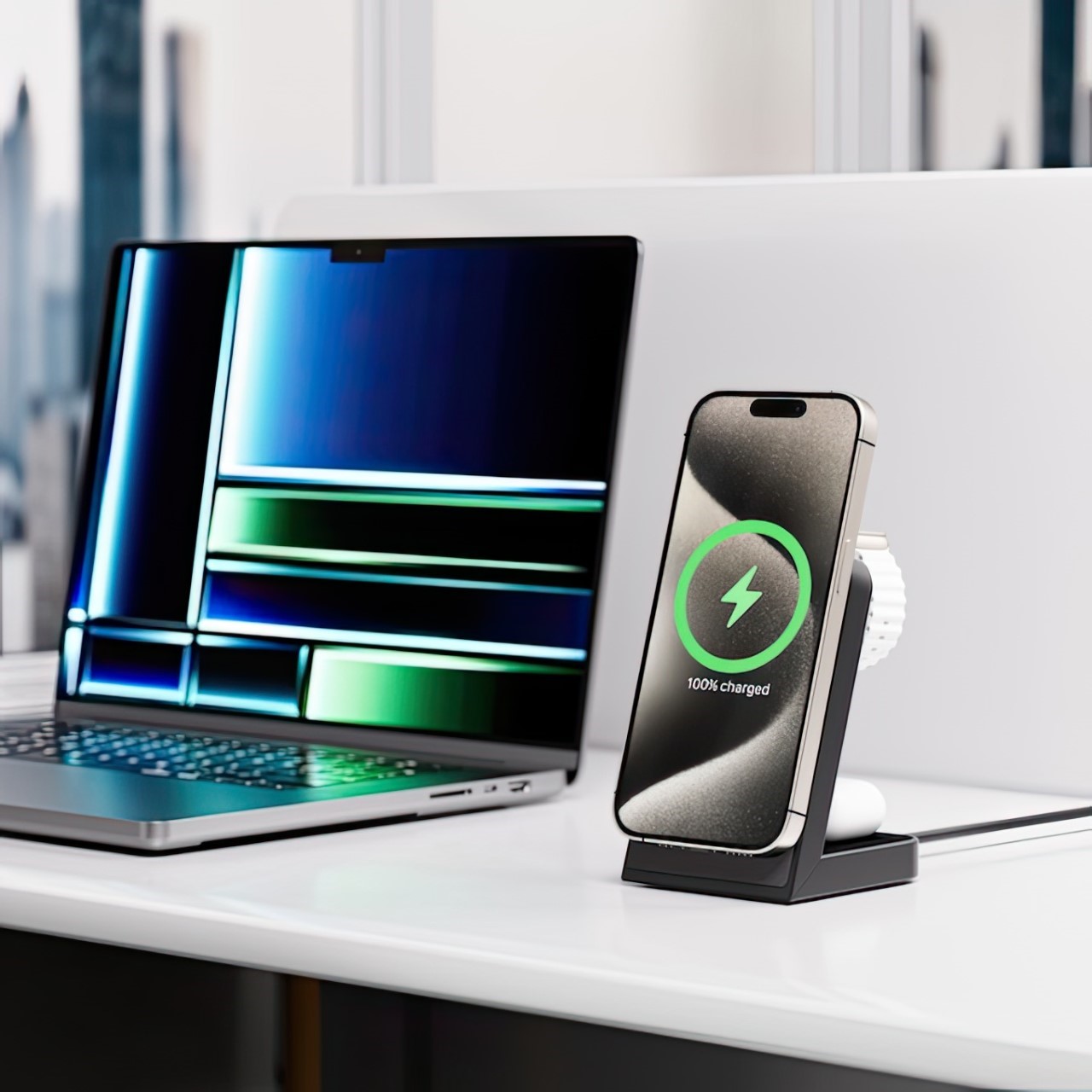
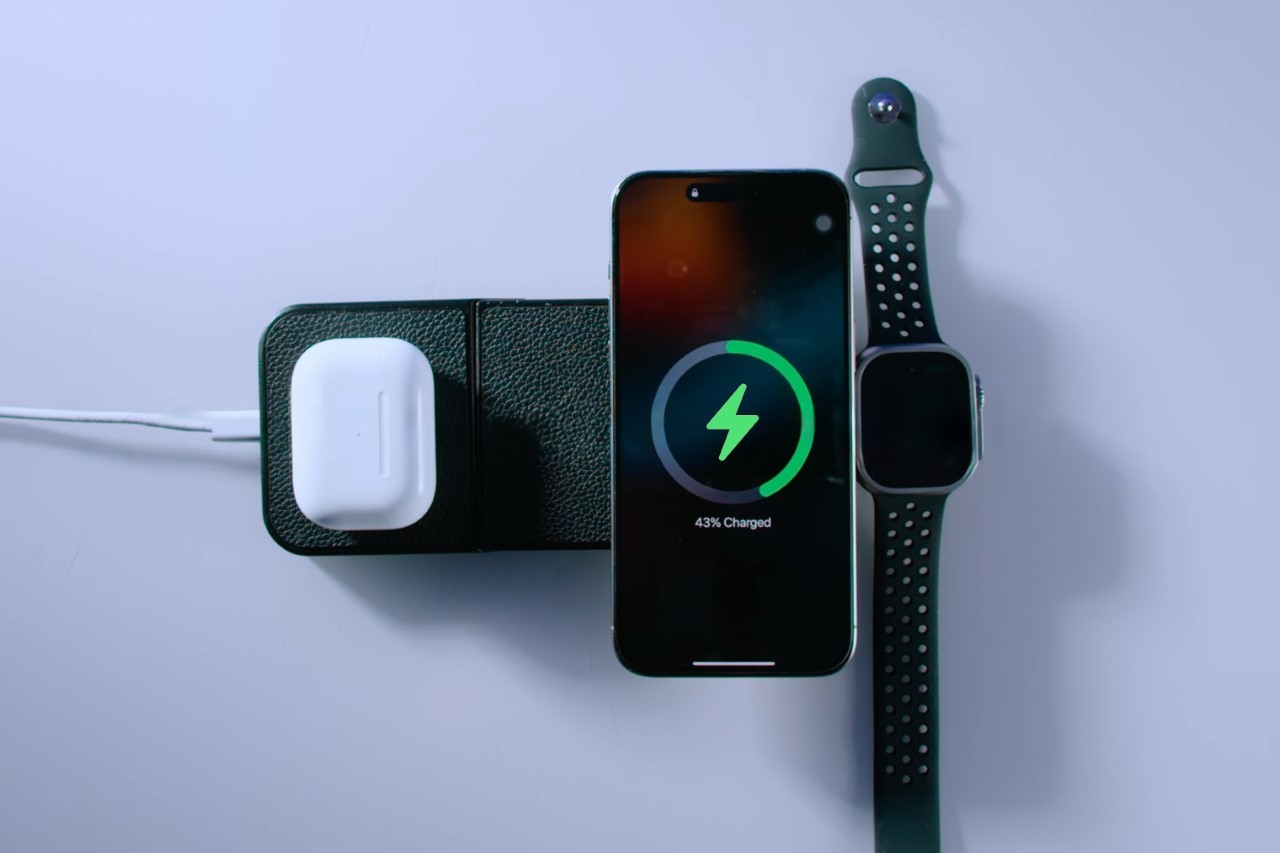
If anything, the AirPower Mat did manage to achieve one remarkable thing – it pushed the idea of having one wireless charging solution for all of Apple’s devices. The AirPower Mat may have failed in this particular venture, but it did lead to multiple third-party manufacturers making their own version of a 3-in-1 charger. Now, INVZI is showing that there’s a way to make them even better. With a shapeshifting design and a MagSafe feature to align your phone, the INVZI MagFree Transform is easily the most impressive 3-in-1 charger I’ve seen. Use it flat like a charging mat, or swivel its halves to turn it into a charging dock. The MagFree Transform also routes more power to your devices than traditional chargers, juicing their batteries faster… and the kicker, its $39 price tag makes it a whopping $110 cheaper than the Belkin BOOST↑CHARGE PRO 3-in-1 charger that’s available on Apple’s own website.
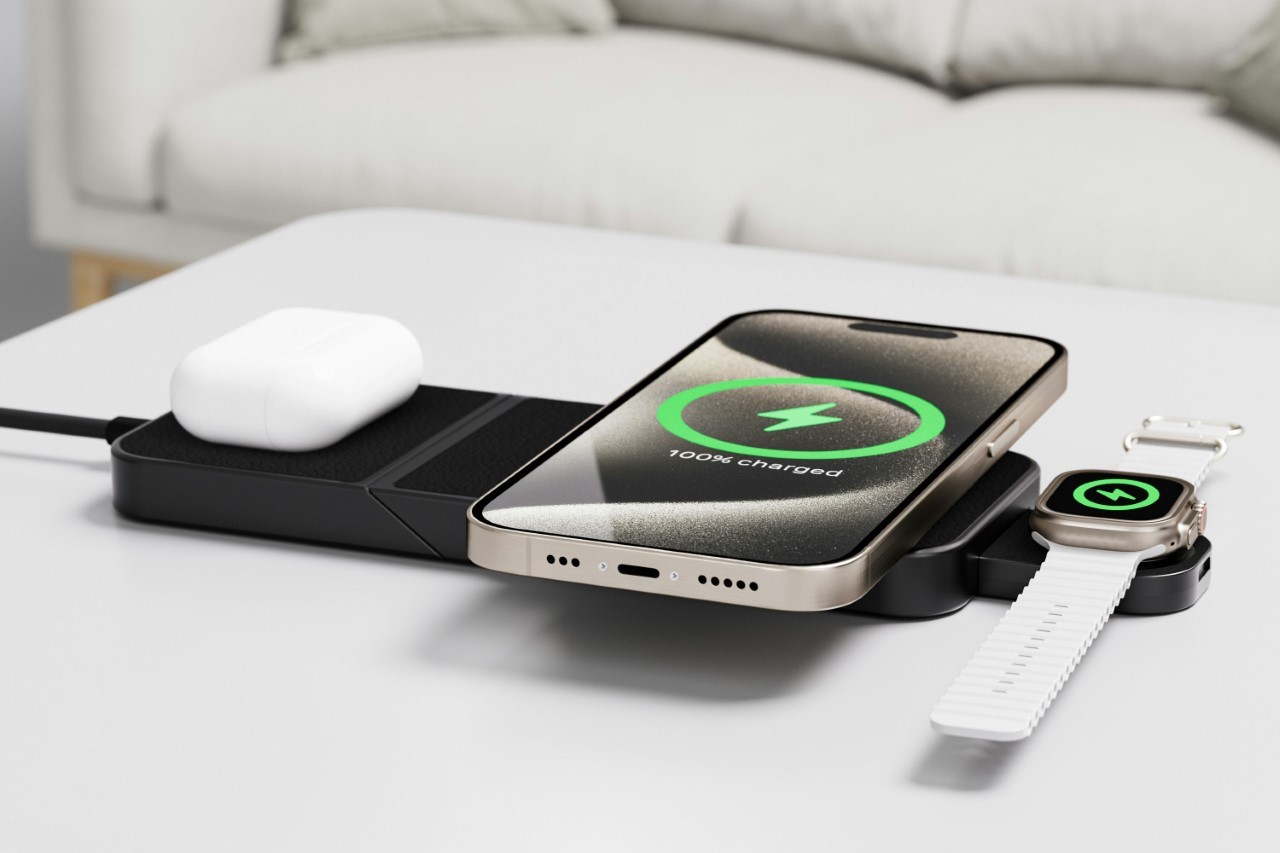
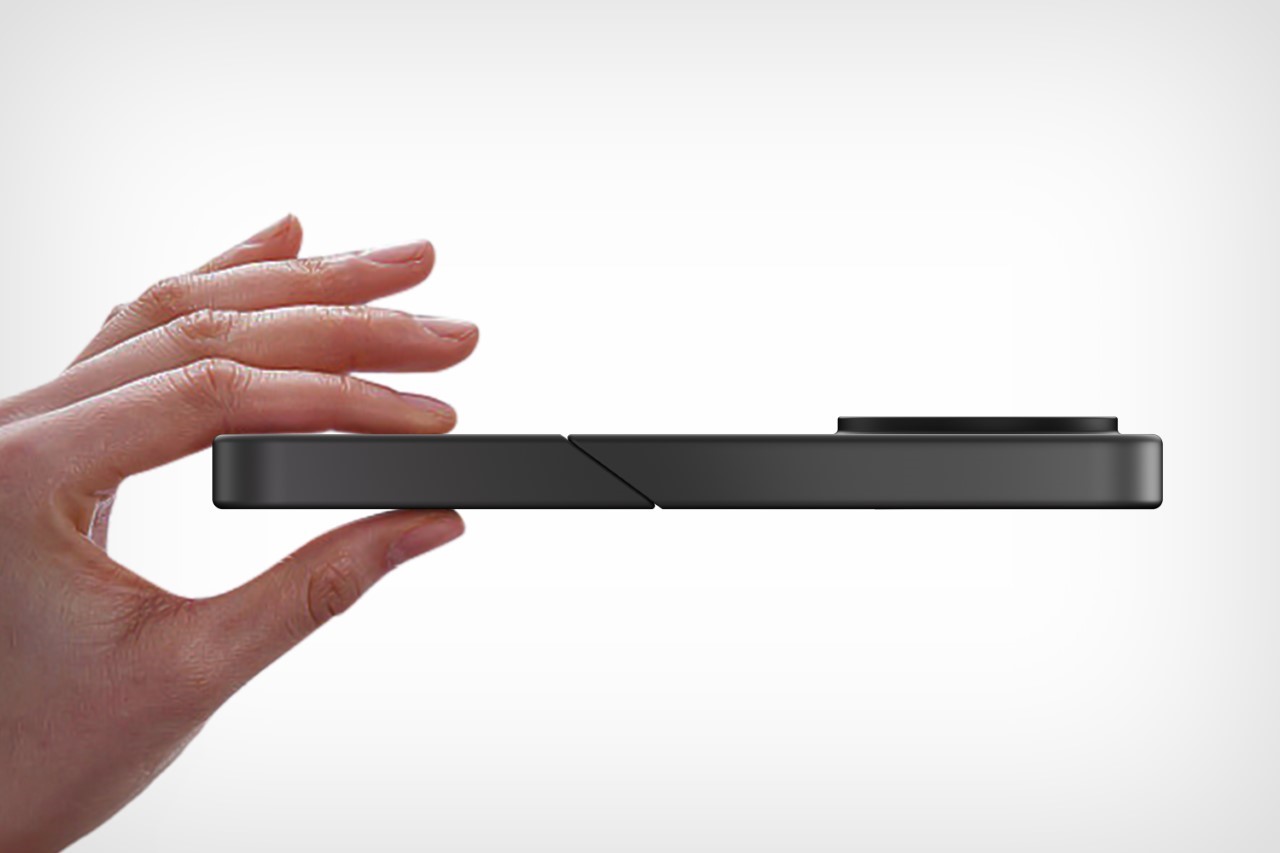
The two simple ways to look at the MagFree Transform are as A. a flat charger that’s easy to carry, and B. a shapeshifting versatile charger that juices your iPhone, Watch, and AirPods simultaneously. Individually, those are great features. Together, however, they make a formidable combination that sets the MagFree Transform apart as a perfect pick for charging both at your table as well as on the go.
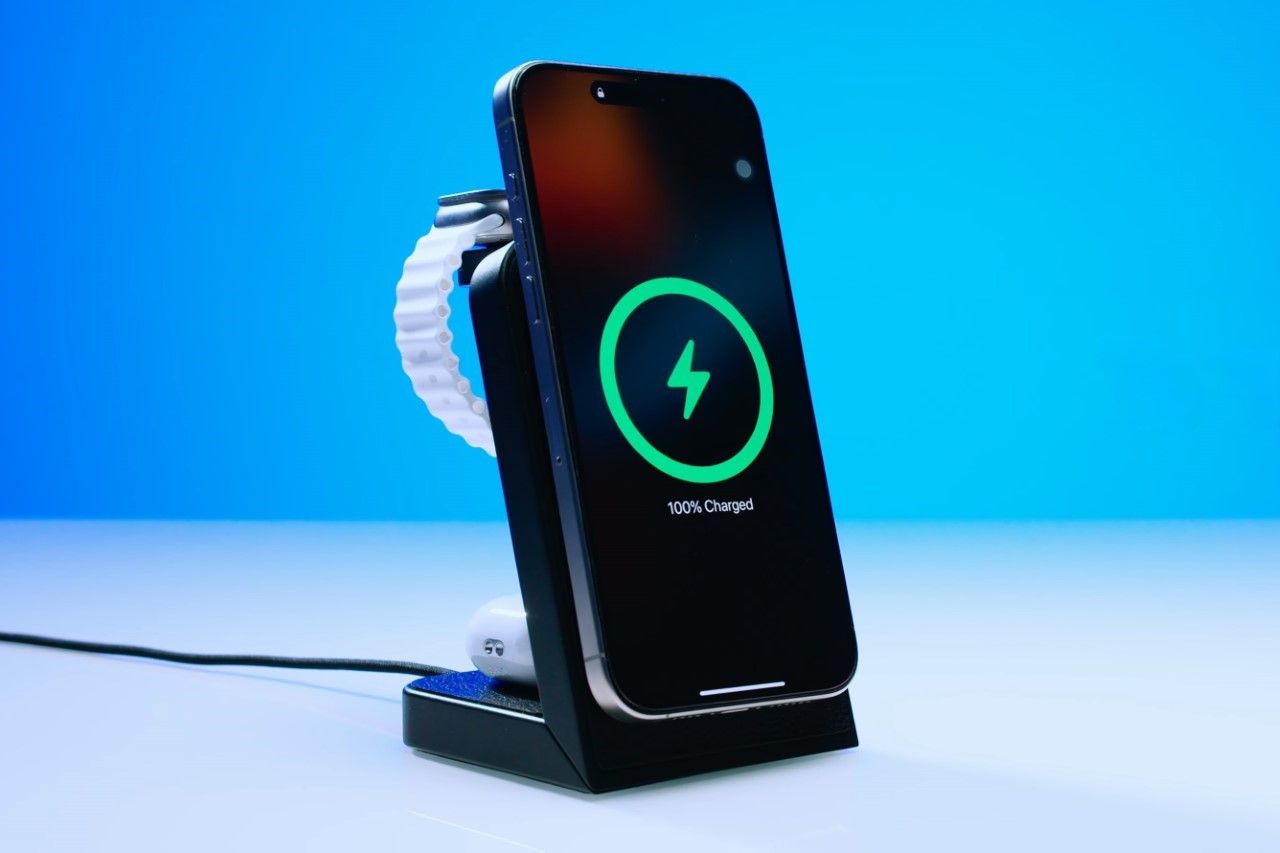
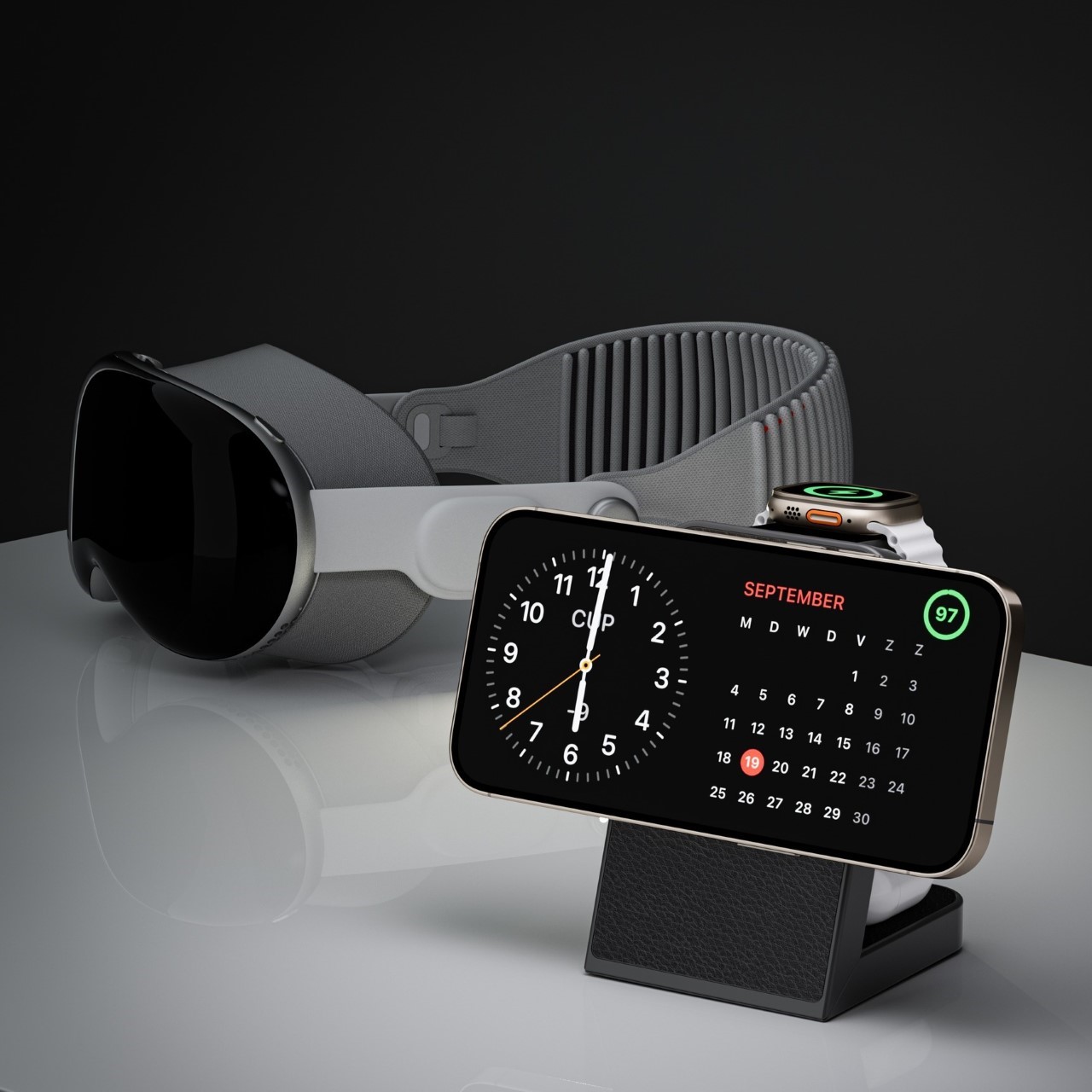
Perhaps the most noteworthy part of the MagFree Transform’s design is the swiveling detail that allows it to go from mat to stand in under a second. Relying on an angular cut and a swivel joint, the MagFree Transform gets its name from its ability to literally shapeshift between one of two formats. In the mat-shaped format, the charger lets you easily rest all your gadgets down on its horizontal surface, but swivel it into a dock and it puts your smartphone on display, allowing it to snap into place thanks to a MagSafe detail in the charging ring. Meanwhile, the AirPods and Watch charge at the back, away from your view. The MagSafe ring supports both vertical and horizontal docking methods (with the latter activating the iPhone’s StandBy always-on screen.
Convenience aside, the MagFree Transform also outputs a total of 23W across all its charging zones, helping ‘rapidly’ juice all your devices. The primary charging coil outputs 15W to charge your iPhone faster than traditional 7.5W or 10W wireless chargers, while the coil for the Apple Watch maxes out at 5W, and the AirPods coil at 3W. Sure, this doesn’t compare to the kind of fast-charging speeds offered by wired chargers, but for a sleek wireless charger, the MagFree Transform sits at the top of its ladder.
It can simultaneously charge three devices at the same time, whether in mat or standing mode. A USB-C port on the back lets you hook your MagFree Transform to any power source (like an outlet or a power bank) so you can charge anywhere, whether it’s on your workspace or at your bedside. Heck, at that $39 price point, I’d probably buy multiple units just to keep in different parts of my house. The only thing missing is a USB-C out that would allow you to connect your charger to an iPad or any other device for wired charging too. However, the MagFree Transform focuses strictly on wireless charging, which is a kind of commitment that I can respect.
The MagFree Transform supports Apple’s StandBy feature during charging.
Measuring 8 inches in length, 3.2 inches wide, and 0.59 inches thick, the MagFree Transform is just marginally bigger than a Plus/Max iPhone. It weighs a paltry 100 grams, making it incredibly easy to slip right into your bag or backpack to carry around with you, and comes in two color choices – white or black, with the ability to attach (and even swap) vegan leather veneers on top to cushion your gadgets and give the MagFree Transform a classy and distinct look.
Each MagFree Transform charger starts at a discounted $39, and also includes a 30W GaN charging brick along with a 3.3ft USB-C cable in the box. An additional $10 will either get you a soft-shell case to carry your charger and its accessories, or a set of those aforementioned vegan leather covers to customize your gadget. The MagFree Transform ships globally starting April 2024.
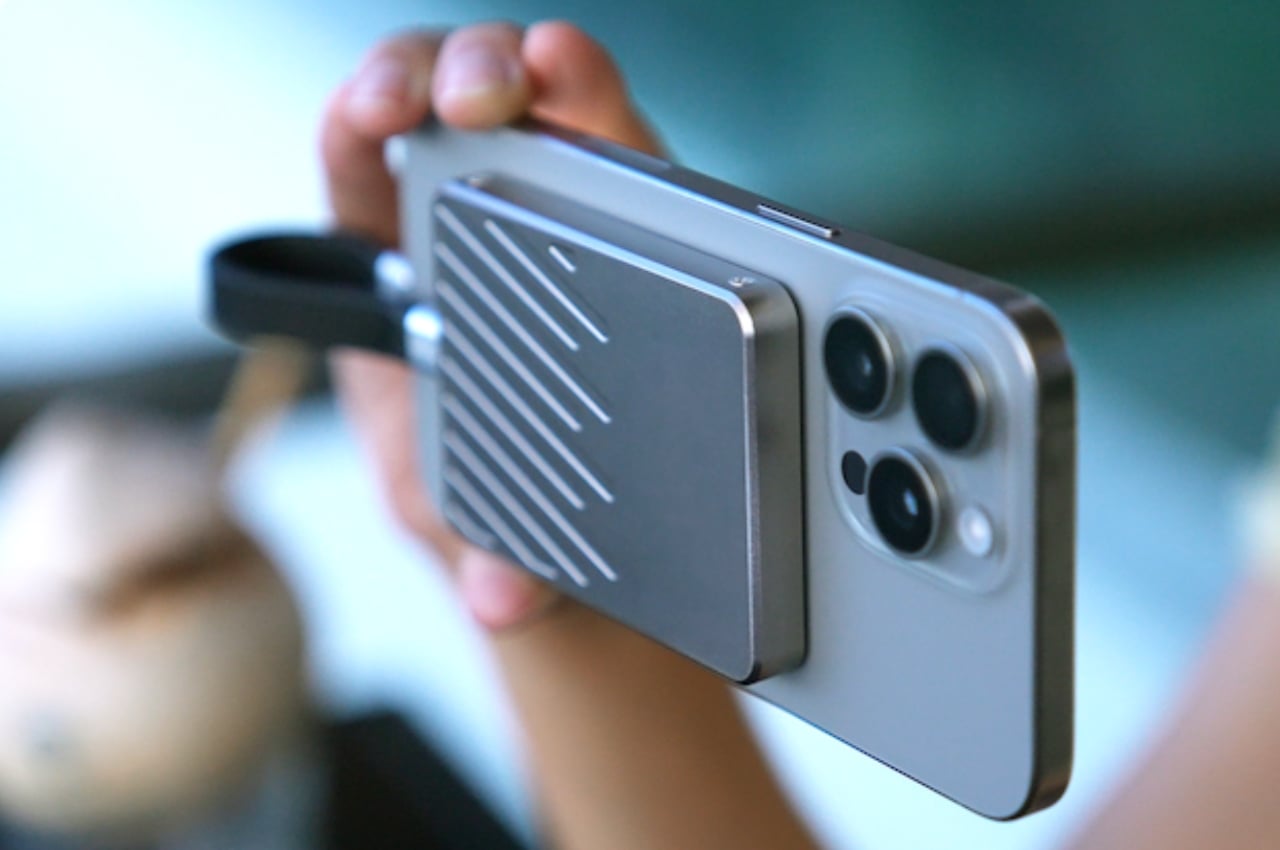
The MagDisk is a device that really shows how far technology has come. It brings together a MagSafe-compatible SSD, a power bank, and a USB-C hub, making it more than just another gadget. It shows that technology is getting more integrated, packing storage, power, and connectivity into one sleek package.
The MagDisk stands out due to its storage capacity, ranging from 512GB to an impressive 4TB, making it suitable for everyday users and avid content creators. However, its real strength lies in its speed – it can read and write data at speeds of up to 2,000MB/s, courtesy of USB 3.2 Gen 2×2 technology.
This feature is particularly beneficial for those who work with large files, such as video editors and photographers, as it significantly reduces data transfer times, allowing you to resume work sooner.
Pairing the MagDisk with the iPhone 15 Pro and Pro Max ensures ample storage and extra battery life when needed. As an iPhone user for over a decade, I’ve witnessed its evolution into a powerful tool for content creators worldwide. The iPhone 15 series sets a new standard with its 48MP camera, marking a significant stride in mobile photography.
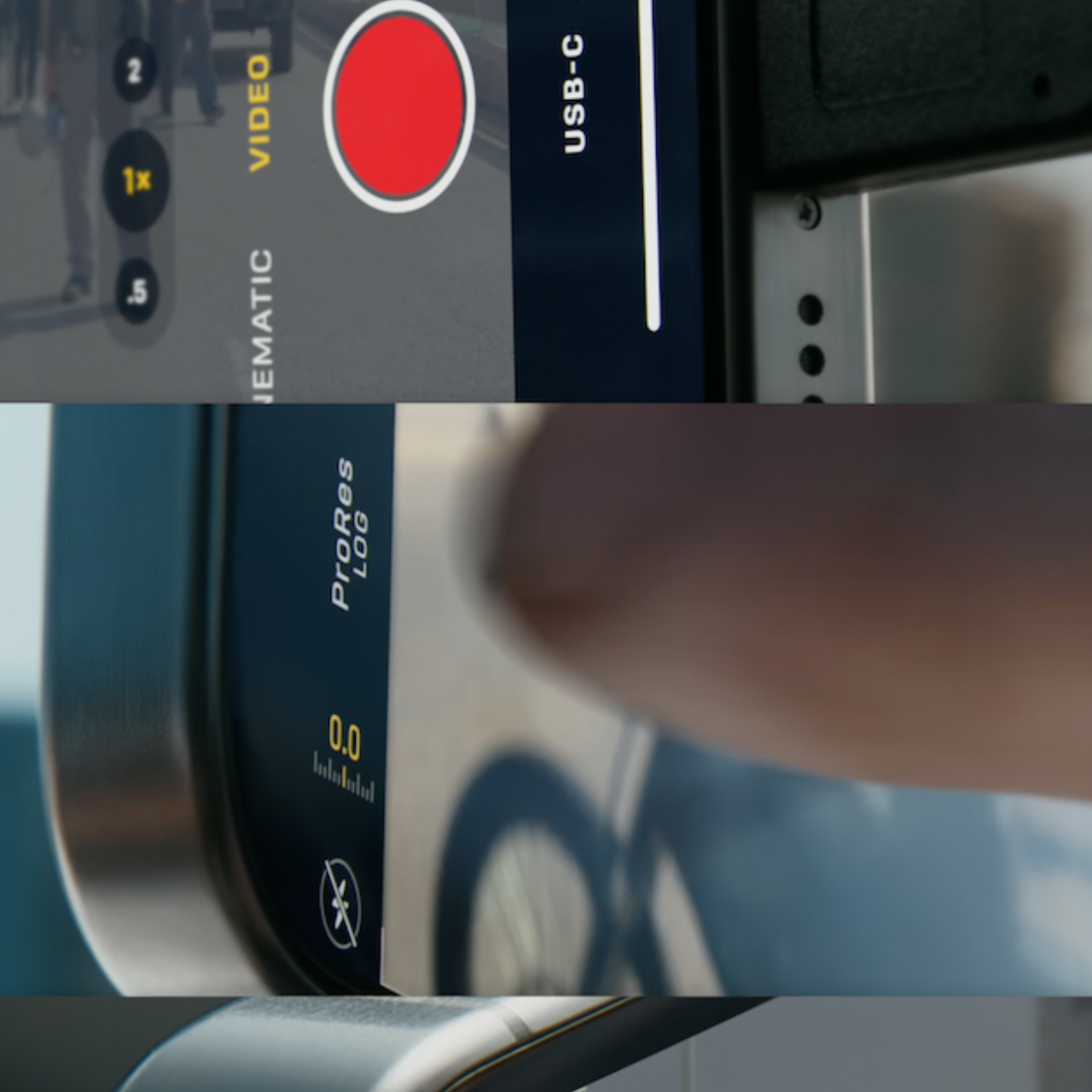
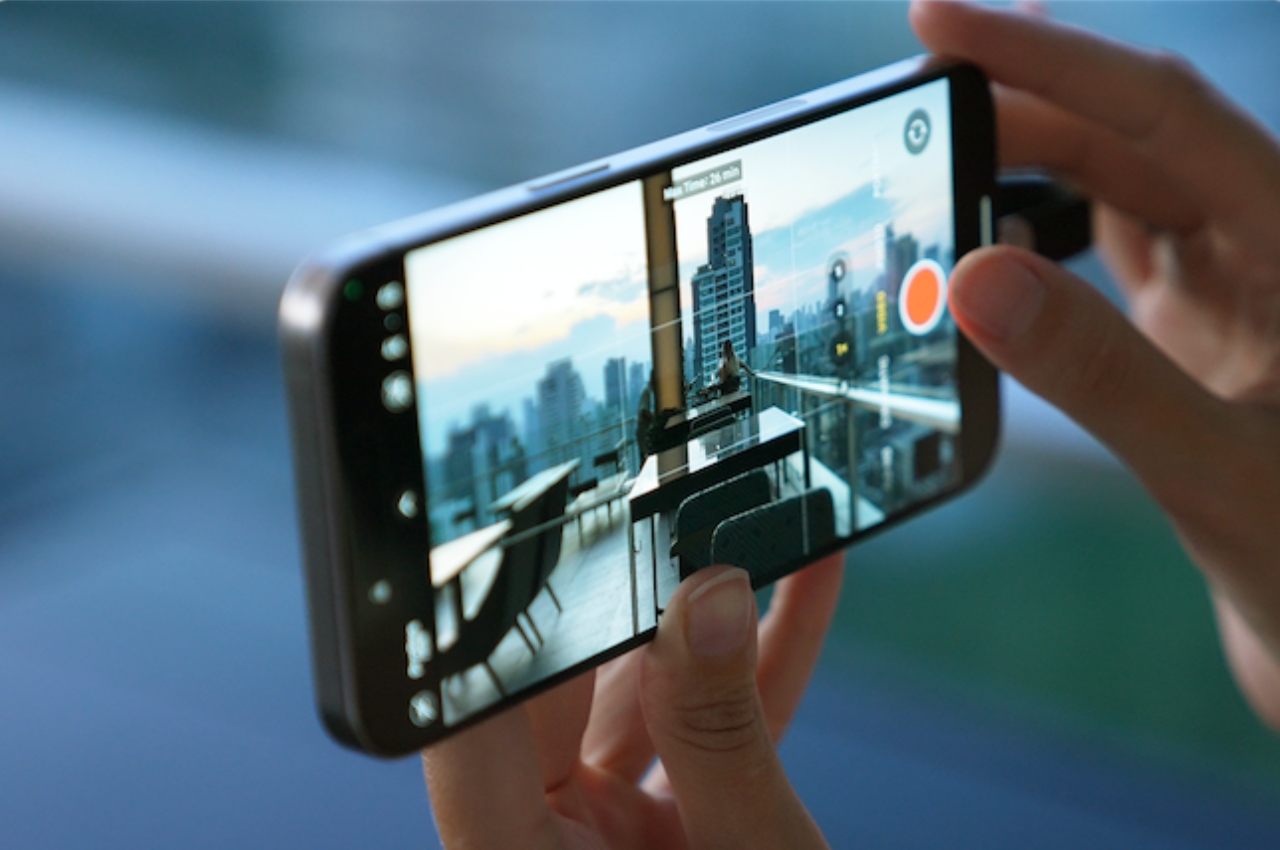
In addition to its impressive photo capabilities, the iPhone 15 Pro and Pro Max stand out in video capture, thanks to Apple Log and ACES (Academy Color Encoding System). ACES, a global color standard used in major films, provides unrivaled color accuracy to smartphone videography, rivaling professional equipment. Apple Log further enhances this by capturing a broader color spectrum, producing videos with balanced High Dynamic Range (HDR) and rich details. However, high-quality recording requires ample storage, and that’s where the MagDisk comes in. It pairs seamlessly with the latest iPhones, allowing users to capture high-resolution photos and videos, supported by fast and reliable storage. The MagDisk offers sufficient storage space for large video files. This ensures users can fully utilize the iPhone’s advanced video features without worrying about storage, paving the way for new possibilities in mobile content creation.
The MagDisk offers varying recording times depending on the model: 34 minutes on the 512GB drive, 69 minutes on the 1TB, 138 minutes on the 2TB, and 278 minutes on the 4TB version. Personally, I would choose the 4TB version to prevent running out of storage during crucial projects. The design of the MagDisk is both stylish and practical. Made from a rugged aluminum alloy, it’s strong but not heavy and resists corrosion and UV damage. This means it’s built to last, whether you’re using it in a professional studio or out in the field.
The MagDisk is a versatile device that serves as a wireless power bank and is compatible with MagSafe. It has a 2400mAh capacity and Qi2 certification, making it faster and more efficient than traditional Qi wireless chargers. This feature significantly benefits anyone who relies on their devices all day, whether a busy parent or a professional videographer. The MagDisk is compatible with both Apple’s Find My and Android’s Find My Device networks. This allows users to track their devices using encrypted Bluetooth signals, ensuring that valuable data remains secure and accessible. This feature is handy for those who frequently travel for events and projects, where the risk of misplacing our devices is always present.
Another crucial feature of the MagDisk Pro is its Dynamic Thermal Guard technology. This feature maintains the device’s safe operating temperature, crucial for its high-speed performance and data-heavy tasks like 4K60 video recording. It protects the device and safeguards the stored data while keeping the surface temperature low. This adherence to the international safety standard IEC62368-1 ensures users won’t suffer from low-temperature burns during use.
It’s noteworthy that MagDisk also includes a genuine USB Type-C cable. This is significant because not all USB-C cables provide the same data transfer speed or charging rate. The company suggests using the provided cable to ensure the best performance and to prevent the device from being recognized.
In our technologically driven world, the integration of various tech advancements is key to making our lives easier. The MagDisk is a perfect example of this. Not only is it an excellent external hard drive, but it also seamlessly interfaces with other technologies like gaming consoles. Moreover, it offers interoperability between Android and iOS. The team recently announced that MagDisk now fully supports Android devices for external storage during filming. This is achieved through the use of apps like mcpro24, similar to the capabilities enjoyed by iPhone 15 Pro users.
In simple terms, the MagDisk is not just a new gadget on Kickstarter. It shows how technology is evolving and connecting us. It has various uses – storage, wireless charging, and easy tracking. As we keep adapting to new technology, devices like MagDisk will become standard in our daily lives, shaping our everyday use of technology.
The accessory market for phones and computers is a wide and varied one, with designs that are all over the place and cover almost the entire range of the spectrum. Some try to offer everything, almost including the kitchen sink, resulting in a cornucopia of features and attachments, while others aim for the bare basics to keep things simple yet elegant. Minimalism continues to dominate the design world, and it has also started to grip the tech industry, particularly when it comes to gadgets and accessories. Minimalist design, though sometimes plain-looking, doesn’t exactly mean “boring,” especially when they take inspiration from some of mankind’s creative achievements to give these products an interesting visual and functional spin.
Belkin BoostCharge Pro 3-in-1 Wireless Charging Stand
Some say good things come in threes, and iPhone owners tend to own an Apple Watch and AirPods to complete a functional set. Keeping all three charged has become somewhat of a logistics problem, though thankfully it’s less of a mess now that none of them require charging cables all the time. Apple’s MagSafe technology has opened up a new world of designs, free from the tangles of wires, and it has given birth to a variety of charging docks and stations, including some pretty minimalist ones.
The Belkin BoostCharge Pro really takes minimalism almost to an extreme, being nothing more than a metal post that branches in two, standing on a plain round disc. While there are quite a number of 3-in-1 MagSafe chargers that support a similar combination, Belkin’s design emphasizes keeping a tidy appearance, whether there are devices charging on it or not. The base holds the AirPods case, keeping your desk or shelf clean, while both the iPhone and Apple Watch are held up high for easier visibility.
The charger’s clean and minimalist appearance takes its cue from modern architecture, with well-defined lines and shapes and a simple yet functional design. It distills the whole structure down to its essentials, providing support and a place for your gadgets to call home, without overpowering Apple’s already elegant and stylish aesthetic.
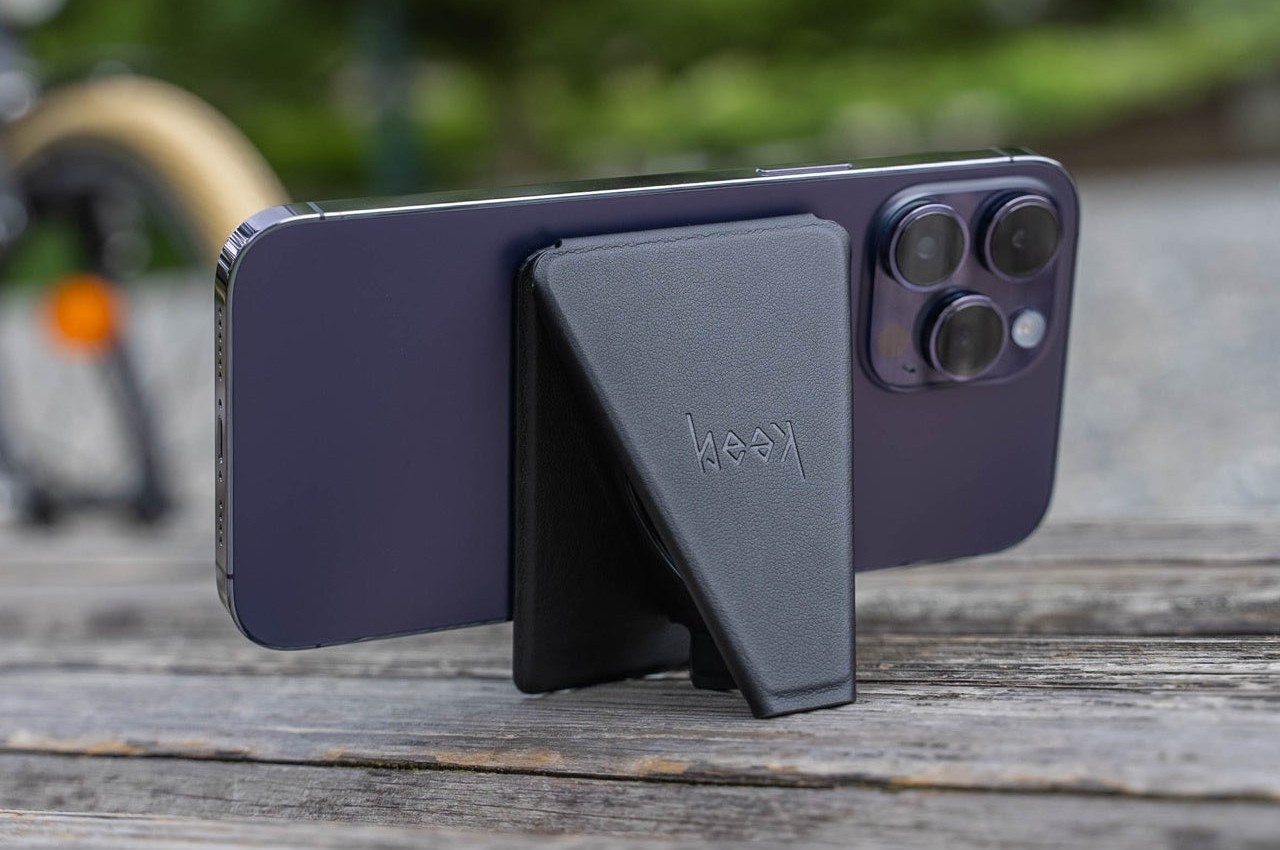
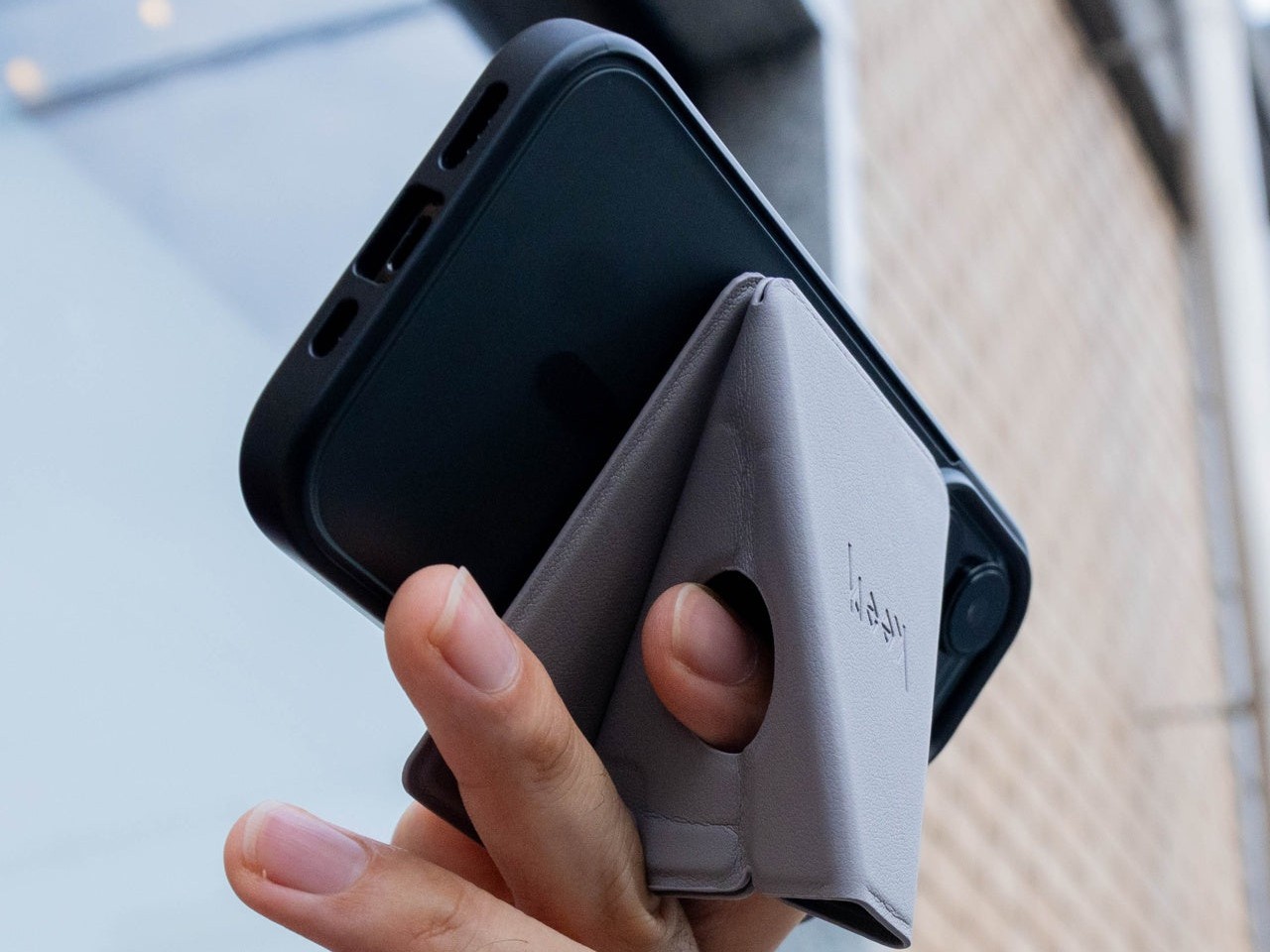
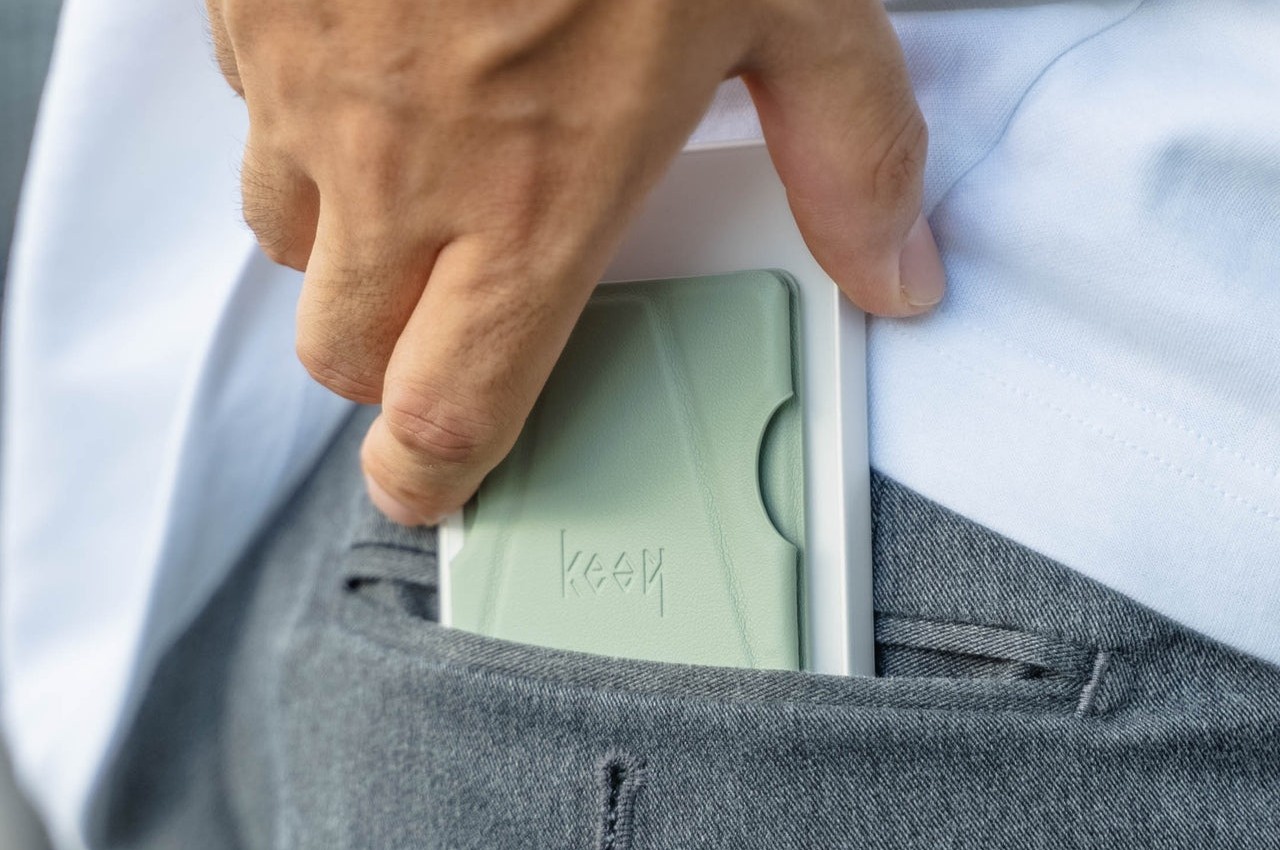
MagSafe Origami Grip Stand
The ancient Japanese art of paper folding has inspired many designs across history, from simple children’s toys to mind-blowing structures even to complex robots. The main pull of origami has always been its ability to change shape from a flat sheet of material like paper to something three-dimensional any moving parts or without removing or adding any part at all. Because of that, something that takes up space can be made to collapse down to almost nothing, like this grip and stand that adds almost no thickness to your iPhone.
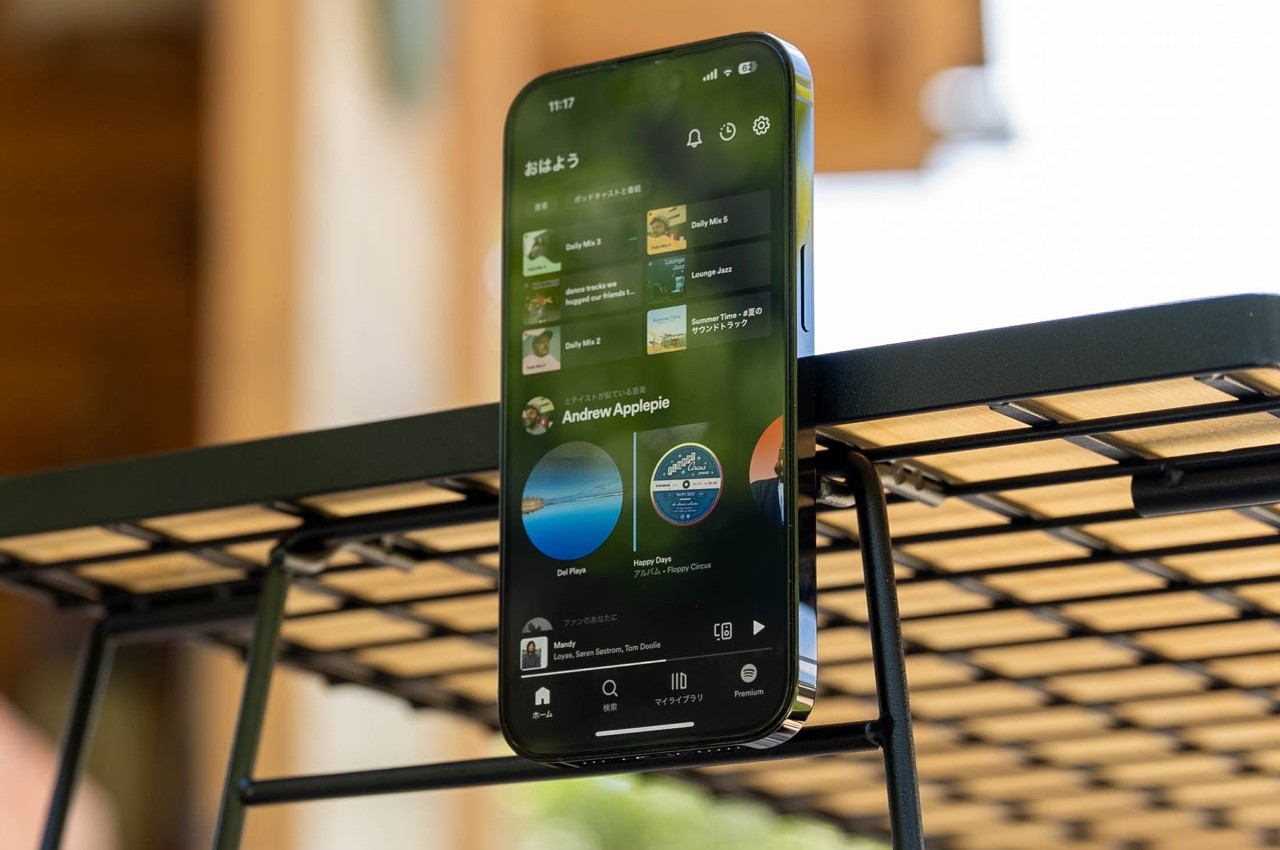
Thanks to its creative origami-inspired design, the MagSafe attachment transforms from a flat pad into a triangular shape that can do more than just prop up your phone on a table. It gives your fingers something stable to latch onto, making it perfect for taking selfies with confidence. It can even stick to metal posts, walls, and surfaces thanks to that strong magnetic power.
The best thing about its design is that it doesn’t get in the way when you don’t need it. It simply collapses back down to a flat shape that’s no thicker than the iPhone’s own camera bump. Nothing to snag when you slip it into your pocket and nothing to make it wiggle when placed on a table. It’s beautiful, functional, and as simple as it needs to be, nothing more.
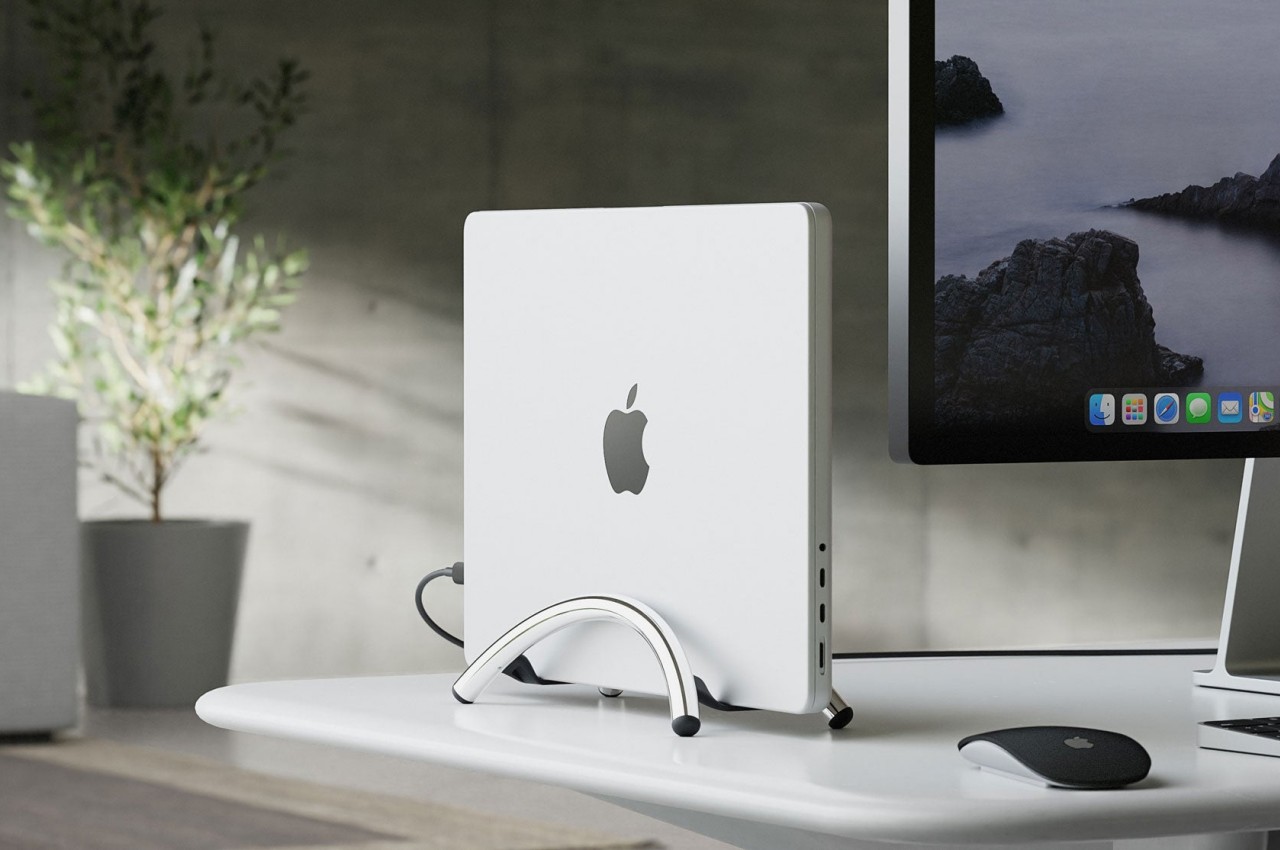
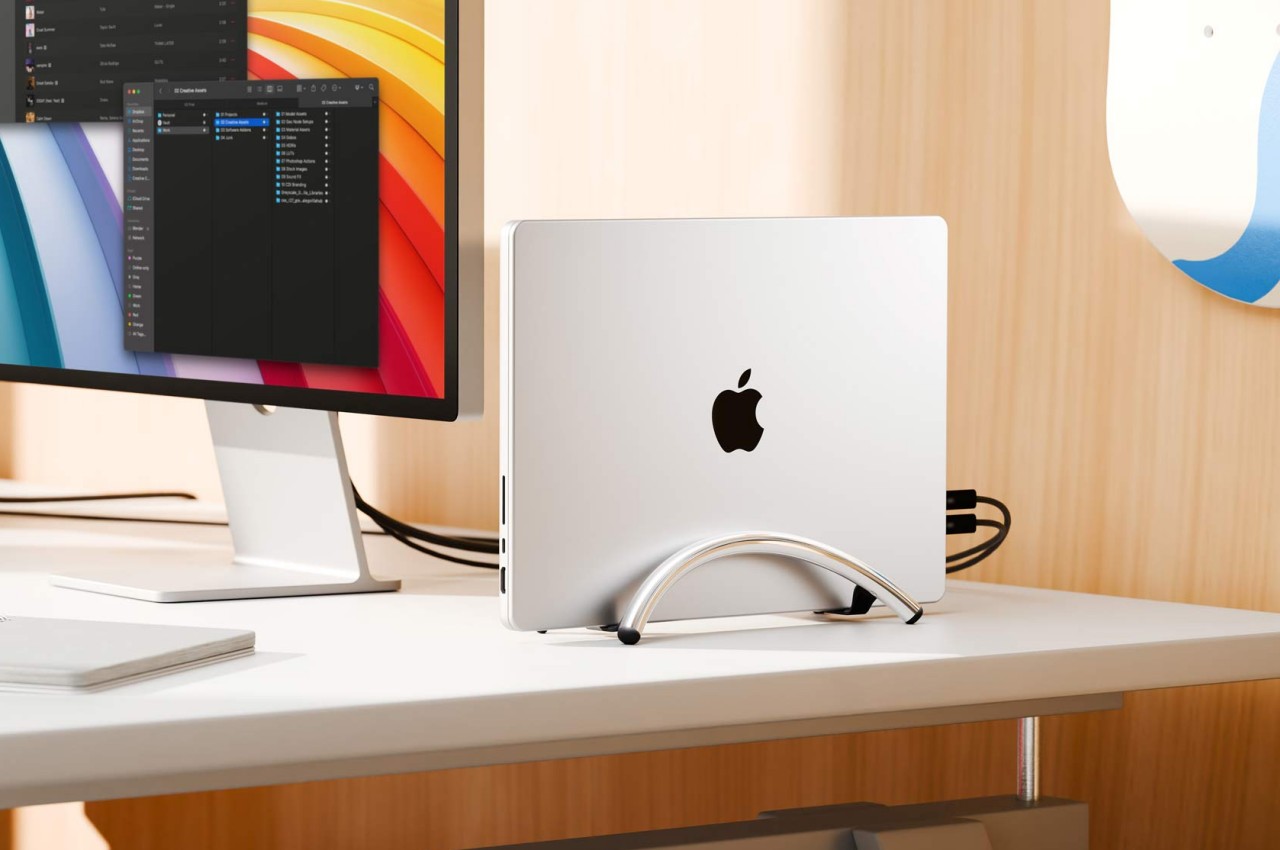
Twelve South BookArc Flex Vertical MacBook Stand
A laptop stand is, more often than not, a horizontal plane meant to hold your laptop while it lies down. Of course, that’s the most common way to use a laptop, but it’s definitely not the only way, especially when you’re using it as a makeshift desktop computer. With the lid always closed and the laptop simply connected to a monitor and other peripherals, having a laptop lying flat or even on a horizontal stand is already a poor use of precious desk space. That’s where a vertical laptop stand comes in hand, and Twelve South just launched what is probably the most minimalist design in that category.
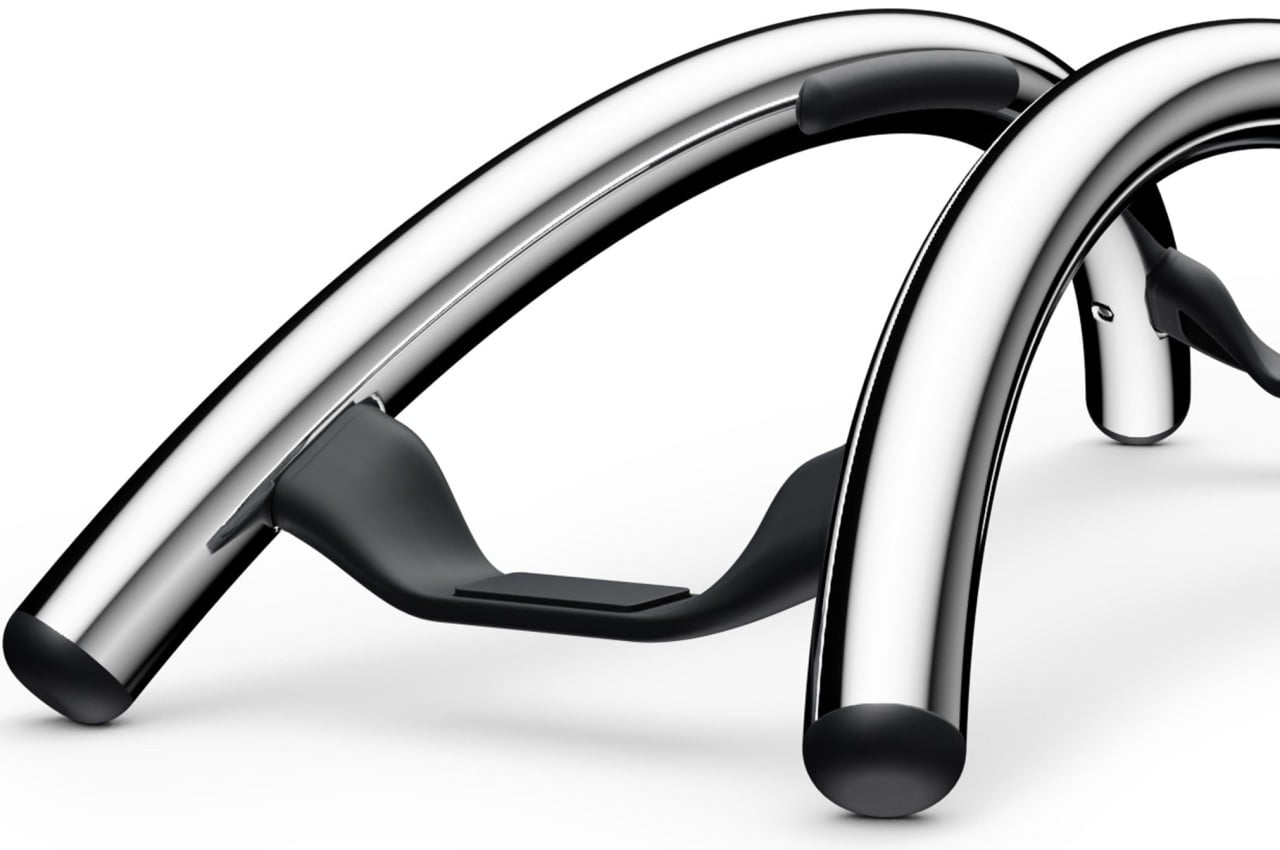
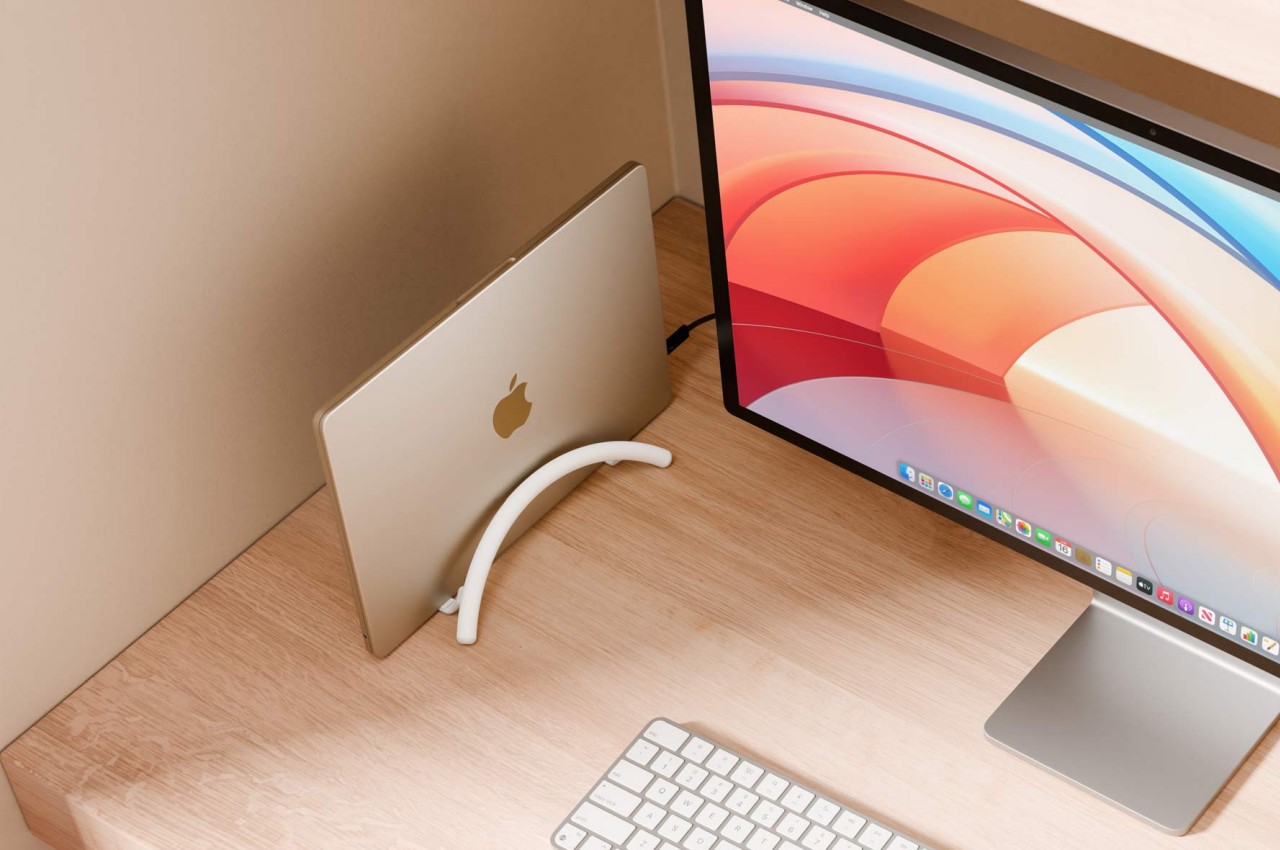
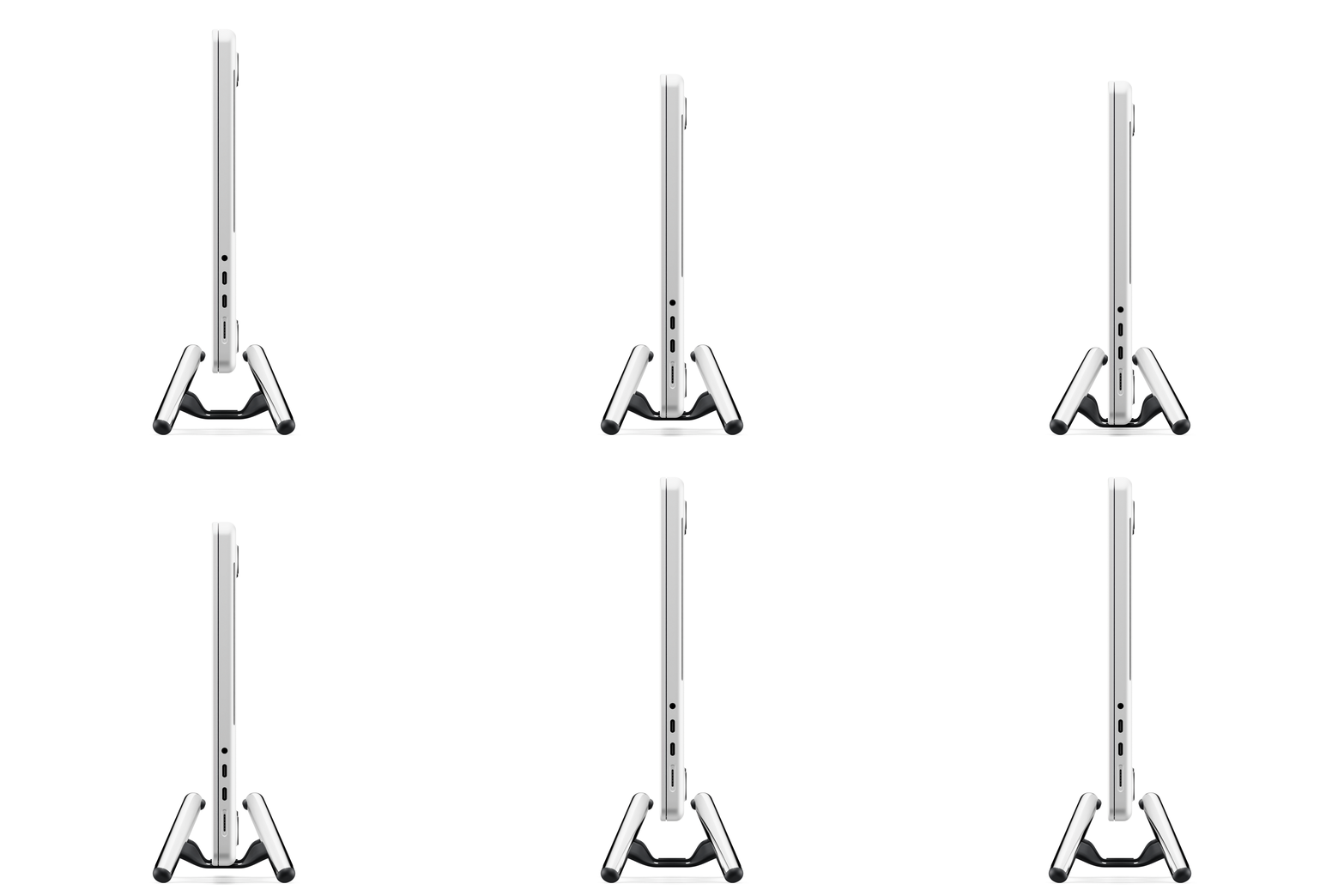
It might look like two simple metal arcs, but that ultra-minimalist design is what makes the BookArc Flex a work of genius. Designed to hold your closed MacBook vertically, it can save you precious desk space when all you really want to do is connect the MacBook to an external screen and some peripherals while it’s running. It keeps all the mess away without sacrificing any functionality, and you can still easily plug in other USB devices because the MacBook is still within reach.
The design is both simple yet elegant, perfectly complementing Apple’s design language with its bent all-metal rods in matte black, matte white, or premium chrome finishes. It is inspired by modern architecture, particularly the Noisette Creek Pedestrian Bridge in Charleston, South Carolina, in more ways than one. While it does owe its form to that bridge, it also takes a few lessons from a bridge’s structure and use of physics, particularly in how the stand uses the MacBook’s own weight to pull in the arcs and secure the laptop. That means that this simple design is also future-proof, supporting any MacBook or even any laptop that’s only an inch thick, making it a beautiful example of how good, simple design can be universal and timeless as well.
Touted as the world’s first power-bank with its own turbo-cooling feature, the Icemag power bank keeps itself (and your phone) breezy while charging. An ultra-silent fan moves at speeds of 8000 RPM, actively cooling the battery pack inside while the Icemag wirelessly charges your phone, preventing anything from heating up during the charging process.
Sharge has pretty much solidified its reputation for building some of the most incredible-looking charging equipment of our time. Whether it’s the transparent 170W power bank with its own LED display, or the tiny yet indomitable Flow Mini power bank that’s small enough to blend right into your phone’s design, becoming its dedicated second battery, Sharge’s built a rather wonderful ecosystem of charging gear that’s both powerful and unmistakably eye-catching. The Icemag joins that ecosystem as a first for both Sharge and the world – the 10,000mAh MagSafe battery pack comes with its own active cooling system that pushes hot air out from around the lithium-ion battery, increasing its life and overall efficiency as it charges your phone. It also comes as a rather opportune time, as Apple silently killed its own MagSafe power bank, leaving a void in the marketplace.
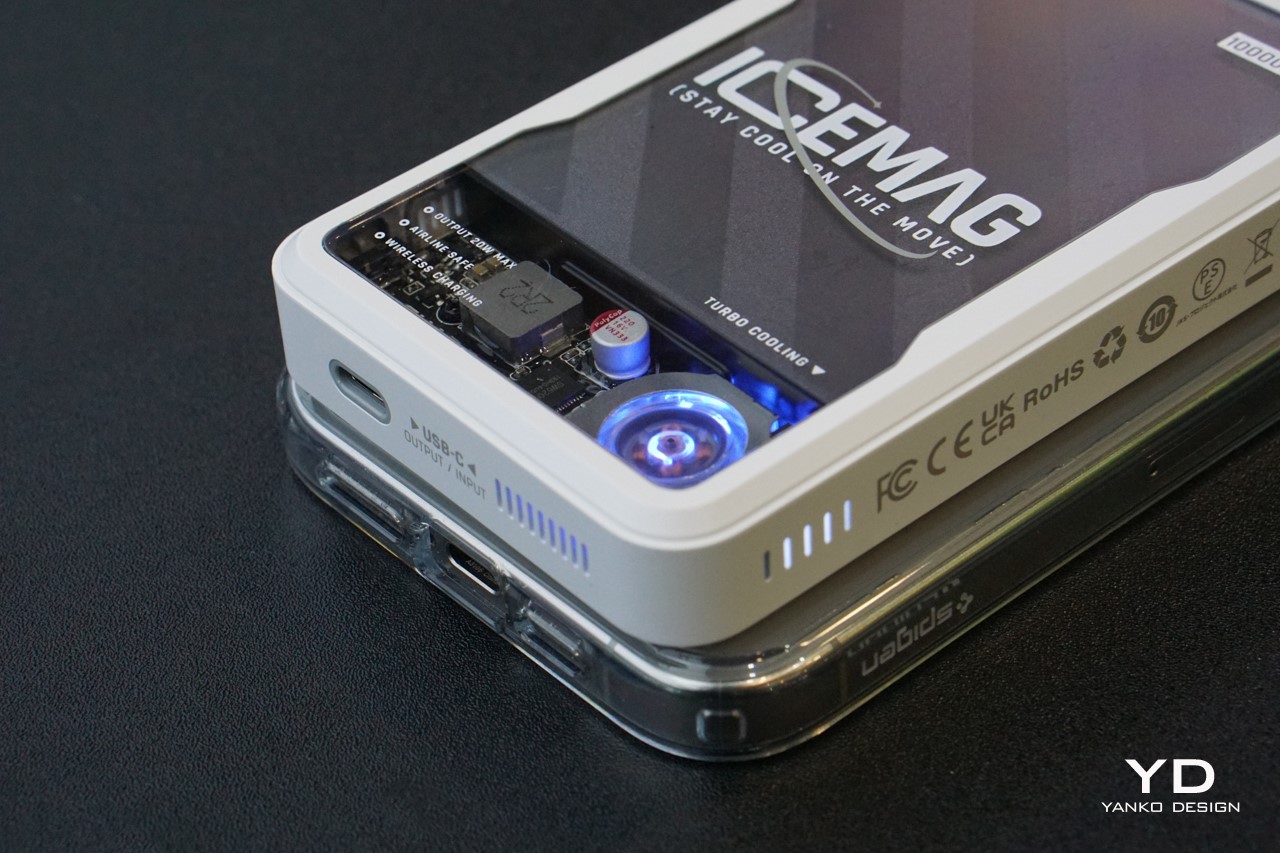
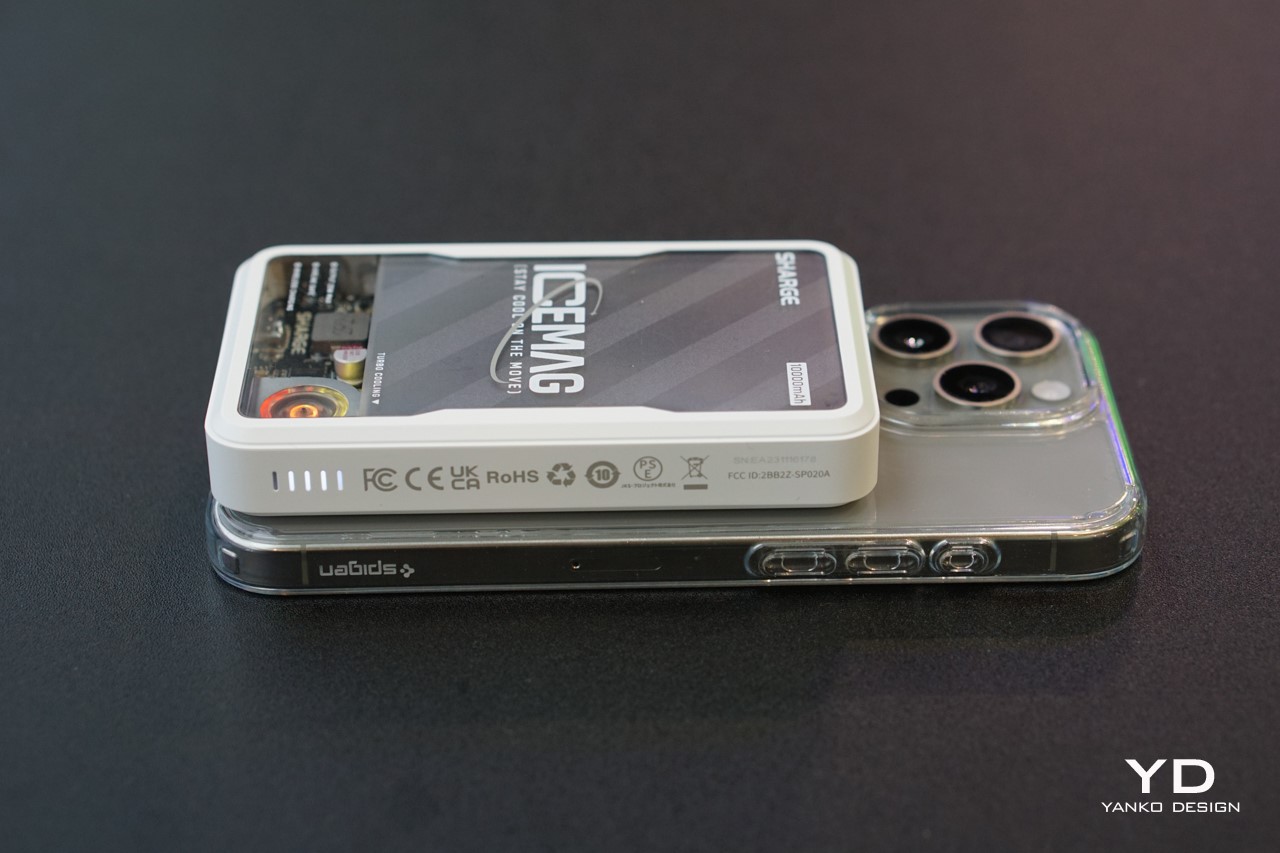
The Icemag has the same proportions as Apple’s MagSafe power bank, albeit with that aforementioned cooling system and a whopping 10,000mAh battery that charges your entire phone twice over with enough extra juice left to spare for a third charge. It sports Sharge’s unmistakable aesthetic, with a transparent panel on the front that lets you peer into the electronics inside – namely the lithium ion battery, the PCB, and that active cooling system.
The active cooling system kicks in the second the Icemag is connected to a device (whether through MagSafe or via USB-C cable). The tiny fan outputs an impressive 8000 RPM, helping circulate air within the Icemag to keep the battery actively cooled (rather than relying on a metal heat-sink like other charging apparatus). The fan operates at a deadly silent <25dB, and it was practically inaudible in the buzz and chatter of the CES floor. What was noticeable, however, was the RGB lighting around the fan that changed colors as the Icemag juiced your device. It served as a nice visual indicator of the Icemag’s activity, especially given Sharge’s tech-geek and gamer-centric audience.
The compact power bank snaps satisfyingly onto the back of your MagSafe phone, beginning the charging process instantly. An indicator on the side shows exactly how much power the Icemag’s battery still has, while a USB-C port on the base supports both power in as well as out. This means the USB-C port can be used to charge the Icemag itself or can be used to connect the Icemag to another phone to charge it conventionally (without using the MagSafe wireless charging feature). The Icemag supports pass-through charging too, letting you charge it while it wirelessly juices your smartphone, and as far as charging speeds go, the Icemag’s wireless charging coil outputs a maximum 7.5W. If you want to tap into higher speeds, connecting your phone/device via USB-C gives you an output of 20W, charging your gadgets significantly faster for when you’re in a bind.
The Icemag balances its responsibilities of being handy, eye-catching, and functional rather well. It’s compact for its capacity and weighs just 223 grams (7.9 ounces), allowing it to securely attach to the back of your phone without any problems. The 10,000mAh battery is absolutely perfect for people who blow through their phones during the day, giving you an extra battery that can support your phone multiple times. The transparent aesthetic and active cooling system, however, steal the limelight for the gorgeous nerdy-cool aesthetic they give the Icemag. The term nerdy-cool probably gets used literally in this sense because of the Icemag’s ability to keep itself at manageable temperatures as it charges your phone. I dare you to find a MagSafe power bank that’s as gorgeously functional as this one…















 PRO 3-in-1 charger that’s available on Apple’s own website.