iPhone 16 Action Button could open up new features, available on all models

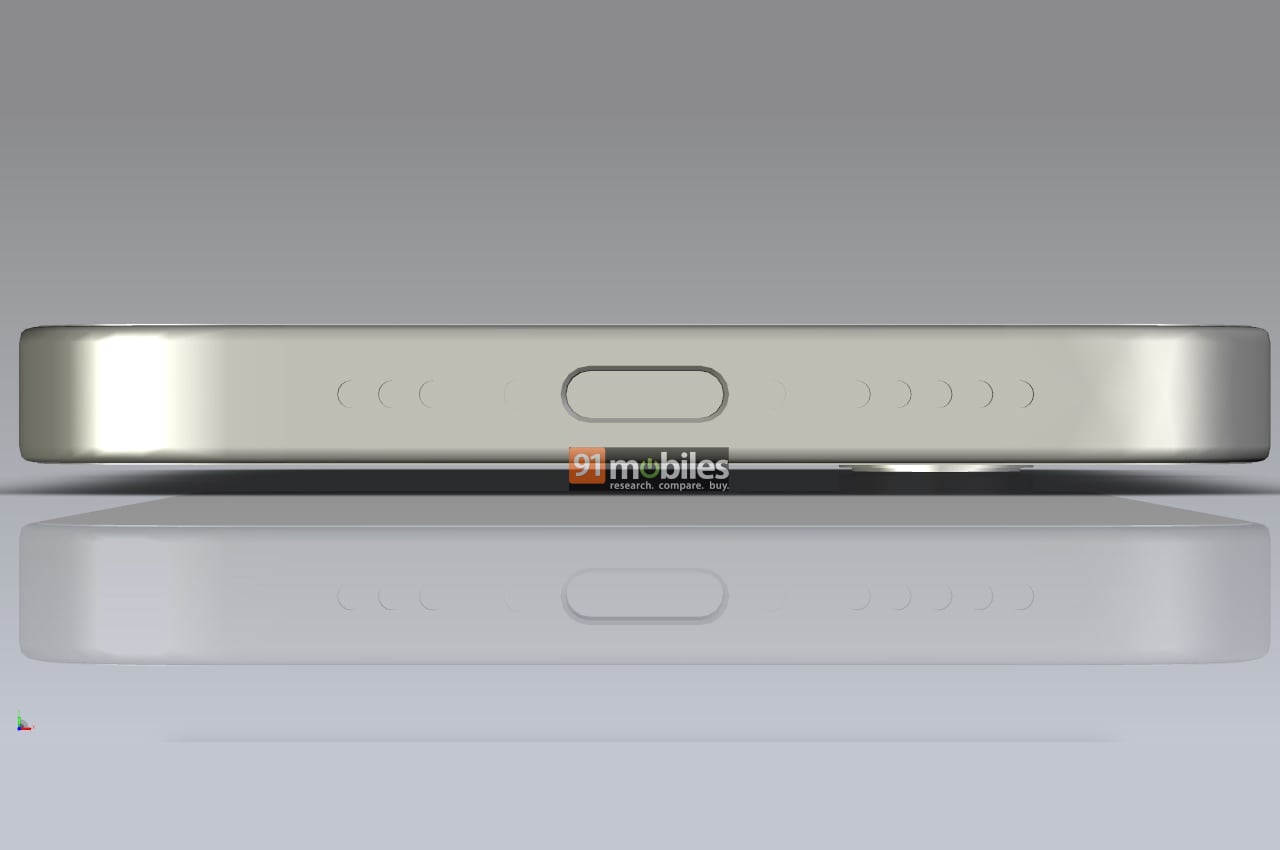
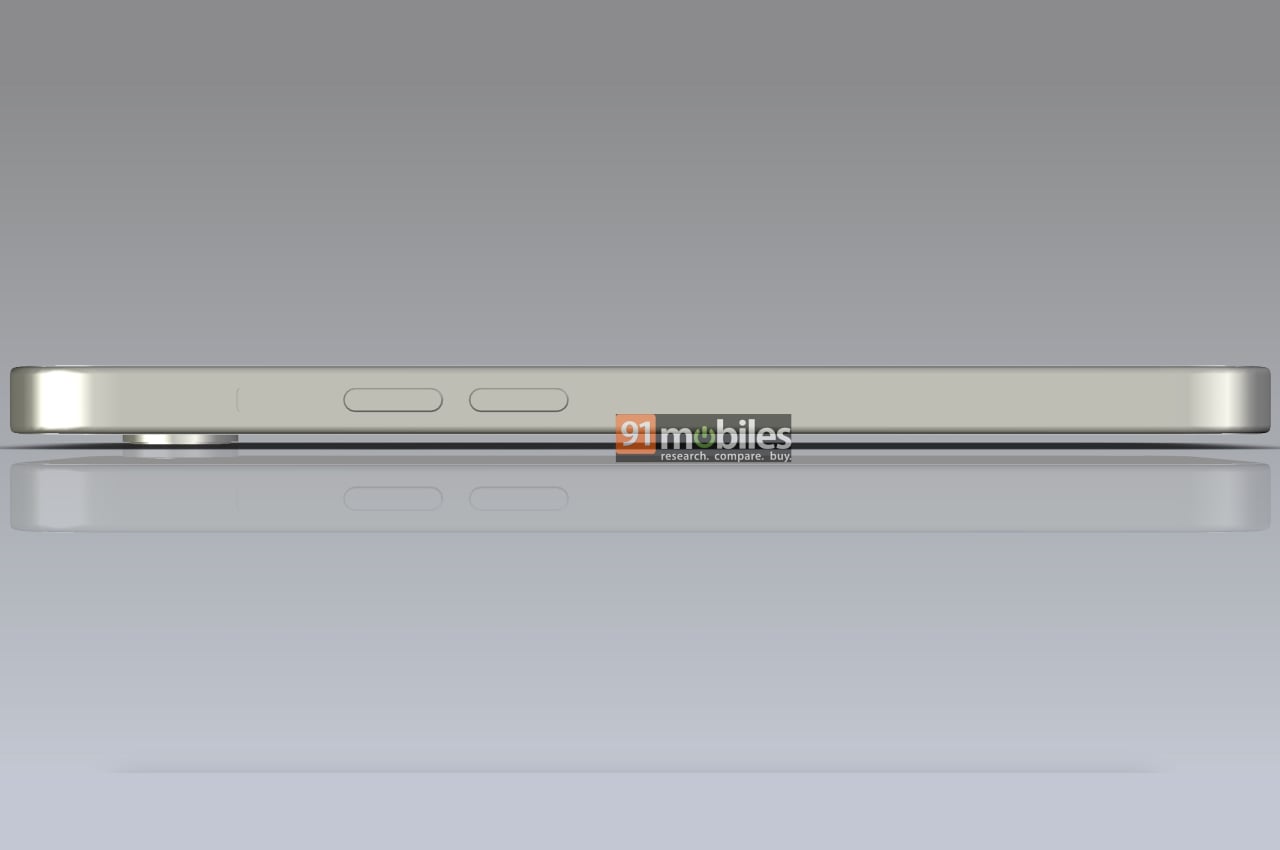
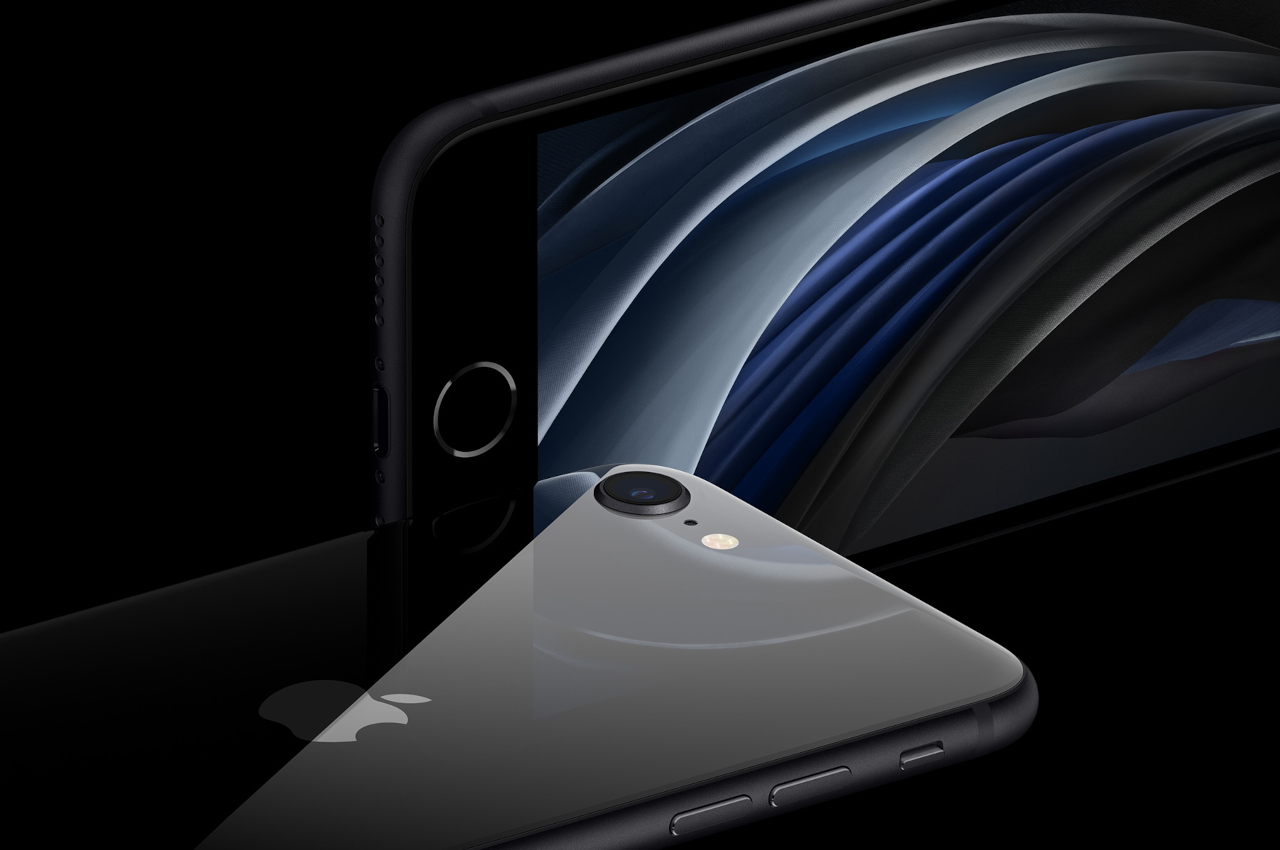
Although it might not be as prominent as Touch ID, the notch, or the more recent Dynamic Island, the physical mute switch has become one of the most loved features of the iPhone right from day one. It is one of those small features that proved just how attentive Apple was to the little details that significantly improved the lives of their customers. After more than a decade in service, that switch was eventually replaced by the Action button in the iPhone 15 Pro models this year, but of course, that isn’t the end of the story. According to sources, next year’s iPhones will have an even more talented Action Button and best of all, it will be available on all models right off the bat.

Designer: Apple (via MacRumors)

The physical mute switch delivered peace of mind by letting iPhone users switch from ring to silent mode and vice-versa with a literal flick of a switch, saving you from stress and embarrassment in times when your phone shouldn’t be audible. Presuming you know what the current sound mode is, you don’t even need to look at the switch’s position to push it. You can do it while your iPhone is still in your pocket, and no one will be the wiser.

There might be some fans who are sad to it go, but that switch has ascended to become a button. It can now do more than just switch to silent mode since it can be mapped to some actions, hence its name. Apple had some ambitious plans for the Action Button, but the lack of time meant it had to make do with a simple physical button and limit it to the iPhone 15 Pro and iPhone 15 Pro Max. But now that the cat is out of the bag, it is free to push forward with its original plans.

Although nothing’s set in stone yet, Apple might change the Action Button from a mechanical button to a capacitive one with force sensitivity. This is similar to the technology used in the previous Touch ID home button as well as the Force Touch trackpad on MacBooks. This revamped Action Button would be able to distinguish between a simple press, a long press, and a hard press, so you’d be able to assign at least two actions to the same button (long press is set to switching between ring and silent by default).

The exact implementation details are, of course, still up in the air, but it would be a very big improvement over the current basic implementation. Even better, those same sources claim that this new Action Button will make its way to all iPhone 16 models, both the standard and Pro models, so there wouldn’t be a need for envious buyers. Again, all of these are still unofficial, so Apple could still pull the plug from the plan if it doesn’t deem the feature to be ready by the time it locks down the iPhone 16 features next year.

The post iPhone 16 Action Button could open up new features, available on all models first appeared on Yanko Design.

Attach a faux Game Boy magnetic wallet to your iPhone

A lot of “vintage” gadgets and devices are back but not everything is in their original iteration. Not all of these are still working per se since there’s a reason why they became outdated but that doesn’t mean they can’t come back in one form or another. A lot of these older gadgets are now being retrofitted as design concepts. So if you see someone walking around with a Game Boy attached to their phone, that’s not really an actual Game Boy.

Designer: elago

The latest addition to elago’s Nintendo themed Apple accessories is the Game Boy MagSafe wallet, which is exactly what its name says. It’s a magnetic wallet that you can snap on to the back of your MagSafe iPhone (from the 12, 13, 14, and 15 series) where you can store up to two cards. It has RFID blocking material so yur cards will not be affected by electromagnetic waves.

What makes this silicone magnetic wallet unique is that its design is inspired by Nintendo’s Game Boy which will bring on the nostalgic feels for anyone who has played this classic gaming console at one time or another. From the display to the red buttons to the D-pad to the start and select buttons, it has captured the exact design and vibes of the typical Game Boy that we used to know and love.

Since it’s actually a wallet for your two cards, it has a button that will help push the cards out. And since you also have to hold both the phone and attached Game Boy Magsafe wallet, there’s a groove near the bottom so you’ll have a good ergonomic grip. It’s now available for purchase at just $19, if you want to make your iPhone look cooler.

The post Attach a faux Game Boy magnetic wallet to your iPhone first appeared on Yanko Design.

Apple’s iPhone Processors Turned into Collectible Art: This $69 Desk Accessory is the Perfect Tech Gift

Capturing over a decade’s worth of chip evolution, GRID Studio’s Apple A Series frame comes with real iPhone Processors going back as early as 2010, encased in a svelte acrylic sheet. As a part of the company’s larger Black Friday sale, the frame is now available at 50% off for just $69.

Some people are tech nerds, others are history buffs – GRID Studio’s products cater to both. The company turns old iconic products into nostalgia-inducing wall art, recycling devices like older iPhones, BlackBerries, MacBooks, Nokias, and even Nintendo gadgets into framed masterpieces. The products are sourced, disassembled, and turned into glorious tech collages complete with labels to help you appreciate the effort and sheer artistry gone into engineering and assembling some of your favorite products. While a lot of their framed artworks are designed to be large, wall-hung numbers, this particular one is a perfect tiny tabletop accessory. The Apple A Series Mobile Processors frame from GRID Studio comes with eleven authentic processors taken from Apple’s iPhone product line dating back to 2010. Each frame has a timeline going all the way from the A4 chip (used in the iPhone 4 as well as the iPod Touch) to the A14 Bionic which made its appearance in the iPhone 12 Series.

Designer: GRID Studio

Click Here to Buy Now: $69 $139 (50% Off) Special Black Friday Sale Discount

The journey starts with the A4 chip, which was the first time Apple designed its own chip for the iPhone. This was still in the Steve Jobs era when he envisioned Apple eventually building every single component in-house. Up until then, Apple’s iPhones were using Samsung-made ARM processors, so the reveal of the A4 really took the world by storm. At 45 nanometers, it’s really no match for the 3nm chips seen in today’s iPhones but it was still industry-leading back in 2010.

The frame’s timeline captures over a decade’s worth of Apple silicon evolution, culminating in the A14 Bionic which had a 5 nanometer architecture, 6 cores, and 4 GPUs. Each frame features actual authentic processor chips, encased in a stunning clear acrylic sheet that’s compact enough to sit on any tabletop.

The frame measures 7.68 inches across, 4.9 inches tall, and stands on 2 metal legs. Its tiny form factor (and rather attractive $69 price tag) makes it a perfect gift for a tech buff or nerd who tends to own the latest tech products. It’s a rather creative gift idea for people who can be a little difficult to gift for, and is sure to be a proud part of their workspace for years to come!

Click Here to Buy Now: $69 $139 (50% Off) Special Black Friday Sale Discount

The post Apple’s iPhone Processors Turned into Collectible Art: This $69 Desk Accessory is the Perfect Tech Gift first appeared on Yanko Design.

iPhone 16 Pro punch-hole camera cutout is still possible but 2025 is more likely

Ever since the iPhone X in 2017, Apple has stayed faithful to the notch despite numerous criticisms. Last year, however, it finally changed direction for the first time while still staying away from the dominant “punch-hole camera” design of most smartphones today. The Dynamic Island, which is unsurprisingly now being copied by other brands, presented a unique and interesting way to hide the presence of front sensors like the Face ID camera while still making that area usable and, well, dynamic. There are, however, whispers that Apple will soon go all-in on the prevalent design trend and will implement its first punch-hole design on the iPhone 16 Pro next year, though chances of that happening in 2025 might be a bit more realistic.

Designer: Apple (via Majin Bu)

Although the smartphone industry seems to have settled on what is described as punch-hole or hole-punch cutouts, the debates have never really stopped on what is the better design. The old iPhone notch, in addition to being seen as stale, also took up too much precious screen real estate that could otherwise be used to display things. The smaller circle does minimize the footprint but still leaves a lot of room for improvement in terms of elegance and functionality. The Dynamic Island introduced last year is Apple’s creative and ingenious solution to combine the best of both worlds, but it seems that even design-conscious isn’t done changing things.

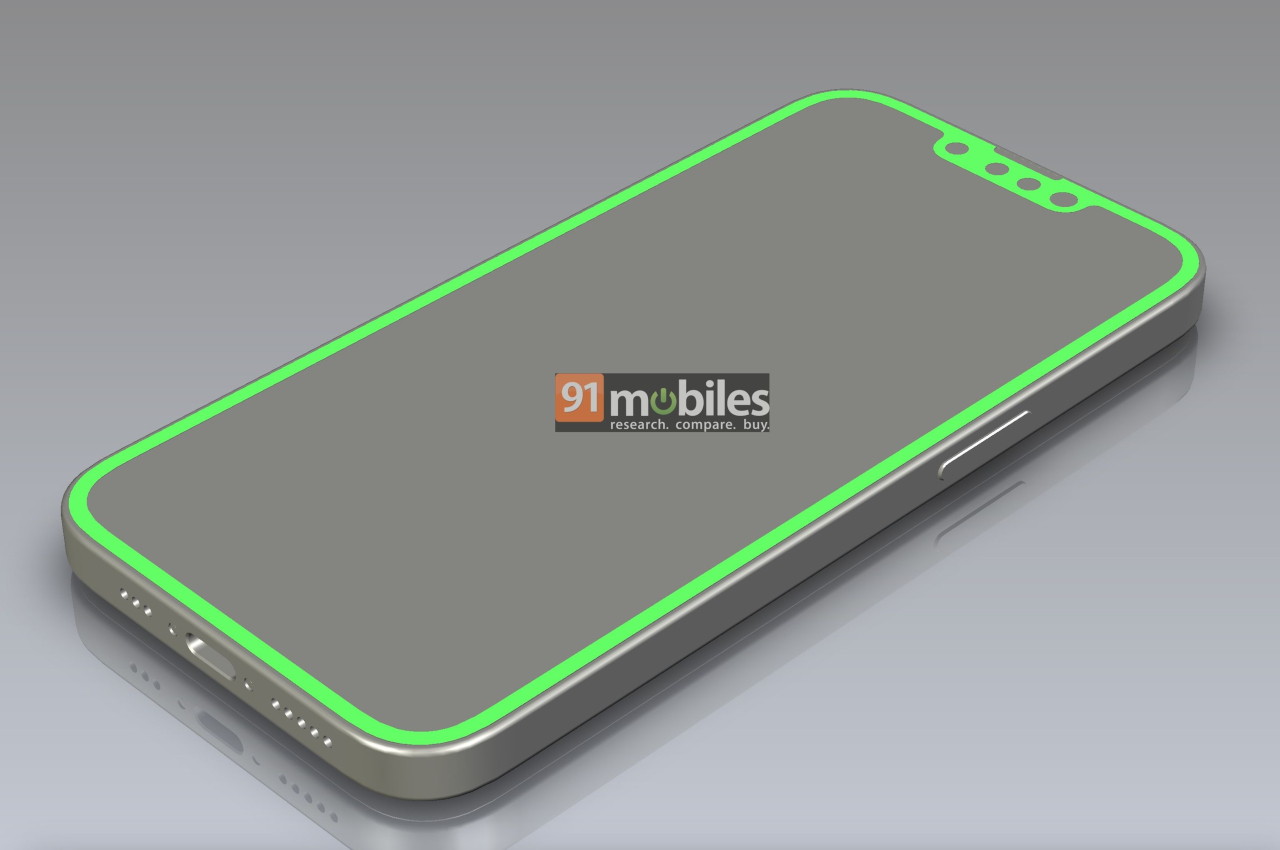
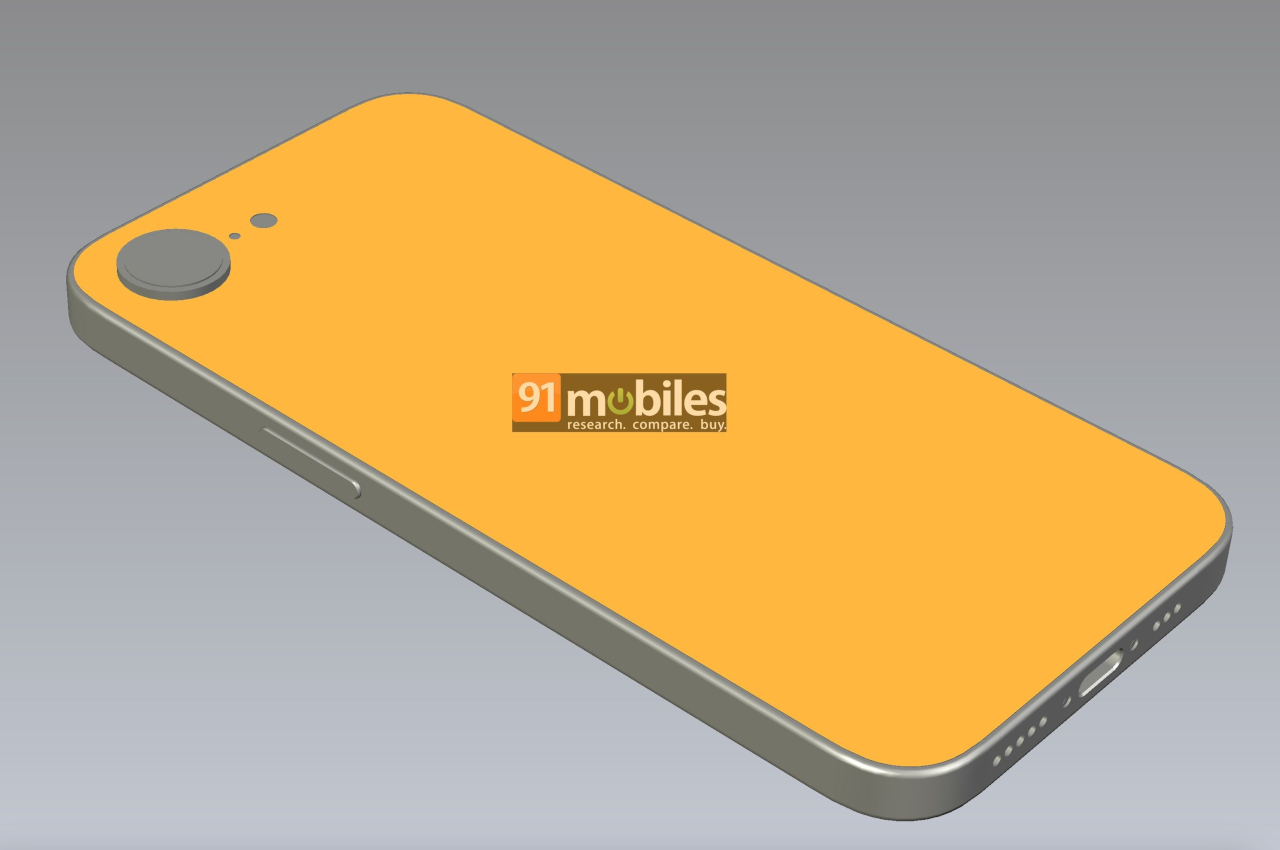
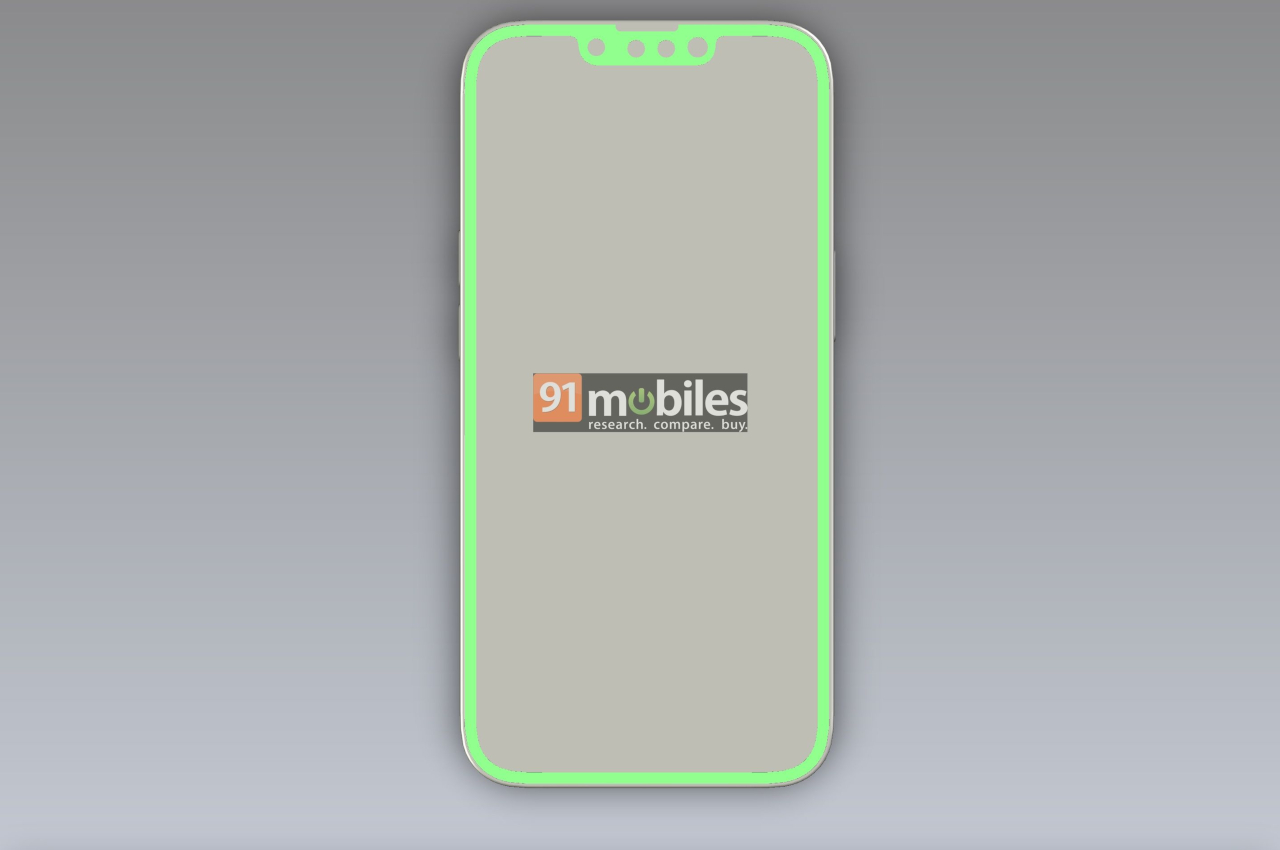
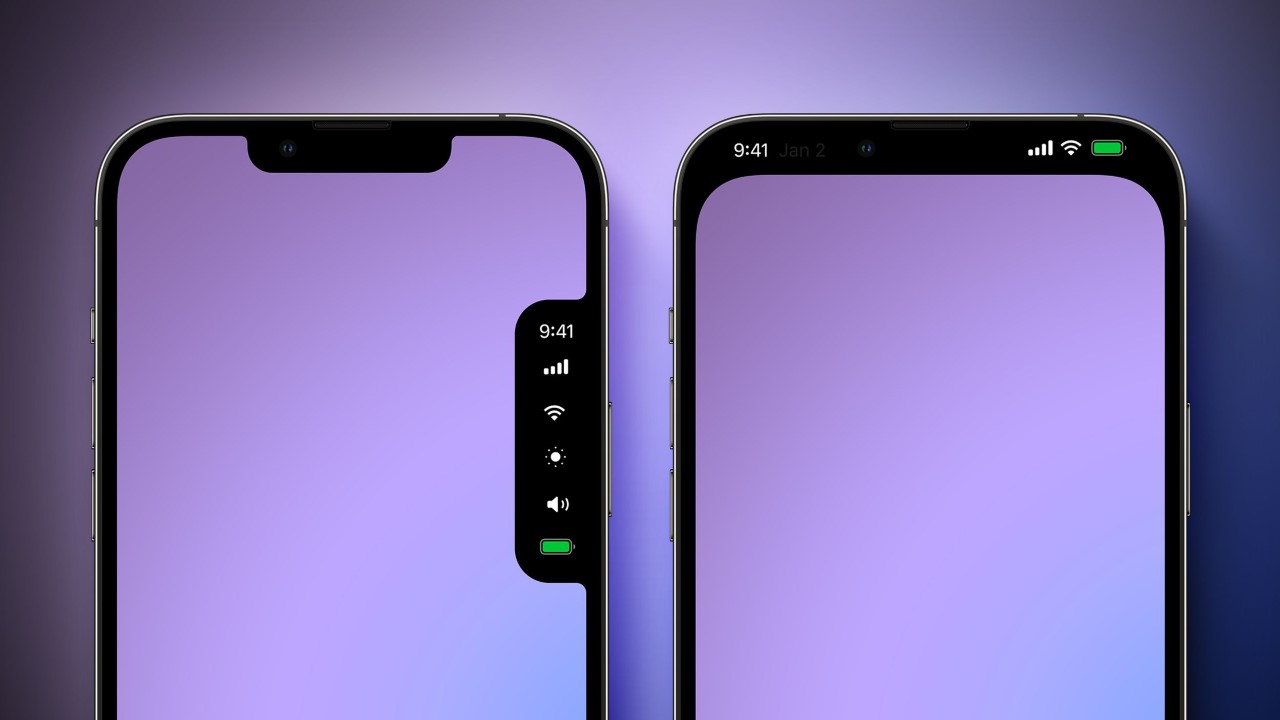
According to rumors, Apple is already testing a punch-hole design that could make its way as early as next year’s iPhone 16 Pro. The insider tip even shows a render with a rather large hole at the top of an iPhone’s display. The cutout is noticeably larger than most punch-holes on Android phones that have been trying to make that design less conspicuous. There’s a good reason for that, which is the same reason Apple couldn’t completely abandon the notch and why it created the Dynamic Island design. Face ID hardware is more than just a simple front-facing camera, and Apple will need to make room for those sensors in such a constrained space.

Even if Apple does change to a punch-hole camera design, expect it to be unlike what you see on Android phones so far. We could see a redesigned Dynamic Island implemented for this kind of cutout that takes advantage of the smaller space. Or we could see Apple completely revise iOS 18 to have a different interface now that there’s more room for icons and whatnot up there.

That said, even the tipster admits that there is a bigger chance that this design change will happen with the iPhone 17 series in 2025 instead. All that depends on what the company decides in March next year when it finally decides on the iPhone 16 design. Truth be told, there is very little reason for Apple to make another change so soon, with Dynamic Island still in its infancy. After all, Apple isn’t one to simply jump on trends, so it might be a while before we see it changing its direction again.

The post iPhone 16 Pro punch-hole camera cutout is still possible but 2025 is more likely first appeared on Yanko Design.

The 2024 iPhone SE could get a Big Redesign with a Camera Notch, FaceID, and USB-C

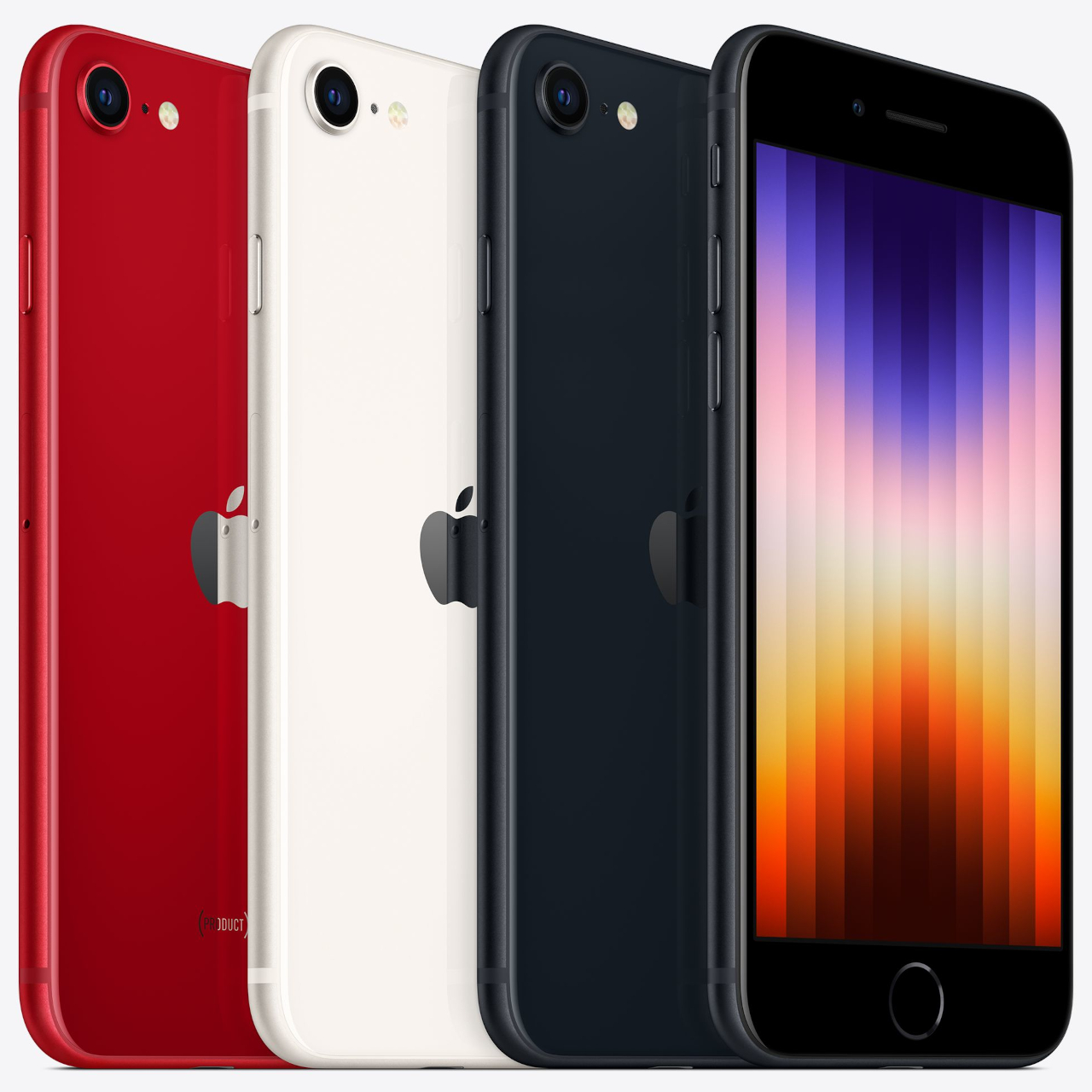
It’s been nearly 2 years since Apple refreshed their budget iPhone SE and analysts are predicting that the company will launch a completely refreshed 4th Gen iPhone SE in the year 2024. The budget iPhone SE hasn’t just been a hot favorite for people looking for affordable iPhones for themselves or their children (it makes a great first phone), it’s been incredibly beneficial for Apple too, as the company has used this opportunity to flex its recycling chops, using chassis elements, components, and hardware from previous iPhones to build new low-end models. Up until now, the iPhone SE has still rocked some of Apple’s older design elements, like the curved edges, thick bezels, and even the archaic TouchID fingerprint reader that disappeared entirely in 2018. Designer 4RMD believes, however, that the upcoming iPhone SE will finally see a design upgrade in the form of a flat-edge form factor, a camera notch with FaceID, an action button (instead of the mute slider), and who knows… maybe even MagSafe! Rumored for a 2024 reveal, the 4th Gen iPhone SE could also be Apple’s first ‘Carbon Neutral‘ smartphone.

Designer: 4RMD

According to 4RMD’s renders (and that gorgeous Apple-inspired trailer video above), the 2024 iPhone SE will finally merge seamlessly into Apple’s product offering by looking like a part of their cutting-edge phone lineup. This means a bigger, more responsive 6.1-inch OLED display (with a FaceID camera notch on the front) covered by Apple’s Ceramic Shield glass. The phone’s showcased in 3 classic colors – black, white, and Product RED.

The phone is also powered by Apple’s A16 Bionic Chip, which was debuted just months ago inside the iPhone 15 series. It seems like processor overkill given the budget-status of the phone, but then again, the A16 is great at hardware rendering, which would make the 2024 iPhone SE a stellar gaming phone and a perfect pick for parents looking to gift their kids a low-cost iPhone. The presence of the A16 chip would pretty much gut Apple’s iPhone 13 and 14 sales, though.

Given its budget status, it still comes with a single-shooter primary camera that’s been upgraded to 48MP. The ultrawide lens also shoots Macro, supports Night Mode, and is even capable of capturing Cinematic videos.

However, 4RMD’s concept iPhone SE does tend to shoot for optimism with a few specs and details that strike one as ambitious. For starters, he touts an Action Button, which I doubt Apple would carry over to the budget iPhone this quickly. There’s even a mention of transitioning to USB-C, which I don’t see Apple doing this year for their budget phones (Apple could just restrict sales in the EU regarding lightning port concerns, given that the SE range isn’t their money-maker).

What the video doesn’t highlight is any of Apple’s safety features like car crash detection, or even the presence of wireless charging and MagSafe. If the past is any indication, this phone won’t come with a charger in the box, so having wireless charging capabilities will still be a heaven-sent for most buyers. The 4th Gen iPhone SE is due to drop in 2024, although whether it launches with Apple’s refreshed iPads in March, or with the iPhone 16 in October is anybody’s guess.

The post The 2024 iPhone SE could get a Big Redesign with a Camera Notch, FaceID, and USB-C first appeared on Yanko Design.
Magsafe charging valet tray helps your area look less cluttered

If you have several devices that you want to charge at the same time, your desk can look like a tangle of wires and other charging paraphernalia. I am not the neatest person when it comes to my desk so that’s not such an uncommon or uncomfortable situation for me. But for those who are a bit concerned with how their work area will look, wireless charging is probably the best solution to avoid such clutter. If you have several devices though, you might also need several wireless charging pads, unless you get one that can charge multiple gadgets at once.

Designer: Courant

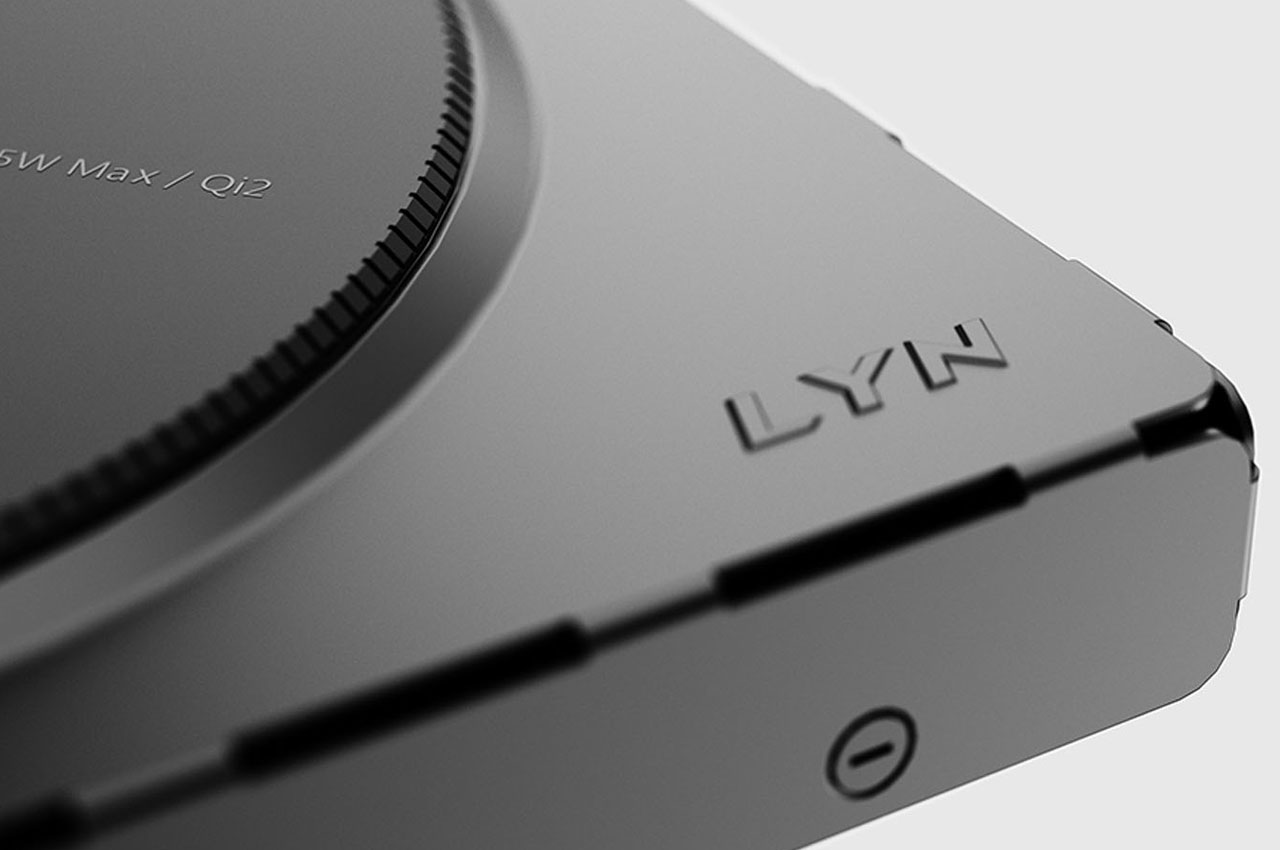
For Mac users, Courant is an accessory maker that they constantly look to (if they can afford premium devices though). The MAG:3 is their latest MagSafe wireless charging device and this time it looks like a minimalist valet tray for your iPhone, AirPods, and other small items that you can place there to make your side table or desk more organized. It is available in both leather and linen finishes and in several colors for each so you can choose which one best fits your current work or home aesthetic.

The tray is made up of a 7.5W output wireless charger pad for your iPhone, a 5W, non-magnetic Qi wireless charger pad for other compatible devices like Airpods, and a 10W USB-C output at the back part to power other devices like your Apple Watch or another USB-C compatible device. There is also space for things like your wallet, watch, keys, eyeglasses, and other small things that you may need to place beside your devices so you won’t forget any of them before you leave your house or your office.

The carbon-neutral Belgian Linen finish is available in camel, charcoal, and natural colors while the gold-rated Italian Leather finish has the saddle or black color options. It is now available to pre-order on the Courant website but since Black Friday deals are almost upon us, you get a discounted deal for a limited period in case you want to save a few dollars.

The post Magsafe charging valet tray helps your area look less cluttered first appeared on Yanko Design.
Top 10 Apple MagSafe Accessories To Give Your iPhone A PowerPacked Upgrade

The reinvention and return of MagSafe were an instant hit! There is a great sense of satisfaction, in my opinion, to have things just stick to your phone. Be it a pair of earphones (maybe that’ll be the next generation of AirPods) or have your phone just conveniently stick to a charging pad – it’s almost like magic. The reintroduction of the MagSafe led to a whole new world of accessories being unleashed. Designers and creatives were racing to create a whole range of products for the repurposed MagSafe. And we’ve been loving every bit of it! From an ingenious new iPhone MagSafe case design to a Gameboy-inspired MagSafe power bank – there’s a MagSafe accessory out there for your every need. And, we’ve curated many products that we truly believe are worth buying and investing in. This army of accessories will truly amp up your Apple experience!

1. UPRO Ostand Case

Winner of the iF Design Award, the UPRO Ostand case gives your iPhone’s MagSafe feature a bunch of super cool upgrades. This includes the ability to make your phone stand, hang, or stay securely in your hands when you click a selfie or scroll through Instagram. Although the UPRO Ostand looks like your everyday average iPhone case, the familiar magnetic ring on the back gives it that innovative upgrade!

2. Oakywood’s MagSafe iPhone Stand/Charger

Oakywood’s MagSafe iPhone Stand/Charger features a simple form factor and dual-shade wood construction. It is quite aesthetic inspired by Japanese and Scandinavian designs, the trend which is fondly known as Japandi. Oakwood’s MagSafe iPhone Stand/Charger is a clean and minimal accessory for your iPhone.

3. Apple MagSafe Grip Stand


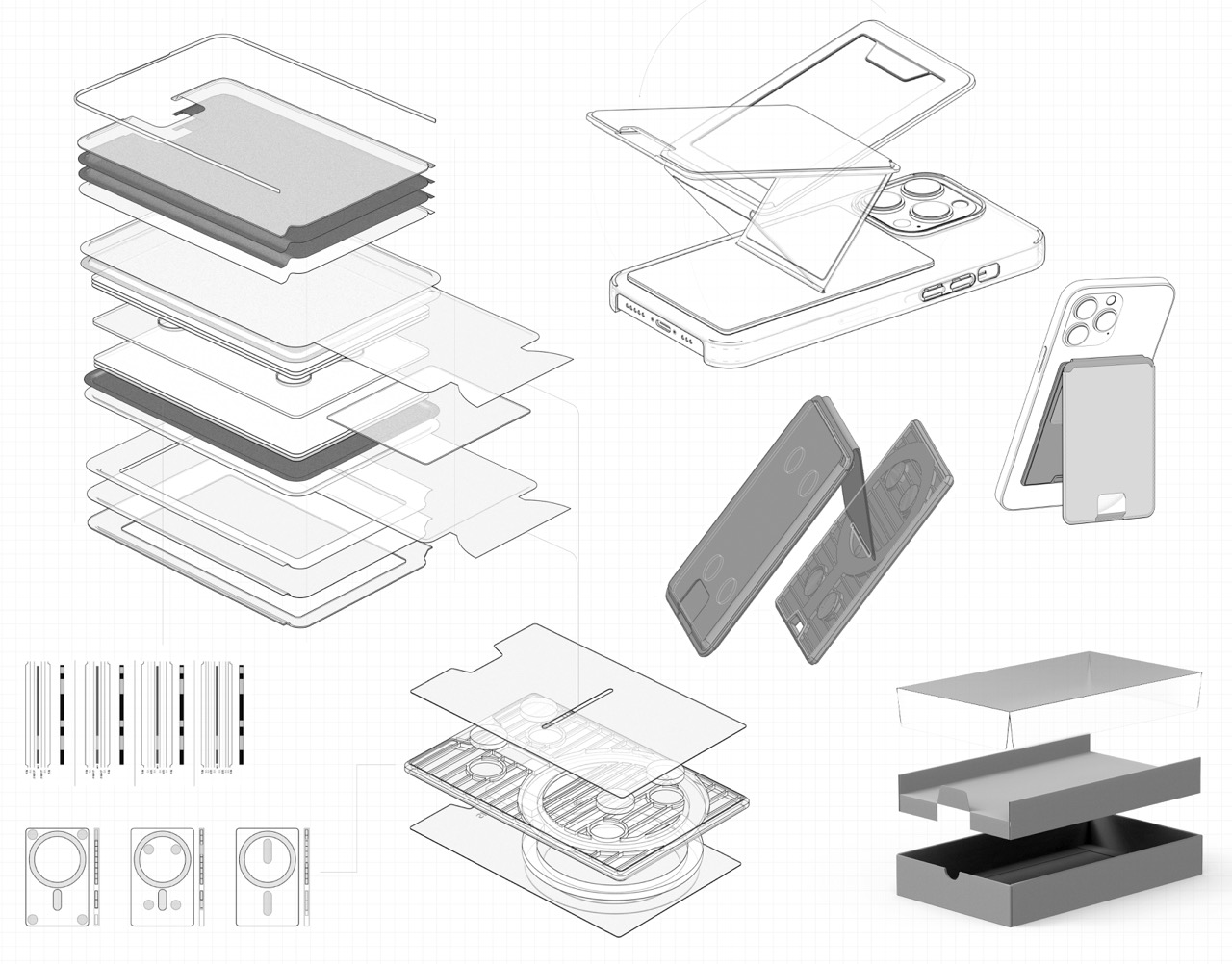
This unique Apple MagSafe Grip Stand takes inspiration from the Japanese art of paper folding! You can fold it flat and vice versa without the trouble of assembly and disassembly. The innovative accessory is thin, card-size, and lightweight, and you can swiftly attach it to your phone and slip it into your pocket without the worry of snagging or looking weird in your pocket. The stand won’t dislocate from your phone, even if you jump around!

Click Here to Buy Now: $38 $45 (15% off at checkout). Hurry, deal ends in 48 hours!

4. Belkin’s 2-in-1 BoostCharge Pro MagSafe Charger

Belkin’s 2-in-1 BoostCharge Pro MagSafe charger for the iPhone 15 is an interesting mix of contemporary sand or charcoal elements and organic minimalism. It is a compact silicone charging stand marked with soft and round shapes on the charger base, including a new flip-up 15W MagSafe pad, allowing it to merge with any modern space.

5. Shin & Han’s MagSafe Accessory

This innovative MagSafe-compatible accessory is designed to help you get over digital addiction. You can stick the accessory to the back of your smartphone, and it features a real clock with a single-hour hand to keep you aware of the passing time, ensuring you don’t spend too much time on your smartphone. The accessory also doubles up as a holder for your cards and quick cash.

6. Ice Speed Freezemat Magsafe Wireless Charger

Called “Ice Speed Freezemat Magsafe Wireless Charger” this proposed Apple accessory uses a very interesting method to dissipate heat, keeping the innards at optimum temperature while gaming or during fast charging rituals. Built out of aviation-grade cooling material, Ice Speed Freezemat has an interesting cooling mechanism inspired by the way the human body sweats to dissipate heat.

7. HiRise 3 Deluxe

Called the HiRise 3 Deluxe, this MagSafe certified accessory can charge your iPhone at up to 15W, and features an adjustable MagSafe pad that allows a 35-degree angle shift for optimal viewing. The charger has a front-to-back arrangement, which ensures that crucial desk real estate isn’t consumed or wasted.

8. 6-in-1 MagSafe Charger

This is the world’s first Apple-Certified 6-in-1 MagSafe Charger from ESR that is equipped with a GaN semiconductor, and it doesn’t just charge your small Apple devices, but it also delivers up to 100W of power to your MacBook, providing an all-in-one solution for all your modern day charging requirements. It has three dedicated slots for your iPhone, AirPods, and Watch, as well as three output ports for charging your laptop, tablet, and power bank.

9. Side Note

Dubbed Side Note, this compact leather-bound notebook is equipped with an integrated pen and a MagSafe-compatible design that lets you snap it onto your iPhone or onto any magnetic surface. The Side Note allows you to always have an analog notepad by your side, letting you quickly note down ideas and journal.

10. The MAG.L MagSafe Powerbank

MAG.L MagSafe Powerbank 10000mAh Product Designer

MAG.L MagSafe Powerbank 10000mAh Product Design

Designed by Neo Bie and Leigui Lui for Stylepie, the MAG.L MagSafe Powerbank with its 10000mAh capacity aims to improve the wireless charging and power bank experience for anyone. It features the usual four operation buttons: SELECT, START, A, B, and a d-pad (directional pad). The lower part of the yellow power bank has a cover that slides to work as the stand of the power bank.

The post Top 10 Apple MagSafe Accessories To Give Your iPhone A PowerPacked Upgrade first appeared on Yanko Design.
Gorgeous ‘Japandi’ MagSafe Charger blends into your Table Decor with a Rustic Wood Build

With its simple form factor and dual-shade wood construction, Oakywood’s MagSafe iPhone Stand/Charger has an aesthetic quality similar to the kinds found in Japanese and Scandinavian homes. Fondly known as ‘Japandi’ (an obvious portmanteau of the two words), the design style is characterized by cleanliness and minimalism that eschews materialism and clutter. With its Japandi-inspired style, Oakywood’s MagSafe iPhone Stand adds a touch of rustic beauty to your table, with a design that looks sophisticated but feels familiar thanks to the use of natural materials like Oak and Walnut wood.

Designer: Oakywood

The stand’s two-part design features a powder-coated aluminum base with a wooden ‘tray’ on top. The hefty aluminum base gives the stand its stable design (while also allowing it to function as a paperweight of sorts) while customers have a choice between a light oakwood or dark walnut wood upper, complementing their table setup.

The stand comes with an empty slot that lets you weave your MagSafe charger in. Once put in place, it becomes a nifty magnetic charging dock for your iPhone that you can either use as-is, or detach the MagSafe charger to use as a horizontal charging mat (shown above).

When used in the ‘stand’ mode, it angles your phone at a precise 25°, making it easy to view while also triggering the iPhone’s new Standby Mode – a feature unveiled in the latest iOS 17 update.

If you don’t want to use your Oakywood MagSafe iPhone Stand as a charger, the company sells a magnetic puck that you can slide into the stand, allowing it to work as merely a docking station without the charging facility.

The folks at Oakywood pride themselves in embracing nature as a material and a source for their designs. The use of wood feels antithetical to the metal and glass build of your iPhone, but it brings about a certain warmth to your tabletop, allowing it to become a standard fixture in your workplace. Besides, the entire thing weighs roughly 700 grams (1.5 pounds), making it a rather heavy accessory that doesn’t feel cheap in the slightest.
Oakywood sustainably sources its wood from America and Poland, also pledging to plant one tree for each product sold, thus ensuring a circular economy of sorts that helps reduce the effects of deforestation while turning wood into a renewable resource. You can grab your MagSafe iPhone Stand in three color options – a Light Oak, Dark American Walnut, or a Black Solid Oak that’s the darkest of the lot, matching the powder-coated Aluminum base.

The post Gorgeous ‘Japandi’ MagSafe Charger blends into your Table Decor with a Rustic Wood Build first appeared on Yanko Design.