Holobox hologram-in-a-box could supercharge meetings and presentations

Video meetings are becoming more and more common as time passes, even without travel restrictions. Work arrangements are changing and the world is suddenly a much bigger place, with people spread out all over. Those remote interactions, however, don’t just have the same effect as in-person meetings, especially when you lose certain contexts from body language. It just feels less personal and has less impact, especially if you’ll be using an avatar that looks more like a cartoon than a real representation of yourself. In science fiction, holograms try to bridge the gap between people across planets or even galaxies, but that kind of technology is actually available today in a less flashy but still mind-blowing way.

Designer: Holoconnects
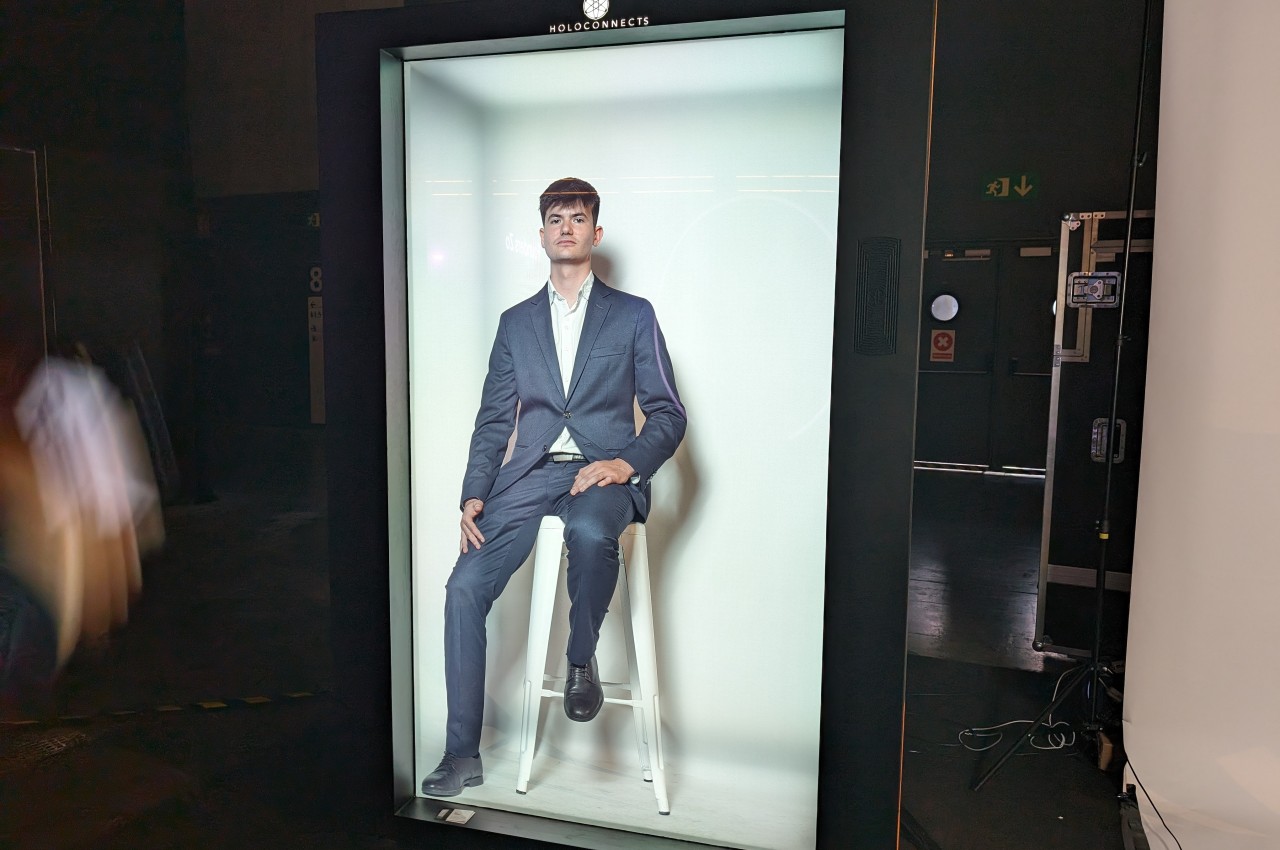
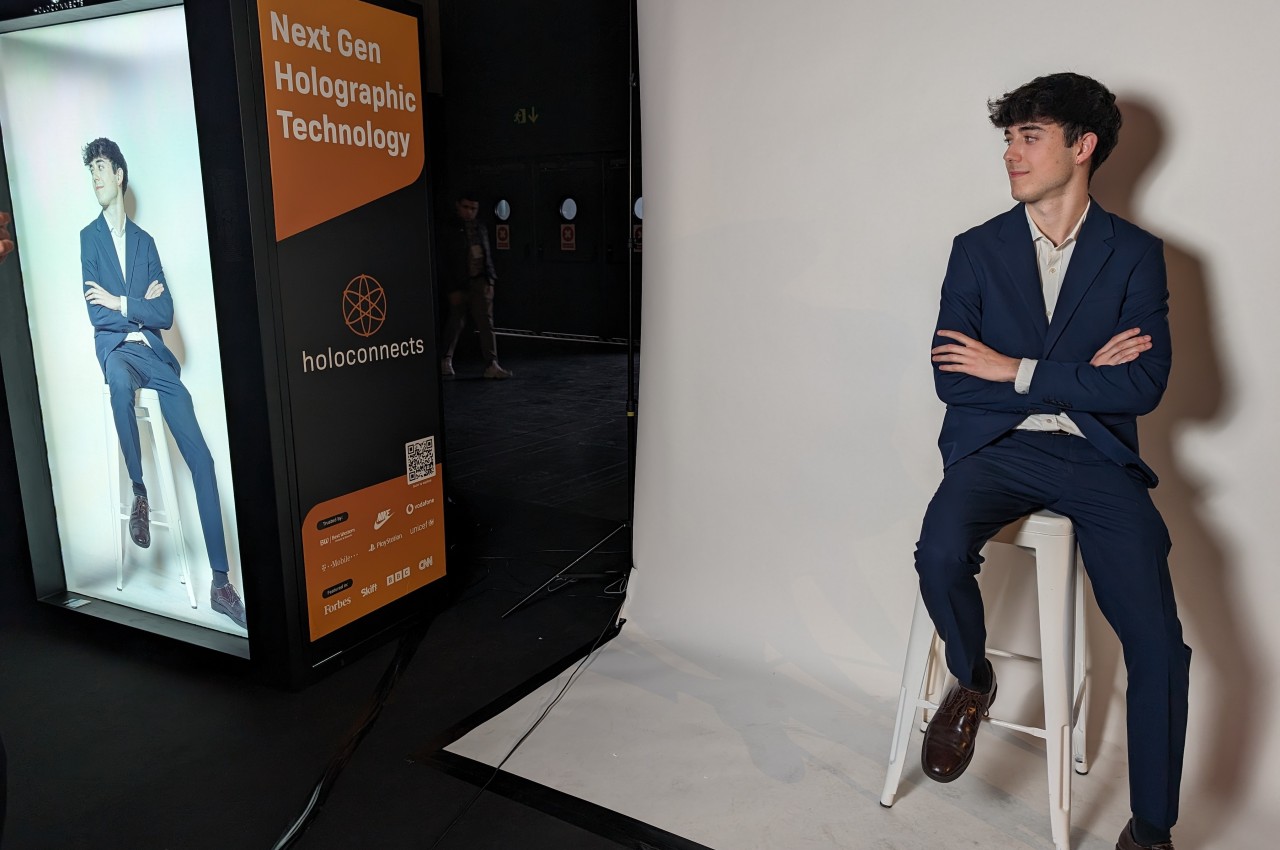
Holograms are nothing new, but it has traditionally been difficult to implement them on a large, human-sized scale. Trying to project floating three-dimensional images of people is still a bit of a pipe dream, but if you’re fine with putting them in a box, then that dream has already become reality with Holoconnects’ Holobox. It is what its name sounds like, a way to have a holographic version of yourself or someone else projected inside a large box.
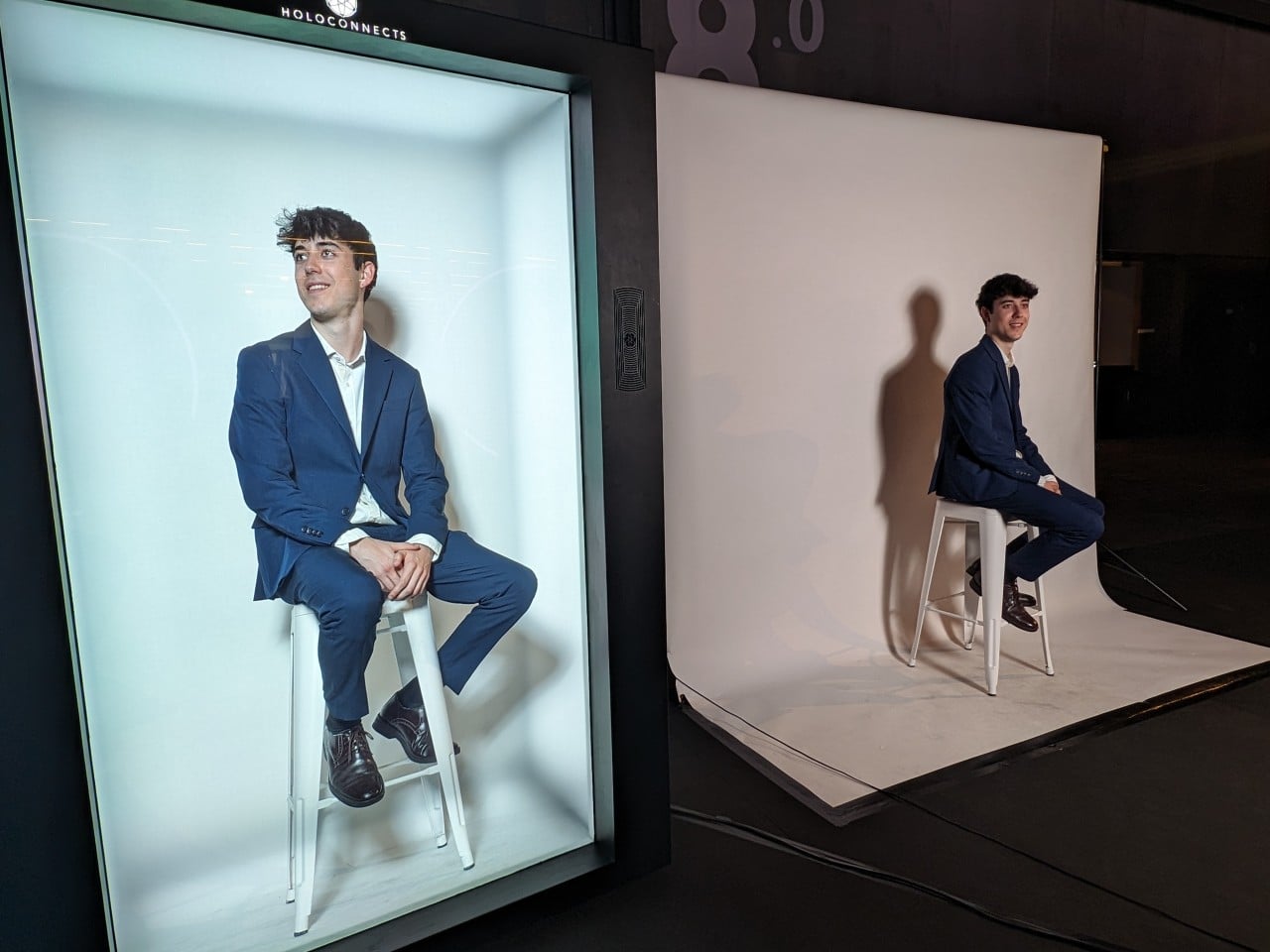
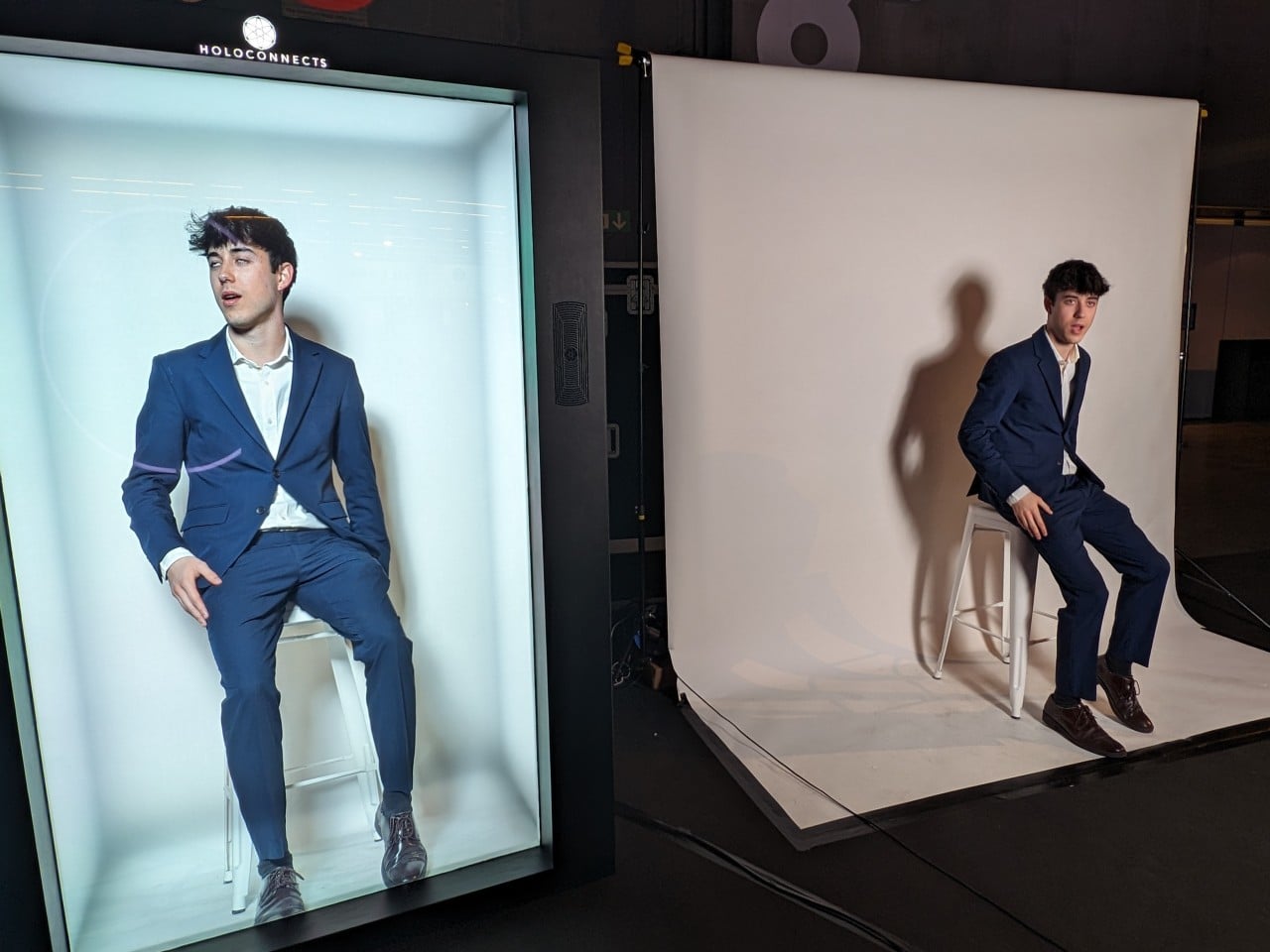
What makes the Holobox special beyond its amazing image fidelity is its ease of use. It needs only a power source and an Internet connection to operate because everything is built into the box. Of course, that’s only for actually projecting and playing the hologram. You’ll need a different set of equipment for actually capturing the video of a human, whether pre-recorded or in real-time. And it doesn’t even have to be human either since you can project anything that can fit inside the box’s 86-inch display. Actually, you can even connect several boxes together so that it can show a much bigger object, like a car, for example.
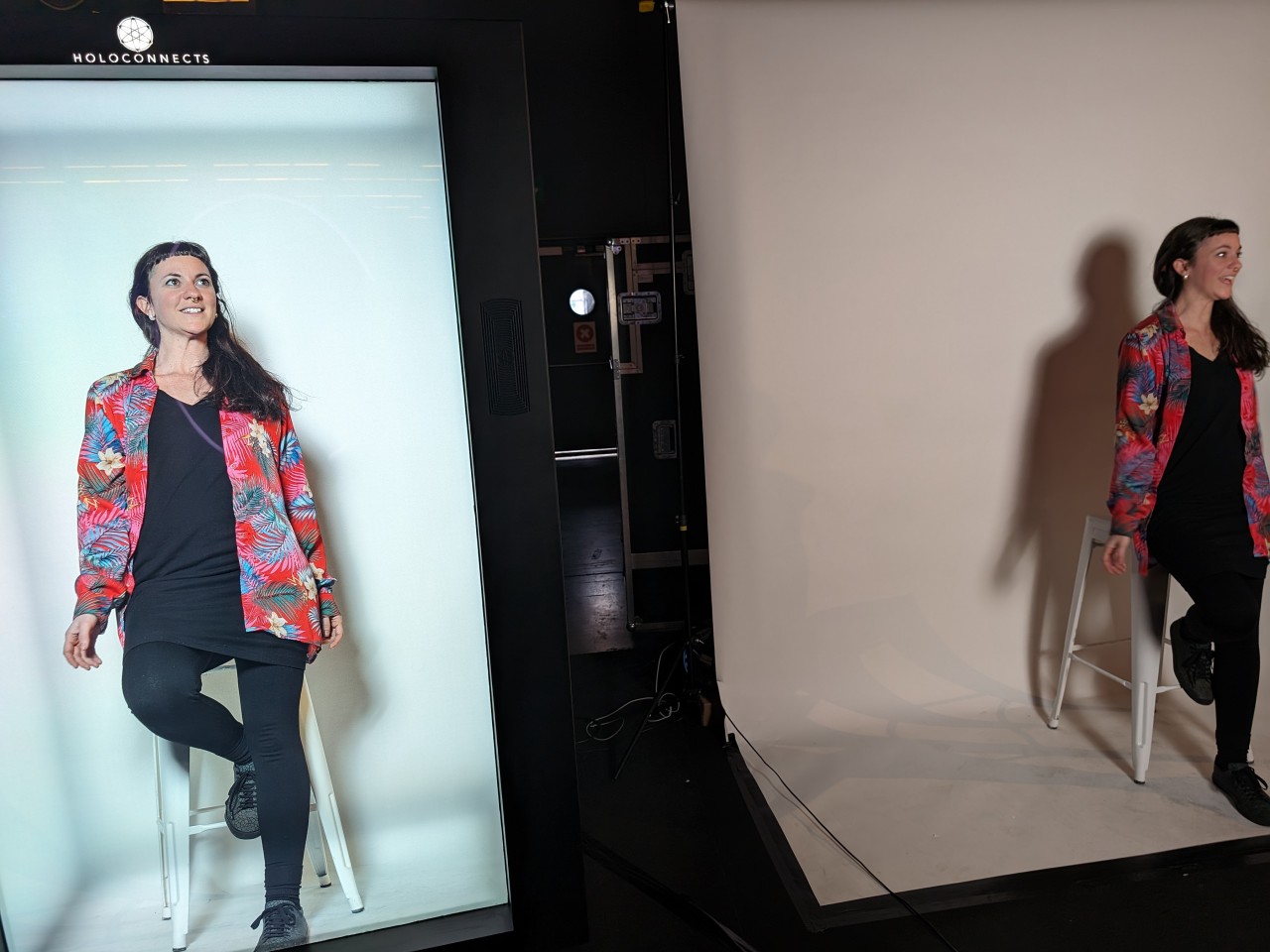
But what really is the point of having a life-sized hologram anyway? For one, it offers a new level of remote communication where you can fully see the person in 3D as if they were standing in front of you. It can also give a more personal touch to presentations, training, advertising, and more. Basically, anywhere that your real presence would have an impact, the Holobox can offer a stand-in that is both effective and human. Plus, it looks awesome to boot!
The post Holobox hologram-in-a-box could supercharge meetings and presentations first appeared on Yanko Design.
D-LINK AQUILA PRO AI is a beautiful Wi-Fi 6 router that looks like an art object

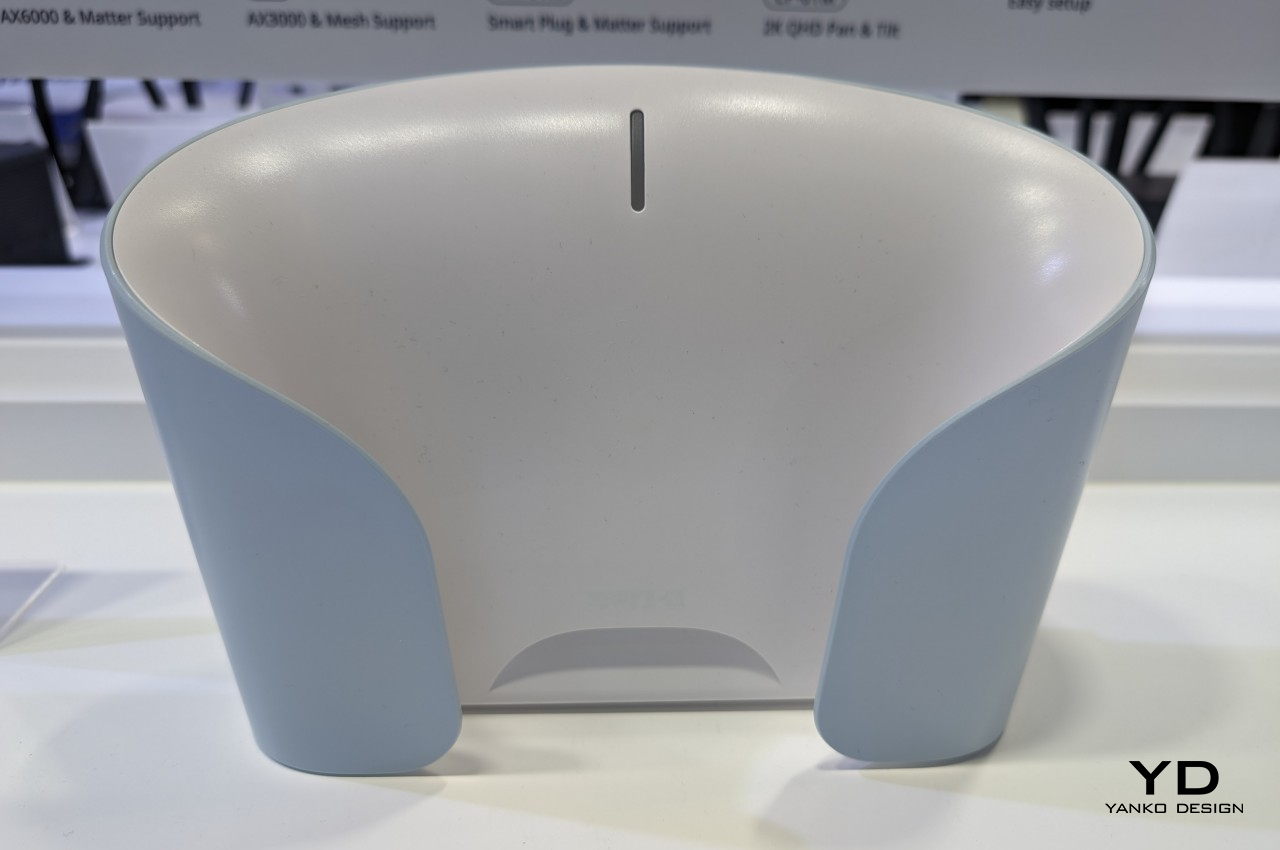
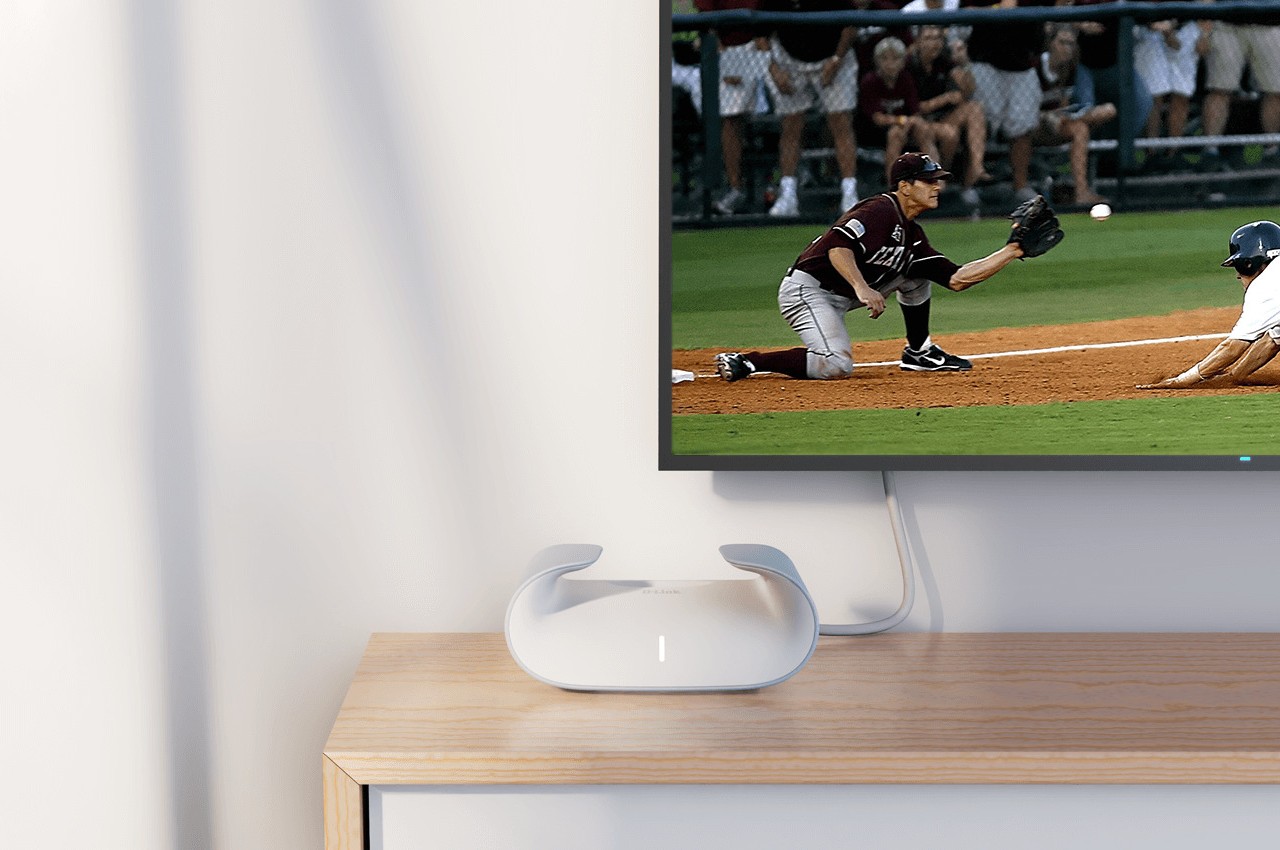
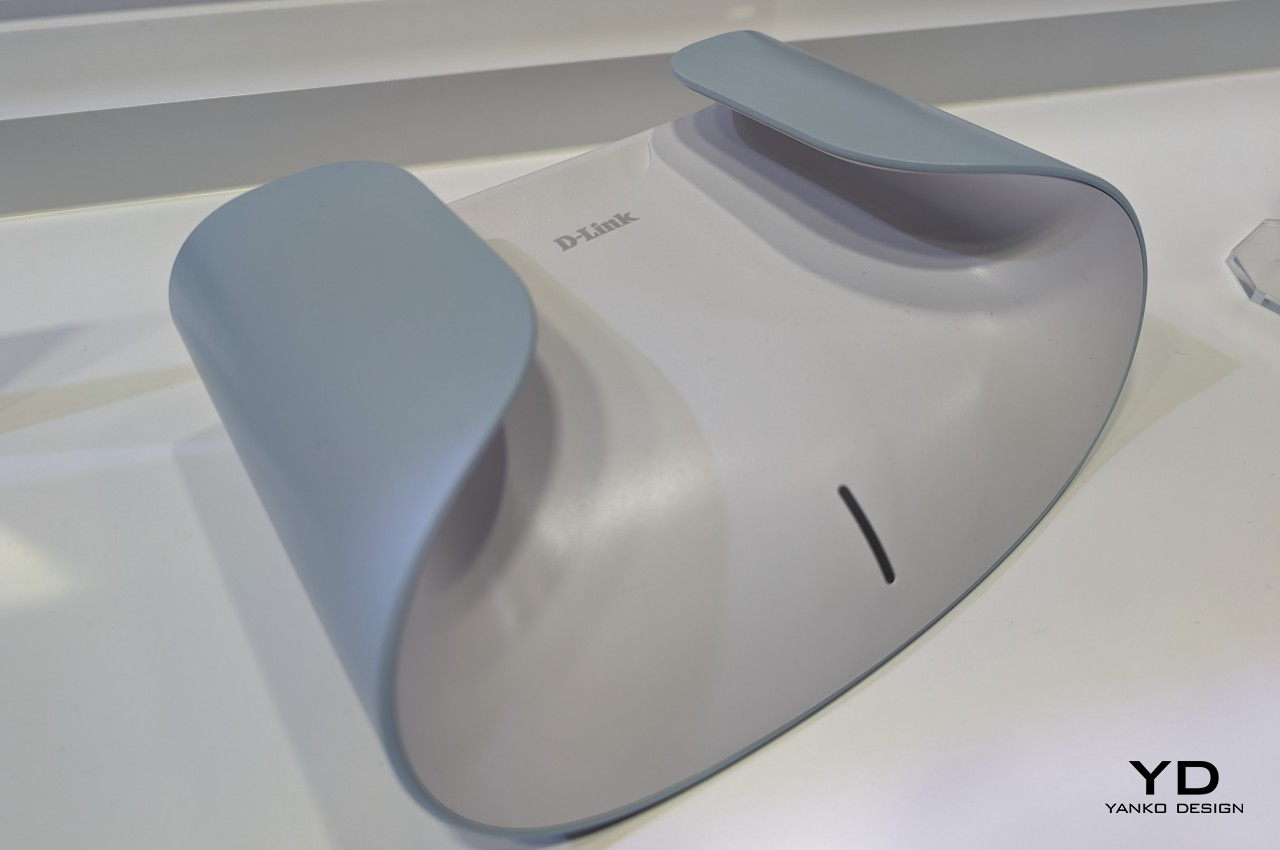
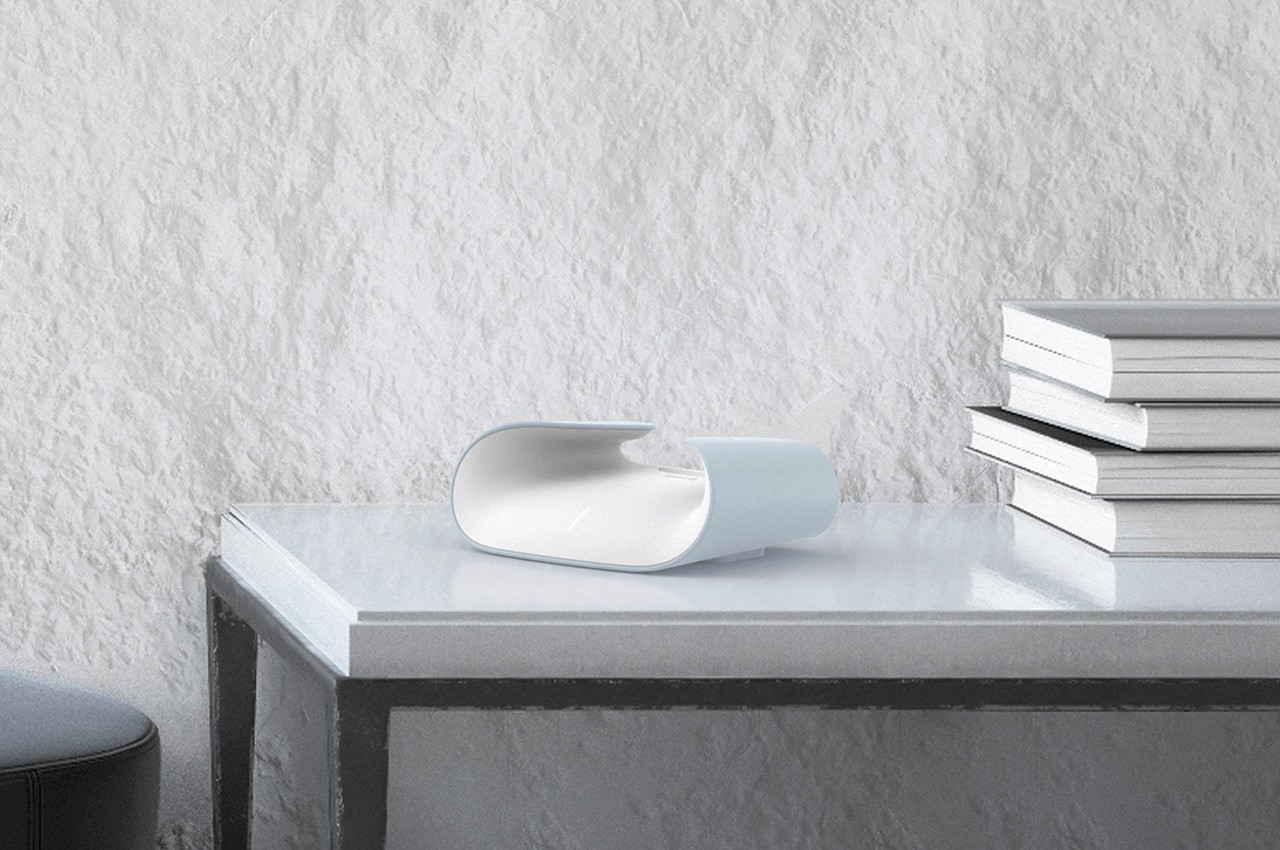
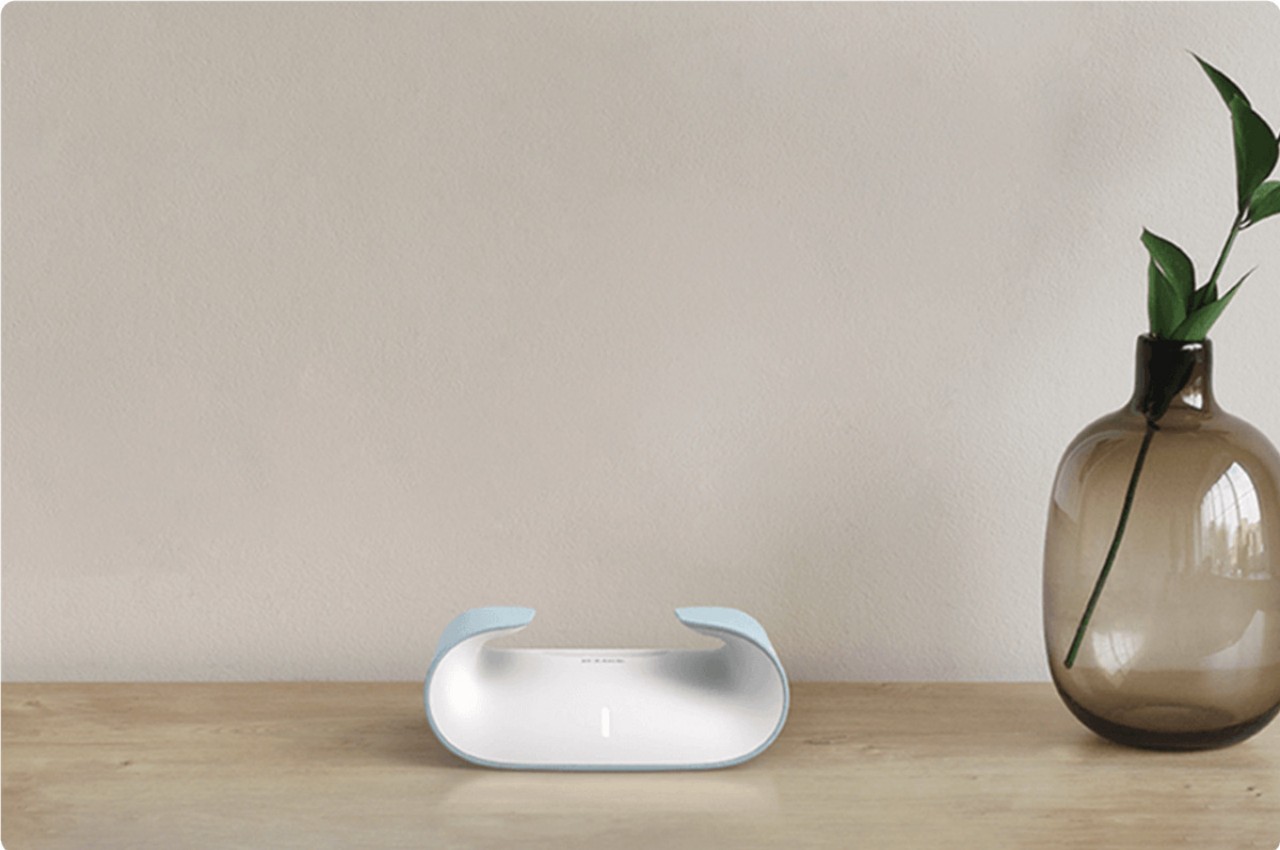
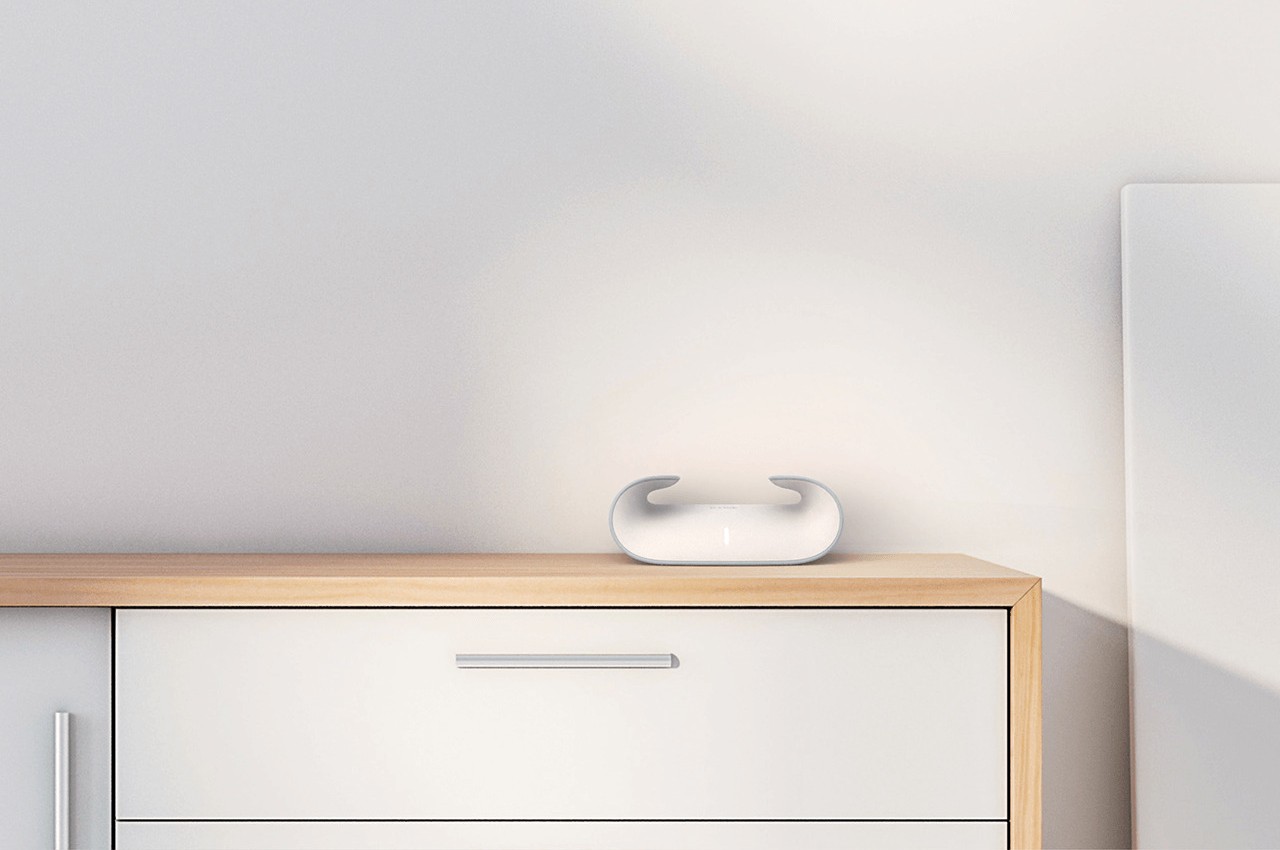
Our Internet needs are becoming more complicated even at home. Multiple devices ranging from smartphones to smart appliances compete for bandwidth, while different services like gaming and streaming demand more data than, say, a smart thermostat. The simplistic routers of yesteryears are no longer sufficient to face the challenges of modern lifestyles, but as these boxes become more sophisticated, their presence also becomes more obnoxious as well. The latest and greatest routers seem to want to be seen as powerful monstrosities rather than helpful tools that make our lives easier. Completely bucking the trend, D-LINK launched its AQUILA PRO AI smart mesh routers that finally look more at home in your home, masquerading as a piece of sculptural art that hides the powerful technology inside its graceful curves.

Designer: D-LINK

Granted, those antennas on your router aren’t just for show, but that doesn’t always mean they need to be visible, especially with today’s technologies. It might simply be a matter of pride that some of these literally black boxes show off the number of spikes they have as if those indicate how much power they actually possess. The result is a design that isn’t just space-inefficient but also unaesthetic to most people.

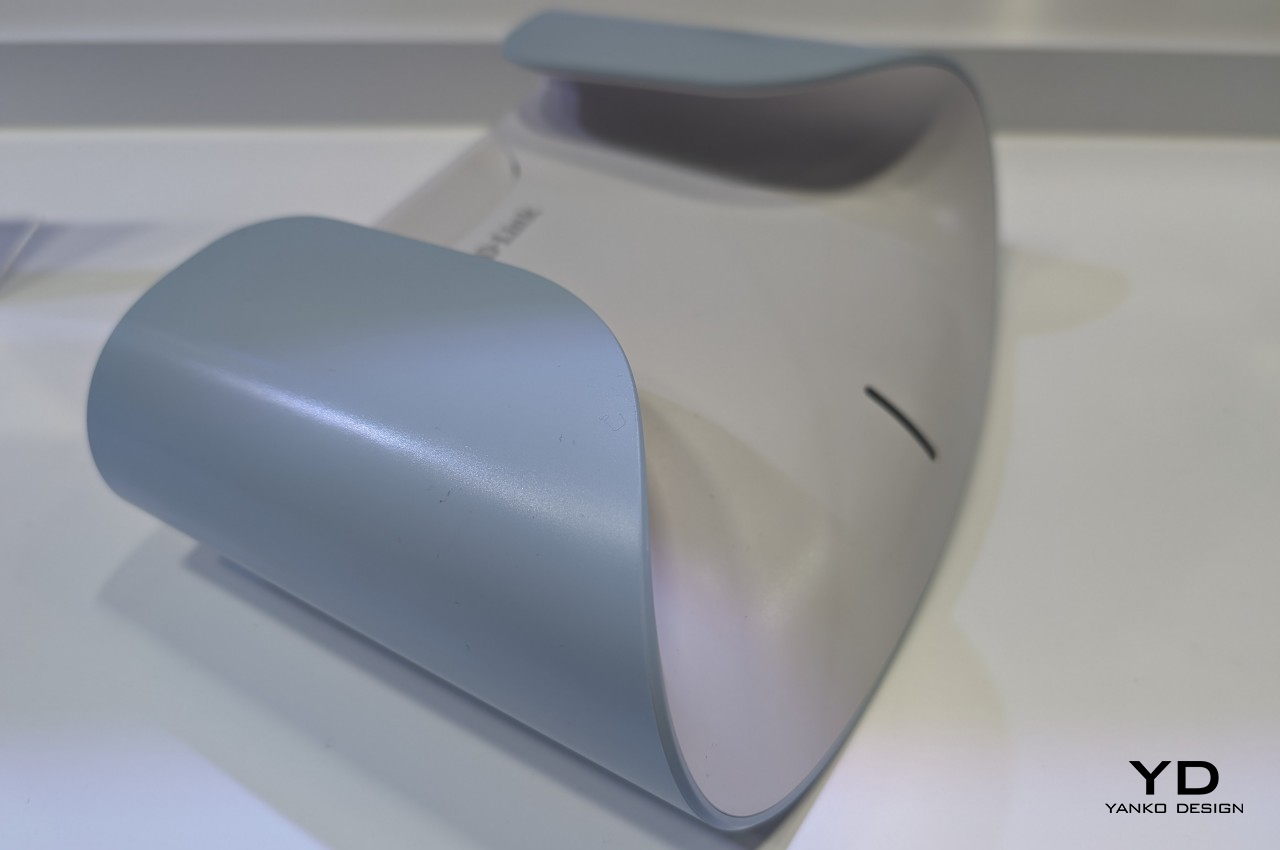
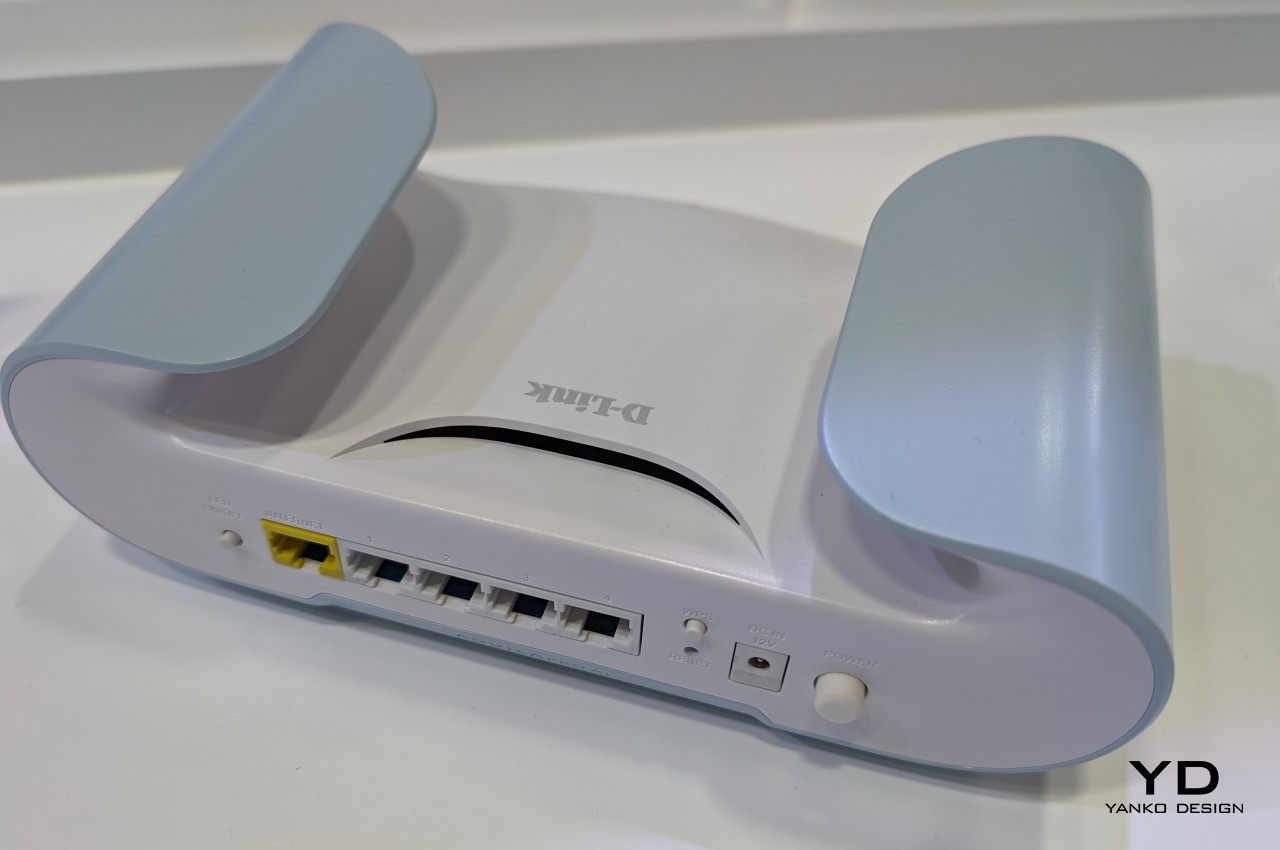
In contrast, you won’t find sharp points or even sharp edges on the D-LINK AQUILA PRO AI (models M30 and M60). What you will find instead is an elegant object that belies its superior technology, looking more like a piece of decoration rather than a router. Its name and unique shape, whose ends curl up and inward, are inspired by the Aquila constellation and the eagle, a majestic bird that exudes both power and grace. That association goes even beyond the general shape of the device, with feather-like patterns on the router’s ventilation.

The D-LINK AQUILA PRO AI isn’t just all looks, of course, as it also boasts the latest connectivity technologies, especially Wi-Fi 6. And since it’s a mesh router, you can combine multiple units and spread them around your house to get rid of dead zones and ensure fast, stable, and uninterrupted connections. It also comes with the latest privacy and security protections, plus conveniences offered by smart home platforms and mobile app control.

The D-LINK AQUILA PRO AI’s ground-breaking design doesn’t stop there either. It also tries to give back to the planet we live in by making use of PCRs or Post-Consumer Recycled materials for its housing, reducing its negative impact on the environment. This smart mesh router is stunning and beautiful proof that power doesn’t have to look harsh and cold. After all, there is both power and elegance in the form of an eagle taking flight.

The post D-LINK AQUILA PRO AI is a beautiful Wi-Fi 6 router that looks like an art object first appeared on Yanko Design.

This Might Be The MOST Advanced PC Flight Simulation Game Controller You Could Legally Buy

Any more advanced and the FBI would probably put you on a watch-list for purchasing it…

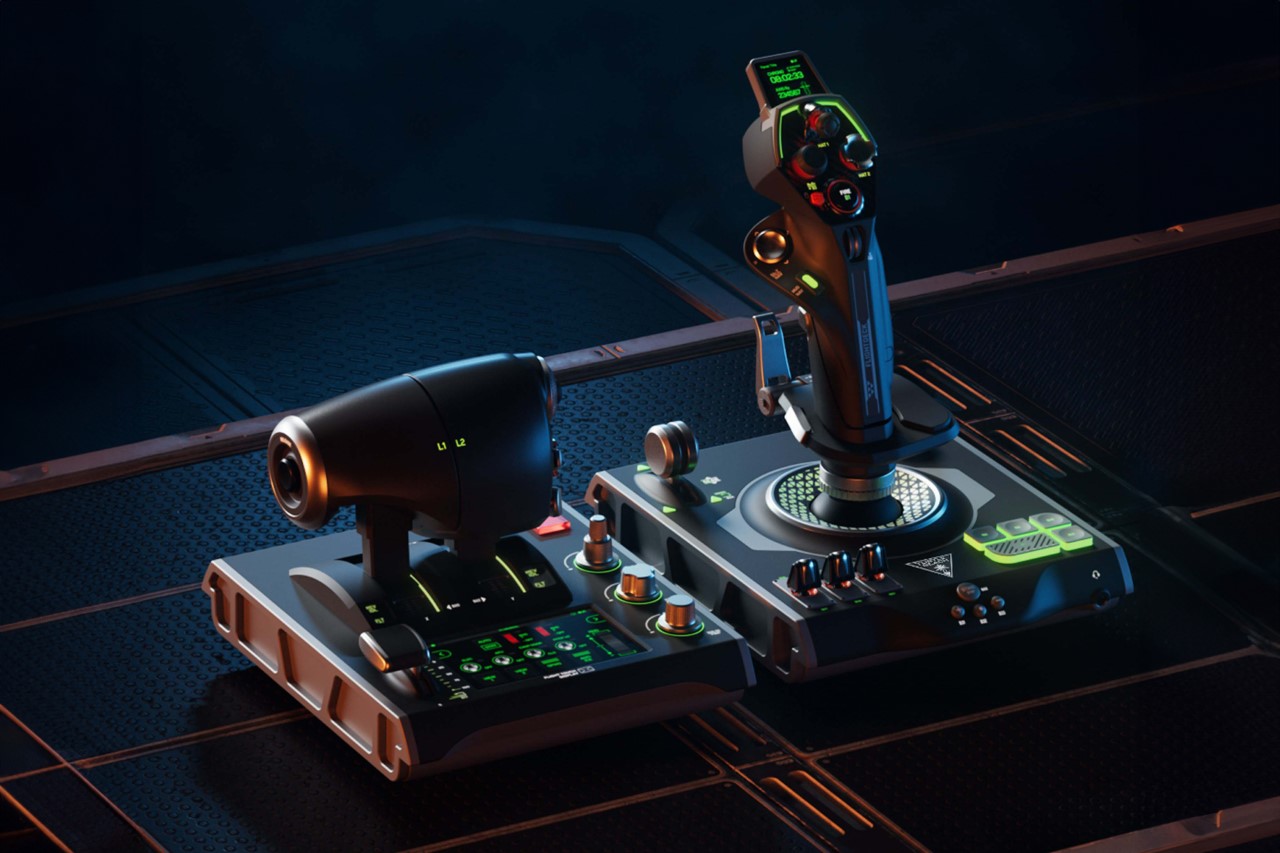
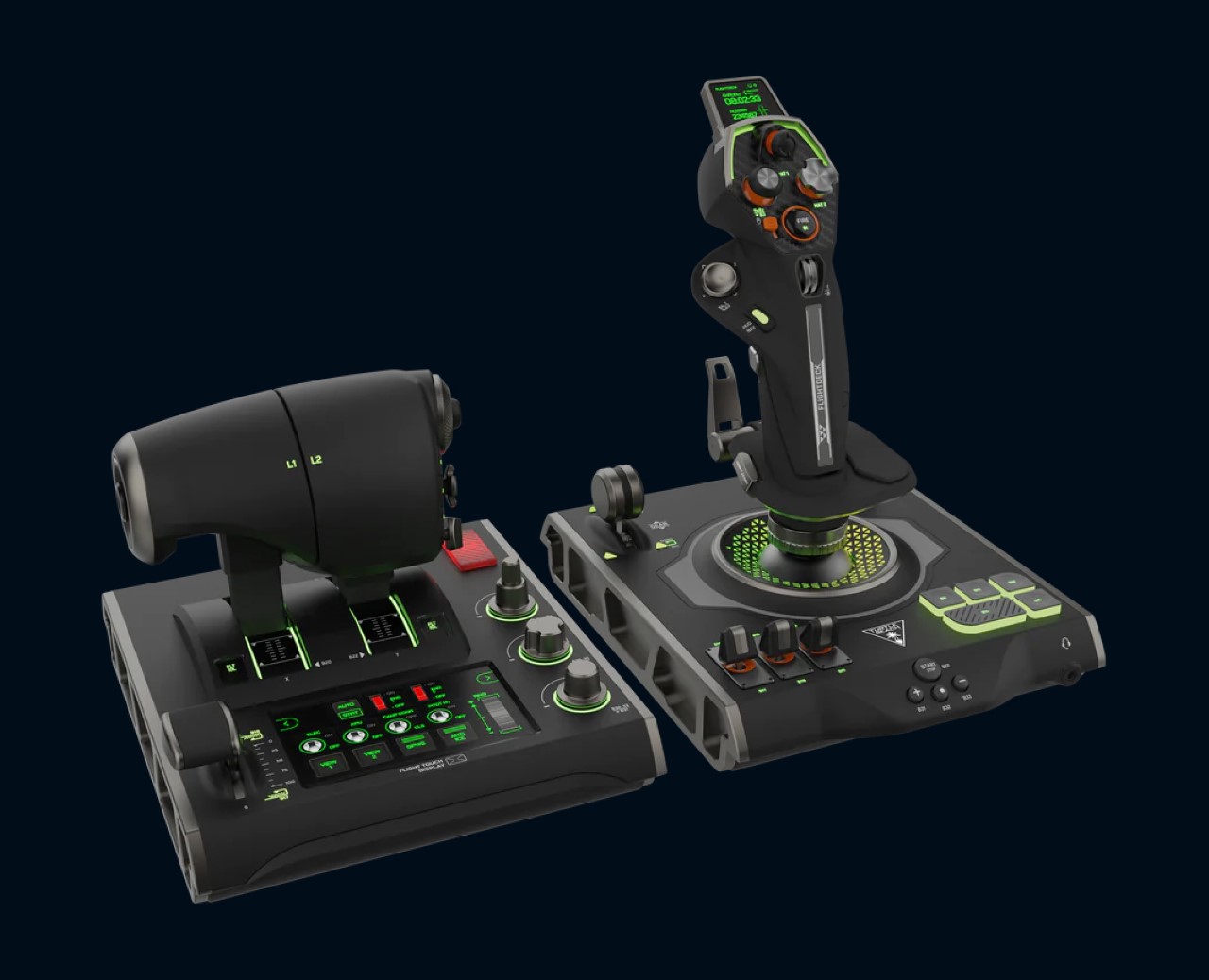
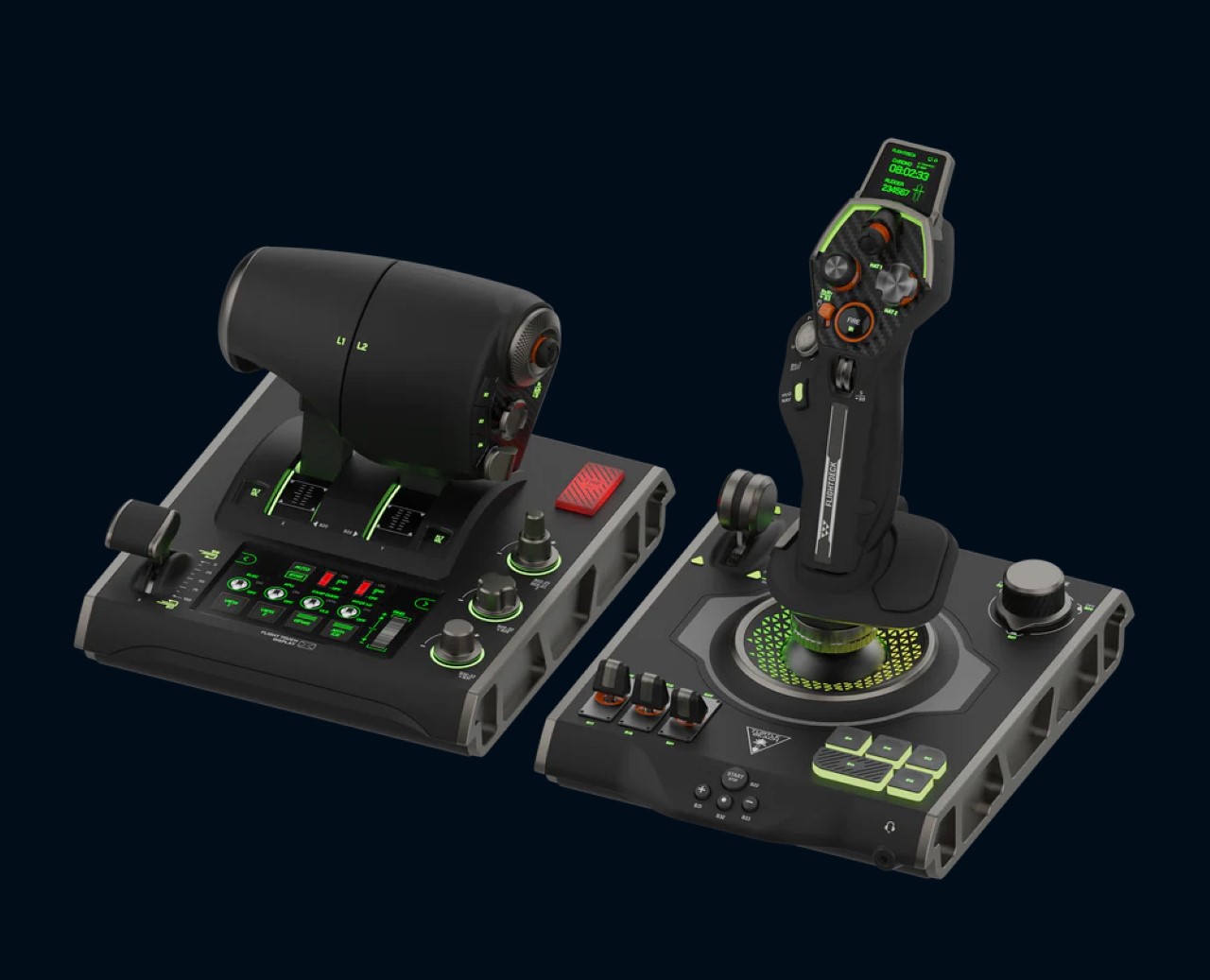
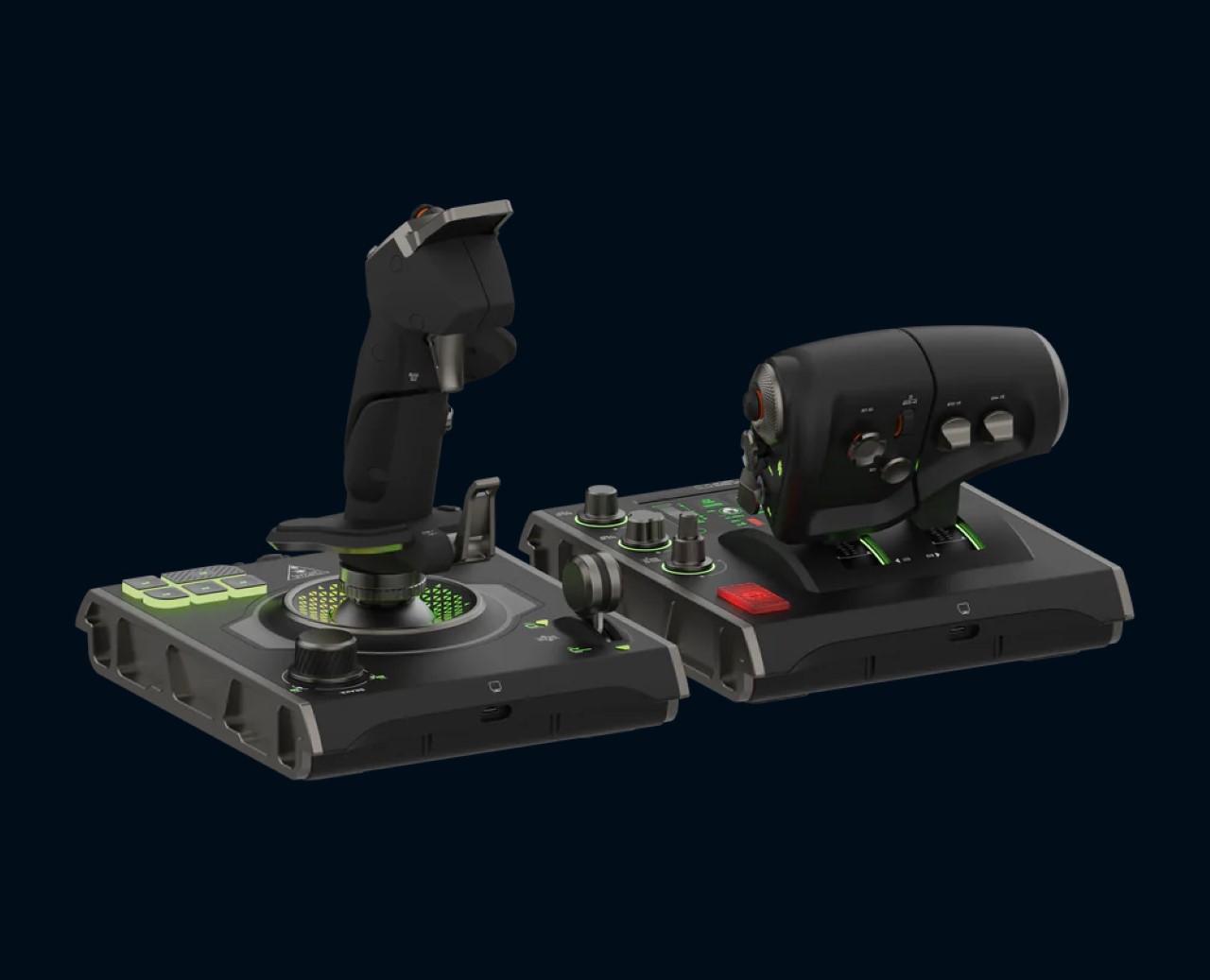
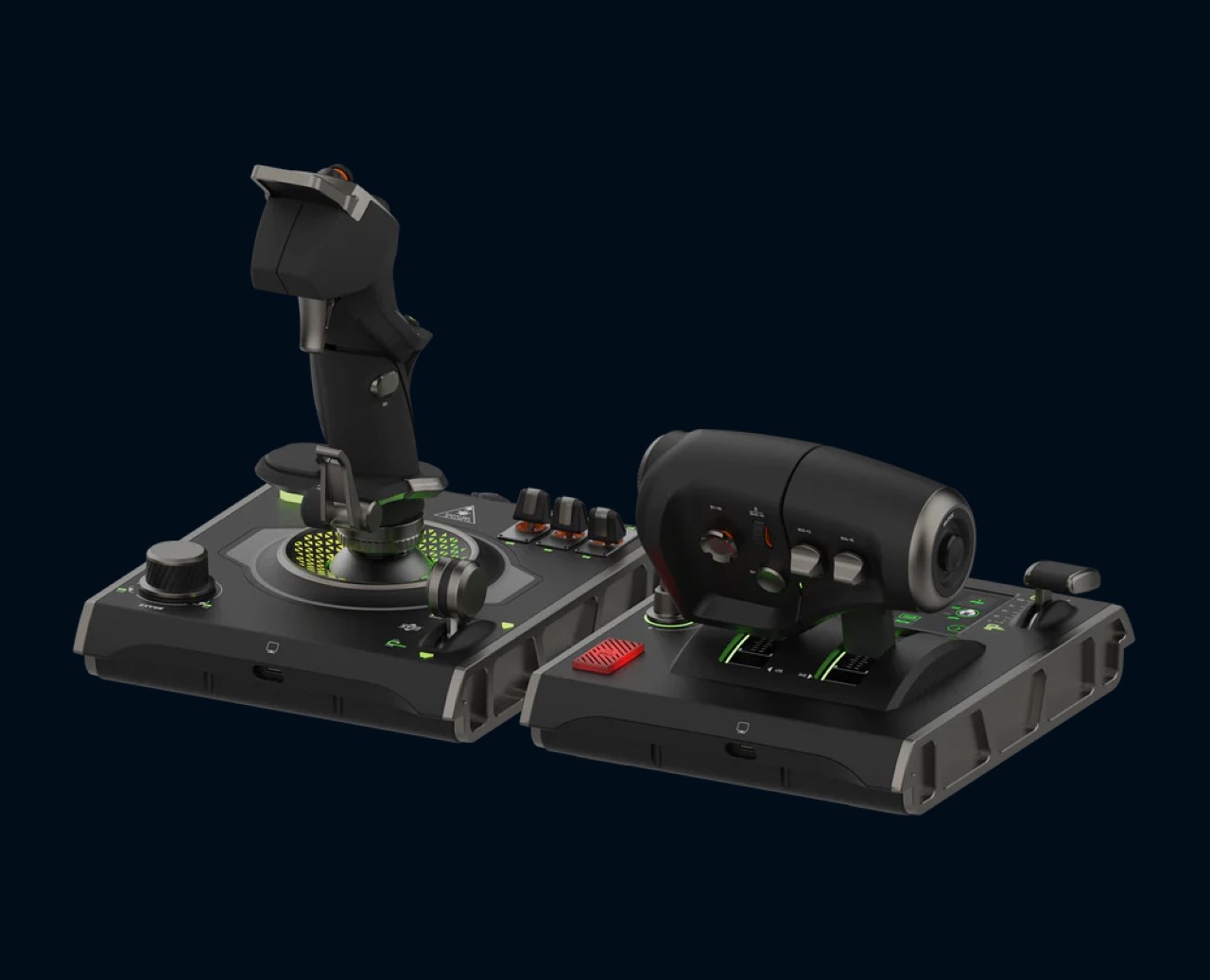
If the idea of recreating scenes from Top Gun in your flight simulator program excite you, you’re aware that a keyboard or gaming controller probably won’t cut it. Meet the VelocityOne Flightdeck from Turtle Beach, a HOTAS (Hands On Throttle-And-Stick) controller that gives you the most lifelike flight control experience money can buy. Aside from simulating G-force during flight, this bad-boy is capable of putting you front and center of the action. Maybe pair it with a VR headset and you’re golden!

Designer: Turtle Beach

Designed as a comprehensive control system, the VelocityOne Flightdeck ushers in the future of flight and space combat simulation on Windows 10 and 11 PCs. While it’s unfortunate that it doesn’t extend to Xbox consoles like its predecessor, the VelocityOne Flight, PC gamers will rejoice at the prospect of diving into their favorite flight simulation titles with this true-to-life setup.

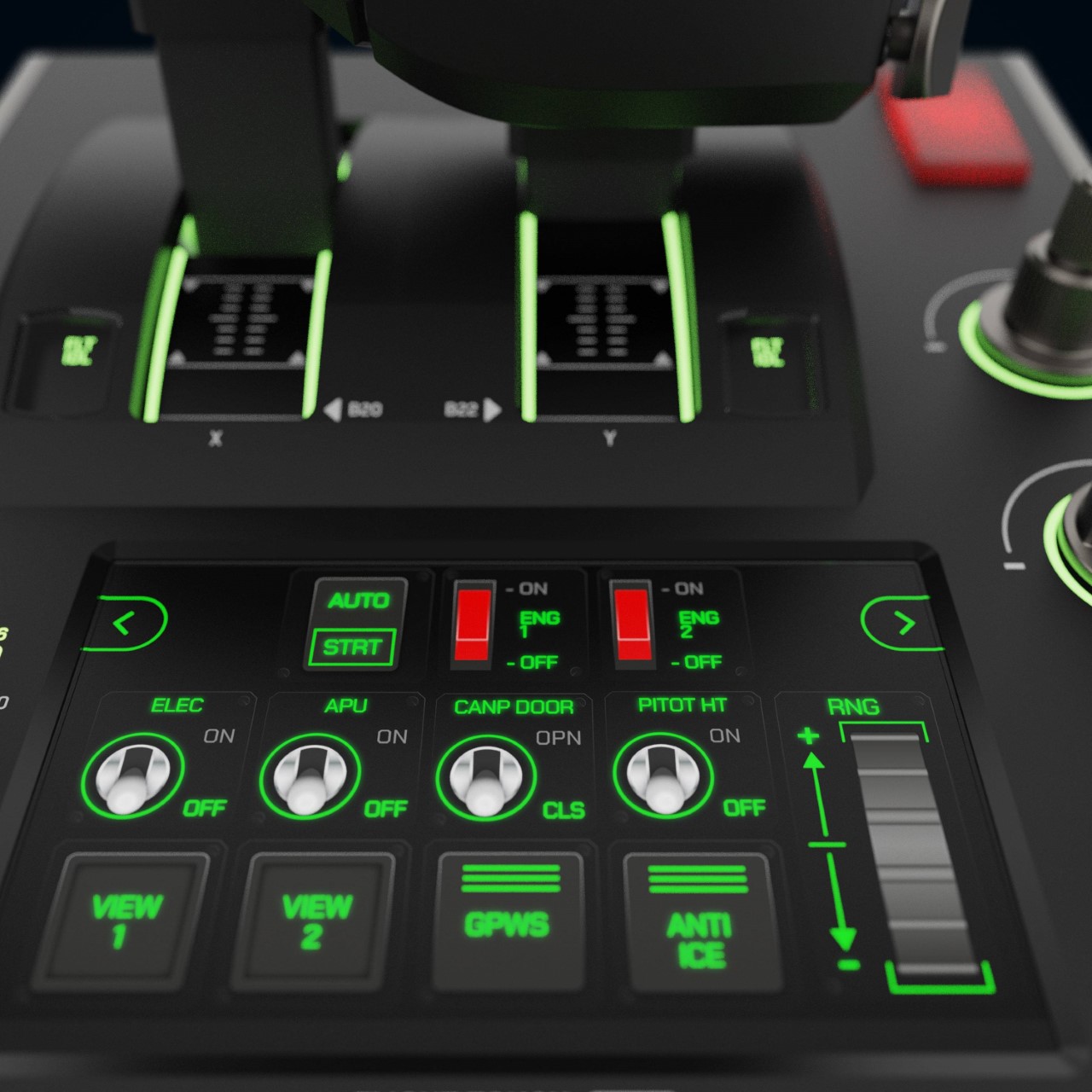
Featuring 15 axes and a staggering 139 programmable functions, the VelocityOne Flightdeck offers a level of customization that caters to the diverse needs of virtual pilots. Whether you’re soaring through the skies in X-Plane, navigating the intricacies of Microsoft Flight Simulator, or exploring the vastness of space in Elite Dangerous, this HOTAS setup has you covered.

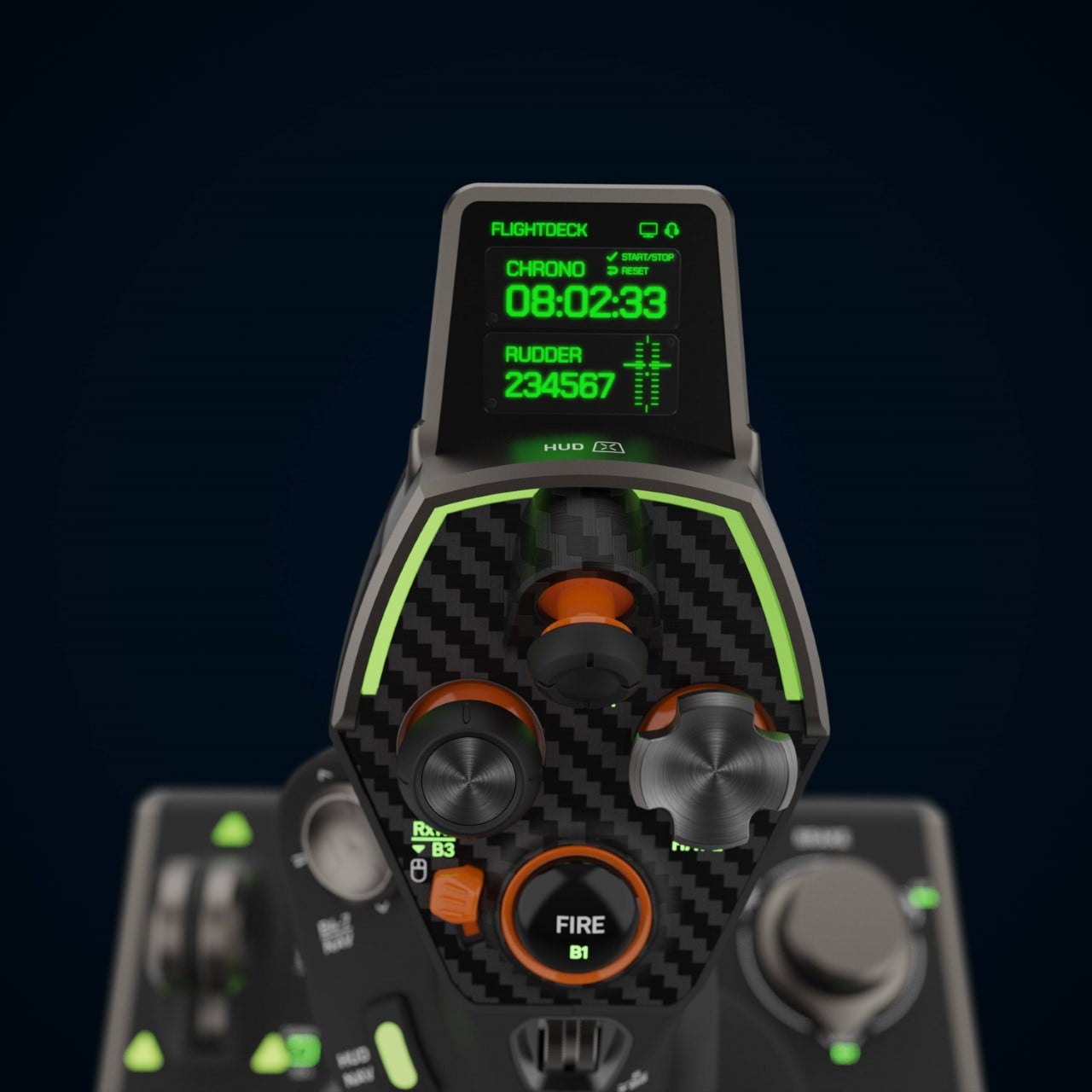
Central to the Flightdeck’s appeal is the innovative Flight Touch Display, a first-of-its-kind feature that combines real-time simulation status with advanced customization capabilities. This allows users to configure up to 39 extra button functions, enhancing the HOTAS experience across major combat simulation titles. The device boasts 139 programmable functions, offering an unmatched level of customization.

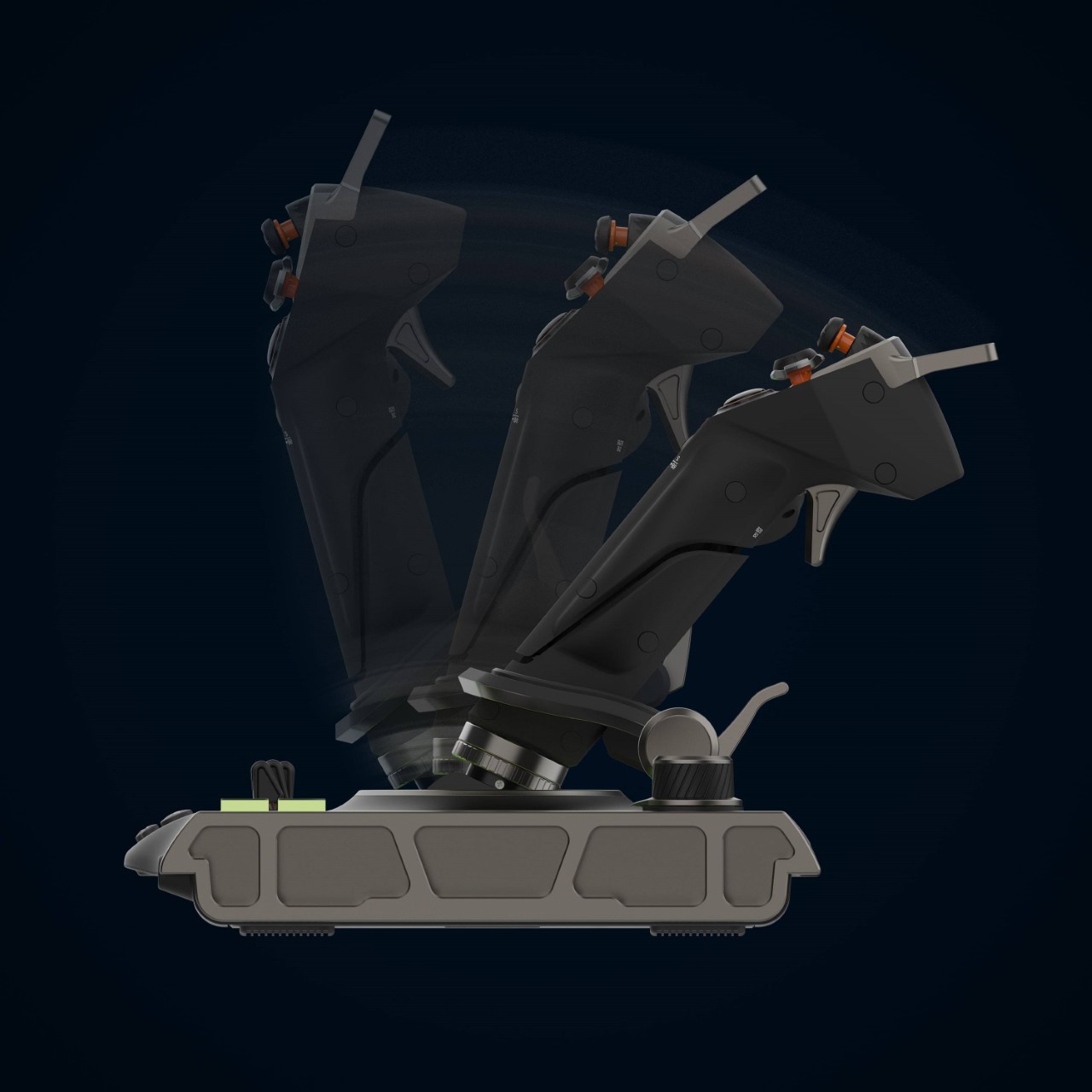
The VelocityOne Flightdeck is engineered for precision and durability. It utilizes non-contact Hall effect sensors for the main movement controls on both the stick and throttle, ensuring long-lasting accuracy and performance. This technological choice is crucial for maintaining consistent, precise control over time, setting the Flightdeck apart from competitors.

Beyond its core functionalities, the Flightdeck enhances user experience through additional features like adjustable RGB lighting and Turtle Beach’s signature audio advantages. Users can connect any 3.5mm headset to the system, enjoying functionalities such as Superhuman Hearing®, audio EQ modes, mic monitoring, and game and chat volume balance. The adjustable RGB lighting allows users to customize the ambiance of their gaming setup, further immersing themselves in the virtual skies.

The Flight Hangar companion app is a significant value add, enabling deep customization and performance tuning. Available for Windows PCs, it allows pilots to create and transfer comprehensive configuration profiles directly to the Flightdeck. This feature ensures that the system not only meets the immediate needs of users but is also future-proofed through easy firmware updates.

The Turtle Beach VelocityOne Flightdeck commands a premium price tag of $399.99. While this may seem steep, the investment is justified by the device’s unparalleled performance and feature set. Pre-orders are currently open, with the HOTAS setup set to hit store shelves on February 23, 2024. The VelocityOne Flightdeck is also part of a broader ecosystem that includes headsets, controllers, and other gaming peripherals, all designed to enhance the gaming experience.

The post This Might Be The MOST Advanced PC Flight Simulation Game Controller You Could Legally Buy first appeared on Yanko Design.

Smart display concept puts a cute face on smart home technology

As our homes start to get more connected to devices and the Internet, the number of screens also starts to increase. In addition to the phones, tablets, computers, and TVs that are already a staple of modern life, there are also smart displays that try to offer visual feedback to the things we usually only hear by voice from an AI-powered assistant. While many smart display designs try to blend in with the rest of the room, it’s really hard to hide a large conspicuous screen that needs to always to in view to be useful. This design concept tries to soften the blow of having such impersonal tech products inside your living space by giving a smart display a rather comical face that makes it feel more alive and a little bit friendlier.

Designer: Kai Xia

Smart displays are pretty much the evolution of voice-controlled smart speakers, giving a visual representation of the information you would normally get only through audio. Of course, it could also be used for other purposes, like displaying photos similar to a digital photo frame, playing videos, or even making video calls. The standard design of these devices, however, has more in common with those speakers or, worse, simply look like tablets slapped onto cylinders and boxes.

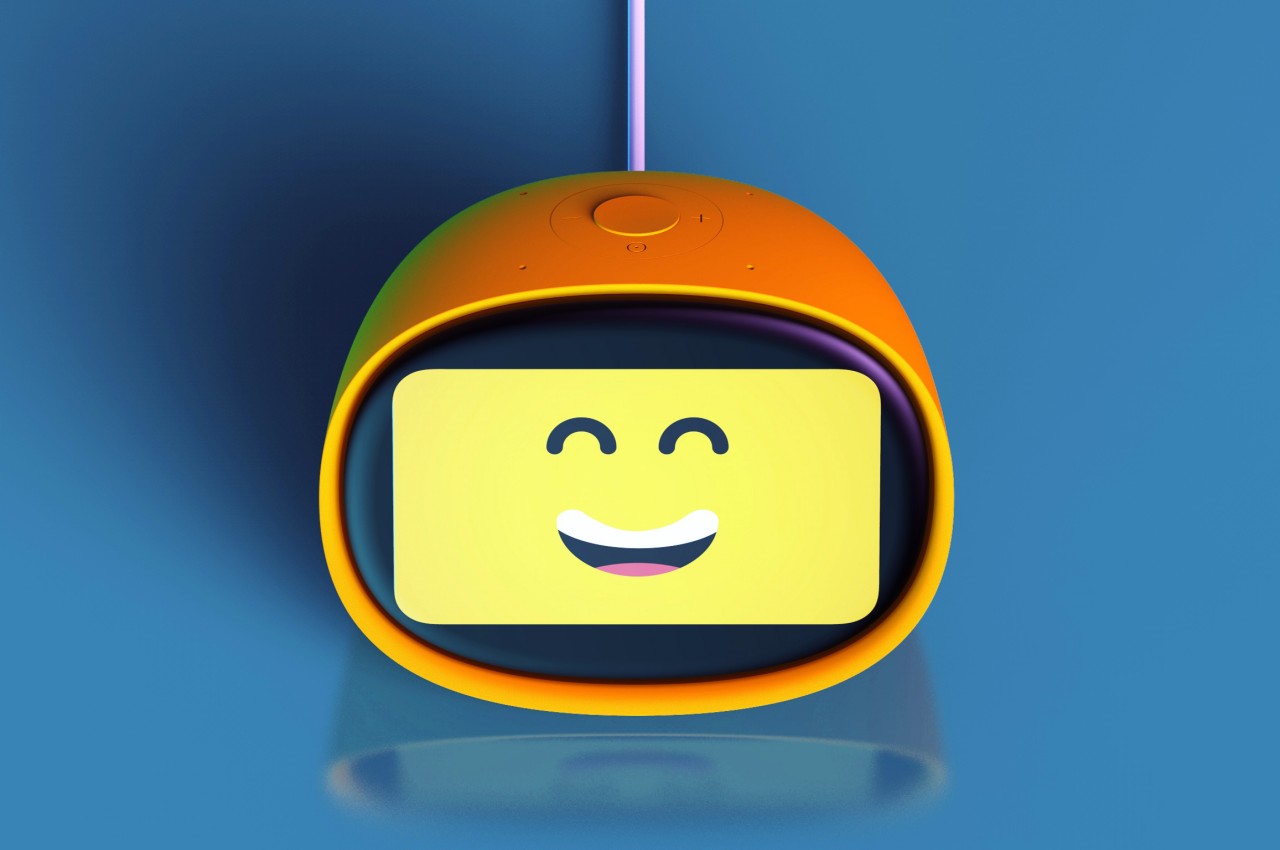
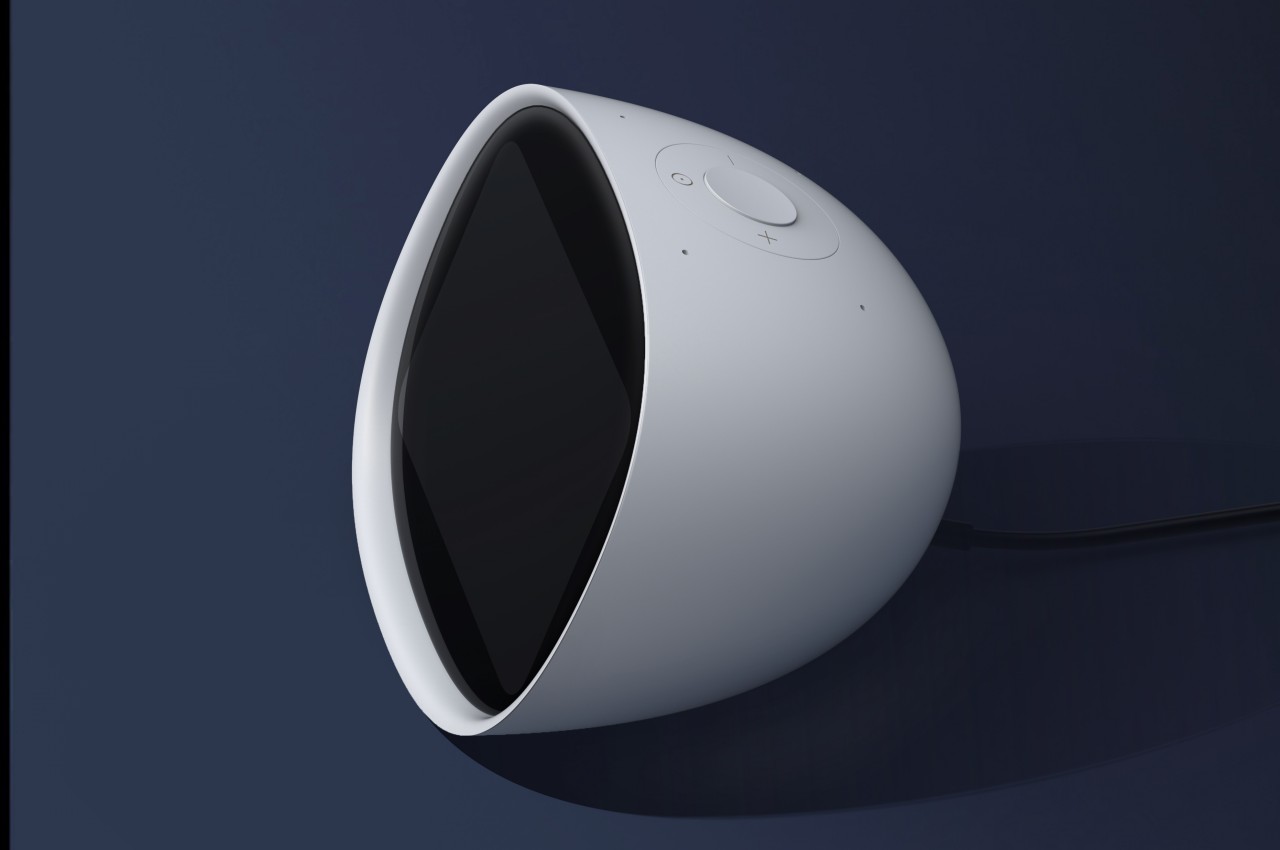
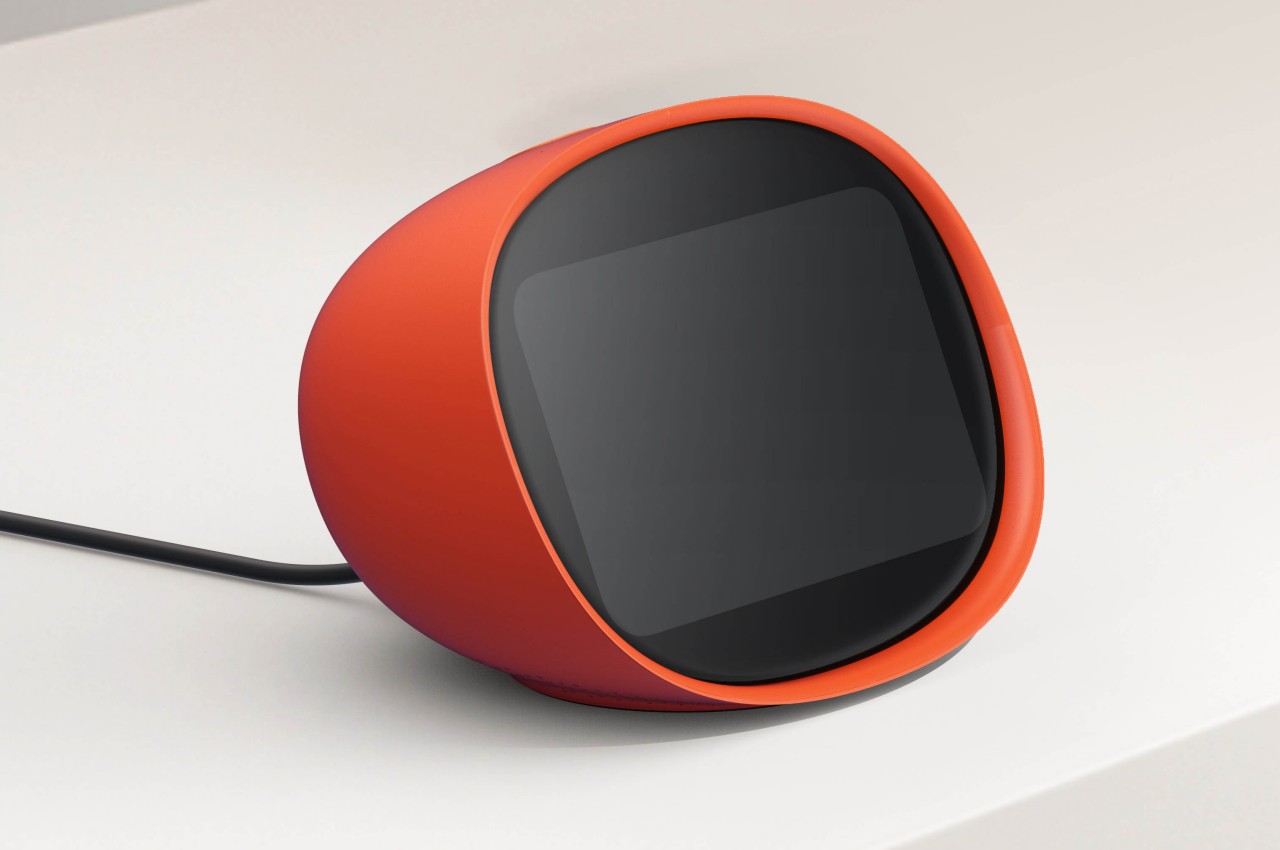
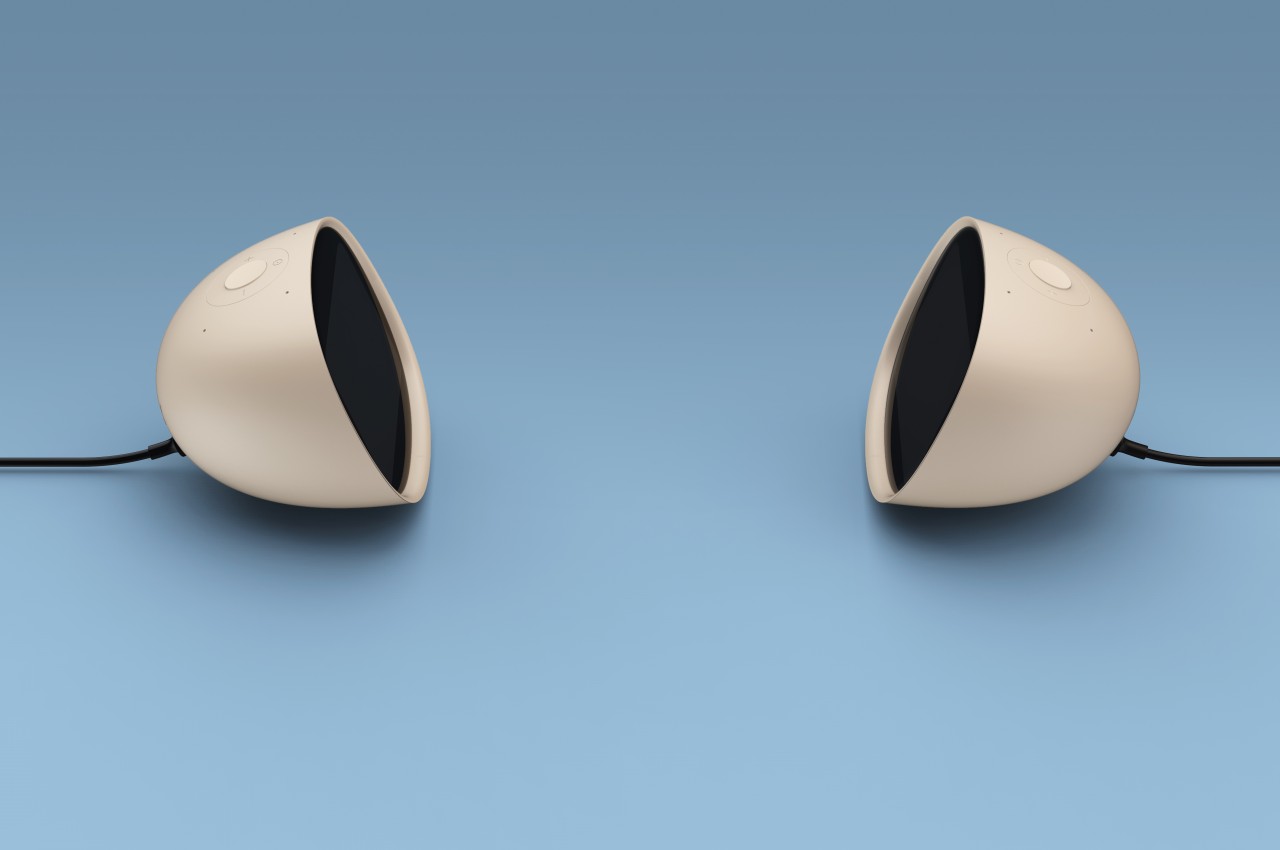
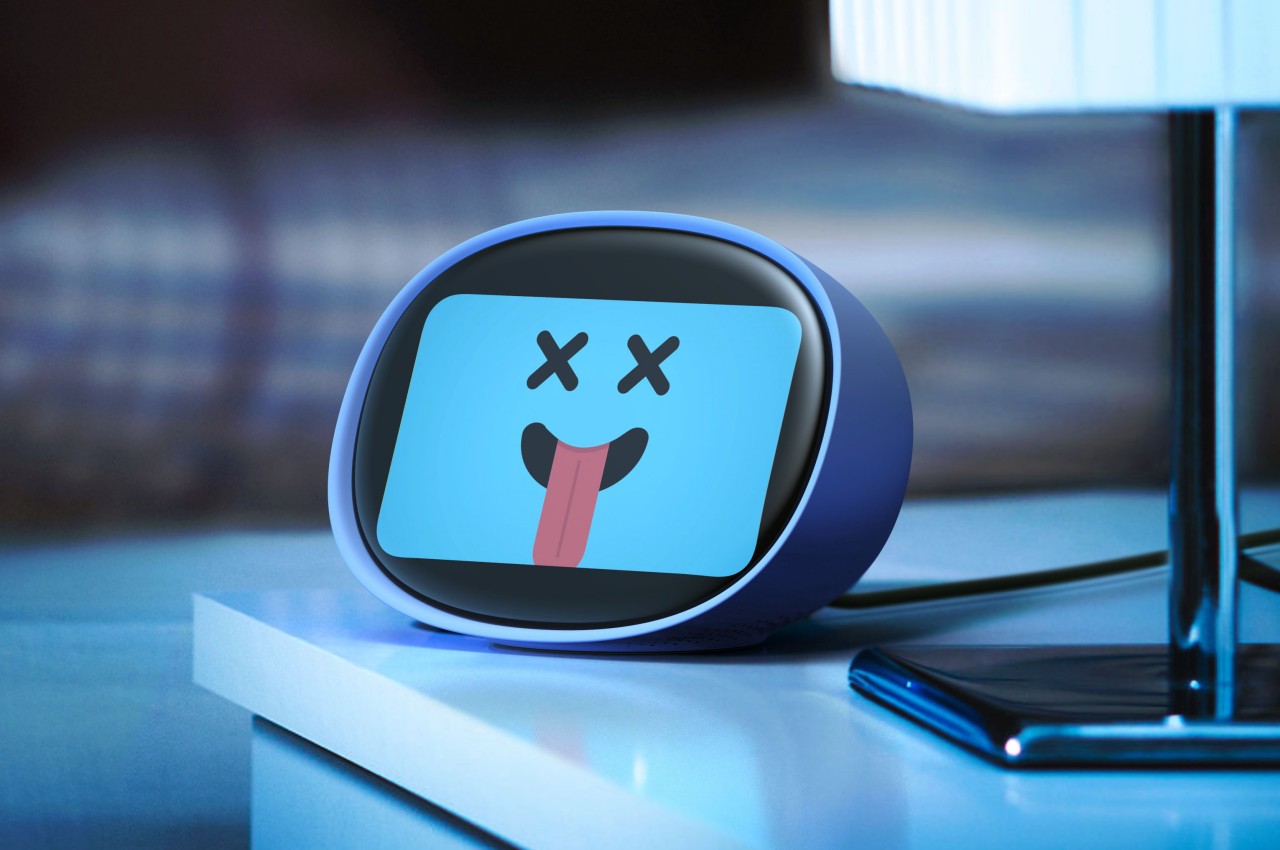
The Smart Pad concept tries to liven things up by changing the core design of the smart display. Objectively speaking, the 4-inch screen might actually seem too small for its purpose, but that also means you’re forced to show only the essentials rather than flooding the user with information. The smart display is also shaped like an egg, reminiscent of the old, colorful iMacs or even some vintage CRT TVs. This angles the screen at a comfortable level without having to resort to stands and external mechanisms.

The more important feature of the concept, however, is the cartoon-y face that can be displayed on the small screen. It might be a minor and optional detail, but it lends the gadget a bit of personality, making it feel more approachable and even human to some extent. It makes the Smart Pad feel less like an appliance and more like a companion, putting a face to that disembodied voice we always hear when we talk to such devices.

Of course, it’s also capable of the standard things that smart displays can do, at least in theory. That screen can play videos, display photos, and show information, but it might be less expressive because of its small size. That makes the device more suited for desks and bedside tables rather than living rooms, where seeing the screen up close is more natural.

The post Smart display concept puts a cute face on smart home technology first appeared on Yanko Design.

DIY macro keyboard gives designers customizable shortcuts for any app

Content creation is a big thing these days, whether you’re producing video for live streaming, making graphic art, or even digitally carving 3D models for virtual spaces. Unsurprisingly, there’s a wide variety of software tools available to creators as well, ranging from simple ones you can run directly on your phone to the more sophisticated suites that require a laptop or even a desktop. The variety of features in apps that people use on a daily basis can become mentally exhausting, especially when it comes to memorizing keyboard combos that should help speed up workflows. Our fingers can only do so much, and the number of shortcuts we have to remember across multiple apps can actually do more harm than good. This DIY project tries to make designers’ and creators’ lives a bit easier by offering a mini keyboard that can adapt its icons and actions to match the app you’re using.

Designer: Maximilian Kern

So-called macro keyboards like the Elgato Stream Deck are becoming more popular not just among streamers but also among computer power users. They provide a dedicated set of buttons separate from your keyboard that you can map to almost any function in an app to make them easier to use. As popular as these gadgets might be, they’re still considered niche and, therefore, expensive, out of reach of budding creators.

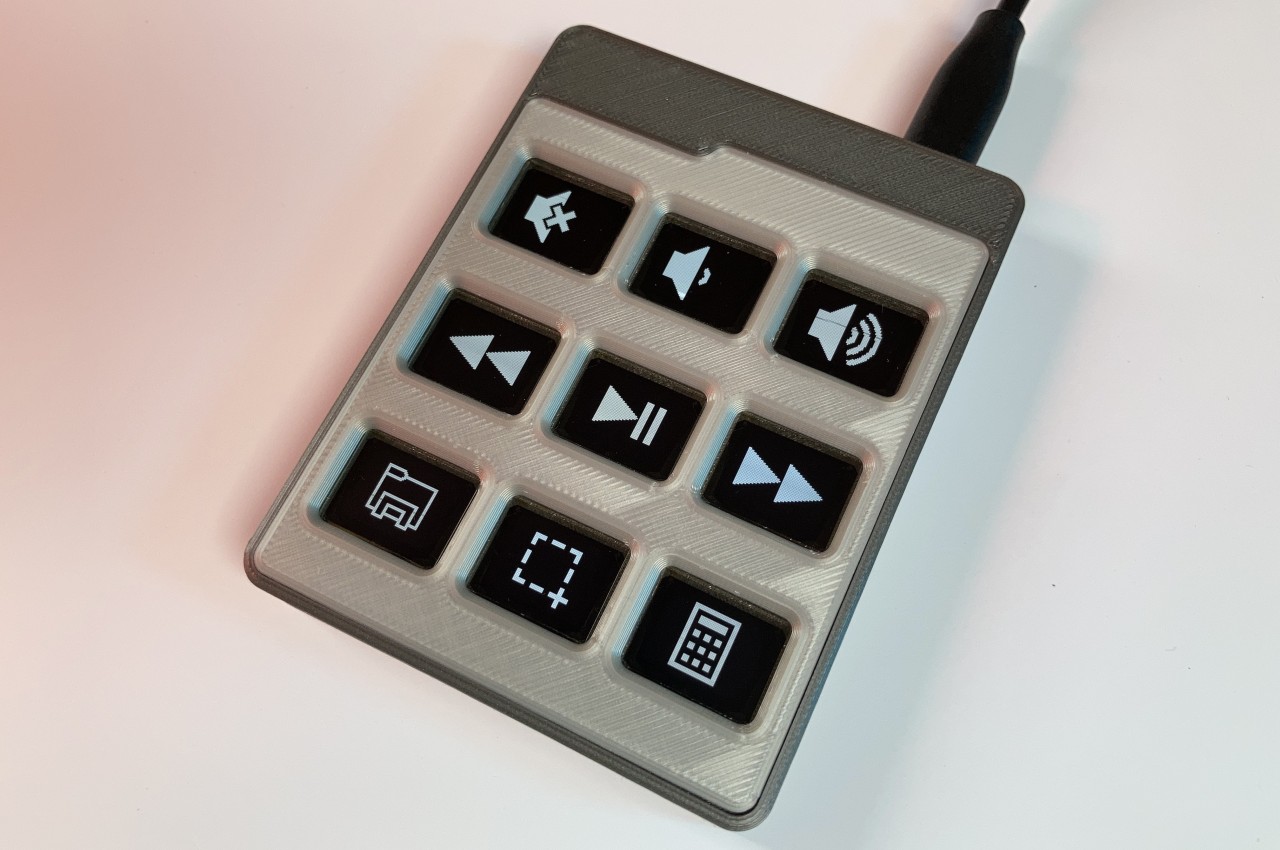
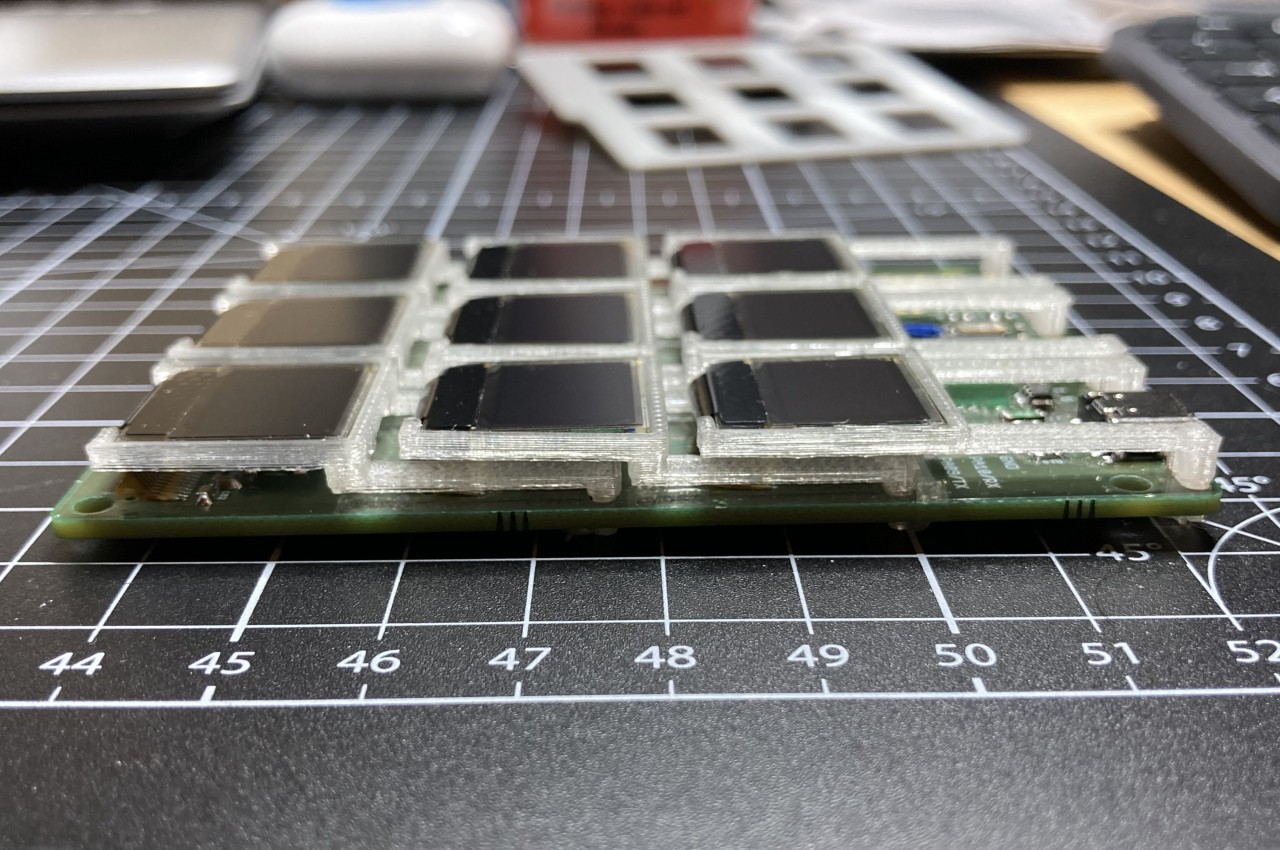
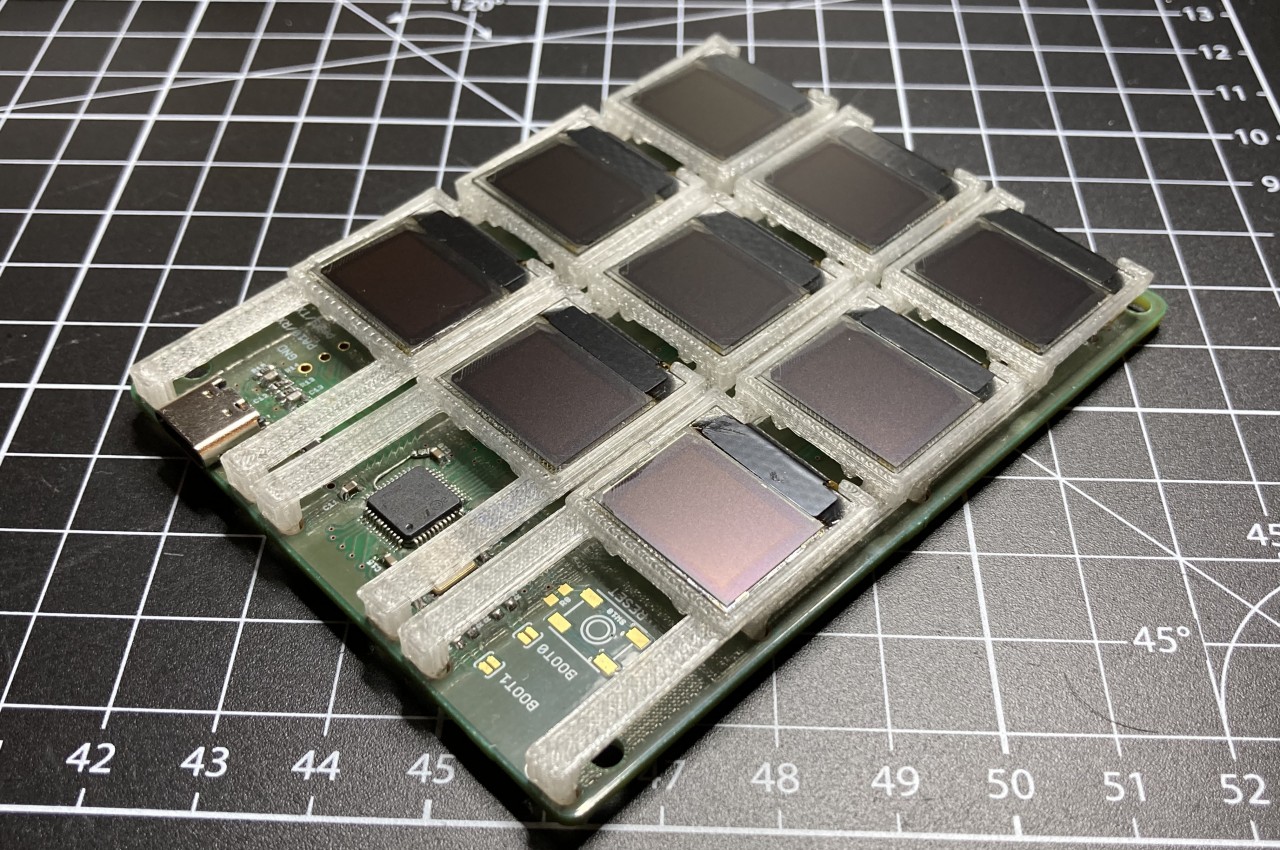
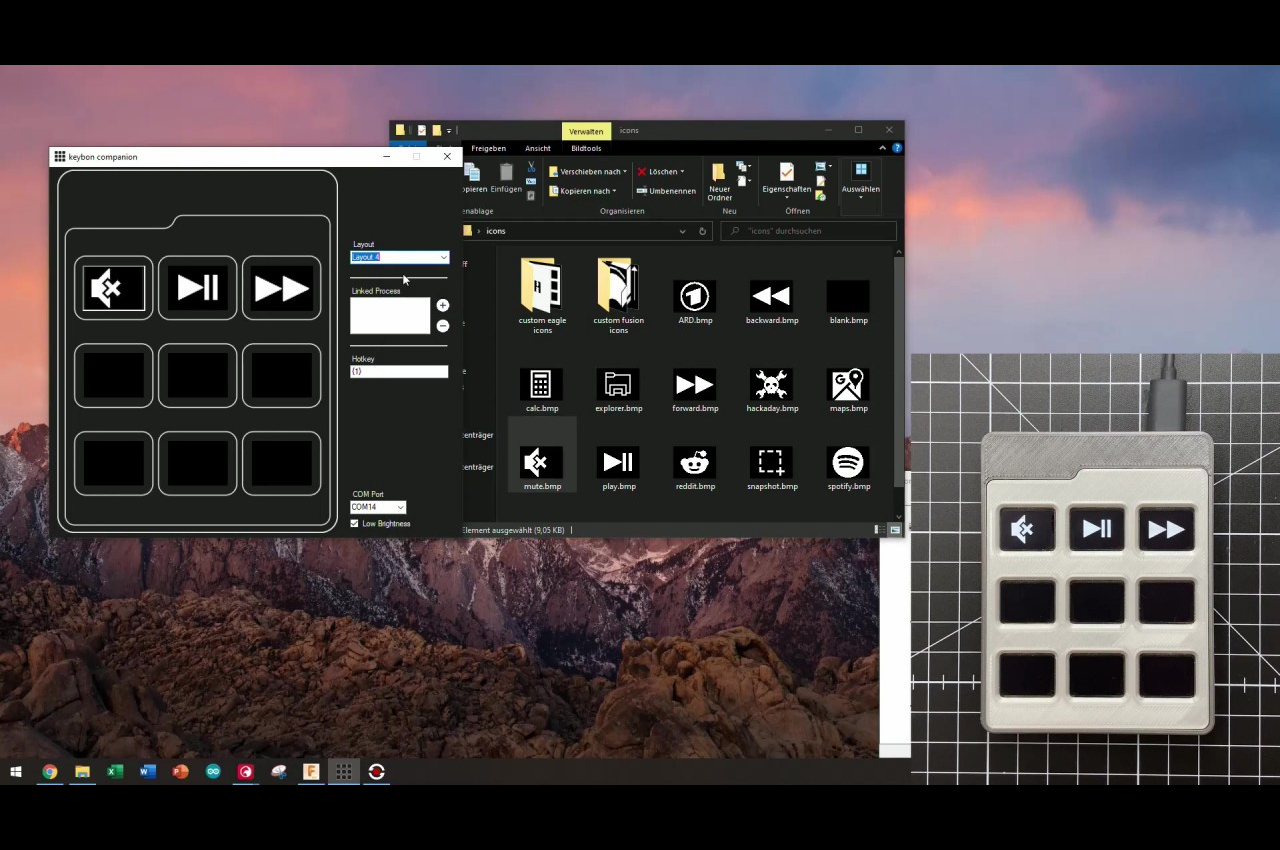
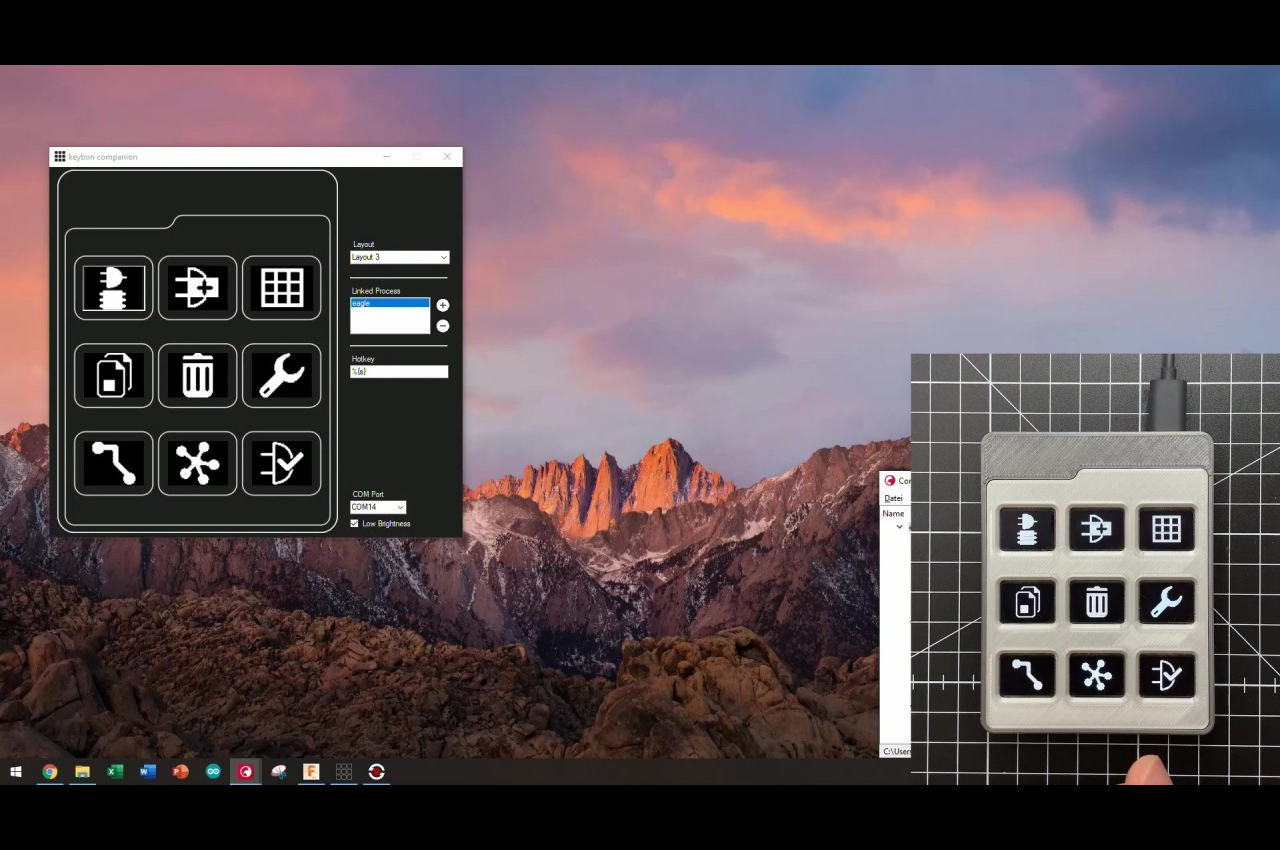
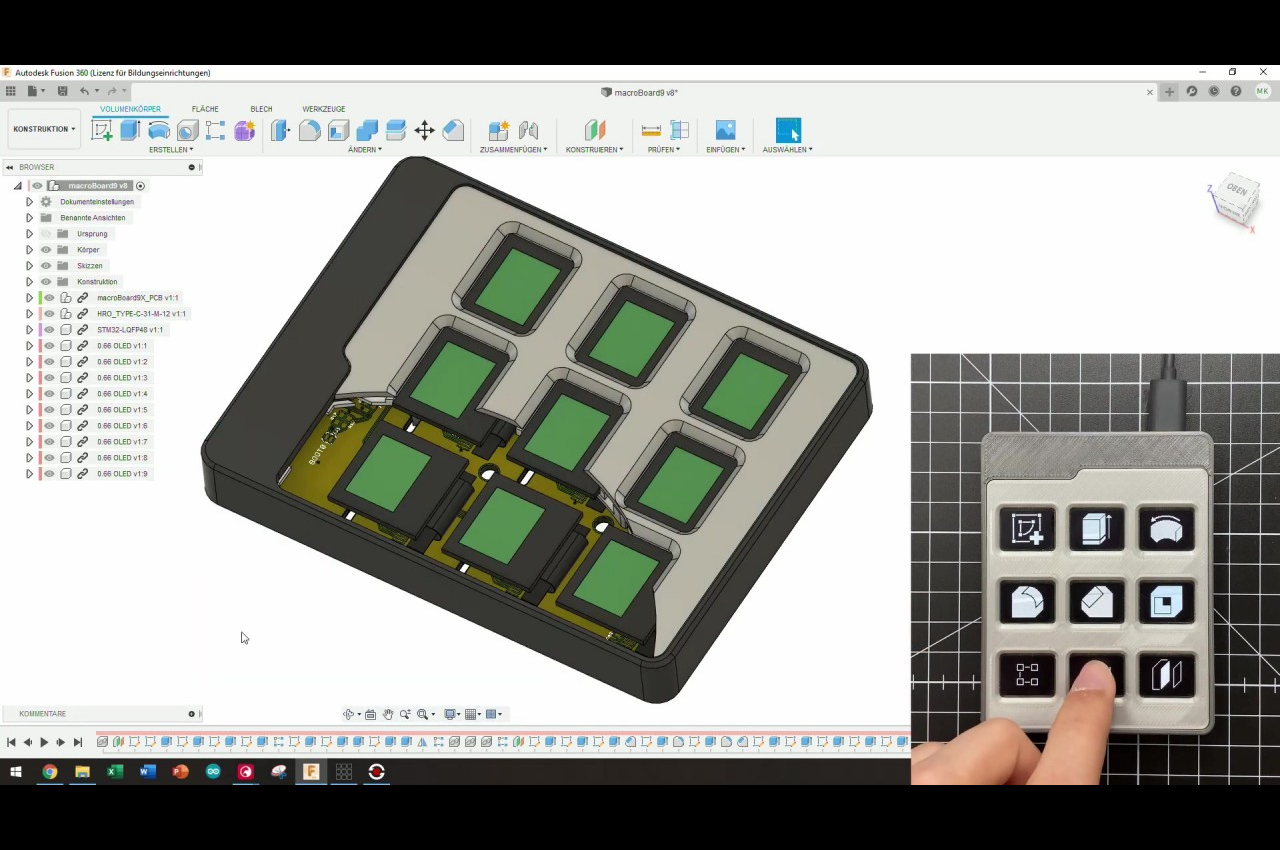
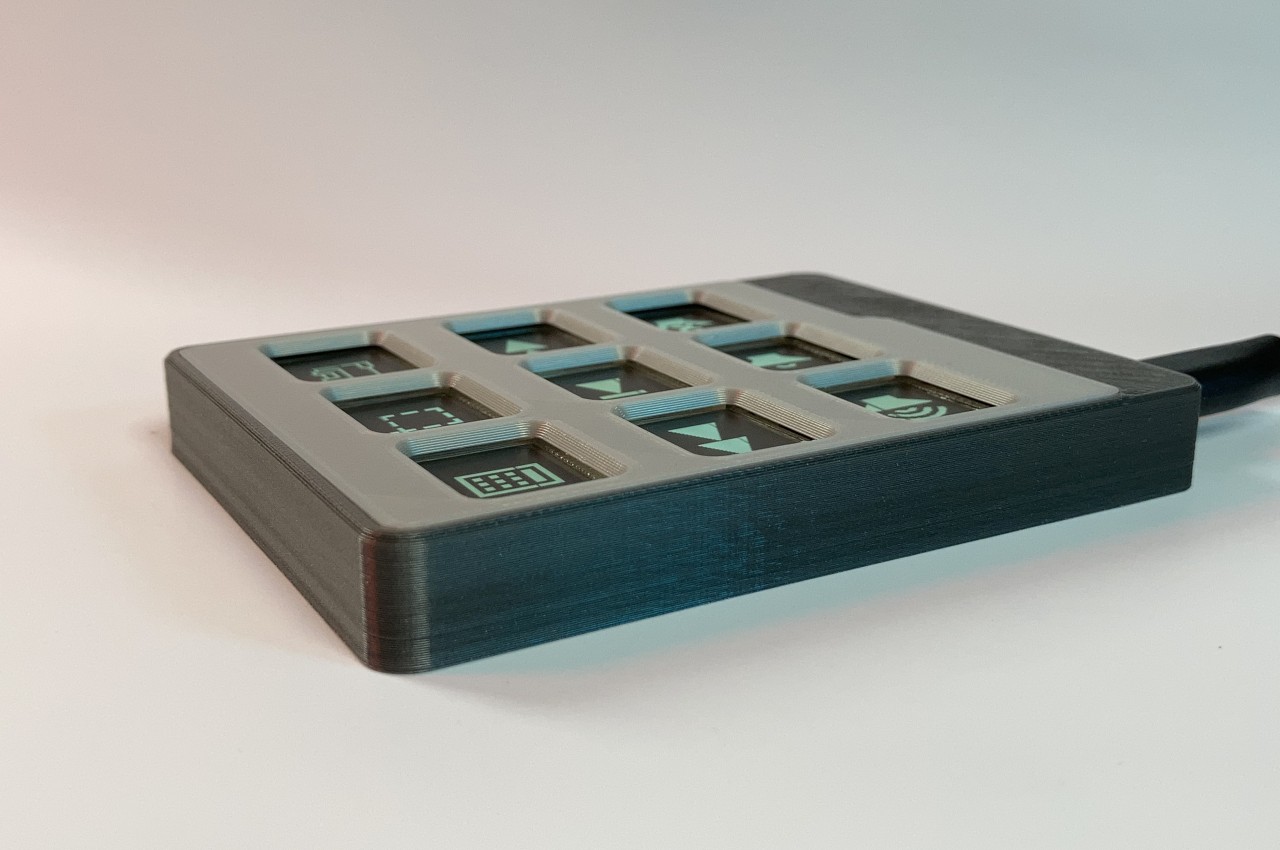
If you’re anything of a tinkerer or maker, however, you can also just make your own, like what this Keybon project aims to accomplish. It’s a small box with nine tactile buttons buttons that you can assign to a specific function or keyboard shortcut. And just like those pricey commercial macro keyboards, it can switch to a different layout depending on what software you’re running at the time.

1

What makes Keybon extra special is that each of those nine buttons actually has small 0.66-inch screens on top, and you can select an icon to match the action that the button represents at that time. While it might be faster with muscle memory, visual cues like this will help your brain adjust when switching between apps and layouts. At the same time, you also don’t have to force yourself to actually memorize the actions and buttons and simply take a quick glance at the keyboard to know which one to press.

That said, this kind of project does require a bit of electronics and software know-how to create Keybon, but that also opens the door to more freedom in the design of the device. Fortunately, all the needed pieces are available for free, so it can also become a springboard for makers and creators to customize their own personal macro keyboard to their hearts’ content.

The post DIY macro keyboard gives designers customizable shortcuts for any app first appeared on Yanko Design.

Smart device reminds you to take your meds when you have to

When I was diagnosed with a certain condition a couple of years ago, it also comes with the tedious (and expensive) “habit” of drinking all kinds of medication. While in my head I know I have to drink these meds at certain times of the day, there are still a lot of times that I actually forget. Sure, we can always add reminders on our phones but sometimes we just snooze those reminders. Or that may just be me. But in reality, people still need all kinds of reminders to take their meds.

Designer: Rume Studio

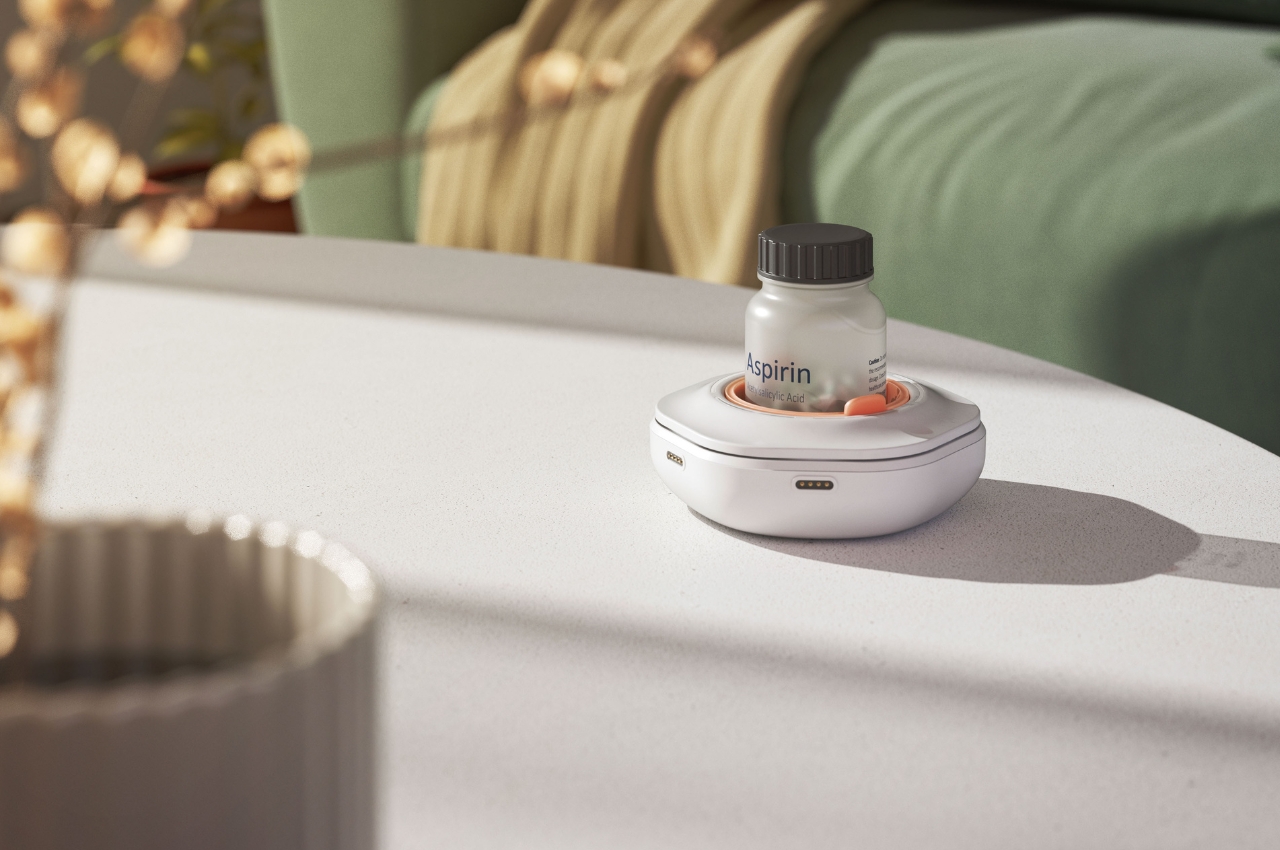
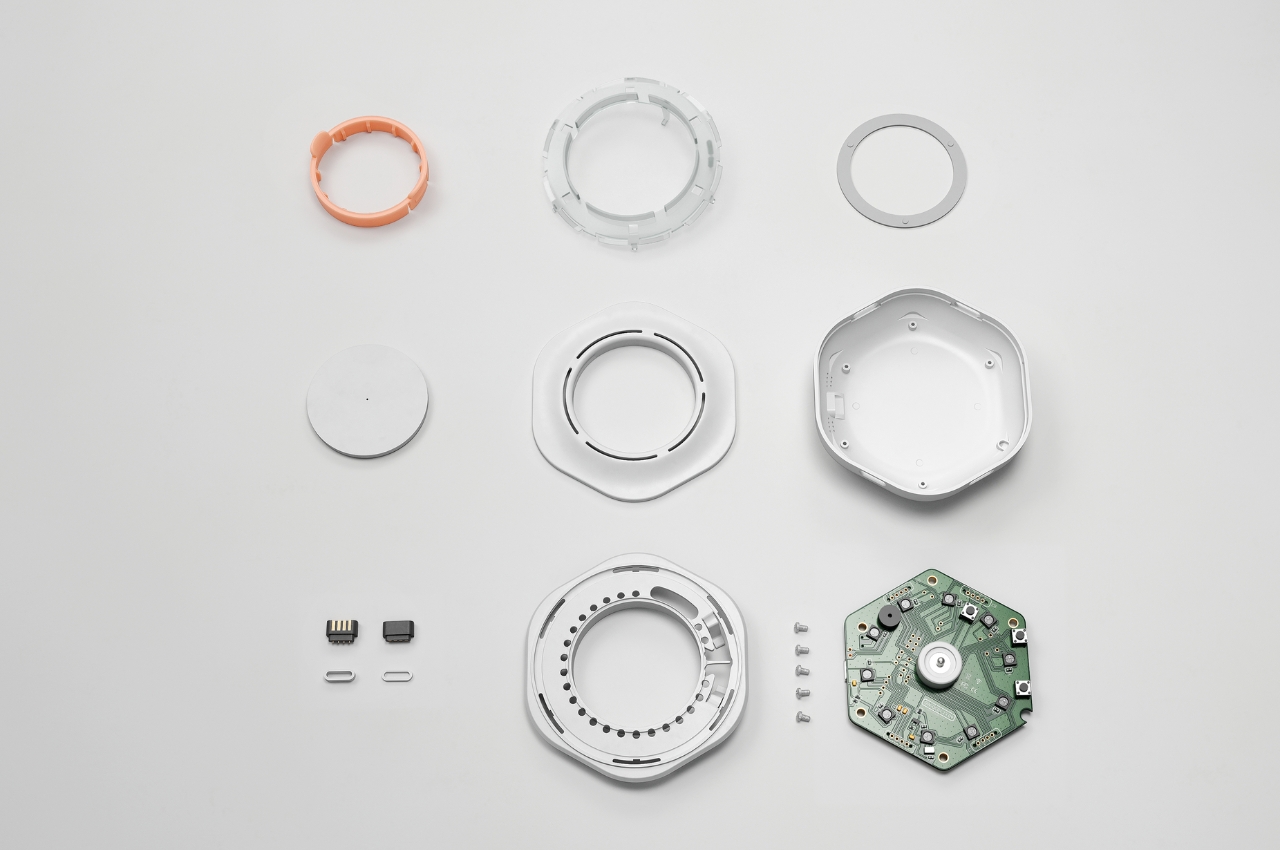
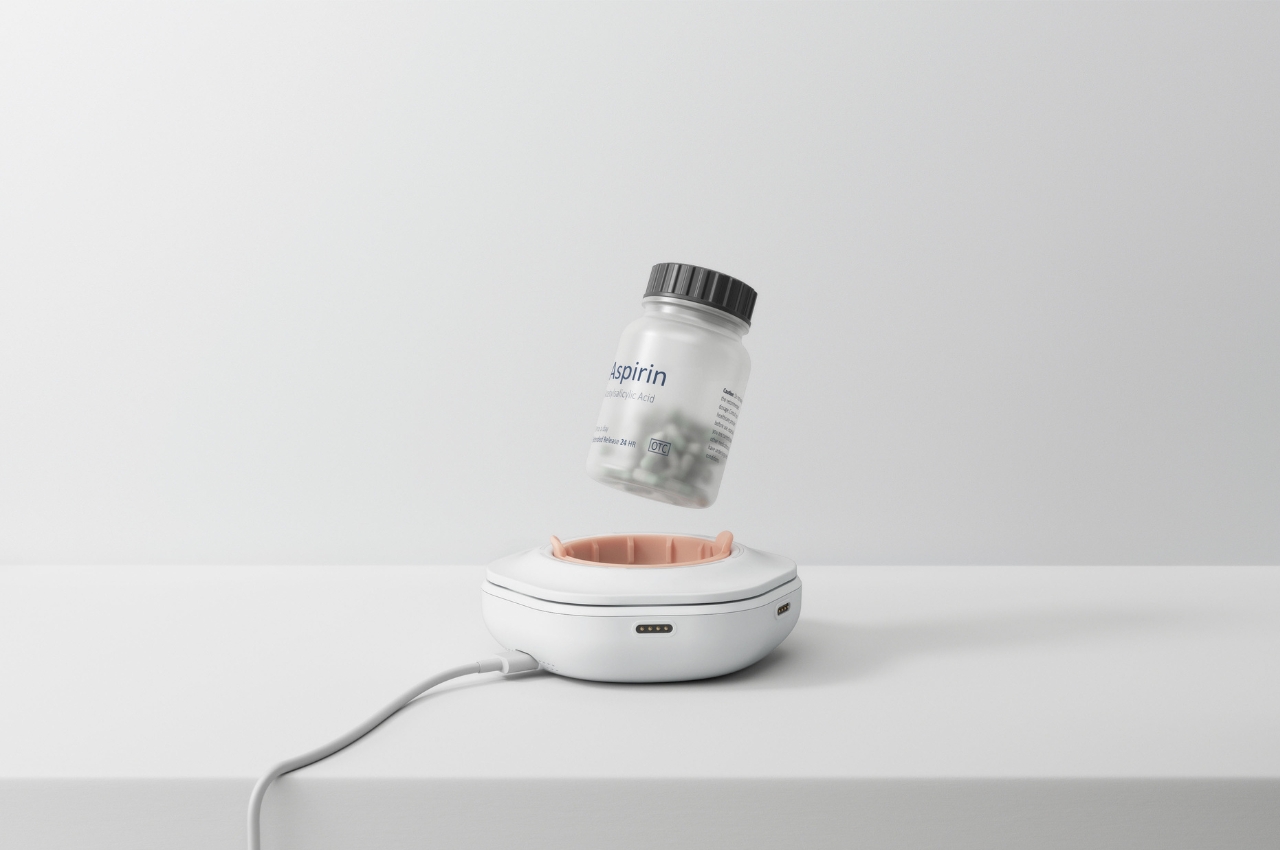
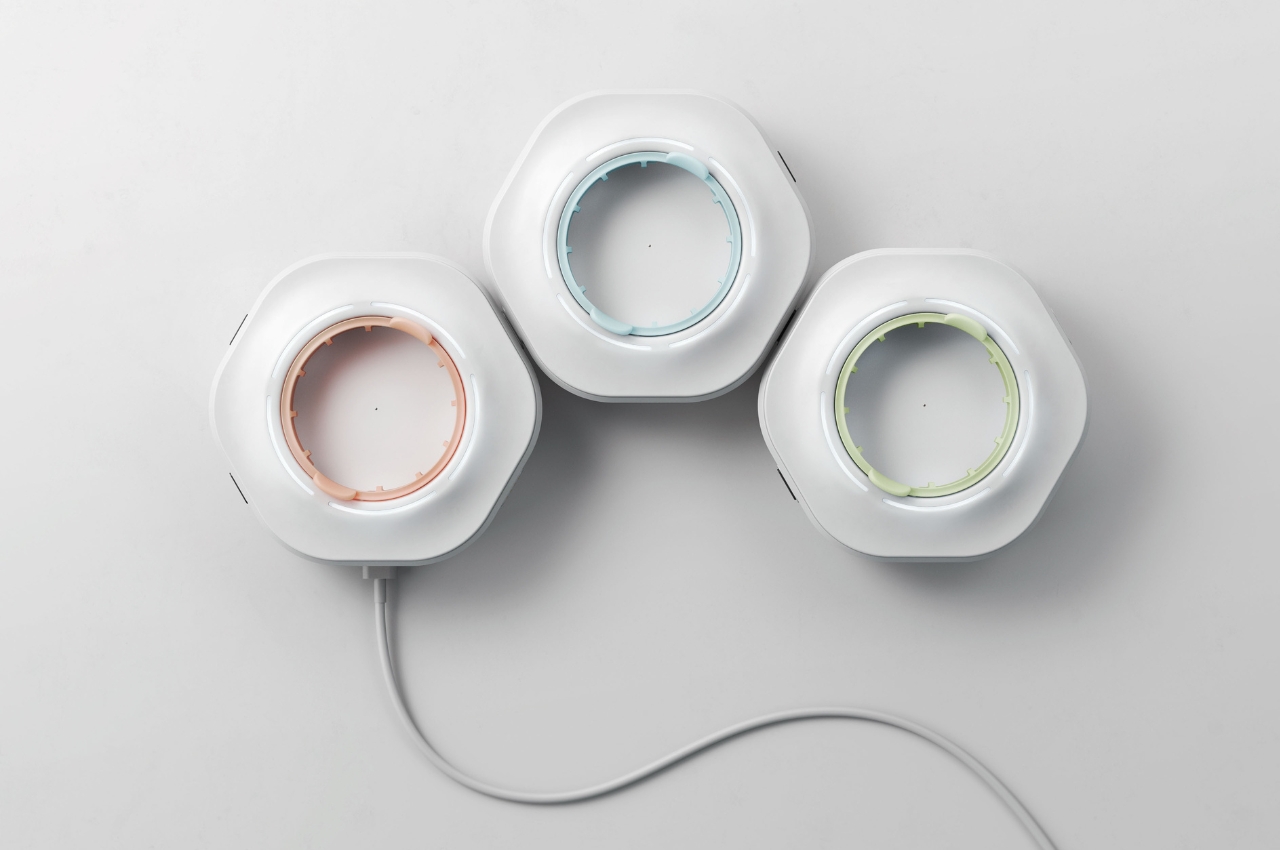
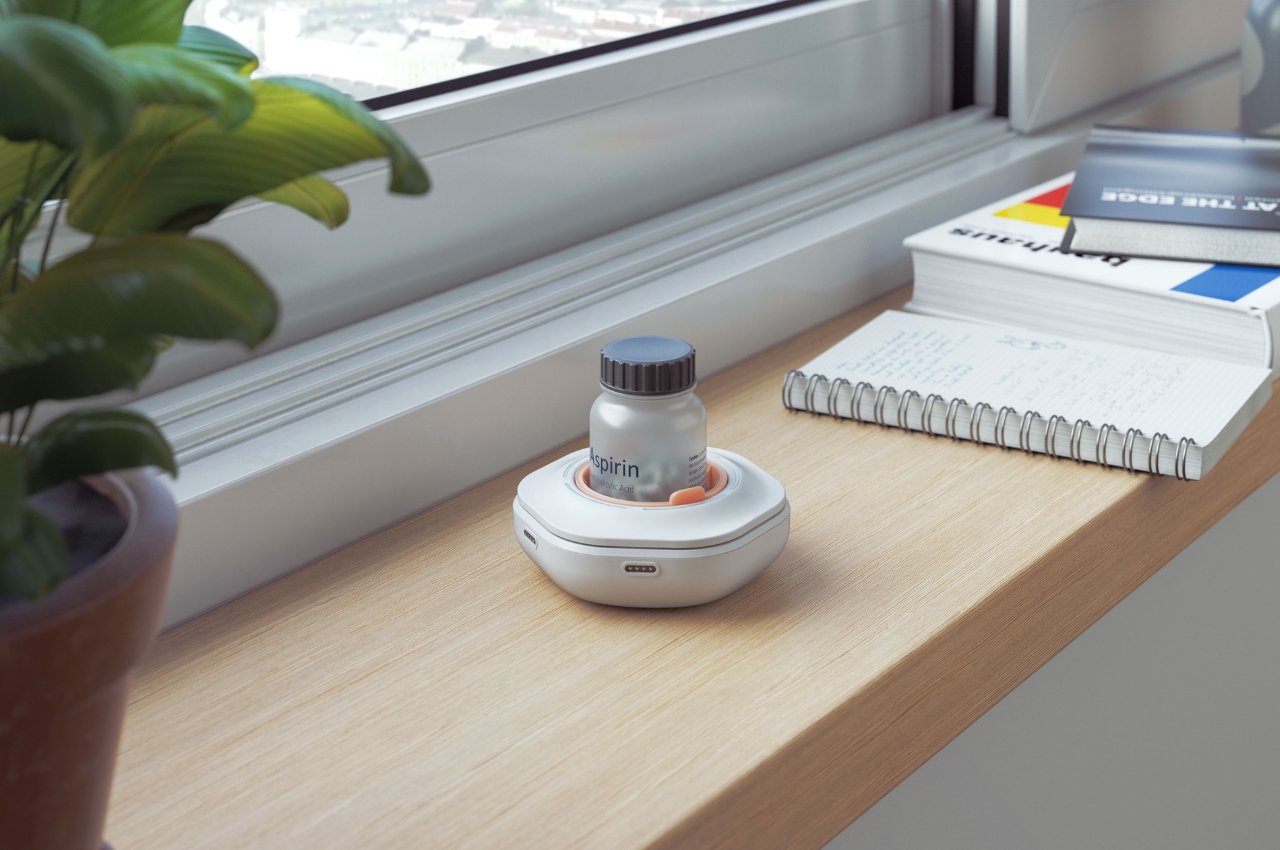
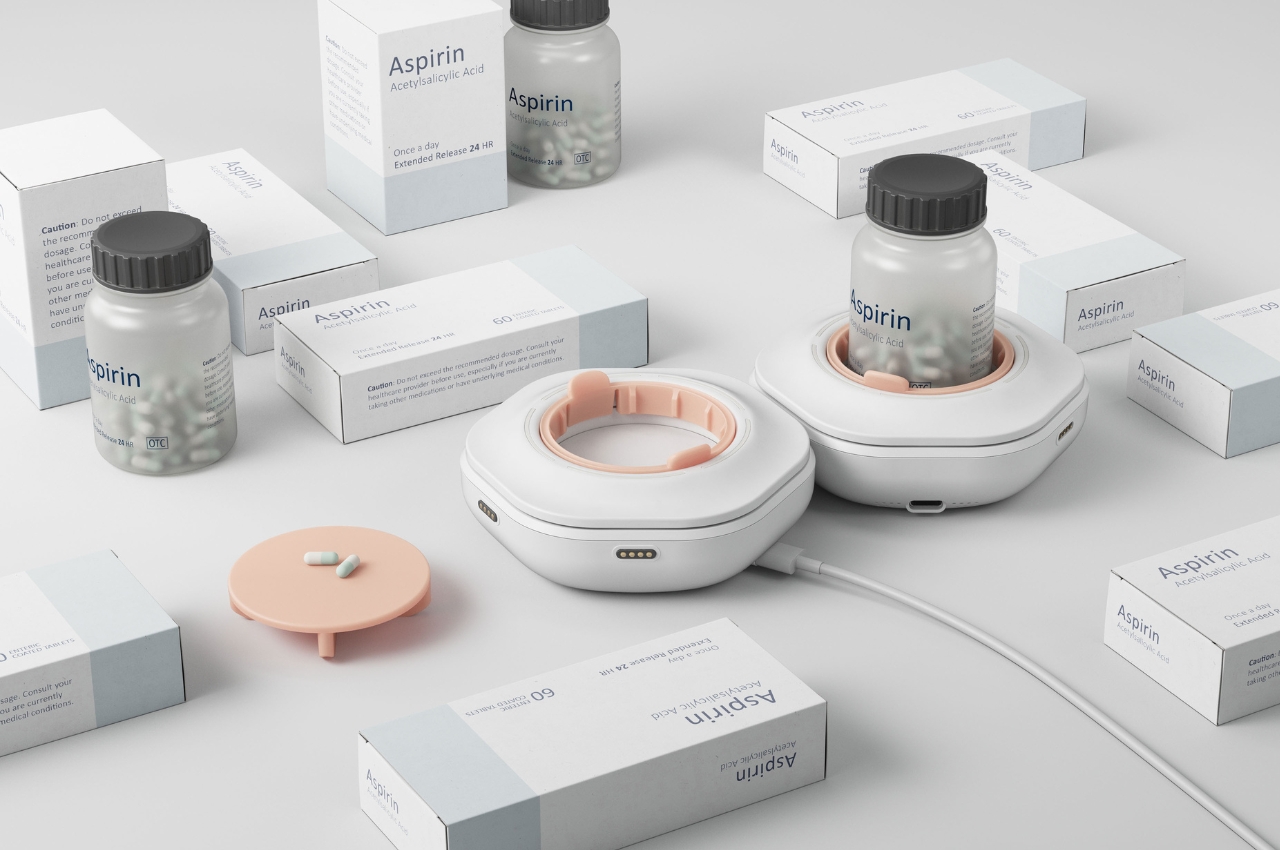
Ownum Pod is a concept for a device that may be the first one with a smart reminder for medication. This isn’t just an app that can give you notifications when it’s time to take your meds. It’s actually a smart device where you can put your medicine bottle in it and then configure the app to give you reminders when to take it. There is a precision scale inside the device so it knows whether or not you took the correct dosage of your pills or tablets.

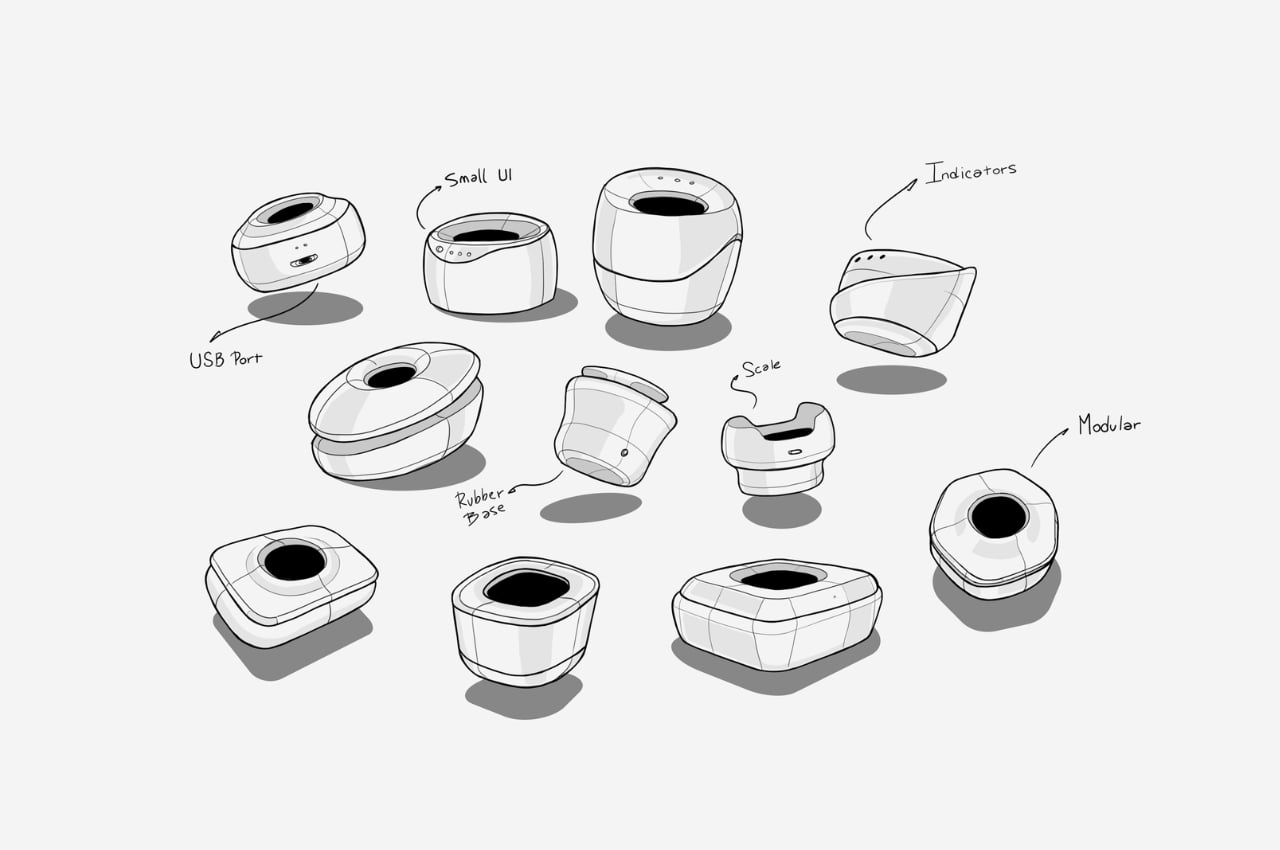
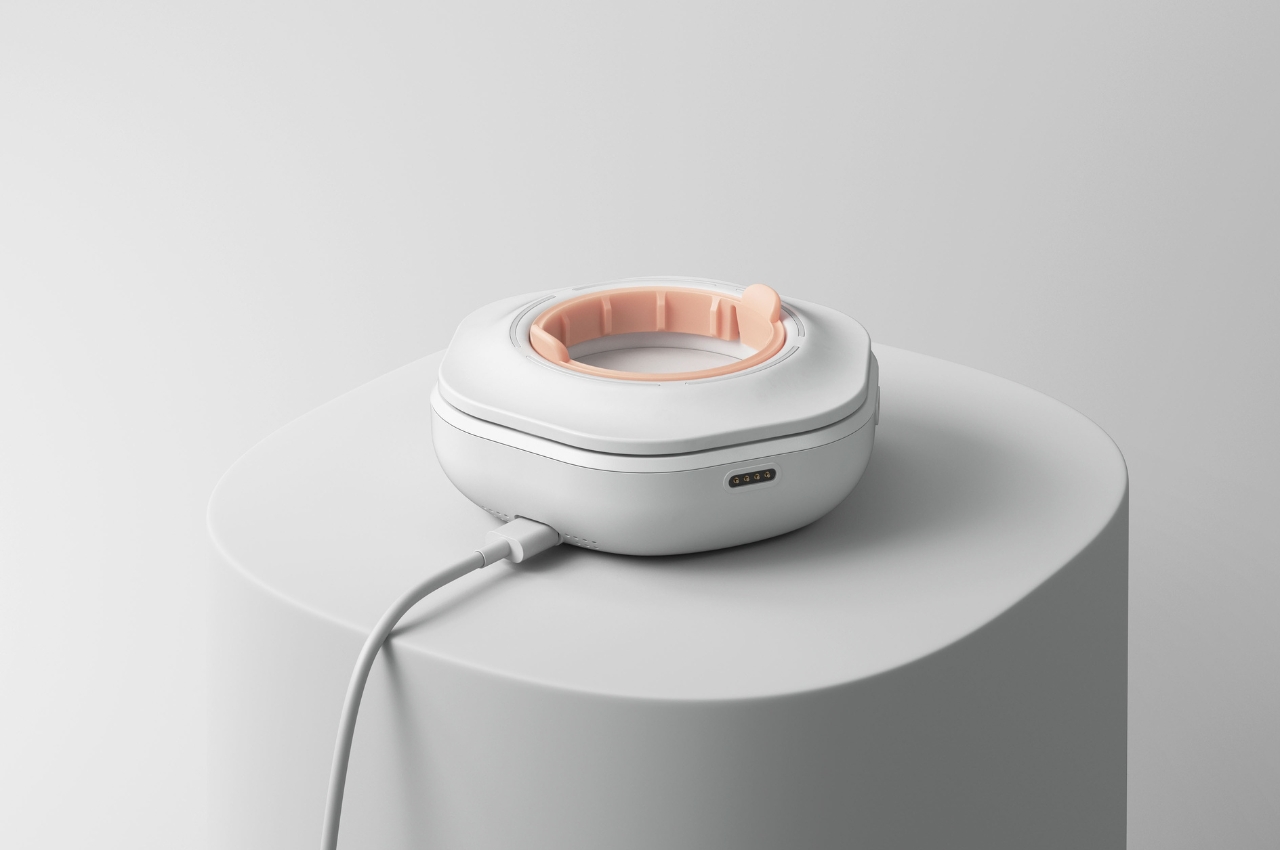
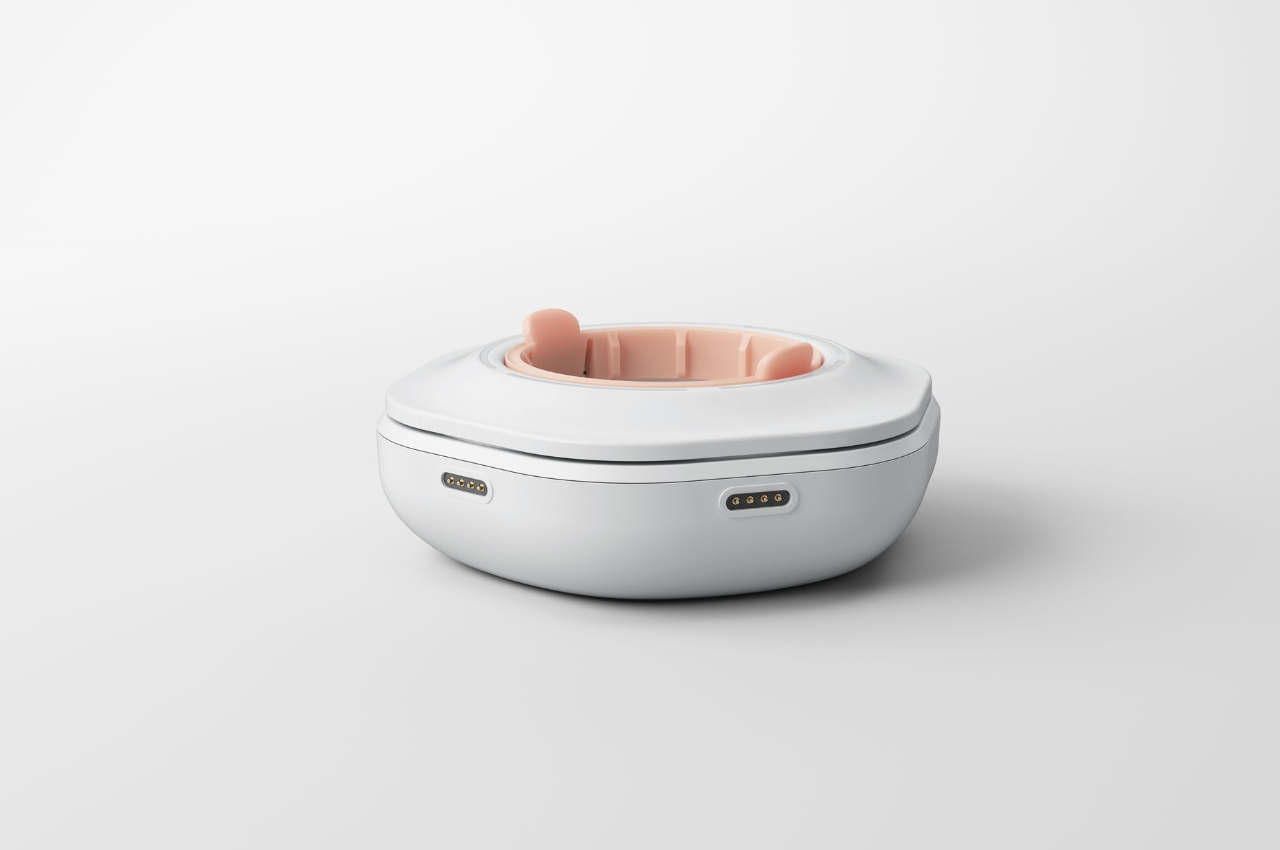
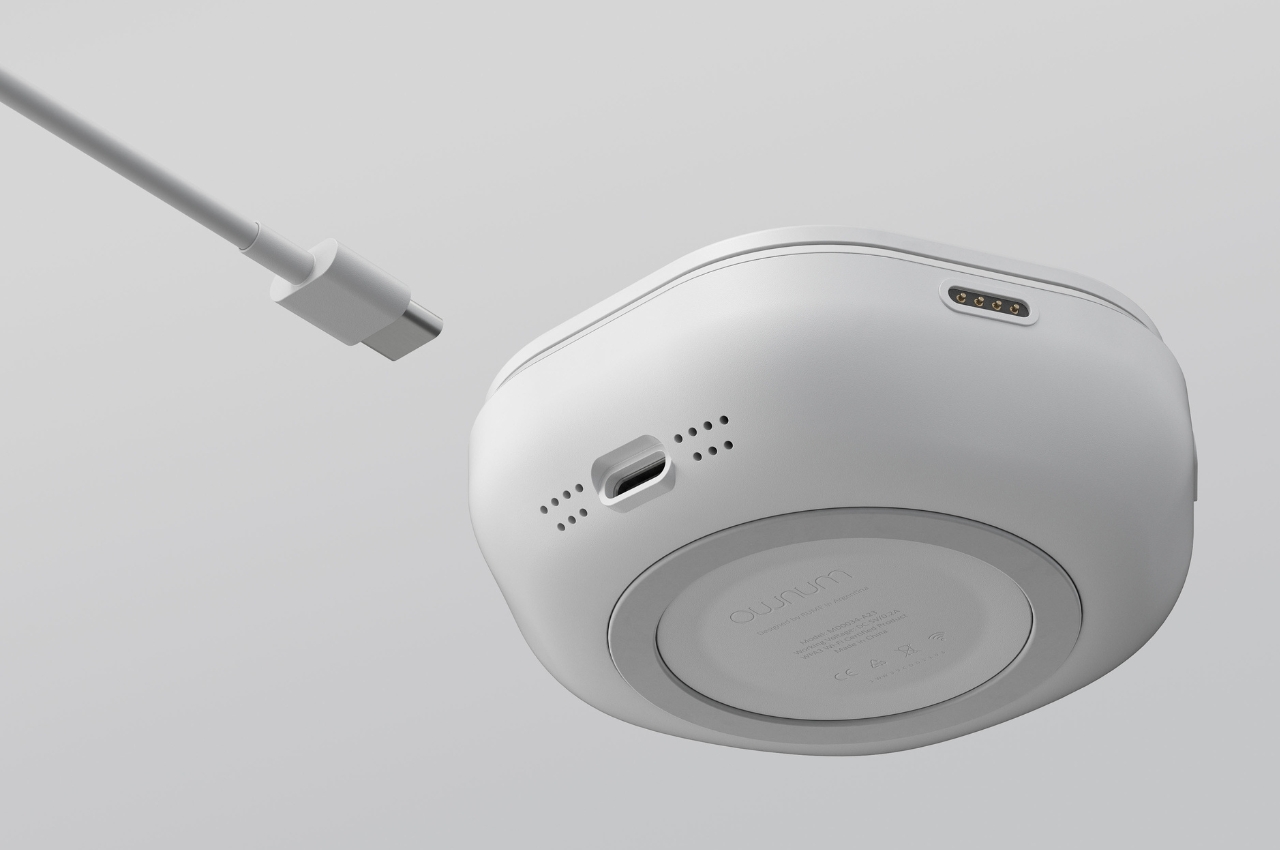
The pod itself looks like a smartphone or device charger with a space in the middle to put the medicine bottle. It probably has a standard bottle where you can just store your respective medicine in. And if you’re like me that takes several different meds, you can interconnect multiple pods with just one power cable / charging connection. It has a rubber base and is also modular so you can place double or multiple pods together.

The UI and function seems pretty simple based on the product renders, although there wasn’t much explanation or visuals of the connected app. I don’t know if something like this can help discipline someone like me into taking their meds regularly. But having an option like this may be helpful.

The post Smart device reminds you to take your meds when you have to first appeared on Yanko Design.

Levitating Xbox controller themed on the “Dune: Part Two” movie is up for grabs via a competition

There’s no denying, we love everything that levitates. Consider the magical element of a floating gadget or the sheer curiosity of the working mechanism, anything that suspends in mid-air, ignites our curiosity. Of course, this levitating Xbox controller wouldn’t escape our radar.

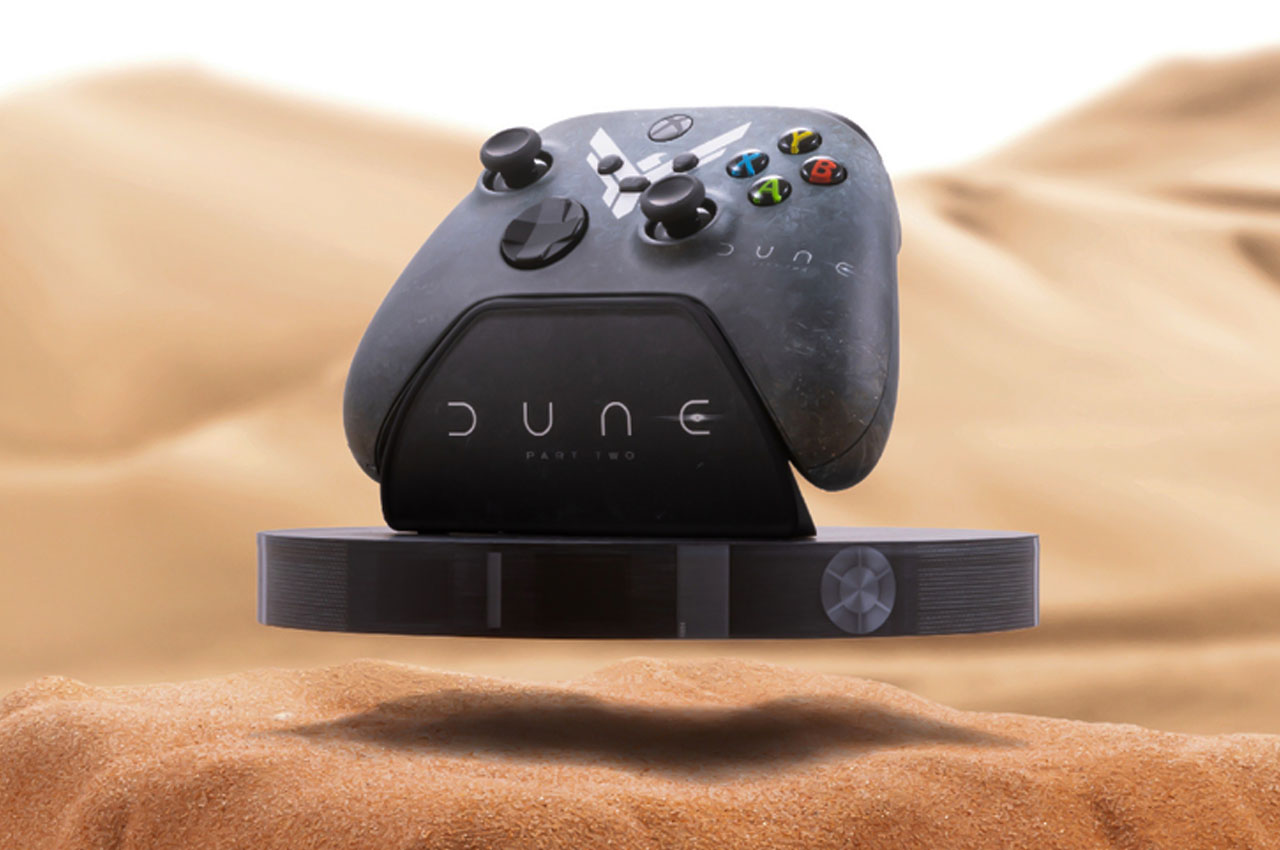
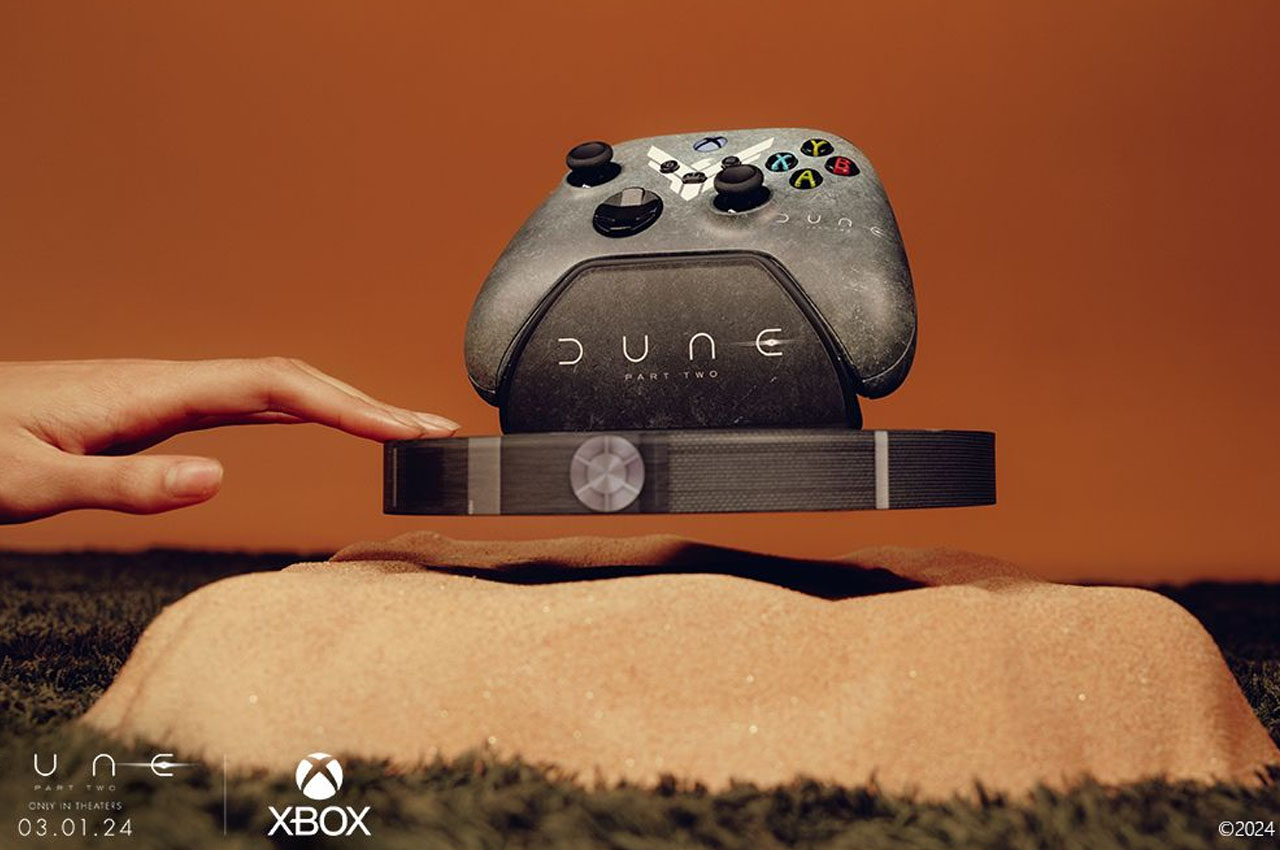
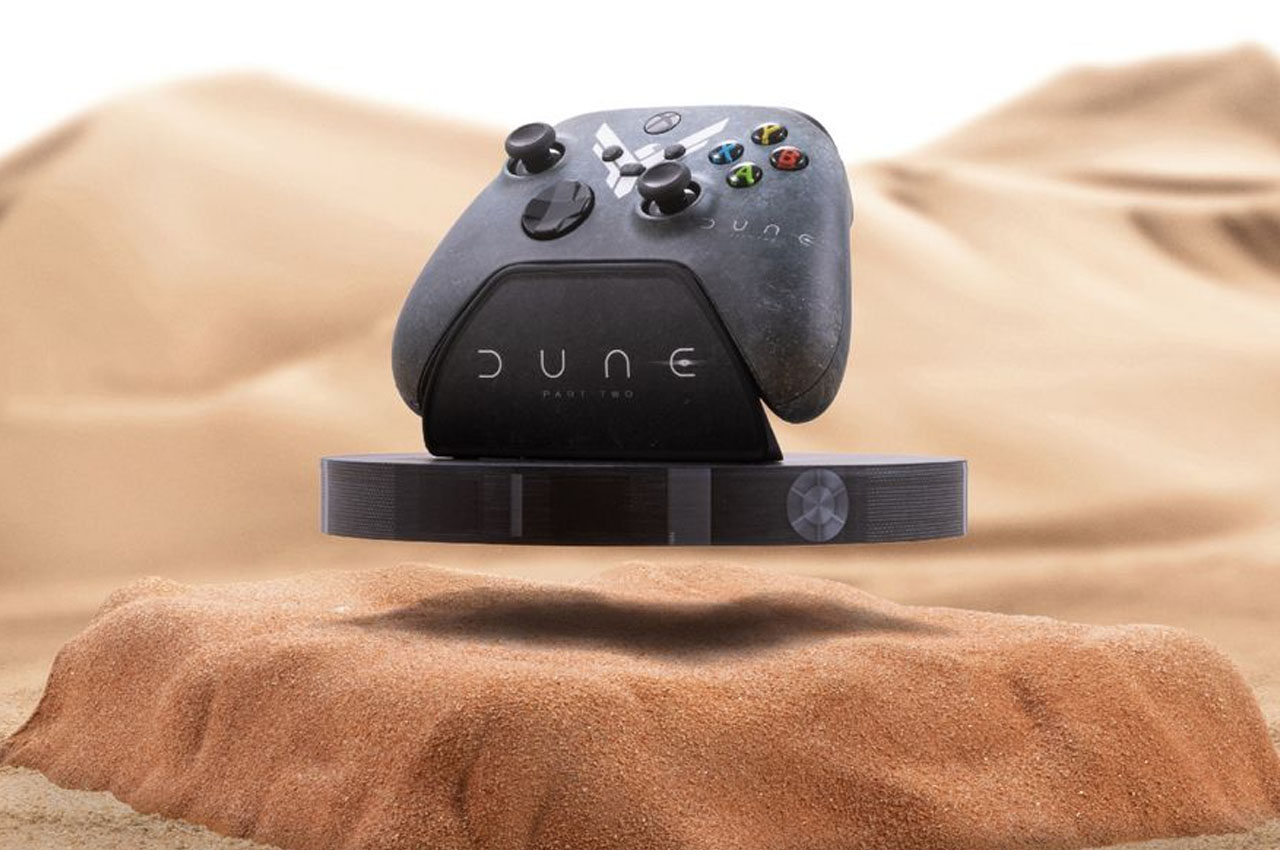
This special edition gaming Xbox gaming controller will mark the release of Dune: Part 2 on March 1. Microsoft is labeling it as the world’s first floating Xbox controller, and we’ll agree since this is a one-of-a-kind creation. The idea behind the levitating aesthetic is to mimic the Ornithopter’s capability to hover over the Arrakis’ dunes. The good news is that you can win this one-off collectors’ piece by topping the sweepstakes competition by Microsoft on X.

Designer: Microsoft

Limited edition hardware is nothing new to Microsoft for promoting their flagship console. For the Dune edition version, the tech giant has collaborated with Warner Bros and Legendary Pictures to promote the release of Denis Villeneuve’s movie. Coming on to the levitating feature, the controller rests on a stand that floats. The visual trickery is not made clear by Microsoft but we presume magnets are used to weave the magic. Hiding behind the big sandy base that’s most likely created to aid this cool illusion.

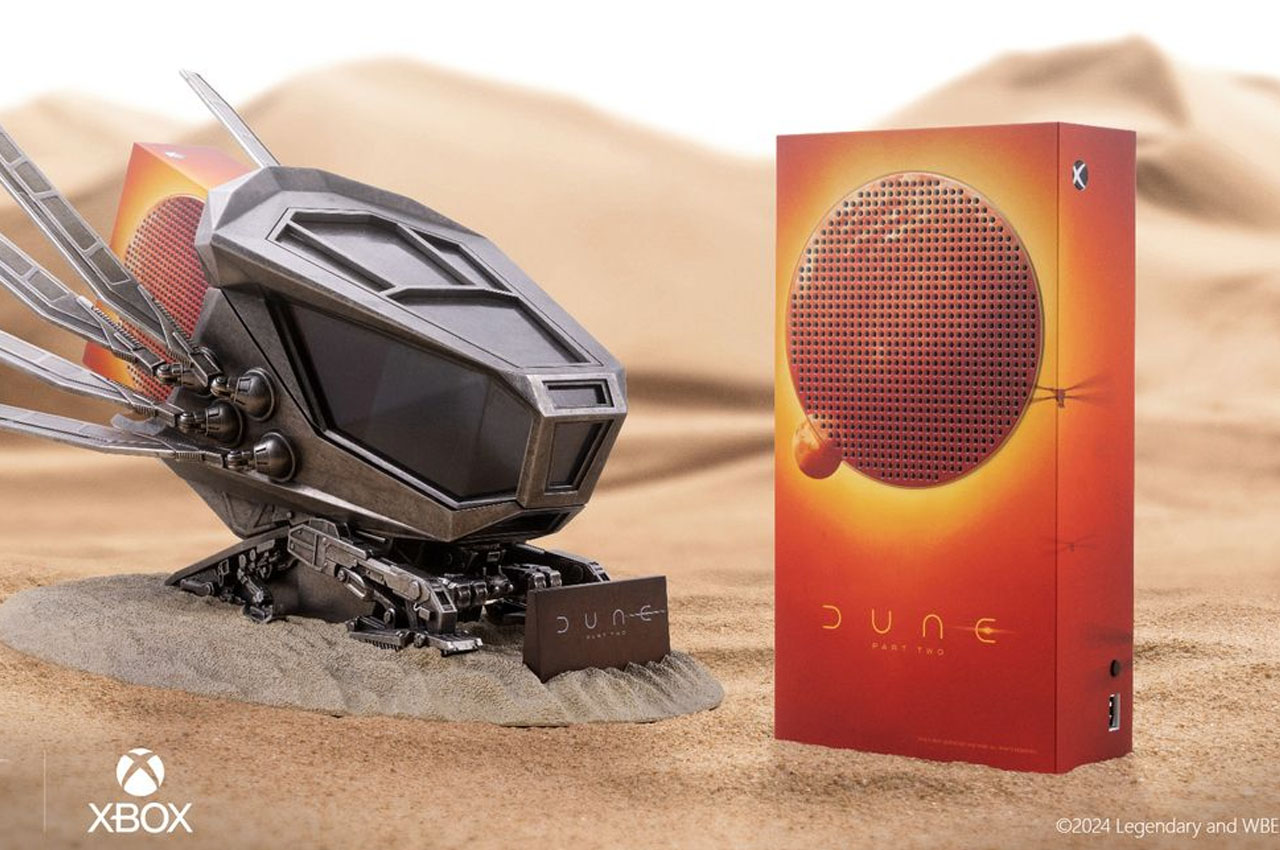
The gaming controller has a custom finish complete with the movie logo and symbols. Similarly, the Xbox Series S console carries a vibrant design to represent the scale of Arrakis in the cosmos. It is accompanied by the Dune-themed Ornithopter Stand for the complete feel. If you are interested in rolling in for the competition jump right away to check out the official rules and eligibility details. The entry period is currently on and will go on till March 25.

The post Levitating Xbox controller themed on the “Dune: Part Two” movie is up for grabs via a competition first appeared on Yanko Design.

Discreet hearing aid concept empowers people with hearing disabilities

Many people try to deny experiencing physical disabilities for fear of making them look weak. This is especially true when it comes to hearing problems that people feel they can simply ignore or wave off easily. Those who do admit to having some hearing disabilities, however, are hesitant to get hearing aids that are expensive, fragile, uncomfortable, and too conspicuous, as if announcing their handicap to everyone around them. That doesn’t have to be the case, especially with today’s advancements in technology, and fortunately, some people are indeed stepping up to design a less obnoxious and more reliable hearing aid, such as this concept that tries to check all the boxes that would encourage more people to wear them and enjoy the world as it was meant to be heard.

Designers: Jitendra Kakade, Nikhil Srikrishnan, Riddhiman Dutta Choudhury

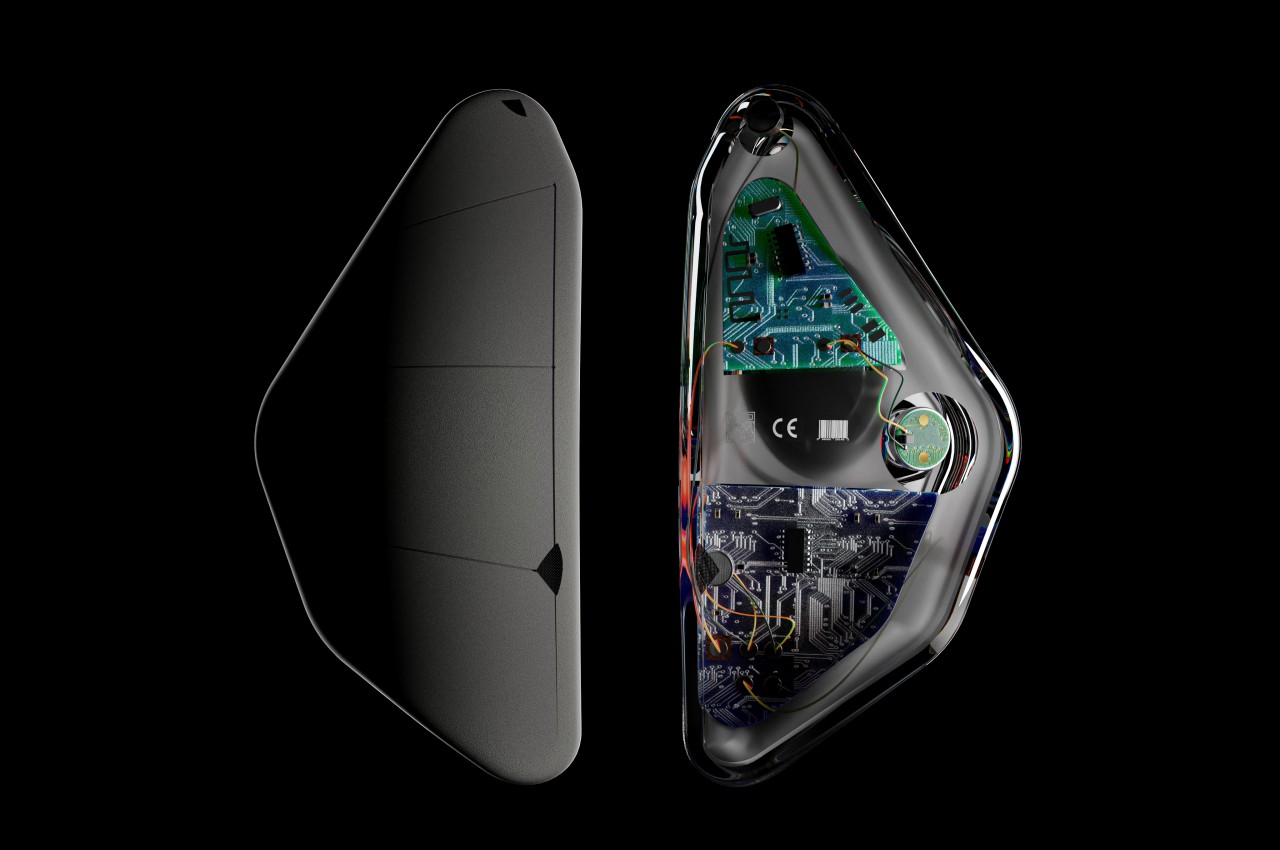
Despite how electronic components can now be so minuscule, most hearing aids still come in a large, two-piece design that, more often than not, clamps to the back of your ear. Such hearing aids are not only uncomfortable to wear, they also tend to put a very visible stigma on wearers, making them feel self-conscious and even ashamed to wear one. This leads to many owners abandoning these devices altogether, willing to sacrifice their happiness for the sake of their image.

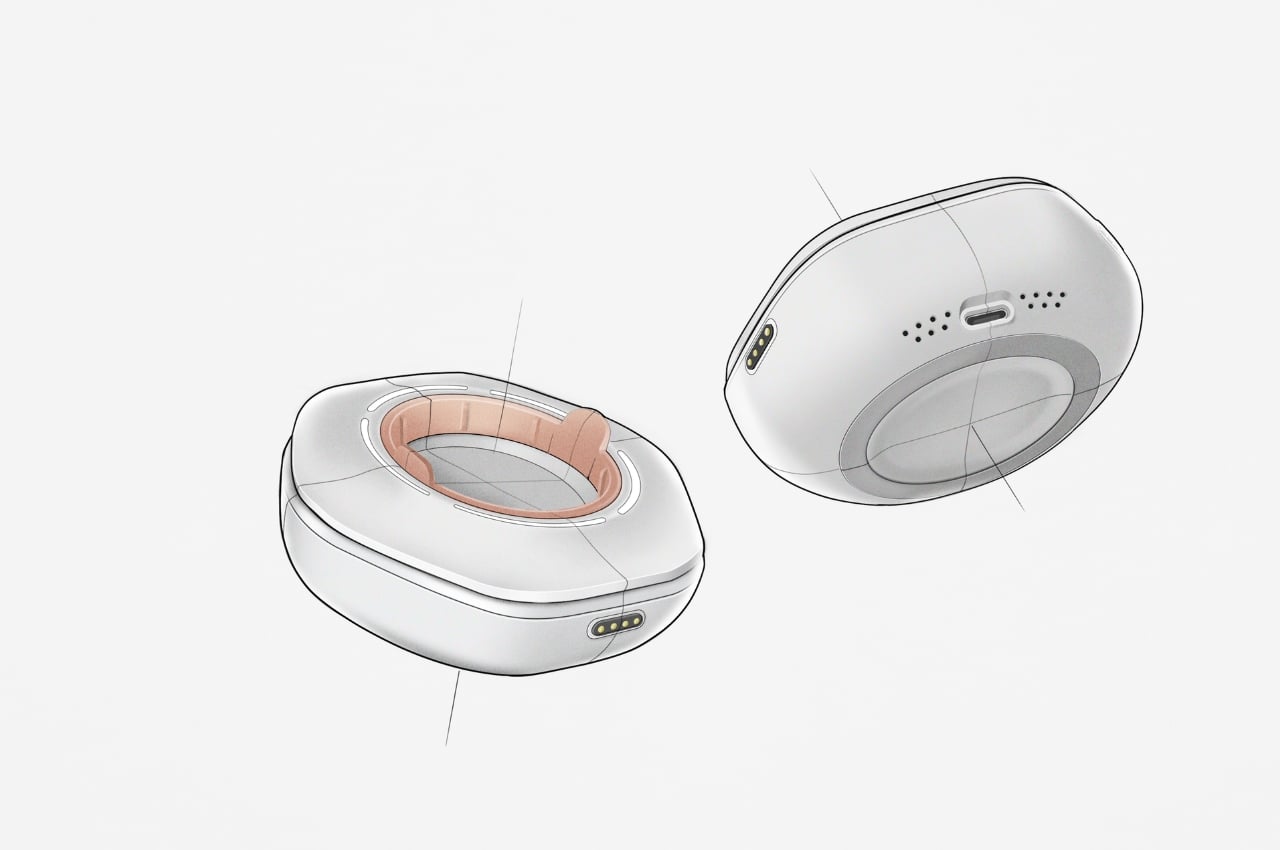
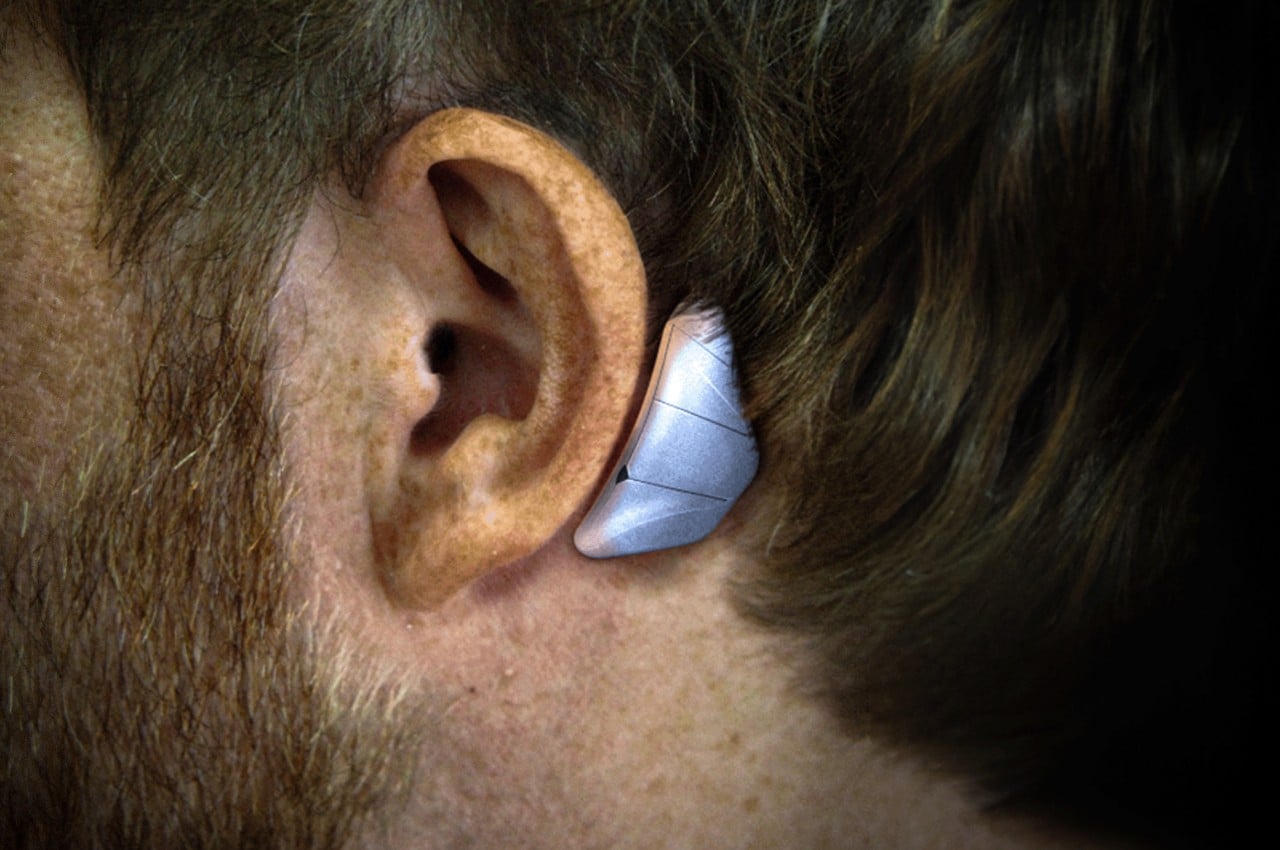
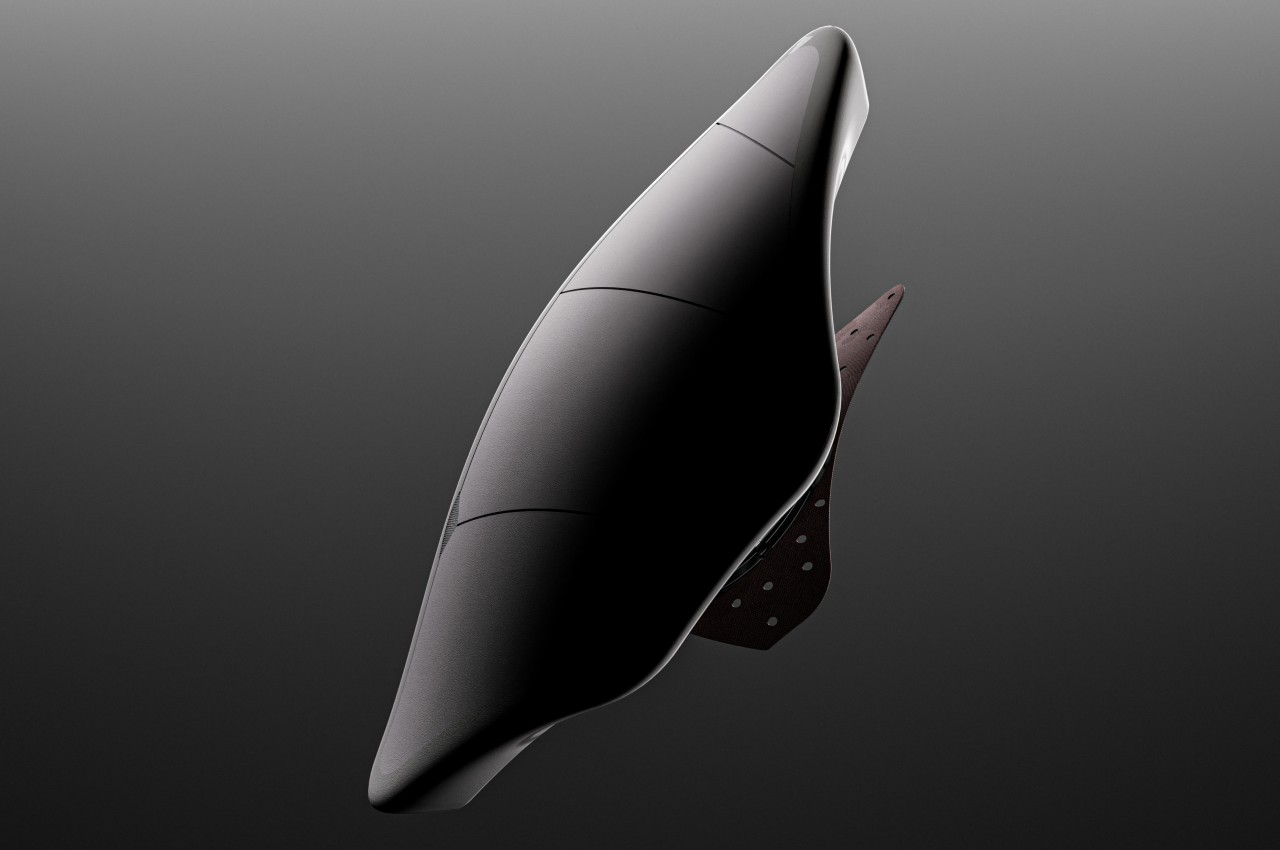
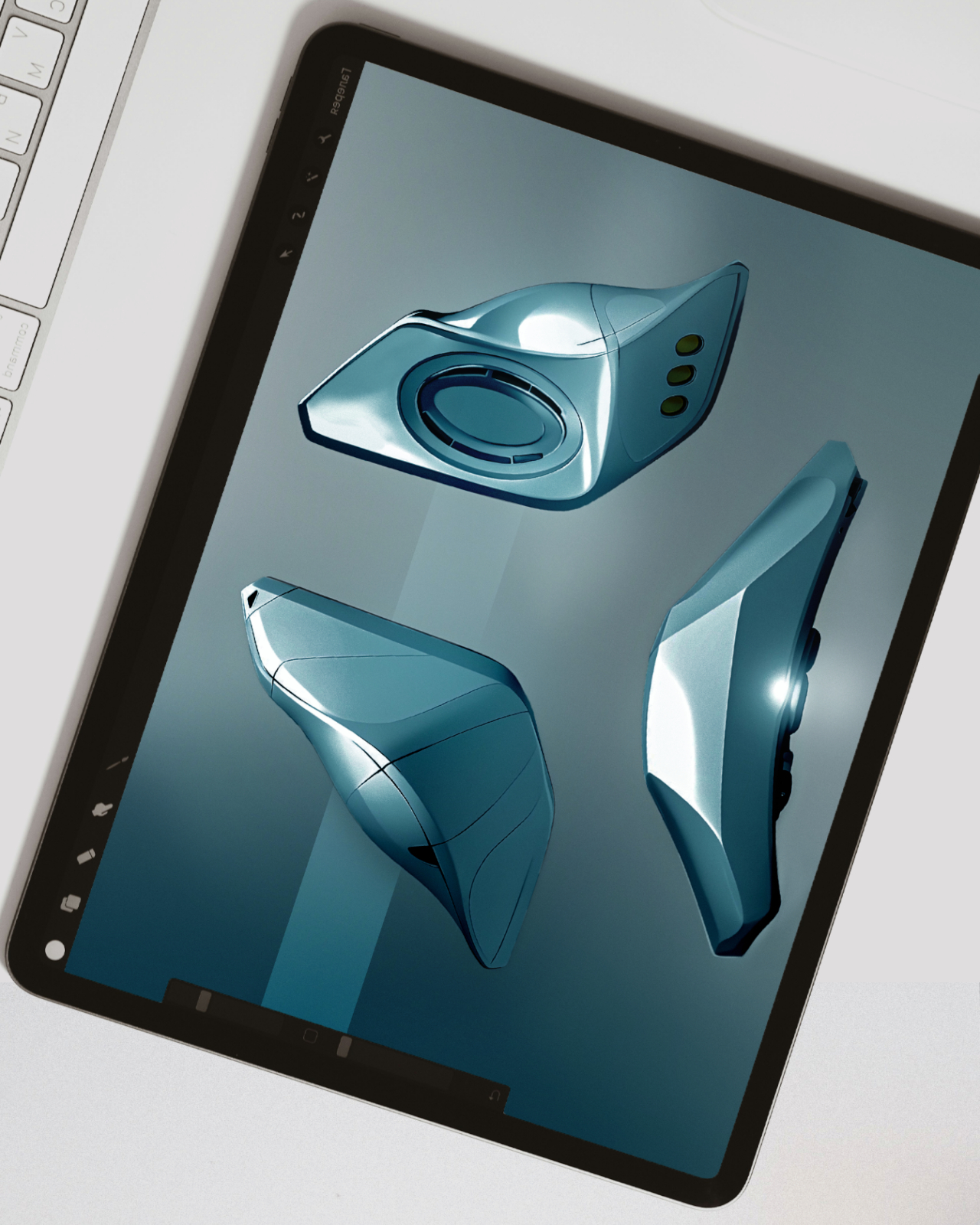
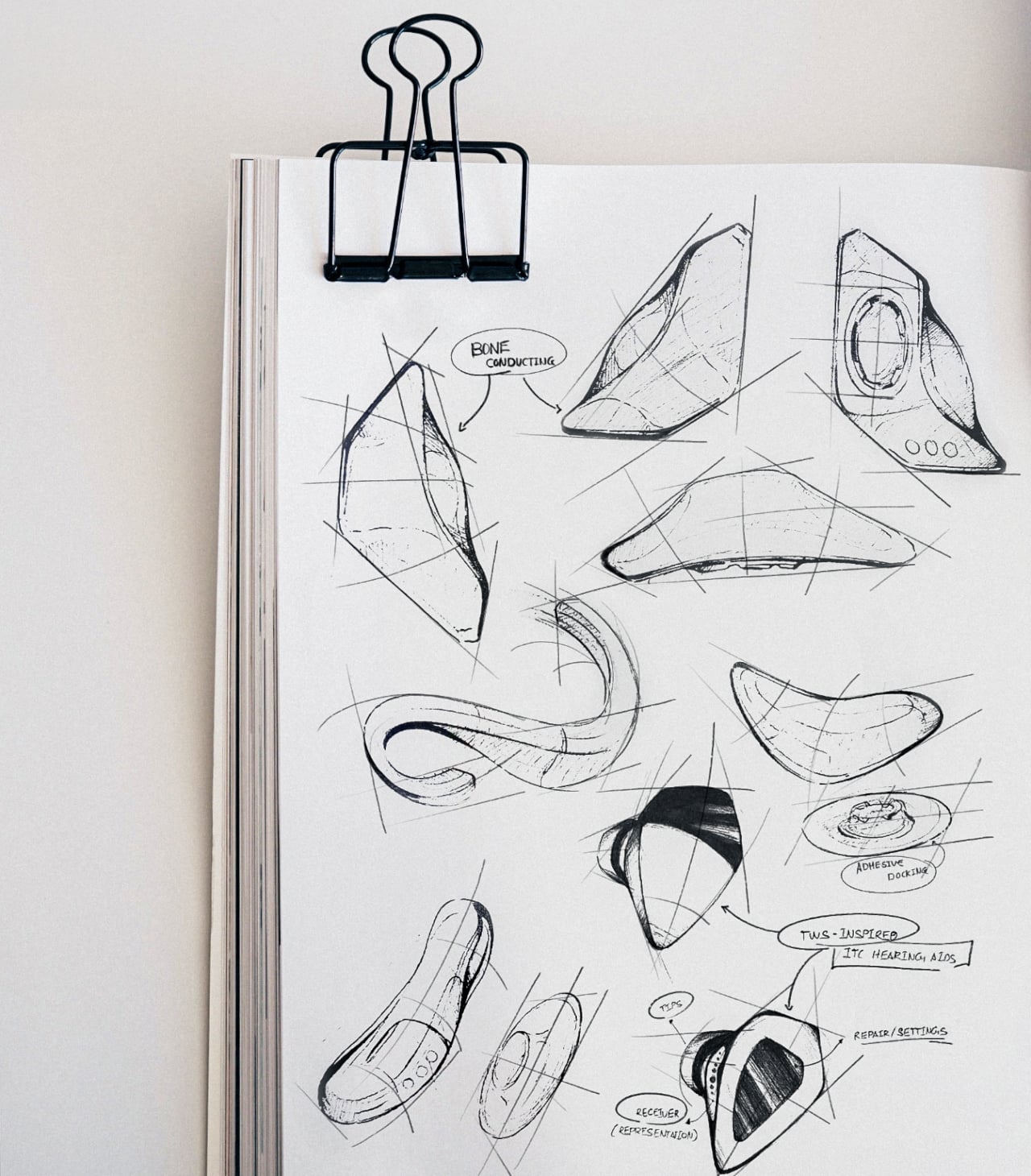
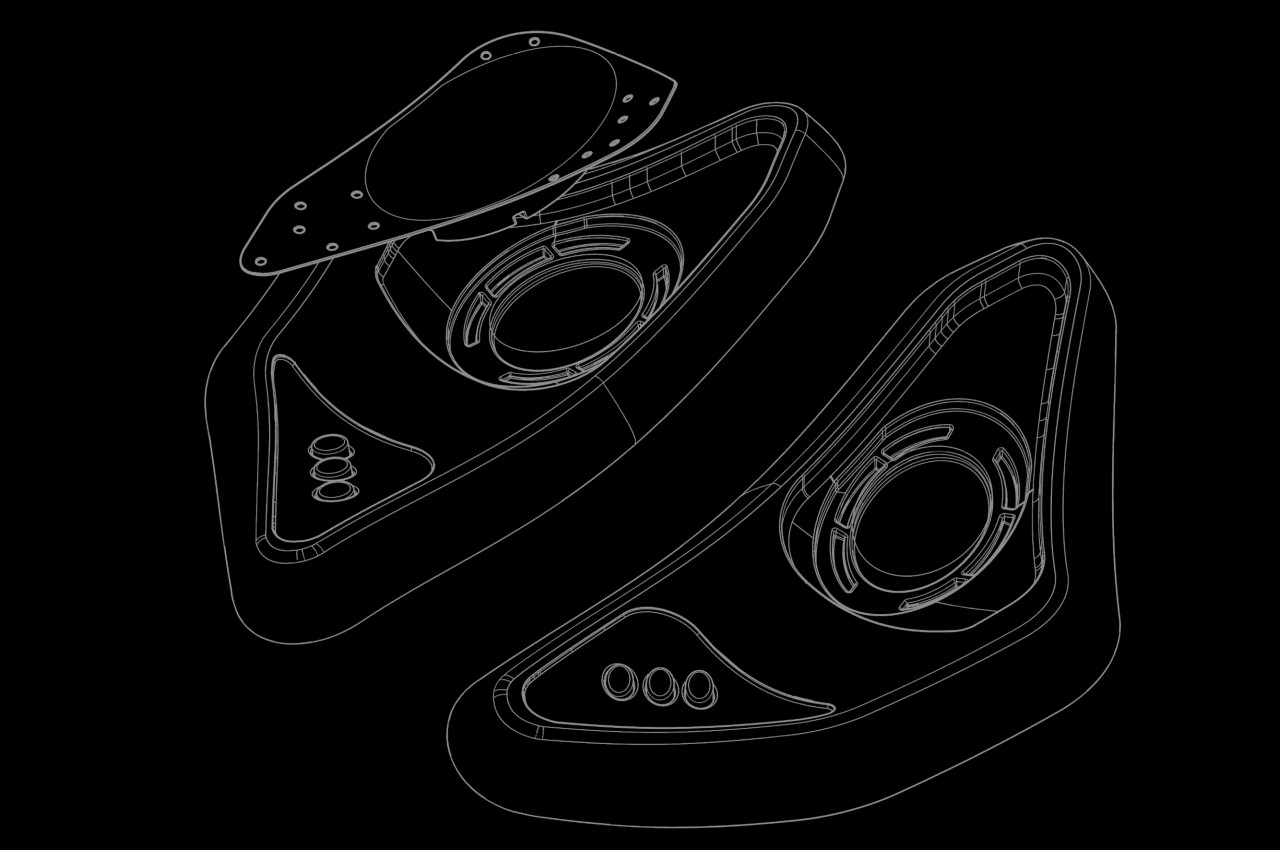
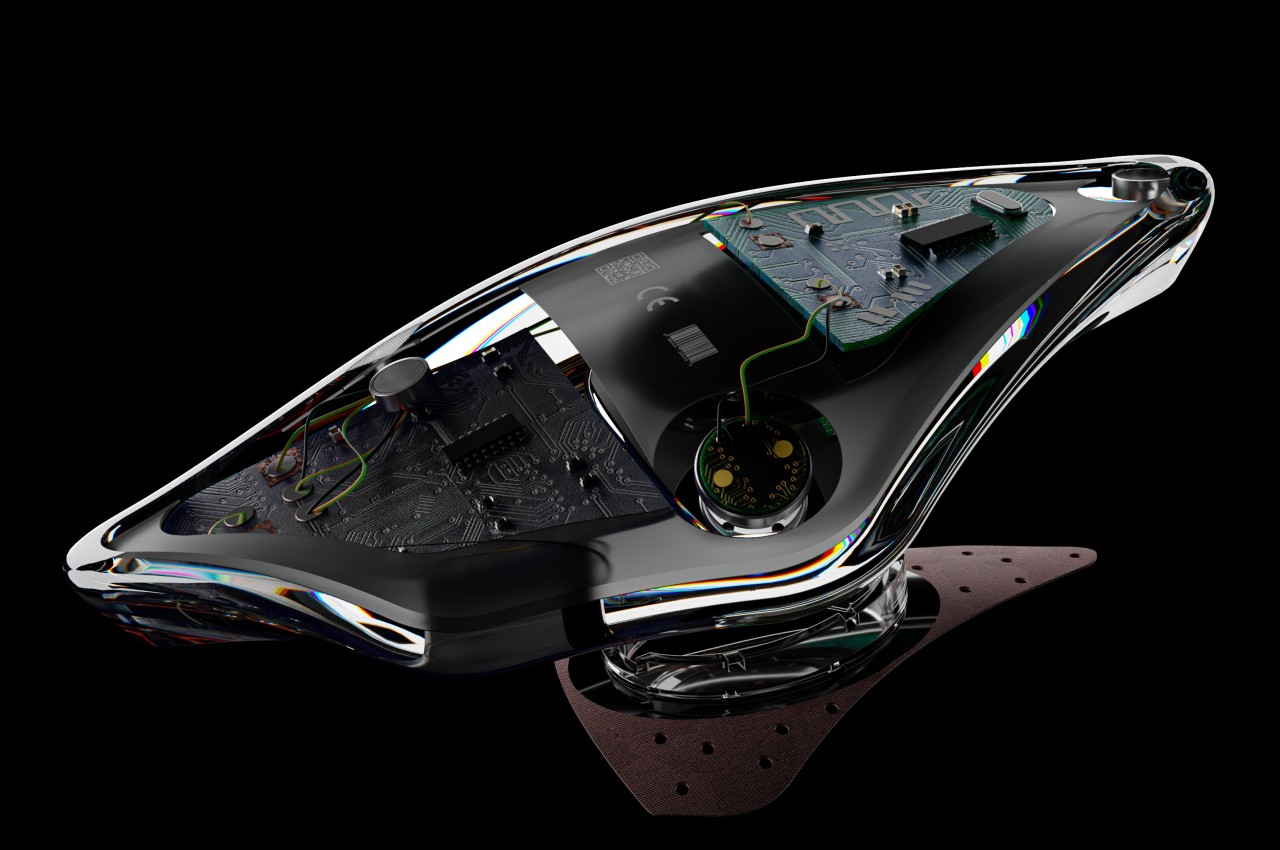
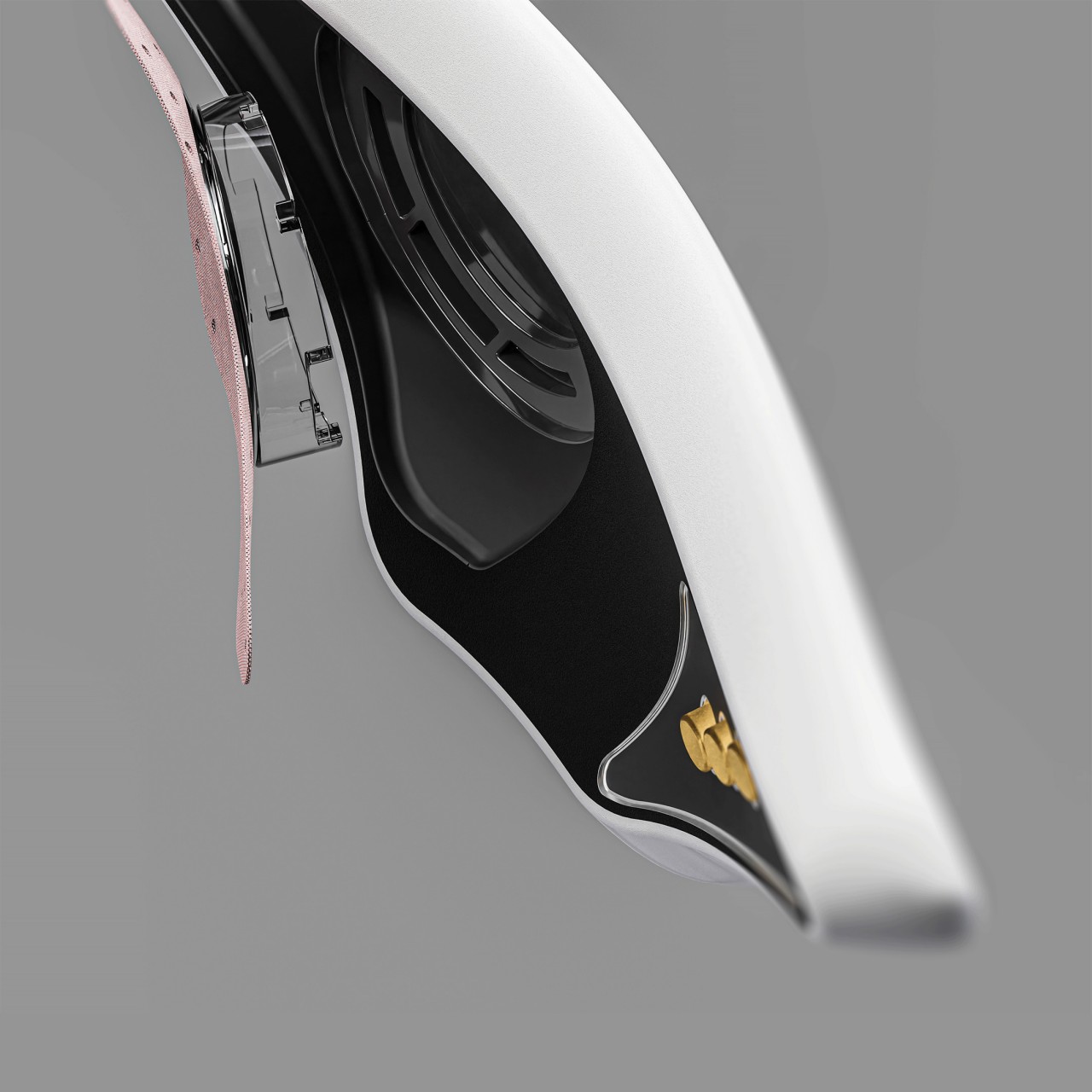
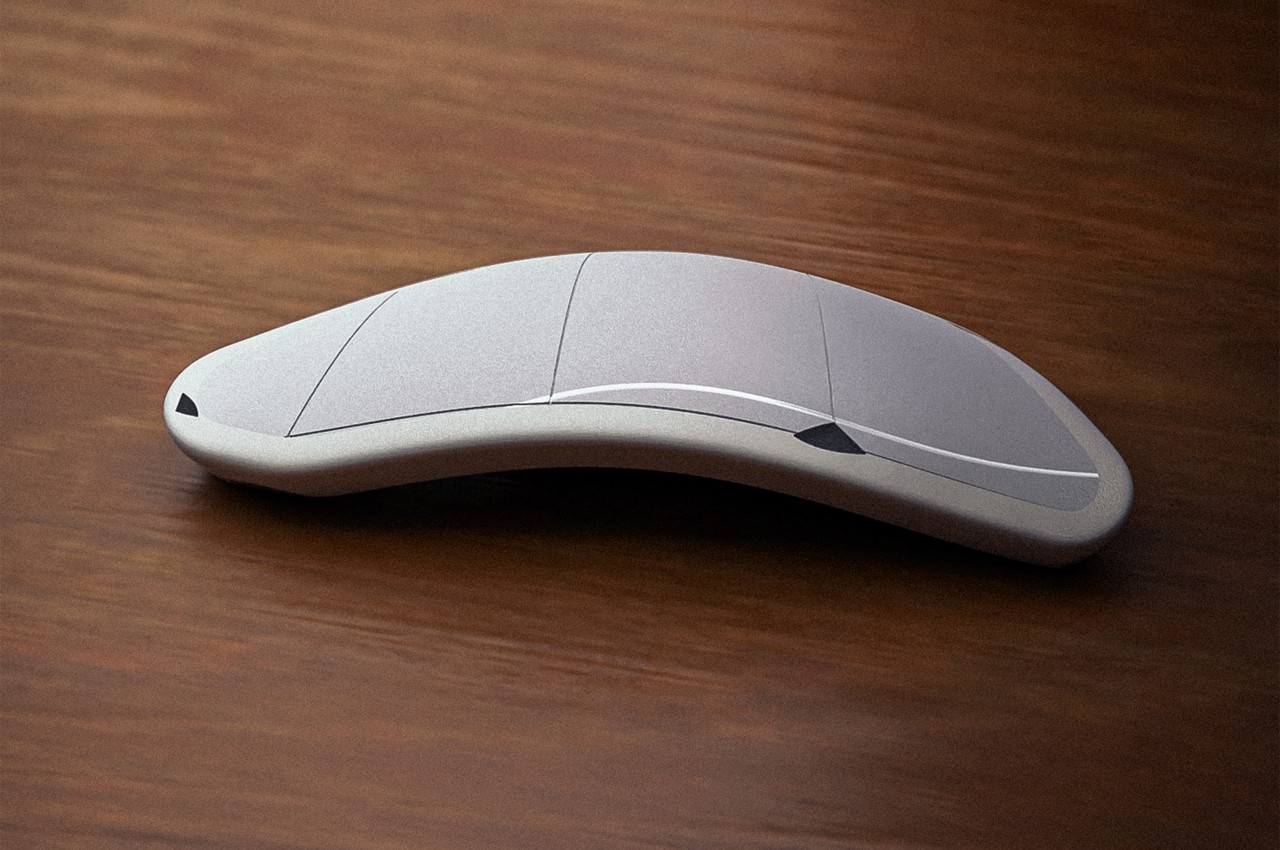
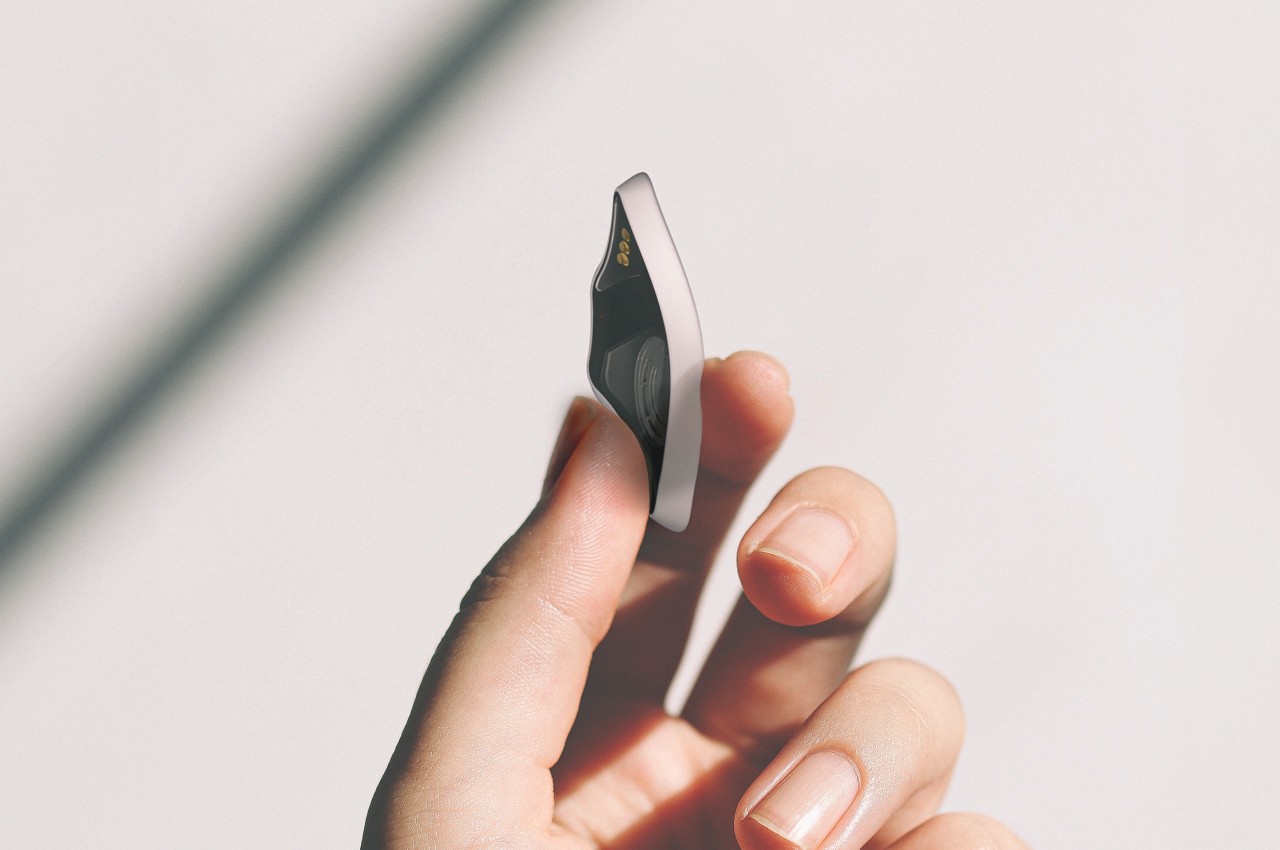
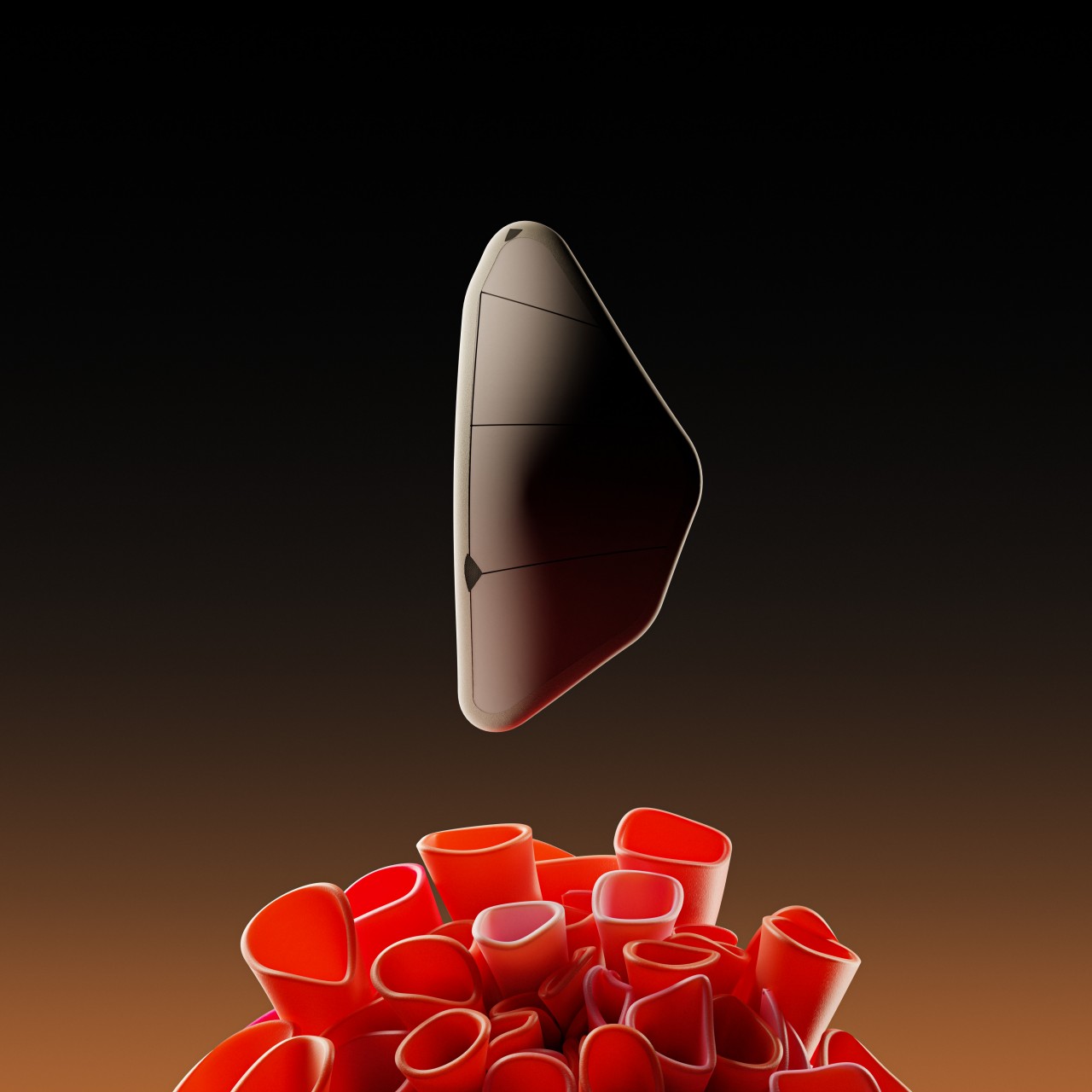
Rezonance is a concept design that tries to think of a better solution that isn’t just more discreet but also more affordable and accessible in the long run. Instead of the typical clamping design, Rezonance employs bone conduction technology to be almost invisible. It’s a technology that is already used today on some wireless headphones, so it’s already a proven solution. By using bone conduction, there doesn’t need to be any visible part going into the person’s ear and Rezonance can stay hidden from view behind the wearer’s ear.

Instead of using clamping force to stay in place, the concept suggests an adhesive pad that’s similar to sports tape, ensuring that the material is not only waterproof but also reusable. Additionally, the components used to make the actual hearing aid are claimed to be quite cheap and easily available, which means that the final product itself doesn’t have to cost people an arm in exchange for their ear.

The design doesn’t specify whether Rezonance works only as a single piece or if you will need two for the full audio experience. Even then, it would still be a lot less cumbersome compared to the traditional hearing aid design. Of course, such a design will need to be verified first, especially by professionals, because a design that’s elegant yet ineffective will just end up disappointing and turning away people all the same.

The post Discreet hearing aid concept empowers people with hearing disabilities first appeared on Yanko Design.
Tumbler-shaped portable projector concept promises entertainment freedom

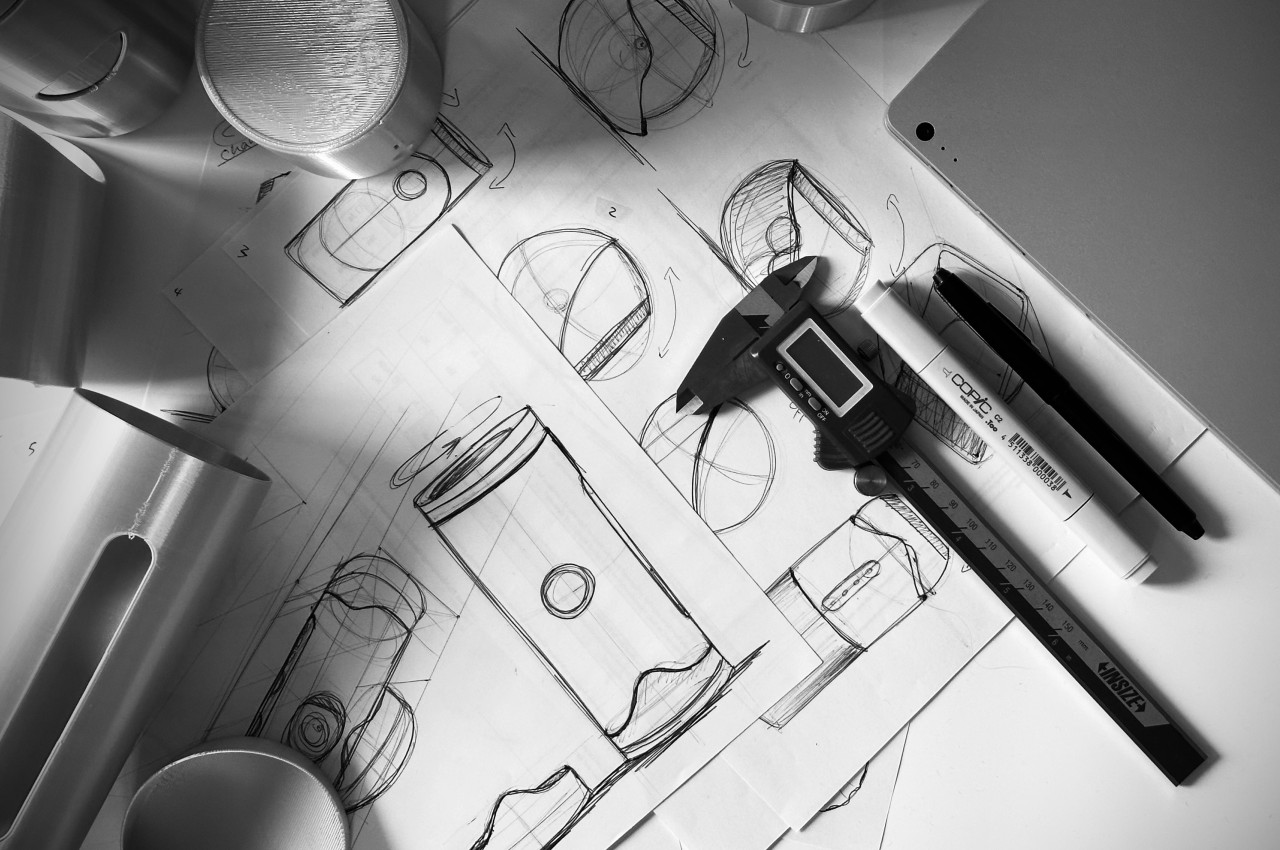
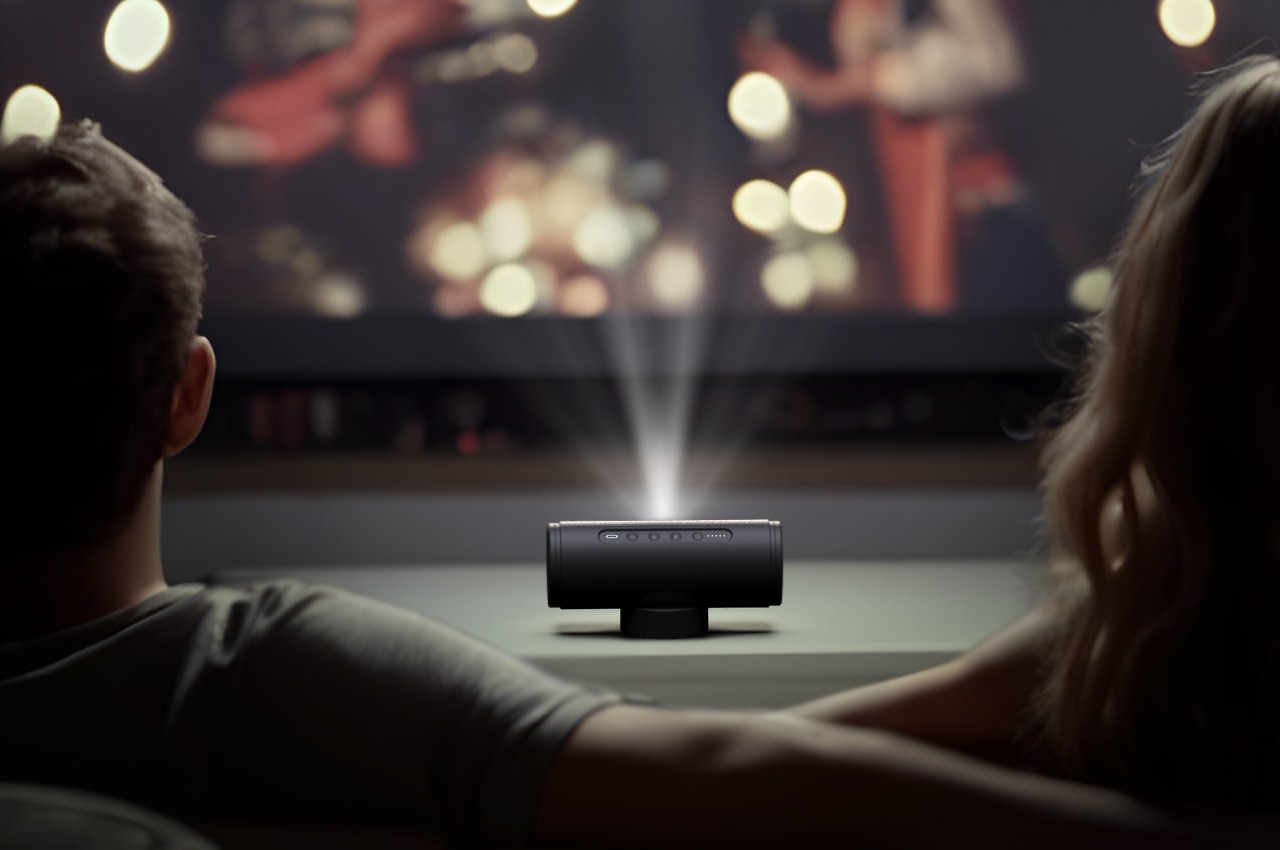
Projectors are becoming a popular alternative to extra large screens like TVs, mostly at home but sometimes even outdoors. Product design trends have started to move away from bulky boxes to more compact forms, but most of them are still restricted by a few design considerations. Even projectors that are supposedly designed for portability often come with clunky and sometimes unattractive stands, or worse, require setting up on tripods just to get the perfect angle. This concept design tries to solve that problem in a rather creative way, offering a highly compact and portable projector that can be propped up and angled conveniently, all without using a tripod or even a stand.

Designer: Hana Belassi

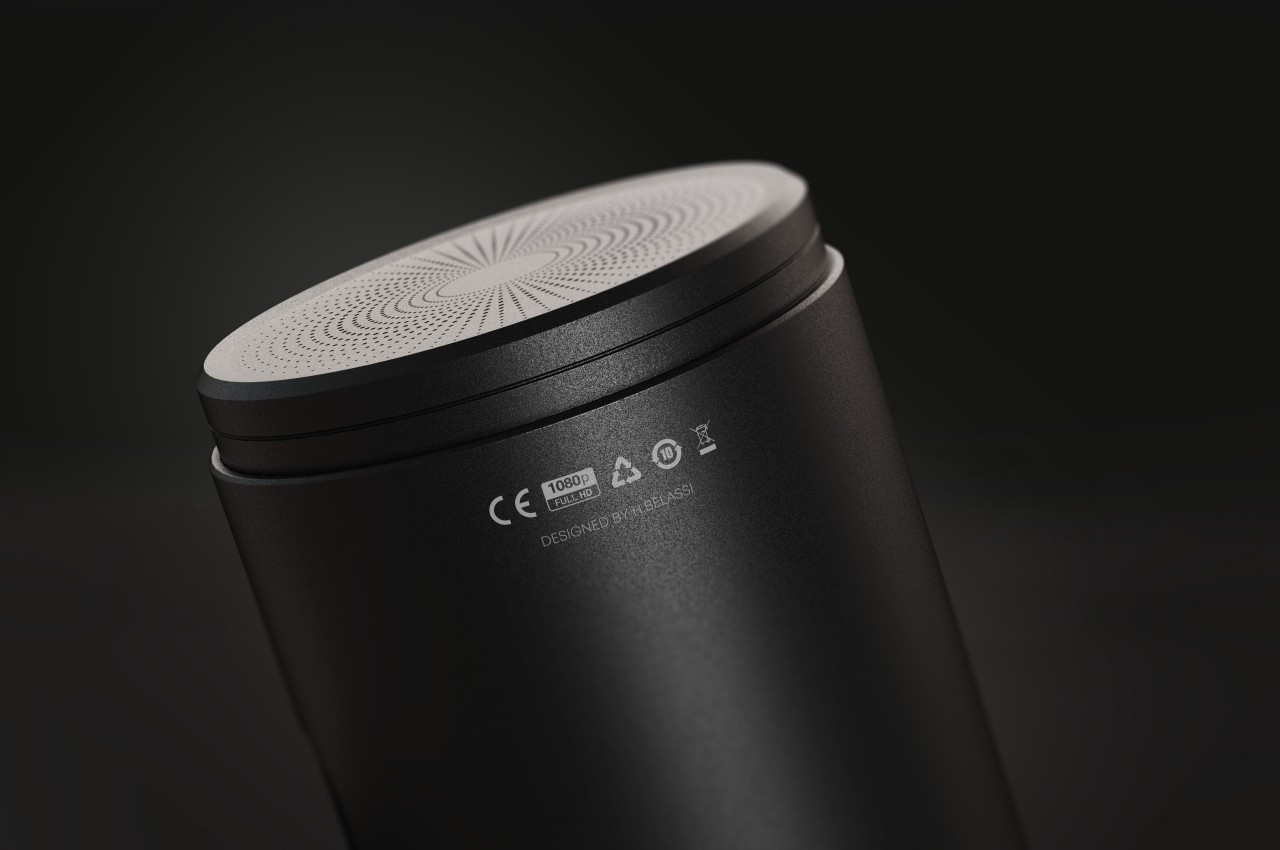
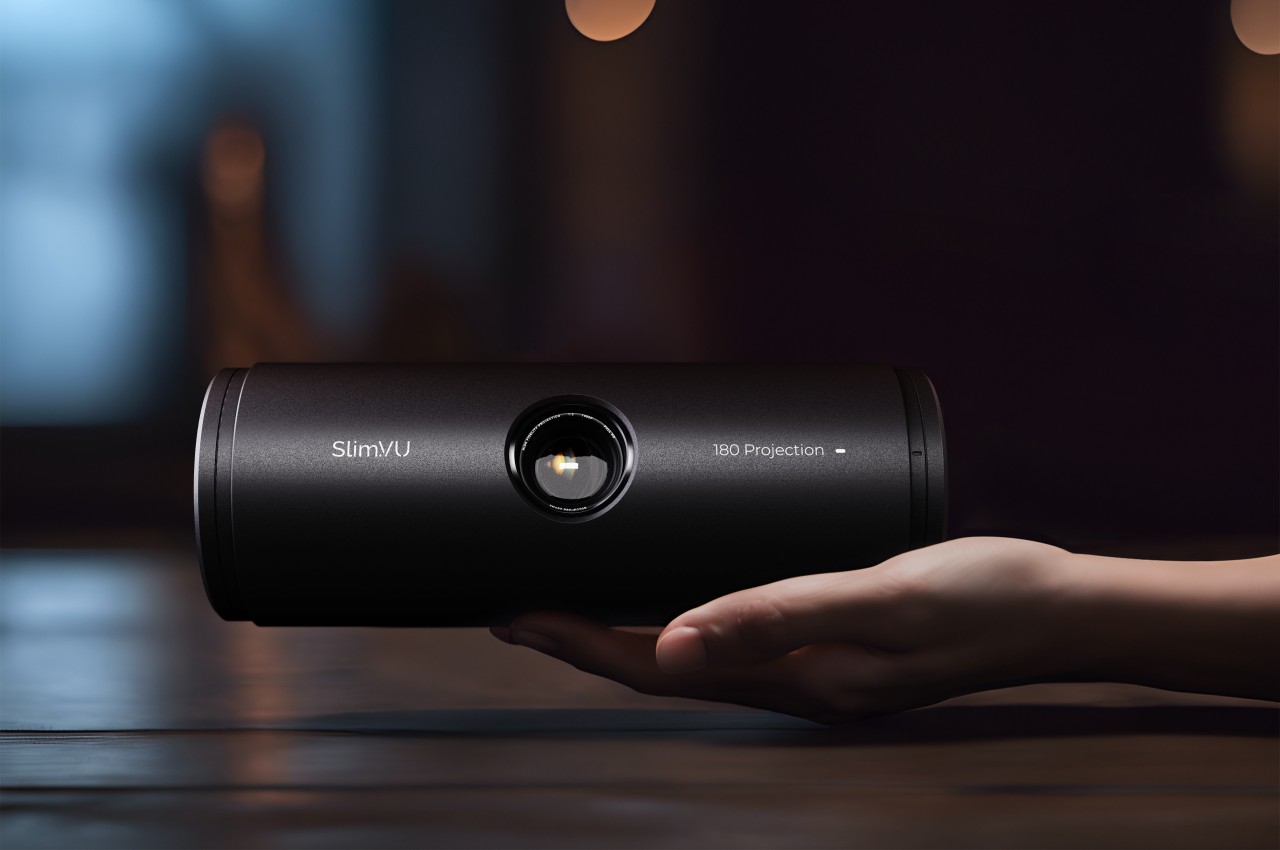
Thanks to progress in technology and manufacturing, it’s now possible to cram much of the electronics that powered large, hulking projectors into something the size of a small box or even a cylinder. But despite the smaller designs, or probably because of their more cramped designs, these portable projectors often rely on an external mechanism like a tripod or stand to prop them up at the desired angle. Not only does this ruin the aesthetics of the otherwise beautiful product, it also makes it cumbersome to bring the projector along wherever you go.

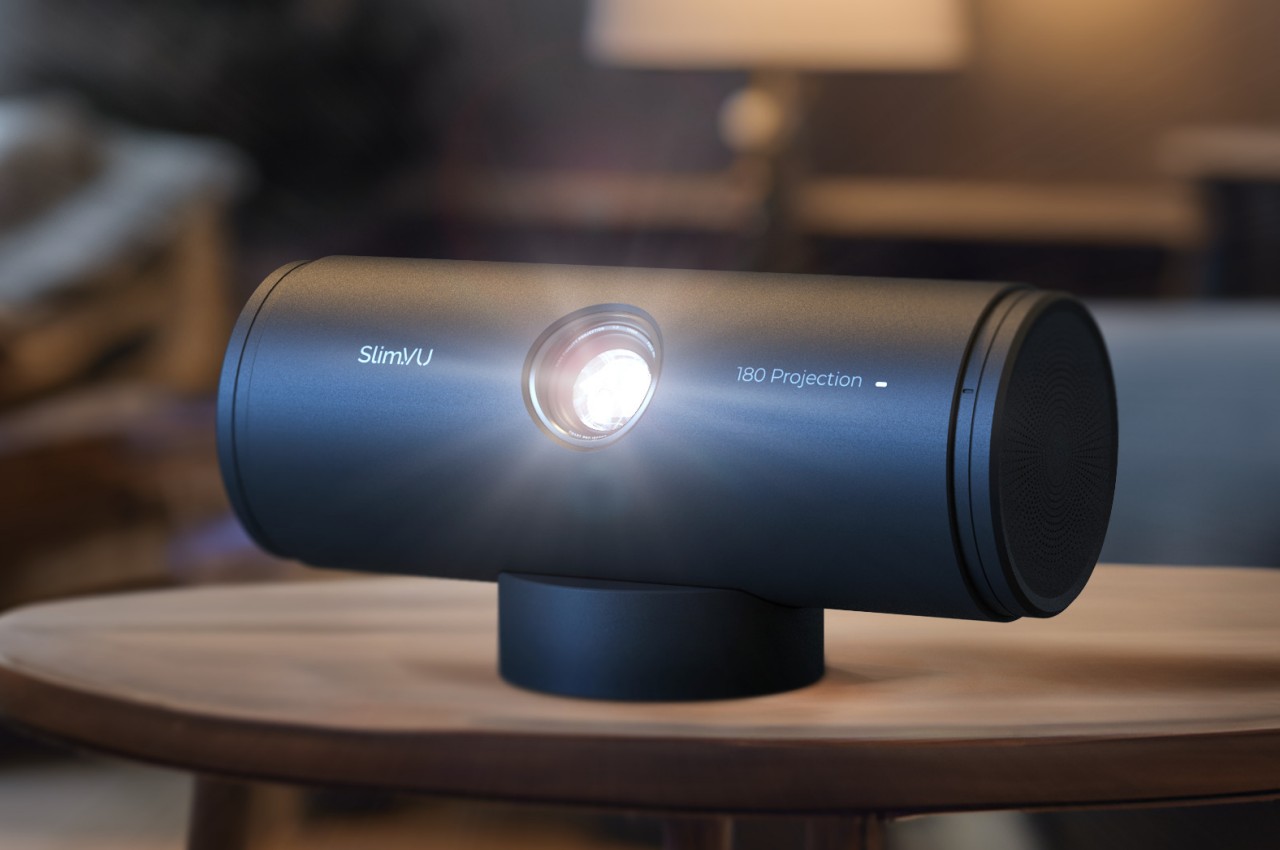
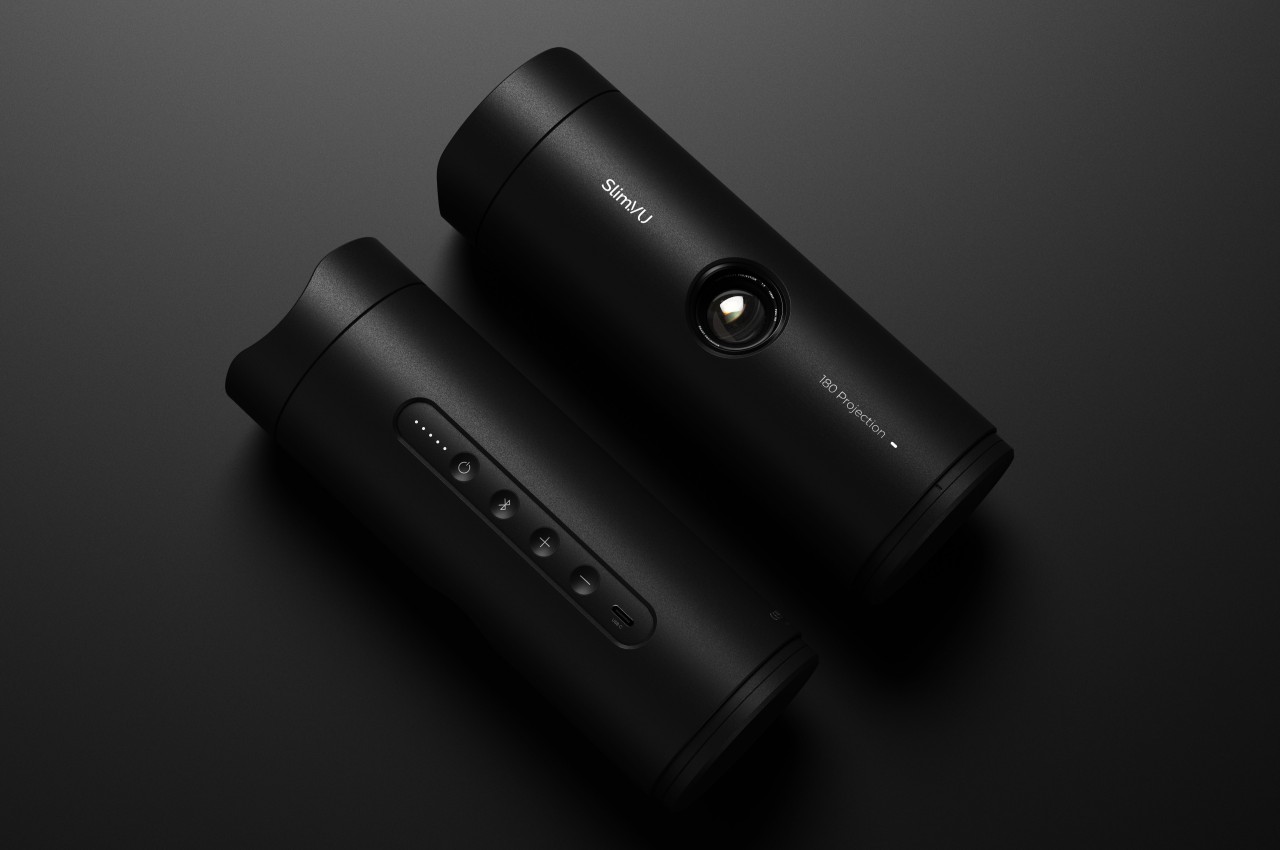
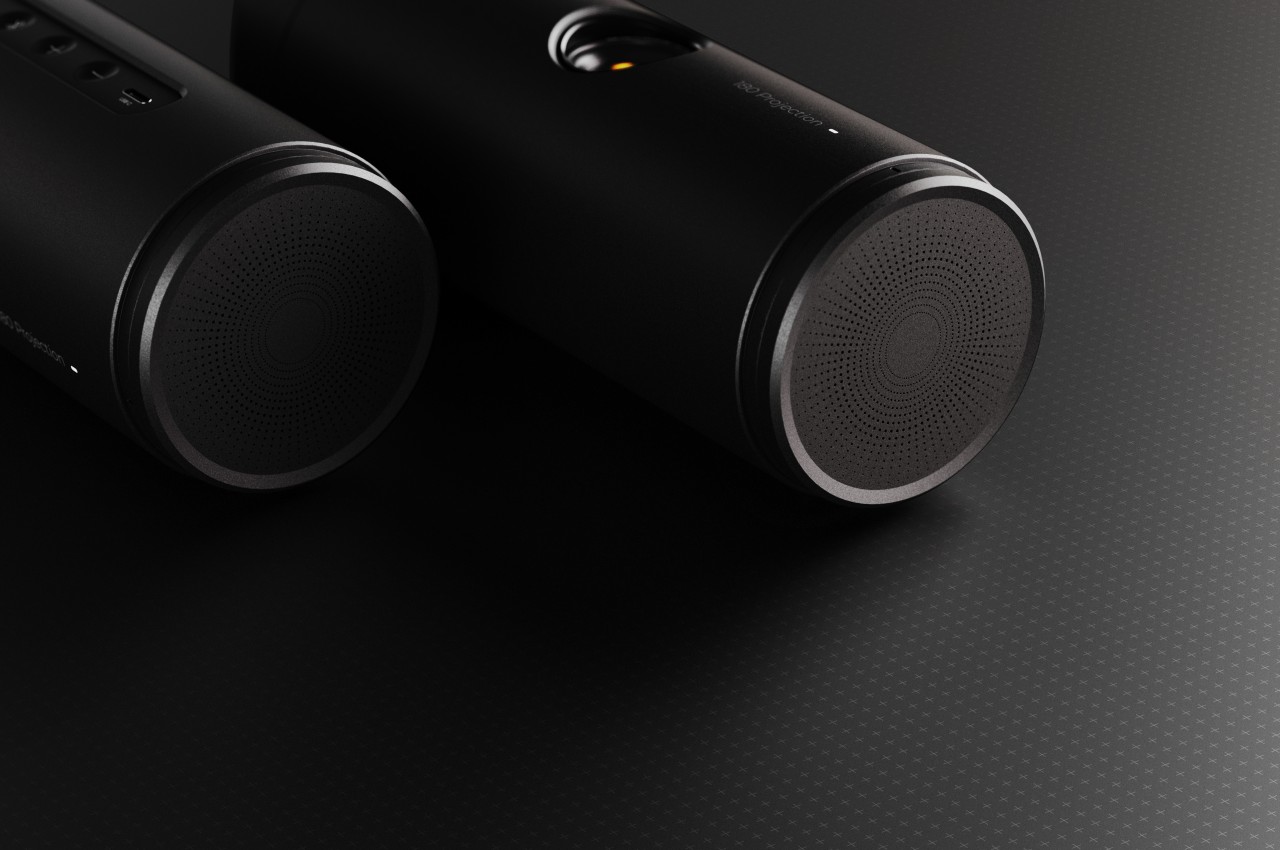
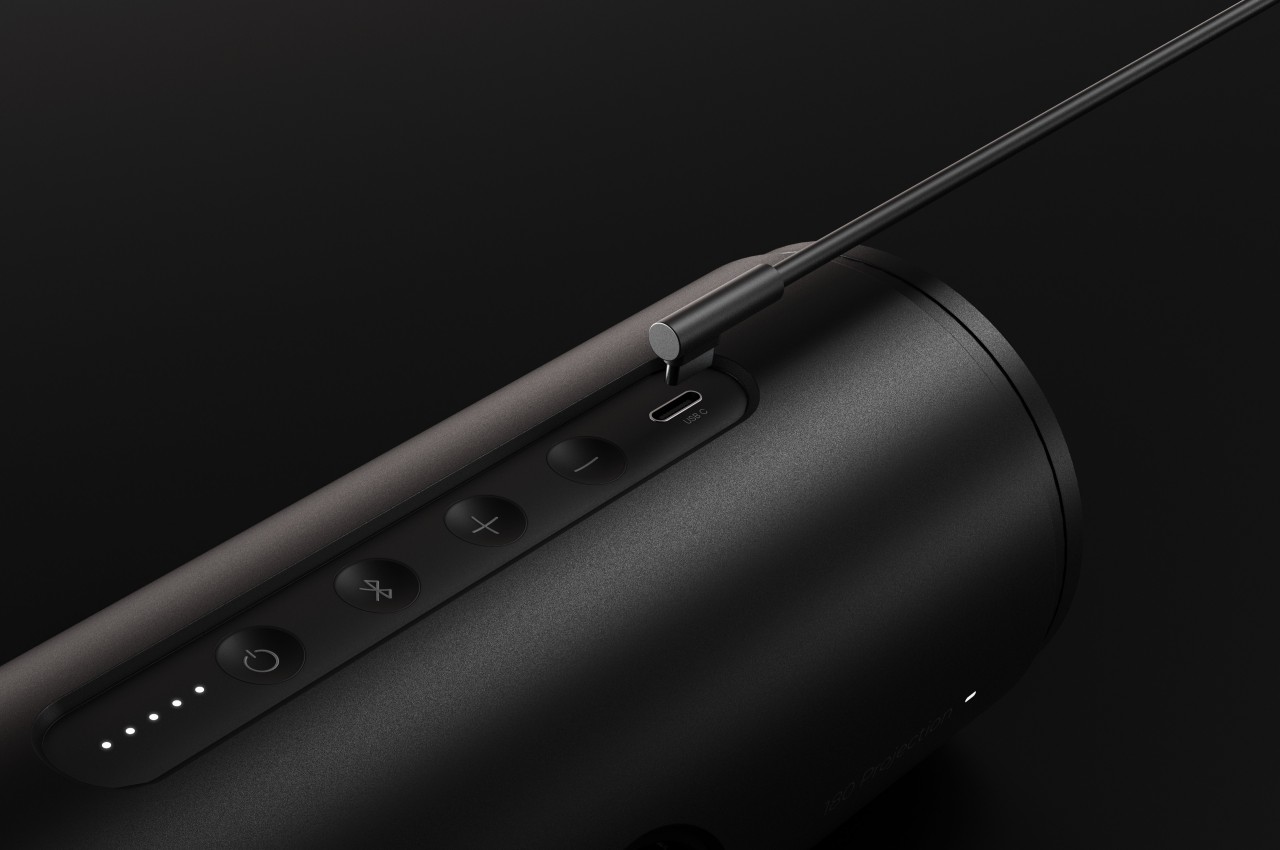
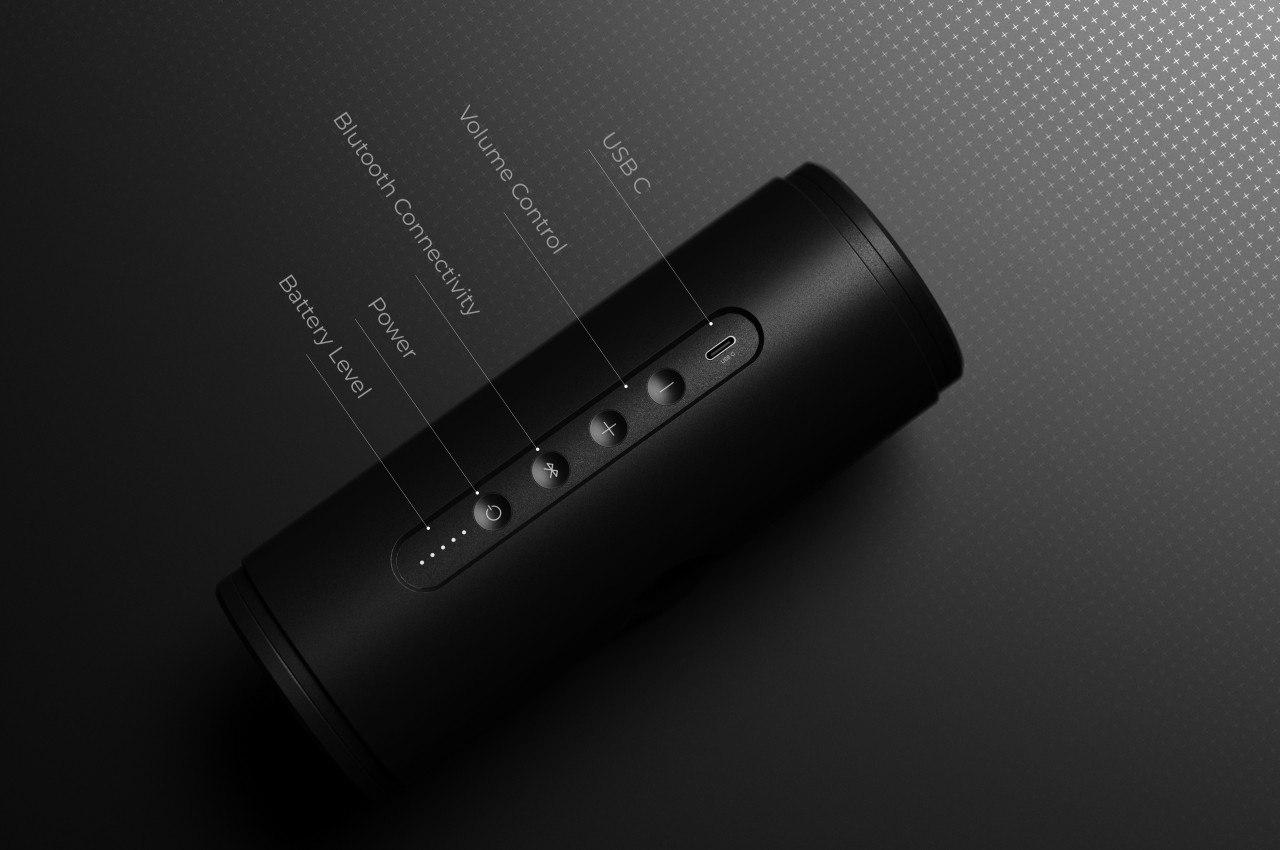
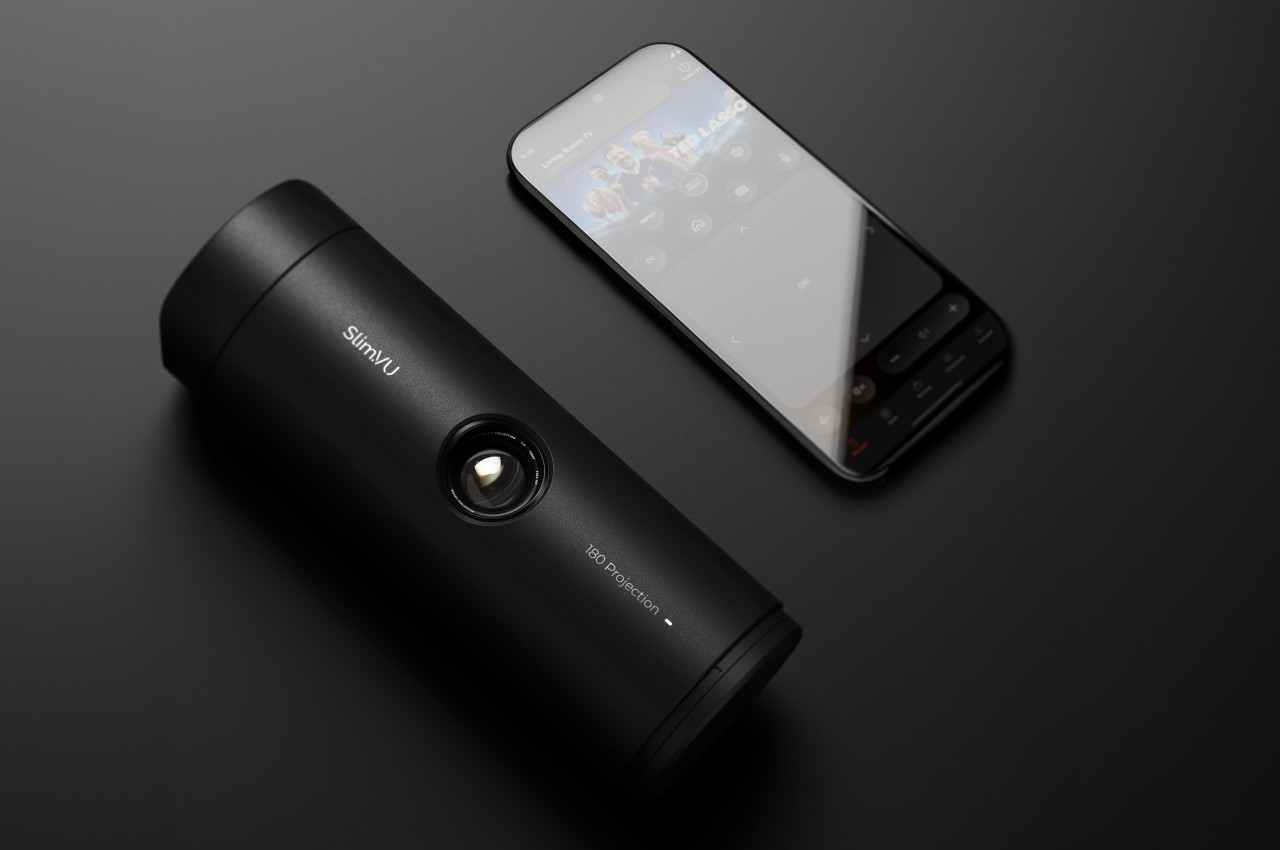
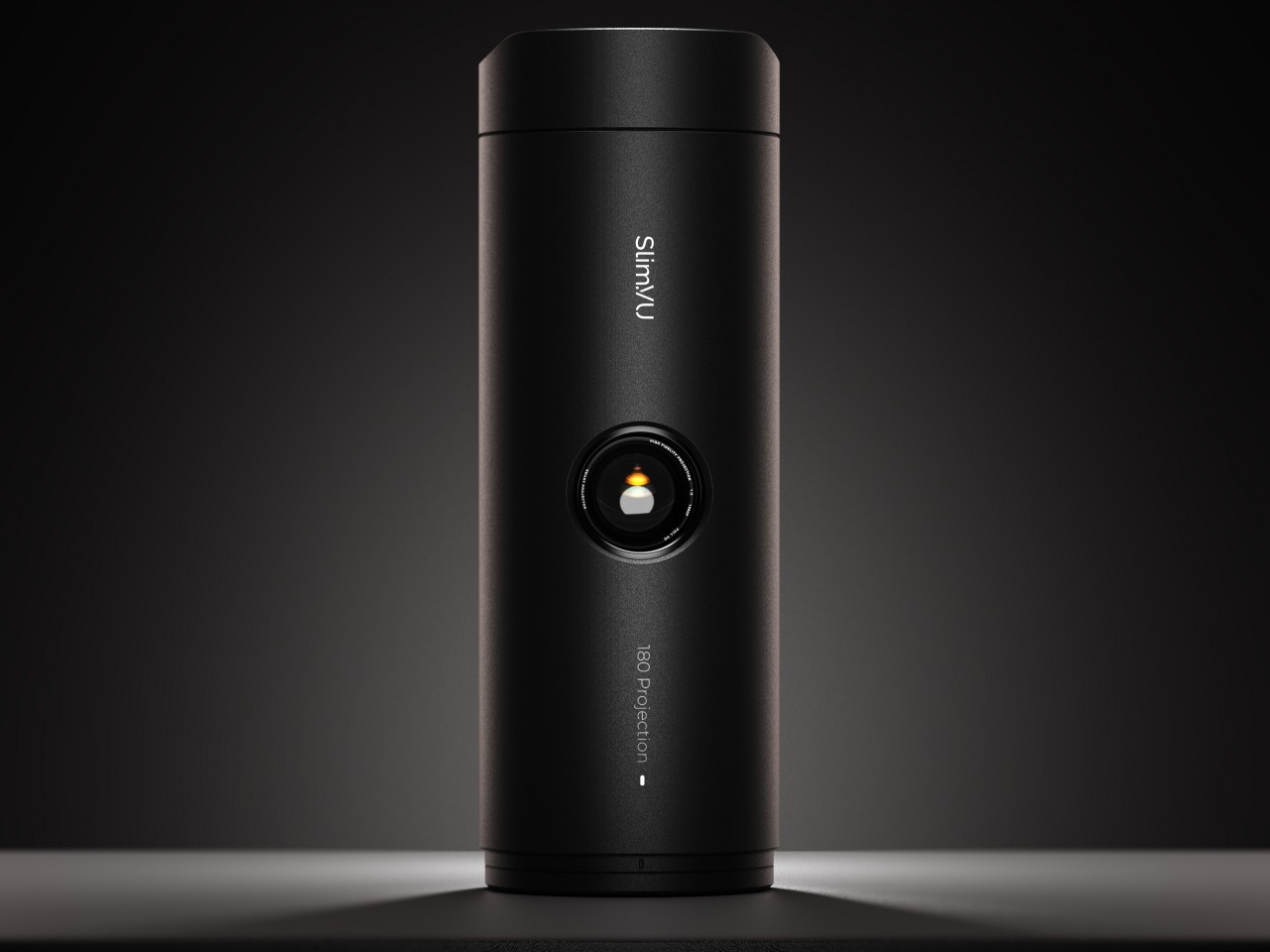
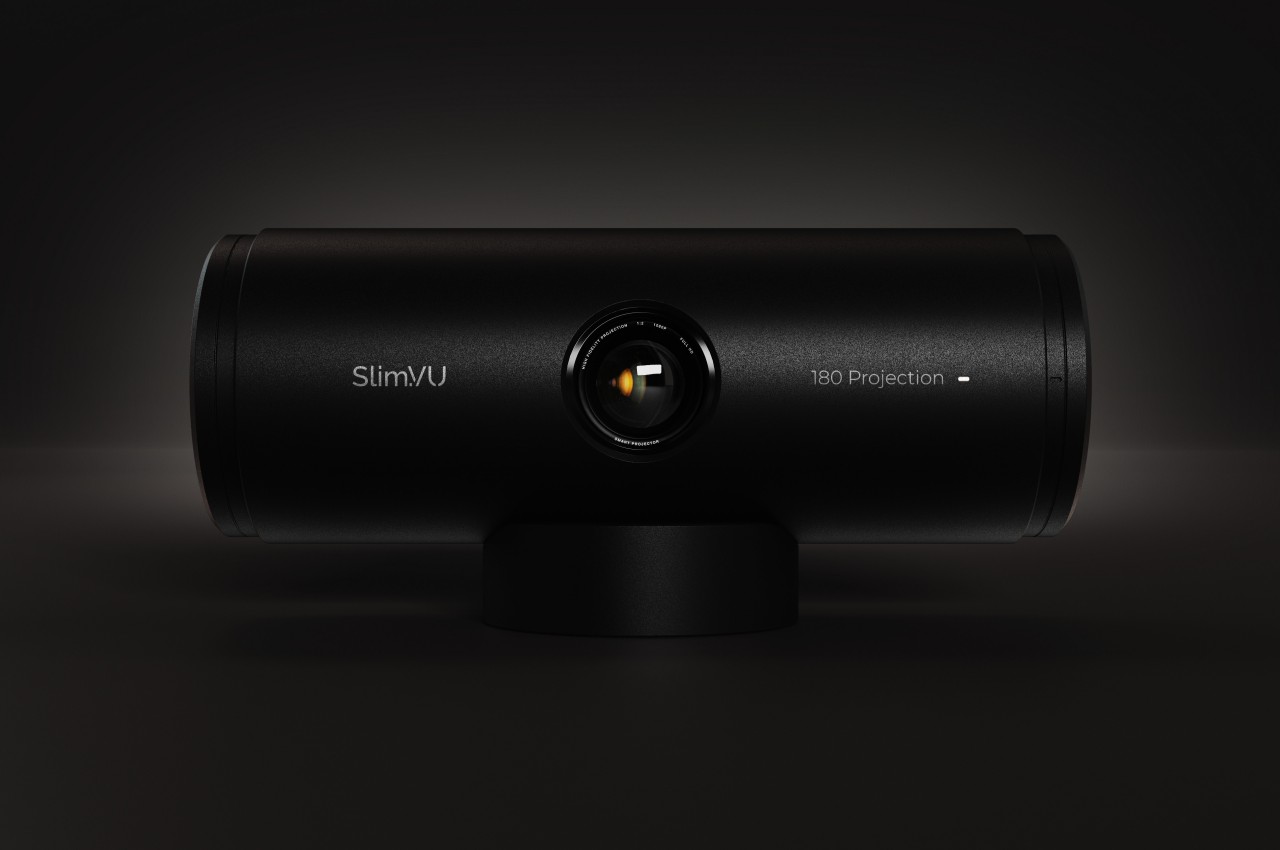
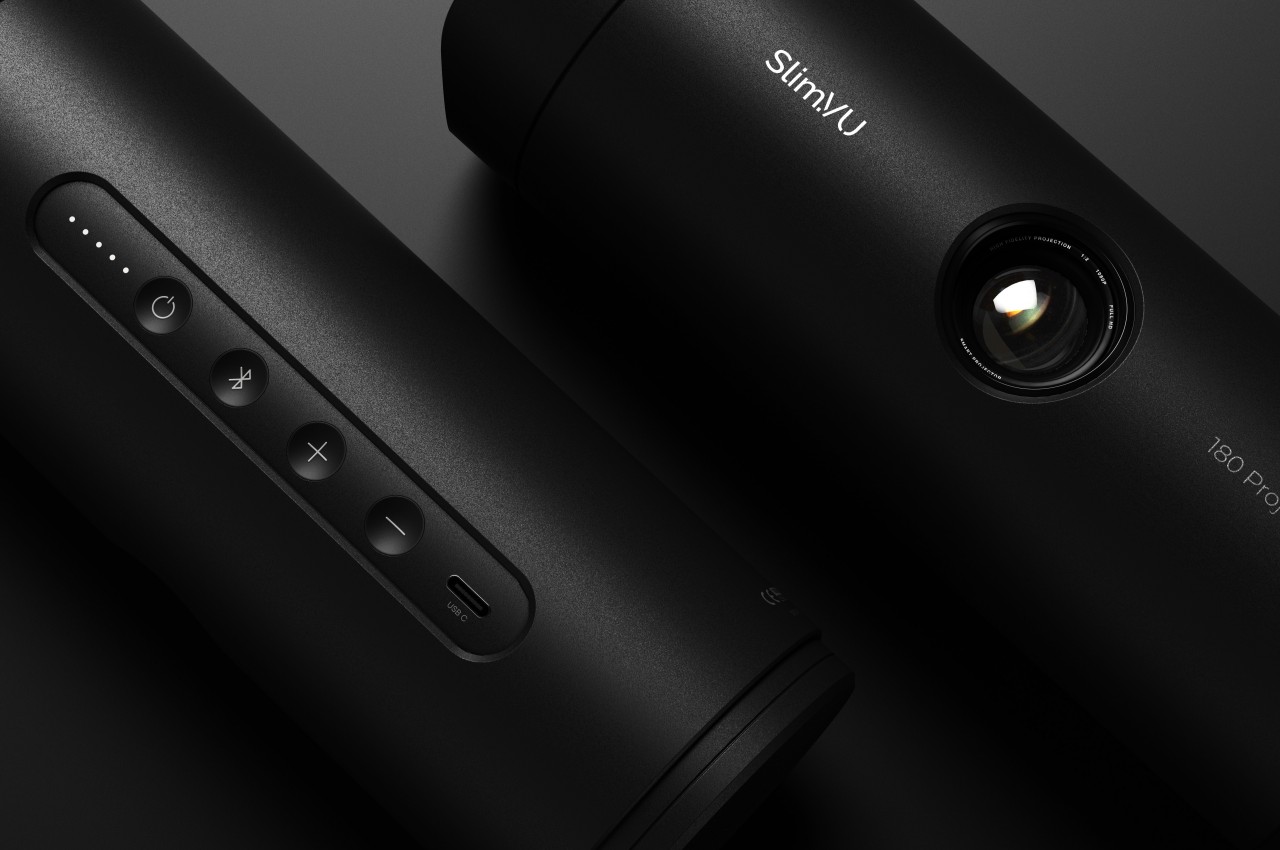
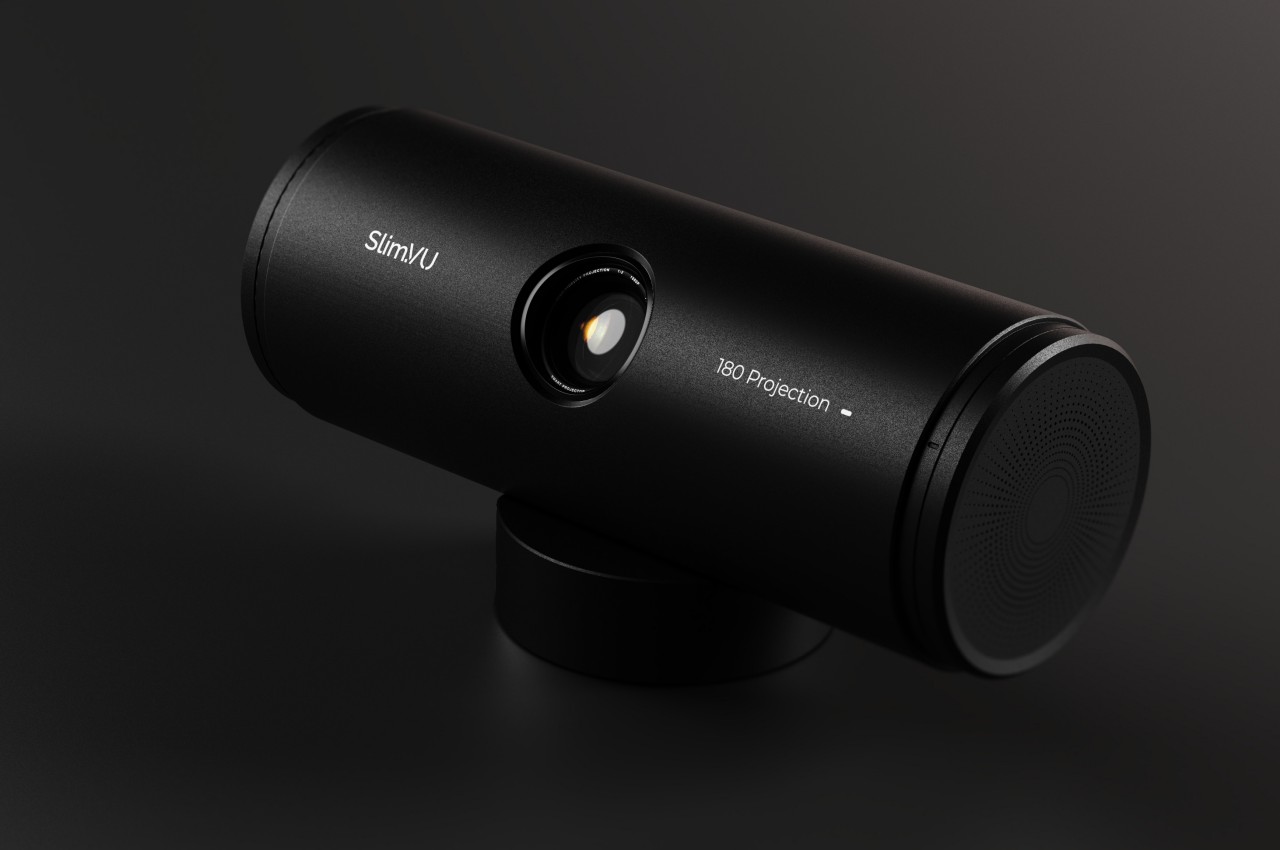
The Slim.VU concept tries to offer the ultimate on-the-go entertainment experience by encapsulating all the needed parts and design in a single, compact, and portable package. A projector with a built-in battery is not exactly new, but one that comes with 4G connectivity is still unheard of. That enables the projector to function not only without an external power source but even without a Wi-Fi connection, allowing it to access streaming sources without having to use up your phone’s cellular data.

1

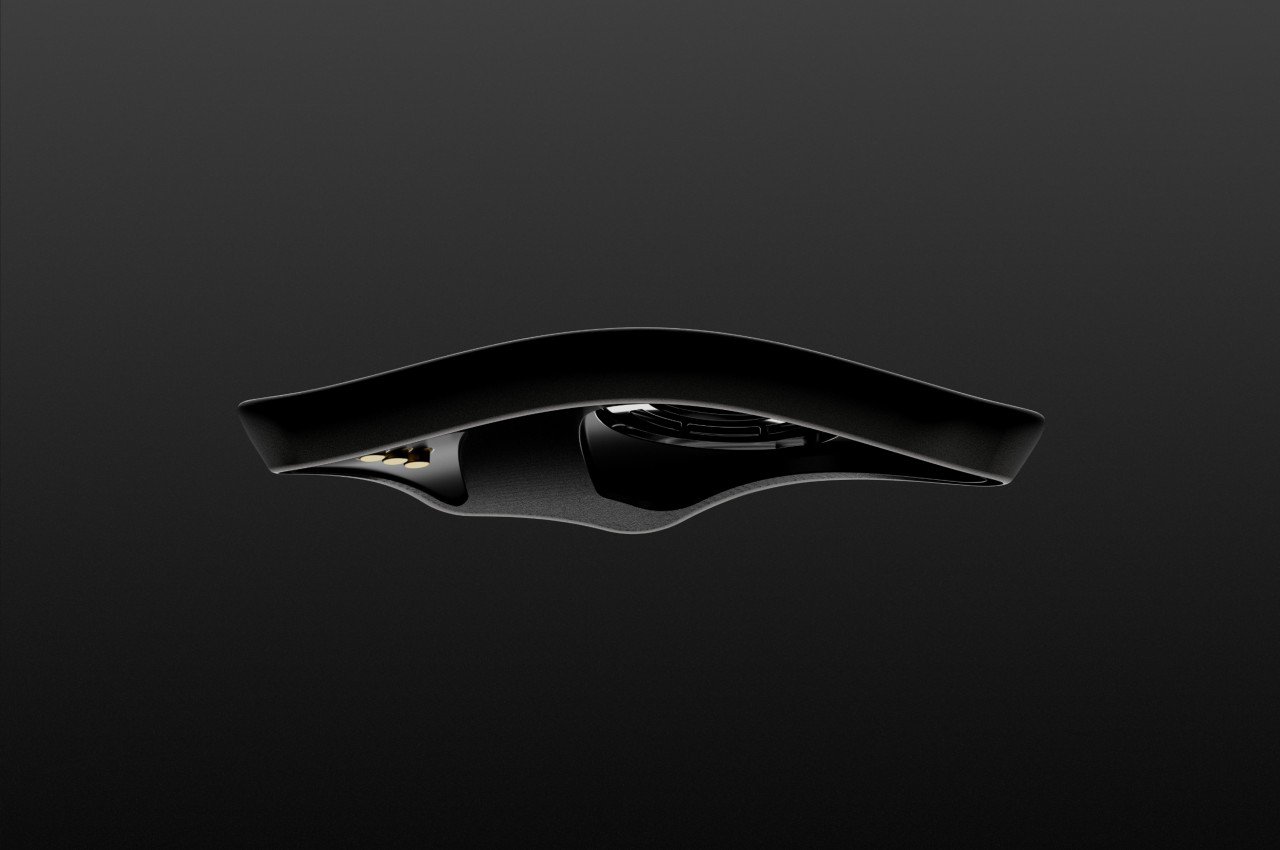
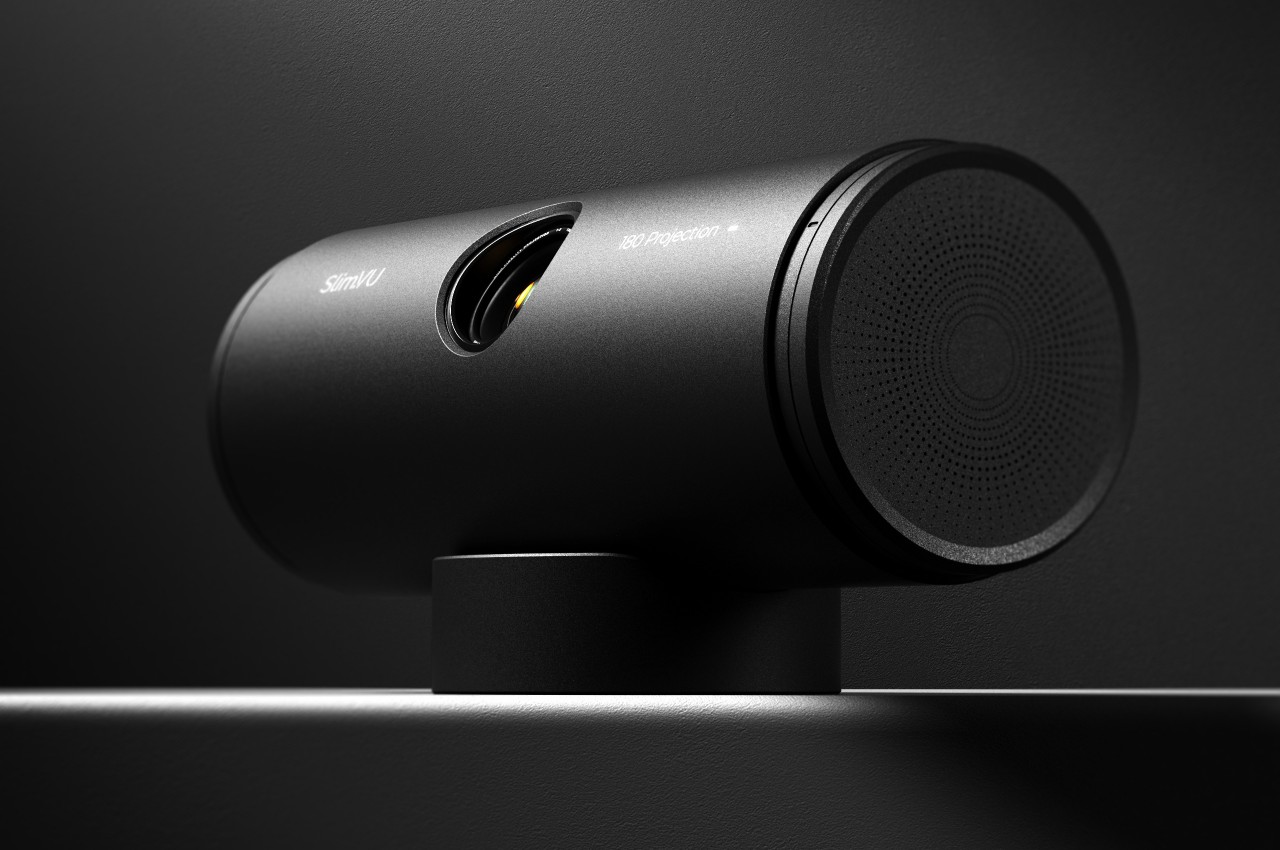
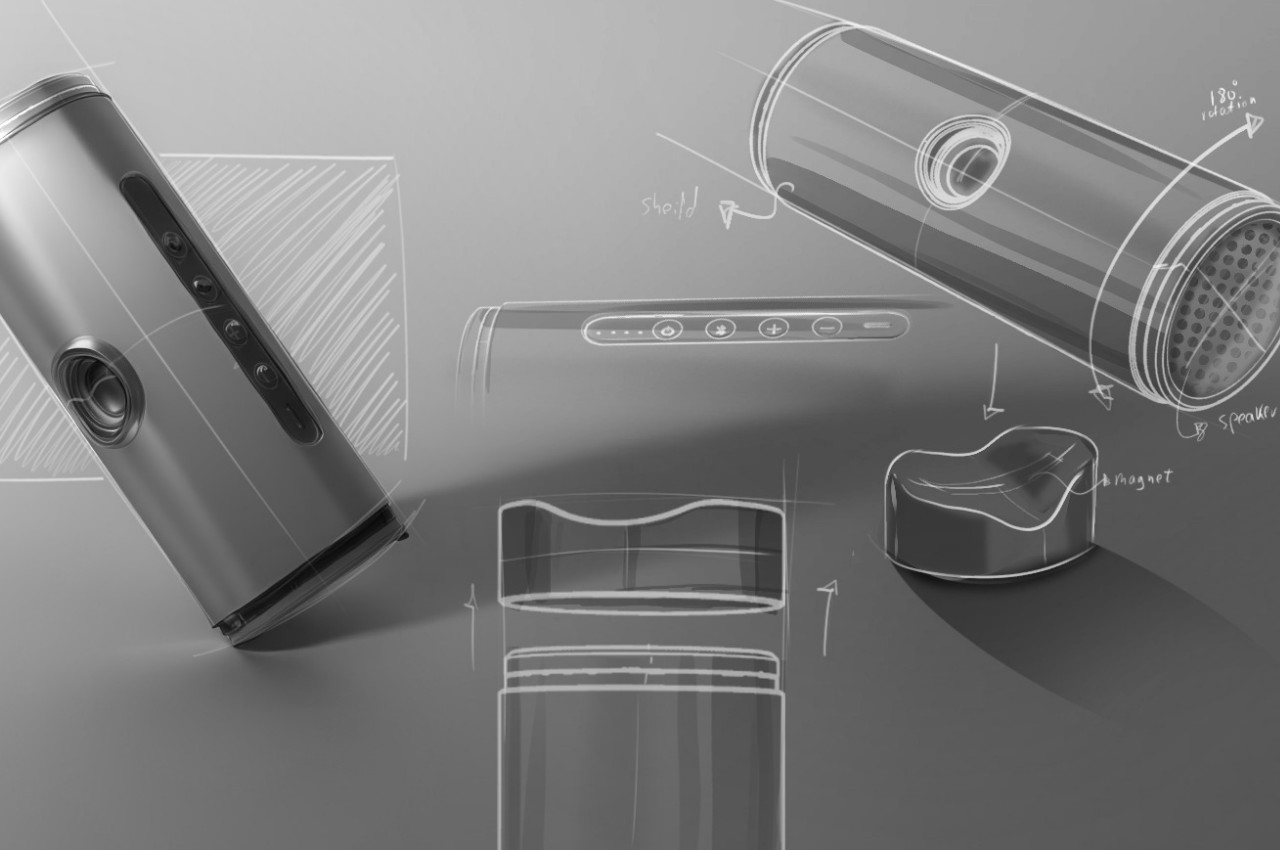
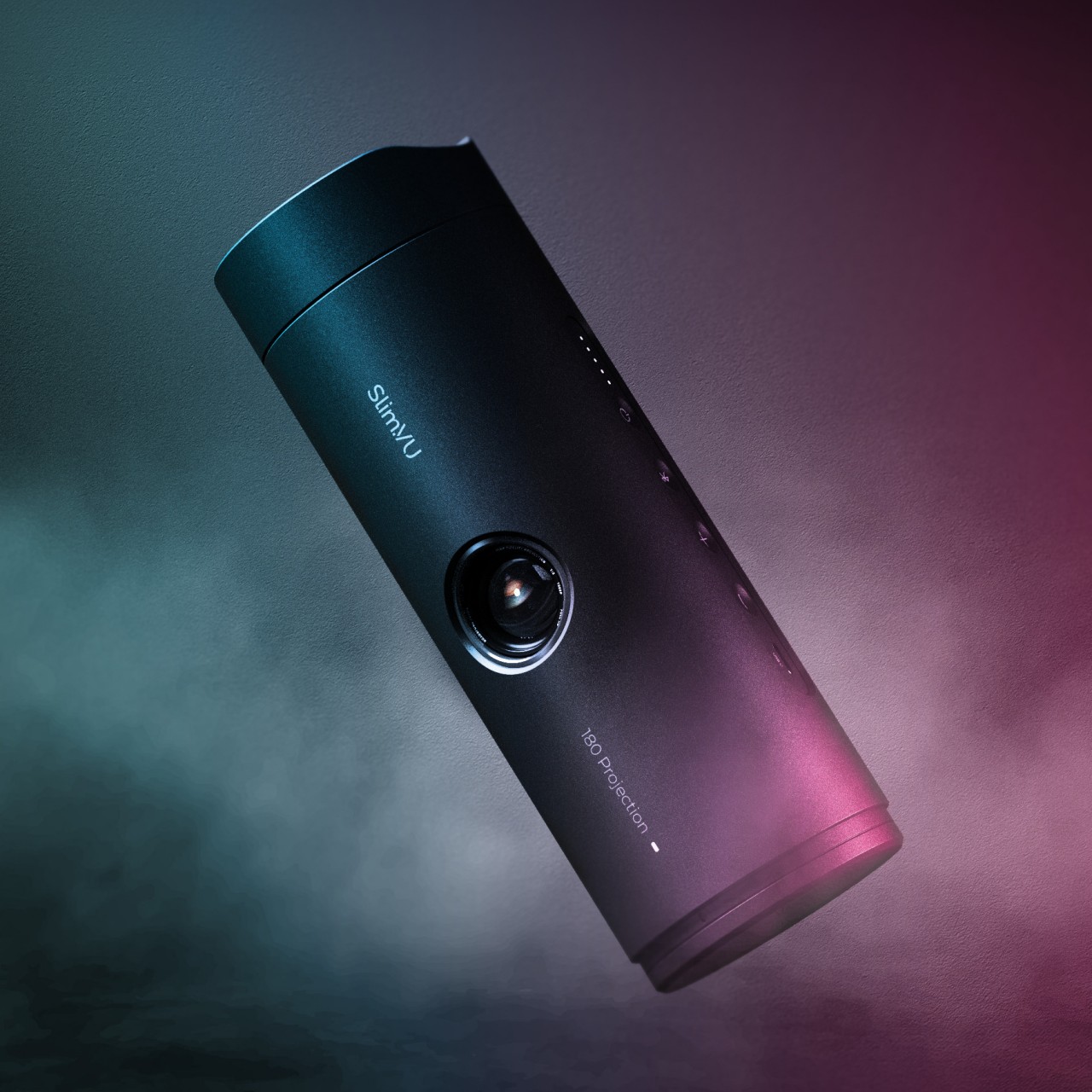
The more interesting aspect of the projector’s design, however, is the built-in stand that looks nothing like a stand. The removable “cap” of this tumbler-like projector functions as this stand, holding the projector in its place magnetically. The curved shape of this stand lets you rotate the cylindrical projector and angle it properly. This way, you don’t need any other accessory to enjoy a video anytime you want, anywhere you go.

The Slim.VU projector concept contains everything you need, freeing you from concerns about power, connectivity, and stability. Of course, actually implementing such a projector is a different matter entirely, and it might need to make a few compromises in exchange for its compact form. Audio and video quality might actually take a hit just to cram this much technology inside a canister shape, making the portable projector less ideal for outdoor use, or even indoor when there’s too much ambient light.

The post Tumbler-shaped portable projector concept promises entertainment freedom first appeared on Yanko Design.
Mixed Reality Magnifying Glass for Kids Shows the World in a Different Light

When people talk about augmented or mixed reality, they most likely imagine strapping bulky visors to their heads and blocking their eyes. Although that is definitely the primary way to experience an immersive fusion of the physical and the digital, mixed reality actually goes beyond living in virtual worlds or seeing apps floating in front of you. You could, for example, point your smartphone somewhere in the real world and see a glimpse of digital information through that small window. Limited as that experience might sound, it can actually open up a whole new world to discover, especially if it allows children to learn more about the world they live in, giving them access to flora and fauna that they would have never encountered in the wild.
Designer: Junwoo Lim

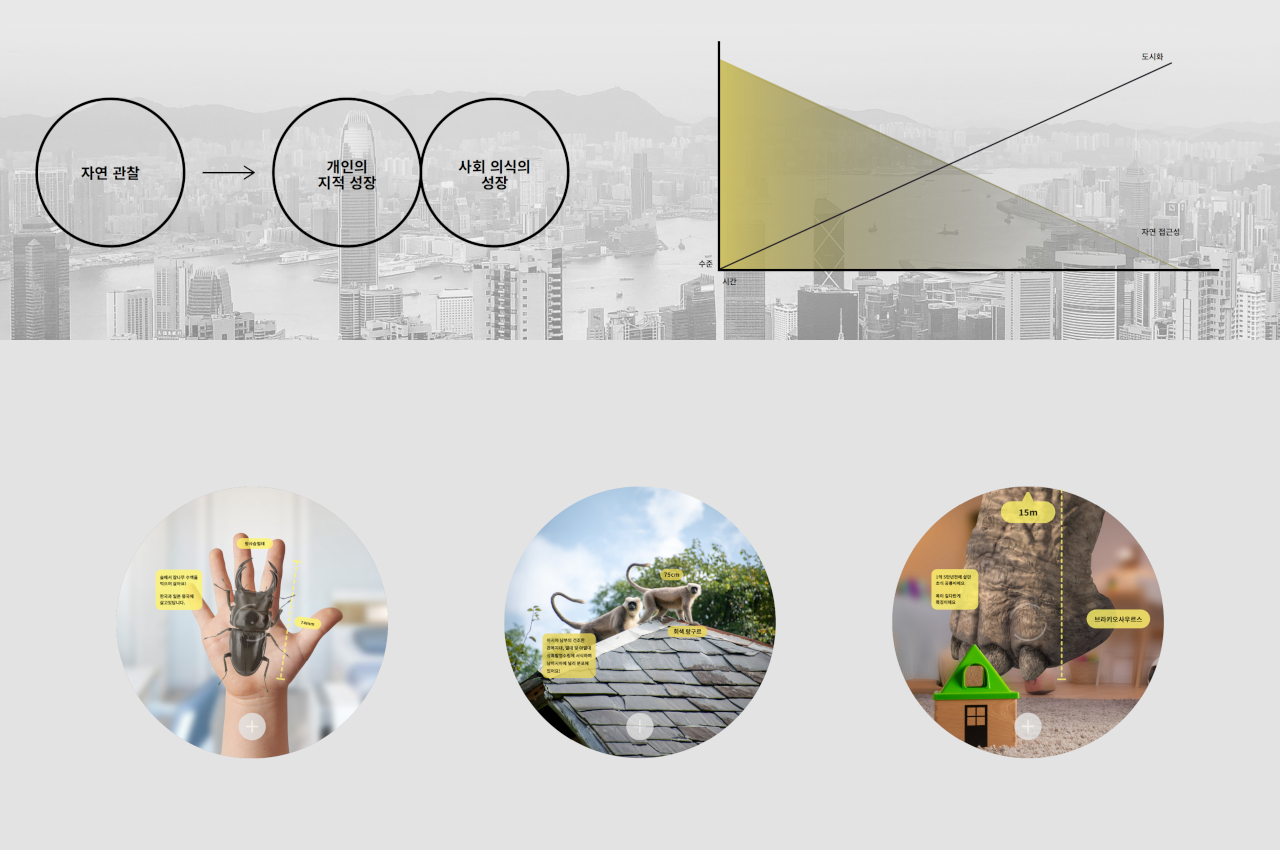
To a child’s eyes, the world is both magical and mysterious, and that’s just for the things they can actually see. Our planet has a lot more treasures and oddities than they could possibly imagine, but most of them are out of reach due to urban development and safety considerations. At most, kids can learn about them through books, videos, and other flat media that, while informative, lack the proper context that young minds need to truly appreciate the scale of these earthbound creatures.

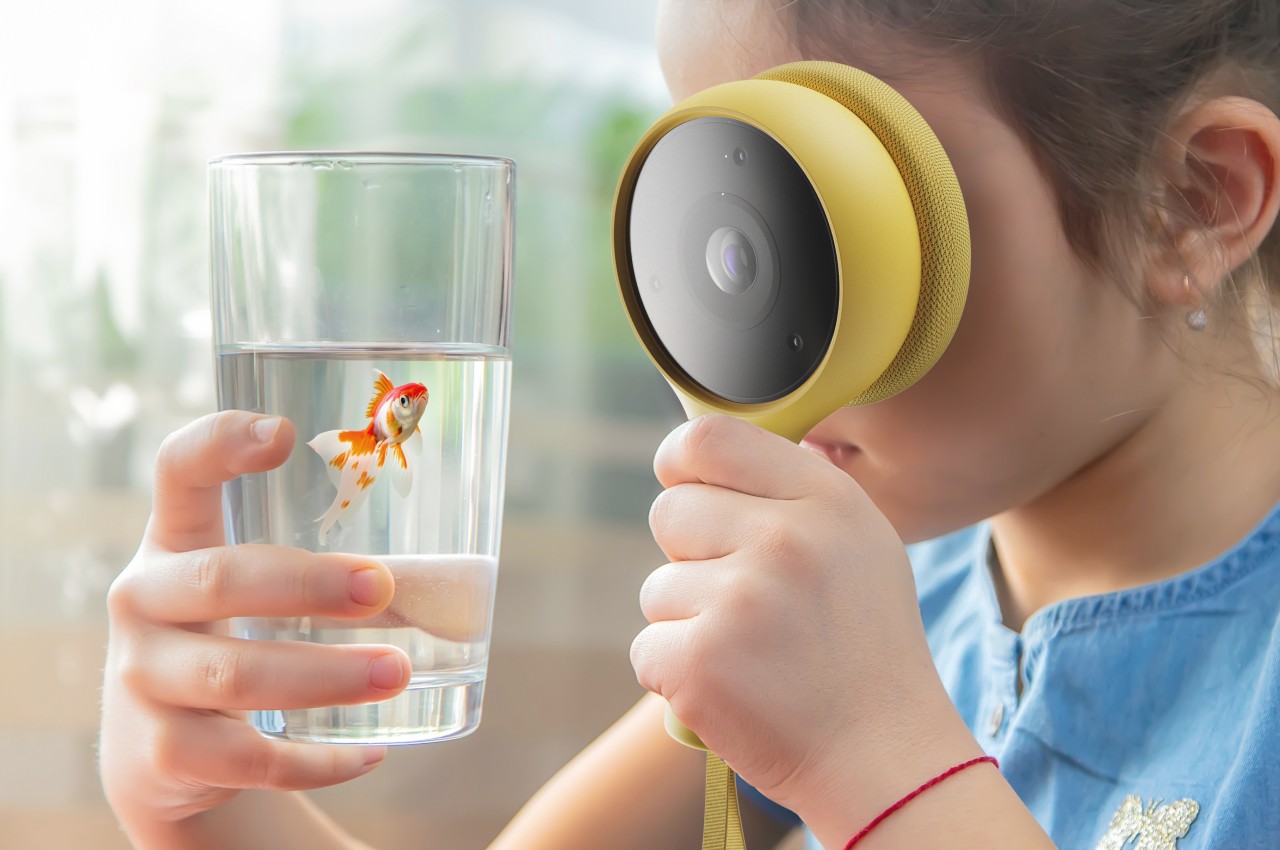
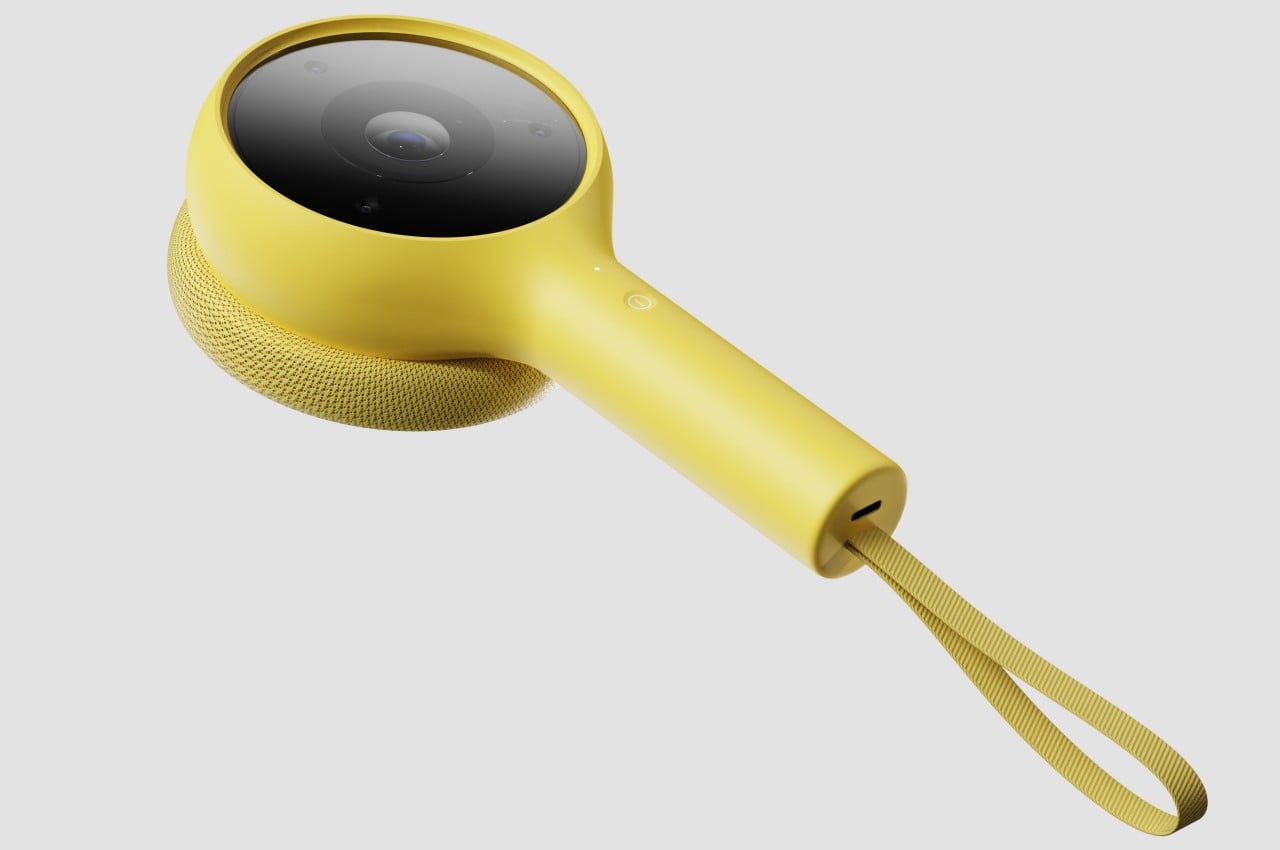
Mono is a mixed reality device concept that unlocks that world and allows kids to not only learn but also enjoy discovering these nuggets of knowledge in a way that doesn’t take them away from their current environment. Using mixed reality technologies, the gadget overlays virtual creatures like insects and animals on top of real-world objects, making them look like they’re actually there on the roof or in your hand. This allows kids to see them in their proper scale, observe their natural movement, or even see them interact with each other, all while still having access to additional text information layered on top of this view.

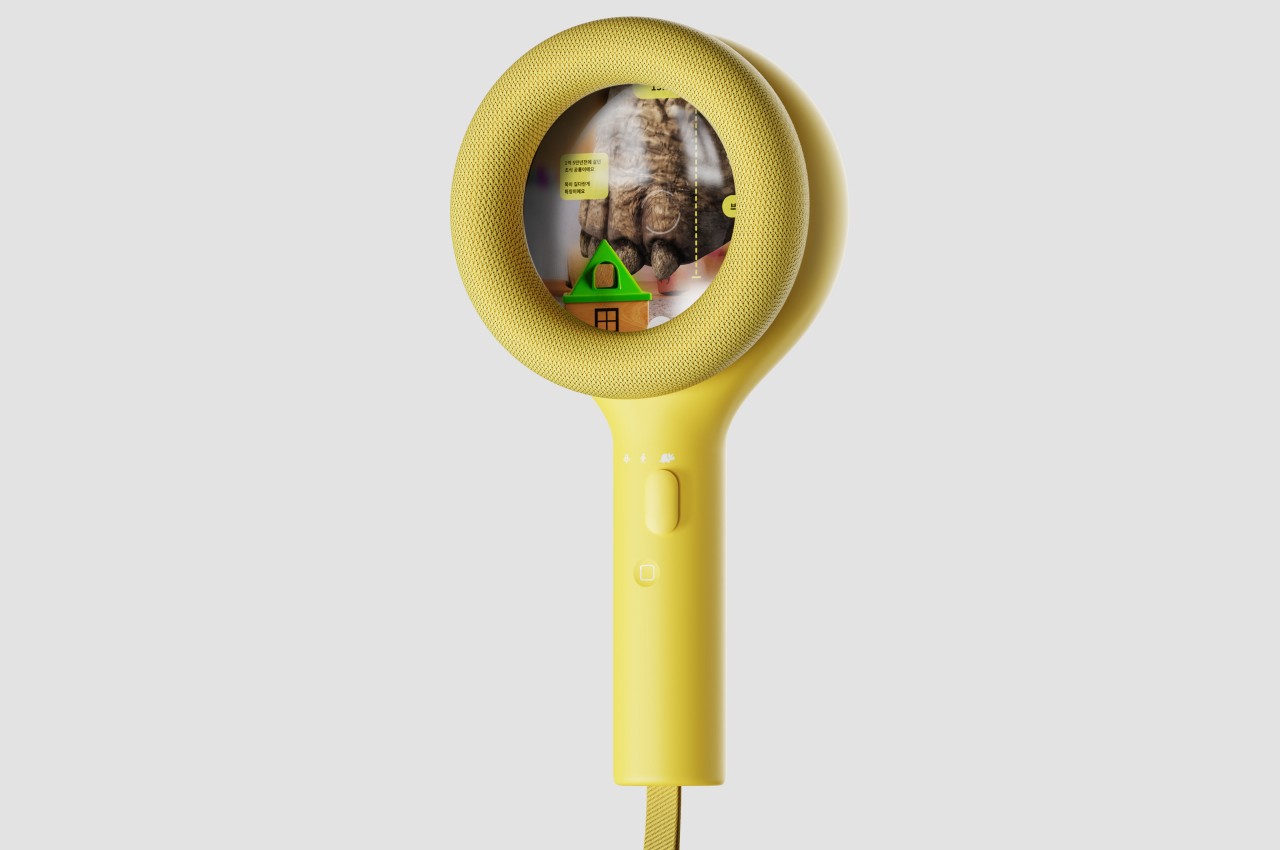
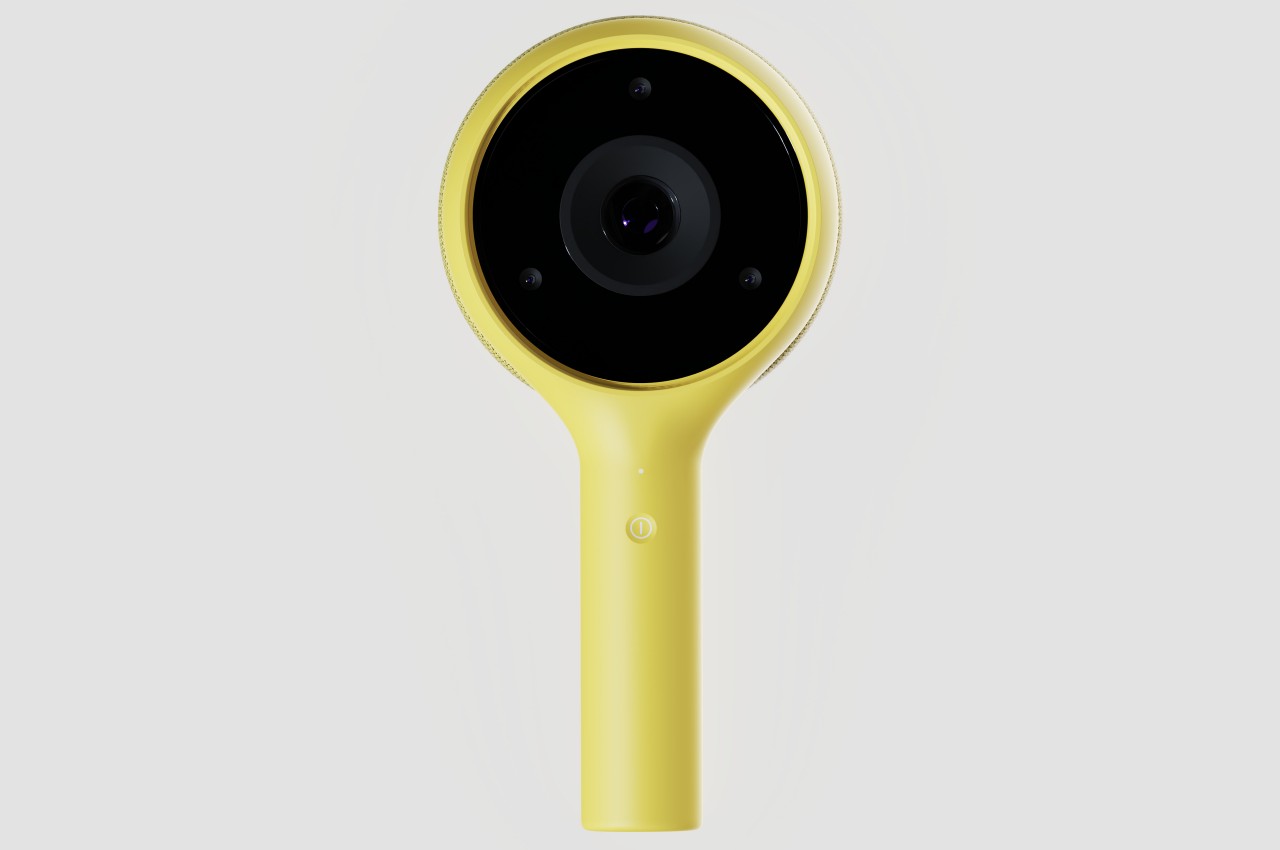
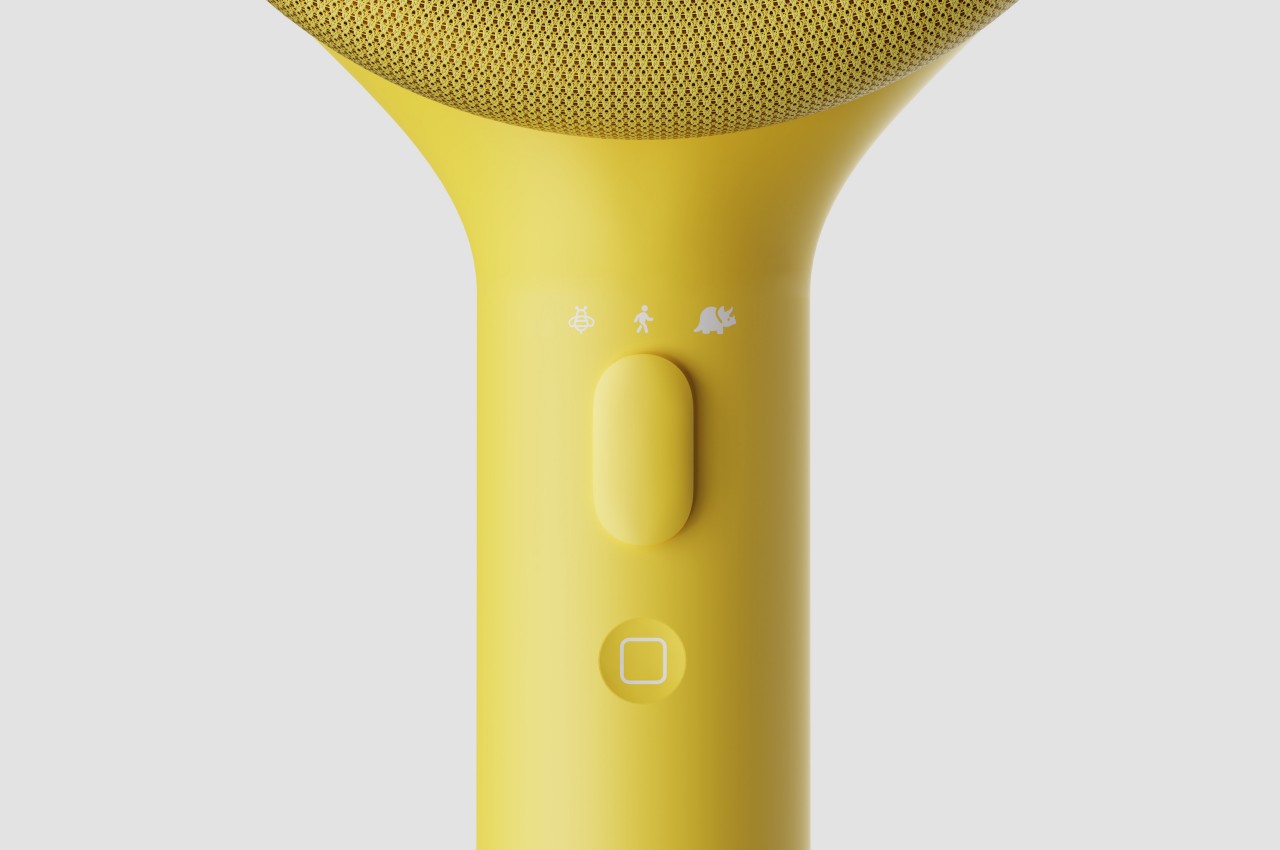
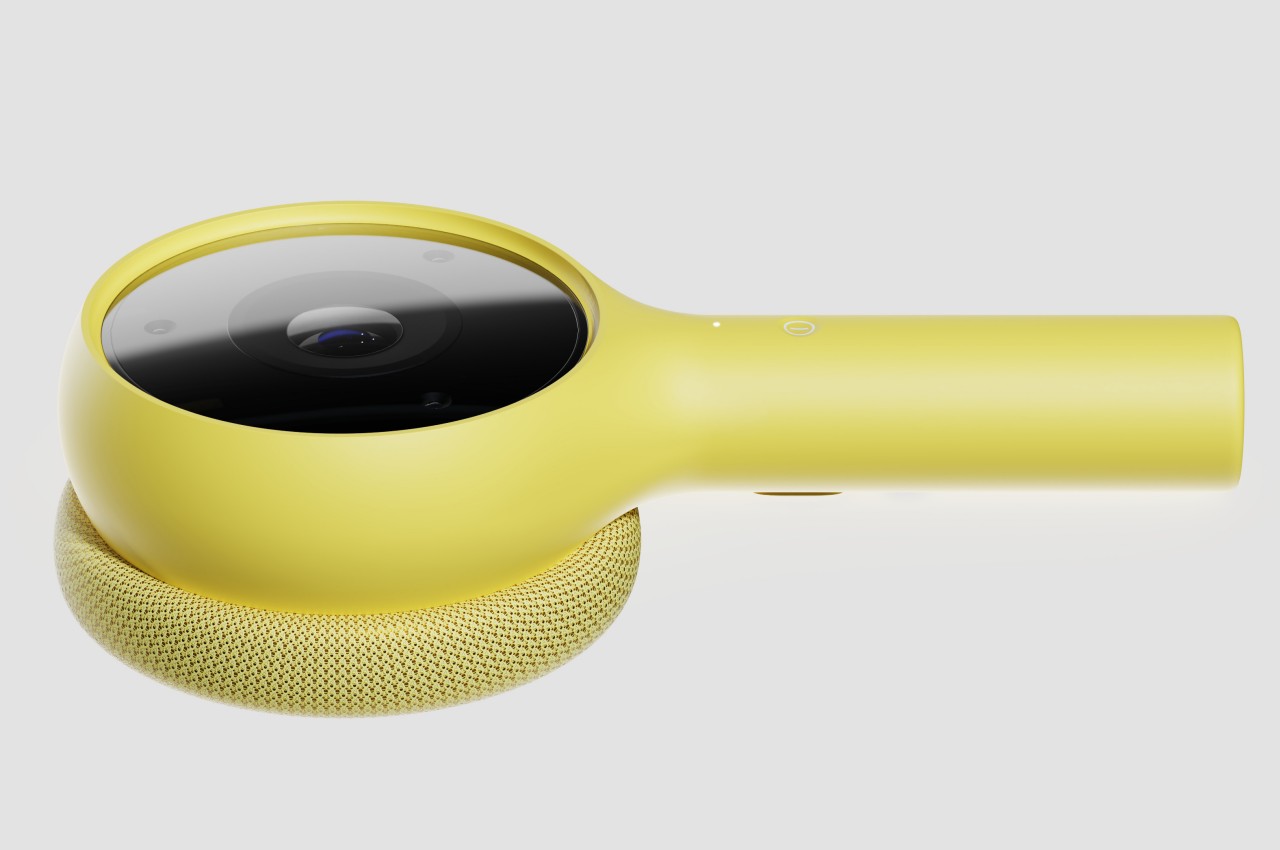
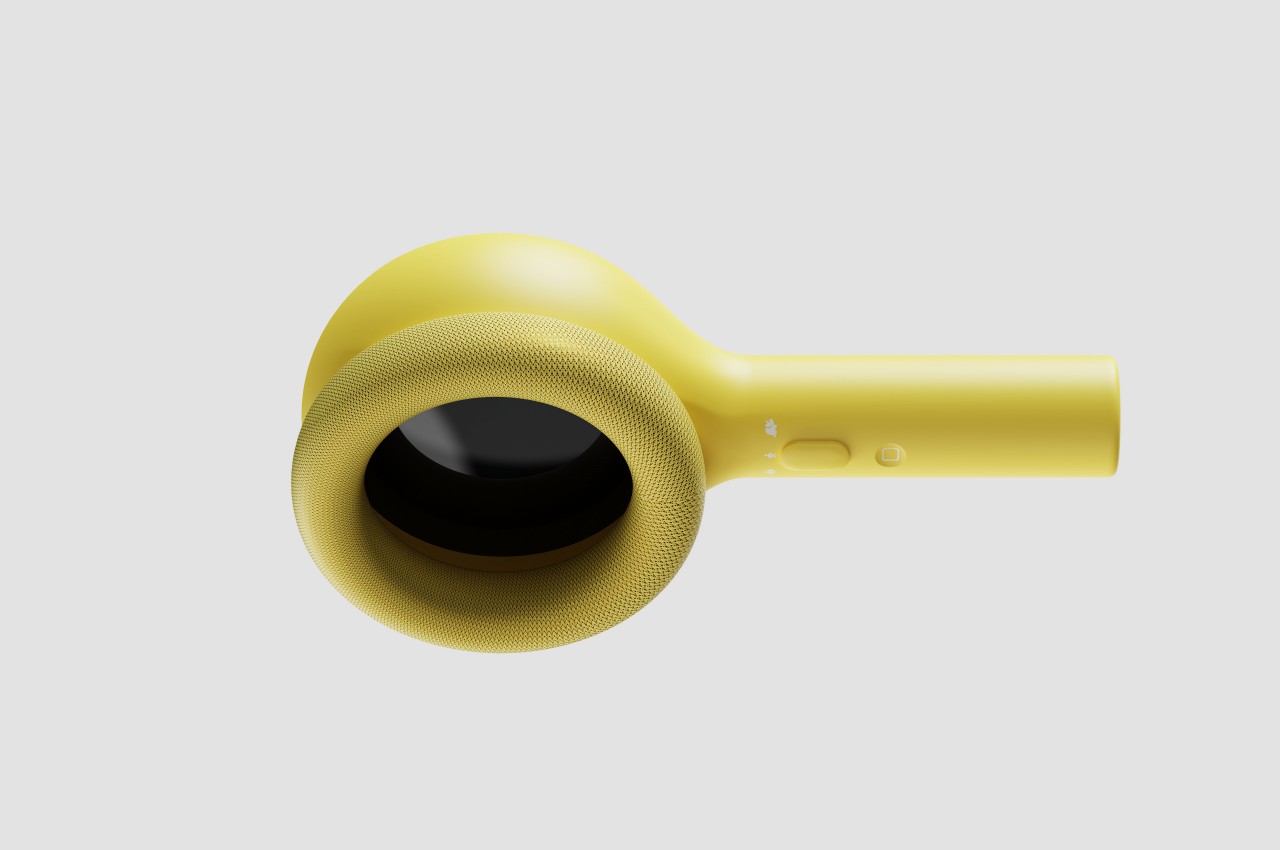
The device comes in a design that looks like a toy magnifying glass, an object that has long been associated with exploration and discovery. Instead of a transparent lens, it has a camera on one side and a screen on the other. Theoretically, the user can put the screen close to their eye the same way they would use a real magnifying glass, though that raises questions about the safety of that method. The controls for the device are simple enough for a child to understand, including a single button for power and a slider for zooming in and out to understand the scale of the creature being observed.

The Mono concept design tries to fill in an educational need for kids to learn more about the world in a safe and engaging environment, but without weighing down their heads with headsets. It demonstrates how mixed reality can be more than just an entertainment medium or a productivity tool for adults, but something that kids can also benefit from. A magnifying glass design definitely carries that exploration vibe, though it’s questionable whether it’s an appropriate one given how kids are likely to put the screen right in front of their eyes.

The post Mixed Reality Magnifying Glass for Kids Shows the World in a Different Light first appeared on Yanko Design.