Why the M2 iPad Air Is Ideal for Students, Designers, and Everyone In Between

iPad Air M2

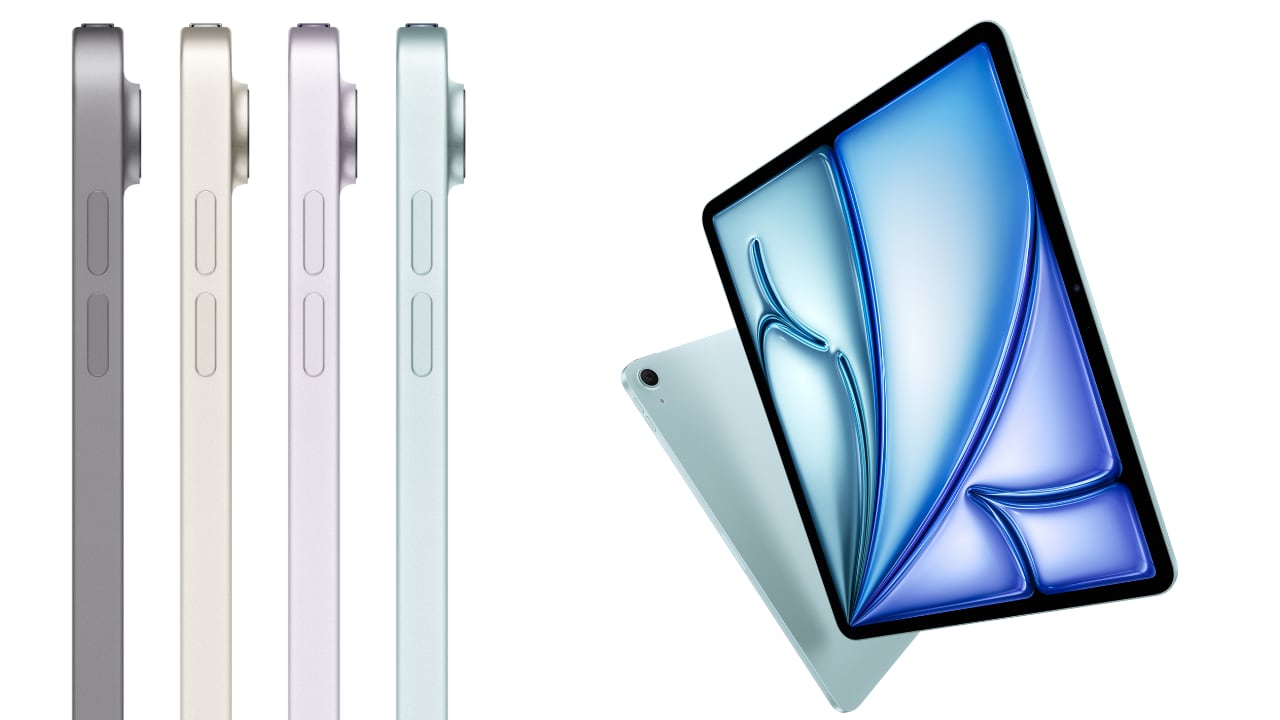
The iPad Air, now available in both 11-inch and 13-inch models, caters to a variety of needs and preferences. Whether you’re a student always on the move or a designer needing ample screen space for intricate visuals, there’s an option perfectly sized for you. The 11-inch version excels in portability, easily slipping into a small bag or backpack, making it the go-to device for students who juggle between classes and study sessions across campus. Meanwhile, the 13-inch model, with its expanded display, provides 30 percent more screen real estate, offering designers and students the luxury of a bigger canvas to work on complex projects or manage multiple applications side by side with iPadOS’s multitasking features.

Designer: Apple

The 11-inch iPad Air is super-portable, while the 13-inch model provides an even larger display, giving users more room to work, learn, and play.

Beyond size, the iPad Air boasts a Liquid Retina display with advanced technologies such as True Tone, high brightness, and anti-reflective coating, ensuring everything you see is detailed and vibrant. This is crucial when precision in color and detail plays a significant part in your coursework or professional projects. The support for P3 wide color gamut also means that the visuals are not just bright but incredibly accurate, which is especially important for design students and professionals who rely on true-to-life colors for their digital artistry.

The repositioned front-facing camera is another subtle yet impactful enhancement. Set along the landscape edge, the camera automatically keeps you in frame during video calls, thanks to the Center Stage technology. This feature is particularly beneficial now that remote collaboration has become more prevalent in both educational and professional settings. Whether you’re presenting a thesis to your class or brainstorming with colleagues over a video call, the camera adapts dynamically to ensure you are always seen, complemented by dual microphones that focus on your voice while minimizing background noise.

Moved to landscape edge, 12MP Ultra Wide front-facing camera with Center Stage improves call experience.

Performance-wise, the M2 chip in the iPad Air is a big leap forward, bringing not only speed but also efficiency to every task. This chip is tailored for advanced tasks such as photo and video editing, 3D modeling, and large-scale graphic designs, all while maintaining energy efficiency for all-day battery life. This means less time tied to a power outlet and more flexibility to work in settings that inspire you, be it a quiet corner of a library or lounging at your favorite cafe.

Moreover, the iPad Air now supports not only the Apple Pencil (2nd generation) but also the newly introduced Apple Pencil Pro, enhancing its utility for both students and designers. The Apple Pencil Pro includes a new sensor in its barrel that can detect squeezes, enabling users to quickly switch between tools, line weights, and colors effortlessly—ideal for designers working in applications such as Affinity Designer 2. Additionally, its custom haptic feedback provides tactile responses to actions like squeezing or double-tapping, enhancing the user’s interaction by confirming their inputs in a way that feels intuitive and direct. The inclusion of a gyroscope allows for fine control over tool orientation, mimicking the real-world experience of rotating a pen to achieve the desired stroke or effect.
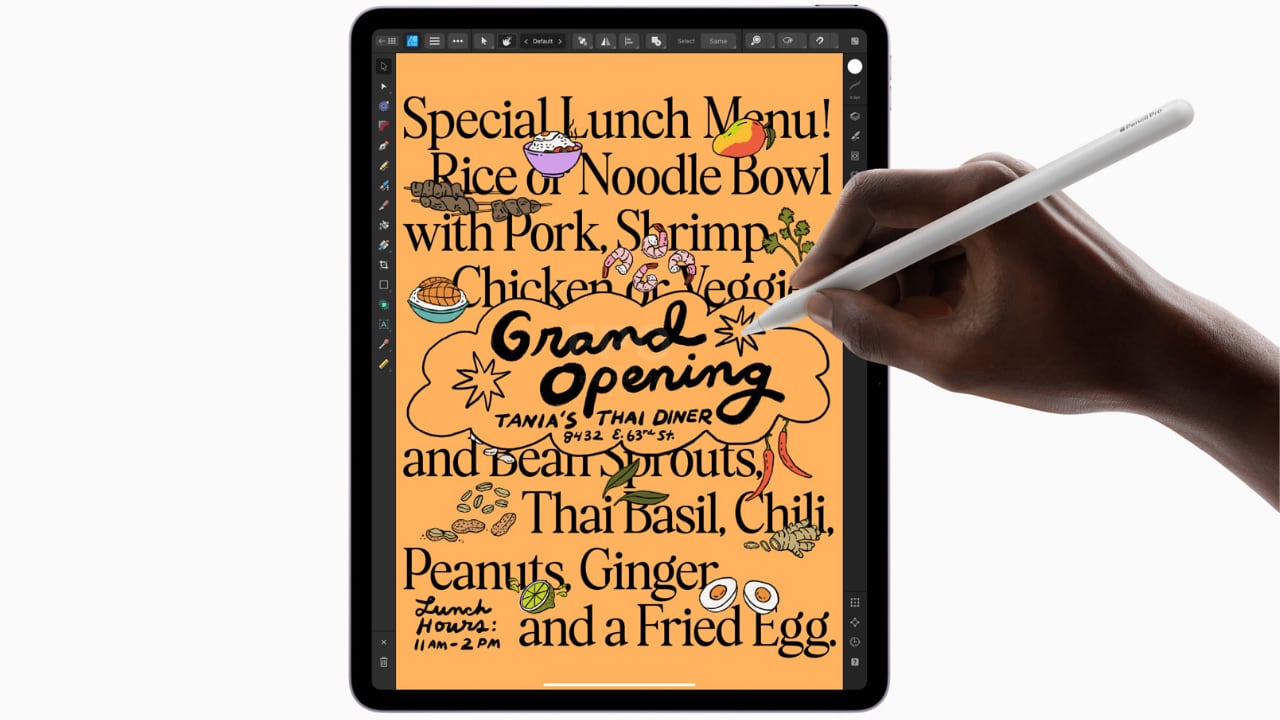
Apple Pencil Pro enhances creativity with squeeze, barrel roll, and haptic feedback for intuitive marking, note-taking, and design in apps like Affinity Designer 2.

For those who are prone to misplacing their tools, the Apple Pencil Pro introduces support for Apple’s Find My network, a first for Apple’s stylus line. Both the Apple Pencil Pro and the Apple Pencil (2nd generation) attach magnetically to the side of the iPad Air, where they also charge, ensuring they are always ready for use and conveniently stored. This versatility makes the iPad Air an even more attractive option for anyone looking to maximize their productivity and creative output, whether they are annotating documents, taking detailed notes, sketching out a design, or navigating through complex creative software.

Connectivity is also an important feature of the iPad Air’s appeal. With the introduction of Wi-Fi 6E and the option for 5G connectivity, the device ensures that you can work from anywhere without lag or interruption. This is particularly valuable for students who need to download large resources quickly or for designers who must upload high-resolution files to cloud-based platforms.
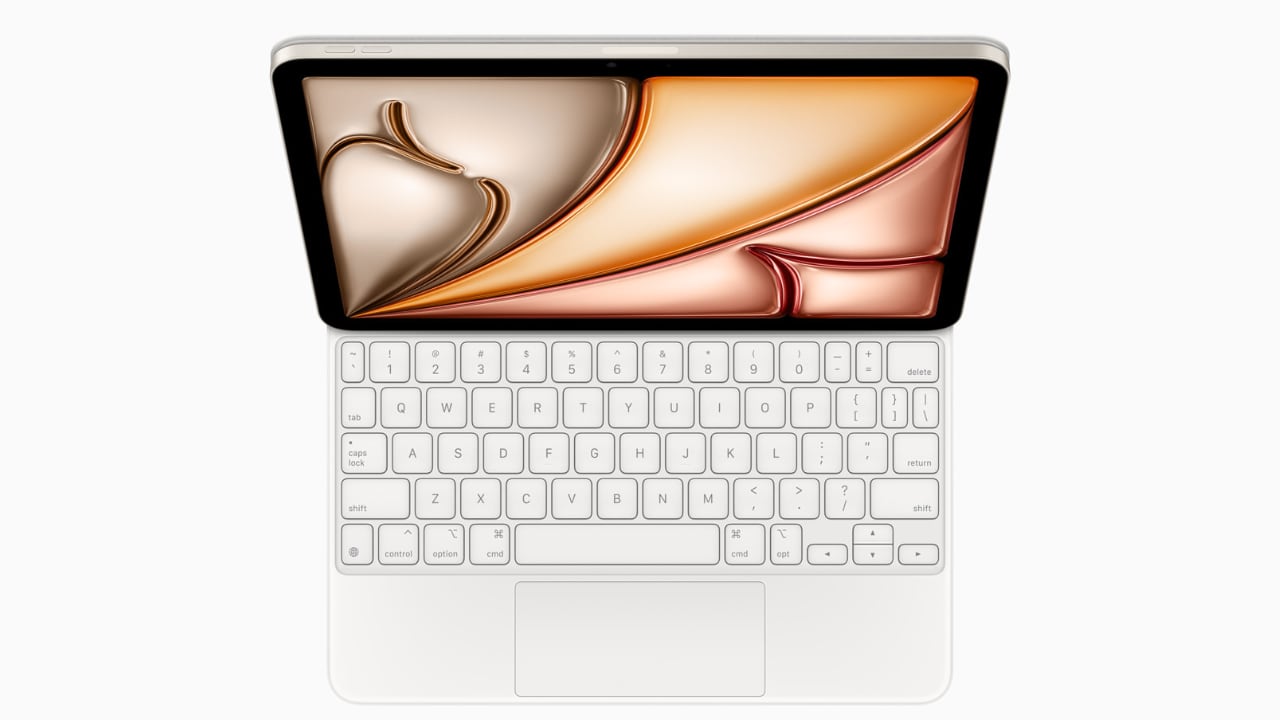
Magic Keyboard: Floating cantilever design, magnetic attachment, multiple viewing angles, integrated trackpad, USB-C pass-through charging, and full iPad protection.
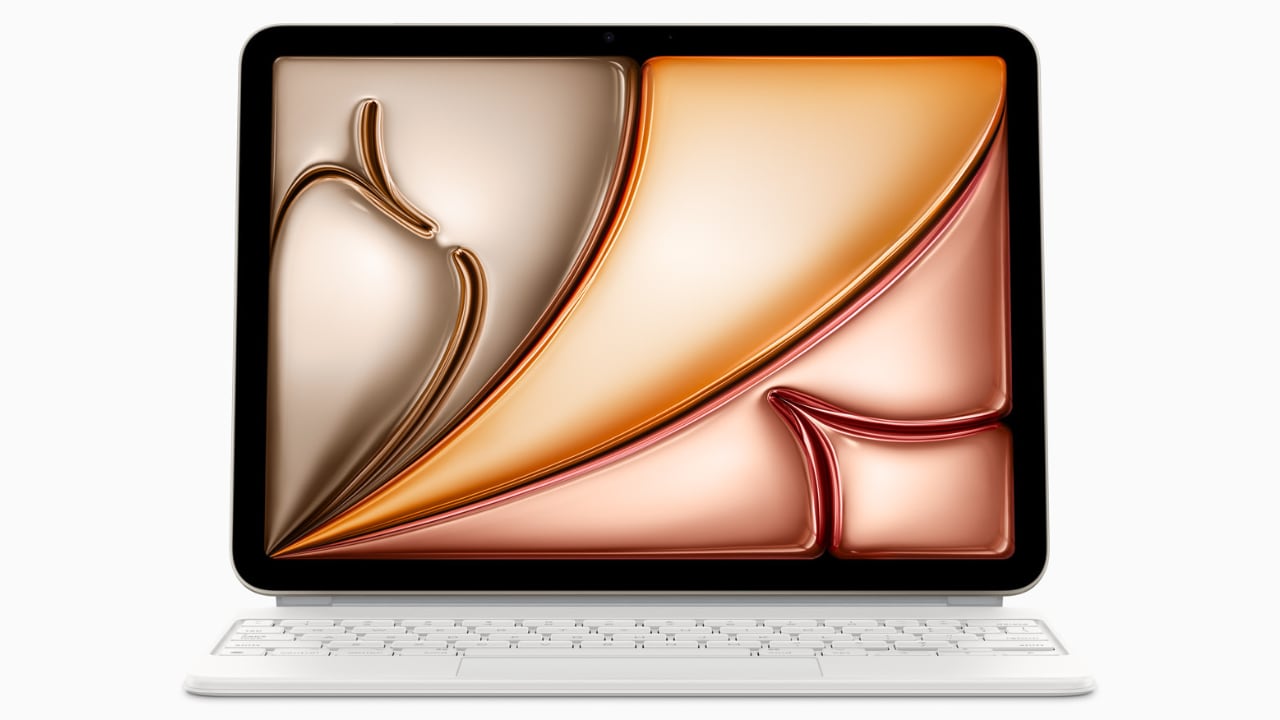
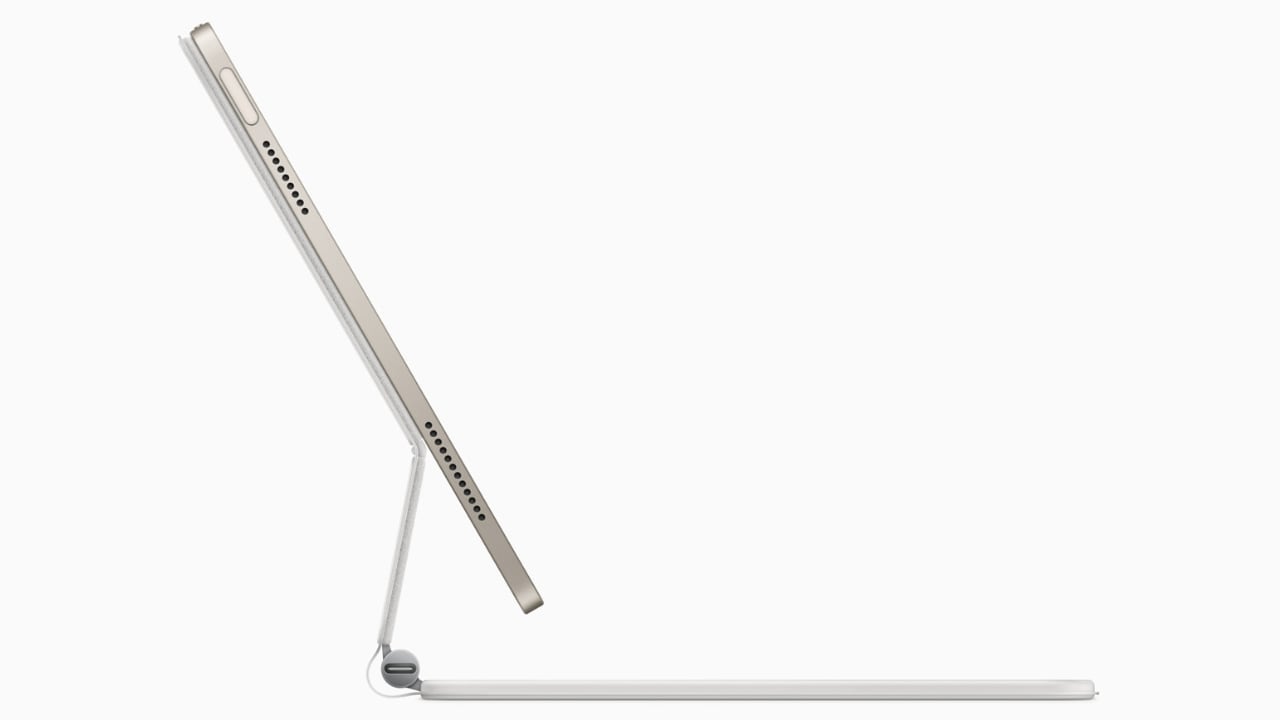
Traveling with tech can sometimes feel like a balancing act between staying productive and managing your gear effectively, especially for someone like myself who’s always on the move. One of the standout features of the iPad Air, from my perspective, is its versatility—particularly the ability to detach it from the Magic Keyboard. This becomes incredibly handy during air travel. Picture this: you’re on a flight, deeply absorbed in your latest design project or perhaps the climax of your favorite Netflix series. Just as the airplane prepares for takeoff, the usual announcement comes over the PA: “Please stow your laptops.” However, thanks to the iPad Air’s detachable setup, you can continue your work or entertainment seamlessly by simply detaching the iPad from its keyboard. It’s moments like these where the iPad Air proves its worth, allowing you to maintain your creative or entertainment zone without a hitch.

In terms of the operating system, I appreciate the straightforward and efficient design of iPadOS 17. It simplifies daily tasks and enhances user interaction, making everything from navigation to app management feel more fluid. The customization options in iPadOS 17 are particularly notable; they allow you to tailor the Lock Screen on both the 11-inch and new 13-inch displays. This personalization capability lets you set unique wallpapers and choose expressive fonts that truly reflect your personal style.

As WWDC 2024 approaches, while iPadOS 17 certainly gets the job done, I’m eager to see what iPadOS 18 will bring to the iPad. Anticipating new features and enhancements that could further refine and expand the functionality of this already versatile device adds an exciting layer of potential for iPad users looking forward to the next evolution in their device’s capabilities.
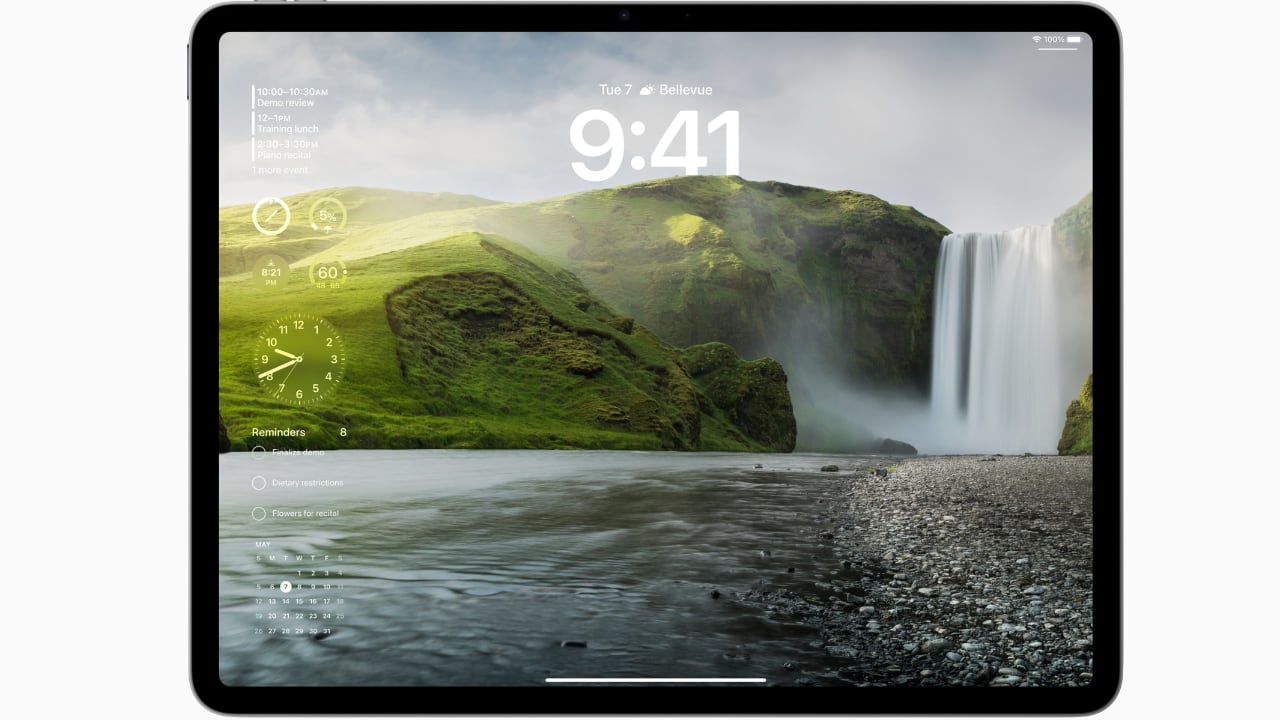
Interactive widgets on iPadOS 17 are also great for productivity. Imagine being able to glance at your screen and tap a widget to immediately capture a brilliant idea in the Notes app or adjust your schedule in Calendar. This kind of immediate interaction is perfect for someone who needs to stay flexible and react quickly to changes, which is often the case in both travel and creative professions.
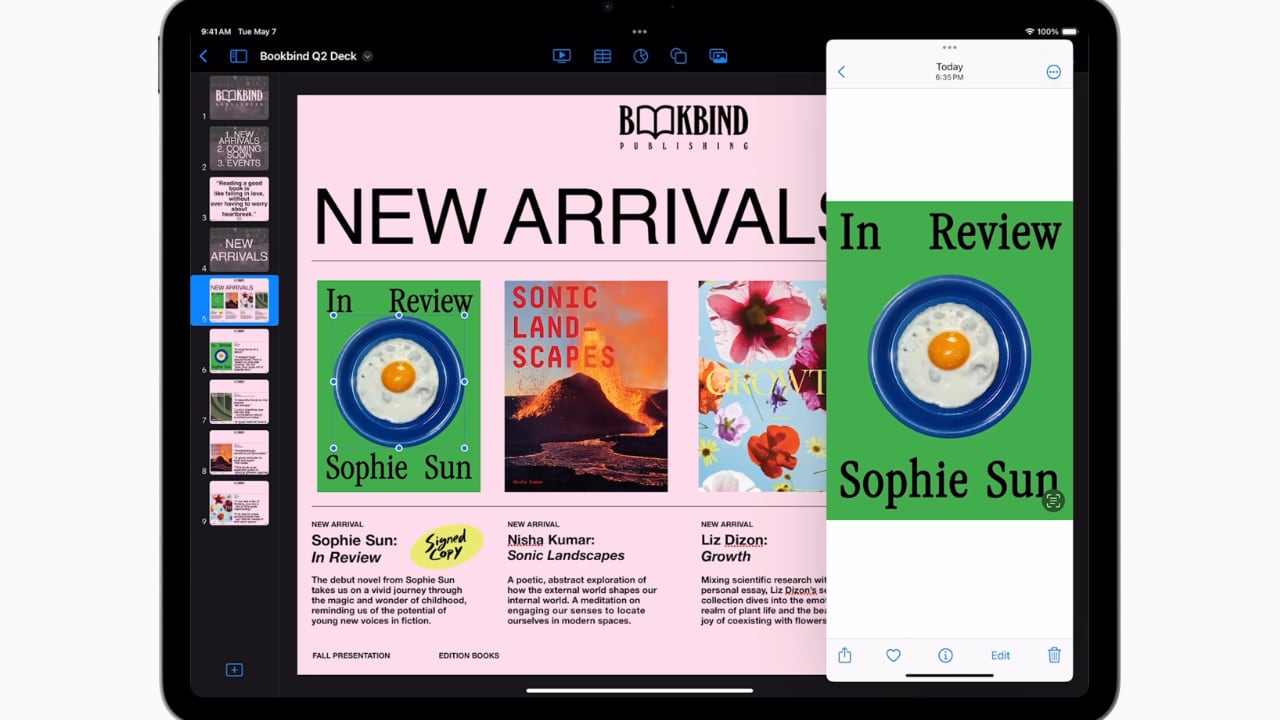
iPad Air with M2 uses AI for features like Subject Lift, Visual Look Up, and Live Text.

The enhancements to Messages and FaceTime add a layer of fun and convenience. With new sticker features and the ability to leave video messages, staying connected feels more personal and engaging. For professionals, the Continuity Camera feature is particularly impressive. You can start a video call on your iPad Air and seamlessly hand it off to Apple TV, making it perfect for professional presentations or casual catch-ups.
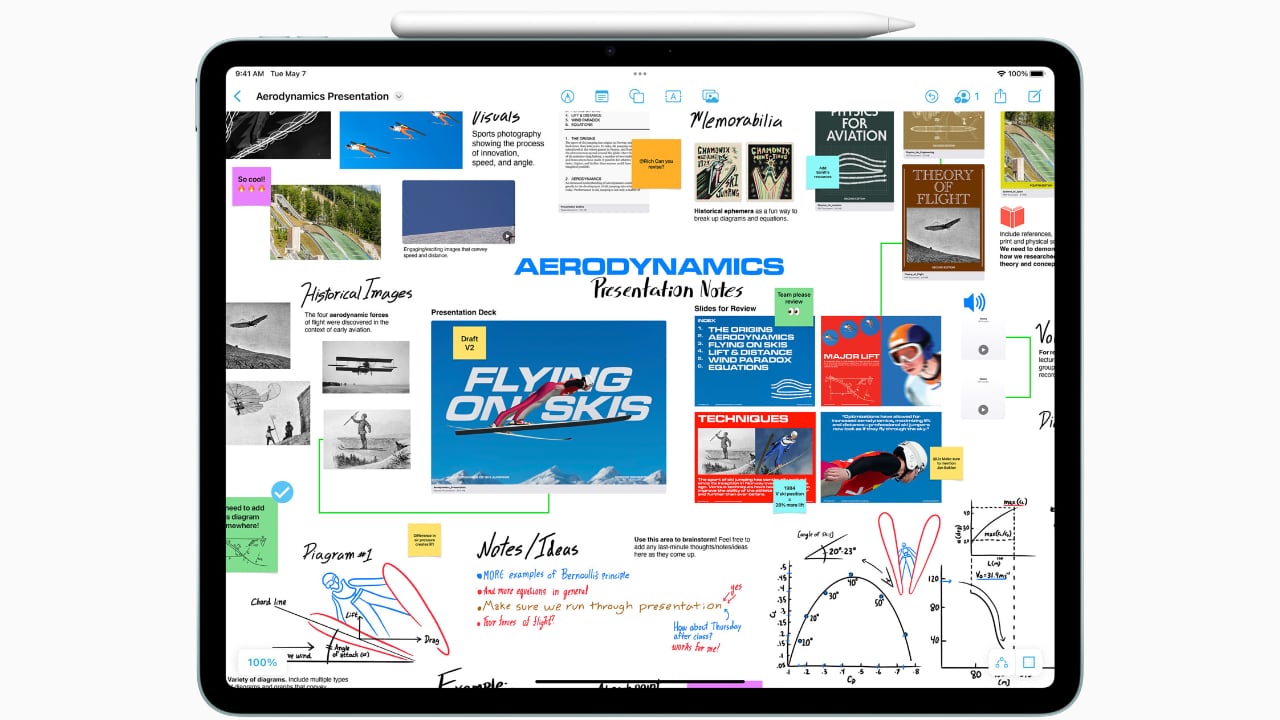
Freeform’s new tools for drawing and collaboration are a boon for creatives. Whether you’re sketching out a quick concept or organizing a project with teammates, these tools make it easy to bring your ideas to life. And for someone who frequently deals with contracts or creative briefs, the enhanced PDF capabilities in the Notes app can be incredibly efficient, allowing you to annotate, fill out forms, and collaborate without ever needing to print or scan anything.
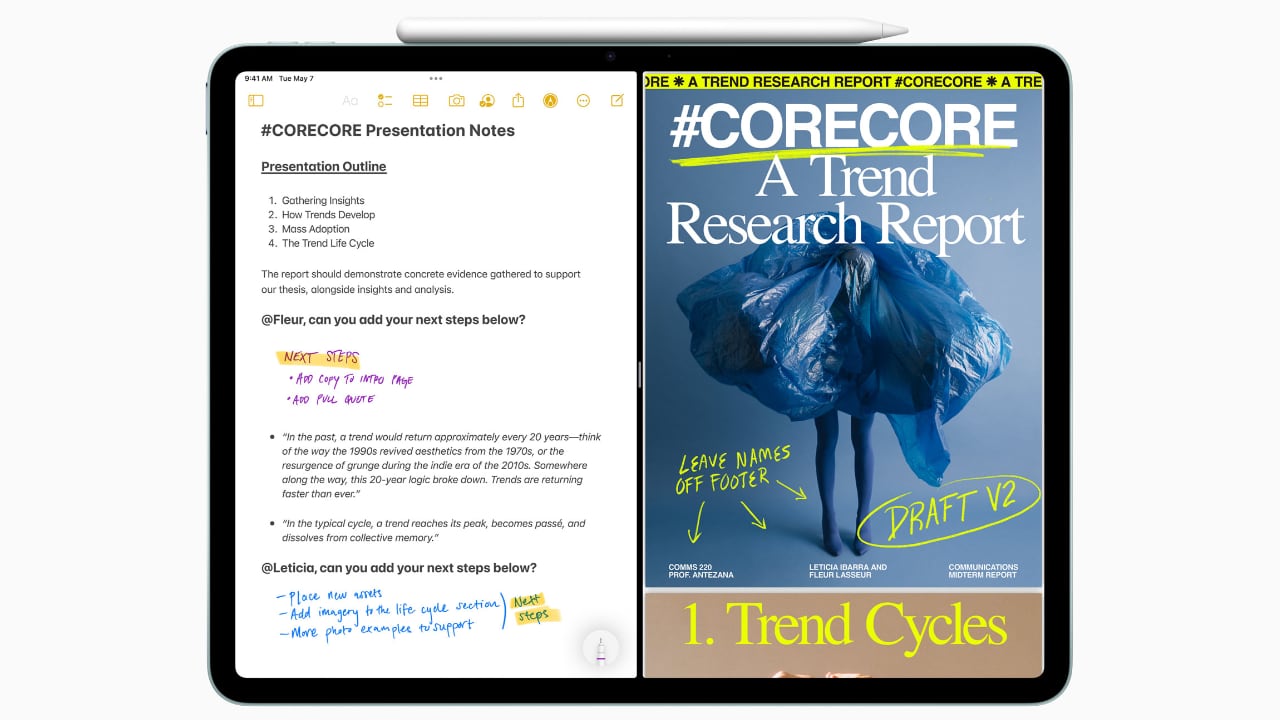
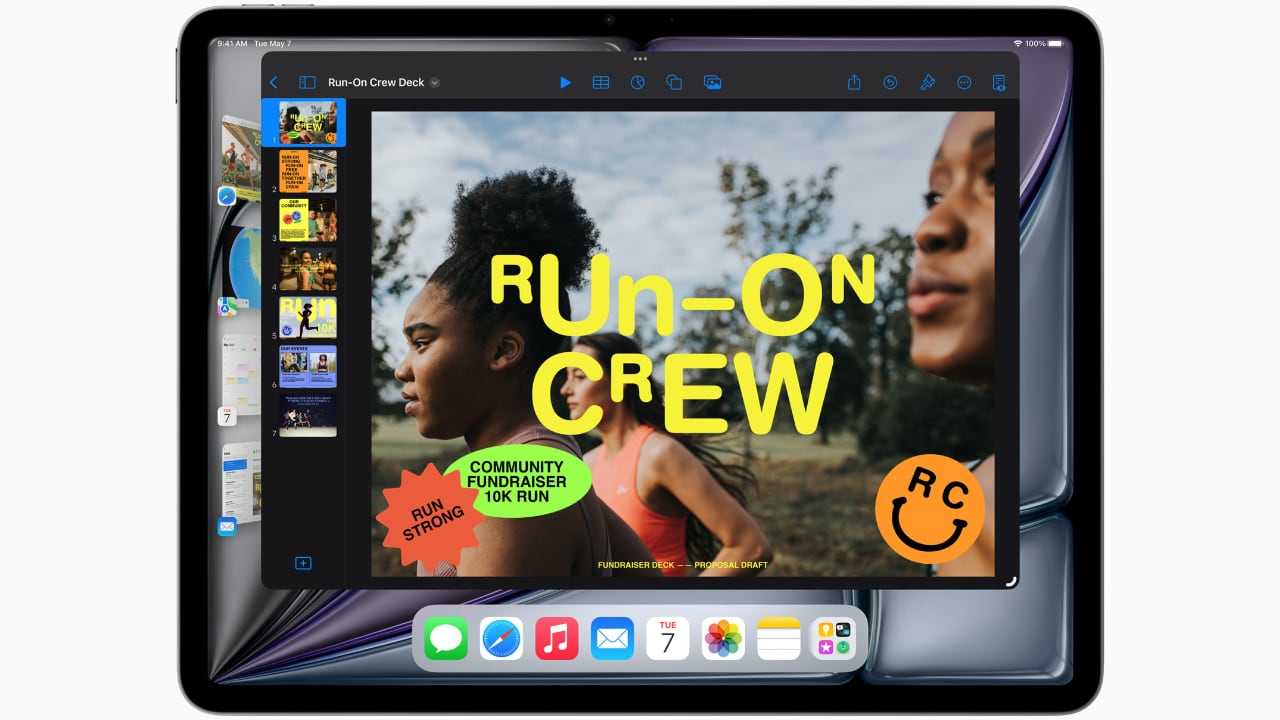
Lastly, the inclusion of features like Stage Manager, which lets you handle multiple overlapping windows, is ideal for multitasking. This feature, combined with AI-driven capabilities like Live Captions and intelligent accessibility features, ensures that the iPad Air isn’t just keeping up with the demands of mobile professionals and creatives—it’s anticipating them.
Every Apple product I’ve used, from my M1 MacBook Pro to an iPhone 12 Pro Max or a three-year-old iPad Pro with an M1 chip, continues to hold immense value. Remarkably, there has been very little performance degradation, and none feels obsolete. This changelessness is largely thanks to Apple’s timeless design concepts, which are consistently implemented across the product line.

Moreover, the new iPad Air reflects Apple’s ongoing commitment to environmental responsibility. It is crafted with 100% recycled aluminum for its enclosure, utilizes 100% recycled rare earth elements in all magnets, and features 100% recycled gold plating and tin soldering in multiple printed circuit boards. These efforts are complemented by packaging that is entirely fiber-based, aligning with Apple’s goal to eliminate plastic from all packaging by 2025. As part of a broader commitment, Apple aims to be carbon neutral across its entire manufacturing supply chain and the life cycle of every product by 2030. These steps not only reflect Apple’s dedication to reducing its environmental footprint but also enhance the appeal of the iPad Air to environmentally conscious consumers.

Whether you’re considering an upgrade or this might be your first Apple product, you can trust that in the next year, or even the year after, you won’t feel the need to upgrade unless you choose to. Apple’s commitment to quality, forward-thinking design, and environmental sustainability ensures that its products not only meet current demands but continue to remain relevant and perform excellently well into the future.

The post Why the M2 iPad Air Is Ideal for Students, Designers, and Everyone In Between first appeared on Yanko Design.
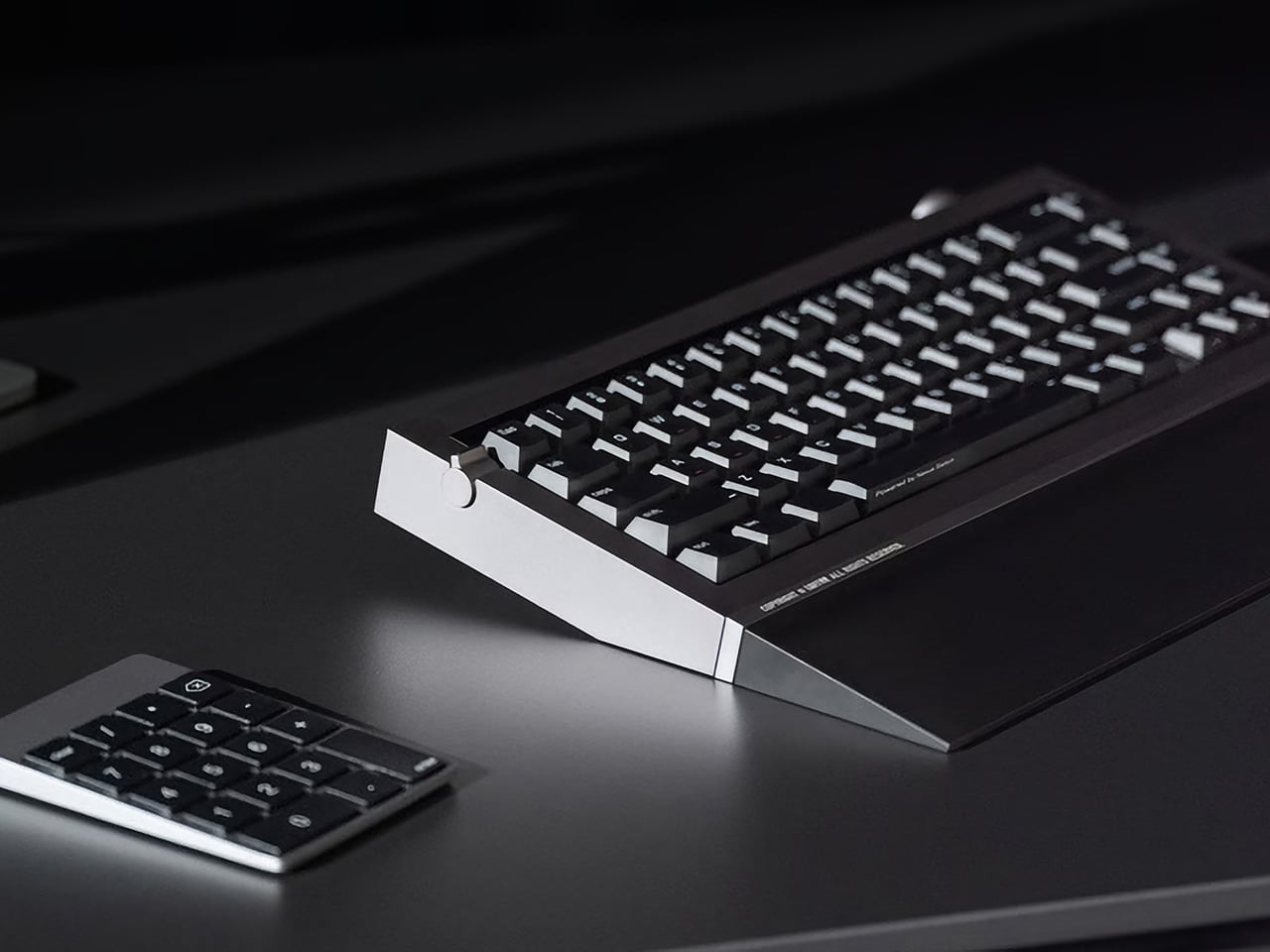
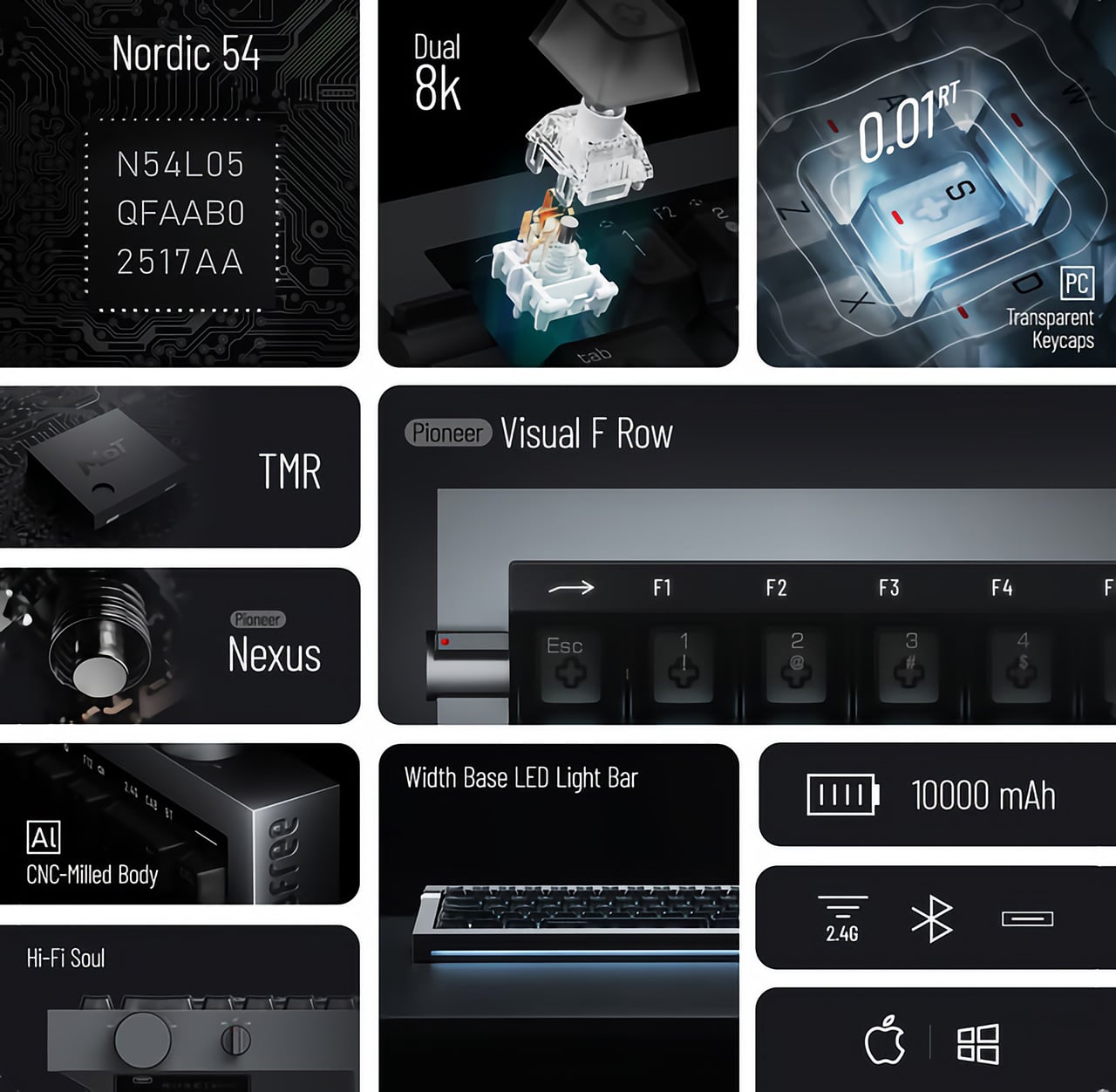
Retro mechanical keyboards offer a tactile experience to inspire creativity

We’ve all been there, staring at a blank page at a complete loss on how to get started on a written project. The dreaded writer’s block makes it feel like our brains are all dried up, but all it really needs is a little nudge to get the creative juices flowing again. That can sometimes come from a fidget toy or, more often than not, a favorite tool that stimulates our senses, especially our sense of touch. That’s the kind of experience that this retro-style keyboard wants to offer, presenting a modern keyboard that looks like a classic typewriter yet also has the elegance of a luxury item, giving both your eyes and your fingers a feast to get that brain running again.

Designer: AZIO

There’s actually no shortage of computer keyboards that lay claim to the title of “retro” or “classic, but many of them heaps on embellishment after embellishment to the point that the design becomes showy and distracting. The keyboards become more like decorative pieces to show off rather than functional tools to help you get the job done with as little friction as possible.

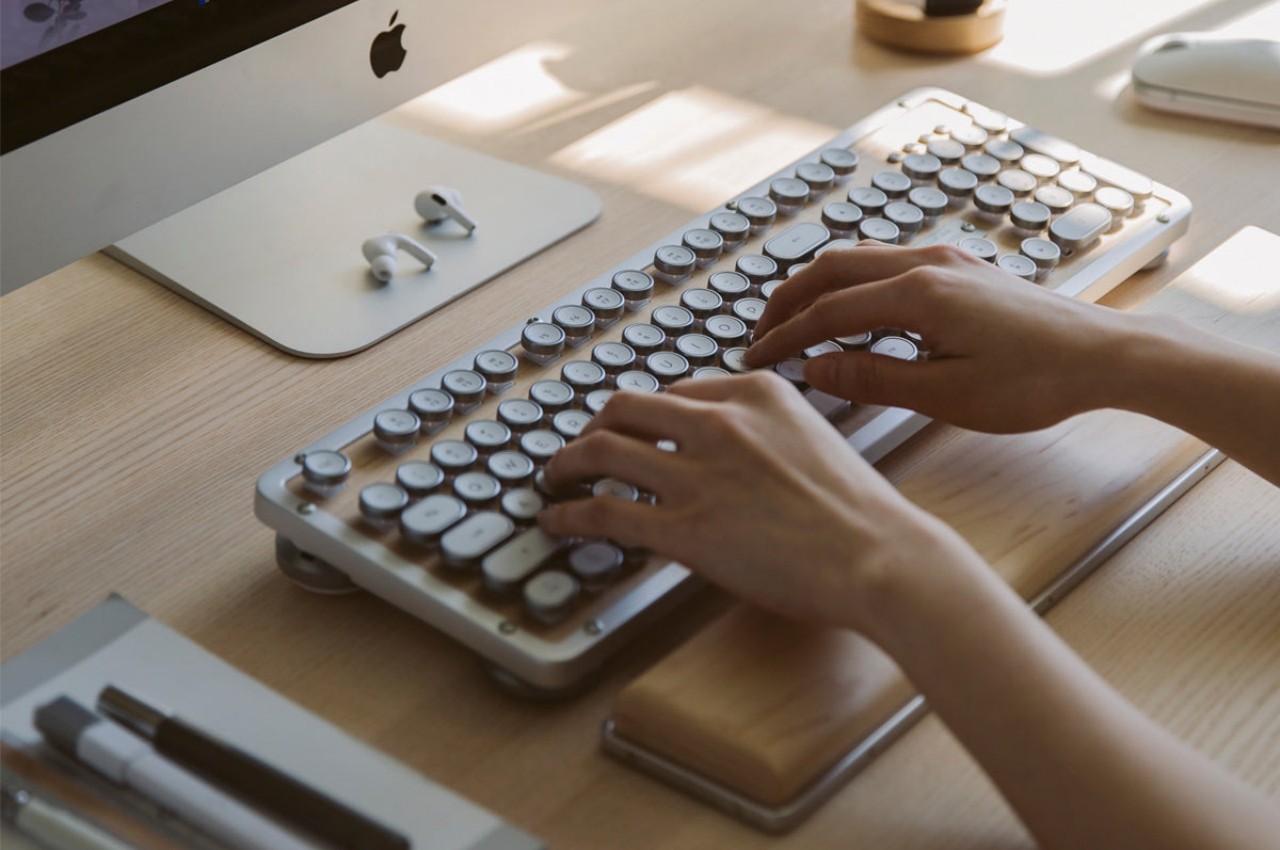
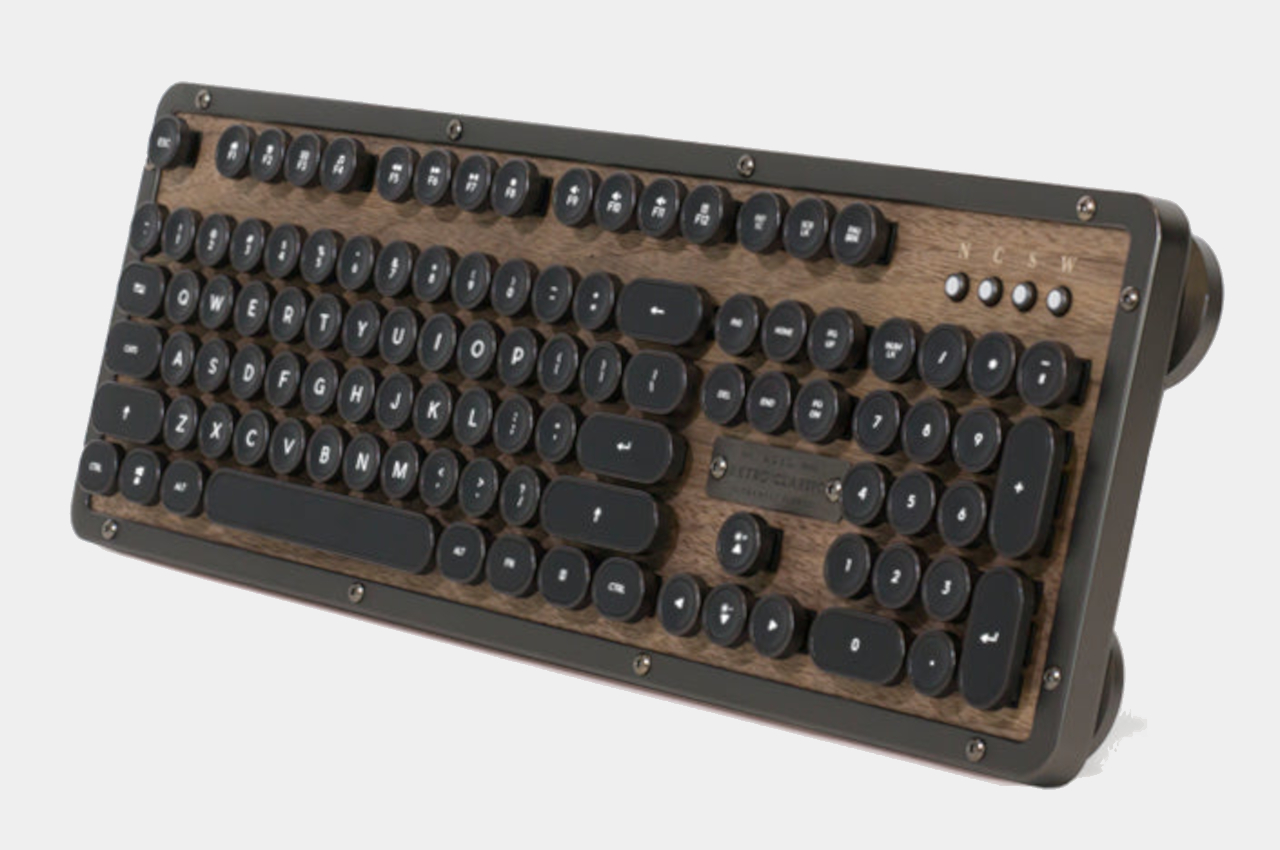
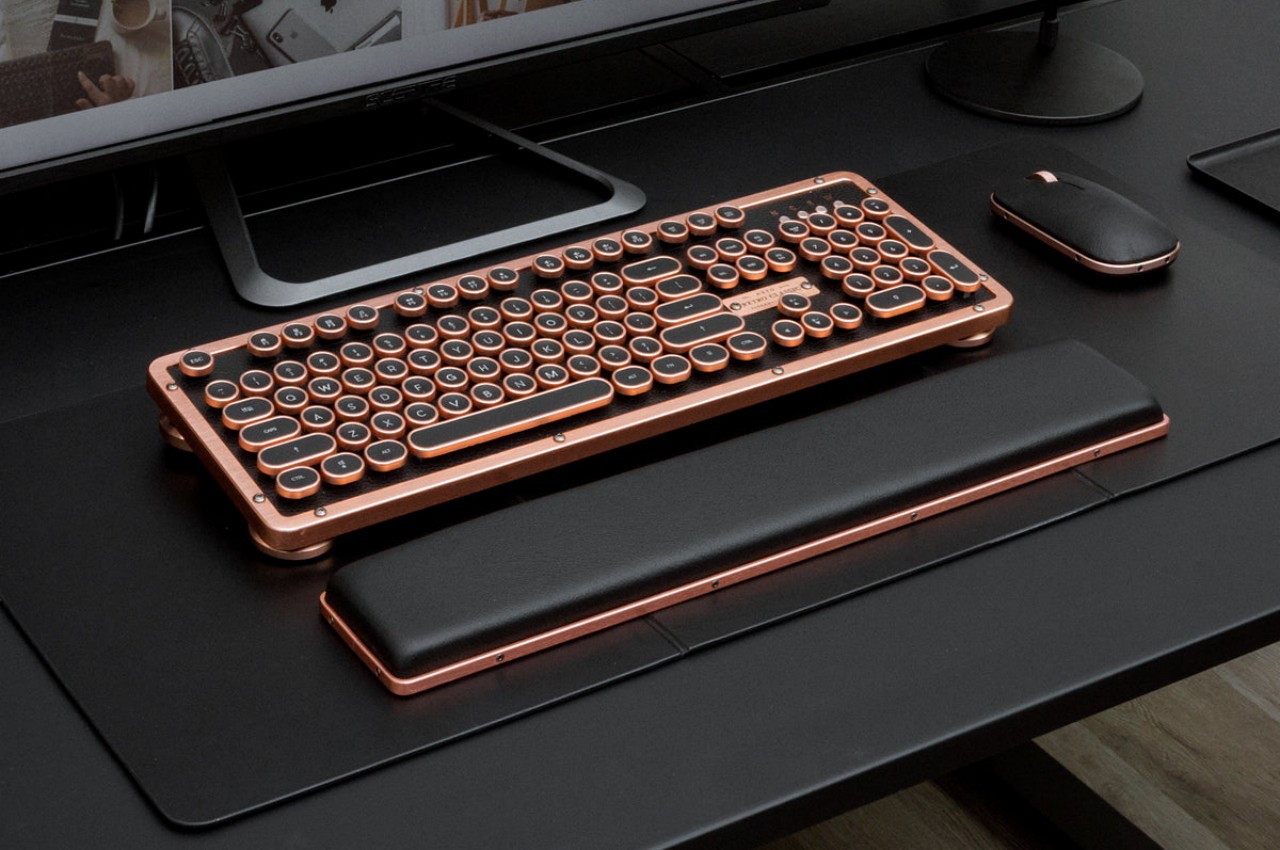
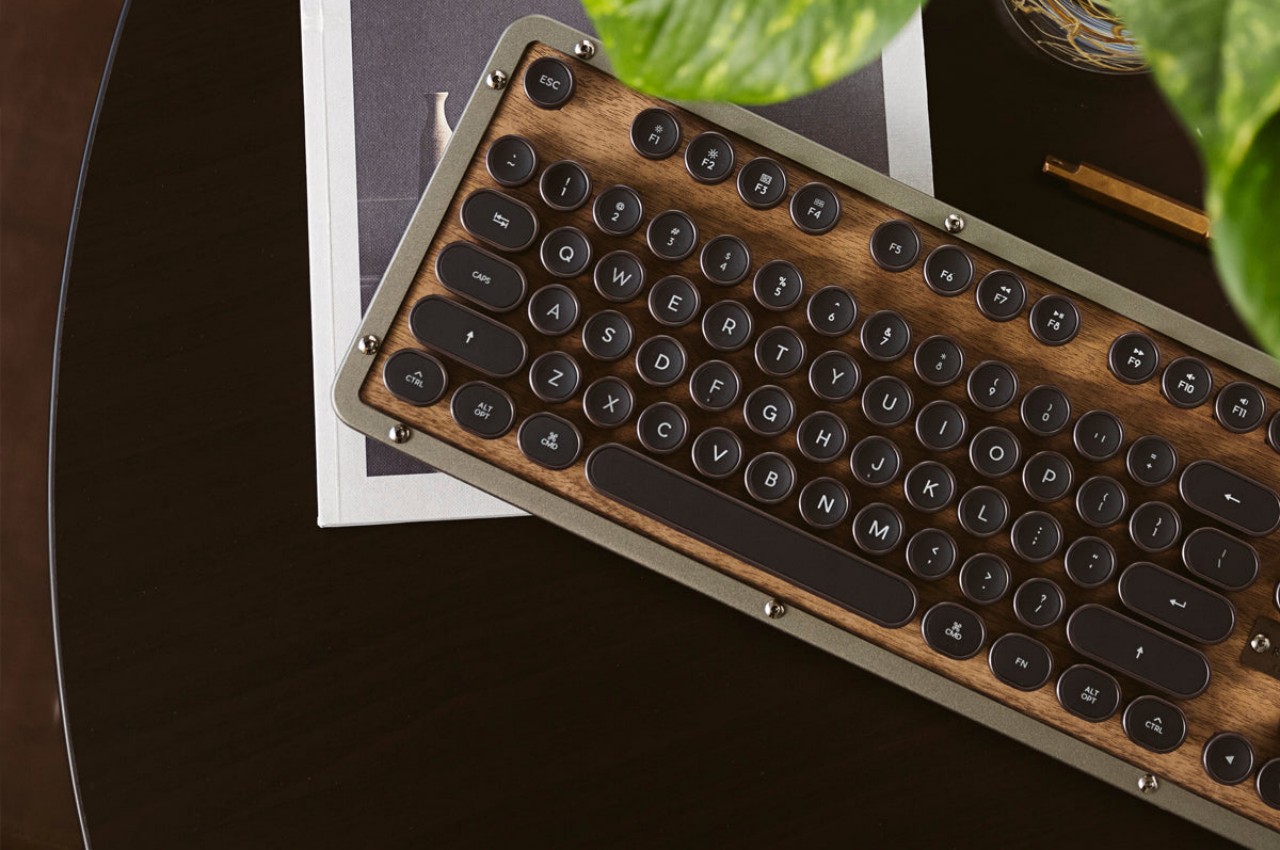
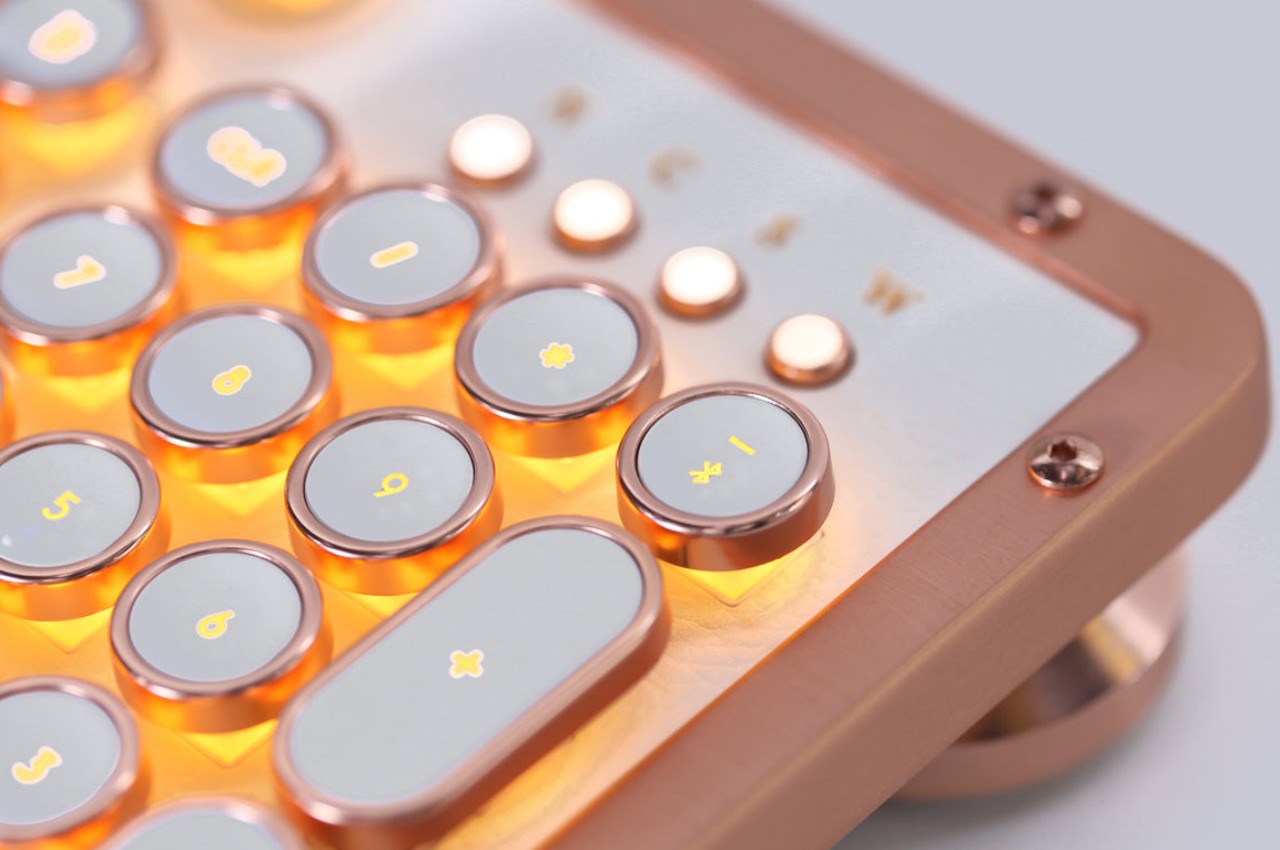
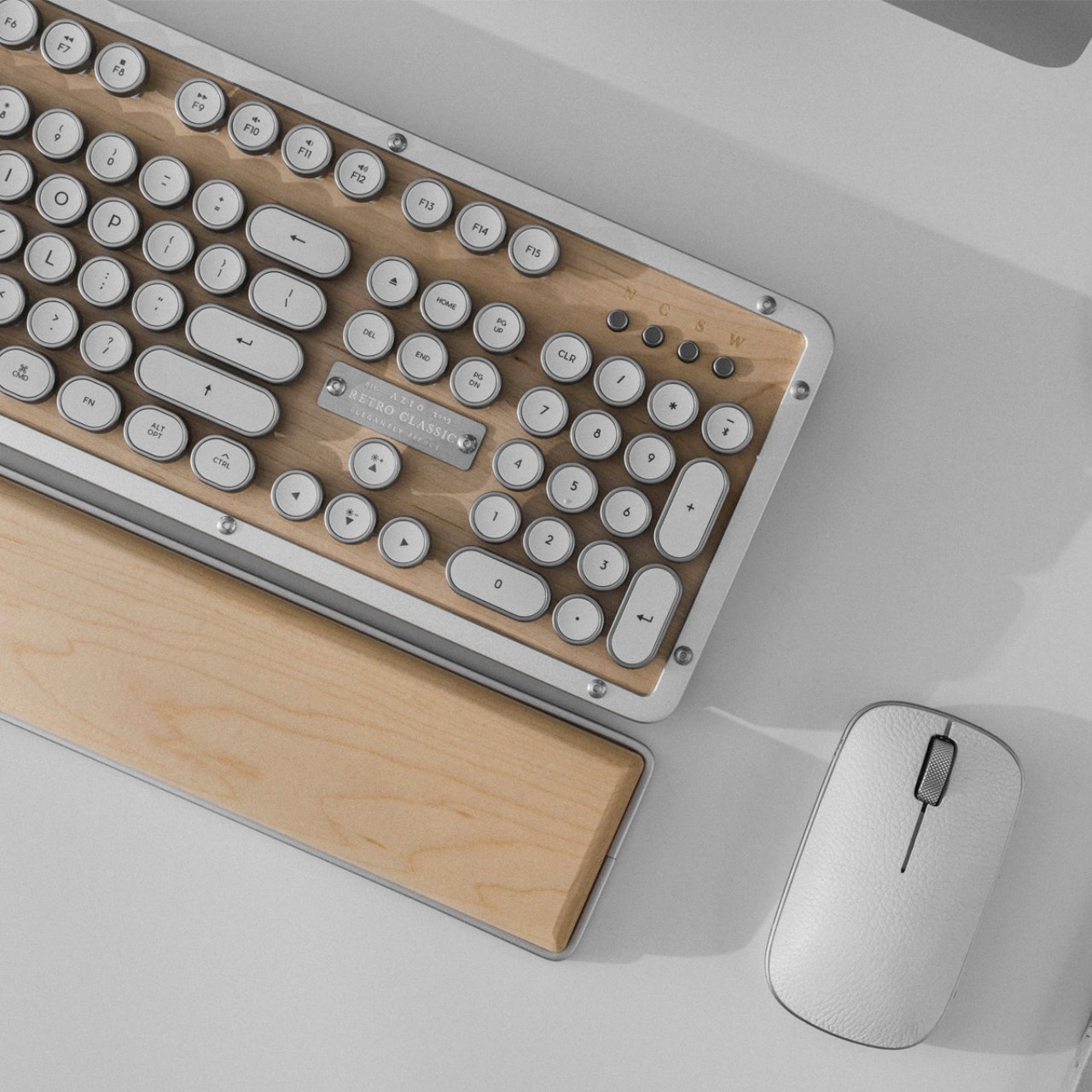
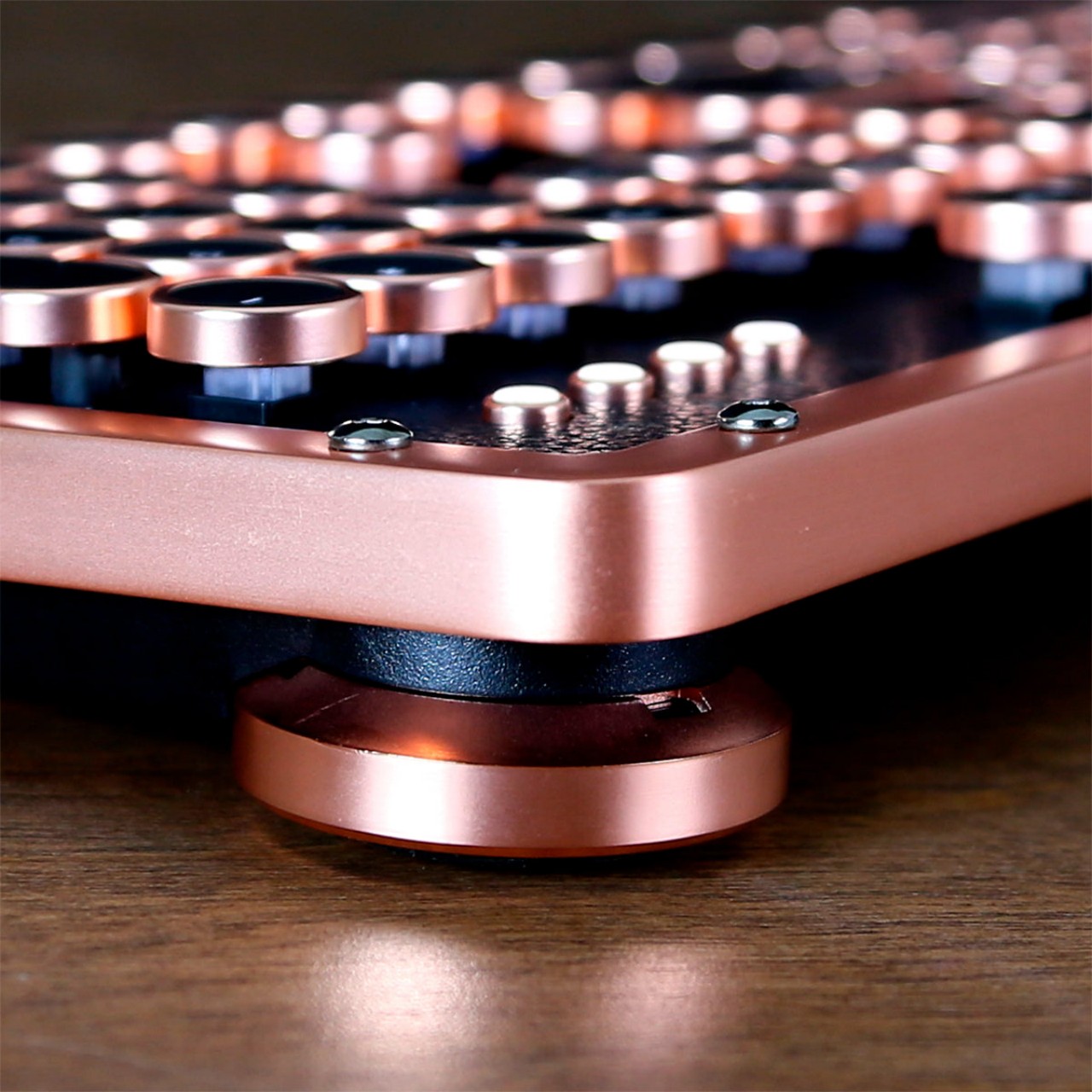
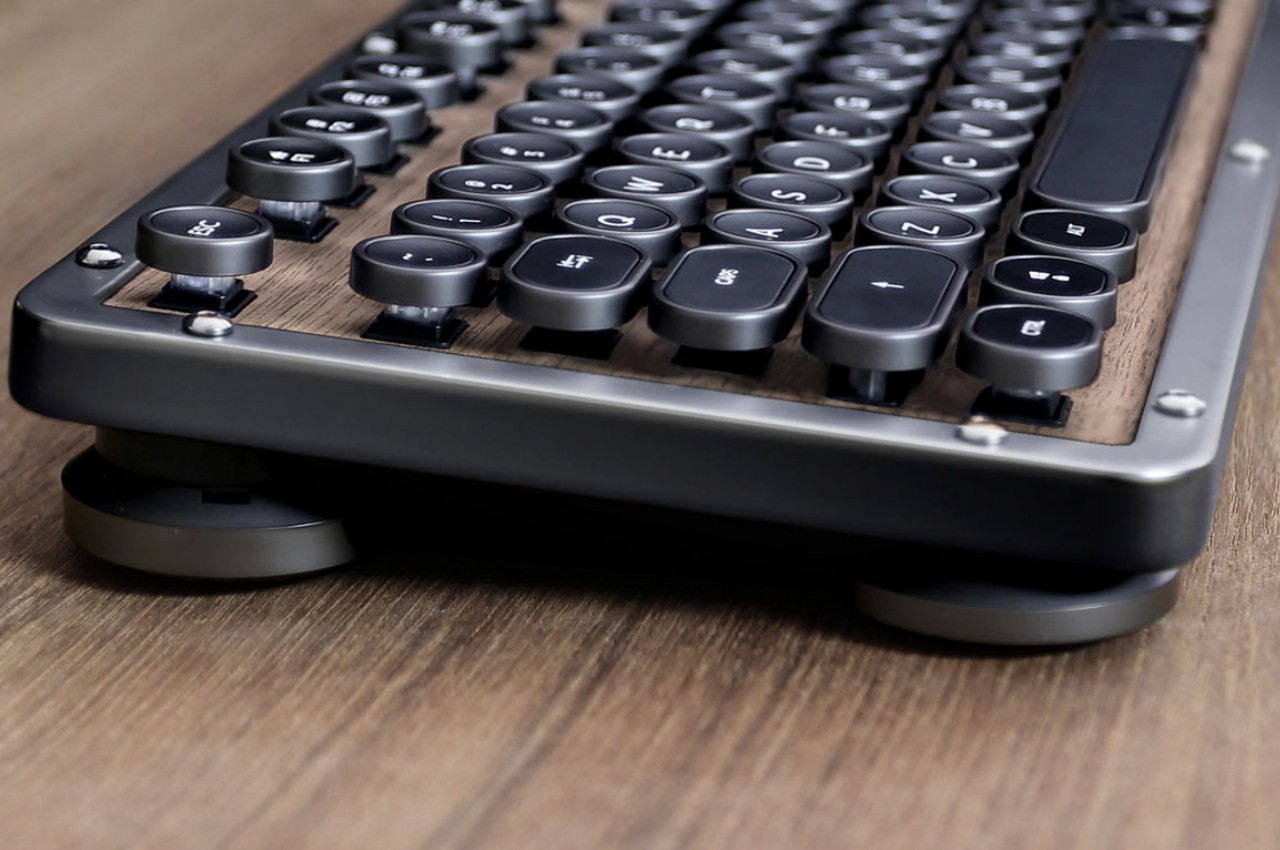
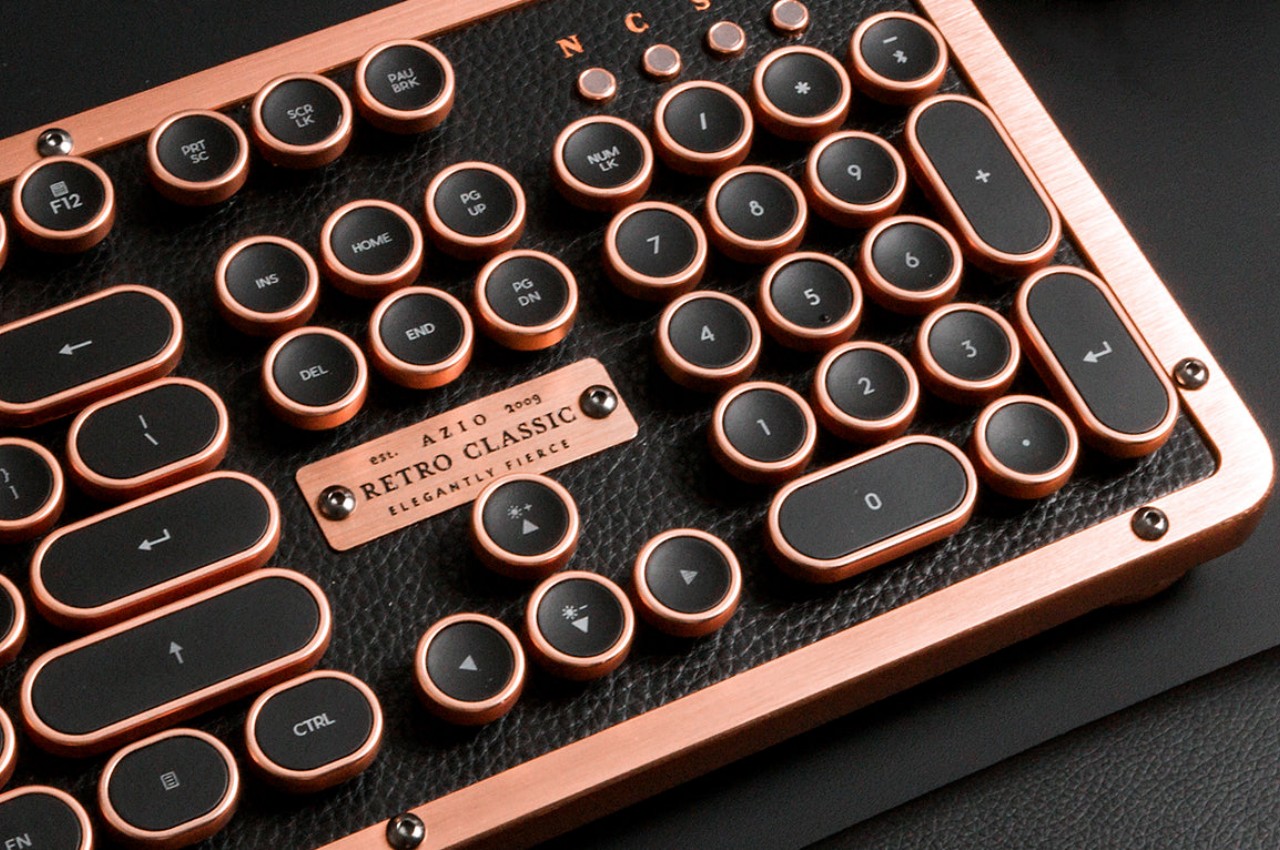
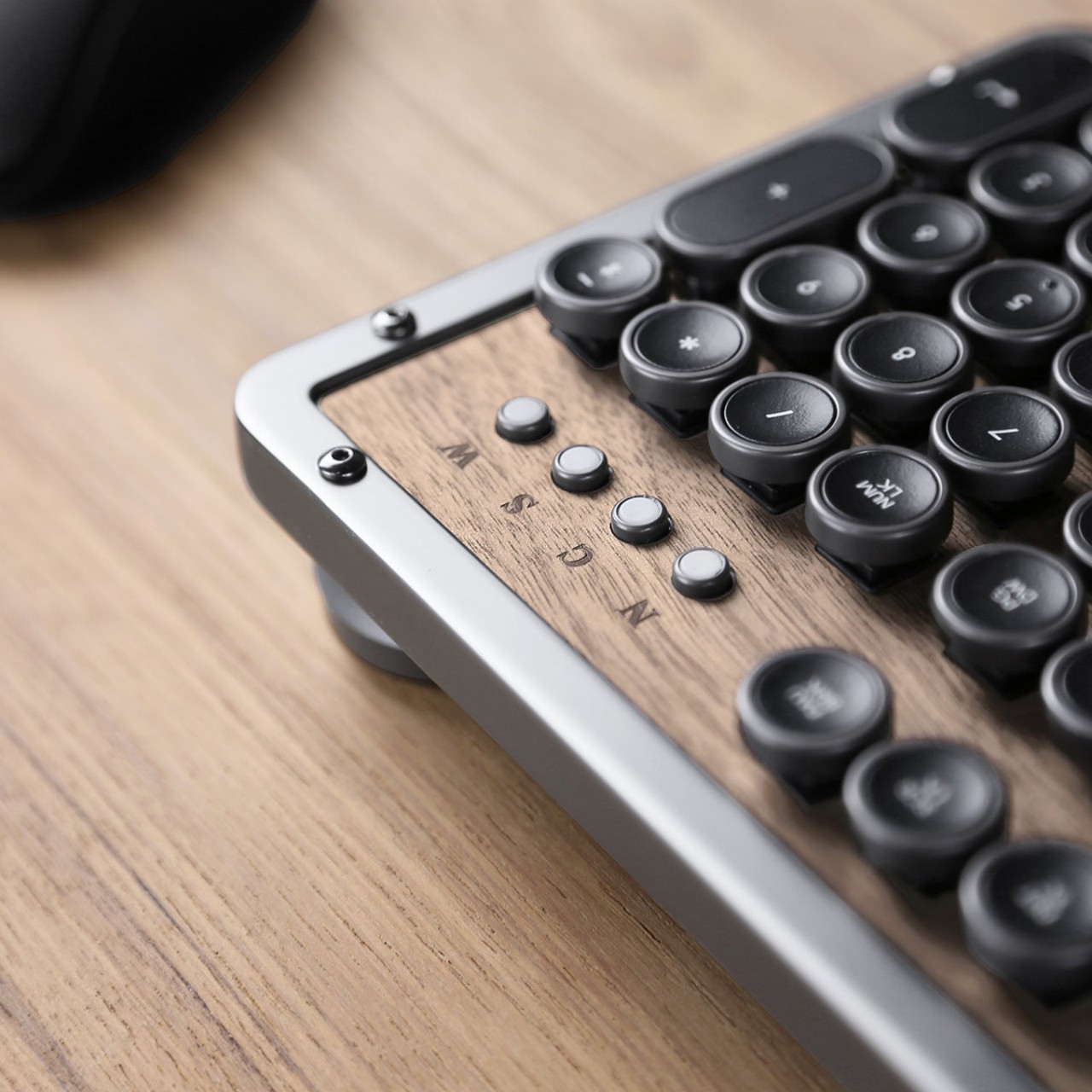
AZIO’s new collection of retro mechanical keyboards tries to strike the balance between minimalist design and detailed retro aesthetics. Inspired by the design of classic typewriters, it shaped the keys into concave circles encased in what looks like polished metal. The keys have a rather sizable gap between them, allowing the backlight underneath to shine through the spaces and give the keyboard a distinctive yet gentle glow.

The retro keyboard, however, goes beyond simply trying to mimic a typewriter. AZIO opted to use premium materials for both the frame as well as the surface of the keyboard itself, mixing aluminum with wood or leather. These materials are already a sight to behold, but their textures can also stimulate the skin. You don’t need to reach for a fidget toy or any other object when you can just glide your finger across the luxurious materials of the keyboard instead.

Of course, this is a mechanical keyboard, so it comes with all the benefits that this kind of device entails, from a solid, tactile typing experience to the satisfying clicky sounds that each key makes. The overall design is distinctive yet subtle, giving your eyes something nice to look at without taking your mind off the task at hand. It’s a tool that is a pleasure to see, touch, and use and doesn’t get in the way of you creating your next big writing masterpiece.

The post Retro mechanical keyboards offer a tactile experience to inspire creativity first appeared on Yanko Design.
Ceramic-inspired keyboard brings a splatter of Italian design to your desk

Computer keyboards are often regarded as purely utilitarian products. Aside from the RGB lighting that gaming-focused keyboards have, the majority of the designs tend to lean towards black or white color schemes, with a few colorful exceptions here and there. These input devices are rarely considered works of art, or even anything related to art. Of course, there is a very small number that doesn’t fit inside this box, putting as much attention to aesthetics as is paid to performance and ergonomics. This rather peculiar keyboard design, for example, splatters a variety of colors on the case, recreating an artistic style used by Italian artisans to create their rather unique and artistic ceramic.

Designer: Brazen Studio

Some people might have preconceived notions of what ceramic products look like, either completely brown like clay jars or pure white with elaborate patterns painted on their glossy surfaces. Italy, however, has another and rather unique variation to that design, employing a technique called “schizatto,” which literally means splatter, to glaze and decorate their ceramics. The end result is, as the name suggests, a splattering of paint drops with random shapes and volume, giving the design a unique and whimsical character.

That’s the kind of unconventional appearance that the Mason60 keyboard cases deliver, adding not just visual interest but also an element of fun to your computer use. Each keyboard case is individually hand-crafted using this artistic technique, making every single one an exclusive limited edition product of sorts. And since no two splatters will ever be the same, each case carries its own personality, reflecting not just physics but the artist’s “brush” during the time of its creation as well.

The Mason60 Schizzato series doesn’t stop at just mimicking the appearance of those artisan ceramics. Made from gypsum resin composite, the cases give keyboards a heft that’s not unlike those very same ceramic products. The material is also polished to give it a glossy finish that one might even mistake for real marble. In other words, the Mason60 will really make your keyboard look and feel like an authentic Italian ceramic product, or at least something that definitely looks artistic from any angle.

It’s too easy to take for granted how a simple change to the keyboard’s appearance could affect your use of the computer. Yes, it won’t directly affect your typing experience, at least depending on the kind of keys and switches you will be pairing with these cases, but it will affect your mental state at the very least. If you spend a lot of time in front of the computer, having something beautiful and interesting always in your sight could definitely help perk up your mood and stimulate your brain. Plus, it never hurts to have something so novel and unique as a conversation starter and maybe even a source of envy among your friends.

The post Ceramic-inspired keyboard brings a splatter of Italian design to your desk first appeared on Yanko Design.
Modular keyboard concept employs hexagons to switch things up a bit

There has been a great deal of effort and attention put on keyboards these past years, whether for actual products or for ideas that embody the hopes and wishes of both users and designers. From split-type ergonomic keyboards to keyboards with all sorts of knobs and touch screens, these designs are all made in an attempt to make people’s lives easier and to cater to their needs. Of course, not everyone’s needs are the same, so features on one keyboard might not work for different audiences. This keyboard design concept is already interesting because of its modularity, but it becomes even more eye-catching thanks to an unusual choice in the shape of its keys and controls.

Designers: Travis Ragsdale, Elijah Vary

The basic design of keyboards is almost set in stone, at least for the combination of letters and numbers that make up the essentials for keyboards of any size. The layouts might differ from region to region or from laptop to laptop, but there are more or less 80 keys even on the smallest configurations. Beyond that is almost fair game, with some preferring a numeric keypad to the side, while others probably wish for a different set of controls.

The K-Bird Spec Project is a concept design for a modular keyboard that tries to address that need by providing a different side module for different applications. You can have the typical numpad for fast numeric input or you can have a set of sliders and dials for quickly controlling or editing audio. You can even have a small drawing area with a groove to place a stylus. Or you can have no modules at all and be left with admittedly odd-looking handles protruding from the side.

The base shape of the keyboard theoretically allows for modules to be placed on either side, but the modules themselves would have to be designed to be ambidextrous. The default seems to presume the current convention of placing modules on the right side where the numeric keypad would usually be, and you can’t simply put it on the left because of the handle extending from that side.

What makes this design a little different from other modular keyboard concepts is its use of hexagons as the main shape for all the controls, even the sliders and dials on the modular extensions. The keys themselves are indented, which is already unconventional as far as keyboard designs go. It gives the keyboard a more visually interesting appearance, though it’s not clear whether that will have any negative impact on the ergonomics of typing on such a kind of keycap shape.

The post Modular keyboard concept employs hexagons to switch things up a bit first appeared on Yanko Design.
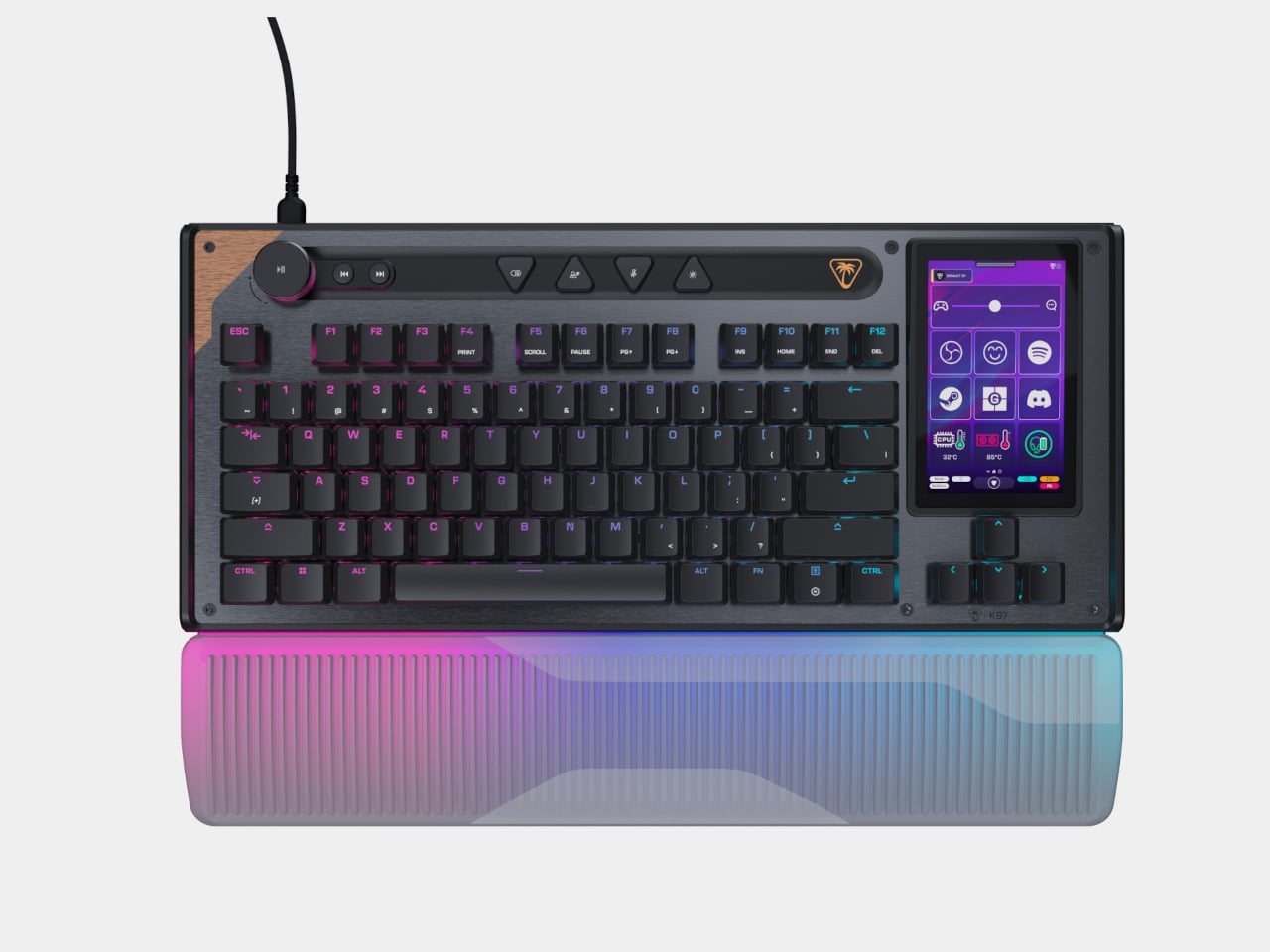
Figma Creator Micro Keyboard gives designers all the shortcuts they need

Computers are powerful tools that enable all kinds of workflows, including designing products, architectures, or artwork. As powerful as they may be, the devices that we currently have for creating these digital artifacts aren’t exactly conducive to the creative process. Keyboards are large and clunky, and while there are indeed styluses that act like electronic pens, they still require the use of keys at some point or another. Keyboard shortcuts are supposed to help manage those dozens if not hundreds of actions available, but the finger gymnastics and memorization required create more stress and break the creative workflow. That is why custom-made keyboards are becoming popular among creators and designers, and this newest addition offers plenty of power in a small and cute package.

Designer: Figma x Work Louder

Almost all software for designers and creatives makes use of keyboard shortcuts so that you don’t have to dig through countless menus every time you need to do something. Sadly, the way keyboards work means you have to string a series of keys that may or may not have anything related to the action like Ctrl and Z keys to undo and Ctrl and Y to redo. Not only does it make it harder to remember these shortcuts, they can also be painful for your fingers in the long run.

Enter the Figma Creator Micro Keyboard, a small square keyboard with only 12 mechanical keys arranged in a cross formation. The idea is that you can map each of the keys to a single function so you don’t have to press two or more keys to get the same outcome. Of course, 12 keys won’t be enough for many software (Figma itself has over 150 possible actions), but the Figma Creator has four “layers” so that each key can actually have four actions. That gives you a total of 48 keys in groups of 12, available by simply tapping a capacitive sensor in the corner.

In addition to these keys, there are two analog controls available as well, a dial and a wheel, both of which are also clickable. These can be mapped to changing brush sizes or going through a sequence of undos and redos in rapid succession, basically, anything that would involve a slider or list of some sort. These are must-haves for digital painting and design software, proving how this keyboard was made with this kind of work specifically in mind.

The design of the keyboard itself is quite captivating and fun, using a frosted polycarbonate case that lets the RGB lighting inside shine through. The low-profile concave keycaps are replaceable, so you can pick your theme or design to match your mood and workflow. The catch is that the keyboard costs $139 and is currently still on pre-order, though it does make for a worthwhile investment if you find your fingers always aching and sore after an intense work session.

The post Figma Creator Micro Keyboard gives designers all the shortcuts they need first appeared on Yanko Design.
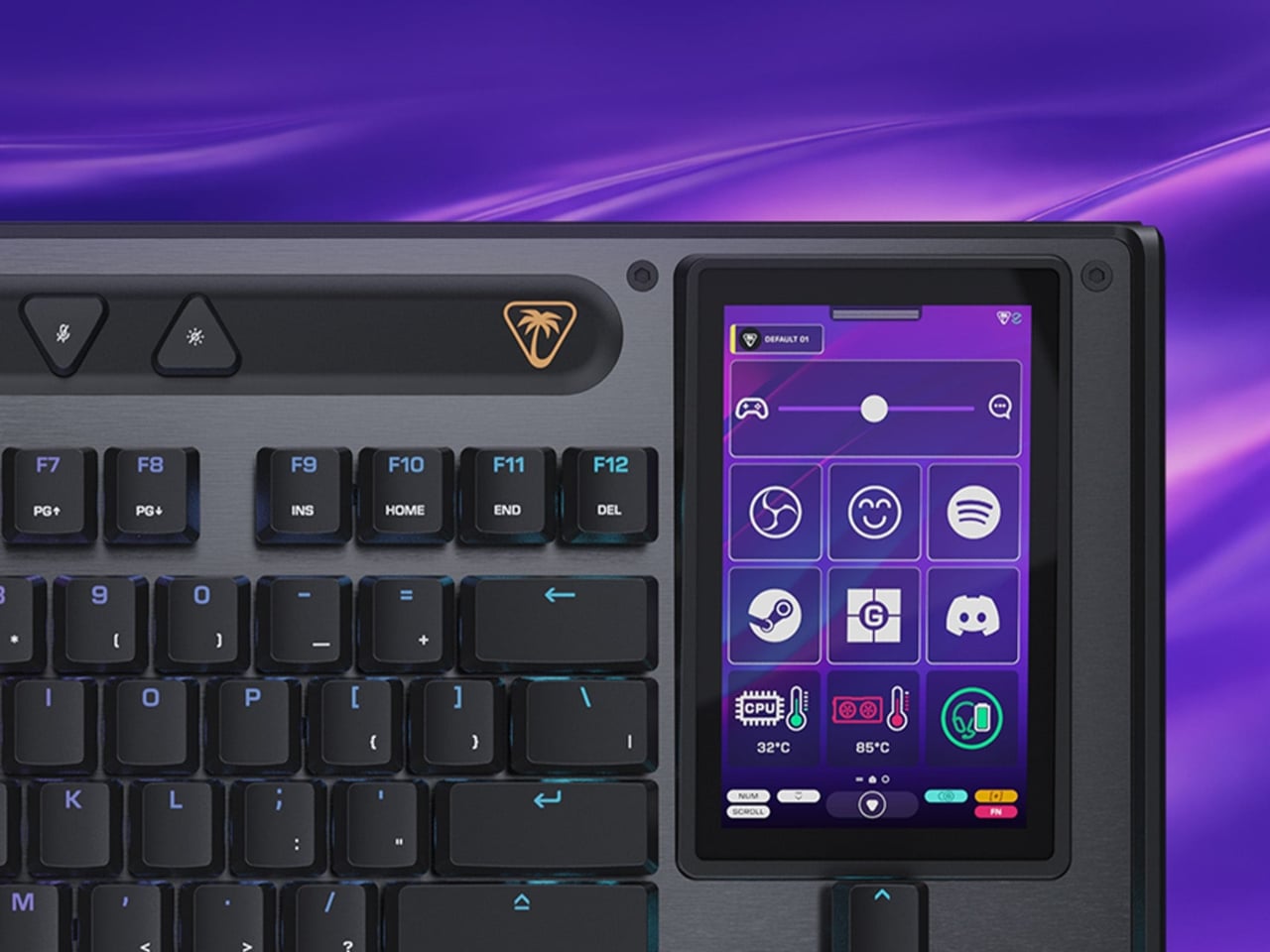
Dwarf Factory’s ArtiSANTA Keycaps Are an Excellent Stocking Stuffer

It’s only been a week since Halloween! What’re all these Christmas (and other related holiday decorations) doing on my neighbor’s front lawn? Where did the summer go, for crying out loud? If I have no choice but to accept the season’s greetings, I’ll do it my own way: by replacing a few keycaps on my gaming keyboard with three miniature snow globes containing all the typical Yuletide treasures. That’s the idea behind Dwarf Factory’s latest invention, anyway. These ArtiSANTA keycaps from Dwarf Factory are bright, festive, and adorable — all traits any true gamer would want their gaming keyboard to have, as the weather turns cold and the holiday cheer turns… uh… warm.

Designer: Dwarf Factory

The AntiSANTA keycaps are not exactly compatible with every keyboard on the market. At least, it doesn’t seem so, given what’s advertised on their store page. But as long as you have a clicky, tactile, or linear keyboard with Cherry MX switches, you should be alright. You can stick these three keycaps anywhere on your keyboard you’d like, giving it a handmade decorative flair — befitting a festive ornament that looks like it belongs on your tree. Or on your mantle. Or, anywhere else you might stick festive holiday decorations.

These handmade keycaps come in packs of three, and each one is a little bit different. There’s the Yule Tree, the Père Noel (basically, Santa Claus), and Frosty the Snowman. Look closely enough, you’ll see how each piece features a handful of intricate details, like ornamental string lights and miniature holiday gifts. It’s disappointing there are only three per pack, but that’s just because they look so good.
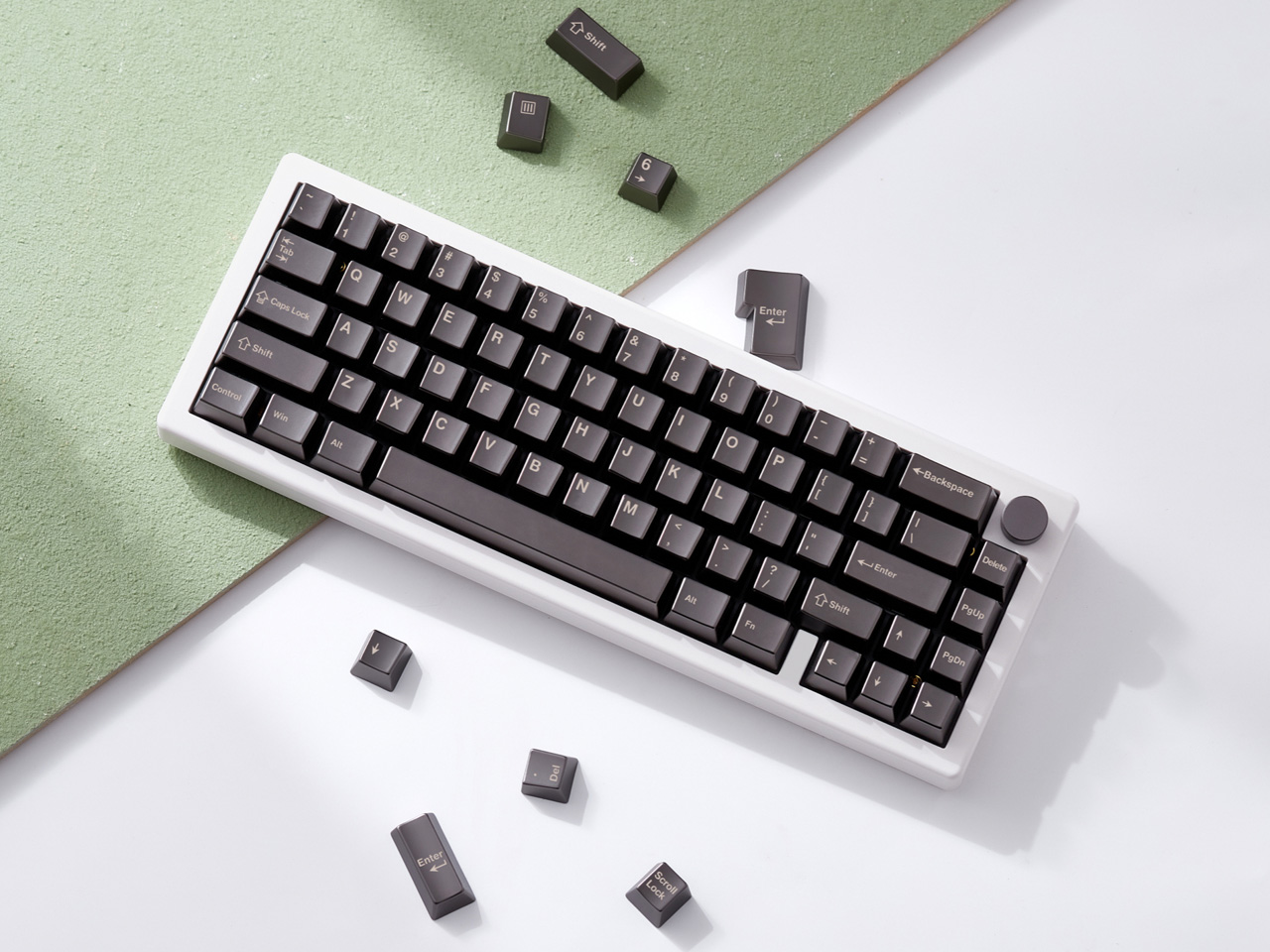
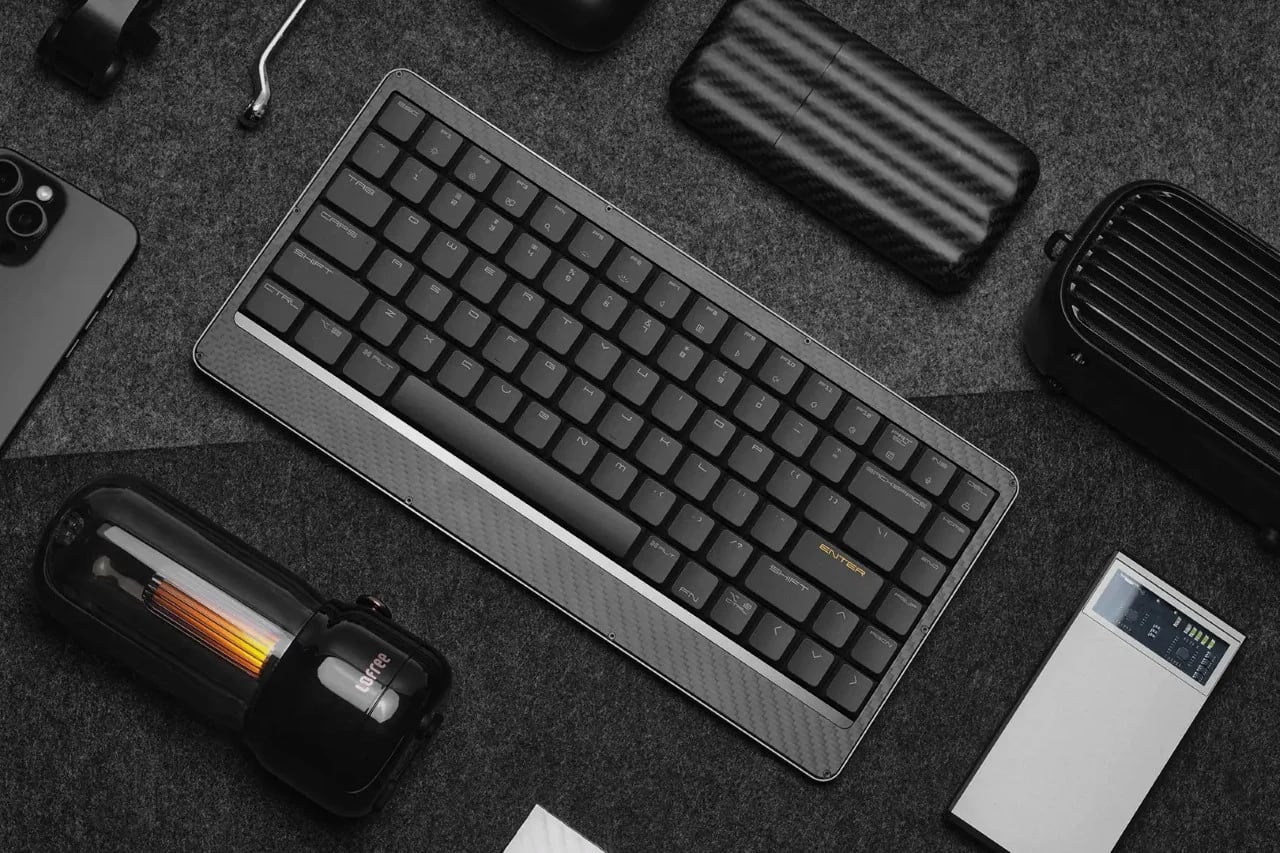
If you’re shopping for the gamer in your life, these are only going for $49 per pack, and that’s a holiday miracle if there ever was one. They’re perfect for stocking stuffers or even just trinkets to have around in a gaming room. Now if only the holidays would get here sooner (so we can get back to that summer weather much sooner).

The post Dwarf Factory’s ArtiSANTA Keycaps Are an Excellent Stocking Stuffer first appeared on Yanko Design.