Logitech MX Creative Console offers designers more controls to help them create more

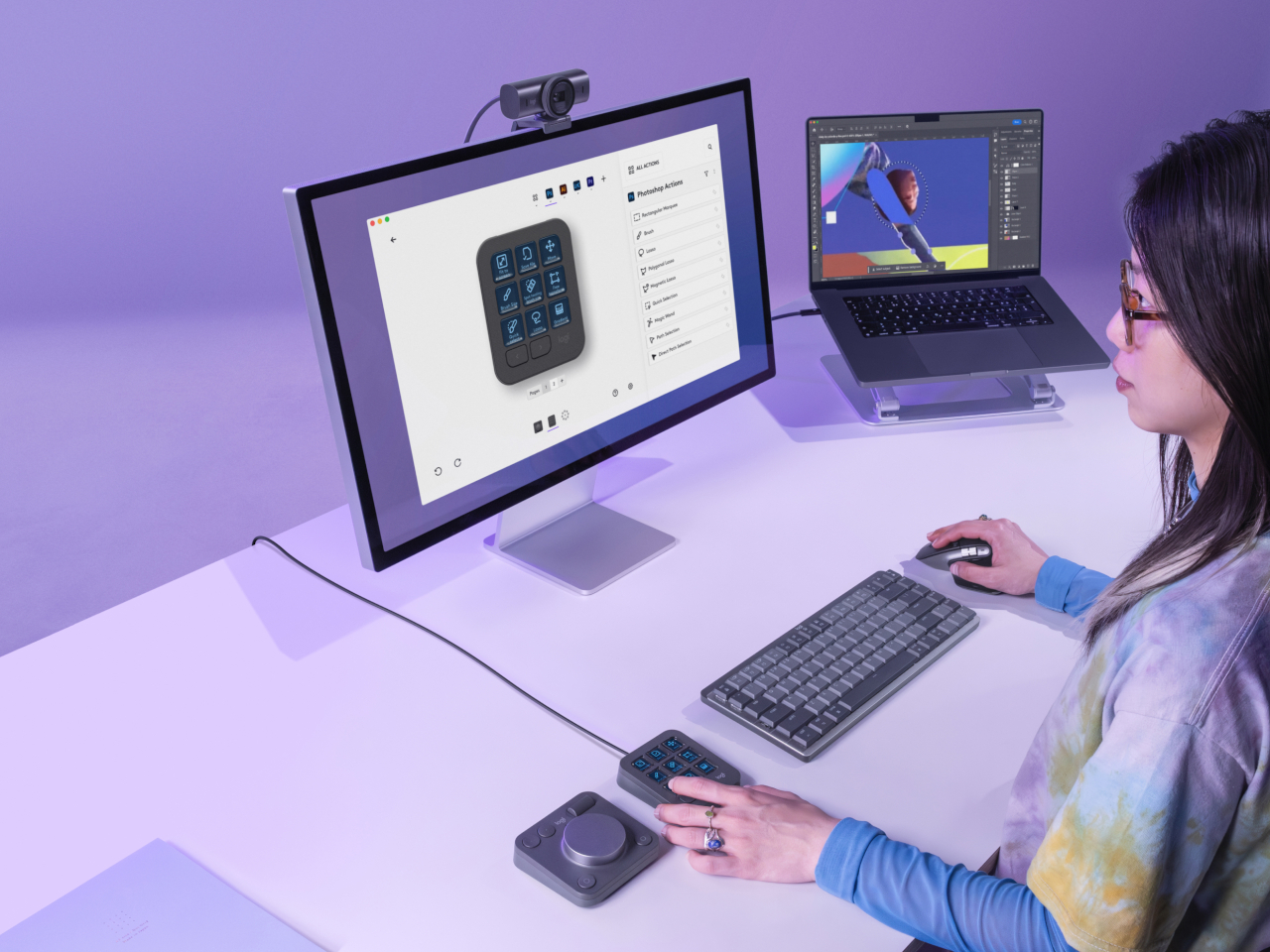
As consumers become more discerning and sophisticated, the tools needed to create content have also become more powerful and complex. Yes, there is now generative AI to help kickstart the creative process, but the final work is still done by human hands. The common keyboard and mouse are no longer enough for these tasks, and having your fingers dance over keyboard shortcuts is sure to result in strain and injury over time. Following the current trend of using Stream Deck-like devices for more than just streaming, Logitech has just launched its own tool that gives creative professionals an extra set of keys to help them spend less time fiddling with controls and more time actually creating.

Designer: Logitech

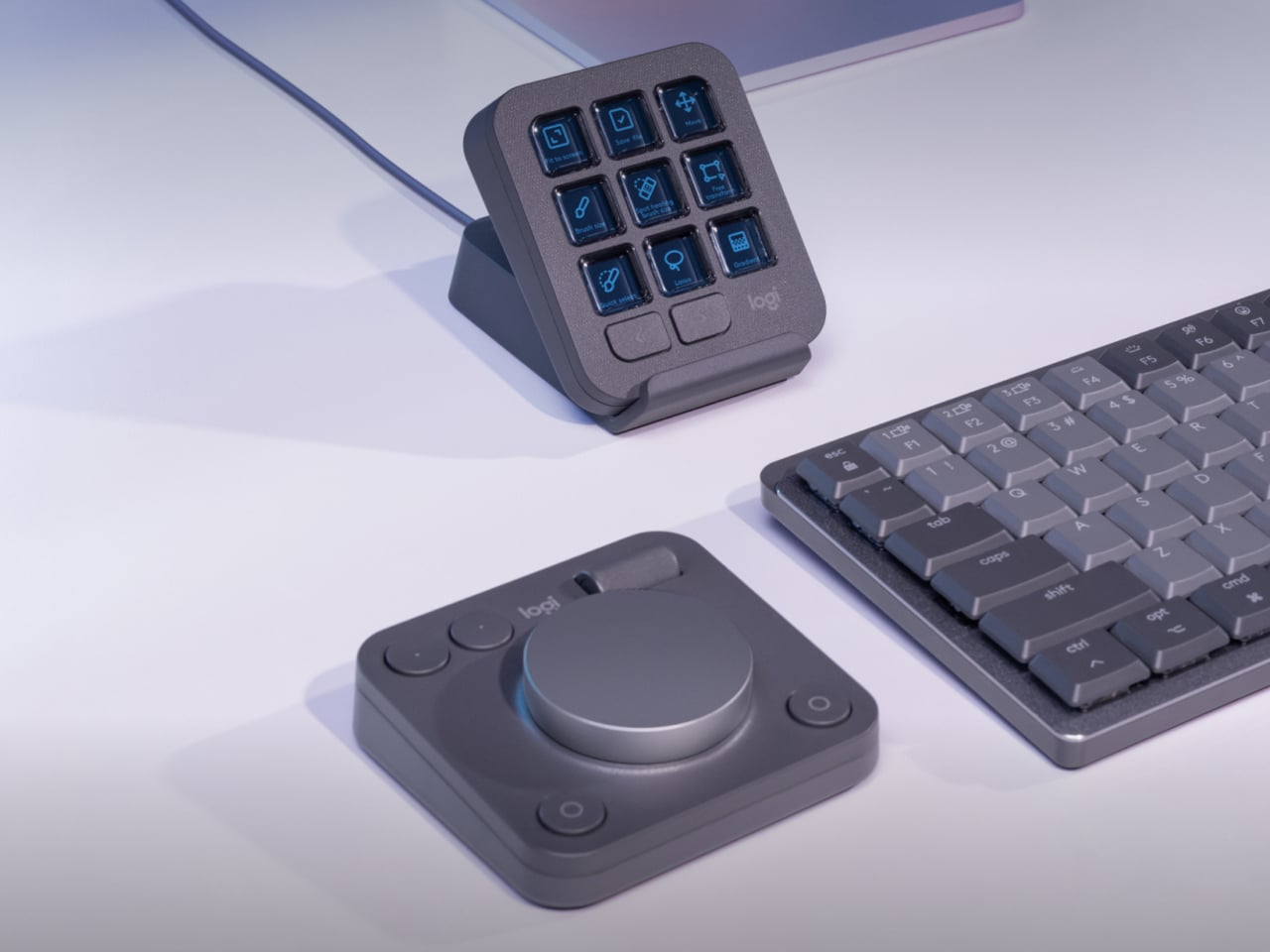
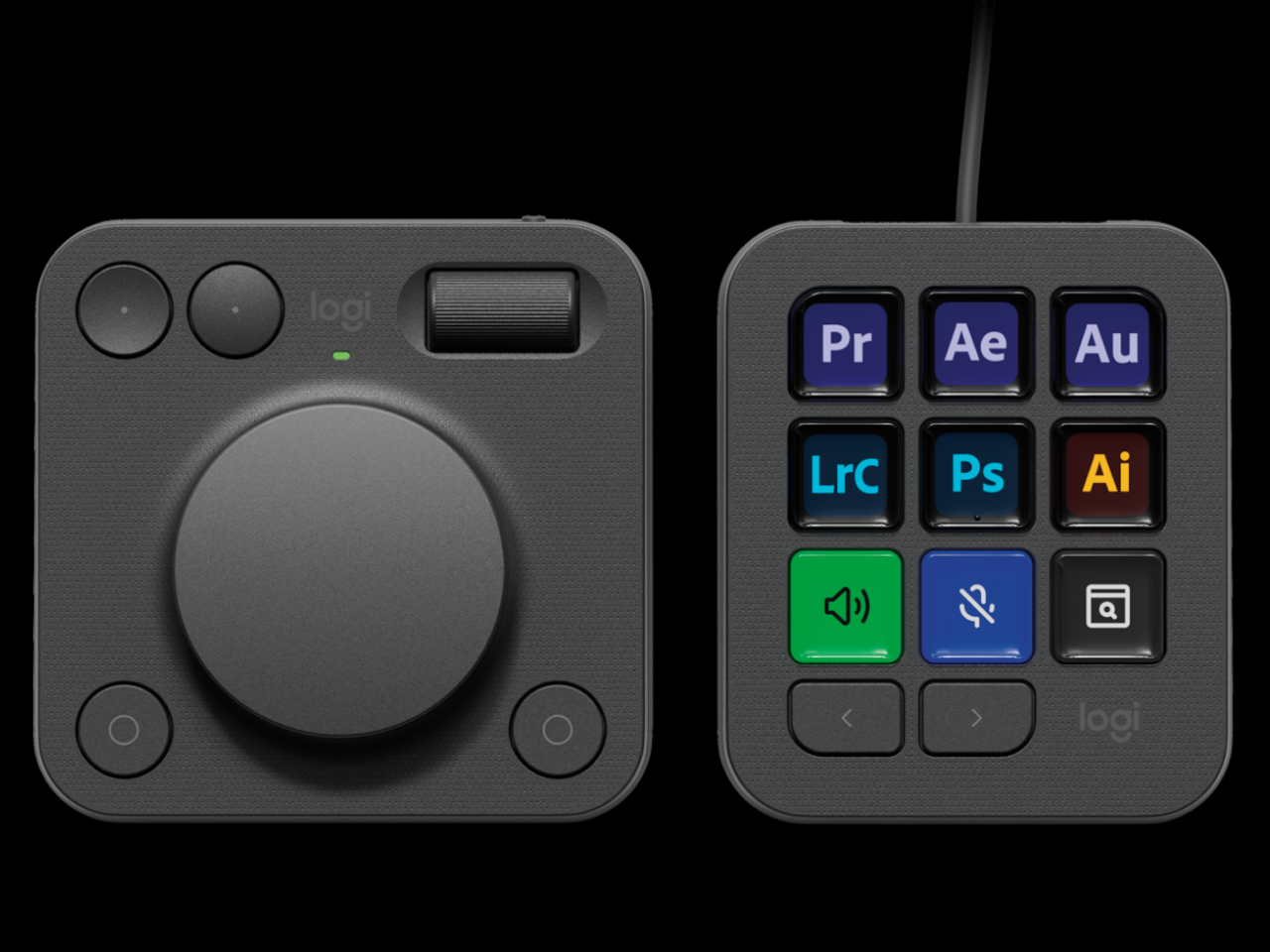
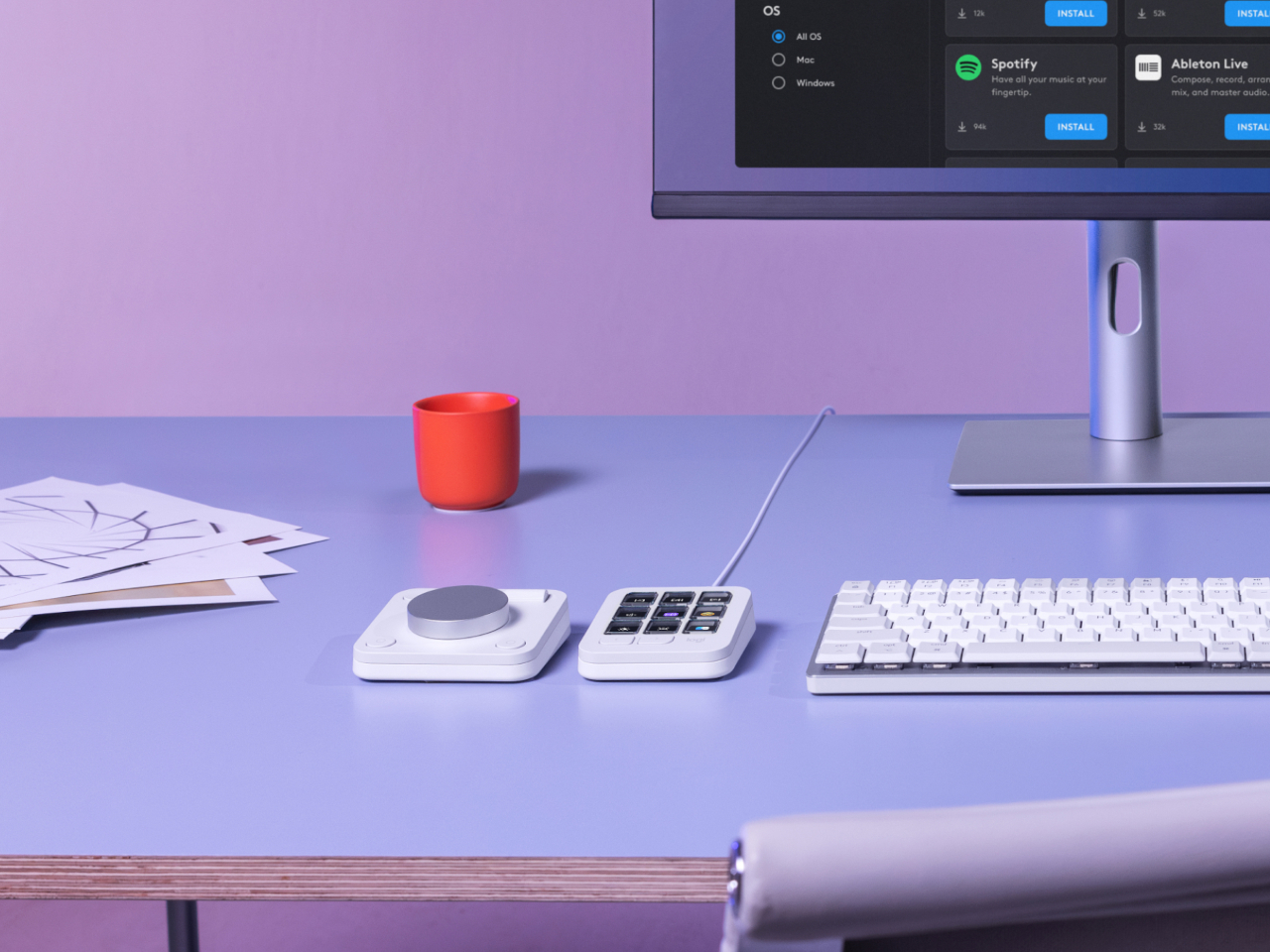
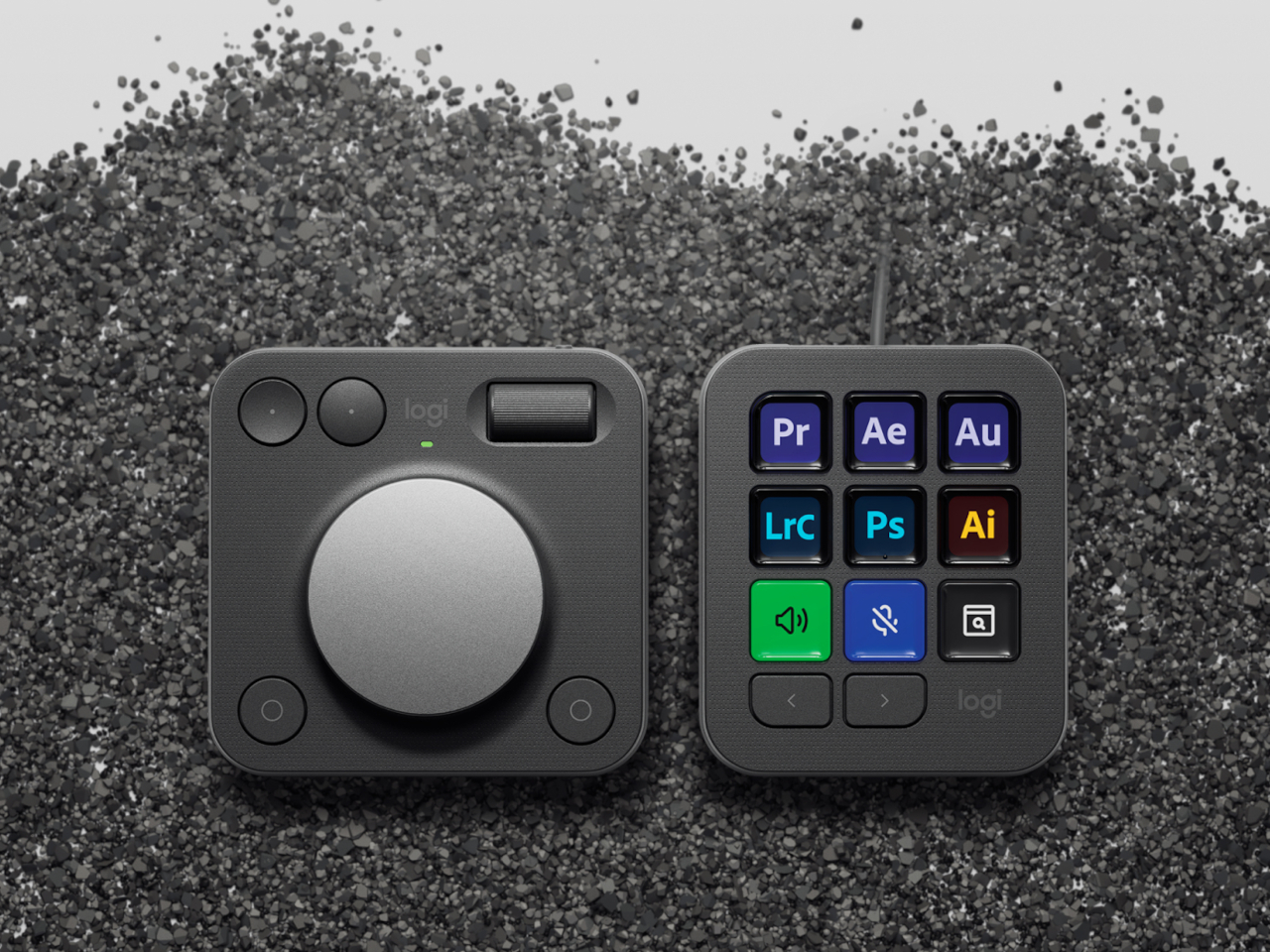
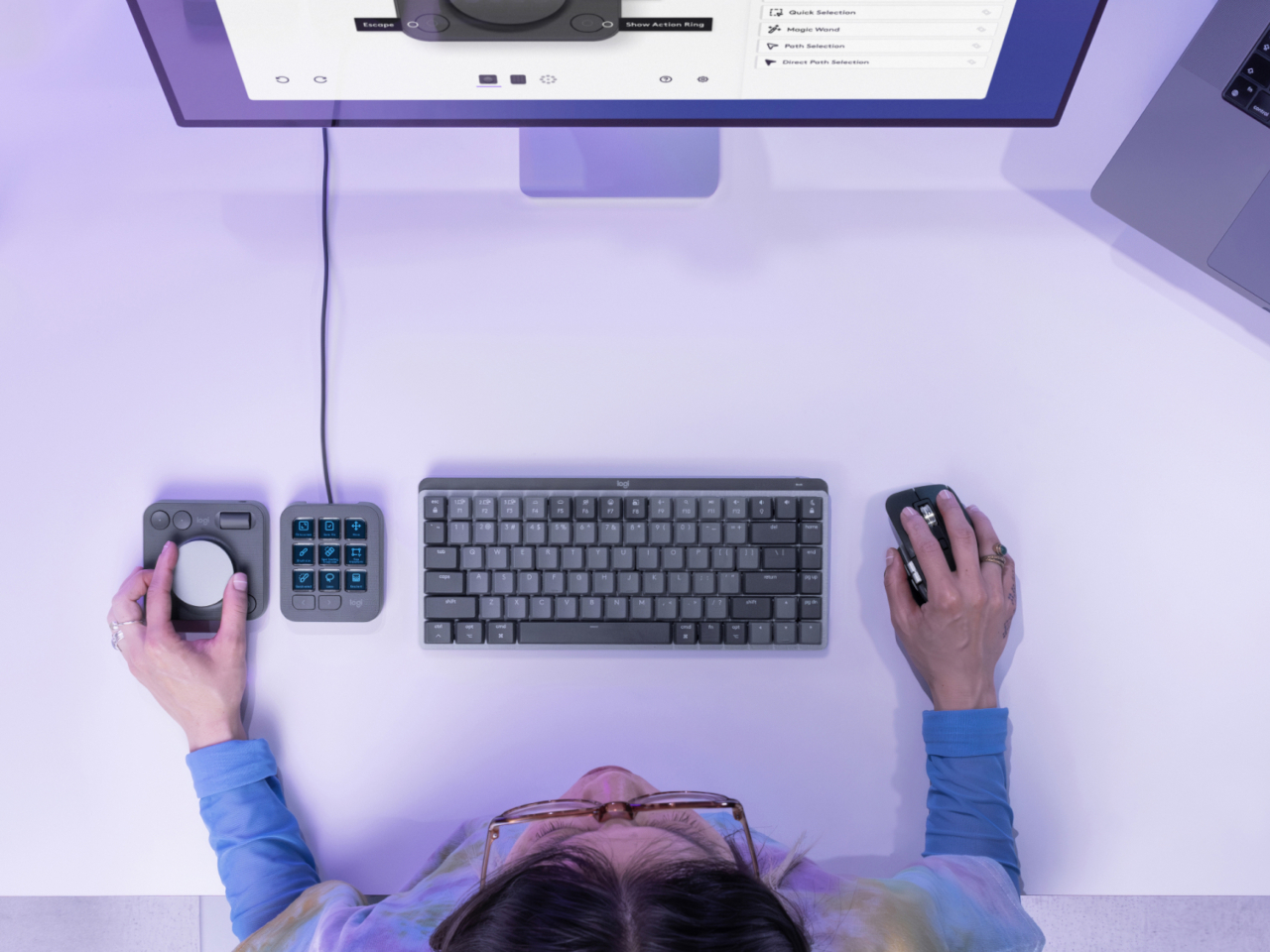
The Logitech MX Creative Console is a duo of connected devices. One is a dial pad with an honest-to-goodness physical aluminum dial that gives users more precise control over scrubbing through timelines, changing brush sizes, or any other setting that needs fine movements. There’s also a small roller for scrolling through other things, as well as two pairs of buttons for selecting things or moving forward and backward.

The other half of the duo is a keypad with 9 Display Keys, each of which can be configured for a different action and a matching icon. This lets creators and designers assign their most used shortcuts to these iconified buttons, freeing their minds from having to memorize all those key sequences, creating a more natural flow that, thanks to their physical and direct interactivity. It still relies on a bit of muscle memory, but far less than combinations of keys that don’t make sense as far as mnemonics are concerned.

Logitech isn’t just aiming for designers with such an assistive tool but also appealing to their growing sense of responsibility to the environment. Parts of the MX Creative Console use post-consumer recycled (PCR) plastic, 72% for the Graphite colorway and 55% for the Pale Grey version. The aluminum used for the dial is also made with a lower carbon footprint, using renewable energy rather than fossil fuels. Packaging still has some plastic, but the paper parts are made from sustainable and controlled sources.

Truth be told, Logitech is a bit late in the game, with many creators already using the popular live-streaming tool Stream Deck for the same purpose, though the addition of the physical dial is a big boost for professionals. At the same time, Cooler Master just recently launched the MasterHUB, a creative console with a modular design that really puts users in control. That said, the Logitech MX Creative Console does cost only $199, making it an accessible option for creators who need a boost to get into the zone.

The post Logitech MX Creative Console offers designers more controls to help them create more first appeared on Yanko Design.

Logitech Keys-to-Go 2 portable keyboard hides a few gems in its slim body

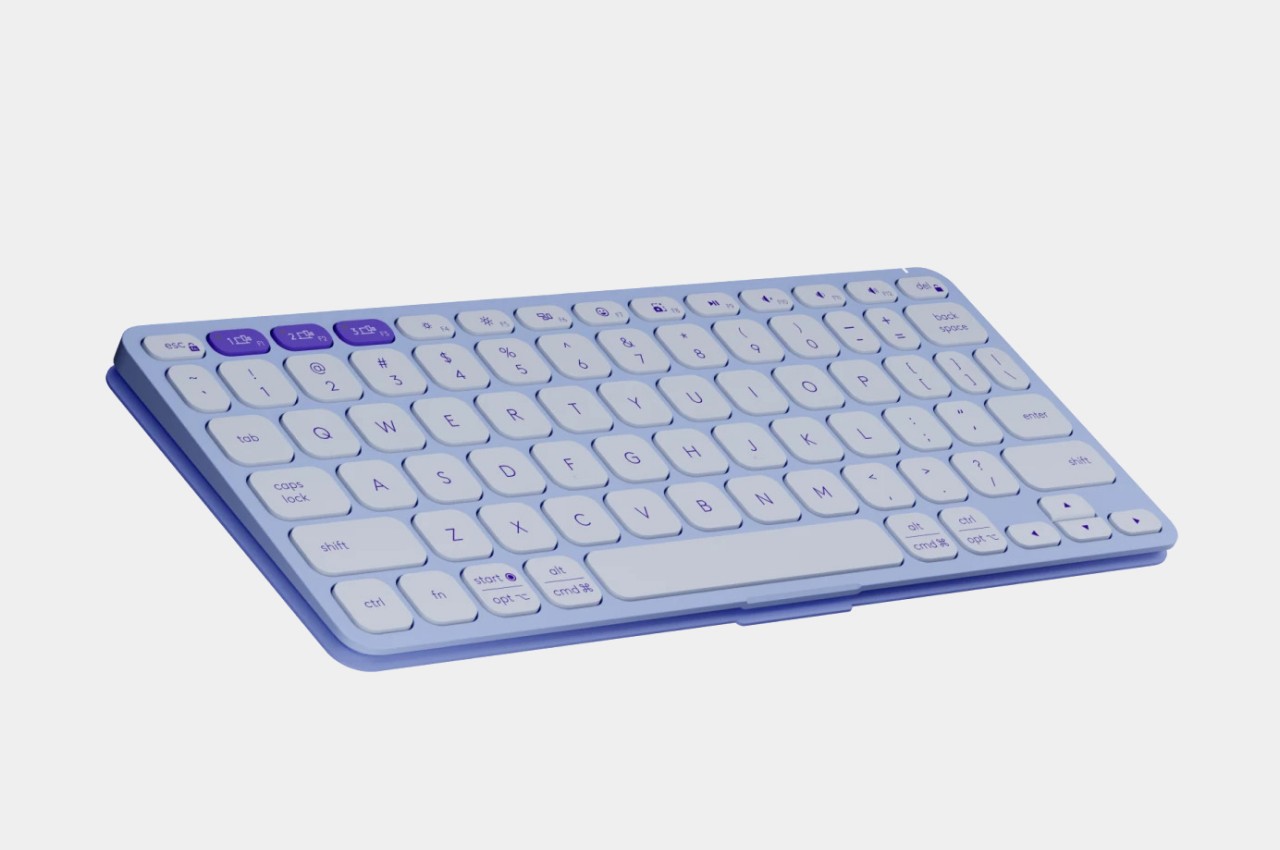
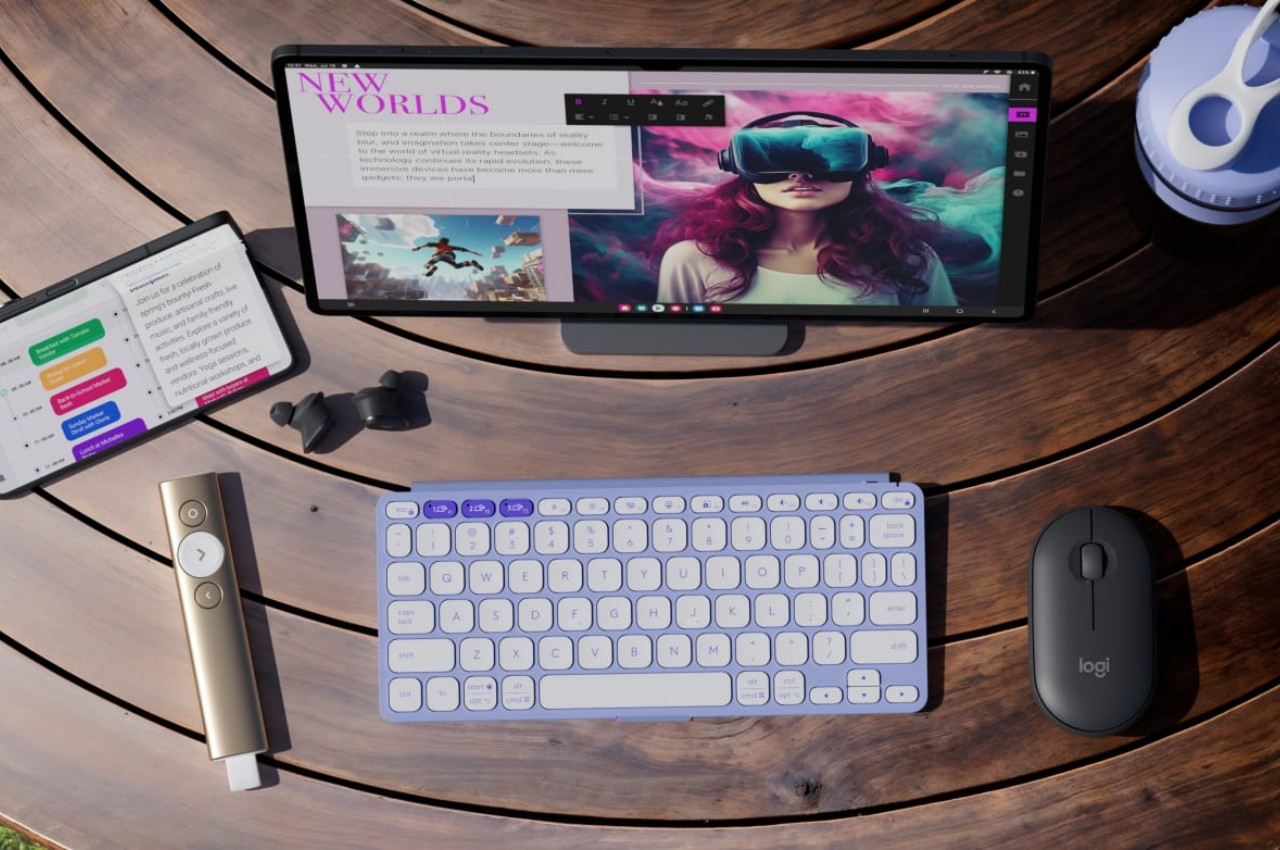
Phones and tablets are made for touch, whether that’s swiping through social media or typing messages. The latter, however, has become more complicated thanks to more powerful devices and more sophisticated activities. Typing up an email, posting on social, or even writing a novel on the go would require not only a keyboard but one that you can bring with you anywhere. Logitech has a wide variety of portable keyboards available, but it seems to have really gone out with its latest design. Combining powerful features, a slim body, and sustainable design, the new Keys-to-Go 2 aims to go where no mobile keyboard has gone before.

Designer: Logitech

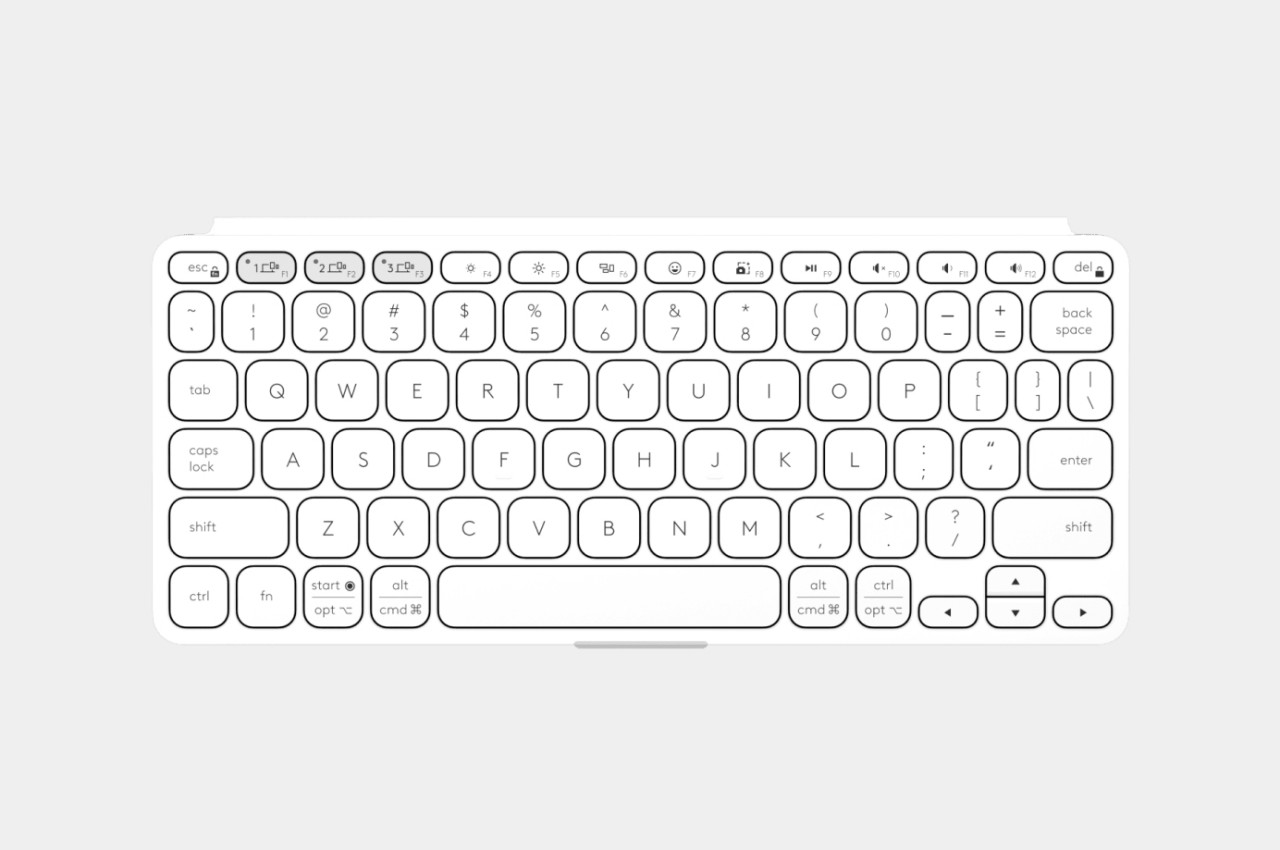
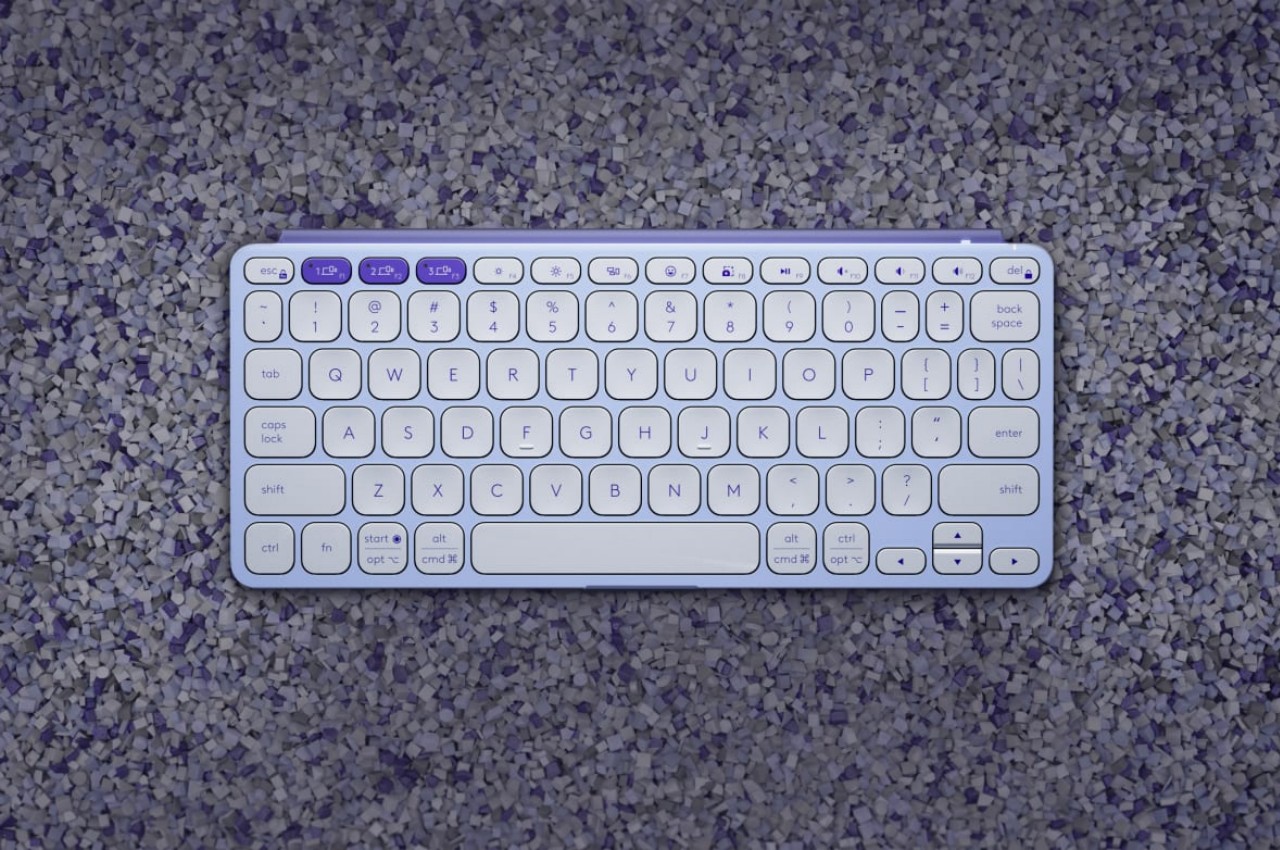
There are plenty of portable keyboards in the market today promising comfort and portability, but many of them end up sacrificing one for the other. Foldable keyboards, in particular, are notorious for really being compact when not in use, but their ergonomics and accuracy leave a lot to be desired. Truth be told, it’s not easy to strike a balance between these two seemingly opposing ideals, but the new Logitech Keys-to-Go 2 probably comes close with a few special features to boot. It’s still going to be more cramped than regular desktop keyboards, but its wider body provides a more comfortable spread of keys compared to the first Keys-to-Go.

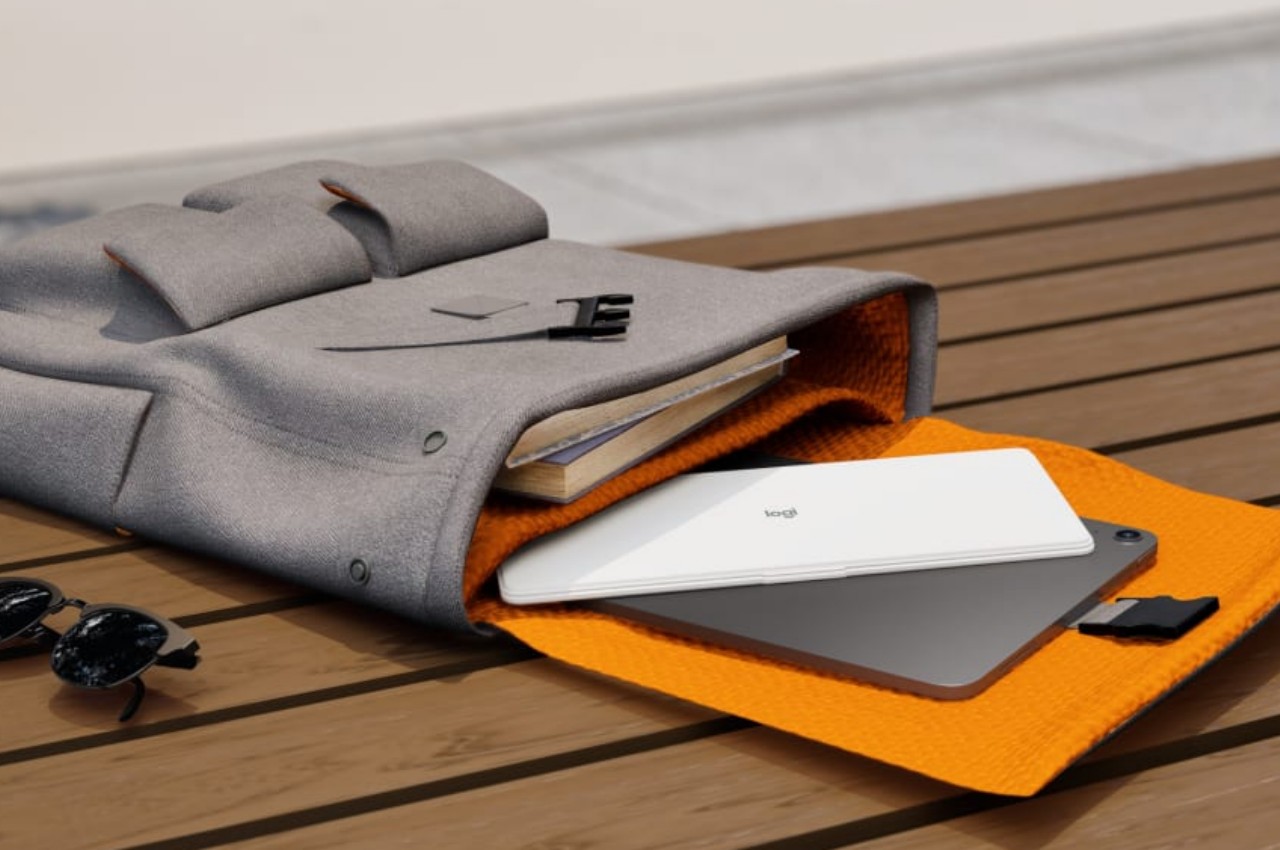
Unlike most wireless keyboards, the Keys-to-Go 2 comes with a built-in cover to protect the important keys while inside your bag or when exposed to the elements. You flip it all the way to the bottom of the keyboard when you’re about to use it so you don’t have to worry about losing the cover. Unfortunately, it’s a missed opportunity to have the cover also function as a makeshift stand for phones and tablets, so you’ll have to pull out your own stand when working outdoors.

Logitech also takes a stronger sustainability stand with the Keys-to-Go 2, using as much as 36% (Pale Gray, Graphite colors) or 33% (Lilac color) post-consumer recycled plastics for this iteration, while also employing renewable energy when producing the keyboard’s aluminum bracket. Surprisingly, Logitech opted to go with replaceable coin cell batteries rather than the common built-in rechargeable type, promising to keep the keyboard running for up to three years and lower the carbon footprint from repeated charging.

Unlike its predecessor, the Keys-to-Go 2 supports pairing with up to three devices simultaneously, and switching between these three is as easy as pushing a button. Aside from the rare lilac color, the keyboard’s design is pretty typical of Logitech’s style, simple yet also pleasing to look at. At only $79.99, the Logitech Keys-to-Go 2 becomes a very tempting option that almost gets that balance between comfort, convenience, portability, and sustainability just right.

The post Logitech Keys-to-Go 2 portable keyboard hides a few gems in its slim body first appeared on Yanko Design.

Logitech Debuts Wave Keys for Mac: Ergonomic Keyboard for Apple Enthusiasts

In an exciting announcement today, Logitech expanded its “Designed for Mac” lineup with the introduction of the Wave Keys for Mac, an ergonomic keyboard crafted to provide comfort and enhance productivity for Mac users. This launch, set to coincide with the release of other Mac-centric peripherals in Logitech’s portfolio, underscores the company’s commitment to creating seamless, user-friendly experiences within the Apple ecosystem.

Designer: Logitech

Ergonomics Meets Mac-Specific Design

The Wave Keys for Mac stands out as Logitech’s first ergonomic keyboard specifically designed for the Mac, adapted from the Wave Keys that launched at the end of last year. Emphasizing comfort and usability, it features a signature wave shape that ensures a natural typing posture. This wavy design positions the hands, wrists, and forearms in an optimal manner, reducing strain and promoting comfortable typing throughout the day.

A key highlight of the Wave Keys for Mac is its cushioned palm rest, which comprises three layers: memory foam, high-density foam, and a knitted fabric covering. This thoughtful design offers 57% more wrist support compared to traditional Logitech keyboards without palm rests, making it an ideal choice for prolonged use.

Compact and Versatile

The compact layout of the Wave Keys for Mac is not only space-saving but also strategically designed to promote a more natural shoulder position while using a mouse. This makes it a practical addition to any desk setup, particularly for those who prioritize ergonomics without compromising on functionality.

Further enhancing its appeal, the keyboard includes easy-to-use +4° tilt legs, allowing users to adjust the keyboard’s angle to their preference for maximum comfort.

Seamless Integration and Personalization

Logitech’s commitment to enhancing user experience is evident in the Wave Keys for Mac’s seamless integration with macOS, iPadOS, and iOS devices. Users can connect up to three Apple devices simultaneously and switch between them effortlessly with the tap of a button. This multi-device capability is complemented by the Logi Options+ app, which enables users to personalize their keyboard shortcuts and optimize their workflow.

The Wave Keys for Mac also boasts an impressive battery life, capable of lasting up to three years on the included AAA batteries, reducing the need for frequent replacements and ensuring consistent performance.

Sustainable Design

In line with Logitech’s dedication to sustainability, the Wave Keys for Mac is made with 48% post-consumer recycled plastic, excluding the plastic in the printed wiring assembly, receiver, and packaging. This eco-friendly approach aligns with Logitech’s broader initiative to reduce the carbon footprint of its products and promote environmentally conscious manufacturing practices.

This launch is part of a broader initiative by Logitech to cater to the needs of Mac users. Alongside the Wave Keys for Mac, Logitech is also introducing other products such as the MX Keys S for Mac, MX Keys S Combo for Mac, MX Anywhere 3S for Mac, and MX Keys Mini for Mac. These additions are designed to enhance productivity, streamline workflows, and ensure ergonomic comfort for Mac users.

Delphine Donné, Vice President and General Manager of Personal Workspace Solutions at Logitech, highlighted the company’s focus on integrating user-centric solutions with the Apple ecosystem while maintaining a strong commitment to sustainability. “With a focus on optimizing workflow, productivity, and comfort, our Designed for Mac portfolio empowers Apple users to unleash their creative potential and enjoy day-long comfort at the desk without sacrificing Mac compatibility and look,” said Donné.

The Wave Keys for Mac will be available for purchase in May 2024 at a price of $59.99.

The post Logitech Debuts Wave Keys for Mac: Ergonomic Keyboard for Apple Enthusiasts first appeared on Yanko Design.

Logitech G launches its tiniest wireless keyboard – The first with a 60% layout

If you’re anywhere near a laptop, spend a second looking at the keyboard it contains. Chances are, the keyboard you’re looking at has a 65% layout, featuring the QWERTY keys, the number row above it, and function keys. Not all laptops have num-pads on the side (unless they’re 15-inch laptops or more), so what you’re left with is perhaps the most condensed keyboard layout ever. However, you CAN go smaller. Remove the function row from the top, and you’re now left with a bare-basics 60% keyboard layout. It gets the job done, it’s compact, and is ideal for portability – all of which are the Pro X 60’s most prized features. Debuted as Logitech’s first 60% wireless keyboard, the Pro X 60 Lightspeed is deviously tiny, but doesn’t trade size for functionality. It’s still got great mechanical travel at its heart, making the keyboard perfect for pretty much everyone, but ideal for gamers, who revere that mechanical feel.

Designer: Logitech

Click Here to Pre-Order Now

At a glance, the $179 Pro X 60 Lightspeed is a study in meticulous design and technological advancement. Offering a choice between tactile or linear GX optical switches, and available in three colors—black, white, or pink, the keyboard seeks to envelop gamers in a bespoke gaming experience. The keyboard’s compact size is a deliberate choice, offering ease of transportation without compromising on the essential features that gamers have come to expect from Logitech’s G Pro X series.

Unlike its predecessor, the G Pro X TKL Lightspeed, the Pro X 60 Lightspeed opts for optical switches over mechanical ones, offering a distinct feel with a 1.8mm actuation point and a travel distance of 4mm. This choice underscores Logitech’s pursuit of providing gamers with precision and responsiveness in a form factor that defies convention. The keyboard’s versatility extends to its connectivity options—wired via a USB-C cable, or wireless through Bluetooth or Logitech’s proprietary Lightspeed dongle, ensuring a seamless gaming experience with a 1000Hz polling rate.

Gamers can customize the keyboard and assign macro shortcuts, adjust lighting, and tweak audio effects to their liking, with each key capable of performing up to 15 different functions through Logitech’s G Hub software and the new Keycontrol tool. The inclusion of Lightsync RGB lighting, pre-set to a static blue to minimize distractions, further enhances the gaming atmosphere, allowing for a personalized color palette and lighting sequences to radiate through the keyboard’s dual-shot PBT keycaps.

Beyond its technical prowess, the Logitech G Pro X 60 Lightspeed is designed with quality-of-life improvements that cater to the gaming lifestyle. A strategically placed volume roller, a Game Mode switch that disables potentially distracting keys, and a carry case for easy transport all contribute to a gaming keyboard that understands the rhythm of competitive play and travel. For gamers for whom every second and every key press can make the difference between victory and defeat, the Pro X 60 Lightspeed is a mobile command center that bridges the gap between performance and portability. The Pro X 60 Lightspeed is available for preorder, with deliveries starting April 17th.

Click Here to Pre-Order Now

The post Logitech G launches its tiniest wireless keyboard – The first with a 60% layout first appeared on Yanko Design.
Logitech’s Latest MX Brio Webcam Has 4K Output, A Privacy Shutter, and Apple-style ‘Desk View’

While the Brio line isn’t new, Logitech’s new MX Brio marks the first time their MX Series gets its own webcam. Tuned for creatives, professionals, and anyone who needs an online presence for their work, the webcam comes with top-notch hardware, infinitely adjustable software, a focus on privacy, and a little feature called ‘Show Mode’ that lets you capture your desk setup quite similar to Apple’s Desk View feature from 2022.

Designer: Logitech

This is the first time Logitech’s MX Master Series gets its own webcam. The Brio webcam line has been around for long enough (and has shot in 4K since as early as 2017), but the MX Brio is quite literally a different beast. It comes after an extensive survey of nearly 2200 individuals across both WFH and office-based setups that found that users weren’t just looking for high-res video, they wanted other features like image adjustability, better performance in low light and backlight scenarios, accurate color representation for different skin types, compatibility across popular meeting apps, privacy focus, and hi-res audio.

The MX Brio boasts a slew of impressive features, starting with its video quality. Capable of delivering 4K resolution at 30 frames per second and 1080p at up to 60 frames per second, it sets a new standard for clarity and fluidity in video calls and content creation. This leap in quality is supported by an advanced sensor and Logitech’s custom lens design, ensuring that users enjoy a wide field of view without sacrificing image precision. In challenging lighting conditions, the MX Brio shines—literally. Its back-illuminated Sony sensor excels in low light, making sure you’re seen clearly regardless of your environment. Coupled with its innovative autofocus system and face-based exposure adjustment, the webcam offers unparalleled image quality that automatically adapts to maintain natural skin tones and balanced lighting.

Beyond video, the MX Brio takes audio seriously too. It features dual-integrated microphones that utilize beamforming technology to focus on your voice while filtering out background noise, ensuring that you’re heard as clearly as you’re seen.

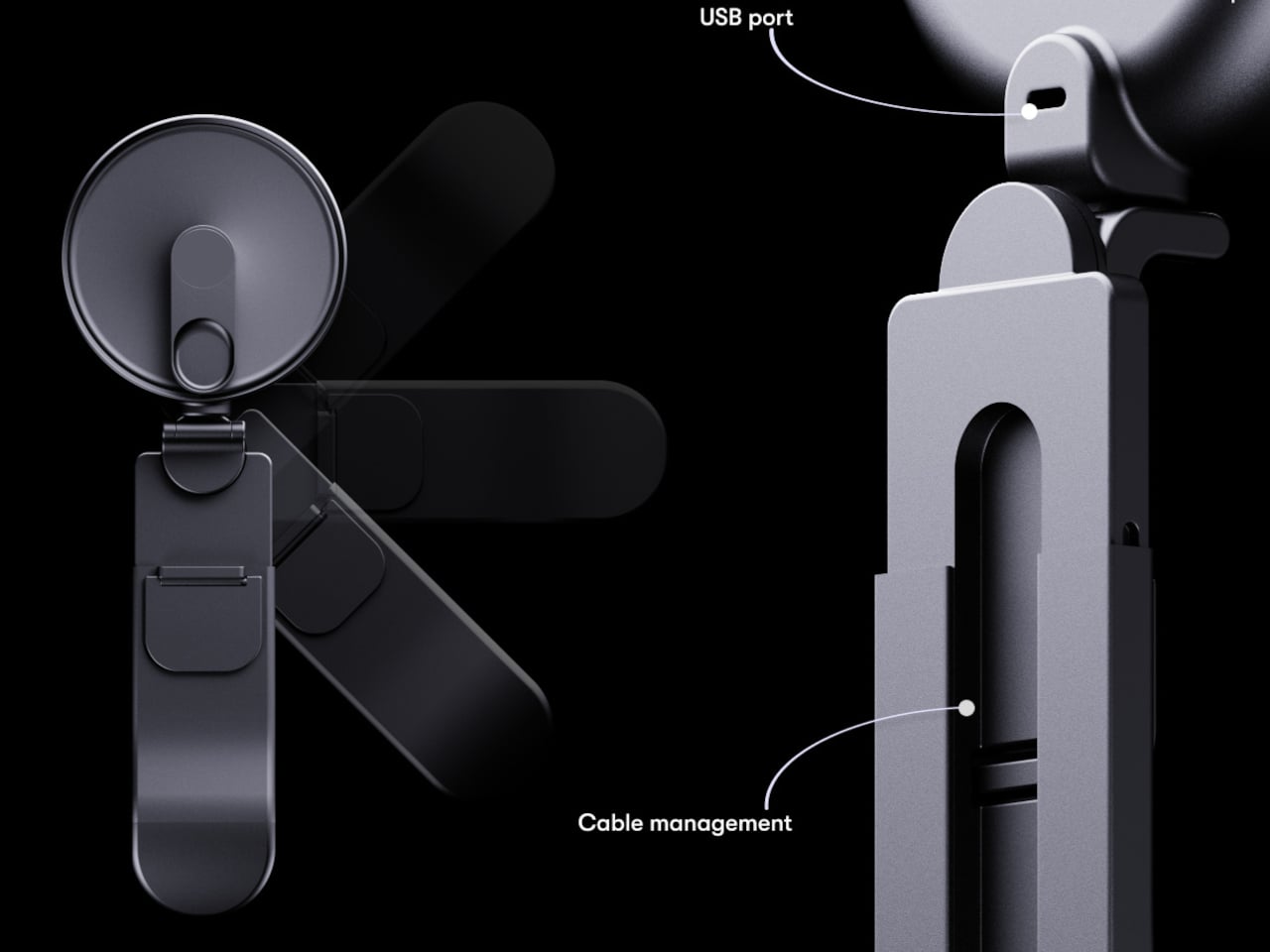
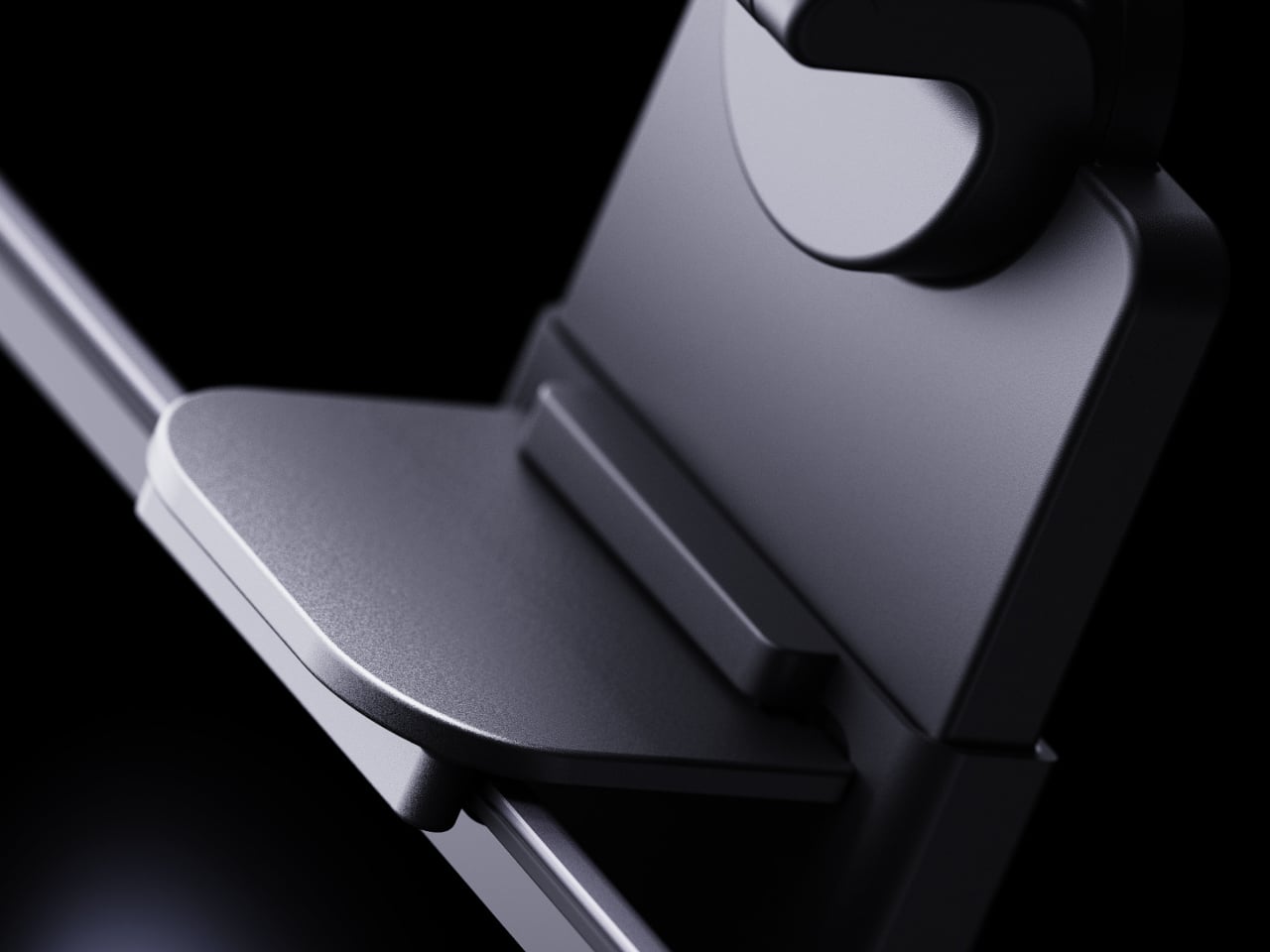
The MX Brio’s Design is a classic example of Logitech going down the ‘Form Follows Function’ route. It tries not to reinvent the wheel, but sticks to the most effective format, with a lens in the center and two beam-forming microphones on each side. Given its MX status, the webcam gets an upgrade with an anodized aluminum body (available in pale gray, graphite, and black), and features the universal monitor clamp that lets you attach your webcam to a desktop or even a laptop. The webcam now sits on a hinge that lets you angle it on the vertical axis, facing either directly at you, or even downwards. Angle it down and you can access Logitech’s new Show Mode, which does some image processing to capture a perfect birds-eye view of your desk. Quite similar to Apple’s Desk View mode that they introduced with their Continuity Camera feature, the Show View is a great way to record your notes, sketches, or just a wonderful way to capture your PoV as you work. Like every good webcam, the MX Brio also comes with a privacy shutter that covers the lens when you twist the webcam’s outer ring.

Sustainability is another cornerstone of the MX Brio’s design. Logitech has made a concerted effort to reduce the webcam’s environmental impact, utilizing low-carbon aluminum, post-industrial recycled aluminum, and up to 82% post-consumer recycled plastic in its construction. The packaging further reflects this commitment, being made from FSC-certified paper.
Being a part of the MX Series, the MX Brio is fully integrated with Logitech’s software ecosystem, including Options Plus and G HUB, allowing users to tweak settings for optimal performance across various lighting conditions and applications. Whether for professional use in Microsoft Teams and Zoom or streaming on platforms like Twitch, the MX Brio adapts to your specific needs, and can even be controlled using dedicated keys on Logitech’s other MX devices like the keyboard and mouse.

The MX Brio comes in three colors – Pale Gray, Graphite, and Black, with a $199 price tag. Enterprise users can opt for the MX Brio 705 For Business, which also has the same price tag, compatibility with Tune and Sync, and comes with Logitech’s RightSight Autoframing. A purchase of the MX Brio also gets you a 1-month subscription to Adobe Creative Cloud’s ‘All Apps’ plan, or a 2-month subscription to the ‘Photography Plan’ along with 20GB Creative Cloud storage.

The post Logitech’s Latest MX Brio Webcam Has 4K Output, A Privacy Shutter, and Apple-style ‘Desk View’ first appeared on Yanko Design.