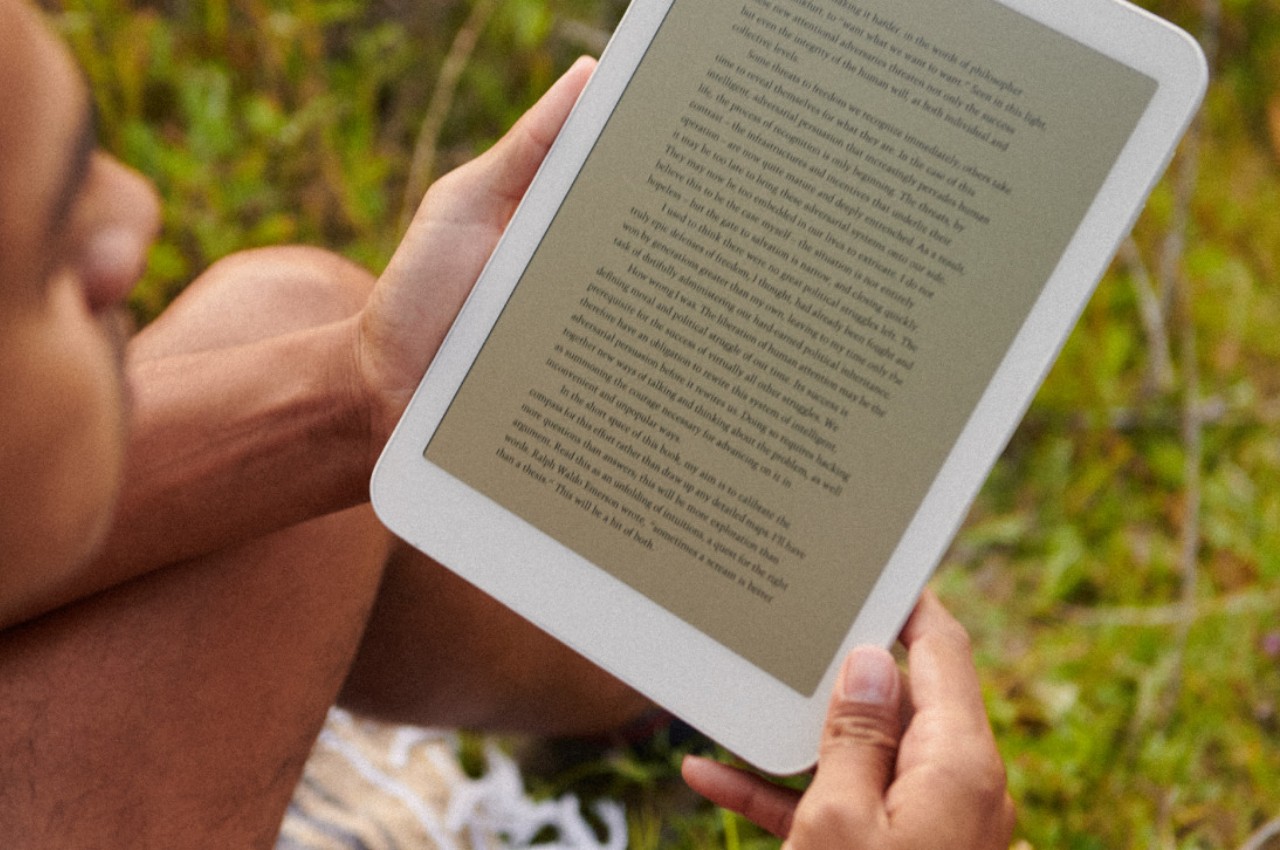
E Ink devices are transforming into more than just simple eBook readers. Some are even really just Android tablets in disguise, promising a more eye-friendly experience not just when reading books but also when surfing the Web, typing documents, or even scrolling through social media. These devices might feel like powerful e-readers, but they are a bit less impressive as Android devices exactly because of their most important feature: the slow E Ink screen. Out of nowhere, a new device has popped up promising a performance that’s almost on par with a modern Android tablet but with the same benefits of an E Ink screen, a promise that not only sounds too good to be true but will also cost you if you do decide to make the gamble.
What makes E Ink screens more eye-friendly is the fact that they traditionally don’t blast your eyes with light, especially blue light that’s been associated not only with eye strain but also with skewed sleep patterns. Unfortunately, even the fastest E Ink display is exponentially slower than even the slowest LCD screen, which makes it less comfortable to use for anything that involves constantly changing content, including typing quickly on the screen.
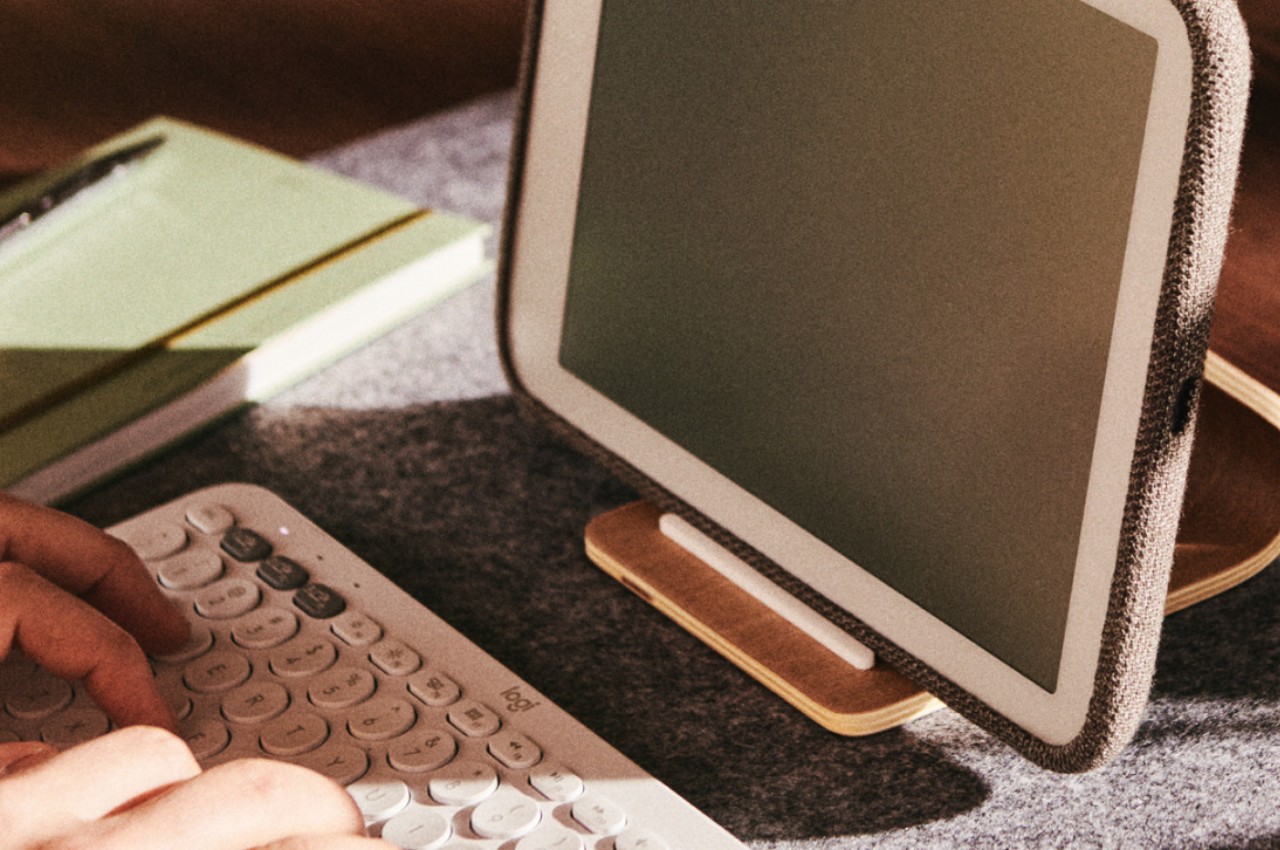
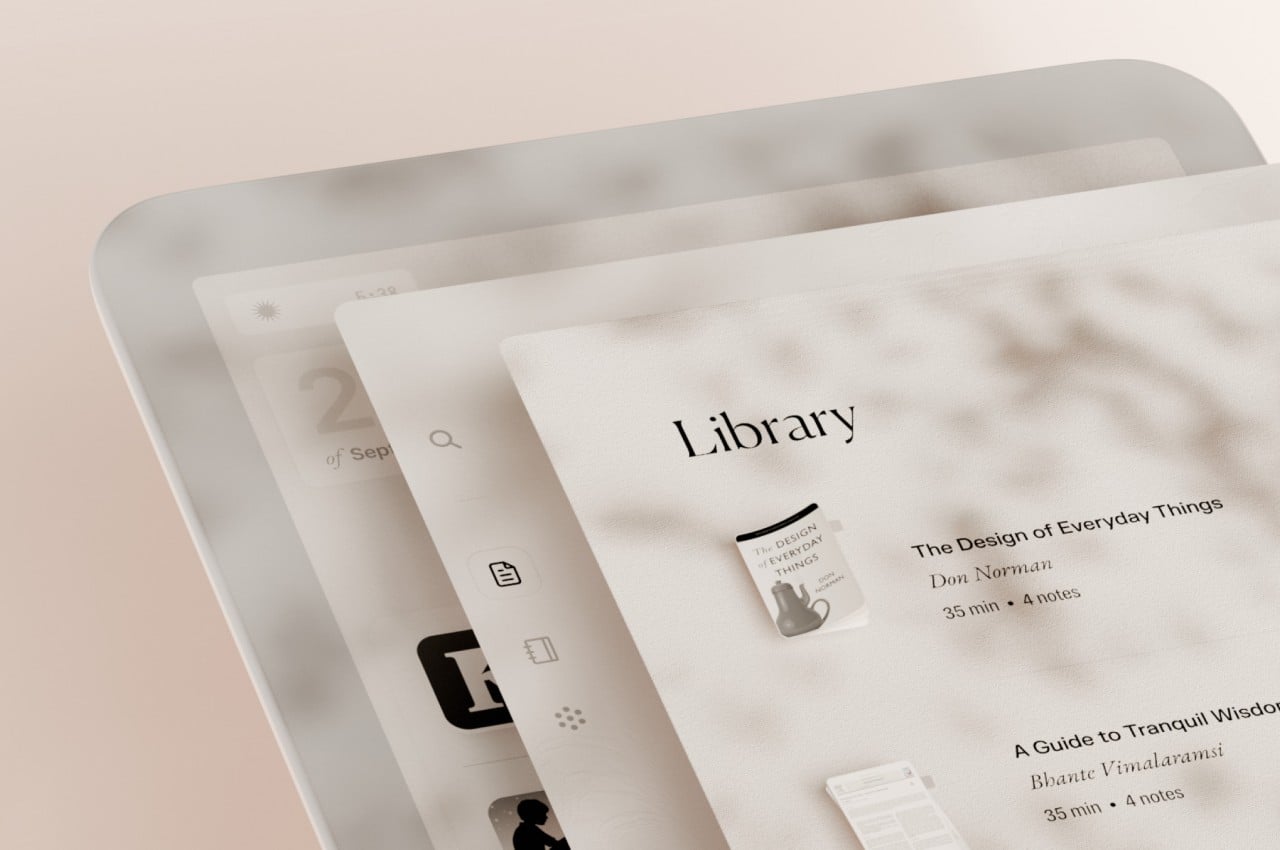
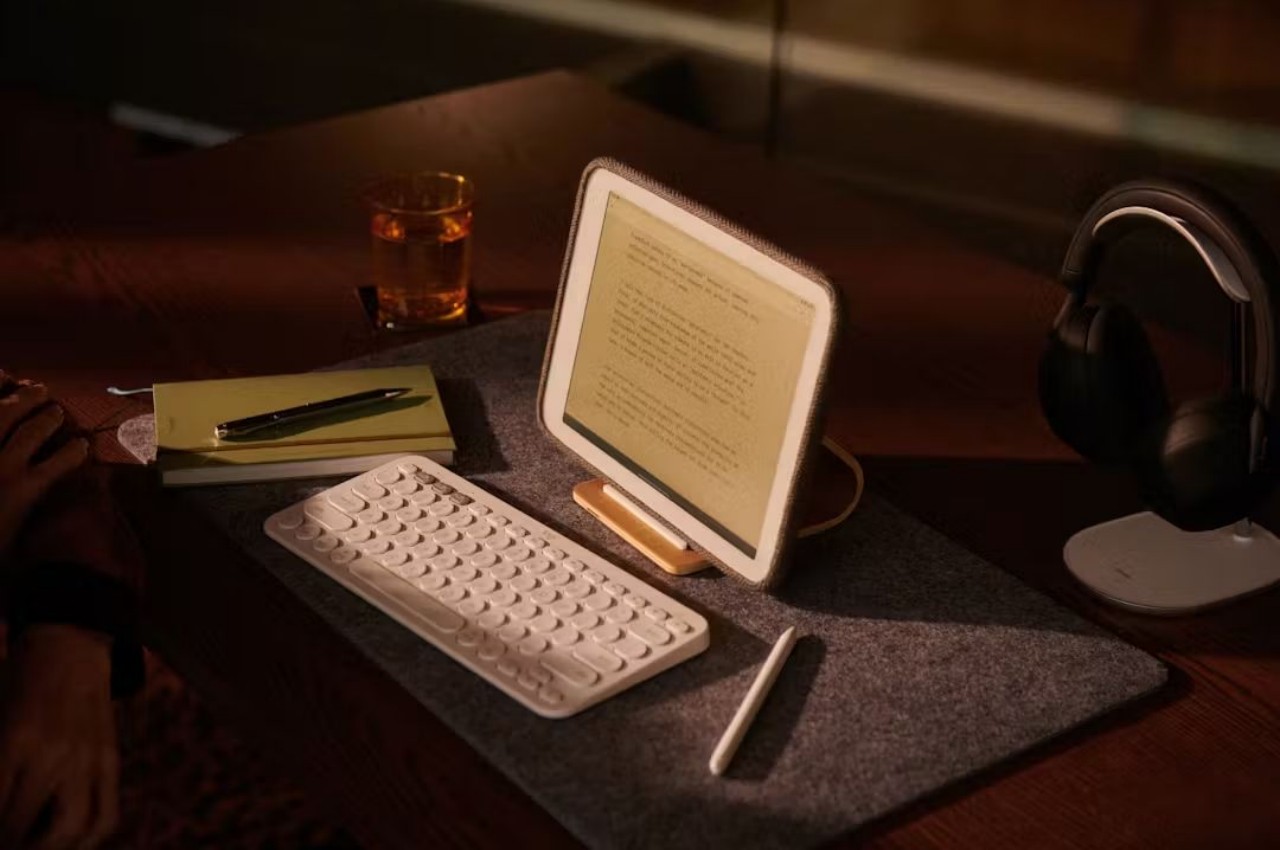
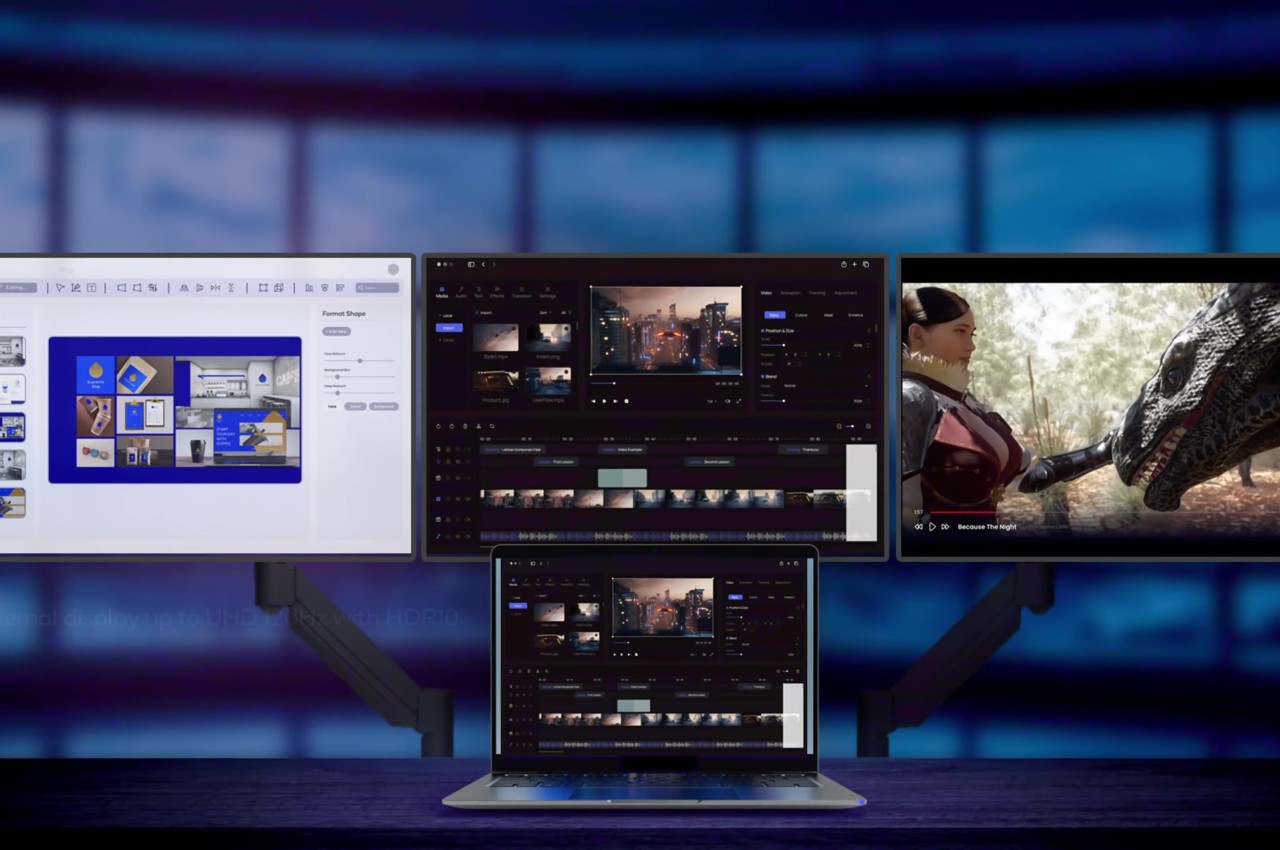
Daylight DC-1 is a new kind of tablet that tries to bridge those two worlds using a new “Live Paper” display that could be a special version of Sharp’s IGZO LCD screen. Unlike your typical display, it only shows shades of black and gray, but that’s not exactly what’s special about it. The claim is that, like ePaper screens, it doesn’t emit blue light, it can be viewed under direct sunlight, and is easy on the eyes. In the dark, it can use an amber-colored backlight that is still less straining than regular white light. Unlike ePaper screens, however, it can support a refresh rate of 60Hz, which is what most Android tablets can do at the bare minimum. Technically, it can go up to 120Hz, but that still depends on software support.
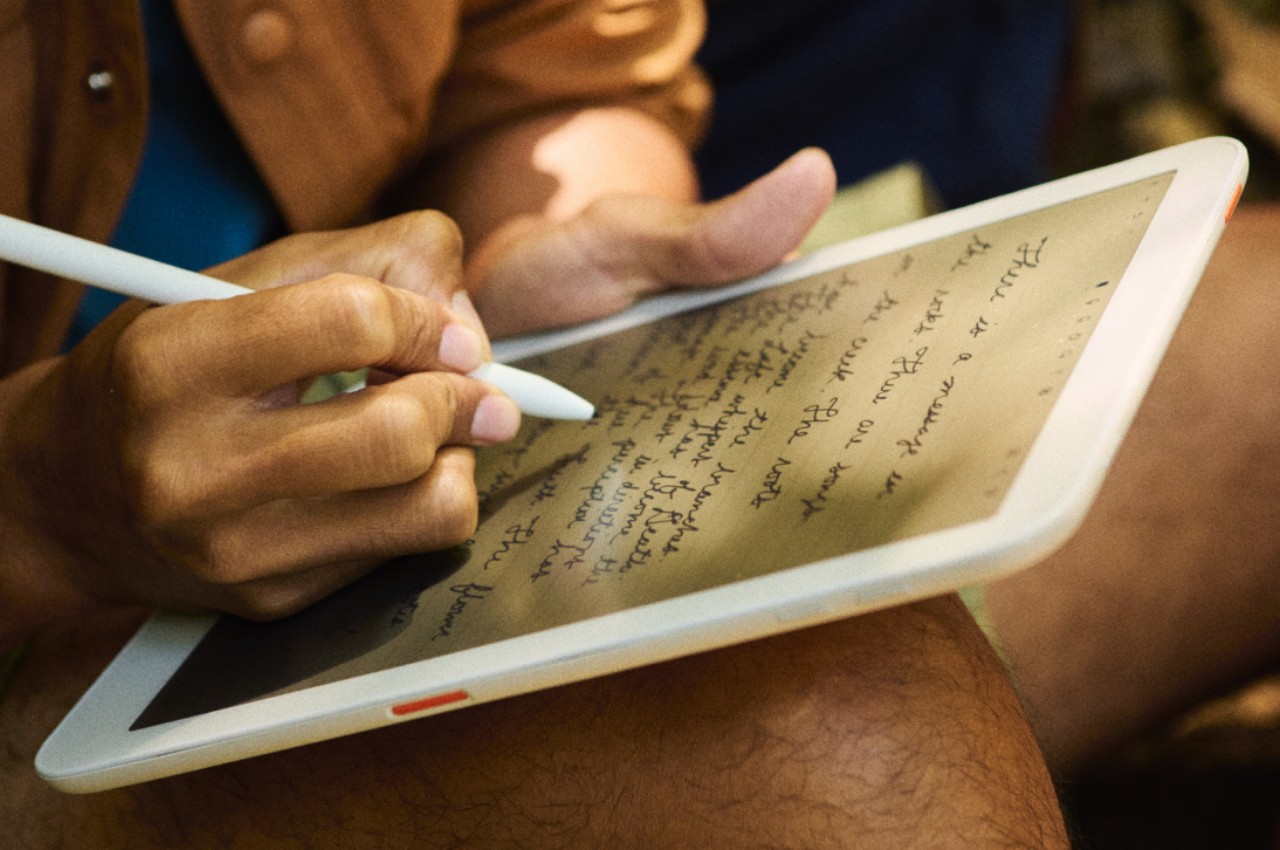
That software is a custom version of Android, so this device should be able to run any Android app, though there’s no word on whether it supports Google Play Store. the Daylight DC-1 definitely makes big promises, which is basically a watered-down, eye-friendly Android tablet experience. It can do almost anything, whether that’s typing a novel or scribbling notes with the included Wacom-powered pen. It really bridges the gap between regular Android tablets and this new breed of Android-powered E Ink readers.
There is, of course, a catch, and it’s a pretty big one. The device costs $729, and that’s only a pre-order for a device that’s still scheduled to ship later this year. That’s a pretty steep price coming from a brand that popped up almost out of nowhere. The theory does sound, well, sound, and the promises are definitely tempting, but these are very high stakes for a device that has yet to actually prove that theory out in the wild.
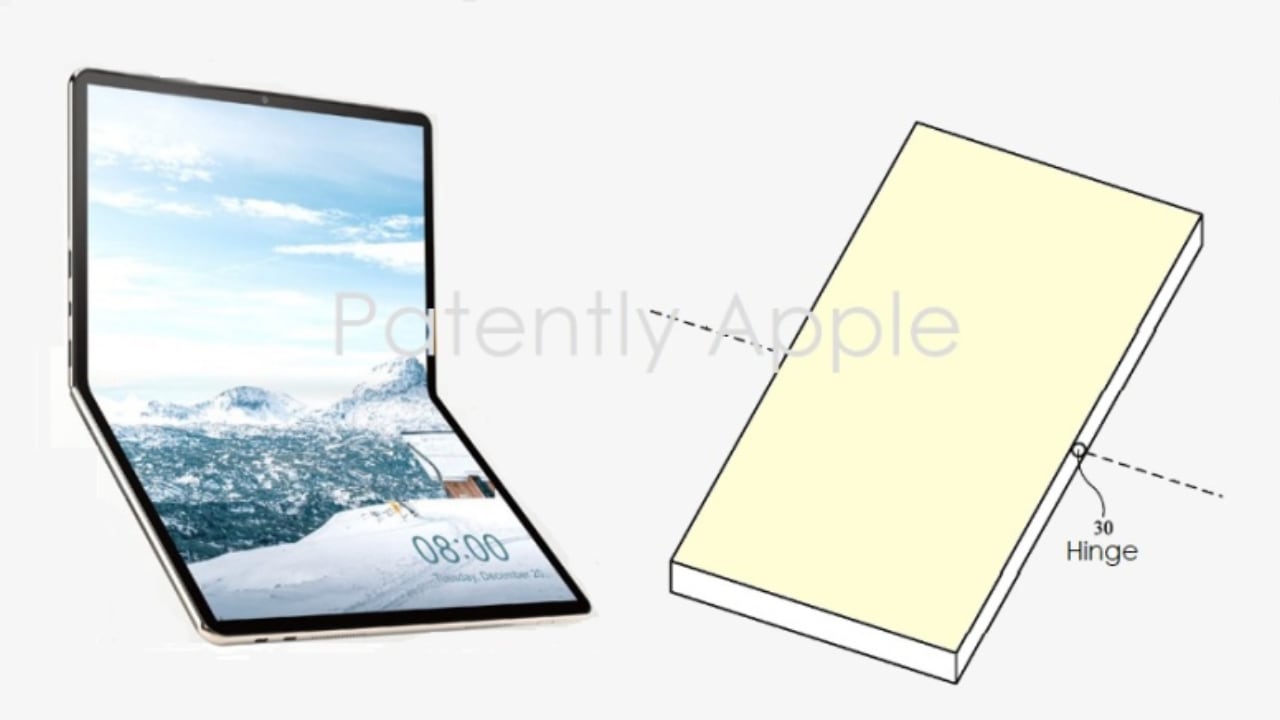
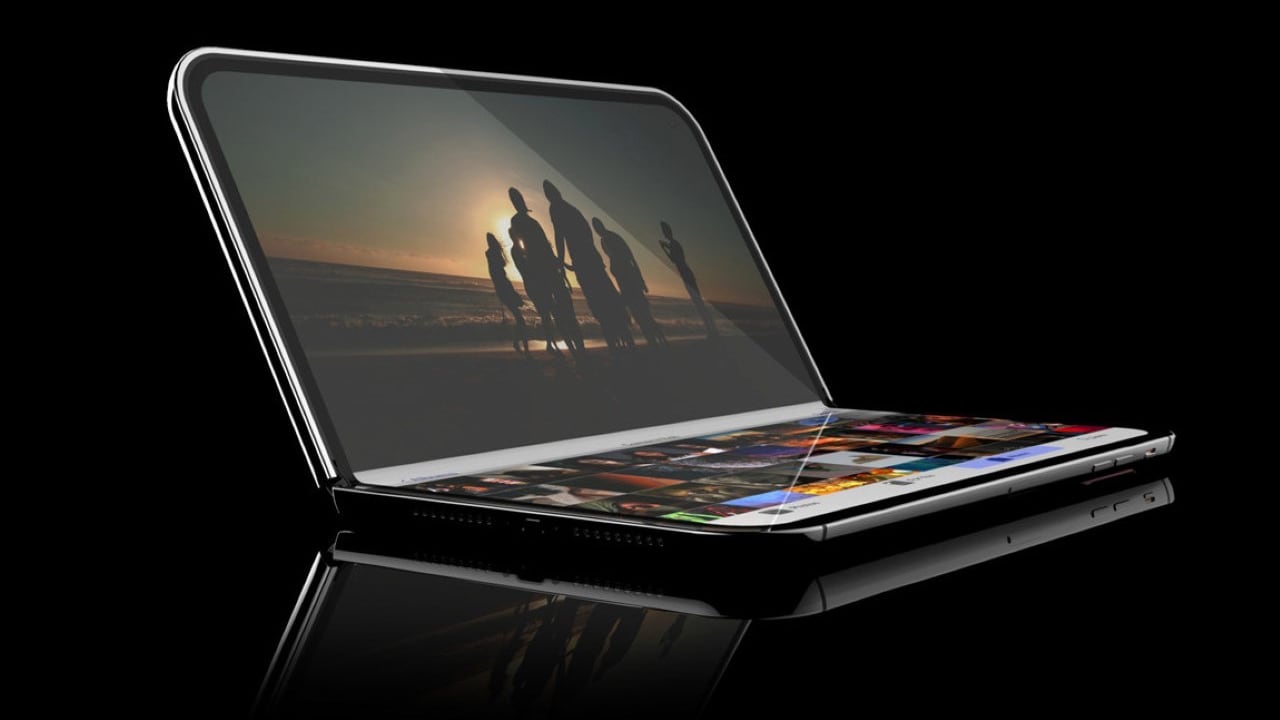
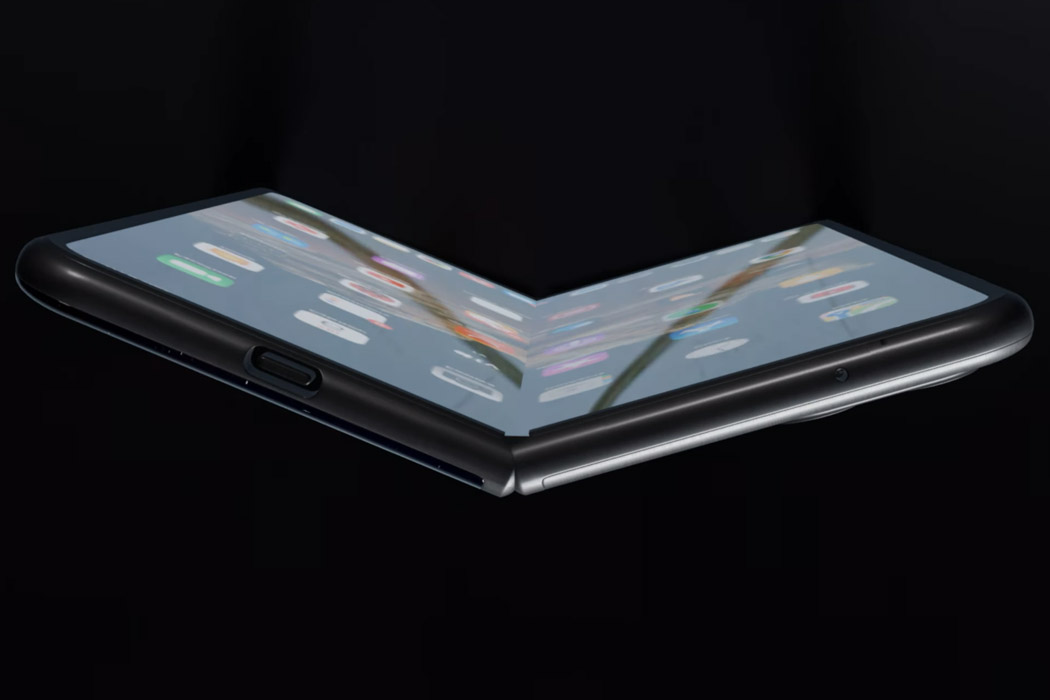
Rumors surrounding Apple’s potential foldable device, the Apple foldable Macbook, have stirred considerable excitement and speculation. The concept of a folding device, similar to a MacBook or an iPad with a foldable mid-section, promises to change the way we interact with technology. However, as details emerge, several questions and considerations arise.
Supply chain analyst Ming-Chi Kuo recently reported that Apple is preparing its supply chain for the production of a foldable device, possibly set for mass production as early as Q4 2025, with assembly in the first half of 2026. LG Display is the exclusive panel provider, with Apple considering 20.25-inch and 18.8-inch display options. When folded, these would correspond to the physical sizes of a 14-15 inch and 13-14 inch MacBook, respectively. The devices are expected to feature Apple’s M5 series chips and a high-specification design to ensure a crease-free display, which significantly increases production costs.
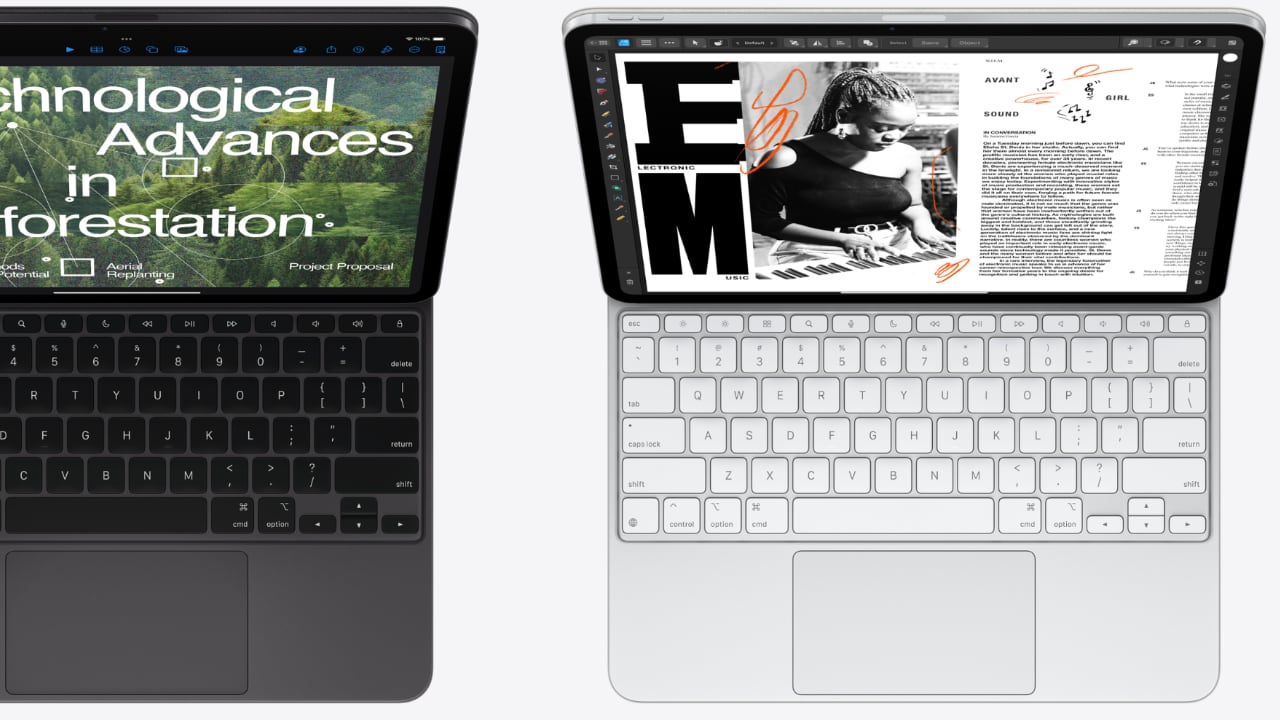
While the idea of a new form factor from Apple is thrilling, it brings several questions. One major concern is the typing experience. Will everything be typed directly on the display, and if so, will it incorporate localized haptics similar to those on the iPhone? This raises questions about the necessity of additional accessories, such as a physical keyboard, to enhance usability.
Moreover, most of us are just now accustomed to the near-perfect Magic Keyboard for the iPad Pro M4, and the introduction of a new foldable device could disrupt this familiarity, right? The foldable could essentially be an iPad with a larger screen that folds, but does this mean we are ready to transition to another device so soon? The potential benefits of the Apple Fold are immense, yet it necessitates careful consideration of user experience and practical application.
Although it is being referred to as the foldable MacBook, it’s worth noting that this might not be the final name. I speculate that Apple may “fold” this new product under the iPad line and call it the iPad Fold. This strategic move could create a new product line distinct from the MacBook, aligning more closely with the iPad’s existing user base and functionality.
The development of the Apple Fold isn’t happening in isolation. Apple is also reportedly working on foldable iPhones and iPads, indicating a broader strategy towards foldable technology. The challenges Apple faces include ensuring a seamless, crease-free display, a feat that companies like Samsung, HONOR, XIAOMI, and others are still striving to perfect.
As Apple ventures into the foldable space, it’s crucial to balance innovation with practicality. The anticipation for an Apple Fold, whether under the iPad or a new product line, is high, but so are the expectations. As always, Apple’s approach will likely focus on perfecting the user experience, even if it means navigating a complex landscape of new technology and user adaptation.
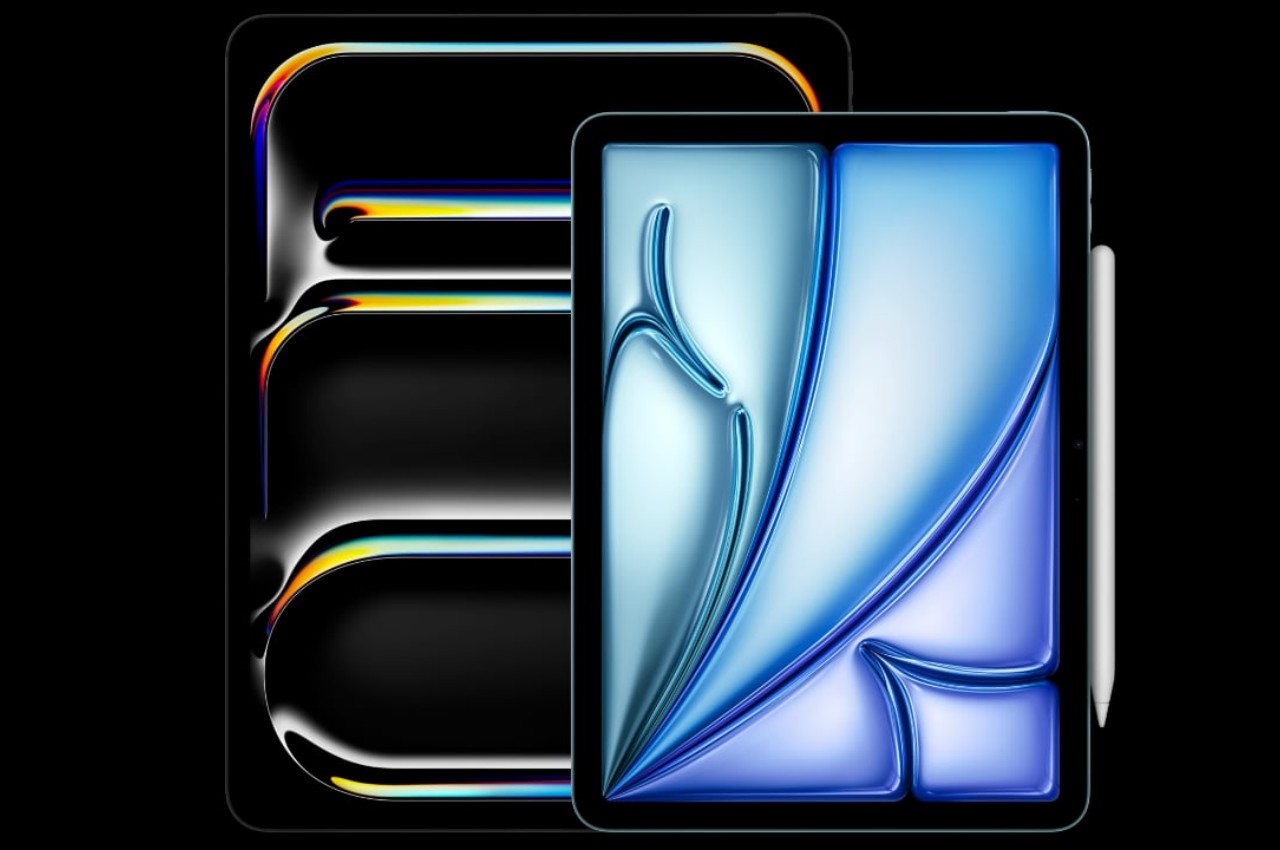
Some fancy new iPads have just hit store shelves and while we reckon the latest iPad Air is the best option for most folks, there’s an entry-level Apple tablet that will check a lot of people’s boxes. And best of all, the 10th-gen iPad is cheaper than ever. The tablet has dropped to $329 for the blue model with 64GB of storage, bringing it to its lowest price to date. Apple gave the 10th-gen iPad a permanent $100 price cut to $349 earlier this month. The latest sale takes another $20 off.
This model is our pick for the best budget iPad. Although it's nearly two years old at this point, the combination of price and functionality makes it an attractive option.
The 10.9-inch tablet will run for up to 10 hours on a single charge and it has a USB-C port and Touch ID sensor. The selfie camera is along the horizontal edge, which makes video chats a little less awkward for those who prefer a landscape orientation.
There are, of course, some trade offs compared with higher-end iPads. The latest iPad Air and iPad Pro are far more powerful than this model. They have nicer displays too. Furthermore, the 10th-gen iPad doesn't support the new Apple Pencil Pro or Wi-Fi 6E — just the first-gen and USB-C Pencils and the notably slower Wi-Fi 6.
But if all you’re looking for is a relatively inexpensive tablet for basic tasks like browsing the web, answering emails, watching TV shows and playing some games, the base iPad will capably fit the bill.
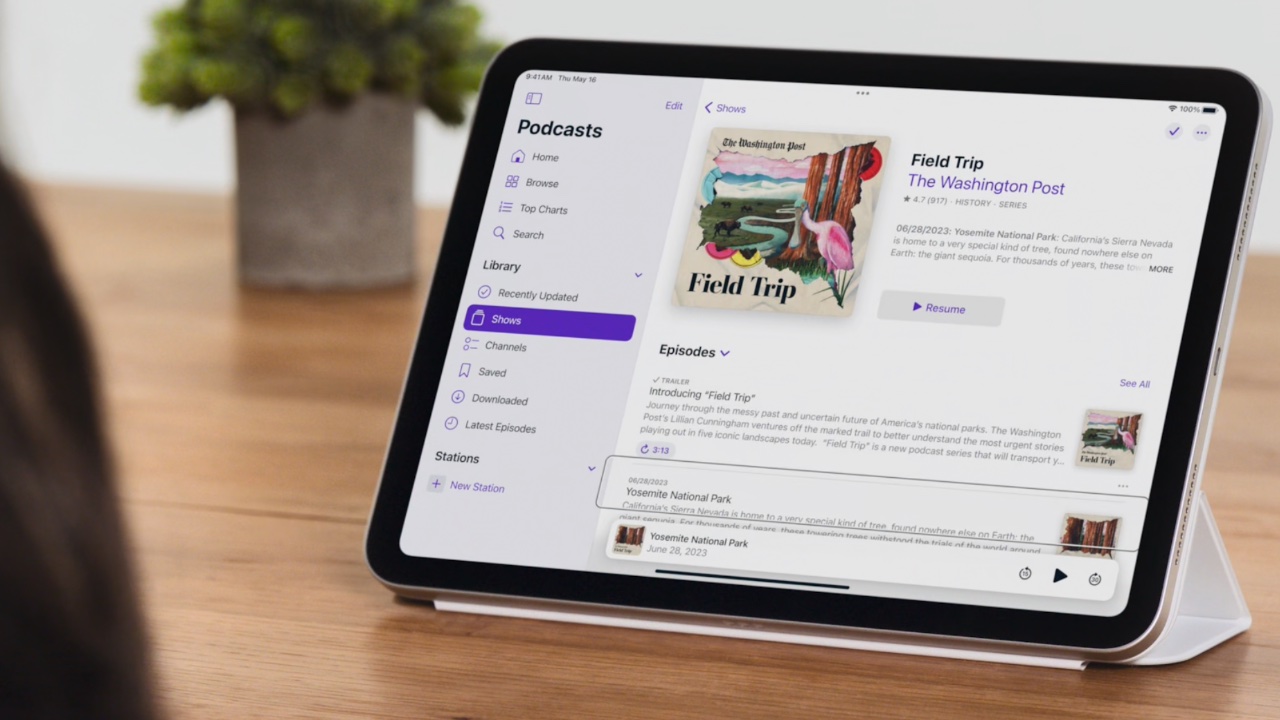
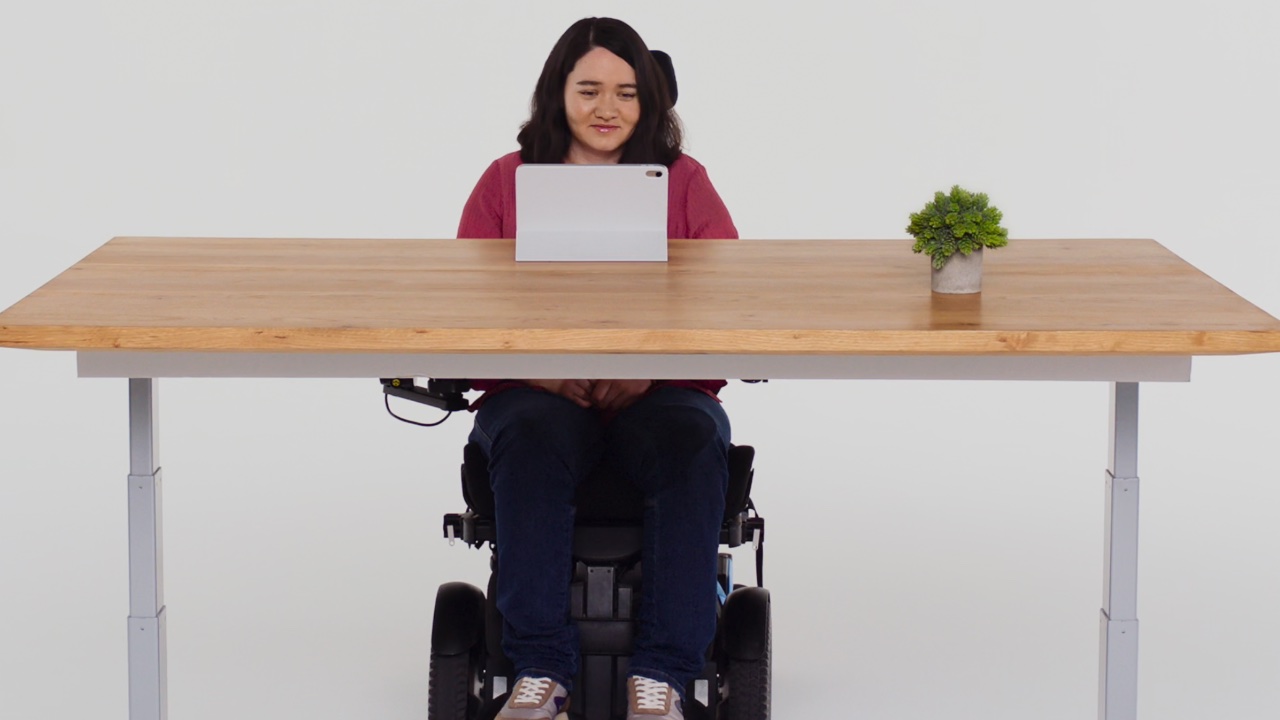
Apple is set to revolutionize accessibility with a suite of new features coming later this year. These enhancements include Eye Tracking for iPad and iPhone, allowing users with physical disabilities to navigate their devices with just their eyes. Music Haptics will enable deaf or hard-of-hearing users to experience music through refined vibrations from the iPhone’s Taptic Engine. Vocal Shortcuts introduce custom sounds for task automation, while Listen for Atypical Speech enhances speech recognition for users with speech-related conditions. Vehicle Motion Cues aim to reduce motion sickness by using animated dots to minimize sensory conflicts for passengers in moving vehicles. CarPlay will see updates such as Voice Control, Color Filters, and Sound Recognition to improve accessibility. Additionally, visionOS will introduce systemwide Live Captions, support for hearing devices, and features for low vision users, furthering Apple’s commitment to inclusive design.
Designer: Apple
Eye Tracking uses the front-facing camera and on-device machine learning to enable users to control their devices with their eyes. It’s designed for people with physical disabilities, offering an easy and intuitive way to navigate without extra hardware. After a quick setup and calibration using the front-facing camera, users can move through apps by looking at elements. This interaction can trigger actions like pressing buttons, swiping, and performing other gestures. All data is processed and stored on the device, ensuring user privacy. This feature adapts to individual patterns through machine learning, providing a powerful tool for users with physical disabilities to navigate their devices easily.
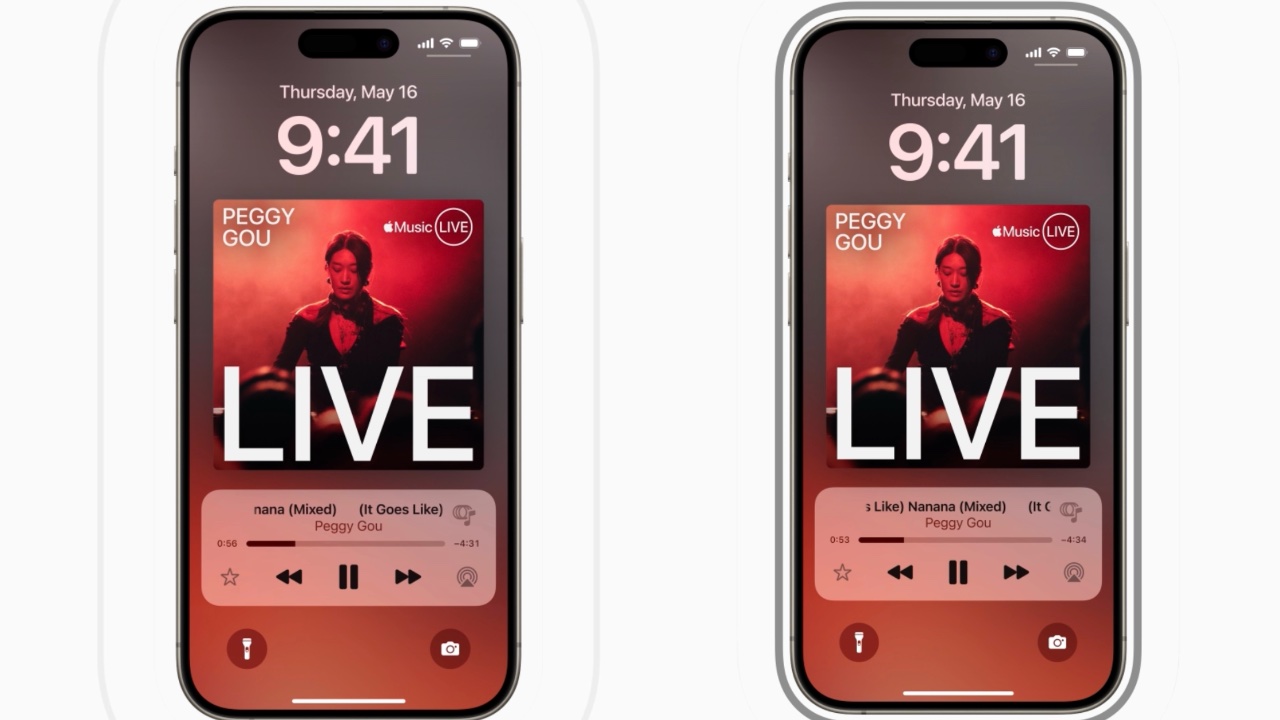
Music Haptics provides a new way for deaf or hard-of-hearing users to experience music through vibrations. Using the Taptic Engine, the iPhone creates tactile feedback that syncs with the music’s rhythm, melody, and intensity. This tactile feedback allows users to feel the music, making it more accessible and enjoyable. Music Haptics works across millions of songs in the Apple Music catalog and is available as an API for developers to integrate into their apps, further expanding its accessibility. The feature is designed to be easy to use, with simple settings to turn it on and off.
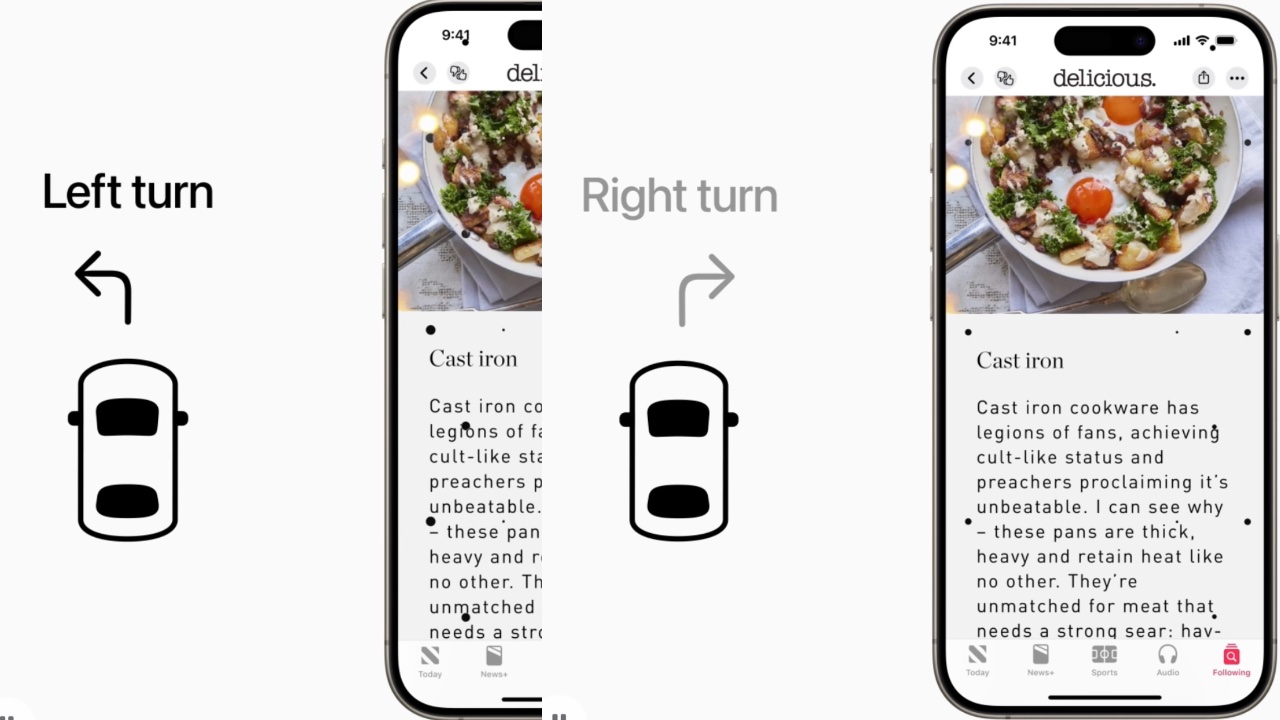
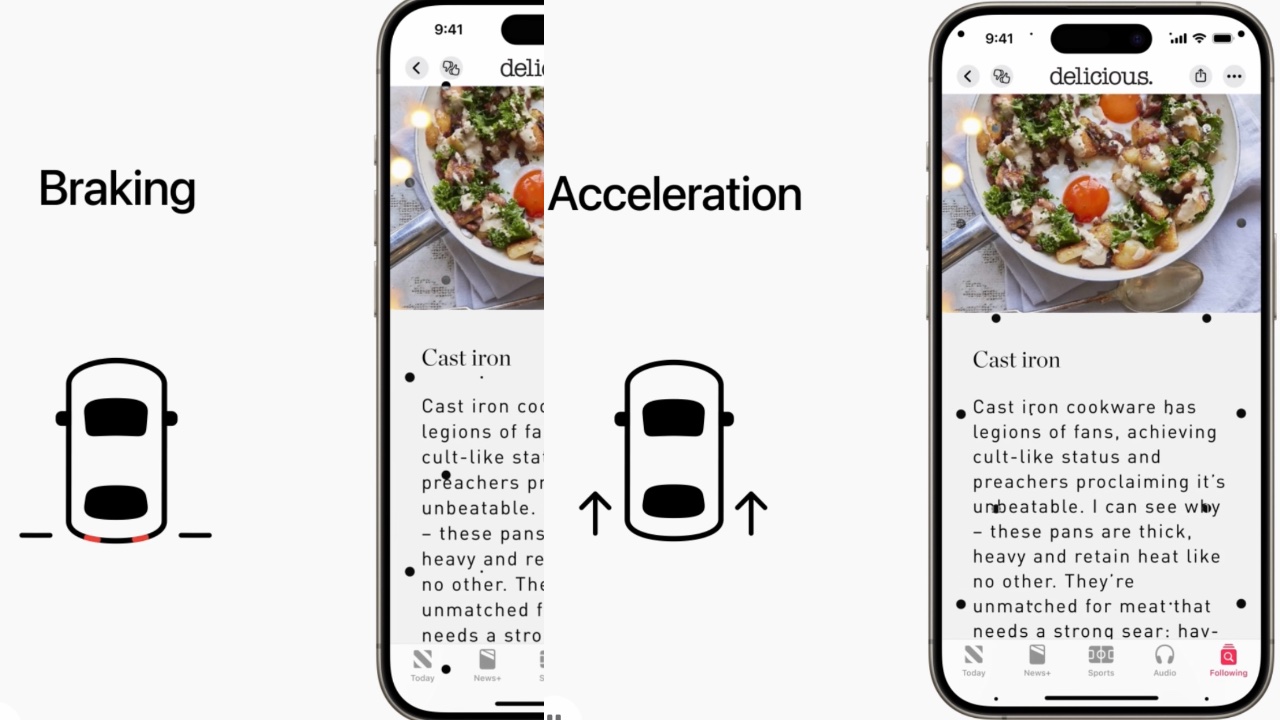
Vehicle Motion Cues help reduce motion sickness by displaying animated dots at the screen’s edges, aligning visual input with the vehicle’s motion. This feature addresses the sensory conflict that often causes motion sickness, where what a person sees doesn’t match what they feel. Using built-in sensors, this feature detects when a user is in a moving vehicle and activates automatically or can be toggled in the Control Center. By providing a visual representation of vehicle motion, Vehicle Motion Cues make it easier for users to read, watch, or interact with content on their devices without experiencing discomfort.
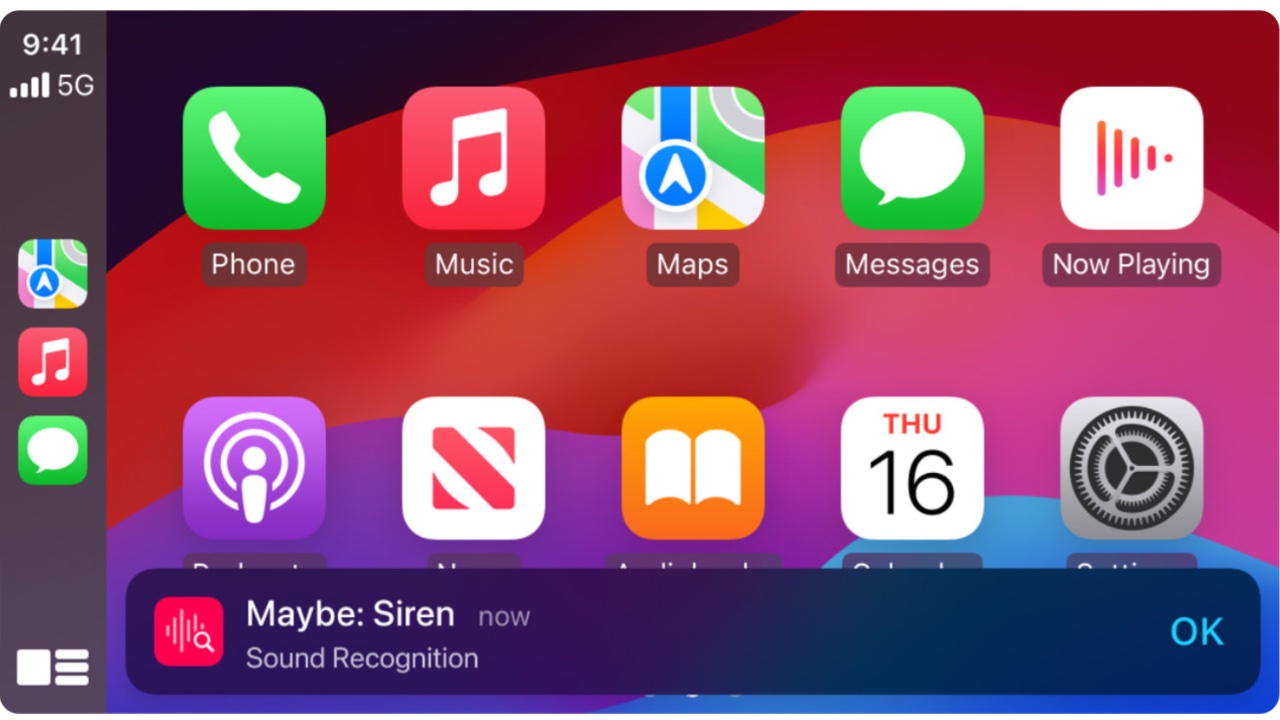
CarPlay will also see significant improvements, enhancing accessibility for users with various needs. Voice Control will allow users to navigate and control CarPlay apps using their voice, providing a hands-free experience. Color Filters will make the interface more accessible for colorblind users by adjusting the display to distinguish between different colors. Sound Recognition will notify users of important sounds like car horns and sirens, ensuring that drivers and passengers who are deaf or hard of hearing remain aware of their surroundings.
visionOS will introduce systemwide Live Captions, further supporting users who are deaf or hard of hearing by providing real-time captions for spoken dialogue in live conversations and audio from apps. The update will also expand support for Made for iPhone hearing devices and cochlear hearing processors, ensuring seamless integration with Apple Vision Pro. For users with low vision, new features such as Reduce Transparency, Smart Invert, and Dim Flashing Lights will make the interface more comfortable and easier to navigate.
These advancements highlight Apple’s dedication to inclusive design, pushing technology’s boundaries to create the best experience for all users. To celebrate Global Accessibility Awareness Day, Apple will host curated collections and sessions at select Apple Store locations, allowing users to explore and learn about these new accessibility features. By constantly innovating and improving accessibility, Apple ensures its devices remain accessible to everyone, empowering all users to enjoy and benefit from the latest technological advancements.
Microsoft's new Surface Pro, its first hybrid Copilot+ PC tablet, doesn't look much different than its predecessors. It's still a sleek and sturdy tablet with a kickstand. But the screen looks a bit more impressive, thanks to slimmer bezels, and it's potentially more useful on the go when paired with the $350 Surface Pro Flex keyboard, which lets you type wirelessly. As a Copilot+ AI PC though, its true value lies under the hood, thanks to a 45TOPS neural processing unit in Qualcomm's Snapdragon X Elite and X Plus chips.
Photo by Devindra Hardawar/Engadget
Without fully testing its AI capabilities, it's hard to make any final judgements on the Surface Pro just yet. Perhaps Microsoft's Recall feature, which can instantly retrieve anything you've done on your computer, could actually be useful. In a short demo, I was able to scrub through several days worth of PC usage, including doodles from people attending the launch event. Perhaps you'll find some value from the NPU-enabled features in Photoshop and other apps. But during my short hands-on session, there wasn't really much to see.
That's honestly a bit disappointing. This Surface Pro, which Microsoft is calling the 11th edition, was also an opportunity to rework the tablet's aging kickstand and overall design. Thinner screen bezels just aren't enough. The new Surface Pro Flex Keyboard is also surprisingly expensive at $350 ($450 when bundled with the Slim Pen). It's upgrades are useful: You can detach it from the Surface Pro and still keep typing away, and it also has a more modern haptic touchpad. But it's merely an optional upgrade, not a standard feature for the Surface Pro. The wireless typing experience was responsive, from my testing, but the Flex Pro Flex Keyboard also feels a bit flimsy on its own, without the weight of the tablet holding it down.
Microsoft's existing typing covers, the $140 Surface Pro Keyboard and the $180 Surface Pro Signature Keyboard, are still around and far more compelling for the price. This recent batch of computers was a perfect opportunity for the company to bundle a keyboard cover with the Surface Pro, but alas, that's still not happening. (I've been asking Microsoft about bundling a keyboard with its Surface tablets every year since they debuted — I guess I'll just have to keep asking.)
Photo by Devindra Hardawar/Engadget
The Surface Pro starts at $999 with a Qualcomm Snapdragon X Plus chip, 16GB of RAM and a 256GB SSD. You can also bump up to an OLED model which includes the Snapdragon X Elite chip for $1,500. That model can also be configured with up to 1TB of storage and 32GB of RAM.
This article originally appeared on Engadget at https://www.engadget.com/microsoft-surface-pro-copilot-hands-on-slimmer-bezels-and-ai-smarts-185349396.html?src=rss
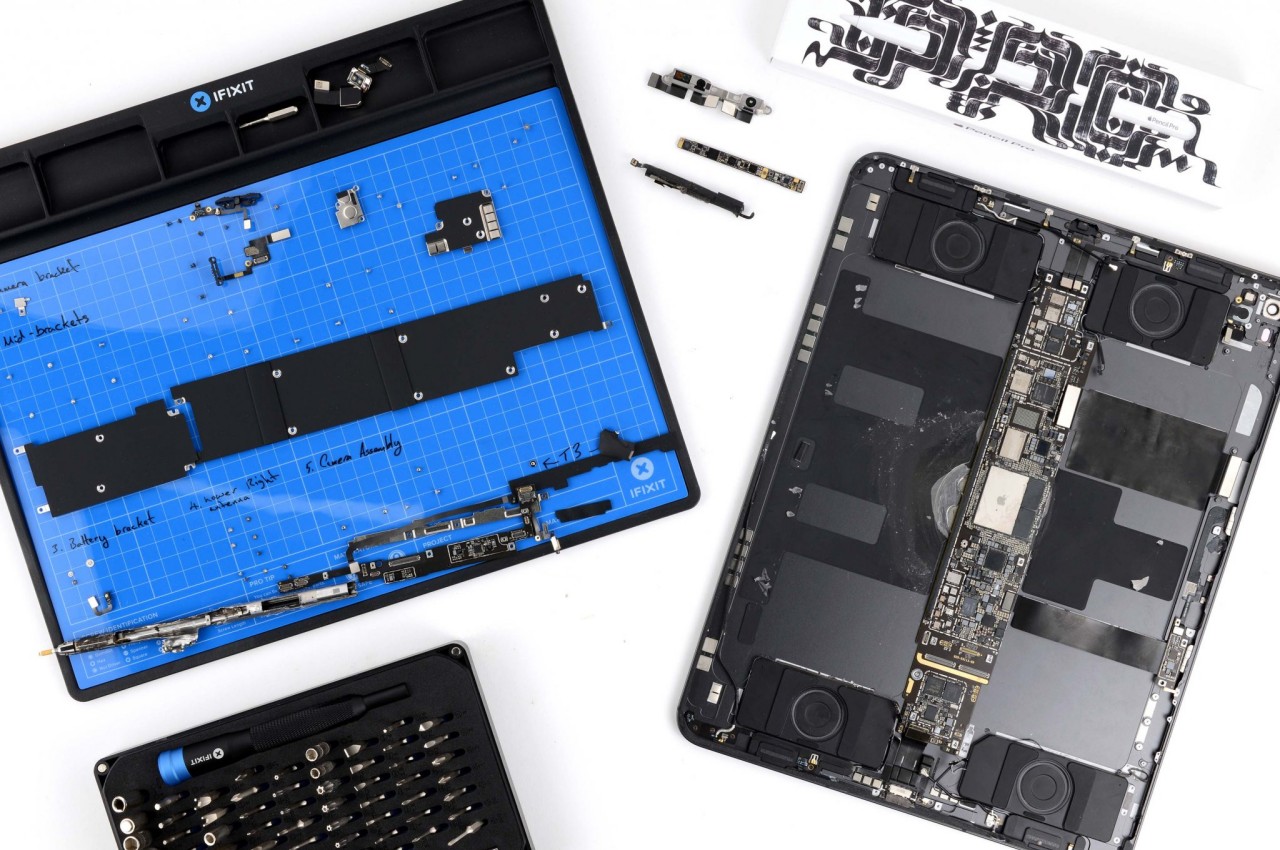
As expected, the Internet is abuzz over the new M4 iPad Pro’s ultra-thin design, but there are also reasonable concerns over the device’s durability and longevity because of that design as well. Fortunately, a bend test proved that the tablet has enough resistance to withstand accidents within reason, but accidents will still happen regardless. Displays will get cracked and batteries degrade and, sooner or later, the new iPad Pro will become old and will need to be repaired. When that time comes, how easy and expensive will it be to open up the thinnest iPad in the world and replace those broken parts? It turns out, that Apple made one very important step toward improving the device’s repairability, at least for one of the most common types of repairs.
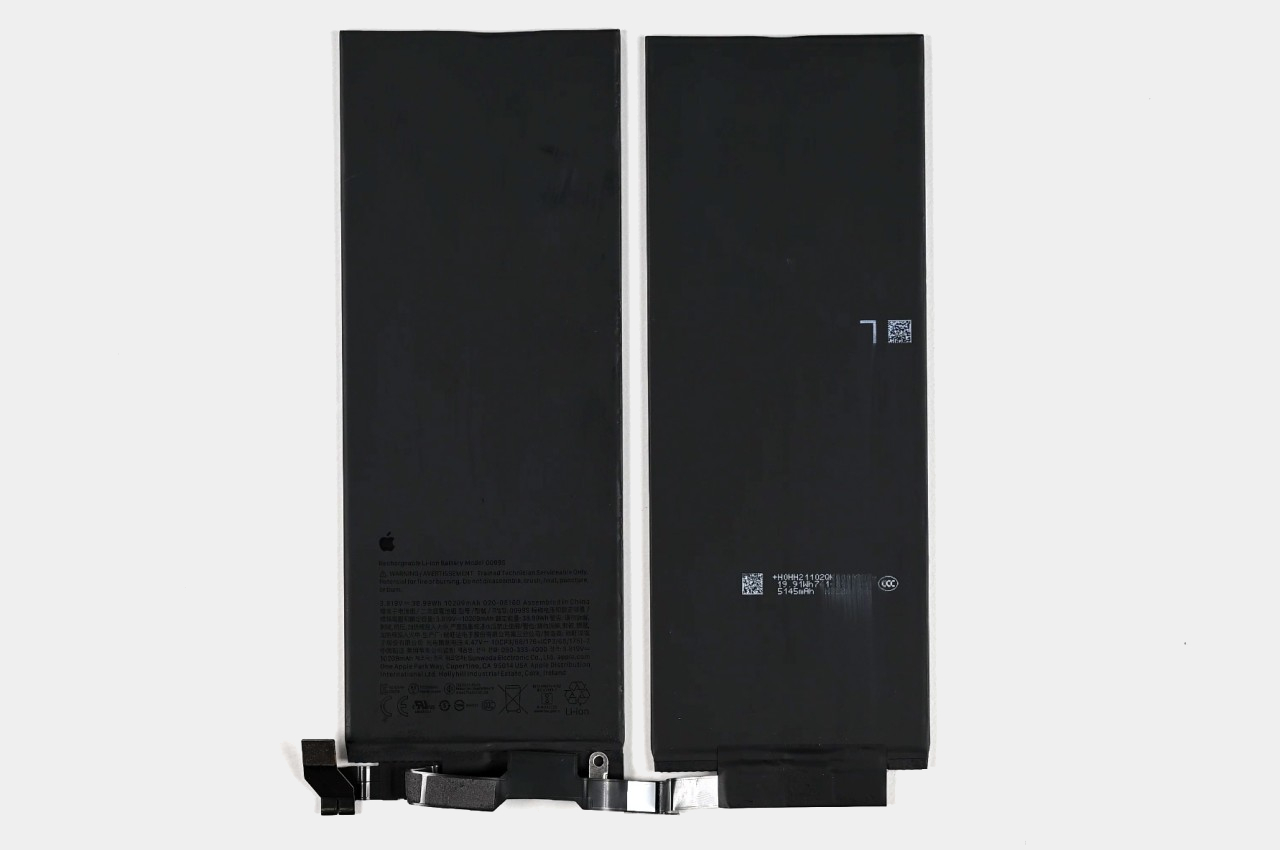
Whether it’s a smartphone or a tablet, mobile devices have two or three parts that easily get damaged or need to be replaced. Screens crack or shatter after accidental falls, charging ports get damaged or blocked, and batteries start to lose their charge faster or, worse, start to bloat. For the iPad Pro, getting to any of these parts has always been a chore and a risk, but the M4 iPad Pro has surprisingly made it easier to remove and replace the battery without removing as many important parts.
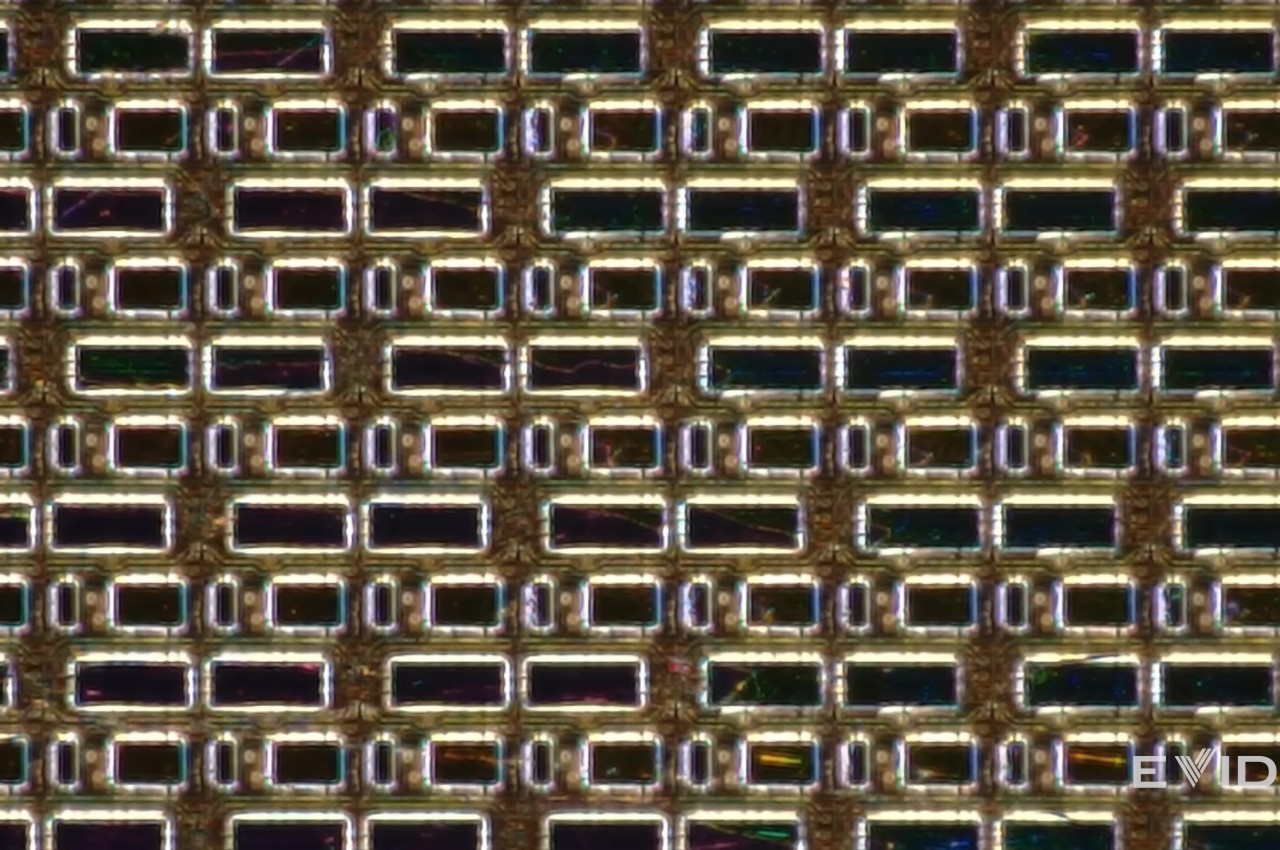
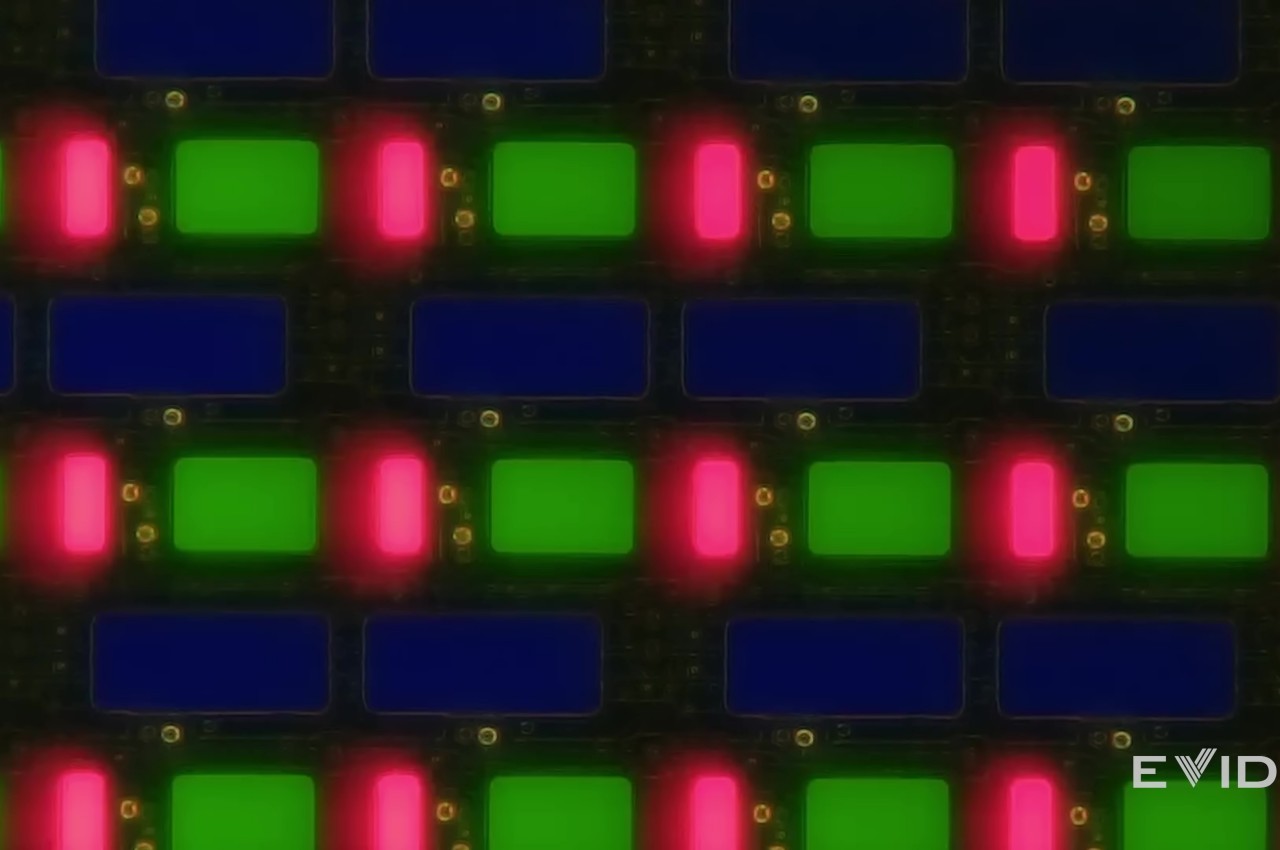
Opening up the iPad Pro is still an exercise in patience and dexterity, perhaps even more so now with a new Tandem OLED display. A closer look at that screen reveals not the dual-layered panels that Apple used to explain the technology, but, for all intents and purposes, it practically functions the same way. Long story short, there’s a high chance that the screen will be damaged beyond repair when you try to open the iPad Pro just to replace the battery.
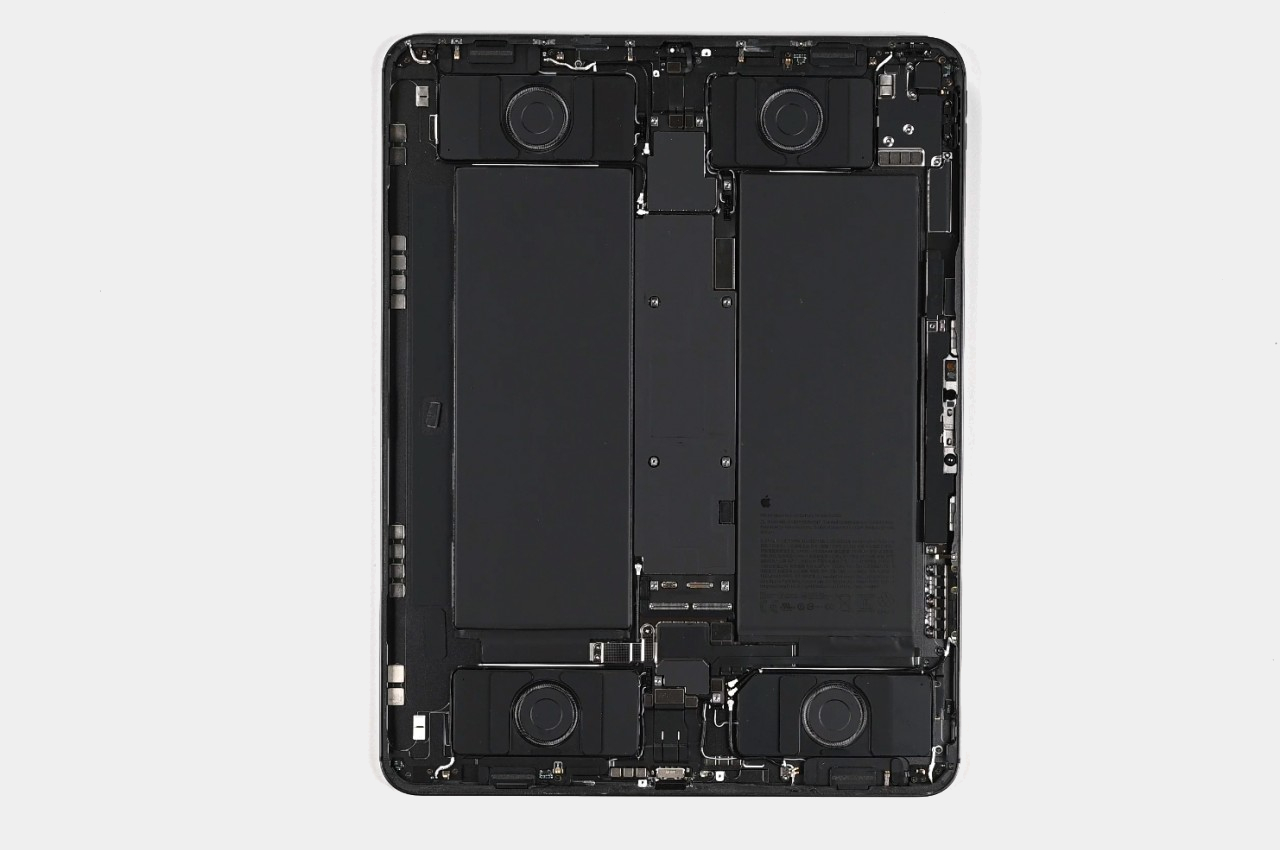
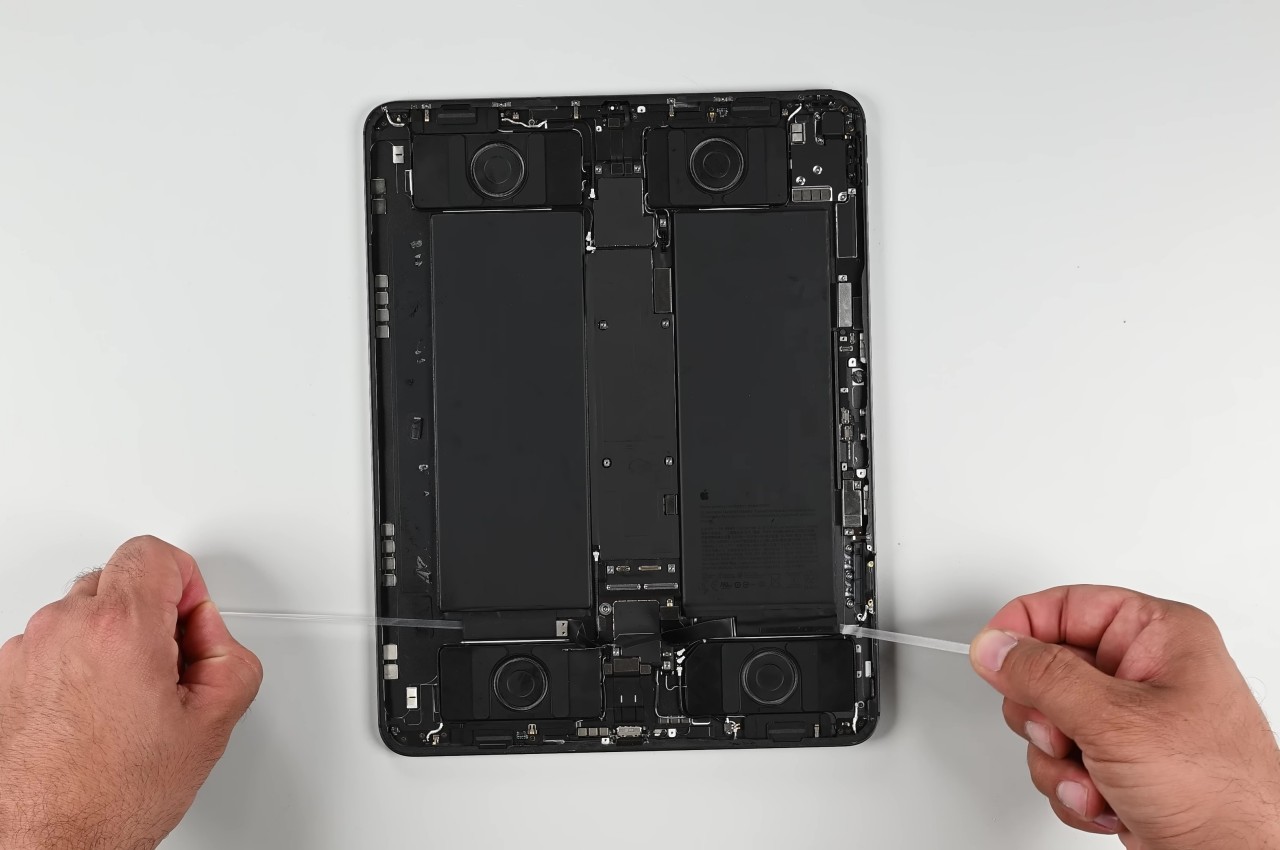
Fortunately, the battery itself is easy to reach, as it is immediately exposed after removing the display. There are a few parts that need to be unscrewed to gain access to the pull tabs, but there’s no need to remove daughterboards, logic boards, or even speakers. Considering this is Apple we’re talking about, that’s a rather ground-breaking change and a step in the right direction.
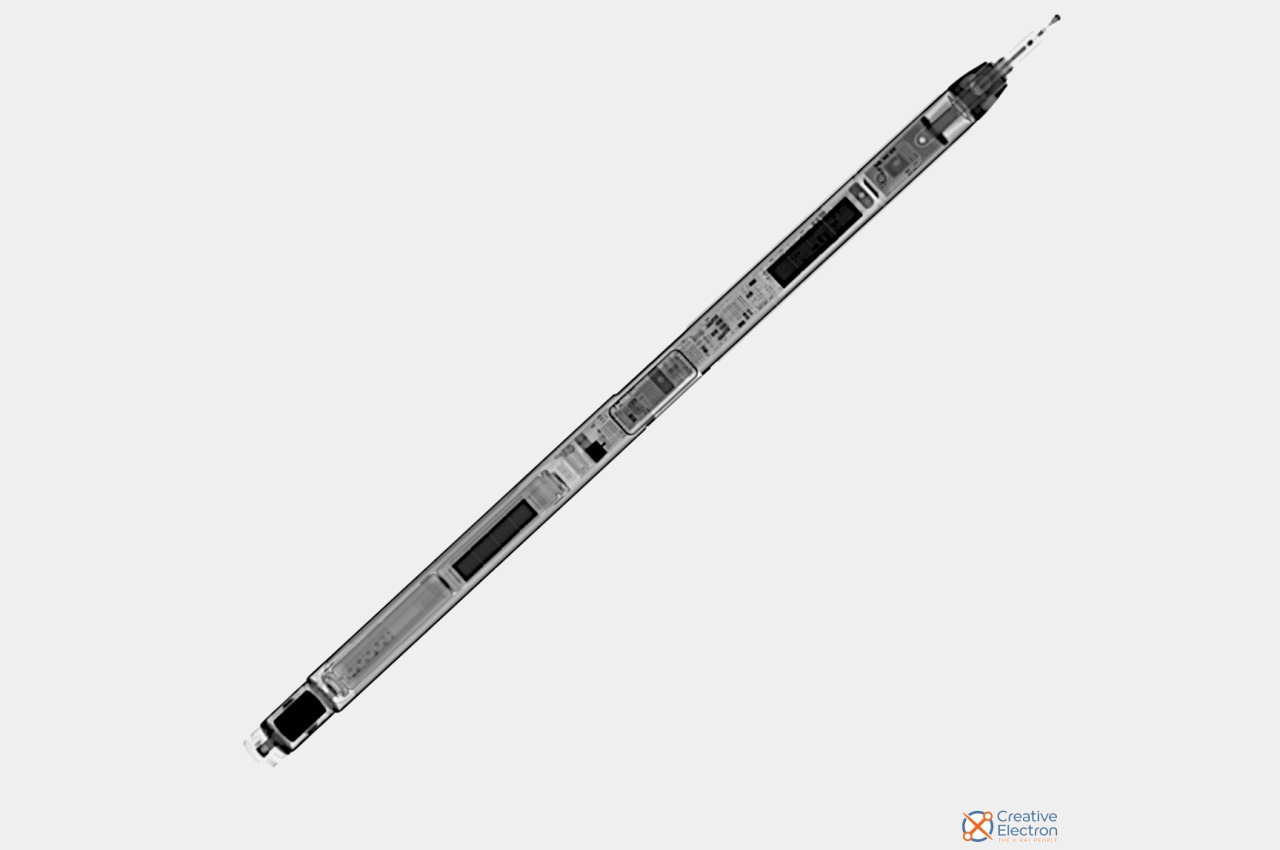
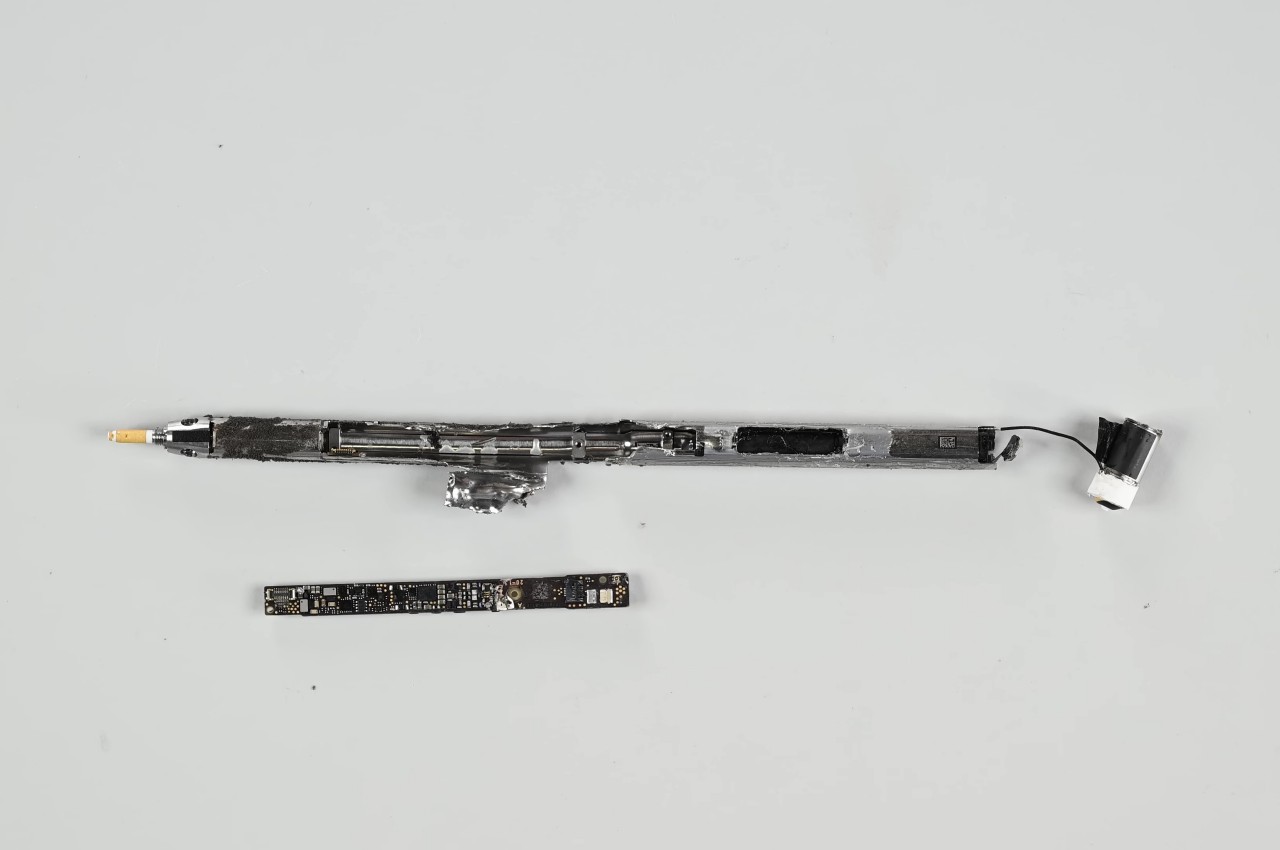
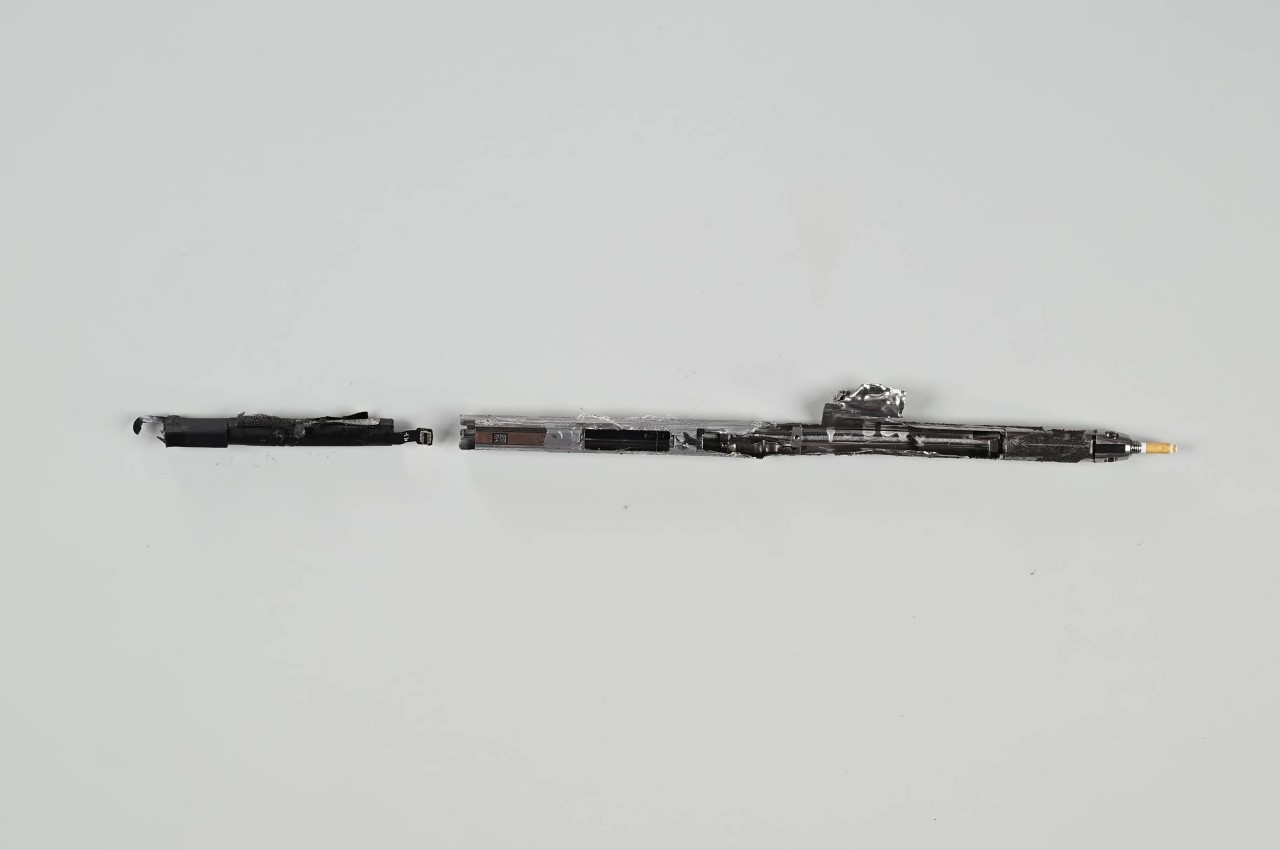
Unfortunately, Apple’s “size zero” design does also come with its drawbacks, like many of the parts now glued down rather than screwed down, just because there’s virtually no space left for screws. And then there’s the new Apple Pencil Pro that’s still an expensive disposable accessory as far as repairability is concerned. All in all, the M4 iPad Pro represents a significant step forward for Apple when it comes to making the tablet a more sustainable option on top of being one of the best of its kind.
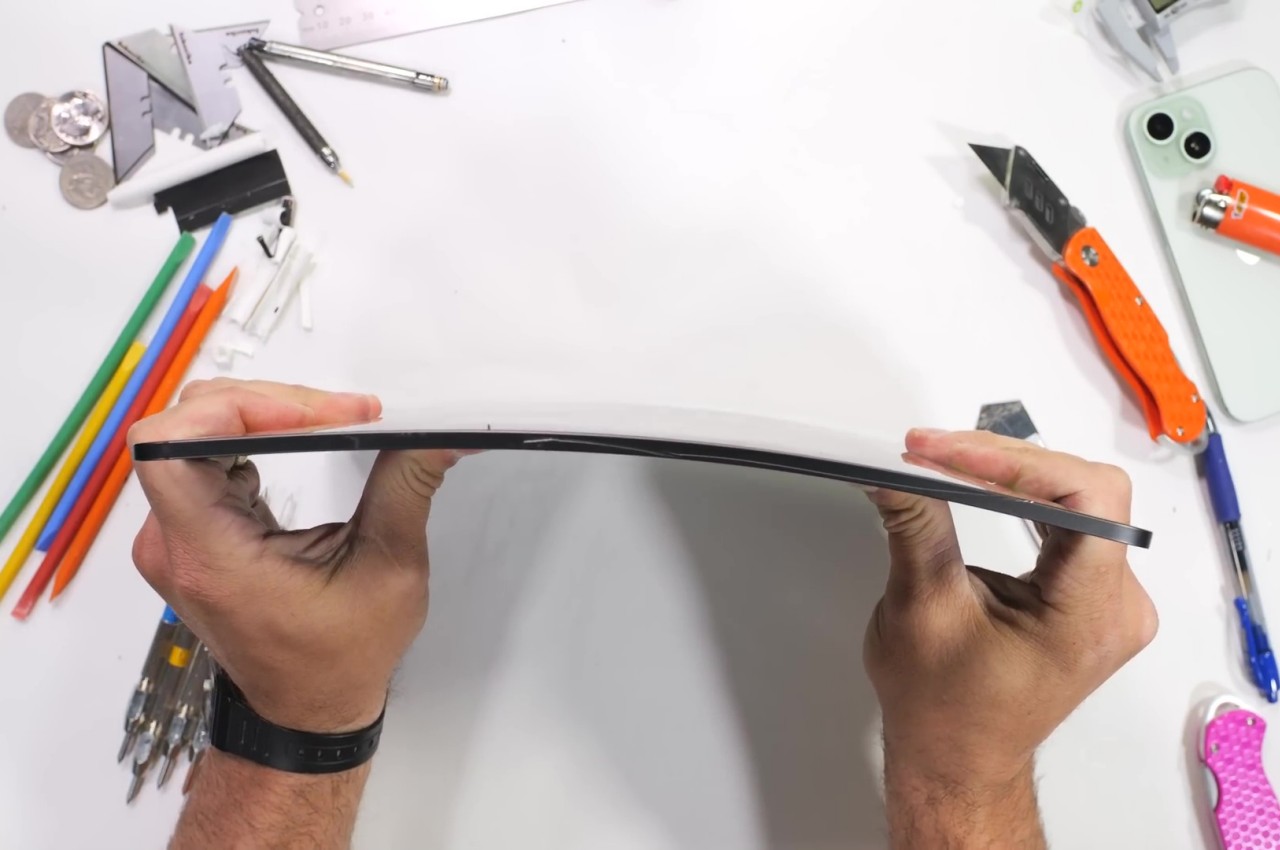
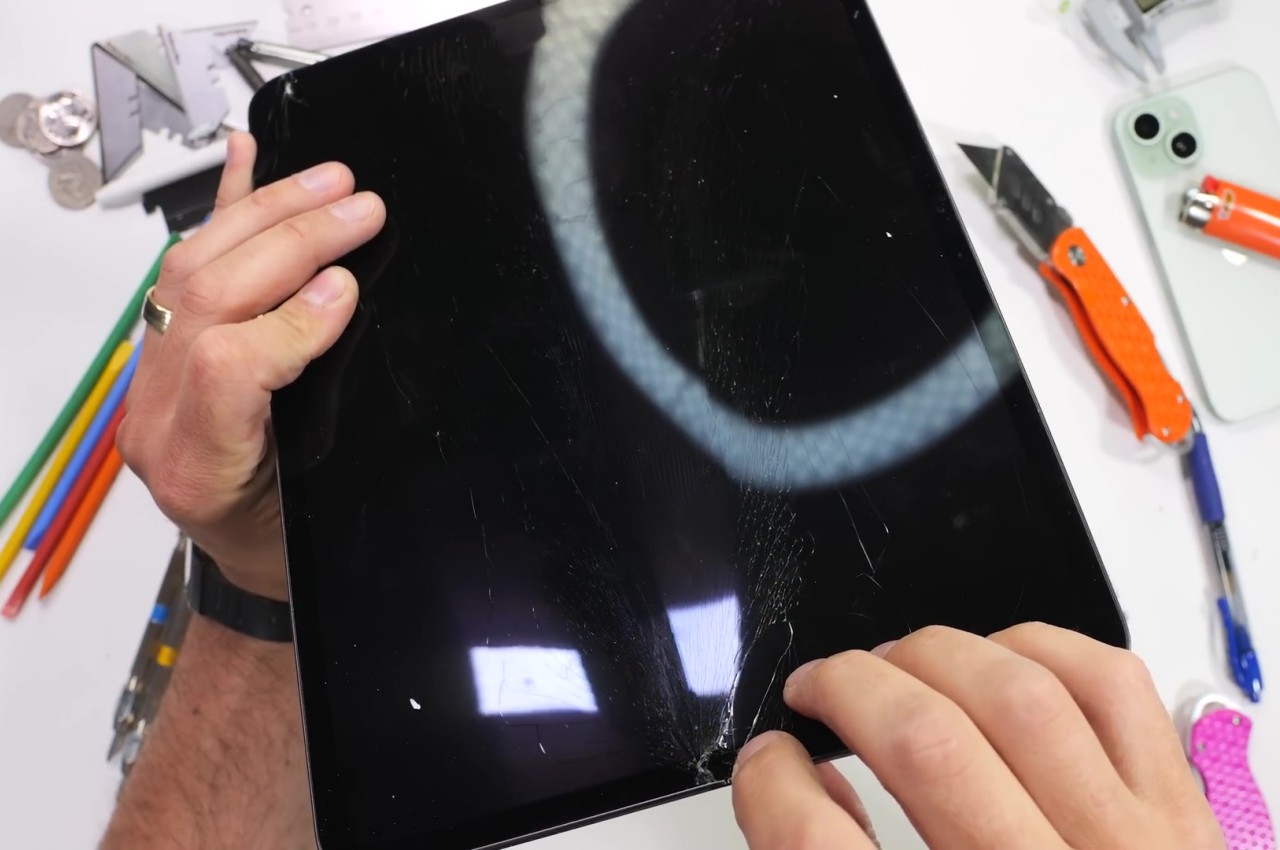
There is an almost irrational desire to have the lightest and the thinnest mobile devices. After all, we don’t want to carry the literal weight of just products if we can help it, and thin devices also look sleeker, take up less space in your bag, and, at least in theory, use less material during production. That thinness, however, doesn’t come without a price, at least in terms of durability. Thin sheets of wood break more easily (karate, anyone?) and it’s also easier to bend thin metal than thicker ones. That may be the concern some people will have about the new M4 iPad Pro, especially the larger 13-inch model, but a rather excruciating stress test fortunately proves that isn’t the case, with one important caveat.
You might no longer hear about it, but there were times when Apple’s quest for thin designs backfired catastrophically. Its first large iPhones, the iPhone 6 and iPhone 6 Plus, were notoriously susceptible to bending when placed in back pockets that the term “bendgate” was coined in 2014. The first iPad Pro, though less dramatic, was also proven to be less than reliable if put under extreme pressure. Fortunately, those seem to be well in the past and Apple has figured out a new design to help prevent that sort of structural failure in its thinnest iPad yet.
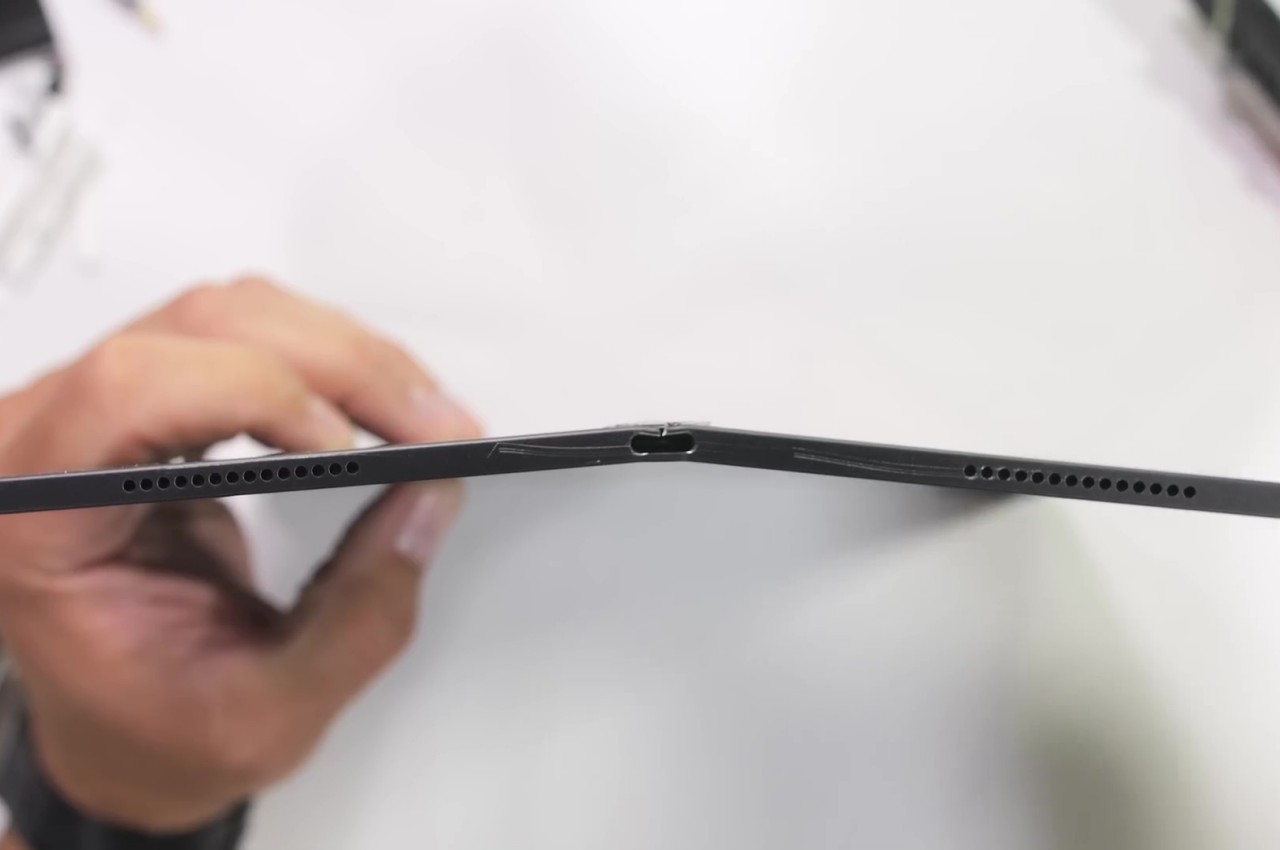
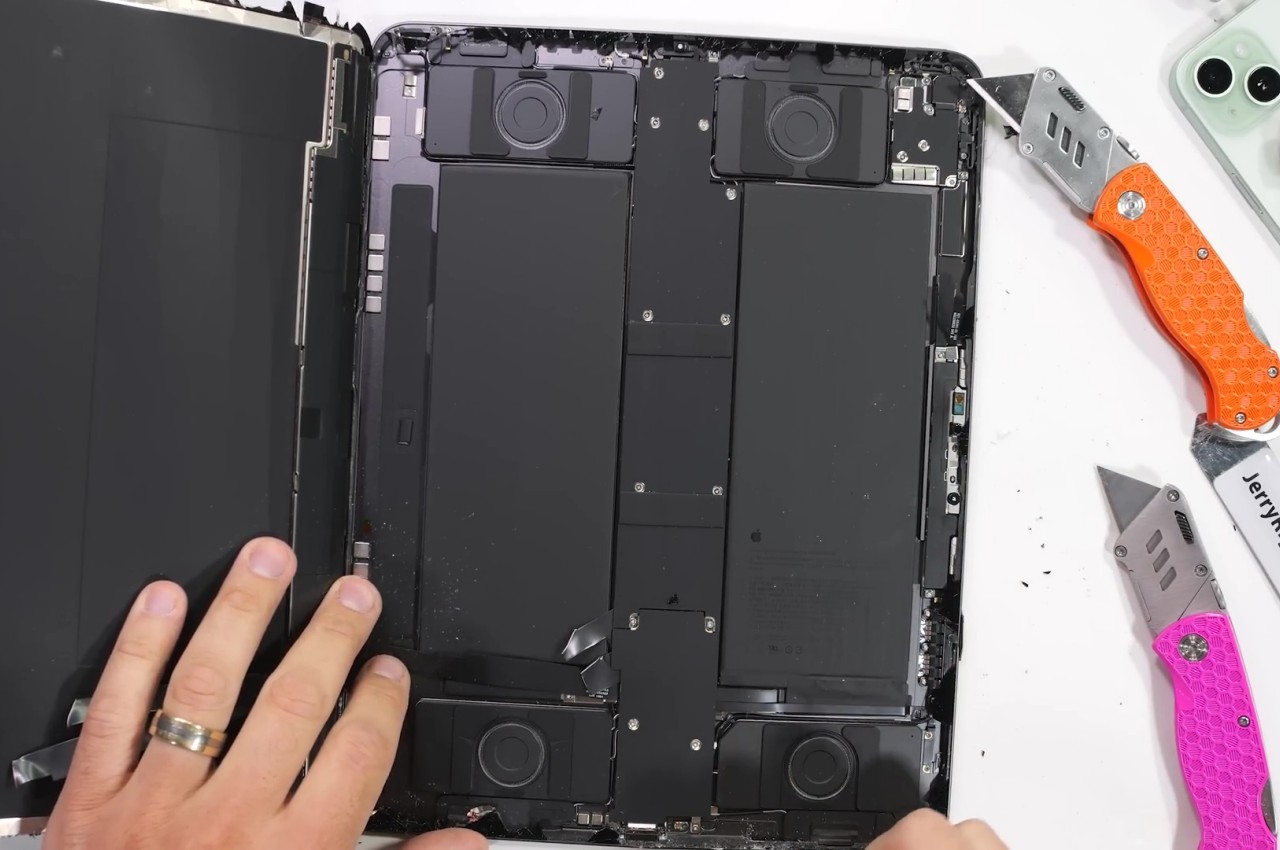
JerryRigEverything, the YouTuber whose claim to fame has been the unrelenting bend, scratch, and burn tests on phones and tablets proved that new solution to some extent. Apple apparently added a “cowling” or a spine inside the thin tablet that runs across its height, covering the new M4 chip in the center and splitting the two large battery packs. Thanks to this new structural support, bending the tablet across its long edge no longer breaks it in half. It does deform in a way that won’t return to its flat state but it at least remains usable.
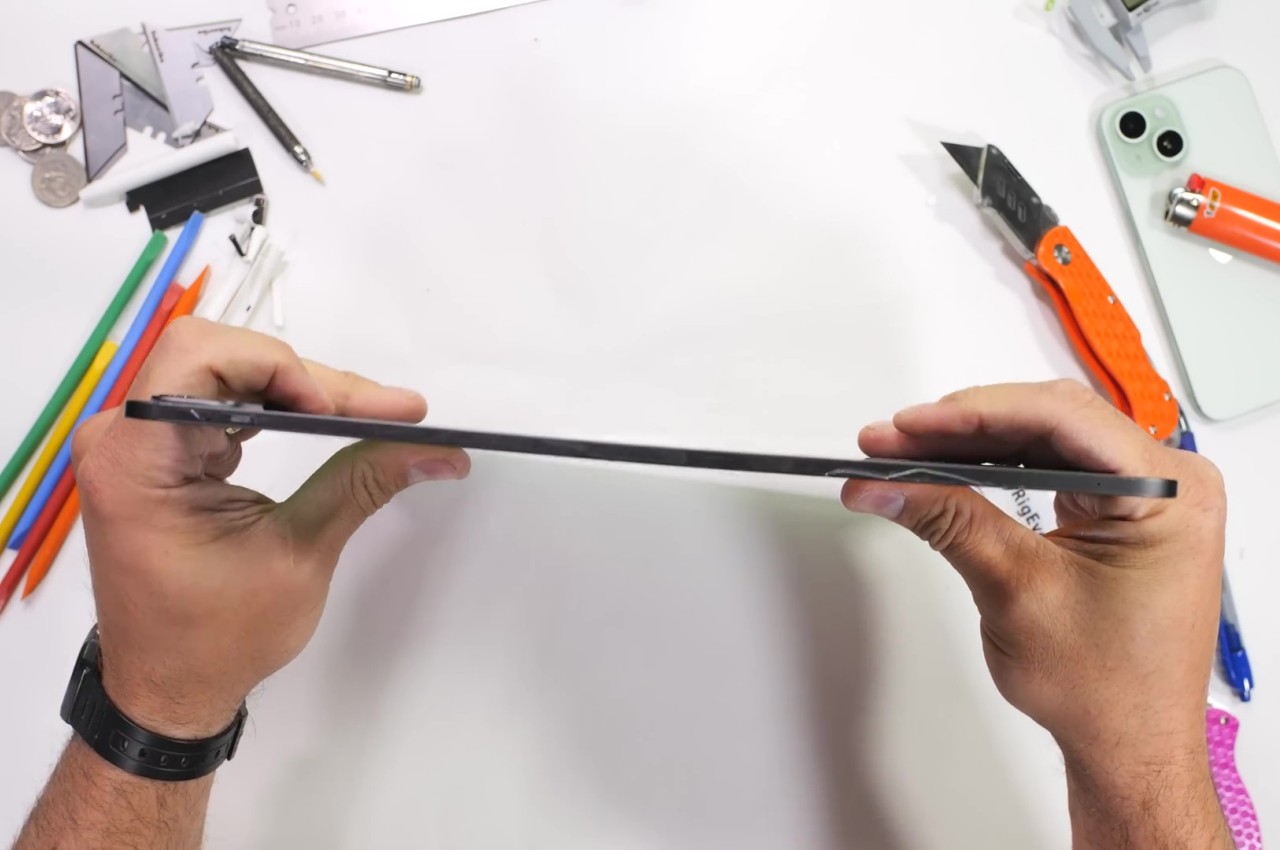
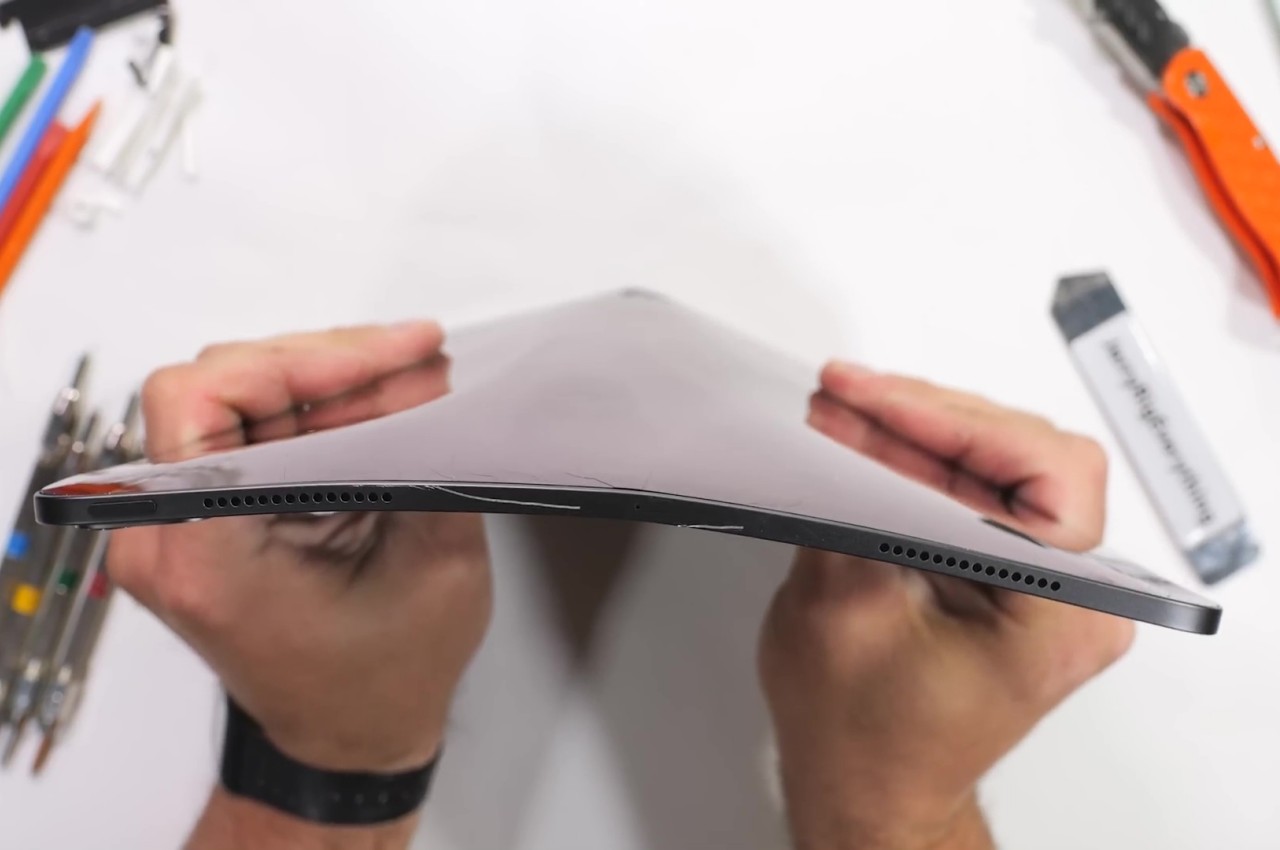
The catch, however, is that bending it in the opposite direction does actually destroy the iPad Pro. The flaw unsurprisingly lies in the thinnest part of the frame, the area around the USB-C port. With enough pressure, this bends sharply and pushes into the screen, cracking it and rendering it completely unusable. To be fair, the chances of that happening inside your backpack are extremely rare, but its existence should give owners caution. That said, most M4 iPad Pro owners will probably keep their ultra-thin tablets inside the new keyboard case when in transit anyway.
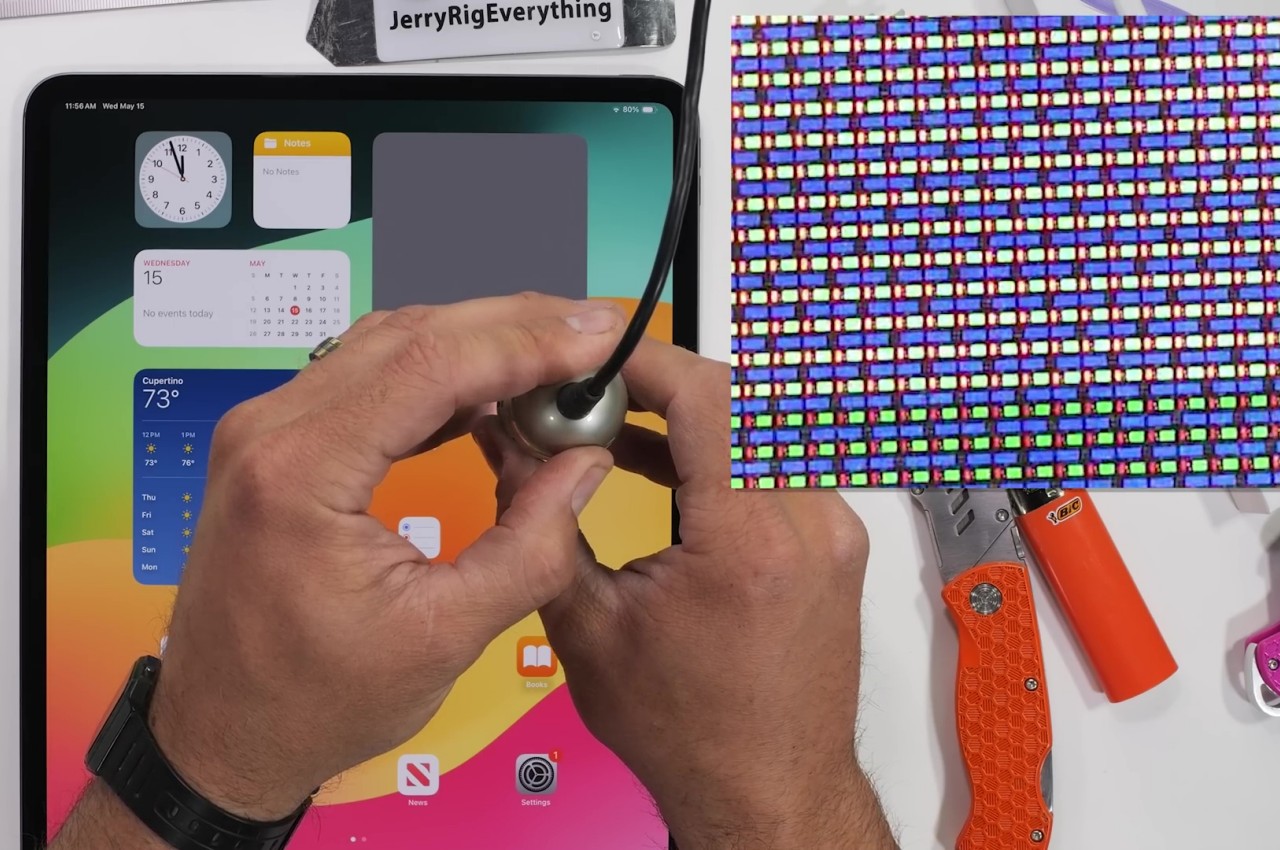
The stress test of the 2024 13-inch iPad Pro also shows some of the gems of this new design, like that aforementioned spine that was revealed after the shattered screen was peeled off. The YouTuber also provided a close-up of the Tandem OLED screen but, unfortunately, can’t show the second layer of OLED pixels underneath. All in all, the design of the M4 iPad Pro, both in terms of technology as well as product design, is quite impressive, but that isn’t an excuse not to take proper care of the device. Be sure to check out our hands-on of the new iPad Pro and keep a look out for our in-depth review coming soon!
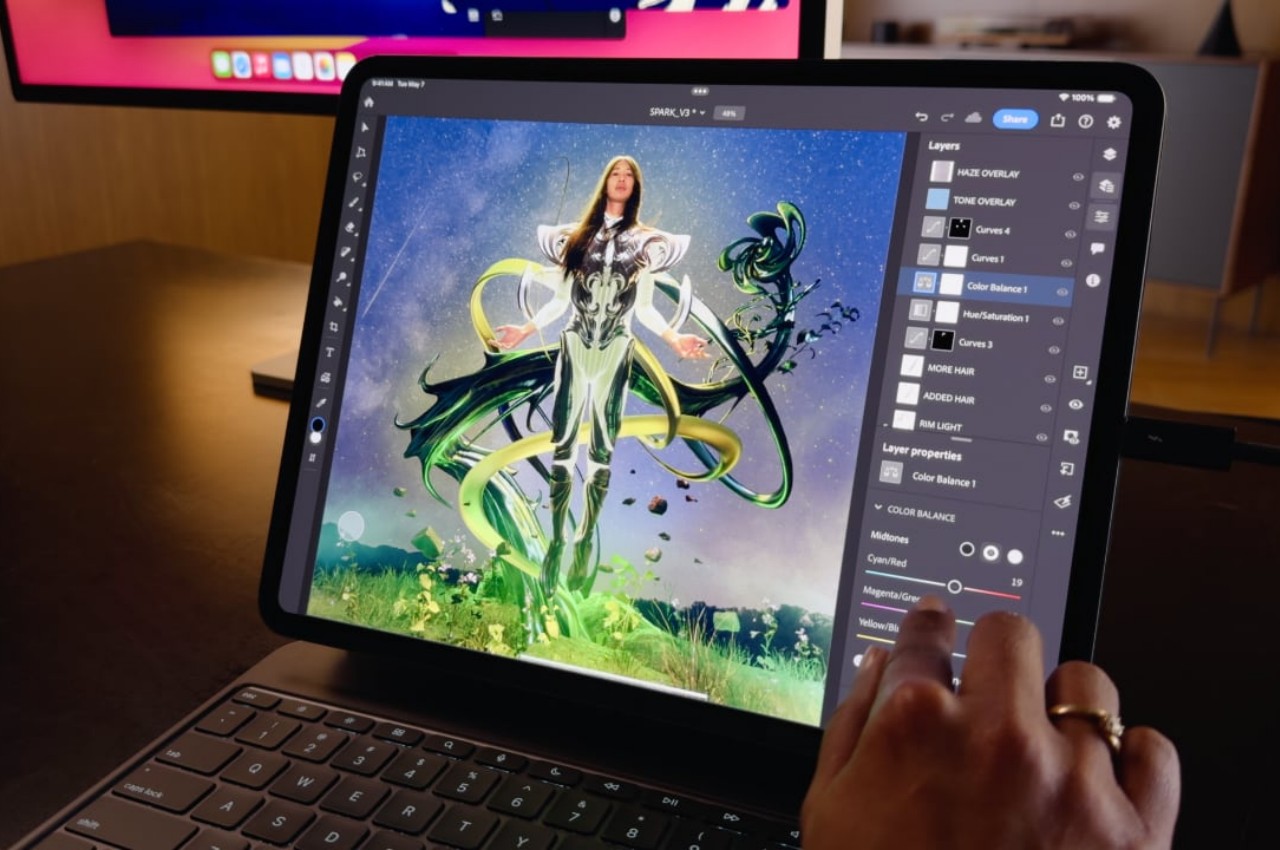
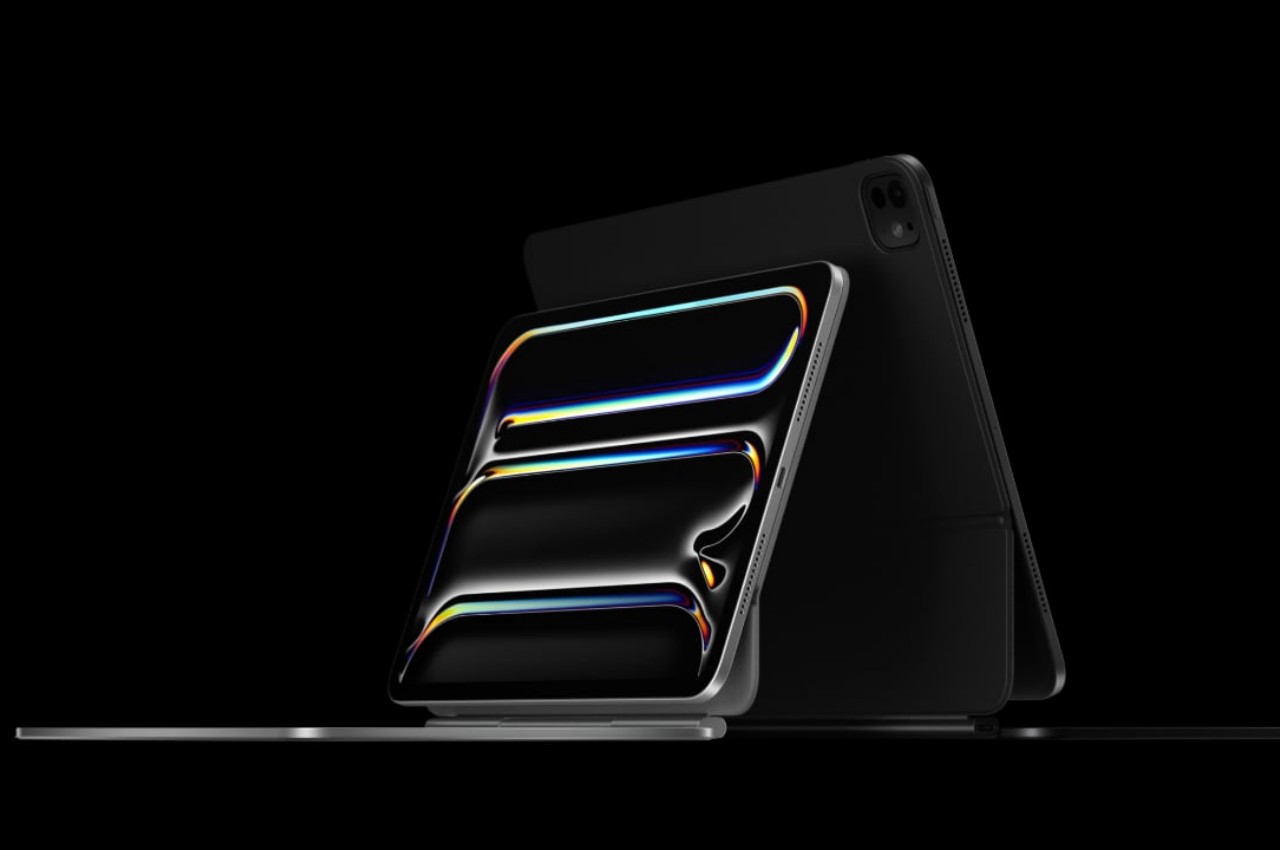
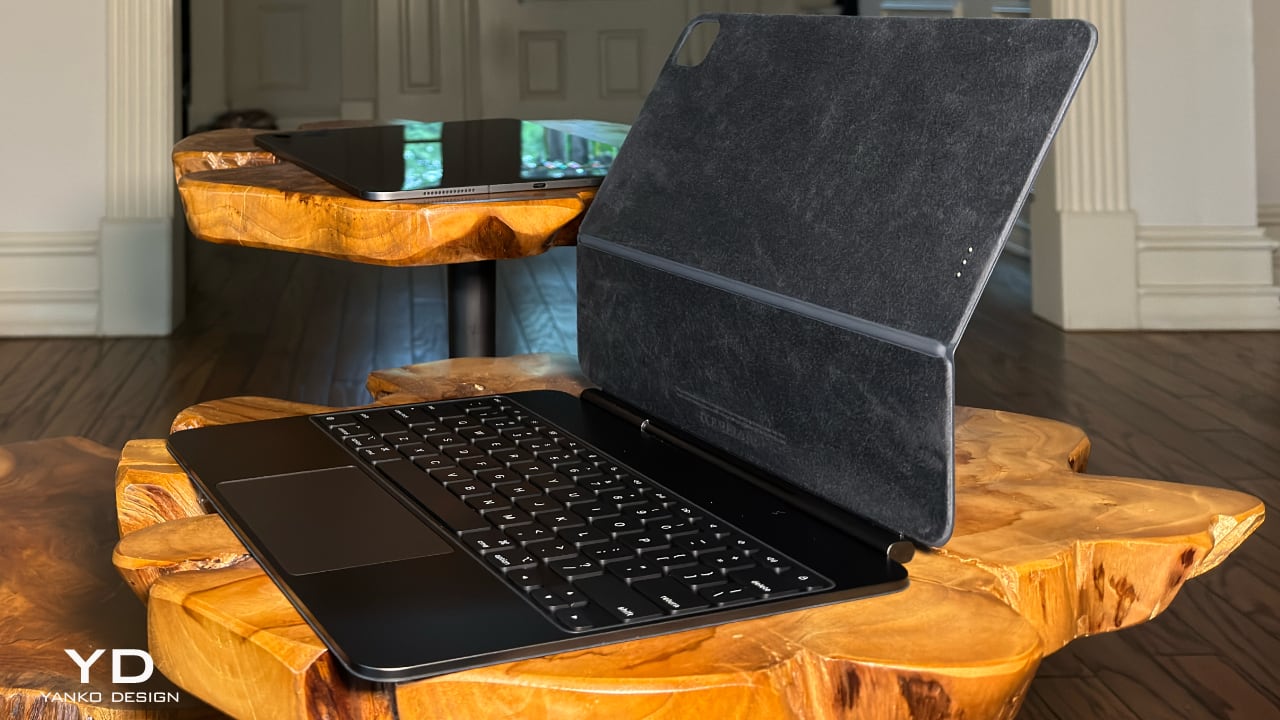
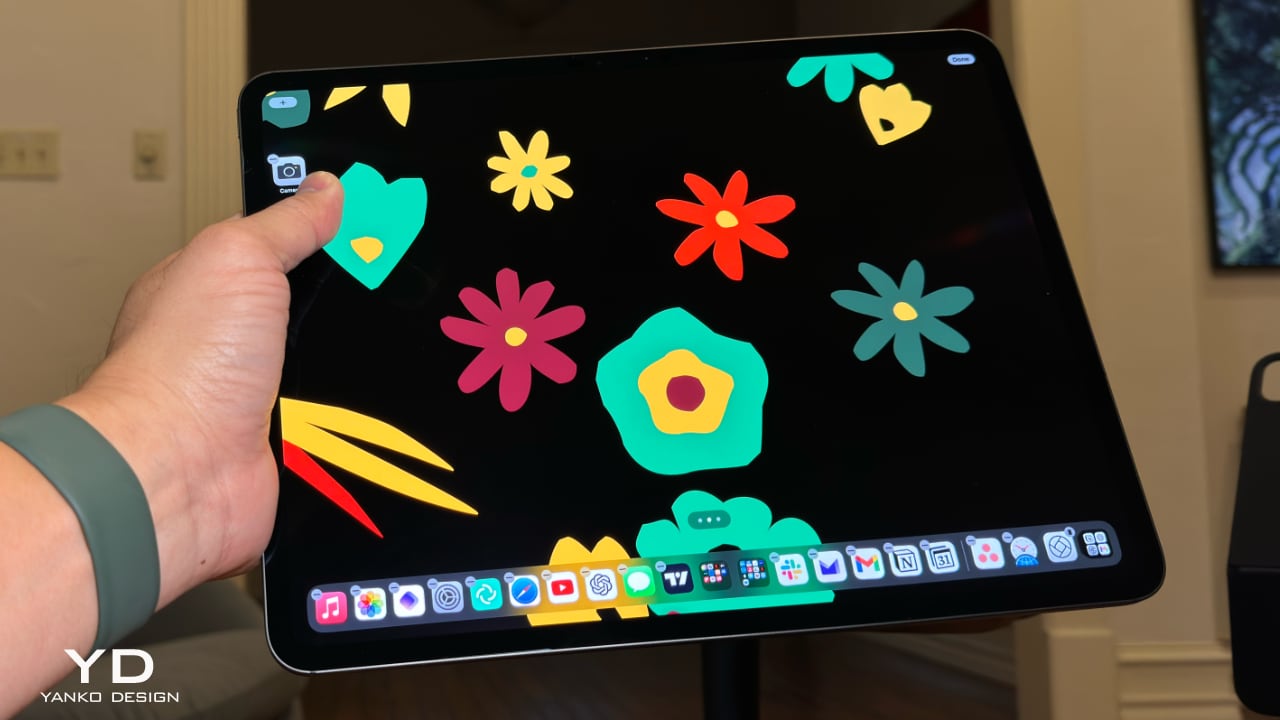
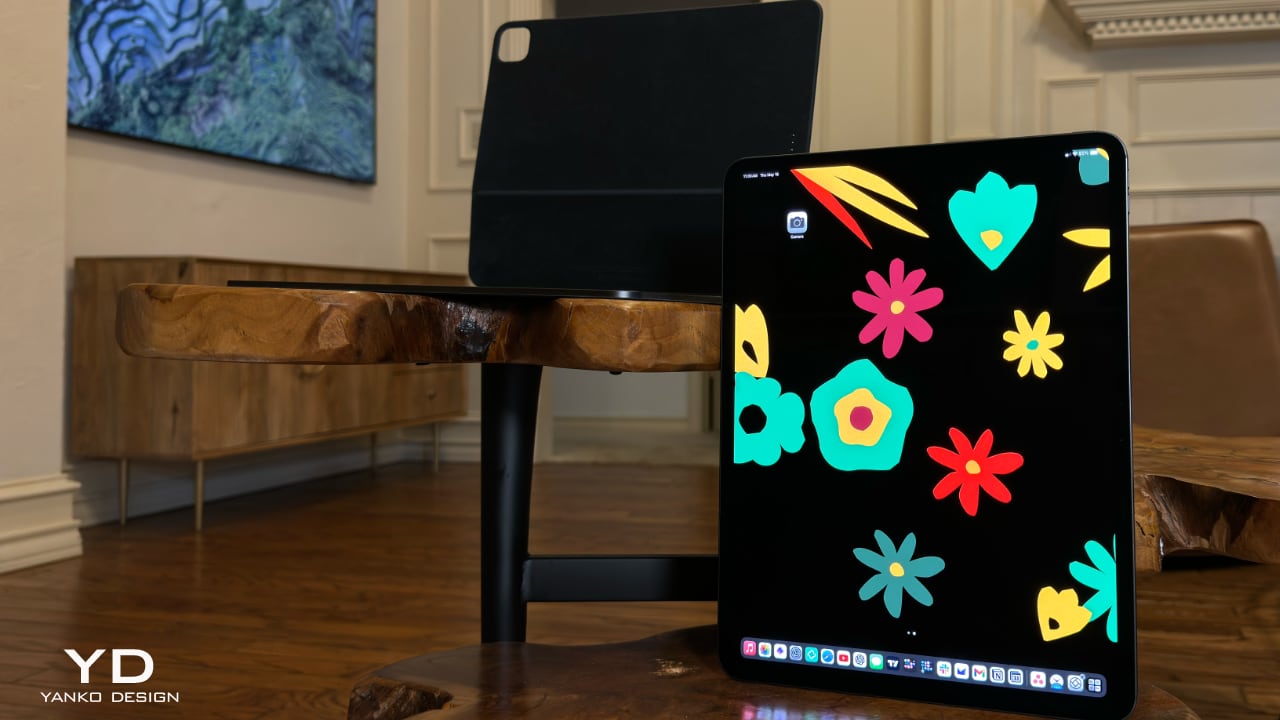
If I could review a tablet with one word, I’d pick the iPad Pro, and the word I’d use is perfect. You’d probably demand an explanation, right? Apple has achieved design perfection with the iPad Pro, both inside and out, as well as with the redesigned Magic Keyboard. Now, before you start asking, “What about iPadOS? It’s nowhere near perfect,” let me clarify: I’m specifically talking about the hardware here. We’ll have to wait until WWDC 2024 in June to see what Apple has in store for the operating system.
Over thirty-odd years ago, I enjoyed reading philosophy in my spare time, and one of my favorite philosophers is Plato. Okay, you caught me—rarely does anyone read Plato just for fun. But it’s true that Plato’s “perfect object theory” inspired me in my quest as a tech and automotive journalist to find the perfect [fill in the blank]. My search didn’t initially start with the iPad; I was hoping for a “MacBook touch.” I even bought the domain name MacBooktouch.com back in 2007 as proof that I foresaw Apple making a touch-screen MacBook.
macbooktouch.com domain name
Fast-forward to 2015, when we got the iPad Pro with a 12.9-inch display and the first Apple Pencil and Smart Keyboard. That hardware wasn’t close to a MacBook Touch. Nine years later, or 17 years since I registered macbooktouch.com, we finally have the closest thing to a MacBook touch.
The MacBook touch—er, 2024 iPad Pro—is powered by the M4 chip. In case you don’t know, it’s the only device with this new processor. The only things keeping this device from being a MacBook touch are 1) the iPad branding and 2) it’s not running macOS. Is it capable of running macOS? Absolutely. So, why isn’t it? I’ll leave that for you to ponder.
Before I move on, I won’t be revisiting whether you should upgrade to this year’s iPad Pro. If you’re asking if you should, read my analysis here. Okay, let’s dig in, and if anything I say in this article sounds familiar, you’re right—you’ve probably heard it from tech YouTubers or read it in reviews over the past week. Just think of what I’m sharing as confirmation.
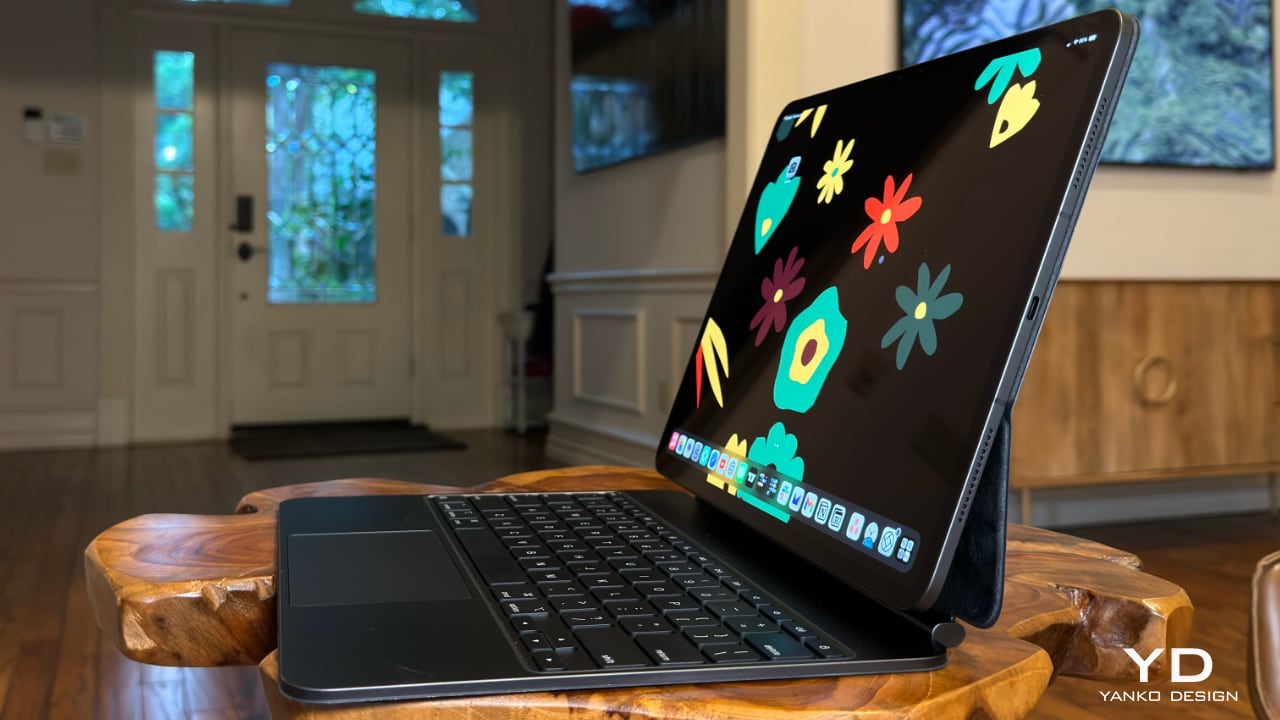
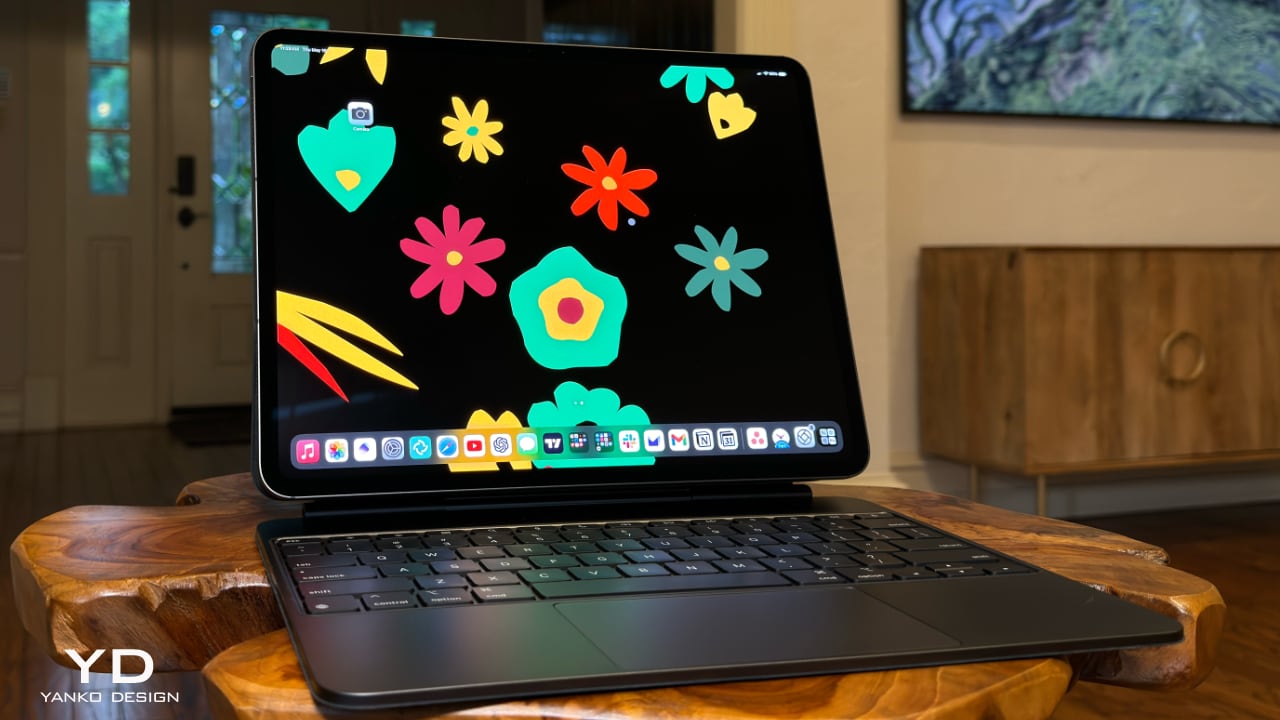
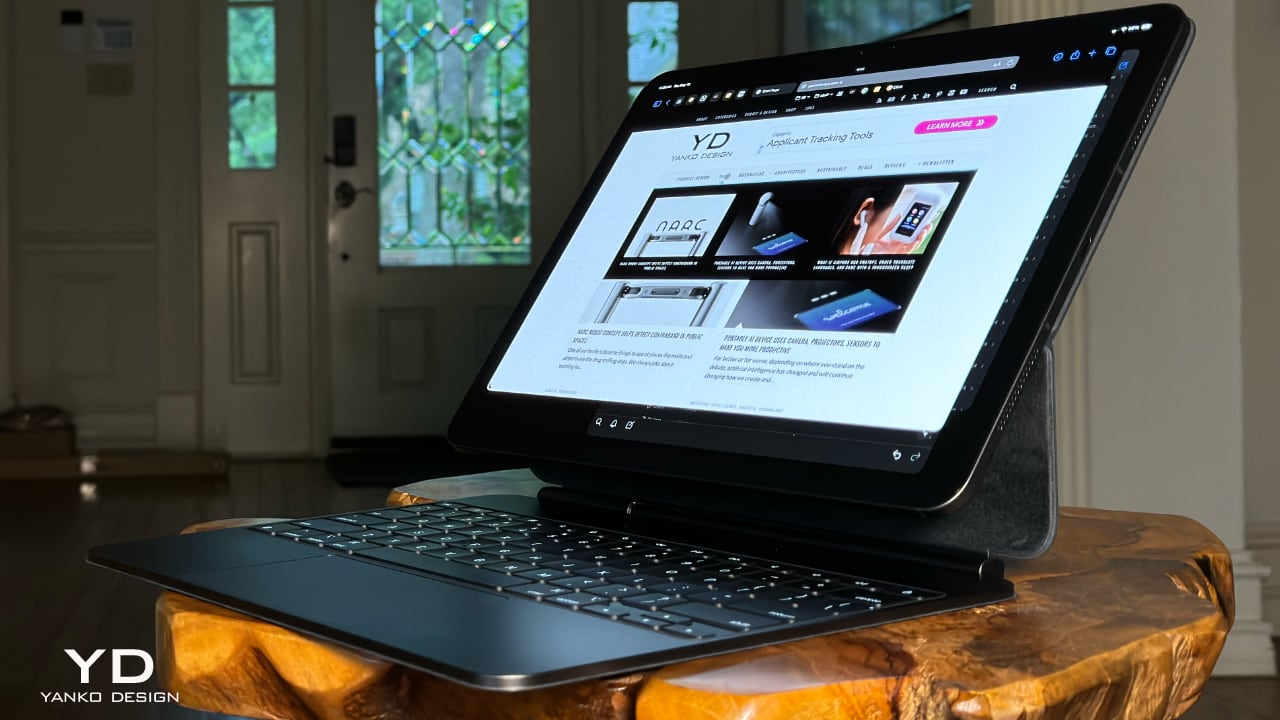
The iPad Pro is lightweight, thin, and sexy as hell. It exudes minimalist charm, practically begging, “Pick me up and use me right now!” The Magic Keyboard is what makes this iPad Pro a true MacBook replacement. It’s the key to unlocking the full potential of the iPad Pro, providing a MacBook Pro-like experience with a responsive trackpad, comfortable keys with the right amount of travel, and premium build quality.
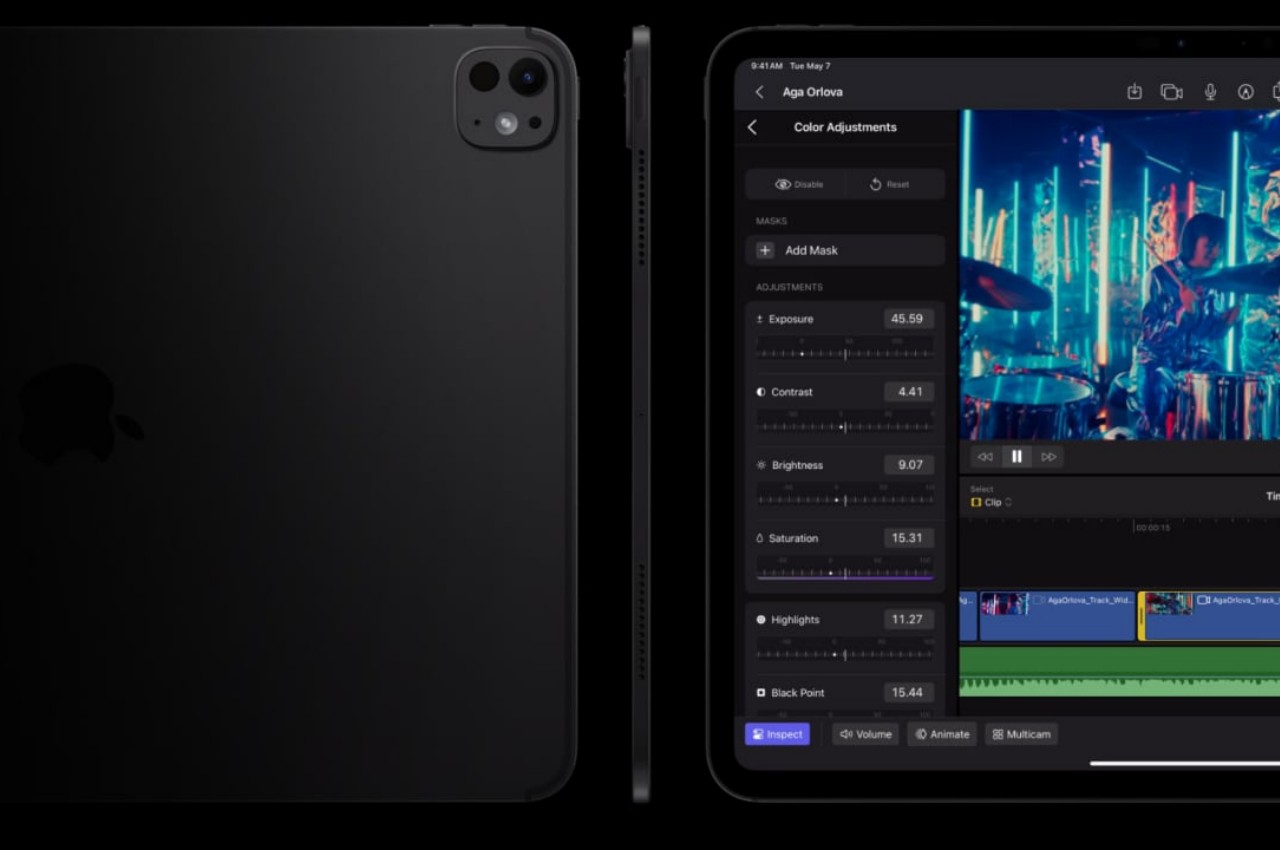
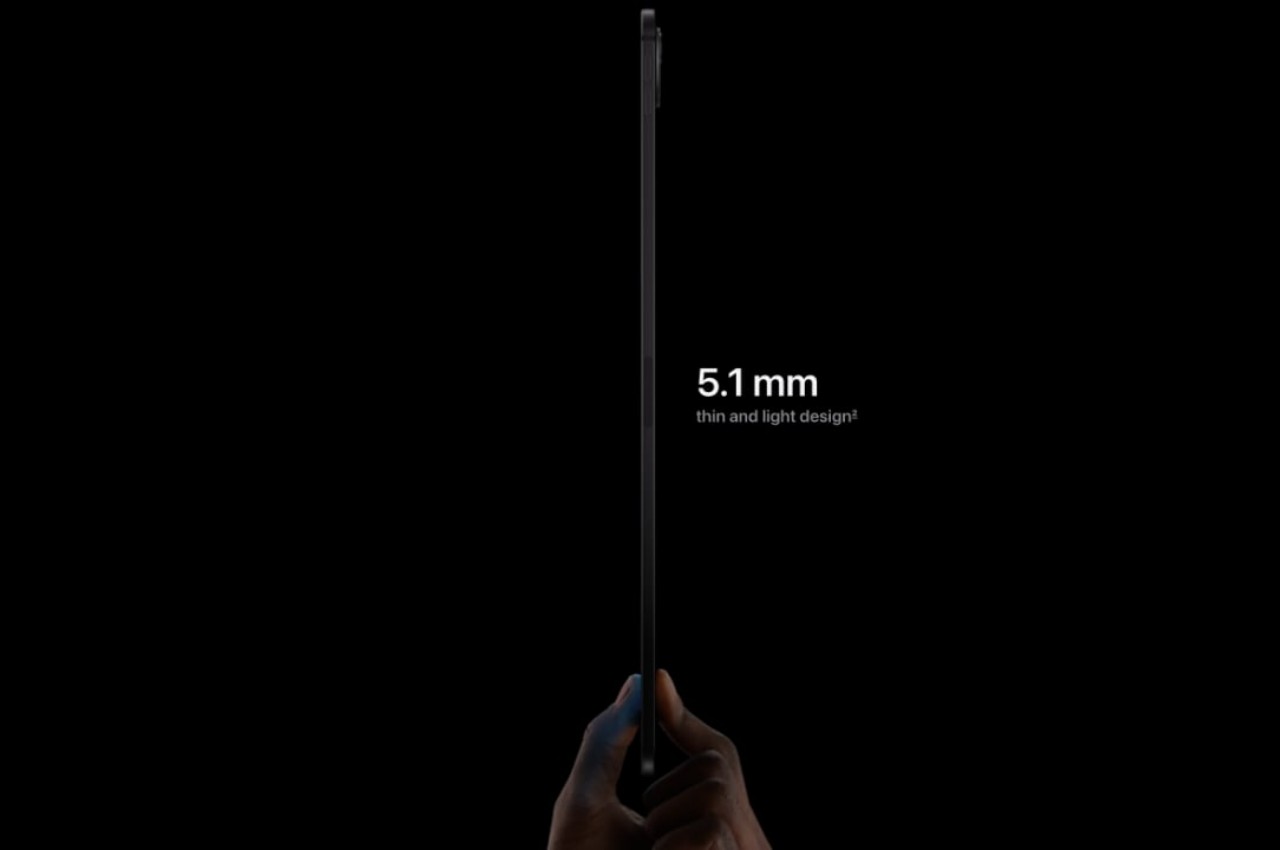
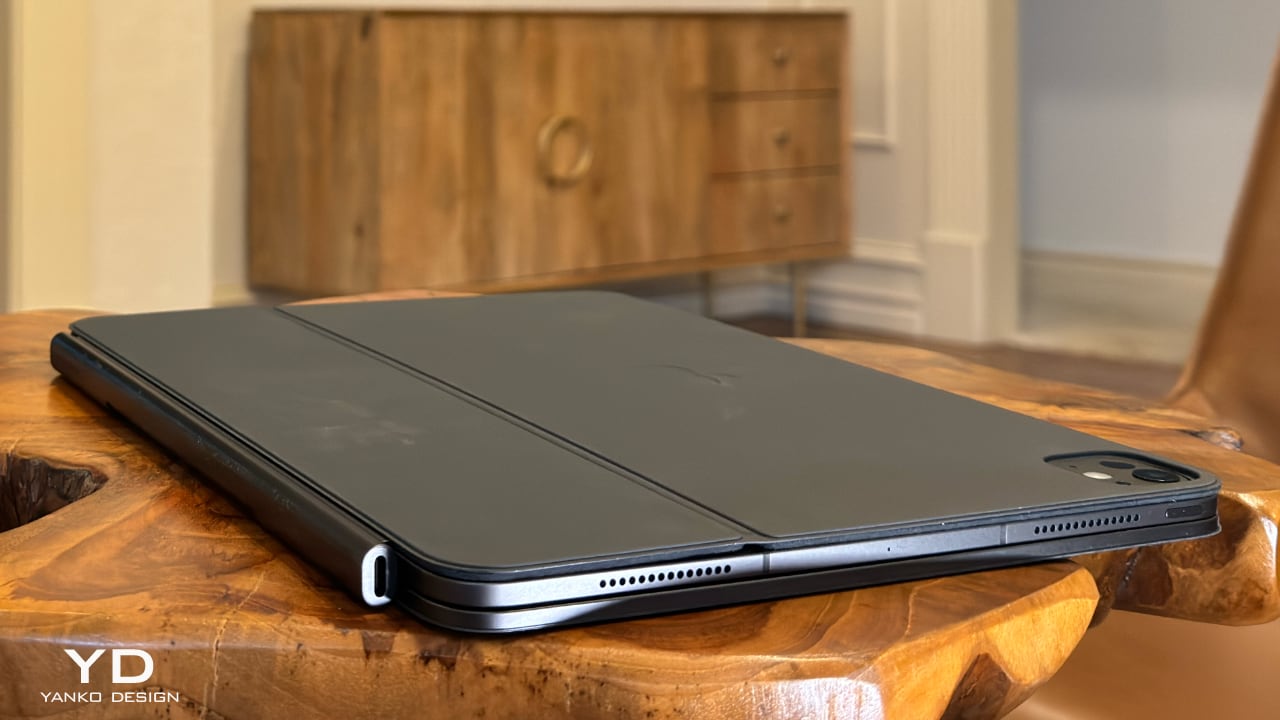
Comically, early reviewers seemed genuinely surprised that Apple managed to thin out the iPad Pro even more. One famous YouTuber even asked, “Who was asking for it?” Well, my friends, that “who” was yours truly. Apple delivered on almost everything I asked for, except for titanium—and yes, that was wishful thinking. I’m happily settling for aluminum for both the iPad and Magic Keyboard. I’m also thrilled that both devices have shed some weight, making the iPad, especially the 13-inch model, much more manageable to hold and use over longer periods. The 11-inch model is now just 5.3mm thick and weighs 444 grams, while the 13-inch model is 5.1mm thick and weighs 580 grams.
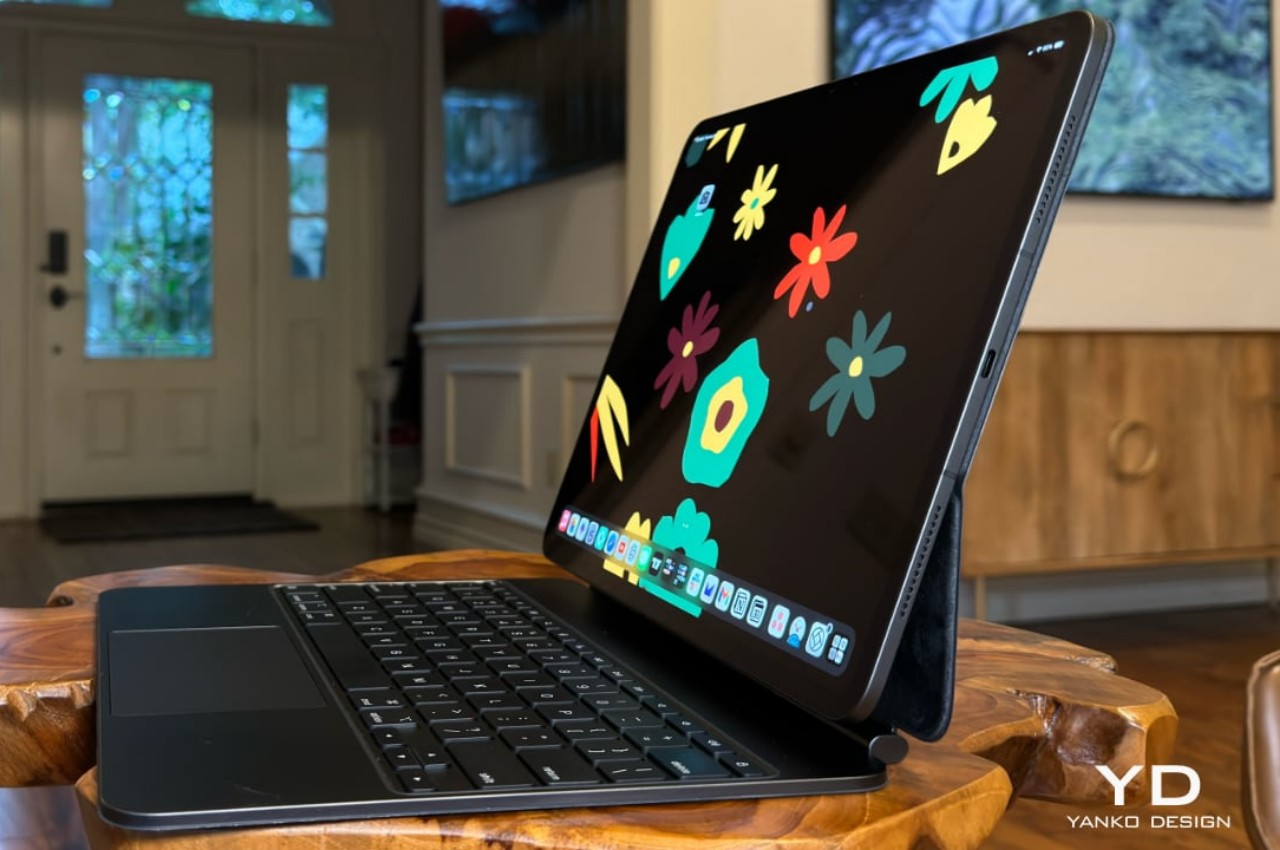
Briefly touching on the Magic Keyboard, I’ll save the full details for the review, but Apple addressed my issue where the lower portion of the iPad Pro would constantly get in the way of my typing. Thanks to a whole new redesigned hinge system, it’s possible to have a full-size keyboard with an entire row of function keys. For those developers out there yearning for an ESC key, you have it now. The way Apple designed the placement of the iPad, which is now pushed further back yet still articulates at the same or greater angles than the outgoing model, reminds me of how car designers suddenly got so much more room to play with when designing electric vehicles sans the motor. The wheels are pushed further to the edges, creating more internal room for leg space and whatever else they can dream up. I’m sure the new hinges were no small task, but wow—a full keyboard with a function row and a larger trackpad, a proper MacBook Pro-style trackpad with a haptic engine built in.
At the end of the day, I really don’t care what the iPad’s called; what matters most to me is what I’m able to do with it in real life. Whether consuming content or playing games (which I rarely do, but hey, I might start) without a bulky keyboard, or getting down to business and writing, like I am doing right now with this article and many others to come, I know this is the ultimate, ultra-portable device that ticks all my needs now and possibly over the next decade.
I’ve left out a lot in this initial impressions article, such as display quality, performance, battery life, the Apple Pencil Pro, and other features. I also haven’t compared it to my existing 12.9-inch iPad Pro with the M1 chip. But rest assured, I’ll cover all these aspects in my full review. I just need more time to test everything thoroughly.
Despite the power that smartphones and tablets have these days, PCs and their Mac equivalents remain the workhorses of the modern world. Not only do they have more power, they also offer more flexibility thanks to decades of research, development, and innovation. Market analysts, however, have long been pointing to the demise of the PC market, especially desktops, and there has indeed been a great deal of stagnation not only in hardware but even in product designs. It’s not that there haven’t been any improvements, just that designs have become predictable and even sometimes forgettable. You can’t, after all, change the design formula too much unless you also drastically change the internals as well. That’s the kind of burst in innovation that awaits the PC market, both laptops and even desktops, if running Windows on the same hardware as smartphones and tablets finally becomes reliable and productive.
Designer: Qualcomm
Rough Start: Microsoft Surface
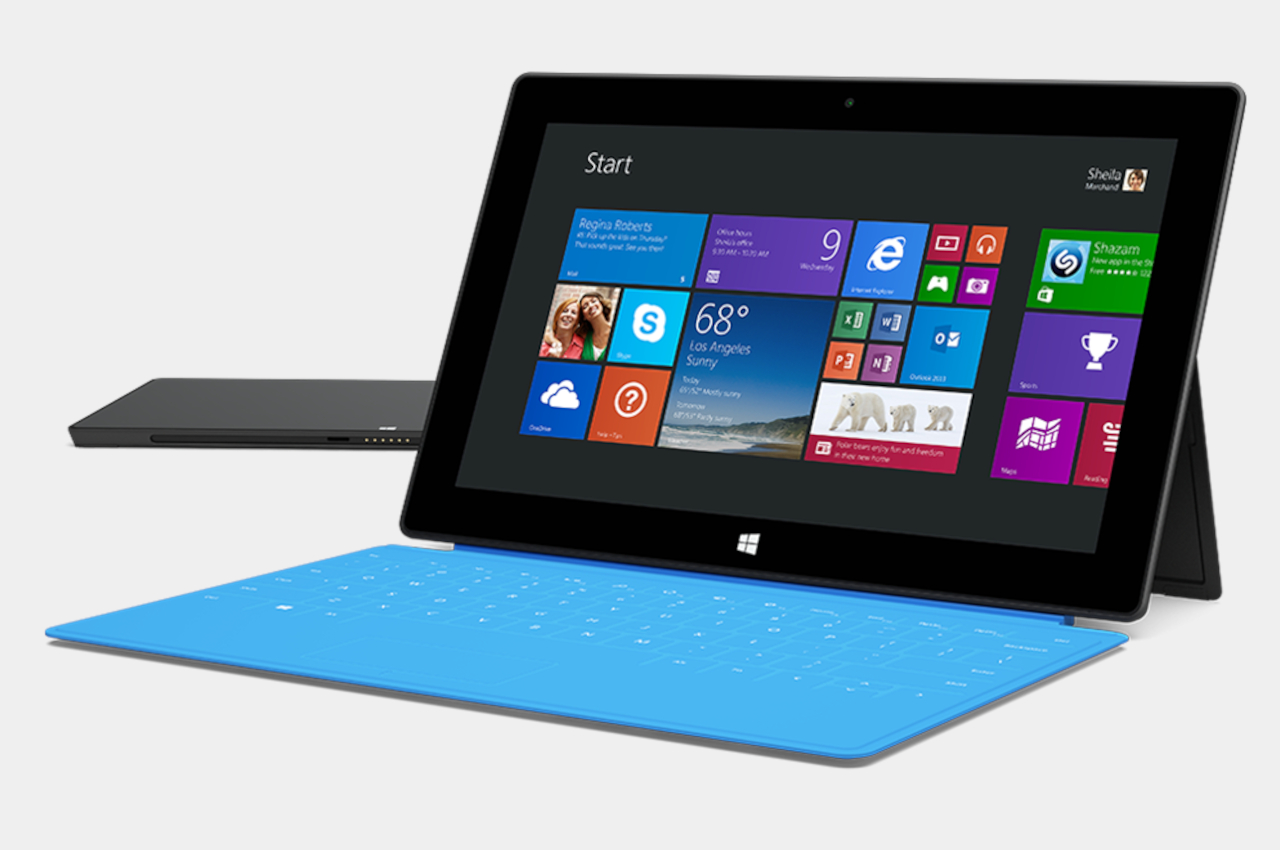
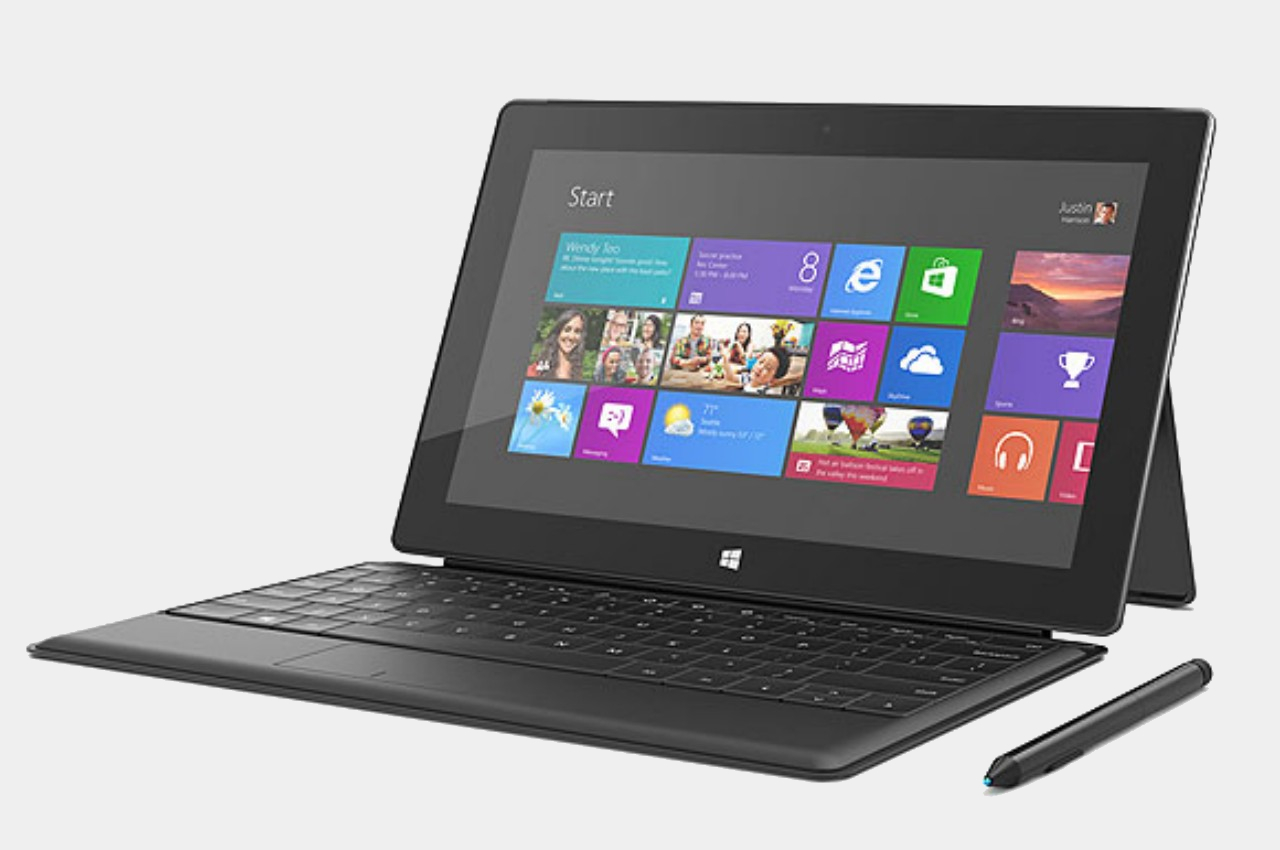
It’s not like the combination of Windows and ARM-based processors, the same silicon that powers mobile devices, hasn’t been done before, but almost all past attempts have come up short of expectations. Disregarding the antiquated Windows CE and Windows Phone variants, Microsoft has time and again tried to bring the benefits of phones and tablets to PCs without much success. One of the first ones in recent memory is the smaller Microsoft Surface. Although the Surface Pro has become something of an icon today, its base model didn’t enjoy the same level of fame, attention, and sales.
Microsoft Surface RT
Designer: Microsoft
The Surface RT and Surface 2 both ran on ARM-based NVIDIA Tegra processors that were normally quite capable on Android tablets. Even those, however, couldn’t bear the weight of Windows, even the watered-down Windows RT version. To add insult to injury, the apps available for that platform were a dismal number which didn’t include the software that people needed to use on Windows. Thus, these first attempts at Windows on ARM were considered to be abject failures, but surprisingly, Microsoft didn’t give up completely.
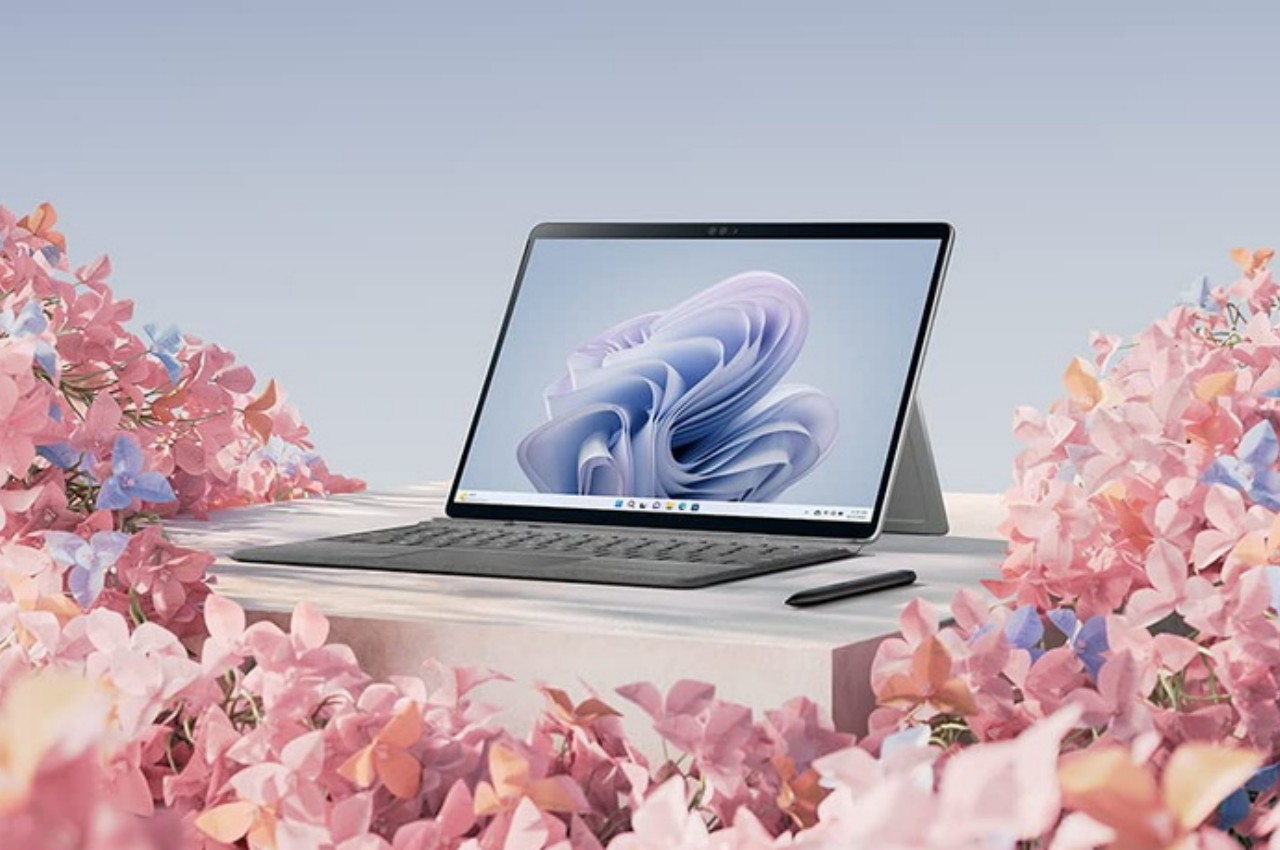
Microsoft Surface Pro 9
Fast-forward to today, there have been numerous attempts to improve the situation, both from the hardware and the software side. The Microsoft Surface Pro 9 now has a version that runs an even more powerful ARM Qualcomm processor, and the Microsoft Store has quite a selection of popular apps. There are also some emulation solutions for running “normal” Windows software on ARM laptops and tablets, but that’s not exactly a panacea. All these sound like too much effort for what seems like a niche design, but it’s an effort that could yield a bountiful harvest if it succeeds.
Faster, Slimmer, Cooler
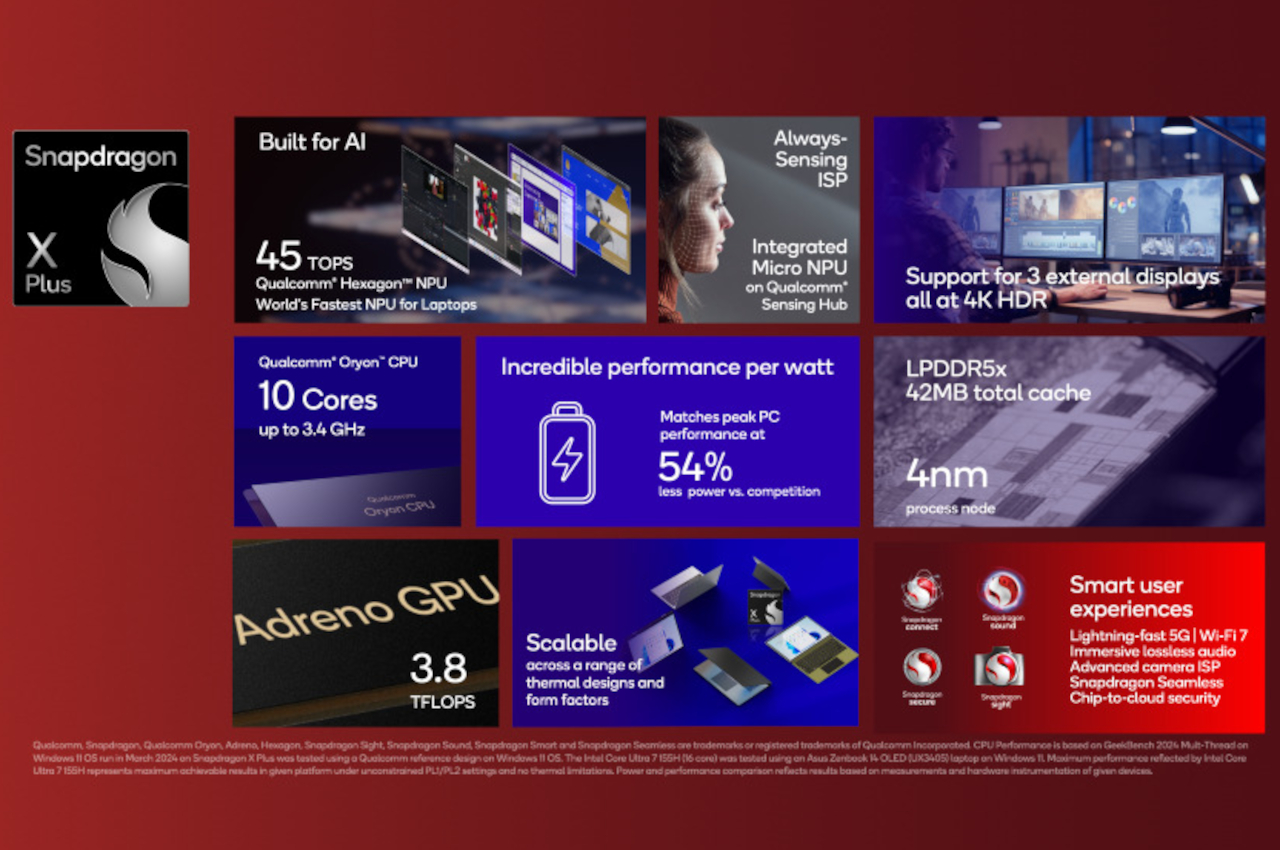
Qualcomm announced last month its new Snapdragon X Plus and Elite processors, and while the “Snapdragon” name is popular for smartphones and tablets, the “X” chips are earmarked for use in Windows computers instead, particularly laptops. Qualcomm boasts numbers that would make the likes of Intel and AMD worry, though it’s also aiming squarely for Apple’s M series processors. That’s definitely a tall order, especially with the launch of the new Apple M4 chip, but if theory proves to be even remotely near the mark, it will be a huge win for the Windows market and PCs in general.
Designer: Qualcomm
The new Snapdragon X Plus and Elite unsurprisingly boast about being able to do heavy-duty generative AI work, something that would require a lot of processing power that is traditionally only available on “regular” laptops and desktops. What would set it apart, however, is how it delivers that performance with lower battery consumption, heat, and space compared to equivalent Intel and AMD processors. It’s too early to say if Qualcomm will be able to deliver those promises, but it’s definitely a big leap compared to previous generations.
ARM-based processors like those from Qualcomm and MediaTek have been used in mobile devices precisely because of these traits. They can keep the product compact without impacting performance, something that laptop makers aim for every year. More importantly, however, these small form factors open the doors to less conventional designs, paving the way for dual-screen, foldable, or rollable PCs that don’t sacrifice their power for the sake of their novel appearance and features.
Thinking Outside the Box
The very first benefit of Windows successfully and smoothly running on ARM devices would be thinner laptops with longer battery lives. It can’t be understated how significant that will be for creatives, especially those who will rely a lot on that generative AI that everyone’s talking about these days. But even if you do much of your designs manually, the idea that you can bring your work anywhere without breaking your back and stay unplugged for more than half a day is going to appeal to a lot of people
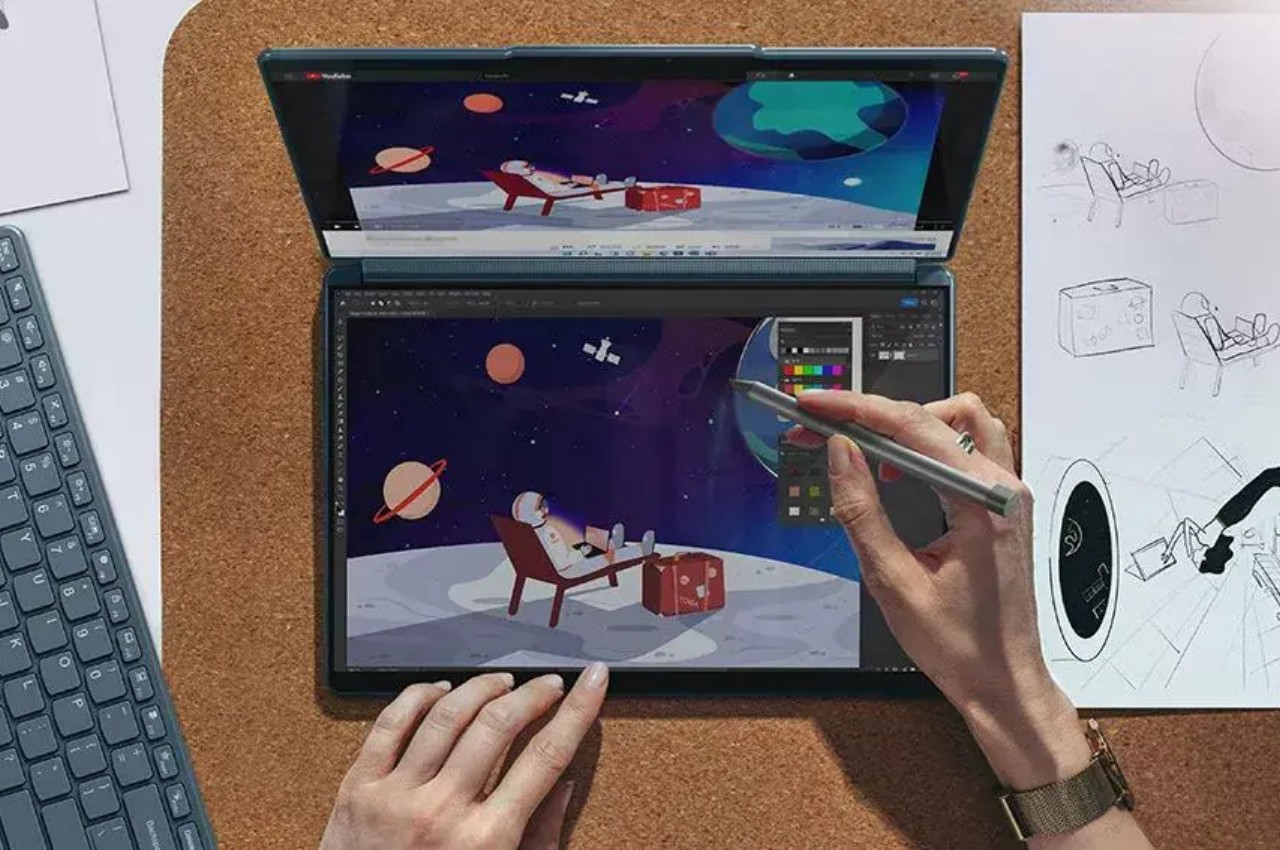
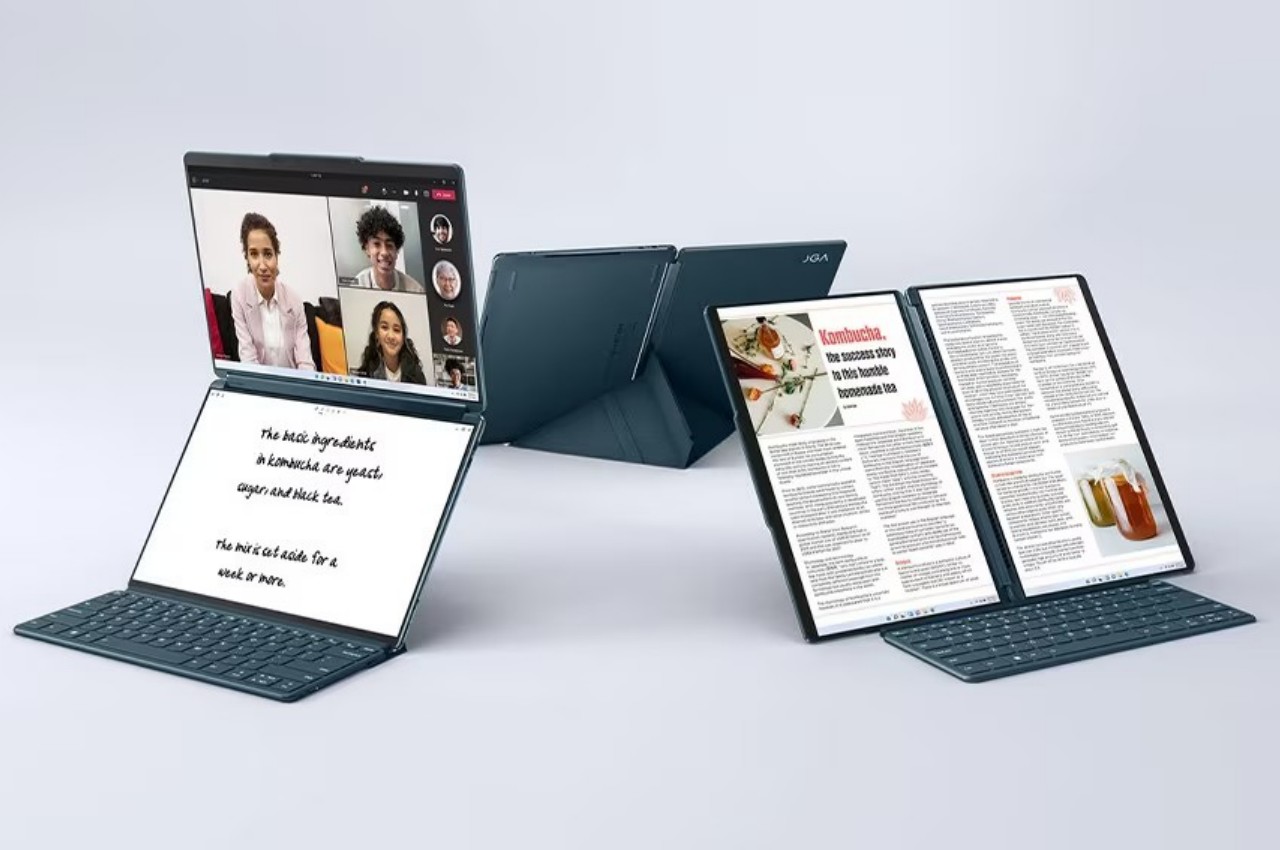
Lenovo Yoga Book 9i
Designer: Lenovo
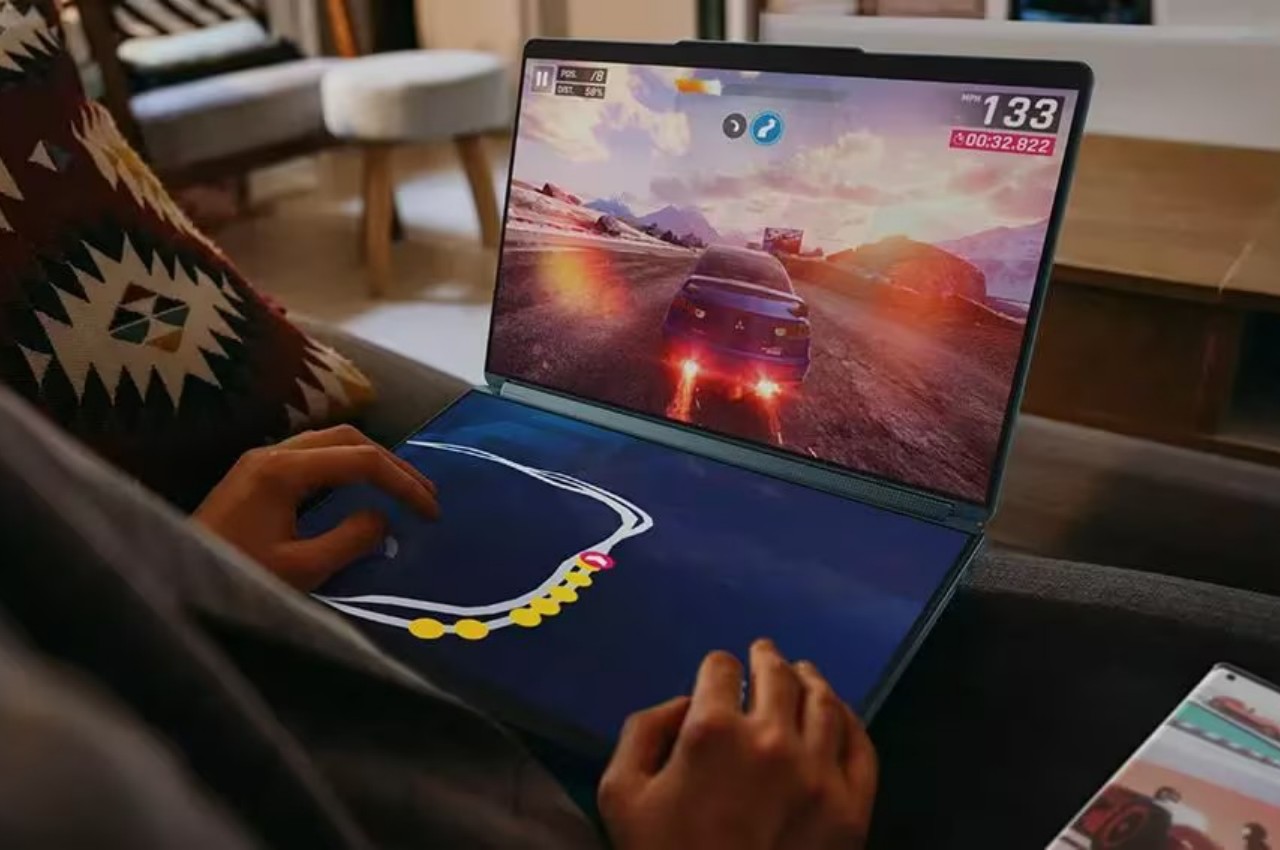
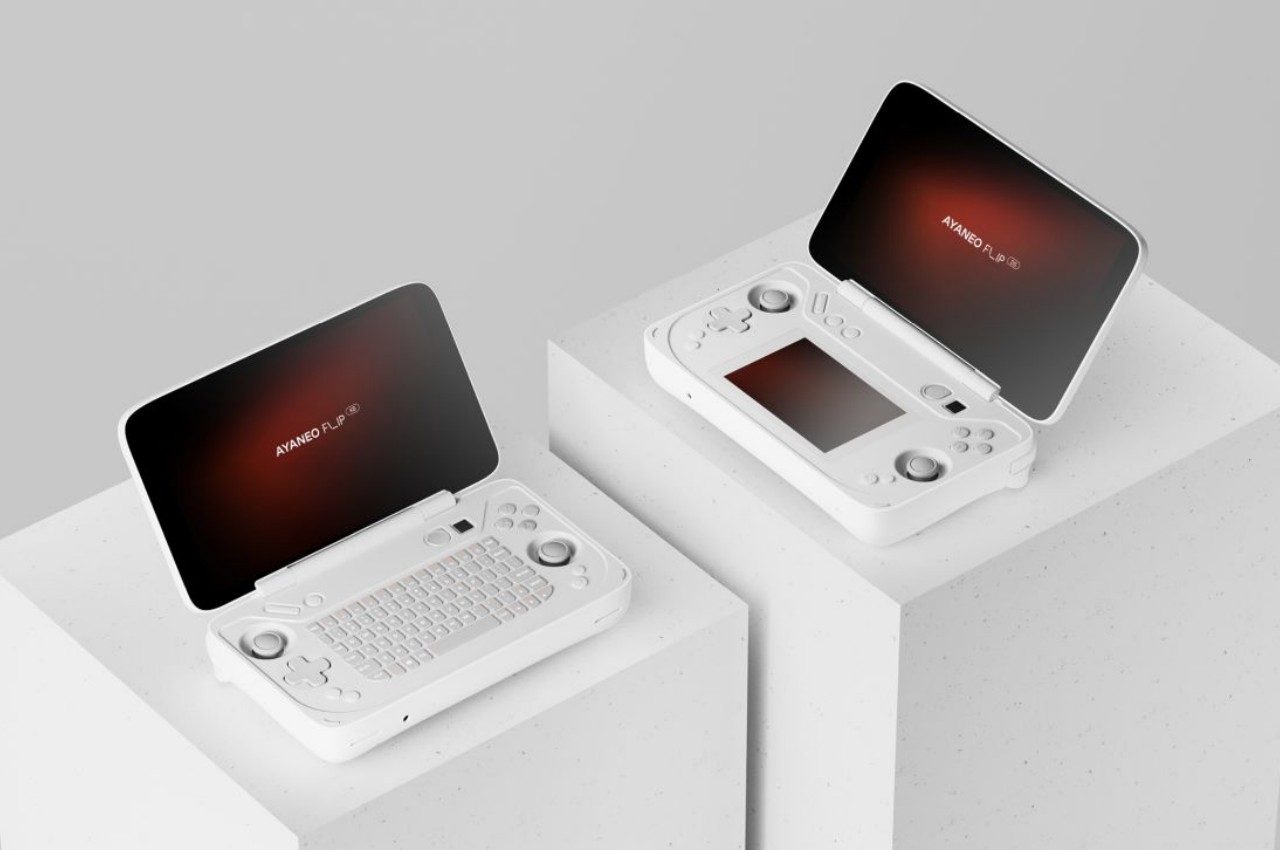
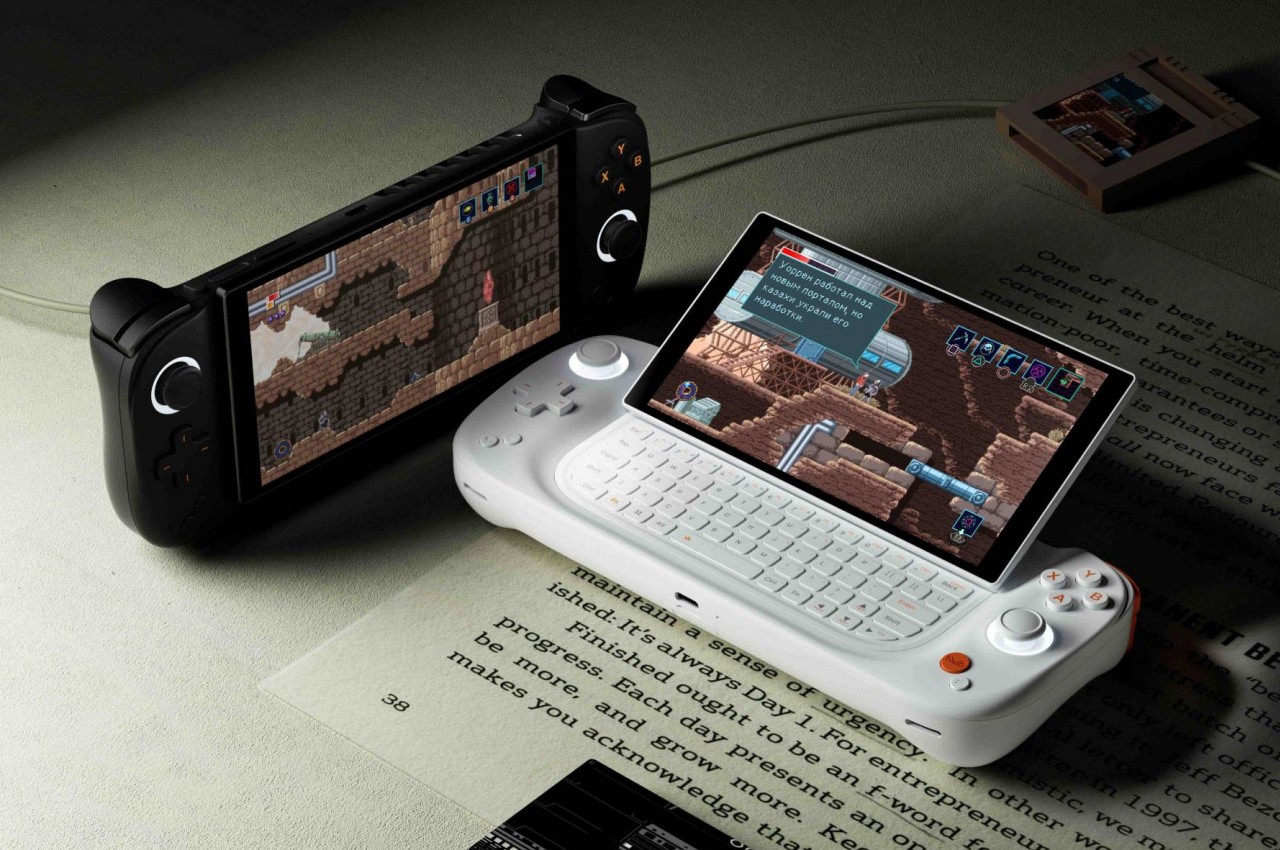
Once that has become the norm, however, it will be time to explore the possibilities that thinner, more compact, or smaller devices can bring. Imagine those handheld gaming PCs becoming thinner and smaller, almost down to tablet or even phone sizes. Admittedly, being able to play just about any PC game is going to be tricky today, but that’s not going to be the case in the future.
And then there are the current novelties like laptops with two screens or foldable displays, designs that have to sacrifice performance for the sake of super thin bodies. It hasn’t arrived yet, but a rollable screen might even become a thing for computers. In other words, Windows on ARM would enable all these forms beyond desktop towers and laptops to become possible without sacrificing too much performance. We seem to be heading in that direction already, but hardware is only half the battle.
Uphill Battle
No matter how powerful ARM chips are, enough to smoothly run Windows, all of that will fall on deaf ears if Windows on ARM isn’t able to support as much as 80% of regular Windows software, including games and especially content creation tools. That was what killed the Surface RT and Surface 2, after all, and things have improved considerably but not yet to most PC users’ satisfaction. One of the available solutions right now is emulation, like making the software or game think it’s running on an Intel/AMD computer, but that incurs penalties in performance.
AYANEO Flip DS
AYANEO Slide
Designer: AYANEO
There are also obstacles to be overcome on the hardware side. As strange as it might sound, PCs are a somewhat open ecosystem when it comes to the variety of things you can plug into a computer and have them working automatically. You lose some of that with Windows on ARM because of compatibility issues, and that might prevent less popular but heavily used peripherals from working, at least not at first. Unfortunately, that might be a huge deal breaker, especially for those who have already invested in devices for their workflow.
Designer: Qualcomm
Final Thoughts
Qualcomm’s announcement of the Snapdragon X Plus and Elite tried to preempt Apple’s new M4 chip and iPad Pros. Apple’s venture into the ARM world is both a boon and a bane for the likes of Qualcomm as it demonstrates what’s possible. But even Apple has remained within the boundaries of traditional devices like a tablet and a laptop. Not surprising for a company that is very meticulous and careful about the design of its products.
Designer: Apple
The Windows world, however, is a bit more daring thanks to the diversity of people involved. Unconventional and sometimes impractical designs pop up once in a while, but they’re all hampered by the limitations of hardware that’s commonly available for PCs. Windows on ARM isn’t new and it still has a long way to go to confidently match what Intel, AMD, and now Apple are selling, but stakeholders in the PC industry should probably consider rallying behind this if they want to breathe new life into the stagnating PC market.
Google has an offer for iPad owners who are curious about the Pixel Tablet. The company has a trade-in promotion that covers at least the cost of the Pixel Tablet for iPad owners — if not more, depending on which model you have. It works with Samsung tablets as well, but those trade-in values are lower. The Pixel Tablet costs $399 (without deals) for 128GB storage and no charging speaker dock.
The promo works with iPads as old as the sixth-generation model from six years ago. For that, Google will give you a surprising $399 — matching the Pixel Tablet’s base cost. That iPad model only cost $329 in 2018, so Google is overpaying by a lot for that one.
However, Google balances that with much worse offers for modern, high-end iPads. For example, the 12.9-inch iPad Pro with M2 chip (2022) only nets $450. Until this week (when the company launched a new iPad Pro and iPad Air), Apple sold that model for $1,099, so we don’t recommend that trade-in price. If you’re done with a high-end iPad from the last few years, you can likely sell it on places like eBay, Craigslist or Swappa for significantly more.
Sam Rutherford for Engadget
The Pixel Tablet stands out from its Android-running competitors by working with a charging speaker base that lets the device double as a smart display, making it much more versatile. Engadget’s Cherlynn Low thought that part overshadowed its core functionality as a tablet. “As a smart display, the Pixel Tablet mostly shines. It has a useful dashboard, an easy-to-read interface and impressive audio quality,” she wrote in our full review.
The tablet has a 10.95-inch display with a 2,560 x 1,600 resolution (276 PPI) and runs on a Google Tensor G2 chip. It weighs slightly over a pound and is lighter than Android rivals like the Galaxy Tab S8 and OnePlus Pad. Its back has a nano-ceramic coating that gives it a premium, glass-like feeling that you may not expect from a $399 device.
Accessories are where the Pixel Tablet stands out the most. Google’s Pixel Tablet Case, sold separately for $79, has a built-in kickstand that makes the slate more versatile. “What I love about the kickstand-hanger-combo is that it allows you to place the Tablet pretty much anywhere,” Low wrote in Engadget’s review. “So when I want to hang it off a kitchen cabinet to follow along with a recipe video or keep watching Love Is Blind for example, I can. And though the 2,560 x 1,600 LCD panel isn’t as vibrant as the OLED on Samsung’s Galaxy Tabs, it still produced crisp details and colorful images.”
The star accessory is Google’s $129 charging speaker dock, which you can use without removing the kickstand case. This product transforms the tablet into a smart display, potentially voiding the need for other smart home control hubs. The speaker has impressive sound for its size, making it easier to hear its responses if you aren’t right next to it.
Google’s fine print notes that the trade-in value will be finalized after receiving the tablet, and it could be lower if it determines the condition doesn’t match what you selected during the trade-in process. The refund will be processed on the credit card you used to buy the Pixel Tablet (or through Google Store credit if you return your purchase during that time).
This article originally appeared on Engadget at https://www.engadget.com/get-up-to-450-off-a-google-pixel-tablet-when-you-trade-in-your-old-ipad-or-android-slab-192718892.html?src=rss