Meet M1: The AI Companion That Wants to Live in Your Home

You’ve seen robots in sci-fi movies, stiff and awkward humanoids that stumble through doorways while trying to act human. But what if I told you there’s a 15-inch robot that actually wants to become part of your everyday life, and it might just pull it off? Meet M1, Zeroth’s flagship home robot that’s rewriting what it means to have a robotic companion.

M1 isn’t trying to be your butler or your therapist. Instead, it occupies this fascinating space between tech gadget and genuine helper. Zeroth describes it as “embodied intelligence,” which sounds like marketing speak until you realize what they mean. This little robot sees, listens, remembers, and most importantly, acts on what it learns about you and your household. It’s built on the idea of human-technology symbiosis, bringing interaction, companionship, and protection into one compact form that doesn’t feel like you’re living in a dystopian future.

Designer: Zeroth

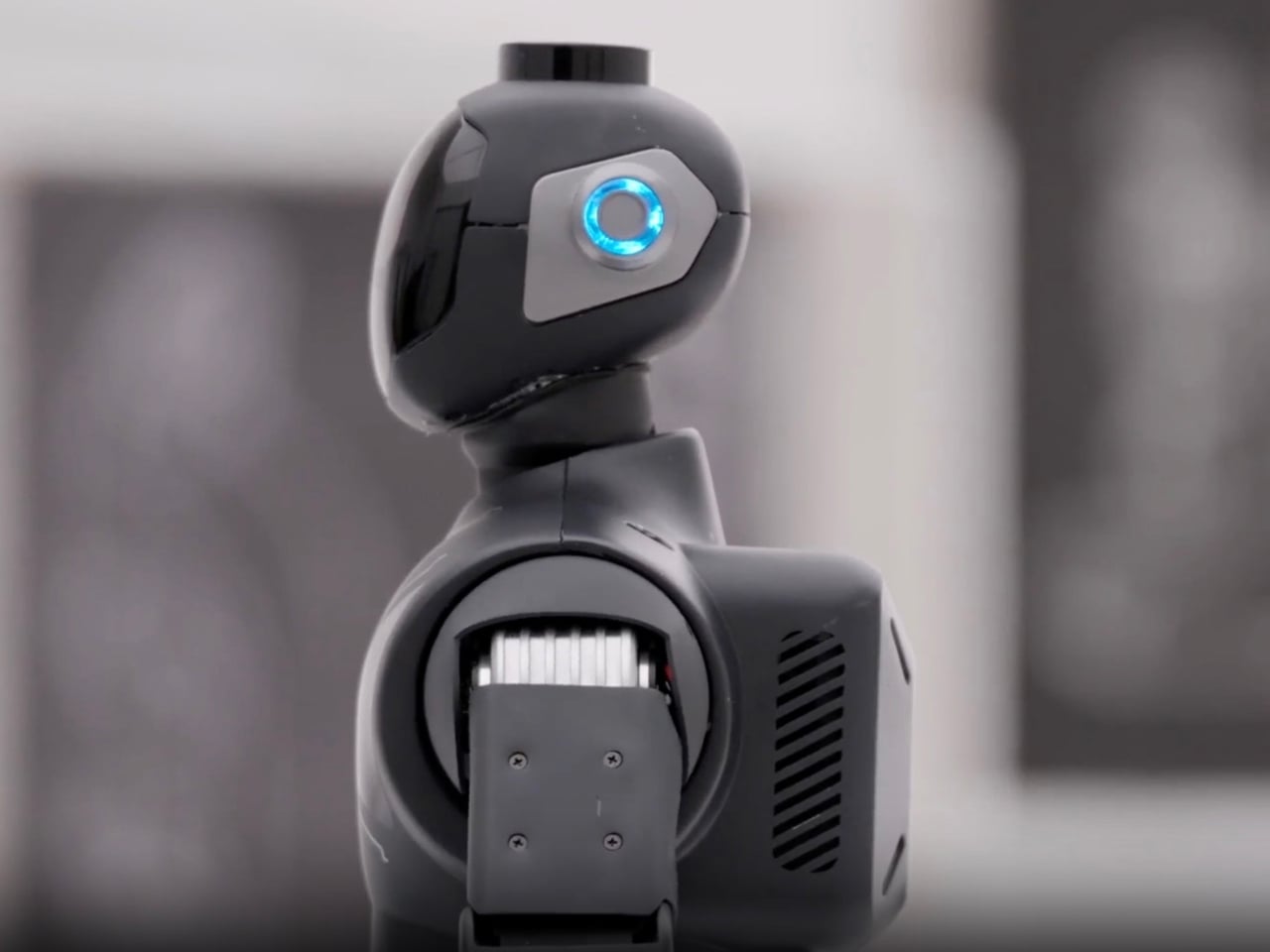
Let’s talk design. M1 stands roughly 15 inches tall, deliberately sized to feel approachable rather than intimidating. The materials tell their own story: stainless steel, aluminum alloy, ABS, rubber, silicone, and glass come together in a way that feels both premium and purposeful. This isn’t cheap plastic masquerading as innovation. There’s a thoughtfulness to the construction that suggests Zeroth actually considered how this robot would exist in your living room, not just function in a lab.

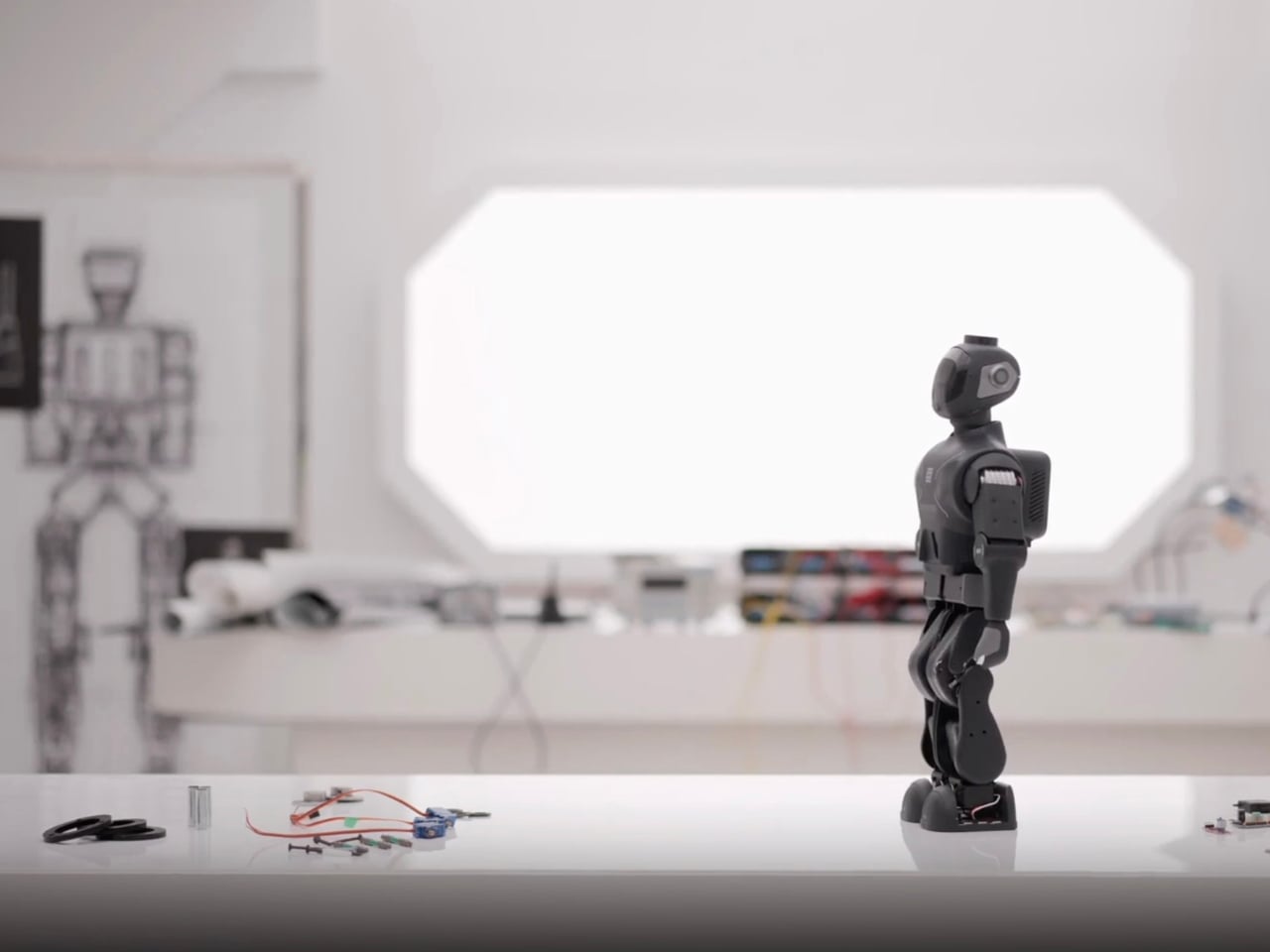
But here’s where M1 gets genuinely interesting. It’s not just a novelty gadget collecting dust after the initial excitement wears off. The robot offers fall detection and mobile safety checks for older adults who want to maintain independence at home. For busy parents, it steps in as that extra set of eyes, managing reminders and routines while keeping kids engaged. And for the makers and tech enthusiasts? M1 becomes a canvas for customization and experimentation, letting you build and define what your first personal robot should actually do.


Zeroth launched this five-robot lineup at CES 2026, but M1 is the one they’re pushing into U.S. homes first. The company, founded in 2024, isn’t just throwing robots at the market to see what sticks. They’ve developed what they call their “Technology DNA,” a unified foundation built on three pillars: advanced motion control, an evolving interaction model, and proprietary actuator engineering. Translation? M1 moves more naturally, learns how you communicate, and packs serious tech into that compact frame.

The pricing sits at $2,399 during the pre-order phase, down from its $2,999 MSRP. That’s not impulse-buy territory, but it’s also not astronomical when you consider what you’re getting. Expected shipping starts April 15, 2026, giving Zeroth time to fine-tune production and hopefully avoid the launch disasters that have plagued other robotics companies.

What makes M1 particularly compelling is how Zeroth positions it. This isn’t about replacing human connection or automating every aspect of life. Instead, M1 fills gaps. It’s there when you need a reminder to take medication but don’t want to set another phone alarm. It engages with kids when you’re making dinner and can’t referee the tenth sibling argument of the day. It monitors for falls without making Grandma feel like she’s being watched by Big Brother. The voice intelligence integration means M1 responds naturally to conversation rather than requiring you to memorize specific commands. It’s the difference between talking to a device and talking with a companion. Over time, the robot learns household patterns, preferences, and needs, becoming more useful the longer it stays in your home.
Zeroth is betting that 2026 is the year consumers are finally ready for home robots that do more than vacuum floors or play music. M1 represents that gamble in physical form, a synthesis of cutting-edge AI, thoughtful design, and practical functionality. Whether it succeeds depends on whether people see value in having a small robotic presence that promises to make life just a little bit easier.

The company showcased M1 and their full robot lineup at CES 2026 for anyone wanting a hands-on experience with the technology. The future of home robotics might not look like the towering androids we expected. Instead, it might be 15 inches tall, made of premium materials, and quietly learning your routine while sitting on your kitchen counter. M1 isn’t just another smart device. It’s Zeroth’s attempt to answer a question we’ve been asking for decades: what happens when robots finally come home?

The post Meet M1: The AI Companion That Wants to Live in Your Home first appeared on Yanko Design.
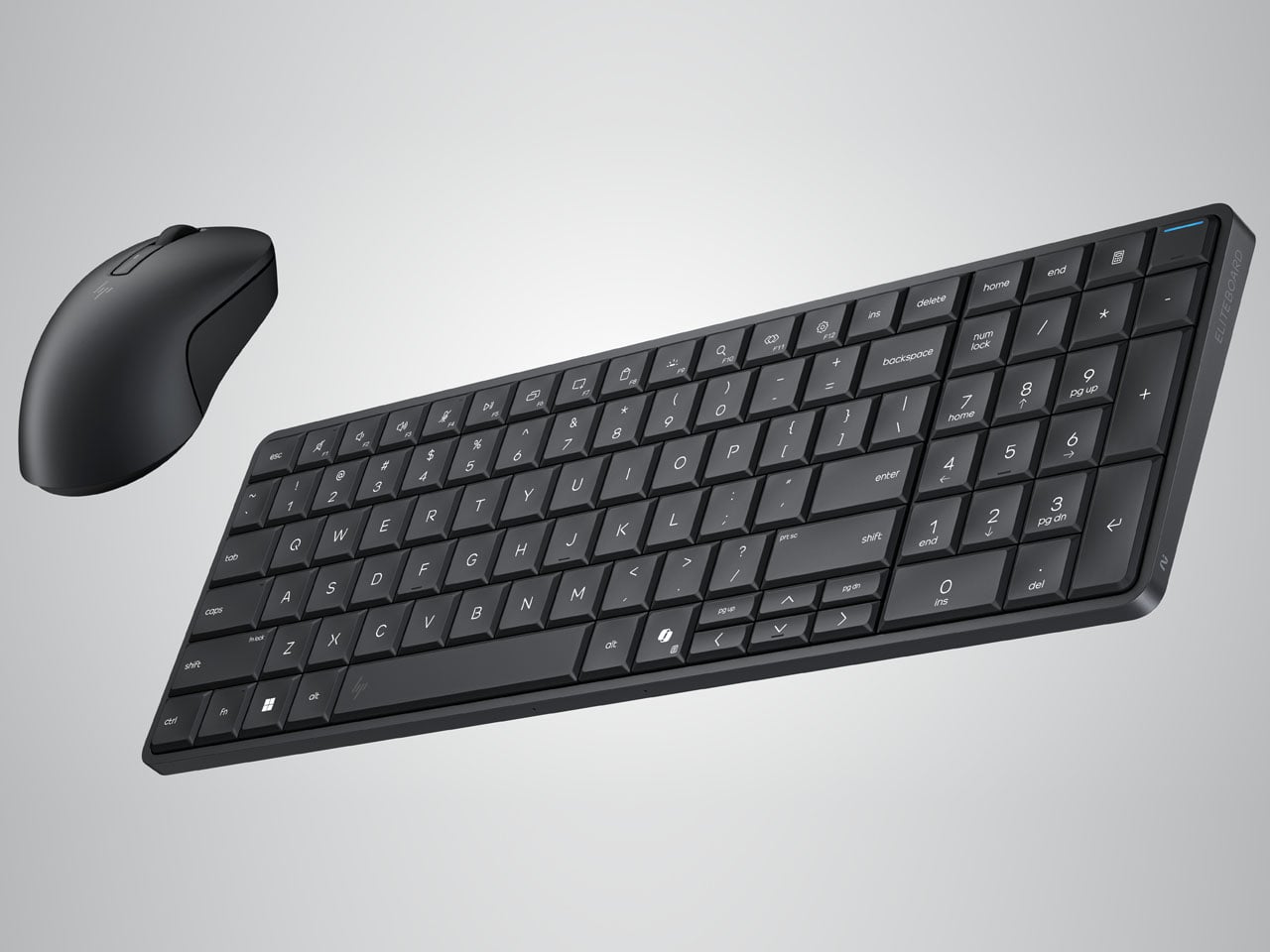
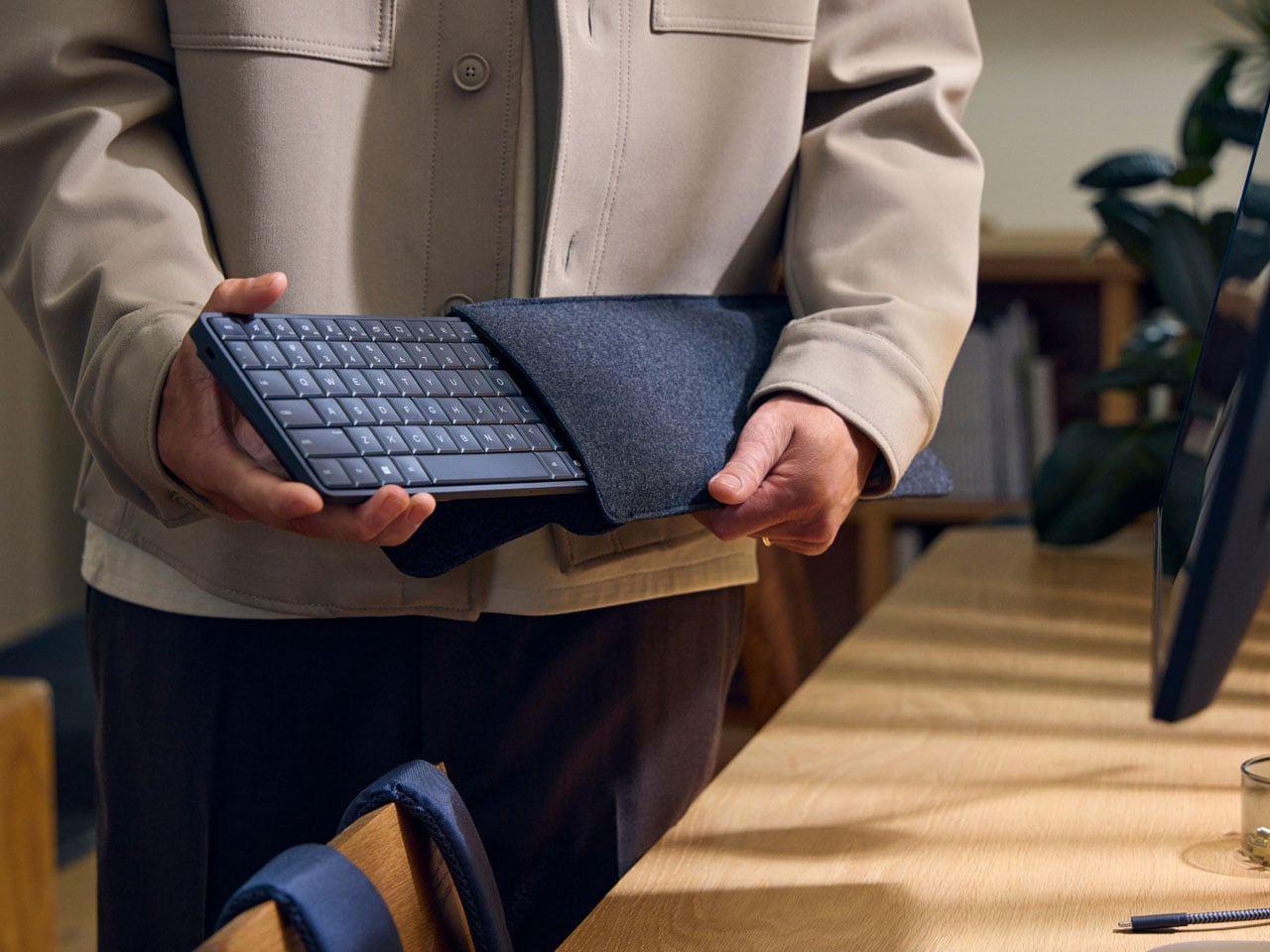
HP Eliteboard G1a keyboard is a next gen AI PC in disguise

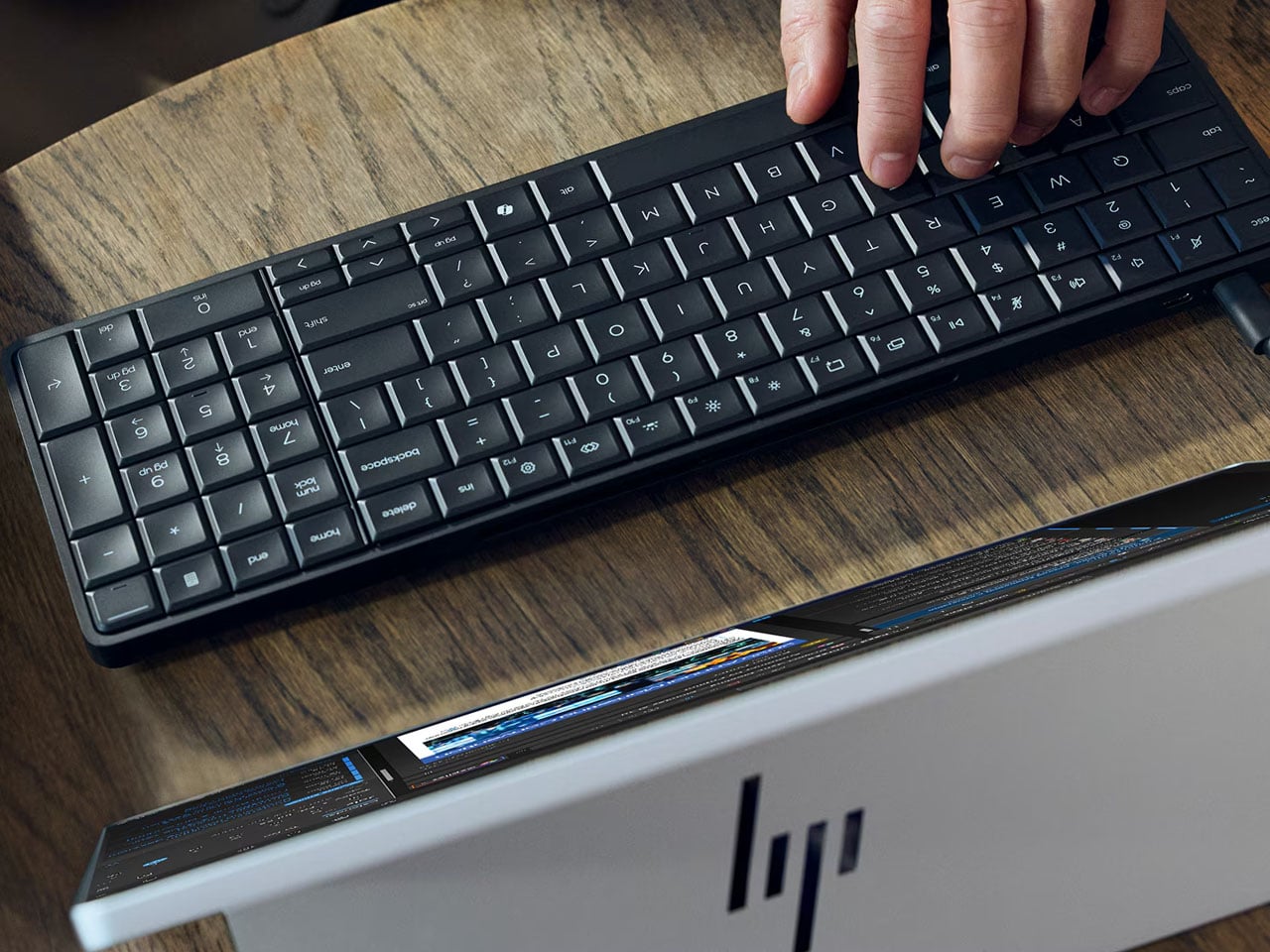
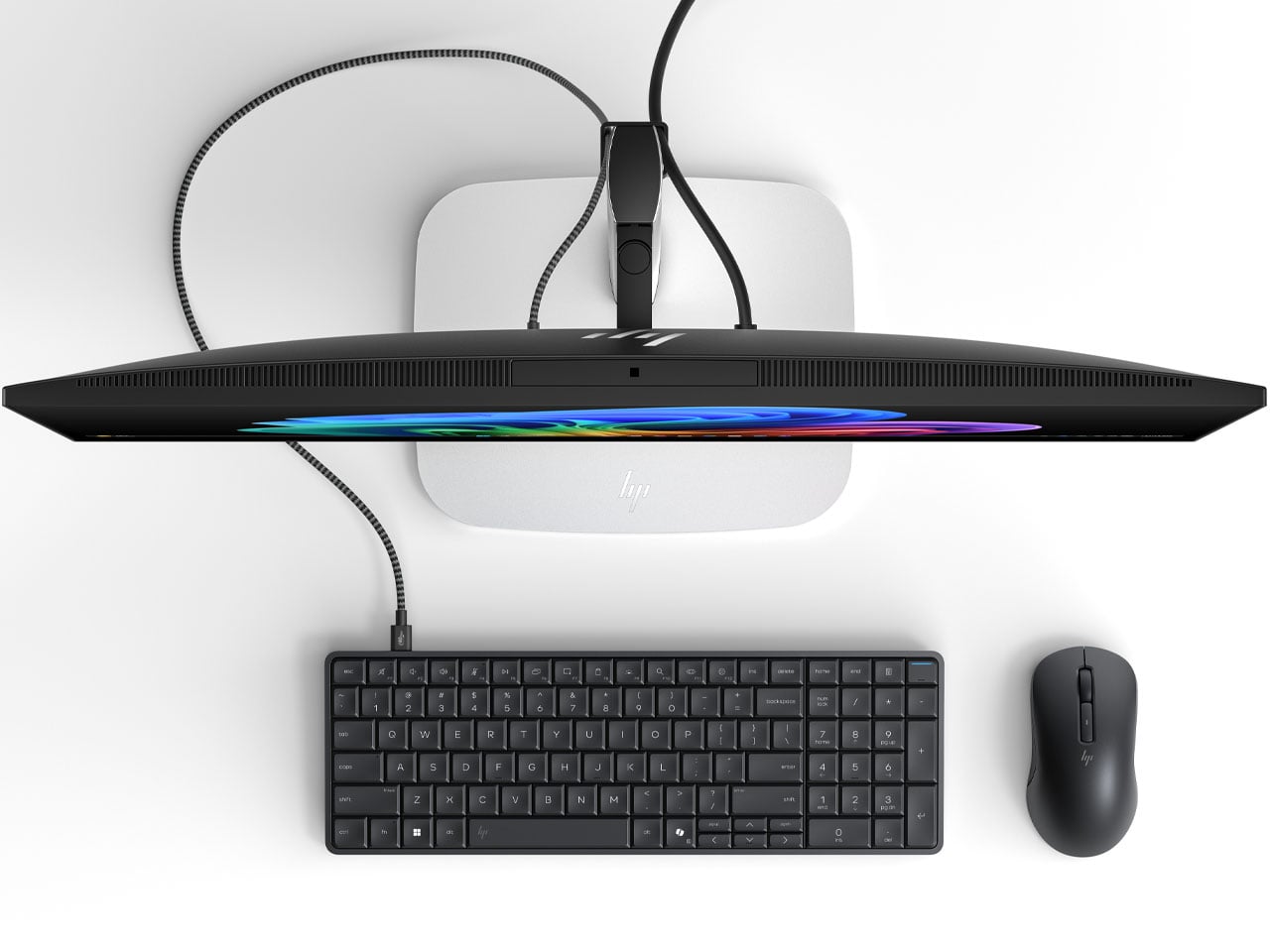
It’s CES time, and we’re not expecting anything short of extraordinary at the event. The other day, we saw the Pentagram x Caligra c100 keyboard, which houses computing hardware inside. Now, HP has announced its own version of a keyboard PC, and it looks even better, with practicality at the forefront. At first glance, you might not realize the desktop keyboard has computing power inside, but that’s where the surprise lies.

According to HP, the Eliteboard G1a is “the first and only AI keyboard PC,” and is capable of doing most of the day-to-day tasks you desire while being mobile. Rather than going the AIO route (slamming a PC into the screen), HP chooses a piece of hardware that goes portable with you. The screen PC idea is novel, but it restricts you to one place. A keyboard PC is a more practical idea, and I’m glad it’s here.

Designer: HP

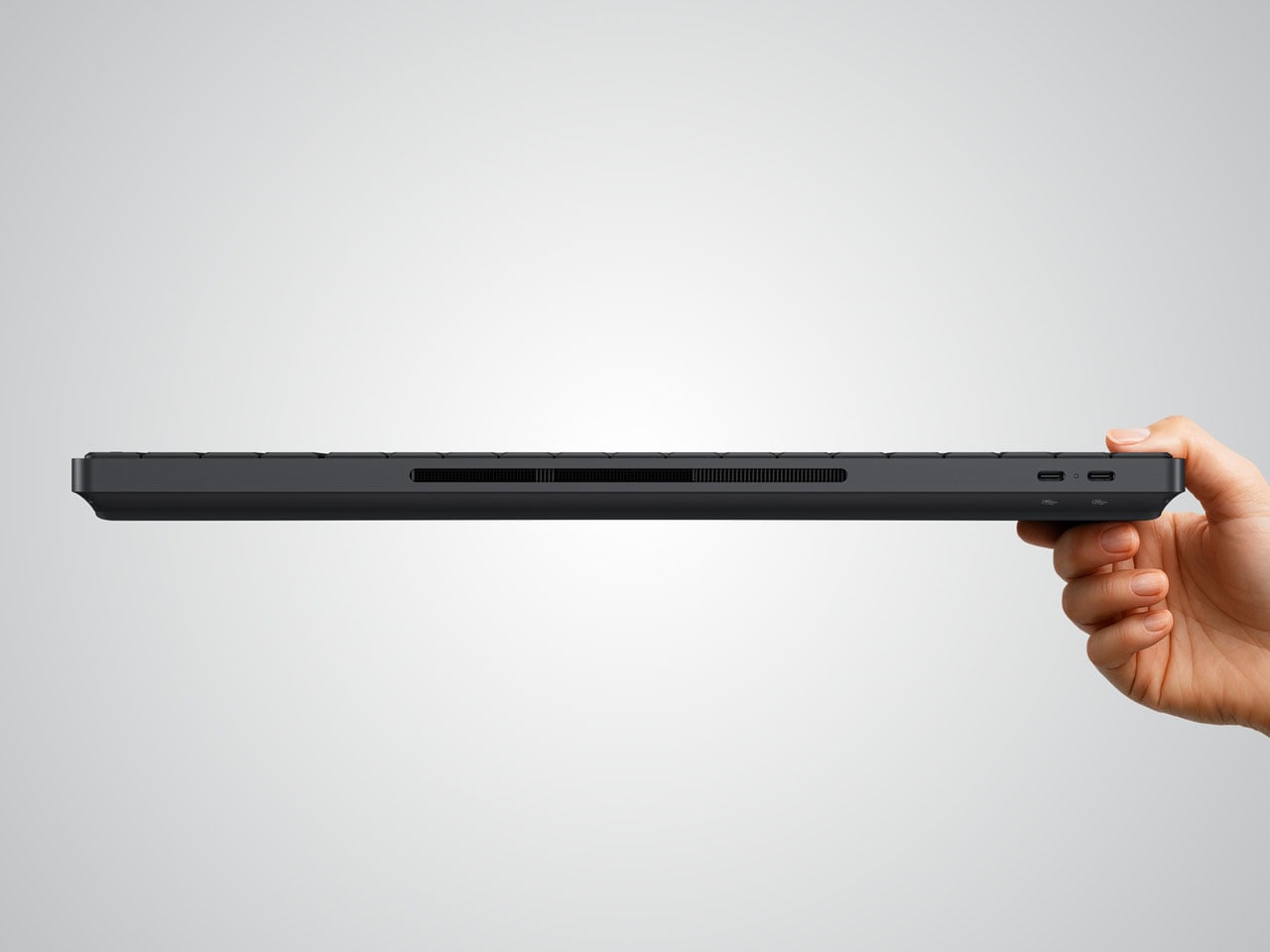
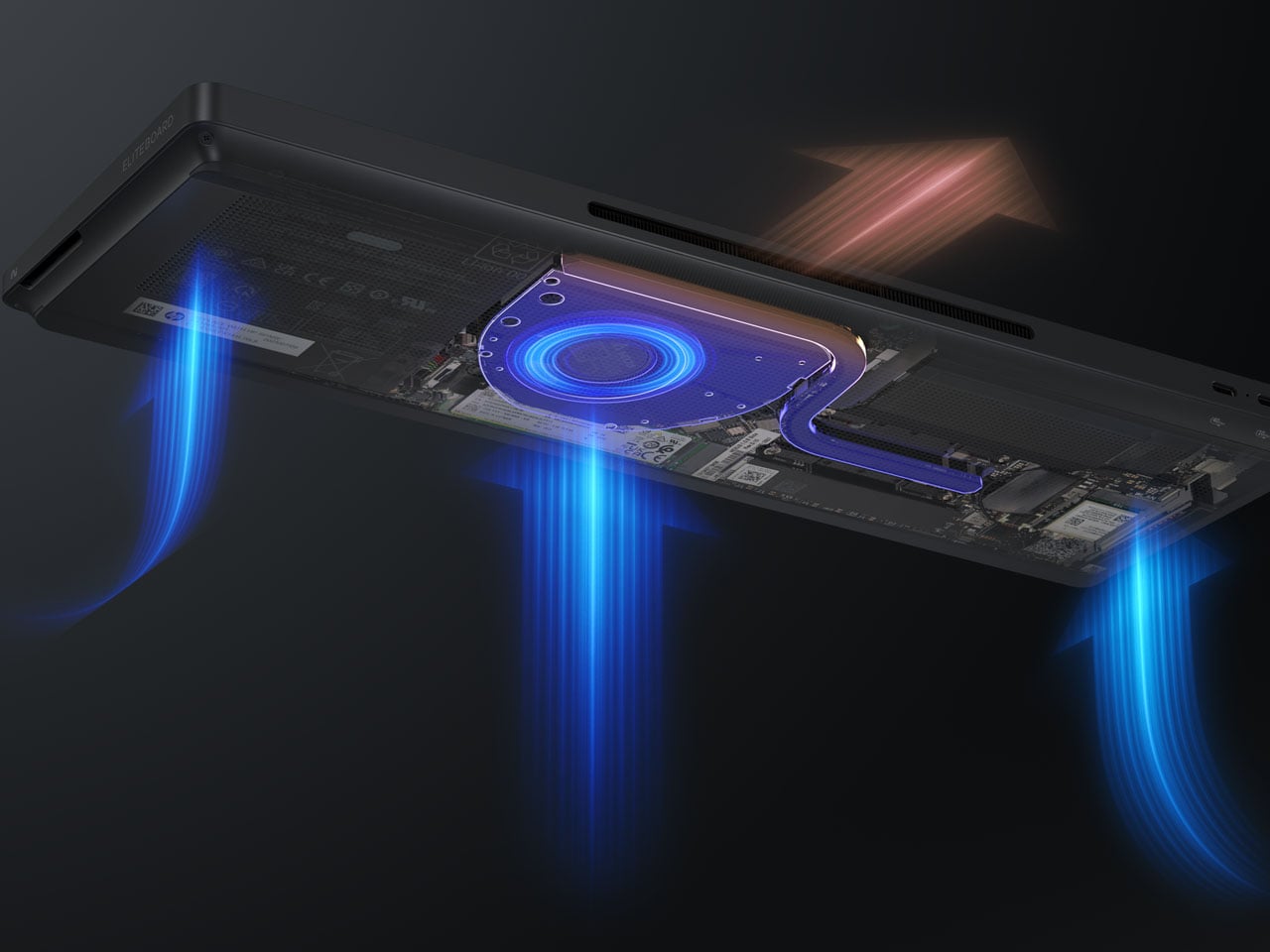
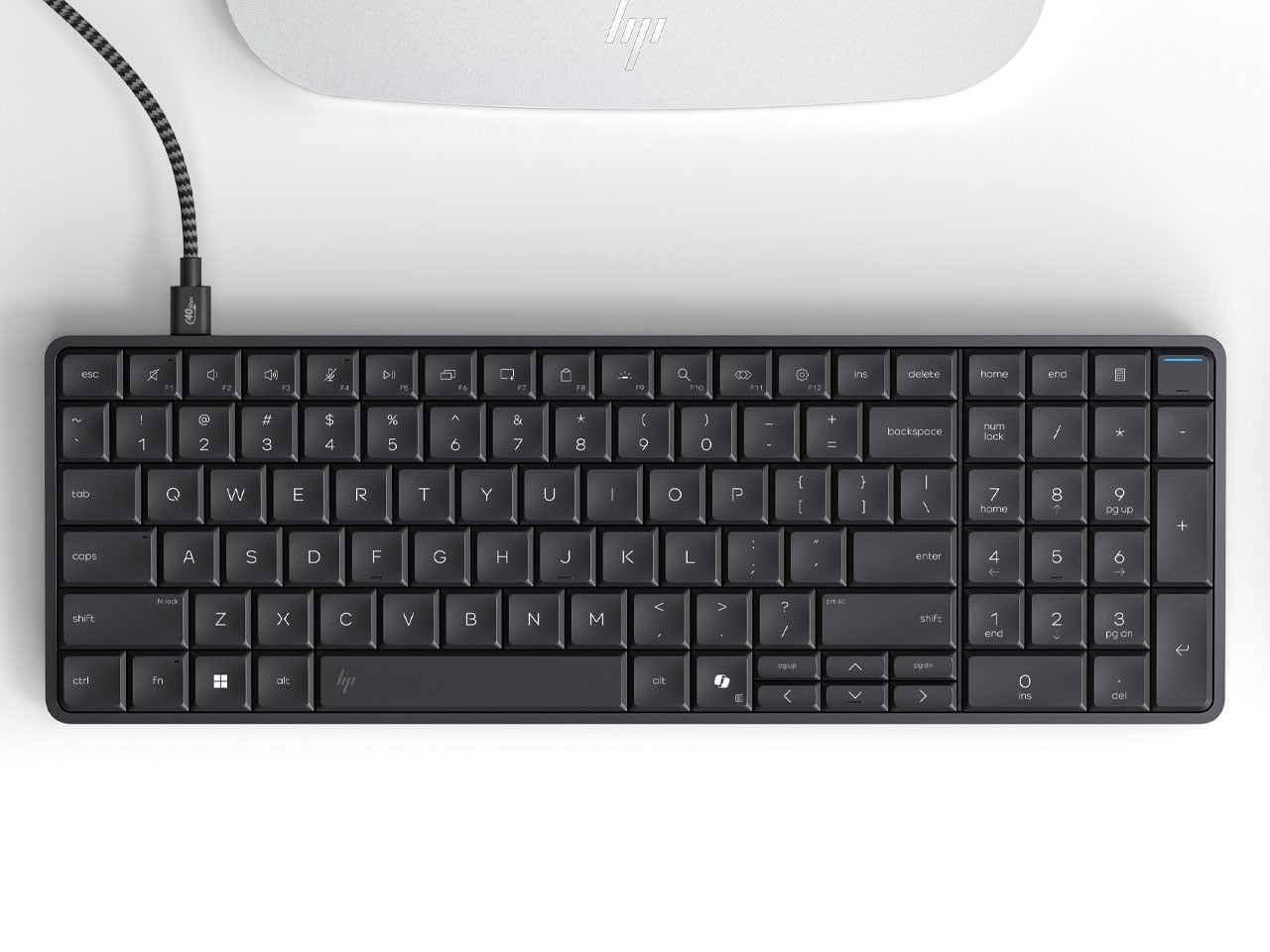
The EliteBoard G1a keyboard is a tad thicker than normal peripherals, and it’s completely understandable as computing hardware requires space. Measuring 58 x 118 x 17 mm and weighing just 726 grams (with the battery included), the keyboard is ideal for tasks like browsing the internet, opening the odd survey form for input, listening to music, and more. The spill-proof peripheral has 93 keys, including the number pad. In retrospect, it makes the Bapco mechanical keyboard that houses a working PC inside look bulky.

If you’ve used the HP Elitebook range, the keyboard has the same tactile typing experience, with the key travel (2mm) fine-tuned for desktop space. The keyboard PC comes with the choice of AMD Ryzen AI 300 Pro mobile processors, capable of a maximum of 50 NPU TOPS, making it a Copilot+ equivalent PC. You can connect up to two 4K monitors (running at 60Hz) since it has an integrated Radeon iGPU. Memory capacity is capped at 64GB DDR5-6400, which should be enough to handle sizeable tasks on the fly. The user can install up to 2 TB PCIe Gen4 NVMe SSD, while the Ryzen AI 7 350 SKU variant can be configured for 32GB of eMMC storage.

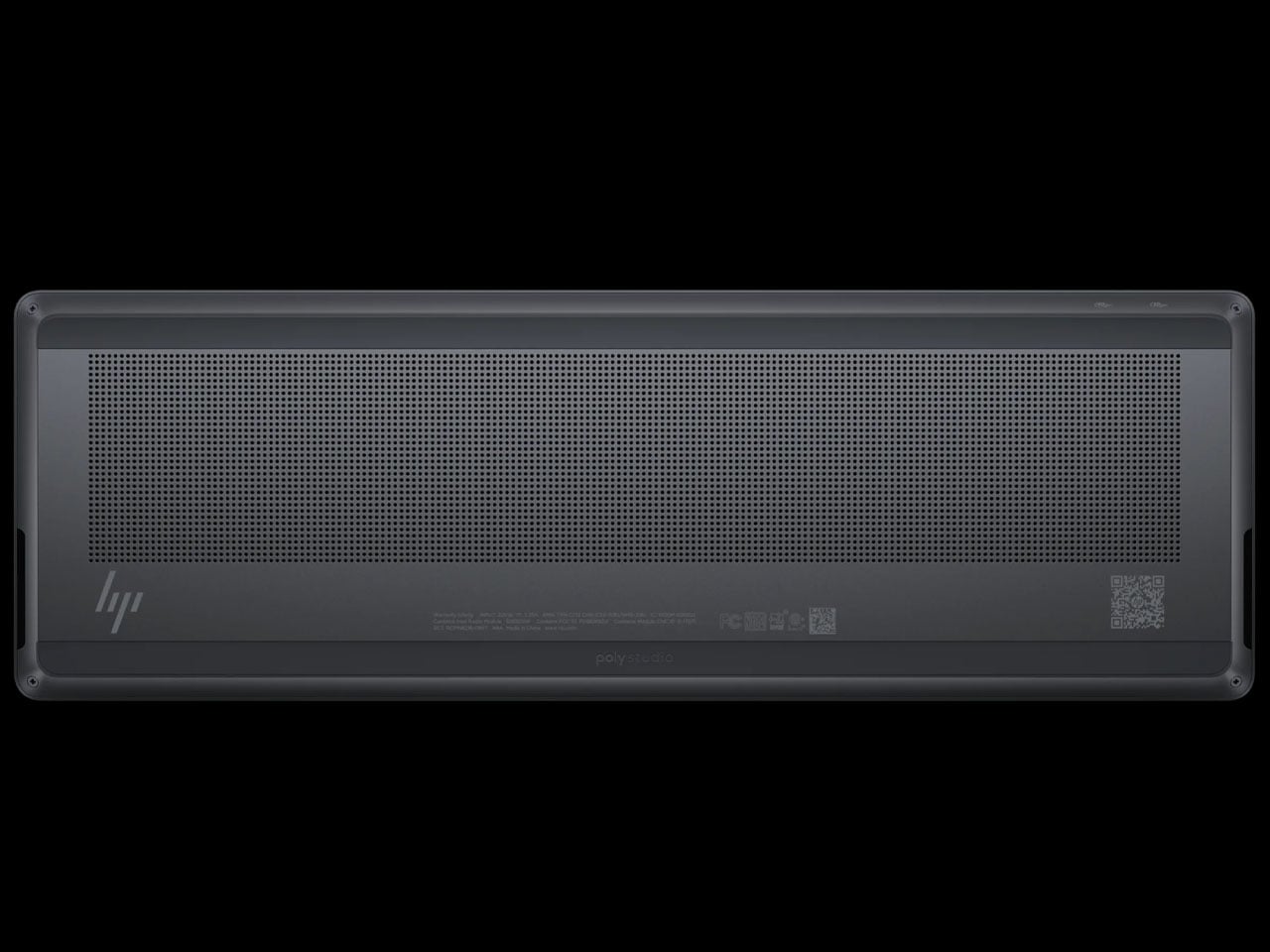
The Windows 11-powered EliteBoard G1a has a built-in 32 Wh battery that can be charged at speeds of up to 65 Watts. You can connect monitors via the USB4 and USB-C ports on the back, or any other compatible hardware. The keyboard has a claimed 3.5 hours of battery run time on a single charge, but that’ll vary depending on usage and connected devices. There are vents to channel airflow, and the keyboard even comes with stereo speakers for a holistic setup. The keyboard comes in two models, with the high-end version having an optional fingerprint reader and a detachable USB-C cable.

HP is slated to release the keyboard PC in March 2026, and there’s no word on the pricing yet.

The post HP Eliteboard G1a keyboard is a next gen AI PC in disguise first appeared on Yanko Design.
Zeroth Just Designed the WALL-E Robot Every Millennial Wanted

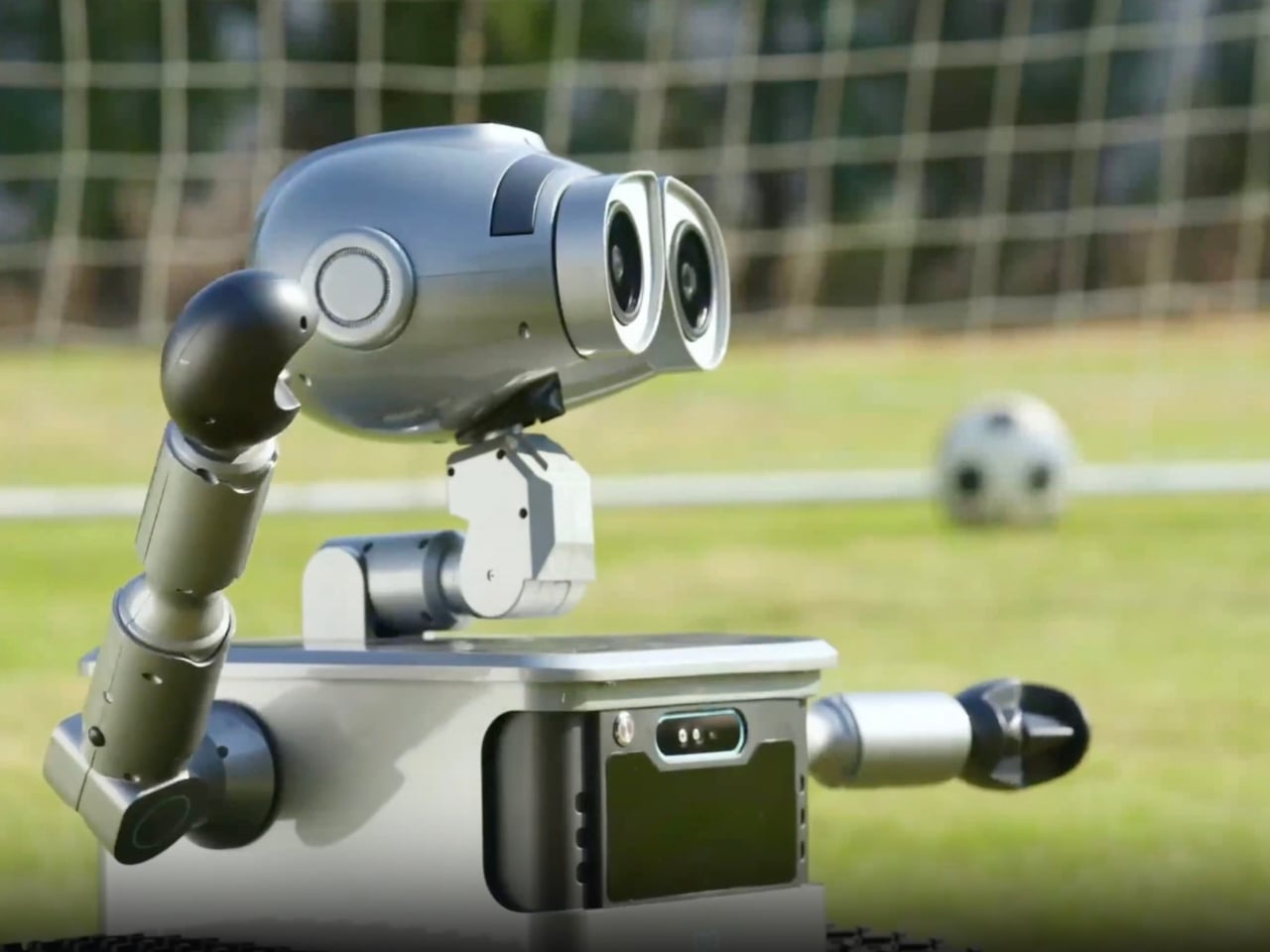
Remember that feeling you got watching WALL-E? That pang of desire for a loyal, expressive robot companion who could understand you and help out around the house? Well, Zeroth Robotics is betting you haven’t forgotten, because they’ve just launched the W1, and it’s basically bringing that Pixar fantasy into American homes.

Unveiled at CES 2026, the W1 isn’t Disney-licensed (that version stays in China for now), but it captures something essential that’s been missing from the “smart home” conversation. This isn’t about another voice assistant that sits in the corner. This is about a robot that moves through your space, physically interacts with your world, and yes, kind of makes you feel like you’re living in the future.

Designer: Zeroth

Let’s talk about what this thing actually does. At $5,599, the W1 is positioned as an autonomous, wheel-based assistant for homes and light commercial spaces. Standing 22.6 inches tall and weighing 44 pounds, it uses dual-tread wheels inspired by WALL-E’s iconic design to navigate complex terrain like grass, pavement, and gravel. That’s a bigger deal than it sounds, because most home robots panic when they encounter anything besides hardwood floors.

The navigation system relies on lidar, RGB cameras, and various sensors to understand its environment and avoid obstacles. It can carry up to 110 pounds (more than double its own weight), transport items around your home, follow you from room to room, and even snap photos with its 13-megapixel camera. The top speed is about 1.1 miles per hour, which sounds slow until you remember this isn’t a racing drone; it’s a household helper that needs to operate safely around pets, kids, and your favorite vintage lamp.

Now, here’s where we need to be honest. The W1’s task list feels limited at launch. It can transport stuff, follow you around, serve as a game host, and take pictures. That’s not exactly revolutionary. But Zeroth is building what they call a “Technology DNA,” a unified software and hardware stack that powers all their robots and can be updated over time with new behaviors and capabilities. This is the key differentiator. You’re not buying a static gadget; you’re buying into a platform that theoretically grows smarter and more useful.

What makes the W1 compelling isn’t just the adorable WALL-E aesthetics (though let’s be real, that doesn’t hurt). It’s that Zeroth seems to understand something fundamental about consumer robotics that many companies miss: emotional connection matters. People don’t just want functional robots; they want robots they can relate to, robots that feel less like appliances and more like companions. That’s why the design language echoes one of the most beloved animated characters of all time.

Zeroth Robotics, founded in 2024, is positioning itself as a company focused on “practical, emotionally aware robots” for everyday life. The W1 is part of a broader lineup that includes the M1 (a 15-inch humanoid home companion starting at $2,899), a Disney-licensed WALL-E for classrooms and retail spaces, the A1 quadruped for developers, and Jupiter, a full-size humanoid for real-world tasks. The strategy is clear: cover multiple use cases while maintaining a consistent technological foundation.

Pre-orders for the W1 are expected to open in Q1 2026, with general availability later this year. Whether the W1 becomes an essential household member or an expensive curiosity will depend largely on how well Zeroth delivers on those software updates and expanded capabilities. But there’s something undeniably exciting about a company that’s willing to make robots look and feel approachable instead of clinical. The W1 might not be saving Earth from an ecological disaster like its animated inspiration, but it might just save us from the monotony of carrying groceries from the car. And honestly? That’s a pretty good place to start.

The post Zeroth Just Designed the WALL-E Robot Every Millennial Wanted first appeared on Yanko Design.
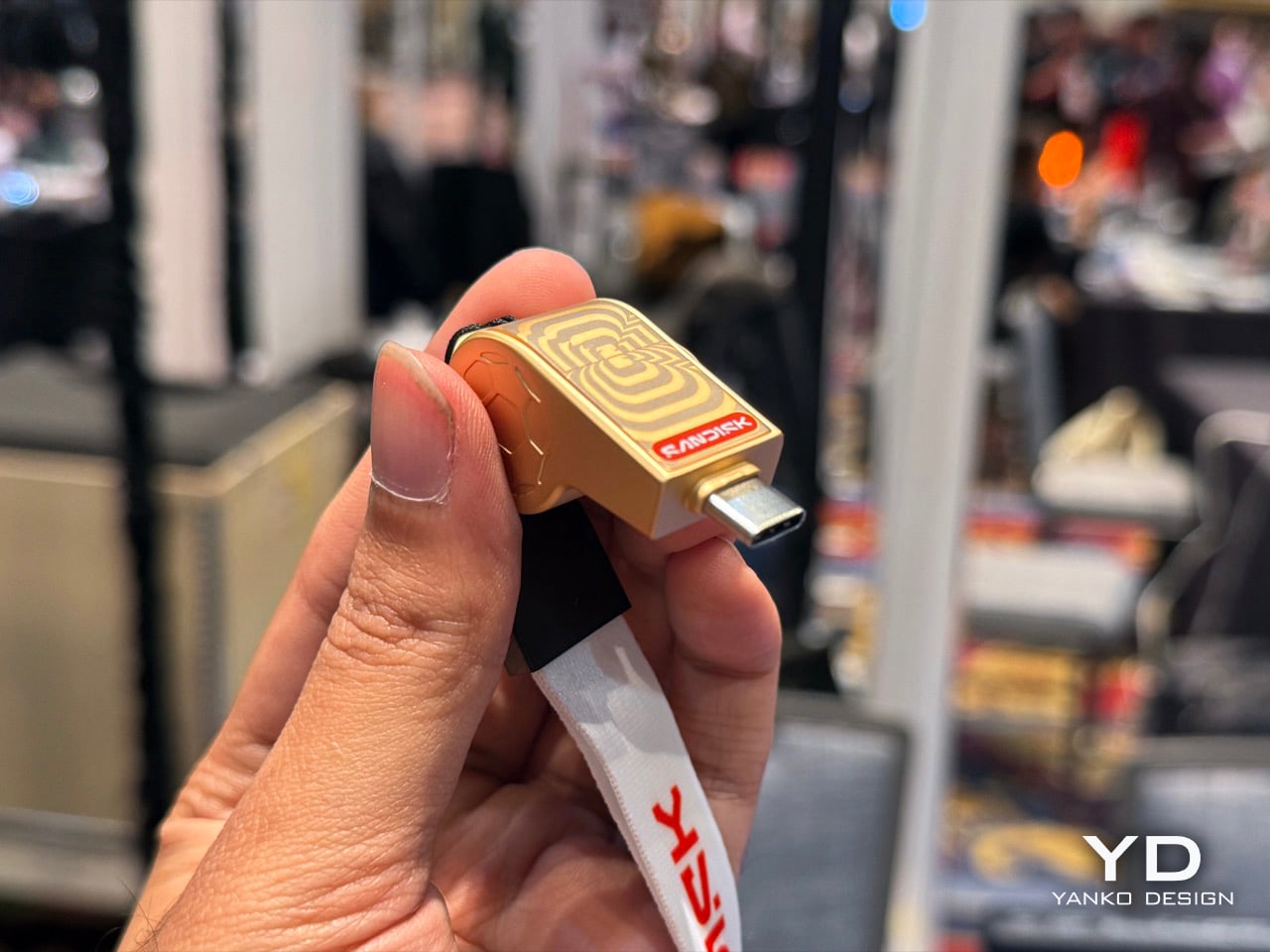
SanDisk made Whistle-shaped USB-C Drives for the FIFA World Cup: Hands-on at CES 2026

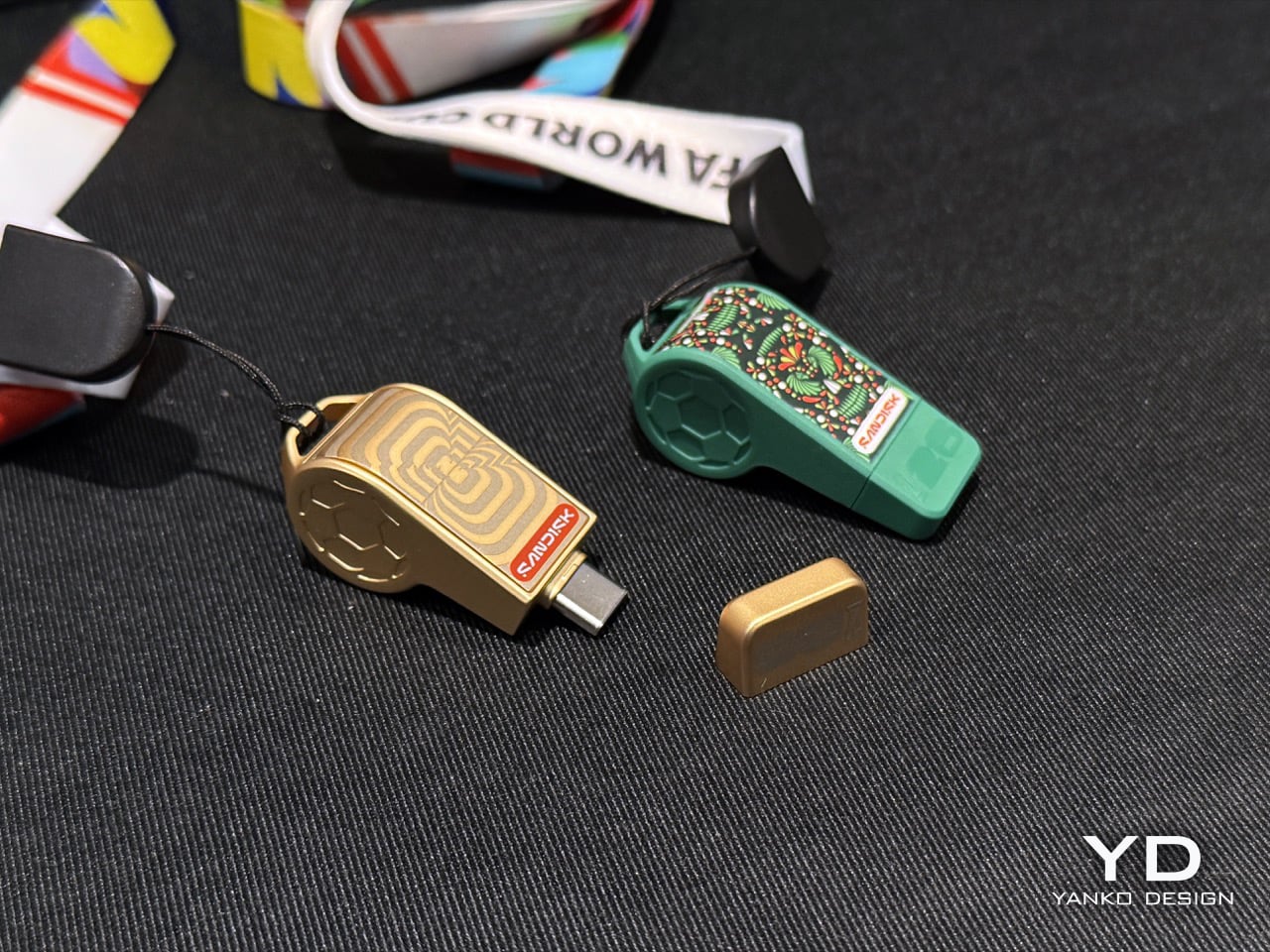
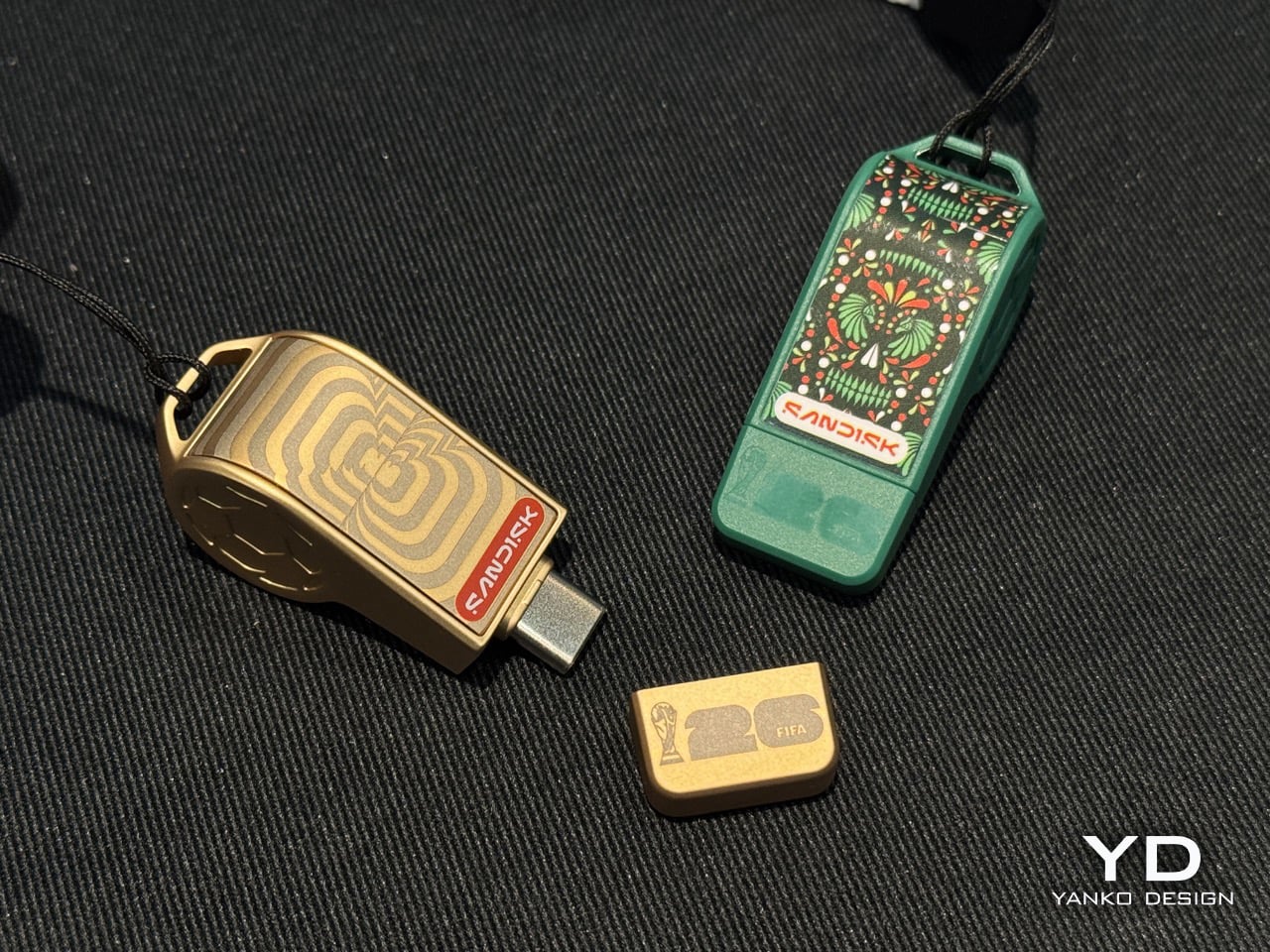
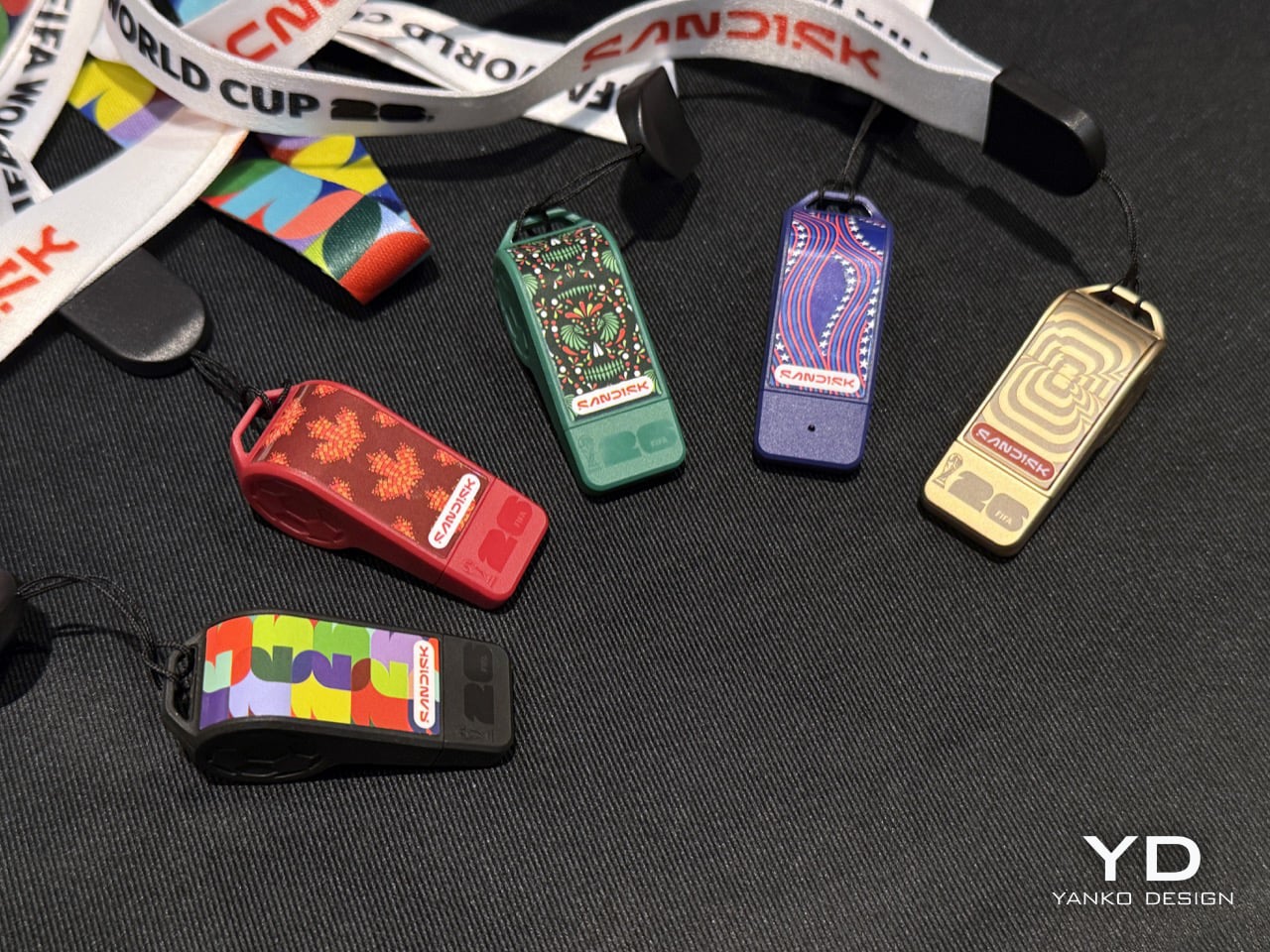
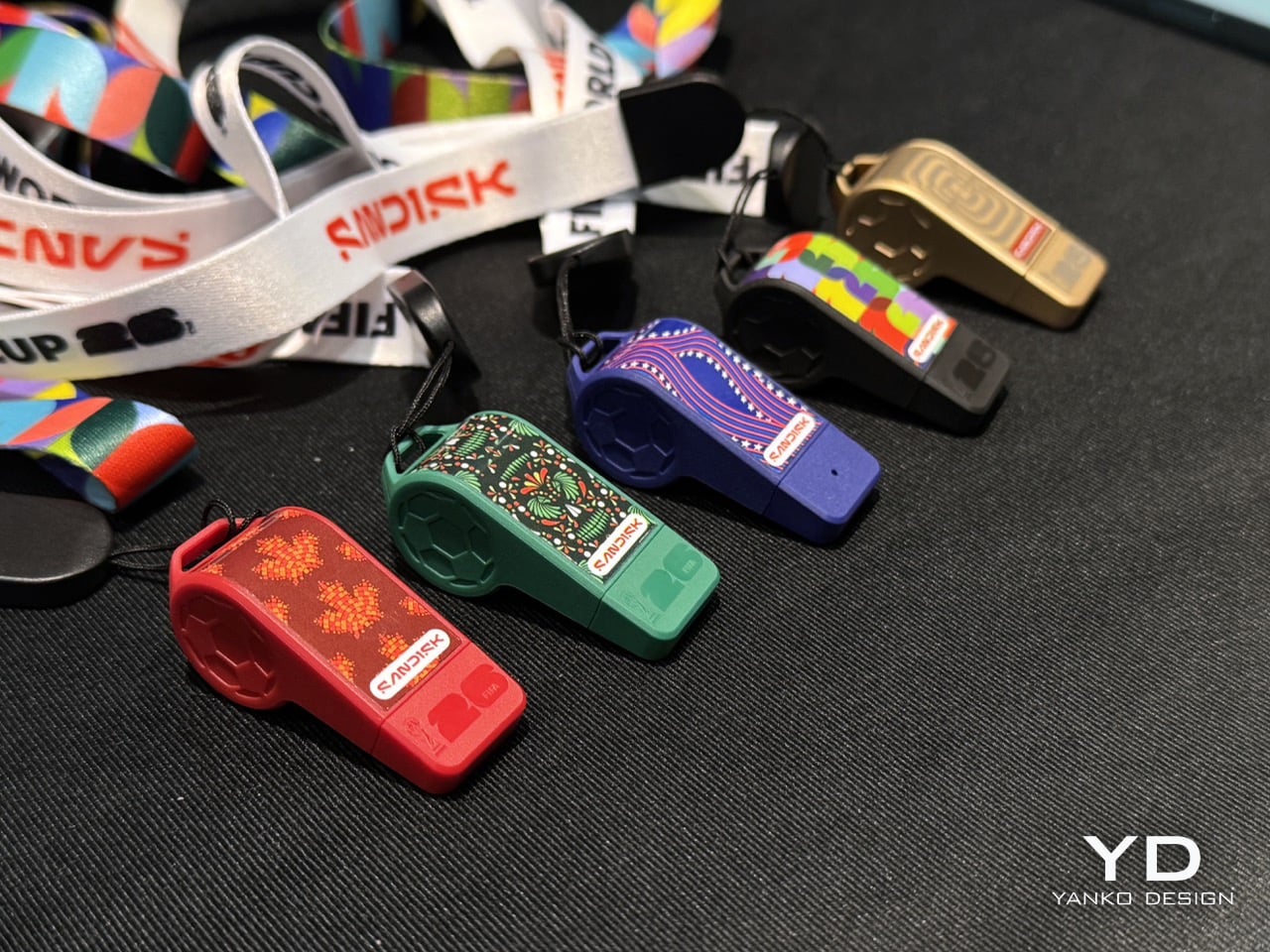
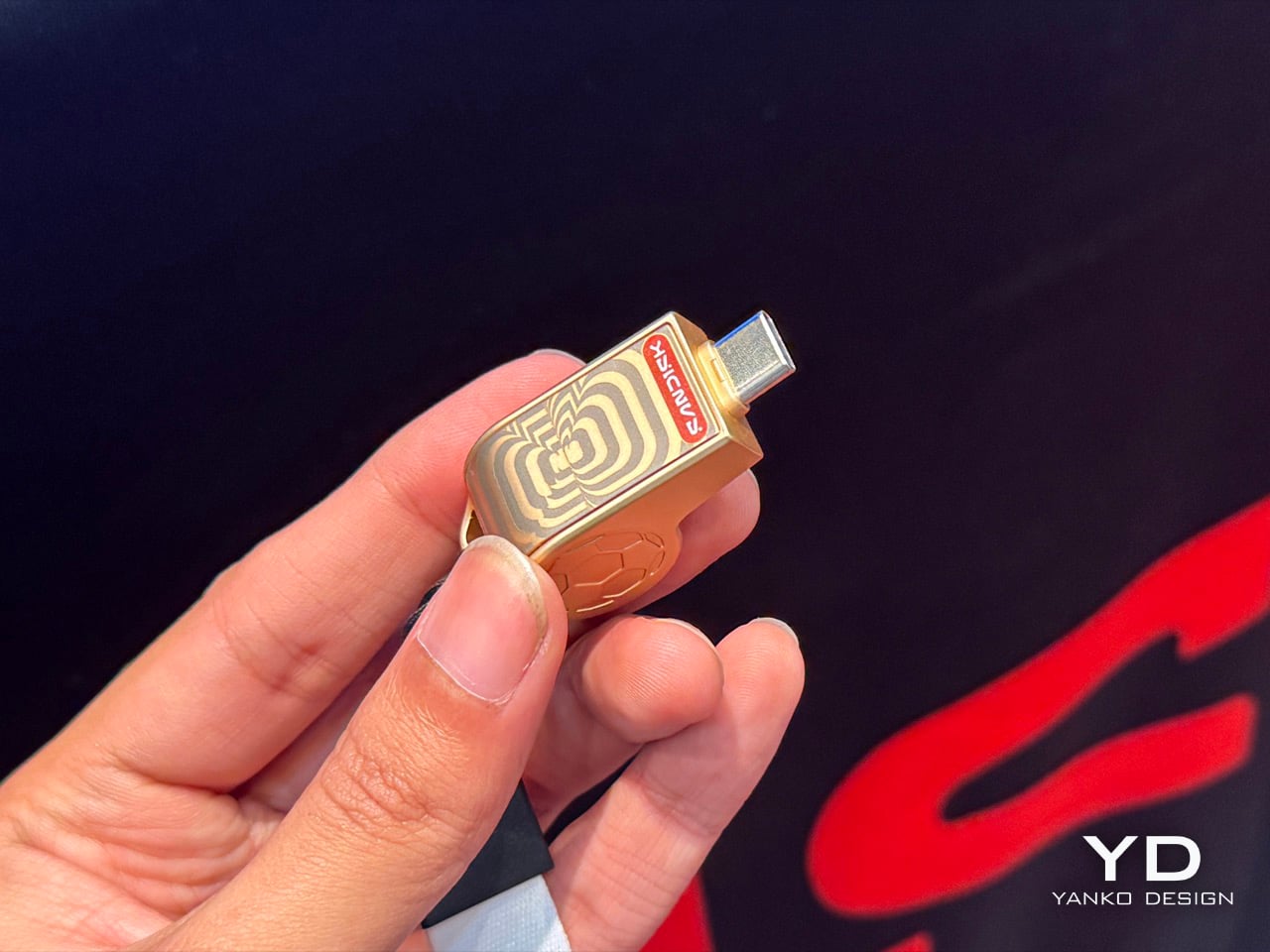
Don’t be surprised if you see a bunch of people walking around with SanDisk whistles strung around their neck this year. No, the storage behemoth didn’t get into sports accessories or football memorabilia, it just got a sense of humor and whimsy! These special-edition whistles from SanDisk are actually USB-C drives with a football theme. They’re a part of SanDisk’s broader licensing arrangement with FIFA, which also spans other SSDs and memory cards. This one, however, is easily the most adorable of the lot.

The whistle-drives come in 5 color variants – three for each of the host countries (US, Canada, Mexico) and two in ‘global’ colors that anyone can own and cherish. A lanyard lets you hang the drive around your neck, just like you would a whistle… and while it doesn’t technically function as a whistle, it does store up to 128GB of data in its tiny form factor. The best part? Probably nobody will think of stealing it because who would steal a random plastic whistle?!

Designer: SanDisk

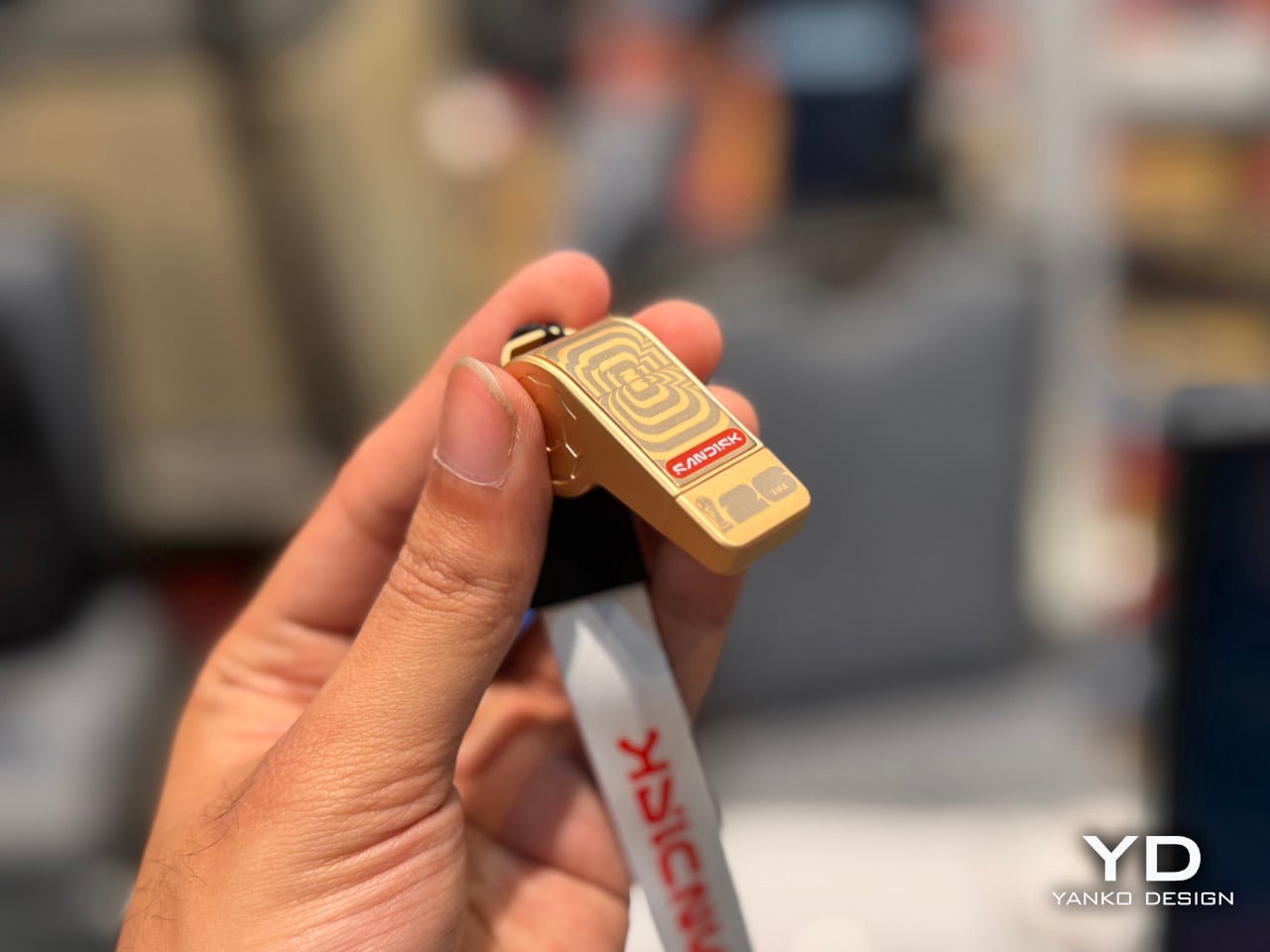
Seeing these whistles at SanDisk’s booth at Pepcom made me wonder whether they were tiny gifts for visitors. I picked up one and felt a little heft and took a closer look. A SanDisk rep walked up to me and pointed out I wasn’t holding some giveaway plastic ball-whistle – I had a 128GB drive in my hands! Pop the whistle’s mouthpiece out and you see the USB-C drive inside – the form factor pays lip service (literally) to FIFA’s upcoming world cup, with different editions celebrating each of the host countries.

The whistles are officially licensed by FIFA, which makes this original memorabilia if you’re a football fan who needs extra storage. The drives work seamlessly with iOS and Android devices, and they’ll plug into your laptop, Smart TV, or even your Switch. The best part, like I mentioned, is that this is storage that hides in plain sight. No random mugger or stranger would ever think of stealing a whistle off your neck, which means you’re better off storing data like phone backups or other stuff on it.

Unfortunately, there’s no word on availability or pricing yet. SanDisk just showcased its Extreme Fit at CES for the first time ever, so that was easily the most exciting device on the table. The Extreme Fit is also literally available online and in stores, while SanDisk’s FIFA collab is still yet to officially hit the shelves. When it does, I’m sure there’ll be a whole slew of tech aficionados who will want to grab themselves some functional merch that will serve a grand purpose beyond the FIFA games. After all, the World Cup comes once in 4 years… USB-C storage is for life.

The post SanDisk made Whistle-shaped USB-C Drives for the FIFA World Cup: Hands-on at CES 2026 first appeared on Yanko Design.
MCON Slim Hands-on at CES 2026: The Ultra‑Thin MagSafe Controller That Turns Your iPhone Into a Gaming Console

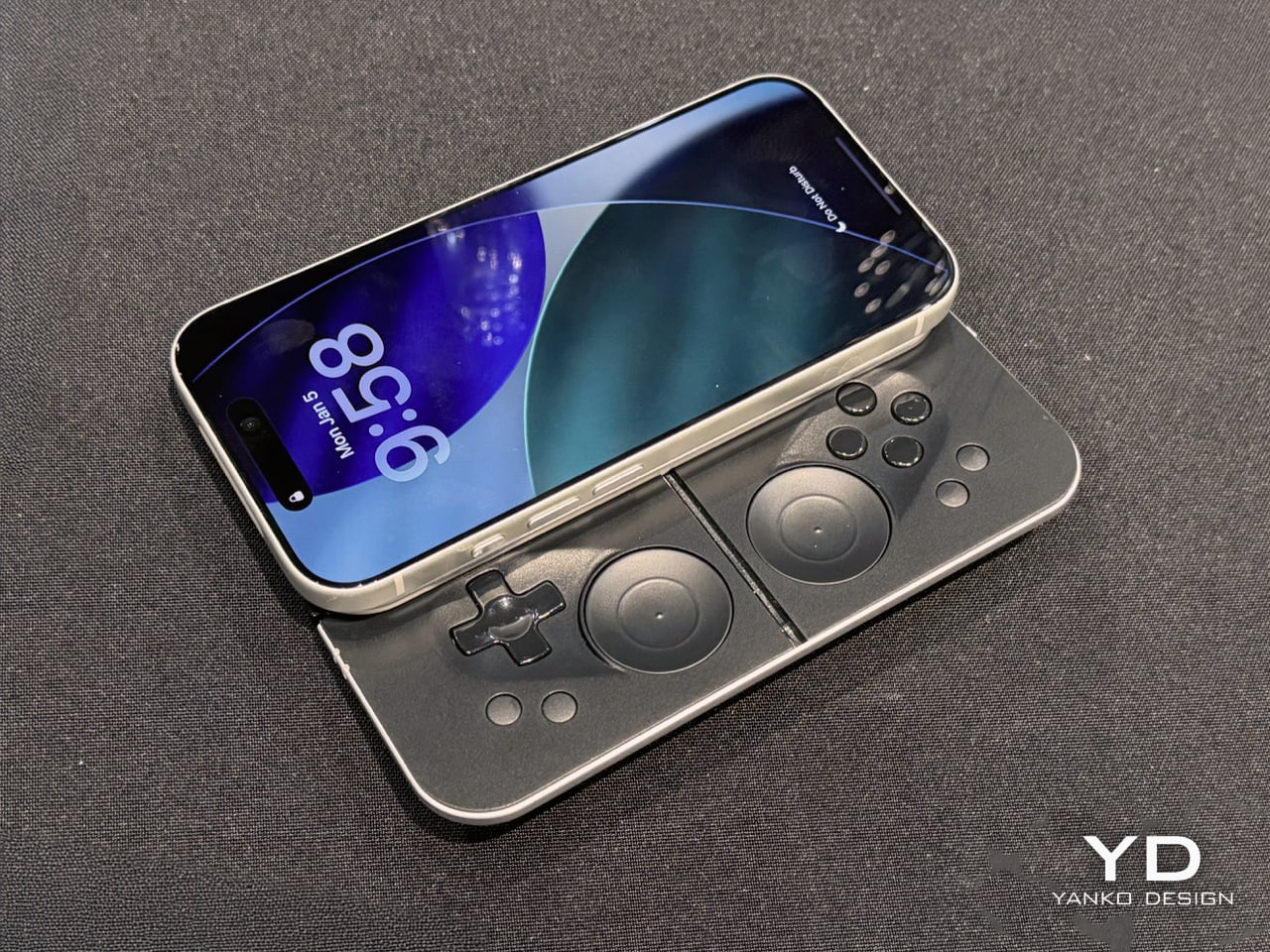
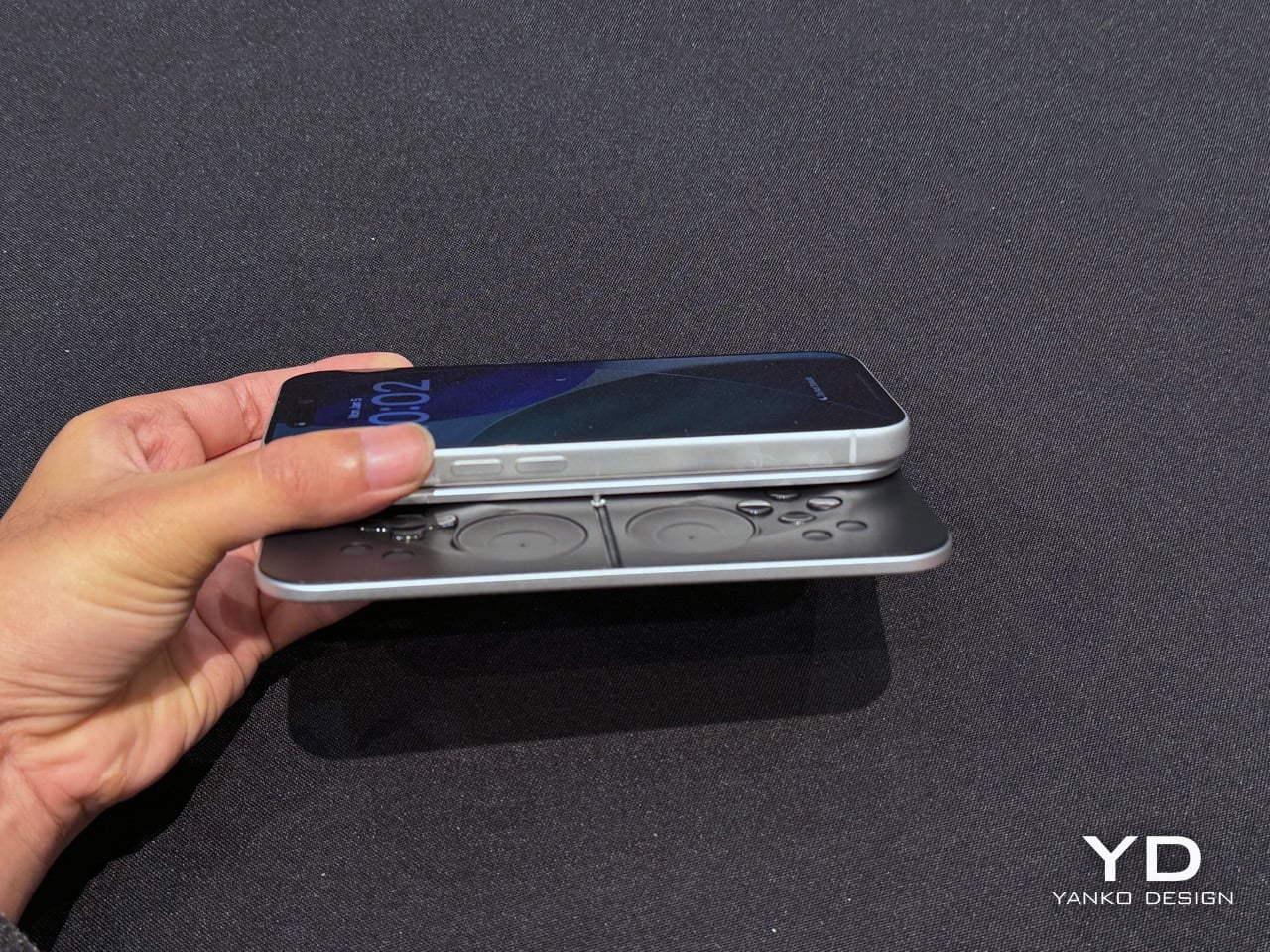
Last year, Ohsnap debuted the MCON controller on Kickstarter and nearly broke the website. Over 16,000 people pledged almost $2 million to make the product a reality, and not only did the company ship every single MCON out to every backer, they casually came back to CES this year with not one, but TWO more versions of the device. The more impressive of the two is the MCON Slim, a controller that’s nearly as thin as your standard smartphone, packing in an entire gaming controller (along with trigger buttons) into that ridiculously small form factor.

Designed by 21 year-old Josh King, the MCON Slim is clearly his magnum opus. The youngster (incubated by Dale Backus’ Ohsnap) mentioned how the smartphone was such a powerful device, but all we ever use it for is doomscrolling and emails. The MCON was supposed to prove to the world that the smartphone can be an incredible handheld gaming device, comparable to the Razer Switchblade or even dare I say the Nintendo Switch. Now, the MCON Slim cements that idea even further. Imagine a device, the thickness of a MagSafe power bank), capable of turning your iPhone into the next best gaming console.

Designer: Josh King (Ohsnap)

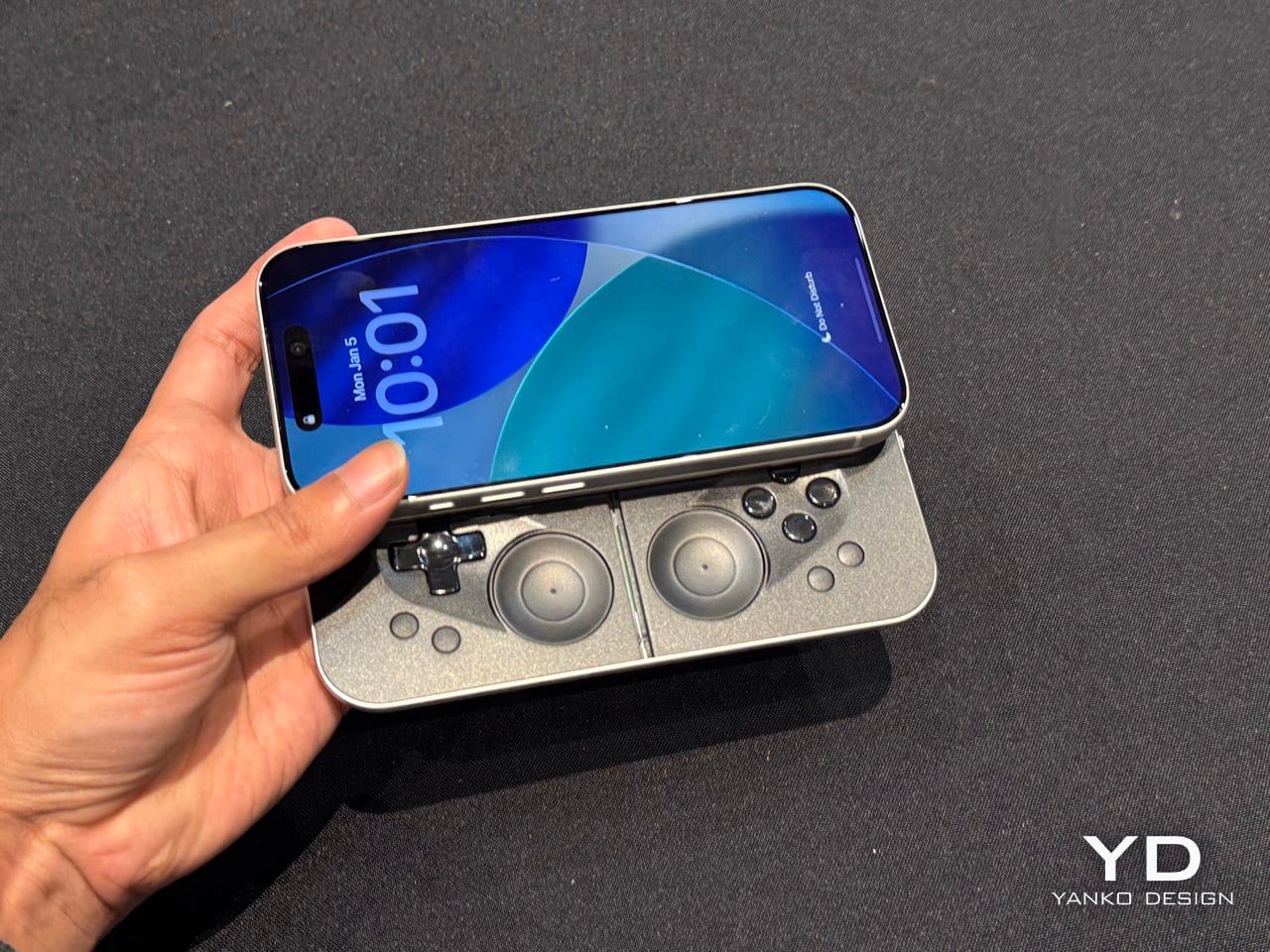
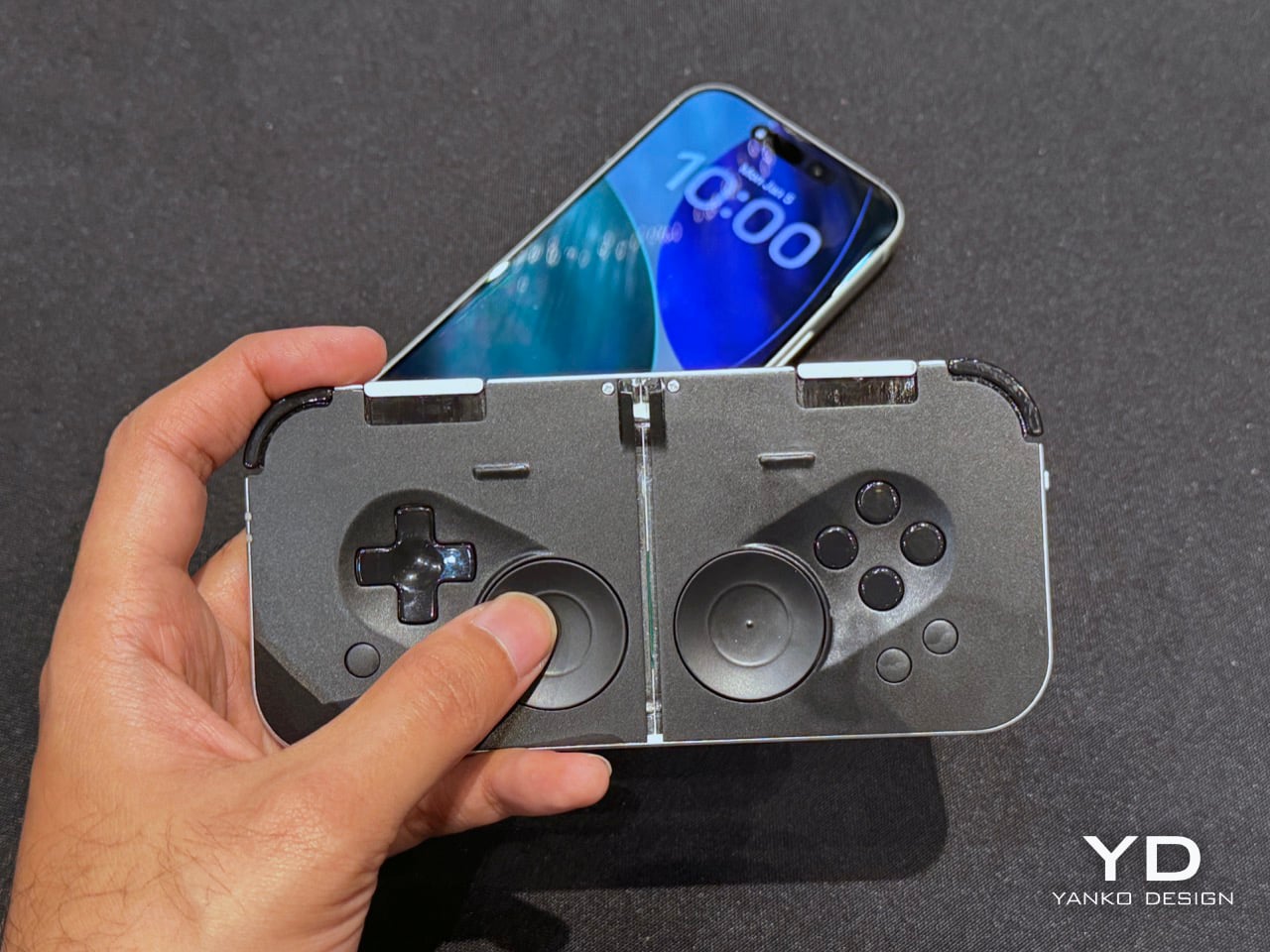
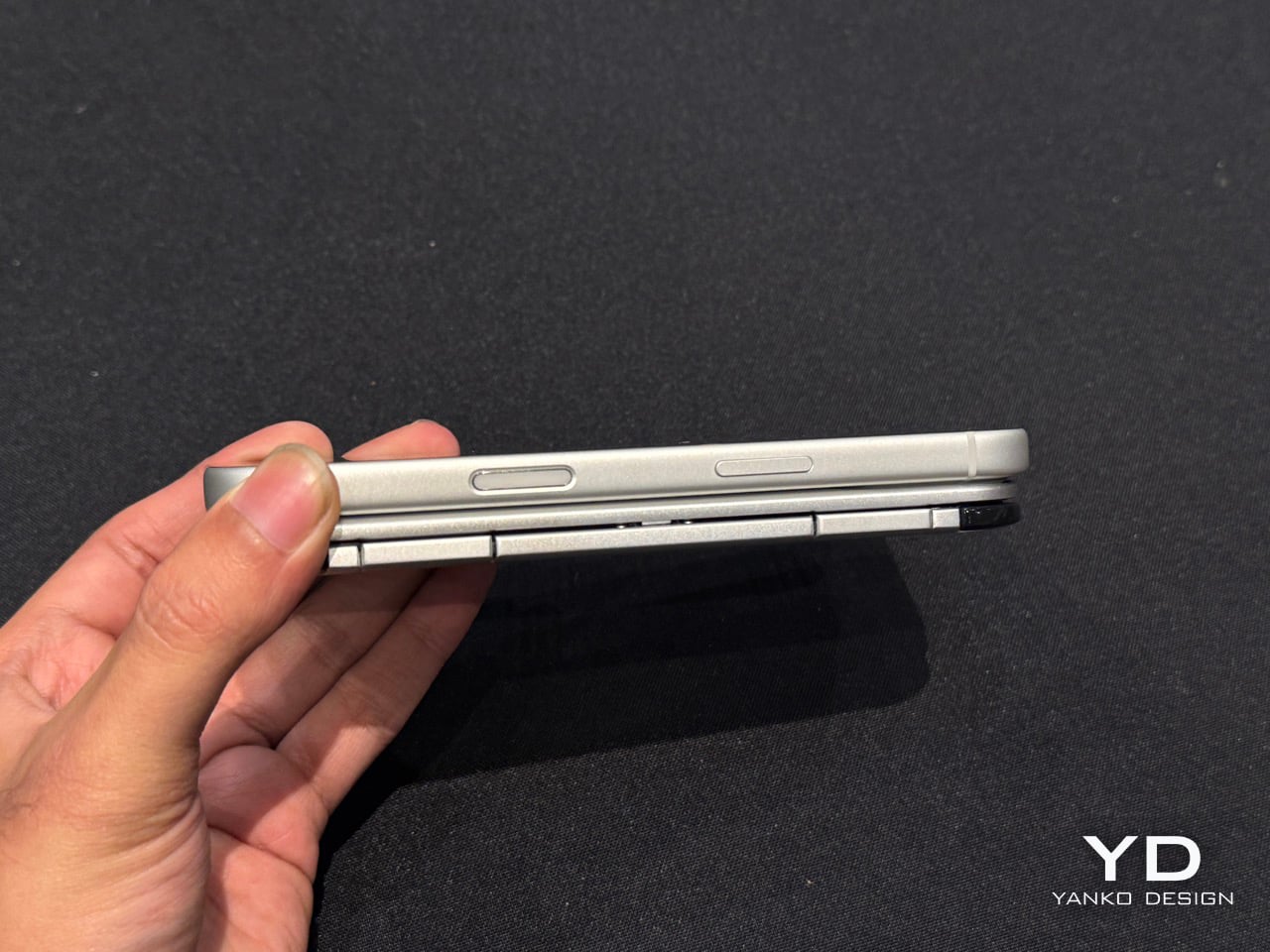
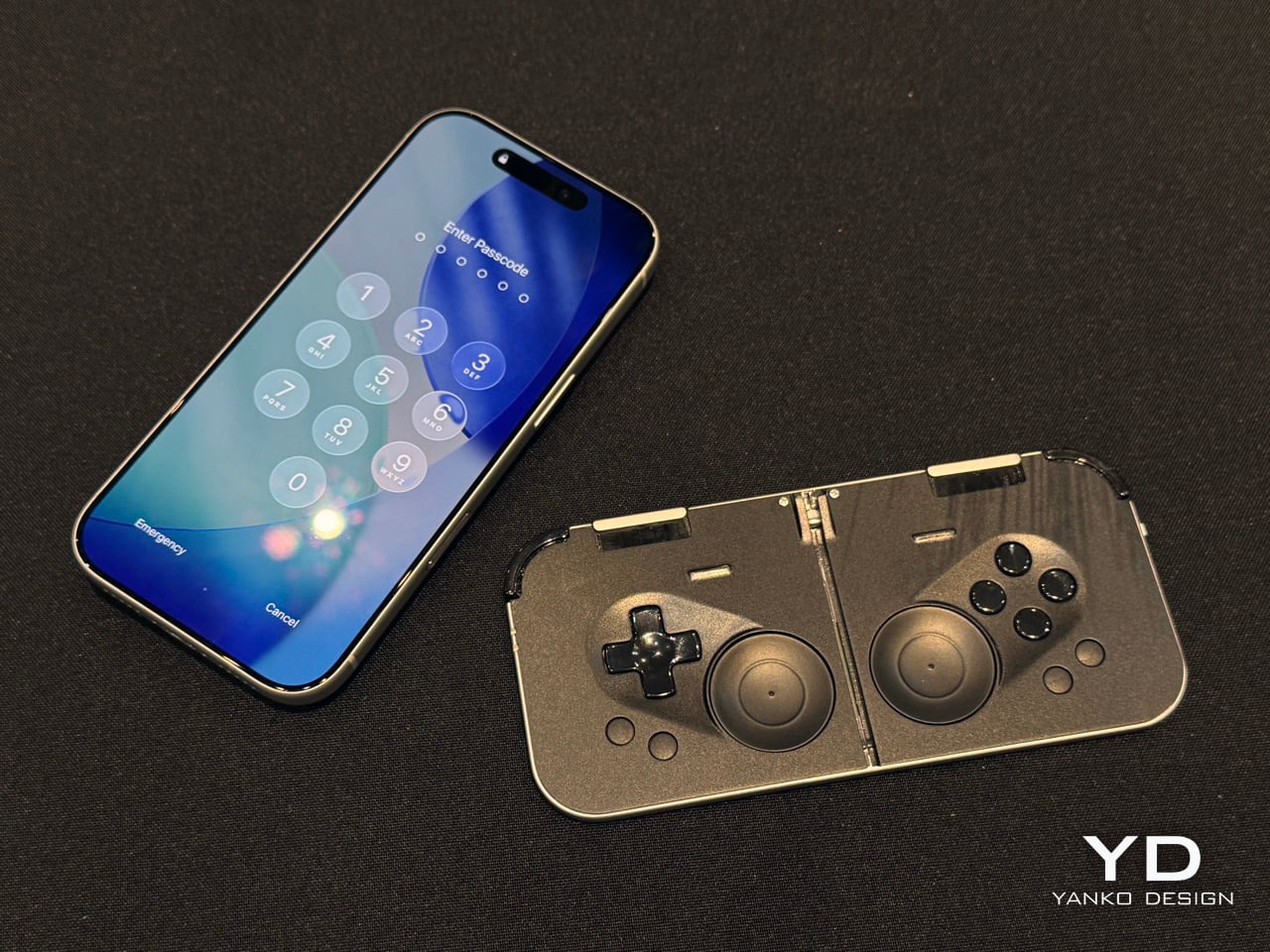
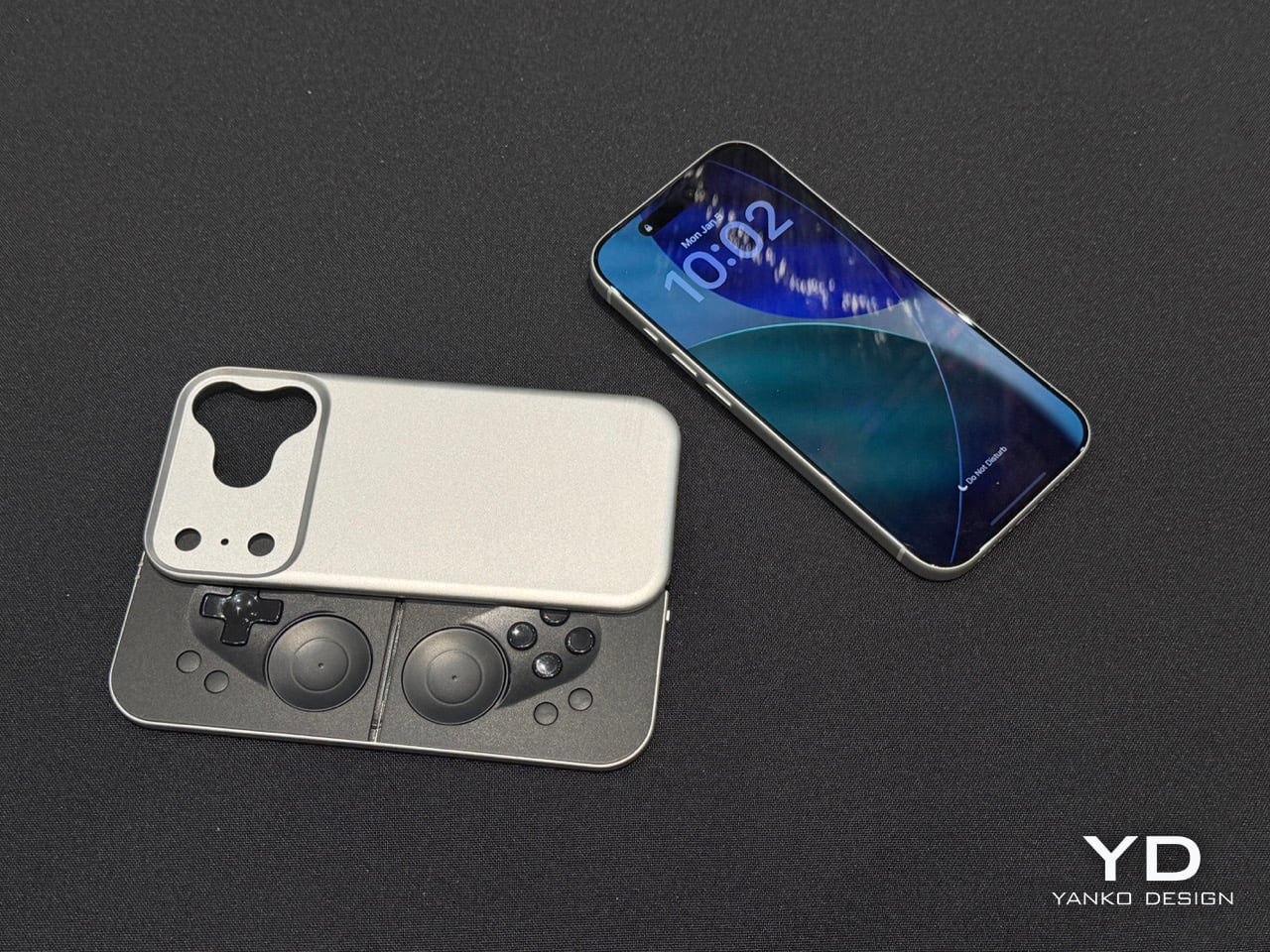
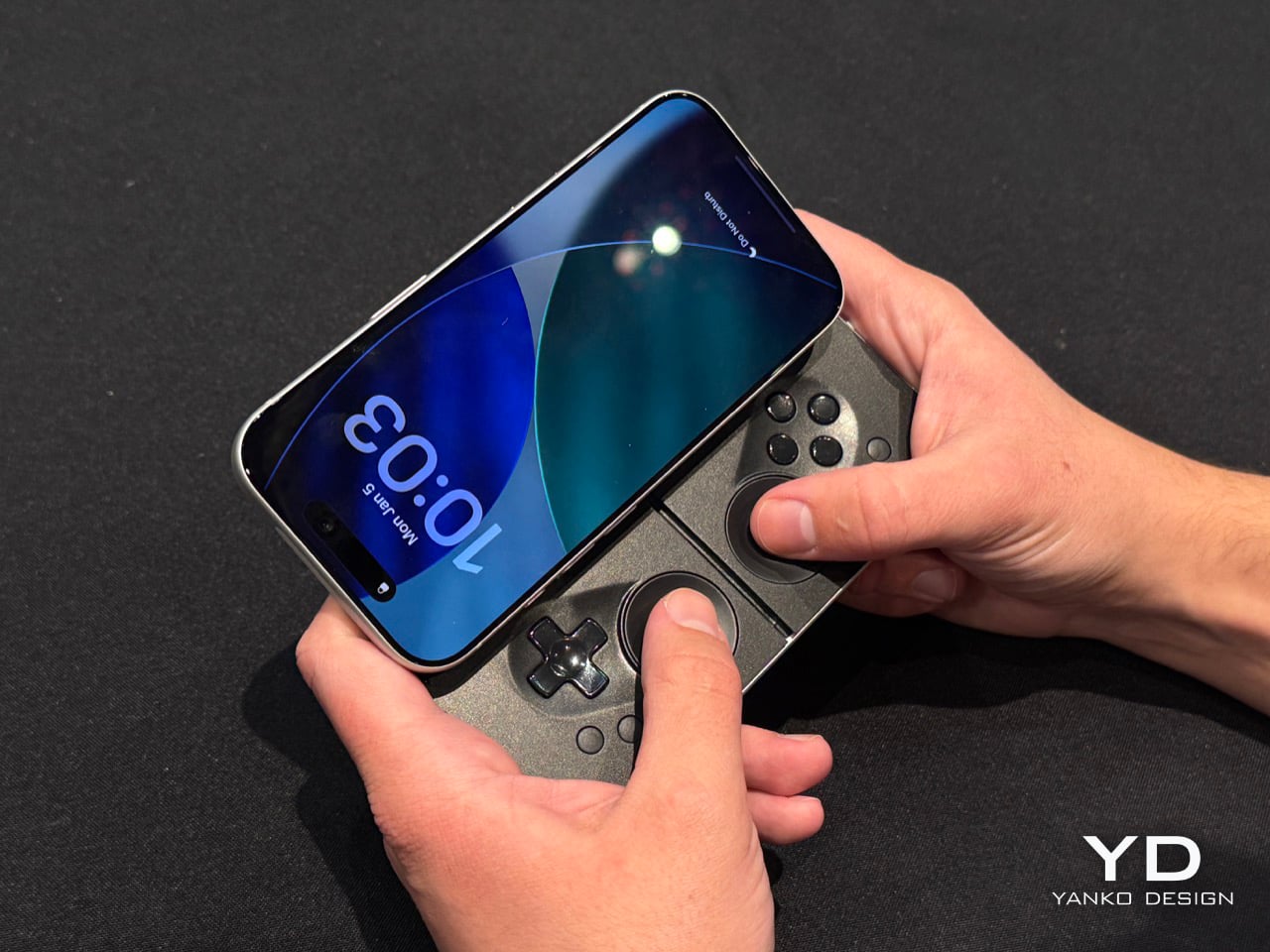
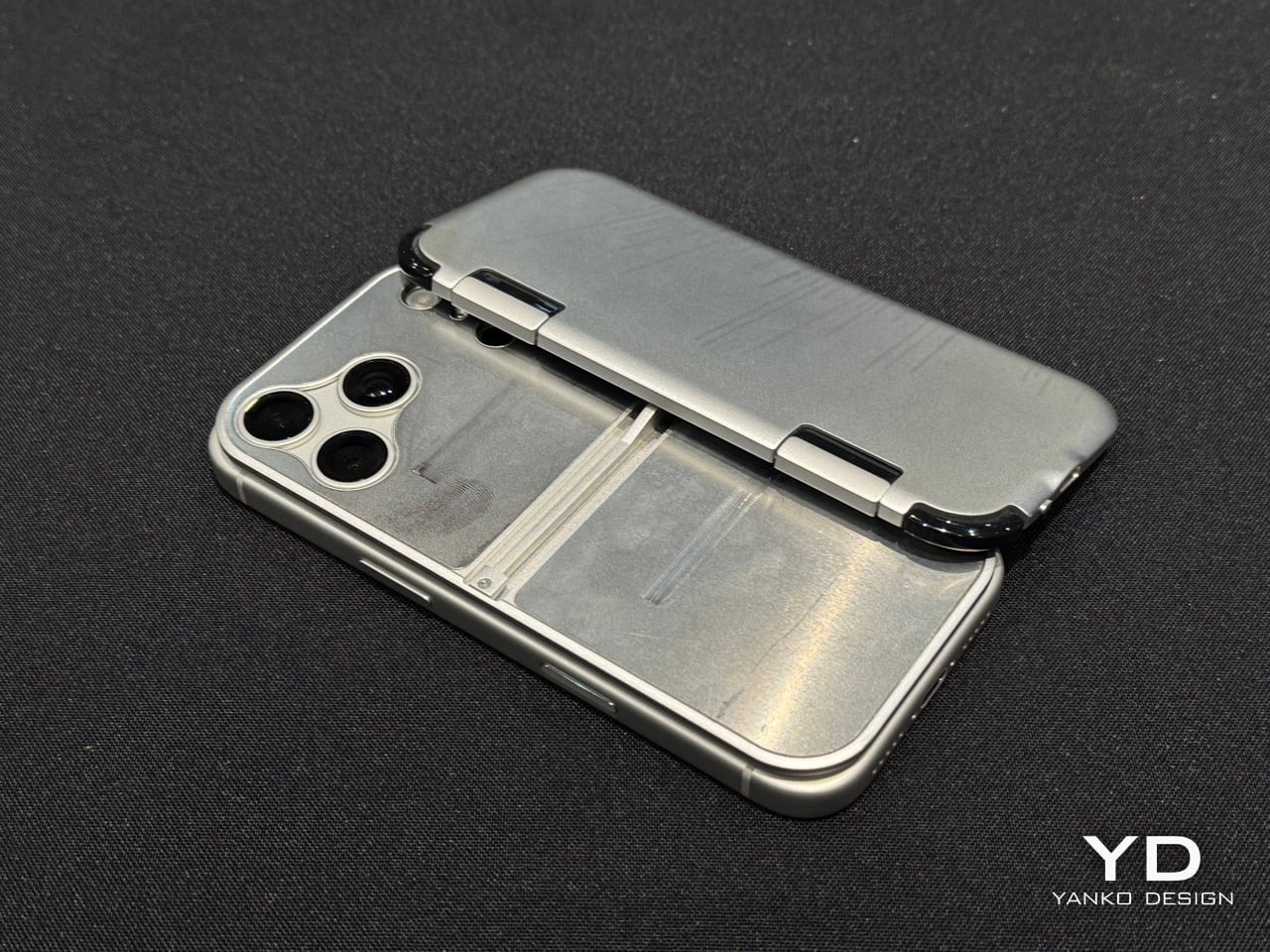
If you’ve seen the MCON before, think of the Slim as the iPhone Air of gaming controllers. It’s ridiculously sleek, snapping to the back of your phone and literally absorbing your iPhone’s camera bump into it. When shut, it’s still slim enough to slide right into your pocket without you feeling a thing. However, when you’re craving some serious gaming, slide the controller out and you’ve got a makeshift handheld console in mere seconds, with an actual D-Pad, action buttons, two touch-sensitive joypads, and even trigger buttons on the back.

Before you get your hopes up, the MCON Slim is still in its ‘proof of concept’ stage, and won’t launch anytime soon. Josh mentions they’ll probably roll the Slim out in time for the iPhone 18… which works just fine given that I plan on upgrading my iPhone just around that time! The design, however, is beyond impressive. The sliding interaction is flawless, even though the Ohsnap team miniaturized practically everything. The trigger buttons have actual movement, with nearly 3mm of travel. And the best part, the MCON Slim plays nice with the iPhone’s camera module (unlike past versions). A gorgeous fidget-spinner-shaped cutout lets you use the iPhone’s camera even with the Slim controller attached to the back of your phone. Heck, even the flashlight is accessible, which means your gaming console, ahem, smartphone has zero compromises.

And the best part is that the controller slides right out of the dock, turning your phone into a Nintendo Switch of sorts. The connection is all via Bluetooth, which means you can place your phone on a table a few feet away from you while you game with the detached controller in your hands. The slimness results in just two sacrifices – firstly, those pop-out grips from the original MCON don’t make it to this device. And to be honest, I don’t miss them at all. Secondly, the joypads go from physically moving controls to touch-sensitive ones… something that most casual gamers should be fine with. For the pedantic ones, the original MCON (and the upcoming MCON Lite) offers a perfect alternative.

The sad part here is that there’s absolutely no tech spec to talk about. The MCON Slim is entirely a work in progress right now, which means design details, battery life, pricing, everything is subject to change. However, Josh did mention that the MCON Slim should arrive around the same time as the iPhone 18, or in other words – we’ll probably get the MCON Slim before we get GTA VI.

The post MCON Slim Hands-on at CES 2026: The Ultra‑Thin MagSafe Controller That Turns Your iPhone Into a Gaming Console first appeared on Yanko Design.

LG’s Impossibly Thin 9mm Wallpaper TV Goes Wireless at CES 2026

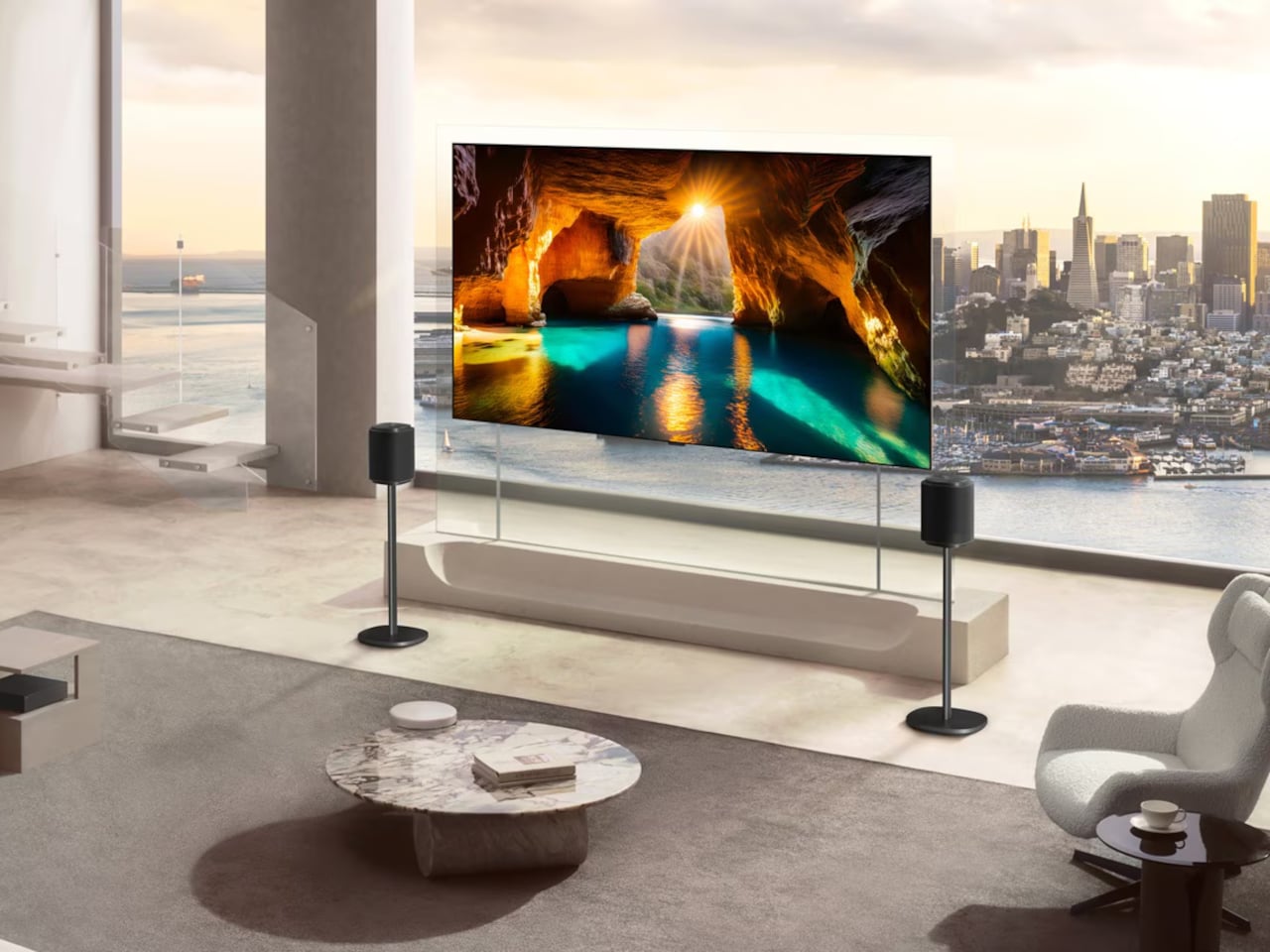
The original Wallpaper OLED from 2017 felt like a sci-fi prop, impossibly thin but tethered by cables and living in carefully staged rooms. CES 2026 is where LG brings that idea back with the OLED evo W6, a Wallpaper TV that now calls itself true wireless, nine-millimeter-class thin, and ready to live in actual homes instead of just concept apartments with perfectly curated shelves and no hint of where the clutter went.

The W6 moves all inputs and processing into a Zero Connect Box that can sit up to 10 m away, sending 4K video and audio wirelessly to the panel. The TV itself becomes a sheet of OLED that mounts flush to the wall, with no visible ports or cables, so the usual tangle of consoles, set-top boxes, and sound systems can hide in a cabinet across the room or behind furniture instead of snaking up the wall.

Designer: LG

A living room with big windows is where most TVs struggle, fighting reflections and glare all afternoon. The OLED evo W6 leans on Hyper Radiant Color Technology and a panel that earns Reflection Free Premium certification, combining Brightness Booster Ultra, up to 3.9 times brighter than conventional OLEDs at peak, with the lowest reflectance in LG’s lineup. Daytime viewing does not require blackout curtains or strategic seating, which changes how the TV fits into daily routines.

A movie night brings the α11 AI Processor Gen3 into focus, with its 5.6 times more powerful NPU and Dual AI Engine. Instead of choosing between smoothing noise and preserving texture, it runs parallel algorithms to do both, keeping film grain and skin detail intact while cleaning up compression artifacts. The image stays crisp without looking over-sharpened or plasticky, even on older content pulled from streaming libraries that were compressed years ago.

The hours when nobody is actively watching are where Gallery+ turns the OLED evo W6 into a canvas for more than 4,500 visuals, from cinema stills to game art, plus your own photos and generative AI pieces, all paired with mood-matched music. The TV stops being a black rectangle and becomes part of the room’s atmosphere, changing with seasons, gatherings, or whatever you feel like seeing when you walk past between tasks or while cooking dinner.

A late-night gaming session is where the OLED evo W6’s 4K 165 Hz support, 0.1 ms response time, and compatibility with NVIDIA G-SYNC and AMD FreeSync Premium matter. Auto Low Latency Mode kicks in, input lag drops, and the same panel that showed impressionist art earlier now handles fast shooters or racing games without tearing or ghosting, making the Wallpaper TV feel less fragile and more like a serious multi-purpose display.

The LG OLED evo W6 pulls together LG’s 13 years of OLED work, true-wireless experiments, and AI processing into something that finally behaves like the wallpaper TV idea always promised. At CES 2026, it reads less like a stunt and more like a sign that the next wave of TVs will be judged not only on how they look when they are on, but on how gracefully they disappear when they are not.

The post LG’s Impossibly Thin 9mm Wallpaper TV Goes Wireless at CES 2026 first appeared on Yanko Design.
Acer AMD Ryzen Laptops Bring AI Across Three Very Different Days

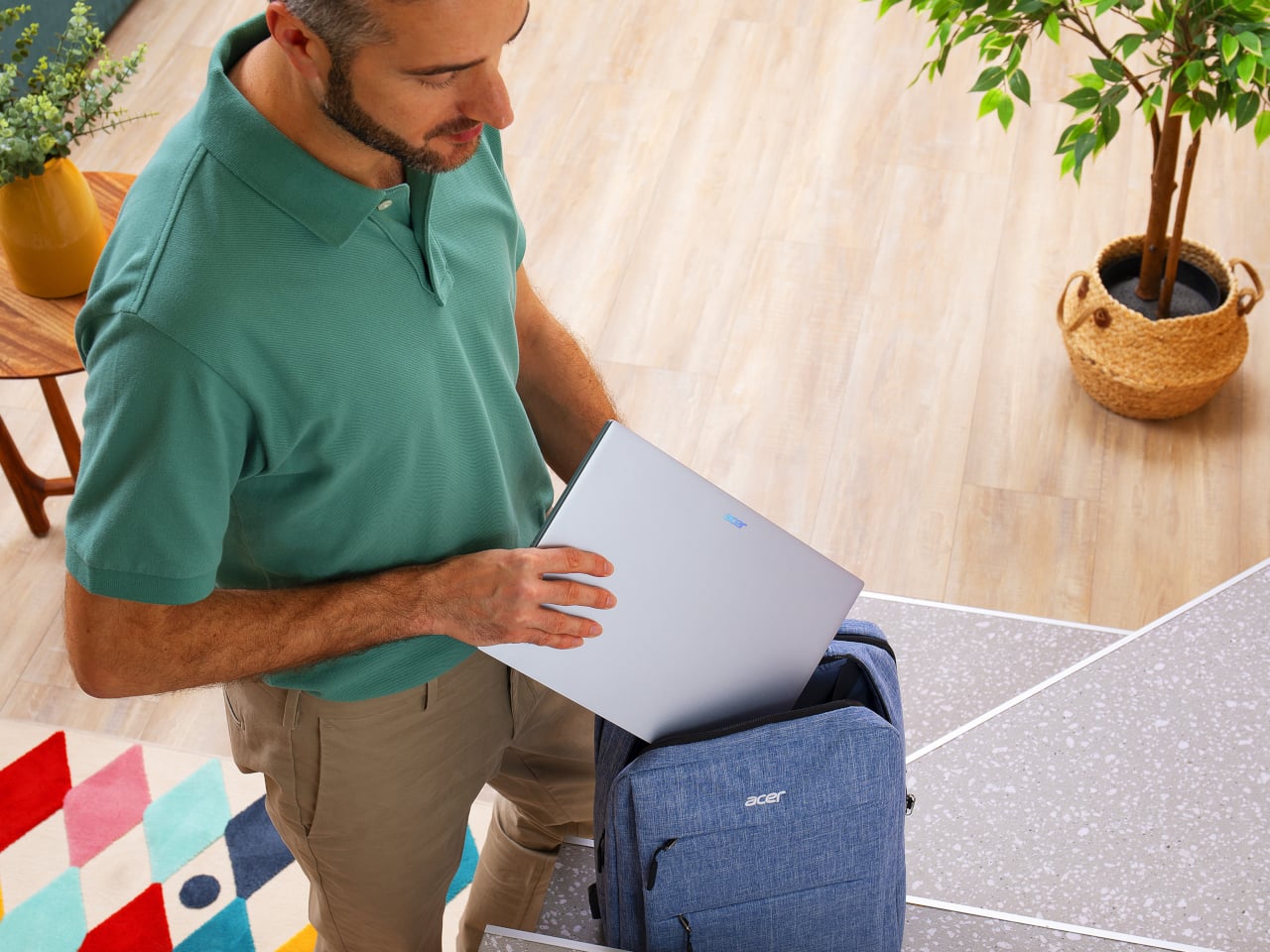
AMD’s Ryzen AI 400-series chips are showing up in laptops people might actually carry every day. Acer is rolling them out across three very different lines, thin-and-light, mainstream, and gaming, and all of them are Copilot+ PCs with NPUs built for on-device AI. Built on the Zen 5 architecture, these processors aim to enhance productivity and creative work without constantly leaning on the cloud or draining the battery by lunchtime.

The lineup splits into three personalities. Swift Go 16 AI is built for people who live out of a backpack. Aspire 14 and 16 AI are for students and young professionals who need one machine to do everything. Last but not least, Nitro V 16 AI is for gamers who still have to write essays or edit videos when the match ends. The interesting part is how Acer uses the same AMD Ryzen AI 400-series foundation to make three very different days feel smoother.

Designer: Acer

Acer Swift Go 16 AI

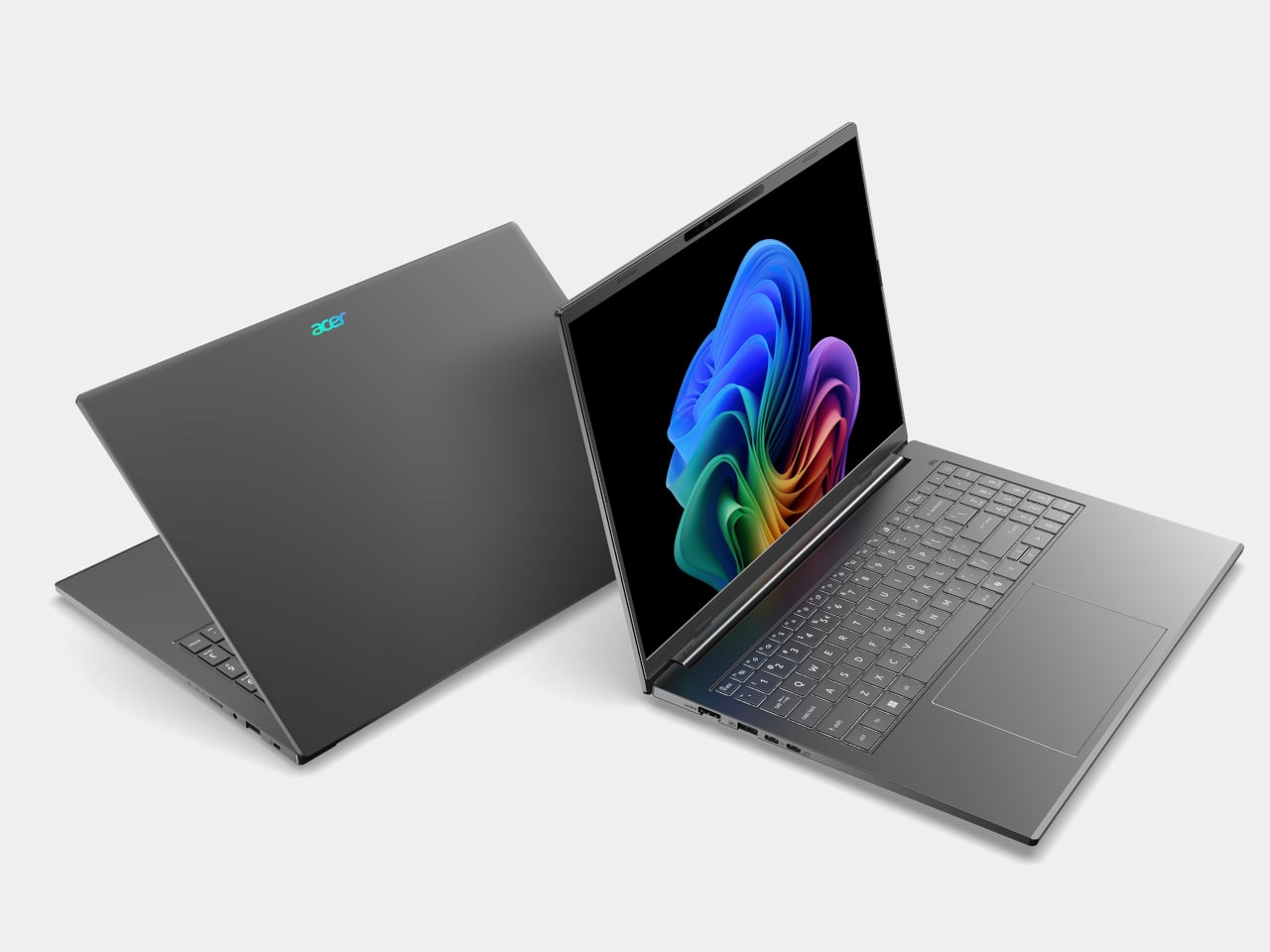
Swift Go 16 AI is the laptop that spends its time in cafés and lecture halls. It runs up to an AMD Ryzen AI 9 465 processor with Radeon 880M graphics, up to 32 GB of LPDDR5X memory, and up to 1 TB of PCIe Gen 4 SSD storage. That headroom handles a dozen tabs, a video call, and a Copilot window without the fans screaming, and it all lives in a laser-etched aluminum chassis that opens a full 180 degrees.

Display options range from 16-inch 16:10 WUXGA IPS to WUXGA+ OLED with 100 % DCI-P3 and up to 400 nits, so spreadsheets and color-sensitive work both look right. A 5 MP IR camera with HDR and Human Presence Detection makes video calls less painful, while DTS:X Ultra speakers and a multi-control touchpad handle audio and gestures. Wi-Fi 7, Bluetooth 5.4, dual USB-C, dual USB-A, HDMI 2.1, and MicroSD mean you stop hunting for dongles.

Acer Aspire 14 AI and Aspire 16 AI

Acer Aspire 14 AI

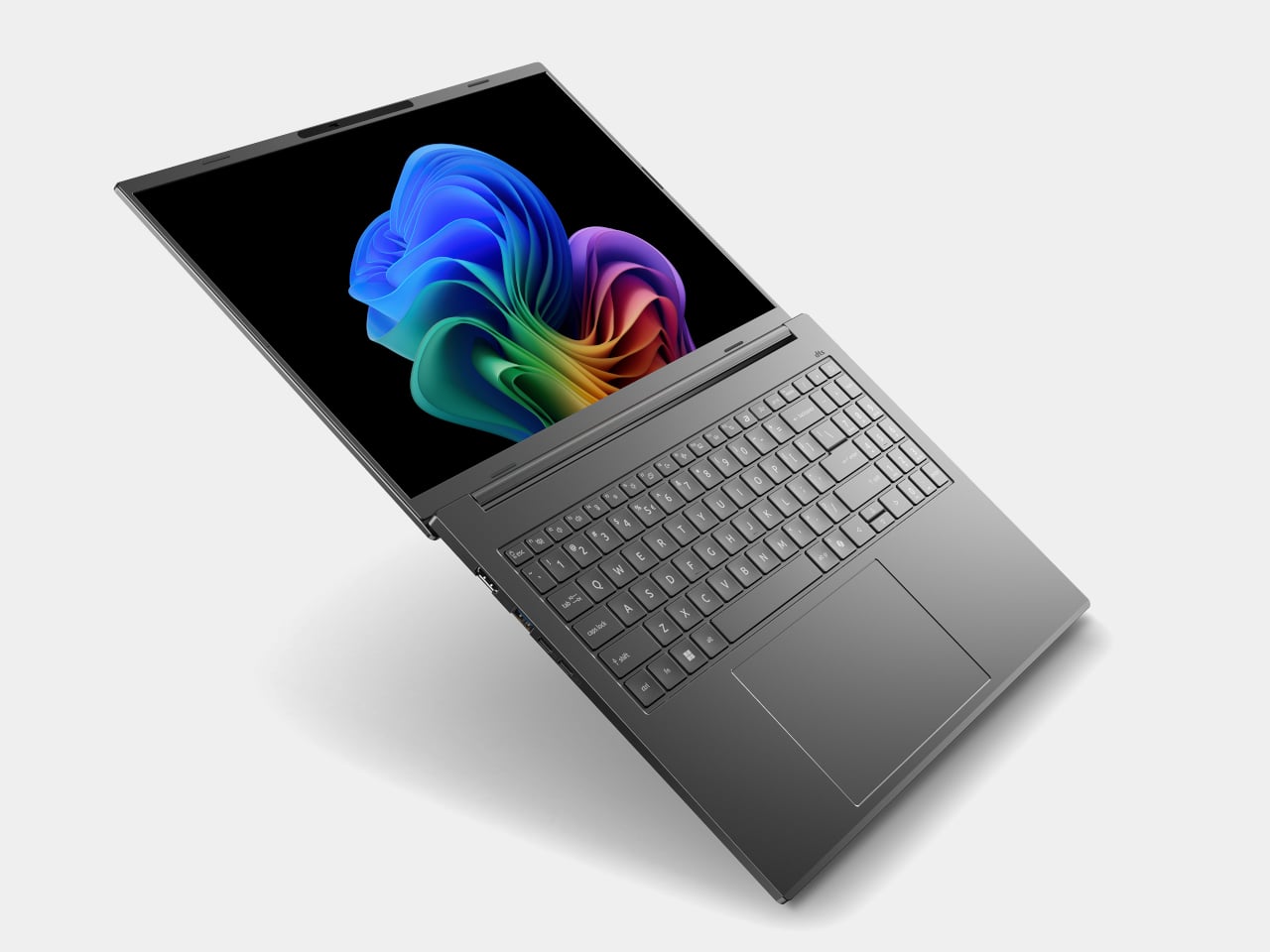
The Aspire 14 AI and Aspire 16 AI are the laptops that bounce between classes, offices, and kitchen tables. Both use WUXGA 1920 × 1200 16:10 displays with refresh rates up to 120 Hz, with touch, non-touch, and OLED options. The 16-inch model can be configured with up to an AMD Ryzen AI 9 465 and Radeon 880M graphics, while the 14-inch tops out at a Ryzen AI 7 445 and Radeon 840M, both with up to 32 GB of LPDDR5X and 1 TB of PCIe Gen 4 SSD storage.

Acer Aspire 16 AI

Full-flat 180-degree hinges and large touchpads make it easy to share a screen or navigate long documents. Both sizes include 1080p FHD IR webcams with privacy shutters, DTS Audio dual speakers, and triple-mic arrays, plus Wi-Fi 6E and Bluetooth 5.3. Two USB-C, two USB-A, HDMI 2.1, a MicroSD card reader, and an audio jack cover most scenarios without extra gear. Acer’s AI layer, Intelligent Space, AcerSense, PurifiedView, PurifiedVoice, and My Key, sits on top of Copilot+ to make translation, noise reduction, and quick shortcuts feel like part of the machine.

Acer Nitro V 16 AI

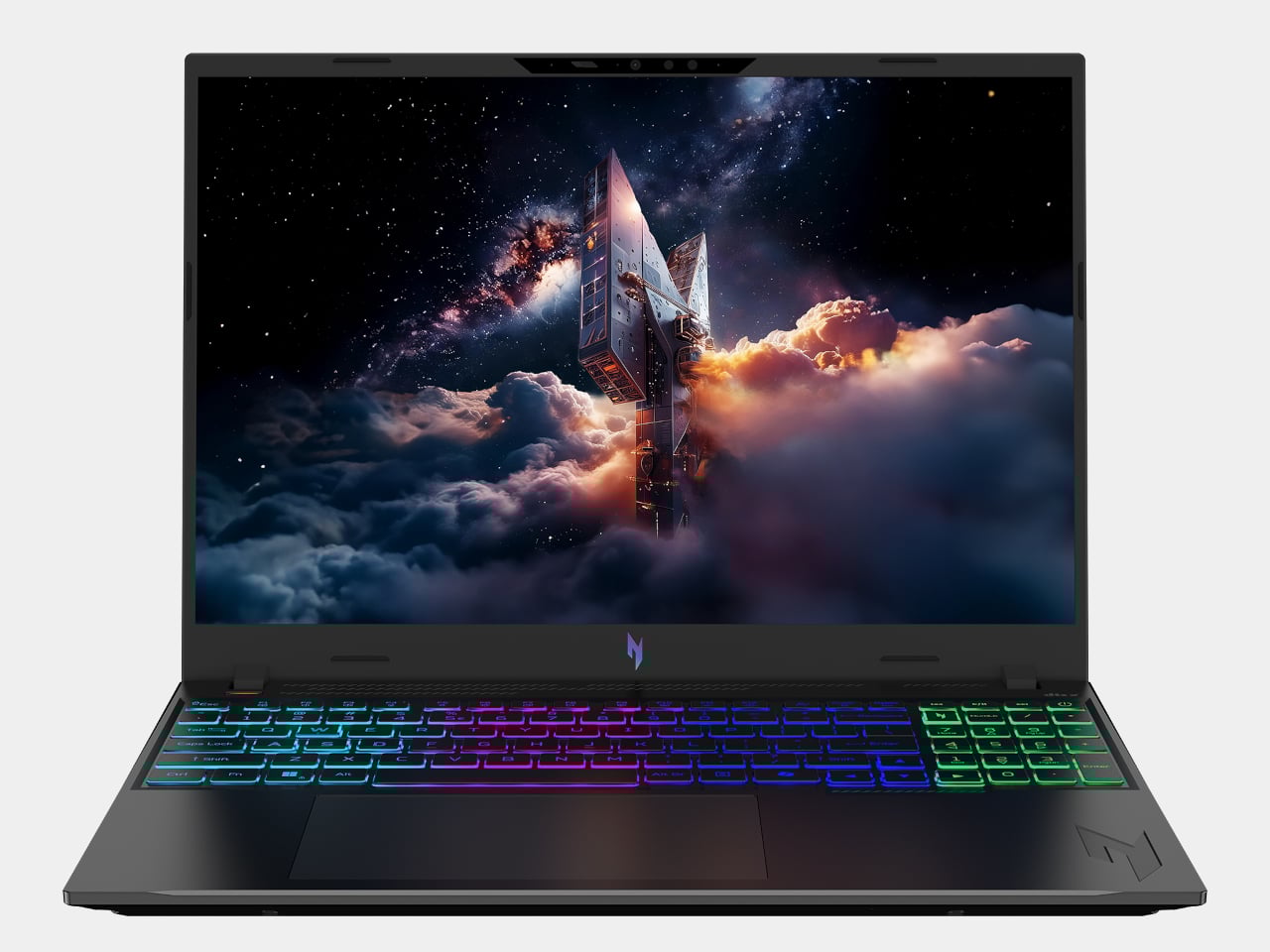
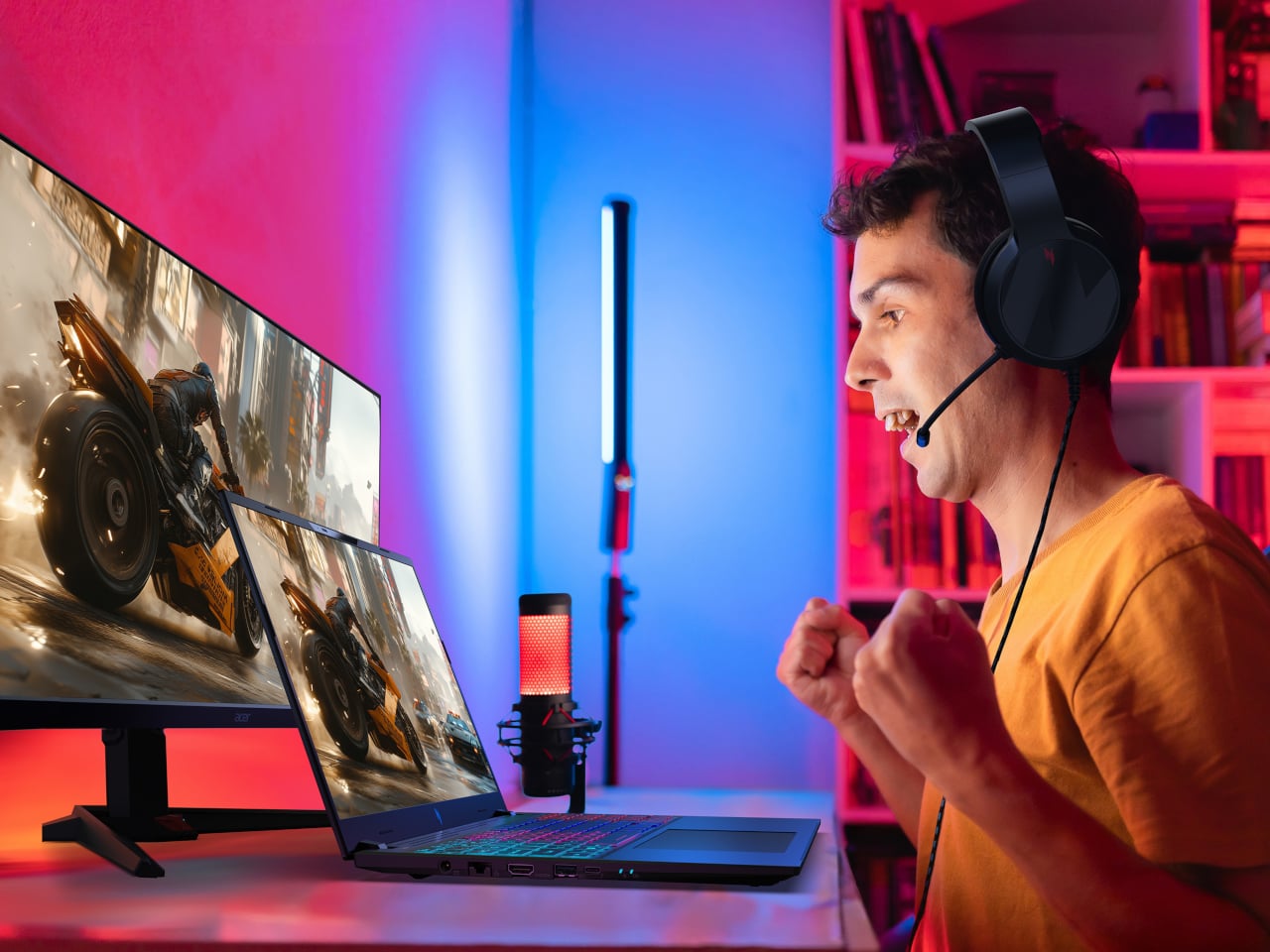
Nitro V 16 AI is the AMD-powered gaming laptop that still has to behave like a normal computer when the game is closed. It pairs up to an AMD Ryzen AI 9 465 processor with up to an NVIDIA GeForce RTX 5070 Laptop GPU, backed by up to 32 GB of DDR5 memory and up to 2 TB of PCIe M.2 NVMe SSD storage. That combination is built for high-refresh shooters and GPU-accelerated creative work, not just casual titles.

The 16-inch 16:10 WUXGA 1920 × 1200 panel runs at 180 Hz with 100 % sRGB and a MUX switch, so you can flip between power-saving hybrid mode and direct GPU mode when you care about every frame. Dual-fan, dual-intake, dual-exhaust cooling keeps the chassis under control, while DTS:X Ultra audio, a 4-zone RGB keyboard, and an FHD IR webcam with a shutter handle the rest of the experience. Wi-Fi 6E, Bluetooth 5.4, USB 4 Type-C, three USB-A ports, HDMI 2.1, RJ-45, and a Kensington lock round it out, and Acer’s Intelligent Space and NitroSense give you knobs to tune performance and AI-assisted features without digging through control panels.

Acer and AMD at CES 2026: Three Laptops, One AI Backbone

Swift Go 16 AI is the thin-and-light that leans on OLED and Wi-Fi 7 for people who work wherever they can find a table. Aspire 14 and 16 AI are the everyday machines that quietly stretch multi-day battery life and 16:10 high-refresh screens across school, work, and home. Nitro V 16 AI is the gaming rig that still has to write essays and render timelines. Underneath, they all share AMD’s Ryzen AI 400-series processors, Copilot+ PC status, and Acer’s own AI tools, which is the real CES 2026 story here, AI moving from a single button on the keyboard into the way the whole laptop is specced and shaped.

The post Acer AMD Ryzen Laptops Bring AI Across Three Very Different Days first appeared on Yanko Design.
ROG’s CES 2026 Flagships Rethink What a Gaming Machine Looks Like

Gaming laptops have settled into a comfortable rhythm. A 16-inch clamshell, an RGB keyboard, a high-refresh panel, and a GPU that fits into a backpack. Most people buy them, use them, and expect roughly the same experience from every generation. ROG’s CES 2026 lineup arrives at a moment when AI hardware, OLED panels, and new hinge engineering are all maturing at once, and the company seems very interested in experimenting with what that makes possible.

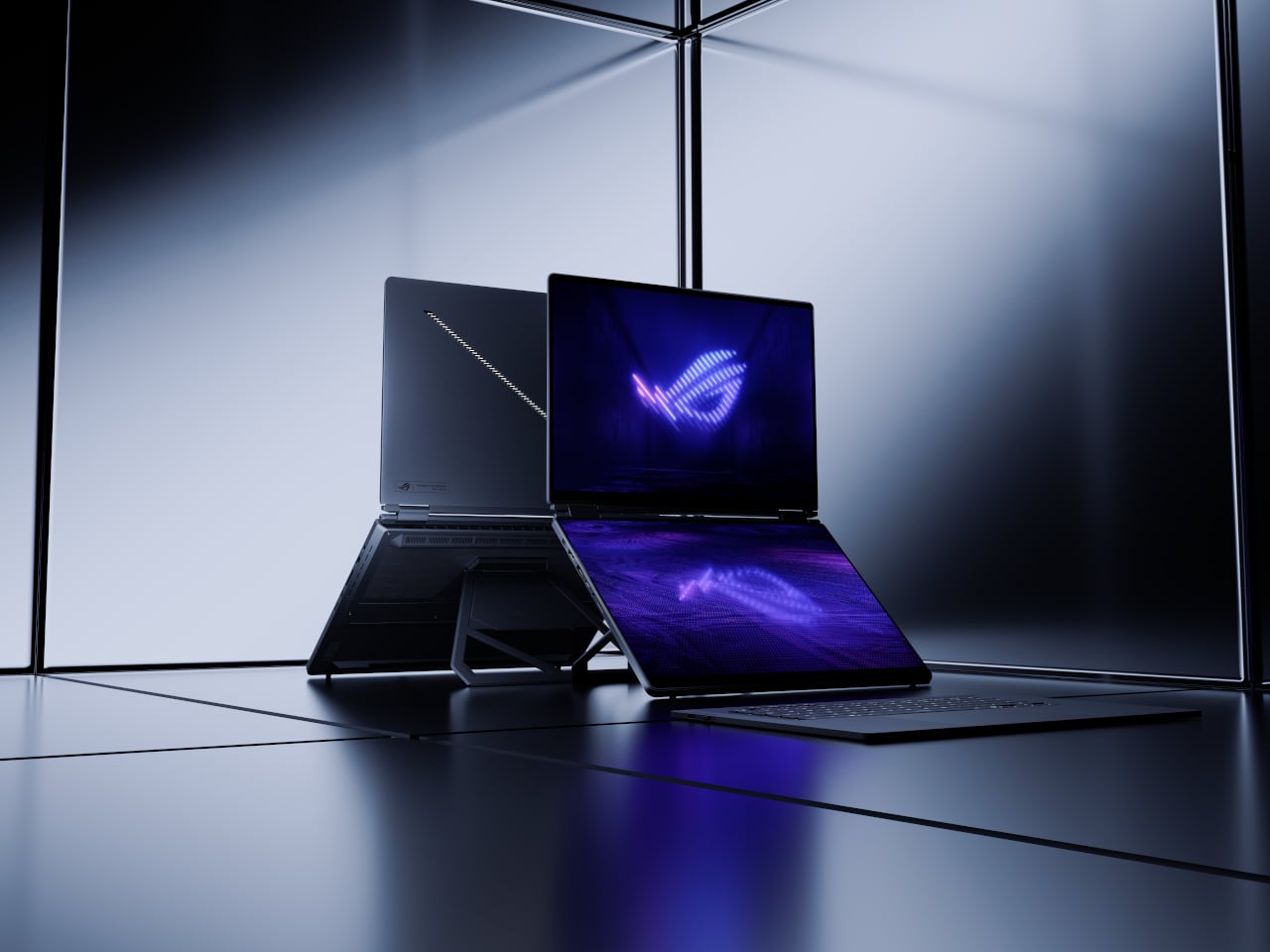
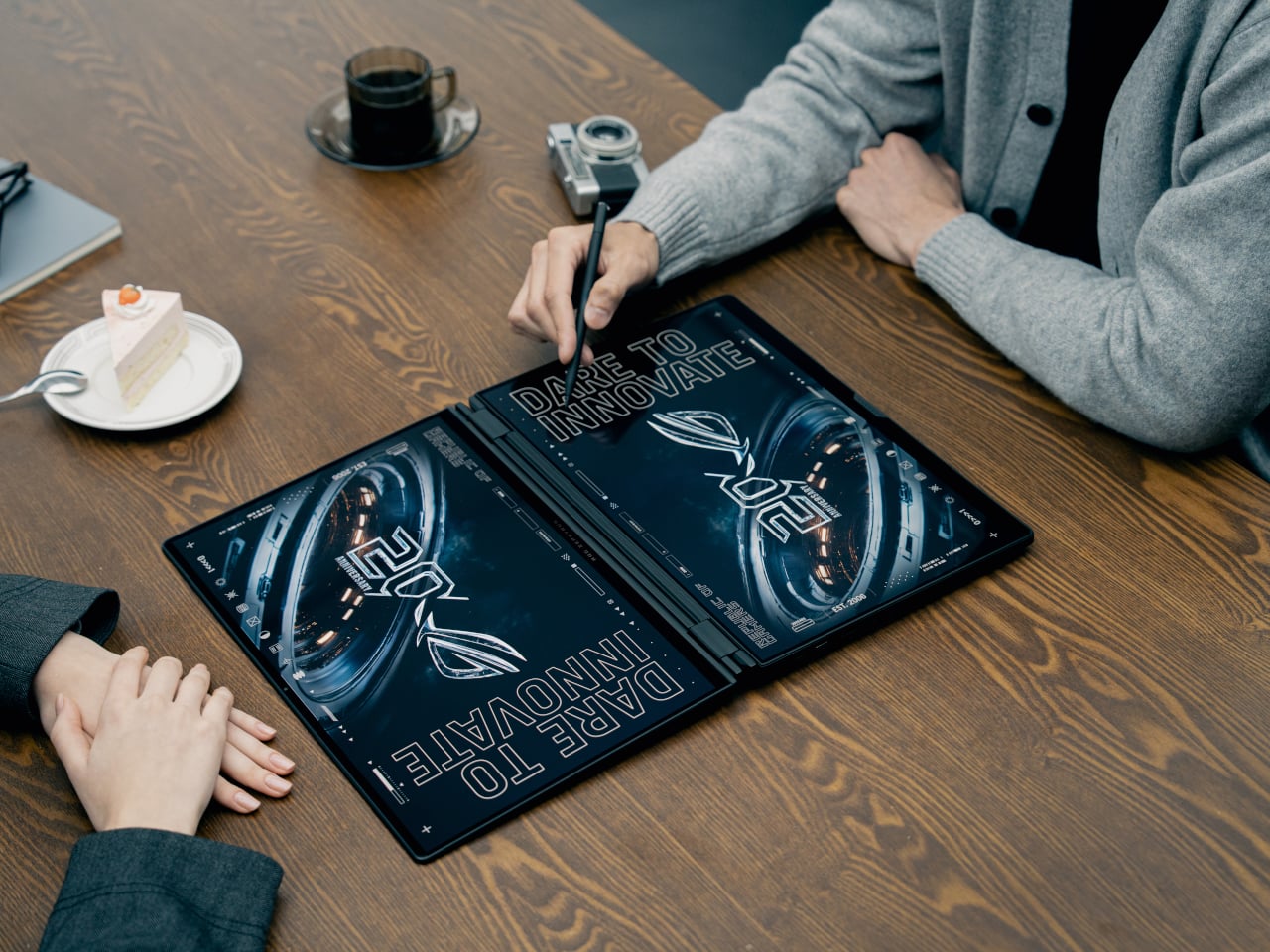
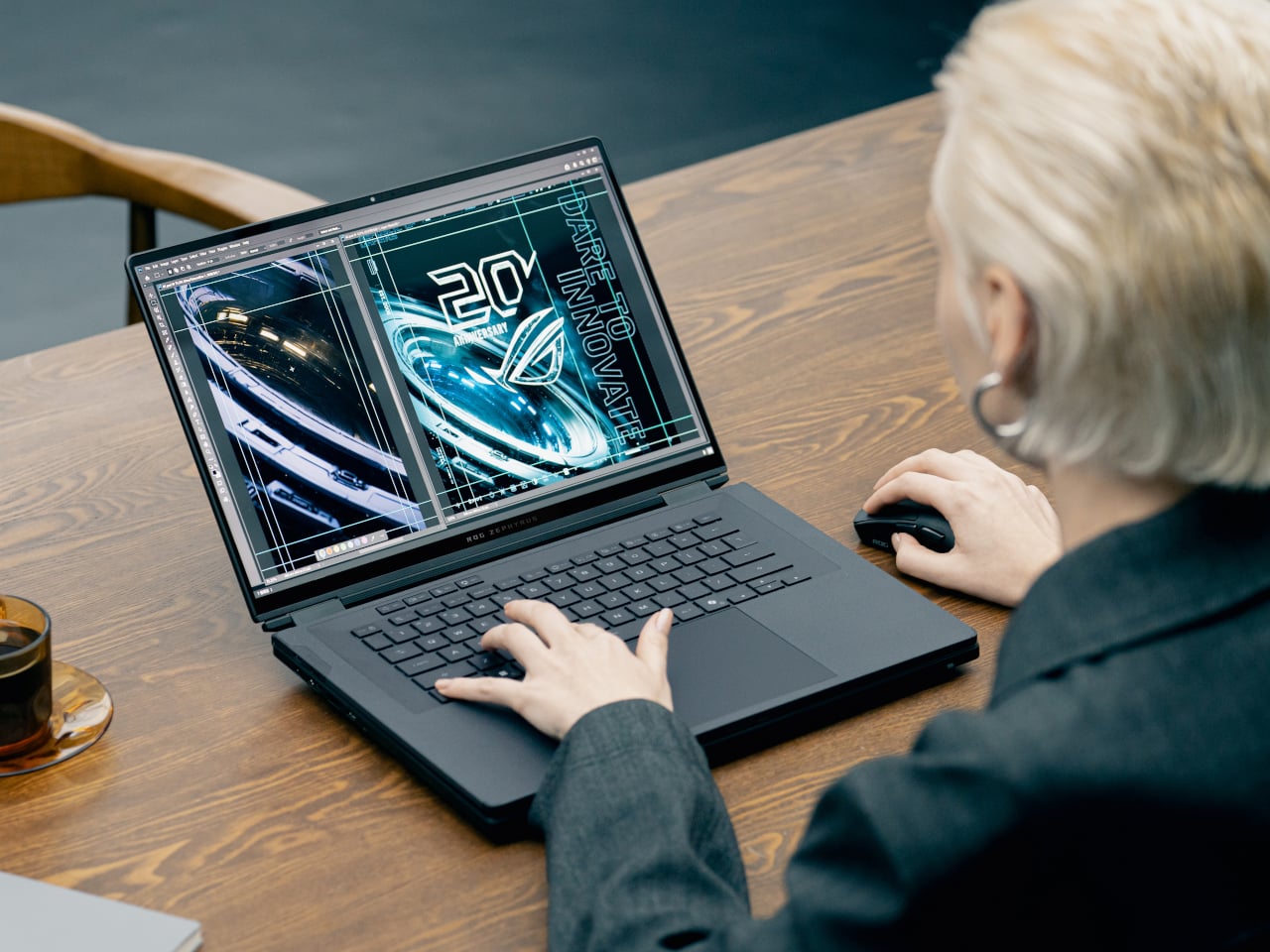
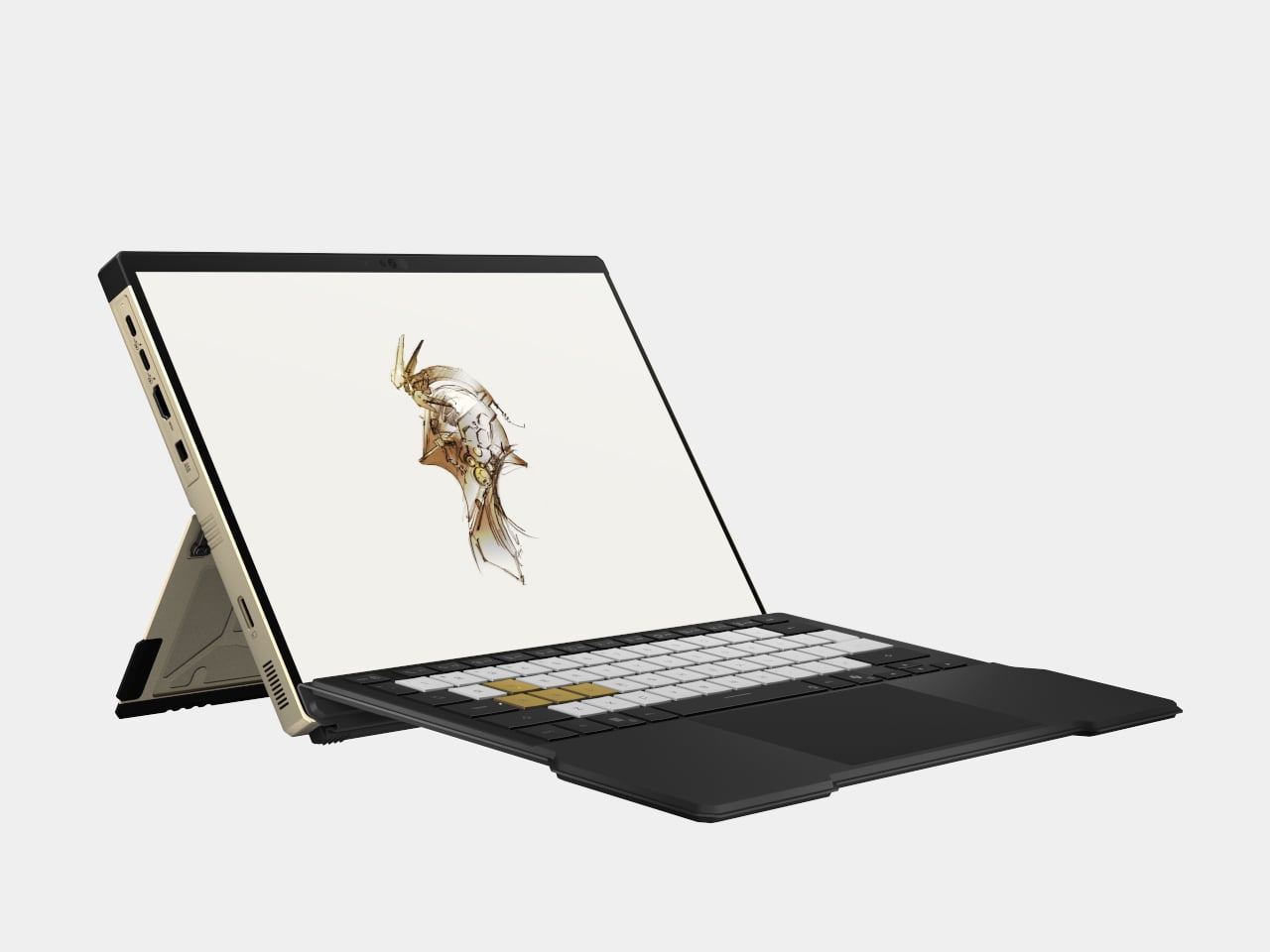
ROG’s most interesting products are not just faster versions of last year’s machines. The Zephyrus Duo GX651 stretches the idea of a laptop into a dual-screen workstation with five operating modes, while the Flow Z13-KJP shrinks a gaming PC into a tablet-sized slab with enough unified memory and NPU power to run a 70-billion-parameter language model on a train. Supporting them are the refreshed Zephyrus G14 and G16 ultraportables and the holographic ROG G1000 desktop.

Designer: ASUS Republic of Gamers (ROG)

ROG Zephyrus Duo GX651

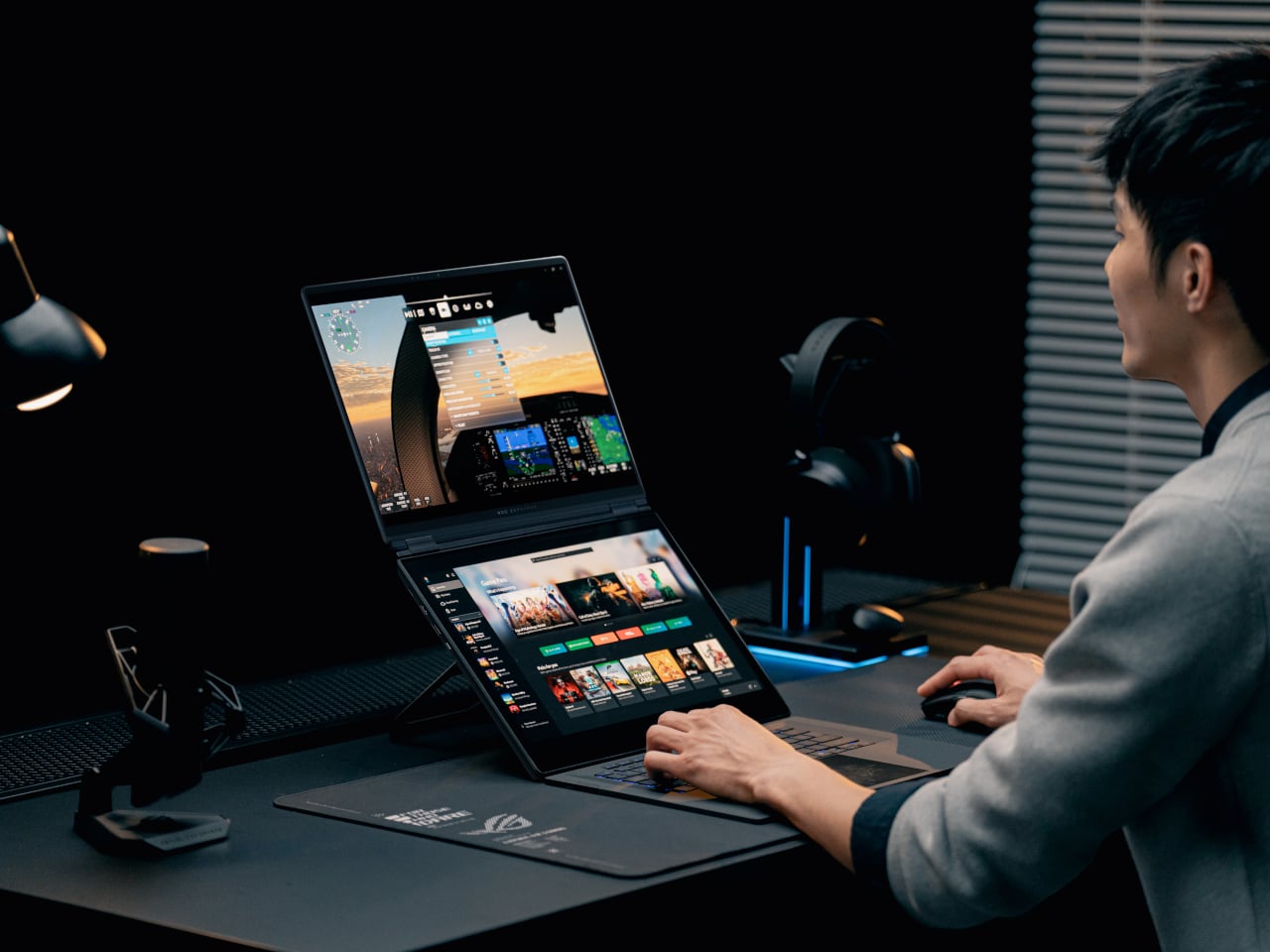
The Duo is the laptop for people who never have enough screen space. Both the main and secondary panels are 16-inch 3K ROG Nebula HDR OLED touchscreens running at 120 Hz with 0.2 ms response times, 100% DCI-P3, and ΔE < 1 color accuracy. In practice, that means a game or timeline can live on the top screen while chat, mixer controls, or reference material sit on the lower one, without feeling like a cramped compromise.

The 320-degree hinge and kickstand let the Duo shift between five operating modes, from traditional clamshell to dual-screen desktop, presentation stand, or drawing surface. A full-size wireless keyboard and touchpad can move off the chassis entirely, so you can push the screens closer and treat the machine like a tiny dual-monitor rig on a hotel desk or studio table. It is a laptop that behaves more like a modular workstation than a fixed shape.

ROG packs up to an Intel Core Ultra processor and an NVIDIA GeForce RTX 5090 Laptop GPU, up to 64 GB of LPDDR5X memory, and up to 2 TB of PCIe Gen 5 SSD storage into a chassis that measures 0.77 in thick and weighs about 6.28 lb. ROG Intelligent Cooling uses liquid metal, a vapor chamber, dual fans, and a dedicated graphite sheet for the second display to keep both panels and the chassis comfortable during long sessions.

ROG Flow Z13-KJP

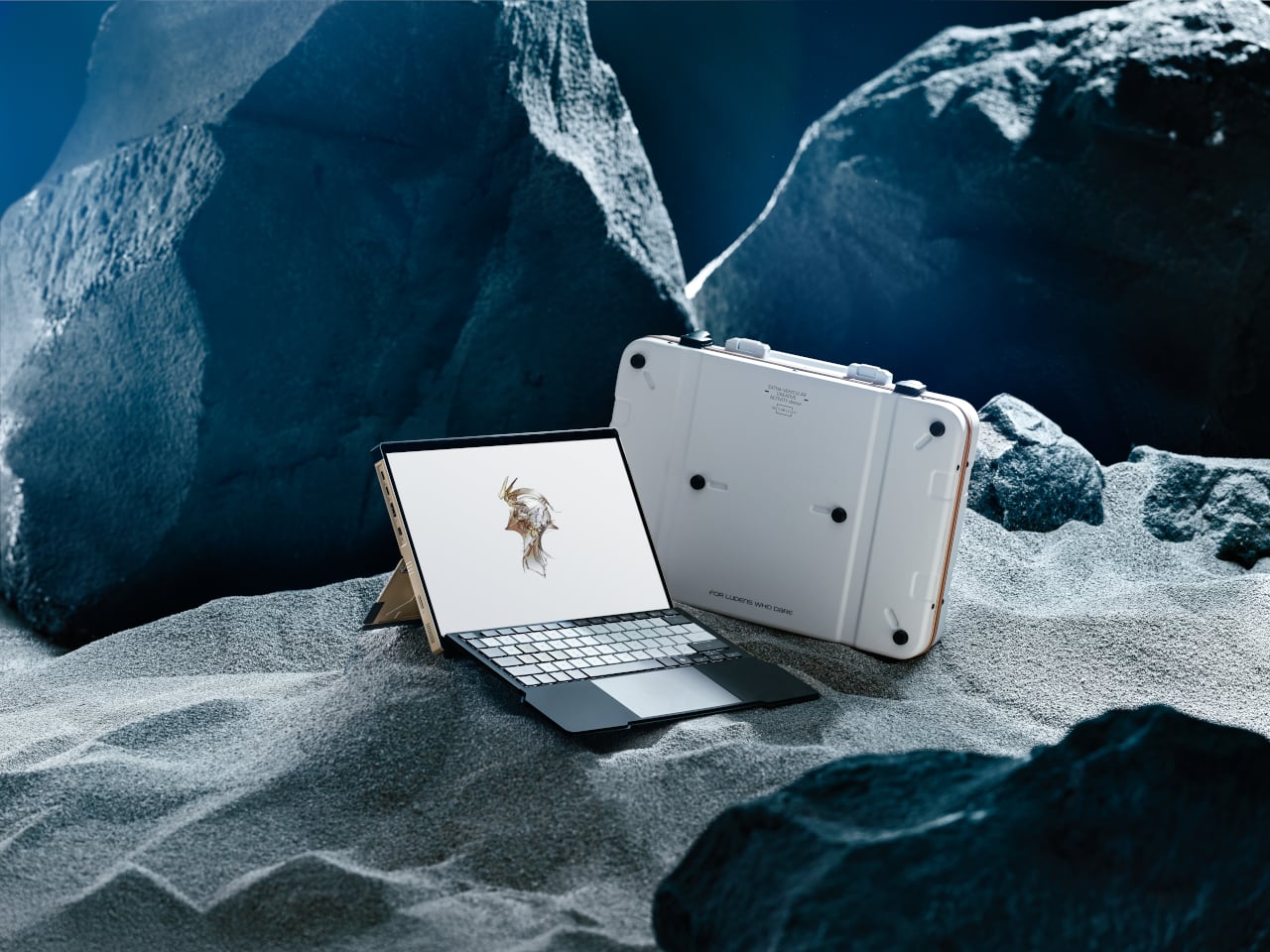
The Flow Z13-KJP is a 13.4-inch 2-in-1 that leans into AI as much as gaming. It runs an AMD Ryzen AI Max+ 395 with Radeon 8060S graphics and a 50 TOPS NPU, paired with up to 128 GB of LPDDR5X unified memory at 8,000 MT/s. ROG explicitly says that the combination can run a 70-billion-parameter LLM locally, which is a very different pitch from “this tablet can play your favorite games.”

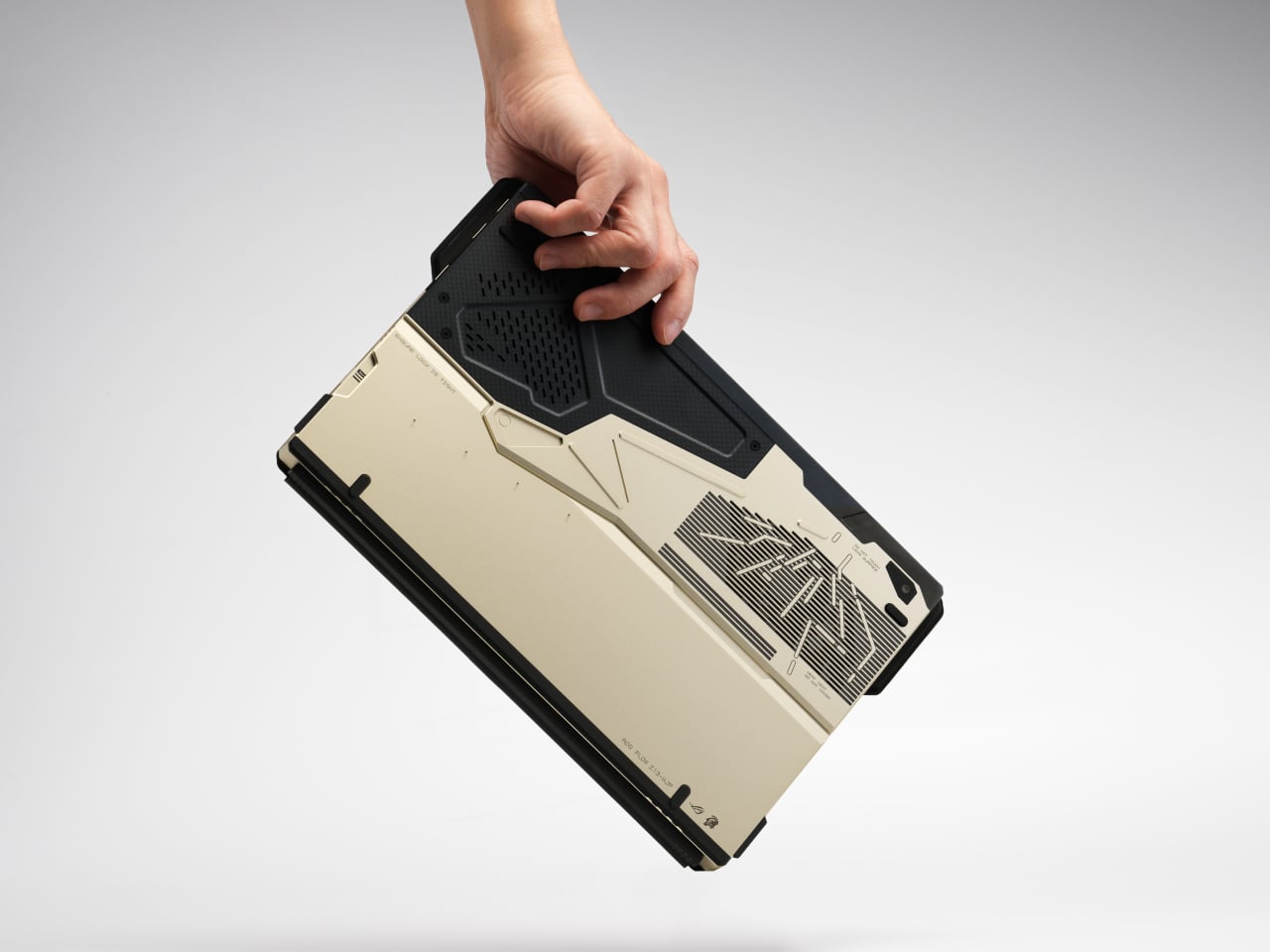
The Z13-KJP uses a 16:10 QHD Nebula display at 180 Hz with 500 nits brightness and 100% DCI-P3, protected by Gorilla Glass DXC. The chassis mixes aluminum with real carbon fiber on the back, weighs about 1.75 kg, and measures 14.6 mm thick. ROG Intelligent Cooling with liquid metal, a vapor chamber, and second-generation Arc Flow fans keeps the Ryzen AI chip and integrated graphics from throttling when running AI workloads or games.

The Kojima Productions collaboration is more than a paint job. Designed by Yoji Shinkawa and inspired by Ludens, the Flow Z13-KJP ships with custom Armoury Crate themes and wallpapers, plus matching peripherals like the Delta II-KJP headset and Keris II Origin-KJP mouse. The detachable RGB keyboard cover with 1.7 mm travel and built-in kickstand let it flip between console-style play, creator tablet, workstation, or ultraportable laptop, treating gaming, creation, and AI experimentation as different moods rather than separate devices.

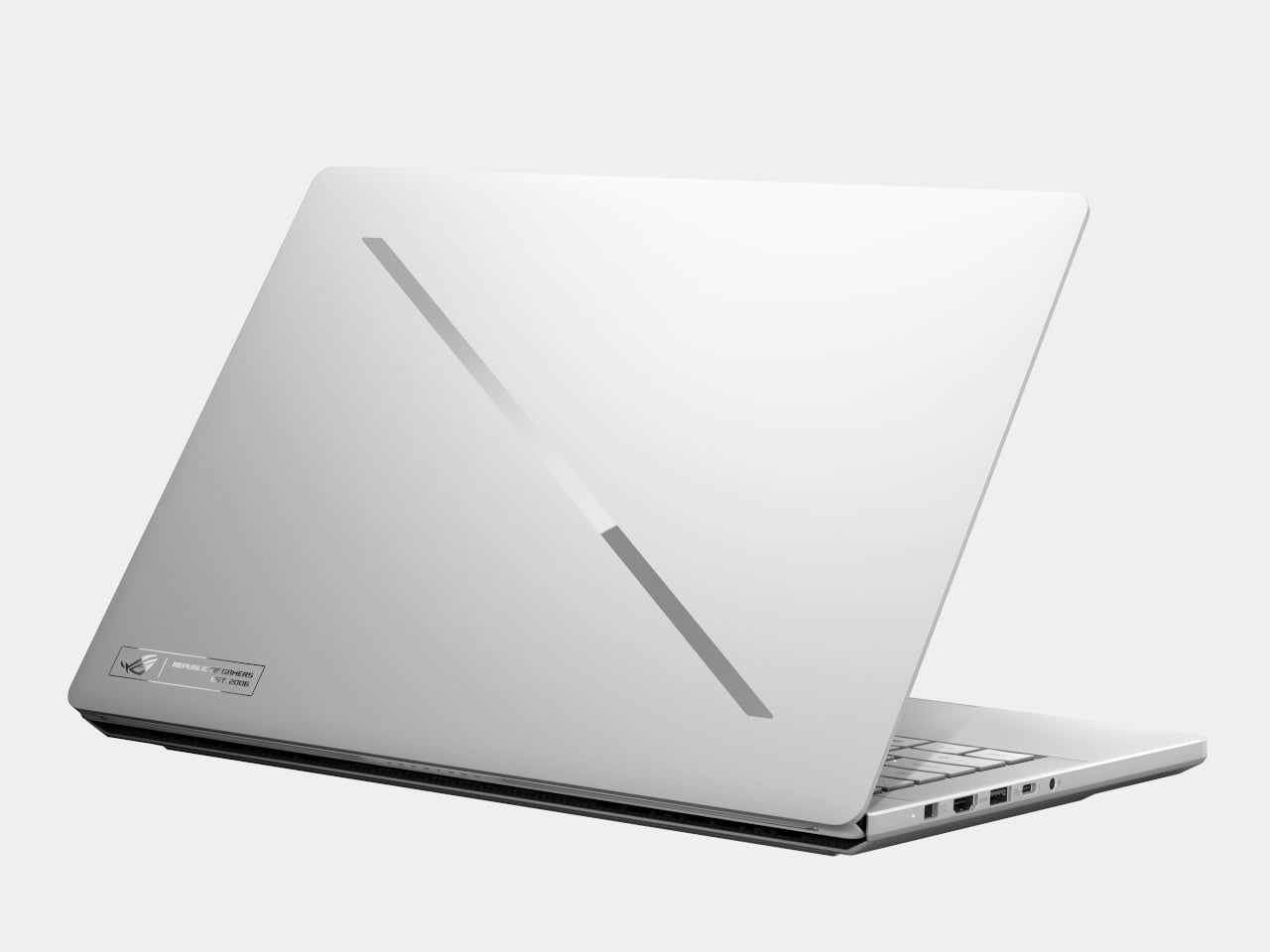
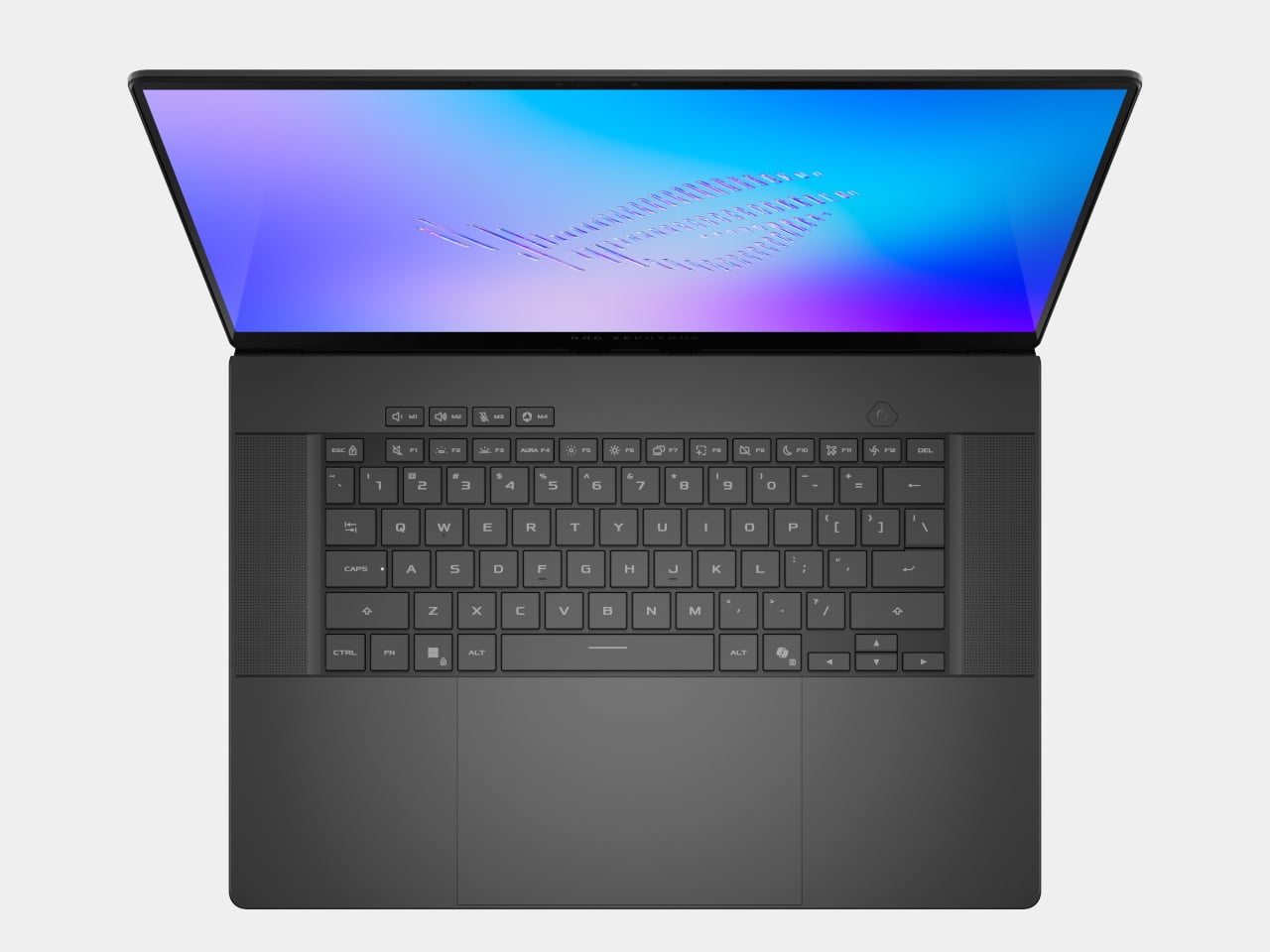
ROG Zephyrus G14 and G16

ROG Zephyrus G14

The Zephyrus G14 and G16 are the ultra-slim siblings that round out the laptop story. The G14 uses a 14-inch 3K Nebula HDR OLED at 120 Hz, weighs 1.5 kg, and measures 1.59 cm thick, while the G16 offers a 16-inch 2.5K Nebula HDR OLED at 240 Hz, weighs 1.85 kg, and measures 1.49 cm thick. Both can be configured with Intel Core Ultra processors, up to RTX 5080 or RTX 5090 Laptop GPUs, and Copilot+ PC certification.

ROG Zephyrus G16

The Slash Lighting array on the lid, upgraded from seven zones to 35, gives both machines a more refined aesthetic, while the CNC-aluminum chassis, liquid metal thermal compound, and six-speaker audio systems with dual woofers keep them firmly in the premium tier. They are the machines for people who want serious gaming and creative horsepower but still need something that can slip into a backpack for travel and daily use without feeling like a compromise.

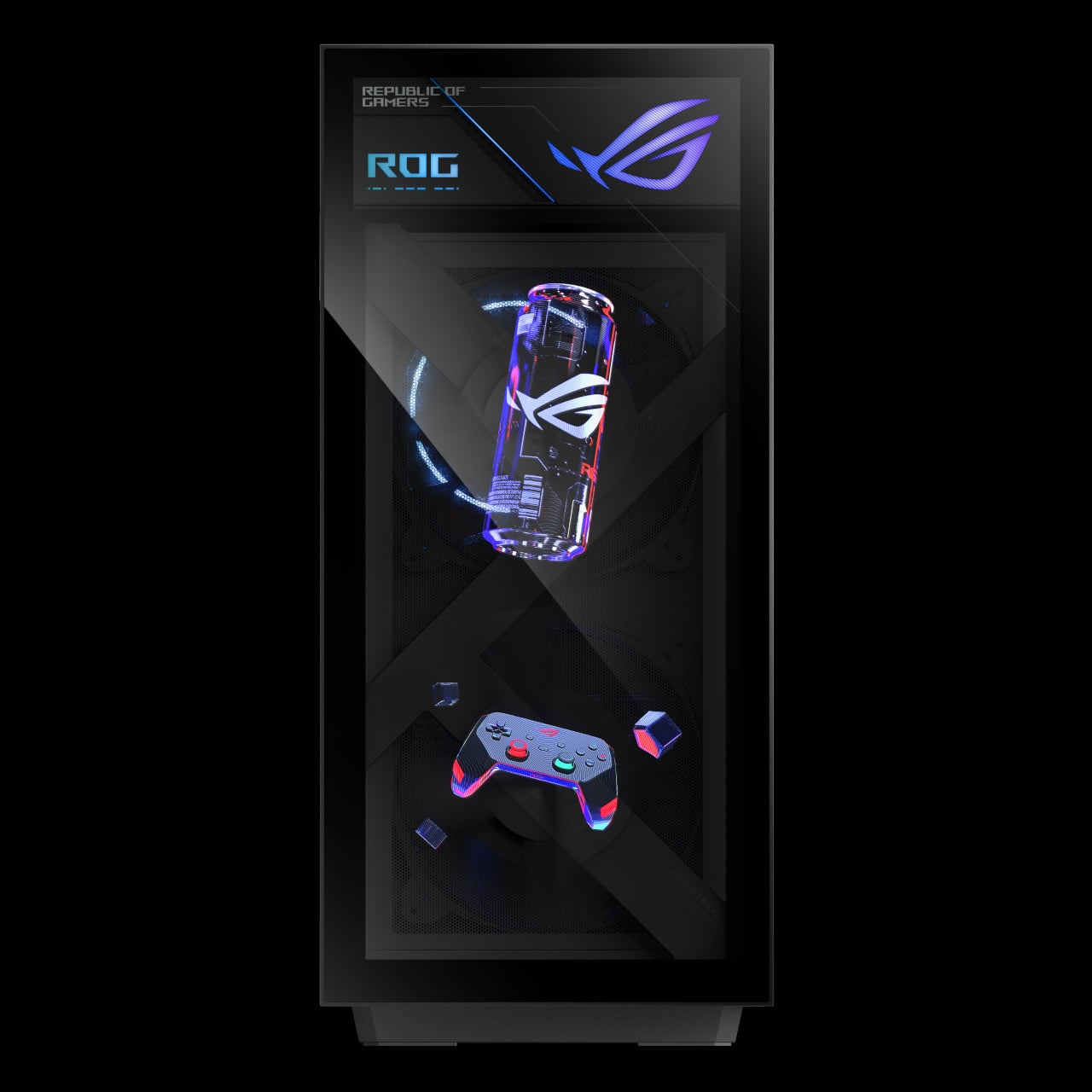
ROG G1000 Desktop

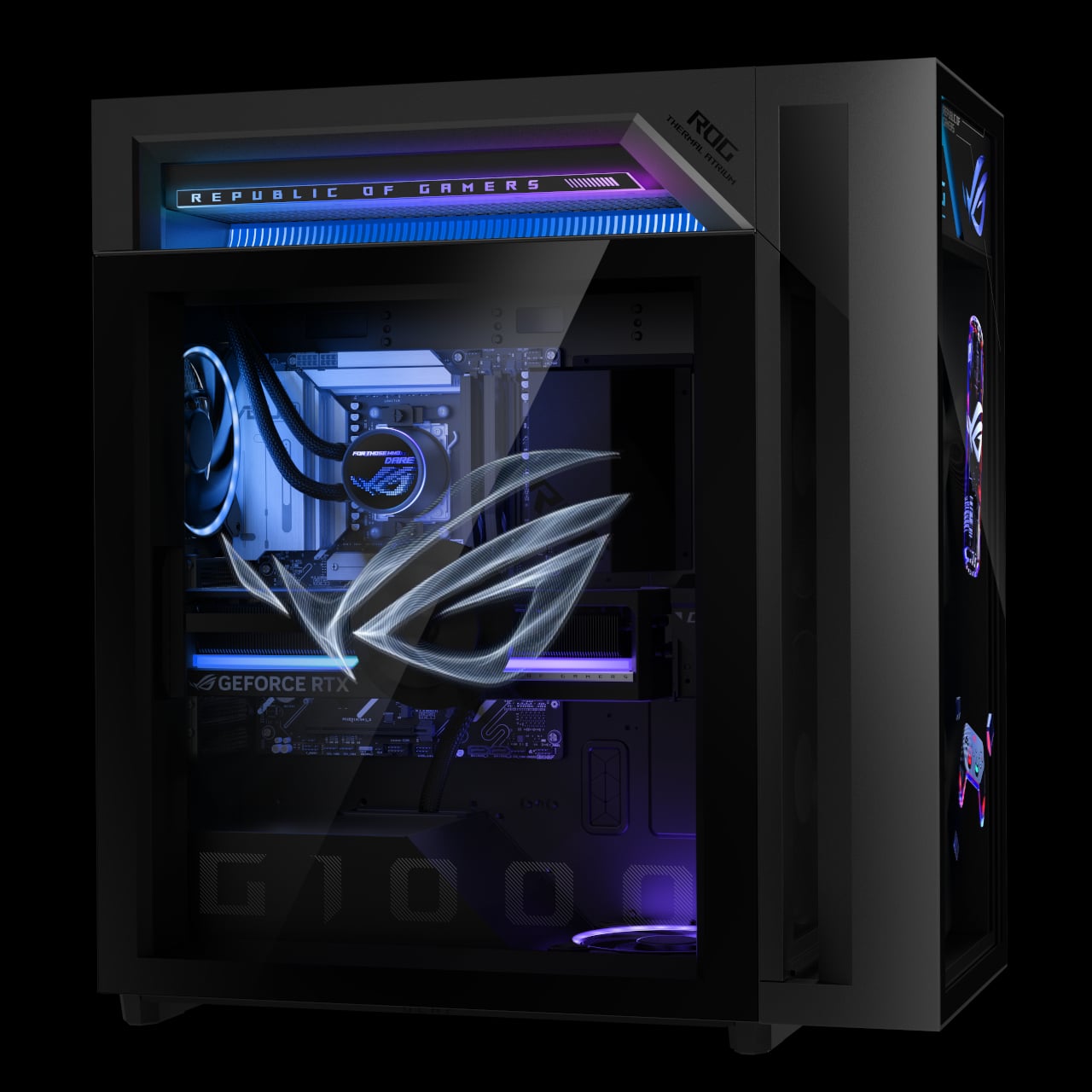
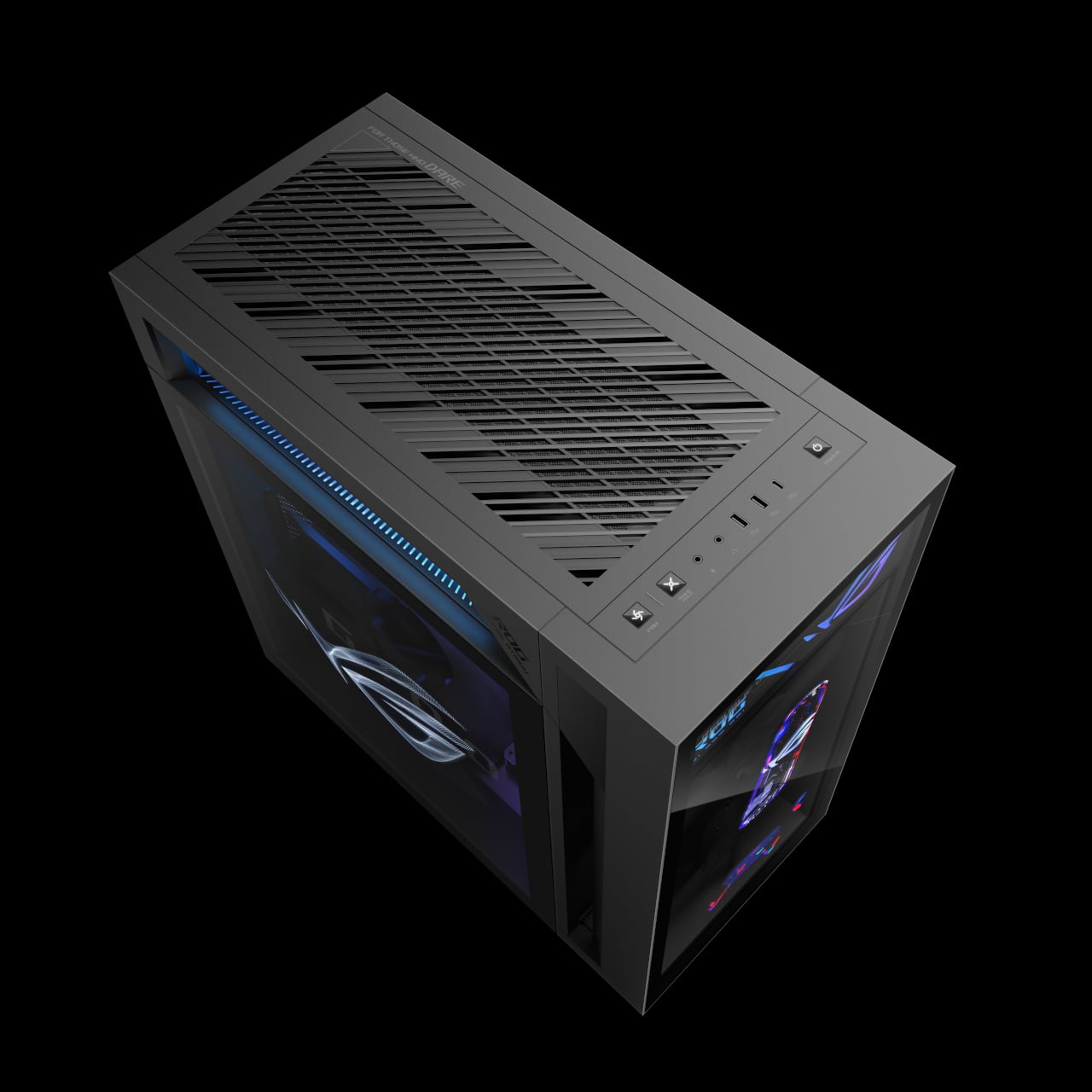
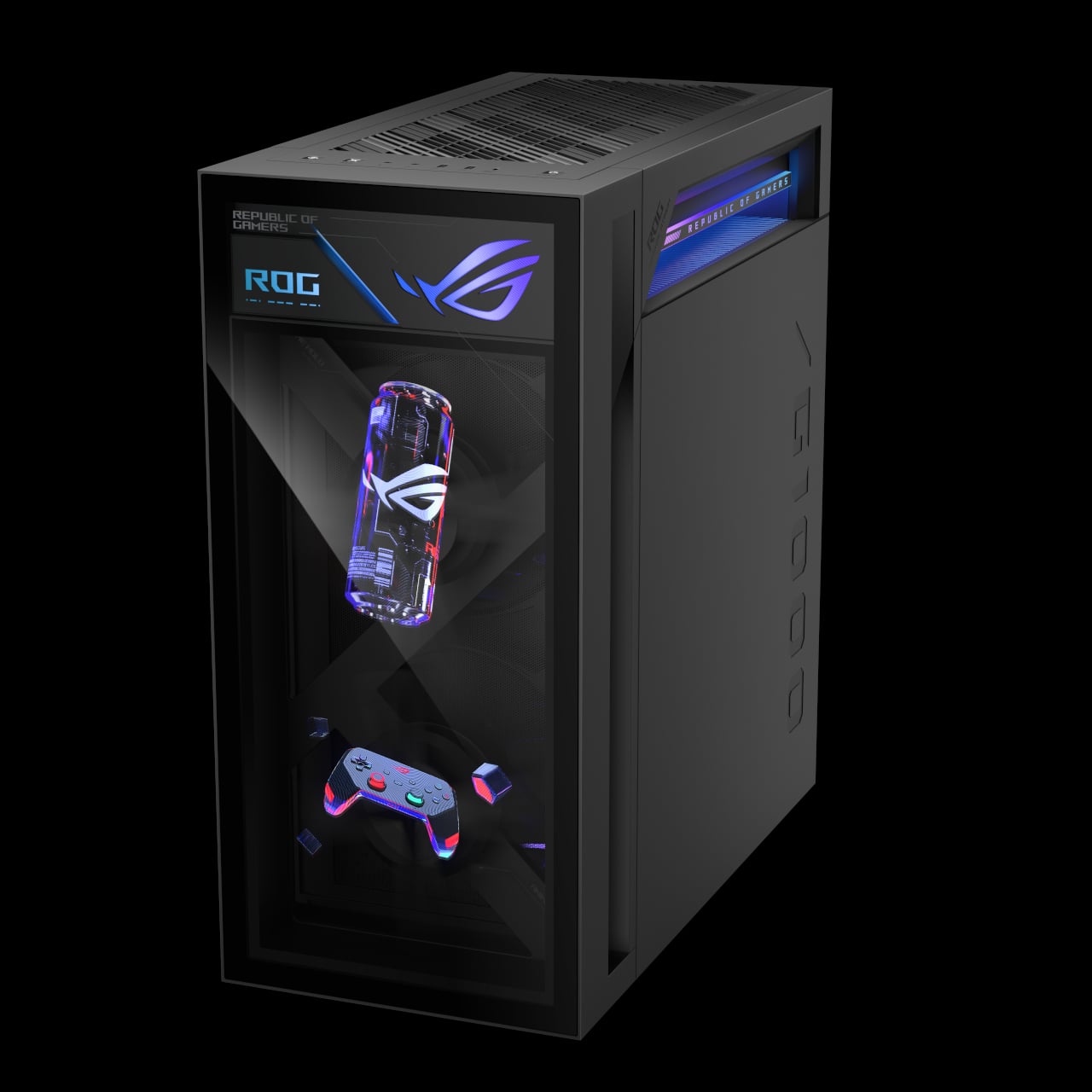
The ROG G1000 is the desktop counterpart, a 104 L ATX ultra-tower built to be seen as much as used. At its core, the built-in AniMe Holo fan is the world’s first holographic fan system in a prebuilt gaming PC, projecting customizable holographic visuals through the front panel. The fan sits in an independent chamber with a hinge-door design, so the airflow does not interfere with the main components, and system noise stays low.

The ROG Thermal Atrium, dedicated to CPU cooling, channels fresh air through a 420 mm AIO liquid cooler with three fans and isolated airflow paths. Equipped with up to AMD Ryzen 9 9950X3D and ROG Astral GeForce RTX 5090 or AMD Radeon 9070XT GPUs, up to 128 GB DDR5 memory with AEMP II, and up to 4 TB PCIe 5.0 SSD storage, the G1000 is tuned and ready for peak performance from day one. Quick control keys on the chassis, extensive Armoury Crate and Aura Sync lighting control, and easy tool-less access for upgrades make it a desktop that earns its showpiece status by actually being usable as a daily driver.

ROG at CES 2026: Form Factors for the Next Decade

The Zephyrus Duo and Flow Z13-KJP are two answers to the same question: what does a gaming machine look like when AI, OLED, and new hinges are all on the table? The Duo stretches the laptop into a dual-screen studio that can sit at the center of a desk, while the Flow Z13-KJP compresses a Copilot+-class PC into a tablet that can run massive models on the go. For Yanko Design readers, the interesting part is not just the jump to RTX 5090 or 50 TOPS NPUs, but the way those specs are being used to justify new shapes, new workflows, and new ways of thinking about what a gaming laptop or tablet can be when you stop assuming it has to look like every other machine released in the past decade.

The post ROG’s CES 2026 Flagships Rethink What a Gaming Machine Looks Like first appeared on Yanko Design.

Acer Gaming Stack Cuts Ping With Wi-Fi 7 and RTX 50 at CES 2026

This year’s CES might finally be the time when gaming laptops and accessories start to look different because of AI and connectivity, not just because of higher model numbers. Intel Core Ultra Series 3 processors, NVIDIA RTX 50-series GPUs, and Wi-Fi 7 are all arriving at once, and the question for gamers is less “how fast is the GPU?” and more “how does the whole setup feel when you sit down to play or stream?”

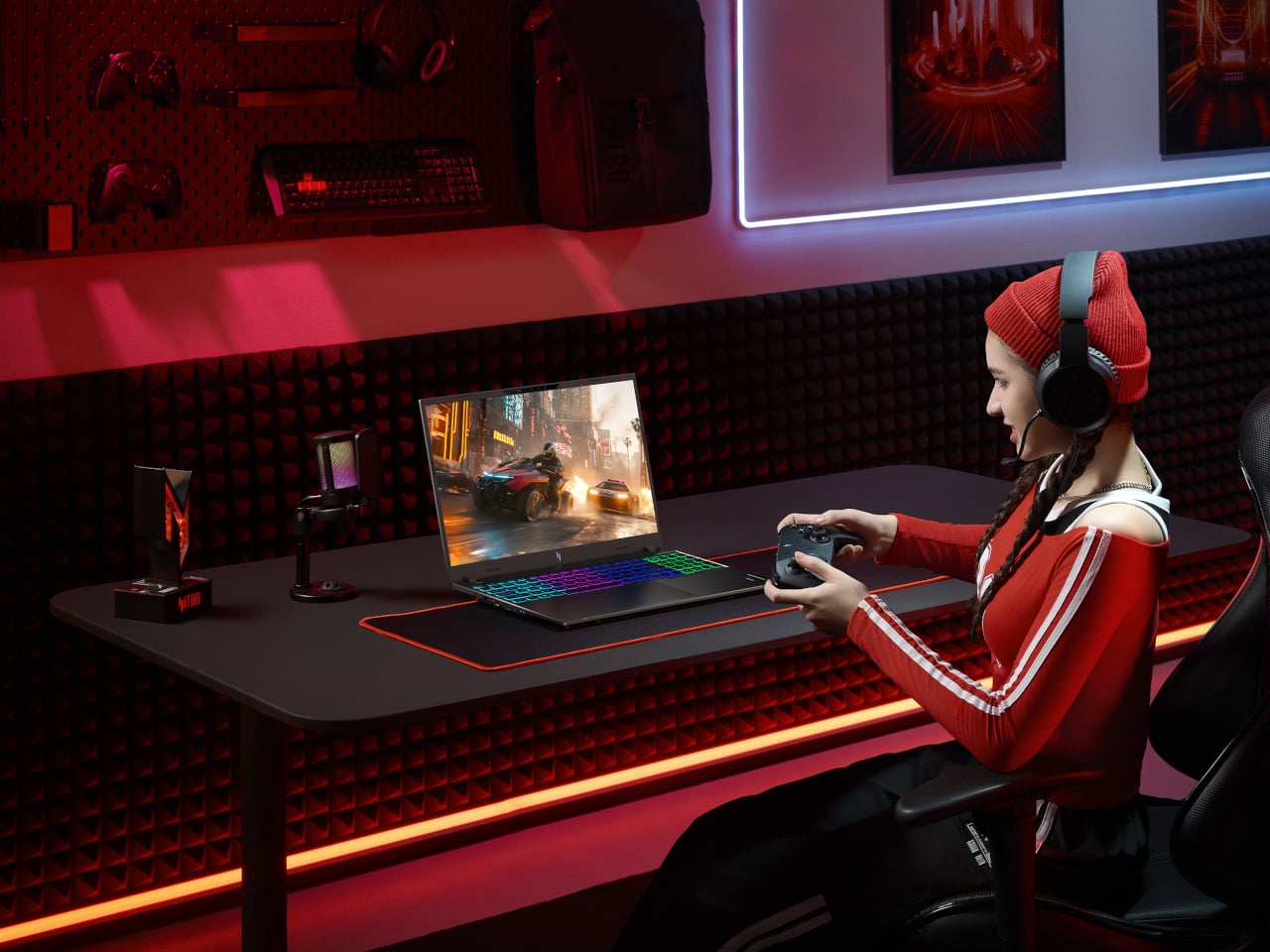
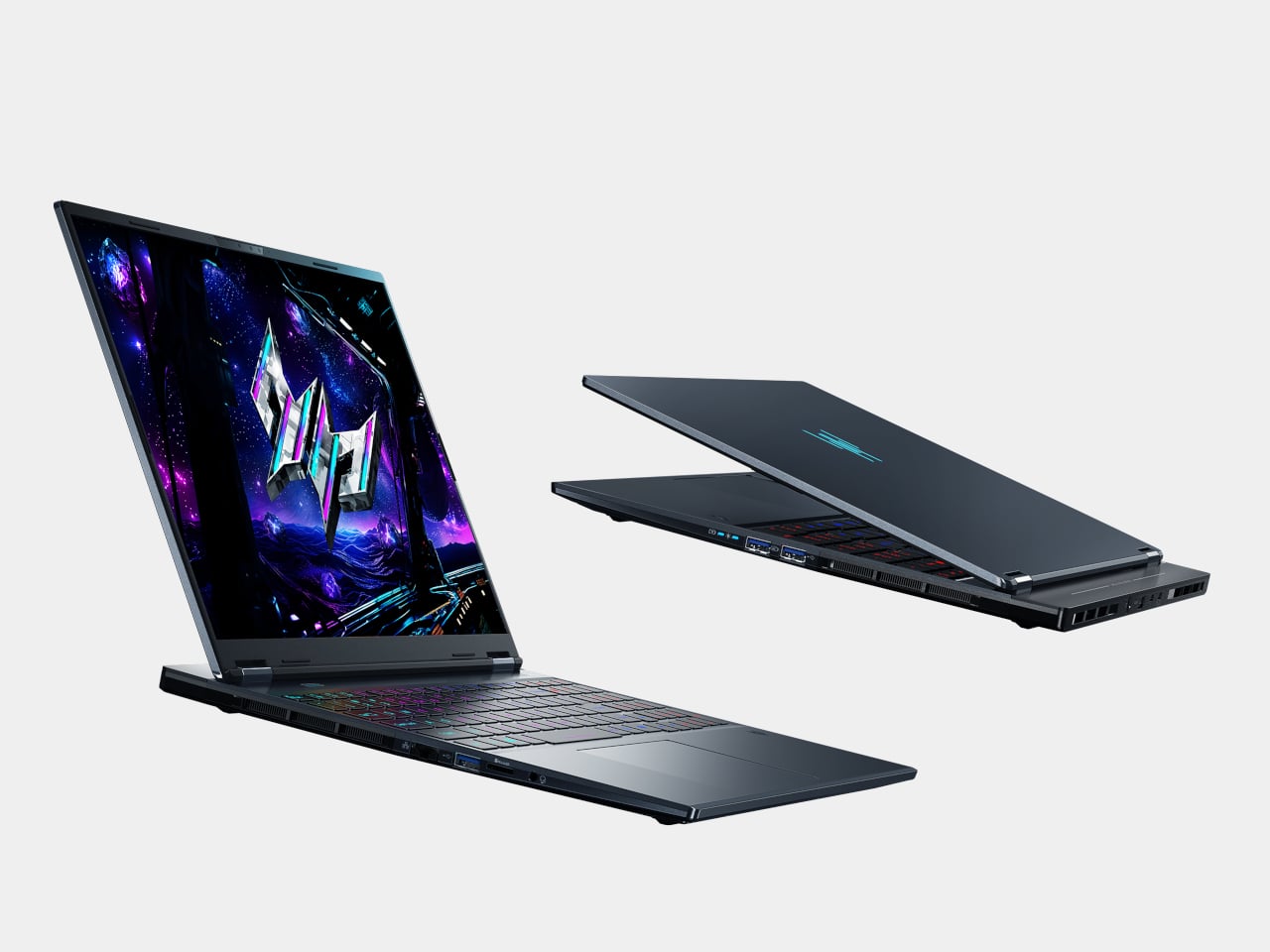
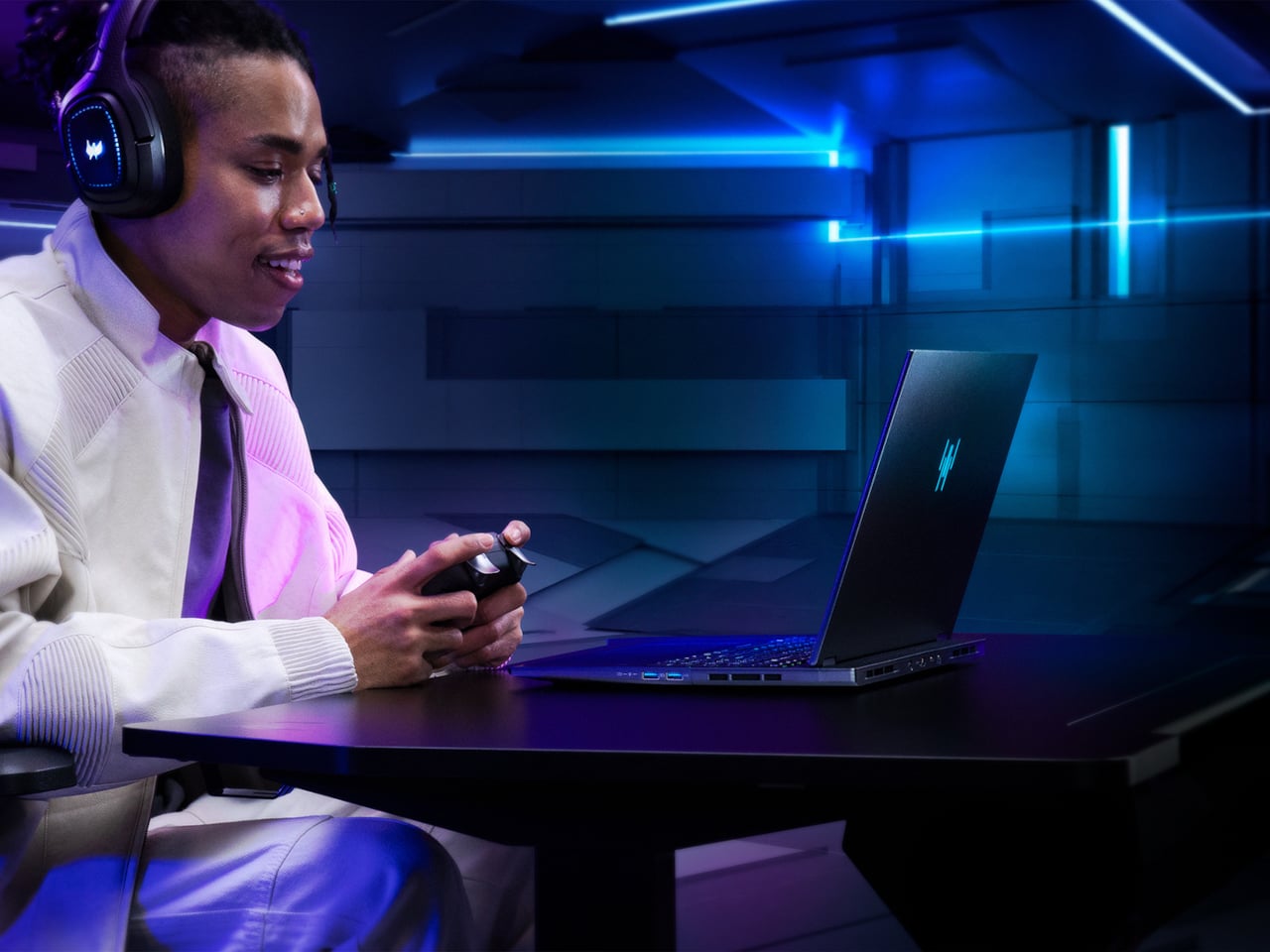
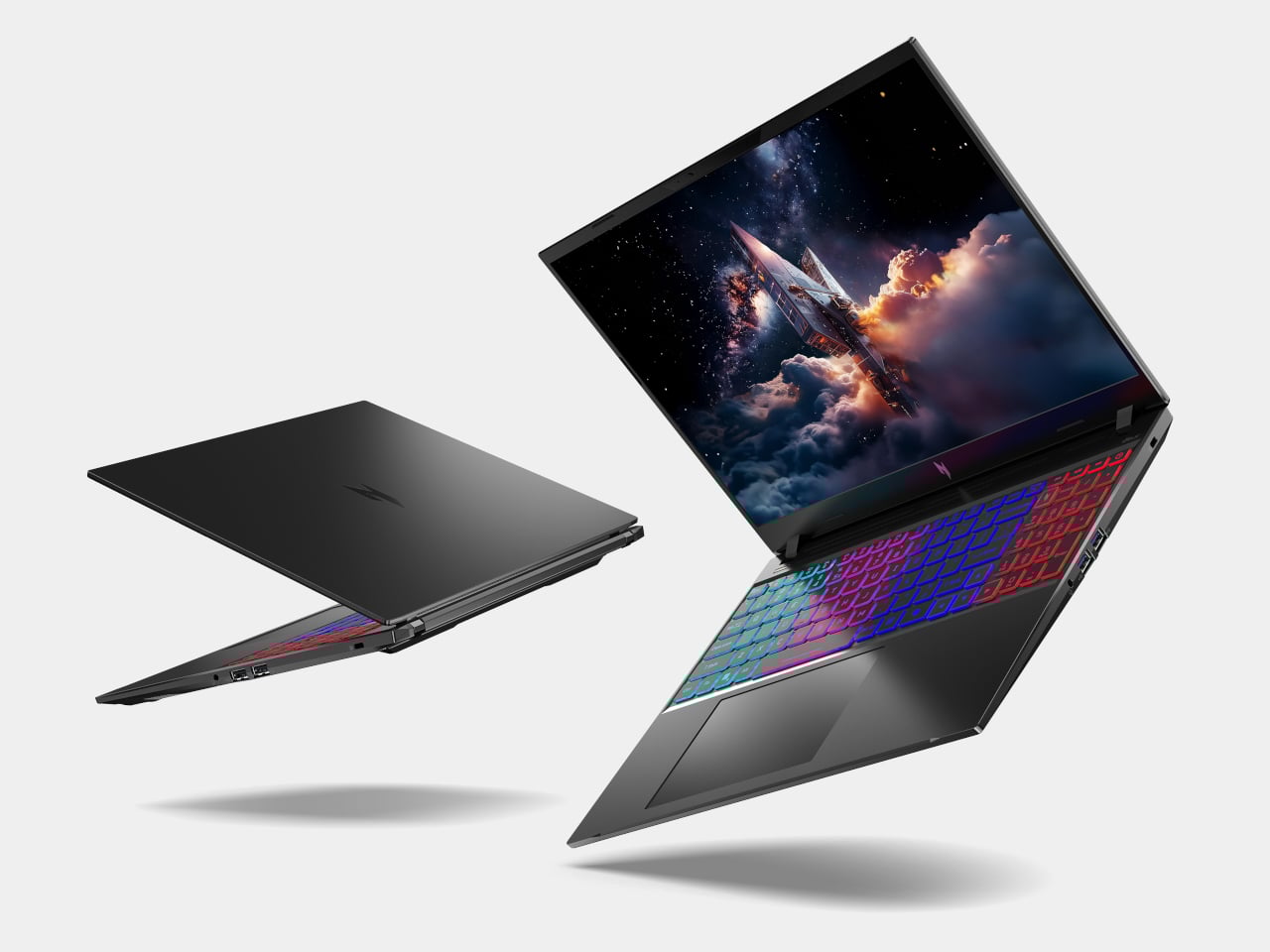
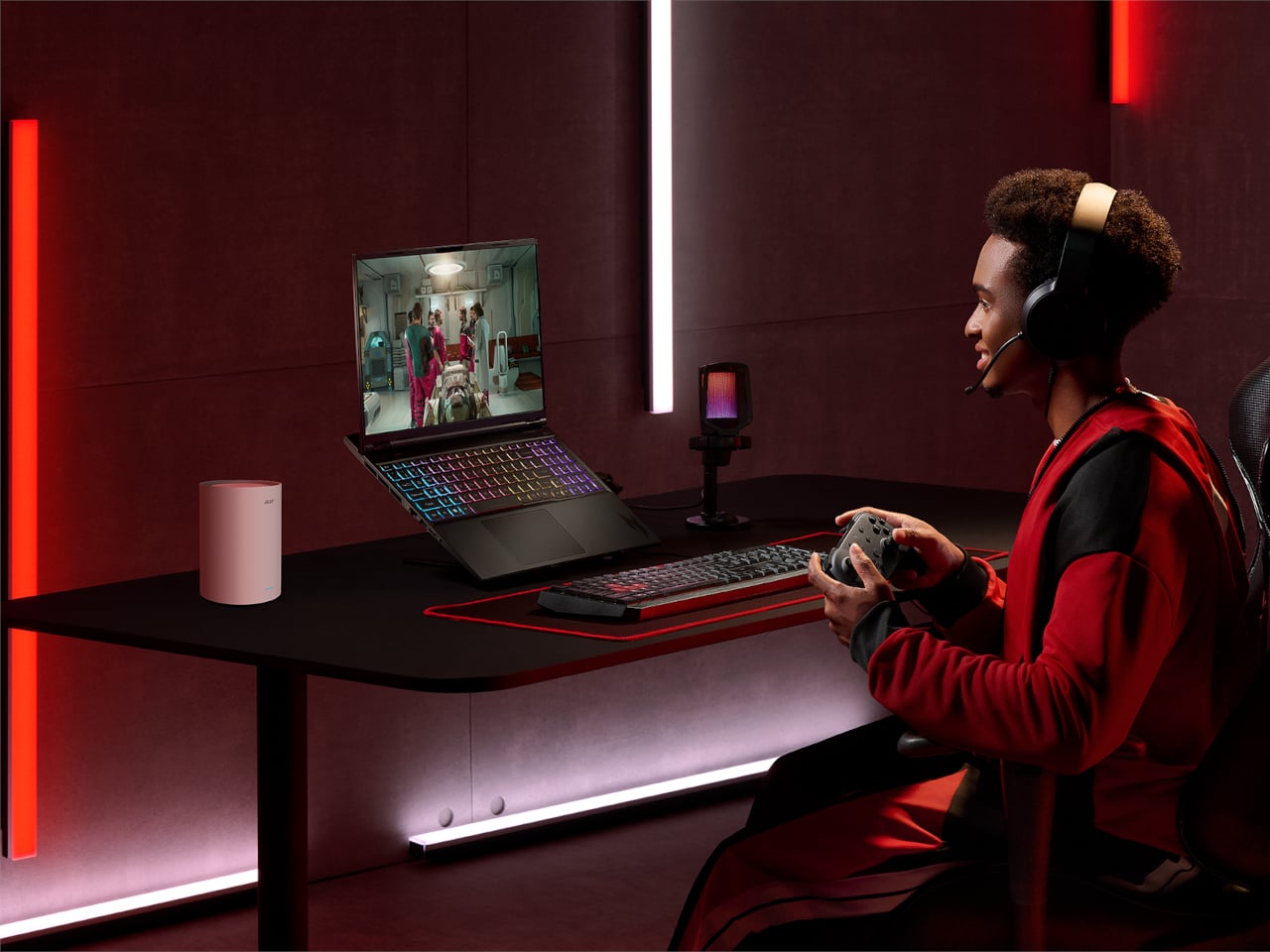
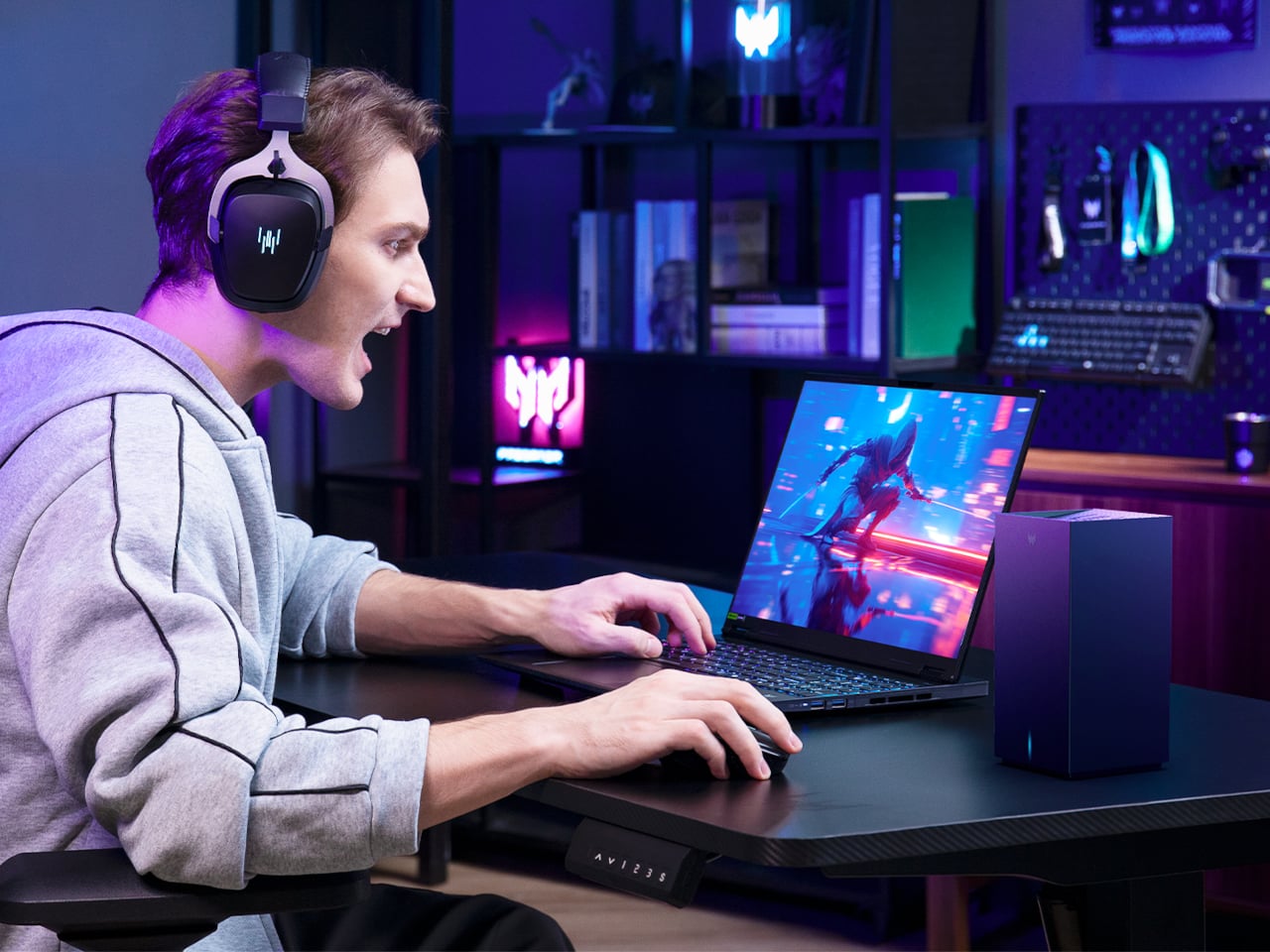
Acer’s answer is a full stack. The Predator Helios Neo 16S AI sits at the top as the OLED flagship, with two new Nitro V 16 AI models for casual or mobile players, a Predator 5G CPE, and mesh routers to keep latency down, and a headset and mouse that plug into the same software layer. The story is about how these pieces fit together into a gaming environment rather than just another hero laptop announcement.

Designer: Acer

Predator Helios Neo 16S AI

The Helios Neo 16S AI is the machine for people who want to carry a small desktop replacement. It can be configured with up to an Intel Core Ultra 9 386H and an NVIDIA GeForce RTX 5070 Laptop GPU, part of the new RTX 50-series built on NVIDIA’s Blackwell architecture. Pair that with up to 64 GB of DDR5-6400 memory and 2 TB of PCIe NVMe SSD storage, and you have a laptop that handles modern games and creative workloads without feeling like a compromise.

The 16-inch WQXGA OLED panel runs at 2560 × 1600 with a 165 Hz refresh rate, 1 ms response time, HDR support, and 100 % DCI-P3 color. That combination makes a difference in dark sci-fi scenes and bright spell effects, where IPS panels usually wash out. Cooling is handled by a 5th-generation AeroBlade 3D metal fan and liquid-metal thermal grease, which is important when you pack that much CPU and GPU into an 18.9 mm-thick metal chassis.

Intel Killer DoubleShot Pro Wi-Fi 6E, Thunderbolt 4, HDMI 2.1, and a MicroSD reader make it easy to plug into fast networks and external displays. As a Copilot+ PC, the Helios Neo 16S AI can run AI-assisted features like Live Captions for in-game voice chat or real-time translation, and Acer’s Intelligence Space and PredatorSense software sit on top to tune performance and surface AI tools for both gaming and content creation, turning the NPU into something that actually does useful work.

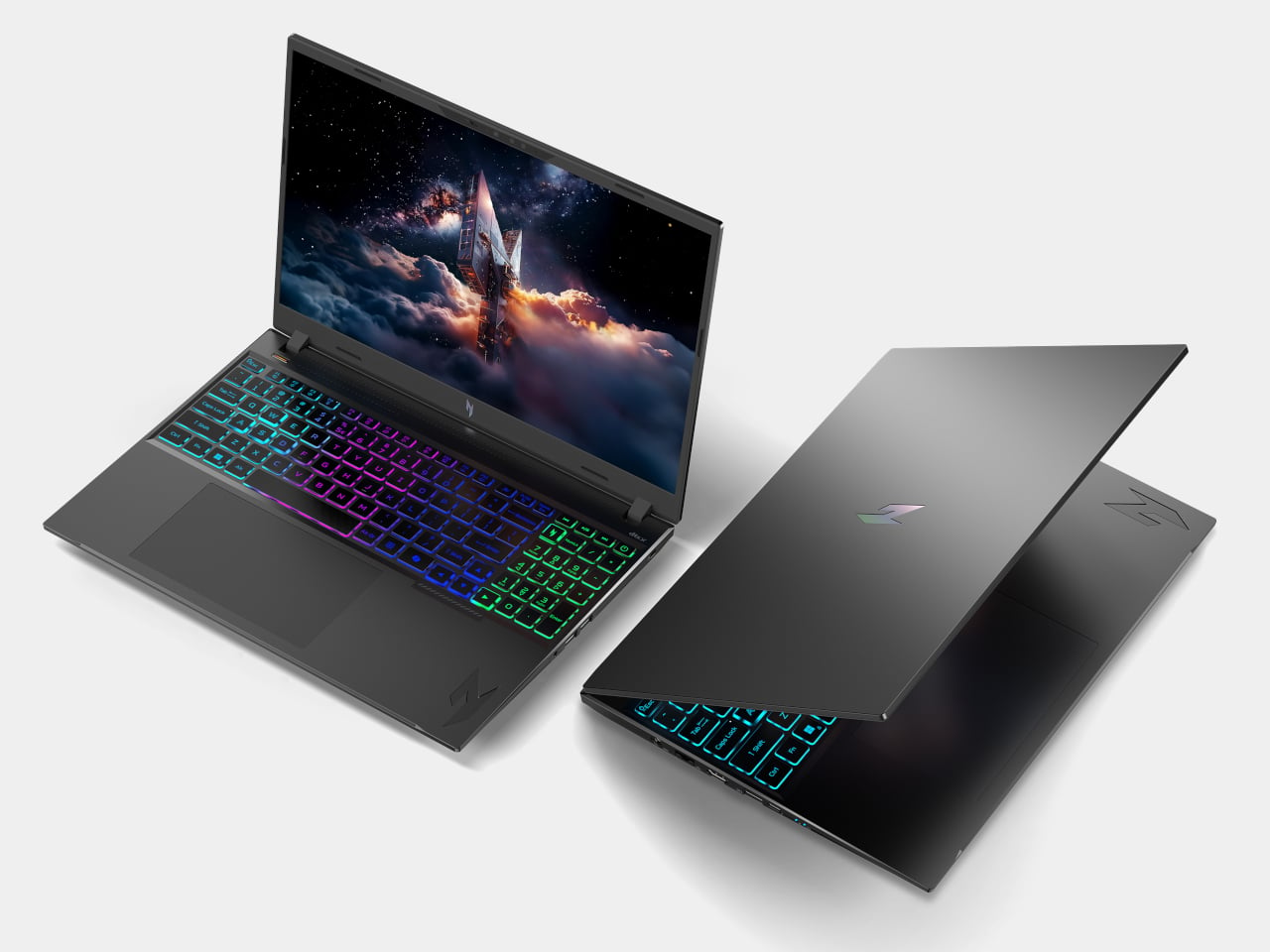
Nitro V 16 AI and Nitro V 16S AI

Acer Nitro V 16 AI ANV16-i51

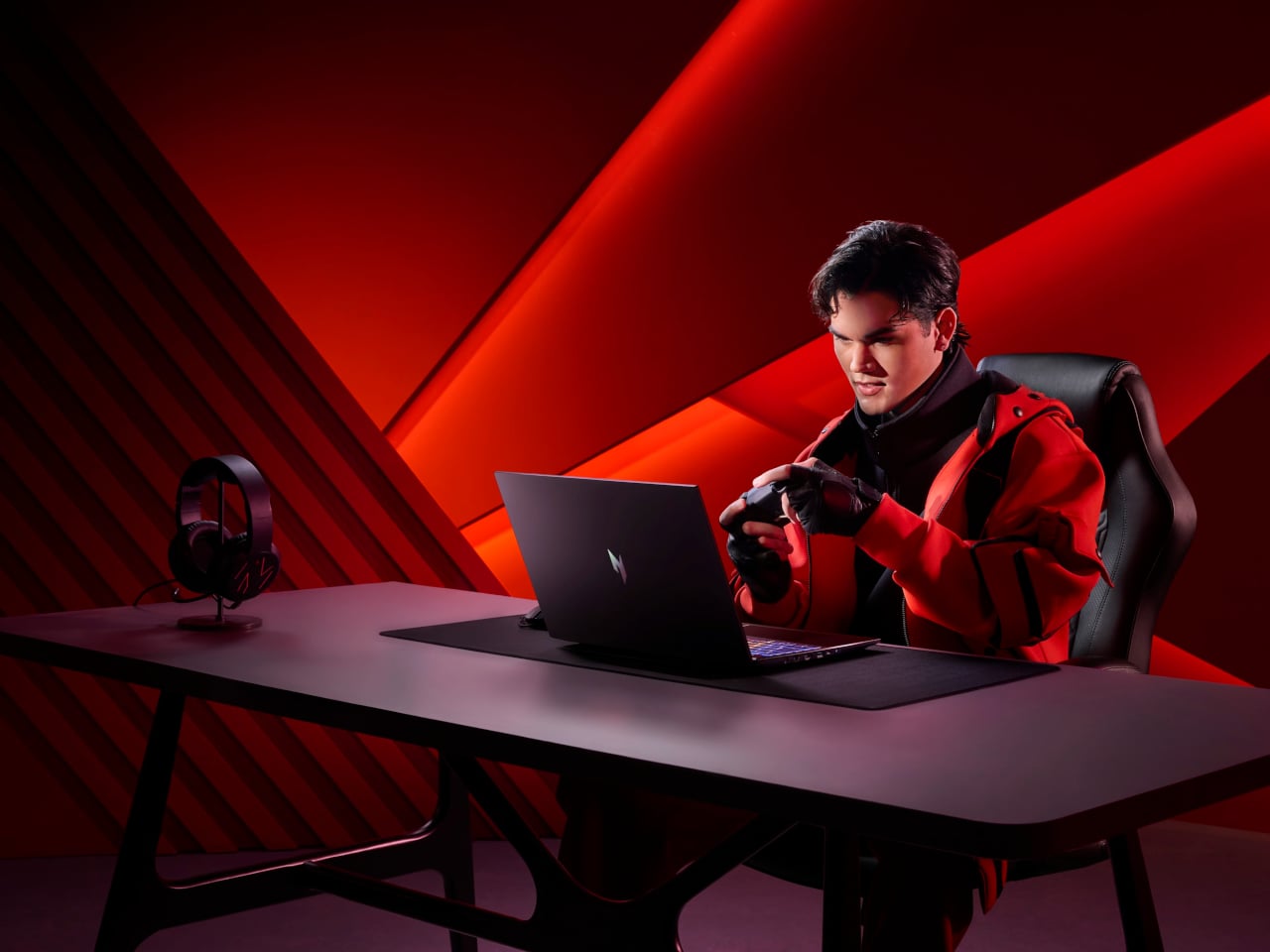
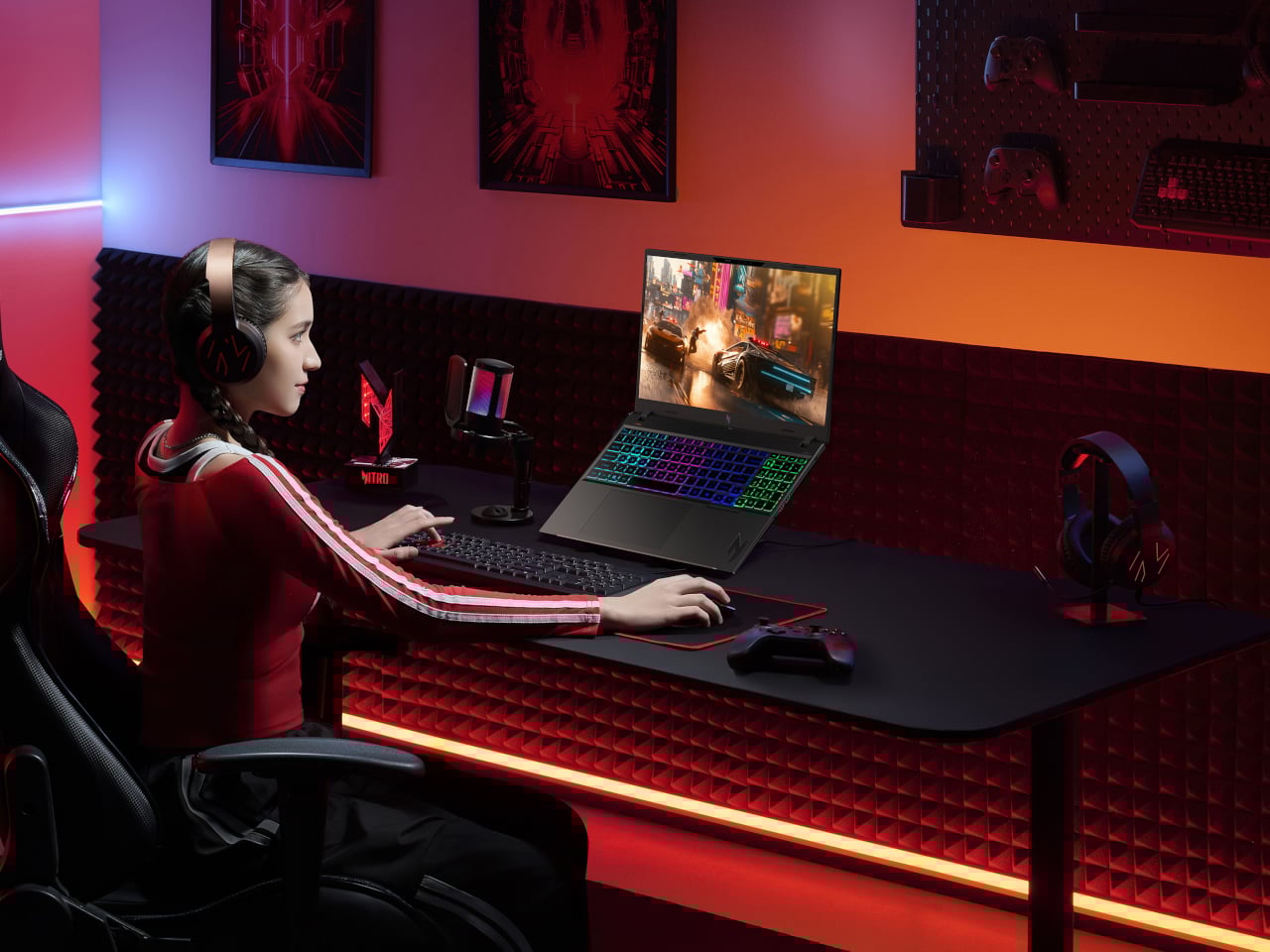
The Nitro V 16 AI and Nitro V 16S AI share a lot under the hood, up to an Intel Core Ultra 7 355 and RTX 5070 Laptop GPU, with up to 32 GB of DDR5 and 2 TB of SSD storage. The standard Nitro V 16 AI uses a 16-inch WUXGA 1920 × 1200 panel at 180 Hz with 100 % sRGB and a MUX switch, giving casual players and creators a smooth, color-accurate screen without jumping to OLED pricing.

Acer Nitro V 16S AI ANV16-i51

The Nitro V 16S AI keeps the same display and core specs but trims the chassis to under 17.9 mm at its thickest point, making it easier to slide into a backpack for LAN nights or travel. Both include 4-zone RGB keyboards, DTS:X Ultra audio, Intel Killer Wi-Fi 6E, FHD IR webcams with shutters, NitroSense, and Acer Intelligence Space for performance tuning and AI-assisted features. They are the machines for people who want serious hardware that still feels approachable, portable, and not covered in aggressive gamer styling.

Predator Connect X7S and Acer Connect Ovia / M4D

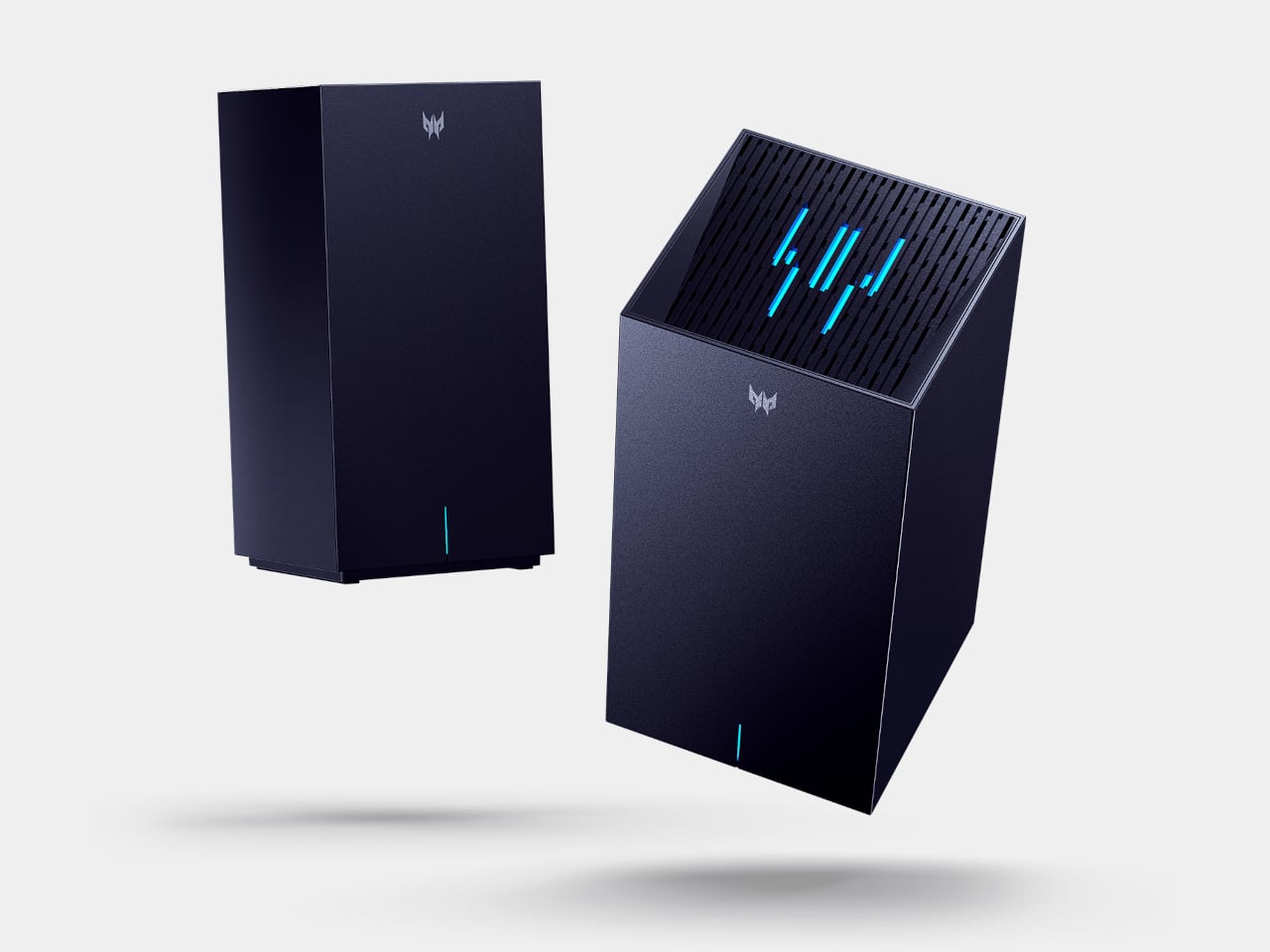
The network layer matters as much as the laptop. The Predator Connect X7S 5G CPE is a tower that combines 5G mobile broadband with Wi-Fi 7 tri-band, supporting 5G downlink speeds up to 4.67 Gbps and Wi-Fi 7 throughput up to 5,764 Mbps. Multi-Link Operation and Hybrid QoS tie into Intel’s Killer Prioritization Engine, so a gaming laptop can stay responsive even when the rest of the house is streaming or downloading, which matters more than raw bandwidth when you are trying to keep ping stable.

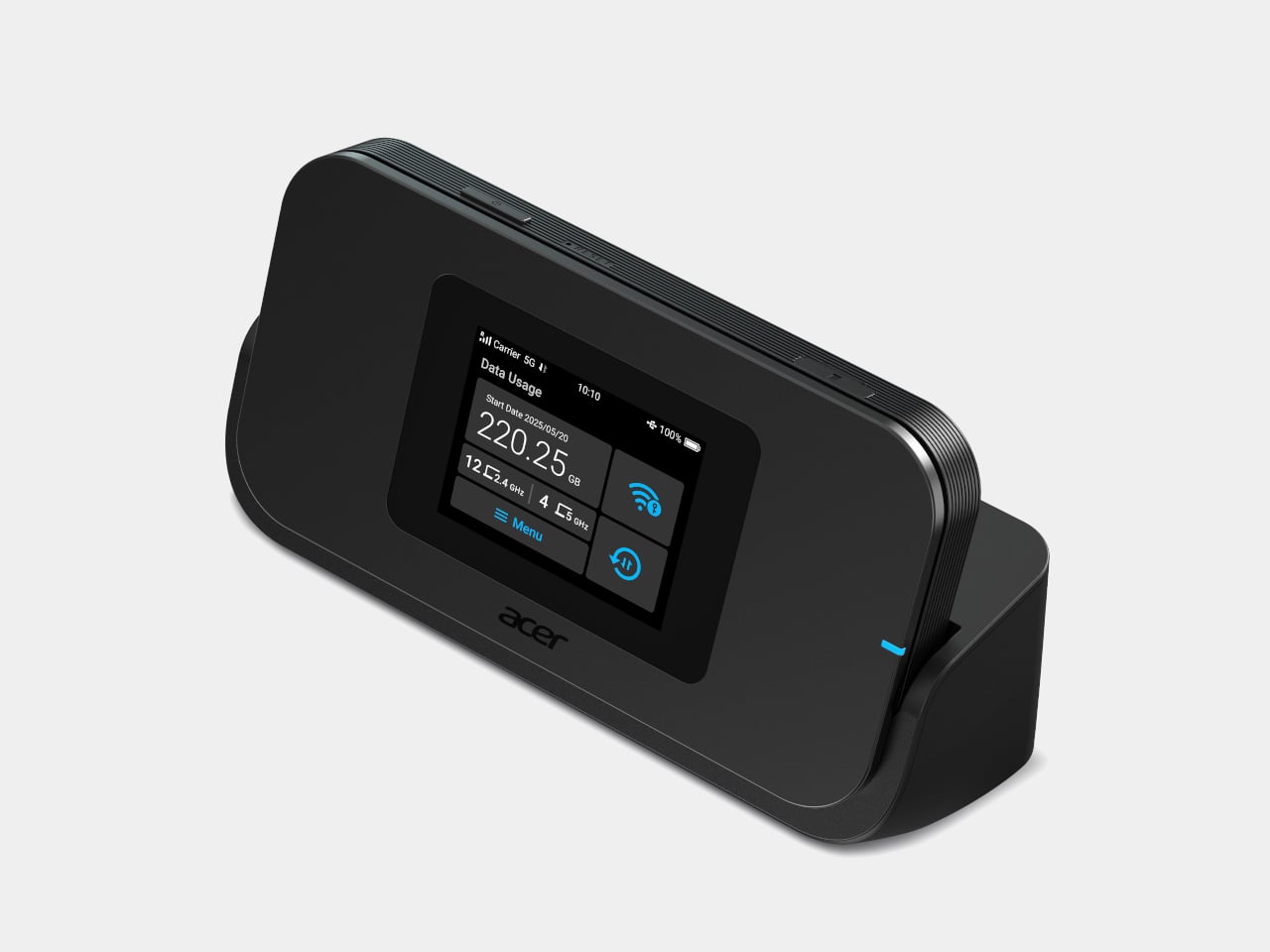
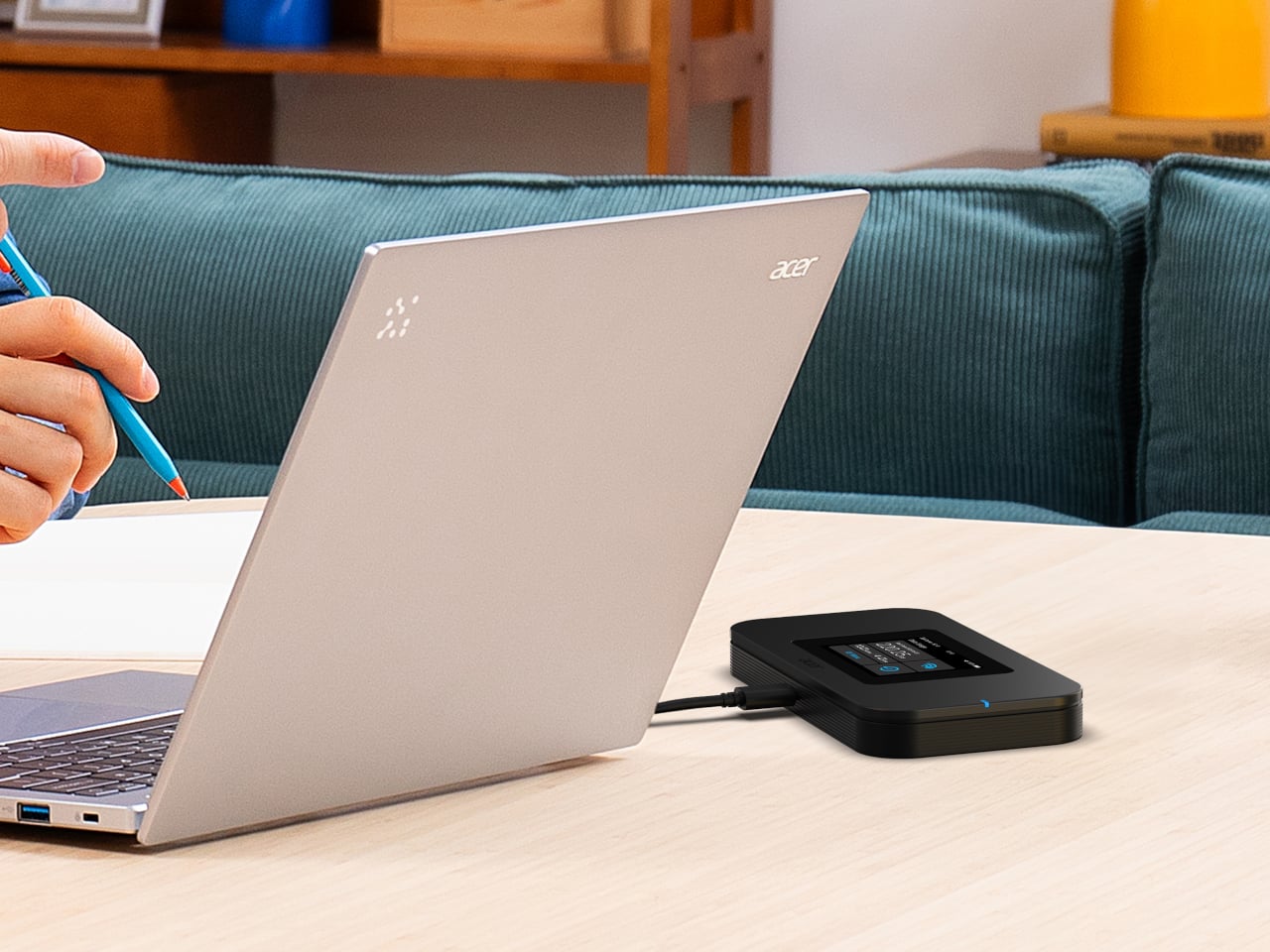
The Acer Connect Ovia T360 and T520 mesh routers bring Wi-Fi 7 into apartments and larger homes, with dual-band and tri-band options and per-node coverage up to 90 m² and 110 m². They support MLO, WPA3, and are managed through the Acer Connect app. For people who game or work on the road, the Acer Connect M4D 5G Mobile Wi-Fi acts as a portable hotspot with dual-band Wi-Fi 6 for up to 16 devices, 15-hour battery life, and a dock that turns it into a tiny home router when you get back.

Predator Galea 570 and Cestus 530

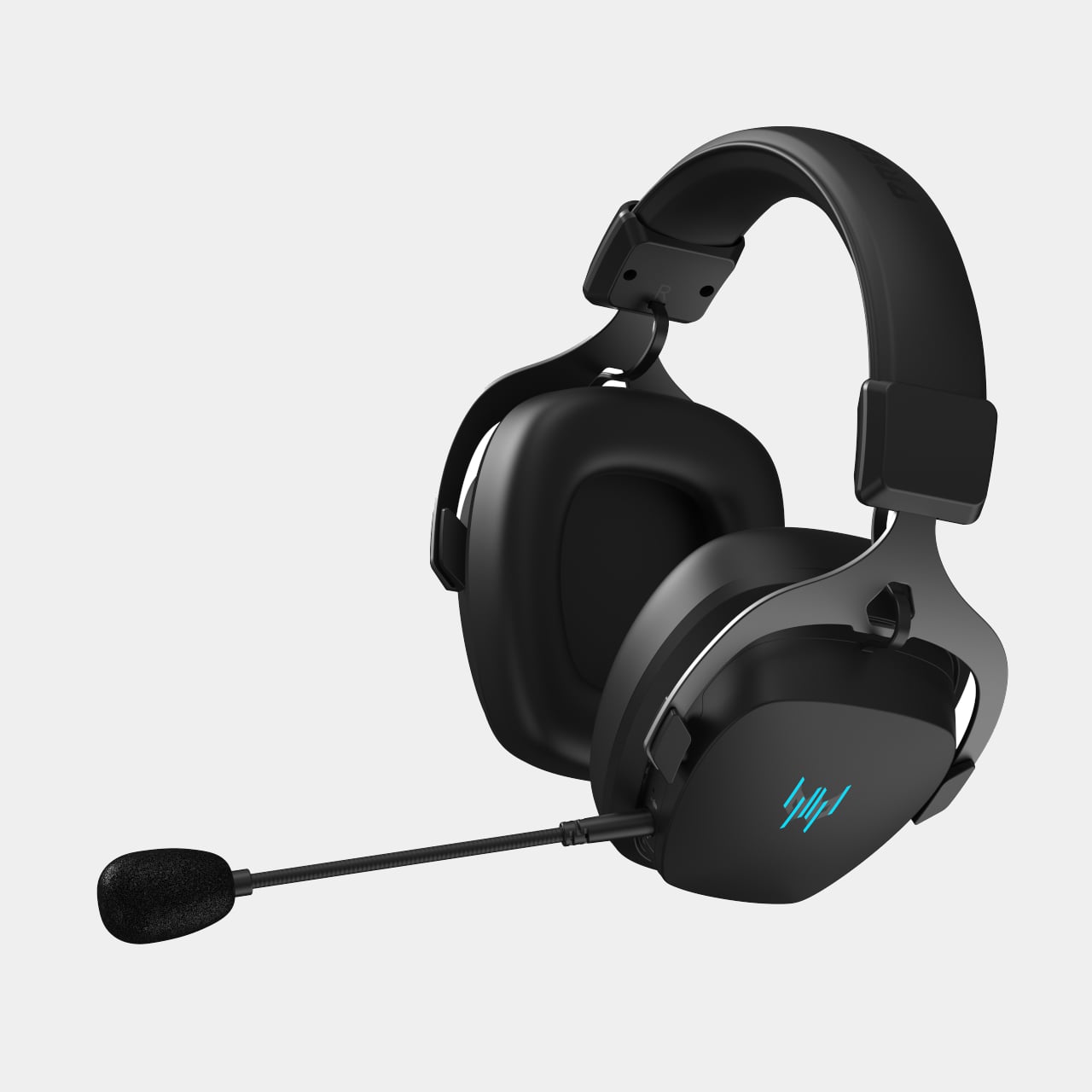
The Predator Galea 570 is the headset that plugs into this ecosystem. It uses 50 mm drivers with a 20 Hz–20 kHz response and Environmental Noise Cancellation on both the detachable boom mic and built-in mic, so team chat stays clear even in noisy rooms. Triple-mode connectivity, 2.4 GHz wireless, Bluetooth 5.4, and wired, plus up to 30 hours of battery life in Bluetooth mode, make it a headset that moves between PC, console, and mobile without constant re-pairing.

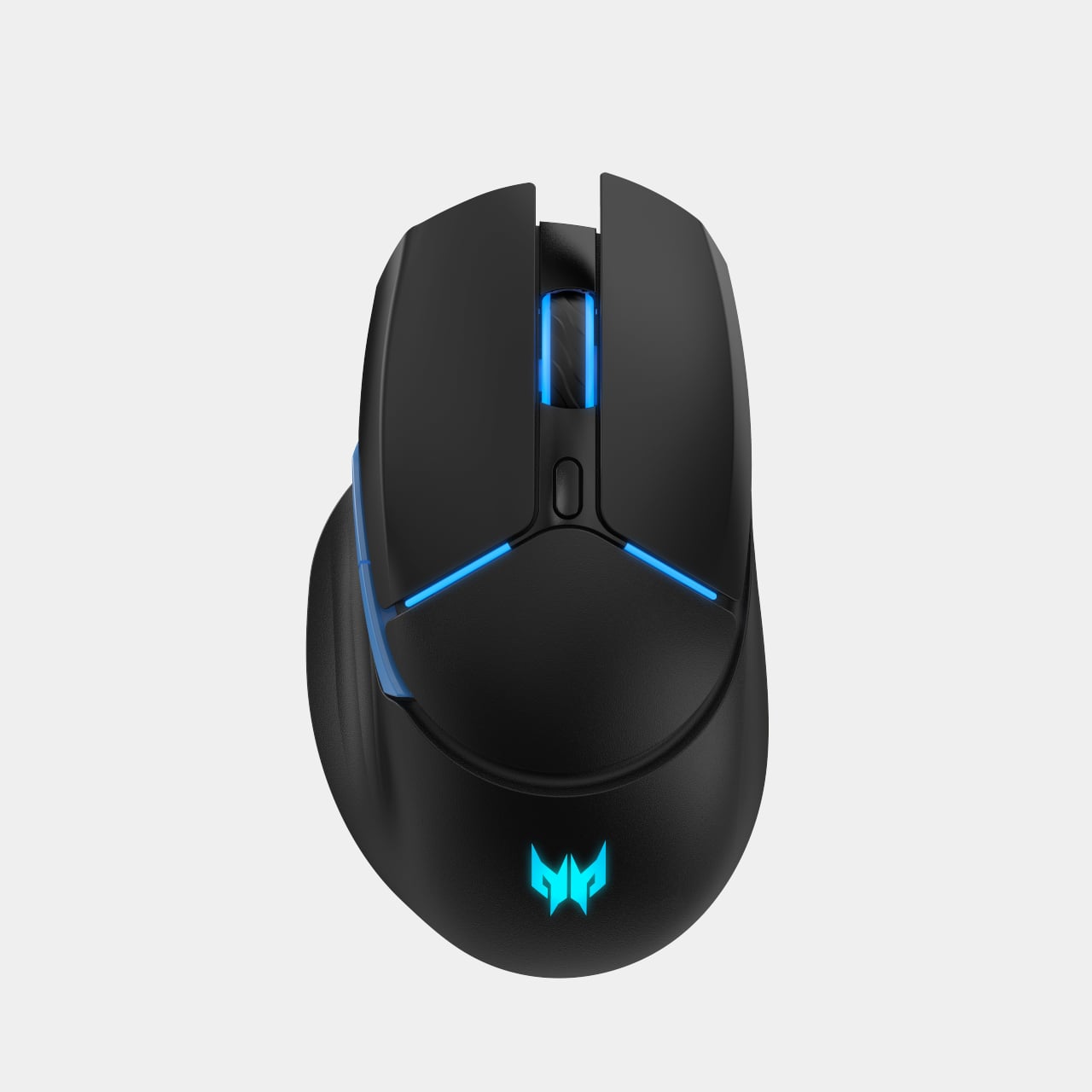
The Predator Cestus 530 gaming mouse uses a PixArt PAW3395 sensor with up to 26,000 DPI, 650 IPS tracking, and an 8,000 Hz polling rate in wired and 2.4 GHz modes. Seven programmable buttons rated for 80 million clicks and a 500 mAh battery sit under a 105 g shell, with Predator QuarterMaster software and Windows Dynamic Lighting handling tuning and RGB. Together, the headset and mouse complete the desk without adding friction, connecting the same way the laptop does and tuning through the same software layer.

Acer at CES 2026: A Gaming Stack Built for AI and Always-On Connectivity

The Predator Helios Neo 16S AI and Nitro V 16 AI duo handle the heavy lifting with RTX 50-series GPUs and Copilot+ PCs that treat AI as part of the experience, not a bolt-on. The Predator Connect X7S, Ovia mesh, and M4D hotspot keep those machines fed with low-latency connections, while the Galea 570 and Cestus 530 round out the desk with audio and input that match the same design language. The CES 2026 message is that Acer is not just launching another gaming laptop; it is sketching out what a complete, AI-aware gaming environment looks like when you consider the network, the peripherals, and the way people actually move between rooms and networks during a typical day of play.

The post Acer Gaming Stack Cuts Ping With Wi-Fi 7 and RTX 50 at CES 2026 first appeared on Yanko Design.

Acer Swift 16 AI Has World’s Largest Haptic Touchpad With Stylus Support

CES 2026 is the year when “AI PC” stops being a buzzword and starts to show up in hardware decisions you can actually touch. Intel’s Core Ultra Series 3 chips and Copilot+ on Windows 11 are pushing laptop makers to rethink what a keyboard, touchpad, and display can do when there is a dedicated NPU and GPU ready to run local models, instead of just sending everything to a server somewhere and waiting for results to trickle back.

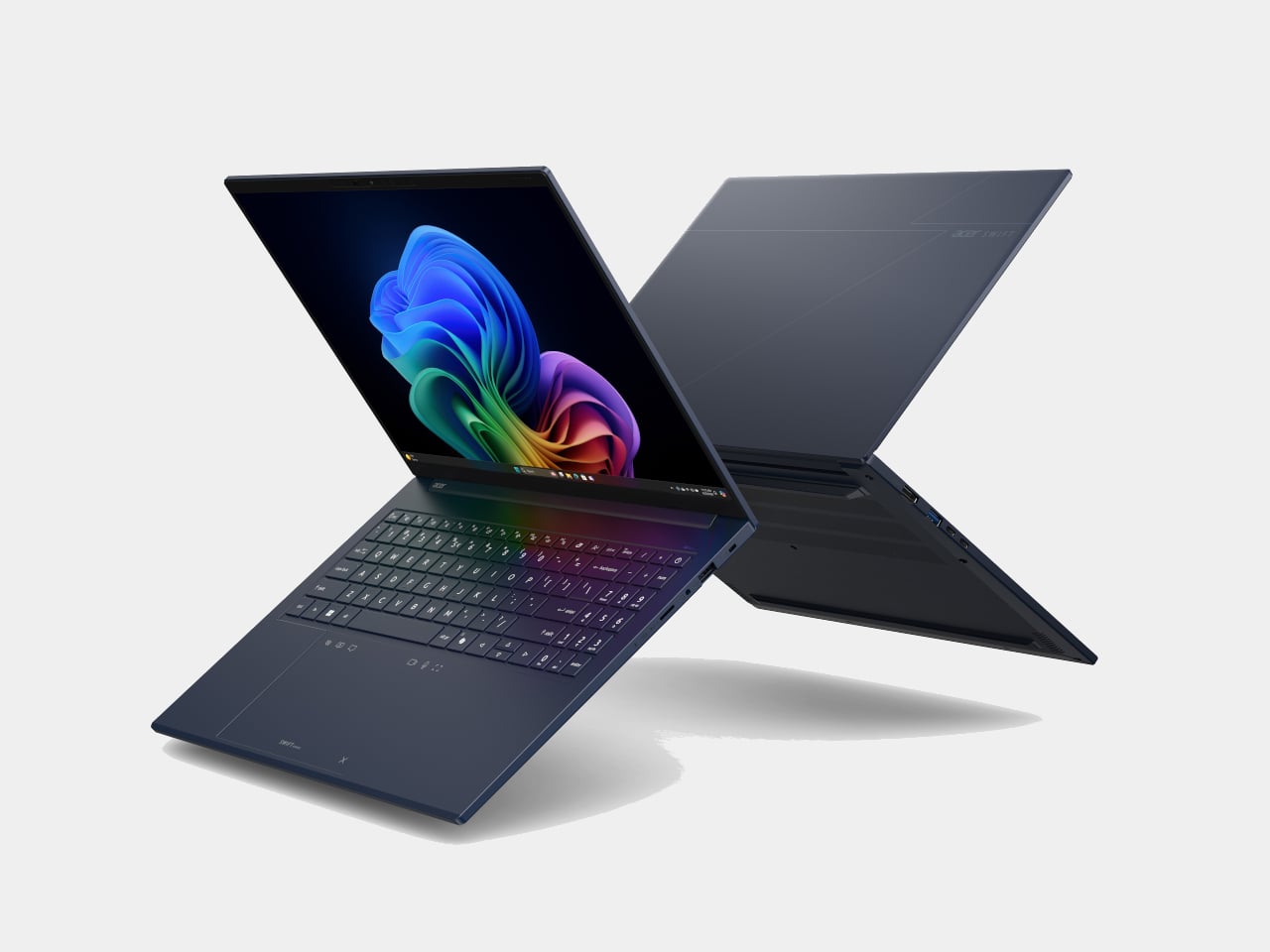
Acer’s answer is a two‑track strategy. The Aspire 14 AI and Aspire 16 AI bring Copilot+ and Acer’s own AI tools into mainstream machines that students and young professionals might actually buy, while the Swift AI family, Swift 16 AI, Swift Edge AI, and Swift Go AI, leans harder into thin‑and‑light design, OLED panels, and new interaction surfaces like a giant haptic touchpad for creators and on‑the‑go professionals who need more than a generic ultrabook can offer.

Designer: Acer

Acer Aspire 14 AI and Aspire 16 AI

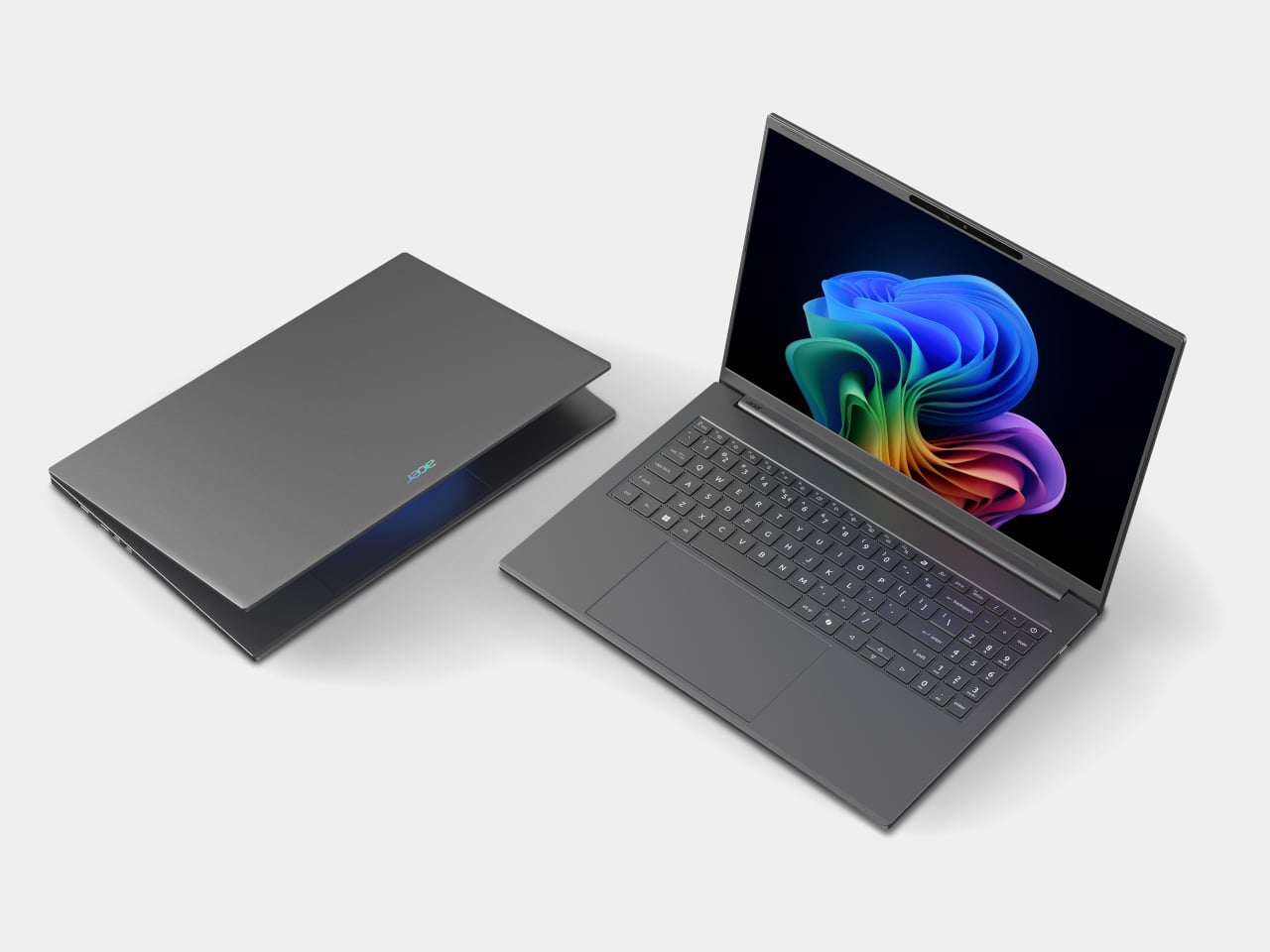
The Aspire 14 AI and Aspire 16 AI are the kind of laptops that end up doing everything, from lecture notes and spreadsheets to light photo edits and streaming. Both are built around Intel Core Ultra Series 3 processors, up to a Core Ultra 9 386H with the new Intel Graphics, paired with up to 32 GB of LPDDR5X memory and up to 2 TB of PCIe Gen 4 SSD storage on the 16‑inch, or 1 TB on the 14‑inch. That headroom handles hybrid workflows where a dozen tabs, a video call, and a Copilot window are all open at once.

Acer Aspire 14 AI

Both sizes use 16:10 WUXGA displays with refresh rates up to 120 Hz, with options for touch, non‑touch, and even OLED panels, which is unusual in the mainstream segment. The full‑flat 180‑degree hinge lets the screen lie completely flat on a table, useful when two people are huddled over a project or a group is reviewing a design. Large touchpads, thin‑and‑light chassis, and ports like Thunderbolt 4, HDMI 2.1, and USB‑A, with Wi‑Fi 6E and Bluetooth 5.3, keep them plugged into modern peripherals without needing dongle bags.
Acer Apsire 16 AI

Acer layers its own AI on top of Windows 11’s Copilot experiences. Intelligent Space acts as a hub for AI tools, AcerSense handles diagnostics and optimization, PurifiedView and PurifiedVoice clean up video and audio in calls, and My Key is a programmable hotkey that can trigger specific Copilot+ features like Live Captions with real‑time translation. For someone bouncing between languages and remote meetings, those small touches make the AI feel less like a gimmick and more like part of the daily routine.


Acer Swift 16 AI

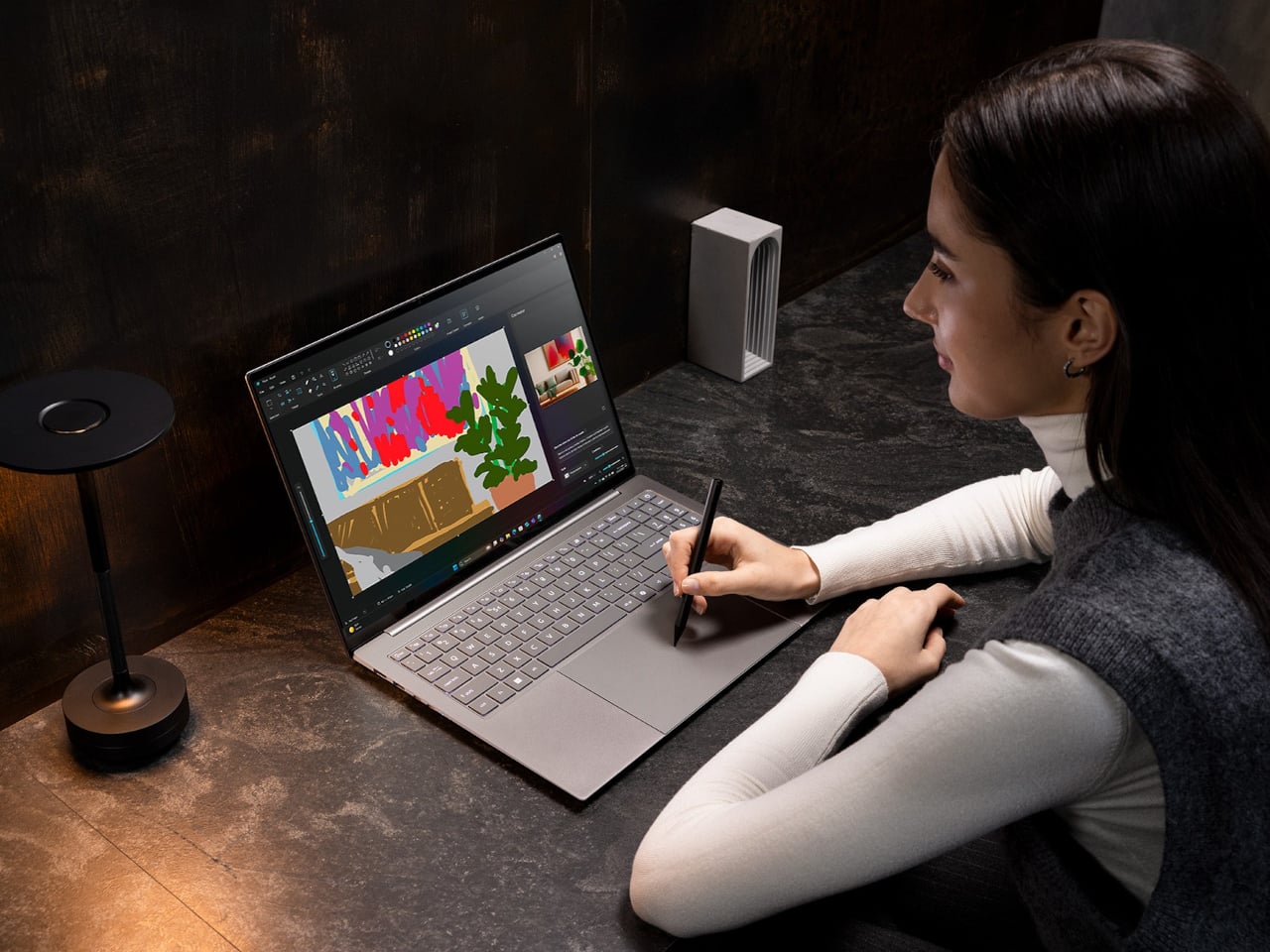
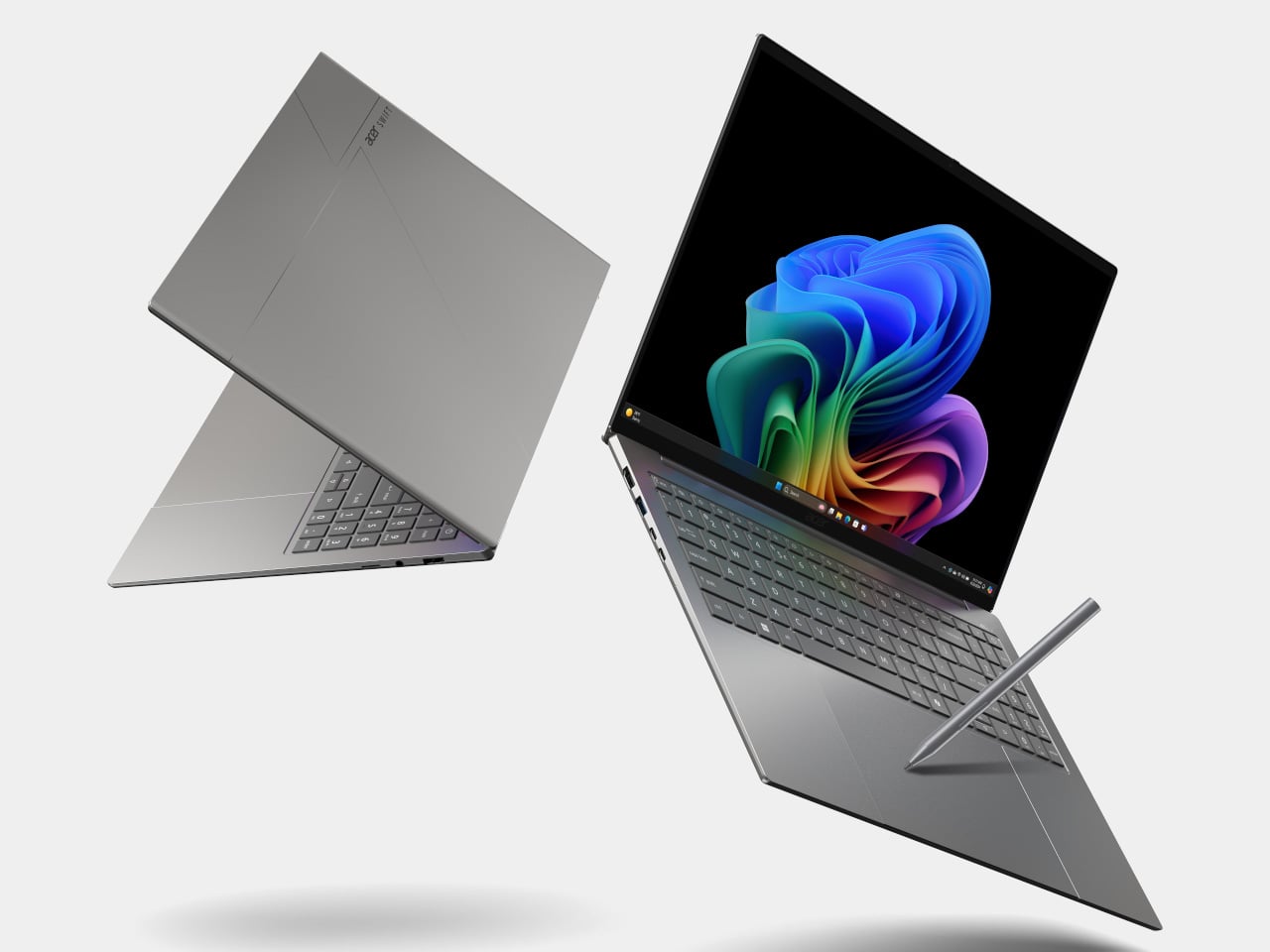
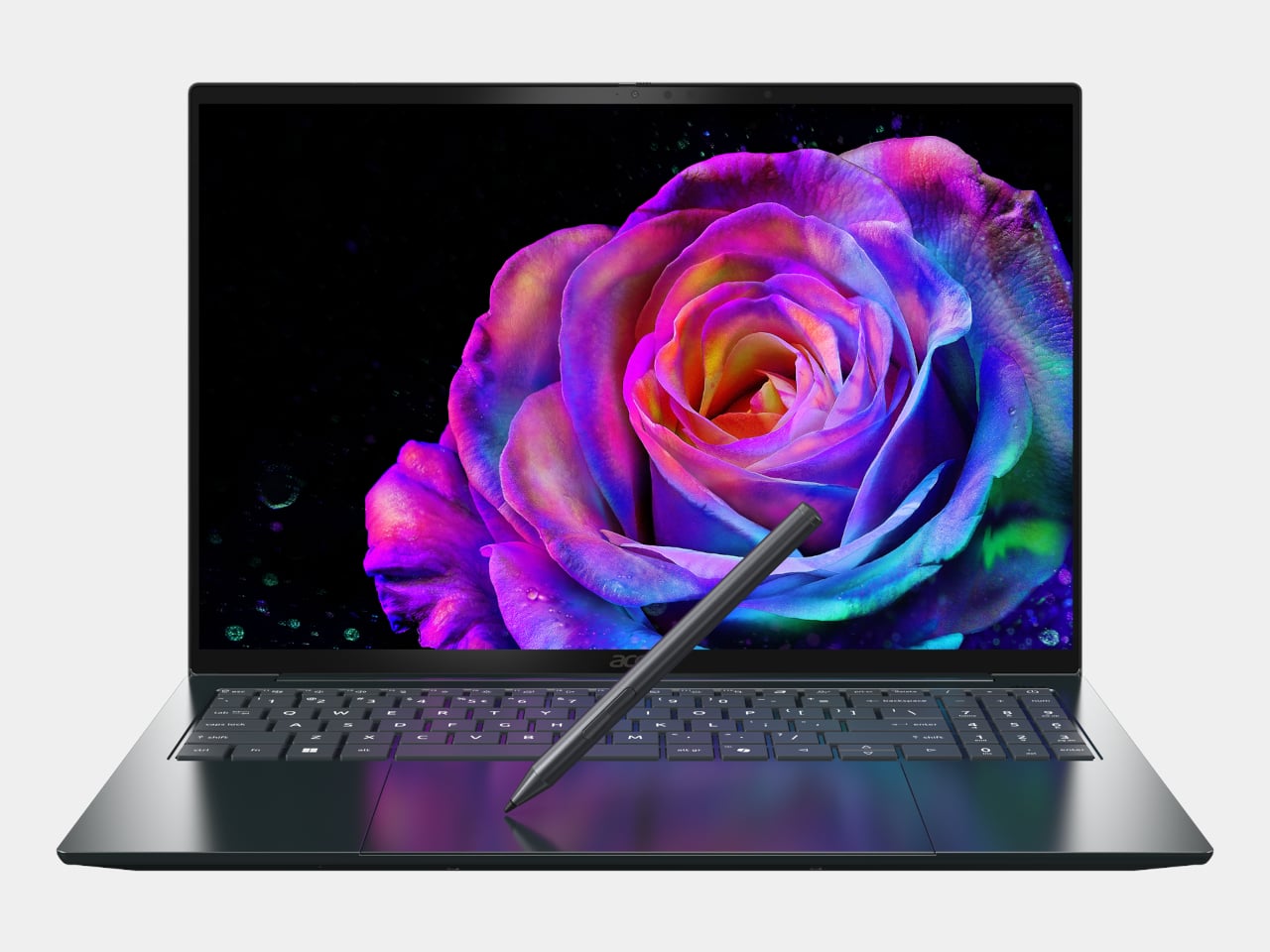
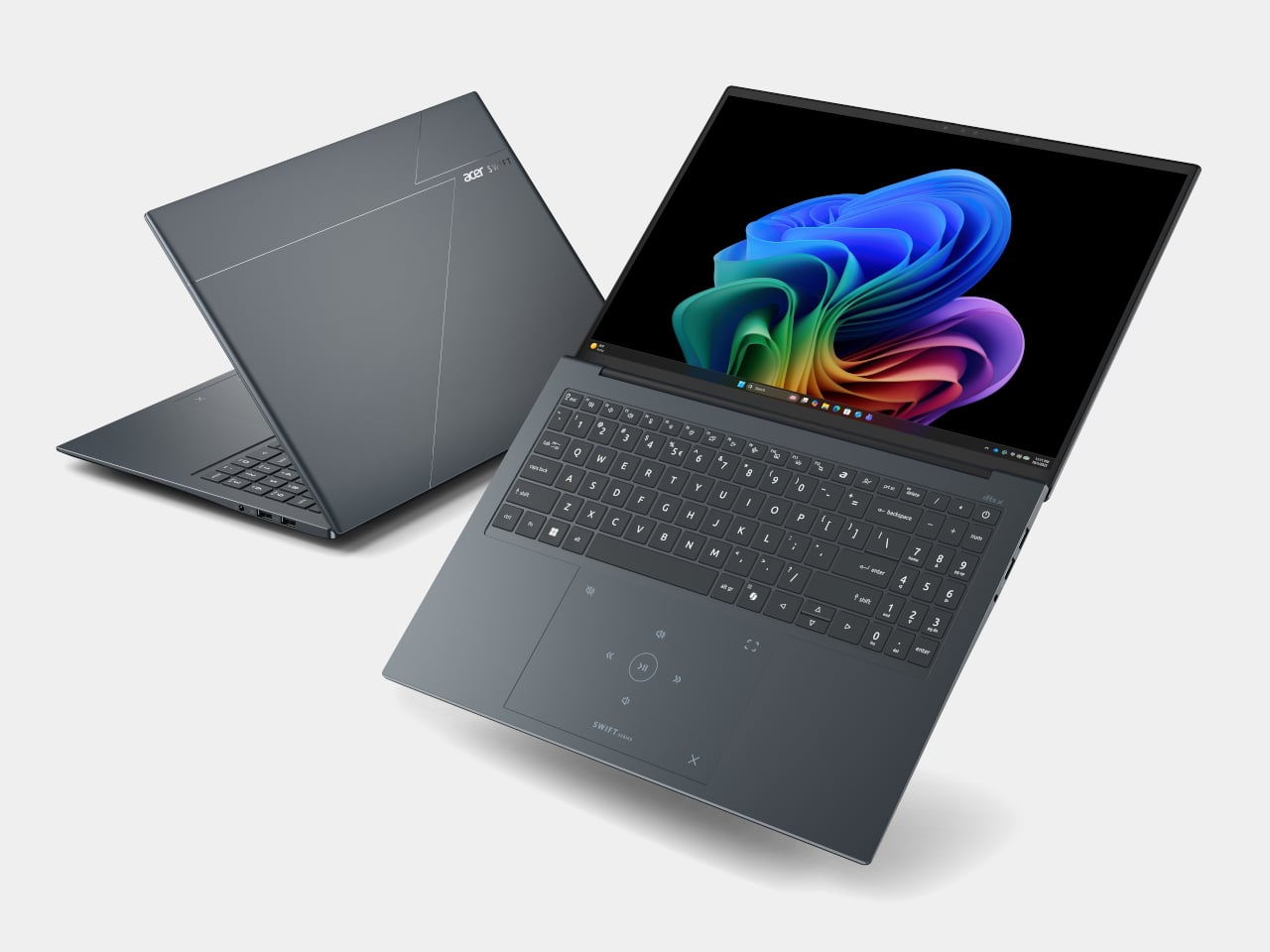
The Swift 16 AI is Acer’s CES flagship for people who live in creative apps. It runs up to an Intel Core Ultra X9 388H with Intel Arc B390 graphics, up to 32 GB of LPDDR5X, and up to 2 TB of SSD storage. The 16‑inch 3K OLED WQXGA+ display, with 120 Hz refresh, 100% DCI‑P3, and VESA DisplayHDR True Black 500, gives animators, video editors, and illustrators a bright, color‑accurate canvas that still fits in a 14.9 mm‑thin aluminum chassis.
Acer Swift 16 AI

The headline feature is the world’s largest haptic touchpad, a 175.5 mm × 109.7 mm glass‑covered surface that supports MPP 2.5 stylus input. You can sketch, scrub timelines, or manipulate 3D models directly on the pad while the screen stays clear for reference or output. Haptics provide precise feedback with fewer moving parts, and Acer’s AI tools, accessed through the Intelligence Space hub, can tie into that surface for gesture‑driven creative workflows that feel more like using a tablet than a traditional laptop.

Acer Swift 16 AI (Best Buy Chassis)

Connectivity and audio round it out with Wi‑Fi 7, Bluetooth 5.4, dual Thunderbolt 4 USB‑C, USB‑A, HDMI 2.1, a MicroSD slot, DTS:X Ultra speakers, and an FHD IR camera. A 70 Wh battery with up to 24 hours of video playback on certain configs means the machine can survive long flights or a full day of on‑site shoots without hunting for an outlet.

Acer Swift Edge 14 AI and Swift Edge 16 AI

Acer Swift Edge 14 AI

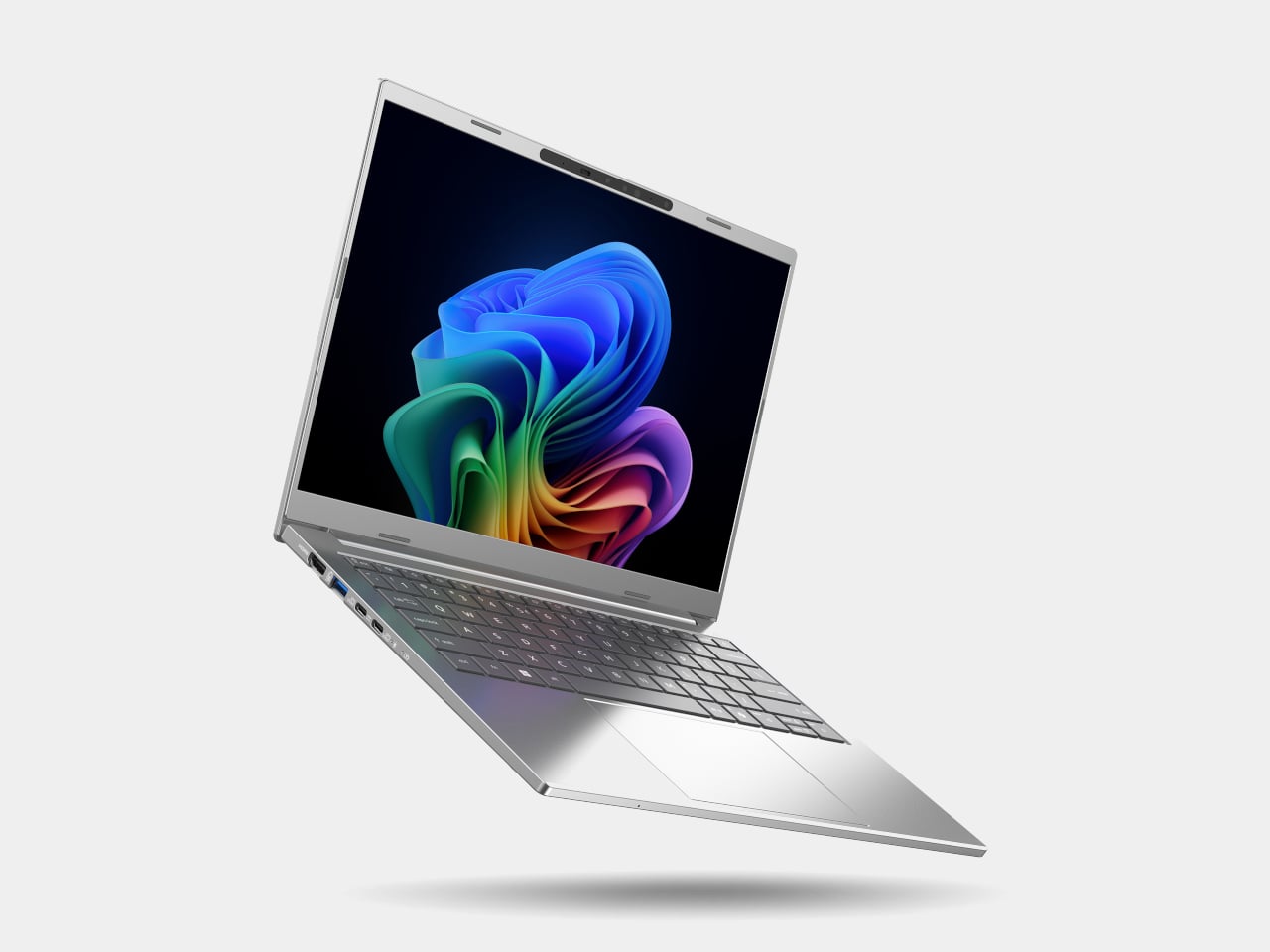
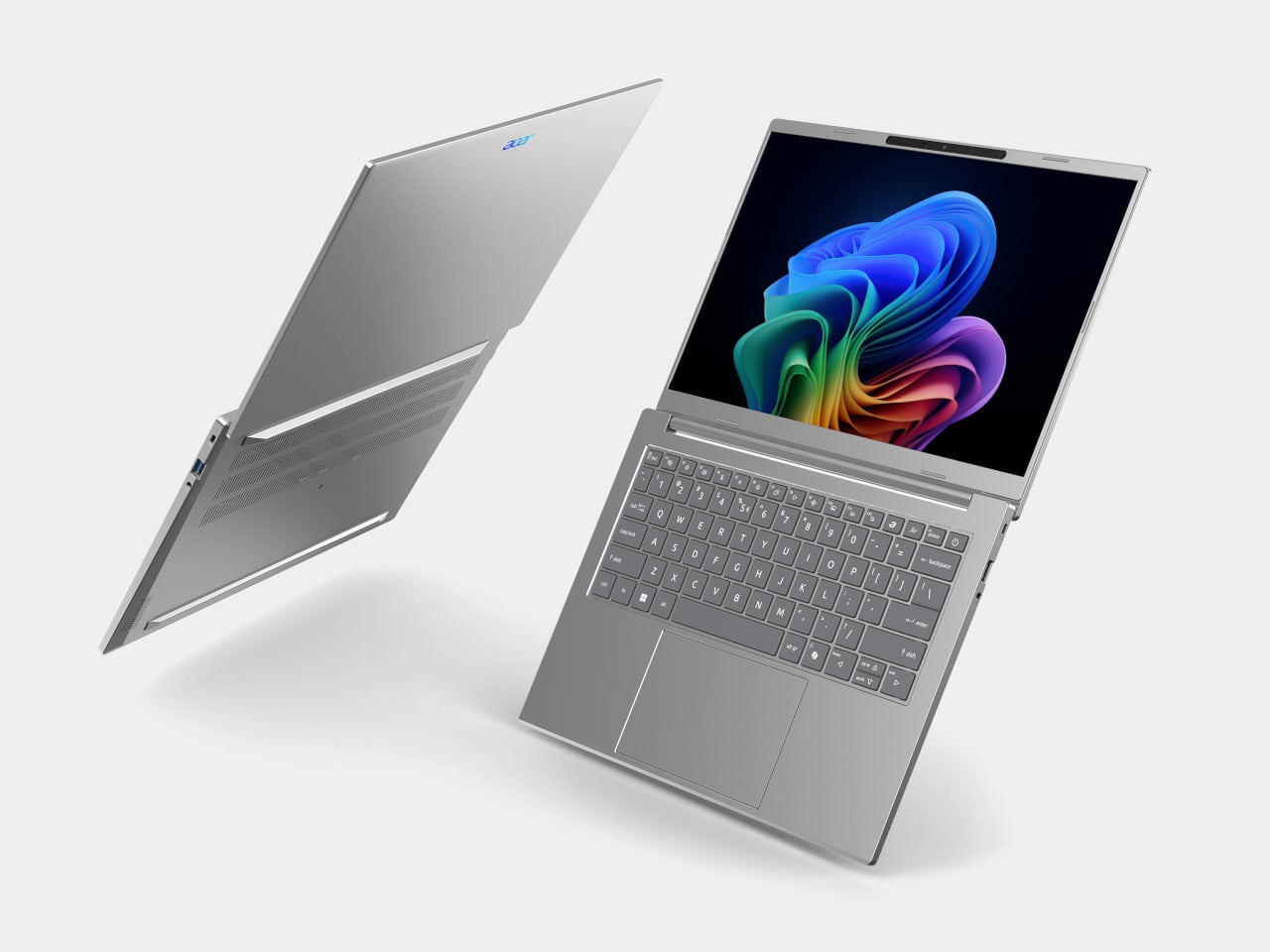
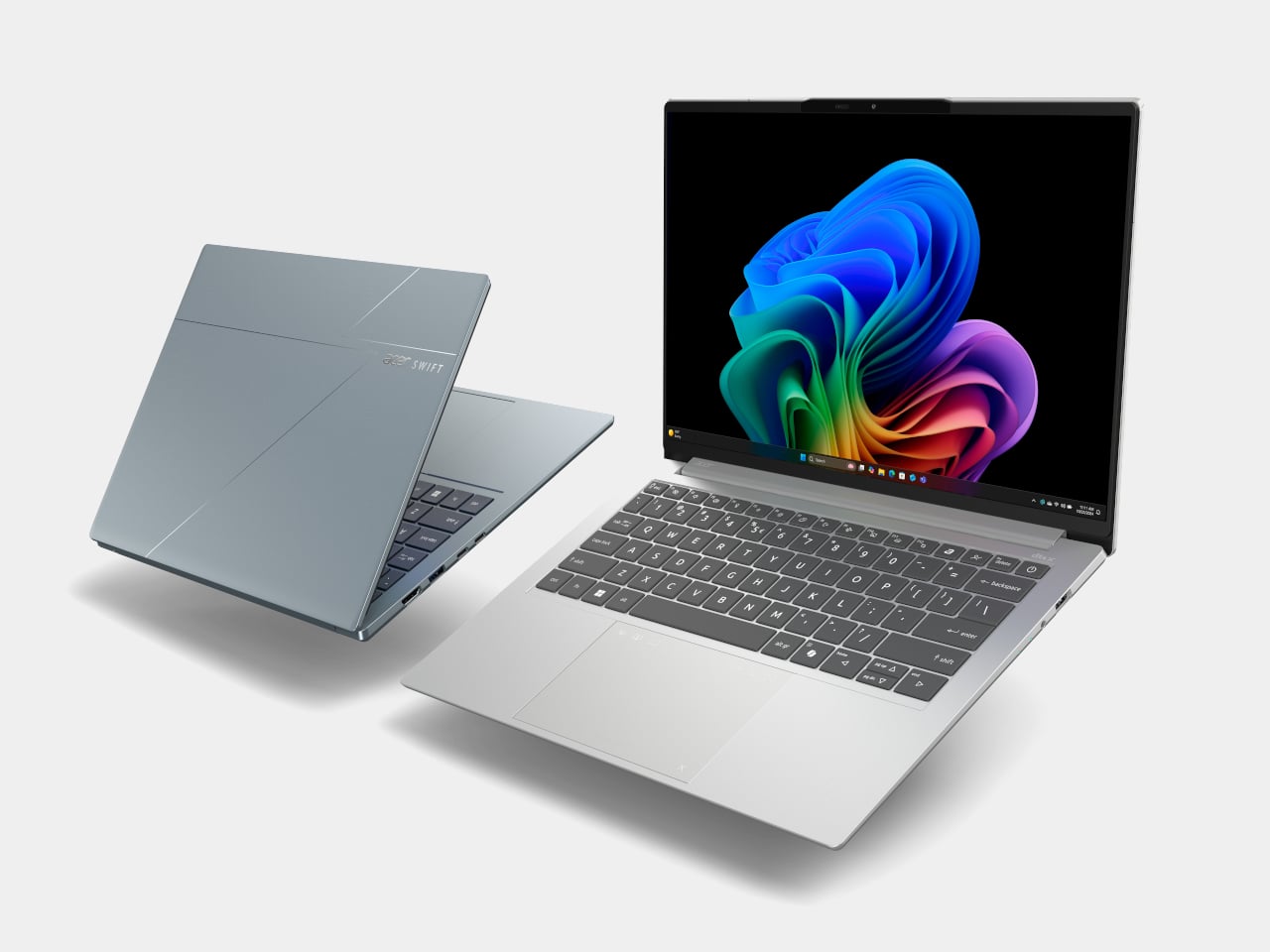
The Swift Edge 14 AI and 16 AI focus on portability for people who count grams in their backpacks. Built from a stainless steel‑magnesium alloy chassis, the 14‑inch model weighs under 1 kg and measures just under 14 mm thick, yet still meets MIL‑STD 810H durability standards. Both sizes run up to Intel Core Ultra 9 386H processors with Intel Graphics, up to 32 GB of LPDDR5X, and up to 1 TB of PCIe Gen 4 SSD storage, so they are not trading performance for weight.

Acer Swift Edge 16 AI

Display options go up to 3K WQXGA+ OLED with 120 Hz refresh and 100% DCI‑P3, making them surprisingly capable for color‑sensitive work on the road. Acer’s multi‑control touchpads add gesture layers for media, presentations, and conferencing, letting you adjust volume, skip tracks, or manage calls without hunting for on‑screen controls. FHD IR cameras with Human Presence Detection, DTS:X Ultra speakers, Wi‑Fi 7, Bluetooth 6.0, and Thunderbolt 4 ports round out a package that feels tuned for frequent flyers who still need a proper workstation when they land.

Acer Swift Go 14 AI and Swift Go 16 AI

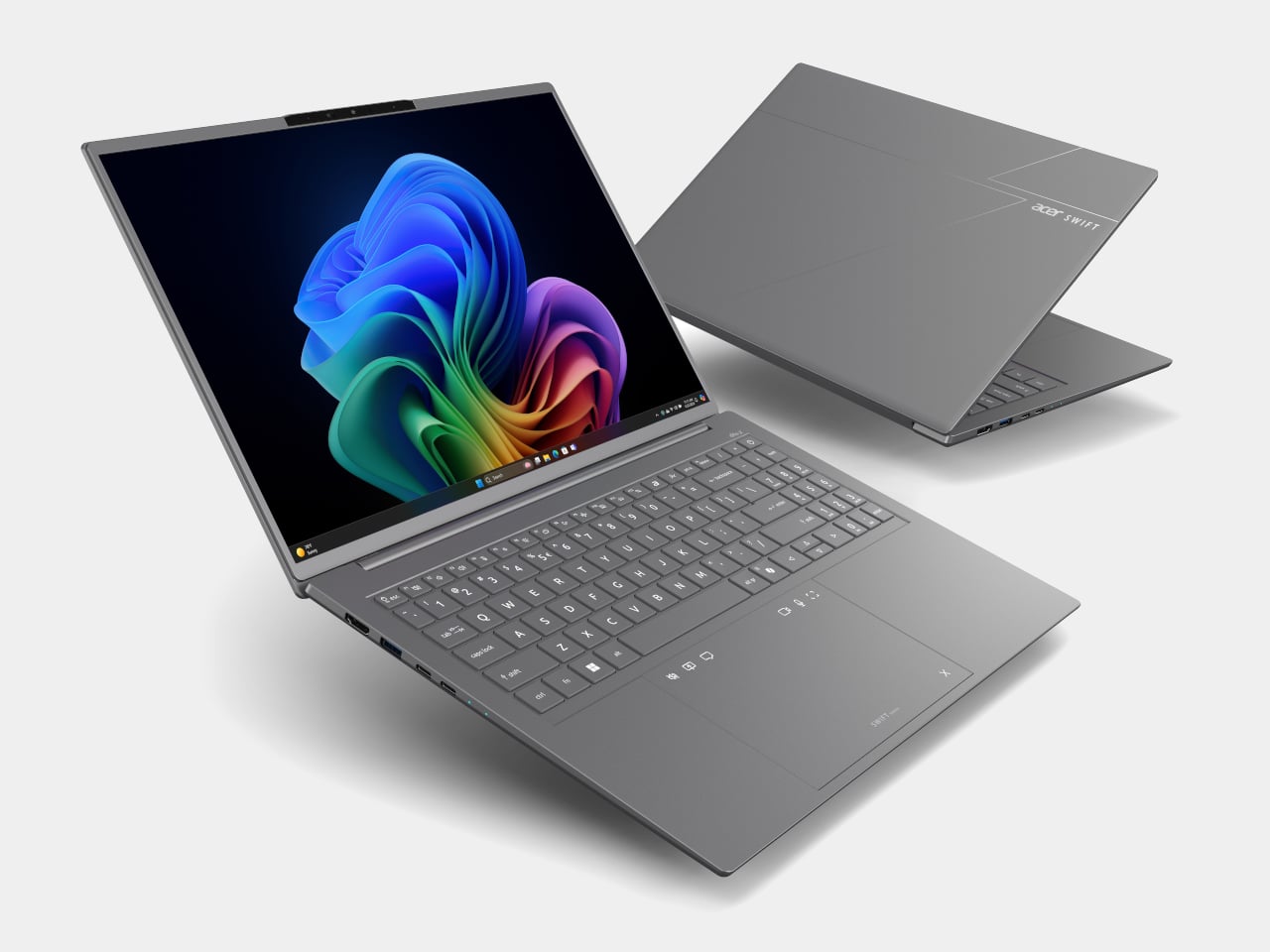
The Swift Go 14 AI and 16 AI sit as the “just right” machines in the Swift family, balancing performance, portability, and a slightly more accessible entry point. They use up to Intel Core Ultra X9 388H processors with Intel Arc B390 graphics, up to 32 GB of LPDDR5X memory, and up to 1 TB of SSD storage. The laser‑etched aluminum chassis opens a full 180 degrees, making them easy to use in cramped lecture halls or coffee shops.

Acer Swift Go 14 AI

Display options include 2K WUXGA and 3K WQXGA+ OLED panels with wide color gamuts and smooth refresh rates, giving everyday productivity machines a surprisingly premium visual experience. The 5 MP IR cameras with HDR and Human Presence Detection improve video calls and privacy, while DTS:X Ultra speakers and multi‑control touchpads make them feel more like compact media centers than basic ultrabooks. Wi‑Fi 7, Bluetooth up to 6.0, and dual Thunderbolt 4 ports keep them ready for fast networks and external GPUs or docks.

Acer Swift Go 14 AI

As Copilot+ PCs, the Swift Go models support features like Click to Do, Copilot Voice, and Copilot Vision, with Acer’s own Assist, VisionArt, User Sensing, PurifiedView, PurifiedVoice, and My Key layered on top. For someone who wants a thin‑and‑light that can handle both spreadsheets and AI‑assisted creative work, they are the approachable entry point into Acer’s more experimental Swift AI world, offering premium design without the flagship price or the haptic touchpad that some people might not know what to do with.

Acer at CES 2026: Laptops Designed for the AI Era

Aspire AI brings Copilot+ and Acer’s AI suite into familiar 14‑ and 16‑inch shells with optional OLED and 180‑degree hinges for collaboration, while Swift AI experiments with haptic touchpads, under‑1 kg magnesium shells, and OLED‑everywhere displays for creators and travelers. The CES 2026 message is that AI is no longer just a feature buried in software menus, it is starting to shape the hardware itself, from how you press on a touchpad to how light your laptop feels in a bag, which is exactly the kind of shift Yanko Design readers expect from the start of the year when everyone announces what laptops are supposed to look and feel like for the next twelve months.

The post Acer Swift 16 AI Has World’s Largest Haptic Touchpad With Stylus Support first appeared on Yanko Design.