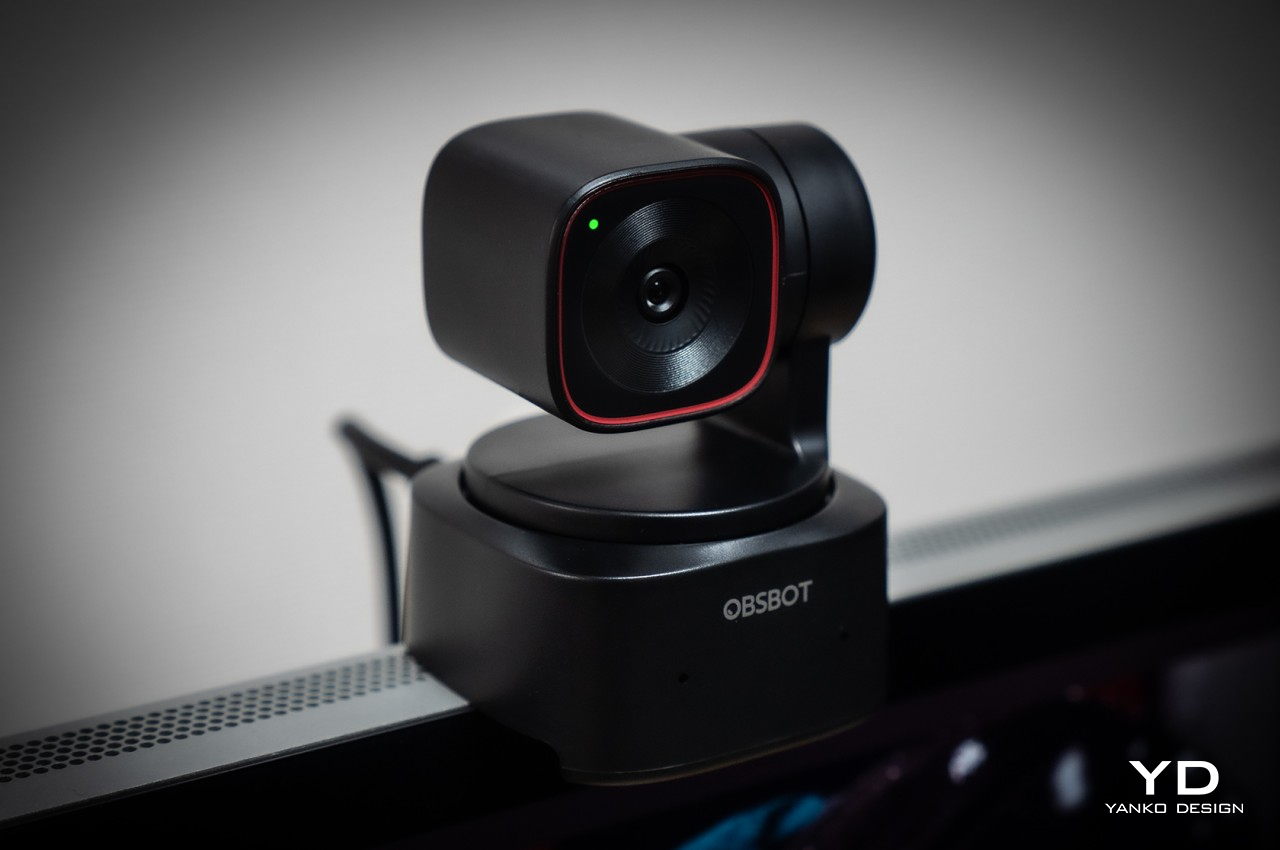
OBSBOT Tiny 2 Lite 4K PTZ Webcam Review: Budget-Friendly AI Camera Crew

PROS:


  • Impressive auto tracking and framing performance

  • Good video quality for such a compact camera

  • Accessible price tag for a professional tool

CONS:


  • Slower USB 2.0 connection

RATINGS:

AESTHETICS
ERGONOMICS
PERFORMANCE
SUSTAINABILITY / REPAIRABILITY
VALUE FOR MONEY

EDITOR'S QUOTE:

The OBSBOT Tiny 2 Lite distills the essential features you need for more engaging videos, presentations, and meetings.

Video streaming has become its own entertainment category and industry, allowing almost anyone to reach out to millions across the world and maybe even make some money while doing so. The barrier to entry is quite low, at least when it comes to equipment, as long as you have a smartphone or even a computer with a webcam. As you grow your content and your audience, however, you will eventually find yourself looking for tools that are made to support such activities, like a webcam that can help bring out the best in your video content and presentations. Of course, webcams are a dime a dozen, especially if you consider the cheap and unsurprisingly basic options out there. You might think you need to spend big bucks for a really good webcam, but the new OBSBOT Tiny 2 Lite says otherwise. Compact yet packing quite a punch, the 4K PTZ webcam promises AI-powered features at an affordable price, and that naturally piqued our curiosity to see if it’s really good as it sounds.

Designer: OBSBOT

Aesthetics

Webcam designs are myriad and varied, and most of them are meant to sit on top of computer monitors or laptop lids for use in video chats. That often means using clips or, worse, adhesives, and they take on shapes that are designed to blend in with the monitor, leading to rather uninspiring designs. It might be called a webcam, but the OBSBOT Tiny 2 Lite is really a versatile gimbal camera that can be used for almost any purpose and in almost any setting as long as you’re connected to a computer, of course.
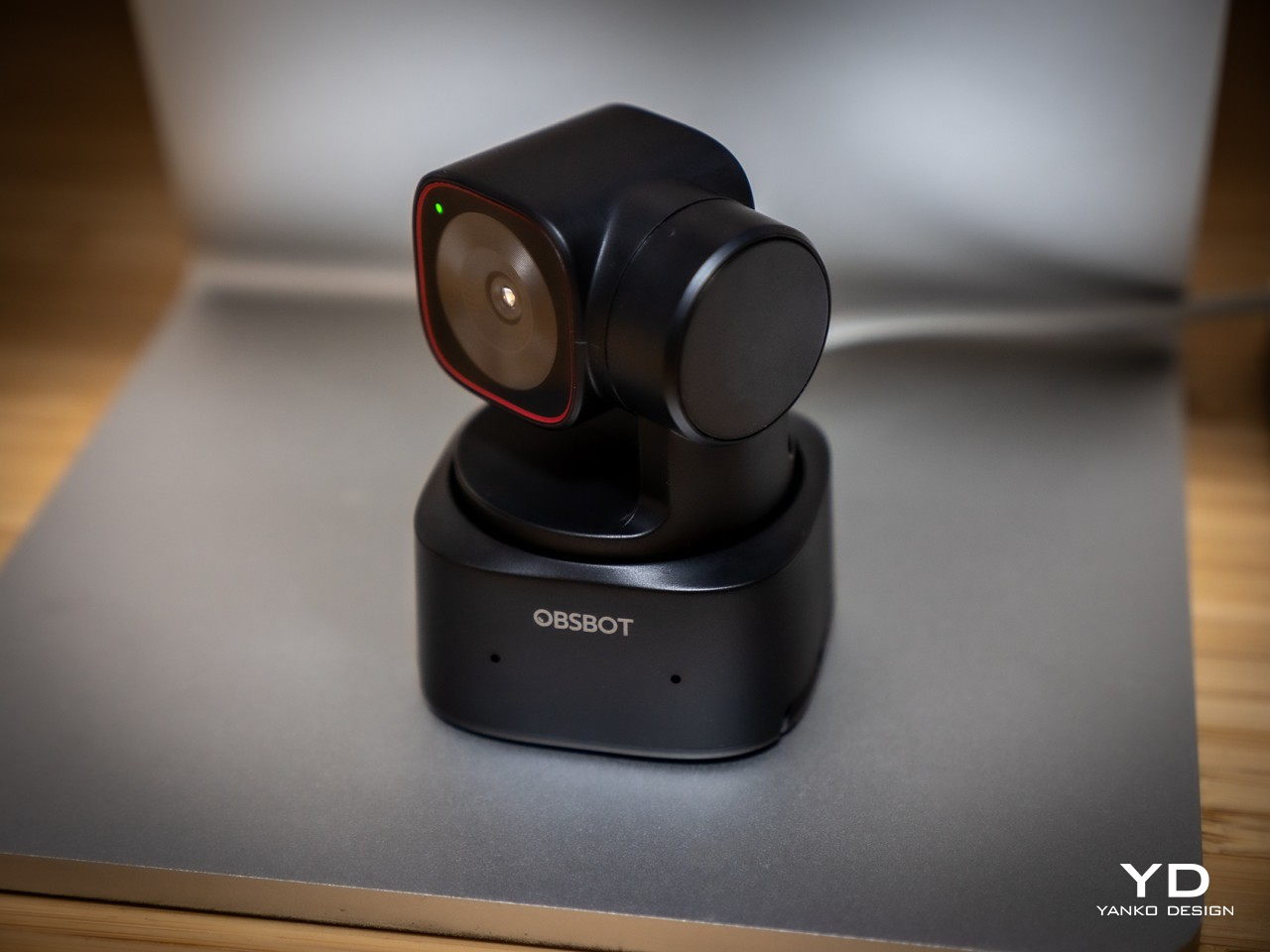
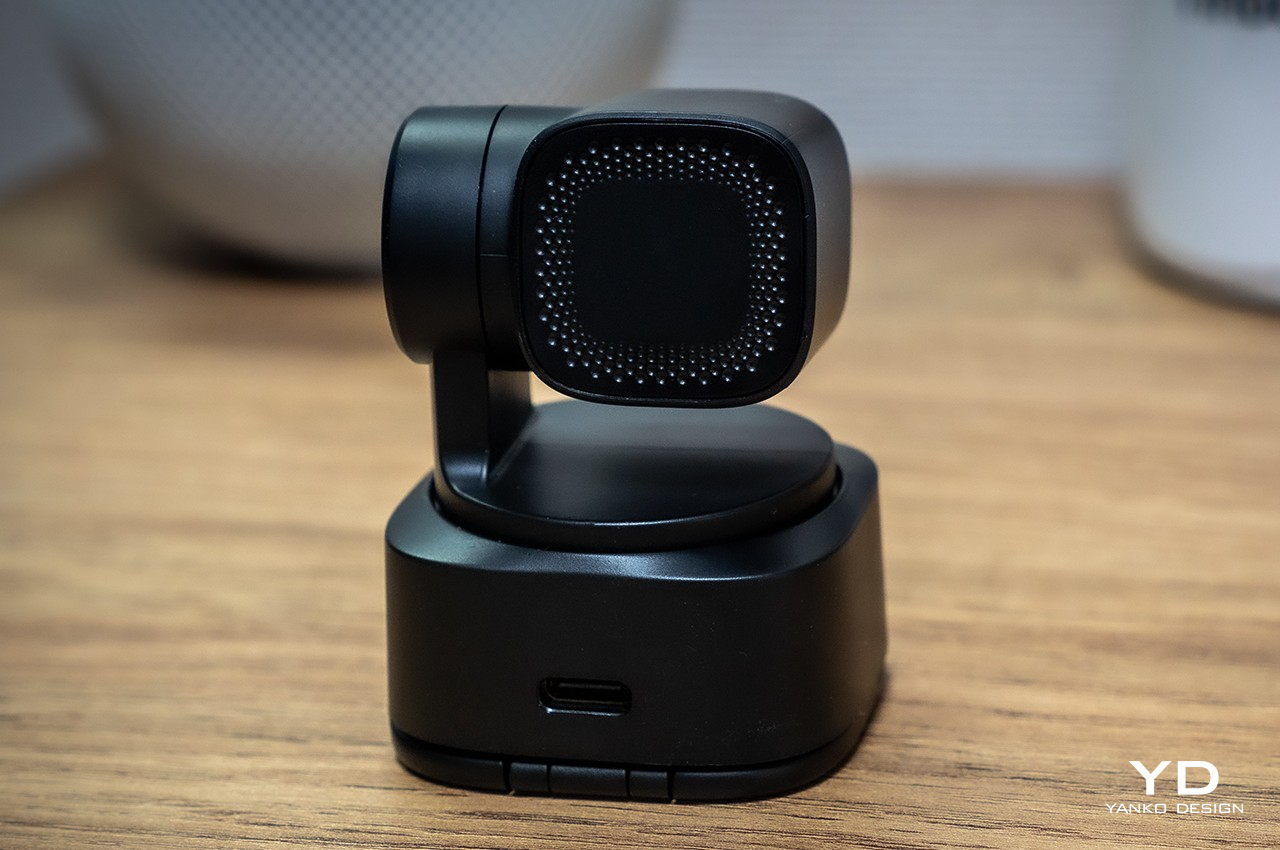
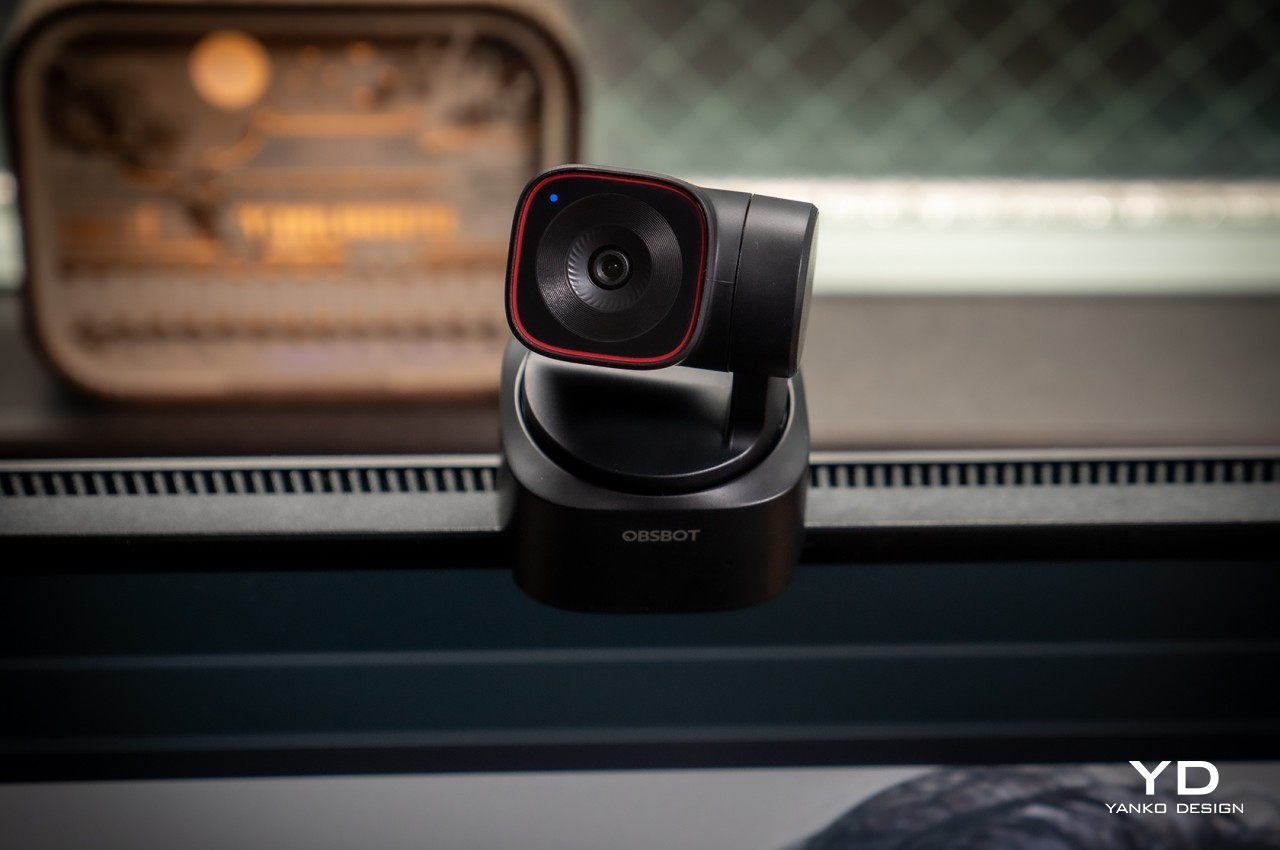
As such, it’s no surprise that the OBSBOT Tiny 2 Lite looks more like one of those gimbal cameras than a webcam, and for good reason. It’s a PTZ or “pan, tilt, zoom” camera, after all, and its base and arm work to move the camera as needed. Yes, you don’t have to position the camera yourself, but more on that later. What this means is that this webcam hardly looks like a webcam at all. Its rounded square base and the square camera hanging from its arm make it resemble a miniature professional video camera, and that’s a comparison that’s more than just skin deep.

All in all, the OBSBOT Tiny 2 Lite has a compact and minimalist design that is distinctive but not distracting. It’s small enough to take with you anywhere your laptop and your work need to go, while still packing quite a collection of powerful features. The camera itself barely has any physical controls, creating a clean and professional-looking aesthetic. That means you’ll have to rely on indirect methods of control, like the OBSBOT App, hand gestures, or the optional remote control.

Ergonomics
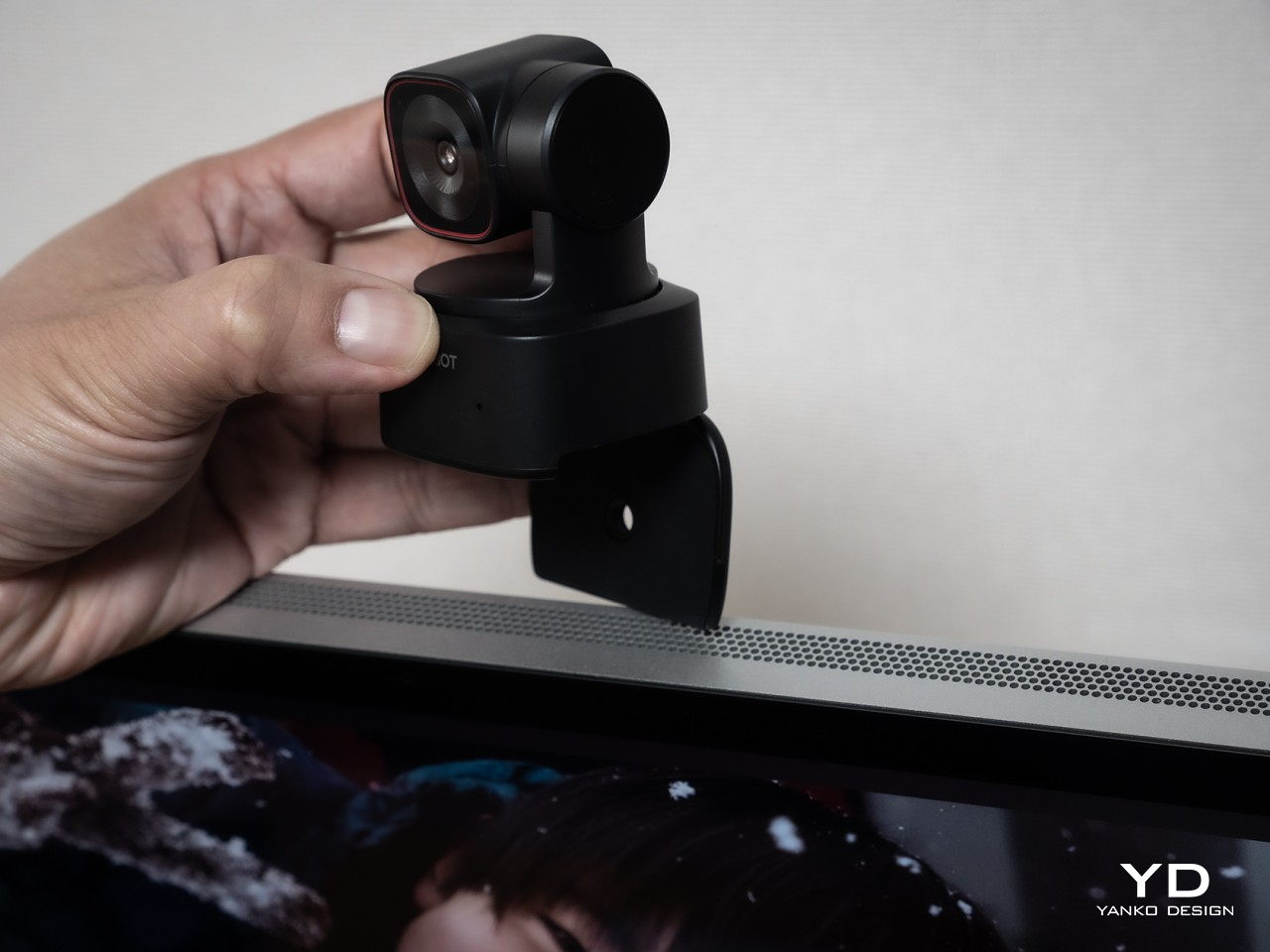
You won’t be holding the OBSBOT Tiny 2 Lite in your hand, not unless you put it on a selfie stick or handle. It’s meant to either mount on top of you a monitor, stand on a desk, or attach to a tripod, and the camera’s design supports all three. Rather than relying on a separate clip that you might lose, the Tiny 2 Lite features a built-in stand that unfolds from the bottom, forming a simple cantilever-like mechanism that uses gravity and physics to stick to the top of a computer screen. It is, however, a very simple mechanism, and it might struggle to support older, thicker monitors as well as very slim laptop lids.

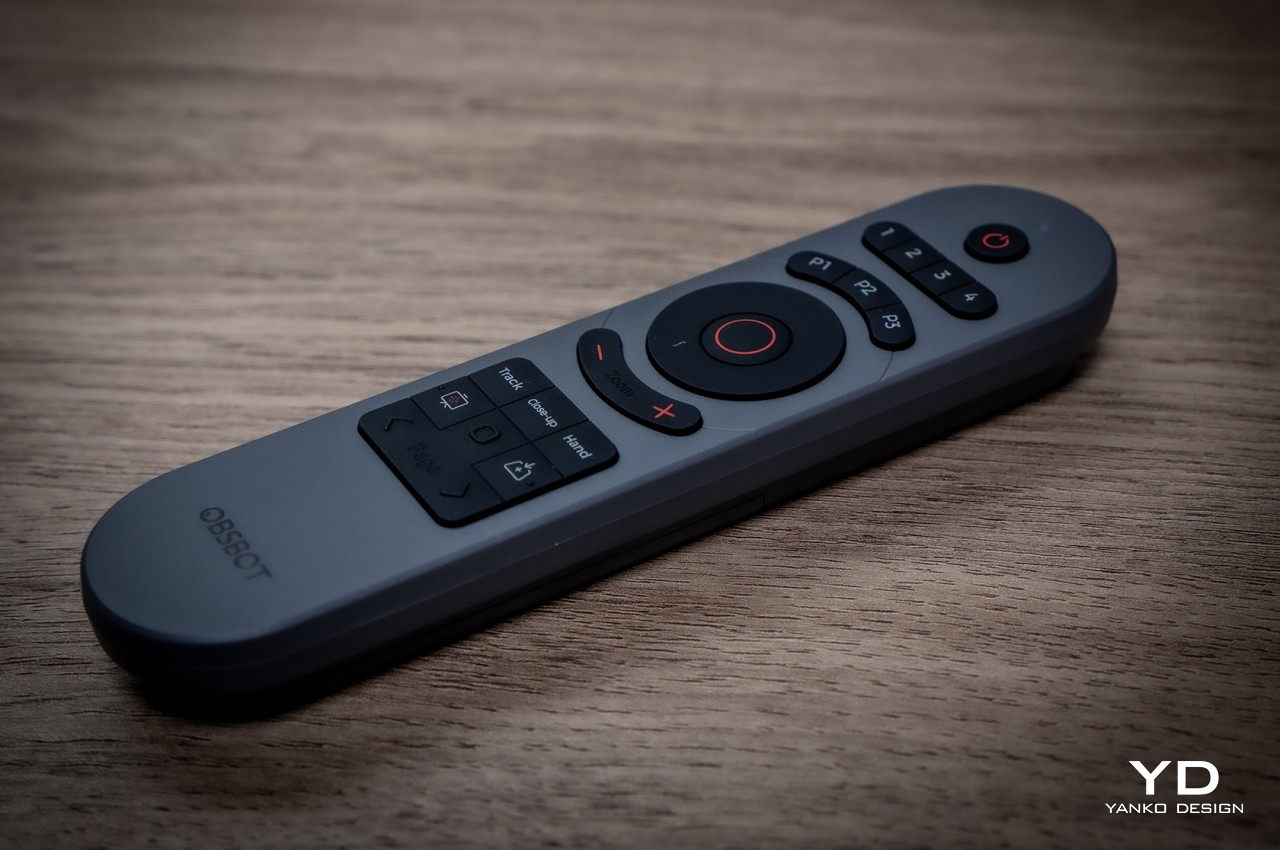
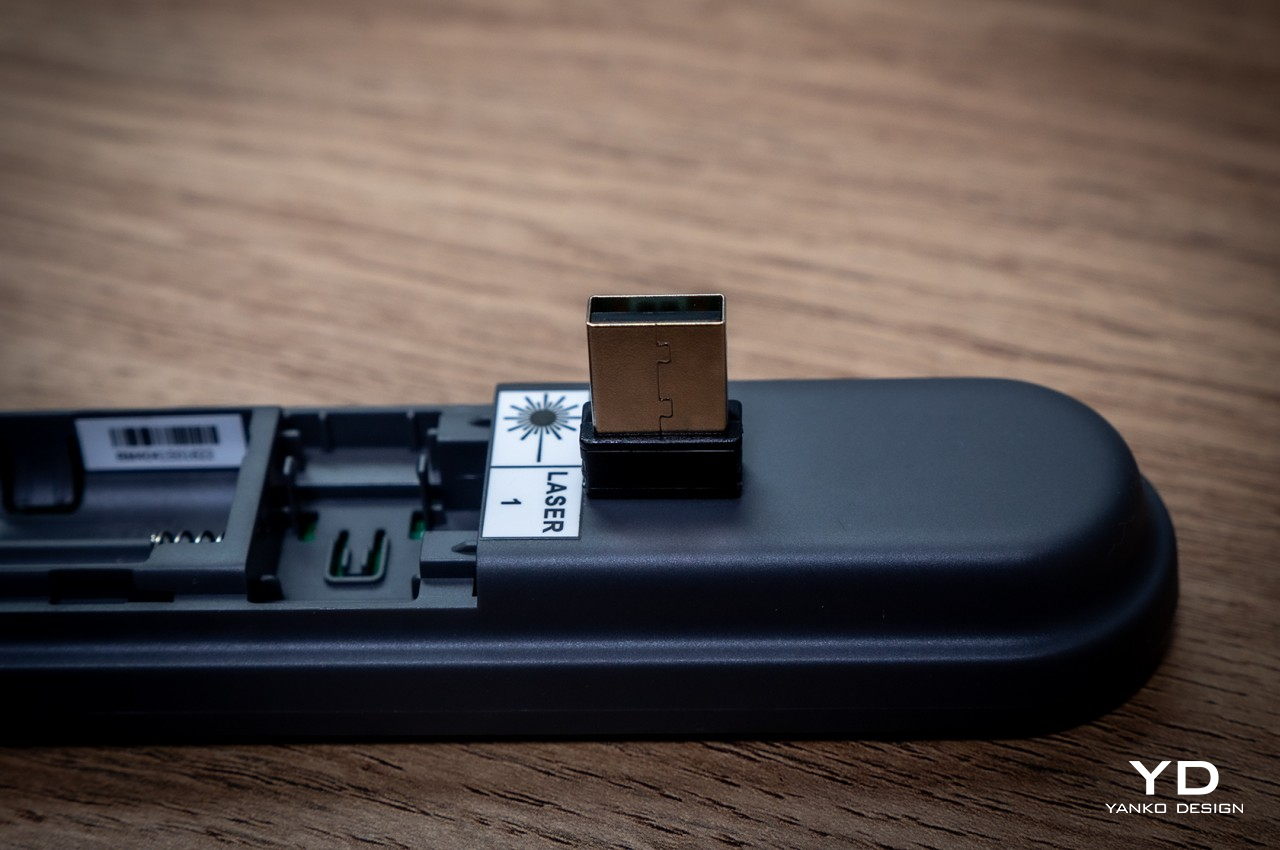
When in use, you won’t be touching the camera directly either, since there are no buttons in the first place, other than turning the camera down to activate its privacy mode. Your primary control method will be through the computer app that configures the camera’s settings, but OBSBOT really wants you to rely on automatic operations powered by its AI. For more precise control from a distance, however, you might prefer to spend an extra $49 for the optional remote control slash presentation clicker. Depending on your workflow, you might find this absence of direct control liberating or extra work.

Performance

OBSBOT made a name for itself with 4K webcams packed in tiny designs, and the Tiny 2 Lite is no different. What is different, however, is that it selects only the hardware and features that deliver the best possible experience without asking too much from the consumer’s finances. For example, the 1/2-inch CMOS sensor is quite capable, enabling 4K 30fps as well as 1080p 60fps video recording with crisp and clear details. It supports HDR, though not the PixGain HDR that the more expensive non-Lite OBSBOT Tiny 2 boasts of, and it only has a single ISO for all kinds of lighting conditions.

While the video quality that the Tiny 2 Lite produces is already good, the camera’s real selling point is its intelligent hands-free controls. Of course, this newer model leverages plenty of AI so that you can leave it to decide what it thinks is the best shot, whether it’s zooming up close or using a more panoramic shot. The camera tracks you as you go around, making presentations and demonstrations look more dynamic and natural. It also supports auto framing, where it pans or zooms to adjust to the number of people going in and out of view. If you need more direct control, you don’t have to reach for the remote and just use hand gestures to adjust the camera to your liking. As for that movement, it’s pretty smooth and quick, easily adjusting to your own movement as if you have a human behind the camera.

As many AI features that OBSBOT crammed in such a small and accessible device, it also had to leave out quite a number of them that you’d see on the OBSBOT Tiny 2. It doesn’t have voice control, for example, which might actually be a good thing for more privacy-concerned users, but neither does it have a desktop mode where the camera swings down to capture, rotate, and frame what you’re doing on the desk, which could be your notes or instructions for some process. The biggest “downgrade,” however, is using a slower USB 2.0 connection only, a decision that’s sure to become a bottleneck when you need fast video transfers from camera to computer. Fortunately, most of these features can be considered “extras” from a content creator’s point of view, allowing the OBSBOT Tiny 2 Lite to still deliver a solid performance at almost half the price of its older sibling.
Sustainability

One of the reasons why webcams are so ubiquitous is because of how easy and cheap it is to get the materials needed to make them. That means a load of plastic, which is admittedly lighter and more resilient than a premium but hefty aluminum chassis. Unfortunately, that doesn’t bode well for the sustainability of these products, especially the ones that feel and look cheap and are more likely to be thrown out the moment they start malfunctioning.

The OBSBOT Tiny 2 Lite thankfully doesn’t look cheap nor feel like a throwaway product, but it’s still not something that will last you a long time if you aren’t careful. You won’t want to take it on daring adventures, especially in extreme conditions. This isn’t an action cam anyway, but it could still let you do some outdoor streaming if the weather allows it.

Value

OBSBOT launched the Tiny 2 last year to much applause for the wide array of smart features packed in a compact and stylish design. The one complaint has been its rather steep price tag, and the new Tiny 2 Lite finally addresses that. For only $179, it crams many of those AI features, particularly the core functions that truly define the Tiny 2. Naturally, it had to leave some out, but did OBSBOT cut off too much?
That’s hardly the case, as the Tiny 2 Lite delivers a solid PTZ webcam experience. Admittedly, that price tag might still look a bit too high, and not all features will appeal to everyone who needs a webcam. Those who mainly use webcams for meetings will find little reason to spend more on such a camera, though there are options like sleep mode made for those times when you need to briefly step away from a meeting.

Verdict

Being stuck at home doing video meetings and chats has made us realize how webcams seem to have been stuck in the early 2000s. A whole new crop of more powerful cameras has grown from this need, some going beyond just making you look presentable for a meeting. The OBSBOT Tiny 2 Lite is designed for budding creators who need to focus on the content they’re recording instead of having to fiddle with camera controls. More than just high-quality 4K video, this small yet powerful PTZ webcam leverages AI to do the heavy lifting of framing the perfect shot to captivate your audience, clearly get your point across, or simply have fun. Best of all, you won’t have to break the bank just to get your hands on a tool that looks so simple yet packs quite a punch, helping you look professional in any video.
The post OBSBOT Tiny 2 Lite 4K PTZ Webcam Review: Budget-Friendly AI Camera Crew first appeared on Yanko Design.


Top 10 Smallest Gear And Gadgets to Absolutely Upgrade and Elevate your Life

With time, and with innovation, humanity has the ability to shrink some amazing technologies down to size. See televisions today versus 50 years ago. Or look at storage from the decades gone by and take a look at how much bizarre storage today’s SSDs offer. The way it works is that innovation catches up with intent, allowing humans to make things better, sleeker, and more efficient. What we’ve managed to do today is take a look at 10 products that have benefitted from this fusion of innovation and intent. These ten tiny thingamajigs here (I have a thing for alliterations) aren’t just ‘small for the sake of small’… they’re highly functional too, from being the most compact and powerful espresso maker we’ve seen, to 4K VR headsets the size of swimming goggles. The only thing that isn’t tiny here is this list!

1. Smallest EDC Multitool – KeyMaster Titanium Multitool

A key unlocks a lock… the KeyMaster unlocks life. Named clearly after its tiny, key-shaped design that’s small enough to sit on your keychain, the KeyMaster is a pocket-sized powerhouse. Crafted from ultra-durable Grade 5 titanium, it effortlessly tackles tasks from opening bottles to fixing your bike. Despite its comprehensive functionality, the KeyMaster’s unique design keeps it remarkably lightweight at just 29 grams (1 ounce), ensuring it remains a lifelong companion on your keychain. Despite its ridiculously small size, the KeyMaster packs a whopping 14 tools, including a foldable knife with a removable blade. Why a removable blade, you ask? So that it’s easy to maintain, and it’s TSA friendly!

2. Smallest Espresso Maker – Wacaco Minipresso GR2

An impressive 5 centimeters (2 inches) smaller than the original Minipresso, the Wacaco Minipresso GR2 is a tinier yet mightier espresso maker that gives you strong, fresh coffee on the fly. The new design has an adjustable basket letting you load anywhere between 8 to 12 grams of coffee, with a double-walled container that holds 80ml of water. The way you use the Minipresso remains the same. A hand-powered pump lets you manually create 8 bars of pressure (the perfect amount for espresso), giving you the perfect extraction with zero electricity. The entire device is about as small as a beer can, and comes with its own cup that you can extract your espresso into. No more compromising with instant coffee while traveling – the Wacaco Minipresso GR2 lets you brew fresh coffee anywhere… no questions asked.

3. Smallest Device Charger – MELLO 20W GaN Charger

It looks like a key-fob, but can fast-charge your phone. Sounds magical, doesn’t it? Well, MELLO holds the title of being the world’s tiniest/sleekest charger. Built using GaN technology, the ridiculously small charger outputs 20W of power, giving your phone enough juice to charge faster than your standard 15W charger. The MELLO sports a foldable design, with the pins tucking right into its unique framework. It comes in three plug styles, and you can choose the variant based on the type of socket you’ve got in your own country. What’s more, the MELLO comes with its own lanyard-shaped USB-C charging cable too, so this tiny little thing that can strap to your keychain transforms into a full-fledged charger for your phone or earbuds – adapter, cable, and all!

4. Smallest Bluetooth Speaker – Marshall Willen

Before you come for me, I’d like to explain myself. The idea with this collection of gadgets and gear was to balance size with functionality. A sachet of instant coffee might be smaller than the Wacaco coffee machine we described earlier, but it isn’t superior to fresh-brewed coffee. Similarly, the internet is filled with tiny Bluetooth speakers that provide a pathetic excuse for sound, but they don’t stand up to the Marshall Willen. Measuring just 4 inches tall, this palm-sized speaker has a 10W amp and a passive radiator, giving you sound you wouldn’t believe could come from something so small. 15 hours of playback, IP67 water and dust resistance, and the ability to ‘stack’ or connect multiple Willen speakers together makes this a true portable powerhouse of punchy audio.

5. Smallest Power Bank – Statik Snap-n-Charge (3000mAh)

The Snap-n-Charge from Statik is yet another example of balancing size with ability rather well. It’s a compact, pill-shaped charger that quite literally snaps onto the bottom of your phone using a novel magnetic charging port architecture, giving your phone a 3000mAh battery boost. Sure, most will say that 3000mAh isn’t great by today’s standards, but it’s enough to get you through about a weekend. Most smartphones have batteries maxing out at 4000 or 5000mAh, so the Snap-n-Charge should get you from 20% or battery-saving mode to 100% in no time. The power bank comes with its own snap-on adapter that you plug into your phone, allowing you to attach the power bank using a magnetic fixture sort of like the MagSafe seen on MacBooks back in the day. Quite impressive for a $29 power bank, am I right?

6. Smallest 4K Camera – Insta360 GO 3S

You look at the Insta360 GO 3S and your first reaction is probably “That isn’t so small”. The GO 3S looks like it’s the size of a regular action camera… but what you don’t realize at first is that the camera isn’t the entire device, it’s the small pill-shaped module that sits inside the device. Touted as the world’s smallest 4K action cam, the GO 3S weighs a paltry 35 grams and is tiny enough to fit wherever you want it. A magnetic design lets it snap onto a variety of accessories for a unique PoV, and the larger housing itself gives you the added advantage of a battery boost, along with a flip-out display that lets you see what your camera sees. The camera records in 16:9 landscape and portrait formats, as well as a 1:1 square ratio for the ‘gram. It captures in 4K, has a total recording time of 170 minutes (with the larger camera body), comes with stabilization, and is IPX8 waterproof up to 16 feet. Content creation never looked this compact.

7. Smallest 4K Projector – LG CineBeam Q

You can’t follow a 4K camera with a 1080p projector, now can you? In the spirit of going big or going home, this is the LG CineBeam Q, a portable projector that comes with its own handle that doubles as a kickstand. Debuted at CES 2024 this year, the CineBeam Q is an oddly appealing projector that takes on a Braun-esque design language and an avant-garde functional approach. Once you’ve set the projector up, using the handle to prop it at any angle, the CineBeam Q outputs a 4K projection up to 120 inches diagonally, giving you a bona fide cinema experience wherever you go. 500 ANSI lumens means a bright projection that’s good even in dimly lit settings, and a smart design lets you tap into all kinds of content without needing an extra Chromecast or what have you. At $1,299, it might be a little prohibitively priced for the mid-range consumer, but if design, functionality, and compactness are what matter to you, the LG CineBeam Q makes for a terrific pick.

8. Smallest VR Headset – Bigscreen Beyond

Speaking of prohibitive pricing, it does make sense for some products to get more expensive as they grow more compact. Take the Bigscreen Beyond VR headset – currently the world’s tiniest immersive virtual reality headset. No larger than a pair of swimming goggles, the Beyond may not look like much, but it comes with two 1-inch OLED microdisplays, each at a resolution of 5120×2560, and support for 75Hz and 90 Hz refresh rates. You’ve got 6DoF movement, giving you the most comfortable immersive VR experience in an ergonomic, tiny form factor. I say ergonomic because the Beyond’s eye-guard comes 3D printed to your own face’s measurements, ensuring a perfect fit. The entire device weighs a paltry 127 grams (4.4 ounces), and given its small size, it doesn’t work standalone – so you need to tether it to a device running VR software. The caveat here, is that the Beyond is priced at $999, which enters Quest Pro territory (that offers pass-through, hand-tracking, and runs on a standalone OS)… but like I said, if you want the smallest, most powerful VR headset money can buy, the Bigscreen Beyond is where it’s at.

9. Smallest Gaming Device – Tiny Circuits Thumby

Let’s also indulge the absurd for a second here with the Tiny Circuits Thumby. Quite literally the size of a thumbnail, the Thumby holds the title of the smallest gaming console to be publicly available to consumers. Tiny but mighty, the actually lets you play games on it, even though it’s less than an inch tall and weighs about as much as an individual AirPod. This keychain-sized console boasts a 72×40 monochrome OLED display and 2MB of storage, letting you play 5 pre-loaded games with the option to expand your library via MicroUSB. And yes, it can even run a version of Doom! The Thumby’s tiny frame belies its powerful core. A Raspberry Pi Pico RP2040 processor brings games to life on the crisp 72×40 monochrome OLED display. Navigate worlds and unleash actions with the intuitive 4-way D-pad and 2 buttons. With a surprisingly large 2MB of storage, the Thumby keeps you entertained for hours on its 40mAh battery.

10. Smallest Outdoor Flashlight – MiCoin Rechargeable Flashlight

Roughly the size of an AirTag, the MiCoin is portable, powerful, and durable flashlight that’s designed to sit on your keychain and outshine your smartphone’s pithy torchlight. It comes with a titanium shell that makes it destruction-proof (you could literally run over it with your car and the MiCoin would shrug it off), and houses a 300-lumen light that has a whopping 32-meter range. For comparison, the smartphone flashlight outputs not more than 10 lumens. This means the MiCoin is vastly better at illuminating the world around you than your phone is, making it exceptionally handy in the outdoors, or even indoors. It attaches to your keychain, comes with a USB-C port for charging, has tritium slots that let you find the flashlight in the dark, and boasts a single button that lets you cycle through the MiCoin’s 5 lighting modes – 4 brightness levels, and 1 strobe mode for emergencies. Quite impressive for something that’s literally the size of a coin, no?

(Bonus) Smallest/Slimmest Mechanical Keyboard – lofree EDGE

I’d be remiss if I left the lofree EDGE out of this curation. Sure, it isn’t the smallest keyboard out there, but the lofree EDGE holds the distinction of being the thinnest mechanical keyboard ever made. Weighing just a pound and measuring a mere 5.4mm at its thinnest point, the EDGE still manages to retain its mechanical keyboard status thanks to a completely re-engineered internal AND external structure. The outside uses a magnesium frame and a carbon-fiber upper plate, along with redesigned keycaps that are slick but still boast ergonomics. On the inside, redefined Kailh mechanical switches provide the oomph of a mechanical keyboard in the form factor of something that looks as sleek as a laptop keyboard. It might seem trivial to the eye, but the amount of engineering gone into building the EDGE feels dizzying. Think about it, a mechanical keyboard that weighs less than half of its competition, and measures about as much as two smartphones at its thickest point… and just more than the new M4 iPad Pro at its thinnest.

The post Top 10 Smallest Gear And Gadgets to Absolutely Upgrade and Elevate your Life first appeared on Yanko Design.

Music analysis device lets you learn songs by ear more conveniently

Those who are trying to learn how to play their favorite songs on their musical instruments have it a little easier now. They can just search for chords and arrangements or if they’re lucky, there might even be YouTube tutorials out there. But there are still those who prefer to play it by ear while playing the piano, guitar, or other instruments but playing the song from their phone or computer while learning is a bit of a hassle.

Designer: Hélène Bert

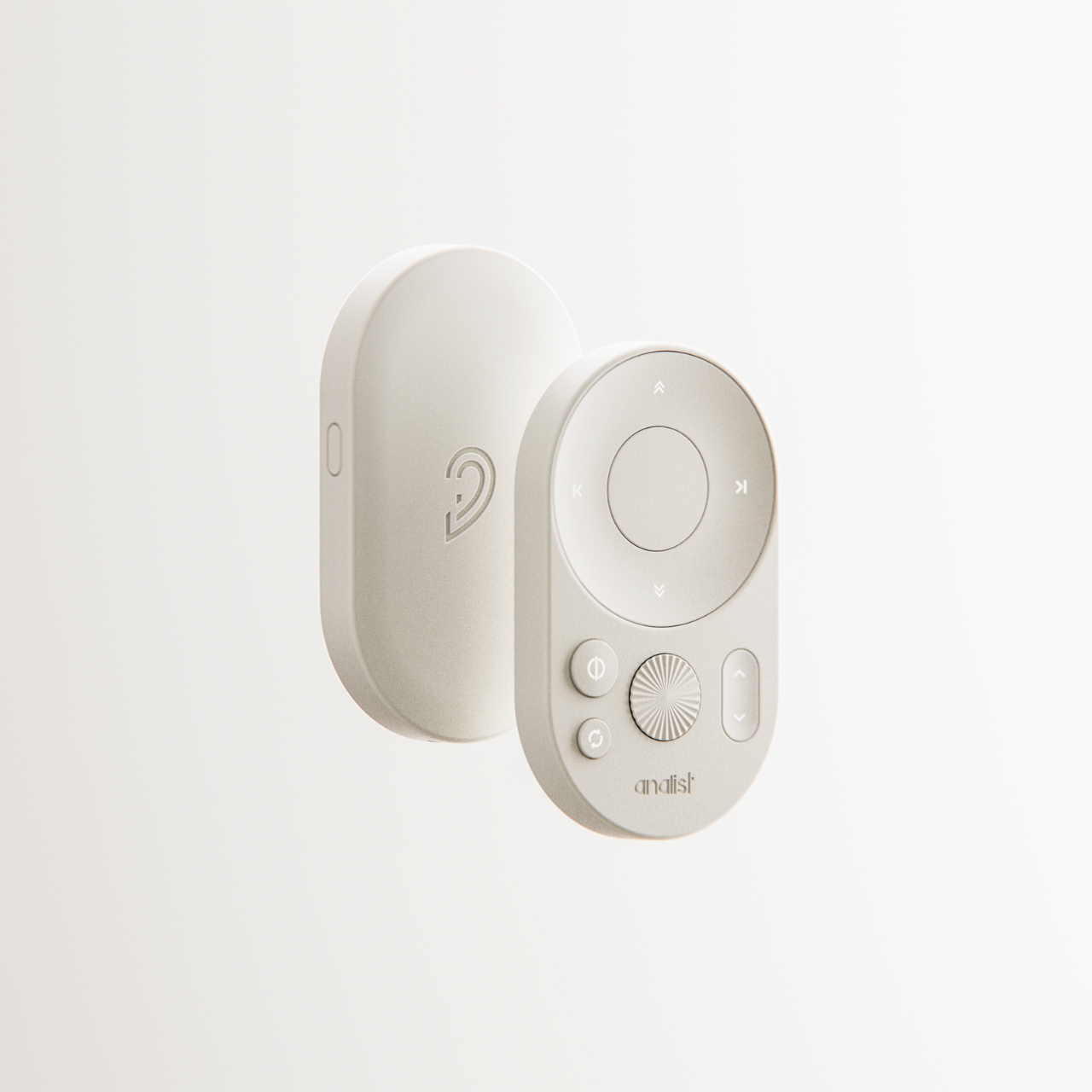
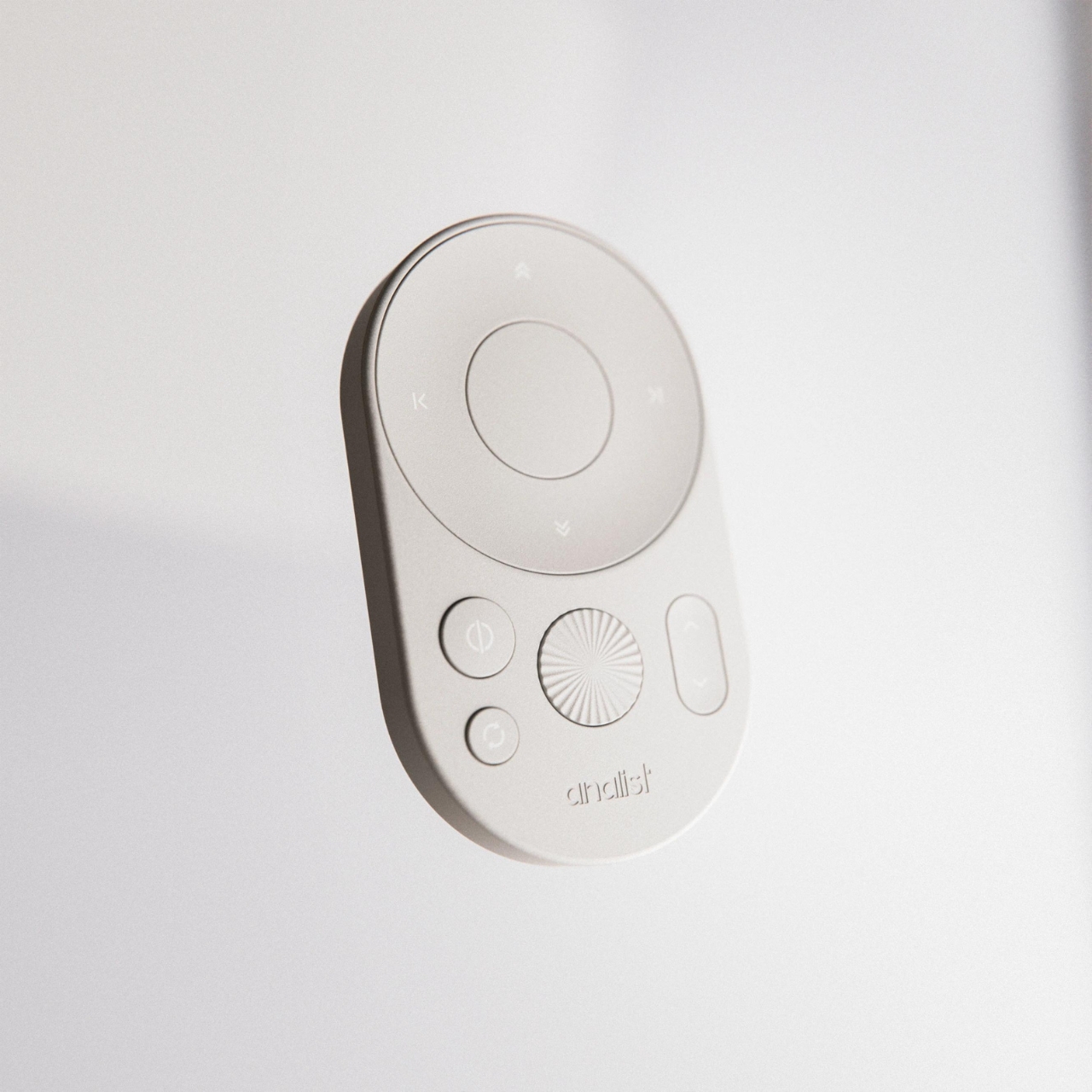
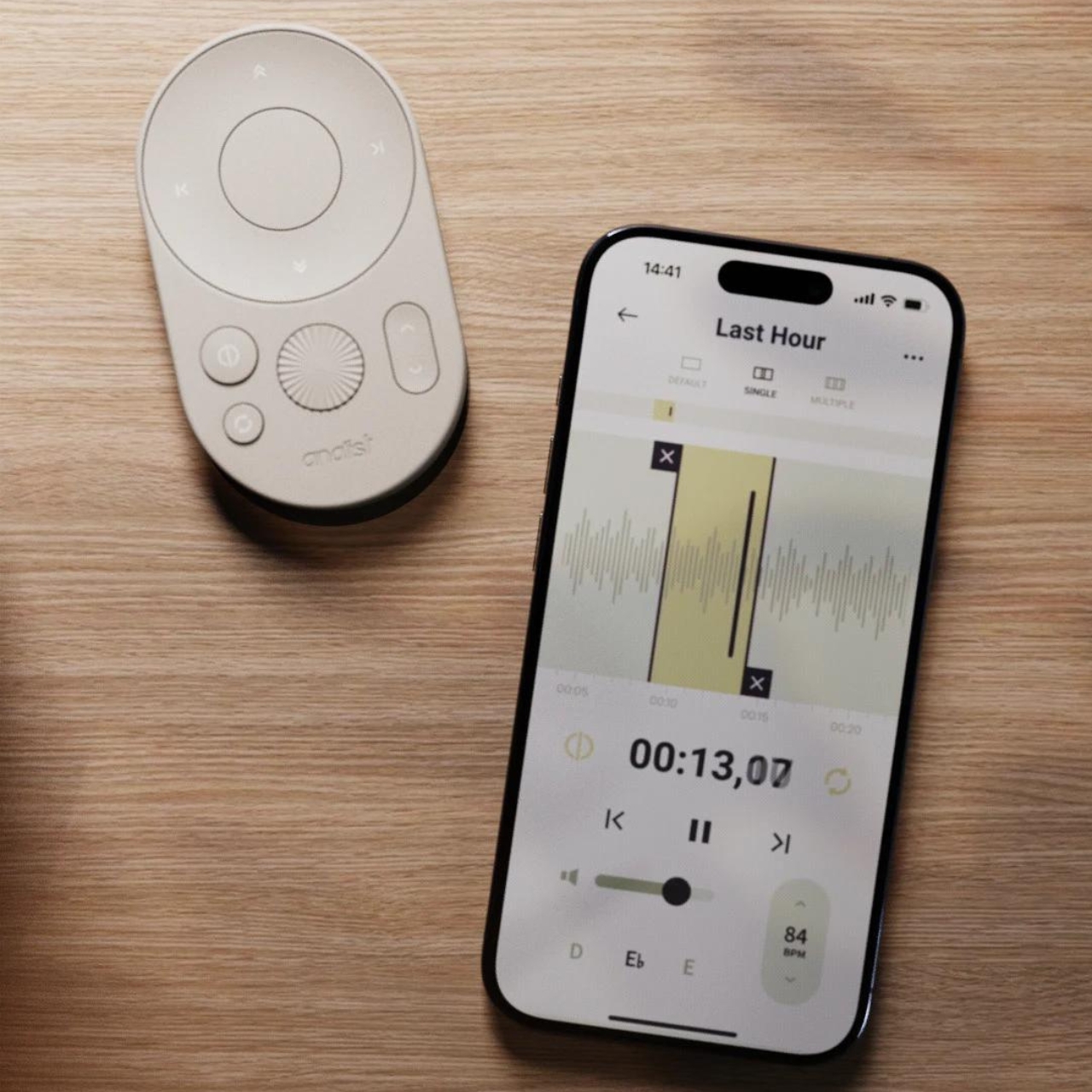
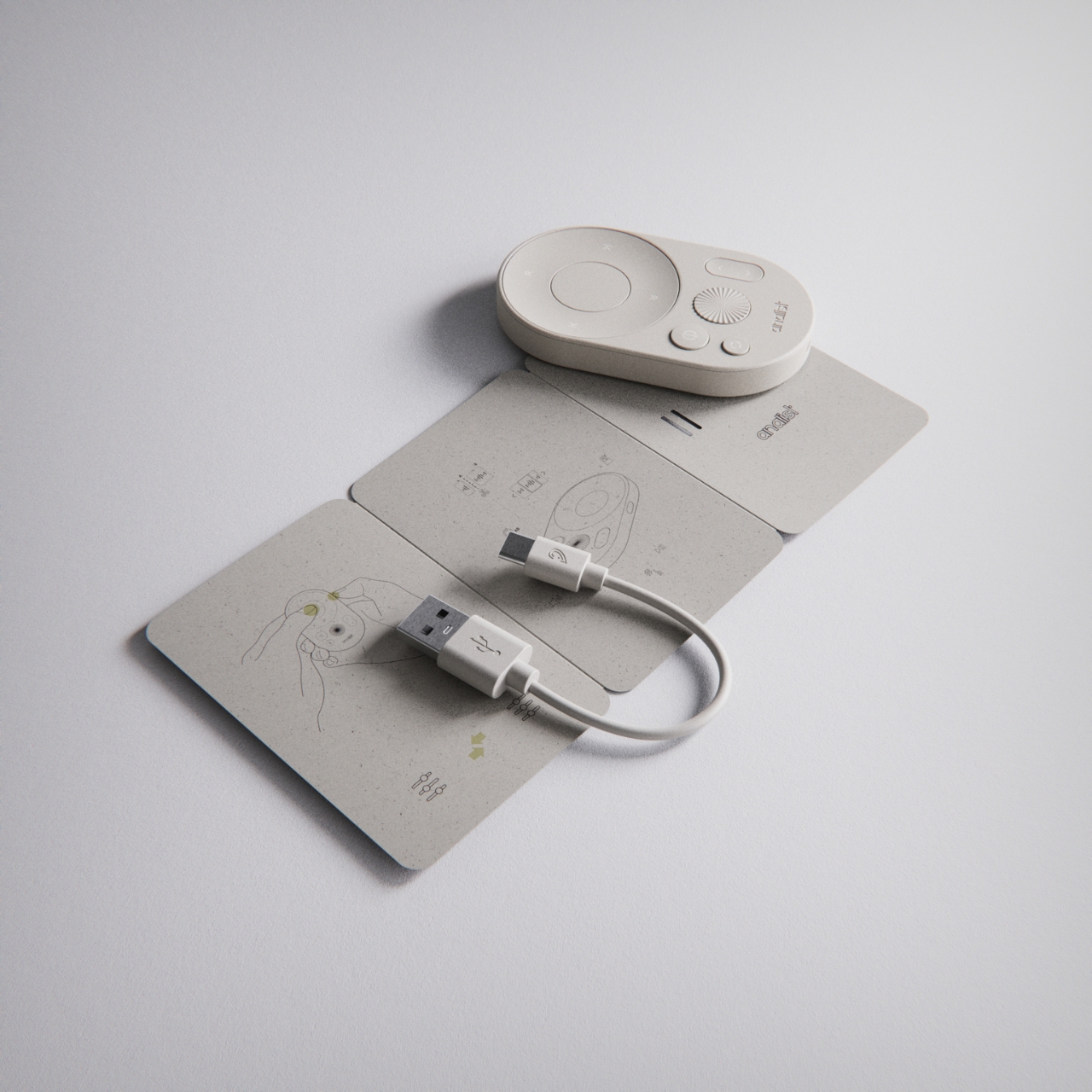
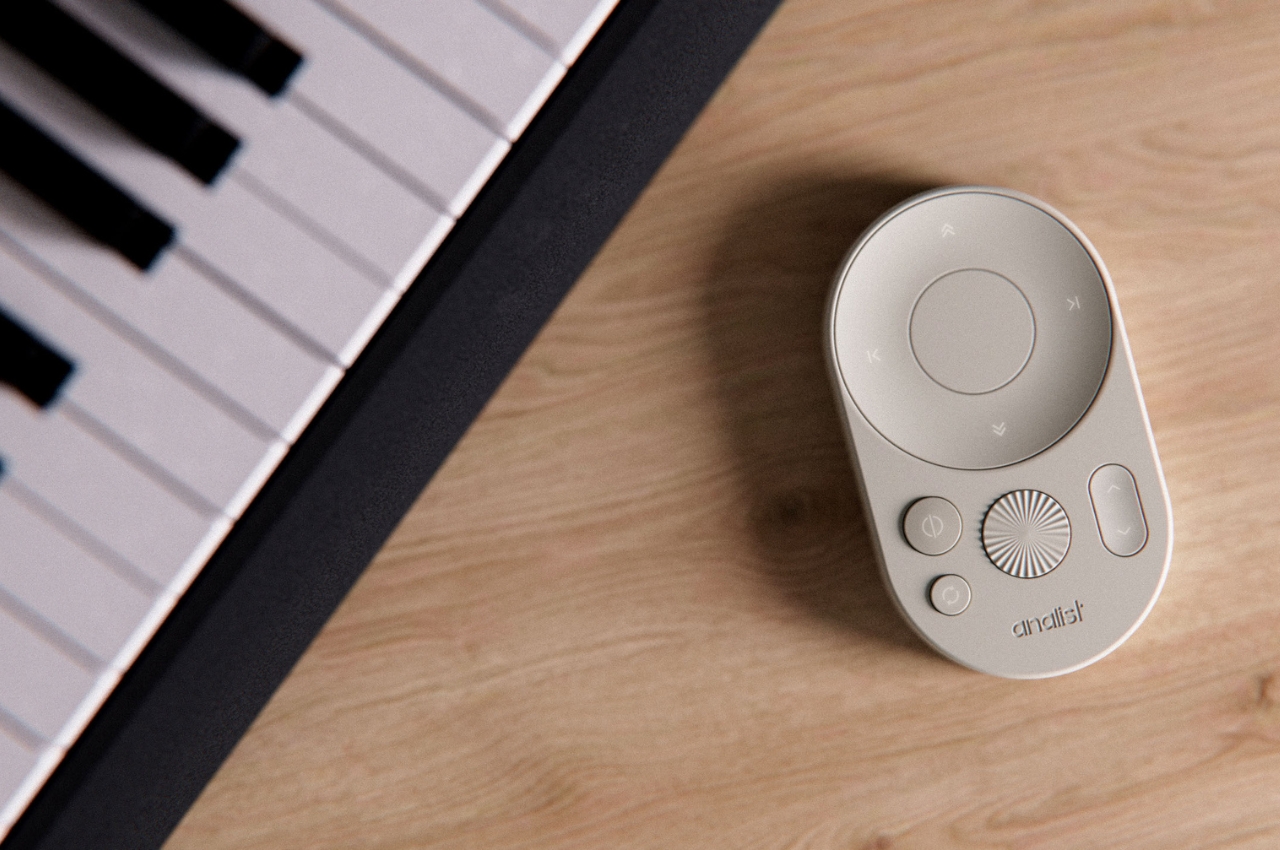
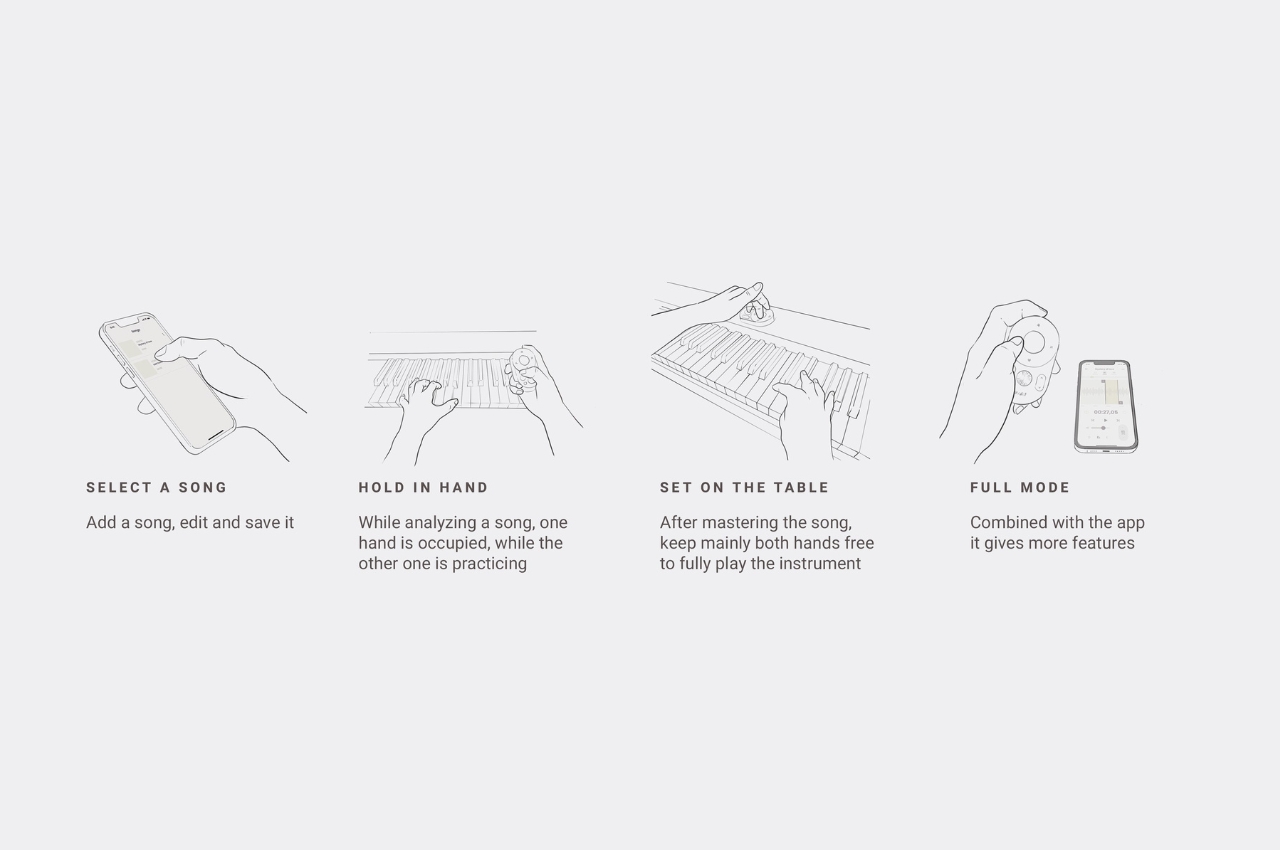
Analist is a tool that can be used by those trying to learn songs by playing it by ear. Unlike phones and computers where controls and precision are a bit hard, this gadget allows you to optimize your workflow when trying to play your instrument as you listen to the song you’re trying to learn. You will be able to control things pause and play, speed, repetition, and other things you may need to adjust while you’re playing it by ear.

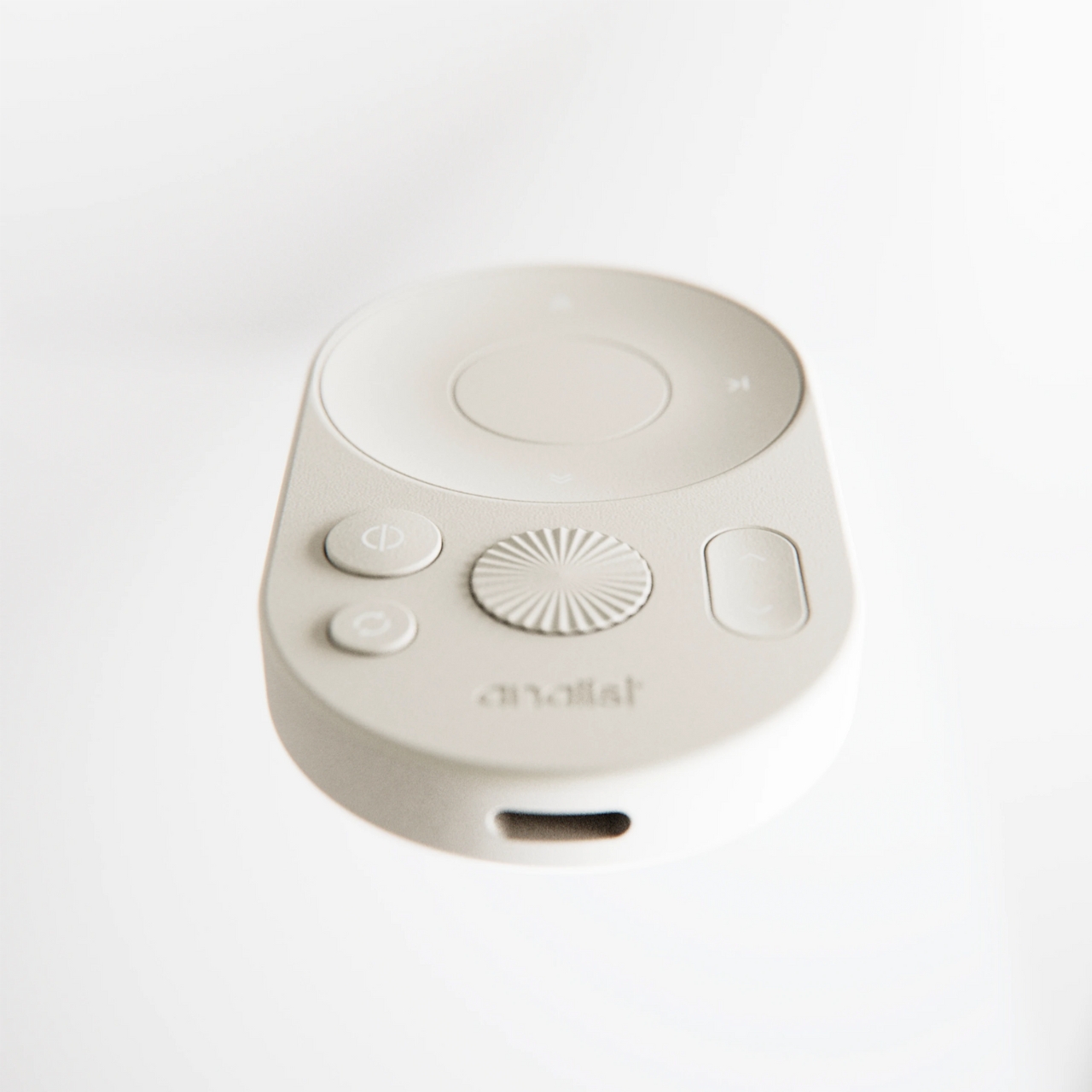
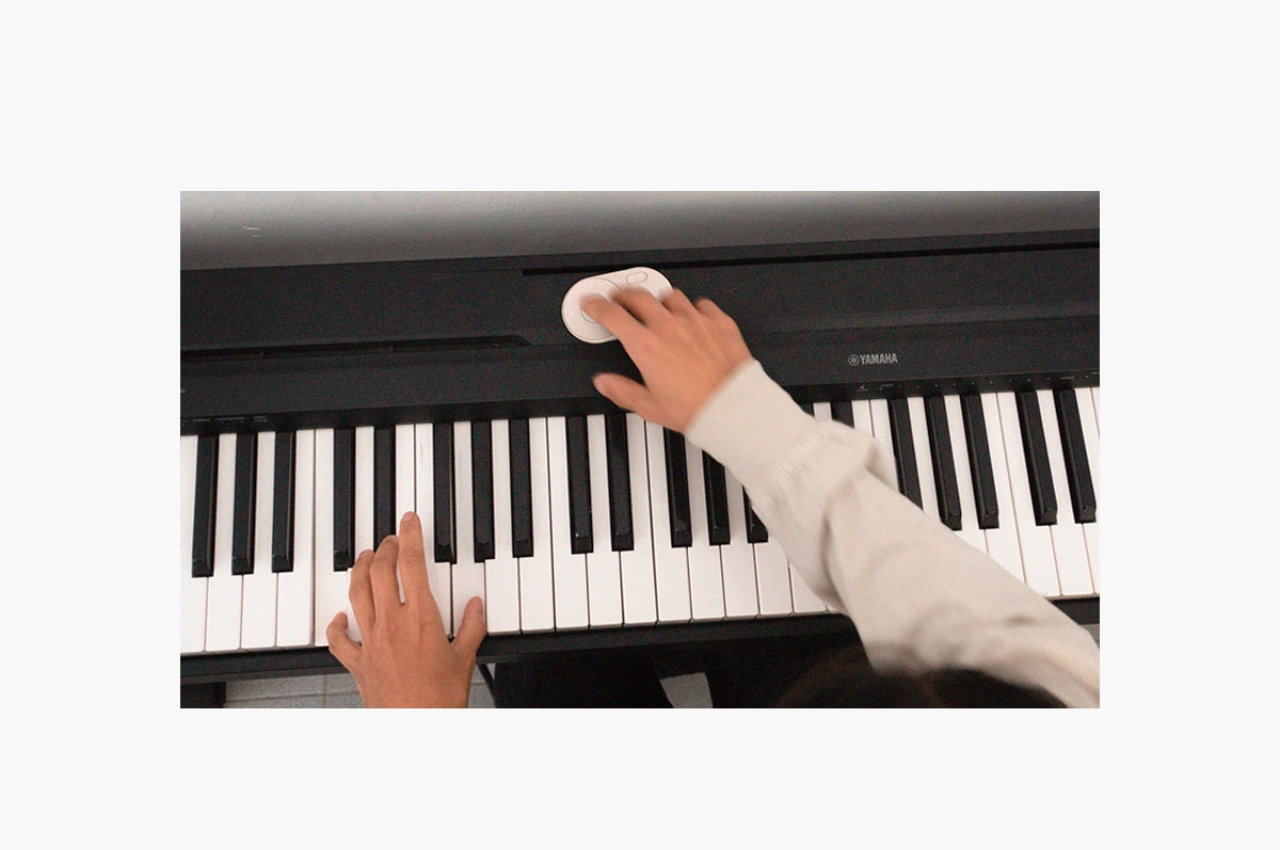
Based on the product renders, this is how it works. You add a song onto the device, edit the parts that you need to learn if needed, and then save it. You can adjust it according to your preference (speed, pitch, equalizer, volume, etc). You hold it in one hand while playing the song on it and playing your instrument on the other. The device has easy to access controls that lets you pause and play, speed up or slow down, volume up and down, etc. You also get to play it in loop so you can master the song.

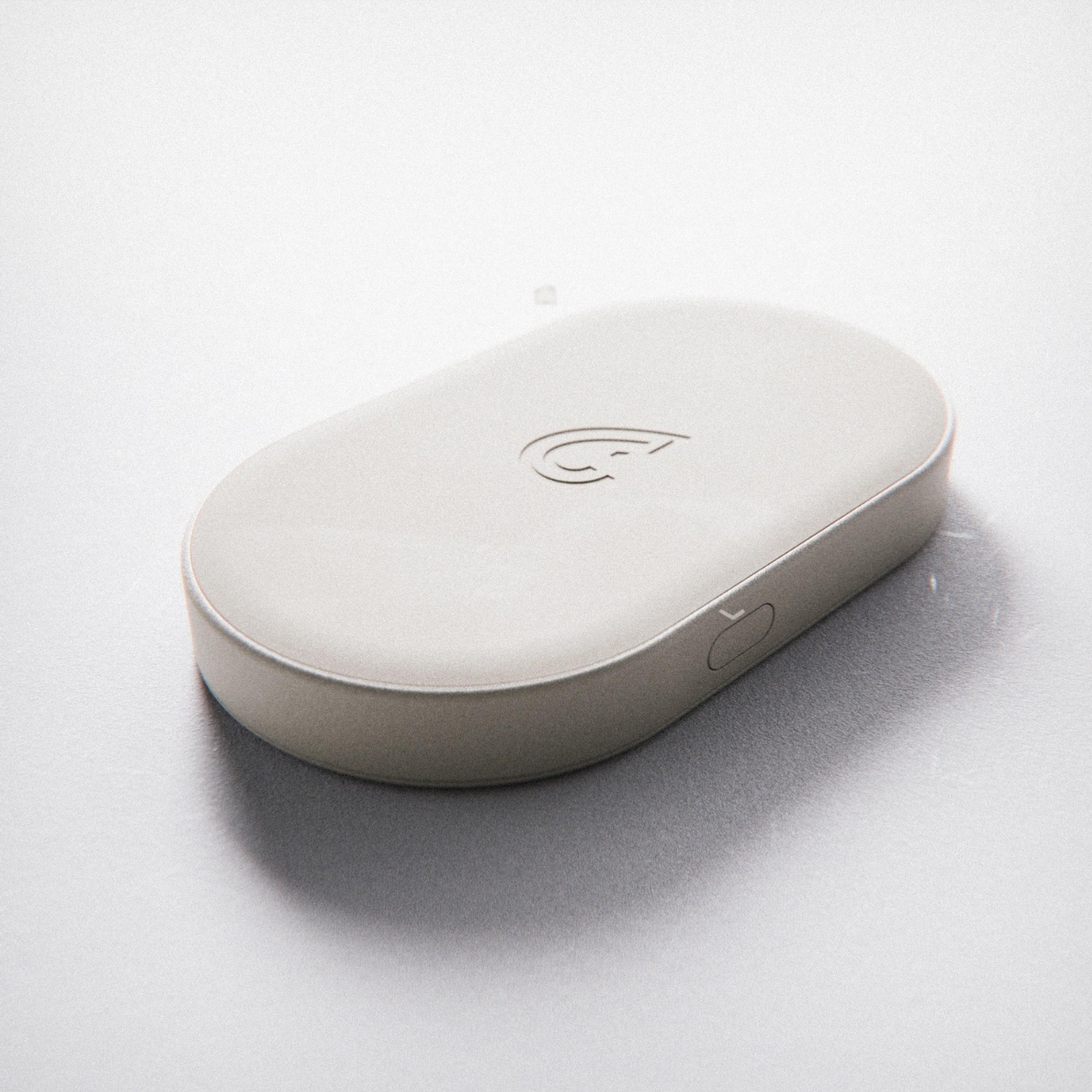
You can even do more if you connect it to the app, although what this “more” is wasn’t really specified. You might be forgiven for mistaking the Analist for your aircon’s remote control but on paper, the functionality of the device will be pretty helpful for those who are learning to play songs.

The post Music analysis device lets you learn songs by ear more conveniently first appeared on Yanko Design.

Pocket-sized 2TB SSD offers new age EDC-style data storage for creative professionals and vloggers

Current-day gadgets bring limitless possibilities for creatives and professionals, be a photographer, videographer or audio engineer. The only thing that can be a hurdle is the amount of storage you have at hand. Portable hard drives are a good solution but there’s always scope for better. The size of HHDs and SSDs has reduced significantly in the last few years and this cool EDC for your data storage requirements is a game changer.

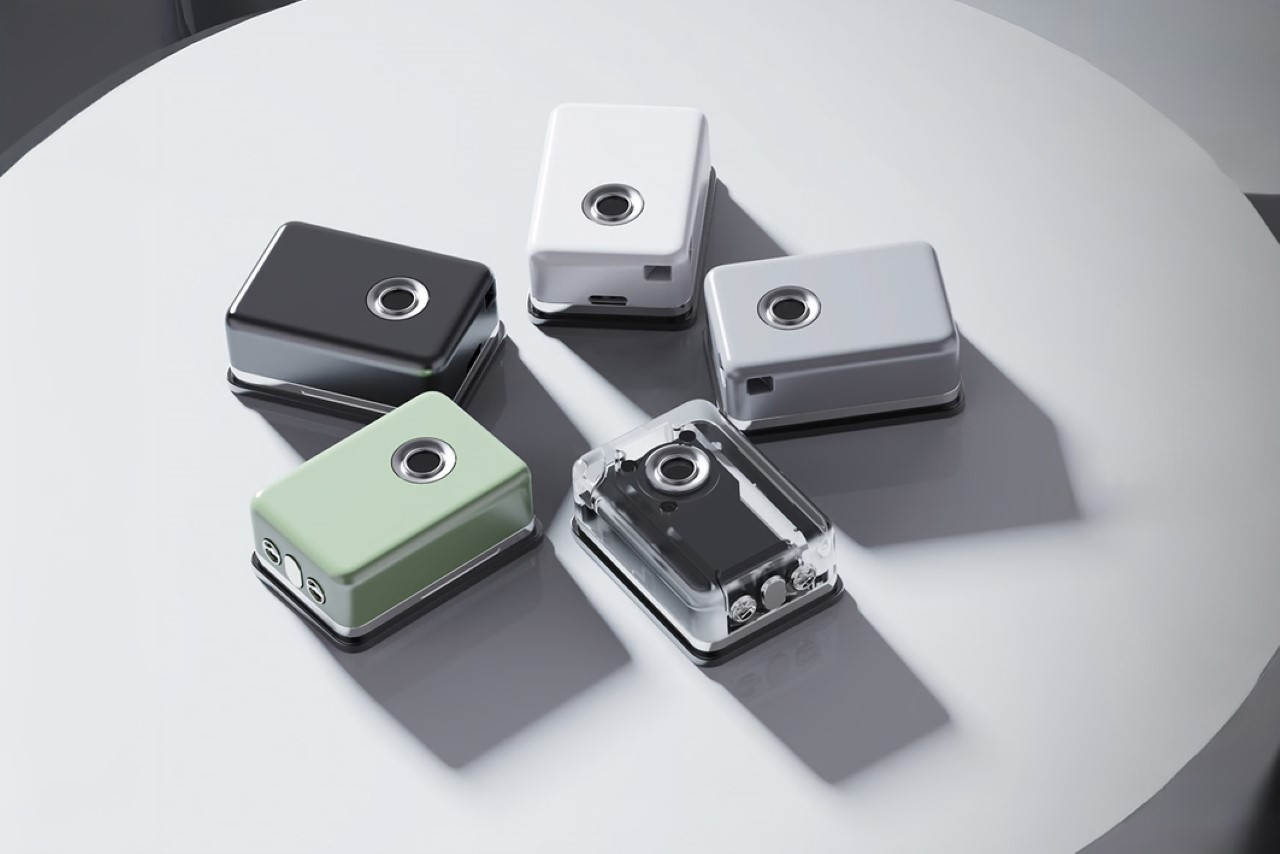
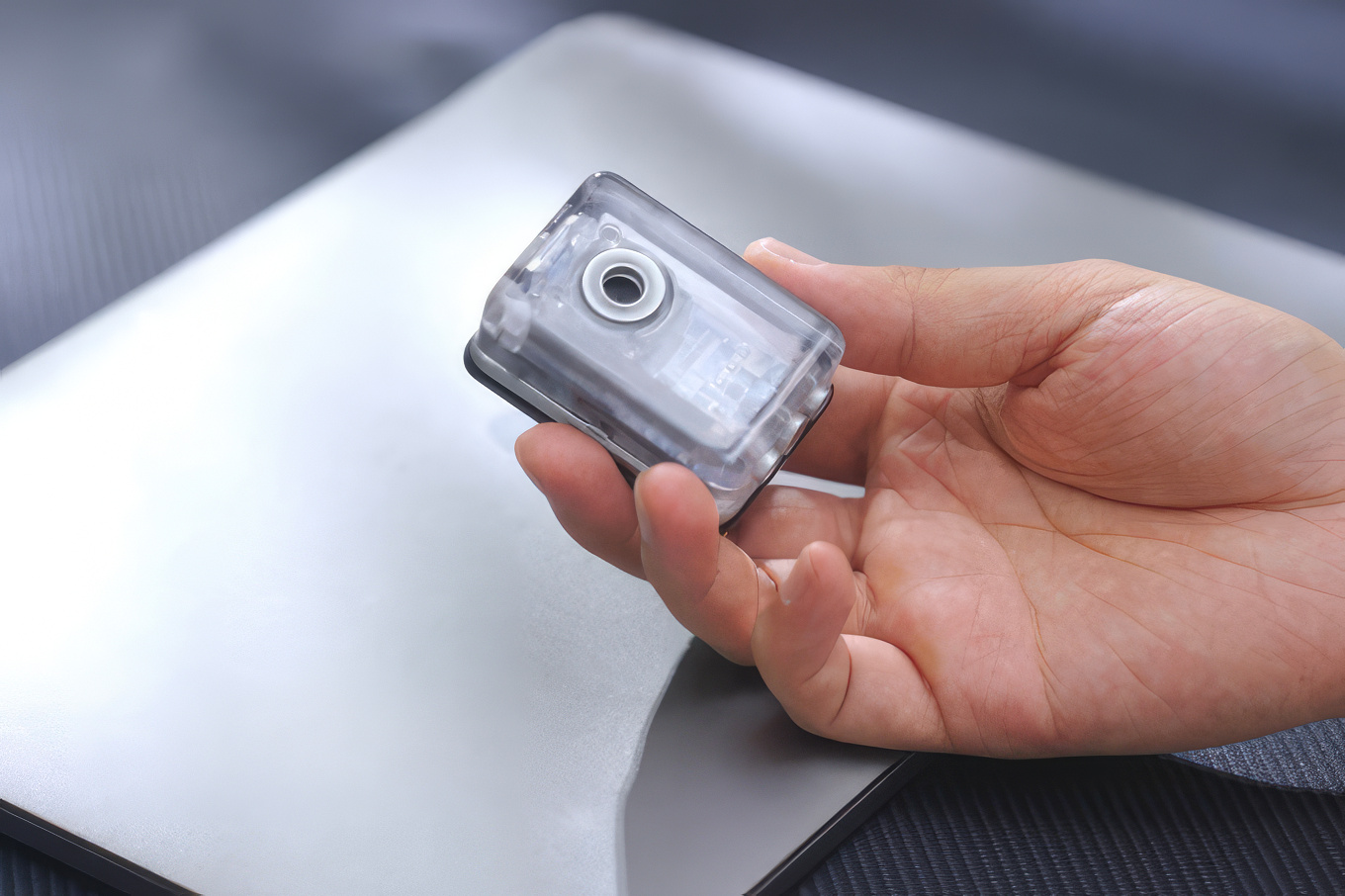
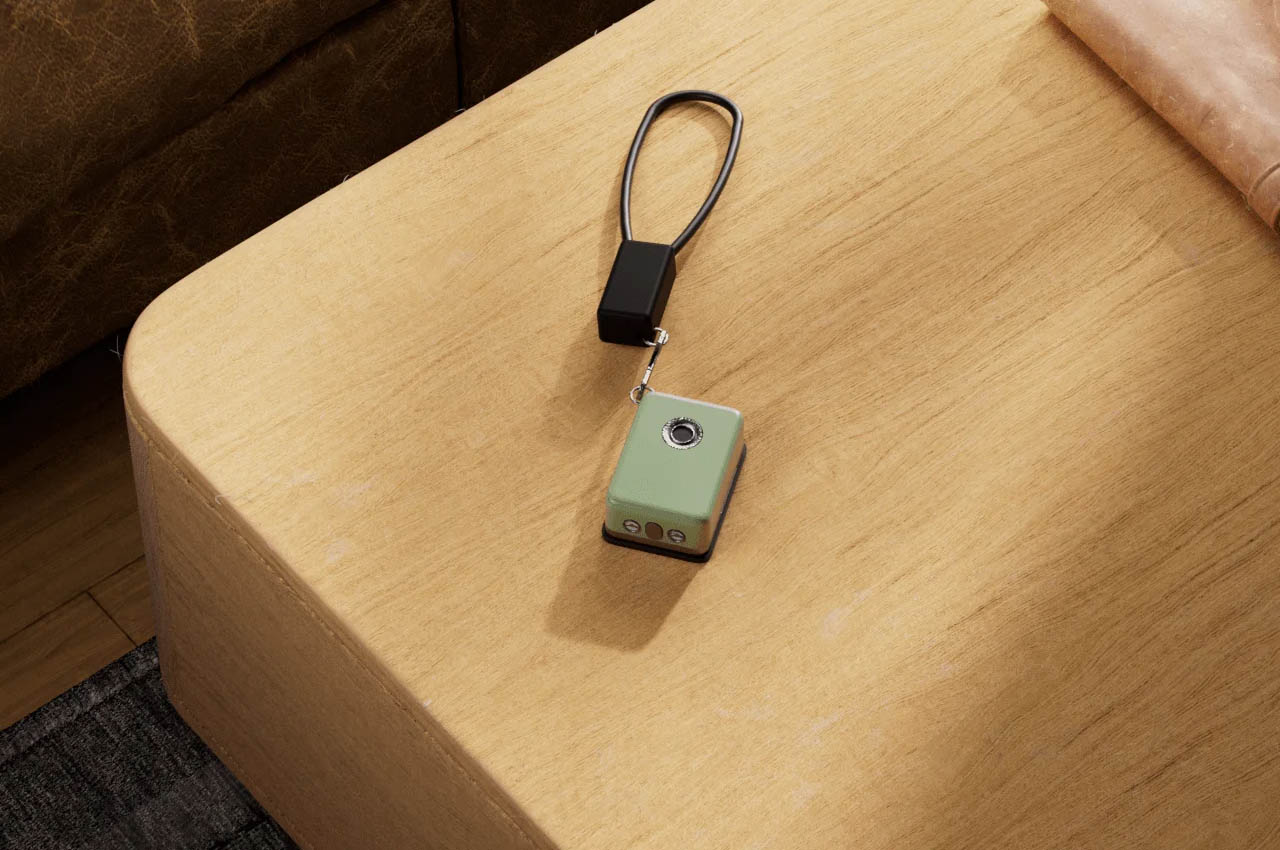
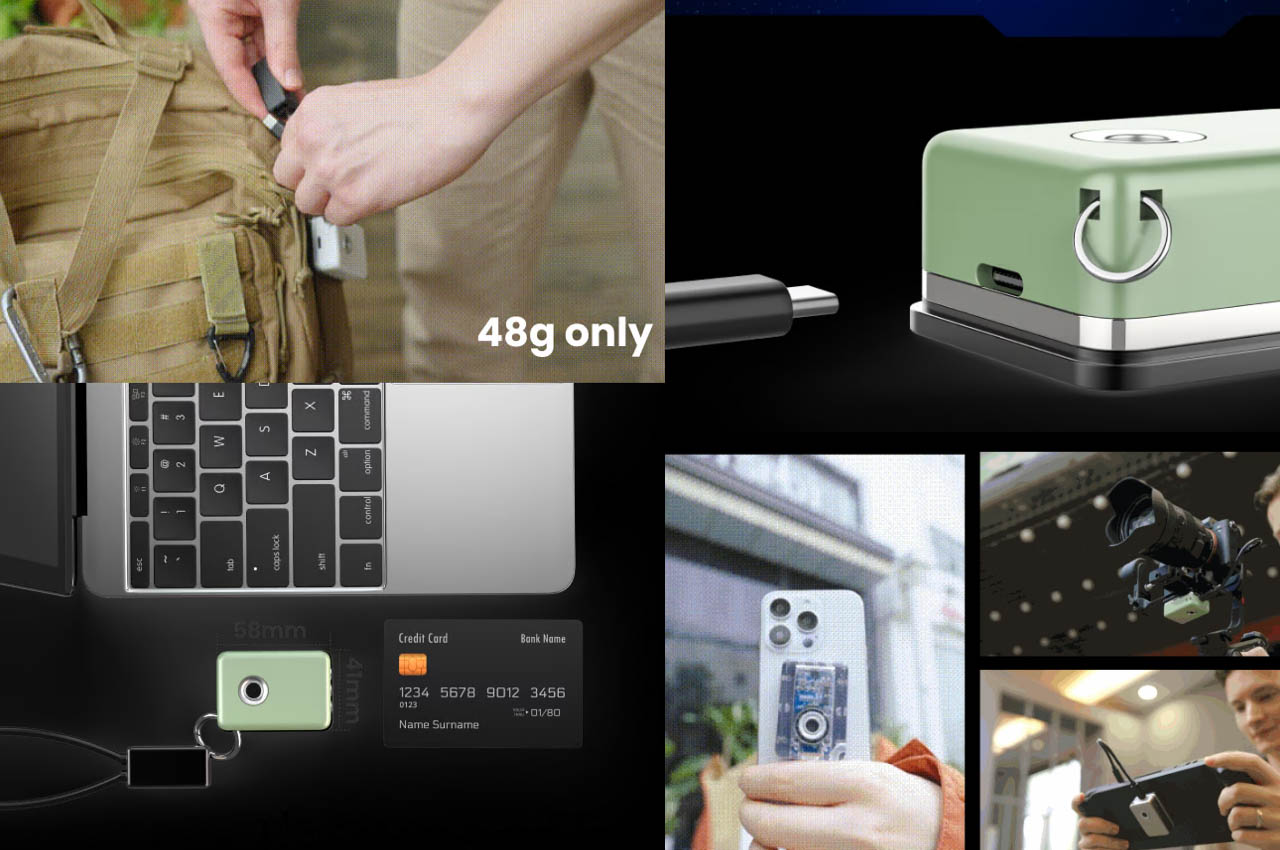
Meet Speekeys, a portable SSD enclosure that measures half that of a credit card and has a thickness comparable to a GoPro. The lightweight gadget weighing just 48 grams challenges the status quo of a standard EDC that can be carried in a pocket. Yes, this high-speed data hub keeps your data safe on the go and can be stuffed in your pocket or simply hooked to a backpack with a standard lanyard. The drop-proof hub has a water-resistance rating of IP54, making it ideal for content creators who travel a lot.

Designer: Webble

Click Here to Buy Now: $29 $58 (50% off). Hurry, only 76/600 left! Raised over $87,000.

The M.2 NVMe SSD enclosure comes with USB 3.2 Gen 2 Type-C connectivity enabling high transfer speeds of up to 1000MB/s. So, you won’t have to wait for a long time to transfer big files back and forth. Speekeys has a maximum storage capacity of 2TB which should suffice all your storage needs. Just for comparison, 2TB is enough to store more than a 100 PC games, over 500 HD movies, 100 hours of 4K footage (at 60fps), or if you’re the corporate kind, 13 million documents. It is fitted with a built-in cooling solution to maintain optimal temperature for optimal performance. The maker provides the cute little accessory with a data cable lanyard for plug-and-play convenience across all your devices.

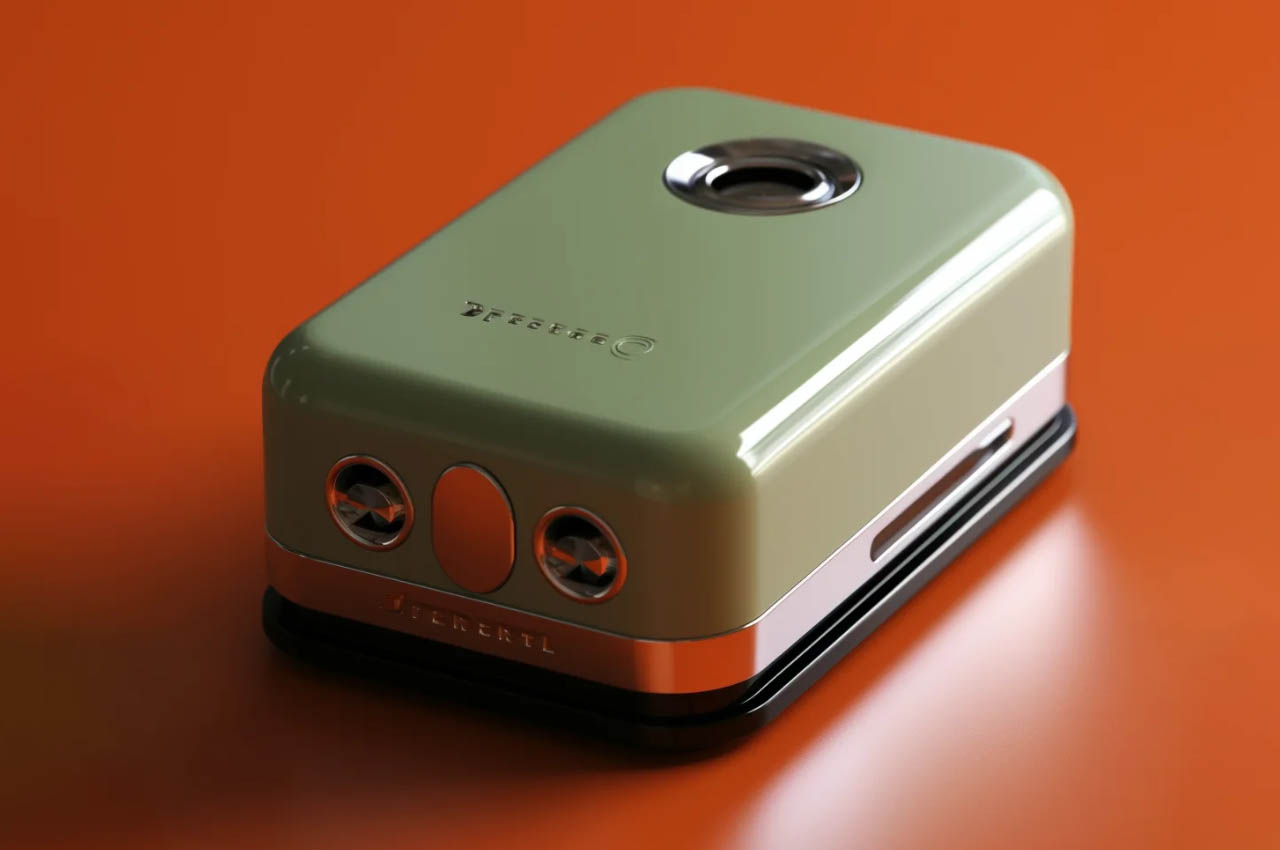
The entire device measures 58mm x 41mm (2.2 inches x 1.6 inches) and weighs a paltry 48 grams. Contrast this with what most 2TB storage solutions would weigh just a few years back and you realize how far we’ve come. The Speekey itself is just an enclosure, which means you have the choice of which SSD to mount inside. More than happy with just 500GB? Or maybe your budget permits just 1TB of storage – buy the M.2 SSD and insert it into the Speekey and you’ve now got yourself the most portable high-capacity hard drive ever.

The gadget EDC is made of an aluminum shell that comes with a silicone case for maximum protection. The USB-C connection means your SSD can be used with a whole range of devices, from phones and tablets to laptops, gaming consoles, drones, and even handheld cameras. Its compact design means carrying it is a breeze, and unlike with cloud storage (that you can access on multiple devices), you ACTUALLY own your data instead of having it on a cloud server somewhere. Oh, and a built-in magnetic design means your Speekey can attach to the back of your iPhone or any metallic object, making carrying it a breeze.

The SSD enclosure starts at a mere $29, which means you can then invest in a high-end SSD to mount on the inside. Each Speekey includes a data cable that transforms into a lanyard for easy carrying, and you’ve got as many as 5 colors to choose from including, obviously, an all-transparent version!

Click Here to Buy Now: $29 $58 (50% off). Hurry, only 76/600 left! Raised over $87,000.

The post Pocket-sized 2TB SSD offers new age EDC-style data storage for creative professionals and vloggers first appeared on Yanko Design.

Beeper-inspired power bank concept mixes vintage design with modern tech

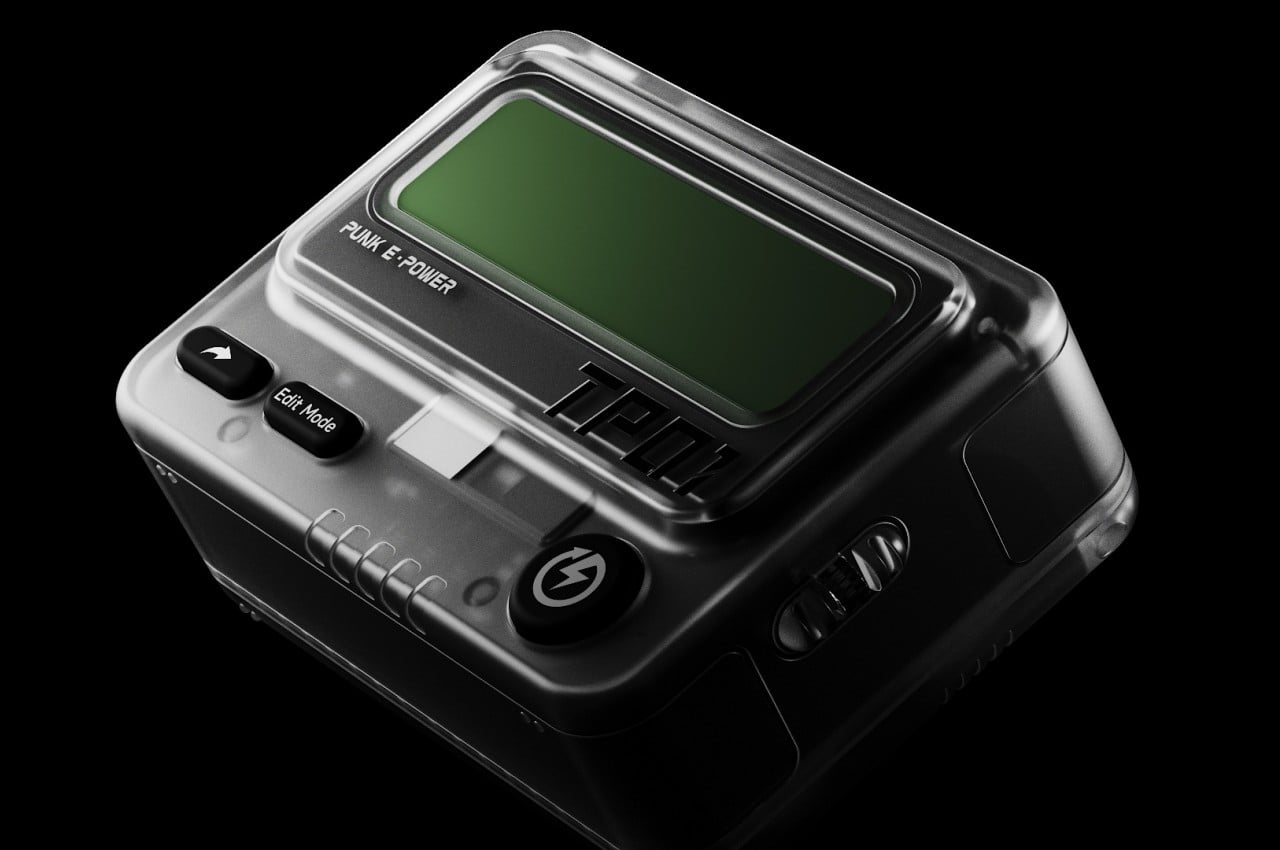
You can easily determine the historical setting of a TV show or piece of fiction by the technologies used in it. The presence of beepers, for example, puts the timeline in the 90s, though some modern hospitals still use this limited and straightforward communication gadget because of their simplicity. Of course, today’s messaging culture leaves very little room for a pager and some younger people might not even know what it is. To keep that nostalgic design alive and give it a more contemporary function, this concept design wraps a power bank in a beeper aesthetic while also giving it one fun feature reminiscent of its original purpose.

Designer: PTPC

The beeper or pager was a small black box that would show a message as a single line of scrolling text. The very first cell phones capable of SMS inherited this trait until they got screens capable of displaying multiple lines at once. It might seem archaic by today’s standards, but it also enforced a certain simplicity and terseness to the messages sent. You only sent important messages and got straight to the point without dropping vowels or letters.

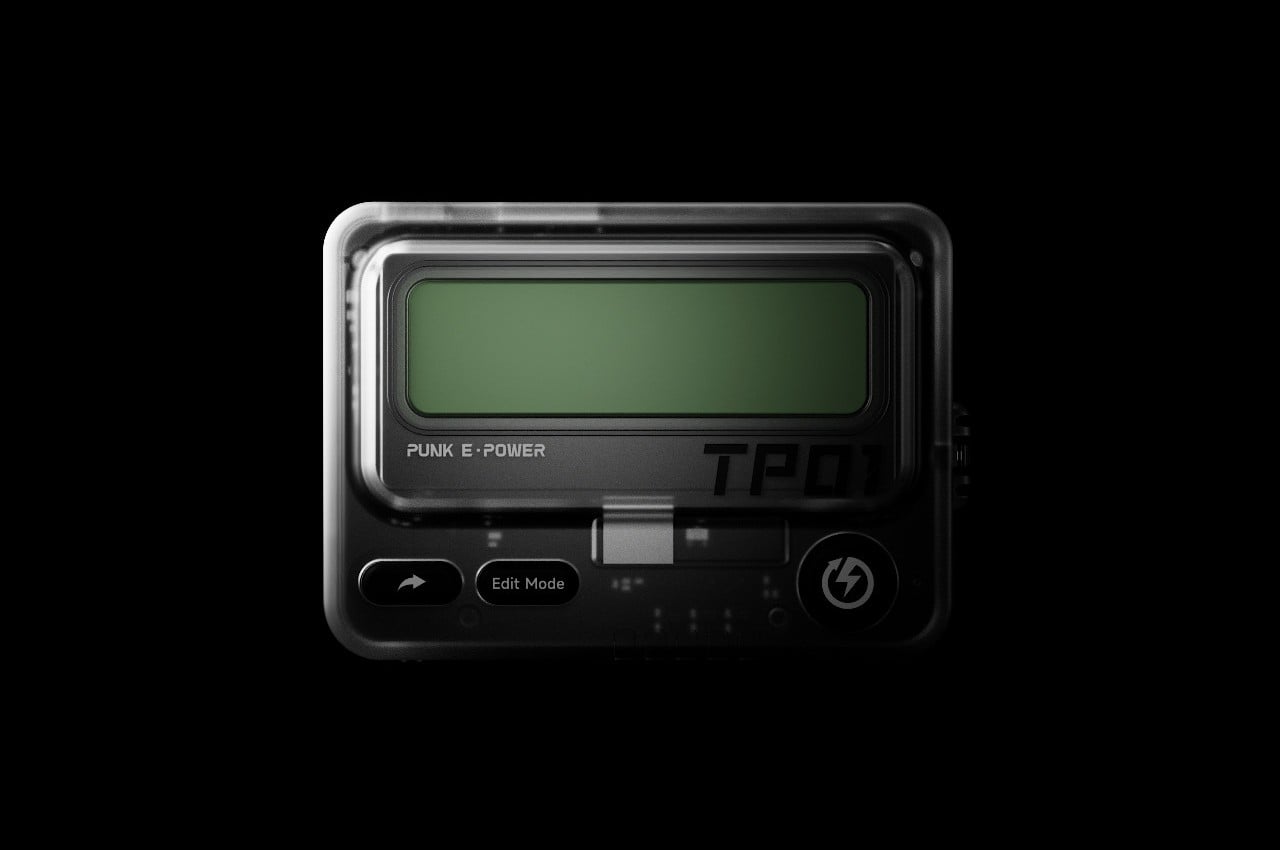
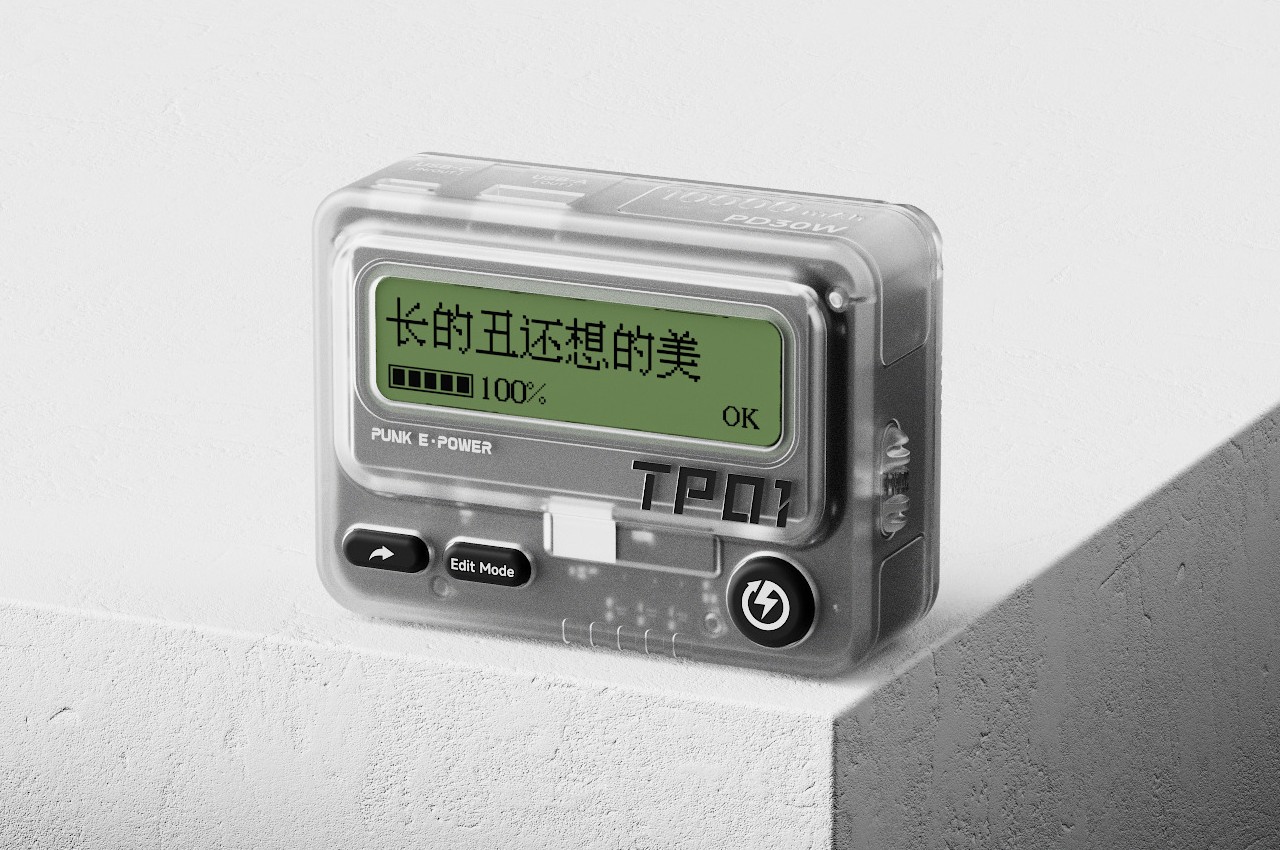
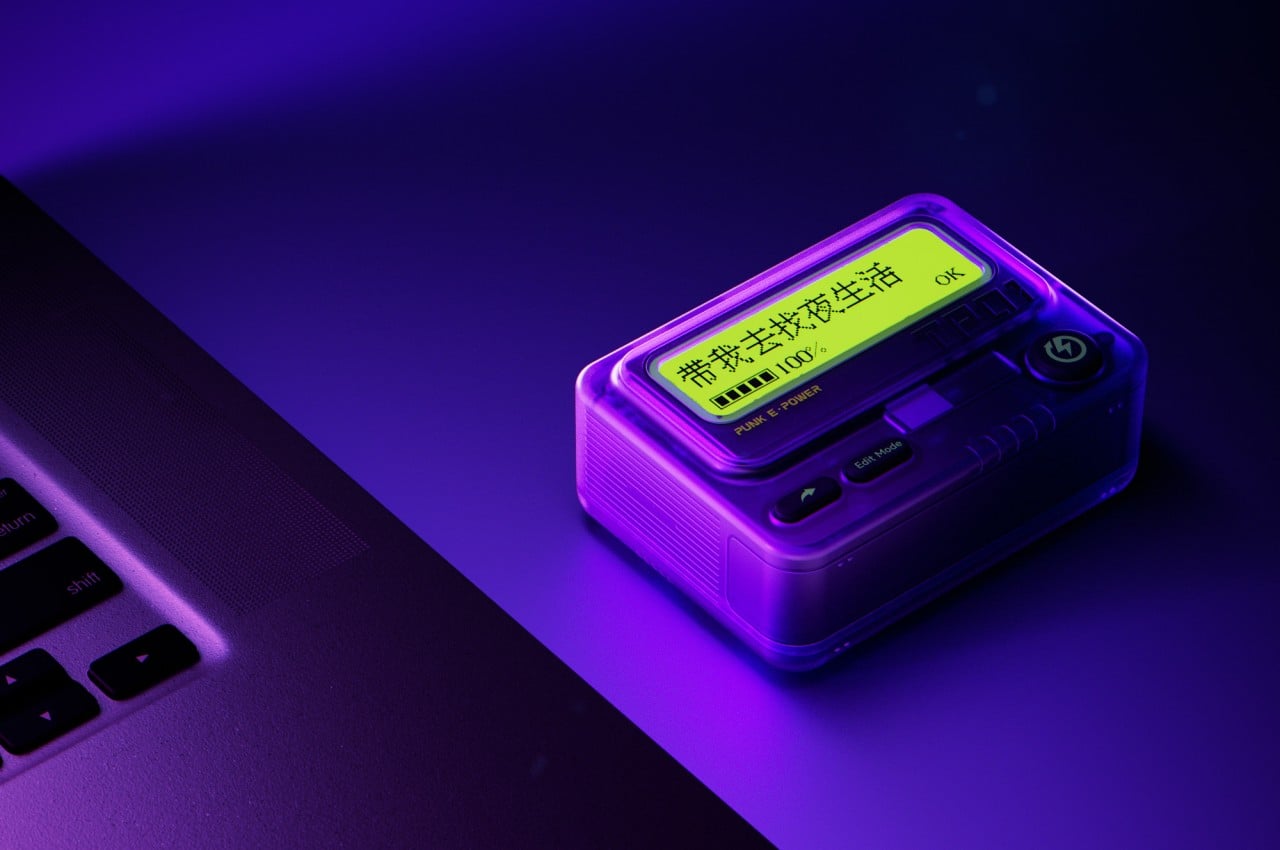
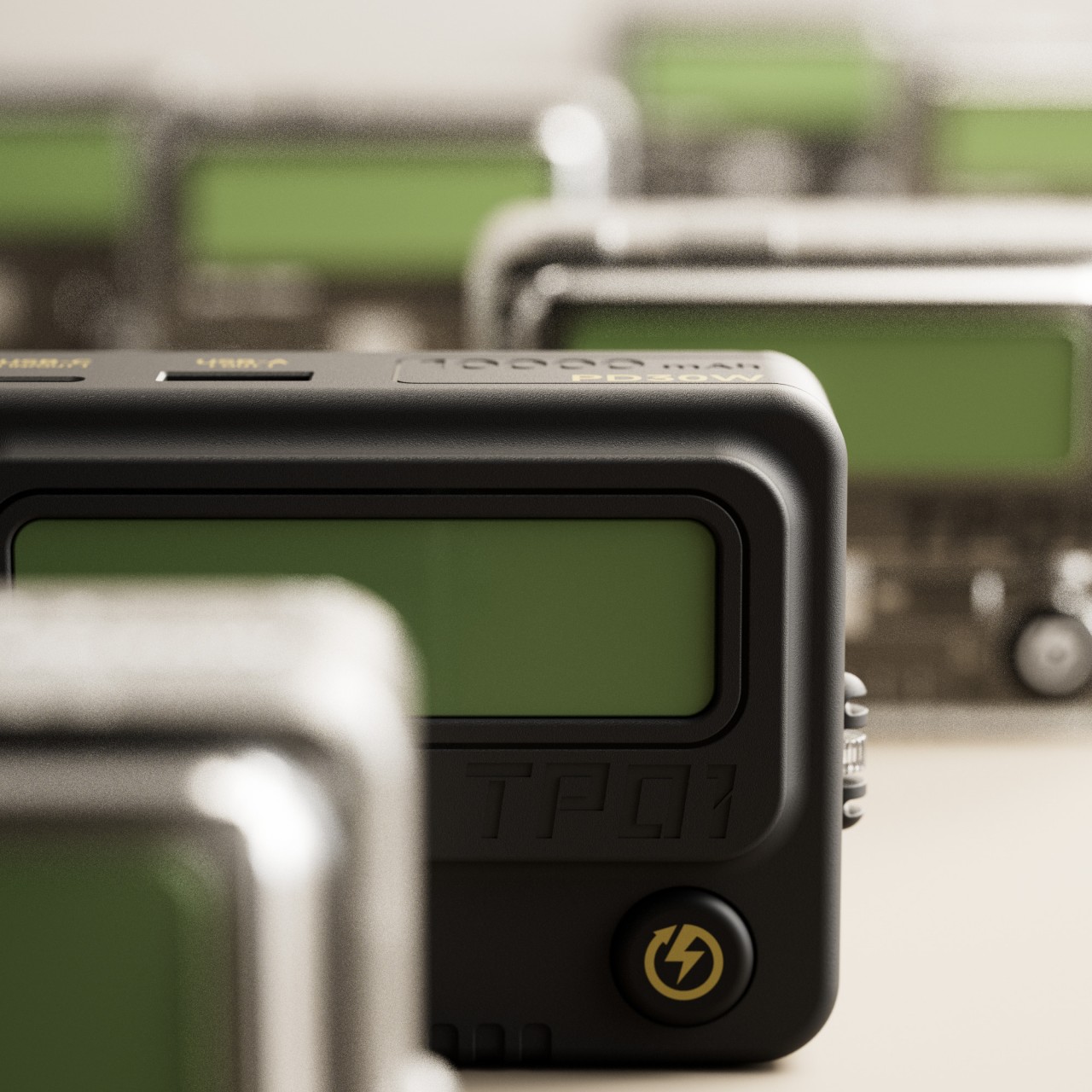
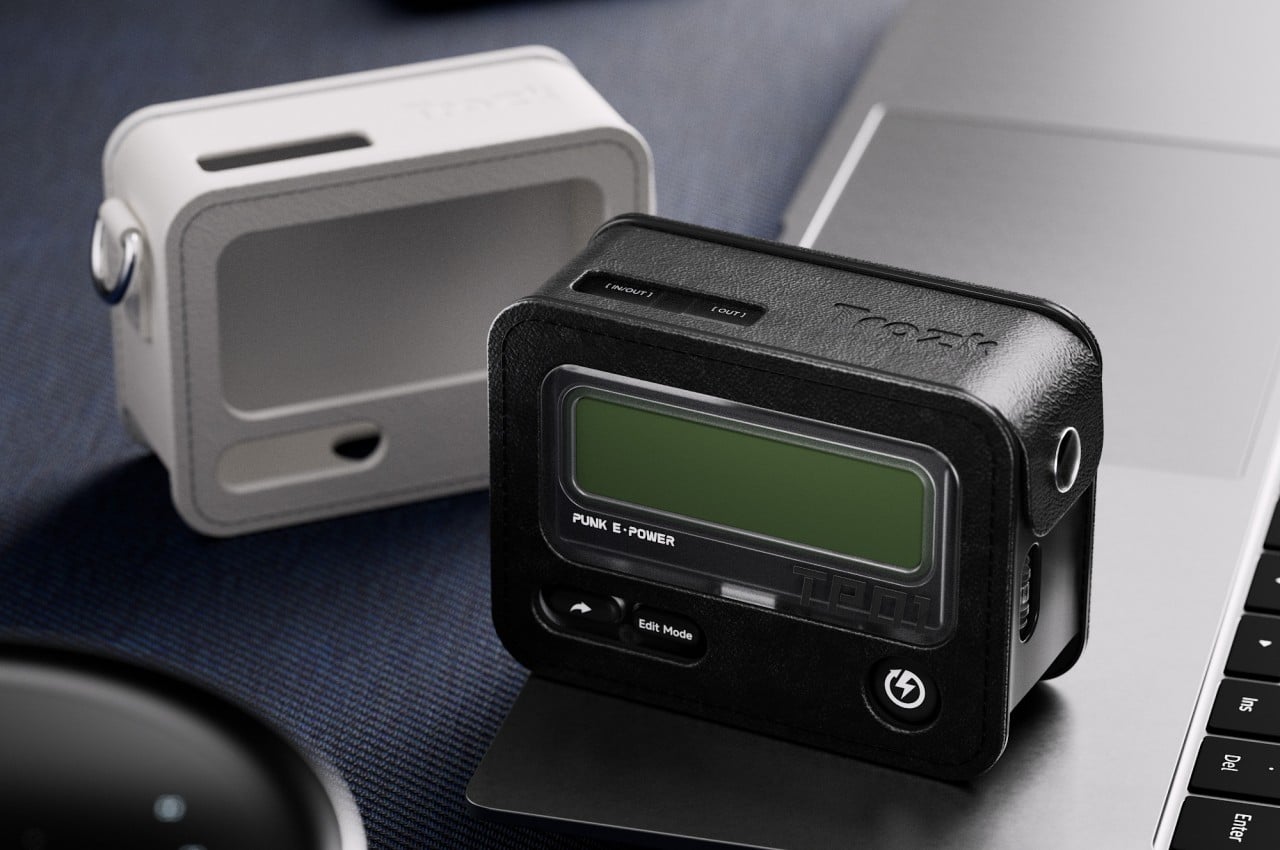
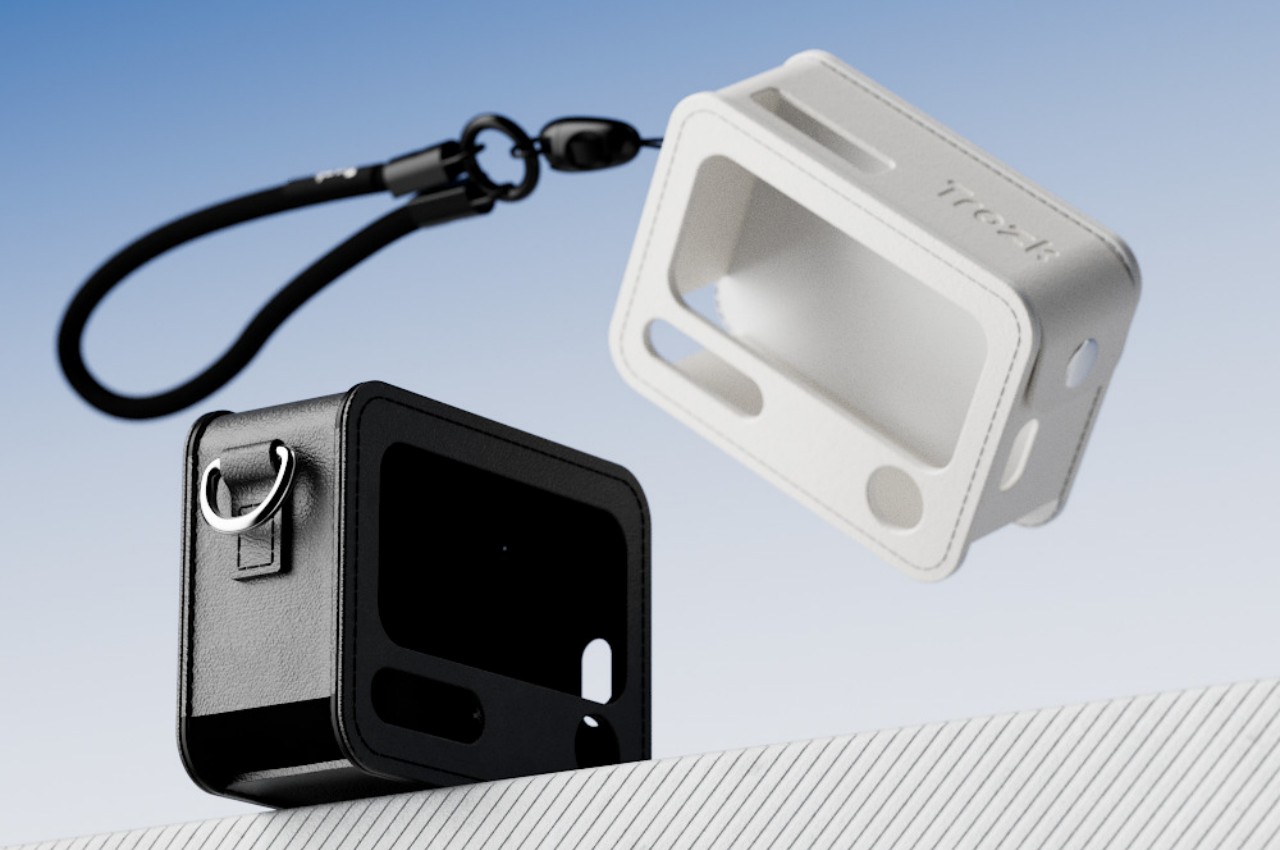
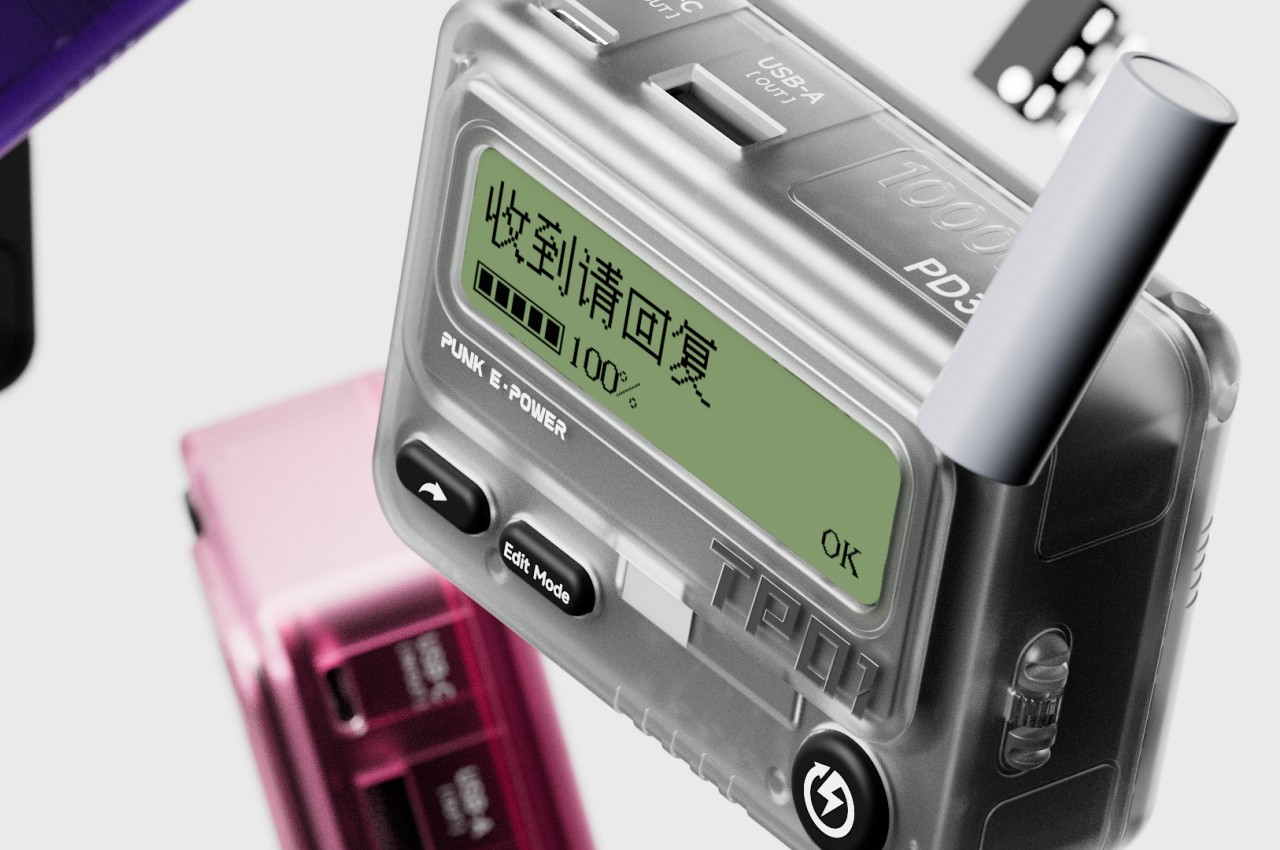
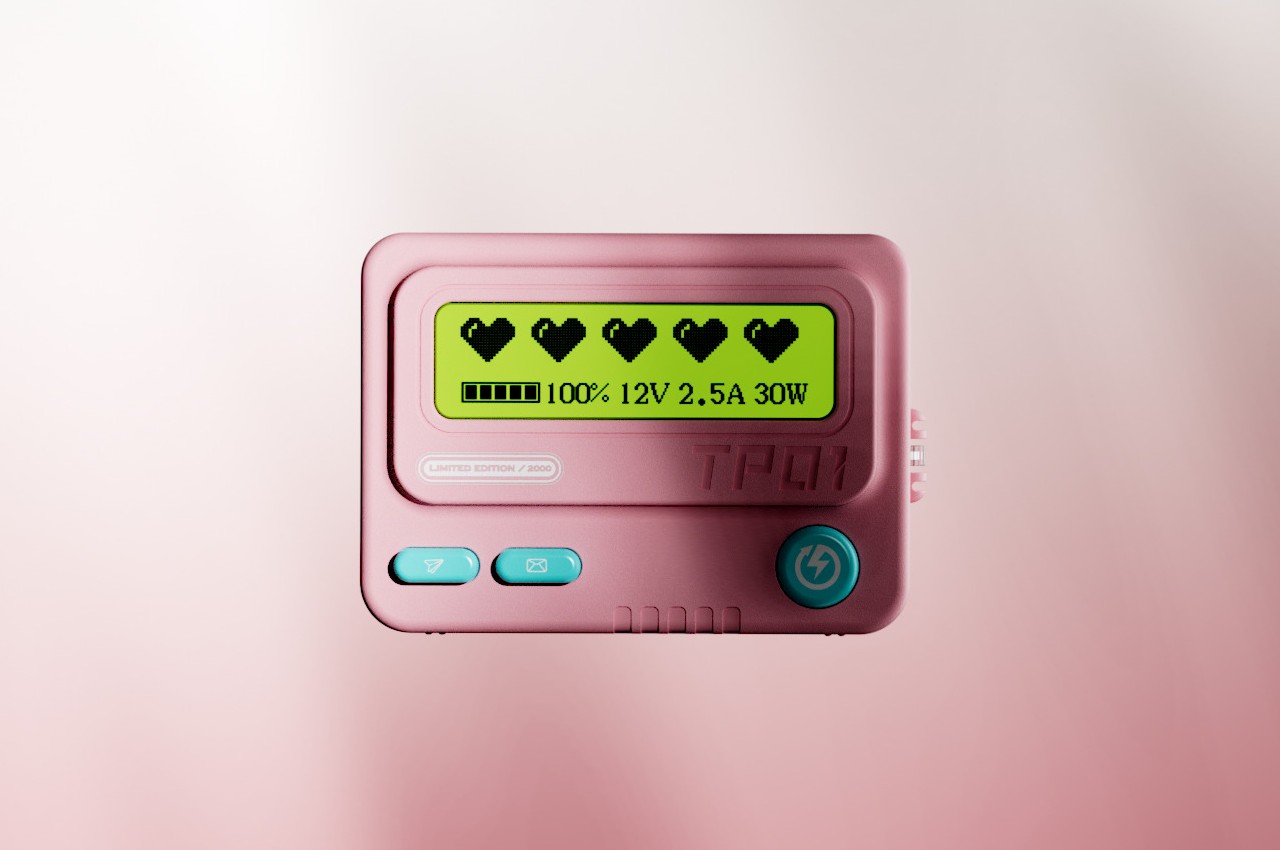
This portable battery concept embraces the retro aesthetic of a beeper but also puts a few modern twists, like using a translucent shell or adopting colors other than black and gray. It still inherits the simplistic interface of a pager, however, with very few buttons and ports. Despite the minimalism, the concept boasts of a 10,000 mAh battery that’s more than enough power to juice up phones or even tablets.

The beeper power bank does have a two-line monochrome display with a font similar to that of those old-school gadgets. While it does show battery information as you might expect, it does also have a secondary function. It can show messages sent from phones via Bluetooth, mimicking the duty of the original device. You still have a limited viewing space, but you can at least now use emojis and special characters more easily, allowing you to express your message more effectively with fewer letters.

That messaging feature is, of course, just a whimsical add-on that isn’t critical to the product’s charging function. It is, however, also a fun addition, one that would make such a design more memorable and appealing, especially to a younger generation who might not even know what a beeper is.

The post Beeper-inspired power bank concept mixes vintage design with modern tech first appeared on Yanko Design.

Distraction-free digital typewriter carries a playful and whimsical character

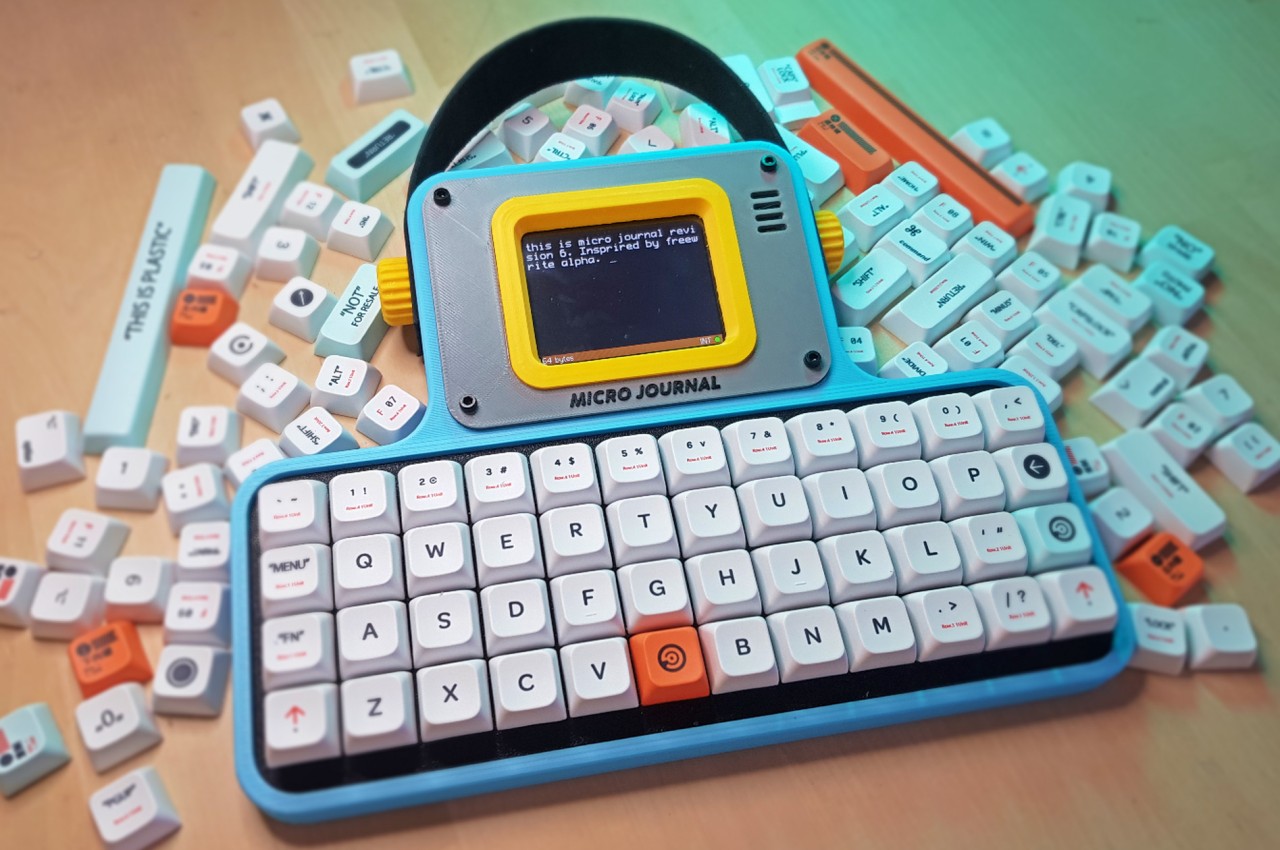
Smartphones and tablets today are extremely powerful devices, allowing us to do almost anything and everything, including writing a novel. Of course, that will require more than the on-screen keyboard, but an external keyboard, even a mechanical one, isn’t always enough for a good writing experience. These mobile computers, powerful as they are, also tend to bombard writers with notifications and temptations, distracting them from the sometimes fragile flow of thought and words. Digital and smart typewriters offer a better solution, but their dry and clinical designs aren’t exactly inspiring to look at. Enter the Micro Journal, a writing device designed not just to make writing convenient but also enjoyable.

Designer: Un Kyu Lee

Digital typewriters, sometimes called smart typewriters, are the evolution of electronic typewriters. They’re more portable than these, offering the benefits of modern technologies and design, but are also single-purpose appliances compared to tablet computers. You turn them on, type on them, and turn them off again when you need to go. Everything is saved on local storage or a memory card and they don’t have any other function like connecting to the Internet or running apps.

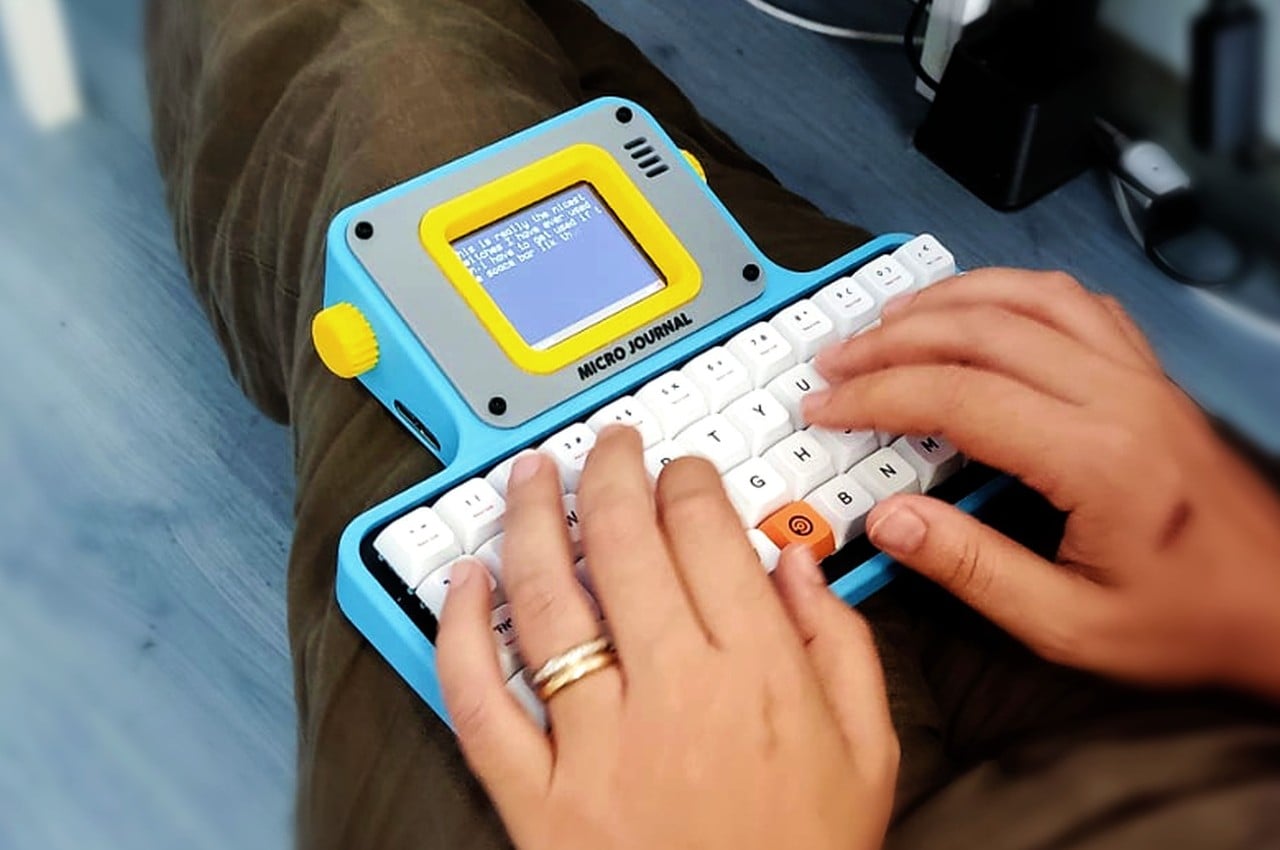
Many such devices sport minimalist designs to avoid unnecessary visual distractions, but these designs also tend to feel uninspiring, which can actually influence the mind subconsciously. Some writers will want their tools to reflect their own creativity, and the Micro Journal’s design tries to add some style and flourish to the product to the point that it almost looks more like a toy with its pastel blue body and yellow display bezel. That tiny display also sits above the keyboard at a slight angle, offering a slightly more comfortable typing experience even if you have it on top of your legs instead of on a table.

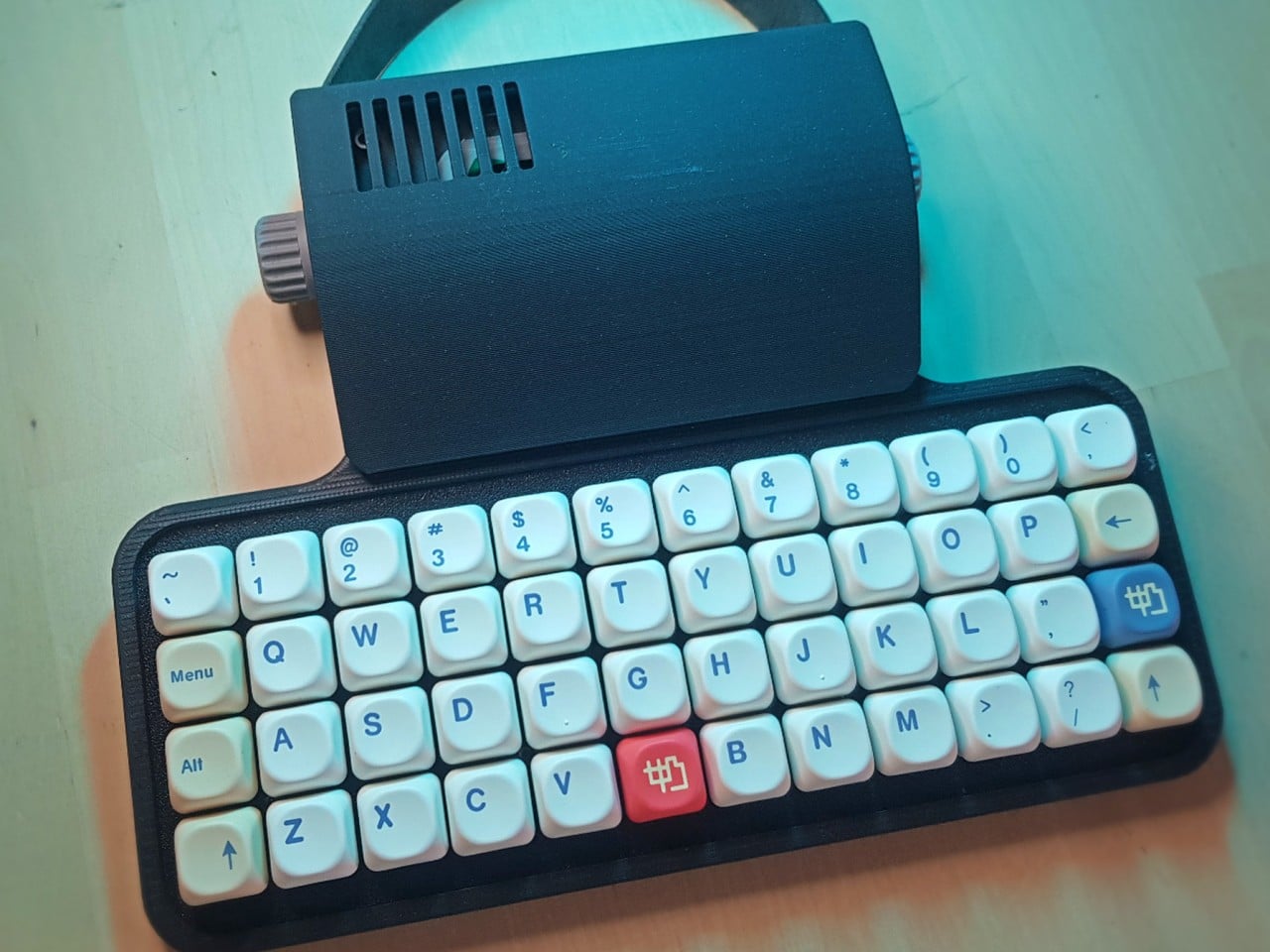
Of course, the Micro Journal isn’t all looks and actually delivers that fun typing experience through hot-swappable Cherry MX switches. Many writers and programmers swear by this type of mechanical keyboard, and you can customize it to the layout that you want. Using the writing device is as simple as turning it on, though it also offers some advanced connectivity features, unlike other distraction-free typewriters. In particular, it allows you to sync your work with Google Drive, but it’s purely an optional feature, not a necessity.

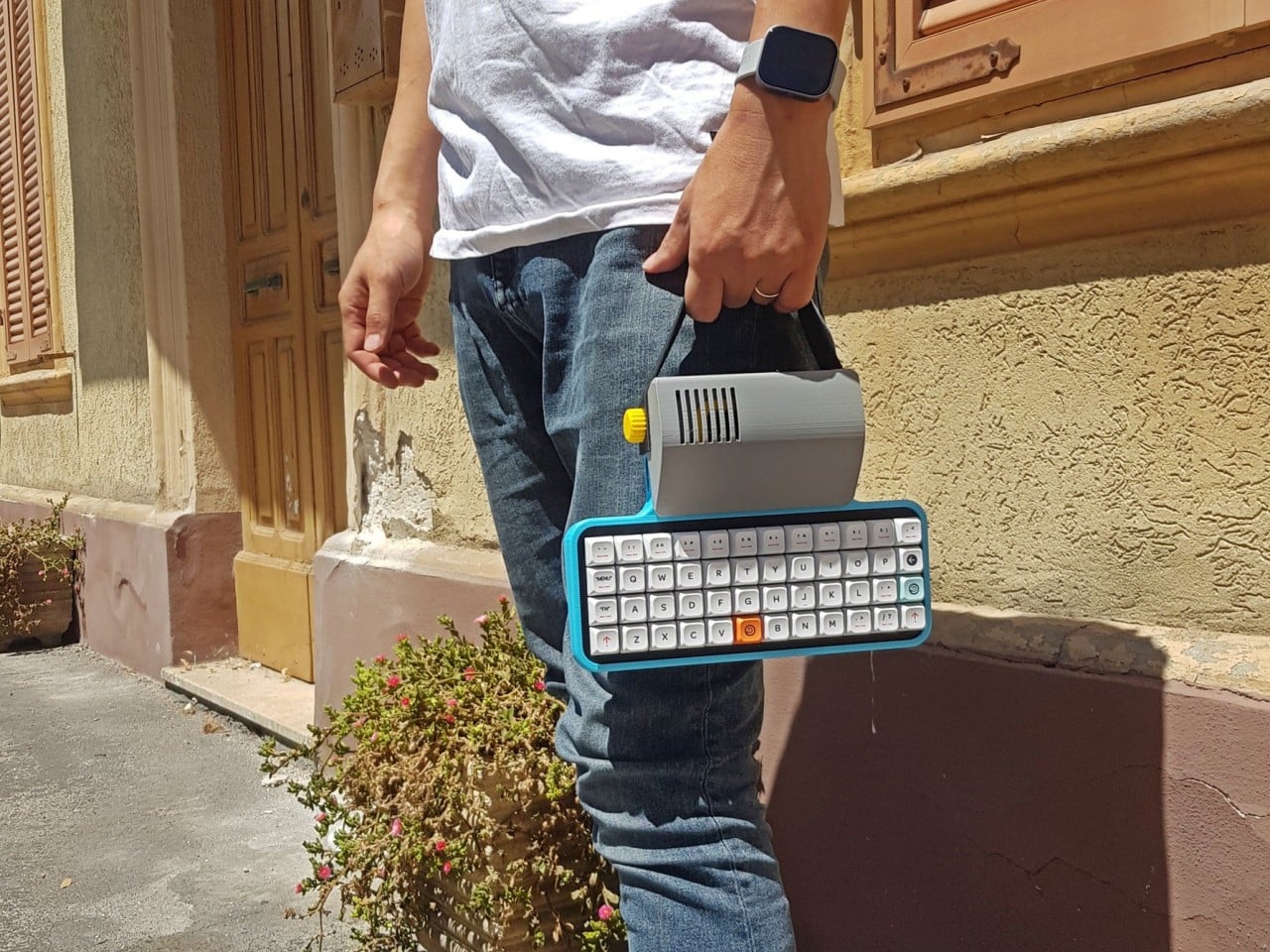
Another difference between this product and others in the market is that, while it’s available as a finished device, you can also buy the Micro Journal as a kit that you can assemble yourself. This offers a greater level of flexibility and customization, especially if you’re the type to tinker with your tools before you use them. Either way, you get a writing partner that doesn’t nag you with incessant notifications, tempt you away from your train of thought, or make you feel embarrassed to use it in public.

The post Distraction-free digital typewriter carries a playful and whimsical character first appeared on Yanko Design.

Zen-like music player concept is inspired by vinyl design and ancient Chinese poetry

Vinyl players are having a resurgence as the younger generation has discovered the joys of listening to analog music. There are also some music players and even gadgets that have adapted the vinyl player aesthetic even though they don’t actually play LPs. It’s all about the nostalgic vibes that come with it since it seems we’re all about reliving the “classic” days even for those who were not even alive at that time.

Designers: Ziqiang He, Hao Zhang, Yunan Lin, Sihong Chen, and Yue Gao

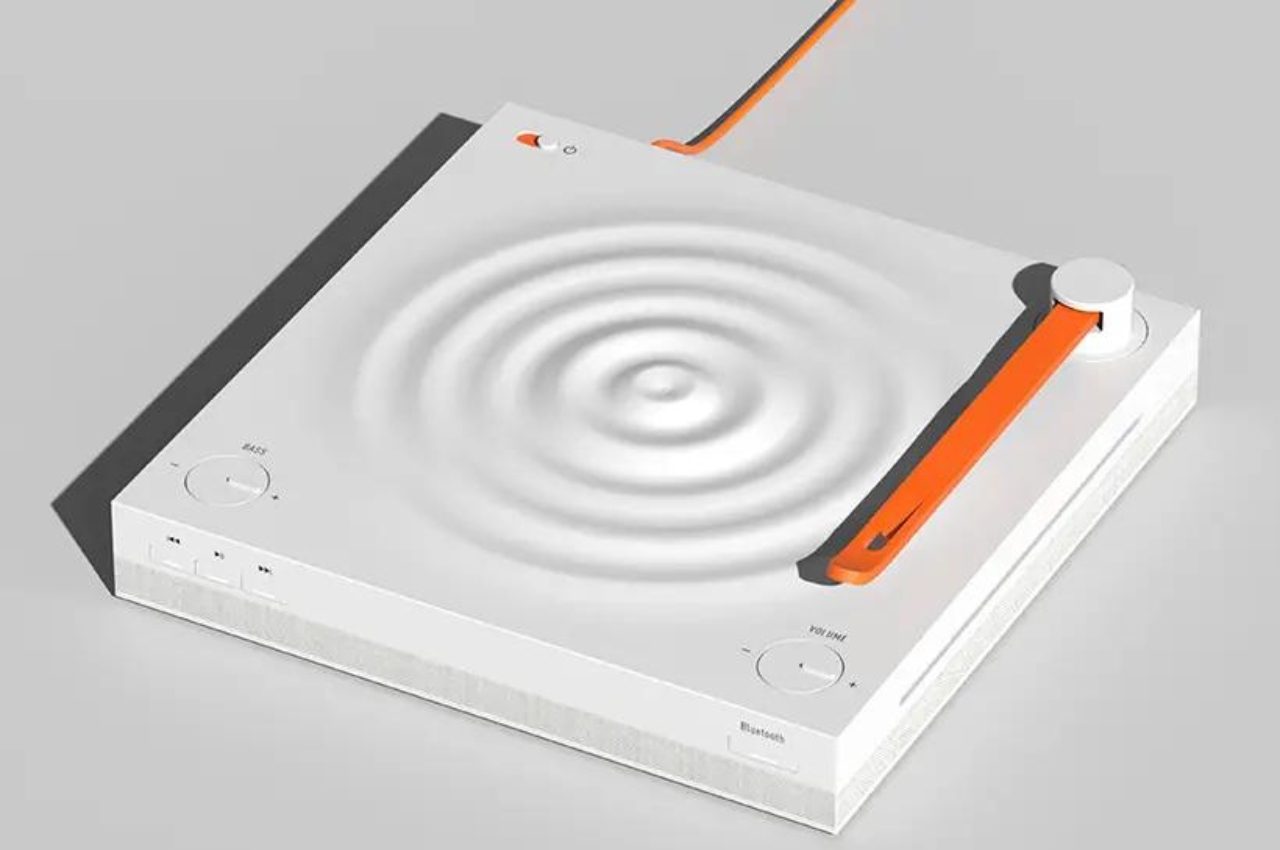
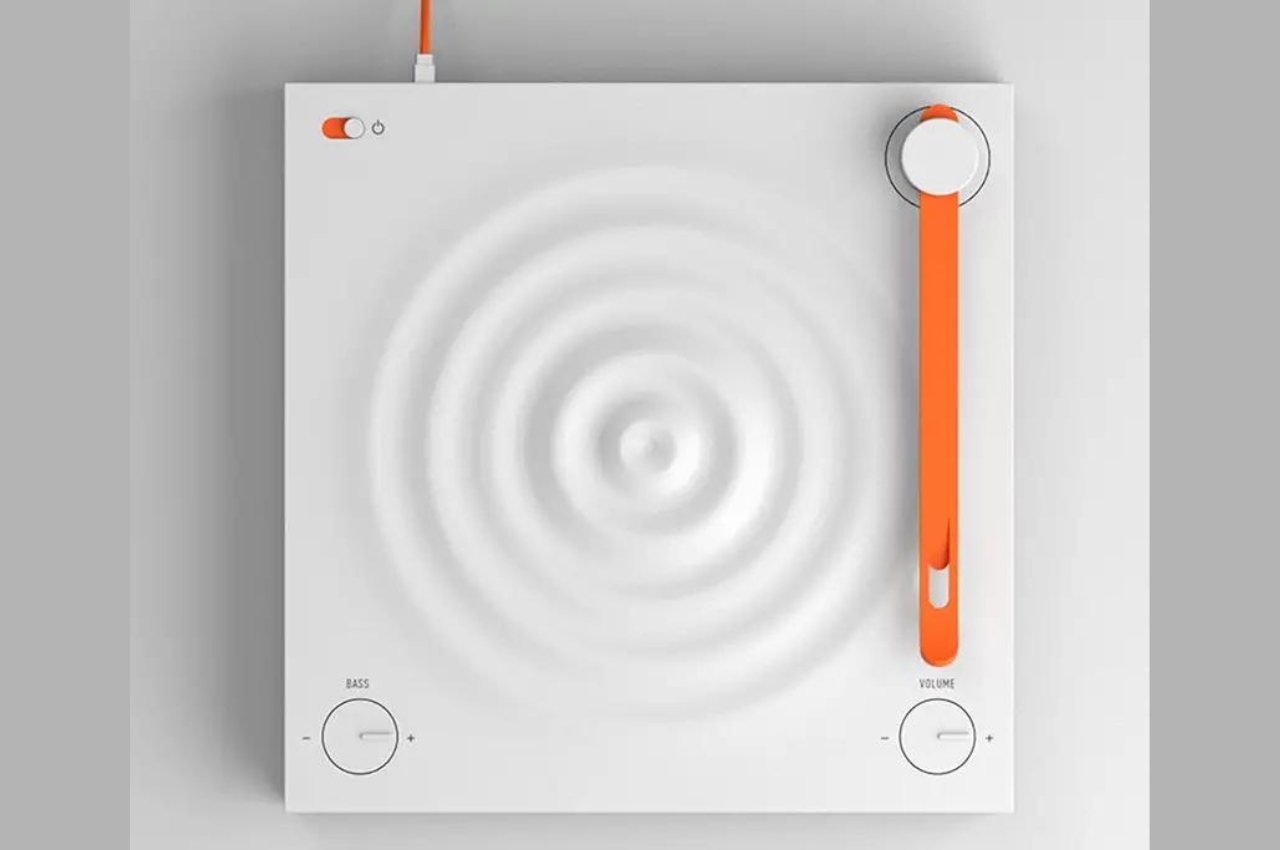
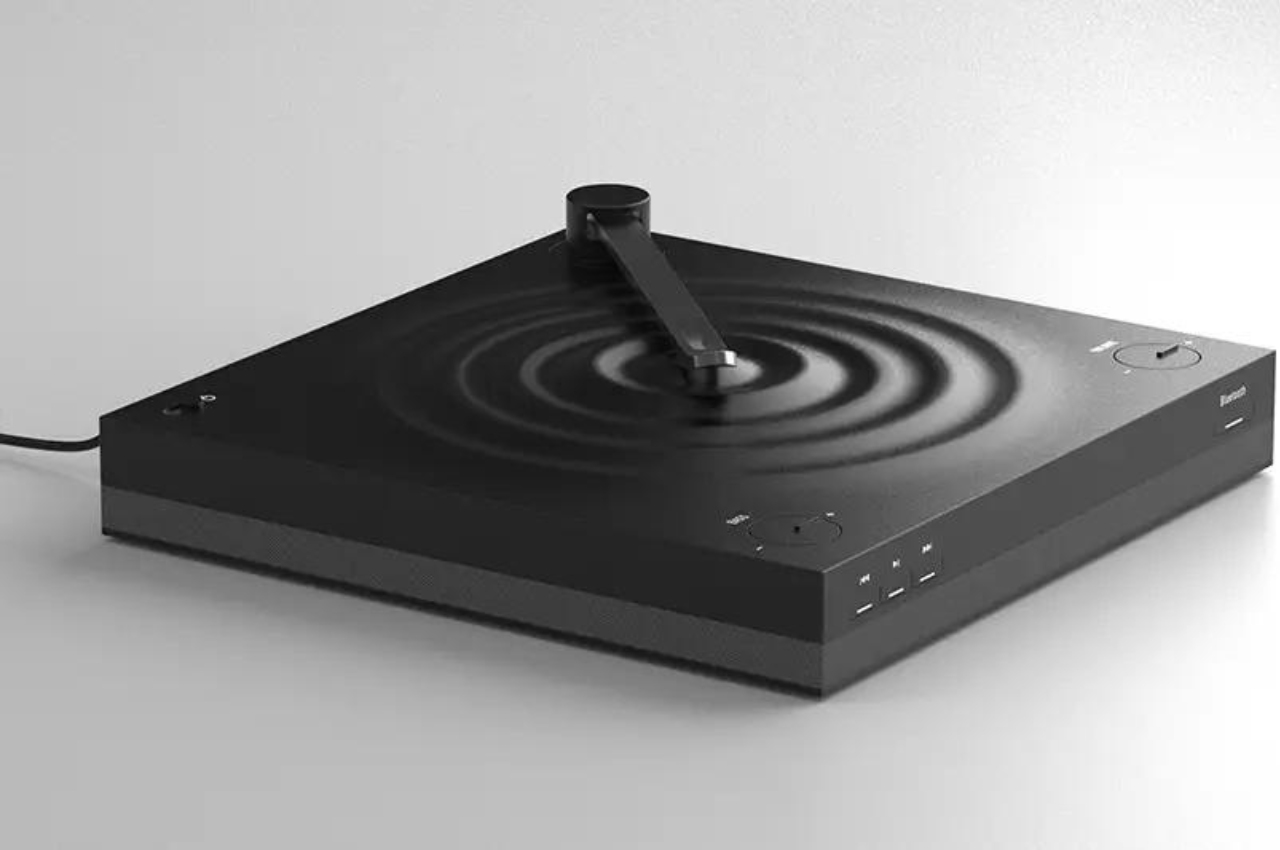
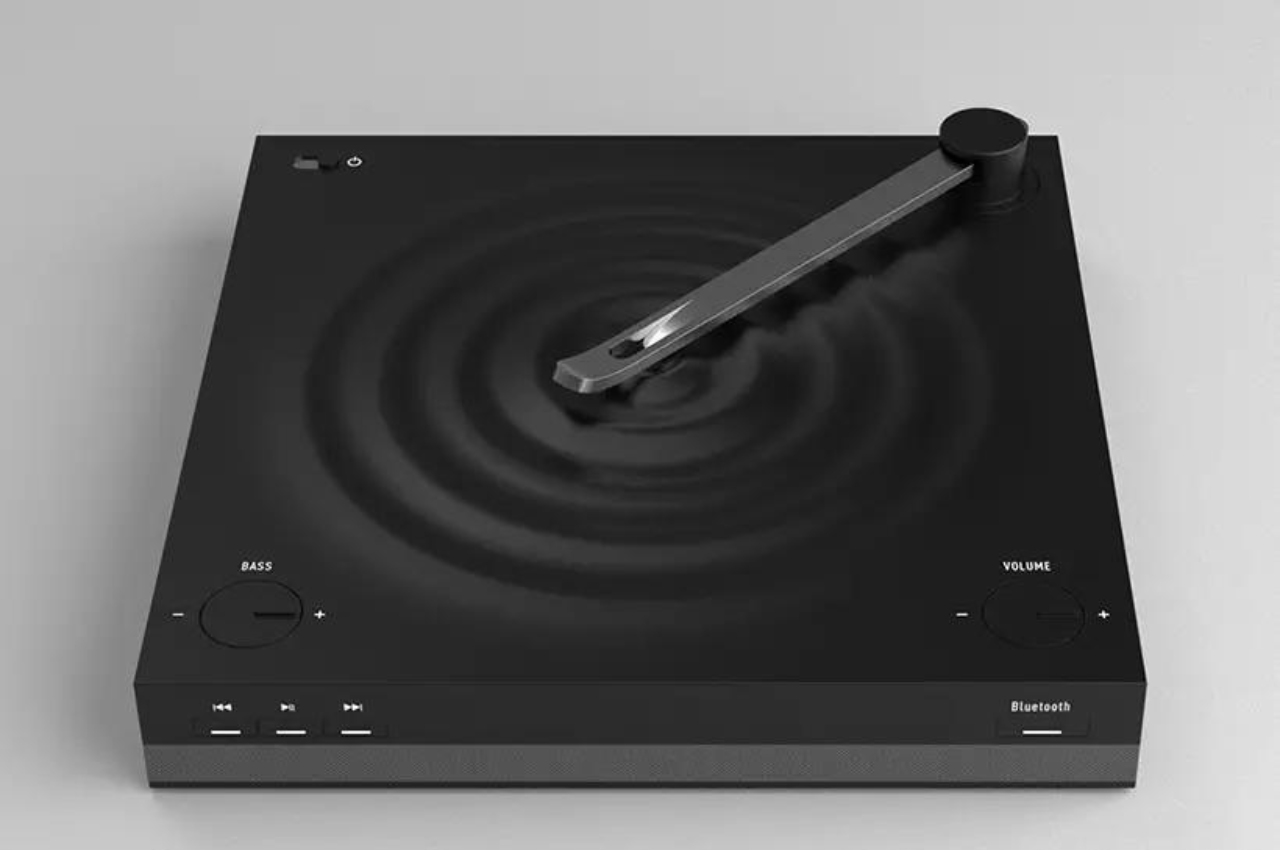
The Musipple music player is one such device but it adds another dimension to its design: ancient Chinese poetry. Its inspiration is from a poem written by Wei Yingwu during the Tang Dynasty. Basically the idea is that trees create ripples when they touch the water and the birds on these trees are singing. So adapting both the idea of the poem and the vinyl player aesthetic, we get a unique looking Bluetooth music player that brings together Chinese culture and modern technology.

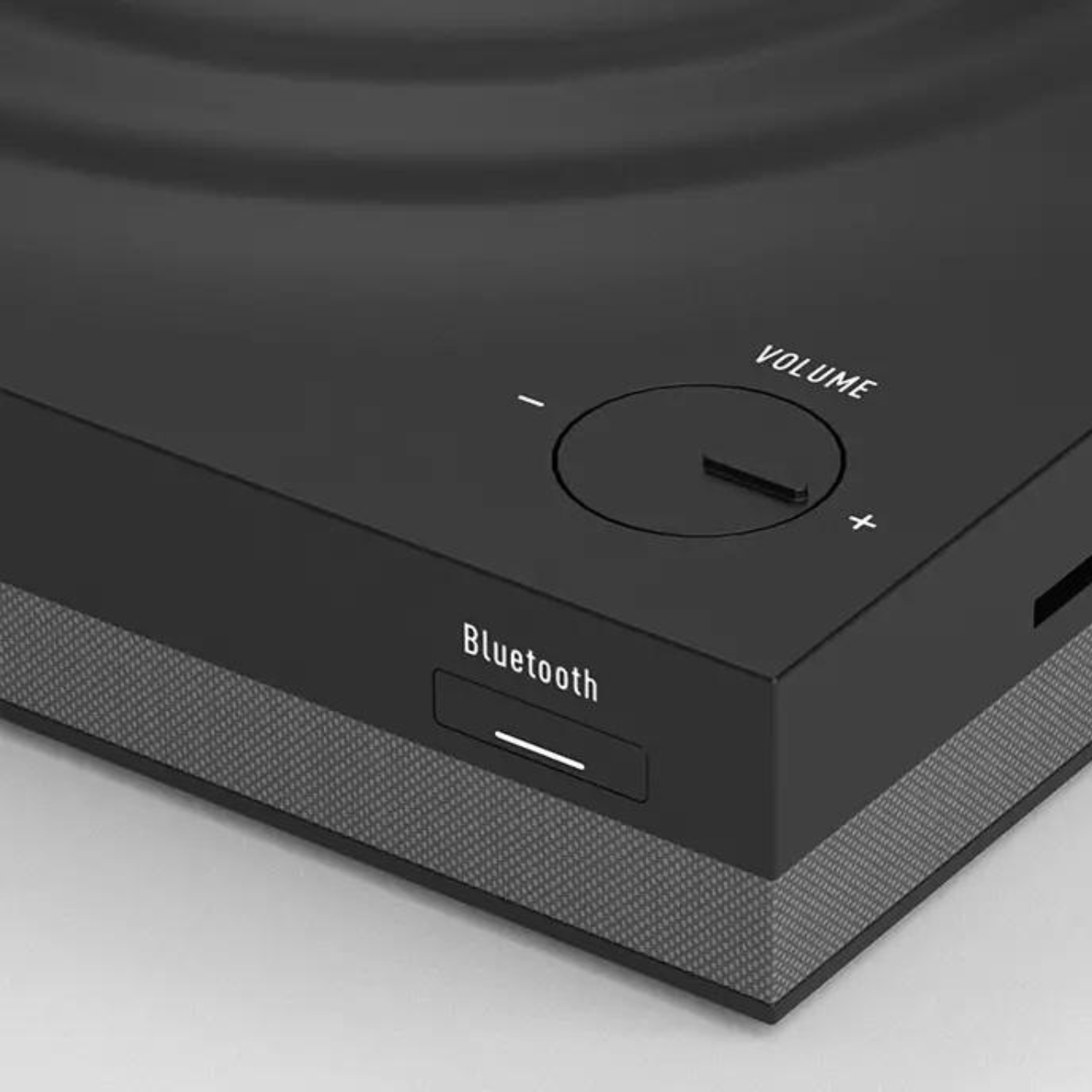
The music player has ripples in the center with a pole on the side. To turn on the player, you need to place the pole into the center of the ripples just like you would a vinyl player. In this case however, it’s a Bluetooth music player rather than an actual vinyl. There are controls for volume and bass on the side which lets you turn a dial to adjust, adding to the analog aspect of this digital player.

It would have been nicer if it was an actual vinyl player though, rather than just a music player since as mentioned, this kind of nostalgic devices are making a comeback. If it becomes a commercial product, it would be interesting to see if there’s a market for such faux vinyl players.

The post Zen-like music player concept is inspired by vinyl design and ancient Chinese poetry first appeared on Yanko Design.
XREAL Beam Pro is an Android mobile device for creating and enjoying AR content

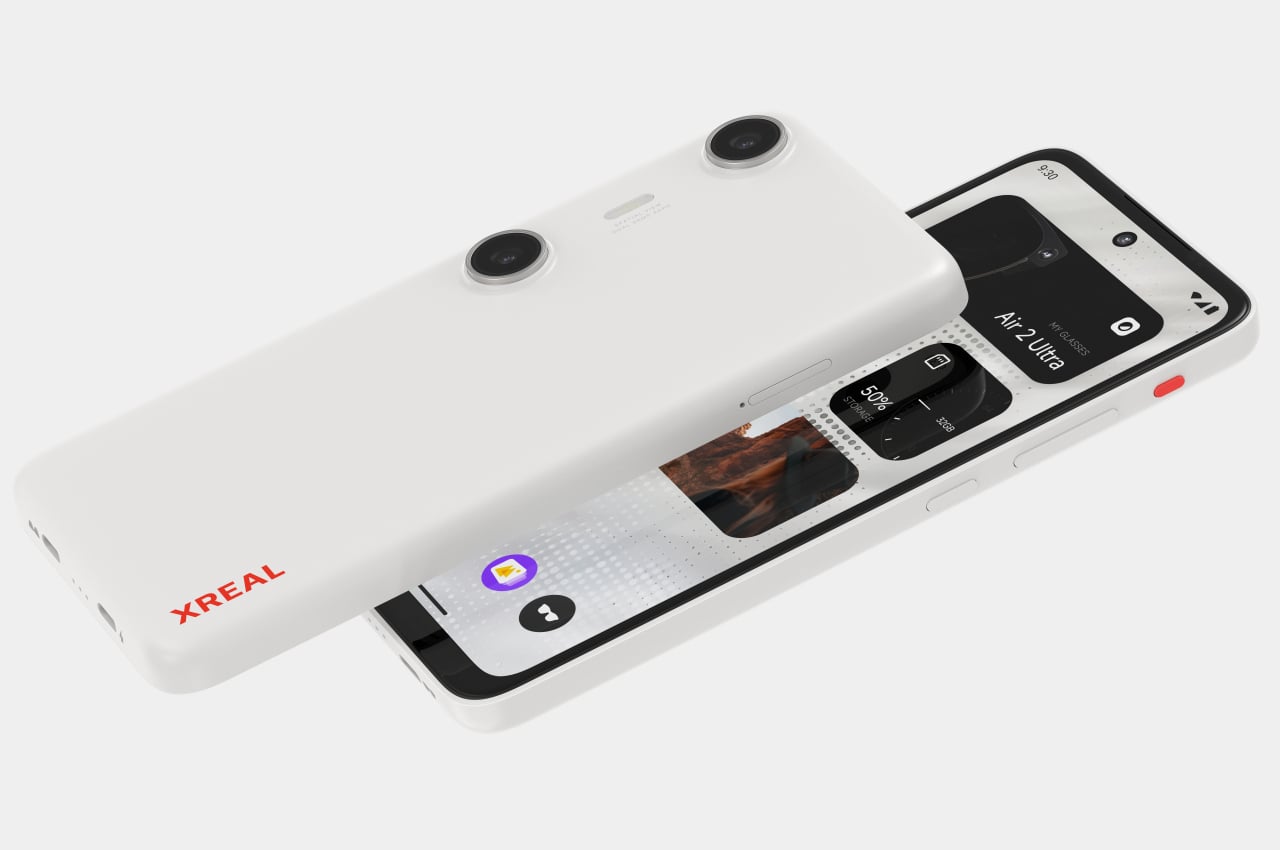
The launch of the Apple Vision Pro has made people interested in augmented reality and spatial computing technologies again, but the price tag on that product, not to mention its limited availability, means very few will be able to see what the fuss is all about, pardon the pun. On the other end of the spectrum, headsets like the Meta Quest, primarily designed for VR and the Metaverse, are indeed more accessible but also less comfortable to use, let alone bring along with you anywhere. Fortunately, these aren’t the only options, and AR glasses like the Xreal Air series have been trying to give everyone a taste of AR, regardless of what device they have. To make the experience even easier, XREAL is launching a curious new device that looks like a smartphone and acts almost like a smartphone, except that it’s dedicated to letting you not only consume but even create content in full 3D AR.

Designer: XREAL

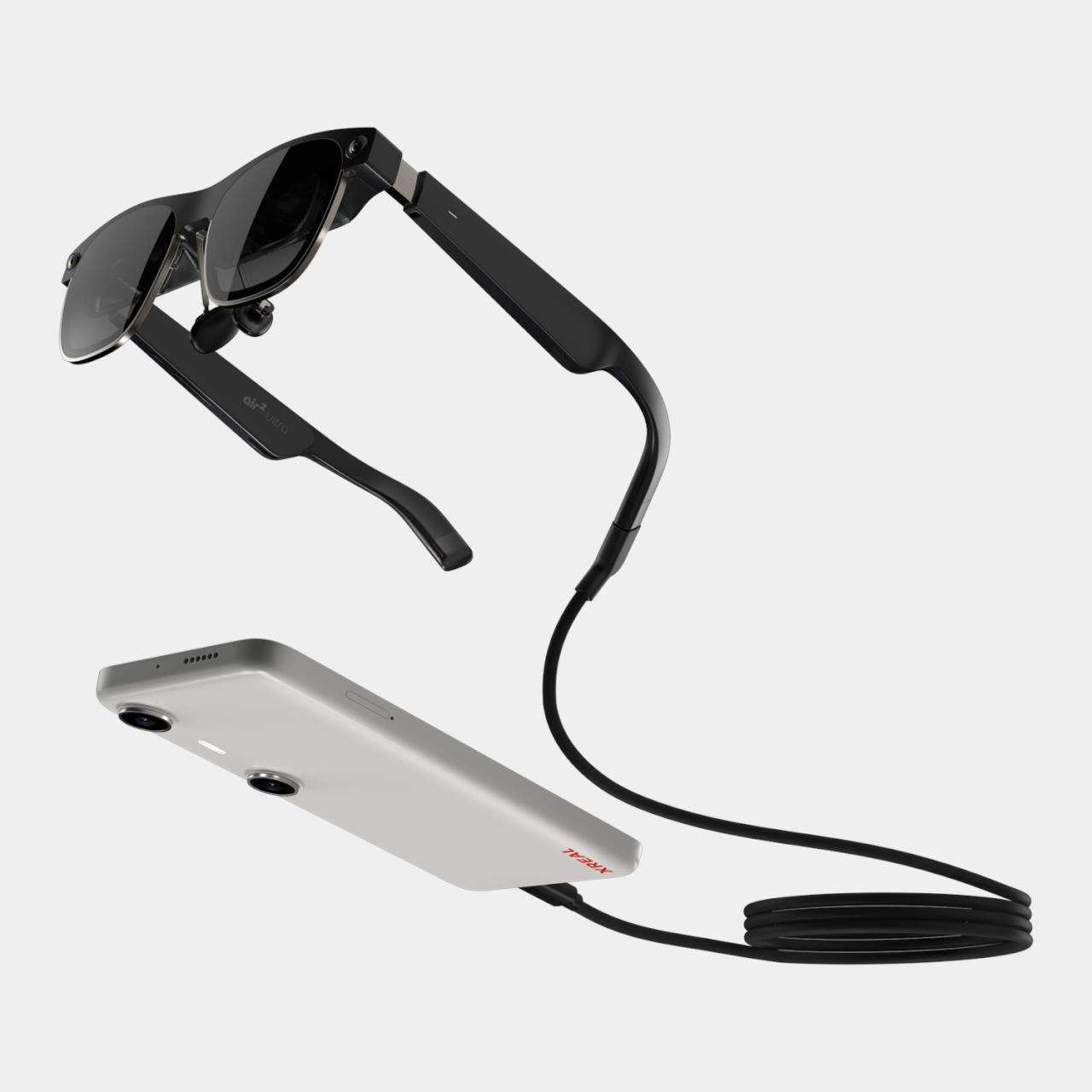
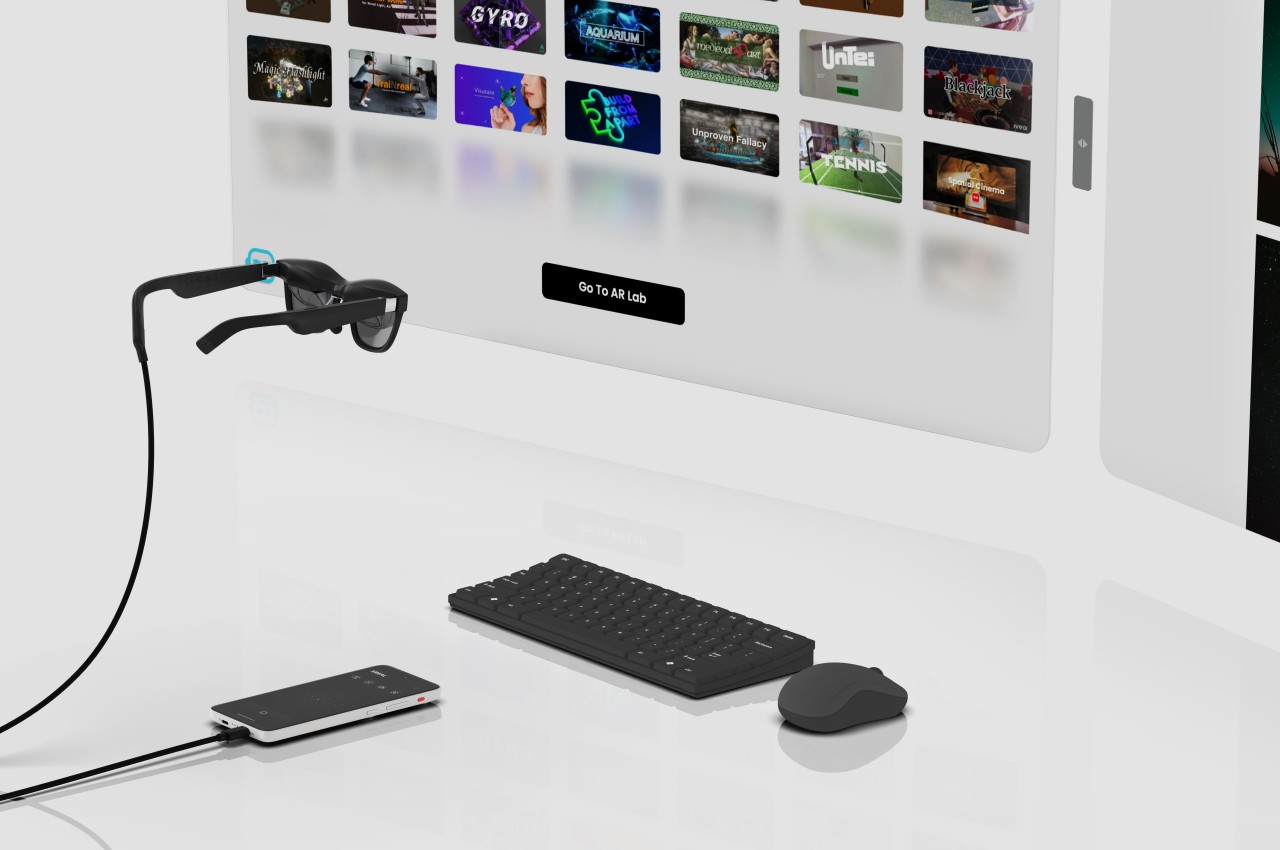
AR glasses practically act like second or external monitors to computers and smartphones, relying on an external device for all the computing, content, and even power. The spectacles themselves provide the image projection hardware and sensors that can then be used by that external device to do things like pinning a screen to a specific location or even displaying a wall of windows that follow your head movement. This design simplifies the setup and saves you from having to spend too much on powerful hardware that will be quickly outdated, but it also means the experience isn’t exactly optimized for AR.

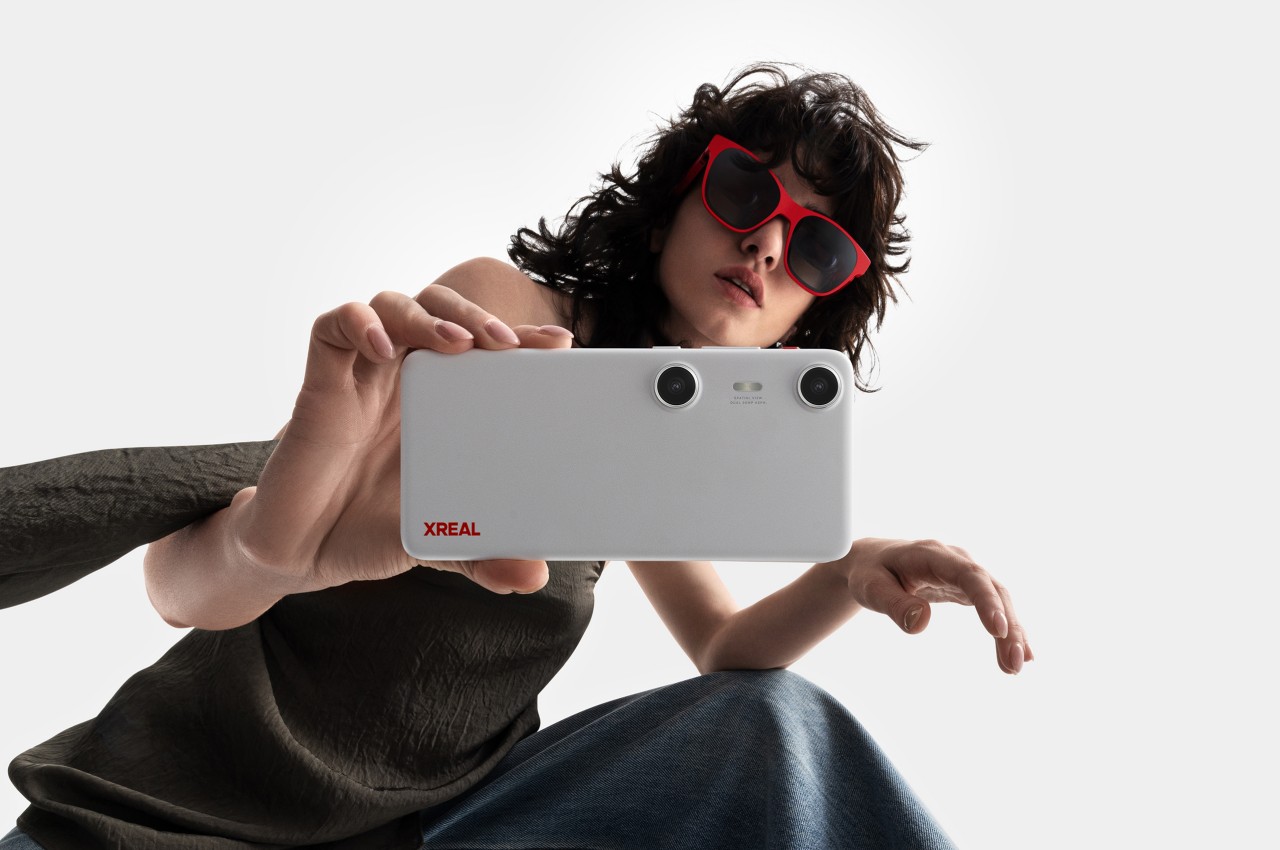
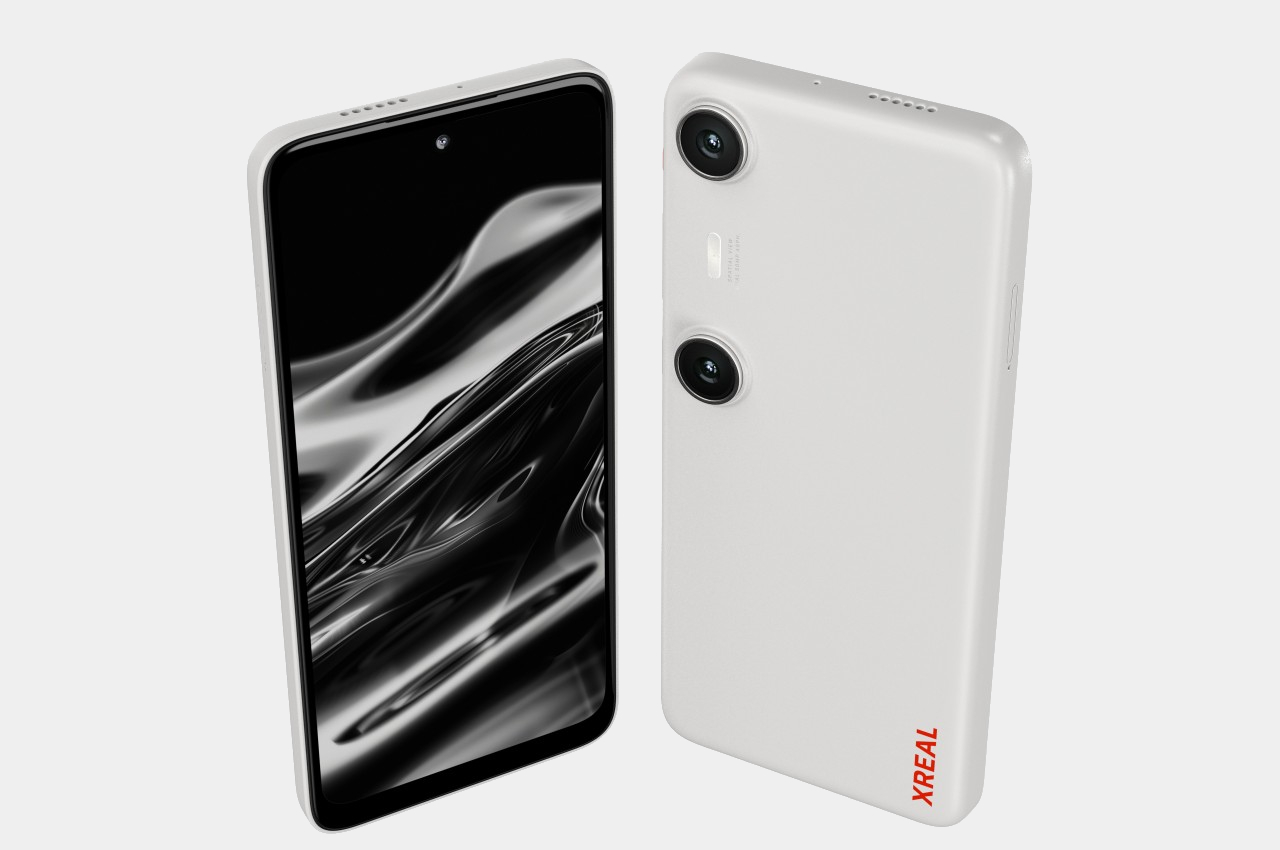
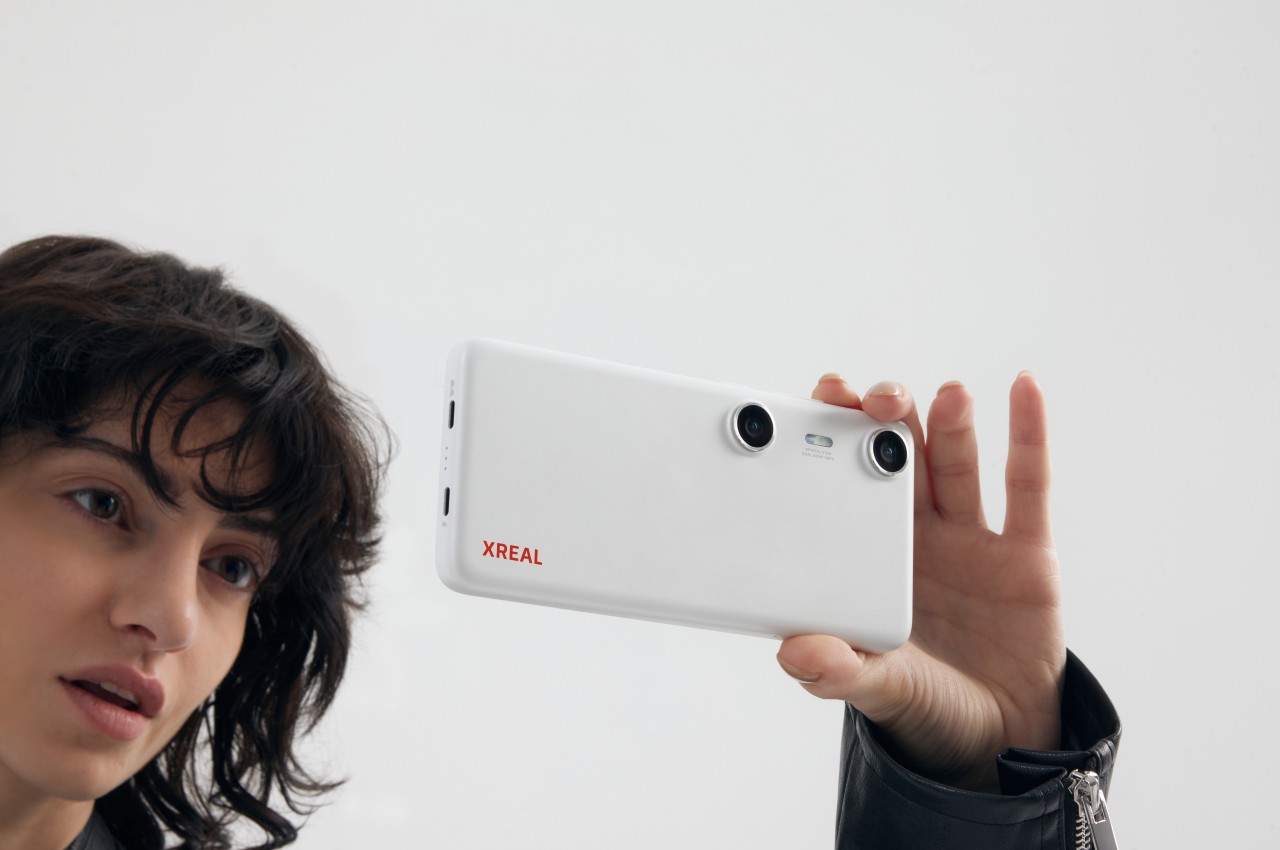
The new XREAL Beam Pro solves that problem by offering a device and a user experience tailored specifically for augmented reality, especially around the brand’s line of AR glasses. And it does so in a form that’s all too familiar to everyone these days: an Android phone. The device features a 6.5-inch LCD 2K (2400×1080) touchscreen running a customized version of Android 14 with Google Play support. It’s even powered by a Snapdragon processor with up to 8GB of RAM and 256GB of internal storage, just like a phone. The similarities with a phone, however, end there.

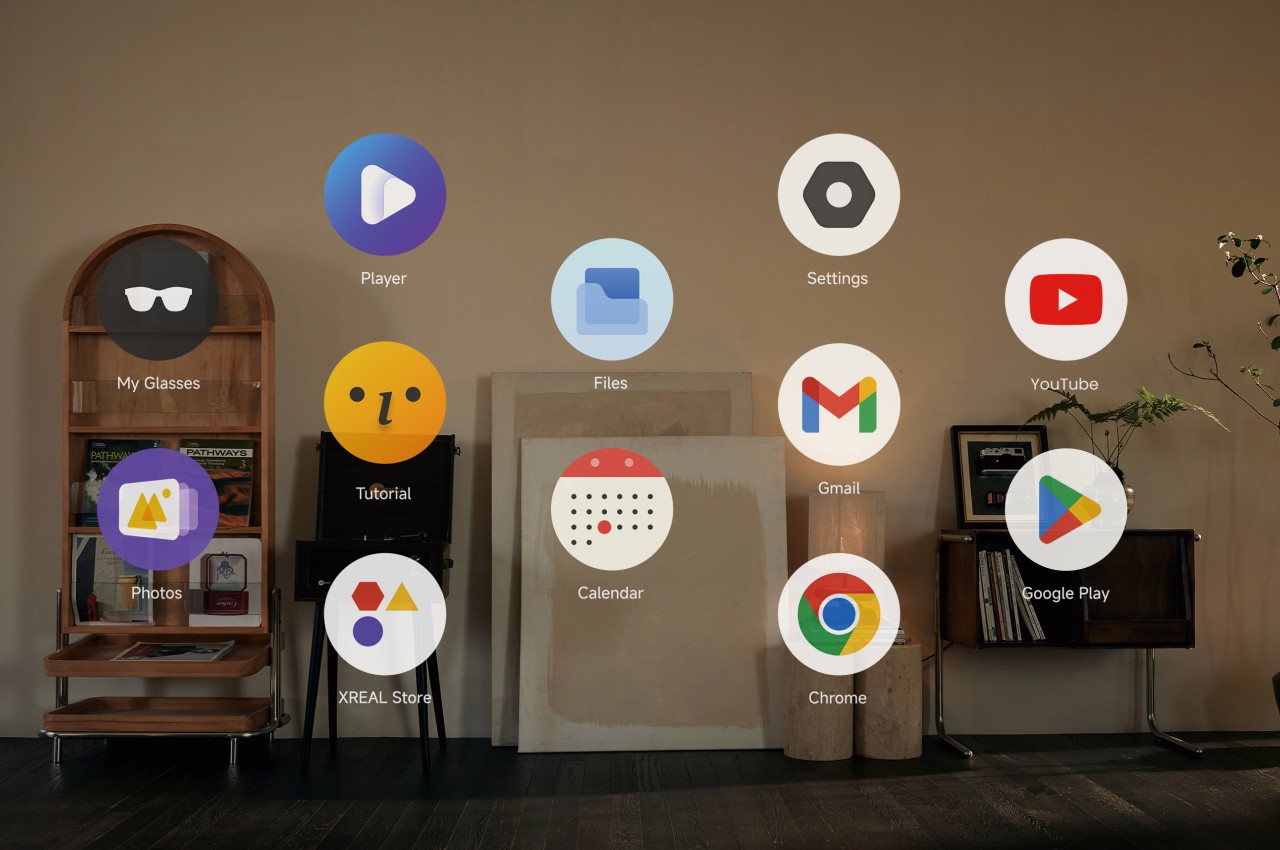
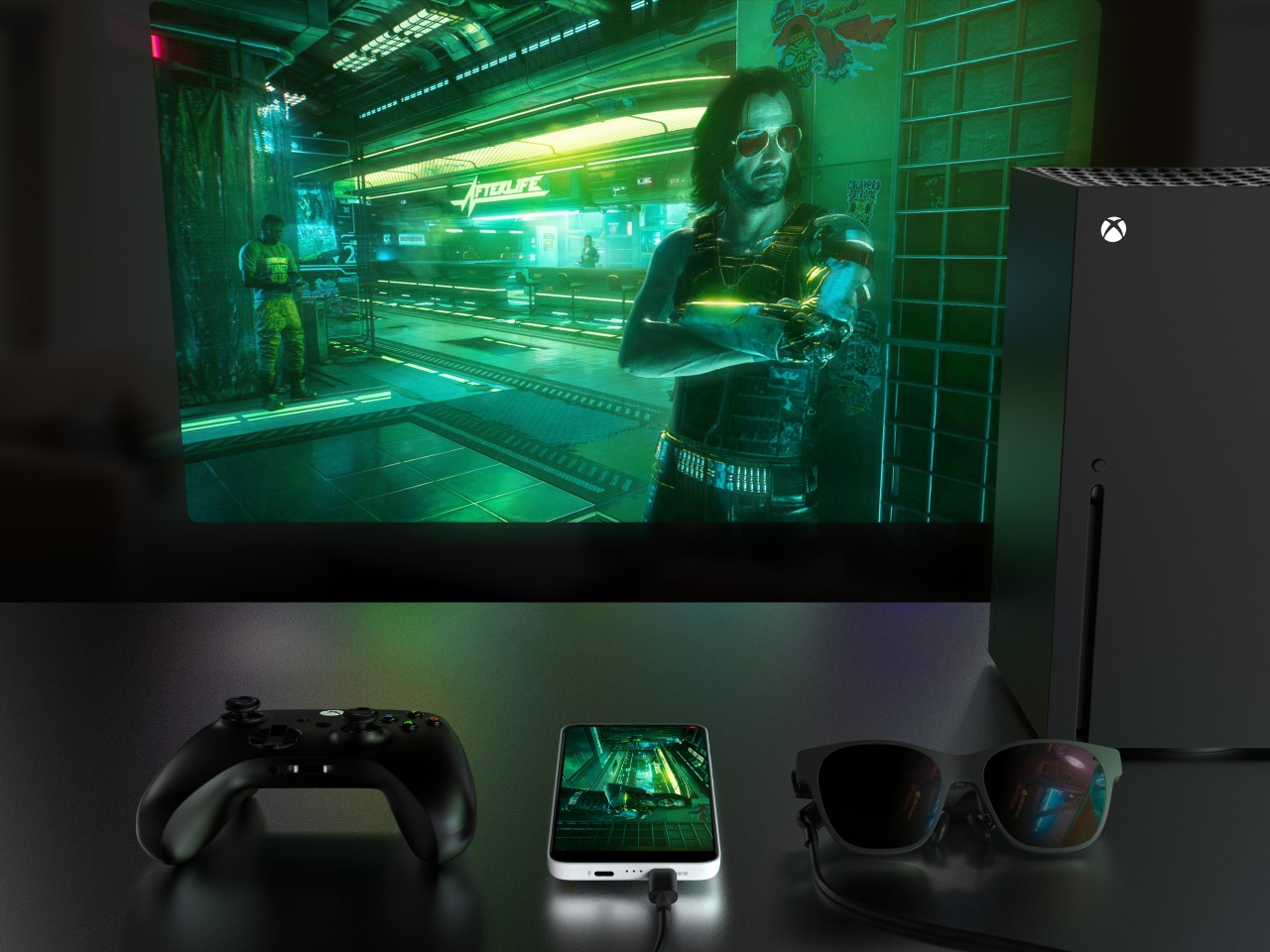
Running on top of Android is XREAL’s NebulaOS, a user interface designed for augmented reality, and it kicks in once you connect an Xreal Air or later models. This software allows you to enjoy “normal” 2D content as if they were made for AR, letting you place two windows side by side, have them stick to their position “in the air” no matter where you turn your head, or have the display follow your head smoothly. Thanks to built-in sensors in the glasses, users can enjoy 3DoF (Xreal Air, Air 2, Air 2 Pro) or 6DoF (Xreal Air 2 Ultra) smooth movement so you don’t have to manually adjust the screen each time.

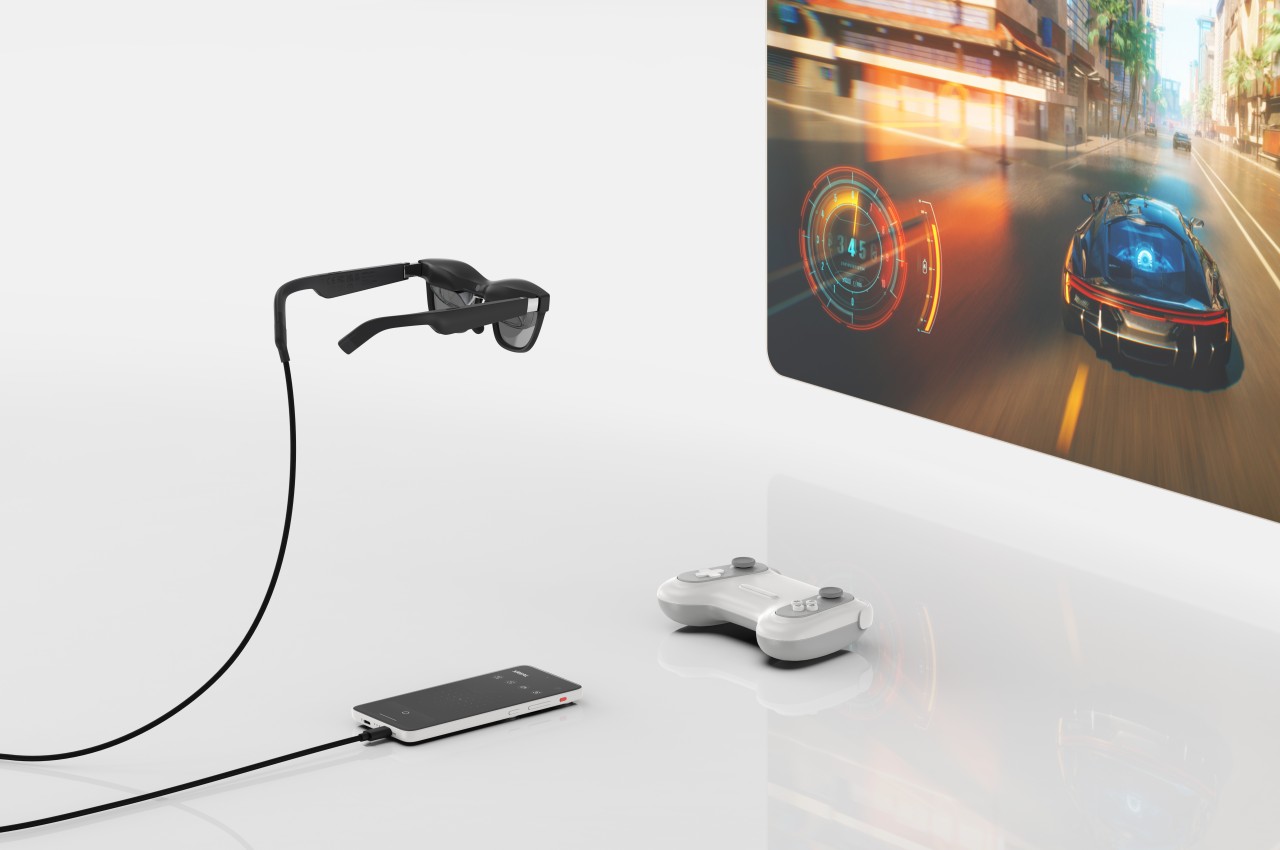
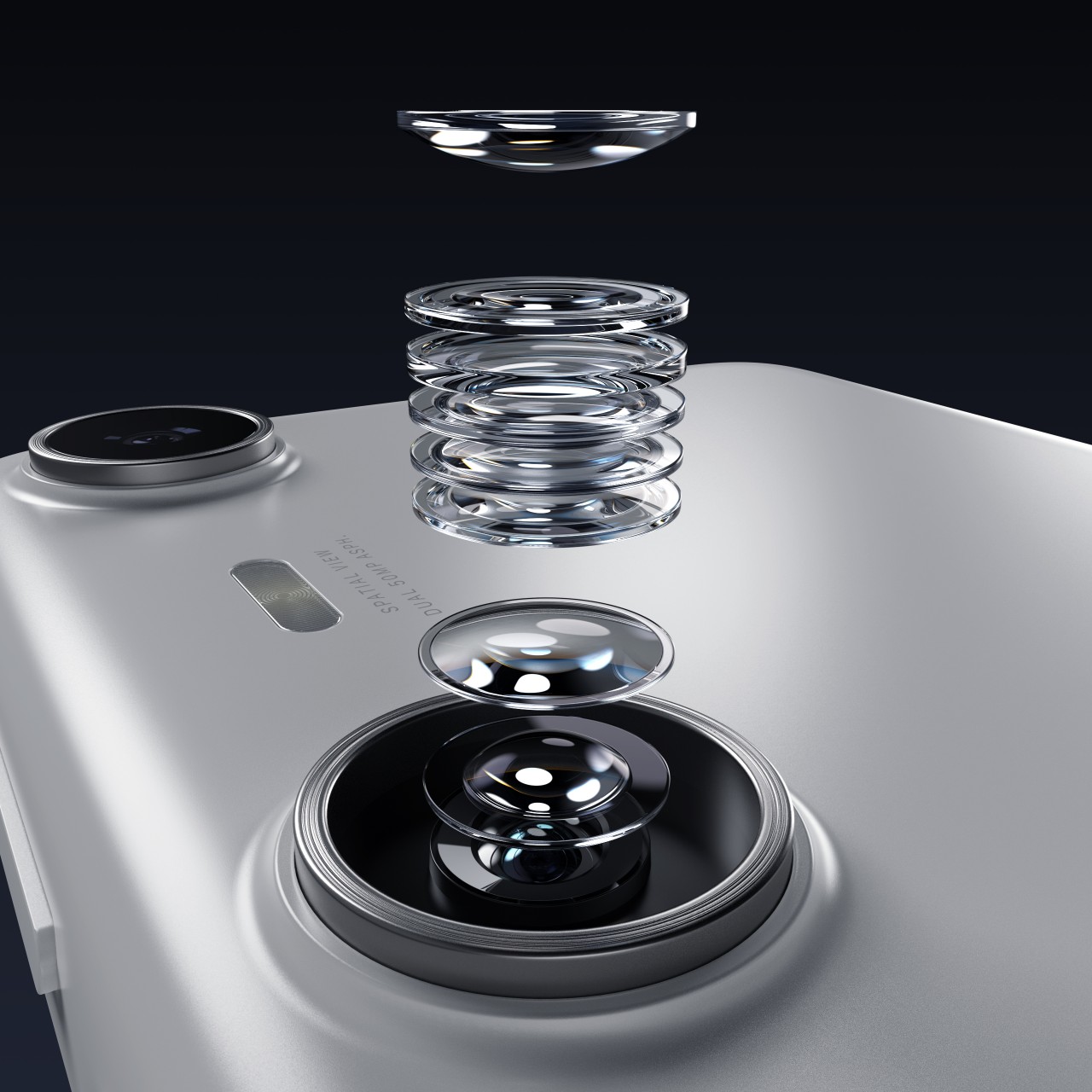
What all this means is that you can enjoy all your favorite Android games, streaming content, and even Internet activities in an immersive AR environment, anytime anywhere. Even better, the dual 50MP cameras on its back are intentionally spaced far apart to let you create 3D content as well. XREAL has partnered with many cloud service providers to bring as much content to your hands and eyes as possible, including NVIDIA’s CloudXR platform, Amazan Luna and Xbox Cloud Gaming streaming services, and more.

That said, some people might be a bit confused by the XREAL Beam Pro’s phone-like design and Android interface. While it does have Wi-Fi and 5G, it doesn’t seem to support phone features like calls and SMS, especially if it doesn’t have a built-in mic. It’s still a perfectly usable data-only Android handheld, though, even without the XREAL Air glasses, but you’ll be missing out on what makes the device special in that case. Global pre-orders for the XREAL Beam Pro start today with a rather surprising price tag of $199 for the base 6GB RAM/128GB storage model.

The post XREAL Beam Pro is an Android mobile device for creating and enjoying AR content first appeared on Yanko Design.
Biophilic smart humidifier concept also functions as a plant pot

It isn’t just outdoors that air quality can be a problem. The recent years have made us acutely aware that even indoors, the air we breathe isn’t always in its best state. Even disregarding pollutants, the air inside our houses or rooms can be bereft of moisture, leading not only to discomfort but also respiratory issues. That’s why not only air purifiers but also humidifiers have become so popular of late, though most of their designs leave a lot to be desired. Fortunately, there seems to be a wave of creativity washing over this market, producing designs that blend better into living spaces or push the boundaries of what an appliance can do, like this minimalist humidifier concept that also gives a home to nature’s own purifiers: plants.

Designer: NOI Creative Design Studio

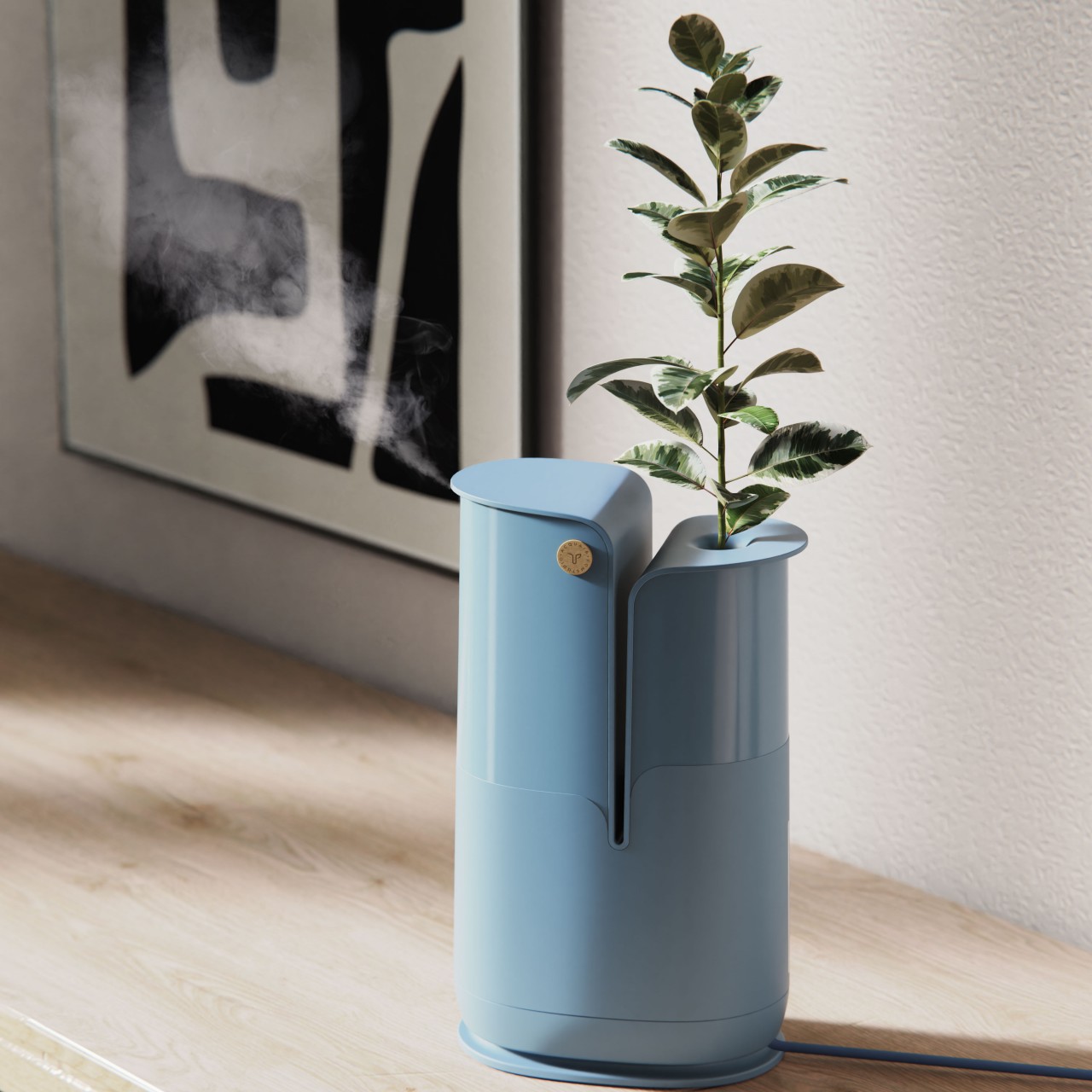
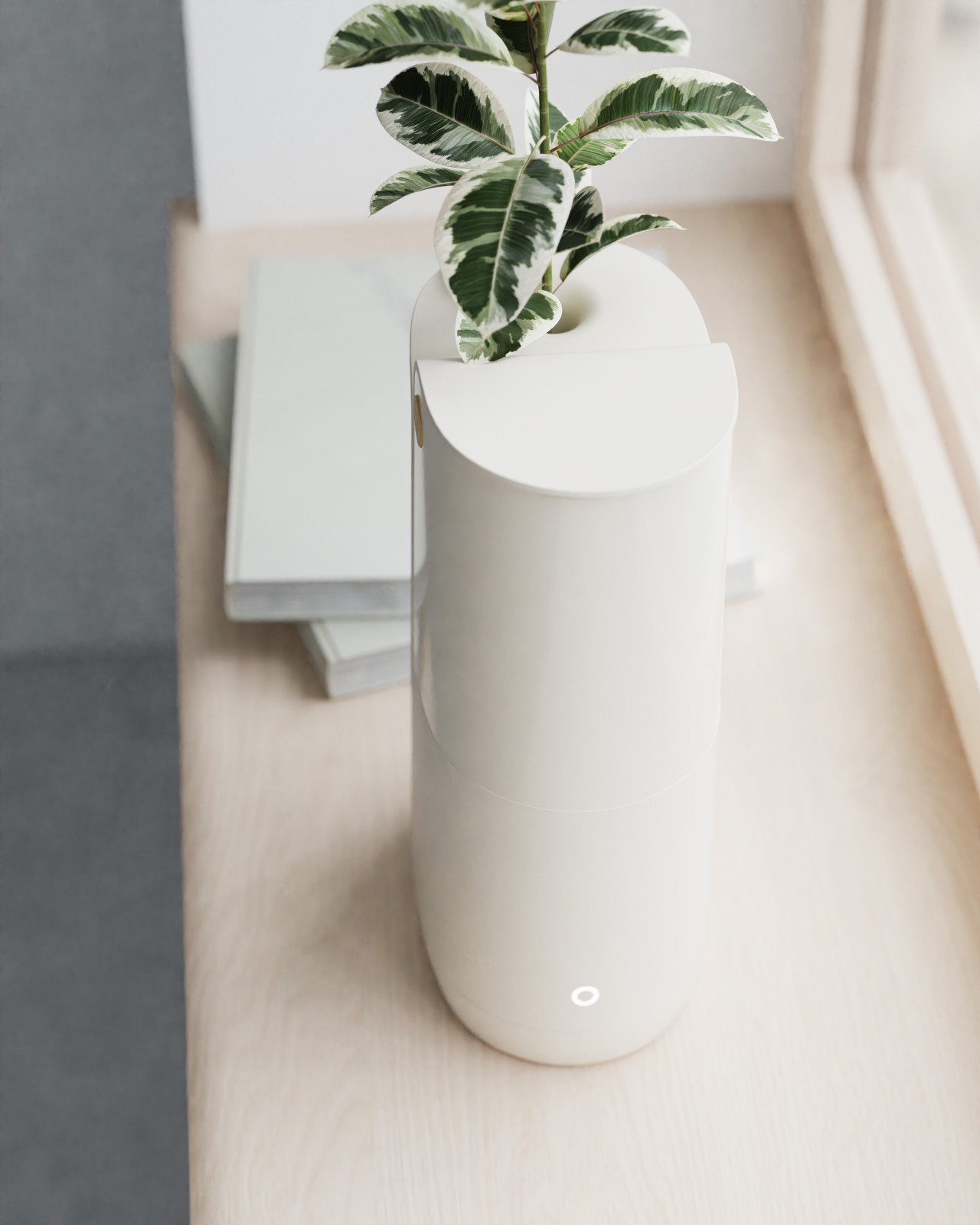
There’s a reason why interior designers always recommend placing plants in living areas, and not just because they look good. They have the natural ability to clean the air around us, purifying and releasing just the right amount of moisture. Of course, just a few plants can no longer handle our poor air quality by themselves, and they’ll definitely need a little help to ensure the quality of life of the humans they’re living with. That’s the core concept of the ACQUAIR design, a smart humidifier and air purifier that tries to combine technology and nature in an aesthetic design.

ACQUAIR is actually two products in one, a smart humidifier and a pot for a single-stem plant. These two parts share the same water tank that both nourishes the plant and sprays moisturized mist to meet the required humidity in the air. The latter is determined using sensors, intelligently adjusting the mist depending on the temperature and amount of humidity already present. There’s very little human intervention needed other than refilling the tank once in a while.

With this system, both the plant and the smart appliance can work together to ensure the comfort and health of the people living inside the space. The small plant can utilize its own natural abilities to purify the air while also living on the same water used to humidify the air. It also serves an aesthetic value, displaying a symbol of life and health in a simple yet elegant pot. Unfortunately, the concept doesn’t go deep enough to detail the device’s features for helping keep the plant alive beyond just water. It definitely has room for improvement, like utilizing sensors to also monitor the health of the plant itself.

The post Biophilic smart humidifier concept also functions as a plant pot first appeared on Yanko Design.
Logitech MX Ink stylus for Meta Quest gives creators a new tool for mixed reality

Mixed reality platforms, or spatial computing as Apple calls it, try to seamlessly blend digital objects into the real world, but that illusion quickly breaks down when it comes to manipulating those virtual pieces directly. Yes, tapping on buttons in thin air or pinching the corner of floating windows might feel a little natural, but creating content, especially 2D and 3D objects, is less believable when all you have are two “wands” in each hand. For decades, the stylus has been the tool of choice of digital artists and designers because of its precision and familiarity, almost like holding a pencil or paintbrush. It was really only a matter of time before the same device came to mixed reality, which is exactly what the Logitech MX Ink tries to bring to the virtual table.

Designer: Logitech

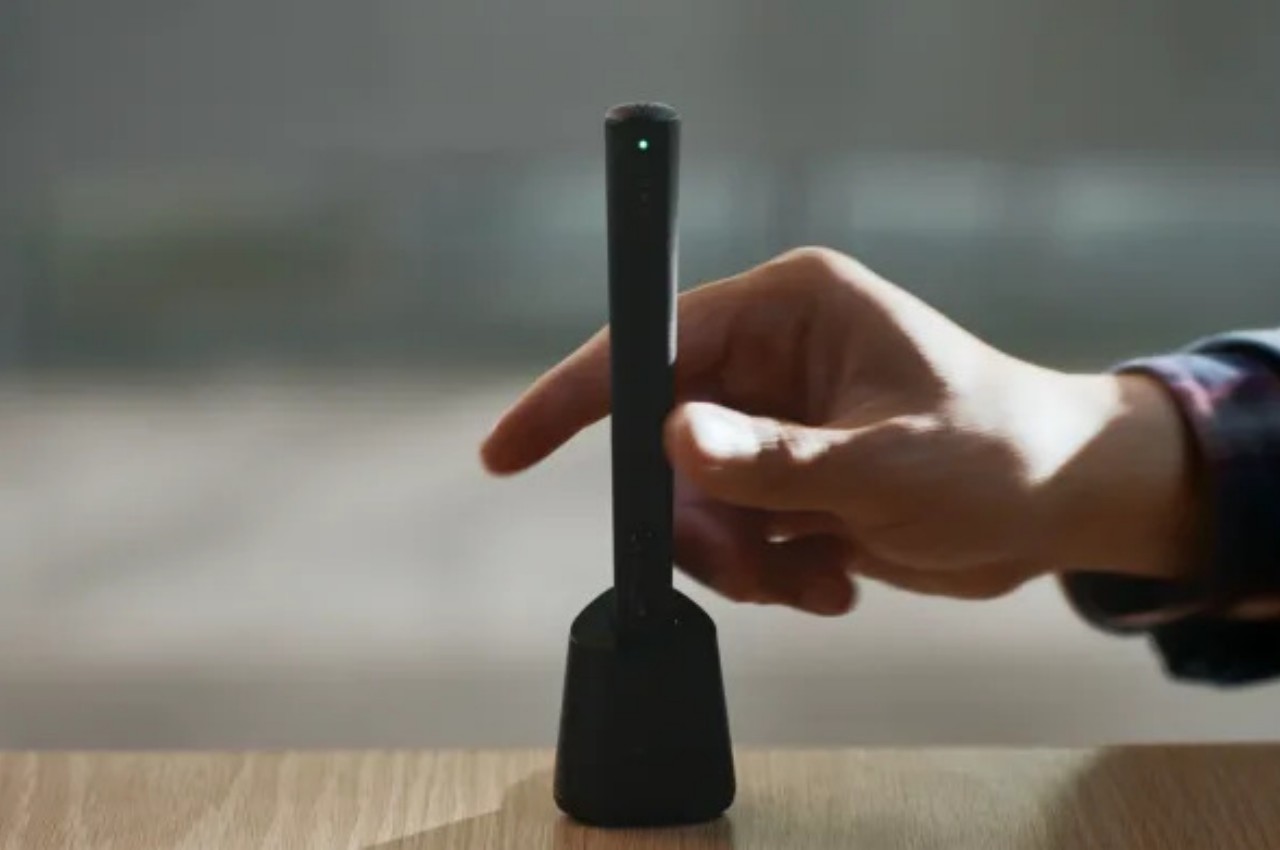
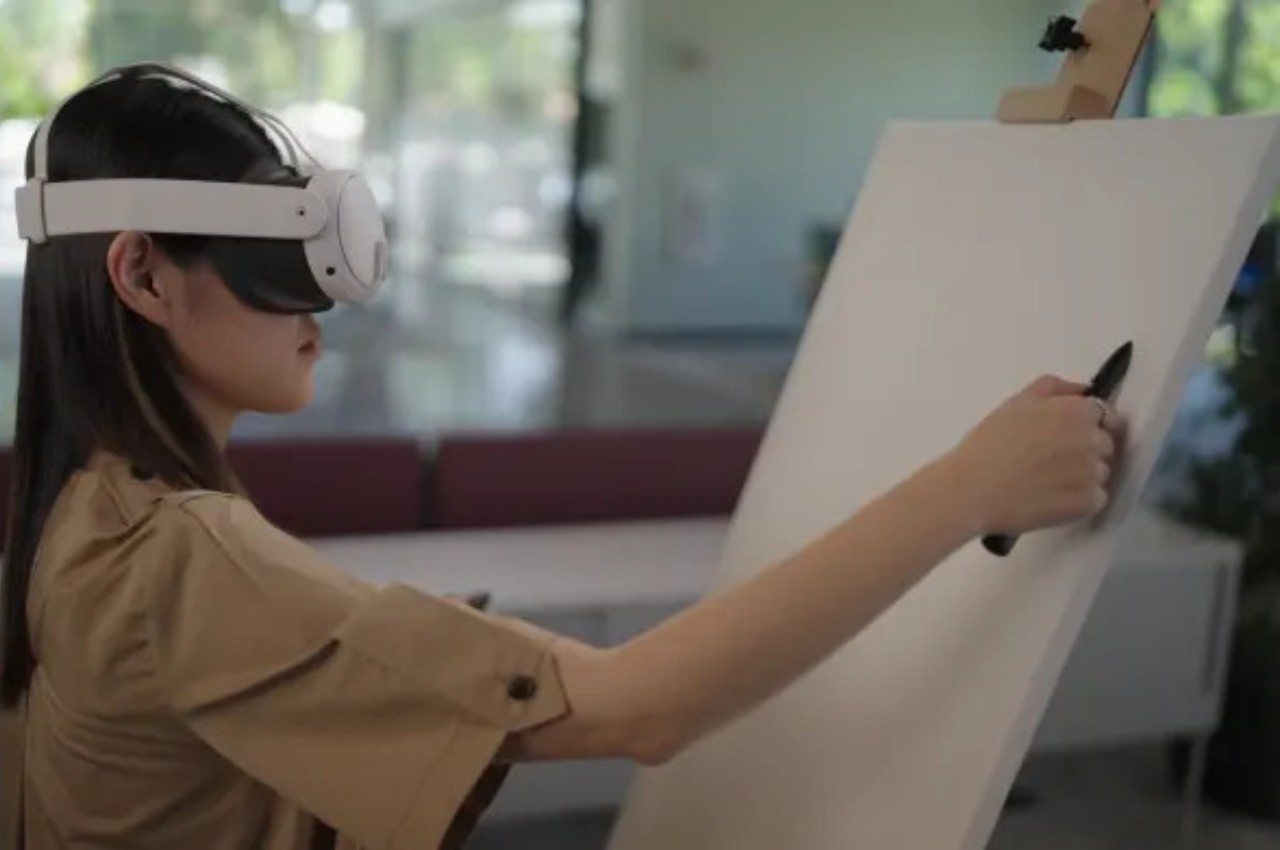
The Logitech MX Ink is practically a stylus designed to work in virtual 3D space, but while that description is simplistic, its implications are rather world-changing. It means that creators no longer need to feel awkward about waving around a thick wand, making them feel like they’re playing games more than painting or modeling. Artists, designers, and sculptors can now use a more convenient and intuitive tool when moving around in mixed reality, bolstering not only their productivity but also the quality of their work. Admittedly, the MX Ink is bulkier and heavier than most styluses, closer to a 3D printing pen than an Apple Pencil, and drawing on air is still going to feel unnatural at first, but it’s significantly better than even drawing with your finger.

What makes Logitech’s implementation a bit more special is that it works in both 3D and 2D spaces. The latter means that you can still draw on a flat surface and feel the same haptics and pressure sensitivity as a Wacom stylus, for example. This means you can easily trace over a sketch or blueprint on paper and bring that up to a 3D space for fleshing out. Or you can paint artistic masterpieces on a physical canvas without actually leaving any mark on the paper.

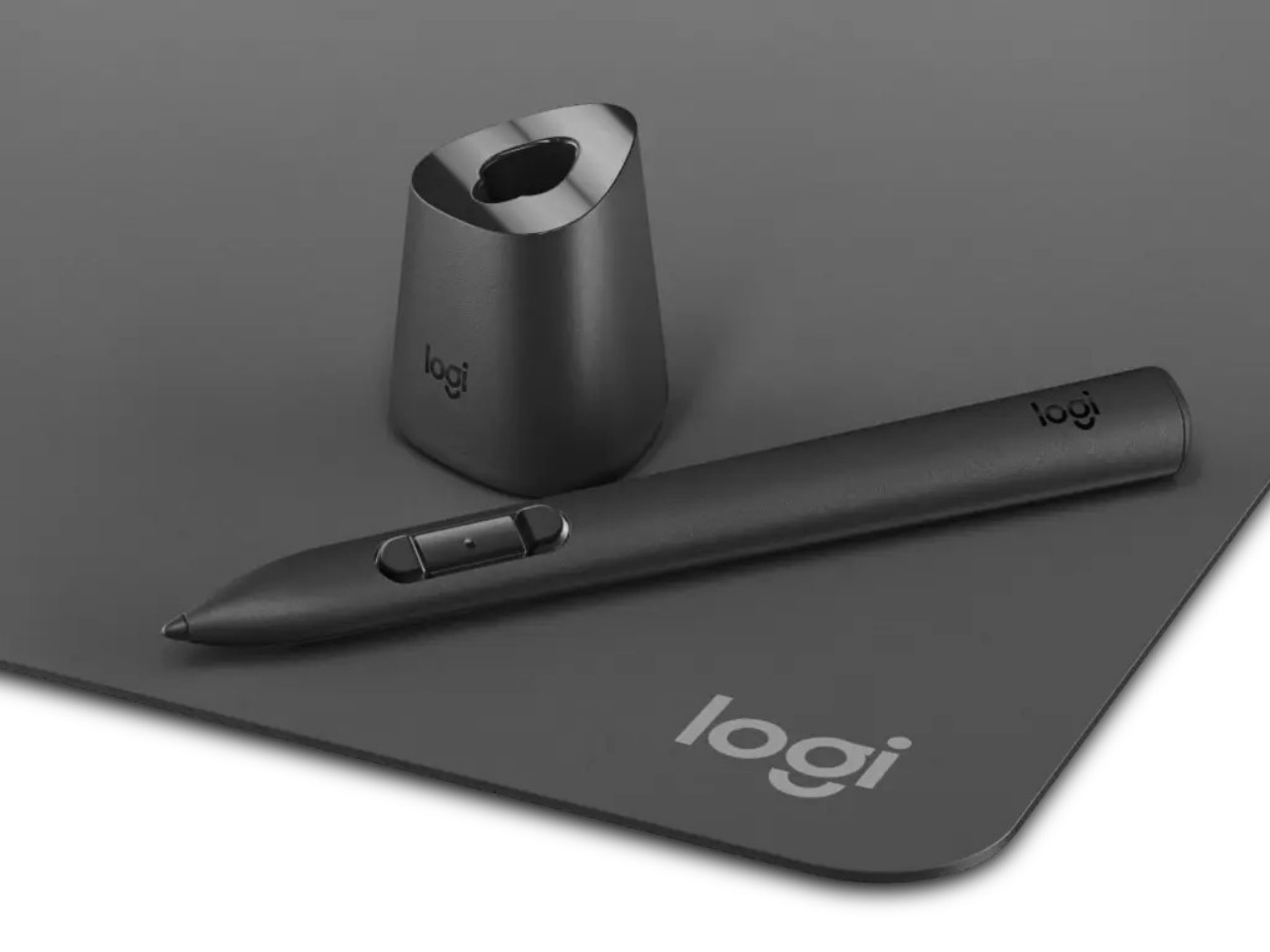
The MX Ink is a standalone product, but Logitech is also offering optional accessories to further reduce the friction of working in mixed reality. The MX Mat offers a low-friction surface for drawing with the stylus in 2D, though the MX Ink can actually work on most flat surfaces anyway. The MX Inkwell is a stand and wireless charging station for the device, letting you simply lift it from the dock to start drawing and then put it back without having to worry it won’t be charged and ready for your next work session. Without the MX Inkwell, the stylus will have to charge via a USB-C connection, and Logitech doesn’t even ship a cable with it.

As promising as this new creativity tool might sound, its use is limited to the Meta Quest 2 and Quest 3 headsets, ironically leaving the Quest Pro out of the party. This is boasted to be the first time the Quest headsets support more than two paired controllers at the same time, which means you can connect the MX Ink and simply switch between it and the regular Quest controllers without having to reconfigure anything every time. The Logitech MX Ink goes on sale in September with a starting price of $129.99.

The post Logitech MX Ink stylus for Meta Quest gives creators a new tool for mixed reality first appeared on Yanko Design.