
Candy Crush maker signs collective bargaining agreement, averting strike
That's one way to topple a King.

Most gaming controllers are built for an idea of a hand, not an actual one. They’re symmetrical, boxy, covered in ridges meant to accommodate everyone equally, which usually means they fit no one particularly well. After a few hours, your palms cramp, your thumbs ache, and if you’ve been playing anything remotely intense, your grip starts sliding around from sweat. It’s a problem the industry has mostly solved by adding more buttons rather than rethinking the shape itself.
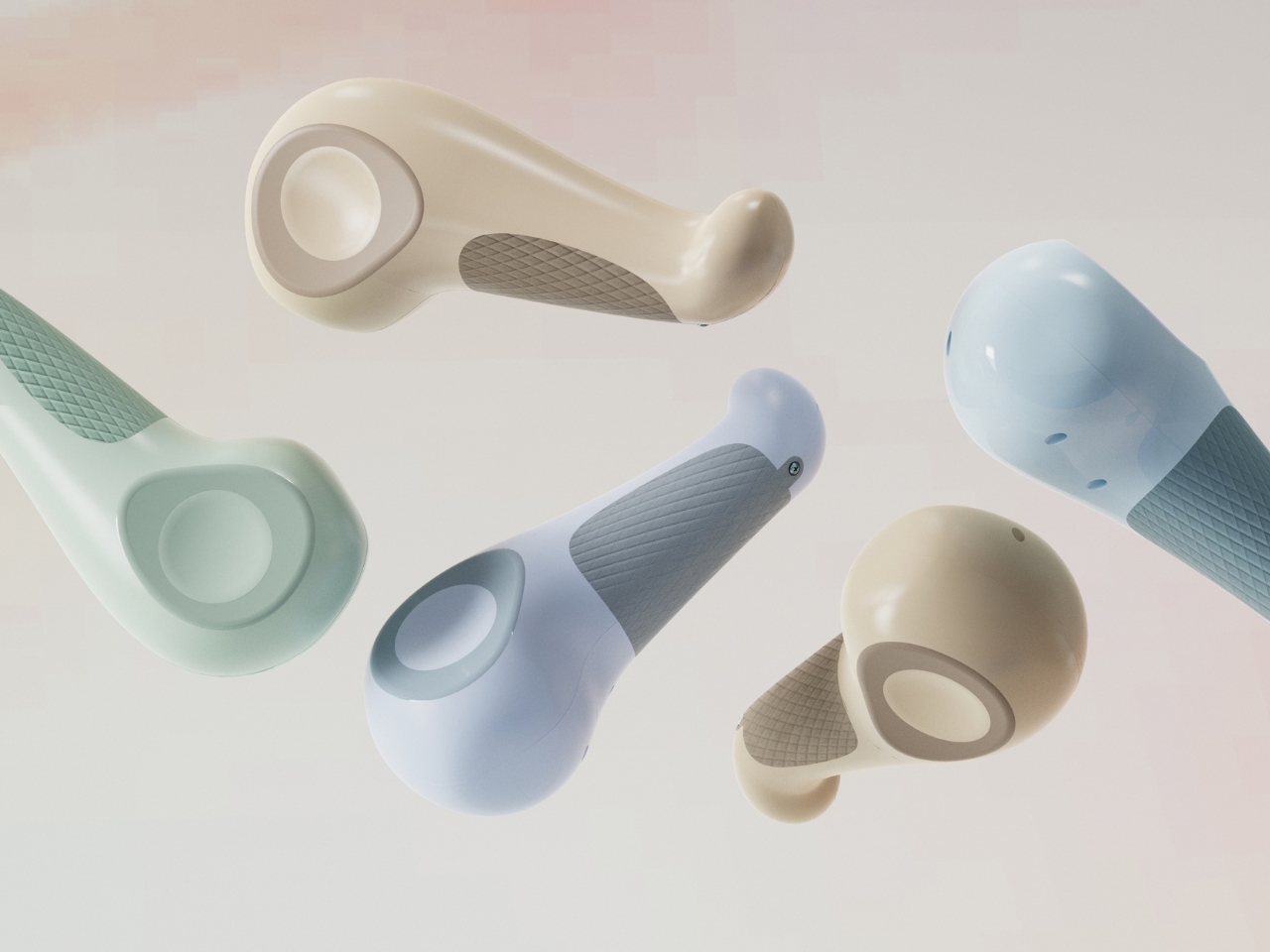
Designer Jiayi Wu’s concept, PALMIO, starts from a different question entirely: what if the controller was shaped around the hand instead of the other way around? The result looks less like a gamepad and more like a smooth stone or a teardrop, something you’d pick up off a beach rather than off a store shelf. It’s a small shift in thinking that ends up changing almost everything about how the object reads.
Designer: Jiayi Wu
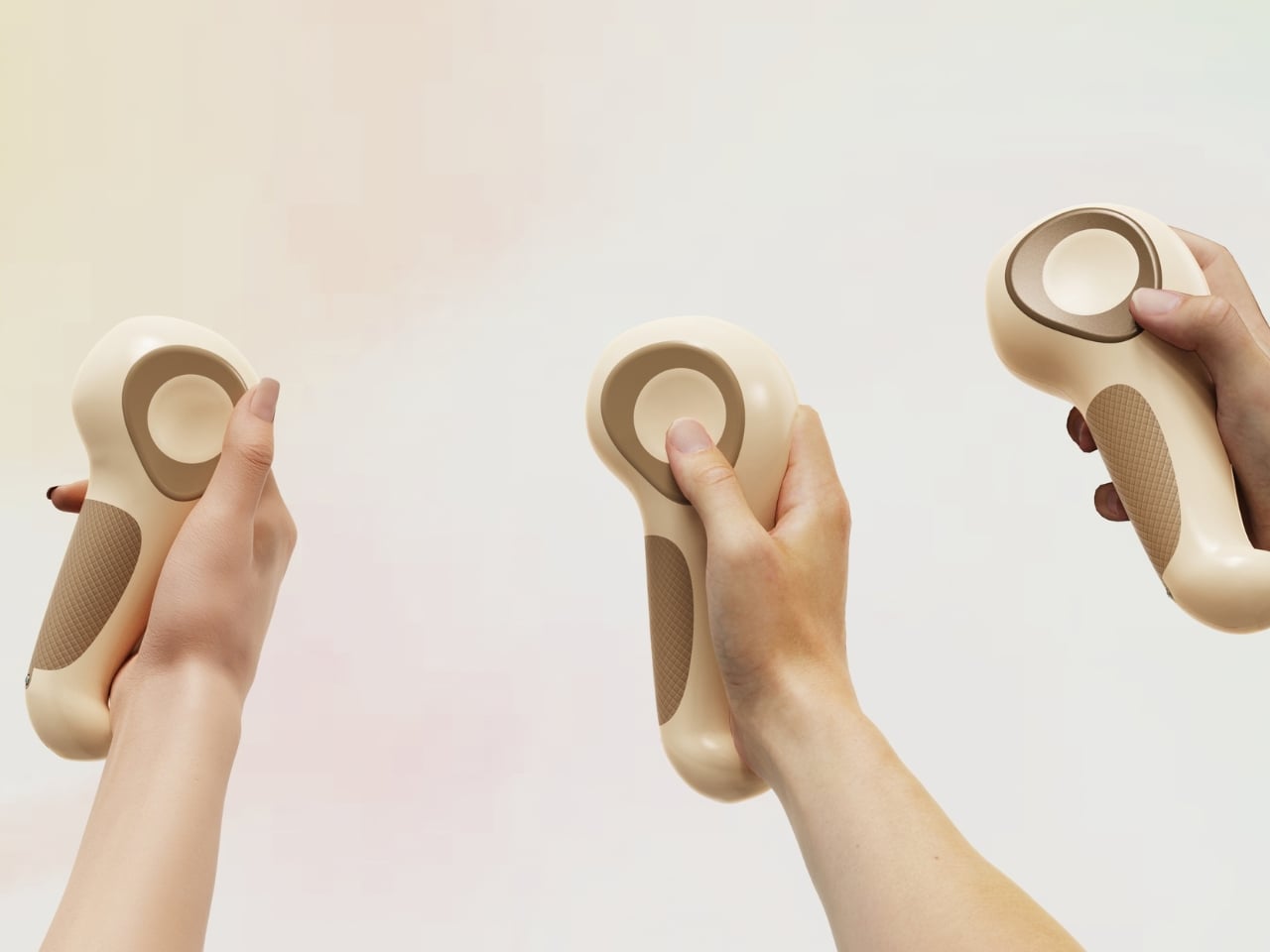
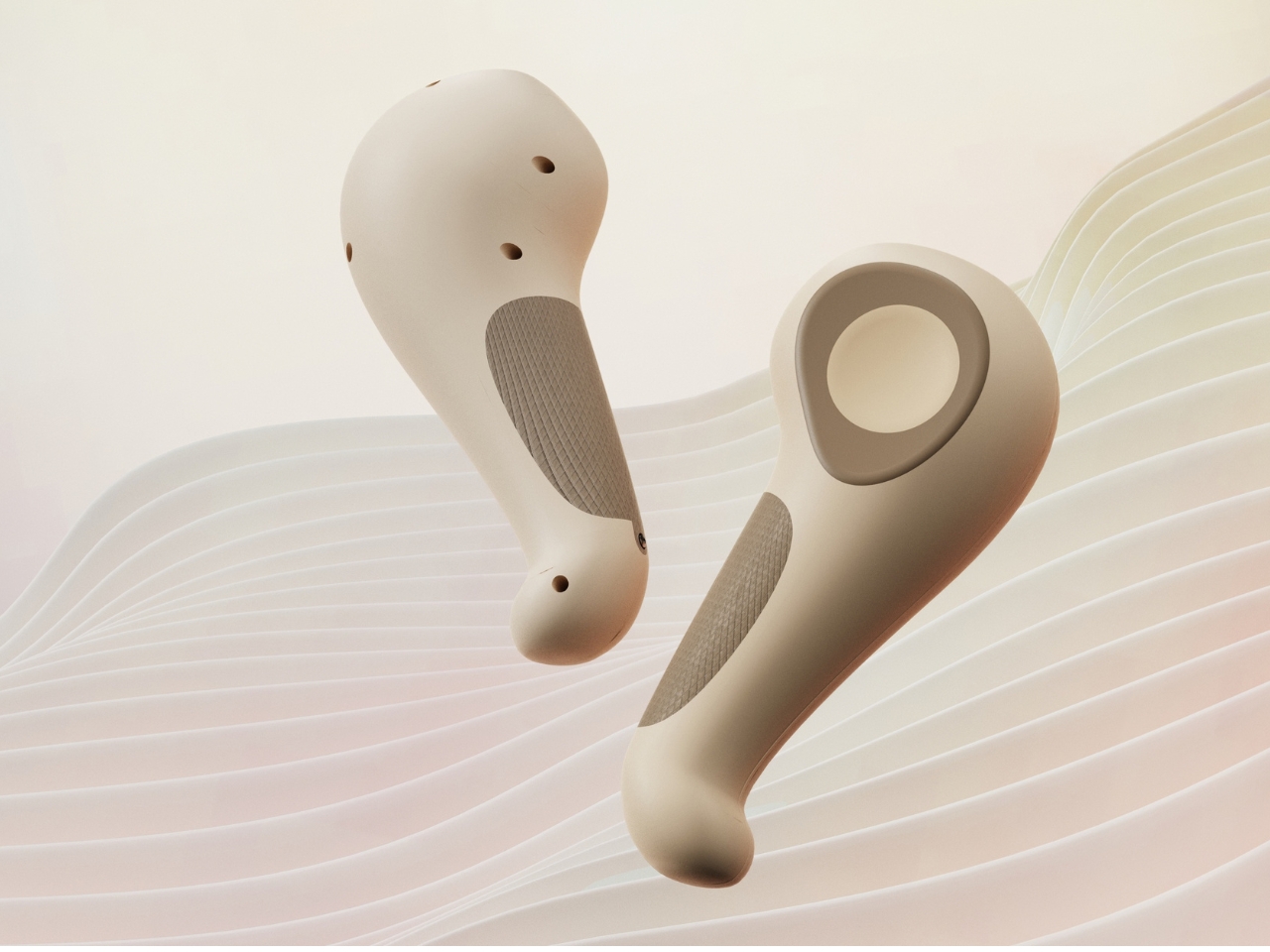
The body curves and tapers, wide at one end and narrowing into a grip that sits low in the palm. Rather than the usual two-handed symmetrical layout, PALMIO appears designed for one-handed use, closer in spirit to VR motion controllers than a traditional Xbox or PlayStation pad. That alone makes it feel less like an accessory and more like a tool you’d hold the way you’d hold a flashlight or a whisk, something with a clear front and back, a natural way in.
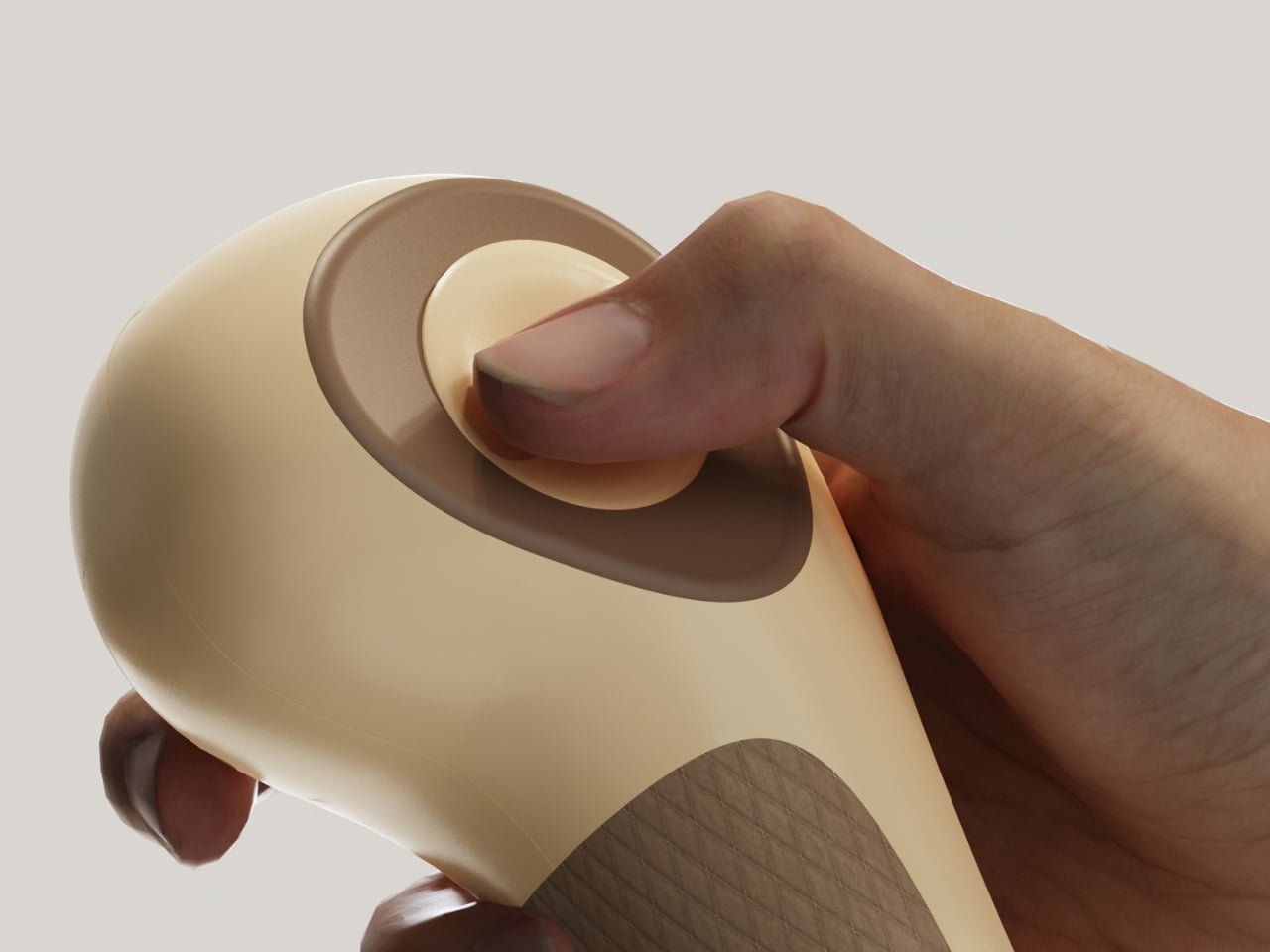
Sitting on top is an oversized circular thumb control, a ring with a raised center that dominates the upper half of the form. It’s an unusual choice to make one input the visual centerpiece of an entire product, but it works because it mirrors how your thumb naturally lands when you pick the thing up. You’re not hunting for a joystick buried among six other buttons. There’s one obvious place for your thumb to go, and the design just gets out of the way after that.
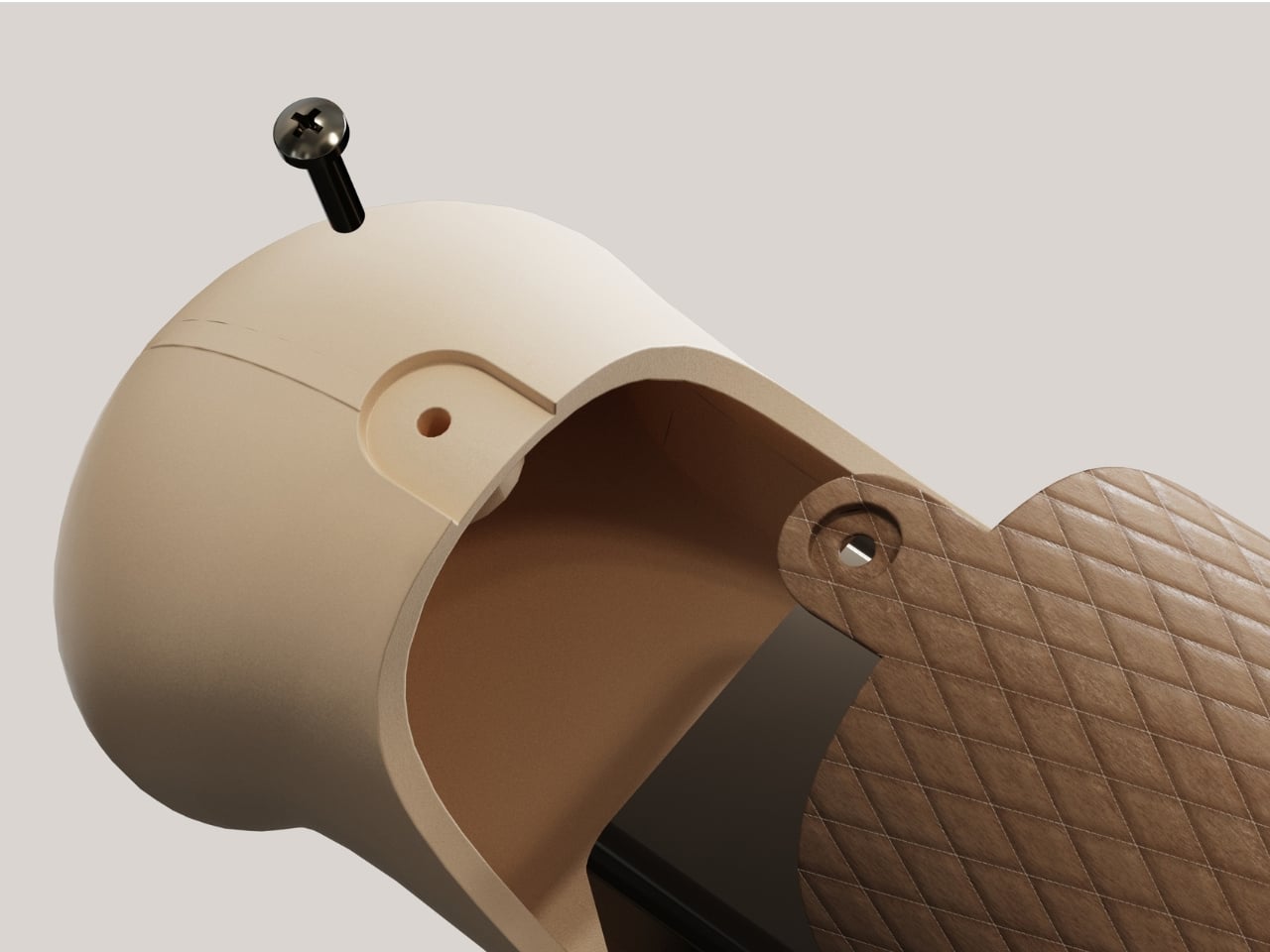
Where the grip meets the palm, a diamond-textured silicone panel breaks up the otherwise glossy shell. It’s a practical fix for slipping hands during a tense match, sure, but it also does something quieter: it tells you where to hold the controller without a single word of instruction. Your hand just goes there. That kind of tactile signage, using texture instead of labels or diagrams, is the sort of detail that separates a design exercise from a genuine product idea.
Then there’s the color story. Cream, sage green, powder blue. None of it screams “gamer” in the way we’ve come to expect from black shells with red accents and aggressive angles. I don’t think that’s an accident, and I don’t think it’s a bad instinct either. Gaming has quietly outgrown its own aesthetic stereotypes for years now, and hardware is only just catching up. A controller that looks like it belongs on a shelf next to a diffuser or a nice speaker isn’t a compromise. It’s an acknowledgment that the people playing games look nothing like the imagined teenager in a dark room that hardware design has been chasing for two decades.
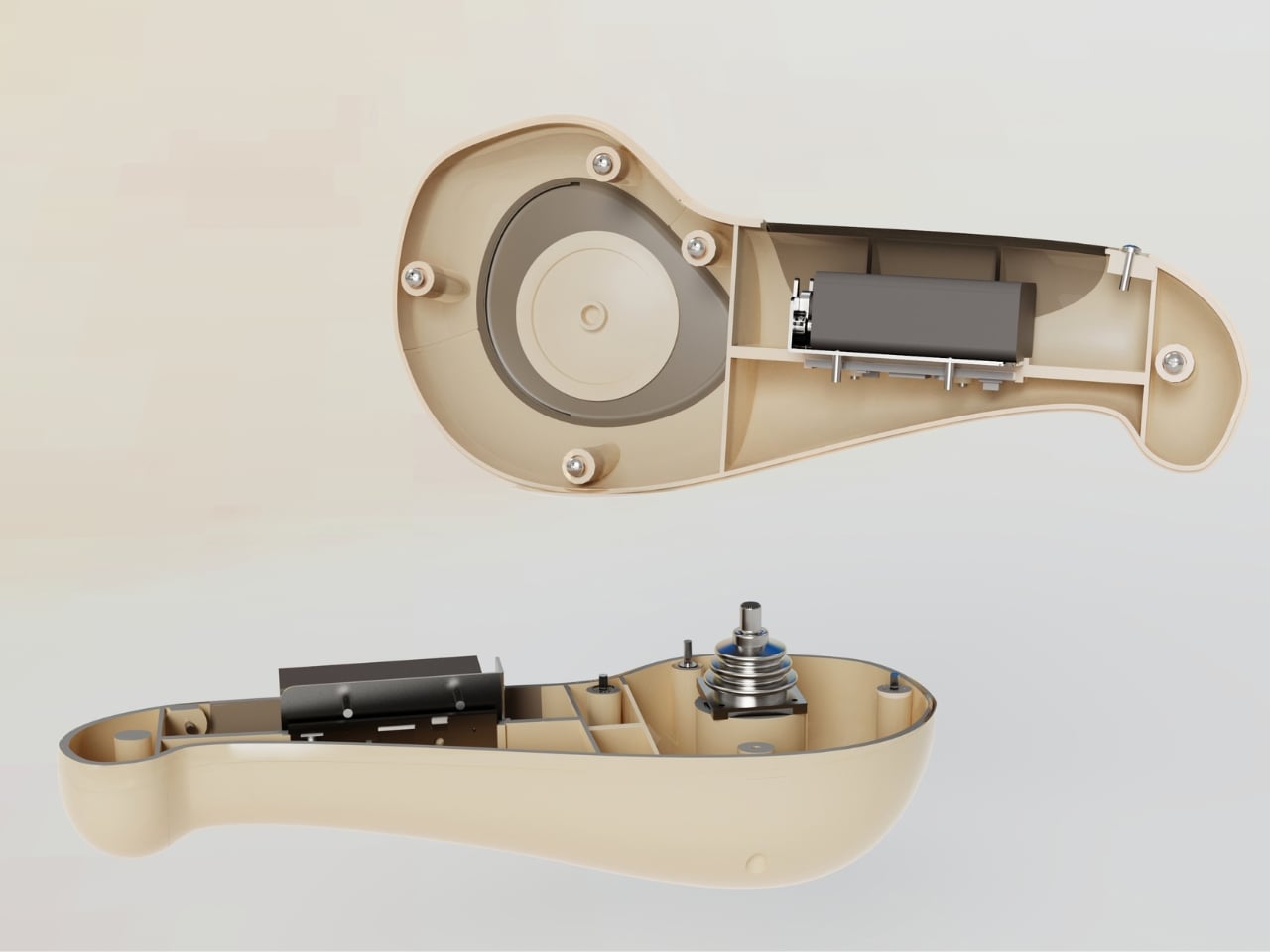
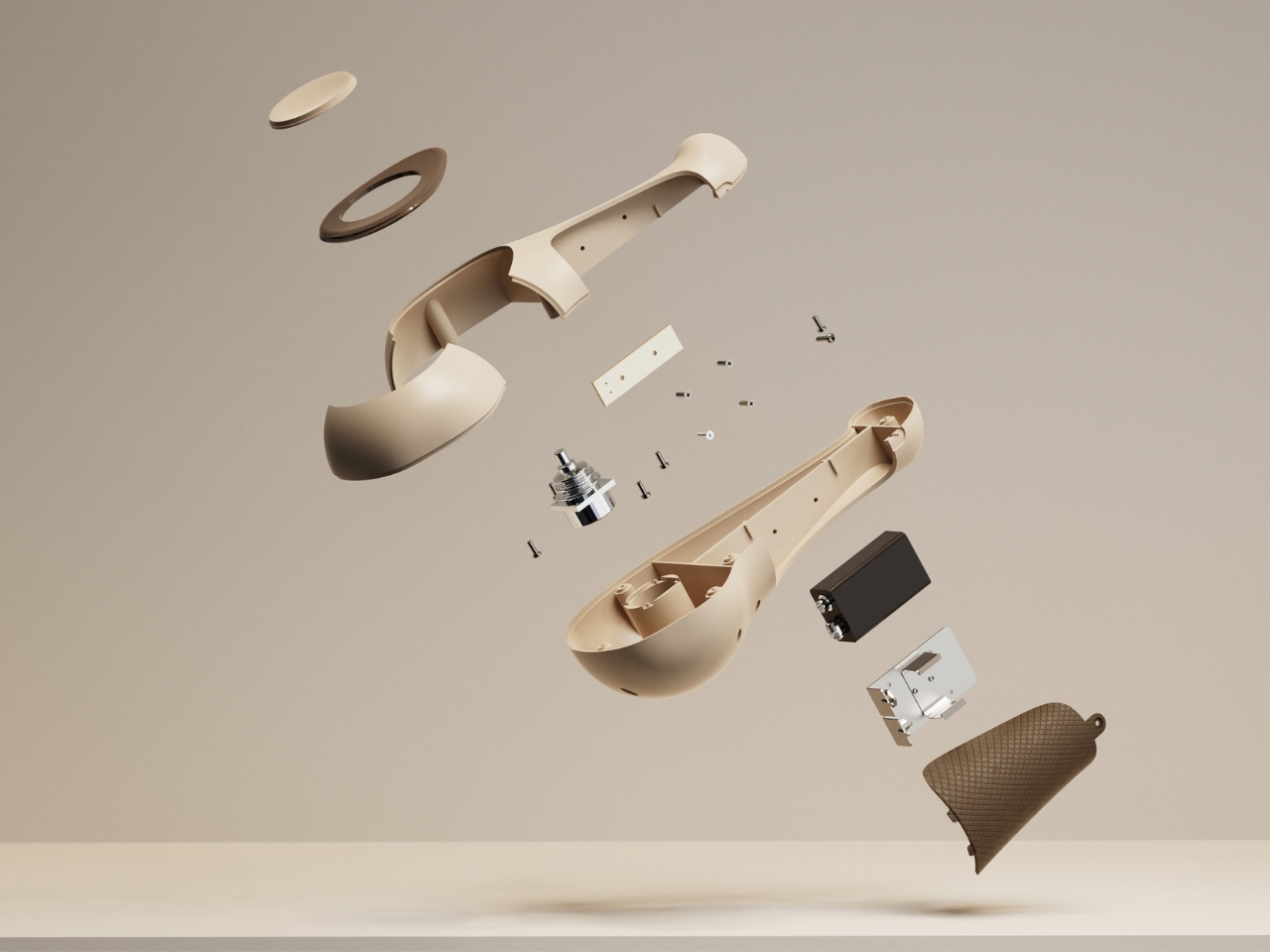
What keeps PALMIO from feeling like a pretty rendering with no substance behind it are the exploded and cutaway views Wu included. Screws holding the battery cover in place, a visible circuit board, a joystick mechanism nested into the shell. Someone thought about how this would actually be built, not just how it would look in a hero shot.
To be clear, PALMIO is a concept, built and visualized digitally, with no functional prototype yet. Comfort claims and control feel are still theoretical until someone actually holds one for an hour-long session. But the direction it points toward, gaming hardware that takes the human hand as seriously as it takes frame rates, is one worth paying attention to regardless of whether this exact object ever ships.
The post The Gaming Controller That Refuses to Look Like One first appeared on Yanko Design.

We called the PS5 the most beautiful console in the world on reveal day in 2020, and I still mostly mean it. Yujin Morisawa’s shell is a bold piece of industrial design, a vertical monolith with two floating wings that looks like nothing else in the category. Bold monoliths have one correct orientation, though, and living rooms have shelves. Tip the thing sideways and the composition falls apart, because the asymmetry that reads as dynamic standing up reads as tipped over lying down. Devyn Johnston, a PC modder whose YouTube channel runs on small form factor builds, decided to answer that with tooling instead of opinions.
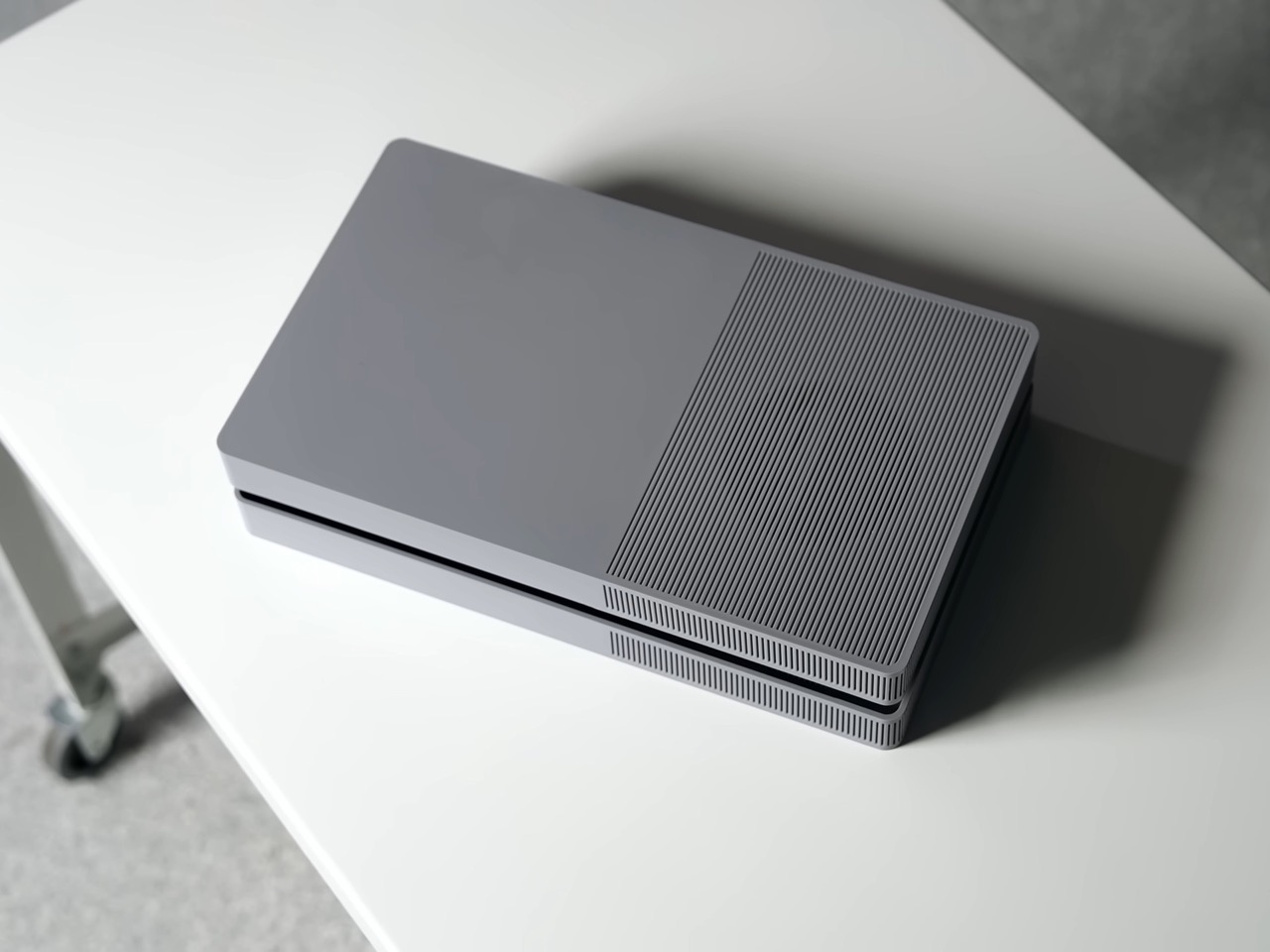
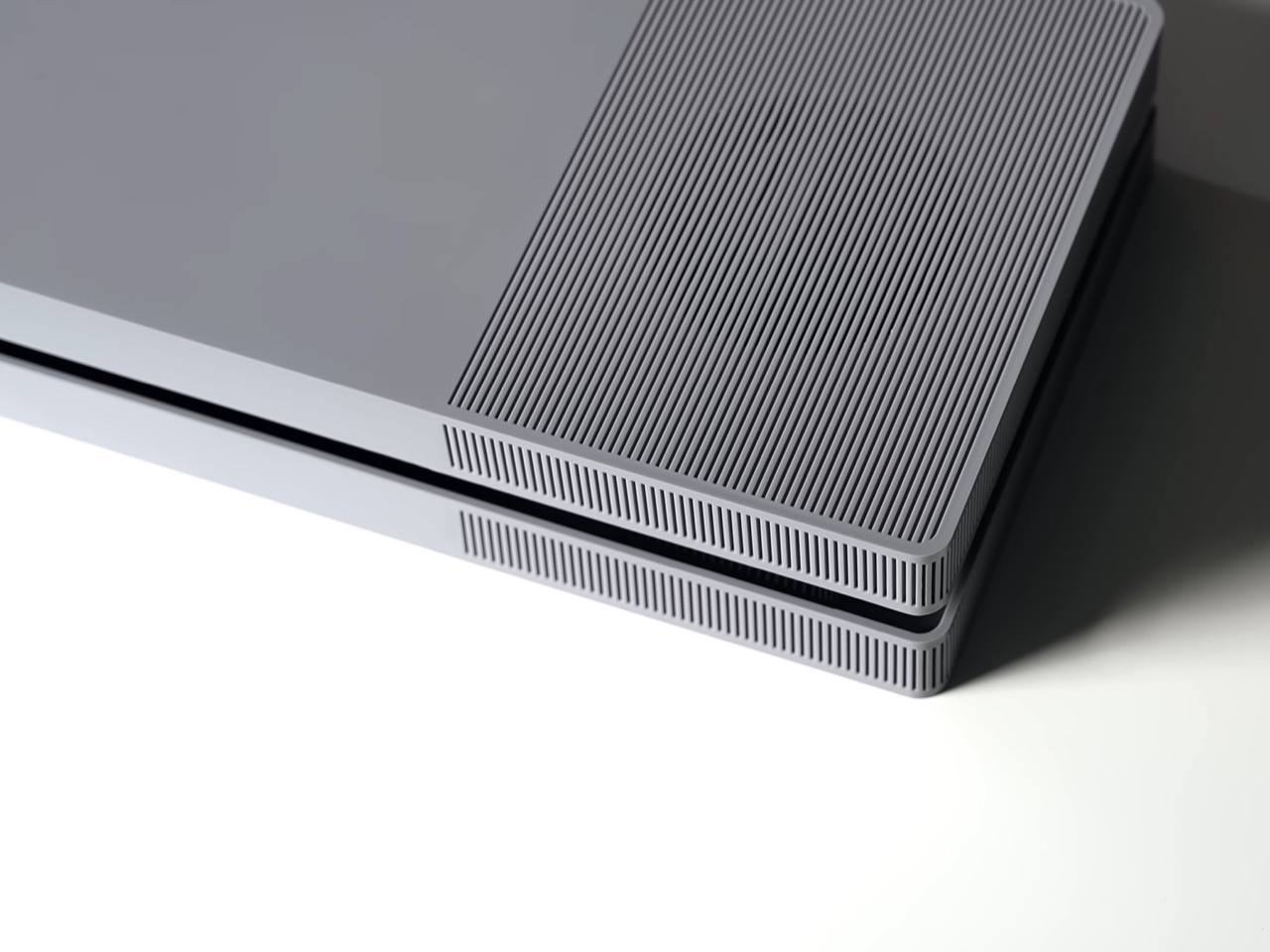
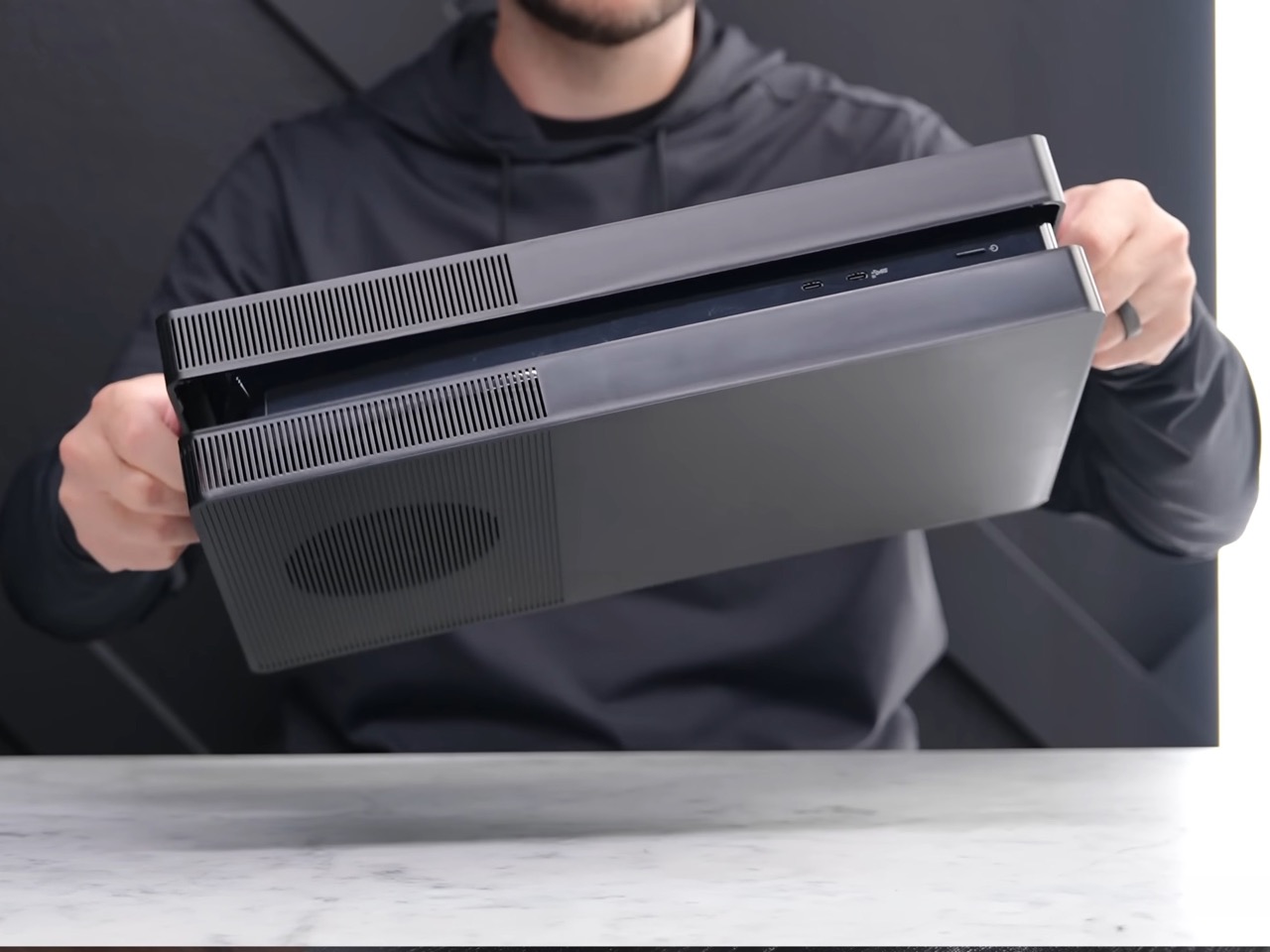
His BoxPlates are aftermarket cover plates that clip on exactly where Sony’s official ones go, replacing the console’s compound curves with orthogonal geometry and crisp corners. A dense linear rib pattern runs across the top face, hides a vent sitting directly above the fan, wraps the corners and continues down the sides. Johnston sank more than $100,000 into custom injection mold tooling so the parts come out of the same process Sony uses for controllers and first-party plates. Sets cost $89.99 in black, gray, white and black, or gray and black, and cover five of the six PS5 variants. The original Digital Edition is the one still waiting.
Designer: Devyn Johnston
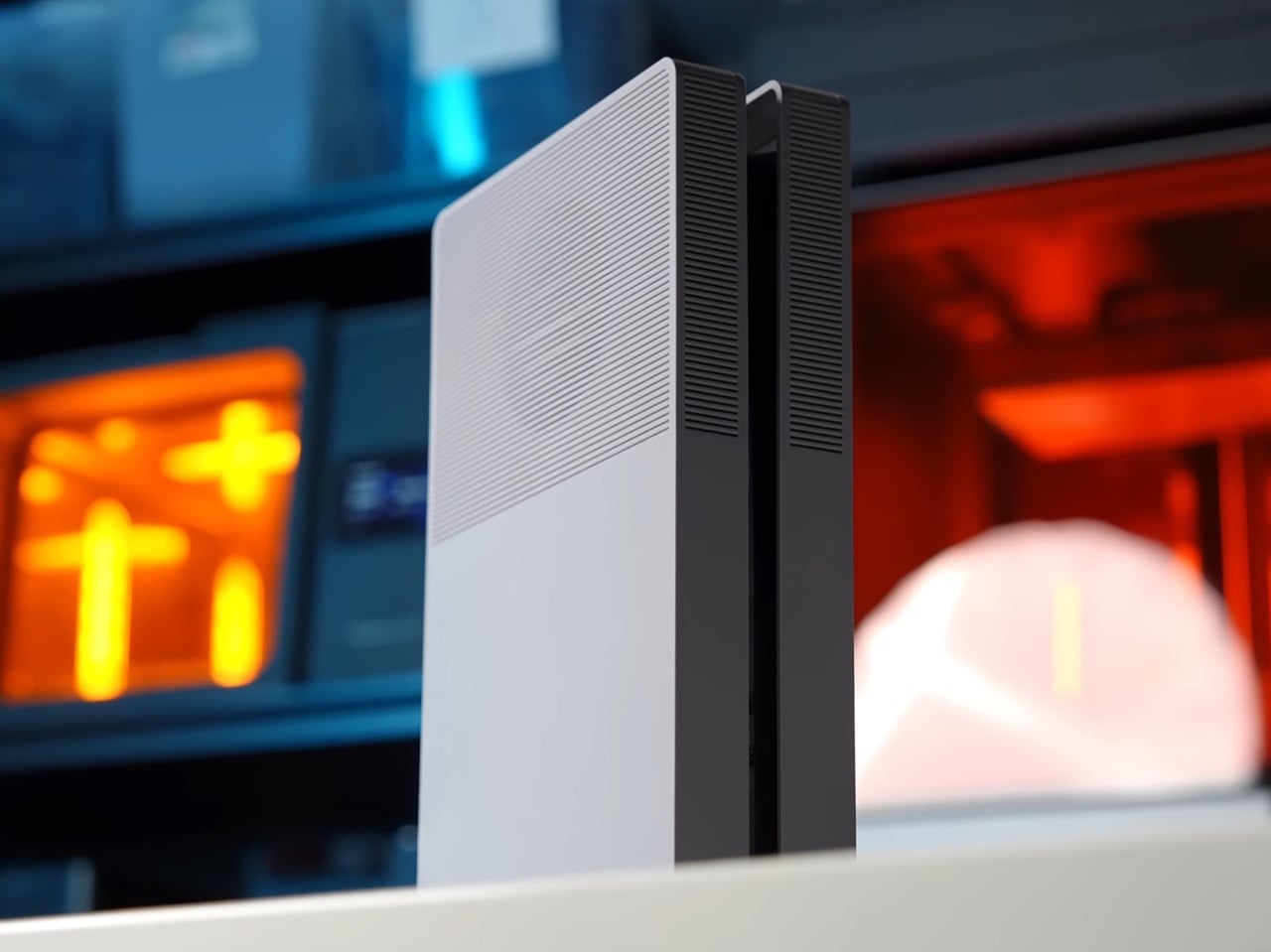
Here is the part that might have aged like milk. That same 2020 article of ours took a swing at the Xbox Series X for being bulky, blockish and air-purifier-like, and the fix the internet has now rallied behind is, functionally, a box. Johnston admits the first prototype drew loose inspiration from the Xbox One S before he redrew it as an original design for intellectual property and manufacturability reasons. The finished plates land somewhere between an Xbox One S and a mini ITX case, which is more flattering than it sounds, because both of those objects understood that a home entertainment product should look calm sitting next to a soundbar. Sony built a trophy. Johnston built an appliance.
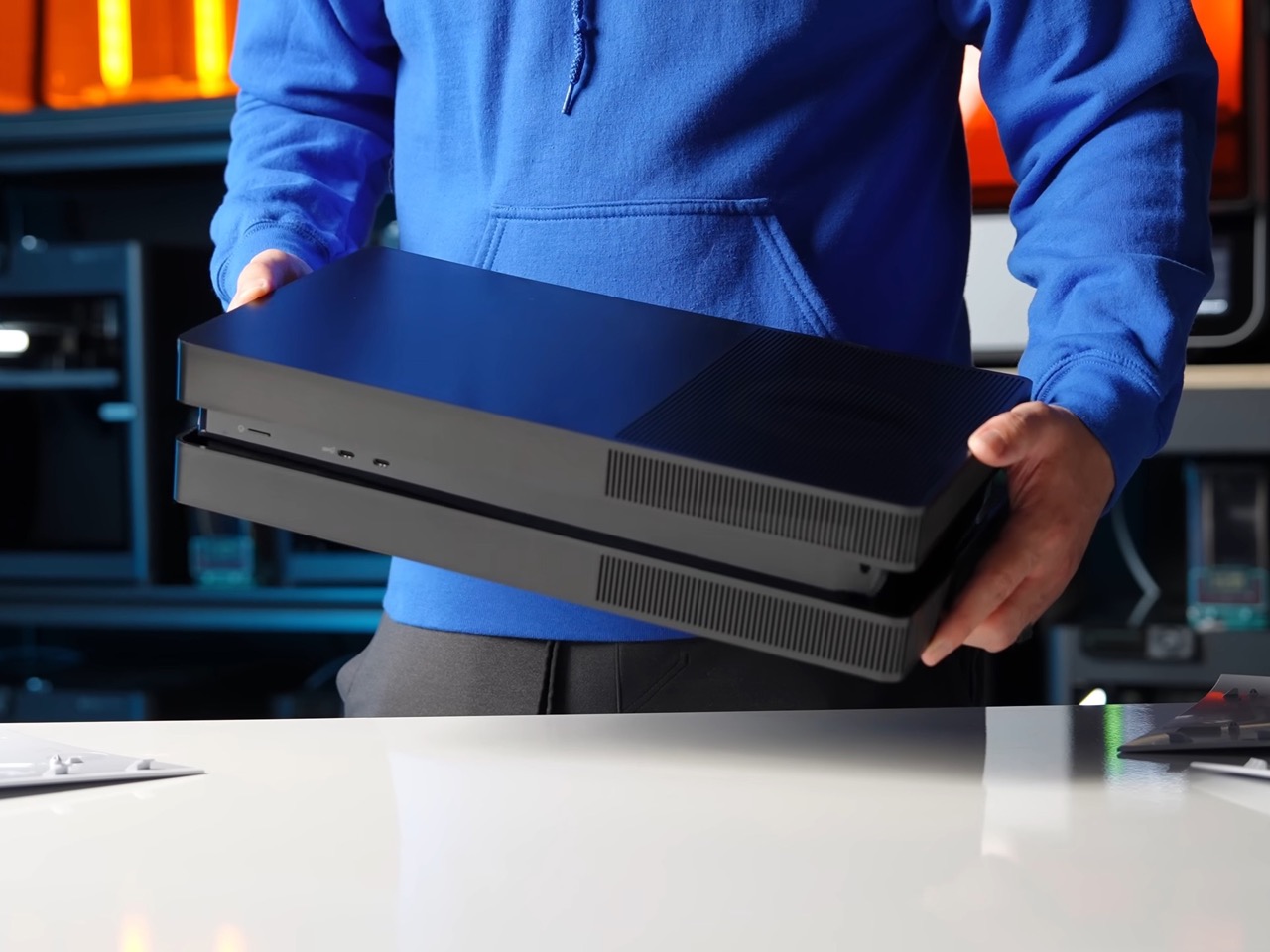
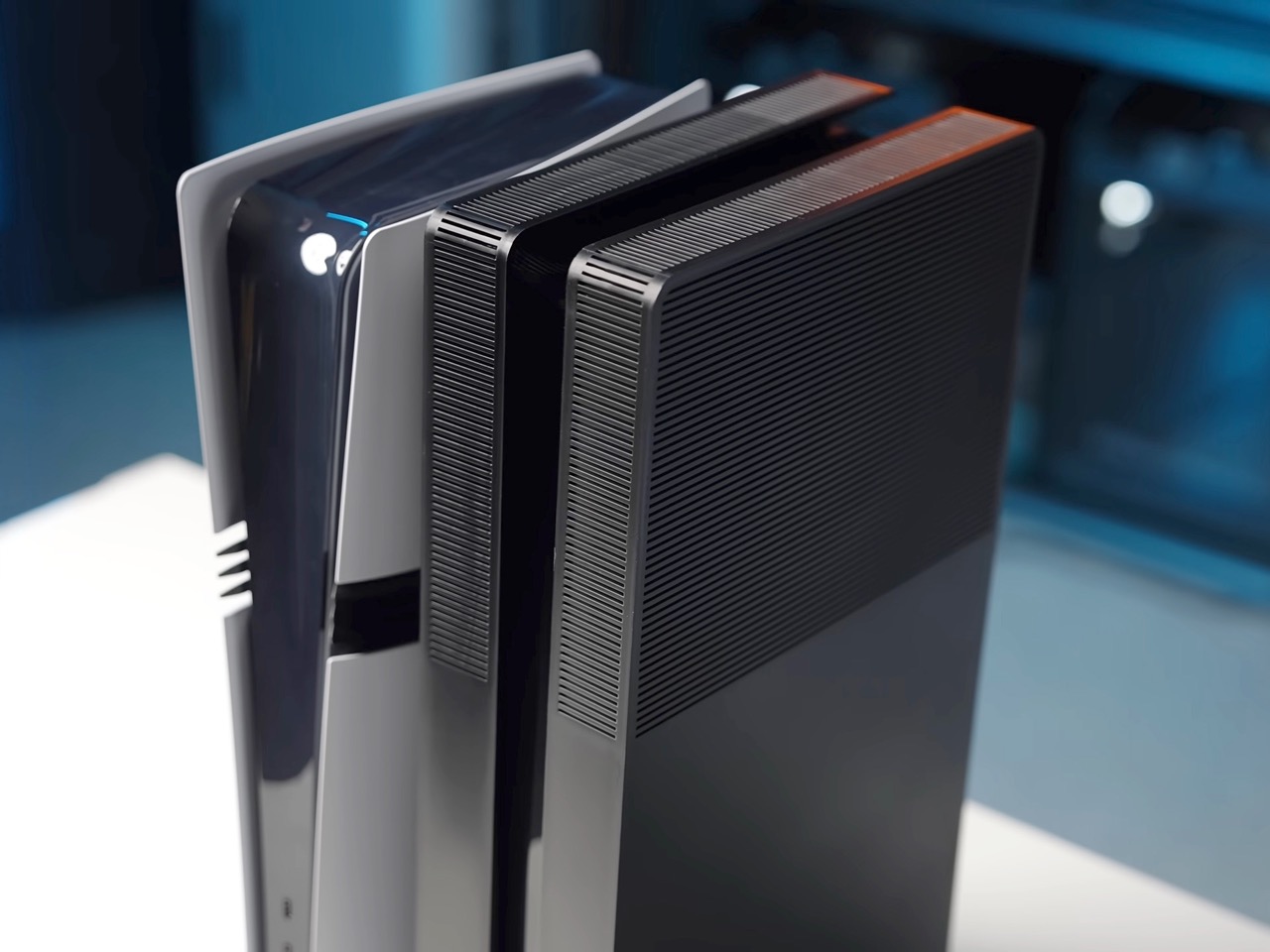
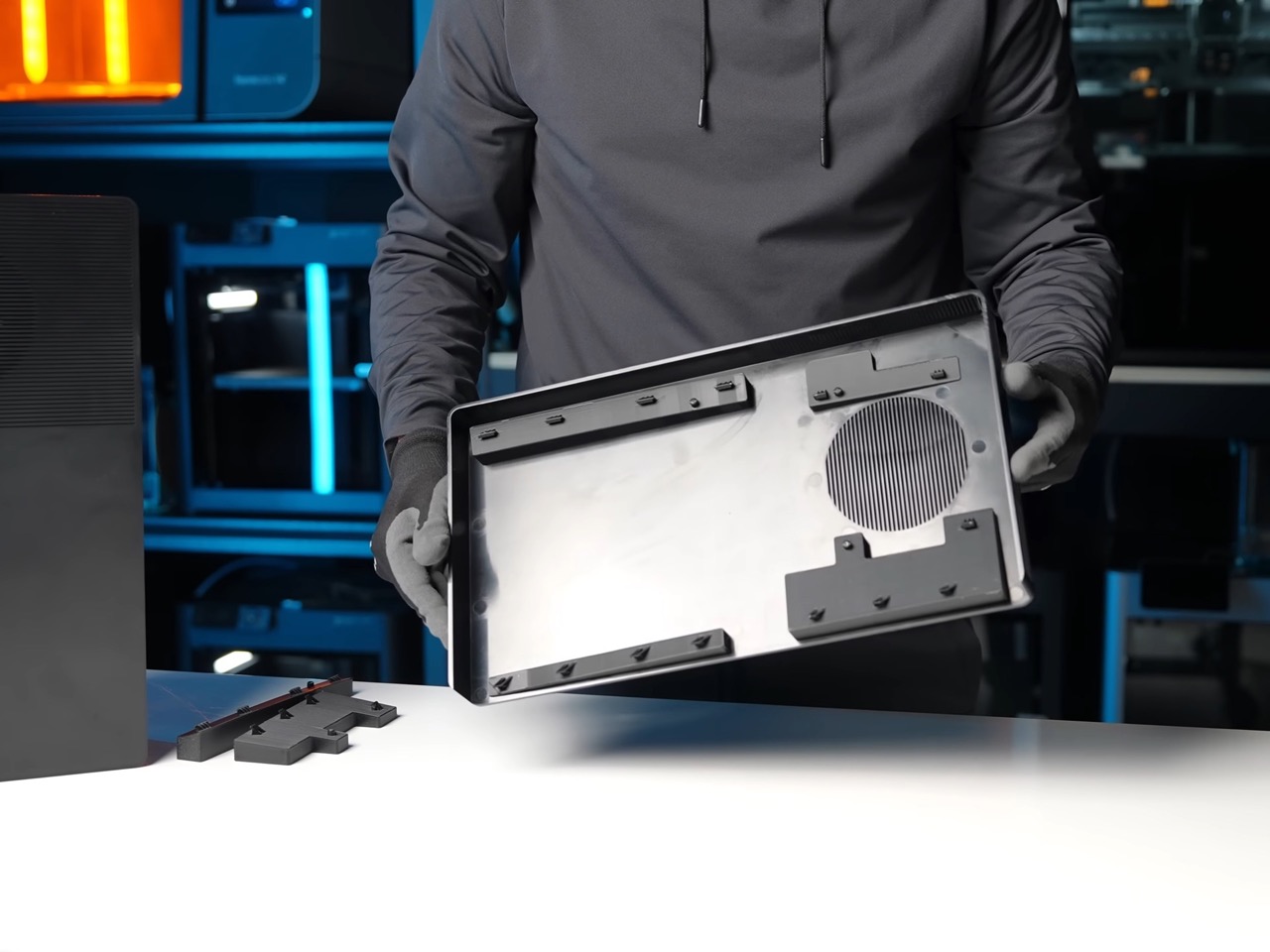
Getting there took considerably more work than sanding down a silhouette. The PS5’s surfacing is full of subtle compound curvature that had to be reverse-engineered before anything could be drawn over it, and Johnston then spent iterations correcting alignment, killing the tilt and straightening angles while staying inside the console’s internal mechanical constraints. Injection molding is what separates this from the 3D-printed shells cluttering Etsy, since it buys tight tolerances, sharp corners and a light matte texture that a printed part can only approximate. The clips are the clever compromise. They stay 3D printed in PETG with thick walls and solid infill under each snap, which means a worn clip costs you a small replacement part rather than the whole shell.
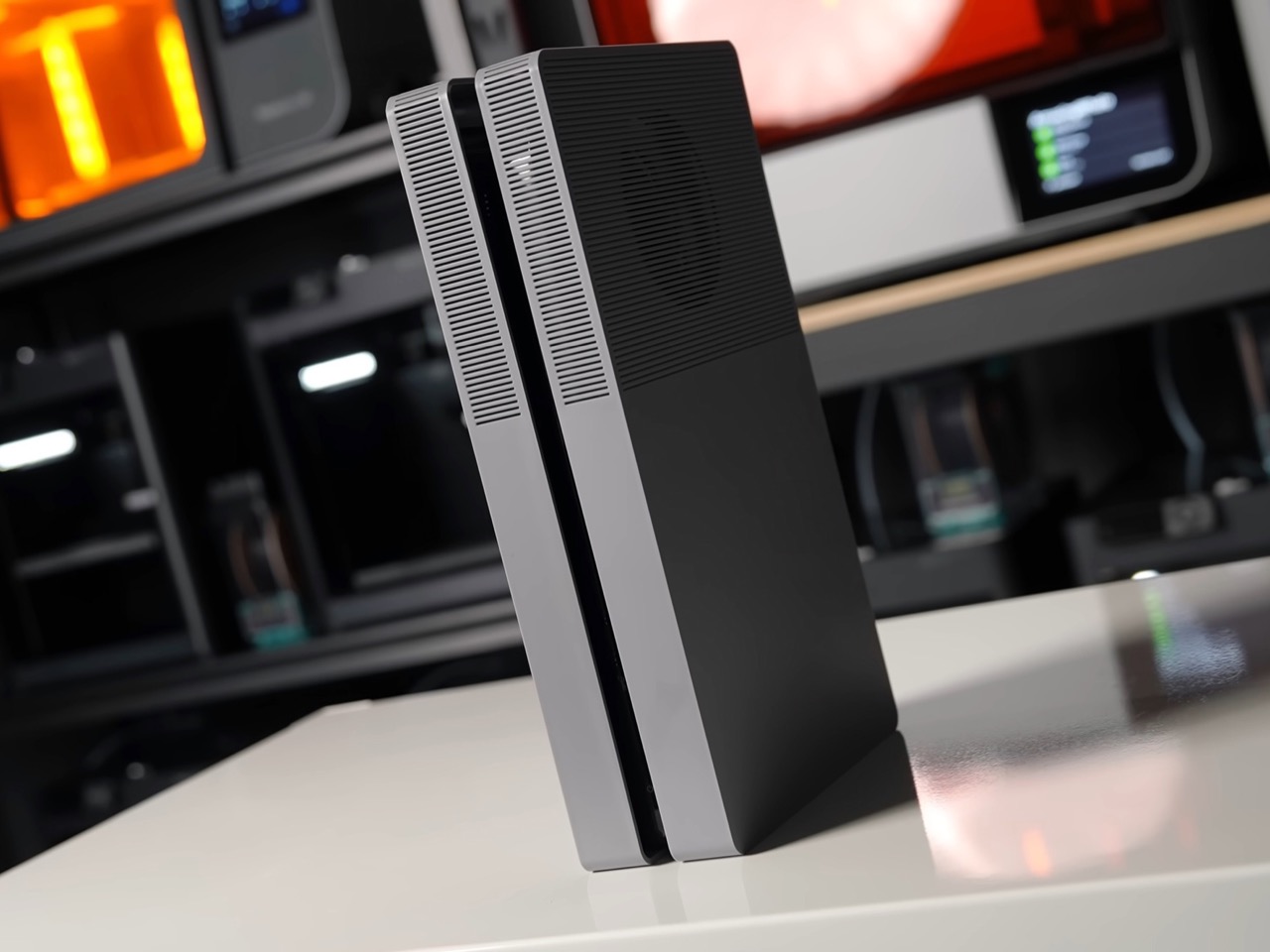
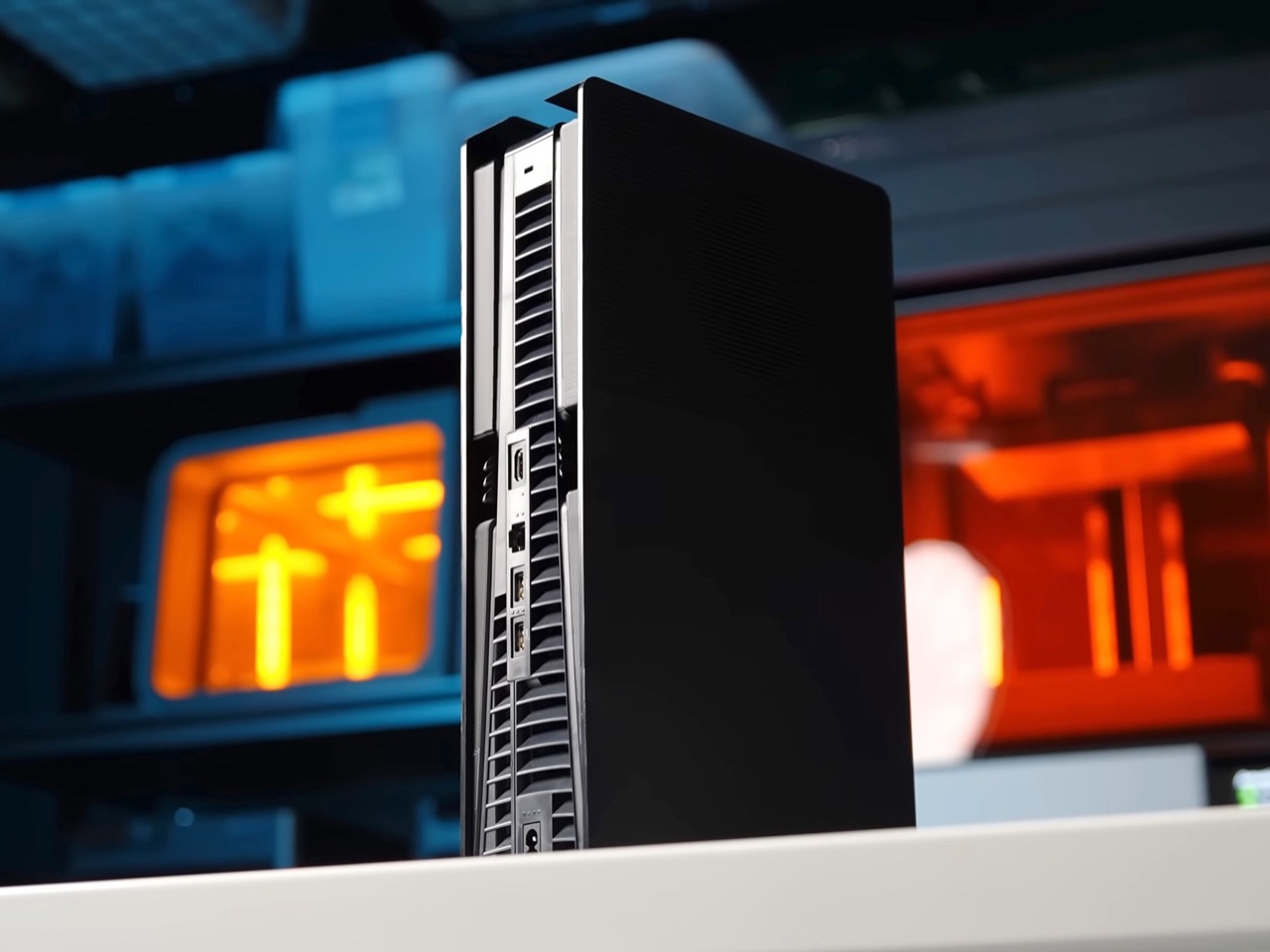
That blockish design actually ends up providing better thermals than Sony’s own design, which is kind of ironic. Sony’s plates block direct access to the side intakes and route air around the top of the front face, with plastic rails near the fan holding everything in shape. Johnston’s plates leave the side vents fully exposed and add that extra opening above the fan, which is the opposite philosophy. He ran God of War Ragnarok for over two hours on a PS5 Pro with stock plates and then with his own, and found centre temperatures unchanged while the surface and rear exhaust ran noticeably cooler. He is careful to call this unscientific, with no internal monitoring comparable to a PC, and I would treat it as a pleasant side effect rather than a thermal upgrade.
Sony’s official vertical stand will not work with BoxPlates, though the console does stand on its own without it, and the plates raise a real question about servicing, since the PS5’s side panels were designed to come off easily so you can vacuum dust out of the intakes. Johnston says installation is tool-free and completely reversible, which covers it, but anyone who has owned a console for five years knows dust is the actual long-term enemy. Johnston hasn’t confirmed whether the shells are ABS or polycarbonate either. At $89.99 on top of a console you already bought, this is enthusiast money for an aesthetic problem.
That problem has clearly been real for six years. YD’s archive is full of people trying to fix it, from Riccardo Breccia’s Discman-inspired reinterpretation to Alexandre Touguet’s all-black homage to the original PlayStation and Ismail Mits’ geometric Sony-meets-Microsoft concept. Those were renders. This one has a Shopify page, a final production batch for 2026 currently shipping in five to seven business days, and a tooling invoice that would make most design studios flinch. Renders argue with a design. Tooling overrules it.
The post These $90 Cover Plates turn your PS5 into an Xbox-ish Monolith with much better thermals first appeared on Yanko Design.
We called the PS5 the most beautiful console in the world on reveal day in 2020, and I still mostly mean it. Yujin Morisawa’s shell is a bold piece of industrial design, a vertical monolith with two floating wings that looks like nothing else in the category. Bold monoliths have one correct orientation, though, and living rooms have shelves. Tip the thing sideways and the composition falls apart, because the asymmetry that reads as dynamic standing up reads as tipped over lying down. Devyn Johnston, a PC modder whose YouTube channel runs on small form factor builds, decided to answer that with tooling instead of opinions.
His BoxPlates are aftermarket cover plates that clip on exactly where Sony’s official ones go, replacing the console’s compound curves with orthogonal geometry and crisp corners. A dense linear rib pattern runs across the top face, hides a vent sitting directly above the fan, wraps the corners and continues down the sides. Johnston sank more than $100,000 into custom injection mold tooling so the parts come out of the same process Sony uses for controllers and first-party plates. Sets cost $89.99 in black, gray, white and black, or gray and black, and cover five of the six PS5 variants. The original Digital Edition is the one still waiting.
Designer: Devyn Johnston
Here is the part that might have aged like milk. That same 2020 article of ours took a swing at the Xbox Series X for being bulky, blockish and air-purifier-like, and the fix the internet has now rallied behind is, functionally, a box. Johnston admits the first prototype drew loose inspiration from the Xbox One S before he redrew it as an original design for intellectual property and manufacturability reasons. The finished plates land somewhere between an Xbox One S and a mini ITX case, which is more flattering than it sounds, because both of those objects understood that a home entertainment product should look calm sitting next to a soundbar. Sony built a trophy. Johnston built an appliance.
Getting there took considerably more work than sanding down a silhouette. The PS5’s surfacing is full of subtle compound curvature that had to be reverse-engineered before anything could be drawn over it, and Johnston then spent iterations correcting alignment, killing the tilt and straightening angles while staying inside the console’s internal mechanical constraints. Injection molding is what separates this from the 3D-printed shells cluttering Etsy, since it buys tight tolerances, sharp corners and a light matte texture that a printed part can only approximate. The clips are the clever compromise. They stay 3D printed in PETG with thick walls and solid infill under each snap, which means a worn clip costs you a small replacement part rather than the whole shell.
That blockish design actually ends up providing better thermals than Sony’s own design, which is kind of ironic. Sony’s plates block direct access to the side intakes and route air around the top of the front face, with plastic rails near the fan holding everything in shape. Johnston’s plates leave the side vents fully exposed and add that extra opening above the fan, which is the opposite philosophy. He ran God of War Ragnarok for over two hours on a PS5 Pro with stock plates and then with his own, and found centre temperatures unchanged while the surface and rear exhaust ran noticeably cooler. He is careful to call this unscientific, with no internal monitoring comparable to a PC, and I would treat it as a pleasant side effect rather than a thermal upgrade.
Sony’s official vertical stand will not work with BoxPlates, though the console does stand on its own without it, and the plates raise a real question about servicing, since the PS5’s side panels were designed to come off easily so you can vacuum dust out of the intakes. Johnston says installation is tool-free and completely reversible, which covers it, but anyone who has owned a console for five years knows dust is the actual long-term enemy. Johnston hasn’t confirmed whether the shells are ABS or polycarbonate either. At $89.99 on top of a console you already bought, this is enthusiast money for an aesthetic problem.
That problem has clearly been real for six years. YD’s archive is full of people trying to fix it, from Riccardo Breccia’s Discman-inspired reinterpretation to Alexandre Touguet’s all-black homage to the original PlayStation and Ismail Mits’ geometric Sony-meets-Microsoft concept. Those were renders. This one has a Shopify page, a final production batch for 2026 currently shipping in five to seven business days, and a tooling invoice that would make most design studios flinch. Renders argue with a design. Tooling overrules it.
The post These $90 Cover Plates turn your PS5 into an Xbox-ish Monolith with much better thermals first appeared on Yanko Design.
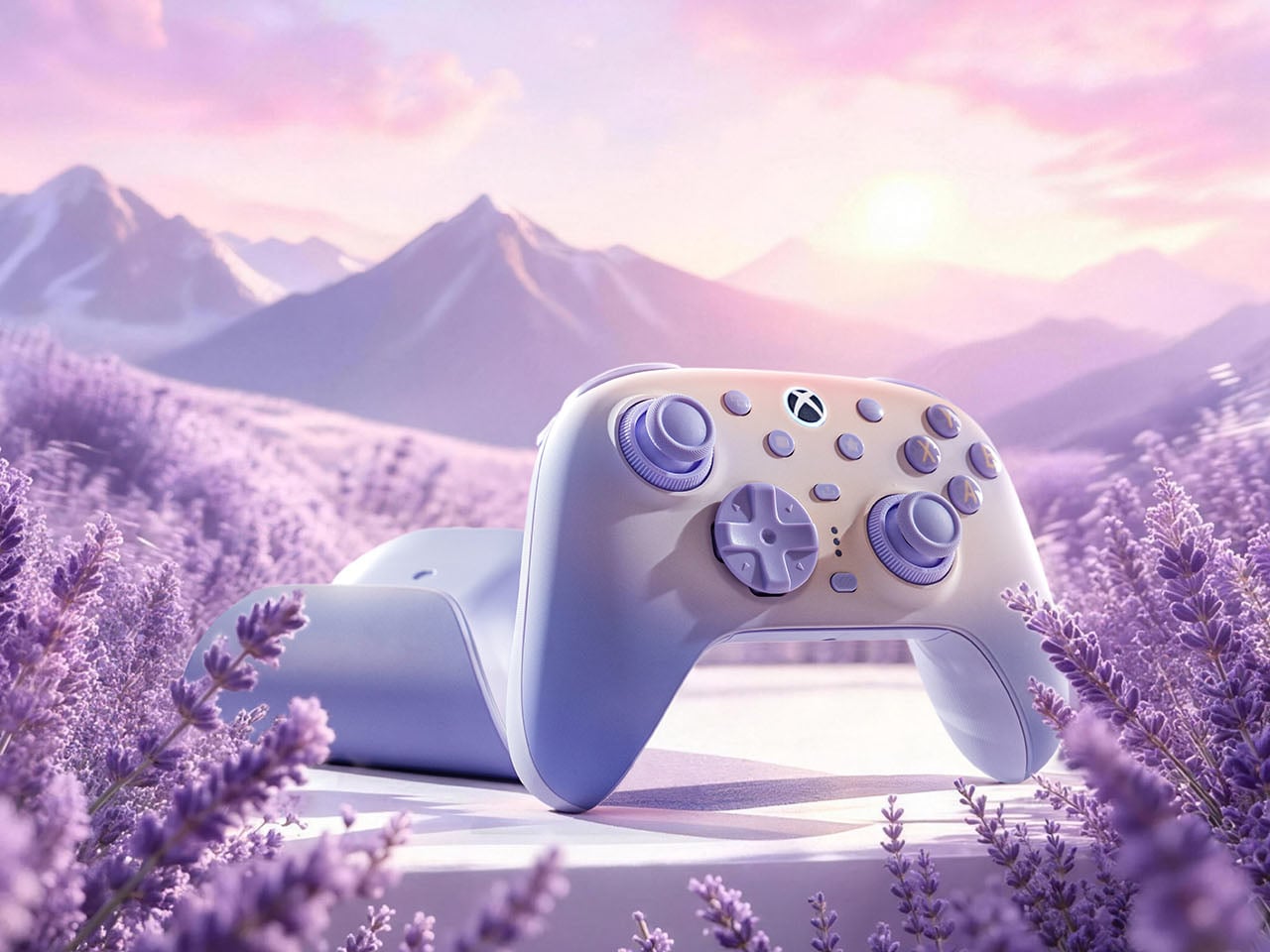
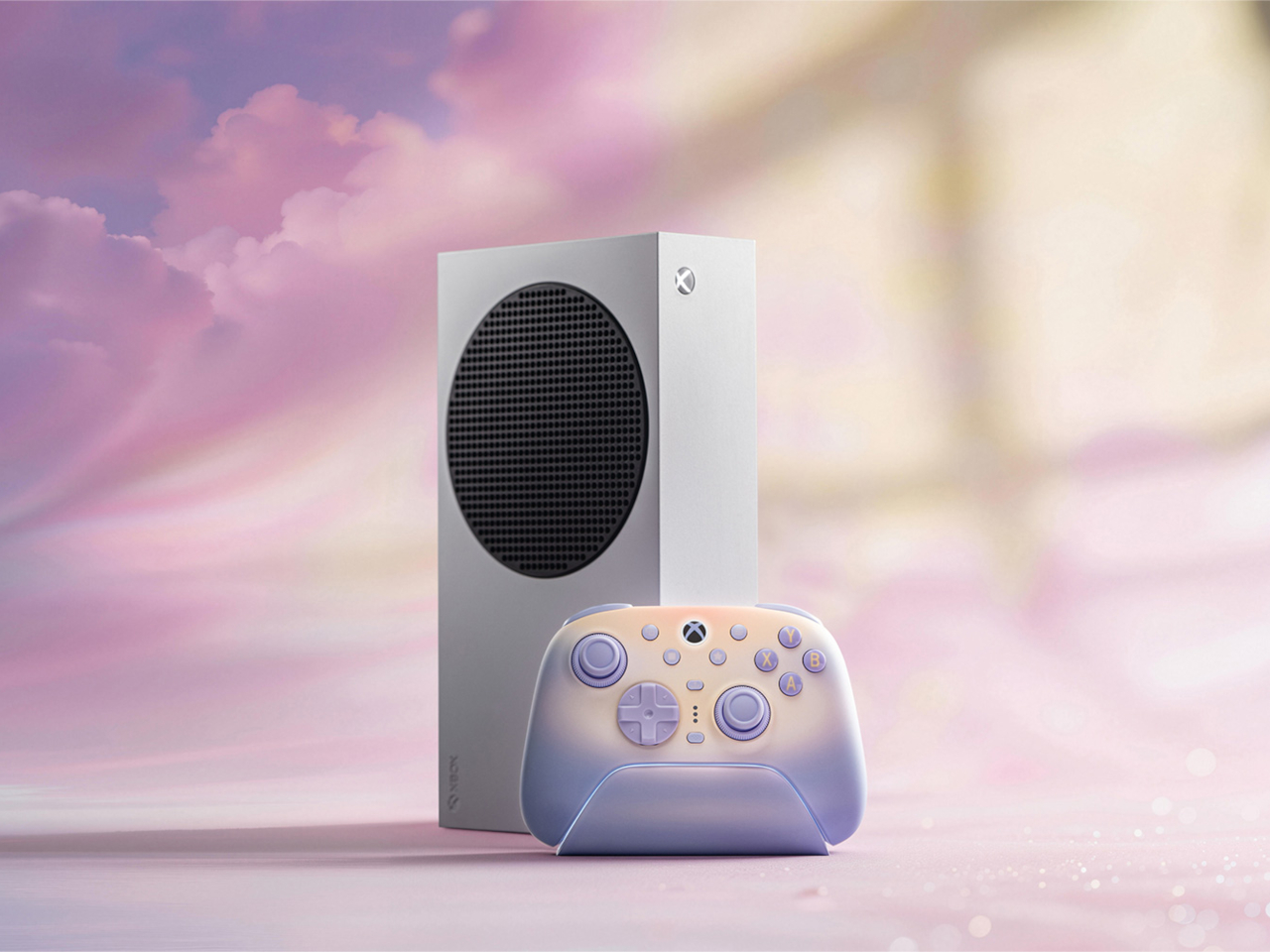
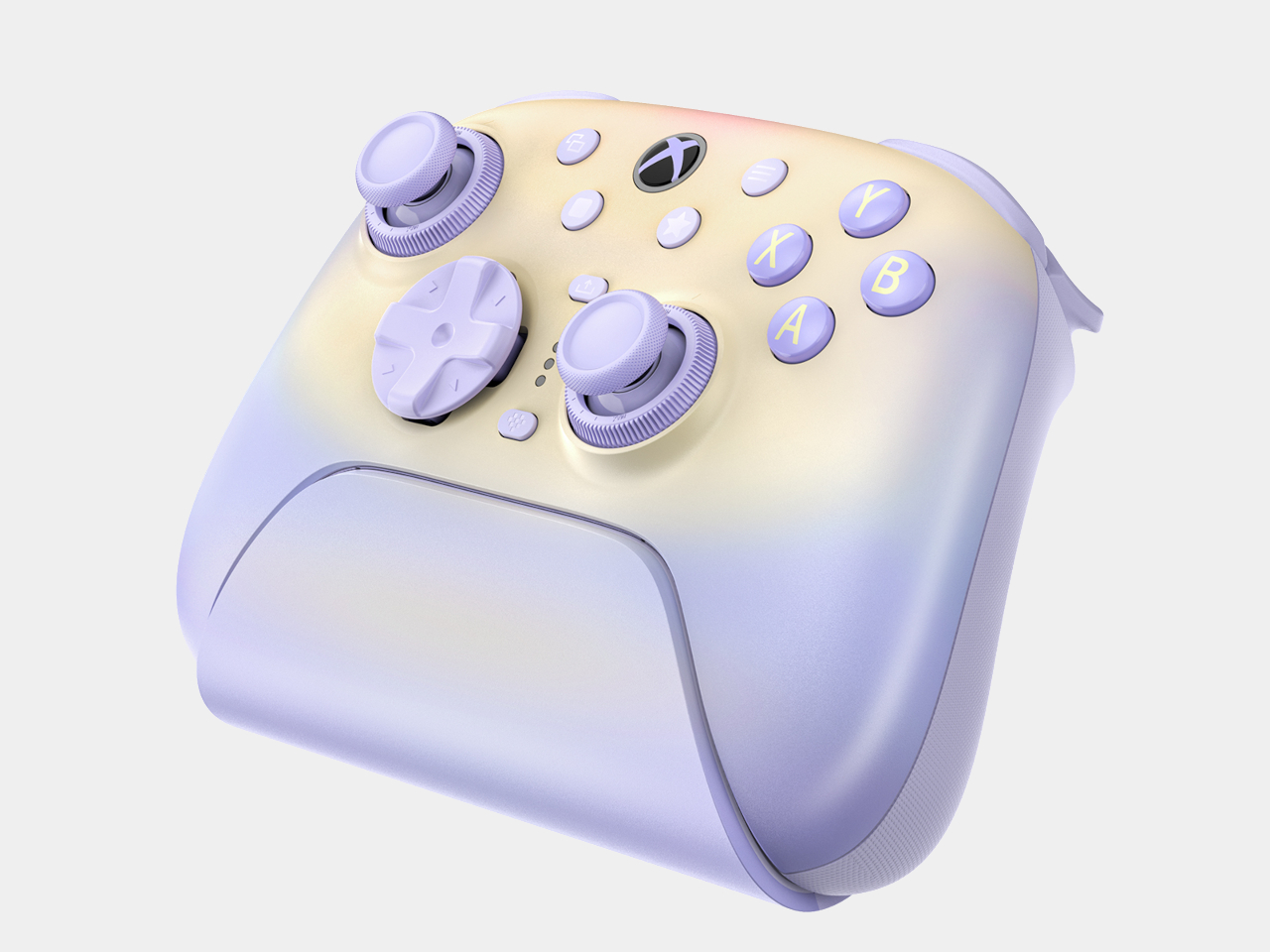
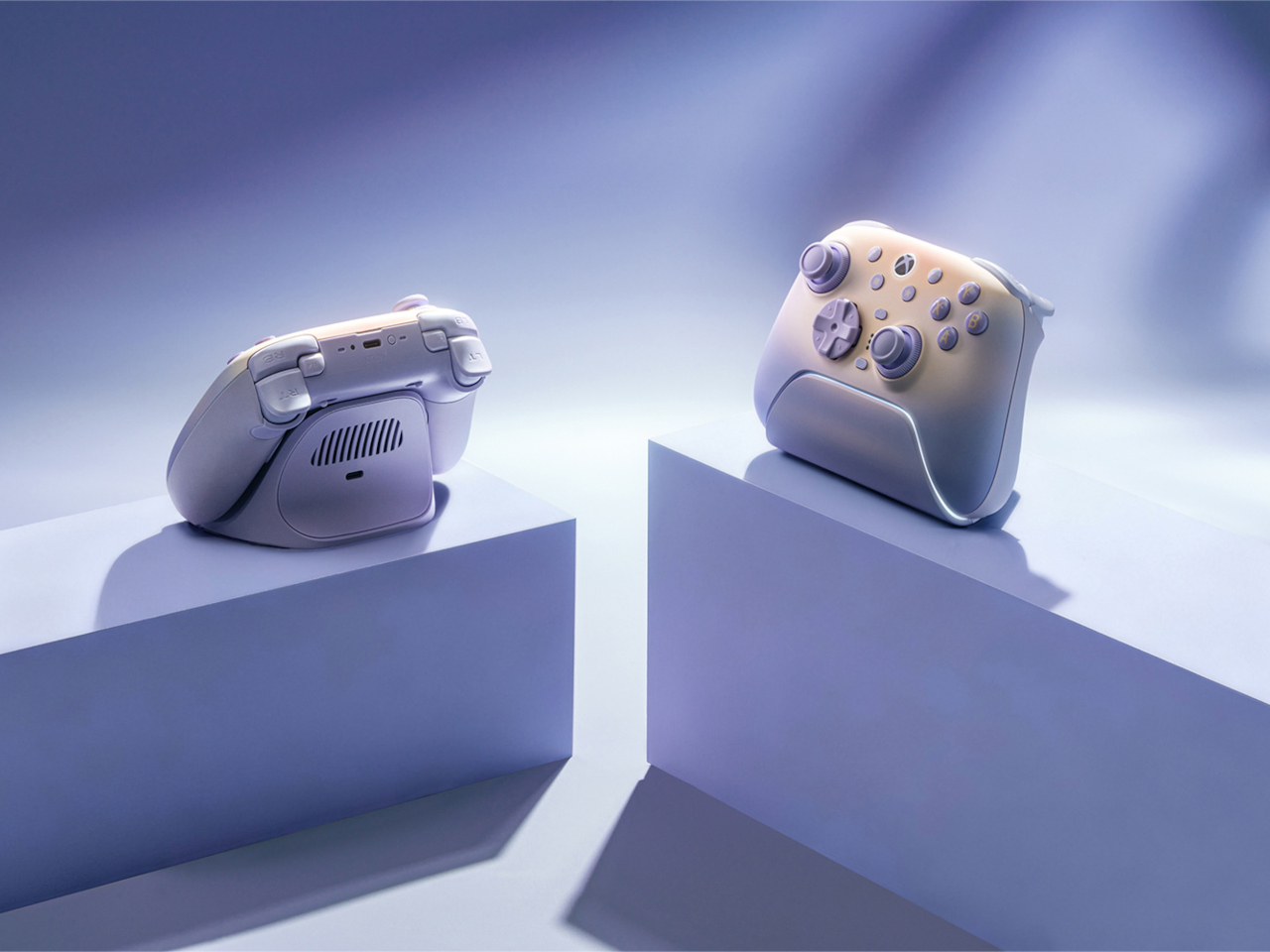
Gaming peripherals rarely get described as gentle, calm, or romantic, words that belong more to a paint swatch than a controller aisle. The 8BitDo Ultimate 3 in Lavender Dusk earns that description anyway, wrapping a genuinely serious piece of hardware in a color story pulled from Rococo pastels rather than the usual black plastic and red accent lines every other controller seems to default toward.
That lavender isn’t static either. The shell shifts tone depending on the light hitting it, reading cooler under daylight and warming slightly as dusk sets in, a small detail that turns a static object into something that responds to its surroundings throughout the day. It’s a softer visual language built for everyday rooms, not just gaming setups lit entirely by RGB strips and monitor glow.
Designer: 8BitDo
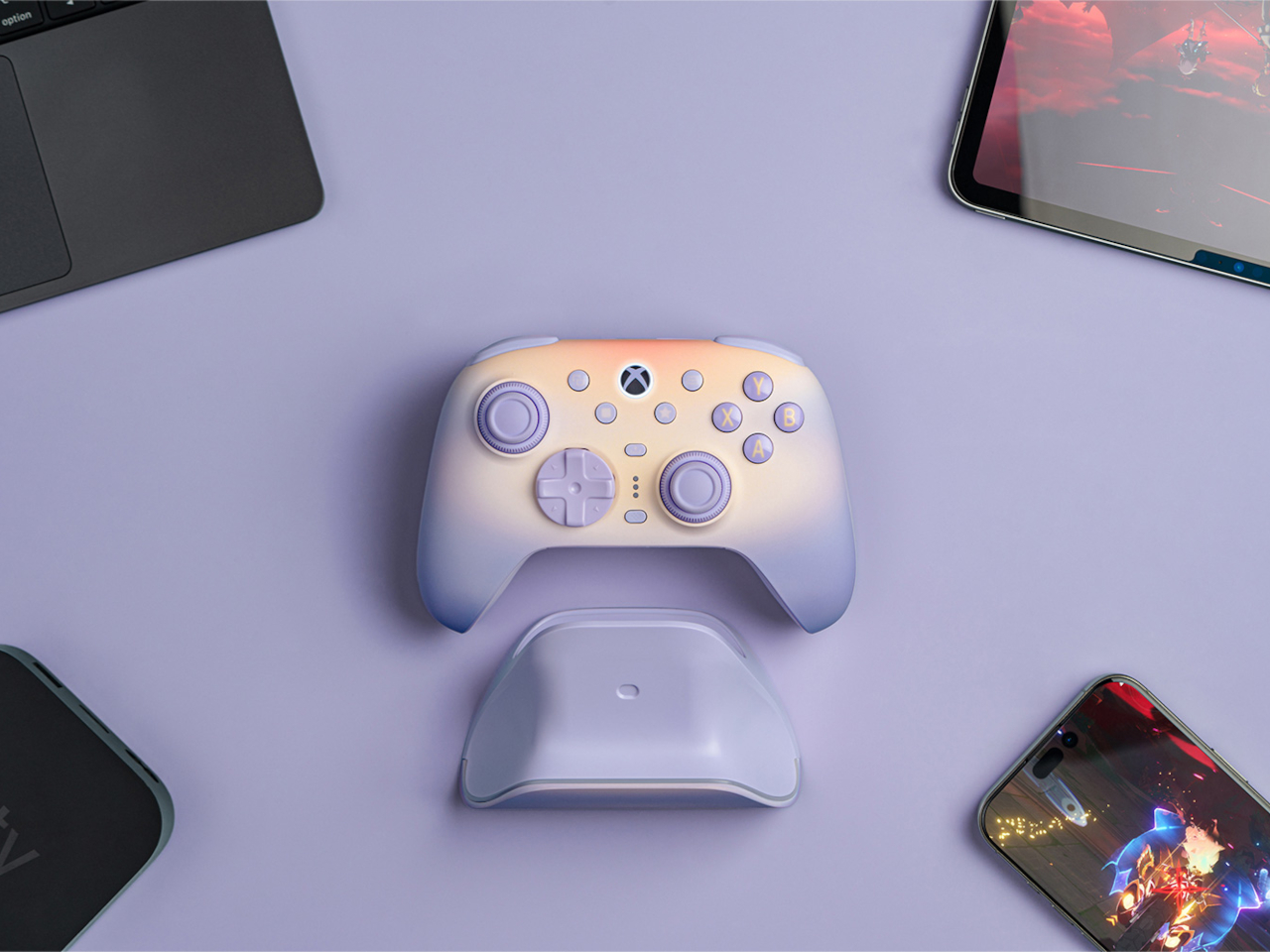
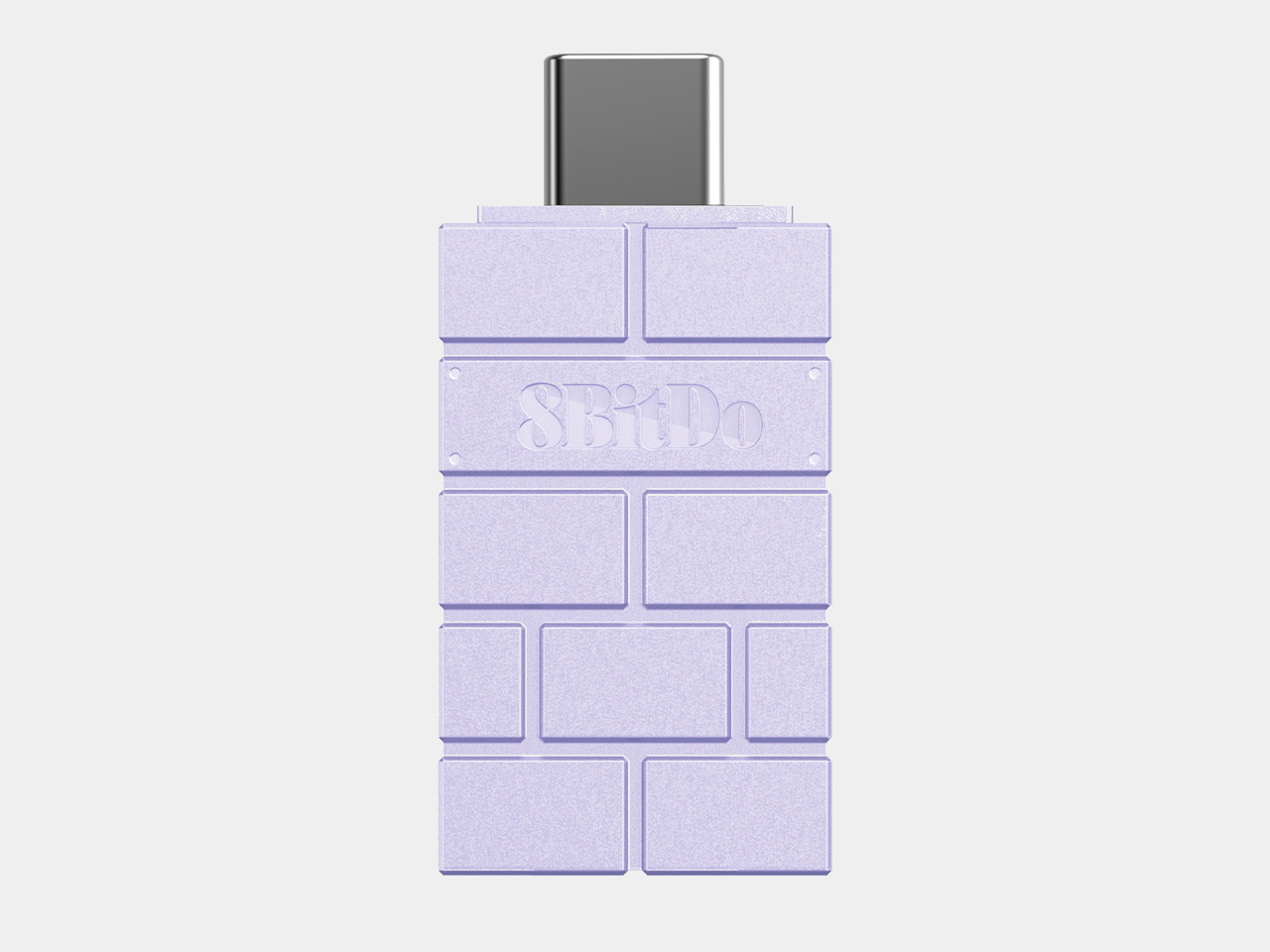
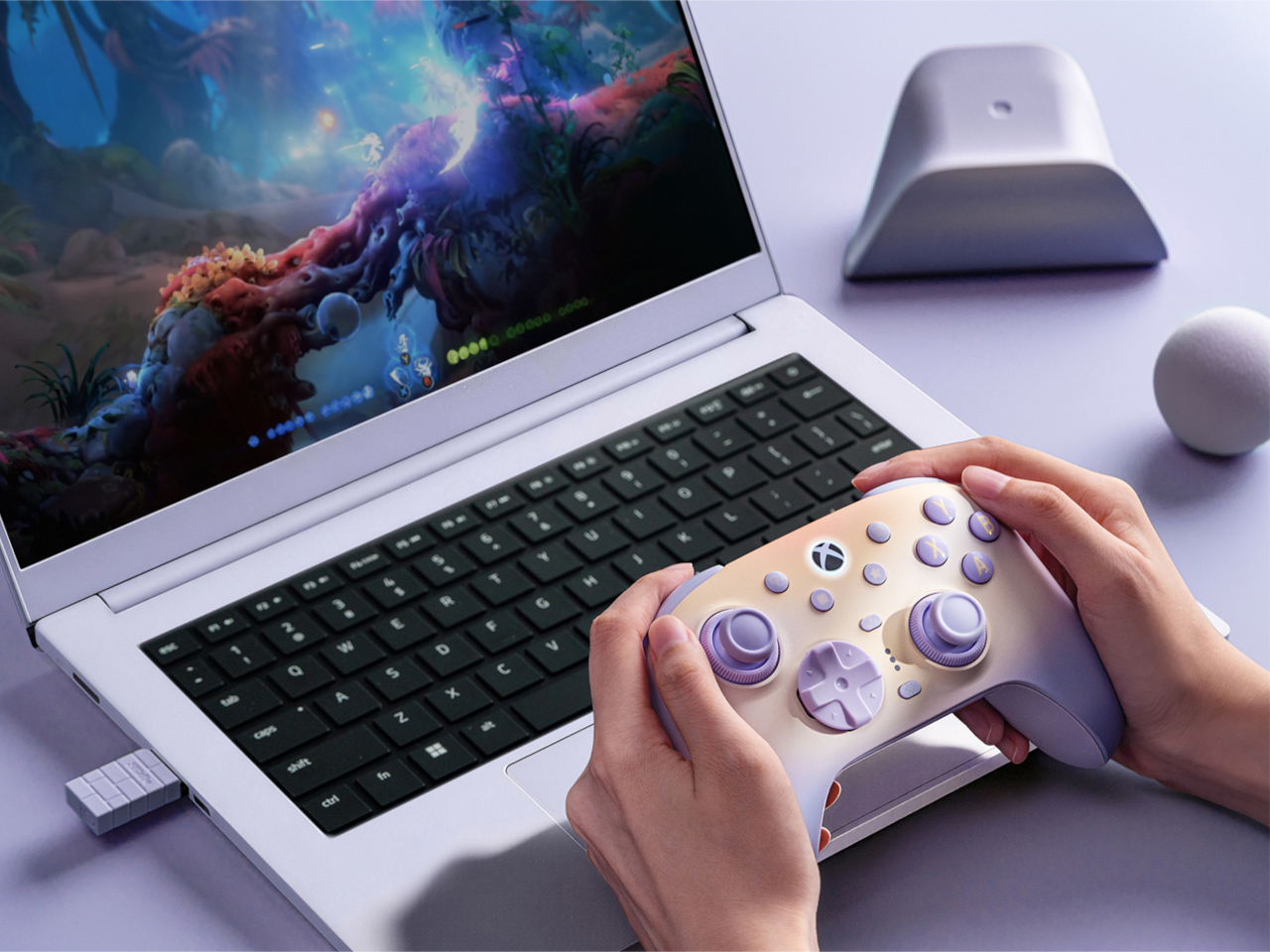
Connectivity stretches across more platforms than the pastel finish might suggest. The same controller pairs over 2.4G or wired USB with Xbox and Windows PC, then switches to Bluetooth for Android and Apple devices, covering a console session, a PC match, and a mobile game on the same commute without swapping hardware. That range matters more than it sounds, since most gamers now bounce between at least two of those platforms weekly.
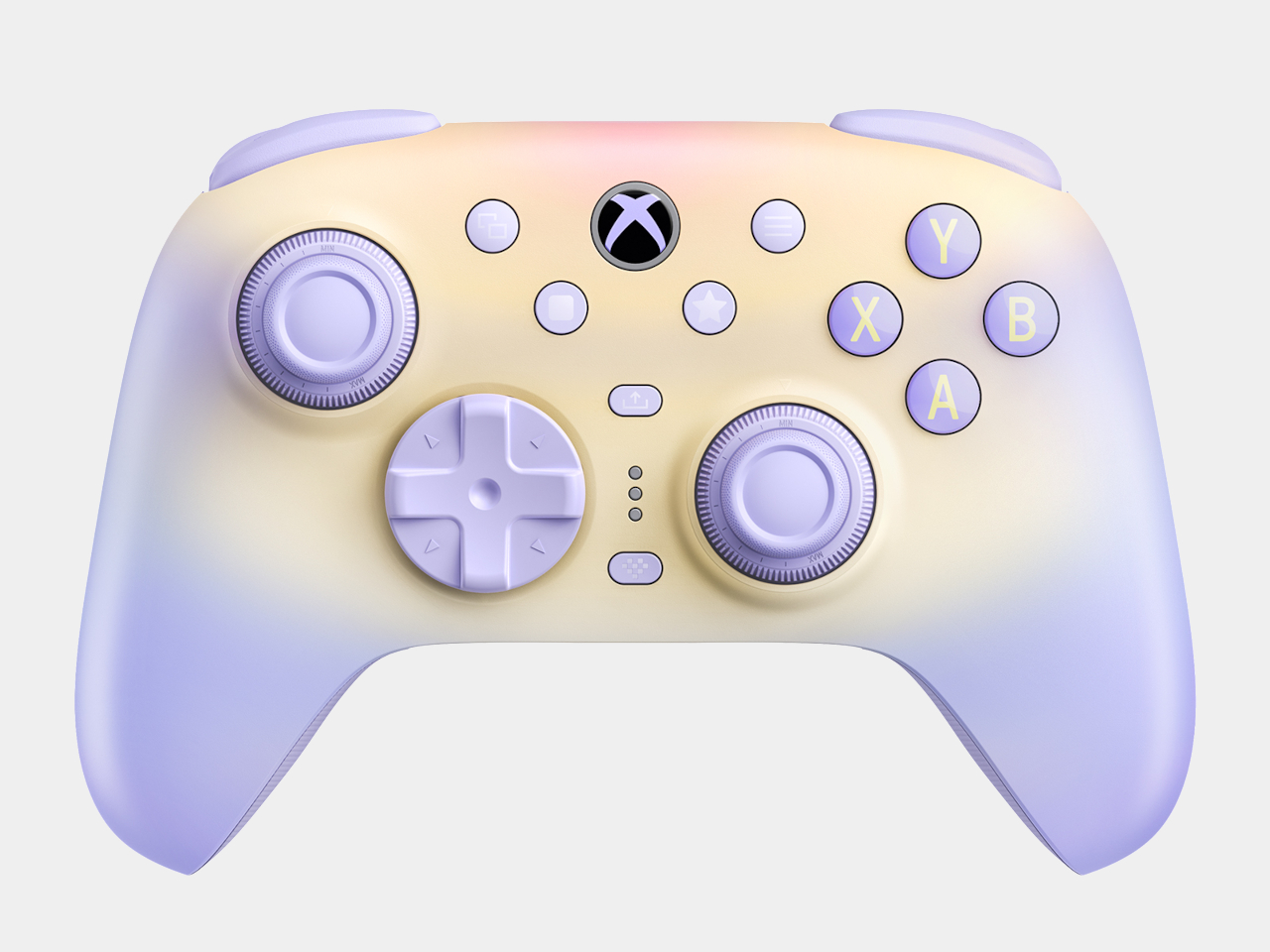
Underneath that finish sits hardware built for players who actually care about input precision. TMR joysticks pair with a Force Ring system that lets someone dial in exactly how much resistance a stick pushes back with, useful for anyone who’s ever complained that factory tension feels either too loose or unnaturally stiff. Hall-effect triggers add two selectable stop depths, letting a shooter’s hair-trigger reflex and a racing game’s full pull sit on the same controller without compromise.
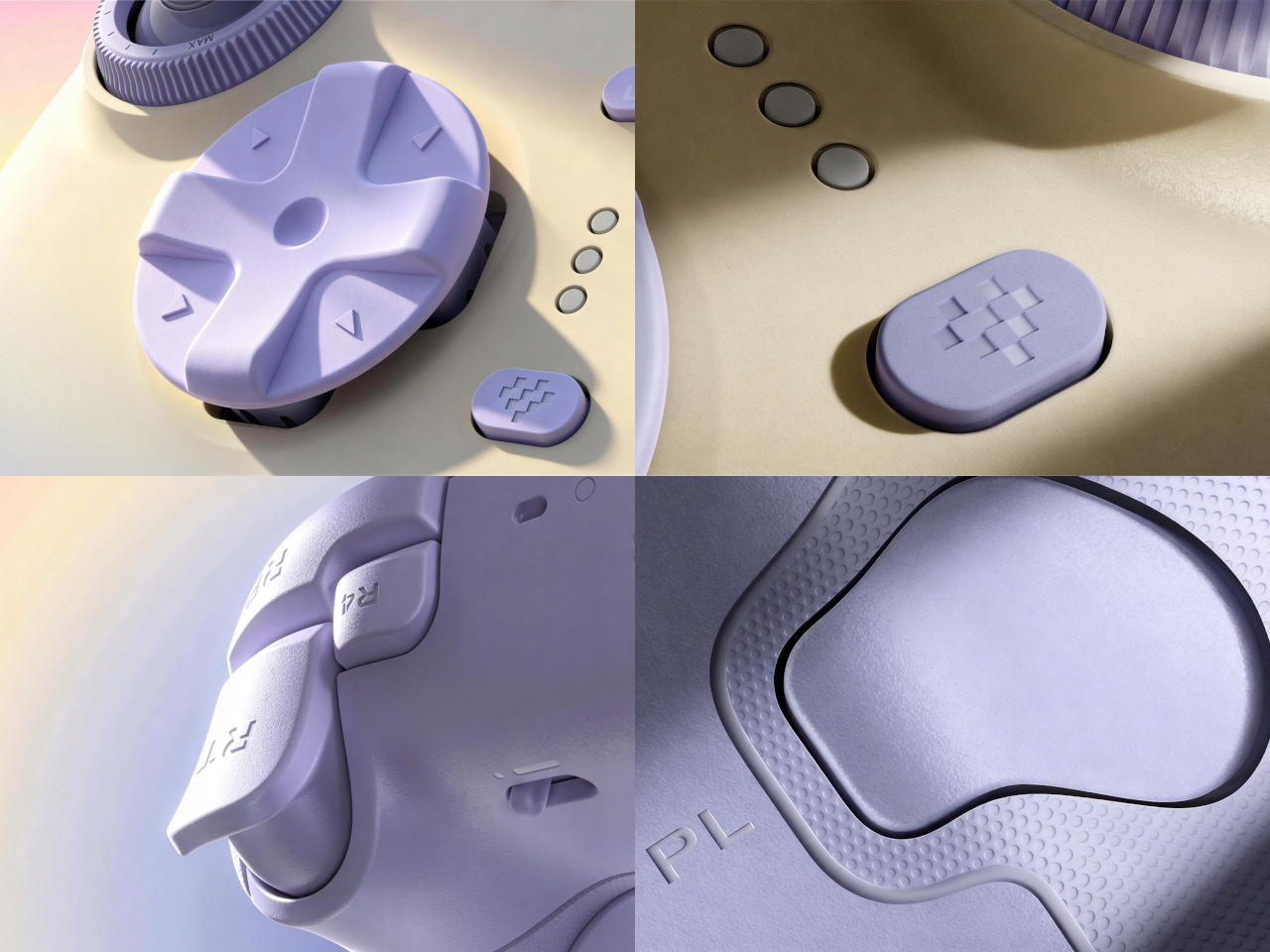
Extra input options multiply what a single thumb or finger can do mid-match. Two back buttons plus a pair of remappable fast bumpers sit within reach without requiring any software to configure on the fly, while a redesigned disc-shaped D-pad aims to make diagonal inputs land cleanly instead of catching on a seam between quadrants. None of these additions crowd the layout; they simply give a practiced hand more to work with.
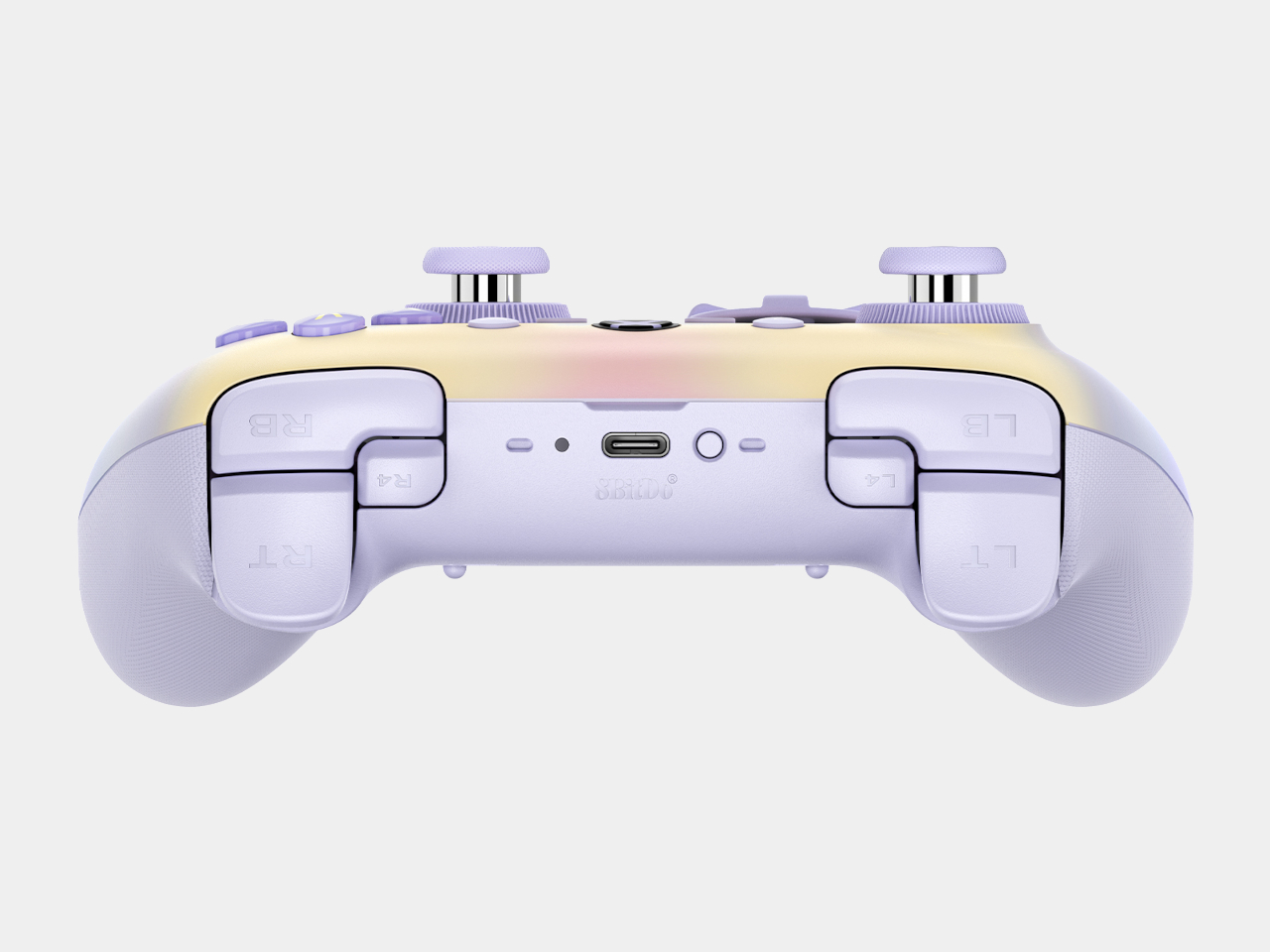
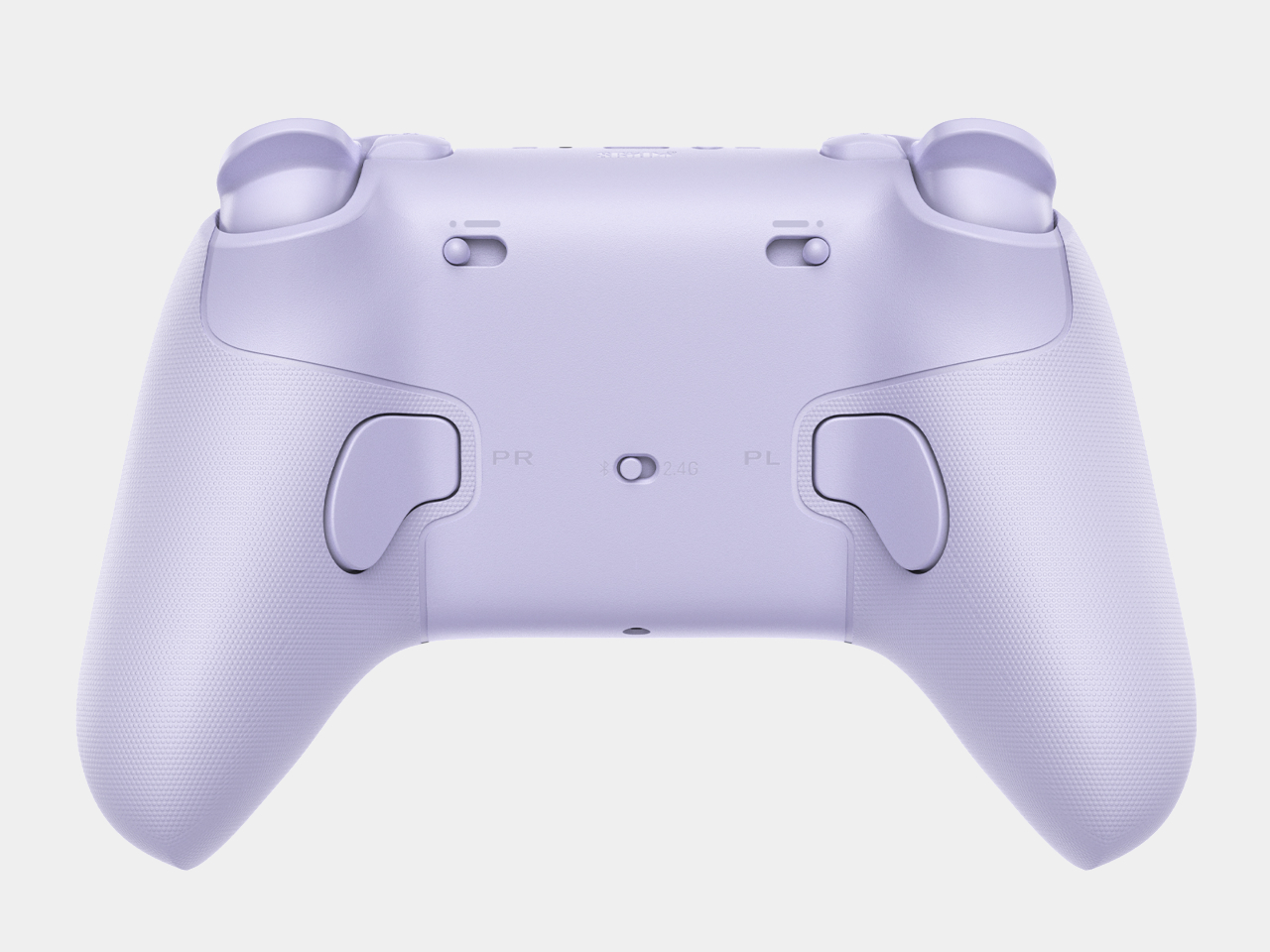
Comfort gets equal attention through a reshaped grip mold with a wider angle, designed to sit more naturally in hand during marathon sessions rather than fighting a player’s wrist after an hour. That redesign matters most in the moments a spec sheet can’t capture: the third hour of a long weekend session when a controller either disappears into the background or starts making itself known through soreness.
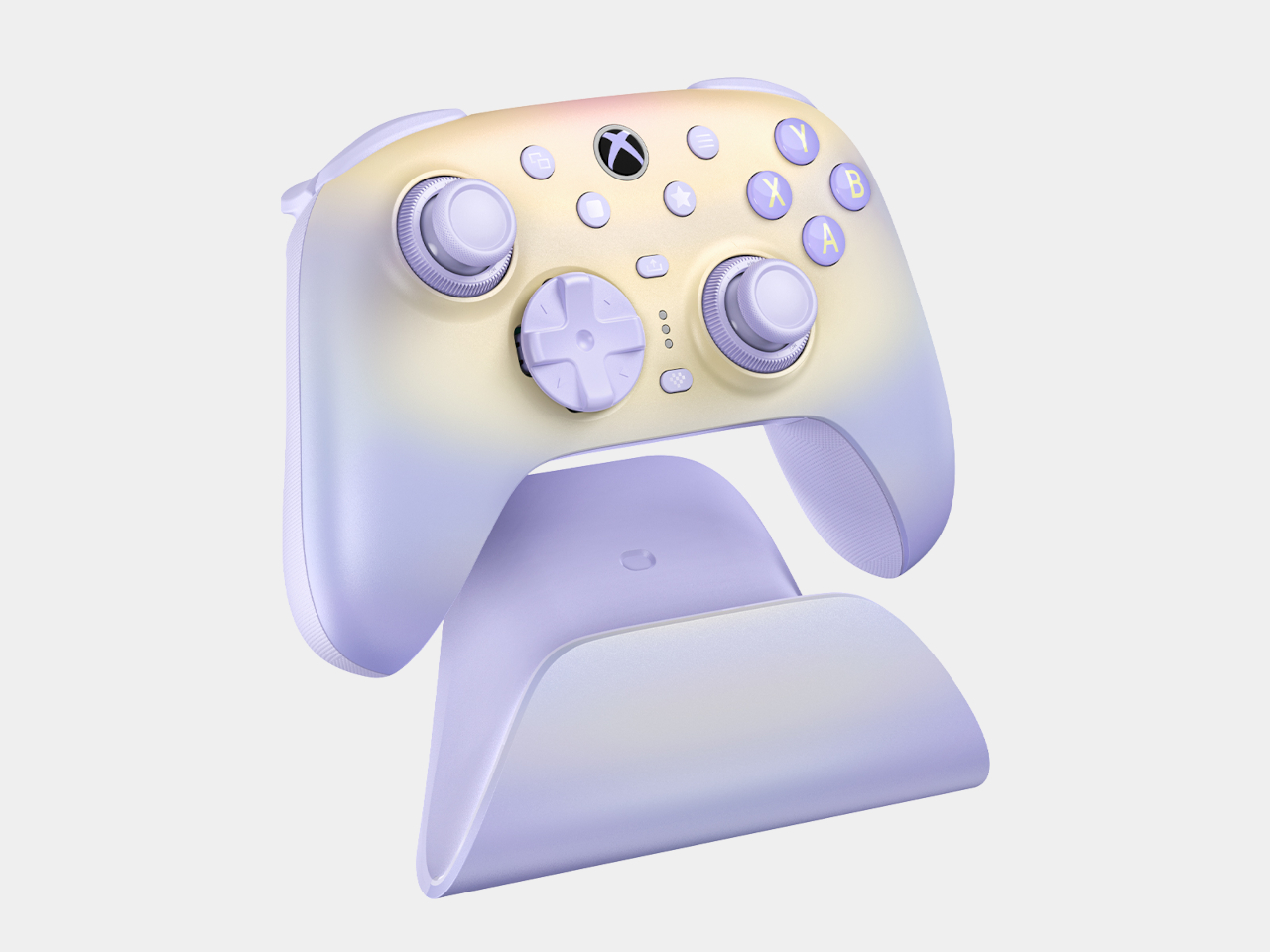
Charging avoids the usual tangle of cables entirely. A zero-contact dock uses magnetic alignment to seat the controller precisely, then reconnects automatically the moment it’s lifted off, skipping the small delay of re-pairing that plagues cheaper wireless setups. That same dock houses the 2.4G adapter and can extend the wireless signal further when connected directly to a console or PC.
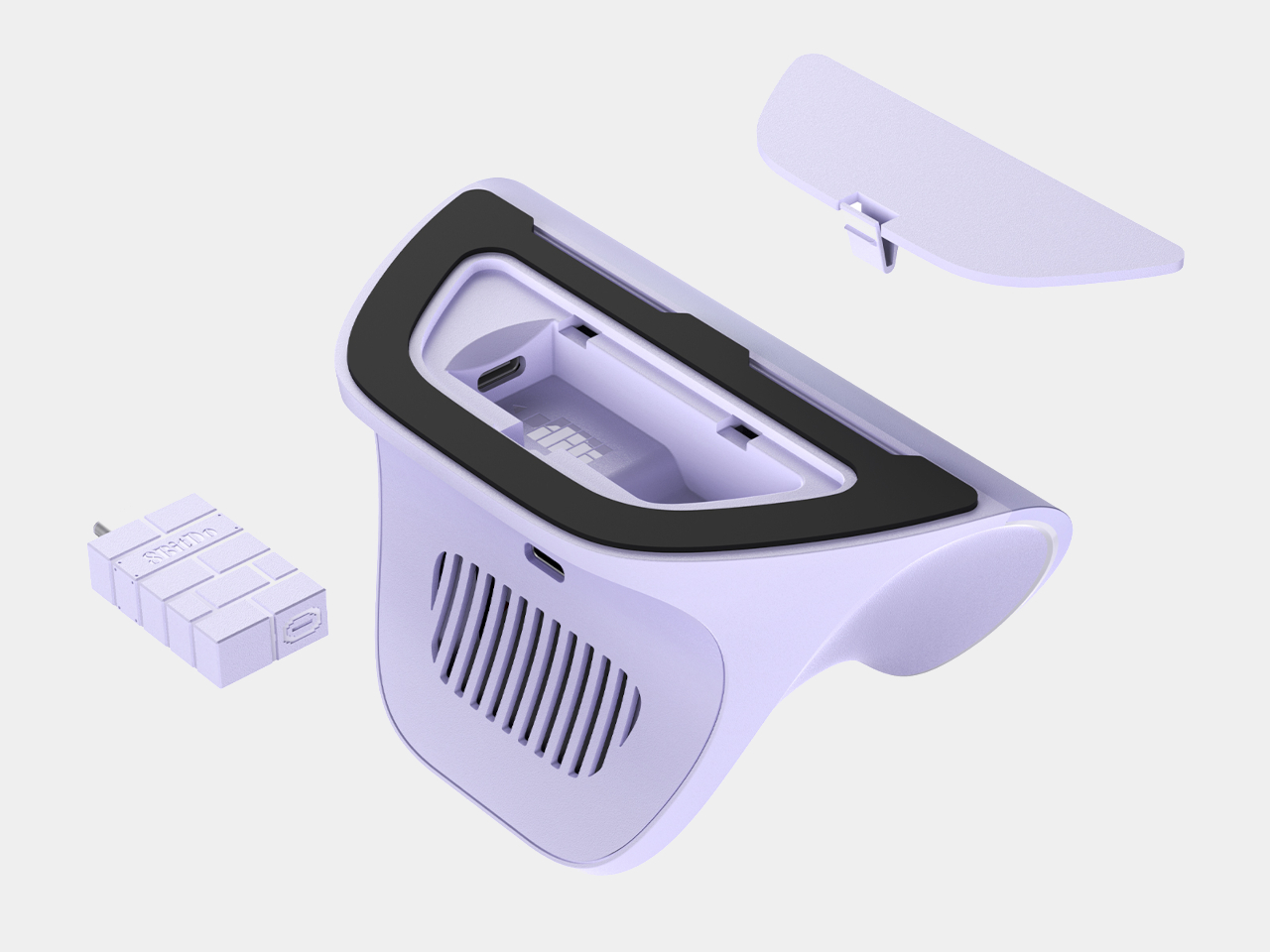
Software support through 8BitDo’s Ultimate Software X rounds out the package, letting players fine-tune trigger ranges, vibration intensity, and button mapping well beyond what the physical controls alone allow. Paired with a color and finish built to feel warm rather than clinical, the Lavender Dusk edition treats a gaming peripheral as something worth caring about on a shelf, not just during a match.
The post Most Controllers Are Black and Angry, 8BitDo Ultimate 3 Lavender Dusk Isn’t first appeared on Yanko Design.

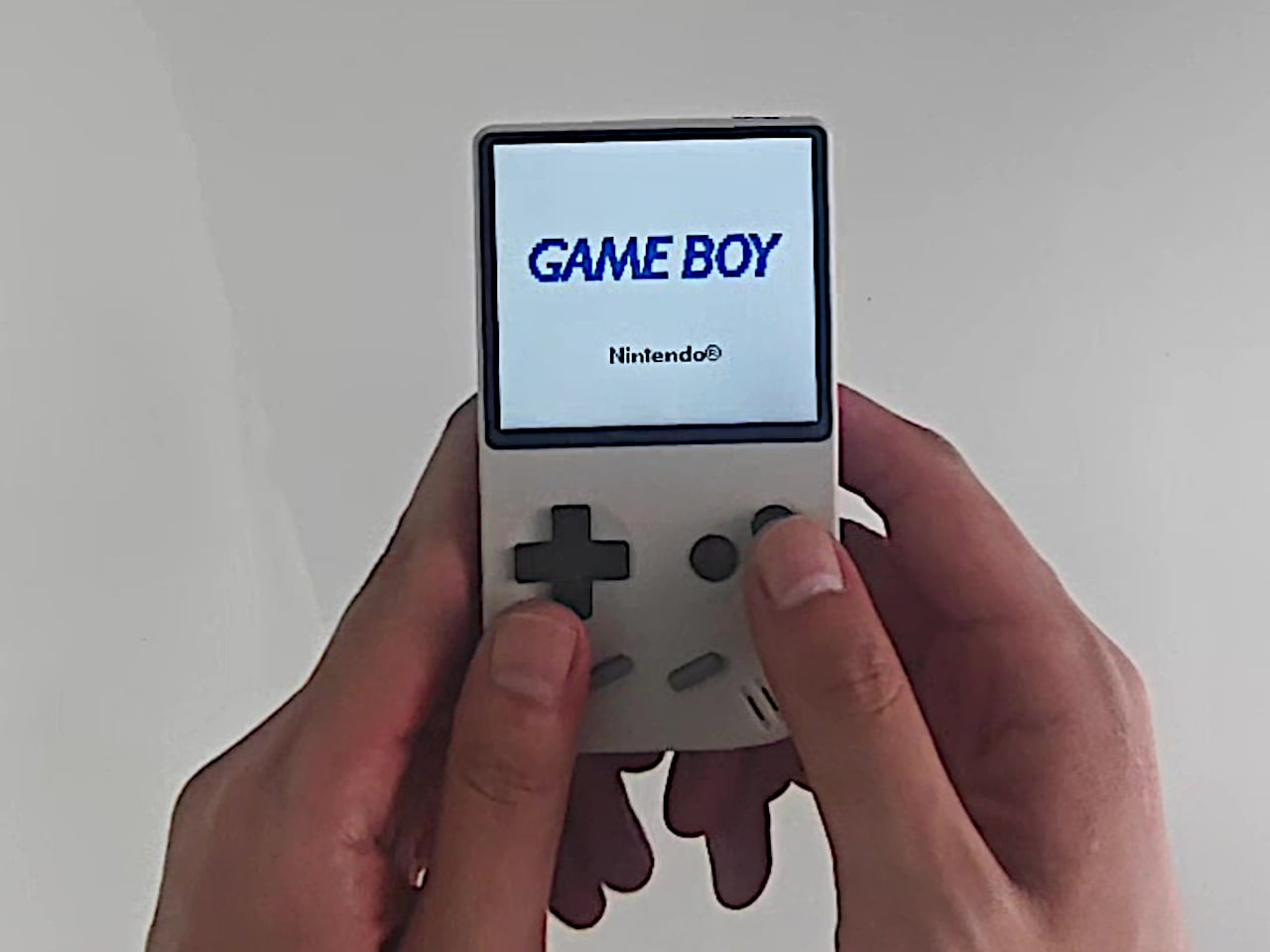
A Game Boy cartridge used to feel small in your palm, a flat plastic rectangle dwarfed by the console it slotted into. The FPGB Mini flips that relationship entirely. This new handheld measures barely wider than one of those cartridges, turning decades of shrinking electronics into an actual party trick rather than a marketing phrase. It plays original Game Boy and Game Boy Color cartridges directly, no adapters, no compromises on how the games behave.
That accuracy comes from field-programmable gate array technology or FPGA, the same approach used in pricier hardware like the Analogue Pocket. Instead of software emulation approximating old hardware, the FPGA chip recreates the original circuitry’s behavior directly, which is why colors, timing, and quirks specific to Game Boy games show up exactly as they did decades ago. The tradeoff is narrower cartridge support, limited here to Game Boy and Game Boy Color only.
Designer: FunnyPlaying (via Retro Dodo)
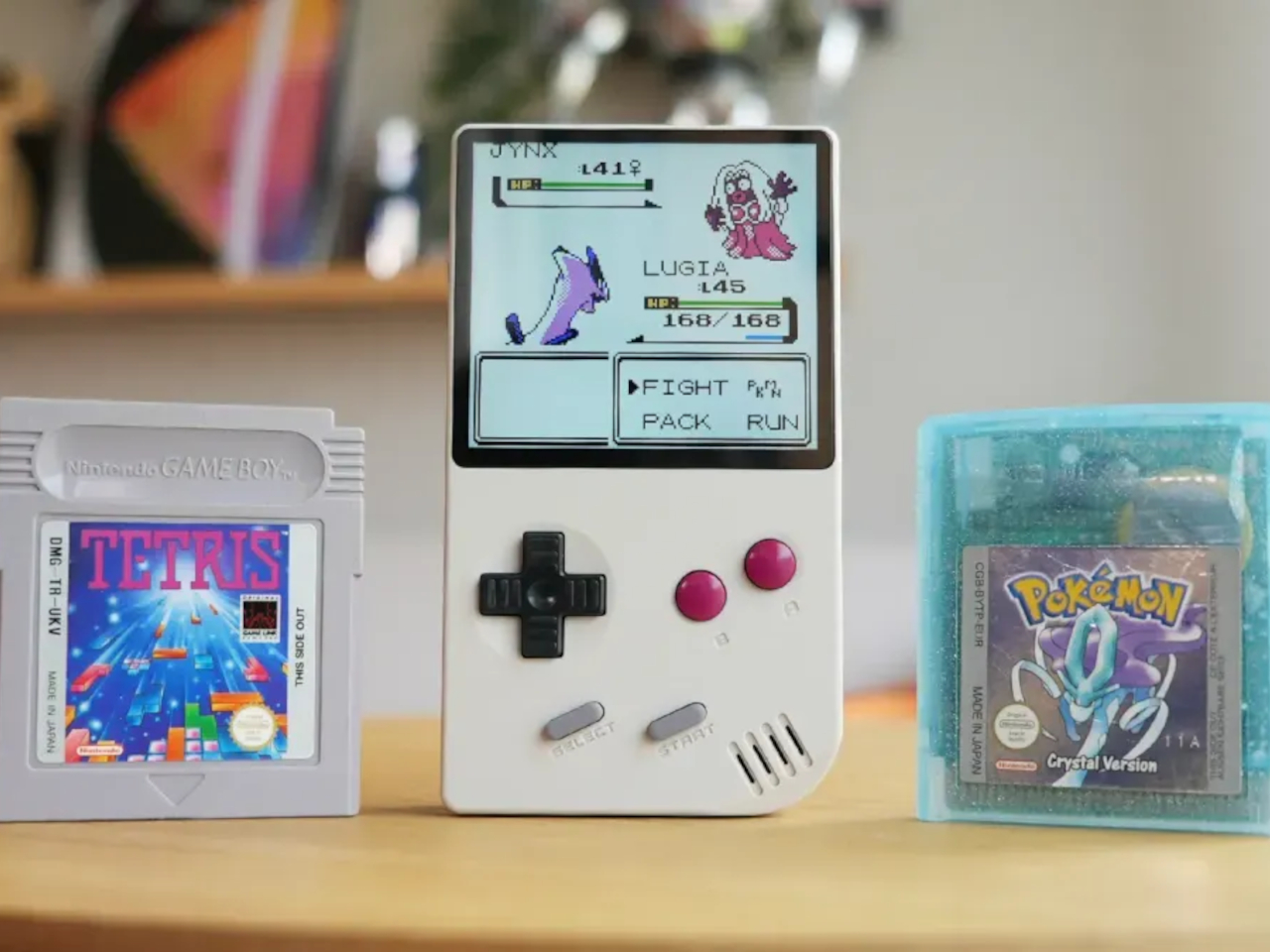
Slide a cartridge into the back, and the 2.98-inch IPS screen renders everything at 800 by 720 pixels, a resolution chosen specifically because it scales the original Game Boy display by a clean five times. That kind of deliberate math means pixel art looks crisp rather than blurred or unevenly stretched, a detail that matters enormously to anyone who has stared at a mushy upscaled screen on a cheaper handheld clone.
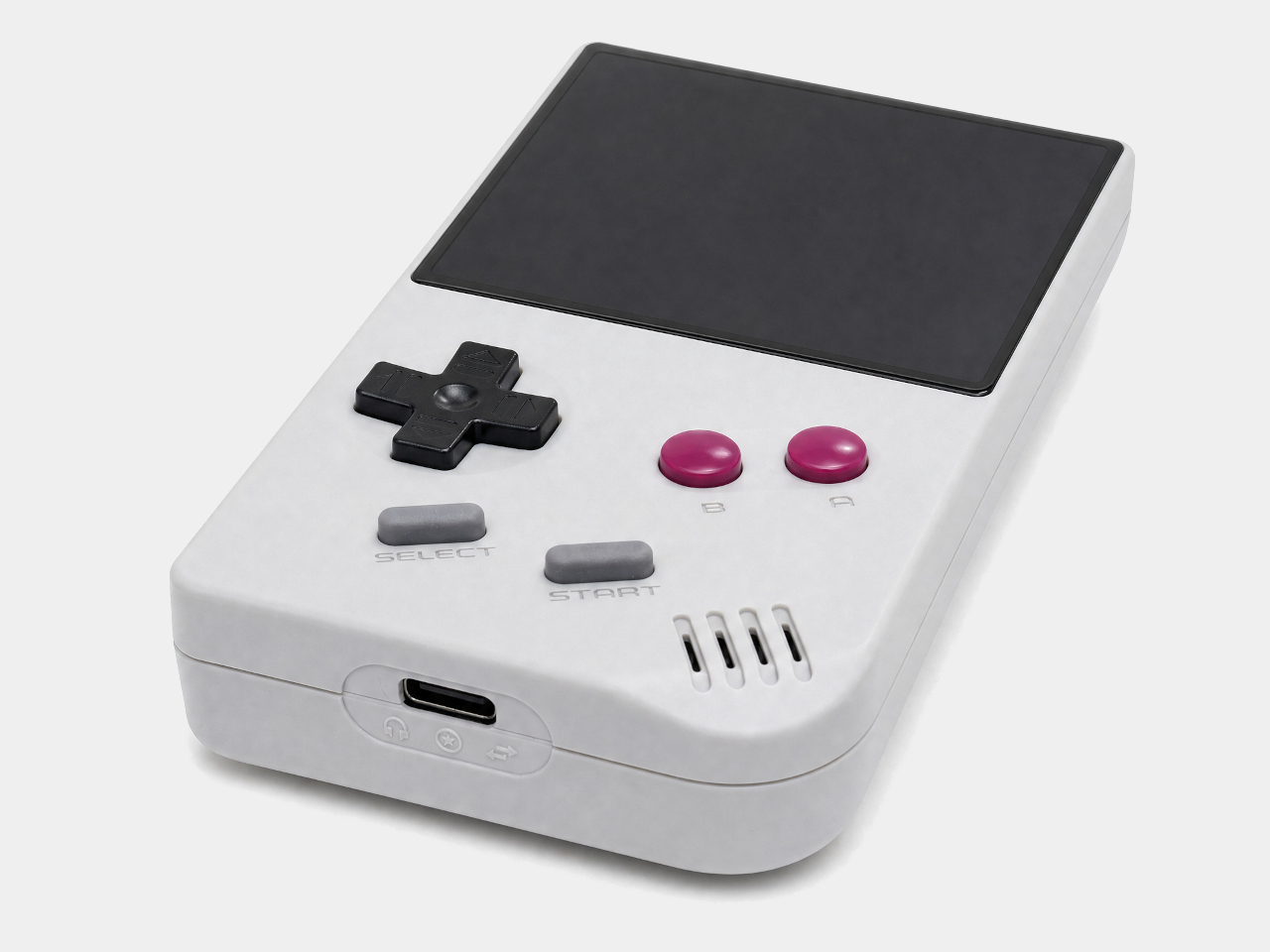
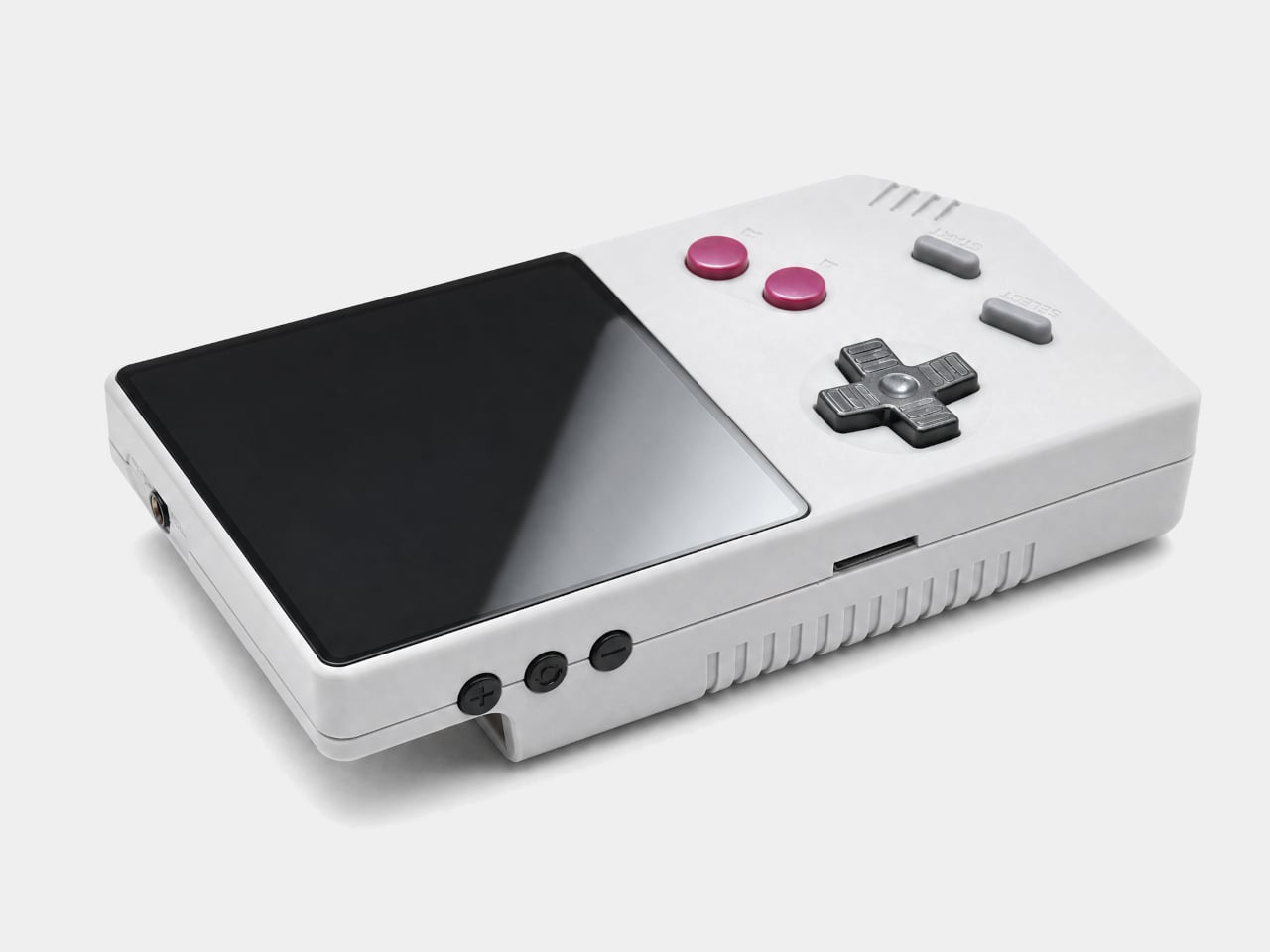
Pull two of these out during a road trip, and the link cable becomes the actual point. FunnyPlaying included a dedicated wired connection for multiplayer battles and trading, mirroring what the original Game Boy Link Cable did for a generation of kids swapping Pokémon in parking lots and school hallways. It’s a small inclusion that says the design team understood which memories actually mattered here.
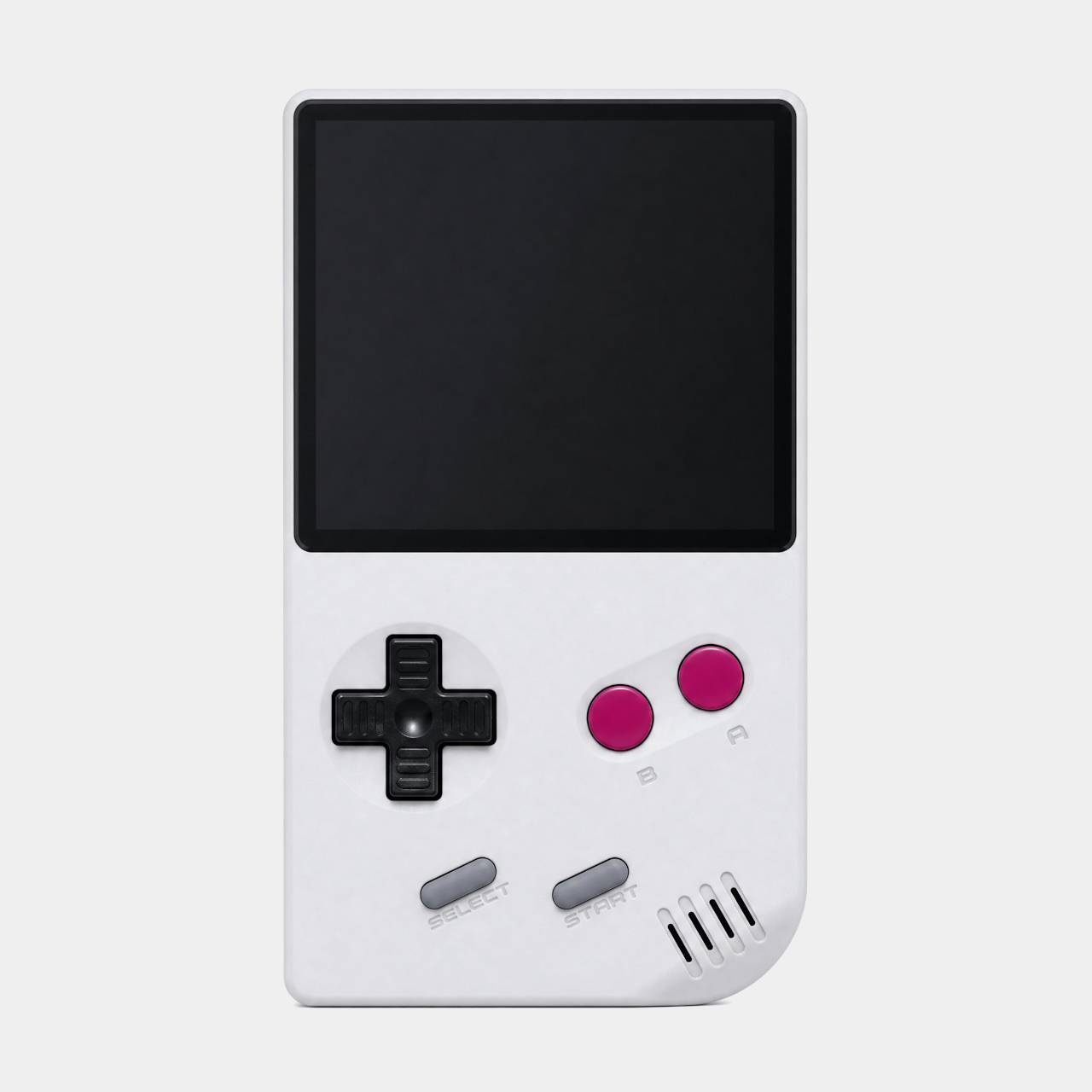
A built-in real-time clock keeps the momentum going even after the cartridge comes out. Games like Pokémon Gold and Silver relied on that internal clock for day-night cycles and timed events, a feature plenty of modern clones quietly drop. Its presence here suggests the engineering priority sat with preserving how games actually played, not just how the console looked sitting on a shelf.
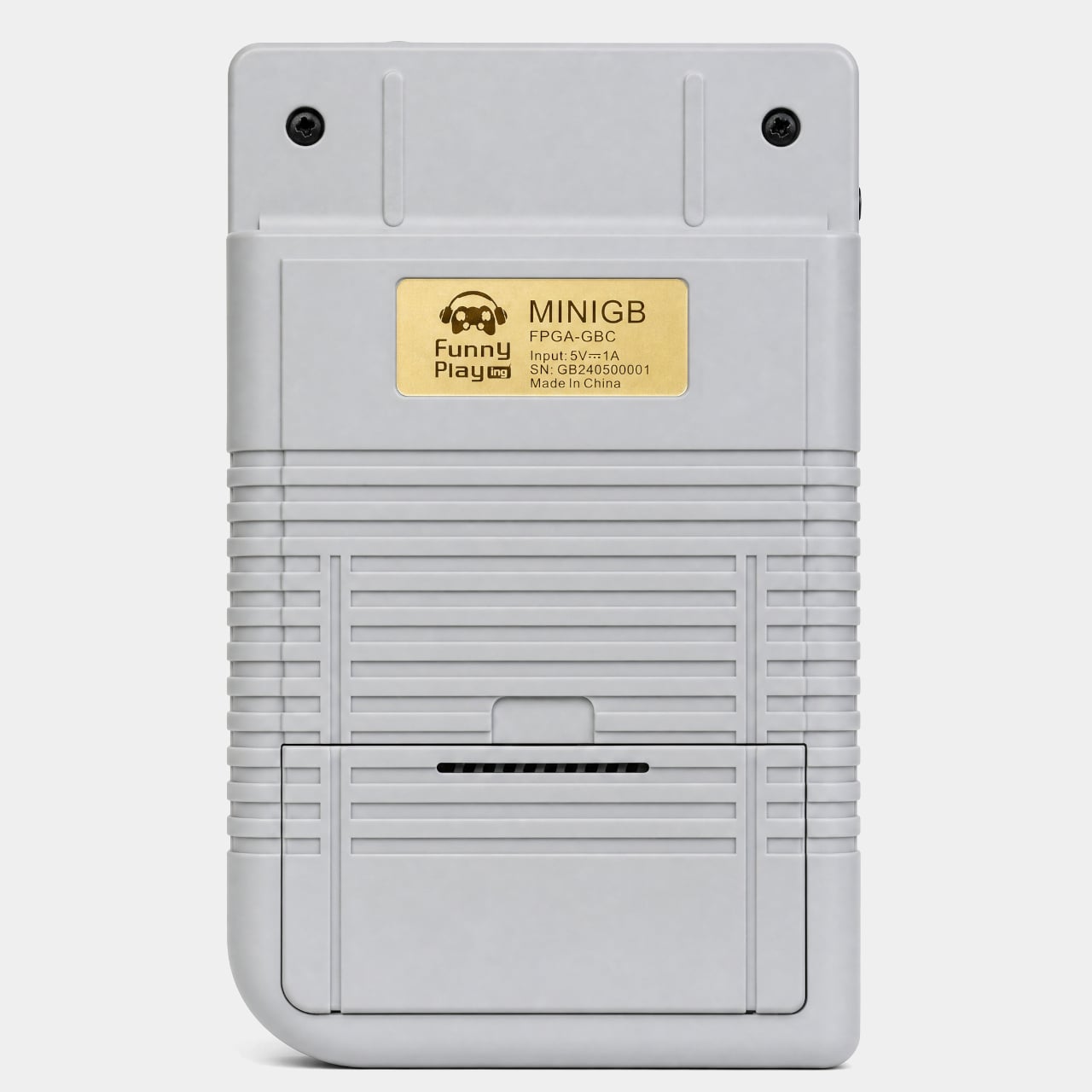
A microSD slot rounds out the modern side of the hardware, storing save files, screenshots, or ROM files that can run through a built-in emulator when no cartridge is inserted. That flexibility turns the FPGB Mini into two devices depending on the moment: a hardware-accurate cartridge reader when authenticity matters, and a pocket emulator when convenience wins out instead.
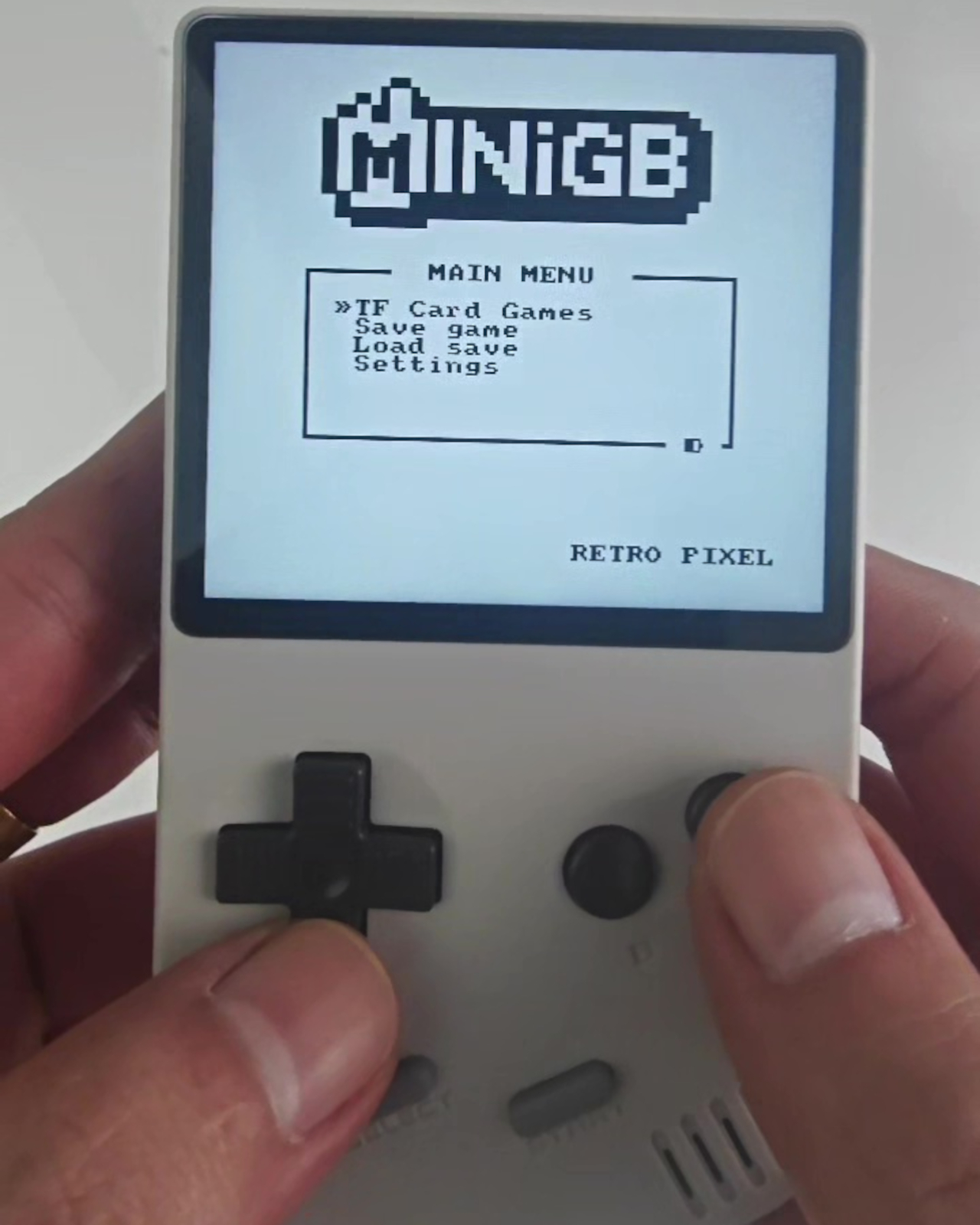
Color reproduction gets a boost too, with support for 16.7 million colors and an RGB565 pipeline that keeps Game Boy Color titles looking properly saturated rather than washed out. It’s a detail easy to overlook next to the flashier link-cable and FPGA talking points, yet it shapes the actual daily experience of loading up a cartridge more than either of those features do.
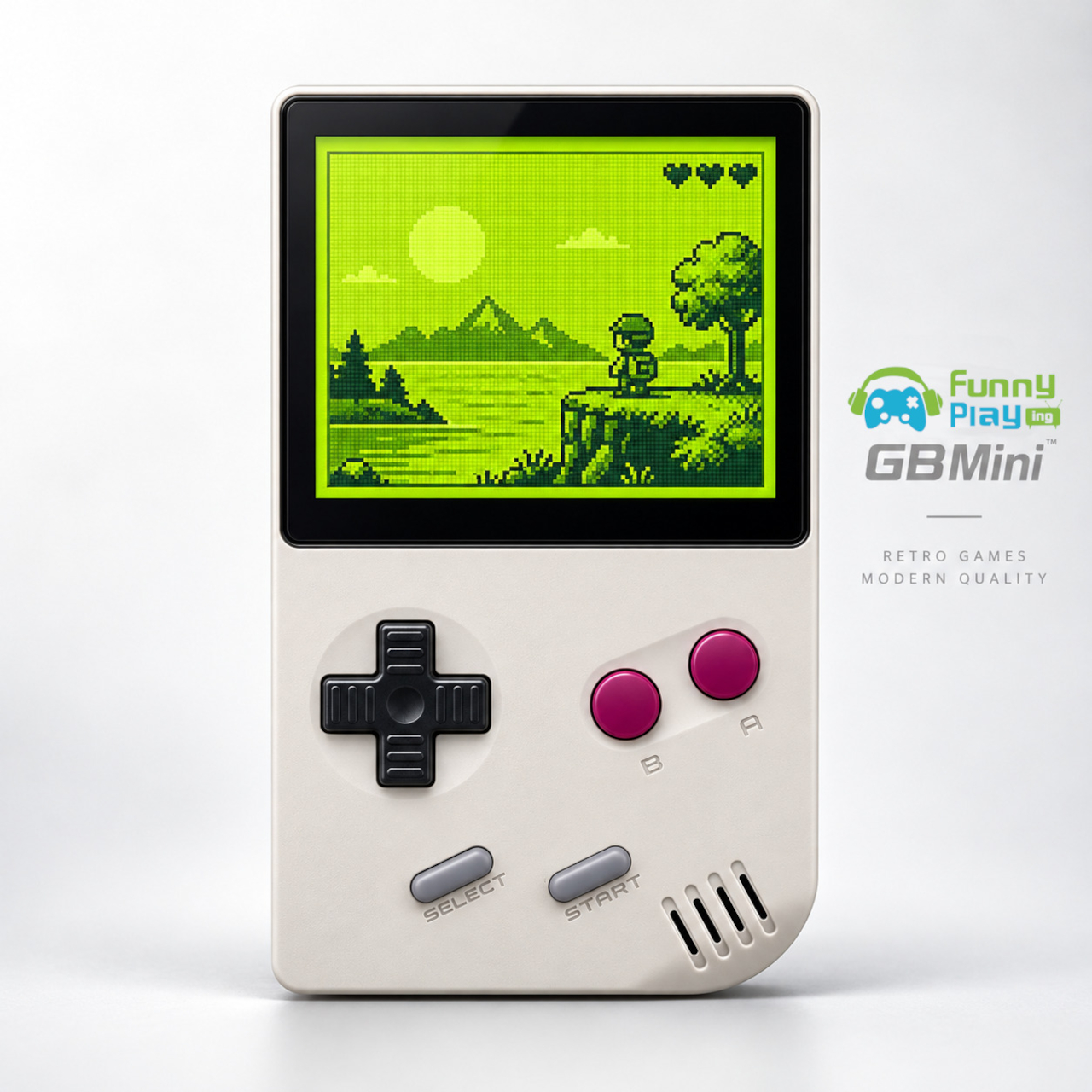
At 113mm x 64mm x 22m and roughly 135g, the whole unit disappears into a jacket pocket in a way no console with a cartridge slot has any right to. An 1,800mAh removable battery pack handles the power side, charging over USB-C in roughly two to three hours and running for several hours of play per charge, numbers respectable for hardware this compact. A carrying case ships in the box, treating portability as a finished thought rather than an afterthought bought separately.
The post The FPGB Mini Is Barely Wider Than a Game Boy Cartridge, and Plays One first appeared on Yanko Design.