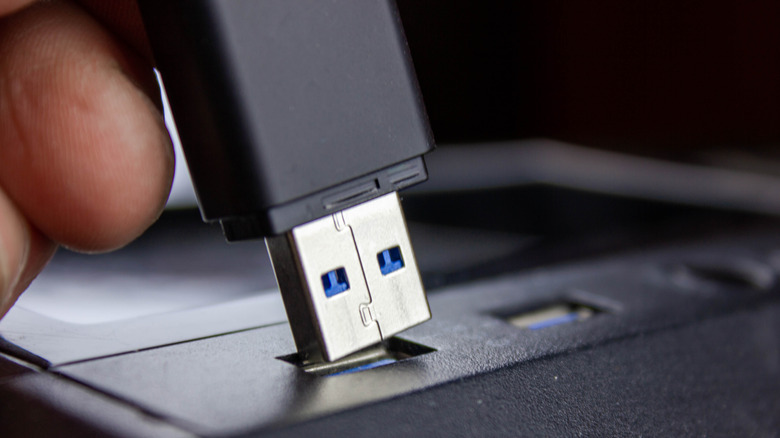
How To Safely Recycle Your Old USB Cables
If you've got a drawer or box full of old cables, here are some things you can do to thin them out. You don't need that many.
Gaming laptops have spent years trying to close the gap with desktop performance, and for the most part, they’ve gotten reasonably close. The better ones can handle demanding titles at high settings, and a handful at the premium tier now approach desktop territory. But most of them still look and feel like what they are: portable tools dressed in aggressive angles and RGB trim. They don’t particularly feel like anything worth keeping once the next generation arrives.
The MSI Titan 18 HX Dragon Edition Draco Epic doesn’t approach the laptop-as-product category the same way. Released as a 40th anniversary special edition, it’s built around the mythic narrative of Draco, the dragon constellation stationed near the North Star, and every element of the design carries that theme deliberately. The lid features five-layer silk screen printing, a Dragon RGB logo, and “Dragon Edition” lettered in Greek, with the 40th anniversary mark worked into the body. It comes with a limited-edition collector’s coin and a numbered Dragon Edition Mousepad and gaming mouse. It’s being positioned as a collector’s item first, and a laptop second.
Designer: MSI

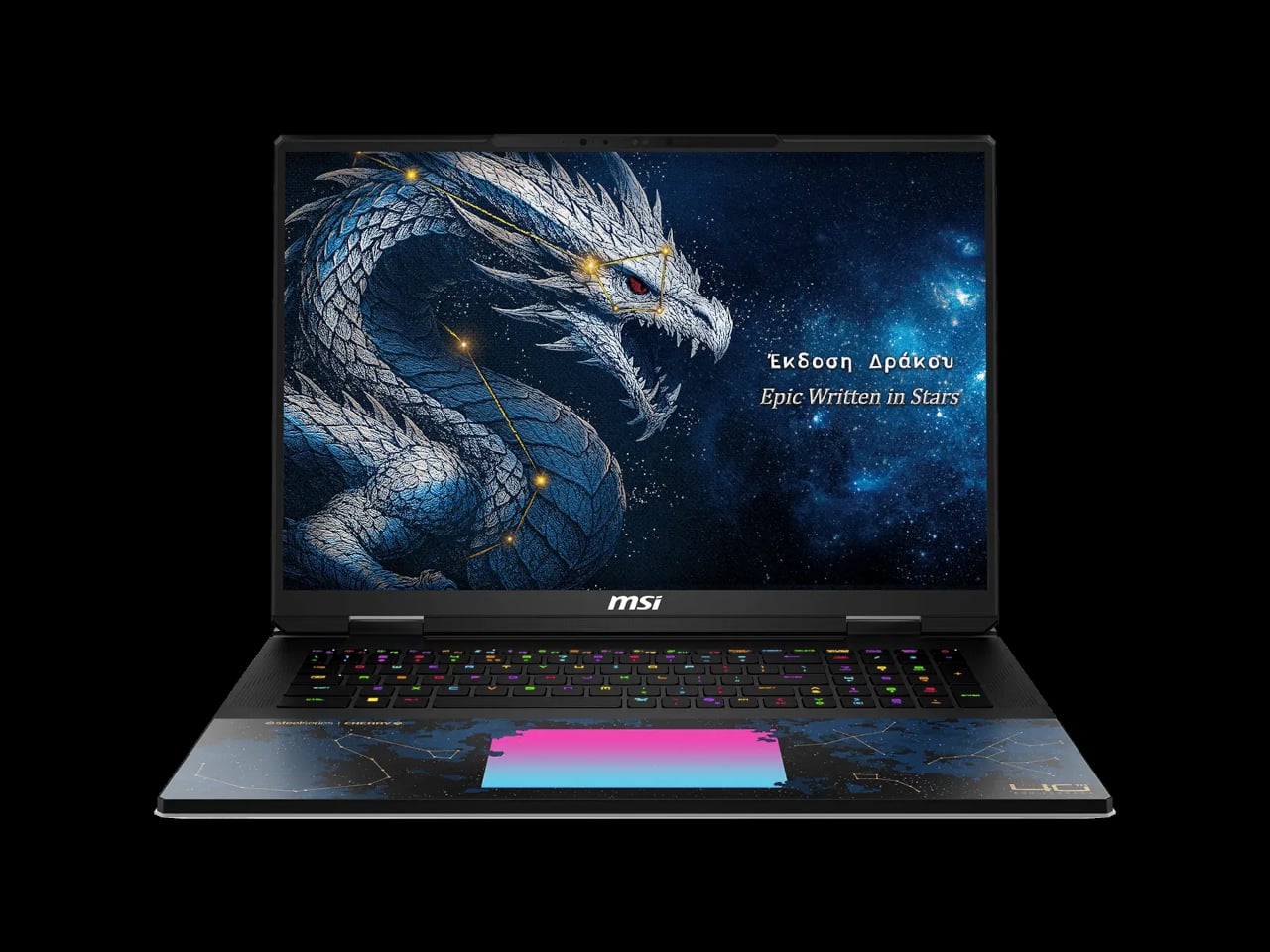
That said, the hardware inside is no joke. The top configuration pairs an Intel Core Ultra 9 290HX Plus processor with an NVIDIA GeForce RTX 5090 laptop GPU carrying 24 GB of GDDR7 memory, running through 270 W of total power via MSI’s OverBoost system. The RAM tops out at 96 GB of DDR5 at 6,400 MT/s across the retail SKU, with four SSD slots supporting SuperRAID 5 at up to 18,000 MB/s sequential read. In practical terms, that’s a machine that can run high-end creative workloads, handle 4K video rendering, and play anything currently available without compromise.
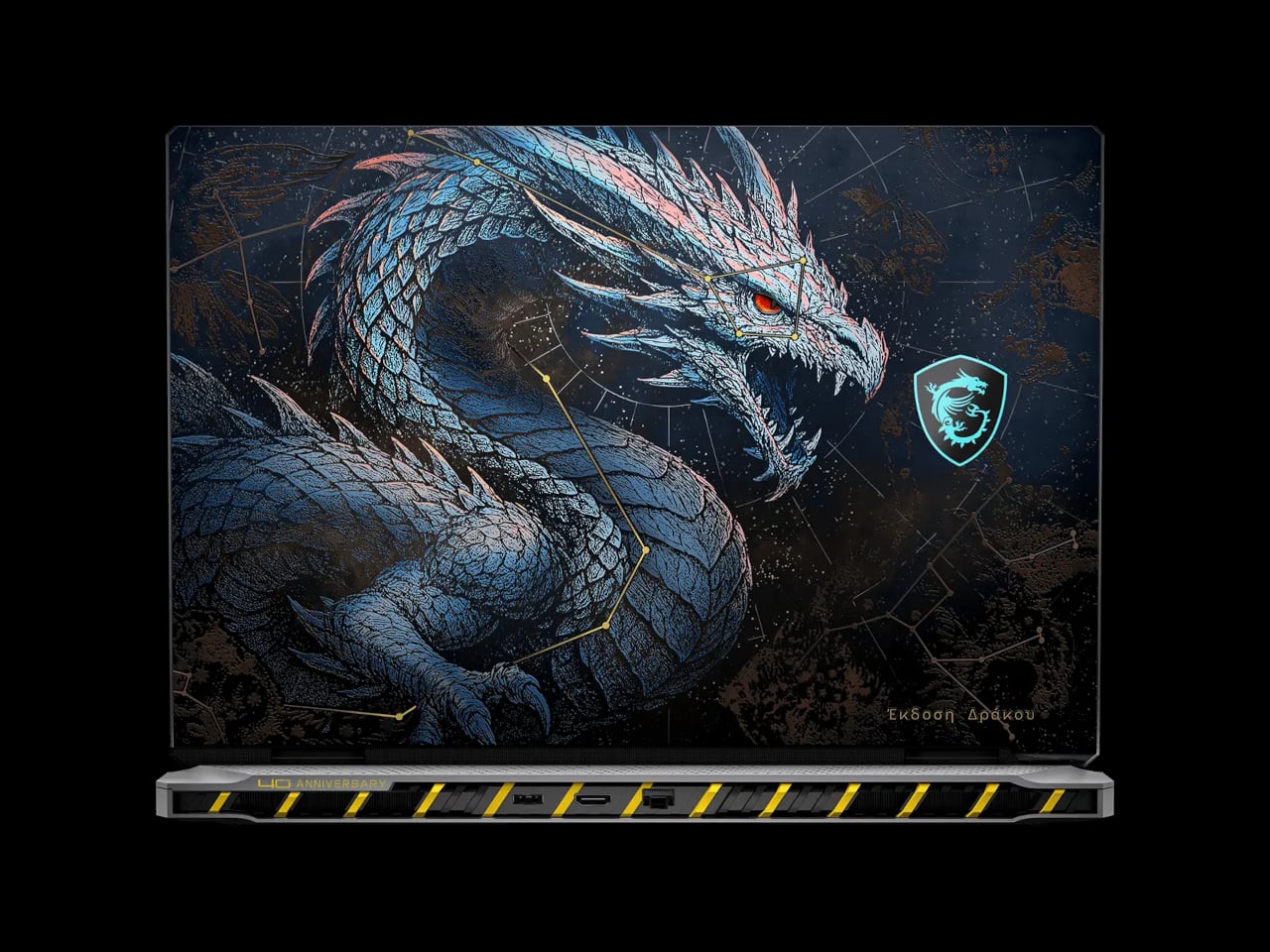
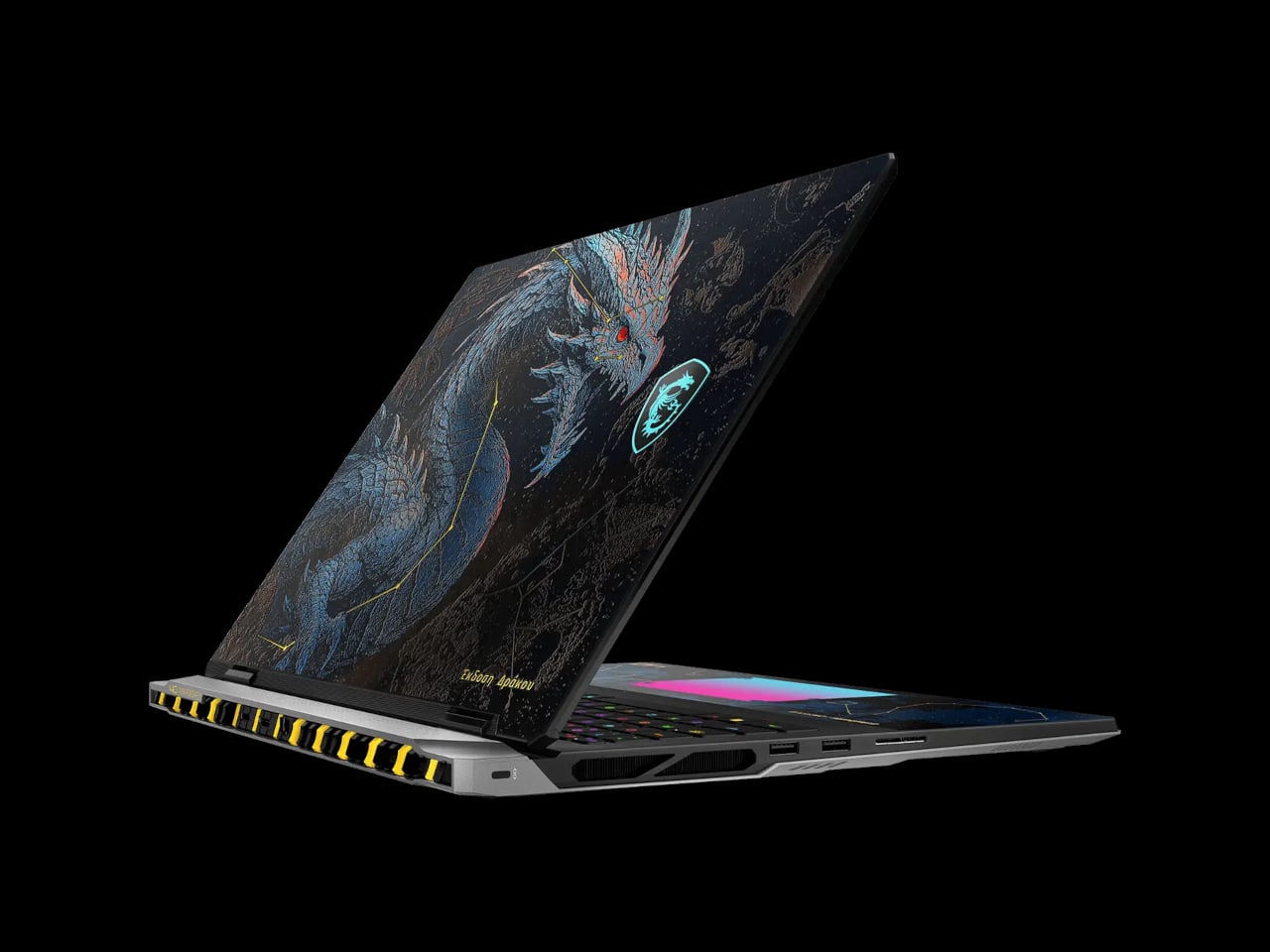
The display matches the hardware ambition. The 18-inch UHD+ Mini LED panel runs at 3840 × 2400 pixels, refreshes at 240 Hz, and hits 1,000 nits with full VESA DisplayHDR 1000 certification. It covers 100% of the DCI-P3 color space and is per-unit calibrated at the factory, which is the kind of detail that matters for anyone doing color-sensitive creative work and not just gaming. The panel also supports G-Sync, making the 240 Hz meaningful in fast-paced games rather than just on paper.
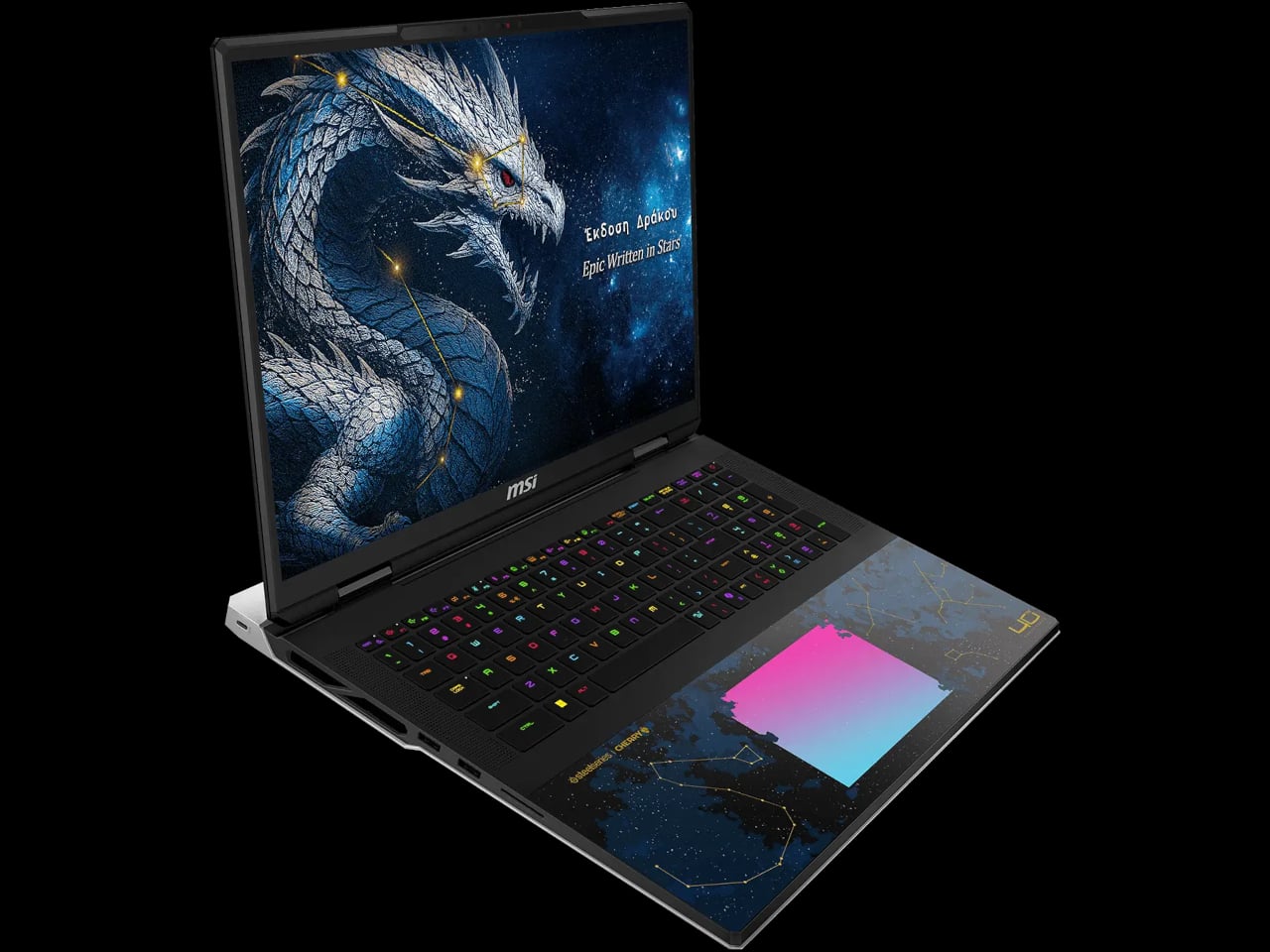
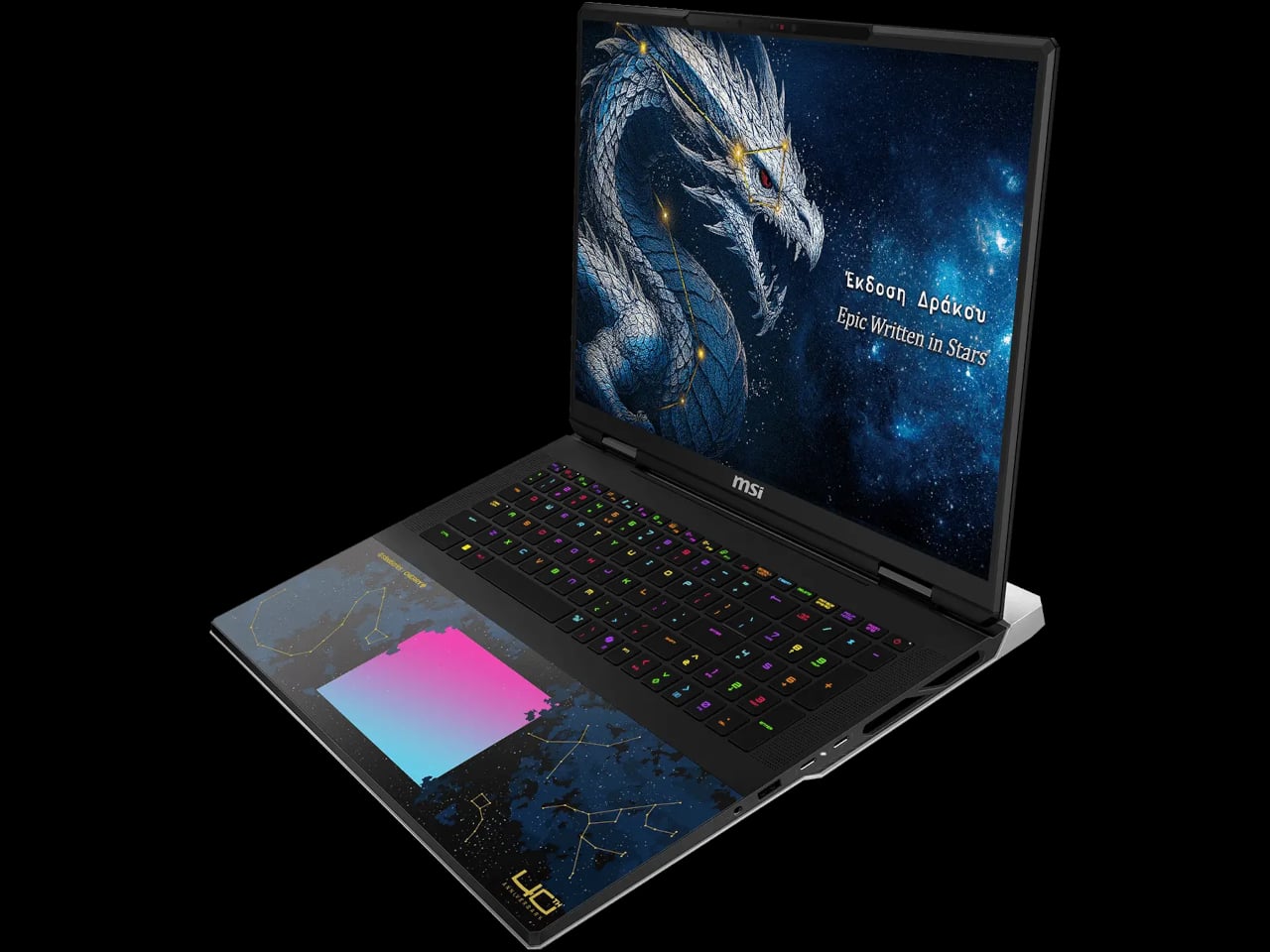
Cooling runs through a vapor chamber design with a dedicated PCIe Gen 5 SSD cooling pipe, keeping the thermal load from the processor, GPU, and storage from competing with each other in a confined space. Connectivity is equally generous: dual Thunderbolt 5 ports offer up to 120 Gbps bandwidth, HDMI 2.1 handles external 4K output, and Wi-Fi 7 with Bluetooth 5.4 rounds out the wireless stack. The keyboard is a Cherry Mechanical unit with per-key RGB across 99 keys, which gives the typing experience a quality that most gaming laptops avoid investing in.
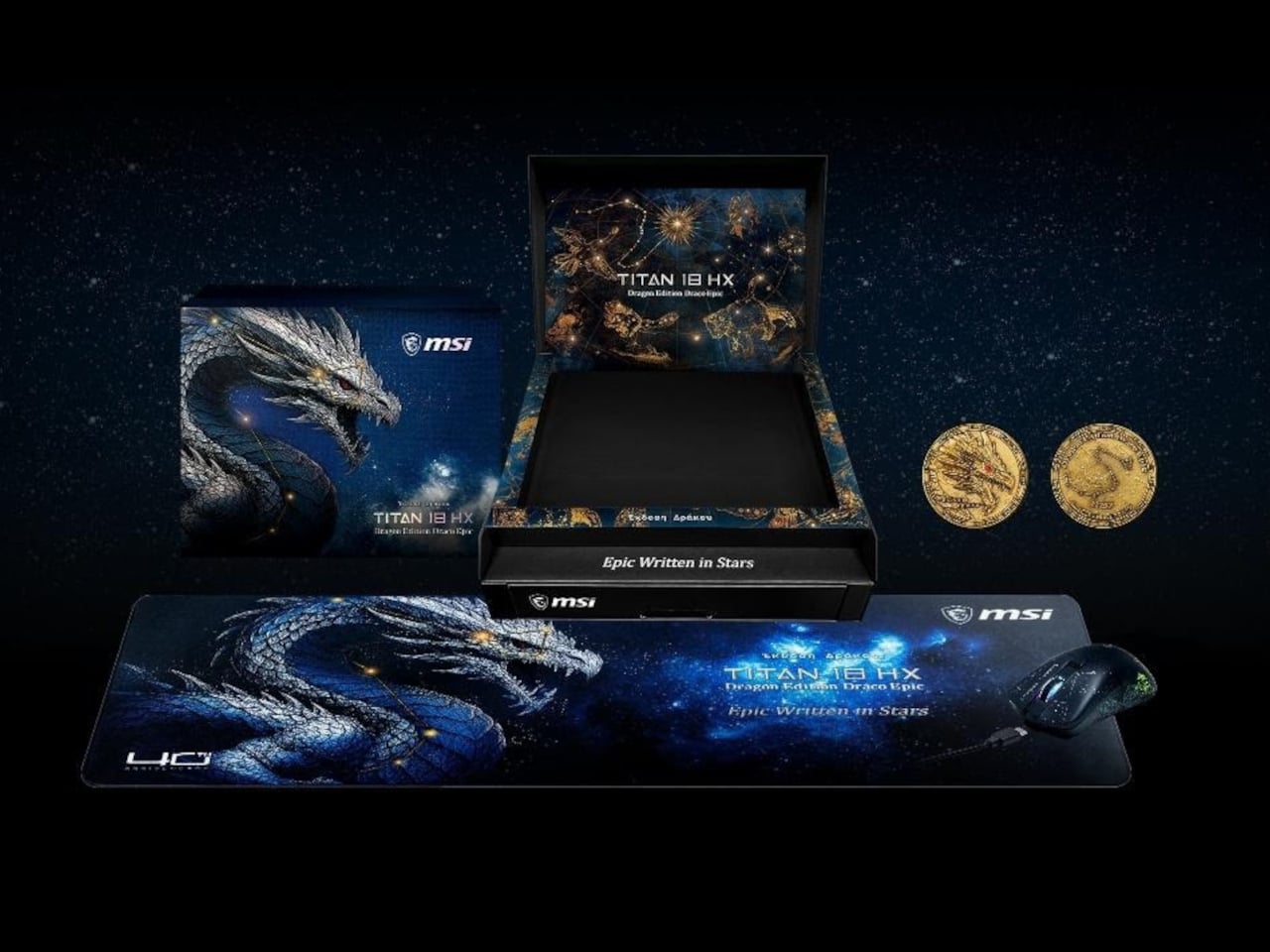
The bundle includes a copy of Lego Batman: Legacy of the Dark Knight, a detail that adds a lighter counterpoint to the otherwise heavy mythology surrounding the machine. The full package, laptop, mouse, mousepad, coin, and game, comes in a premium color box. At $6,999, it’s clearly aimed at a very specific buyer. Practically speaking, it delivers desktop-replacement performance in a form factor that’s also been designed, for once, to sit on a shelf and look like something worth keeping.
The post MSI Just Made a $7,000 Gaming Laptop You’d Want to Display on a Shelf first appeared on Yanko Design.
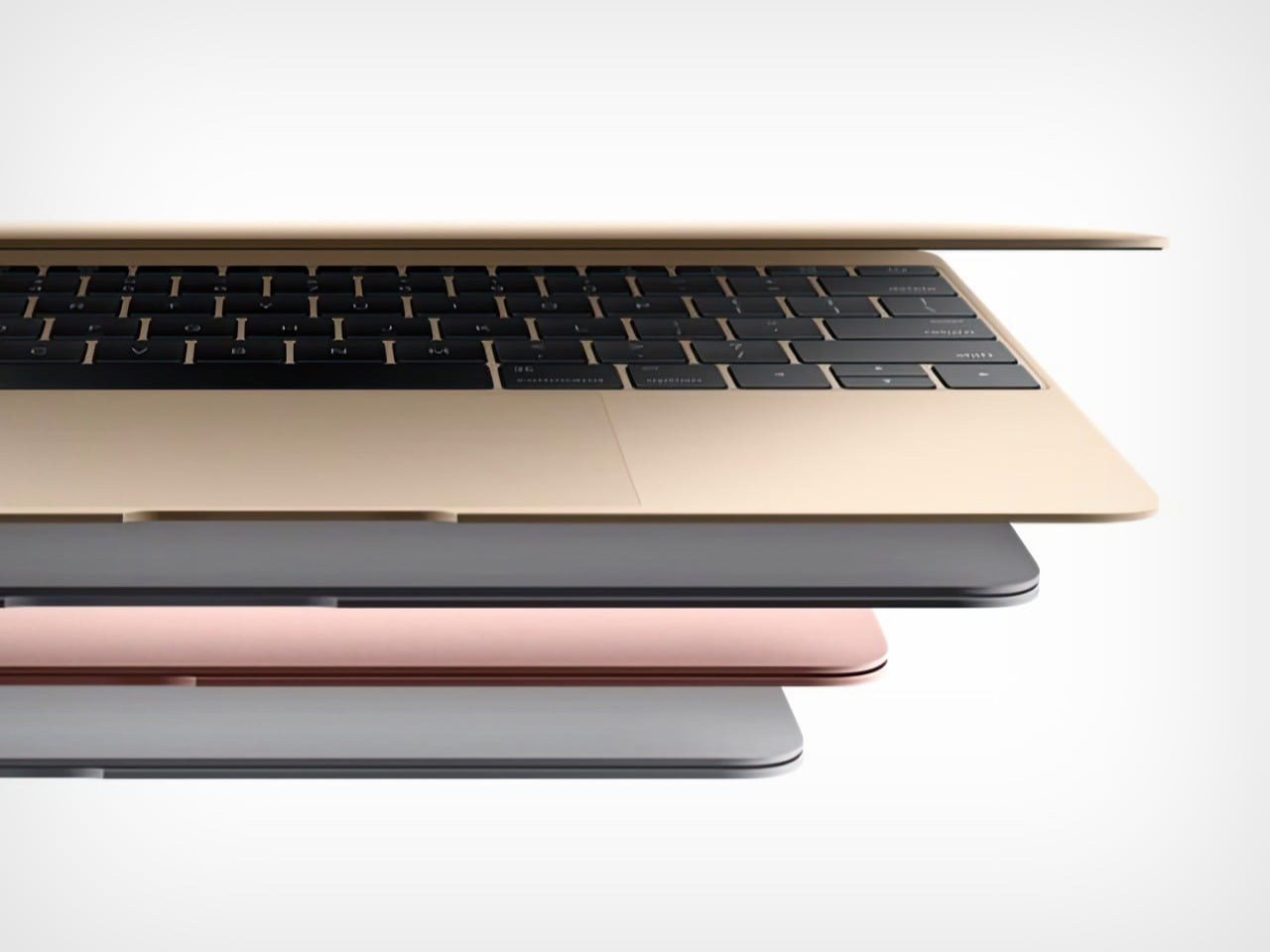
For the last several years, the Mac’s biggest leaps have come from the silicon inside it. Apple’s M-series chips transformed the MacBook Pro into a class leader on performance per watt, and for a while that made the chassis feel almost settled, a familiar shell for ever more capable internals. The latest roadmap chatter suggests that phase is ending. Apple is reportedly preparing a routine M6 refresh for late 2026, while saving the far more interesting MacBook Pro overhaul for the first half of 2027, the one many are already framing as the “Paper MacBook Pro.”
That nickname works because it instantly communicates the ambition. The idea is not literally a MacBook made of paper, but a MacBook Pro pushed so far into thinness that it starts to feel closer to a design sketch than a finished computer. If the reports are accurate, 2027 is when Apple plans to cash in on that image with a redesigned body and an OLED display, a combination that points to the company’s slimmest Pro notebook yet. For Apple, this would be a familiar kind of flex, turning thinness into theater, then selling the engineering behind that theater as the real product.
Designer: Apple
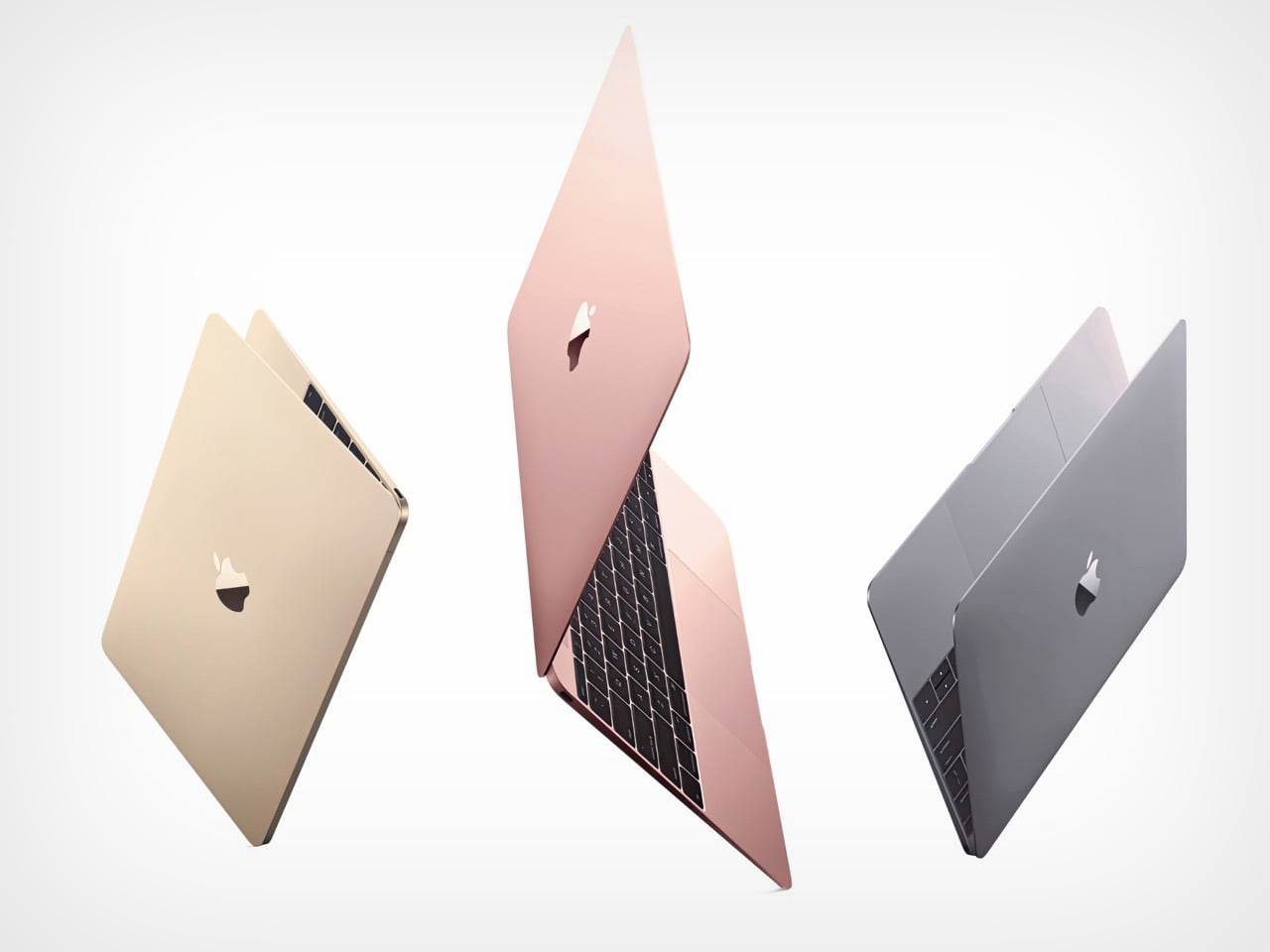
OLED is what makes the whole concept believable. A MacBook Pro display built around OLED can be thinner than the current mini-LED setup because it does not need the same backlight structure behind the panel. That gives Apple more room to slim down the lid, and once the display stack gets thinner, the rest of the machine can follow. This is why the 2027 model matters more than the late 2026 one. The M6 refresh may keep the lineup current, but the OLED redesign is the part that changes what the MacBook Pro looks like, feels like, and signals from across a room.
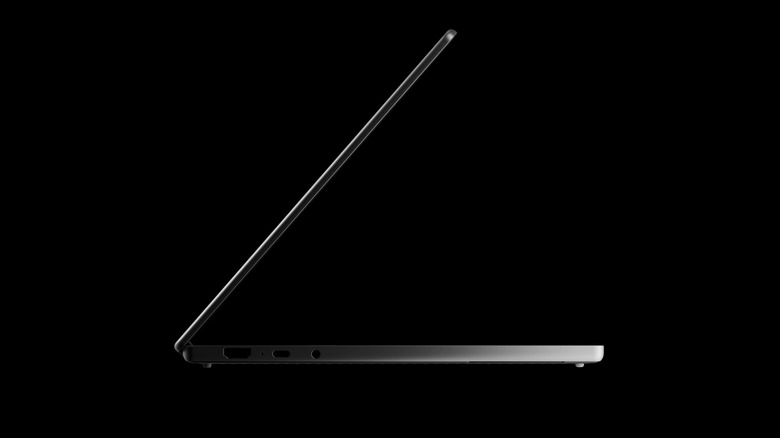
The catch is that every millimeter Apple removes has to come from somewhere. A thinner MacBook Pro sounds beautiful until the tradeoffs enter the conversation. Ports are the first obvious pressure point, because HDMI, SD card slots, and even MagSafe all take up physical depth. Then there is the battery, which depends on volume, and the cooling system, which depends on space and airflow. Apple can offset some of that with more efficient chips and smarter internal packaging, but industrial design always collects its price eventually. The “Paper MacBook Pro” only becomes a win if it stays recognizably Pro in the ways that matter after the keynote ends.
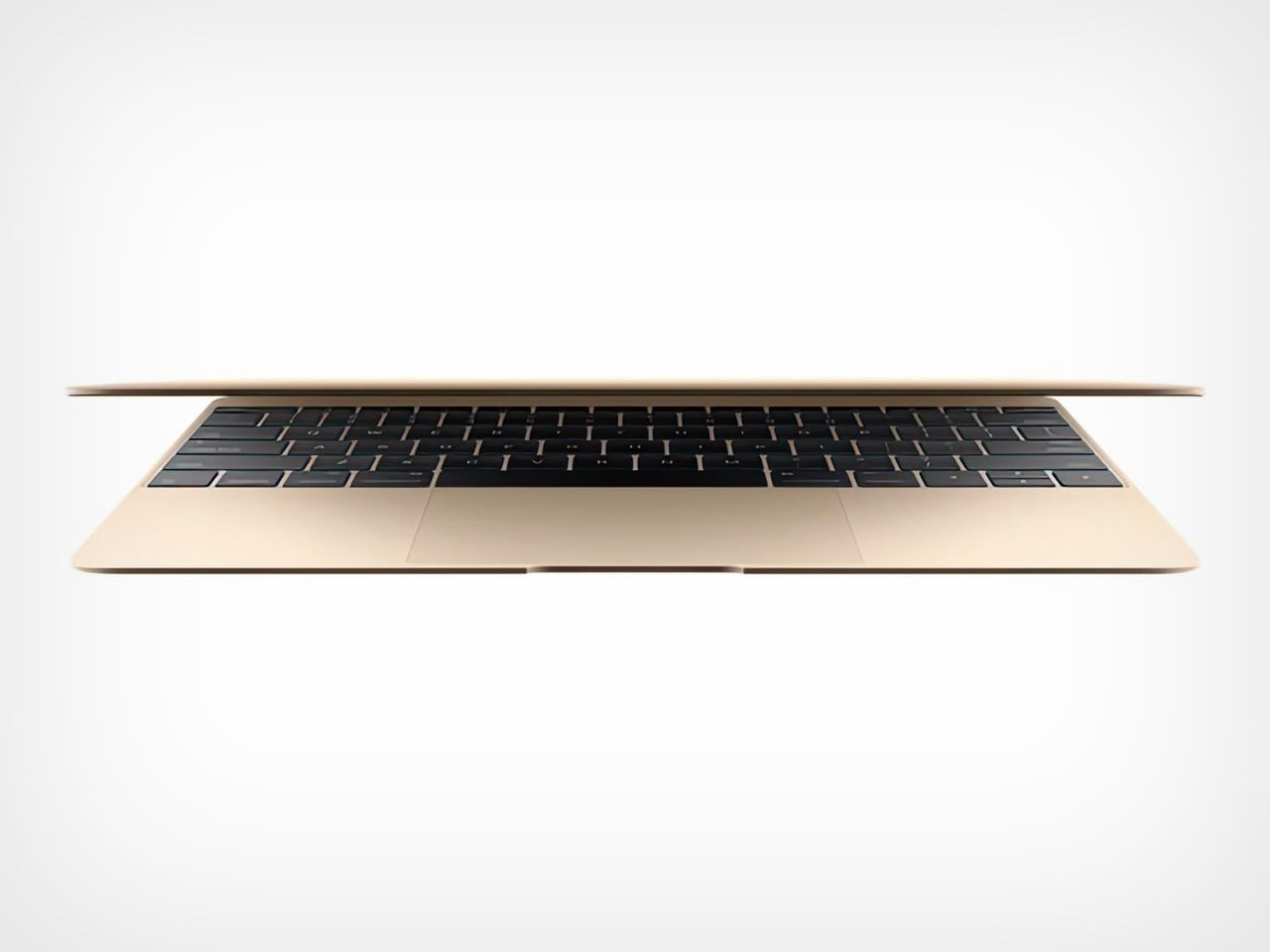
That is what makes this rumored 2027 machine so interesting from a design perspective. Apple already knows how to make a thin laptop. It has done that before, sometimes brilliantly, and sometimes with compromises that aged badly. Making a thin MacBook Air is one challenge. Making a thin MacBook Pro that creators, editors, developers, and power users can trust for sustained work is a much harder brief. The real test of this redesign will not be the side profile in Apple’s launch images. It will be whether the machine can carry all that visual elegance without hollowing out the practicality that gives the Pro line its identity.
So what should people expect in 2027? Probably a MacBook Pro that looks noticeably slimmer, likely leans on OLED as the enabling technology, and arrives with the kind of visual lightness Apple loves to turn into a headline. They should also expect compromises to become part of the conversation the moment the design appears. That tension is the whole story here. The “Paper MacBook Pro” has the potential to be one of Apple’s most striking laptop redesigns in years, but only if the company proves that shaving down the body does not also shave away the reasons professionals buy a MacBook Pro in the first place.
The post Paper MacBook Pro: Apple’s Thinnest Redesign Now Targeting 2027, Not 2026 first appeared on Yanko Design.

The budget laptop category has a long reputation for disappointing displays, short battery life, and builds that feel provisional rather than considered. Most sub-$300 machines get you to the internet and not much further before something creaks or slows down. It’s a price bracket that tends to ask buyers to accept tradeoffs that shouldn’t really be necessary in 2026, and ChromeOS devices have historically been no exception.
The ASUS Chromebook CM15 and Chromebook CM32 Detachable take a different approach to that bracket. Both run on the MediaTek Kompanio 540 processor with up to 8 GB of LPDDR5X memory, pass 24 MIL-STD-810H military-grade durability tests, and come with a three-month Google AI Pro trial bundled in. They aren’t trimmed-down machines trying to look complete. They’re designed to cover the full range of what most people actually do on a laptop.
Designer: ASUS

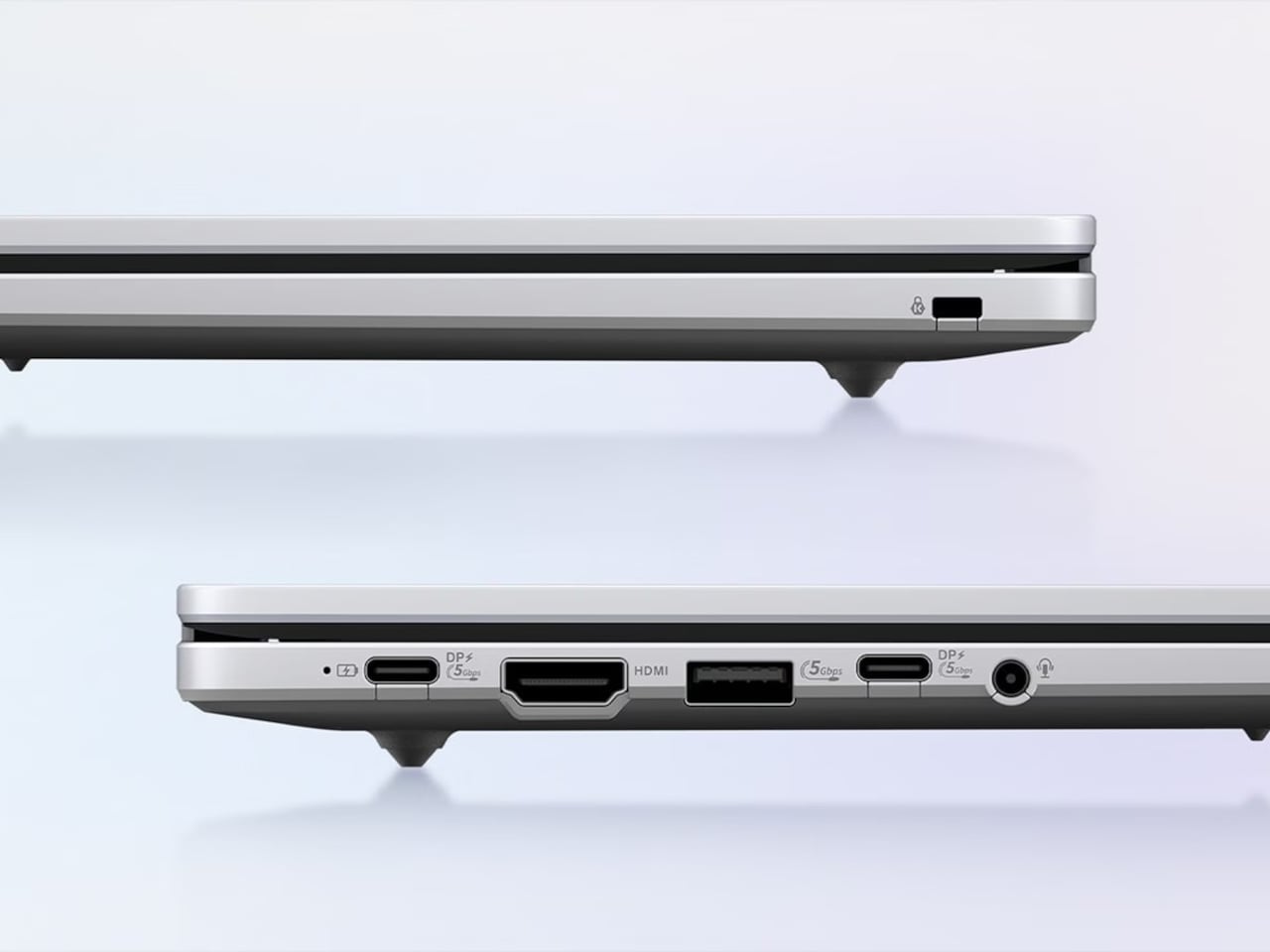
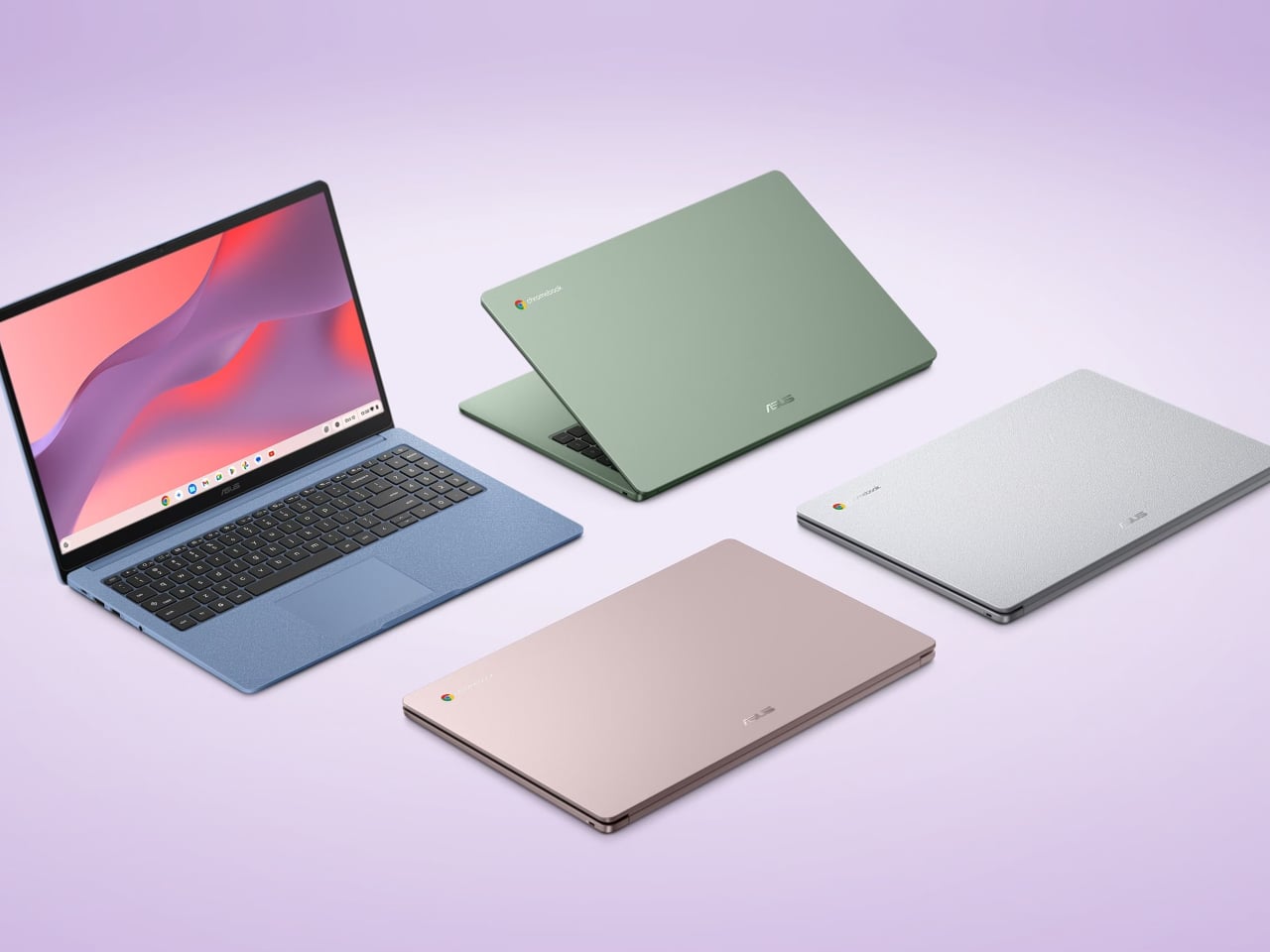
The CM15 is the larger of the two, a 15.6-inch clamshell with an FHD anti-glare panel, a 180-degree lay-flat hinge, and a chassis that weighs 3.26 lbs and comes in four colors: Pure Grey, Fabric Blue, Cream Pink, and Misty Green. Each has a washi-paper-inspired texture that gives it a bit more character than the usual matte plastic. The port selection includes HDMI alongside two USB 3.2 Gen 1 Type-C ports and a USB Type-A, and ASUS specifically flags HDMI as an unusual inclusion at this price point.
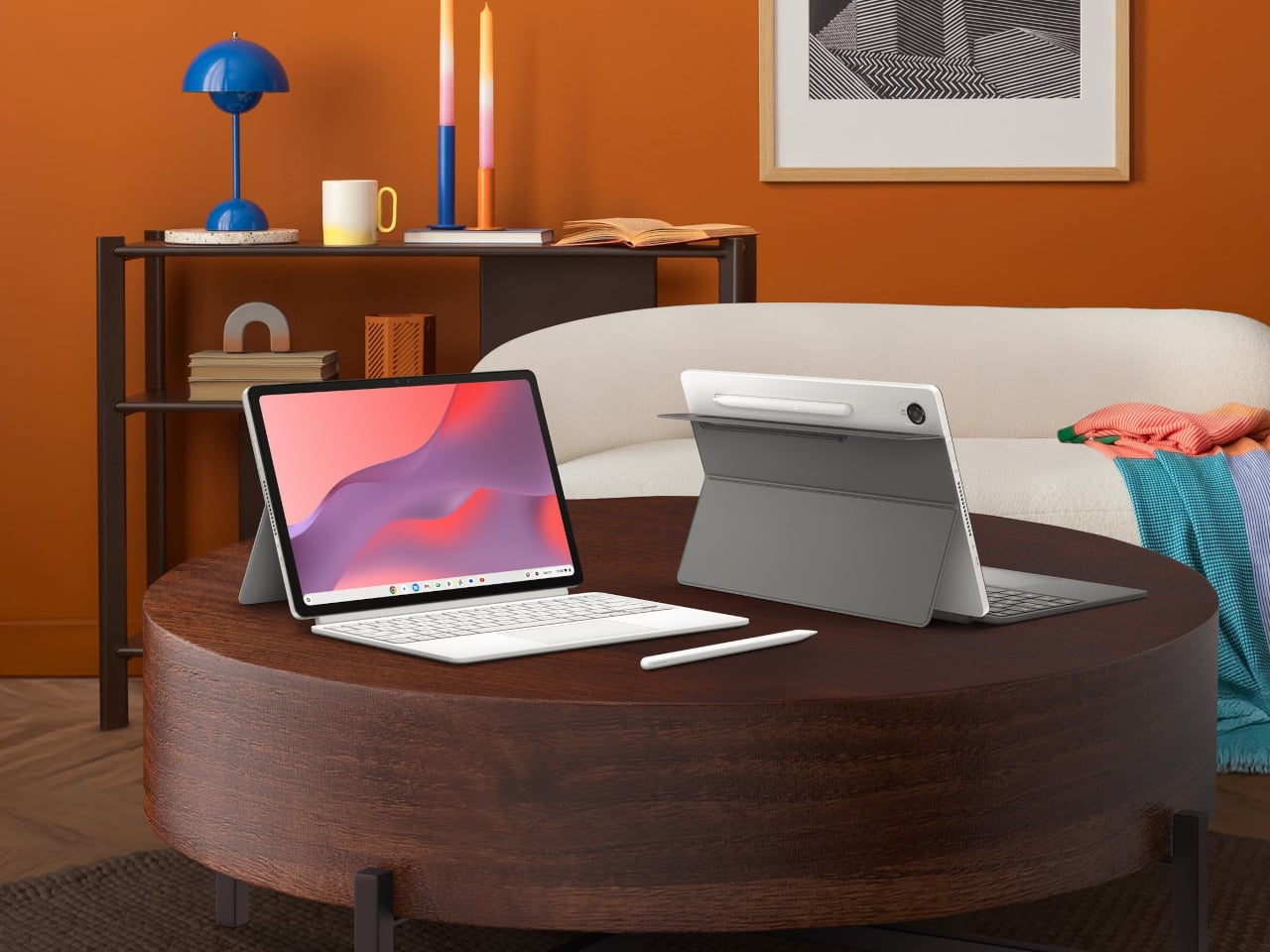
The CM32 Detachable is smaller and considerably more flexible, at 1.41 lbs without the keyboard attached. Its 12.1-inch, 2.5K 120 Hz touchscreen is protected by Corning Gorilla Glass, and it comes with a magnetically attached stand, a detachable keyboard with 1.35 mm key travel, and a wirelessly charged stylus shaped like a traditional ballpoint pen. The whole system connects and disconnects cleanly without any of the fussiness that detachable keyboards often carry.
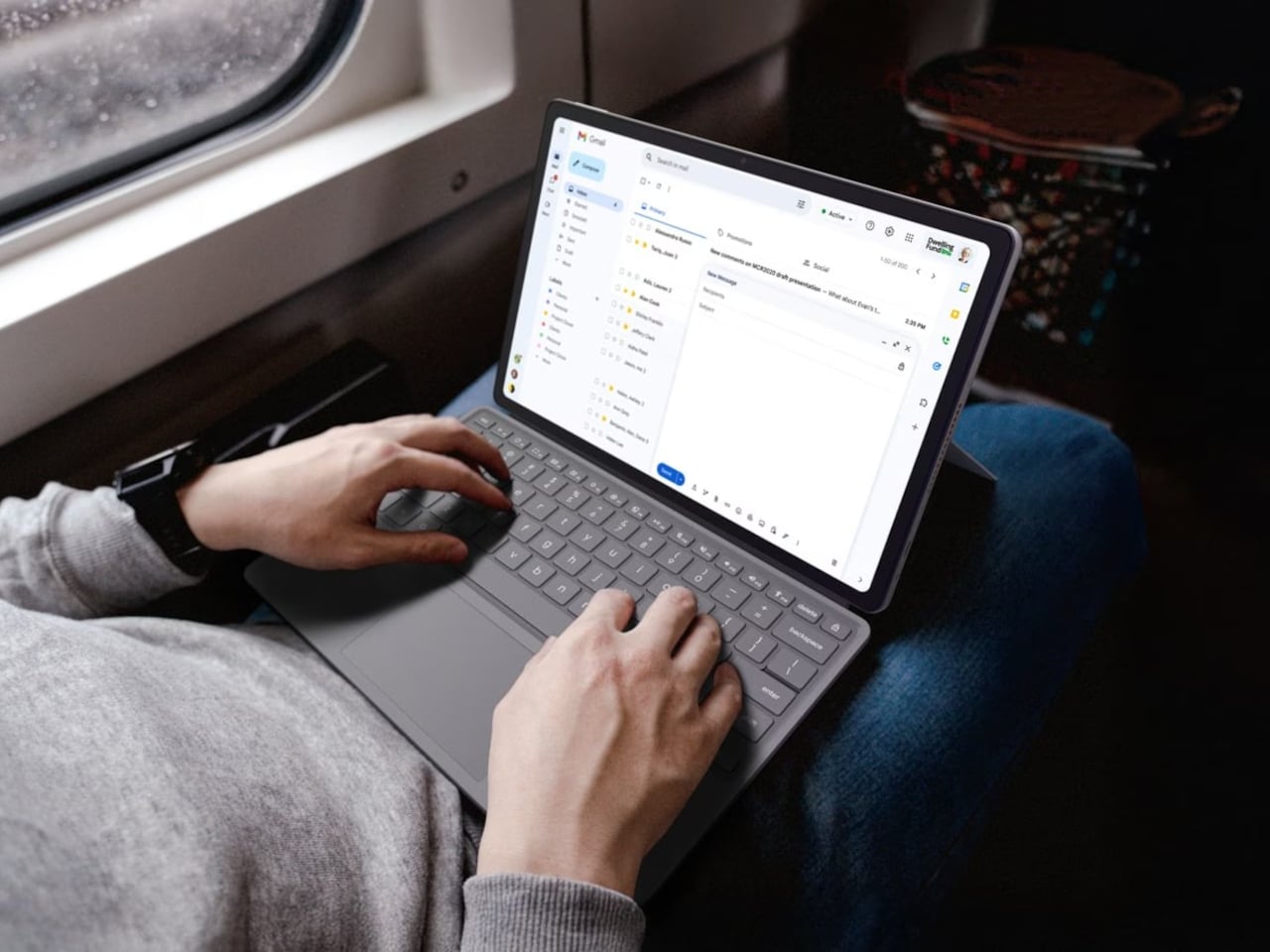
Both devices boot in under ten seconds, handle background updates automatically, and run Android apps from Google Play, which in practice means Netflix, Adobe Lightroom, Zoom, and Microsoft 365 are all accessible out of the box. The Google AI Pro trial includes NotebookLM and Gemini integration across Gmail and Docs, adding genuine productivity value without requiring a separate subscription to access.
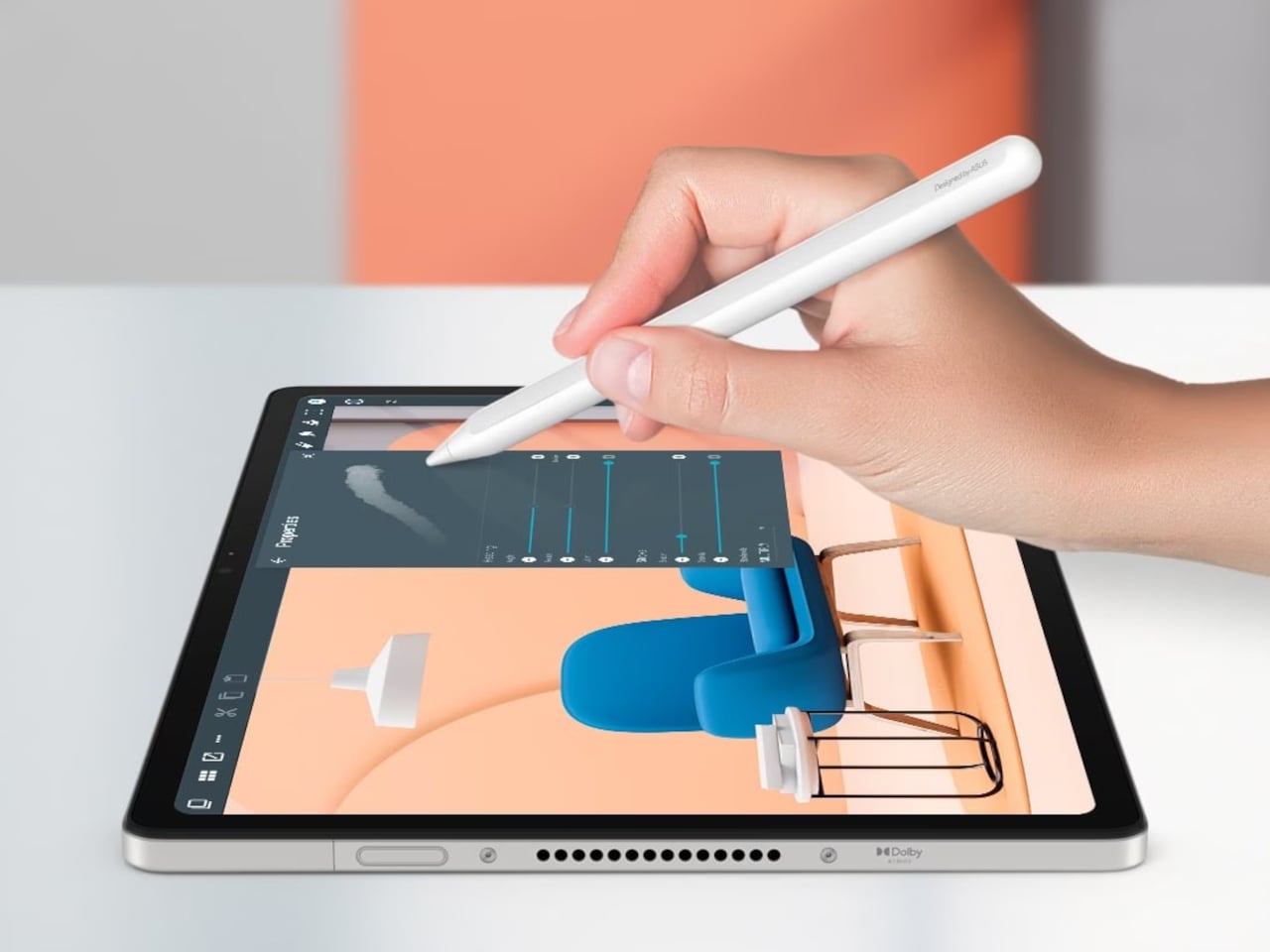
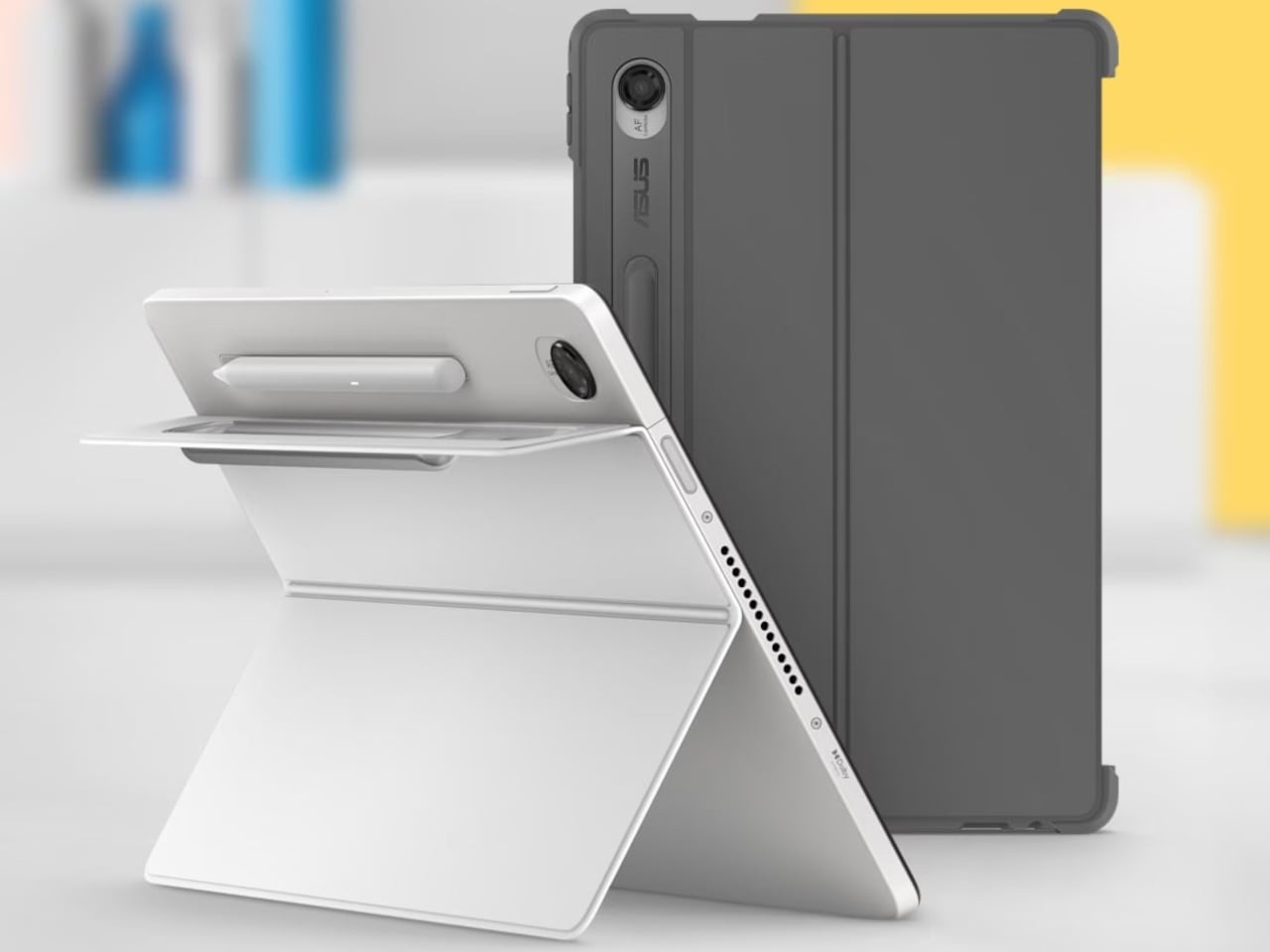
Where the two models diverge is in their use case and price. The CM15 starts at $269.99 and suits anyone who wants a wide screen with a full-size keyboard for daily tasks at home or school. The CM32 at $579.00 is the pick for people who need the flexibility of a tablet one moment and a laptop the next, particularly given the stylus and the 120 Hz display. The CM15 body is also made with 30% recycled plastics and sustainable packaging, a commitment that extends the value of the machine beyond its shelf life.


The post At $270, ASUS’s New Chromebook Has No Business Being This Good first appeared on Yanko Design.

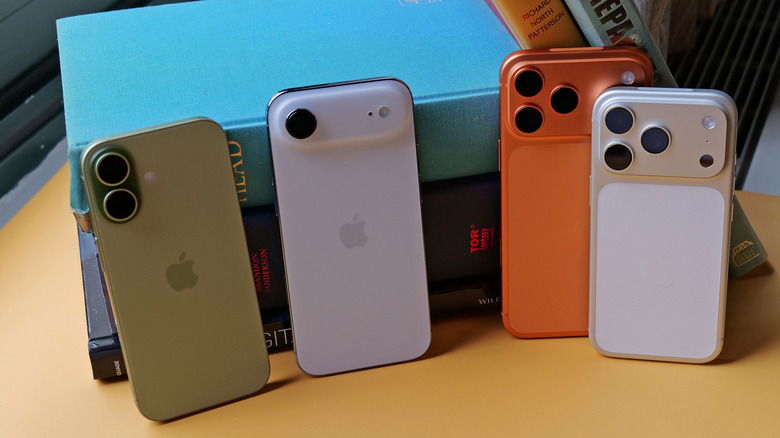
Apple has always used color as a defining feature of its consumer laptops, and the MacBook Neo leans into that more than most. It’s the brand’s most affordable MacBook yet, arriving in four expressive colorways that clearly aren’t an afterthought. The accessories market hasn’t kept pace with that thinking, though. Most hubs and mice sold alongside colorful laptops are still generic gray or silver, made for nothing in particular.
Satechi’s MacBook Neo Collection takes direct aim at that gap. The three-piece lineup, available in Citrus, Blush, Indigo, and Silver, is built around the simple idea that accessories for a distinctly colored laptop should actually match it in kind. That means two USB-C hubs that address the Neo’s limited port selection, and a wireless mouse that rounds out the desk setup with the same visual intention the laptop brought.
Designer: Satechi

Of the two hubs, the USB-C Snap Hub ($44.99) is the one built most specifically around the Neo. It connects to both of the laptop’s USB-C ports simultaneously and sits flush against the chassis without any cables running off to the side. Six ports all operate at once without any configuration needed, covering 4K/60Hz HDMI output, USB-A and USB-C data, SD and microSD card slots, and 45W pass-through charging.
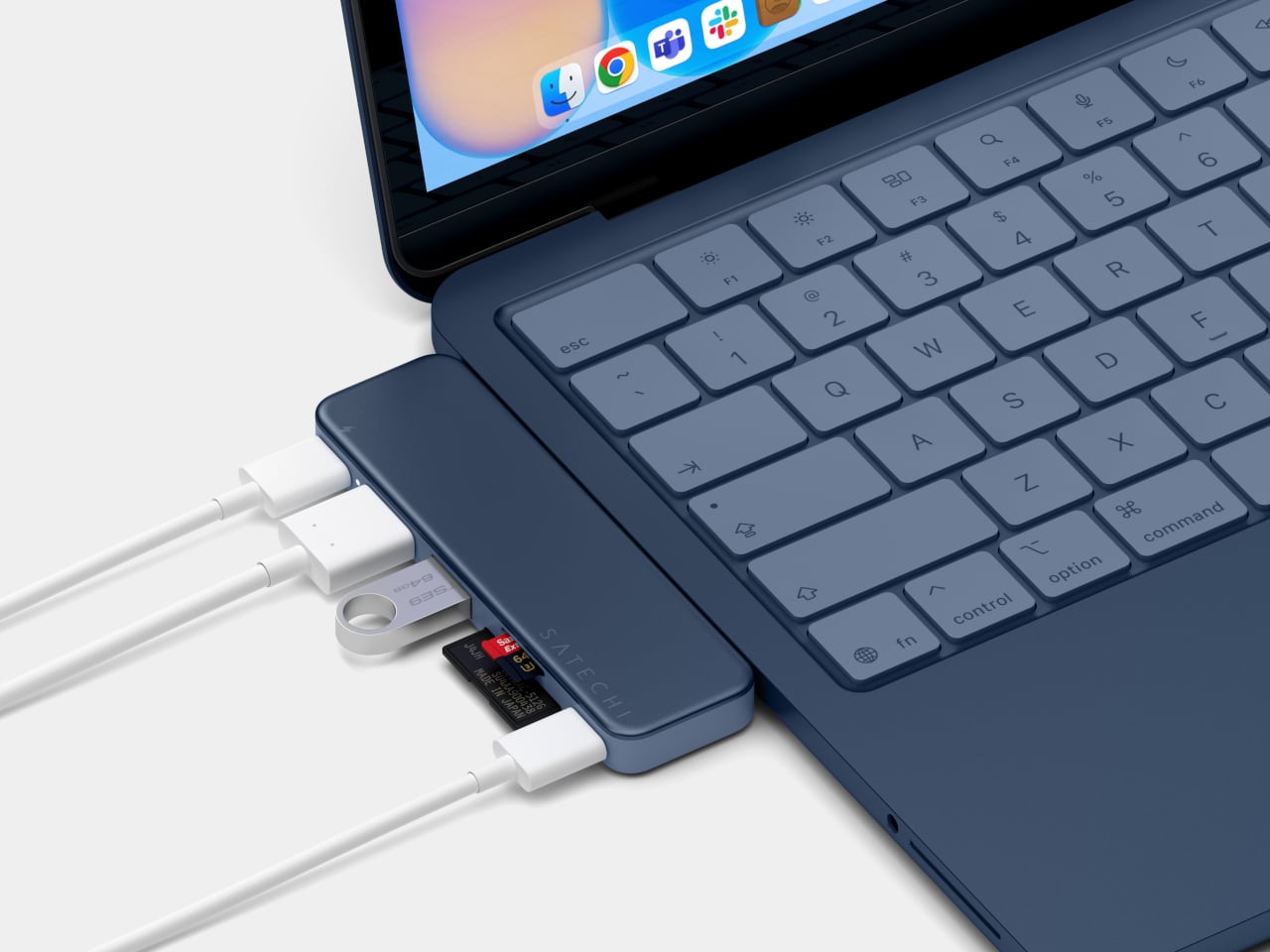

What makes the Snap Hub more considered than a typical color-matched hub is its two-tone construction. The top surface is anodized aluminum matched to the Neo’s body color, while the base is soft-touch ABS aligned to the keyboard finish, giving it a genuinely integrated look. Most accessories stop at a matching surface. This one accounts for how it looks when it’s actually attached to the laptop, not just placed nearby.
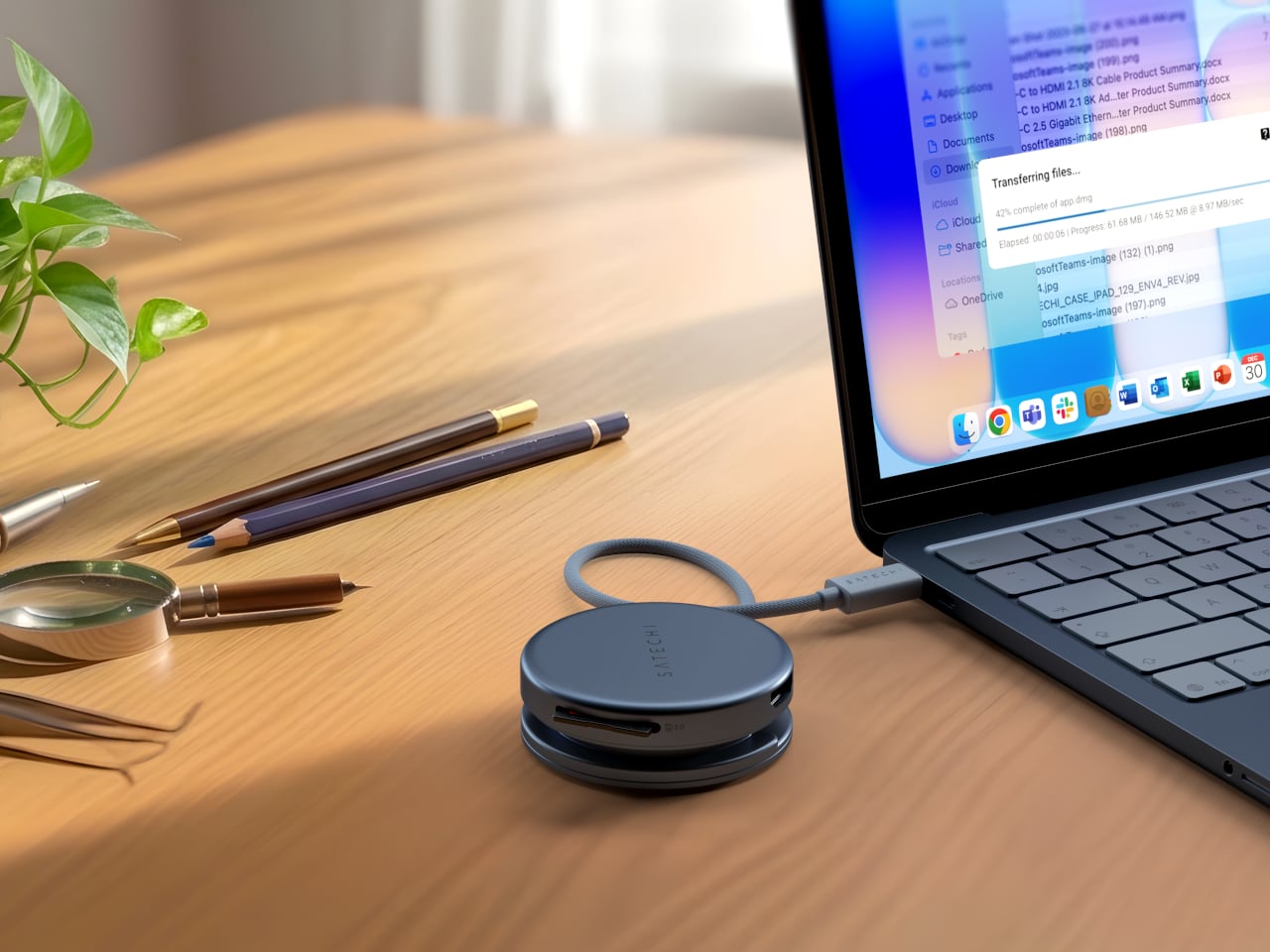
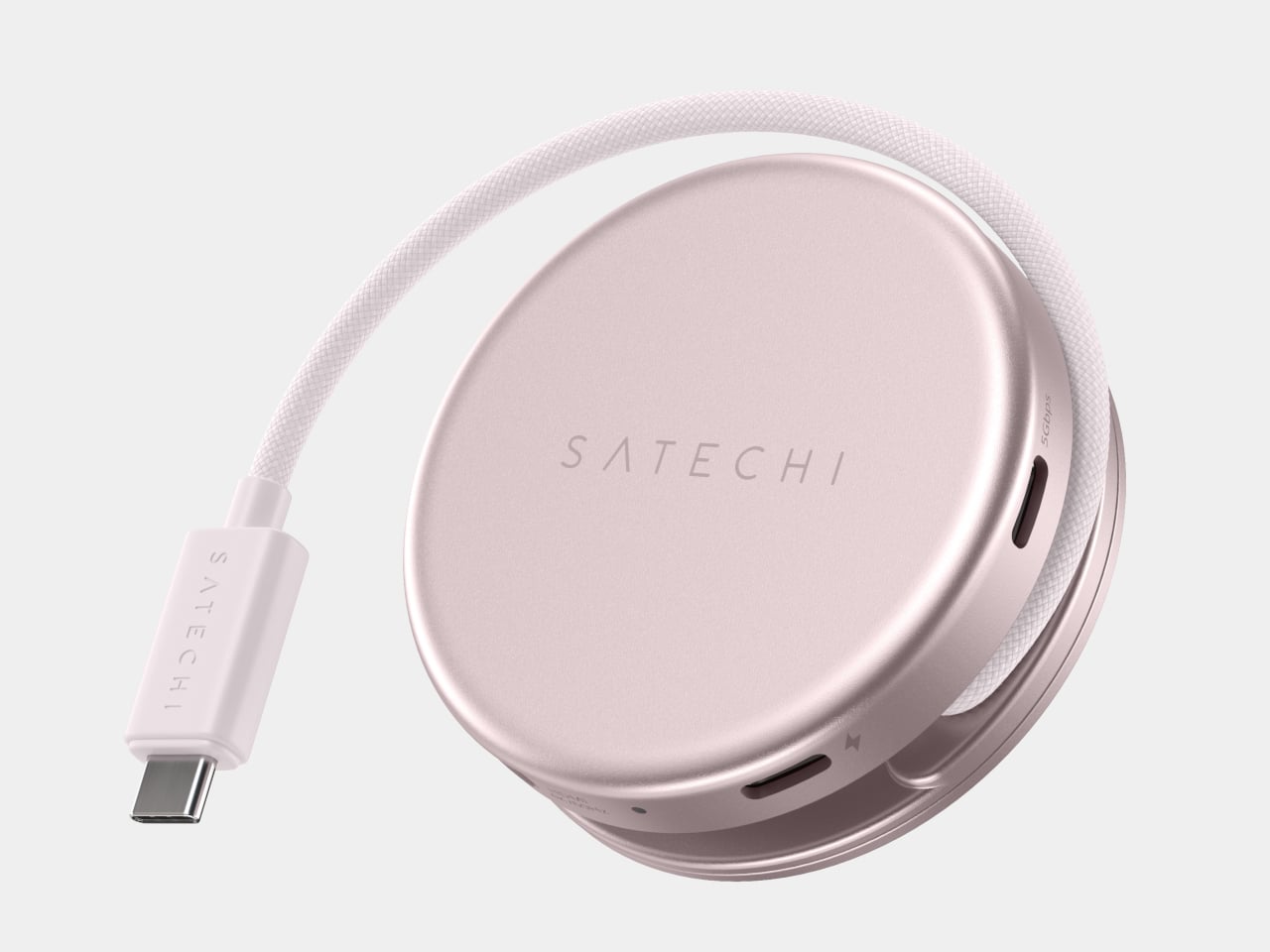
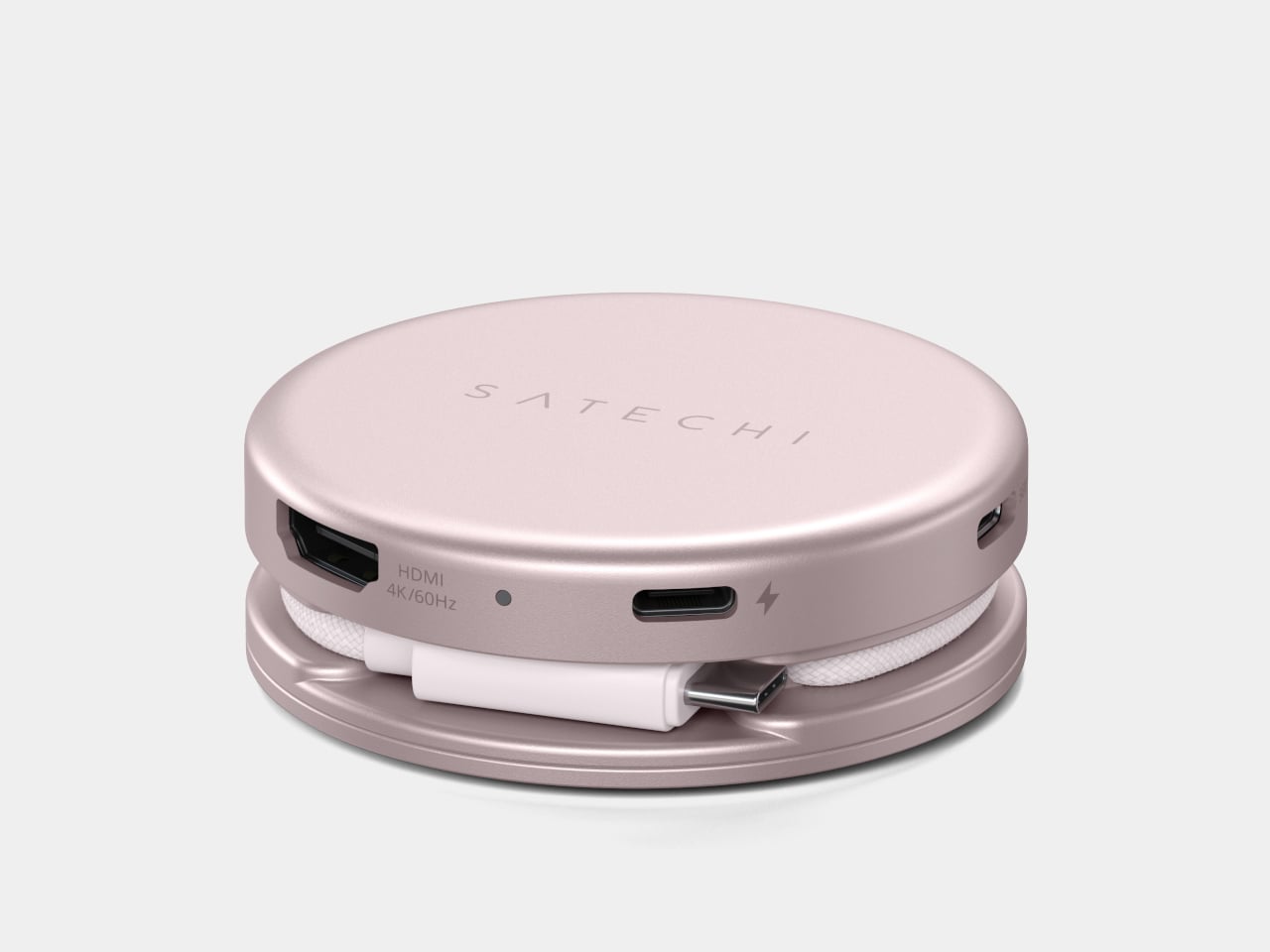
The OntheGo 5-in-1 Multiport Adapter ($44.99) takes a more portable approach to the same connectivity problem. It connects through a single USB-C port via a nylon-braided cable, and its magnetic soft-touch base can snap onto a MagSafe iPhone or mount flush to the Neo’s lid with an included adhesive ring. The ports cover 4K/60Hz HDMI output, 60W USB-C pass-through charging, dual 5 Gbps data ports, and an SD card reader.
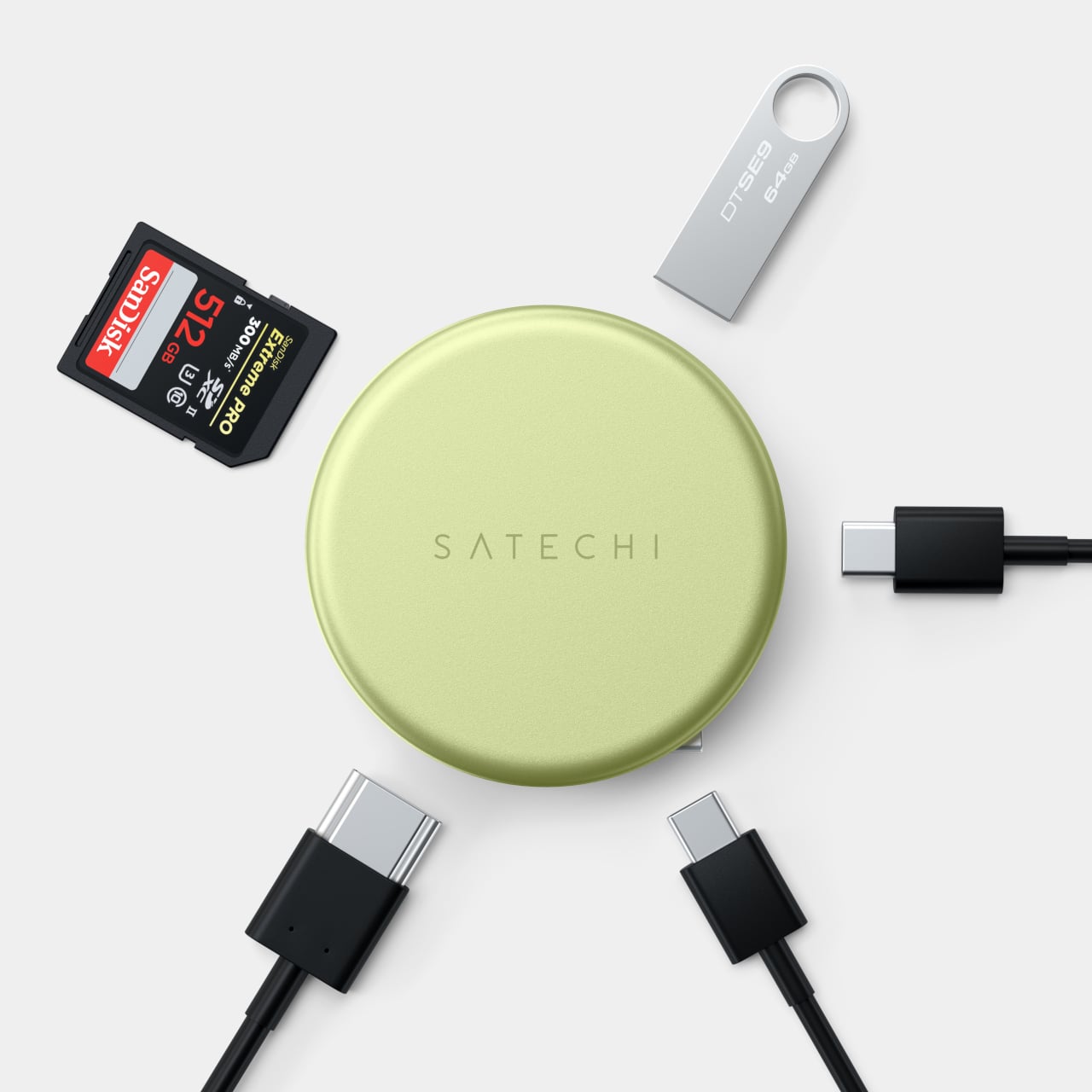

The Slim EX Wireless Mouse ($29.99) completes the collection and the color story it sets up. Previously only available in standard finishes, it now comes in the same Neo colorways for the first time, on an aluminum body that matches the hubs it sits beside. It supports two simultaneous Bluetooth channels and a 2.4 GHz wireless connection, quiet click switches, a precision-machined scroll wheel, and a USB-C rechargeable battery.
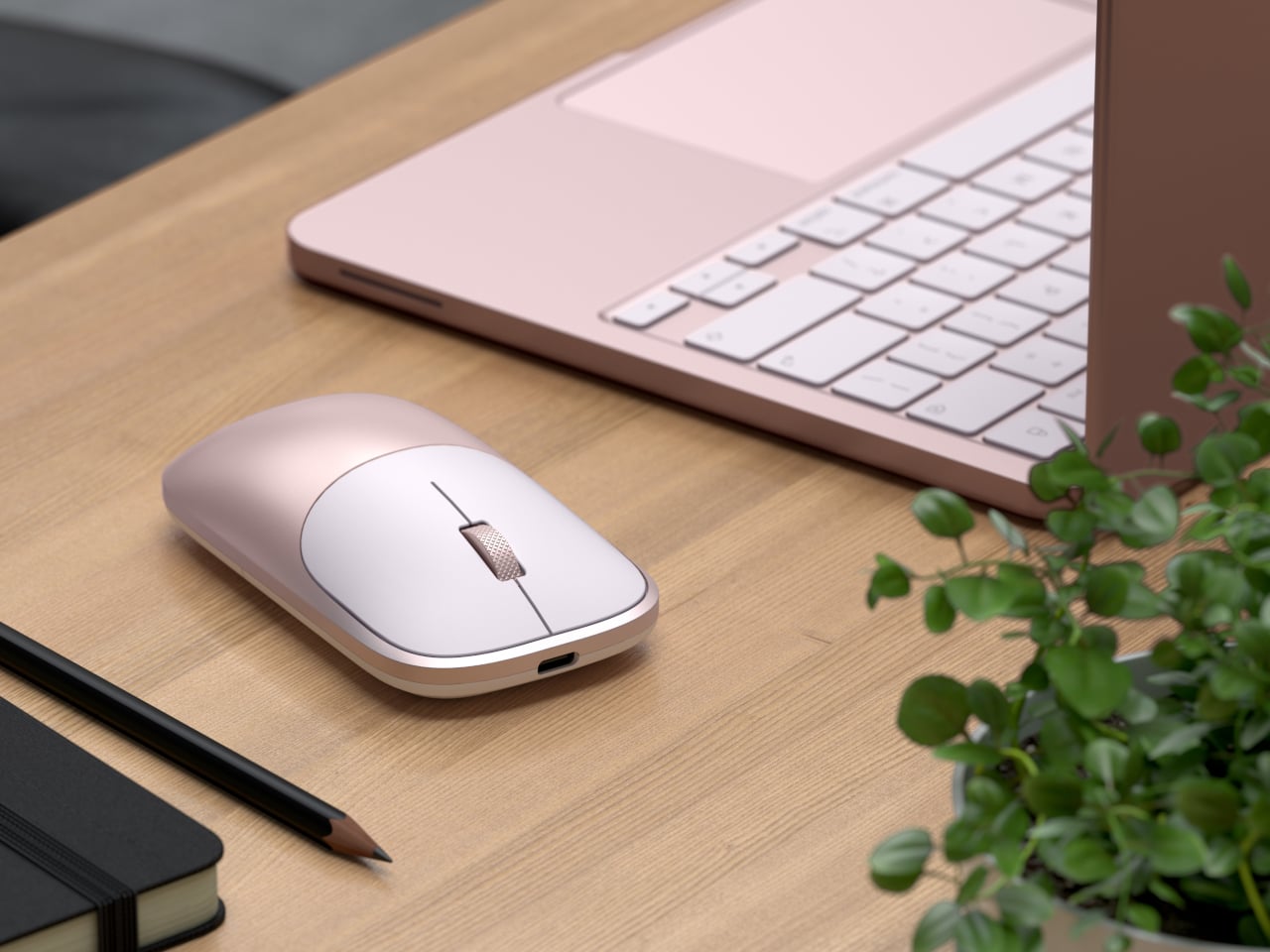
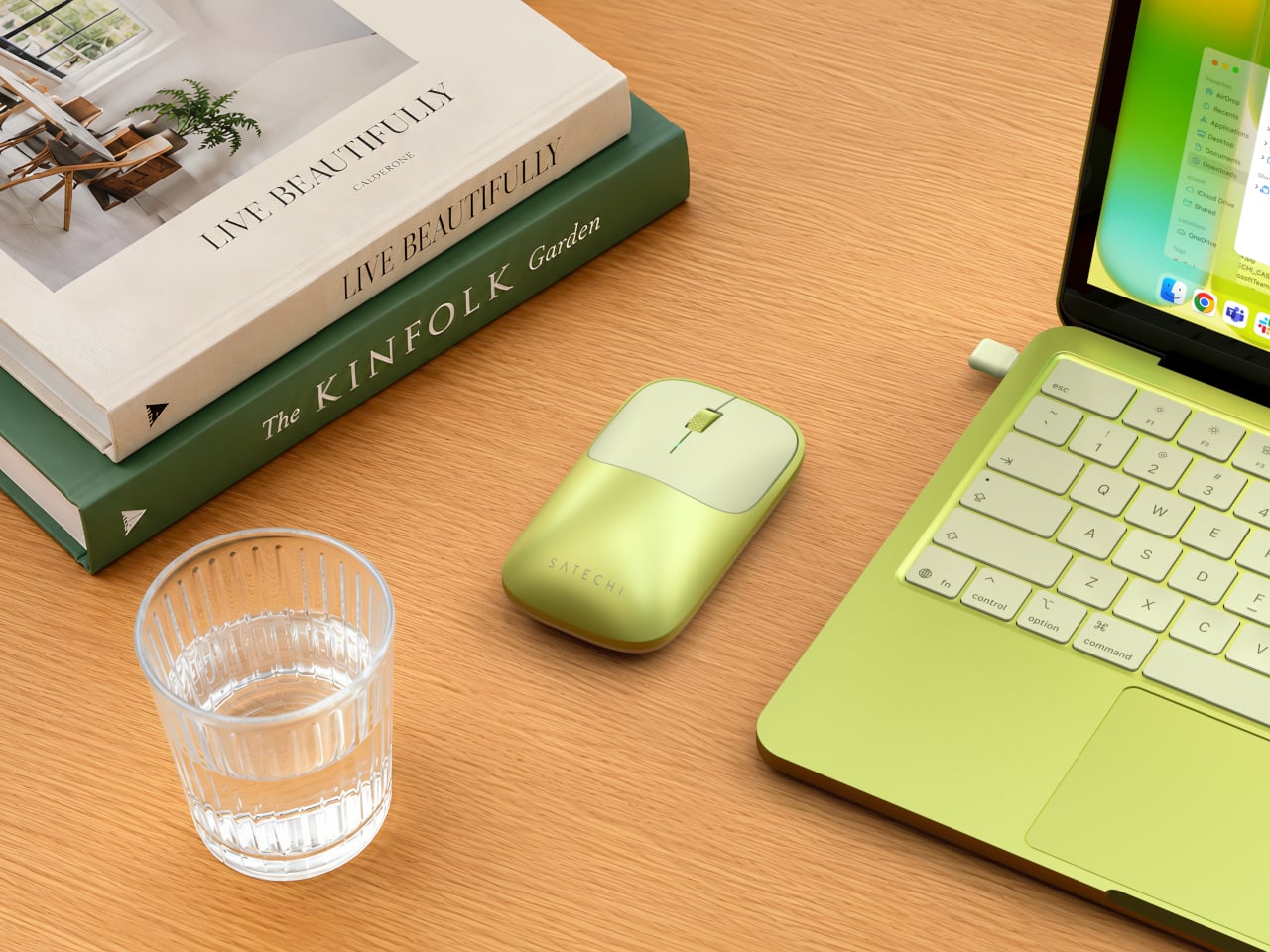
The MacBook Neo was designed for people who care about color as much as capability, and the accessories around it should reflect that sensibility. At $29.99 for the mouse and $44.99 for either hub, the collection isn’t asking much. It gives back a desk setup that actually feels considered from one end to the other, which is a harder outcome to achieve in the laptop accessory space than it sounds.
The post Satechi Just Built the MacBook Neo Accessories Apple Forgot to Make first appeared on Yanko Design.
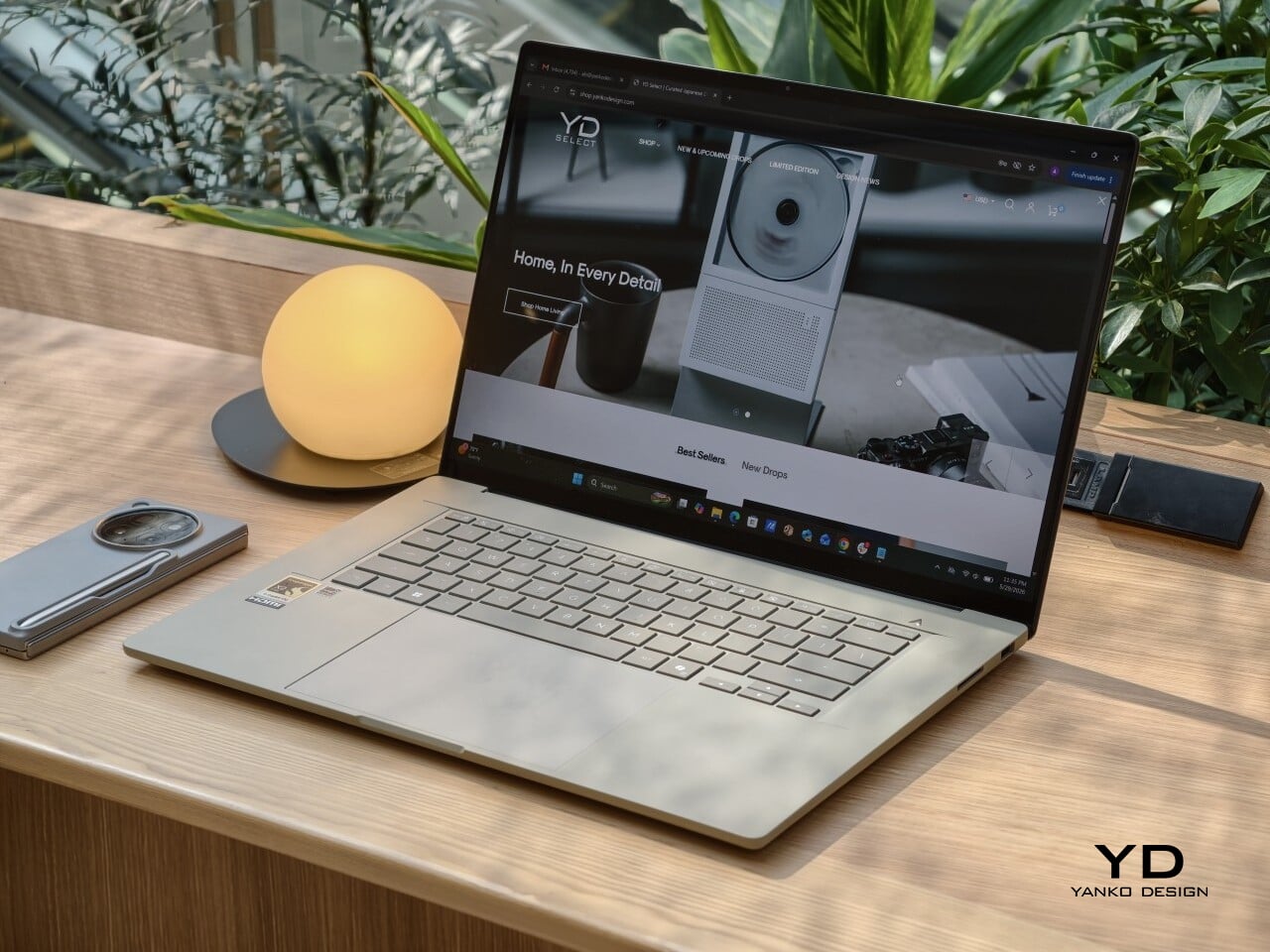
Big laptops usually ask for a compromise. You get the roomy screen, but you also get the extra weight, the larger footprint, and the feeling that you are carrying a little too much machine around every day. The ASUS Zenbook A16 UX3607 takes a different route, giving you a 16-inch canvas in a body that is startlingly light for the size, at around 1.3 kg, or 1.2 kg depending on the version.
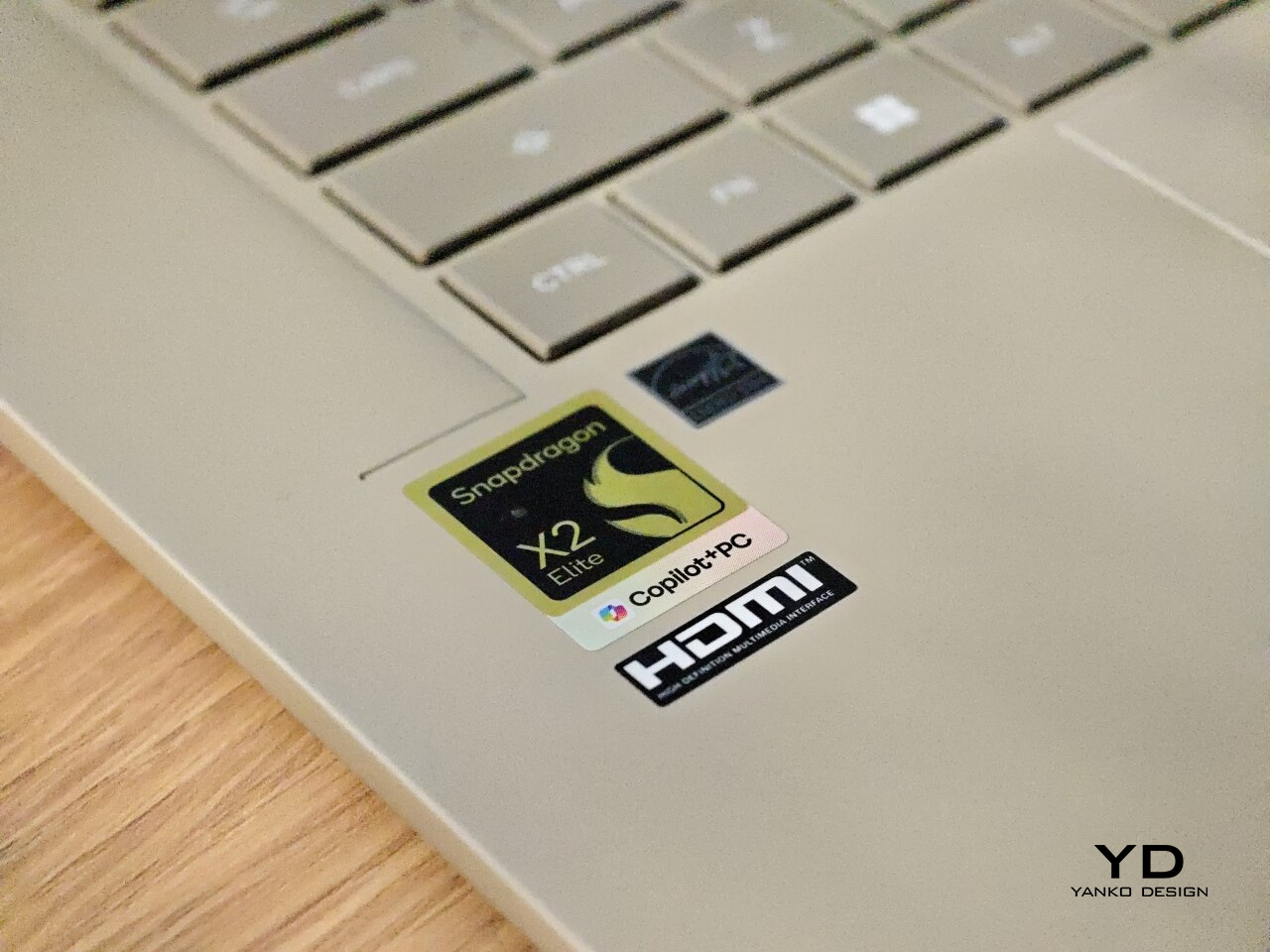
What makes it stand out even more is that ASUS pairs that light build with Qualcomm’s Snapdragon X2 Elite platform, which still feels relatively rare. The result is a slim, polished laptop that makes a larger display feel easy, casual, and genuinely portable, while still delivering strong everyday performance. With a 16-inch 3K 120 Hz OLED panel and Snapdragon X2 Elite hardware in the latest refresh, it is clearly built for people who want comfort, battery life, and speed in one very travel-friendly package.
Designer: ASUS
I spent about a month with the laptop, including three international trips. That gave me a good sense of how it felt not just at a desk, but in transit, in hotel rooms, and in the kind of everyday situations where a large laptop usually starts to feel less convenient. Over that time, the Zenbook A16 made a strong case for itself as a big-screen machine that does not ask you to live around it.
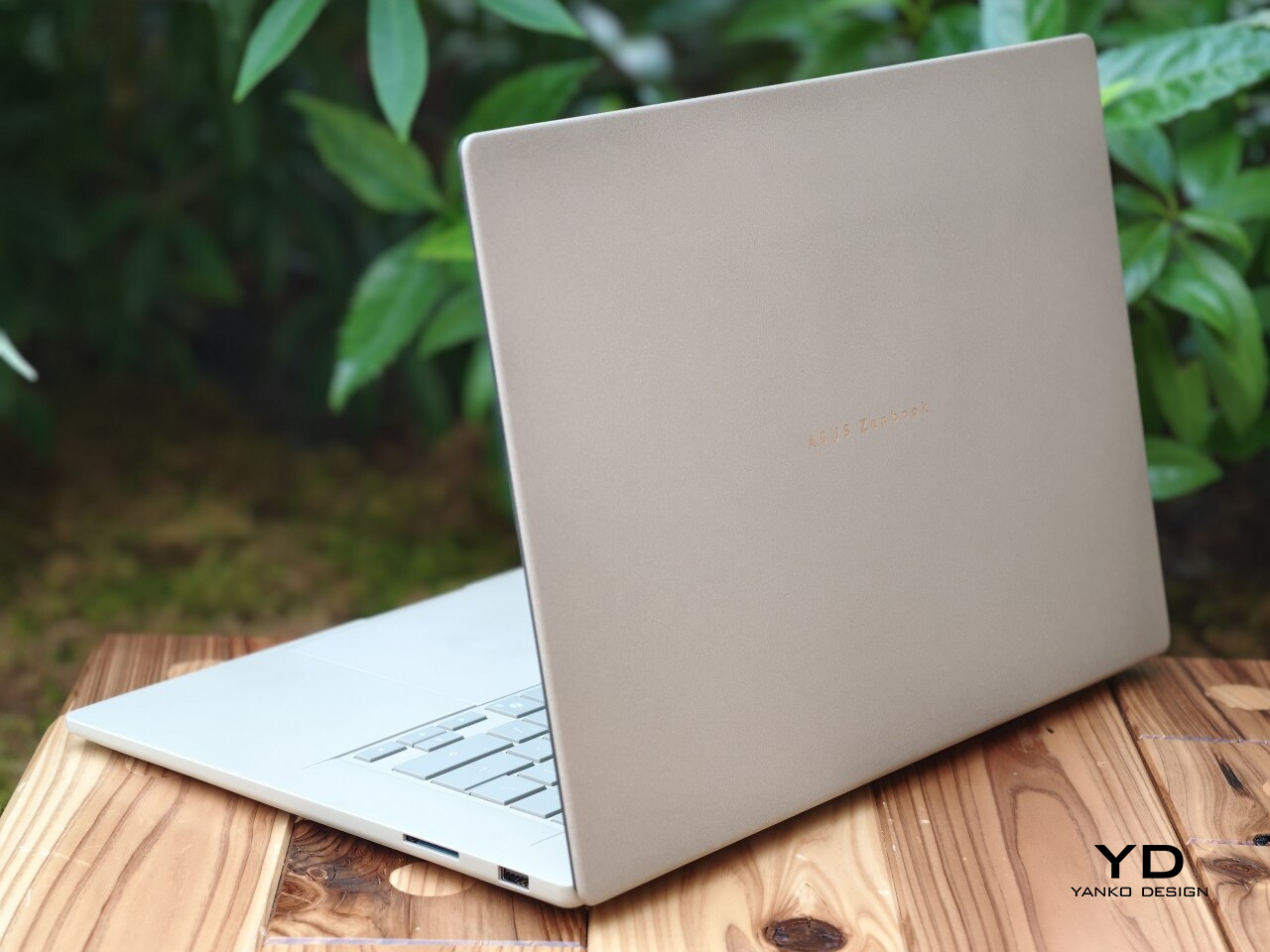
The Zenbook A16 has a clean, minimal design, but it does not feel cold. That is an important distinction because a lot of slim laptops, especially larger ones, can come across as a little sterile. This one feels softer and more inviting, with a look that is polished without being severe.
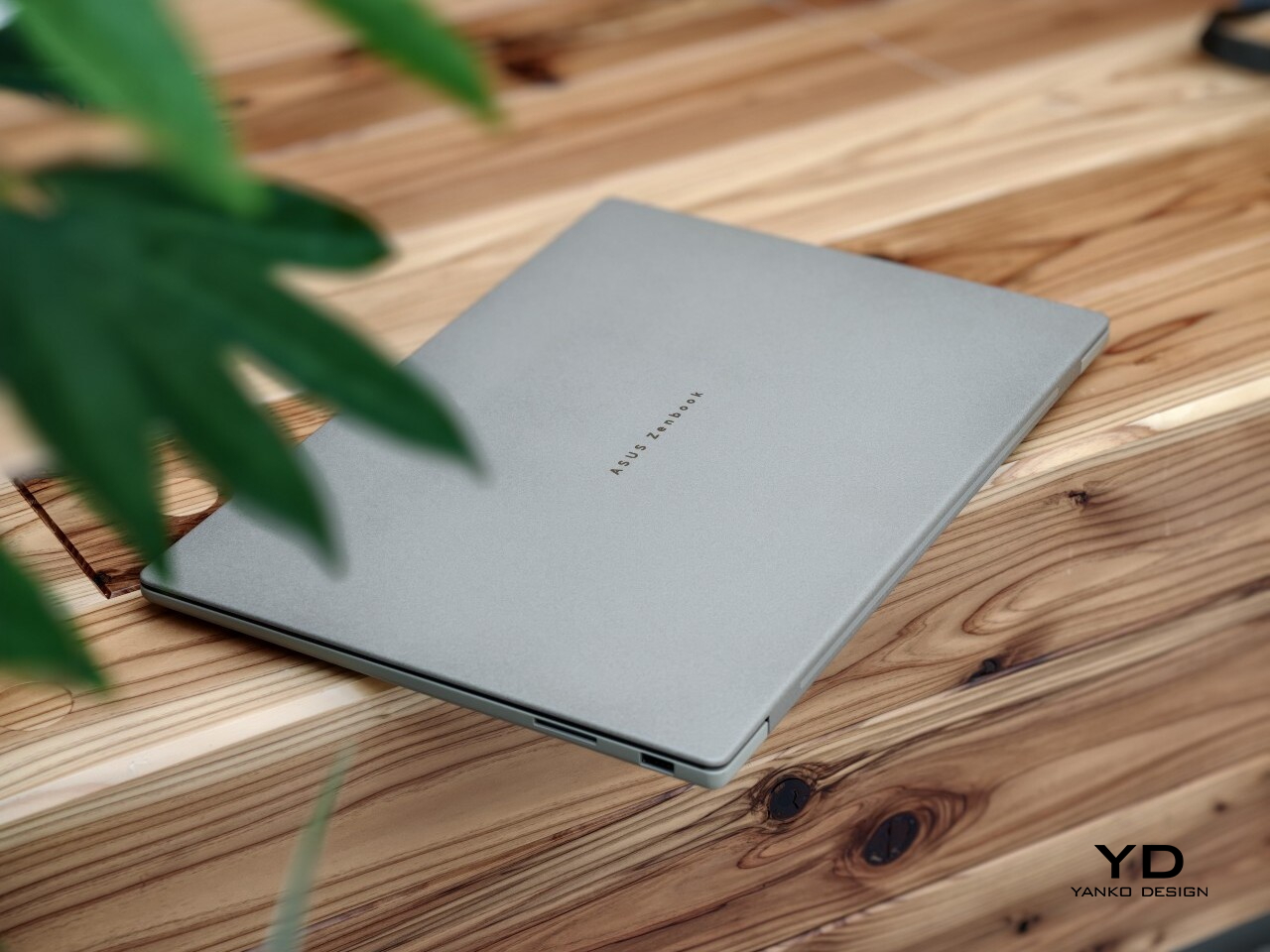
A lot of that comes down to ASUS’ patented Ceraluminum finish. ASUS gives the chassis a surface that feels less harsh than typical metal, which helps the laptop look warmer and more tactile in person. It still feels premium, but in a more relaxed and approachable way.
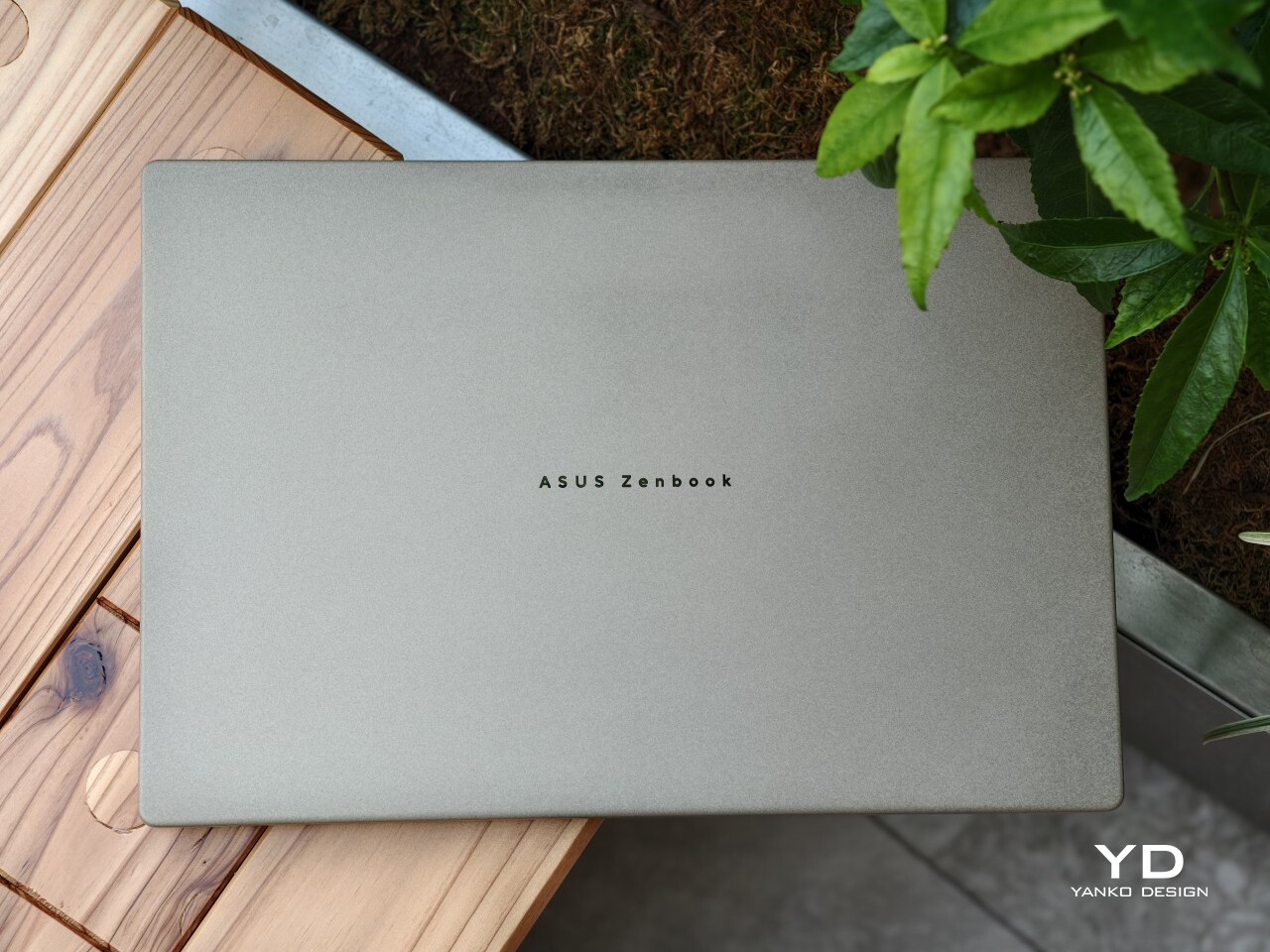
The details are subtle, but they give the laptop some character. A silver ASUS Zenbook logo sits centered on the lid, adding just enough contrast without disturbing the clean look. Open it up, and the full-sized backlit keyboard in a darker greige finish brings a bit of depth to the interior, while the stylized “A” above the right side of the keyboard adds a small touch of personality.
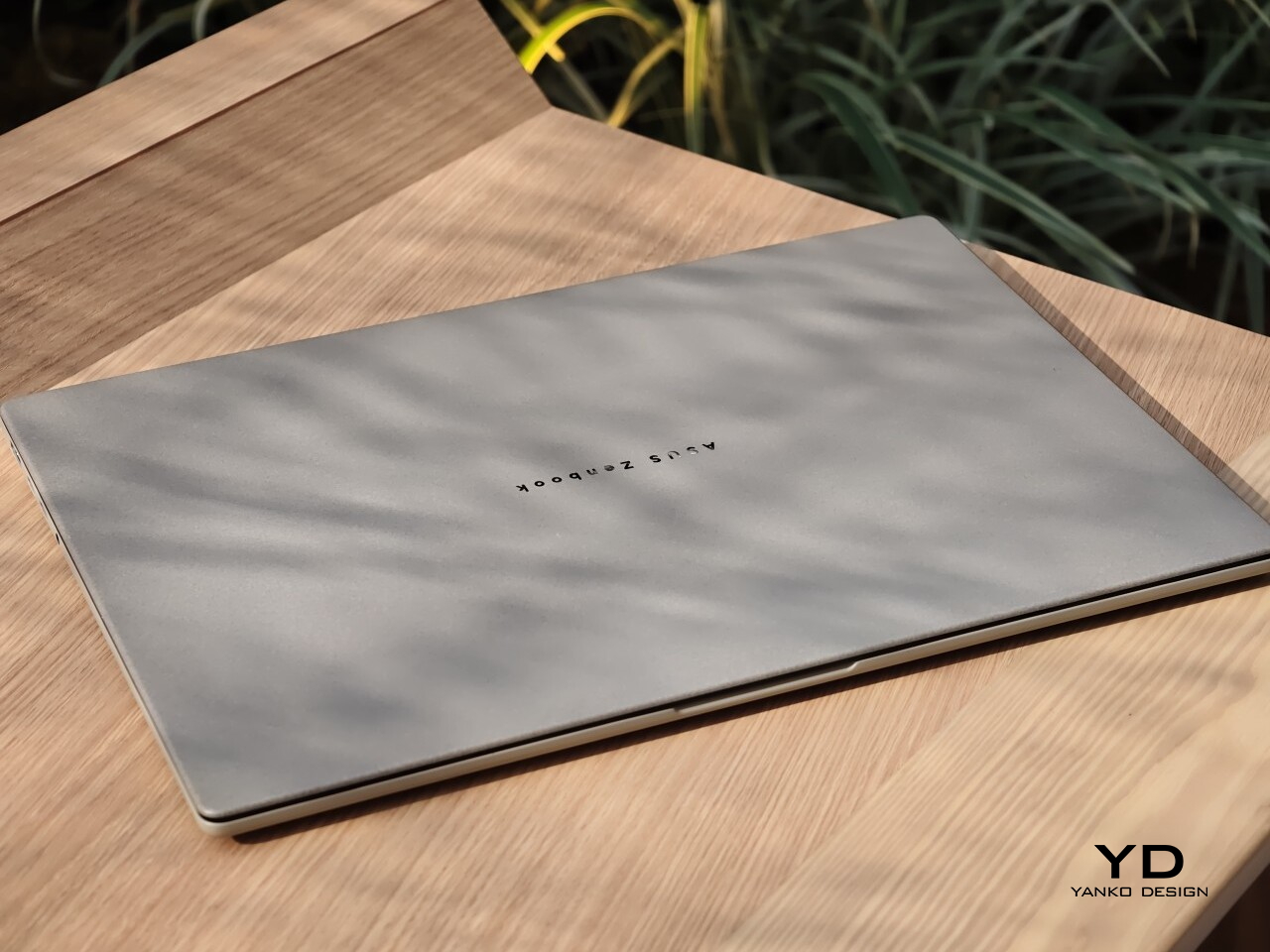
The color helps too. The review unit I received came in Zabriskie Beige, which was the only color option for this variant. It suits the Zenbook A16 especially well, giving it a softer and more distinctive look than the usual sea of silver laptops.
What I liked most about the Zenbook A16 was how easy it was to live with. On paper, the dimensions and weight are impressive for a 16-inch laptop at 35.35 × 24.24 × 1.65 cm and around 1.3 kg (2.87lbs), but what stayed with me more was the overall feel of using it. It never felt awkward or demanding, which is not something I can say about every large laptop.
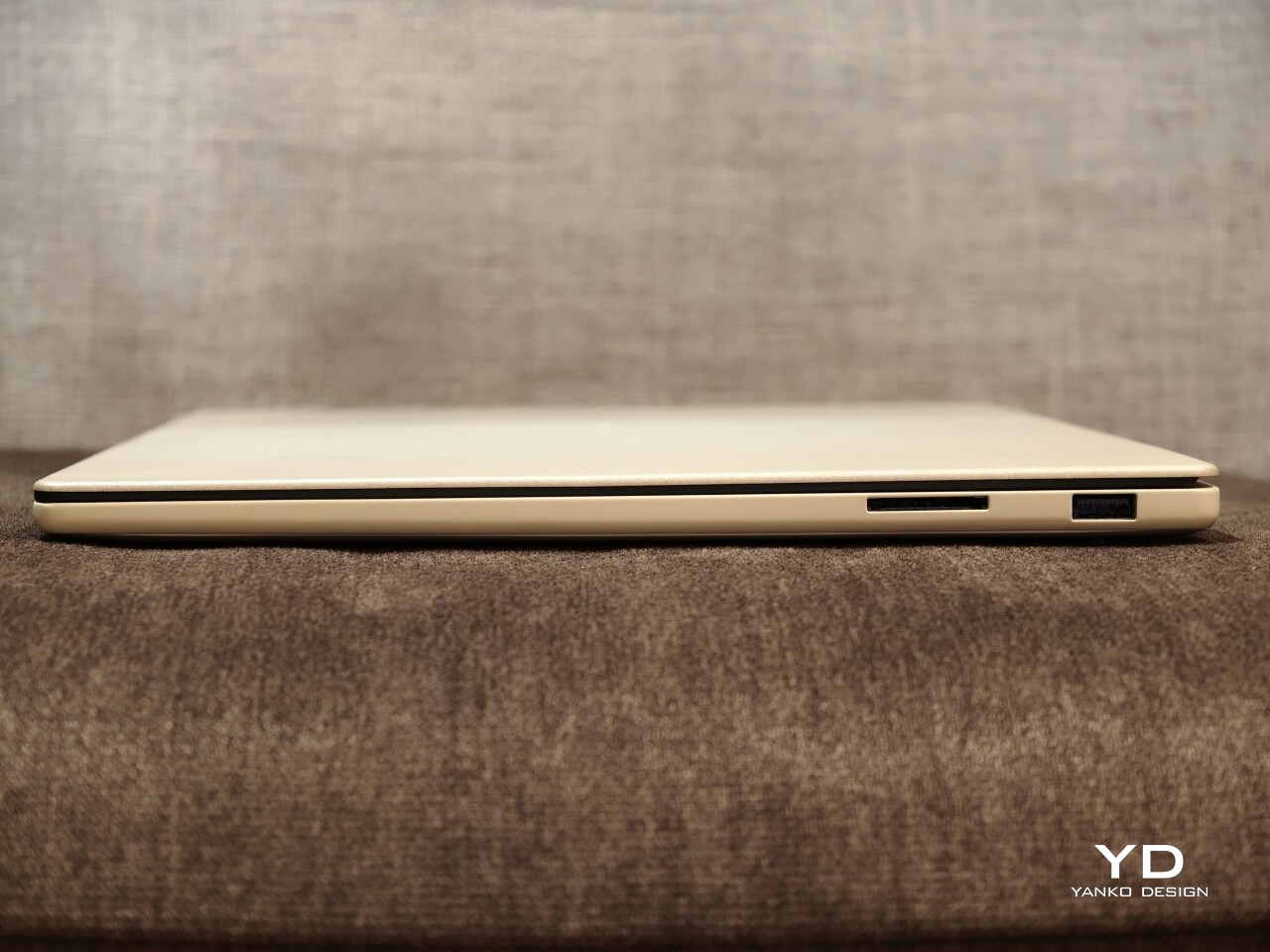
The lid is a good example of that. I could open it easily with one hand, and the hinge felt smooth and well-balanced. It is a small thing, but details like that shape your impression of a laptop very quickly. In this case, it made the Zenbook A16 feel immediately more comfortable and better resolved.
I also really liked the texture of the chassis. The Ceraluminum finish has a smooth, pebble-like texture that feels warm and pleasant under the hands. It helps the Zenbook A16 stand apart from the colder, more clinical feel that metal laptops often have. That tactile quality gives the laptop a more relaxed and welcoming character in everyday use.
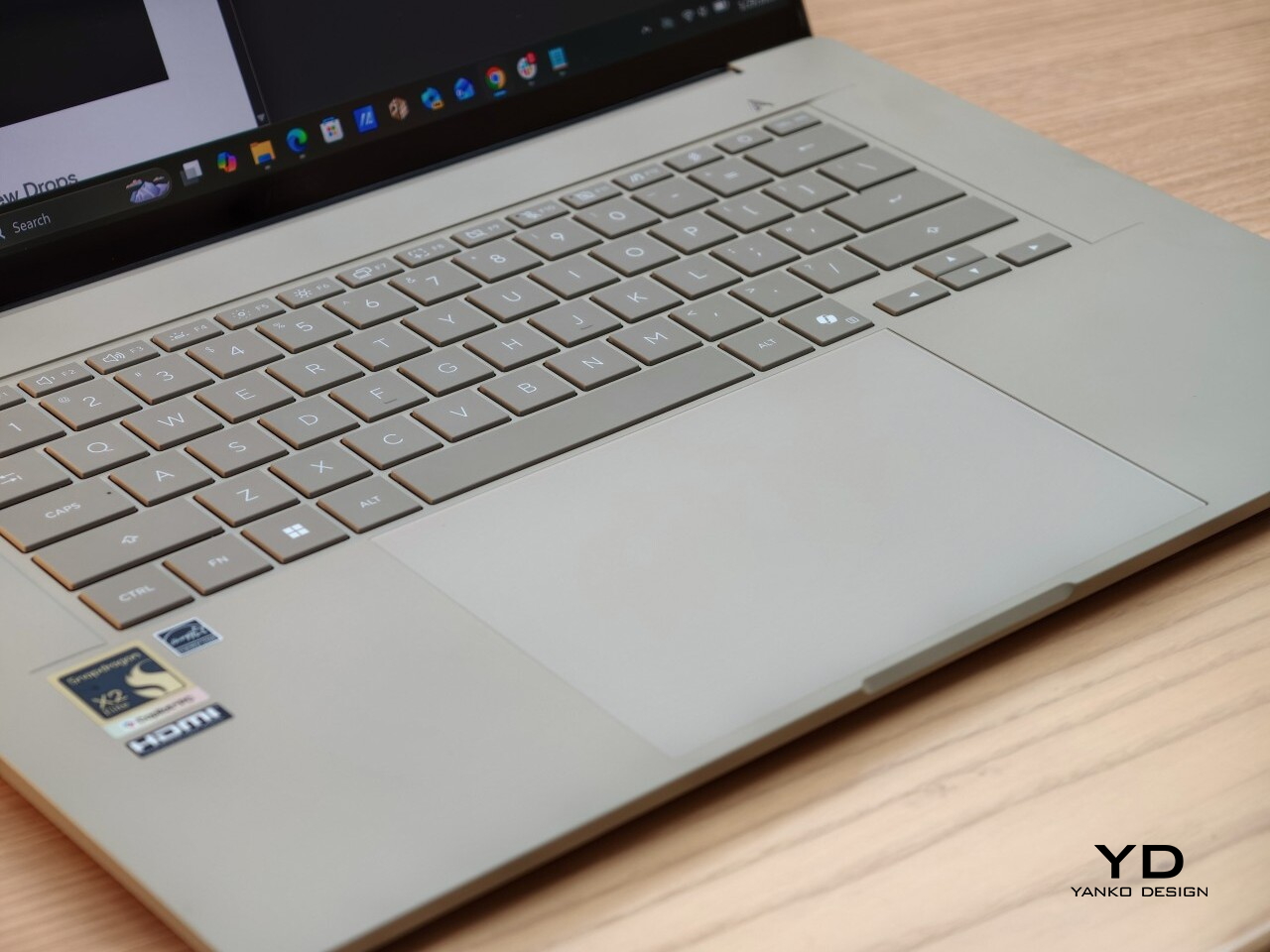
The keyboard was another highlight for me. The keys are very comfortable to type on, and that became more obvious the longer I used it. Whether I was writing, replying to emails, or working through longer stretches of text, it felt like a laptop that stayed out of the way in the best sense.
The touchpad is generously sized, which suits the scale of the laptop, but I did find that it needed a bit more force than I expected to click. It was not a major issue, and I got used to it, but it did stand out at first. On a laptop that otherwise feels so easy and light in use, that slightly firmer click felt a little less effortless than the rest of the experience.
This reads well already. If you want, I can do one very light polish pass to make it sound a touch more natural and less repetitive without changing your meaning. For example, I would probably trim phrases like “what stayed with me more” and “made a difference” just to make the rhythm feel a little cleaner.
The review unit I received is the ASUS Zenbook A16 UX3607 with Qualcomm’s Snapdragon X2 Elite processor, paired with 48GB of RAM and 1TB of storage. That is a fairly premium configuration, and in everyday use, it felt quick, quiet, and consistently easy to rely on. It handled the usual multitasking of writing, research, email, an unruly number of browser tabs, streaming music, watching video, and light photo and video editing without ever feeling like it was running out of breath.
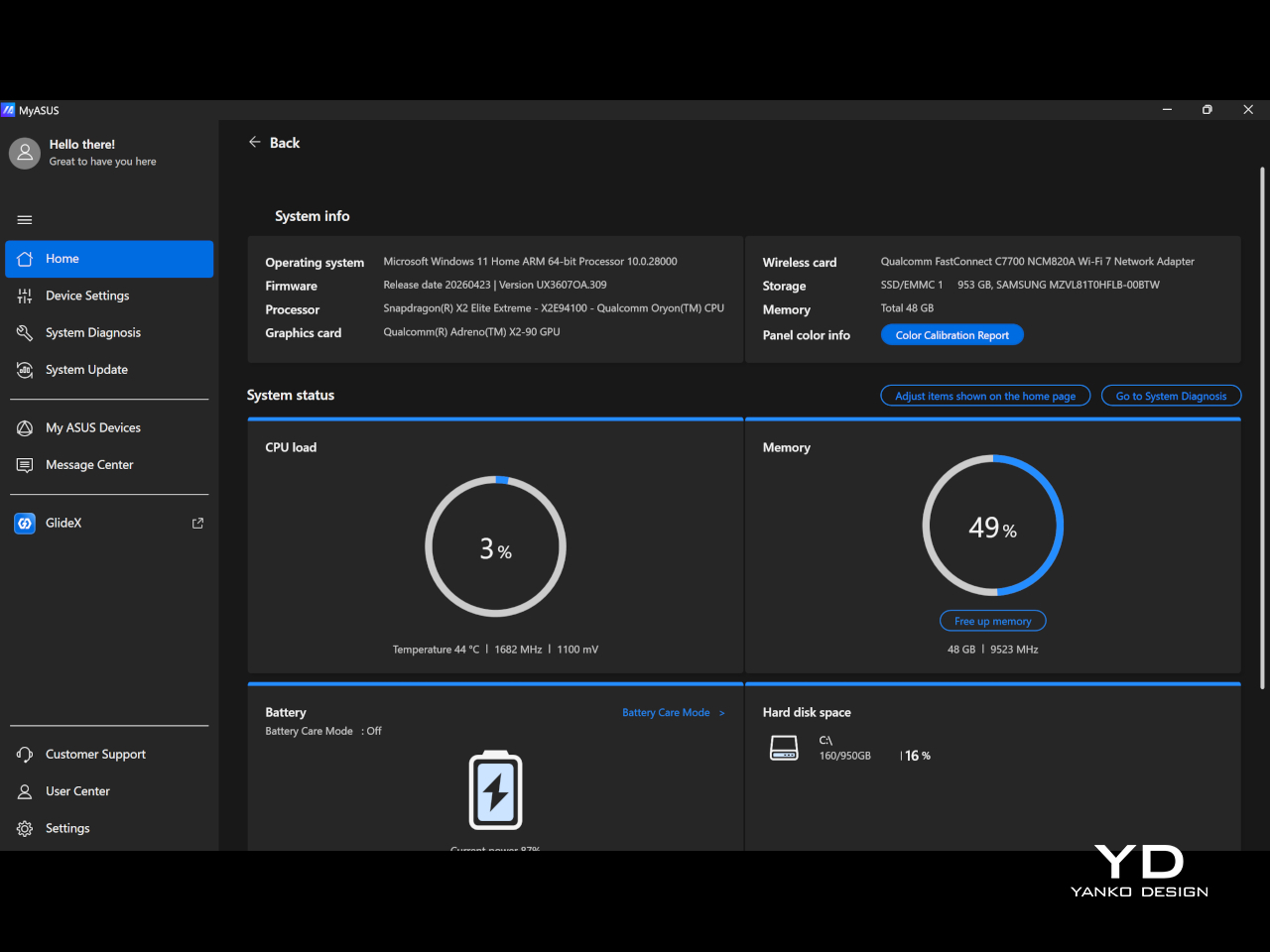
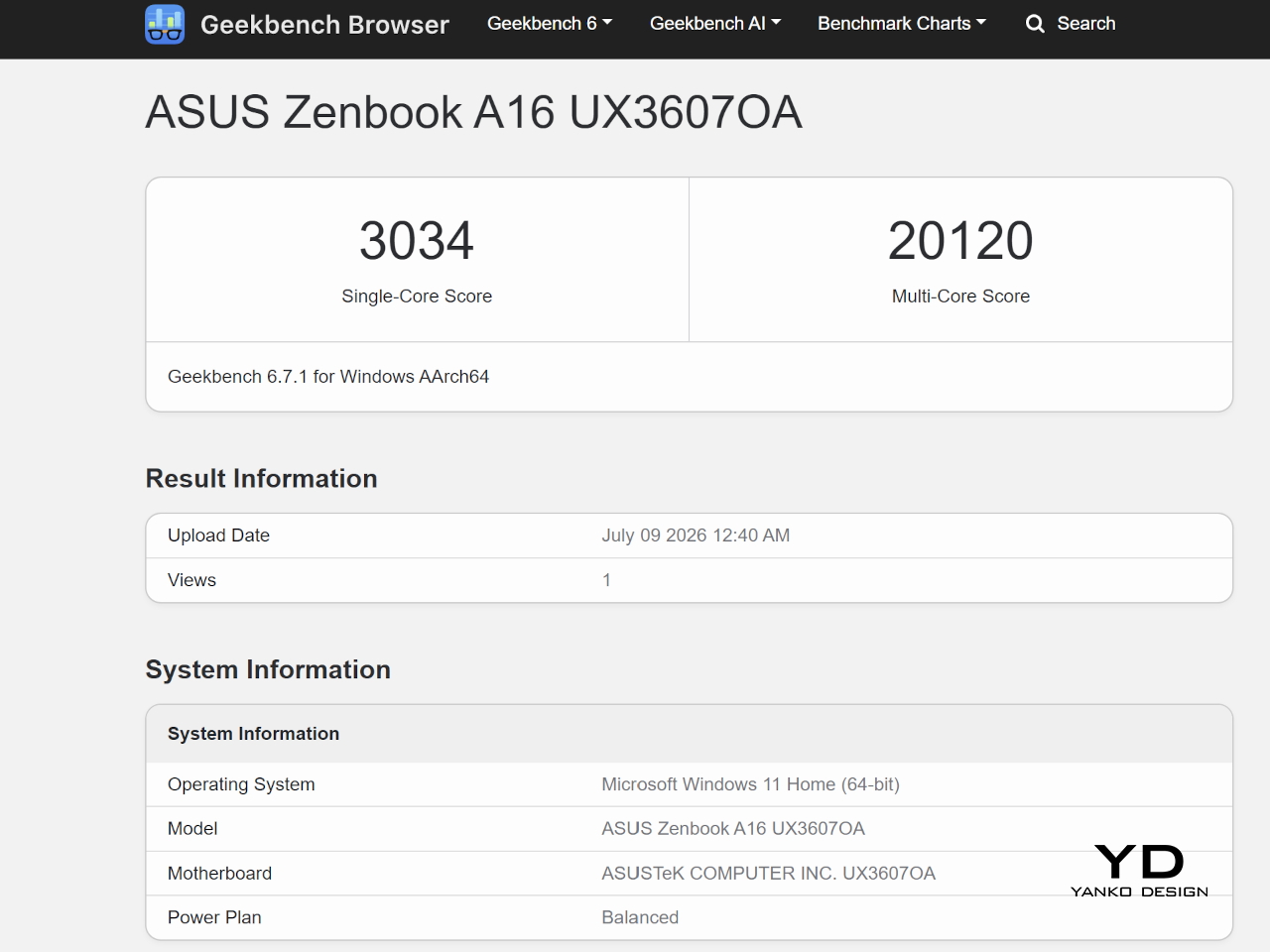
The Zenbook A16 (2026) runs Windows 11 and is part of the Copilot+ PC category. That places it firmly in Microsoft’s new AI PC push, though in daily use, the more noticeable benefit is still the machine’s general speed and efficiency. It feels modern and responsive in a very straightforward way, without constantly calling attention to the AI angle.
Although compatibility has clearly improved from Snapdragon X1 to X2, I still think it is something some buyers will worry about. Snapdragon X2 Elite gives the laptop much of its efficiency and responsiveness, but it also means this is still an ARM-based Windows machine. For general use, that was not a problem for me, but if your workflow depends on niche programs or you are into gaming, it is still worth checking that everything you need works properly before buying.
The display is one of the best parts of the Zenbook A16. The unit I tested comes with the touch-screen version of the 16-inch 3K OLED panel, and it gives the laptop a richness that you notice right away, whether you are working, streaming, or simply scrolling through photos. The 120 Hz refresh rate gives everything a welcome smoothness, while 500 nits of typical brightness, up to 1100 nits in HDR, 100% DCI-P3 coverage, and a 1,000,000:1 contrast ratio help the screen look vivid, punchy, and properly premium.
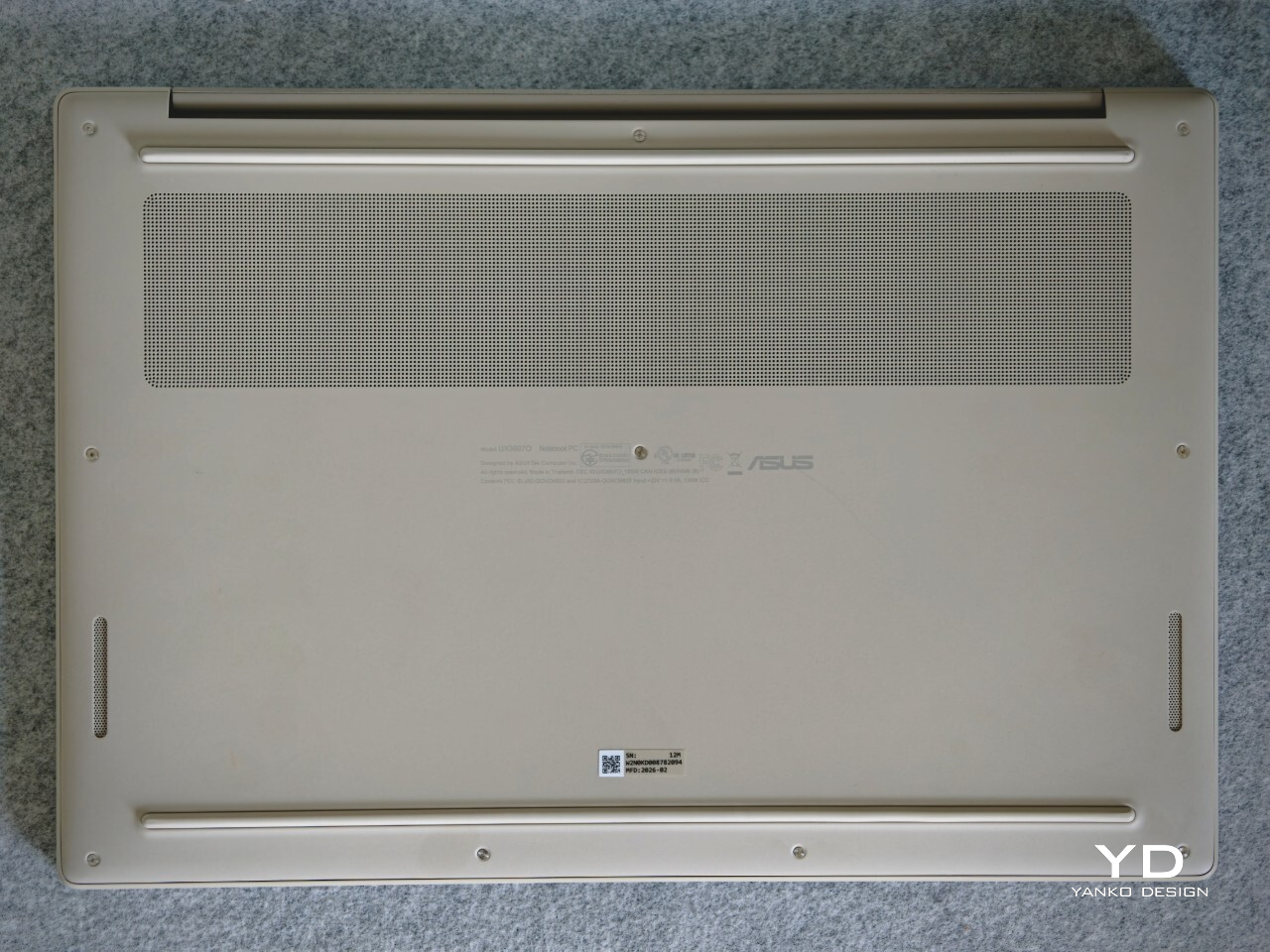
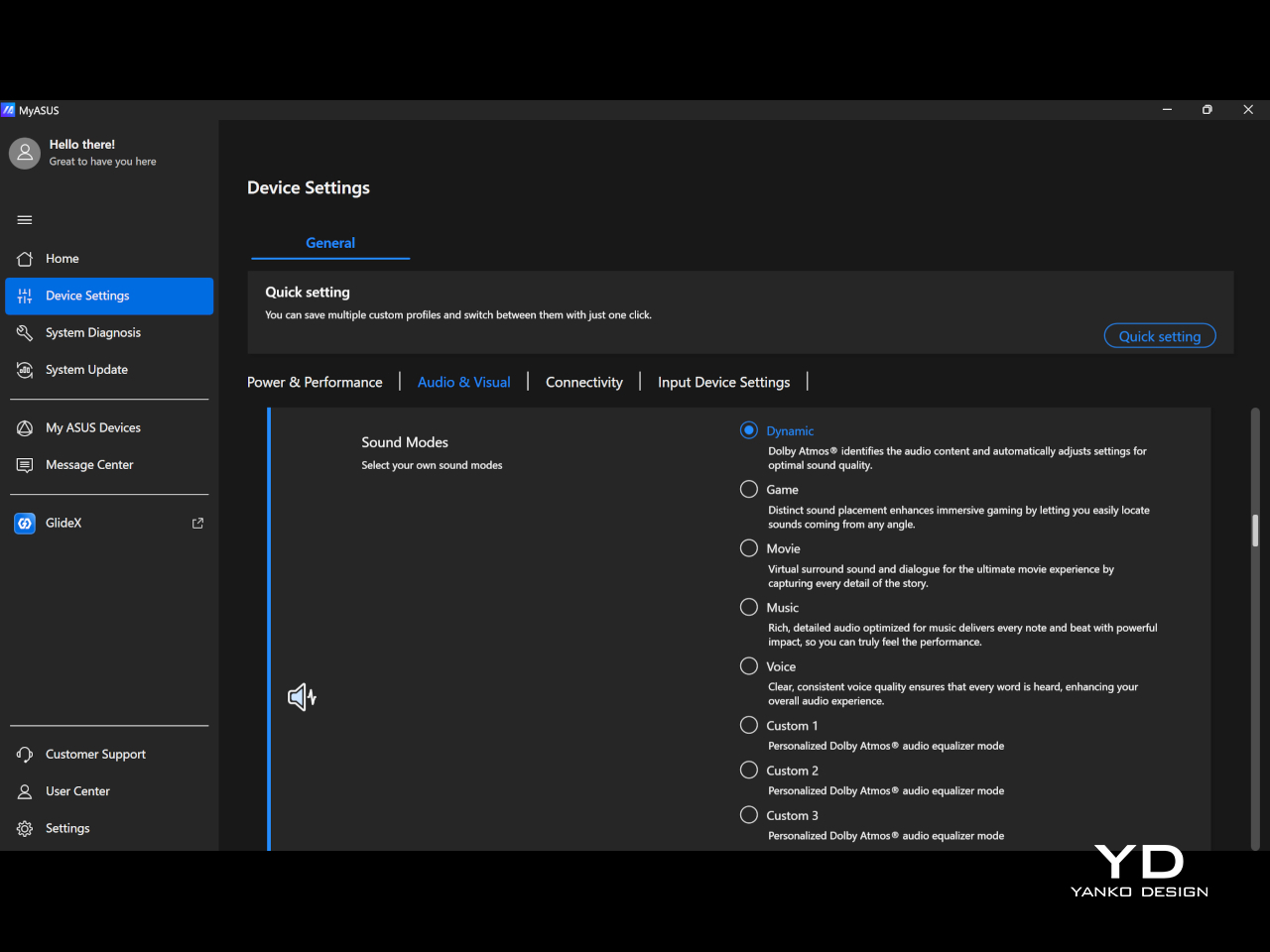
Audio is another pleasant surprise. The six-speaker array sounds full and clear, and Dolby Atmos support helps give movies, music, and even casual video watching a little more scale and dimension. I also liked that MyASUS lets you switch between sound modes like Dynamic, Game, Movie, Music, and Voice, or create up to three custom Dolby Atmos equalizer settings, which makes it easier to tune the sound to whatever you are doing.
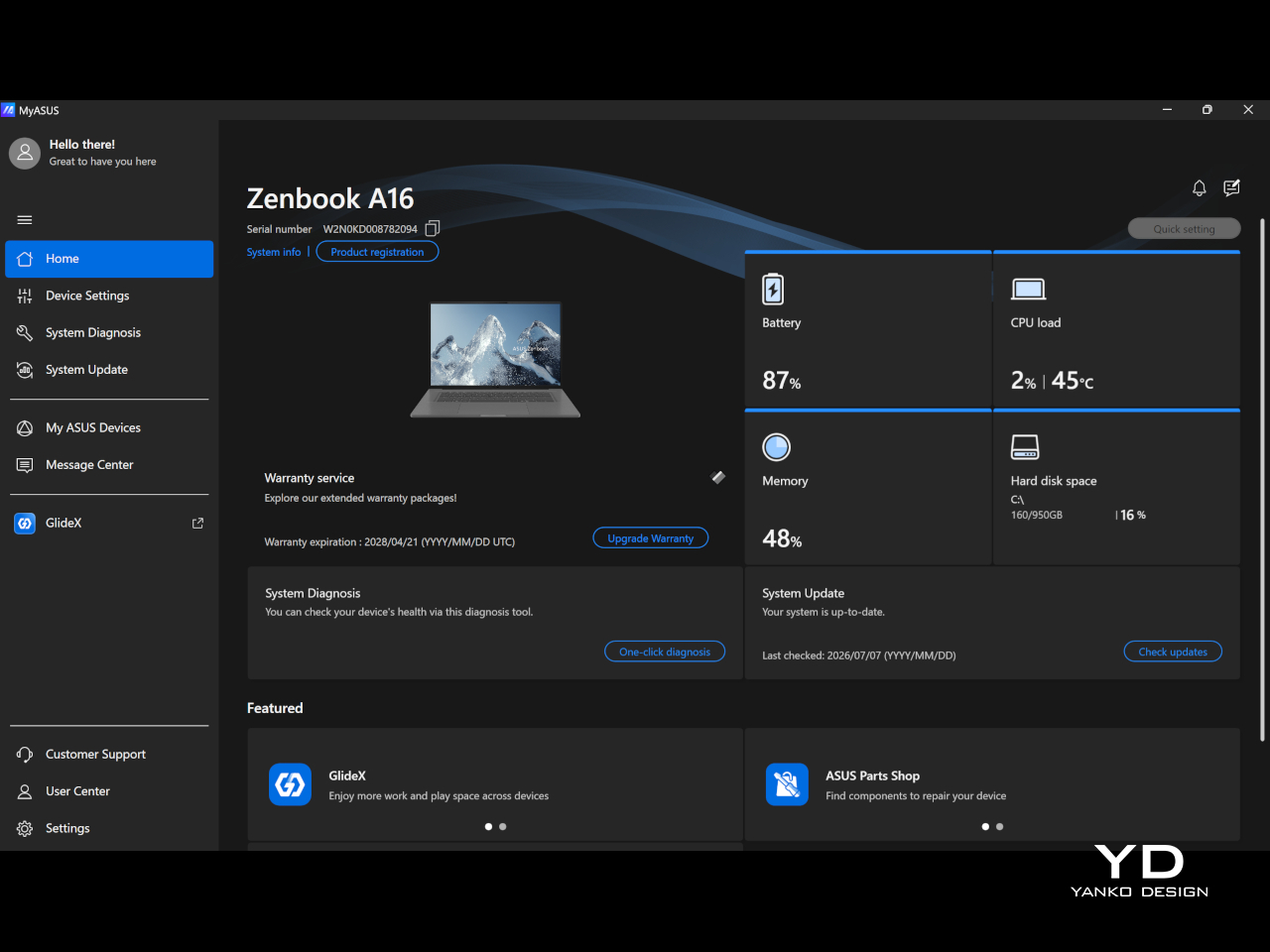
Battery life was also a strong point for me. I kept the laptop in balanced mode, and it easily lasted a full workday with eight hours or more of continuous use, which made it easy to trust when I was out and about. The included 130W charger is fast and still easy enough to carry, so the overall setup remained travel-friendly.
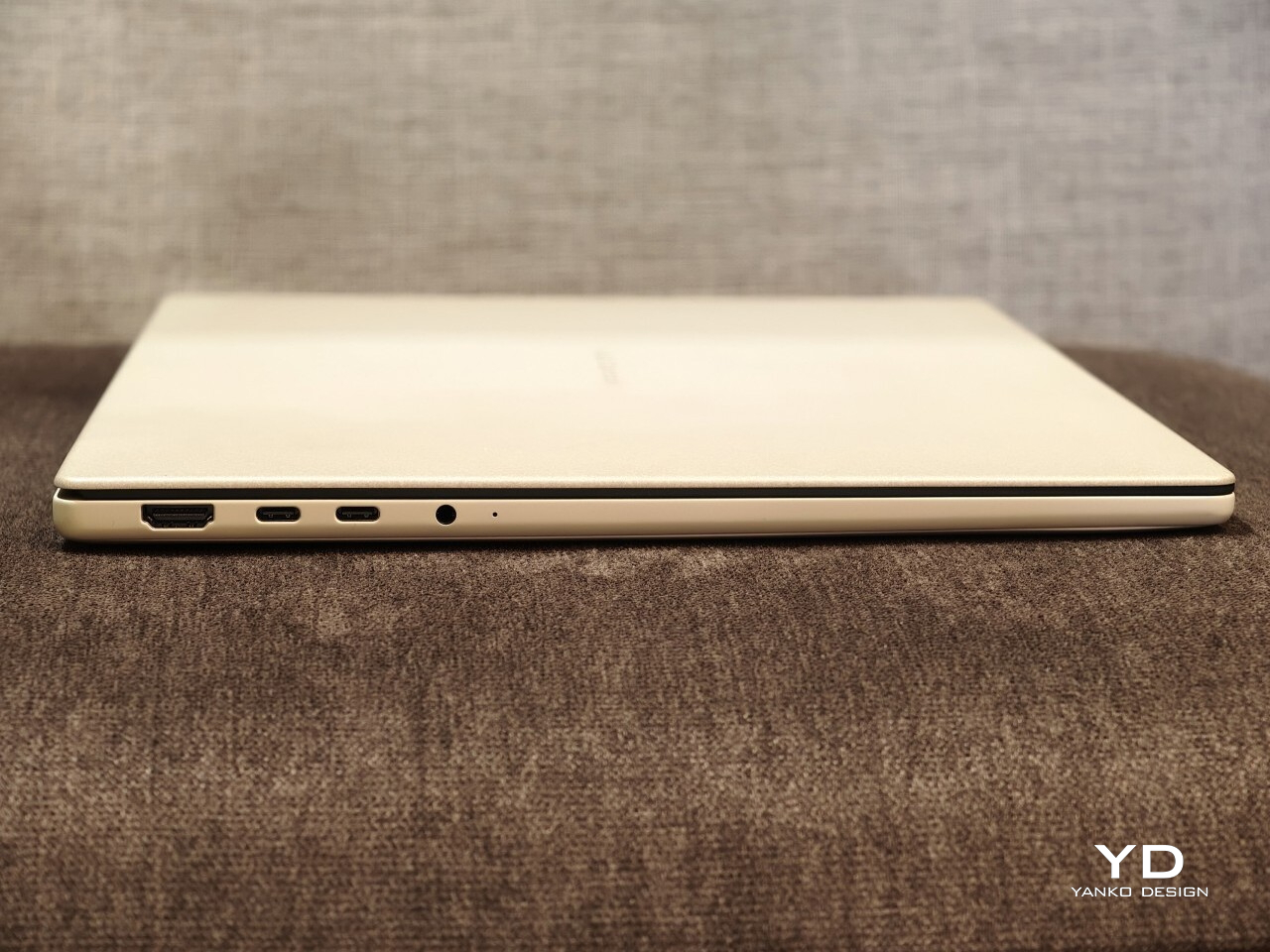
I also appreciated the port selection. ASUS includes two USB4 ports, a USB-A port, HDMI, a headphone jack, and an SD card slot, which makes the Zenbook A16 feel practical in a way many thin premium laptops no longer do. The SD card slot in particular is one of those small features that ends up being genuinely useful more often than you expect.
Sustainability is not the first thing the Zenbook A16 draws attention to, but it is part of the story. ASUS says its Ceraluminum material is made using pure water and electricity, without added organic compounds, strong acids, or heavy metals. That gives the finish a bit more substance than a purely cosmetic talking point.
There is also a more practical side to this. Battery replacements are doable, which is a plus, but the storage is not removable or serviceable. That makes the Zenbook A16 a somewhat mixed story on sustainability, with thoughtful material choices but limited repairability.
The touch-screen version I tested is the Best Buy model, priced at $1,699.99. That puts the Zenbook A16 firmly in premium laptop territory, so it is not a machine that gets by on novelty alone. At this price, it needs to justify itself through the full experience, not just one or two standout specs.
I think it mostly does. You are getting a very light 16-inch laptop with a beautiful OLED display, strong battery life, a high-spec configuration, and a design that feels thoughtful in both look and feel. Still, $1,700 is enough money that buyers are right to think carefully about software compatibility and long-term flexibility before deciding it is the right fit.
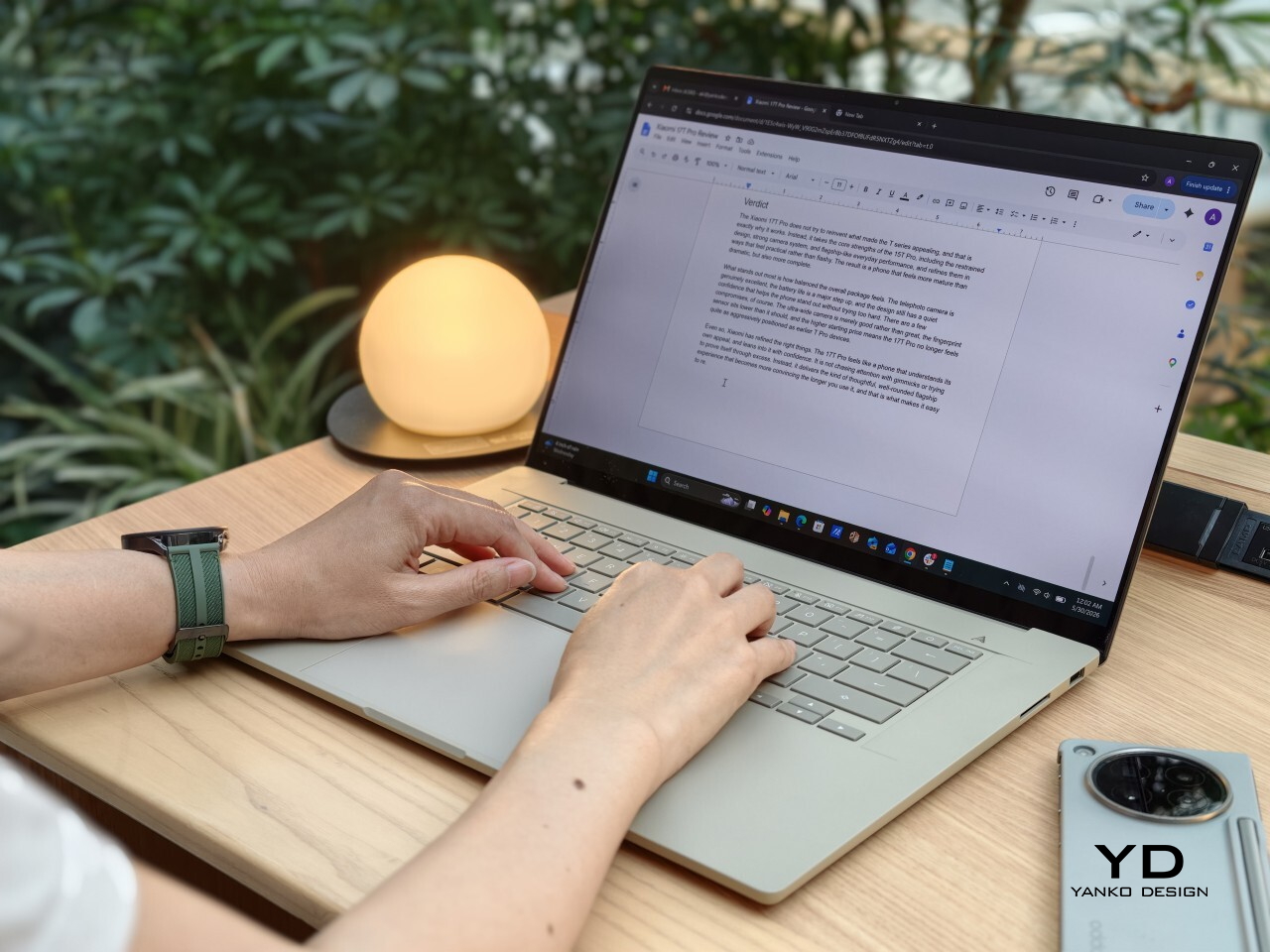
The Zenbook A16 ended up winning me over in a quiet way. It is not the kind of laptop that shouts for attention, but the longer I used it, the more I appreciated how thoughtfully it fits into everyday life. The light weight, the large and beautiful display, the warm feel of the Ceraluminum finish, and the overall ease of using it all added up to something that felt genuinely enjoyable.
What stayed with me most was how little friction there was to living with it. I liked being able to carry a 16-inch laptop without feeling weighed down, and I liked that it still felt polished and comfortable once I opened it up and got to work. The comfortable keyboard, strong battery life, good speakers, and practical port selection all helped make it feel like a machine designed by people who had actually thought about daily use.
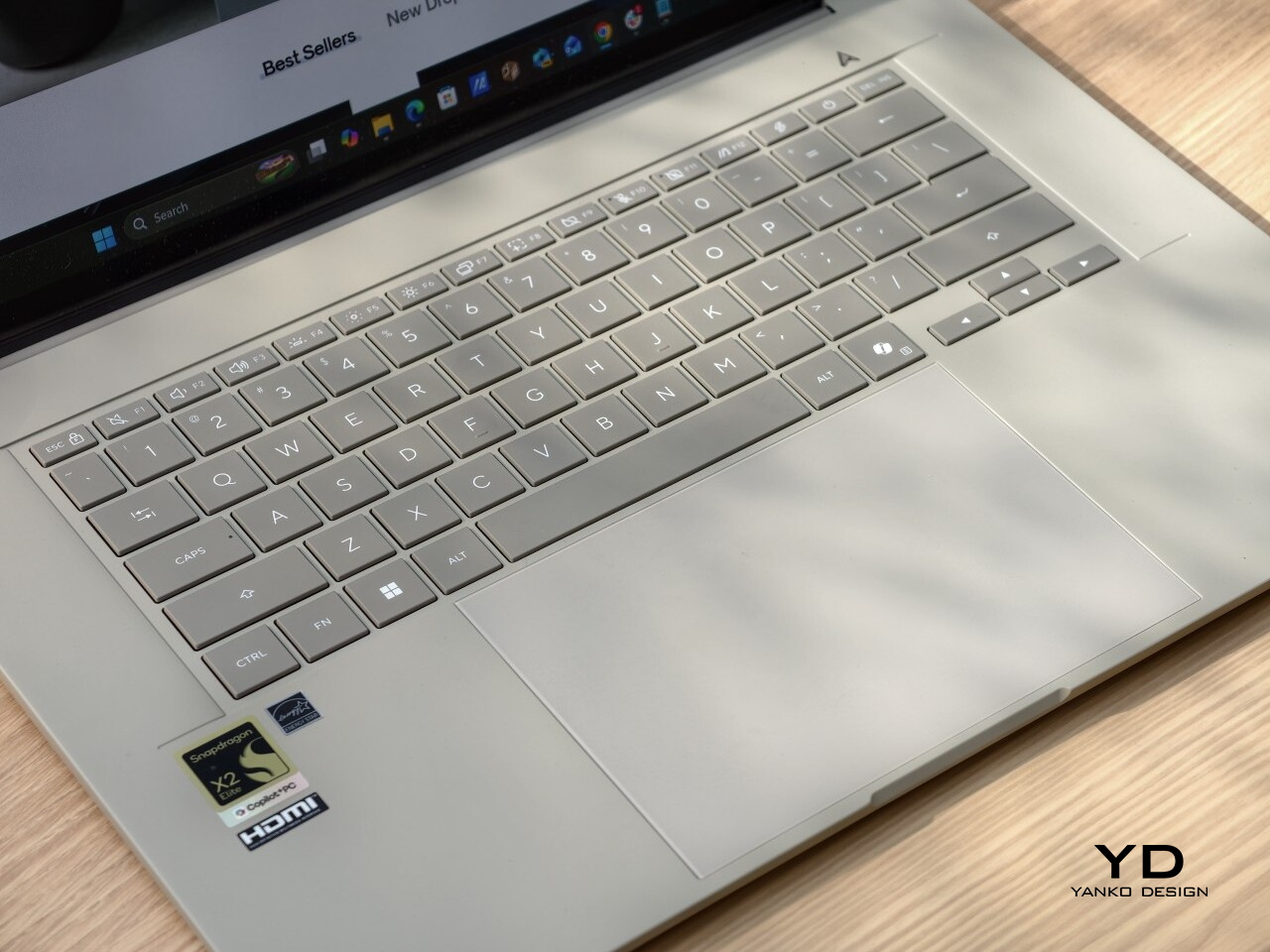
It is not perfect, and I would still tell buyers to think carefully about software compatibility if they rely on niche programs or want a laptop for gaming. The firmer touchpad click also stood out on a machine that otherwise feels so easygoing. Even so, I came away with a lot of affection for the Zenbook A16, because it manages to feel both special and easy at the same time.
At $1,700, it is a serious purchase. But for someone who wants a premium laptop with a big OLED screen, long battery life, and a design that feels lighter and warmer than most, I think the Zenbook A16 makes a strong case for itself. It is one of those laptops that feels nicer the longer you live with it, and that may be its best quality.
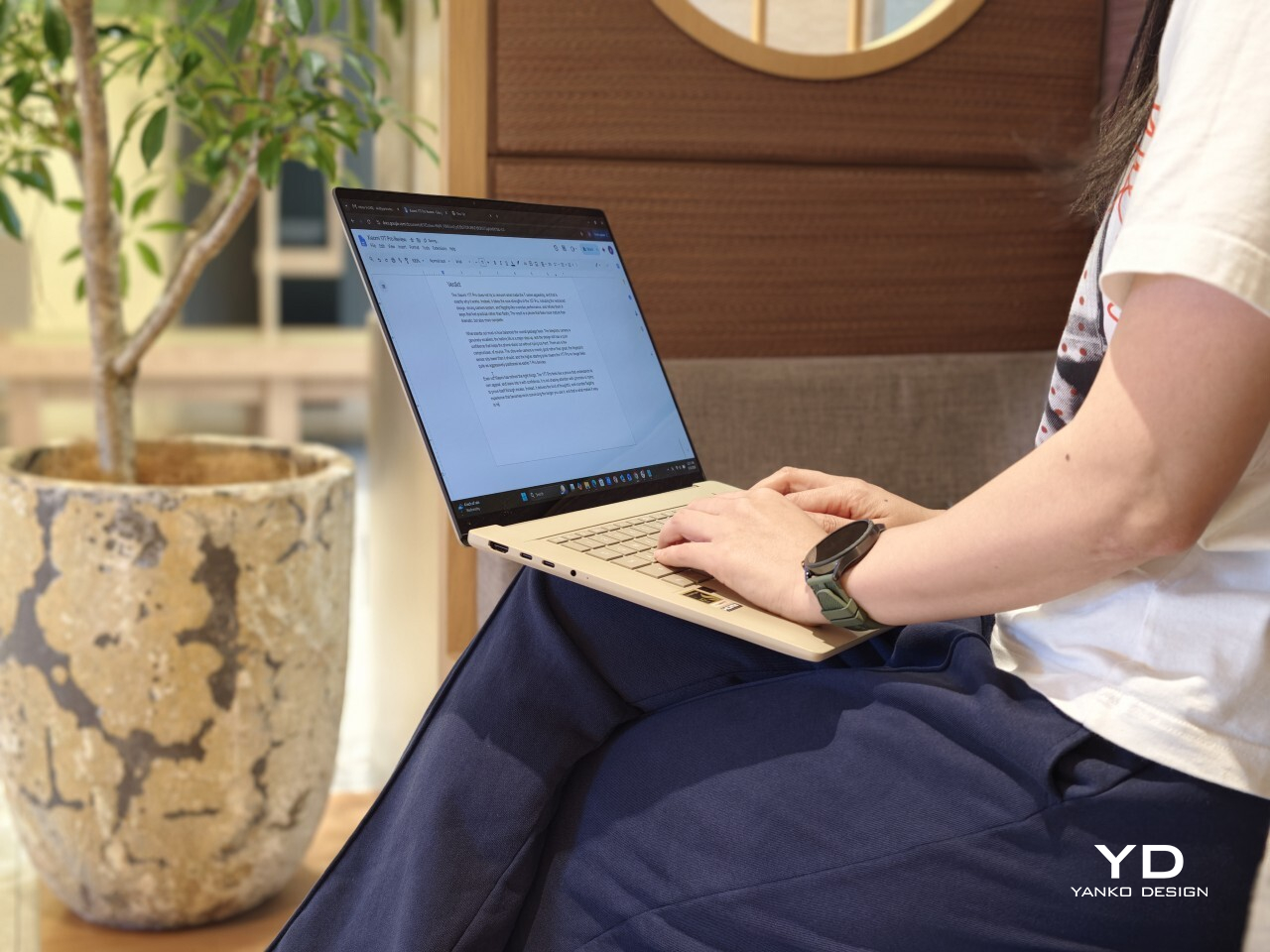
The post ASUS Zenbook A16 (UX3607OA ) Review: Big screen, Surprisingly Light first appeared on Yanko Design.
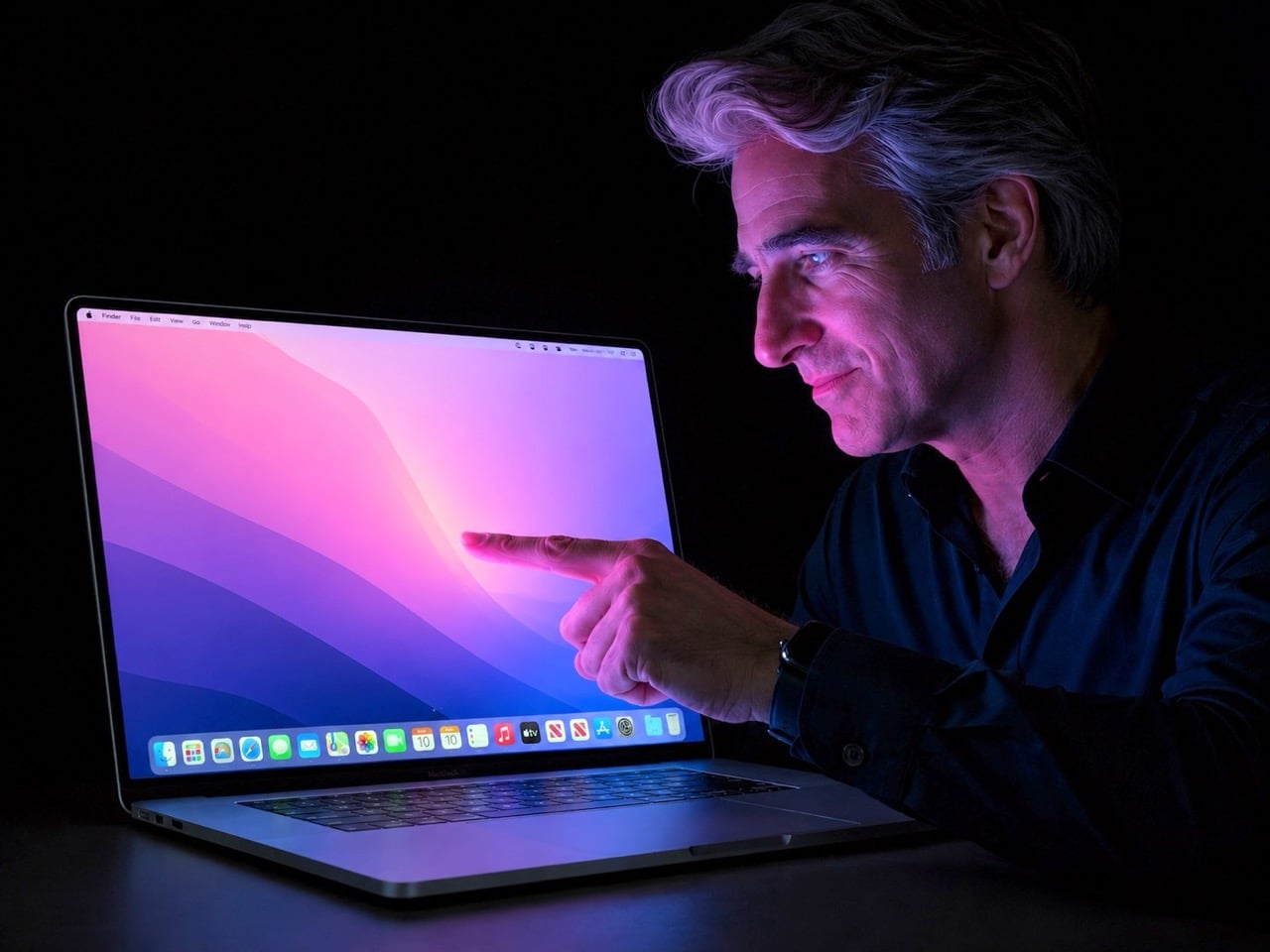
Every major Apple hardware shift leaves a paper trail in someone else’s factory first. Samsung Display’s decision to begin shipping hybrid tandem OLED panels to Apple this month is that kind of trail, and it points toward something Apple fans have speculated about for years: a MacBook with a screen built for touch.
What Samsung is shipping isn’t just any old OLED, either. This is a dual-layer architecture that stacks two emissive panels, a trick that lets them crank up the brightness and improve longevity. It’s the kind of high-end, durable tech you’d want for a machine reportedly being called the MacBook Ultra. The most reliable analyst in the game, Ming-Chi Kuo, is pegging mass production for late 2026. In the world of hardware, when the screens start moving, the rest of the machine usually isn’t far behind.
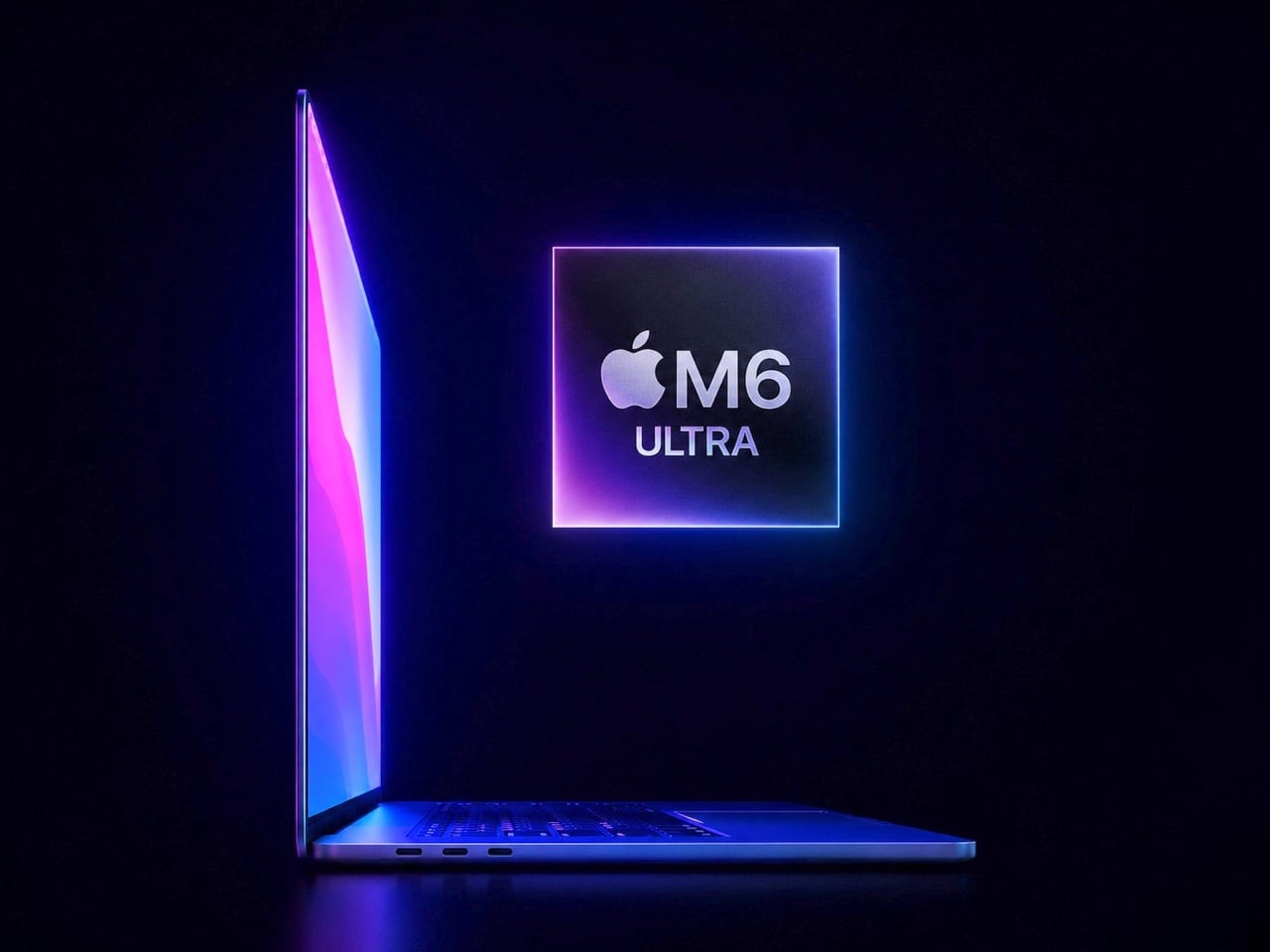
I get it, we’ve all grown a little tired of the yearly touchscreen MacBook rumors. But this feels different. What separates this moment from all the others is the sheer physicality of the evidence. We’re moving past analysts reading tea leaves and into the realm of logistics. A company like Samsung doesn’t build out a custom, high-spec panel production line for a product that might not happen. This is hardware, in motion. It’s the kind of supply-chain event that turns a long-running prediction into a production schedule.
But here’s the part of the story that most rumor pieces tend to gloss over. Adding a touchscreen isn’t like adding a new port; it forces a complete rethink of the laptop’s physical design. A MacBook is engineered with the assumption that you’ll never push on the screen. Introduce touch, and suddenly you have to solve for hinge wobble, for chassis stiffness, for the simple ergonomics of reaching up to poke at a vertical display. It’s a design problem Apple has deliberately avoided for over a decade.
Remember Steve Jobs’ whole “gorilla arm” argument? The term itself came from the iPad launch in 2010, and the underlying logic is pretty intuitive. When you use a touchscreen on a phone or tablet, your arm is resting. Touch a vertical laptop display repeatedly, and your arm is out in front of you, elevated, working against gravity the whole time. The fatigue that builds up is what Jobs called the gorilla arm, that tired, heavy feeling that sets in faster than you’d expect. He argued it made touchscreen laptops fundamentally uncomfortable, and for anyone who has used a Windows touch laptop for more than a few minutes, the assessment is spot-on.

There’s also a telling piece of Mac history that doesn’t get brought up enough here. Apple introduced the Touch Bar in 2016, a slim OLED strip that replaced the physical function keys with a context-sensitive touch surface. The idea was interesting on paper, but in practice, most users found it awkward, and app support never really materialized. By 2021, Apple quietly killed it on the new MacBook Pros, bringing physical function keys back. That retreat matters because it shows Apple will walk back a touch-related Mac experiment when it fails. The difference this time is that a full touchscreen is a much more compelling proposition than a strip of shortcuts nobody knew what to do with.
You have to imagine that a big part of what changed their minds has been staring them in the face for years: the iPad Pro. Apple successfully built and sold a pro-grade computing device where direct manipulation is the entire point. They proved people will pay a premium for a brilliant screen they can interact with. After a while, the argument that this experience has no place on their other pro-grade device starts to wear a little thin.
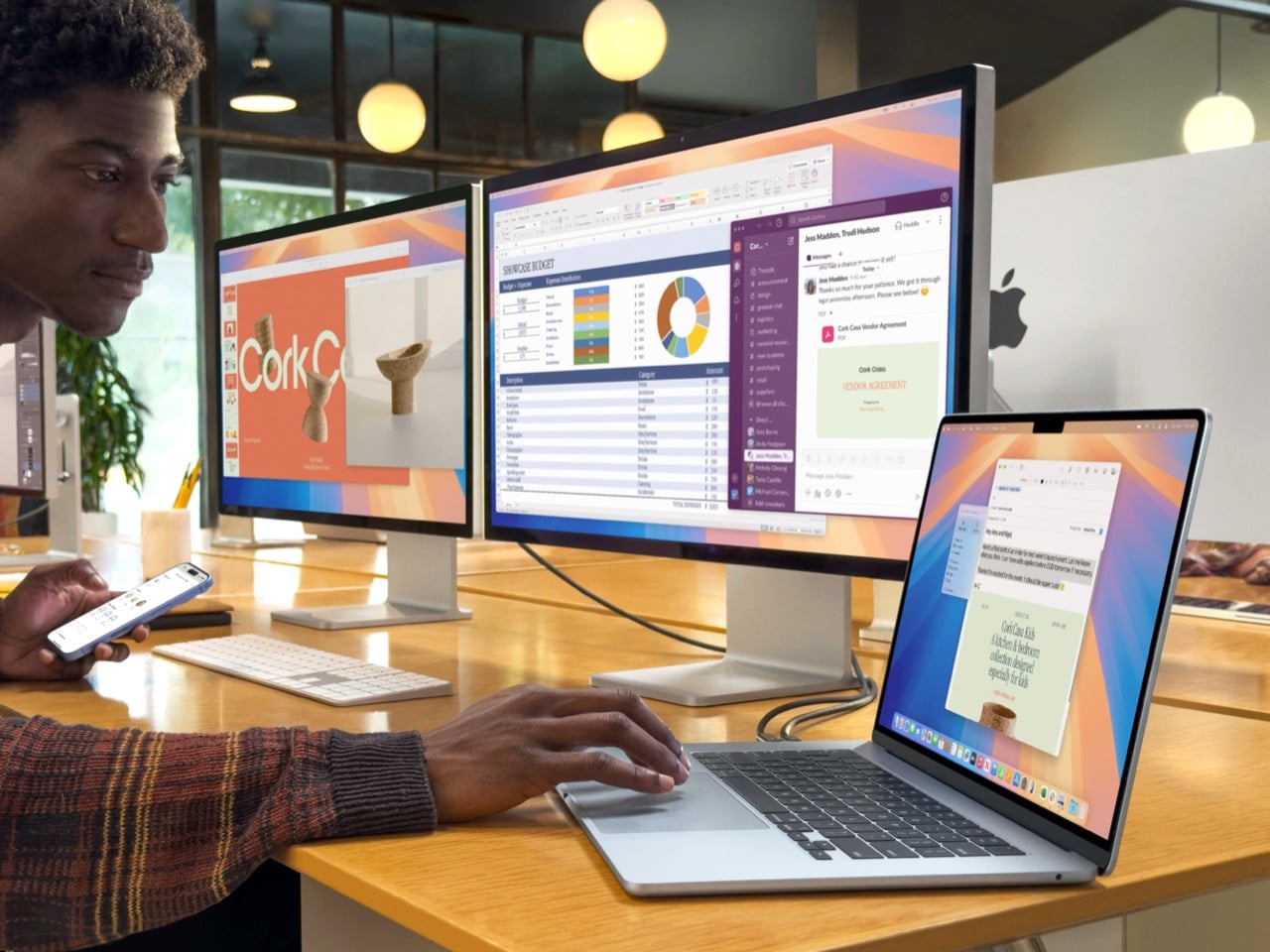
And if that “MacBook Ultra” name sticks, you can bet it’ll have an Ultra price tag. Apple seems to be positioning this not as the next MacBook Pro, but as a new tier above it. That strategy would frame the touchscreen as an exclusive, high-end feature, at least for the first generation. It gives them a way to introduce the concept to the Mac lineup without having to immediately solve it for every price point.
Of course, there’s still a ton we don’t know. Will macOS get a subtle facelift to better accommodate fingers? Will the hinge be radically different? Is Apple Pencil support on the table? With some sources pointing toward a fall event, we might not have to wait too long for the first real answers. Until then, those OLED panels are the most solid clue we have. That’s what makes this whole cycle feel so much more concrete. When components from one of the world’s biggest display makers are in transit, you’re not really talking about a rumor anymore. You’re talking about a timeline.
The post MacBook Ultra 2026: Samsung ships OLED panels for Apple’s first touchscreen MacBook first appeared on Yanko Design.