This Tiny E-Paper Game Boy lets you play Super Mario Land at 30 FPS on a reading screen

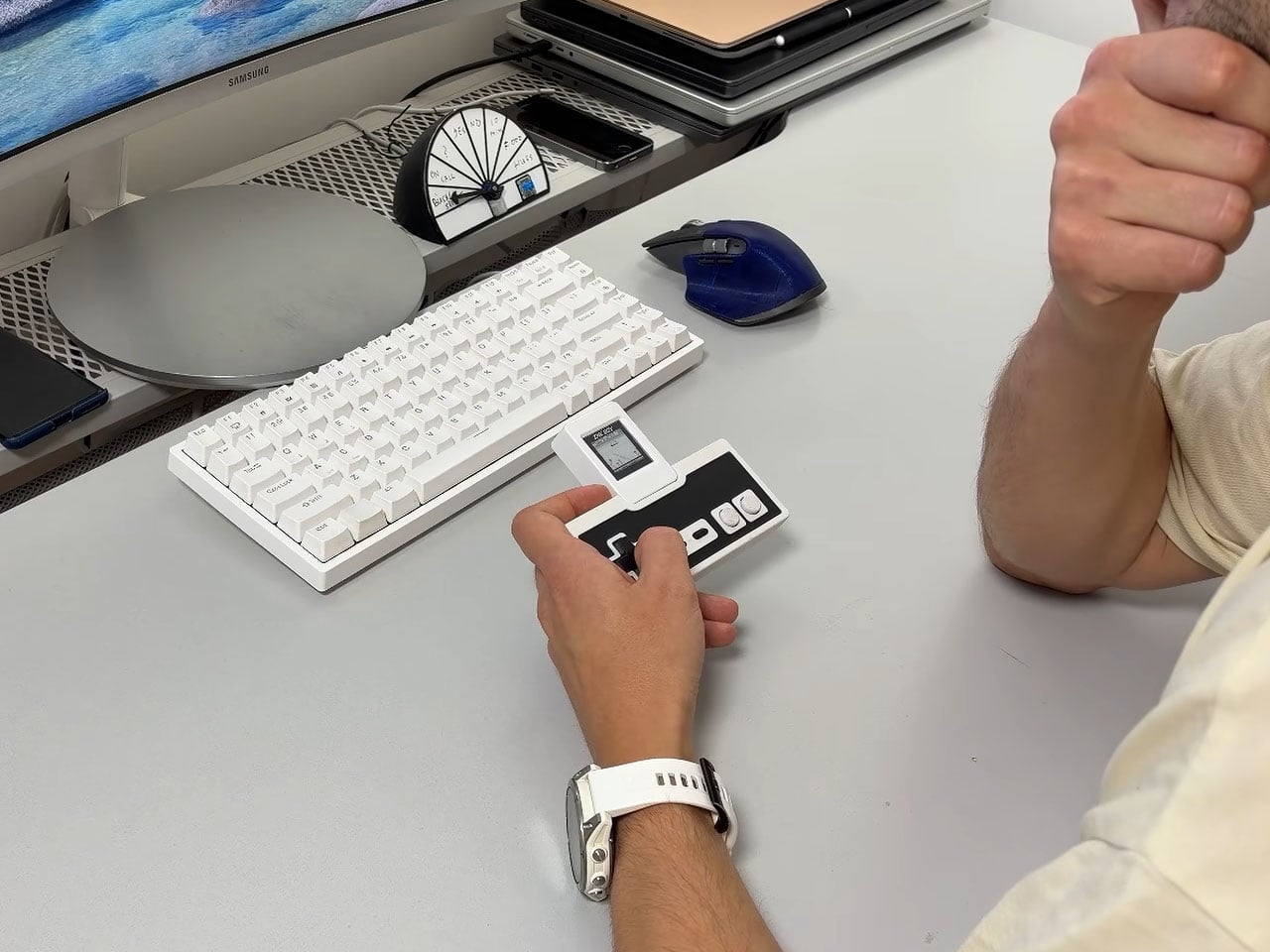
Who would have thought an e-paper screen could run Game Boy games at 30 FPS? That’s exactly what Bo Made It’s InkBoy project sets out to do, turning a tiny display designed for simple, static content into a surprisingly capable retro gaming setup. It can even run Super Mario Land smoothly enough to make you forget you’re playing on a screen better suited to an e-reader.

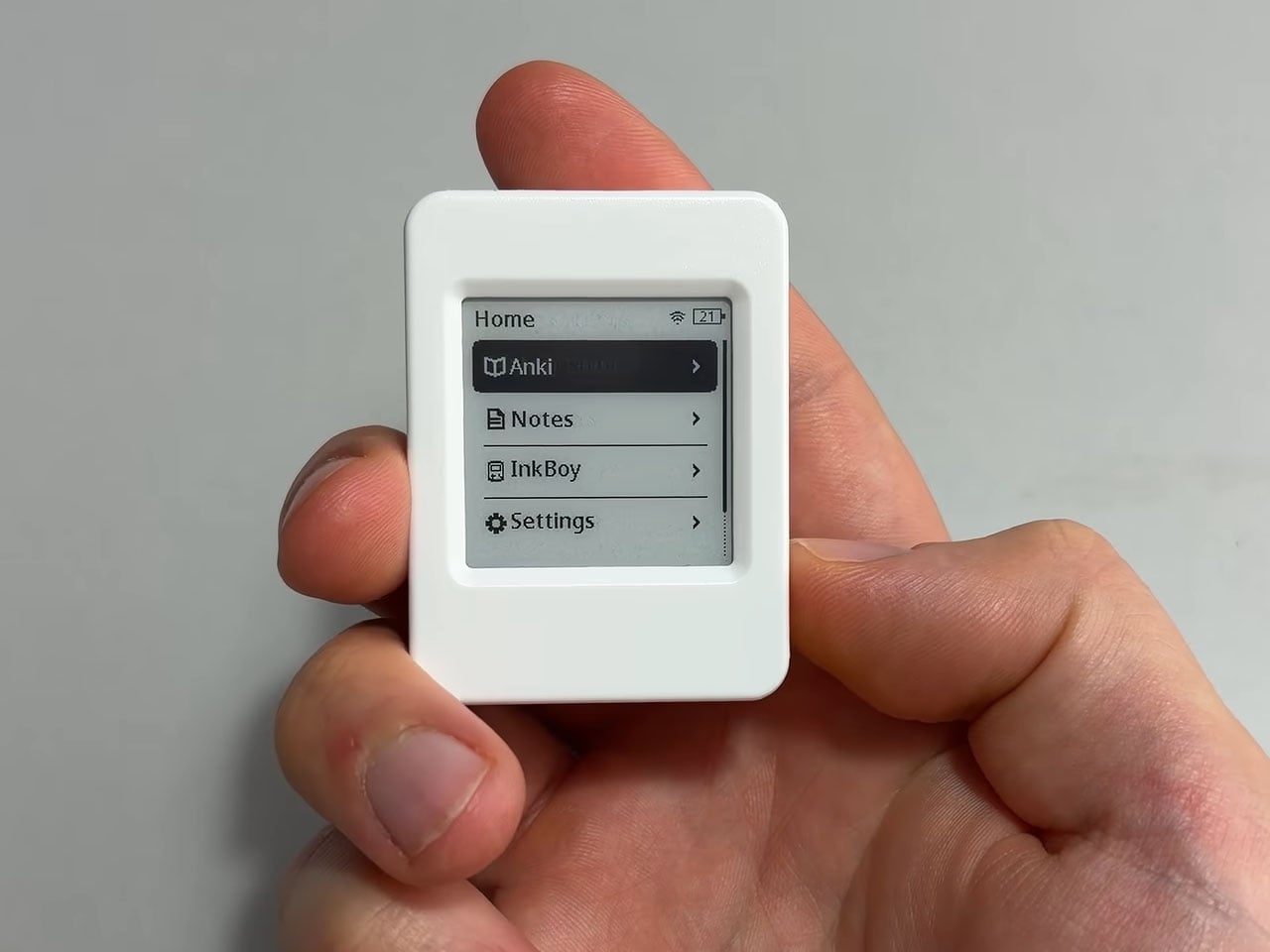
Built around an ESP32 development board with an integrated e-paper display, InkBoy takes on one of the technology’s biggest limitations: slow refresh rates. E-paper is great for reading because it uses very little power to maintain an image, but updating that image quickly enough for a video game is a different story. Instead of accepting the usual limitations, the project finds a way to make the screen respond much faster.

Designer: Bo Made It
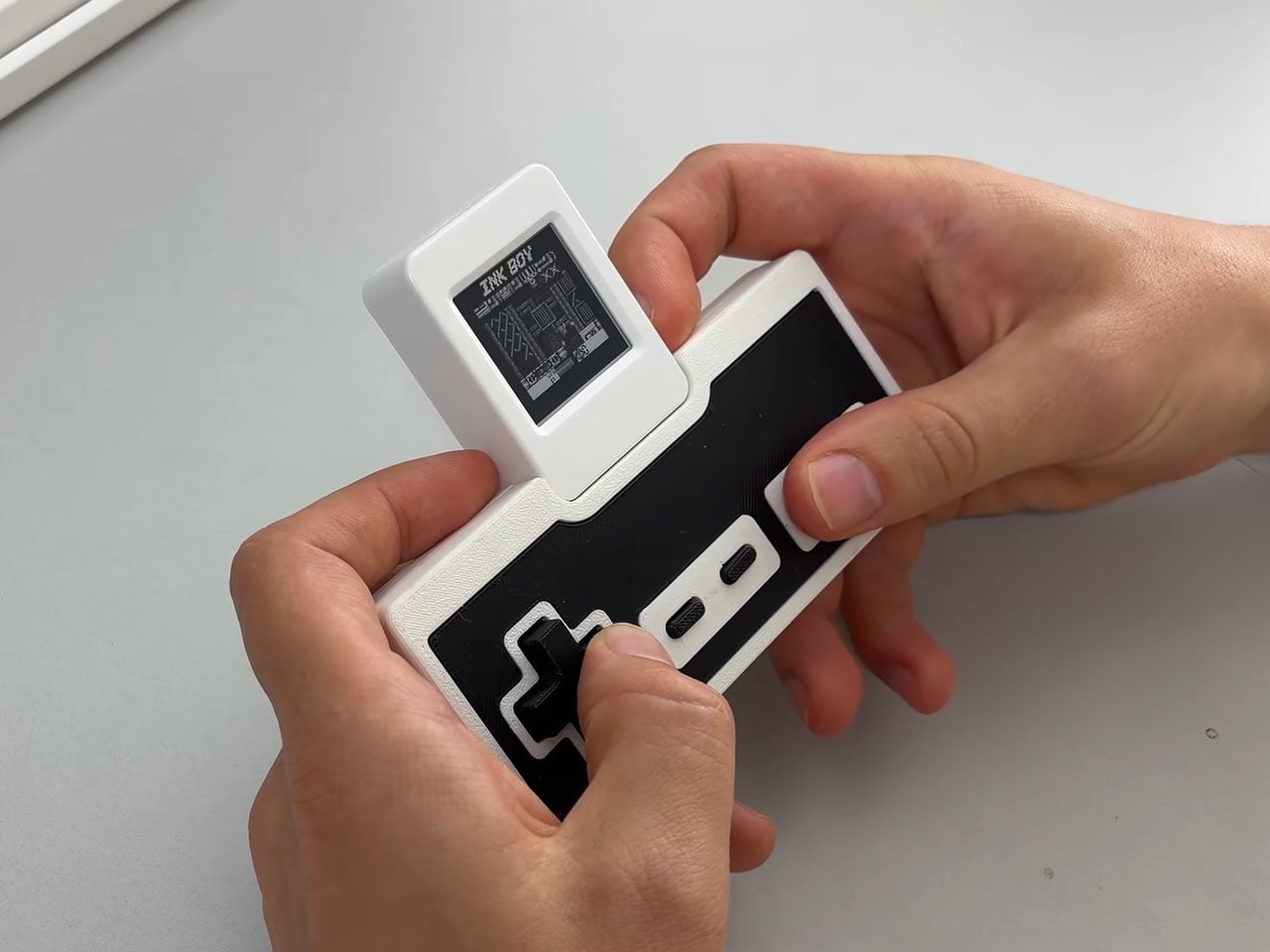
The trick lies in how the display is driven. E-paper screens form images by moving tiny particles using electrical pulses. A conventional refresh involves a carefully controlled sequence that takes time and can produce the familiar flashing effect seen on e-readers. InkBoy cuts down this process by using much shorter pulses and updating individual pixels rather than repeatedly refreshing the entire screen. This results in a much quicker response without replacing the display itself.

Getting the image to look right is just as important as making it move. InkBoy uses carefully controlled pixel transitions to produce different shades of gray, although this can leave faint trails behind moving objects. There’s also a faster black-and-white mode that uses dithering to create the impression of additional shades. It gives the project some flexibility, letting the developer trade tonal detail for a more responsive image when needed.
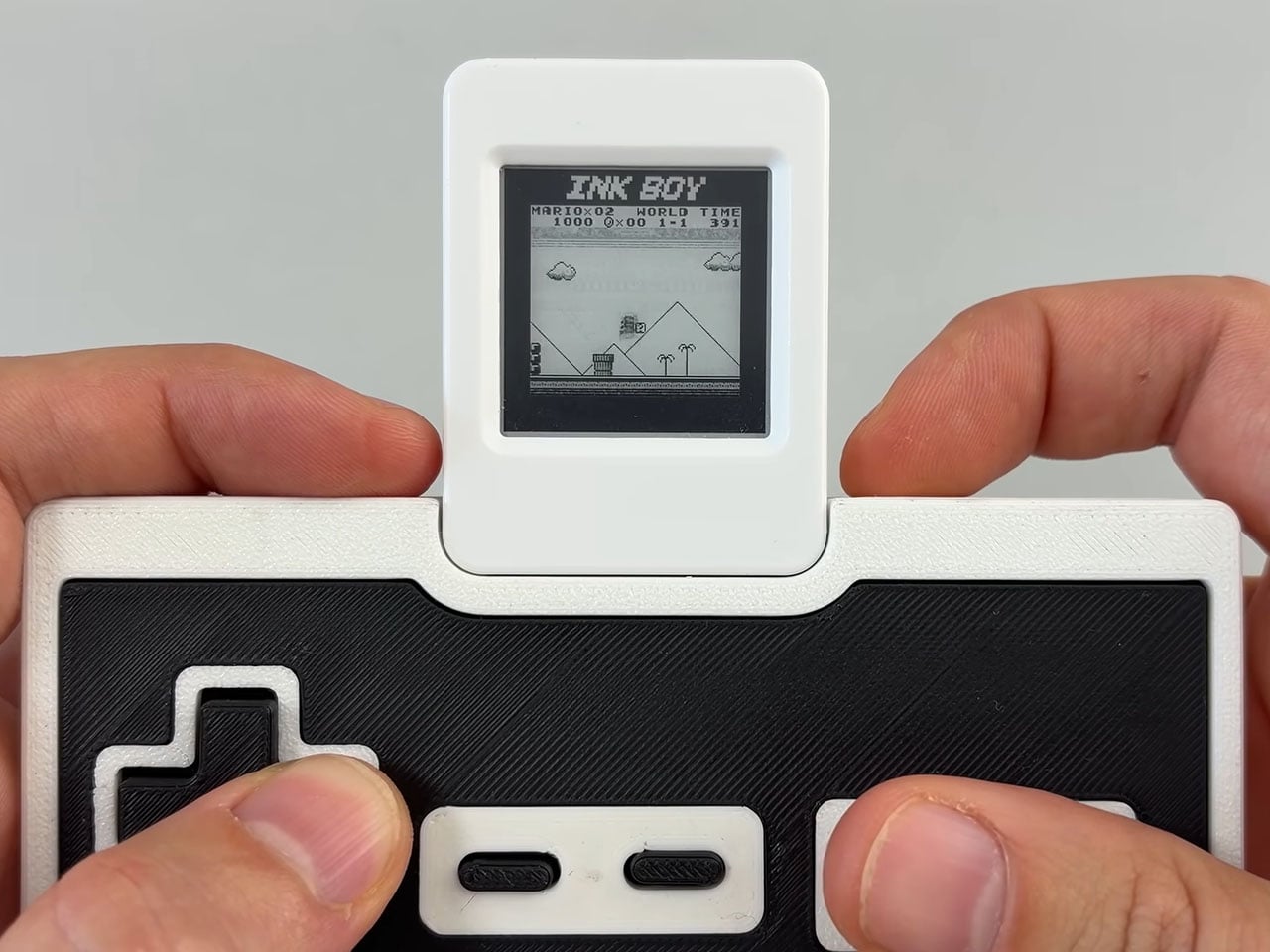
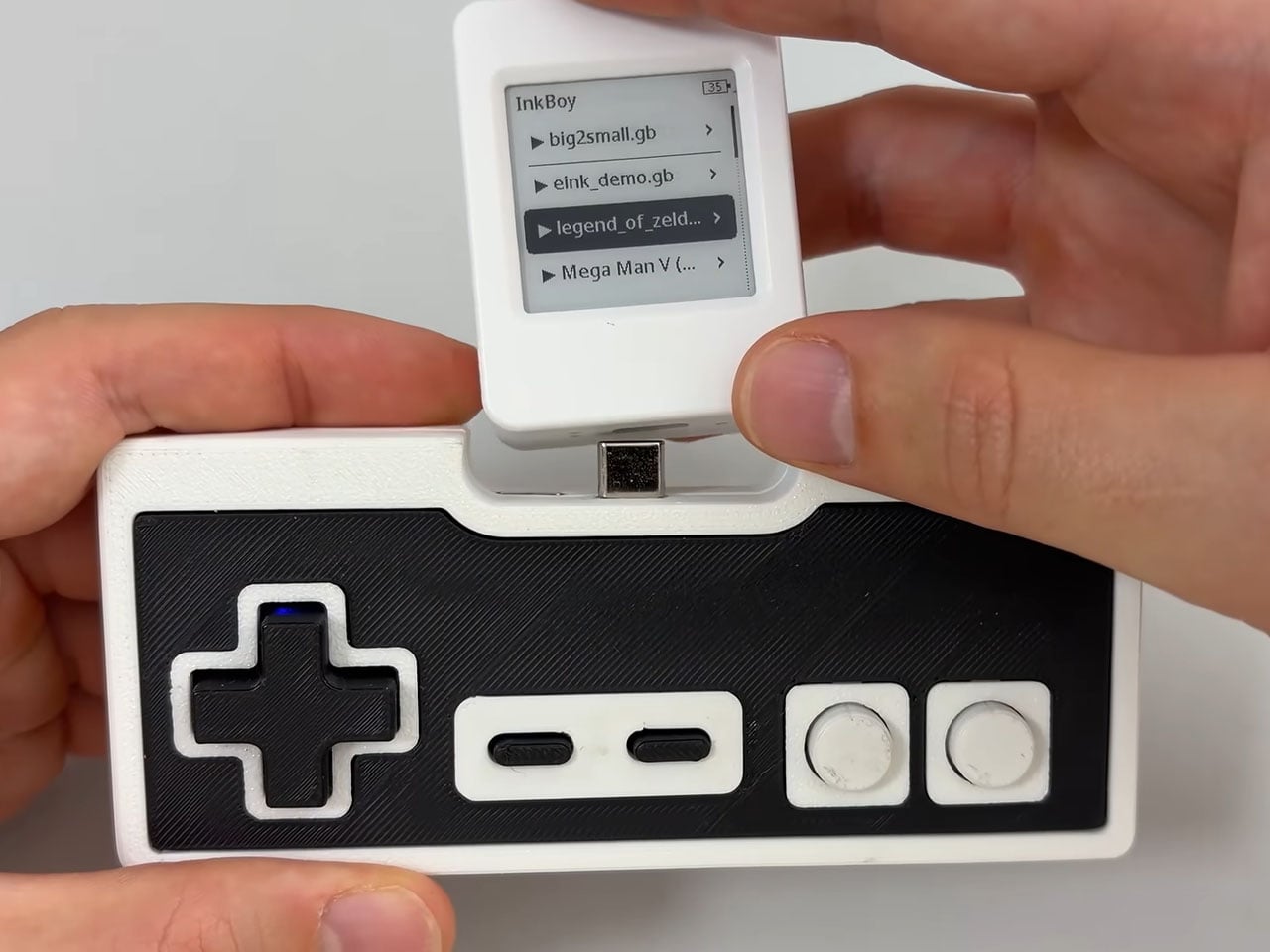
The project builds on ideas explored in PaperBoy, an earlier e-paper gaming experiment by Wenting Zhang. InkBoy brings a similar theme to a compact development board, using existing Game Boy emulation projects to handle the games themselves. Titles can be loaded from a microSD card, and the software supports saving progress and resuming a session later.

The rest of the setup is equally technical as the rest of the build. Controls are managed by a separate ESP32-C3 board housed in a 3D-printed enclosure and connected to the display module over USB-C. Bluetooth pairing is also supported, while a built-in speaker handles game audio. Together, these elements turn what could have been a simple proof of concept into a more complete little gaming device.
There are still limitations with this DIY. Some games struggle to maintain the target frame rate, and the modified refresh method can leave ghosting on the screen. The long-term effects of repeatedly using unconventional waveforms are also uncertain, particularly when it comes to image retention and potential permanent marks. However, InkBoy turns one of e-paper’s biggest limitations into its most surprising feature, bringing classic Game Boy gaming to a screen nobody would expect to play on!
The post This Tiny E-Paper Game Boy lets you play Super Mario Land at 30 FPS on a reading screen first appeared on Yanko Design.
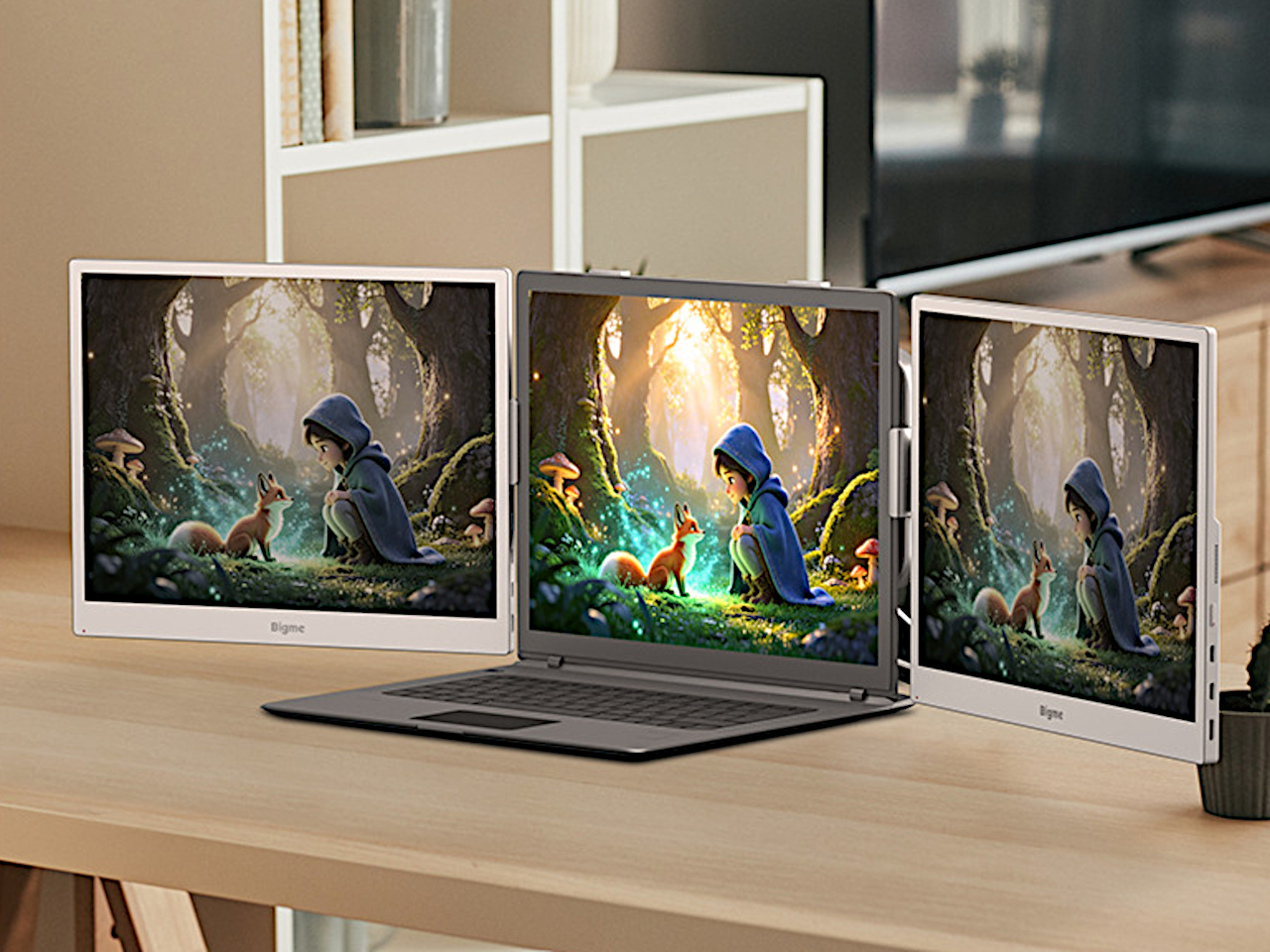
Bigme’s B13 Pro Gives Your Laptop a Color E-Paper Second Screen

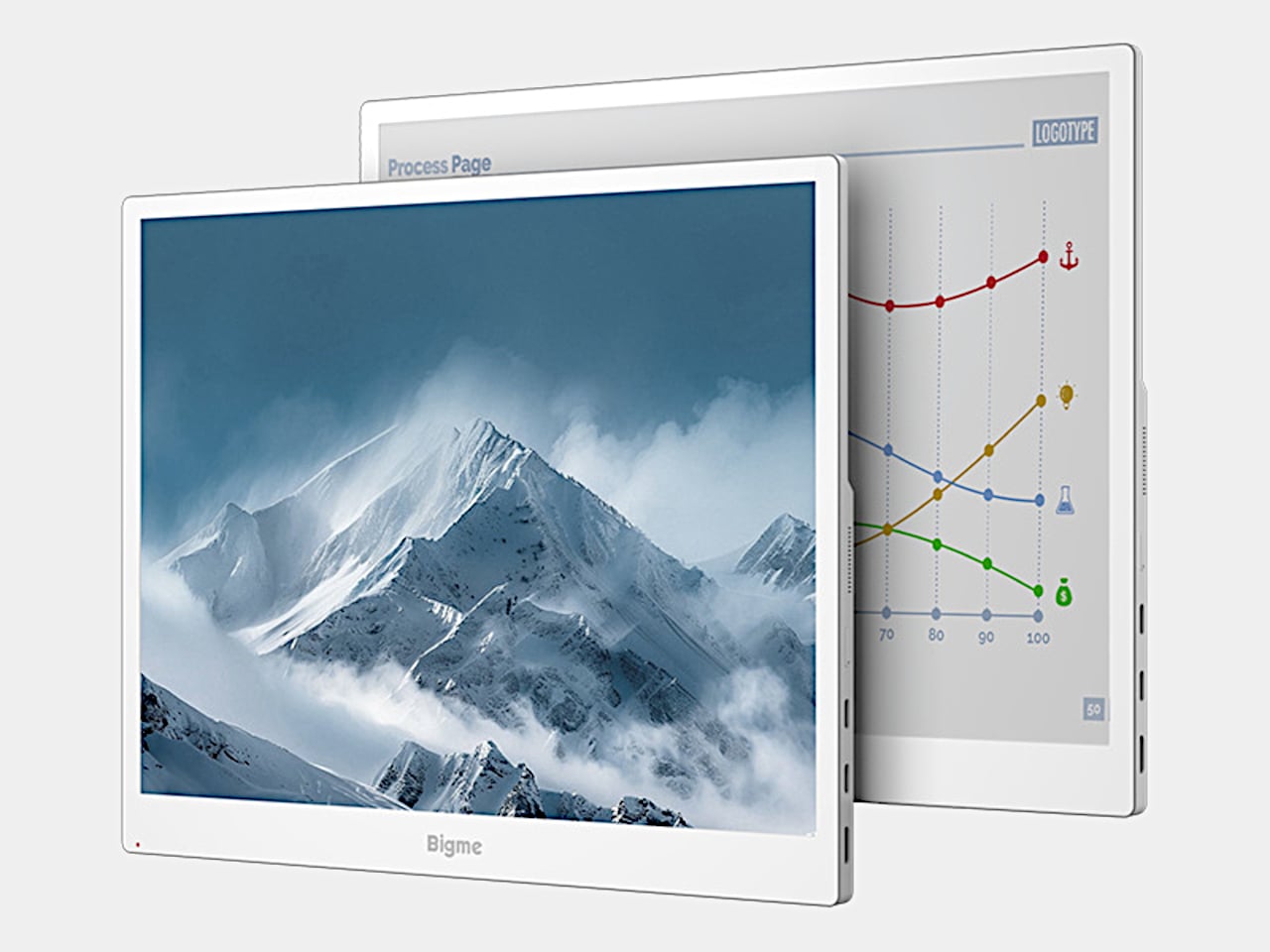
Reading reports or writing all afternoon doesn’t necessarily call for the same kind of display you’d choose for a movie. E-paper offers a different surface, but sluggish updates can make computer work frustrating. Bigme’s B13 Pro tackles that compromise with a 13.3-inch color e-paper monitor and a claimed 60 FPS refresh capability, bringing a more paper-like screen alongside your laptop without abandoning everyday desktop tasks.

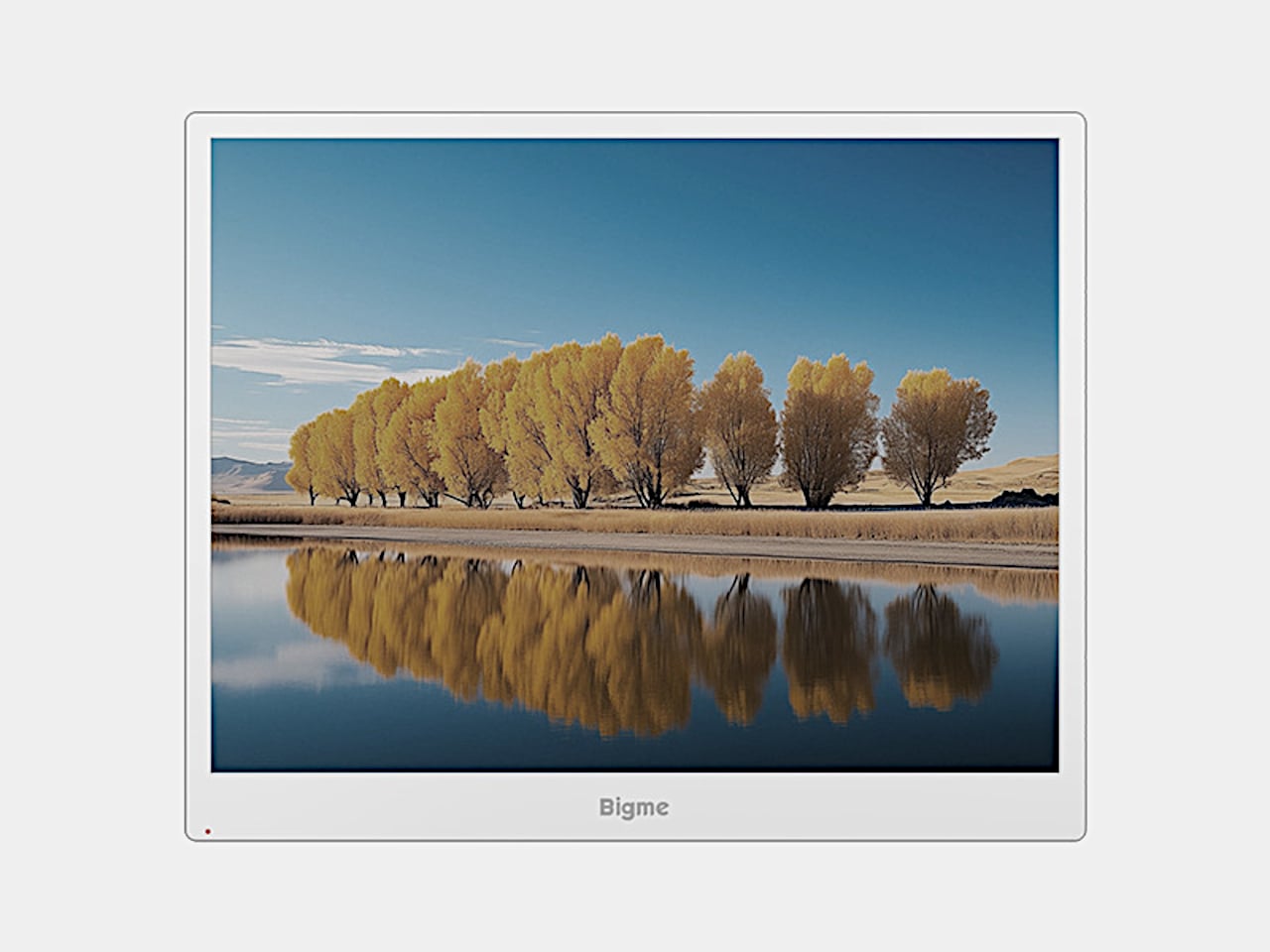
The white frame keeps the appearance closer to an e-reader than a typical gaming monitor, with a broader lower bezel and controls along the edge. Its 4:3 proportions also give documents more vertical room than an equally wide widescreen panel. At roughly 11.3 by 9.1 inches and 1.46 pounds, it’s another object for your bag, though not a full-size desktop monitor.

Designer: Bigme

Rather than shining a backlight through the panel, Kaleido 3 e-paper uses reflected light, with an adjustable frontlight for dimmer surroundings. The listed 3200×2400 resolution delivers 300 pixels per inch for black-and-white content. That gives text-heavy work a more natural role here than cinematic entertainment. Keeping a reference document beside your draft makes sense when the information matters more than constant on-screen motion.

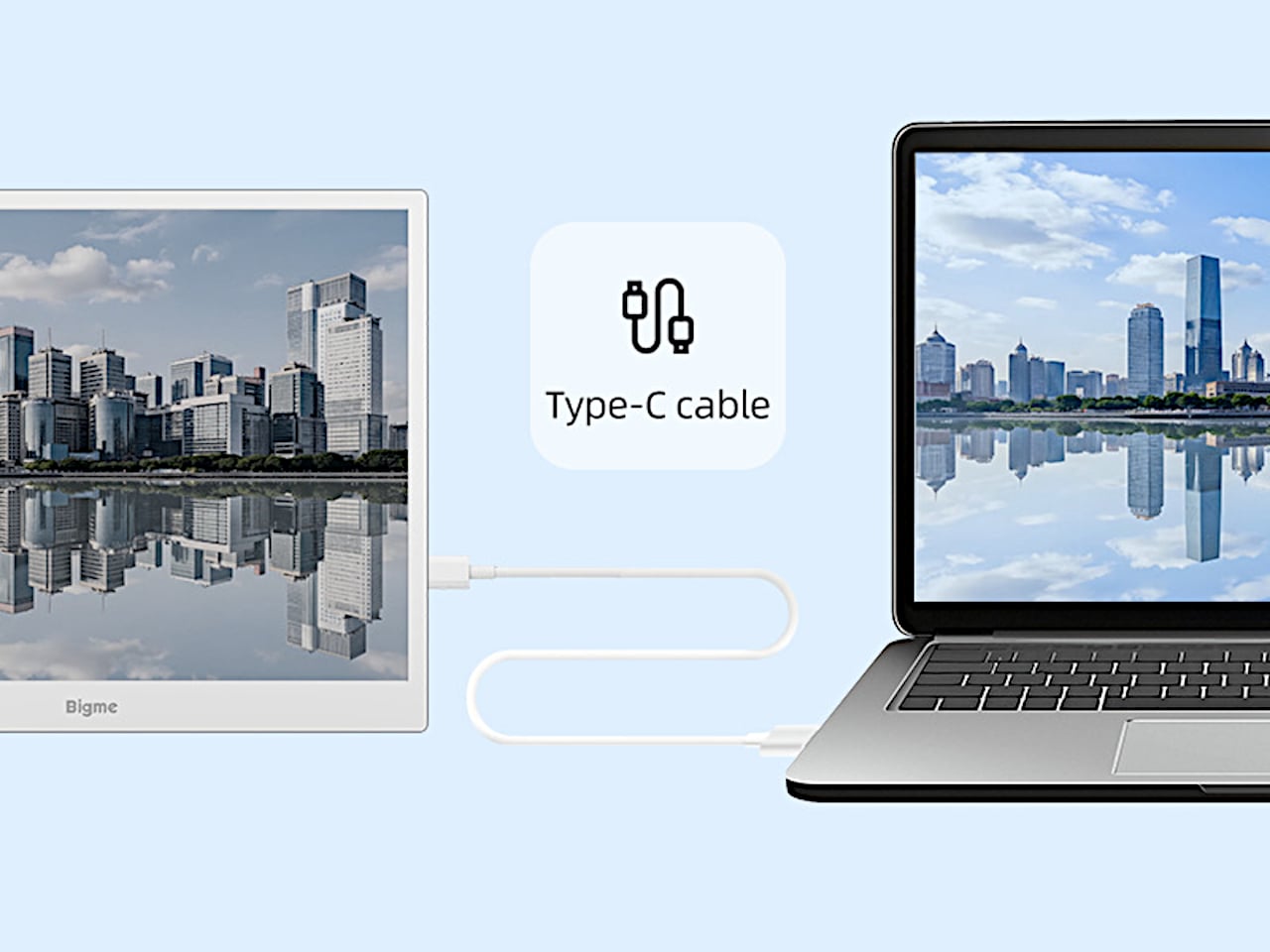
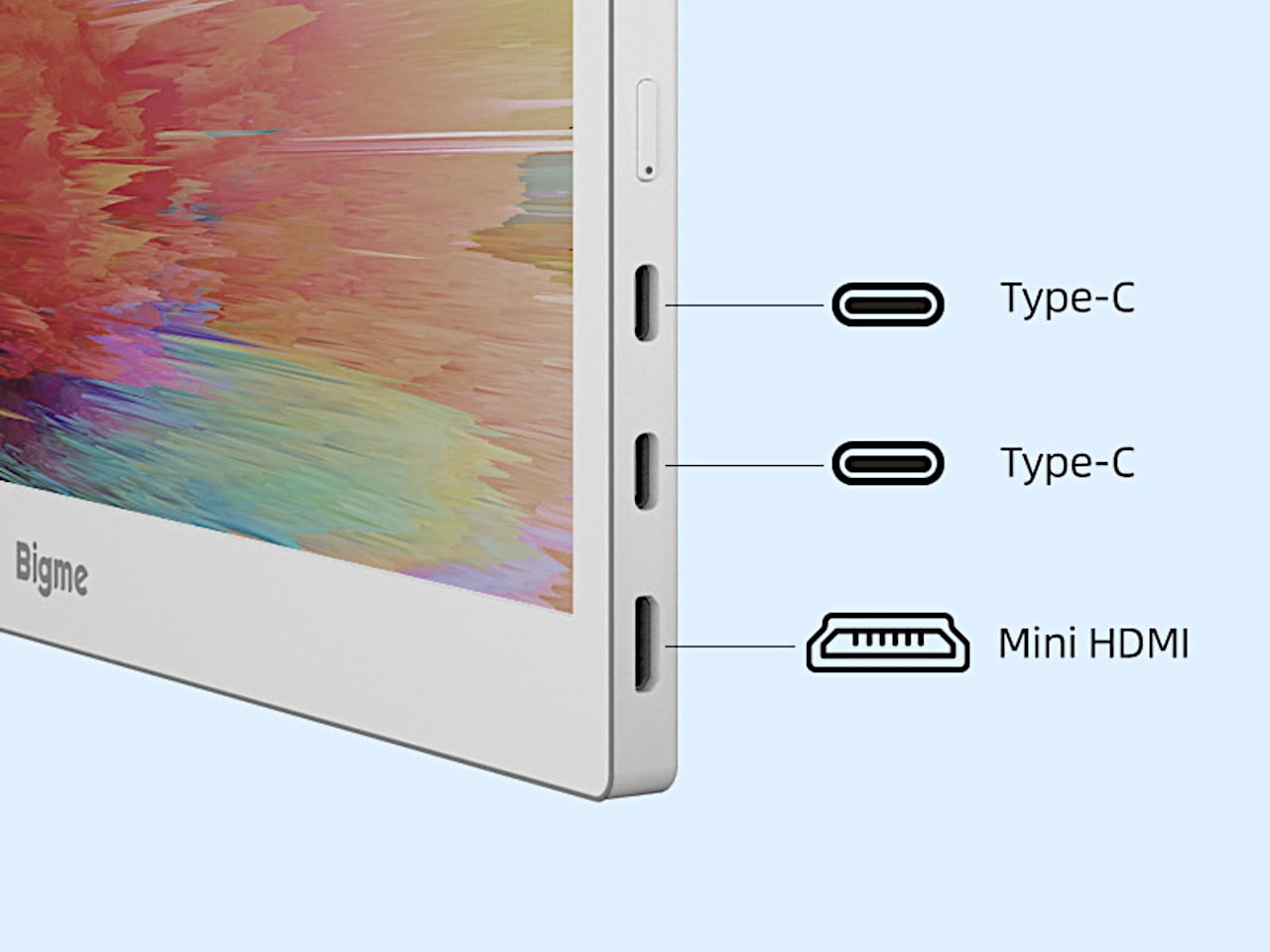
Getting that extra workspace doesn’t have to mean spreading adapters across the desk. A compatible USB-C connection carries both video and power through one cable, although the source device must support both functions. Two USB-C ports and Mini HDMI provide wired options, while wireless casting offers another route.

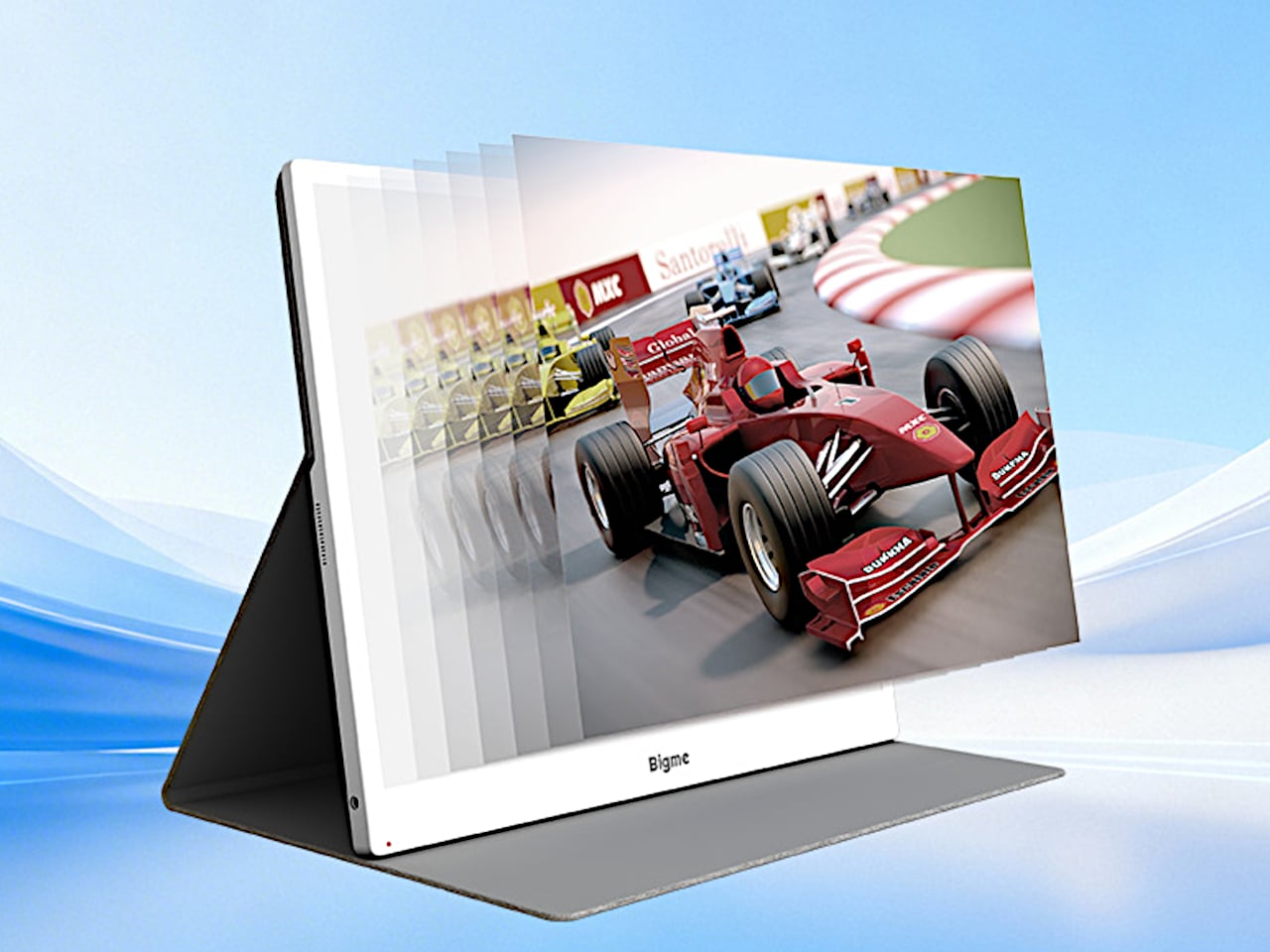
Of course, Bigme’s claimed jump from 30 to 60 FPS is the attention-grabber. If that translates into cleaner scrolling and cursor movement, it could make the display less awkward for everyday computer use. That doesn’t make it a gaming monitor, however. Without independent response-time or ghosting measurements, treating it like a conventional 60Hz monitor would be getting ahead of the evidence.

Color also comes with qualifications. Kaleido 3 supports 4,096 colors, with color density dropping to 150 pixels per inch. That’s useful for distinguishing lines on a chart or highlighting passages without reducing everything to gray, but don’t expect the richness of an LCD or OLED. Color-critical editing belongs on your regular screen; the e-paper panel makes more sense for keeping supporting material visible.

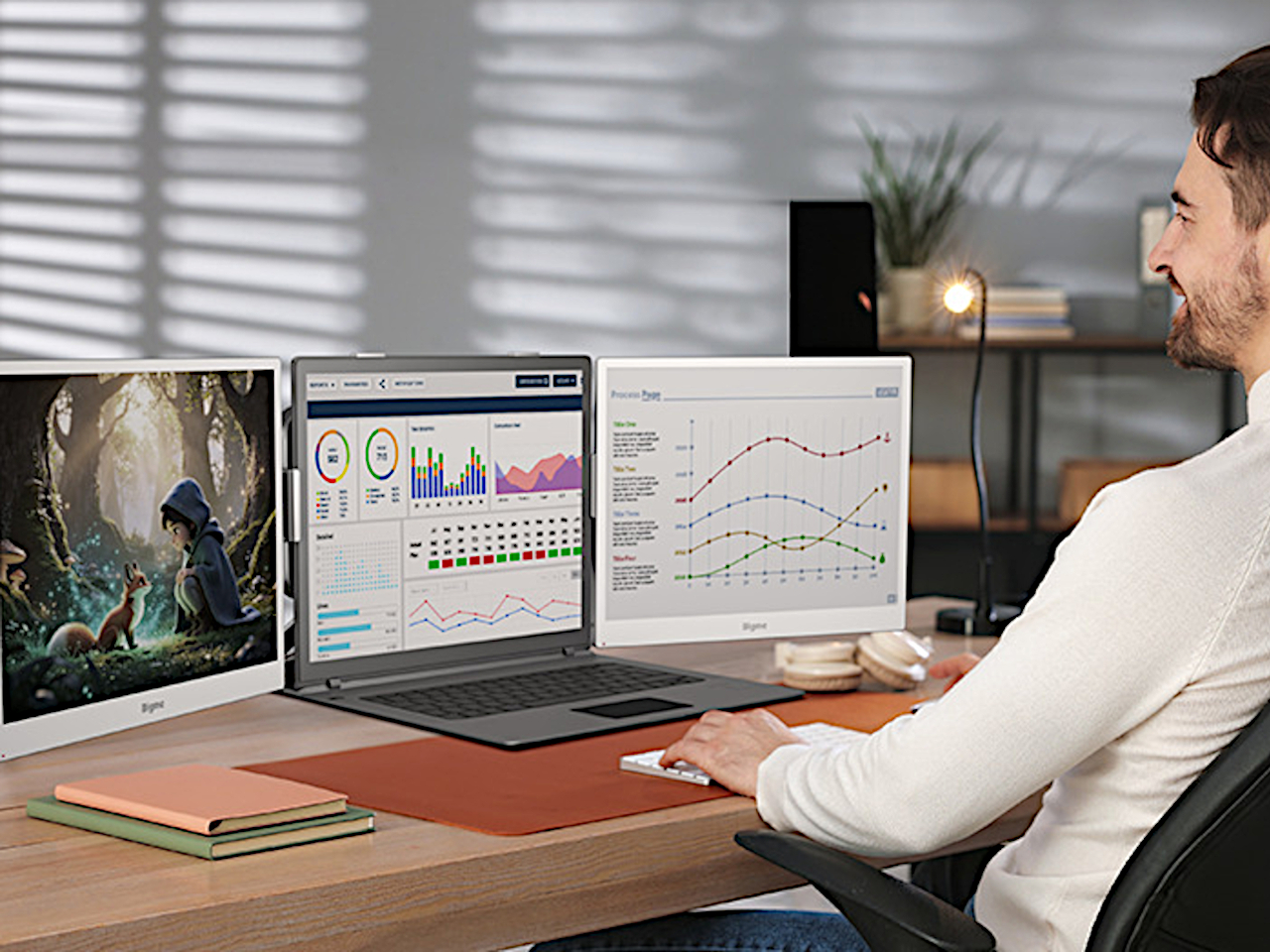
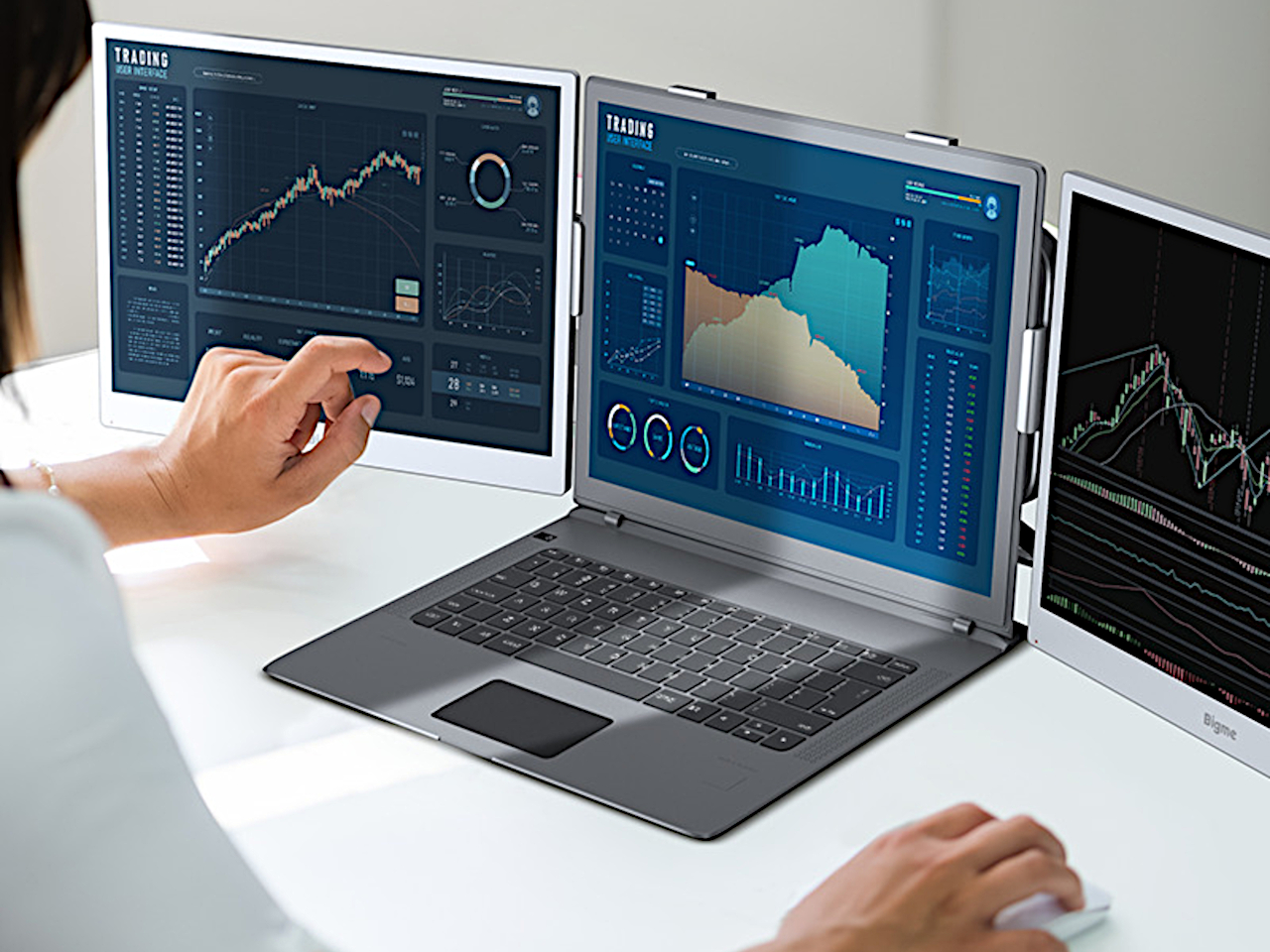
You can take that division further by putting a B13 Pro on either side of a laptop, leaving the central screen for work that needs conventional display behavior. That arrangement requires two monitors plus mounting hardware purchased separately, not a three-screen device unfolding from one box. It also doubles the added display weight, so the hardware holding everything together deserves some attention.

Bigme lists a $569 preorder price against a $749 regular price, but the product page doesn’t specify a firm shipping date. That’s a substantial investment for a 13.3-inch companion screen, especially if you’re planning a pair. The one-cable arrangement keeps the desk simpler, but the real decision is which tasks you want to move onto e-paper and which should stay on the laptop.

The post Bigme’s B13 Pro Gives Your Laptop a Color E-Paper Second Screen first appeared on Yanko Design.
ANREALAGE’s E Ink Dresses Give One Outfit Several Different Looks

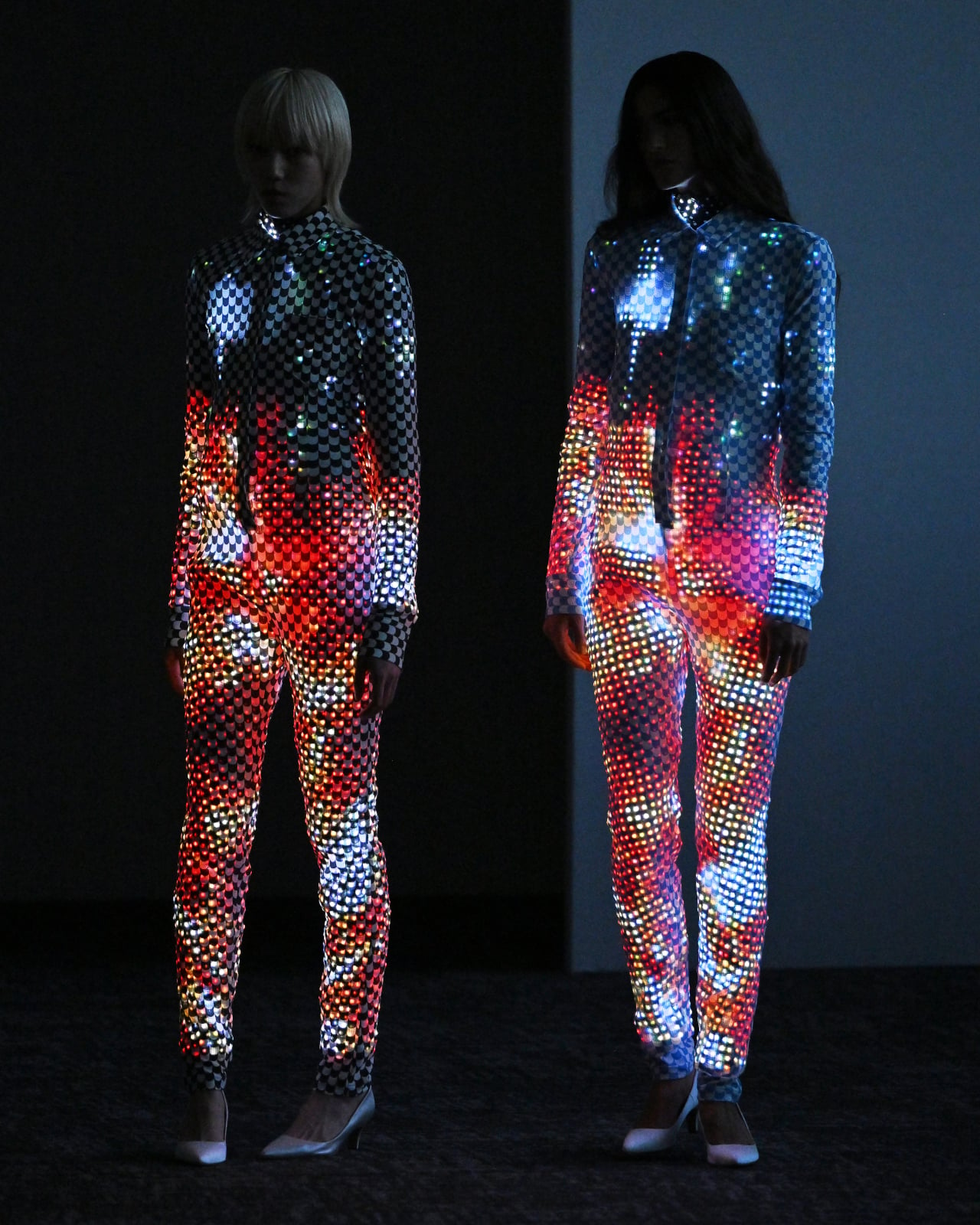
Changing your outfit usually means heading back to your closet, but ANREALAGE’s Spring/Summer 2027 “SKIN” collection suggests a different solution. Six dresses at Paris Fashion Week use E Ink to switch colors and patterns while they stay on the body. You could call them wearable screens, though their scale-like surfaces make them feel closer to something that grows and changes with the wearer.

Fashion has always played with the idea of a second skin, from tight-fitting clothes to prints that mimic textures found in nature. ANREALAGE takes that idea rather literally, treating the outside of a dress as something that doesn’t have to stay the same all day. The silhouette remains recognizable, but the colors moving across it can make a familiar piece feel new.

Designer: Kunihiko Morinaga (ANREALAGE), E Ink

The changing surface uses E Ink Prism 3, which applies electronic paper technology beyond the e-reader screen. Each dress carries about 1,000 to 2,000 individual pieces arranged like scales, so the color shift happens across many smaller surfaces rather than one rigid-looking panel. That construction lets the dress keep its shape while its appearance follows a different script.

E Ink changes the effect of the technology, too. Unlike LEDs, these pieces aren’t glowing their way across the runway; their colors are visible in the surrounding light. That gives the dresses a quieter kind of drama, even when their patterns shift. It’s an important distinction for clothing, where a gadget stuck on top can pull attention away from the garment underneath.

That doesn’t mean the electronics disappear into the fabric. The scales give each dress a distinct texture, turning the thing that makes the color change possible into part of the design. ANREALAGE explores other shifting surfaces in the collection, including 3D-printed elements that look different as the viewing angle changes. Not every transformation needs electronic paper to make its point.

On a runway, those changes give a garment several appearances without anyone slipping backstage for another outfit. The same idea could be appealing in performance costumes, where a change in color can mark a change in mood or scene. For now, though, the point is what the design makes possible, not a promise that everyone will dress this way.

Of course, there are a few reasons why your next summer dress probably won’t come covered in electronic scales. Thousands of connected pieces raise questions about comfort, cleaning, repairs, and what happens when one stops working. E Ink suggests that changing the look of one garment might reduce the need for several, but that’s not the same as proving these dresses are easier on the environment.

That leaves “SKIN” somewhere between fashion experiment and material design. The dresses aren’t practical replacements for the clothes in your closet, but they do make the usual idea of a fixed pattern feel oddly limiting. A wearer can keep the same silhouette while the surface takes another direction, and you don’t need to understand E Ink to enjoy watching that happen.

The post ANREALAGE’s E Ink Dresses Give One Outfit Several Different Looks first appeared on Yanko Design.
Screens Got Louder, These 5 E-Ink Gadgets Went Deliberately Quiet

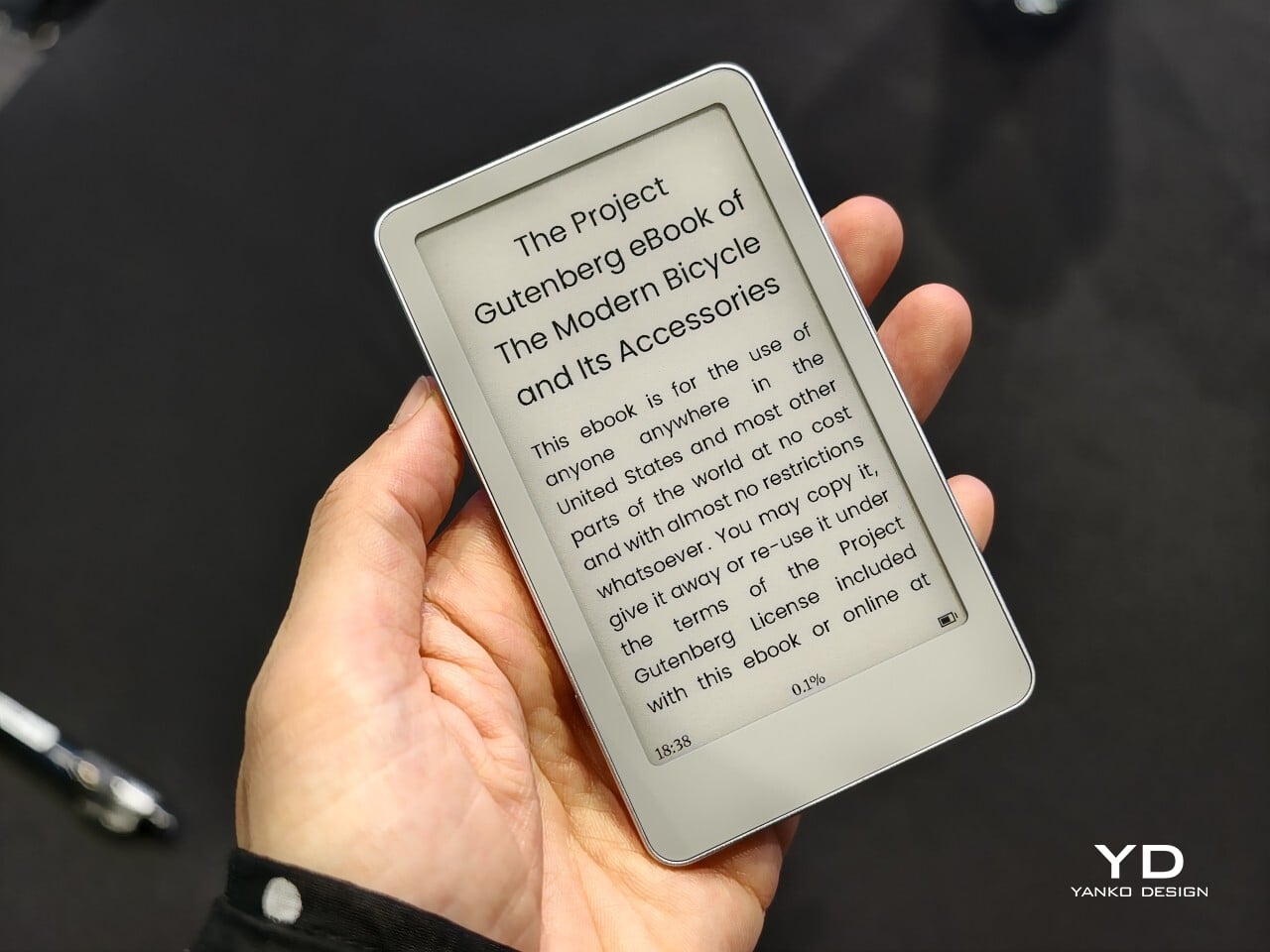
Screens have gotten loud, and most of them are fighting for the same six to eight inches of attention in your pocket. E Ink is quietly answering that fatigue by shrinking instead of growing, going deliberately narrow instead of chasing every feature possible. These five gadgets carry that spirit into pockets, fridges, and phone cases, each one claiming a job so specific that trying to be anything more would ruin it.

That range runs wider than you’d expect from a single display technology. On one end, a screen gets stripped down to nothing but page-turn buttons, refusing every upgrade that isn’t necessary. On the other, a screen becomes the front door to a full computer, complete with an app store and a voice assistant baked right in. Everything else in between quietly picks its own lane instead of trying everything.

Xteink X4 Classic

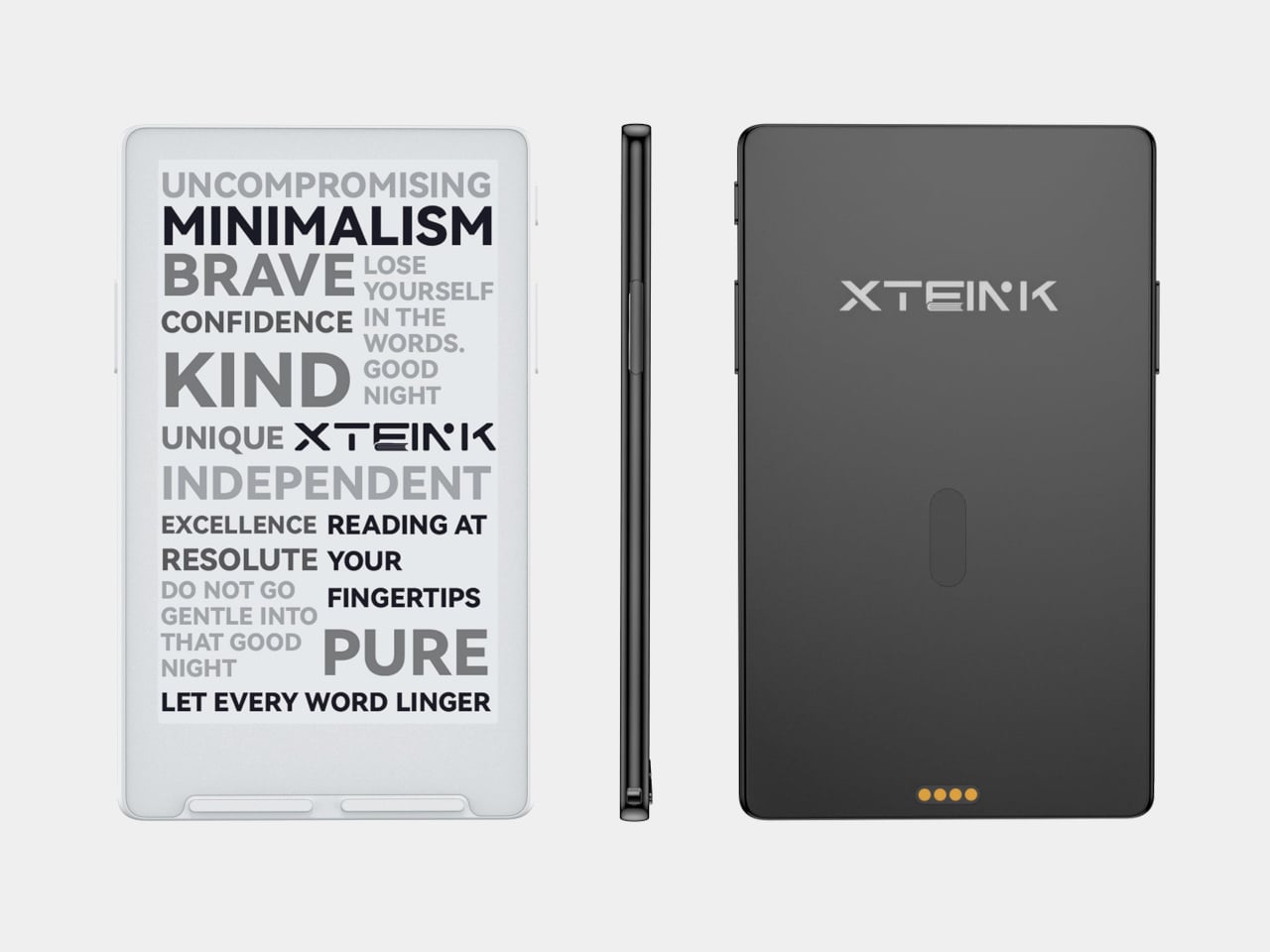
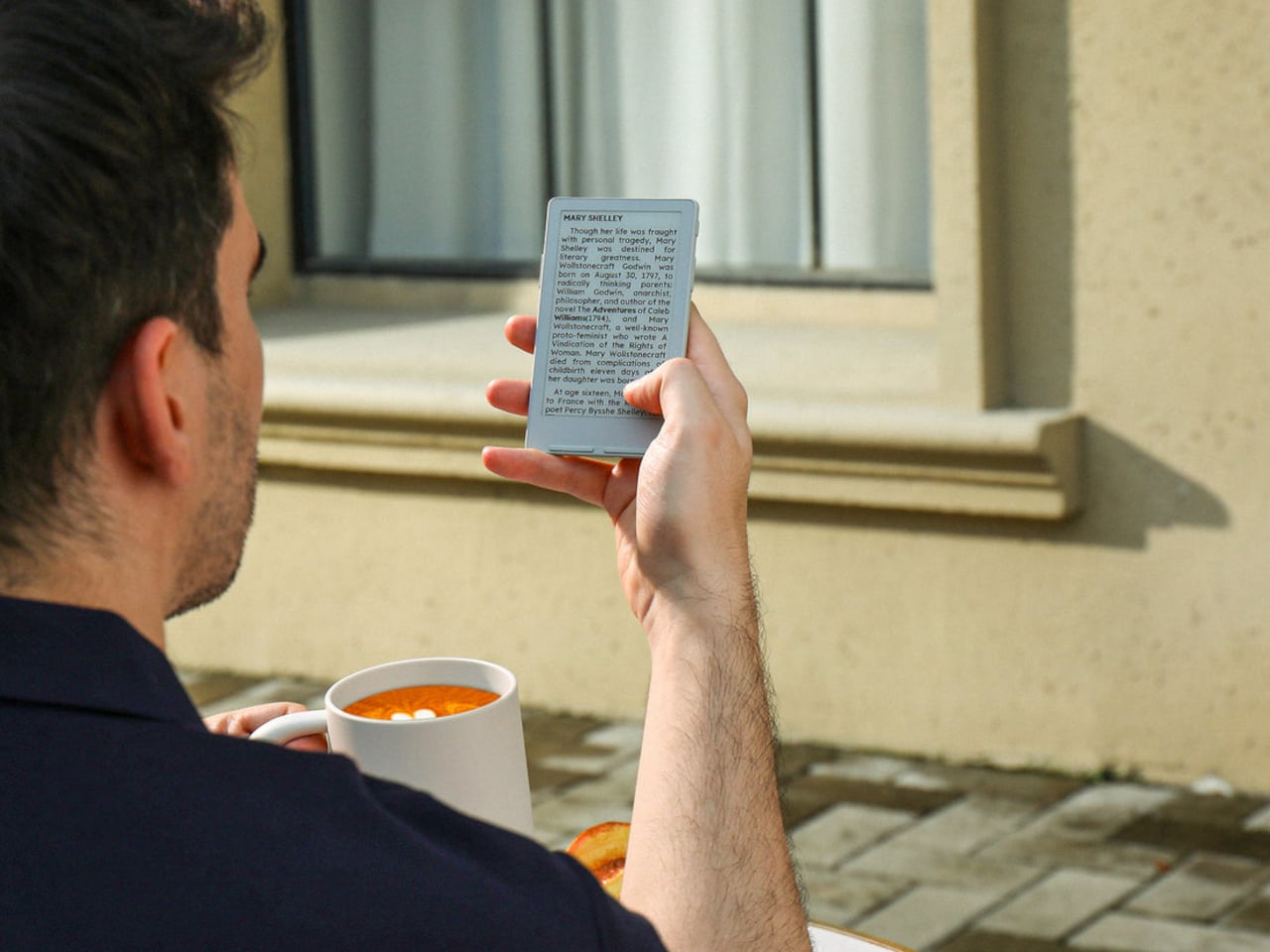
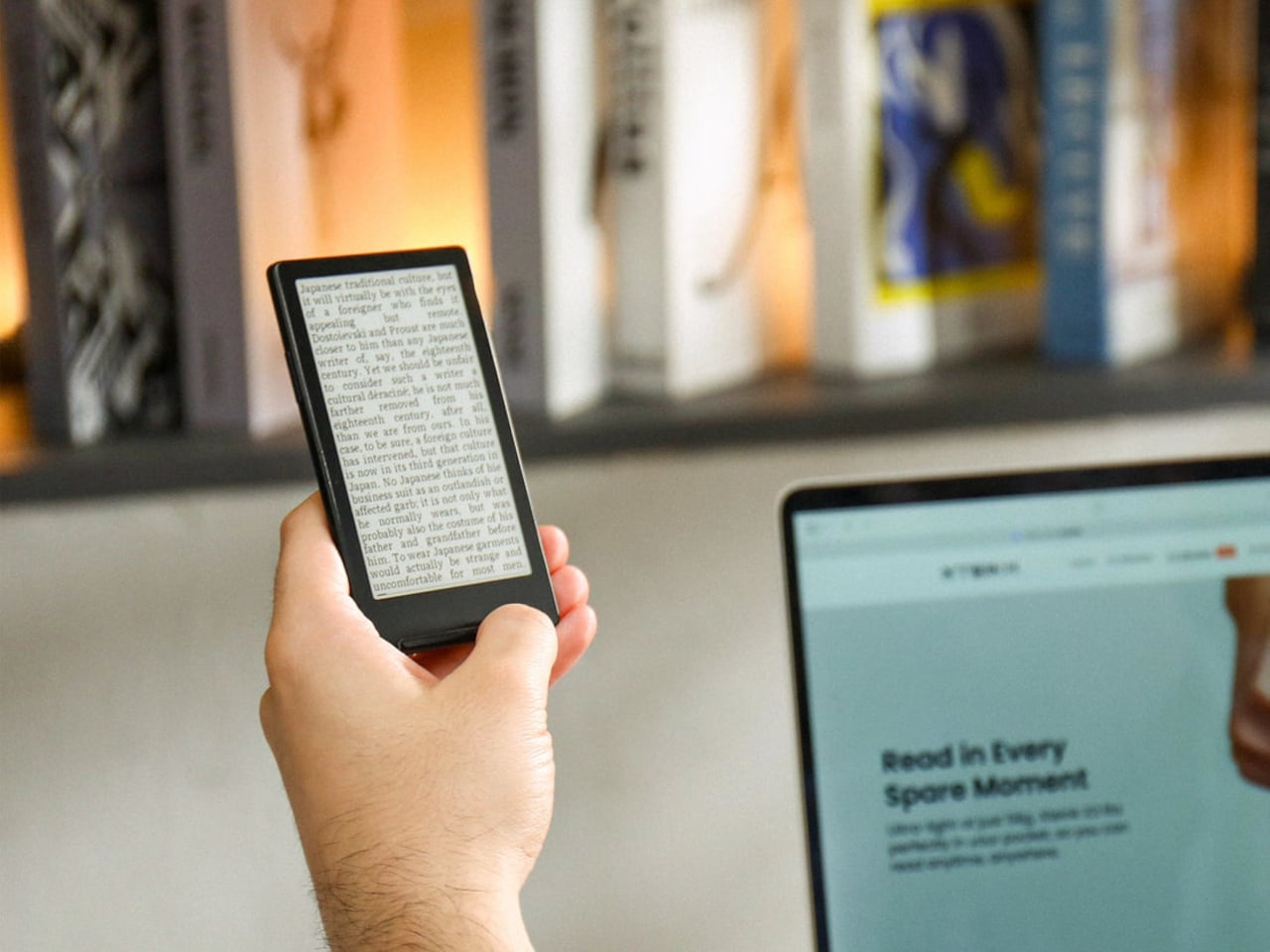
The X4 Classic doesn’t look like an upgrade so much as a refusal to change. It keeps the same 4.3-inch E Ink panel, the same button-only interface, and the same $79 price tag as before, resisting the urge to bolt on a touchscreen or a camera just because it could. What’s new sits underneath the shell: a reinforced magnetic backplate, a faster processor, and a noticeably bigger battery than before.

Designer: XTEINK

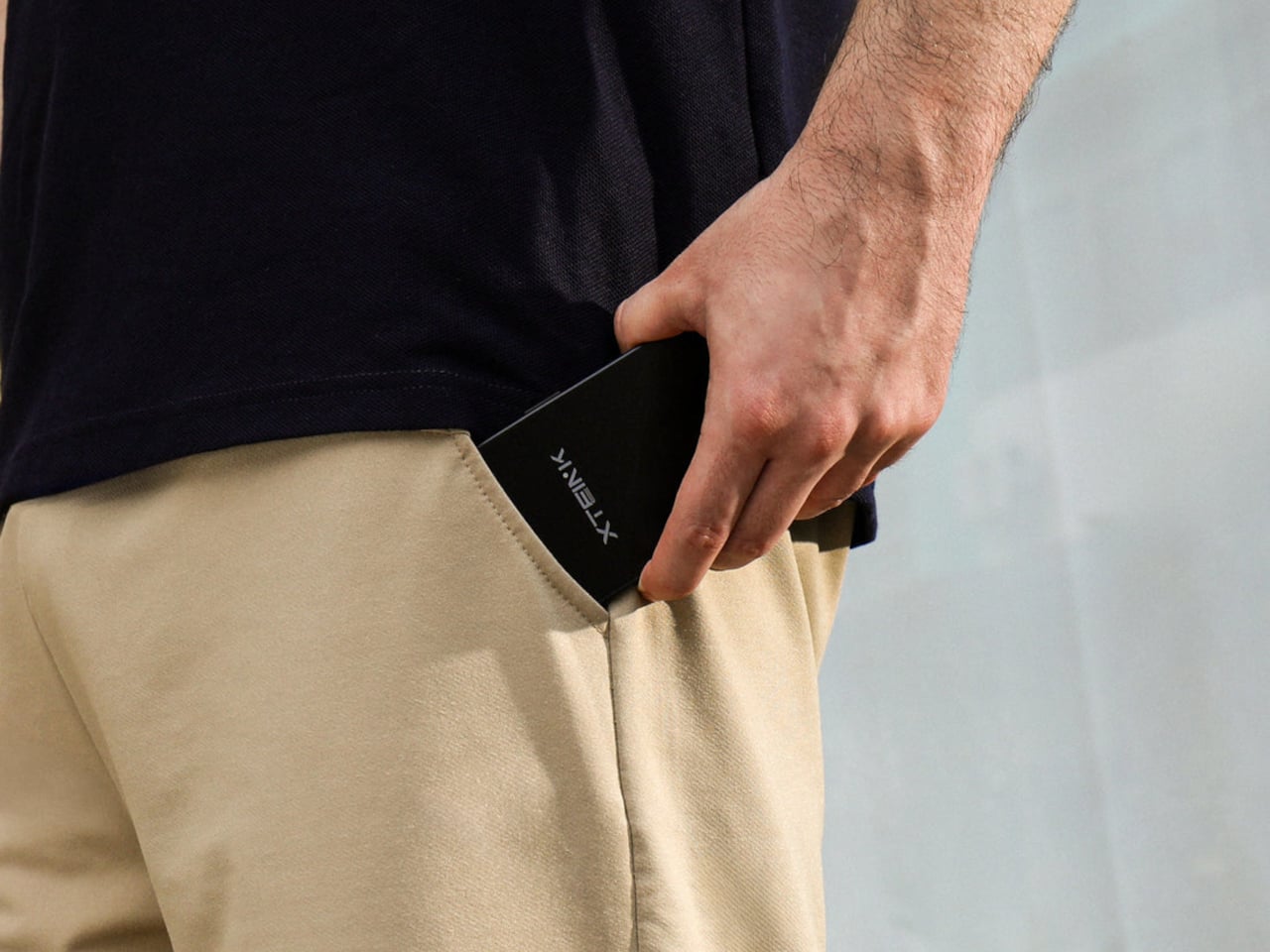
That combination changes how the device actually gets used day to day. The magnetic backplate snaps onto any phone case, MagSafe included, turning the X4 into a companion screen that rides along instead of competing for pocket space. Pull it off during a commute or a museum visit, and it fills the in-between minutes a phone usually swallows, no unlocking, no notifications, no excuse to open anything else at all.

BOOX Picco

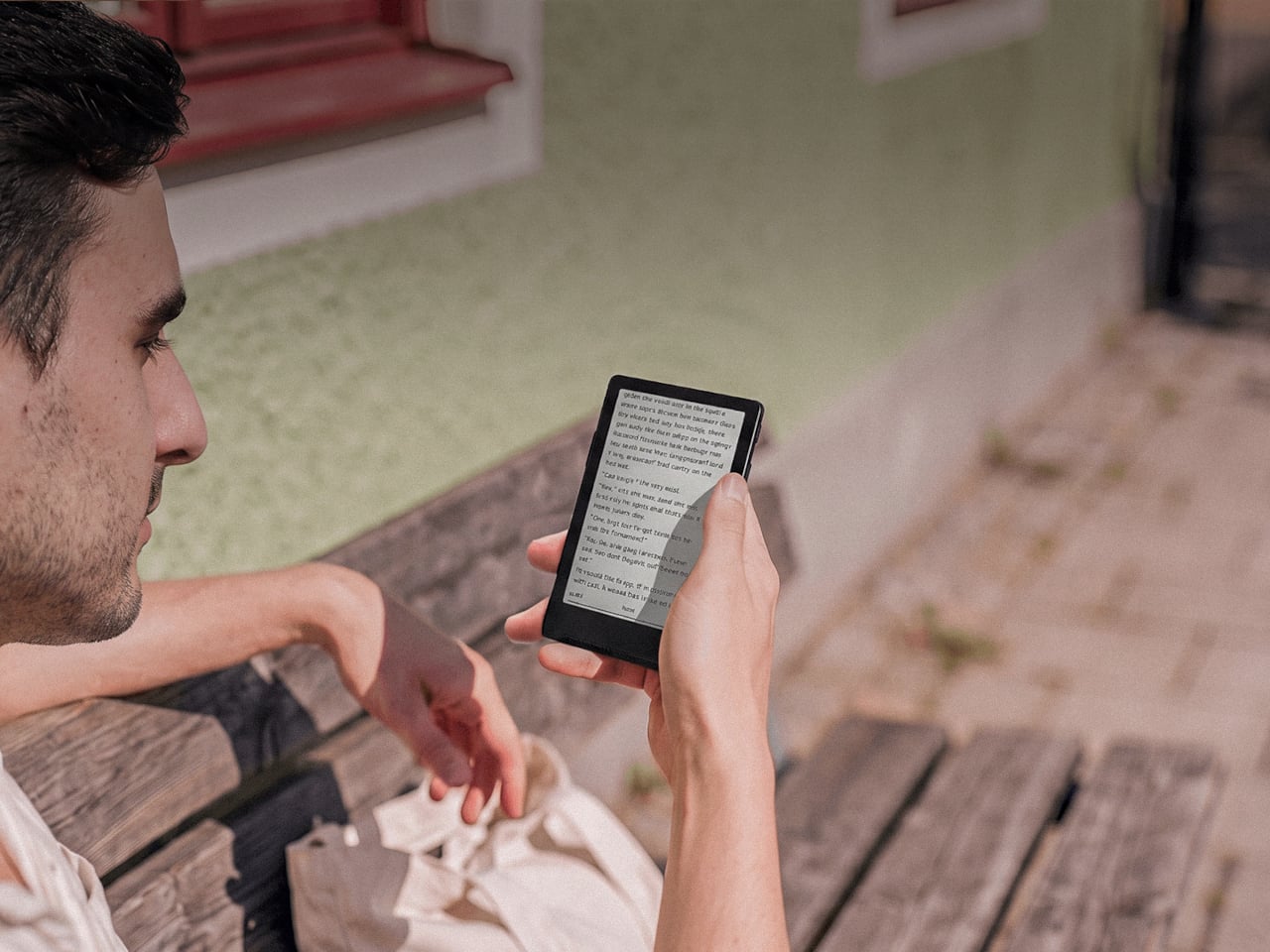
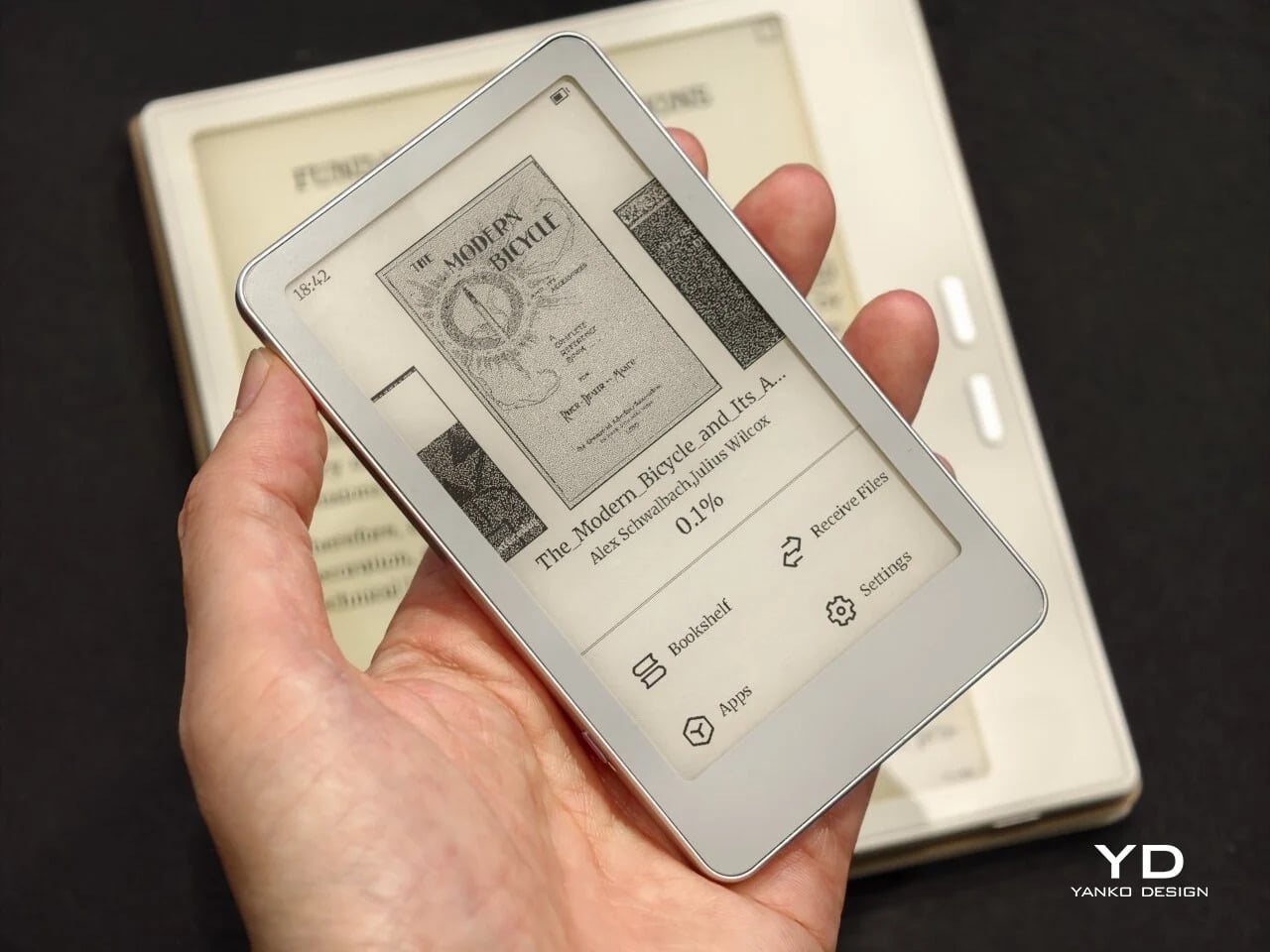
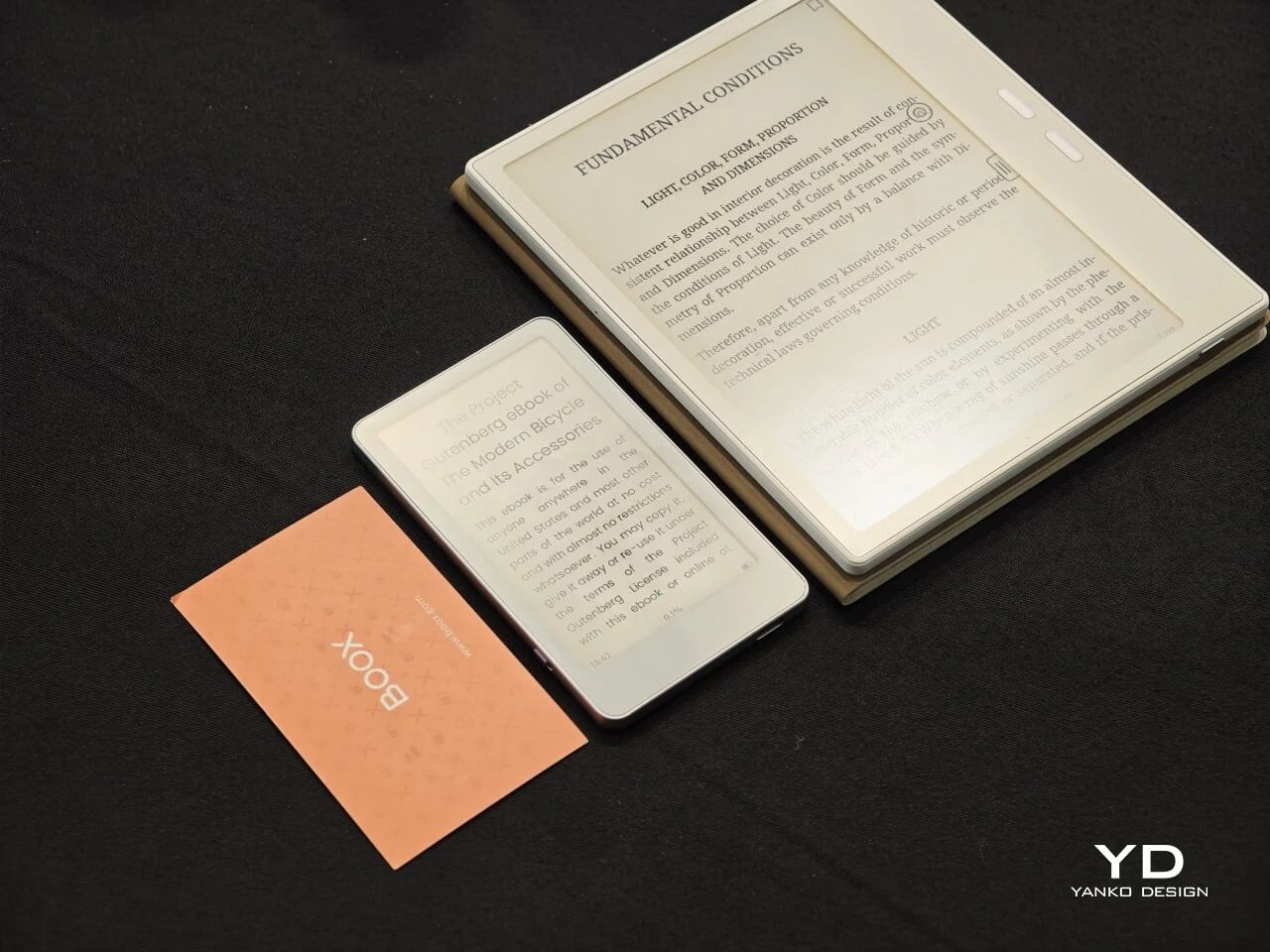
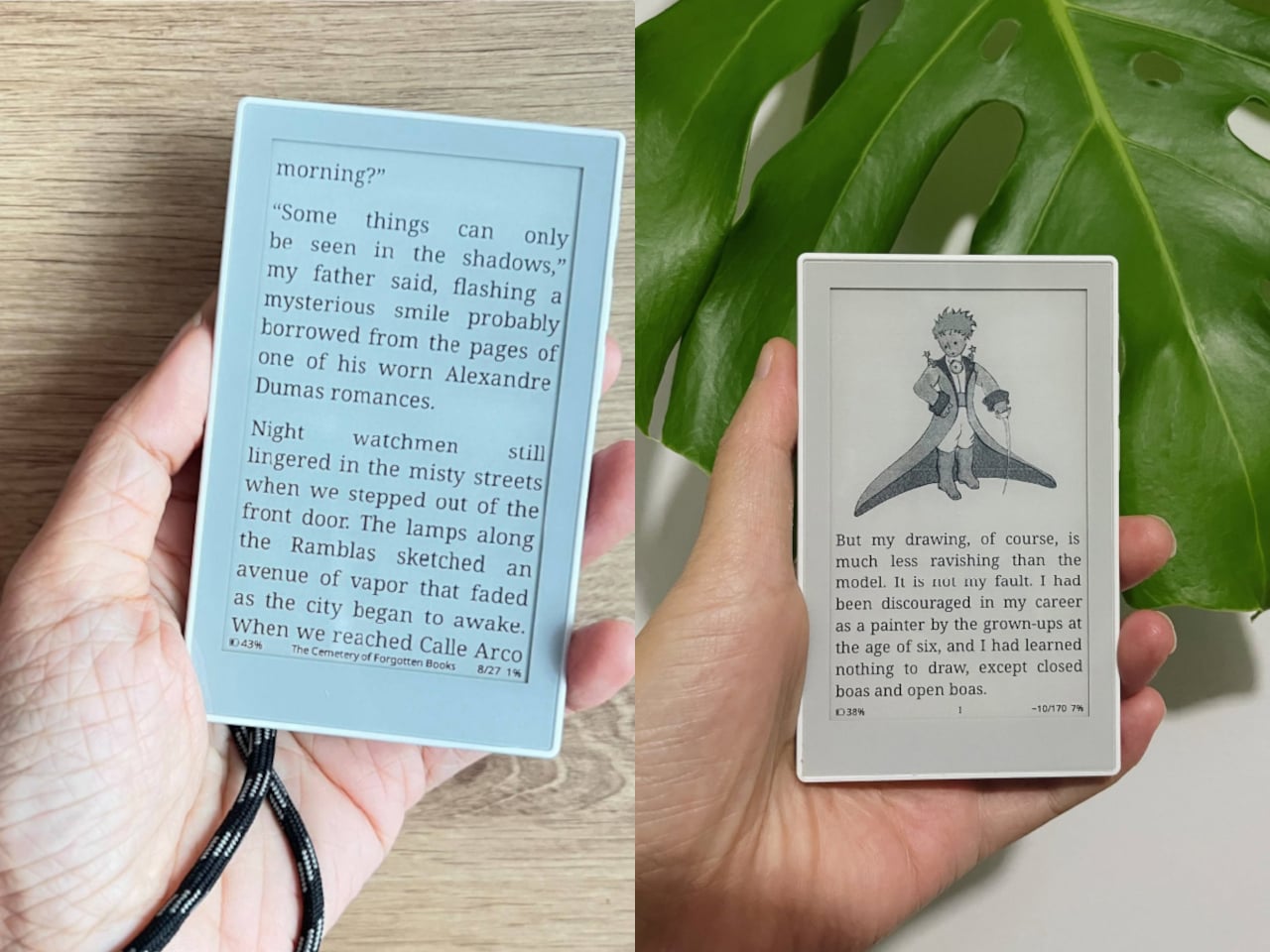
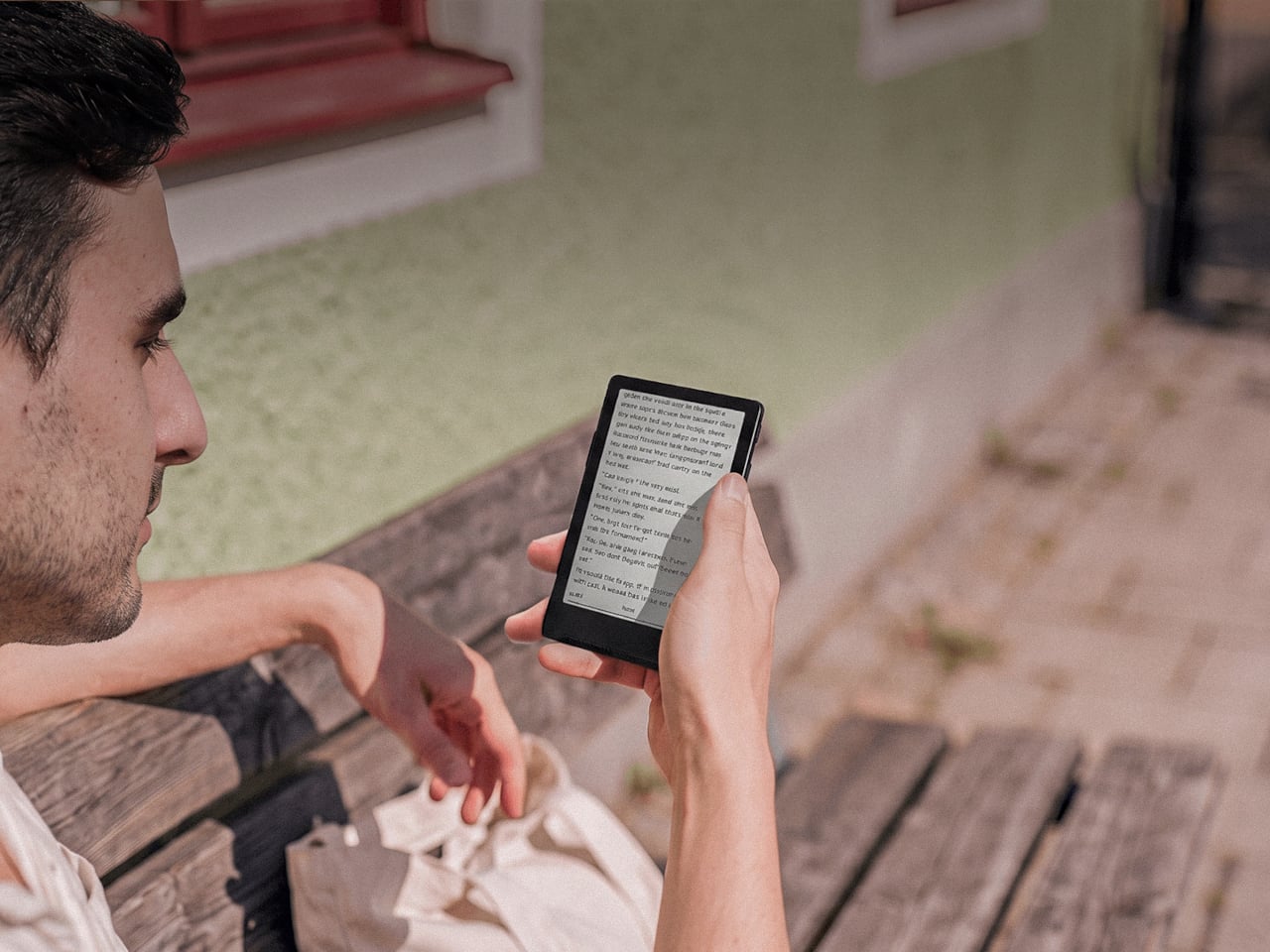
Picco’s whole personality comes from how small it actually manages to be. BOOX shrank a real E Ink touchscreen down to 3.97 inches, closer in size to a stick of gum than an actual book, and paired it with a stripped-back Linux-based interface instead of the full Android build found on its bigger siblings, trimming away anything that would even slow that simple page-turn experience down.

Designer: BOOX

That shrinking act pays off the moment you actually try to carry it somewhere new and unfamiliar. Picco fits flat in a coat pocket or a wallet, slips into a bag without adding bulk, and swaps storage through a microSD card instead of locking you into whatever space came in the box. There’s no algorithmic feed hiding behind the home screen, just books, waiting patiently to be opened.

reTerminal Sticky

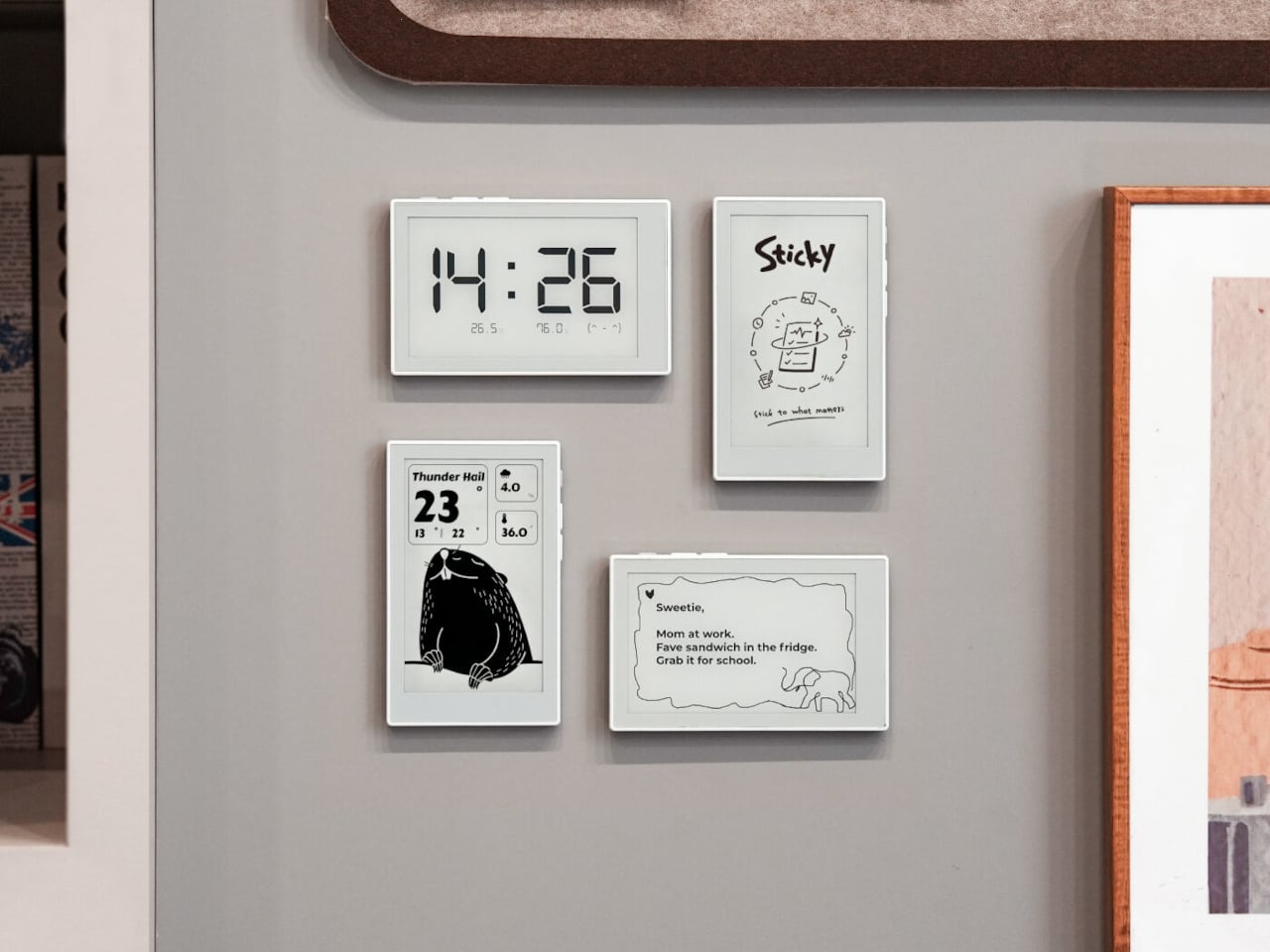
Sticky solves a problem every household already knows all too well: paper notes fall off the fridge, and group chats bury reminders under a dozen other messages before anyone actually reads them. Seeed’s answer is a display that magnets onto any metal surface in the kitchen, runs for up to a week between charges, and turns the fridge door into a genuinely shared notice board again.

Designer: Seeed Studio

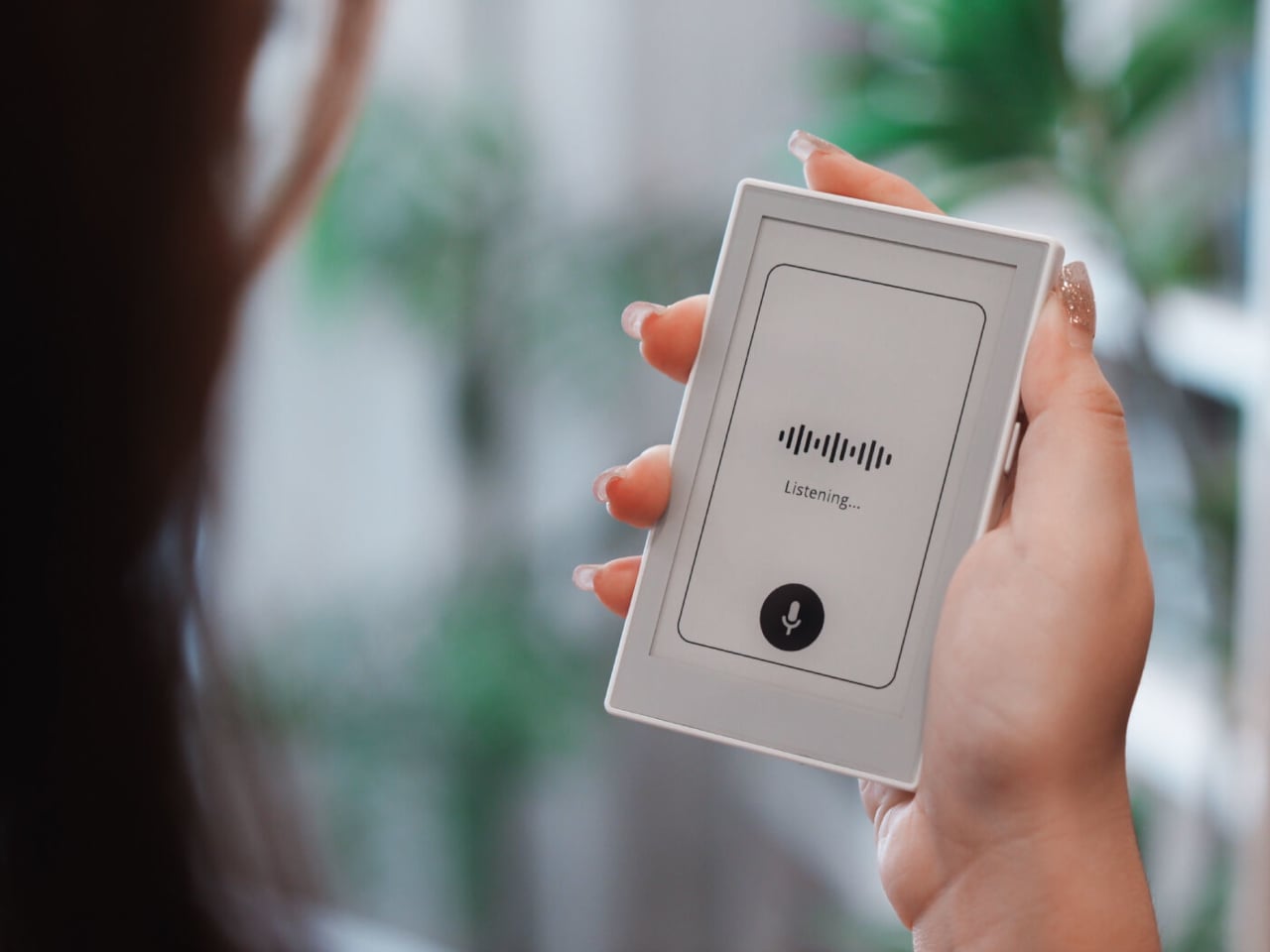
Getting a note onto that screen doesn’t take any real effort at all these days. Press a button and speak, and Sticky transcribes it instantly, no typing on a tiny keyboard required. Anyone away from home can send a reminder remotely through the Seeedash app too, so a parent stuck at work can still get milk on tonight’s list without starting a whole text thread over it. And yes, it can read eBooks, too.

Flowtica Verso

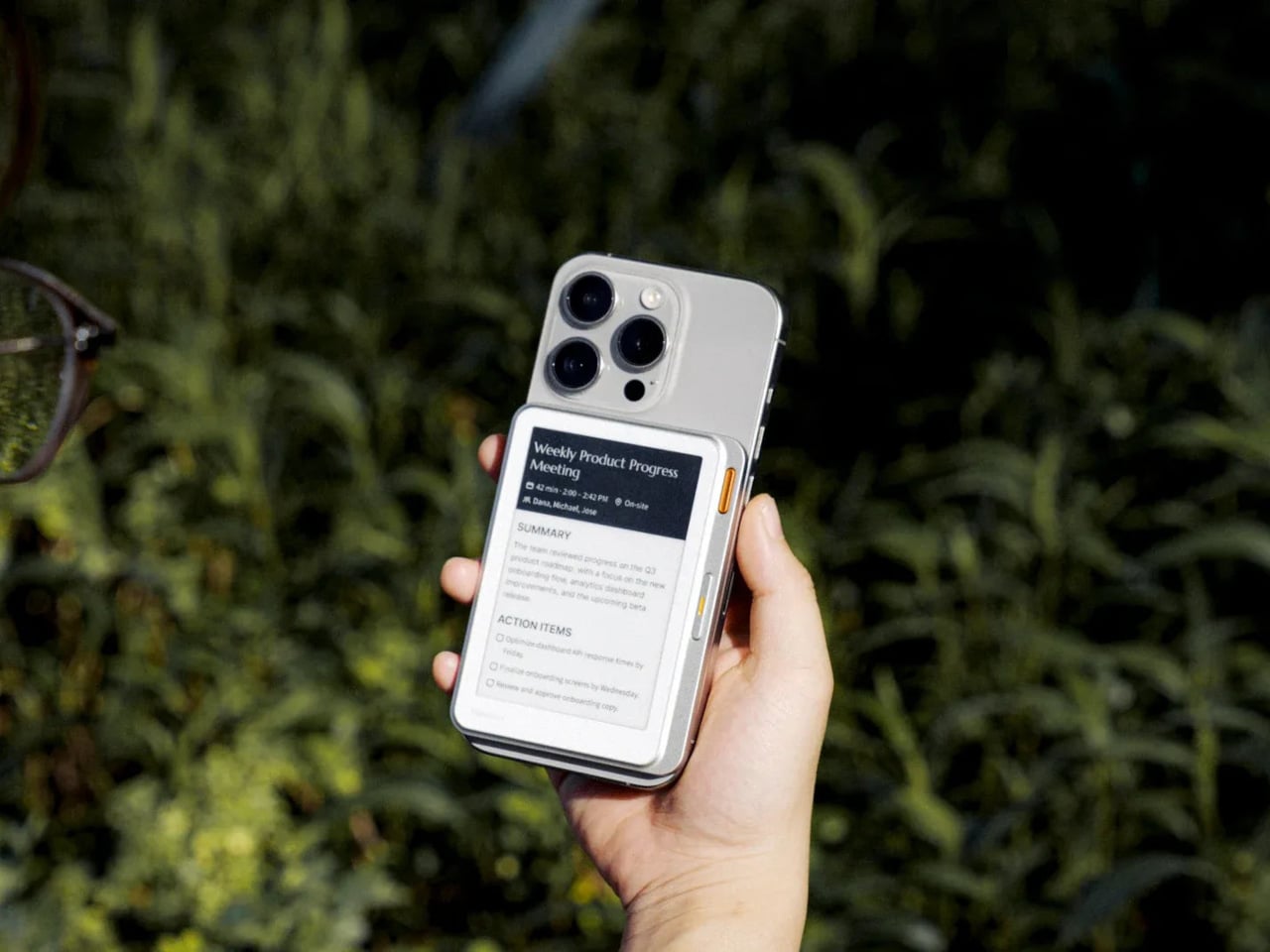
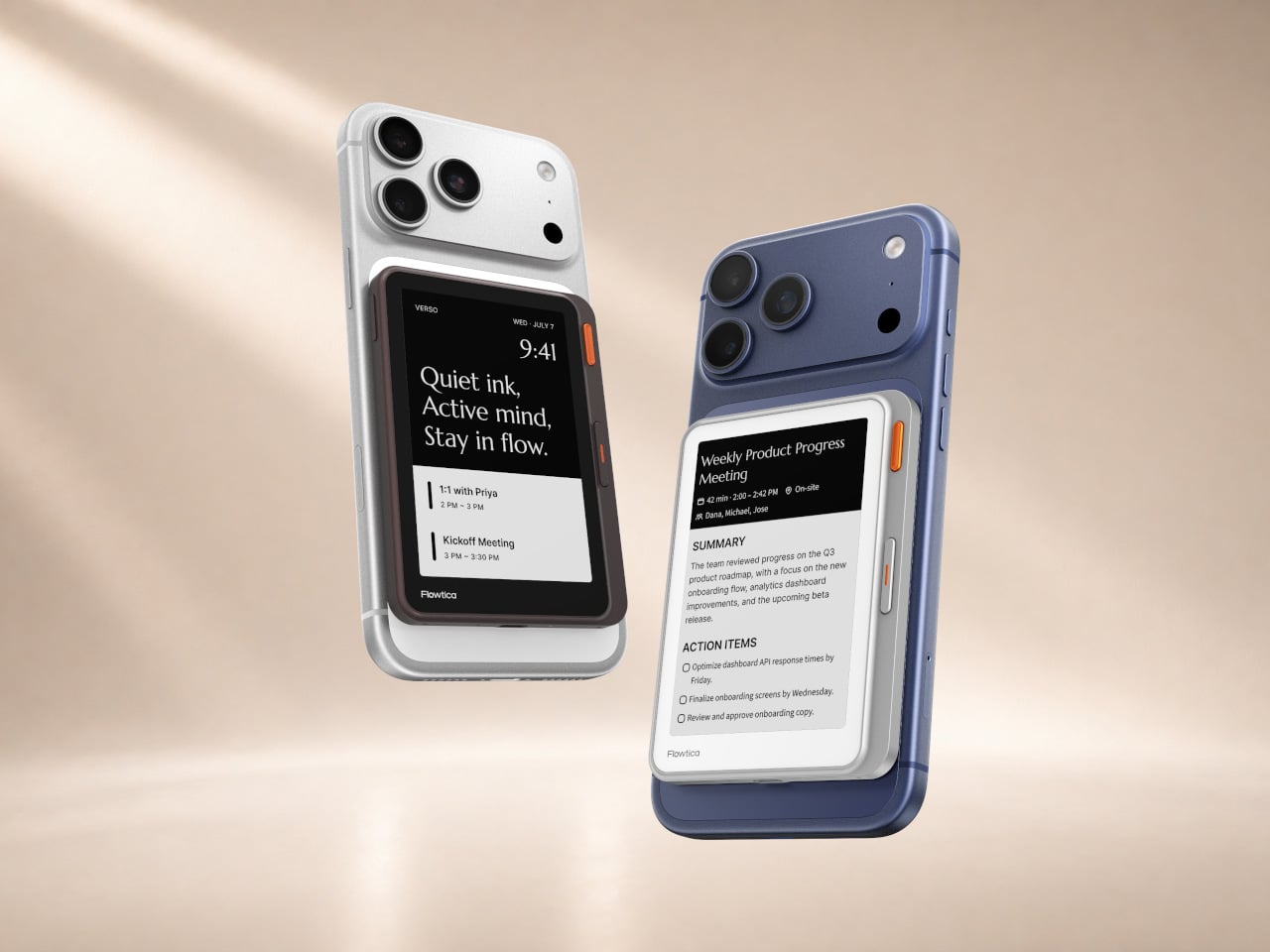
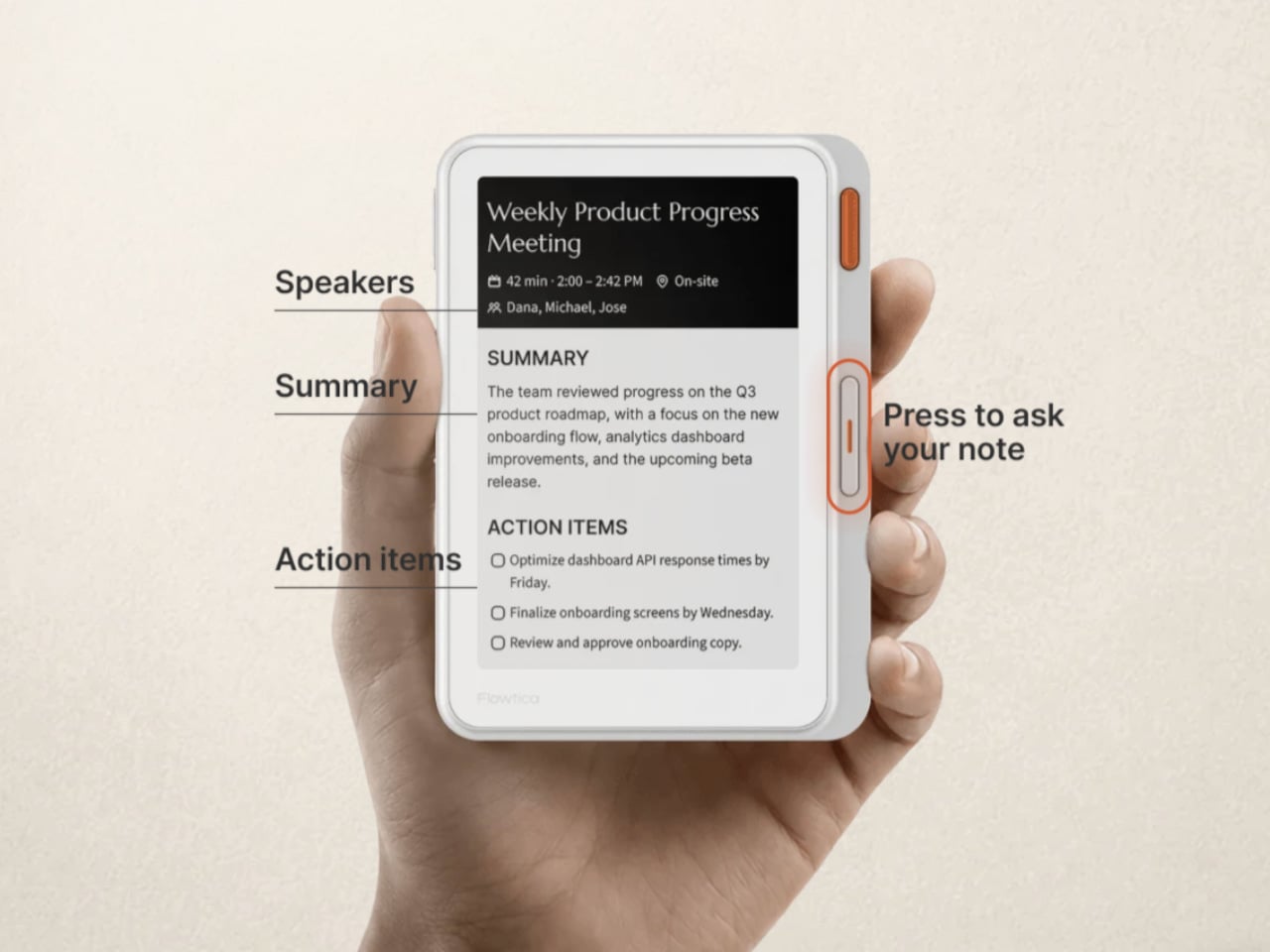
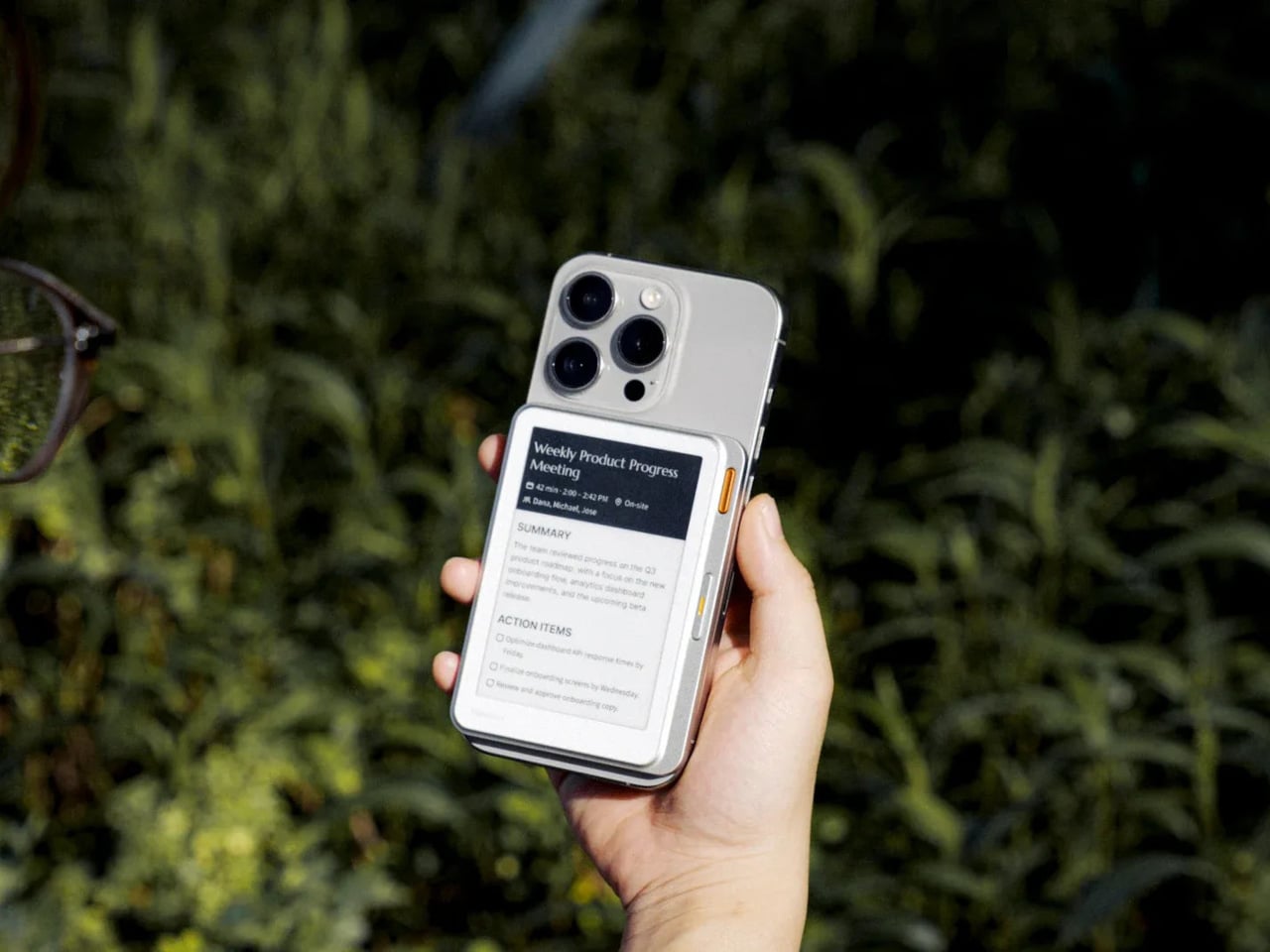
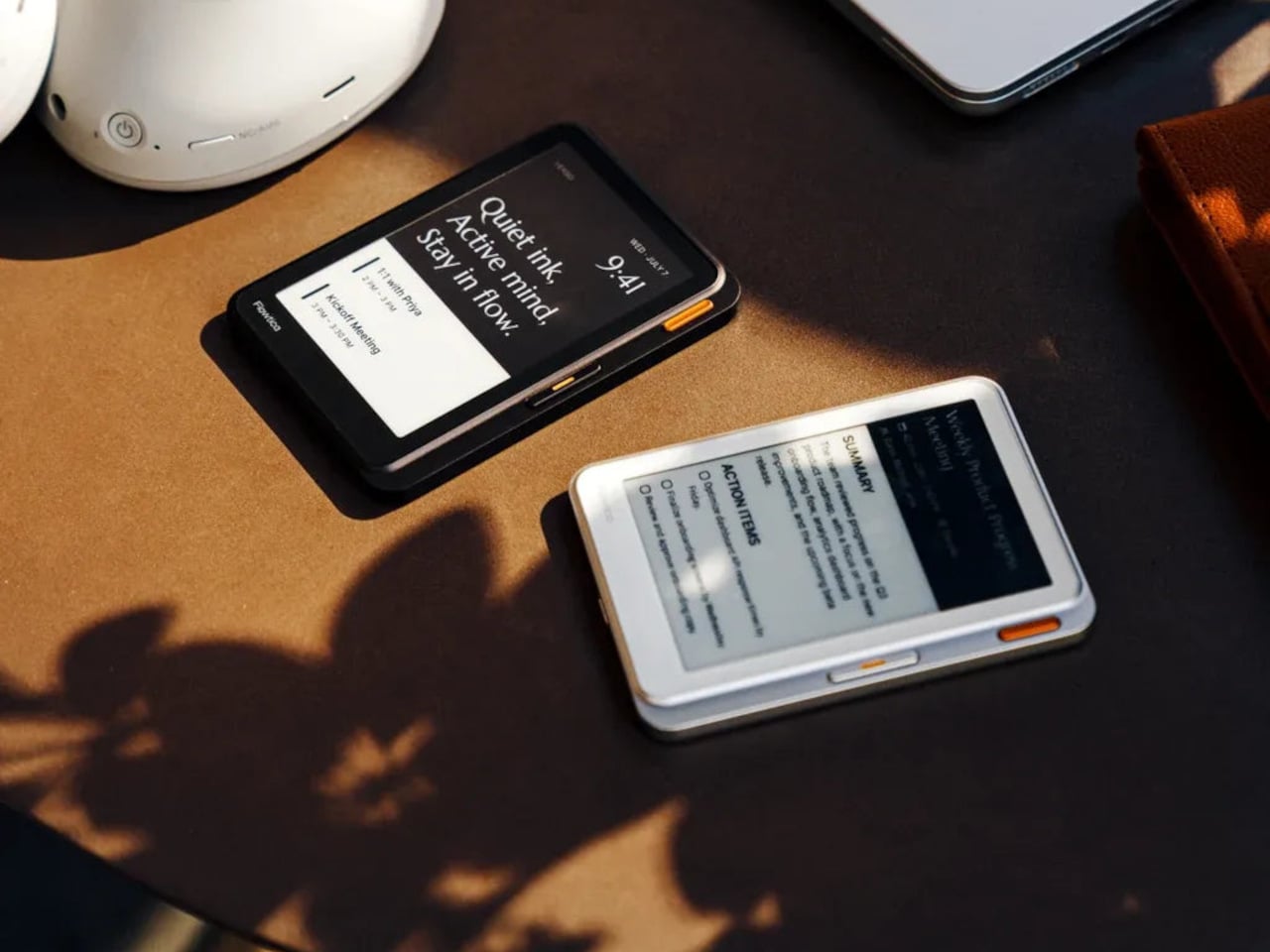
Verso takes a completely different bet on where a small screen actually belongs these days. It’s a panel barely thicker than a couple of credit cards that clips onto the back of a phone, sitting quietly against a five-microphone array that listens through an entire meeting. By the time everyone’s packed up, it’s already turned that conversation into a clean, readable summary, no notebook required at all.

Designer: Flowtica

The same panel keeps working long after that particular meeting actually ends. Calendars and pending to-dos stay visible on that always-on e-paper face, readable even in direct sunlight where a phone screen would wash out completely. Battery life stretches to 72 hours, so it becomes less of a gadget and more of a permanent fixture riding quietly along on the back of a phone.

DuRoBo Krono

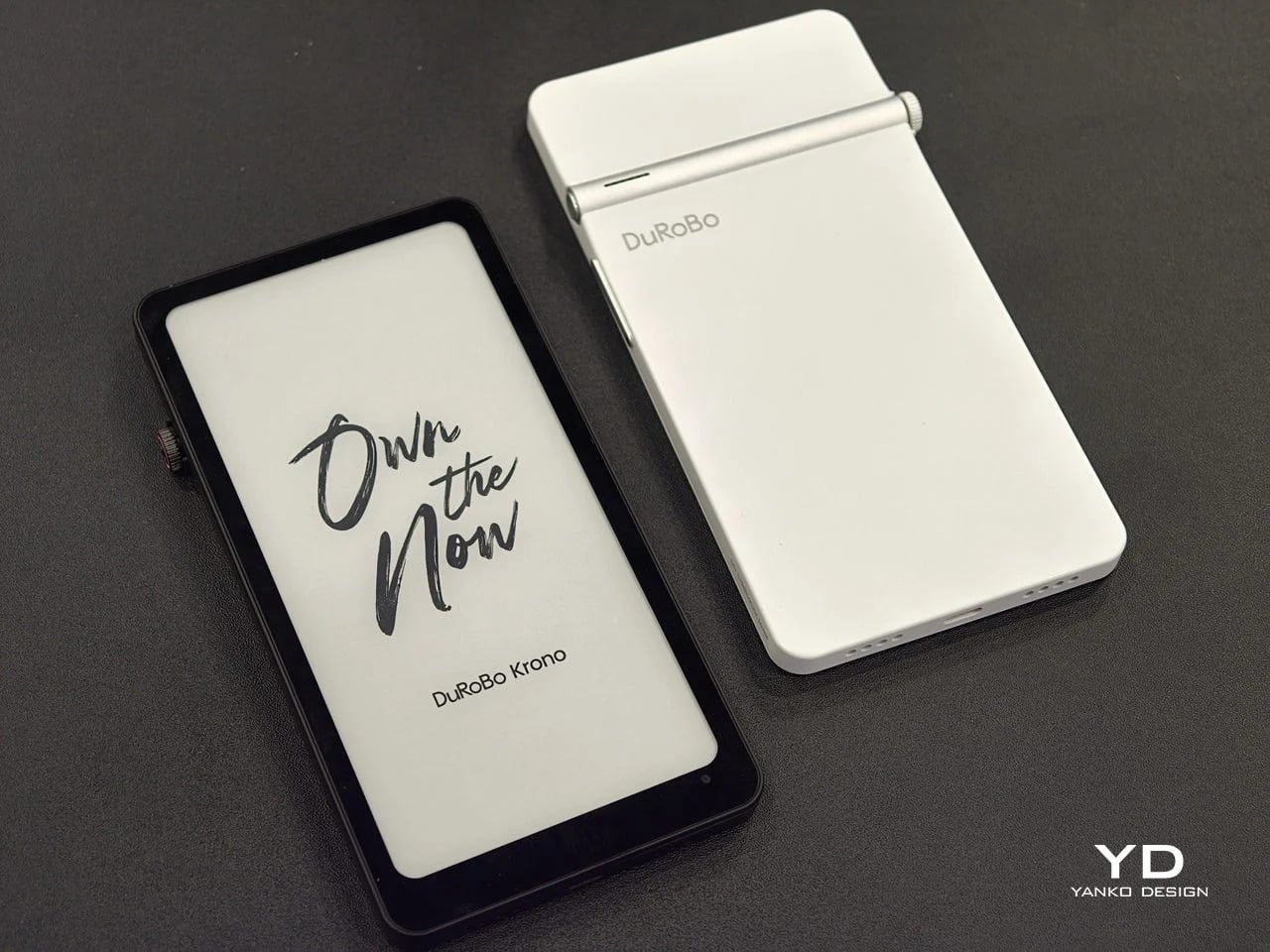
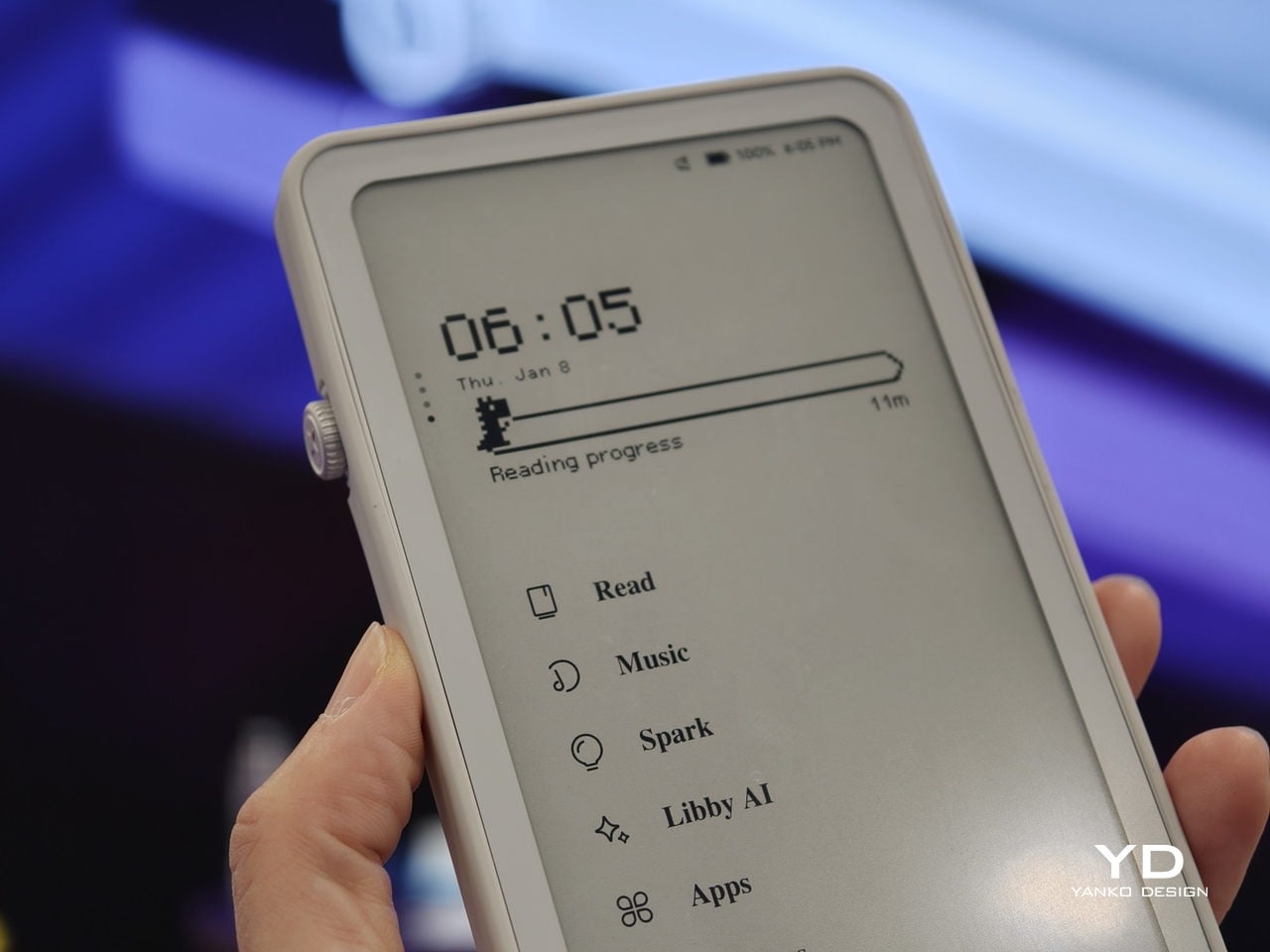
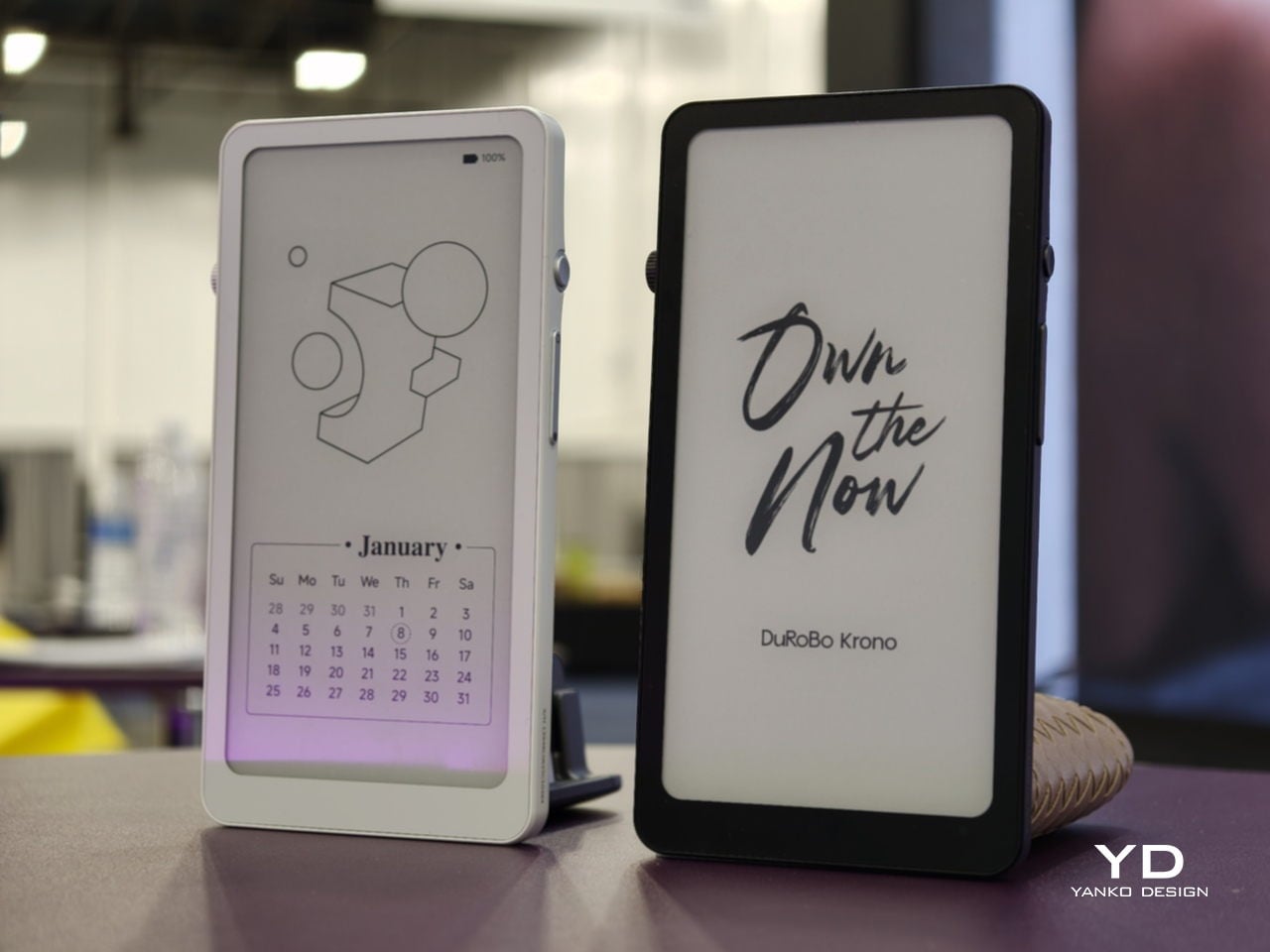
Krono sits at the opposite end of that whole spectrum entirely, and it doesn’t hide it. The 6.13-inch Carta 1200 display lives inside a mechanical-looking body built around a tactile Smart Dial that handles page turns, brightness, and volume with an actual click. Underneath all that hardware runs full Android 15, complete with access to the Google Play Store, a leap the other four devices here don’t attempt.

Designer: DuRoBo

That openness changes what a reading session can actually turn into. A built-in speaker and Bluetooth pull in music or a podcast between chapters, while an on-device assistant answers quick questions without ever breaking focus on the page. It’s the same E Ink material that Xteink stripped down to page-turn buttons, just handed every tool a full operating system can offer, closing the spectrum this list started with.

The post Screens Got Louder, These 5 E-Ink Gadgets Went Deliberately Quiet first appeared on Yanko Design.

Phone Screens Are Too Busy for Notes, Verso Handles Them on the Back

Phone screens have quietly become the default display for everything, including thoughts that never needed an app in the first place. The Flowtica Verso pushes back on that habit by giving your phone a second face, a card-sized panel with its own always-on e-paper screen. Snap it onto the back of a handset, and it starts listening, transcribing, and summarizing conversations without asking you to unlock anything.

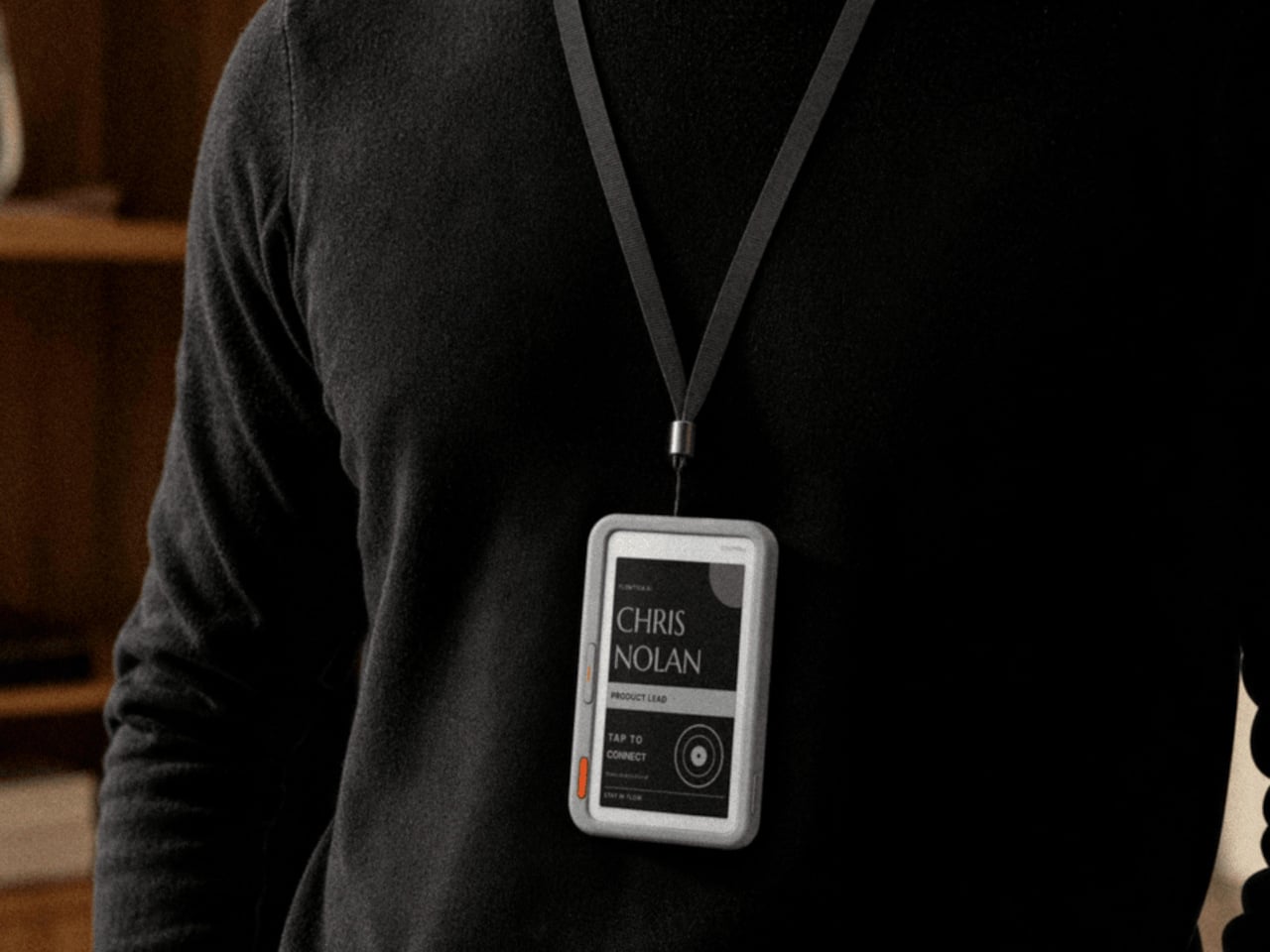
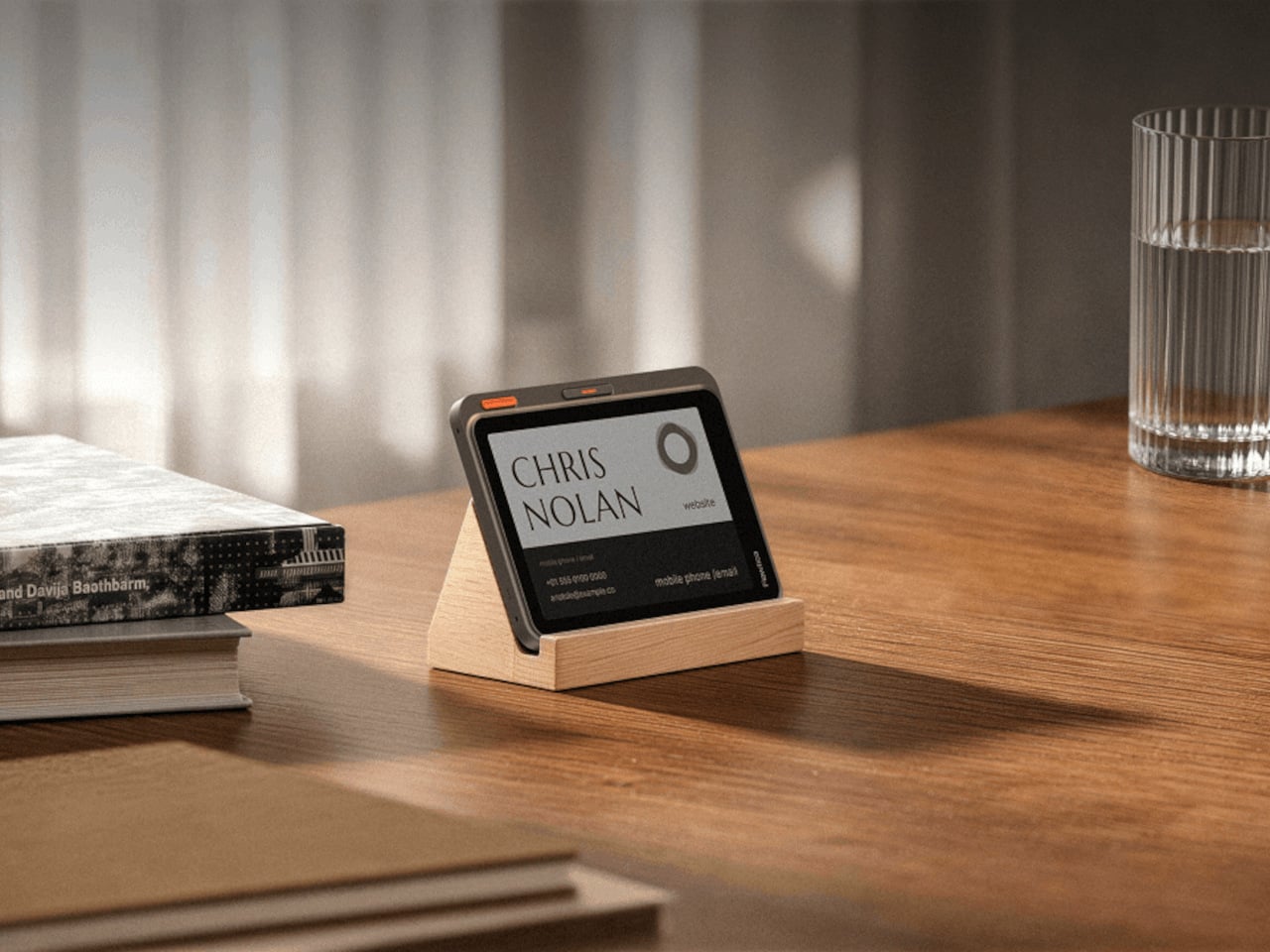
That panel is barely 6.5 millimeters thick, thinner than most phone cases, yet it holds a full touchscreen, a five-microphone array, and enough battery to run for up to 72 hours between charges. Magnets let it click onto a MagSafe-compatible phone, but that’s only one option. Hang it from a lanyard during a conference, or prop it on a desk stand next to a laptop instead.

Designer: Flowtica

When a Meeting Runs Long

Picture a meeting that runs long and scattered, the kind where important details slip past because everyone’s phone is face down on the table. With the Verso clipped to a case, none of that gets lost. It records the discussion, then turns the audio into a clean summary with action items sitting right there on its screen, ready before anyone reaches for a notebook or a second device.

A second button turns the same panel into something closer to a conversation partner. Hold it down, ask a quick question about what just got discussed, and the answer appears on the e-paper face within seconds, no app switching required. That small design choice matters more than it sounds, because it keeps a person’s attention on the room instead of a glowing rectangle in their palm.

A Screen That Keeps Working After the Meeting Ends

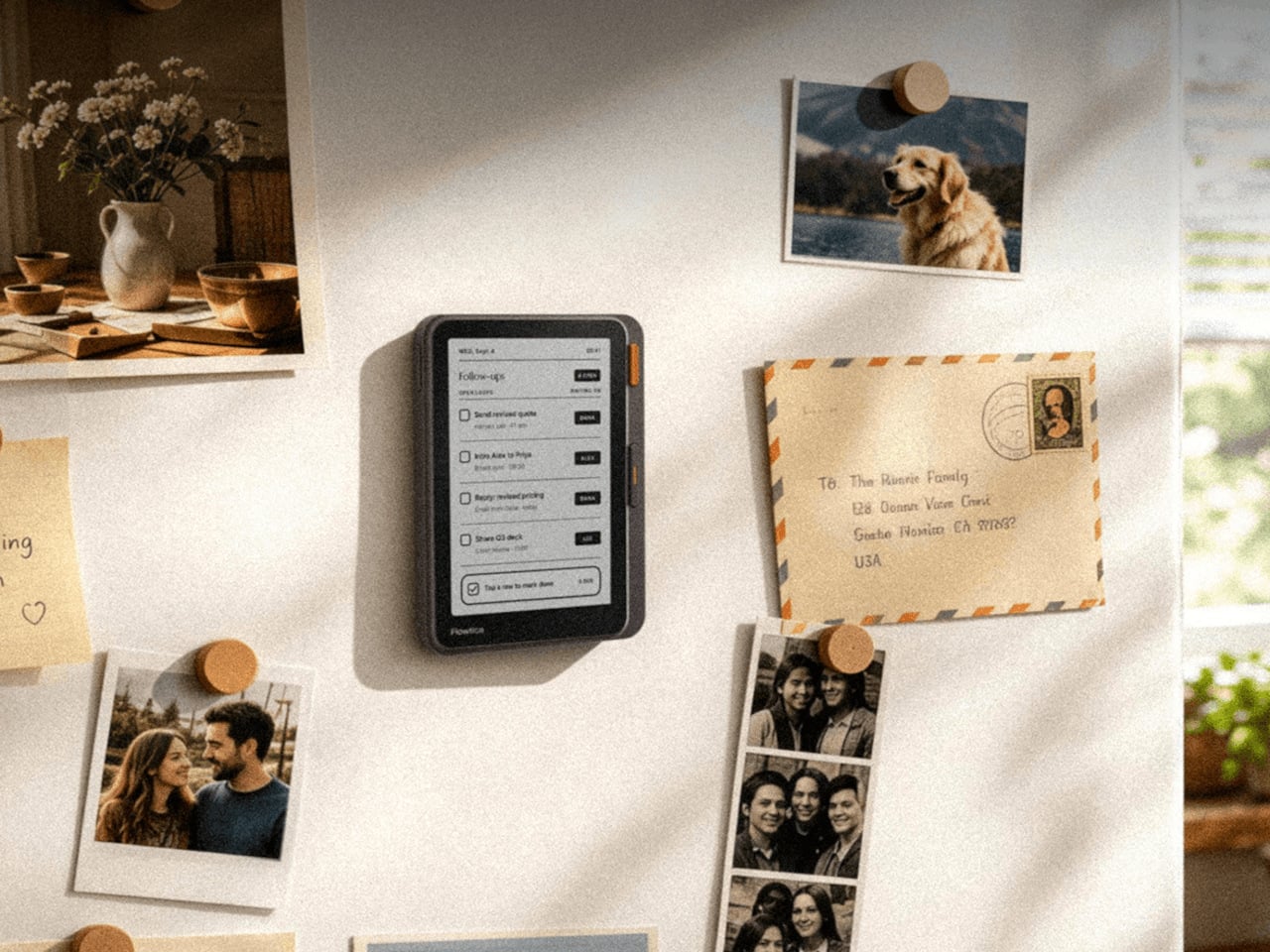
Beyond a single meeting, the same panel doubles as a running dashboard for the day. It surfaces calendars, pending to-do items, and summaries pulled from earlier recordings, so checking on today’s schedule stops requiring a phone unlock at all. The device is priced at $299, positioning it closer to a dedicated tool than a phone accessory picked up on a whim.

E-paper is the quiet advantage running through the whole design. Unlike an OLED display that drains a battery just by staying lit, the Verso’s screen holds its last update with almost no power draw, which is how it stretches to 72 hours of use. Text also stays legible outdoors under direct sun, somewhere most phone screens start to wash out and become unreadable within minutes.

Shared Real Estate, Different Jobs

The back of a phone has quietly become contested real estate. Xteink’s X4 Classic strips a magnetic add-on down to page-turn buttons and nothing else at $79, while its X4 Pro version adds a front light for $99, and BOOX’s Picco shrinks a touchscreen reader to pocket size for around $100. Each one chases distraction-free reading. Verso claims the same magnetic footprint but points it at conversations instead of pages.

That distinction matters because a magnetic back panel is easy to copy, but the job it performs is not. Reading gadgets ask for stillness and a single task done well. Verso asks for the opposite, staying alert through scattered conversations and handing back organized thoughts before the moment passes. Both approaches treat a phone’s blank back as valuable space, just aimed at very different kinds of attention.

The post Phone Screens Are Too Busy for Notes, Verso Handles Them on the Back first appeared on Yanko Design.

This Color E-Ink Art Frame Lets You Talk to Your Wall and Watch It Paint New Art

There’s something wonderfully strange about walking up to a framed picture on your wall and telling it what to paint next. Say “paint my dog as a Japanese ink painting,” and the frame generates and displays a new piece. No file transfers, no app navigation, no creative software required. Jitrainno’s Smart Canvas runs on this premise: a voice and text-prompted AI art frame built around an E-Ink Spectra 6 color display, the matte, paper-like panel technology that draws zero power in static mode and reads under ambient light the way a canvas does. It comes in three solid-wood sizes, 7.5, 13.3, and 31.5 inches (named the Echo-7, Echo-13, and Echo-31 respectively), all with built-in batteries and Wi-Fi.

Jitrainno is a Hong Kong-based multidisciplinary team with in-house expertise spanning hardware R&D, E-Ink engineering, AI integration, firmware, and cloud services. They developed a proprietary color rendering layer on top of the Spectra 6 panel, tuned specifically for skin tone accuracy, landscape depth, and smooth gradient transitions. That kind of layered engineering, building custom display algorithms rather than shipping a panel with factory defaults, is what separates a team that genuinely understands display science from one that simply sourced a good component. The project moved from inception and industrial design in June 2025 to a production validation run by May 2026, a fast but not reckless pace for hardware at this scale. Global fulfillment is estimated for November 2026.

Designer: Jitrainno

Click Here to Buy Now: $289 $469 (38% off). Hurry, only 157/250 left! Raised over $132,000.

E-Ink Spectra 6 is the most capable color e-paper panel currently available to consumer product makers, using six primary pigments: black, white, red, yellow, blue, and green. It achieves up to 200 pixels per inch and draws zero power in static display mode, meaning the canvas can stay on your wall for days between charges. The paper-like surface reflects ambient light rather than projecting it, eliminating the glowing-rectangle problem that has defined every LCD-based digital art frame since the Kodak EasyShare era. Jitrainno’s self-developed rendering and color optimization layer is designed to preserve the subtle details that make an image feel closer to paper art. Based on early reviews, it reads more like a framed print than a screen, which is the bar the whole product needs to clear.

Speaking a prompt aloud and watching a new image materialize on the wall is a genuinely new behavioral ritual, and I think it’s the feature that will hook most people. Users can create images from text or voice prompts, explore different visual styles, and generate variations of their ideas, with AI used as a creative tool within the artwork creation experience. The product page demos a prompt like “a cute green dinosaur in a sunny prehistoric scene, soft watercolor and colored-pencil storybook style,” which apparently renders accurately enough to land on a kid’s wall. The AI side routes through third-party commercial image generation services via official APIs, supporting text-to-image and image-based creative generation within the experience. They also confirm they do not use user content to train their own foundation models, a meaningful distinction in a market where that commitment is far from universal.

AI generation is only one of several ways to populate the canvas. The app supports content from AI-generated art, a free art gallery called Daily Drops, the phone camera, the user’s photo library, and personal collections. Daily Drops streams a rotating selection of curated artwork that users can filter by mood or scene type and push directly to the display. The phone camera connection opens the obvious use case of photographing a physical painting, a landscape, or a face and sending it to the frame instantly. That breadth of sourcing makes the Smart Canvas a capable display platform in its own right, with AI generation sitting as a feature rather than a crutch.

Gallery proportions, tactile materials, and Auto-Rotation are deliberate choices to help the Jitrainno Echo series belong in the room like framed art. From the product photography, the proportions are gallery-standard, the profile slim enough to recede into a wall, and the matte panel surface does the visual work of making it belong. A built-in sensor detects whether the frame is in portrait or landscape and automatically switches the artwork’s aspect ratio, with no manual setting required. Connectivity runs in two modes: full cloud-connected (remote upload, AI creation, gallery sync, multi-user sharing) or completely offline (no account, no internet, direct phone-to-frame transfer). The offline option is a genuine design stance in a category where “smart” has almost universally meant always routing through someone else’s server.

The Jitrainno Echo-7 at 7.5 inches (1024×600, 170x236mm) is the tabletop model. The Jitrainno Echo-13 at 13.3 inches (1200×1600, 316.3×416.3mm) works both on a desktop stand and wall-mounted, making it the most flexible of the three. The Jitrainno Echo-31 at 31.5 inches (2560×1440, 603x903mm) is wall-only, the model that reads as a proper statement artwork rather than a gadget trying to pass itself off as one. All three run on E-Ink Spectra 6 full-color panels in solid wood frames, with built-in batteries and USB-C charging. The Jitrainno Echo-13 retails at $469 and the Jitrainno Echo-31 at $1,499, both covered by a one-year manufacturer’s warranty, with global fulfillment estimated to begin November 2026.

Click Here to Buy Now: $289 $469 (38% off). Hurry, only 157/250 left! Raised over $132,000.

The post This Color E-Ink Art Frame Lets You Talk to Your Wall and Watch It Paint New Art first appeared on Yanko Design.

XTEINK Made Its $79 Reader Better by Adding Less, Not More

Most gadget refreshes add something: a brighter screen, an extra sensor, a higher price tag. The XTEINK X4 Classic does the opposite, and that’s precisely the point. It keeps the same 4.3-inch E Ink display, the same buttons-only interface, and the same $79 price as the original X4, while quietly upgrading the chip, the battery, and the body underneath. The result is a pocket reader that feels more refined without feeling more complicated.

Slimming down to 4.9mm and 68g doesn’t sound dramatic on paper, but it changes how the device behaves in daily use. A magnetic backplate lets it snap onto the back of any smartphone, MagSafe included, turning your phone case into a bookshelf you never have to think about. Pull it off before a commute, let it ride along through a museum visit, or leave it clipped to a bag strap so it’s never more than an arm’s length away.

Designer: XTEINK

That magnetic system carries over from the original X4, but XTEINK reinforced the hold this time around, a significant upgrade more than you’d expect. A phone accessory that occasionally slides off with a slight wiggle isn’t an accessory people trust. A firmer grip means the reader stays put through a subway ride or a bike commute, exactly the fragmented pockets of time this device is built to fill.

Inside, a faster chip and a bigger battery replace the original hardware, translating into quicker page turns and a longer stretch between charges. It’s something you’d feel more than think, especially on a transatlantic flight or a week of packed commutes. Reading in short bursts stops feeling like a compromise when the device itself gets out of the way that quickly.

There’s no touchscreen here, and no front light either, and that’s a deliberate omission rather than some cost-cutting measure. Physical buttons handle every page turn, keeping your thumb in one place and your eyes on the text instead of hunting for a tap target. Anyone who’s ever fumbled a touchscreen ereader while lying in bed with the lights off knows how the tactile approach actually wins over advanced features.

The smaller 4.3-inch canvas does mean less text per page compared to a standard-sized ereader, so pages turn more often. That trade-off only works because the X4 Classic isn’t trying to replace a full-sized reader. It’s built for the reading that already happens in stolen minutes: a chapter on a train platform, a few pages before a meeting starts, a bedtime scene squeezed in before the lights go out.

What makes the X4 Classic worth paying attention to isn’t a headline feature. It’s the discipline behind leaving features out while still making the hardware measurably better. In a category where every new release tends to pile on screens, sensors, and price increases, holding the line at $79 while improving the parts that matter most is its own kind of design statement.

The post XTEINK Made Its $79 Reader Better by Adding Less, Not More first appeared on Yanko Design.

Someone Just Built a Digital Camera That Ejects Photos Like Real Film

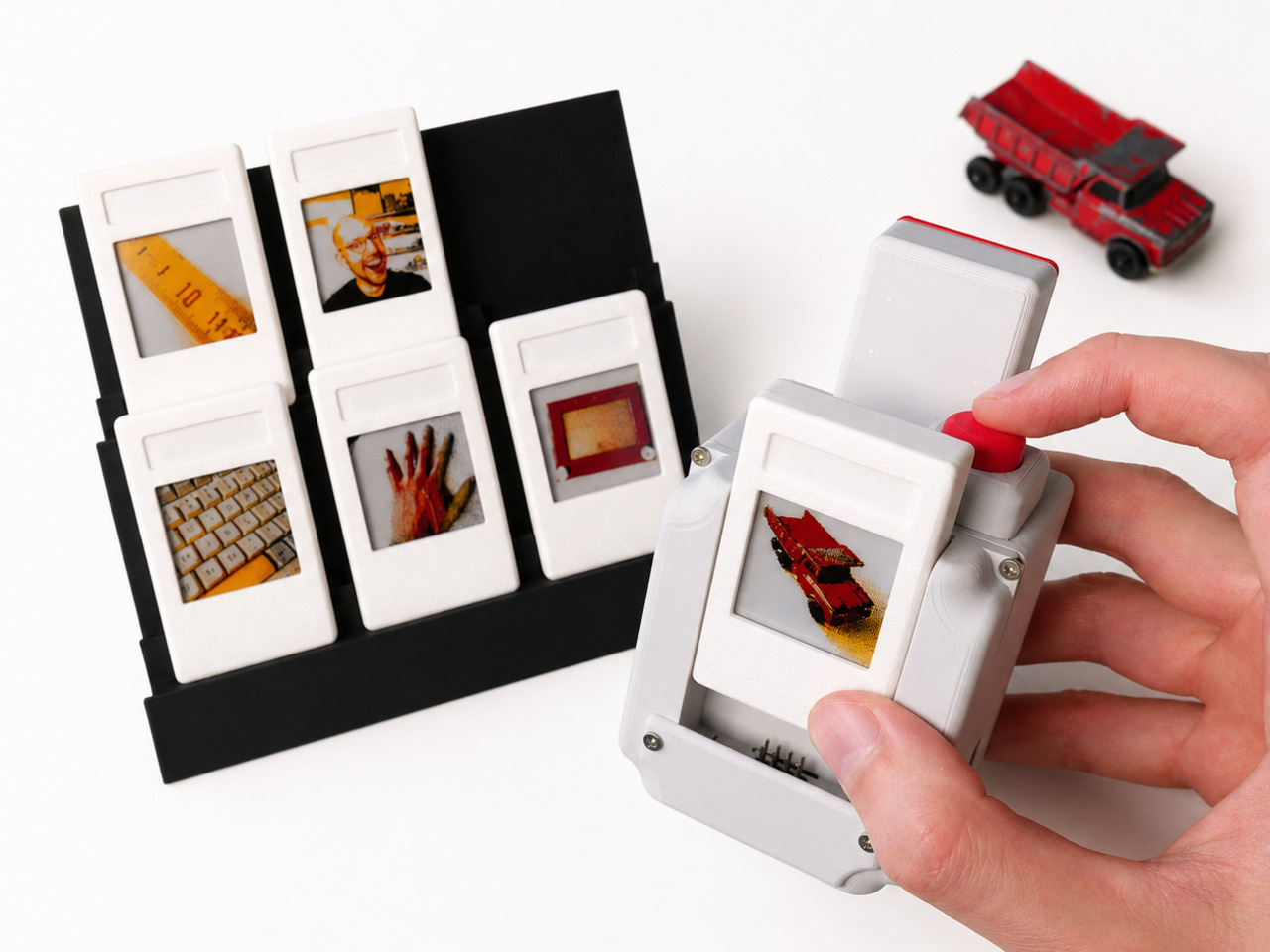
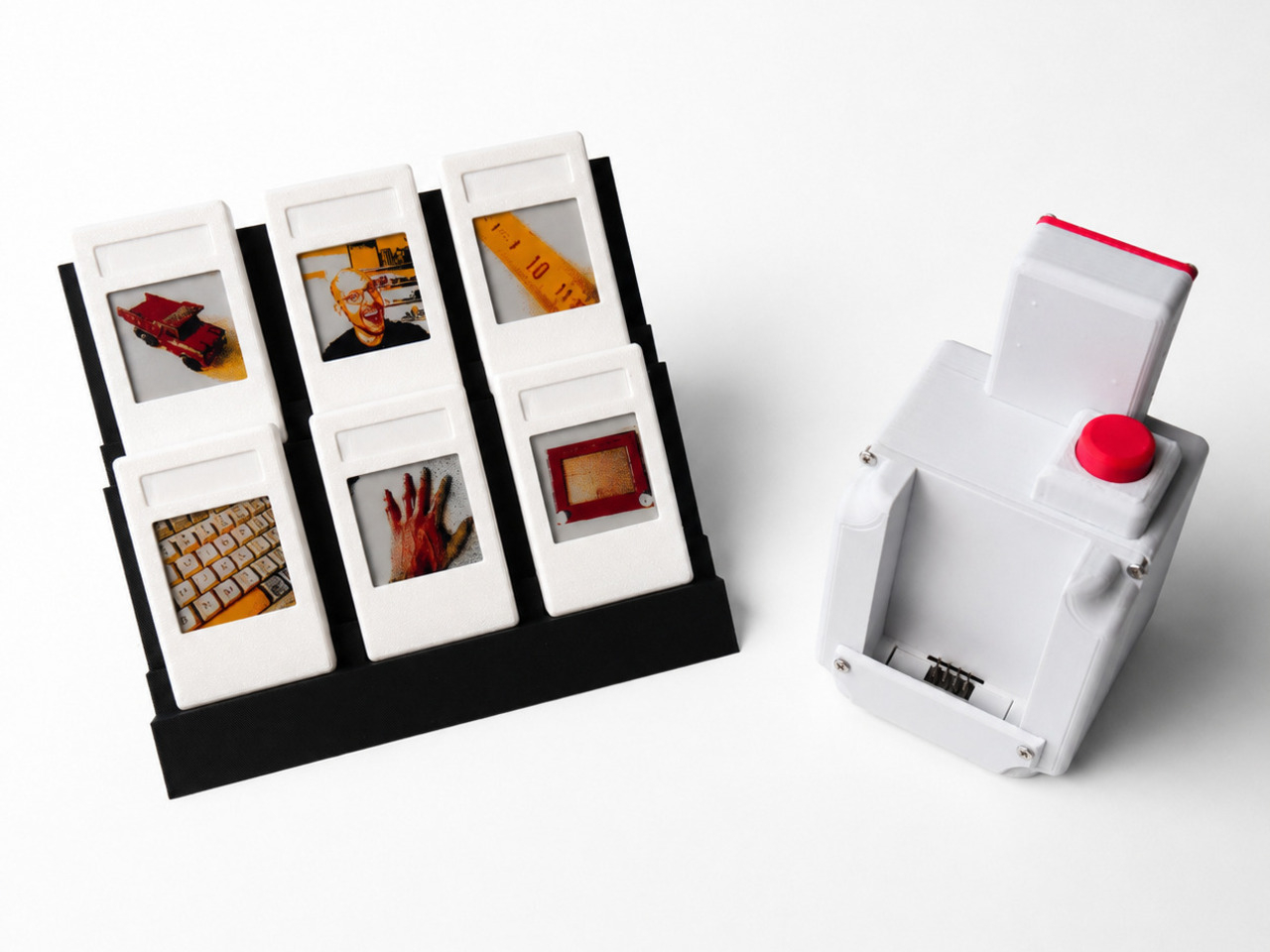
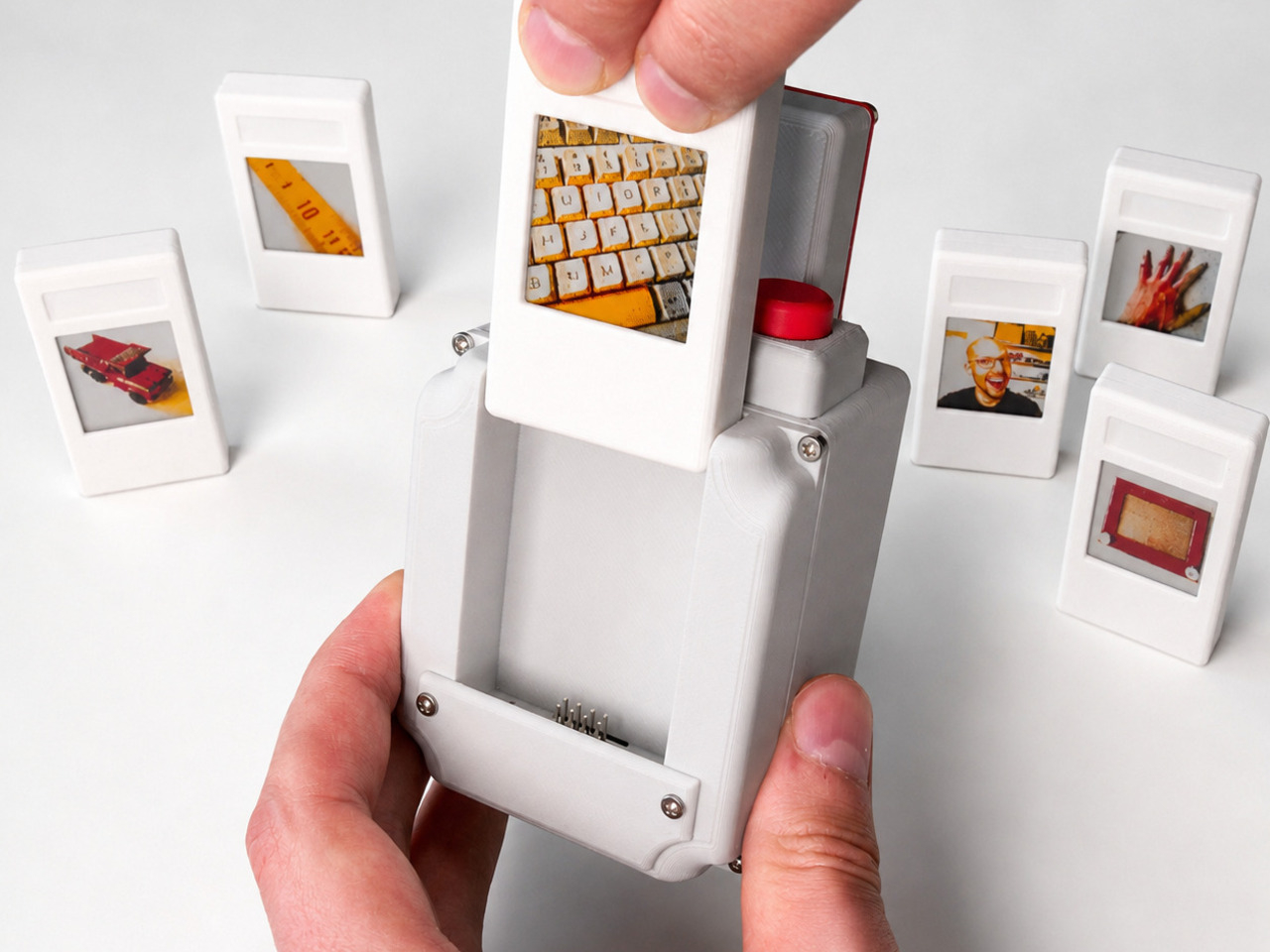
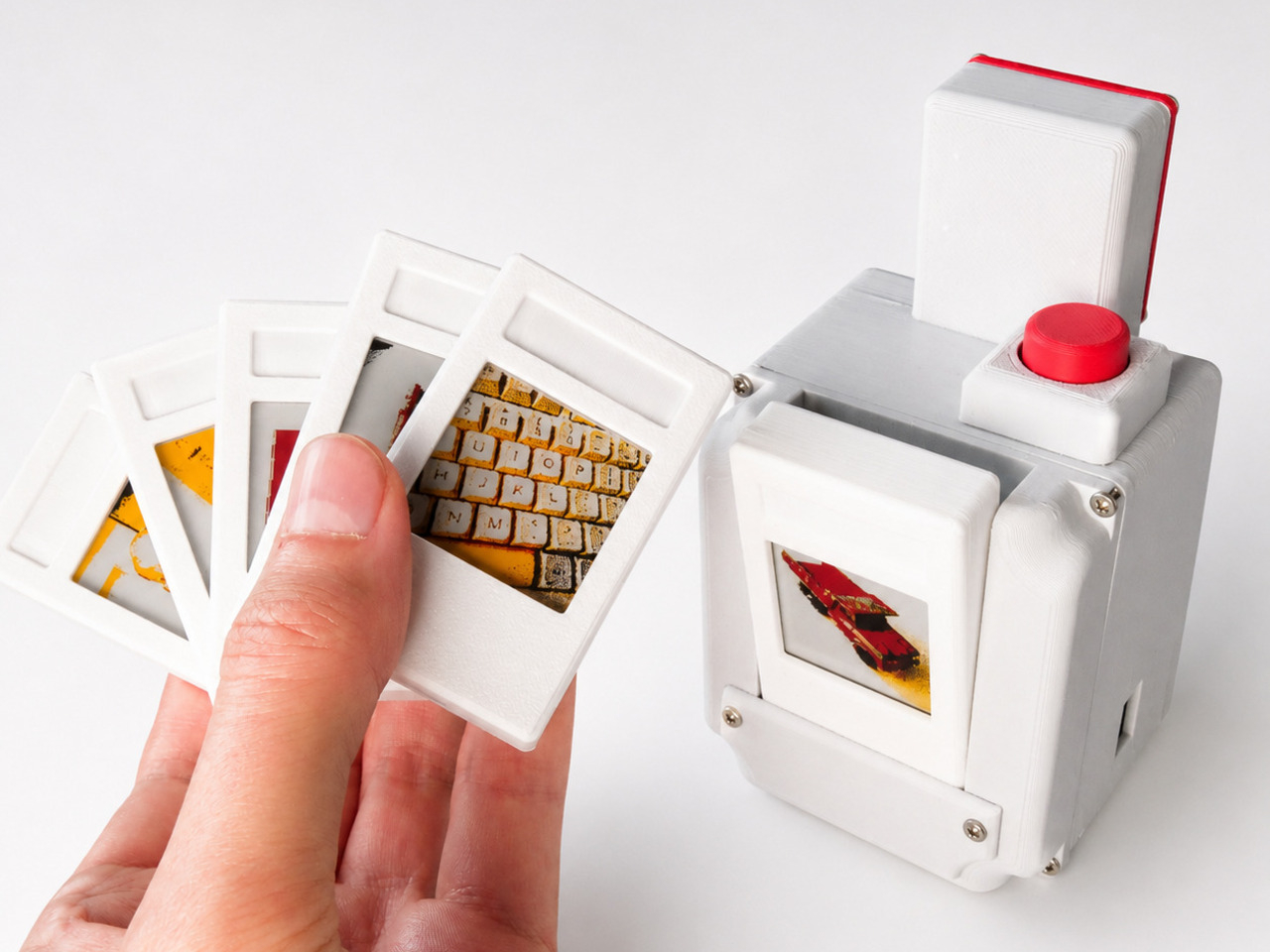
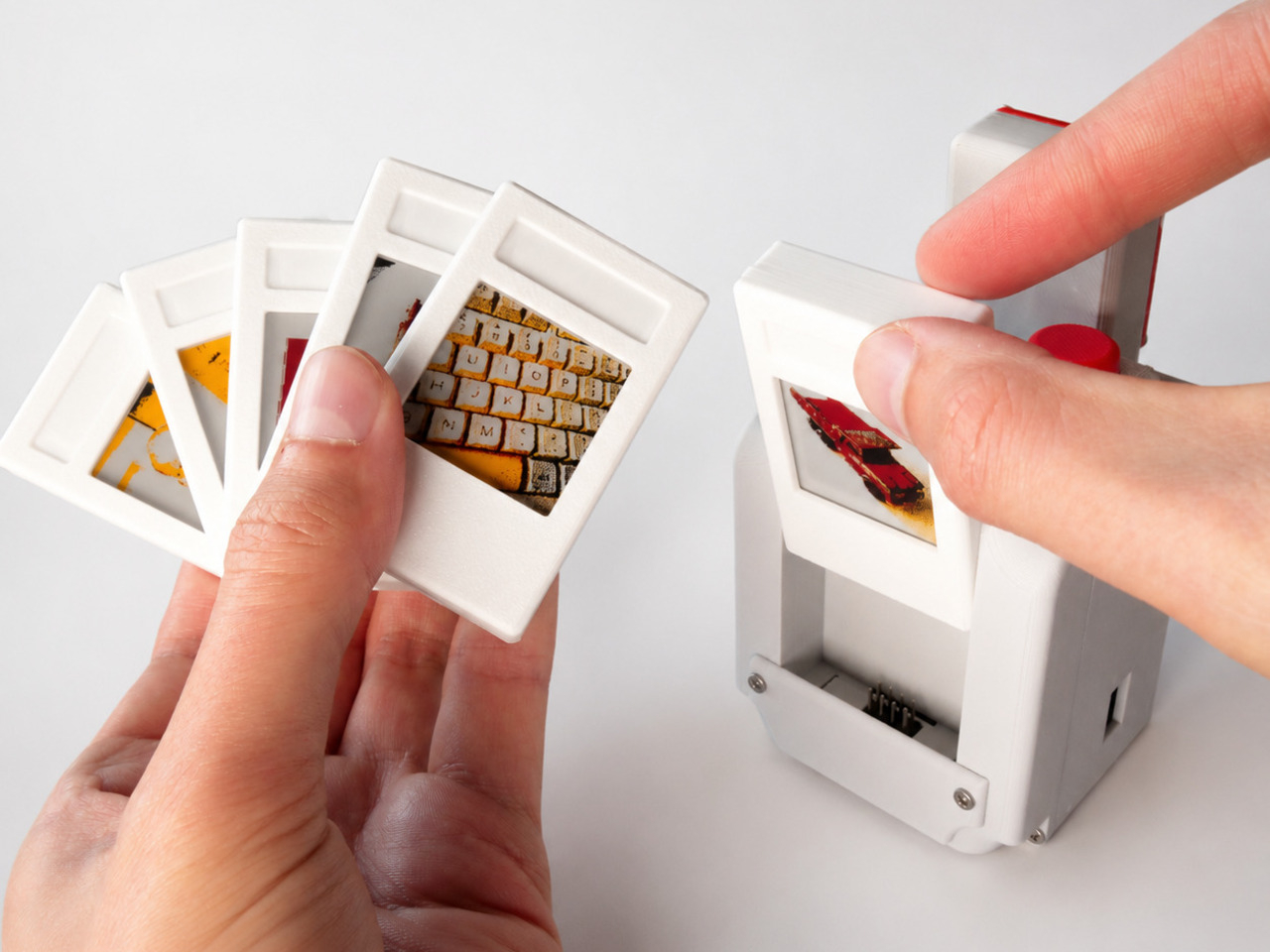
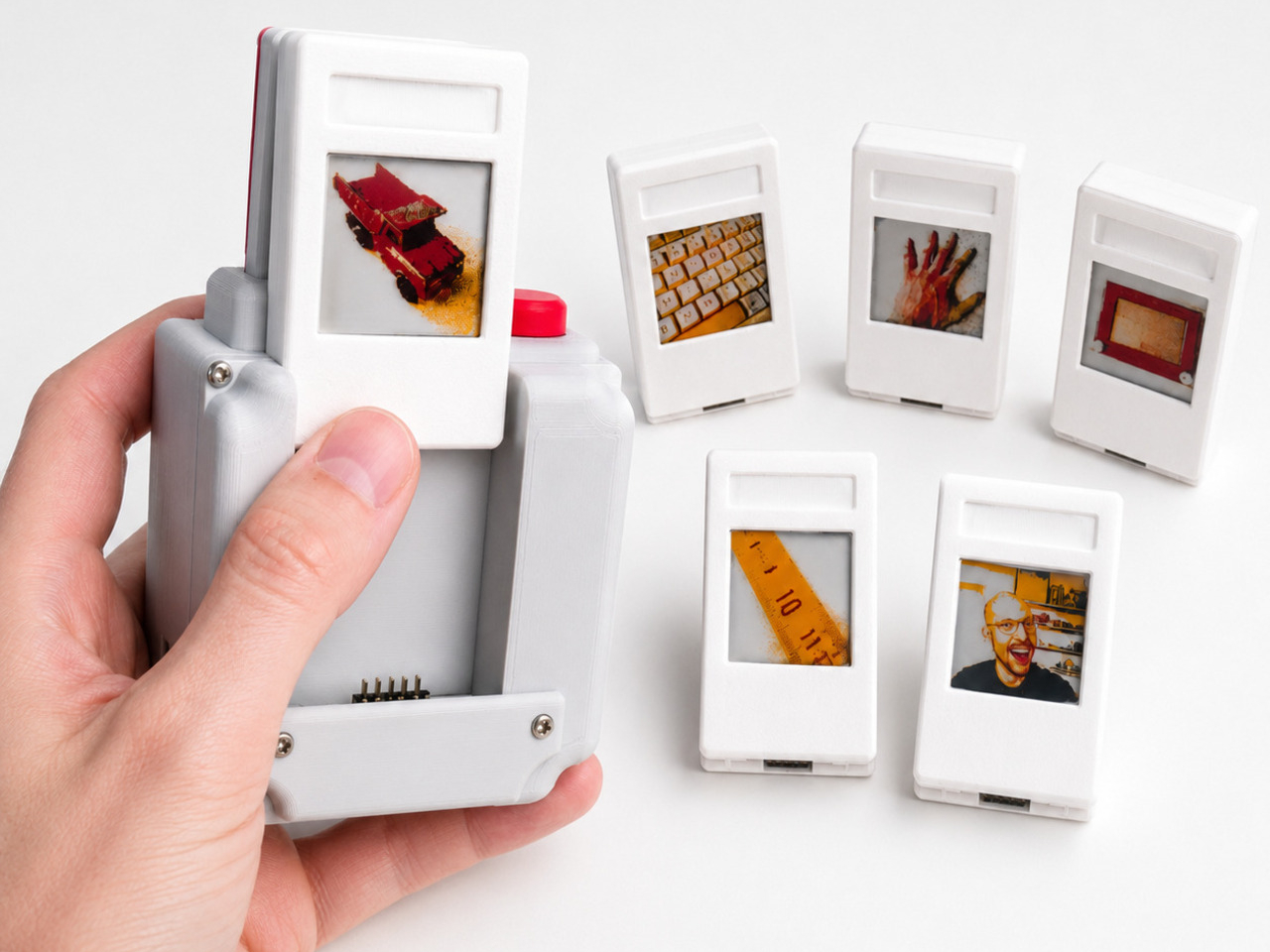
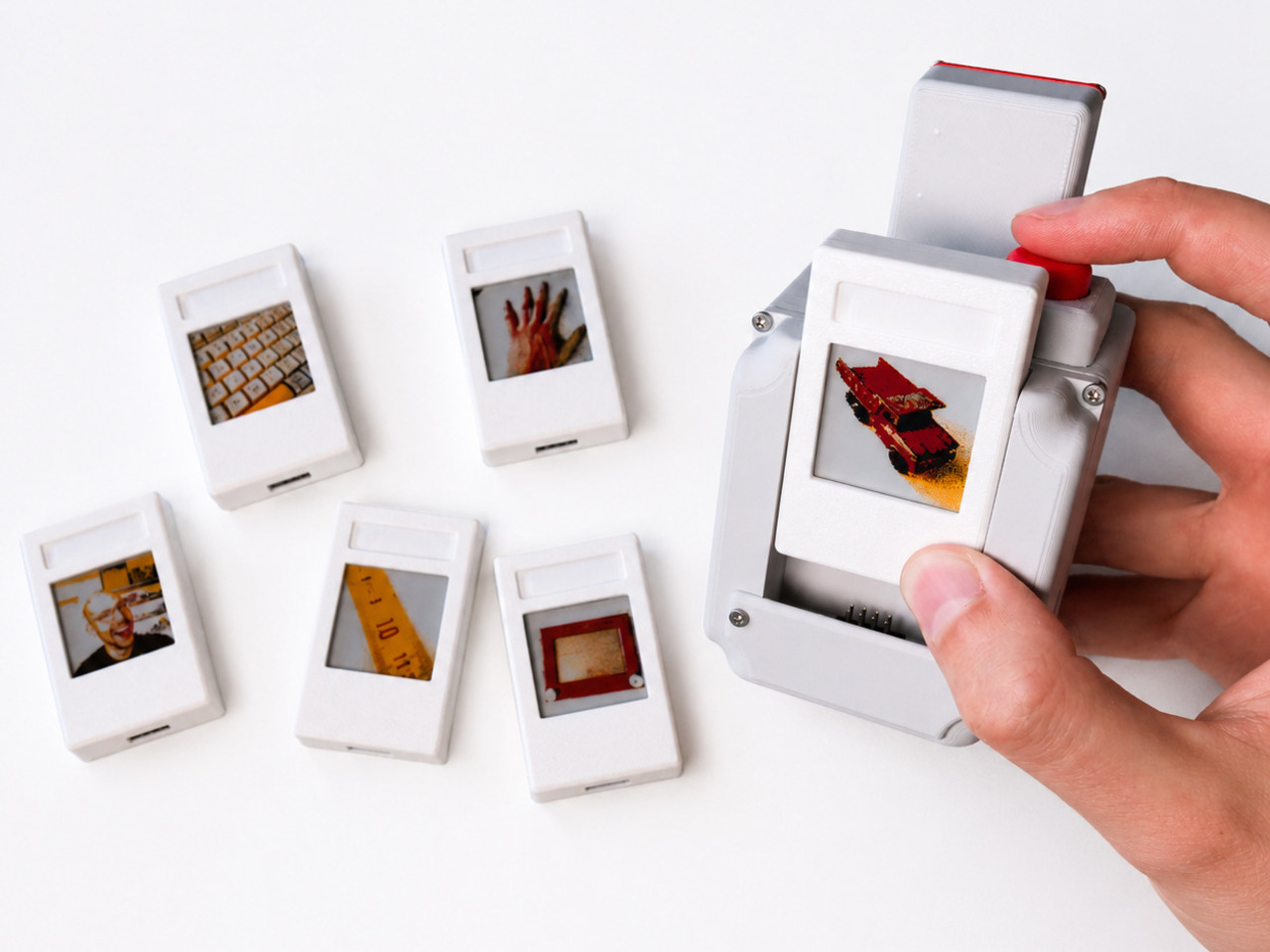
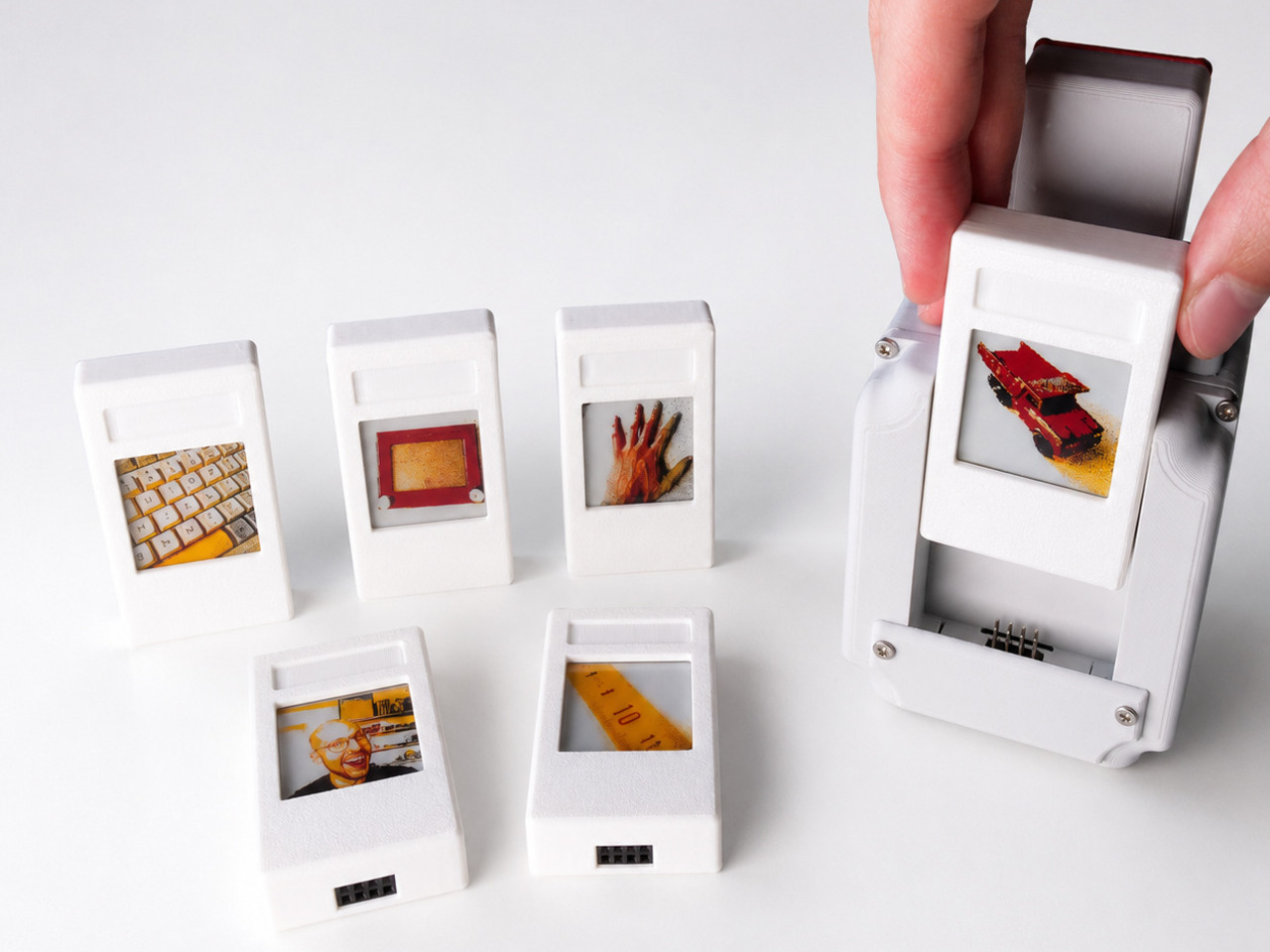
Every digital photo you’ve ever taken lives the same way, buried in a folder, scrolled past, forgotten within the hour. The Camera with Digital Film refuses that fate for its images. It captures a scene digitally, then commits that single shot to a small e-paper cartridge you can pull out, prop up, and actually look at, closer to a printed photograph than anything living inside a phone.

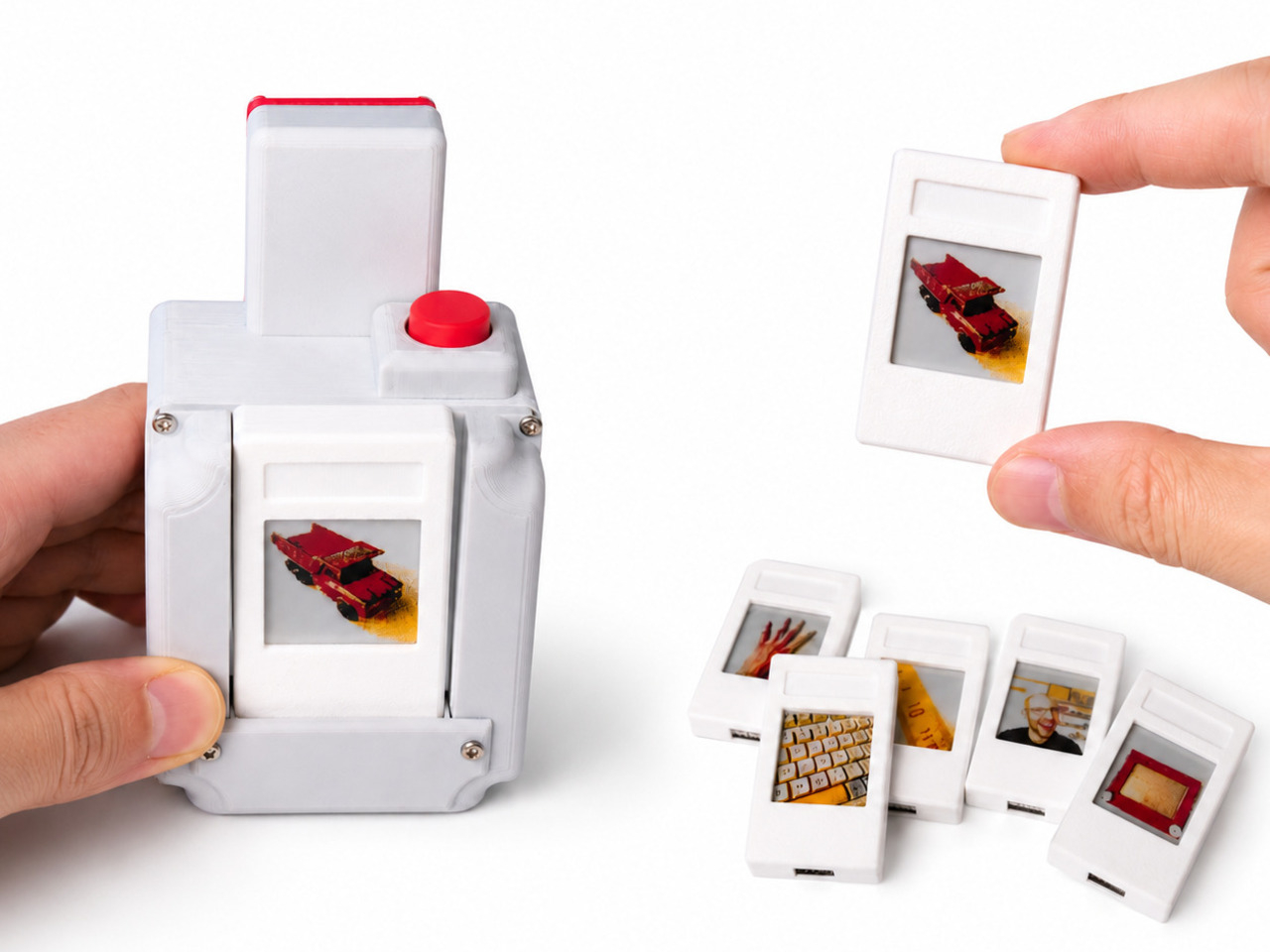
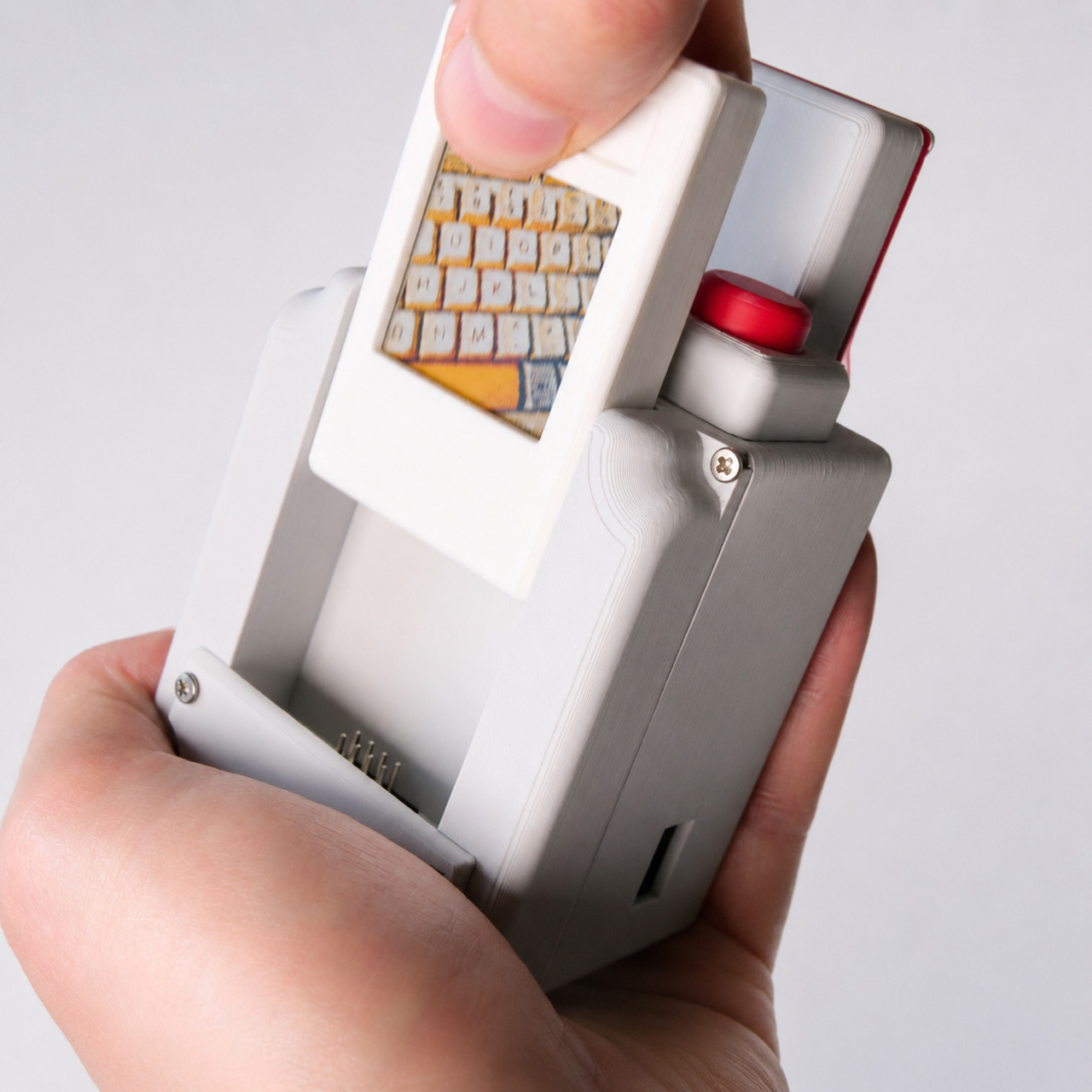
The trick sits in the cartridge itself. Slide it into a slot at the top of the boxy 3D-printed body, press the shutter, and a Raspberry Pi with a 5-megapixel camera module does the capturing. The e-paper screen inside that cartridge then flickers and settles into a finished image built from just four colors, black, white, red, and yellow, giving every photo the flattened, graphic quality of a screen print rather than a snapshot.

Designer: Jens (Strange Inventions Lab)

That four-color limit isn’t a technical shortcoming so much as a deliberate constraint. Before the image locks in, a script reduces the raw capture down to that palette while letting contrast, brightness, saturation, sharpness, and dithering get tuned until the picture actually looks intentional on a screen that small. The result rewards patience over speed, closer to darkroom fussing than instant gratification.

Pull the cartridge free afterward, and the photo doesn’t disappear. E-paper holds its image even with the battery removed, so that little rectangle becomes a physical object you can lean against a monitor or stick to a fridge door, exactly the kind of permanence chemical film offered and most digital cameras never bothered to replicate. Slide it back in later, though, and the same cartridge accepts a brand new shot, erasing the old one entirely.

That’s the real design move here: film that behaves like film until you decide otherwise, then behaves like a hard drive instead. No single cartridge is precious in the way a Polaroid frame is precious, since nothing is technically lost by overwriting it, yet each one still holds its picture with enough physical weight to feel worth keeping around for a while first.

The build itself skips screws entirely, relying on header pins to hold the cartridge snug against its contacts, with a small grab tab added later so removing a used cartridge doesn’t turn into a fight. It’s a minor detail, but one that matters for a device whose entire personality depends on how satisfying that swap feels in the hand, less like ejecting a memory card and more like pulling a photo out of a machine meant to produce them.

There’s a quiet argument buried in this project about what digital photography gave up along the way. Endless storage solved scarcity but erased the ritual of a photograph actually existing somewhere outside a screen. This camera doesn’t try to out-spec anything on the market. It just asks what happens when a picture has to earn a place in a slot before it’s allowed to disappear.

The post Someone Just Built a Digital Camera That Ejects Photos Like Real Film first appeared on Yanko Design.
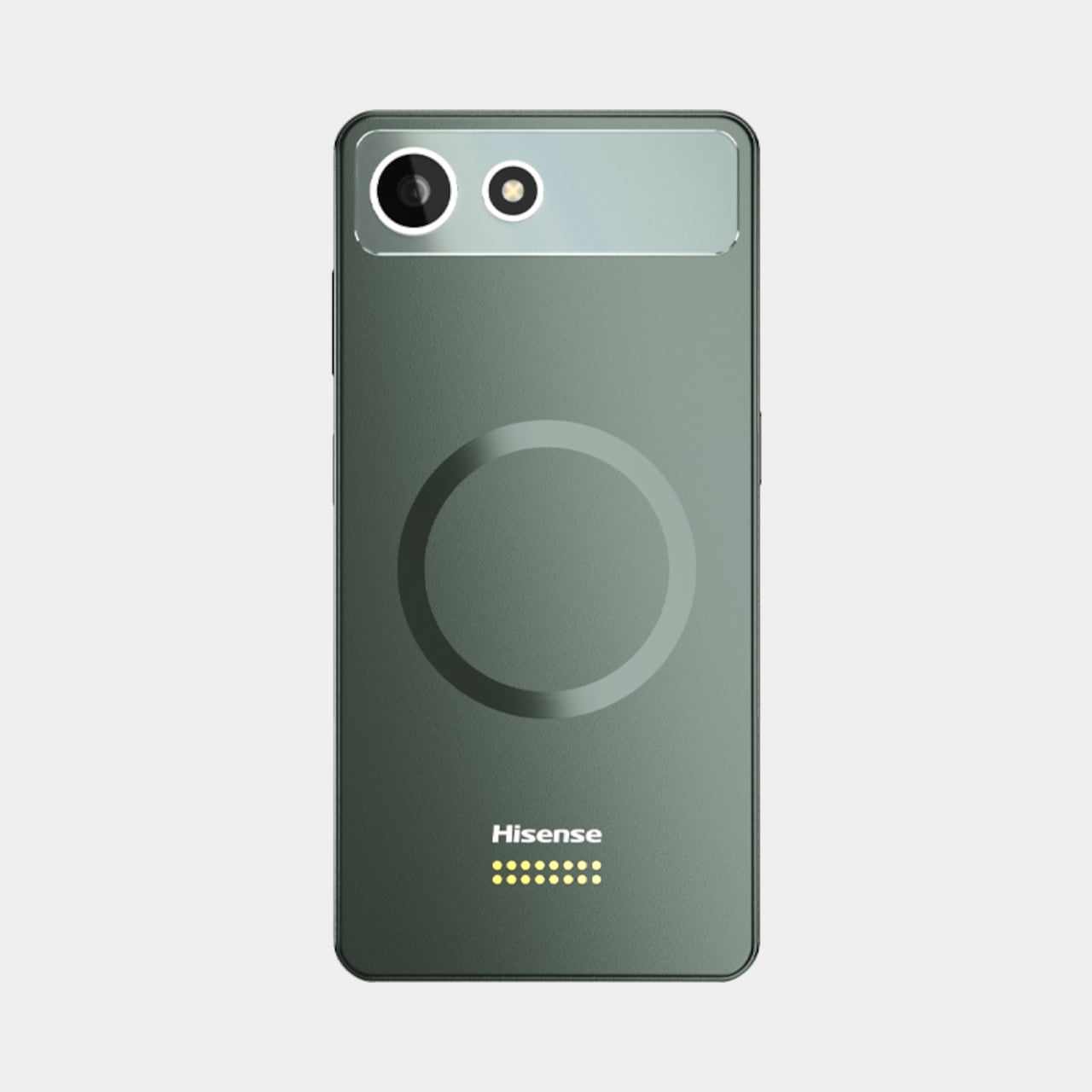
Hisense Just Made an E Ink Phone With a Color Screen That Snaps Off

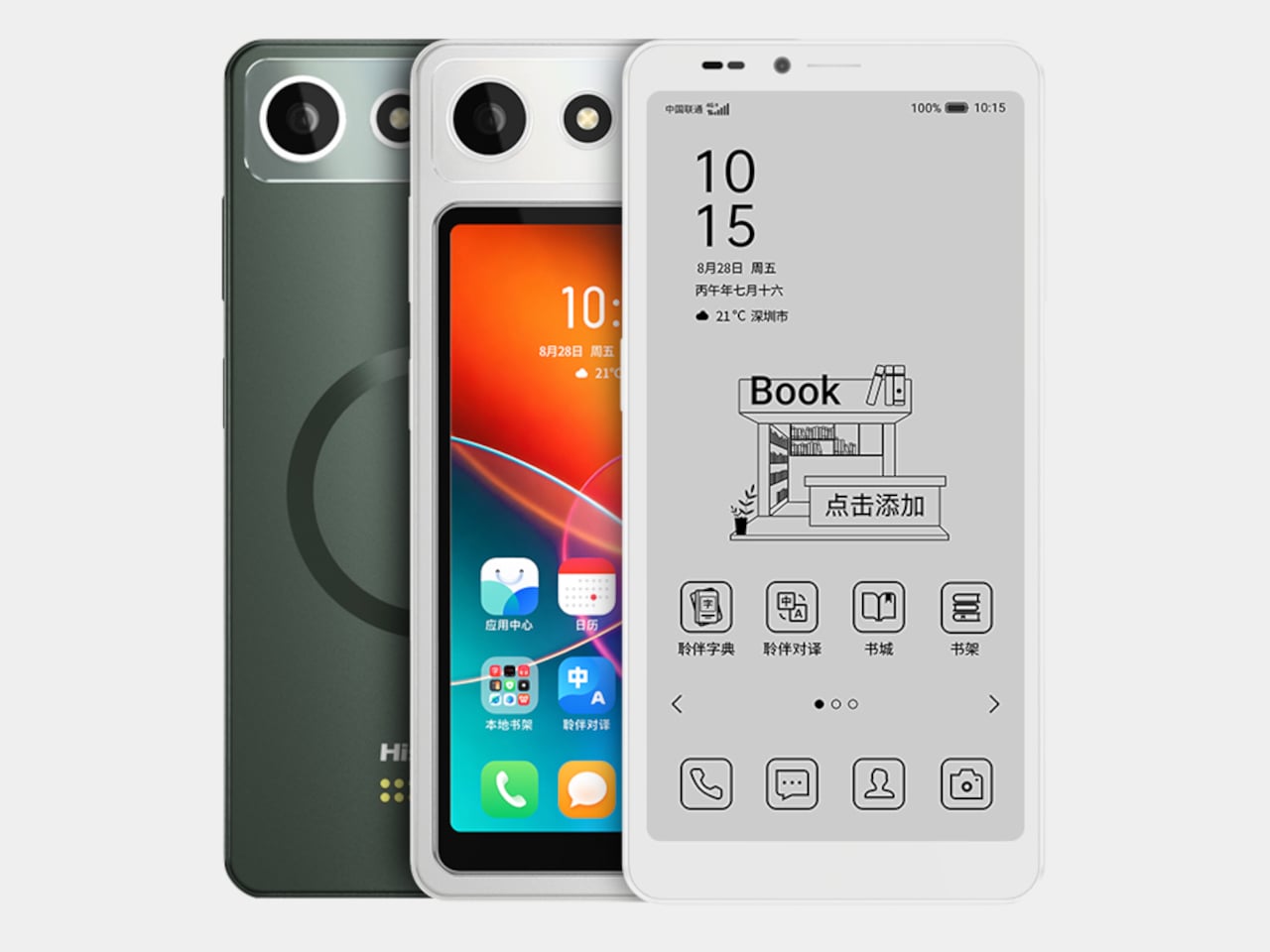
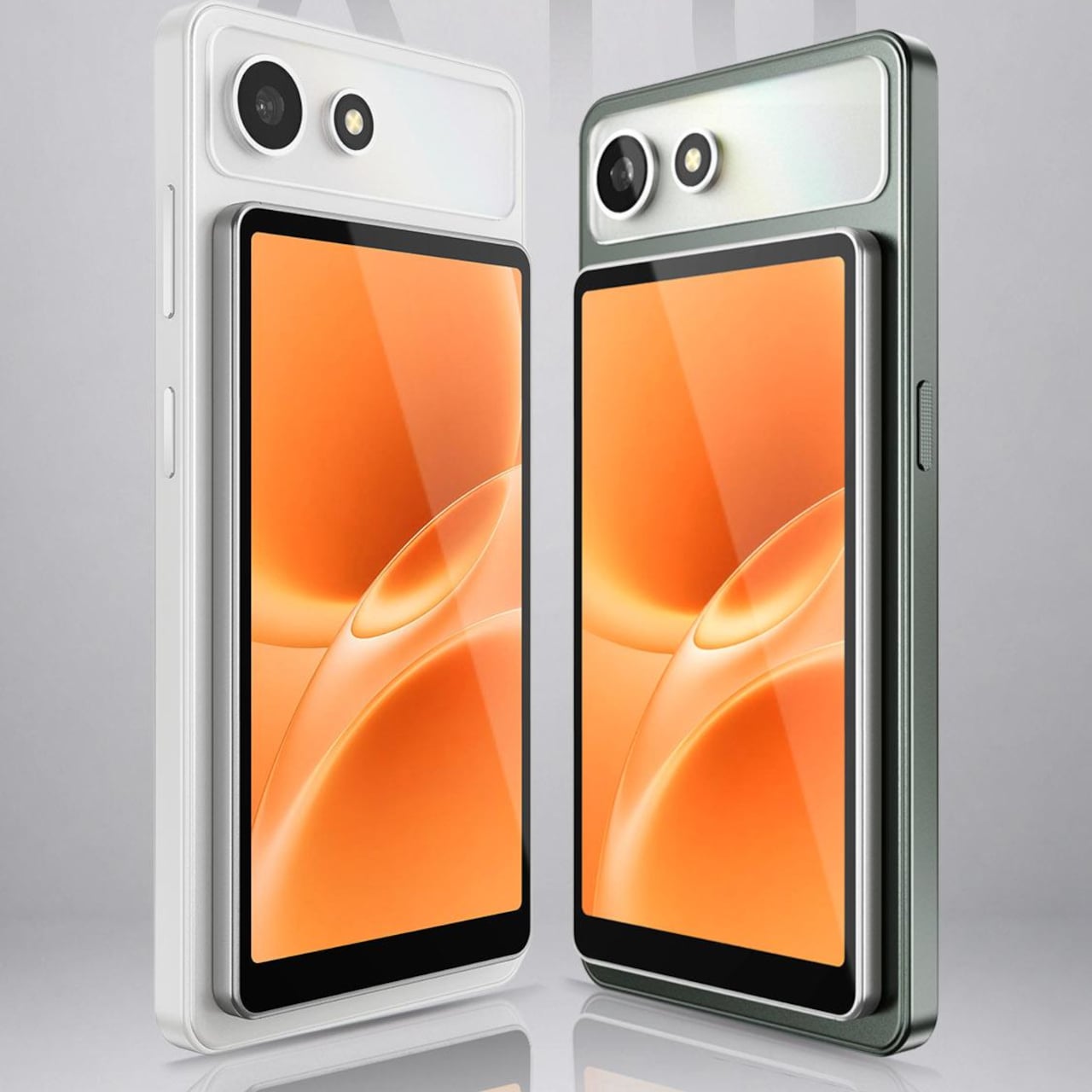
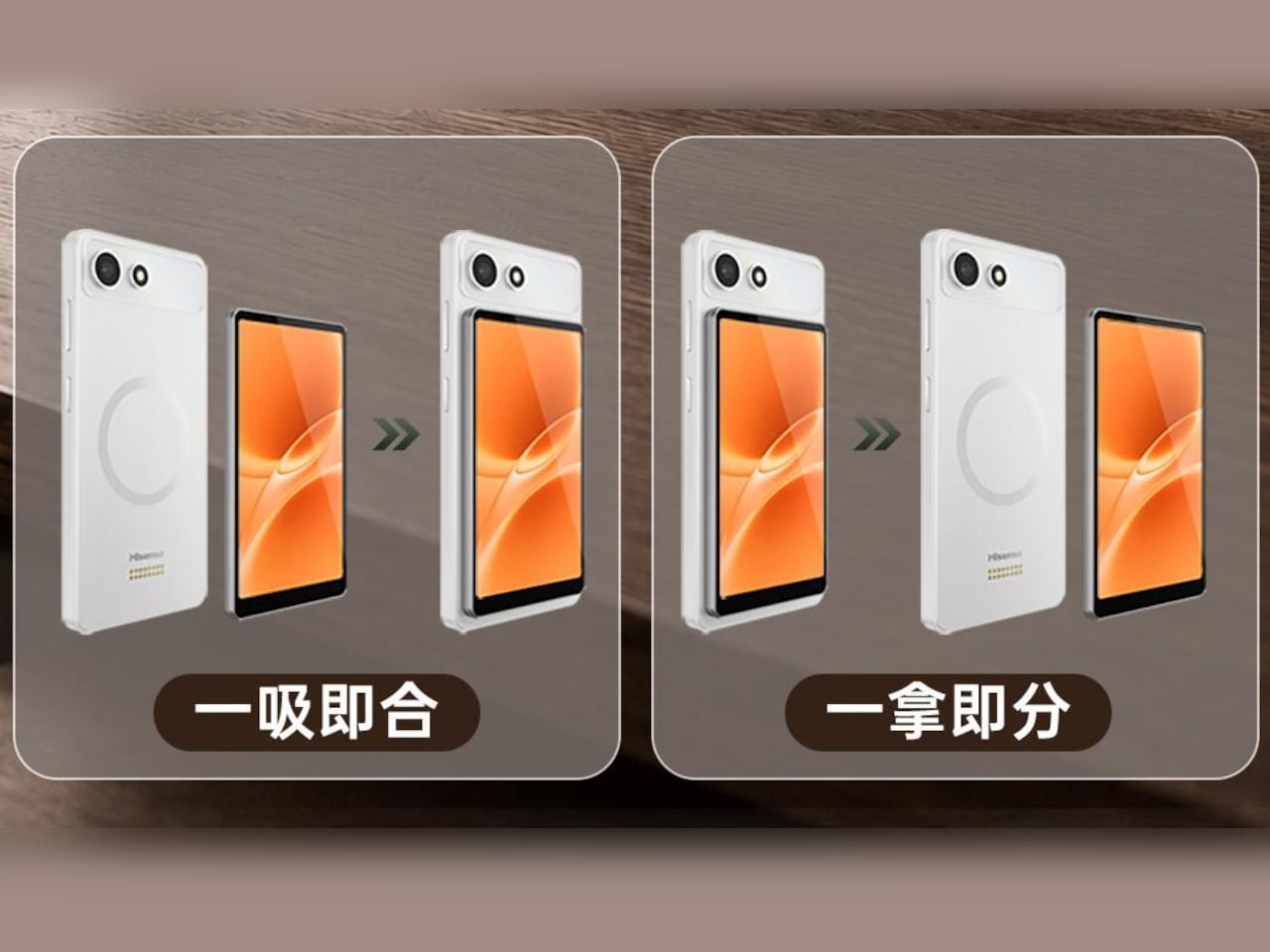
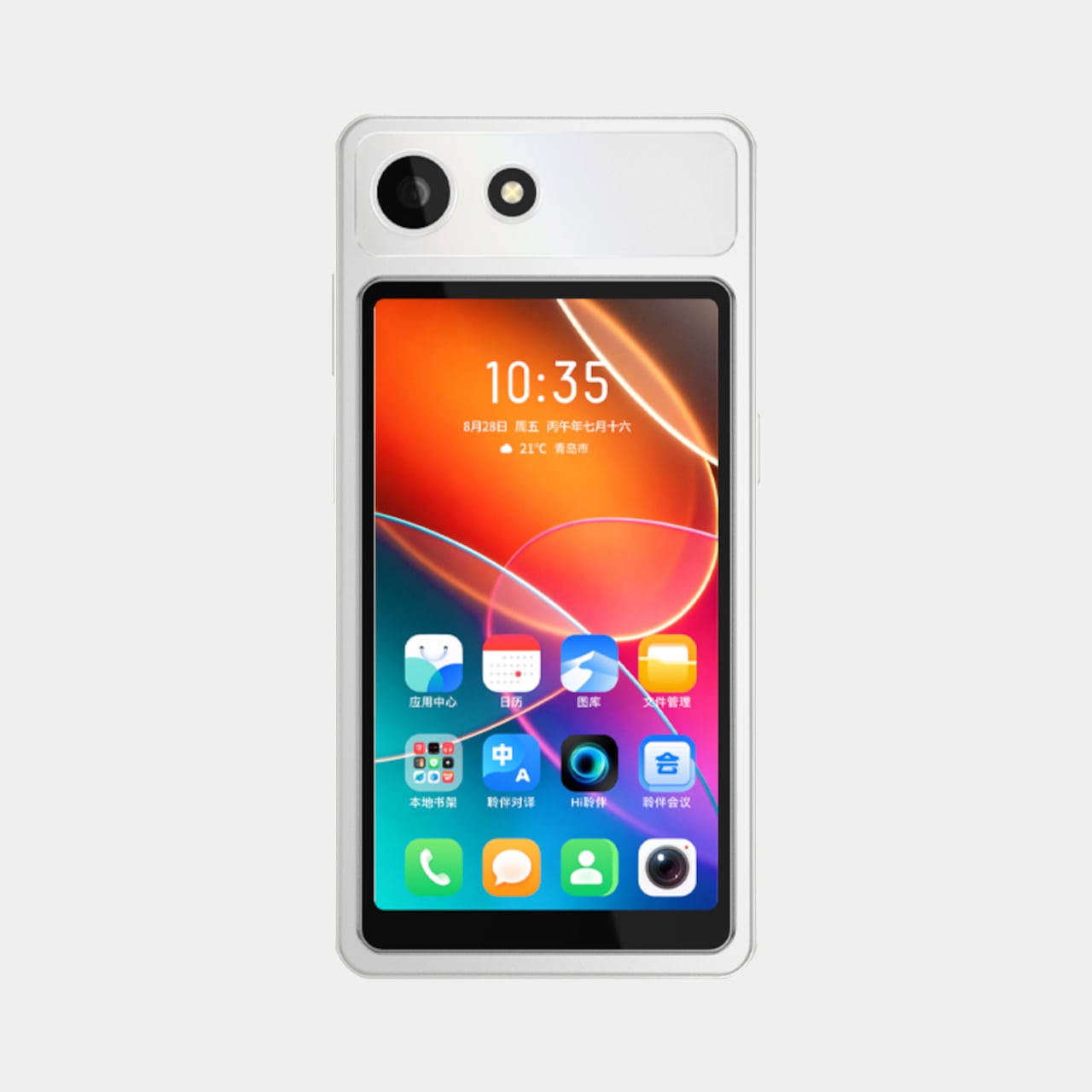
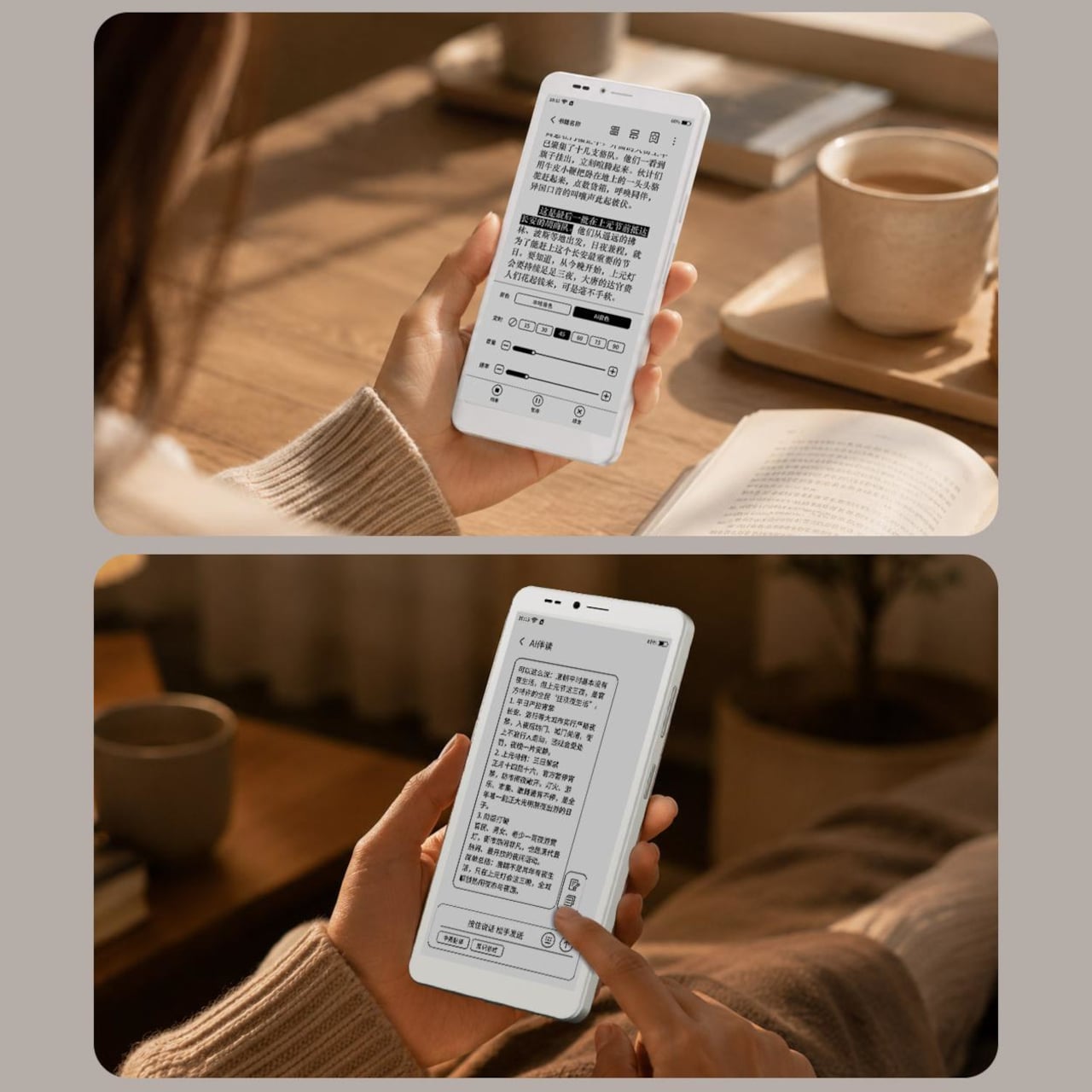
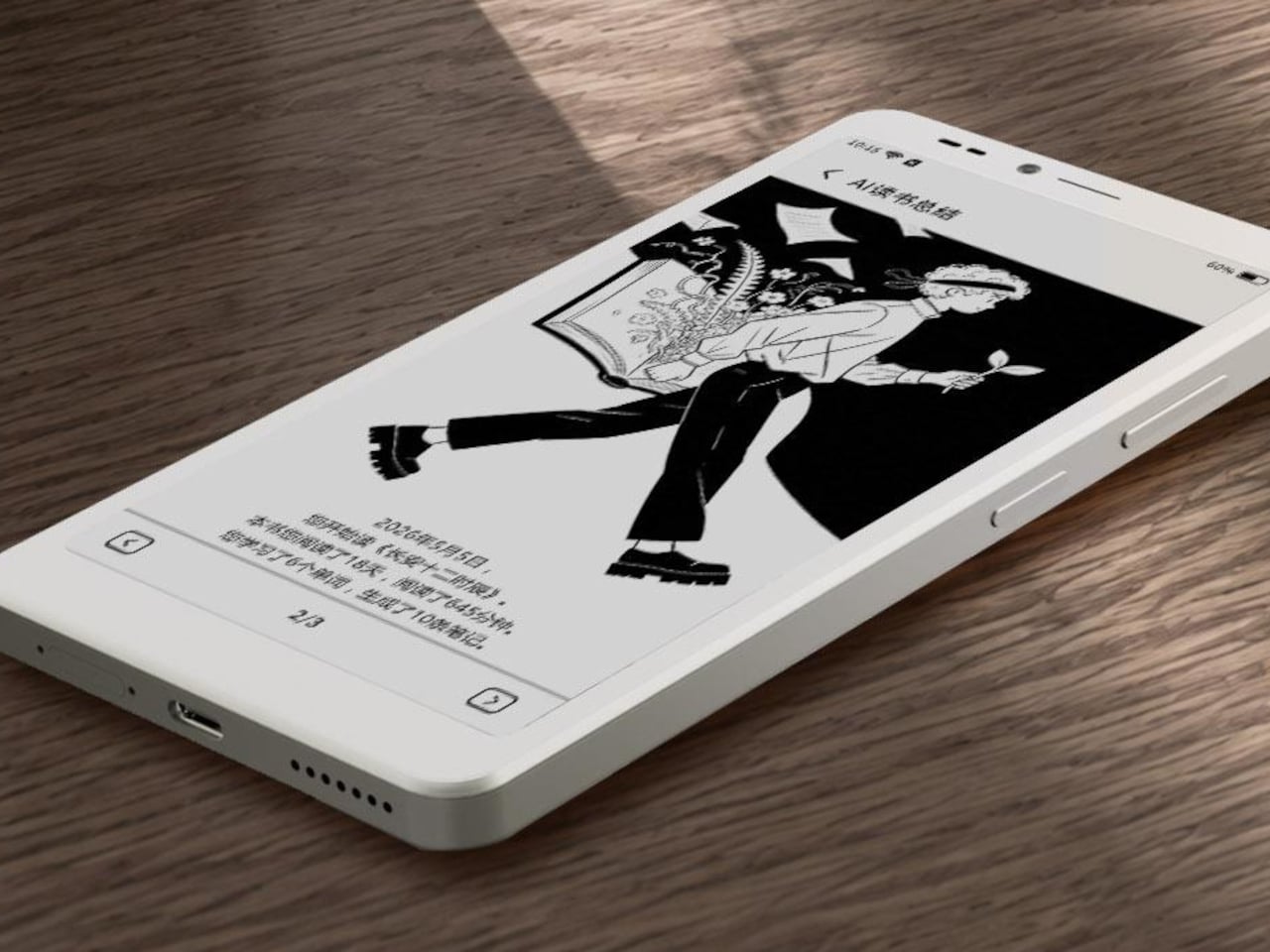
Every smartphone screen is a compromise, built to do everything reasonably well and nothing perfectly. The Hisense A10 Ultra rejects that premise outright. Instead of one panel stretched thin across every task, it pairs a 6.13-inch E Ink display with a 4.96-inch color touchscreen that clips onto the back magnetically, then walks away again the moment you don’t need it.

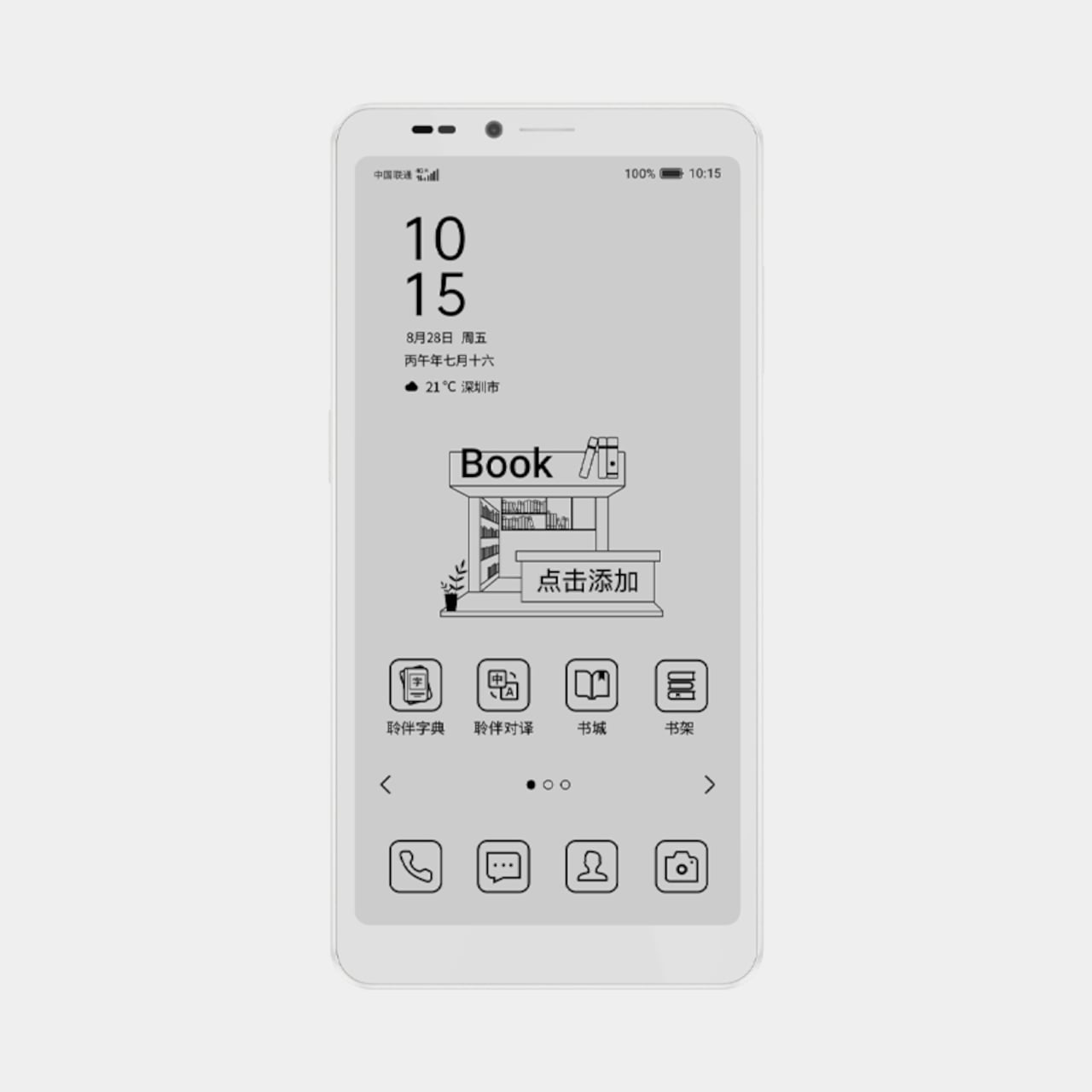
The E Ink layer is the phone’s permanent identity, a 300 PPI Carta 1300 panel that renders text with the same paper-like calm as a dedicated e-reader. A 36-level front light shifts between warm and cool tones without flickering, so a page read at noon and one read at midnight both stay comfortable on the eyes. Nothing about this half of the phone asks for your attention beyond what you came to read.

Designer: Hisense

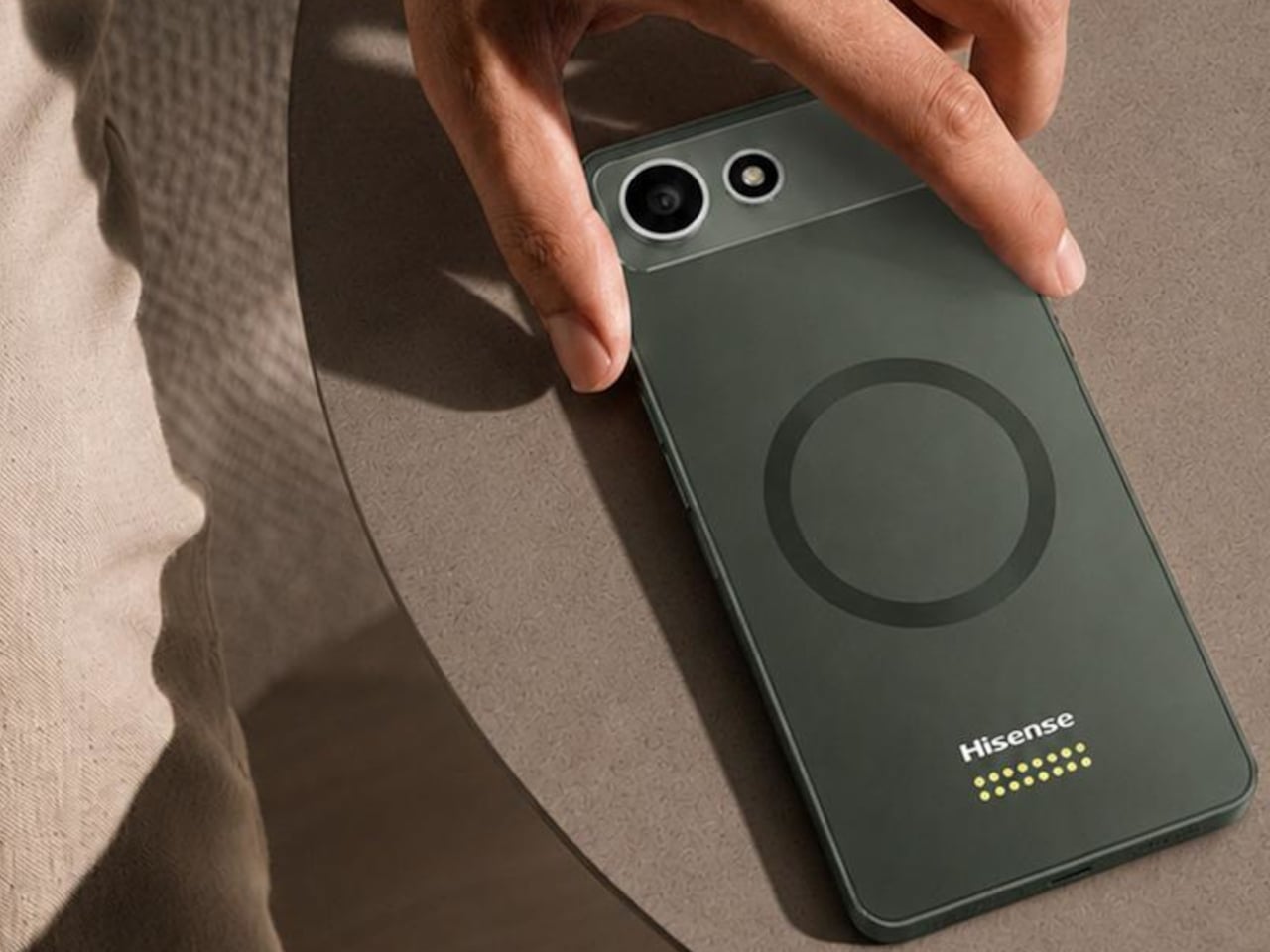
Snap the color module onto the back, held by magnetic pogo pins, and the same device suddenly handles video, maps, and camera framing without fighting the E Ink panel’s slower refresh. A dedicated T2000 controller chip in the main display keeps scrolling responsive, but color and motion still belong to the LCD module. The two screens divide labor instead of splitting attention, which is a distinction worth sitting with.

Imagine spending a long commute finishing a chapter on the E Ink side, then arriving at a destination and needing turn-by-turn directions or a quick selfie. Rather than tolerating a grayscale map or waiting through refresh lag, the color module goes on for exactly as long as the task requires. Afterward, it comes right back off, and the phone returns to its lighter, quieter default state around 190g.

That detachability is the real design statement here. Most phone makers treat a second screen as permanent architecture, bolted in and powered whether you use it or not. Hisense instead treats it as optional equipment, closer to a lens you’d attach to a camera than a component soldered into a chassis. The color panel exists for exactly the moments that call for it, then disappears when it doesn’t.

An “Ink Smart Button” on the side backs this up practically, letting you switch modes, wake an assistant, or force a full refresh without digging through menus. Paired with a Qualcomm QCM6690 processor, up to 12GB of RAM, and a 4,000 mAh battery, the hardware underneath doesn’t feel like an afterthought bolted onto a gimmick. It reads more like a phone that happens to know when to get out of its own way.

There’s something clarifying about a device willing to admit that no single screen does everything well. The A10 Ultra doesn’t try to hide that tension behind clever software or a single do-it-all panel. It just hands you the two halves separately and lets you decide, task by task, which one earns a place on your phone that day.

The post Hisense Just Made an E Ink Phone With a Color Screen That Snaps Off first appeared on Yanko Design.
The $499 E Ink Tablet That Runs Spotify, WhatsApp and Doesn’t Hurt

Screens have been the unresolved tension at the center of productivity for years. LCD and OLED displays do everything well except the one thing that matters most during a long reading or writing session: they don’t stop being screens. The brightness, the blue light, and the glare accumulate into eye fatigue that most people simply accept as part of working on a device all day. E Ink tablets have addressed that problem, but historically at the cost of color and app freedom.

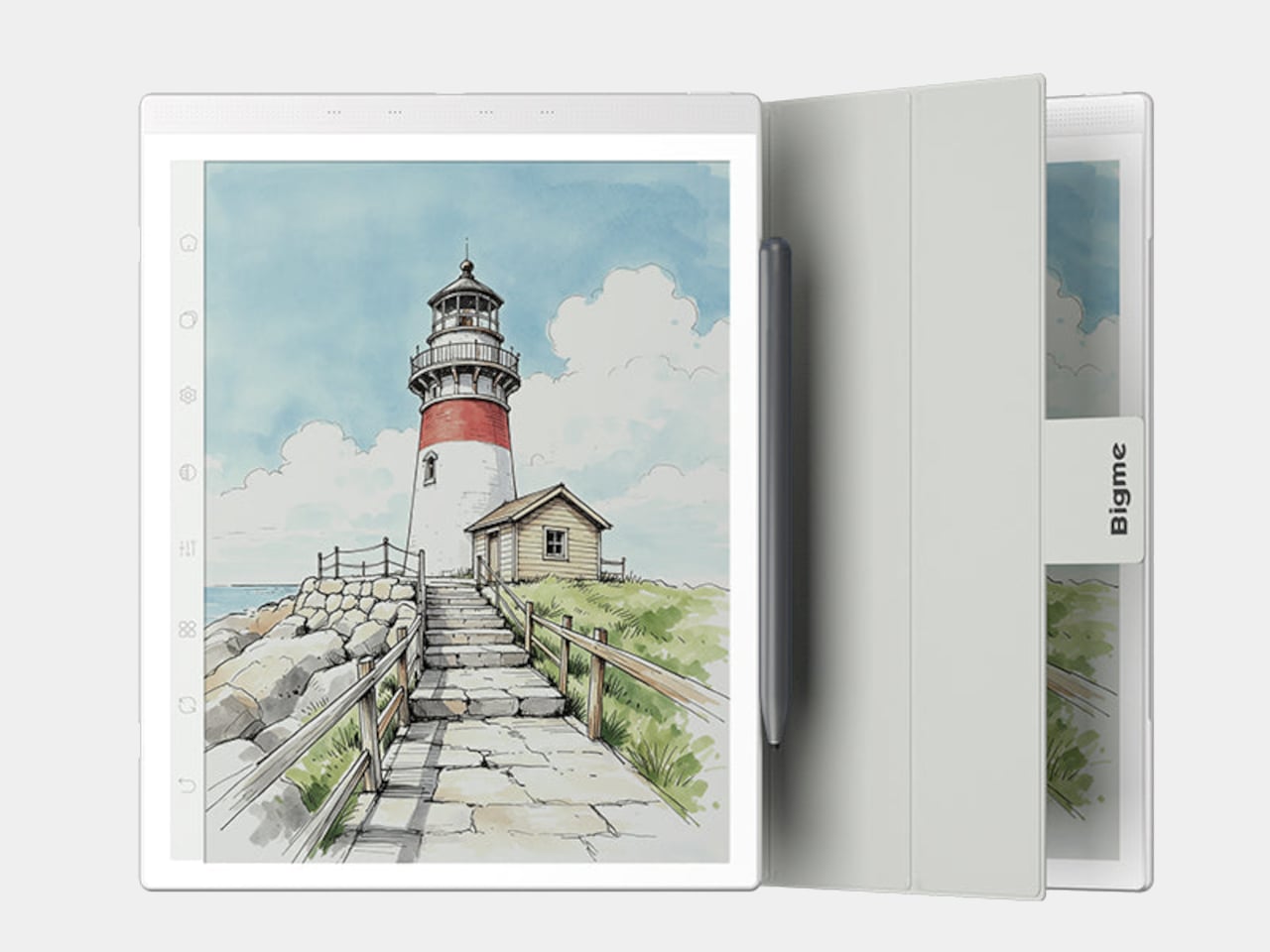
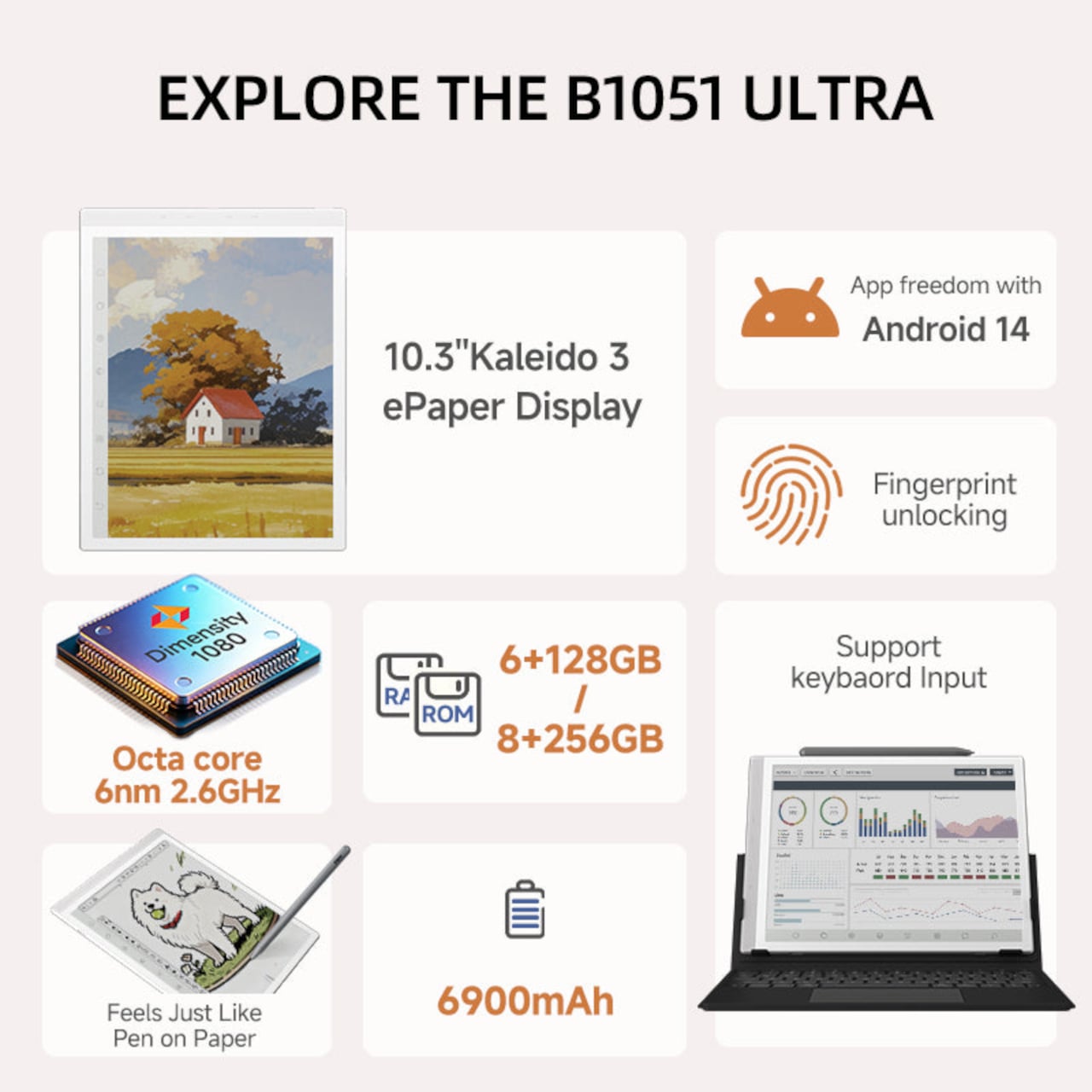
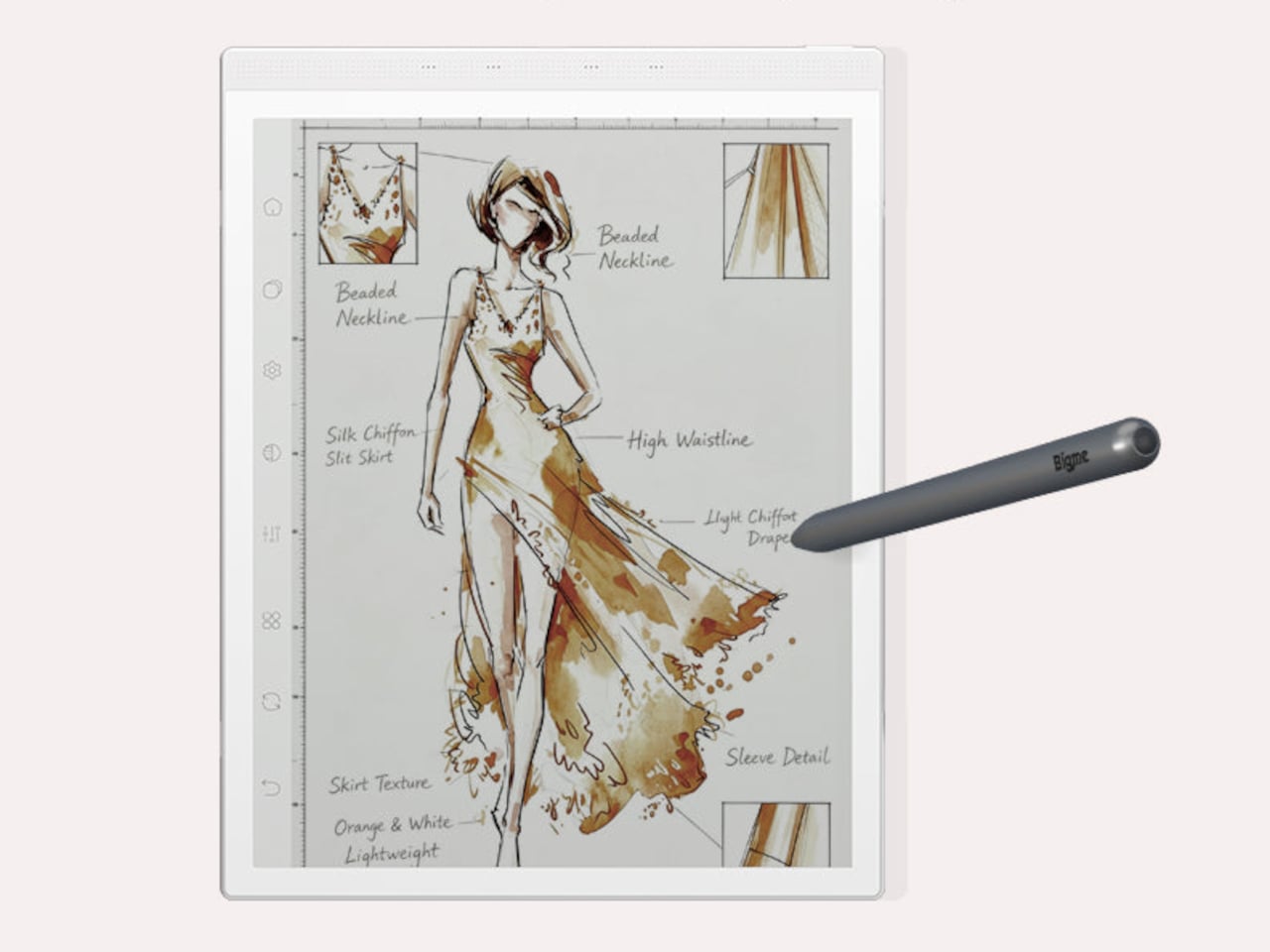
The Bigme B1051 Ultra is built on the premise that none of those trade-offs need to be permanent. Its 10.3-inch Kaleido 3 E Ink display is color-capable and glare-free, with an adjustable front light covering 36 levels of brightness in both warm and cool tones. The result is a surface that handles illustrated documents, annotated PDFs, and color-coded spreadsheets without sending the wearer reaching for eye drops an hour in.

Designer: Bigme

Color E Ink of any generation has historically been limited in brightness and saturation compared to traditional displays, and the Kaleido 3 panel doesn’t fully close that gap. What it does deliver is a dramatically more comfortable reading experience for long sessions, particularly in well-lit environments where conventional displays produce the most glare. For documents, annotations, and notes, the color rendering is more than sufficient to make the information readable without eye strain.

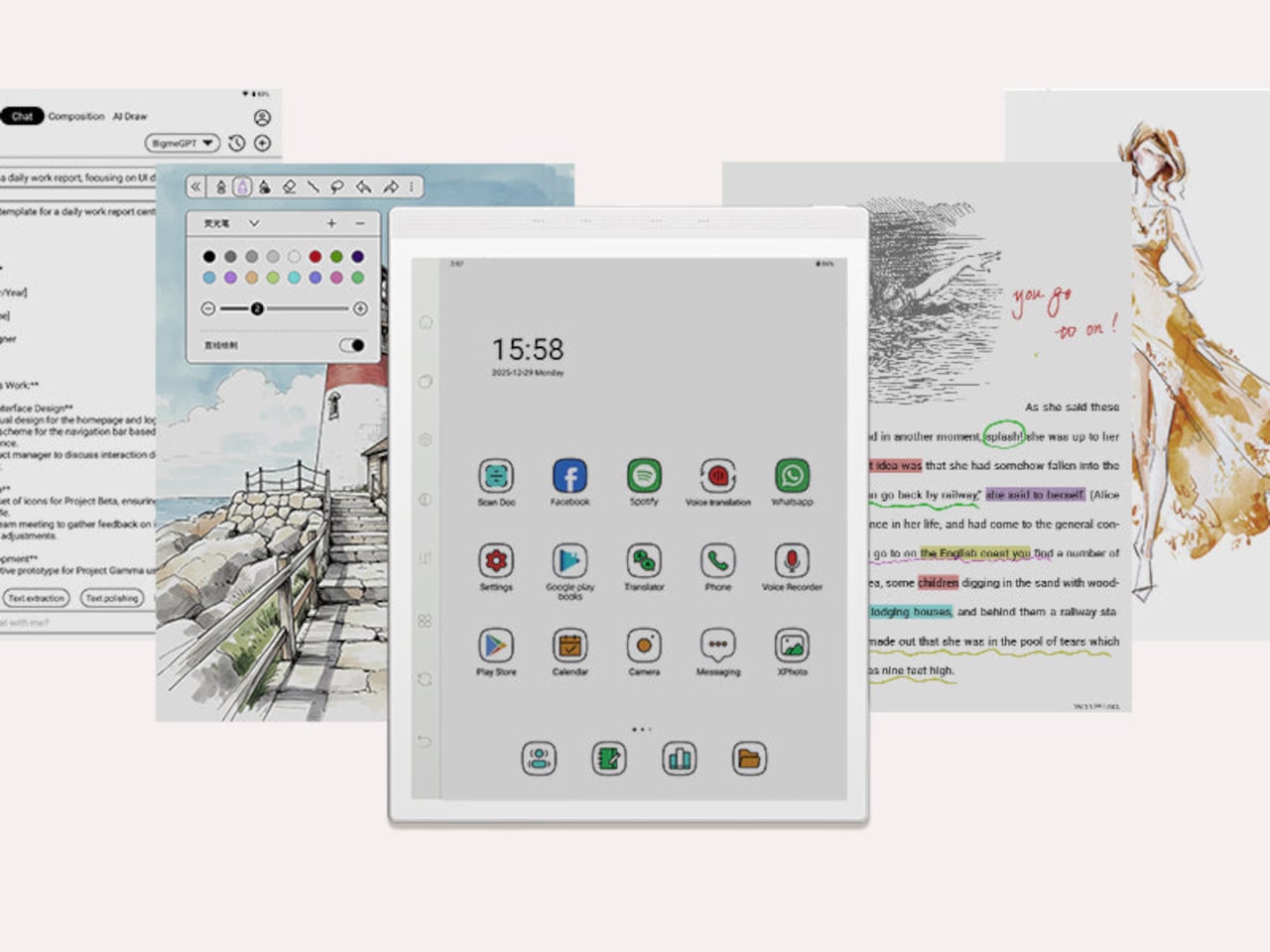
The hardware underneath is capable enough to run Android 14 without compromise. A MediaTek Dimensity 1080 octa-core chip running at 2.6GHz with up to 8GB of RAM handles third-party apps from Google Play without the sluggishness that plagued earlier E Ink Android devices. Spotify works. WhatsApp runs. The Google Play Store is fully accessible. A 6,900mAh battery supports the kind of all-day use the form factor implies.

Writing and sketching feel natural on the included stylus, which offers 4,096 levels of pressure sensitivity and a surface friction designed to replicate paper. An annotated legal document, a fashion sketch with labeled callouts, or a watercolor illustration all sit on the display with the same kind of grainless, paper-like quality. Bigme’s auto ghosting elimination technology handles the visual artifacts that have historically made fast stylus input on E Ink screens feel laggy or muddy.

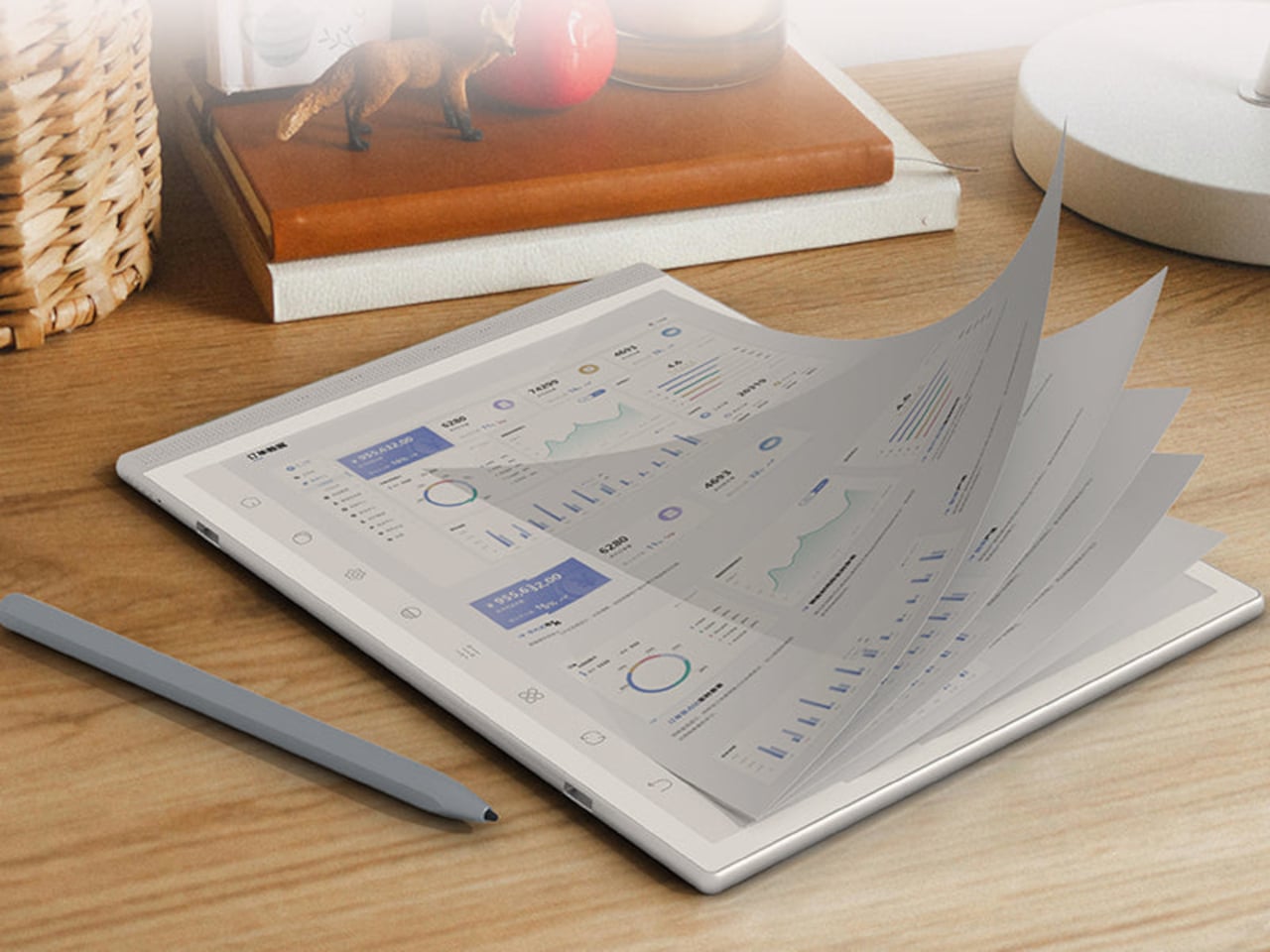
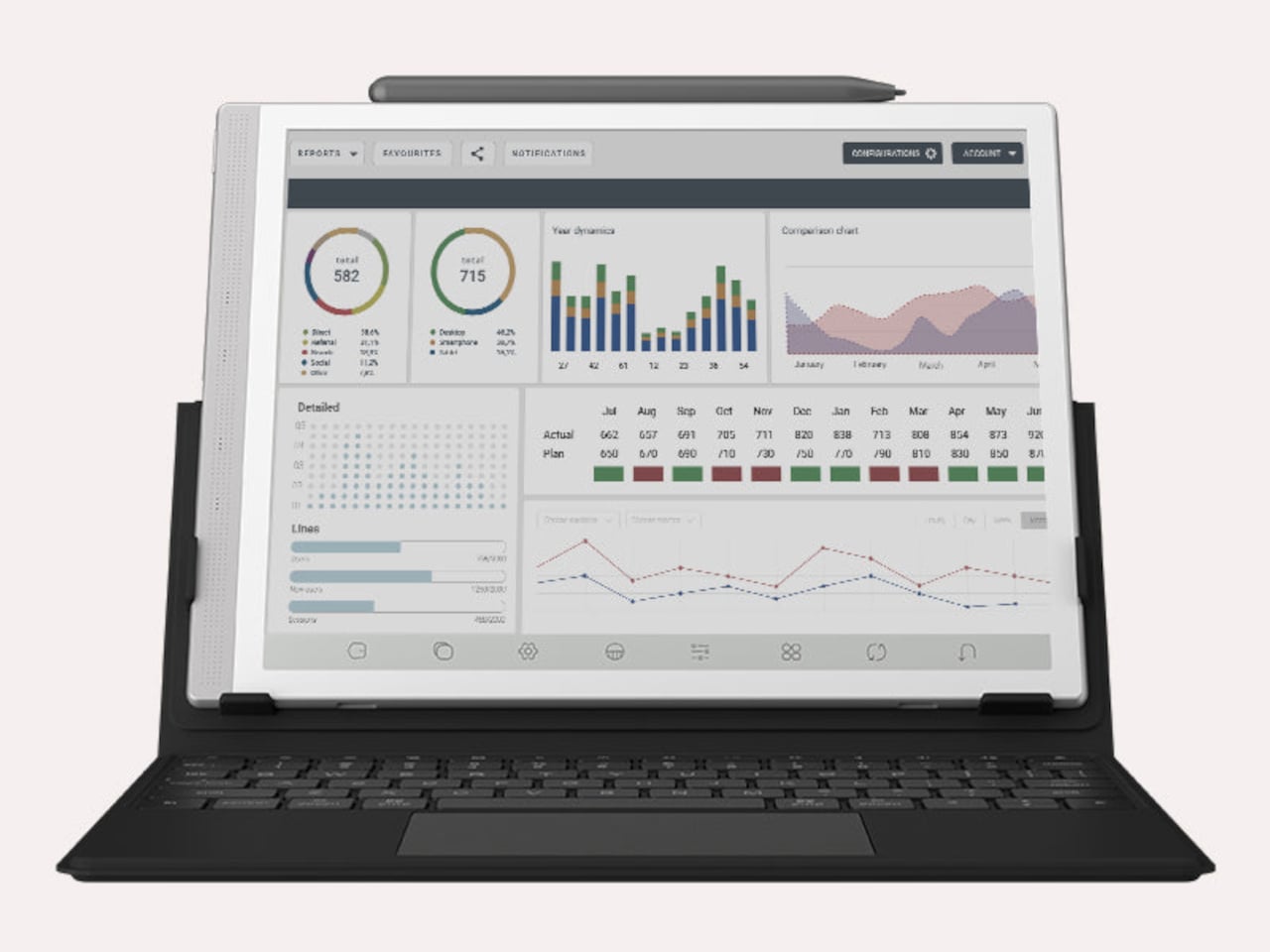
The optional keyboard folio cover turns the B1051 Ultra into something that reads more like an e-paper laptop. A trackpad is built into the keyboard, and the folio supports dual-angle positioning for desk and lap use. Connecting to an external keyboard and looking at a dashboard of charts and figures across the full 10.3-inch surface is a different experience from doing the same work on an LCD that competes with every other light source in the room.

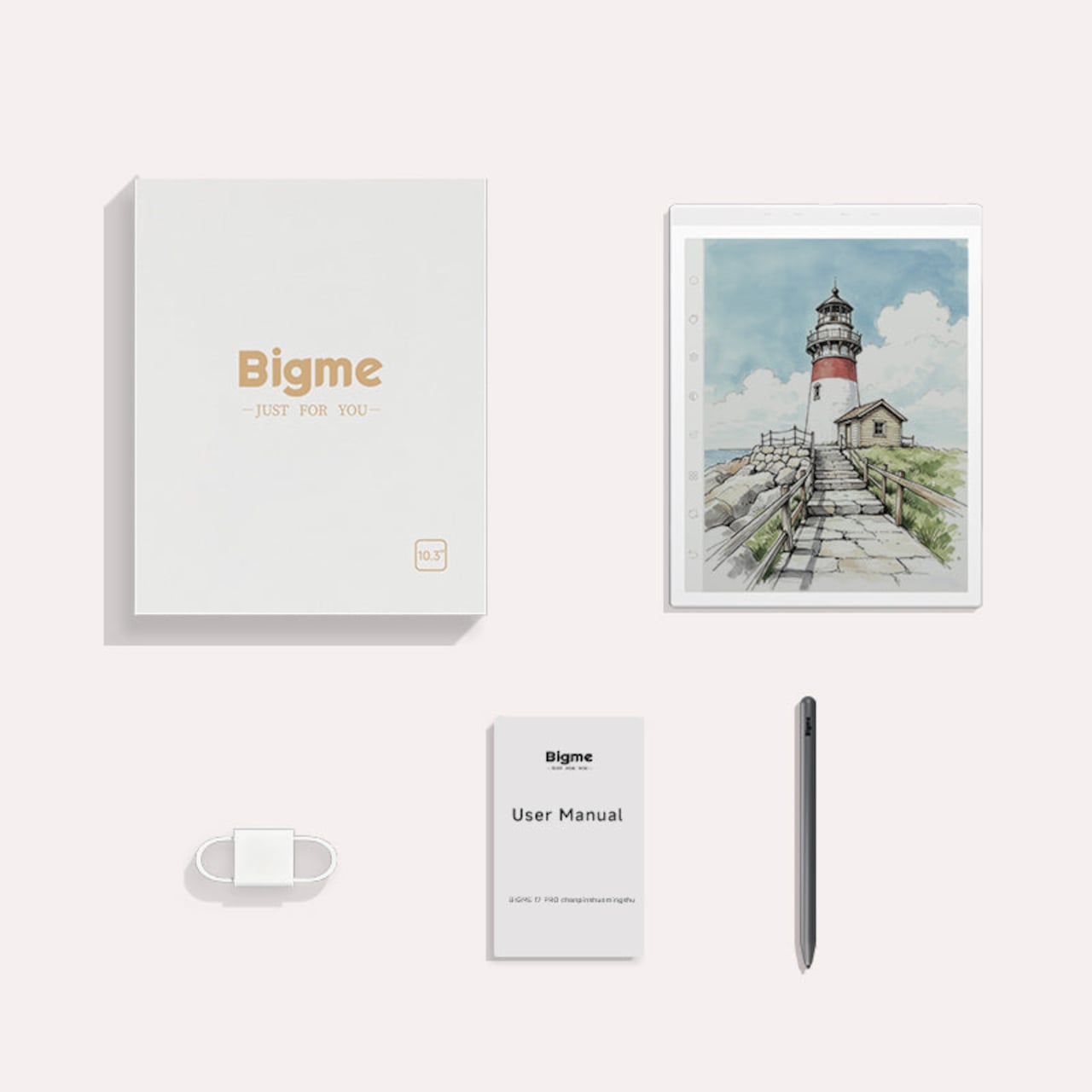
Integrated AI tools extend beyond the display and stylus. Text extraction, text polishing, AI-assisted drawing, and composition features are baked into the software layer. Fingerprint unlocking handles access. The B1051 Ultra is available starting at $499 for the device-and-case bundle, with the keyboard configuration adding to that. E Ink has always been the right technology for certain kinds of work, and the Bigme B1051 Ultra is one of the more complete arguments that it doesn’t need black-and-white e-readers to make that case convincingly.

The post The $499 E Ink Tablet That Runs Spotify, WhatsApp and Doesn’t Hurt first appeared on Yanko Design.