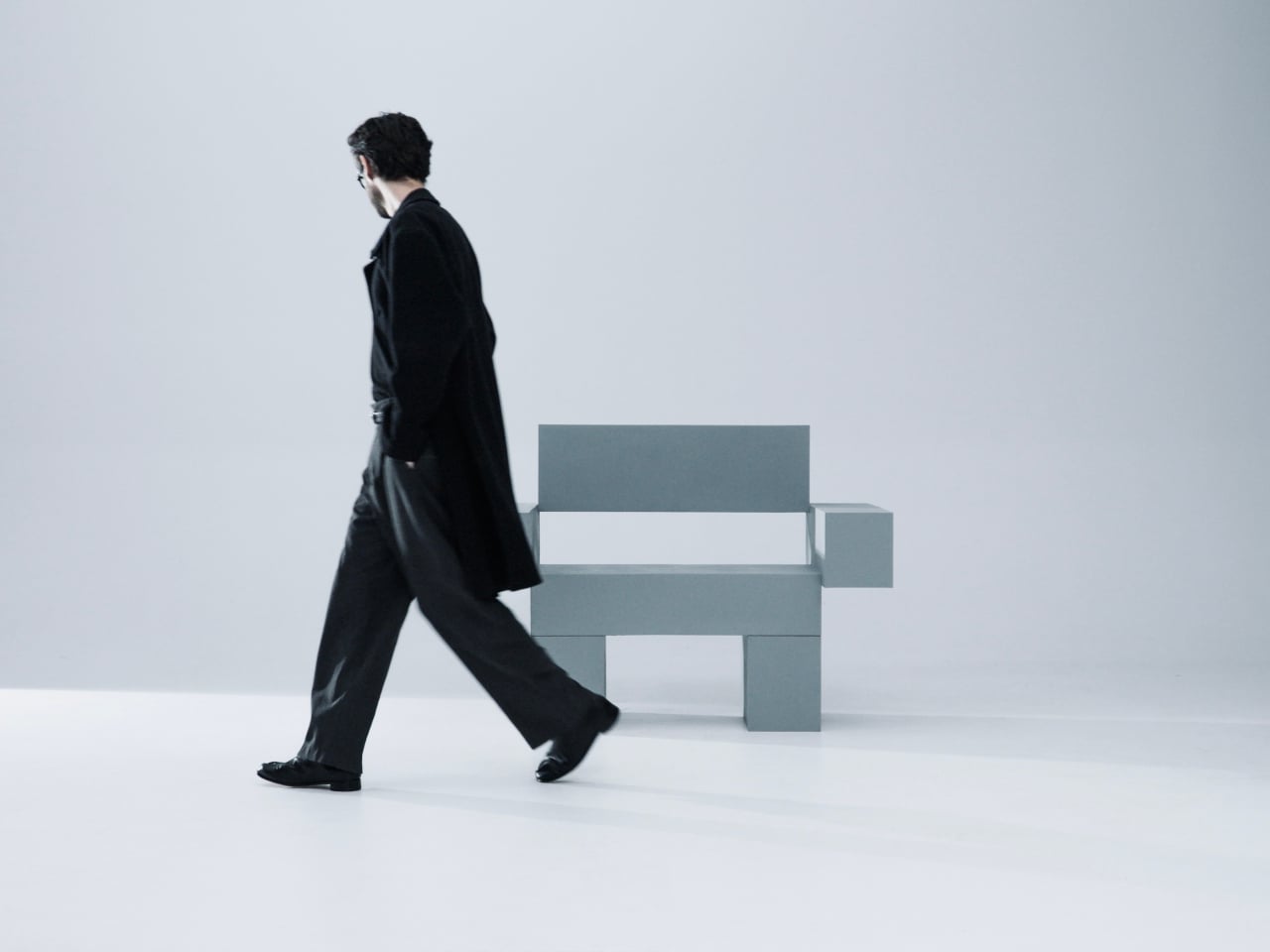
This Desk Hood Blocks Office Noise Without Walling You In

The rhythm of open offices is great until you need to concentrate or take a video call. The energy becomes noise, conversations drift across the floor, and people end up camping in meeting rooms or wearing noise-cancelling headphones all day. The ad hoc solutions never quite work, and what is missing is a middle ground, something more substantial than a desk but less isolating than a full pod.

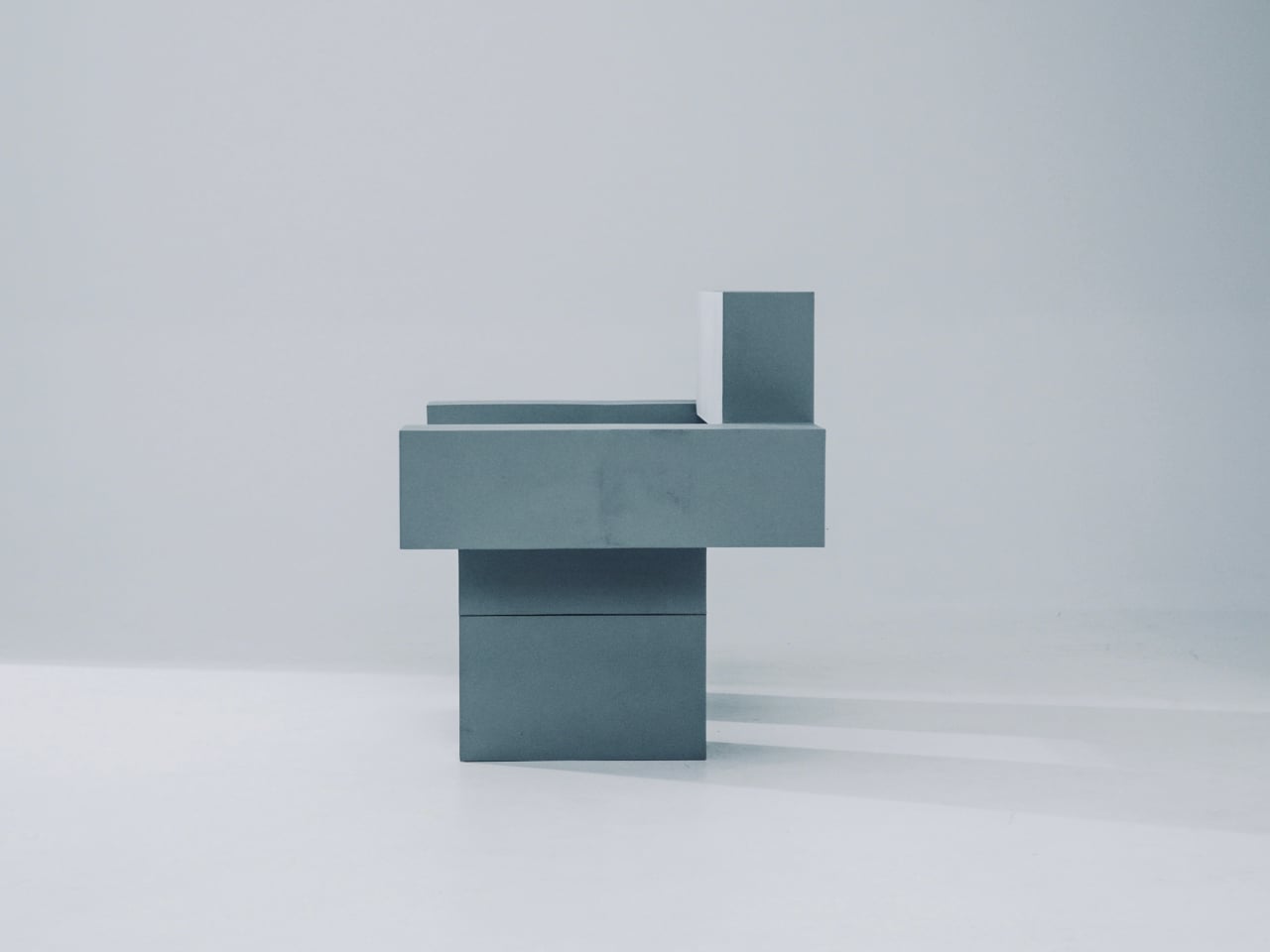
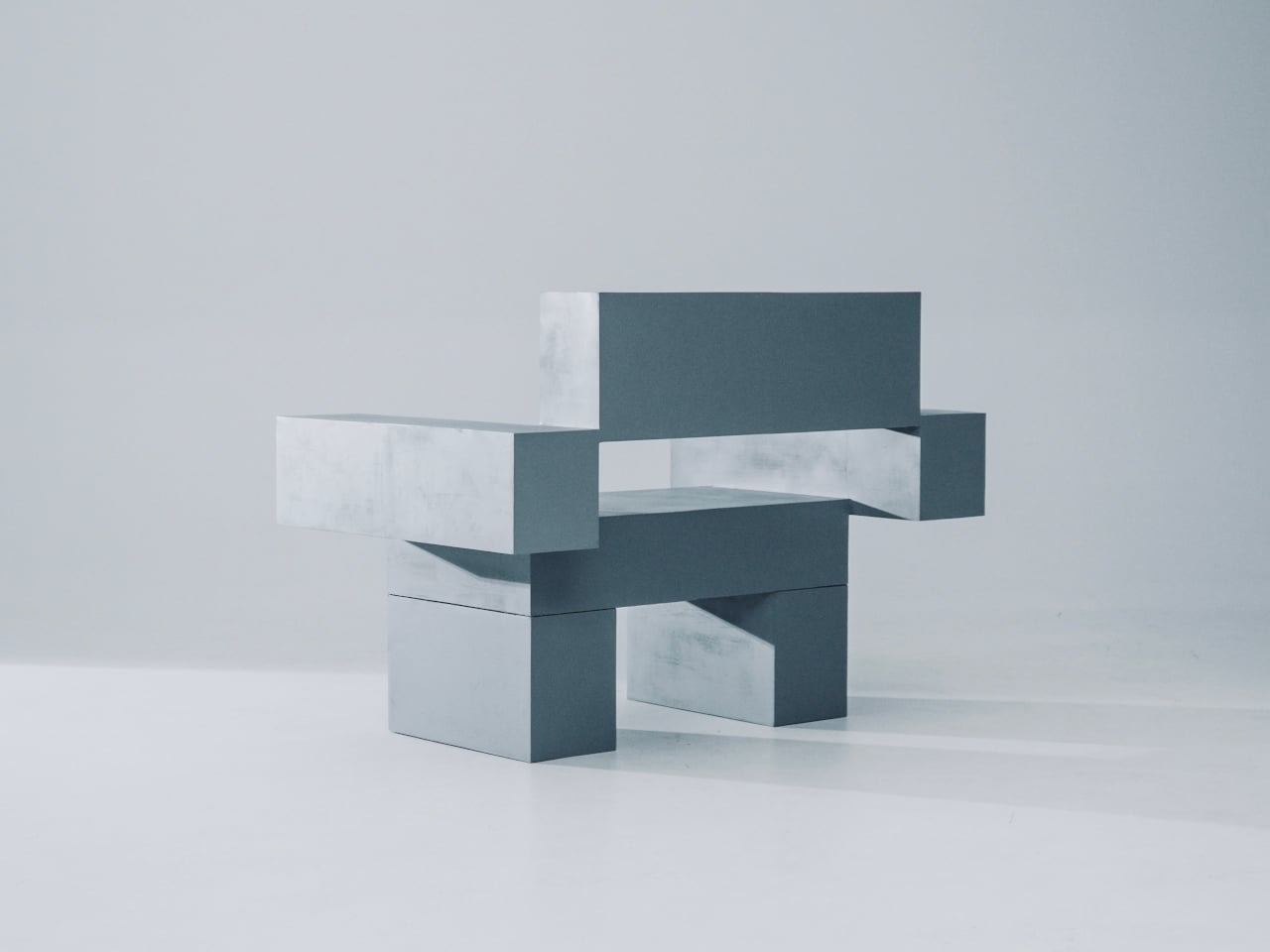
Canopy is KFI Studios and Gensler’s answer, a freestanding workstation that behaves like a tiny room inside the open plan. It combines a height-adjustable desk with an upholstered privacy hood, integrated lighting, and built-in power, creating a personal haven for focused work without walling people off. The hood wraps around like a small ceiling and sidewalls, softening ambient noise and blocking visual distractions while leaving you connected to the larger space.

Designer: KFi STUDiOS and Gensler

Arriving in a hot-desking office, you slide into a Canopy bay for heads-down work. The upholstered hood softens the hum of the floor, integrated lighting dials in for your screen, and the sit-stand surface adjusts to your height with intuitive controls and a digital readout. When it is time for a video call, you stay put, tweak the dimmable lighting for a ring-light effect, and skip the hunt for a quiet room.

The fully upholstered hood gives a sense of boundary without feeling like a box. The lower surround can be wood veneer, laminate, or upholstery depending on how much warmth the interior needs. Because the hood interior and exterior can be mixed or matched in different fabrics, designers can tune how enclosed or open the station feels, from soft cocoon to crisp workstation, adjusting for brand or privacy levels.

Integrated power and cable management keep laptops, monitors, and chargers from tangling on the surface. Optional occupancy sensors shut off lighting when the station is empty, a small nod to energy-conscious projects. The use of FSC-certified red oak, CertiPUR-US foam, and low-VOC laminates supports teams working toward sustainability metrics without making a fuss about it or requiring dedicated environmental consultants to justify the choice.

Canopy takes up more floor space per person than a bench, and in very loud environments it will not replace full acoustic rooms. Integrated lighting and sensors add components that need maintenance over time. It is a more premium, infrastructure-like piece that makes the most sense as part of a broader plan for how people move, focus, and recharge across a floor, not just as a random upgrade.

Canopy treats focus as something worth designing for, not just something people hack together with headphones and luck. By giving each person a small, height-adjustable, well-lit, and acoustically softened bay, it brings a bit of architectural calm into the open plan. Sometimes the most effective workplace upgrades are not new tools on the screen but better places to sit and think without everyone else’s conversations becoming the soundtrack.

The post This Desk Hood Blocks Office Noise Without Walling You In first appeared on Yanko Design.

These Steel Chairs and Lamps Look Like Sitting Inside a Pergola

Walking under a pergola or slatted canopy, sunlight breaks into stripes, and the structure feels more like a drawing in space than a solid roof. That rhythm of beams and shadows is both architectural and strangely calming, turning overhead shelter into something closer to a pattern you move through. Foln takes that outdoor language and shrinks it down into objects you can live with indoors.

Jiyun Lee’s Foln series is a family of three stainless-steel pieces: the Linear Chair, a floor lamp, and a wall lamp, all built from folded metal lines. Each element is made entirely of stainless steel, with dimensions that keep it slender and vertical. The project is less about adding another chair or lamp to the world and more about importing a structural idea into a domestic scale, treating furniture and lighting as small frameworks you inhabit or move around.

Designer: Jiyun Lee

Encountering the Linear Chair, you see a small framework first, a set of repeated uprights and crossbars that read like a fragment of pergola. Only when you get closer does the seat reveal itself as a crossing of beams, with the back continuing the same rhythm upward. It is clearly functional, but it also feels like sitting inside a drawing, surrounded by lines and the shadows they cast on the floor and wall behind you.

The floor and wall lamps extend the same language into light. The floor lamp becomes a vertical corridor where illumination travels up and down between nested frames, while the wall lamp compresses that idea into a compact cluster that hovers off the surface. In both cases, lighting is less about a glowing bulb and more about how brightness slips between the metal and onto nearby surfaces, treating the surrounding wall as part of the composition.

Foln changes as you move around it. From one angle, the lines stack and the pieces look dense, almost solid; from another, they open up and nearly disappear. The designer’s statement that shadows become architectural elements in their own right comes through when you realize the real composition includes the dark stripes on the floor and wall as much as the polished steel itself, rewriting the room with every shift in daylight.

Stainless steel, sharp geometry, and unpadded surfaces mean Foln is not chasing ergonomic softness or maximum light output. The chair will feel firm, and the lamps will behave more like ambient or accent pieces than task lights. That trade-off is intentional, prioritizing a contemplative, spatial experience over conventional comfort and placing the series closer to collectible design than everyday contract furniture you buy in bulk.

Foln reframes interiors as places where structure, light, and emptiness can be as present as color or texture. By borrowing the pergola’s rhythm and translating it into folded metal, the series turns a familiar outdoor gesture into a quiet indoor ritual. Rhythm is not only seen in the lines of steel but felt in the way light and shadow keep rewriting the room around them, turning simple objects into small, inhabitable frameworks that change how you read the space they sit in.

The post These Steel Chairs and Lamps Look Like Sitting Inside a Pergola first appeared on Yanko Design.

This Phone Runs Android, Linux, and Windows to Replace 3 Computers

Carrying more computers than you want is familiar. There is a personal phone, maybe a MacBook, and then a separate Windows laptop “just for work” or a Linux box for coding. Phone-as-PC ideas have been floating around for years, but they usually stop at a half-baked desktop mode that feels more like a demo than something you would actually use for hours at a stretch.

NexPhone is an Android 16 handset built on Qualcomm’s QCM6490, a long-term-support chip Qualcomm says will be backed through 2036. That is rare in phone marketing, but it matters when the device is also your computer. It has 12 GB of RAM, 256 GB of storage with microSD expansion, a 6.58-inch 120 Hz display, a 5,000 mAh battery, dual rear cameras, dual SIM, wireless charging, and MIL-STD-810H plus IP68/IP69K ruggedization.

Designer: Nex Computing

NexOS lets you treat the phone as three machines in one. On its own, it is a clean Android system with no bloatware. Plug it into a monitor, and you can switch into Android desktop mode or full Debian-based Linux with hardware acceleration, sharing folders between them. If you opt in, you can also boot Windows 11 on Arm, turning the phone into a tiny Windows PC when docked.

NexPhone builds a custom Windows Mobile UI on top of Windows 11, a grid-style launcher inspired by old Windows Phone tiles to make the OS less painful on a small screen. For desktop use, the phone ships with a five-port USB-C hub that fans out to HDMI, keyboard, mouse, and power. Any desk with a monitor becomes your workstation with a single cable, and you pick up at home where you left off at the office.

Windows 11 on Arm still has app compatibility gaps and relies on emulation for many x86 programs, which can hurt performance and battery life. Multi-booting Android, Linux, and Windows adds complexity that appeals to enthusiasts more than casual users. Putting phone, PC, and laptop brain into one device also means a single point of failure, and the rugged build does not remove the need for backups and a fallback plan.

With the optional NexDock laptop shell, you can plug in and get a 14.1-inch display, keyboard, and trackpad in airport lounges or coffee shops without carrying a full laptop. It is designed for people who already juggle multiple OSes and want to consolidate, but not for those hoping to escape complexity. The promise to support the device for a decade is either visionary or risky, depending on how seriously you take startup hardware commitments.

NexPhone is less about convincing everyone to ditch laptops and more about giving the Linux-comfortable, multi-OS crowd a serious shot at carrying one device instead of three. It treats the phone, the OS stack, and the docking experience as one design problem. Whether that holds up depends less on the specs and more on whether the software behaves like three clean experiences instead of one messy compromise.

The post This Phone Runs Android, Linux, and Windows to Replace 3 Computers first appeared on Yanko Design.

This Pocket Titanium Ruler Has a Level, Protractor, and Pen Built In

Projects pile up on the bench with a ruler that stops at 30 cm, a square for right angles, a separate protractor for odd cuts, a level somewhere in a drawer, and a pencil that has wandered off. Those small frictions add up when you are trying to stay in a flow state, and most rulers can measure but do not really help you think through the layout. You end up switching between tools, rechecking marks, and occasionally cursing when parallels drift, or angles end up slightly crooked.

The FLINTONE MegaRuler is a titanium 9-in-1 drawing master that tries to compress a whole layout kit into something smaller than a phone. It is designed for garage tinkerers, designers, woodworkers, model builders, electronics people, and 3D-printing geeks who want strength, accuracy, and versatility in one object. The body is machined from titanium, so it feels like a small instrument rather than a disposable ruler, and it packs infinite extension lines, perfect parallels, angles, levels, magnets, and a built-in pen into a single pocket-sized block.

Designer: FLINTONE

Click Here to Buy Now: $69 $99 (30% off). Hurry, only 223/500 left! Raised over $150,000.

1

The infinite extension feature uses a central roller that lets you draw a straight line as long as you need by rolling the tool along the surface. You can dock the ruler end-to-end 27 times with less than 0.1mm cumulative error, enough to lay out an 8m straight line without a laser or chalk box. For framing, cabinetry, set building, or large-format graphics, that kind of repeatable accuracy means less rework and fewer compromises when the layout determines everything downstream.

The side wheels hug a reference line, so every new line stays exactly the same distance away. In testing, drawing 50 parallel lines produced a maximum drift of 0.07mm, which is effectively negligible for most jobs. That lets you stop measuring every joist, slat, or tile and simply roll the MegaRuler along, trusting it to keep spacing consistent for grooves, stitch lines, or printed patterns. The result feels less like measuring and more like running a tiny machine that thinks about geometry for you.

1

MegaRuler handles angles by letting you draw any-angle slanted lines from 1° to 179° in one smooth motion. The integrated protractor is laser-etched with a high-contrast scale that remains readable in bright light, dust, or glare, so you can lean the body to the exact angle you want and draw without switching tools. For miters, chamfers, or odd-angle joints, it becomes the single reference you reach for instead of juggling a ruler and a protractor and hoping the alignment holds while you mark.

1

Dual bubble vials turn the tool into both a horizontal level and a plumb checker. Standing it up gives true vertical in half a second, laying it flat gives an instant surface check. N52 magnets are flush-mounted in the body, so it sticks to steel beams, machines, or a shop cabinet, allowing hands-free marking and storage. A small marking pen lives inside the ruler itself, sliding out to mark and back in when you are done, so measuring and marking are finally in the same place instead of scattered across the bench or lost in pockets.

1

MegaRuler might live clipped to a pocket on a jobsite, sitting next to a sketchbook on a designer’s desk, or magnetized to a drill press in a home workshop. Instead of reaching for a different tool every time you need a line, angle, or level check, you grab the same titanium block and let its rollers, vials, magnets, and pen handle the details. It earns its space by doing many jobs well, feeling less like a novelty and more like the ruler you wish you had from the start, compact enough to forget until you need it and precise enough to trust when accuracy actually matters.

Click Here to Buy Now: $69 $99 (30% off). Hurry, only 223/500 left! Raised over $150,000.

The post This Pocket Titanium Ruler Has a Level, Protractor, and Pen Built In first appeared on Yanko Design.

27-Inch Digital Wall Calendar Shows Schedules, Then Switches to Photos

Shared calendars scatter across phones, sticky notes live on the fridge, and whiteboards never quite get updated. Most attempts to centralize family logistics involve smart displays that look like tablets or small TVs bolted to the wall, clashing with the rest of the room. A shared calendar deserves to be visible, but not at the cost of turning your kitchen into a control room with glowing screens and exposed cables.

Skylight’s 27-inch Calendar Max is a digital calendar that starts from the wall, not the app. It is a large wall-mounted touchscreen designed to be a central family hub, but the industrial design leans toward a floating frame rather than a black rectangle. The goal is to feel like part of the decor while still being big and clear enough to see from across the room.

Designer: Box Clever for Skylight

A typical morning means everyone glances at the calendar on the way to coffee. Color-coded events show who is doing what, lists and meal plans sit alongside the schedule, and everything syncs with the digital calendars people already use on their phones. Instead of hunting through apps or checking multiple sources, the day’s plan is just there, big enough that no one can pretend they missed soccer practice.

The display sits slightly off the wall, casting a soft shadow that changes with the light, so it reads more like a floating object than a mounted monitor. Magnetically attached frames in aluminum, wood, or plastic let you pick a look that matches your space and swap them later if the room changes, without replacing the hardware. It mostly just means the calendar feels deliberate instead of tacked on.

The mounting system uses a dedicated wall plate with cable routing, so once it is up, the calendar sits cleanly with minimal visible wiring. The packaging and installation guide are designed to make the process approachable, more like hanging a large frame than installing AV equipment. That matters when the person putting it up is more interested in family logistics than tech tinkering.

During busy hours, it behaves like a bright, legible planner. When things slow down, it can switch to a photo gallery, turning into a large digital frame that shows family pictures instead of to-dos. That shift helps it feel less like a dashboard that never sleeps and more like a living part of the wall that changes mood with the house.

Calendar Max treats shared schedules, lists, and memories as part of the architecture of daily life, not just data on screens. By paying attention to silhouette, depth, frames, and mounting, it turns a functional object into something you do not mind giving prime wall space. Smart calendars that actually look like they belong in a living room turn out to be surprisingly rare, which makes one that does feel like a meaningful shift.

The post 27-Inch Digital Wall Calendar Shows Schedules, Then Switches to Photos first appeared on Yanko Design.

27-Inch Digital Wall Calendar Shows Schedules, Then Switches to Photos

Shared calendars scatter across phones, sticky notes live on the fridge, and whiteboards never quite get updated. Most attempts to centralize family logistics involve smart displays that look like tablets or small TVs bolted to the wall, clashing with the rest of the room. A shared calendar deserves to be visible, but not at the cost of turning your kitchen into a control room with glowing screens and exposed cables.

Skylight’s 27-inch Calendar Max is a digital calendar that starts from the wall, not the app. It is a large wall-mounted touchscreen designed to be a central family hub, but the industrial design leans toward a floating frame rather than a black rectangle. The goal is to feel like part of the decor while still being big and clear enough to see from across the room.

Designer: Box Clever for Skylight

A typical morning means everyone glances at the calendar on the way to coffee. Color-coded events show who is doing what, lists and meal plans sit alongside the schedule, and everything syncs with the digital calendars people already use on their phones. Instead of hunting through apps or checking multiple sources, the day’s plan is just there, big enough that no one can pretend they missed soccer practice.

The display sits slightly off the wall, casting a soft shadow that changes with the light, so it reads more like a floating object than a mounted monitor. Magnetically attached frames in aluminum, wood, or plastic let you pick a look that matches your space and swap them later if the room changes, without replacing the hardware. It mostly just means the calendar feels deliberate instead of tacked on.

The mounting system uses a dedicated wall plate with cable routing, so once it is up, the calendar sits cleanly with minimal visible wiring. The packaging and installation guide are designed to make the process approachable, more like hanging a large frame than installing AV equipment. That matters when the person putting it up is more interested in family logistics than tech tinkering.

During busy hours, it behaves like a bright, legible planner. When things slow down, it can switch to a photo gallery, turning into a large digital frame that shows family pictures instead of to-dos. That shift helps it feel less like a dashboard that never sleeps and more like a living part of the wall that changes mood with the house.

Calendar Max treats shared schedules, lists, and memories as part of the architecture of daily life, not just data on screens. By paying attention to silhouette, depth, frames, and mounting, it turns a functional object into something you do not mind giving prime wall space. Smart calendars that actually look like they belong in a living room turn out to be surprisingly rare, which makes one that does feel like a meaningful shift.

The post 27-Inch Digital Wall Calendar Shows Schedules, Then Switches to Photos first appeared on Yanko Design.

This Wallet-Sized Card Hides 9 Hex Wrenches in a Goofy Grin

The moments when you need a tool but only have a wallet happen more often than they should. A loose bolt on a bike, a box that refuses to open cleanly, a bottle cap mocking you at a picnic. Most multi-tools either live in drawers at home or look like mini weapons, which is not always the vibe you want in a pocket, especially when all you need is something to tighten a screw or slice through packing tape.

Lucky Jack’s Happy Guy card is a flat, credit-card-sized multi-tool that lives in your wallet until something needs fixing, opening, or prying. It is part of the Adventure Card series, USA-designed for everyday adventure, and the cutouts form a smiling face that makes the whole thing feel more like a friendly sidekick than a piece of tactical gear. The grin is not just decorative since it is where all the tools hide.

Designer: Lucky Jack

The face is not just for show. The eyes and nose double as nine different hex wrenches in both metric and imperial sizes, ready for furniture bolts or gear adjustments. Along the edges, you get a box cutter and line cutter for tape and cord, a flat screwdriver tip, a pry edge, a nail puller for small jobs, plus a can opener and a bottle-friendly mouth for when the work is done and the drinks come out.

The toothed section along one edge earns its keep for cyclists. It is sized for common spoke nipples, so if a wheel goes slightly out of true mid-ride, you can nudge it back without carrying a full tool roll. It is not a replacement for a proper workshop truing stand, but it is a lot better than limping home on a wobbly rim or calling someone to pick you up because three spokes are loose.

Happy Guy is thin enough to slip into a standard wallet slot, but also ships with a magnetic backing so you can park it on a toolbox lid, fridge, or van wall. That means it can live wherever you are most likely to need a quick fix, from a workshop corner to a camp kitchen, without rattling around loose or disappearing under a pile of gear you forgot existed.

A flat card is never going to be as comfortable as a full-size wrench or screwdriver for heavy torque, and the exposed cutting edges mean you should store it with the backing or in a sleeve. It is a light-duty, emergency-friendly tool rather than something you rebuild an engine with, but that is exactly why it can afford to be this small and this cheerful without pretending to do jobs it was never designed for.

Happy Guy sneaks real utility into a piece of metal that looks like it is just there for laughs. By turning hex wrenches, cutters, and openers into a smiling face, it lowers the barrier to carrying a tool every day. It is hard to be grumpy about a loose screw or stubborn bottle cap when the thing you pull out to fix it is literally grinning back at you from your wallet.

The post This Wallet-Sized Card Hides 9 Hex Wrenches in a Goofy Grin first appeared on Yanko Design.

This Bauhaus Pen Holder Has 2 Cones: One for Chaos, One for THE Pen

Most desk pen cups end up as graveyard storage for half-dead markers, random pencils, and that one pen you actually like, buried somewhere in the mix. The usual cylinder treats every tool the same, even though your hand instinctively knows which pen feels right for signing documents or writing notes that matter. A little hierarchy on the desk might do more to calm the visual noise than another storage bin that just shuffles the clutter around.

Konus is an aluminum pen holder that takes Bauhaus principles seriously rather than using them as decoration. Designed by Liam de la Bedoyere, it is built from two inverted cones, one hollowed out to hold everyday tools, the other reduced to a single aperture for a chosen pen. It is a personal project, which gives it permission to be a bit more pure and uncompromising than mass-market organizers that try to please everyone and end up feeling generic.

Designer: Liam de la Bedoyere

The larger cone becomes the communal container, swallowing the usual mix of pens and markers without complaint. The smaller cone acts like a tiny plinth for one special pen, the good ballpoint or fountain pen that always ends up lost under papers when you need it. This simple split creates a visual and functional hierarchy, your hand learning that the main cone is for grabbing anything, while the smaller one is where the favored pen lives, ready when you need it.

Konus is machined from aluminum with a satin finish that catches light softly rather than shouting for attention. The cork base keeps it from sliding on smooth desks and adds a bit of warmth against hard surfaces. Together, the cool metal and warm cork make it feel more like a small piece of desk architecture than a plastic cup, something you notice without it becoming a distraction or requiring constant attention.

A typical day with Konus on the desk means the main cone slowly fills with whatever pen you grabbed last, while the single aperture keeps your favorite anchored in one place. There is a small pleasure in always knowing where that pen is, and the object quietly nudges you to put it back in its slot instead of letting it disappear under papers or into a drawer where it will live for weeks before you find it again.

The cones embody that Bauhaus idea of form leading function without relying on labels or moving parts. Dropping tools into the big opening is effortless, but placing a pen into the small aperture feels deliberate, almost like docking a tiny instrument. Over time, that difference turns into a quiet ritual that organizes both the desk and your habits, making you slightly more intentional about which tools stay within reach and which ones can live in a drawer.

The post This Bauhaus Pen Holder Has 2 Cones: One for Chaos, One for THE Pen first appeared on Yanko Design.

This Reciprocating Detail Sander Works on Detailed Projects like Gundam Kits, Wood, and Jewelry

Cleaning up 3D prints, model kits, or small woodworking projects usually means fighting tools that are not really built for it. Rotary tools dig in and melt plastic, big sanders cannot reach corners, and endless hand-sanding sessions leave your fingers numb. The last 10% of a project, the fine details, often takes 90% of the time because the tools are fighting you instead of helping, turning what should be a satisfying finish work into a slow grind.

NeoSander is a mini electric reciprocating detail sander built specifically for that last 10%. It is palm-sized, cordless, and powered by a high-speed reciprocating linear motor that drives the sanding head directly at up to 13,000 strokes per minute. Instead of being a shrunken version of a big sander or a repurposed rotary tool, it starts from the question of what fine sanding actually needs: tight, controlled, straight-line motion with minimal vibration and maximum access to awkward spots.

Designer: HOZO

Click Here to Buy Now: $69 $99 ($30 off). Hurry, only a few left!

The usual reciprocating design relies on a spinning motor, gears, rods, and linkages that convert rotation into back-and-forth motion. NeoSander’s vertical linear motor pushes the head directly, which means fewer moving parts, less energy lost in the drivetrain, and faster response when you change speed. The stroke length is adjustable from 0.6 to 1.8 mm, so you can dial in tiny, precise taps for delicate edges or longer, faster strokes for leveling and shaping thicker material. As the one and only palm-sized detail sander to achieve a true 13,000 SPM linear motor, NeoSander introduces life-changing technology and delivers a game-changing breakthrough for creators who demand precision in tight, intricate spaces, permanently solving a pain point that rotary tools and other reciprocating sanders have struggled with for decades.

NeoSander’s straight-line motion covers more area efficiently while keeping the workpiece safe from gouges. At 13,000 strokes per minute, it is fast, but the motion is tight and controlled, so it does not kick back like a rotary bit or eat into fragile prints and resin parts. Stepless speed control lets you push forward for low speed and pull back for full speed, giving pinpoint accuracy on fragile edges and more aggressive removal when you are shaping parts that need heavy correction.

The front end is where the system gets smart. Eight interchangeable sanding heads handle different shapes, pointed tips for crevices, slim and wide flats for edges and planes, half-cylinders and arcs for curves, and acute and right angles for corners. Pair that with eight grits of sandpaper, from rough 180-grit to fine 1,500-grit, including foam-layer sheets that flex to irregular surfaces. A color-coded storage block keeps head-and-grit combos sorted, so you can grab, snap, and keep working instead of playing peel-and-stick roulette between every pass.

The same back-and-forth motion that sands also drives a tiny reciprocating saw. Swap to a curved saw blade or jigsaw-style blade, and you can cut sprues, trim parts, or slice small pieces of wood and plastic without changing tools. The 0.2 mm micro teeth use a wave-shaped, double-tooth pattern and an anti-binding design that clears dust as it cuts, making passes smoother and less likely to jam mid-stroke. It turns NeoSander into a dual-purpose tool for both cleanup and small fabrication tasks.

NeoSander feels light in the hand, a 3.13 oz aluminum-alloy shell with a dustproof silicone cover and IP54 splashproof rating, small enough to guide with fingertips. Inside, a counterweight moves opposite the sanding head to cancel most vibration, so your grip stays steady instead of buzzing. The cordless design uses a 3.7 V, 1,100 mAh battery with dock charging, giving around 45 minutes of heavy-duty use or up to 240 minutes of lighter work between 30-minute charges, which is enough for multiple sessions without tethering to a cable.

A tool like this changes the rhythm of making. Instead of dreading the cleanup phase, you have a small, precise machine that can sneak into tight spots, swap heads and grits without breaking flow, and even handle tiny cuts when you need them. For people who live in the world of miniatures, prints, and fine edges, NeoSander feels less like a gadget and more like the missing link between rough shaping and the moment a piece finally looks finished, where the details stop feeling like tedious cleanup and start feeling like the reason you made the thing in the first place. Novices and casual makers will appreciate the accessibility and beginner-friendly NeoSander Pro kit at $69, while those who really want to take their designs to the next level will want to grab the $129 NeoSander Premium Kit, which adds accessories like multi-color sanding heads, saw heads, and a charging dock on top of the basic set.

Click Here to Buy Now: $69 $99 ($30 off). Hurry, only a few left!

The post This Reciprocating Detail Sander Works on Detailed Projects like Gundam Kits, Wood, and Jewelry first appeared on Yanko Design.
Digital Cookbook Stand Weighs Ingredients and Checks Temperature

Recipe apps live on screens while the physical tools that actually make food better are scattered across drawers and cupboards. Your phone is propped against a mug, your scale is buried somewhere, and you are guessing at temperatures because the thermometer is never where you left it. Most digital cooking tools ignore the reality that kitchens are crowded, messy spaces where the tools you need for precision are rarely connected to the guidance telling you what to do.

Zuso is a modern culinary guide that treats the cookbook as both an object and a service. It combines a sculpted countertop totem with a tablet interface, and the totem hides a built-in scale and a docked thermometer. The idea is to make the tools you need for precision part of the same product that is walking you through each step, instead of treating measurement and guidance as separate problems.

Designer: Reino Studio

The totem can live on the counter without looking like a piece of lab equipment. Its vertical form, circular scale pad, and slender thermometer wand read more like a small appliance or even a decorative object than a gadget. Because it is designed to be seen rather than stored, it is always ready when you start cooking, which quietly removes the friction of hunting for tools you know are somewhere in the back of a drawer.

Instead of switching between apps, scale, and a separate thermometer, you drop ingredients directly onto the base and see the weight on the tablet, or slip the wand into a pan and watch the temperature update next to the step you are on. It turns precision into the default behavior rather than an extra step you take only when you feel like being exact, which makes recipes that rely on grams or specific temperatures feel less intimidating.
The tablet interface mirrors the physical design, with rounded cards, generous white space, and a calm palette that matches the totem’s presence. Recipe steps, video tutorials, and timers are laid out in a way that respects the fact that your hands are often busy or messy. Zuso feels like one object split into hardware and software, not an app that happens to be running on a random tablet next to a generic stand.

The broader platform, weekly planners, grocery lists, chef profiles, and skills sections, carries the same visual and interaction language from the counter to planning or learning. The totem and tablet feel like a hub for how you cook, not just a place to look up tonight’s dinner, with the same calm, intentional design running through every layer.

Zuso treats cooking as a ritual worth designing for, not just a problem to solve with another app. By giving the scale and thermometer a sculptural home and tying them directly to a thoughtful interface, it turns the act of following a recipe into something more deliberate and less chaotic. Good product design in the kitchen is not just about adding screens. It is about making the right tools feel like part of the same story instead of orphaned objects you have to remember exist.

The post Digital Cookbook Stand Weighs Ingredients and Checks Temperature first appeared on Yanko Design.