Tile introduces its first new Bluetooth trackers in years

It’s been around three years since Tile has offered a serious refresh for its popular line of Bluetooth trackers. Since that time, the company was bought by Life360 and Apple began dominating the field with its AirTag trackers. Now, Tile is back with four new trackers to help people find stuff.

The Bluetooth range has been extended across the full lineup, but the big news here is the SOS alert button. The system will send out a notification and user location to designated emergency contacts when pressing the button three times. This feature is available to anyone with a free Life360 account, but a premium membership will allow users to send notifications to emergency dispatch services.

The Tile Mate ($25) is the standard “everything tracker” with a built-in key ring. This makes it a good choice for keys, backpacks, purses and anything else that can accommodate a key ring. The Bluetooth range is around 350 feet and it features an IP68 water resistance rating and a non-replaceable battery that lasts three years. Orders are open right now.

The Tile Pro ($35) is an amped-up version of the Mate. It looks the same, but it boasts a longer range, up to 500 feet, and a louder ring. The battery is also user-replaceable. This one won’t be available until October.

The Tile Slim ($30) is designed primarily for wallets, luggage and other items with plenty of nooks and crannies. The range maxes out at 350 feet and each tracker includes a non-replaceable battery that lasts three years. The Tile Sticker ($25) is being advertised as the “smallest Bluetooth tracker on the market” and it’s absolutely tiny. It also includes a sticker that adheres to items. This makes it a great choice for TV remotes and headphones. The range maxes out at 250 feet. Both the Slim and Sticker are available to order right now.

Two trackers.
Tile

There are, as previously mentioned, snazzy new colors to choose from. The Tile Mate and Slim come in six colors, including black, white, blue, pink, green and yellow. The Tile Pro will be available in both black and white, while the Sticker is only available in black.

It’s worth noting that Tile experienced a hack a couple of months back in which customer information was accessed. There’s nothing in the promotional materials to indicate that these new trackers have been outfitted with updated security measures to prevent that kind of thing from happening again. However, the company told us that the "incident from earlier this year affected Tile's customer support platform. It had nothing to do with and did not affect our Tile service platform."

This article originally appeared on Engadget at https://www.engadget.com/general/tile-introduces-its-first-new-bluetooth-trackers-in-years-173100389.html?src=rss

AirPods Pro 2’s new features have arrived. Here’s what to expect

Prior to iOS 18's arrival, Apple released a firmware update for the AirPods Pro 2 that will deliver new features the company announced at WWDC in June. Now that the latest version of the mobile OS is available, your iPhone can fully employ the new tools, which include Siri Interactions, Voice Isolation and more. Your AirPods Pro 2 should have already installed the update and be ready to go when you upgrade to iOS 18, so here's what to expect when you use the new features. 

Siri Interactions allow you to interact with your phone at times when you can't or don't want to speak or reach for your phone. Machine learning on the H2 chip and transformer models on a source device (iPhone, iPad, Mac and Apple Watch) can detect when you nod affirmatively or shake your head. This can be used any time Siri asks a yes or no question, like accepting or rejecting calls, responding to or dismissing messages and engaging with or dismissing notifications. 

So far, Siri Interactions have worked as described for me. I like that the tech recognizes smaller head movements, so you don't have to exaggerate them to get the system to respond. I've found the feature most helpful for incoming calls and texts, especially when my hands or full or when I'm in a setting where I can't immediately speak. 

Voice Isolation is a new feature that taps the AirPods Pro 2 H2 chip and the source device (iPhone, iPad or Mac) for advanced machine learning to enhance how you sound on calls. The tech isolates your voice so it can effectively cancel significant amounts of background noise, and for some distractions, it will eliminate them entirely. During my tests, Voice Isolation totally blocked a noisy fan and running water. It's truly impressive how the roar that's otherwise obvious on a call is completely absent when this is enabled. It's also great that the tool works its magic with minimal impact to overall voice quality.

AirPods Pro (2022) review
Billy Steele/Engadget

The feature is enabled automatically in your microphone settings, where you'll find options for Automatic, Standard and Voice Isolation. Here, you can activate Voice Isolation while you're on a call if you don't want the system to handle things on its own. The tool will also be supported in FaceTime and any third-party apps that use CallKit. Those include WebEx, Zoom, WhatsApp and many more. 

As a reminder, Siri Interactions and Voice Isolation are also available on the AirPods 4.

In addition to those two headliners, the update equips the AirPods Pro 2 with "the best wireless audio latency Apple has ever delivered for mobile gaming." What's more, gamers can expect improved voice quality, thanks to 16-bit, 48kHz audio when chatting during sessions. Apple says it also improved Personalized Volume on the AirPods Pro 2, but didn't go into specifics there. Personalized Volume is the tool that adjusts the media levels on your AirPods Pro 2nd based on changes in environmental conditions and your volume preferences. Apple says that the feature learns your listening preferences over time to fine-tune adjustments as they're needed.

One of the biggest announcements from the iPhone 16 event was Apple's plan to turn the AirPods Pro 2 into a set of over-the-counter hearing aids for people with mild to moderate hearing loss. While the company has received FDA approval for the first software-based hearing aid solution that will be available without a prescription, the feature and the accompanying Hearing Test aren't ready just yet. Apple is planning to release the suite of hearing features as part of an update sometime this fall. 

The AirPods Pro 2 update is available for free over the air from your iPhone. You can check the version number under the AirPods settings when the earbuds are connected to an iOS device. You'll want to look for 7A294 to be sure you're running the latest version. If not, you can trigger the update by listening to music for around 30 seconds and then putting the AirPods Pro back in the case. If you notice that the earbuds don't immediately disconnect on the Bluetooth menu, that means the update is happening, so keep the case closed and near your phone until it completes. AirPods Pro will disconnect when the process is over. You'll need to make sure your iPhone is updated to iOS 18 as well. 

This article originally appeared on Engadget at https://www.engadget.com/audio/headphones/airpods-pro-2s-new-features-have-arrived-heres-what-to-expect-172023882.html?src=rss
Transform Business Cards into Cherished Memories with This Minimalist Log Book

Business cards and shop cards are often regarded as boring, impersonal representations of people and places, but that’s partly because we often forget to associate the person with the name on the card. It’s easy enough to forget the first encounter with a stranger who hands you their business card, not unless you actually turn that card into an unforgettable memory. Rather than keep those cards in some container that you forget inside a drawer, why not slip them into this minimalist and profound log book that lets you write down your own thoughts and memories about people, encounters, and events, turning them into small stories that let you cherish these memories and remember them better for days to come.

Designer: Replug

Click Here to Buy Now: $19

Some people and events definitely leave a lasting impression, but our frail human minds can easily forget them as well. Photos and even business cards offer tangible triggers to jog our memories, but they can still end up feeling distant and impersonal, more like watching a film from the eyes of an outsider rather than from your own perspective. What better way to ensure you’ll remember the poignant details of that memory than by writing it down? And that’s exactly the kind of space that this Memories Log Book provides, allowing you to make every business card, shop card, or photo a truly personal and memorable encounter.

Using the log book is genius in its simplicity. You simply insert the two corners of a card into the slits and it will stay in place without the need for messy adhesives or cumbersome pockets. It can fit business cards, shop cards, and even small Instax photos, anything you might collect from brief but memorable encounters. Beside each card is an empty space, a blank canvas where you can write your own reflections on the person or event, helping your future self remember what made the card worth keeping. You can even draw on it, if you’re so inclined, creating a stronger association with those people you’ve only just met.

This A5-sized business card file log book can hold up to 120 cards, but you can add, remove, and rearrange pages just as easily as you add cards. An elastic band serves as the binding, running across the height of the book and through cutouts on the top and bottom edges. This innovative system makes it trivial to organize those cards the way you like that you might actually find yourself losing time just personalizing the pages.

The Log Book’s minimalist design extends to its choice of material. High-quality paper is simple yet holds deep meaning, both for our minds and especially our hands. The tactile warmth of each page creates a bond between the person and the cards on that page, and its elegant yet unassuming appearance is a perfect fit for any setting, whether it’s at home, in the office, or even in a meeting. It’s definitely a great gift idea not just for workers but for anyone who loves collecting memories in a more meaningful and personal way.

Click Here to Buy Now: $19

The post Transform Business Cards into Cherished Memories with This Minimalist Log Book first appeared on Yanko Design.

Apple has released iOS 18. Here’s how to update your iPhone

Finally out of beta, iOS 18 arrived for public availability as of Monday afternoon. You can download and install it if your device is compatible, but it already comes with all iPhone 16, iPhone 16 Plus and iPhone 16 Pro models that will be available on September 20. Those with eligible devices can update them by going to Settings > General > About > Software Update and starting the download and installation processes.

To see if your device is eligible, we have a list of iPhone models that can support iOS 18. Check it out and see if yours will work.

Some of the “hidden” features our editor Cherlynn spotted include Apple Maps upgrades, Calendar integration with Reminders and expanded Tapback options in Messages, letting you see who reacted with which emoji. Safari is getting a “Highlights” function, which generates a summary of web pages you’re on via machine learning. Our UK bureau chief Mat Smith also tried out some early iOS 18 features in July, and his main takeaway was that Apple Intelligence is the real star. Unfortunately, Apple Intelligence isn’t out today, but its first features will become available in October as part of a subsequent update.

Besides iOS 18, all of Apple's other major sibling operating system updates are available as well. That includes iPadOS 18, visionOS 2, macOS Sequoia, tvOS 18 and watchOS 11, all of which are coming to their respective devices today. Make sure to check if your devices are eligible for the update and that they have enough space. You may have to free up a few gigabytes of storage first.

Update, September 16, 8:17PM ET: Added more complete list of additional Apple OS updates that are now available, and additional context about Apple Intelligence (some, not all, of the features are arriving beginning in October).  

This article originally appeared on Engadget at https://www.engadget.com/mobile/smartphones/apple-has-released-ios-18-heres-how-to-update-your-iphone-171444043.html?src=rss

This ultra-thin portable music player redefines music listening experience

Portable music players have for long been the staple of audiophiles who cannot compromise on the audio quality of the tracks they listen to. Astell&Kern, FiiO and Sony have dominated this space for a long with their consistency.

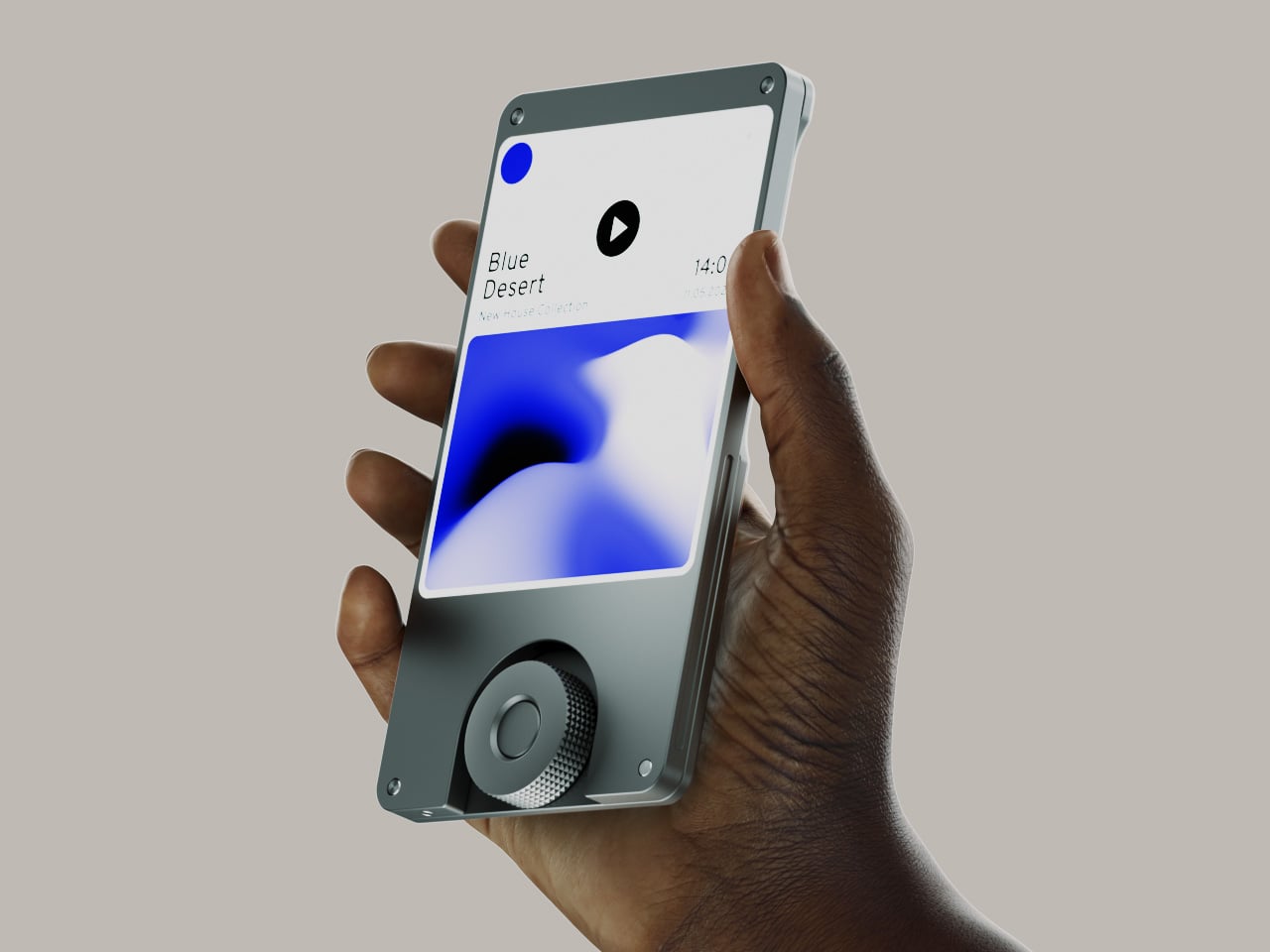
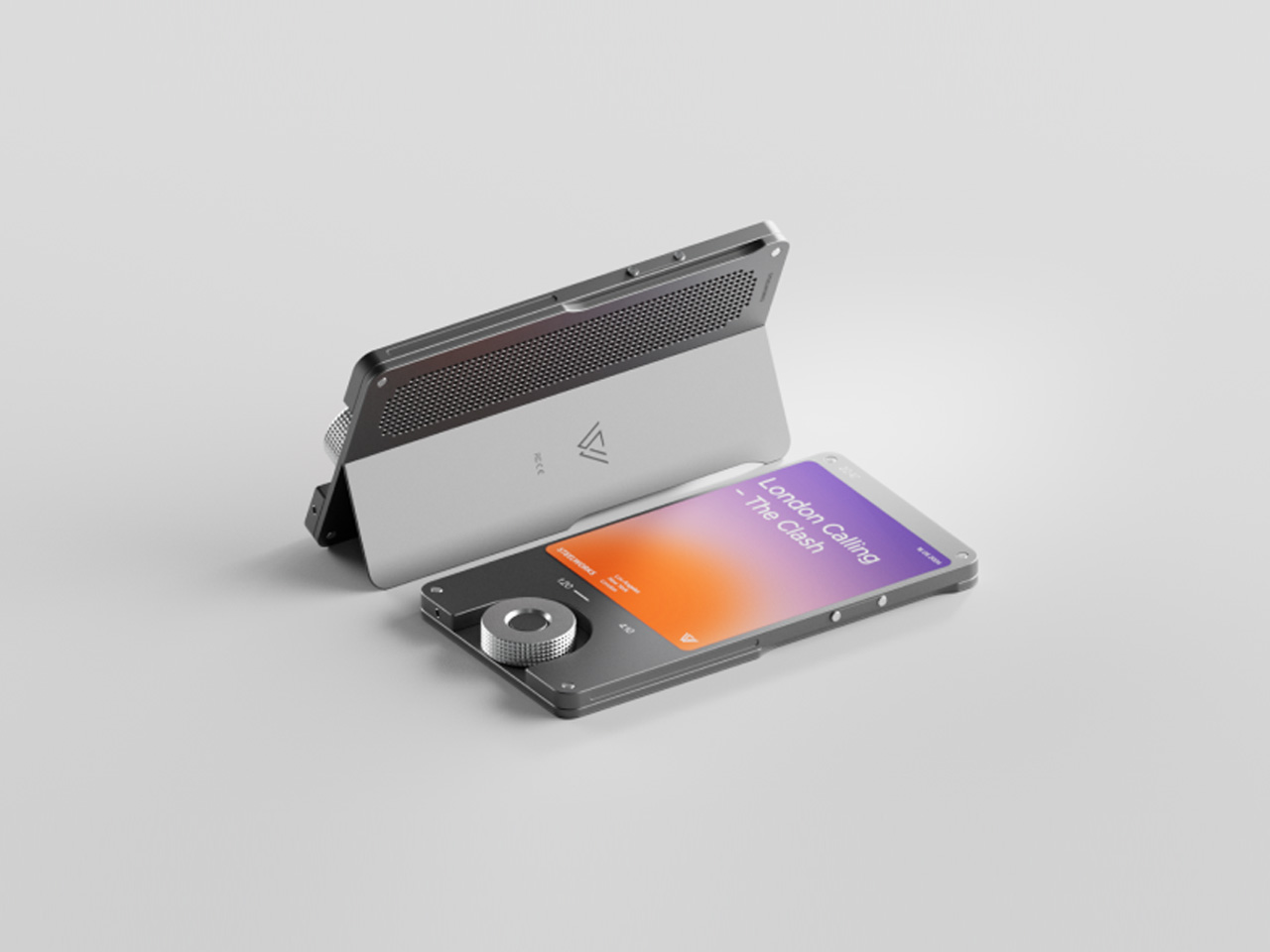
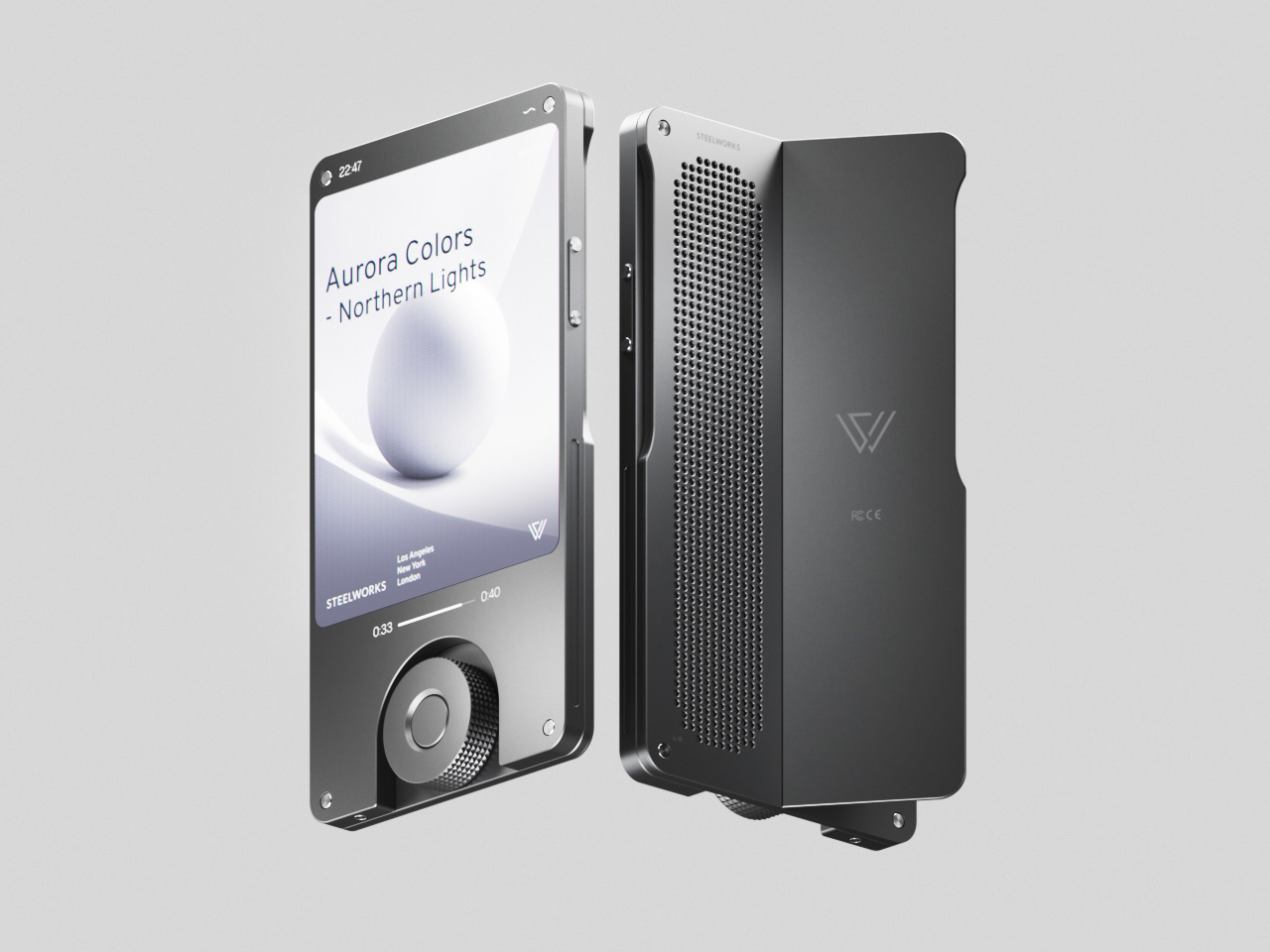
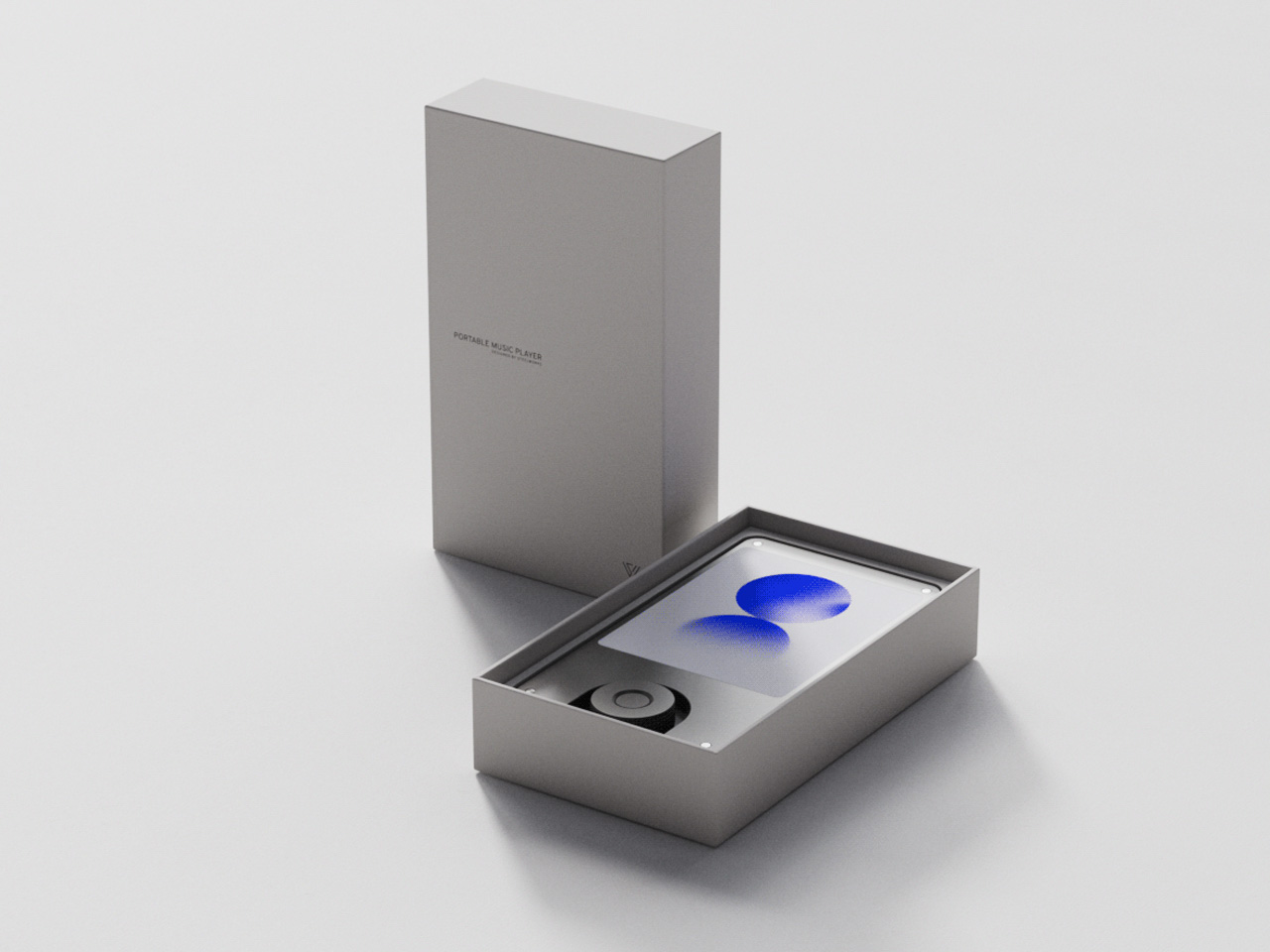
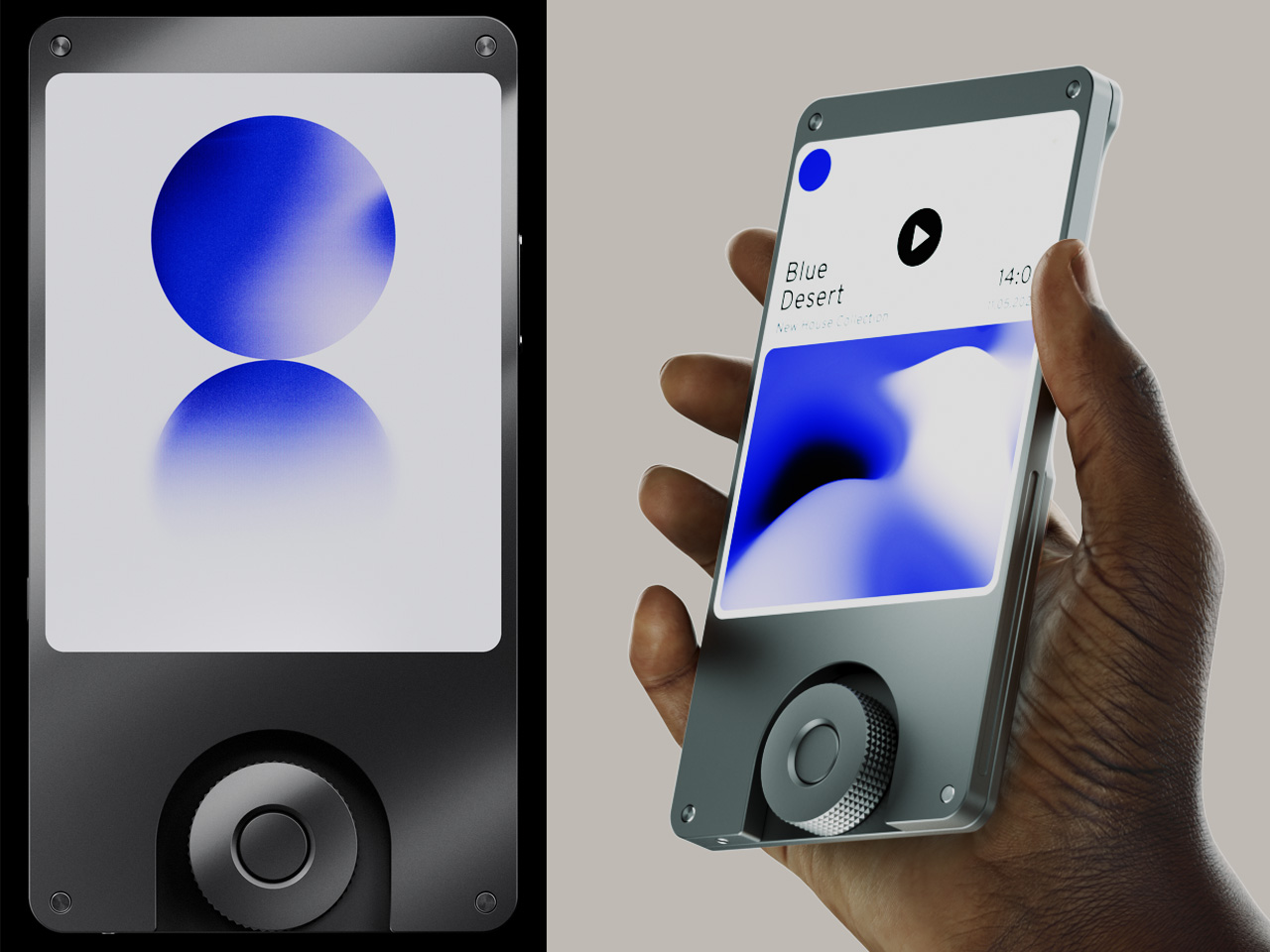
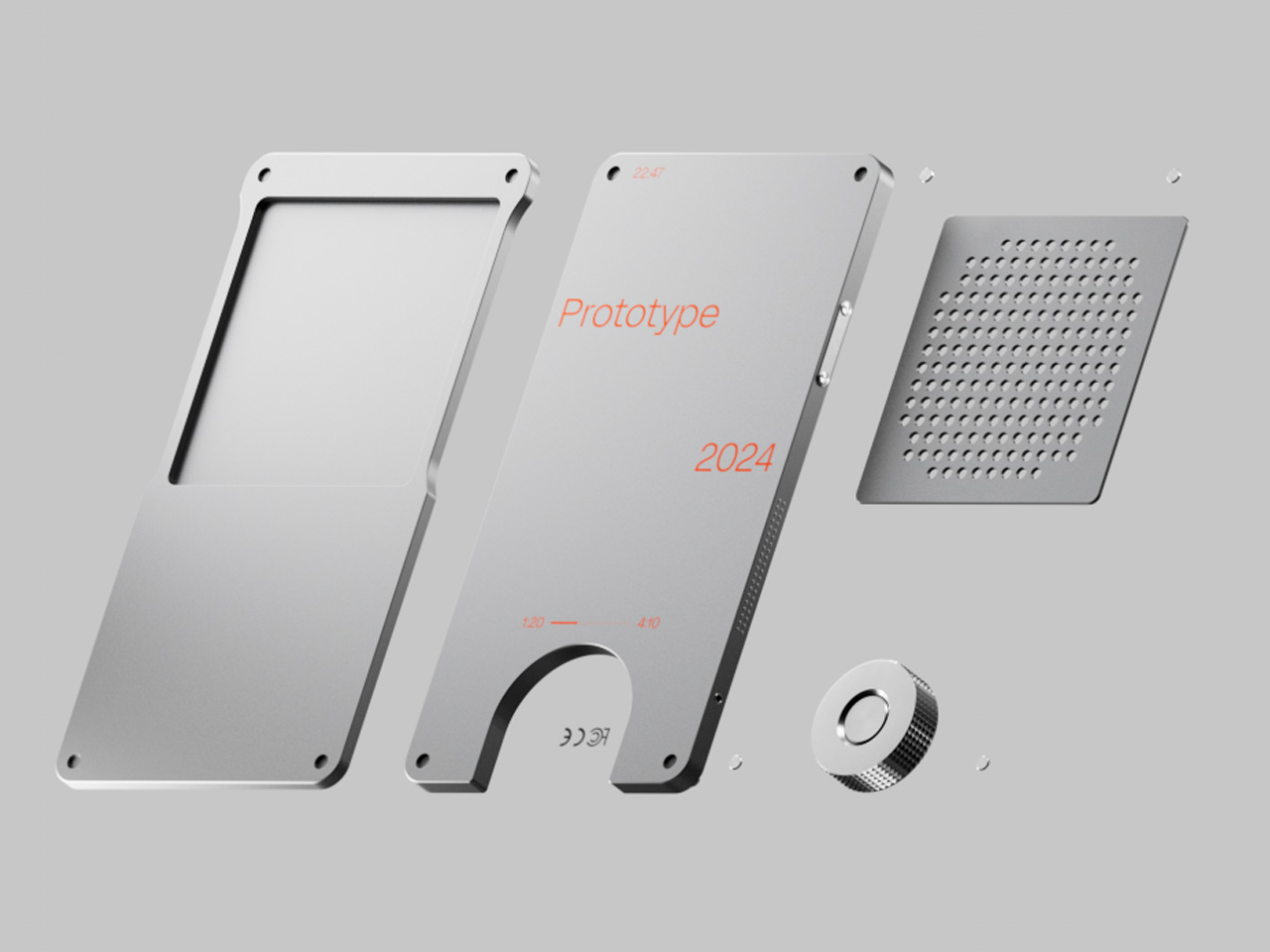
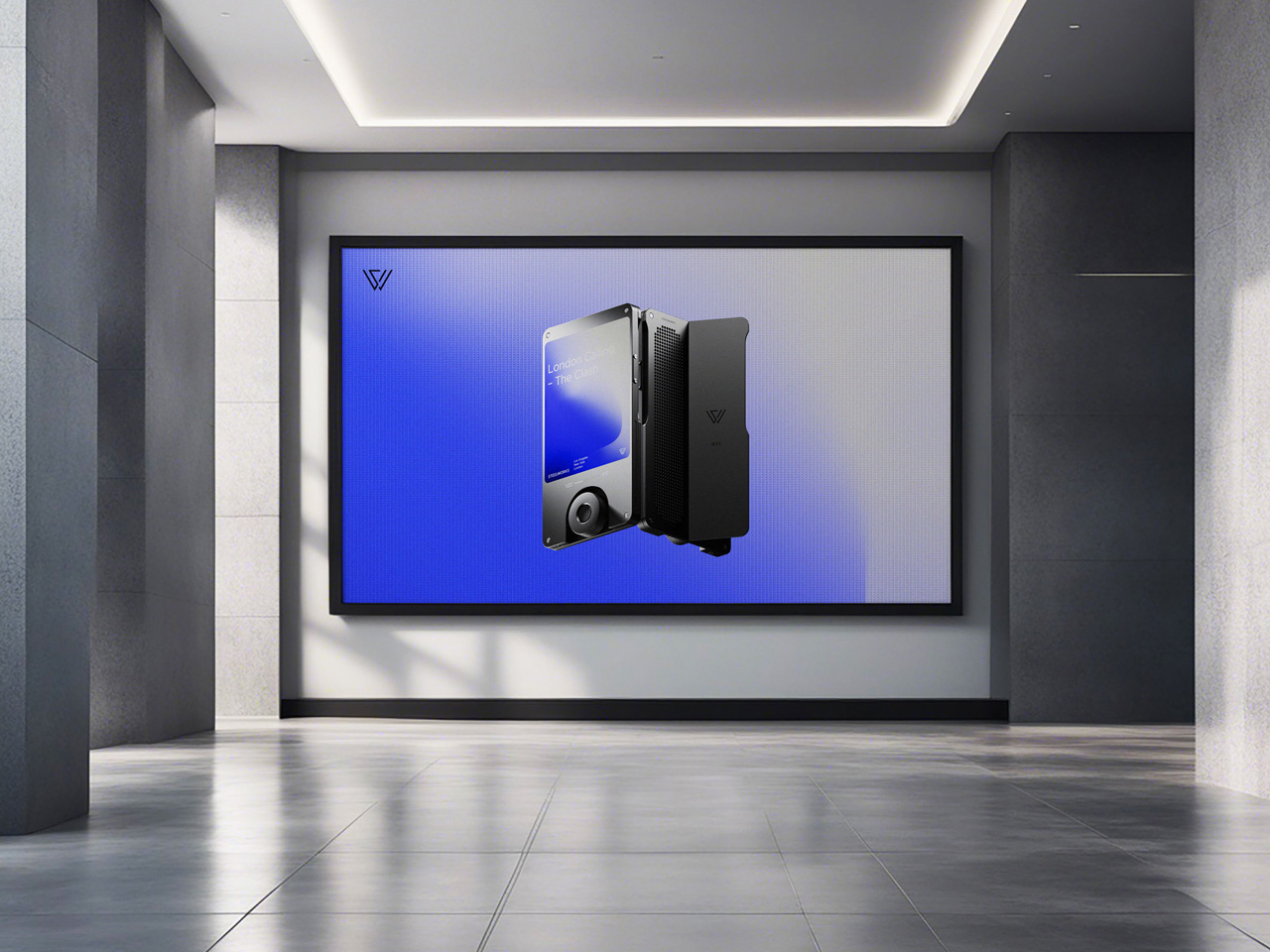
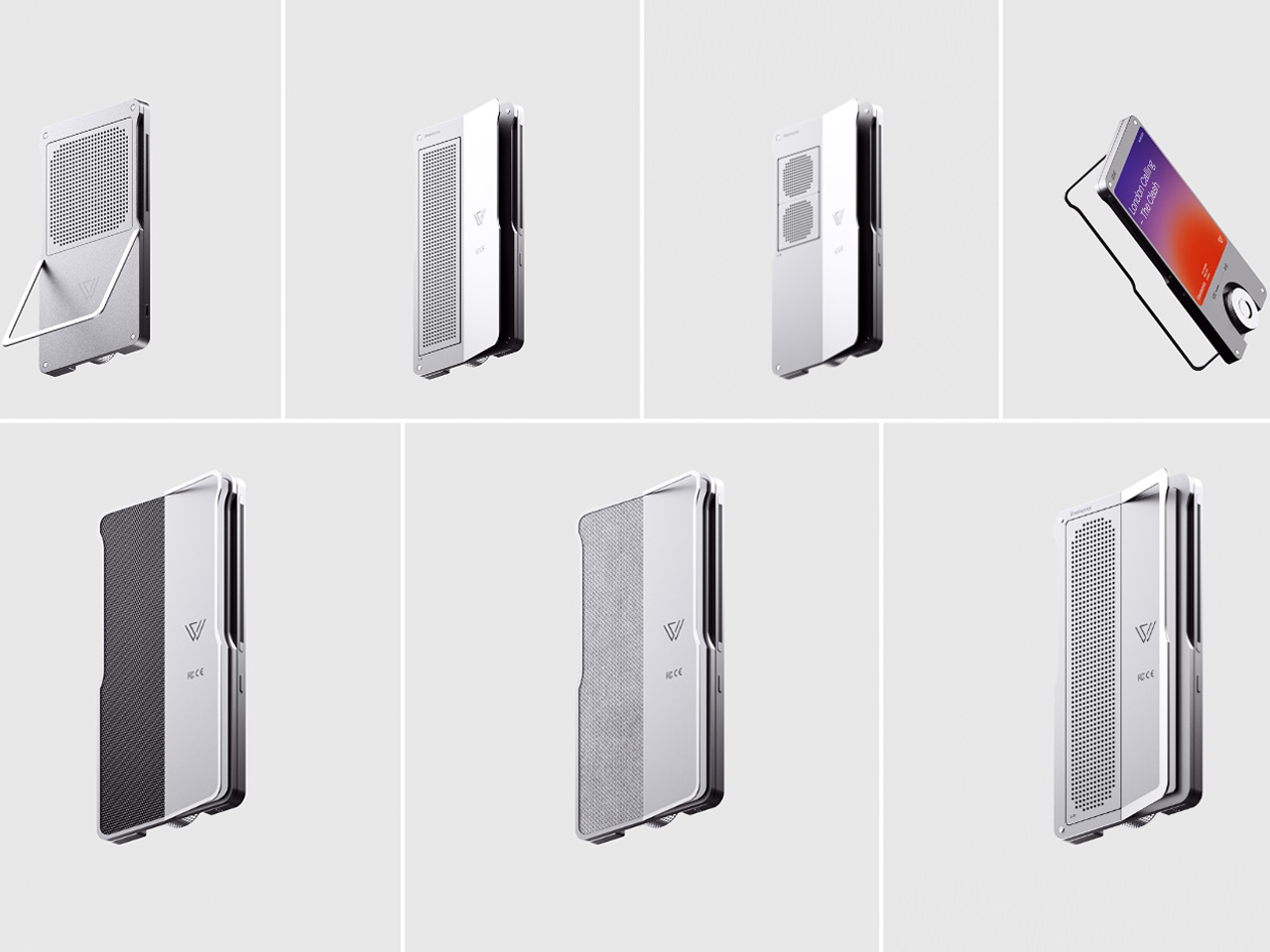
Now Steelworks Studio wants these big names to level up their game with the SW-1 music player, which a proposed concept for a DAP that embodies functionality with visually pleasing aesthetics for a unified listening experience.

Designer: Steelworks Studio

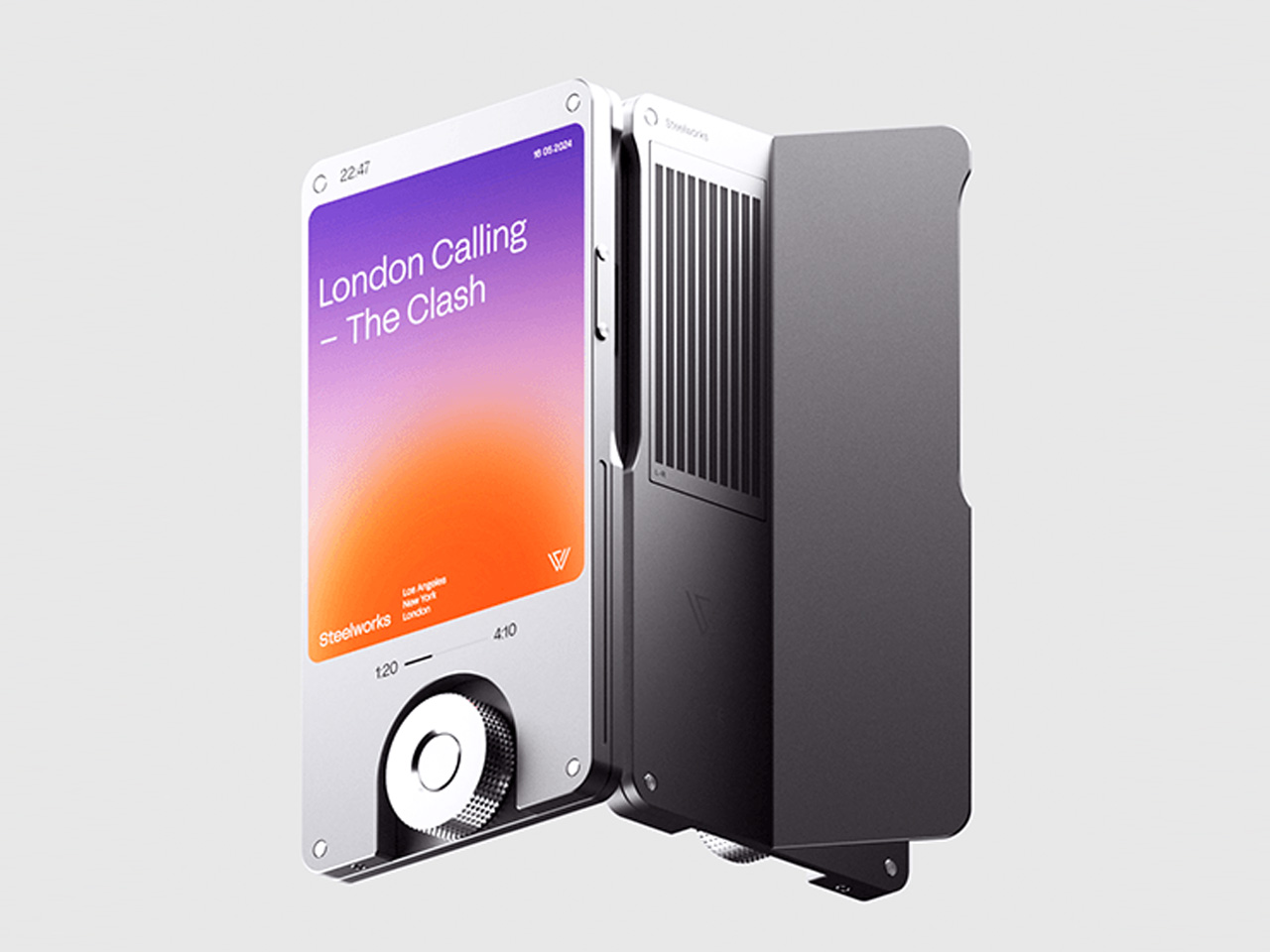
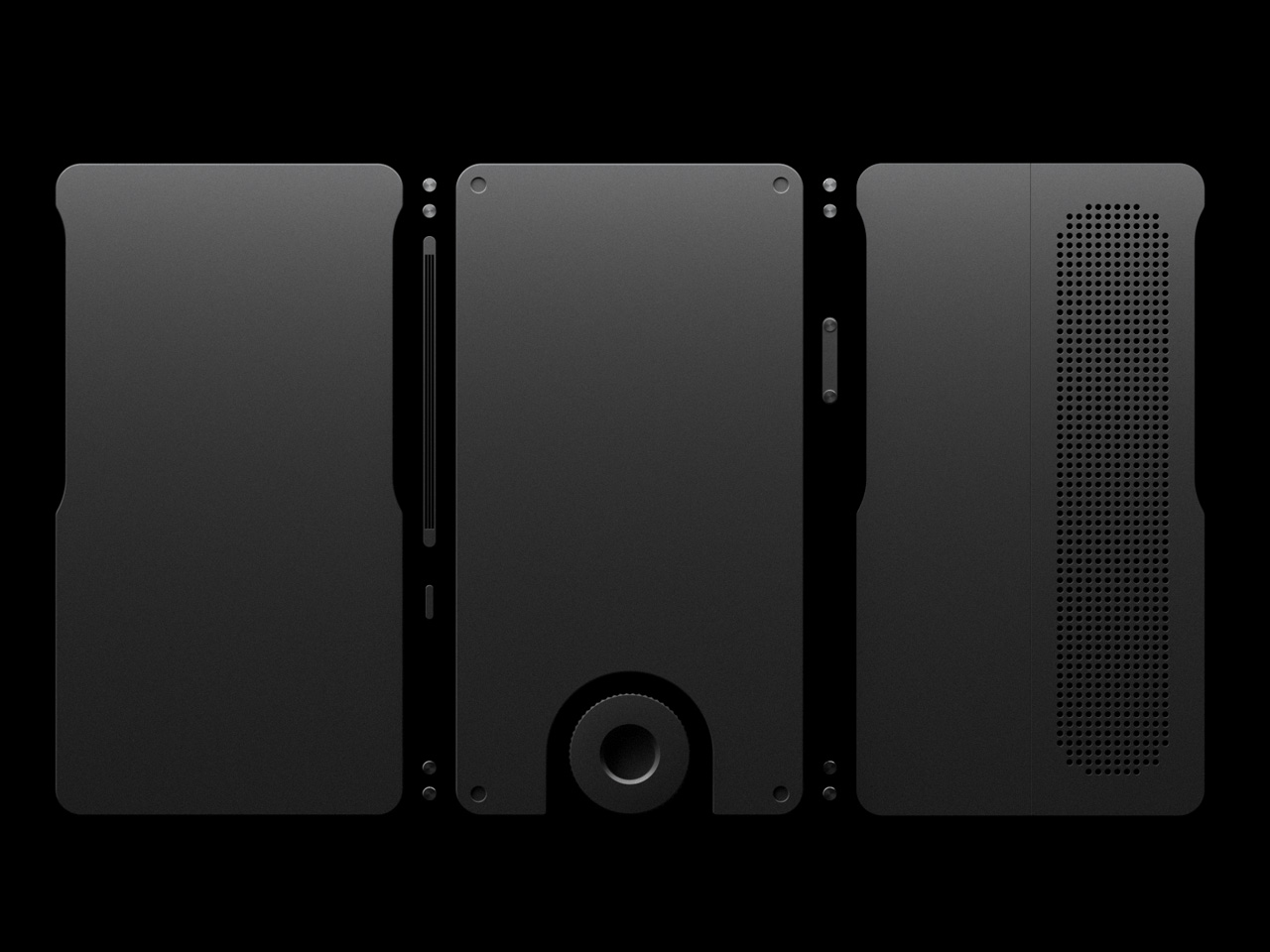
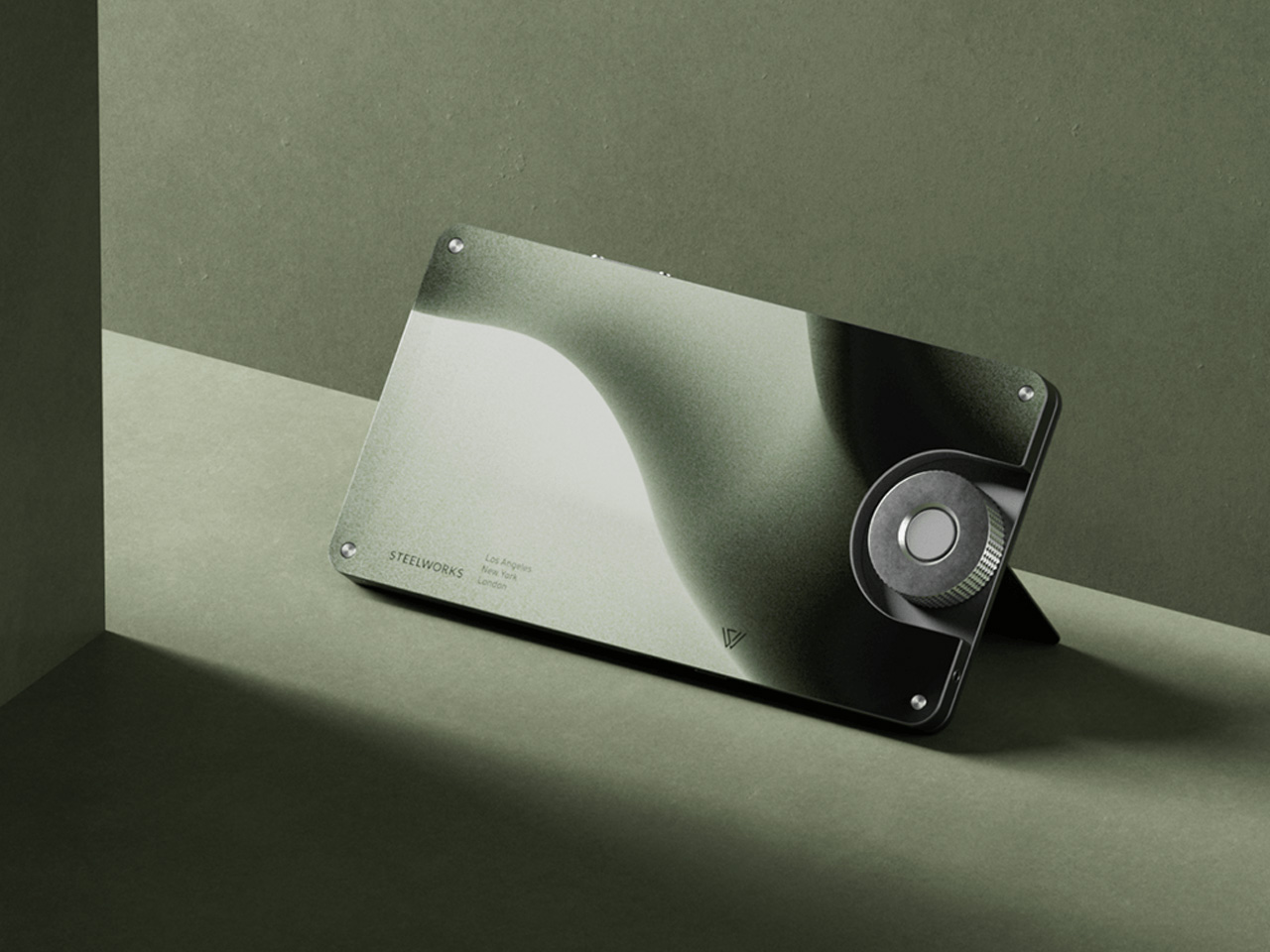
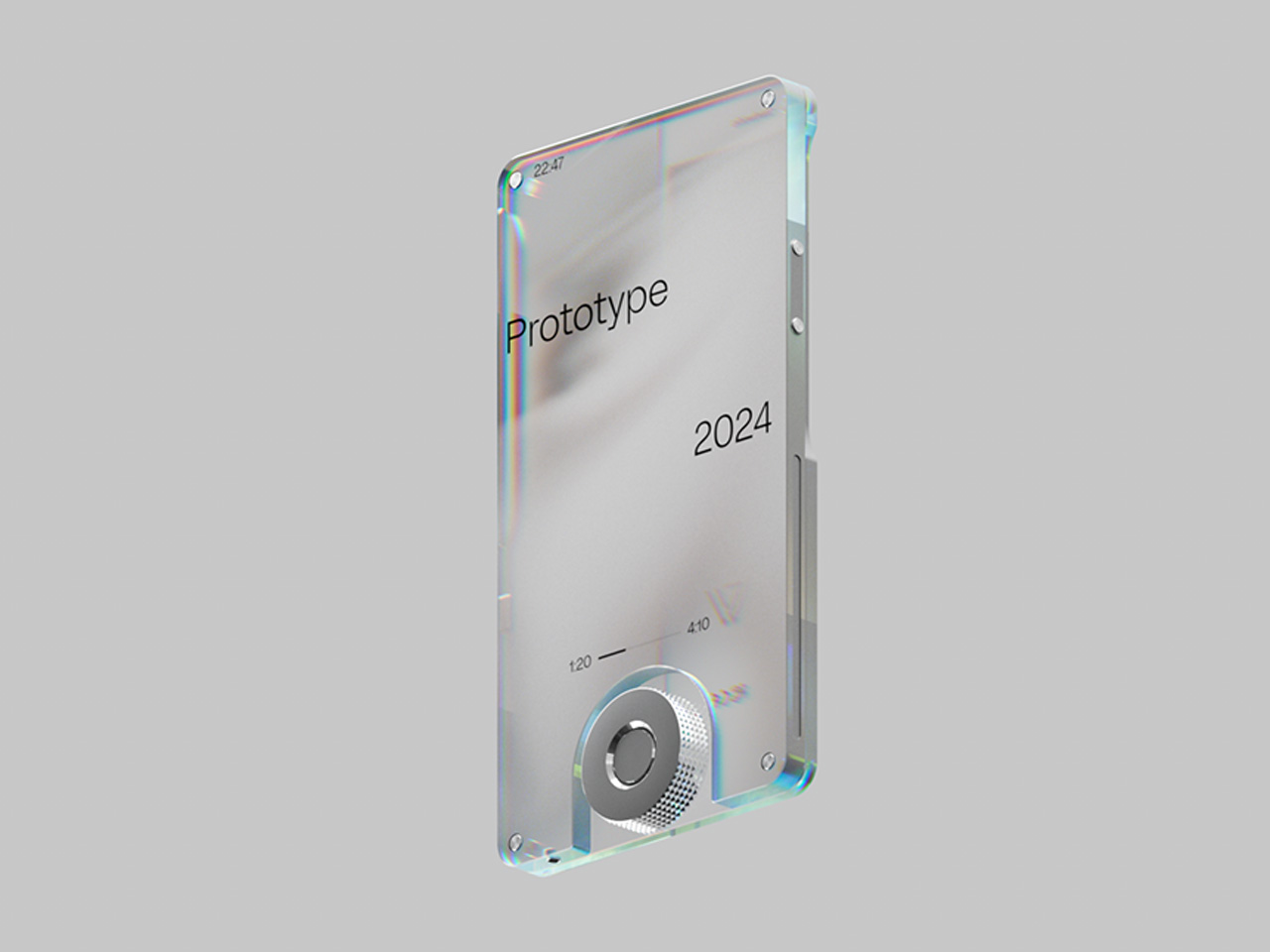
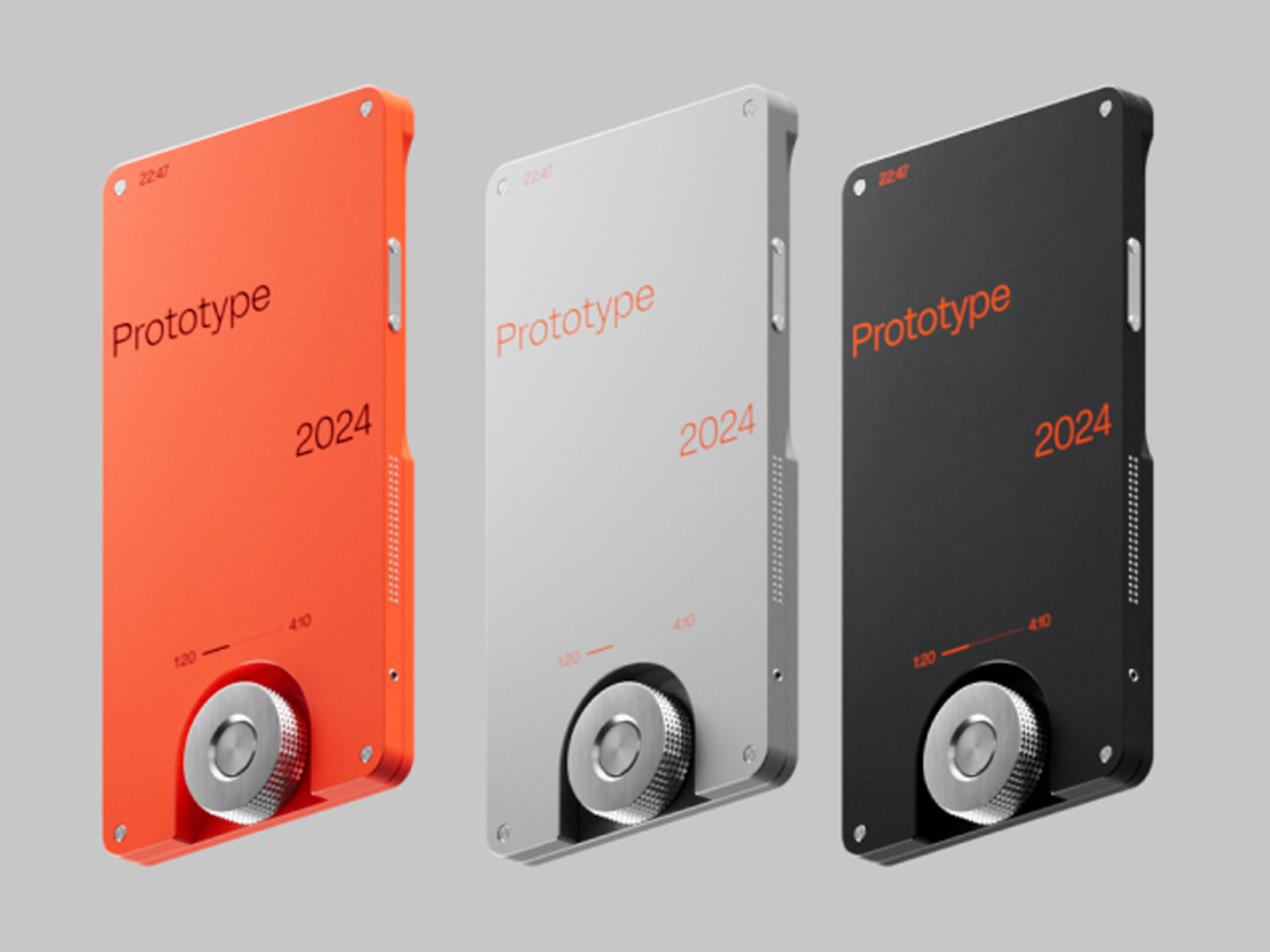
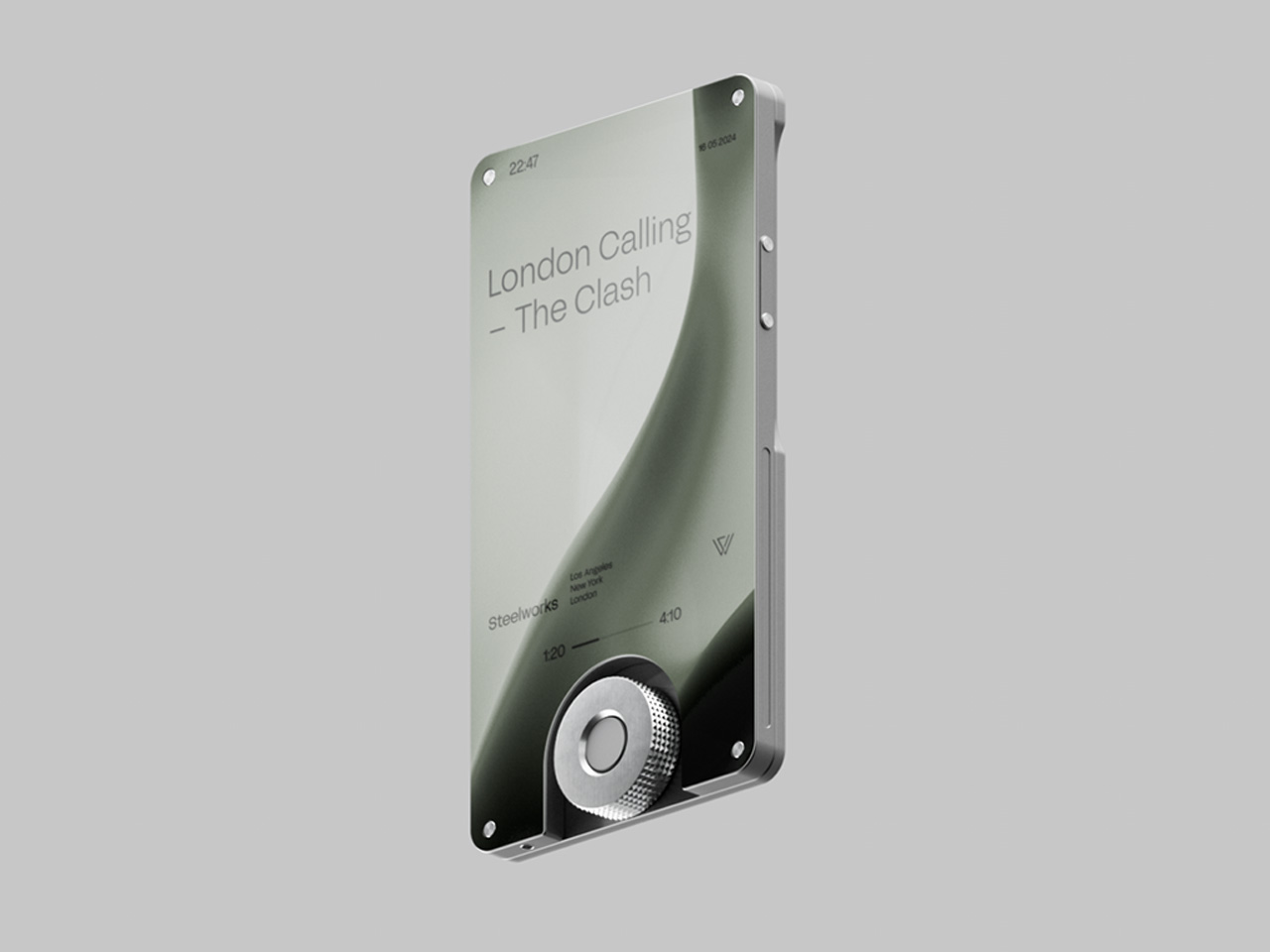
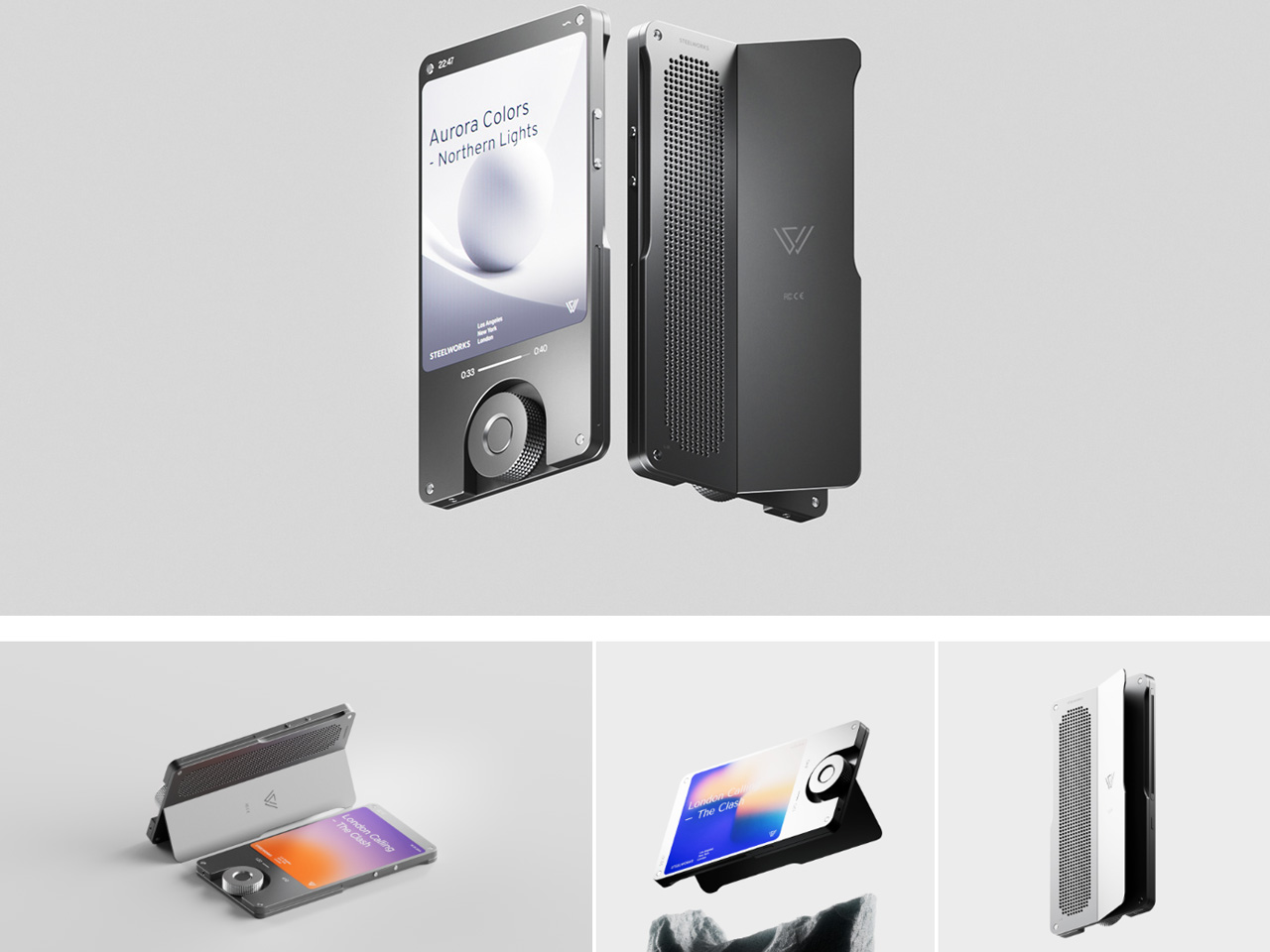
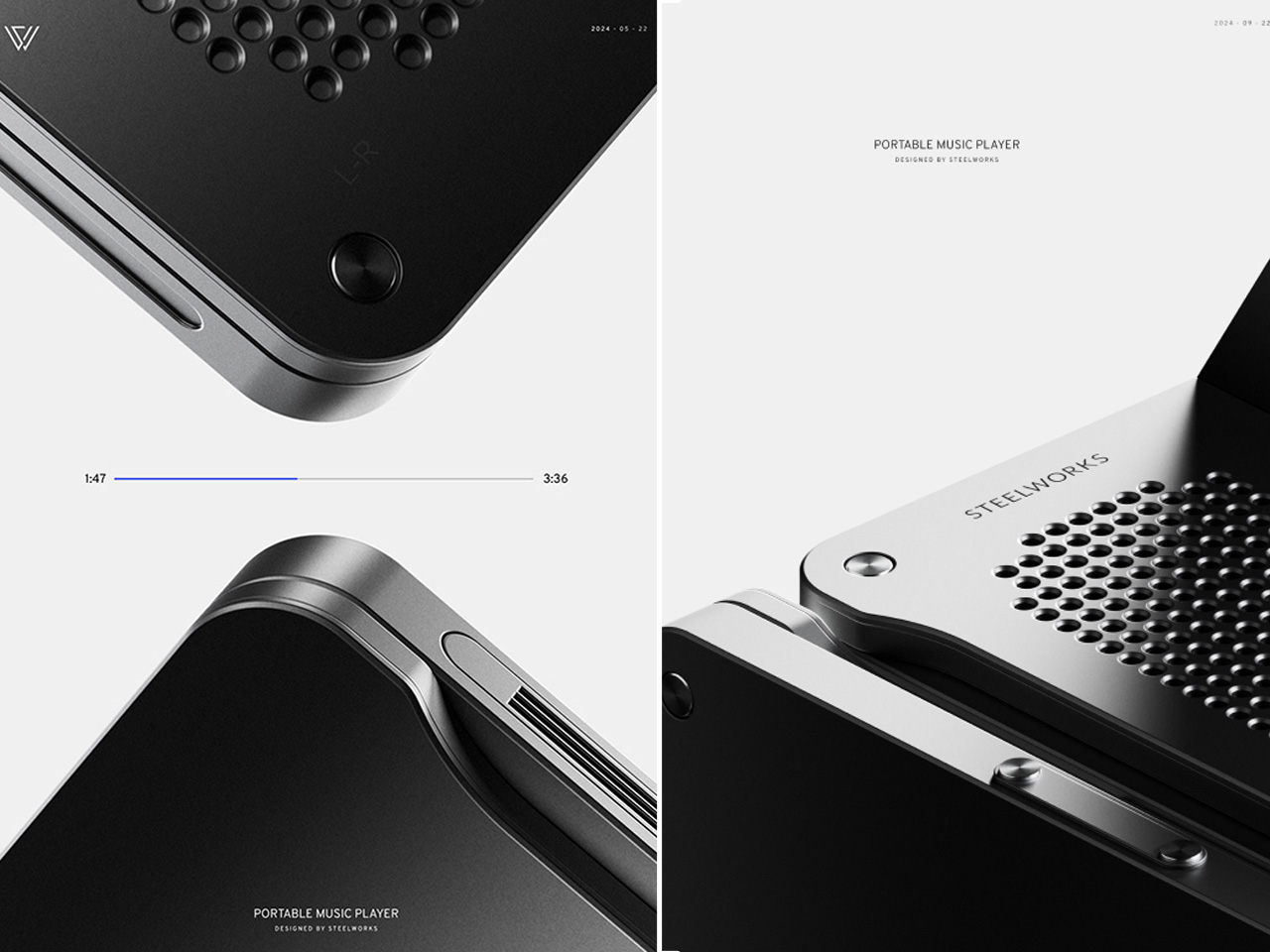
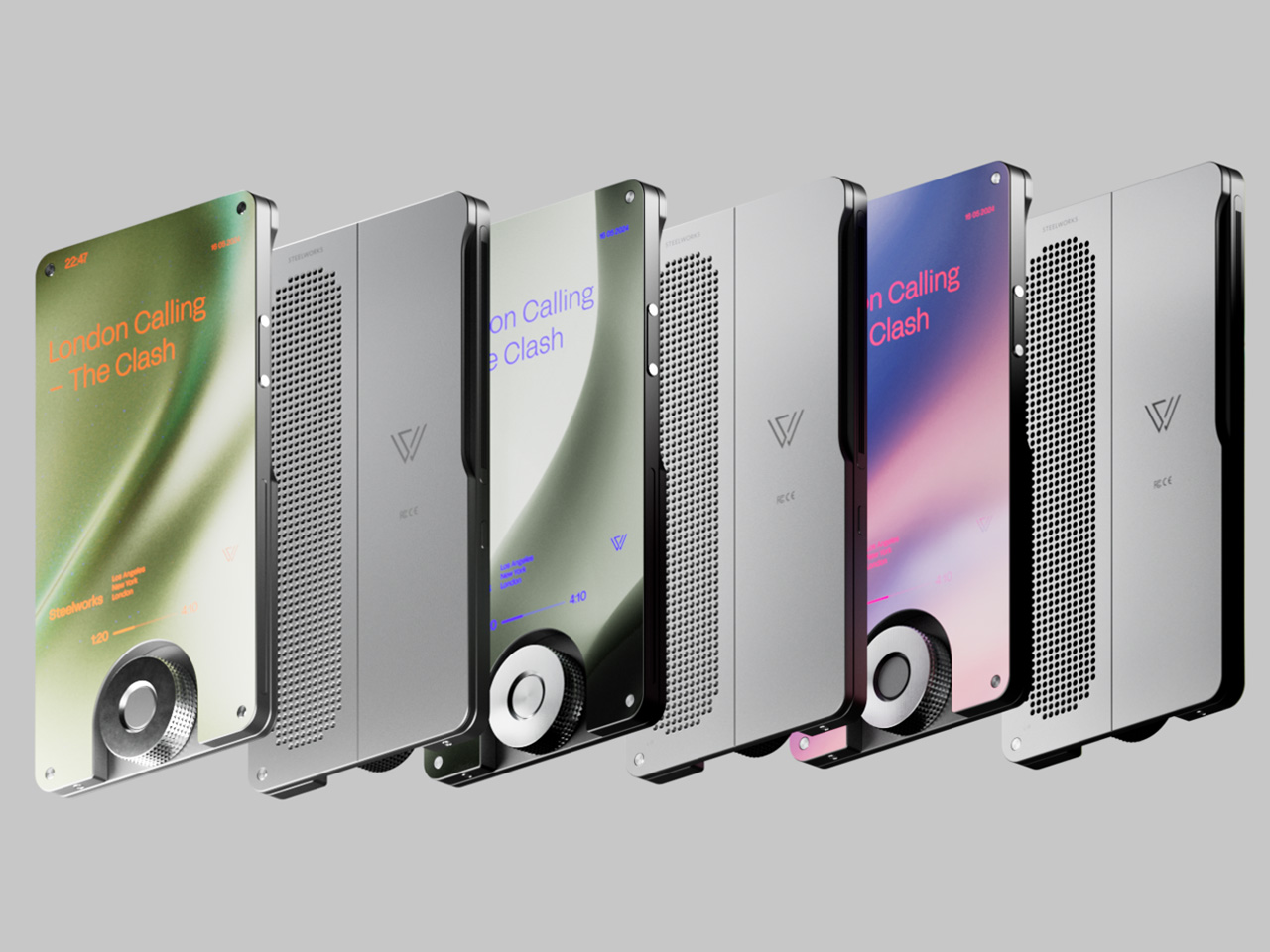
A bezeless responsive touchscreen that is encapsulated by the durable aluminum body frame without subduing the retro charm signifies this design leap. The minimalist aesthetic is complemented by the stunning OLED display that fits the vibe of modern audio listeners. This concept chooses the trending silver finish for the frame that has a beautiful volume knob in the bottom center to induce a tactical feel.

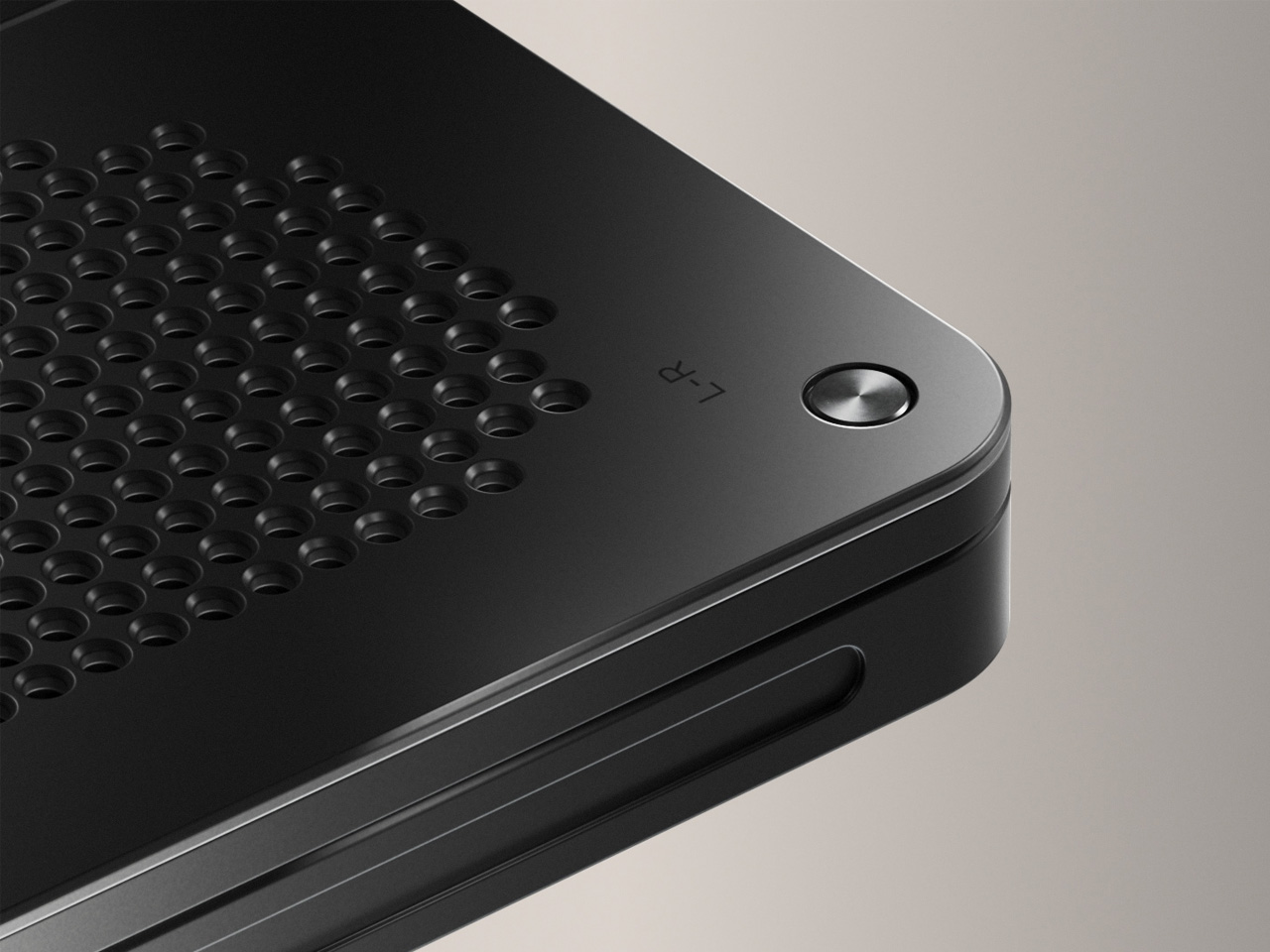
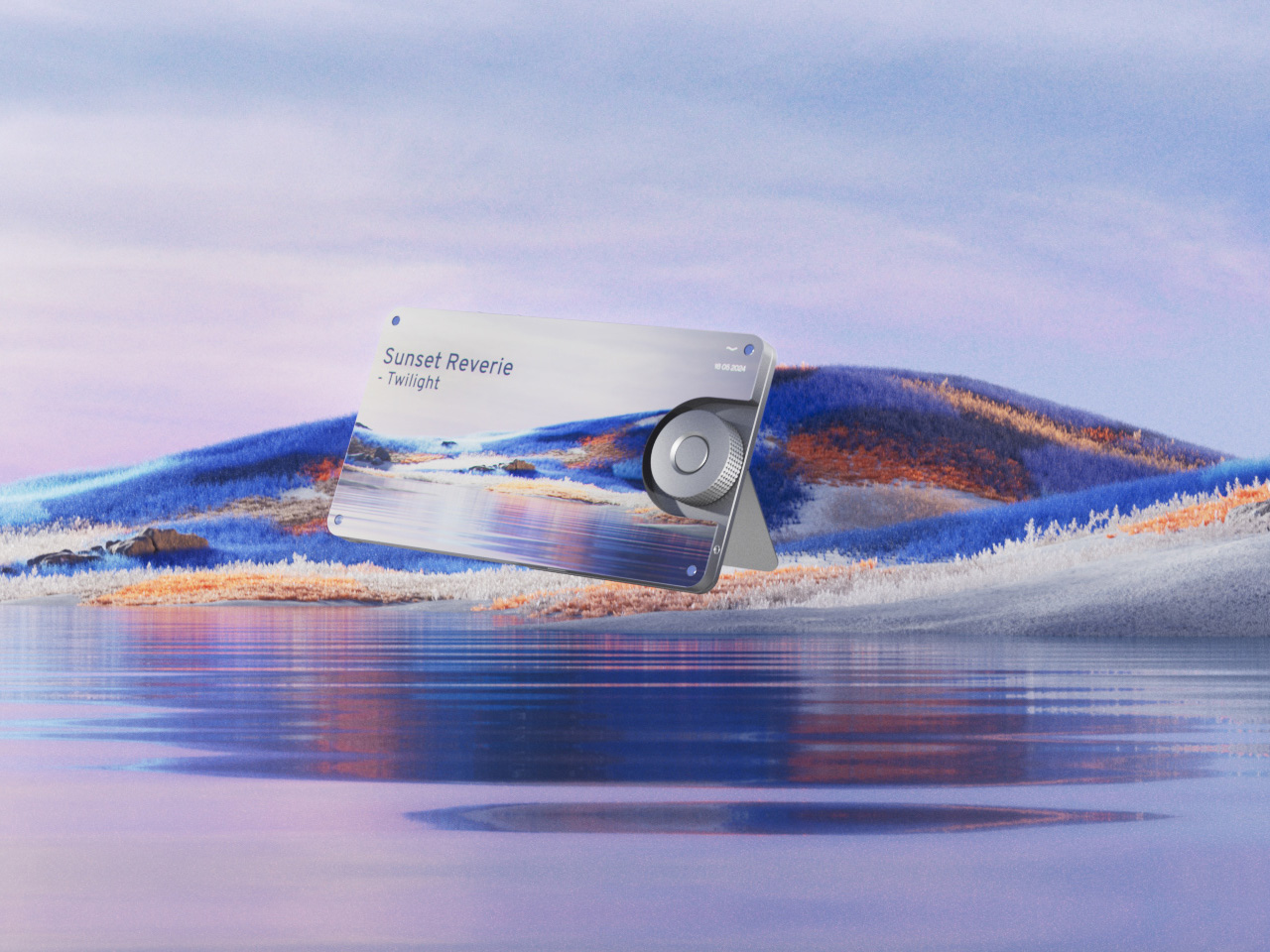
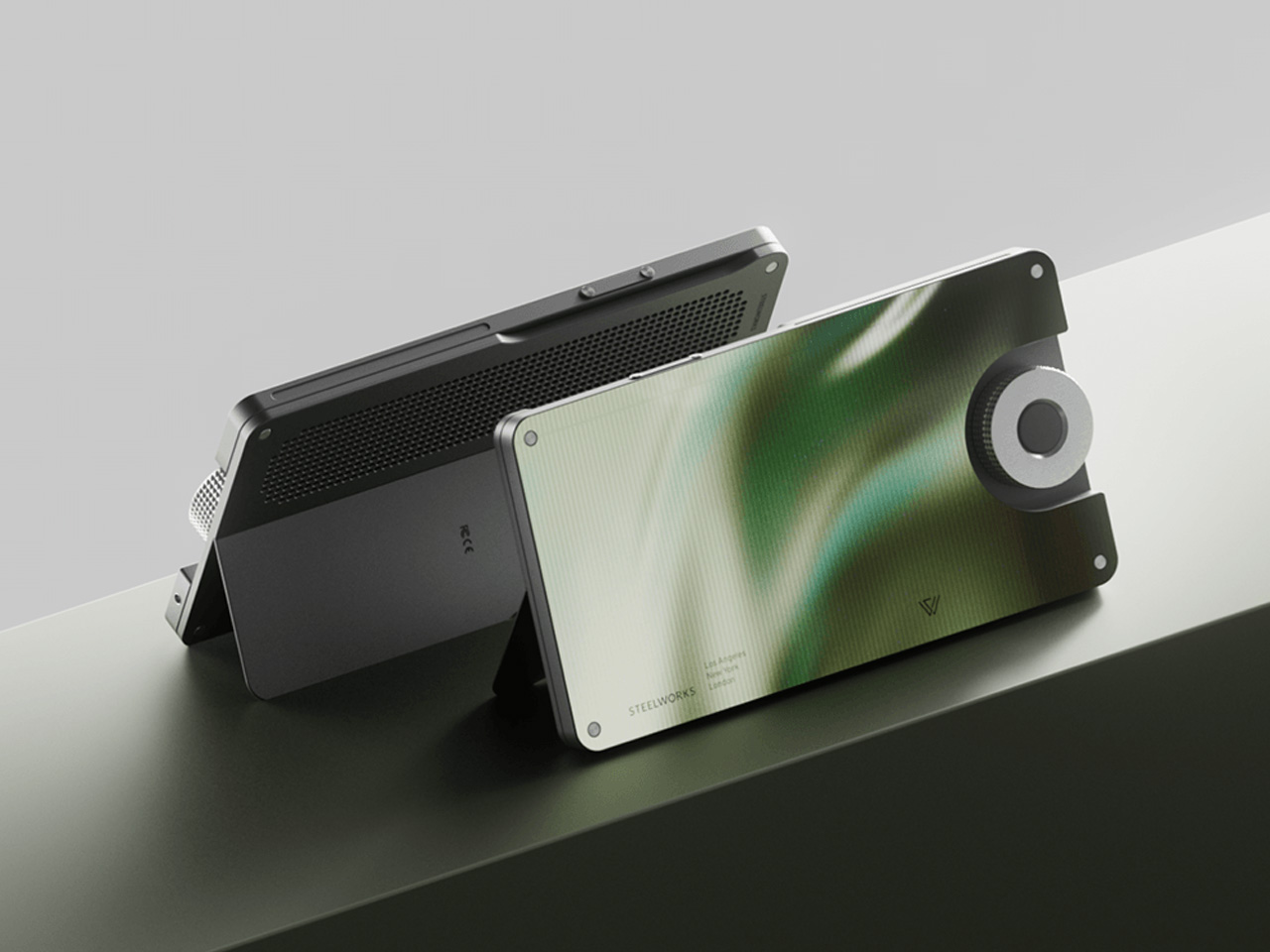
The user can listen to their music on the 360-degree surround sound speakers as well as the gadget can be placed in the horizontal orientation. Yes, it’s got an equally robust kickstand for placing the device on a flat surface in landscape mode. So, you’re not just limited to music, but can also enjoy immersive binge-watching on the player.

The SW-1 music player has a very sleek and ergonomic footprint so that it can be carried easily in your daily commute to work. While the form factor is slightly taller than your usual Hi-res music player, the gadget is far thinner than other DAPs out there. Honestly, the height could have been a little less considering the display only occupies around 1/4th of the screen real estate. Anyways, the skim form fits like a charm in hand and that volume knob adds spice to your music listening experience.


The post This ultra-thin portable music player redefines music listening experience first appeared on Yanko Design.

Quirky chair concepts are made for both humans and their feline masters

Anyone who has owned a cat will know the truth about who is really the master and who is the pet. Although they can definitely be cuddly and sentimental, furry felines are also known to be temperamental and territorial. And by that, it usually means that any place in the house can be their territory. All kidding aside, cats tend to love squeezing into tight spaces, even when you’ve already provided a lush, comfy, and unfortunately very open bed. Embracing the behavior of cats and how they can be central to owners’ lives, these concept designs envision furniture for humans that cats will appreciate, or rather, cat furniture that just happens to be usable by humans.

Designer: Jing-Cyuan Tang

For reasons unfathomable to all except their regal kind, cats love to squeeze into cramped spaces. Of course, they’ll still enjoy plush beds, but give them a box or a tube and their natural instincts kick in. So why not just design sleeping furniture that appeals to this behavior directly instead? Bonus points if it can also be used by their human owners, potentially letting them bond even better when resting in the same place.

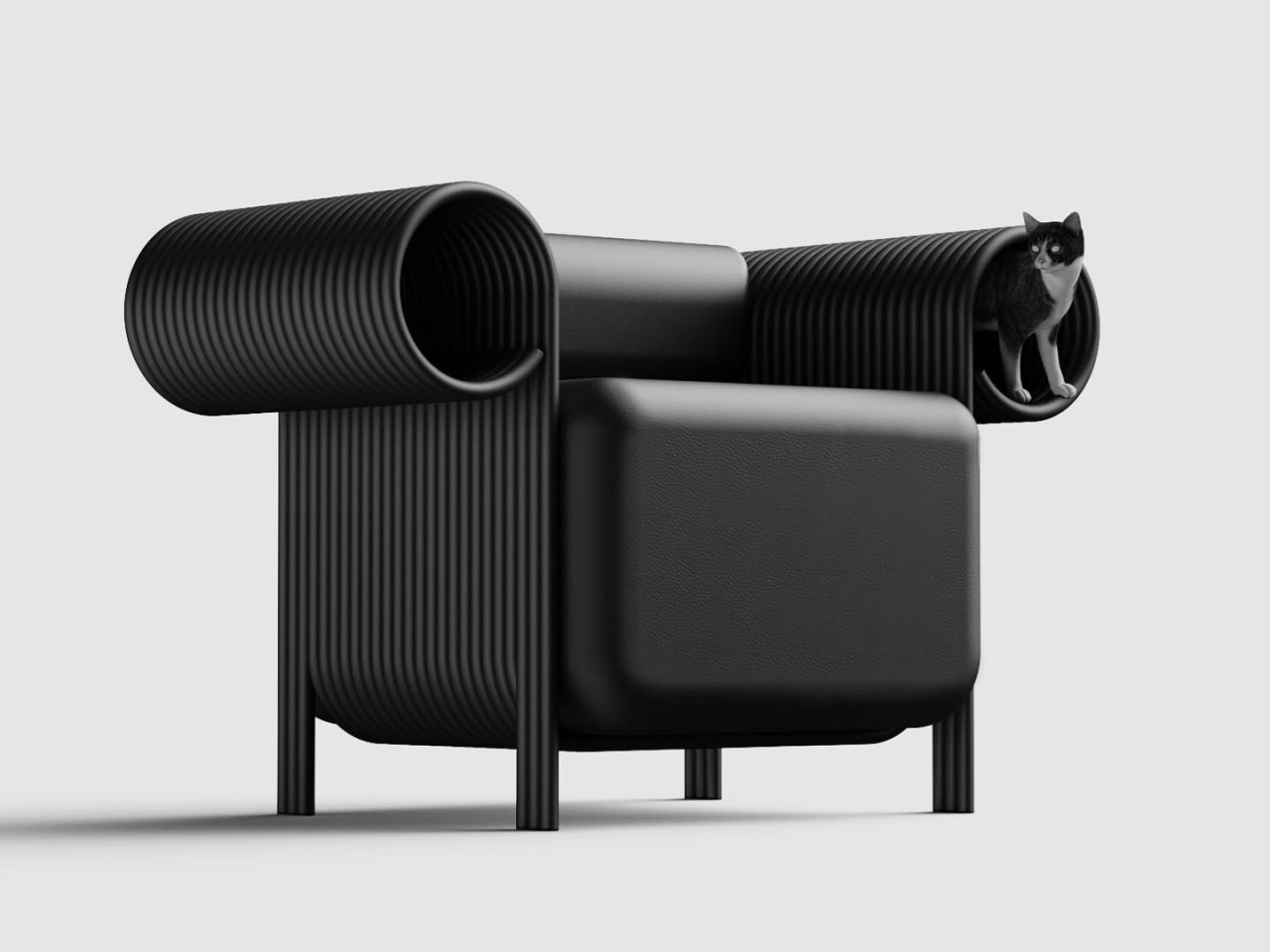
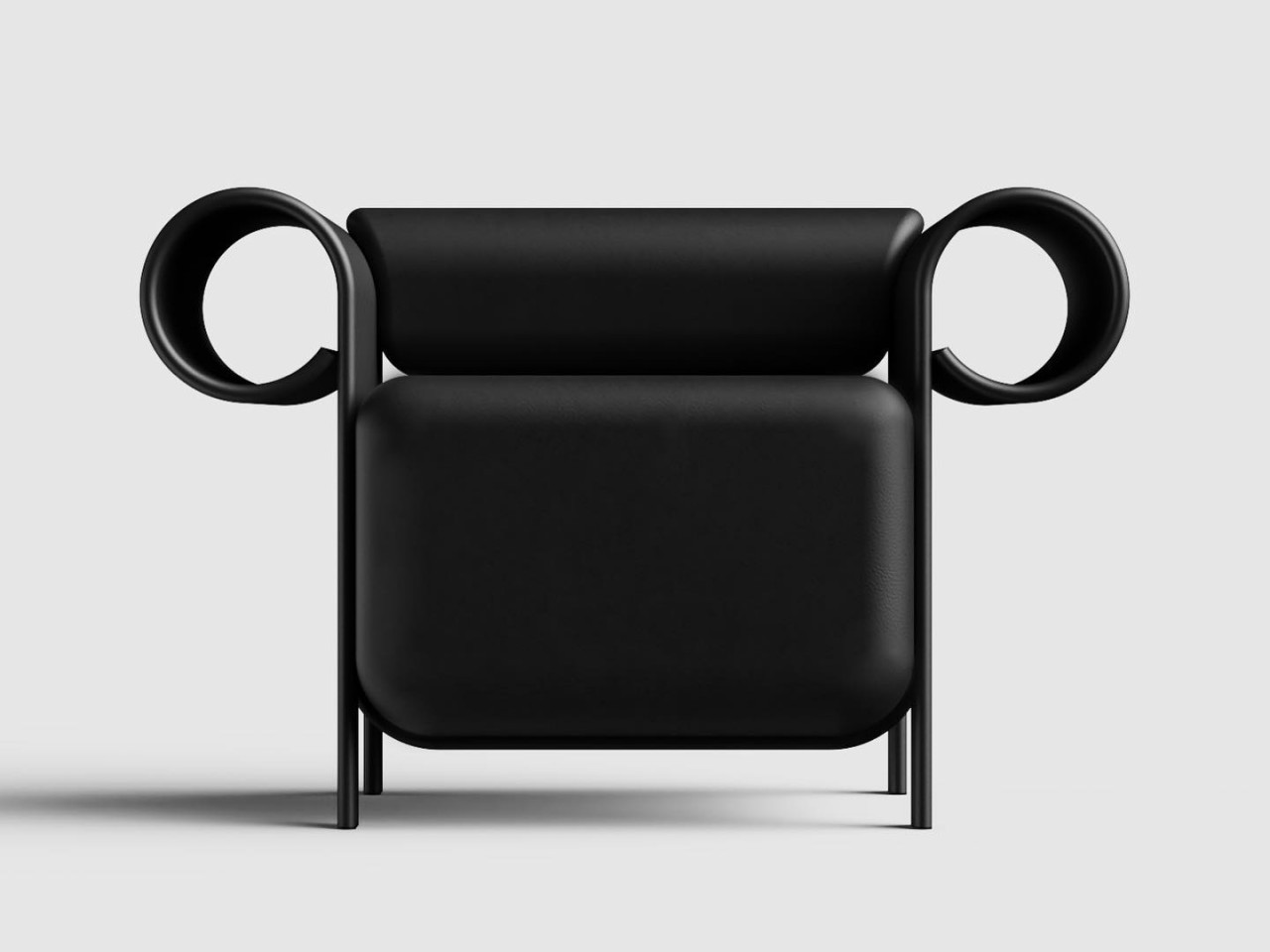
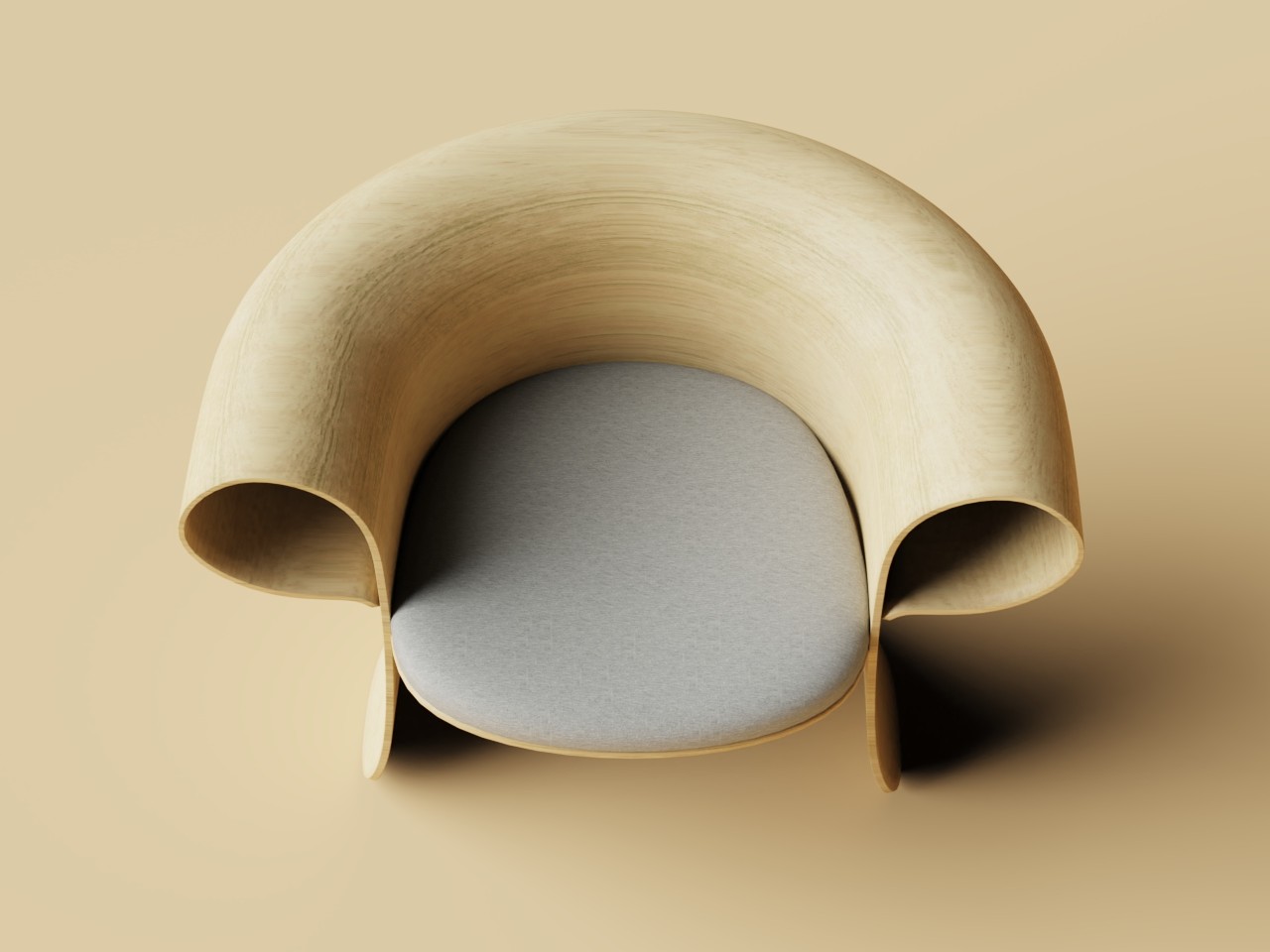
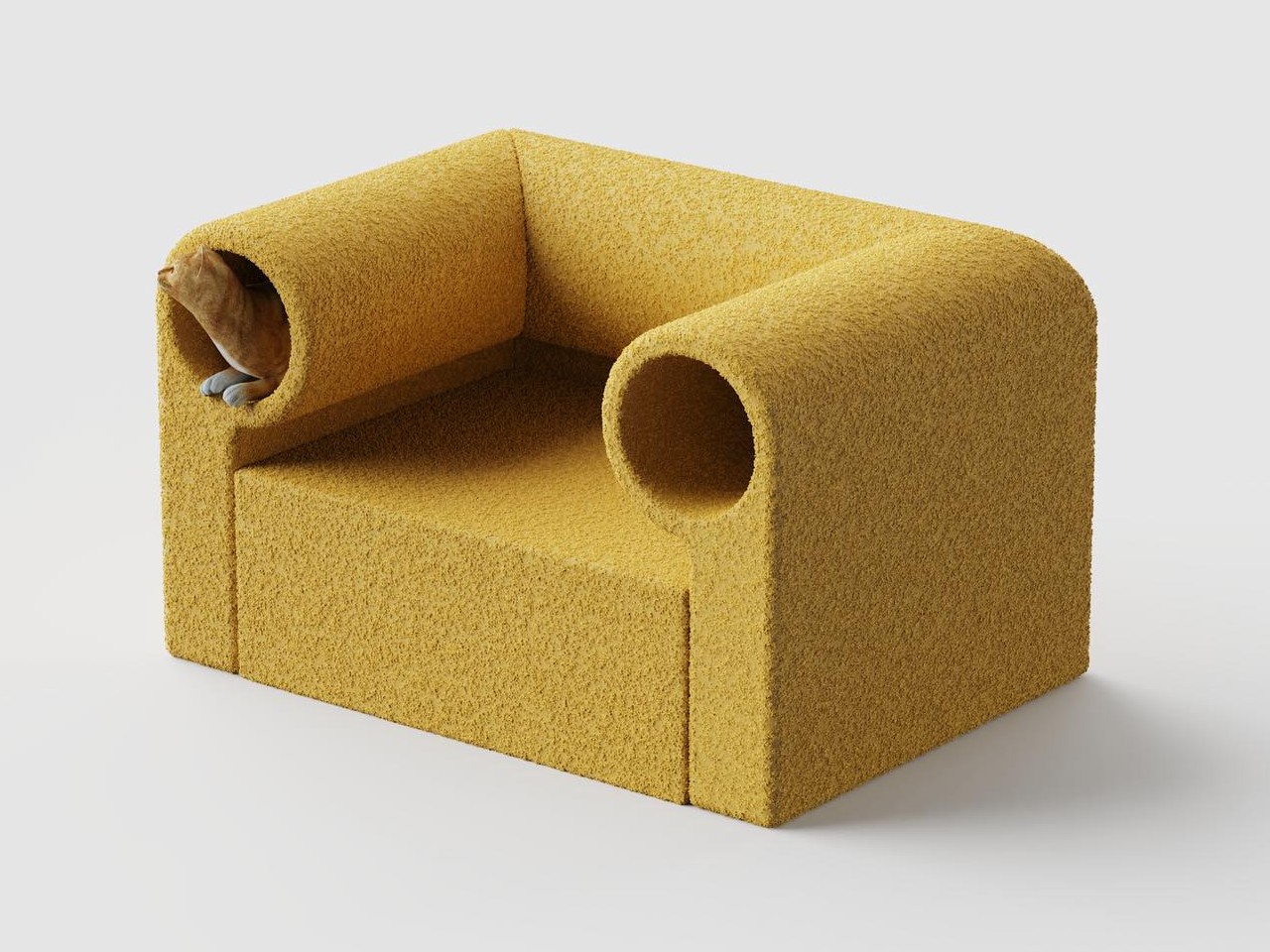
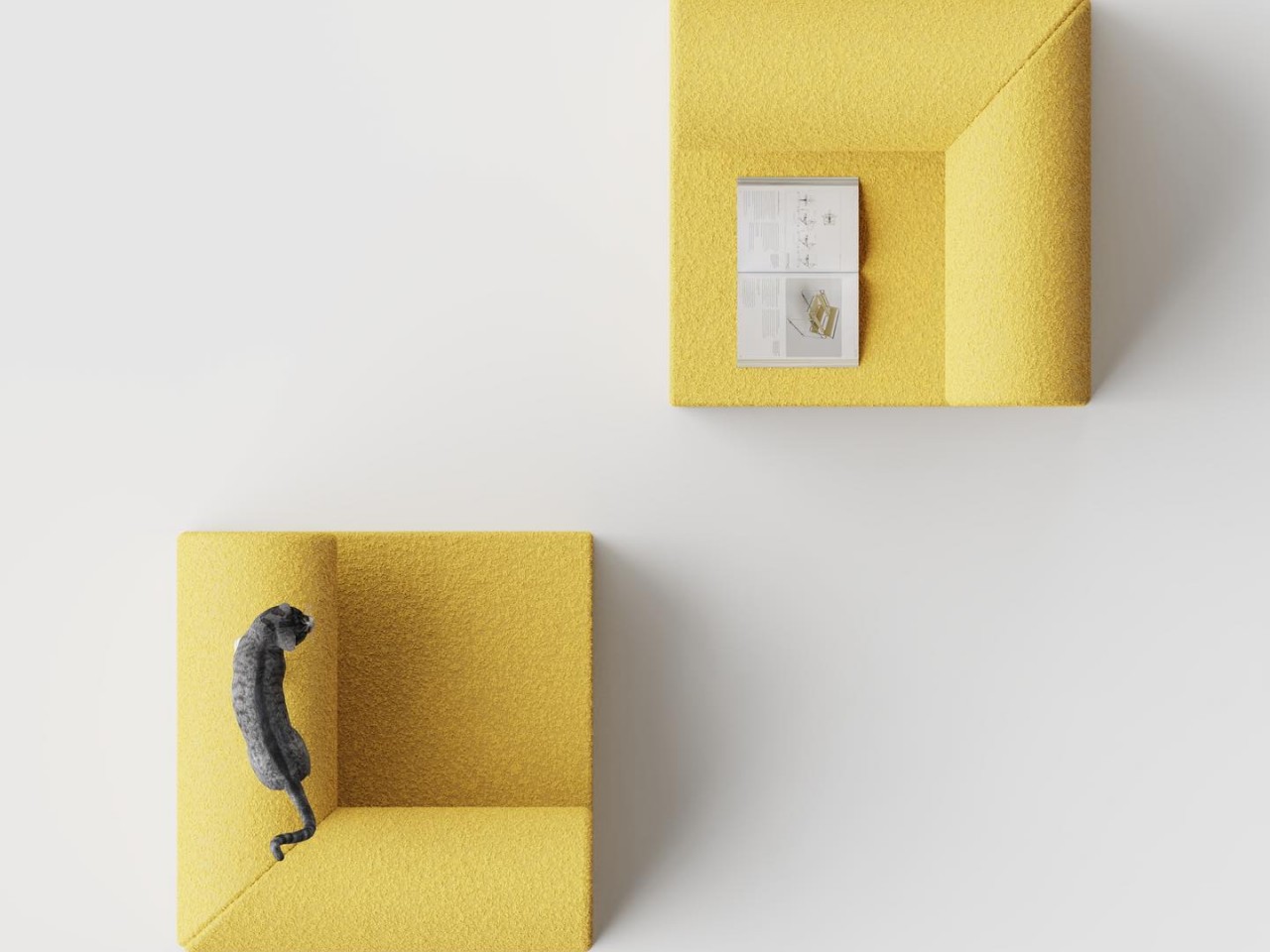
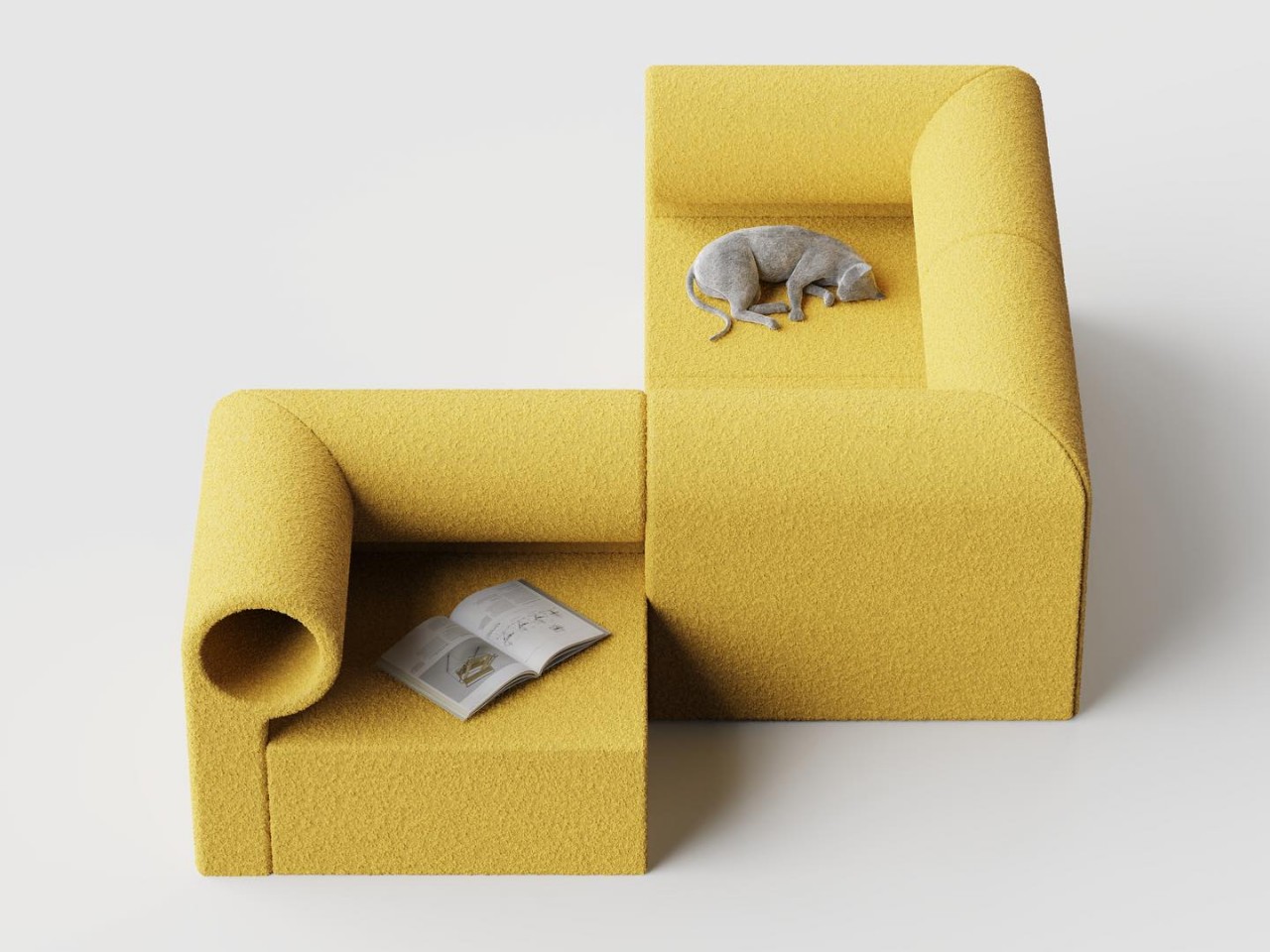
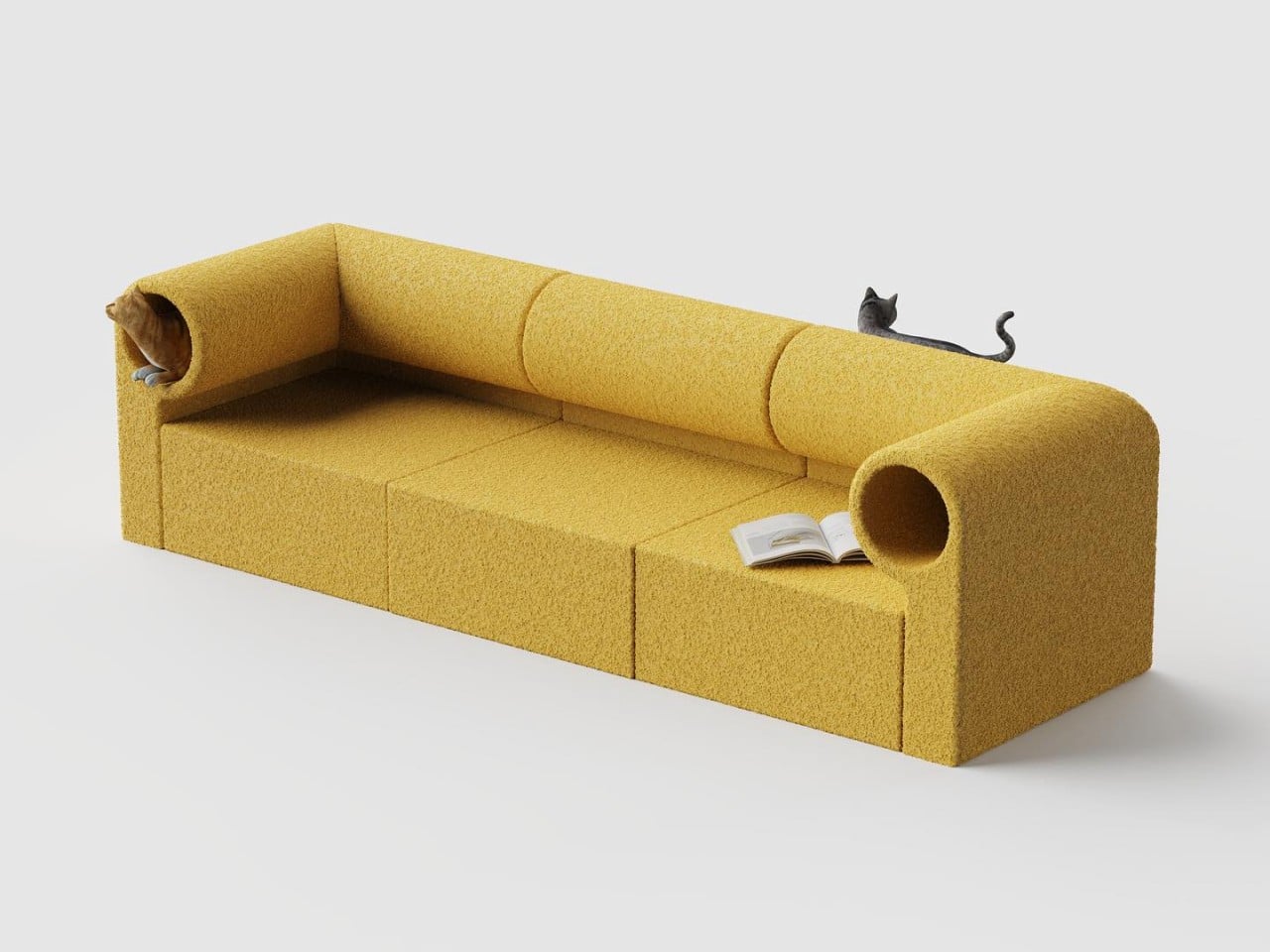
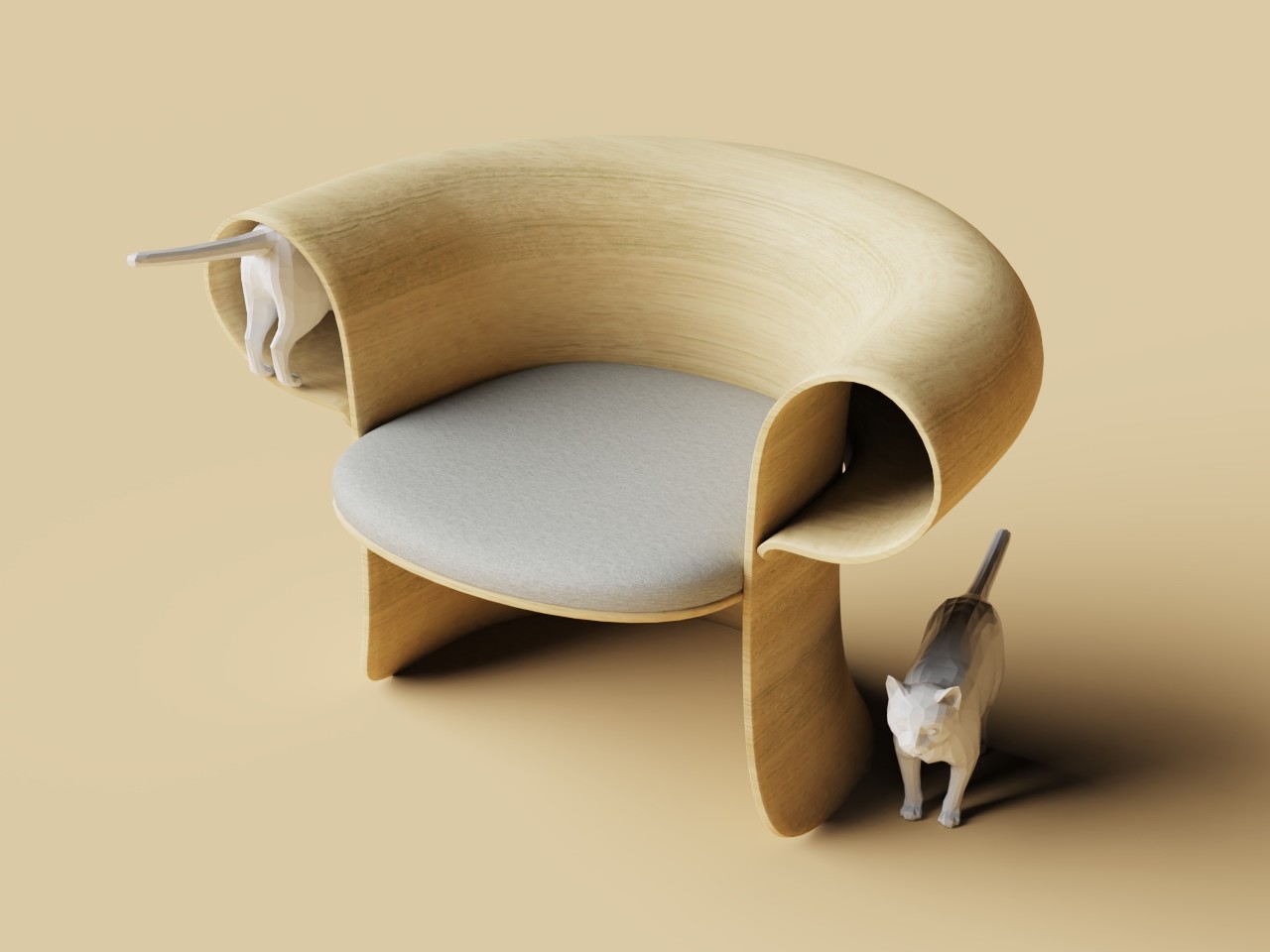
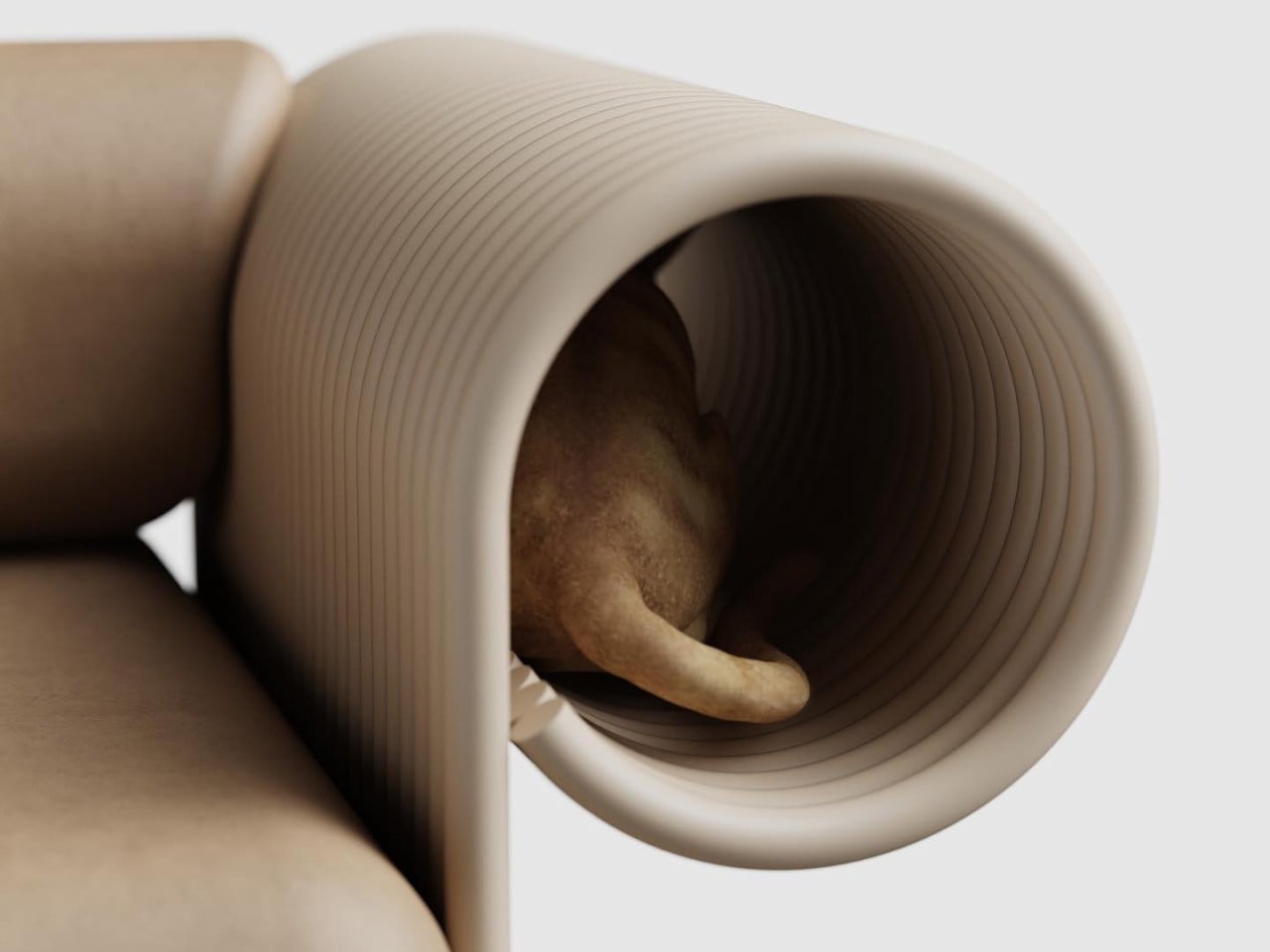
That may be the thinking behind this rather unusual set of cat-friendly furniture design concepts. Or perhaps they’re human-friendly cat furniture designs. Either way, these chairs will be enjoyable to both parties, though their maintenance will probably be less so for humans. The common theme these chairs have are the armrests that act like dark tunnels, enticing cats to go inside to nap. There’s ample space for a cat or even two, so it’s not exactly a cramped and uncomfortable space at all.

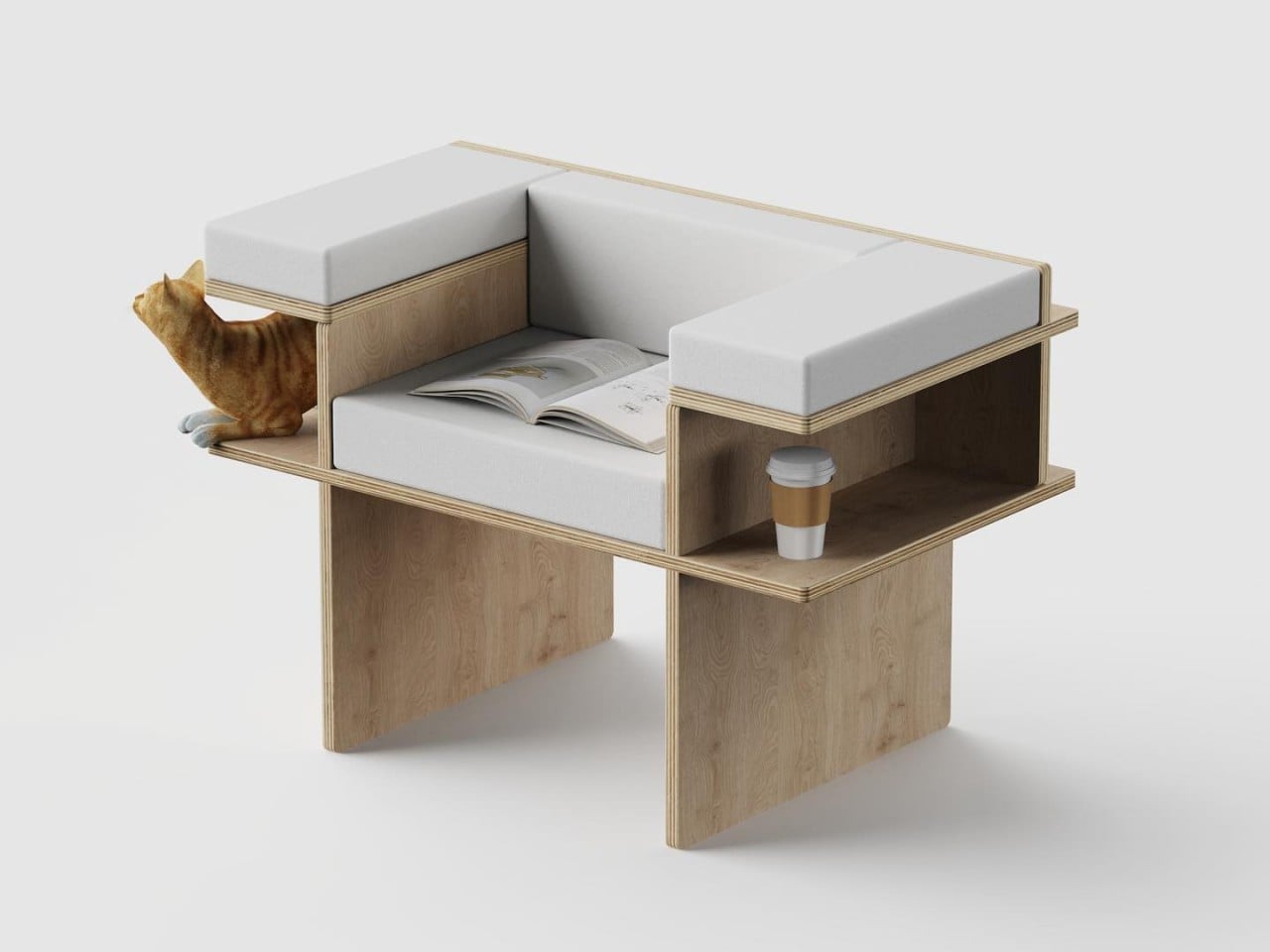
Two variants of these armchair designs exist. Perhaps the more interesting one of the two has an armrest that goes around the back of the chair, creating a single tunnel that cats can walk through from end to end. There is also a more modest version where the armrests swap out tunnels for shelves, allowing owners to put other things on the side that won’t be used by the cat, presuming the cat doesn’t claim that space and pushes the vase off the shelf.

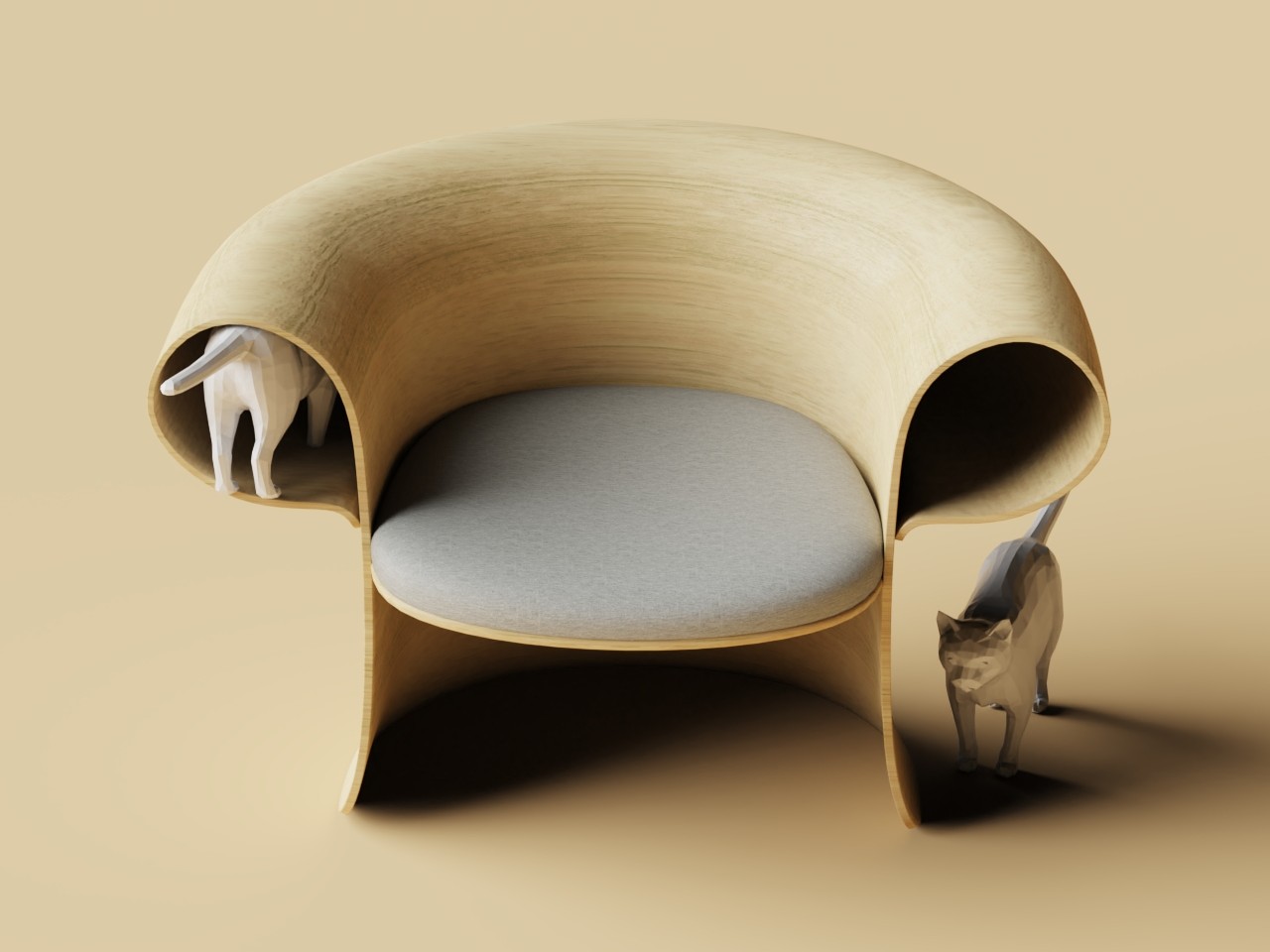
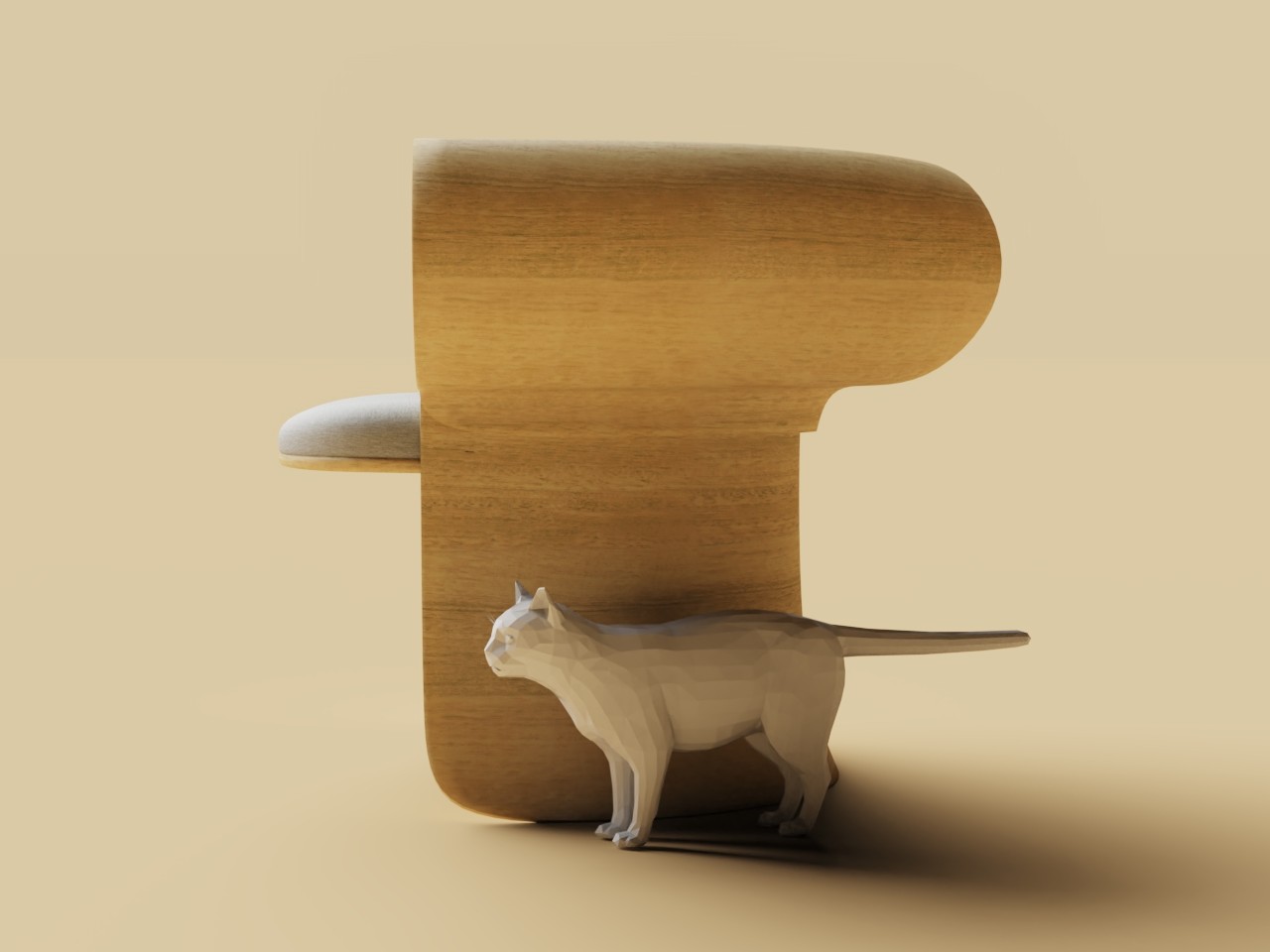
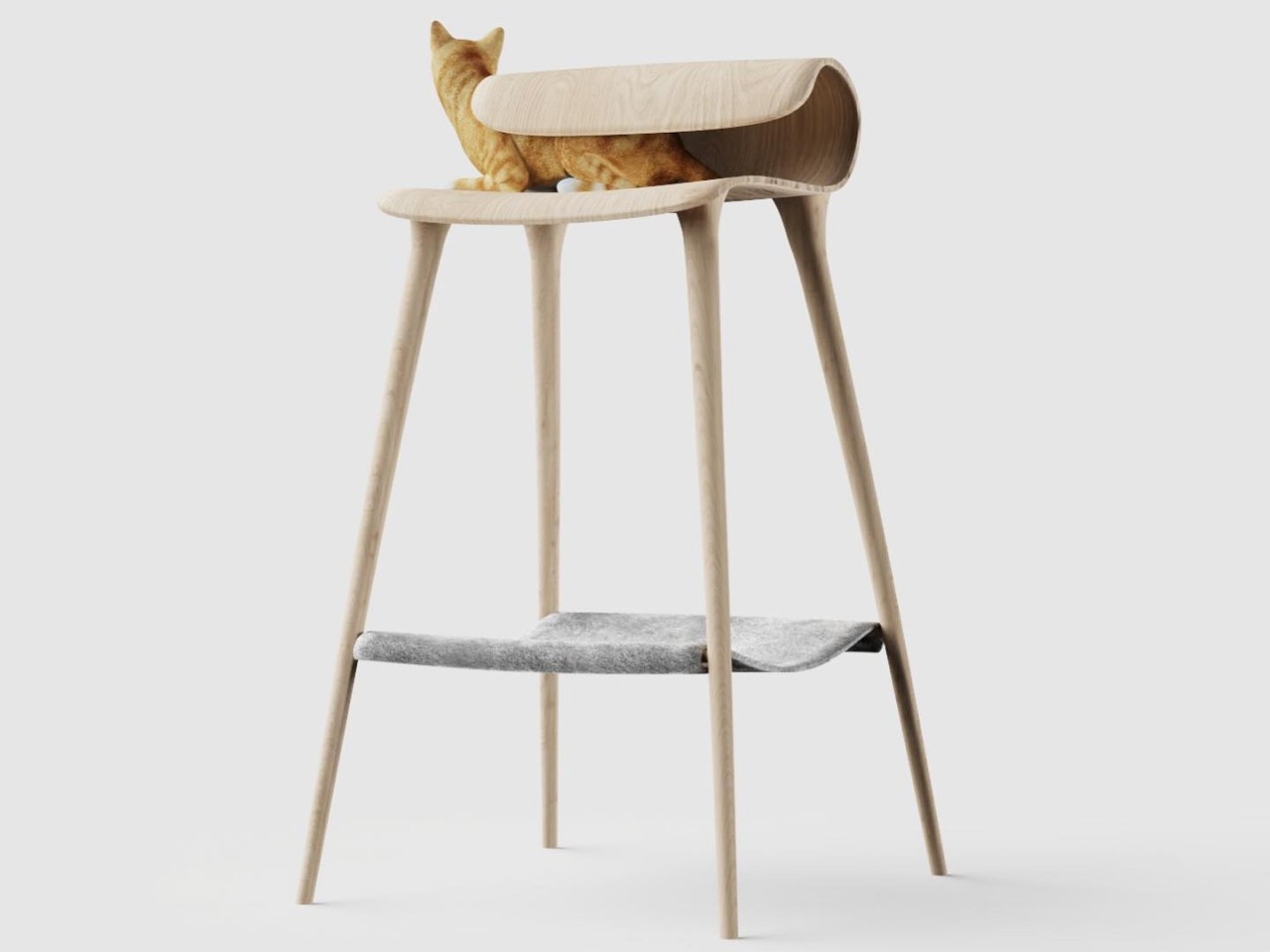
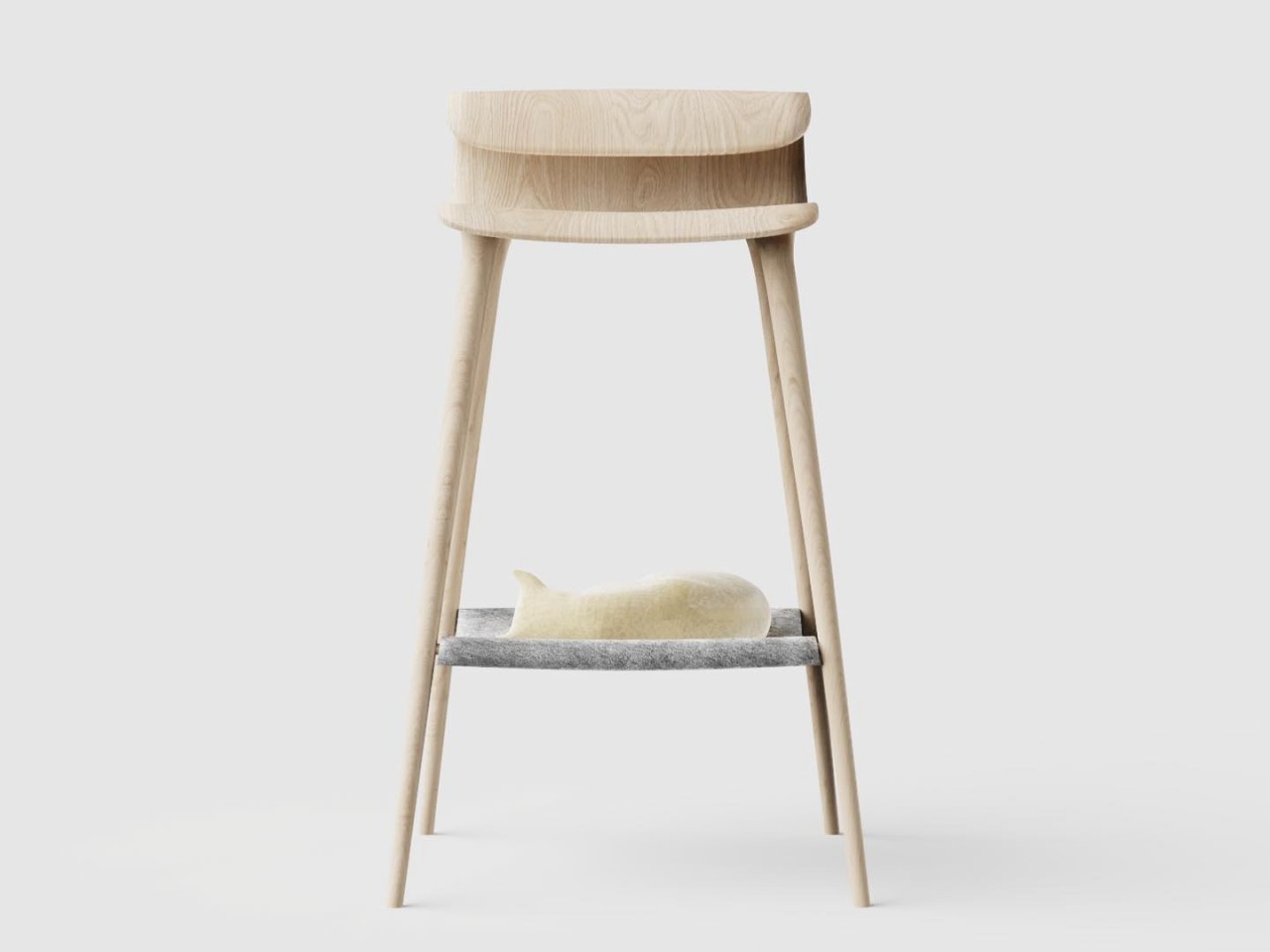
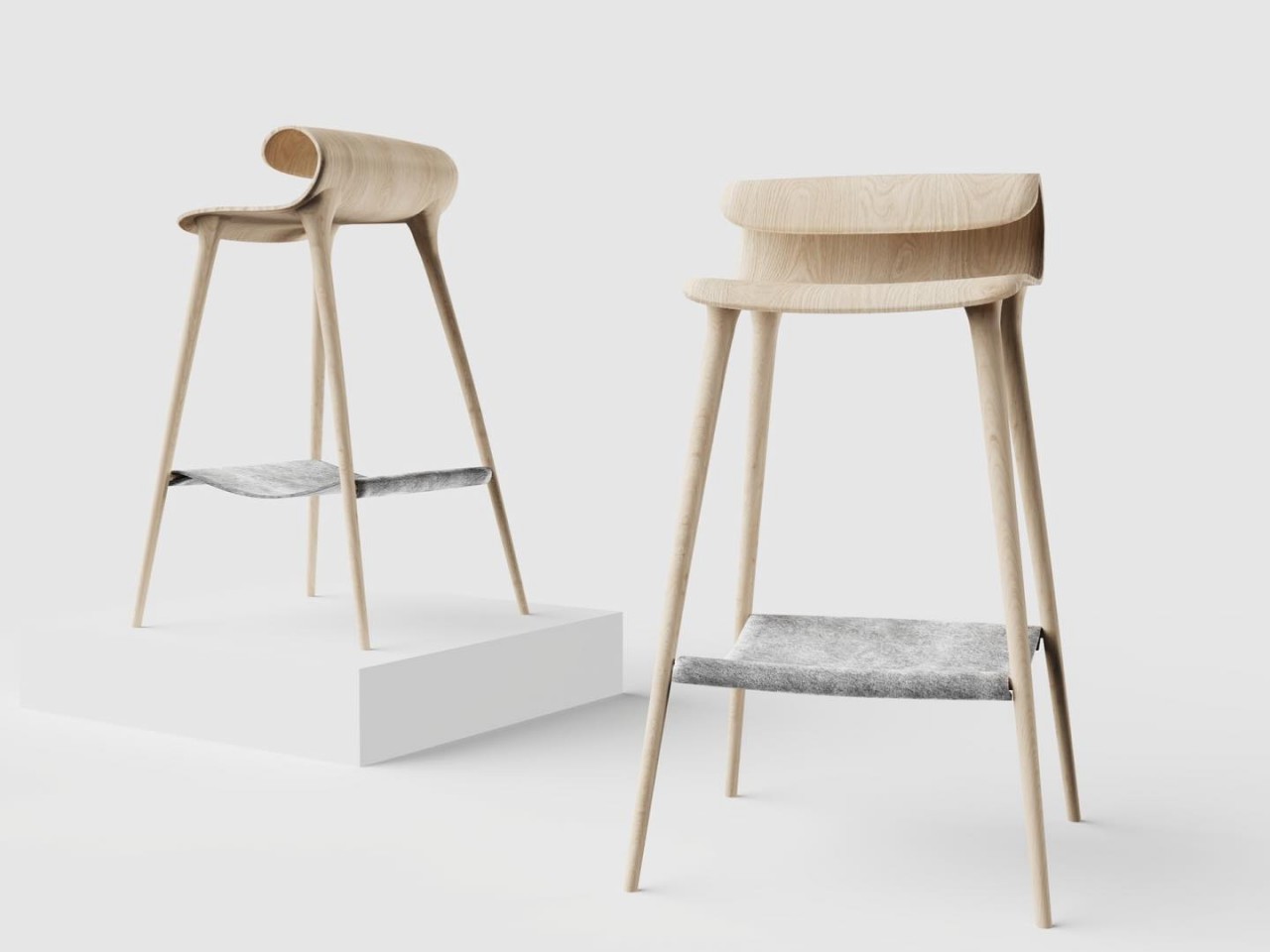
There is even a stool design where the very low backrest curves inward, creating that same tunnel shape where the cat can lie inside behind you. Truth be told, the seats don’t look too comfortable, especially with the backrests so low. They might have been unintentionally designed with feline comfort as the priority, showing who the real master of the house is. That said, they are indeed interesting designs and, to some extent, quite feasible, though the question of how to clean up after the cat inside those armrests still remains.

The post Quirky chair concepts are made for both humans and their feline masters first appeared on Yanko Design.

Apple’s 13-inch M2 iPad Air is back on sale for $720

It’s not too late to get that bright student in your life a back-to-school gift that could help with their studies. An iPad can be useful for note taking and writing papers (especially with a keyboard attachment), carrying out research and definitely not streaming a new TV obsession during class.

So if you’ve been lagging on a back-to-school gift or even just want to treat yourself to one of Apple’s iPads, you may be pleased to learn that the iPad Air is currently on sale. The 13-inch M2 iPad Air with 128GB of storage is available in purple, space gray and starlight for $720. That's a discount of $79, which is almost a record low. Be sure to clip the coupon on Amazon before heading to the checkout to get the full discount.

The 11-inch M2 iPad Air is also on sale. It's $50 off at $549 in the space gray, starlight and blue colorways.

The most recent version of the iPad Air is our pick for the best iPad for most people. Sure, it's more expensive than the base iPad, but it's much more capable. Other than the screen real estate, the main difference between the two iPad Air sizes is that the 13-inch variant has a brighter display (600 nits vs 500 nits). Although the fully laminated display is an improvement from the previous iPad Air, the refresh rate is 60Hz, so it doesn't look as smooth as the iPad Pro's 120Hz OLED panel.

It can handle basic tasks like web browsing and video streaming with ease, thanks to its M2 chipset and 8GB of RAM. The hardware can handle more demanding tasks too — it can run high-end games like Death Stranding and the Resident Evil 4 remake. The tablet is also compatible with Apple Intelligence, the suite of AI tools that Apple will start rolling out in October.

On top of all that, the M2 iPad Air should run for up to 10 hours or so on a single charge. It has a USB-C port for charging and peripherals, while the Touch ID fingerprint scanner is built into the power button.

Follow @EngadgetDeals on Twitter and subscribe to the Engadget Deals newsletter for the latest tech deals and buying advice.

This article originally appeared on Engadget at https://www.engadget.com/deals/apples-13-inch-m2-ipad-air-is-back-on-sale-for-720-151549796.html?src=rss

Microsoft 365 Copilot users can collaborate with AI and each other in BizChat Pages

While it's unclear if mainstream PC users are actually using Microsoft's Copilot AI, the company claims that businesses using MS 365 Copilot are seeing plenty of benefits. According to a Microsoft survey, Copilot users at Honeywell save up to 92 minutes per week, while customer service agents at Teladoc are saving up to five hours a week by using the AI tool to draft responses to questions. Now that we're a year beyond the MS 365 Copilot launch (at a costly $30 per seat), Microsoft is eager to throw more AI features at corporate drones.

Most intriguingly, Microsoft is upgrading its Business Chat app, which so far has been a way to interact with Copilot's across your emails, calendar entries and other data, alongside data from your organization. Now it's getting better collaboration with the addition of Copilot Pages, which will serve as a sort of "multiplayer" way to share AI generated content with your coworkers.

Microsoft Copilot 365: Copilot Pages
Copilot Pages in BizChat.
Microsoft

"With Pages, all the data in your organization — whether created by humans or AI — is persistent, accessible and valuable," Microsoft CVP Jared Spataro wrote in a blog post. "Pages takes ephemeral AI-generated content and makes it durable, so you can edit it, add to it, and share it with others... This is an entirely new work pattern — multiplayer, human to AI to human collaboration."

It's surprising that it took a year for Microsoft to bring better collaboration to the Business Chat app, as that's an expected feature of every workplace app these days. Having a place for employees to share their existing Copilot queries simply makes sense: Coworkers may want access to the same information, and it's also environmentally wasteful to have people running the same Copilot search multiple times. (Generative AI queries are far more costly for the environment than simple web searches.)

Microsoft says Pages will be available today to MS 365 Copilot users, and it'll also be coming to free Copilot customers with Microsoft Entra accounts "in the coming weeks."

In general, Microsoft says Copilot queries are more than two times faster now compared to launch, because it's relying on the newer GPT4o model. The company is also upgrading AI capabilities across the suite of MS 365 apps: Excel is getting Python support for more complex queries; PowerPoint's Narrative builder capability is widely available, allowing you to craft the story of your presentations with AI help; and Teams can now scan across meeting transcripts and their accompanying chats.

Microsoft Copilot 365: Outlook Prioritize My Inbox
Outlook Prioritize my Inbox
Microsoft

The other Office apps aren't left out either. Outlook will soon let you choose topics, people and keywords to highlight for the "Prioritize my inbox" feature. You'll also be able to reference meetings and emails directly within Word documents, one OneDrive will let you summarize and compare files without opening them using Copilot.

And if you need even more Copilot AI help, business can also create Copilot Agents directly within Business Chat and SharePoint. They're like chatbots that can peer within your corporate files, and you can also tag them in comments like a typical cooworker. While we still need to see these Agents in action to determine if they're actually useful, at the very least, you can feel less guilty about assigning them some menial information processing at the end of the work day.

This article originally appeared on Engadget at https://www.engadget.com/ai/microsoft-365-copilot-users-can-collaborate-with-ai-and-each-other-in-bizchat-pages-150042326.html?src=rss
How Durable is the Google Pixle 9 Pro Fold? (Video)
Pixel 9 Pro Fold

The Google Pixel 9 Pro Fold, with its $1800 price tag, is making waves as the thinnest foldable phone in the USA. Packed with advanced features and a sleek design, this device aims to transform the foldable phone market. However, questions arise regarding its durability, particularly in terms of dust protection and structural integrity. Zack […]

The post How Durable is the Google Pixle 9 Pro Fold? (Video) appeared first on Geeky Gadgets.

How to make Cursor AI understand folder structure

How to make Cursor AI understand folder structure

Language models like ChatGPT and Cursor have transformed the field of artificial intelligence, demonstrating remarkable capabilities in natural language processing, code generation, and problem-solving. However, despite their impressive performance, these models often encounter challenges when it comes to comprehending the intricate folder structures within coding projects. This limitation can hinder their ability to accurately grasp […]

The post How to make Cursor AI understand folder structure appeared first on Geeky Gadgets.

Posted in Uncategorized | Tagged ,