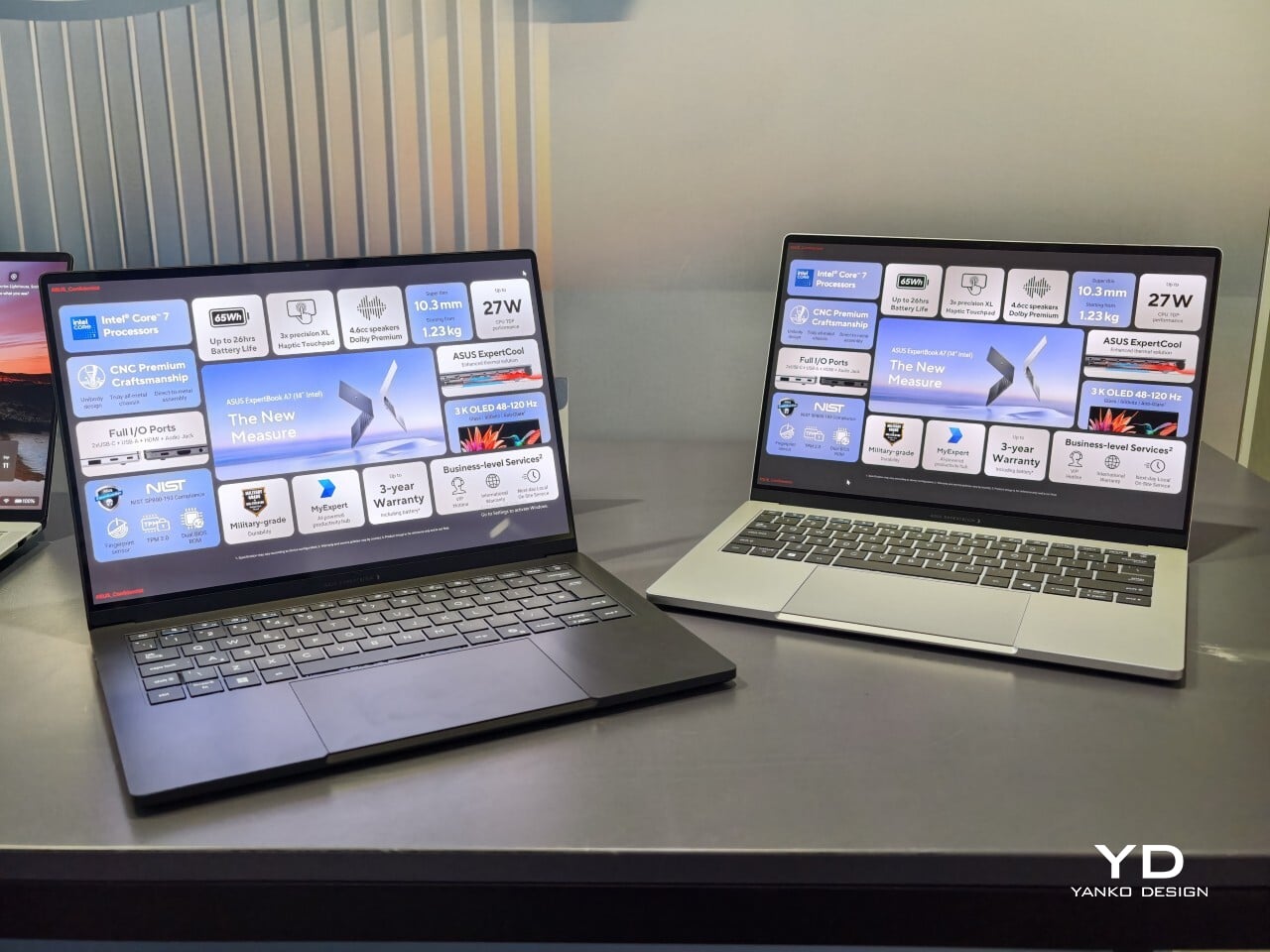
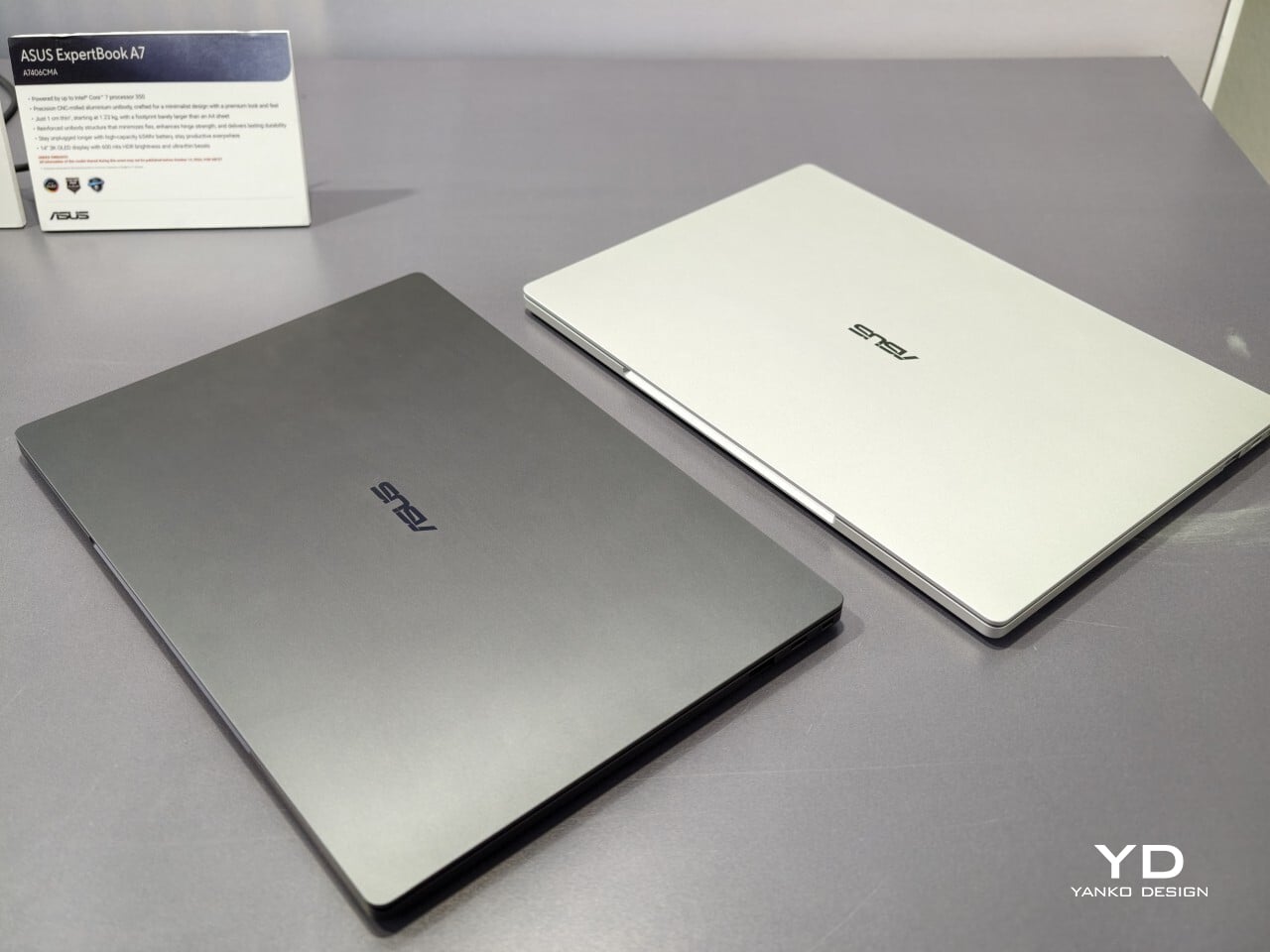
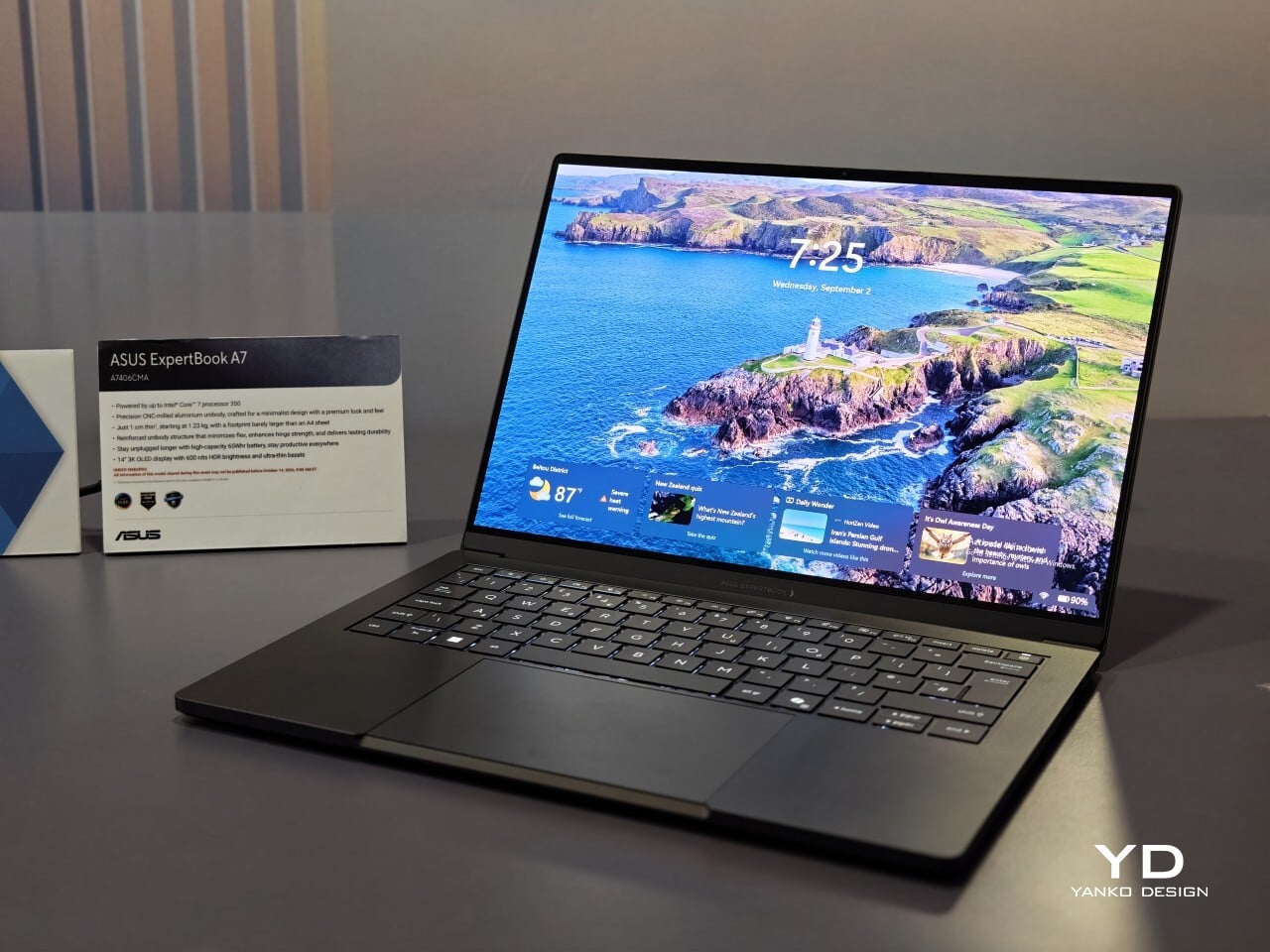
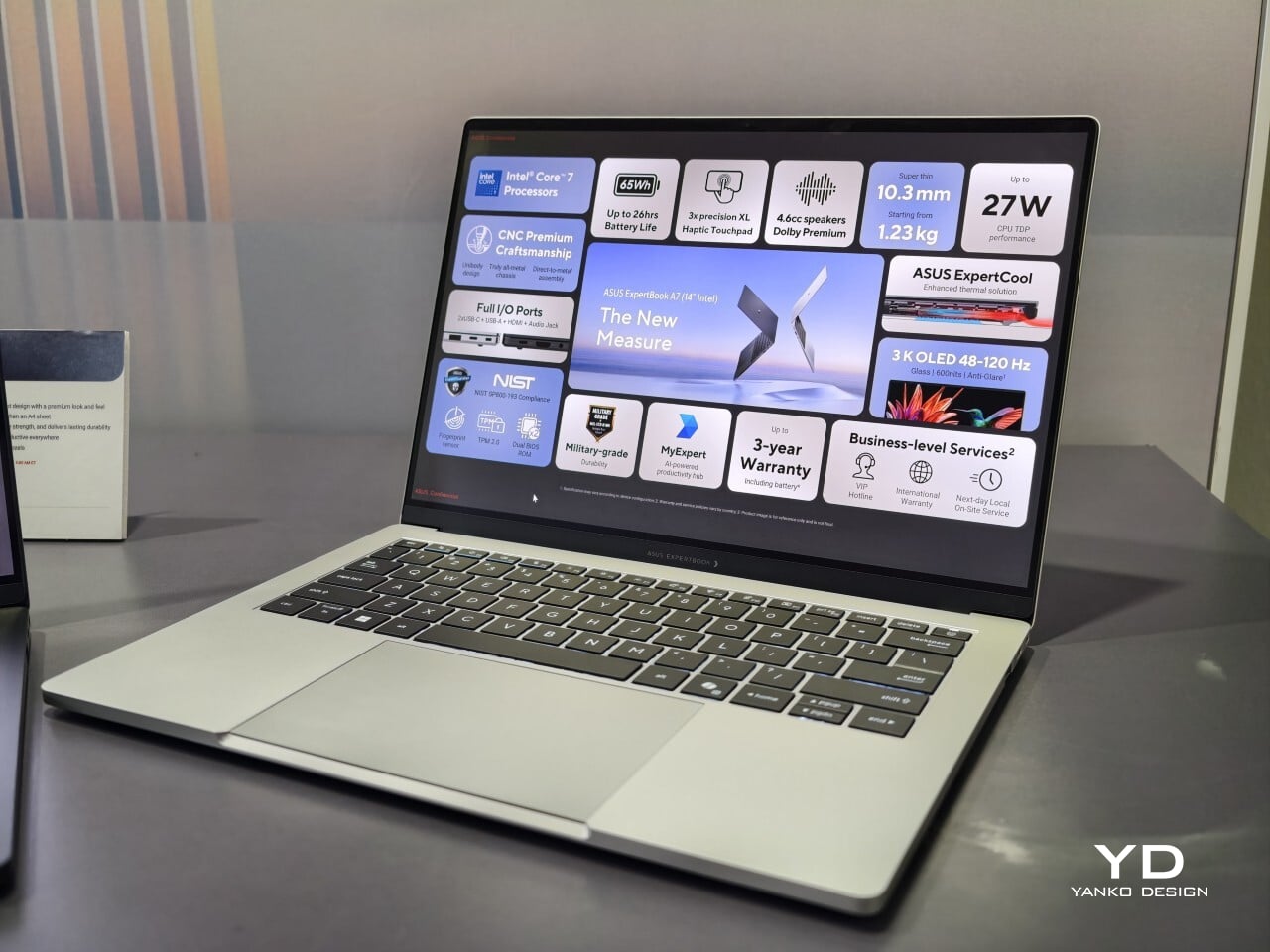
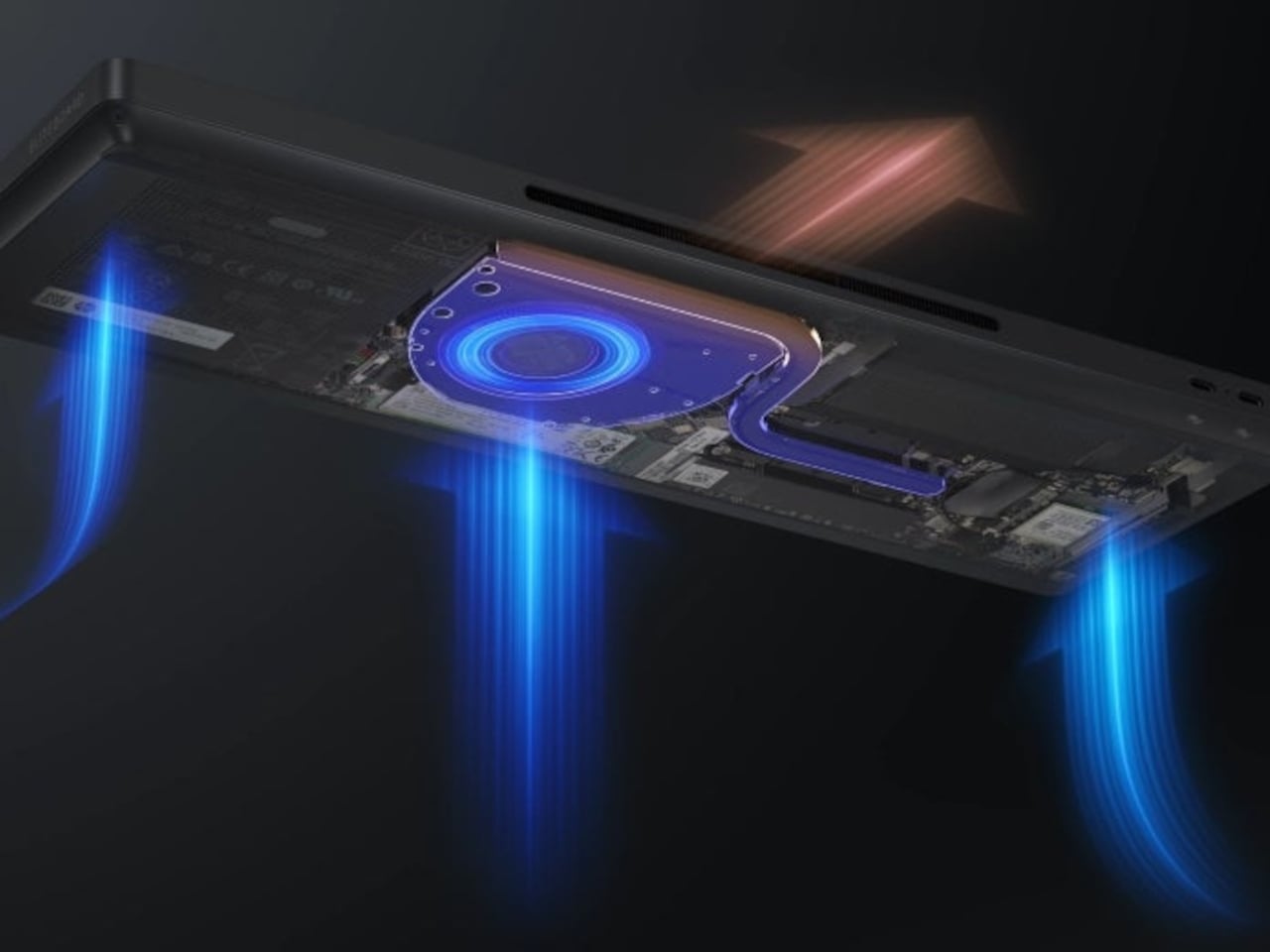
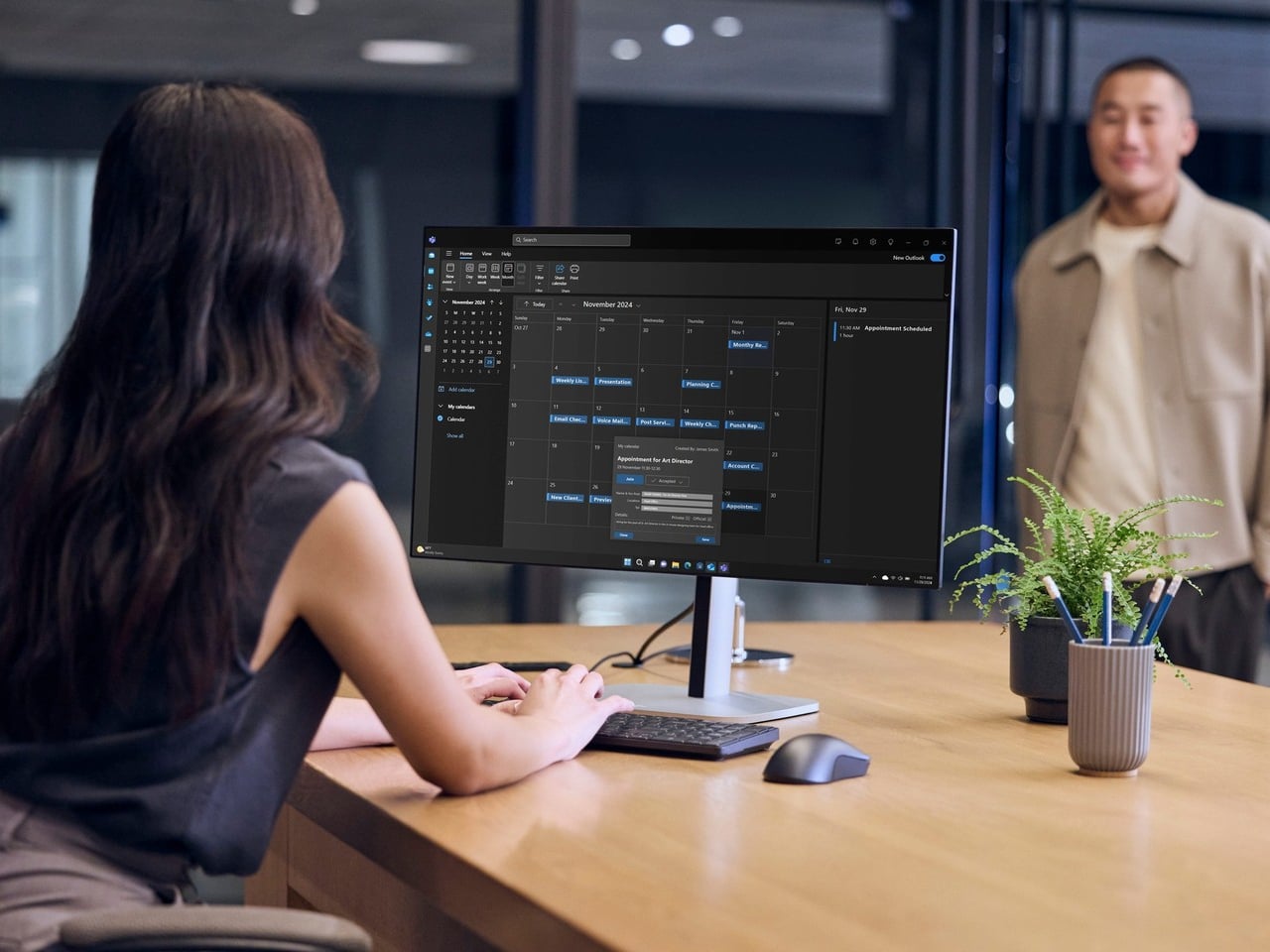
When I first saw the ASUS ExpertBook A7, I had to double-check that it was really meant for business. This laptop immediately cuts a different silhouette compared to the usual gray rectangles that fill airport lounges and open offices. Instead of relying on harsh edges or a boxy build, the A7 projects an air of modern sophistication that feels more at home next to a designer handbag than lost in a sea of generic briefcases. It is refreshing to see a company put such clear effort into making work hardware truly attractive.
With this launch, ASUS introduces an all-new A series to its commercial lineup. Pricing in the US starts at $1,299, which places it among premium options for professionals who care about their tools’ aesthetics as much as their productivity. The combination of an aluminum body with a vivid OLED screen ensures it stands out from the crowd while still promising plenty of business features beneath the surface.
Designer: ASUS
A Work Companion Designed with Intention
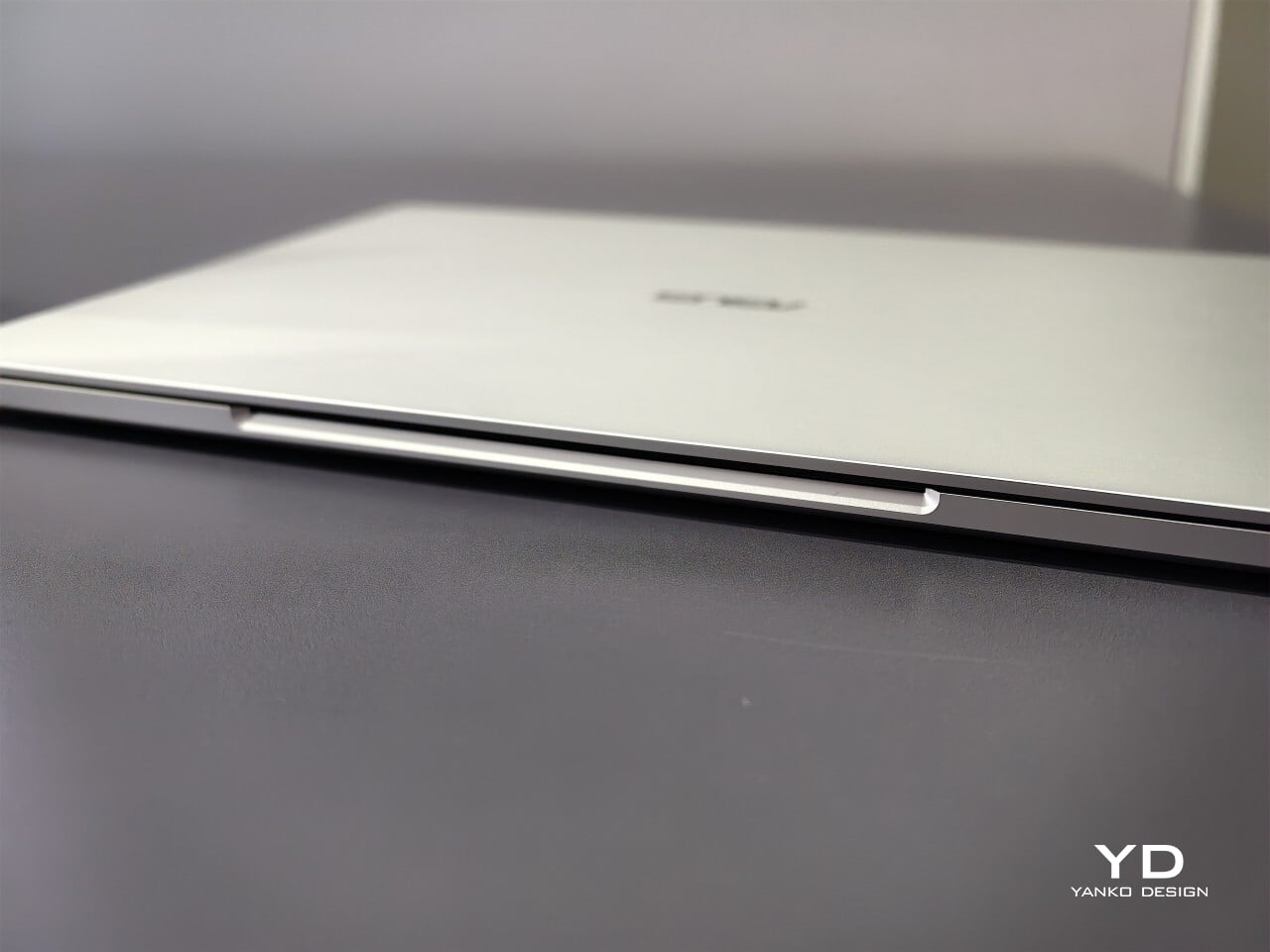
From the first touch, you notice how carefully built the ExpertBook A7 feels. ASUS says this device is milled from a single block of 6000 series aluminum alloy, which is better known for its use in airplanes than office cubicles. This construction helps reduce visible seams and eliminates weak points that could otherwise catch on your bag or wear down over time. The result is a chassis that feels reassuringly solid in everyday use.
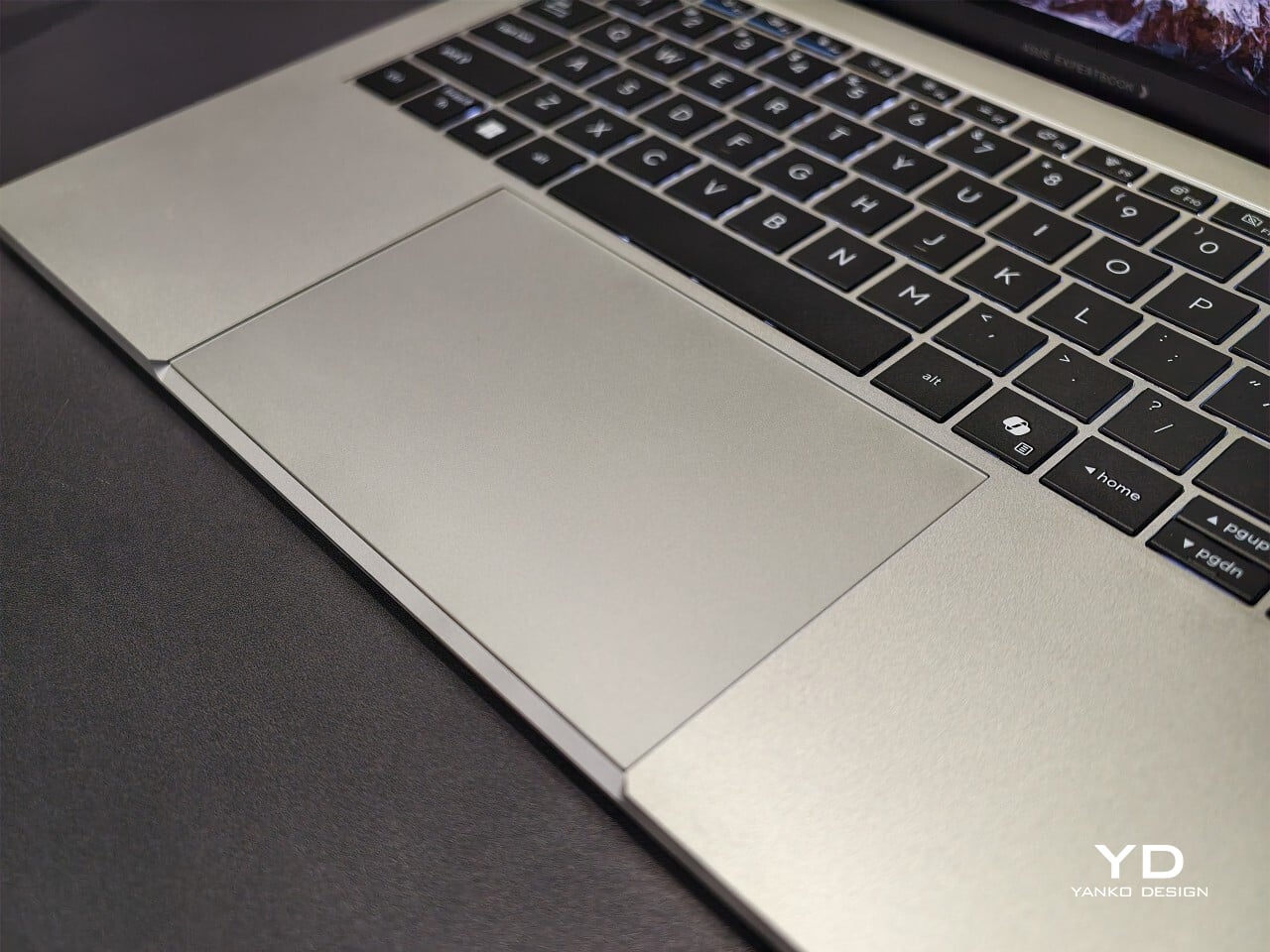
Sustainability gets its due as well. Nearly all of the aluminum used around the keys and top cover comes from recycled sources, while the bottom case uses 70% recycled material, too. That focus on sustainability does not just make environmental sense; it gives the laptop a cool touch and premium finish that plastic simply cannot match. Color choices remain subtle yet attractive. You can pick either Lunar Silver or Eclipse Black, both of which offer understated style wherever you work or play.
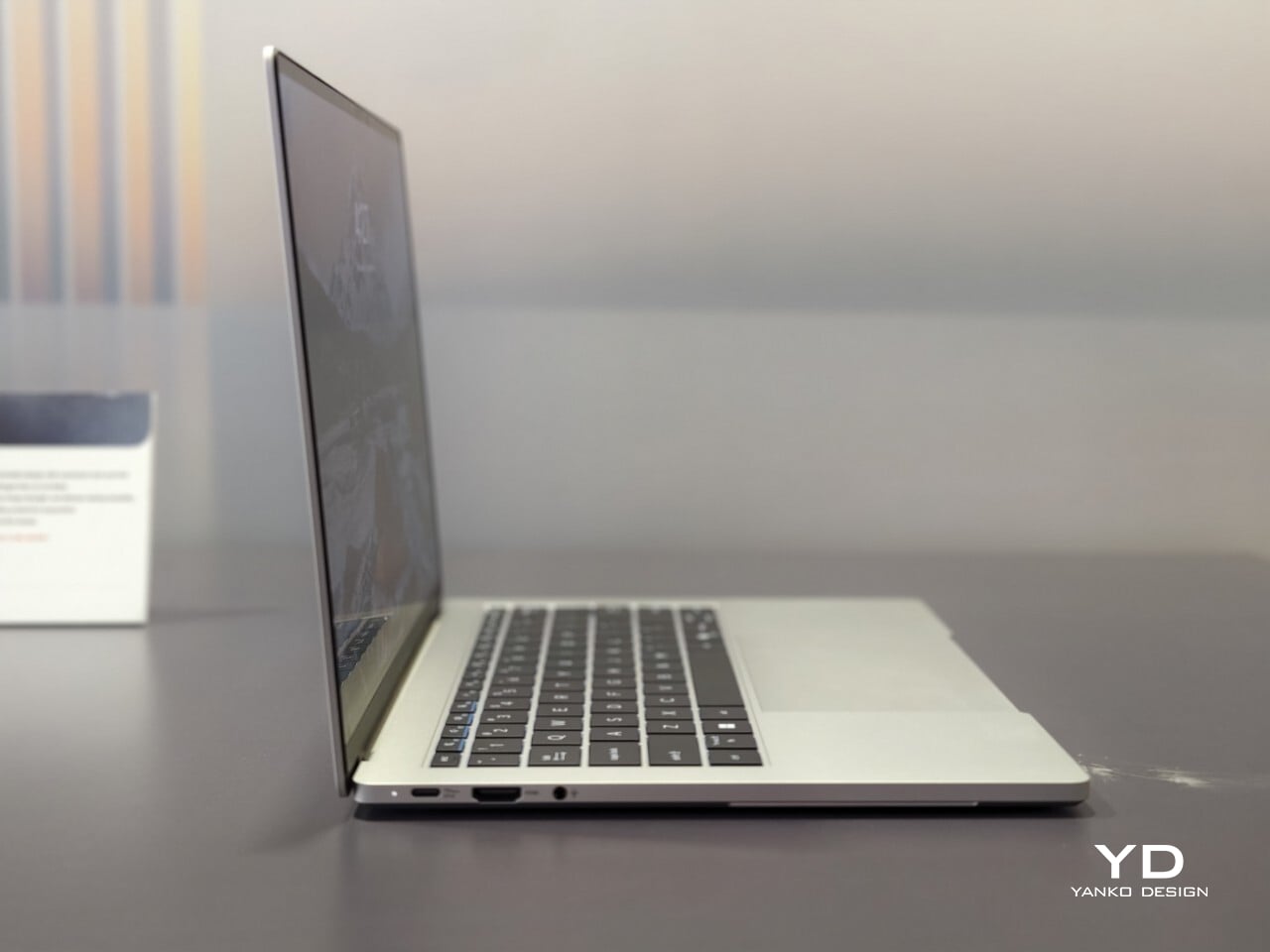
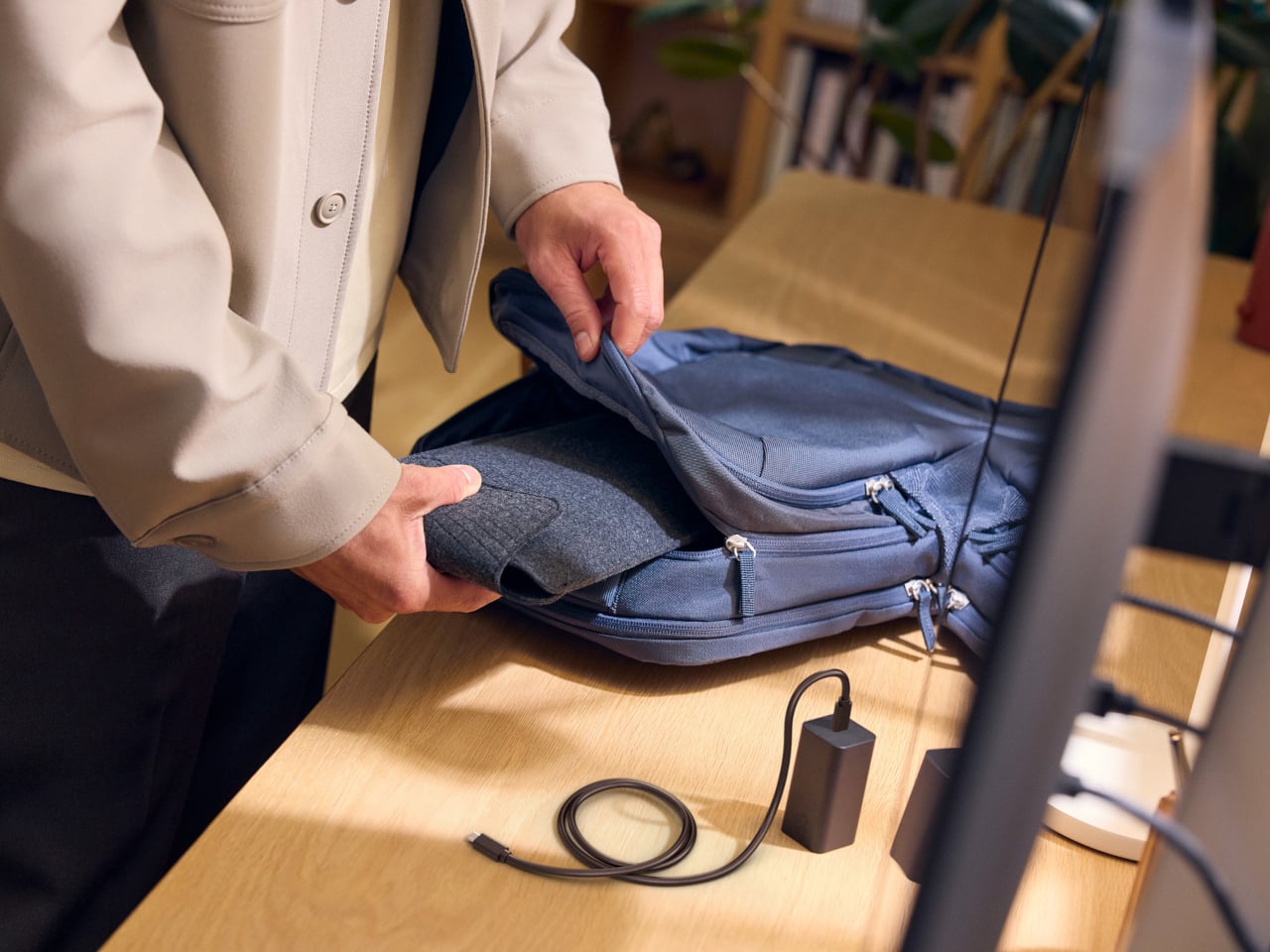
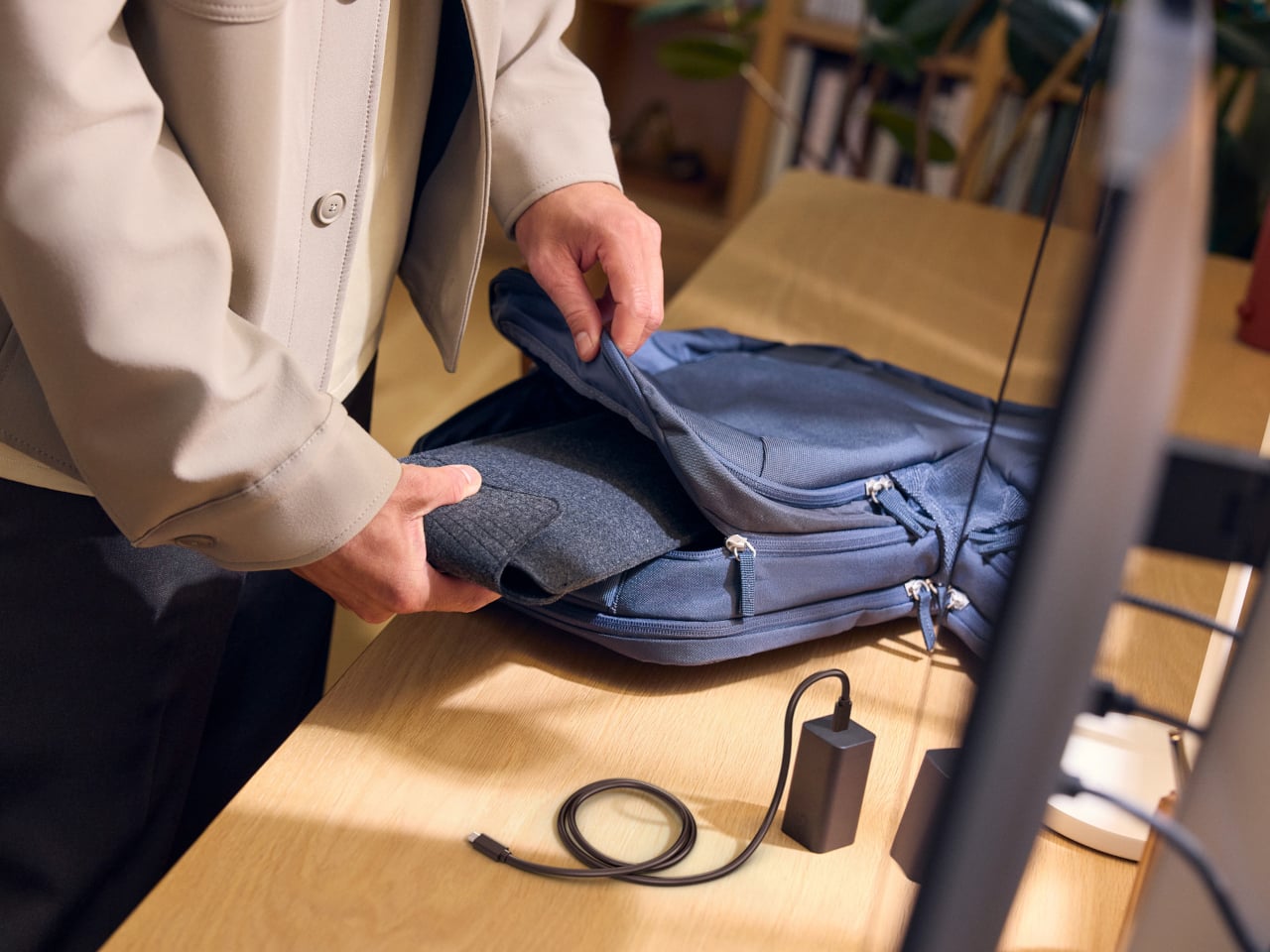
Measuring just under half an inch thick and weighing less than three pounds, this laptop is easy to slip into any bag without adding bulk or strain. Carrying it around feels closer to bringing along a glossy magazine than hauling old-school work equipment. For people who are always on the move, this lightweight build is more than just convenient.
Display That Draws You In
Flip open the lid, and you will immediately notice why ASUS is proud of its screen technology. The 14- inch panel offers 3K resolution at 2880×1800 pixels, using OLED technology for richer colors and true black levels. With a refresh rate of 120Hz, everything from scrolling through presentations to watching videos appears fluid and sharp.
For those who spend time editing photos or creating graphics, full coverage of the DCI-P3 color space means you get accurate color reproduction for creative work as well as daily tasks. Some versions offer an anti-glare coating to help keep reflections at bay if you often work near windows or bright lights. There is no touch input on this model. Instead, all interaction happens through a backlit keyboard and a glass haptic touchpad that gives gentle feedback with every click or gesture.
Thoughtful Features for Real Workdays
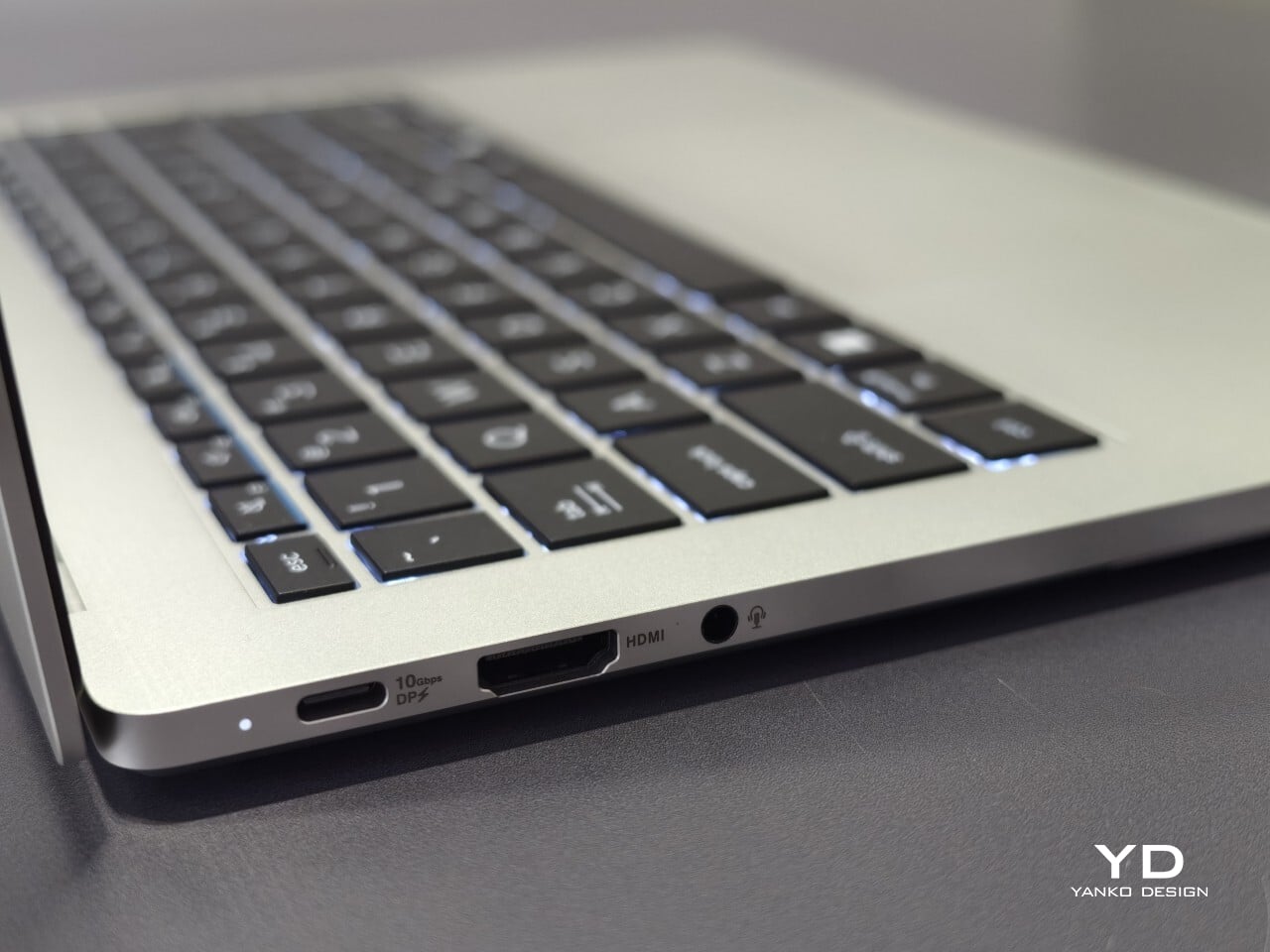
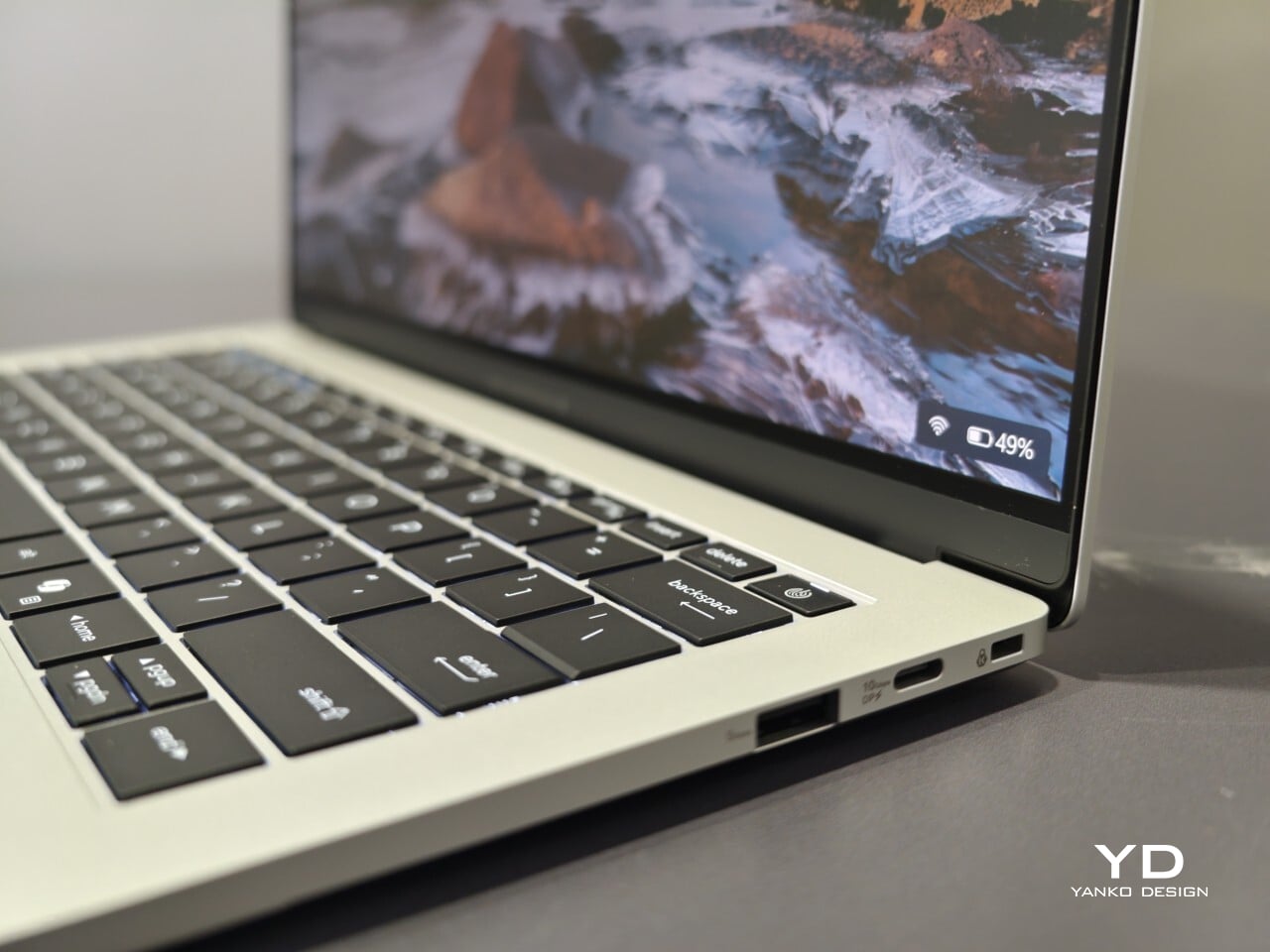
The port selection keeps you ready for any meeting or workspace setup without forcing extra adapters into your bag. Two USB-C connectors handle charging and video output while USB-A supports older accessories you might still rely on day to day. HDMI makes connecting to projectors or external monitors simple, and there is also a headphone jack when wireless audio just will not do.
ASUS includes small touches that make daily use easier than expected. For example, you can open the lid with just one hand, thanks to the carefully tuned hinge resistance. This proves surprisingly handy when juggling coffee cups or paperwork during a busy day. In my own hands-on time with the device, I found screen wobble kept nicely under control even while typing quickly.
Performance starts strong out of the box with Intel Core 5 processors available up to Core 7 models depending on your configuration needs. 16GB of memory comes standard along with 512GB of solid-state storage, so multitasking rarely slows things down.
Battery Life and Security That Keep Up
ASUS advertises up to 26 hours of battery life based on controlled video playback tests using their 65 WHr battery pack. In real-world situations filled with conference calls, dozens of browser tabs, and relentless emails, expect something less, but fast charging back up to 50% capacity in 30 minutes can help keep you unplugged longer when needed.
Security features include fingerprint sign-in support along with enterprise-level BIOS protection. Plus, regular updates are promised for five years after purchase. Buyers also receive three years of warranty coverage, which brings extra peace of mind when investing in premium hardware.
Your phone can shoot video, run a demanding game, and carry an entire music library. It can also leave you holding a warm slab of glass, untangling a charging cable, or trying to photograph someone under terrible lighting. Those are the gaps worth designing for. A useful accessory should fix a specific irritation without creating three more, preferably through a mechanism you can understand before opening a thick instruction manual.
These nine selections tackle cooling, listening, cable clutter, misplaced cards, awkward camera controls, and backup power. Some attach to the phone; others give it a useful companion on your desk or in your bag. Start with the problem that actually bothers you most each day.
1. OnePlus Ice Card Mini
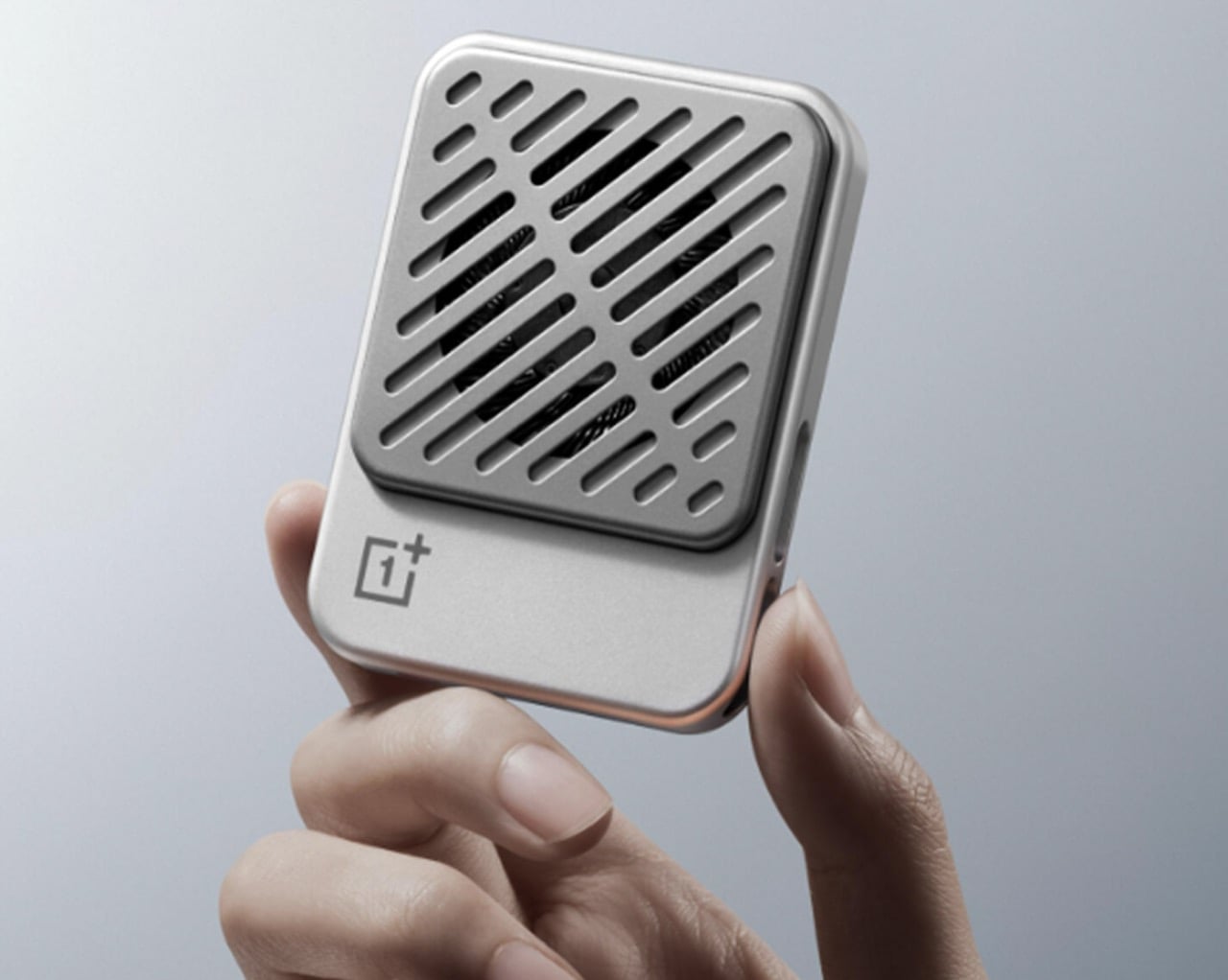
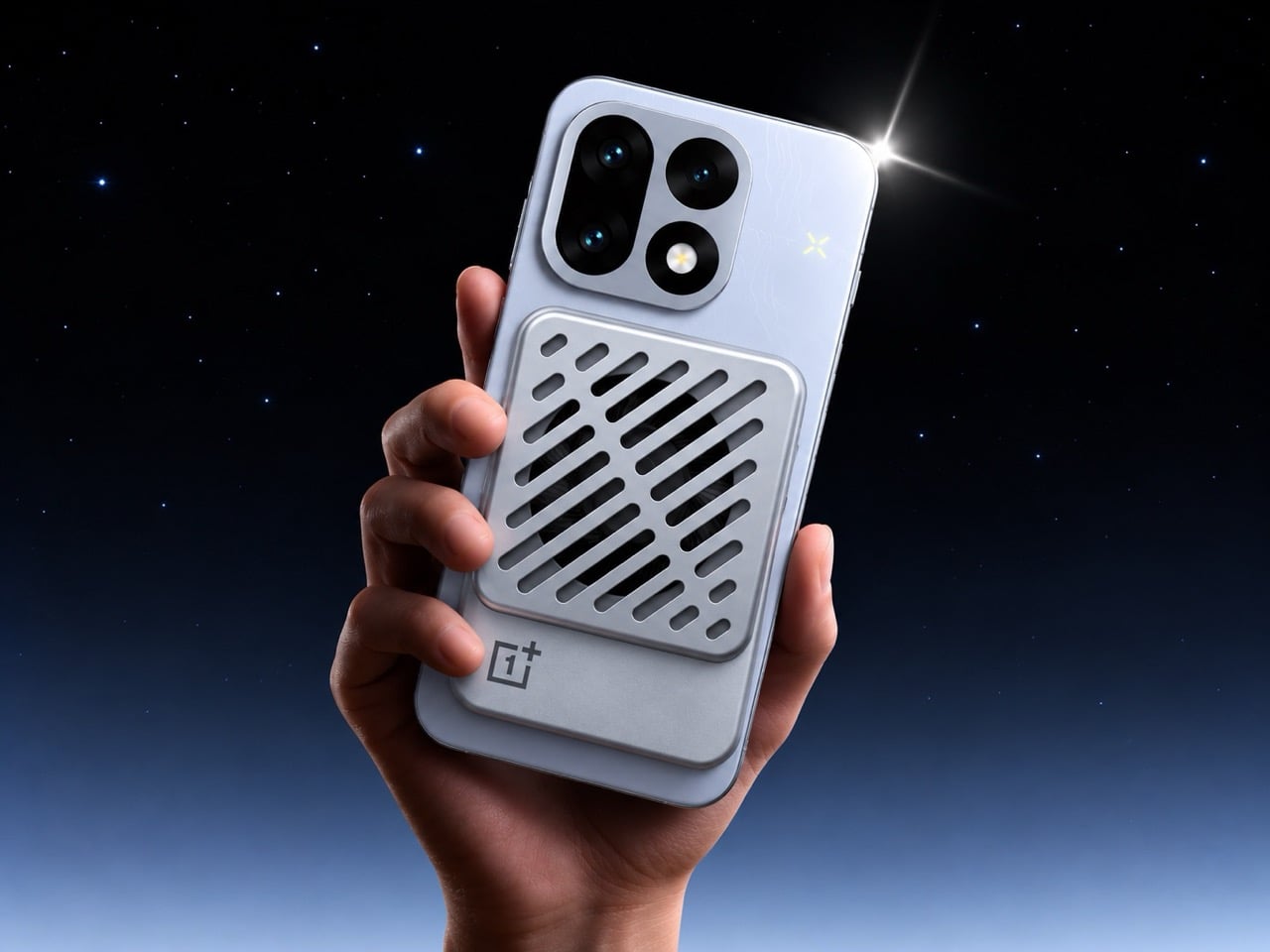
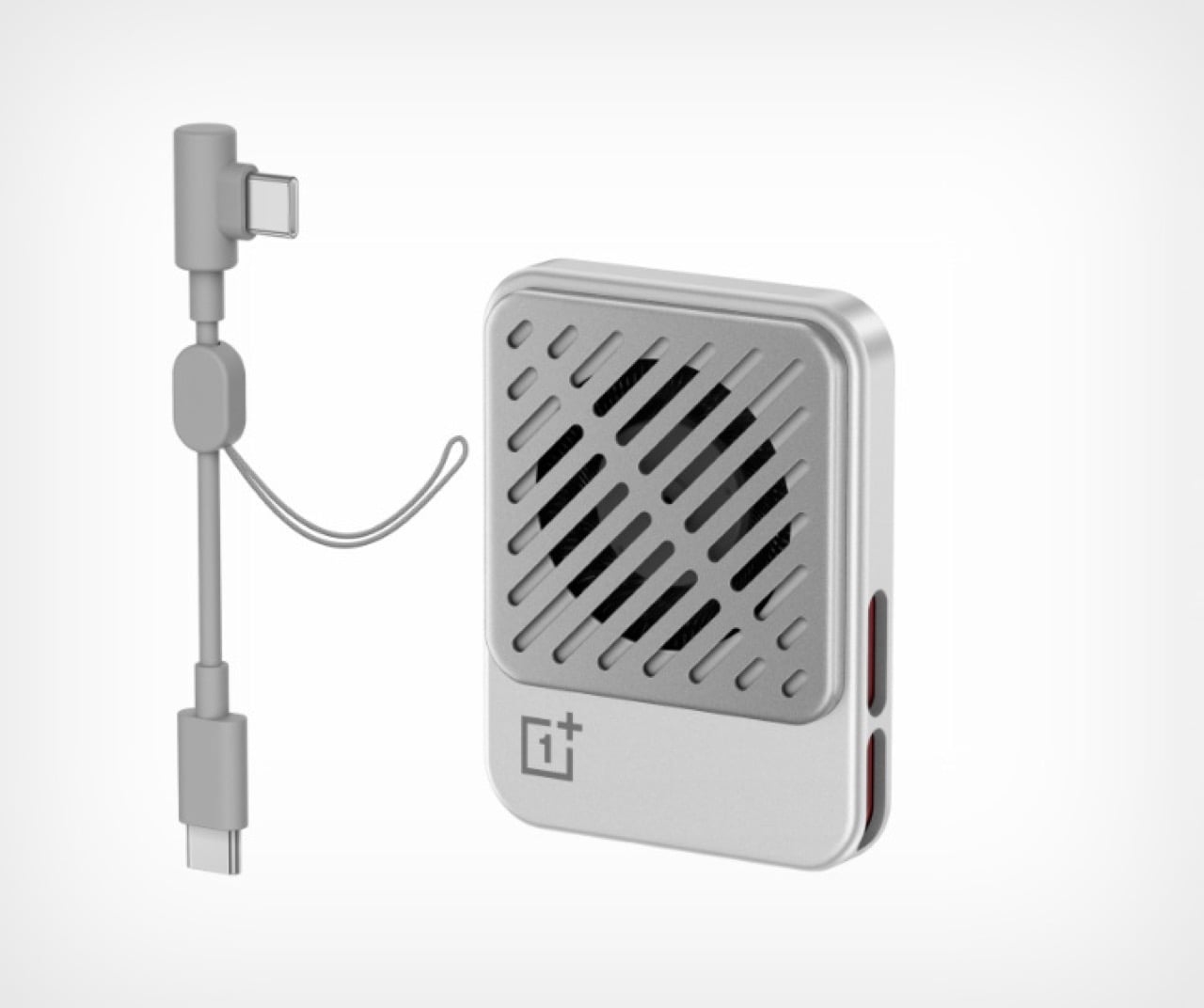
OnePlus has squeezed a phone cooler into a small card footprint rather than a bulky gaming attachment. The Ice Card Mini is listed in OPPO’s China store and described as a 50-gram body measuring 70mm by 53.4mm. Its thermoelectric chip works with an air-cooling system, while magnets hold the accessory against the phone. That compact packaging is the appeal: cooling becomes something you might carry alongside a cable, rather than reserve for a dedicated desktop gaming setup.
The practical tradeoff is power. The Mini draws up to 3.5W through USB-C and can run from a phone, power bank, or wall adapter. An included magnetic plate lets you attach it to phones without built-in magnets. It gives heat-conscious gamers a relatively discreet option, but drawing power from the phone adds another demand on its battery.
What we like
Compact, 50-gram magnetic format.
USB-C power accepts several sources.
What we dislike
Consumes power rather than supplying it.
2. StillFrame Headphones
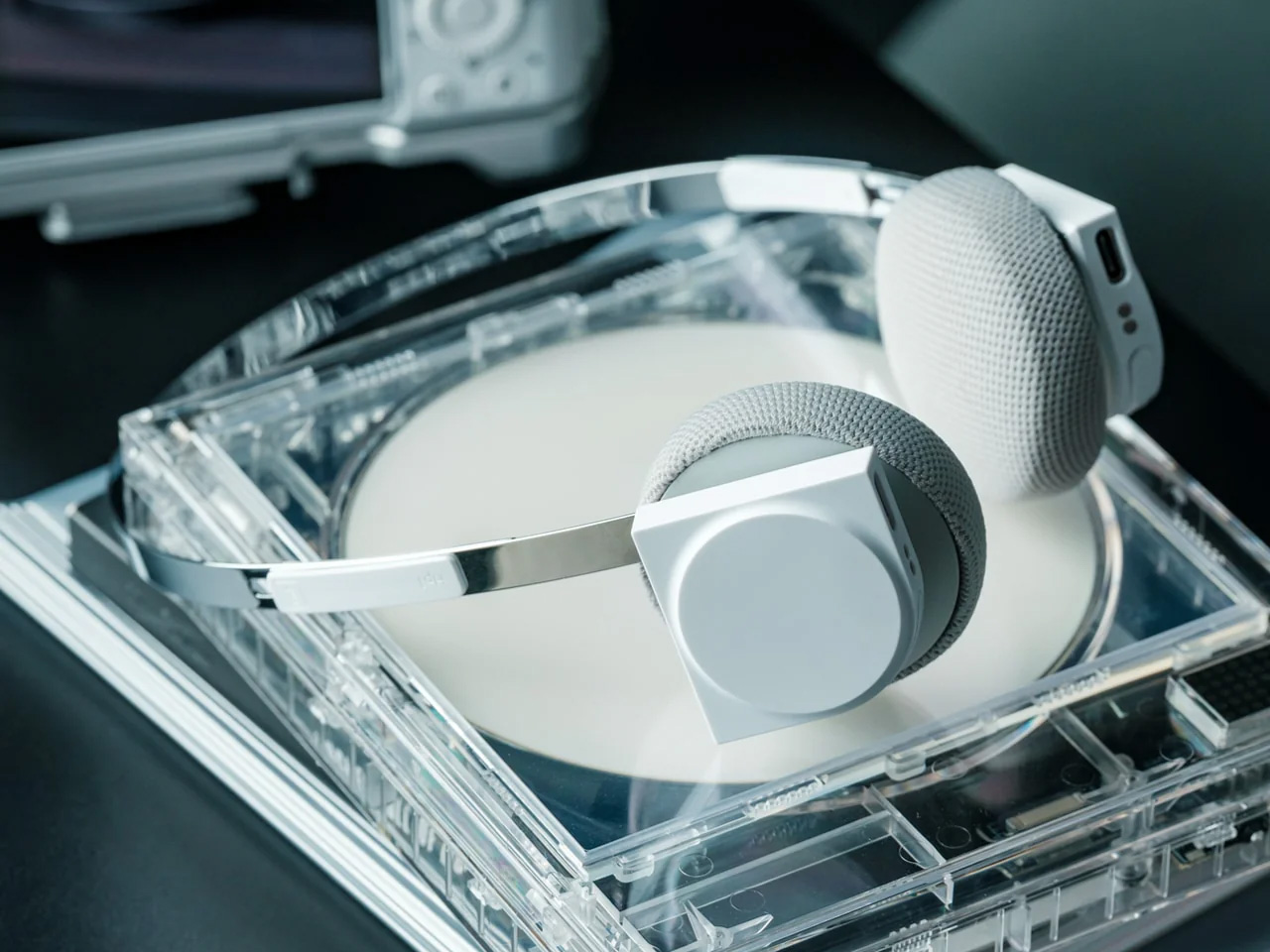
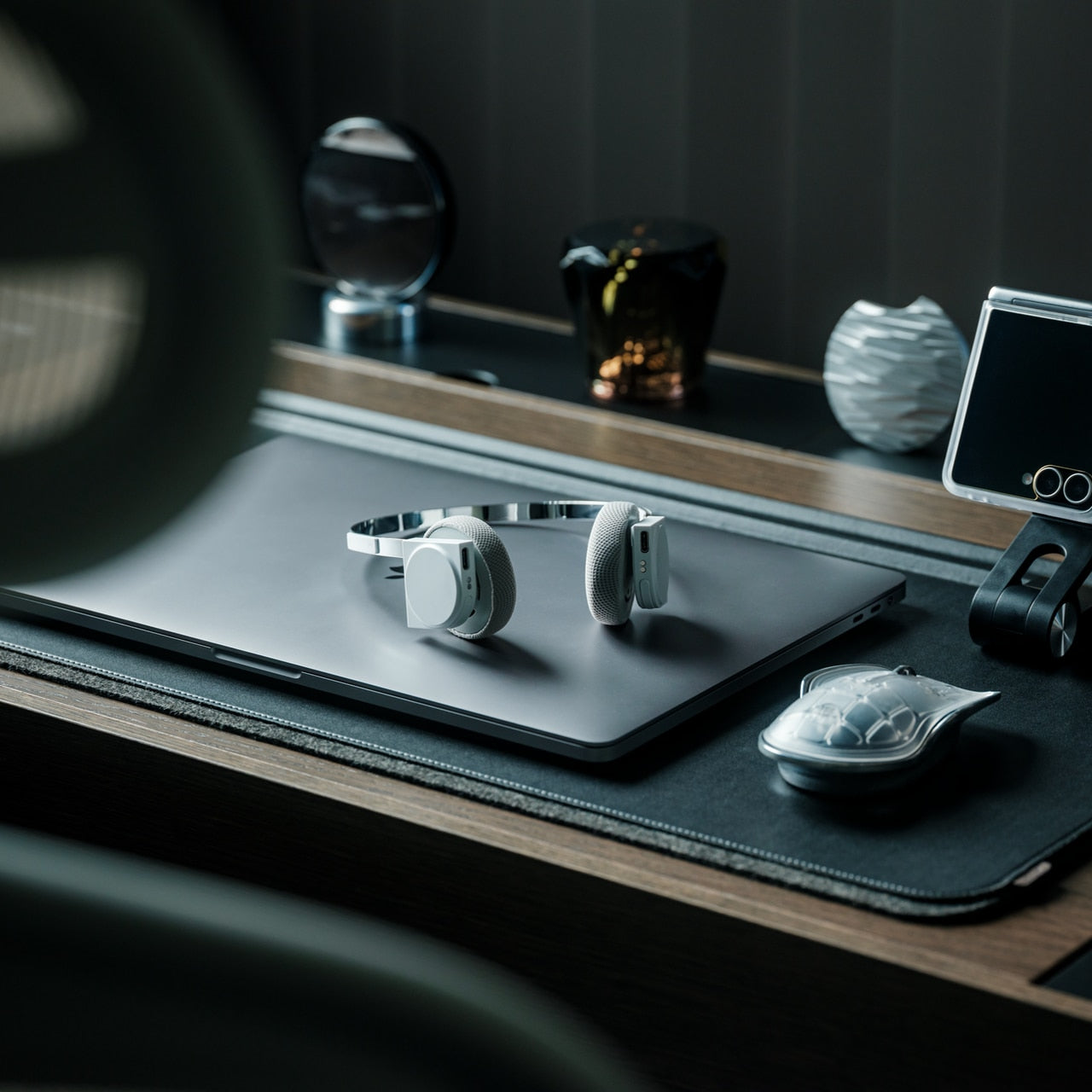
If earbuds bother your ears, a phone’s music library deserves another way out. StillFrame Headphones, designed by Tatsufumi Funayama, use an on-ear format with a stainless steel headband and magnetically attached fabric cushions. Circular and square geometry share the housings, with circuitry deliberately exposed. The retro reference has a practical point: you can choose headphones that sit against your ears without choosing the bulk of a conventional over-ear design for everyday listening.
Bluetooth 5.4 handles wireless listening, while the supplied USB-C cable supports wired playback. The headphones include 40mm drivers, noise cancellation, and a transparency mode; the maker claims up to 24 hours of playback. Those choices make StillFrame worth considering for desk listening or commuting when you prefer an alternative to in-ear buds. There’s one unusual operating detail: both sides need charging and separate button presses to power on. Light construction also doesn’t prove comfort or effective noise cancellation by itself.
Both sides require charging and separate power-on presses.
A full charge takes approximately three hours.
3. SuperCalla Magnetic Charging Cable
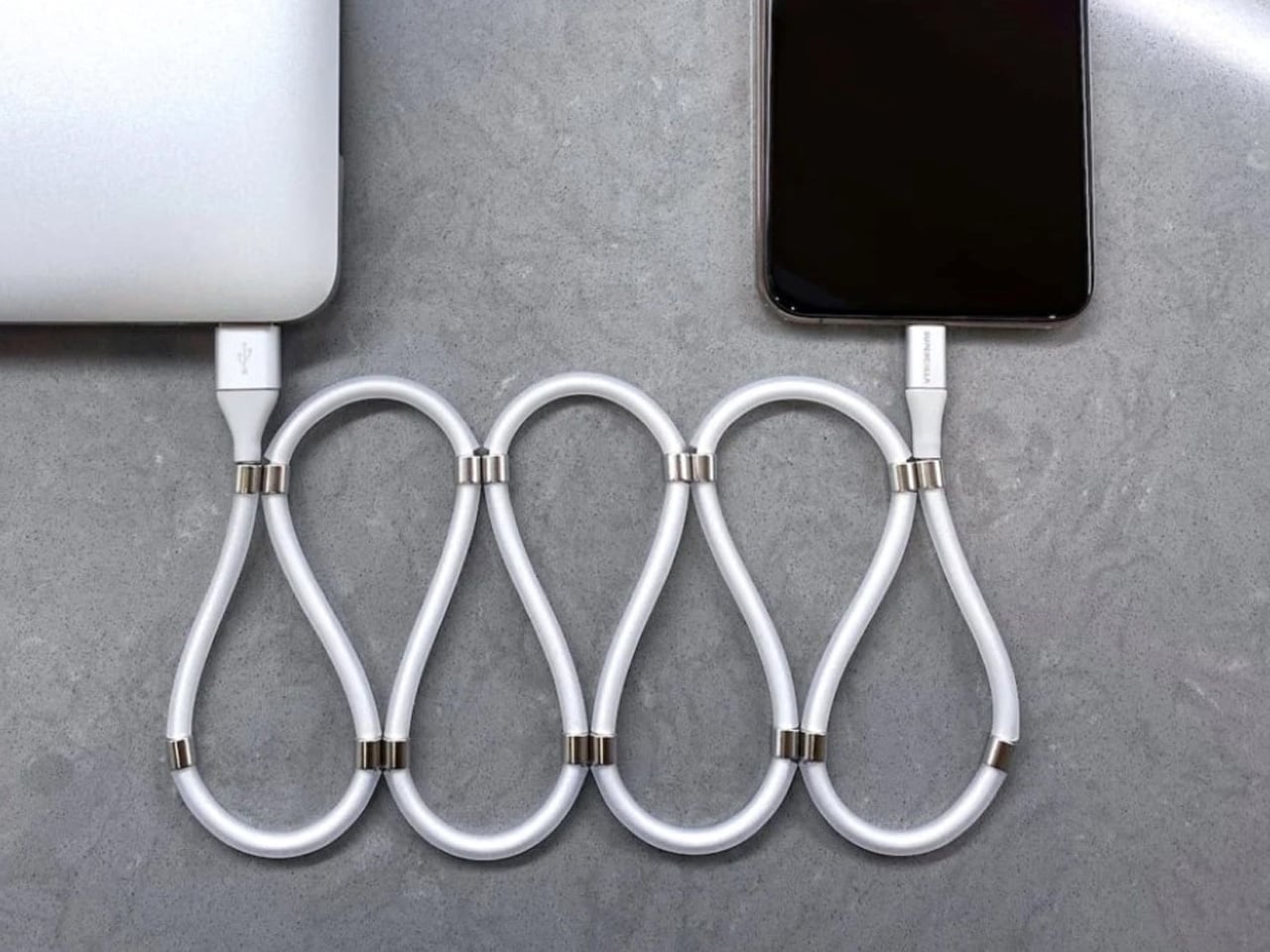
A charging cable shouldn’t need its own accessory just to stay organized. SuperCalla builds the organizer into the cable, placing magnets at intervals along its length. Line them up and the cable holds a coil or folded arrangement without a separate tie. The useful distinction is that these magnets manage the cable’s shape; they aren’t detachable charging connectors. For a bag that also carries keys, headphones, and adapters, keeping the loose length contained addresses a very ordinary frustration quite directly.
The manufacturer’s USB-C to USB-C listing separates a 60W, USB 2.0 version from a 100W, USB 3.1 Gen 2 option. That matters because neat storage says nothing about charging speed or file transfer performance. Choose the connector and electrical specification your phone actually needs, then treat the magnetic organization as the bonus.
What we like
Magnetic organization without a separate cable tie.
Multiple folding and coiling arrangements.
What we dislike
Cable variants have different data capabilities.
Dated shipping information needs clarification.
4. Battery-free Amplifying iSpeakers
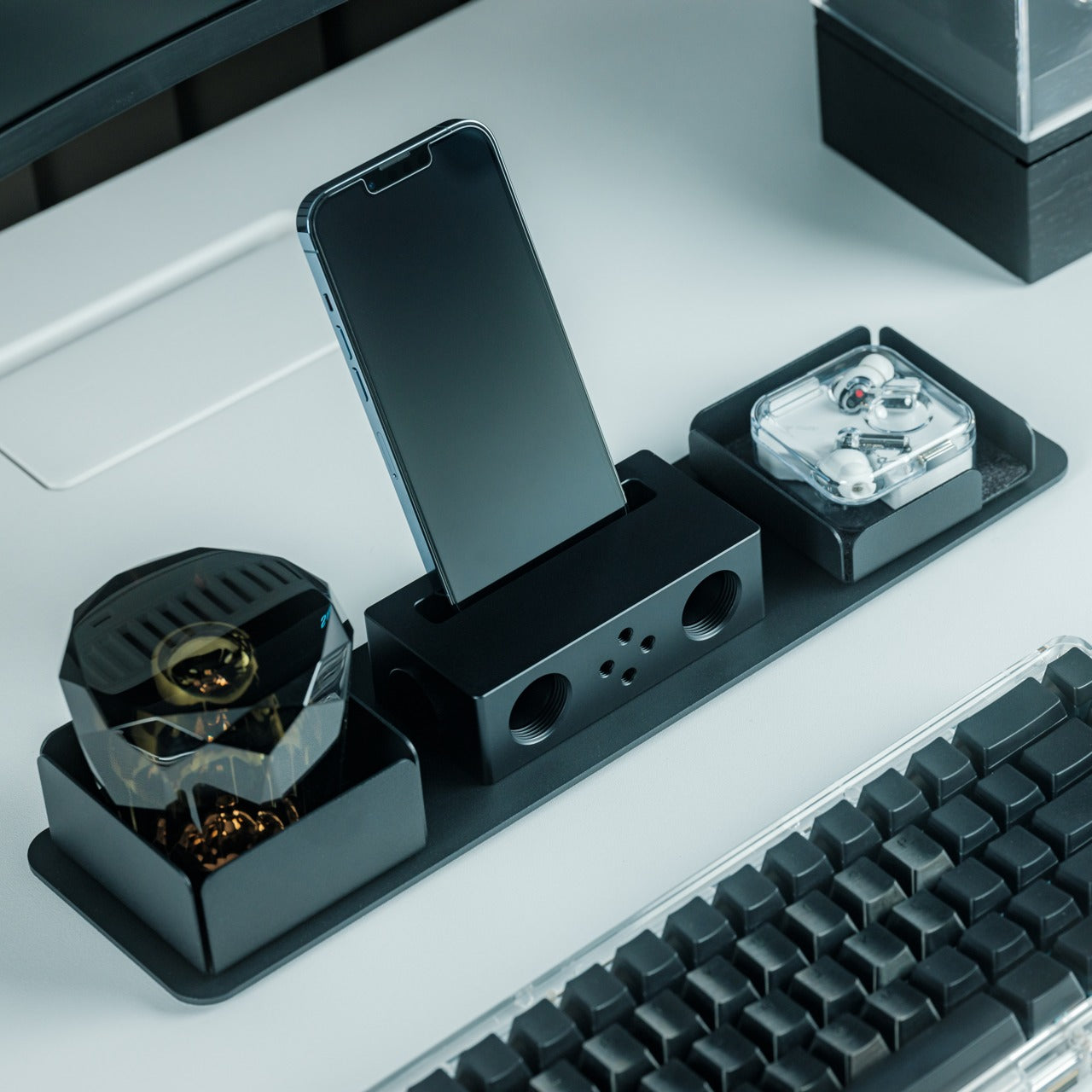
The Battery-free Amplifying iSpeakers take a pleasingly literal approach to phone audio: put the phone in a shaped metal enclosure and let the geometry do the work. Designed by Ooi Masato and made in Japan, the accessory uses duralumin rather than a powered amplifier. There’s no Bluetooth pairing, battery gauge, or charging cable involved. For someone who wants to listen aloud at a desk, it offers a dedicated place for the phone without adding another electronic device to the routine.
The attraction is simplicity, not a promise of room-filling volume. The phone remains the sound source, so this makes more sense as a casual listening accessory than a replacement for powered speakers. Check your phone and case fit before buying, along with the position of the speaker opening. Optional +Bloom and +Jet modules redirect sound and are sold separately. It’s an appealing desk object for people who value avoiding chargers and want their phone to have a permanent desktop home.
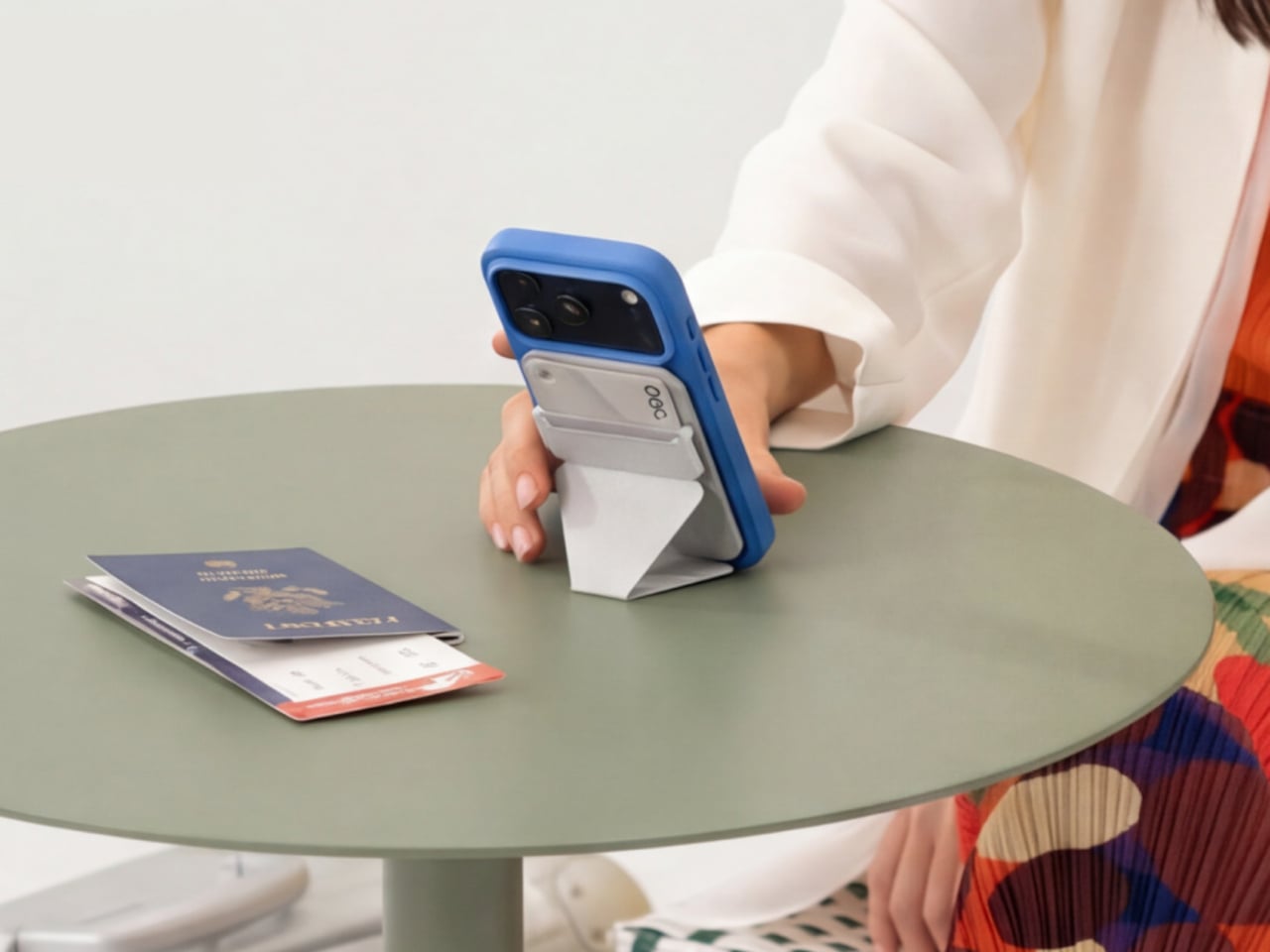
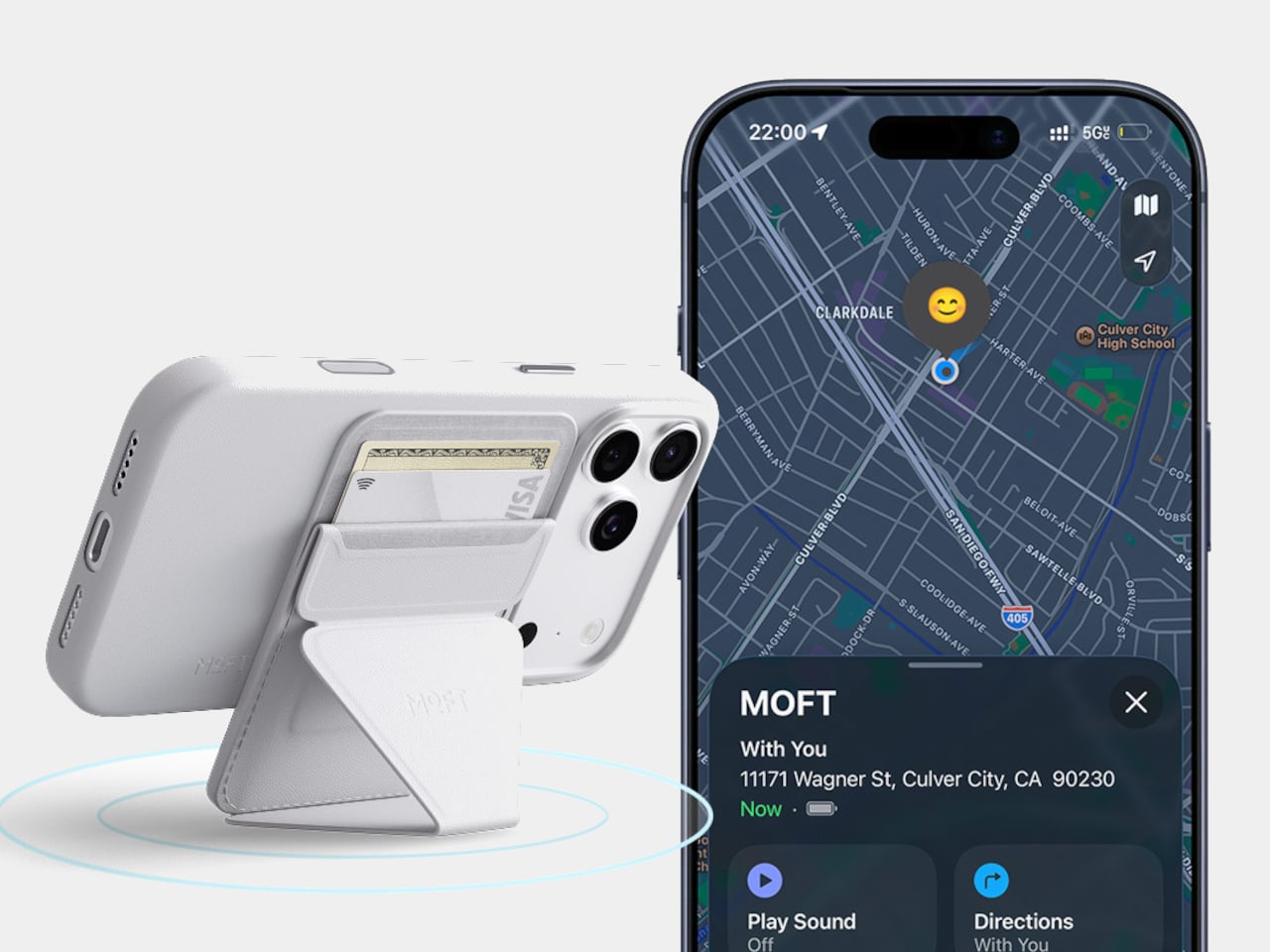
A magnetic wallet makes leaving the house with less stuff appealing, right up until you detach it and forget where it went. MOFT’s Trackable Snap-on Phone Stand & Wallet builds Apple Find My support into a folding accessory that also serves as a grip and stand. The current product listing specifies two cards and a 6mm thickness. Its usefulness comes from keeping those functions together, rather than asking you to carry a wallet, separate tracker, and stand every single day.
Find My gives the wallet a way to report its location and sound an alert, making it easier to look for when separated from your phone. MOFT claims around six months between wireless charges, and the folding construction supports portrait, landscape, and floating viewing positions. The limitation is equally clear: this is an Apple-oriented solution with room for just two cards. Its tracking battery is built in and nonreplaceable, so rechargeability is welcome but doesn’t resolve eventual battery serviceability concerns.
What we like
Find My tracking without a separate tag.
Wallet, grip, and stand share one folding structure.
What we dislike
Holds only two cards.
The tracking battery is not replaceable.
6. WUBEN E1 Magnetic Phone Light
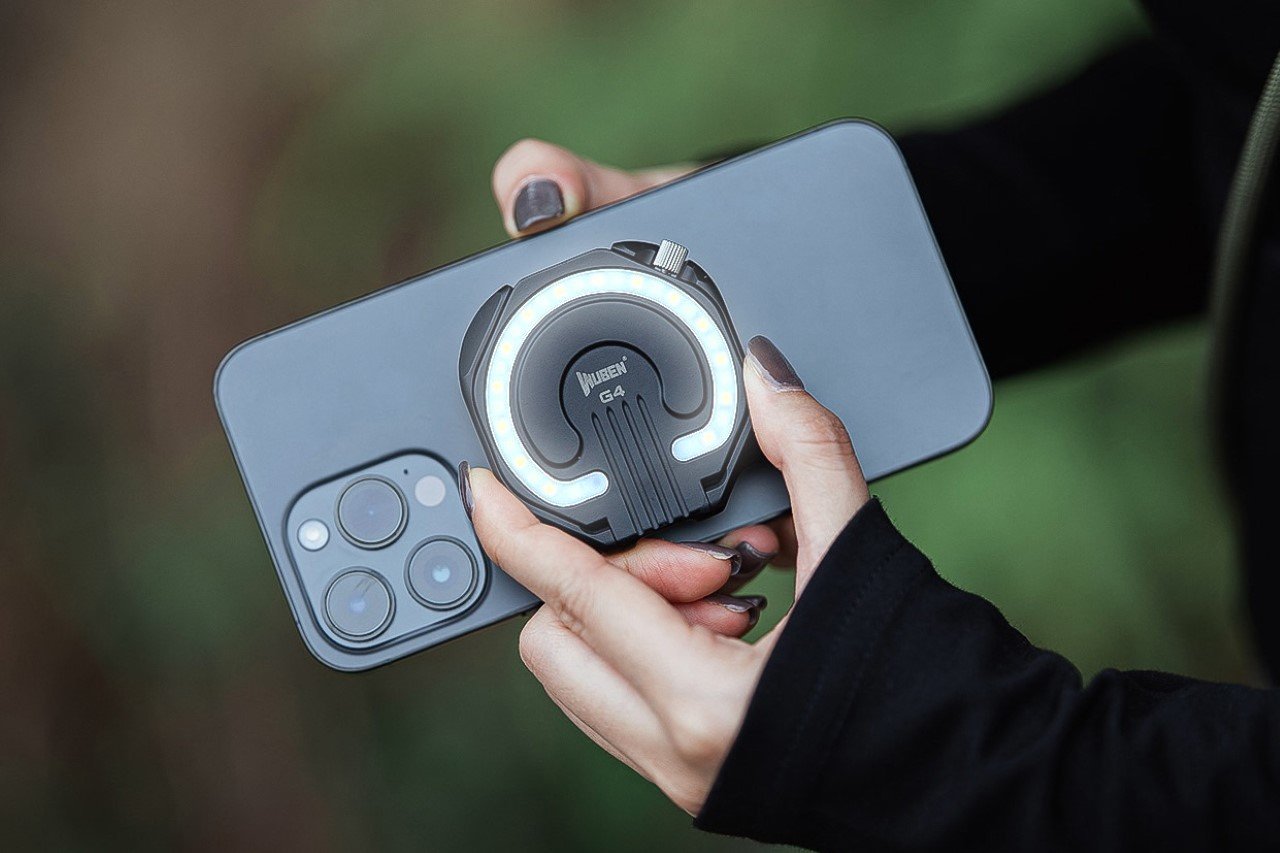
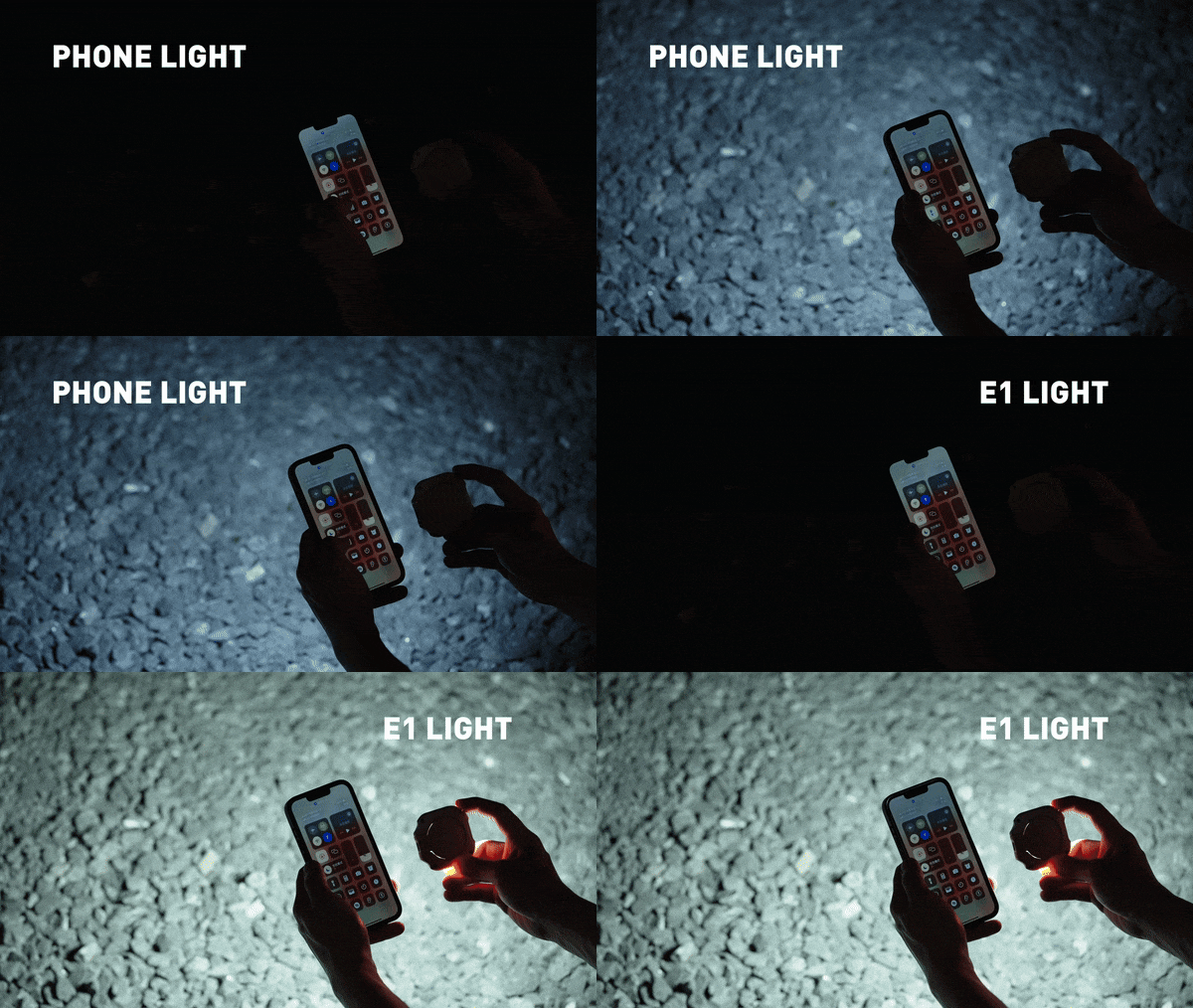
A good phone camera still depends on the light in front of it. WUBEN’s E1 gives you another source to position, combining an adjustable ring light with a magnetic phone mounting arrangement. Brightness is adjustable, and warm, neutral, and cool settings let you choose the color of the light rather than accept whatever the built-in flash provides. The hinged support lets you redirect the light and use the assembly as a stand for your phone too.
This makes the E1 interesting for video calls, close-up filming, and selfies where a small adjustable source is more useful than simply pushing exposure higher. WUBEN rates output at up to 300 lumens, but that specification alone doesn’t establish how flattering the light will look. It recharges through USB-C and needs magnetic phone compatibility or an adapter ring. Check the selected retail bundle carefully: the product page lists the bracket separately among its variants; don’t assume the mount is included.
What we like
Adjustable brightness and three color-temperature settings.
Hinged mounting adds control over light direction.
What we dislike
Adds another battery to recharge.
Bracket inclusion requires careful checking.
7. Leica LUX Grip
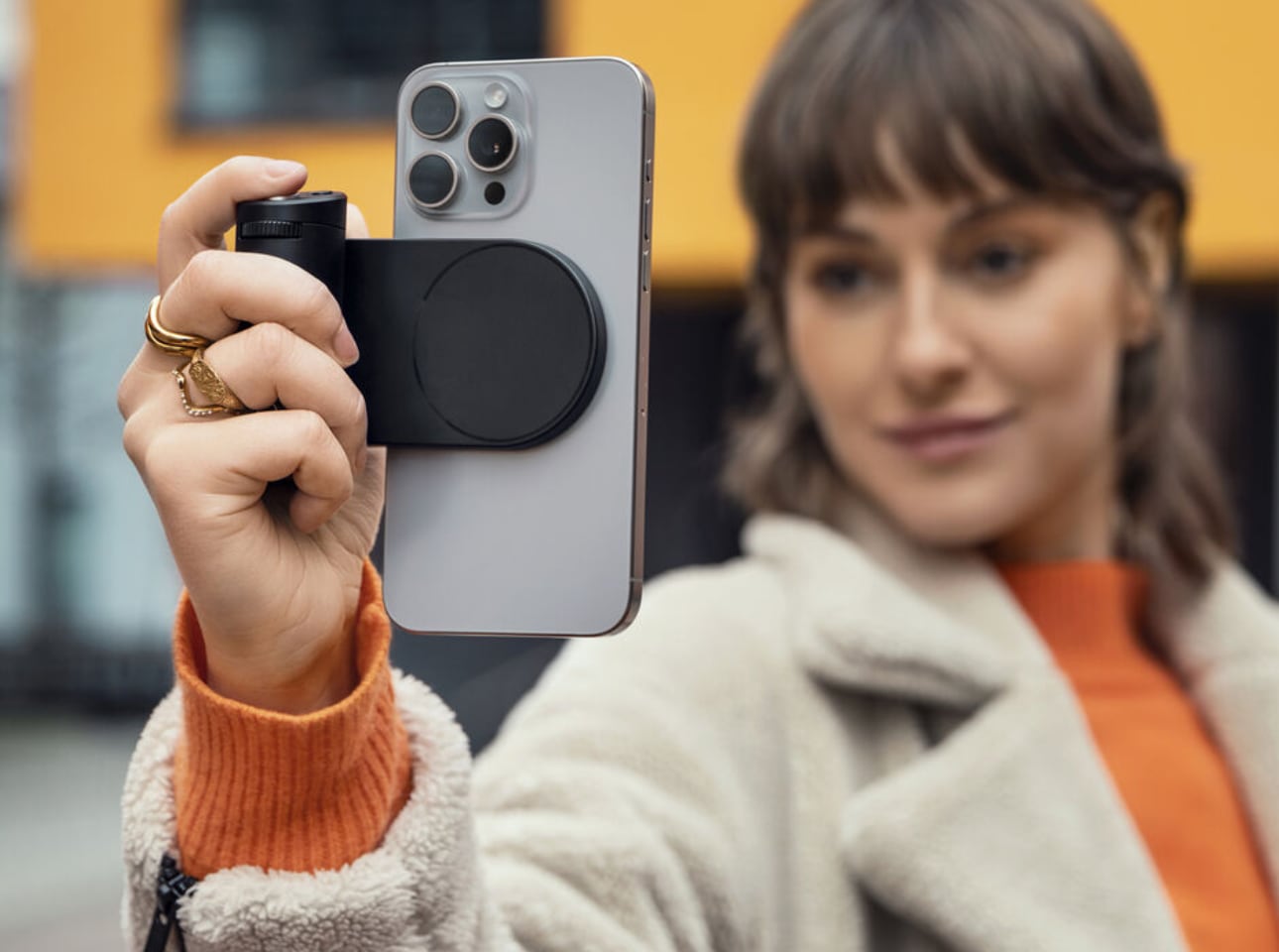
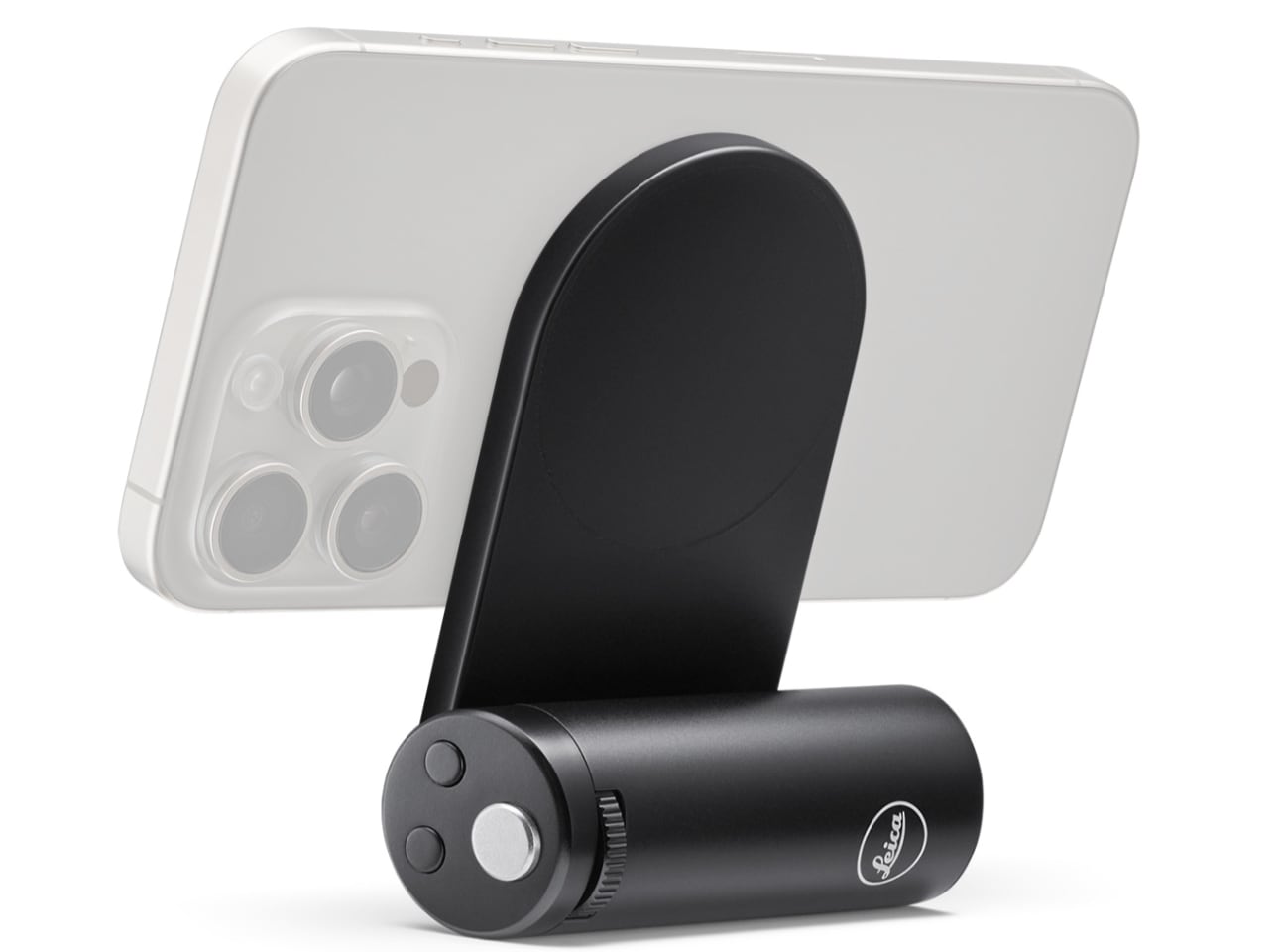
Touchscreens are wonderfully adaptable until you want a control you can find without looking. Leica’s LUX Grip attaches magnetically to a compatible iPhone and adds a two-stage shutter button, two customizable buttons, and a control dial. Half-press the shutter to focus, then press fully to take the photograph. That physical sequence is the point: it brings a recognizable camera action to a device otherwise dominated by glass, giving regular phone photographers a different way to hold and operate their camera.
The aluminum housing weighs approximately 130 grams, and Leica specifies roughly 1,000 exposures per charge. There’s an important software boundary, though: the grip works with the Leica LUX app, not Apple’s built-in Camera app. Registration includes twelve months of LUX Pro, with paid access afterward if you retain the subscription. It’s a specialized choice for someone happy to adopt Leica’s workflow. It does not change the iPhone’s sensor or optics, and it cannot double as a phone-charging power bank either.
What we like
Physical shutter and configurable controls.
Supports portrait and landscape attachment.
What we dislike
Limited to the Leica LUX app.
Pro access becomes paid after the included year.
8. KUXIU D5 Charging Station
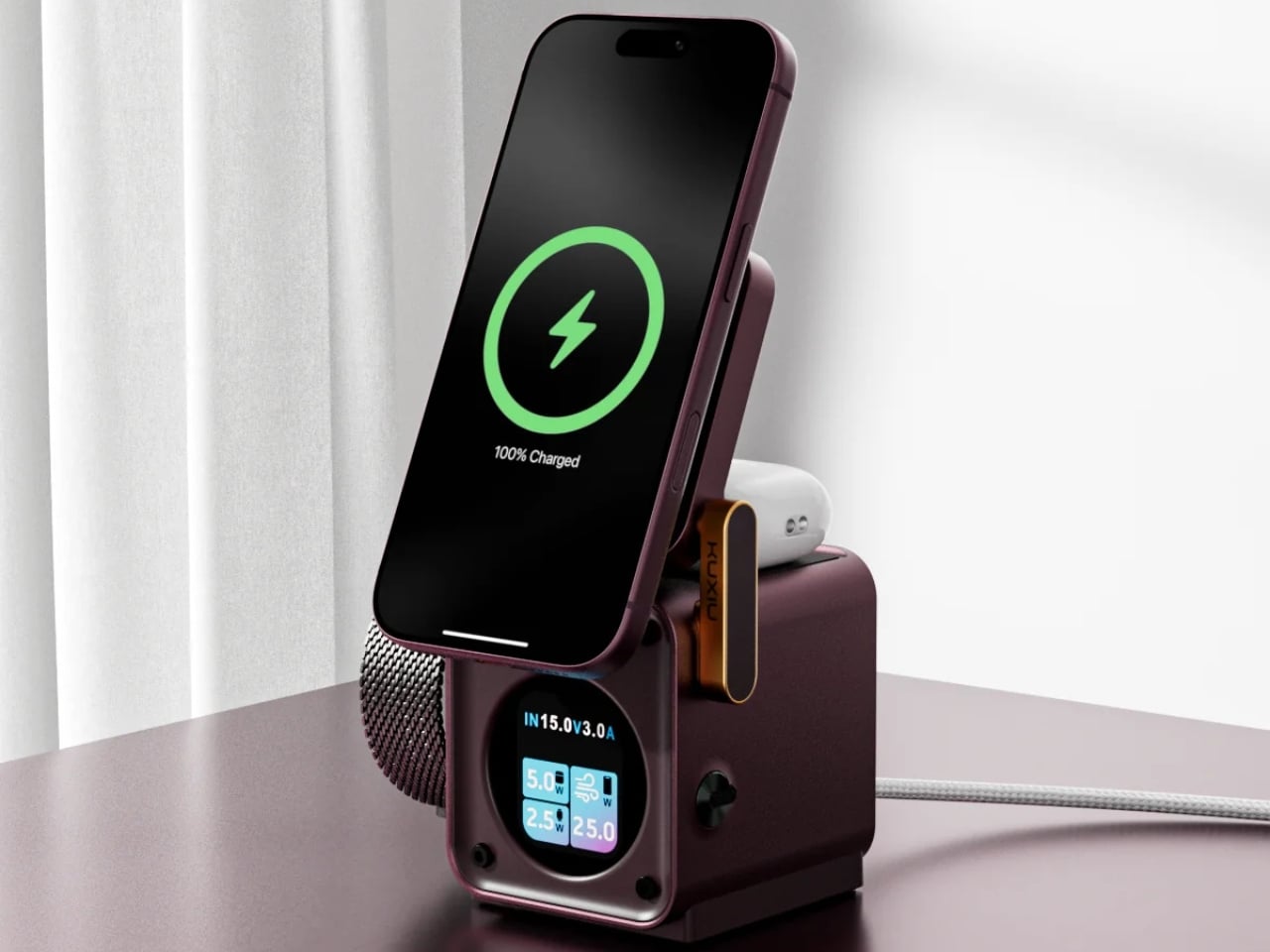
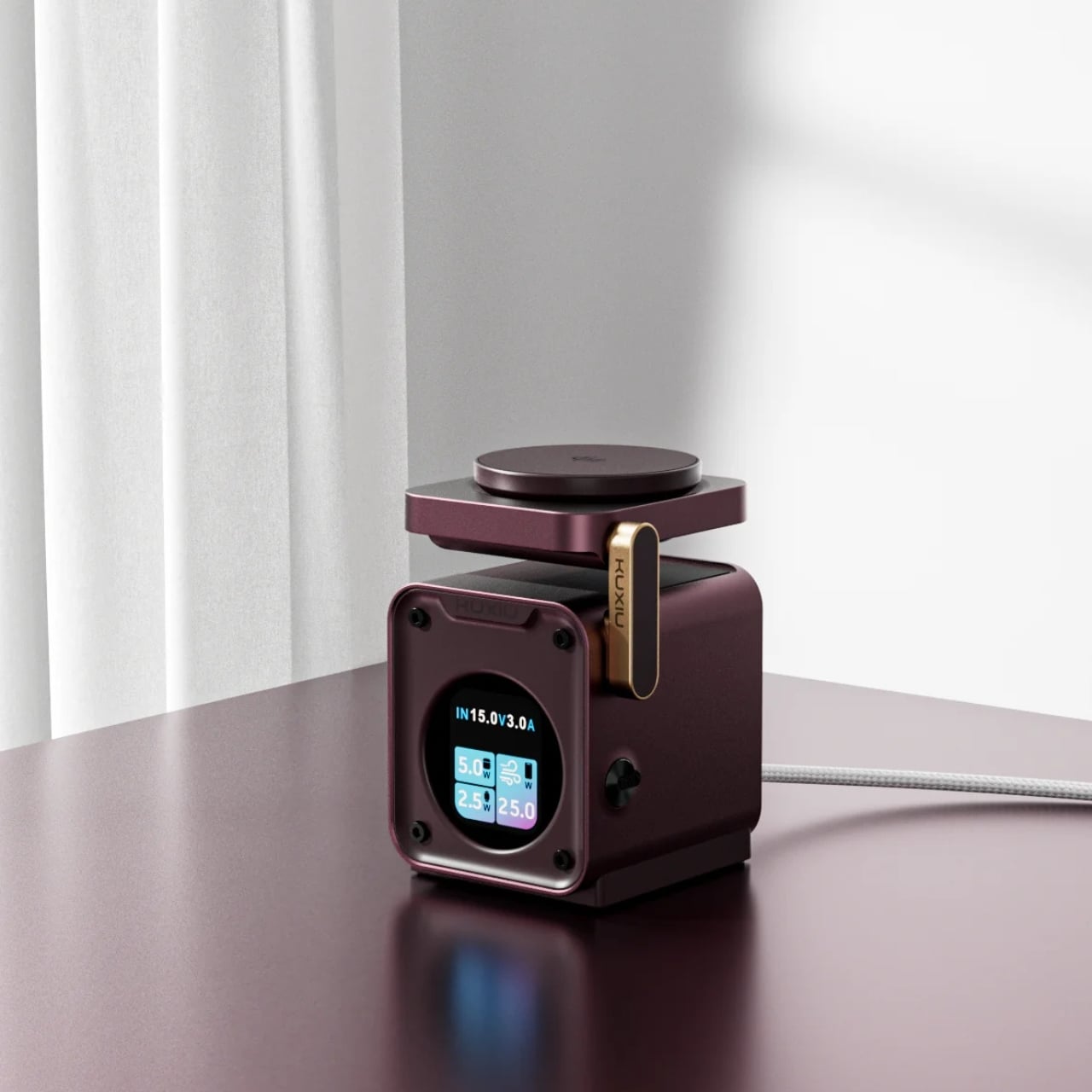
The annoyance here lives around the phone: an Apple Watch charger, an earbud cable, and adapters competing for desk space. KUXIU’s D5 gathers three compatible devices into one wireless charging station, with an adjustable phone platform and a motorized Apple Watch module that retracts into the body. The hidden watch charger is an unusually specific design decision. You only need that protrusion when a watch is charging, so the dock needn’t keep it permanently extended across your desk between sessions.
The display shows input voltage, current, and power, plus individual charging status, giving the dock more feedback than a single indicator light. KUXIU also includes an active cooling fan that can be switched off. Phone charging is advertised at up to 25W, but actual speed depends on the handset’s support. The watch module is specifically for Apple Watch, and earbuds need a wireless-charging case. For a compatible trio, the benefit is consolidation, not a guarantee that everything suddenly charges faster.
What we like
Three charging positions in one station.
Retractable watch module and informative display.
What we dislike
Watch charging is Apple Watch-specific.
Maximum phone charging speed depends on compatibility.
9. RetroWave 7-in-1 Radio
A smartphone becomes a much less useful companion when the battery runs down, and there’s no outlet nearby. The RetroWave 7-in-1 Radio brings a modest backup battery together with things a phone shouldn’t have to supply indefinitely: a flashlight, an SOS siren, and radio reception. Its 2,000mAh battery can provide a phone top-up, while AM, FM, and shortwave listening work without an internet connection. The tuning dial also provides a direct physical control instead of another screen to navigate.
Bluetooth playback gives RetroWave an everyday role as a phone speaker, while USB and microSD playback let it handle music independently. That matters for an emergency companion: it has reasons to stay accessible rather than disappear into a drawer. Be realistic about its charging options. USB is the primary method, the hand crank is intended for emergencies, and solar charging is supplementary. The small battery won’t replace a substantial power bank, but it offers a useful reserve alongside standalone functions.
Phone charging alongside independent radio and lighting.
Bluetooth and offline music playback.
What we dislike
Limited 2,000mAh backup capacity.
Solar and crank charging are secondary options.
Buy for the Problem You Actually Have
The sensible way to choose from this collection is to start with the irritation, not the accessory. If cables are your daily nuisance, a more elaborate charging station may be unnecessary. If touch controls interrupt your photography, a grip deserves more attention than another camera specification. Match the mechanism to the task, then check the phone, case, app, and charging requirements that determine whether it will actually work for you.
The less obvious question is where the accessory belongs when you’re finished using it. Something that folds, coils, docks, or stays useful independently has a better chance of fitting into a routine than something you must keep rearranging. There’s no need to buy all nine. A phone already does enough jobs; the right companion should remove one small source of friction without giving you another object to manage every day.
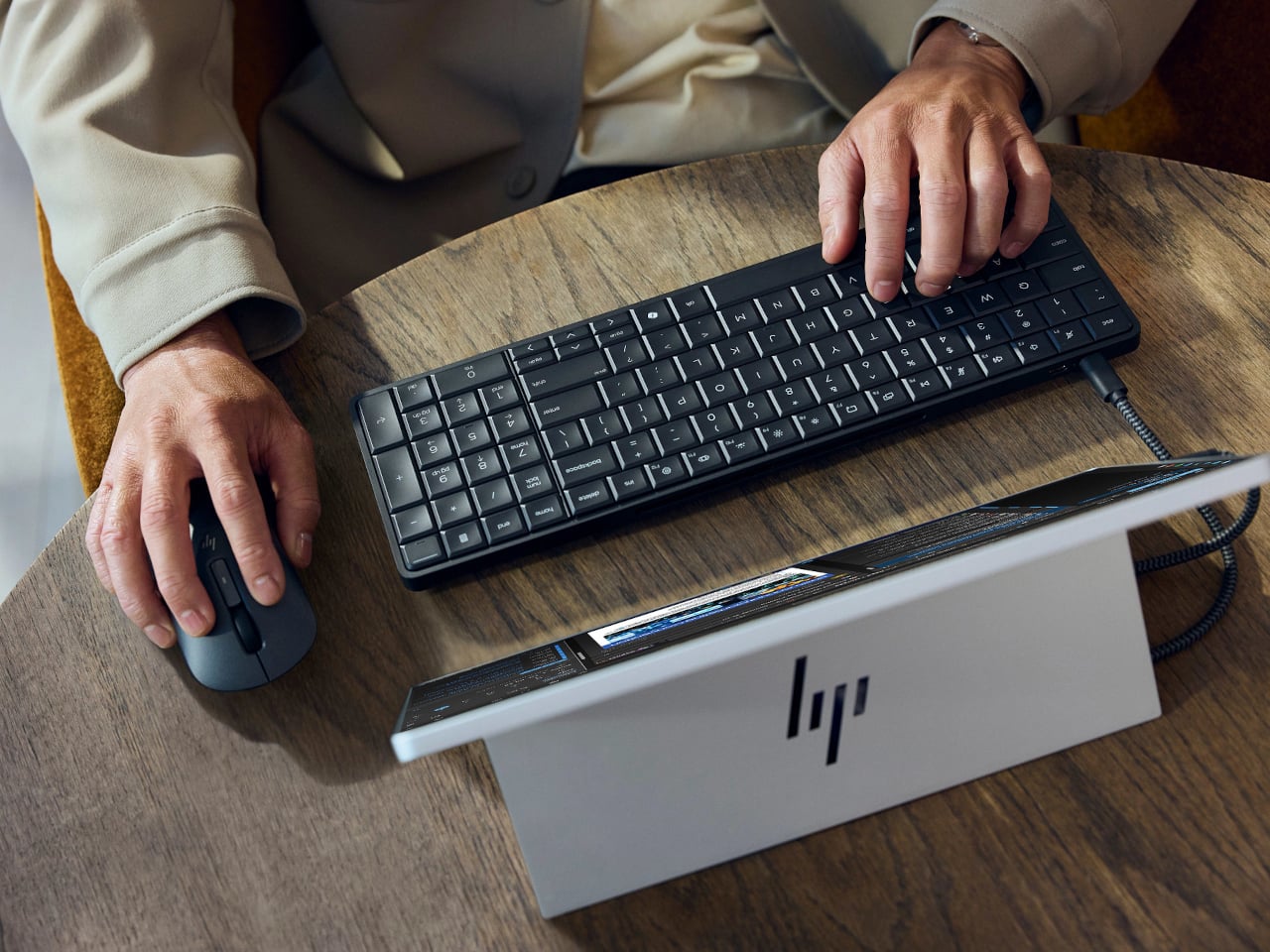
Desktop computers have become smaller, but even a little box needs somewhere to sit and cables to connect it. HP’s EliteBoard G2a removes that separate enclosure by putting the computer inside a full-size keyboard. This Windows PC keeps the surface you already type on and gives it another job, making a compact workstation easier to carry between home and office.
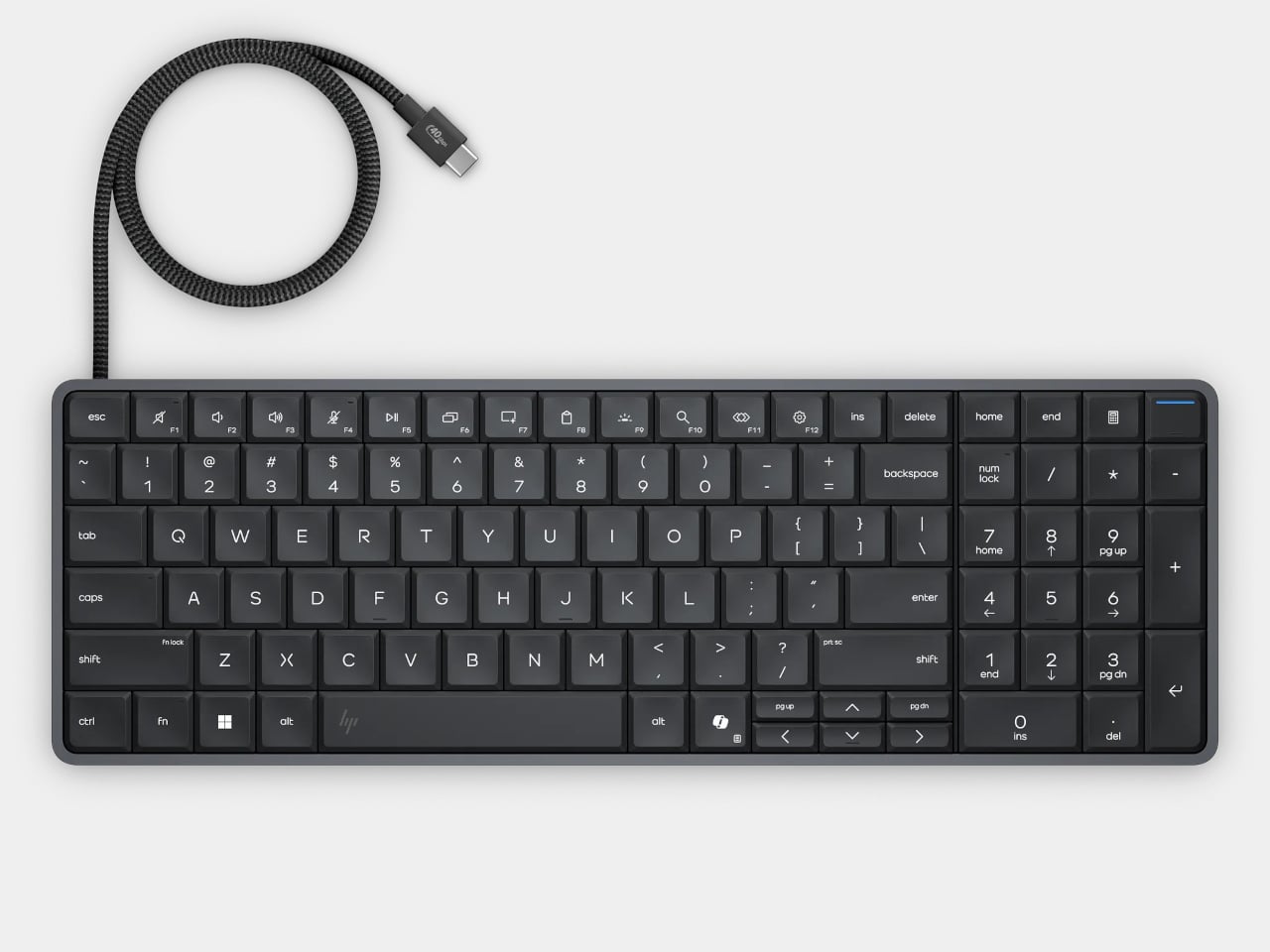
The gray body measures 14.1 by 4.7 by 0.7 inches and weighs about 1.49 pounds, depending on configuration. Low-profile keys, a numeric keypad, and backlighting preserve the familiar business-keyboard layout rather than shrinking everything into a travel accessory. That makes the design’s restraint rather convincing: there’s no separate machine competing for attention, although you’re still setting aside space for a full keyboard.
Of course, the missing piece is a screen. Connect the G2a to a compatible USB-C monitor and you can bring your computer to a desk where the display already lives. A single cable can carry video, data, and power, provided the monitor supplies the required 65W. Otherwise, the included power adapter is still needed. A USB-C socket alone doesn’t guarantee that tidy arrangement.
The cable itself comes in attached and detachable versions, a small choice with consequences when packing up. An attached lead stays with the machine, so there’s one less item to leave behind. A detachable cable separates from the keyboard for storage or replacement. The second USB-C connection handles accessories, but USB-A devices and wired Ethernet require adapters, adding clutter to the setup.
Underneath, AMD Ryzen AI 5 PRO 435 or Ryzen AI 7 PRO 450 processors distinguish this G2a from the older G1a. Both include a 50-TOPS neural processing unit for compatible local AI software. The listed configurations pair 16GB or 32GB of RAM with a 512GB SSD. These prove the existence of a powerful computer beneath the keys, not a keyboard controlling something hidden behind your monitor.
An optional 32Wh battery gives the arrangement another advantage when you’re changing desks: the computer can stay running while disconnected. That doesn’t turn it into a laptop, since you’ll still need a display when you arrive. Integrated speakers and microphones reduce the peripherals needed for audio calls, and a prepaired wireless mouse completes the controls. Video calls still need a separate camera, of course.
Putting everything beneath the keys could make a damaged keyboard an expensive problem, which is why serviceability matters here. HP makes the top-mounted keyboard replaceable, alongside the RAM, SSD, and optional battery. Two accessible memory slots support upgrades to 64GB. You don’t have to treat the computer as disposable because its most frequently touched part wears out, although repairs still require appropriate skills.
That said, the price is harder to hide than the computer. Listed US configurations start at $3,028, while the attached-cable version with 32GB of RAM is priced at $3,846. A compatible monitor remains a separate purchase. For someone moving between equipped workspaces, carrying a keyboard instead of a desktop makes sense. Paying that much to avoid a separate box, however, is a considerably bigger decision.
2026 is the year when Trainers everywhere celebrate Pokémon’s 30th anniversary, so we expected a lot of new merchandise, themed events, and collaborations with other well-known brands. We’ve seen footwear and apparel rollouts with adidas and PUMA, LEGO sets, even a partnership with the European Space Agency, and food collaborations like Pokémon-themed Hershey’s Kisses. If you’re looking for audio equipment featuring your favorite monster, you’re in luck with this newly announced collaboration.
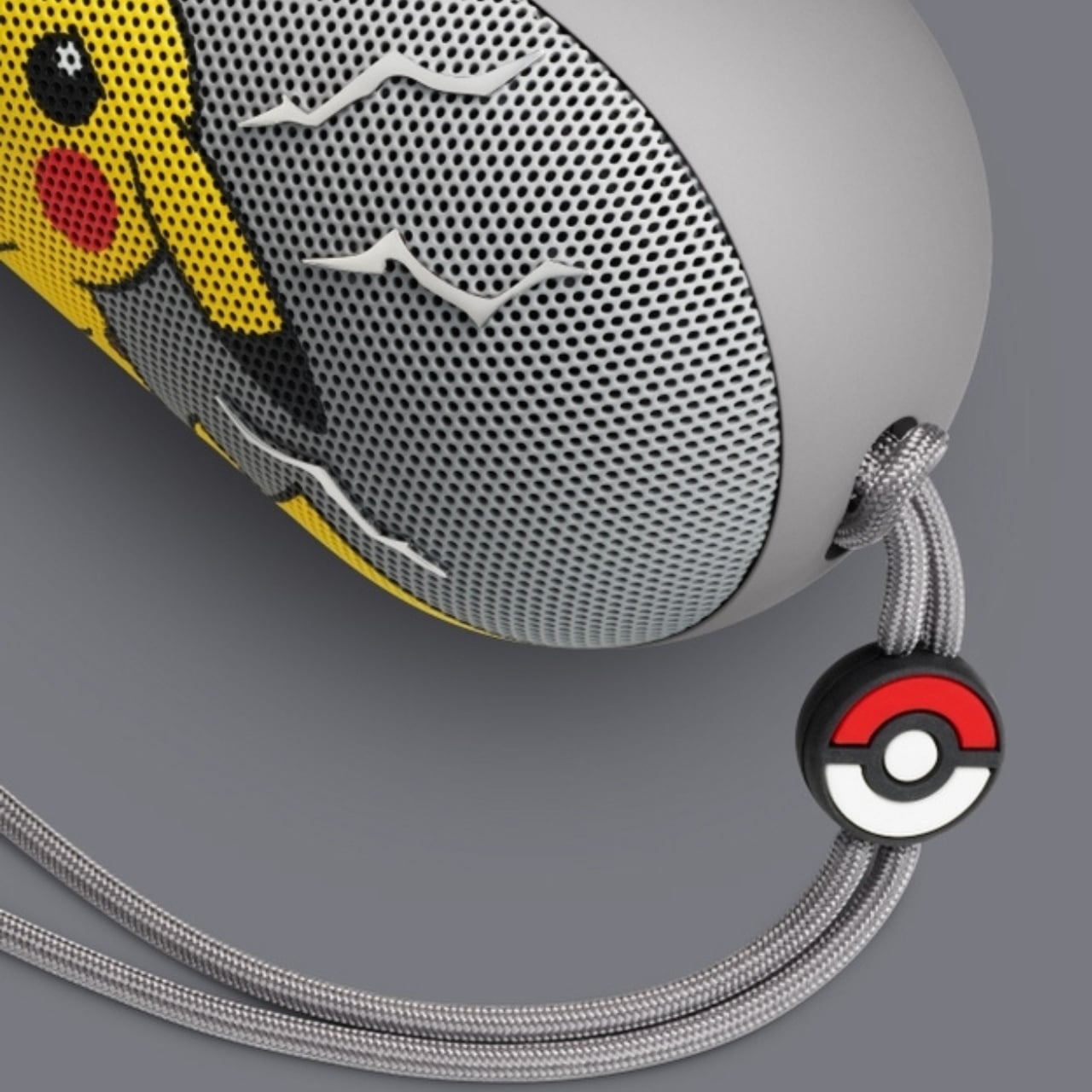
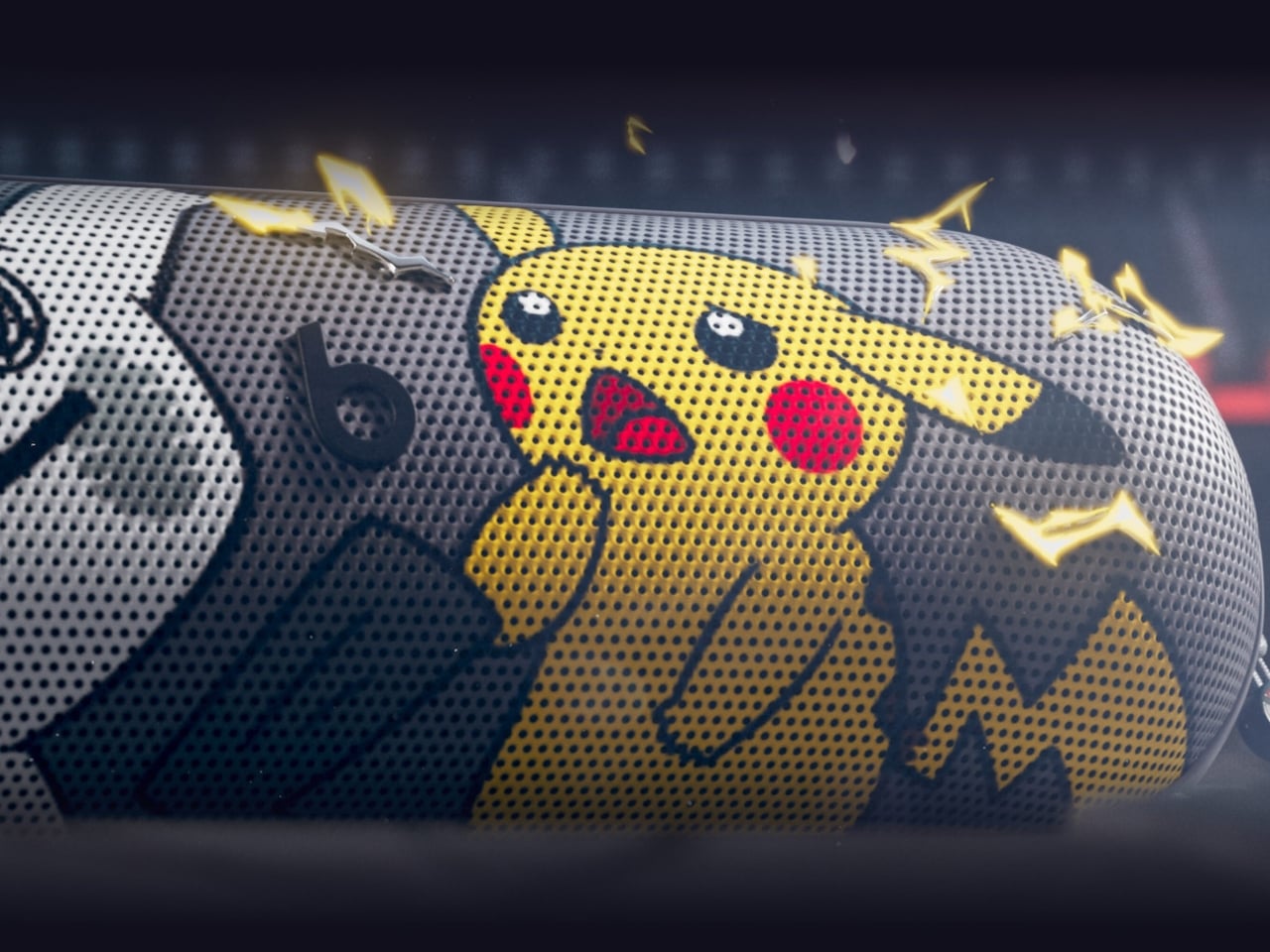
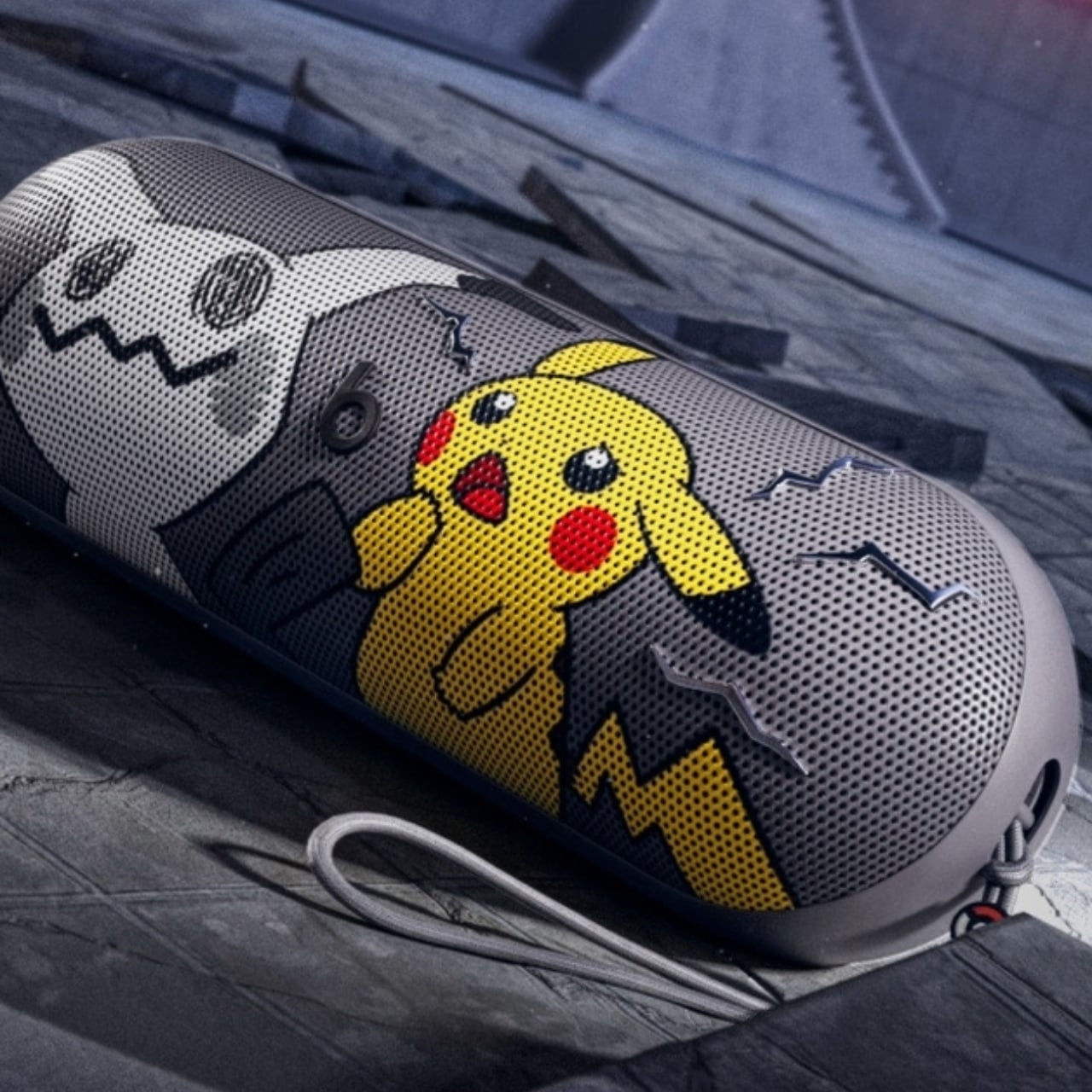
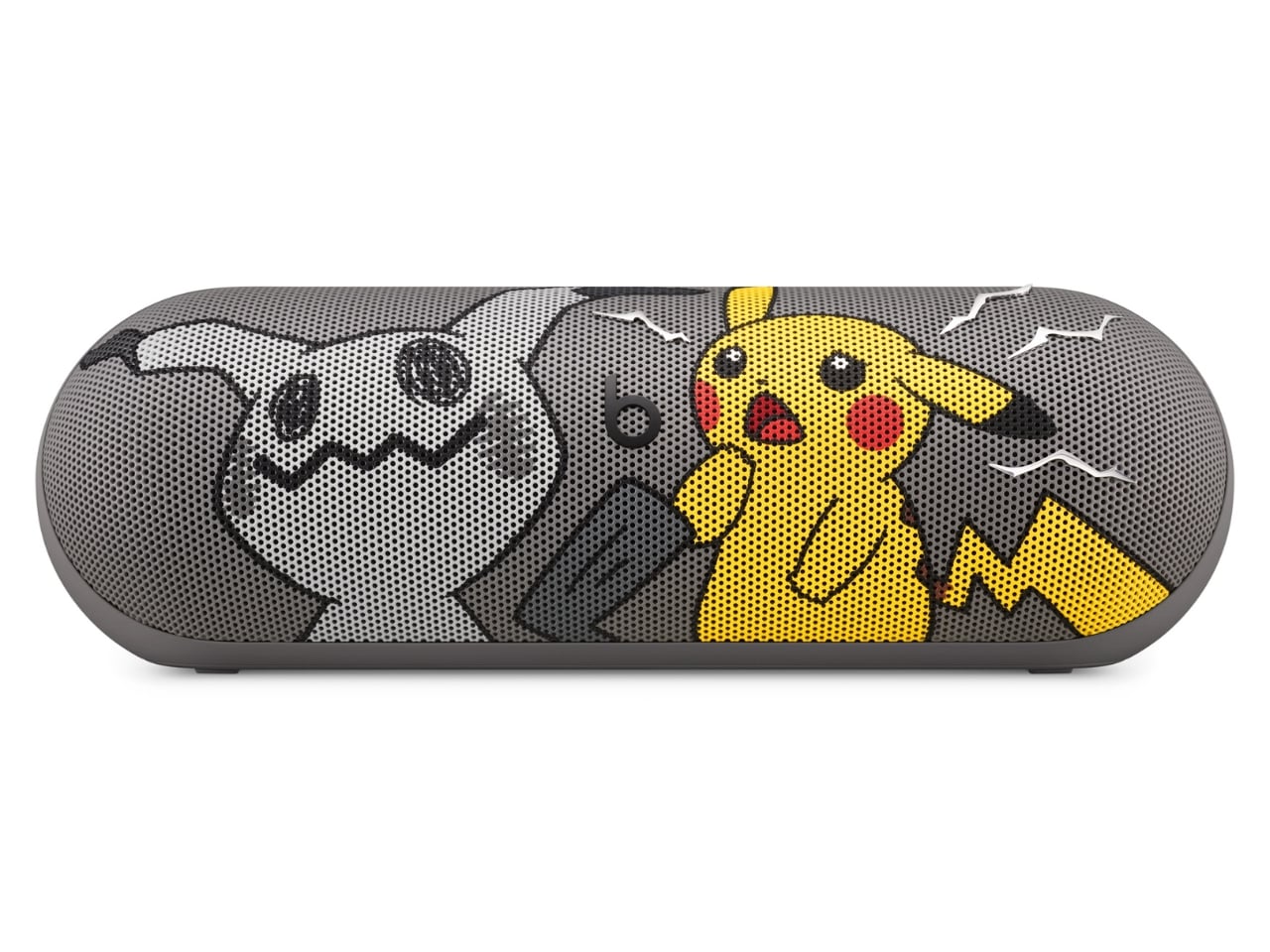
The Pokémon Beats Pill is a Bluetooth speaker announced by audio brand Beats in partnership with The Pokémon Company International. It features two familiar Pokémon characters, the ubiquitous Pikachu and the more mysterious Mimikyu. It brings the bright yellow and minimalist gray associated with these characters to a portable speaker with what Beats calls its signature sound. Both Beats collectors and Pokémon Trainers may want to have this special-edition collaboration to bring their music and other audio content to life.
Designers: Beats x Pokémon
The speaker’s design is a contrast between the electric yellow most identified with Pikachu and a grayscale interpretation of Mimikyu, with the latter hiding beneath a cloth that resembles the former. More than just attaching a logo to the Bluetooth speaker, this is a character-driven design. Both Pokémon appear on the grille, while the speaker itself remains compact and elongated like other Beats Pill devices.
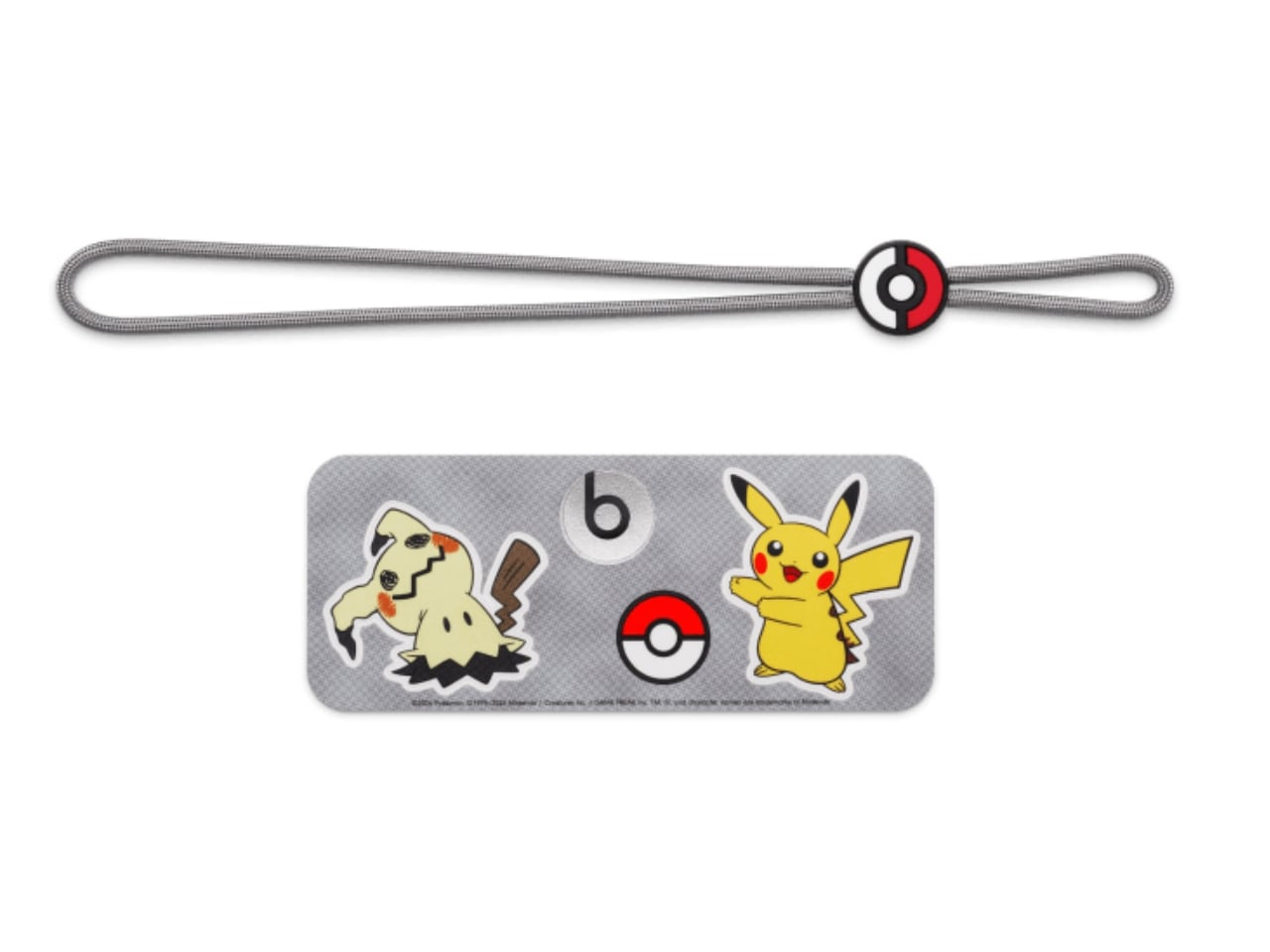
According to Beats, this is also the first Pill release that comes with charms. Trainers who like collecting accessories get the iconic Poké Ball, Pikachu-inspired lightning bolts, and the equally recognizable Beats “b.” The color-matched gray carry lanyard is removable, so there’s a practical carrying accessory alongside the collectible details. It also comes with interactive packaging, which Beats says includes a movable piece, plus special-edition stickers. The exact packaging mechanism isn’t explained in detail on the collaboration page.
The familiar shape has a practical side, too. Its 20-degree upward tilt is designed to direct sound toward your ears when it sits on a table, while the soft-grip silicone backing is intended to make it easier to hold. At 8.6 inches long and 24 ounces, it’s portable enough for a bag, although not pocket-sized. Keeping the existing Pill shape also means the Pokémon treatment doesn’t turn it into a bulky character figurine that needs its own dedicated space.
Specs-wise, the speaker has a bespoke acoustic system that Beats says delivers room-filling sound and deep bass for your favorite tunes, podcasts, or audiobooks. It offers up to 24 hours of battery life and has an IP67 rating for dust and water resistance. That battery figure is a manufacturer claim, not a guarantee for every listening session. You can also charge a compatible phone from the speaker via USB-C, using some of its battery in the process.
You can listen over Bluetooth or plug in a compatible device via USB-C for high-resolution lossless audio. The wired connection matters here; lossless playback isn’t being promised over Bluetooth. You can even pair two Beats Pills together in Amplify Mode or Stereo Mode. The former synchronizes playback across both speakers, while the latter separates the left and right channels. You’ll need a second Pill for either option.
The speaker also supports both iOS and Android devices, so you don’t need an iPhone to use it. One-touch pairing and supported device-location features add to its everyday usefulness. It can also serve as a speakerphone, letting you take calls through the paired speaker rather than reaching for your phone every time. The Pokémon Beats Pill is scheduled to become available in the United States for $149.99 on October 15, 2026, at 8 a.m. PDT, through Apple and Target online and at select Target stores.
For Pokémon fans, the appeal is having a collectible that doesn’t have to stay on a shelf. The collaboration’s announced changes focus on appearance, accessories, and packaging, rather than a Pokémon-specific audio upgrade. If you already own a Pill, the reason to choose this one is mainly the character treatment. For someone looking for a portable speaker, though, Pikachu and Mimikyu give a familiar everyday device some personality.
For fifteen years, Apple was the friend who shows up to the party an hour late and then insists it brought the best snacks. Tim Cook even had a motto for it, saying Apple was perfectly fine with not being first. Then John Ternus took over on September 1, and the snack table got crowded fast. In six weeks Apple has revealed the foldable iPhone Duo, a HomeView smart display in tabletop and wall-mounted versions, and nine smart home accessories. That makes twelve fresh designs, a wild number for a company that used to agonize over one hinge.
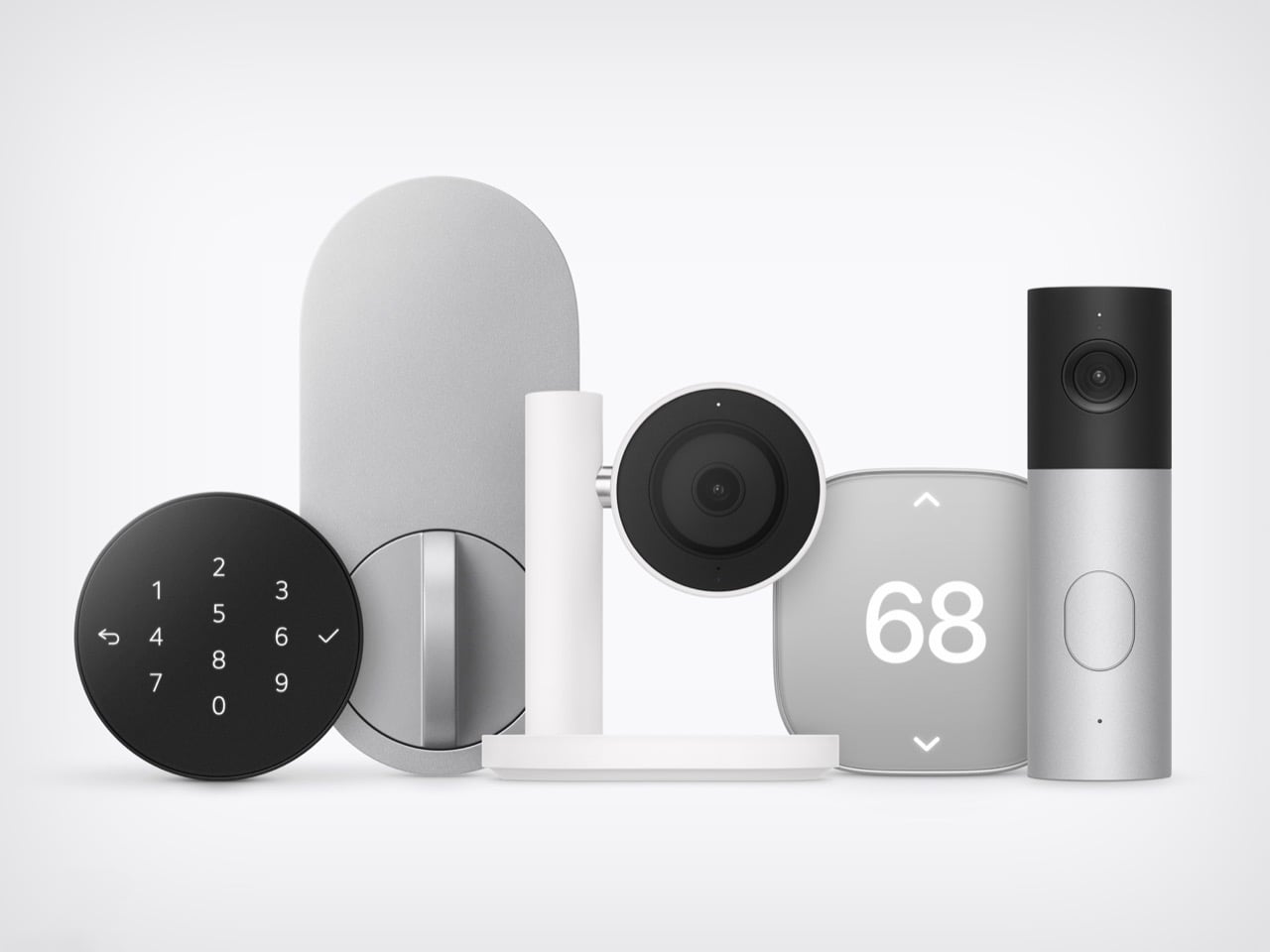
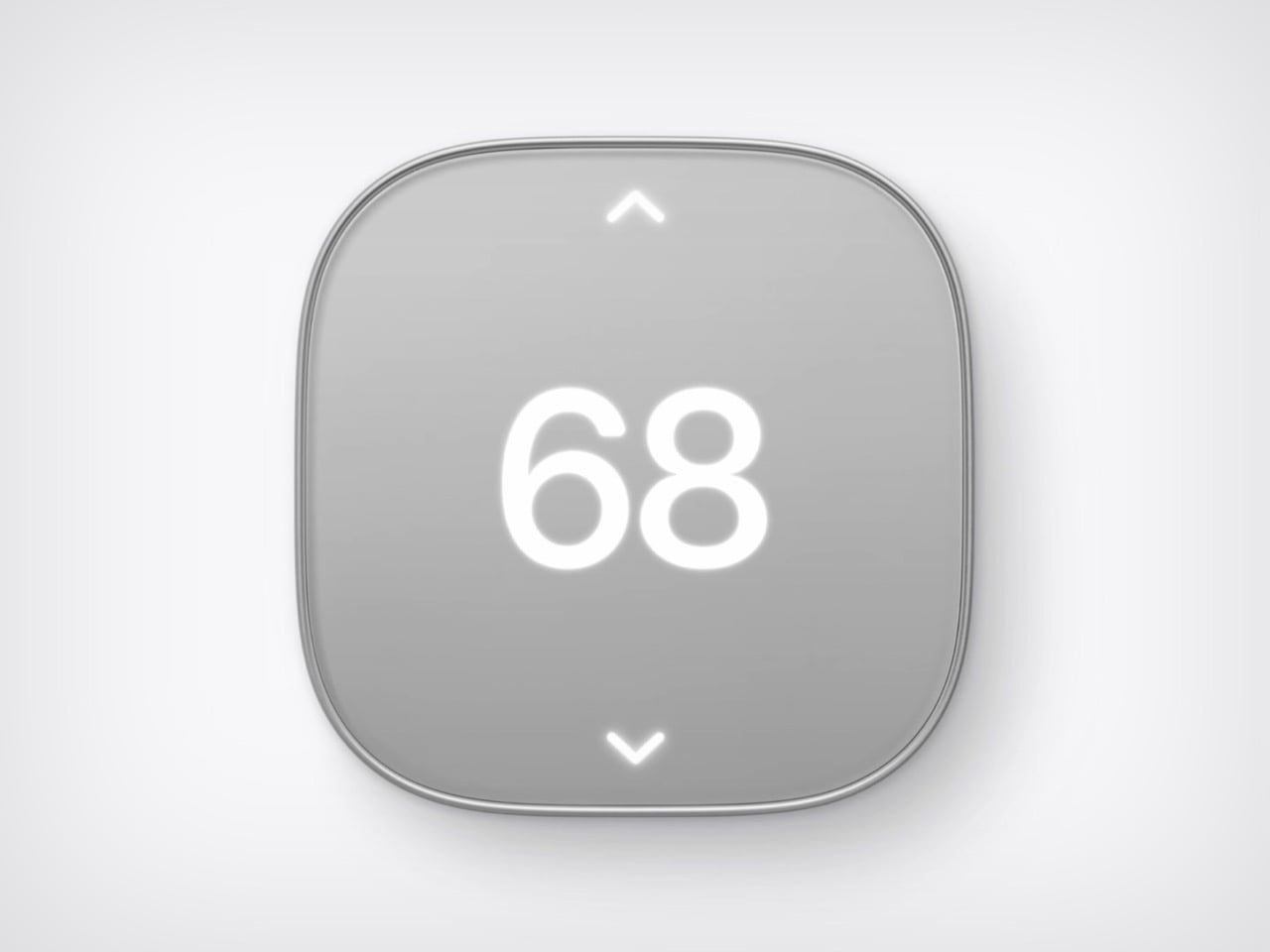
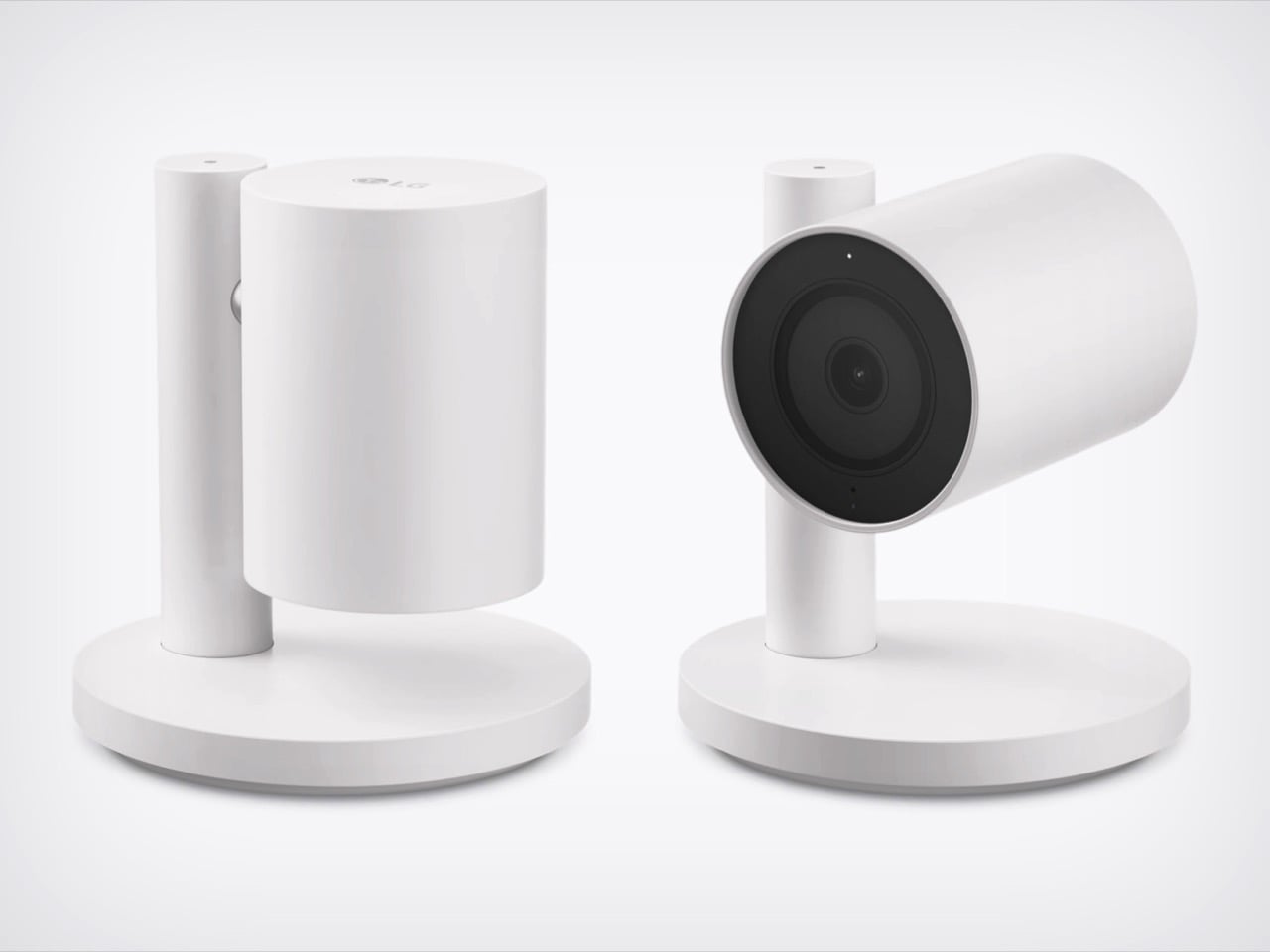
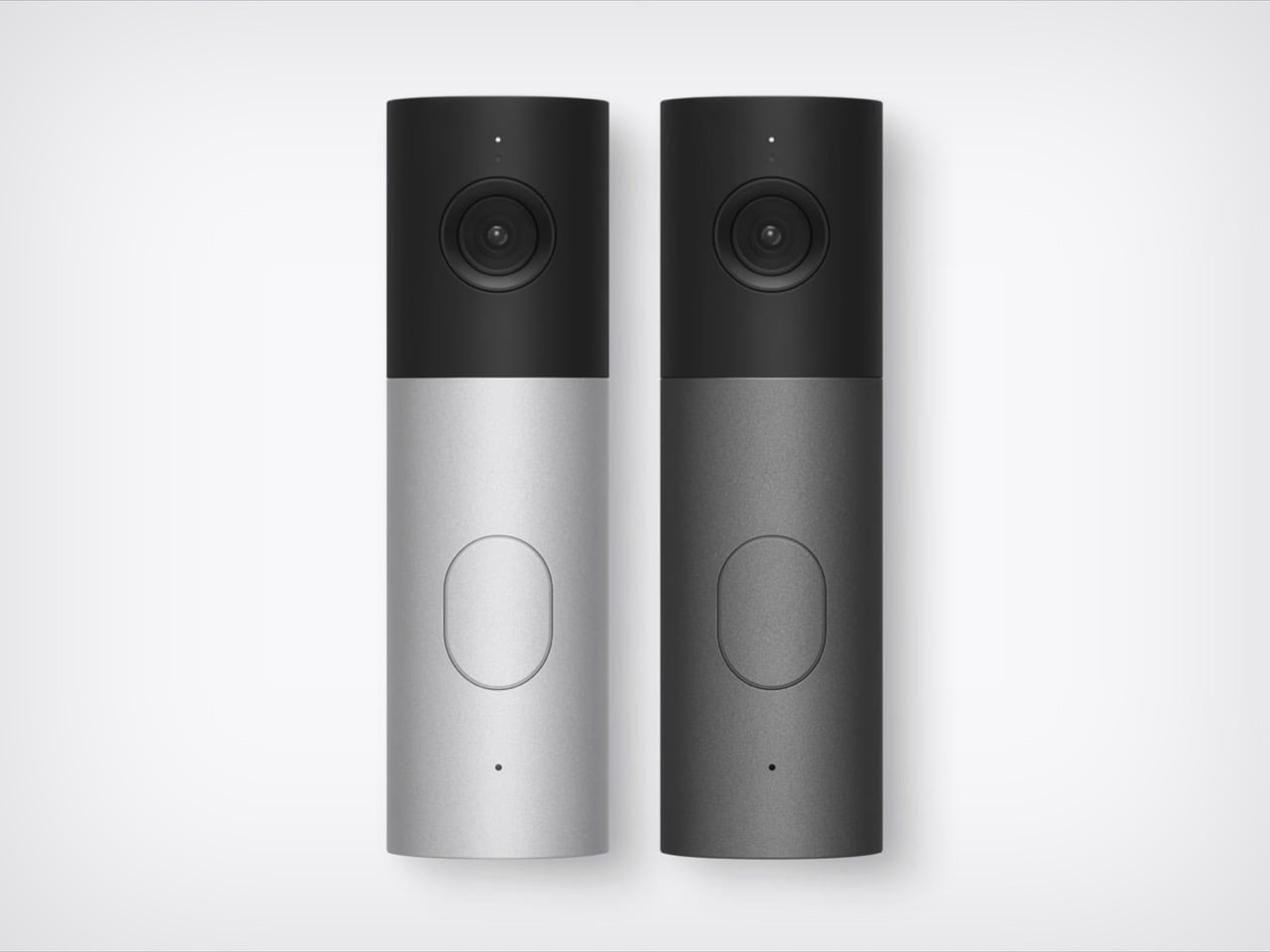
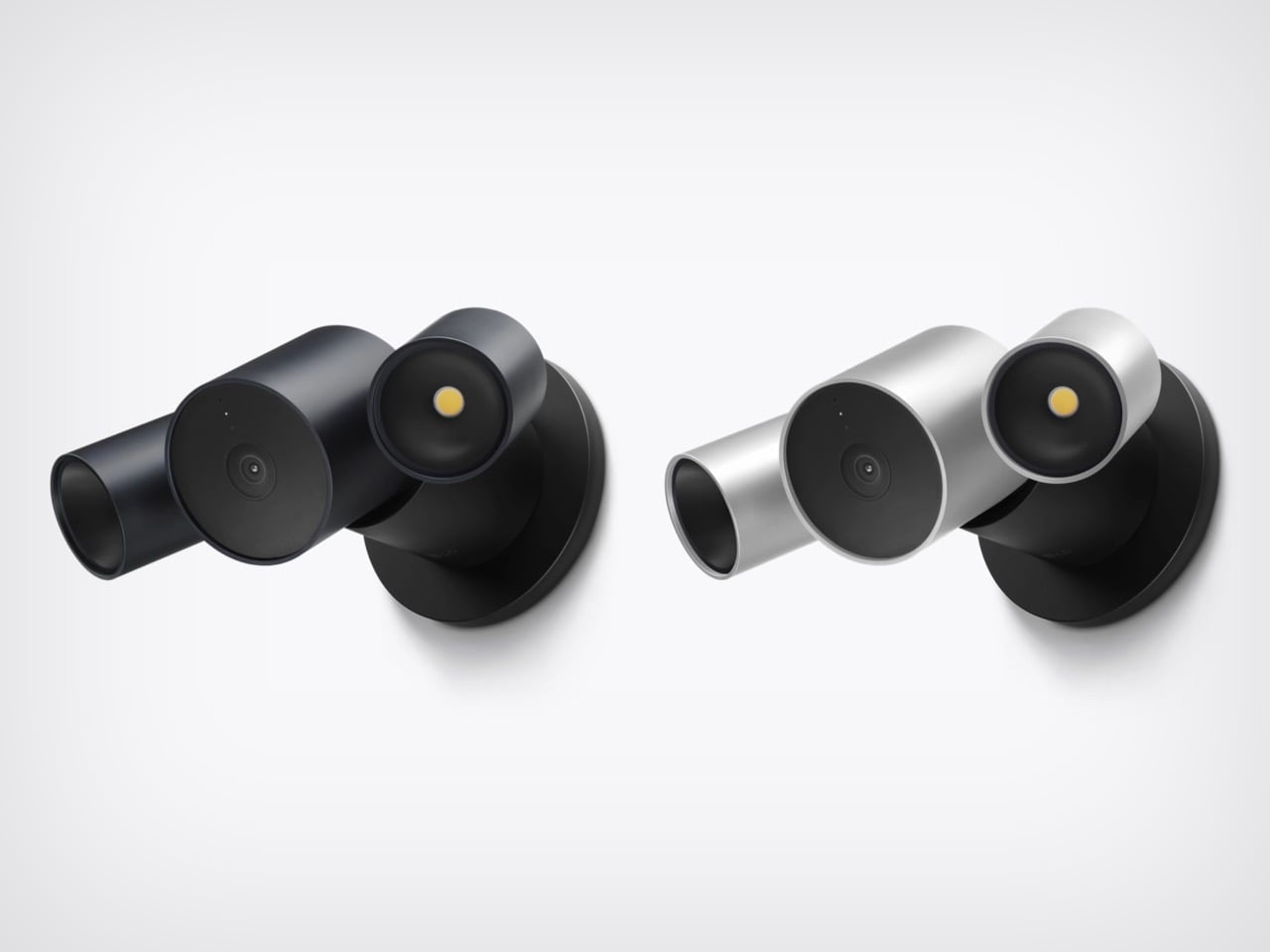
HomeView and the foldable will get the splashy coverage, but the real fun is the smart home gear. LG Electronics and Schneider Electric helped Apple build a video doorbell, a floodlight cam, outdoor and indoor cams, a deadbolt, two thermostats, and two sensors. They start arriving in December, with prices running from $39.95 for a sensor to $399.95 for the floodlight cam. Apple’s fingerprints are all over them, from the aluminum to the black glass to the rounded shapes. I am here to tell you why that deserves a small celebration.
Designers: LG and Schneider for Apple
The ROKR Taught Apple to Keep the Design and Rent the Factory
In September 2005, Steve Jobs launched the Motorola ROKR E1, a rebadged Motorola phone with an iTunes button and a cap of 100 songs. The demo stumbled and the phone flopped. Jobs looked pained onstage, and you can see why, since Apple’s software was riding around in someone else’s hardware. Roughly sixteen months later he unveiled the iPhone. The ROKR was a stepping stone he needed, taken at exactly the moment he needed it.
Ternus gets to run that play with the lesson already learned. Bloomberg reports that Apple shaped the design, features, and engineering of the LG gear, while LG handles manufacturing and support. The ROKR was Motorola’s design wearing Apple’s software. This is Apple’s design wearing LG’s factory. Ternus joined Apple in 2001, so he watched the ROKR saga from the inside, and the LG deal likely began on Cook’s watch but ships under Ternus, which puts it in his column.
Nine Products, One Family Look From Two Different Companies
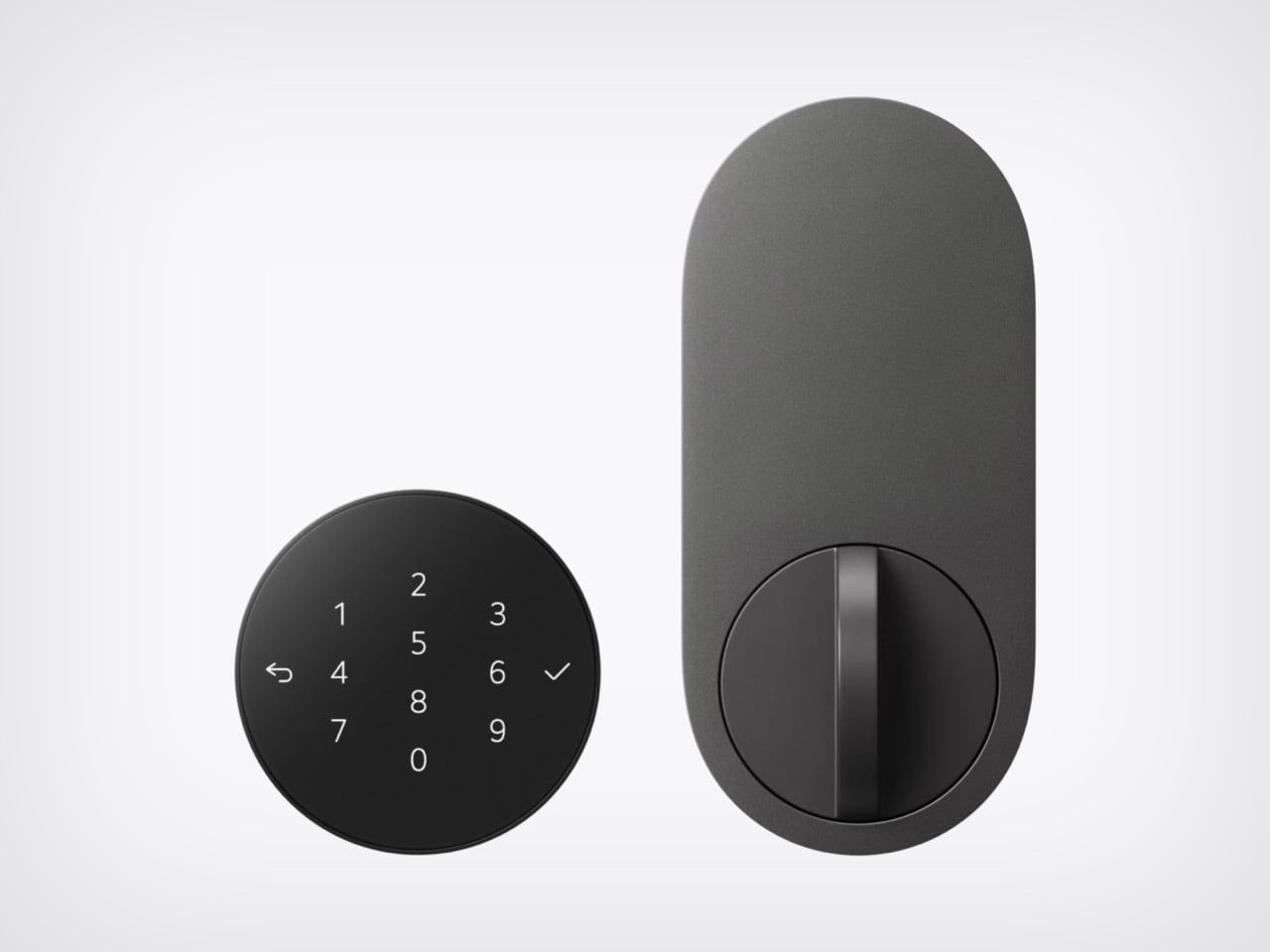
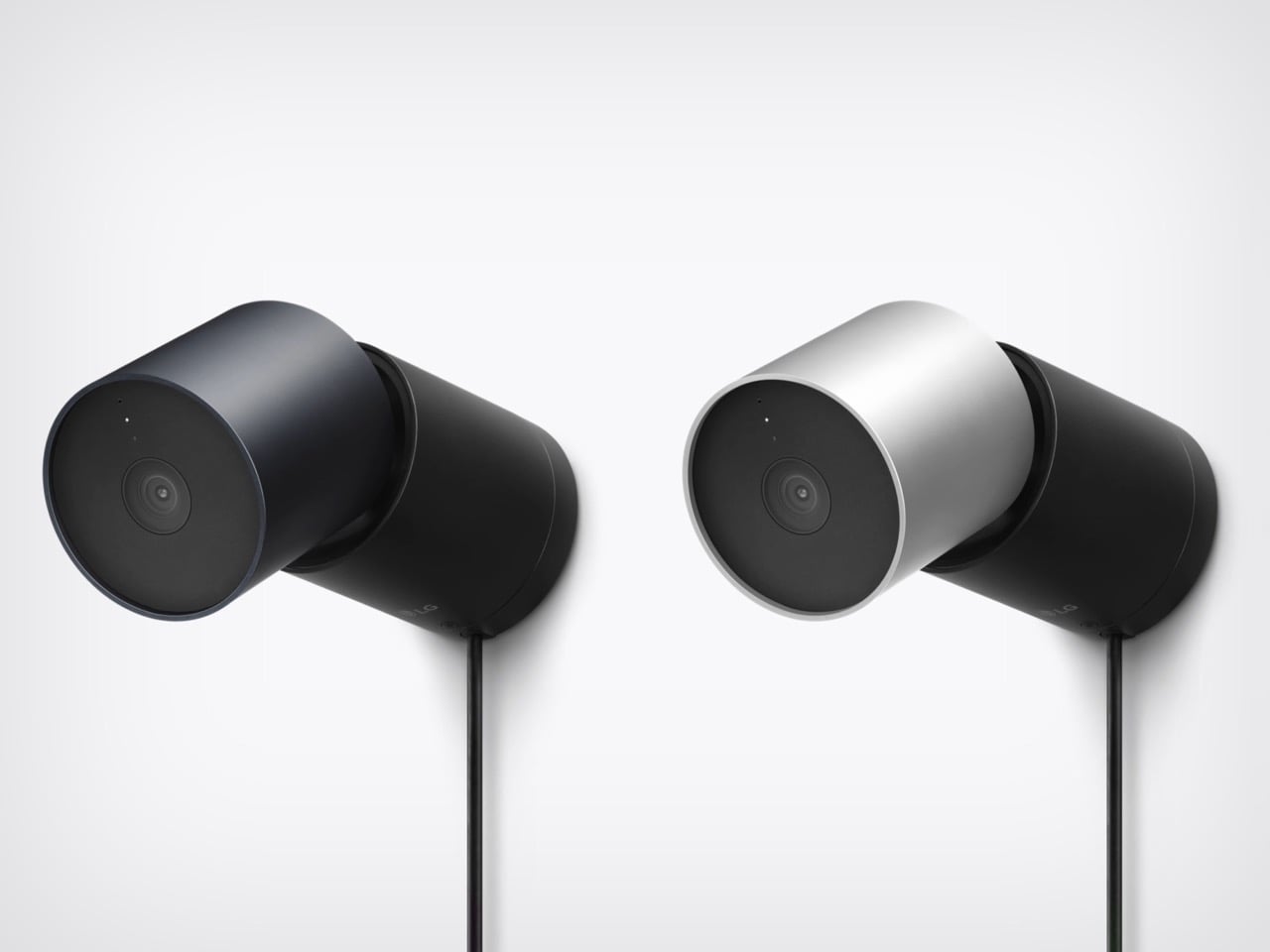
Line up the lock, camera, thermostat, and doorbell from Apple’s photo and the family resemblance is hard to miss. The Smart Deadbolt pairs a black glass keypad with a pill-shaped aluminum plate, and the Video Doorbell is an aluminum column capped in black glass. The Indoor Cam’s round head swivels on a chrome pivot that echoes the hinge on HomeView. The big 68 on the thermostat belongs to Schneider, yet it shares the same soft rounded-square body. Two companies, one look.
The Indoor Cam physically tilts down to stop watching the moment the first person gets home, which is the friendliest privacy gesture I have seen on a camera. The doorbell carries a 2.5K front camera plus a 1080p lens aimed at the doorstep for packages. The deadbolt uses Ultra Wideband (a precise short-range radio) to unlock as you walk up with your iPhone or Apple Watch, and it keeps working without internet. Everything sets up with one tap on your iPhone. There is no extra app and no extra account.
Ternus Ships What Is Ready Instead of Waiting for Perfect
Cook’s way was to wait until Apple could do it perfectly, and the home hub paid for it, slipping from spring 2025 while Siri caught up. Ternus, per Bloomberg, wants Apple to ship faster, experiment more, and spread launches through the year instead of two big events. HomeView still waited for Siri AI, so the rulebook did not change overnight. What changed is that the wait no longer stalls everything around it. The doorbell, lock, cameras, and thermostats are ready now, and Apple is shipping them.
The Home Collection starts at $39.95 for a sensor, with the lock at $349.95 and the floodlight cam topping out at $399.95. It arrives in December in the U.S. and Canada, the cameras and doorbell are also heading to the UK, and select items slip to early 2027. You can see the full lineup in Apple’s Home Collection announcement. Cook’s Apple was the friend who showed up late with the best snacks. Ternus’s Apple shows up on time, brings the snacks, and lets someone else carry the cooler.
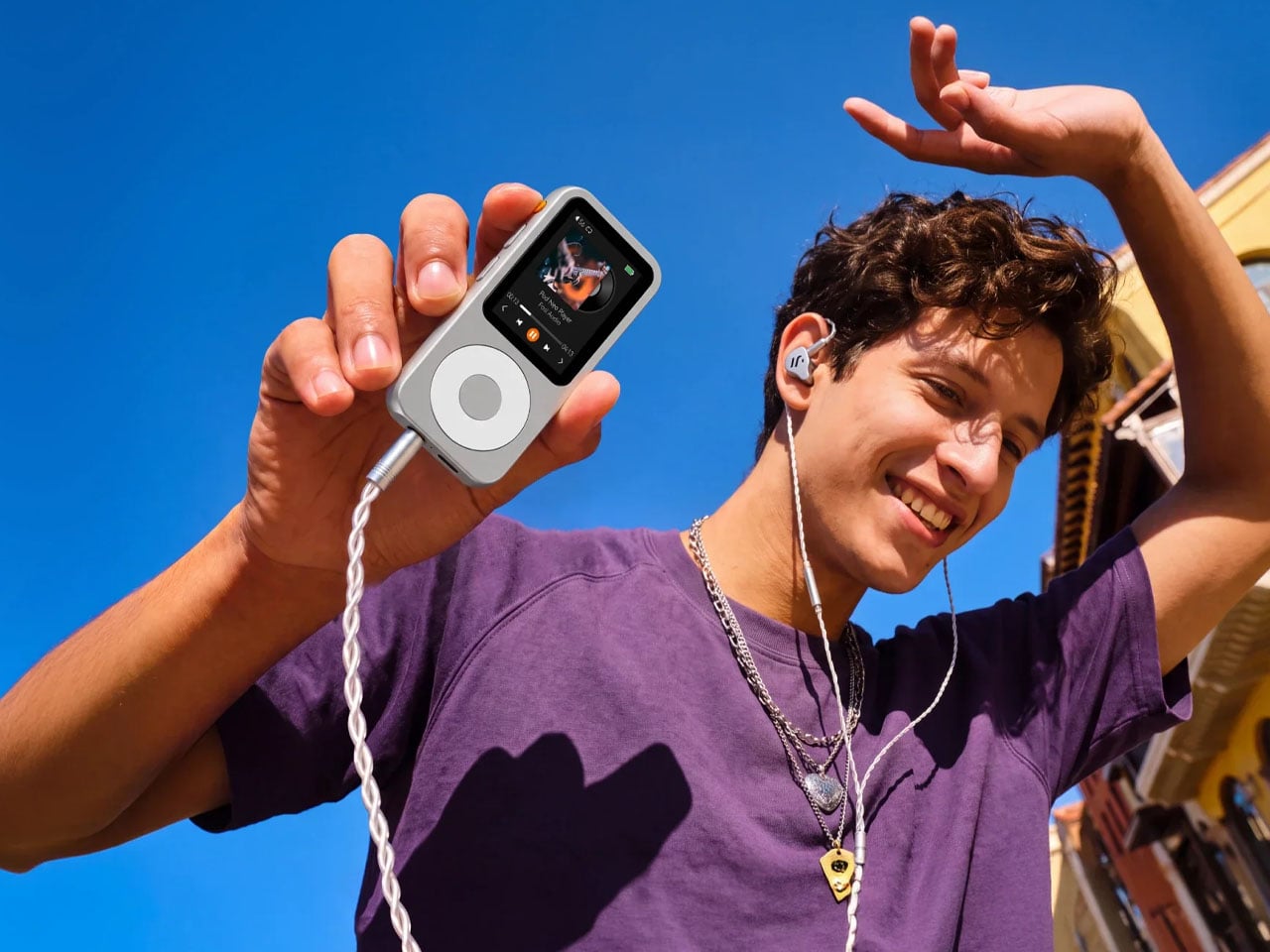
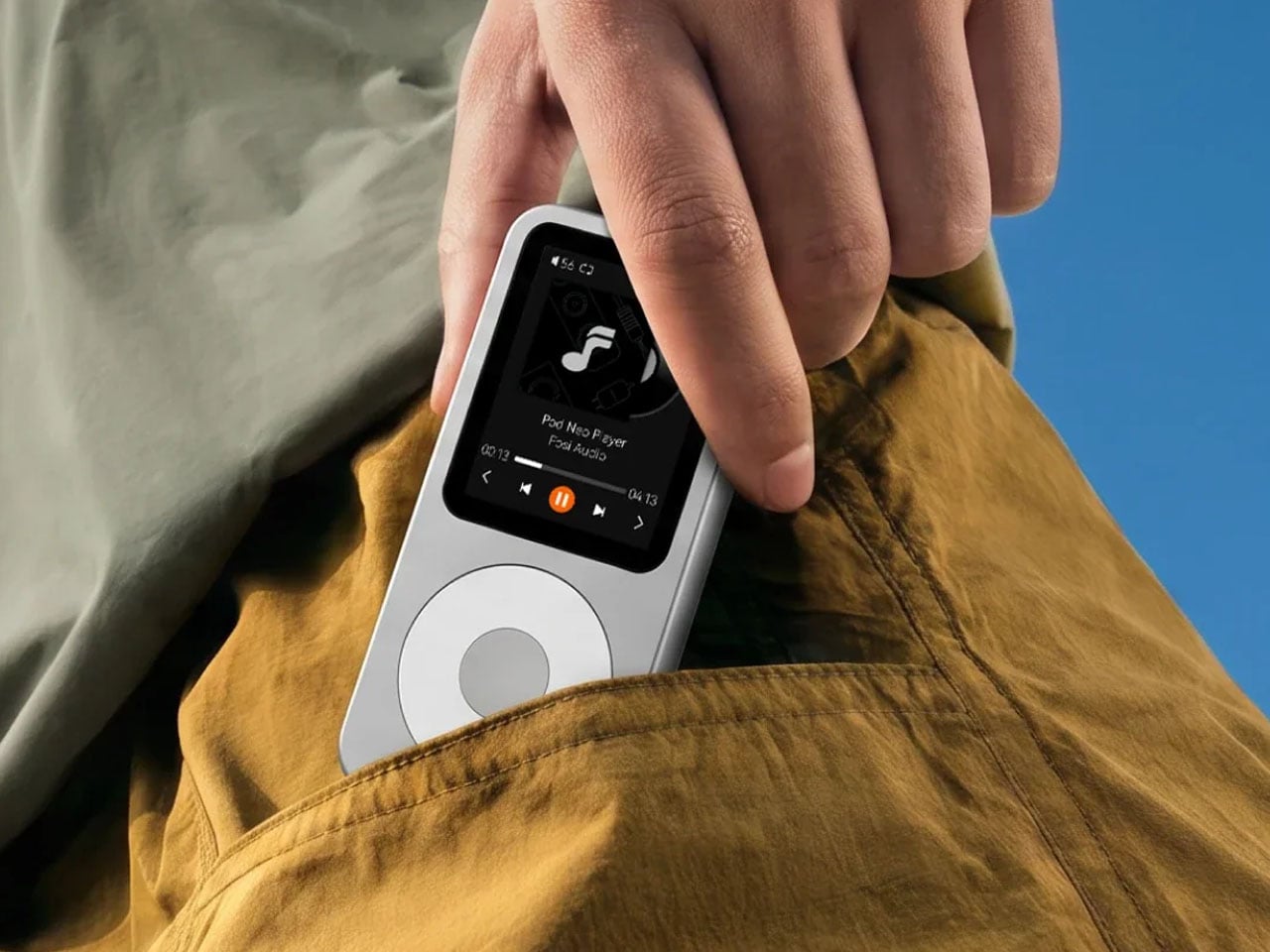
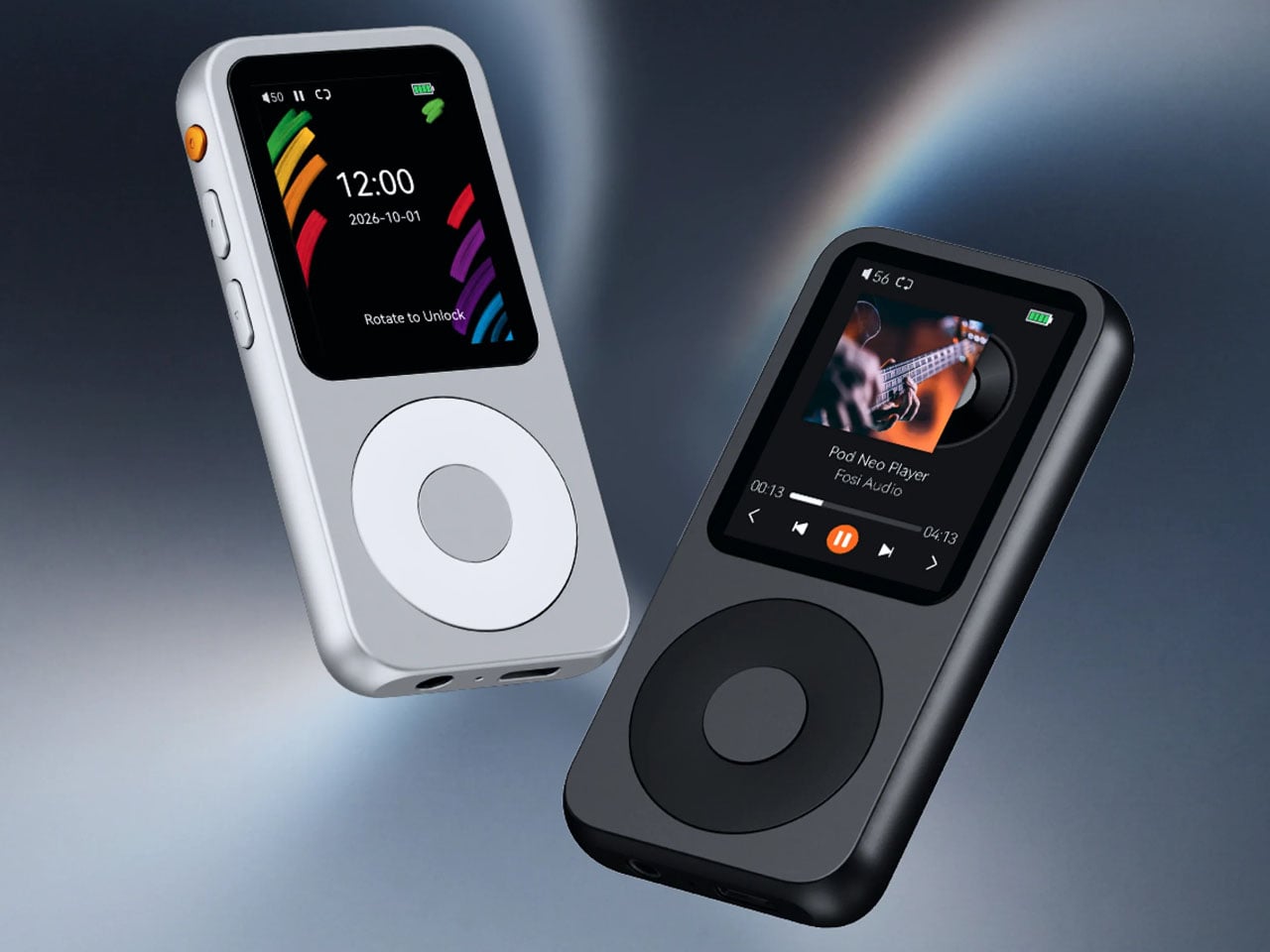
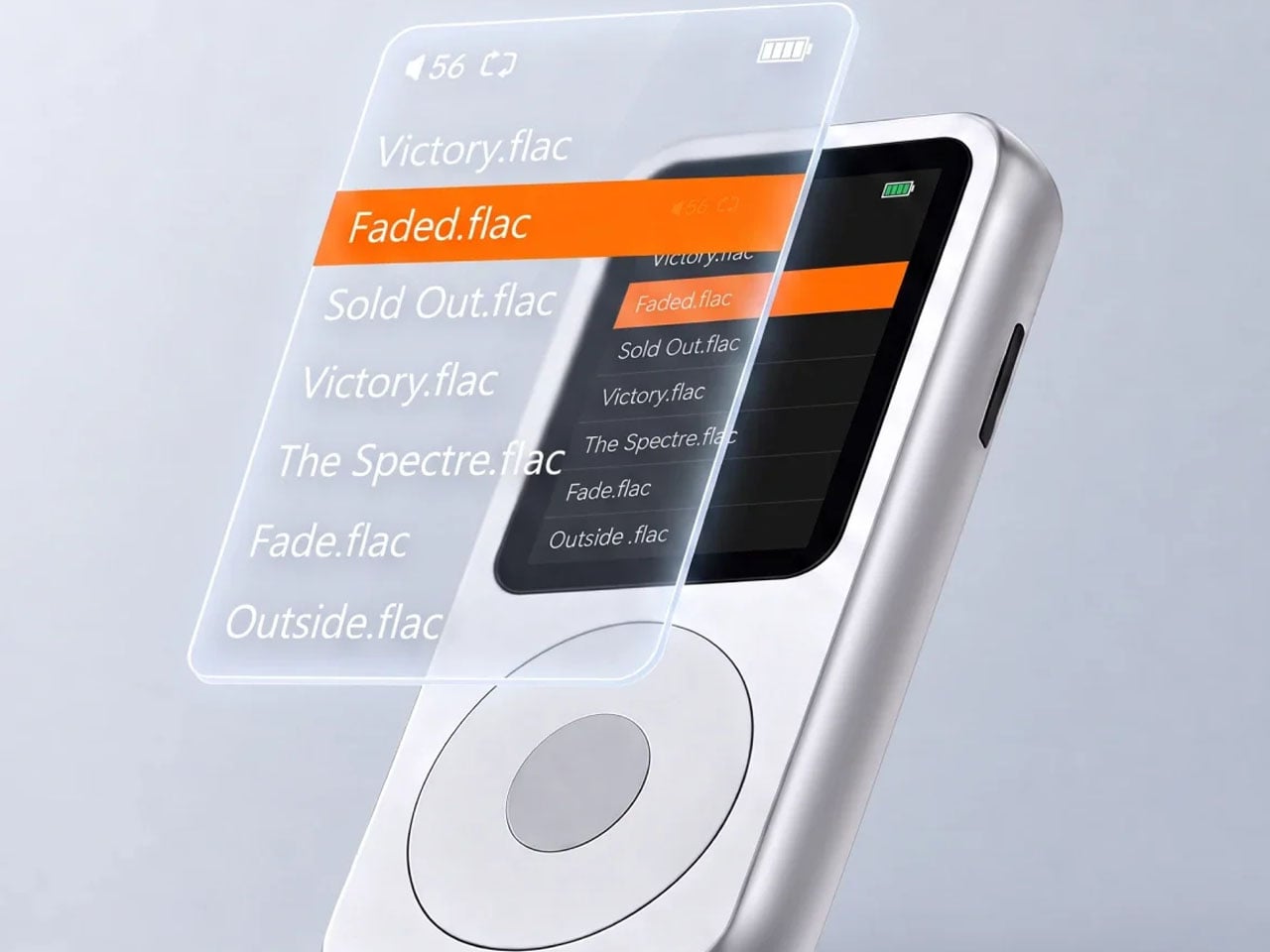
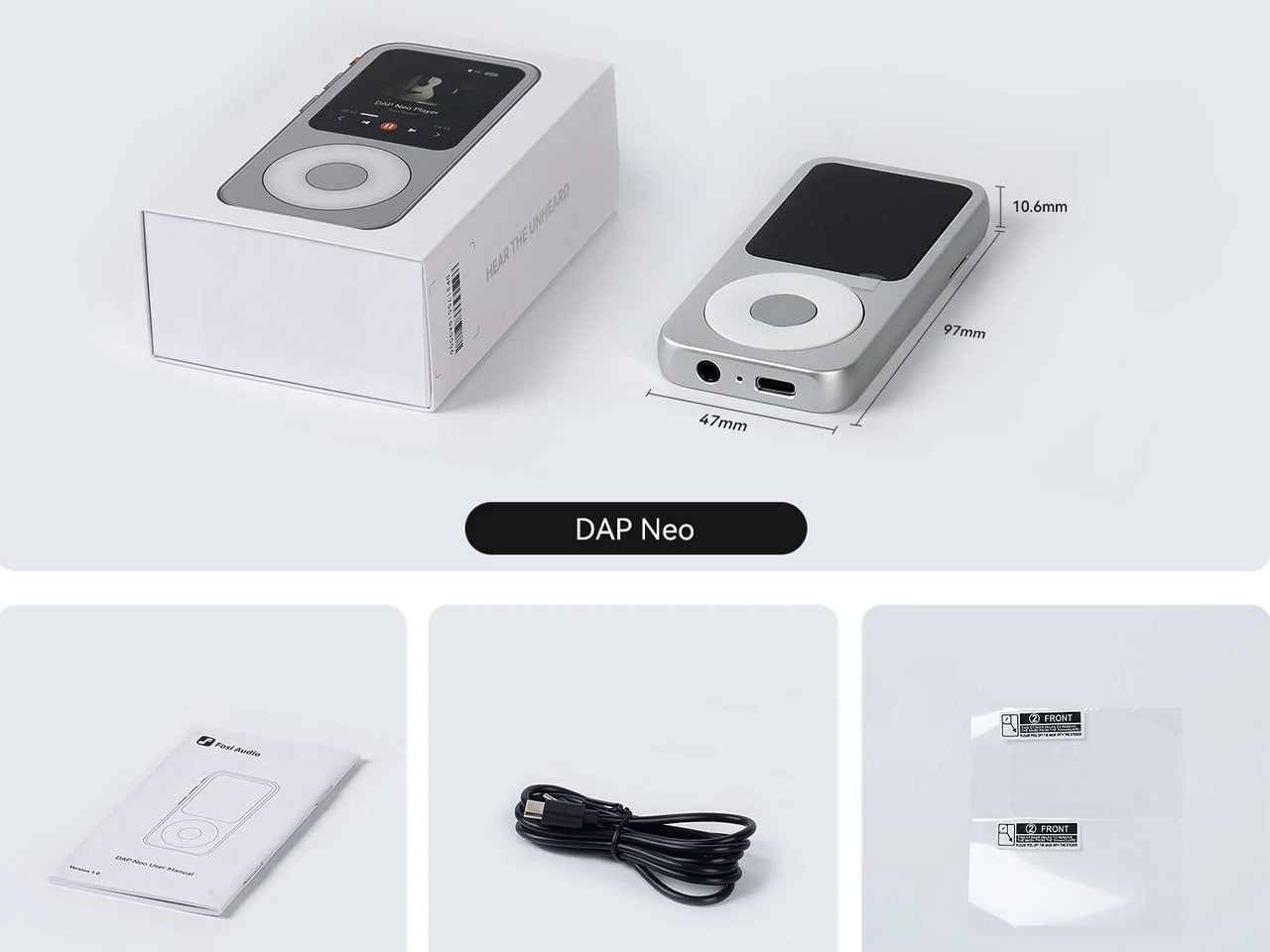
Rewind a couple of decades, and I have the glorious era of the Apple iPod flash right in front of my eyes. A time when music was so personal, and the best way to step into a magical world of tunes and the emotions they carried. Fosi Audio’s DAP Neo instantly took me back to that golden era where less was more. In a way, this audio player takes a leaf from the book of the Shanling Q2 pocket-sized hi-fi player released a couple of months ago.
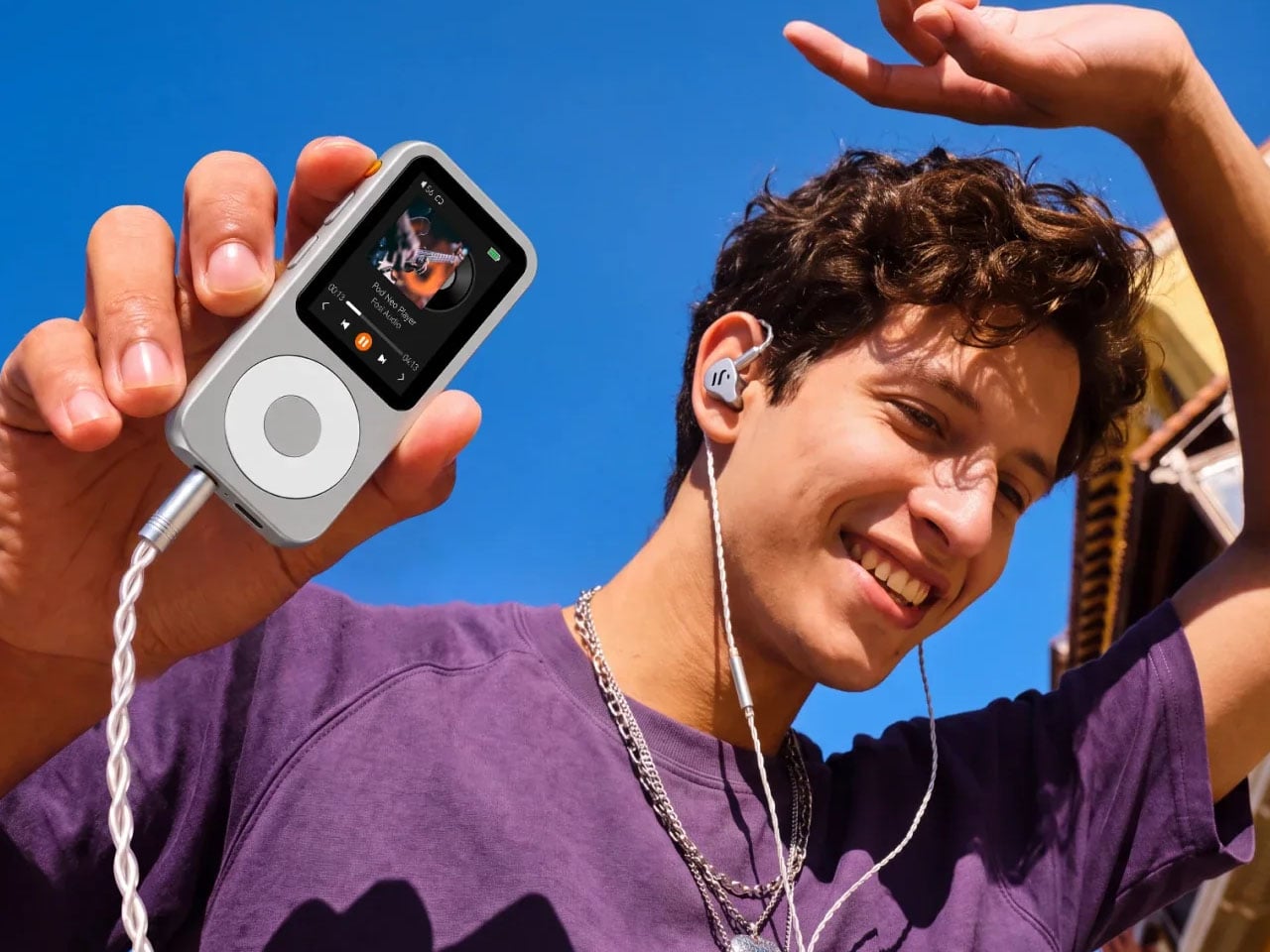
The compact little audio accessory is targeted towards the minimalist audio lovers who want to keep off of their smartphone – even streaming music services for the much-needed’Me Time’. Even though it doesn’t offer the luxury of relaxing back and listening to curated playlists on services like Apple Music or Spotify, the portable hi-fi player includes respectable internal storage for your favorite tunes.
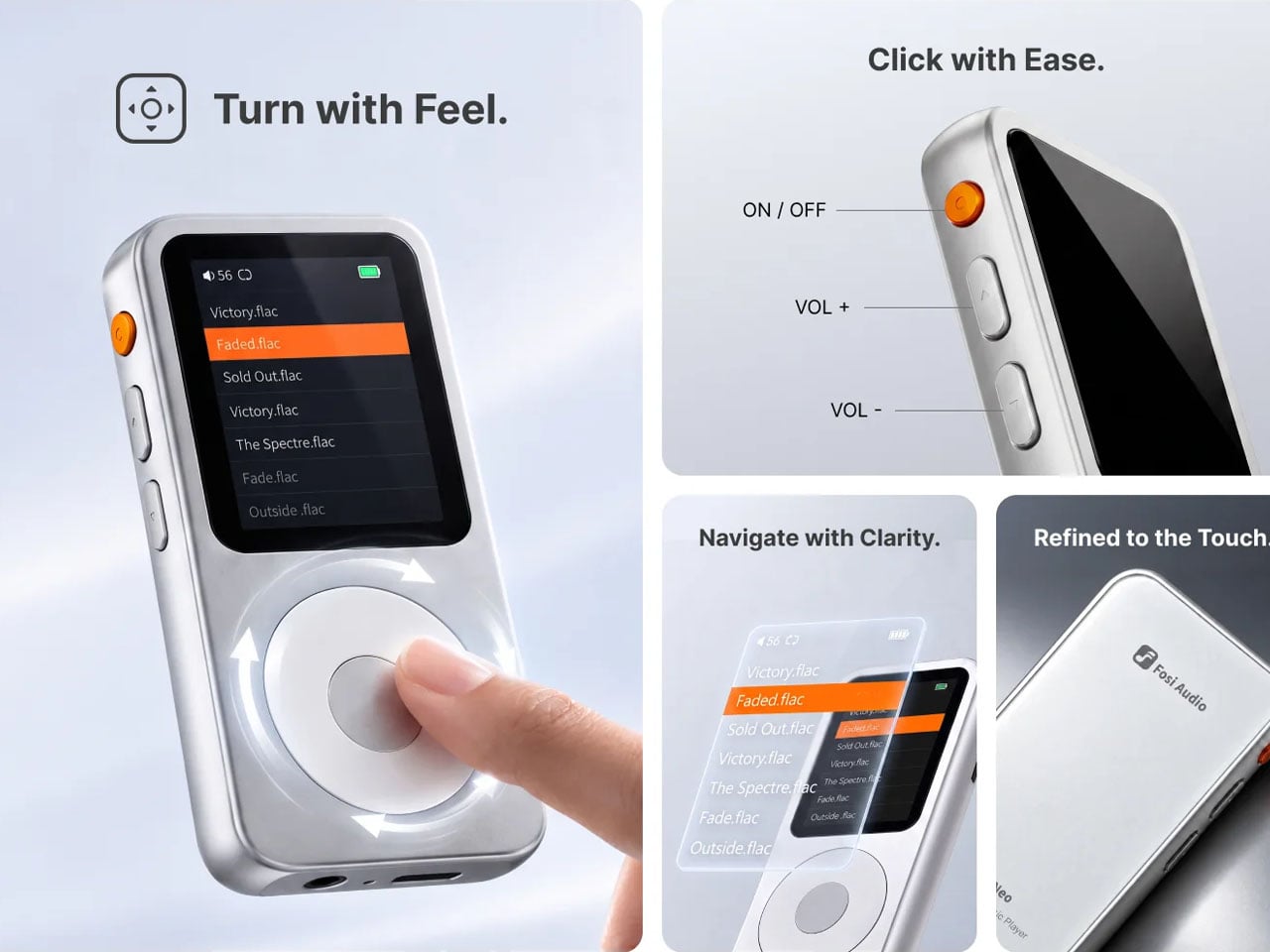
This retro-modern classic player wants to curb your doomscrolling habits on social media apps for good by going completely offline. Sure, you can listen to music on modern flagships that support lossless audio, but the distracting notifications can hamper the listening experience and prevent you from feeling the emotion of the melodies. DAP Neo, with its classical yet modern appeal in a full-metal body and tactile controls, wants to bring back “timeless character to every musical moment.”
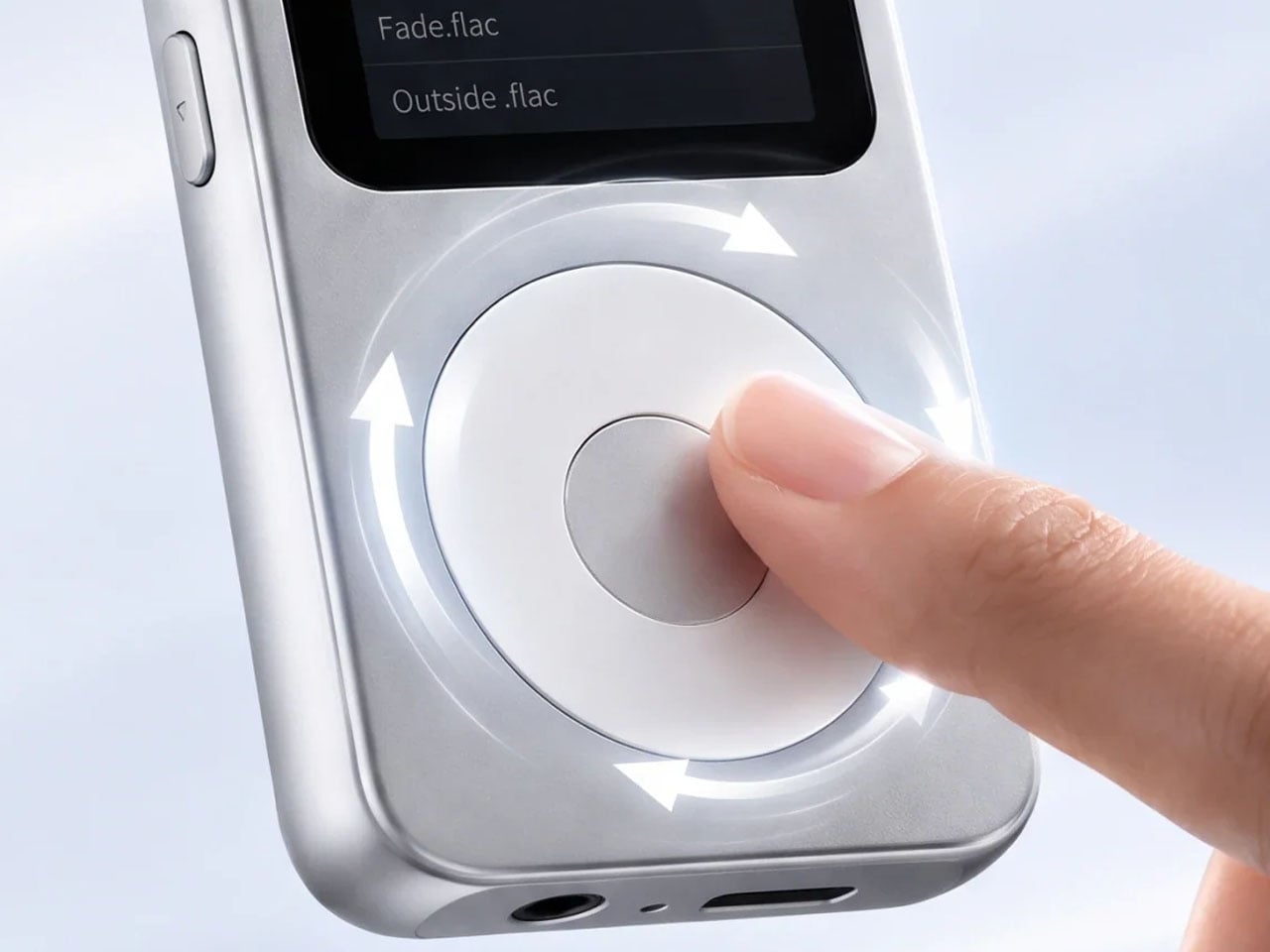
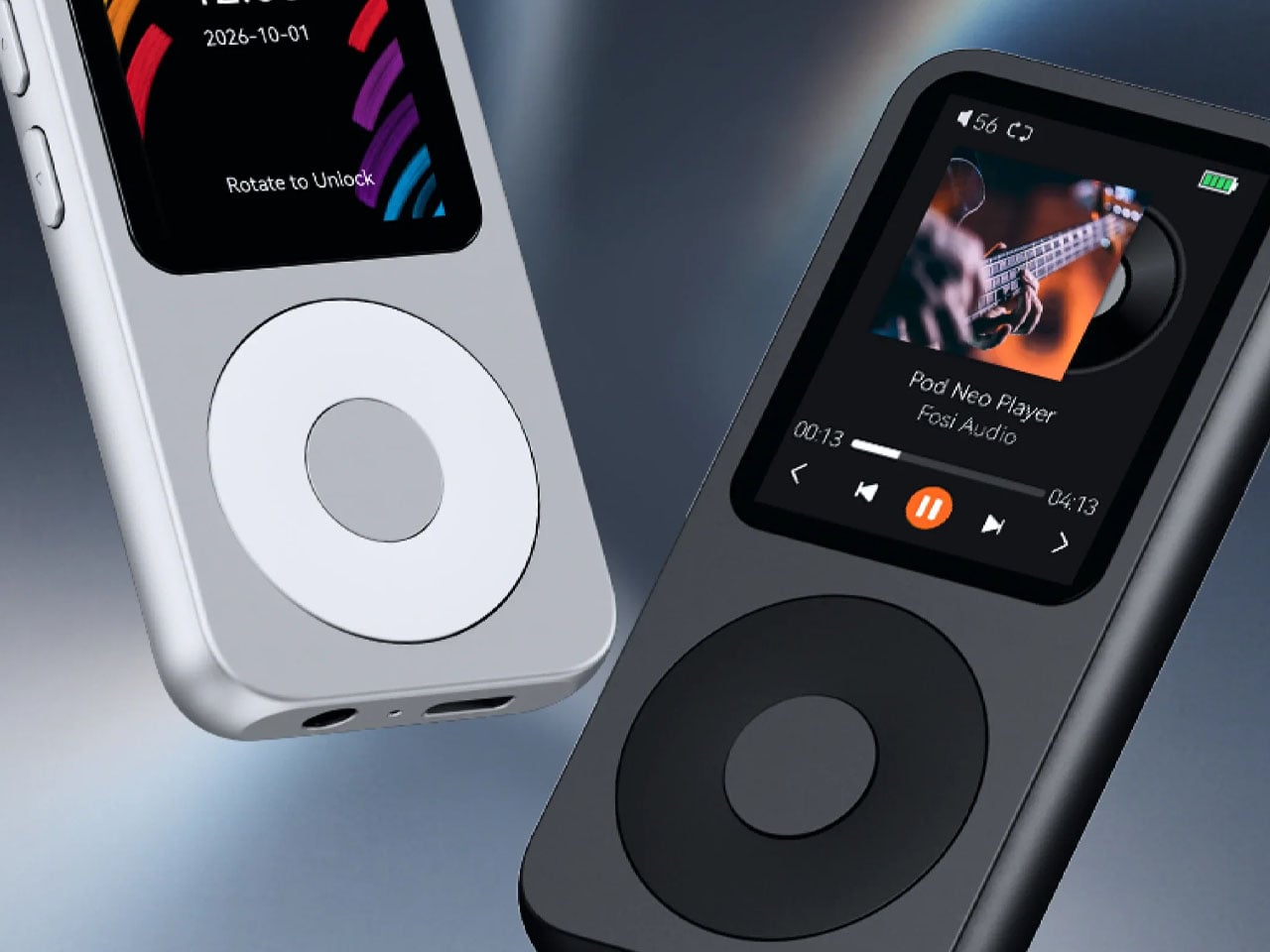
DAP Neo portable music player is not competing with brands like Fiio, Sony, or Astell&Kern, which offer serious audiophiles flagship features. The USP is its compact size to enjoy music anytime, anywhere – at an affordable price, well under $100. The digital audio player is a part of the Fosi Moment range designed specifically for intentional listening. The idea is to put high-quality music back in focus, complemented by the tactile feel of rotating the iPod-inspired dial and buttons.
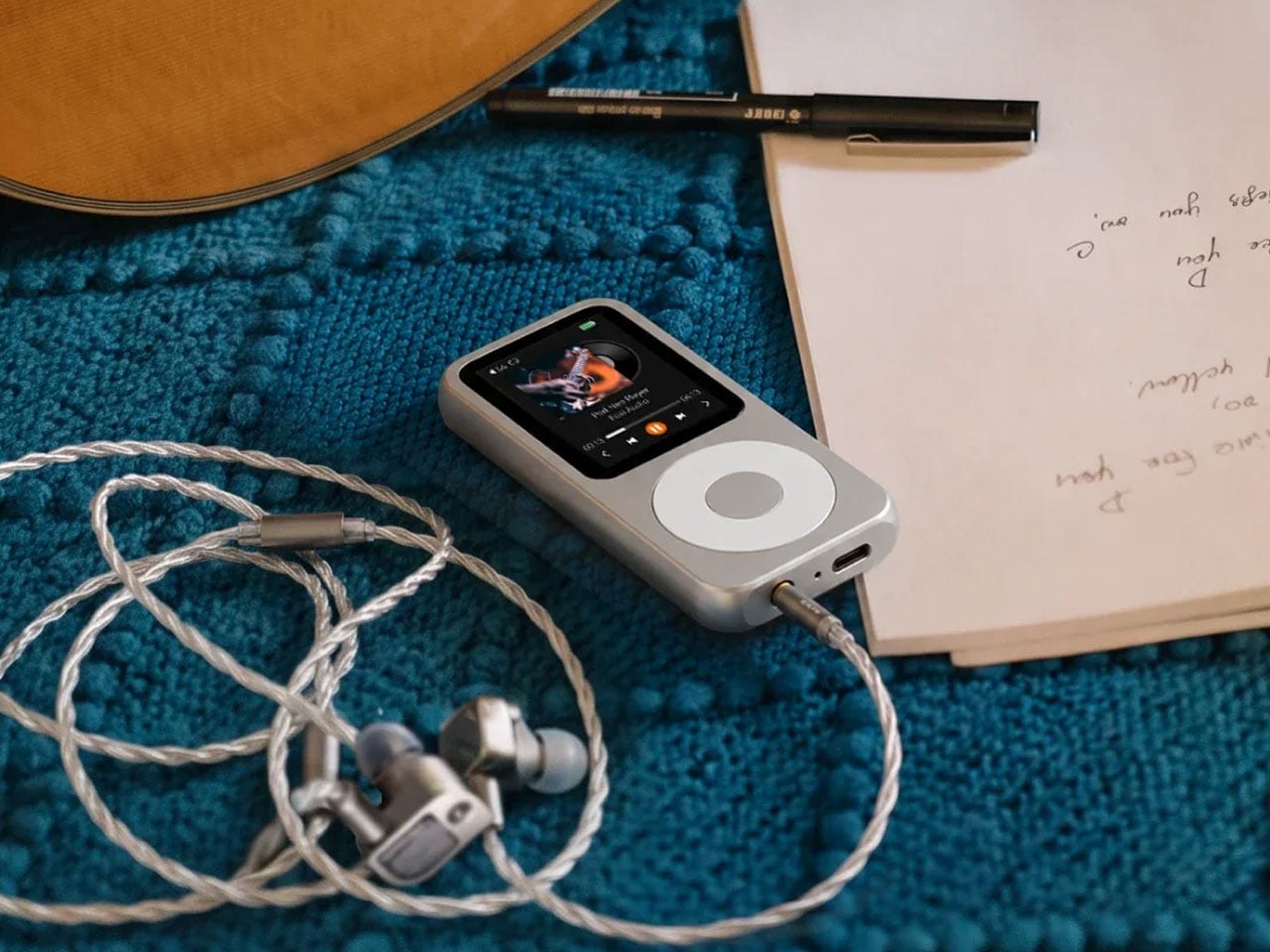
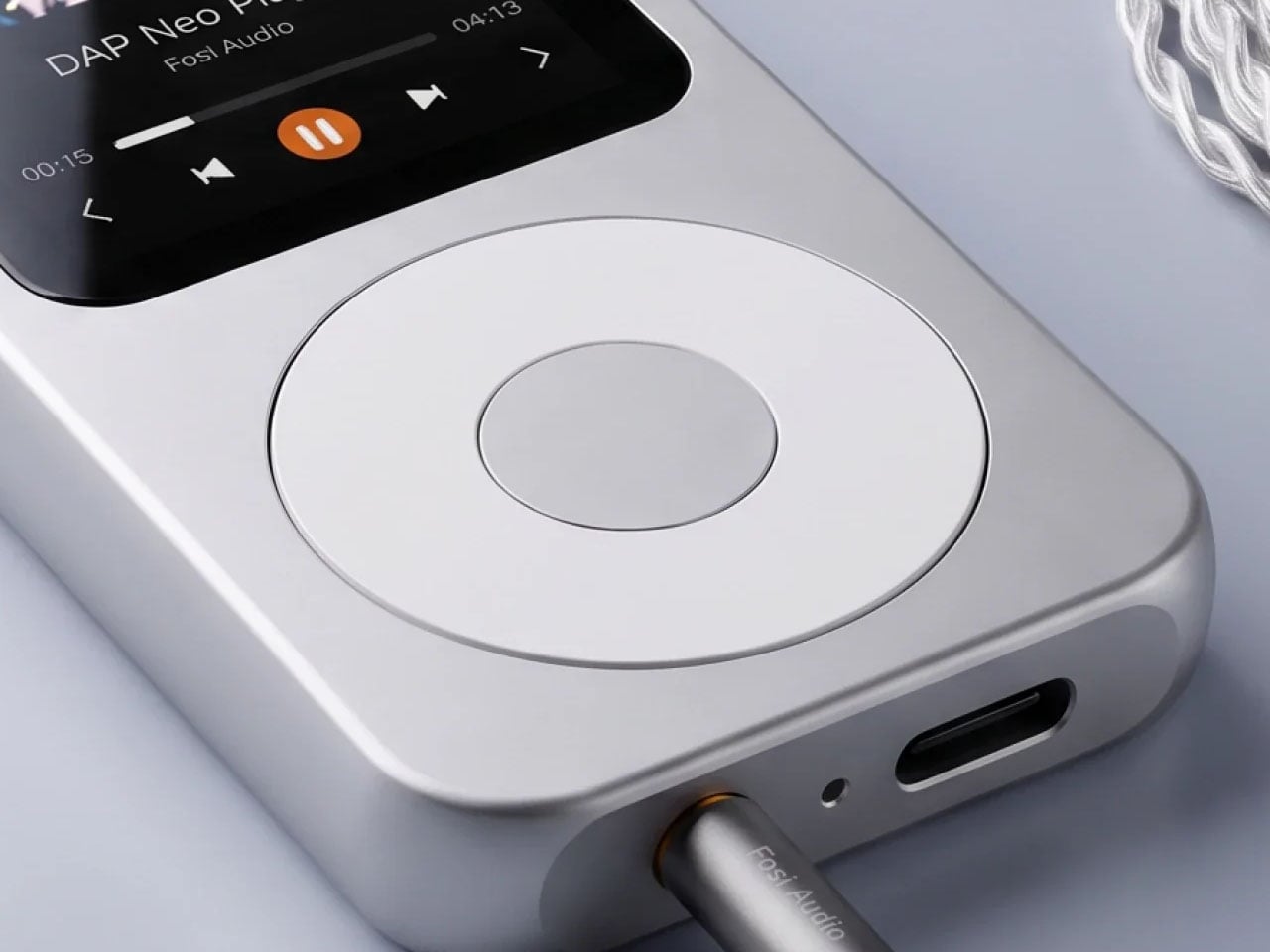
Coming on to the specifications, the DAP comes with a 12-hour playback time, which should be enough to get through a day’s music. There’s a 3.5mm headphone jack and Bluetooth connectivity, but fanatics of balanced audio will not be able to connect their 4.4mm-compatible headphones or earbuds to the player. The CS43198 DAC chip does the heavy lifting for lossless playback, and the player supports MP3, FLAC, WAV, APE, M4A, and DSD audio files. Of course, the music files have to be manually uploaded to the player, which is another deliberate attempt to relieve the yesteryears.
Fosi Audio DAP Neo comes in two metal body finishes – Galaxy (silver finish) and Obsidian (dark grey). Given the audio player has no streaming option, the 16GB memory model comes for $80, while the 64GB variant costs $120. There’s an SD Card in the mix, expandable to 256GB for both variants, so you’ll have quite a lot of space to store your sizeable FLAC files and other audio formats. The only question is, will Gen Z be willing to go for this audio player that literally disconnects them from the rest of the world, but ultimately connects them to their music?
You reach for your phone to change a song, take a picture, or read a few pages. The task takes seconds; everything surrounding it is ready to keep you longer. A dedicated gadget gives that small action its own place to happen. Press a button, turn a page, put it away. Something is appealing about an object that knows its job and doesn’t immediately suggest five others for your attention.
These five designs take familiar phone functions and give them separate bodies, from a music player with an unusually placed screen to a camera disguised as a film canister. The MAD-5 is a concept, while the other selections are retail products, with availability noted below. This is a design roundup based on published specifications, not hands-on testing, and the largest pick belongs in a coat pocket rather than tight jeans.
1. BluHub
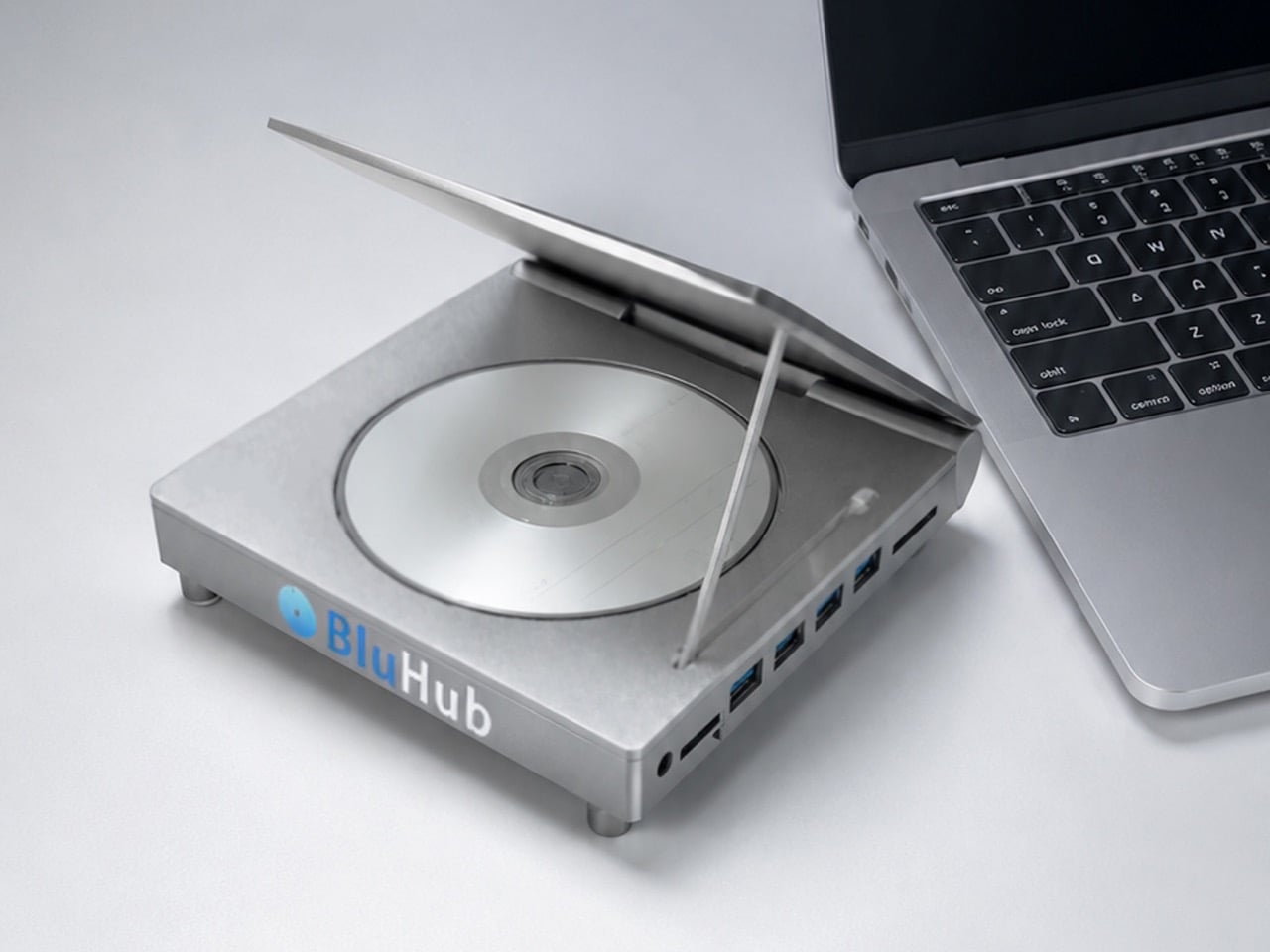
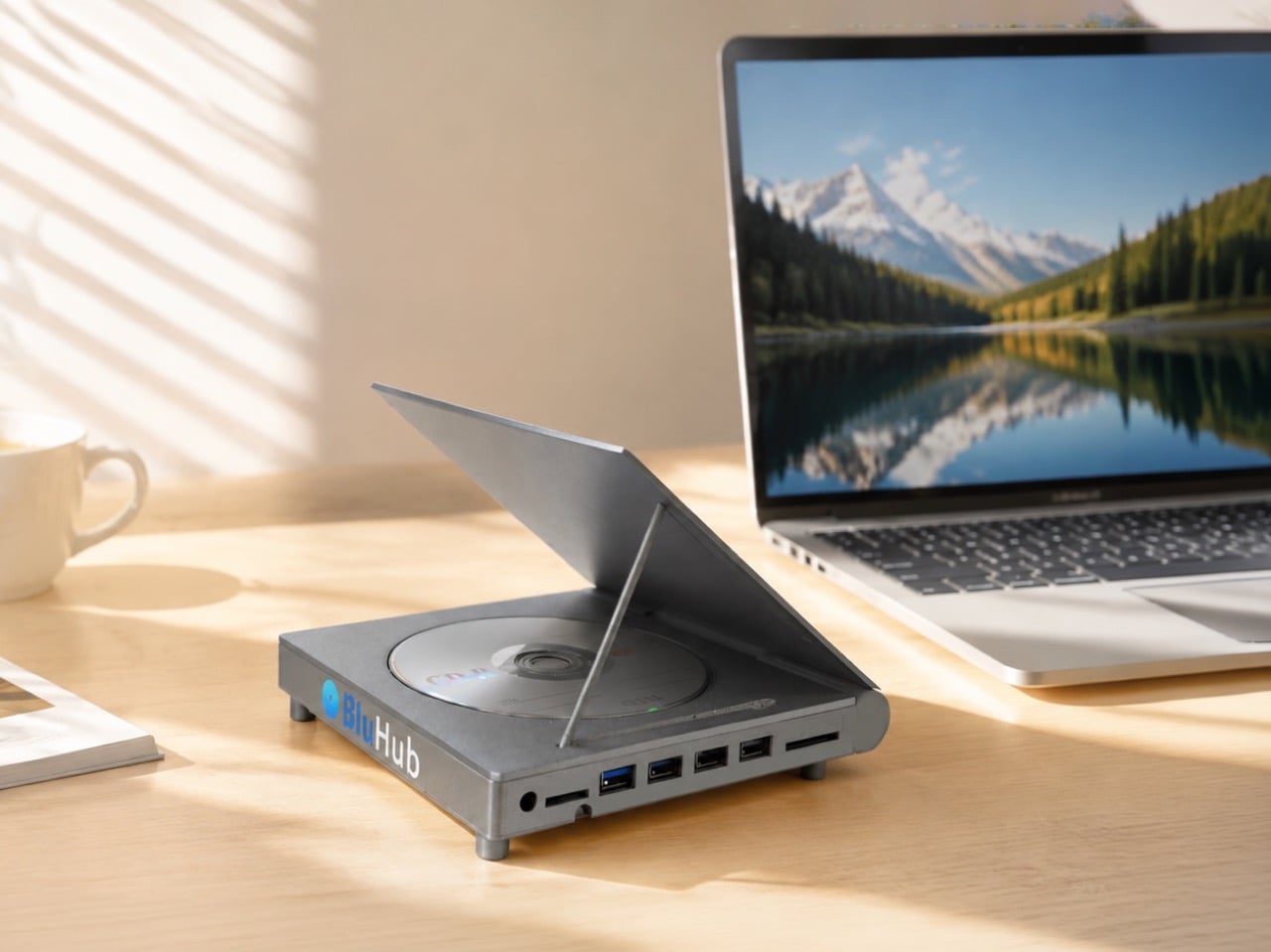
BluHub’s lid opens like a miniature grand piano, displaying a spare disc while another sits inside the working drive. The design combines Blu-ray, DVD, and CD reading and writing with USB expansion and memory card readers. Connected to a compatible computer, it offers a way to revisit a physical music collection or archive photographs outside a cloud service. The lid gives those discs a visible place on the desk, although the displayed disc isn’t the one being played.
This is a portable computer accessory, not a standalone player or a pocket-sized device. Its aluminum body measures 165 × 160 × 34 millimeters and weighs 409 grams, making a laptop bag the more sensible home. The advertised 100GB recording capacity requires suitable BDXL Blu-ray media, not ordinary DVDs. BluHub’s maker estimates shipping will begin in November 2026, so delivery remains a crowdfunding promise. Its appeal is bringing discs and peripheral connections together, rather than directly replacing a phone function.
What we like
Combines an optical drive, USB hub, and memory card readers in one accessory.
The flip-up lid displays a spare disc without occupying the working drive.
What we dislike
Its size and 409g weight don’t fit the roundup’s pocket-sized promise.
It needs a compatible host device, and the estimated November delivery isn’t guaranteed.
2. MAD-5
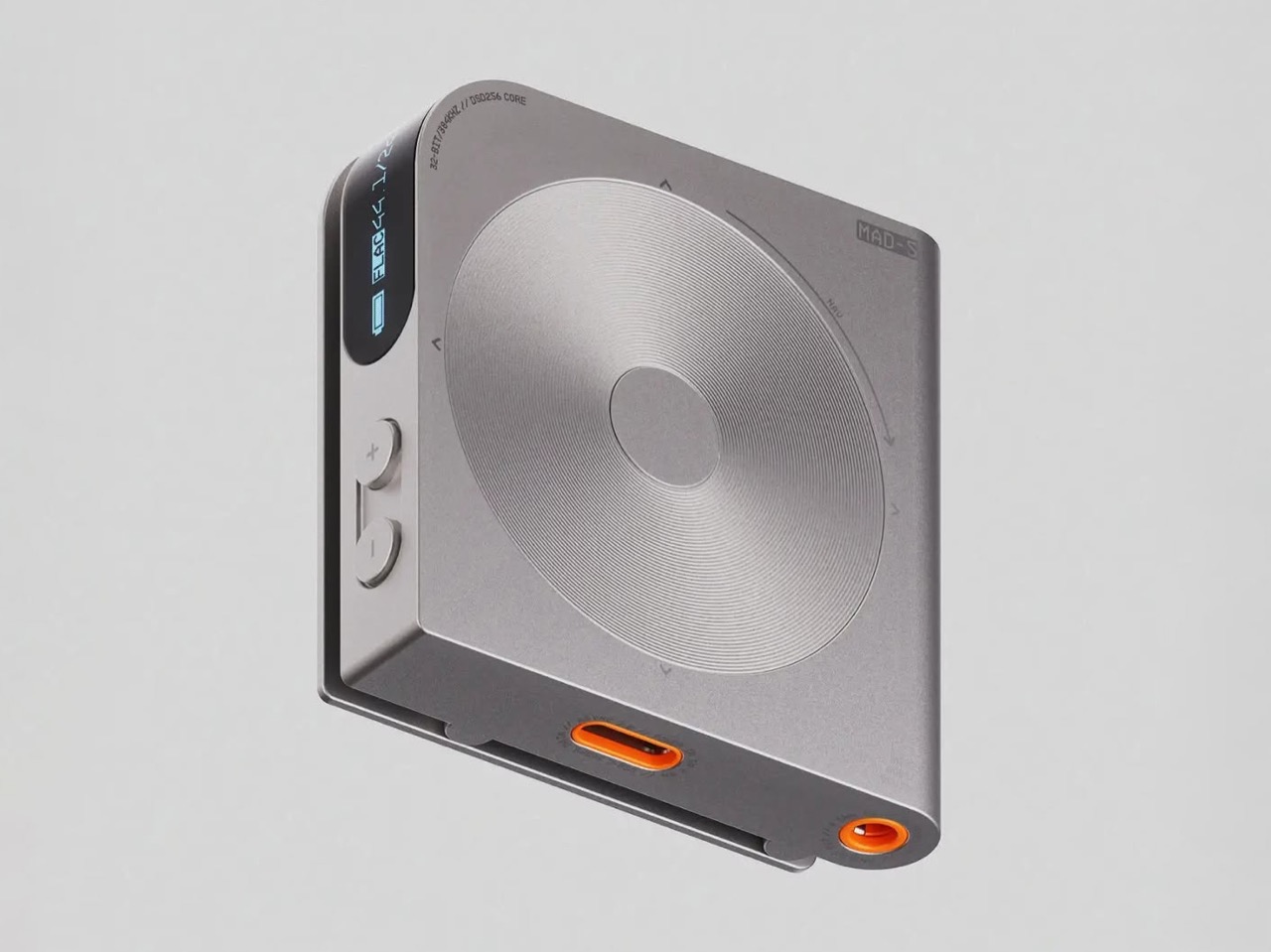
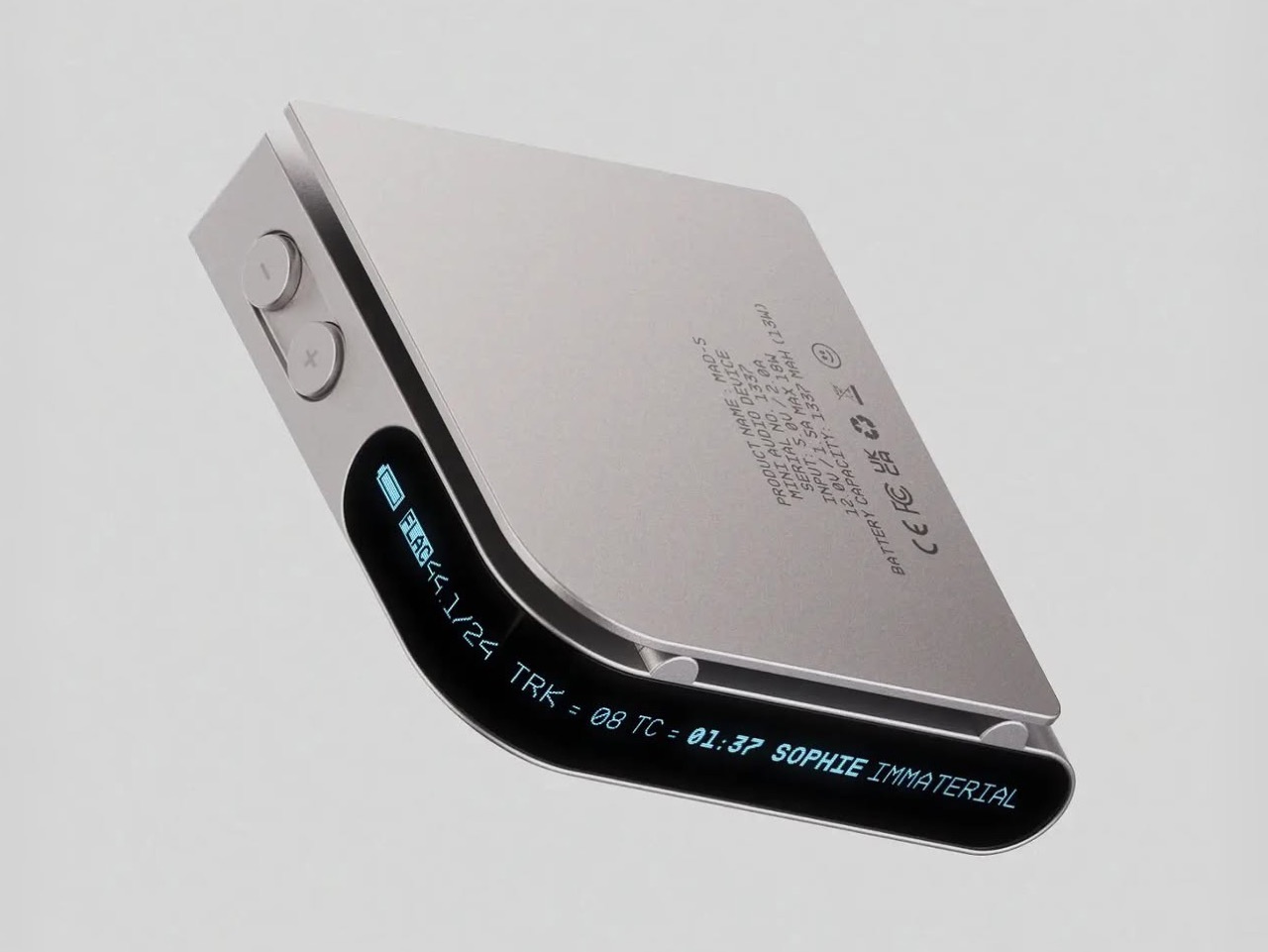
Florent Porta’s MAD-5 puts its blue display on the front edge of a square aluminum body, where track information could remain visible when the player is clipped to clothing. That placement is the interesting part. Instead of treating the clip as an accessory, the concept makes it central to the interface. A circular navigation surface and physical buttons keep the face simple. For listening on a walk, the arrangement would let the music stay separate from messages and app switching.
The design also proposes USB DAC functionality, allowing the player to handle audio from a connected computer. That gives the object a plausible role at a desk as well as on the move. Its resemblance to Teenage Engineering’s TP-7 stops at the circular face, though: there’s no motorized reel here. More importantly, MAD-5 remains a concept rather than something you can order. The compelling idea is its relationship between wearing and reading, with sound quality still unproven in actual use.
What we like
The edge display considers how a clipped player would be viewed.
Proposed USB DAC functionality gives it a useful second role.
What we dislike
It remains a concept, with no retail release.
Bluetooth and expandable storage aren’t specified in the published design.
3. Analog Capsule Camera
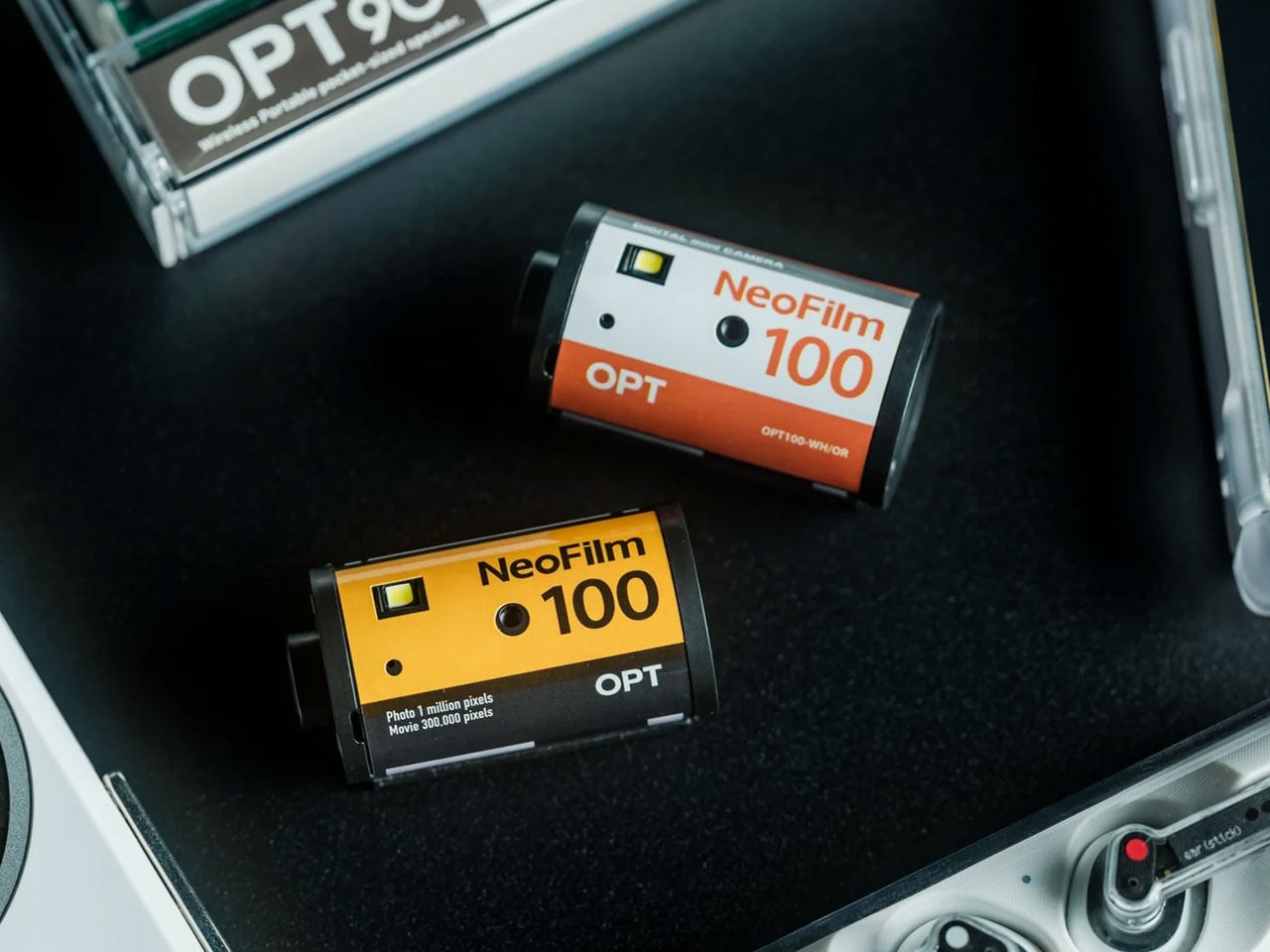
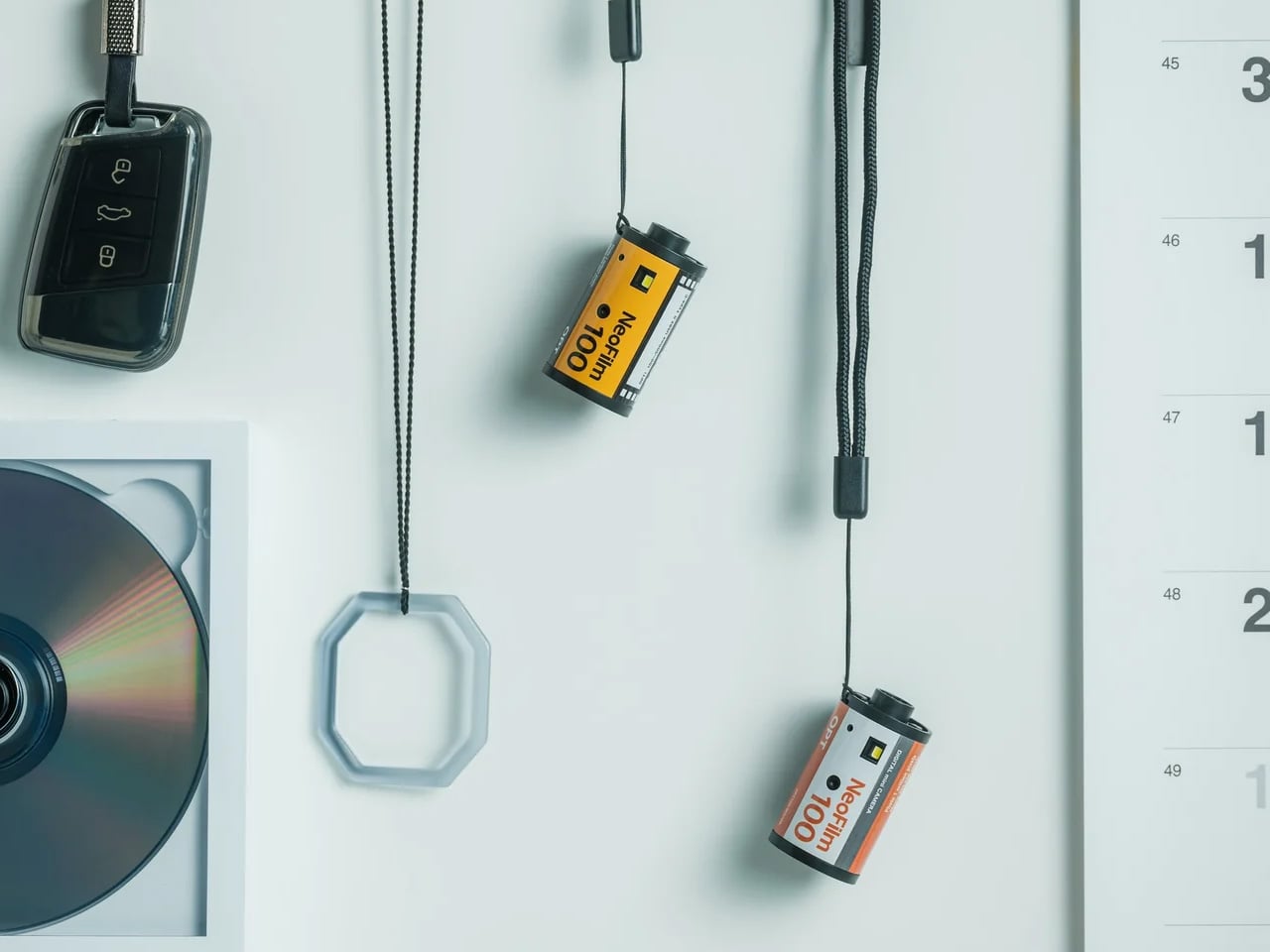
A film canister is an odd place to put a camera, which is what makes the Analog Capsule memorable. The ABS body measures about 45 millimeters across and 47 millimeters tall, with a listed weight of 25 grams before adding a memory card. It’s a digital camera, despite the name, and the included strap lets it hang from a bag. For casual snapshots, the appeal is having a separate object to reach for without unlocking your phone or opening apps.
Built-in playback lets you review photographs, while USB-C and microSD storage keep the process digital from capture to transfer. That distinction matters: a film-shaped shell doesn’t make this a film camera, and its aesthetic shouldn’t be mistaken for versatility. At its listed $55 price, consider it a playful sidekick for casual pictures, not a phone camera upgrade in detail or shooting flexibility.
The 25g body and included strap make carrying a separate camera less demanding.
Digital storage avoids the expense and waiting associated with film processing.
What we dislike
A 1 megapixel sensor limits captured detail.
The tiny 80 × 160 pixel display offers a limited area for reviewing photographs.
4. Playdate
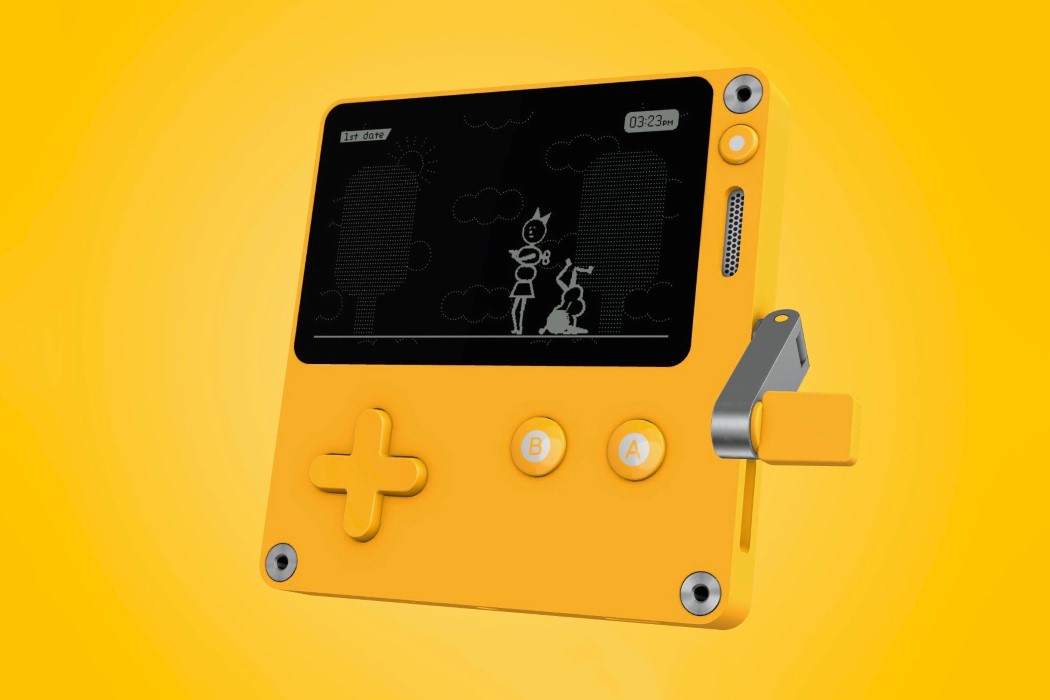
Playdate’s fold-out crank gives your fingers something a phone screen cannot offer. It’s an analog game controller, not a charging handle, and some games build their mechanics around its rotation. Panic created the console, with hardware design by Teenage Engineering, giving the yellow handheld a clear family resemblance to purposeful electronic tools. At 76 × 74 × 9 millimeters, it makes a convincing pocket companion. A D-pad and two main buttons provide more familiar controls when the crank isn’t needed.
The package includes Season One’s 24 games, delivered two at a time over 12 weeks after setup. That gives the hardware a library designed specifically for its unusual controls, rather than asking it to imitate a phone. The black-and-white screen has no backlight, making available light part of where you can play. At $229 before taxes and shipping, this is a considered purchase. Choose it for games that make something of those physical controls, not for a larger gaming library.
What we like
The crank, D-pad, and buttons offer interactions beyond touchscreen tapping.
Season One’s 24 games are included with the console.
What we dislike
The screen has no backlight for low-light play.
At $229, it’s a substantial purchase for a device dedicated to one activity.
5. CasaBeam Everyday Flashlight
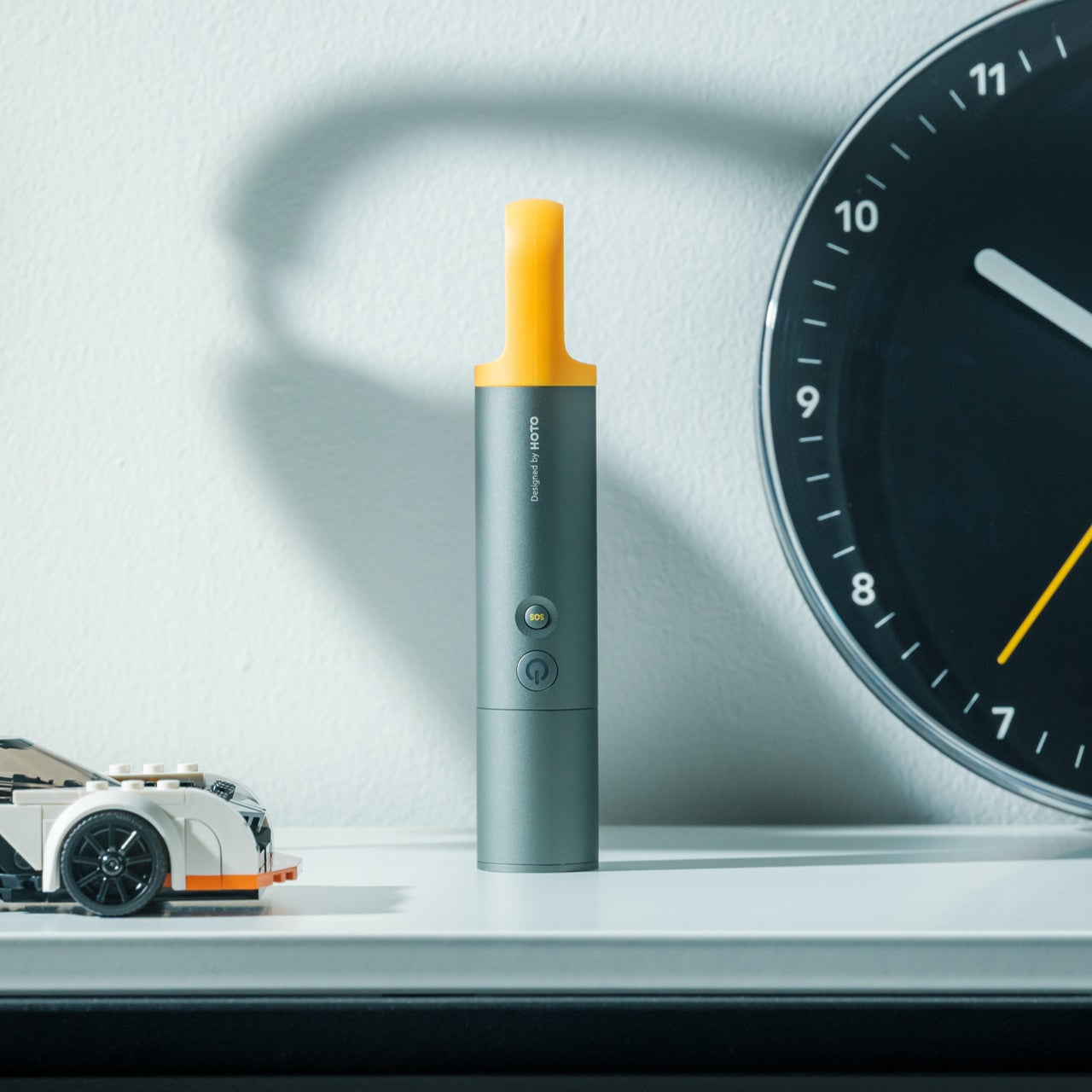
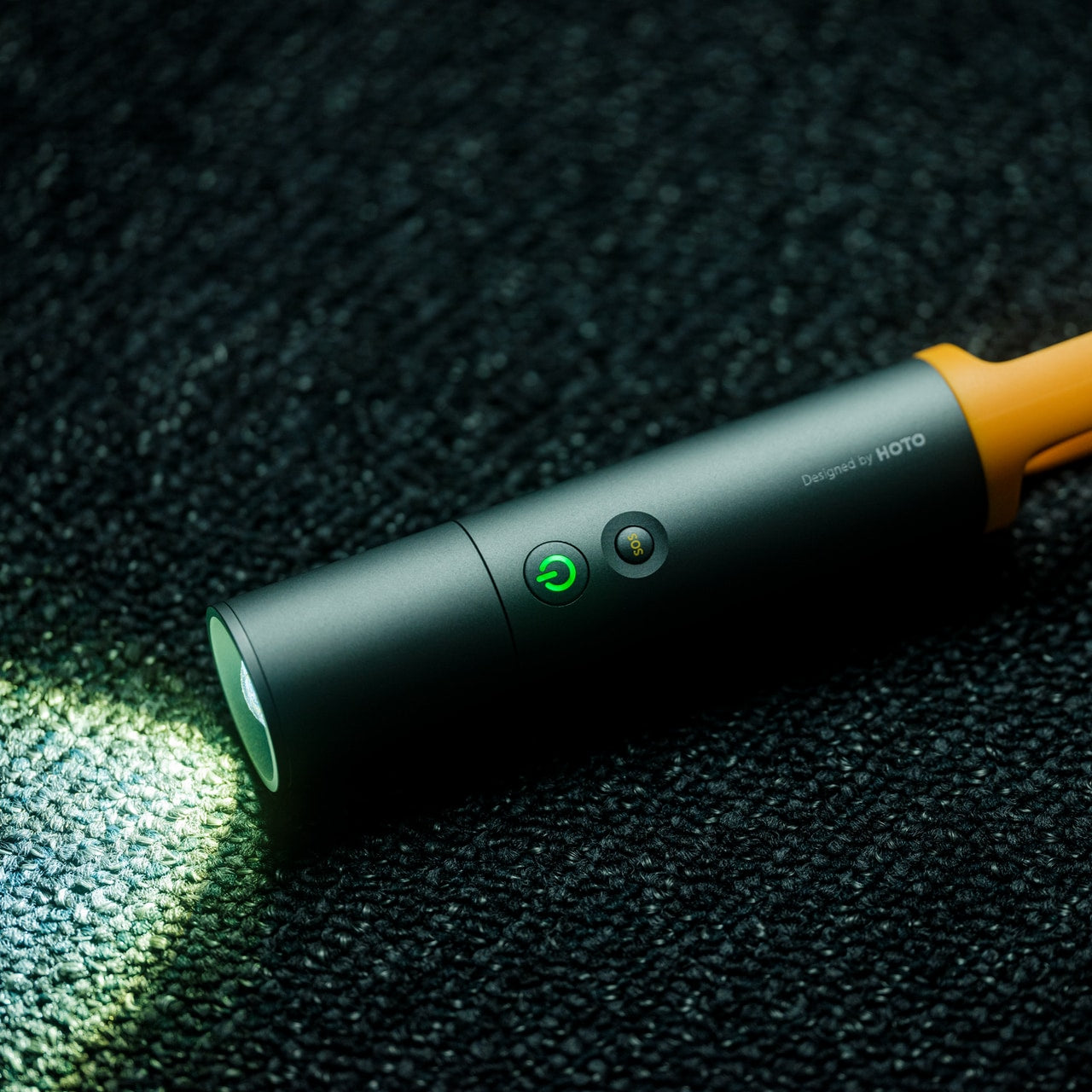
The phone flashlight is convenient until you need to keep using the phone. HOTO’s CasaBeam Everyday Flashlight puts lighting in a dedicated body with a front section you twist to adjust the beam. Choose a focused spotlight or a wider floodlight, then add the included diffuser cap for lantern use. Standing it upright frees your hands for other tasks. The design gives you several ways to direct light without balancing your phone against an object.
The Shop lists three brightness levels, a maximum output of 1,000 lumens, and USB-C charging beneath the zoom head. Its claimed 24-hour runtime applies to low brightness, not maximum output. Size deserves equal attention: at 6.14 inches long and 175 grams, CasaBeam is a coat-pocket proposition rather than a tiny jeans-pocket accessory. For evening walks or occasional lighting jobs, that bulk may be worthwhile. At $50, the question is how often you need lighting beyond a phone’s quick, close-range illumination.
A pocket full of replacements would defeat the point for most people. You would gain a collection of charging routines, storage decisions, and objects competing for limited space. A useful approach is to notice which phone task you’d enjoy giving its own device. Reading is different from photography; lighting is different from play. Pick the interruption you want to avoid, then decide whether the extra object earns its space.
Keep the phone for the jobs where its flexibility matters. There’s no prize for making navigation, communication, or sharing unnecessarily difficult. A dedicated gadget becomes interesting when its shape or controls change what you do, not simply because it removes an app. The strongest reason to carry one is straightforward: you prefer taking that picture, turning that page, or playing that game on an object designed specifically for the task.
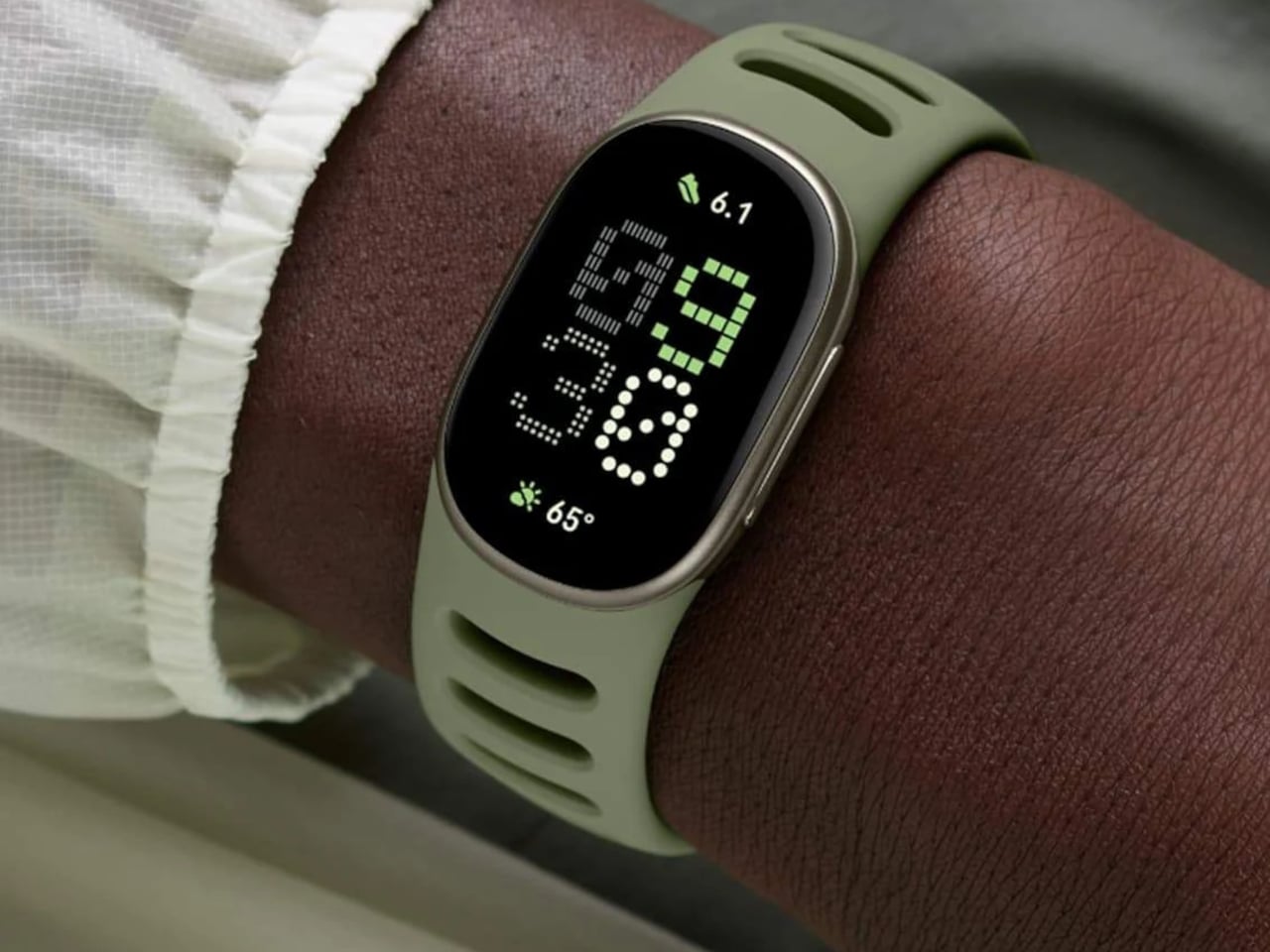
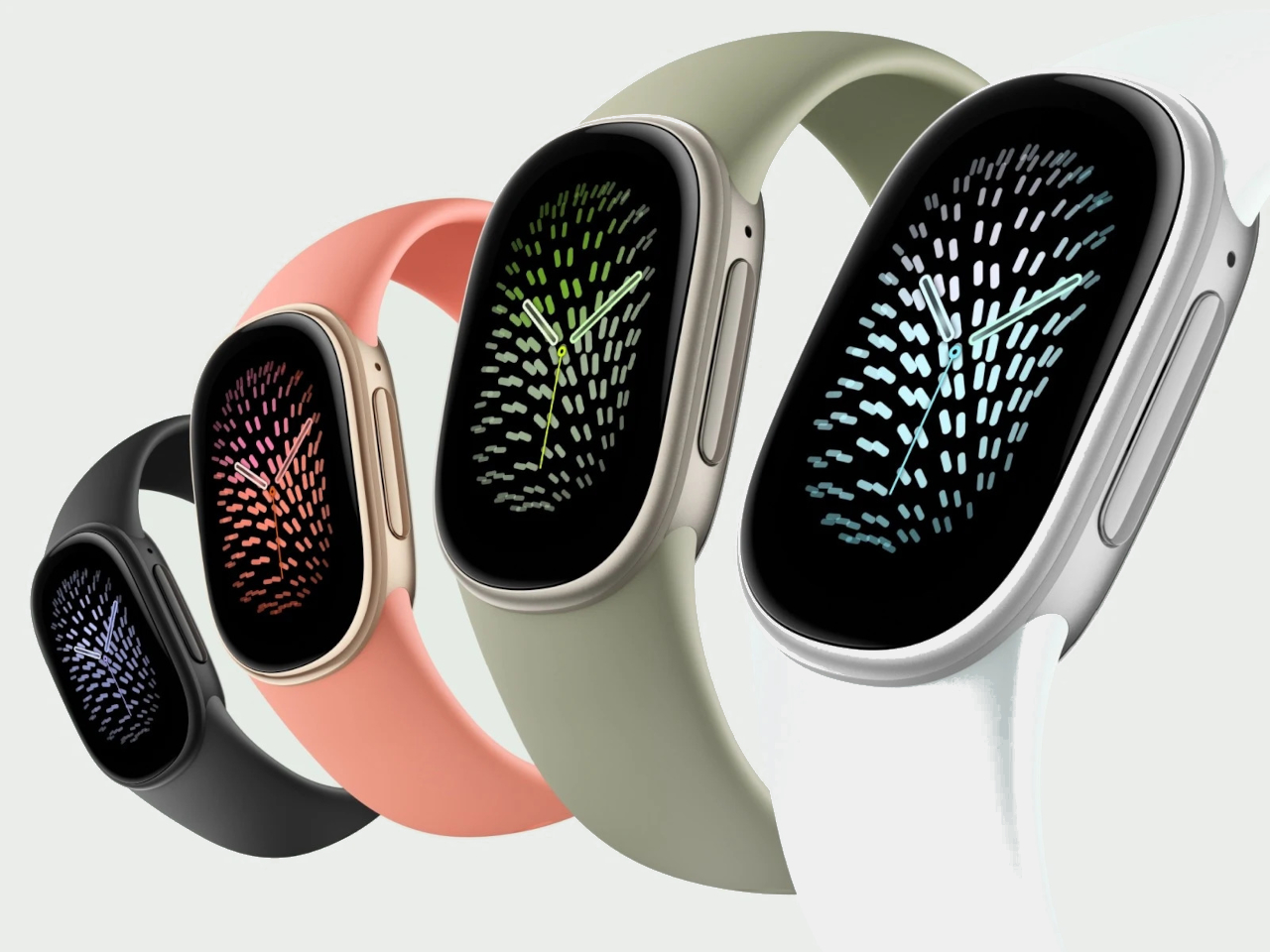
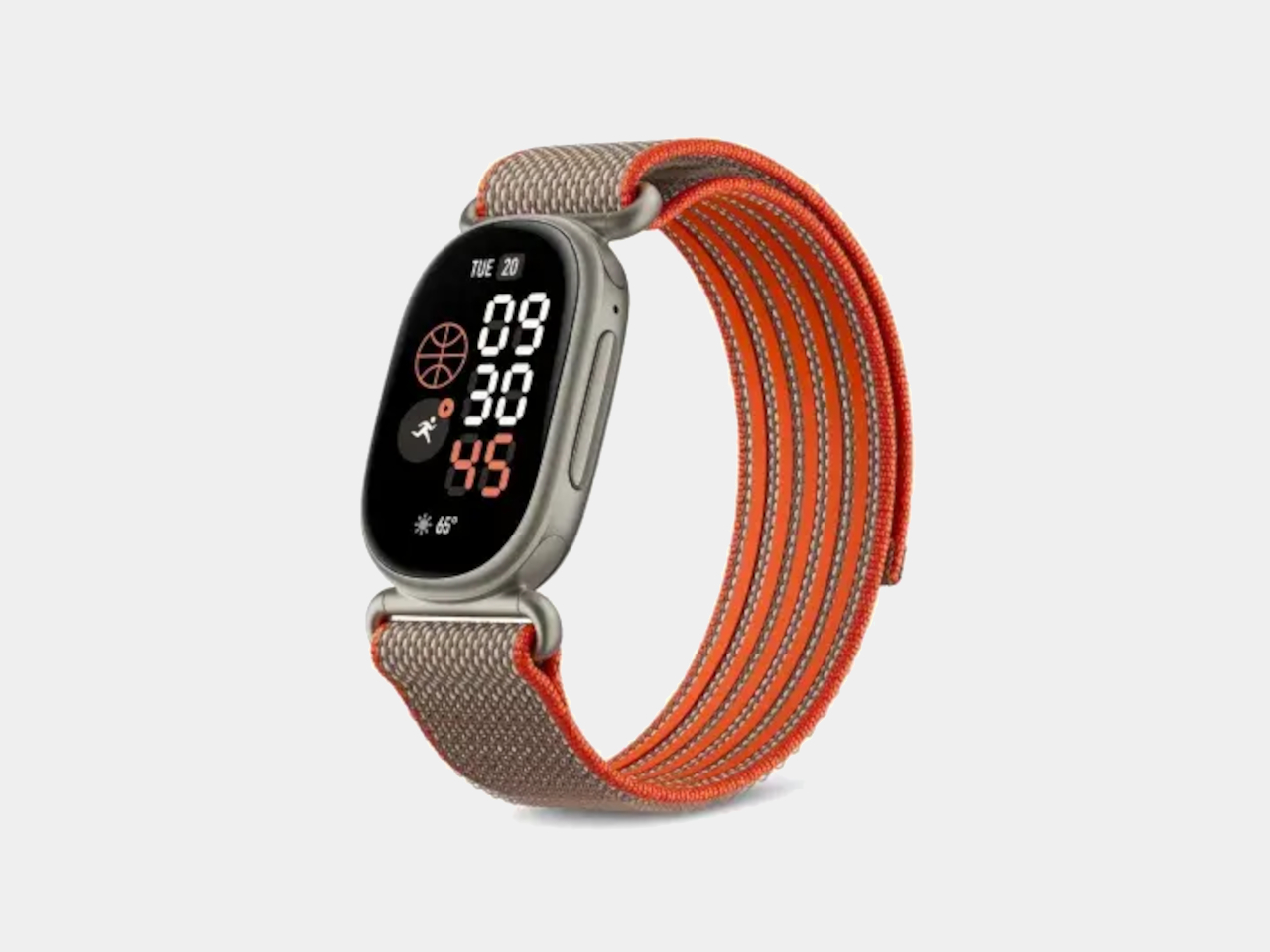
Smartwatches can put plenty of information on your wrist, but sometimes all you want is a quick look at your workout without the size of a full smartwatch. Google’s Fitbit Edge takes that middle ground, pairing a compact screen with a physical button. More importantly, it’s designed with a replaceable battery, a definite game changer among wearables today.
The elongated aluminum case has rounded ends that flow into the band, avoiding the separate watch face and strap appearance of a traditional timepiece. At roughly 0.46 inches thick and 0.62 ounces without the band, it isn’t exactly paper thin. Google specifies recycled aluminum for the housing, a detail that applies to that particular component rather than every part of the device.
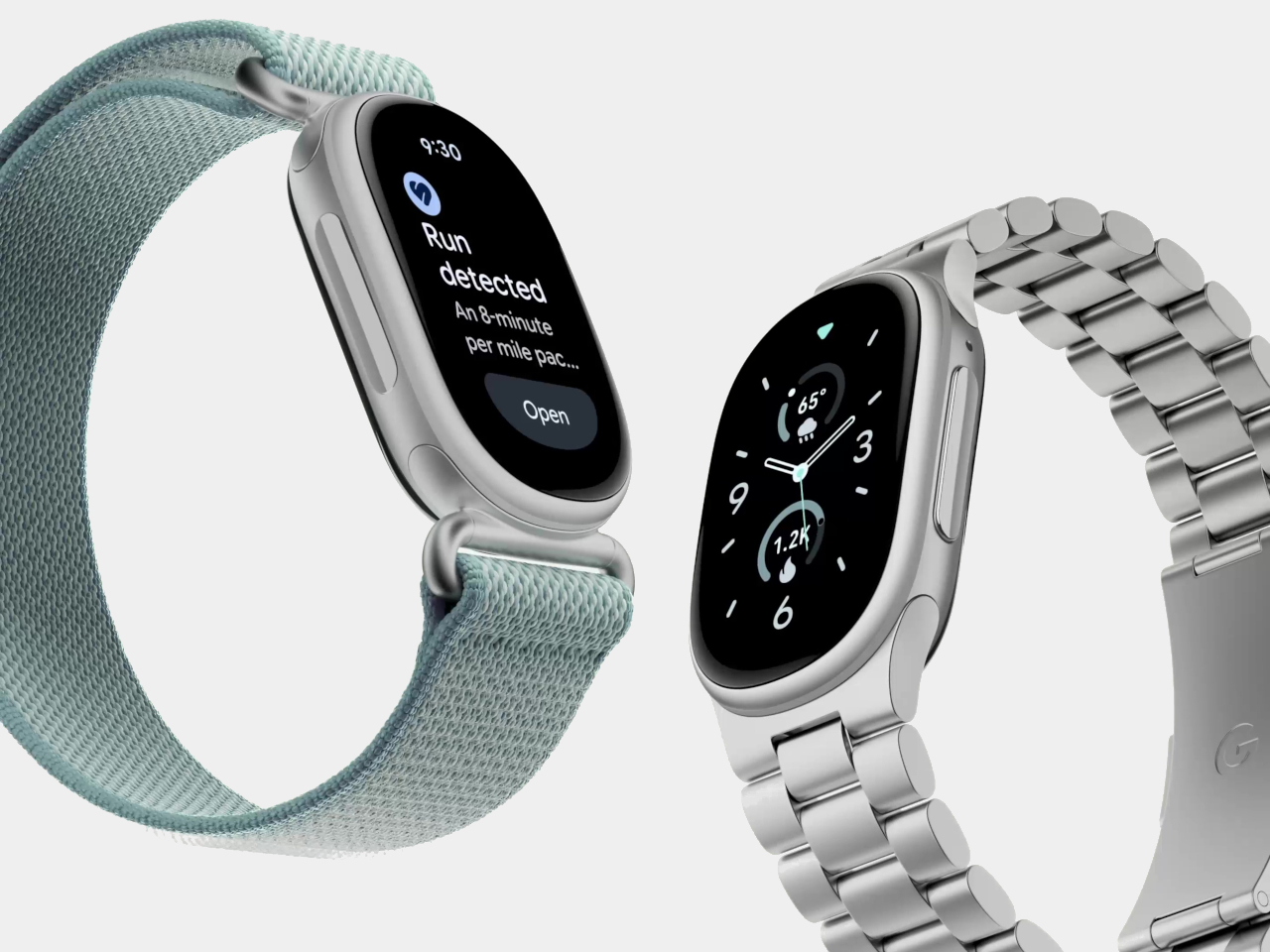
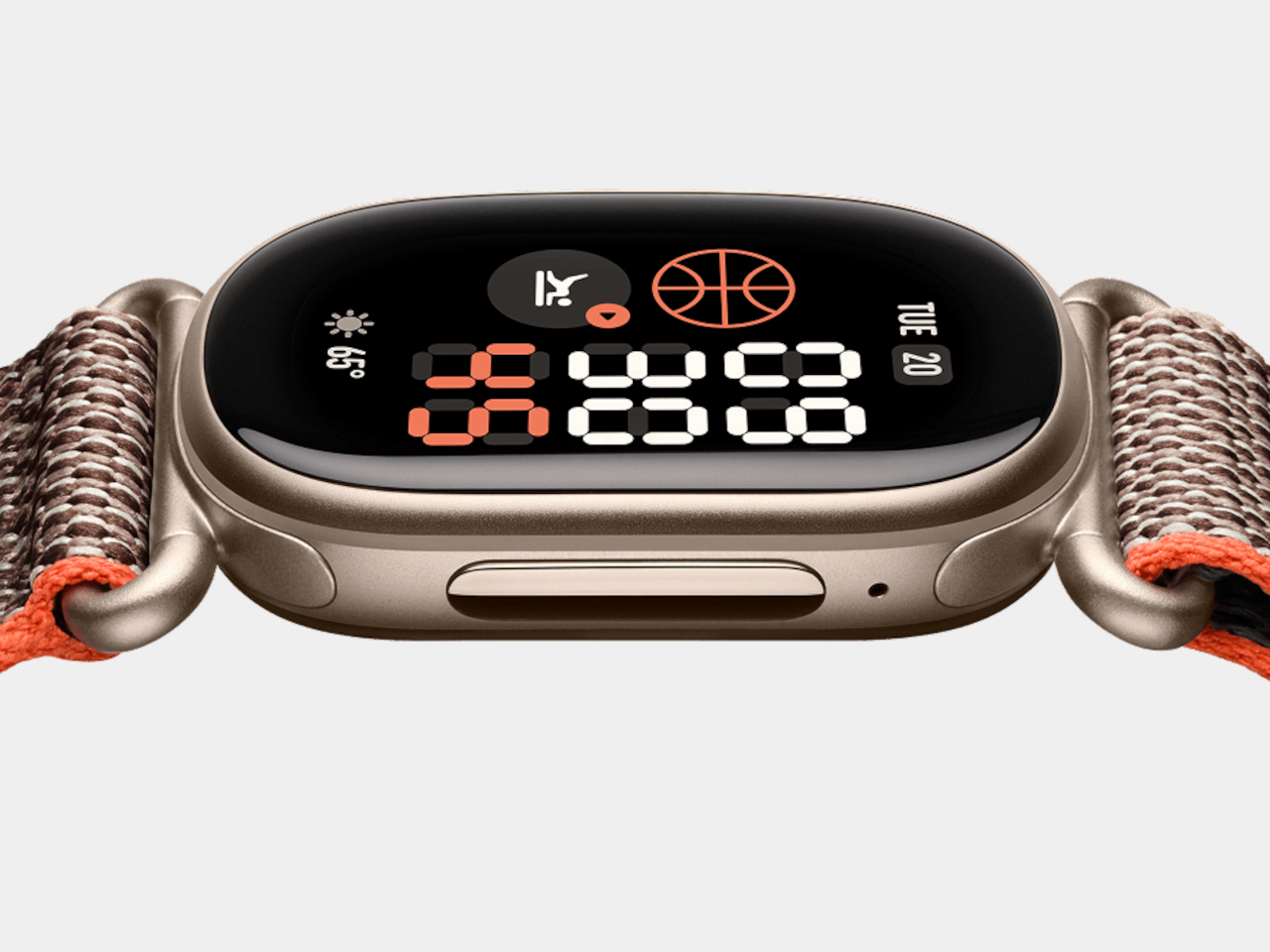
Of course, the most obvious difference from a screenless band is the 1.34-inch AMOLED display. Customizable clock faces put steps and heart rate beside the time, so checking your progress doesn’t necessarily involve digging through menus. Swipe across, and tiles bring up sleep and recovery information. The interface gives those numbers room without trying to fit an entire phone onto your wrist.
The side button is a welcome bit of old-fashioned control in all that glass. Press it to wake the display or return to the clock face; during exercise, it handles pausing. Built-in GPS also means recording a run doesn’t require carrying your phone. An altimeter tracks elevation changes, adding context when your usual route includes hills, or you’re taking the stairs instead of the elevator.
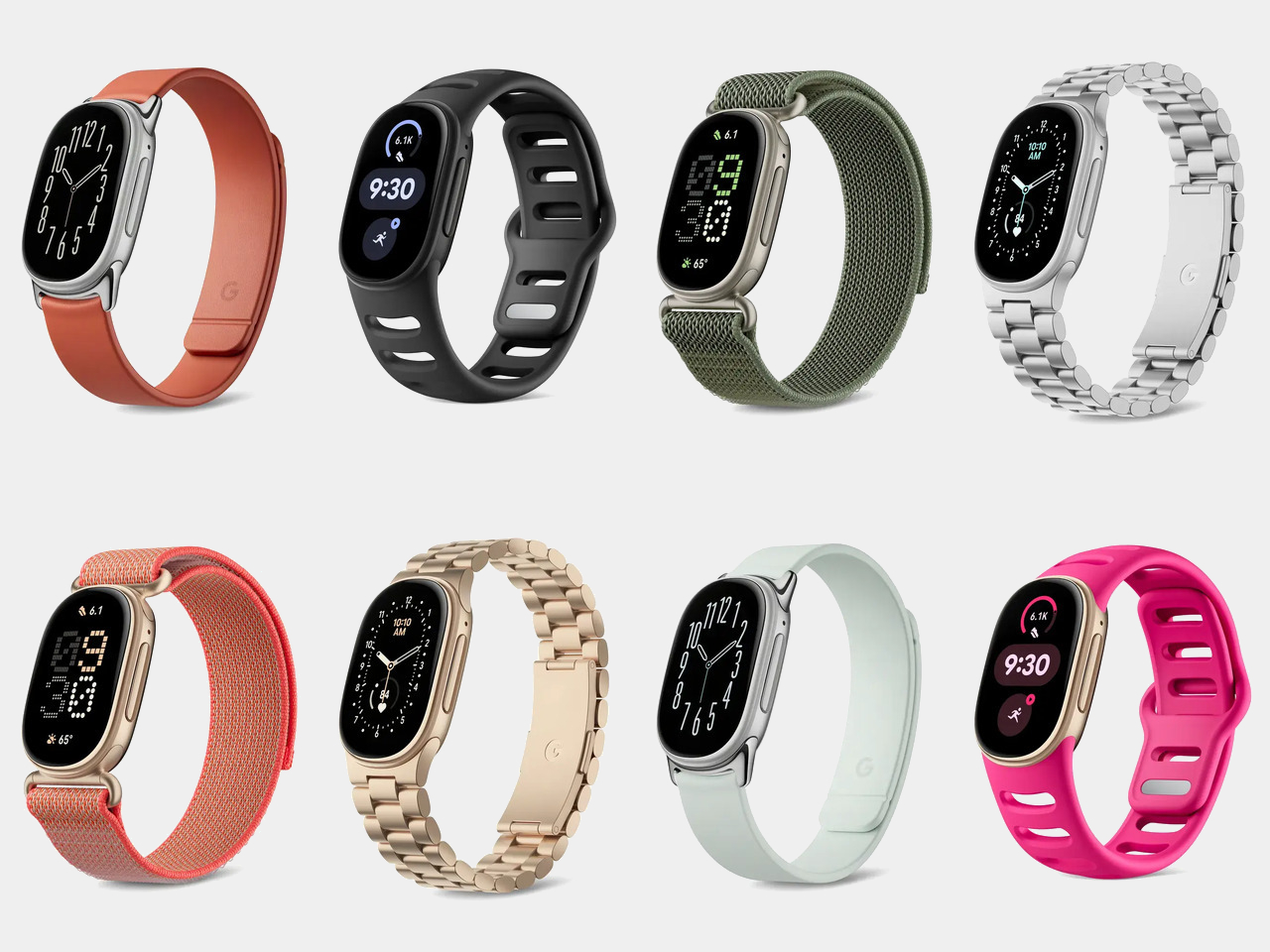
The bands are another way to keep the tracker from looking permanently dressed for a workout. Silicone comes in the box, while optional magnetic bands and metal links change the character of the same small case. Release latches underneath let you detach a strap, and replacements click into place. You don’t have to replace the electronics just because your tastes or clothes have changed.
Heart rate monitoring and sleep tracking provide information to review later, while a skin temperature sensor records nightly variations. Google’s Gemini-powered Health Coach can suggest routines, but it requires Google Health Premium after the included three-month trial. That subscription is separate from the hardware price, and the advice isn’t a substitute for medical care.
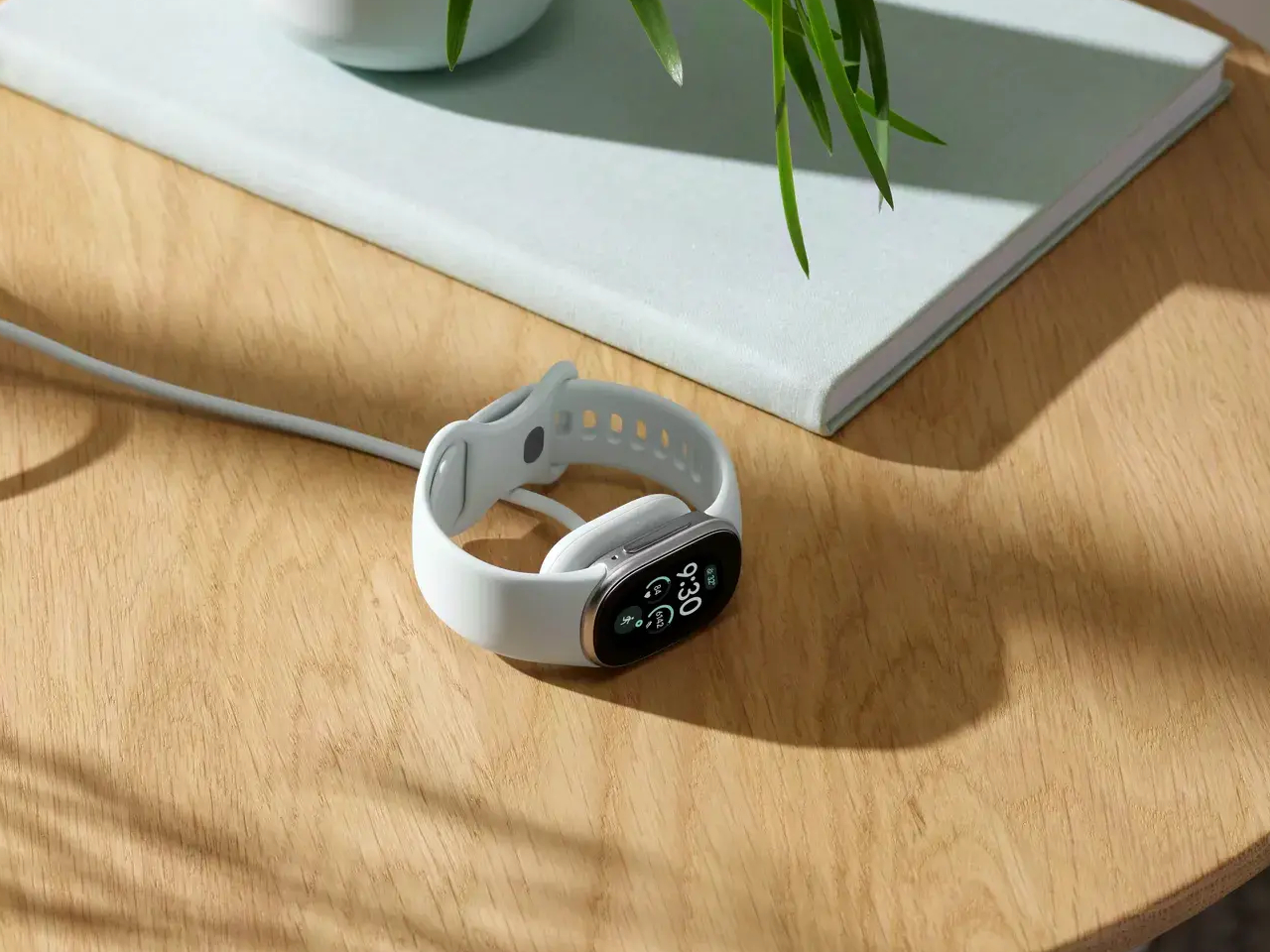
Leaving the screen on changes the charging routine. Google claims up to seven days of battery life under its test conditions, or only up to two days with the always-on display enabled. A five-minute charge promises up to a day’s use when the battery is low. Having the time permanently visible is convenient, but you’ll be visiting the charger more often.
The other battery decision concerns what happens after years of charging. Google calls Edge its first repairable fitness tracker, with a replaceable cell inside a modular layout. That doesn’t mean popping open a cover and swapping batteries at breakfast. Tools and technical expertise are required, and repair options vary by region. Of coursre, you’ll still need access to the right replacement parts, too.
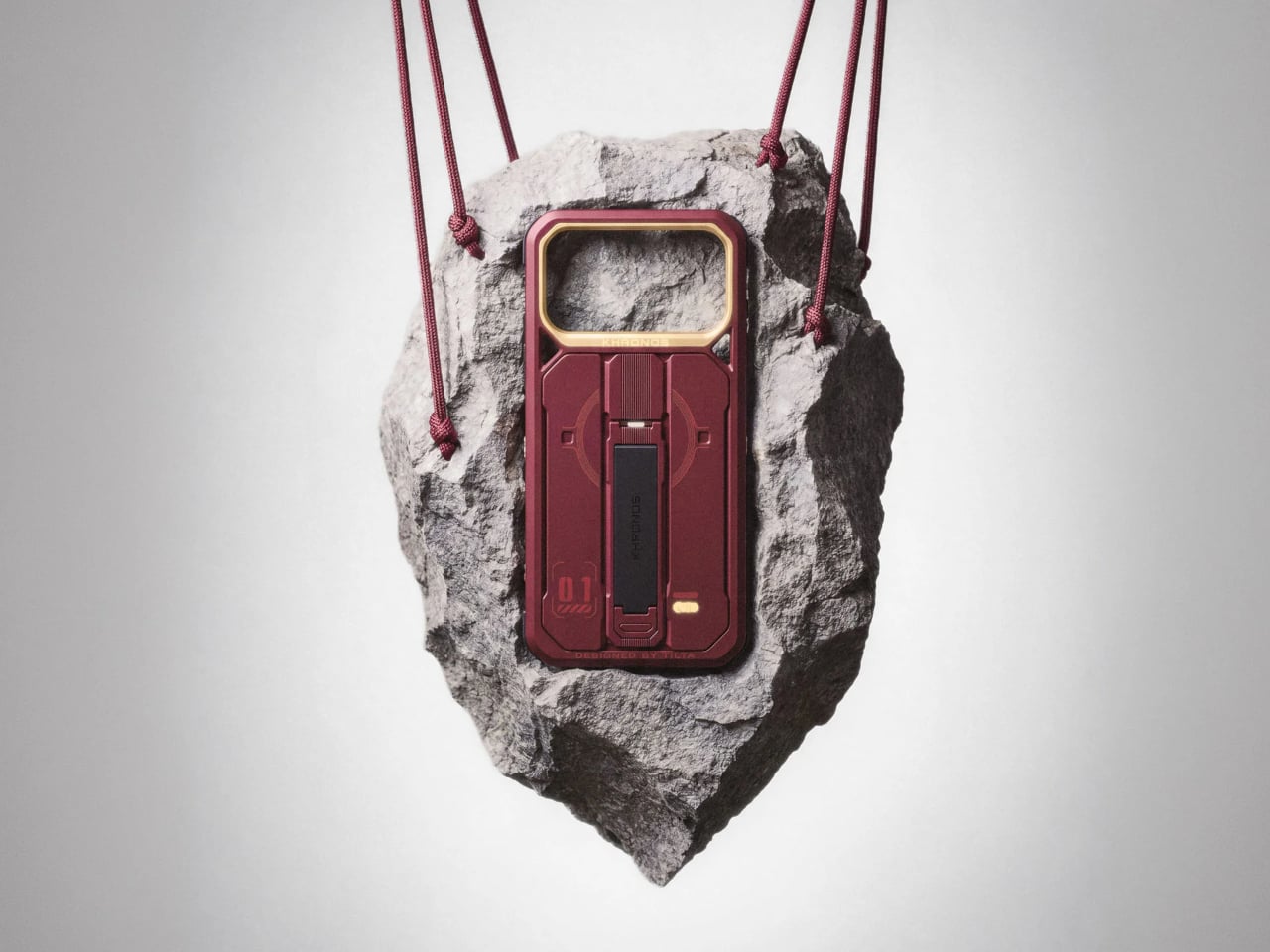
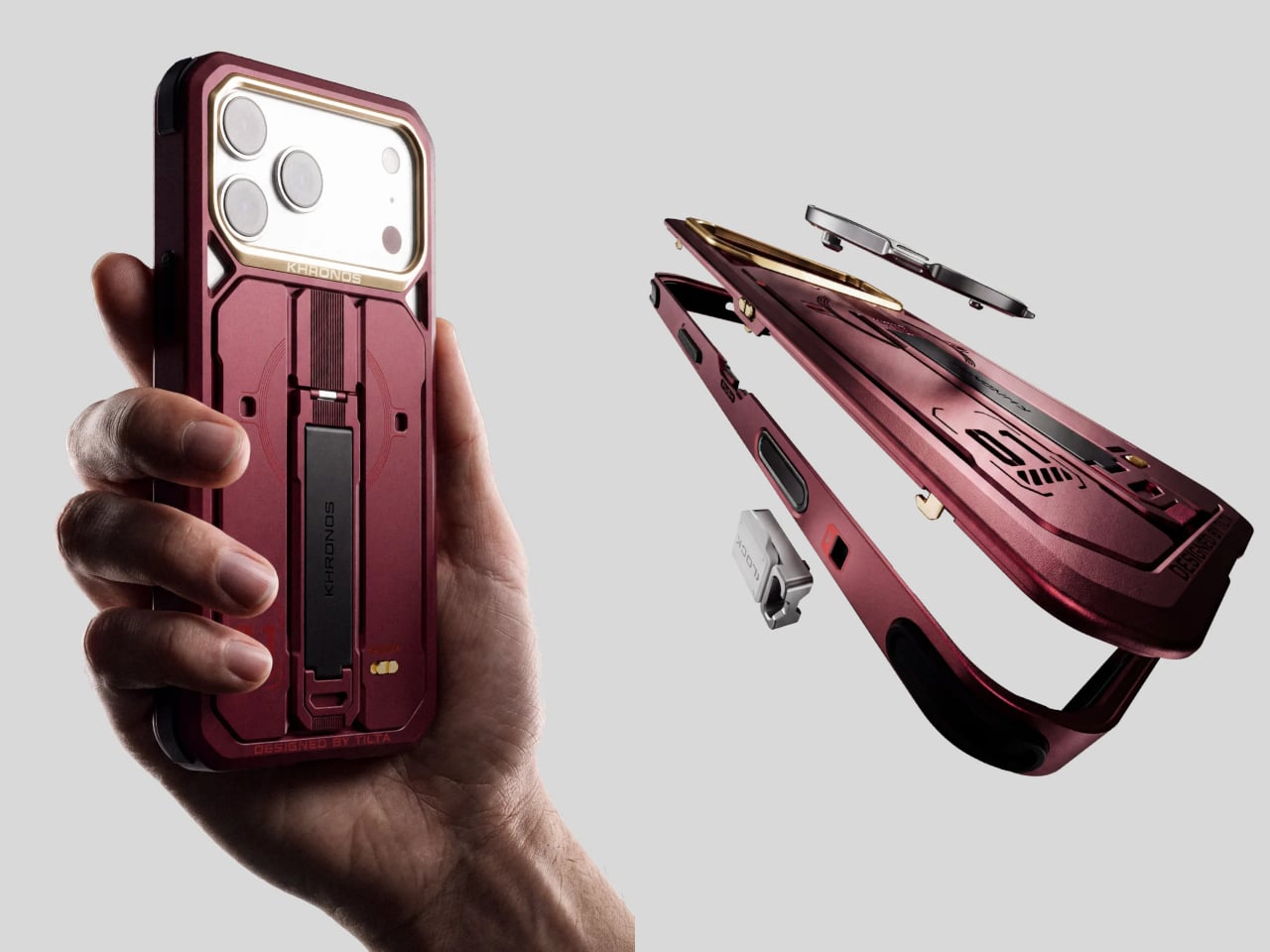
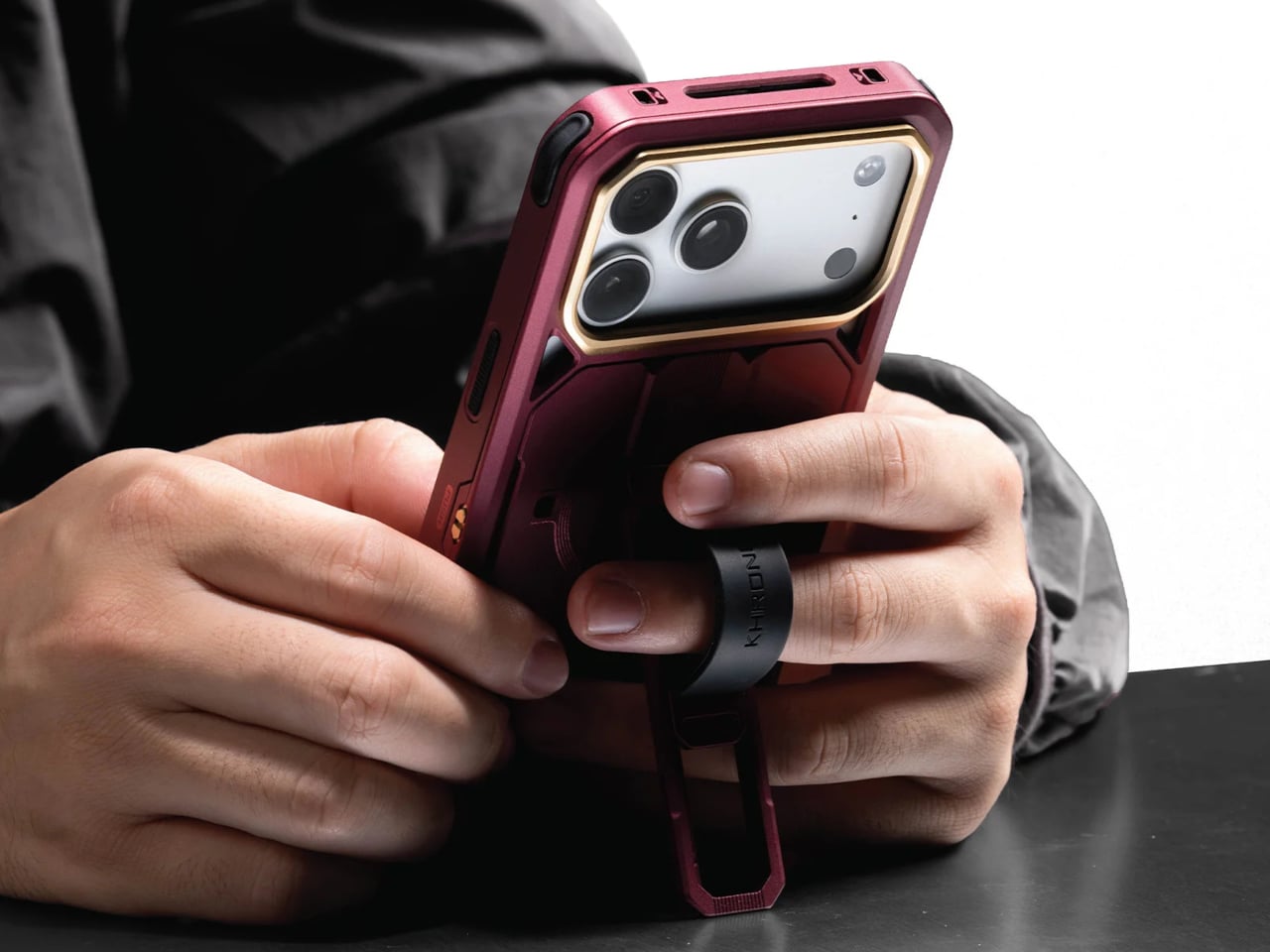
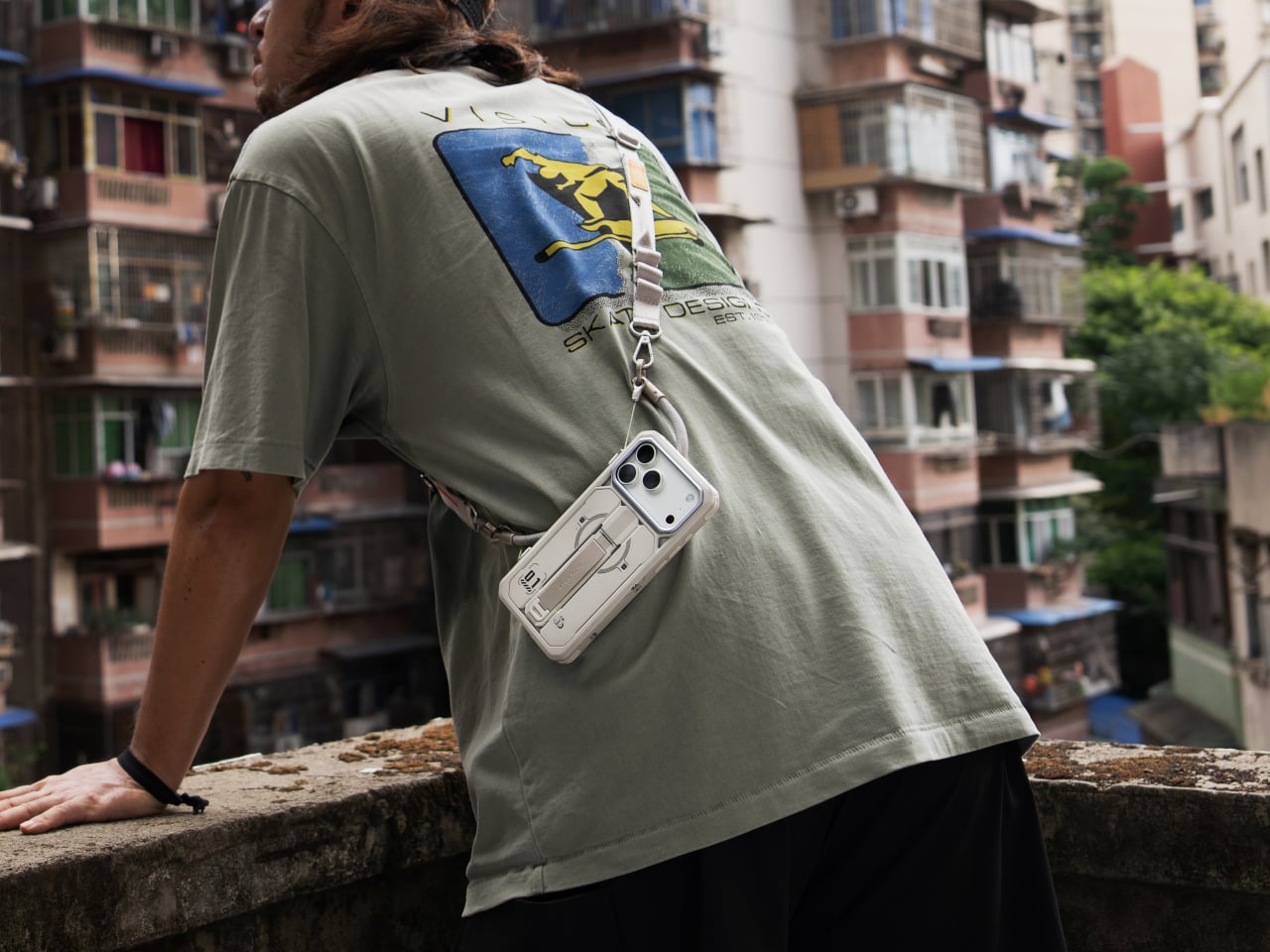
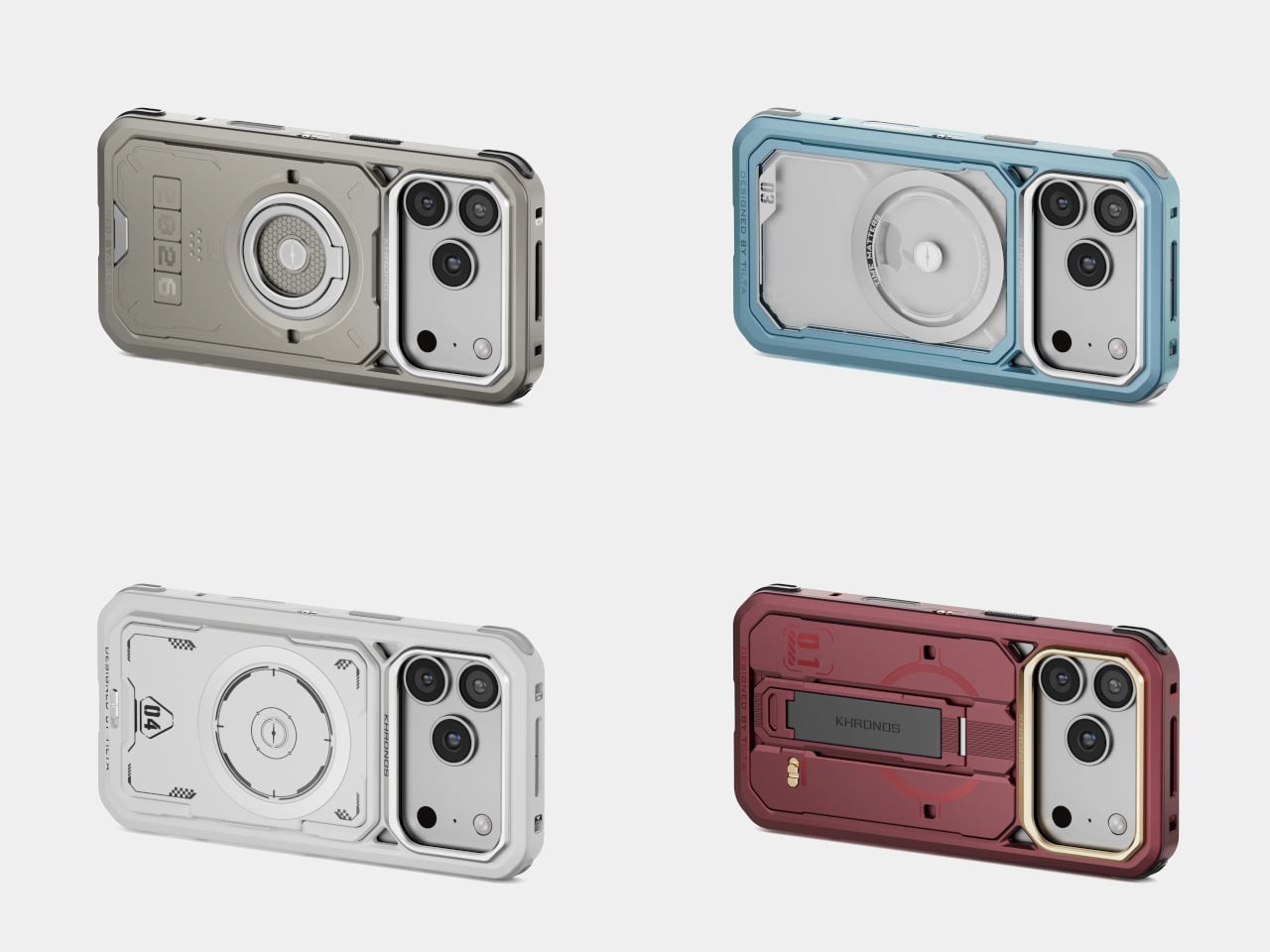
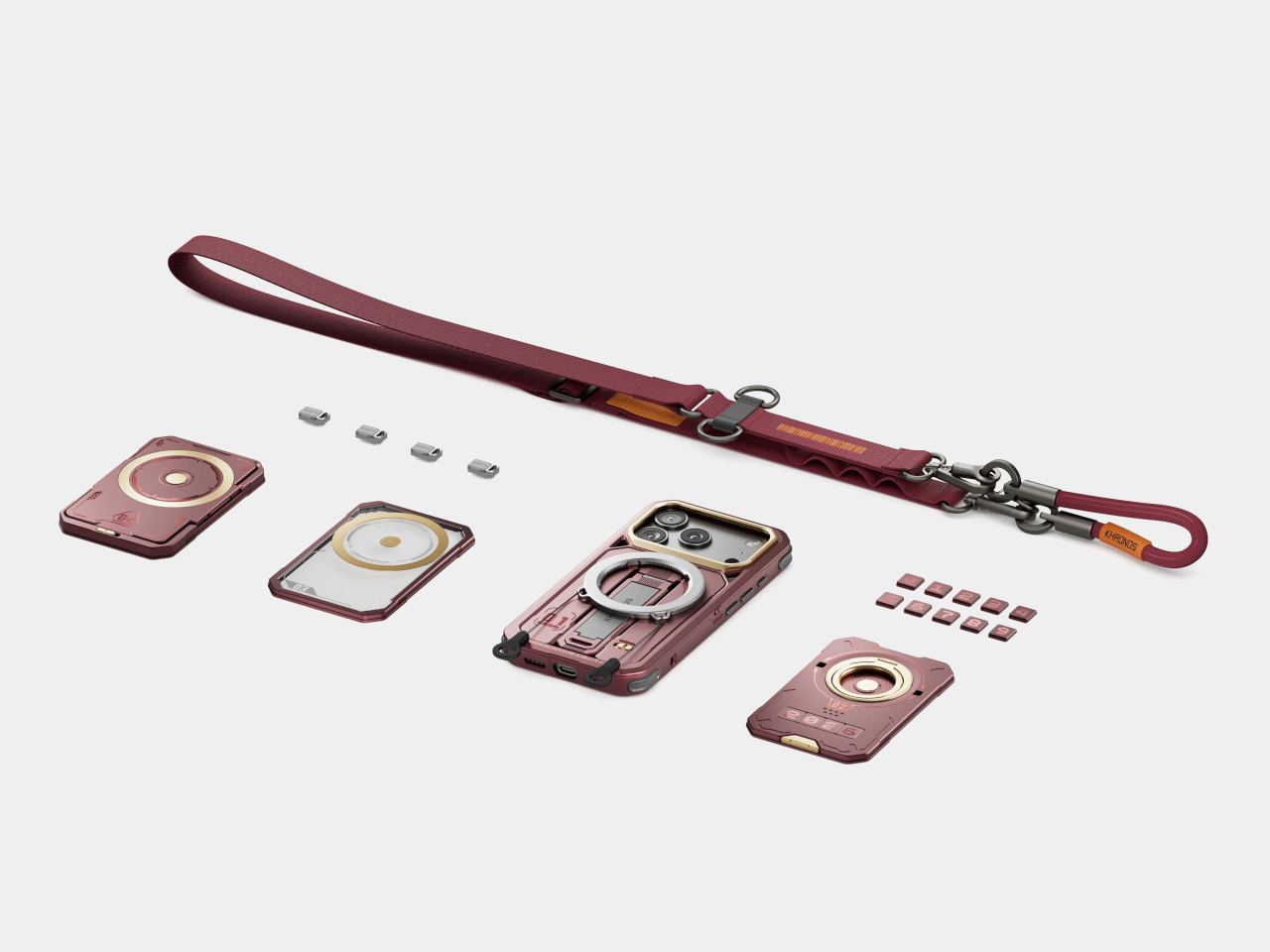
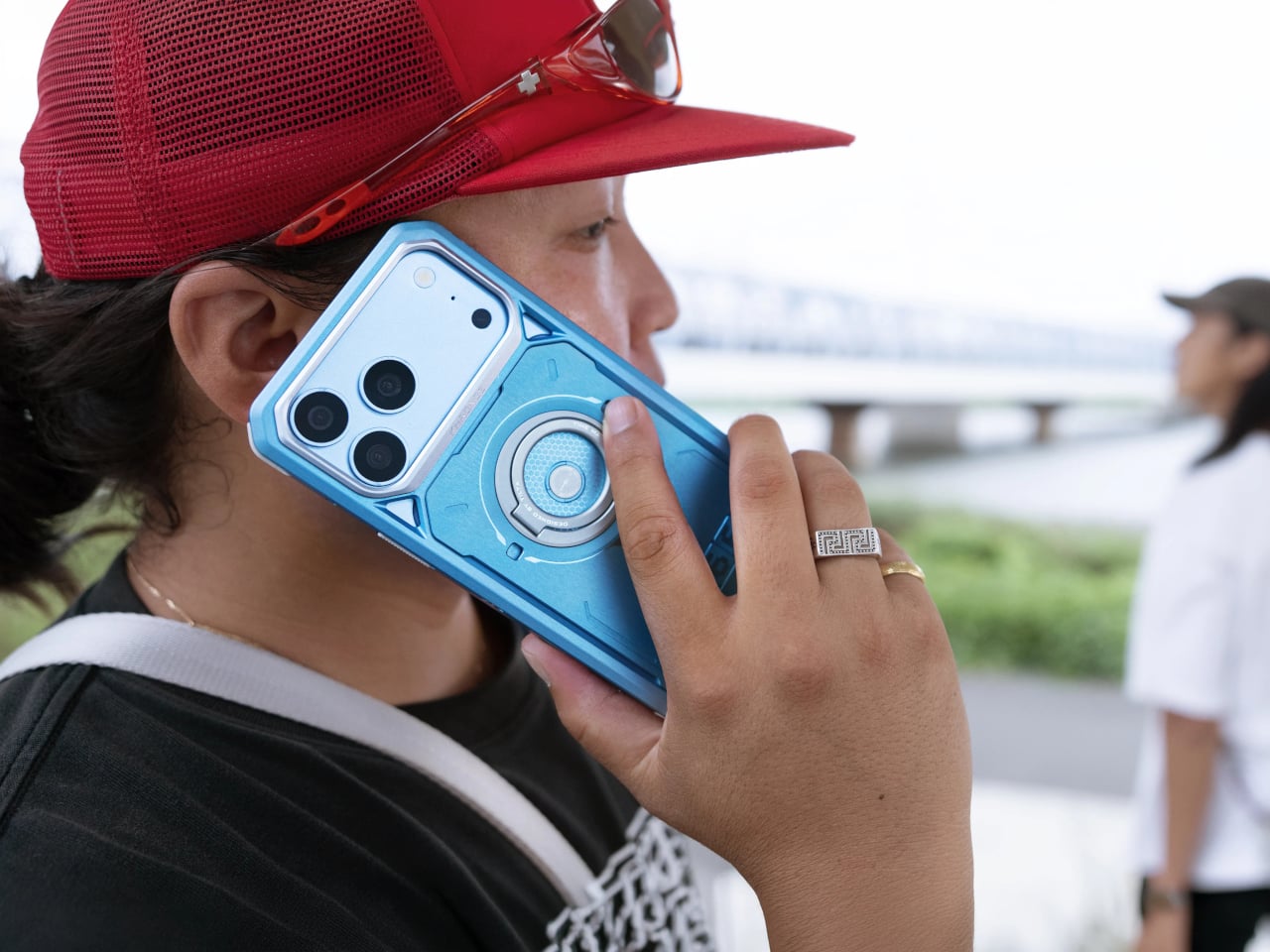
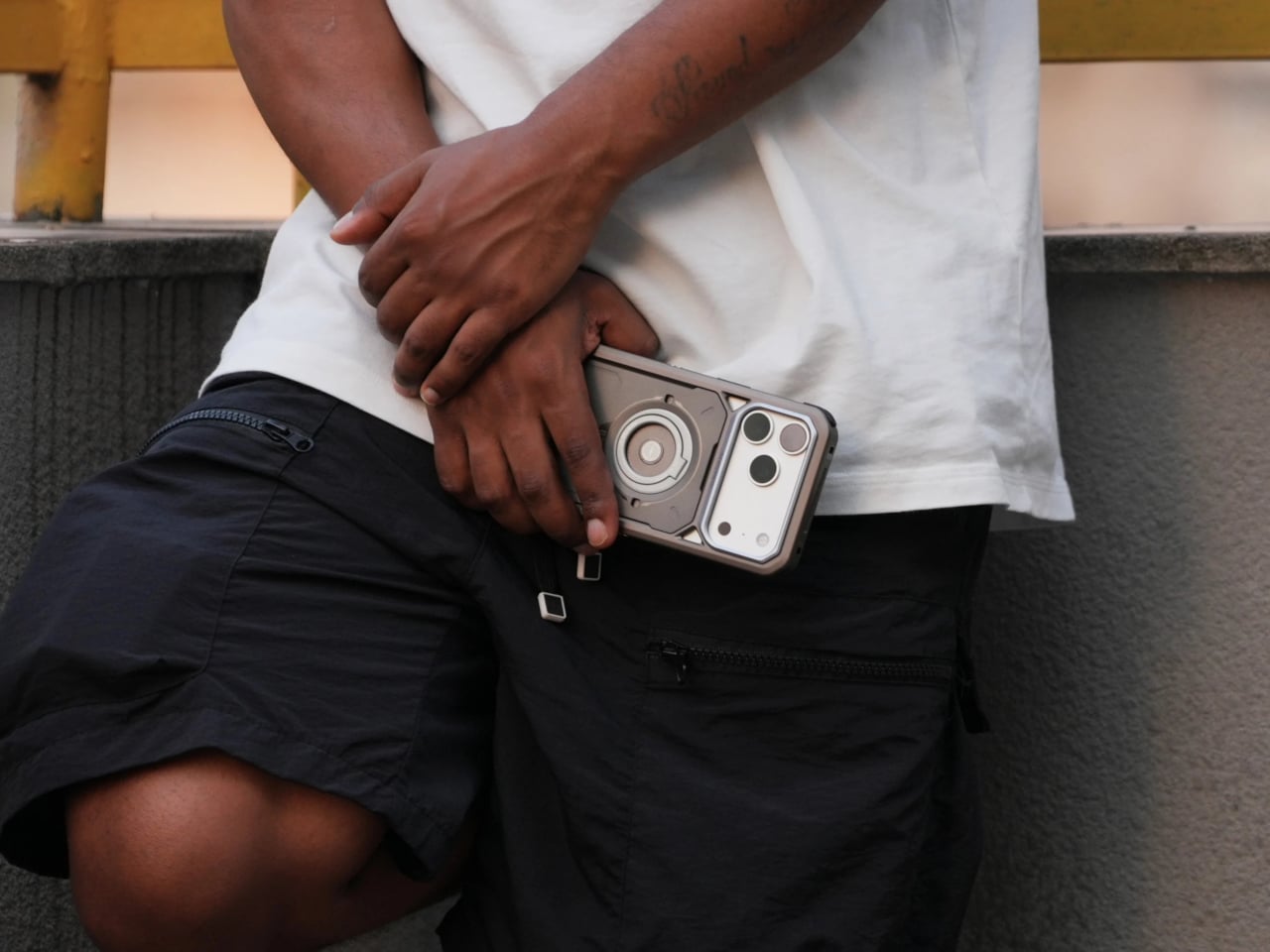
Phone cases have become accessories with accessories, from folding stands to little wallets stuck on the back. Useful as those extras can be, you might not want the same arrangement every day. To address that need, Tilta’s Khronos Core Limited Edition Kit offers four interchangeable backplates for the iPhone 18 Pro and Pro Max, changing its everyday functions without replacing the metal frame itself.
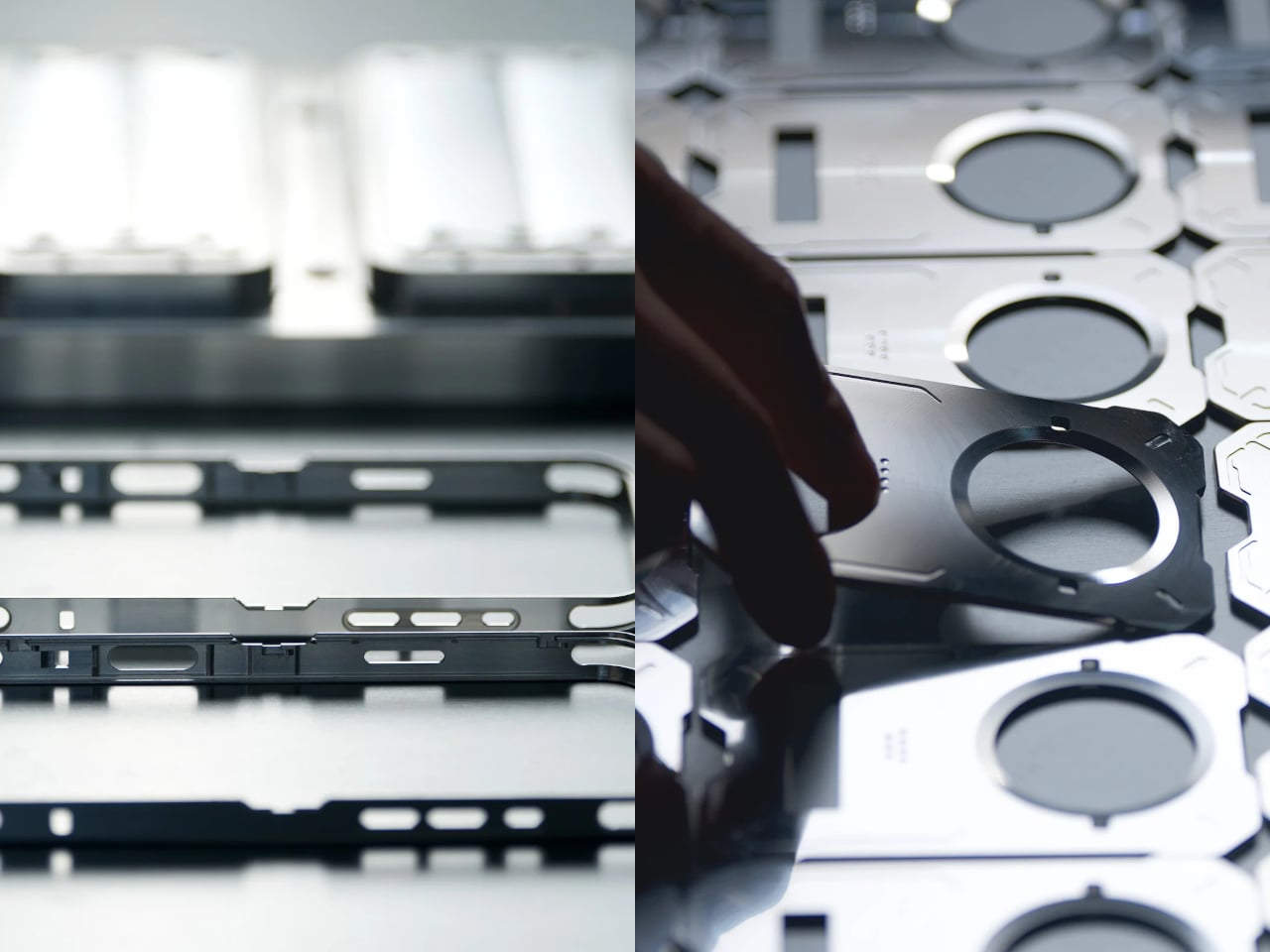
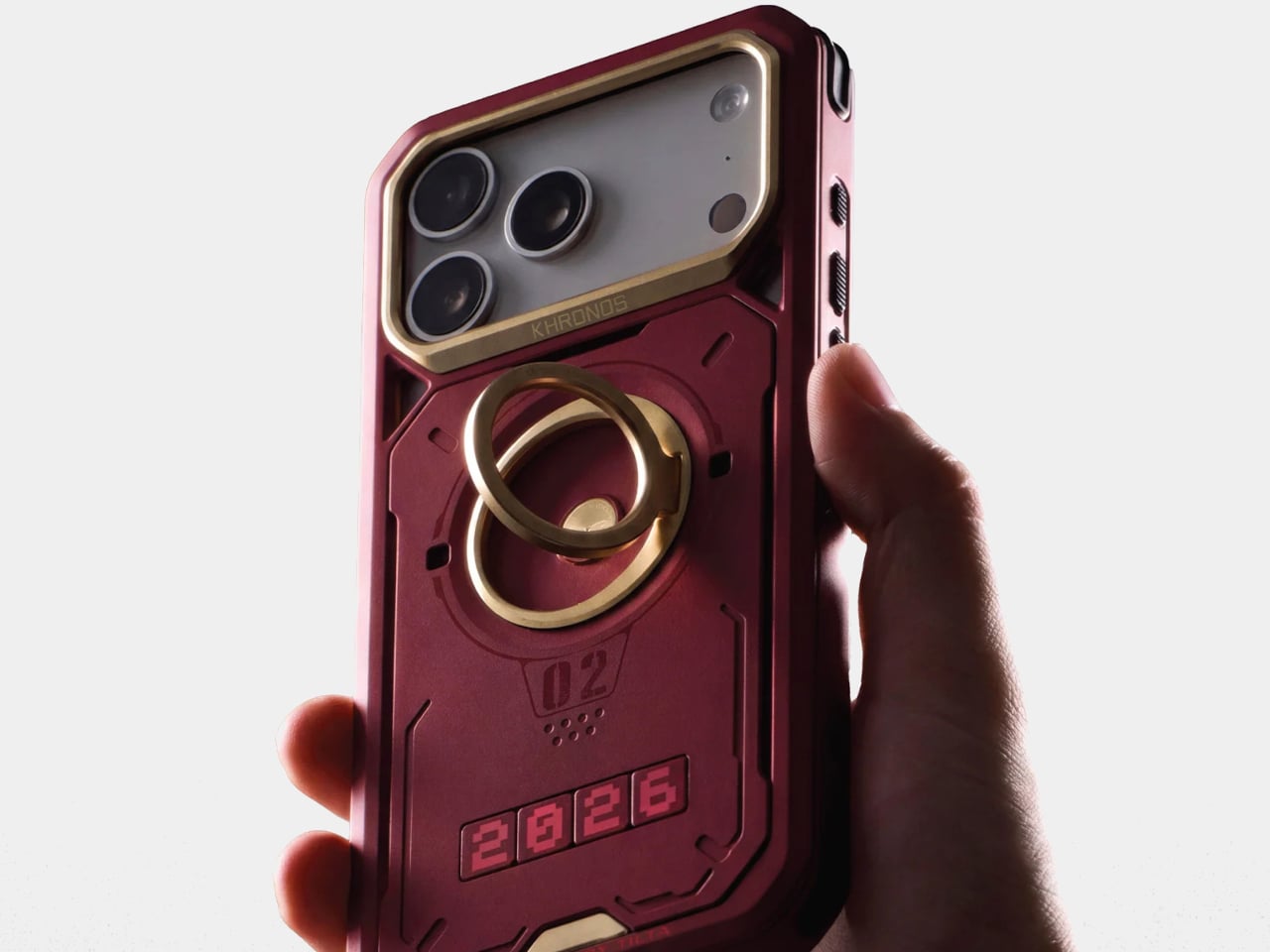
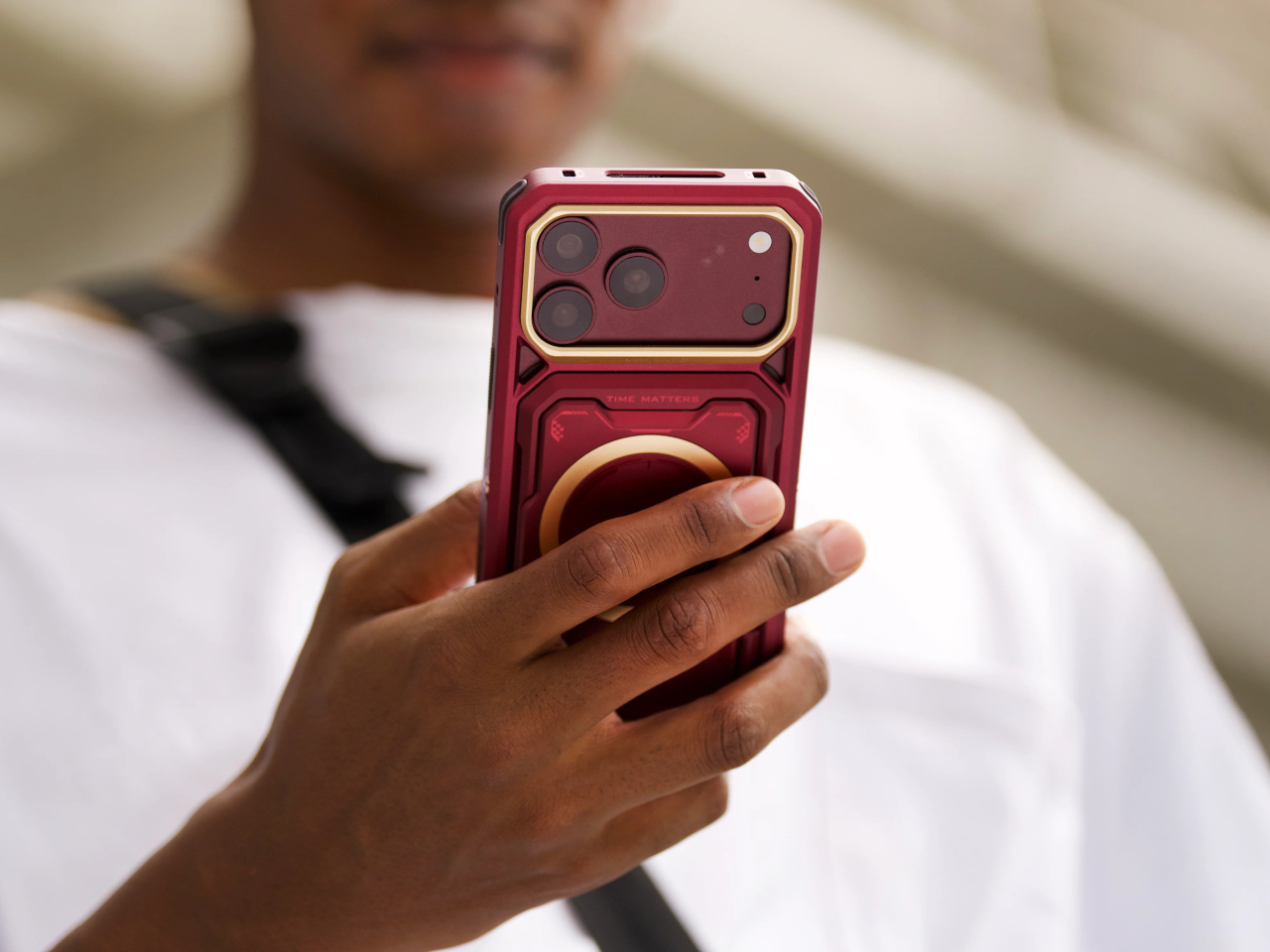
The case starts with a single block of aluminum, shaped through CNC machining rather than molded into a soft cover. Recessed panel outlines and an angular camera surround give it a distinctly mechanical appearance. Burgundy makes that character particularly noticeable, while Glacier, Lunar Silver, and Titanium Gray offer alternatives. That last name describes a color, of course, not a different metal hiding underneath.
The Kickstand Backplate combines a folding support with a silicone finger ring, keeping two familiar additions in one panel. Prop the phone up for a video call, then use the ring when you’re holding it again. This plate also comes with the standard case. The kit’s other three backplates are what make the tool-free swapping system worth exploring beyond that initial setup.
The Ring Backplate replaces that setup with a metal finger ring that rotates through 360 degrees. You can change its angle as you reposition the phone, rather than having your grip follow a fixed loop. Interchangeable number tags give the panel a more personal touch. They look a little like an equipment label, except you’re choosing the numbers rather than reading specifications.
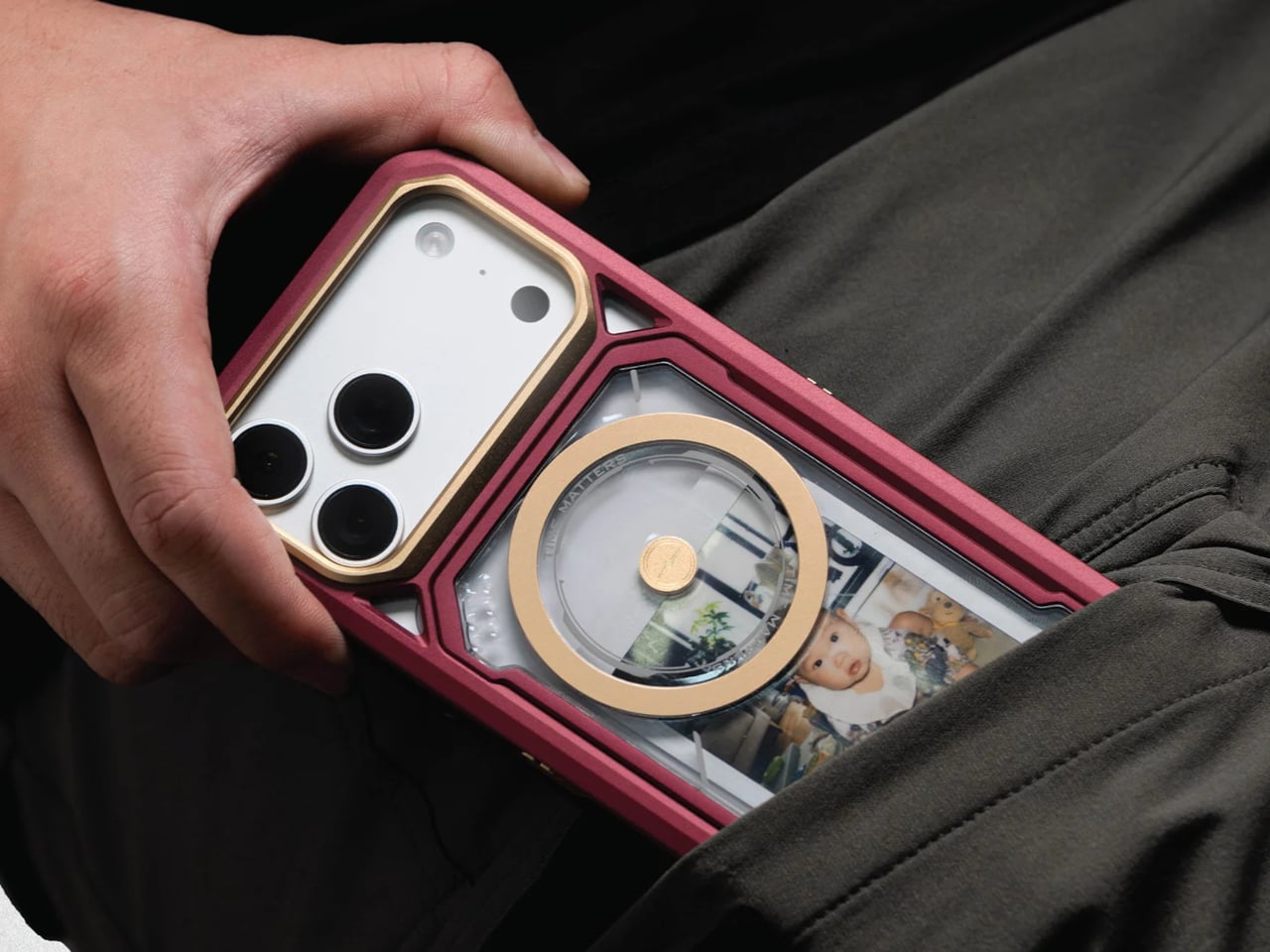
Personalization takes a rather different turn with the Transparent Backplate, which has a windowed compartment for photographs and small keepsakes. Your phone might already contain thousands of pictures, but this gives one of them a place outside the screen. A printed family photo can stay visible without waking the display, bringing something sentimental to an exterior that otherwise resembles professional camera equipment.
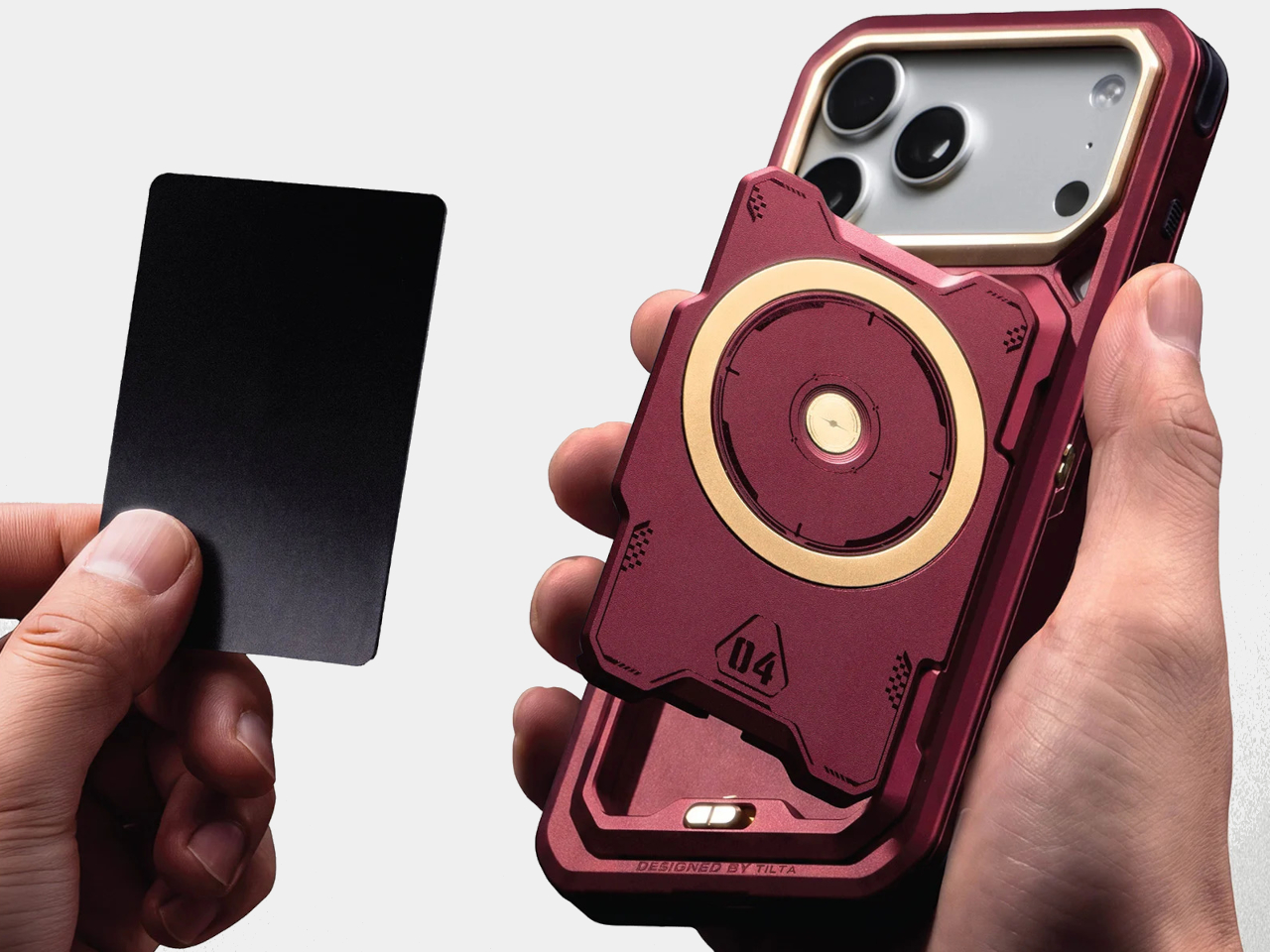
The Card Holder Backplate is less about decoration and more about leaving something at home. A latched cover encloses space for up to three cards, enough for an ID, bank card, and transit pass. That could spare you a separate wallet on a short outing. Losing the phone would also mean losing those cards, so keeping everything together has its own compromise.
The kit also includes short and long straps, with magnetic quick-release connections and multiple mounting points on the frame. Use the shorter option for everyday carrying, or wear the phone across your body with the longer one. That’s handy when you’re carrying bags and have nowhere convenient to put the phone, although turning it into a dangling accessory won’t suit every outfit or activity.
Of course, buying the complete kit means paying for choices you might not use. The US list price is $249, with a current $224.10 sale price. Leave three backplates in a drawer, and most of that flexibility stays there too. If all you want is a folding stand, the standard case already includes it, without three spare backplates taking up room at home.
There are a lot of people who have more than two devices that constantly need charging throughout the day. Our workspaces are littered with different charging cables, power adapters, and all kinds of charging paraphernalia, aside from our usual work stuff. The advent of wireless chargers has been a welcome development for those whose devices support them and who don’t want their desks littered with all sorts of things. Having something that can charge more than your phone and looks good while doing it is also a bonus.
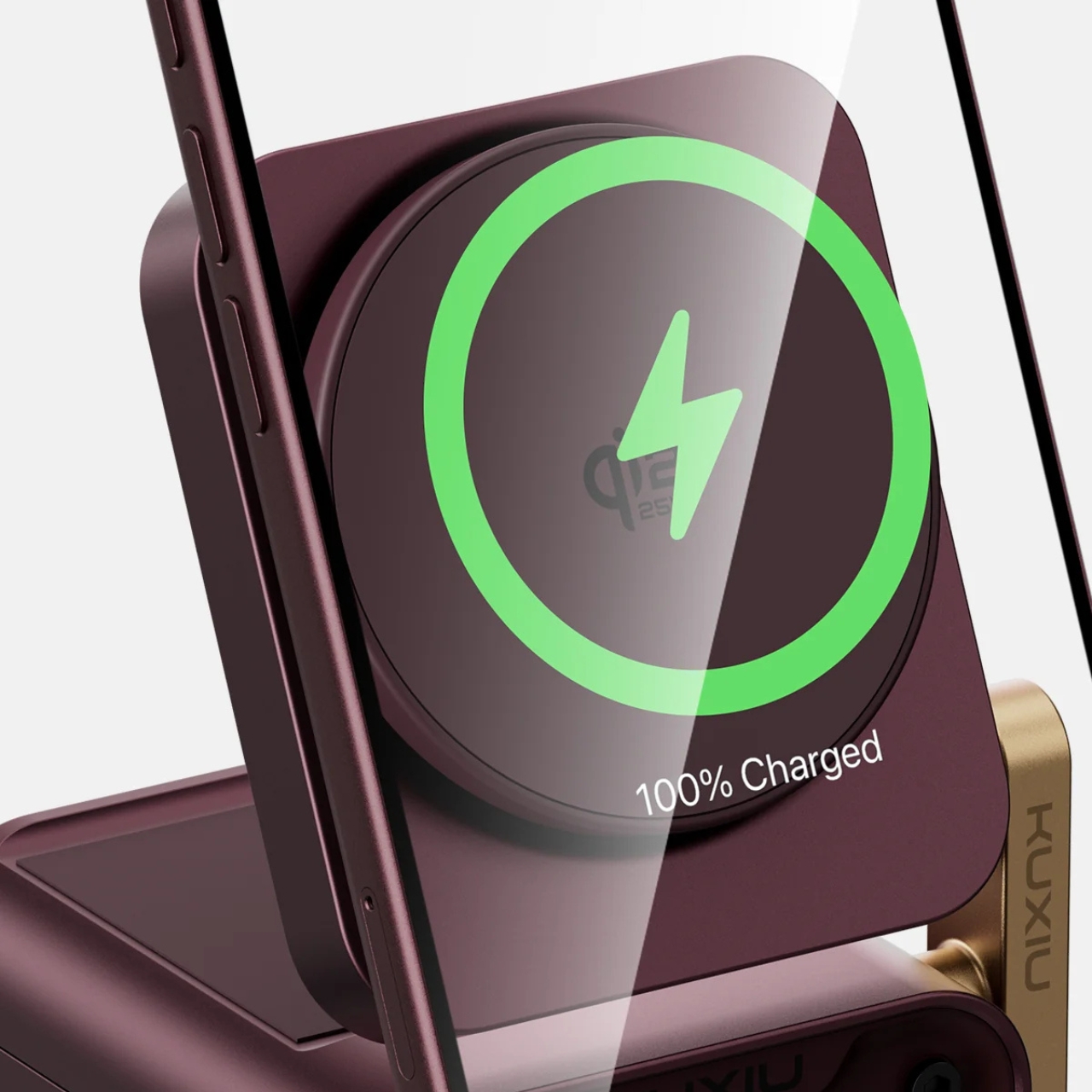
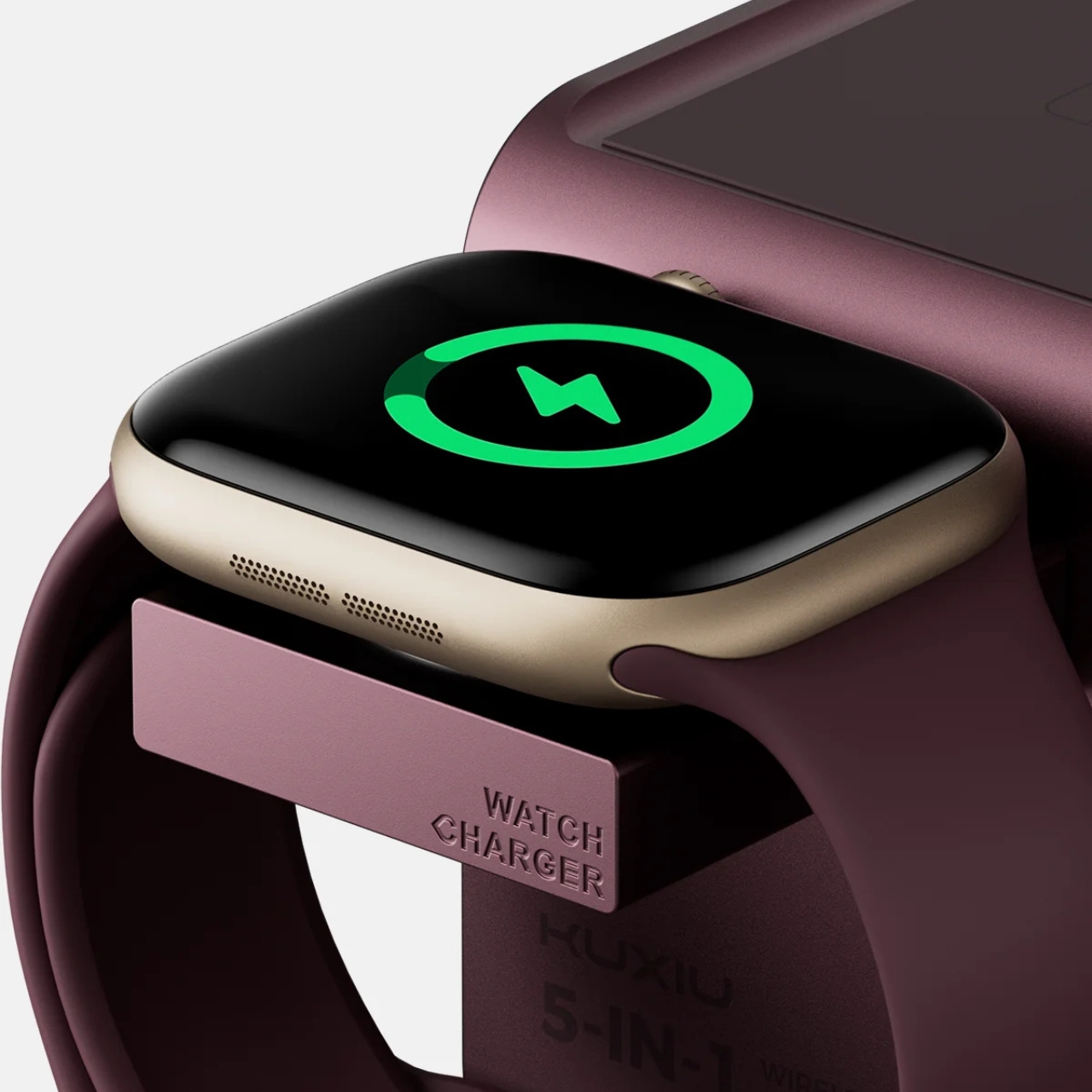
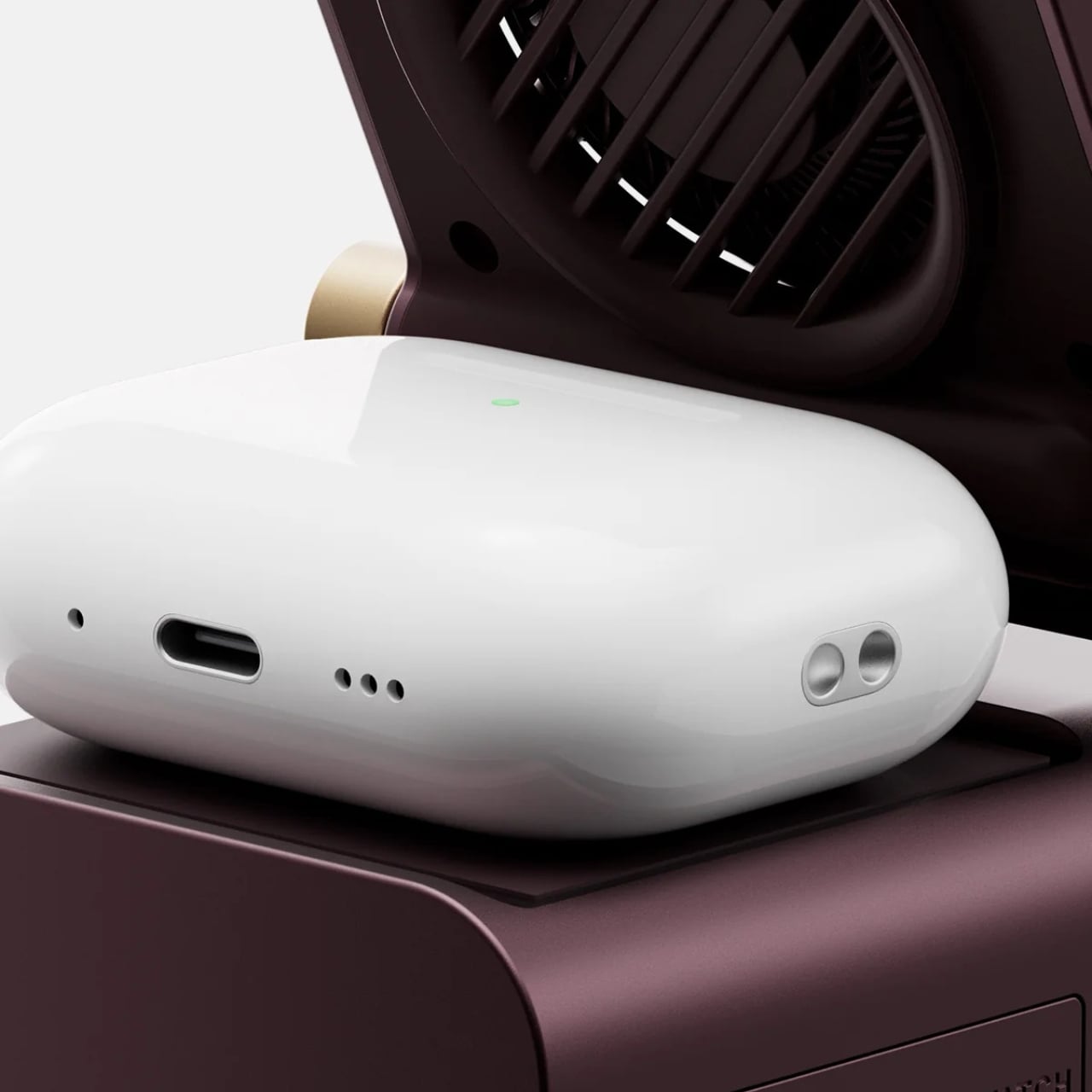
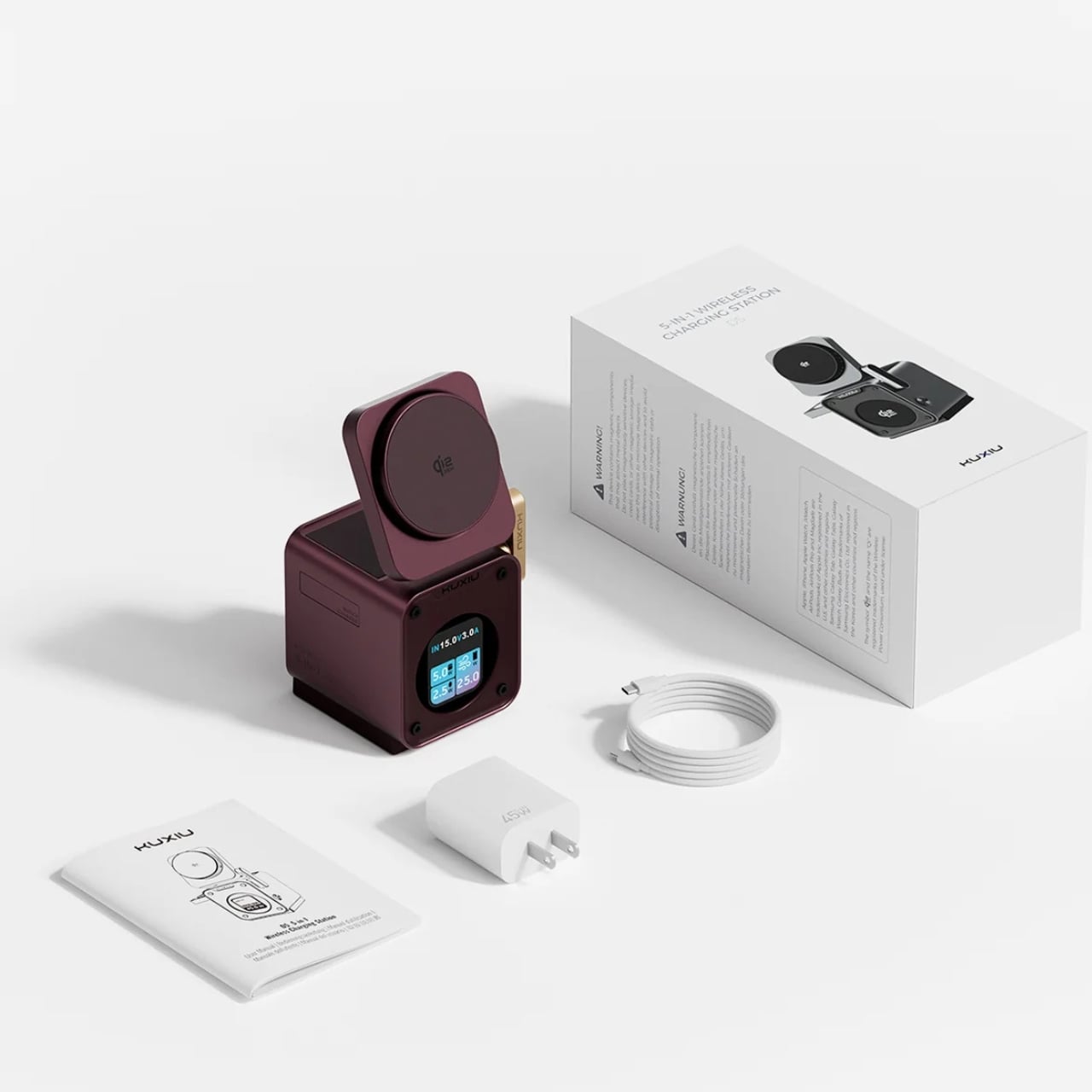
The KUXIU D5 Qi2.2 25W 3-in-1 Wireless Charging Station is one of those devices that I’d welcome to my desk, and it now comes in burgundy as well. It’s a functional device for charging your compatible smartphone, Apple Watch, and earbuds, but it’s also well-designed enough that you won’t want to hide it when you’re not charging anything. It also has a real-time display of charging information, so you won’t have to guess whether your devices are receiving power.
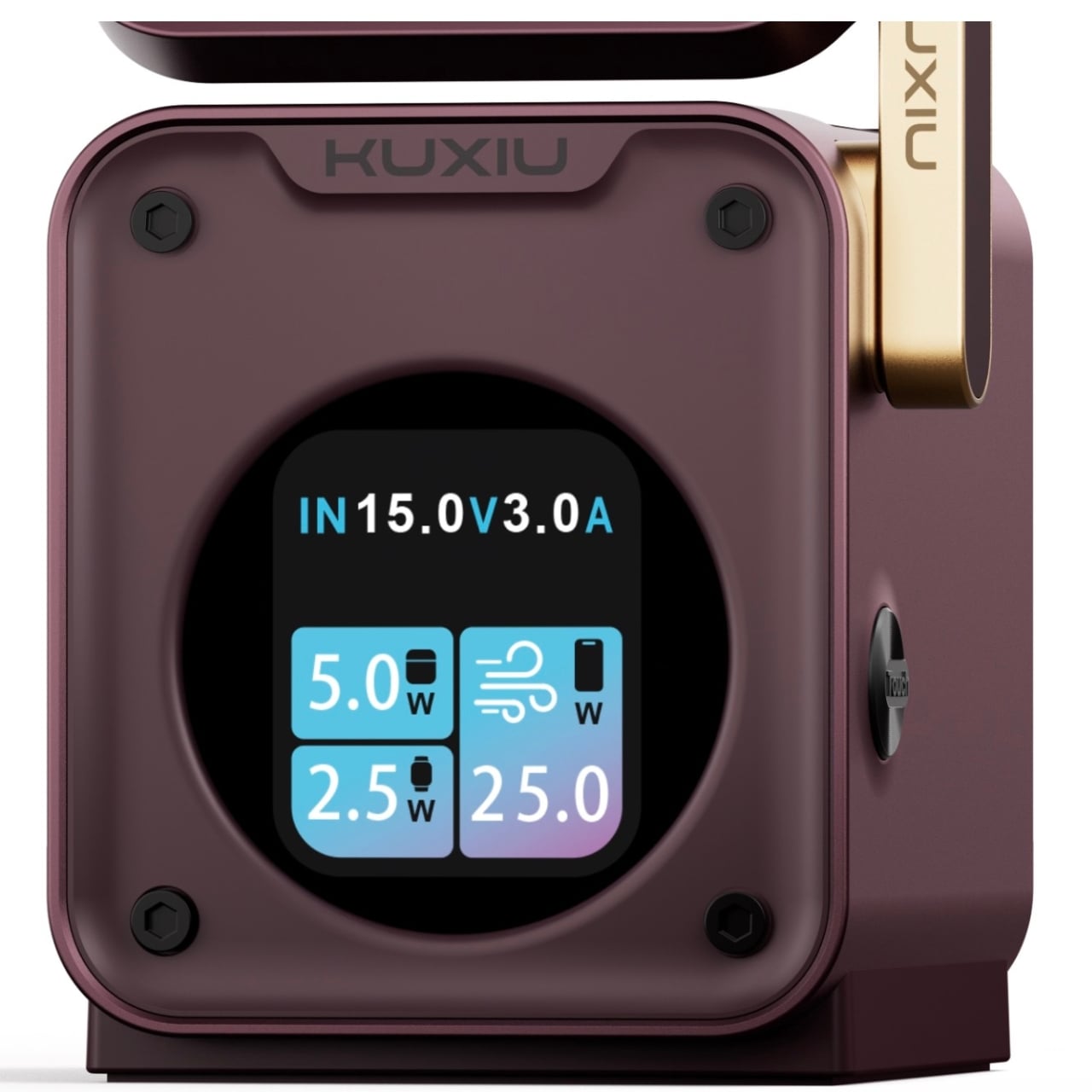
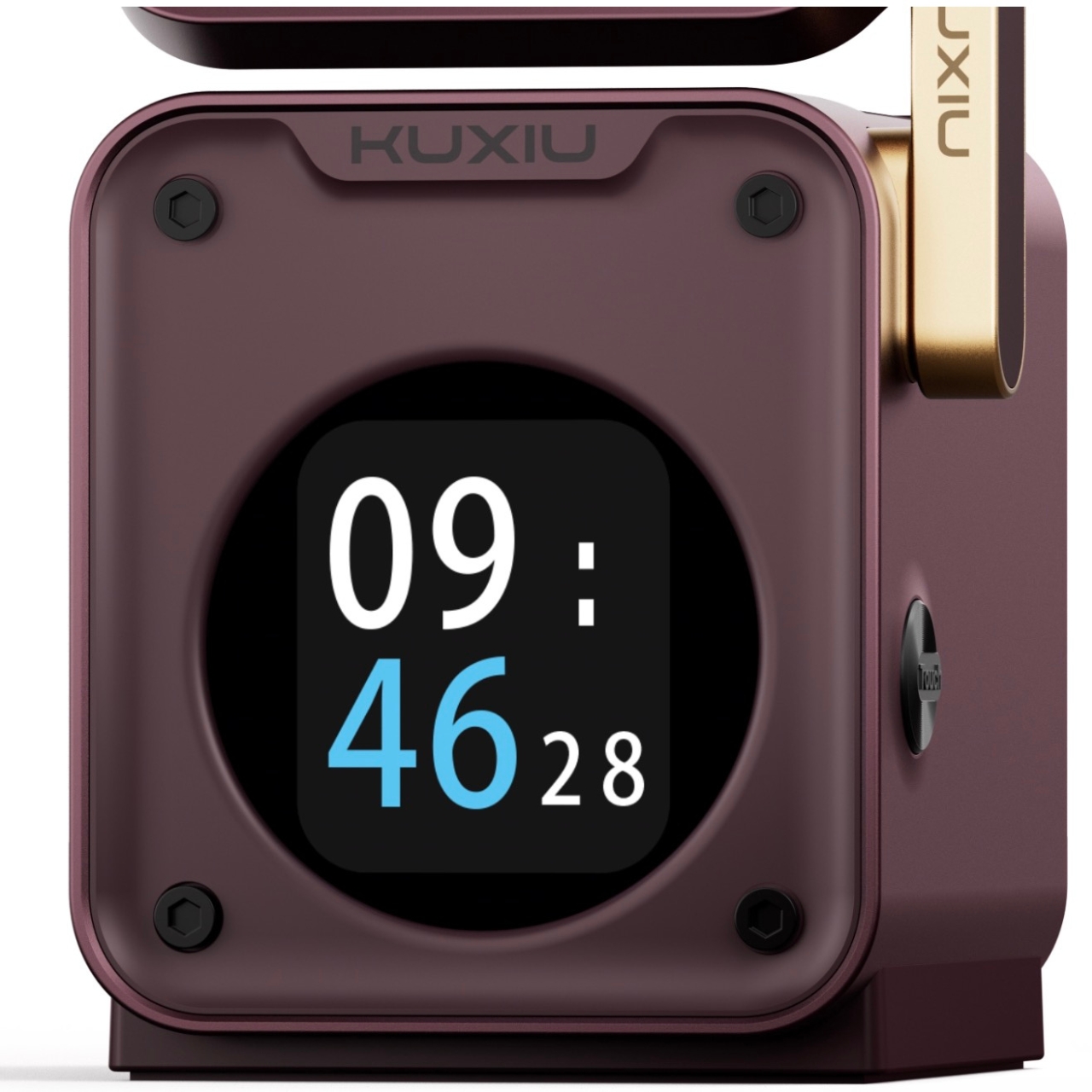
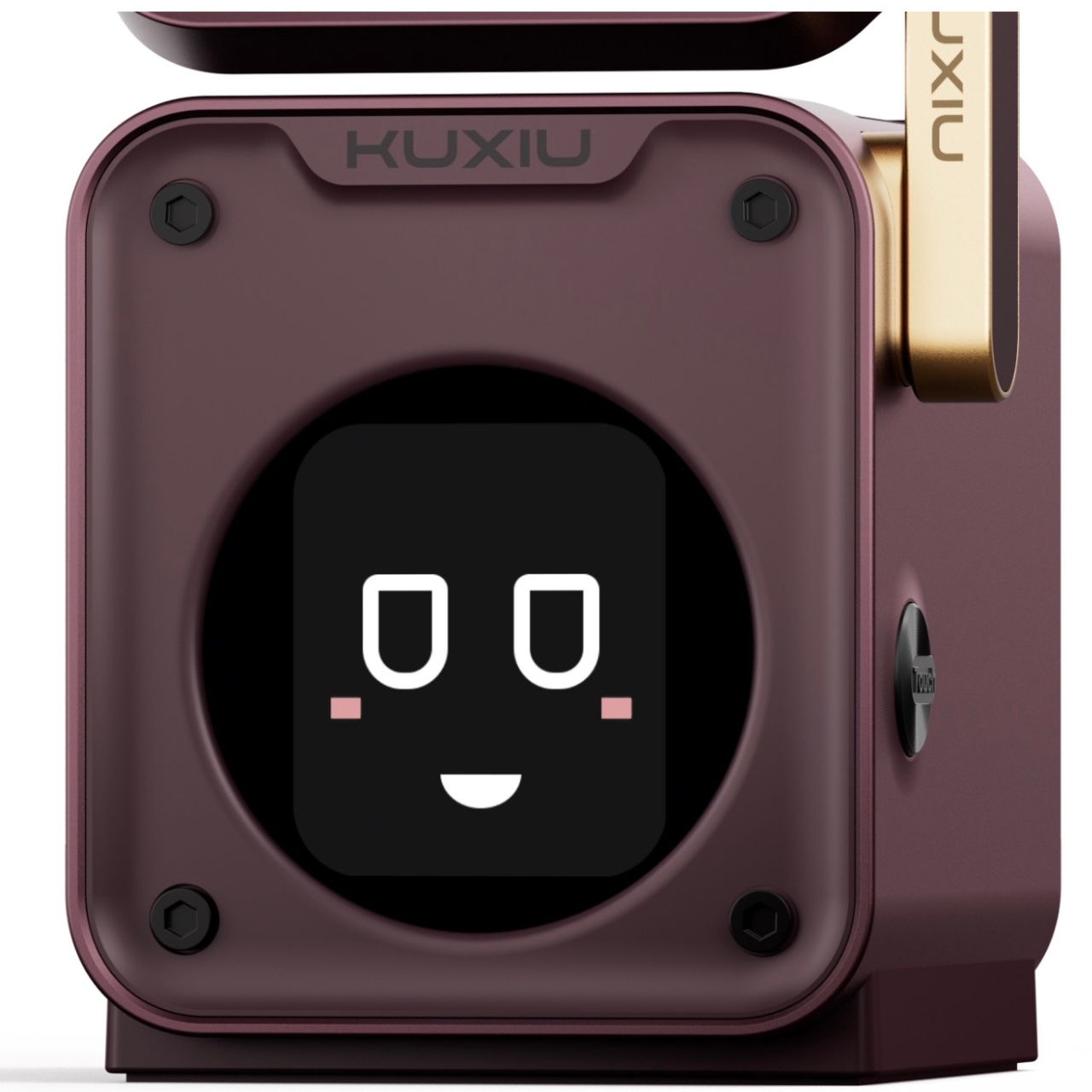
One of the nice things about this wireless charger, aside from the fact that you can charge three devices at once, is that you’ll be able to see things like input voltage, current, and power on the display. It also shows the individual charging status of your smartphone, Apple Watch, and earbuds if you’re charging them all at the same time. You can even turn that same display into a desk clock if you want to check the time somewhere other than your phone or laptop screen. You just have to connect the charger to your phone via Bluetooth to sync the time. The display even has animated expressions to keep you company as you work.
The phone platform where you place your device as it charges can sit flat or tilt upward, depending on how you want to use it. It also means it can serve as a viewing stand in case you still need to look at your phone while it’s charging. The watch charging module, meanwhile, extends from the side and can also be retracted when not in use. Just press and hold the touch button to activate the motorized mechanism, so the dock won’t be a permanent protrusion when it isn’t needed.
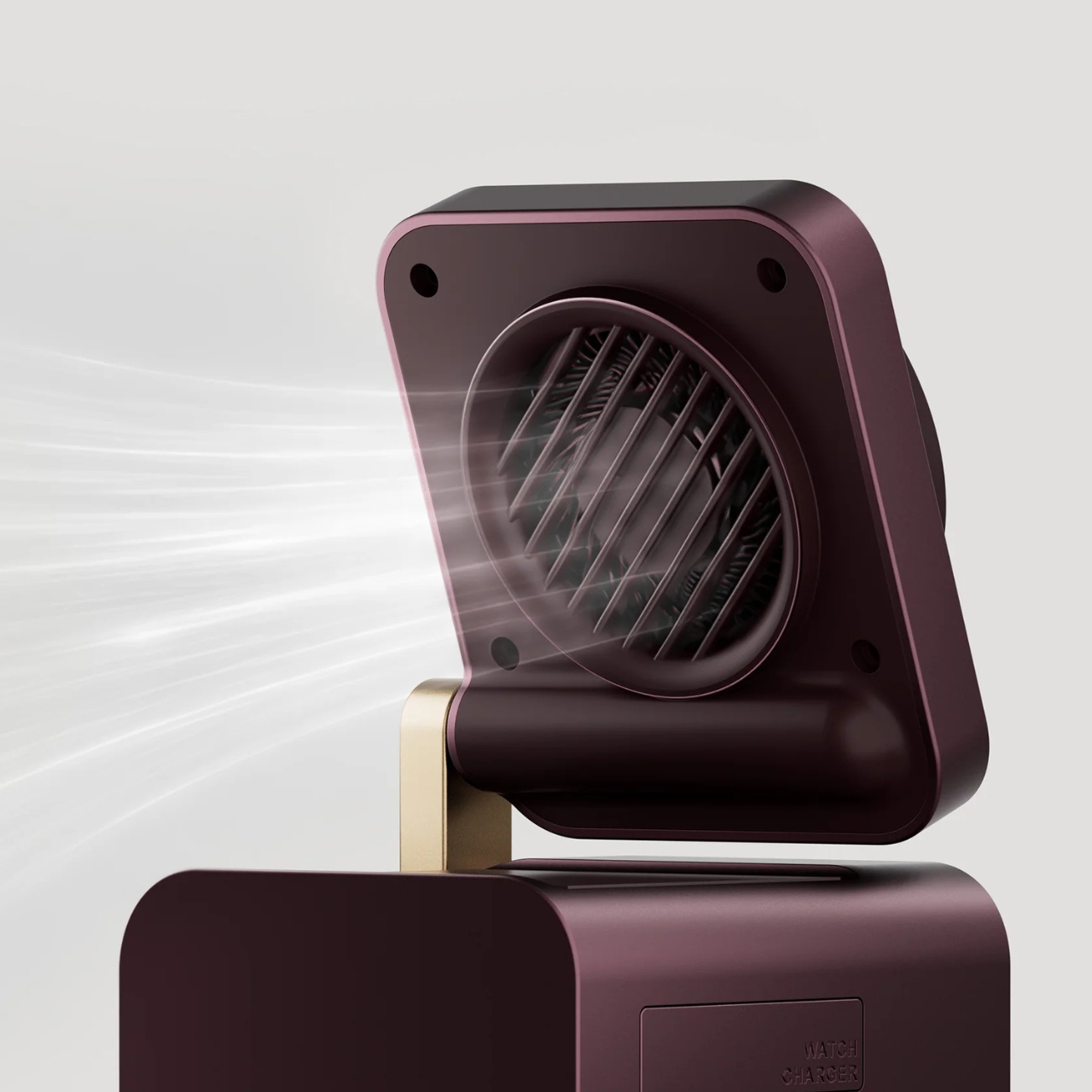
The wireless charging station also has an active cooling fan, which KUXIU says is designed to reduce charging temperatures and help prevent heat-related slowdowns. You can also turn the fan off manually, which gives you a choice about running it on your desk or nightstand. That doesn’t mean it can guarantee that your devices will never overheat. Apple notes that an iPhone’s software may limit charging above 80% if the battery gets too warm.
On the charging side, KUXIU lists up to 25W for compatible phones, with separate 5W outputs for the Apple Watch and earbuds. The important phrase here is “up to”: your phone needs to support that charging rate, so older devices won’t automatically get the full 25W. The watch module is specifically for Apple Watch, rather than a universal smartwatch charger. Your earbuds will also need a wireless-charging case, so it’s worth checking your everyday devices before buying.
The burgundy color is a nice change from the usual black or white charging accessories, and the gold-toned side accent gives the little station some contrast. Its body measures about 2.91 by 2.95 by 4.25 inches, making its base roughly three inches square. KUXIU also includes a 45W power adapter and a one-meter charging cable, so you won’t have to go looking for a suitable adapter before you can put it to work.
For me, the appeal is having a place for those three devices without having three separate chargers taking over the desk. I’d still want to keep the display useful rather than distracting, but being able to see what’s charging and tuck the watch dock away makes this a more thoughtful desktop companion.