5 Best Android Accessories For Samsung S26 Users That Are Actually Worth the Money

The Samsung S26 has arrived with cutting-edge features that demand equally impressive accessories. Your device deserves more than generic add-ons that clutter your space and drain your wallet. The right accessories transform how you create, work, and move through your day. They protect your investment while unlocking capabilities you didn’t know your phone possessed. Smart accessory choices mean the difference between a phone that survives and one that thrives.

Finding gear that actually earns its place in your everyday carry takes research, testing, and honest evaluation. The accessories market overflows with products that promise everything but deliver mediocrity. We’ve cut through the noise to identify Android accessories that justify their price tags through superior engineering, thoughtful design, and real-world performance. These picks will enhance your S26 experience without compromise, bringing professional-grade functionality to your fingertips wherever life takes you.

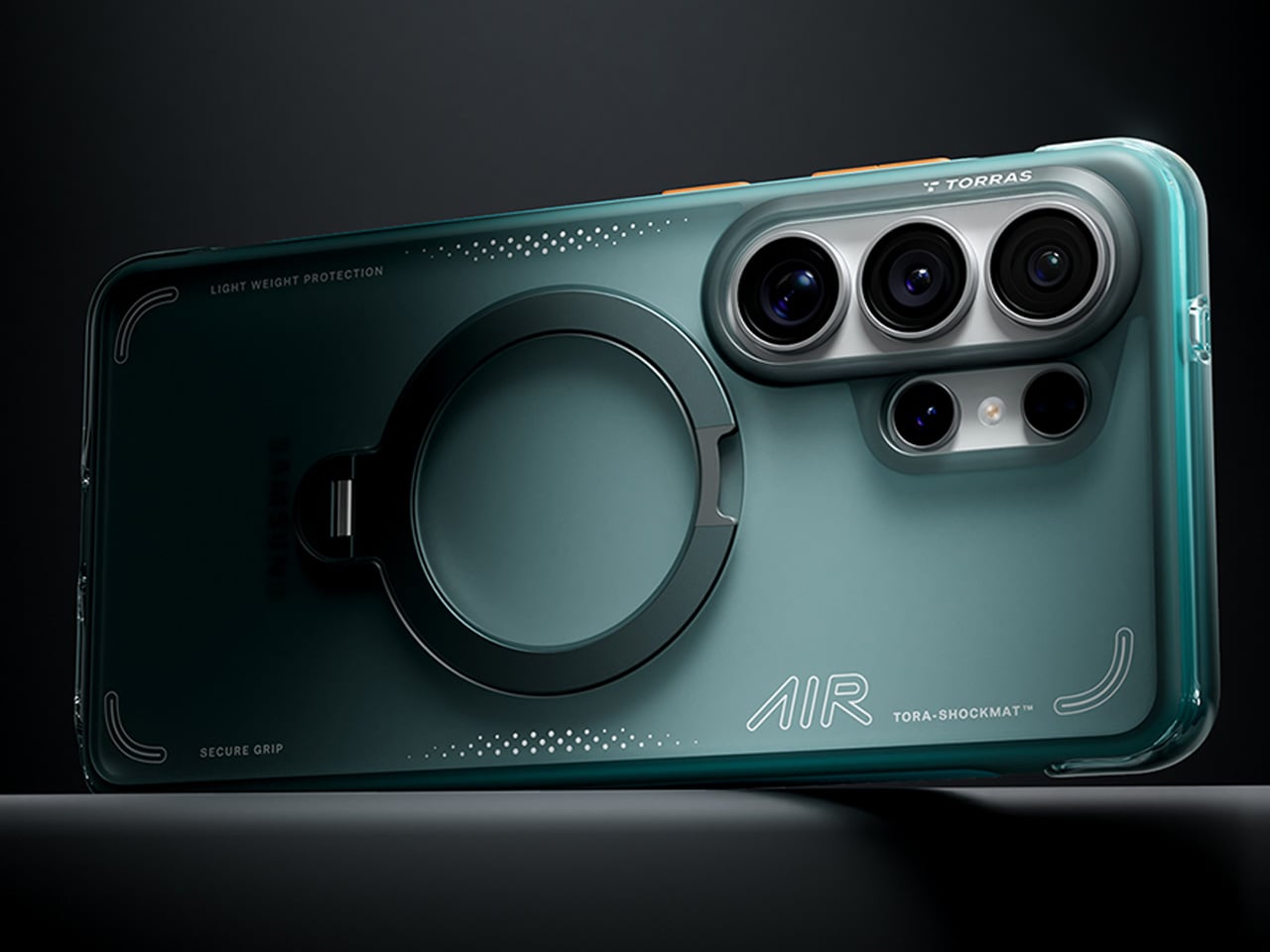
1. TORRAS Ostand Q3 Air – The Case That Redefines Protection and Creativity
TORRAS, the world’s number one brand of magnetic stand cases, brings its exclusive AIR PRO-TECH™ to the S26 Ultra with design refinements specifically engineered for Samsung’s latest flagship. The Q3 Air wraps your device in precision-engineered air cushions that absorb up to 98% of impact energy with certified 12-foot drop protection. We love how TORRAS has achieved serious protection without adding bulk. The edge-to-edge airbag system cushions all four corners while keeping the profile slim enough for comfortable everyday carry.

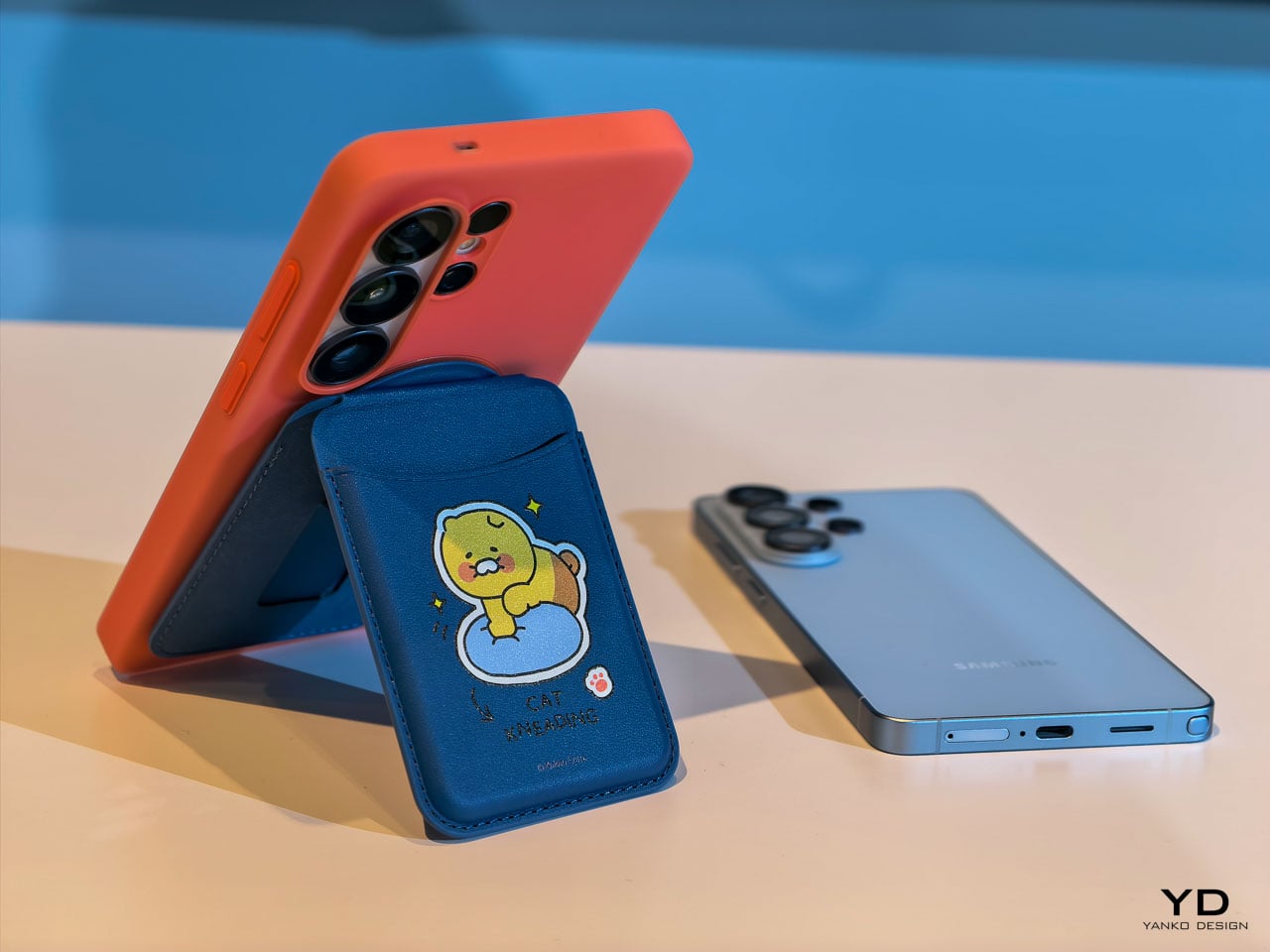
The 360° magnetic stand is where this case really shines. That ultra-slim 2.7mm kickstand integrates seamlessly into the backplate through eight layers of precision components that enable silent, buttery-smooth rotation. TORRAS’s Tora-Hold™ technology delivers a hidden hinge with damped suspension and aerospace-grade aluminum texture that feels genuinely luxurious. The stand locks at any angle you want, with four quick-stop positions at 90°, 180°, 270°, and 360° for instant setup. The brand-new Tora-Flip™ feature lets the ring flip straight to 180° in one motion for immediate shooting angles. No fumbling, no readjusting. One flip gets you ready to capture whatever’s happening right now.

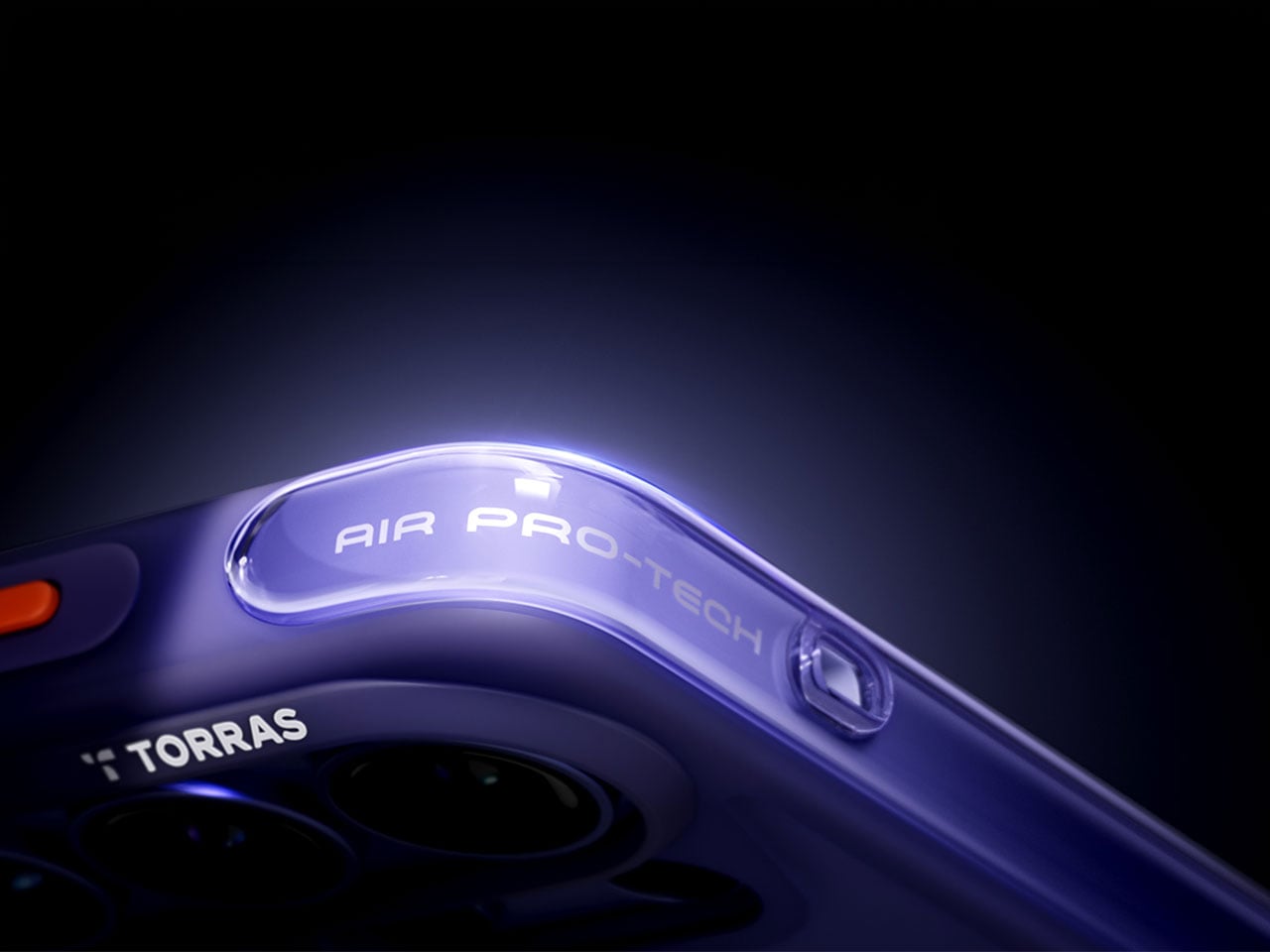
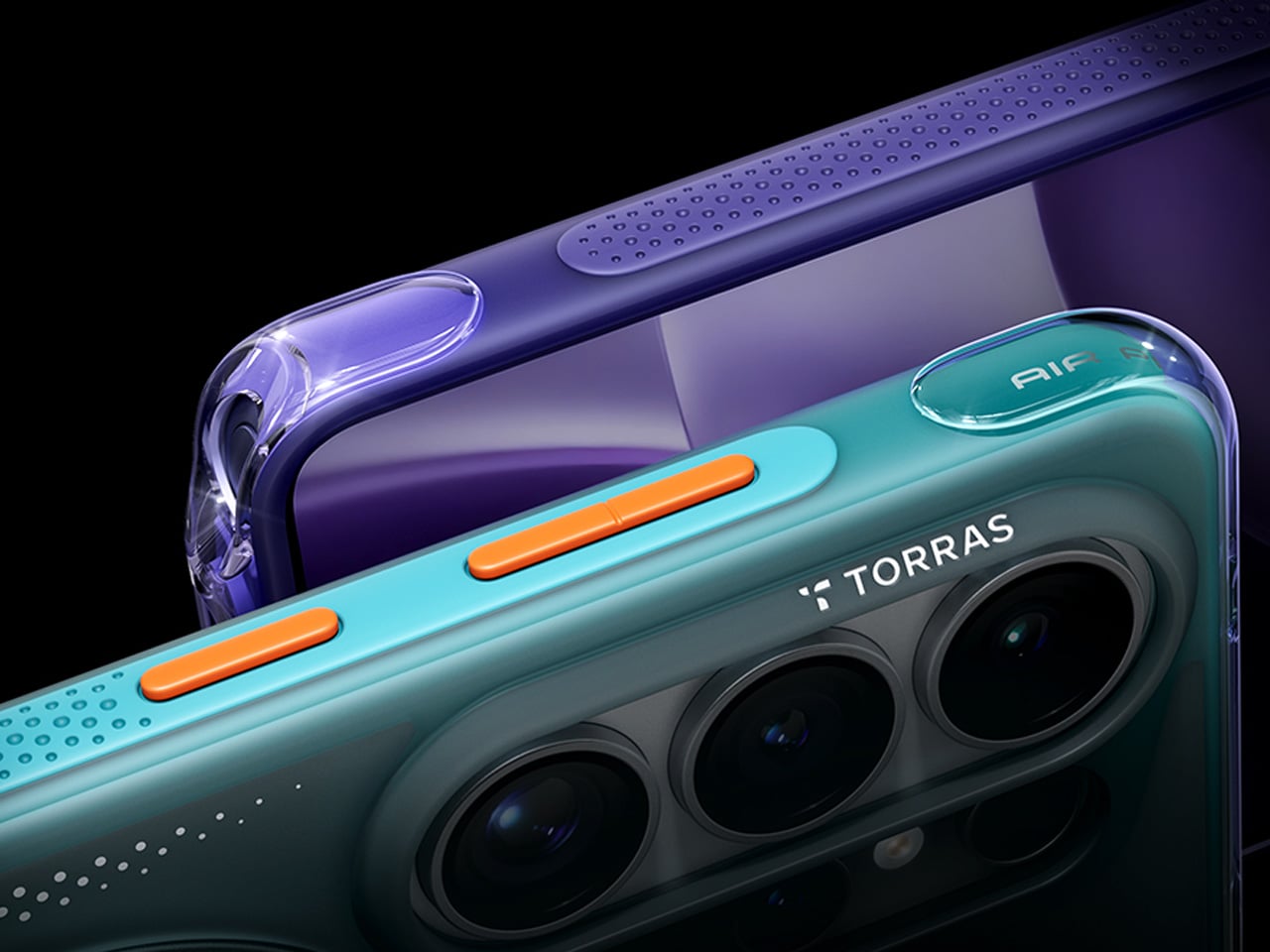
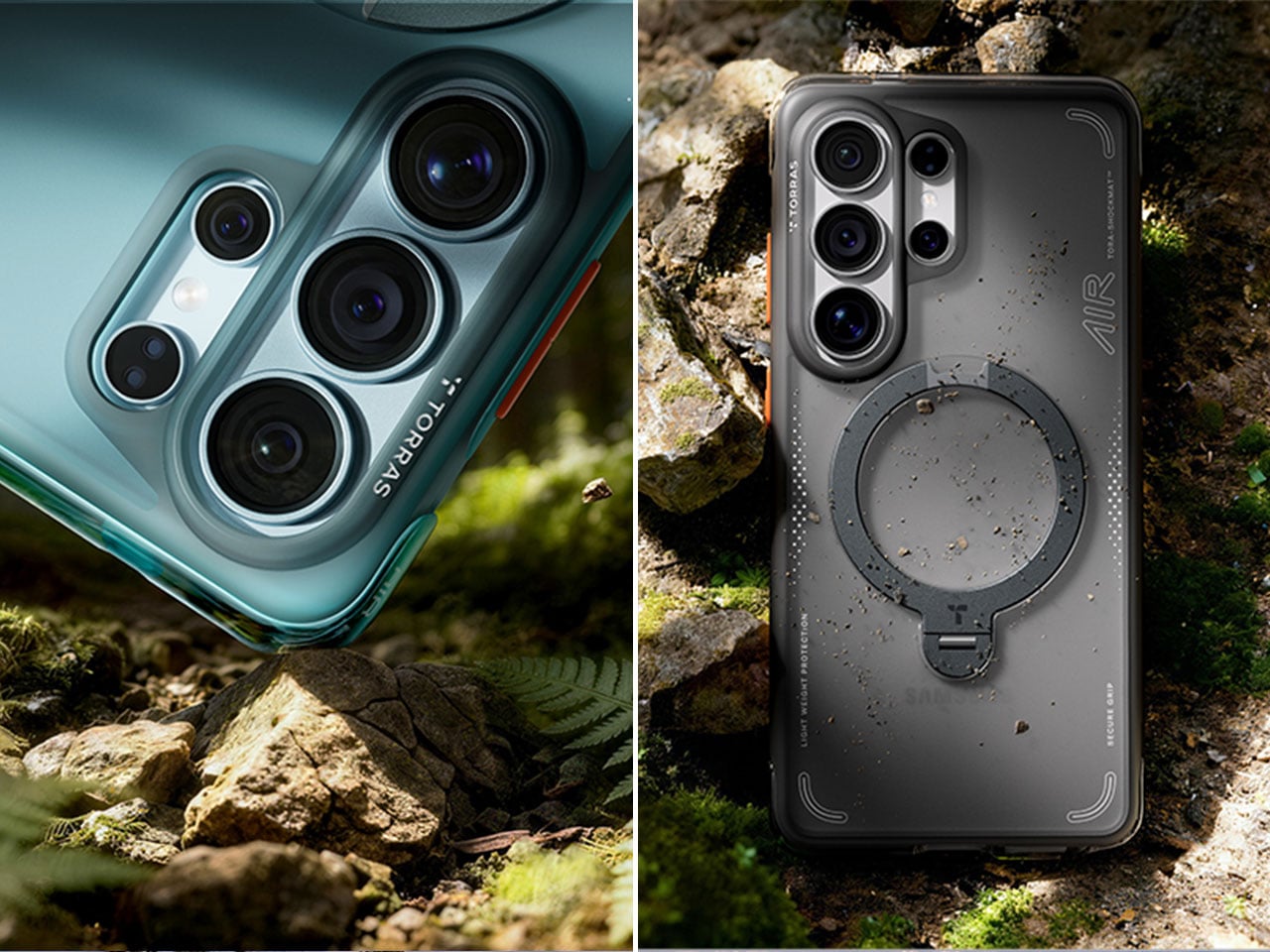
The details separate this from every other case on the market. TORRAS designed the Q3 Air specifically for the S26’s unique camera layout, with a precision raised frame that protects your lenses while keeping flash, sensors, and cameras fully operational. The dot-matrix anti-slip side stripe provides serious grip with gradient patterns that look genuinely cool. The Tora-Smooth™ coating on the back panel feels silky and resists fingerprints like magic. Strong 16N magnets hold firm to car mounts and magnetic surfaces while supporting flawless wireless charging. Two sets of interchangeable buttons let you personalize your case to match your mood or style. Swap in the bold, energetic orange buttons when you want that sporty, adventurous vibe, or switch to sleek, premium metal buttons for a more refined, professional look. The ability to change button colors means your case adapts to different occasions without needing multiple cases cluttering your space. Available in Shadow Black, Violet Surge, and Glacier Sprint, each colorway brings its own personality. The hinge survived over 30,000 rotations in testing, built to last your phone’s entire lifecycle. At $65.99, the Q3 Air transforms your S26 into a content creation studio that survives whatever your adventures throw at it.

Click Here to Buy Now: $59.40 $65.99 (10% off, use coupon code “YANKO111”). Hurry, deal ends in 48-hours! Amazon Link Here.
Why Your Samsung S26 Needs This

The Q3 Air turns your S26 into a content creation powerhouse that moves at the speed of your ideas. That instant 180° flip means capturing the perfect angle before the moment vanishes, while airbag protection ensures your creative tool survives the adventures that inspire your best work. The magnetic stand transforms any surface into a stable shooting platform, ditching bulky tripods and awkward propping. For $65.99, you’re getting protection that actually protects and functionality that enhances rather than hinders, wrapped in a design that looks as good as it performs.

That full 360° flexibility while shooting videos means nailing low-angle shots, eye-level frames, or overhead perspectives without fighting the stand. The airbag protection eliminates that gut-dropping panic when someone casually grabs your phone like it didn’t cost a month’s rent. You get total peace of mind that your phone is well-protected and preserved as you create top-notch content.

Click Here to Buy Now: $59.40 $65.99 (10% off, use coupon code “YANKO111”). Hurry, deal ends in 48-hours! Amazon Link Here.

2. Peak Design Creator Kit – Professional Mounting Without the Professional Camera
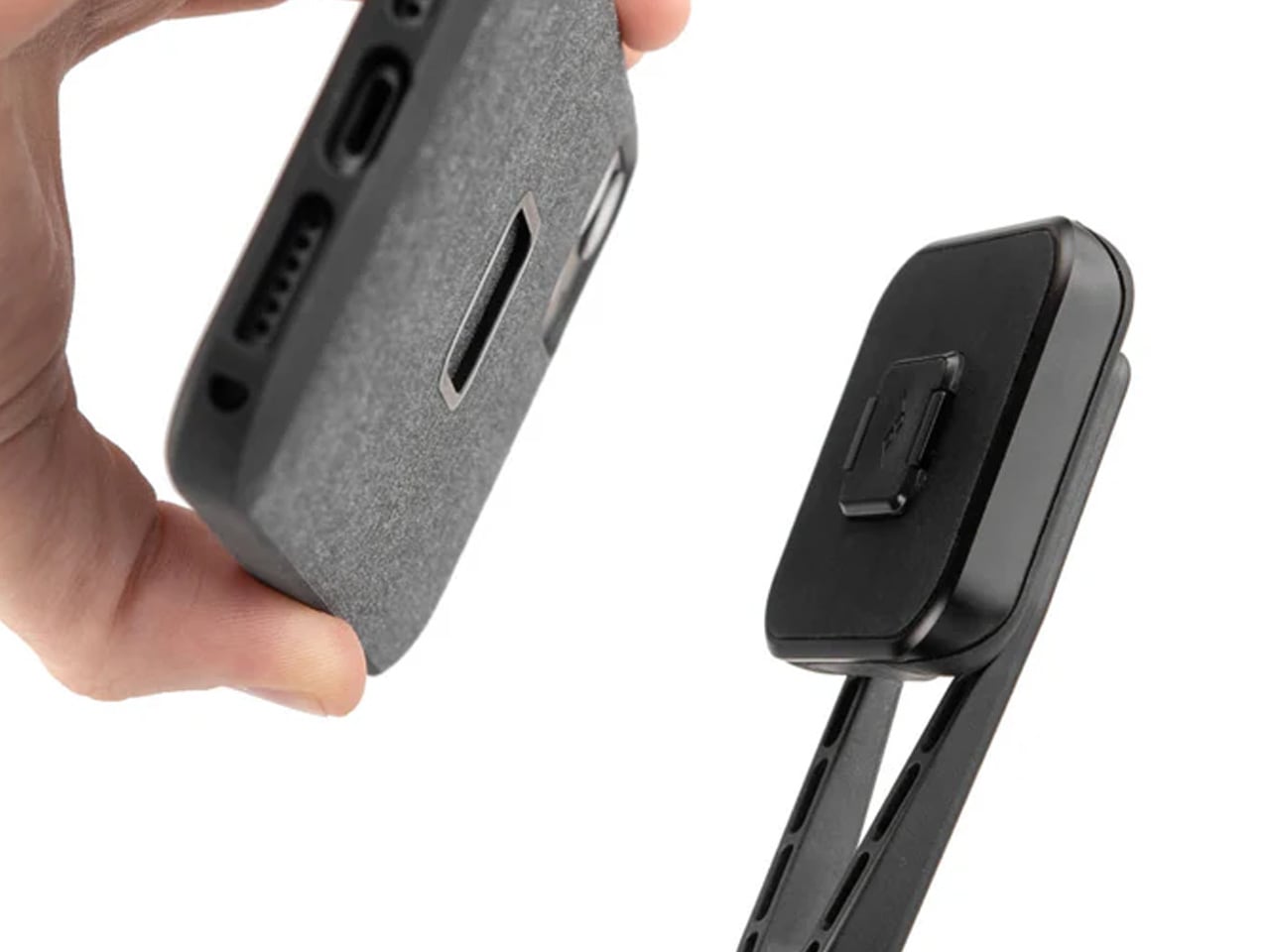
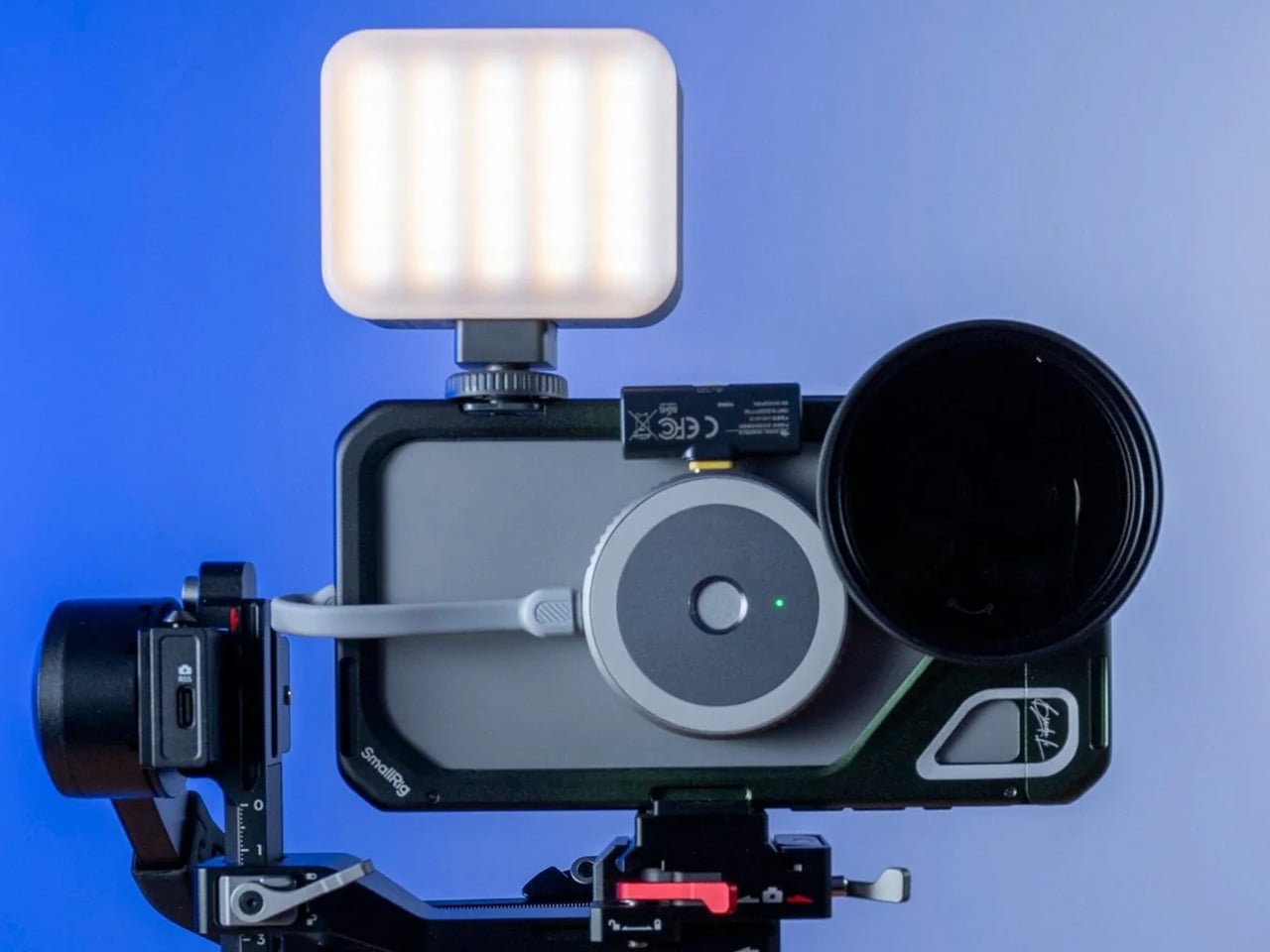
Peak Design built its reputation solving real problems for working photographers and filmmakers. The Creator Kit brings that same no-nonsense engineering to your S26, transforming it into a tool that adapts to tripods, GoPro mounts, 1/4″-20 mounts, and the Peak Design Capture Camera Clip. The SlimLink magnetic and mechanical mounting system grabs and locks your phone so smoothly that the first attachment genuinely feels like magic. Mount in portrait or landscape, then pop it off instantly with a button press. The connection stays rigid and secure through any activity, from mountain biking POV footage to time-lapse sequences that demand rock-solid stability.

The system eliminates frustration when you’re racing against changing light or fleeting action. Pop your phone onto any GoPro-style mount for helmet or chest-mounted POV video that rivals dedicated action cameras. The Arca-type tripod compatibility means your S26 integrates seamlessly with professional tripod heads for time-lapses and long exposures that showcase your phone’s computational photography capabilities. The 1/4-20″ adapter opens up vlogging rigs and video setups that used to require dedicated cameras. The Creator Kit stays invisible until you need it, then performs flawlessly when opportunity knocks.

Why Your Samsung S26 Needs This

Your S26’s camera system will rival dedicated cameras costing thousands more, but only if you can stabilize it properly and mount it where creativity demands. The Creator Kit eliminates the gap between professional mounting systems and smartphone photography, giving you access to angles and stability that handheld shooting simply can’t achieve. Whether documenting outdoor adventures, creating content for social platforms, or exploring long-exposure photography, this system ensures your phone captures the vision in your head rather than a shaky approximation. The investment pays for itself the first time you nail a shot that would have been impossible otherwise.

3. Lexon City Energy Pro – Power and Sound Without the Cable Clutter
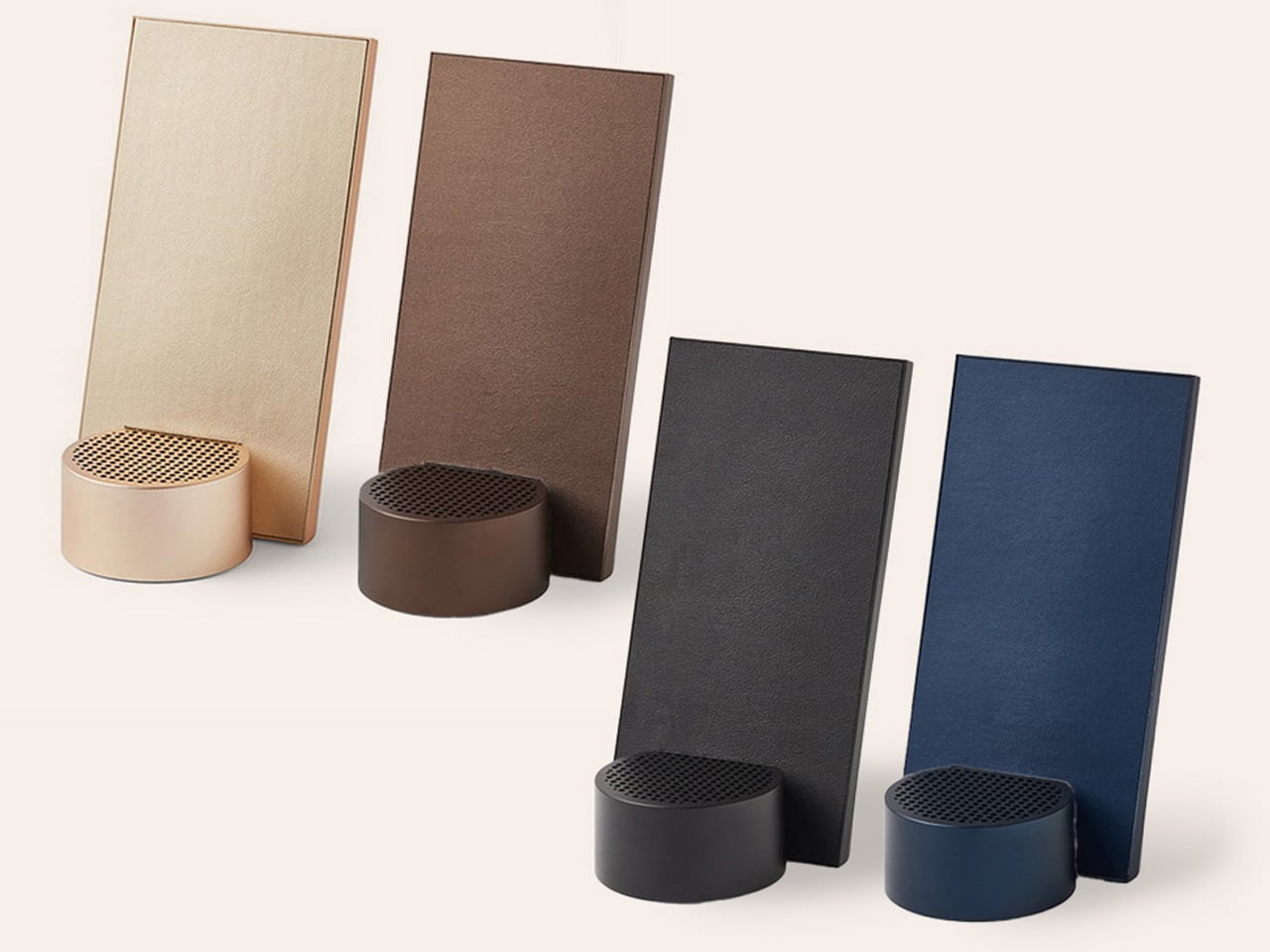
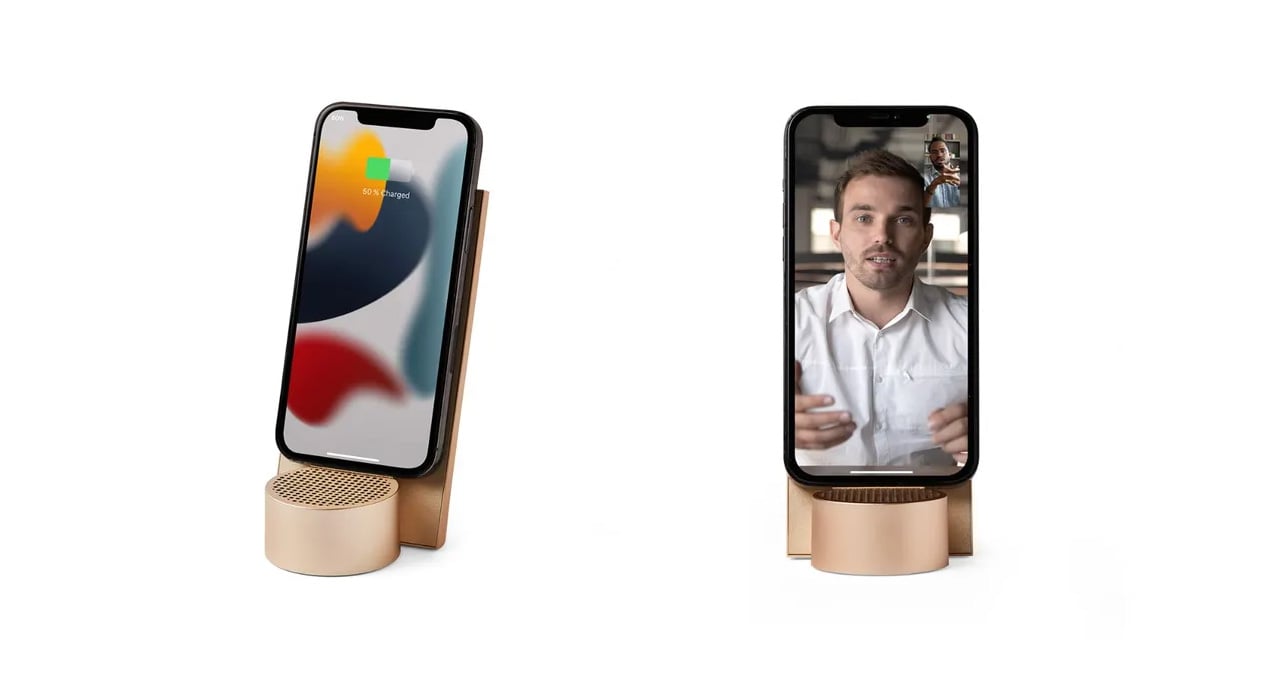
The Lexon City Energy Pro delivers 10W Qi wireless charging with Qi certification alongside a 3W Bluetooth speaker in a compact package that clears cable clutter from your desk or nightstand. Compatible with all Qi-enabled smartphones, the charging station eliminates the daily cable hunt while keeping your S26 powered and ready. The integrated Bluetooth 4.2 speaker with 10-meter range transforms the charging station into a communication hub for hands-free conference calls, supported by environment noise-cancelling microphones that ensure your voice cuts through background distractions. Wireless charging and Bluetooth LED lights provide clear status indicators you can read at a glance.

The design balances form and function through premium materials, including PU leather, ABS, and aluminum, in dimensions that make efficient use of surface space. At 303 grams and measuring 3.11 x 1.45 x 5.51 inches, the City Energy Pro occupies minimal real estate while delivering maximum utility. The USB Type-C connection simplifies setup (cable included), though Lexon recommends pairing with a Quick Charge 3.0 Power Adapter or DC 9V/2A power adapter for optimal performance. The system streamlines your charging routine while adding audio functionality that proves surprisingly useful for music playback, podcast listening, or taking calls without reaching for your phone.

Why Your Samsung S26 Needs This

The City Energy Pro solves the modern dilemma of devices that need constant power but deserve better than a tangle of cables competing for outlet space. Your S26 stays charged and accessible, ready to grab for notifications or unlocking without unplugging. The integrated speaker means your charging station becomes a communication hub that handles calls while your phone powers up, maximizing productivity without sacrificing desk aesthetics. The wireless charging simplicity combined with conference call capability creates a seamless workflow that keeps you connected and powered throughout your day, all from a single elegantly designed device.

4. INVZI MagHub Go – Secure Storage Meets Portable Power
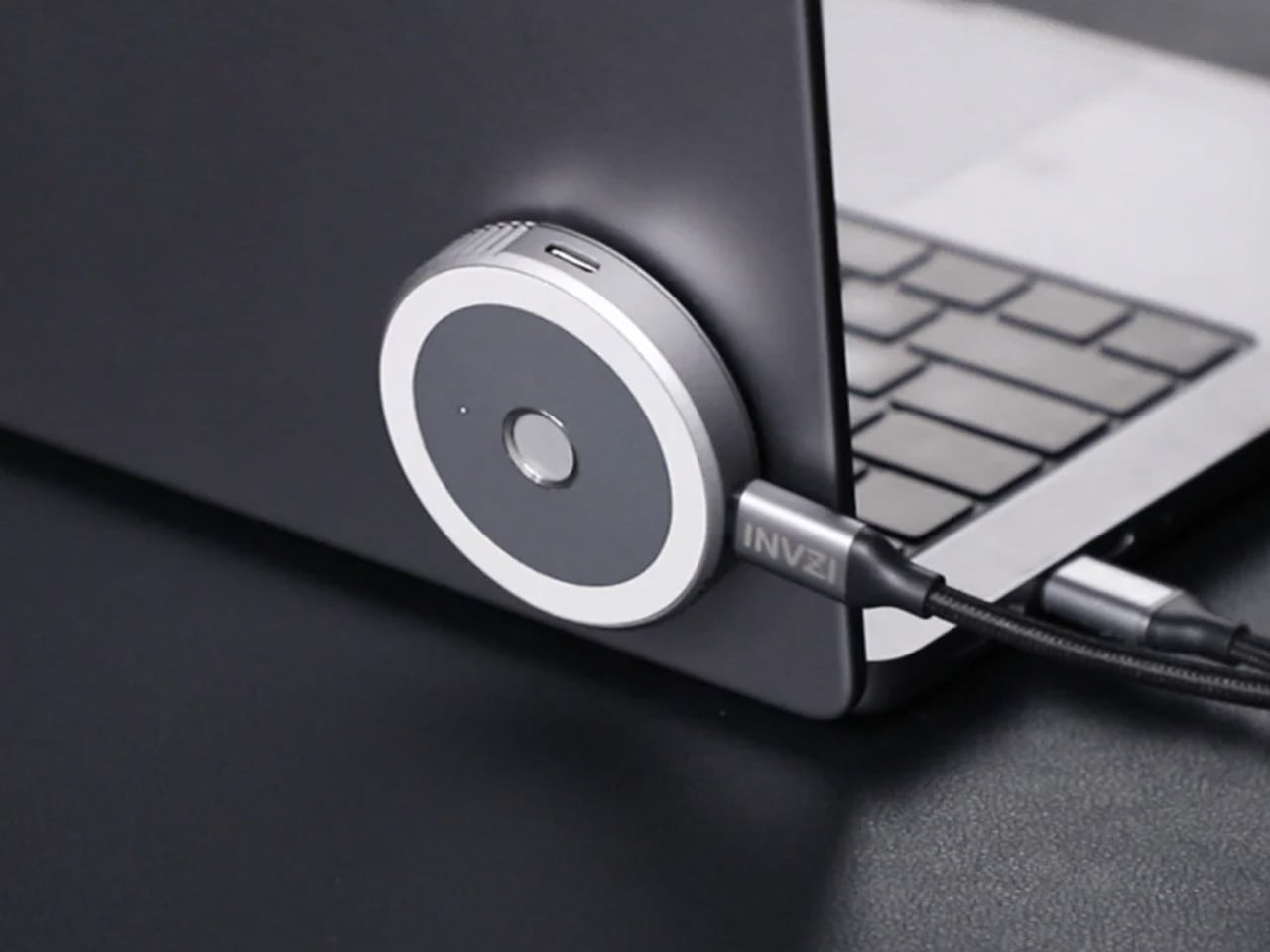
The INVZI MagHub Go represents a new class of everyday carry that starts with what matters most: security. The breakthrough fingerprint encryption system lets you instantly lock and unlock your storage with a single touch, protecting sensitive files, photos, and work documents from unauthorized access. This security foundation supports powerful performance through compatibility with M.2 NVMe SSD in 2230 size, transforming your SSD into a high-speed portable drive that works seamlessly across MacBook, iPhone (with MagSafe attach), iPad, Windows laptops, and Android devices, including your S26. USB-C 3.2 Gen 2 delivers 10Gbps transfer speeds while 100W PD fast charging keeps your connected devices powered.

The compact enclosure combines up to 4TB of ultra-fast NVMe storage, a versatile 10Gbps USB-C hub, and 100W of power delivery in one impossibly small device that fits in any pocket or bag. The fingerprint sensor eliminates password fatigue while providing security that feels effortless rather than obstructive. Your S26 connects directly for blazing-fast file transfers that move video projects, photo libraries, and large datasets in seconds rather than minutes. The hub functionality means adding peripherals without carrying separate adapters, while the power delivery ensures your phone charges while transferring data, maintaining productivity without compromise.

Why Your Samsung S26 Needs This

Content creators, photographers, and professionals who treat their S26 as a serious work tool need storage that matches their ambitions and security that protects their intellectual property. The MagHub Go delivers both through fingerprint encryption that secures your files without slowing your workflow and transfer speeds that move 4K video or RAW photo files faster than most cloud services can upload them. The portable form factor means your entire digital workspace travels with you, backed by security that ensures only your fingerprint unlocks your content. For professionals who create on the go, this combination of speed, capacity, and security becomes indispensable.

5. OSO AI-Enabled Earbuds – Your Meeting Intelligence Lives Here
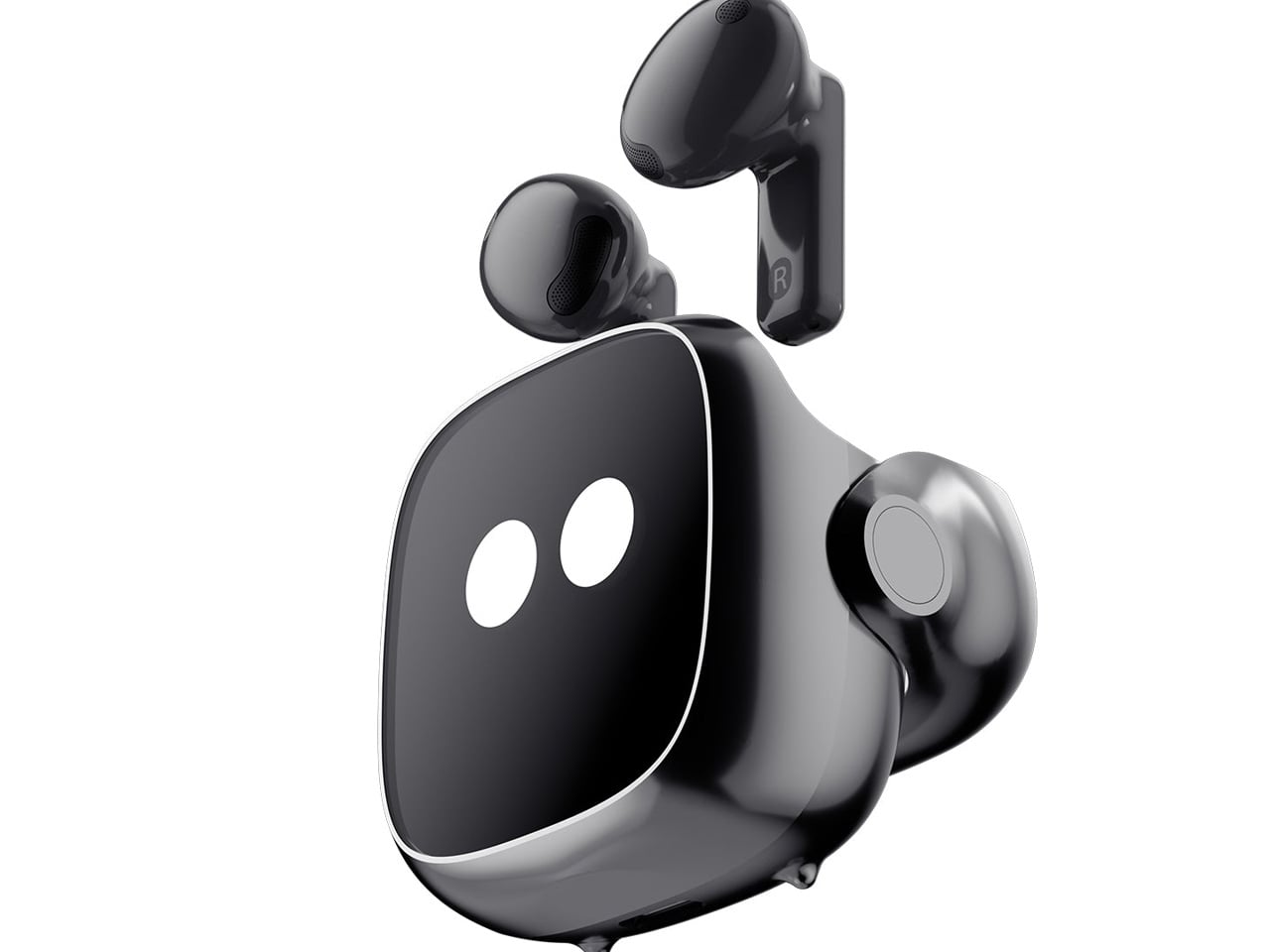
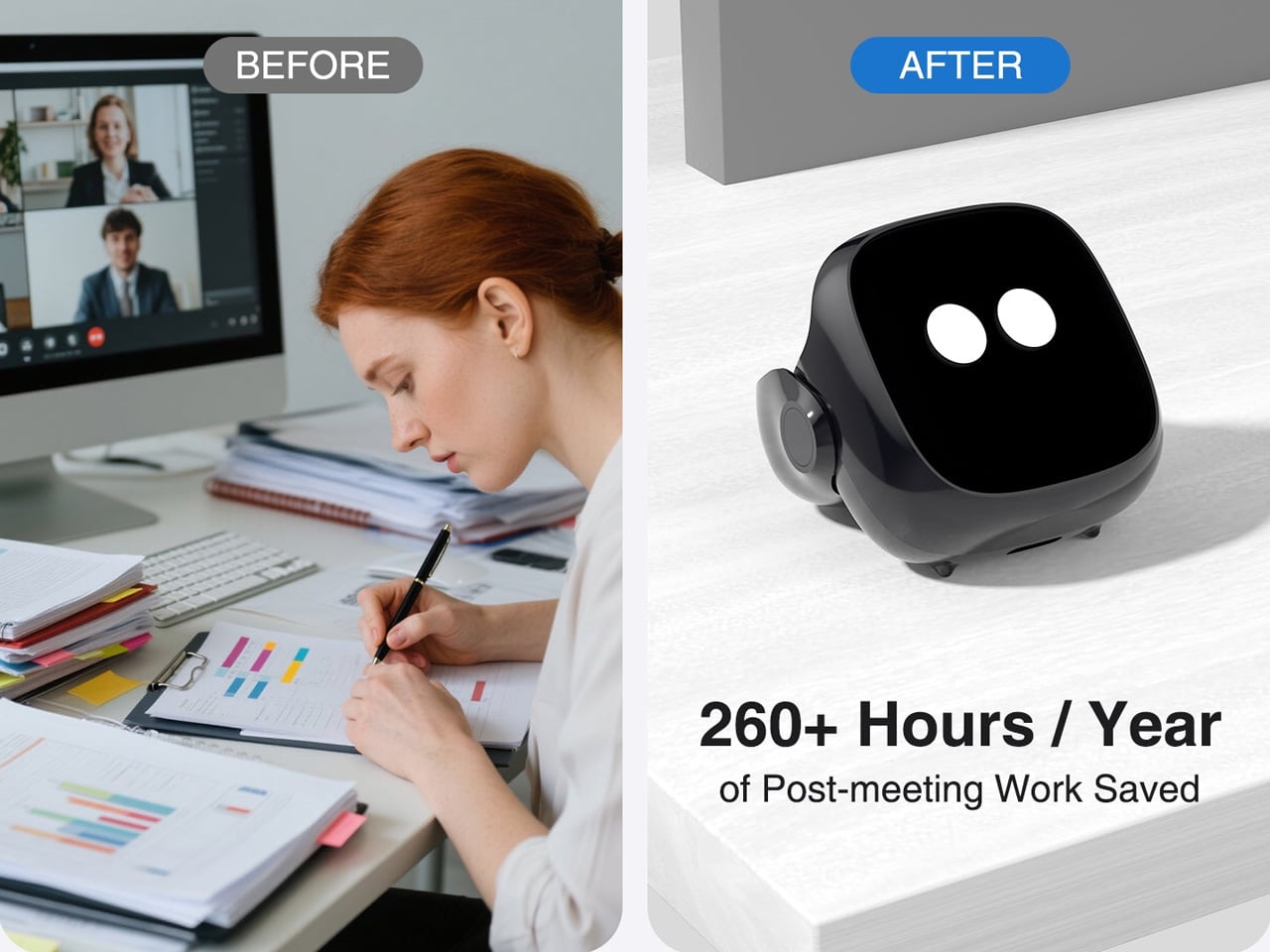
The OSO AI Earbuds represent the world’s first true AI meeting assistant that lives in your ear, transforming every conversation into a competitive advantage. These intelligent earbuds seamlessly record, transcribe, and analyze every meeting, call, and conversation in real-time across 40+ languages while delivering crystal-clear audio through 13mm dynamic drivers with boosted bass and smart noise cancellation. The dual beamforming microphone ensures your voice cuts through background noise with clarity. Long-press and say “Hey OSO!” to instantly access personalized AI insights powered by ChatGPT-5 and Anthropic that dive deep into your recorded conversations, turning hours of meetings into actionable summaries and strategic insights in seconds.

The practical specs back up the ambitious promises. Up to 21 hours of total battery life keeps you connected through marathon meeting days, with the smart charging pod featuring built-in screen controls for quick adjustments. Bluetooth 5.2 connectivity ensures stable pairing with your S26, while secure cloud storage protects your conversations and transcriptions. The earbuds deliver 16 hours of stereo music playback or up to 4 hours of continuous recording, with the case extending recording time to 13 hours maximum. USB Type-C charging gets you back to full power in just 1.5 hours. OSO doesn’t just help you hear better – it helps you think smarter, decide faster, and stay ahead of the competition.

Why Your Samsung S26 Needs This

The S26 will pack incredible processing power, but OSO adds the intelligence layer that turns conversations into competitive advantages. Recording and transcribing meetings across 40+ languages means never missing critical details or action items buried in hours of discussion. The AI analysis powered by ChatGPT-5 and Anthropic extracts insights you’d miss manually reviewing transcripts, identifying patterns and opportunities faster than humanly possible. For professionals who live in meetings, sales calls, or client conversations, OSO transforms passive listening into active intelligence gathering that drives better decisions and stronger outcomes.

Wrapping It Up

The right accessories elevate your Samsung S26 from impressive hardware to a complete system that adapts to your creative, professional, and personal needs. These five picks justify their price tags through superior engineering, thoughtful design, and performance that holds up under real-world demands. They protect your investment, expand your capabilities, and streamline your daily routines without the compromise that defines budget alternatives.

Quality accessories pay dividends through reliability when you need them most, whether that’s capturing a fleeting moment, taking an important call, securing sensitive files, or extracting intelligence from marathon meeting sessions. The TORRAS Ostand Q3 Air, Peak Design Creator Kit, Lexon City Energy Pro, INVZI MagHub Go, and OSO AI-Enabled Earbuds represent the best Android accessories for S26 users who understand that the right tools make everything easier, better, and more enjoyable. Your phone deserves accessories that match its sophistication.

The post 5 Best Android Accessories For Samsung S26 Users That Are Actually Worth the Money first appeared on Yanko Design.
Samsung Galaxy S26 Ultra: The Screen Only You Can See

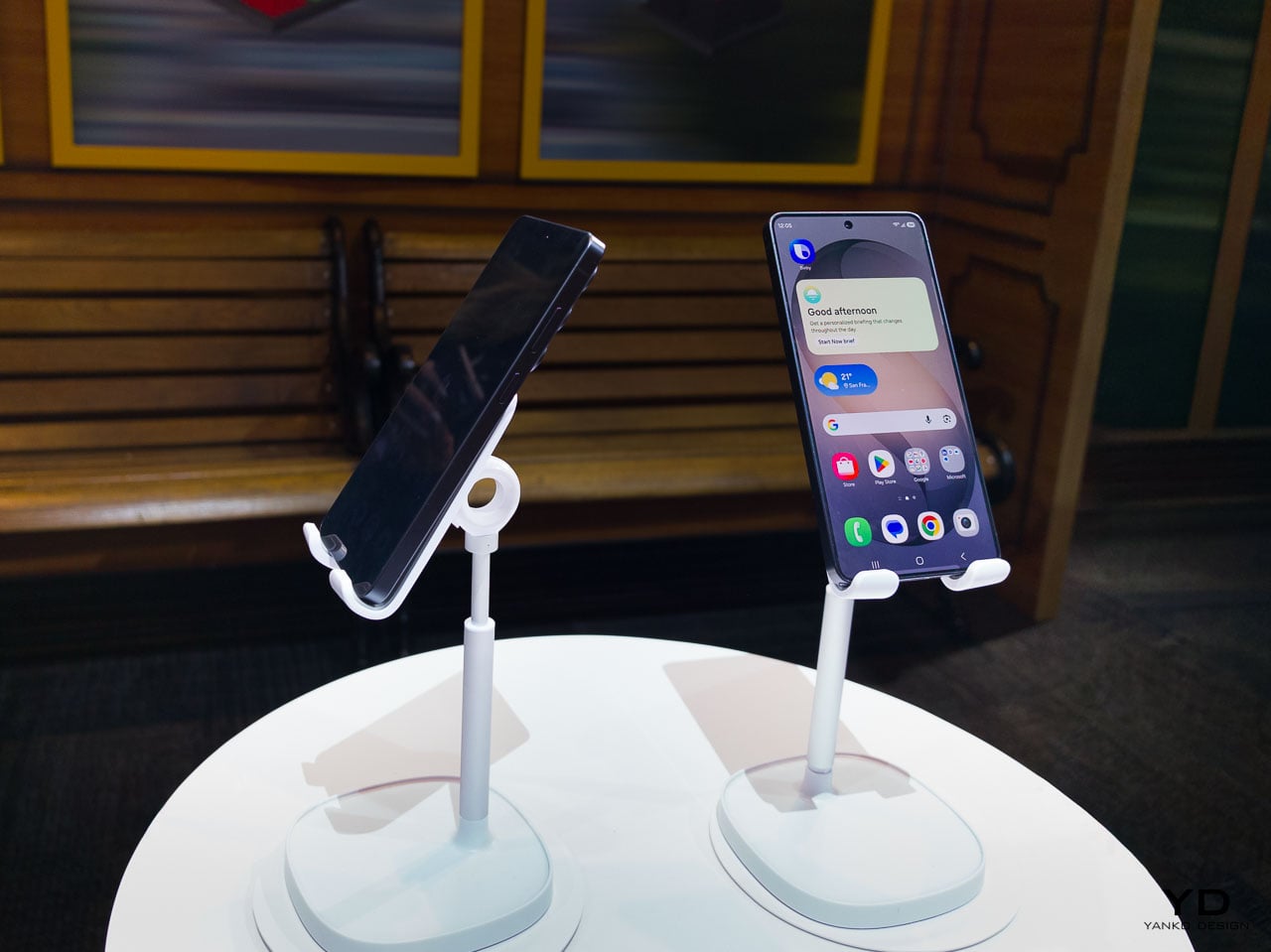
There’s a persistent assumption in consumer electronics that meaningful progress requires visible transformation. A radically different silhouette, a feature so obvious it photographs well from across a room, something that immediately signals newness. Samsung’s Galaxy S26 Ultra challenges that assumption with something more interesting: a collection of refinements so carefully layered that the cumulative effect only reveals itself through sustained daily use.

The Ultra hasn’t been redesigned. It’s been recalibrated. And the distinction matters more than it might seem at first glance.

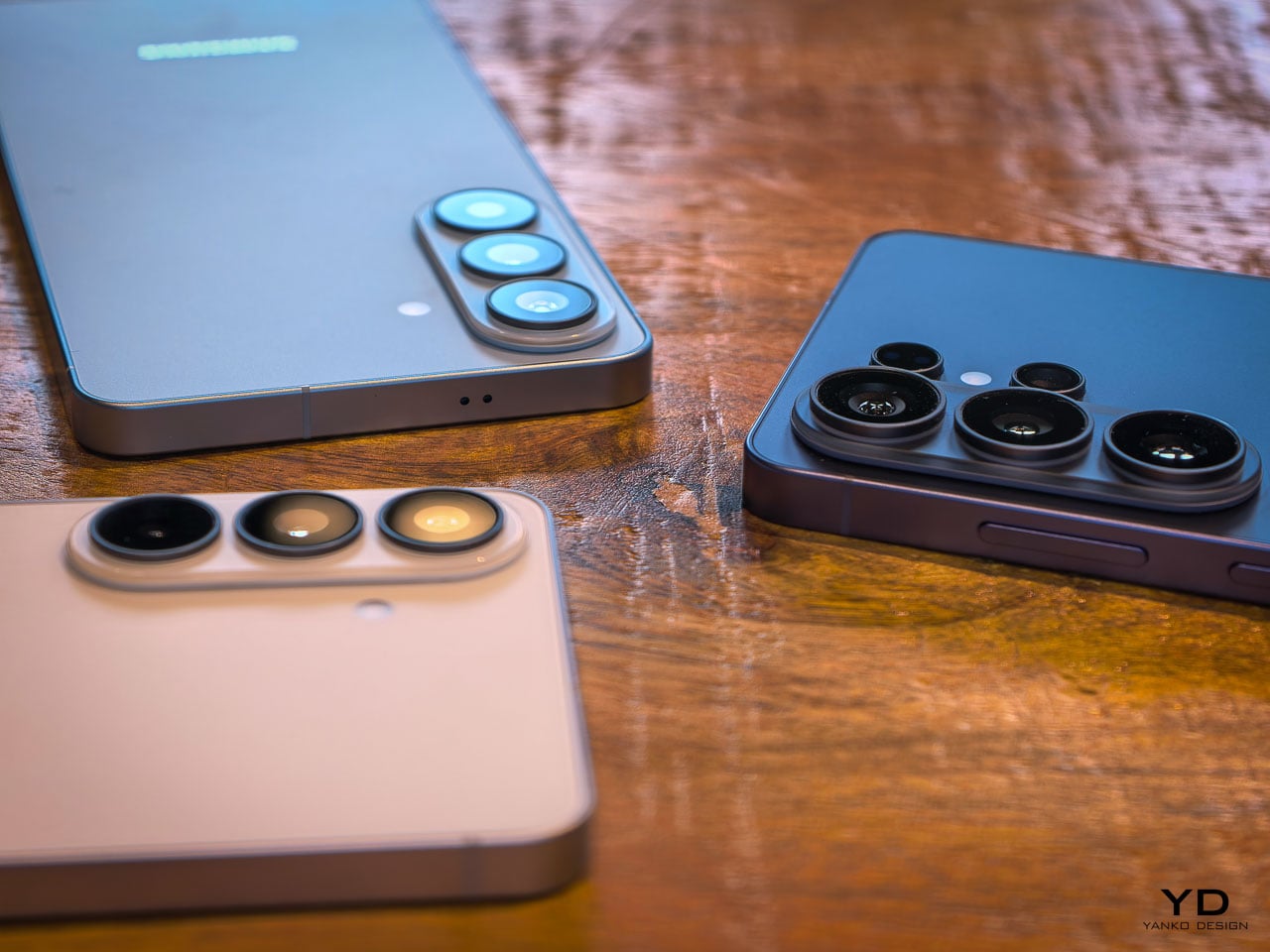
What Samsung has done with the S26 Ultra is treat the flagship phone as an ergonomic system rather than a feature delivery vehicle. Every change, from the slimmed-down profile to the pixel-level privacy controls, connects back to how the device behaves in your hand, in your pocket, in your line of sight. It’s the kind of design work that doesn’t announce itself on a spec sheet but becomes impossible to ignore after 48 hours of use.

The thinnest Ultra Samsung has ever built

At 7.9mm, the S26 Ultra is the slimmest flagship Samsung has produced. That number doesn’t exist in isolation. It’s the result of internal architecture decisions that ripple outward into how the phone actually feels during a full day of use.

Pick it up and the first thing you register isn’t thinness as a visual quality. It’s grip confidence. The reduced profile means your fingers wrap slightly further around the frame, creating a more secure hold that you notice most during one-handed texting or scrolling through a feed while standing on a train. Samsung hasn’t just shaved material away. The engineering team has redistributed internal volume, moving the redesigned vapor chamber and battery architecture into a layout that achieves the thinner profile without the hollow, fragile sensation that plagued earlier slim-phone experiments from other manufacturers.

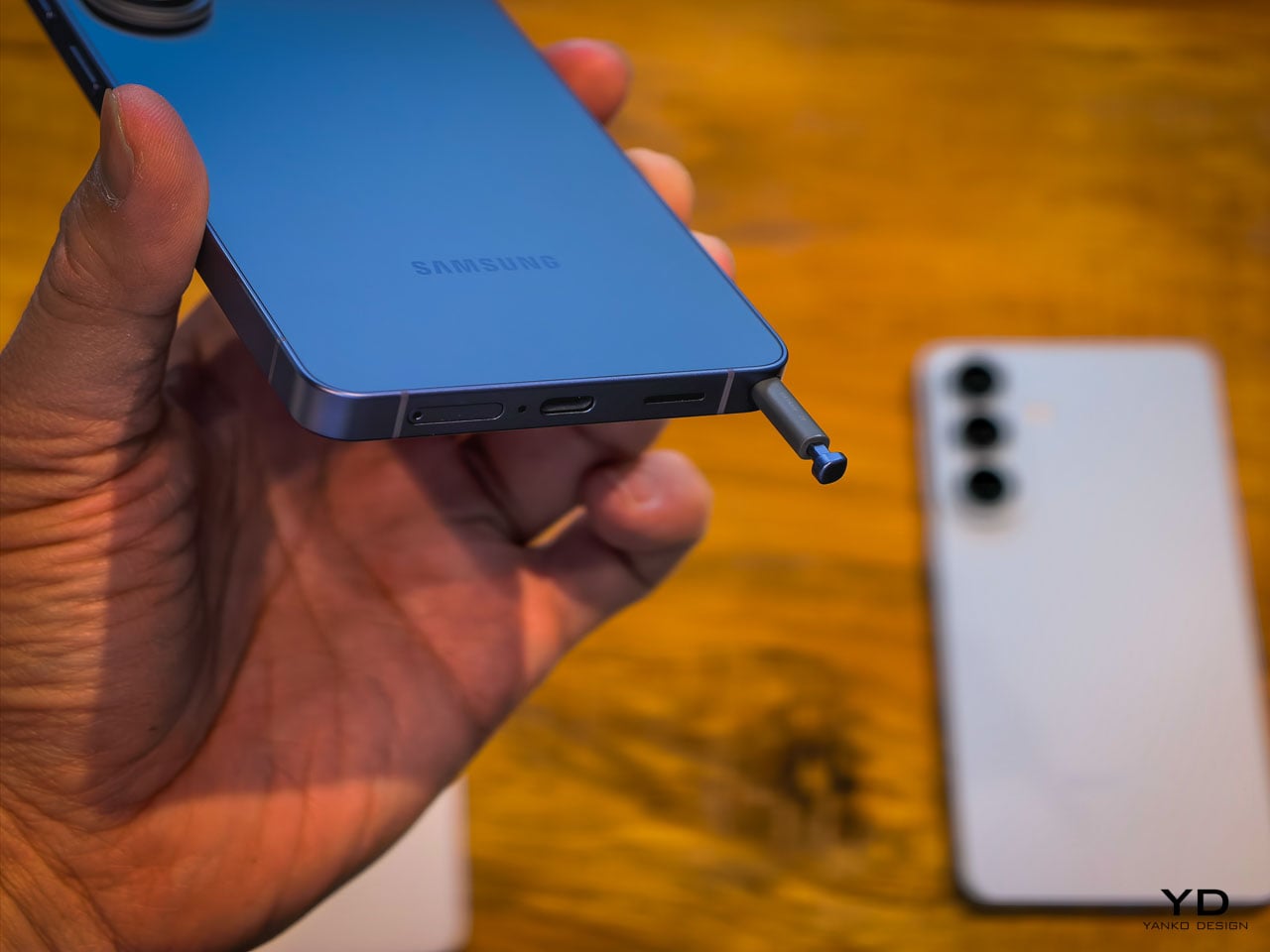
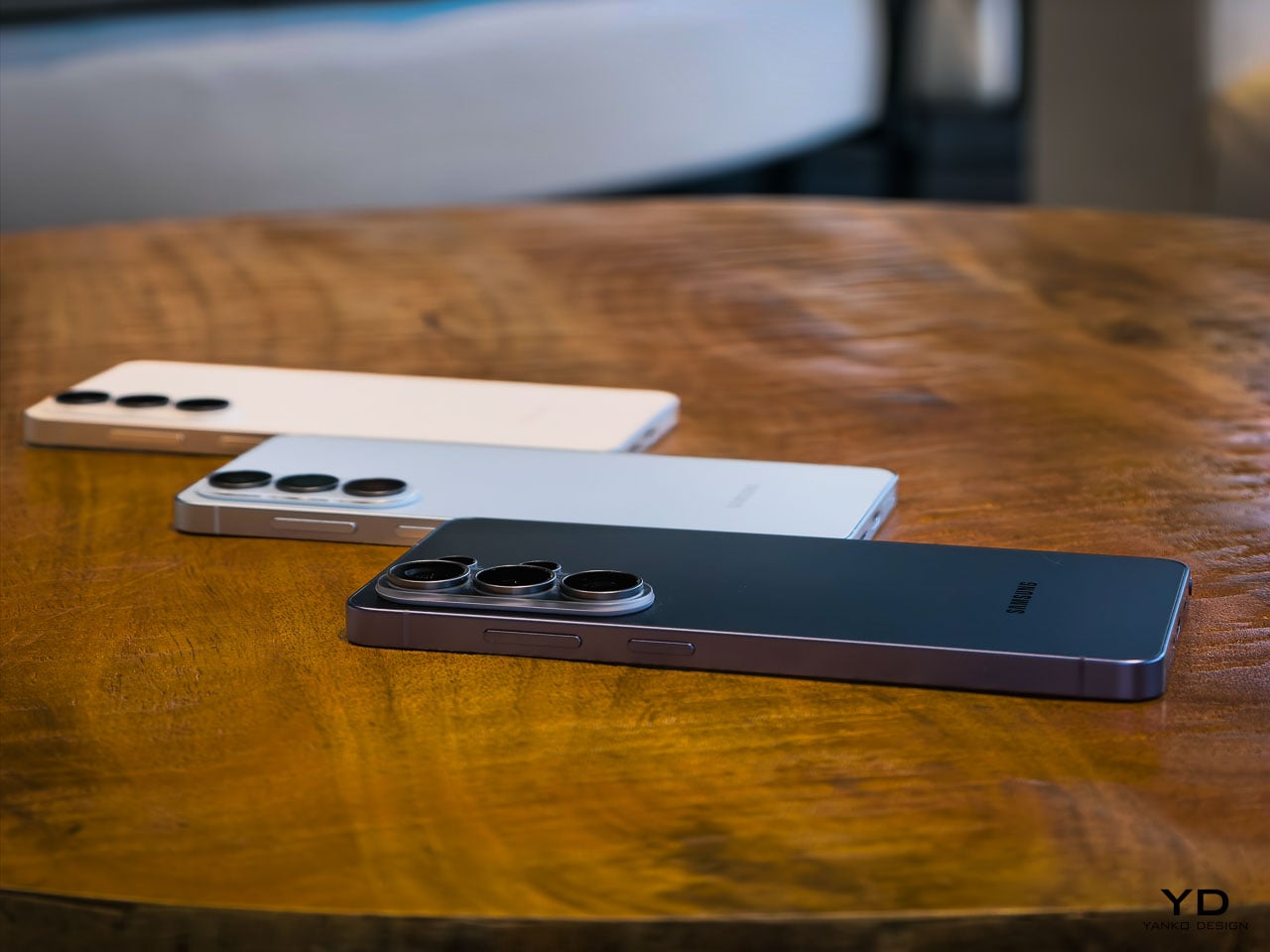
This generation marks a notable material shift. Samsung moved from titanium on the S25 Ultra to armor aluminum on the S26 Ultra, and it’s the strongest aluminum alloy Samsung has ever produced for a phone frame. That decision contributes directly to the sensation of structural seriousness. There’s a density to the frame that communicates durability without adding bulk. When you set the phone down on a hard surface, it lands with a satisfying weight that feels proportional to the screen size. Gorilla Armor 2 on the front continues Samsung’s partnership with Corning, and while scratch resistance is hard to evaluate in a hands-on window, the glass has a slightly different optical quality compared to last generation. Colors appear to sit closer to the surface.

Cobalt Violet and the case for restrained color

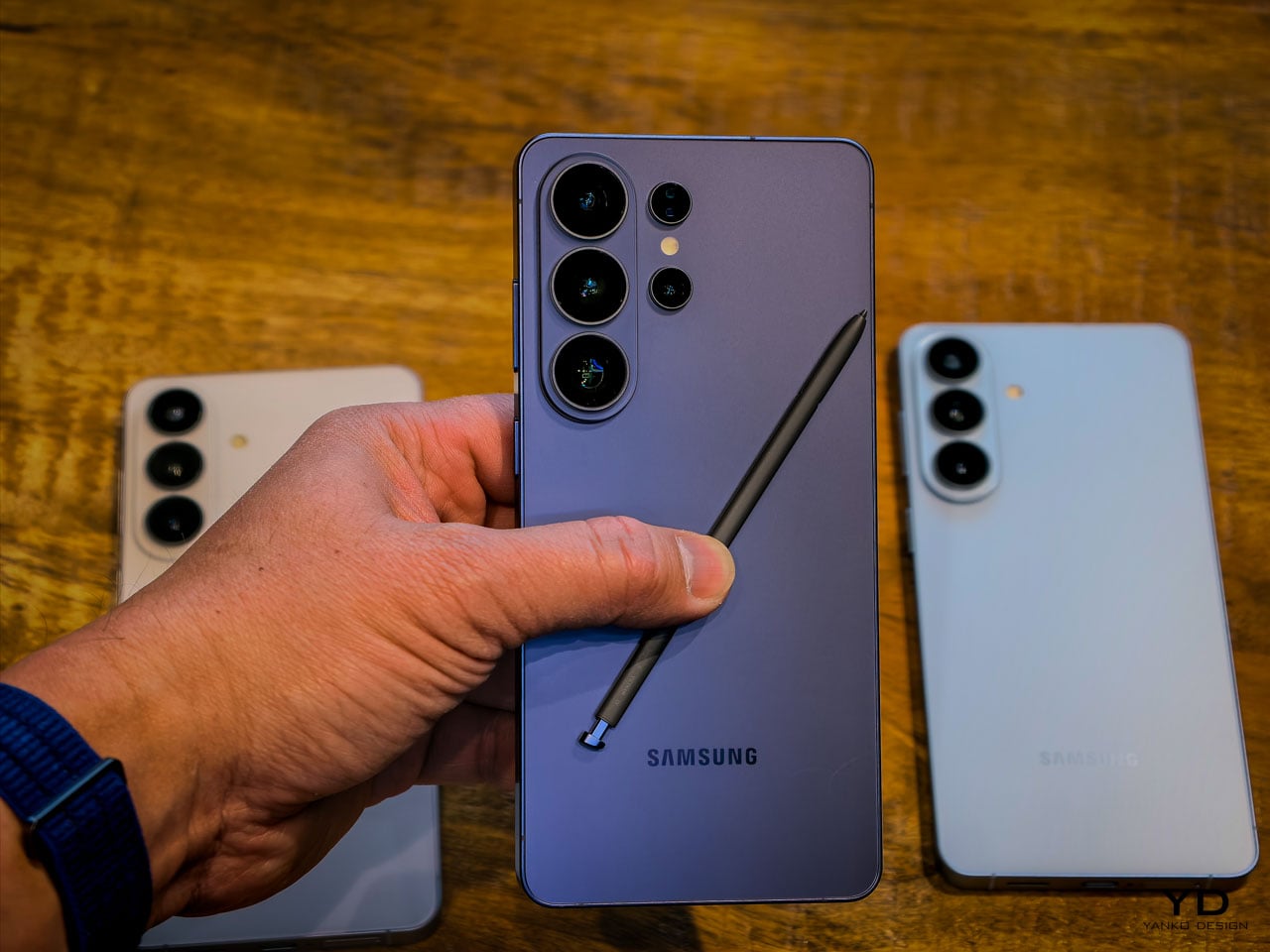
Samsung’s hero color for the S26 Ultra is Cobalt Violet, and it’s genuinely well considered. This isn’t the saturated purple that consumer electronics brands typically reach for when they want to signal personality. It’s muted, almost mineral, closer to what you’d expect from anodized titanium that’s been treated with a violet oxide layer than anything you’d find in a paint swatch.

The color shifts meaningfully under different lighting conditions. Warm indoor light pulls it toward a dusty mauve. Direct sunlight brings out a cooler, more metallic character. It’s the kind of finish that photographs differently every time, which is exactly what a design-conscious audience will appreciate.

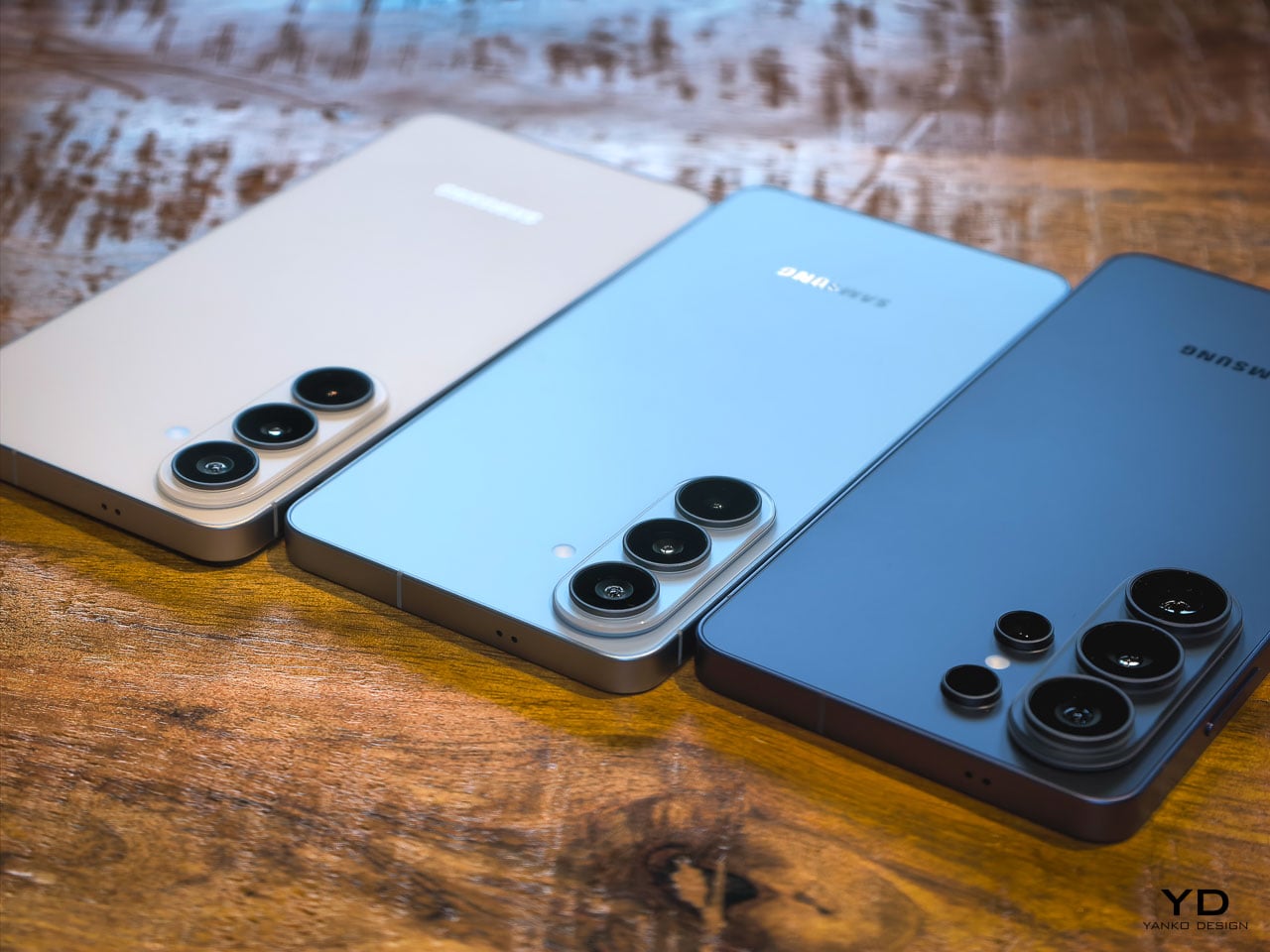
White, Sky Blue, and Black round out the options, but Cobalt Violet is doing the heavy conceptual lifting here. It signals that Samsung’s color team is thinking about surface treatment as material expression rather than trend chasing. When you pair it with the unified design language that now runs across the entire S26 family (the Ultra, the Plus, and the standard model all share proportional relationships and material cues), it becomes clear that Samsung is building a product design system rather than just iterating on individual devices.

The introduction of a magnetic case ecosystem is worth noting in this context. Samsung deliberately kept magnets out of the devices themselves, routing all magnetic compatibility through the case layer instead. That’s a conscious trade-off: it preserves the slim profile and weight targets that the engineering team fought for while still enabling MagSafe-style accessory attachment. Whether that ecosystem develops into something as robust as Apple’s approach remains an open question, but the architectural intent is clear. Samsung wants the accessory conversation without the hardware penalty.

Privacy Display: solving a problem at the pixel level

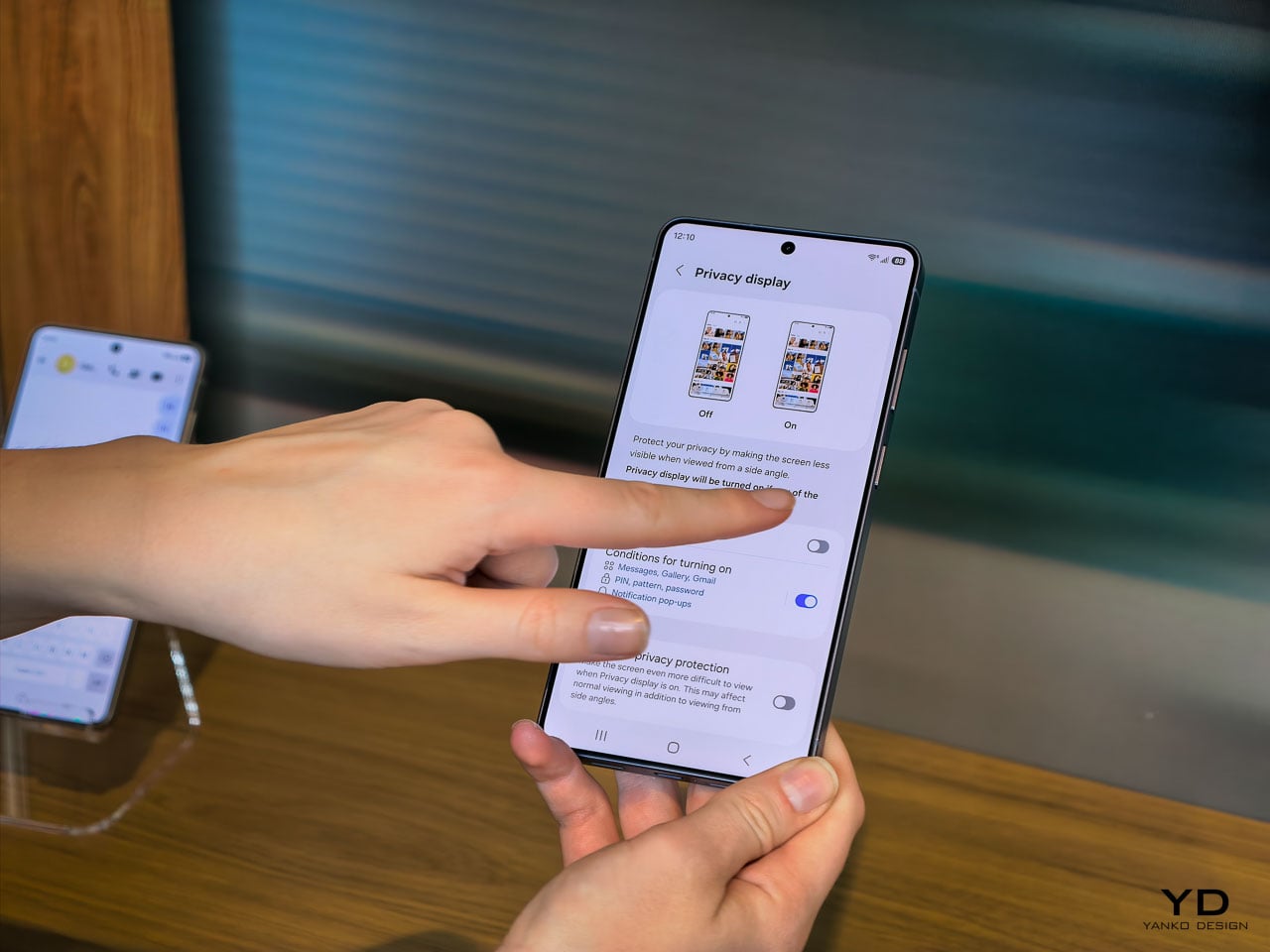
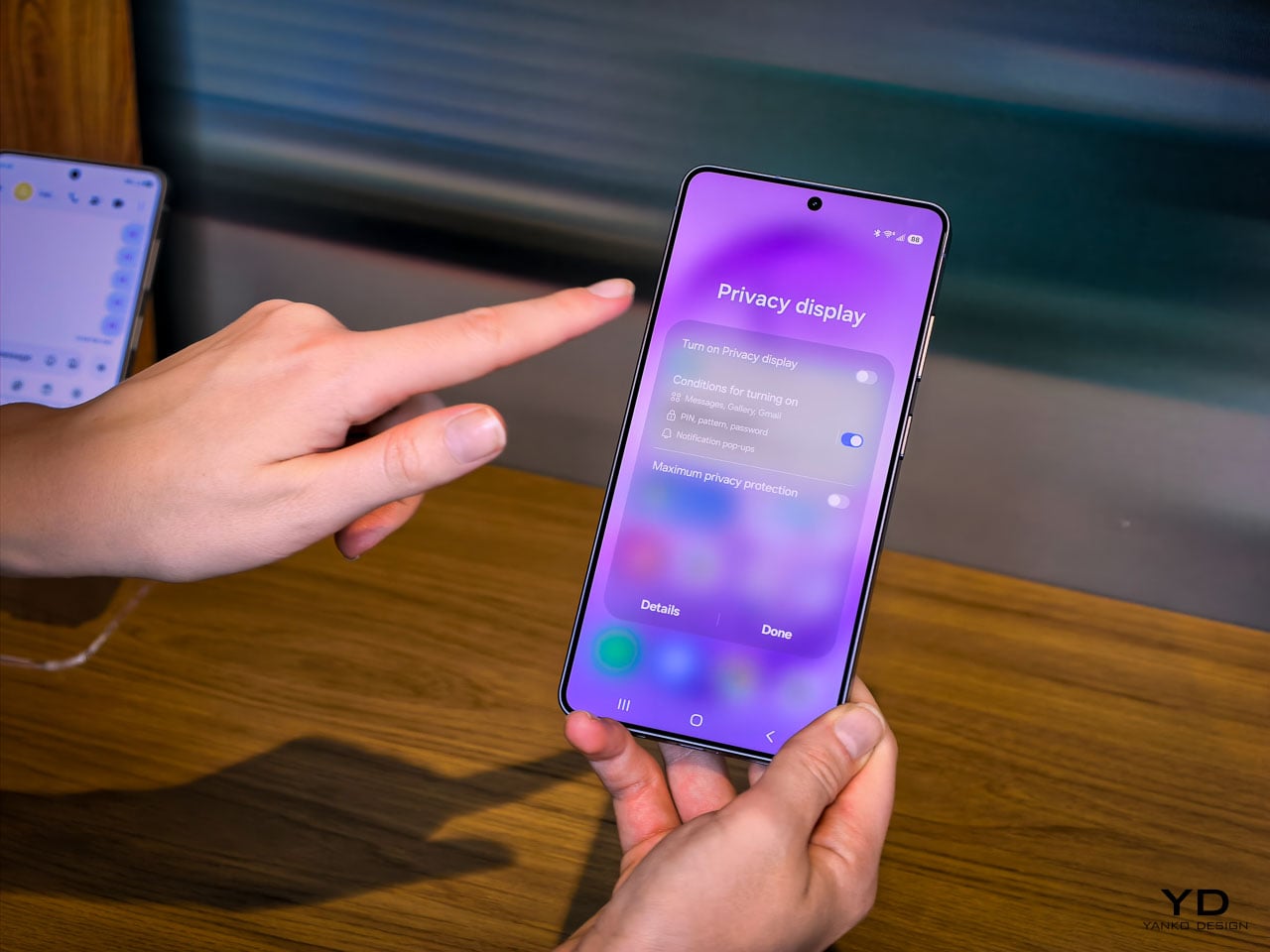
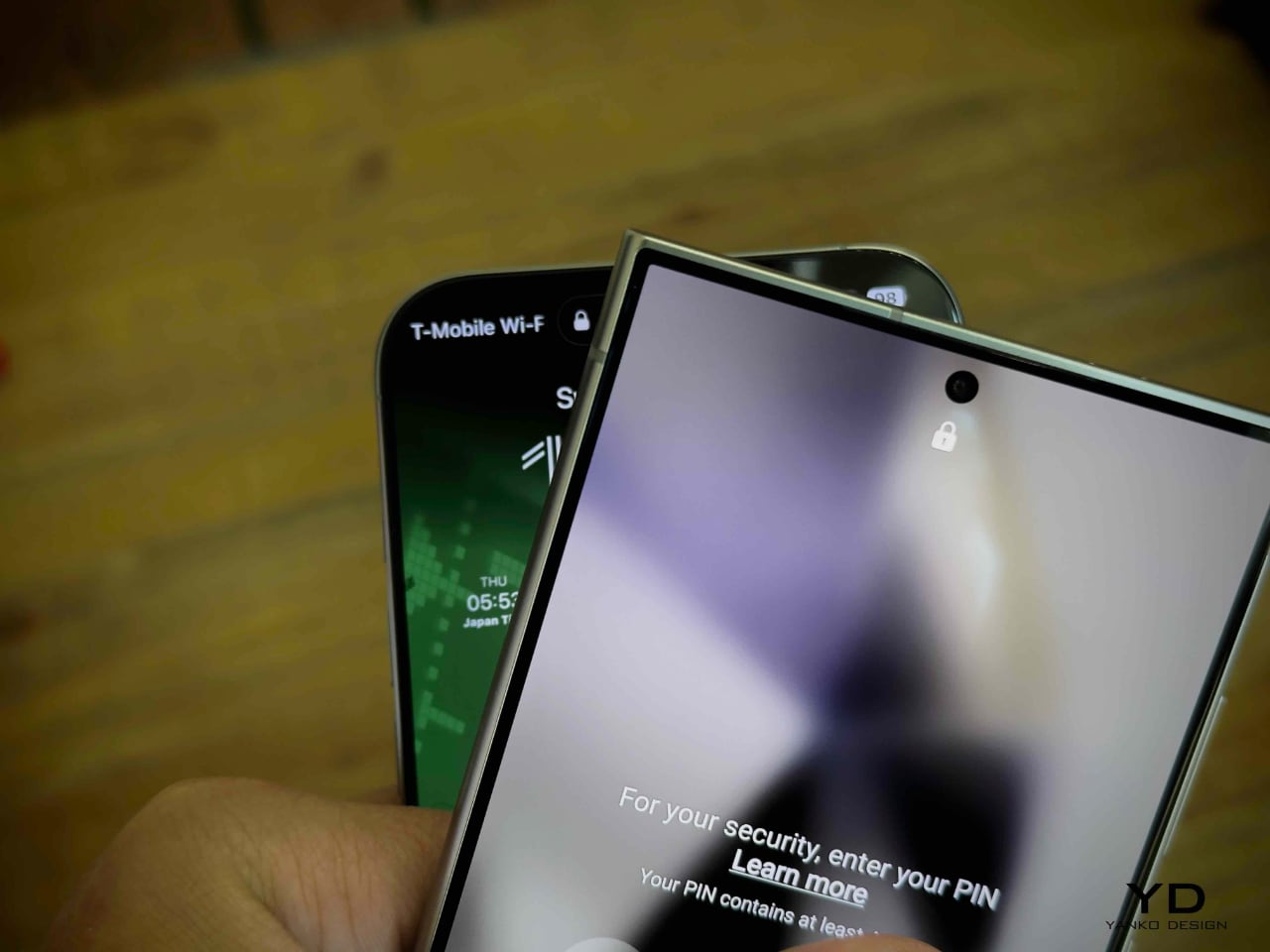
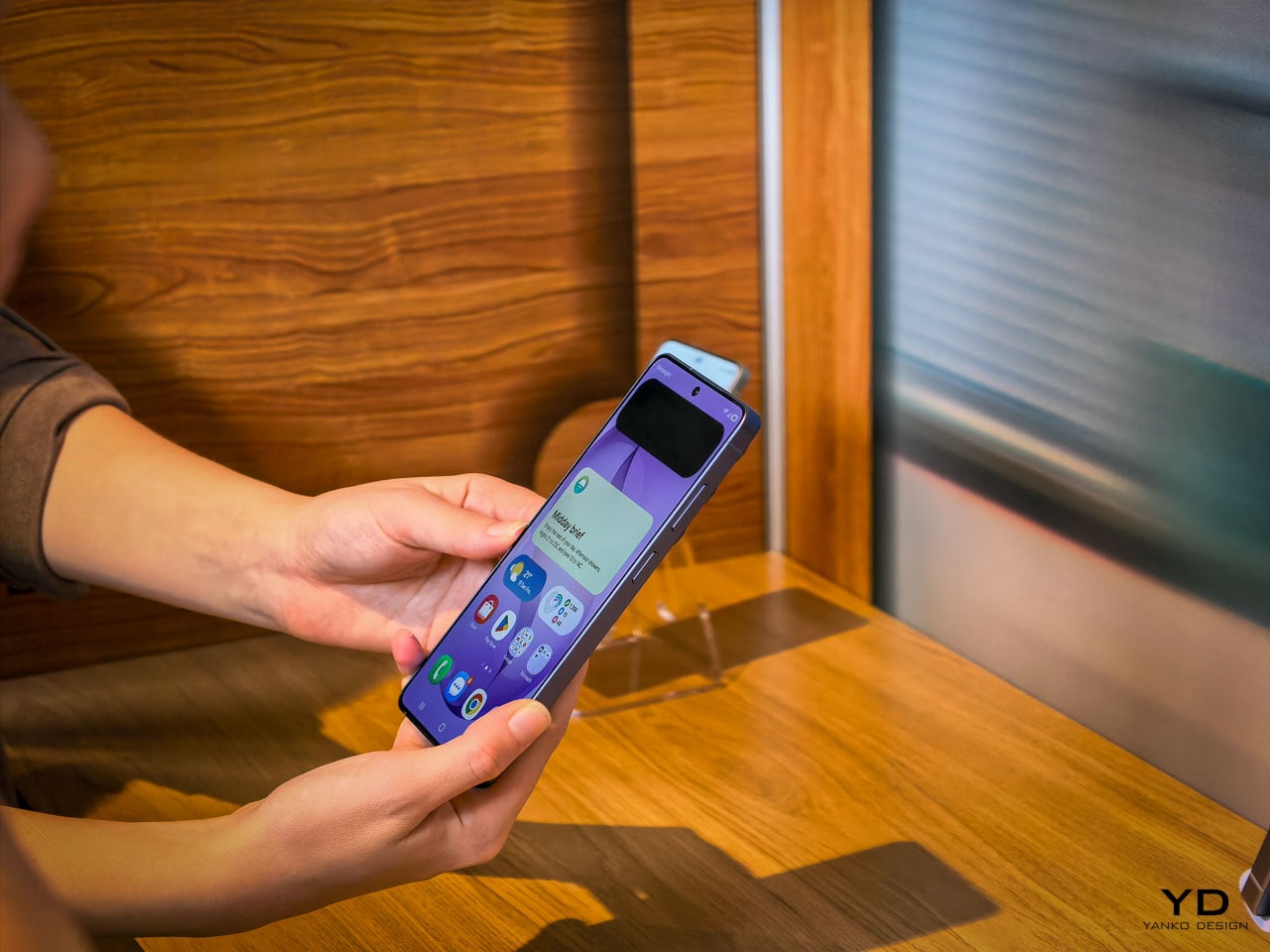
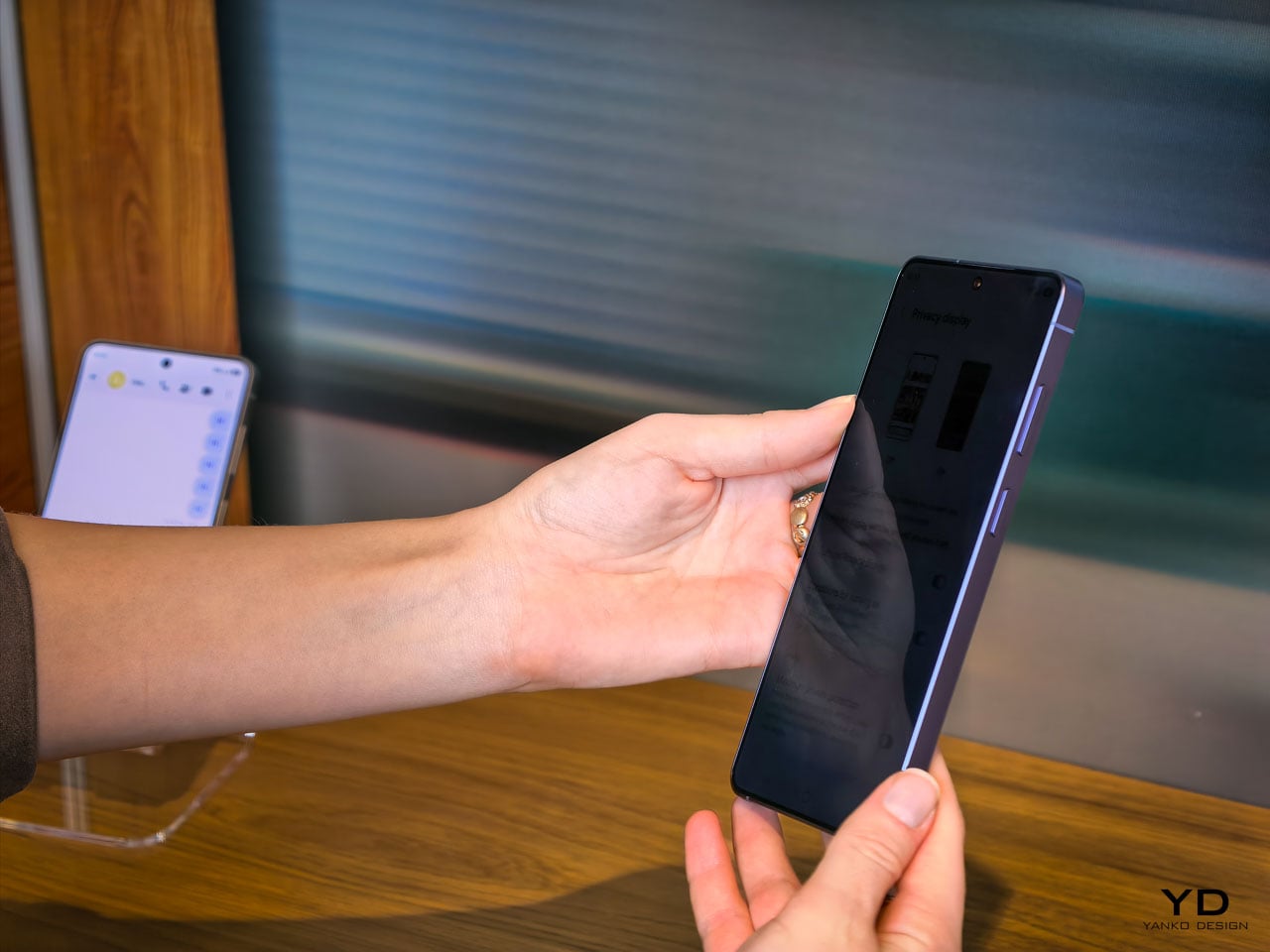
The feature that warrants the most design analysis on the S26 Ultra is the Privacy Display, and it’s exclusive to this model. Samsung calls it the world’s first mobile implementation, and they spent five years developing it.

Here’s what it does: at the pixel level, the display can restrict the viewing angle so that someone standing beside you or slightly behind you sees a darkened, unreadable screen while your direct line of sight remains completely unaffected. The restriction works in both portrait and landscape orientations, which matters if you’re watching a video sideways or scrolling in landscape mode on a plane. It’s not a screen filter. It’s not software dimming. It’s the panel itself behaving differently based on the angle of emitted light.

The customization layer is where this gets genuinely interesting from a UX perspective. You can configure Privacy Display on a per-app basis. Banking and messaging apps stay private by default, while maps or music playback remain fully visible. Selective notification privacy means incoming alerts can be restricted to your viewing angle without blanking the entire display. Password protection adds another layer for sensitive use cases.

This is a fundamentally different approach to screen privacy than anything the market currently offers. The existing solutions are adhesive film overlays or software-based brightness manipulation, both of which degrade the visual experience for the primary user. Samsung’s implementation doesn’t compromise display quality at your natural viewing angle. The 10-bit panel still renders its full billion-color range. Pro Scaler still does its work. You’re not trading visual fidelity for privacy, and that’s a meaningful engineering achievement.

Activation is deliberately frictionless. A double-click on the side key toggles Privacy Display on or off instantly. Samsung has also integrated it into the Routines system, so you can set geolocation triggers: the display automatically activates privacy mode when you arrive at a coffee shop, an airport, or your office, and deactivates when you’re home. It’s the kind of contextual intelligence that makes the feature feel native to how people actually move through their day rather than something you have to remember to toggle.

The battery story is actually a pleasant surprise. Samsung confirmed that Privacy Display doesn’t drain additional power, and if anything, it can improve battery life since the feature restricts light output to a narrower viewing cone rather than broadcasting at full brightness in all directions. The hardware operates independently of any network connection since the privacy logic lives entirely within the display itself, not in cloud processing or software overlays. That independence means the feature works identically in airplane mode, in a dead zone, or on a fully connected 5G network.

For daily ergonomics, this matters in ways that aren’t immediately obvious. Think about every time you’ve tilted your phone away from a seatmate on an airplane, or cupped your hand around the screen while typing a password in a coffee shop. Those micro-adjustments are unconscious ergonomic compromises. Privacy Display eliminates them entirely. You hold the phone naturally, at whatever angle feels comfortable, and the technology handles the rest. Over a full day, the absence of those small physical accommodations adds up to a more relaxed relationship with the device.

Camera: precision over reinvention

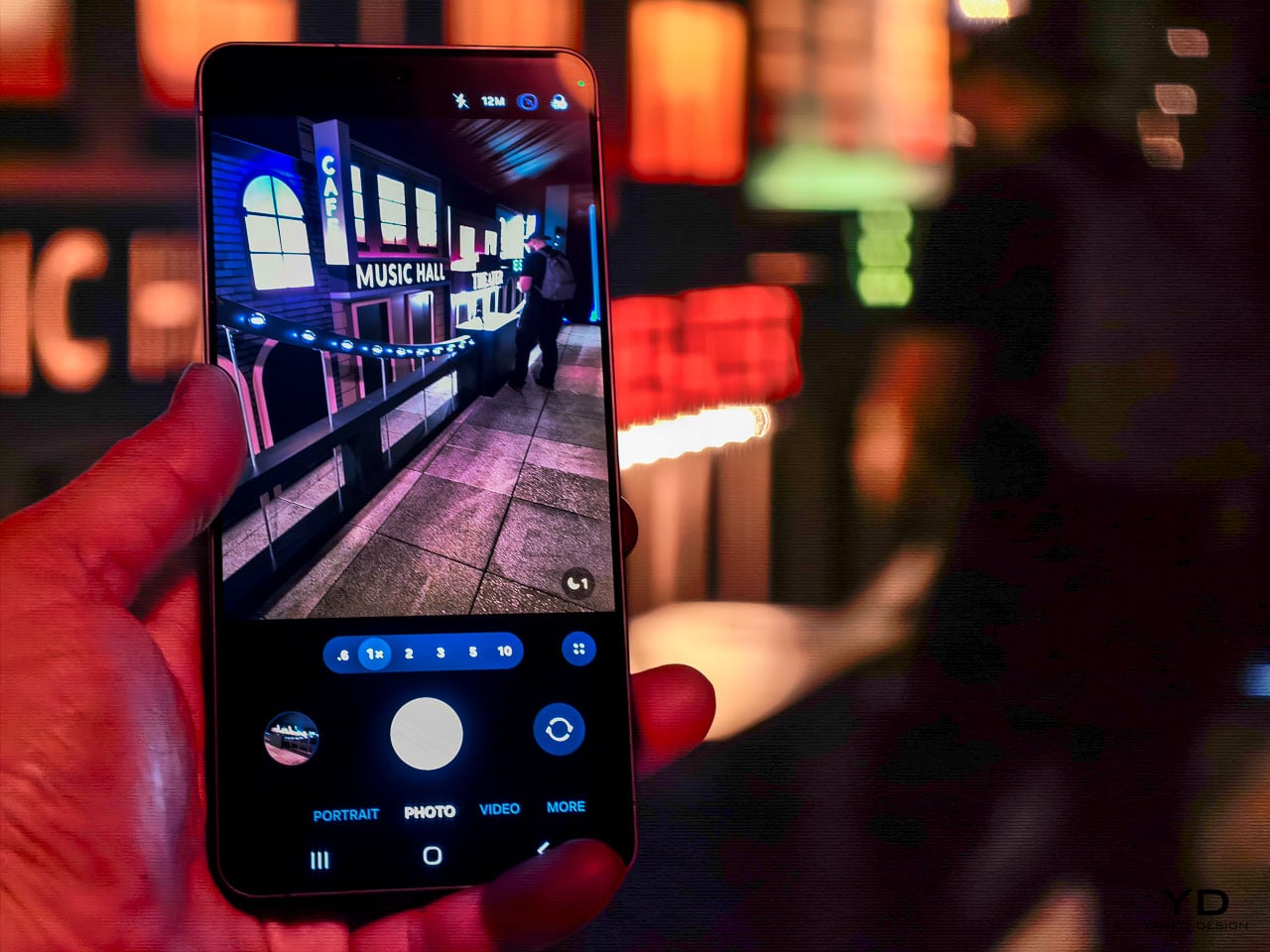
The camera system on the S26 Ultra follows the same philosophy that runs through the rest of the device. No dramatic sensor swaps or wild new focal lengths. Instead, Samsung has focused on the optical and computational areas that affect the most common shooting scenarios.

The ultra-wide lens now captures 47% more light than the S25 Ultra’s equivalent. That’s a significant improvement for the lens that most people use in tight indoor spaces, group shots, and architectural photography. More light means faster shutter speeds in marginal conditions, which translates to less motion blur and more consistent detail in the frame edges where ultra-wide lenses typically struggle.

The front camera tells a similar story of targeted improvement. At 50MP with a 37% brightness increase and an 85-degree field of view, Samsung has addressed the three most common complaints about flagship selfie cameras: resolution in challenging light, dynamic range when the subject is backlit, and the inability to fit a full group without awkward arm extensions. The addition of AI ISP processing to the front camera is notable because it means computational photography features that were previously reserved for rear cameras now apply to video calls and social content.

Enhanced Nightography takes a physics-based approach to video noise reduction this year, recognizing that each lens produces different noise patterns and applying pre-trained filters calibrated to the specific optical characteristics of each camera module. The result is cleaner low-light video across all rear lenses, not just the primary sensor.

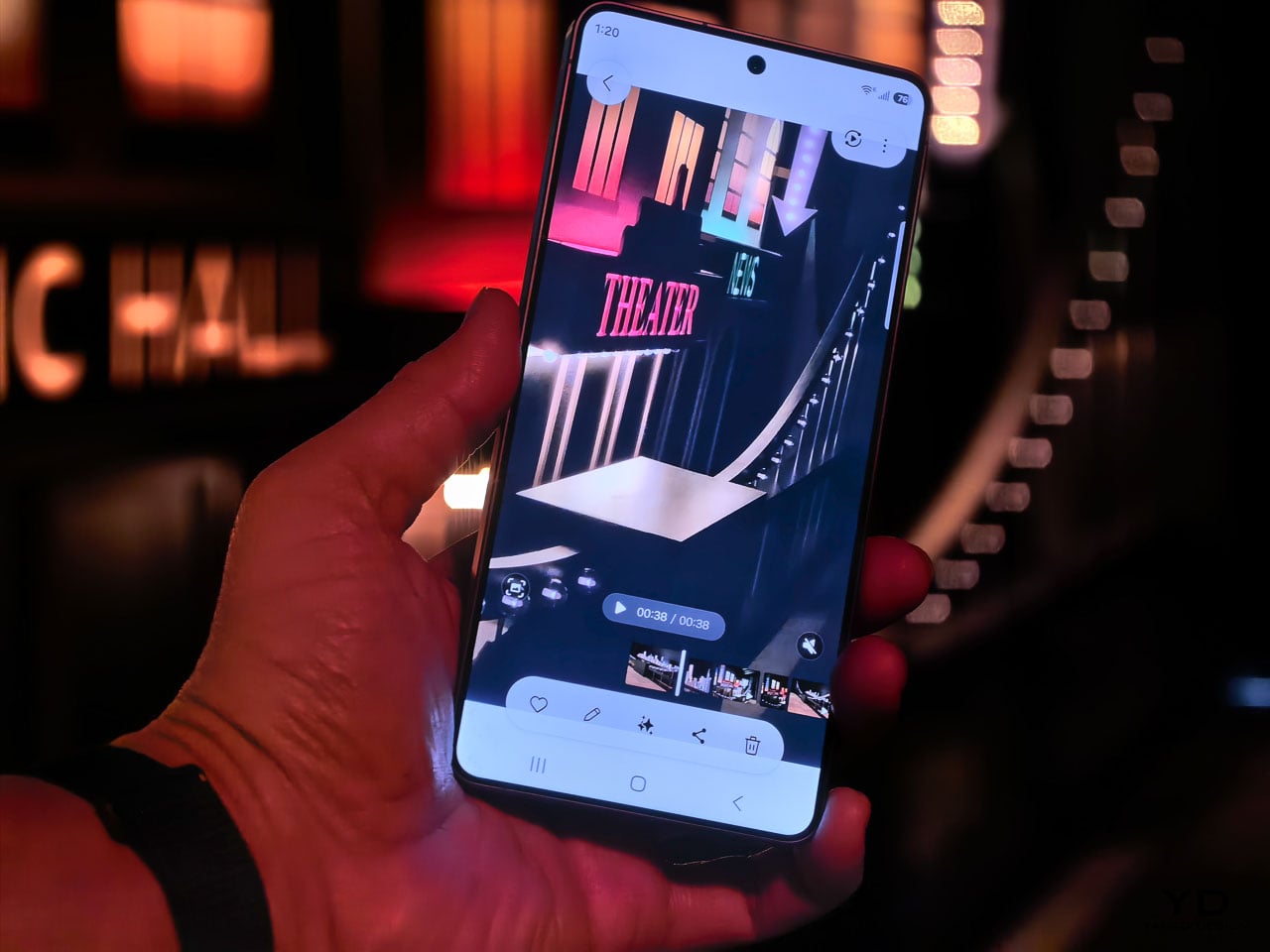
Video capabilities push further into professional territory with the Advanced Pro Video Codec, an Ultra exclusive that enables 8K recording at 30 frames per second. The 4K auto-framing feature uses AI to track and recompose subjects during recording, which is genuinely useful for solo content creators who can’t operate a camera and perform at the same time. SuperSteady stabilization now uses real-time gyro and accelerometer data to deliver a full 360-degree horizon lock during recording. Samsung describes it as having a gimbal in your pocket, and while that’s marketing shorthand, the underlying sensor fusion approach is legitimate stabilization engineering.

Audio Eraser now extends to third-party apps, but with an important clarification: it affects playback consumption only. You can toggle it from the quick panel to clean up background noise while watching content on Instagram, TikTok, YouTube, or Netflix. It won’t modify the actual recording or file in those apps. Document Scanner is another quiet addition built directly into the camera viewfinder. It automatically detects documents, removes fingers, moiré patterns, shadows, and creases, then outputs clean multi-page PDFs. It’s the kind of feature that eliminates a dedicated scanning app from your phone entirely.

These aren’t headline-grabbing camera changes. They’re the kind of improvements that reduce the number of shots you delete and increase the number you actually share. For daily use, that ratio matters more than any single spec number.

Galaxy AI and the agentic phone

The software story on the S26 series might be the most ambitious part of this generation, and it’s easy to overlook when the hardware changes are this well executed. Samsung has organized its AI features into three categories: agentic AI that takes action on your behalf, personal AI tailored to your habits, and adaptive AI that anticipates what you need before you ask.

NowWatch, built natively into the Samsung keyboard, reads your conversation context and suggests relevant actions in real time. Mention a dinner plan in a text thread and it can create a calendar event, pull location details, or share a contact card without you ever leaving the messaging app. NowBrief now connects directly to your notification stream, pulling event information from messages and alerts even when those events were never added to your calendar. These features work together to reduce the friction between a conversation and the action it implies.

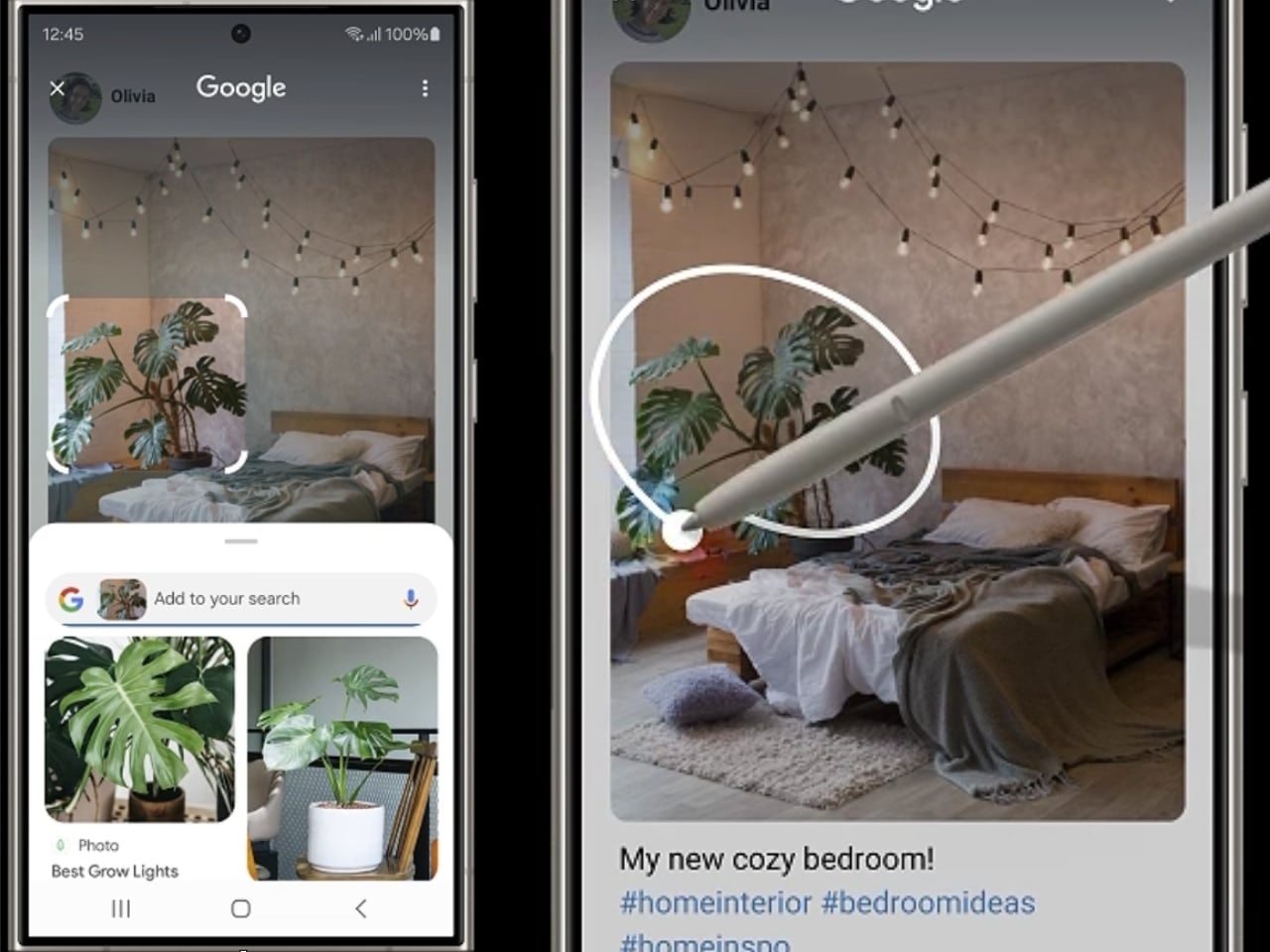
Agentic actions go further. You can book an Uber ride through a natural language voice command, and Samsung has signaled plans to expand this capability to delivery services like DoorDash and Instacart. Circle to Search now supports multi-object recognition, so you can circle an entire outfit in a photo and search for each piece simultaneously. The AI can even let you virtually try items on, which blurs the line between search and shopping in a way that feels genuinely new.

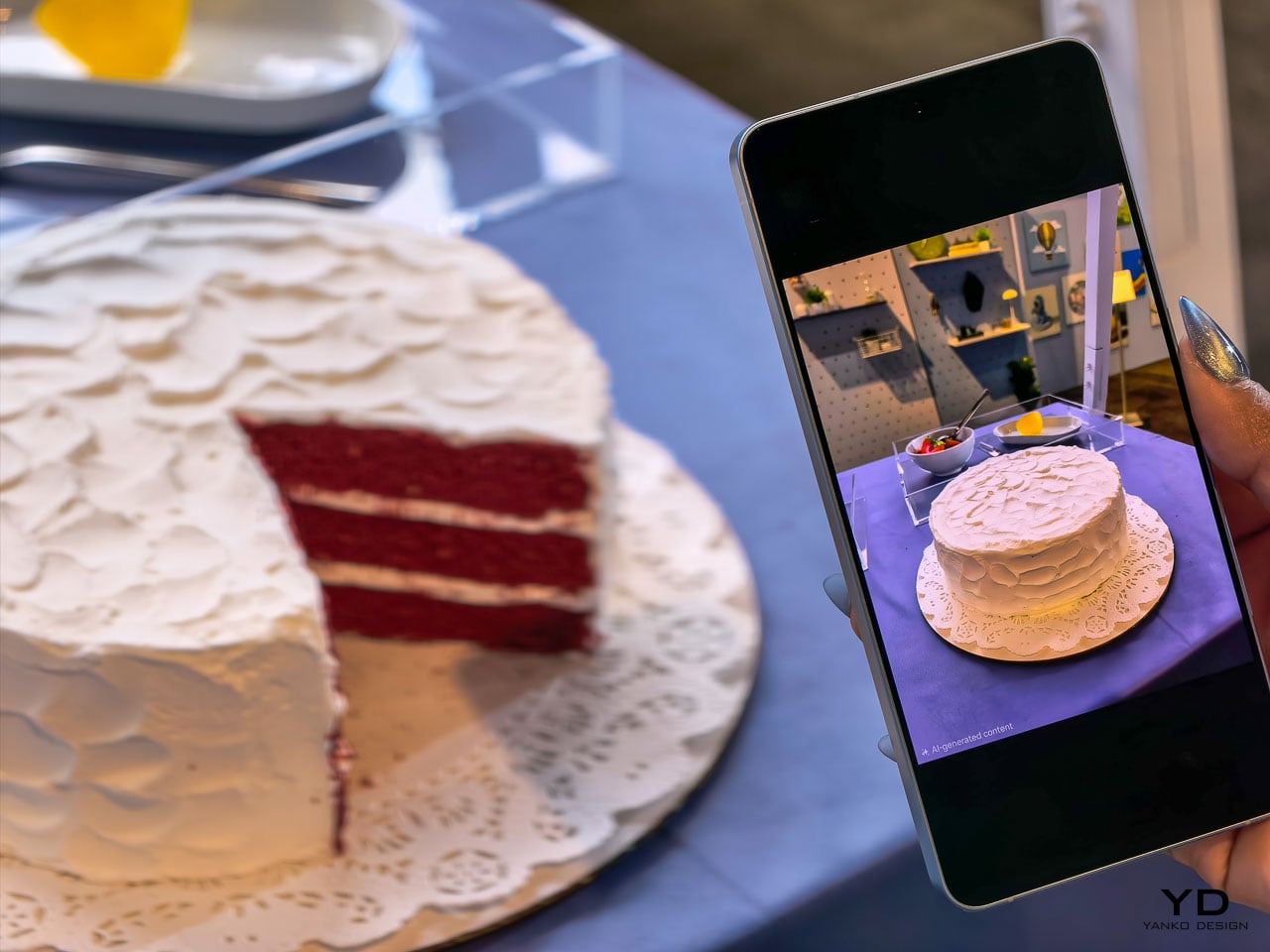
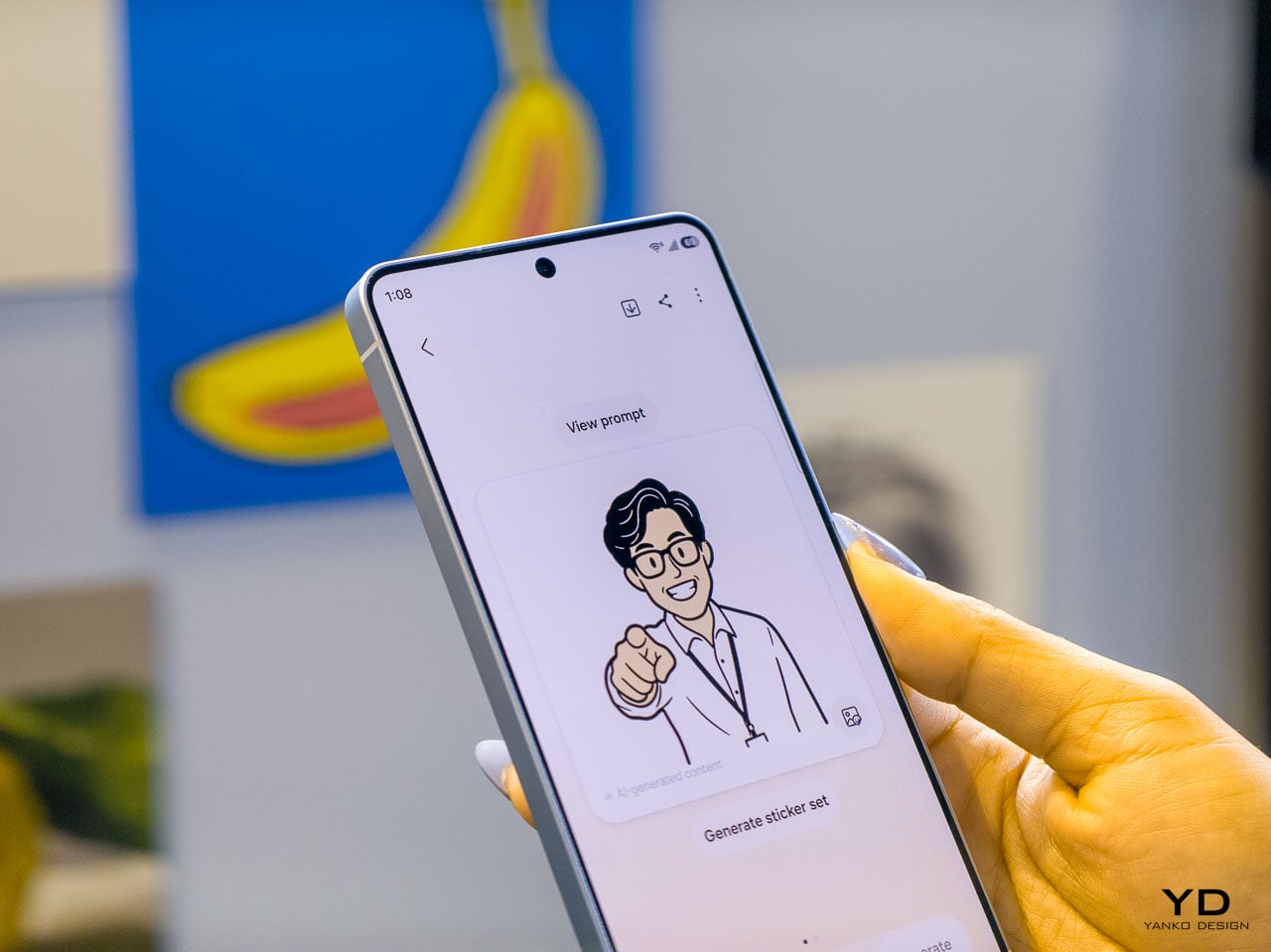
Photo Assist introduces natural language editing: tell the device to remove an object, change a background, or adjust a specific element, and the on-device AI processes the request. Multimodal editing takes this further by letting you reference other images in your gallery as part of the prompt. Ask it to composite a specific shirt onto your photo and it pulls from an existing gallery image to build the result. Creative Studio consolidates all AI creation tools into a single Edge panel location with guided workflows for stickers, greeting cards, invitations, and contact cards.

Bixby’s LLM upgrade positions it as a device-native companion that understands your phone’s settings, can explain features, and execute quick actions across the interface. During initial setup, users choose between Bixby, Gemini, and now Perplexity as their default AI agent. Perplexity can be summoned with a dedicated “Hey Plex” wake phrase or by pressing and holding the side button, and it’s embedded across Samsung Notes, Clock, Gallery, Reminder, Calendar, and select third-party apps. Samsung cited internal data showing nearly 8 in 10 users already rely on more than two types of AI agents depending on the task, which explains why the company is opening its AI layer to multiple providers rather than locking users into a single assistant. It’s a notable acknowledgment that different users want different AI philosophies guiding their daily experience. Bixby LLM also extends across Samsung’s ecosystem to TVs, watches, and other connected devices, creating a persistent assistant layer that follows you between screens.

Screenshot organization automatically categorizes captures into eight groups (coupons, events, shopping, and five others), which is a small productivity feature individually but represents Samsung’s bet that the phone should handle organizational work you currently do manually.

Call screening and scam protection

Two security-focused AI features deserve separate attention. Call Screening lets the AI answer incoming calls on your behalf, transcribe the conversation in real time, and deliver a summary of who called and why. The transcripts are searchable afterward, so you can retrieve information from screened calls even if you never picked up. That’s a meaningful shift in how missed calls work.

Scam Detection runs a separate AI analysis on active conversations, flagging suspected scams based on blacklisted numbers and suspicious language patterns. It’s a defensive layer that works alongside Samsung’s existing security stack, and it addresses a growing problem that traditional spam filters can’t solve on their own.

Performance architecture and charging

The Snapdragon 8 Elite Gen 5 inside the S26 Ultra represents the second generation of Samsung’s deepened co-engineering relationship with Qualcomm. Rather than simply dropping in the latest available silicon, Samsung’s hardware team has worked with Qualcomm on customizations specific to the Ultra’s thermal and power delivery profile. The NPU sees the largest year-over-year performance gains in the entire chipset, a direct response to the processing demands of on-device AI features that now run simultaneously across camera, language understanding, and system automation tasks.

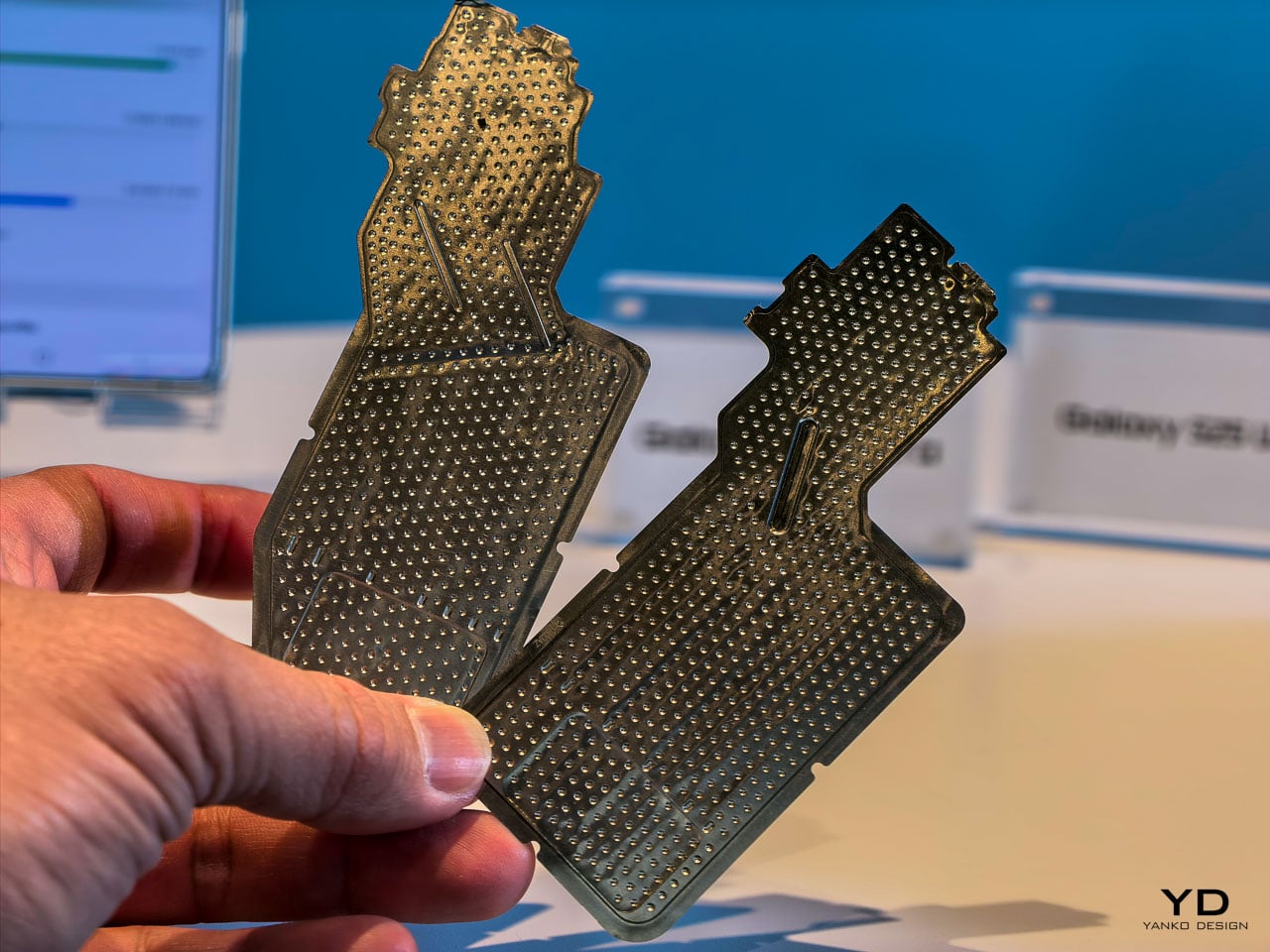
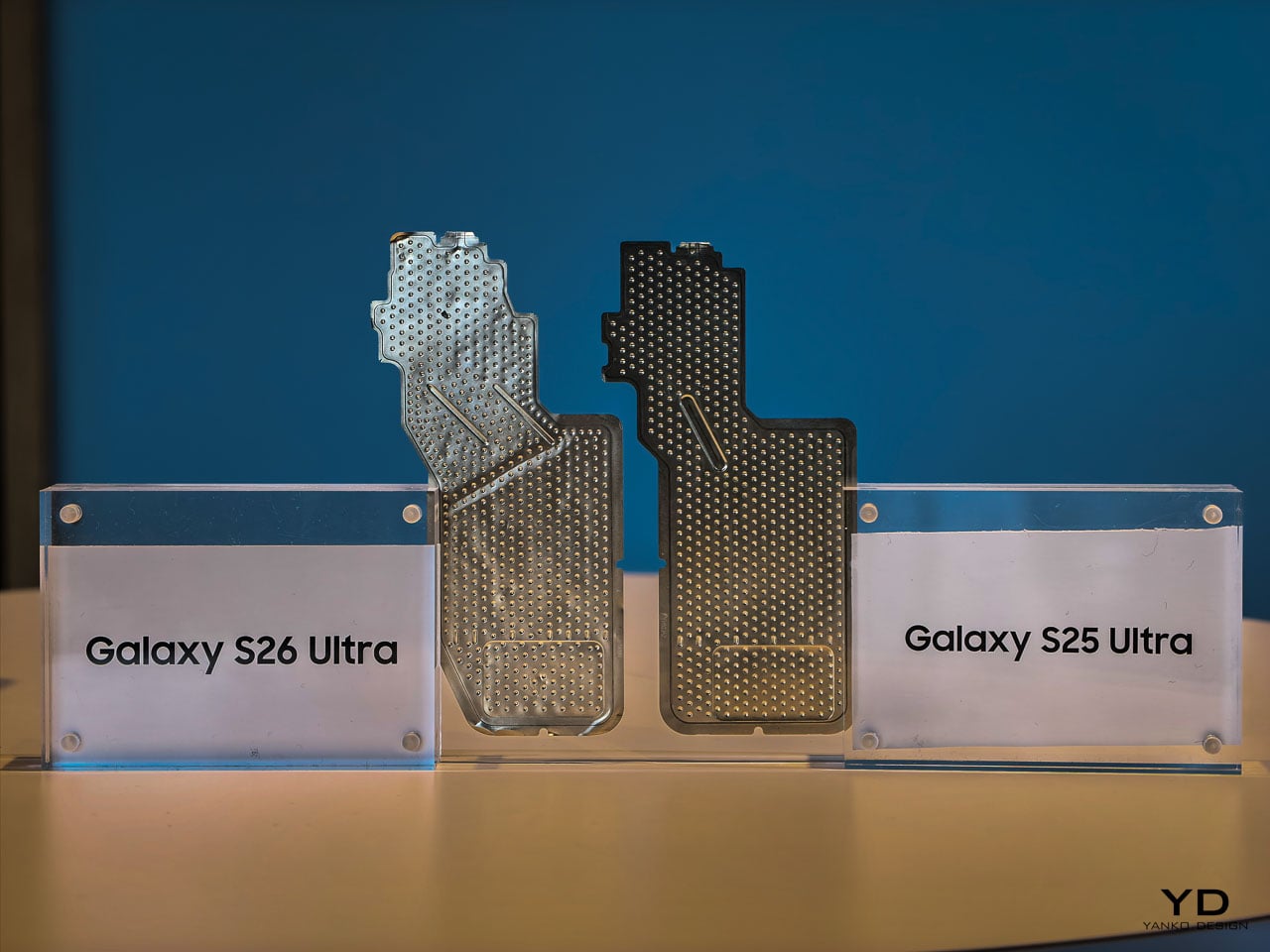
The redesigned vapor chamber cooling system is the physical expression of this partnership, and it deserves closer attention than the briefing materials gave it. Samsung confirmed the vapor chamber has been redesigned for better thermal management and sustained performance, but the engineering context tells a more interesting story than that summary suggests.

Achieving a more efficient cooling solution inside a body that’s simultaneously gotten thinner is a genuine packaging challenge. The vapor chamber in a smartphone works by spreading heat away from the processor through a sealed chamber containing a small amount of liquid that evaporates near the heat source and condenses at cooler areas, distributing thermal energy across a wider surface. Redesigning that system for the S26 Ultra’s slimmer 7.9mm chassis means Samsung’s thermal engineers had to rethink the chamber’s geometry, likely optimizing the internal wick structure and vapor flow paths to maintain or improve heat dissipation within tighter vertical constraints.

During hands-on time, the phone stayed comfortable to hold through extended camera sessions and quick multitasking demos. Whether the redesigned vapor chamber translates to measurably less thermal buildup than previous Ultra models will require longer, controlled testing. What we can say from the event floor: the S26 Ultra didn’t get noticeably warm in situations where earlier models would have started heating up. That’s promising, but the real thermal story will come from sustained workloads over days, not demo stations.

What’s particularly interesting from a design perspective is how this thermal architecture enables the rest of the S26 Ultra’s ambitions. The thinner profile, the sustained display brightness for Privacy Display, the 8K video recording, the larger NPU workloads for on-device AI processing: all of these features generate heat, and all of them depend on the vapor chamber doing its job silently and invisibly. It’s the kind of engineering that never gets mentioned in a product keynote but makes every other headline feature possible.

Charging speeds have stepped up to 60W wired, delivering 0 to 75% in 30 minutes. Wireless charging sits at 25W. Neither number leads the Android market, but Samsung’s approach here prioritizes battery longevity over charging speed records. It’s a mature engineering decision that aligns with the phone’s overall philosophy: optimize for sustained daily performance rather than benchmark peaks.

Sustainability as a material design decision

Ten recycled materials appear in the S26 Ultra’s construction, and Samsung is positioning this as a design choice rather than a compliance checkbox. When a manufacturer integrates recycled content at this scale in a premium device, the engineering challenge isn’t sourcing the materials. It’s maintaining the tactile and structural qualities that justify a $1,299.99 price point.

The armor aluminum frame, for instance, needs to feel exactly as dense and rigid as virgin material. The recycled content in the internal structural components can’t introduce resonance or flex that would change the acoustic signature of the haptic engine. These are the invisible constraints that make sustainability in premium electronics genuinely difficult, and getting them right while simultaneously achieving the thinnest Ultra profile is a real engineering accomplishment.

What this means for the flagship category

The Samsung Galaxy S26 Ultra makes a compelling argument that the most impactful smartphone upgrades aren’t the ones you see in a keynote highlight reel. They’re the ones you feel after a week of putting the phone in your pocket, holding it during calls, reading on it in a crowded subway car, and editing photos before posting them.

Privacy Display alone changes your physical relationship with the device by removing unconscious posture adjustments you didn’t realize you were making. The thinner profile improves grip confidence in a way that reduces the frequency of readjustment micro-movements. Pro Scaler makes screen content feel more present and dimensionally accurate, which reduces eye strain during extended reading sessions. Better low-light camera performance means fewer retakes and less time fussing with settings.

None of these improvements would trend on social media. All of them compound into a measurably better experience across a typical day. That’s the thesis Samsung is presenting with the S26 Ultra, and based on hands-on time, it’s a convincing one.

Pre-orders open February 25 at $1,299.99, with availability starting March 1. The Cobalt Violet colorway is the one to see in person before deciding.

The post Samsung Galaxy S26 Ultra: The Screen Only You Can See first appeared on Yanko Design.
Samsung Galaxy S25 Ultra Leaks: Rounded Corners, Slimmer Design, and Internal Upgrades Revealed

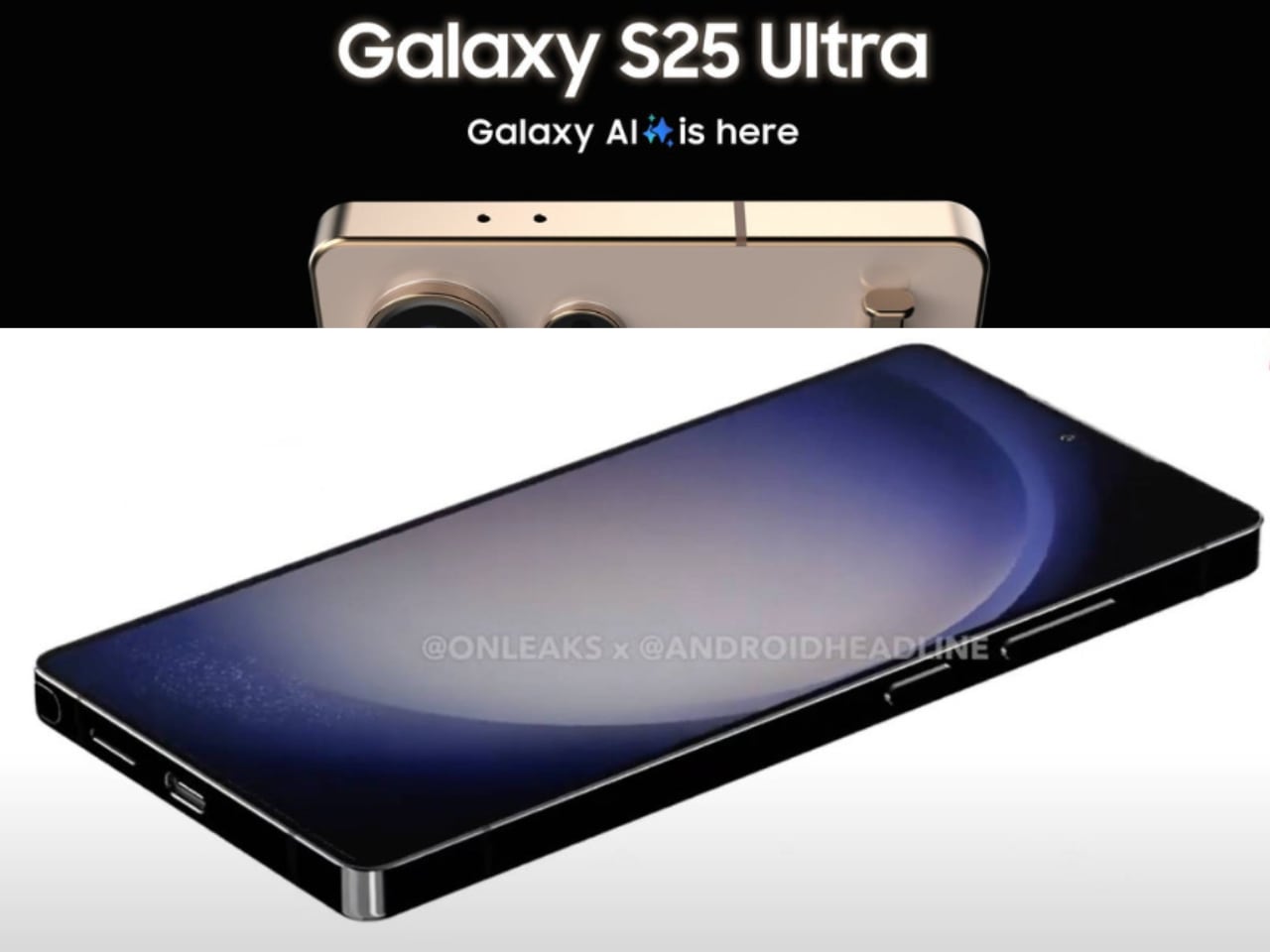
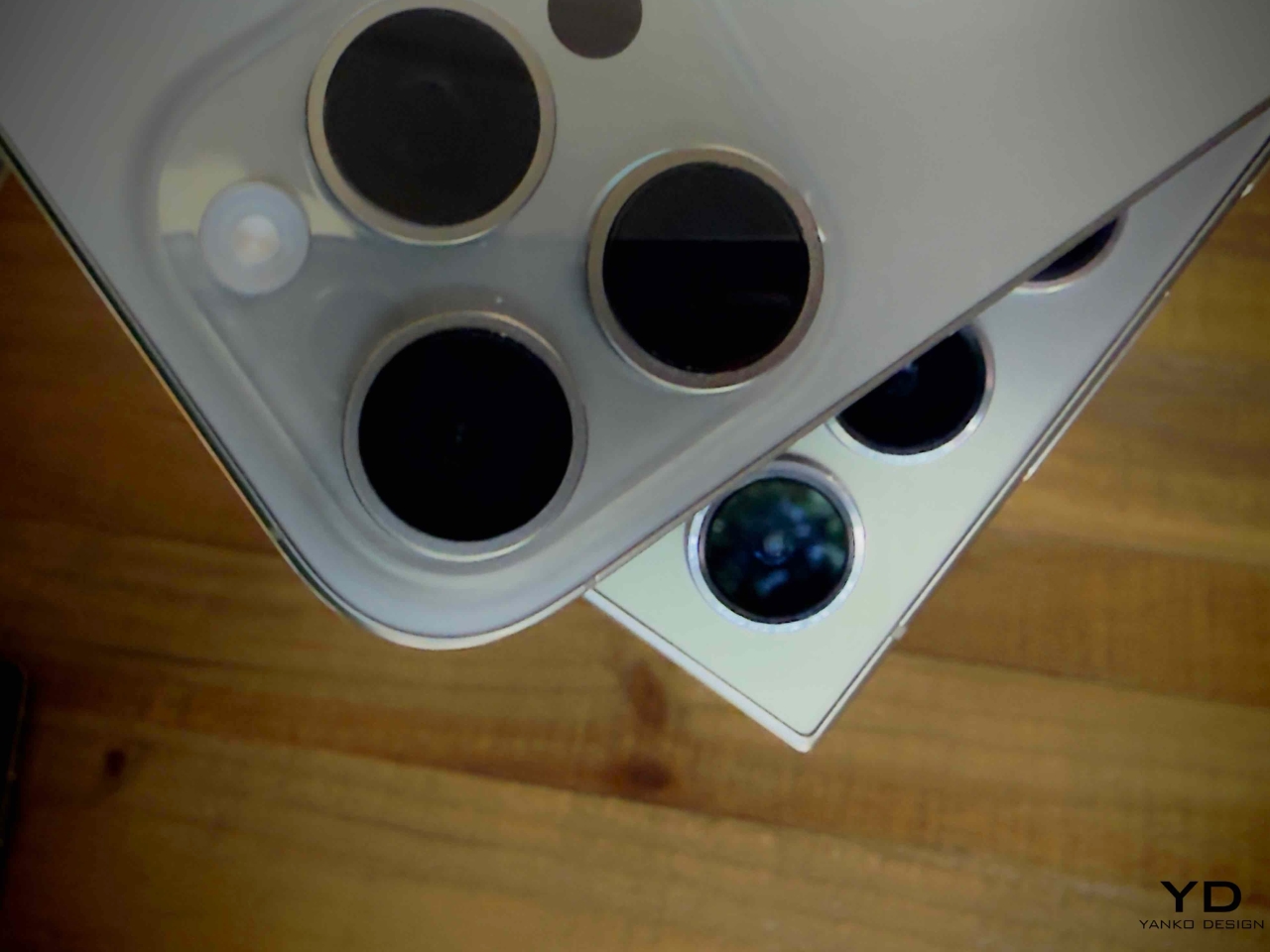
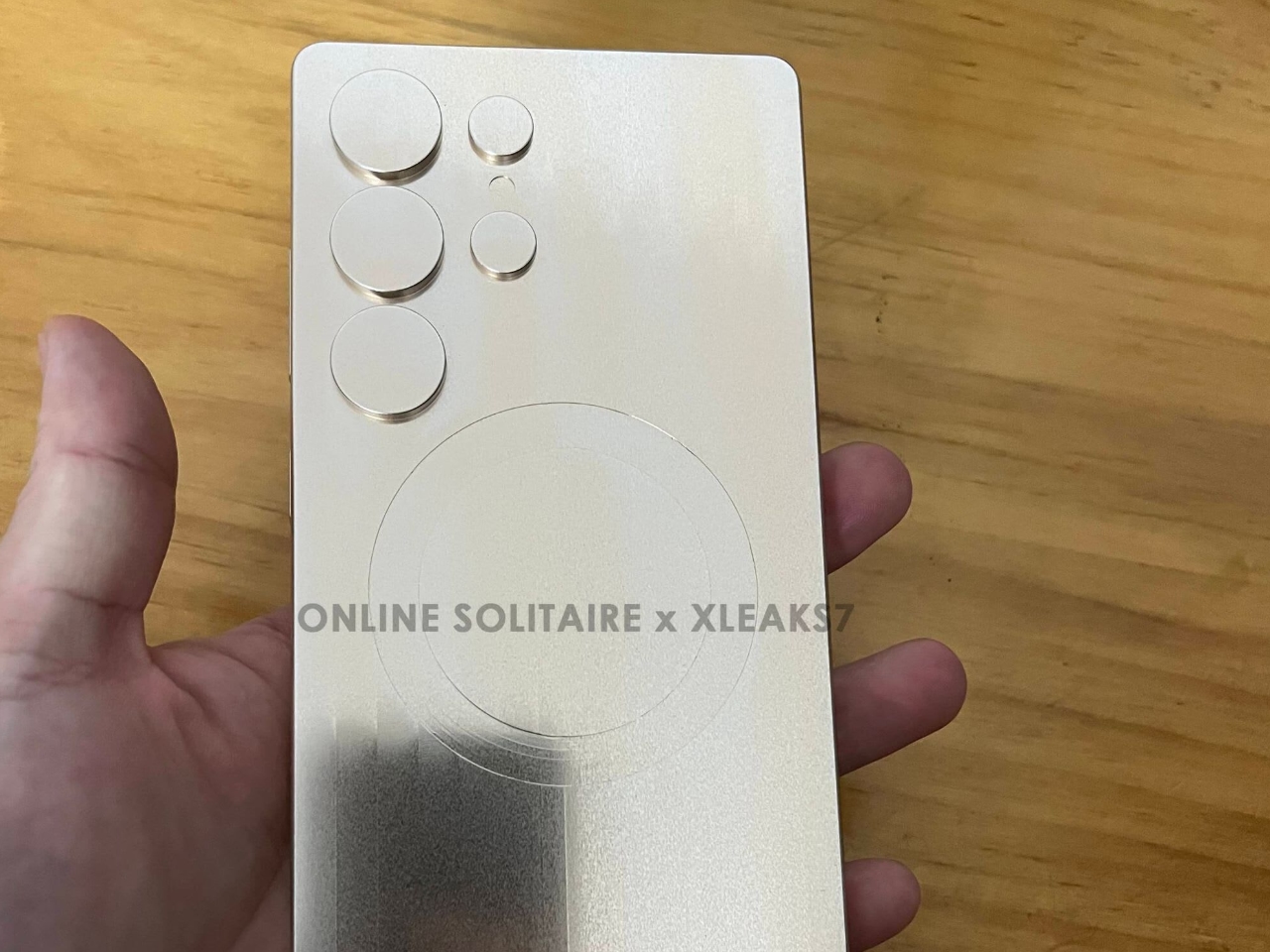
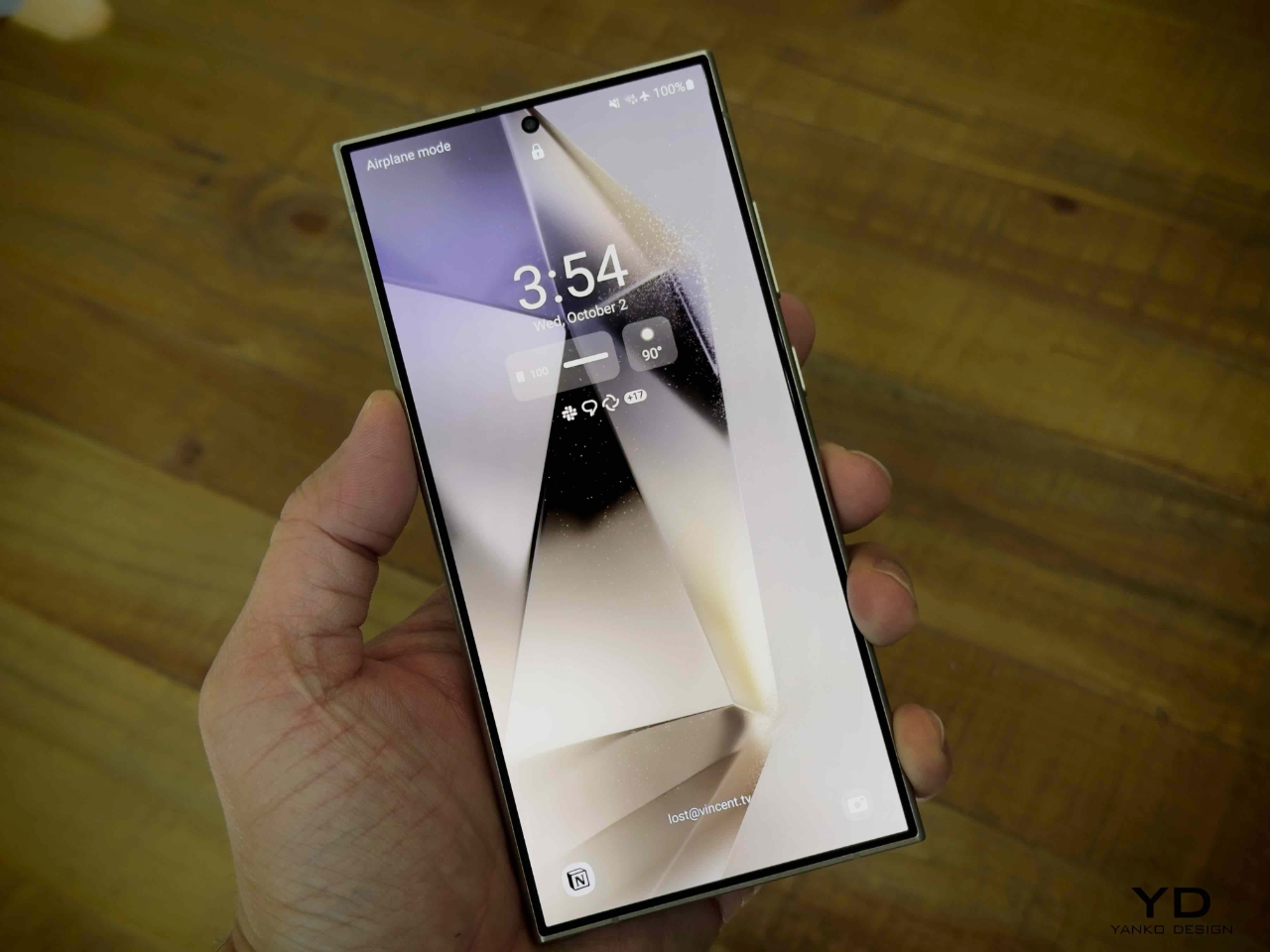
According to the latest leaks, Samsung’s Galaxy S25 Ultra is shaping up to introduce key design changes. The shift from sharp, angular edges to more rounded corners is the most notable update aimed at improving comfort and usability. In addition to these changes, the device is expected to be taller, narrower, and thinner than its predecessor, the Galaxy S24 Ultra. These refinements reflect Samsung’s focus on delivering a more ergonomic and user-friendly flagship device while also maintaining the powerful performance the Ultra series is known for.

Designer: Samsung

Design Changes

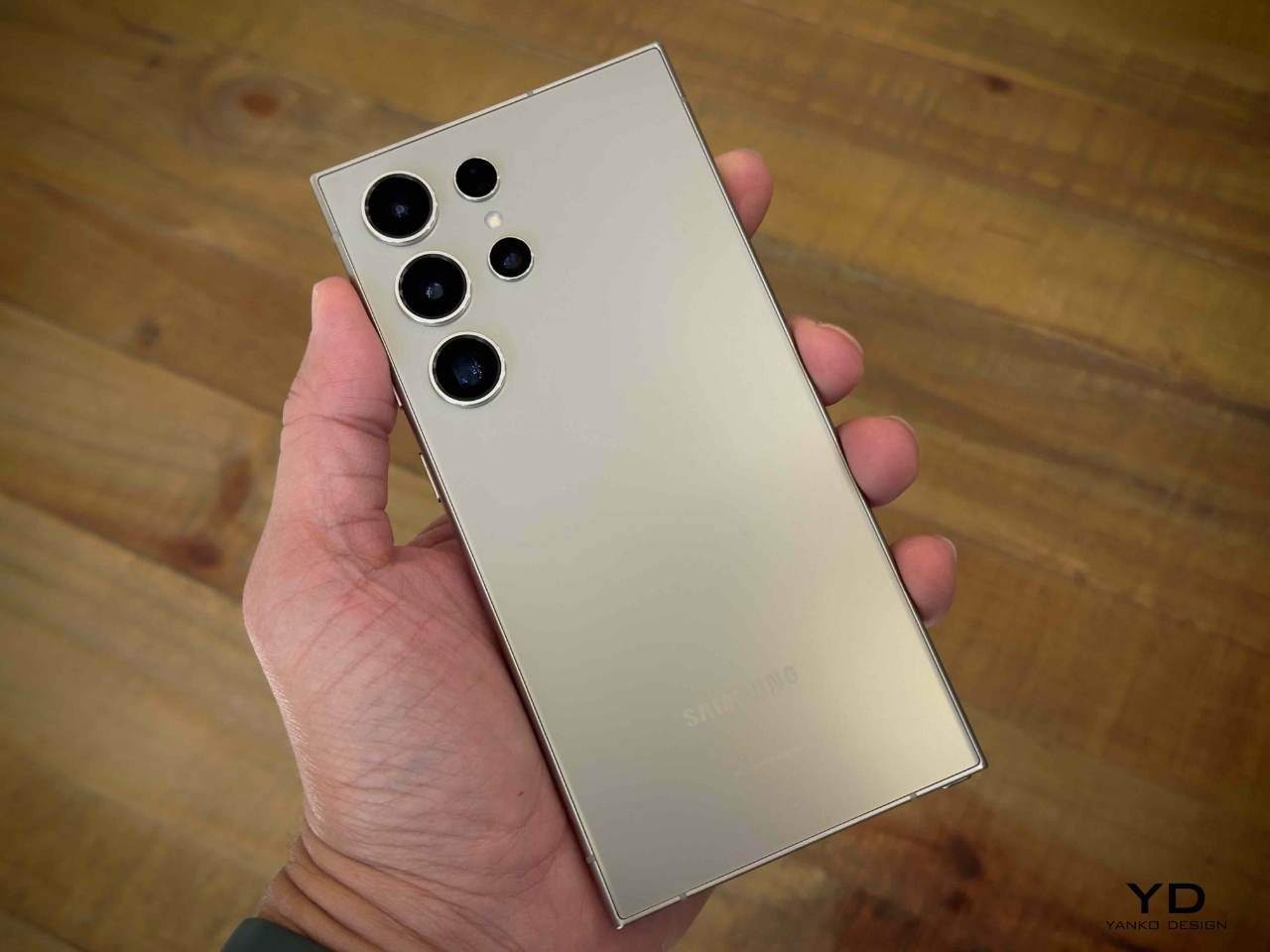
The most significant design shift is the move to rounded corners, which replaces earlier models’ sharp, boxy edges. This change is expected to make the phone easier to handle and more comfortable for prolonged use. Samsung seems to be addressing feedback from users who found the sharp edges of the Galaxy S23 and S24 Ultra too rigid. The S25 Ultra also features slimmer bezels, which offer a more immersive display without increasing the phone’s overall size. Combined with the sleeker profile, this design update focuses on comfort and practicality without compromising the premium aesthetic.

The Galaxy S25 Ultra is also rumored to be slightly taller, narrower, and thinner than the S24 Ultra, enhancing its handling and comfort in daily use. These updates mark a shift in Samsung’s design philosophy, prioritizing usability while maintaining the premium quality and performance that users expect from the Ultra series.

Other Rumored Specs

Beyond the design changes, the Galaxy S25 Ultra is expected to feature some serious hardware upgrades. It will likely be powered by the Snapdragon 8 Gen 4 chipset, which will deliver improved performance and energy efficiency thanks to its 3nm architecture. The device is also rumored to feature the new Adreno 830 GPU, making it a powerhouse for gaming and graphic-heavy applications. Users can expect smoother performance, particularly in multitasking and gaming scenarios.

Sources: Online Solitaire x Xleaks7

Additionally, the S25 Ultra will reportedly come in both 12GB and 16GB RAM configurations, ensuring plenty of power for multitasking and AI-driven applications. Samsung’s development of thinner memory chips allows these RAM options without increasing the device’s bulk, maintaining the slim profile that defines the Ultra line. The device will be a performance powerhouse while still focusing on sleek design.

Why’s the S24 Ultra Noteworthy?

The Galaxy S24 Ultra is notable for being one of the most feature-packed devices Samsung has ever released. Thanks to the S-Pen, its incredible display, and its versatile camera system, it’s a powerhouse in productivity, creativity, and media consumption. Integrating AI tools makes it even more dynamic, giving users smarter ways to interact with content, from photo editing to overall system efficiency. For users who need a device that can do it all, the S24 Ultra has been a top contender.

Yanko Design’s Take on the Galaxy S24 Ultra: 5 Things We Love

1. S-Pen Integration

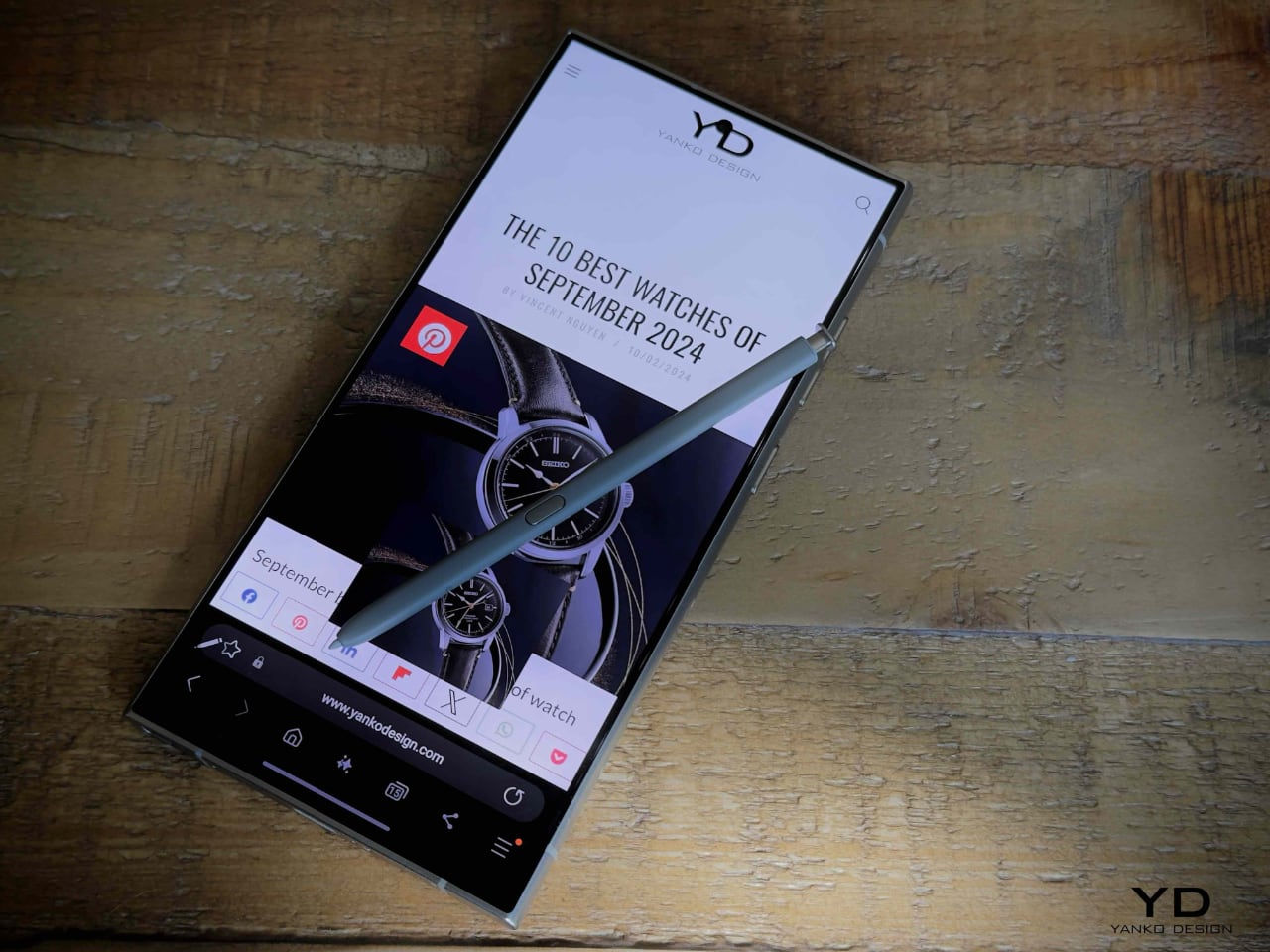
The Galaxy S24 Ultra continues Samsung’s tradition of integrating the S-Pen into its Ultra series, making it an excellent productivity tool. Whether you’re sketching, taking notes, or remotely controlling the camera, the S-Pen enhances the overall experience, offering functionality beyond that of a typical smartphone.

2. Versatile Camera Setup

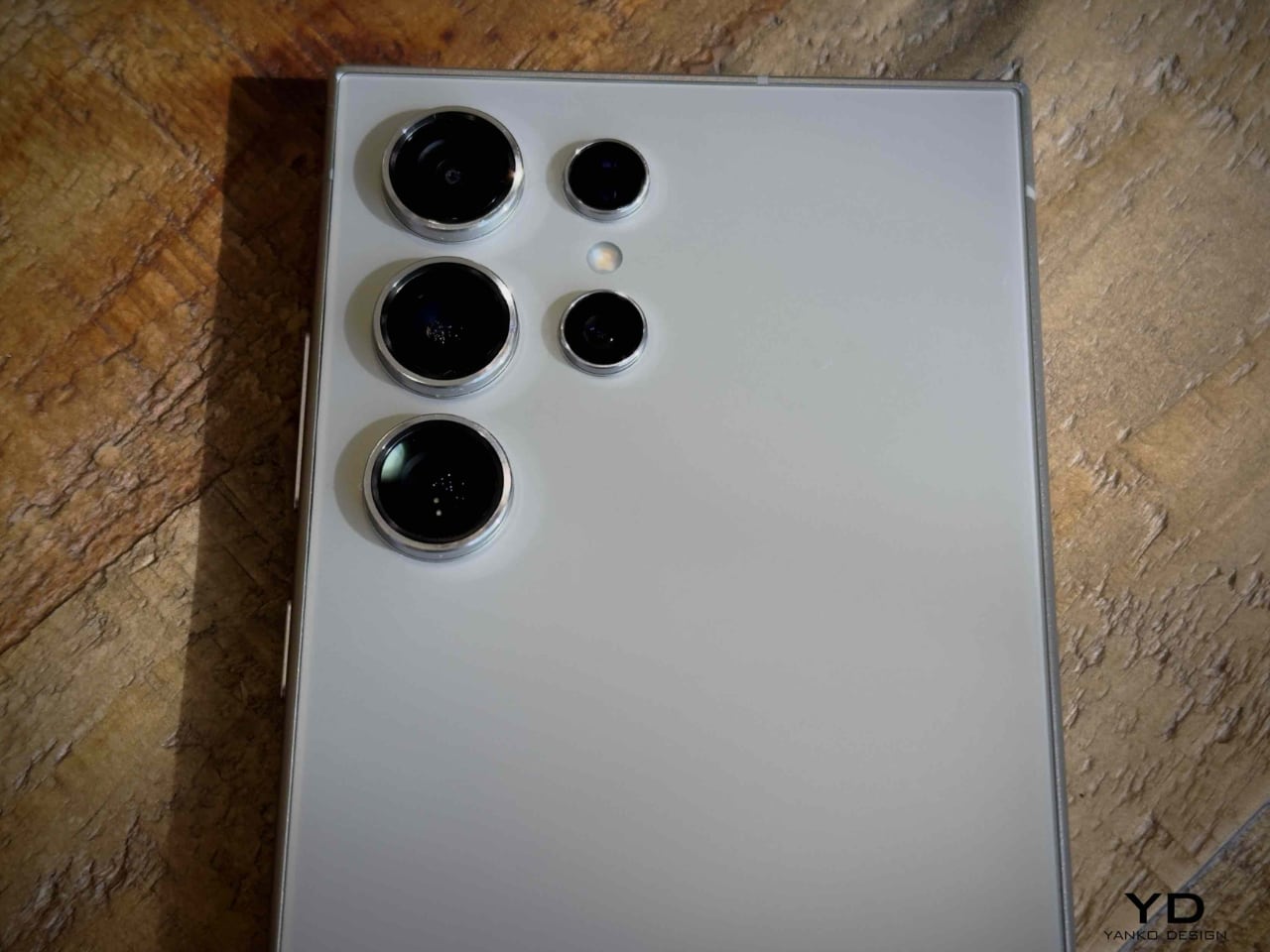
With a 200MP primary sensor, the S24 Ultra offers one of the most powerful and flexible cameras on the market. Its ability to shoot in various lighting conditions and impressive zoom capabilities provide professional-grade results in a compact form.

3. Display Quality

The 6.8-inch Dynamic AMOLED 2X display remains one of the best in class, offering deep blacks, vibrant colors, and smooth 120Hz refresh rates. This makes media consumption and gaming highly immersive experiences.

4. Battery Life

The S24 Ultra’s 5000mAh battery ensures users can get through a day of heavy usage, whether streaming, using the S-Pen, or multitasking between apps, without worrying about recharging mid-day.

5. AI-Powered Features

Samsung’s recent software updates have enhanced the AI capabilities of the S24 Ultra. Features like scene optimization and enhanced object removal tools in the camera app make it a great choice for users who love to edit photos and videos on the go.

3 Things We Dislike

1. Weight and Bulk

The Samsung Galaxy S24 Ultra weighs 233 grams, making it slightly heavier than many other flagship smartphones on the market. This weight, combined with its large 6.8-inch display and durable titanium frame, contributes to its premium feel but can also make it feel bulky for users who prefer a more streamlined and lightweight design. The size and weight can be particularly noticeable when using the phone one-handed for extended periods.

This bulkiness is one of the aspects that some users might find uncomfortable, especially when compared to lighter devices, although the premium materials like titanium and Gorilla Glass are designed to offer enhanced durability.2. Slow Charging Speeds

While the S24 Ultra provides reliable battery performance, its wired and wireless charging speeds lag behind some competitors. Faster charging would make the phone more convenient for users who are constantly on the go.

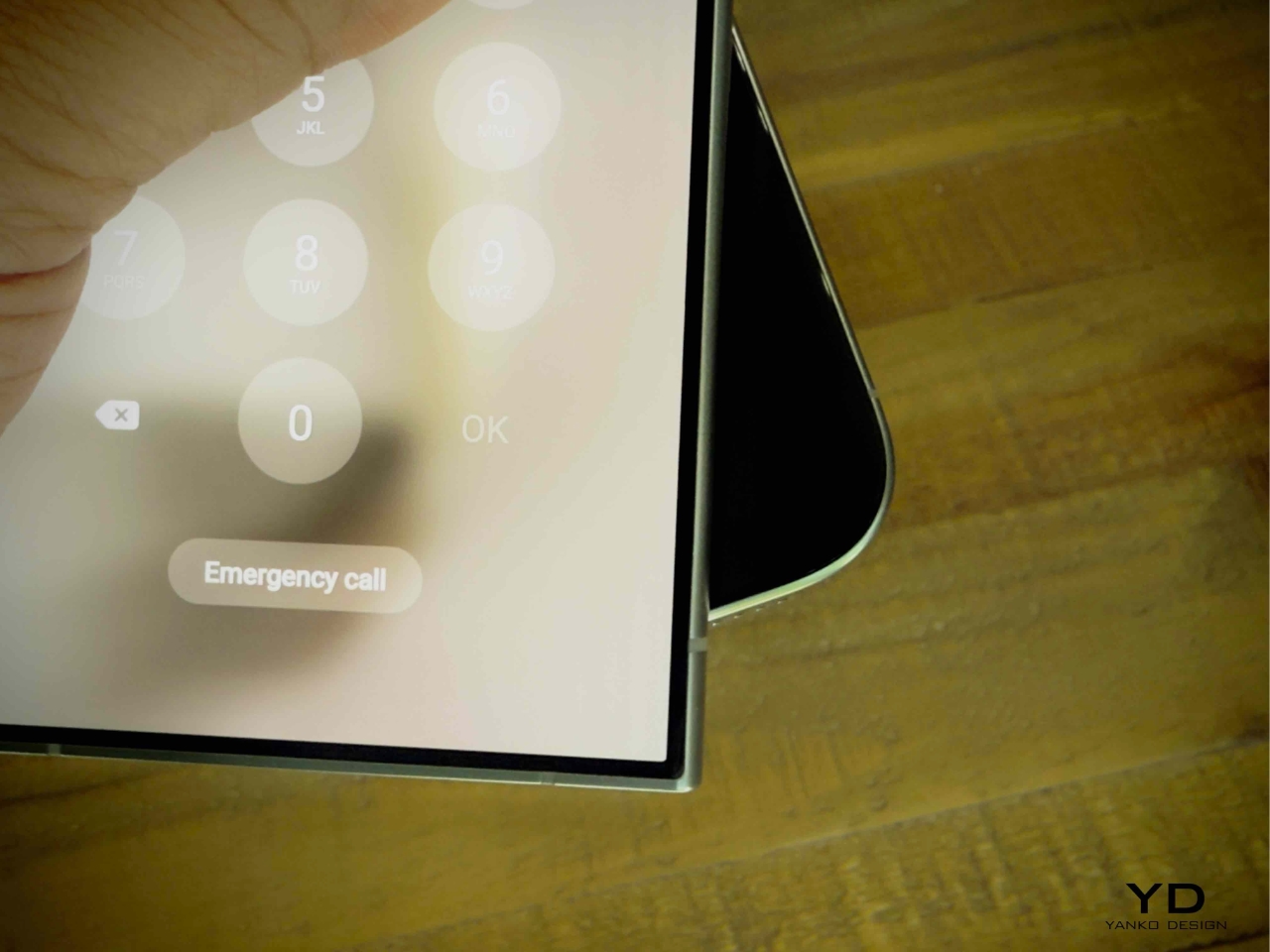
3. Sharp Edges

The S24 Ultra’s sharp, boxy design can feel uncomfortable in the hand, particularly during prolonged use. This is an area where we hope to see Samsung address user feedback with the rumored rounded corners of the S25 Ultra.

Is It Worth the Upgrade?

With the rumored design changes, like rounded corners for better comfort and slimmer bezels, the Galaxy S25 Ultra promises a more ergonomic experience. Powered by the Snapdragon 8 Gen 4 chipset and featuring up to 16GB of RAM, it offers significant performance improvements. But is that enough to warrant an upgrade? Whether you’re an iPhone user, a previous-gen Samsung owner, or loyal to Android, these refinements in design and power could make the S25 Ultra the flagship device you’ve been waiting for. Will these upgrades convince you to take the plunge?

The post Samsung Galaxy S25 Ultra Leaks: Rounded Corners, Slimmer Design, and Internal Upgrades Revealed first appeared on Yanko Design.
Samsung Galaxy Ring and Watch hands on: A Perfect Pair for Day and Night Health Tracking

Samsung has unveiled its latest wearables, offering plenty to be excited about. The Galaxy Ring and the new Galaxy Watch lineup, including the Galaxy Watch Ultra and Galaxy Watch 7, are packed with features designed to keep you healthy and connected, whether you’re an extreme sports enthusiast or simply looking to improve your daily wellness.

Designer: Samsung

Galaxy Ring: A New Standard in Health Wearables

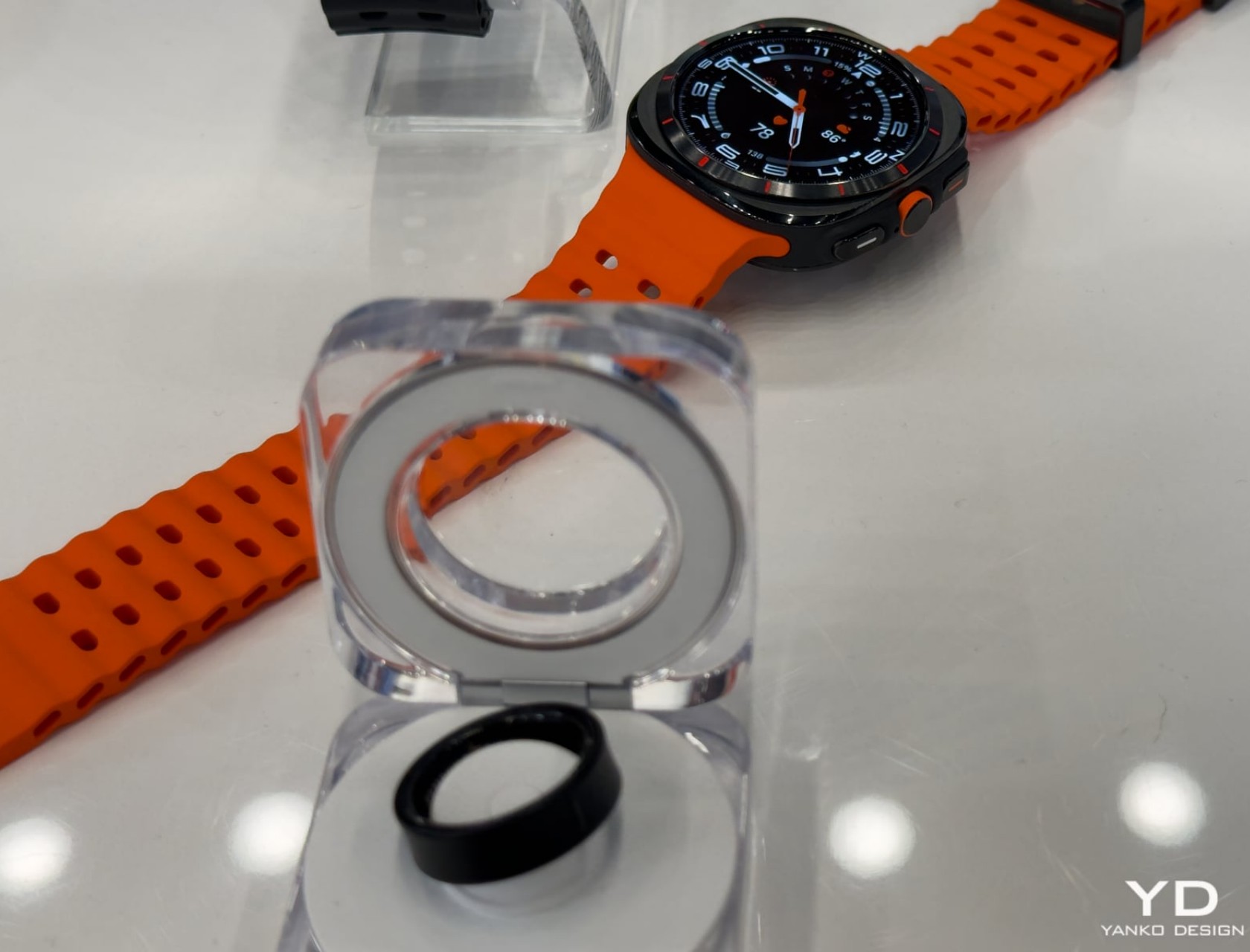
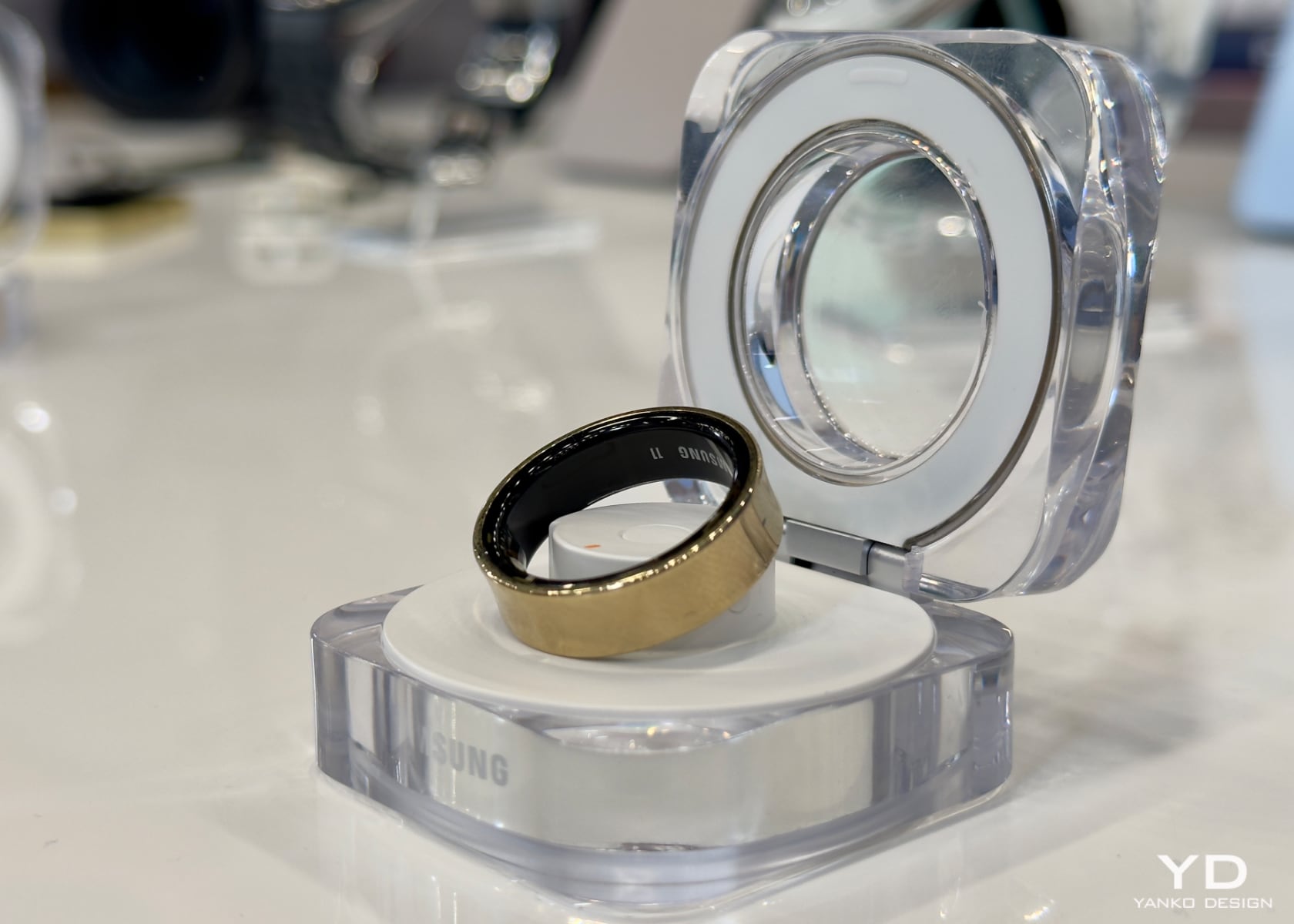
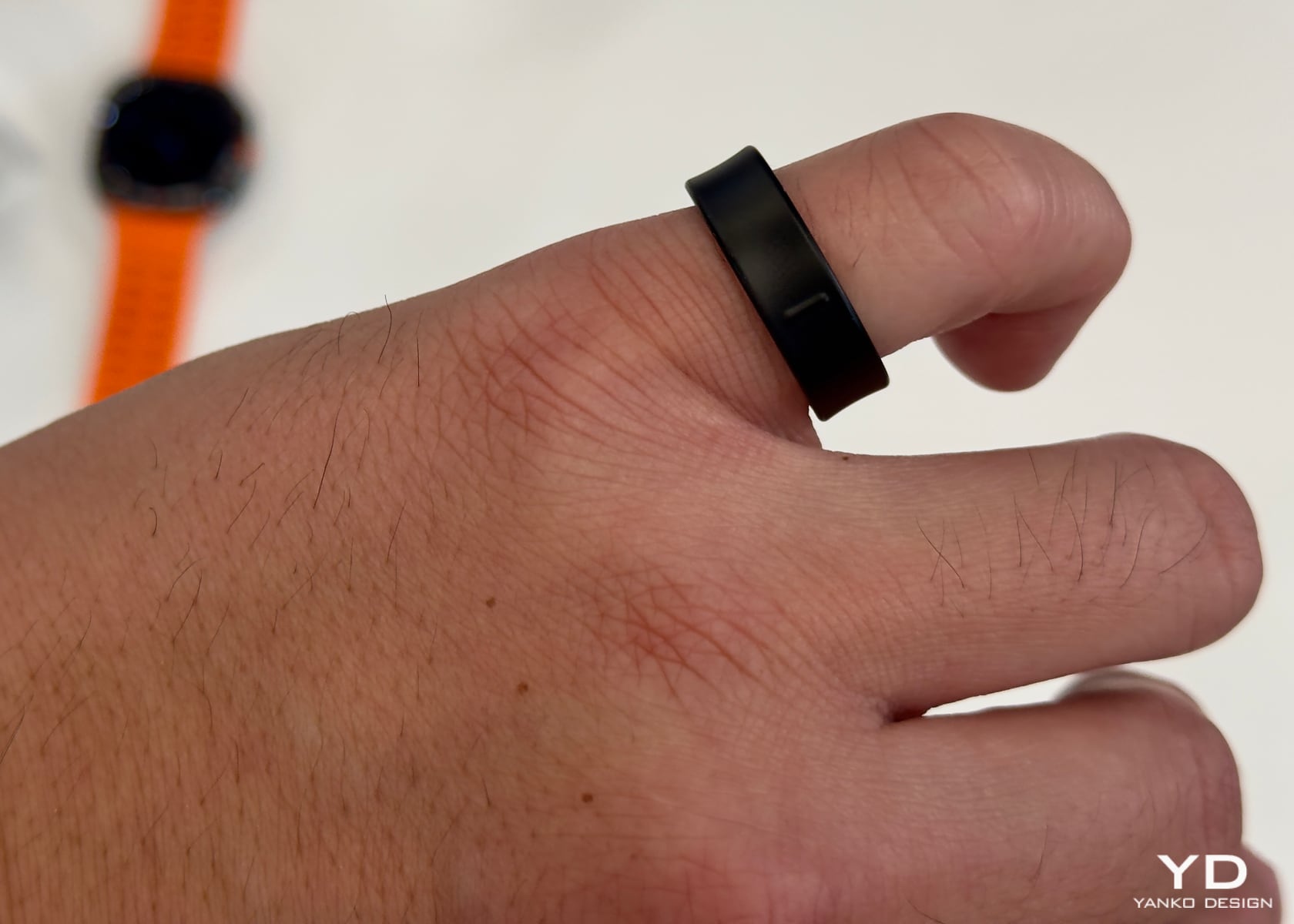
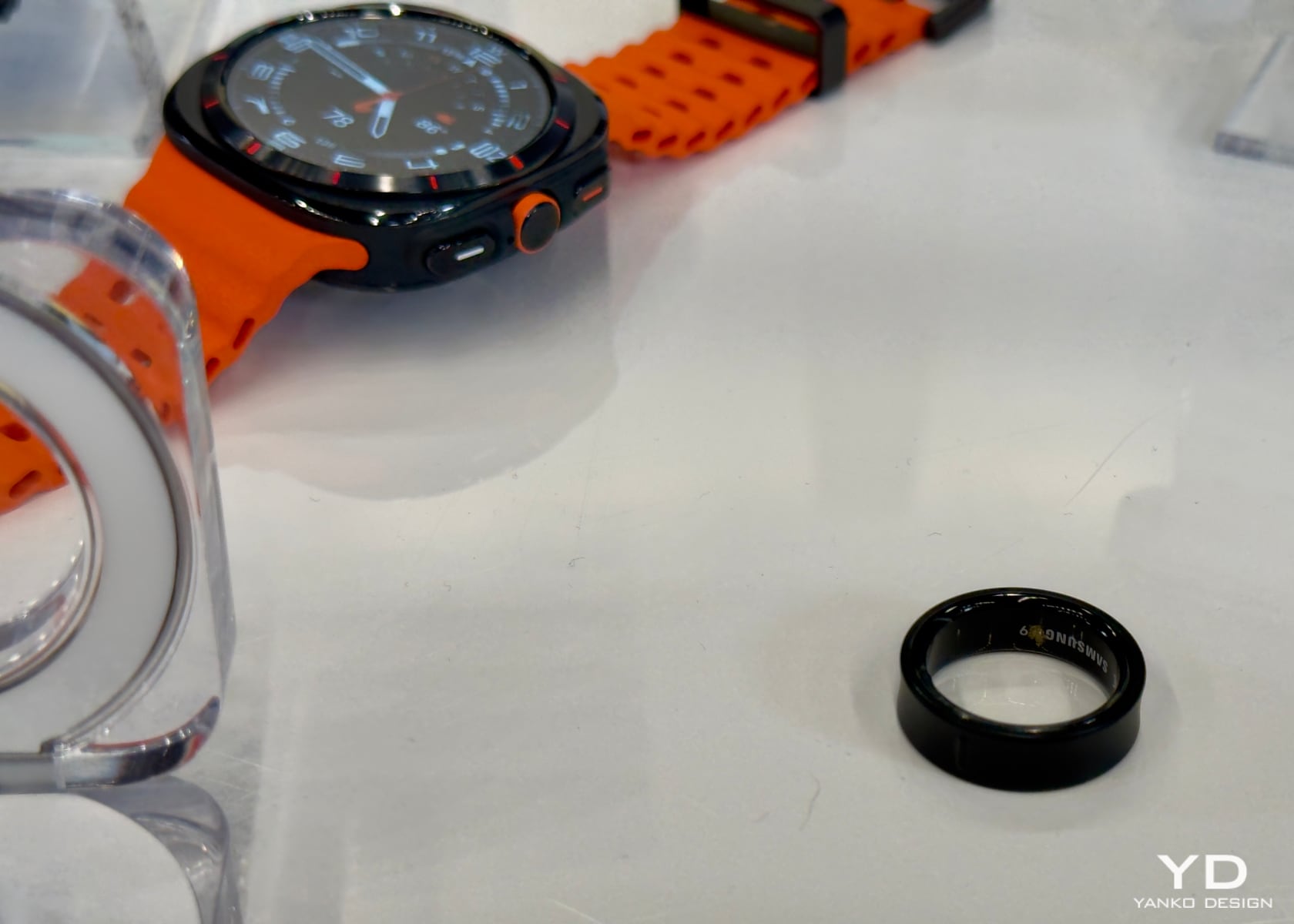
Samsung’s Galaxy Ring marks a significant advancement in wearable technology. With its unique concave design, this ring ensures comfortable and consistent 24/7 monitoring, even while you sleep. It weighs only 3 grams and’s incredibly lightweight and perfect for all-day wear. Available in nine sizes and three finishes—titanium black, titanium silver, and glossy titanium gold—the Galaxy Ring combines style with functionality.

The ring’s sensors track vital metrics, including sleep analysis, heart rate, respiratory rate, blood oxygen levels, skin temperature, and snoring. All this information syncs with Samsung’s Health app, available on any Android phone, making it easy to view your progress.

One standout feature is the Energy Score, which measures seven health metrics related to sleep, activity, and heart rate daily. Wellness Tips offers personalized advice based on your health data, acting like a personal coach for exercise, sleep, stress, and hydration. This level of detail helps you make informed decisions about your health.
Designed for durability and style, the Galaxy Ring is scratch-resistant thanks to its aerospace-grade titanium-grade 5 finish. It’s also water-resistant up to 330 feet, making it versatile for swimming, diving, or everyday wear. The multifunction case, featuring LED scenario lighting, adds to the ring’s appeal and functionality. When opened, it provides a welcome light and a battery indicator and starts pairing mode with a long press.

Connectivity is a big part of the Galaxy Ring’s appeal. It integrates seamlessly with other Galaxy devices, ensuring a connected ecosystem. With Samsung Find, you can quickly locate the ring if misplaced, as it lights up in red and green. The ring also allows gesture-based smartphone control, such as double pinching to snap a picture or snooze an alarm.

Battery life is optimized by turning off some sensors alongside other Galaxy devices, extending the ring’s operational time. Real-time alerts for high or low heart rates, auto workout detection, cycle tracking based on skin temperature, and inactive alerts are practical features designed to enhance the user experience and health management.

The Galaxy Ring is $399.99, and pre-orders start on July 10. This price includes access to all the advanced health and wellness data discussed, with no additional subscription required.

Galaxy Watch Ultra: For the Adventurous

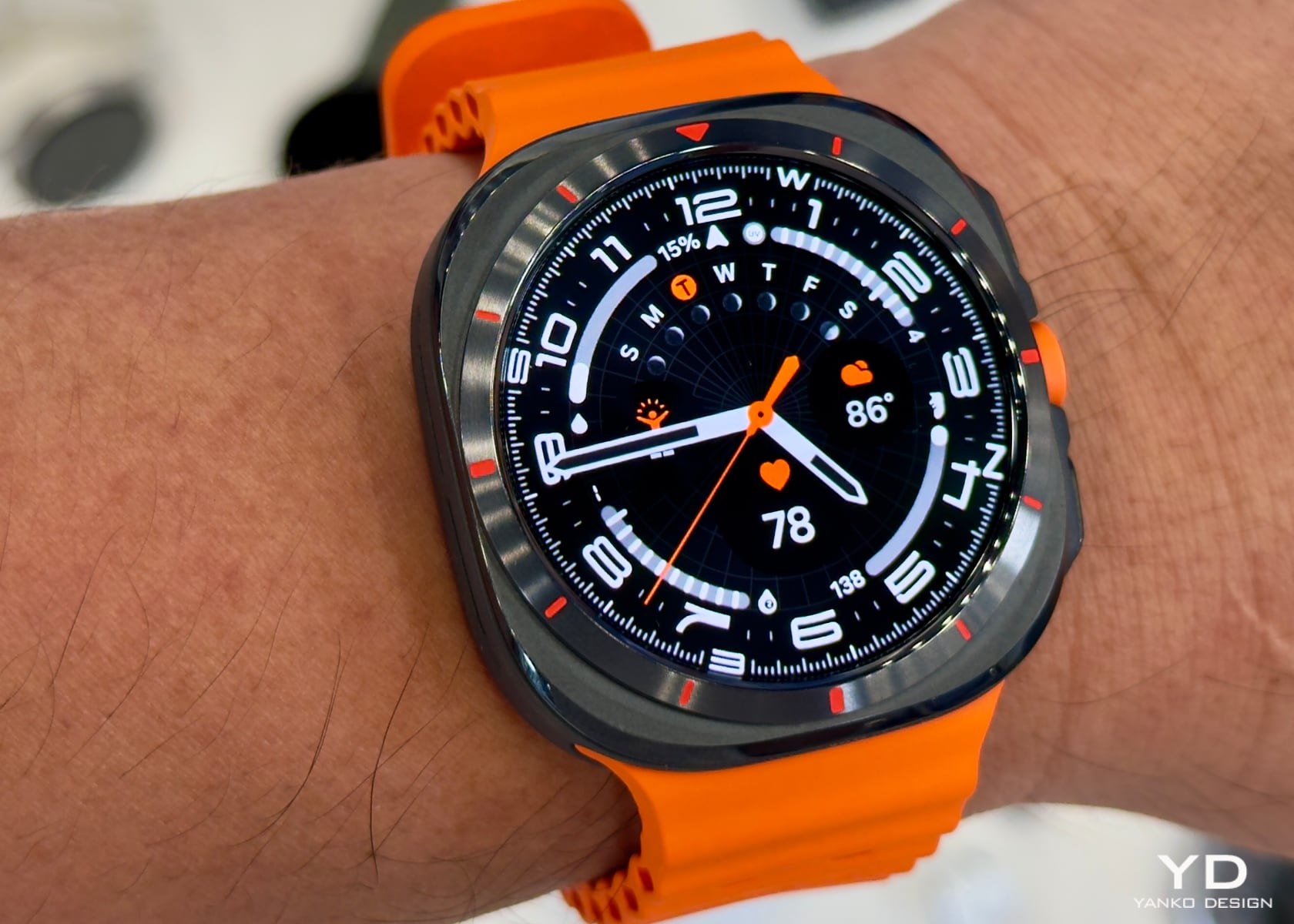
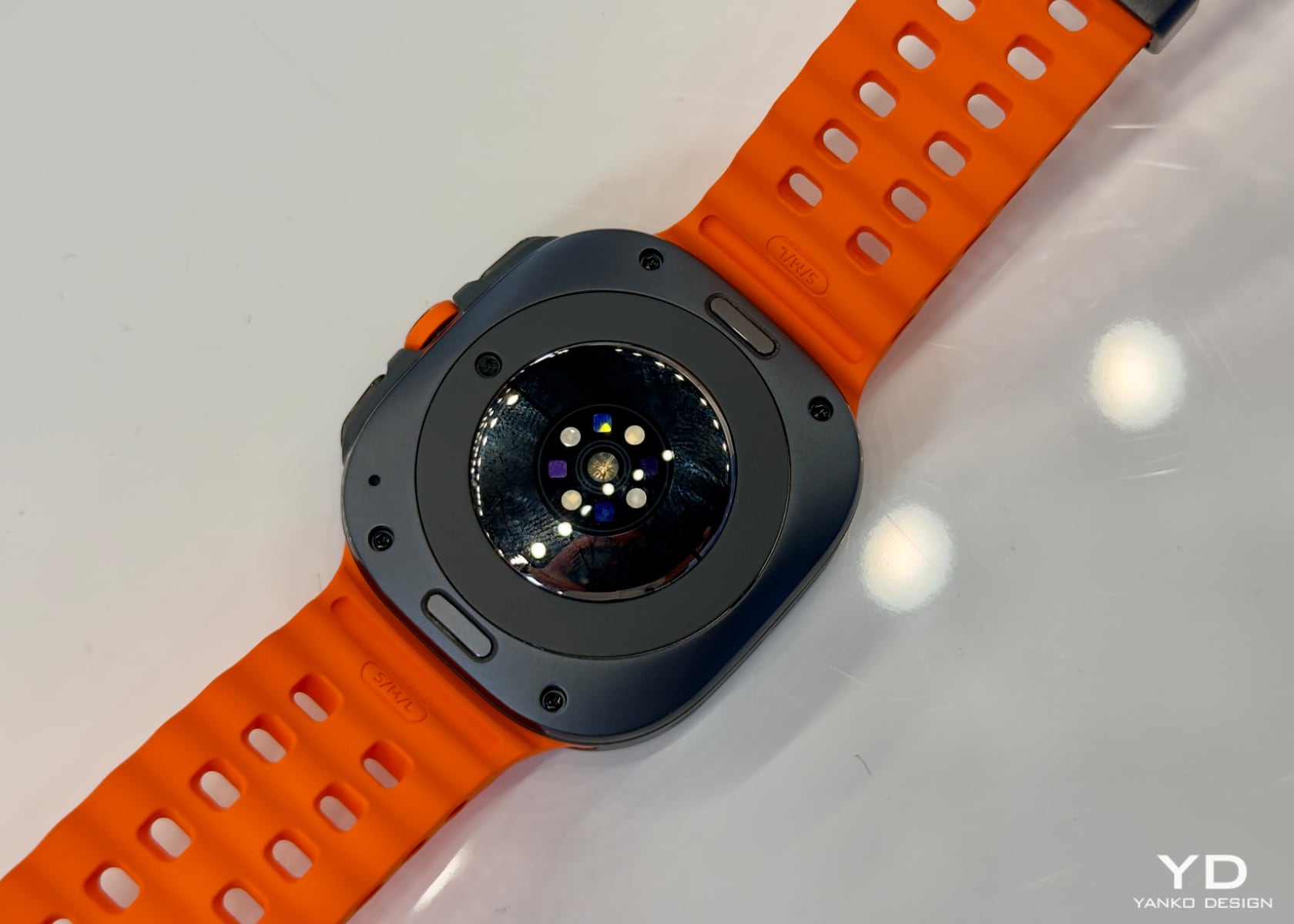
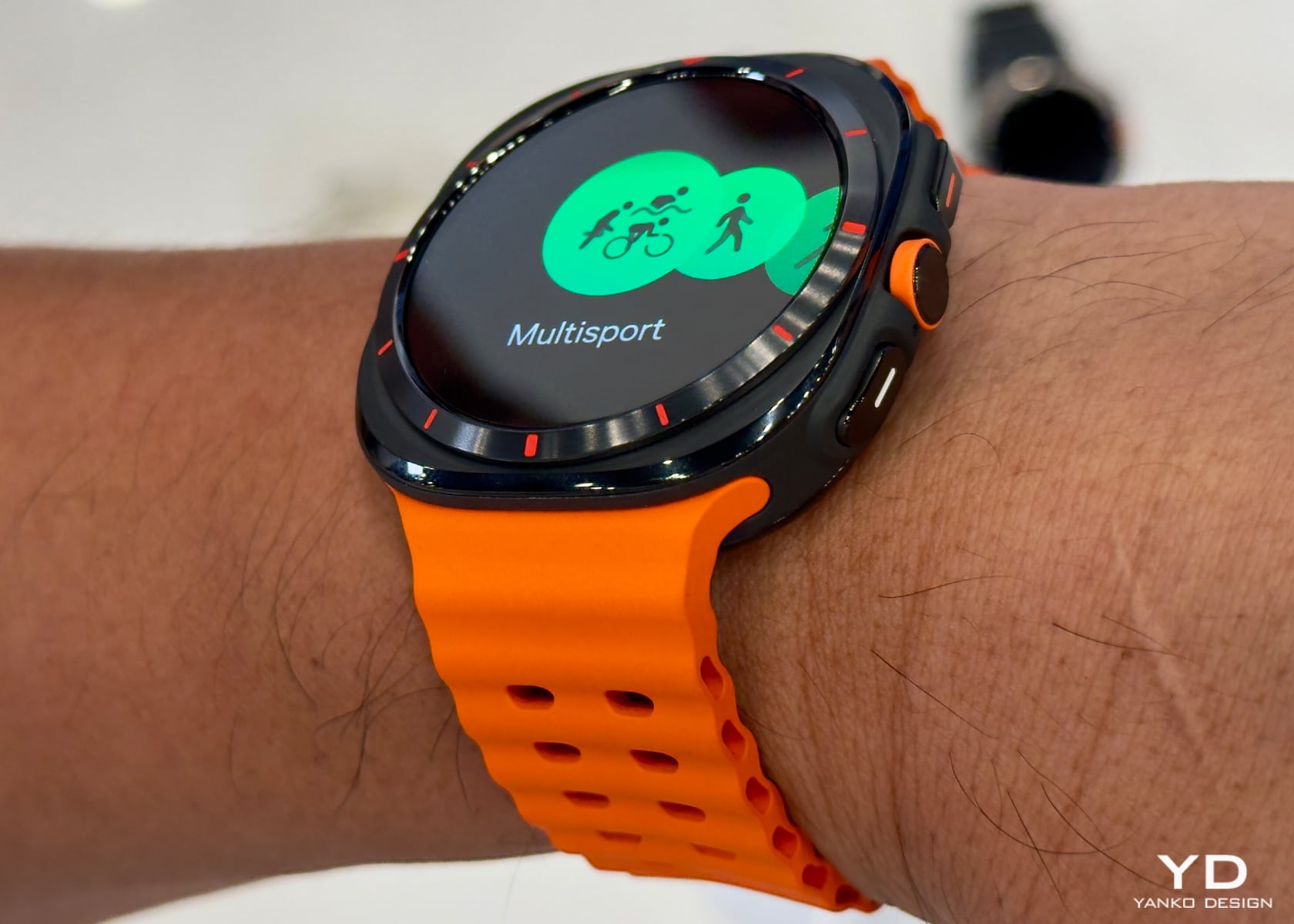
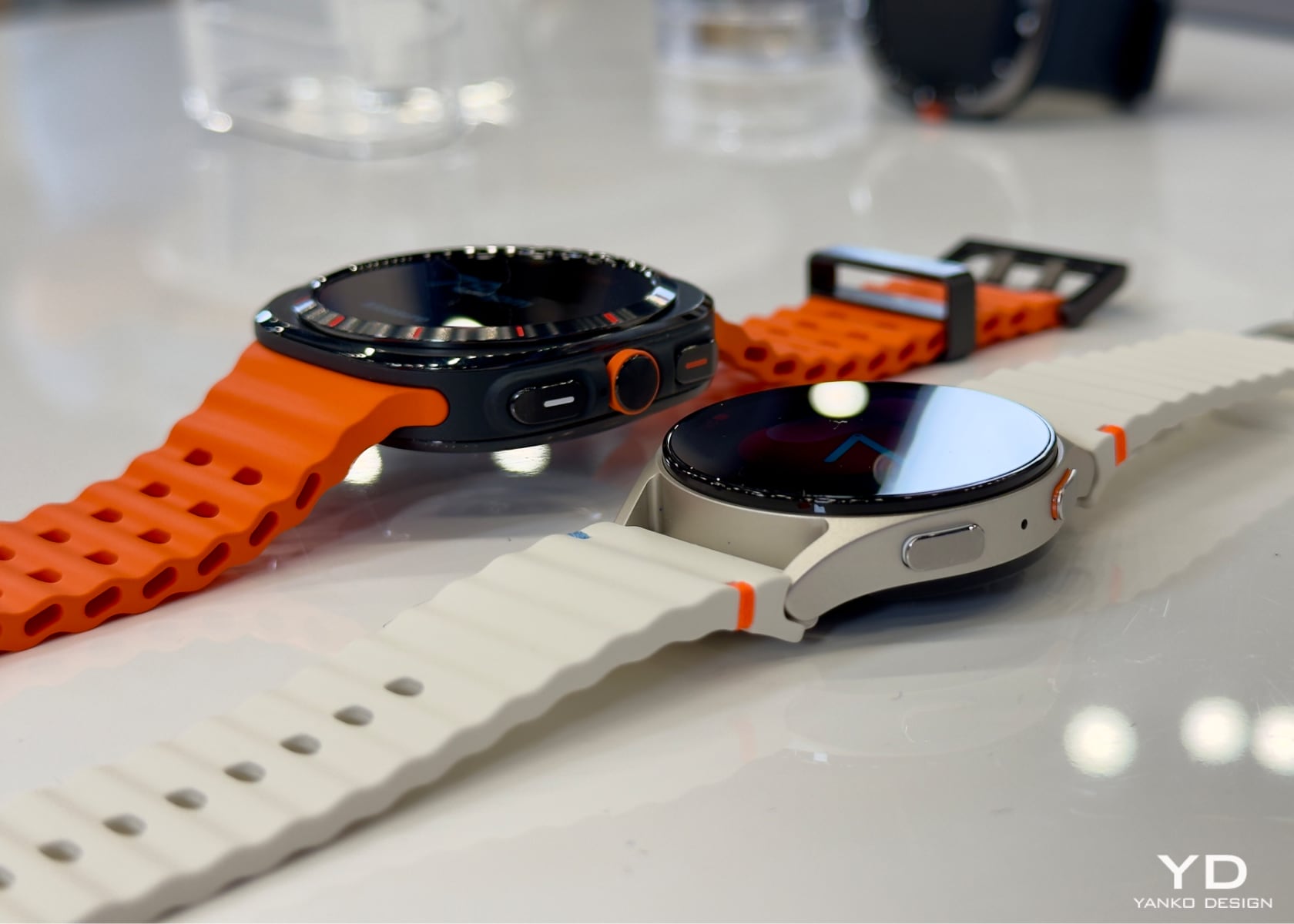
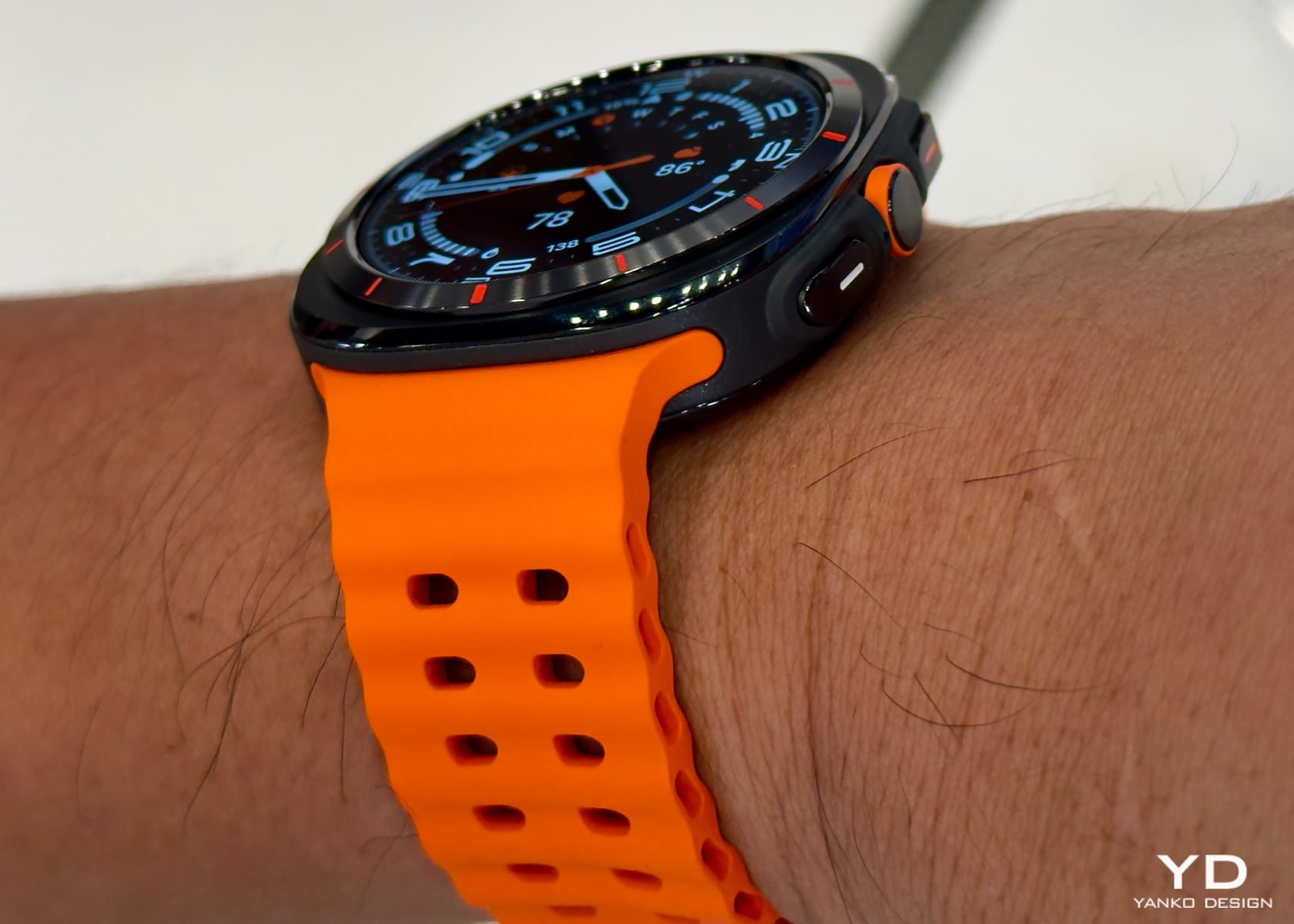
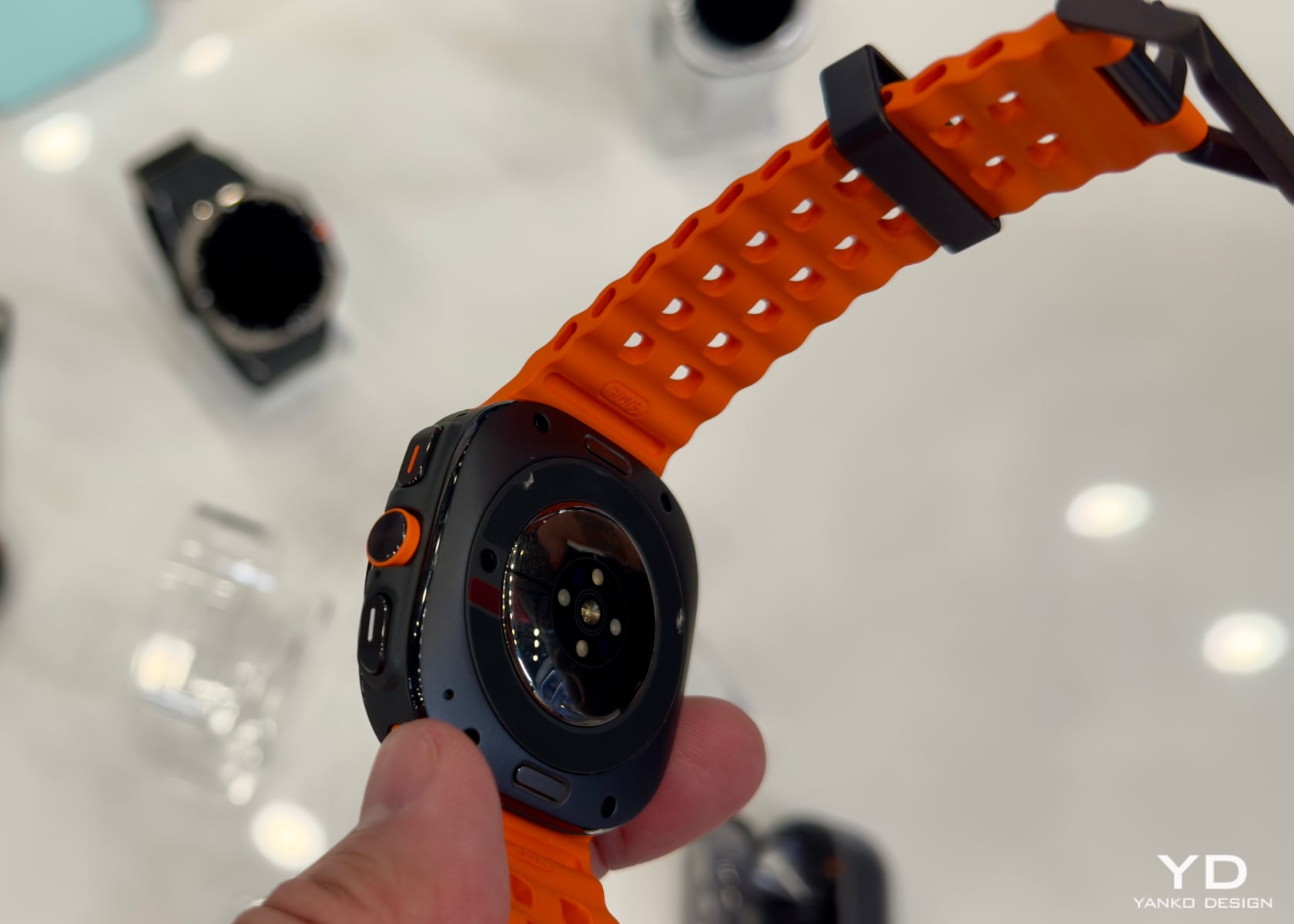
The Galaxy Watch Ultra is built for those who push their limits. Whether diving deep underwater or hiking rugged trails, this watch is designed to withstand the most challenging conditions. It’s water-resistant up to 330 feet and meets U.S. military standards for durability. Crafted from aerospace-grade titanium, it’s both rugged and lightweight.

Jeffrey Kim, senior product manager at Samsung, introduced the watch, highlighting its first-ever 3-nanometer processor. This means smoother performance and longer battery life. It also has a dual GPS that ensures accuracy even in the city’s densest areas. The watch’s enhanced bioactive sensors deliver precise heart rate measurements during your most intense workouts.

Battery life is impressive, and there are options to extend it even further. Turn on exercise power-saving mode, and you can track your heart rate and use low-power GPS for up to 48 hours. Need more? The standard power-saving mode can keep the watch running for up to 100 hours.

Health and fitness tracking is where the Galaxy Watch Ultra shines. It features an Energy Score to give you a daily snapshot of your health based on sleep, activity, and heart rate metrics. Plus, it offers personalized wellness tips. The watch even tracks your sleep and can alert you if it detects signs of sleep apnea.

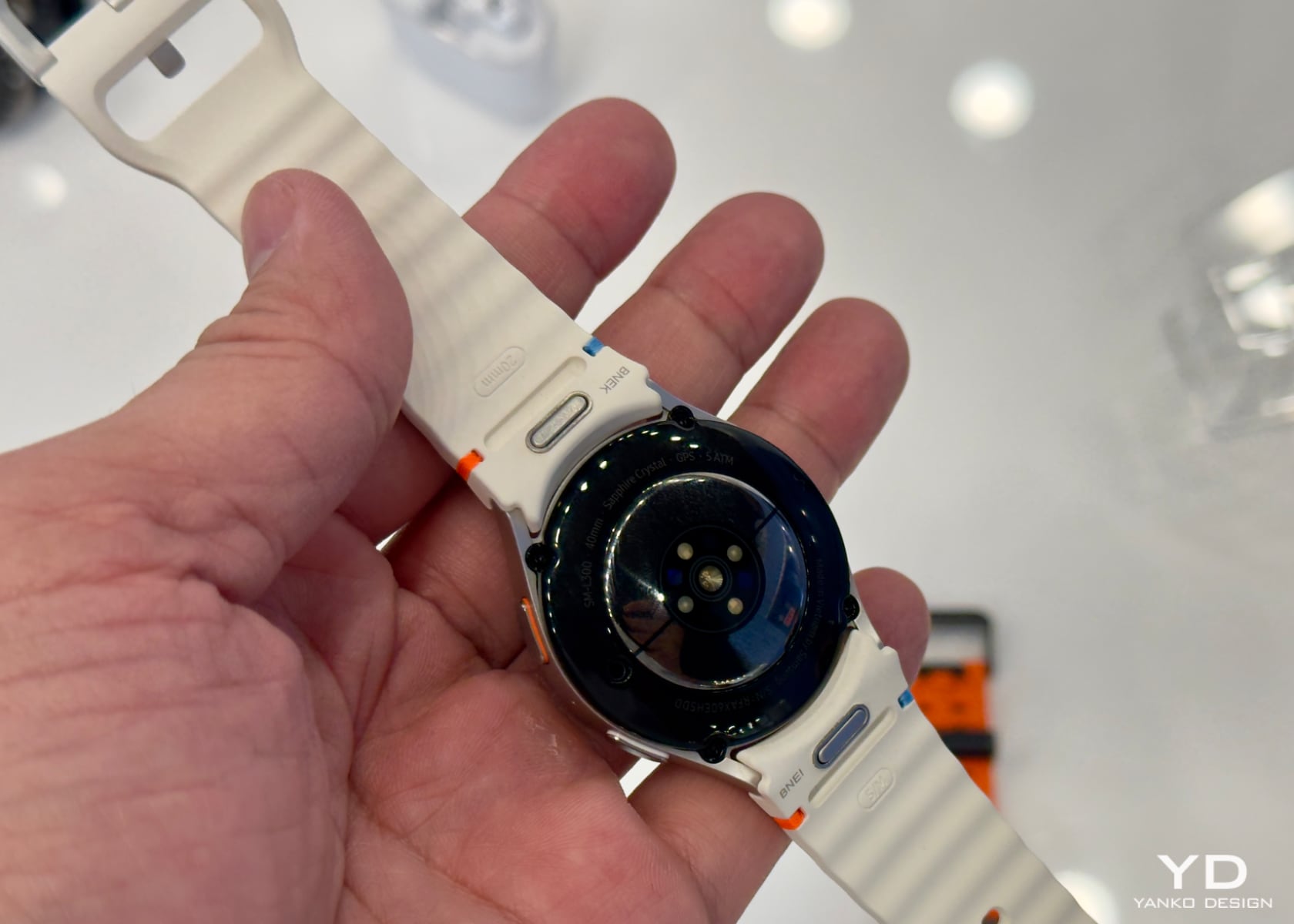
The design isn’t just about durability. It’s stylish, too. The Galaxy Watch Ultra comes in three colors: titanium gray, titanium white, and titanium silver. You can choose from various bands, like the quick-dry Marine band, the breathable Trail band, and the stylish Peak band, perfect for workouts or a night out. The watch feels sleek, and despite its size, it’s surprisingly lightweight. This makes wearing it comfortable throughout the day, whether hitting the gym or attending a meeting.

One cool feature is the quick button. Just tap it to start or pause your workout, complete a lap, or begin a new interval. Hold it for five seconds, emitting an 85-decibel sound for emergencies. The watch also helps with notifications, offering context-aware replies for quick responses in messaging apps like Google Messenger and WhatsApp.

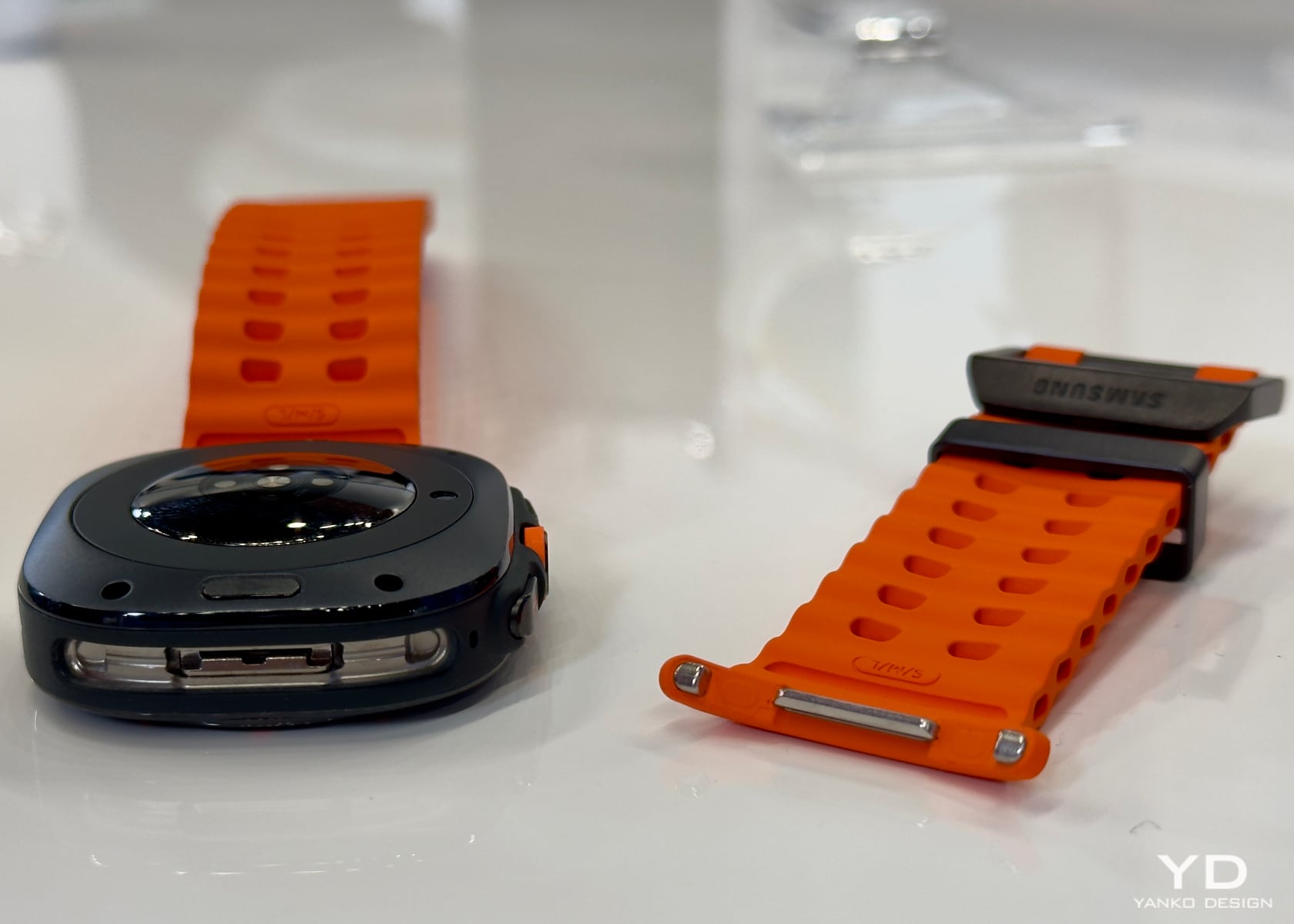
Changing the straps is a breeze. The Galaxy Watch Ultra’s strap can be removed by clicking two buttons, making it easy to switch between styles depending on your activity or mood.

Galaxy Watch 7: Versatile and Stylish

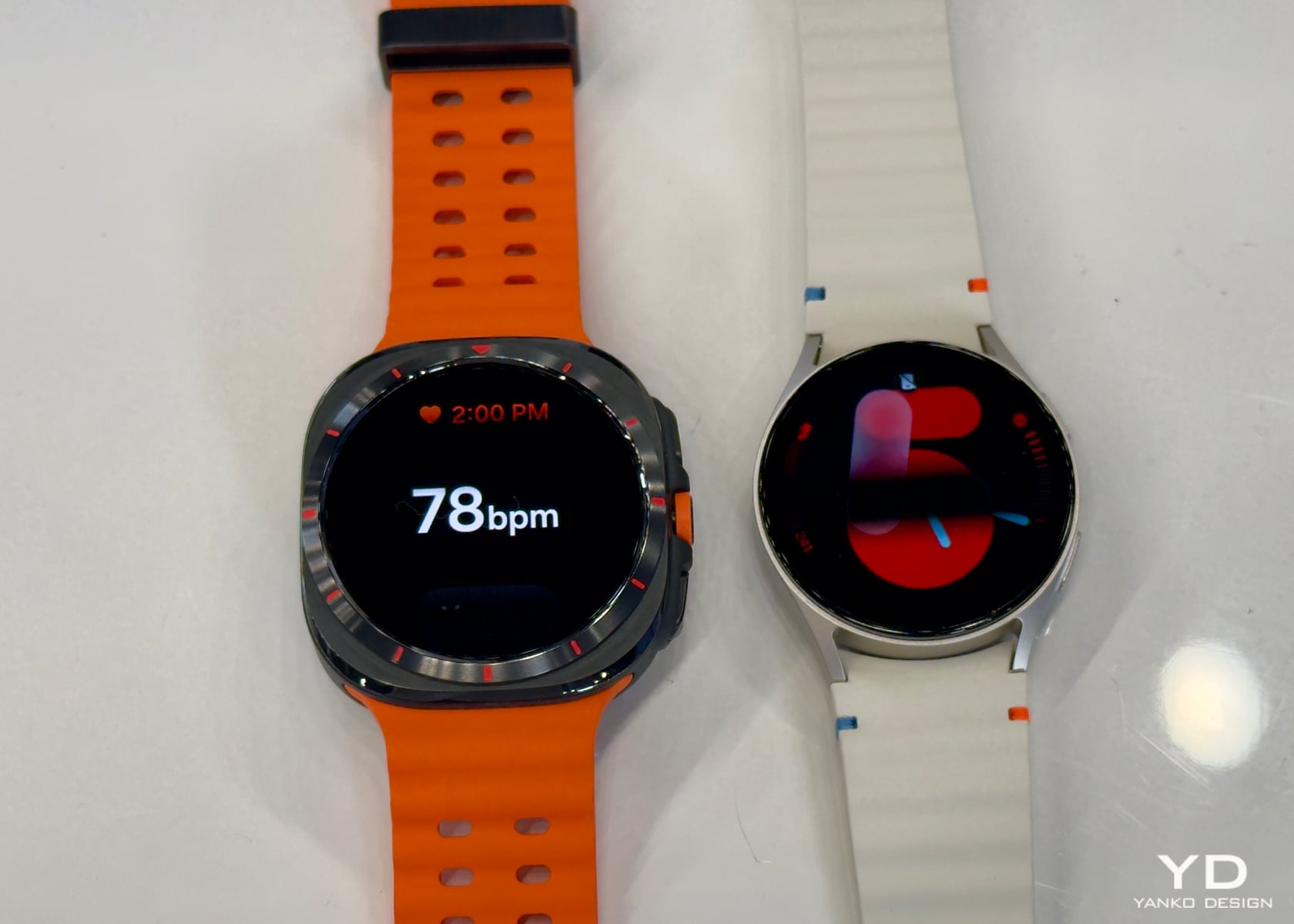
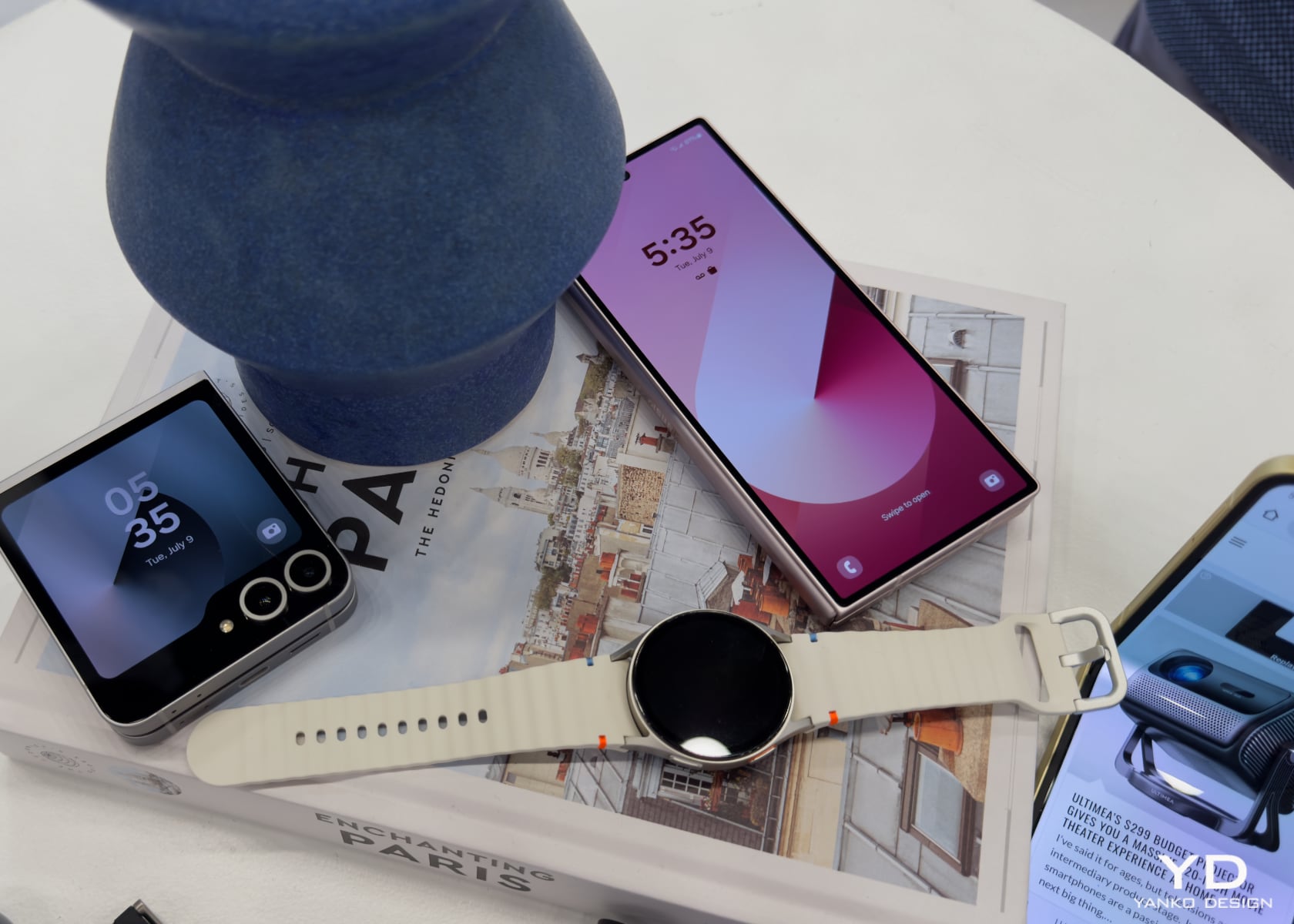
The Galaxy Watch 7 is designed for everyone. It combines the familiar Galaxy Watch design with new AI enhancements to provide detailed health insights. Available in two sizes, large and small, it offers a range of stylish colors: green and silver for the large and green and cream for the small.

The watch bands are also versatile. You’ve got the sporty, quick-dry material for active days, a comfortable fabric band for everyday wear, and a leather band that looks great in any setting. The storage capacity has doubled from the previous model, giving you up to 32 gigabytes of space.

The Galaxy Watch 7 includes many of the same health features as the Ultra, like the Energy Score and Wellness Tips, helping you stay on top of your health and fitness goals. The watch feels sleek, and its lightweight design makes it easy to wear all day. The buttons are intuitive and easy to use, enhancing the overall user experience.

Both watches will be available for pre-order starting July 10. The Galaxy Watch Ultra is priced at $649.99, while the Galaxy Watch 7 starts at $299.99. Each watch offers something unique, whether you need a rugged companion for extreme adventures or a stylish partner for everyday wellness.

Complementary Health Tracking Throughout the Day and Night

Combining the Galaxy Ring with the Galaxy Watch Ultra or Galaxy Watch 7 provides a comprehensive health tracking experience. The ring excels in continuous 24/7 monitoring, especially during sleep, giving vital metrics like sleep analysis, heart rate, and skin temperature. It’s lightweight and unobtrusive, making it perfect for all-day wear.

Meanwhile, the Galaxy Watches bring more interactive features and on-the-go usability. During the day, the watches can track your workouts with precise bioactive sensors and offer real-time insights and notifications. With its rugged design and extended battery life, the Galaxy Watch Ultra is ideal for outdoor activities and extreme sports. The Galaxy Watch 7, with its stylish and versatile design, fits seamlessly into everyday life, whether you’re working out or attending a meeting.

Together, these wearables create a connected ecosystem that enhances your overall wellness. For instance, you can always wear the ring, ensuring continuous health monitoring while using the watch for more detailed interactions and tracking during your active hours. Samsung recommends wearing the ring on your index or middle finger for optimal readings, making it easy to integrate into your routine.

Final Thoughts

Samsung’s latest wearables offer a new standard in health tracking. The Galaxy Ring, with its advanced AI and comprehensive monitoring, and the Galaxy Watch lineup, with its versatile features and durable designs, provide a holistic approach to wellness. We look forward to testing out these devices. While I don’t typically wear a ring, I’ll do my best to get used to it. Stay tuned for more hands-on insights as we explore their capabilities in detail. For now, mark your calendars and get ready to experience the future of health tracking. For more information and to pre-order these devices, visit Samsung’s official website.

The post Samsung Galaxy Ring and Watch hands on: A Perfect Pair for Day and Night Health Tracking first appeared on Yanko Design.