5 Best Home Office Gadgets for Remote Workers in 2026 That Actually Justify Every Dollar

Your laptop has two USB-C ports. Your desk needs dual monitors, wired internet, an external drive, a charger, and somewhere to plug in your SD card. So you have a dongle for the monitors, a second dongle for Ethernet, a third one that lives in your bag and migrates to the wrong bag constantly, and a power brick sitting on the floor because there is nowhere else for it to go. The setup works. It looks like a tech garage sale.

These five products fix that. Not by adding more stuff to your desk, but by replacing the specific things that cost you time and attention every single workday. Each one earns its footprint with a clear answer to a real problem. The HubKey handles your dongle situation and your physical controls. The OrigamiSwift handles your mouse. The Logitech MX Brio Ultra handles your camera. The Rocketbook handles your notes. The Rolling Clock handles your time zones.

1. HubKey Gen2
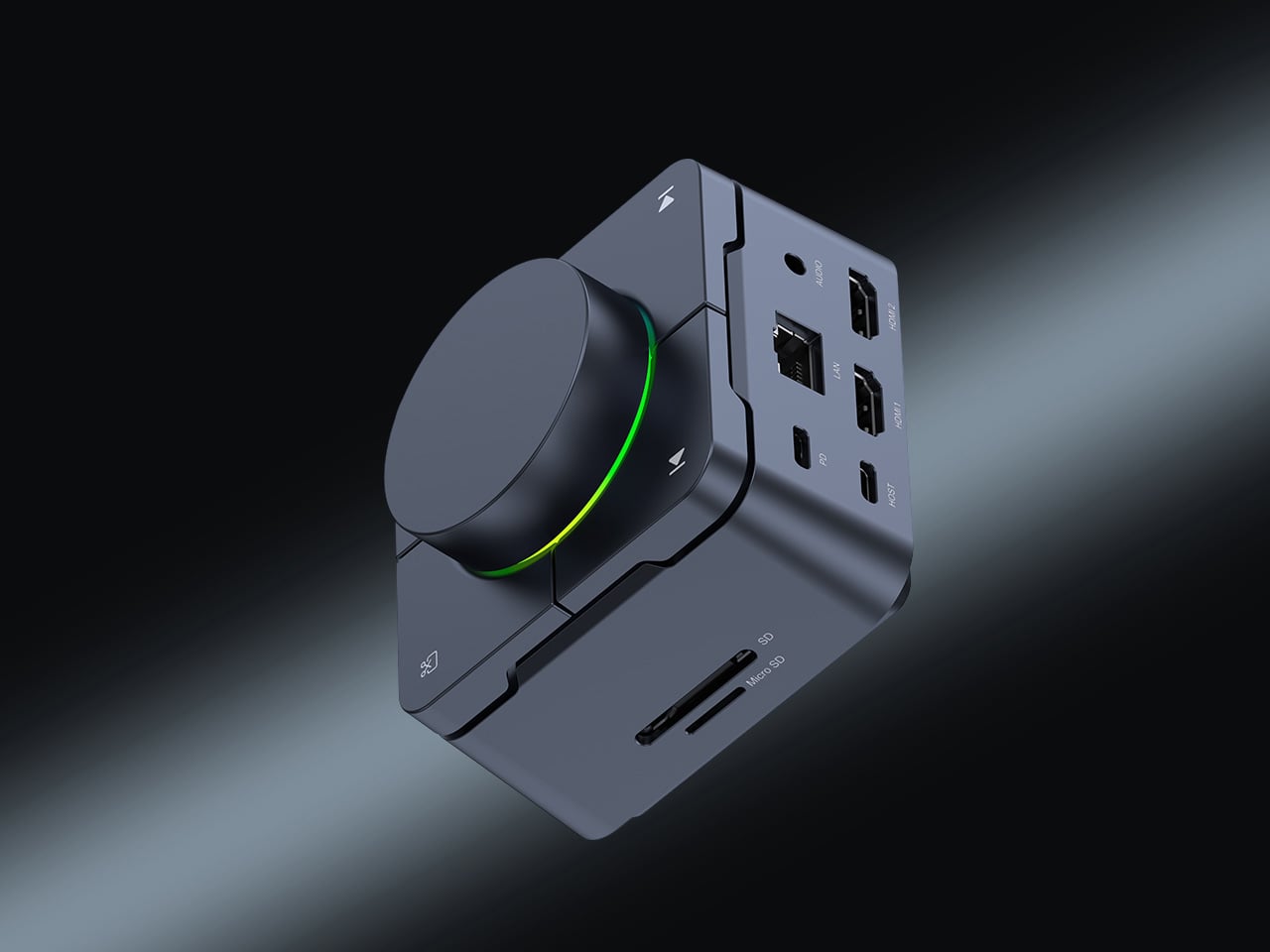
Count the adapters on your desk right now. There is a display dongle, a USB-A hub, an Ethernet adapter, and a charging brick that has lived on the floor for six months. The HubKey Gen2 replaces all of it with one cable back to your laptop. Dual 4K 60Hz HDMI outputs, 100W PD charging, 2.5 Gbps Ethernet, 10 Gbps data, SD and TF slots, and a 3.5mm jack — simultaneously, without throttling. Most hubs make you choose between charging and full performance. The HubKey does not.

What actually separates it is the top panel. Four shortcut keys and a central knob handle volume, mute, screen lock, and screenshots without touching your keyboard. It runs plug-and-play on Windows, macOS, Linux, and Steam Deck out of the box, with an optional driver that unlocks 170 preset combinations and a fully custom mode when you want it. Simple and immediate on day one. Deeper when you need it.

What we like:

  • Dual 4K 60Hz from a single cable to your laptop is the feature that ends the one-monitor compromise for anyone who has been putting off a second display.
  • The physical knob and shortcut keys turn volume adjustment and screen privacy into a hand gesture instead of a keyboard hunt. Once you have a physical mute button, software mute buttons feel like a step backward.

What we dislike:

  • The shortcut customization is deep enough to be worth exploring and slightly too deep to set up quickly. Budget 20 minutes before your first real workday with it.

2. OrigamiSwift Folding Mouse

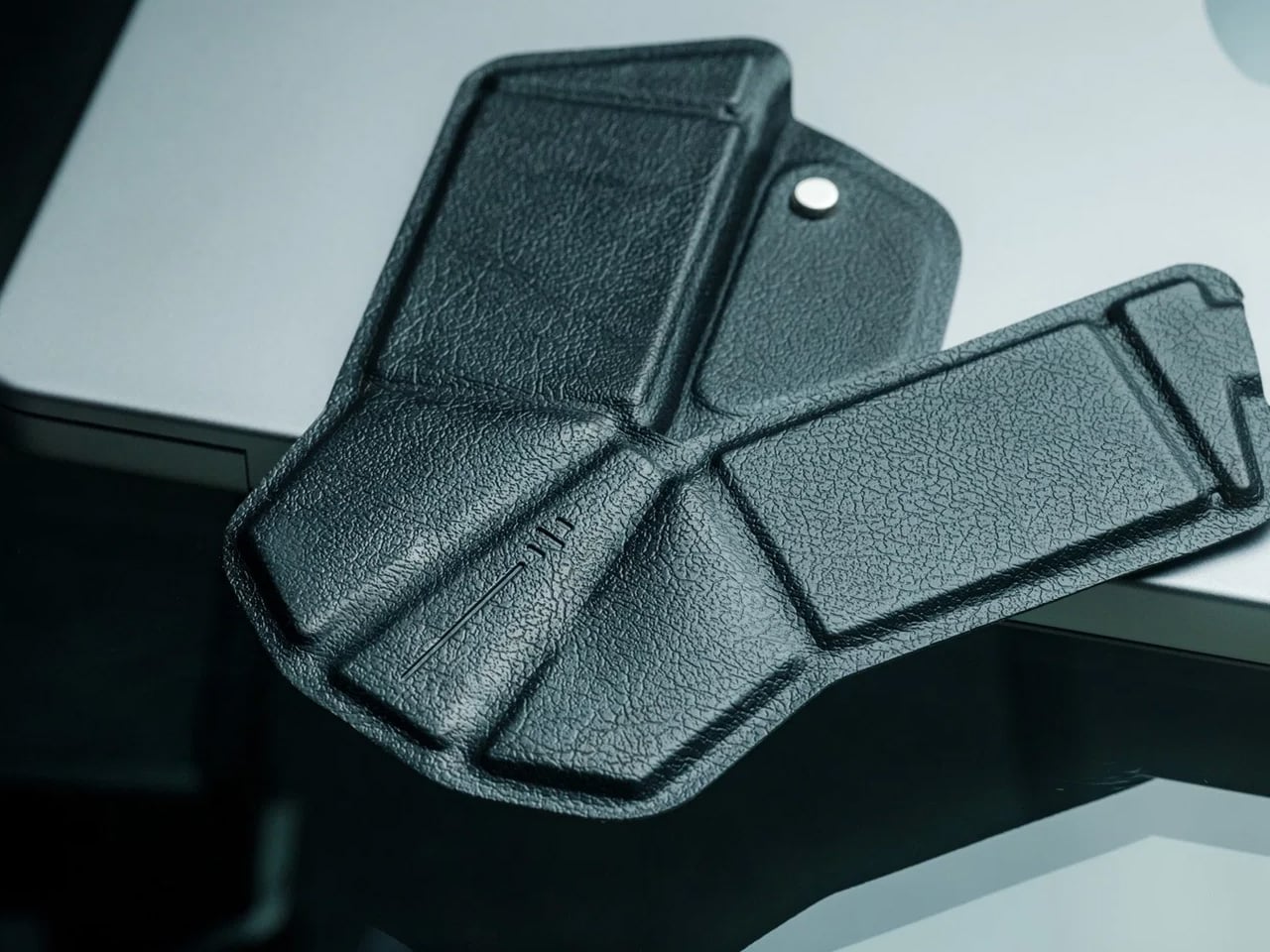
If you travel with a laptop, you own two mice. The real one on your home desk. And the compact, slightly uncomfortable one in your bag that you use everywhere else and quietly resent by 2 pm. The OrigamiSwift folds flat to 4.5mm, which is thin enough to slip between notebook pages without leaving a visible bump. It unfolds in under half a second into a full-sized ergonomic shape that sits naturally in your hand. At 40 grams, it weighs less than your wallet.

The tracking precision has nothing to do with its size. The Bluetooth connection is reliable. The fold mechanism feels deliberate rather than fragile, which matters because it is the interaction you repeat every time you sit down. At $85, it costs less than most dedicated desktop mice and does something none of them can: it works equally well in your carry-on and at your home desk without asking you to choose between comfort and portability. The folding mouse has been a category of compromises for years. This one is not.

Click Here to Buy Now: $85.00

What we like:

  • The ergonomic angle on deployment feels solid and settled, not provisional. It does not flex or wobble under a firm grip the way folding products tend to when they meet any real resistance.
  • The sub-half-second flip is the kind of interaction that registers the first time and then disappears into muscle memory by day three.

What we dislike:

  • The 40-gram weight takes a few days to stop noticing if you are coming from a heavier desktop mouse. It is not uncomfortable, just different, and your hand knows it before your brain stops caring.
  • Bluetooth only means no wired fallback, which matters on the rare occasion your connection cuts out mid-deadline.

3. Logitech MX Brio Ultra
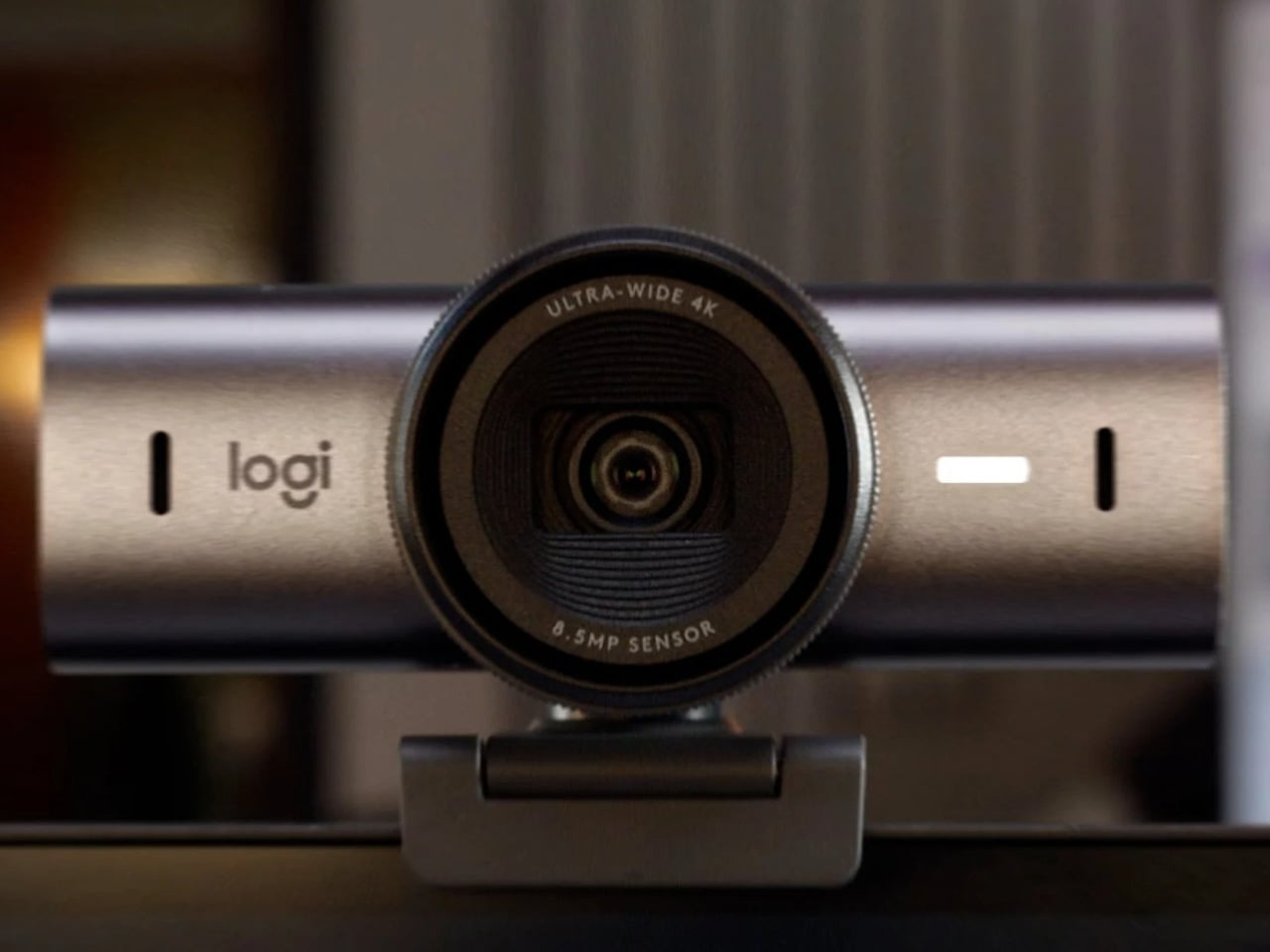
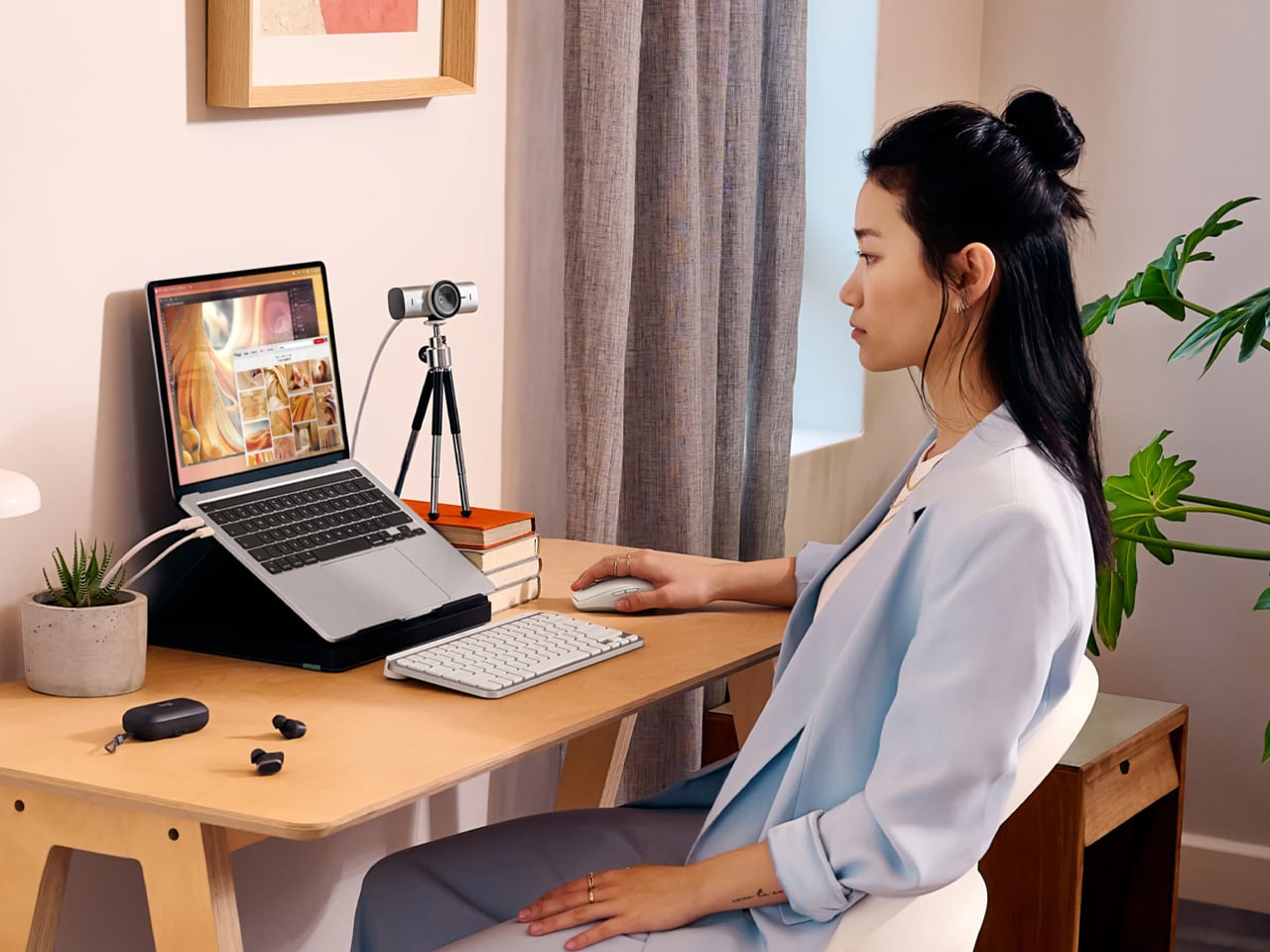
At some point this year, you saw your own face in the corner of a video call, and it looked like you were dialing in from a parking structure. Flat, gray, slightly soft around the edges. That is your built-in laptop webcam doing its best with a sensor roughly the size of a fingernail. The Logitech MX Brio Ultra runs a 4K sensor with AI-powered auto-framing, and the gap between what it produces and what your laptop camera produces is not subtle. It is the difference between looking like you prepared for the call and looking like you rolled in from the hallway.

Logitech is the default answer for a reason. The MX Brio Ultra is what Wirecutter recommends, what the r/homeoffice community lands on after every comparison thread, and what most people in a serious remote setup are already running. The AI framing tracks you as you move and keeps the shot composed without any input from you. At $200, it sits at the top of the mainstream webcam market, and it earns that position by being the camera you set up once, forget about, and still look good on every call six months later. No fiddling with tracking zones, no hour in settings. It works the way a Logitech product always works: immediately and without drama.

What we like:

  • 4K output with AI auto-framing is the combination that covers every remote work scenario, from a one-on-one call to a presentation with 50 people watching your frame.
  • The setup experience is genuinely plug-and-play. If you have spent time configuring other AI webcams before a call, the MX Brio Ultra will feel like a relief.

What we dislike:

  • At $200, it is the most expensive item on this list, and the price is harder to justify if your calls are mostly audio-only or your desk faces a window with no lighting control.
  • The design is competent rather than interesting. It sits on your monitor and disappears, which is fine, but it does not add anything to how your desk looks the way some of the other picks here do.

4. Rocketbook Reusable Sticky Notes
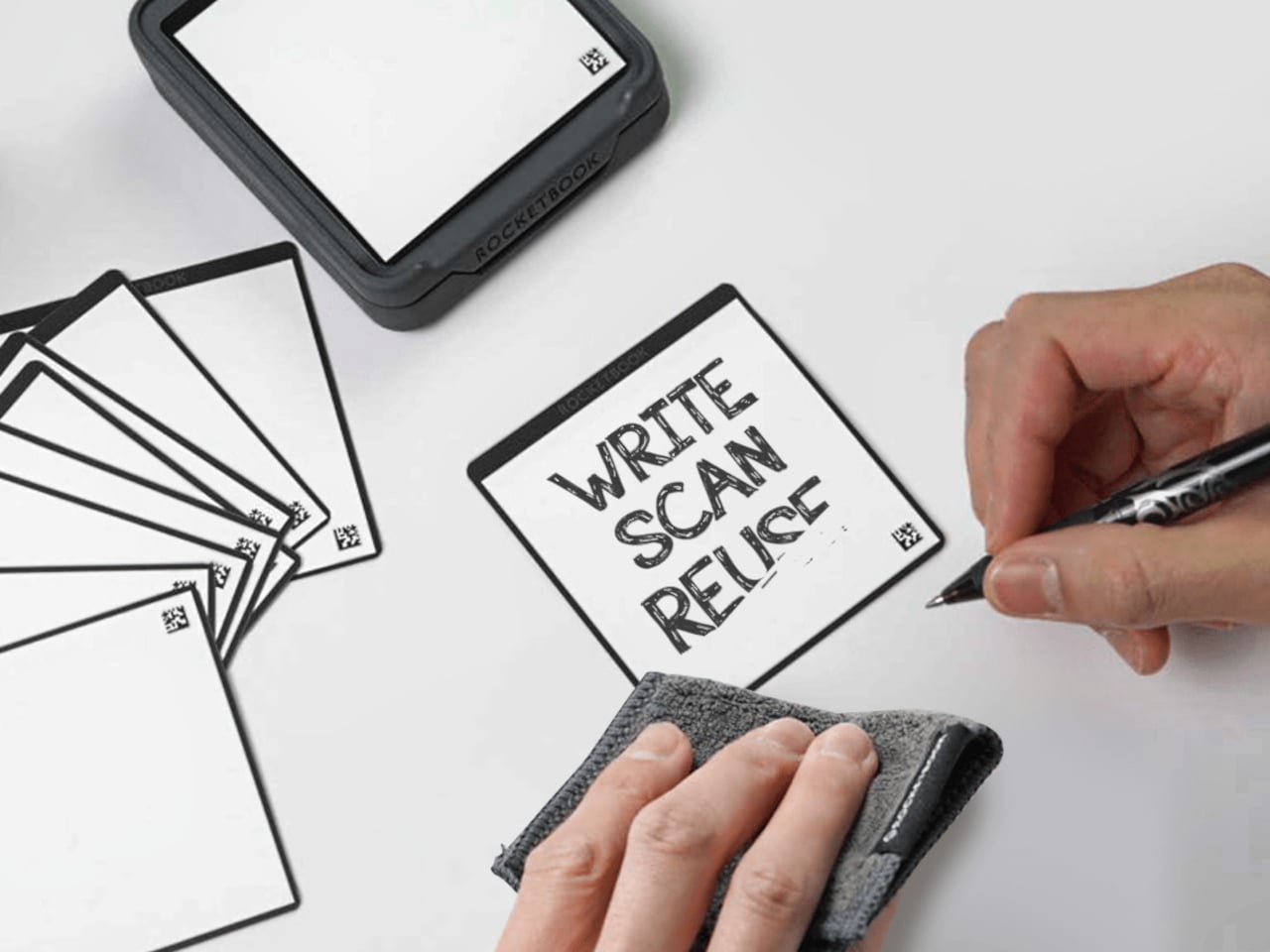
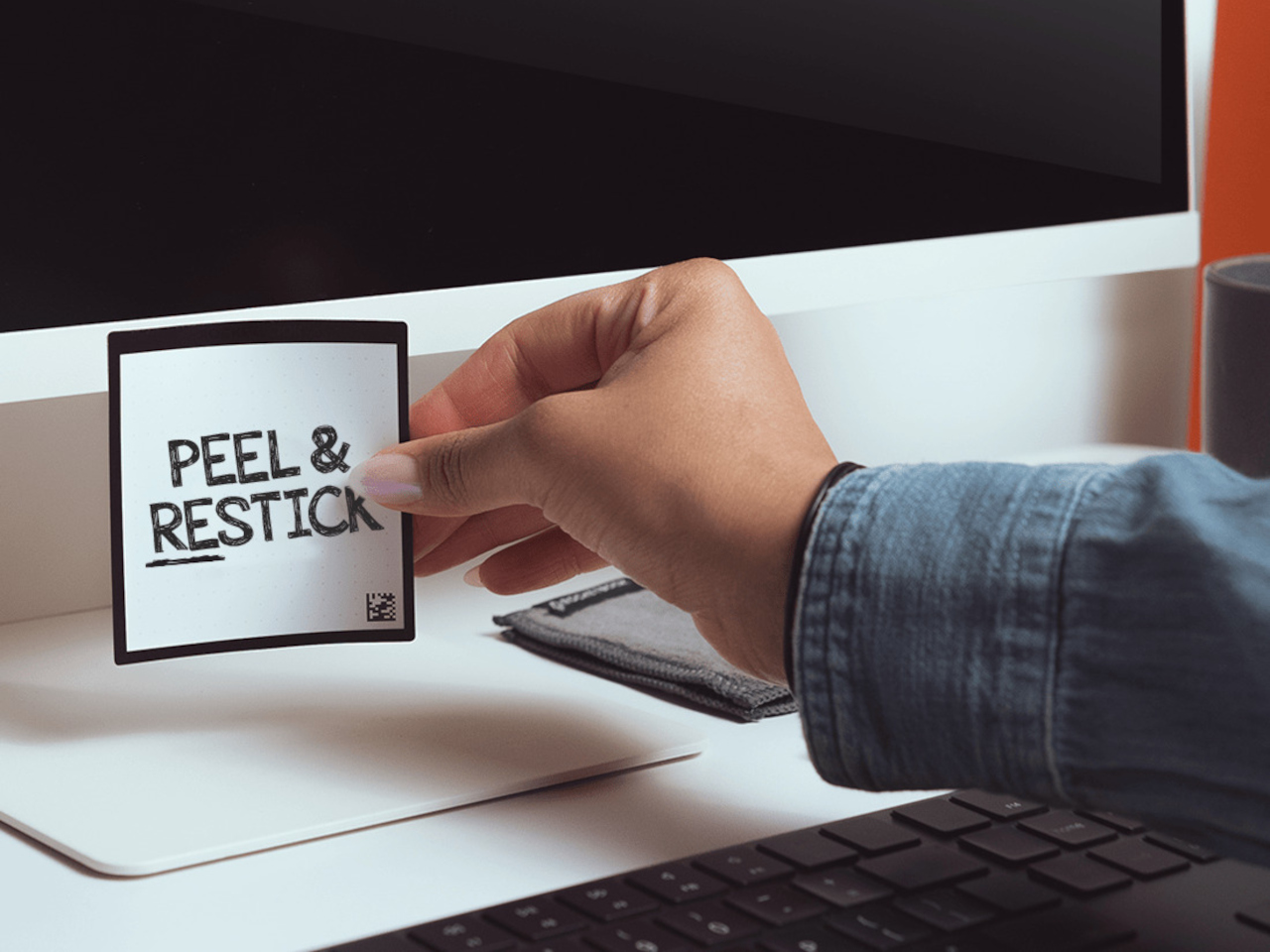
You have a stack of Post-its on your desk right now that you bought six months ago, used about a third of, and will eventually throw away when they stop sticking. Then you will buy another stack. Then another. The Rocketbook Reusable Sticky Notes break that cycle by doing something Post-its never could: you wipe them clean with a damp cloth and start over. Same note. Indefinitely.

The material feels like real paper, which matters more than it sounds. Other reusable note products go rigid and plastic and remind you every time you pick one up that you are using something weird. The Rocketbook version is thin and flexible, and the writing experience with a Pilot FriXion pen is close enough to a regular sticky note that the novelty wears off quickly and the habit takes over. The adhesive strip rinses clean and resticks the same way, so the note goes back on the monitor, the cabinet, or the edge of your desk exactly where you left it. The Rocketbook app photographs each note, transcribes your handwriting, and sends it to whatever cloud storage you already use, which means the thought is archived before you wipe the surface. You get the speed of analog and the permanence of digital without running an AI meeting bot or opening another productivity app.

What we like:

  • The paper-like feel is the detail that makes this a daily habit rather than a novelty. It does not feel like writing on a whiteboard, and that distinction is what separates it from every competing reusable note product.
  • The app’s automatic transcription and cloud sync mean wiping the note clean is not losing the note. That confidence changes how freely you actually use them.

What we dislike:

  • You are locked into Pilot FriXion pens, full stop. Your favorite pen does not work here, and if Pilot ever discontinues the FriXion line, the notes become decorative squares.
  • The wipe-to-erase process requires a damp cloth nearby, which is one more thing your desk needs to accommodate. In a dry climate or a cold office, the cloth dries out faster than you expect.

5. Rolling World Clock
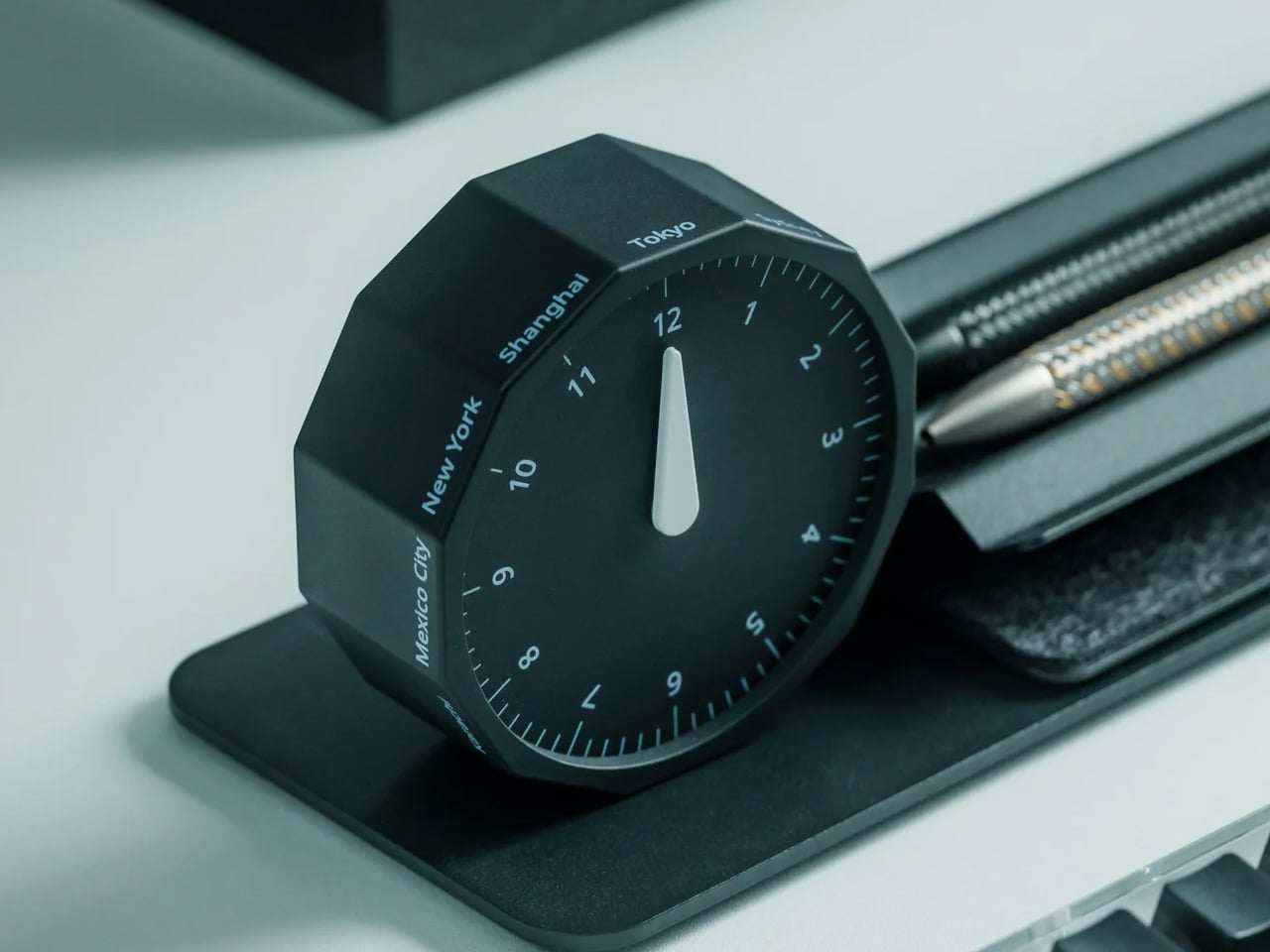
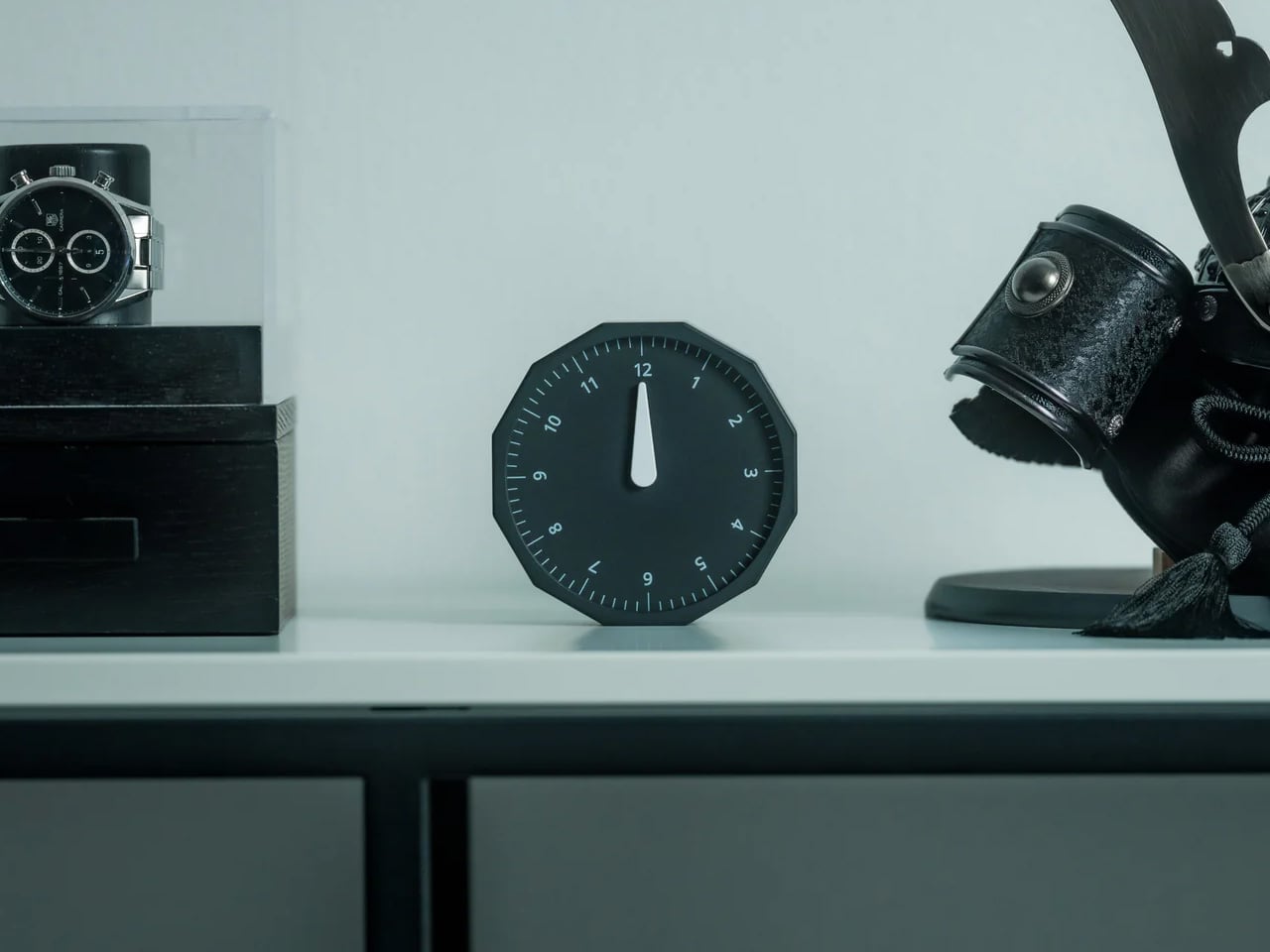
Before every Slack message you send to someone on another continent, you do the math in your head. Or you switch tabs. Or you pull up a world clock widget and then forget what you were doing before you opened it. The Rolling World Clock removes that entirely. It sits on your desk and shows you the time in every zone you track, physically, without touching a screen. You glance at it the way you glance at your coffee cup. No context switch, no arithmetic, no interruption.

At $49, this is the least expensive thing on this list and the one with the fastest daily return. The rolling display mechanism is considered, the design language sits cleanly next to other deliberate desk objects, and a physical clock requires no charge, no connection, and no subscription to do its job. That combination is rarer than it should be in 2026. The only maintenance it asks for is a manual adjustment twice a year for daylight saving time, which you were going to forget anyway, but at least now you have something specific to blame.

Click Here to Buy Now: $49.00

What we like:

  • The physical format makes world time a peripheral-vision experience rather than an active one. You absorb the information without choosing to look for it, which is how a good desk tool should work.
  • It reads as chosen rather than defaulted to, and that changes how the rest of your desk looks by association.

What we dislike:

  • Manual daylight saving adjustment is a real inconvenience that arrives twice a year and catches you off guard both times. A clock that is an hour off is worse than no clock.
  • Works best when you are tracking two or three time zones. If your work spans more than that, a digital solution handles the volume more honestly.

Five Products. One Decision Each.

Most home offices are assembled rather than designed. You know this because you built yours one order at a time, and the result is a surface full of things that coexist without quite agreeing. These five products are not a redecoration. They are five specific decisions: what your desk connects to and how you control it, how your mouse travels, how you look on a call, where your thoughts actually go, and how you read time without leaving a screen.

Together they cost less than most standing desks and do considerably more. The HubKey alone replaces a pile of adapters and adds physical controls your keyboard never had. The Logitech MX Brio Ultra makes your next video call the last time anyone asks if your connection is bad. The OrigamiSwift, the Rocketbook, and the Rolling Clock handle the small frictions that accumulate across a full workday without ever announcing themselves. That is what justifying every dollar actually looks like. Of everything on this list, the OrigamiSwift is the one I reach for first every single morning — not because it is the most impressive spec on paper, but because it removed a daily annoyance I had accepted as permanent. Turns out the right mouse for your desk and your bag was always the same mouse; it just needed someone to fold it properly.

The post 5 Best Home Office Gadgets for Remote Workers in 2026 That Actually Justify Every Dollar first appeared on Yanko Design.

Business Cards Were Forgettable, so Bandai Built a $22 Mecha Case

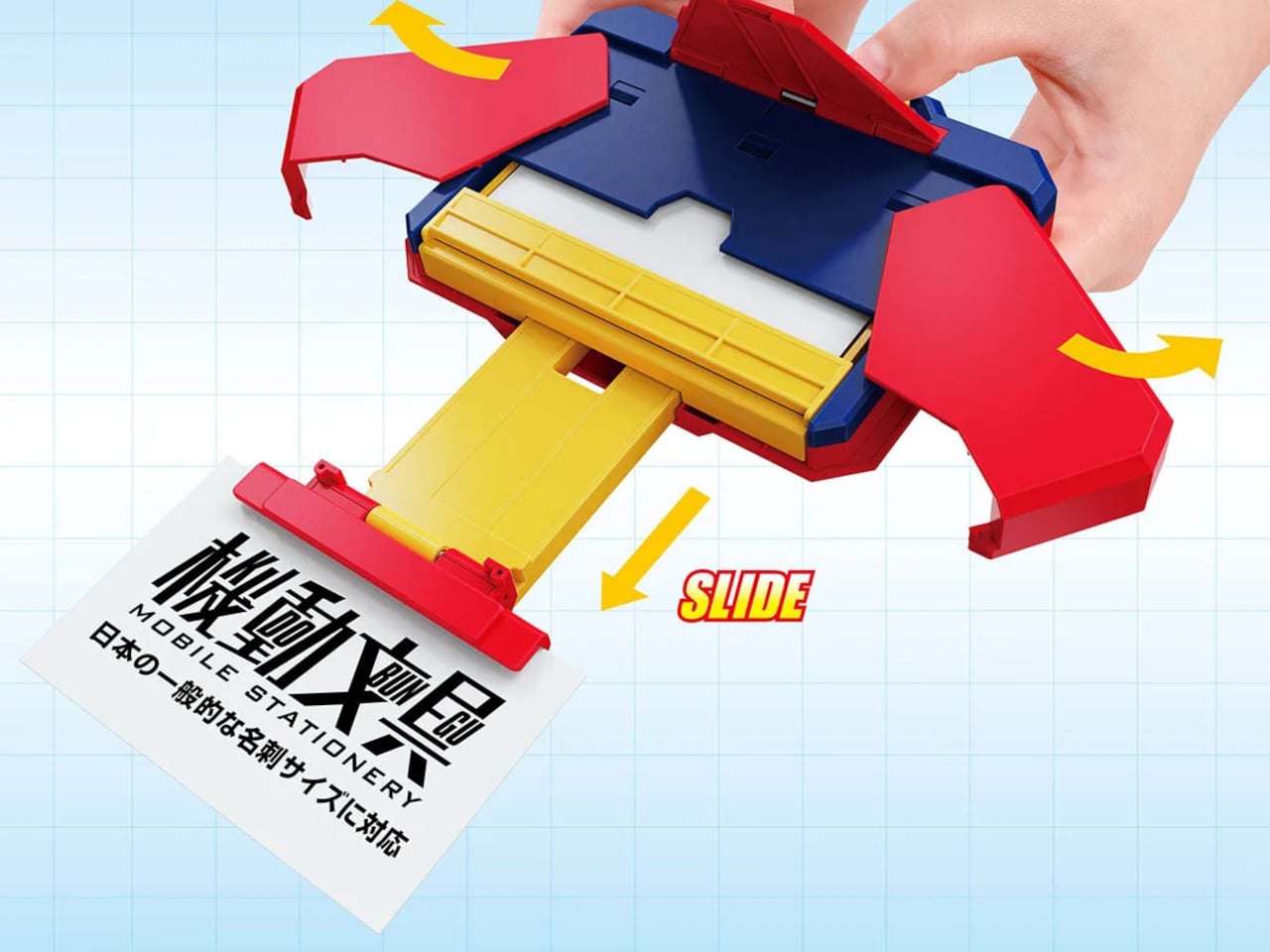
Handing over a business card is, in most professional settings, a fairly unremarkable moment. You produce it, they take it, everyone moves on. Bandai Spirits, the company behind some of the most precisely engineered collectible robots in the world, has decided this moment deserves better. The Mobile Stationery Automatic Transformation Business Card Case deploys your card at the press of a button, rotating 180 degrees with a mechanical flourish that nobody is going to forget.

This is the debut product of Bandai’s new Mobile Stationery line, which is exactly what it sounds like: office stationery built with the engineering sensibility of a collectible mecha toy. The series name in Japanese is 機動文具, which intentionally borrows the kanji for “mobile suit” from Gundam’s full title. That’s not accidental branding. It signals that the same precision manufacturing techniques behind Bandai’s Chogokin die-cast figures went into making a business card holder.

Designer: Bandai

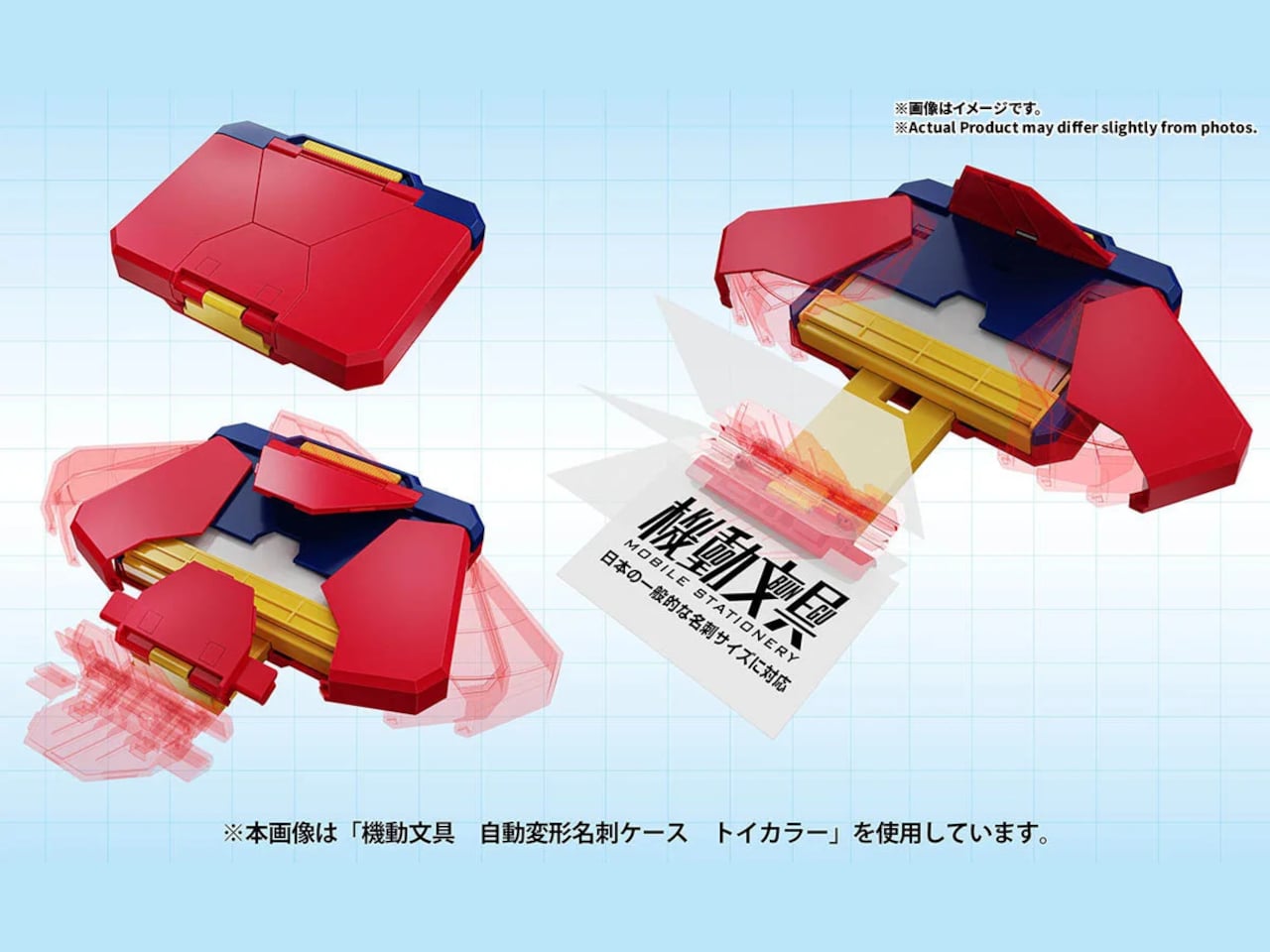
The mechanism itself is the product. When the case is closed, it sits flat and compact at approximately 125mm x 95mm x 25 mm, which is thin enough to slip into a jacket pocket without much bulk. Press the button, and it automatically opens with a 180-degree rotation that presents your card as if a small piece of machinery just woke up. The action is fast, repeatable, and genuinely surprising to anyone who hasn’t seen it before.

It’s made from ABS, the same material used across Bandai’s figure line, and sized to accept standard Japanese No. 4 business cards at 55mm x 91mm and a recommended paper thickness of 0.24mm. The fit matters here because a loose card in an automated case would undermine the entire presentation. The case holds the card securely in the closed position and positions it cleanly during deployment.

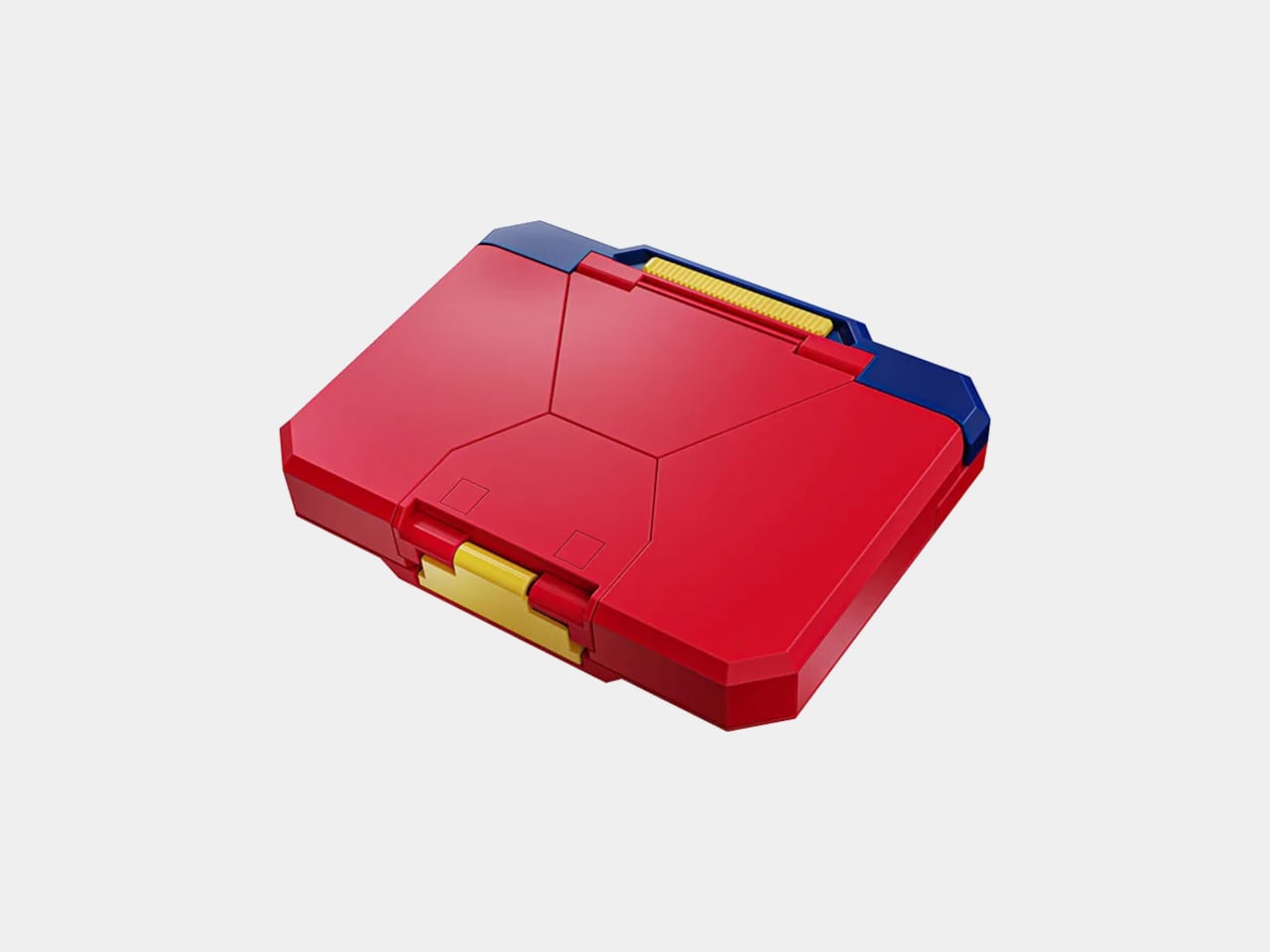
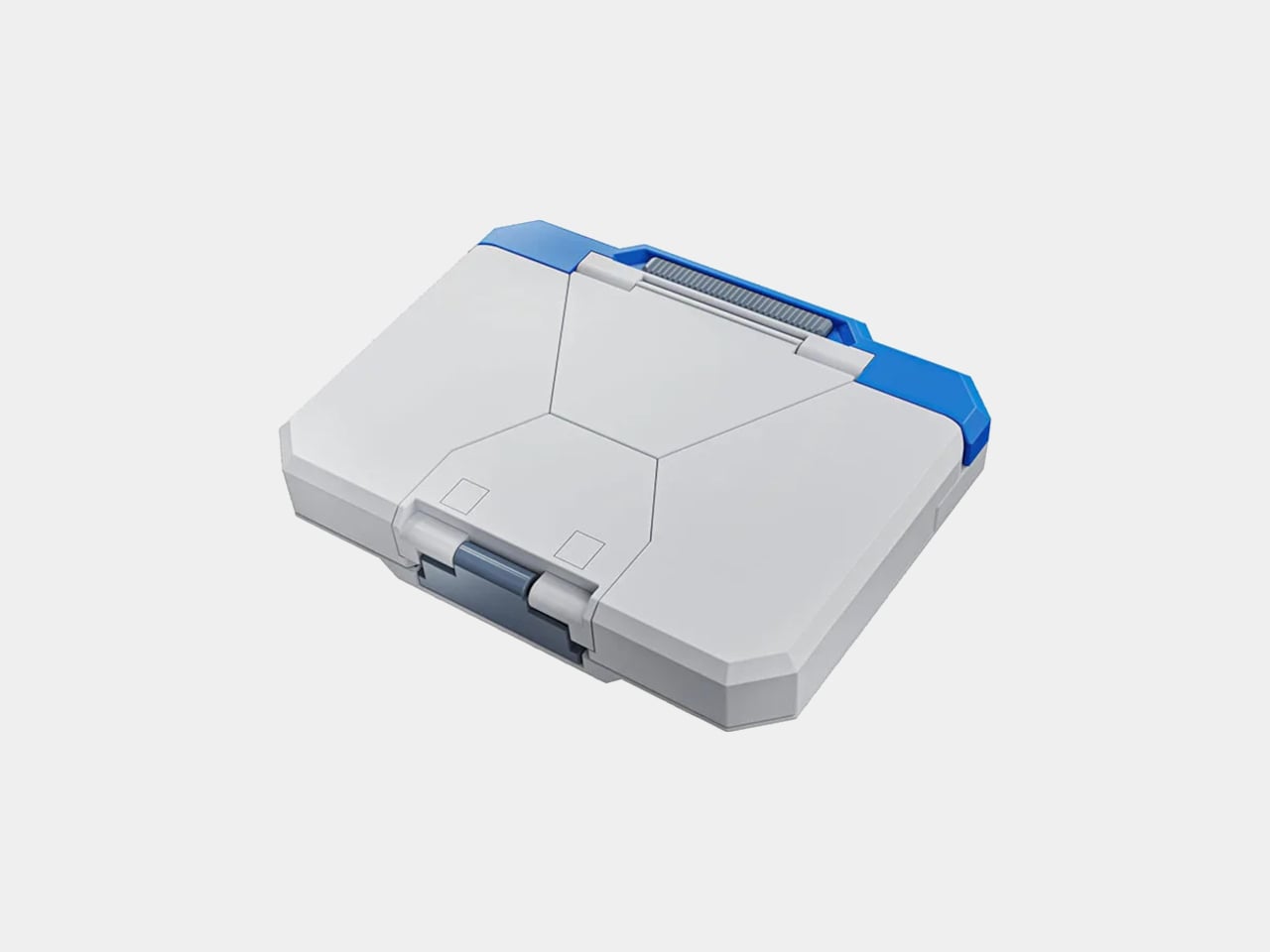
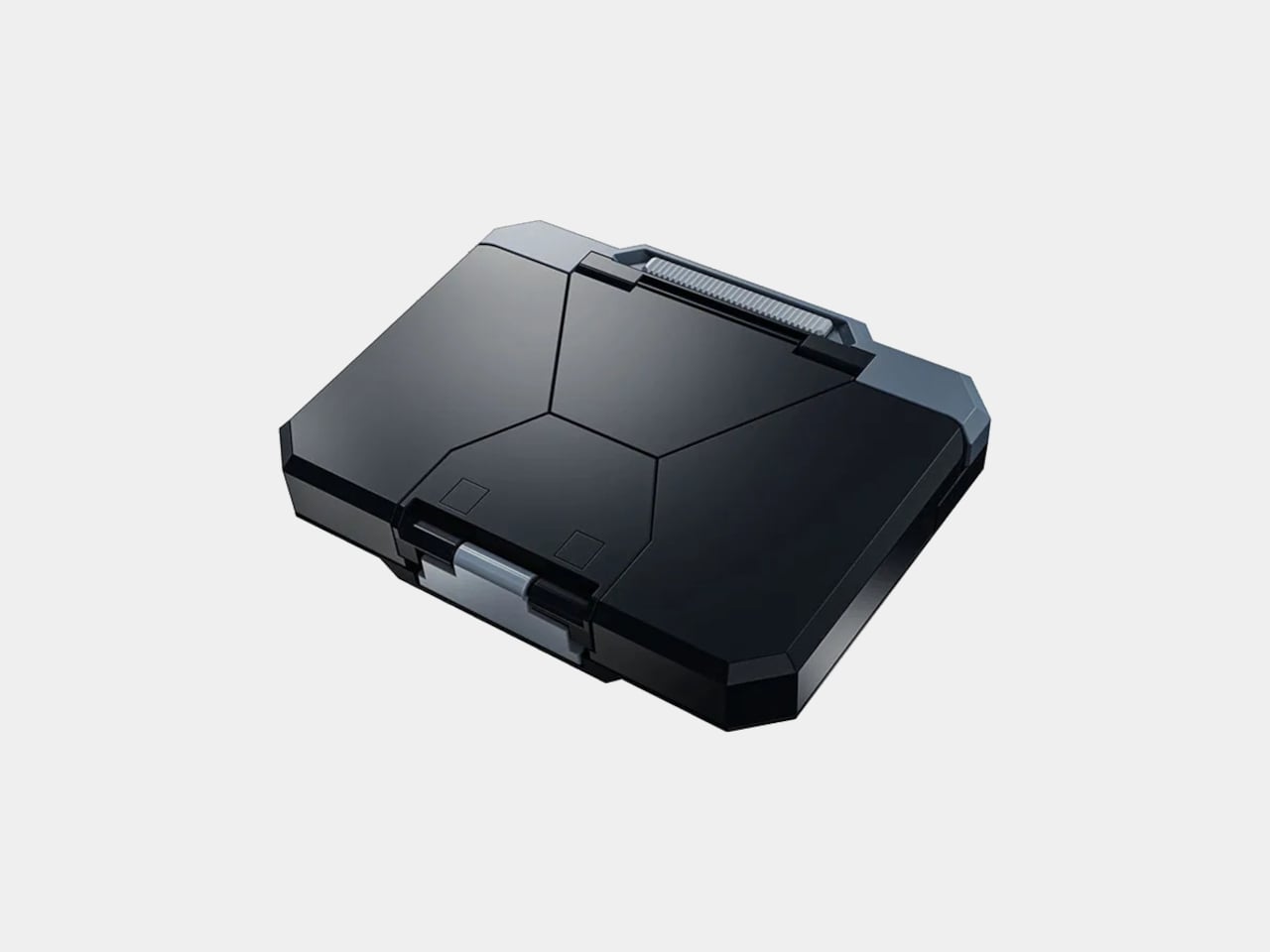
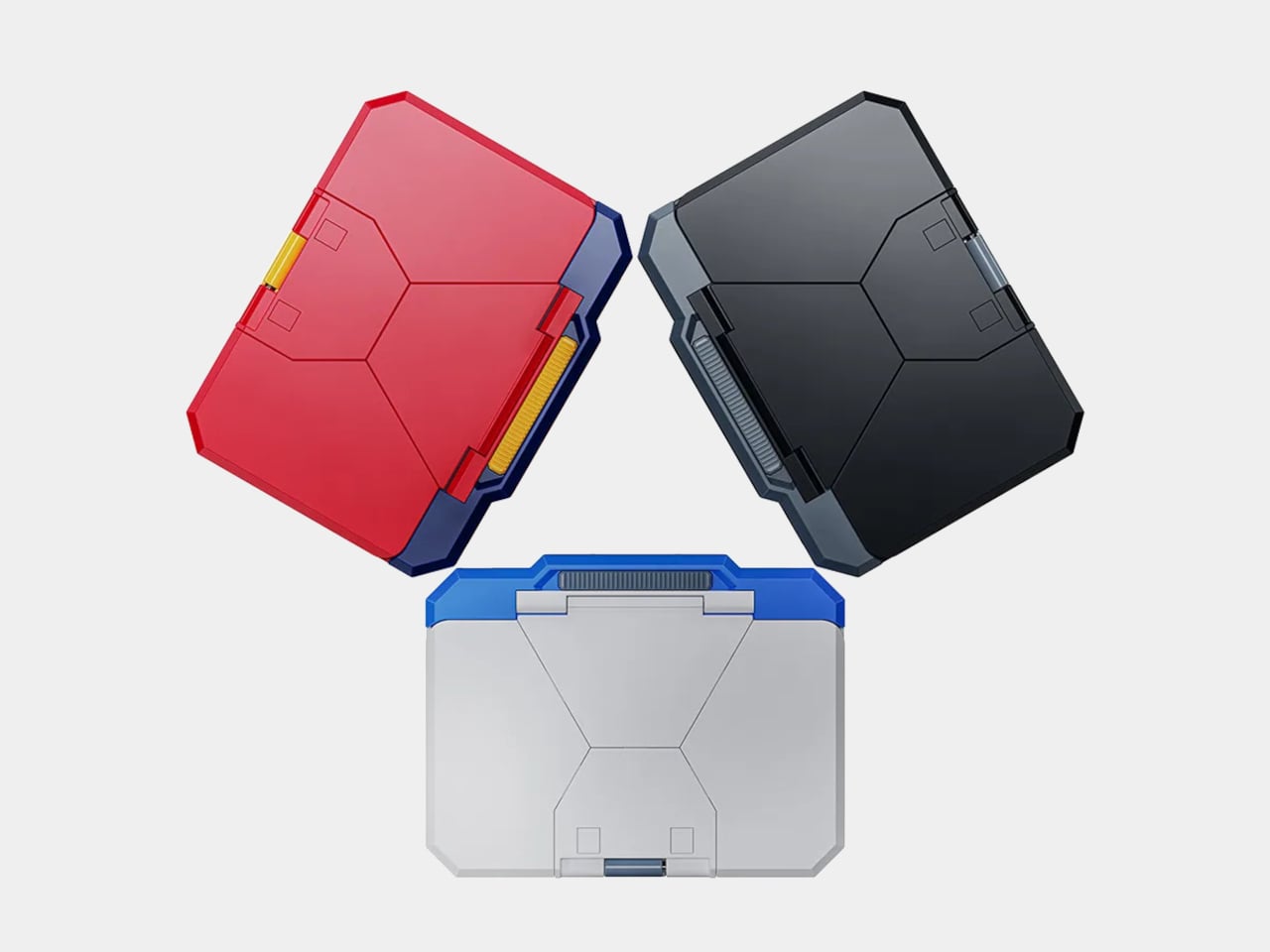
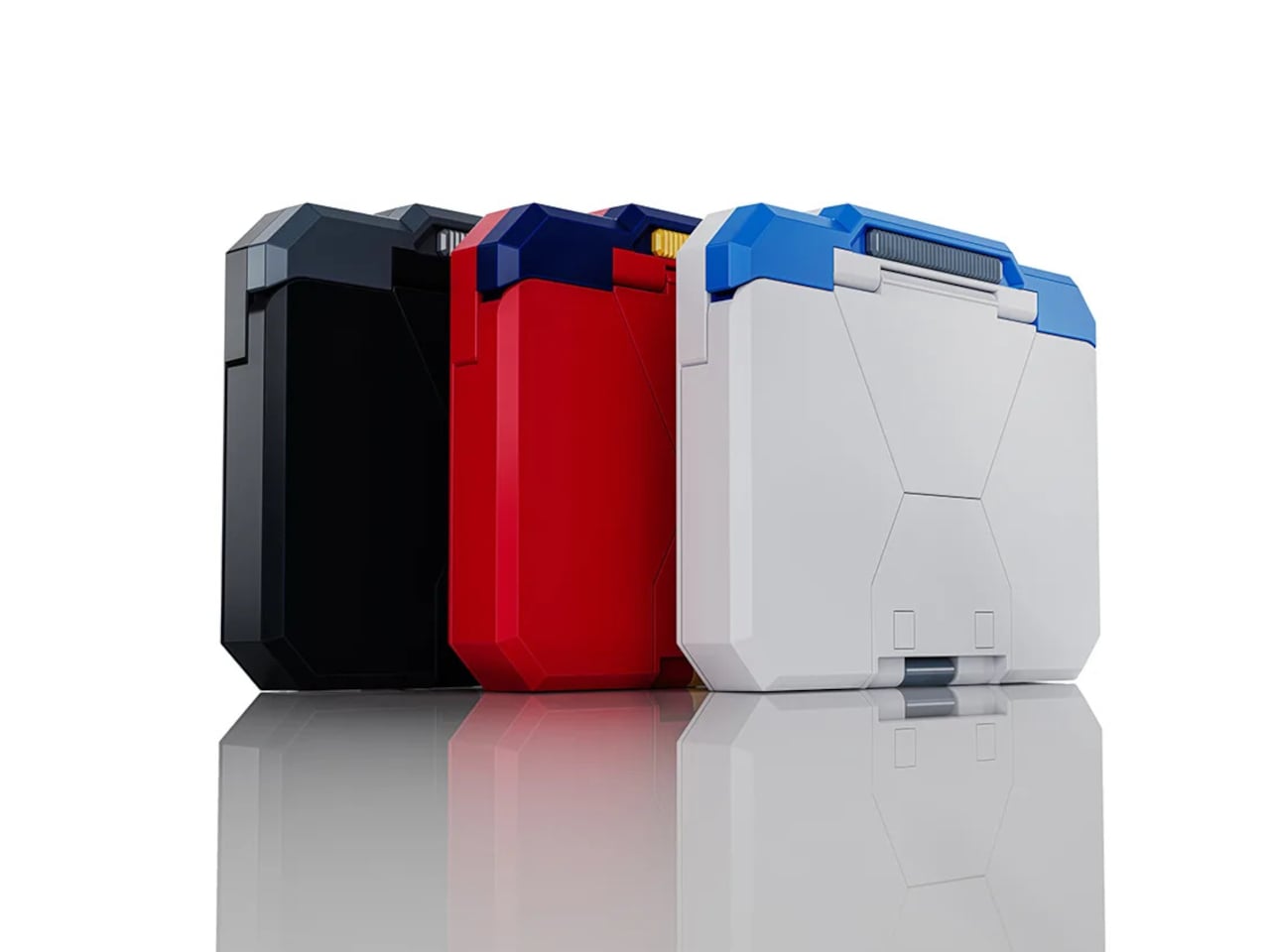
Three colorways are available, each aiming at a different kind of professional. The Toy Color is exactly what it sounds like, a vibrant, primary-palette version that makes no attempt to pass for a conventional office accessory and leans directly into the Gundam aesthetic. The Standard Color is subtler and more desk-neutral. The Black Color is the one you’d bring to a meeting where you still want the mechanism to surprise people without the case itself making a statement before it even opens.

The practical argument for something like this is harder to articulate than it might seem, which is part of what makes it interesting. Business card rituals in Japan carry real social weight, and the act of presenting a card is meant to be deliberate and memorable. A case that automates the drama of that moment, that turns the exchange into a small performance, fits surprisingly neatly into that context rather than clashing with it.

The Mobile Stationery line is Bandai’s first move into office accessories, and this particular opening product is doing a lot of work to establish what that line is. It’s a functional object that holds business cards. It’s also a small transformer that deploys them theatrically. Both things are true, and the case doesn’t apologize for either one.

The post Business Cards Were Forgettable, so Bandai Built a $22 Mecha Case first appeared on Yanko Design.

5 Best Retro-Inspired Desk Accessories That Aged Better Than Most New Ones

Your desk probably looks like a lot of other desks right now. Same matte black keyboard, same Bluetooth speaker with the pulsing light ring, same cable management that made sense for about two weeks. The problem is not what you spent. It is what you picked. Most desk accessories launched in the last three years were designed around a trend, which means they are already halfway through their shelf life.

These five pieces were designed well enough the first time that they are still in production, still worth buying, and will outlast whatever trend comes next. That is not the easiest thing to find in a market flooded with objects that look good in a cart and feel cheap by Friday. Each one on this list has been tested by time in a way that no review cycle can replicate.

1. 8BitDo Retro 87 Keyboard

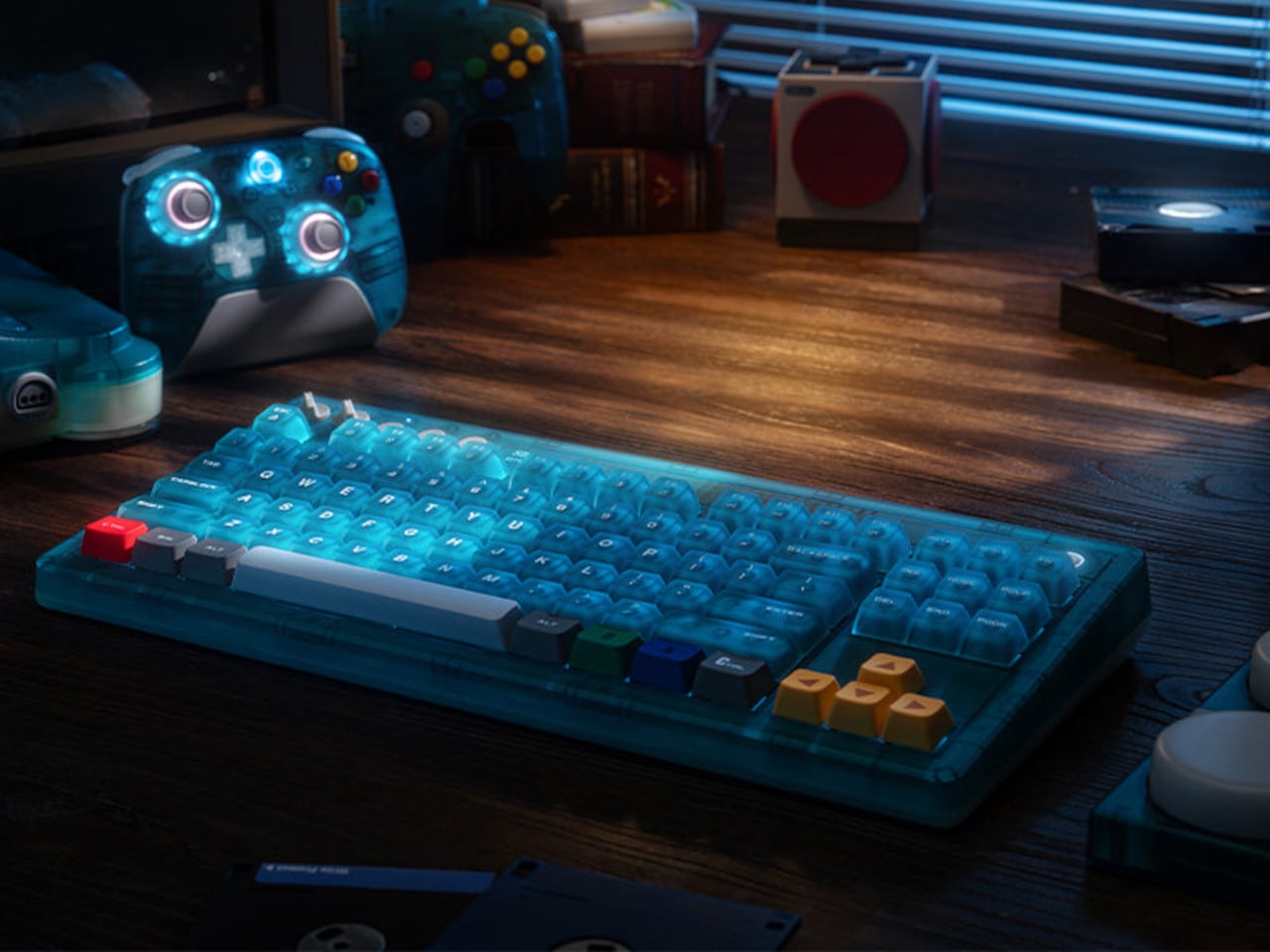
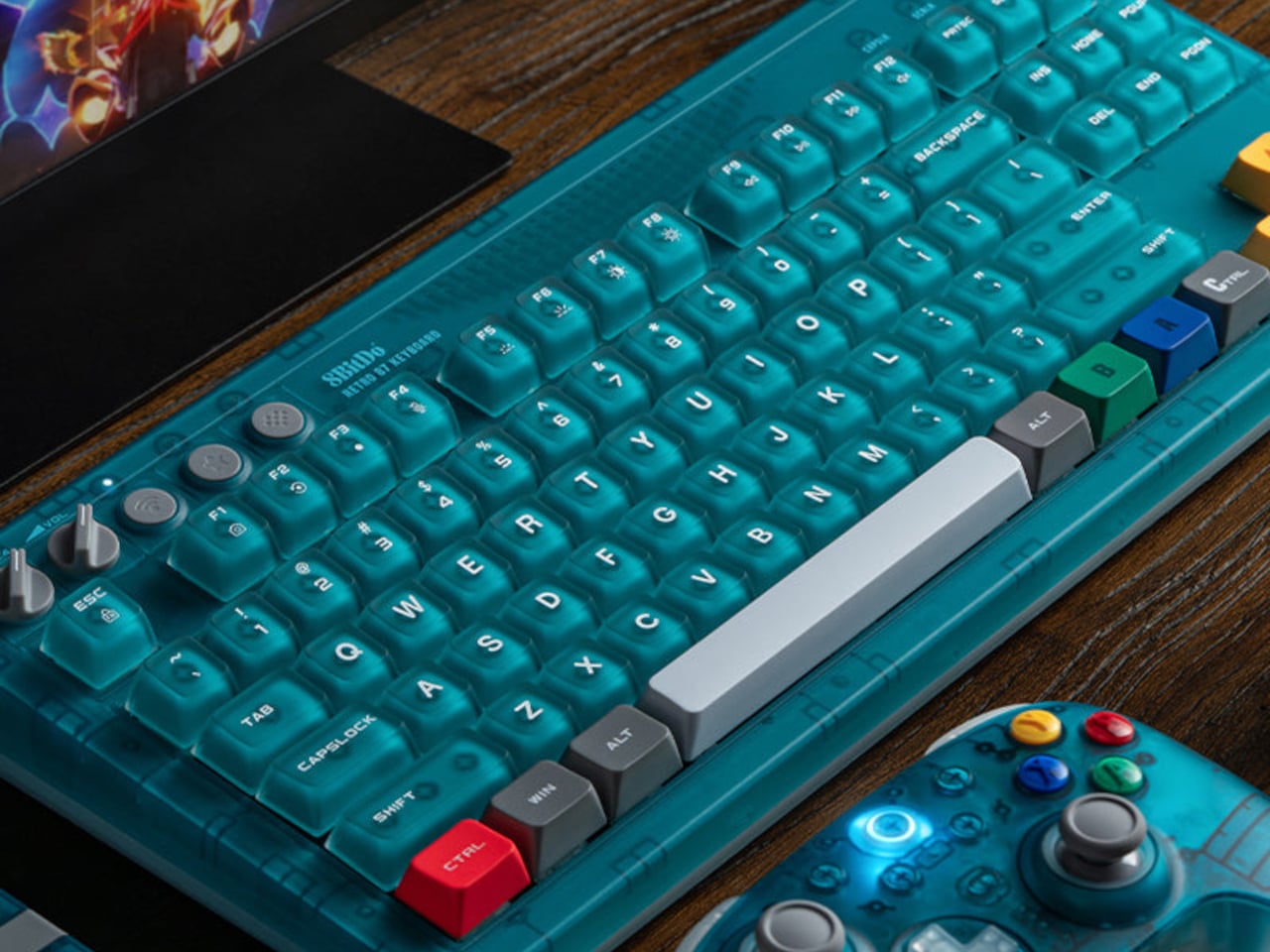
The 8BitDo Retro 87 Keyboard in Clear Blue is an 87-key tenkeyless mechanical keyboard with a translucent blue polycarbonate shell, Cloud Gray Linear switches co-developed with HUANO, and three connectivity modes. It is priced at $69.99. If you had an N64, the color coding reads immediately without needing an explanation. Yellow arrow keys for the C-buttons. Green and blue for A and B. A red left Ctrl mapped to Start. The translucent shell shows the PCB and per-key RGB backlighting through the blue tint, exactly how Nintendo’s Funtastic consoles worked in the late 1990s. The inside of the hardware was part of the design then, and it still is here.

The 87-key tenkeyless layout drops the number pad and keeps the full navigation cluster, which is the right call for a keyboard sharing space with other things you actually want to see. Bluetooth, 2.4 GHz wireless, and wired USB cover every setup without extra adapters. The 2,000 mAh battery is rated for 200 hours in wireless mode. Your hands are on your keyboard more than anything else on your desk. It might as well be something worth looking at.

What we like:

  • The top-mount PCB configuration gives the typing feel a cushioned, bouncy quality that cheaper keyboards skip entirely
  • Hot-swappable switches mean you are not committed to the Cloud Gray Linears if you change your mind later
  • The translucent shell with RGB underneath is better in person than any photograph suggests

What we dislike:

  • The two programmable Super Buttons sit outside the main typing area and take a few days to stop hitting by accident
  • The first week involves some unintended inputs during regular use

2. Side A Cassette Speaker

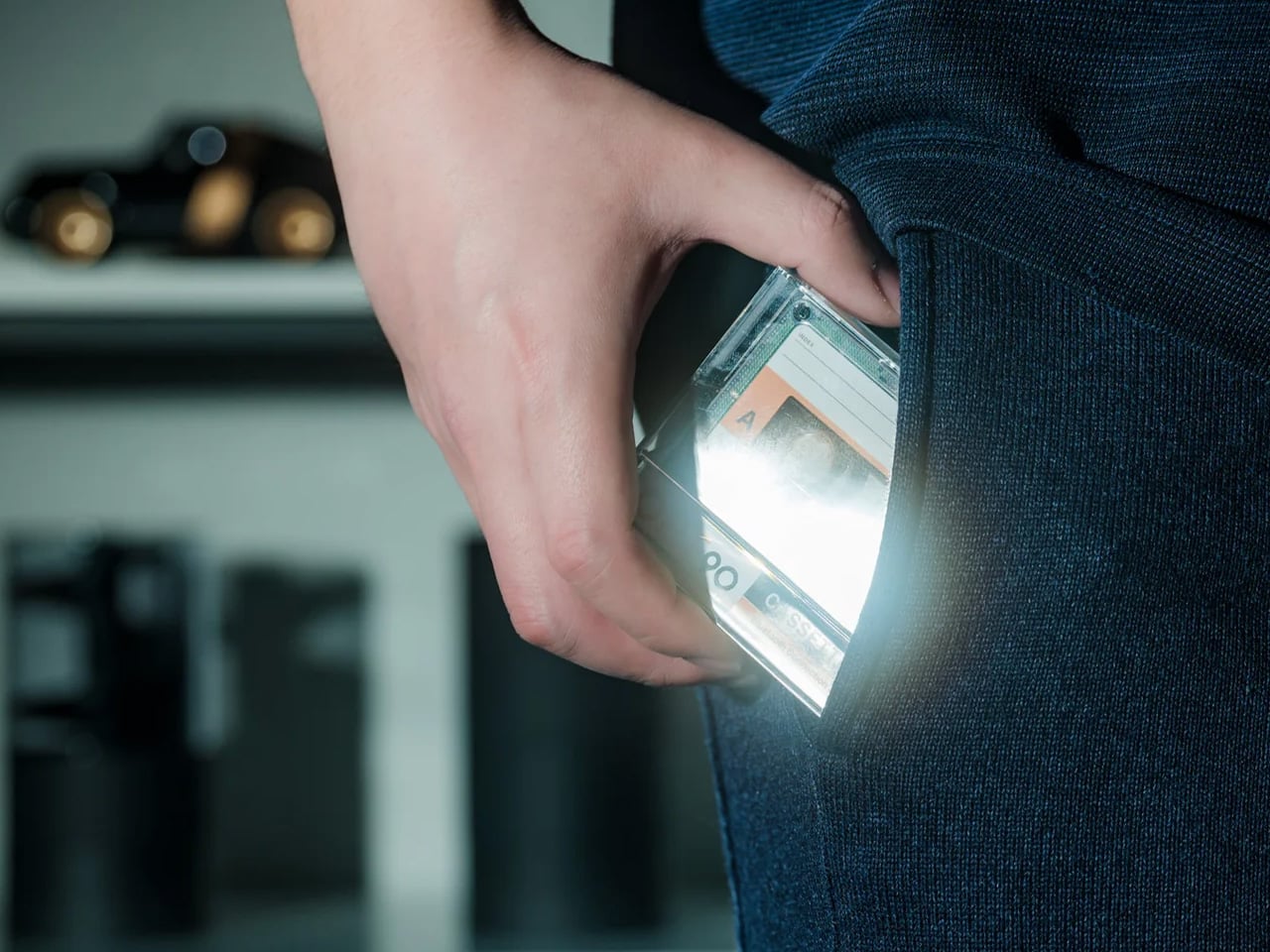
The Cassette Speaker is a Bluetooth speaker built to the proportions of a cassette tape, scaled up just enough to fit a driver inside. You probably had a shoebox of mixtapes growing up. Most of them were recorded off the radio with the DJ talking over the first two seconds of every song. The Cassette Speaker does not play tapes. What it does is put that object back on your desk in a form that actually works in 2026, pairing over Bluetooth and delivering audio from something small enough to palm in one hand.

Set it next to your keyboard, and it reads as a deliberate design choice rather than a gadget someone left behind. That is harder to pull off than it sounds. Most Bluetooth speakers designed to look interesting end up looking like they are trying too hard. The cassette form works because it is referencing something specific and doing it accurately rather than gesturing at it loosely. It belongs on a desk, a nightstand, or packed in a bag for the weekend.

Click Here to Buy Now: $49.00

What we like:

  • The size-to-output ratio is genuinely good – something this flat and compact has no business sounding as present as it does
  • The form factor means it fits anywhere without planning, which is not something most design-forward Bluetooth speakers can claim

What we dislike:

  • There is only one natural way to set it down – flat, tape-side up, which means you cannot angle it toward you the way you would a conventional speaker
  • Reflective desk surfaces will affect the sound more than you expect

3. Twemco BQ-38 Flip Clock

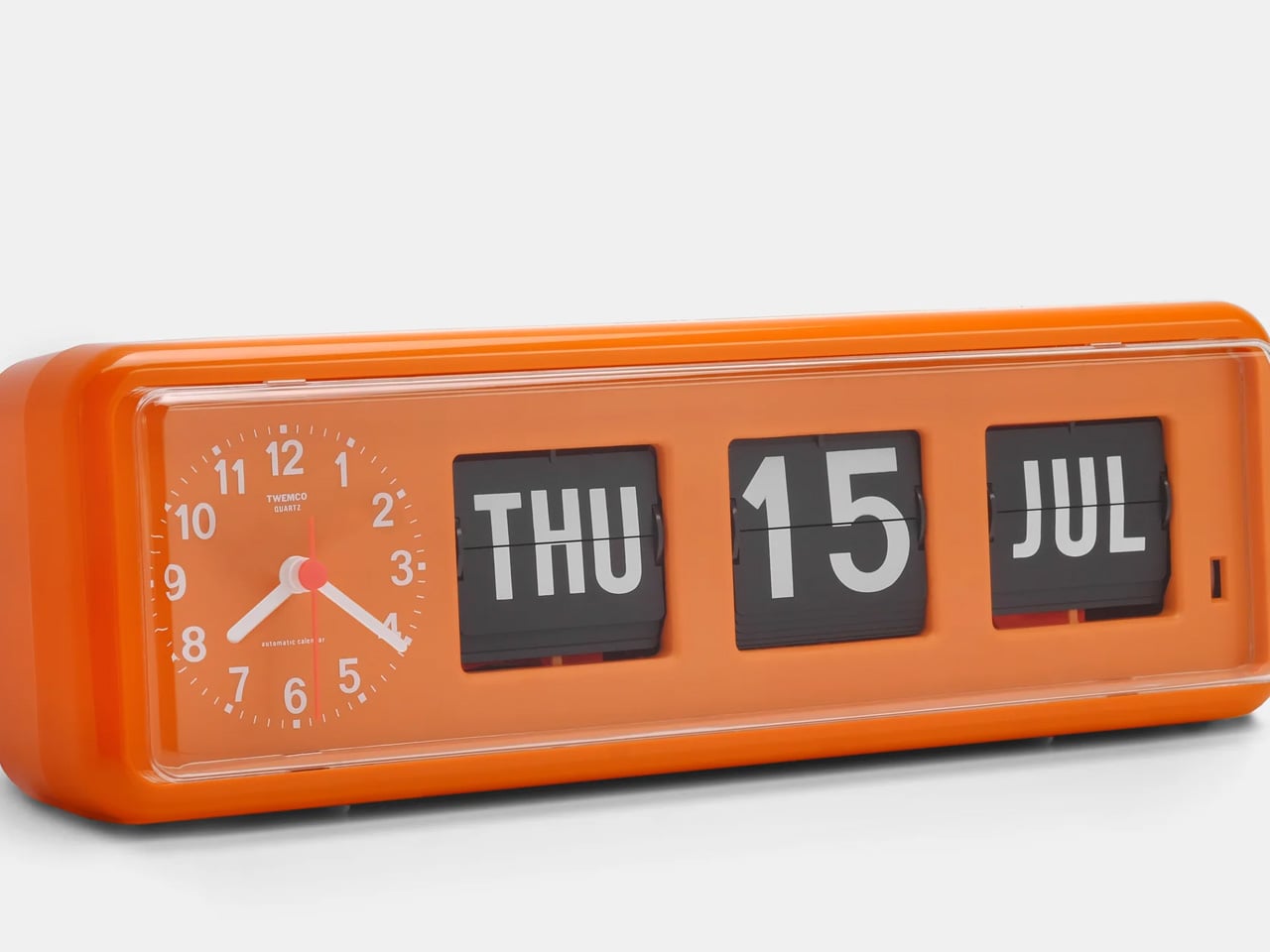
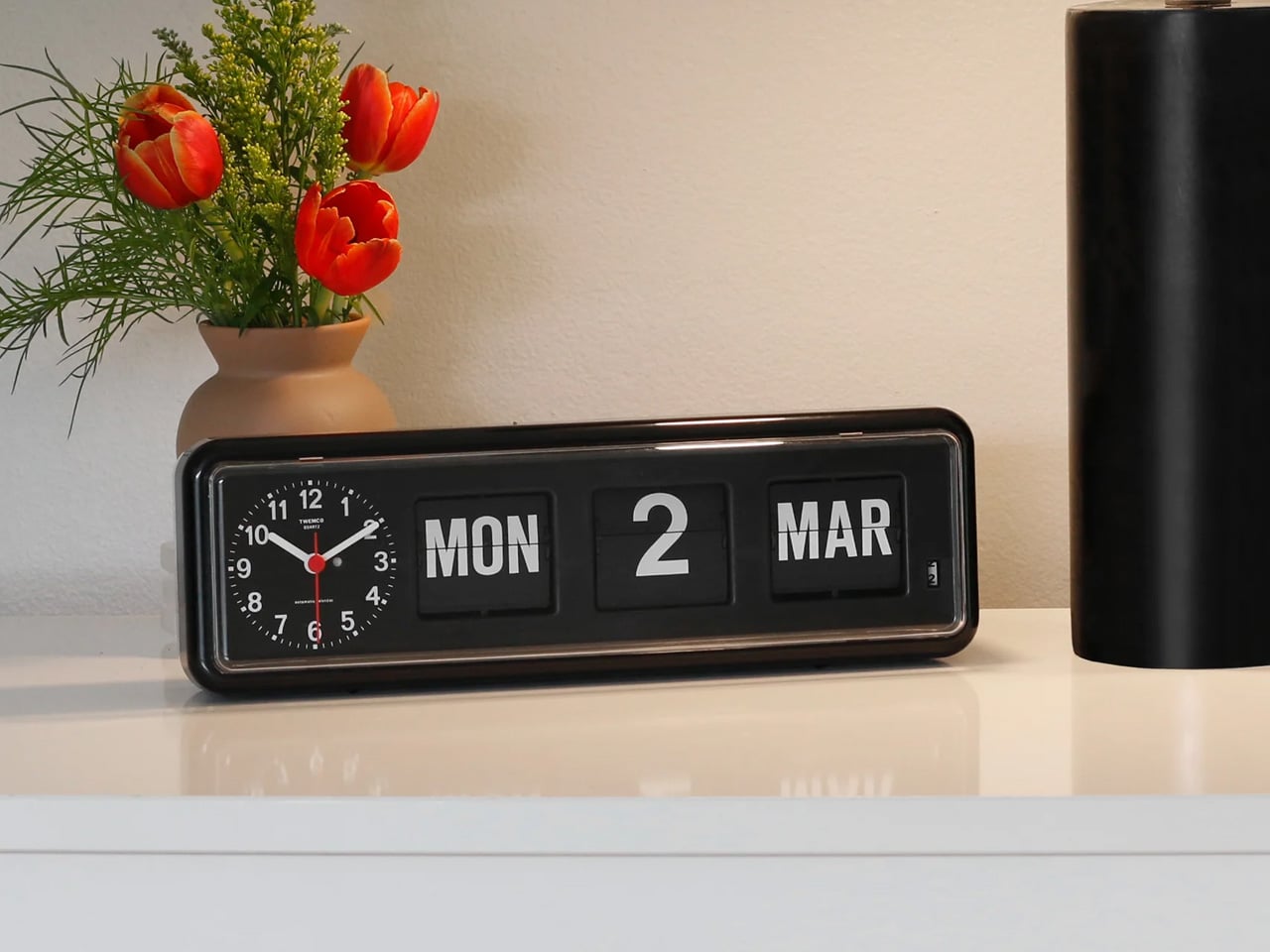
The Twemco BQ-38 is a split-flap flip clock that shows the time and date on cards that physically rotate forward each minute, made in Hong Kong using essentially the same mechanism since the 1970s. You reach for your phone to check the time and end up reading two notifications, a group text, and a headline you did not need before 9 AM. The BQ-38 solves exactly that problem. It sits on your desk and tells you the time. When a minute passes, a card flips forward with a soft mechanical sound. That is the whole interaction. Nothing else is asking for your attention.

The body is injection-molded ABS with a clear acrylic cover. Nothing glamorous about those materials, but the result is a clock that weighs 600 grams, stays exactly where you put it, and advances the date automatically without any input from you. The digits are large enough to read from across the room. No charging cable to route, no power brick to hide.

What we like:

  • The flip sound is genuinely good – not in a novelty way that wears off, but in the way a well-made mechanical thing sounds when it does exactly what it is supposed to do
  • The date display is more useful than you expect until the moment your phone is across the room and you need to know what day it is

What we dislike:

  • Setting the time requires a button on the back that you will need the manual for at least once
  • Battery-powered clocks stop silently when the battery dies, which you will discover at a moment that is never convenient

4. Anglepoise Original 1227 Desk Lamp

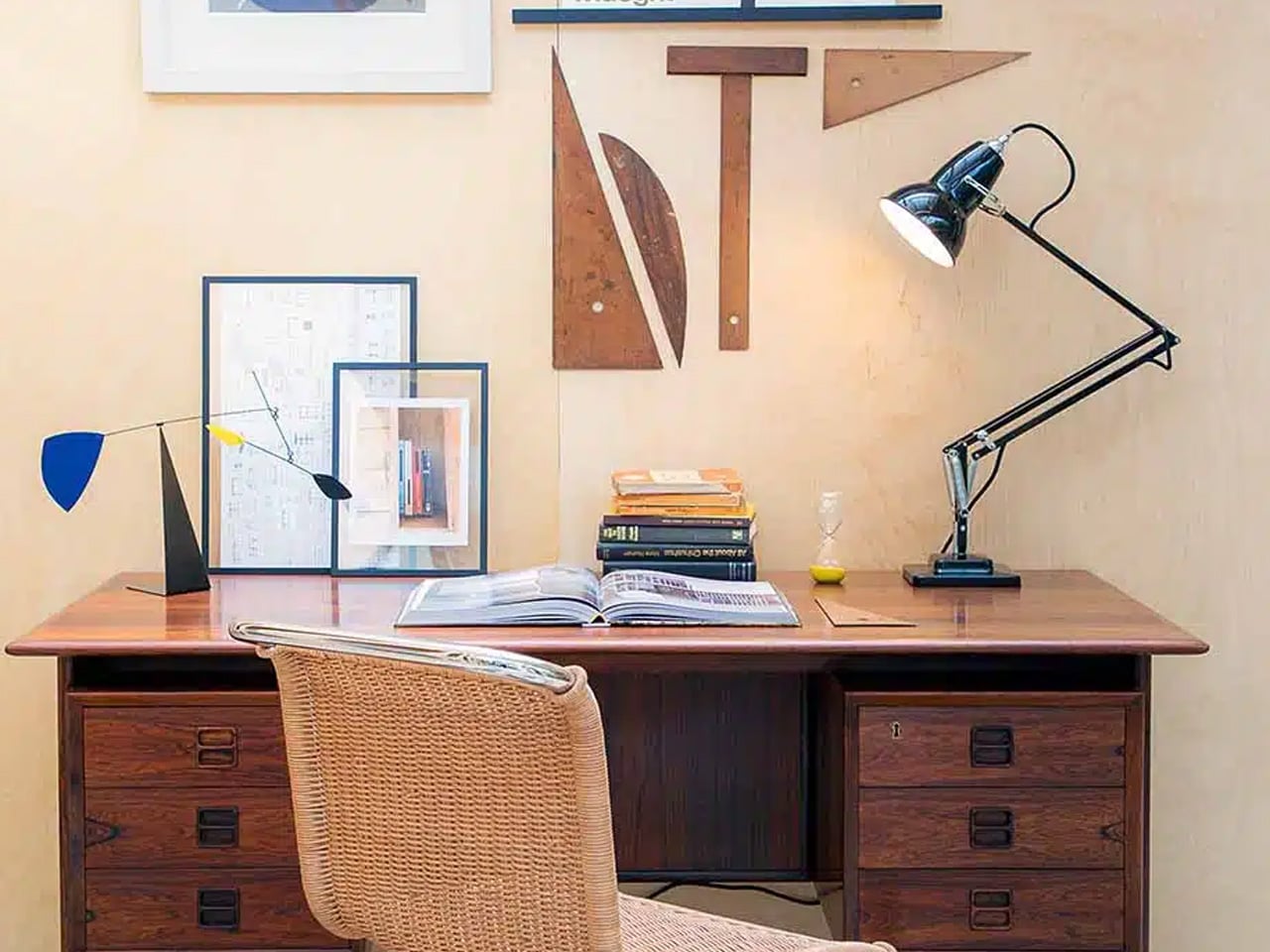
The Anglepoise Original 1227 is a task lamp designed by George Carwardine in the early 1930s and in production since 1935, built around a spring tension mechanism that mirrors the constant tension found in human joints. It starts at $256. Your current desk lamp probably has a touch sensor, three brightness settings, a USB port on the base, and an app update you keep dismissing. The 1227 has none of that. It has a spring-loaded arm you move to where you want light, and it holds that position. The difference between a lamp that stays where you put it and one that slowly droops over the course of an afternoon is not small.

The spring mechanism is why this lamp still makes sense ninety years later. Every competitor has spent decades trying to replicate what Carwardine worked out in the 1930s — that the arm needs to move like a limb rather than a scissor joint. The aluminum shade and arms carry a gloss-painted finish and come with a lifetime guarantee from Anglepoise, which is the kind of warranty that only makes sense if the manufacturer expects the product to be around long enough to need it.

What we like:

  • The spring tension is noticeable the first time you move it and satisfying every time after that – one-handed, no wobble, no drift after an hour
  • The shade is large enough to actually light a workspace rather than a six-inch circle in the middle of your desk

What we dislike:

  • The price is real – it starts at $256 and climbs to $360 for the brass version, which is serious money for a desk lamp
  • Whether the long-term value justifies the upfront cost is a fair thing to think about before buying

5. Retrowave Radio

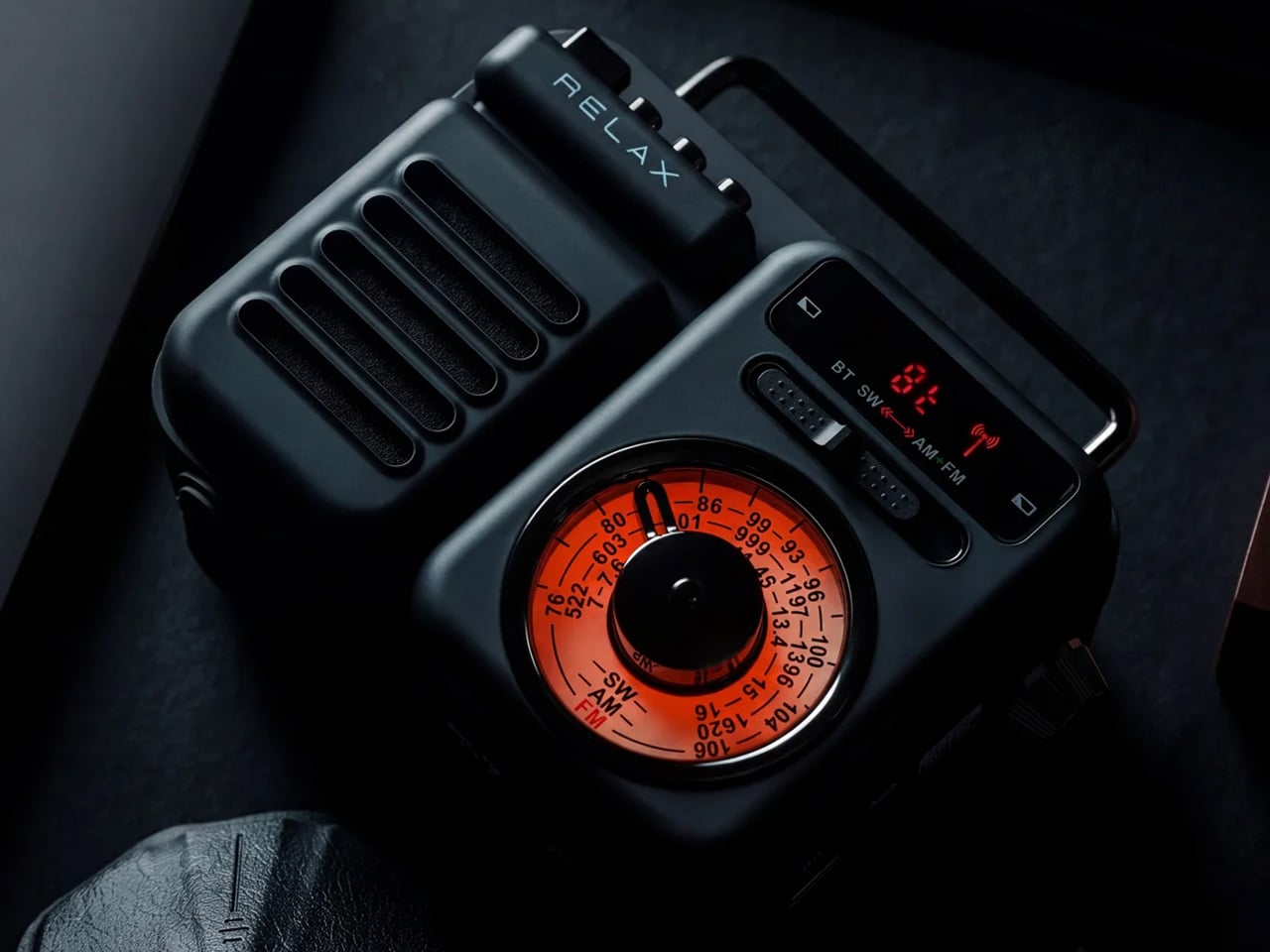
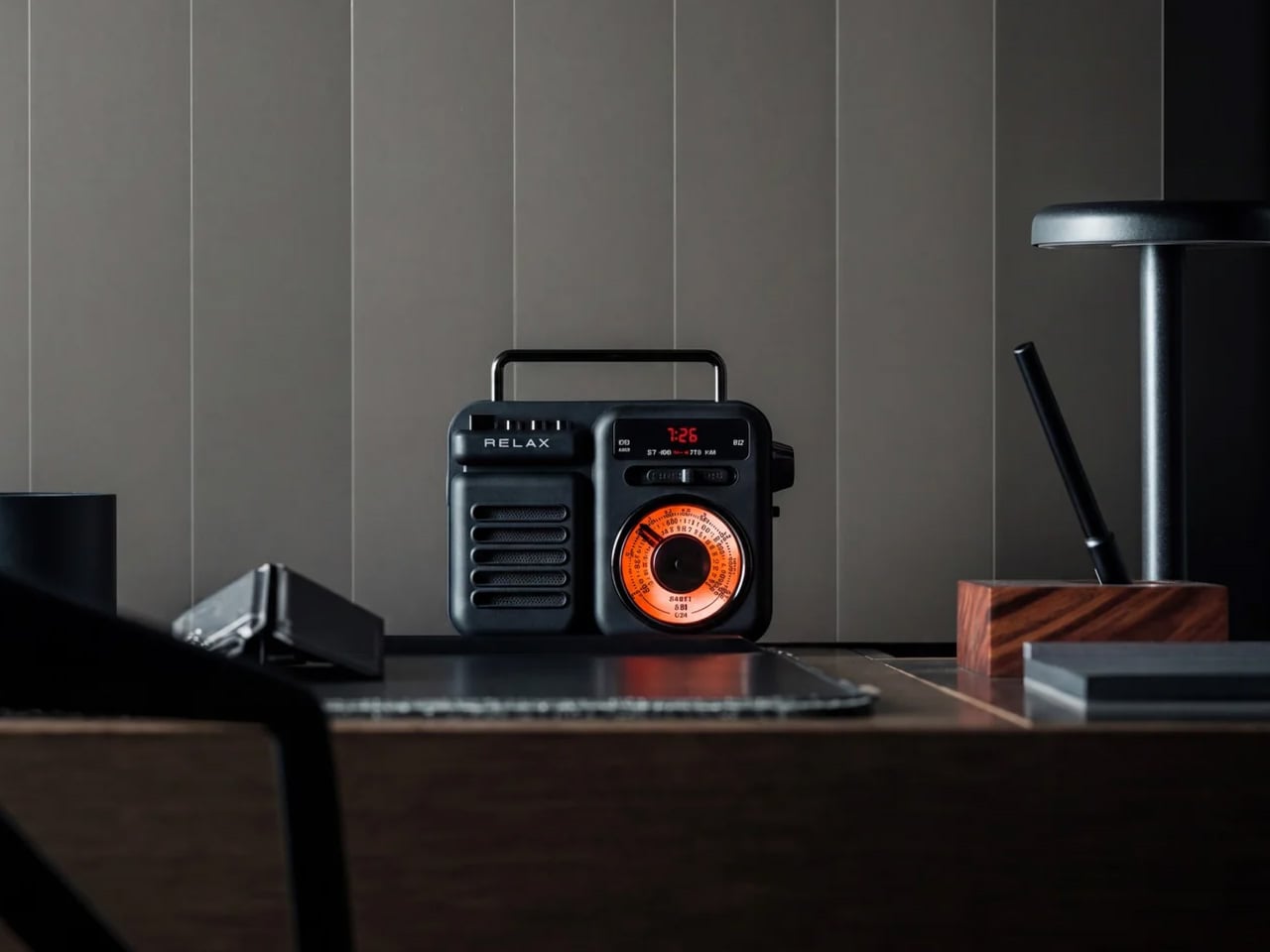
The Retrowave Radio is an AM/FM radio with Bluetooth streaming built into a compact retro-styled body. Picture Sunday morning. You want something on in the background, and you do not want to wake up a smart speaker or open another app. You spin a physical dial, land on a station, and leave it there. The Retrowave Radio is exactly that object. It sits on your desk, works without asking anything from you in return, and looks like it belongs there in a way that most tech on your desk does not.

The design is doing most of the heavy lifting. Analog dial face, physical control knobs, boxy proportions that reference the tabletop radios of the 1960s without feeling like a costume. It looks deliberate next to a keyboard and a lamp in a way that a cylindrical smart speaker never quite manages. The Bluetooth mode covers any gap when you want to play something specific off your phone. You will use it for both. Most days the radio wins.

Click Here to Buy Now: $89.00

What we like:

  • The physical tuning dial is something you forgot you missed – spinning a knob to find a station is slower than tapping a playlist, and that slowness is entirely the point
  • The Bluetooth mode pulls double duty, cutting one device off your desk rather than adding another

What we dislike:

  • The speaker output is sized for personal use, not a room – imagine being gathered around it rather than imagine it filling the room.
  • This is a near-desk radio, sitting more than eight feet away at volume will remind you of that

The Ones Worth Keeping

None of these objects were designed with a trend in mind. The Anglepoise spring has not changed since 1935. The Twemco mechanism has not changed meaningfully since the 1970s. The 8BitDo keyboard references a console that is thirty years old, and the cassette form factor predates most people reading this. That is not nostalgia for its own sake. That is what happens when the fundamentals were right from the start.

If one had to earn the top spot, it is the Cassette Speaker. Not because it sounds the best or costs the most, but because it is the only object here that makes someone ask where you got it before asking what it does. That question is the whole point. Everything else on this desk is functional. The Cassette Speaker is functional and feels like something you chose on purpose.

The post 5 Best Retro-Inspired Desk Accessories That Aged Better Than Most New Ones first appeared on Yanko Design.

5 Desk Gadgets & Tools Of August 2026 That Make Working From Home Feel Like a Studio

Most home offices look like what they are: a corner negotiated with practicality. The lamp was already there. The desk is covered in objects that arrived separately and never quite agreed to coexist. The difference between a room with a laptop in it and a studio someone is proud to sit in is rarely about square footage. It is about the objects chosen to share that space.

These five picks do not optimize for productivity in any conventional sense. What they do is shift the character of the room: the quality of light on the work surface, the way objects hold their position without adding visual noise, the transparency of what every connected device is doing at any given moment, the warmth of a desk that looks considered rather than assembled. That distinction matters more than most people realize until they sit down to it.

1. Dockcase 7-in-1 USB-C Hub

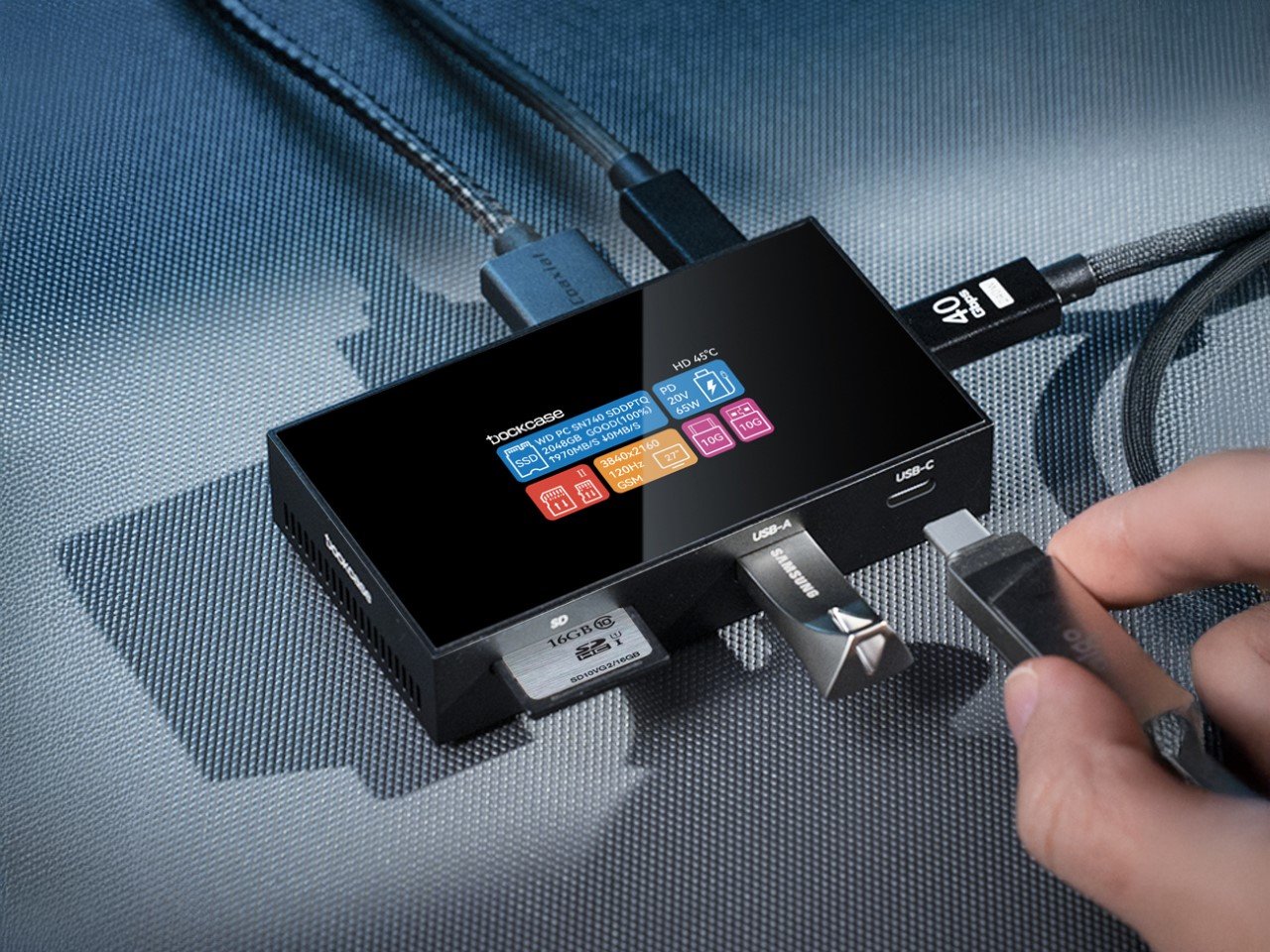
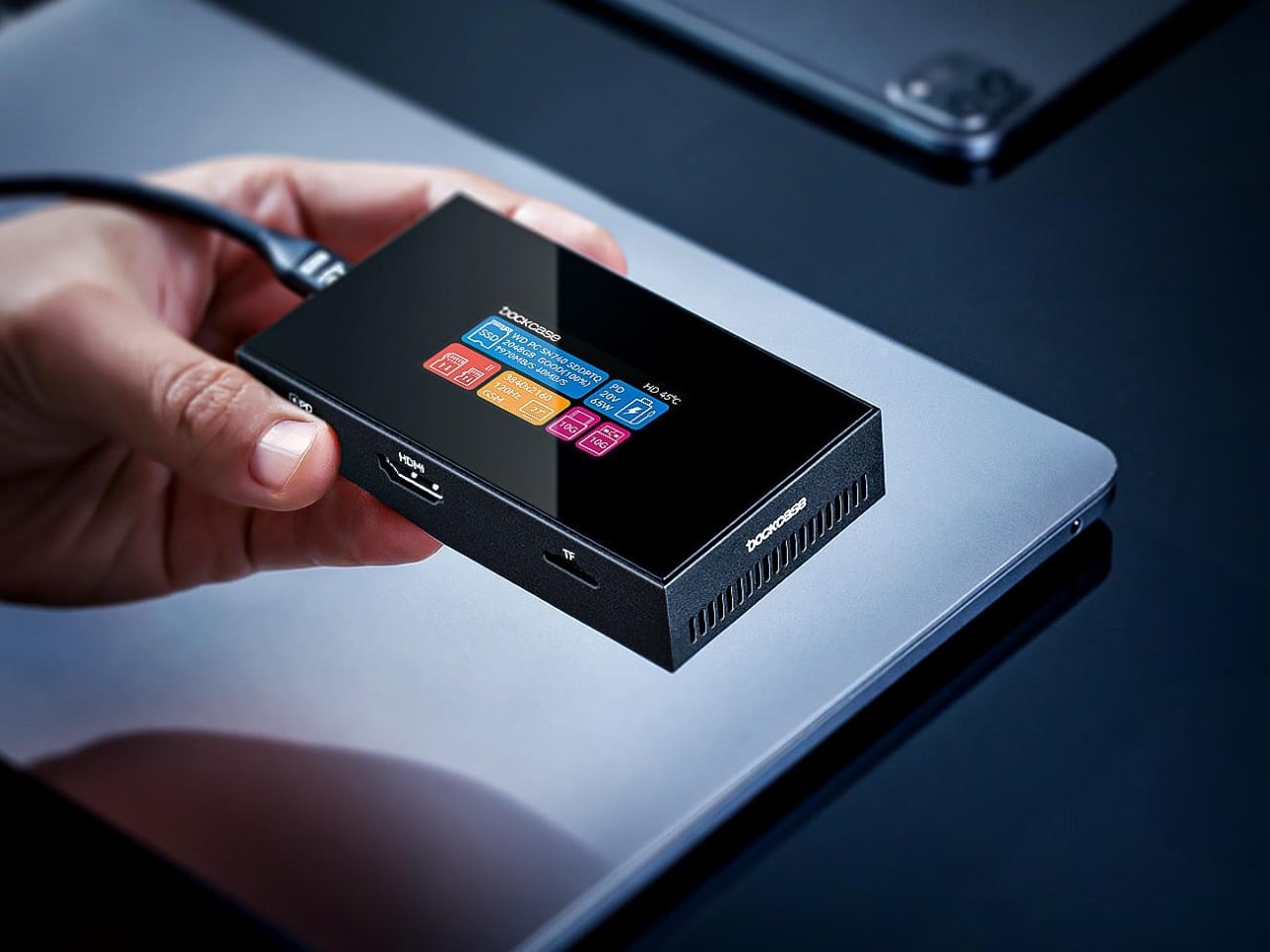
Most USB-C hubs are forgettable plastic bricks you plug in and never look at again. The Dockcase 7-in-1 by Seesaw is the first hub worth looking at, because it actively shows you what it is doing. A touchscreen display on the front face delivers live readouts of transfer speeds, power delivery status, and SSD health — which sounds like a technical feature until you realize it means you never have to guess whether a file transfer is stalled, a port is pulling full power, or your connected drive is under strain. It is mission control in a 113-gram metallic shell.

The port selection is built for a complete desk: a 10 Gbps USB-C host port, a 100W Power Delivery pass-through that keeps a laptop charged without consuming an outlet, an HDMI output at 4K 120Hz, a UHS-II SD card slot, a TF slot, a USB-A port, and a bay for an M.2 SSD up to 2TB. That last feature — dockable high-speed internal storage — separates the Dockcase from every competitor in its category. Active cooling keeps performance stable under sustained load, and the fan speed is adjustable directly from the touchscreen. The screen also rotates 180 degrees, which is the kind of considered detail that only appears in products made by people who use the thing themselves. This is Seesaw’s 12th Kickstarter campaign, and the credibility shows. At $129, it is priced below its expected retail of $179, and it ships to the US, UK, and EU.

What we like

  • The live touchscreen dashboard makes a hub a transparent tool rather than a black box, which is a category-defining shift
  • Dockable 2TB M.2 SSD support consolidates external storage directly into the hub, eliminating a separate drive on the desk

What we dislike

  • The touchscreen and active cooling add complexity that a simpler hub does not carry — more features means more components with finite lifespans

2. Infinite Solas Lamp

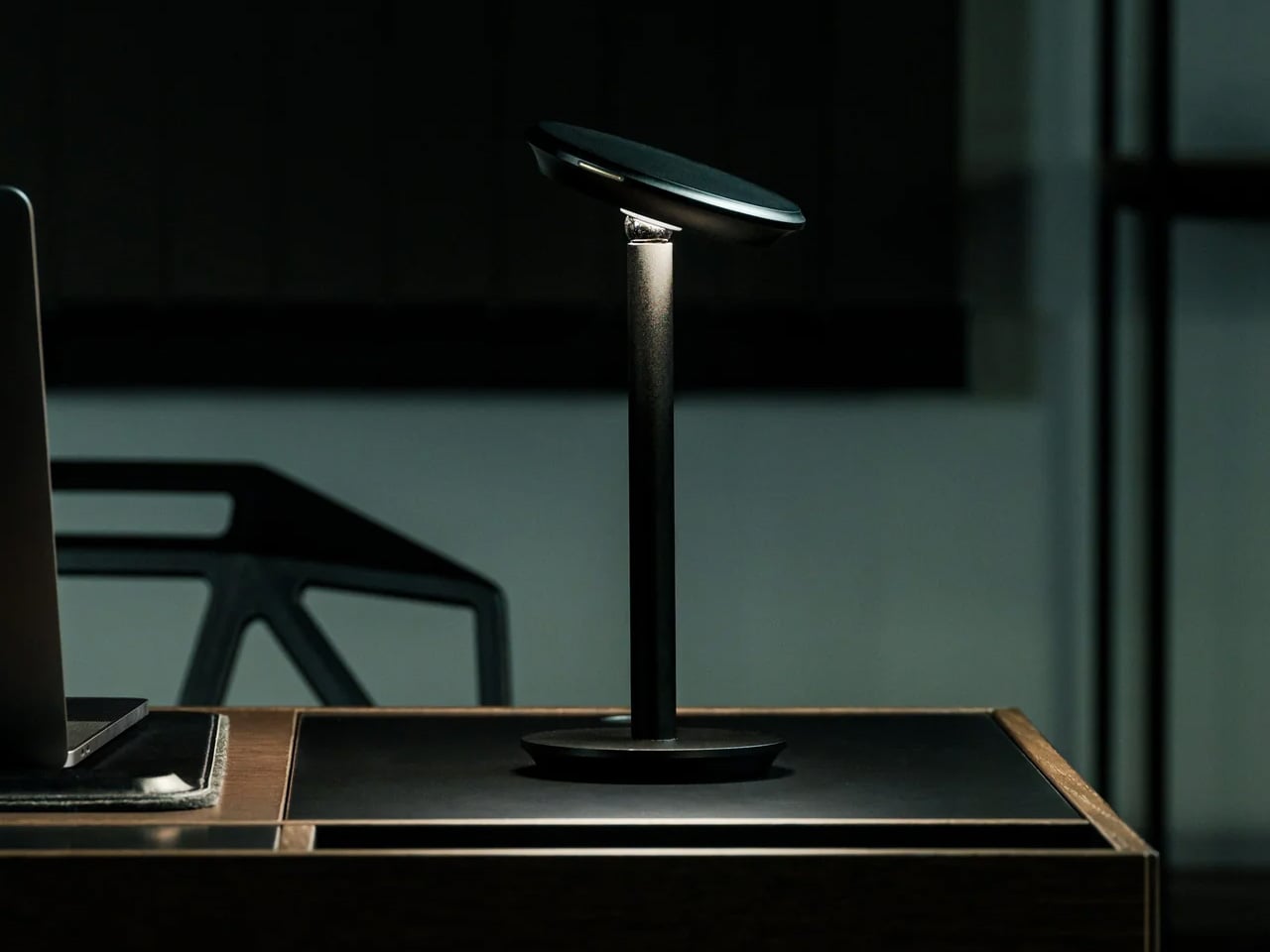
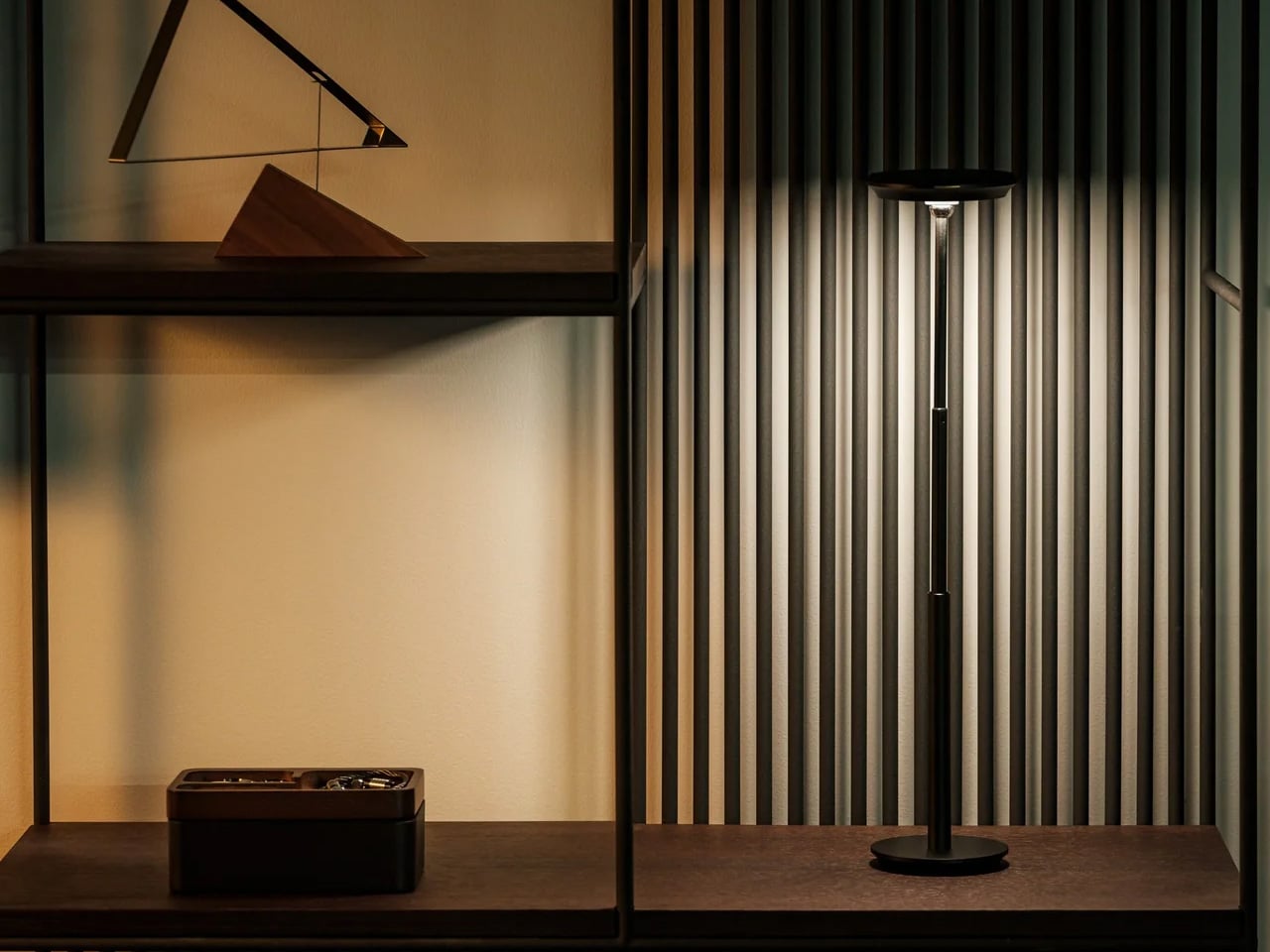
At $325, the Infinite Solas is priced like a statement and operates like one. It is a cordless designer lamp, meaning no cable runs to the wall and no cord crosses the desk surface, which changes the visual cleanliness of the whole setup in a way that sounds minor and registers immediately. The lamp adjusts in height, direction, brightness, and warmth, which means it moves through a full workday from a soft morning reading light to a focused evening session without friction or compromise.

The cordless design is the feature most people describe after a week of living with it. A lamp that can be repositioned without routing a cable changes where it can live — to the left of a keyboard, on a shelf riser behind the monitor, or at the corner of the desk entirely. That freedom of placement belongs to a class of objects that earn their price not through a single headline specification but through the accumulated quality of daily contact with something made without visible compromise.

Click Here to Buy Now: $325.00

What we like

  • Cordless operation changes the visual cleanliness of a desk in a way no cable management solution can replicate
  • The full range of adjustments across height, direction, brightness, and warmth covers every lighting need across the working day

What we dislike

  • At $325, it requires a level of commitment that rules it out as a casual or low-consideration purchase
  • A cordless lamp is a lamp that needs charging, and that charging requirement introduces a variable a corded lamp does not carry

3. Ugmonk Gather

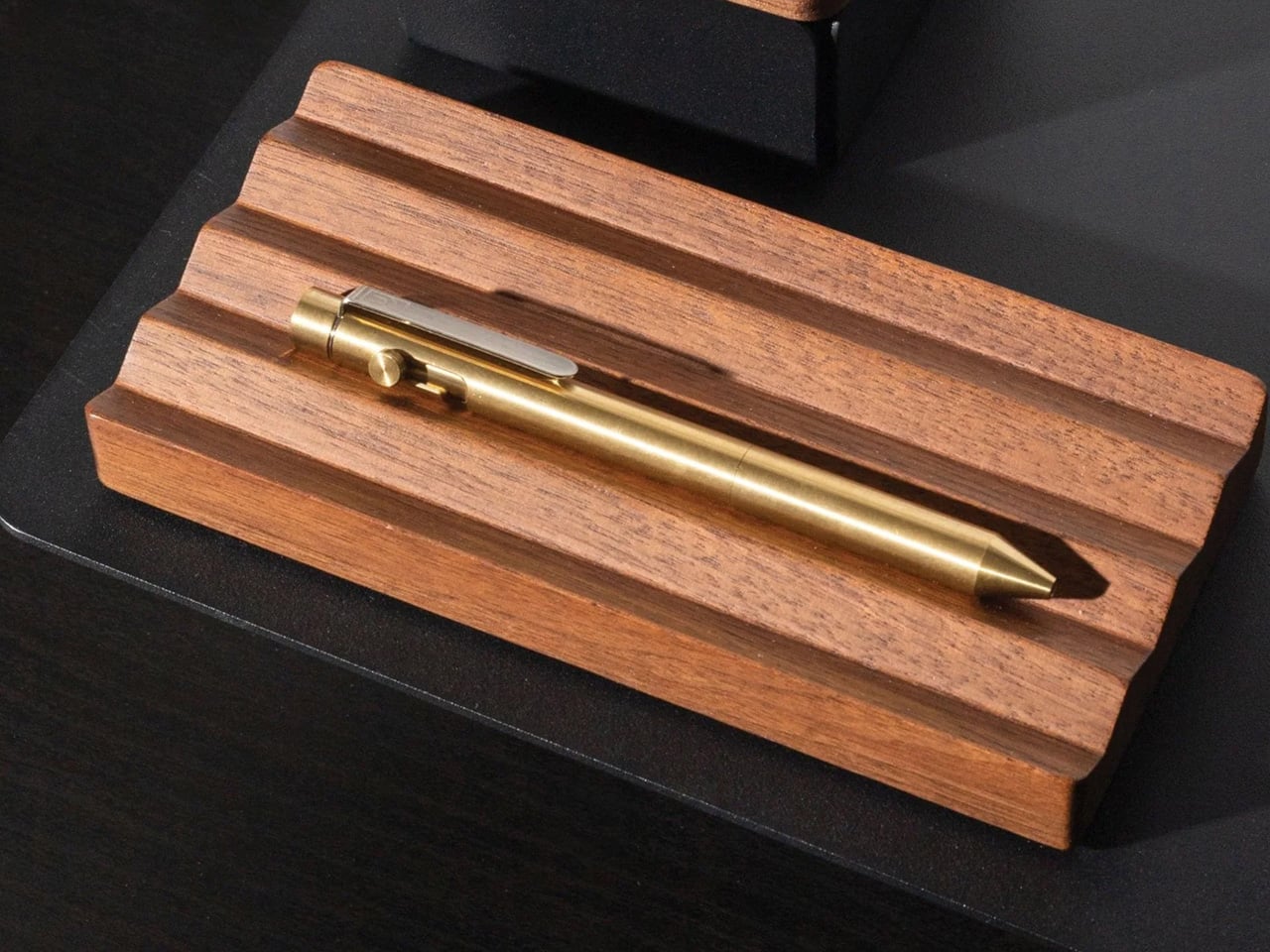
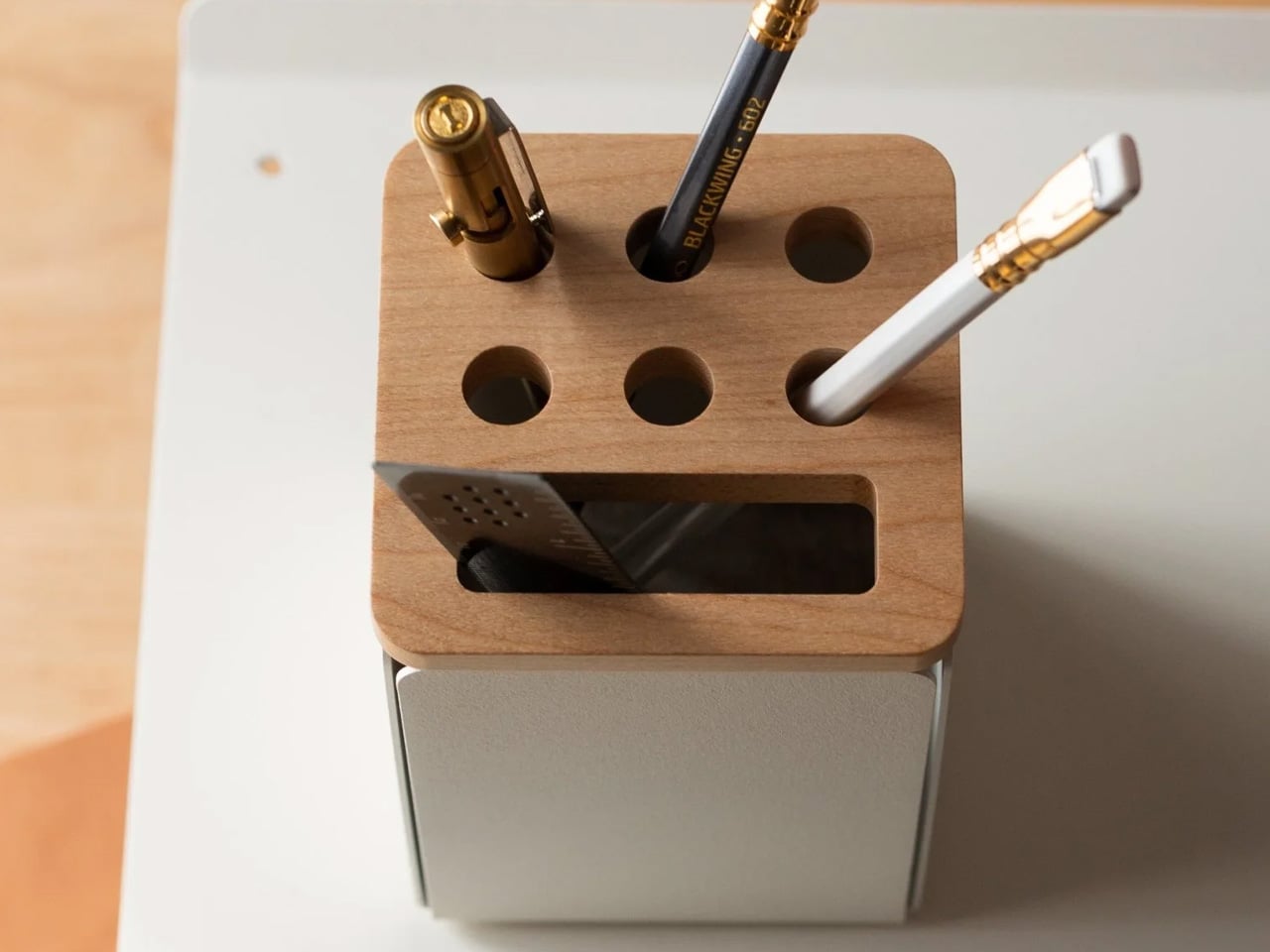
The Ugmonk Gather is a modular desk organization system made in Pennsylvania from powder-coated steel, walnut, and felt, with embedded magnets holding each component to the next. Individual pieces start at $49 and expand outward: pen holders, note trays, card organizers, each designed to connect to the others without fasteners or visible hardware. The modularity is genuine rather than theoretical — pieces can be rearranged, added to, or reduced in seconds as the desk layout or daily routine changes around them.

The felt lining and walnut inserts are what separate Gather from the category of desk organizers that are technically functional and visually unremarkable. Each piece is finished with enough care that the physical act of picking up a pen or pulling a card from the tray has a small, deliberate quality that cheaper systems do not reproduce. It is one of the few organizational products that contributes positively to how a desk looks even when it sits empty, which is its most honest test.

What we like

  • The magnetic connection system means the layout reconfigures in seconds without tools or any lasting commitment
  • American-made materials and construction are visible in the finish quality, not just stated on the packaging

What we dislike

  • Building a complete system from individual pieces adds up quickly, and restraint in selection is harder than it sounds when each piece is designed to invite the next
  • Walnut components require the same care as any wood product, and prolonged direct sunlight will fade the finish over time

4. Orbitkey Desk Mat

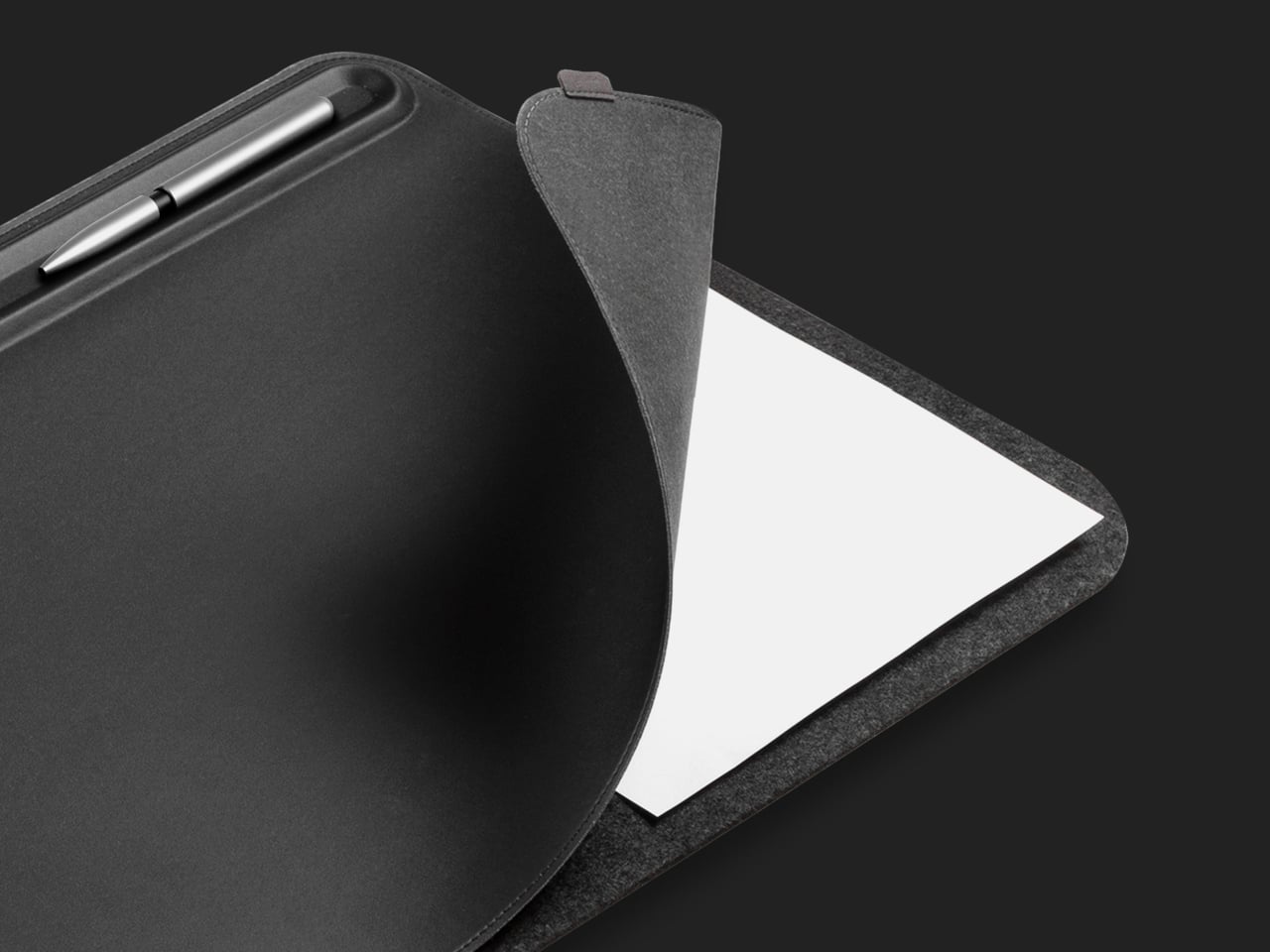
The Orbitkey Desk Mat costs $99.90 and covers the work surface in vegan leather — a polyurethane material with a smooth finish and a subtle texture that reads as refined rather than synthetic. A felt backing protects the desk underneath from scratches and keeps the mat from shifting during use. The surface is water-repellent and wipes clean, which means it absorbs the visual wear of a working desk — coffee condensation, errant pen marks — without accumulating the physical wear that fabric alternatives carry after a year of daily contact.

A desk mat is the item most people overlook when upgrading a workspace because a bare desk surface is still visible, and every object placed on top of it sits in front of whatever grain or color lies underneath. The Orbitkey resolves that with a single consistent material that gives everything placed on top of it a unified ground. It holds a rating of 4.8 out of 5 stars across verified reviews, which is an unusual score for a product this quietly utilitarian in its purpose.

What we like

  • The water-repellent surface is genuinely maintenance-free for the condensation and minor spills that mark up fabric alternatives
  • The felt backing keeps the mat in place and buffers any desk surface imperfections underneath

What we dislike

  • Vegan leather ages differently from genuine leather, and the aging is predictable rather than characterful over several years of use
  • The smooth surface is not suited to every mouse sensor, particularly older optical sensors that require texture to track accurately

5. Grovemade Walnut Desk Shelf

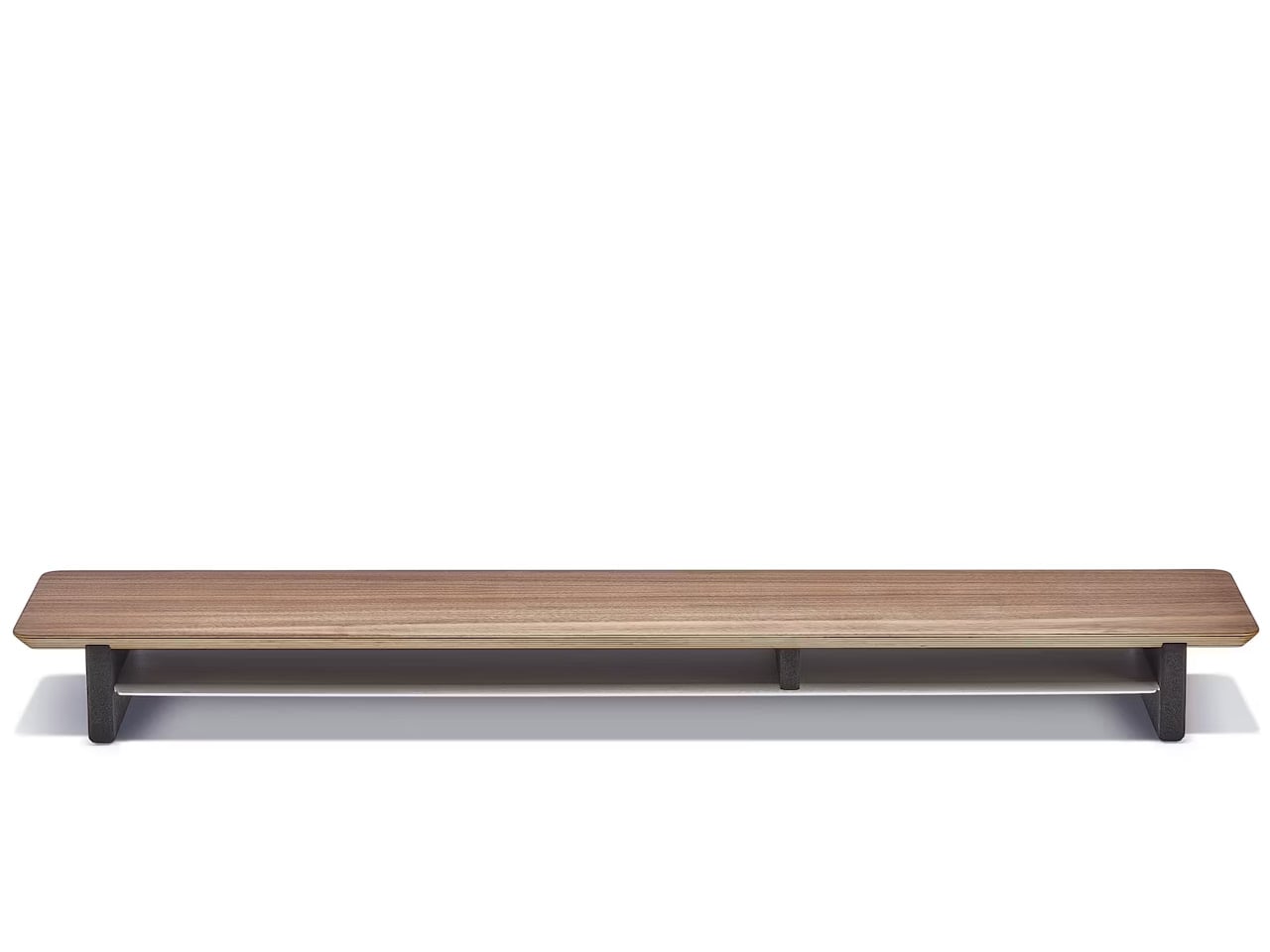
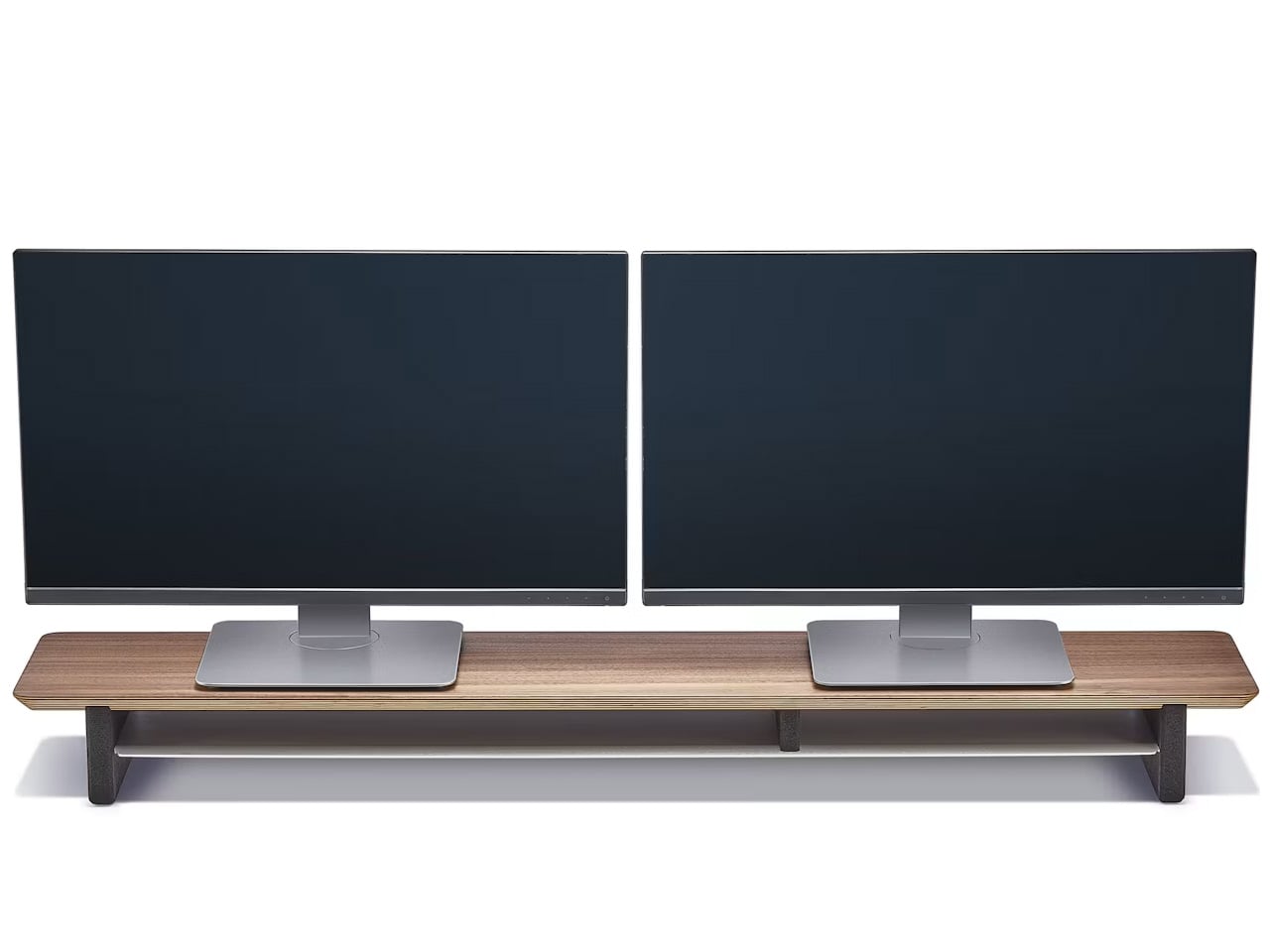
The Grovemade Walnut Desk Shelf is the single piece of desk furniture most likely to change how a workspace looks and, more importantly, how it feels to sit at. Cut from 15-ply solid walnut in three sizes — Small at $180, Medium at $250, Large at $290 — it lifts the monitor and creates two distinct working planes where previously there was a single flat surface. That vertical separation reorganizes the visual hierarchy of everything placed on the desk around it.

The walnut is hand-finished, which gives the surface a warmth that manufactured materials reliably fail to replicate. Grovemade also offers the shelf in maple and matte black, meaning there is a version that reads as natural and one that reads as architectural. The large shelf supports monitors up to 50 pounds and accommodates ultra-wide screens. It is the kind of object that makes everything else on the desk look more intentional by association.

What we like

  • The walnut surface develops character over time, which is something a plastic monitor riser cannot do
  • Three sizes mean it scales from a compact writing desk to an extended dual-monitor station

What we dislike

  • Committing to the right size requires measuring carefully before ordering, because the price gap between small and large is meaningful
  • Walnut is warm-toned, which suits natural and warm desk surfaces and clashes with cooler, grey, or white setups

A Studio Is Just a Desk Chosen Deliberately

None of these five objects will change how you work. The hub does not write better emails. The lamp does not shorten meetings. What they do is change how the room around the work feels, and that feeling compounds. A desk you are genuinely glad to sit at generates a different quality of attention than one that simply occupies a corner of the room with you and waits for Monday.

The difference between a home office and a studio is almost entirely one of intention. These five picks represent five specific decisions: how the desk connects to every device around it, where light comes from and how it moves through the day, where small objects live when not in hand, what the working surface looks and feels like under everything else, and where the monitor sits relative to the desk itself. Together, they do not decorate a workspace. They define one.

The post 5 Desk Gadgets & Tools Of August 2026 That Make Working From Home Feel Like a Studio first appeared on Yanko Design.

This Foldable A2 Scanner Fits in a Bag and Doubles as a Live Presenter

Scanners haven’t changed much in how they occupy a workspace. A flatbed sits in the middle and claims that real estate whether it’s in use or not. Overhead models are more flexible, but they still tend to take up a fixed spot in any setup. For anyone working from a compact home office or shared studio, that trade-off rarely gets a proper answer.

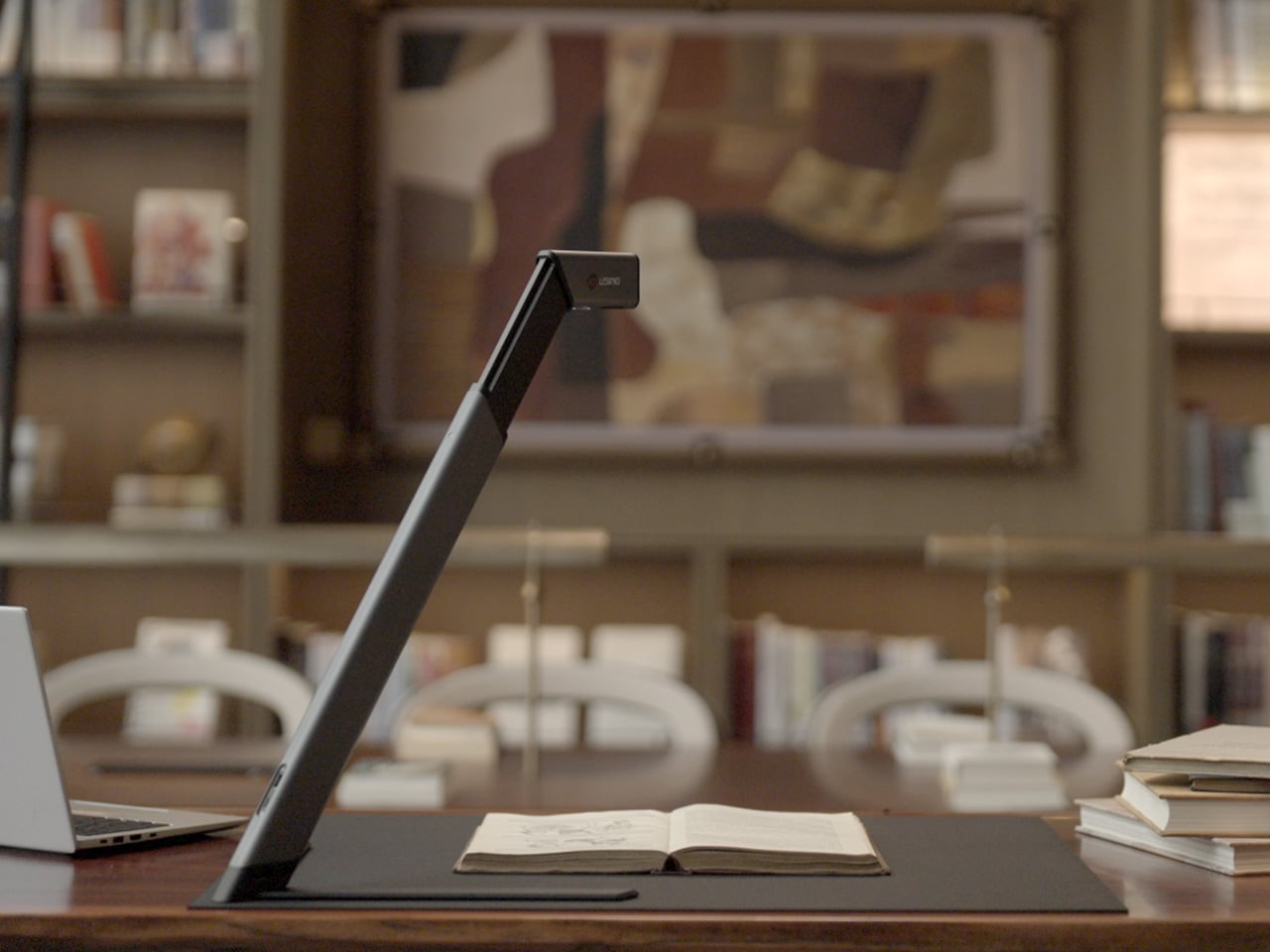
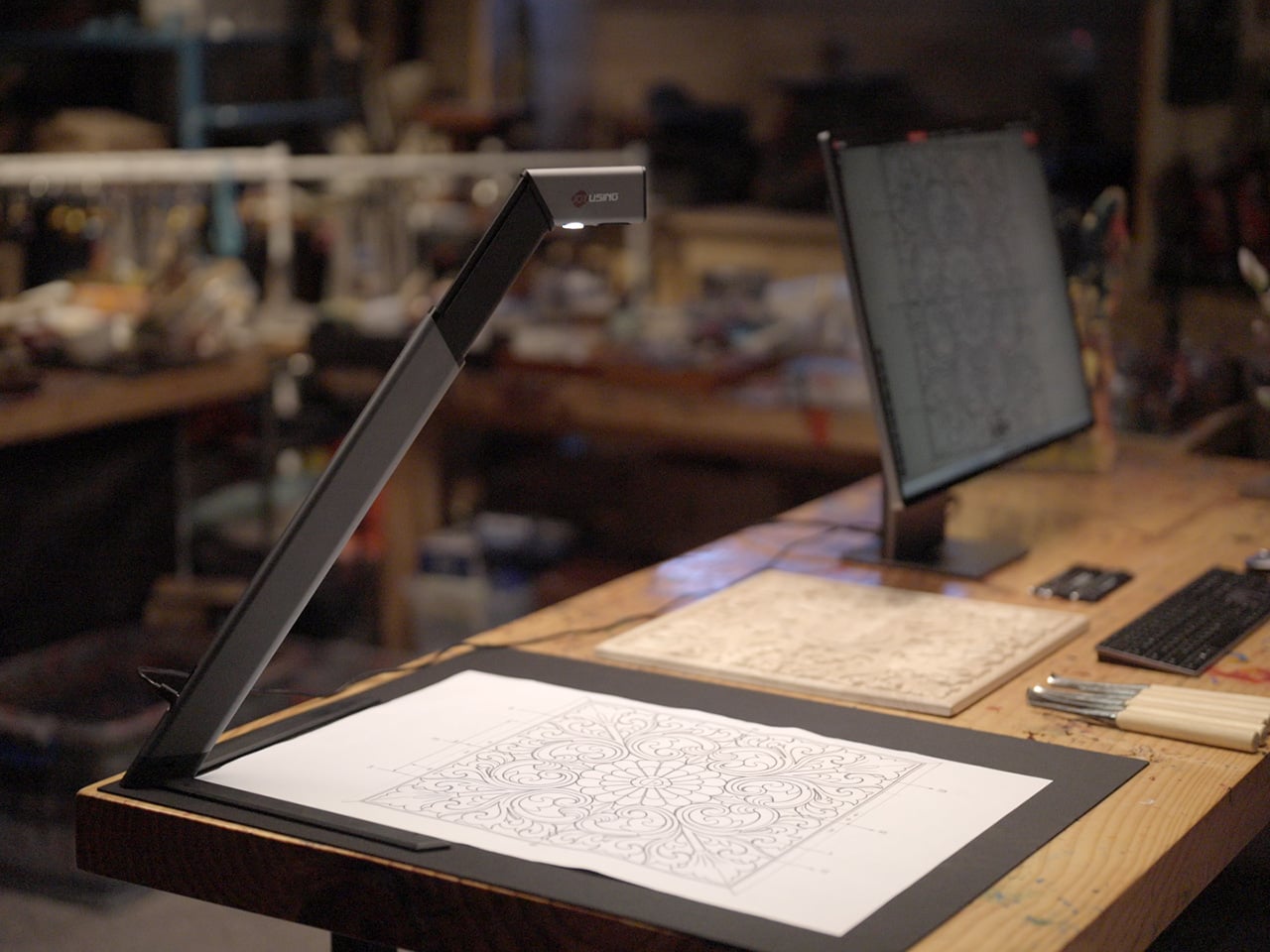
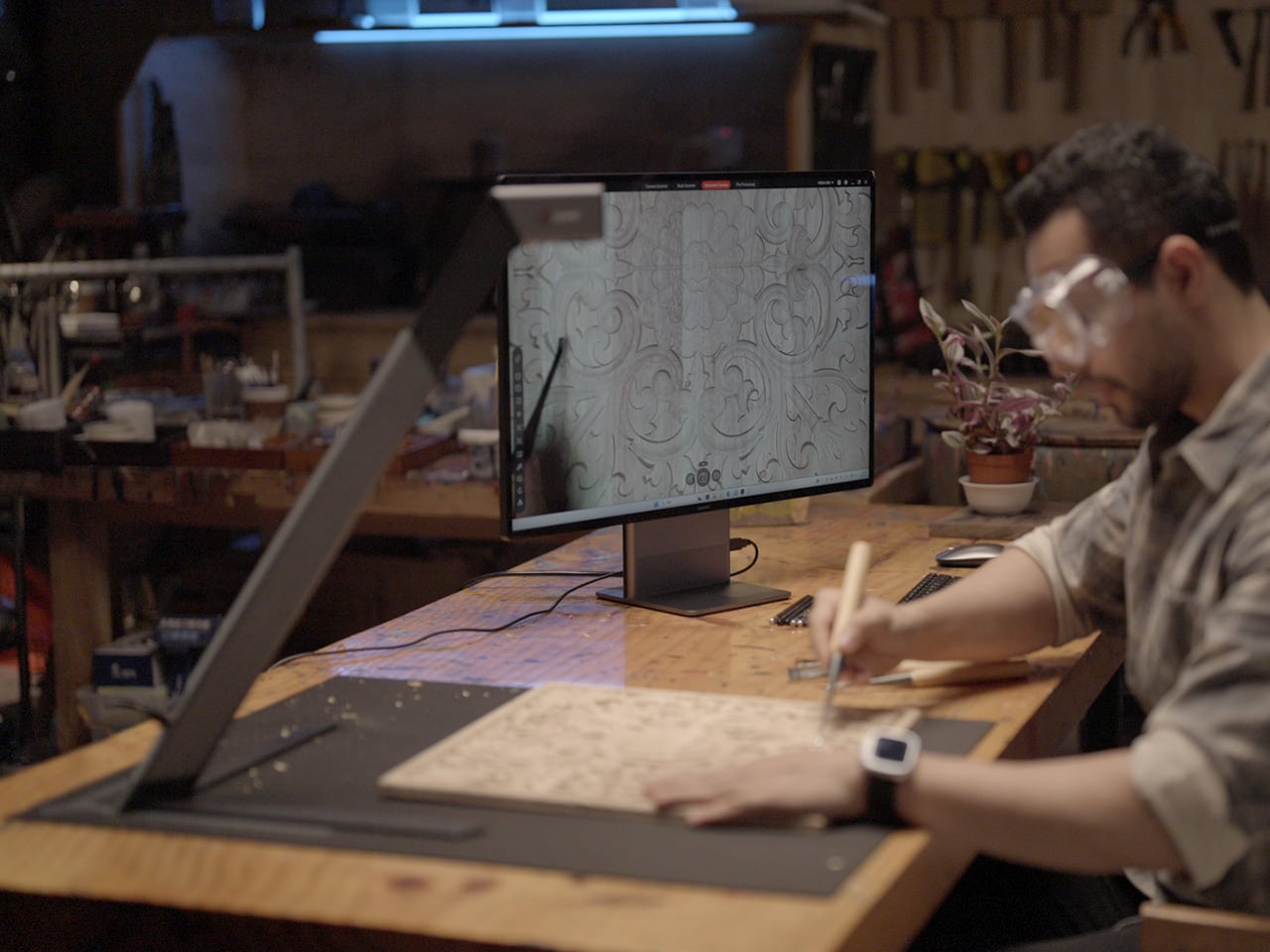
Joyusing’s ScanMax 320 approaches the problem from a different angle, quite literally. Rather than occupying the center of a workspace, it’s built to sit at the edge of a desk, positioned in the corner while its arm reaches overhead. It handles documents, books, artwork, and large-format materials up to A2 size, without taking over the surface it’s meant to serve.

Designer: JOYUSING

Click Here to Buy Now: $379 $649 (42% off). Hurry, only 32/220 left! Raised over $88,000.

Folded down, the ScanMax 320 measures 355mm x 68mm x 51mm, slim enough to slip into the included carrying bag and move between rooms without any effort. It runs entirely on USB-C power, so getting started means plugging in a single cable. There’s no proprietary adapter to hunt down, no driver installation ritual, and nothing complicated to deal with before the first scan. You can directly use the ScanMax 320 as a live presenter camera, and scanning as well as other advanced features simply require the free Joyusing Scanner intelligence software.

The shooting area extends to a full A2, or 594mm x 420mm, with a 32-megapixel sensor capturing at up to 380 DPI. That covers blueprints, double-page book spreads, large technical drawings, and oversized artwork in a single pass. An intelligent auto-switching system detects whether the material is A2 or A3 and adjusts accordingly, so there’s no manual input needed between sessions.

Overhead scanners tend to have a lighting problem, particularly near edges or when capturing materials that aren’t perfectly flat. The ScanMax 320 uses a rectangular illumination system shaped to match the scanning area, distributing light evenly and keeping shadows from washing out fine detail near the sides. Three brightness levels, at 30%, 70%, and 100%, are accessible with a single touch for quick adjustments in different environments.

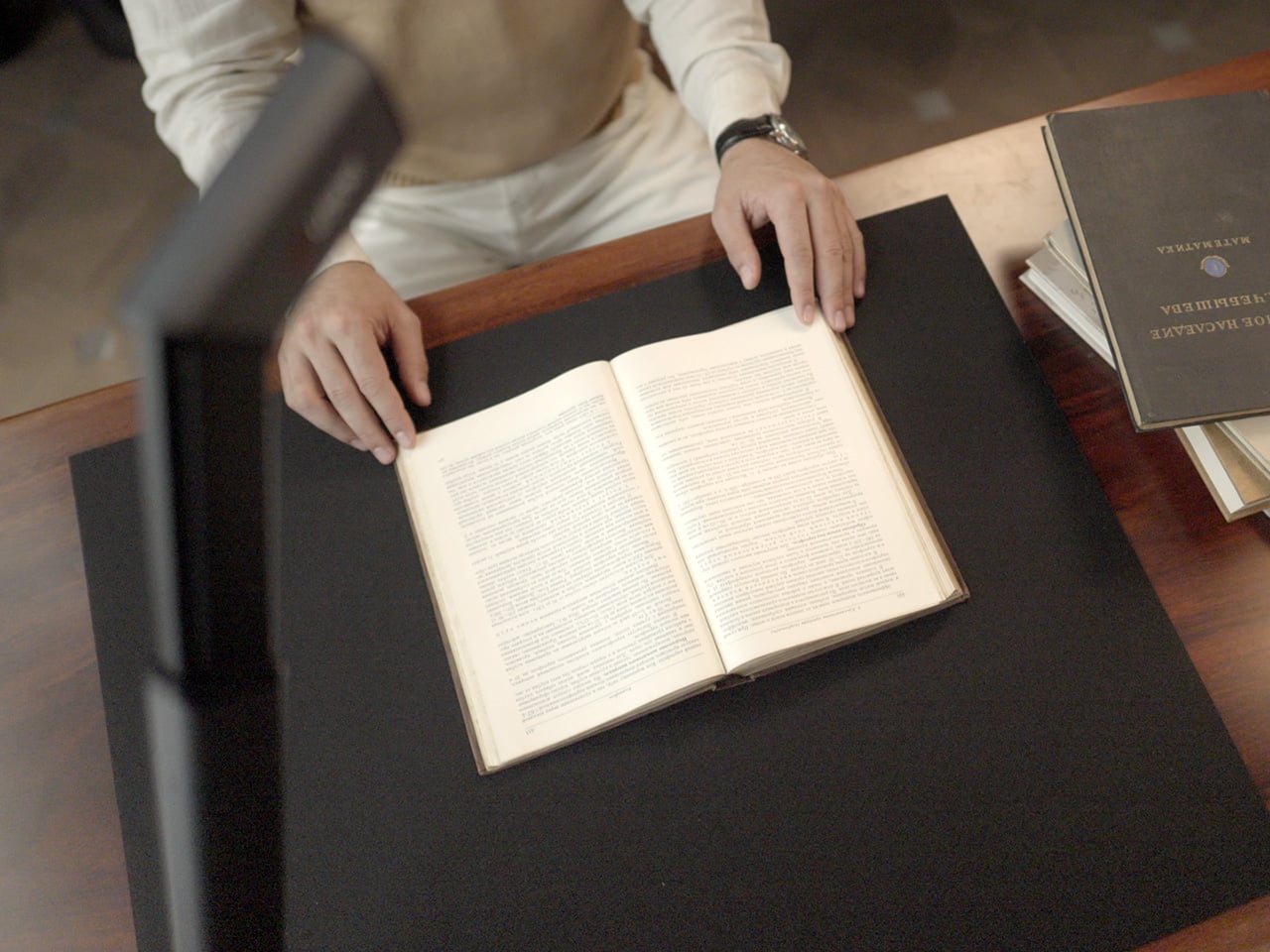
Book scanning is where overhead devices tend to earn their keep, and also where they tend to frustrate. Pages curve at the spine, fingers get in the way, and binding shadows creep in from the edges. The ScanMax 320’s software handles most of this automatically, applying auto-flattening, finger removal, de-skewing, and shadow removal without manual adjustment. Book mode, paired with the included finger cots, keeps pages steady for continuous capture.

Once everything is captured, the software’s OCR engine converts printed text into editable, searchable files, with support for 180 languages and export options including Word, PDF, and TXT. A page of Japanese text, a technical report, or a multilingual research paper can go from physical to fully searchable in seconds, turning raw captures into documents you can actually search, copy, and share.

What’s less obvious about the ScanMax 320, and arguably more interesting, is that it also functions as a live visual presenter. Point it at a printed page, a hand-drawn sketch, or a physical object, and the feed goes live to whatever screen or projector it’s connected to. For a teacher going through annotated notes or a designer reviewing a layout with a client, that extra mode earns its place quickly.

Software compatibility covers Windows, macOS, and several Linux distributions including CentOS, Ubuntu, and Debian, though macOS users will find some features limited compared to the Windows version. Everything connects over USB-C, keeping the setup free of dongles and extra cables. Built-in annotation tools allow for direct markup of scanned content, which makes it easier to prepare materials before presenting or sharing them.

There’s something refreshingly considered about a scanner built to work with your desk rather than on top of it. The ScanMax 320 doesn’t ask you to clear space or rearrange anything. It folds, parks at the edge, and gets on with the job. Whether you’re archiving a collection, digitizing a sketchbook, or presenting something in a meeting, the fact that it stays in its corner is, in itself, the point.

Click Here to Buy Now: $379 $649 (42% off). Hurry, only 32/220 left! Raised over $88,000.

The post This Foldable A2 Scanner Fits in a Bag and Doubles as a Live Presenter first appeared on Yanko Design.
Bevel Is Set to Become the Tallest Mass Timber Office Building in North America

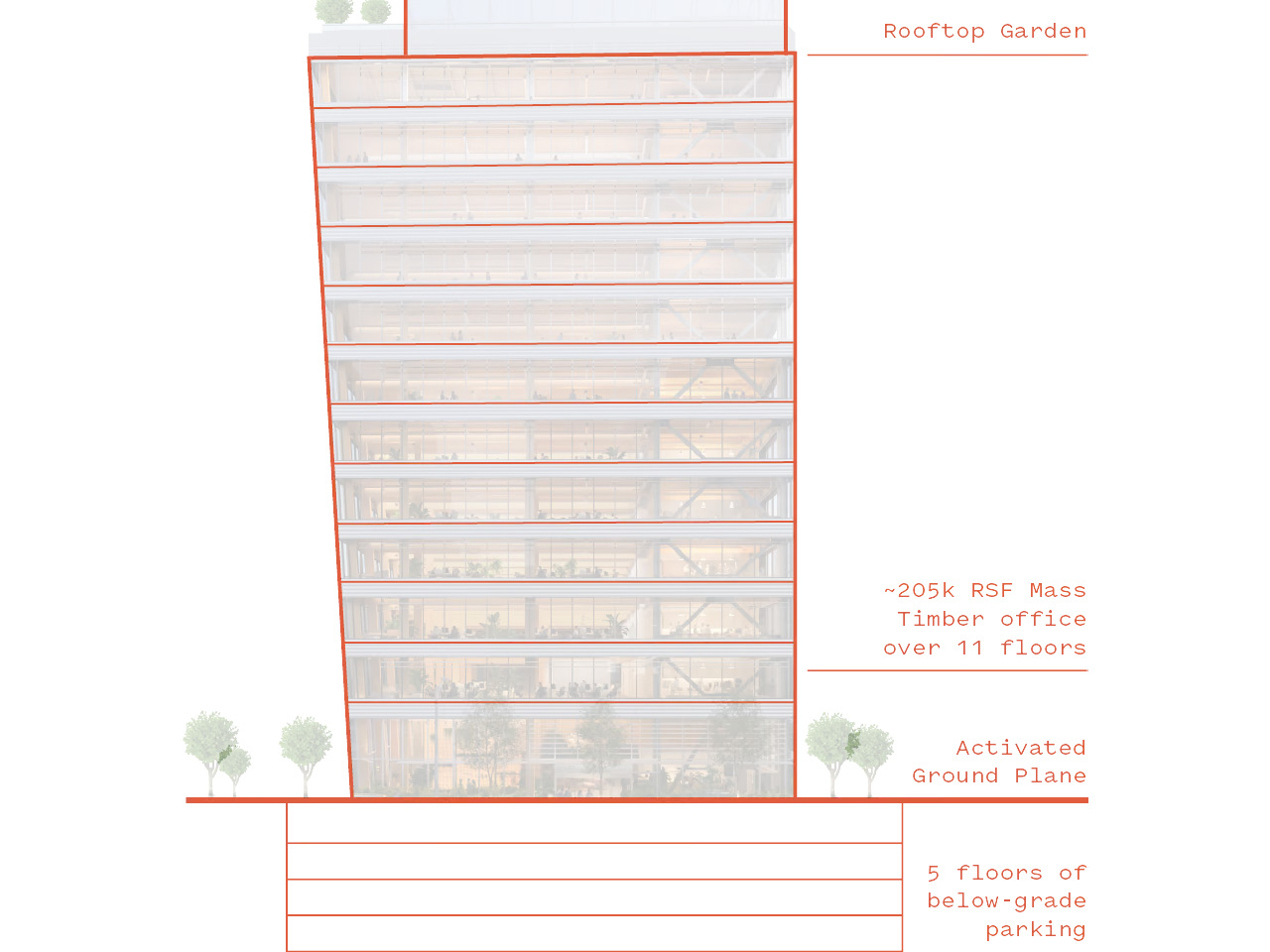
When Waugh Thistleton Architects and Mithun sat down to design Bevel, the brief was as clear as it was ambitious: build an office tower in Bellevue, Washington, that challenges how North America thinks about commercial construction. The result is a 12-storey, 55-meter mass timber building developed by Skanska that, upon completion in August 2026, will claim the title of the tallest mass timber commercial office building on the continent.

That distinction matters. While tall timber has appeared in multifamily housing and student accommodations across North America, no commercial office building has yet pushed through the boundaries of Type IVB construction code. Bevel does exactly that, and in doing so, it draws a new line in the sand for what sustainable workplace design can look like at scale.

Designer: Waugh Thistleton Architects and Mithun

The building’s structural logic is unapologetic about what it’s made of. Mass timber columns, beams, and ceilings are left fully exposed throughout every office floor and across the ground-floor public areas. There’s no cladding to soften or conceal the material — the timber is the experience. Paired with full-height perimeter windows and floor-to-ceiling glazing in the lobby, the building pulls natural light and the Pacific Northwest landscape into nearly every corner of its 18,580 square meters.

Biophilic design threads through the project at every scale. The ground floor opens into a nature-infused lobby, native landscaping wraps the site, and the streetscape around Bevel expands with wider sidewalks and improved pedestrian connections that weave the building into Bellevue’s downtown grid. It’s a rare office project that considers what it does to the city around it, not just the tenants inside it.

Given the region’s seismic demands, Bevel’s mass timber sits above grade while a steel core and lateral system handle structural resilience, and a concrete parking structure anchors the base below grade. It’s a practical acknowledgment of the Pacific Northwest’s geology — not a compromise, but a considered hybrid that makes the timber possible at this height.

The certifications Bevel is targeting reflect the full breadth of that ambition: LEED v4 Platinum, Fitwel 2-Star, and Salmon-Safe. Stormwater capture and reuse systems, full electrification, and biodiversity-focused site design round out a sustainability stack that positions the building for long-term performance rather than just a headline at opening.


This is also the first collaboration between London-based Waugh Thistleton and West Coast firm Mithun — two studios whose combined research in mass timber and workplace design across two continents makes Bevel feel like a genuinely global answer to a very local question: what should the next generation of office buildings be built from? The answer, it turns out, is wood.

The post Bevel Is Set to Become the Tallest Mass Timber Office Building in North America first appeared on Yanko Design.
You Don’t Have a Desk Anymore and This Leitz Hanging Organizer Gets It

Hot-desking has quietly redefined what it means to have a workspace. Workers no longer have a corner to call their own; they arrive, claim a free surface, settle in, and pack everything back into a locker at the end of the day. It can feel like camping at your own job, and the accessories being designed around it reflect just how thoroughly the modern office has shifted.

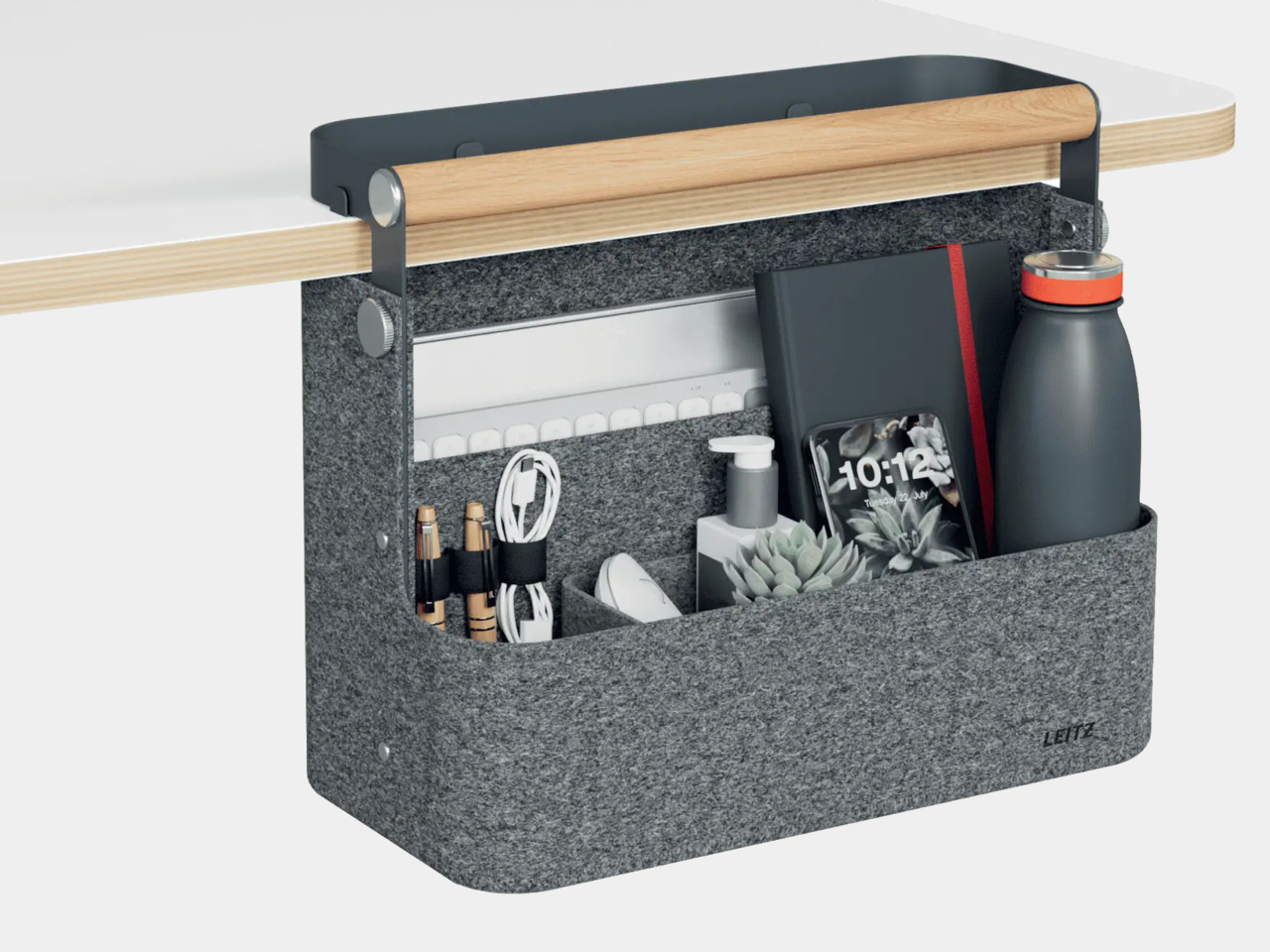
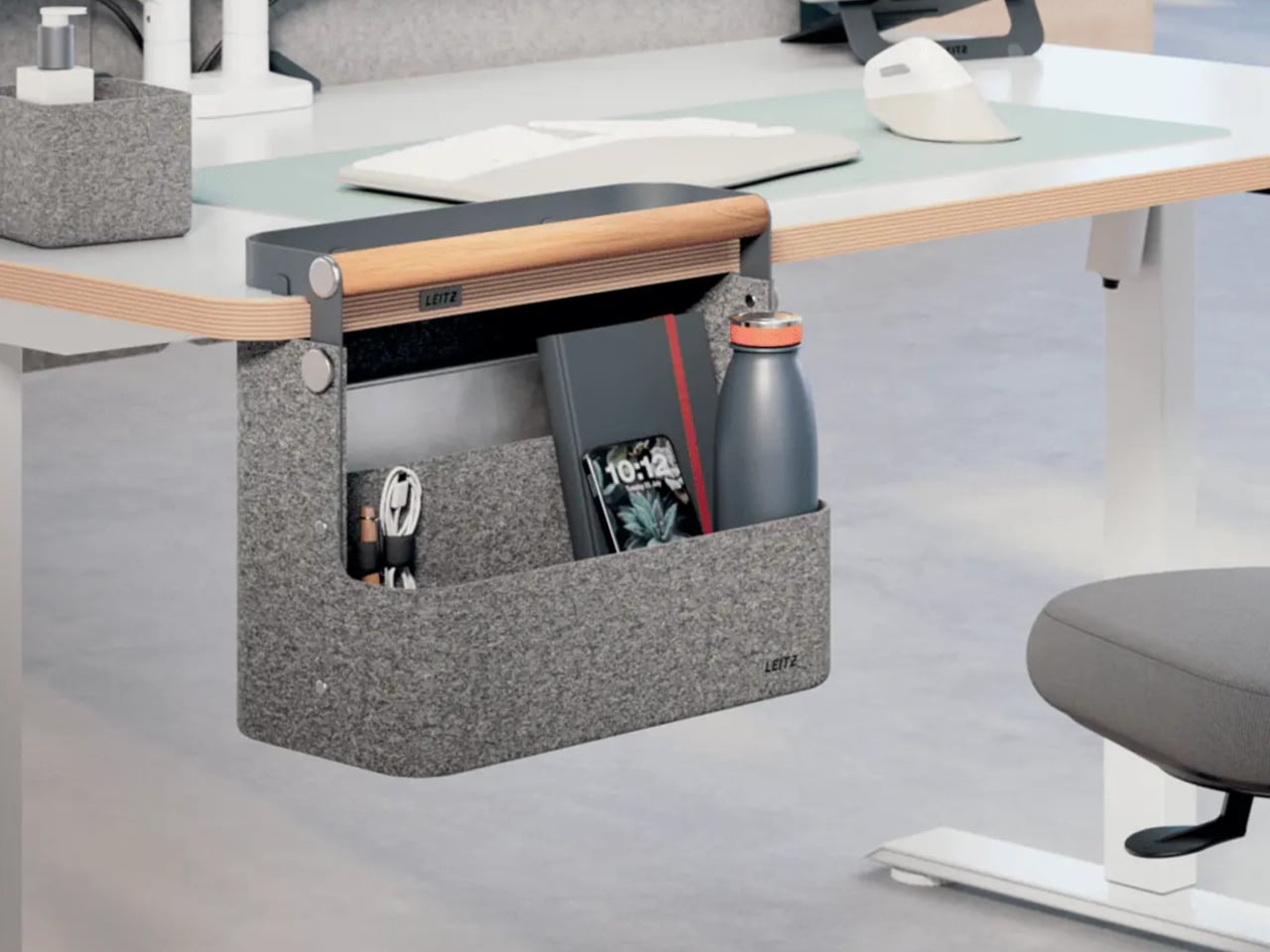
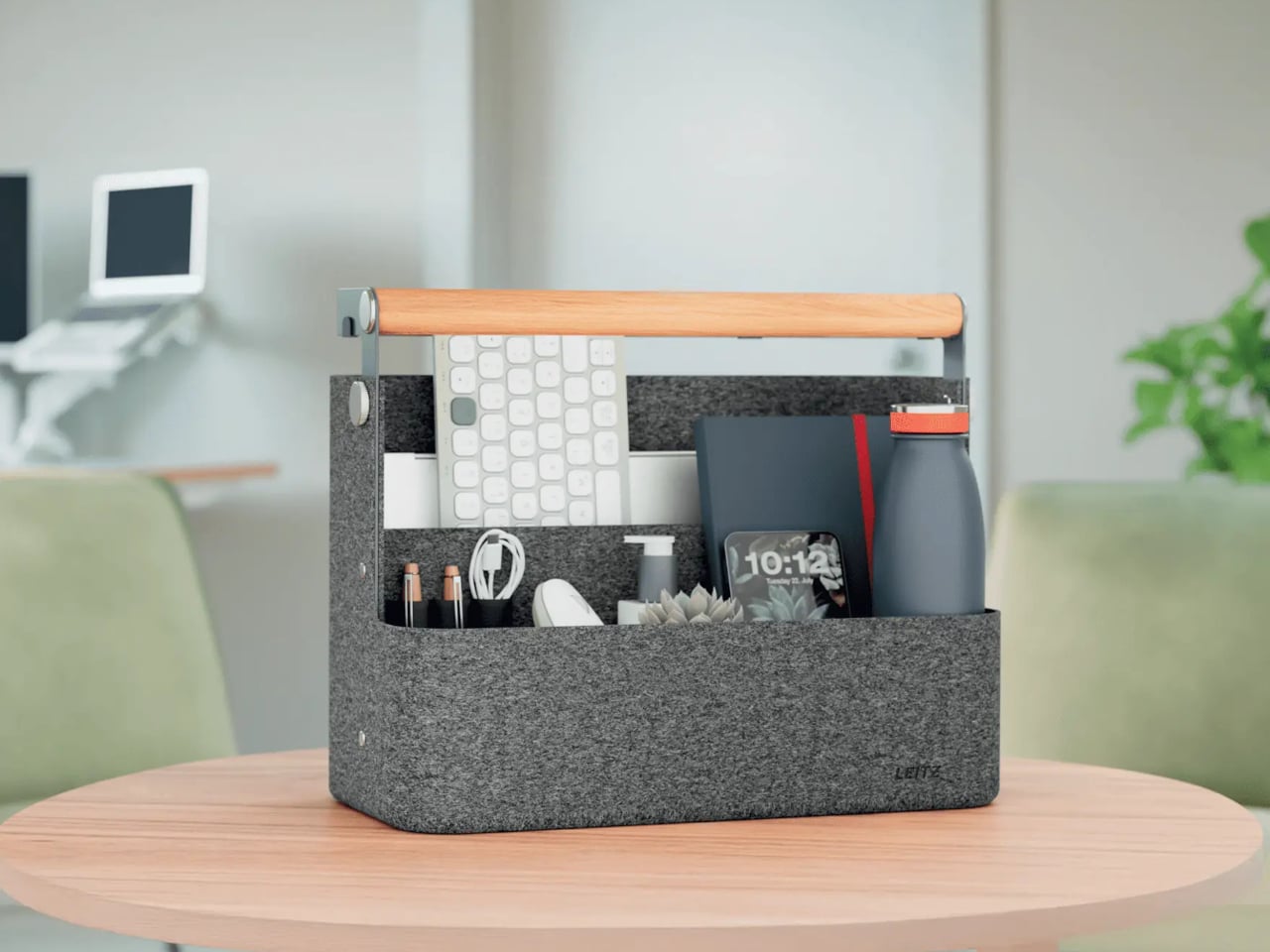
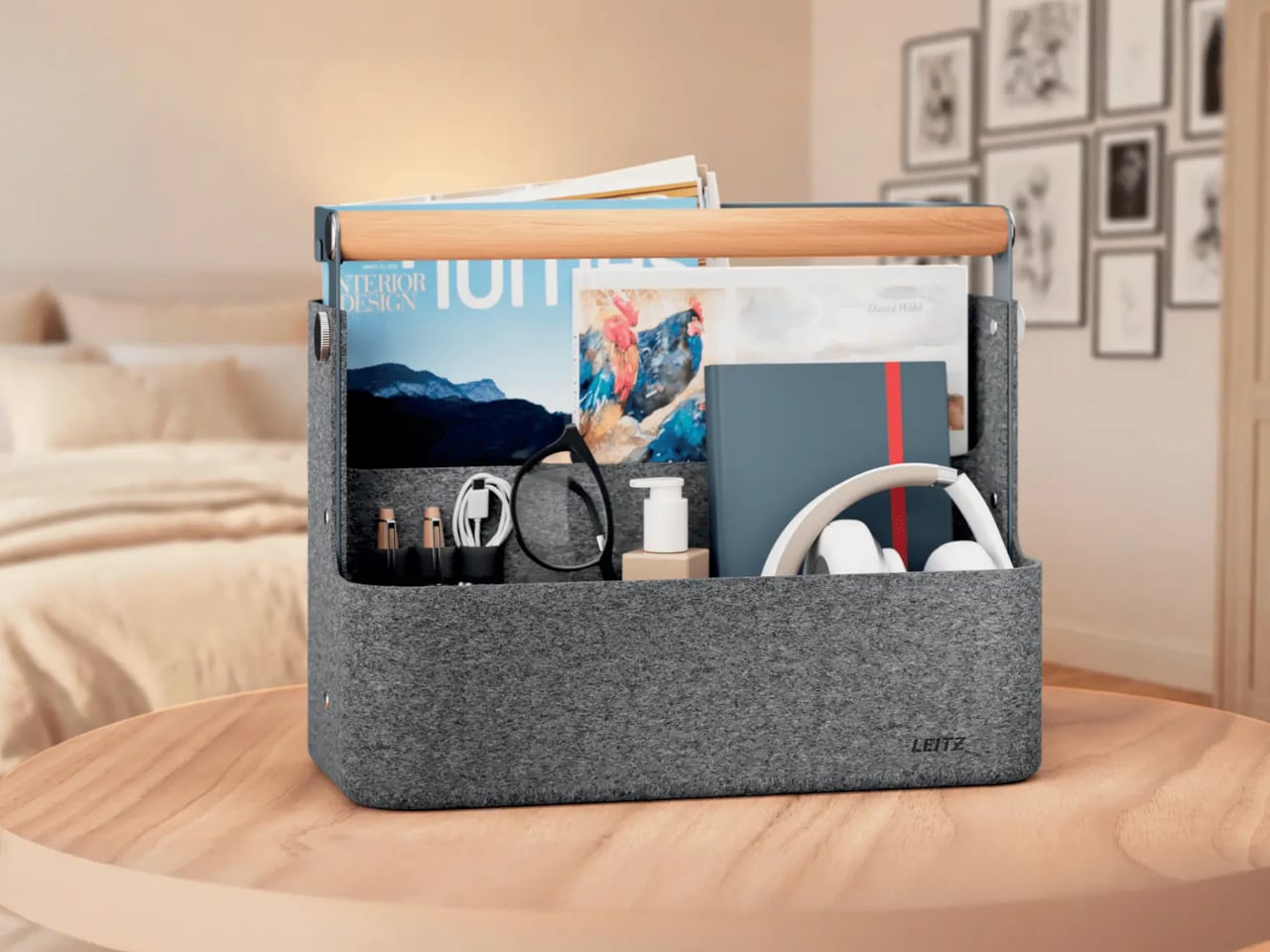
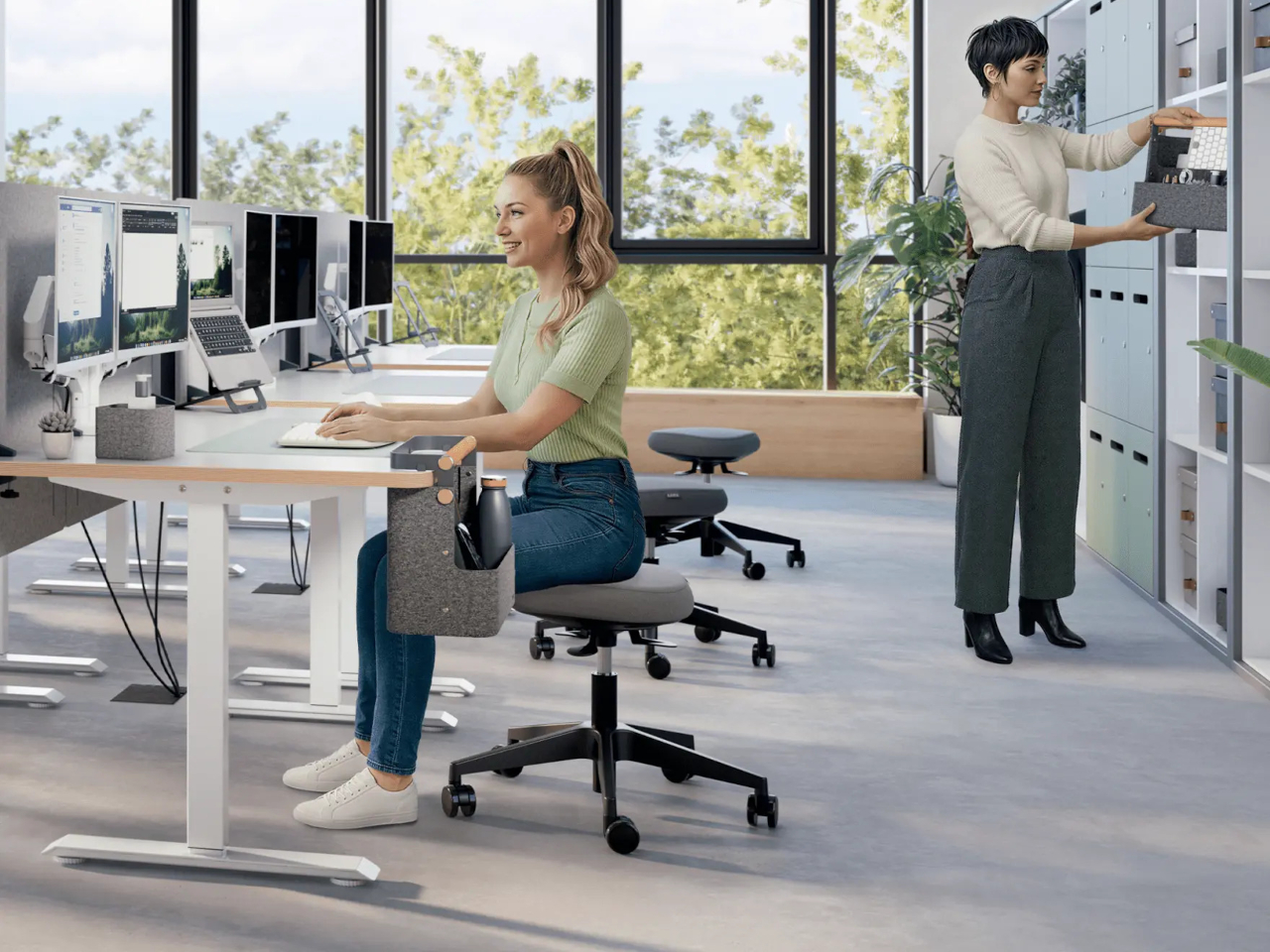
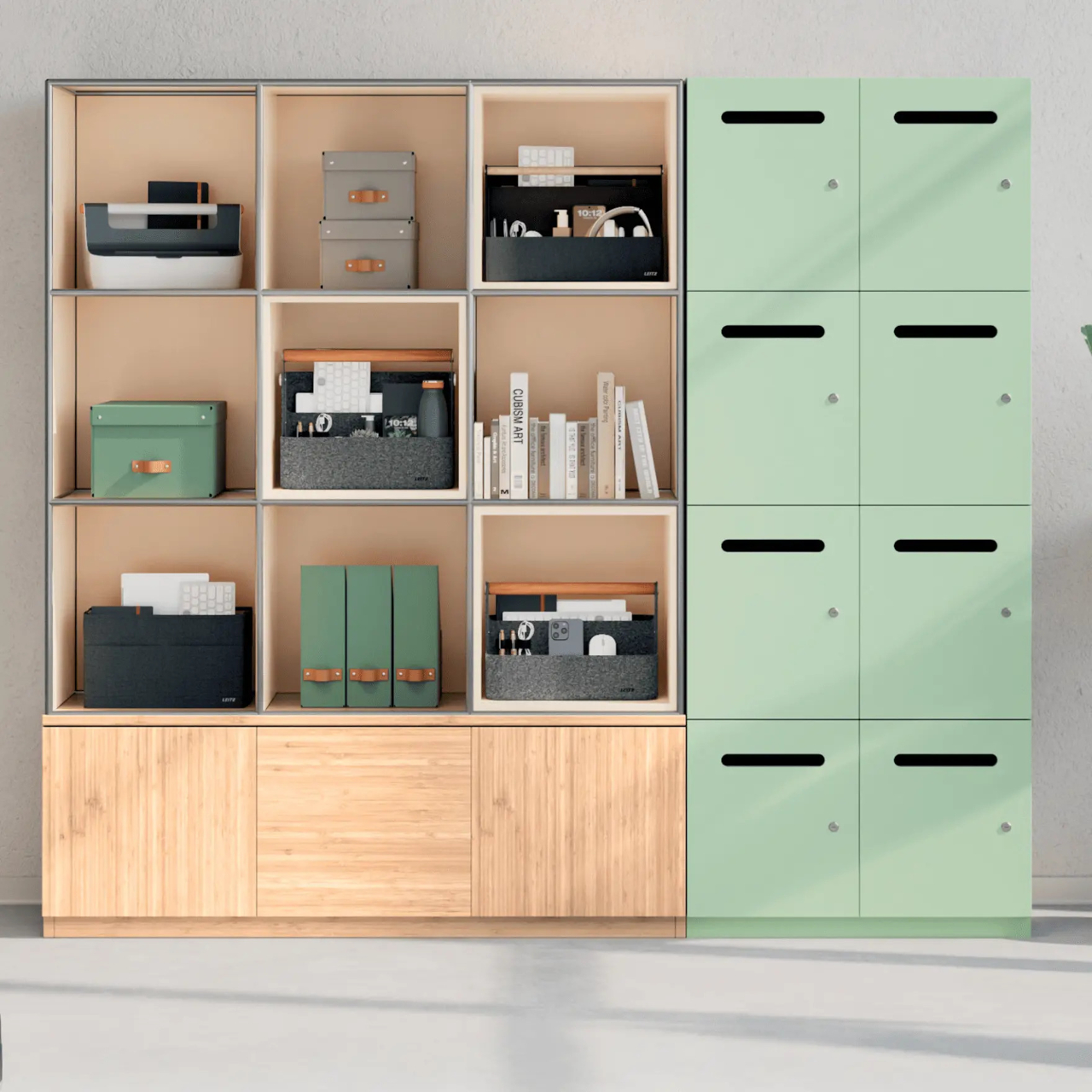
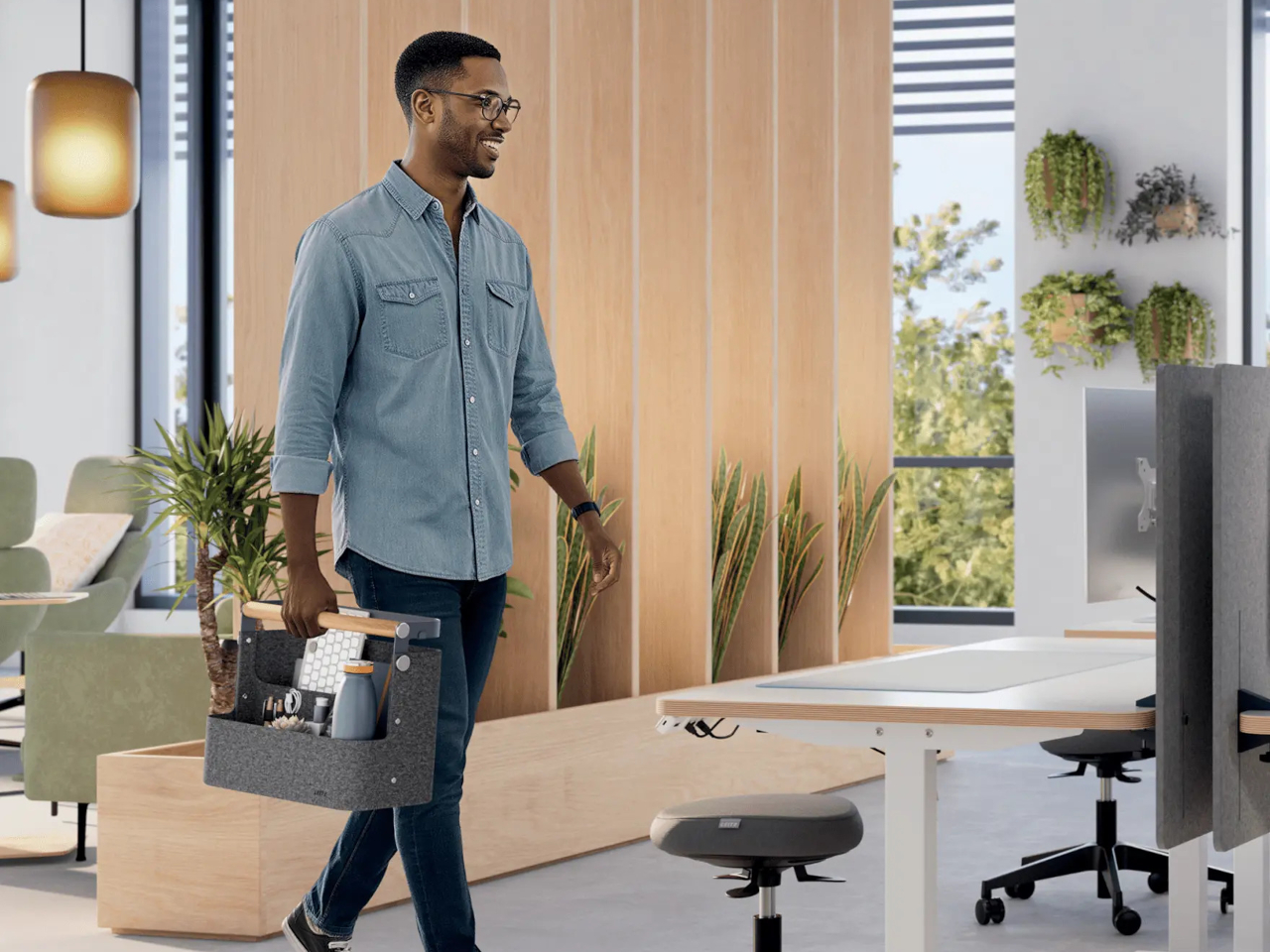
Leitz’s Hanging Desk Organizer addresses one of the most specific problems of that routine: the transition from locker to desk. The idea is fairly simple. The organizer sits in a locker overnight, gets carried to whichever surface is free in the morning, and clips onto the desk’s edge so everything stays within reach without claiming more surface area than necessary. It’s designed for a habit that isn’t going away.

Designer: Leitz

The hanging mechanism is the core of the design. A metal bracket with a patent-pending adjustment system grips the desk’s edge and can be sized to accommodate different tabletop thicknesses, from 1.8cm to 5cm. That range covers most modern slab desks, so the fit tends to be secure regardless of the office furniture. No tools, no adhesive, nothing to set up at the start of each day.

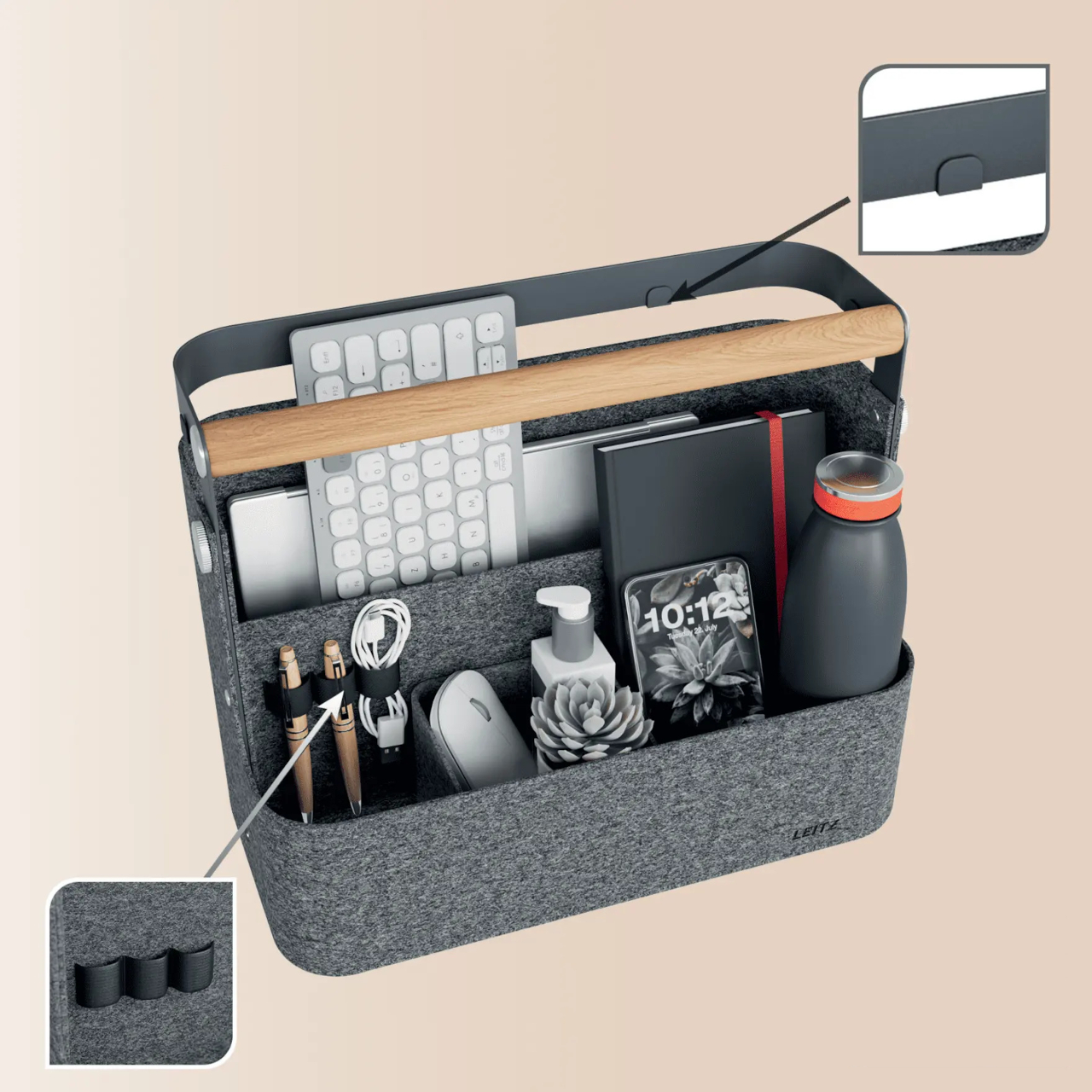
Inside, there are two main compartments roomy enough to fit a laptop, a compact keyboard, a notebook, a water bottle, and a phone. Three elastic holders along the interior manage pens and cables, and a small removable tray corrals the smaller items that tend to get lost at the bottom of any bag. The tray lifts out and can sit flat on the desk surface independently while you work.

The beech-wood handle makes the carry feel intentional rather than makeshift. Between the locker and the desk, or between floors if your building has multiple shared spaces, you’re carrying something that behaves more like a proper tote than a repurposed storage box. At 1.2kg empty, it’s light enough to carry fully loaded, and the 7.5kg capacity means it comfortably handles a full day’s worth of gear.

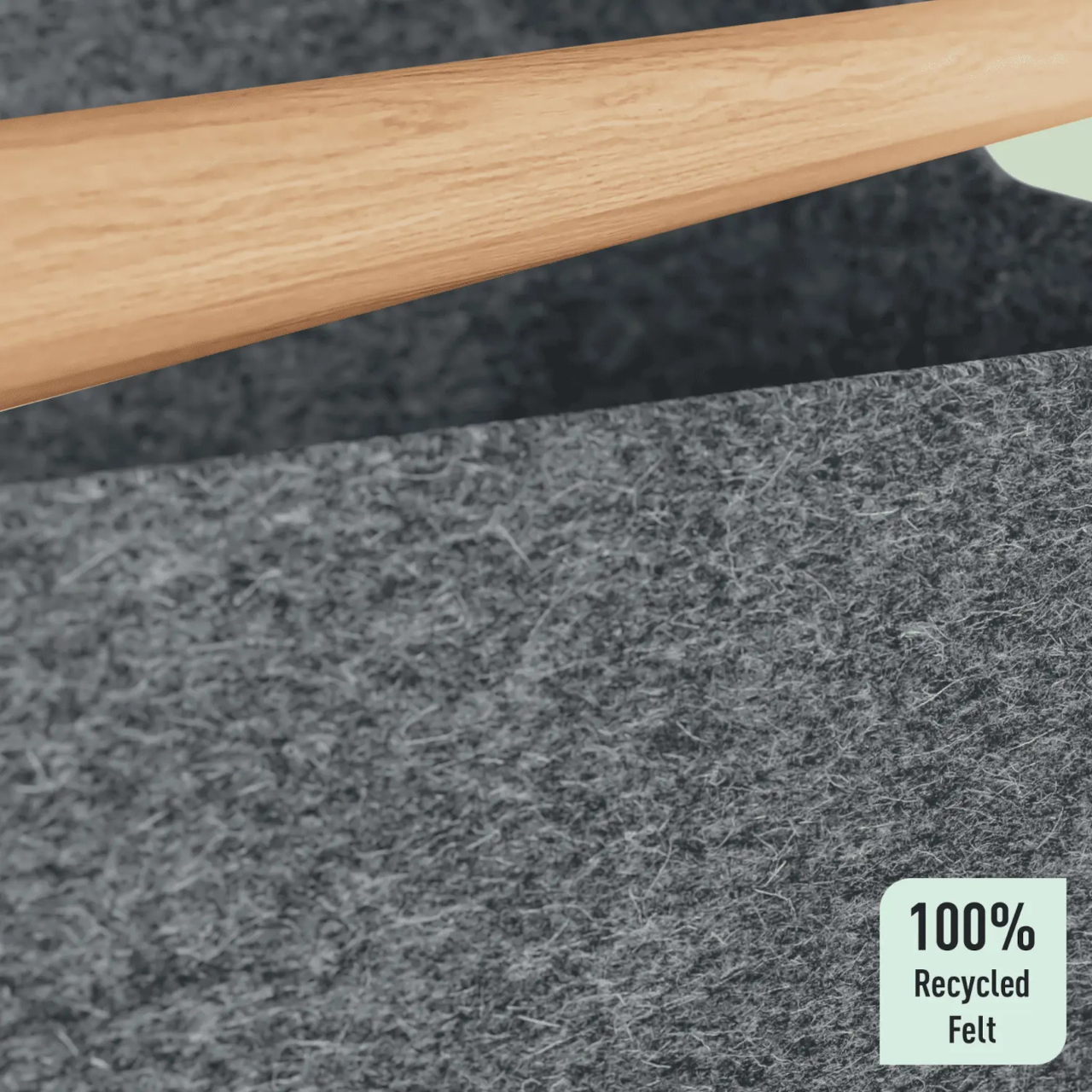
The body is made from Thermofelt, which looks and feels like conventional felt but is actually a heat-formed polyester material made from 100% recycled post-consumer plastic. It gives the organizer a softer, more considered presence than the hard plastic or nylon you’d normally find in office accessories, and it holds its shape well enough to stay structured even when fully loaded. Packaging is plastic-free, in keeping with the material choice.

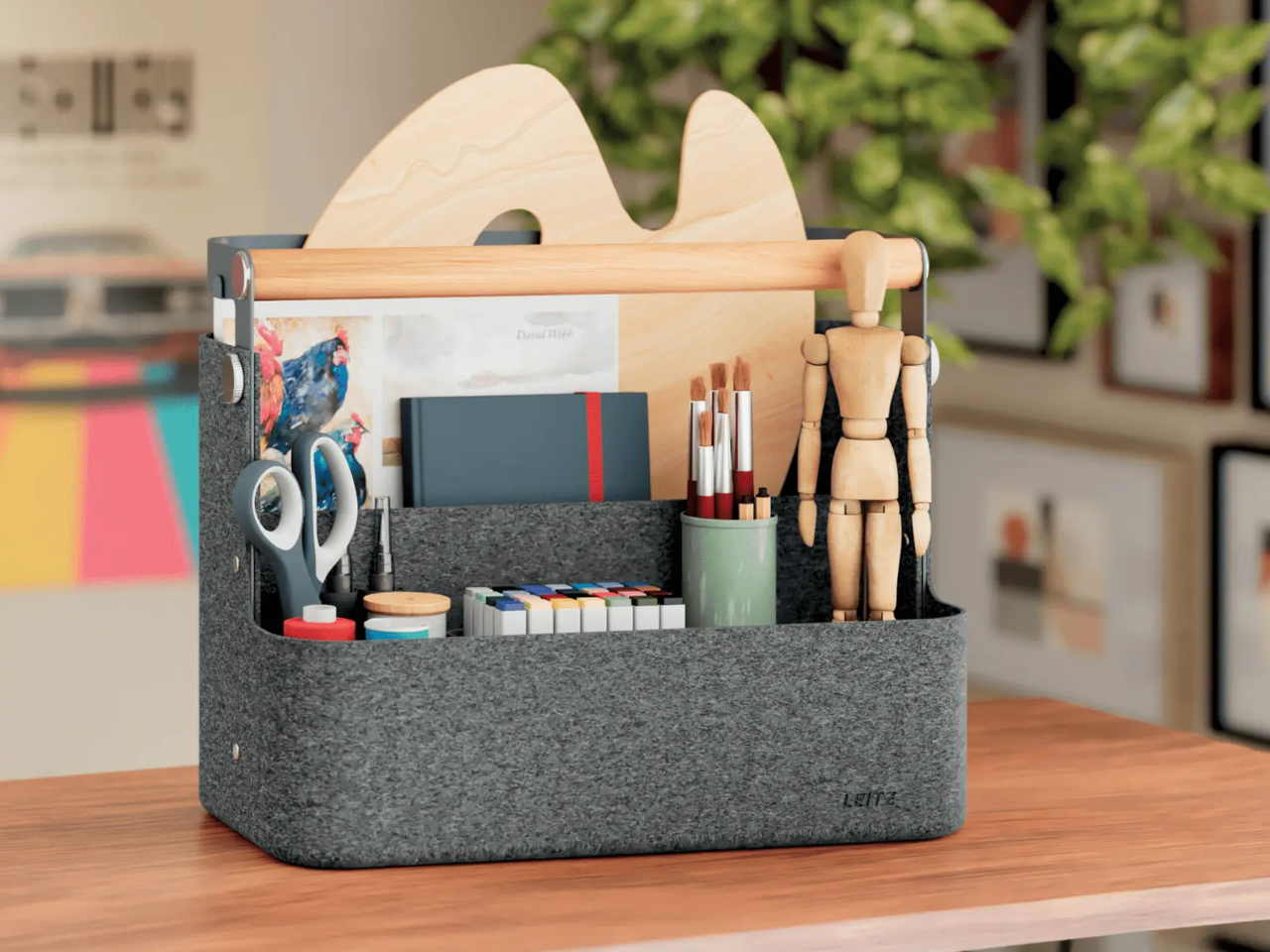
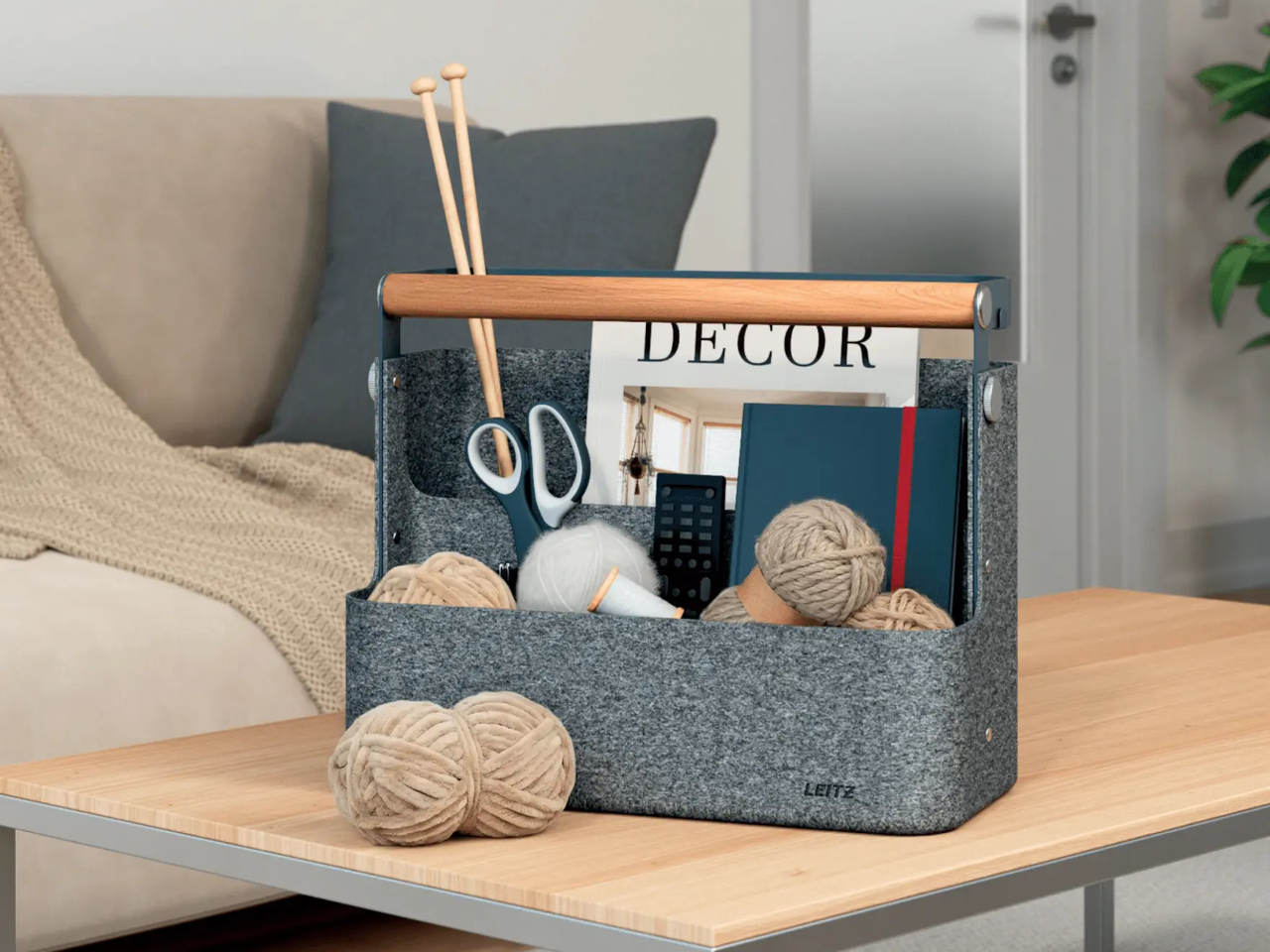
At the end of the workday, the organizer comes off the desk, goes back in the locker, and takes up a footprint of 38cm x 19cm x 30cm, compact enough for most standard office lockers. The design keeps its usefulness outside the office too; arts and crafts supplies, hobby gear, or anything else that needs to stay organized and mobile fits the same brief just as well.

There isn’t much ceremony to it. You hang it on the desk, get to work, take it down, and put it back in the locker when the day’s over. That’s the whole point. The hot-desking workplace turned the act of setting up for the day into a ritual of its own, and the objects being designed around it are starting to feel like they belong there.

The post You Don’t Have a Desk Anymore and This Leitz Hanging Organizer Gets It first appeared on Yanko Design.
This Desk Lamp Puts a Spotlight in a Ring Light With One Knob

Desk lighting has long been a compromise between task and atmosphere. Professional lamps tend to lean one way or the other: too directional and harsh for extended use, or too diffuse to support fine detail work. A lamp that’s good for examining physical samples often isn’t comfortable over long stretches, and one that’s gentle on the eyes doesn’t always deliver when you need a hard, directed beam.

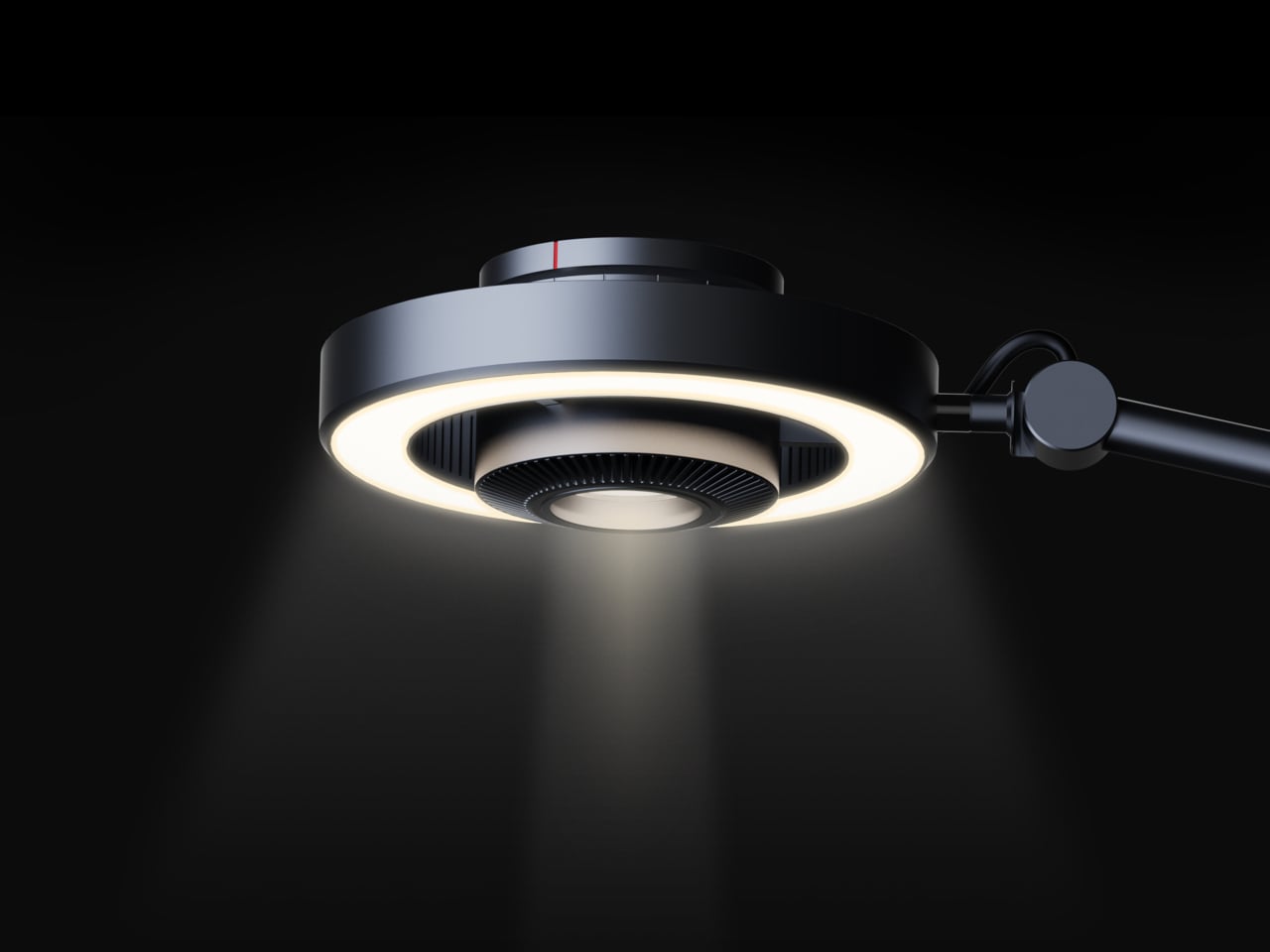
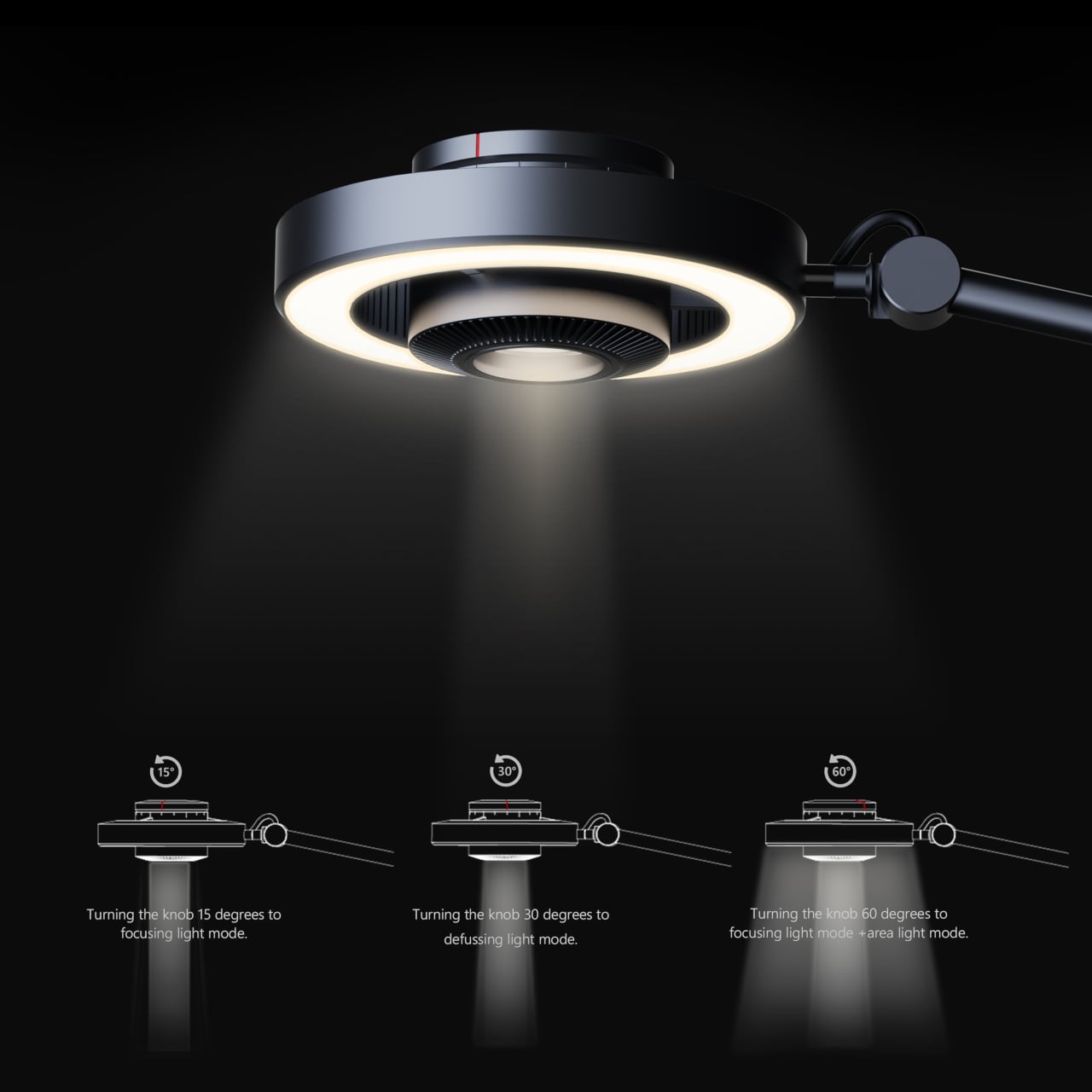
The Focus Light is a desktop lamp concept built around a different premise. Rather than committing to one kind of output, it combines two independent light sources into a single lamp head, giving the user the ability to shift between a precise, concentrated beam and a broad ambient glow, or run both at once. All of it’s controlled by a single rotary knob, and there aren’t any menus, apps, or extra switches involved.

Designers: Zhen Yang, Siting Lin

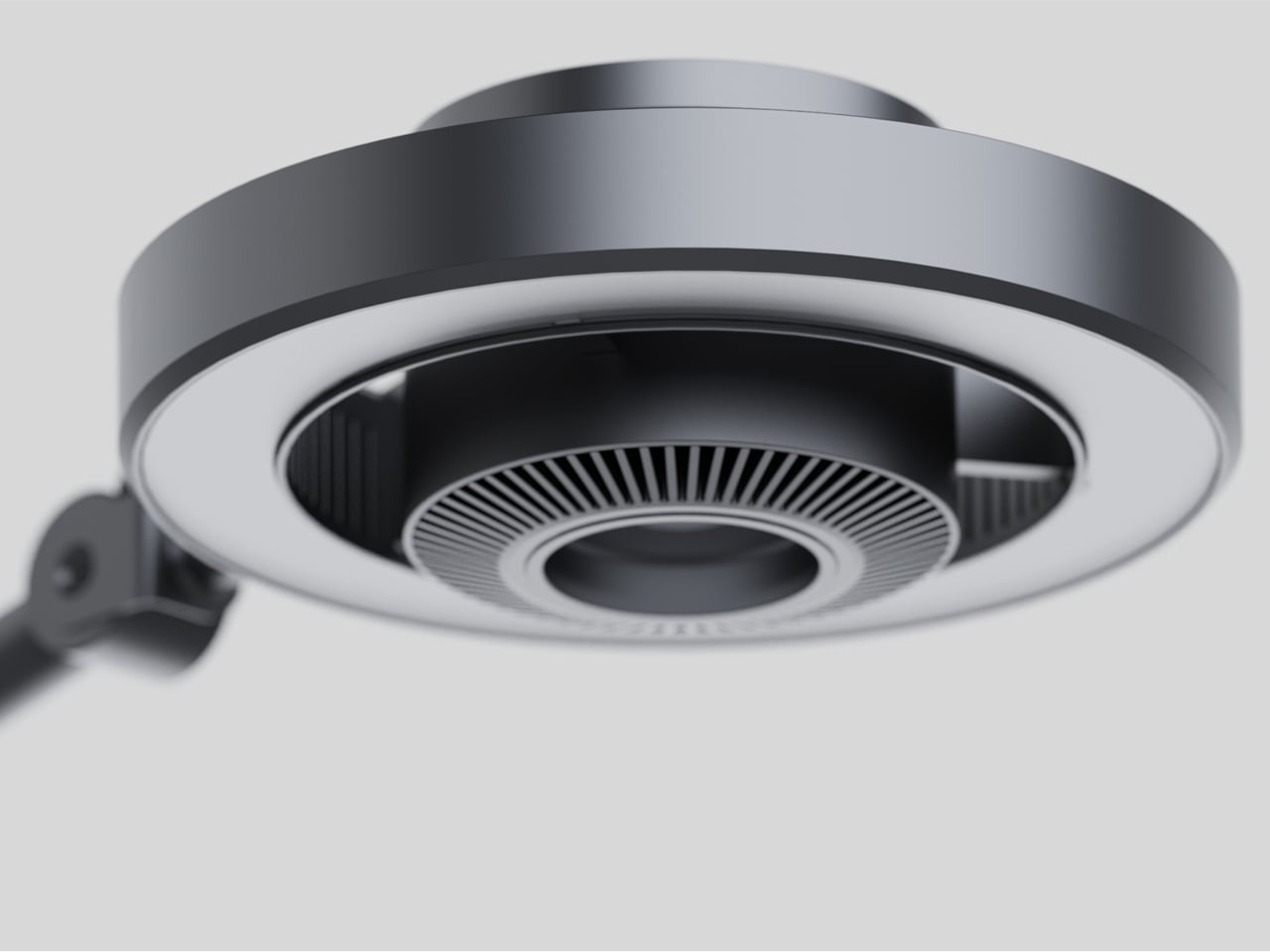
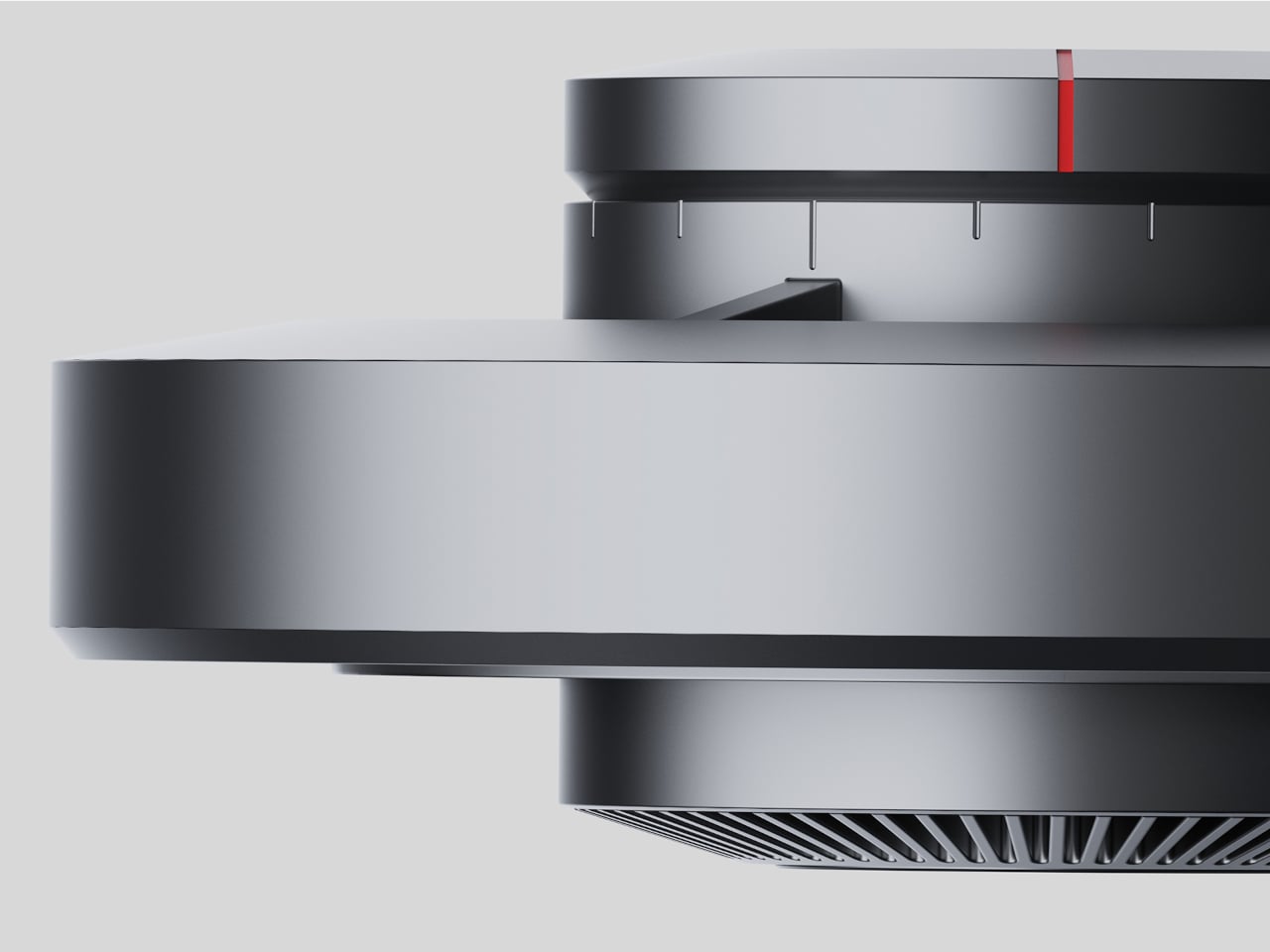
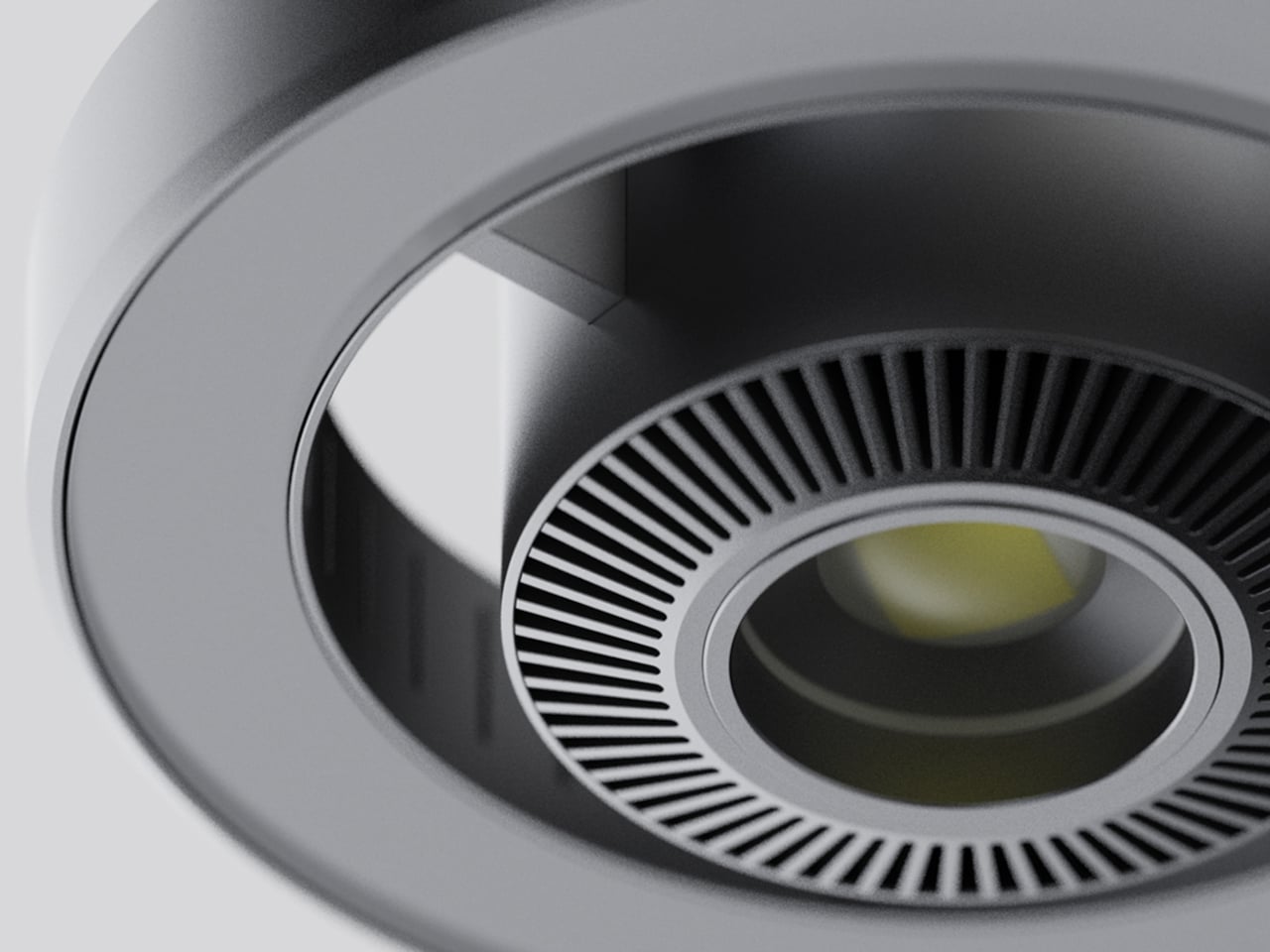
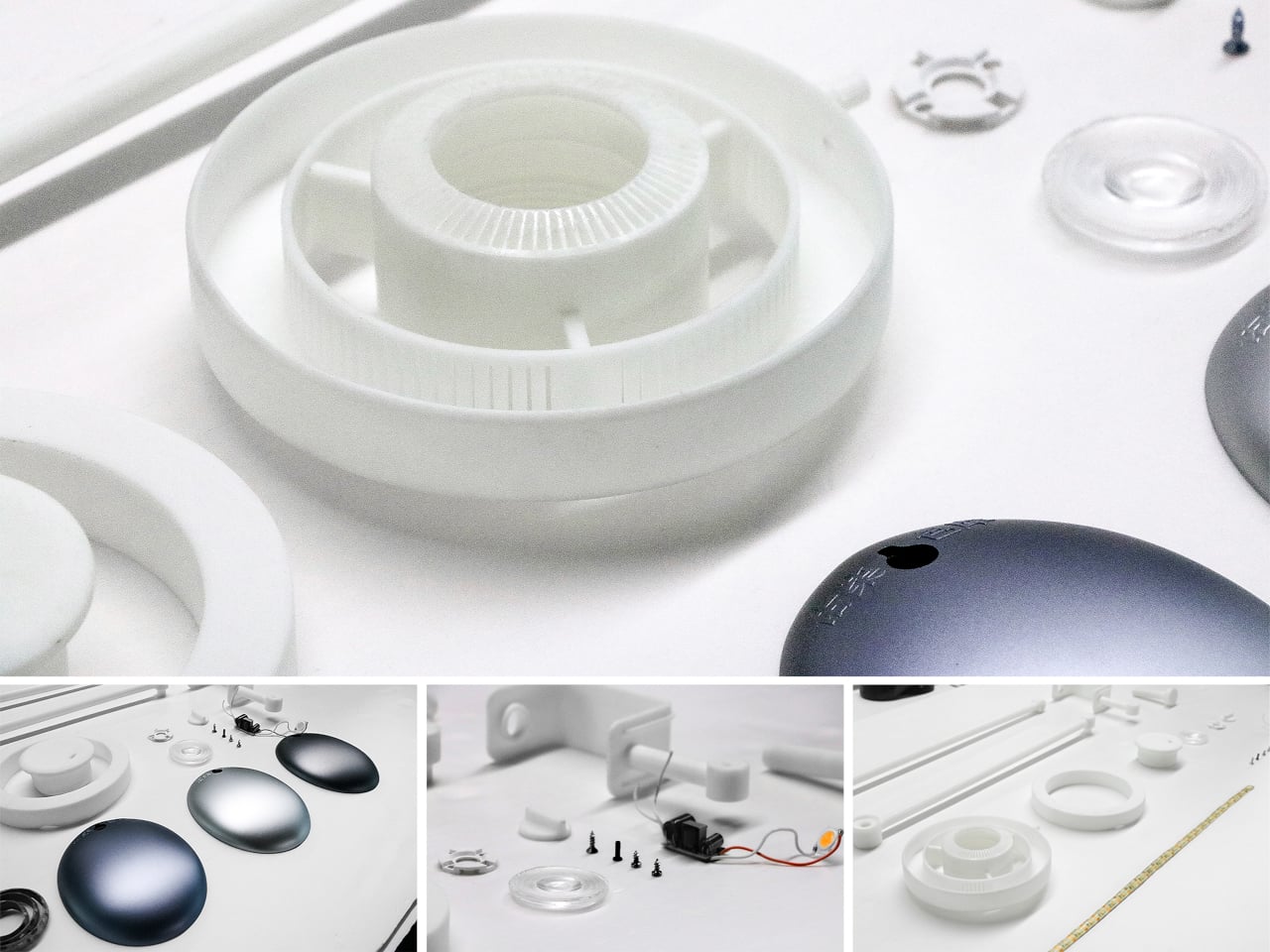
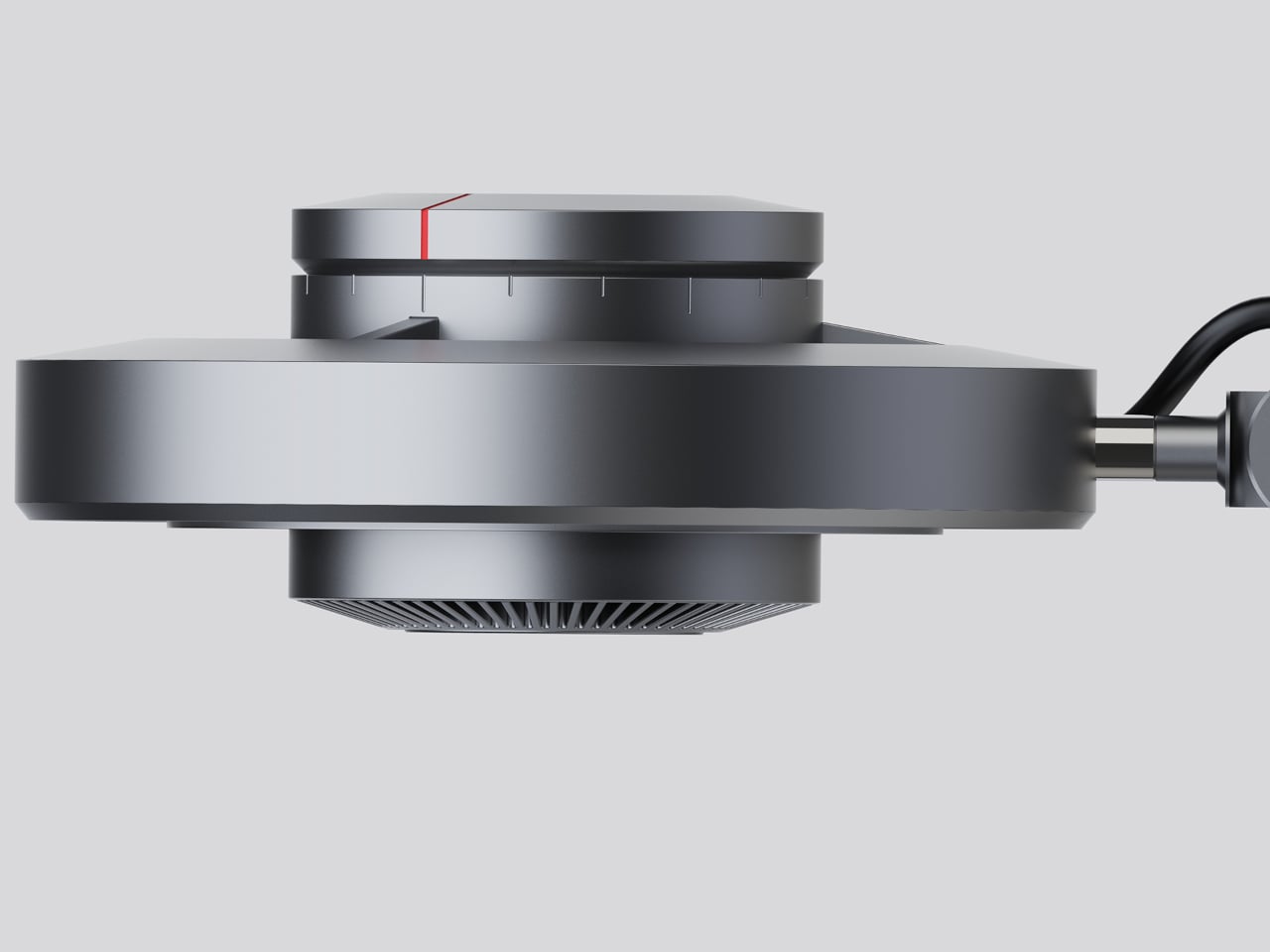
The lamp head is organized concentrically: an outer ring delivers ambient light while a central optical lens handles the focused beam. That layout has both functional and visual logic to it. Both sources sit in deliberate, concentric relation to each other, and the overall form looks as precise as it performs. The whole thing is finished in space gray metal, which lends it a professional, precision-tool character.

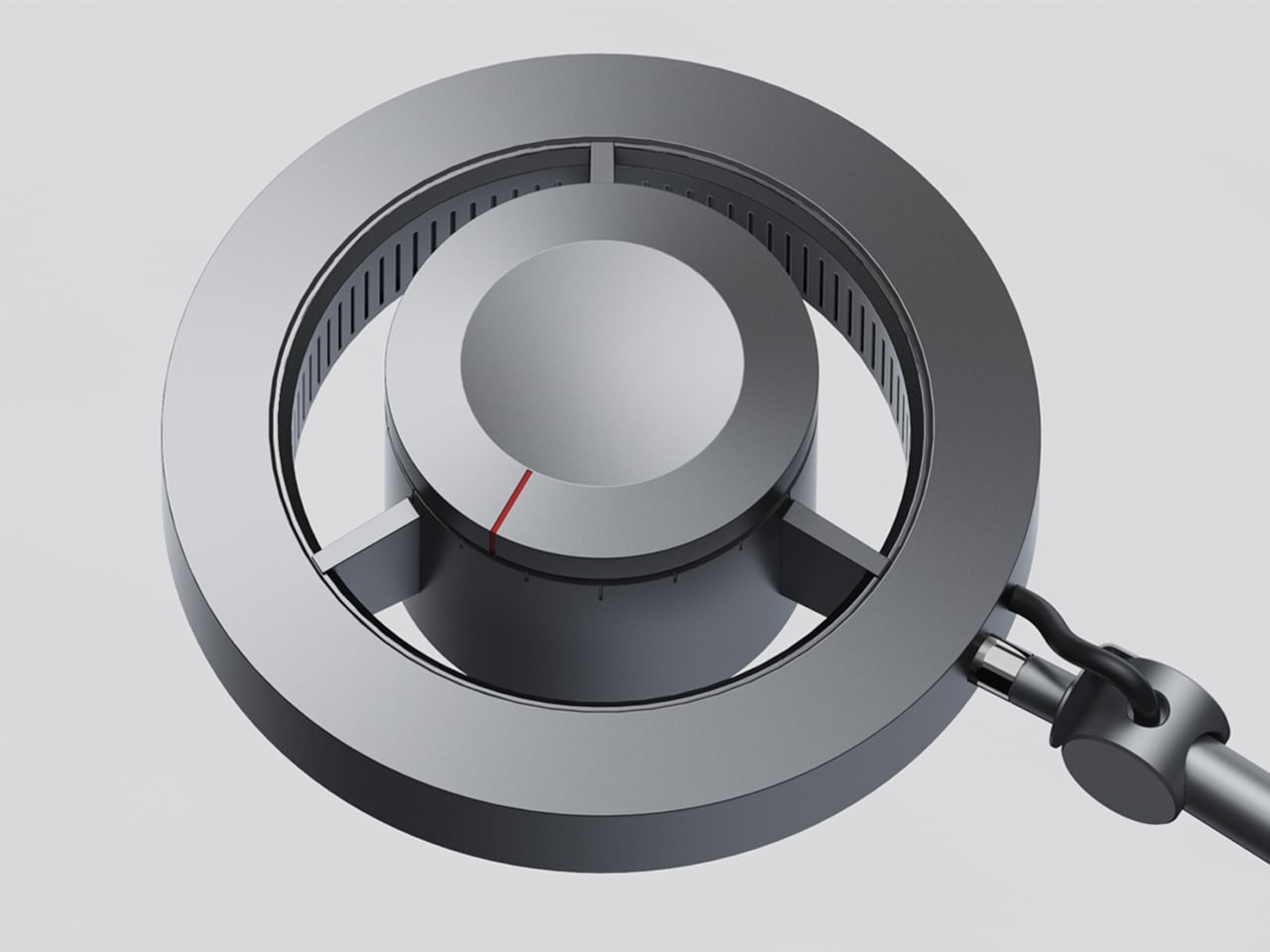
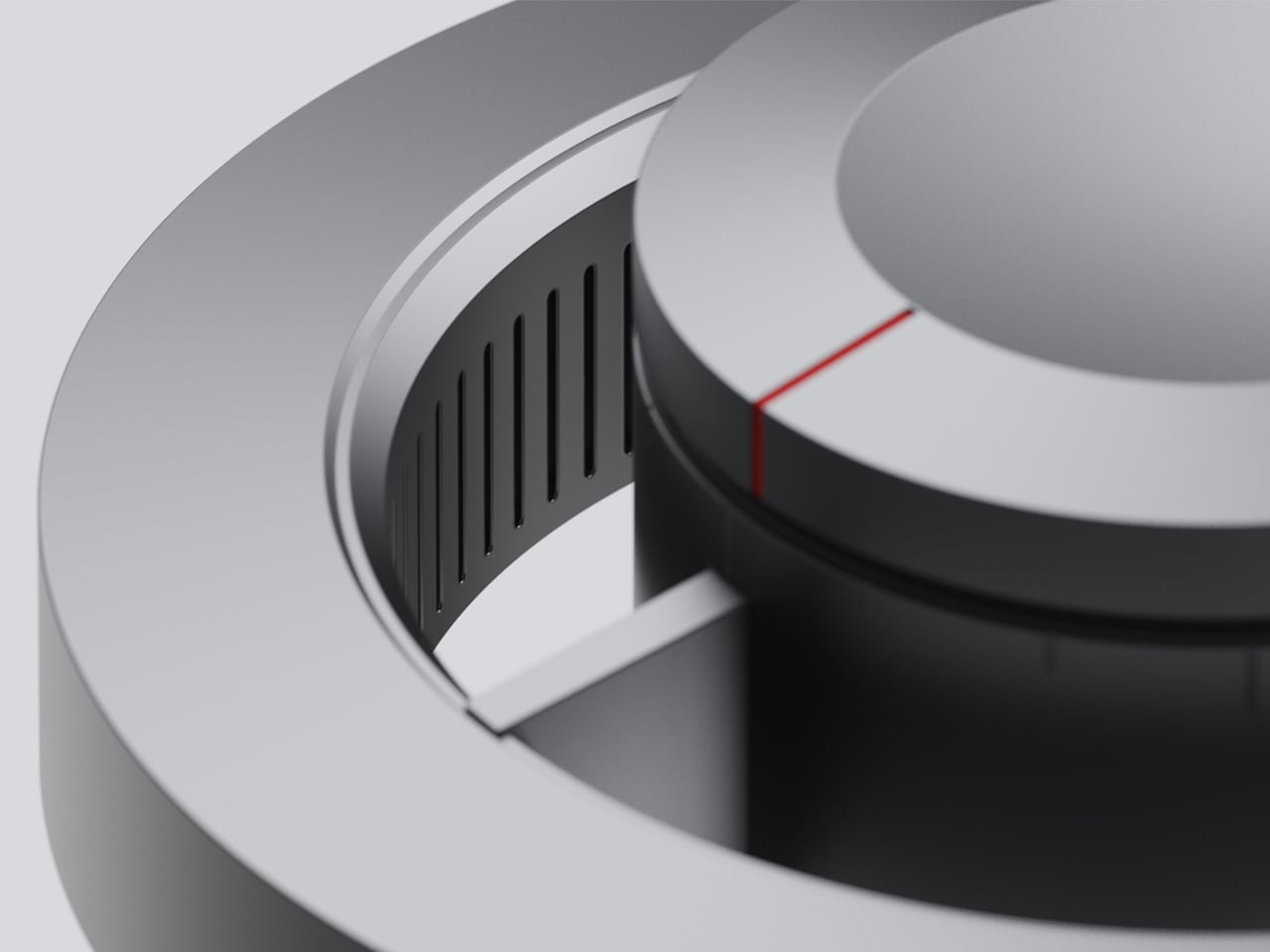
Control comes from a rotary knob on top, marked with a red indicator line. Rotating it 15 degrees activates focusing mode, sending a tight, concentrated beam straight down. At 30 degrees, the lamp shifts into diffusing mode, spreading the output into something closer to fill light. Push it to 60 degrees, and both sources run simultaneously, combining the central spot with the ambient ring for a layered workspace light.

For detailed hands-on tasks, being able to shift between modes without touching an app or dimmer panel makes a real difference. An illustrator tracing fine lines benefits from the precision of the focused beam, but that same beam creates harsh contrast against a dark surrounding surface. Bringing in the ambient ring softens that contrast, and having both running at once makes moving between close-up precision work and wider desk visibility much more seamless.

The same flexibility serves anyone who switches between different types of work at the same desk. Reading calls for something even and non-glare; marking up documents or working with small physical components benefits from a harder, more directed light. The Focus Light doesn’t ask the user to swap lamps or reposition the arm for each shift. The knob handles it, and the change is immediate.

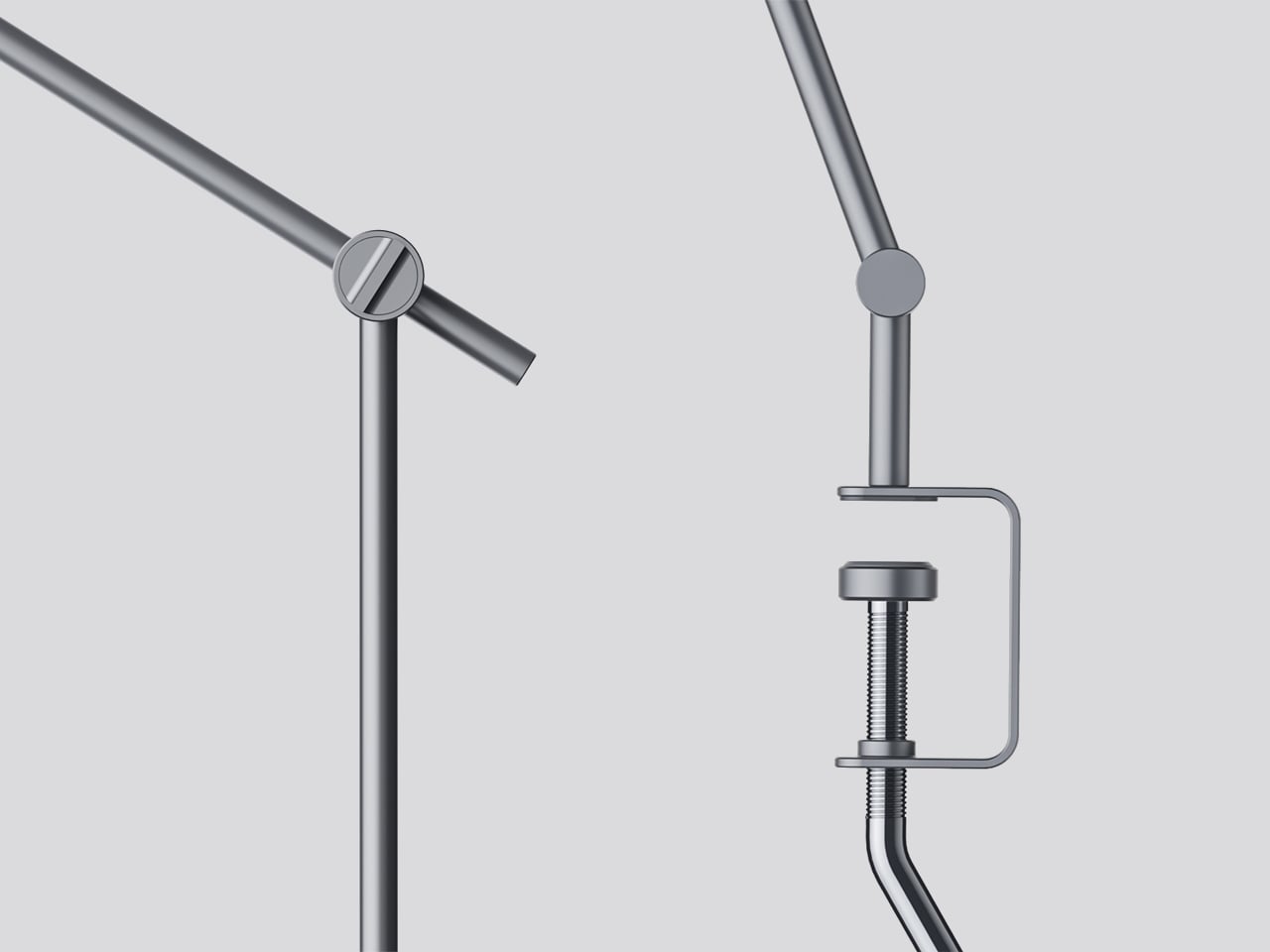
The physical form reflects the precision the lamp is meant to support. The lamp head is a clean disc with radiating heat fins arranged around the inner lens assembly, and the arm connects at a ball joint that allows repositioning without loosening a series of screws. A threaded desk clamp handles the mounting, so it doesn’t demand a grommet hole or take up surface area with a weighted base.

What stands out about the concept isn’t just the dual-source setup, but that a single physical control manages both. There’s no menu to scroll, no app to open. The red indicator on the knob tells you exactly where you are, and the three positions are distinct enough that you’d find your way back to any of them by feel after just a few days.

The post This Desk Lamp Puts a Spotlight in a Ring Light With One Knob first appeared on Yanko Design.

The $499 E Ink Tablet That Runs Spotify, WhatsApp and Doesn’t Hurt

Screens have been the unresolved tension at the center of productivity for years. LCD and OLED displays do everything well except the one thing that matters most during a long reading or writing session: they don’t stop being screens. The brightness, the blue light, and the glare accumulate into eye fatigue that most people simply accept as part of working on a device all day. E Ink tablets have addressed that problem, but historically at the cost of color and app freedom.

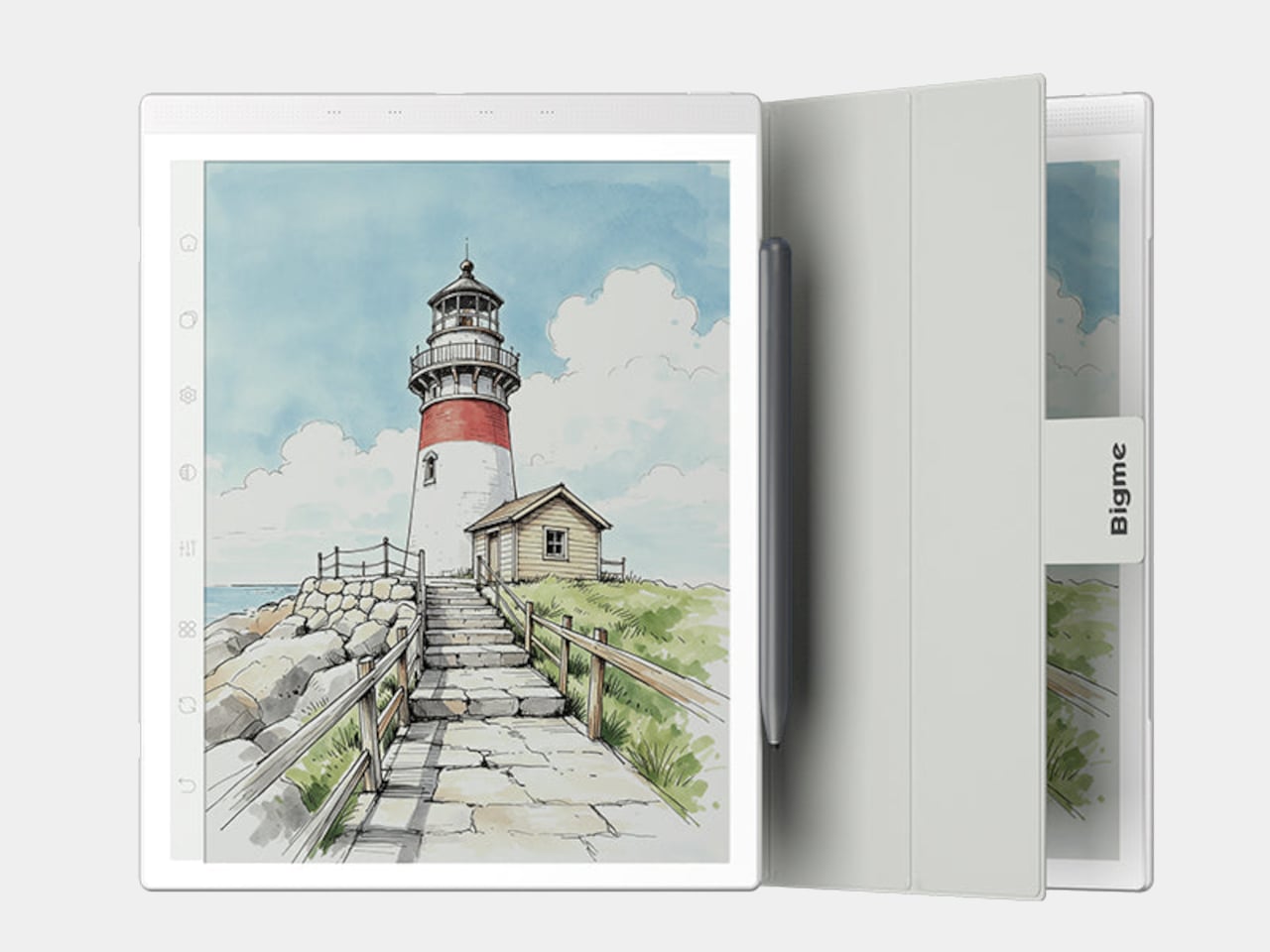
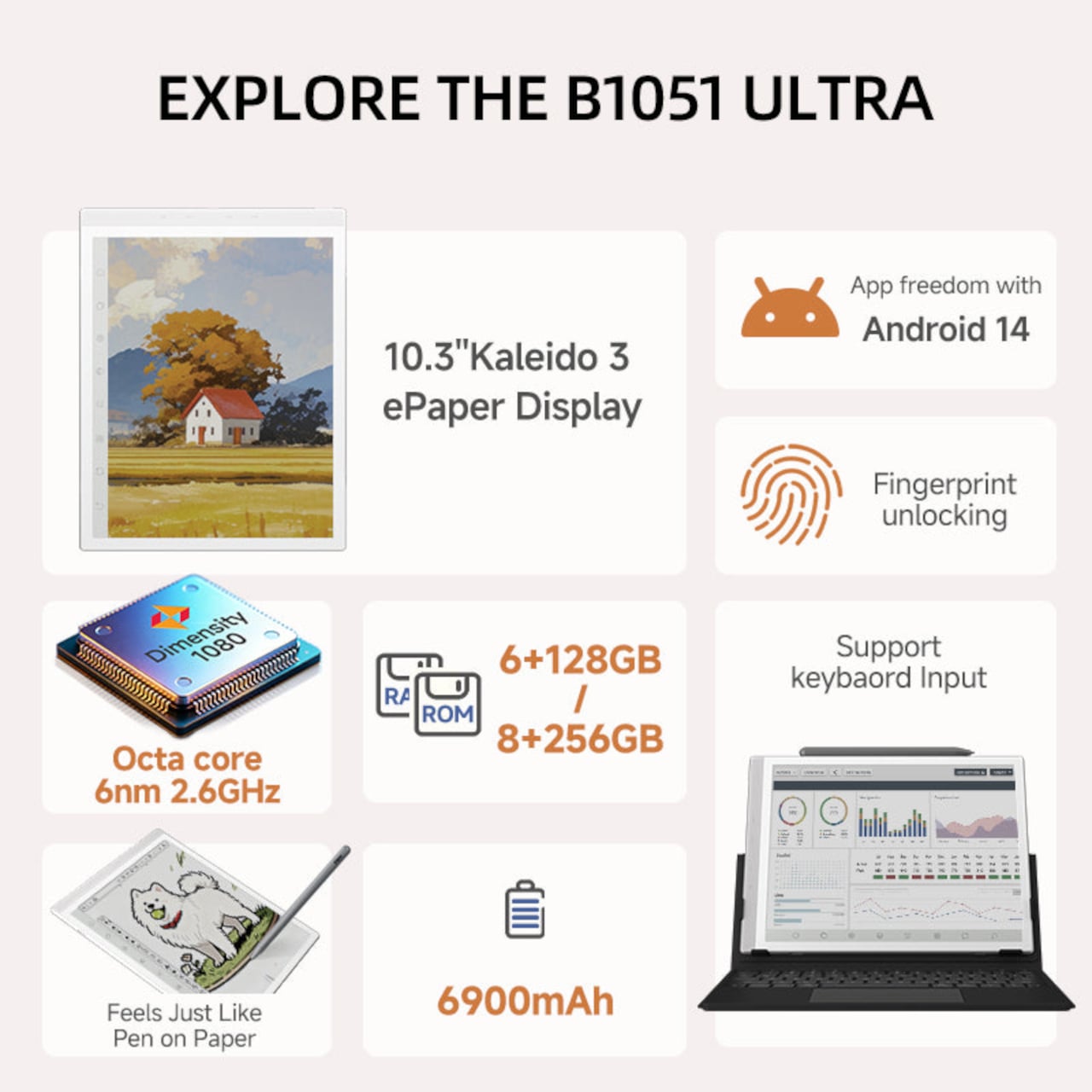
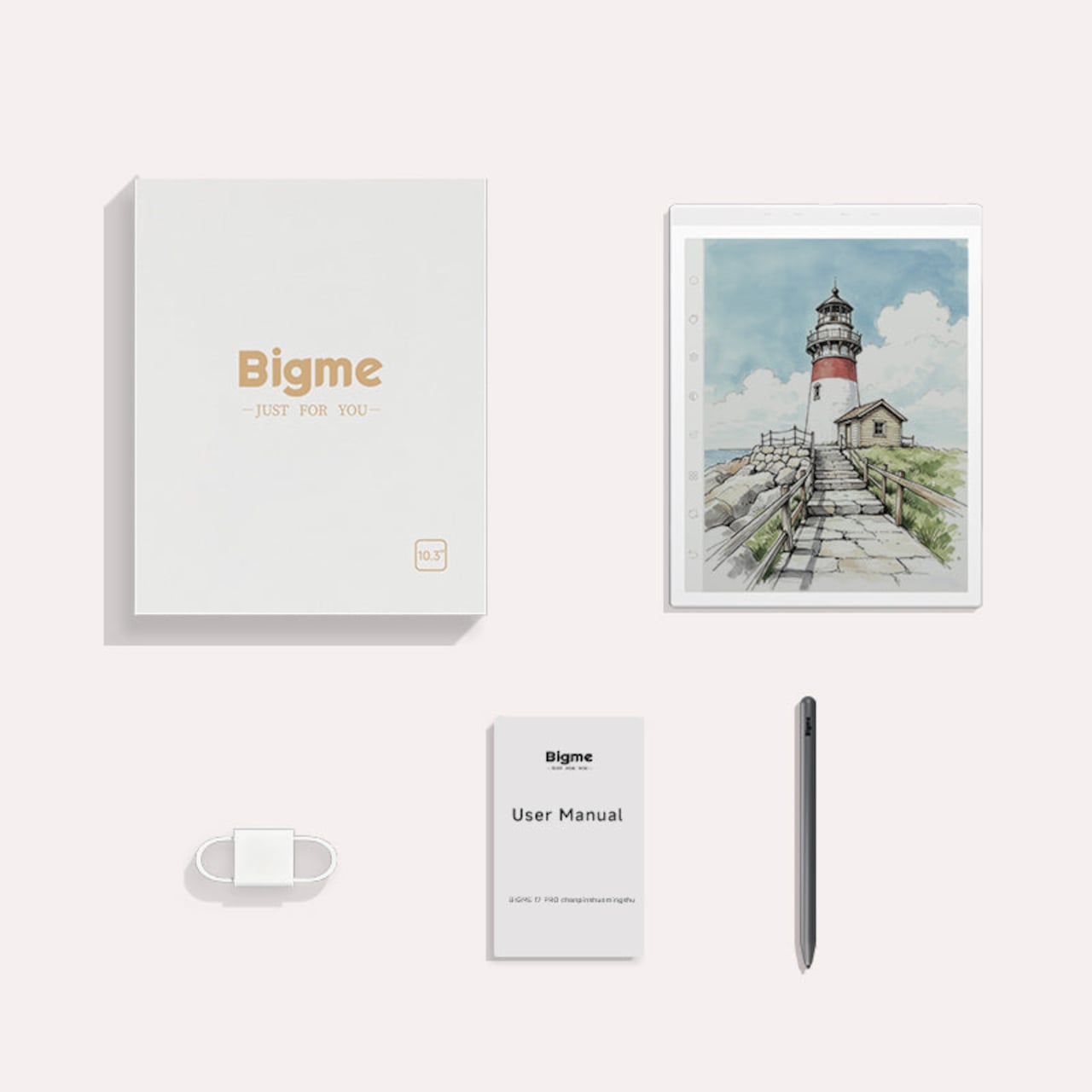
The Bigme B1051 Ultra is built on the premise that none of those trade-offs need to be permanent. Its 10.3-inch Kaleido 3 E Ink display is color-capable and glare-free, with an adjustable front light covering 36 levels of brightness in both warm and cool tones. The result is a surface that handles illustrated documents, annotated PDFs, and color-coded spreadsheets without sending the wearer reaching for eye drops an hour in.

Designer: Bigme

Color E Ink of any generation has historically been limited in brightness and saturation compared to traditional displays, and the Kaleido 3 panel doesn’t fully close that gap. What it does deliver is a dramatically more comfortable reading experience for long sessions, particularly in well-lit environments where conventional displays produce the most glare. For documents, annotations, and notes, the color rendering is more than sufficient to make the information readable without eye strain.

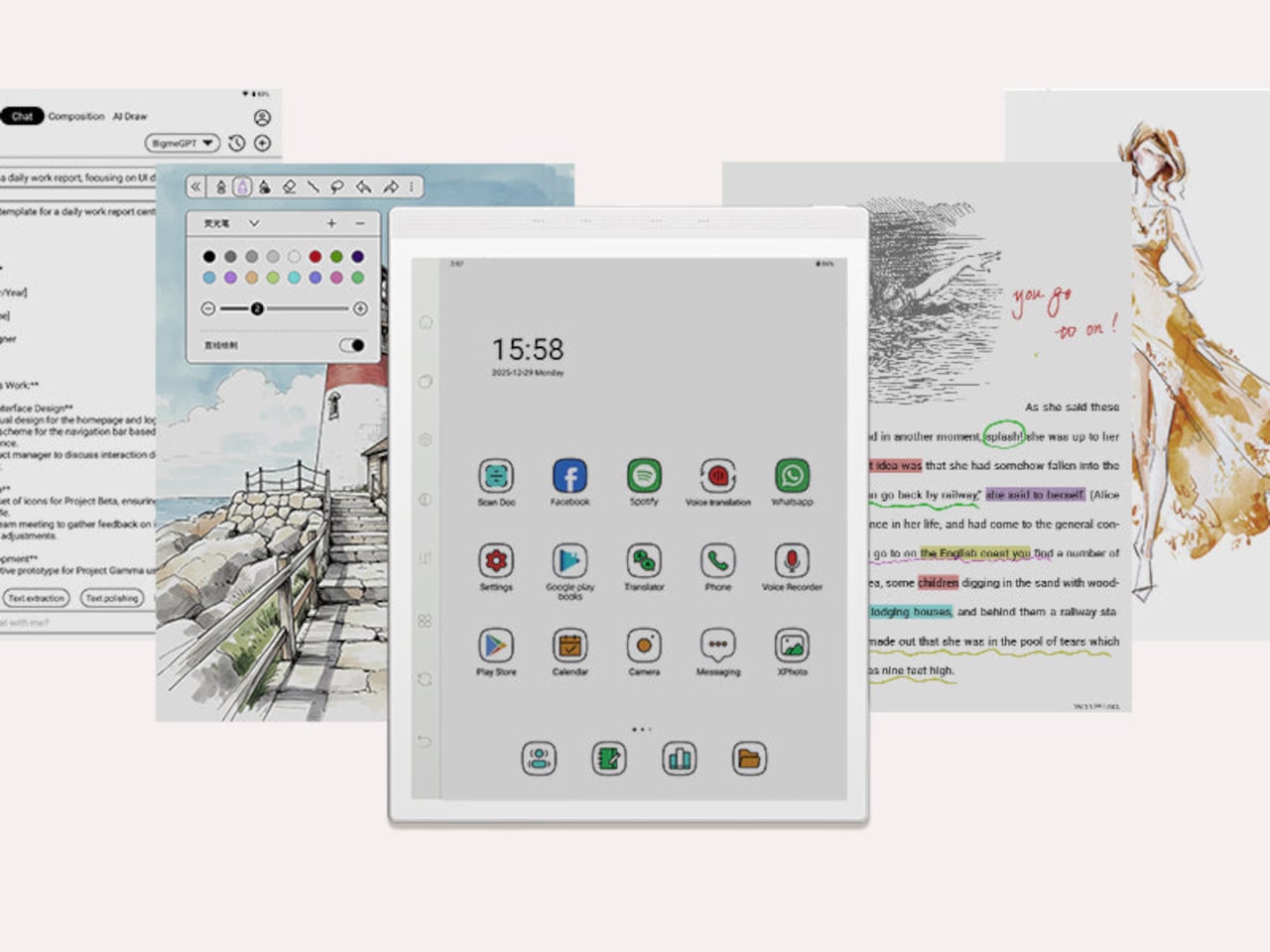
The hardware underneath is capable enough to run Android 14 without compromise. A MediaTek Dimensity 1080 octa-core chip running at 2.6GHz with up to 8GB of RAM handles third-party apps from Google Play without the sluggishness that plagued earlier E Ink Android devices. Spotify works. WhatsApp runs. The Google Play Store is fully accessible. A 6,900mAh battery supports the kind of all-day use the form factor implies.

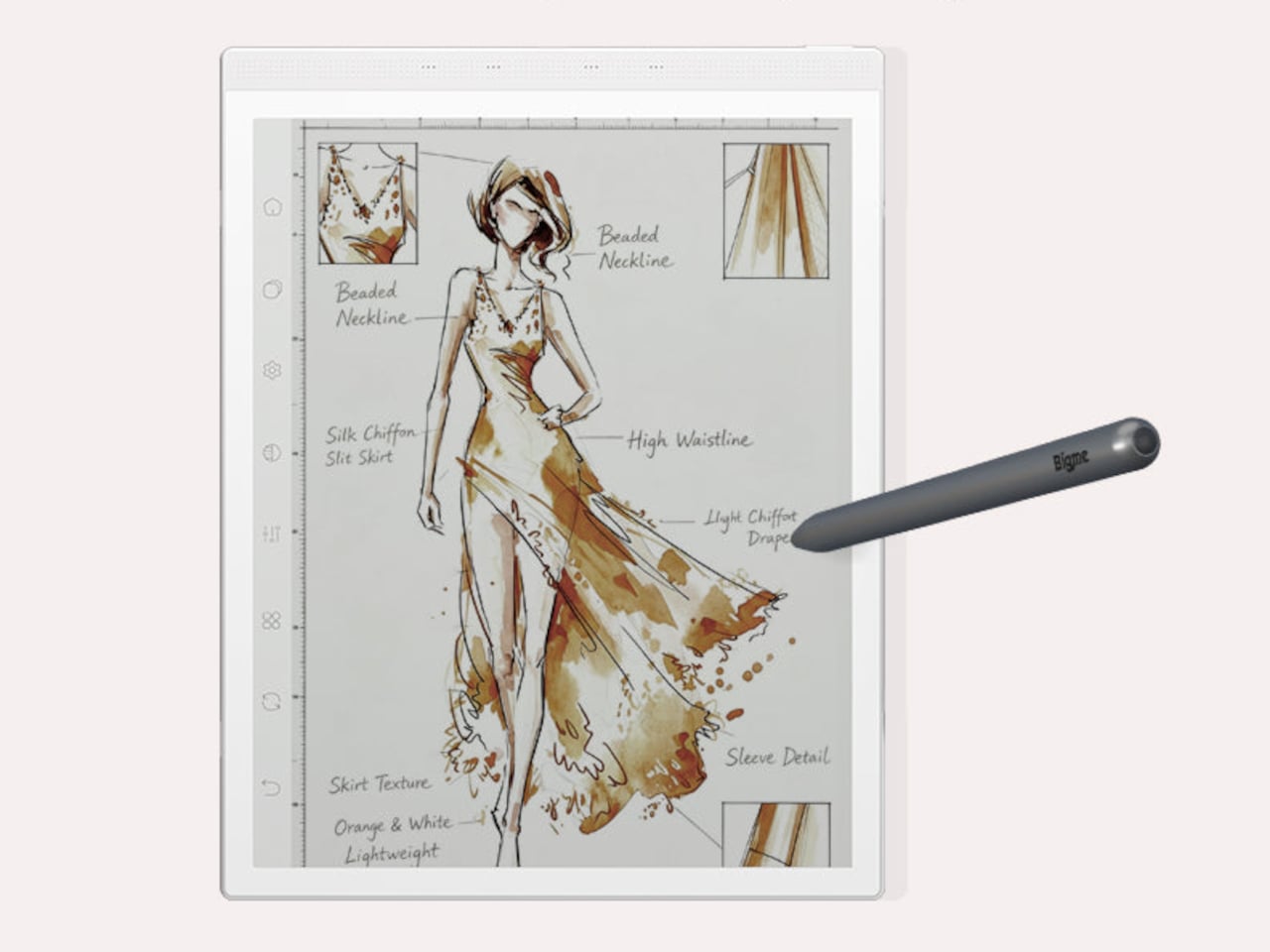
Writing and sketching feel natural on the included stylus, which offers 4,096 levels of pressure sensitivity and a surface friction designed to replicate paper. An annotated legal document, a fashion sketch with labeled callouts, or a watercolor illustration all sit on the display with the same kind of grainless, paper-like quality. Bigme’s auto ghosting elimination technology handles the visual artifacts that have historically made fast stylus input on E Ink screens feel laggy or muddy.

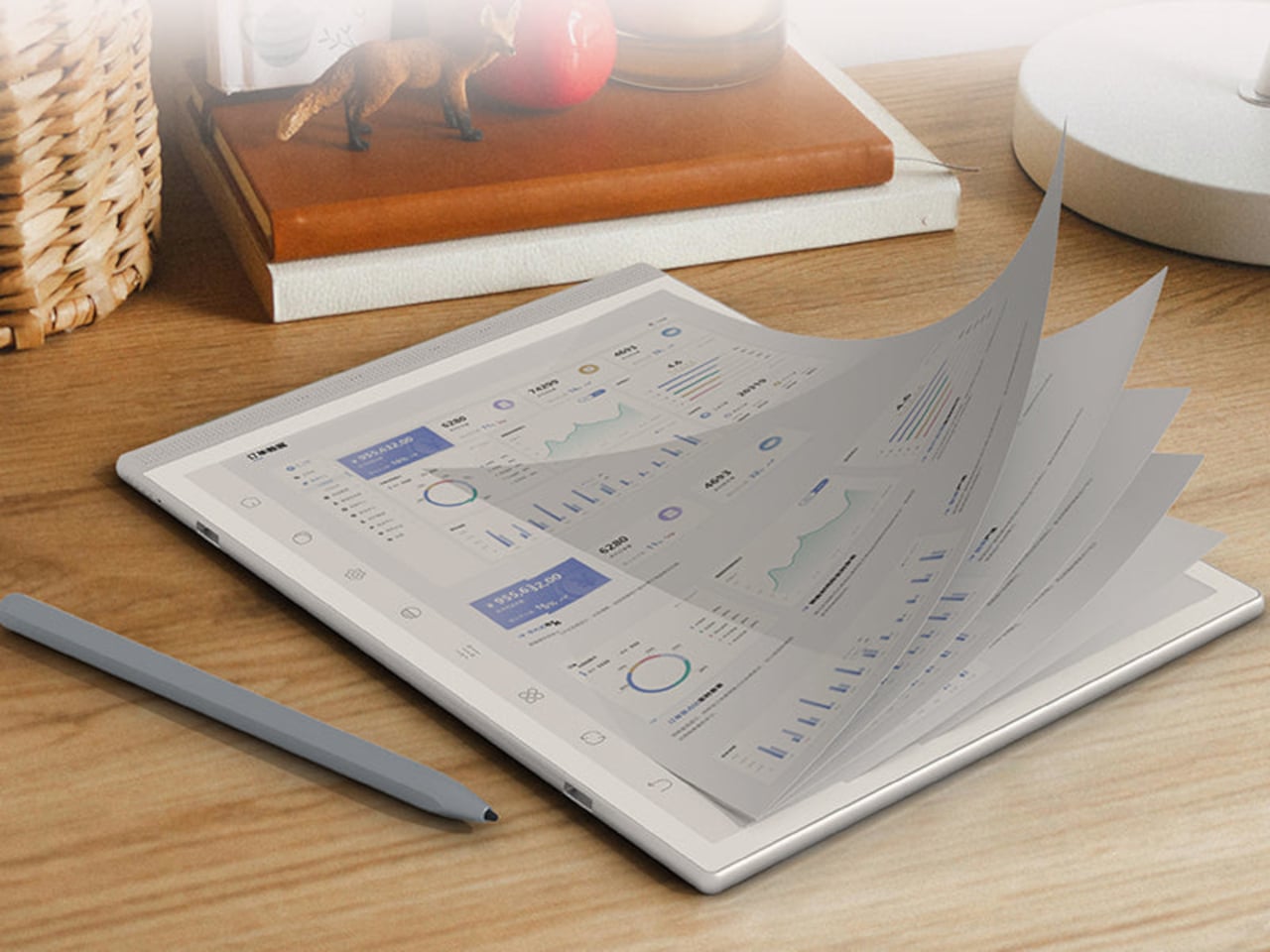
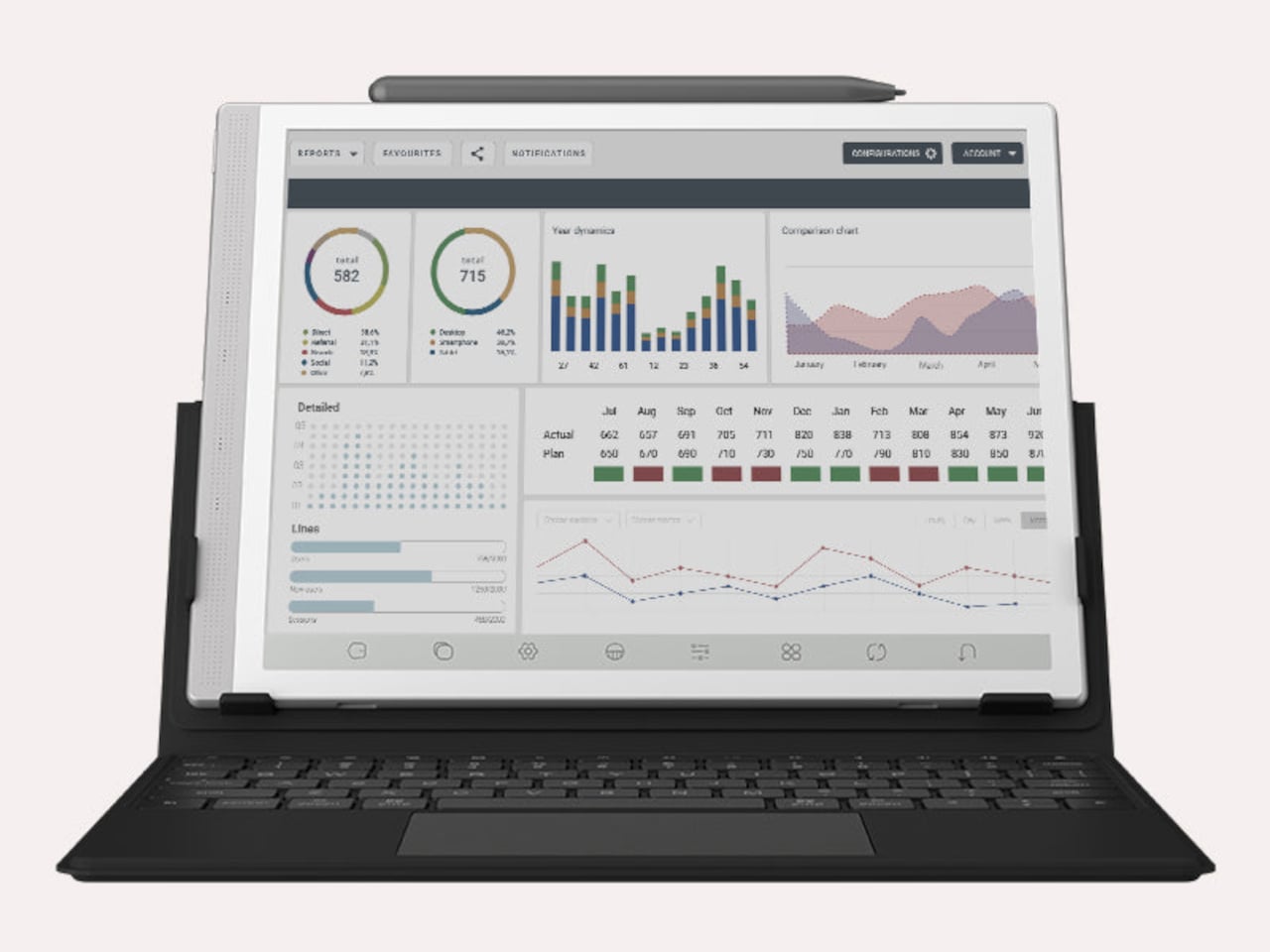
The optional keyboard folio cover turns the B1051 Ultra into something that reads more like an e-paper laptop. A trackpad is built into the keyboard, and the folio supports dual-angle positioning for desk and lap use. Connecting to an external keyboard and looking at a dashboard of charts and figures across the full 10.3-inch surface is a different experience from doing the same work on an LCD that competes with every other light source in the room.

Integrated AI tools extend beyond the display and stylus. Text extraction, text polishing, AI-assisted drawing, and composition features are baked into the software layer. Fingerprint unlocking handles access. The B1051 Ultra is available starting at $499 for the device-and-case bundle, with the keyboard configuration adding to that. E Ink has always been the right technology for certain kinds of work, and the Bigme B1051 Ultra is one of the more complete arguments that it doesn’t need black-and-white e-readers to make that case convincingly.

The post The $499 E Ink Tablet That Runs Spotify, WhatsApp and Doesn’t Hurt first appeared on Yanko Design.
A Vacant Office Floor Became a School in 3 Weeks

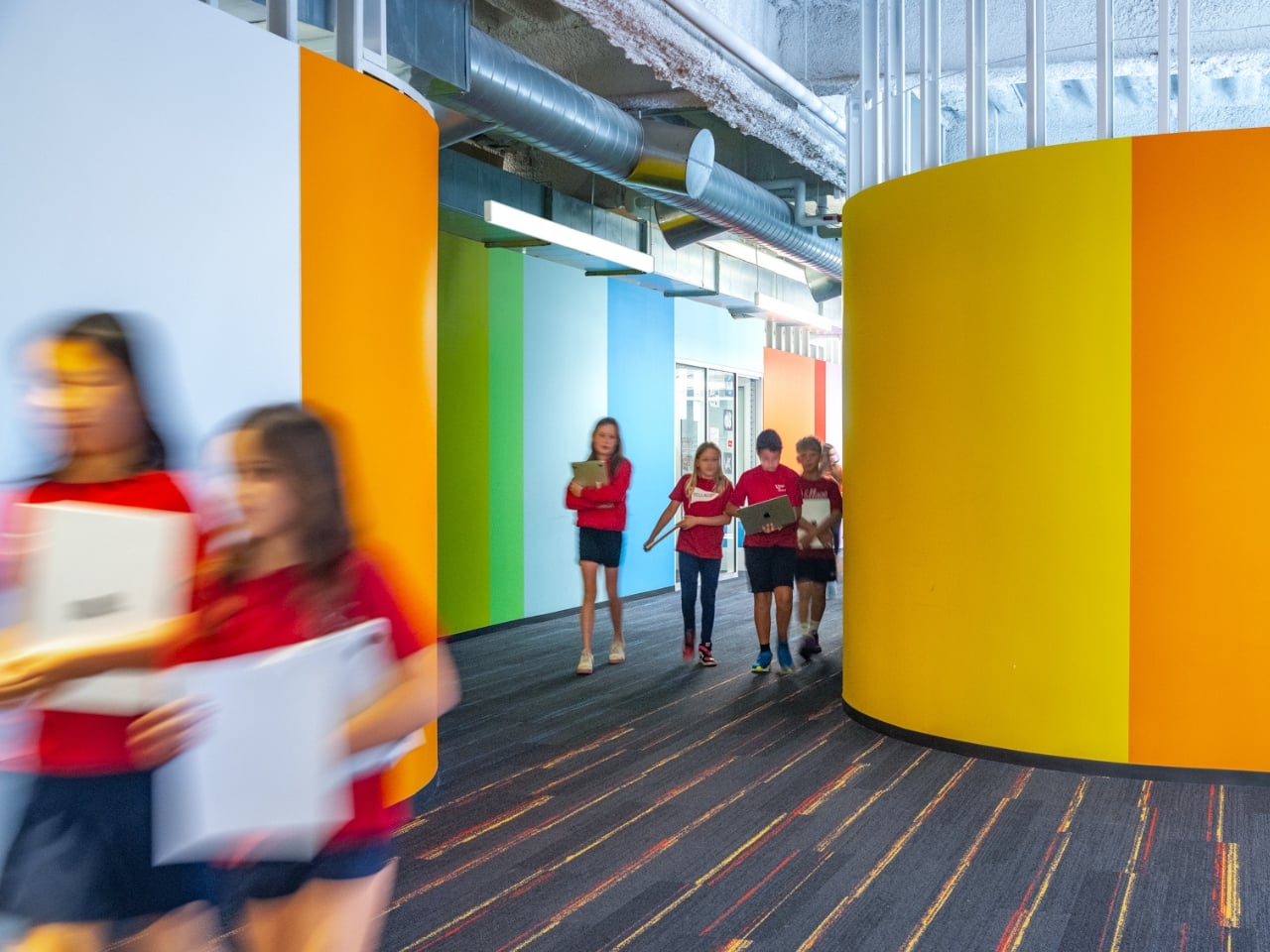
January 2025 was not a good month for Los Angeles. The Palisades Fire tore through neighborhoods with a speed and ferocity that left little room for preparation, and among the many losses it caused was the complete destruction of Village School’s campus, displacing nearly 300 kindergarten through sixth-grade students overnight. No campus. No warning. Just the sudden, devastating reality of having nowhere to go. What happened next is the kind of story that makes you genuinely believe design can do something meaningful beyond aesthetics. Not in an abstract, feel-good way, but practically, urgently, and with real consequence.

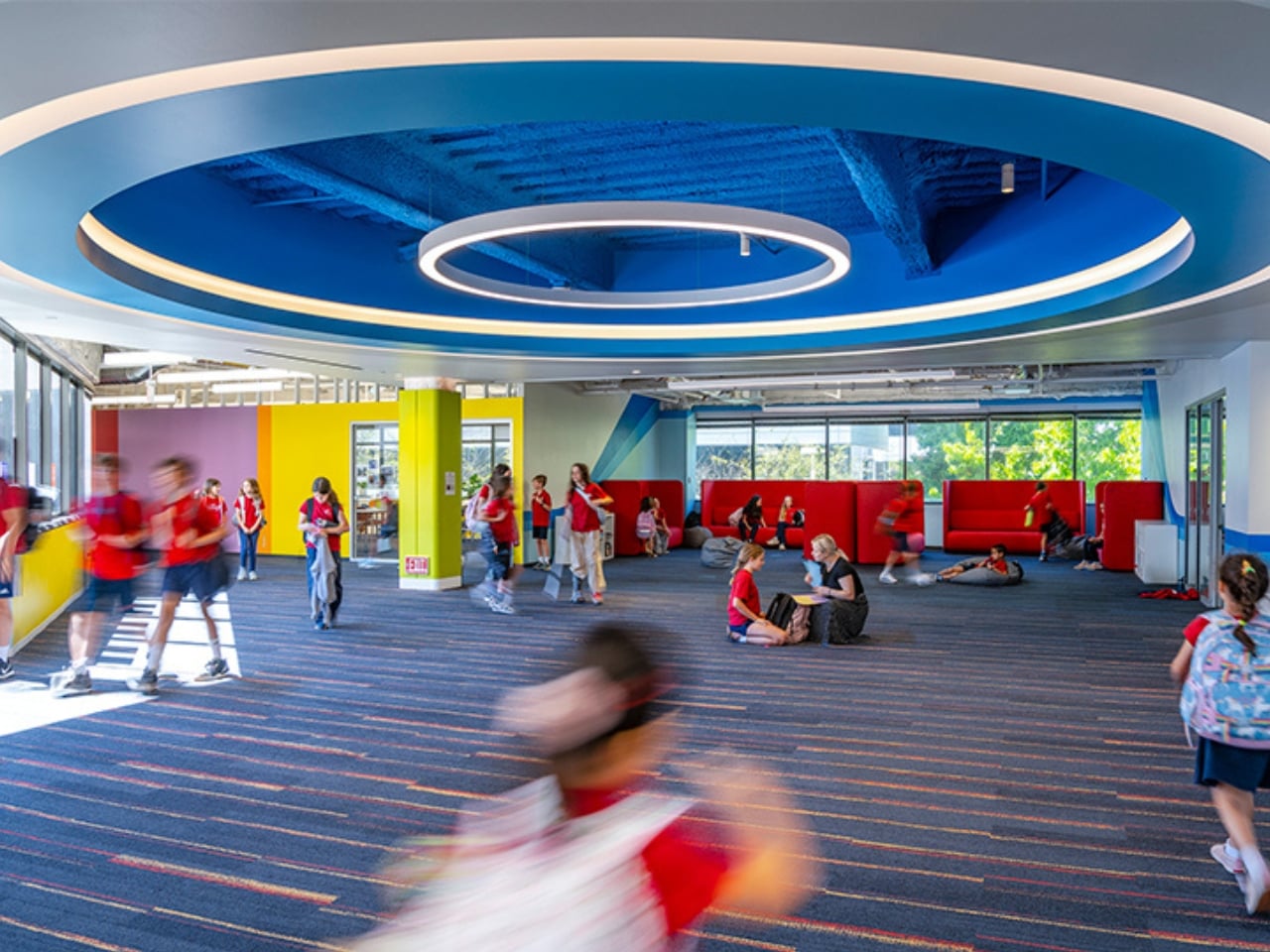
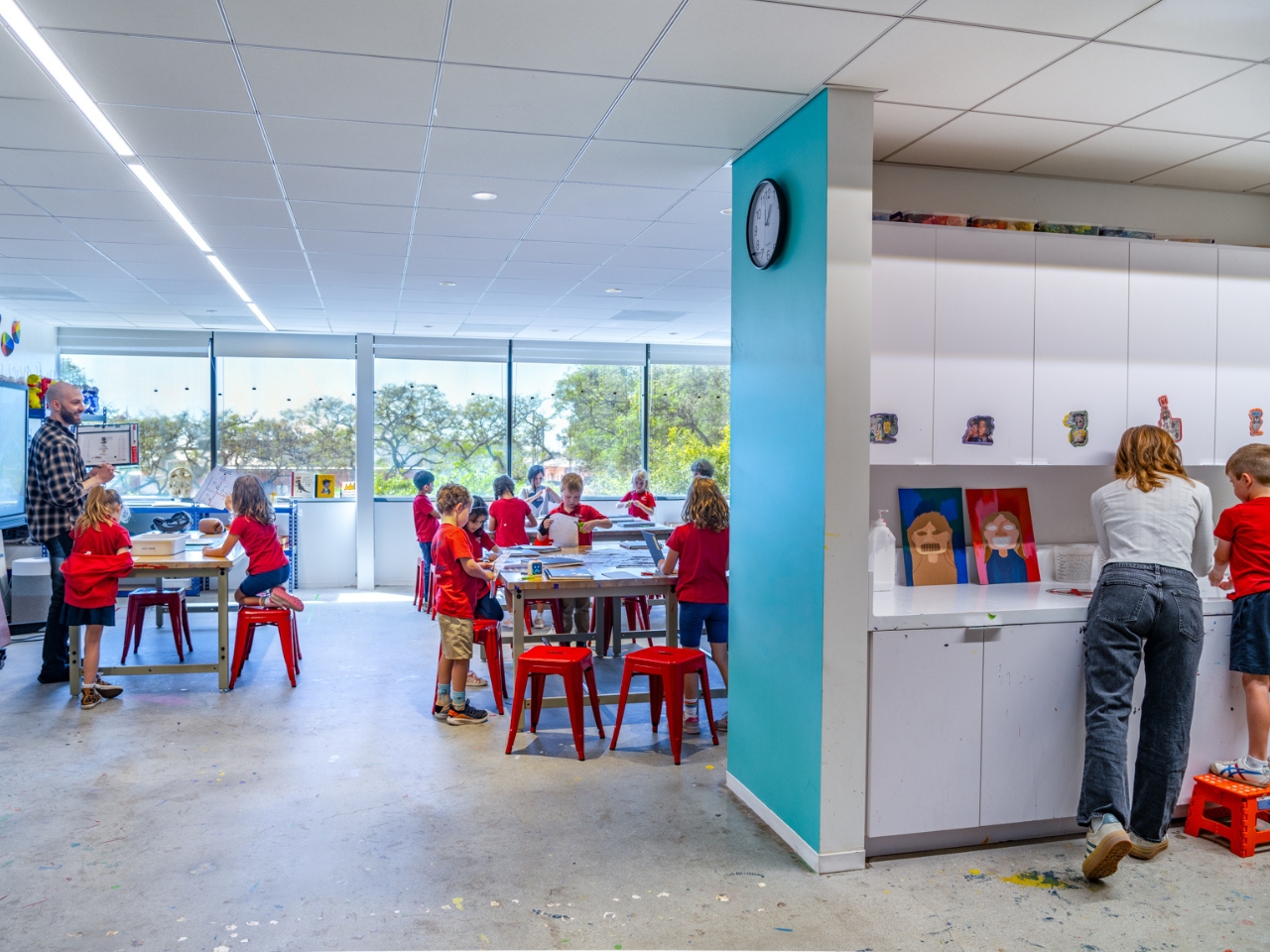
Working alongside the City of Santa Monica and architecture studio OFFICEUNTITLED, Village School took over a vacant corporate office floor inside BXP’s Colorado Center. Within three weeks, students were back in school. Within a single summer break, a fully realized second phase of the campus was designed, approved, and built. The final result is 54,000 square feet of what is now one of the more quietly radical school environments I’ve come across.

Designer: OFFICEUNTITLED (photos by Vittoria Zupicich Photography)

I want to be clear that “office converted to classroom” could have gone very badly. The standard response to a crisis like this is functional but forgettable: fold-out tables, fluorescent lights, and the low-grade sadness of a space that was clearly built for something else. That’s not what OFFICEUNTITLED delivered.

Instead of forcing a traditional corridor-and-classroom layout into a floor plan that was never designed for children, the team looked back at what made Village School’s original campus work. The original school had always valued informal learning, the kind that happens between lessons, during recess, during the wandering and wondering that children do when they’re not being directly instructed. That quality had to survive the move.

The solution was a network of spaces called Imaginariums, playful environments distributed across the floor that invite exploration and collaboration outside the formal classroom. Two internal circulation paths, named Bookworm Boulevard and Growing Grove, organize the flow of the building and give the space a sense of place that pure corporate architecture never would have created on its own. The names alone do work. Children navigate differently when a hallway has a name.
The graphic design strategy deserves its own conversation. OFFICEUNTITLED deconstructed Village School’s logo into five individual colorful figures and spread them across the campus, pairing each with a matching ceiling element. As students move through the grades, from kindergarten to sixth grade, those individual figures gradually come together into the complete school identity. Wayfinding becomes a game. The building itself rewards the experience of growing up inside it. That’s a subtle and genuinely smart idea, one that treats the school’s physical environment as something that should evolve alongside the children who inhabit it.

The project was completed in two phases, with the first enabling emergency occupancy and the second building out the full vision. The fact that the second phase was designed, approved, and constructed entirely within a single summer break is the kind of logistical detail that tends to get buried in architectural write-ups but is actually worth sitting with. It means dozens of people moved fast, made difficult decisions, and still delivered something coherent and considered under enormous pressure. The result doesn’t look like it was rushed. It looks considered.

I keep returning to the broader question this project quietly raises: what is an office actually for now? The pandemic accelerated a conversation that hasn’t fully resolved itself, and cities like Los Angeles are still sitting on significant amounts of vacant commercial space. Village School’s interim campus is one answer to that question, a provisional one, sure, but a genuinely hopeful one. A floor built for adults with laptops became a place where six-year-olds learn to read. The infrastructure was repurposed, the community was served, and the design is good enough to make you forget the original purpose entirely. Good design tends to do that. It makes necessity feel intentional.

The post A Vacant Office Floor Became a School in 3 Weeks first appeared on Yanko Design.