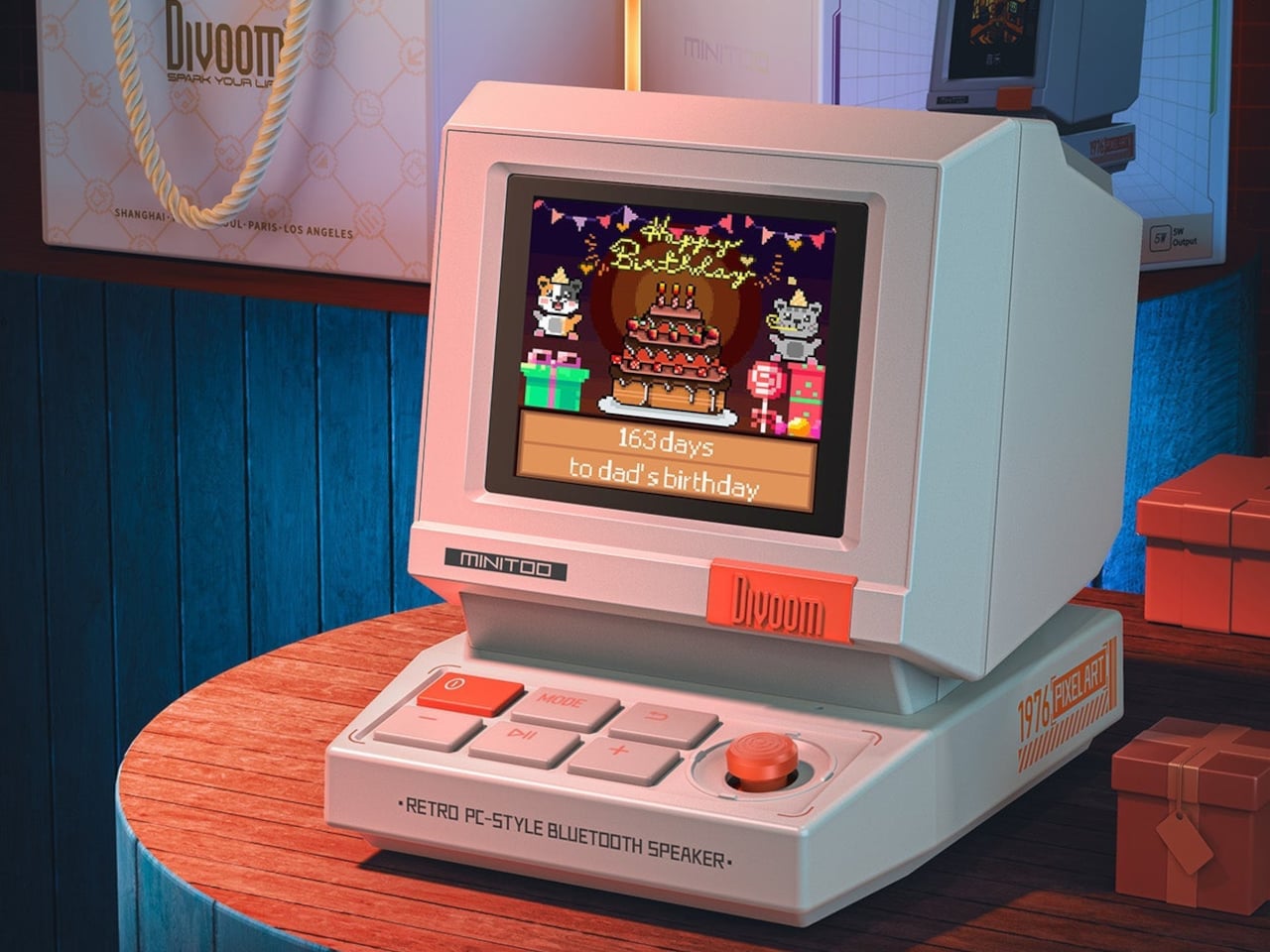
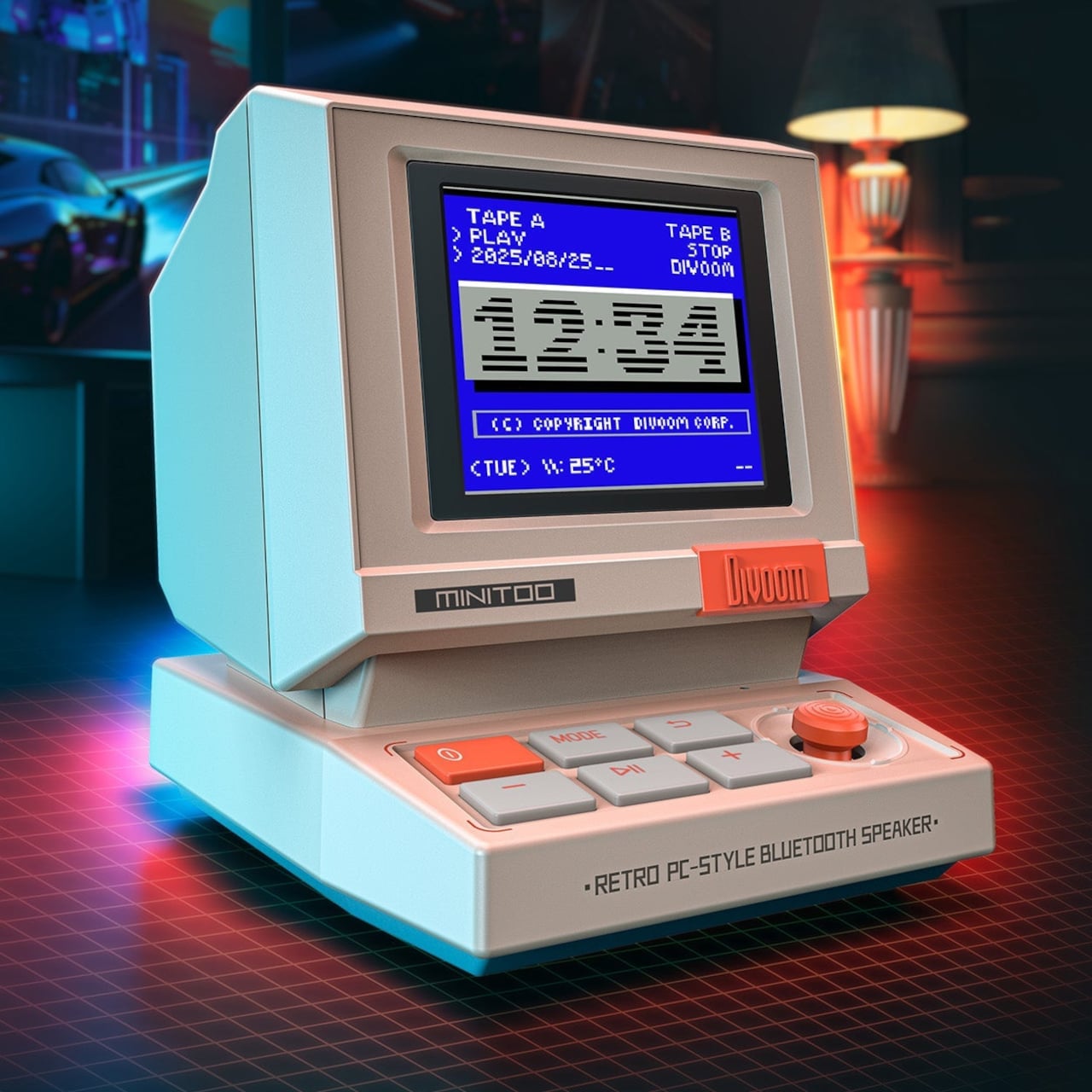
Cozy desk setups have become a competitive sport. Tiny CRTs, retro keyboards, and beige plastic everywhere, usually looking very cute but doing very little beyond collecting dust and likes. Most of that gear is either pure decor or pure utility, rarely both. MiniToo leans into the 80s PC silhouette hard, complete with a CRT-style screen and chunky keyboard buttons, but it tries to earn its footprint by being a Bluetooth speaker, alarm clock, white noise machine, and pixel art display all at once.
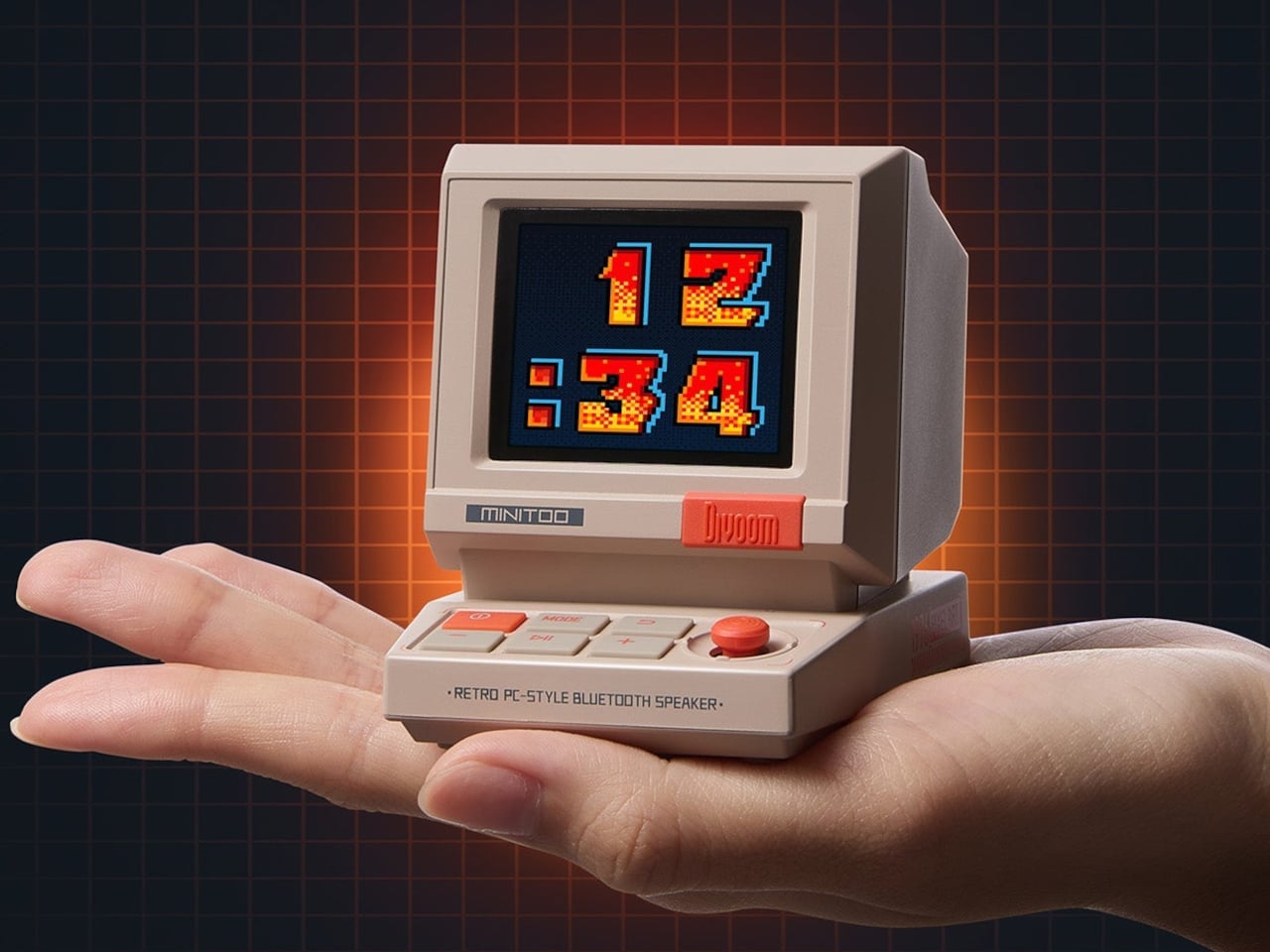
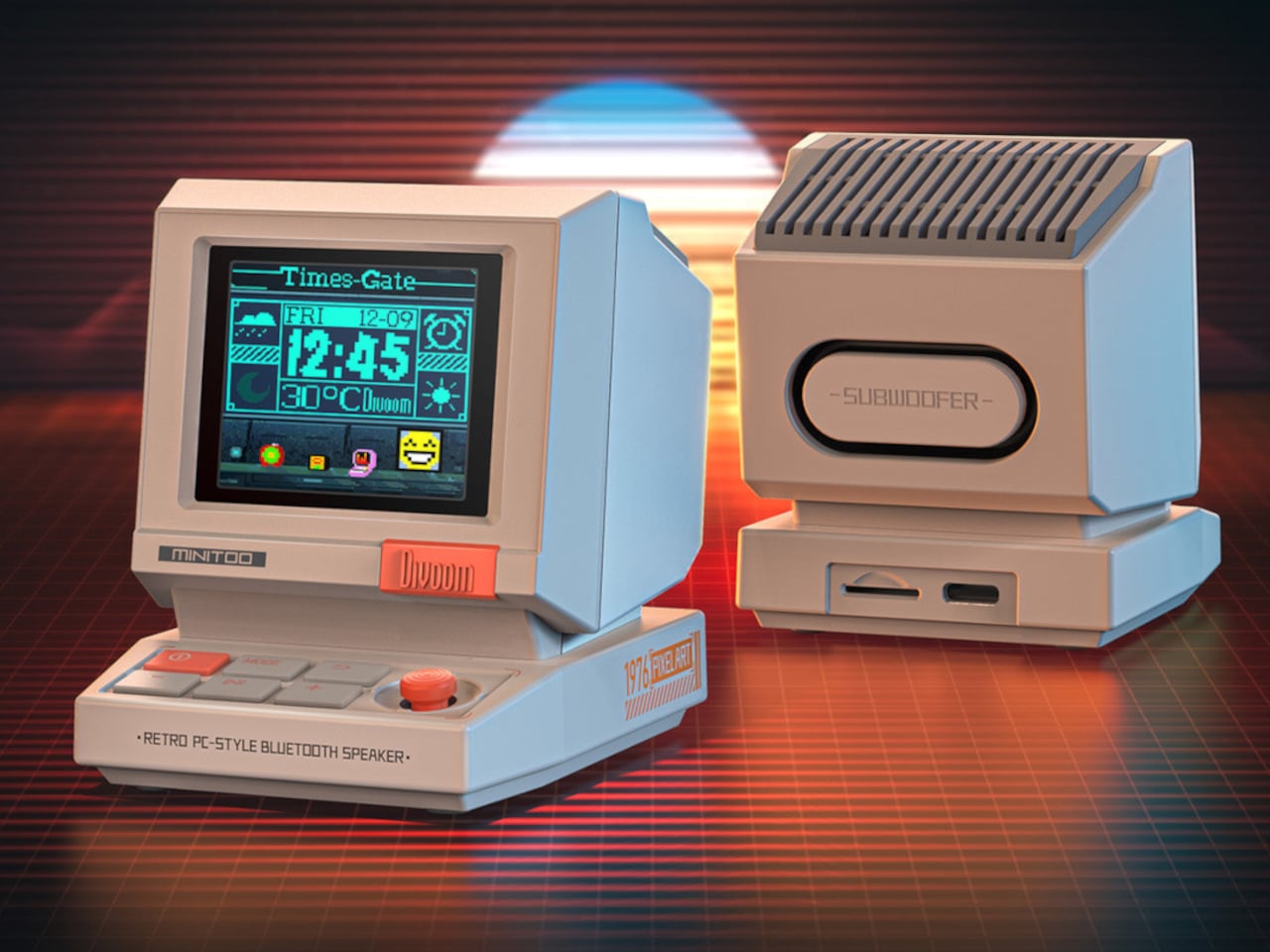
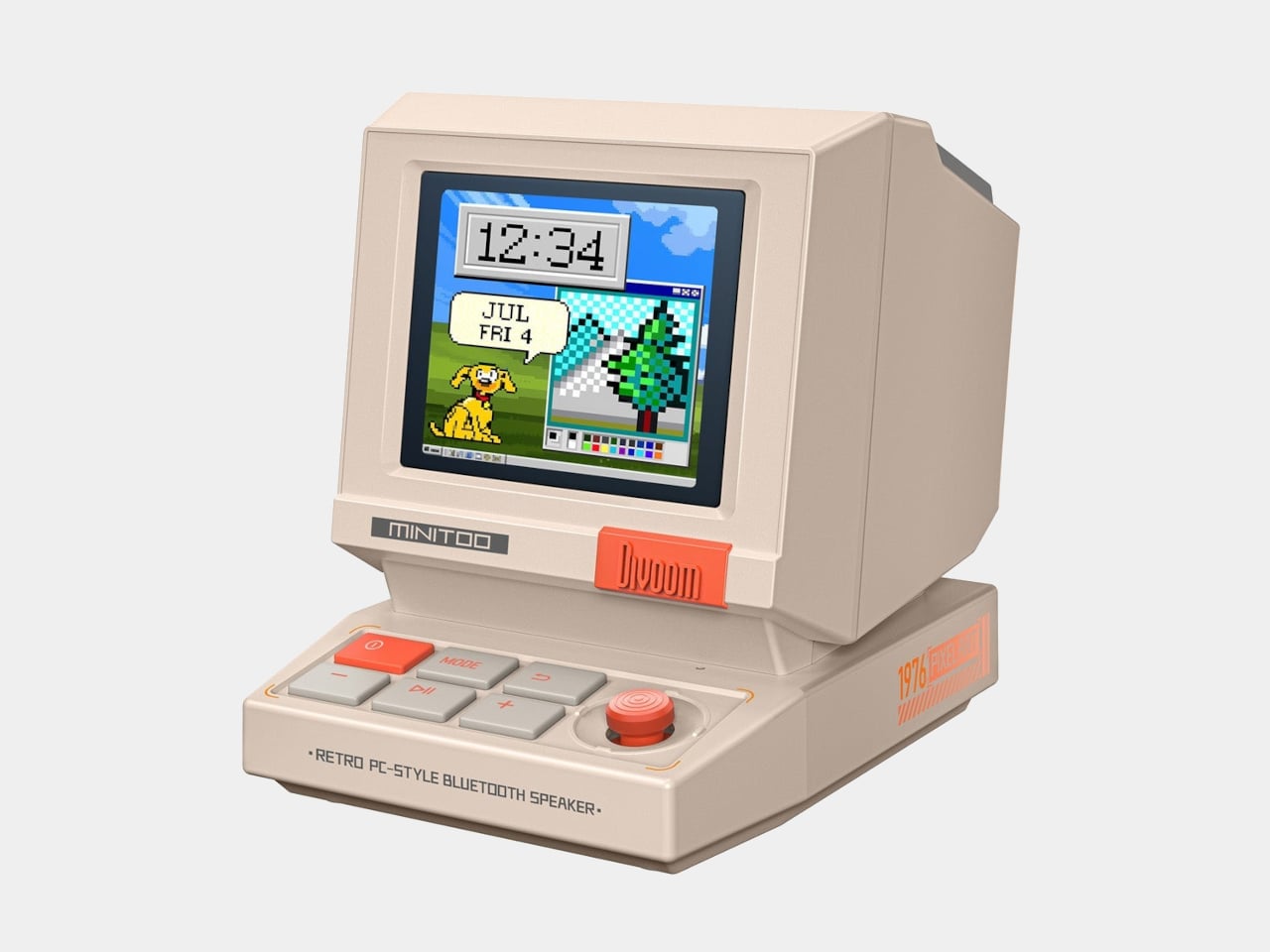
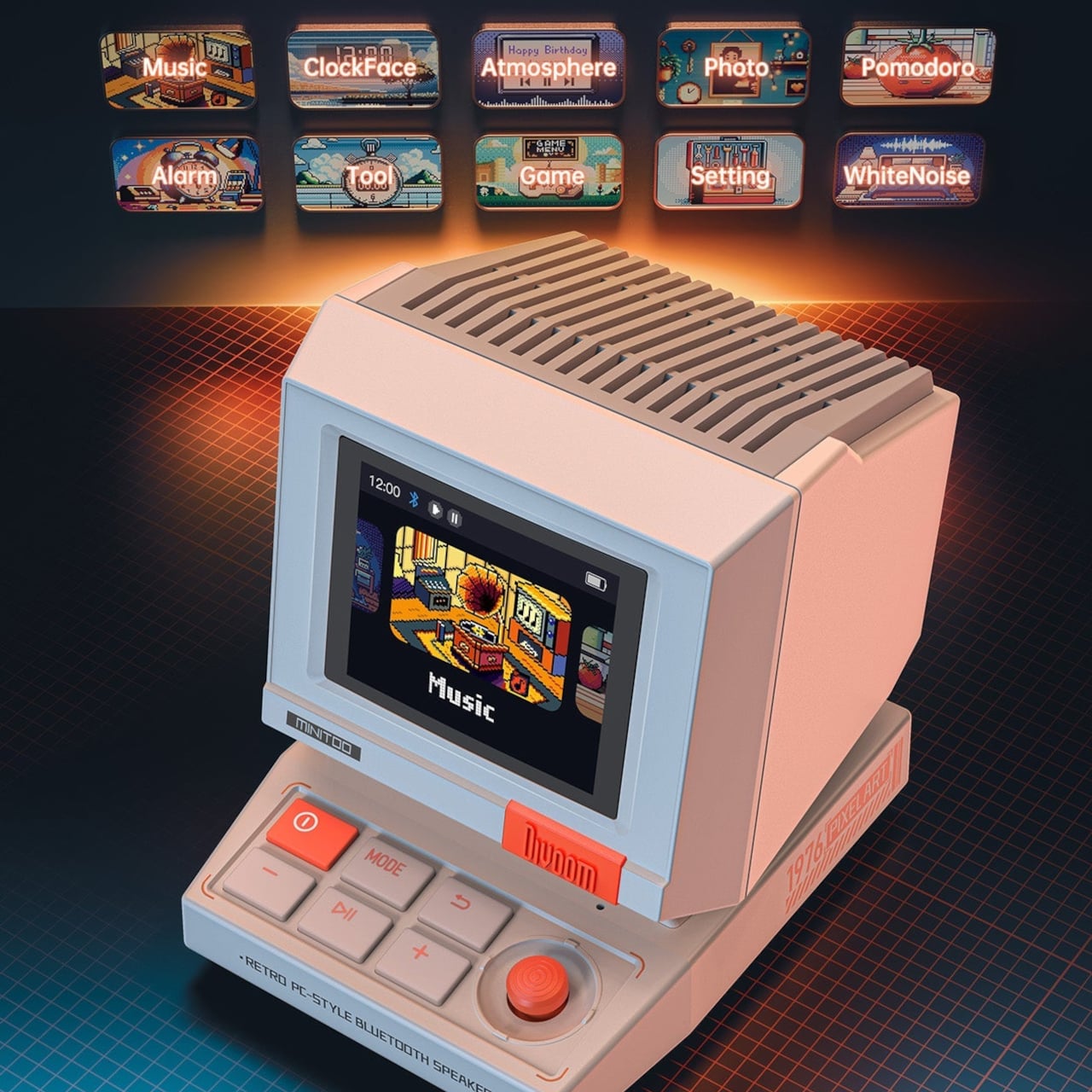
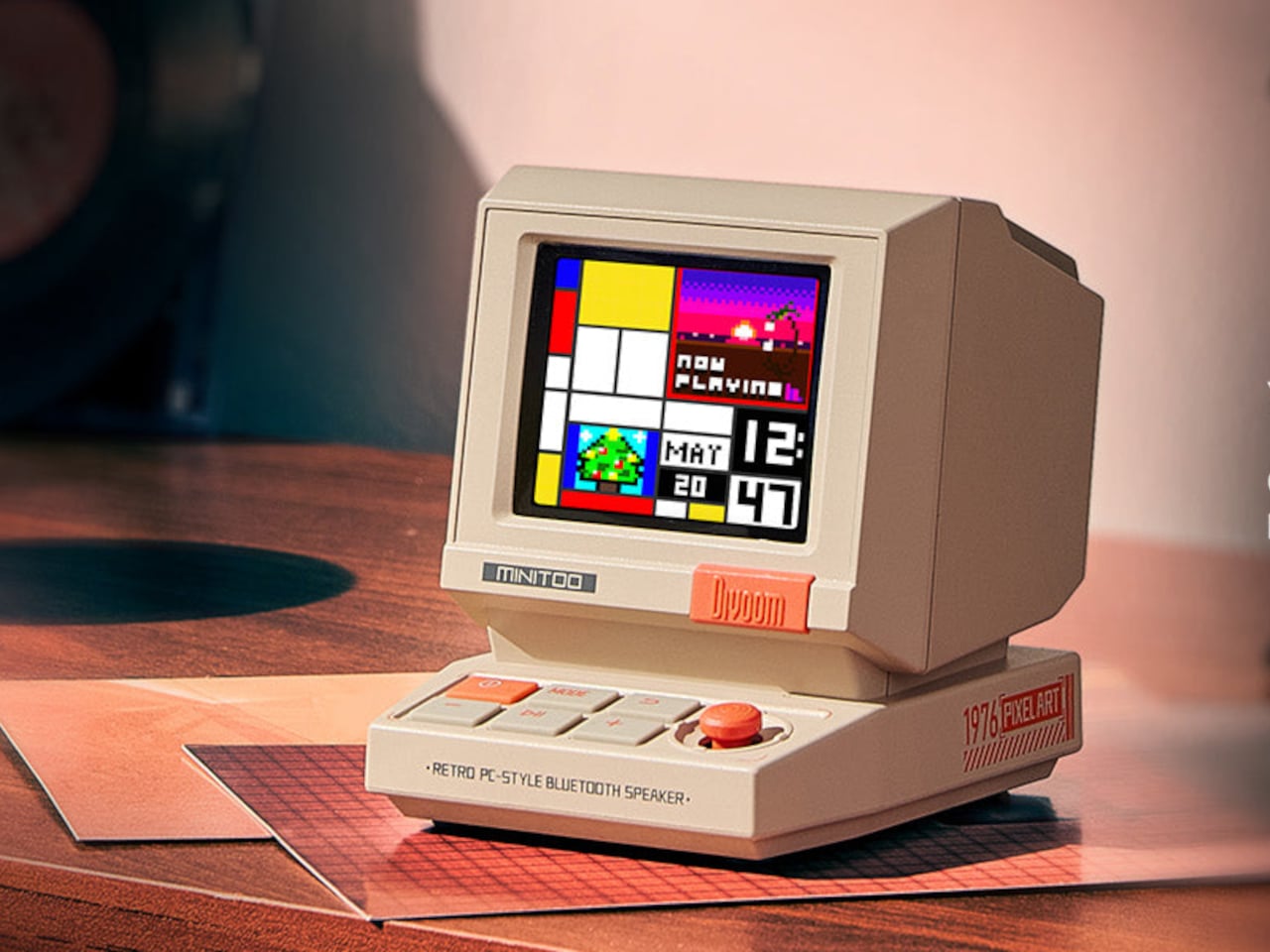
The MiniToo Retro PC Style Pixel Bluetooth Speaker & Alarm Clock looks like a palm-sized beige desktop computer that escaped from an 8-bit office. The CRT-style screen sits on top with a thick bezel, while the sloped keyboard base sports four large square buttons and a bright orange volume knob. It measures about 3.2 by 2.4 by 2.9 inches and weighs just over 200 grams, small enough to fit between your laptop and coffee cup.
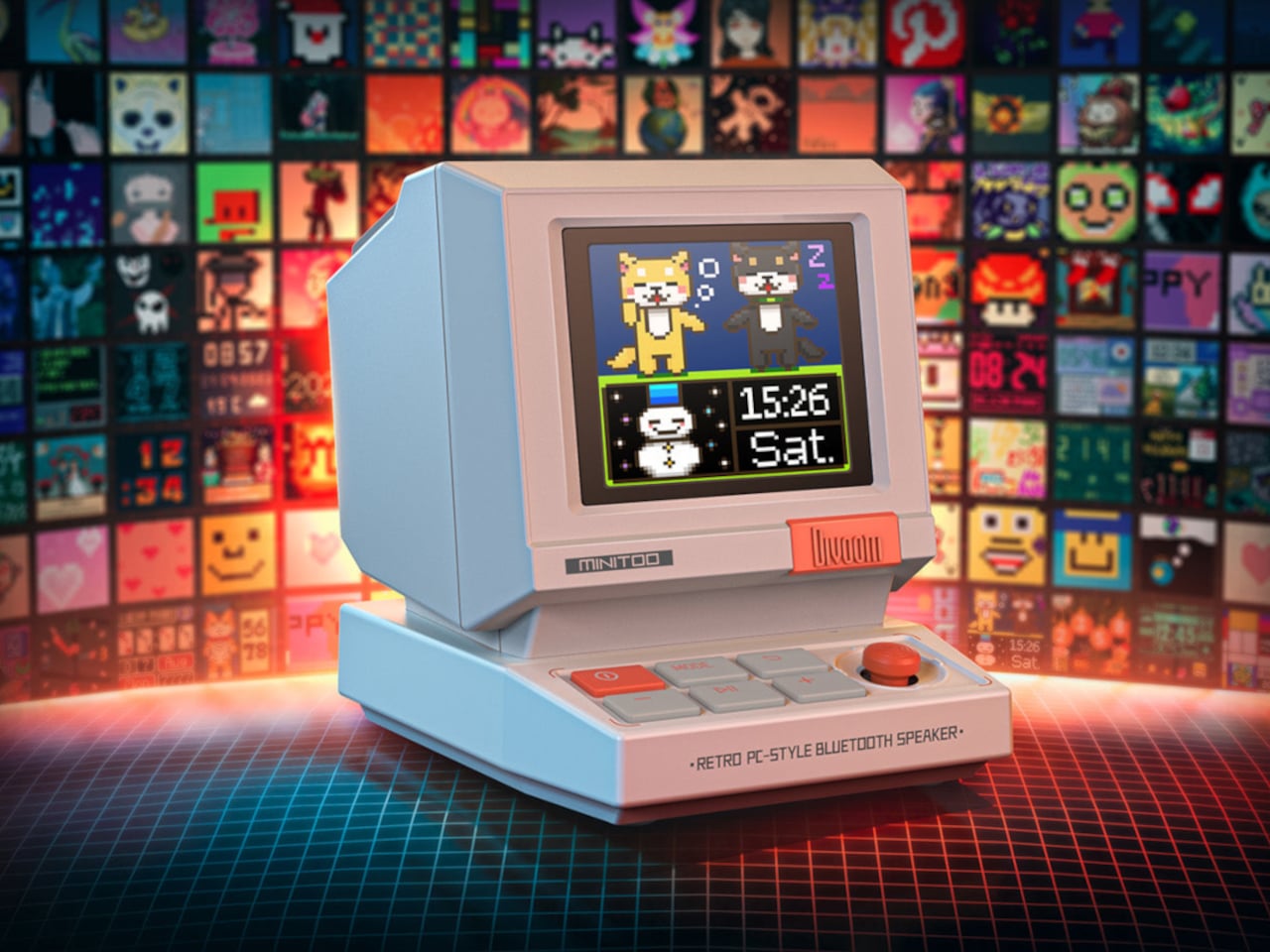
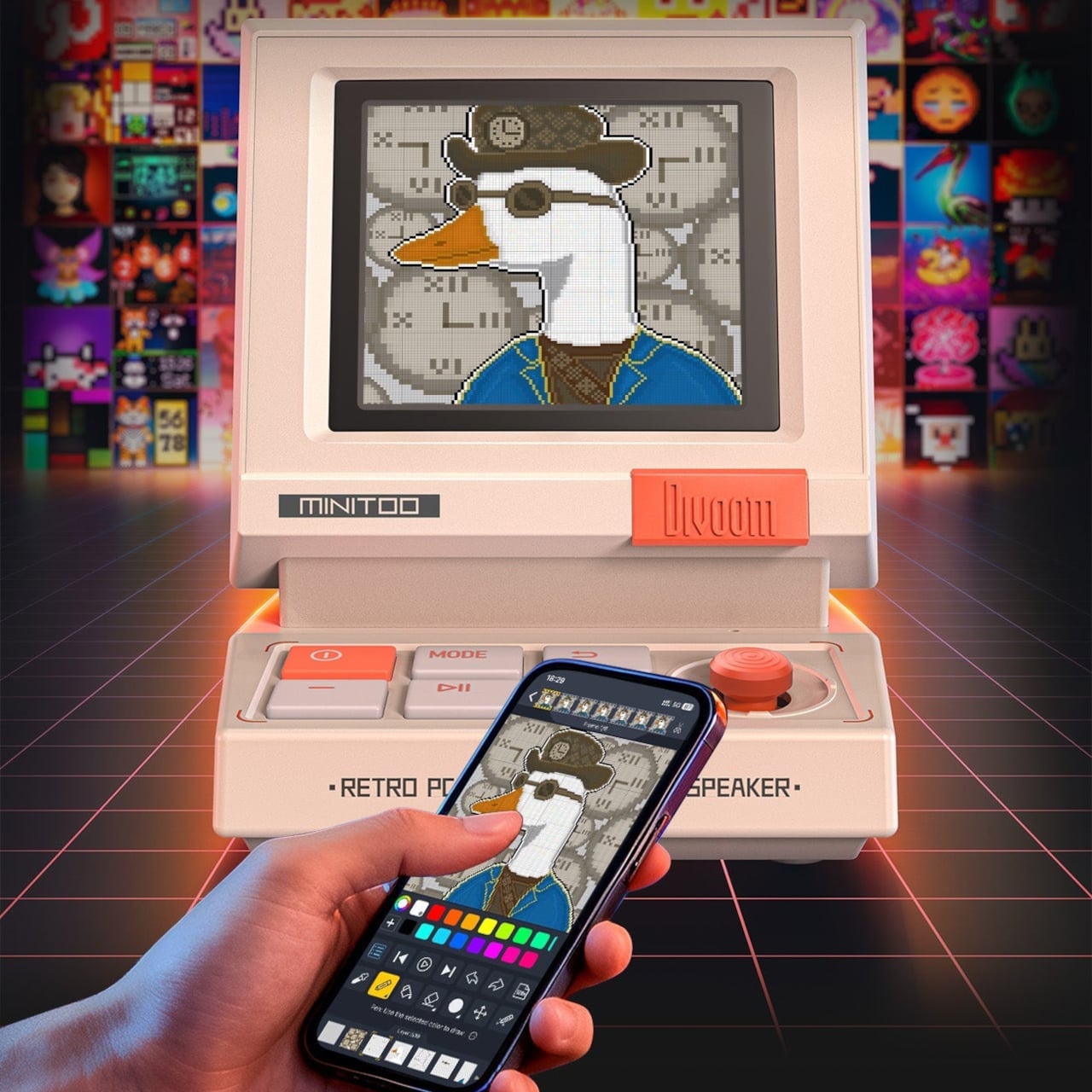
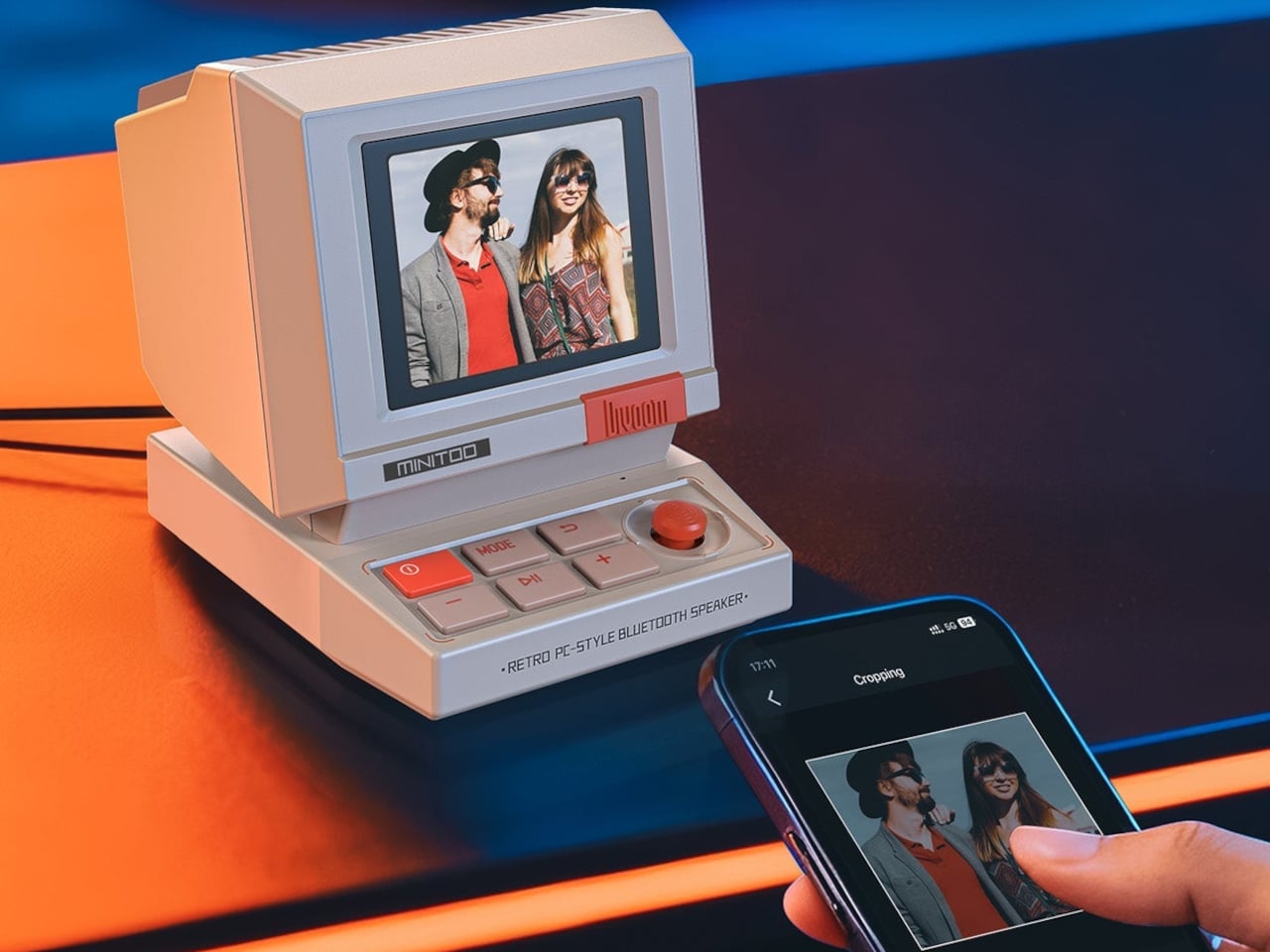
The 1.77-inch TFT screen runs more than seventy clock faces, from DOS blue screens with chunky pixel fonts to colorful analog dials and animated scenes. The companion app lets you design your own pixel faces, animations, and text, then sync them with a tap. You can also cast photos to the screen, turning it into a tiny digital photo frame that cycles through your favorite shots in gloriously chunky pixel form, which somehow makes even vacation snapshots feel more fun.
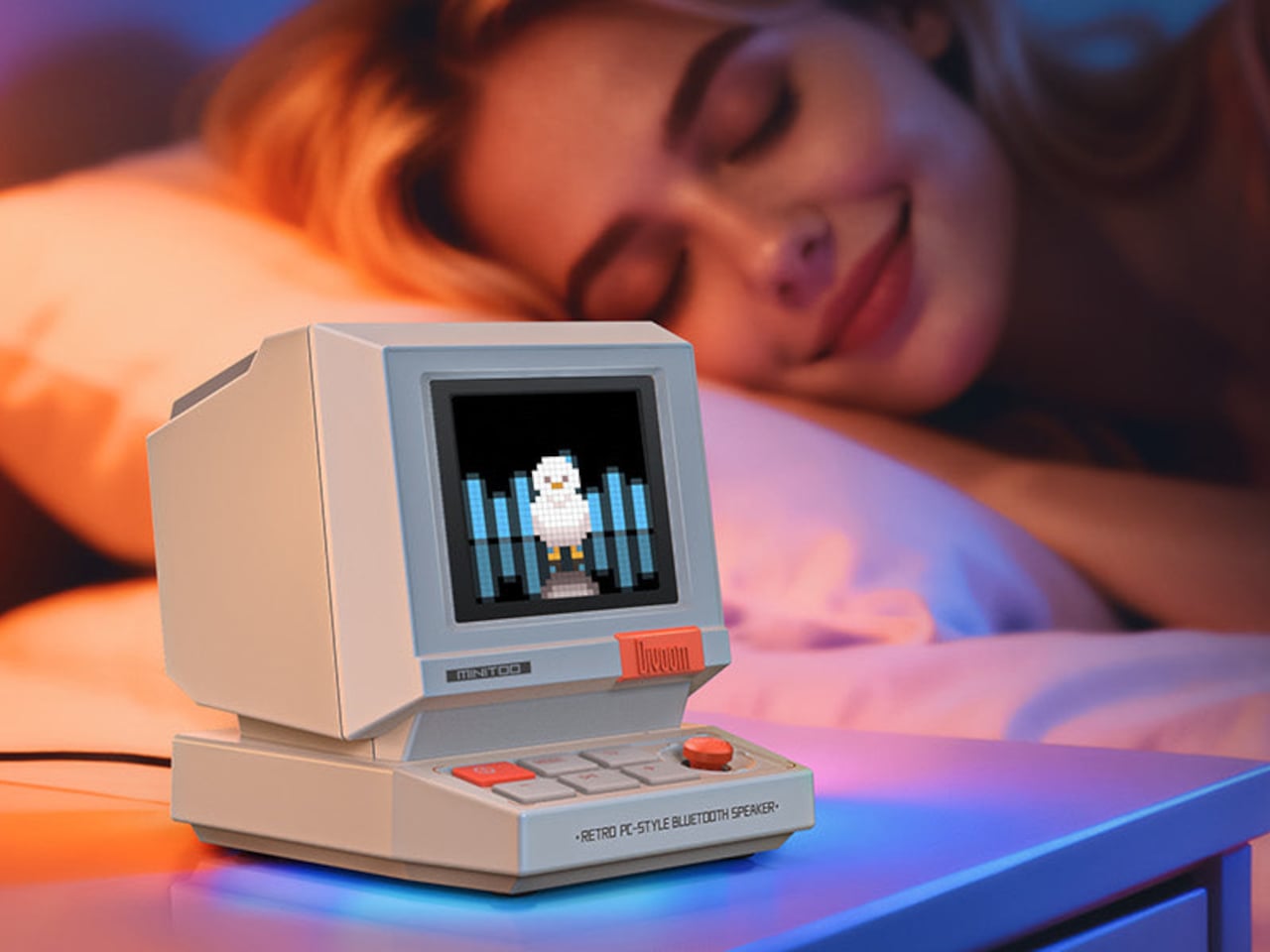
The audio side packs a 5-watt full-range driver with enhanced bass reflex tuned for near-field listening, good for a desk or bedside but not built to fill a room. Bluetooth 5.3 handles wireless playback, plus it supports white noise and twelve wake-up sounds. You can set alarms, play music, and fall asleep to ambient sounds, all from the same little box that looks like it should be running floppy disks instead of Spotify or whatever you streamed last night.
Built-in pixel tools include a Pomodoro timer, reminders, and simple games that live on the device. It can sit next to your laptop as a focus timer during the day, then shift to an alarm clock and white noise machine at night. The four front buttons and knob make it easy to use without always reaching for your phone, helping it feel like a standalone object rather than just another Bluetooth accessory demanding app attention.
Connectivity options cover Bluetooth 5.3, USB audio, and TF card playback, so it works with laptops, phones, or local files. The app is still required for deeper customization, but once your faces and sounds are set up, the device runs on its own. The compact size makes it easy to move between desk and bedside, or pack as a little travel speaker with personality and actual utility instead of just nostalgia.
MiniToo is clearly gift-ready, shipped in a neat box, and aimed at teens, designers, and retro lovers who want their desks to look like fun. What makes it interesting is not just the nostalgia, but the way it folds real utility into that nostalgia, giving you a tiny computer that finally behaves like the playful, expressive desk companion those beige boxes never were when they were actually new and just ran spreadsheets.
Skin loses the hydration war quietly in today’s modern world. Office air conditioning runs all day, planes recycle cabin air for hours, and cars blast heat or cold depending on the season. Most hydration routines still happen at a bathroom mirror with a cotton pad and a bottle, even though the real damage shows up at desks, in conference rooms, and halfway through a flight when your face feels tight and tired.
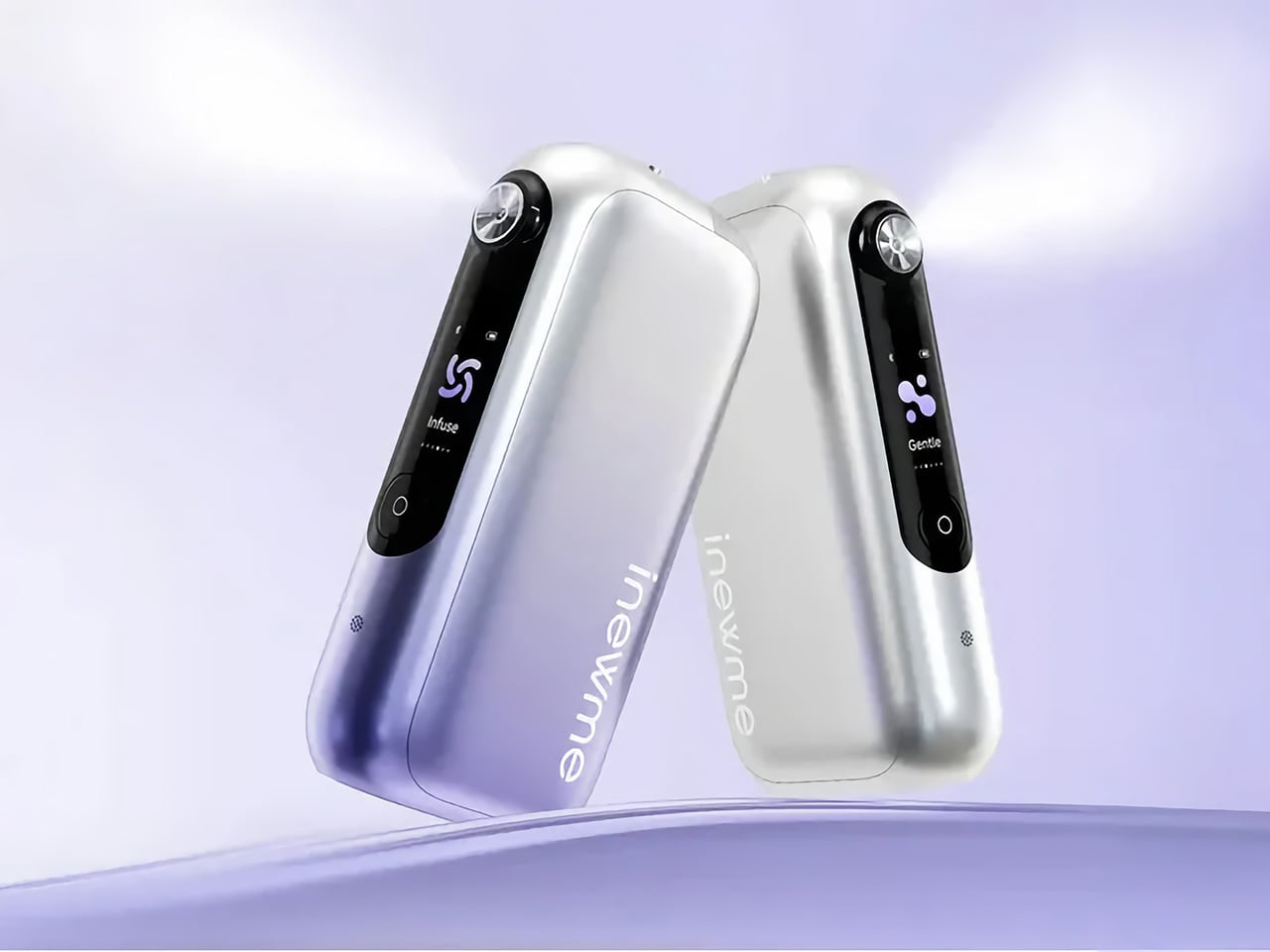
NanoHydra Pro tries to close that gap by shrinking a fairly advanced hydrator into something pocket-sized. It looks like a small metallic gadget with a gradient finish, the kind of thing that sits on a desk next to a phone or slips into a bag without announcing itself. A dual pump nano mist system atomizes toner or serum into a 10 micron droplet cloud, fine enough to sit on skin rather than drip off.
The 10 micron mist feels different from a regular spray bottle. Most misters shoot larger droplets that either evaporate too fast or run down your cheeks, leaving streaks on your makeup or pooling near your jawline. NanoHydra Pro atomizes liquid into something closer to a soft fog, light enough to absorb quickly without leaving skin wet or sticky, and you can use the same toner you already have.
What makes it feel smarter is the ToF distance sensor built into the front. It reads how close the device is to your face and quietly adjusts mist output in real time. Hold it near, and the spray softens to avoid oversaturating small areas. Pull it back, and coverage expands for broader strokes. Step outside the detection range, and it shuts off automatically, saving product and avoiding accidental desk misting.
The design seems built for people who keep skincare at their desk rather than just in the bathroom. Five modes let you shift between everyday hydration, a gentler setting for sensitive days, a lifting mode when skin feels slack, an infuse mode for deeper serum sessions, and a manual option for one quick burst. Each mode adjusts mist intensity and duration to match the moment.
The battery lasts around a week with regular use, so it sits there ready without becoming another thing to plug in every night. You press a button, pick a mode on the small LCD screen, mist your face, and go back to work. It fits into the kind of routine where hydration happens between calls or emails rather than as a separate event you have to carve out time for at home.
Travel is where the leak-proof capsule starts to matter. The chamber locks toner or serum inside with enough seals that you can toss it into a bag, check it in luggage, or carry it through airport security without spills soaking into clothes or electronics. The compact body fits easily into a jacket pocket or backpack side slot. On a long flight or dry commute, pulling it out and misting your face takes less effort than digging through a toiletry kit.
A companion app adds a layer for people who like tracking routines. It lets you adjust mist intensity, log each session, and review hydration trends over time, turning a simple spritz into something more intentional. The app also offers guidance based on your skin type and habits, though the device still works perfectly well as a one-button hydrator if you would rather skip the data layer entirely.
NanoHydra Pro hints at a version of skincare tools that pay attention to context instead of just pushing liquid through a nozzle. It reads distance, tunes droplet size, and fits into spaces where traditional routines fall apart, like desks, cars, and airplane seats. As hydration stops being something that only happens at a mirror, a small object that adapts quietly in your hand starts to feel like the more useful kind of upgrade.
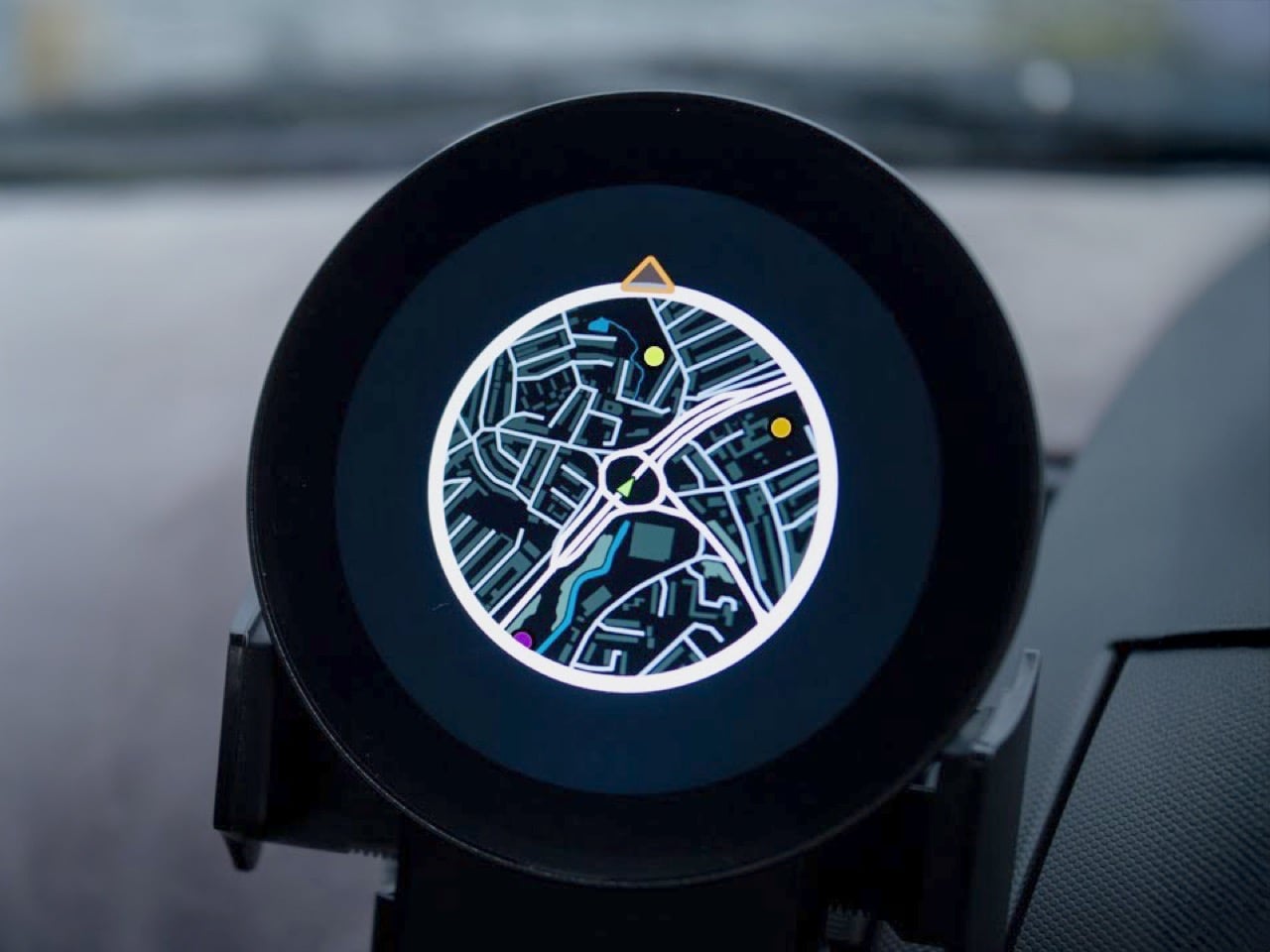
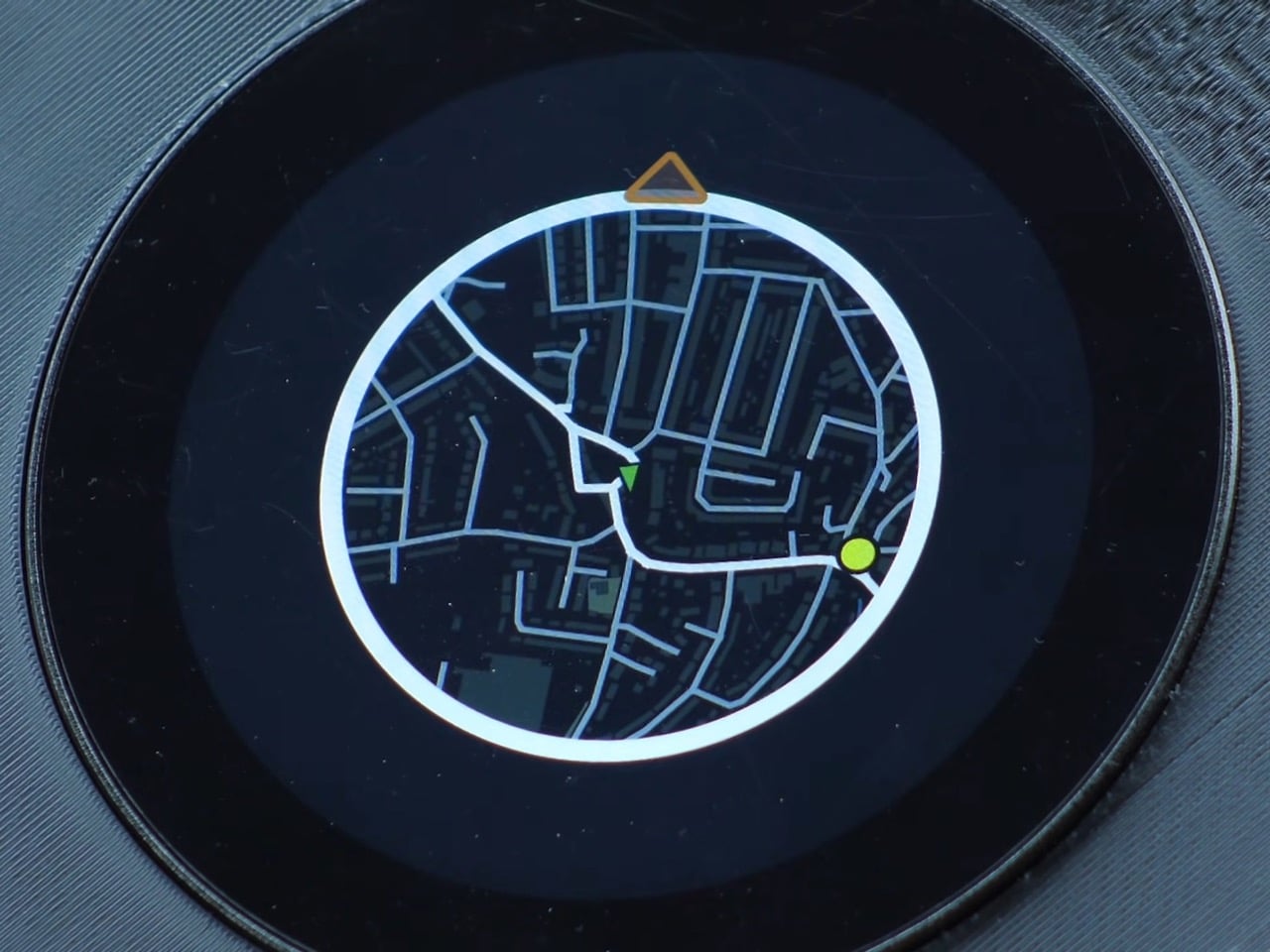
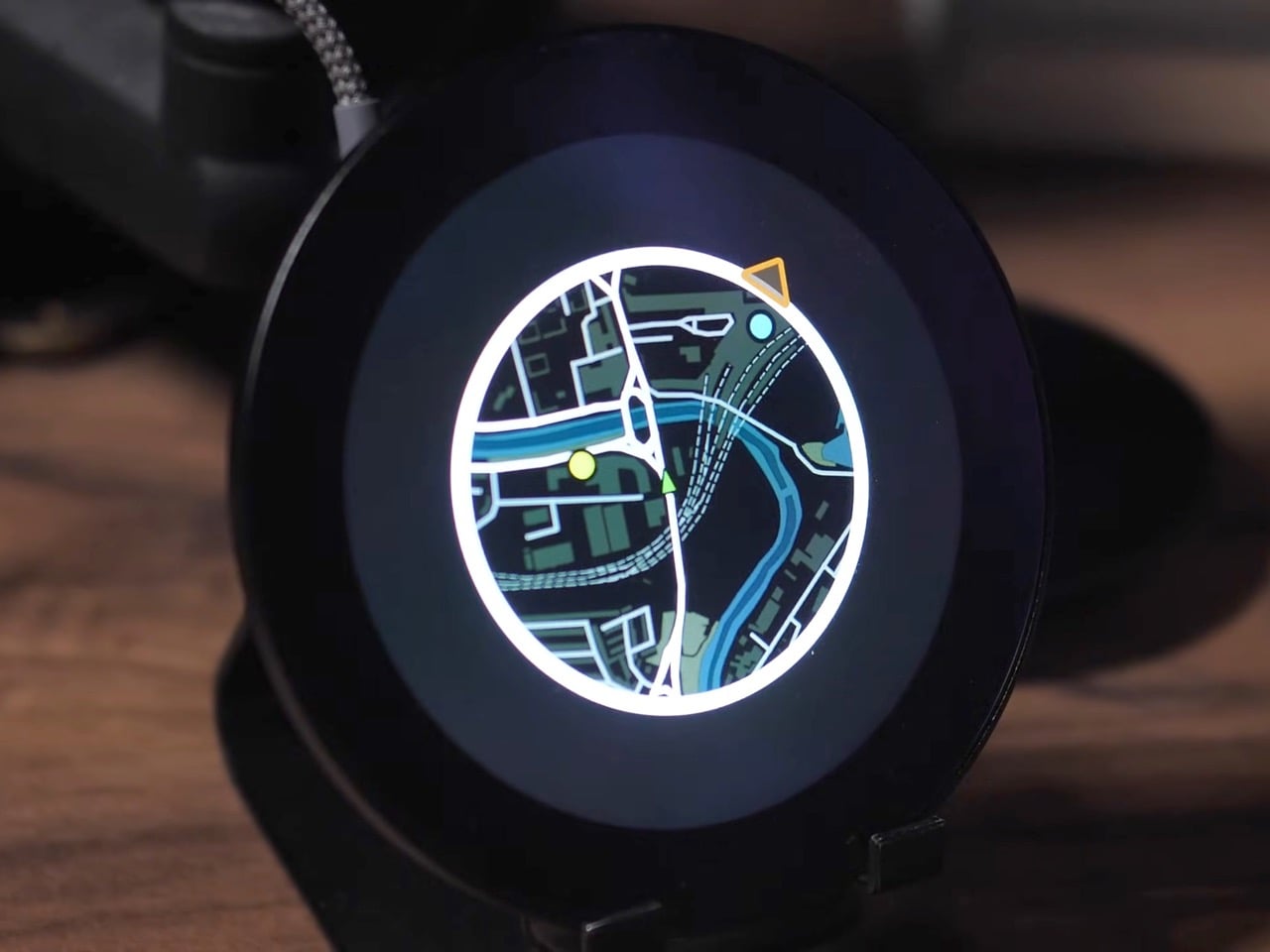
The mini map has been a staple of racing and open-world games for decades, teaching us to navigate virtual cities with quick glances at a corner of the screen. A developer has now made that experience tangible, building a GPS-based mini map system for actual driving that recreates the look and feel of Need for Speed Underground 2. What everyone said was impossible on an ESP32 microcontroller is now working smoothly in a real car, tracking position, displaying waypoints, and making everyday drives feel unexpectedly game-like.
Getting this to work on a $20 microcontroller meant processing the entire UK into 2.5 million map tiles, totaling 236GB of data stored on an SD card. The ESP32 loads them dynamically based on your heading, only pulling in new tiles from the direction you’re traveling because each one takes a tenth of a second to load. We’re talking weeks of optimization just to get map tiles loading fast enough, clever tricks to avoid tanking the frame rate, and some creative compromises that make the whole thing feel polished despite running on hardware that costs less than takeaway for two. What’s particularly cool is that all the code is open-source, meaning you could theoretically generate tiles for your own city styled after whatever game you’re nostalgic for.
Designer: Garage Tinkering
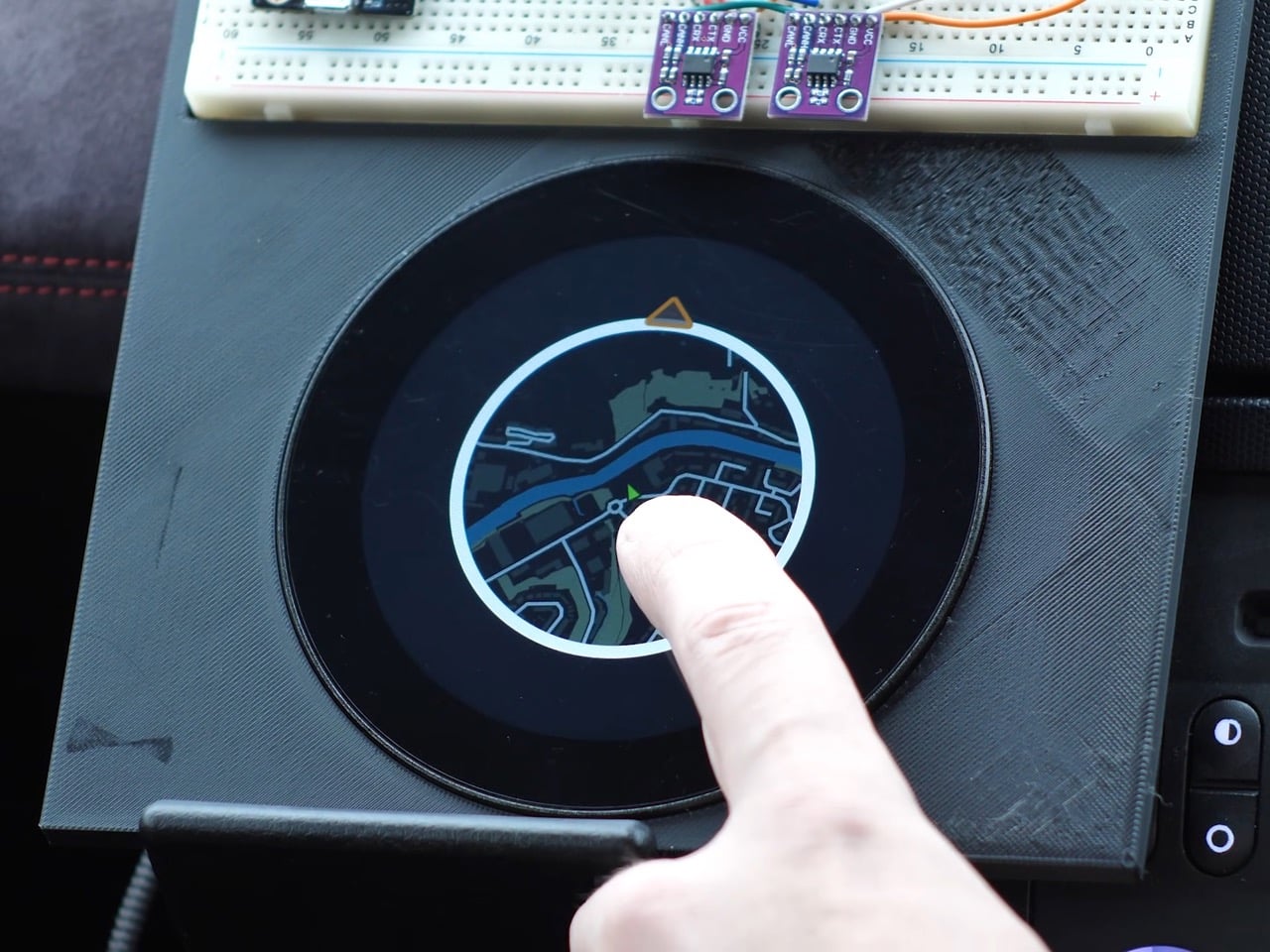
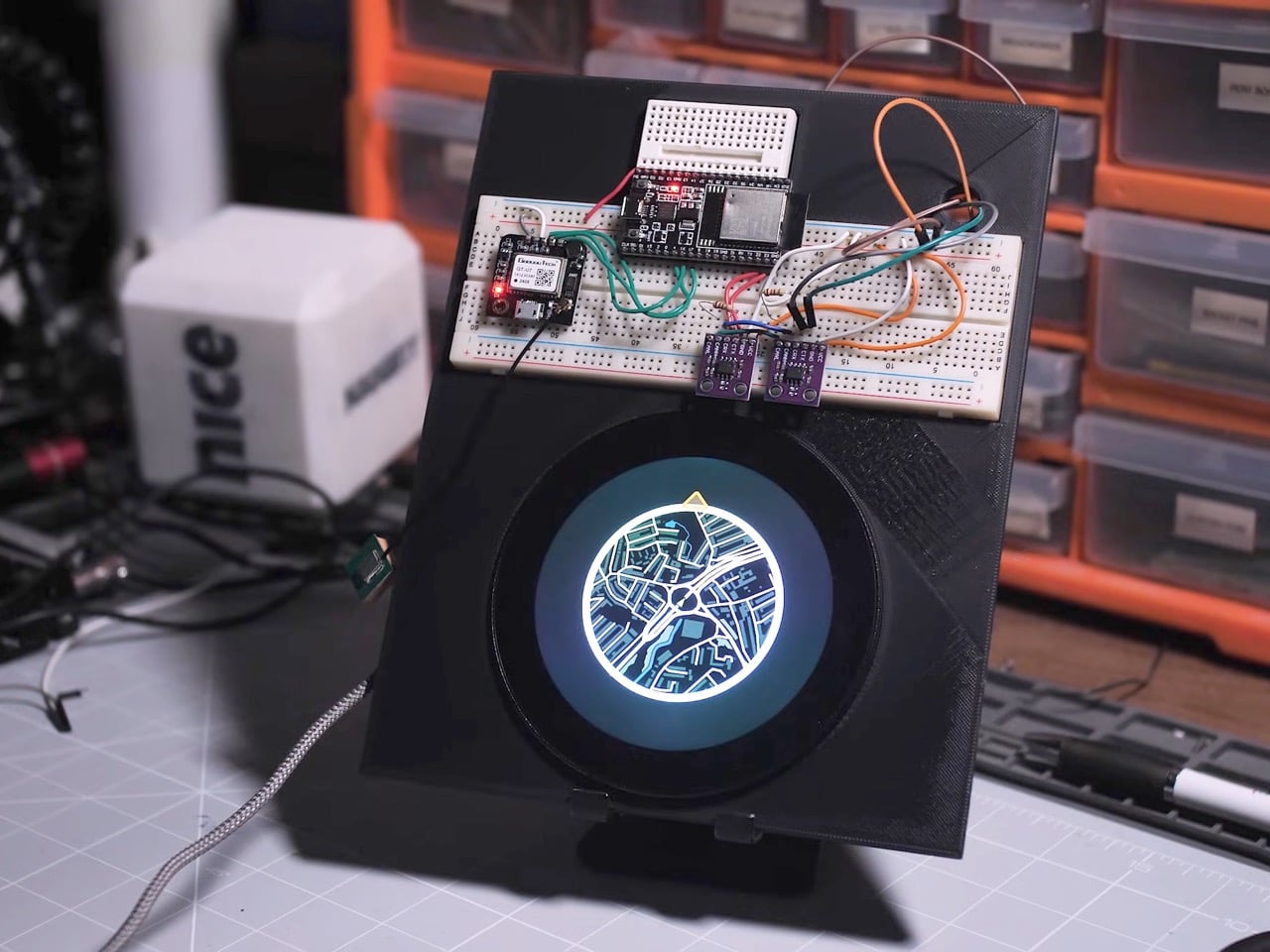
The project runs on an ESP32-P4, the flagship chip in the ESP32 family, paired with a 3.4-inch 800×800 pixel WaveShare display. If it couldn’t work on this combination, it wasn’t going to work on any ESP32, which is exactly why the developer chose it. The alternative would have been admitting defeat before even starting, and where’s the fun in that?
The map generation process alone is wonderfully excessive. Using QGIS, a geospatial mapping tool, the developer pulled road data from Ordnance Survey, transportation waypoints from the UK Department of Transportation, and petrol stations from Open Street Maps via a custom Python script that parsed through a 2GB dataset looking for anything tagged with “amenity=fuel.” The result was 2.5 million map tiles covering the entire UK at zoom level 16, totaling 236GB of data. Processing took 35 hours. Converting those tiles to a format the ESP32 could read took another 18 hours. Transferring everything to an SD card took 22 more hours. This is the kind of project where you start things running before bed and hope they’re done by morning.
Getting smooth performance meant rethinking how traditional GPS navigation works. Each tile takes roughly 0.1 seconds to load from the SD card, which sounds fast until you realize how many tiles you’d need if you loaded everything around you constantly. The solution was directional loading. If you’re heading north, only load new tiles coming in from the top. The tiles on the sides and bottom don’t need refreshing because you’re moving away from them. Just shuffle the existing data around in memory and you’ve saved yourself a bunch of unnecessary SD card reads.
The other big performance win came from abandoning authenticity. The original plan was to rotate the entire map grid so it moved like it does in Need for Speed, with the car always pointing up. Turns out rotating large image grids on an ESP32 makes everything stuttery and unpleasant. The fix was keeping the map oriented north and rotating just the car icon to show your heading. It’s less true to the game but infinitely smoother in practice, which matters more when you’re actually using the thing.
The current prototype isn’t exactly plug-and-play elegant though. The GPS module sits on a breadboard outside the main device, creating a larger footprint than the sleek circular display suggests. It’s functional but definitely looks like a dev setup rather than a finished product. Still, the developer plans to integrate everything into a full Need for Speed inspired dashboard for their Nissan 350Z, which should clean up the form factor considerably. And since all the code is open-source and free to use, anyone with the patience for multi-day processing times can adapt it for their own area and preferred game aesthetic.
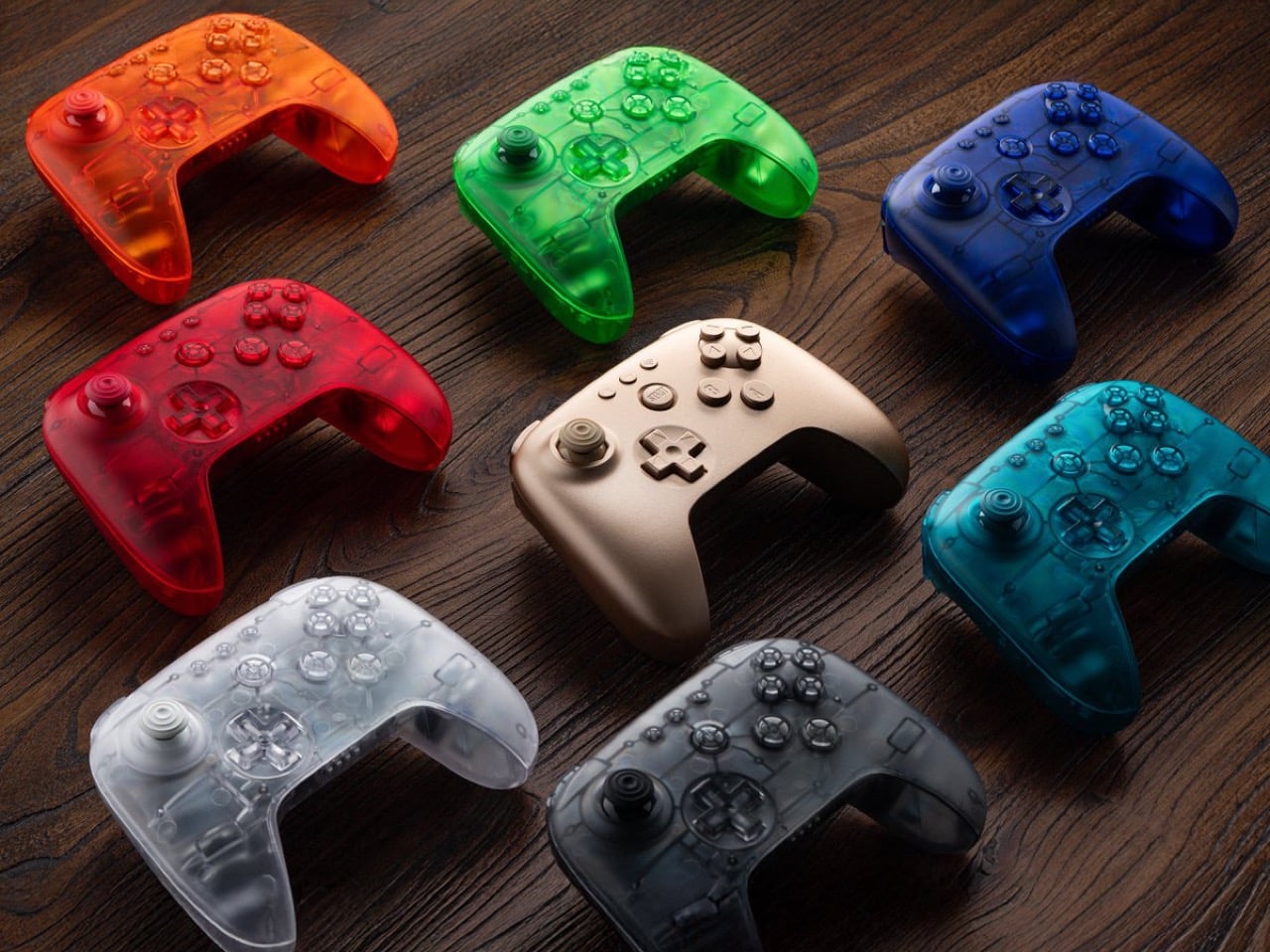
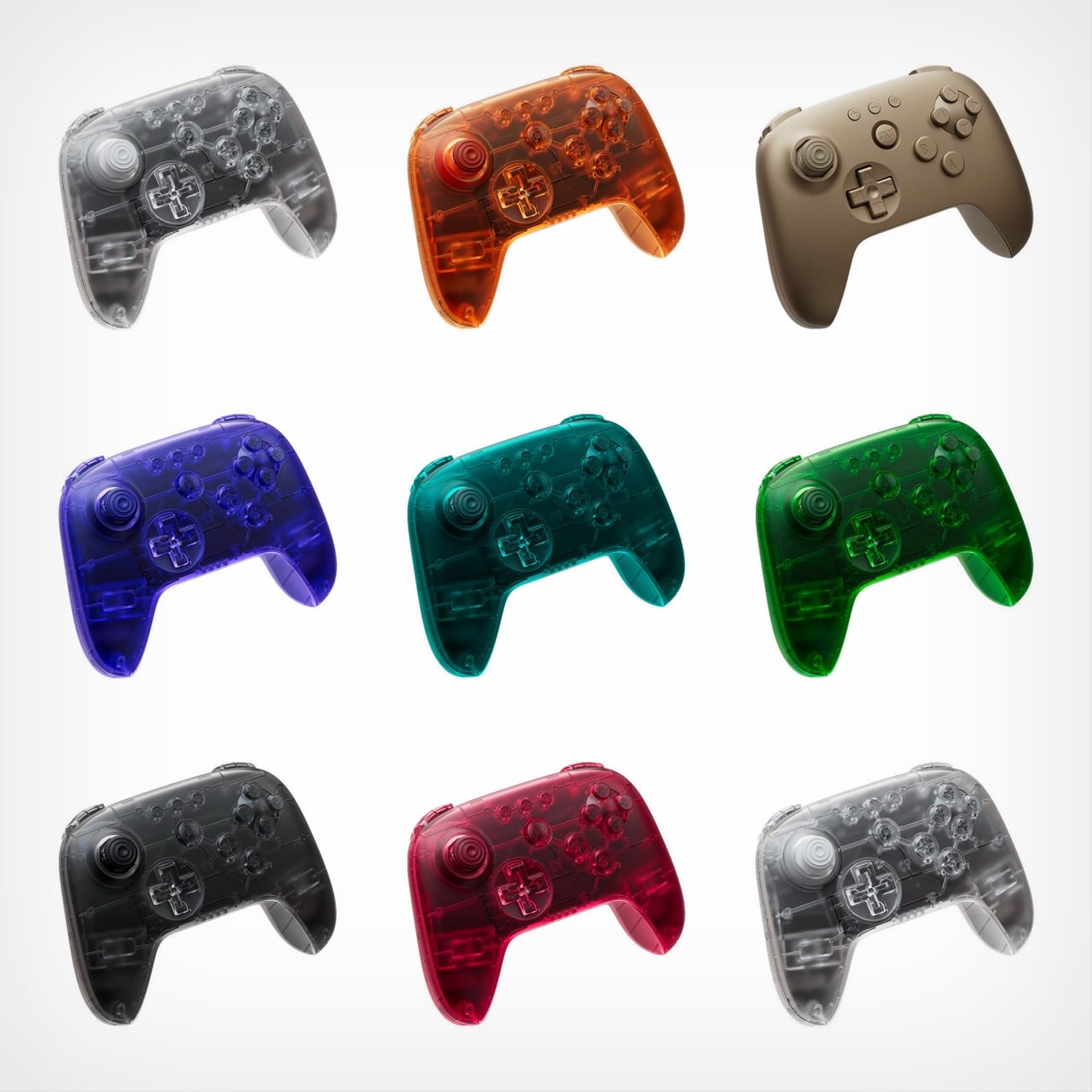
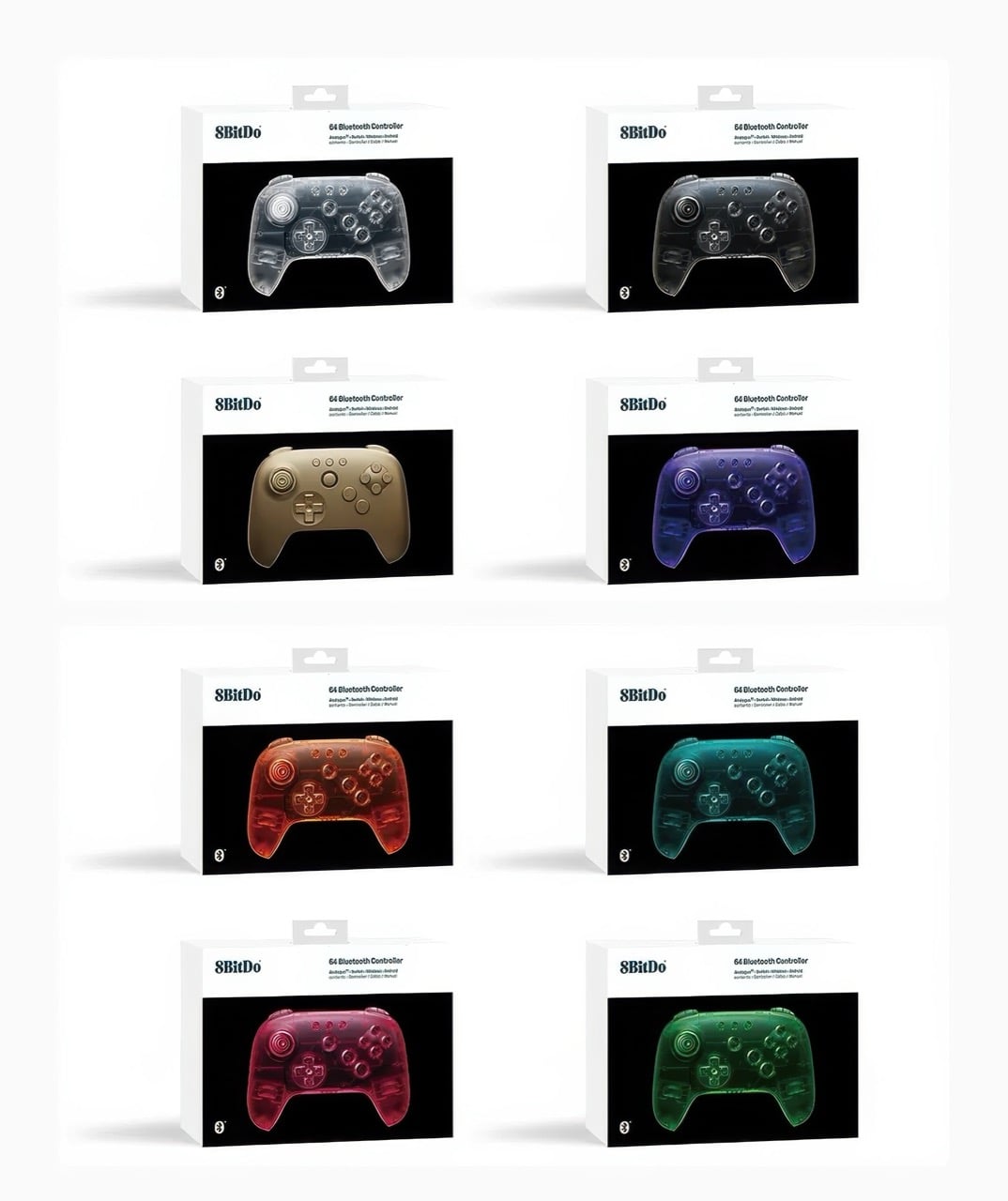
Remember when technology came in flavors instead of just space gray and black? 8BitDo certainly does, and the company is channeling serious late-90s energy with its newly announced Funtastic Limited Editions. These eight new colors for the 64 Bluetooth Controller embrace the translucent design language that once made the iMac G3 a cultural phenomenon and the N64 Funtastic series highly collectible. Now that aesthetic is back, adapted for modern gaming needs.
The lineup includes seven see-through variants alongside a solid Gold option, bringing the total 64 Controller color count to eleven. Each model maintains full compatibility with the Analogue 3D, Nintendo Switch family, Android devices, and Windows PCs through Bluetooth or USB connectivity. At $44.99, they command a small premium over standard colors, but that hasn’t stopped 8BitDo from warning potential buyers about extremely limited quantities. Pre-orders begin December 10 at 8 AM PST, with units shipping in February 2026.
Designer: 8bitdo
Look, I get why 8BitDo went this route. The Analogue 3D crowd skews heavily nostalgic, and these controllers speak directly to people who spent their formative years with an atomic purple N64 controller in hand. Clear, Jungle Green, Watermelon Red, Smoke Black, Ice Cyan, Fire Orange, Gold, and Grape Purple. These aren’t subtle nods to the past. They’re full-throated love letters to an era when product designers believed technology should spark joy rather than disappear into minimalist oblivion. The translucent shells let you peek at the circuit boards inside, which feels refreshingly honest in an age where everything’s sealed up tighter than Fort Knox. There’s something genuinely appealing about seeing the guts of your gear, even if modern miniaturization means there’s less to actually see than there was in 1998.
What strikes me is how this design language has aged. When Jonathan Ive and his team at Apple dropped the iMac G3 in Bondi Blue, it felt revolutionary because computing had spent decades looking like beige office equipment. Nintendo followed suit with their Funtastic series, and suddenly every product category had a translucent variant. Then it all died out around 2002, victim of its own ubiquity and the rising tide of aluminum unibody minimalism. But here we are in 2025, and these candy-colored shells feel fresh again. Maybe enough time has passed, or maybe we’re all just exhausted by the relentless sameness of contemporary industrial design.
The $44.99 price point sits five bucks above the standard black and white models, which retail for $39.99. That’s a reasonable premium for limited edition colorways, especially given that 8BitDo isn’t skimping on features. Full Bluetooth connectivity, wired USB support, compatibility across multiple platforms. The February 2026 ship date feels distant, but that’s standard for limited runs where manufacturing slots are precious. What concerns me more is 8BitDo’s emphasis on “highly limited quantities.” That phrasing usually means either genuine scarcity or artificial hype-building, and with gaming peripherals, it’s often hard to tell which until pre-orders go live. Either way, if you want one of these translucent beauties sitting next to your Analogue 3D, setting a December 10 alarm is probably wise.
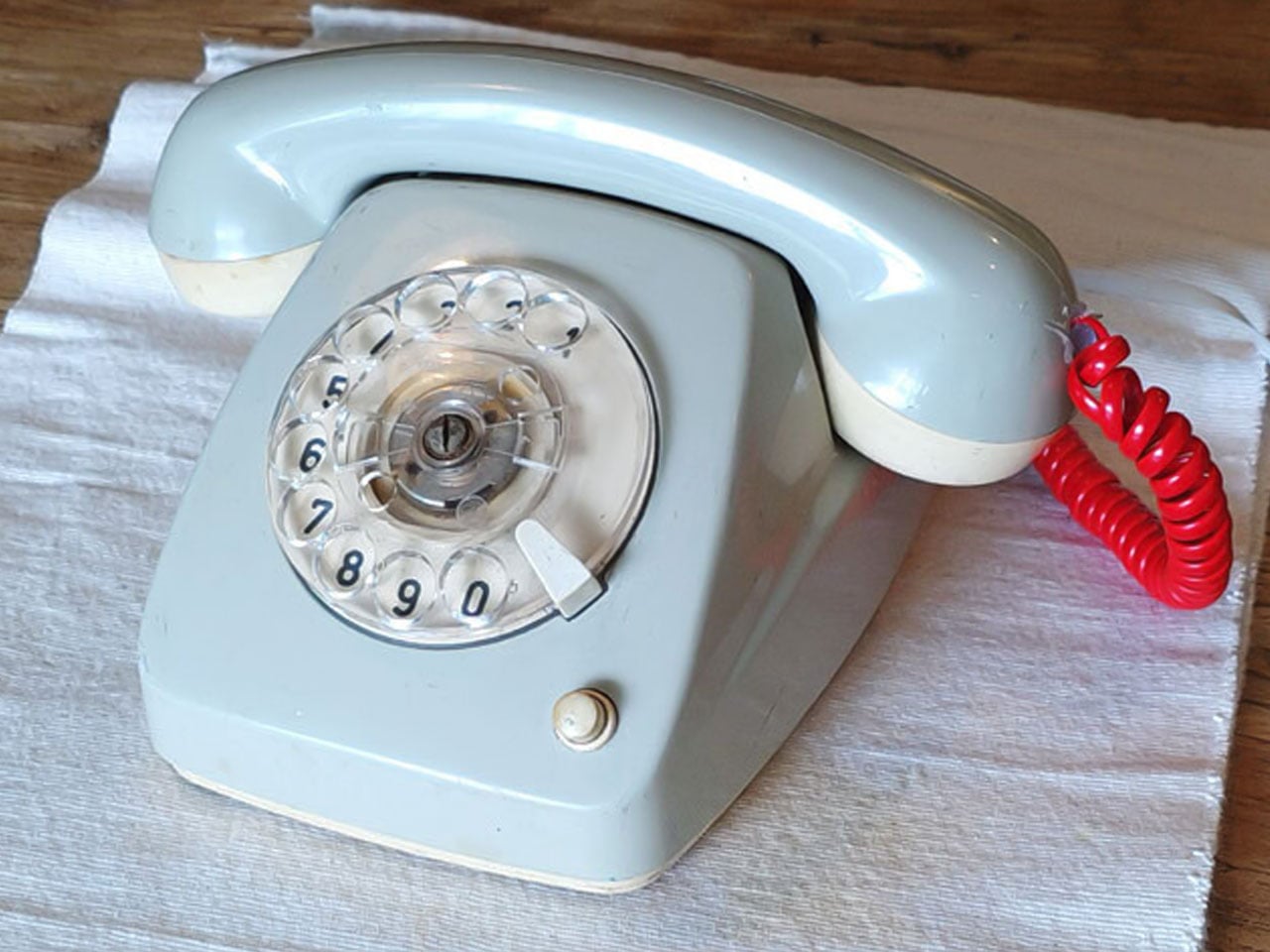
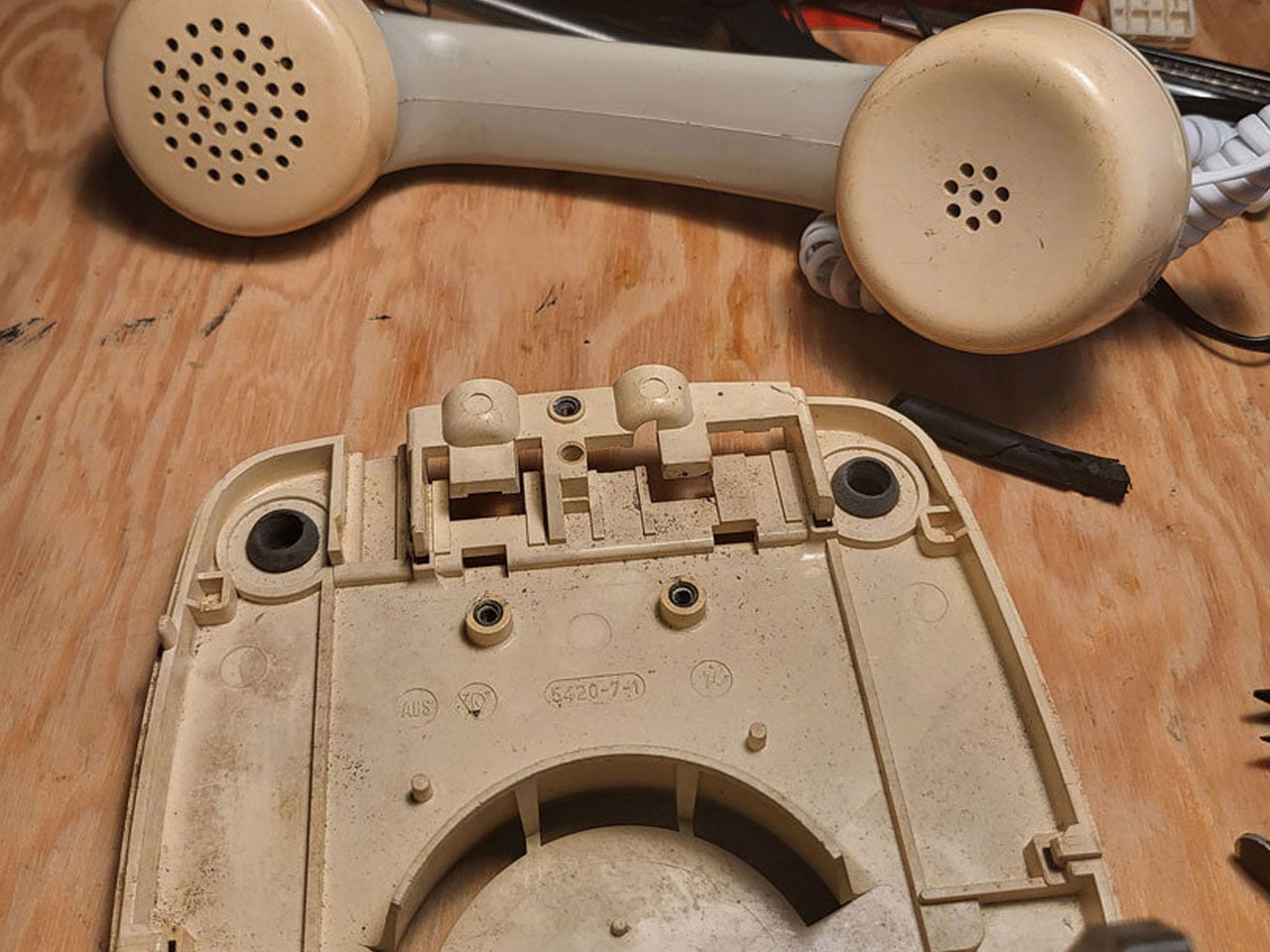
Who can forget the charm of rotary phones that were a lifeline in the early ’90s and ’80s? Their iconic mechanical dialling wheel with finger holes, solid build quality, and the unique clicking sound. Everything inside the machine was mechanical and wired on the inside to make communication possible. Even after their technical innovation was surpassed by mobile phones, the appeal of these robust dialers was not forgotten.
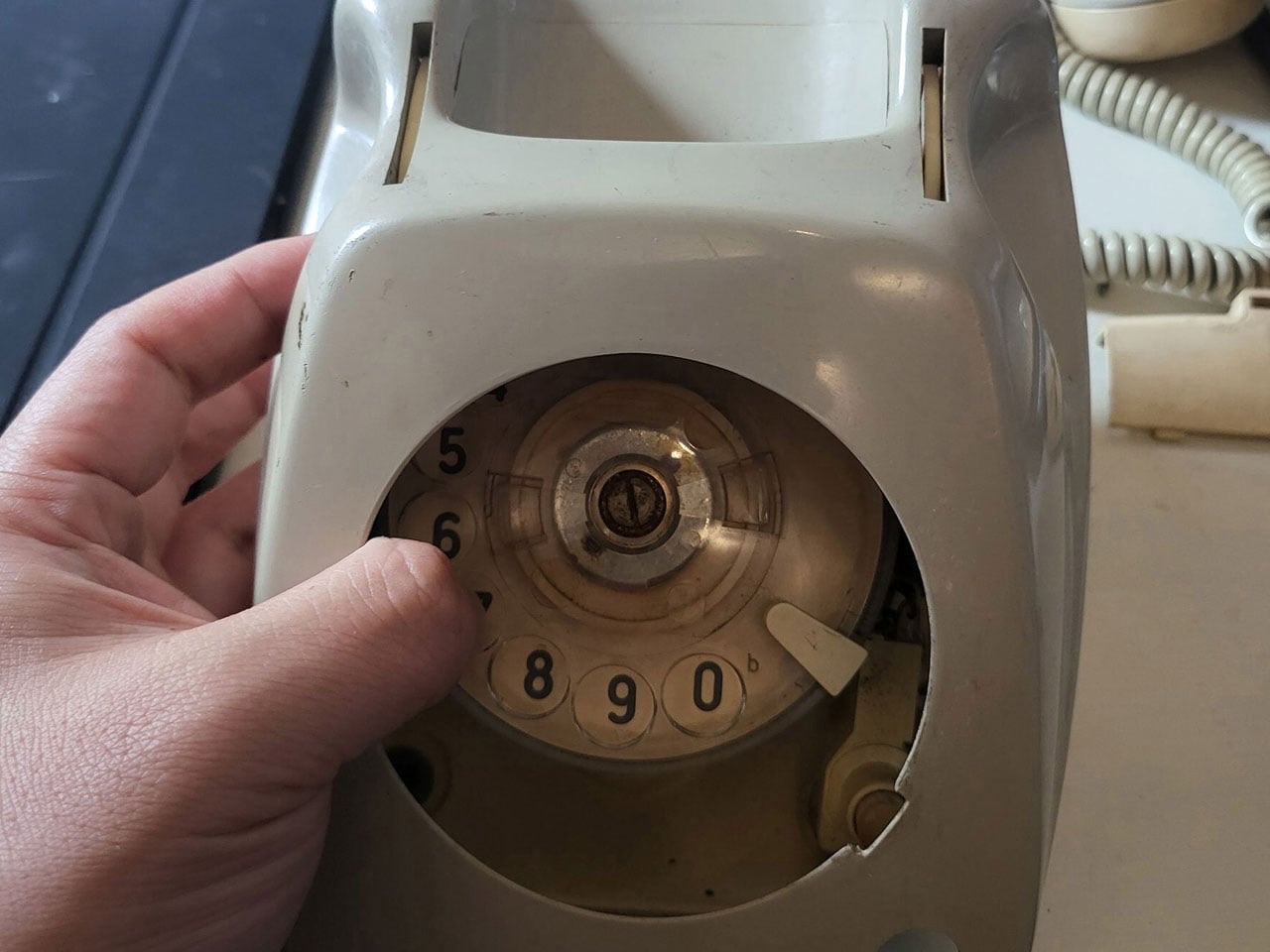
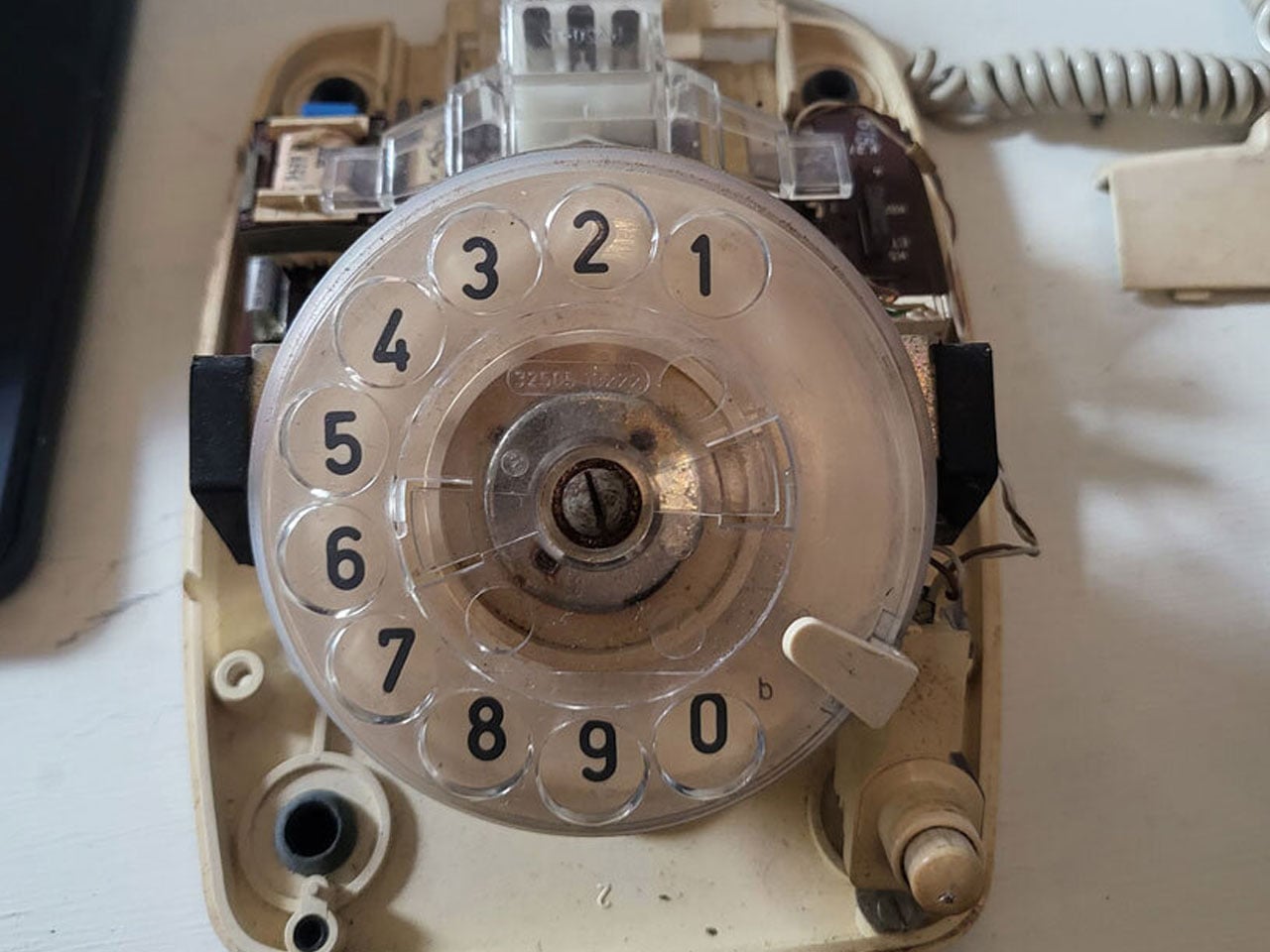
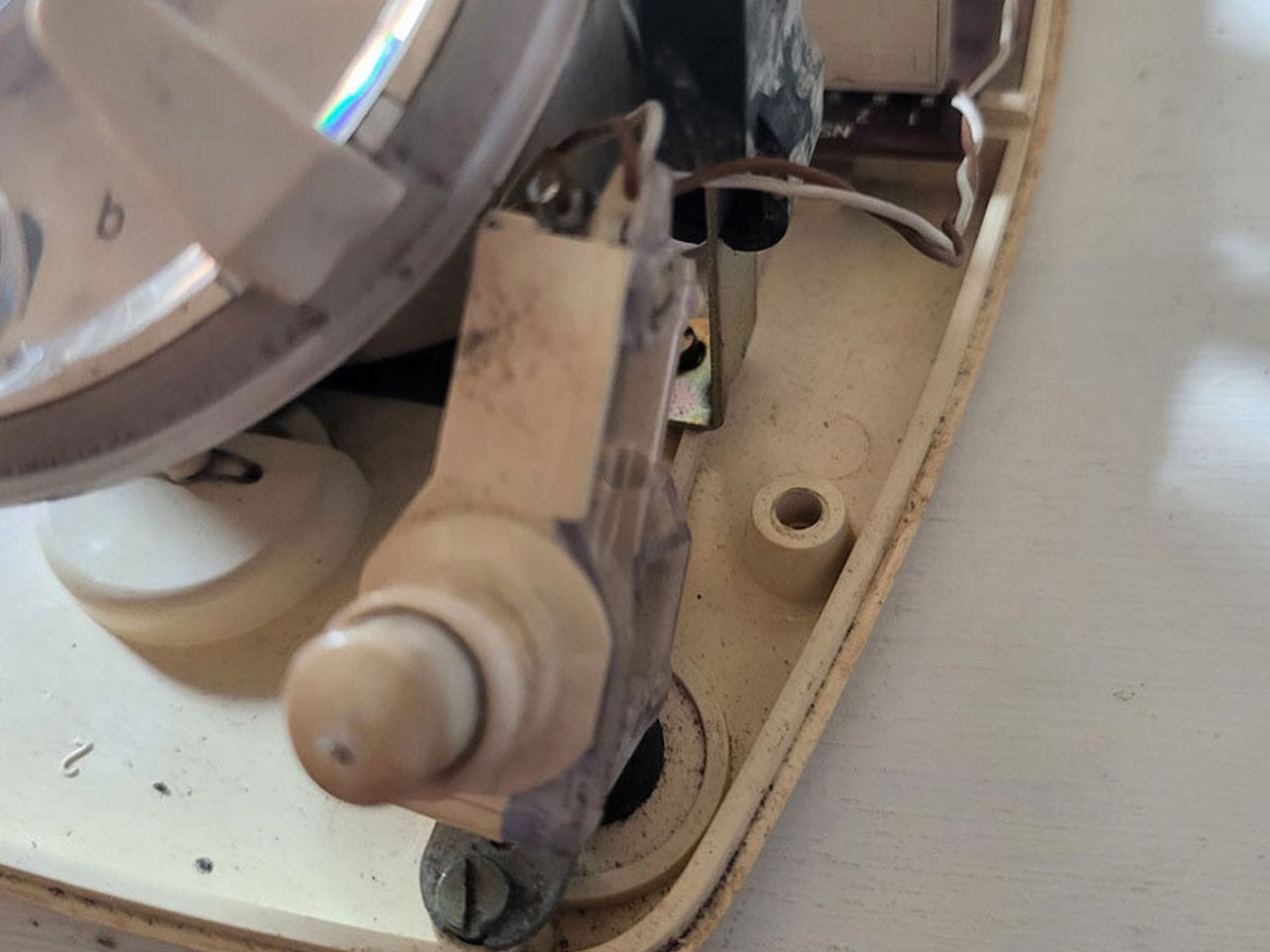
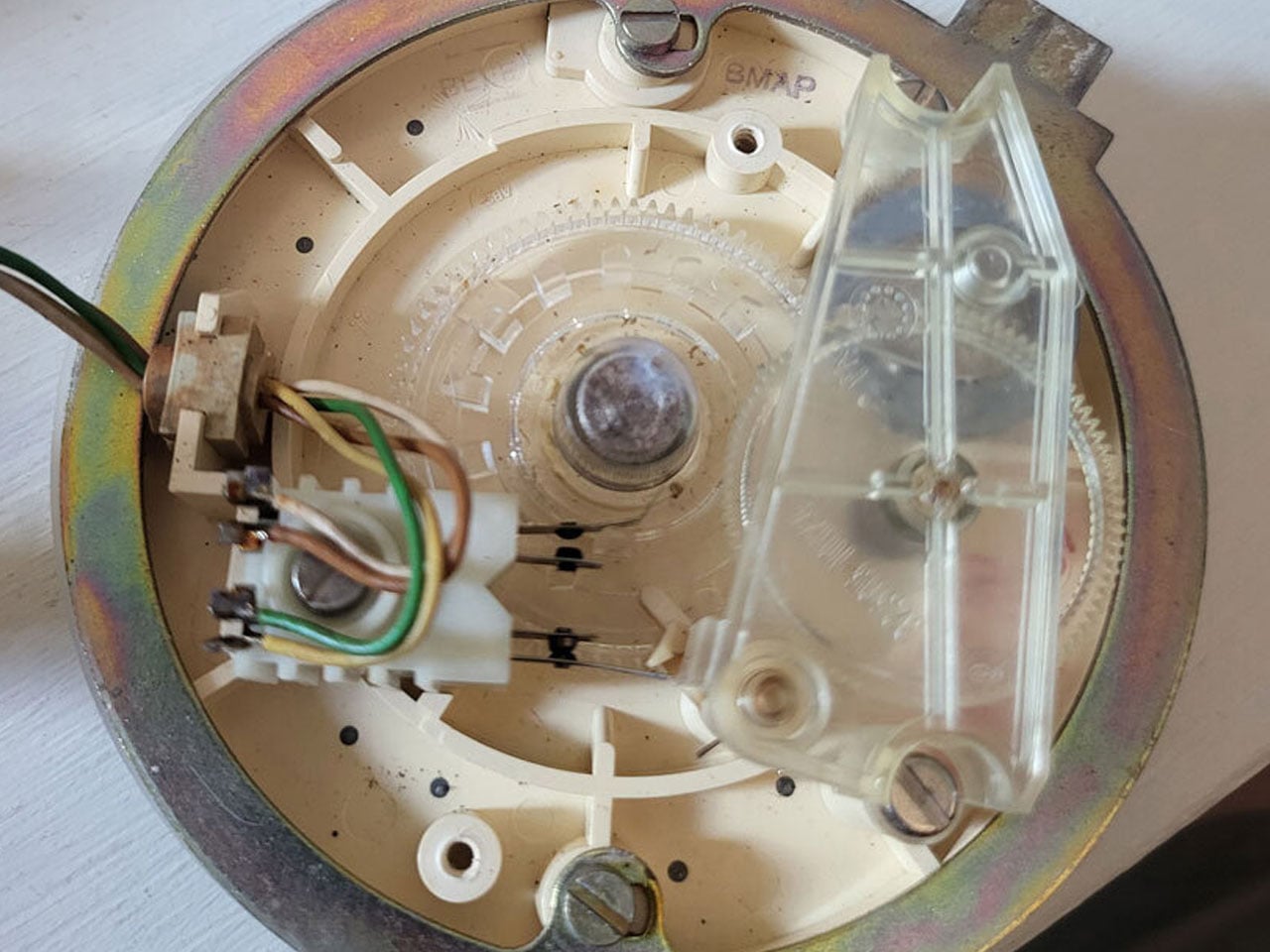
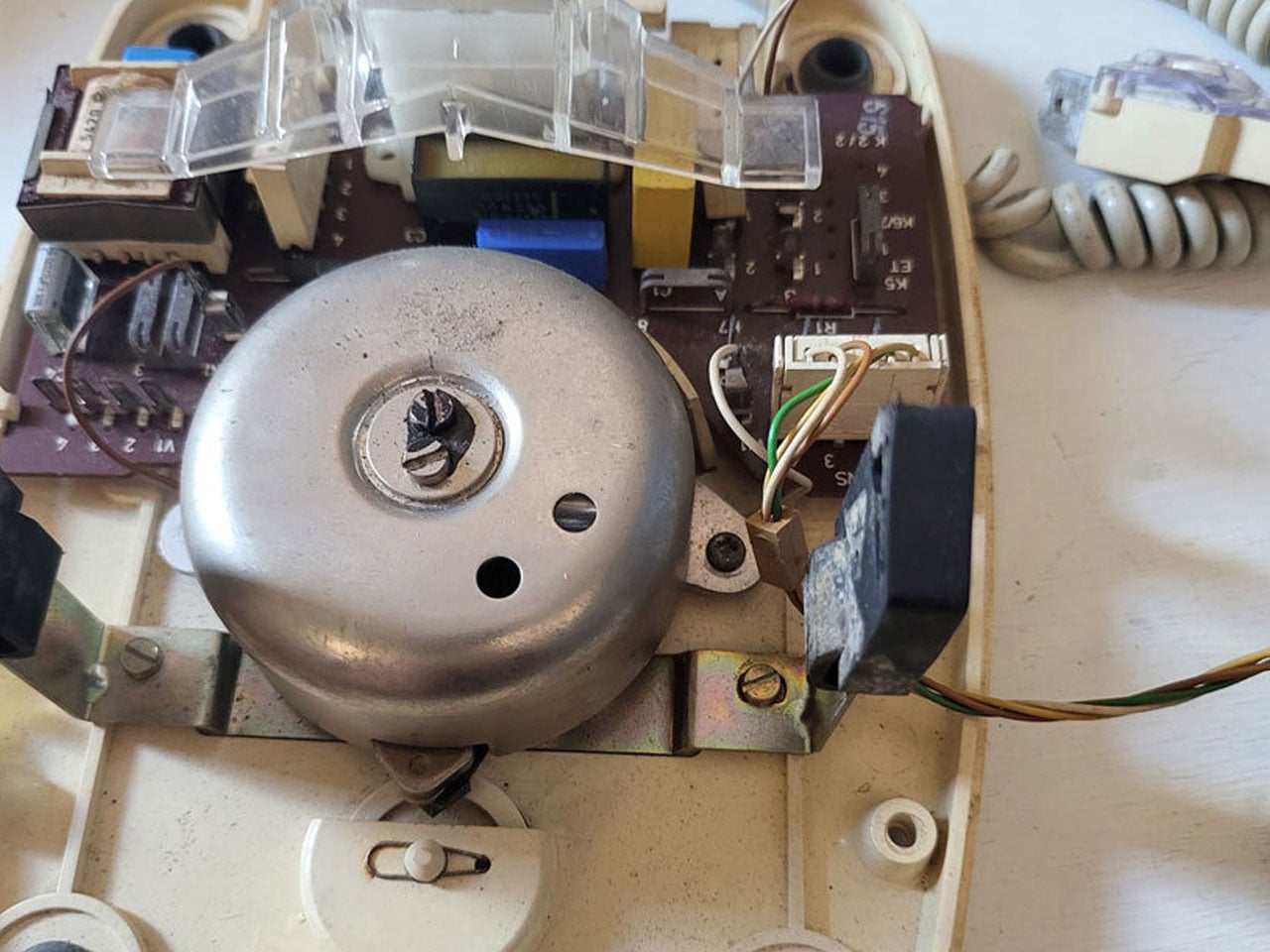
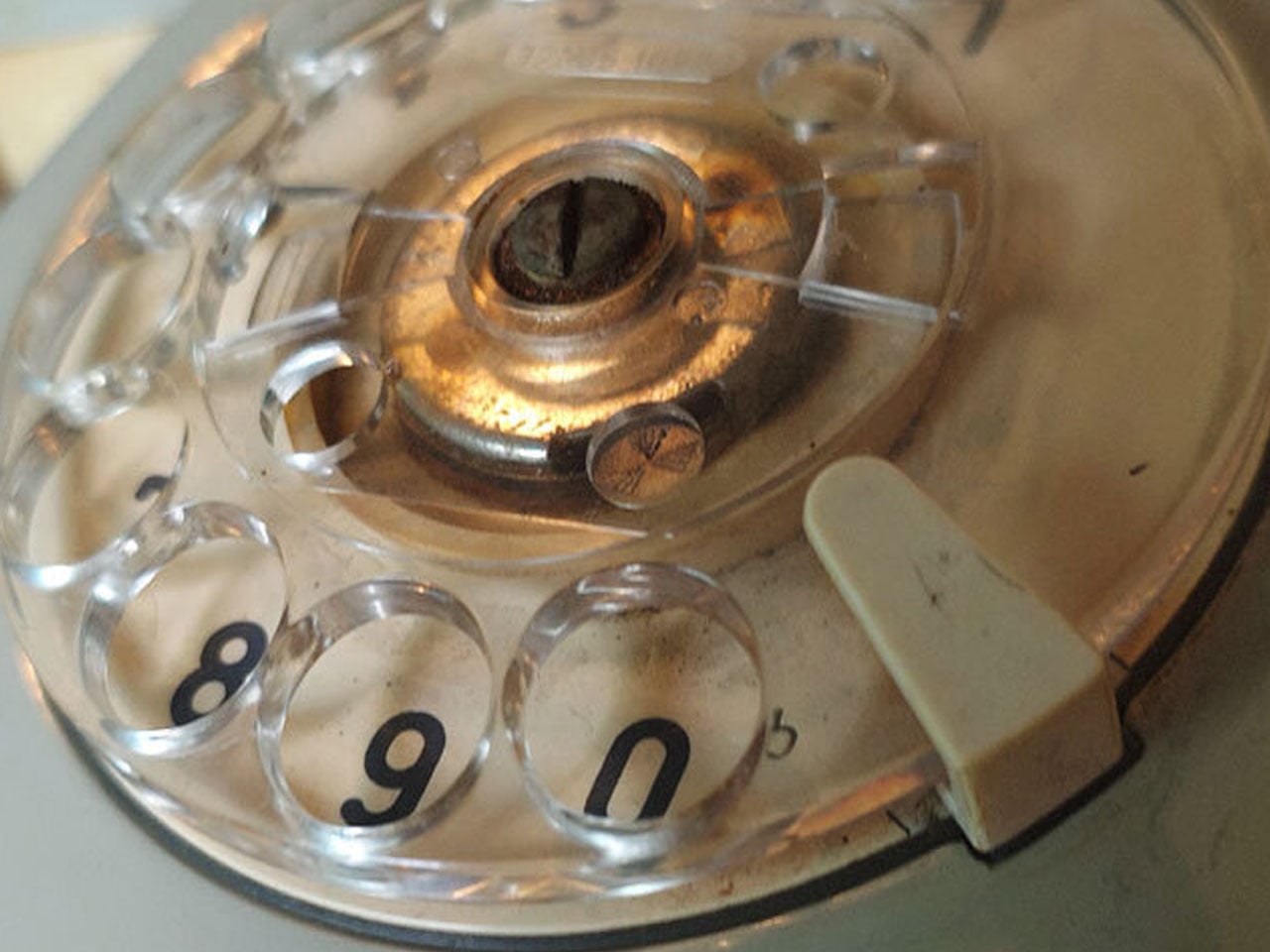
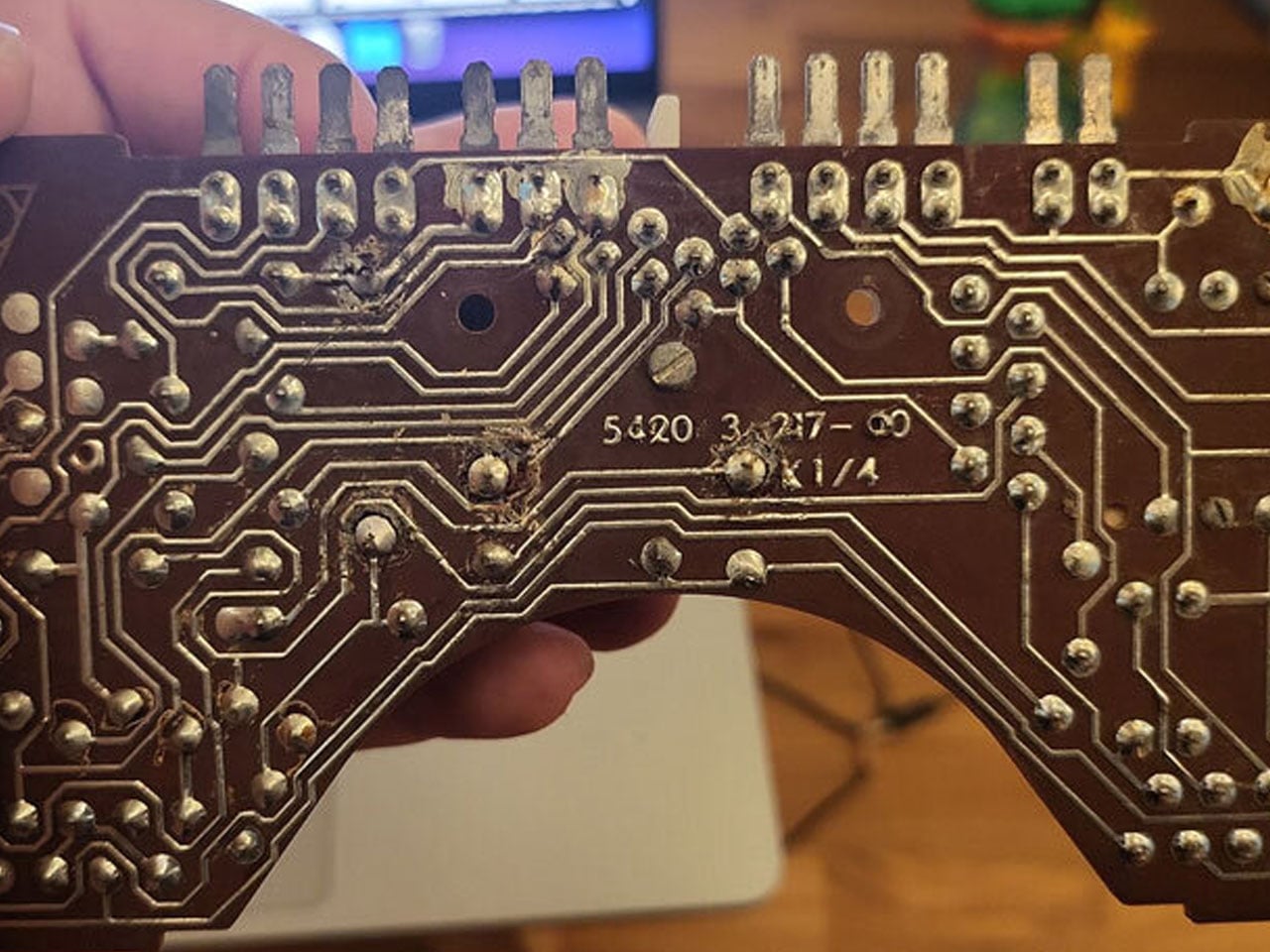
A recent re-imagining of this nostalgic device by designer Nico Tangara, who’s impressed us with the Self-Snoozing Alarm Clock shows how enduring designs can bridge analog heritage and modern digital convenience. Tangara’s project revives a vintage rotary telephone, carefully restoring original components while removing outdated elements such as the high-voltage bell and corroded wiring, to make space for low-voltage digital hardware.
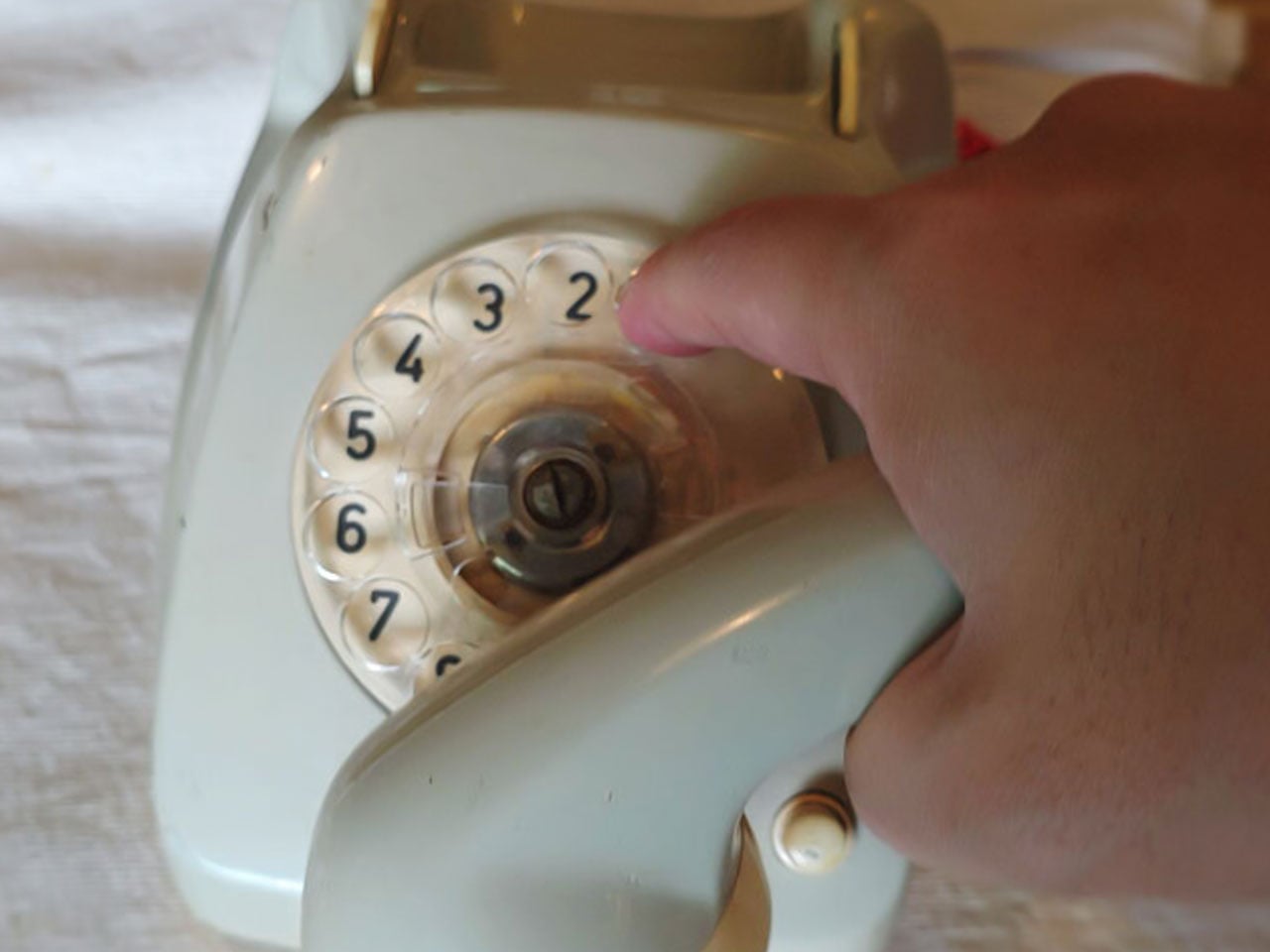
At the heart of the redesign is the original rotary dial, preserved as the primary input mechanism. Rather than simply dialing phone numbers, each pulse created by turning the dial is translated into a digital signal. This allows the dial’s mechanical action to control contemporary digital functions. The transformed device blends vintage form with modern intelligence. On the inside, a small single-board computer, which was initially a Raspberry Pi 4, was later swapped for a Raspberry Pi 2 for lighter loads, handles the digital processing. The original speaker and microphone are replaced with improved audio components connected via a USB sound card, ensuring clearer playback and compatibility with the new system.
Beyond its physical transformation, the device gains new functionality: it operates as both a music player and an AI-powered voice interface. By integrating a voice-based model (e.g., ChatGPT), speech-to-text transcription (via Whisper), and text-to-speech output (via Google TTS), the retro telephone can respond to voice commands, play music, and offer interactive voice chat. Interestingly, it can do it all while preserving the tactile nostalgia of rotary dialing phones.
The project demonstrates how old objects can find new life when design respects their identity while embracing innovation. By retaining the rotary dial, handset cradle logic, and the device’s physical essence while embedding modern electronics, the hybrid telephone becomes more than a novelty. It becomes a functional link between eras, and I’m sure people will absolutely love the idea.
In doing so, the designer’s work suggests that the past need not be discarded. Instead, elements of design that once felt obsolete can offer fresh value when rethought for contemporary contexts. The resulting hybrid device stands as a tribute to the charm of mechanical telephony and an example of how thoughtful design can merge tradition with modern technology. Perhaps the ideal starting point for budding DIYers who want to create something out of the ordinary.
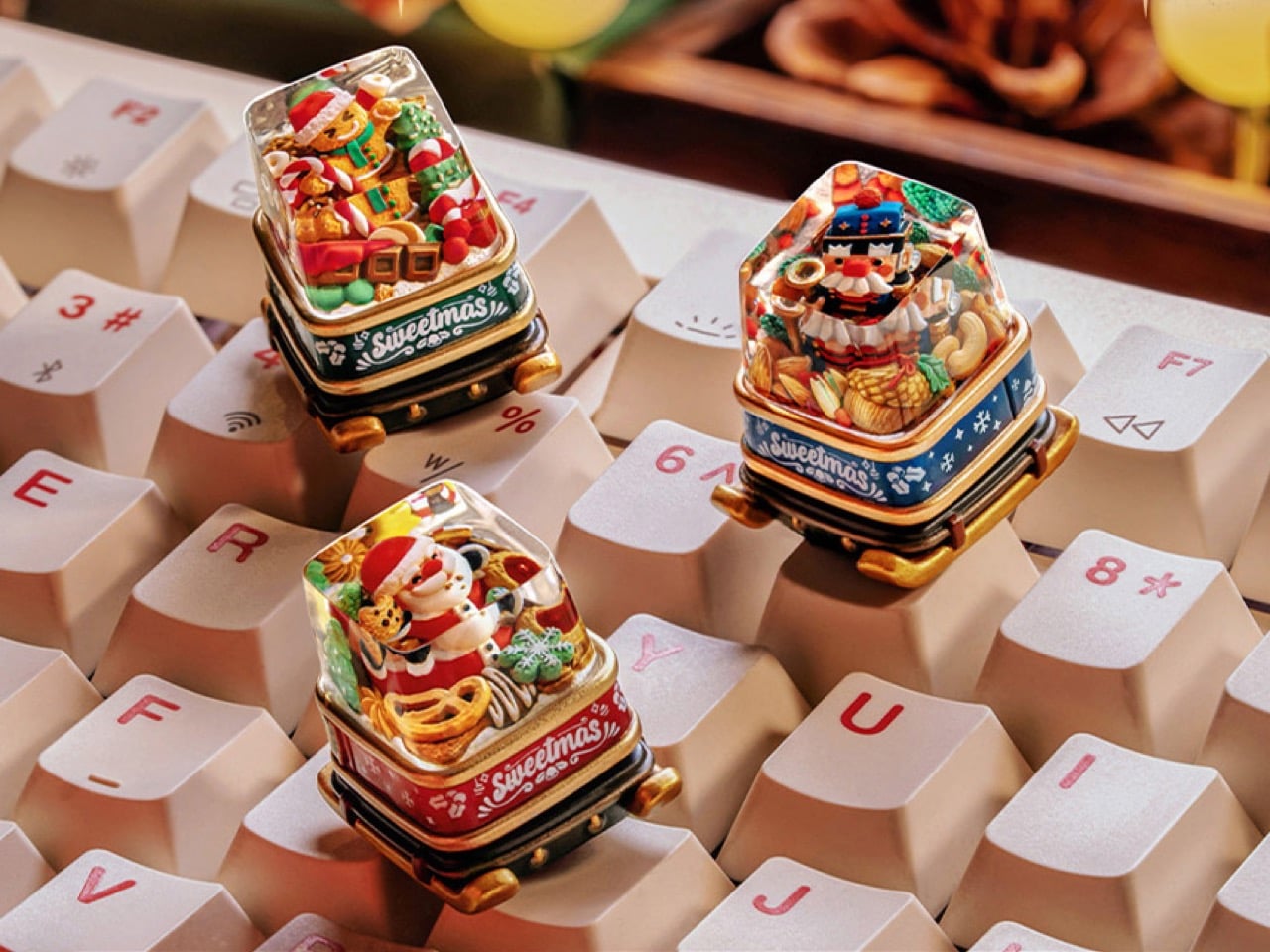
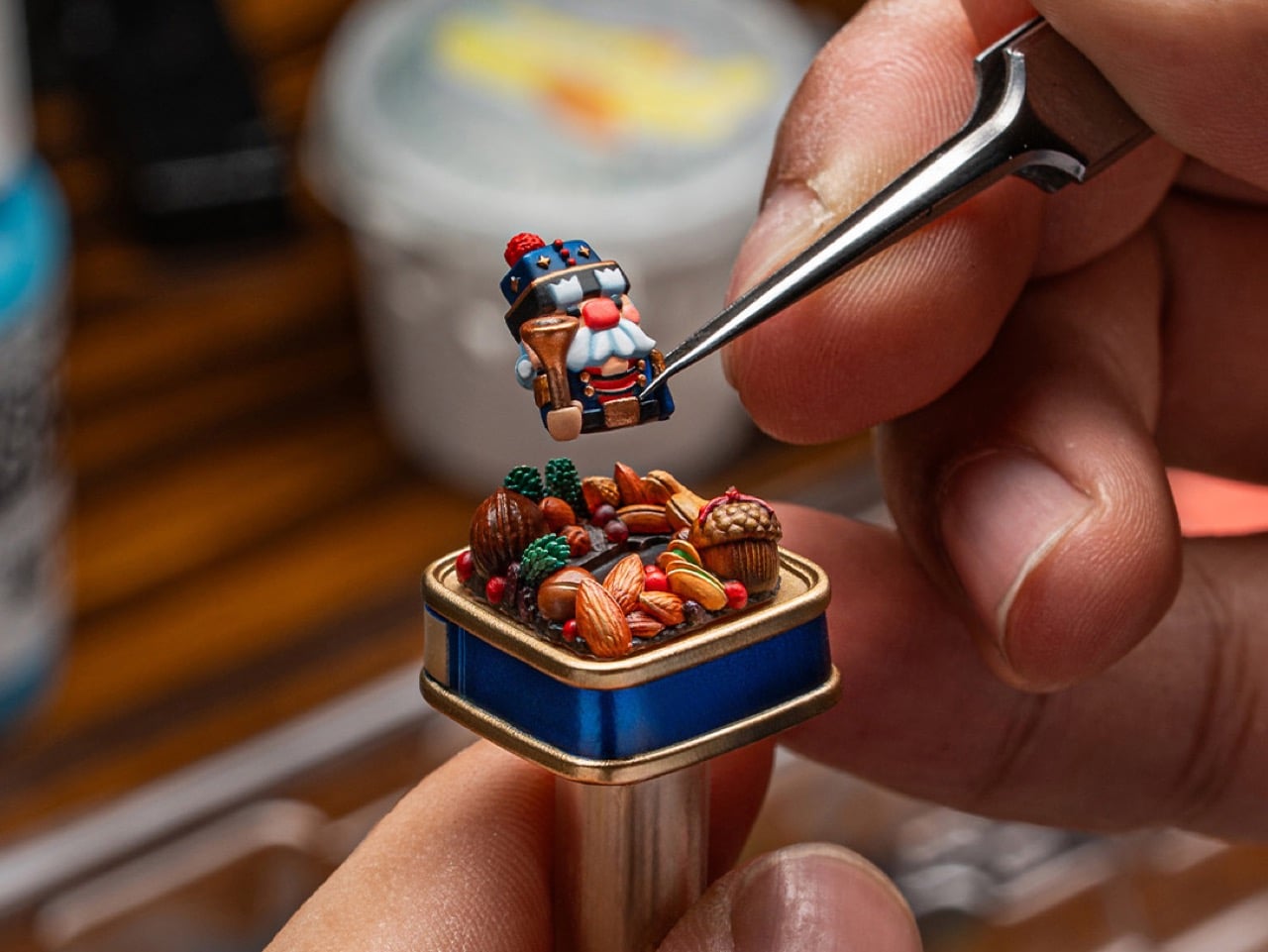
Sweetmas keycaps are what happens when a holiday cookie box collides with boutique keyboard culture. Designed by Dwarf Factory, the collection transforms the familiar 1U key into a micro stage, where a gingerbread character, a jolly Santa, or a toy soldier style nutcracker performs among piles of sweets and winter snacks.
The sculpted scenes sit under a polished resin dome, anchored to a base that looks like a miniature metal tin printed with festive graphics. It is a small gesture in physical terms, but it reshapes the way a keyboard feels on the desk, turning a technical tool into something closer to a seasonal keepsake that can live in a design conscious home.
Designer: Dwarf Factory
What makes these tiny worlds so compelling is the human touch behind them. Dwarf Factory does not mass produce these pieces; each keycap is the result of a meticulous artisanal process. The internal figures and their festive surroundings are first sculpted and then cast in resin. From there, artists take over, hand painting every minute detail, from the icing on a gingerbread man’s scarf to the rosy cheeks of Santa Claus. This level of dedication ensures that no two keycaps are perfectly identical, giving each one a unique character that automated manufacturing simply cannot replicate.
The Gingerbread variant, affectionately named Gingy, is a pure confectionery explosion. The cheerful gingerbread figure sits front and center, armed with a candy cane and surrounded by a landscape of sweets. There are chocolate bars, striped peppermints, and frosted Christmas tree cookies all packed into the scene. The entire diorama is housed on a base painted a festive green, with white snowflake details and the “Sweetmas” logo, perfectly capturing the feeling of a holiday candy shop that has been shrunk down to the size of a fingertip.
Next in the collection is Claus, a tribute to the man himself. This version features Santa Claus nestled in a treasure trove of baked goods. He is surrounded by an assortment of cookies, pretzels, and other holiday treats, as if caught mid-snack on his big night. The base of this keycap is a warm, inviting red, again styled like a classic cookie tin. The scene feels cozy and generous, a tiny, edible looking snapshot of Christmas Eve that brings a sense of warmth and nostalgia to the keyboard.
Rounding out the trio is Cracky, the Nutcracker. This design takes a more traditional, almost rustic approach to the holiday theme. The Nutcracker figure stands guard among a collection of almonds, walnuts, pine cones, and subtle green foliage. The base is a deep, royal blue, which gives it a more sophisticated and classic feel compared to the playful energy of the other two. It evokes the feeling of a classic Christmas ballet or a walk through a winter forest, offering a more elegant take on the Sweetmas theme.
As artisan pieces, the Sweetmas keycaps are designed to be both beautiful and functional. They are sized as standard 1U keys and feature a Cherry MX compatible stem, making them a drop in replacement for the vast majority of mechanical keyboards on the market. Their tall, sculpted profile, similar to an SA R1 key, gives them a satisfying presence on the board, perfect for an escape key or a macro pad. Released as a limited seasonal collection, these keycaps are collectible by nature, and the fact that each keycap is hand-crafted means that they command a fairly premium price at $49 bucks a pop. You’d have to absolutely make Santa’s list if you want these in your stockings for Christmas.
On a quiet December morning, as the tree lights flicker softly against the windows, the modern home reveals a new kind of Christmas magic. Gone are the days when gifts were plastic gadgets destined for drawers, as today’s most thoughtful presents are pieces of functional art alongside objects that enrich a space as beautifully as they perform.
This season, every device unwrapped should offer both purpose and presence, crafted from honest materials and shaped with sculptural intent. In homes seeking harmony and calm, giftable tech becomes part of the architecture itself, blending intelligence, aesthetics, and festive warmth in one seamless gesture.
1. Sculptural Wireless Charger
The wireless charger is no longer a bland tech necessity; it is now a statement of material honesty and form. Modern high-design chargers replace plastic with honed marble, polished brass, or carved timber, transforming a simple gadget into a refined object on your nightstand.
When choosing one, look for weight and presence. Solid stone or metal chargers feel grounded and intentional, blending seamlessly with luxury interiors. These pieces double as abstract mini-sculptures even when not in use. With a clean magnetic connection and discreet cable, they maintain visual calm, which is a key element of elevated, Gen Z approved luxury living.
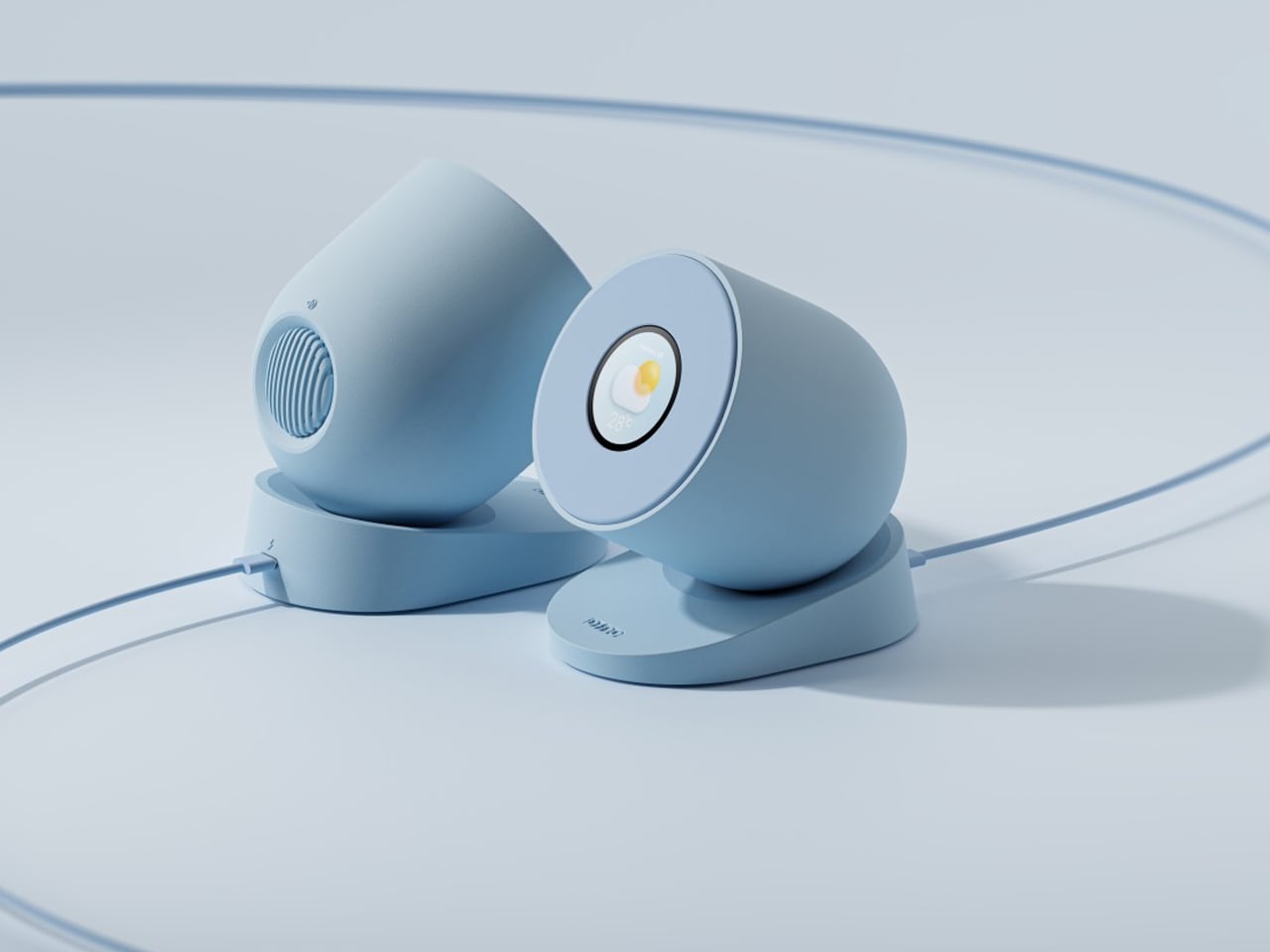
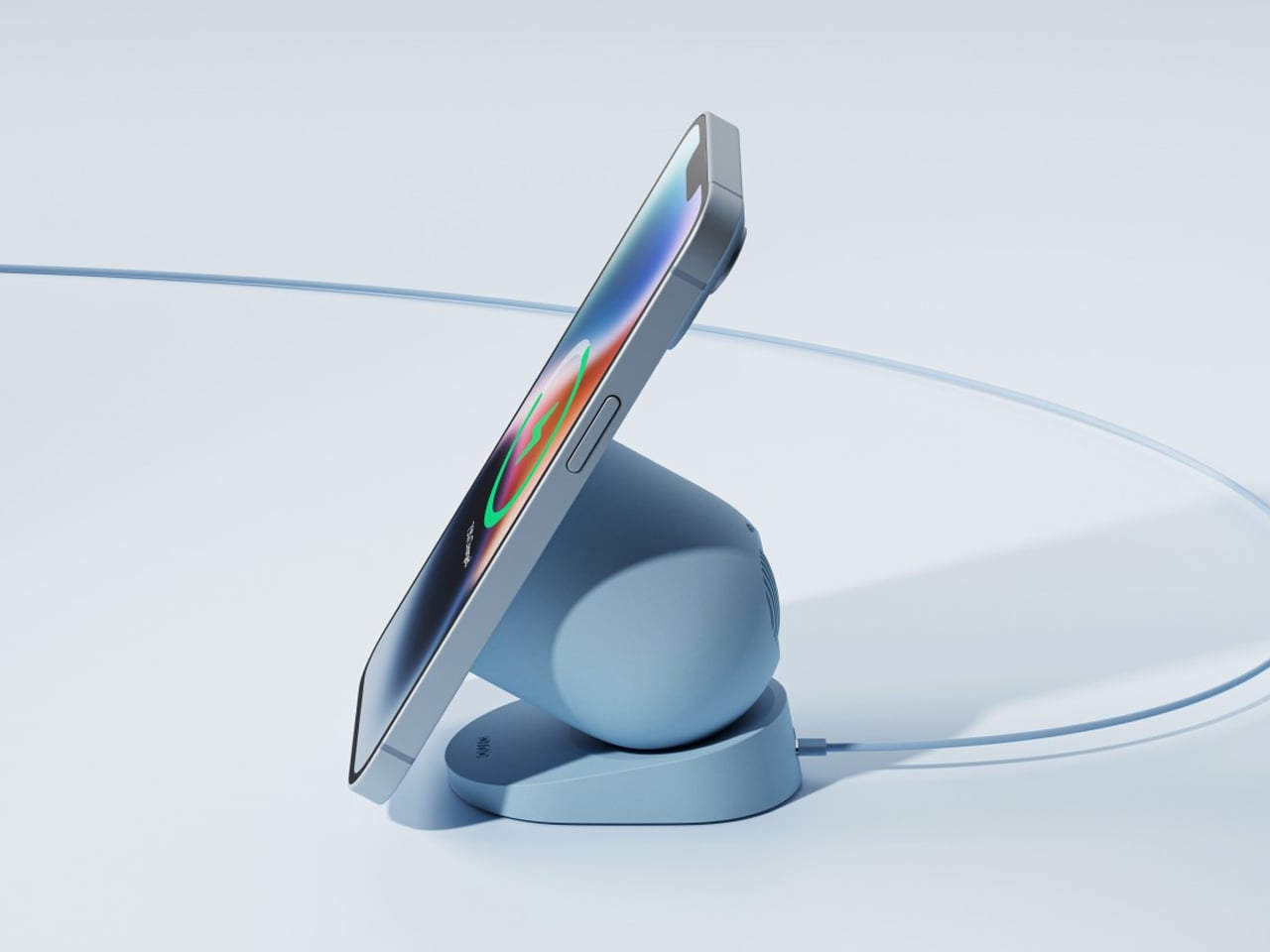
Wireless chargers continue to grow in popularity, yet most designs still share a common limitation: they become functionally irrelevant the moment you remove your phone. Many models may look stylish on a desk or bedside table, but they serve no purpose beyond decoration when not in use. This concept addresses that gap by giving the charger a secondary function, allowing it to offer value even when no device is being powered. It builds on the evolution of magnetic charging, which has introduced more flexibility in angles and positioning while still leaving the charging surface unused whenever the phone is absent.
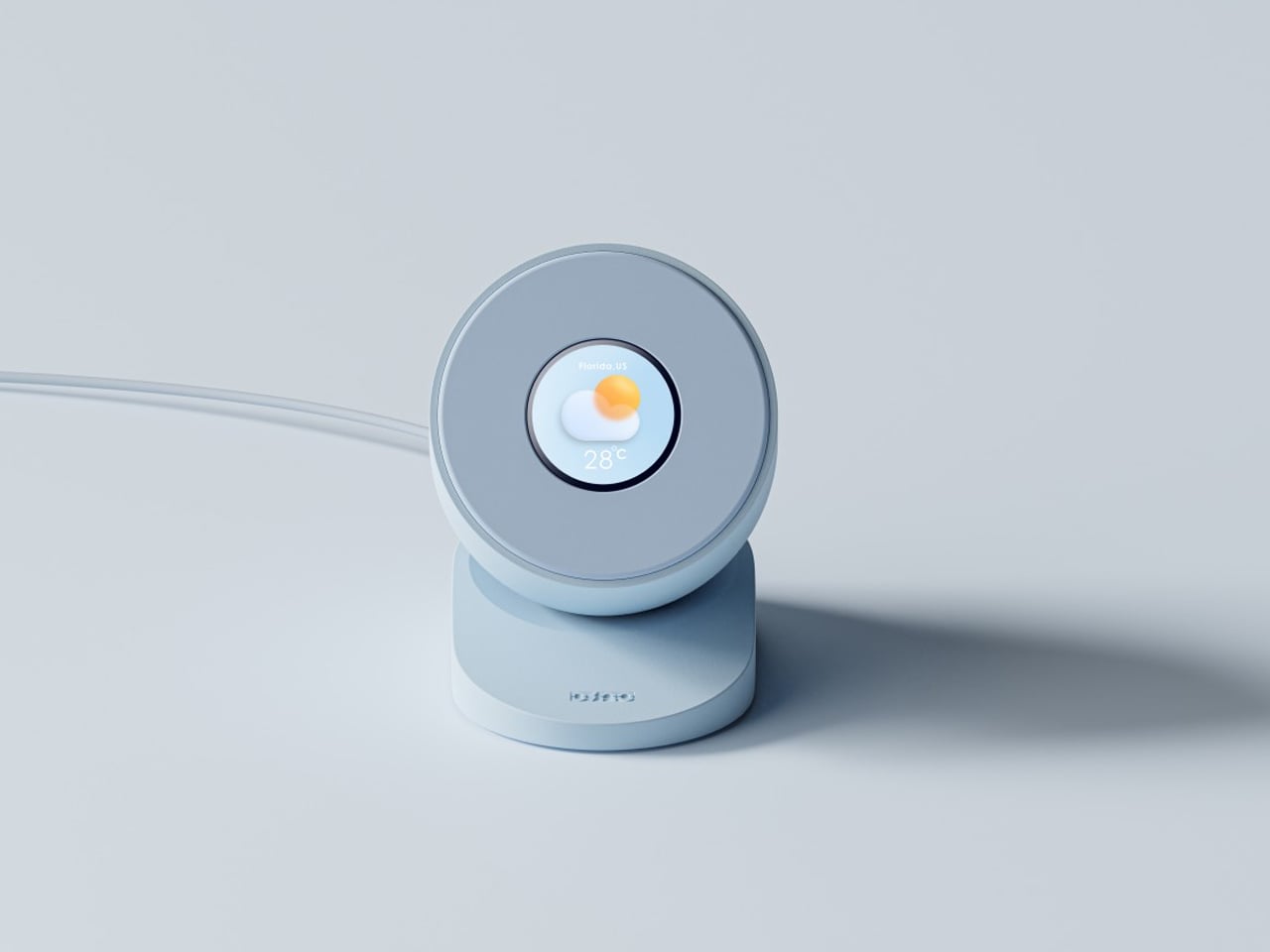
The Dino Charger introduces a clever solution by integrating a small circular display into the charging area. When the phone is removed, this smartwatch-like screen becomes visible, showing essential information such as time, weather, or battery status. Though concealed during charging, it transforms the accessory into a compact, multifunctional device that enhances usability without occupying extra space.
2. Digital Dynamic Photo Frames
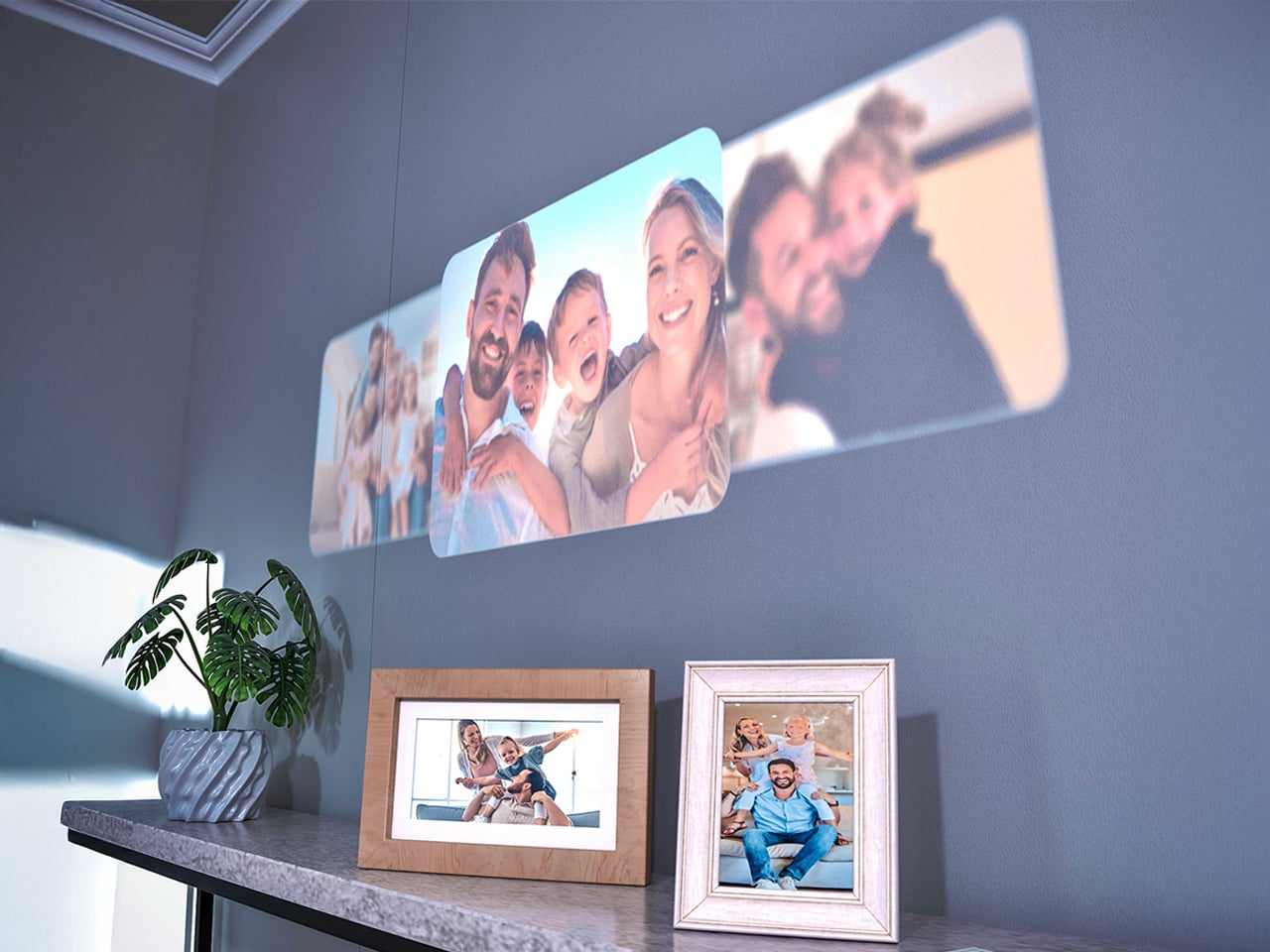
Digital photo frames have evolved into dynamic wall art, shifting from simple screens to pieces capable of rivaling gallery-grade framed work. They bring a customizable, ever-changing aesthetic into the home, allowing interiors to feel curated, alive, and intentionally composed. Their presence supports a refined visual rhythm rather than interrupting it.
Choose frames with matte, anti-glare glass and high-resolution displays for true material credibility. The ROI lies in their ability to refresh a room instantly with digital art or personal archives. Smart models use concealed mounts and a single paintable cable, preserving the purity of the wall plane.
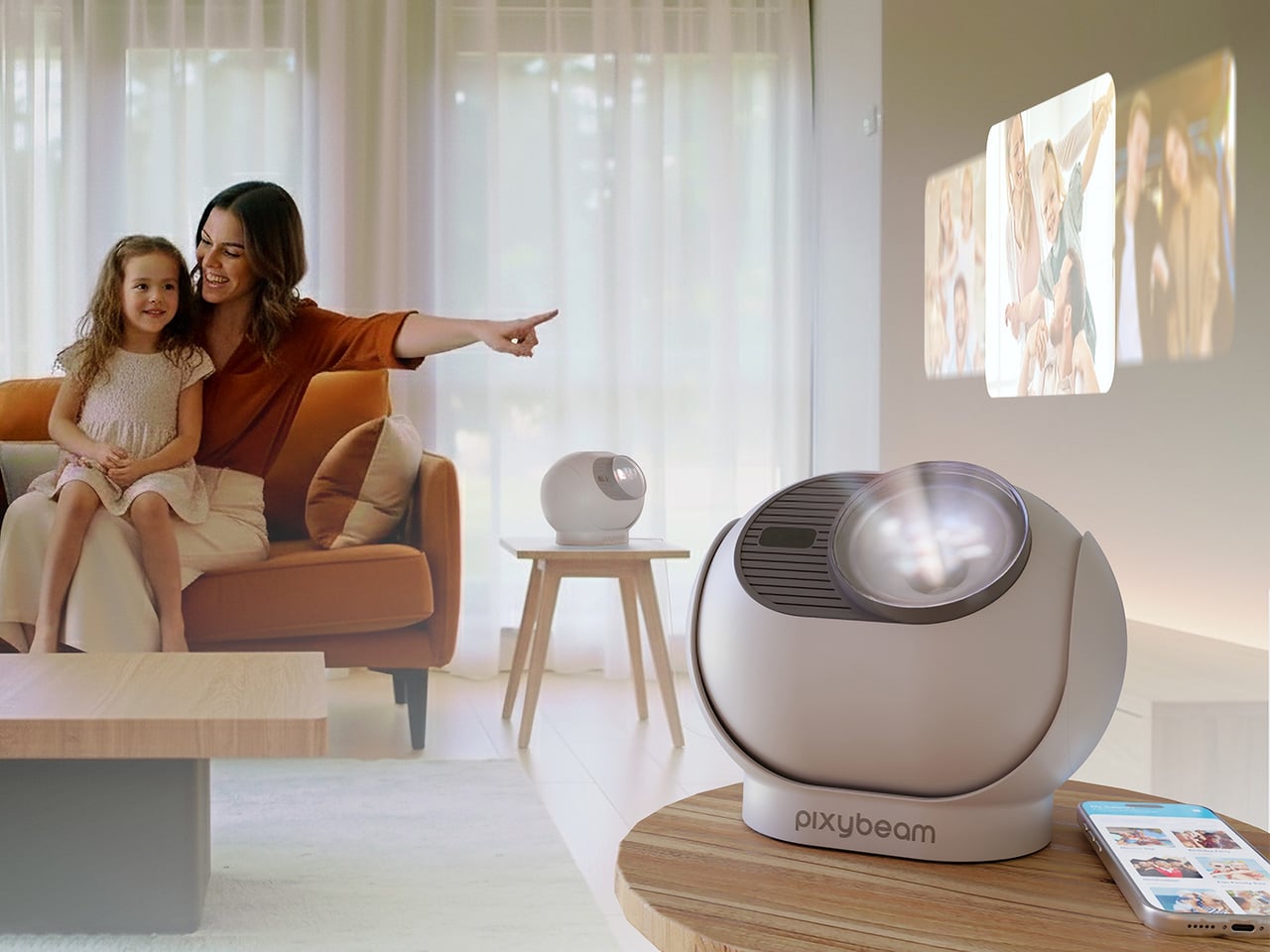
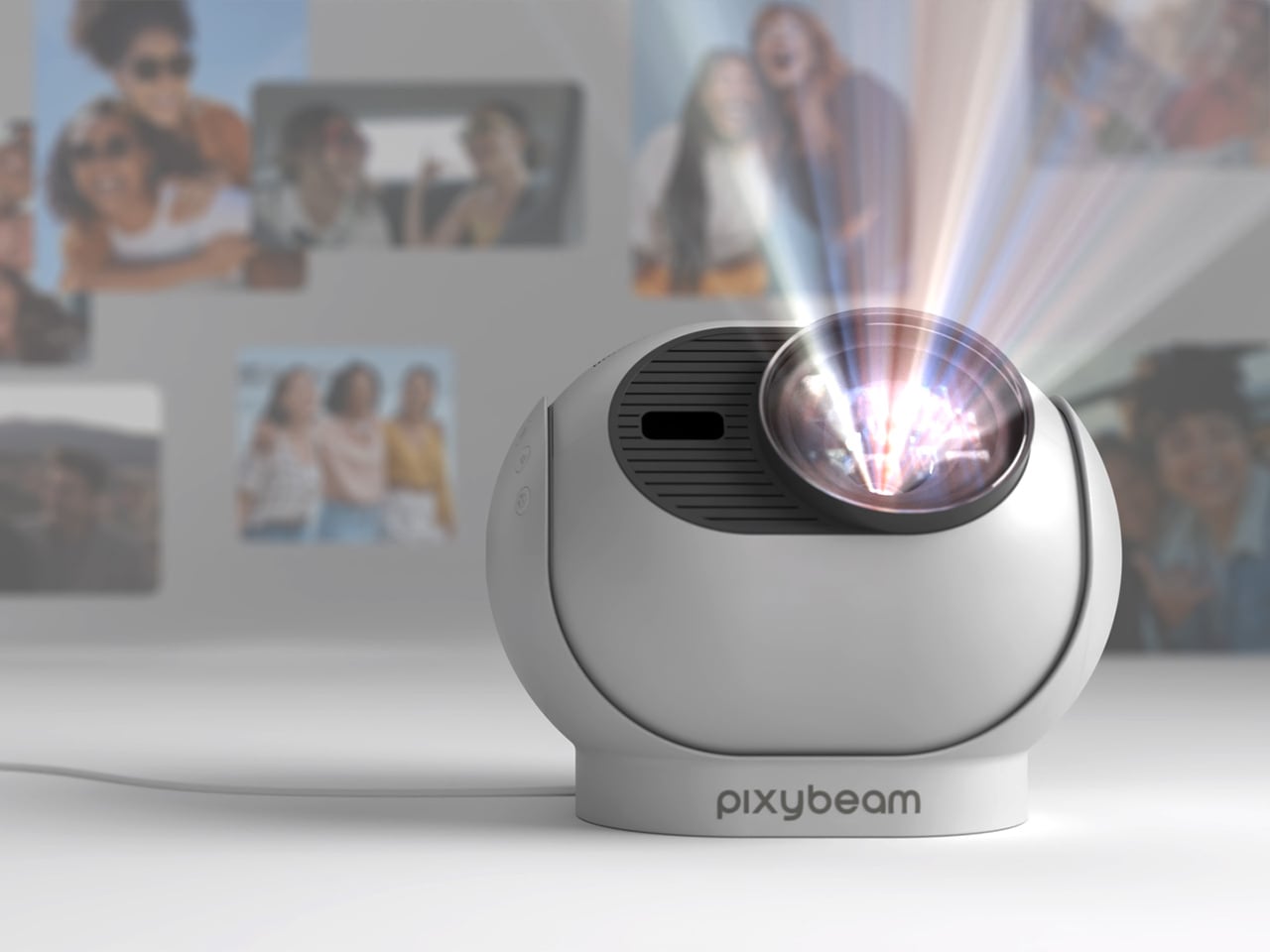
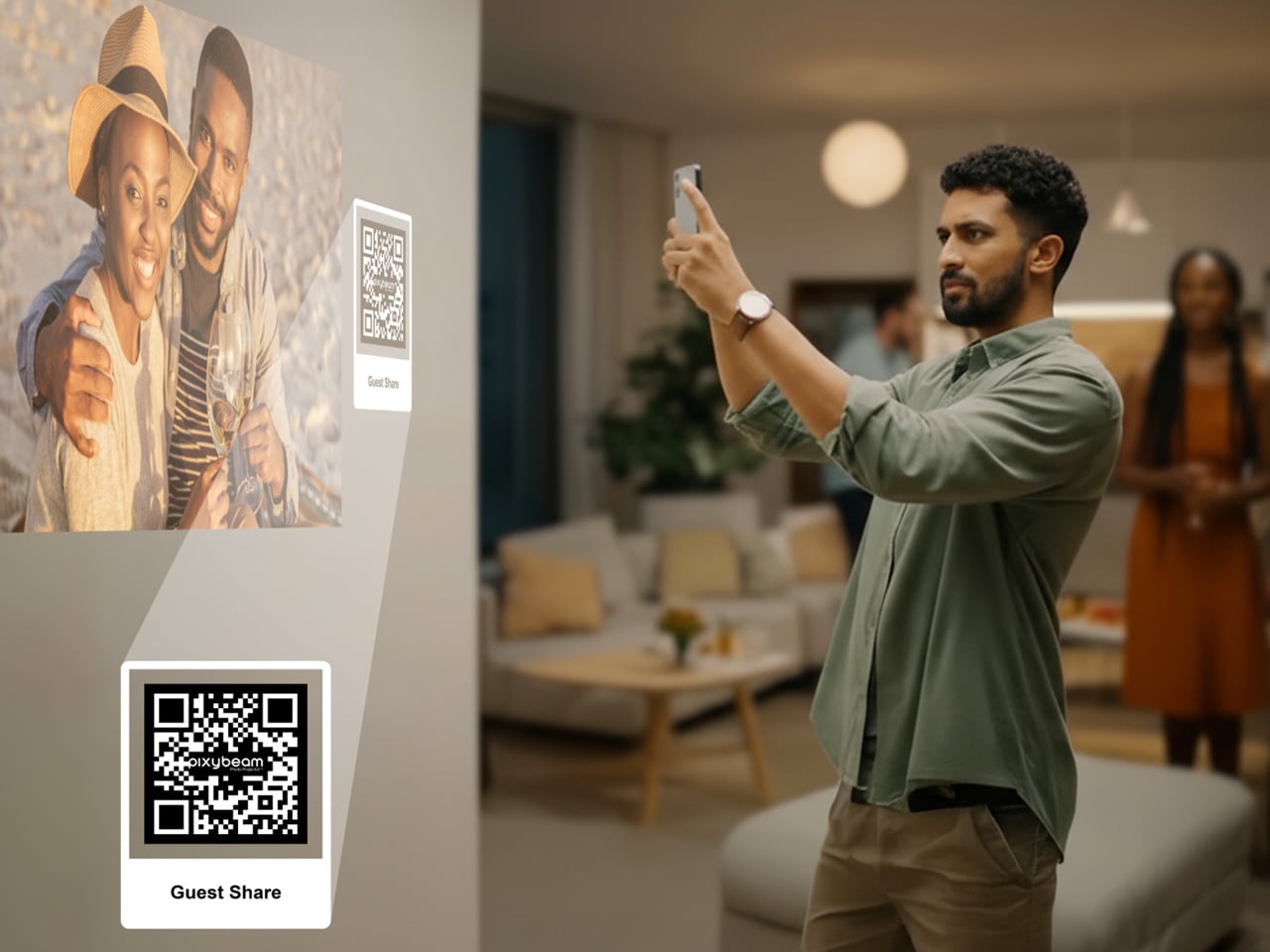
Many personal memories now sit unseen within digital albums and long camera rolls, rarely revisited despite their significance. Traditional digital photo frames attempted to reintroduce these moments into everyday life, yet their fixed borders and constrained formats often created a sense of distance rather than connection. PixyBeam offers a refined alternative by transforming walls and ceilings into immersive visual canvases. Through projection, it integrates photographs and short clips directly into the home environment, allowing meaningful moments to become part of daily living rather than confined to a screen.
Designed with a minimalist, rounded profile and soft white finish, PixyBeam blends seamlessly into any interior. The device delivers vivid 1080p projections up to 200 inches, supported by autofocus, keystone correction, and a rotating lens for effortless ceiling or wall display. With a simple setup, app-based gallery organisation, and features such as dynamic templates and Guest Share, PixyBeam turns personal spaces into expressive, evolving galleries that celebrate life’s most important stories.
3. Ambient Illumination Tech
Ambient illumination technology has become a poetic light source, offering mood-shaping capability without relying on bulky fixtures. From refined smart lamps to atmospheric projectors, these devices let homeowners sculpt the emotional tone of a room while subtly supporting thermal and visual comfort. They behave as architectural companions rather than decorative add-ons.
These objects operate as instruments of layered light. Prioritise designs that create indirect, coloured, or animated washes to shape an ‘ephemeral glow.’ Their true utility lies in sensory modulation with smart lamps that adjust colour temperature throughout the day, enhancing biophilic well-being, proving their purpose far beyond ornamentation.
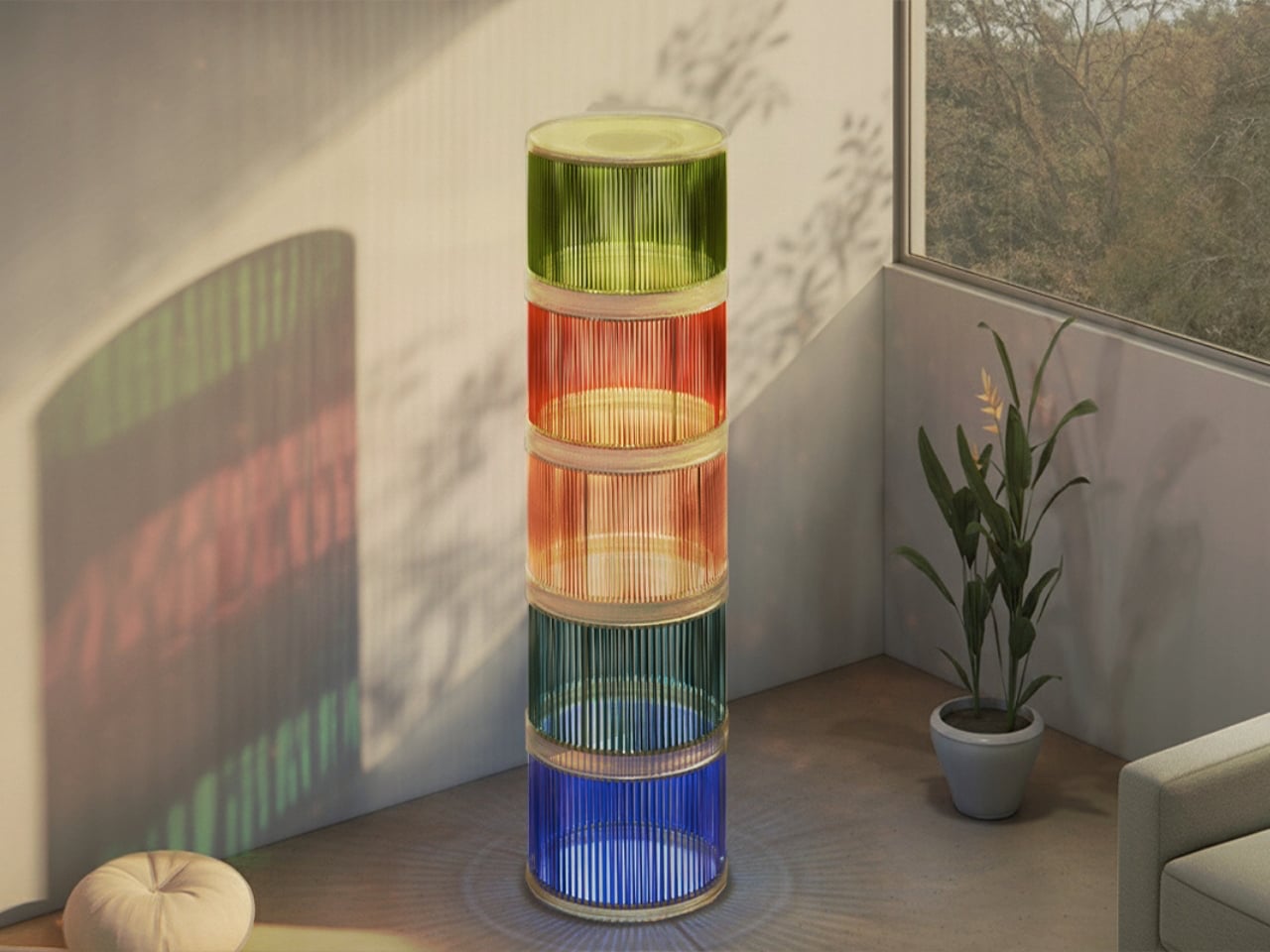
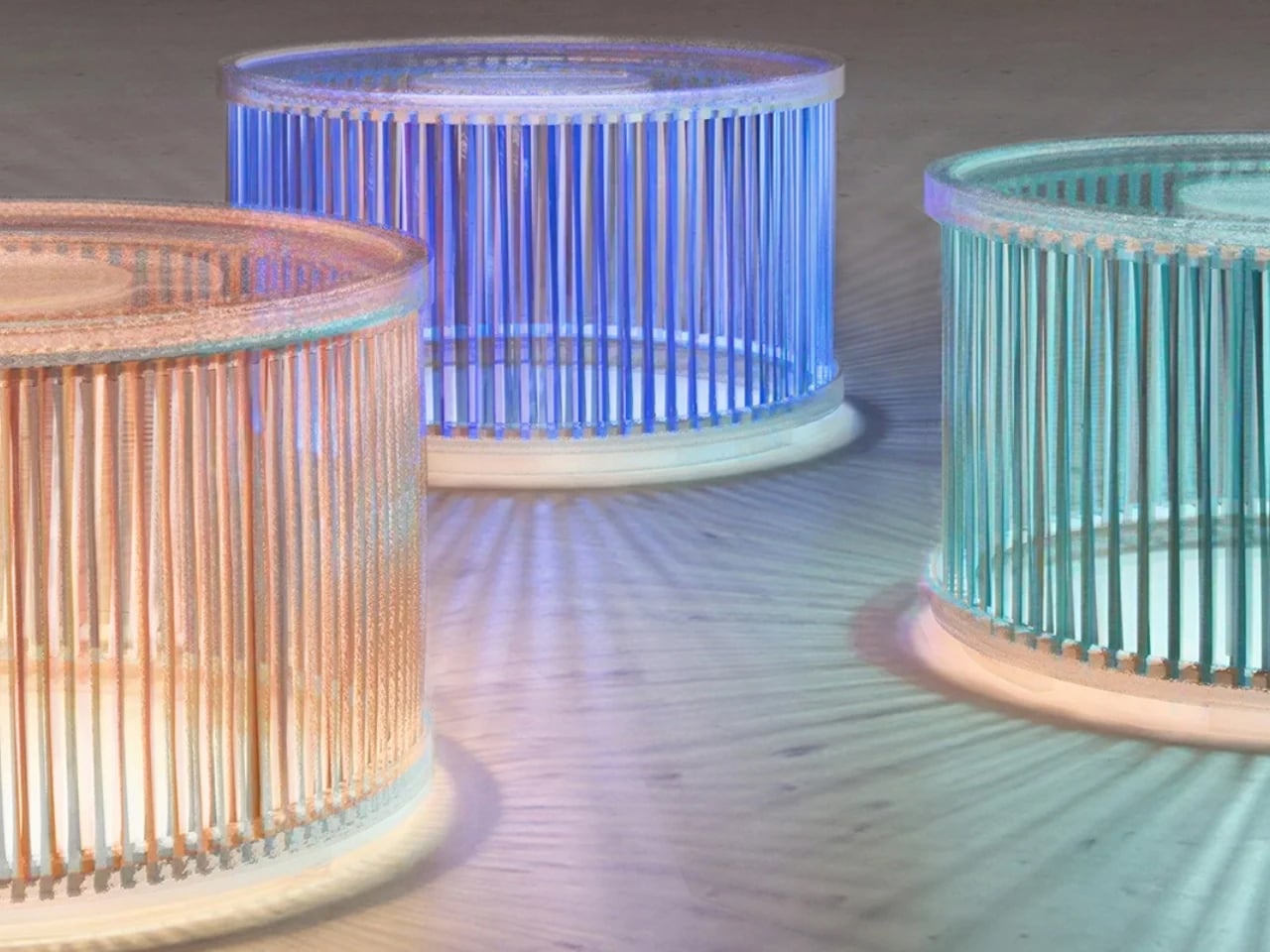
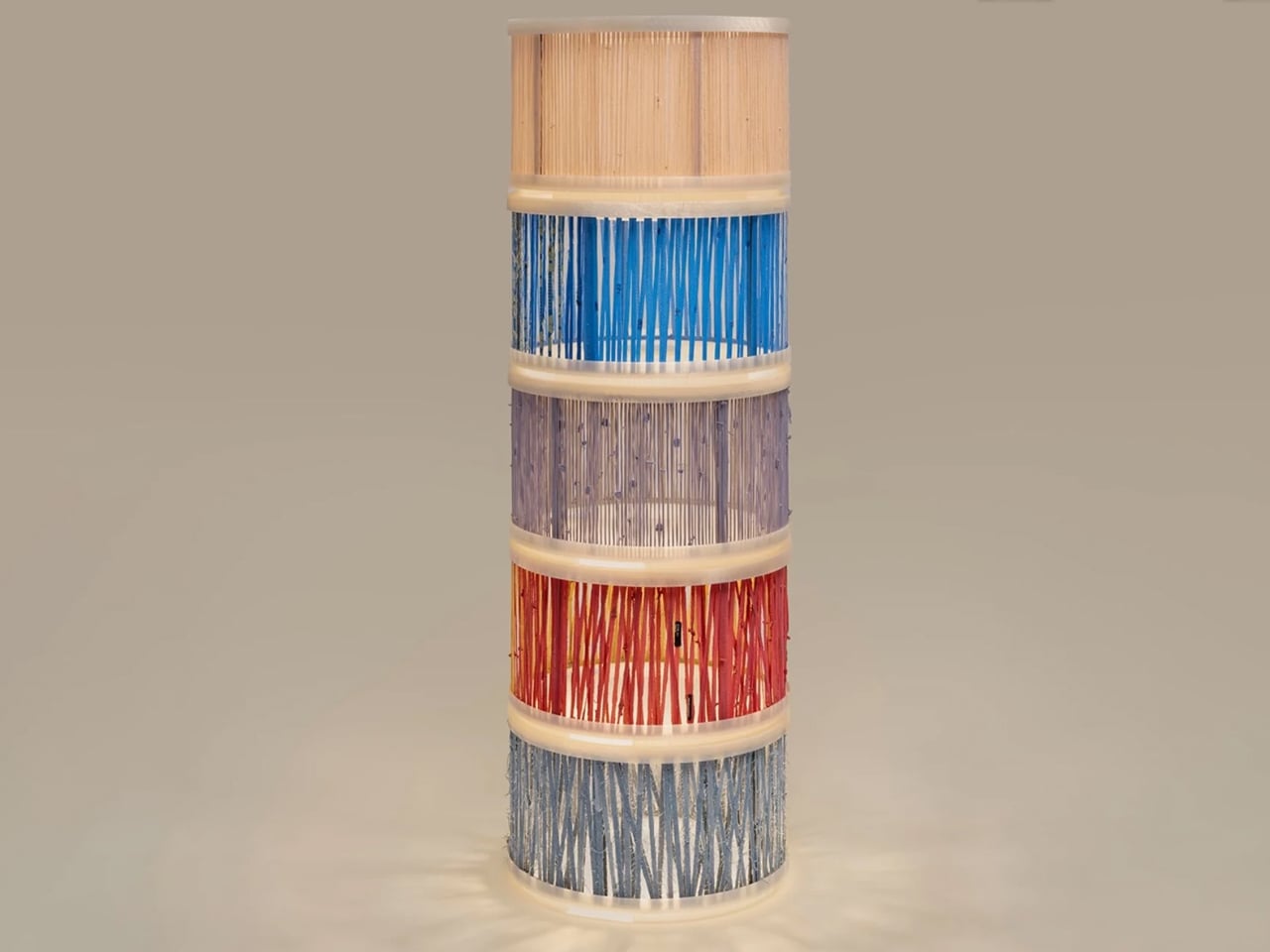
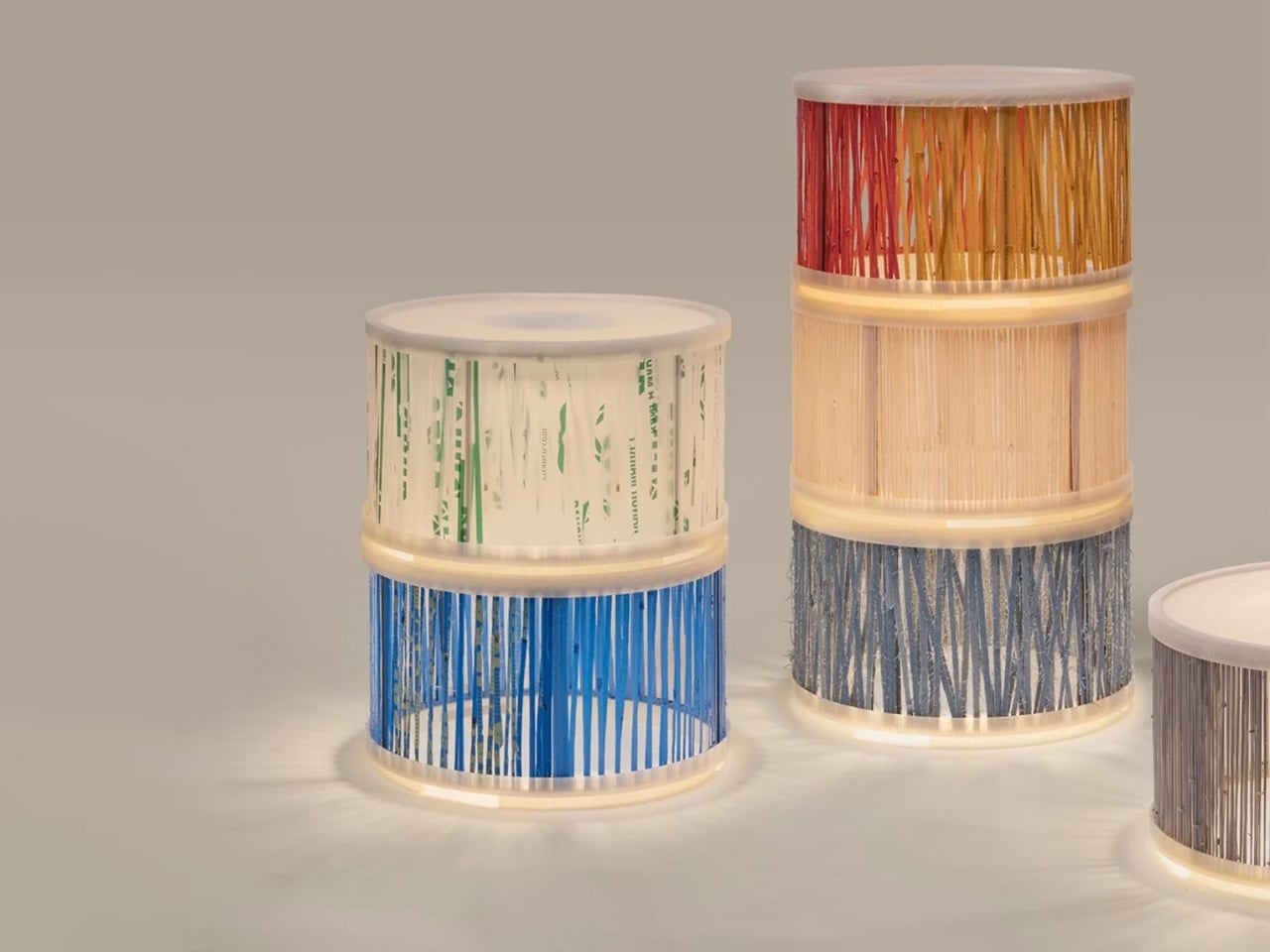
Luminous Re-weave, created by designers Ling Sha and Yucheng Tang, reinterprets discarded textiles by transforming them into refined lighting elements. Old T-shirts, worn denim, and even plastic bags are hand-woven onto metal frames fitted with 3D-printed covers, producing lamps that merge craftsmanship with contemporary fabrication. The modules feature soft, textile-wrapped exteriors that diffuse light into a warm, inviting glow, giving the pieces a sculptural presence suitable for both residential and gallery settings. Each cylindrical unit functions independently or can be stacked to create customised lighting compositions without the need for tools.
A defining aspect of the system is its interchangeable textile skins, allowing users to update colours and textures as preferences evolve. This adaptability not only extends product lifespan but also reinforces the project’s sustainability ethos by repurposing materials that would otherwise enter waste streams.
4. Designer Wi-Fi Nodes
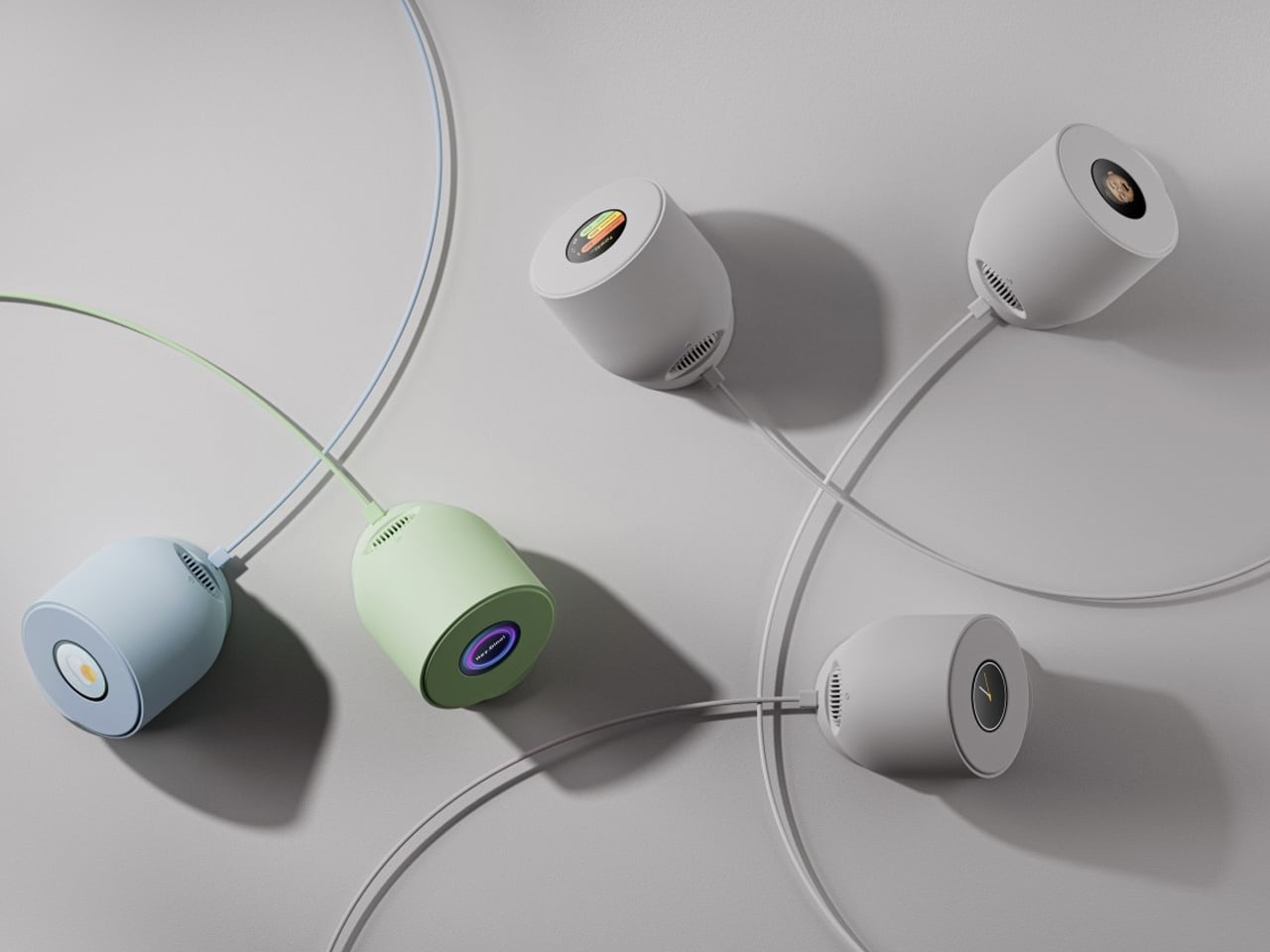
Designer Wi-Fi nodes and mesh systems have become essential architectural elements, no longer the forgotten hardware of a connected home. Instead of hiding them away, today’s high-end models are crafted to be seen in smooth matte ceramics, brushed aluminum, and minimal geometric forms that read more like curated objects than utilitarian electronics. They contribute intentionally to the visual rhythm of a room.
Choosing a system designed for display offers both aesthetic and functional ROI. By keeping nodes visible, performance remains uncompromised, eliminating the need for cupboards that weaken signal strength. The result is a clean, unobstructed interior paired with seamless, whole-home connectivity.
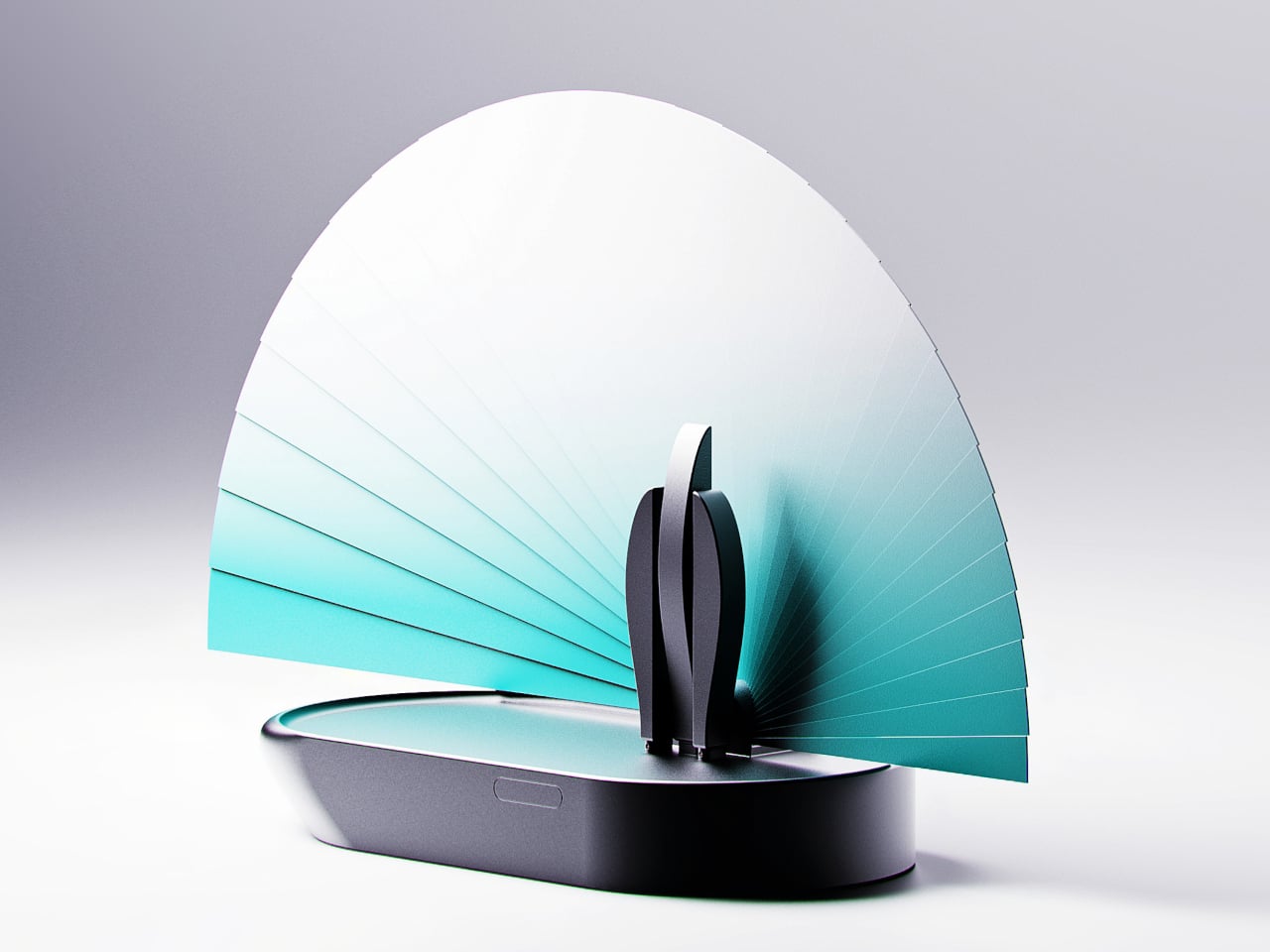
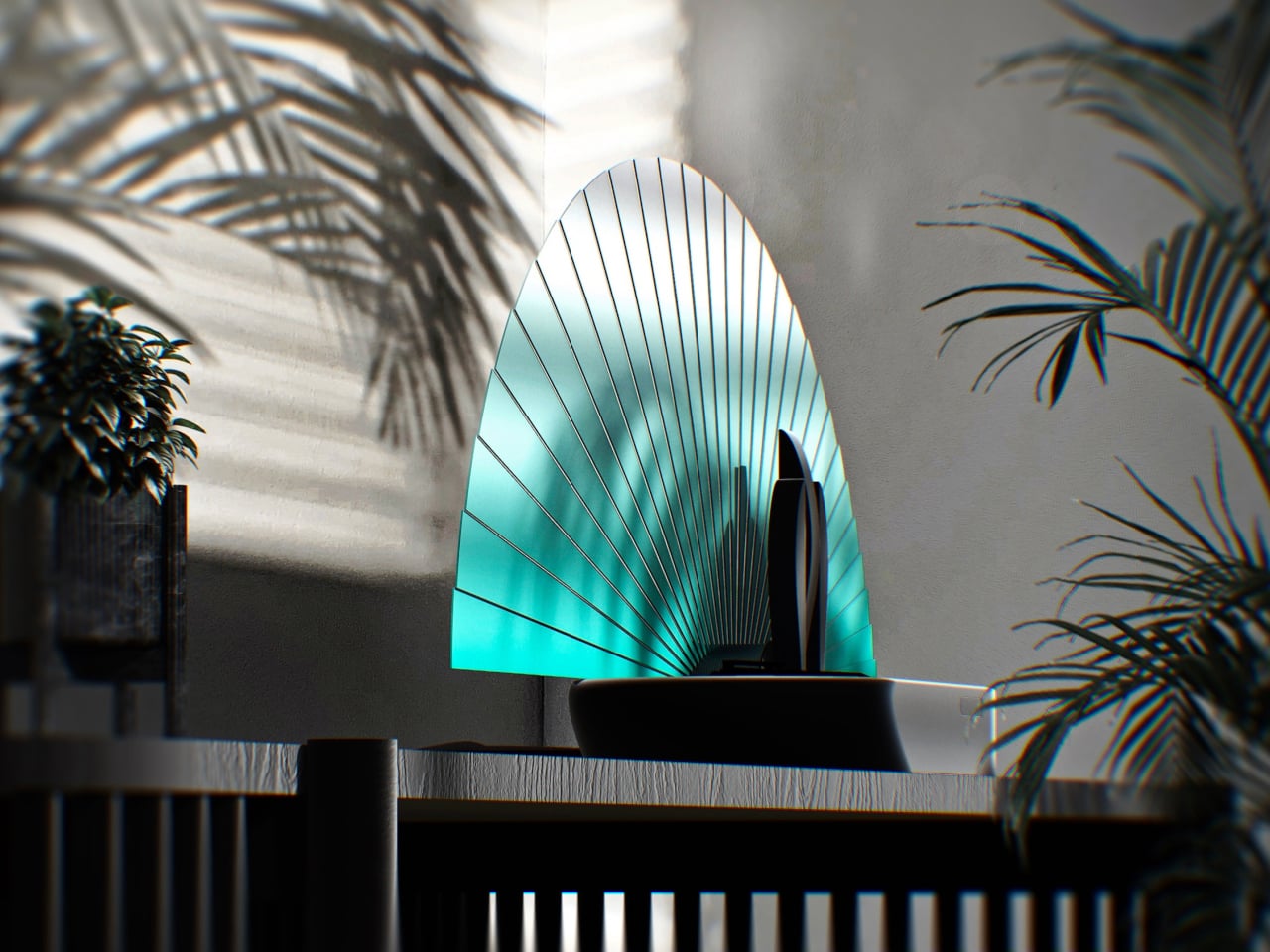
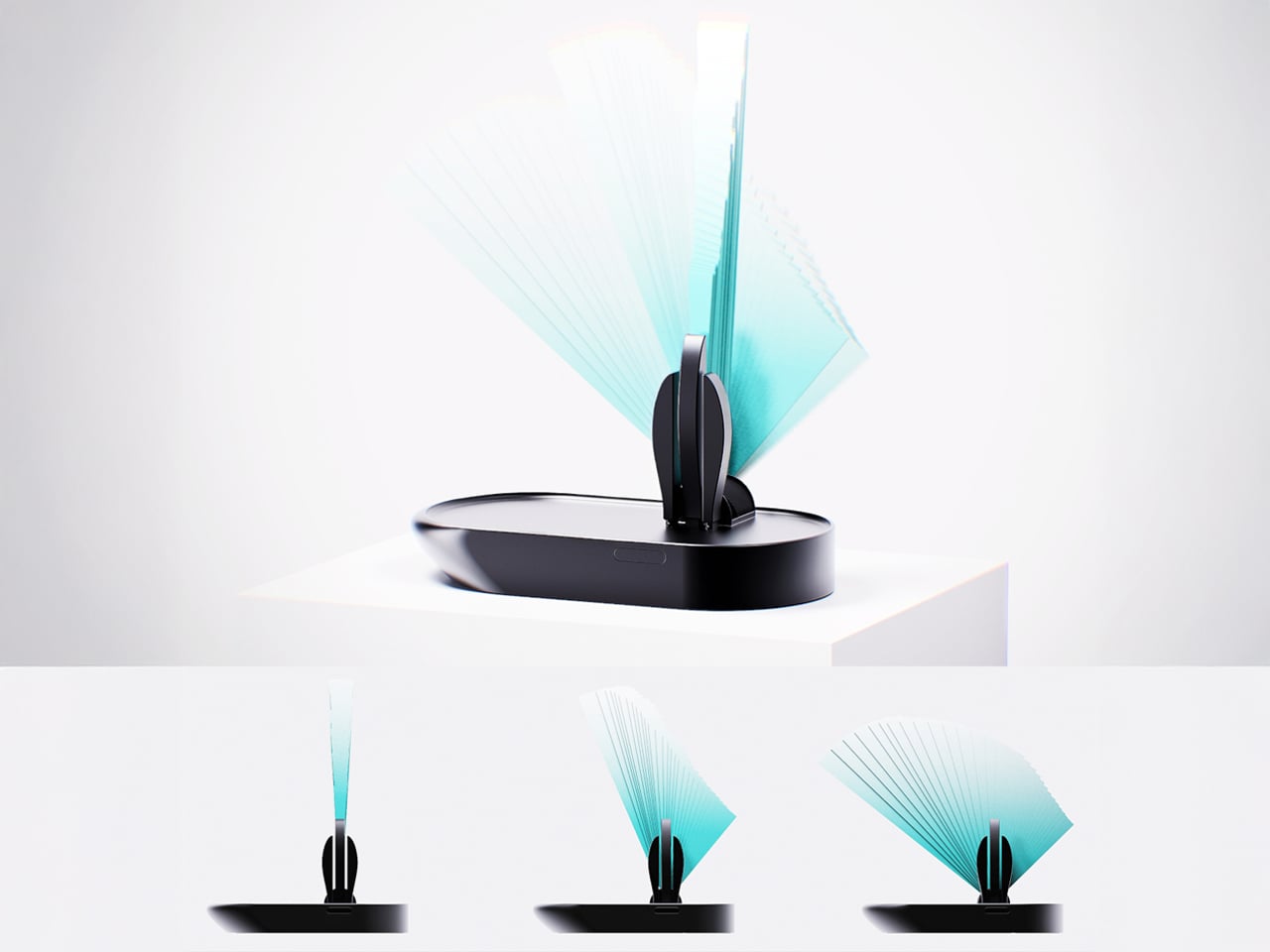
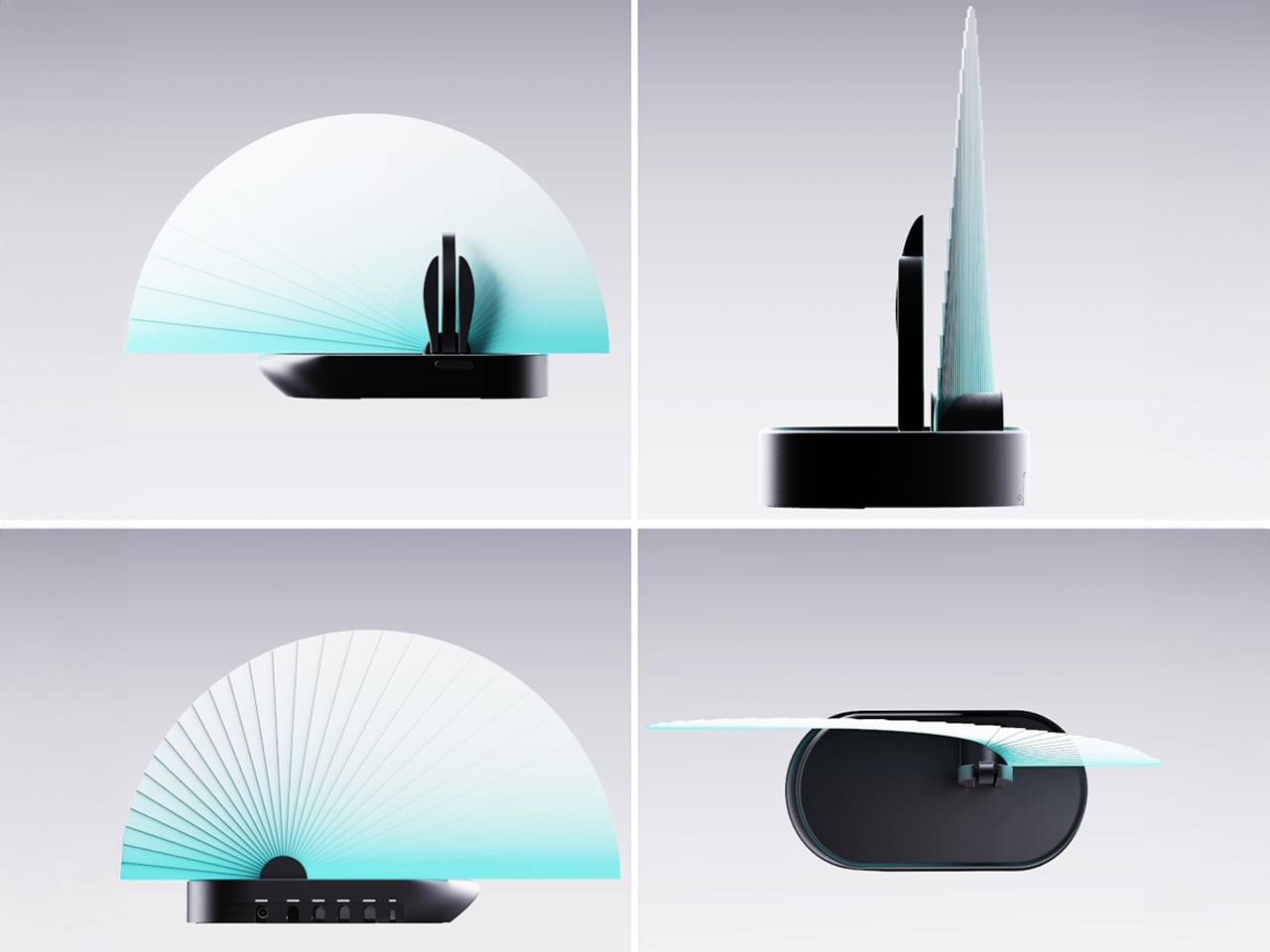
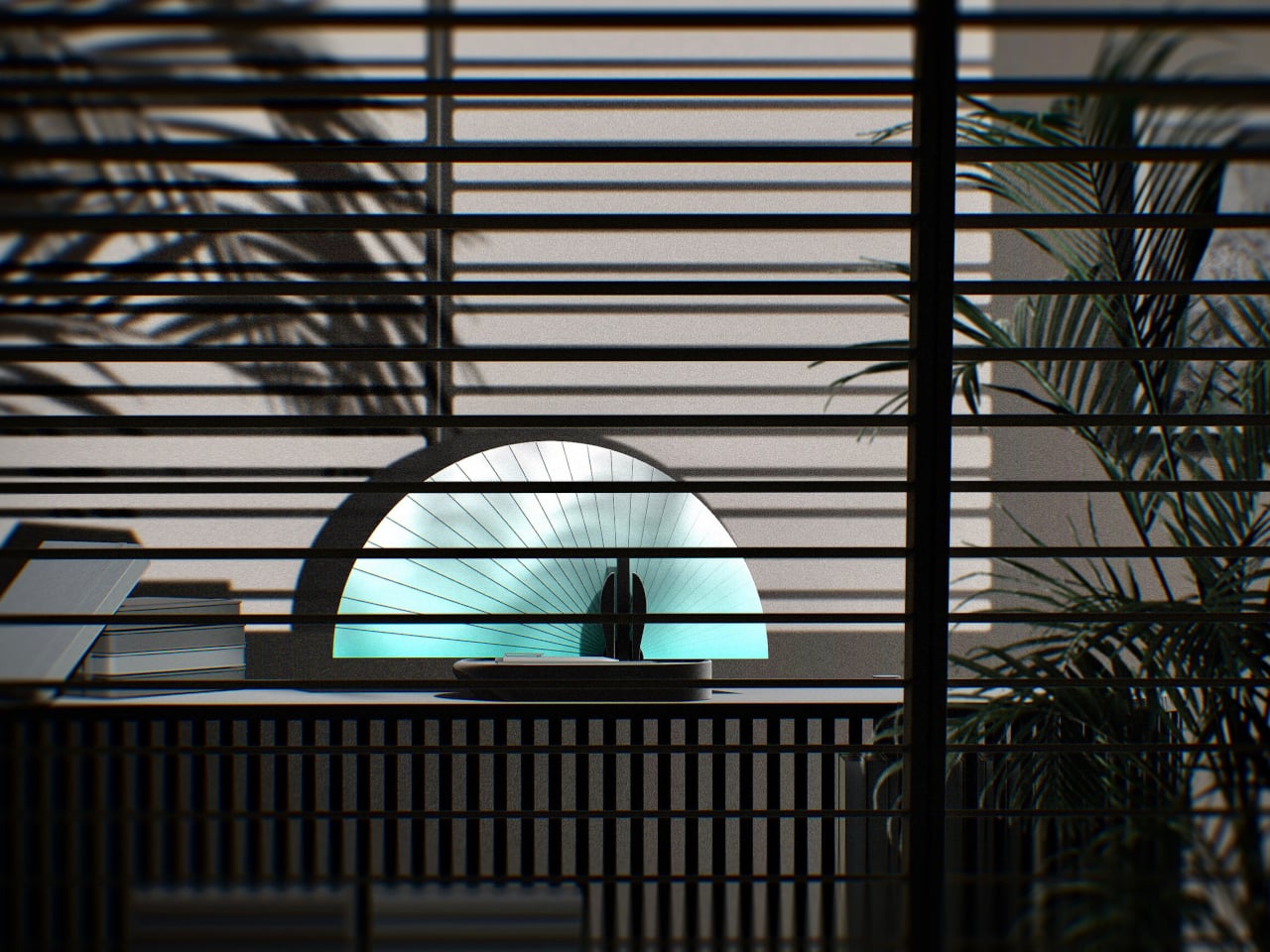
Spending extended periods at home has made many people more aware of the limitations of their living spaces and the design shortcomings of everyday electronics. Wi-Fi routers, for instance, often appear bulky, aggressive, or purely utilitarian, encouraging users to hide them in corners- an action that can unintentionally weaken signal performance. This concept proposes a more thoughtful approach by turning the router into a functional decorative object, allowing it to remain visible while also providing a clear indication of signal strength.
The Blooming Out router features a fan-inspired mechanism composed of 29 segments that expand when the Wi-Fi signal is strong and retract when it weakens, creating a visual representation of connectivity. Three adjustable antennas positioned slightly off-centre enhance signal distribution while contributing to a sculptural, peacock-like silhouette. By merging aesthetics with technical efficiency, the design aims to transform the router from a device often concealed into an elegant object that complements modern interiors without compromising performance.
5. Charging Mat that Doubles as Display Surfaces
Wireless charging mats have evolved into thoughtful dual-purpose gifts that eliminate cable clutter while delivering convenient power to multiple devices. Modern designs feature premium materials like bamboo, leather, or minimalist metal finishes that elevate them from utilitarian gadgets to sophisticated accessories. This versatility makes them ideal for gift-givers seeking something genuinely useful without sacrificing aesthetic appeal, perfect for colleagues, tech-savvy friends, or anyone upgrading their workspace.
As home decor gifts, wireless charging mats have become statement pieces available in various aesthetics – from Scandinavian minimalism to industrial chic. Sleek marble patterns, warm wood tones, or geometric shapes transform these tech essentials into decorative accents for nightstands or entryway surfaces. For housewarming occasions or holidays, a beautifully designed wireless charger demonstrates thoughtfulness by addressing both practical needs and aesthetic sensibilities, making it perfect for design-conscious recipients.
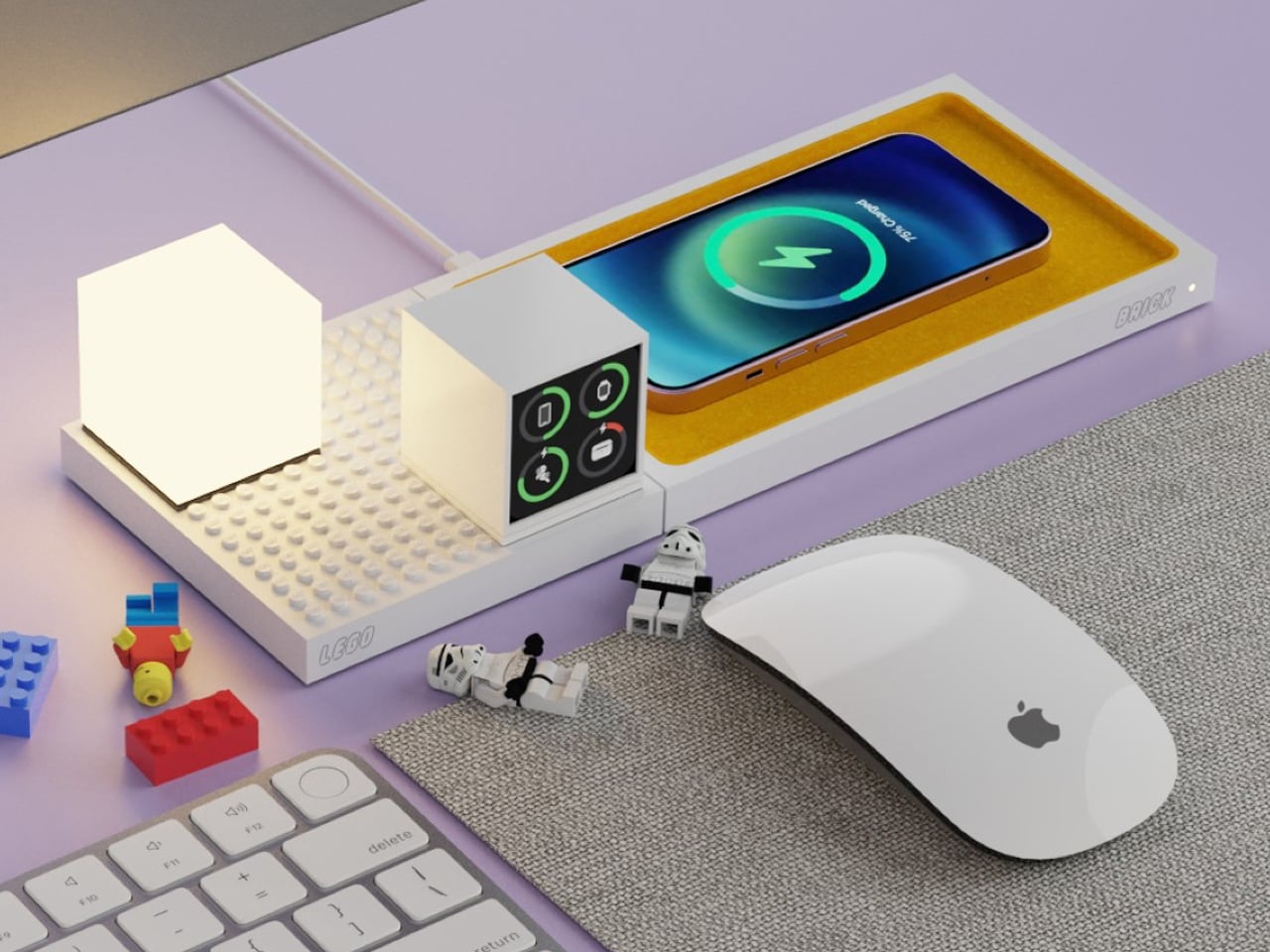
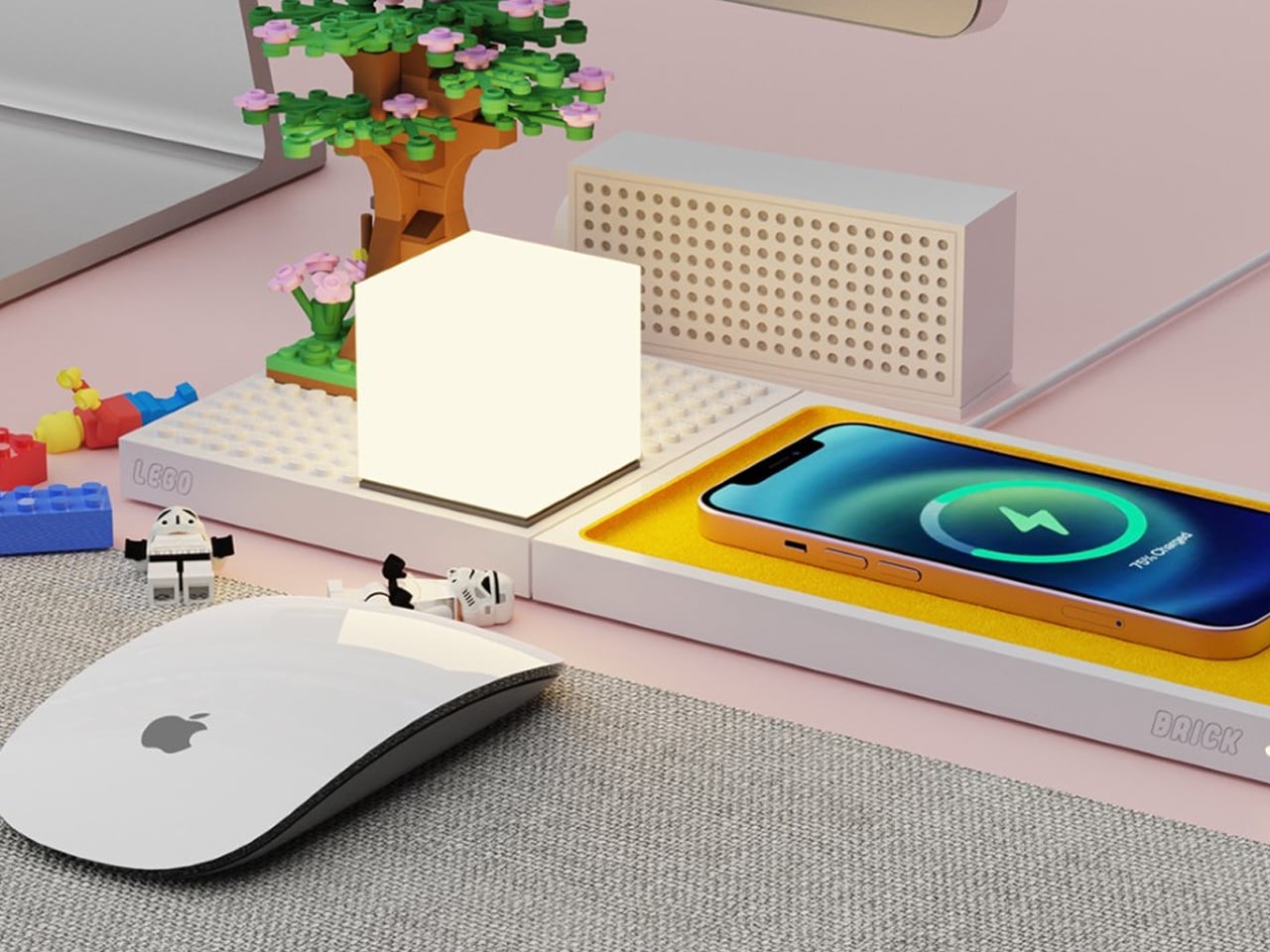
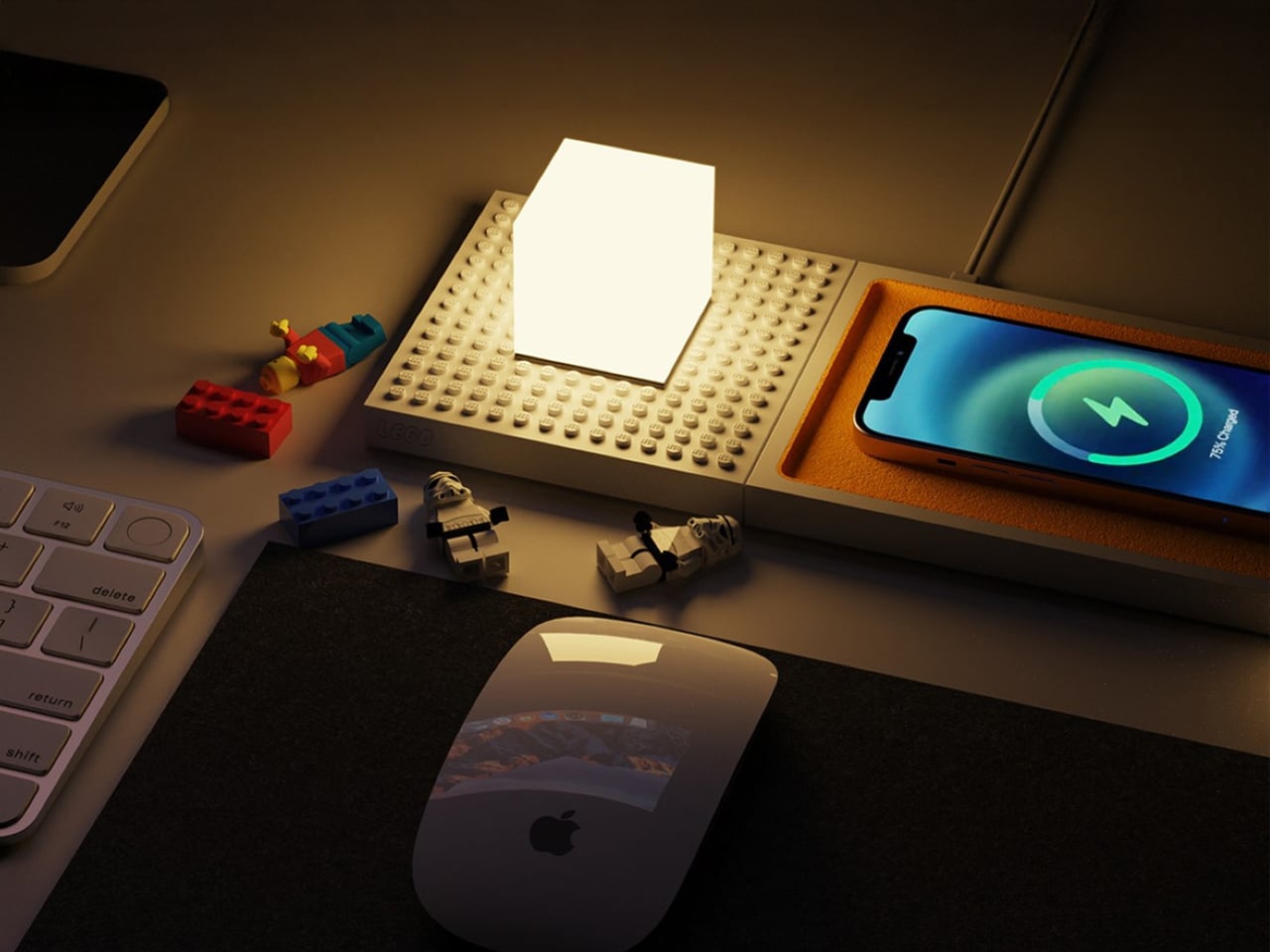
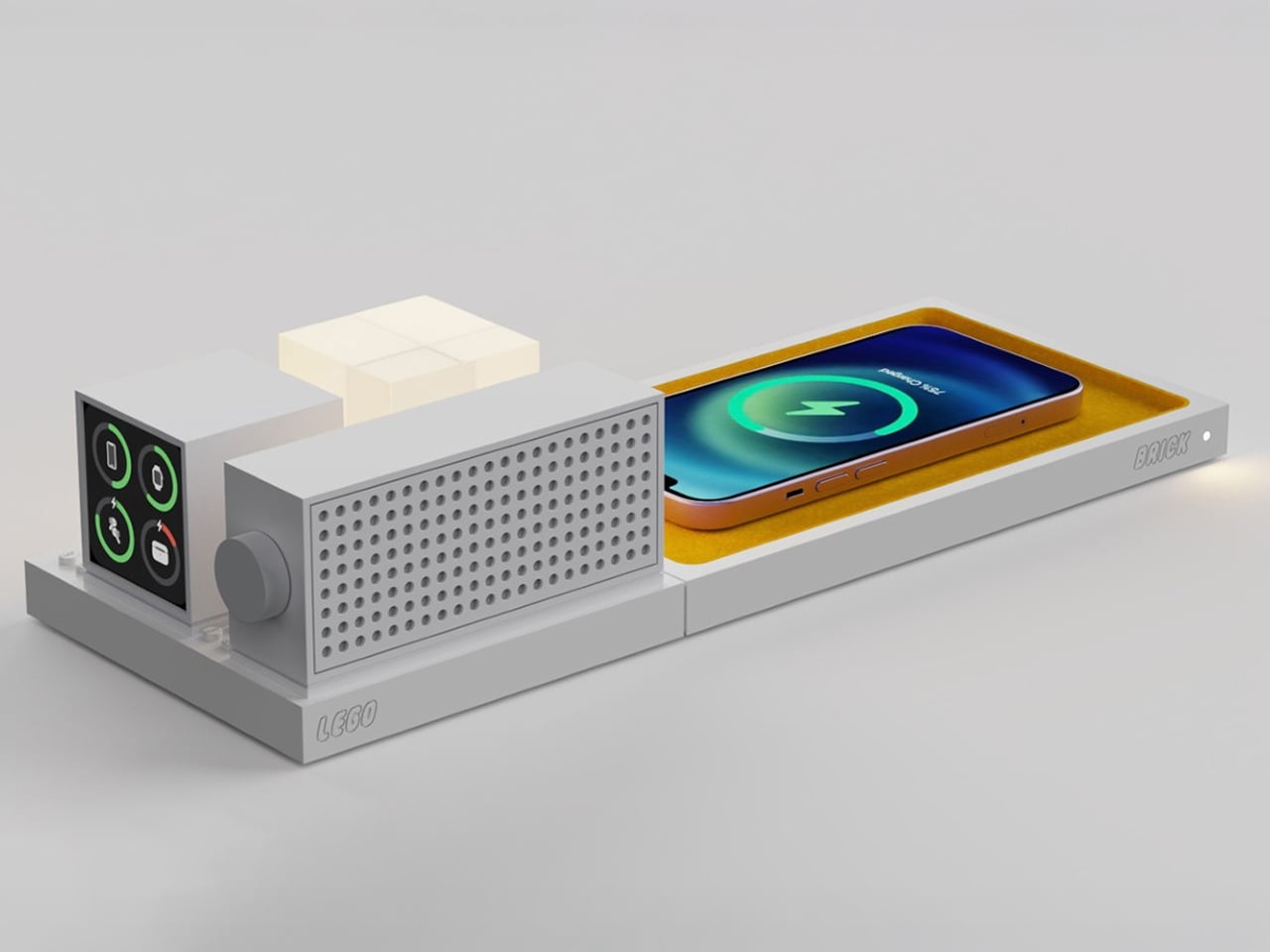
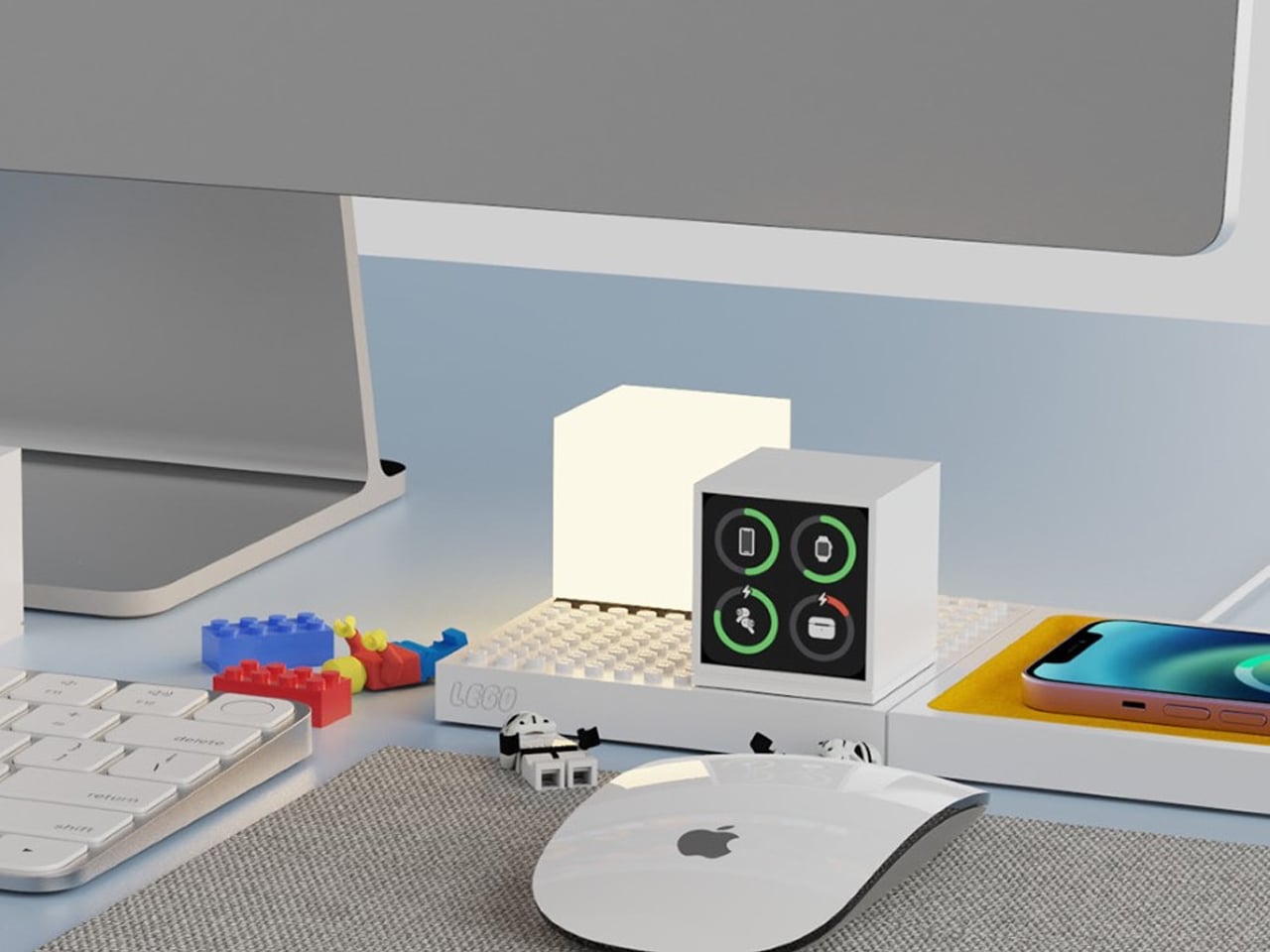
The LEGO Brick, a conceptual design by İbrahim Can Erdinçmer, reimagines wireless charging by merging technology with playful creativity. This innovative fan-made creation features a wireless charging mat topped with a signature LEGO-studded platform that serves dual purposes: charging your smartphone, smartwatch, or earbuds while providing a modular canvas for endless customization. The platform can accommodate dedicated accessories like Bluetooth speakers, minimalist lamps, and battery indicators – all powered wirelessly through embedded coils beneath the surface – or become a miniature playground for building LEGO dioramas, architectural structures, or scenes from your favorite movies. By sitting at the intersection of tech functionality and creative expression, the LEGO Brick appeals to both tech enthusiasts who love modular, customizable setups and LEGO fans who appreciate the brand’s promise of limitless building possibilities.
Beyond its technical capabilities, the LEGO Brick transforms the mundane act of charging devices into an opportunity for stress relief and creative expression in the workspace. The concept demonstrates how adding whimsy and interactivity to everyday tech accessories can enhance both productivity and mental well-being – offering users a fidget-friendly outlet during intense work sessions or ideation moments. While entirely conceptual, this design illustrates LEGO’s untapped potential in the smart-home and gadget industry, suggesting that strategic collaborations could position the iconic toy brand as a major player in creating tech products that don’t just function efficiently, but also spark joy and unleash creativity in our daily lives.
In today’s refined homes, the best Christmas tech gifts transcend utility to become sculptural extensions of the space itself. These beautifully crafted objects, thoughtful in material, form, and light, seamlessly blend function with art, creating an environment where design harmony, emotional warmth, and quiet intelligence coexist effortlessly.
The modern desk is a patchwork of small compromises. Your laptop has two USB-C ports, but you need displays, a wired network, external storage, and constant charging. That leaves you juggling dongles and adapters, with media controls and privacy shortcuts buried in software menus or keyboard combinations you can never quite remember. The setup works, but it never feels tidy or intentional, just workarounds gradually spreading across your workspace.
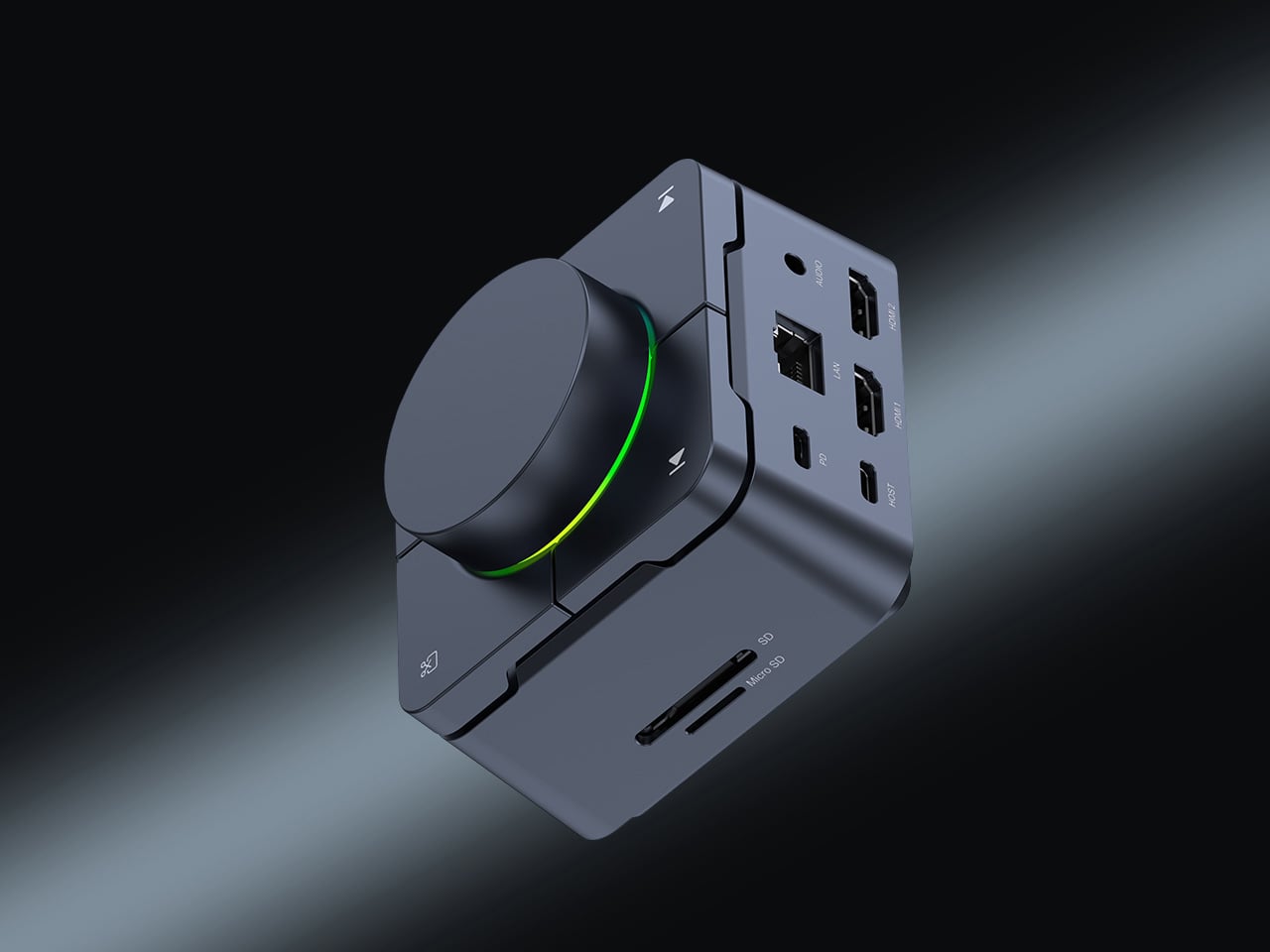
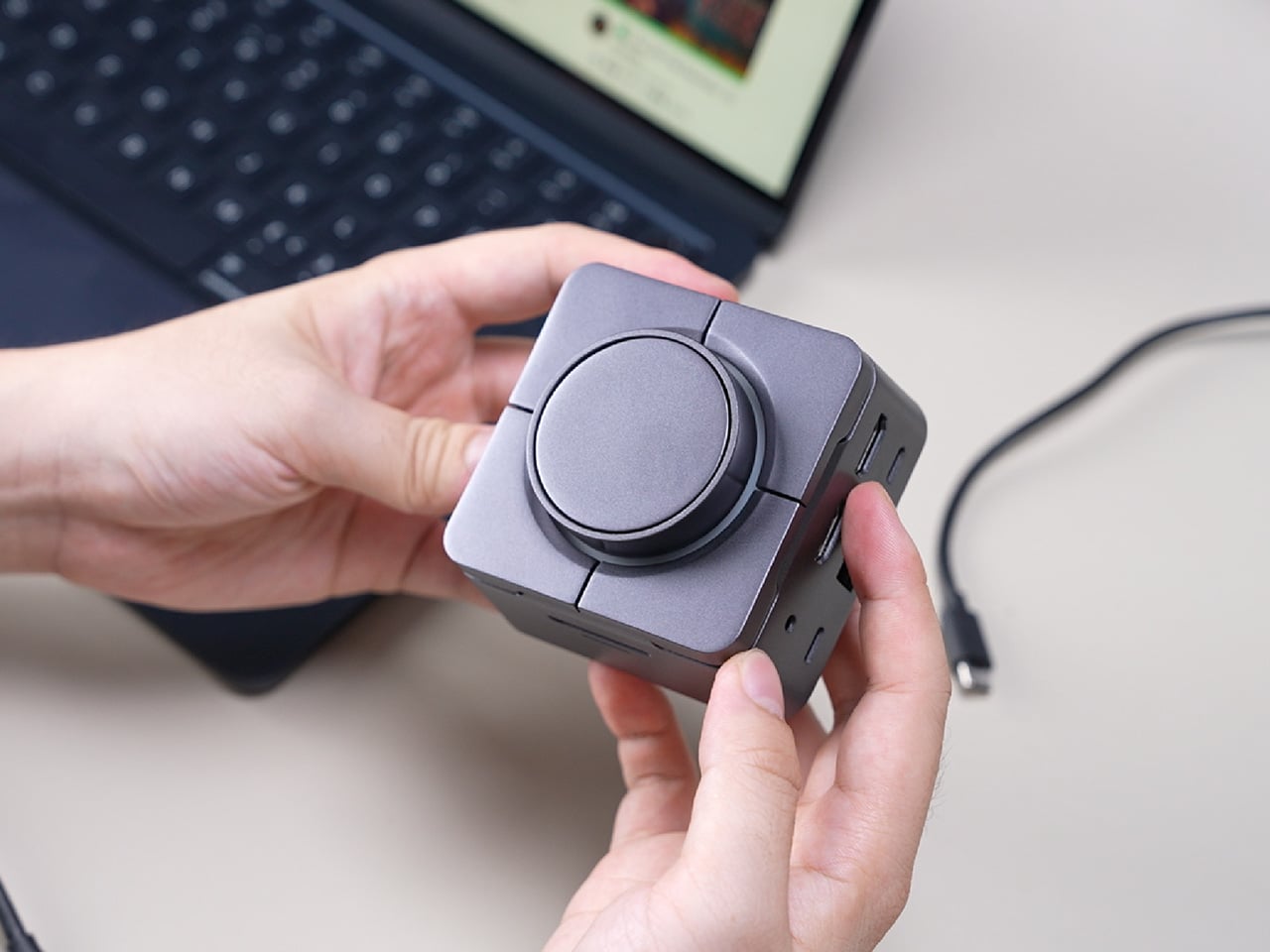
HubKey Gen2 tries to pull those pieces together in a single compact cube that sits within arm’s reach. It’s both an 11-in-1 USB-C hub and a small hardware control surface, with four shortcut keys and a central knob on top. The idea is to handle displays, power, storage, network, and a handful of everyday actions from one place, turning a desk full of little fixes into something more coherent.
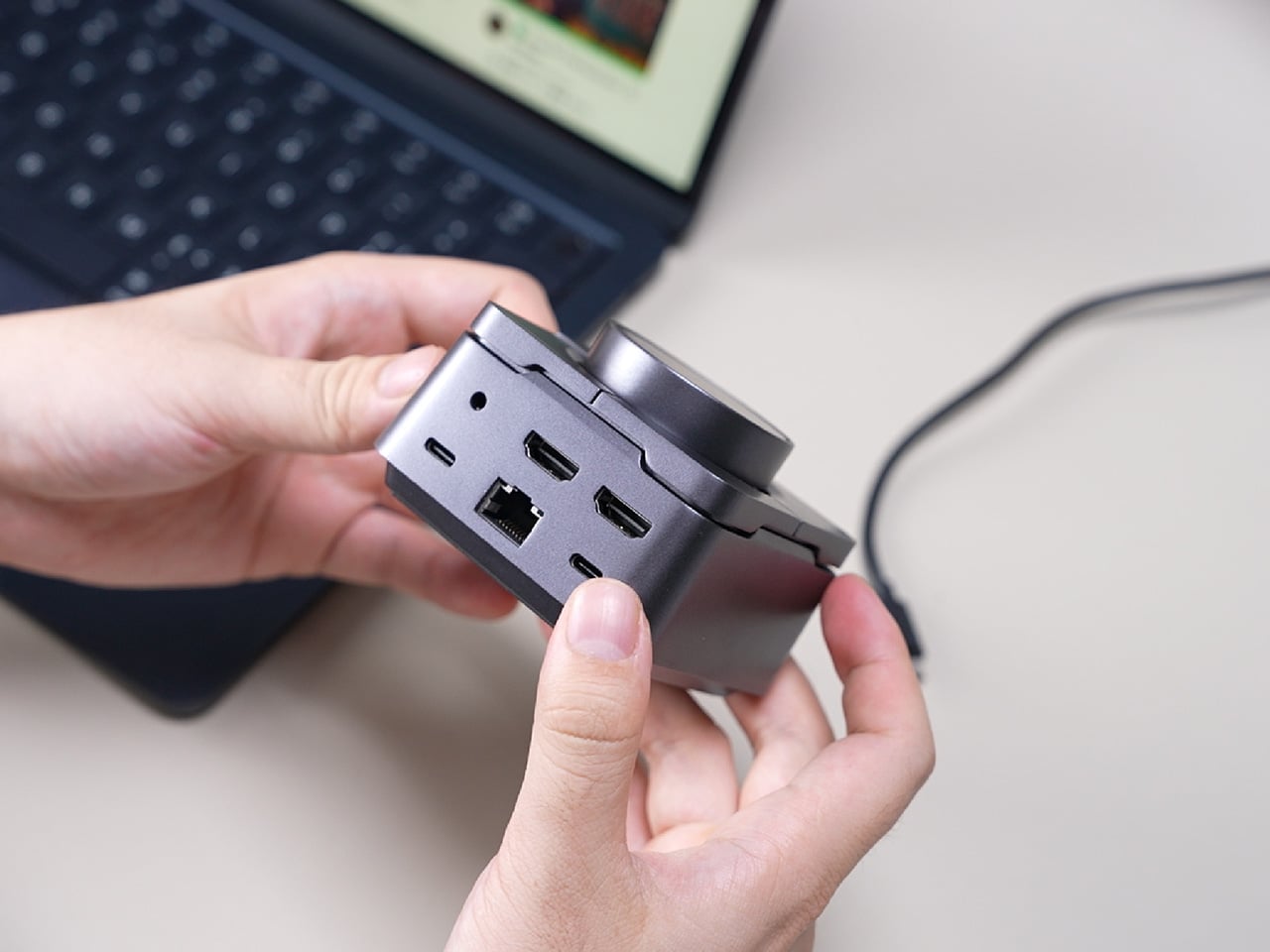
The most requested improvement for this version was better display support and five keys which can be fully customized. HubKey Pro 2 now offers two HDMI ports, each capable of driving a 4K display at 60Hz. That means a laptop can suddenly run a pair of high-resolution monitors smoothly, turning a cramped single-screen setup into a proper workspace for editing timelines, keeping reference material open, or spreading code and documentation across both panels without stuttering.
Between the USB-A 3.1 and USB-C 3.1 ports at up to 10 Gbps, SD and TF card slots, a 2.5 Gbps Ethernet port, 3.5 mm audio jack, and a dedicated 100 W USB-C PD port, HubKey Pro 2 can replace a whole handful of adapters. One cable from the hub to your laptop or handheld PC brings everything else online, from wired internet to external drives and dual displays, cutting down on the usual cable mess.
The top panel is where the shortcut side comes in. Four keys and a central knob are mapped to actions like volume and mute, screen lock, display off, screenshot, and lighting control. Instead of hunting through menus or remembering key combinations, you can twist the knob to adjust sound, tap a key to blank the monitor when someone walks by, or grab a screenshot with a single press.
Under the surface, the shortcut side goes deeper than a few hard-wired functions. A built-in driver unlocks five preset systems with 170 fixed combinations, plus a sixth mode where you can fully customize the key bindings. When you plug HubKey Gen2 into your machine, a settings interface pops up automatically, letting you assign shortcuts, macros, and key sequences in a few clicks.
For basic use there are no drivers to hunt down; it’s plug-and-play with Windows, macOS, Linux, and even devices like the Steam Deck, while the optional driver adds a deeper layer of customization when you want to fine-tune the keys. The internal circuitry and firmware have been tuned for faster recognition and more stable power delivery, and the press logic for Windows and macOS has been refined to reduce delays or misfires.
The 100W USB-C PD port can keep a laptop charged while the hub is driving dual 4K displays and handling data transfers. The The 10 Gbps USB ports and card readers make moving large files feel less like a chore, especially for photographers and video editors who are constantly offloading cards. The goal is to reduce the number of separate chargers and adapters that need to live on the desk.
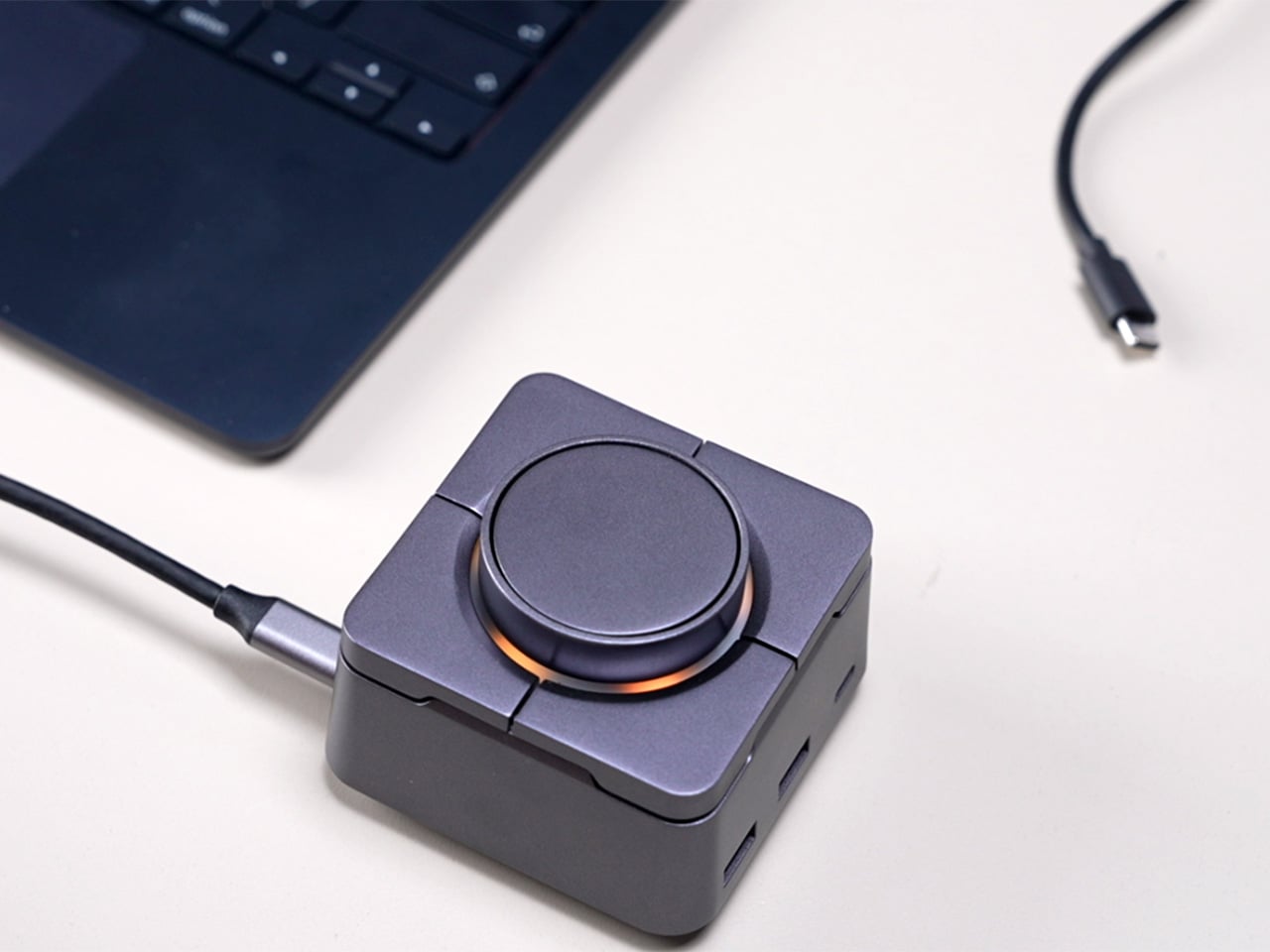
Of course, the central knob has a smooth feel when you adjust volume, and the integrated LED ring can be dimmed or toggled with a key. The lighting adds a bit of atmosphere without turning the hub into a light show, and the compact form factor means it can sit next to a keyboard or under a monitor without demanding attention when you’re not actively using it.
HubKey Gen2 doesn’t claim to replace a full keyboard or a studio-grade dock, but it does try to make a typical laptop-based setup feel more intentional. By combining dual 4K display support, a full spread of ports, and a handful of physical controls in one small object, it turns a desk full of little compromises into something more coherent and easier to live with.
Nostalgia tech falls into two camps. Lazy references slap a retro logo on a modern object and call it vintage, while obsessive recreations feel like museum pieces. Most products lean too far in one direction, missing the sweet spot where memory and function coexist comfortably. The first feels cheap, the second feels precious, and neither ends up on your desk for very long once the initial charm wears off.
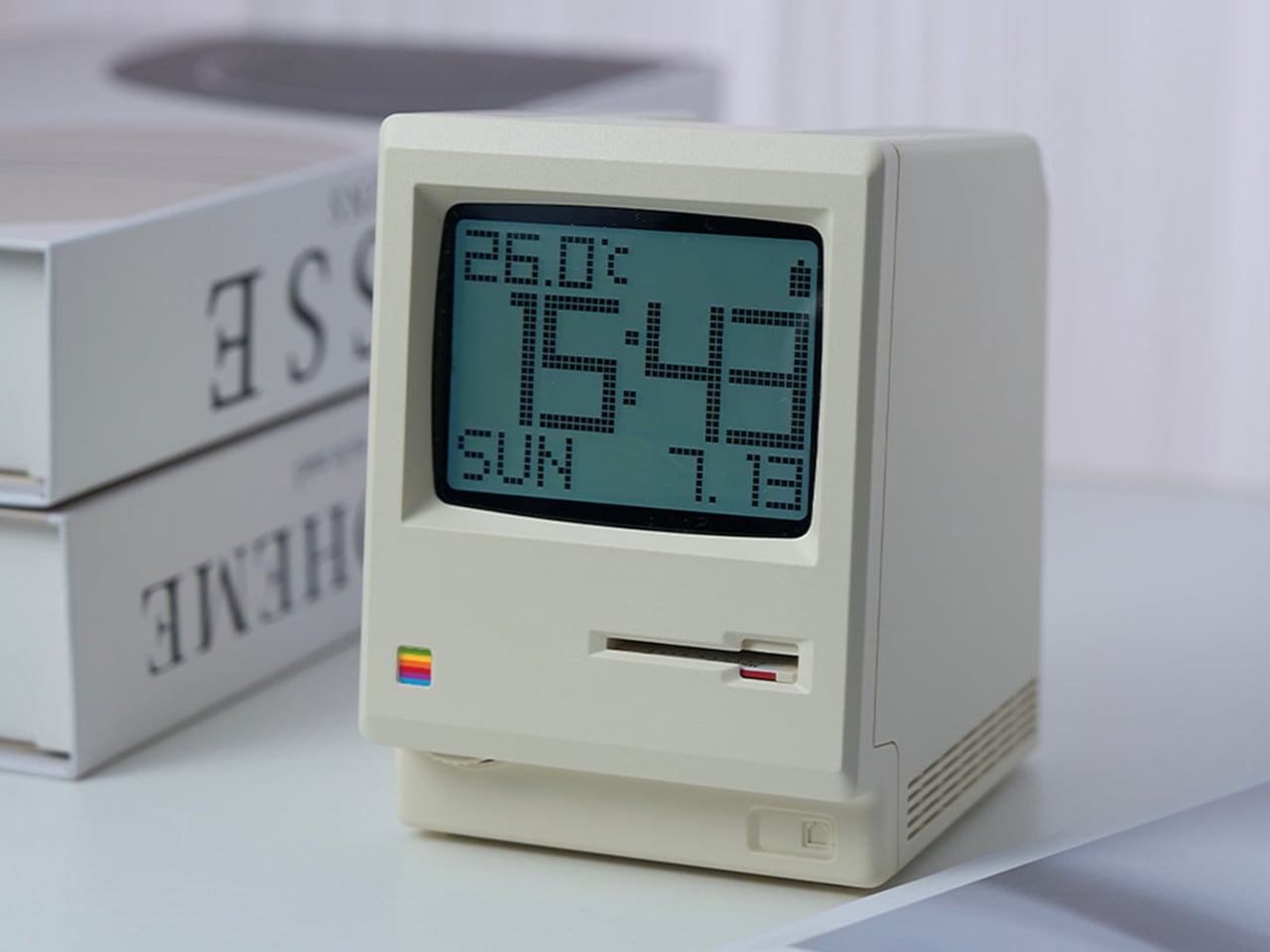
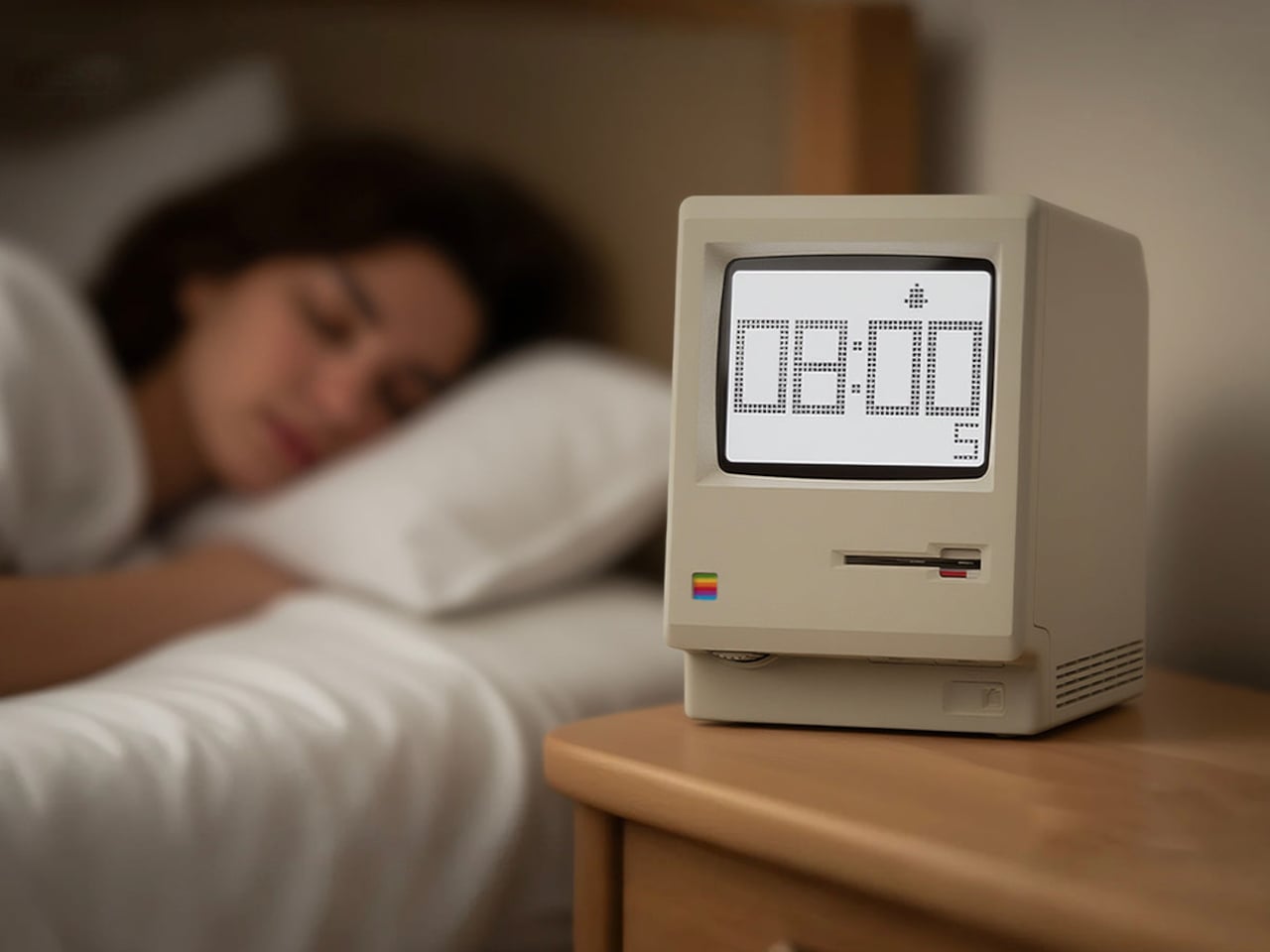
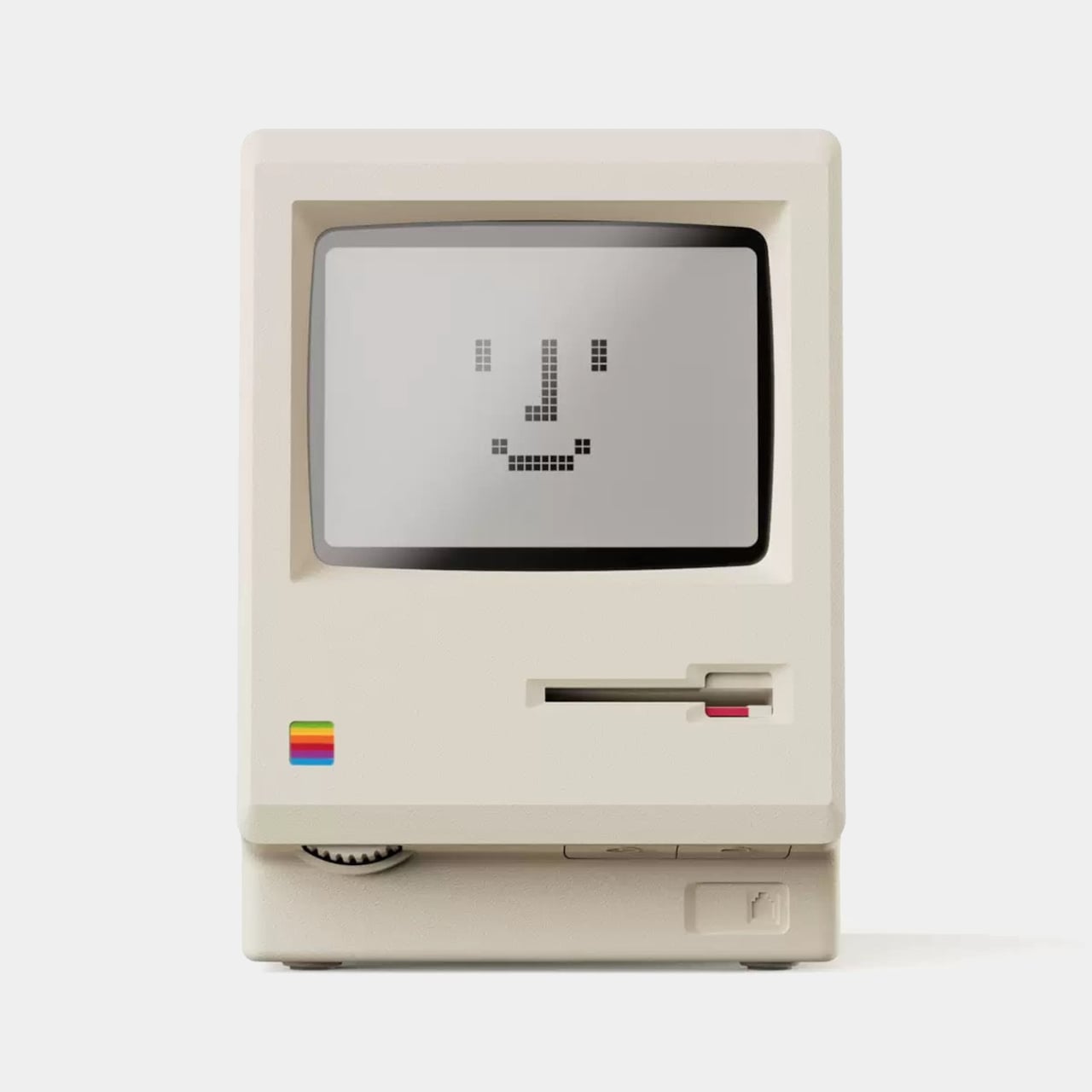
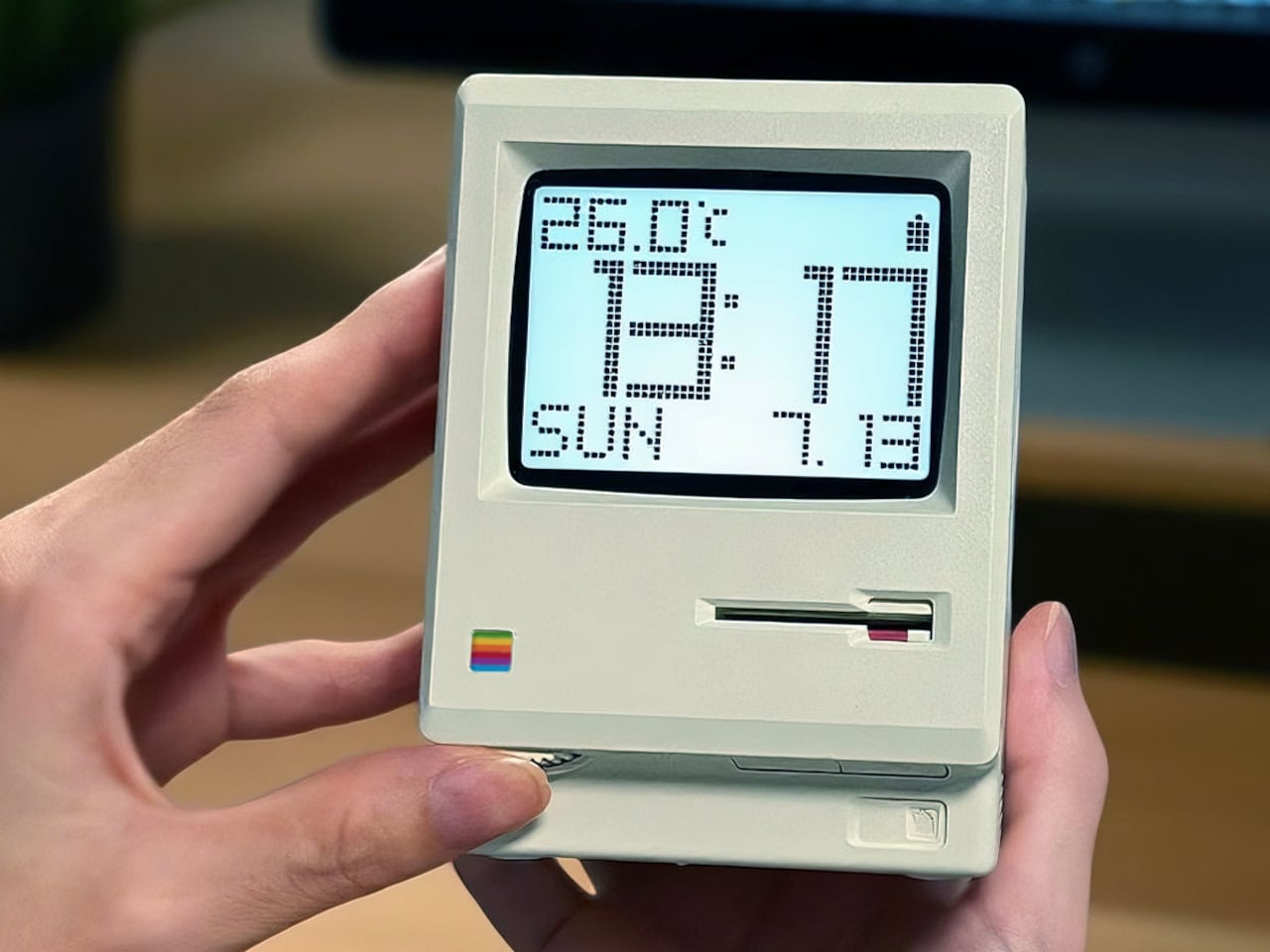
MaClock by Kokogol hits that balance. It is a miniature 1984 Macintosh that works as a rechargeable desk alarm clock, recreating the beige enclosure, rainbow Apple logo, CRT-style screen, and floppy disk slot at nightstand scale. It still behaves like a proper modern clock with 60-day battery life and USB-C charging, not just a static replica gathering dust next to other impulse buys that reminded you of childhood.
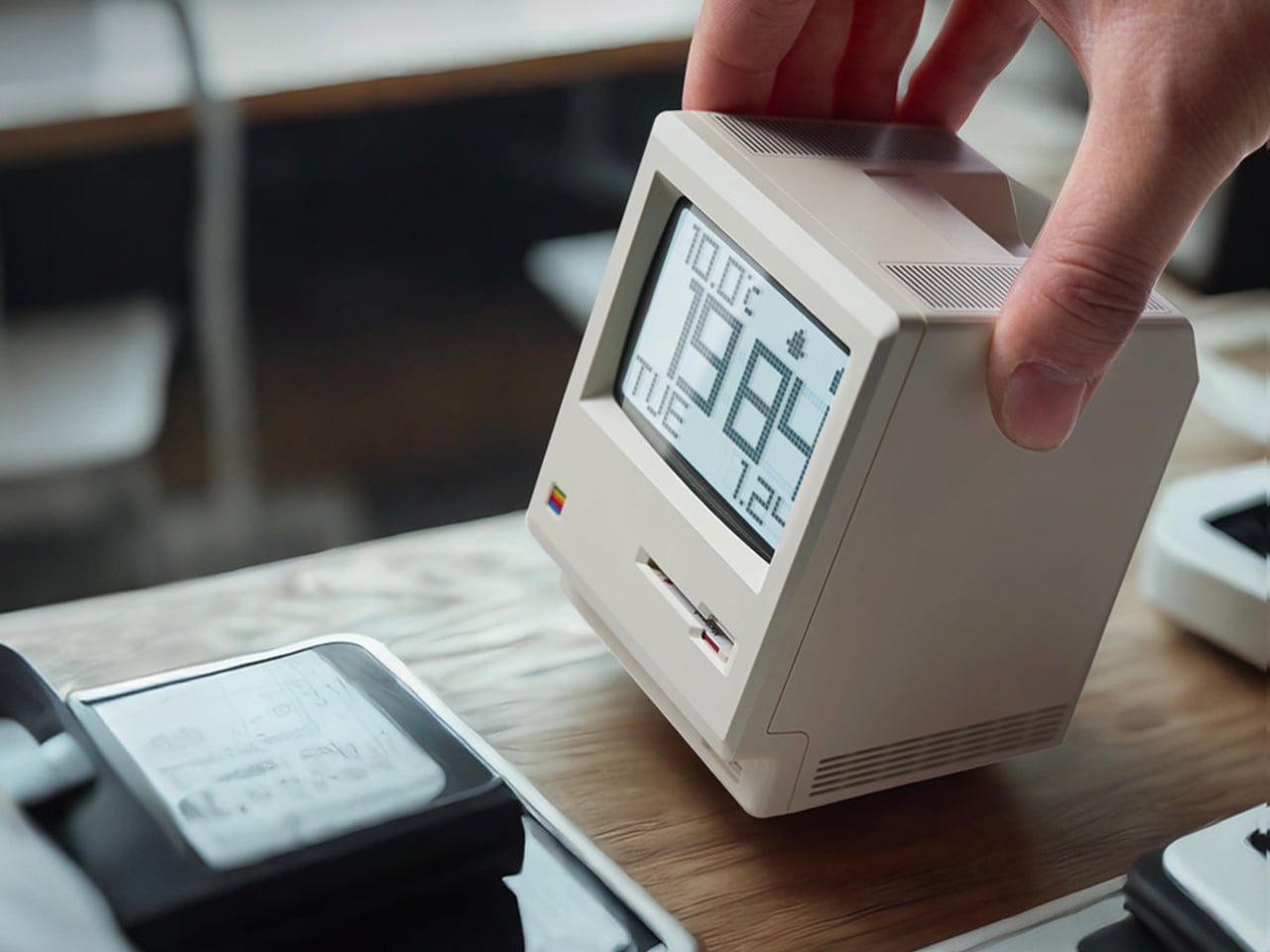
The physical details feel right. Warm beige ABS body, a recessed curved screen mimicking a cathode ray tube, horizontal ventilation grilles on the side, and a tiny floppy disk drive slot with a pink tab. At 80 x 91 x 112 mm, it is substantial enough to feel real in your hand, not a keychain trinket. The proportions match the original closely enough that it reads instantly as a Mac, even from across a room.
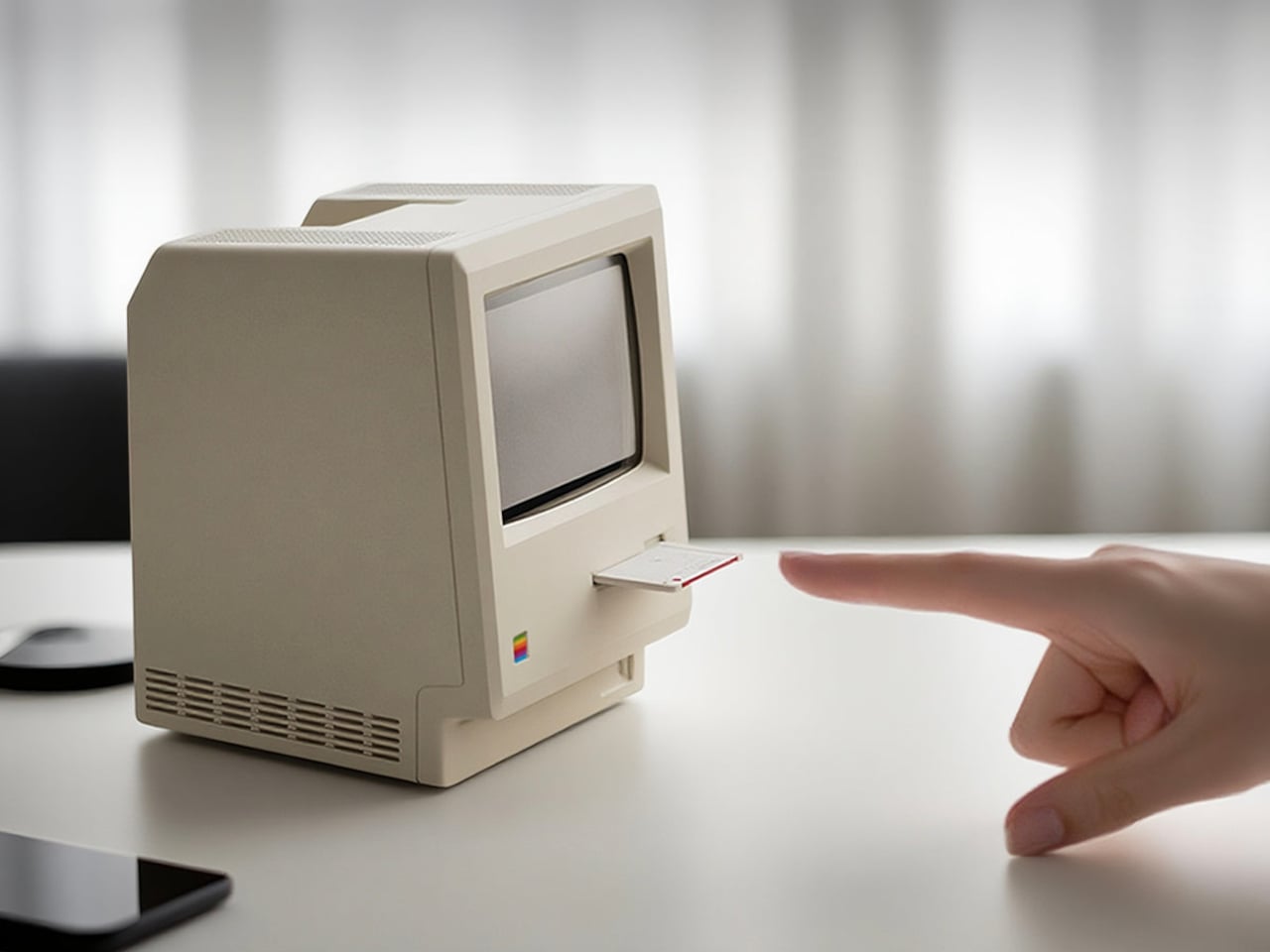
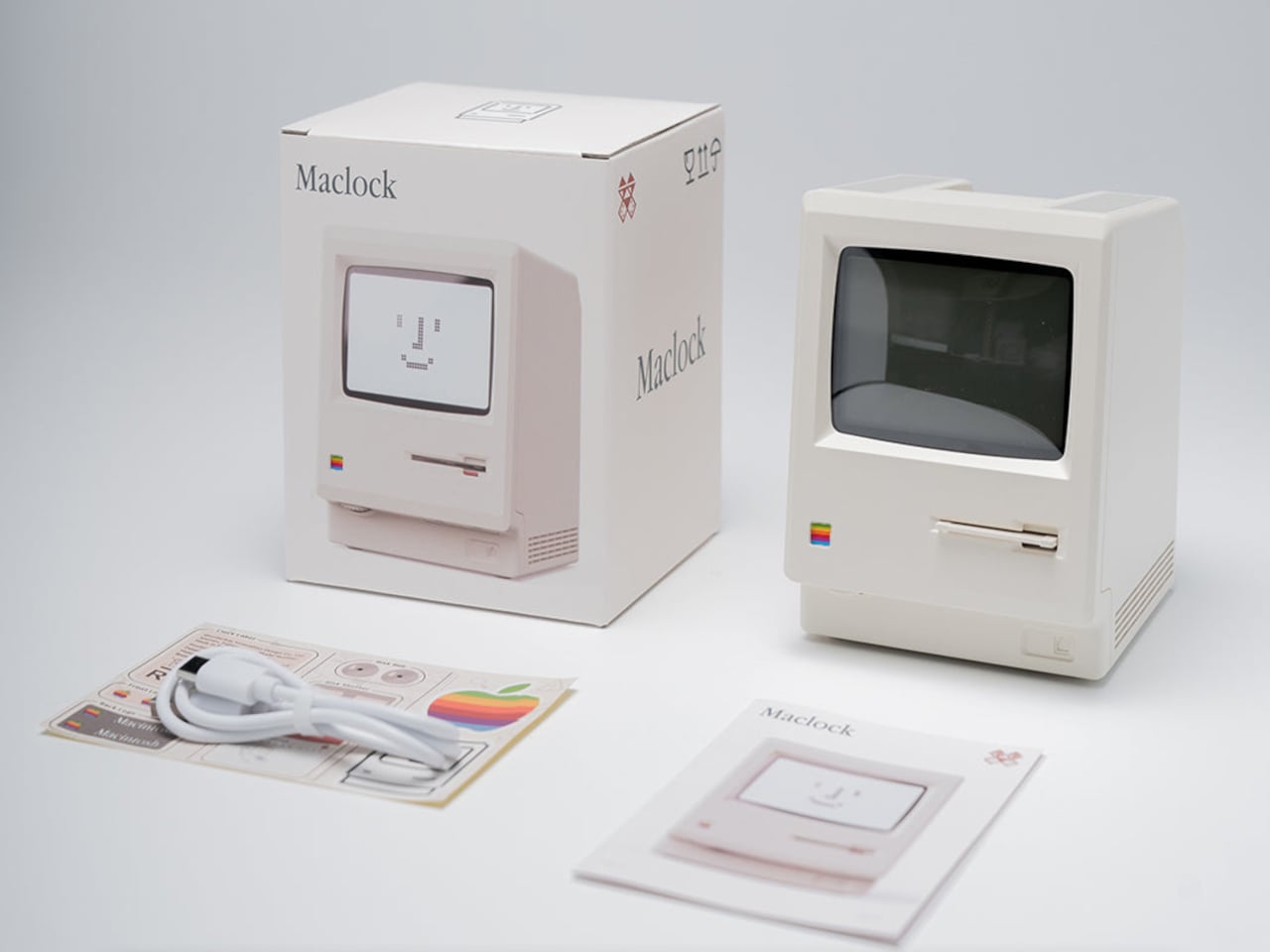
The included floppy disk acts as a power switch. You insert it to turn the clock on, a callback to the boot ritual of early Macs. The package includes a sticker sheet with rainbow Apple logos, a Macintosh label, and a dot matrix sticker, letting you customize and restore the design yourself. The unboxing becomes a small assembly project rather than a passive reveal, which makes it feel slightly more earned.
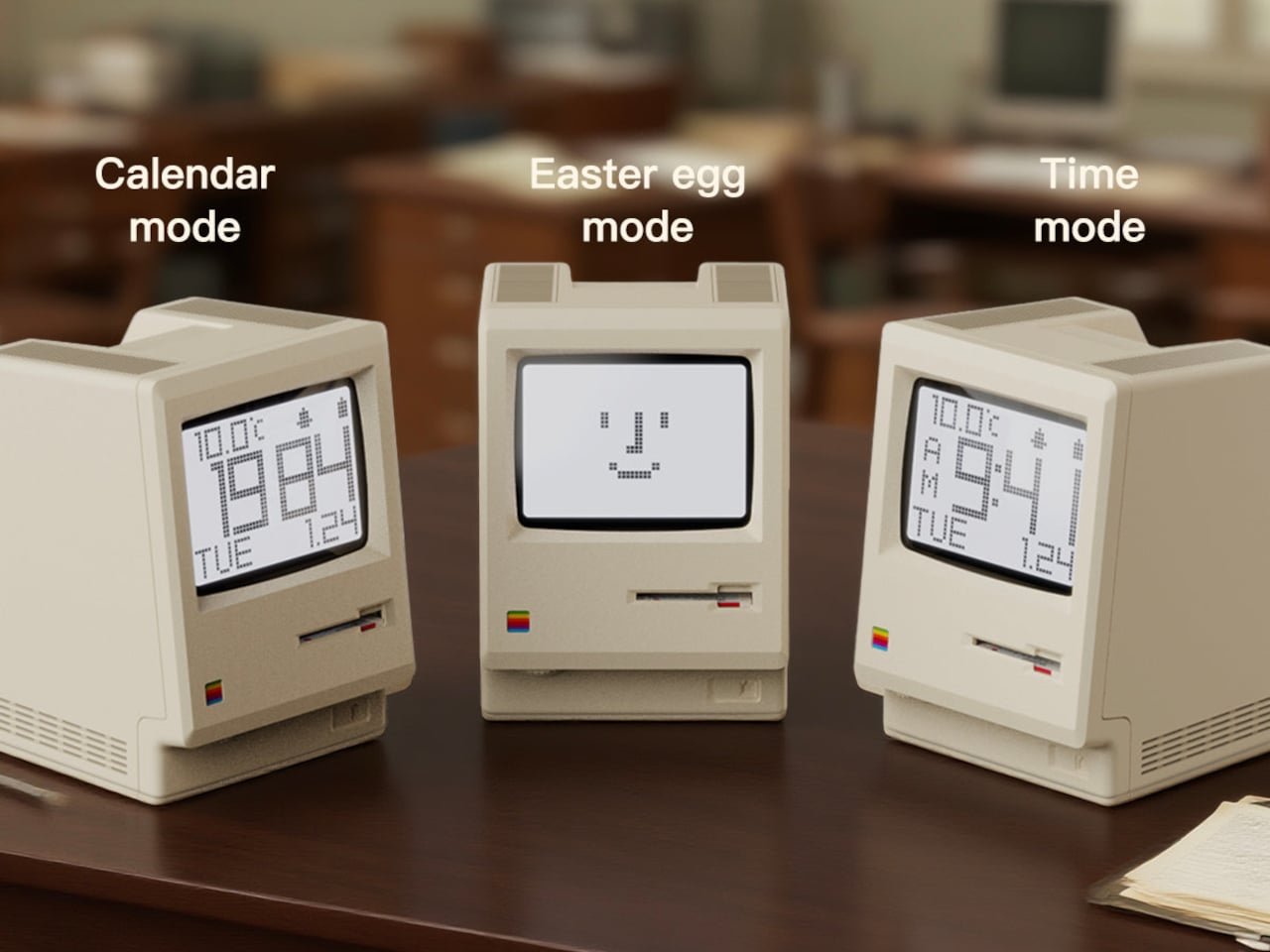
MaClock offers three display modes. Time mode shows large pixelated digits for hours, minutes, day, and temperature. Calendar mode centers the date in blocky characters. Easter egg mode wakes up Susan Kare’s Happy Mac icon, the smiling face from the original graphical interface. Seeing Happy Mac on your desk in 2025 is an unexpectedly emotional hit for anyone who grew up with early Macs and remembers what that face meant.
The adjustable backlight is controlled by a knob on the bottom left, which can be dialed down at night or turned off entirely. With the backlight off, the battery lasts up to 60 days, so it can sit on your desk for weeks without charging. It feels more like furniture than a gadget you babysit with a cable every few nights, which is exactly how a clock should behave.
MaClock treats nostalgia as something you participate in rather than just look at. The floppy disk, the stickers, the Happy Mac mode, and the CRT-inspired screen all ask you to engage with the memory. At just $30, it sits in the impulse buy zone, which might be the right price for functional nostalgia that earns its desk space by telling time and making you smile every morning when Happy Mac greets you with those chunky pixels.
Smart speakers for kids feel like a gamble most parents would rather skip. The promise is educational content and hands-free help, but the reality often involves screens lighting up at bedtime, algorithms deciding what comes next, and a lingering suspicion that someone is cataloging every question your child shouts into the room. The tension between letting kids explore technology and protecting their attention spans has never felt sharper, and most connected toys lean heavily toward the former without much restraint.
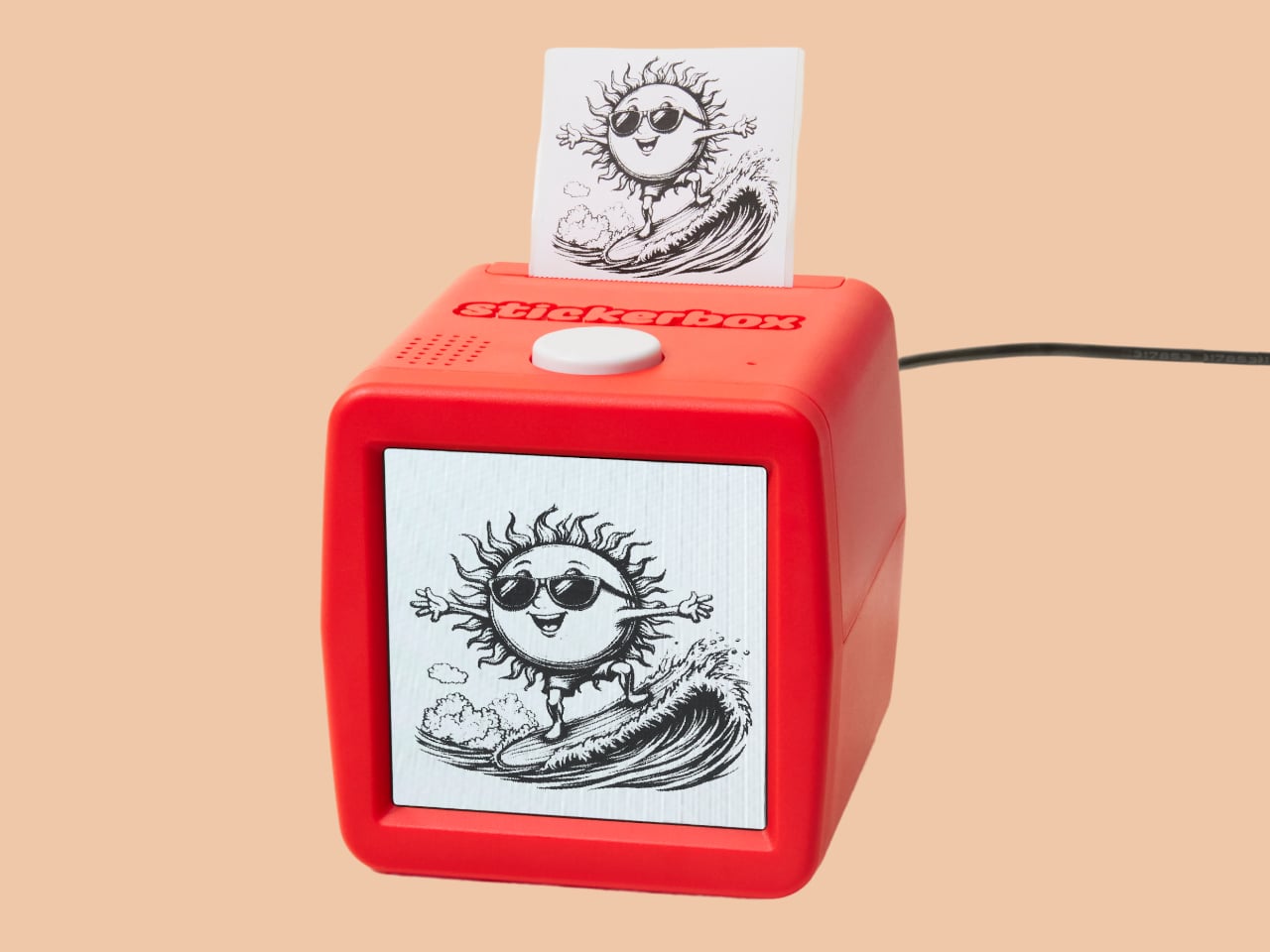
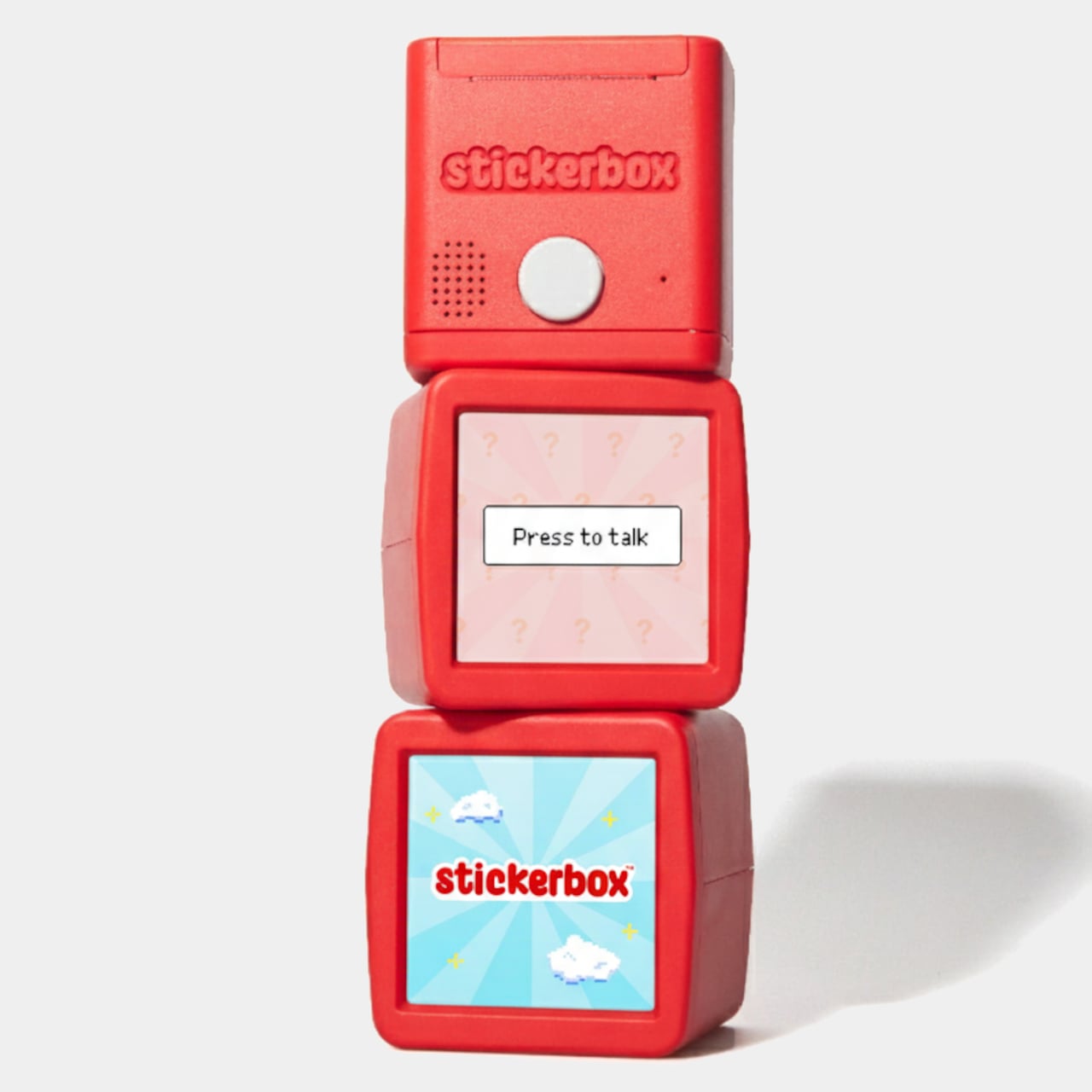
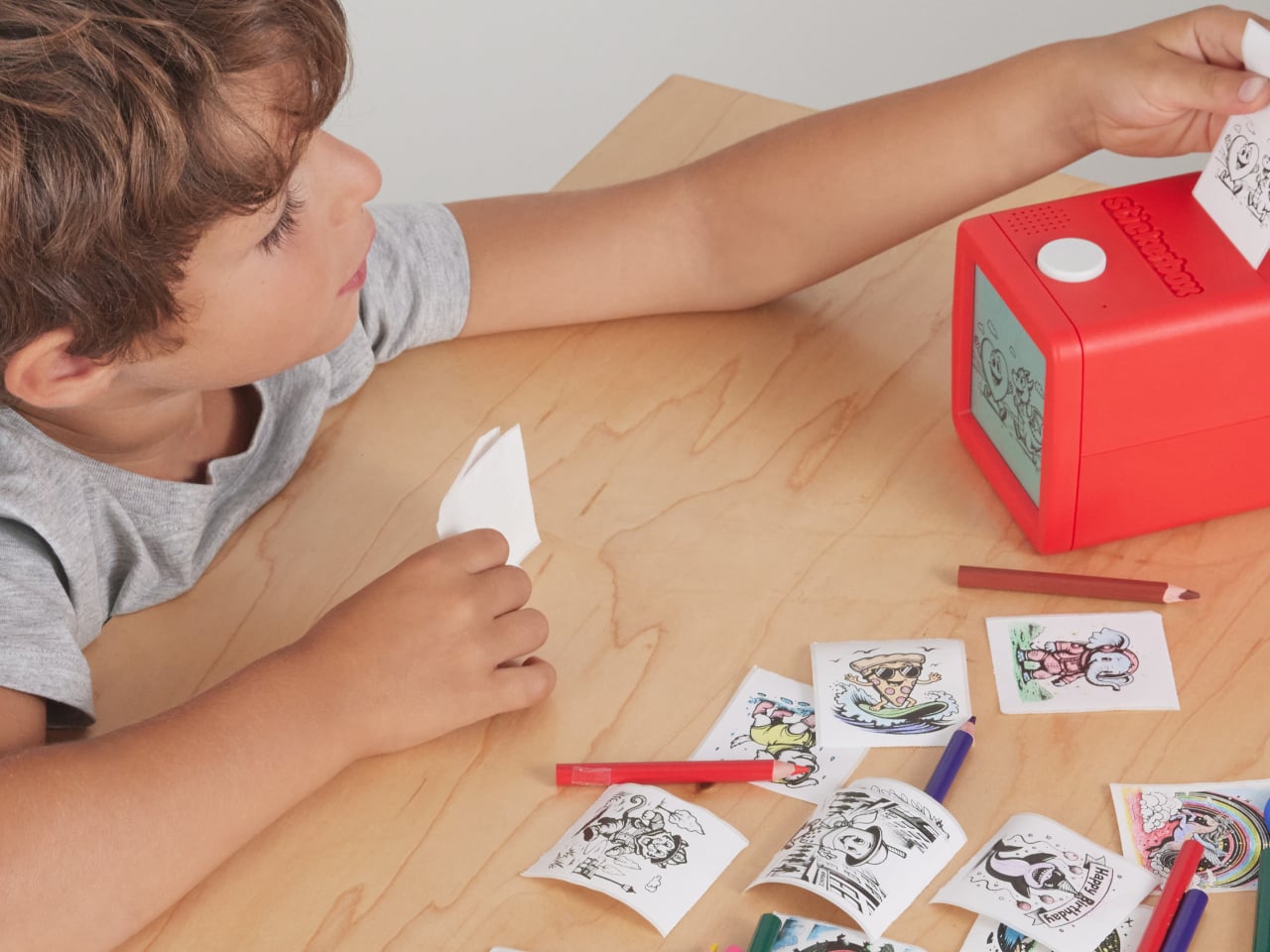
Stickerbox by Hapiko offers a quieter trade. It looks like a bright red cube, measures 3.75 inches on each side, and does one thing when you press its white button. Kids speak an idea out loud, a dragon made of clouds or a broccoli superhero, and the box prints it as a black-and-white sticker within seconds. The interaction feels less like talking to Alexa and more like whispering to a magic printer that happens to understand imagination.
The design stays deliberately simple. A small screen shows prompts like “press to talk,” while a large white button sits below, easy for small hands to press confidently. Stickers emerge from a slot at the top, fed by thermal paper rolls. The starter bundle includes three BPA-free paper rolls, eight colored pencils, and a wall adapter, turning the cube into a complete creative kit rather than just another gadget waiting for accessory purchases to feel useful.
The magic happens in three beats. A kid presses the button and speaks their prompt, as silly or specific as they want. The box sends audio over Wi-Fi to a generative AI model that turns phrases into line art. Within seconds, a thermal printer traces the image onto sticker paper, and the finished piece emerges from the top, ready to be torn, peeled, and stuck onto notebooks, walls, or comic book pages at home.
What keeps this from feeling like surveillance is the scaffolding Hapiko built around the AI. The microphone only listens when the button is pressed, so there’s no ambient eavesdropping happening in the background. Every prompt runs through filters designed to block inappropriate requests before reaching the image generator. Voice recordings are processed and discarded immediately, not stored for training. The system is kidSAFE COPPA certified, meaning it passed third-party audits for data handling and child privacy standards.
Thermal printing sidesteps ink cartridge mess entirely. Each paper roll holds material for roughly sixty stickers, and refill packs of three cost six dollars. The catch is that Stickerbox only accepts its own branded paper; using generic rolls will damage the mechanism. The bigger design choice is that every sticker is printed in monochrome, which is intentional. It forces kids to pick up pencils and spend time coloring, turning a quick AI trick into a slower, more tactile ritual.
Stickerbox gestures toward a version of AI-infused play that feels less anxious. The algorithm works quietly, translating spoken prompts into something kids can hold, cut, and trade, but the most important part happens after the sticker prints. It ends up taped inside homemade comic books, stuck on bedroom doors, or colored during rainy afternoons. The box becomes forgettable infrastructure, which might be the kindest thing you can say about a piece of children’s technology designed for creative independence.