8BitDo FlipPad controller for enjoying portrait games on Android and iOS

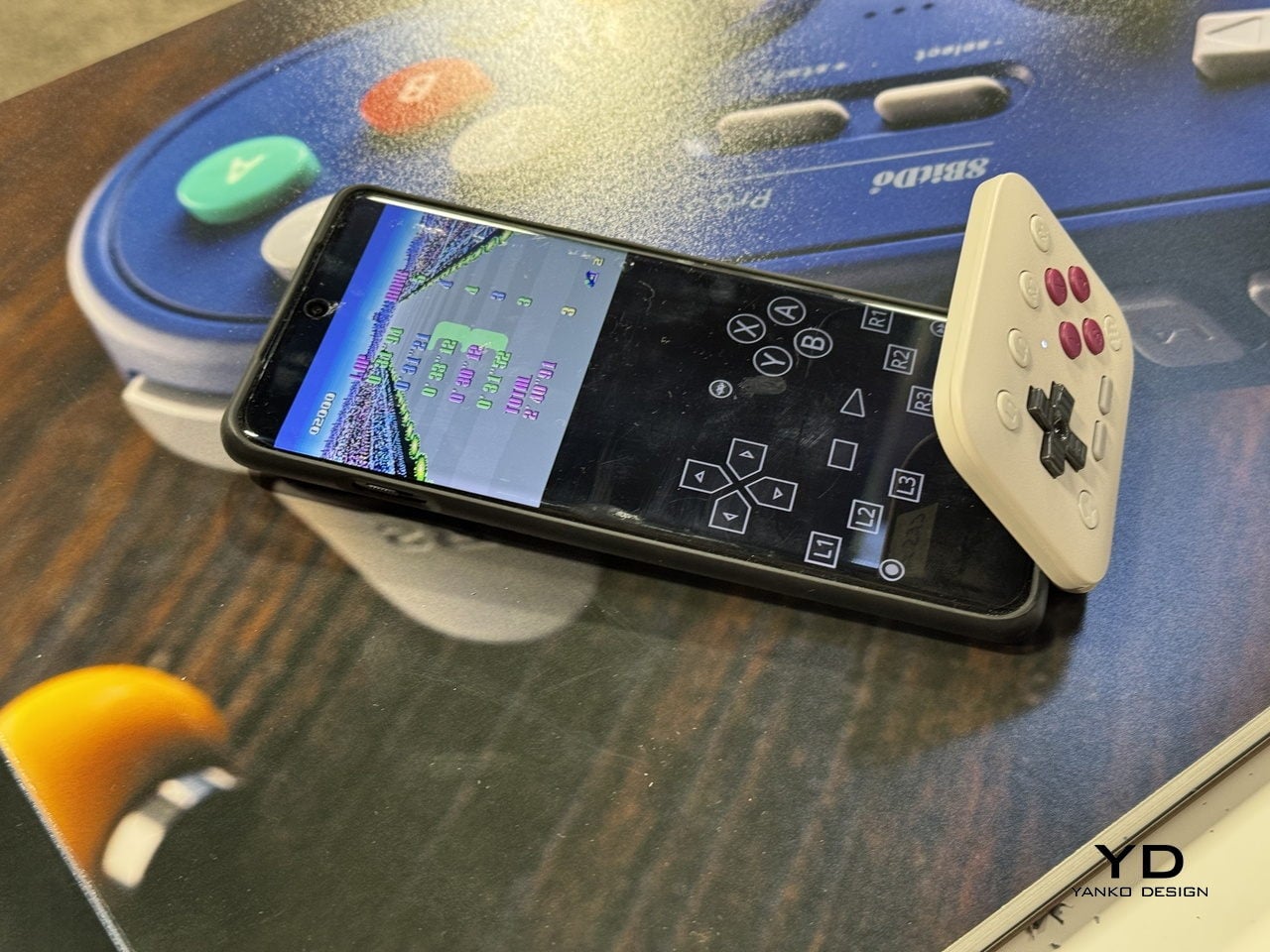
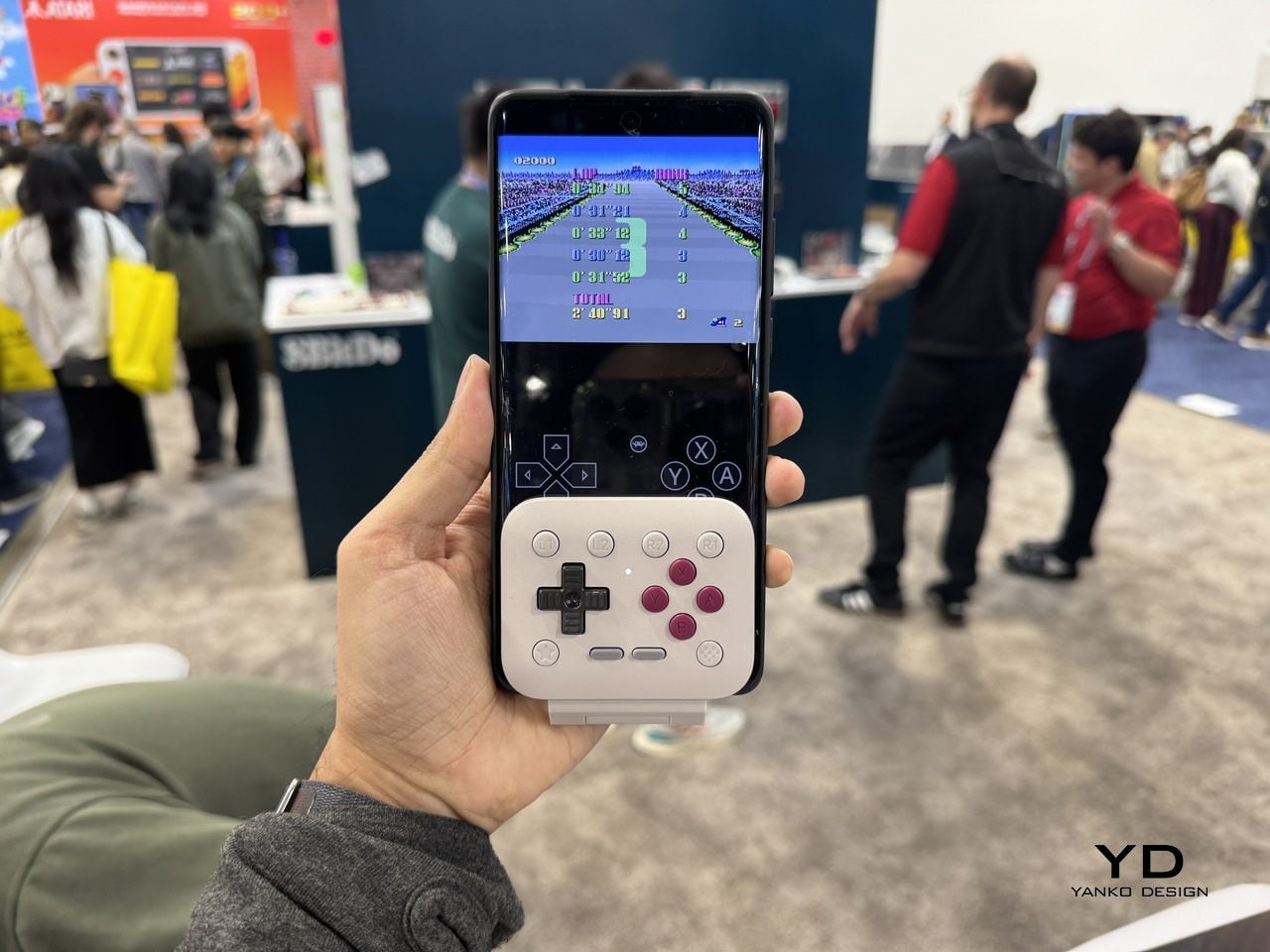
Let’s be honest, most of us casual mobile gamers prefer portrait games that can be enjoyed quickly for a short dopamine boost. Playing platformer or arcade titles that require precise input on-screen are better played with a stylus, giving you the strategic advantage if you’ve got the reflexes to back your skills. 8BitDo is introducing a portrait mode clip-on controller accessory for gamers like me who prefer to keep things minimal.

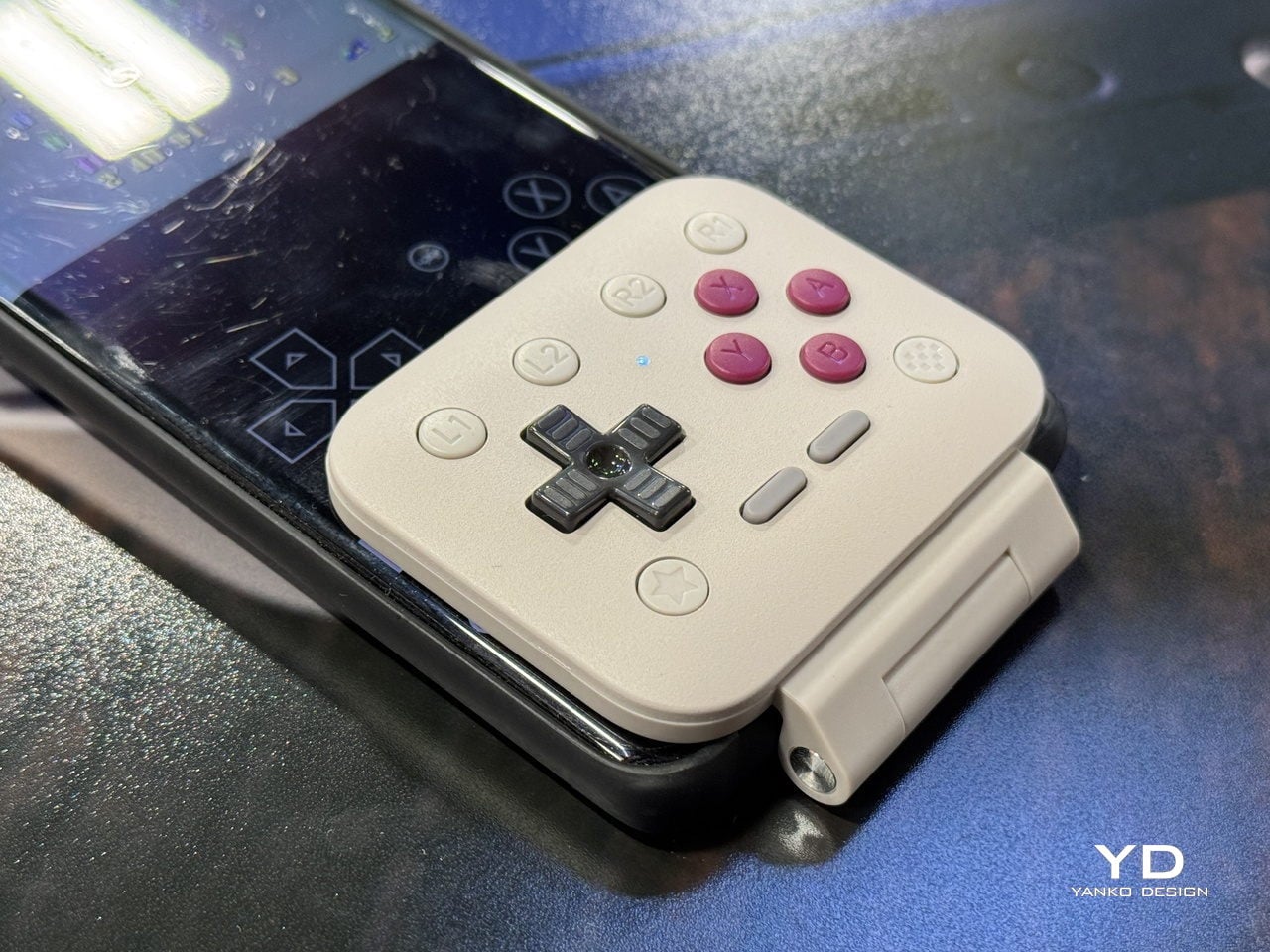
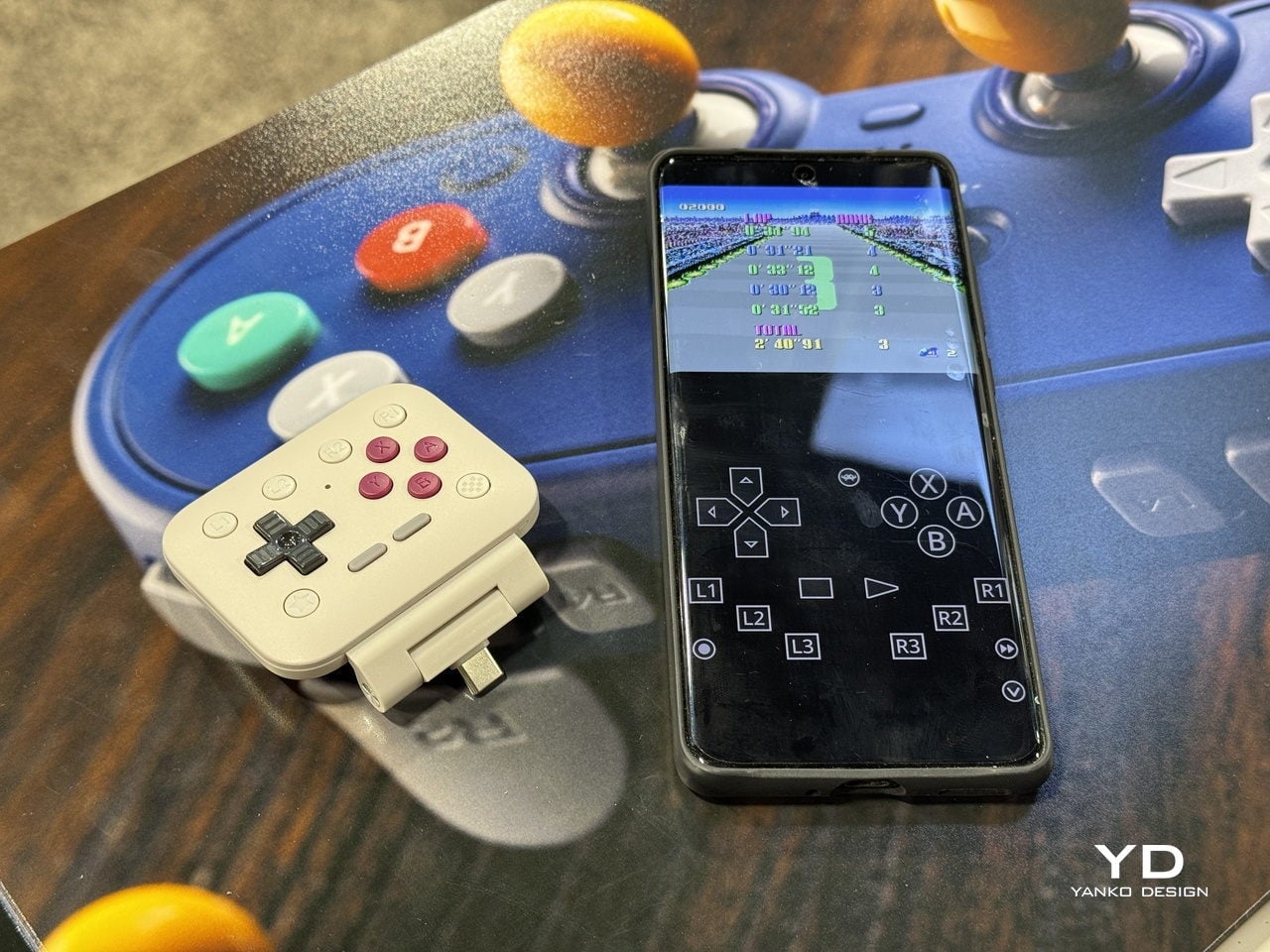
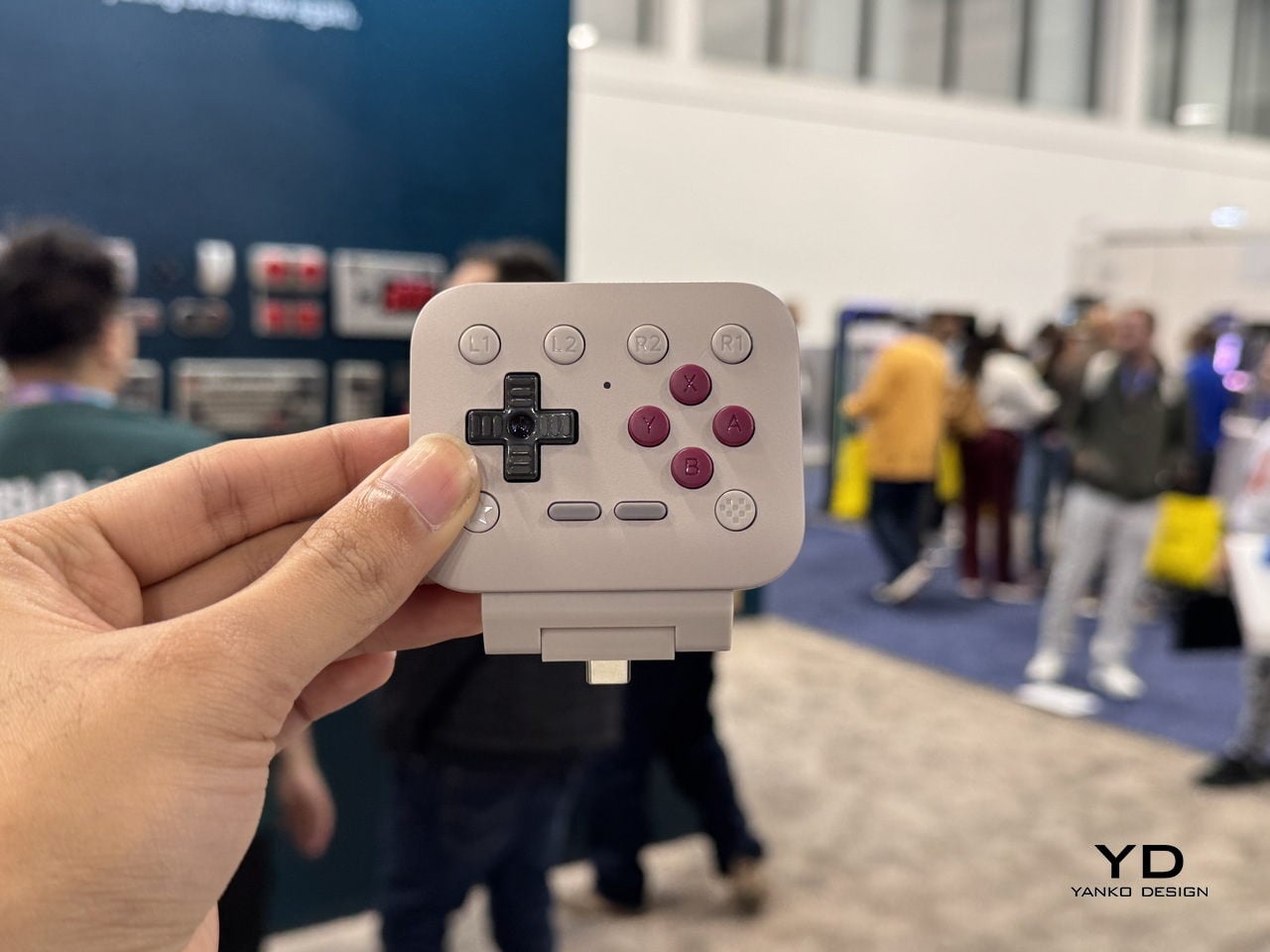
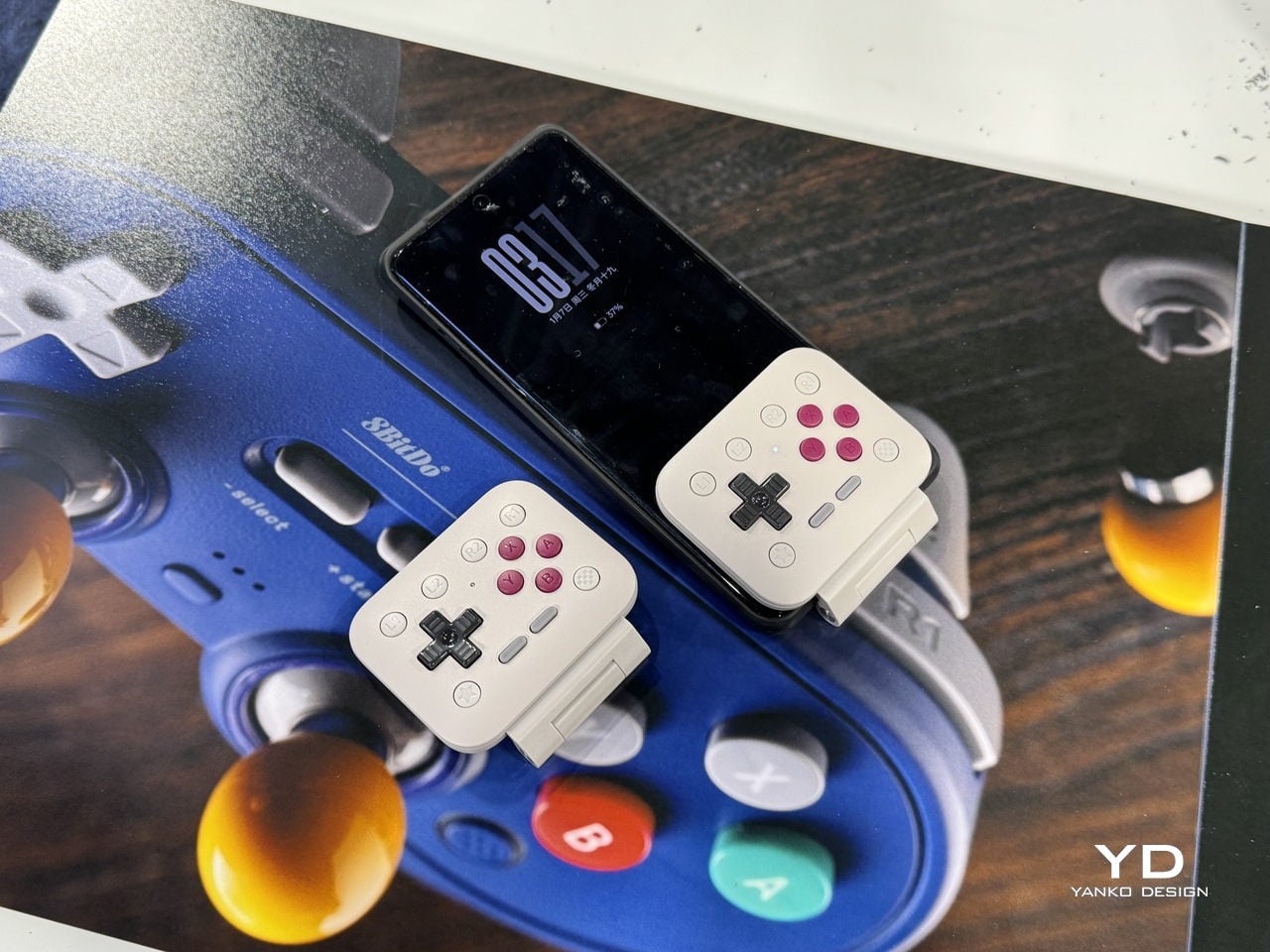
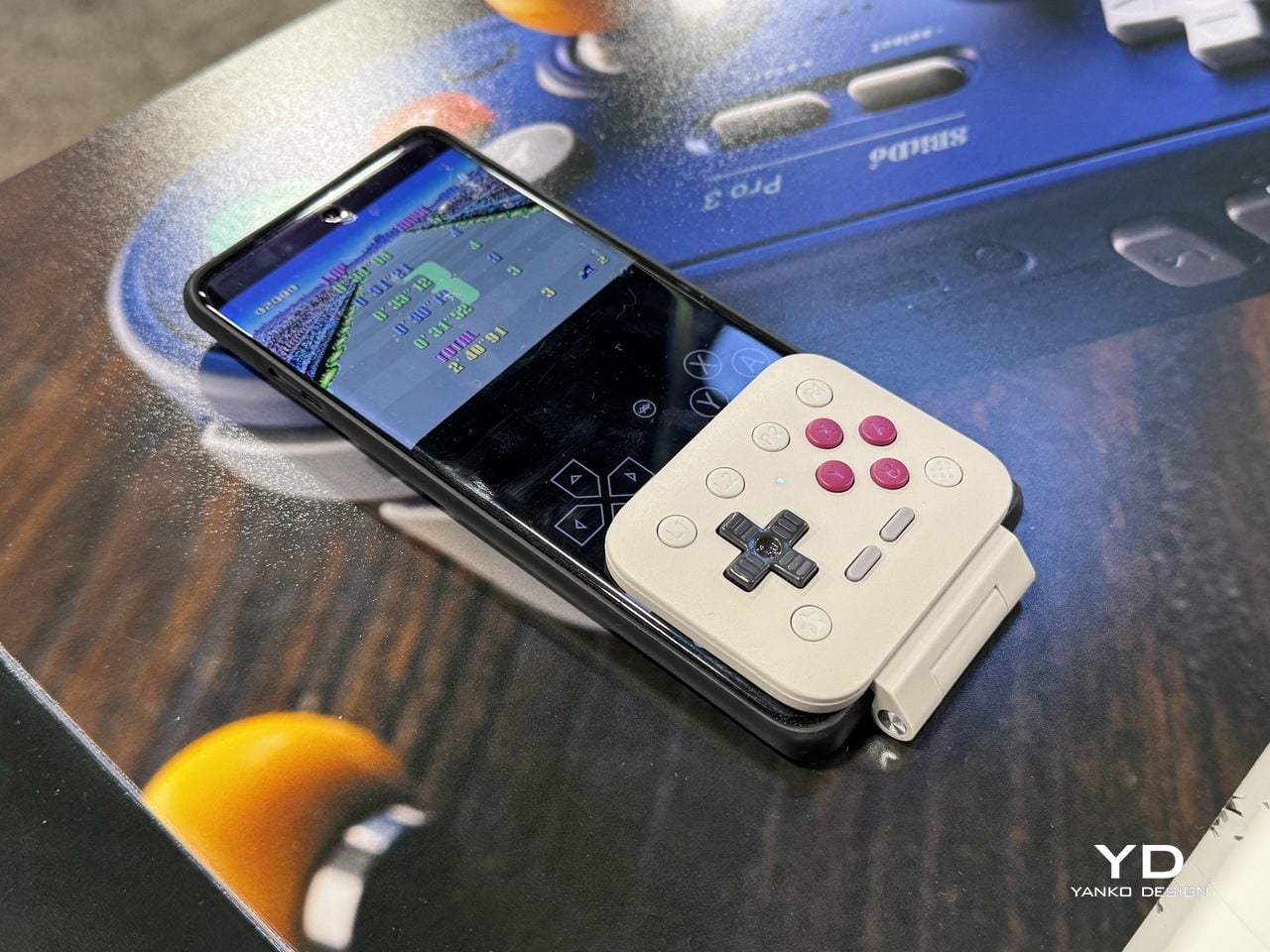
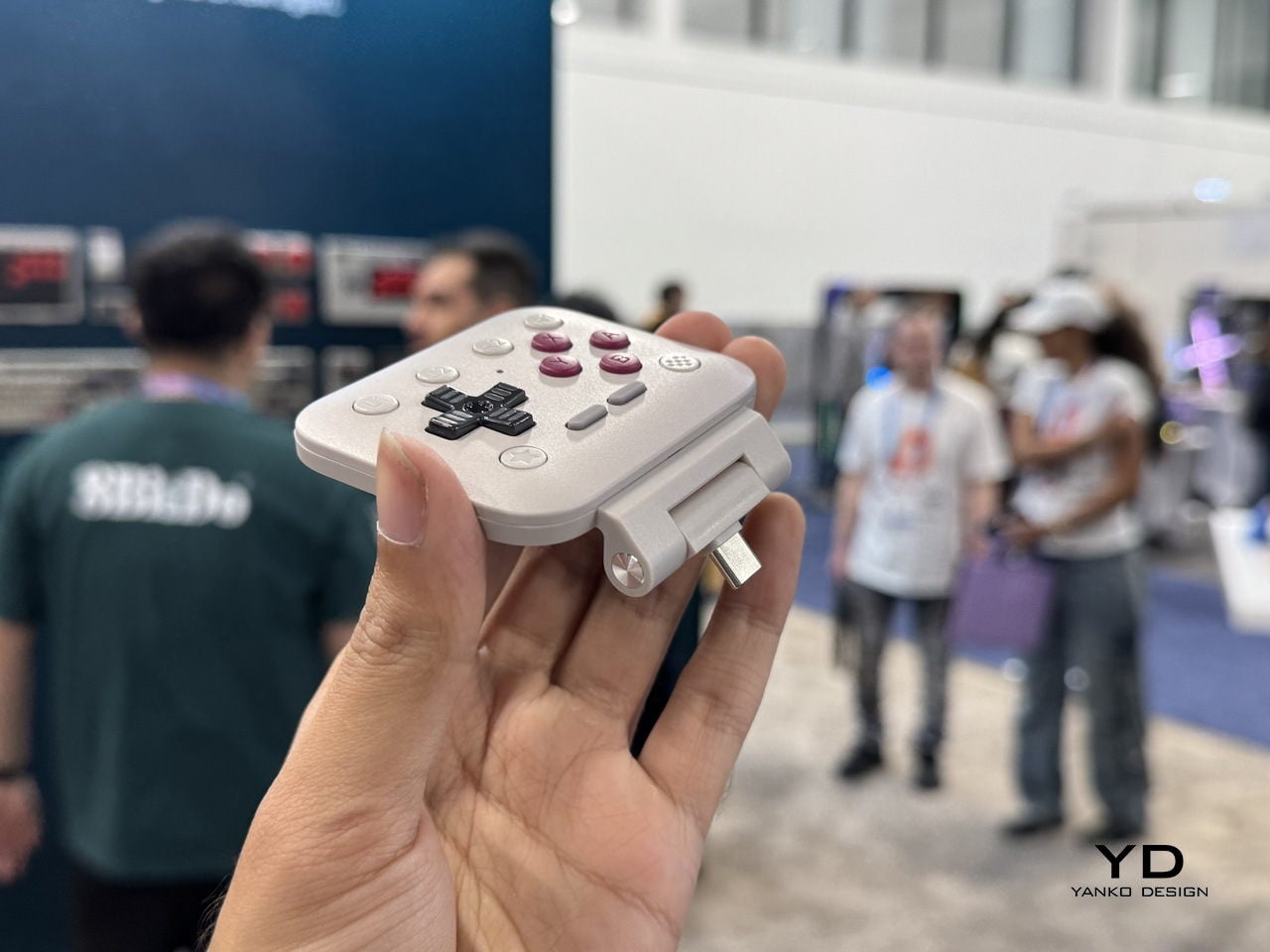
This flip-style gamepad, designed for Android and iOS (officially supported by Apple) mobile devices, is palm-sized for ultra-portability. Coming to CES 2026, the microcontroller will be officially available in the summer of 2026. There is no word on the release date, nor are there many details, but we’ll share what’s available of this retro-forward accessory that looks inspired by the Game Boy DMG color theme.

Designer: 8BitDo

Called the FlipPad, this portrait orientation controller is a good option to have along with your standard mobile controllers that operate in landscape orientation. I can very well imagine playing White Out Survival, Vampire Survivors, Road to Valore: Empires, Subway Surfers, and other mobile games using the compact controller. The USB-C accessory has 12 face buttons and a D-Pad, which should be good enough for portrait games, as they generally don’t demand the shoulder trigger buttons as input.

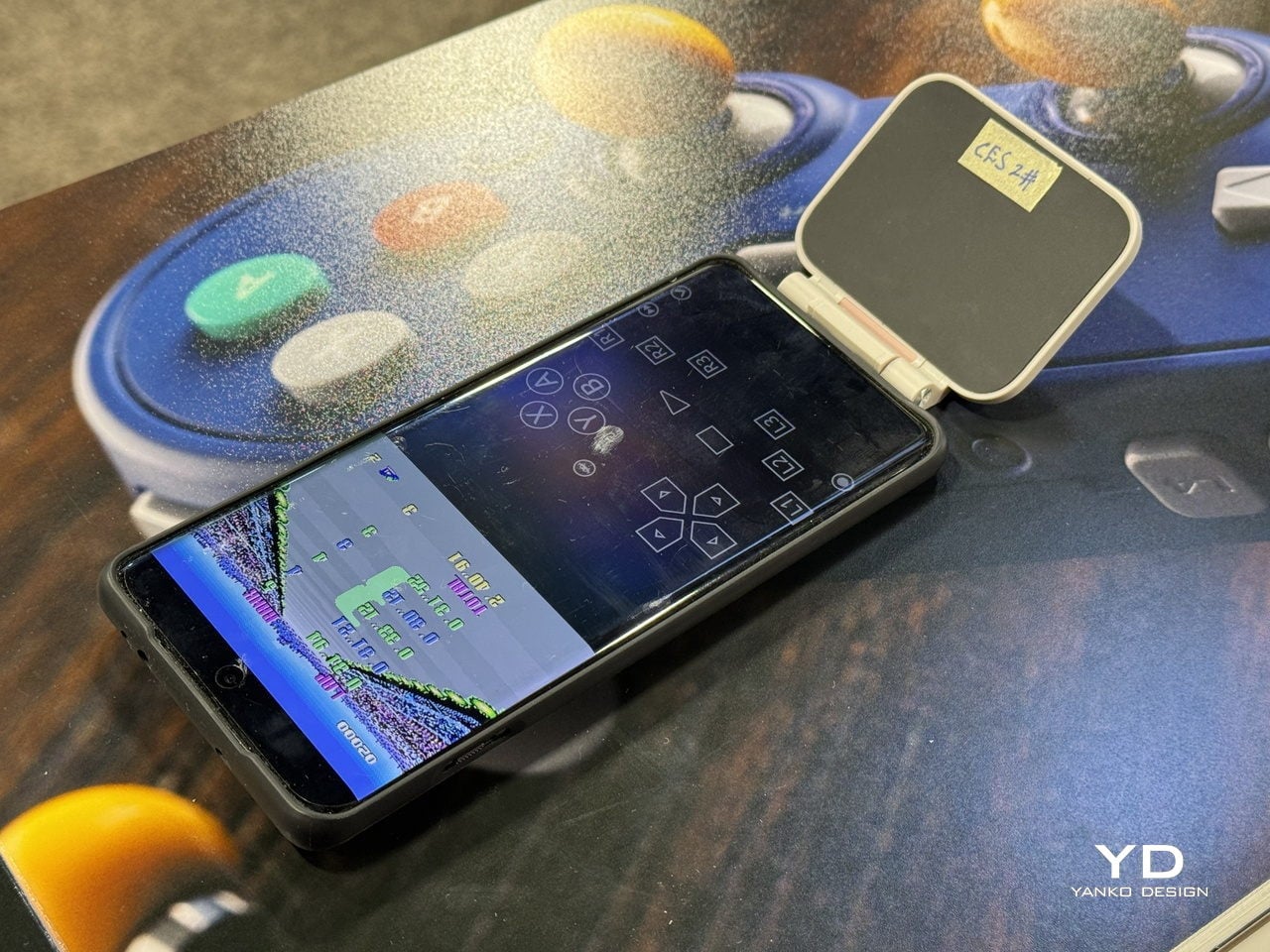
I know most of your mobile gamers will be looking to use the controller for emulators, especially titles that have an on-screen gamepad similar to this. The flip-style controller is designed in a way that it can overlay over the on-screen keyboard for maximum ergonomic comfort. That’s the reason the controller is compatible with most third-party applications and emulators like the Delta Emulator. I presume the controller will come with an in-built rechargeable battery and lack Bluetooth connectivity since it plugs directly into your smartphone via the USB-C port.

For games that are natively portrait-oriented and take up the complete screen, the FlipPad will contract the screen size to accommodate the overlaying gamepad section. It’s more like a physical controller to have the tactile input of the buttons rather than fiddling around with the on-screen buttons.

The post 8BitDo FlipPad controller for enjoying portrait games on Android and iOS first appeared on Yanko Design.

ThinkPad X1 Carbon Gen 14 Aura Edition Scores 9/10 From iFixit at CES 2026

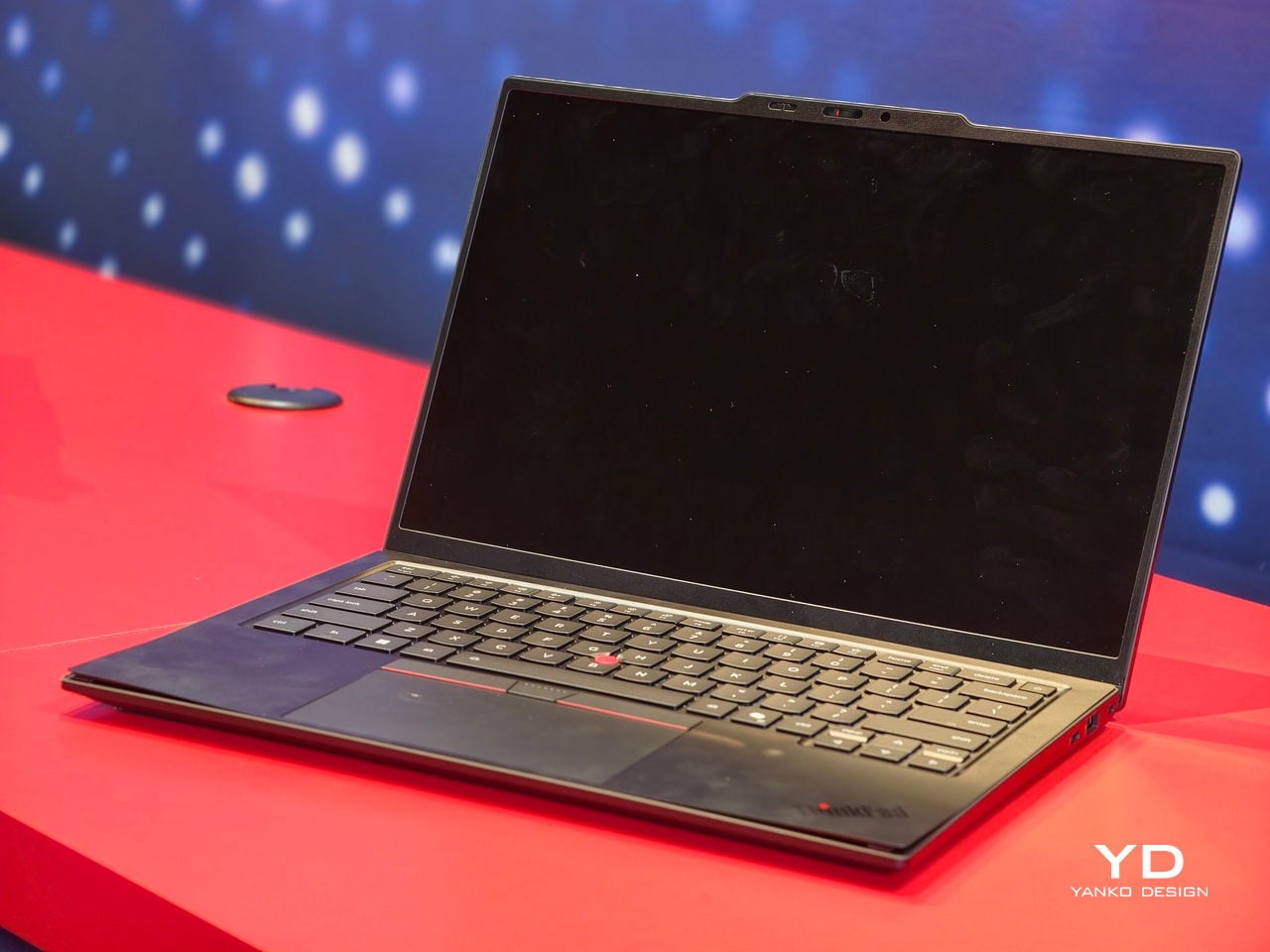
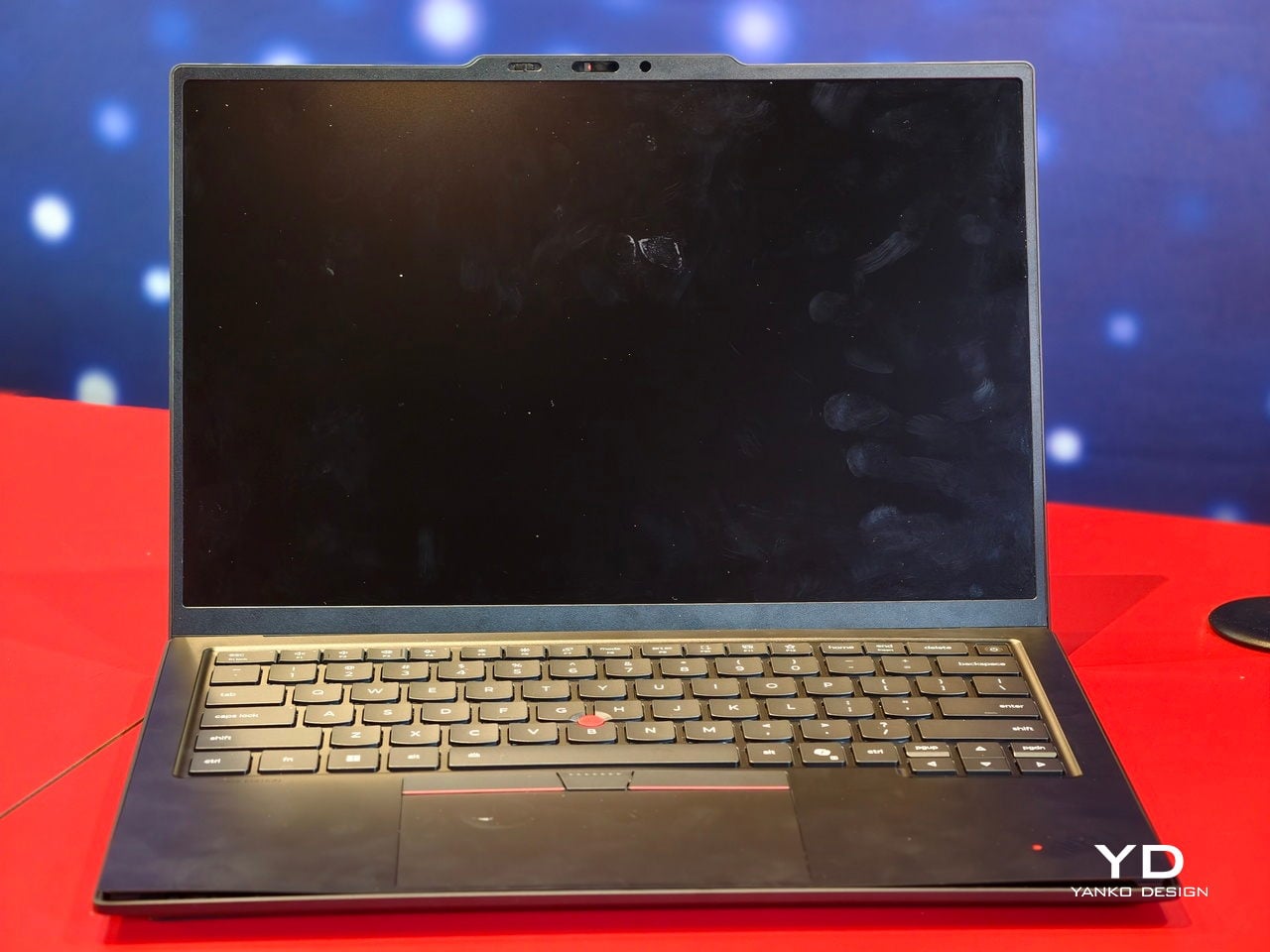
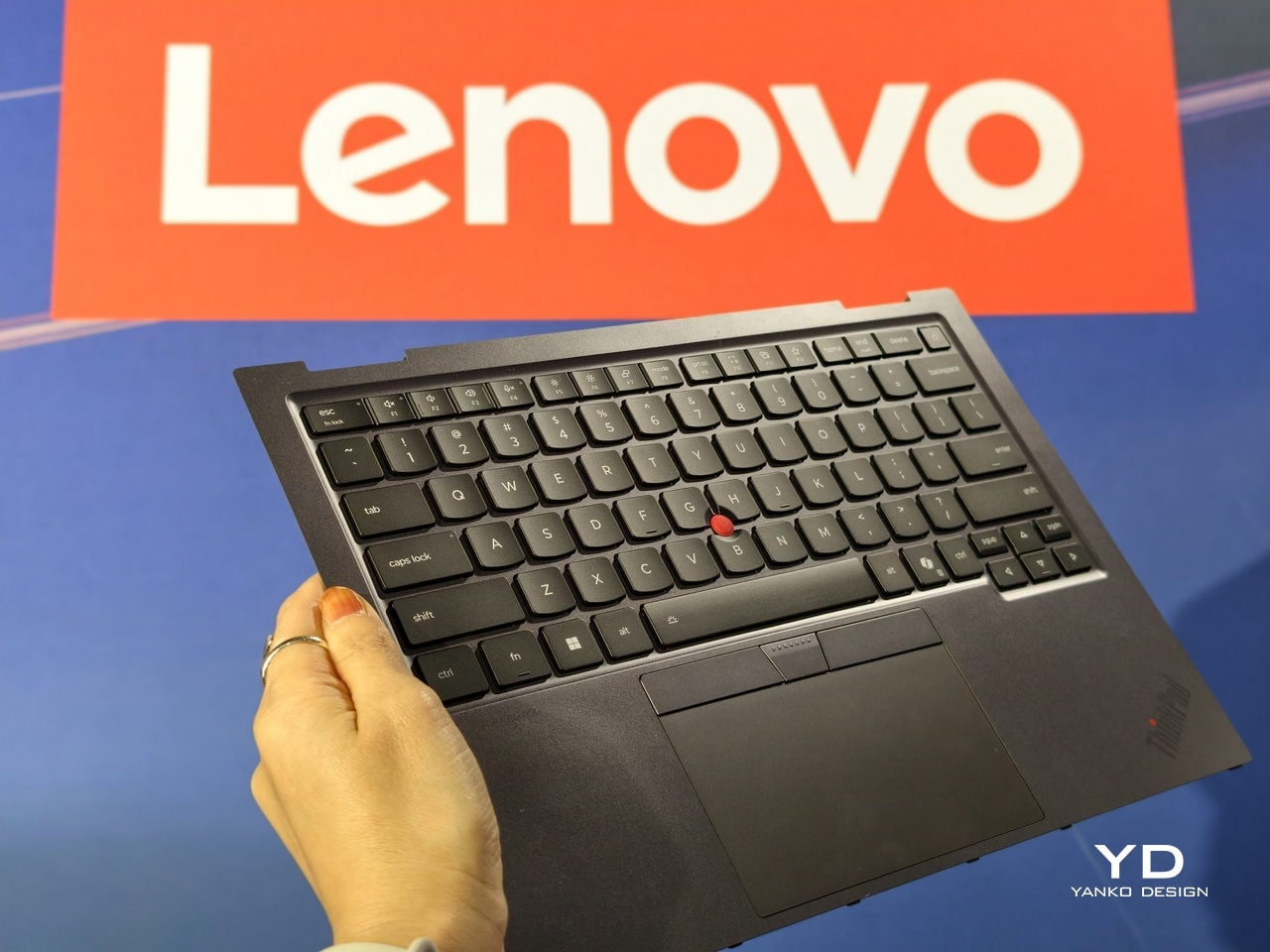
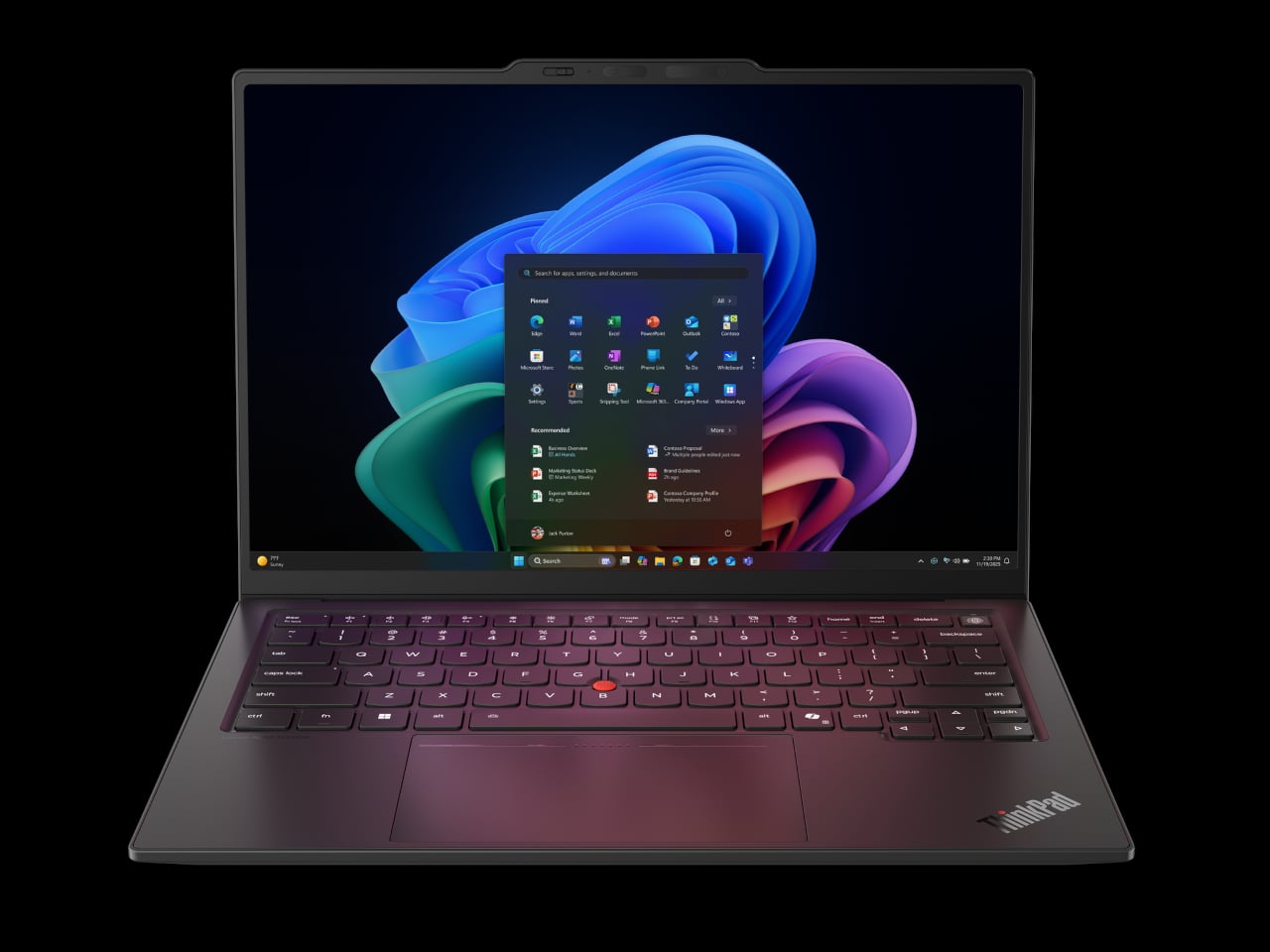
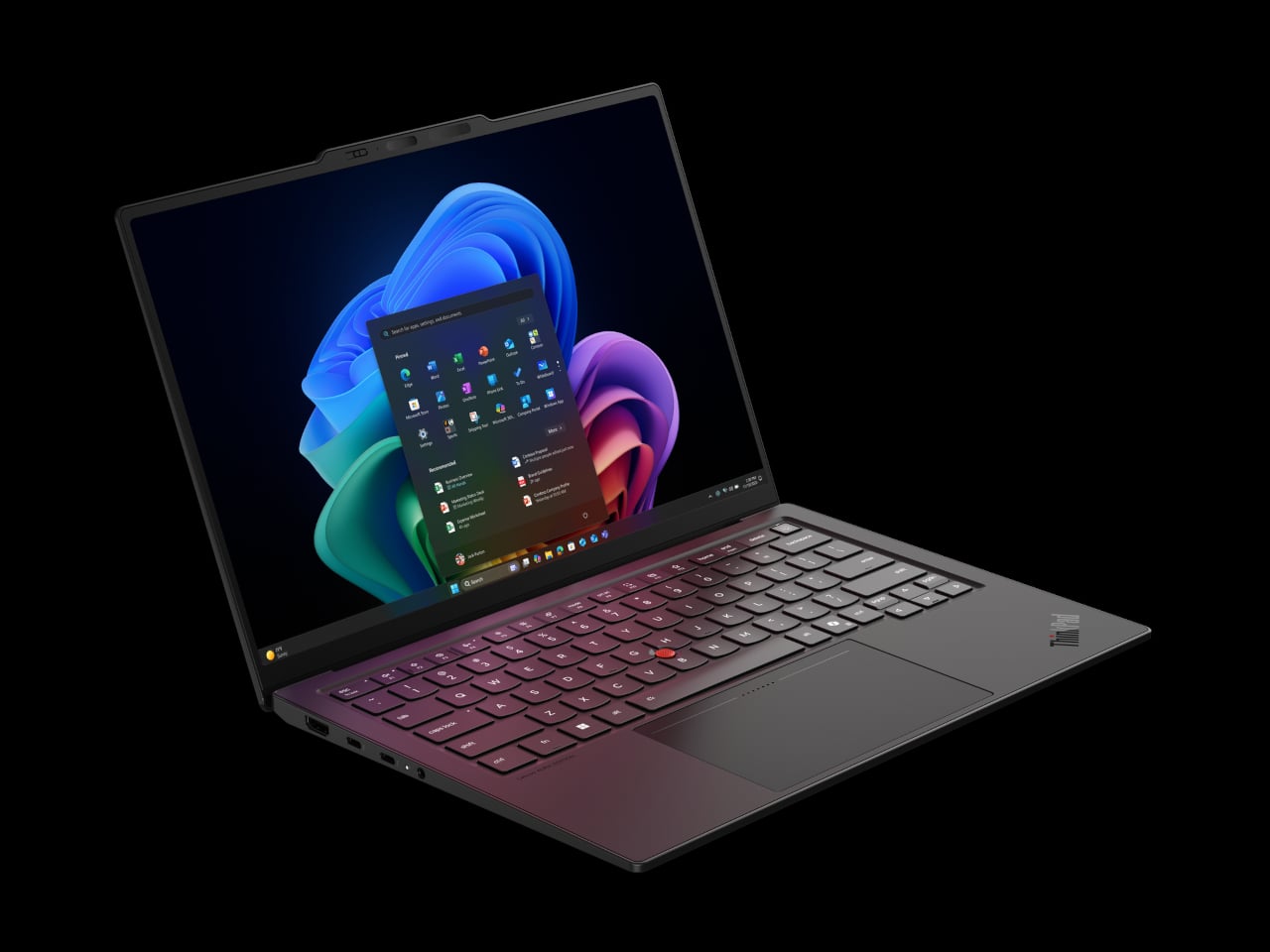
ThinkPad X1 Carbon has been the default answer to “what does a serious work laptop look like?” for more than a decade, with over ten million units sold since 2012. Most look and behave roughly the same. The Gen 14 Aura Edition arrives at CES 2026, when that definition is shifting, and Lenovo’s response is to quietly rework the bones around local intelligence, a new internal architecture, and repairability that does not feel like a compromise.

The first idea is that AI should live on the machine, not just in the cloud. The Aura Edition runs Intel Core Ultra X7 Series 3 processors with an integrated NPU capable of up to 50 TOPS, which means background noise removal, live transcription, or image enhancement can happen locally with less lag and fewer privacy worries. Lenovo’s Aura software layer tunes performance automatically, handles quick media transfers with a tap, and walks users through troubleshooting.

Designer: Lenovo

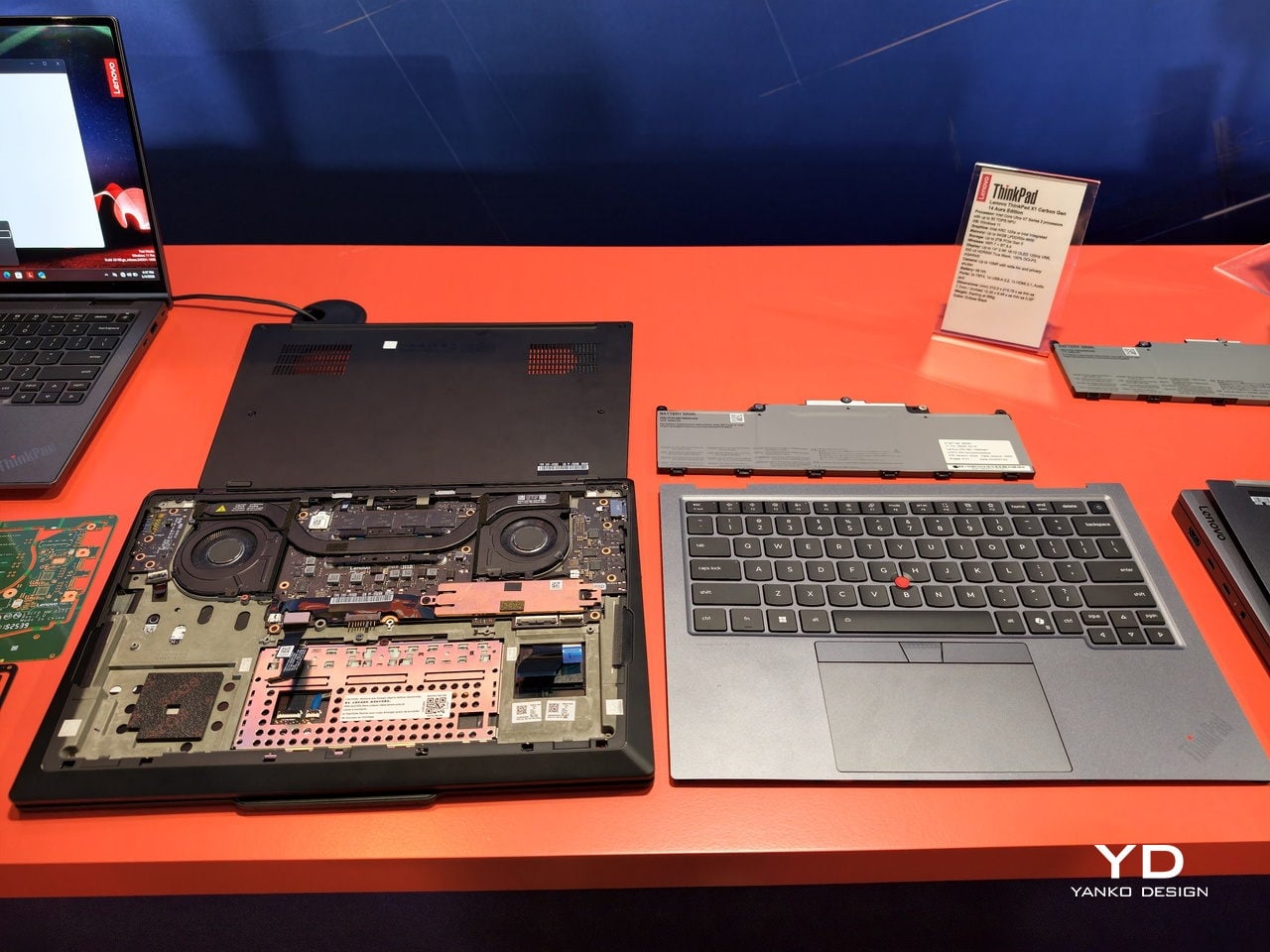
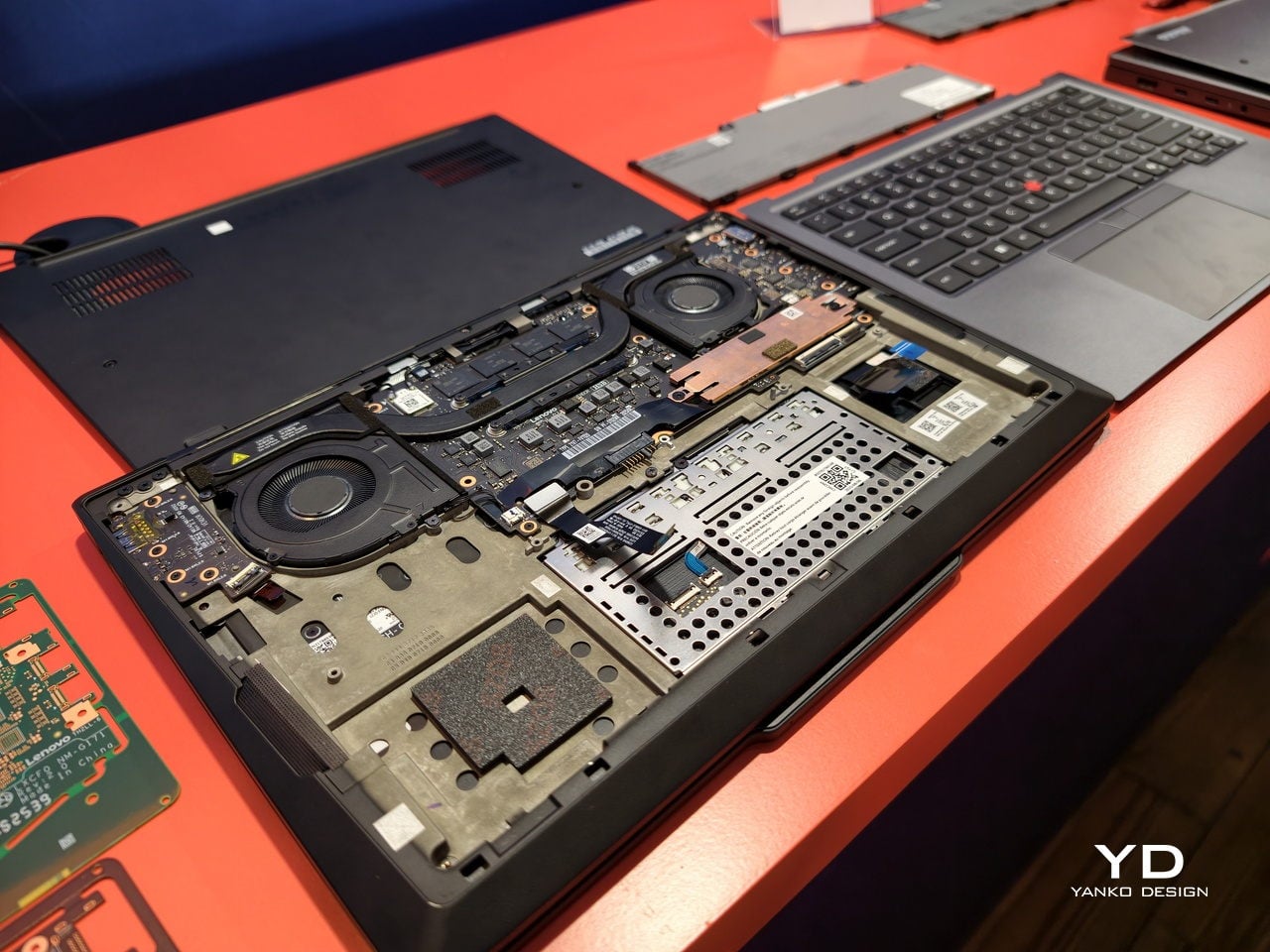
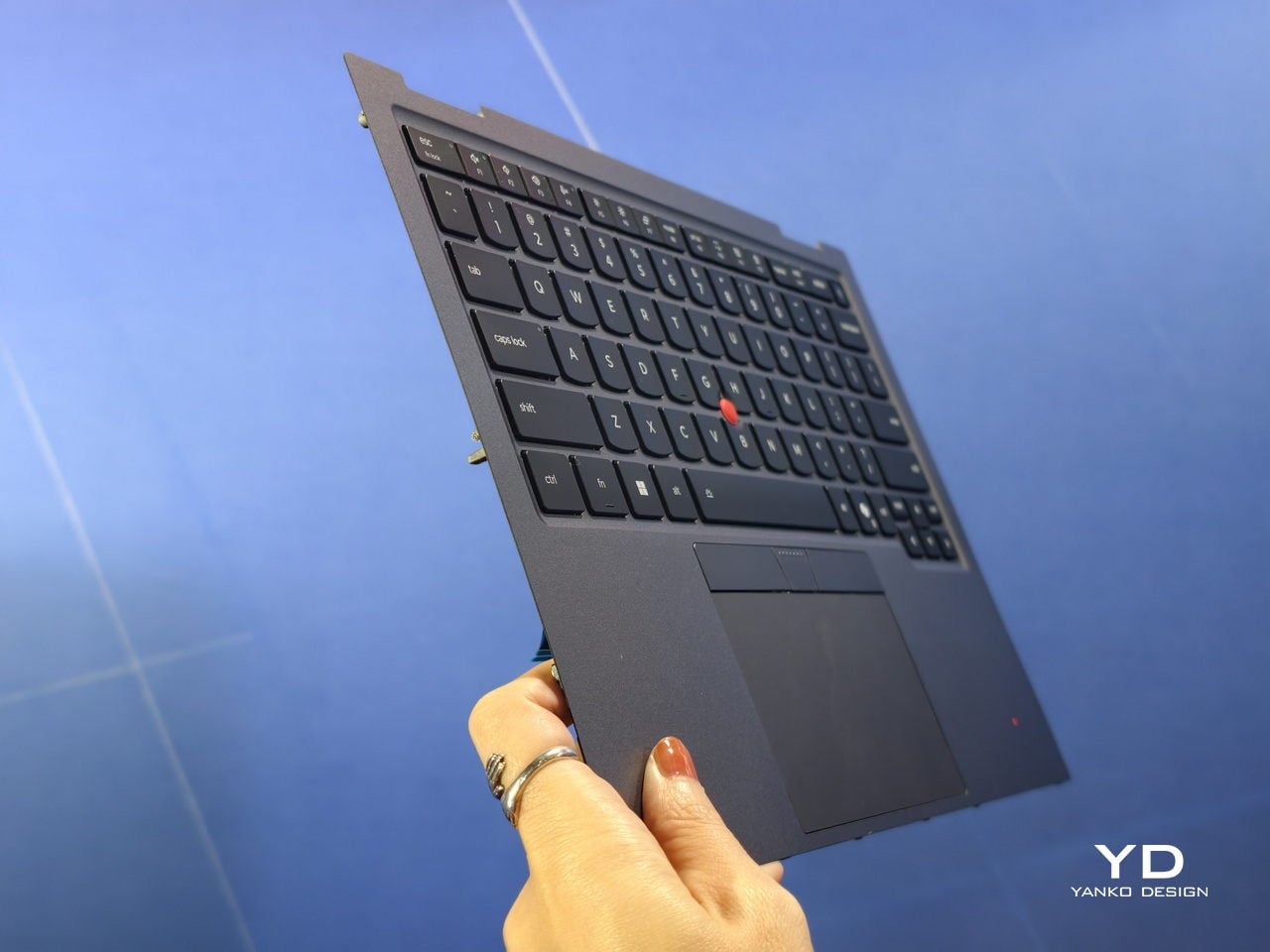
The second idea is Space Frame, a new internal layout that treats the inside as three-dimensional real estate rather than a flat sandwich. By placing components on both sides of the motherboard, Lenovo frees up volume for better airflow and a larger haptic touchpad while keeping the chassis under sixteen millimeters thick. That opens up about twenty percent better heat dissipation and lets the system sustain thirty watts of power, which matters when running heavy workloads.

Space Frame also makes room for modular parts. USB ports, the battery, keyboard, speakers, and fans are designed to be replaced as individual units, with a separate daughterboard that isolates some I/O, so a damaged connector does not mean a full motherboard swap. Lenovo says the X1 series now scores nine out of ten from iFixit. For people who keep laptops for years, that means less downtime and fewer machines scrapped for minor issues.

The sustainability story ties in closely. The chassis uses up to seventy-five percent recycled aluminum and ninety percent recycled magnesium in specific components, and packaging is now plastic-free. Those details matter for enterprises reporting on lifecycle impact, and they make the laptop easier to justify to teams skeptical of devices designed to be replaced every few years instead of maintained and refreshed when needed.

Around those pillars, the X1 Carbon Gen 14 Aura Edition feels familiar. An optional 2.8K OLED display with anti-glare coating, 500 nits, and full DCI-P3 coverage handles color work. A new 10-megapixel camera with a wide field of view and distortion correction makes hybrid meetings less painful. Wi-Fi 7, optional 5G, and three Thunderbolt 4 ports keep it ready for whatever networks and docks come next.

The interesting thing about this generation is not that it is faster or lighter, though it is both. Lenovo is using AI and a new internal design as reasons to make a flagship business laptop that is smarter, cooler, and easier to fix. The ThinkPad X1 Carbon Gen 14 Aura Edition is still the same understated black rectangle, but inside it argues that the future of professional laptops is about longevity, adaptability, and treating sustainability as a design constraint rather than marketing.

The post ThinkPad X1 Carbon Gen 14 Aura Edition Scores 9/10 From iFixit at CES 2026 first appeared on Yanko Design.

I checked out Motorola razr fold at CES 2026, and I’m excited for its launch

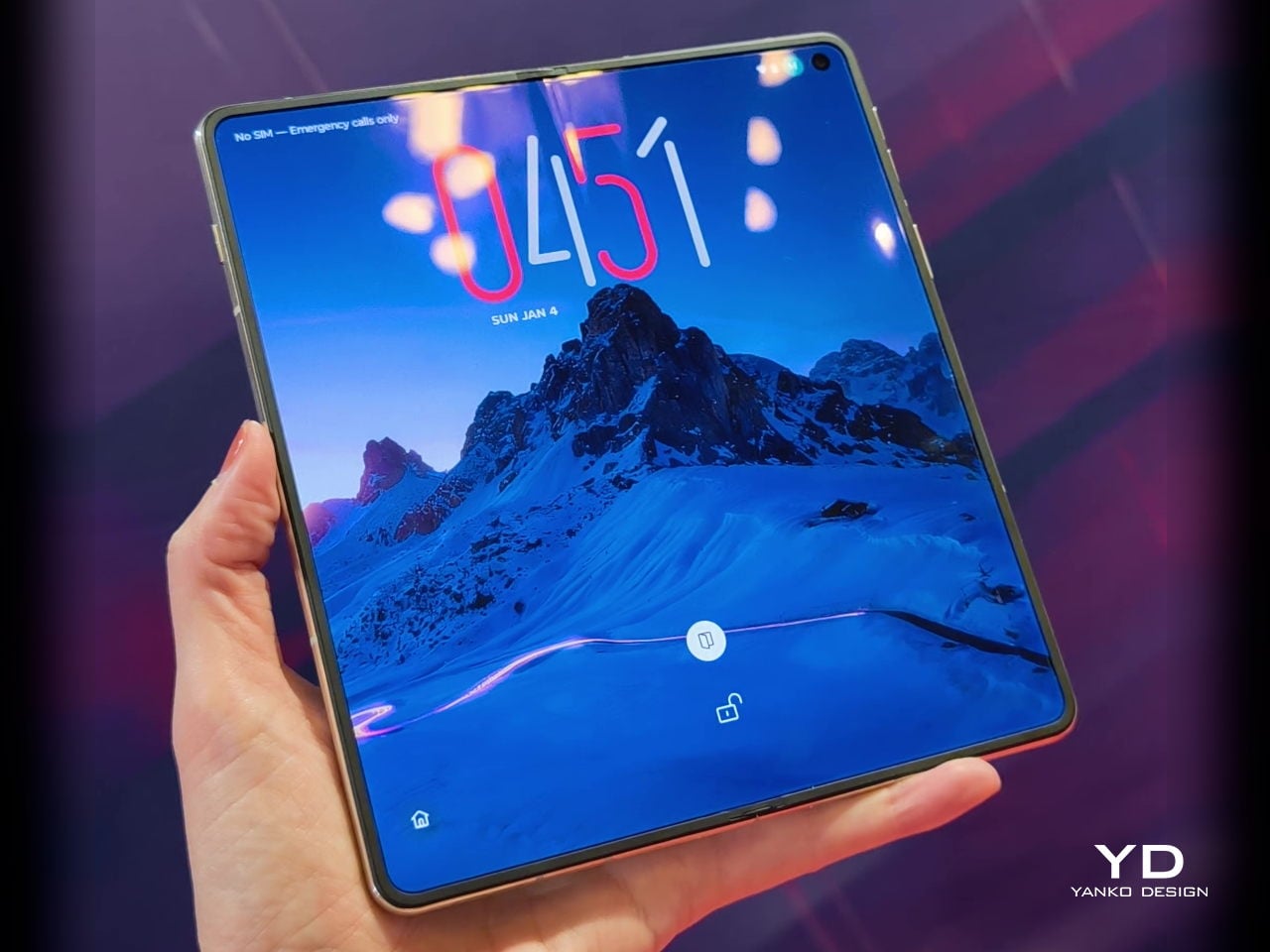
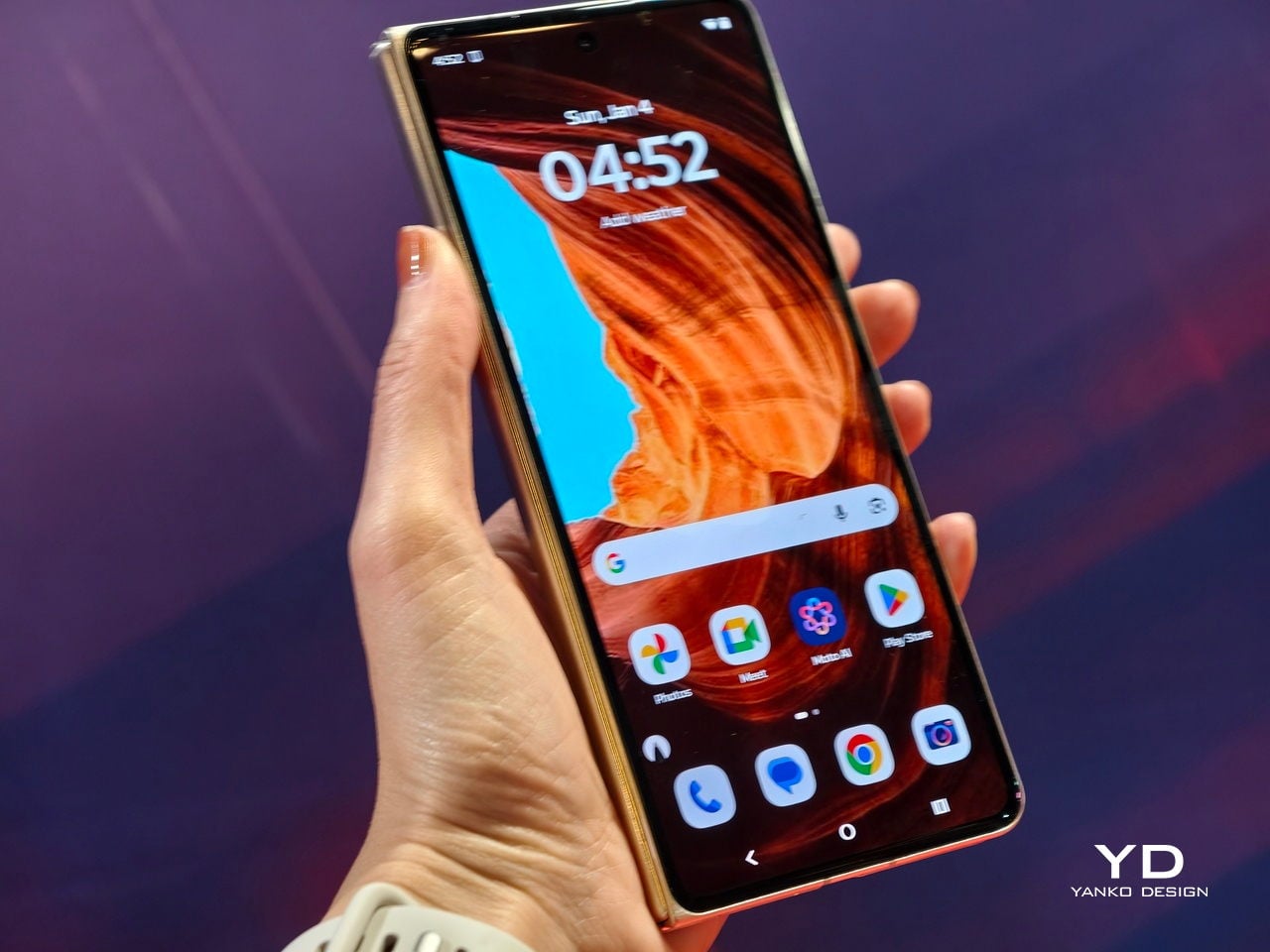
Motorola’s razr has generated quite a bit of attention and gained loyal fans in the niche flip segment. Now, Motorola is expanding the iconic razr family with a bold new chapter in foldable design, introducing the Motorola razr fold as its first book-style foldable. A lot is still under the cover, but here is what we learned from the preview at CES 2026, and even in this early look, the device already feels like a significant step for the razr line.

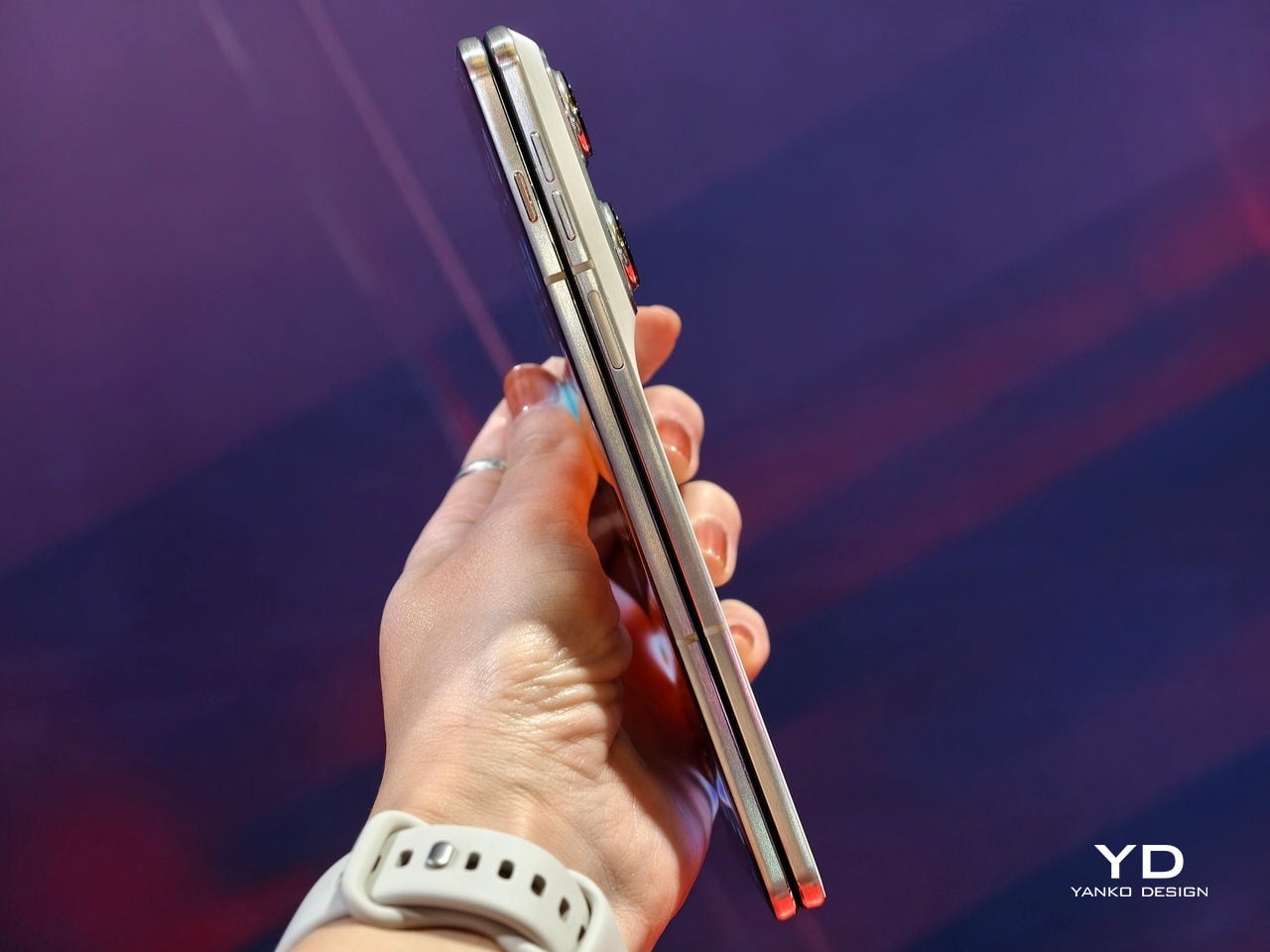
From the outside, the Motorola razr fold presents a slim, striking silhouette anchored by a 6.6-inch external display. This outer screen gives you a familiar candy-bar style experience for everyday tasks and quick interactions, so it behaves much like a standard flagship when closed. It helps the phone feel practical and complete on its own, rather than a secondary screen you only tolerate between unfolds.

Designer: Motorola

Open the device, and it transforms into an 8.1-inch 2K LTPO inner display. This larger panel stretches into a tablet-like space that invites multitasking, media, and creativity in a way a normal phone simply cannot match. Both the outer and inner displays support the moto pen ultra stylus, adding precision for note-taking, sketching, and editing when you want a more deliberate, pen-driven experience.

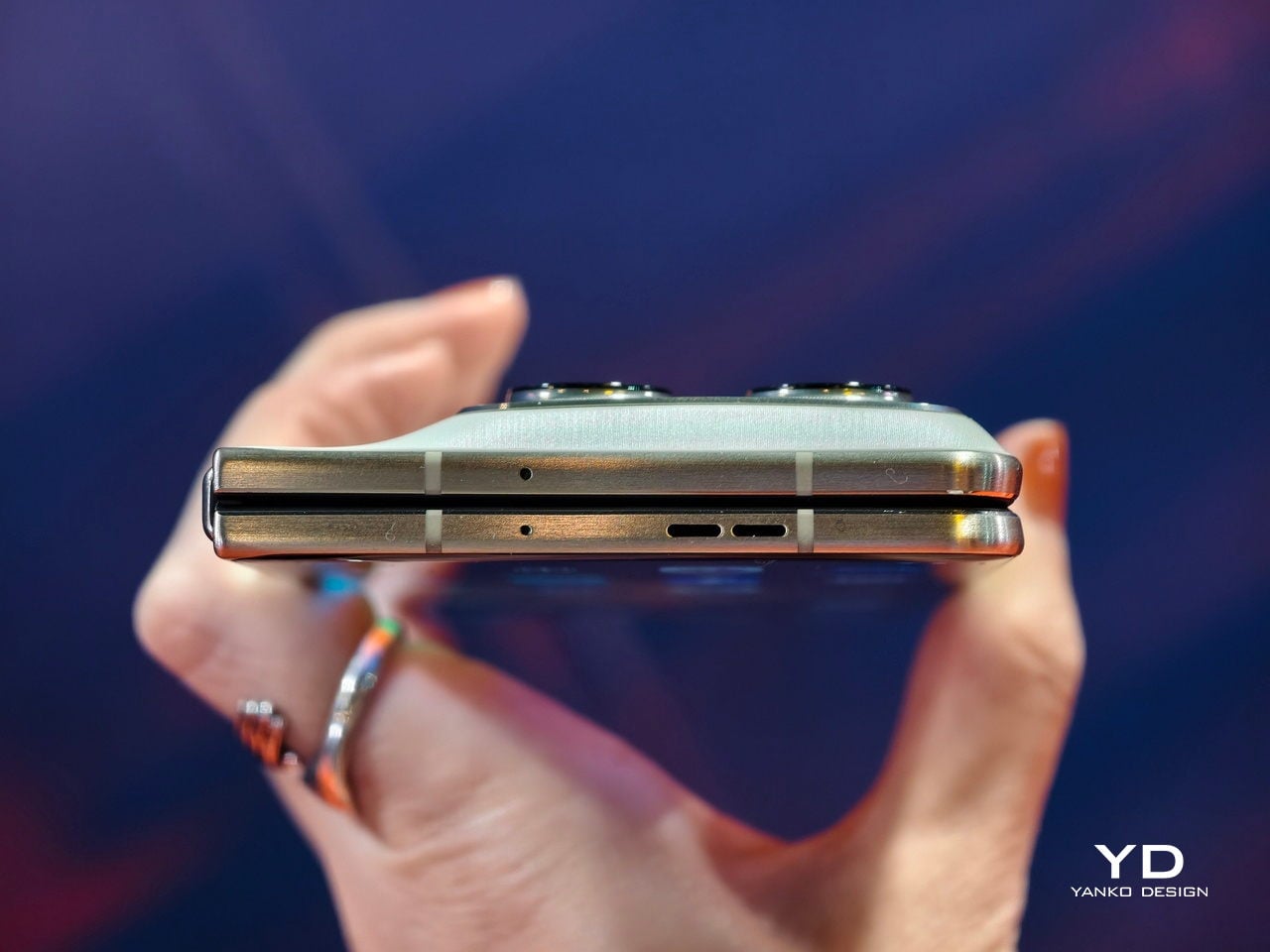
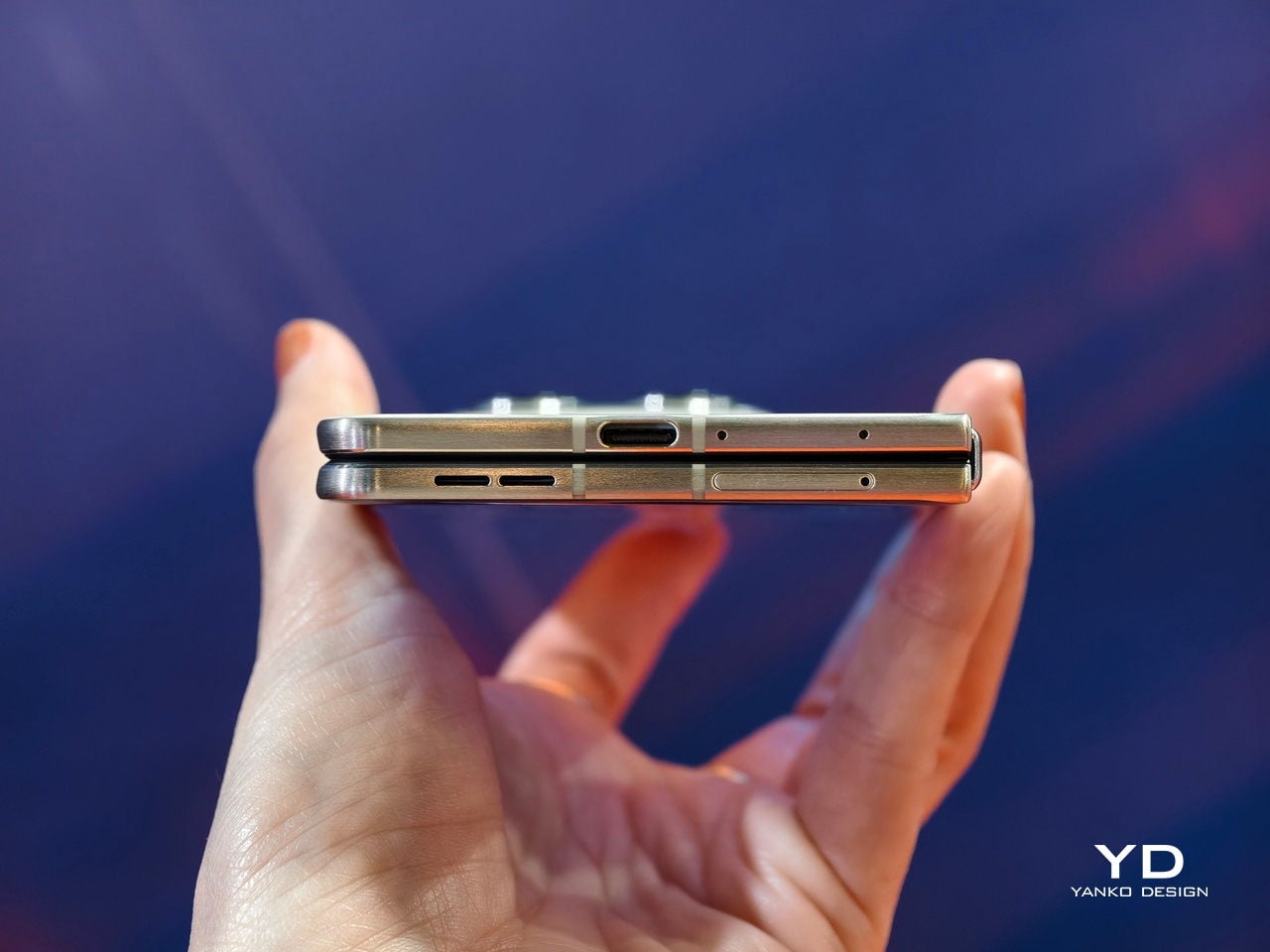
In hand, the hinge feels sturdy yet pleasantly smooth to open and close. It gives a reassuring sense of durability without feeling overly stiff or crunchy during use. The design is not completely gapless when folded, but it comes close enough that the profile still looks clean and modern.

The crease on the inner display is also handled well and is not very noticeable. It tends to fade from view once the content is on screen. This helps the large display feel more like a single continuous canvas rather than a technical compromise.

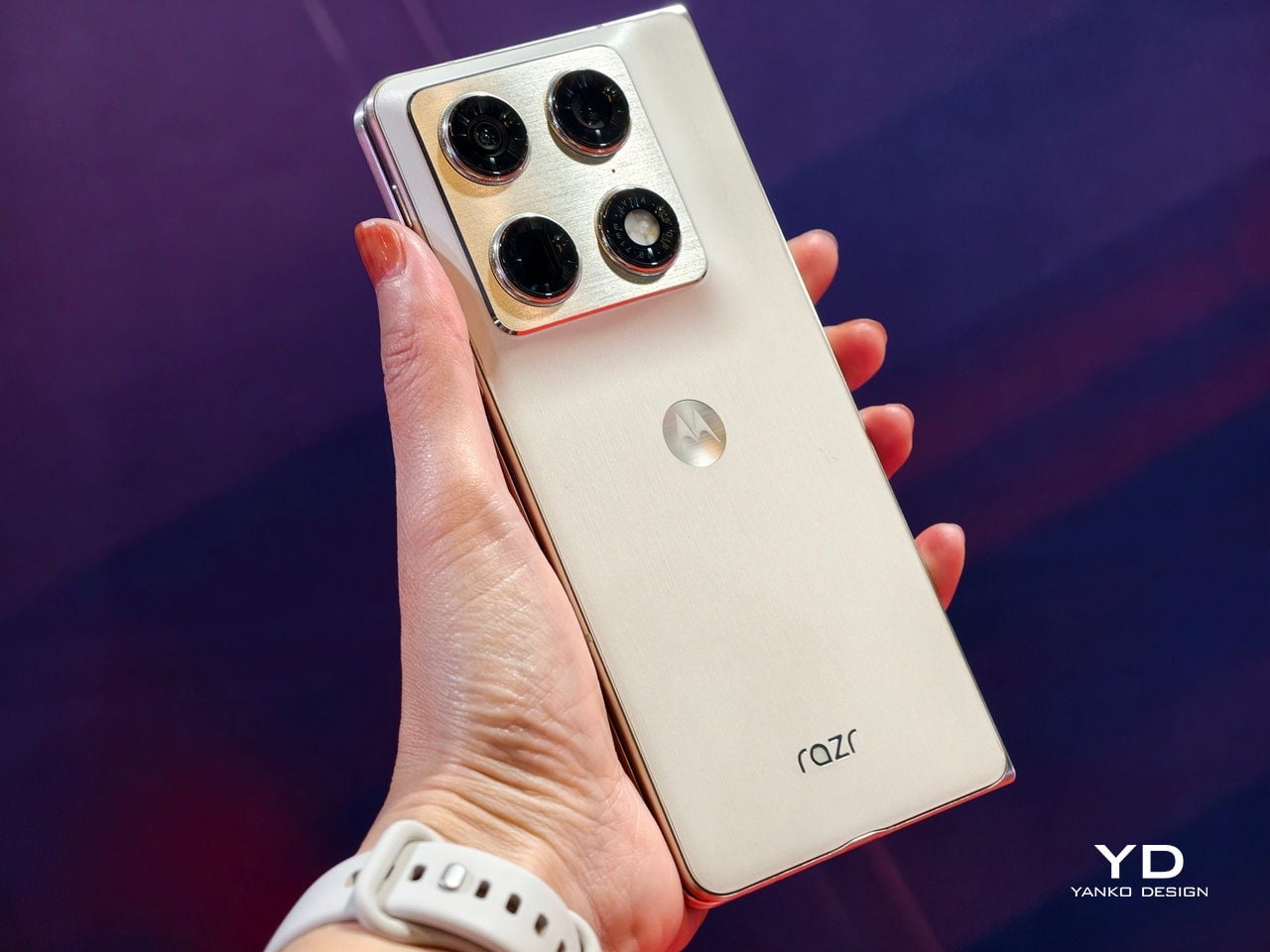
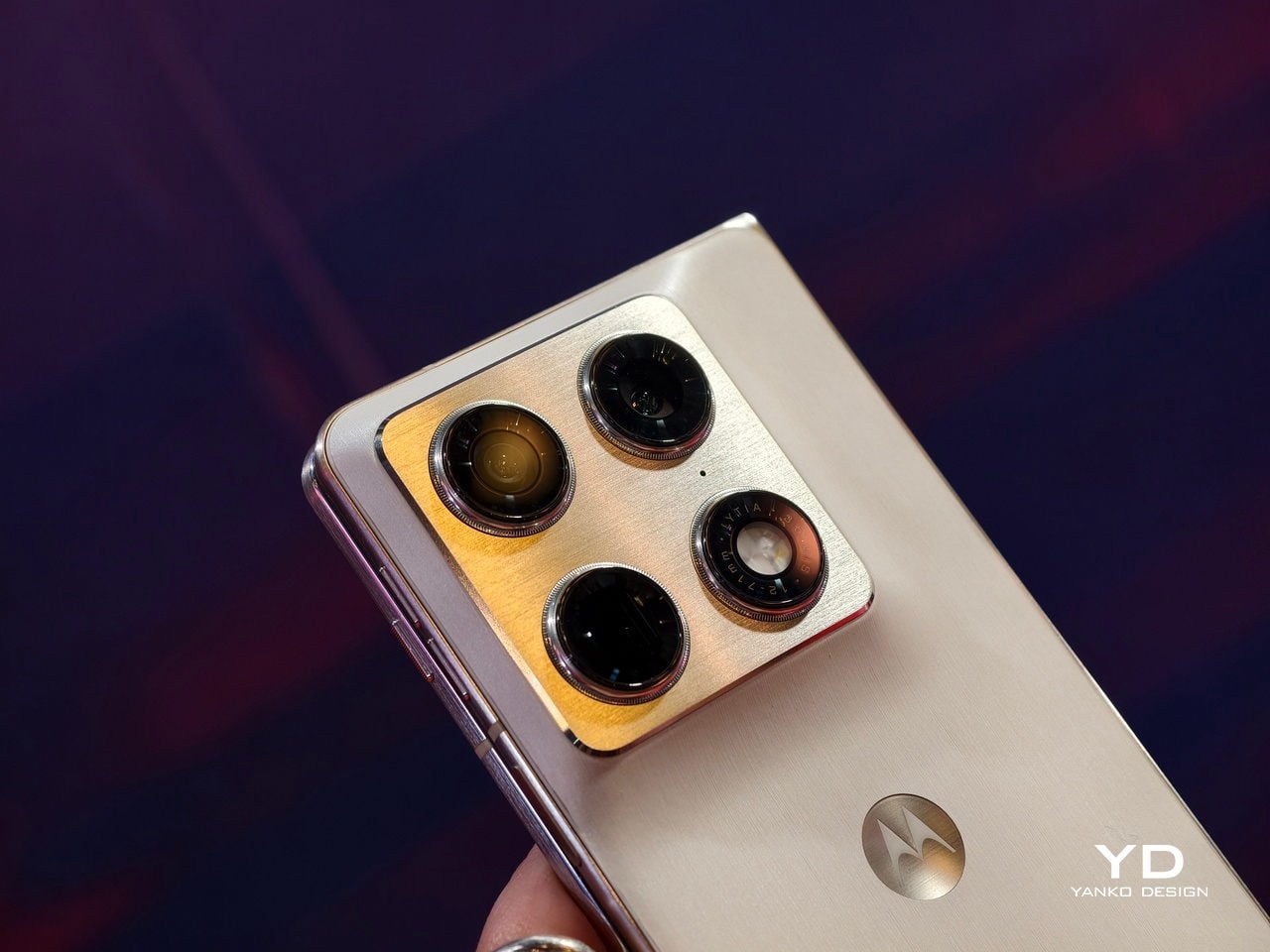
For the camera, the Motorola razr fold is built around a versatile triple 50MP system on its rear. The main 50MP camera features a Sony LYTIA sensor, although the exact model is not revealed, suggesting Motorola is still keeping some details in reserve. Alongside it, a 50MP ultra-wide camera and a 50MP 3x periscope telephoto camera round out the array for sweeping scenes, tight interiors, and distant subjects.

For selfies, the Motorola Razr fold features a 32MP camera in the external display and a 20MP camera on the internal display. The outer selfie camera works with the large cover screen, making it easy to frame high-quality shots while the phone is closed and still feel fully in control. The inner camera is positioned for video calls and content capture when you are using the big internal display, keeping the experience consistent in both folded and unfolded modes.

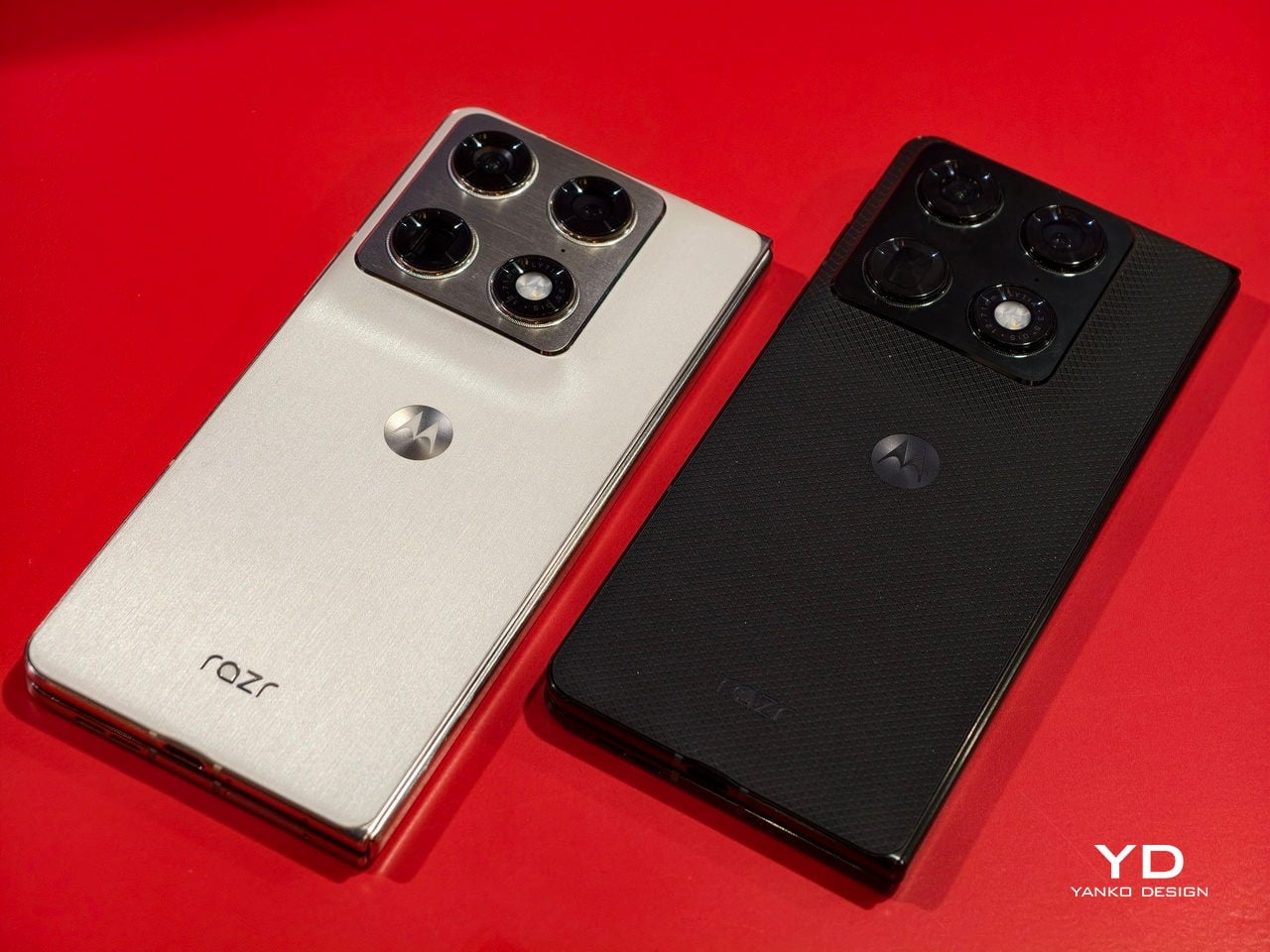
Motorola offers two colors, PANTONE Blackend Blue and PANTONE Lily White. These finishes give the phone distinct personalities, from deeper and moodier to lighter and more minimal, so the hardware can better match different style preferences. It also has a textured matte back, which is pleasant to touch and helps the device feel secure in the hand, adding a subtle sense of grip and refinement. Although the exact launch timing of the Motorola razr fold remains unknown, it has already been gaining a lot of attention and looks poised to push the razr name firmly into the book-style foldable space.

The post I checked out Motorola razr fold at CES 2026, and I’m excited for its launch first appeared on Yanko Design.

This $699 FIFA World Cup Phone Is a Limited-Edition Collector’s Dream

The FIFA World Cup 2026 edition is just a few months away, so we can expect that these first few months of the year, we’ll get a lot of product tie-ups and merchandise. After all, the world’s most-watched sports event will be held in the US, Canada, and Mexico. If you plan to watch any of the matches in person or you’ll just be sitting pretty from the comfort of your own home while streaming, Motorola’s newest smartphone may be the device that you need to enjoy the game more.

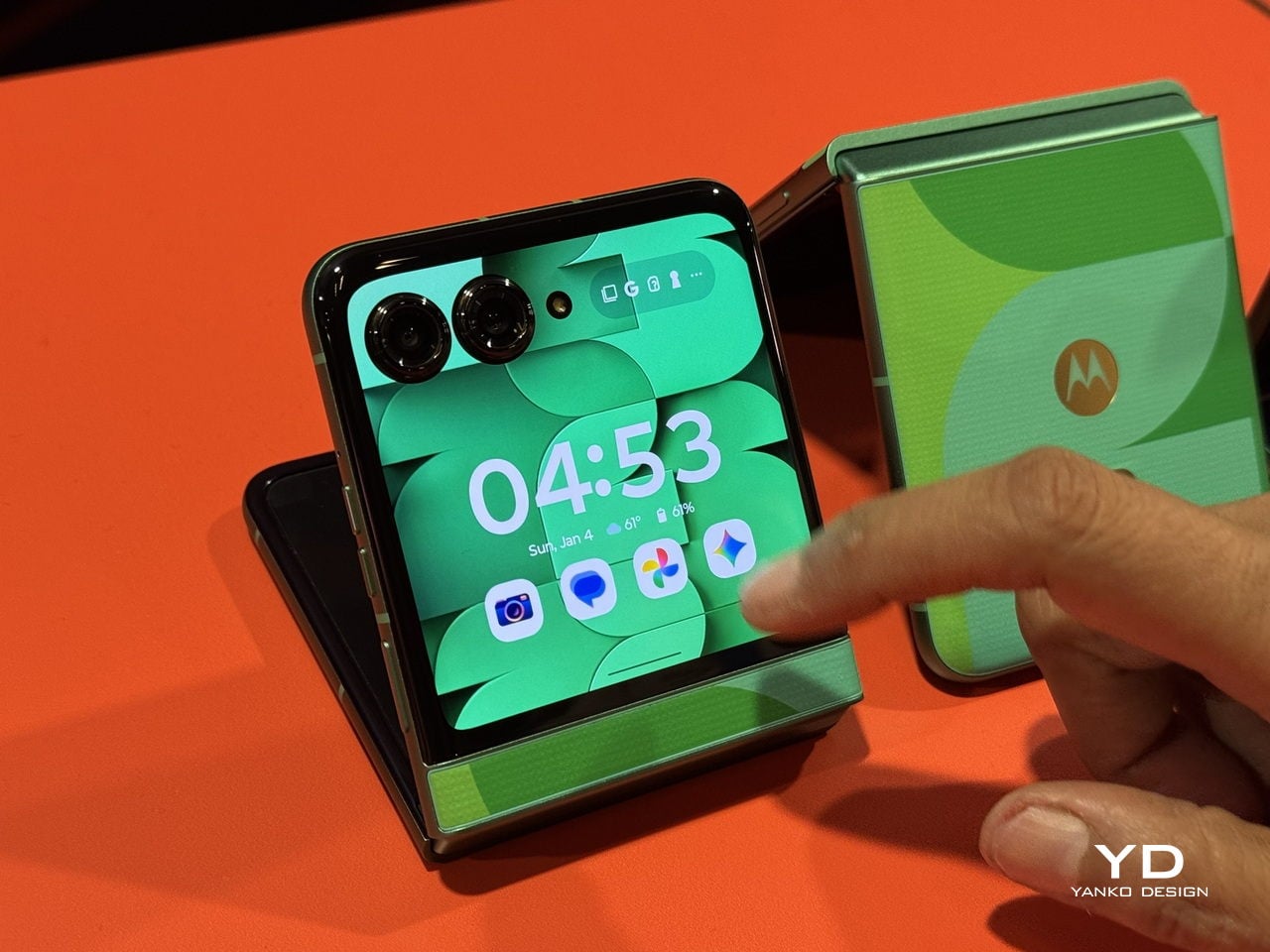
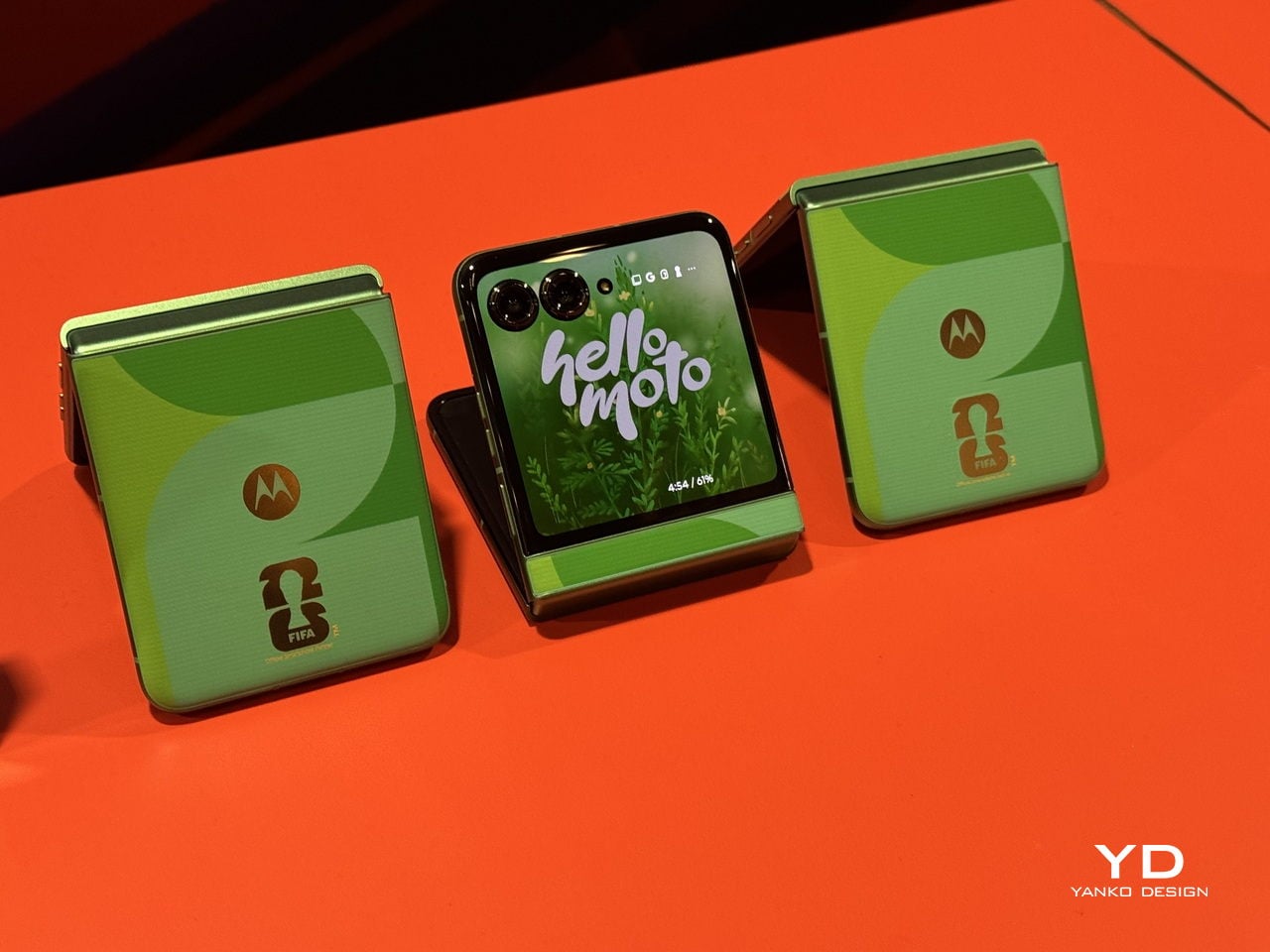
The Motorola razr FIFA World Cup 26™ Edition is a limited-edition collectible device that celebrates the first-ever 48-team FIFA World Cup. It is a mobile phone that’s designed for soccer fans who are excited about the upcoming tournament and for anyone who loves things where technology meets sports culture.

Designer: Motorola

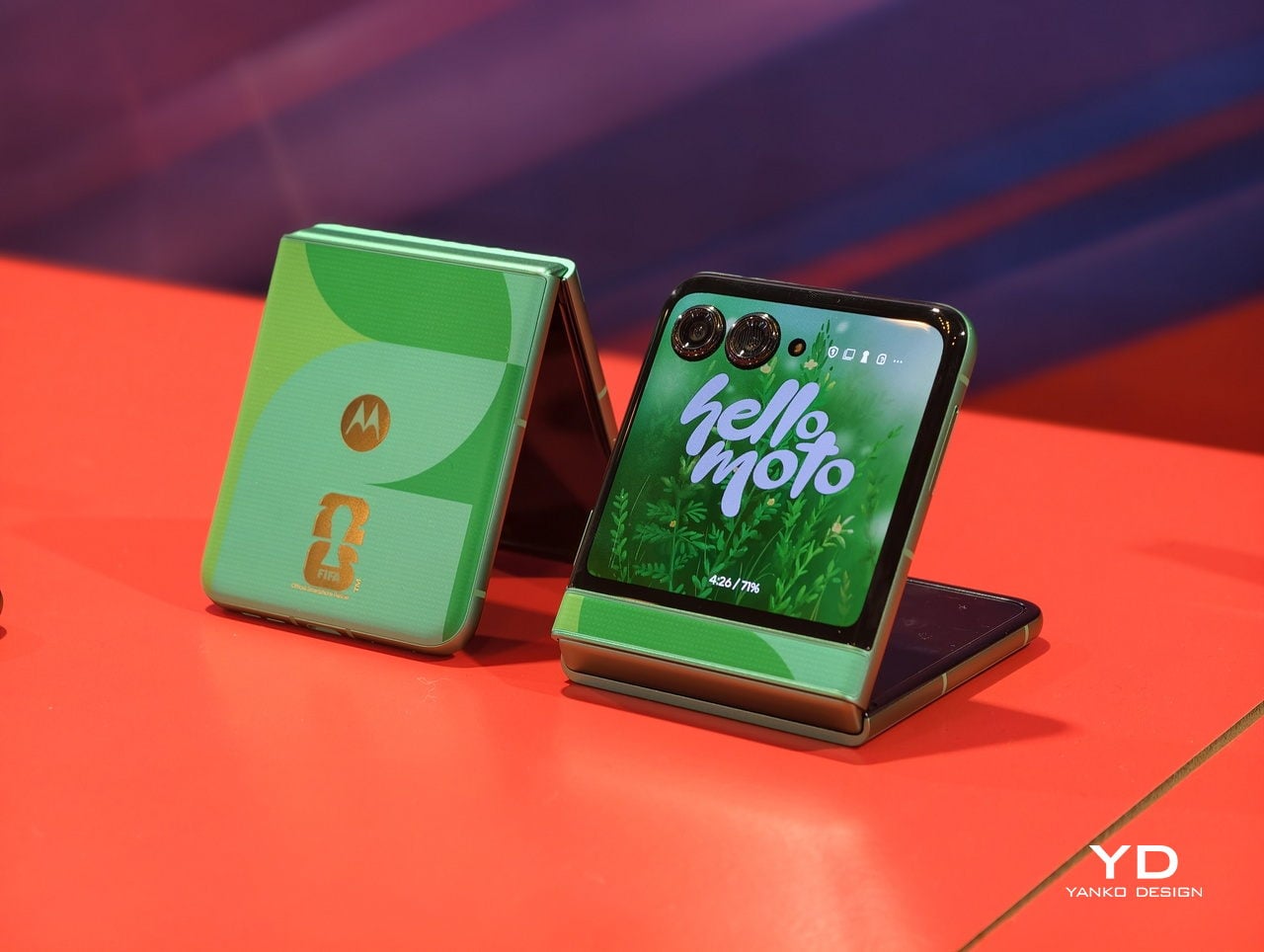
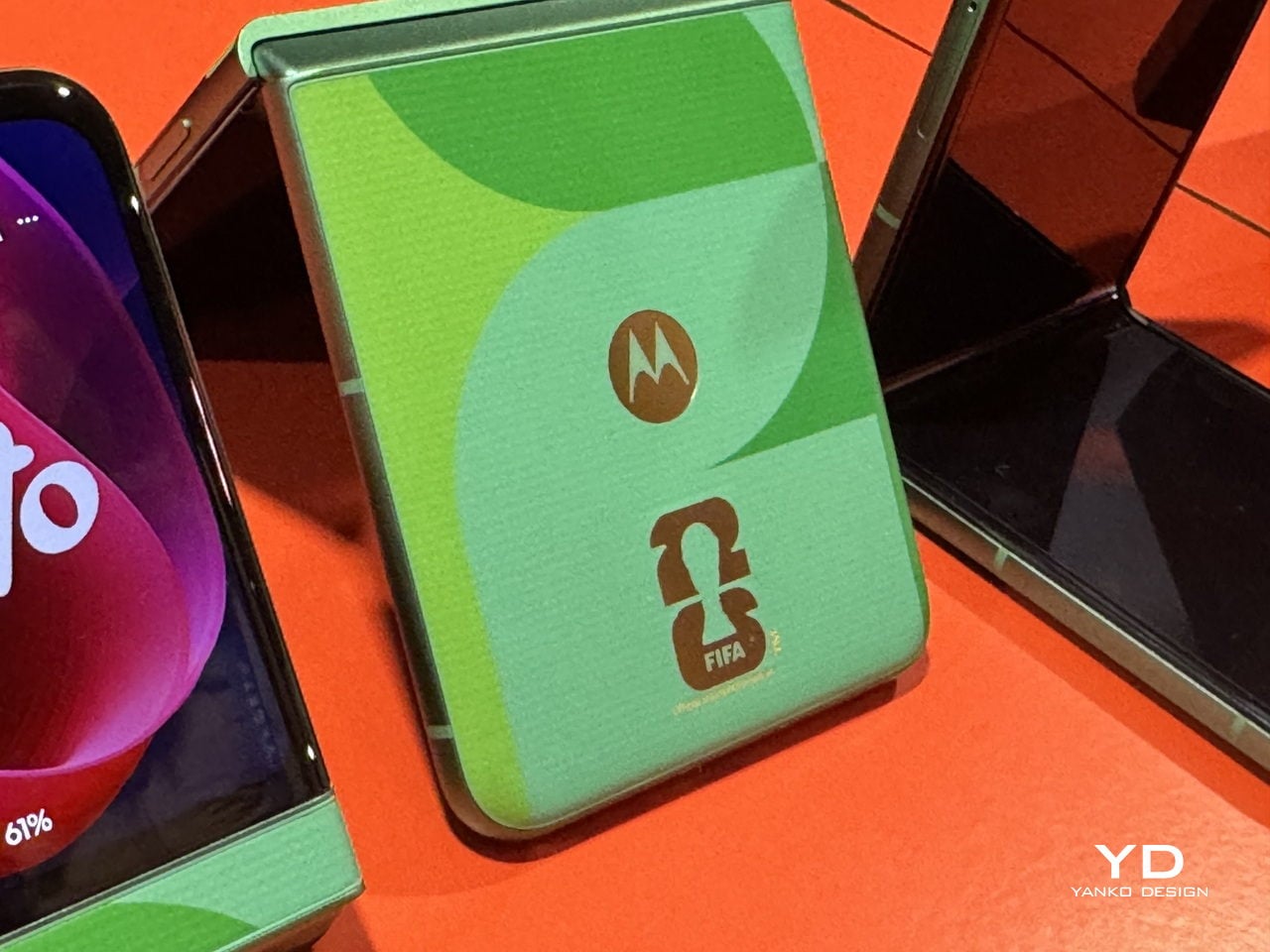
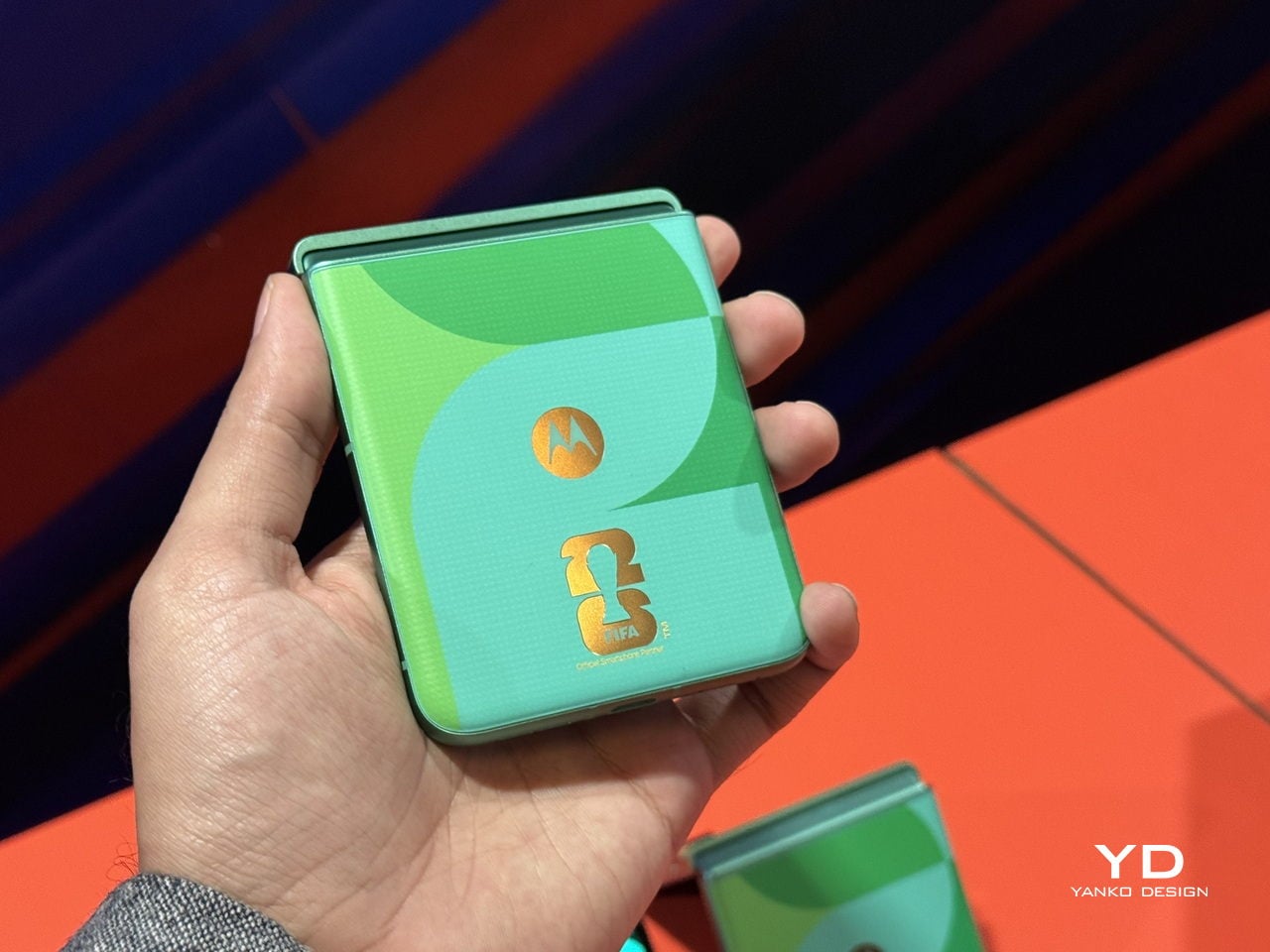
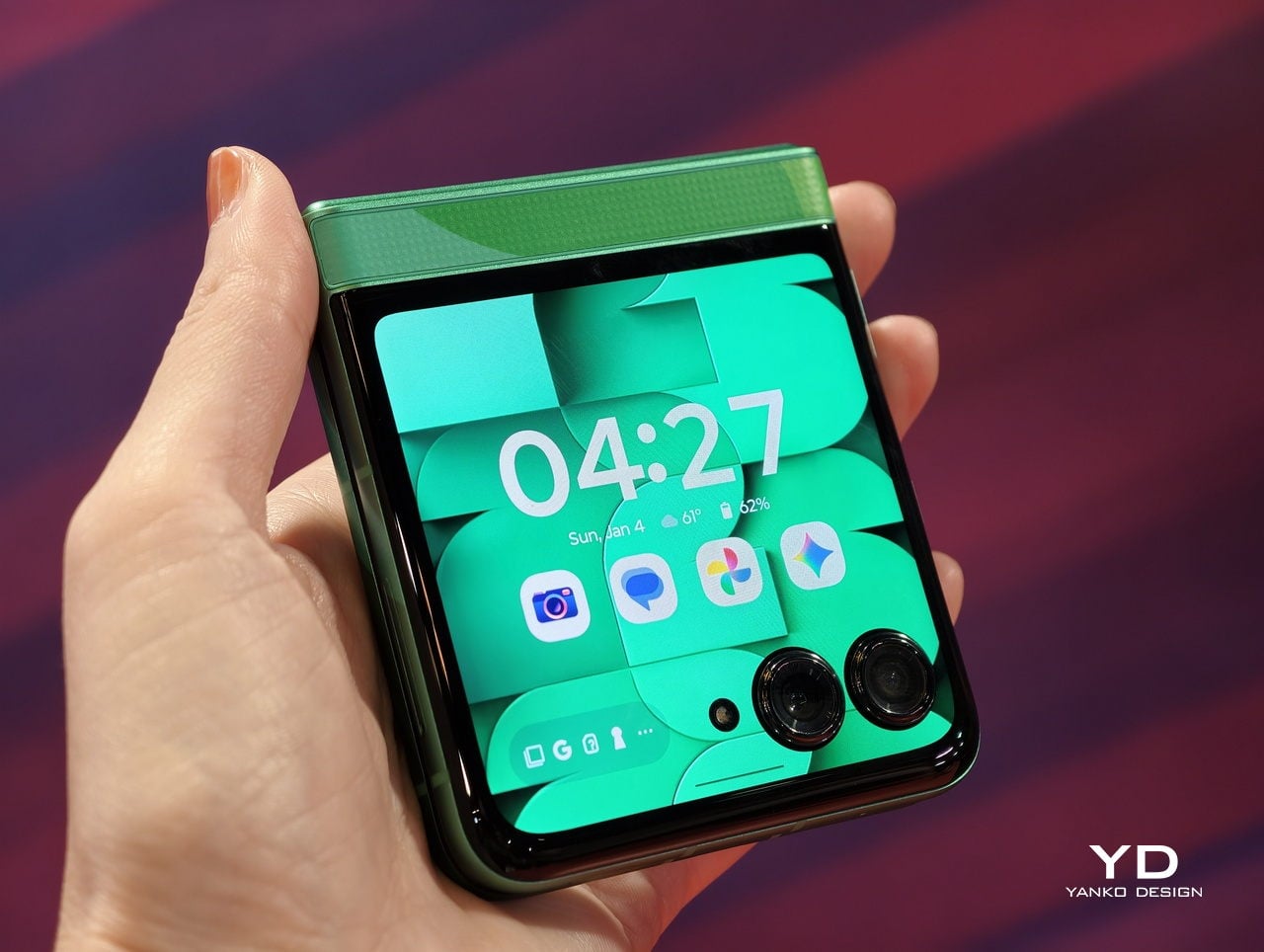
This special razr edition boasts a stunning vibrant green shade reminiscent of a football pitch where all the action takes place. It has a soft-touch vegan leather back cover with multicolor geometric patterns, showing off fluid motion representing energy and inclusivity. Since this is a foldable phone, the pattern is designed to flow seamlessly across the device, giving you a unified, continuous look whether it’s folded or open.

The main display is a 6.9″ Foldable AMOLED screen with HDR10+, FHD+ resolution, adaptive refresh rate up to 120Hz, and stunning 3000 nits peak brightness. This should be perfect for when you’re watching the football matches on your smartphone. The external display has a 3.6″ pOLED with adaptive refresh rate up to 90Hz and 1700 nits peak brightness. You can stay connected with the latest scores and notifications even without having to open your phone.

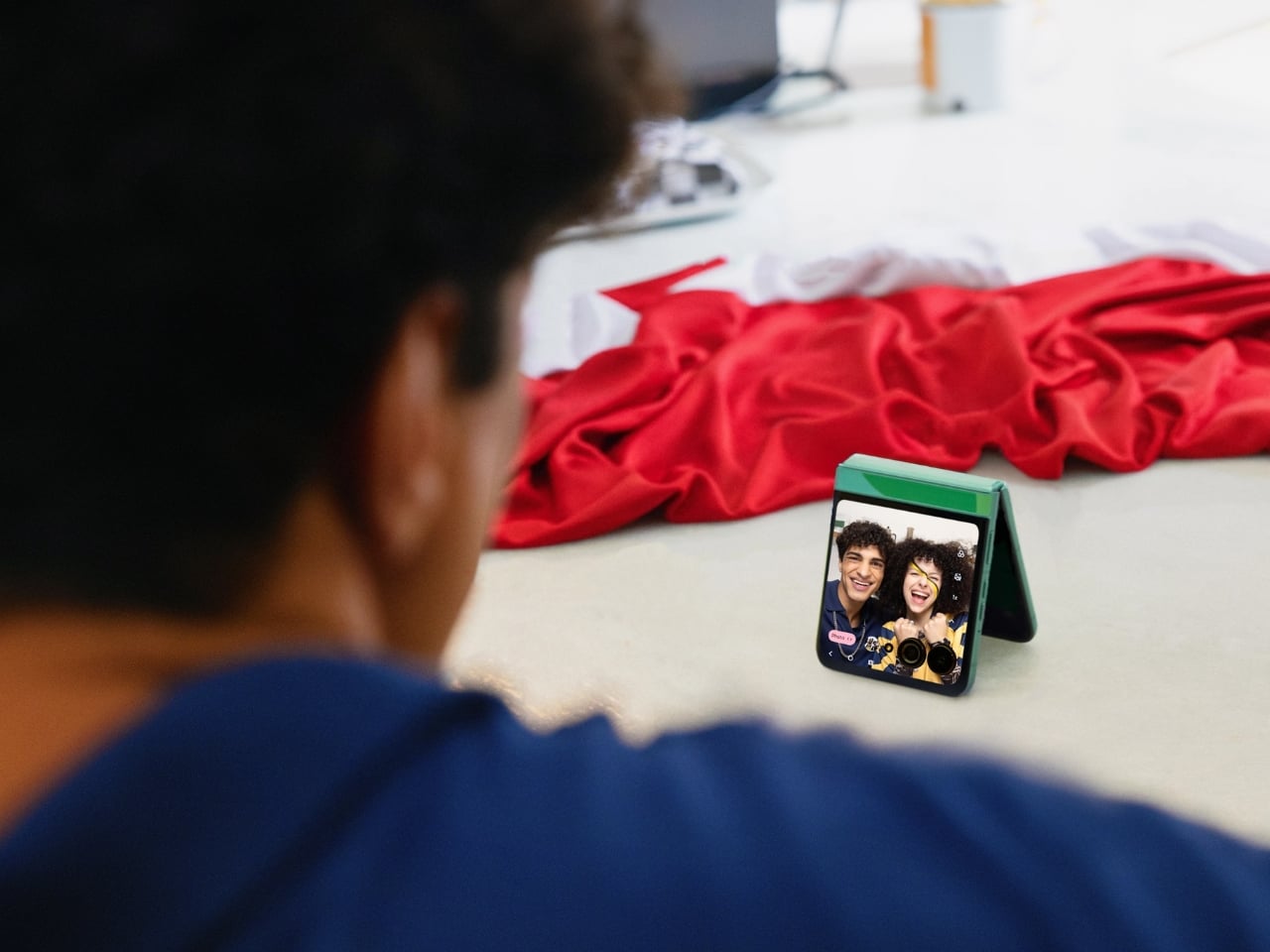
If you’ll be watching the matches live, Motorola wants to make sure your camera system is perfect for those match-day memories. It has a 50MP main camera with a 13MP Ultrawide + Macro Vision Camera with a 120° field of view and a 32MP front camera for those reaction shots. It also has some creative features like Auto Night Vision, 4K UHD video at 30fps, Adaptive Stabilization, and Horizon Lock to get smoother videos. The main camera even includes OIS (Optical Image Stabilization) and Pantone™ Validated Color, ensuring your photos look professional and true to life.

Under the hood, the razr FIFA World Cup 26™ Edition runs on Android™ 15 with a MediaTek Dimensity 7400X chipset and comes with 8GB of RAM and 256GB of storage in the US and Canada. The 4500mAh battery will keep you powered throughout the day, from kickoff to the final whistle, and when you do need to charge, the 30W TurboPower™ charging gets you back in action quickly. There’s also 15W wireless charging for added convenience.

What really makes this device stand out is its durability. It features a titanium-reinforced hinge and IP48 dust and water protection, meaning it can handle submersion in up to 1.5 meters of fresh water for up to 30 minutes. Whether you’re celebrating a goal with friends or caught in unexpected rain while heading to a viewing party, this phone is built to last. The audio experience shouldn’t be overlooked either. With dual stereo speakers tuned by Dolby Atmos® and three microphones, you’ll get immersive sound whether you’re watching matches, making video calls with fellow fans, or recording your own commentary.

Of course, since this is a special edition smartphone, you get FIFA World Cup features that only this phone has. You have exclusive wallpapers to celebrate the tournament, an official tournament theme ringtone, and a FIFA Watermark feature that you can add to your photos and videos before sharing them on your socials.

The Motorola razr FIFA World Cup 26™ Edition will be available starting February 12, 2026, with an MSRP of $699.99 in the United States and $999.99 CAD in Canada. In the US, Verizon will serve as the exclusive carrier partner during the introductory month, and unlocked models will be available on motorola.com, with Amazon.com availability coming later.

For collectors and football enthusiasts alike, this limited-edition device represents more than just a smartphone. It’s a piece of World Cup history you can carry with you. With its eye-catching design, powerful features, and exclusive FIFA content, the razr FIFA World Cup 26™ Edition is the perfect companion for experiencing the tournament’s excitement, whether you’re in the stadium or streaming from home. If you want to showcase your passion for the beautiful game while staying connected in style, this collectible device deserves a spot in your hands and your collection.

The post This $699 FIFA World Cup Phone Is a Limited-Edition Collector’s Dream first appeared on Yanko Design.

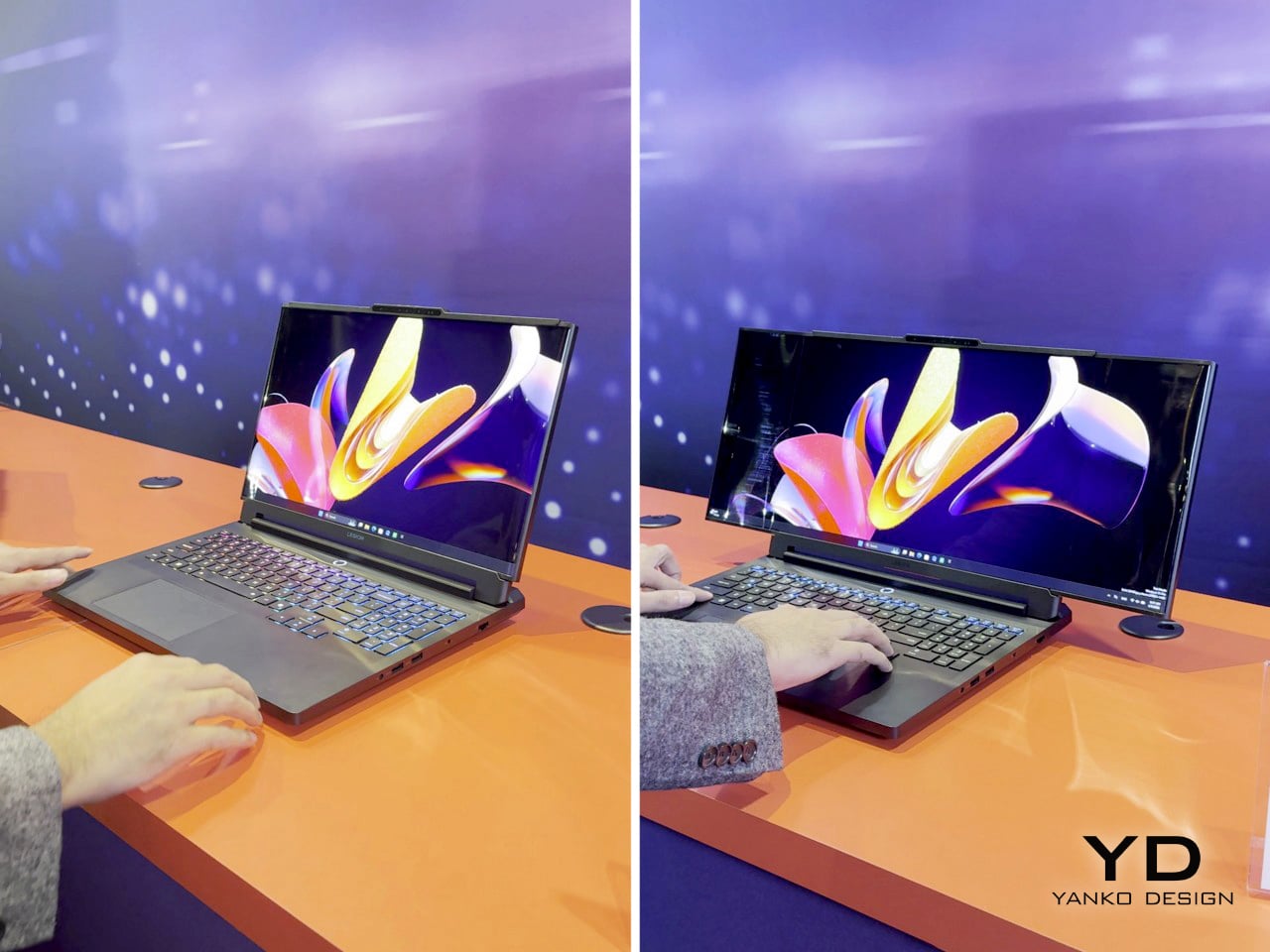
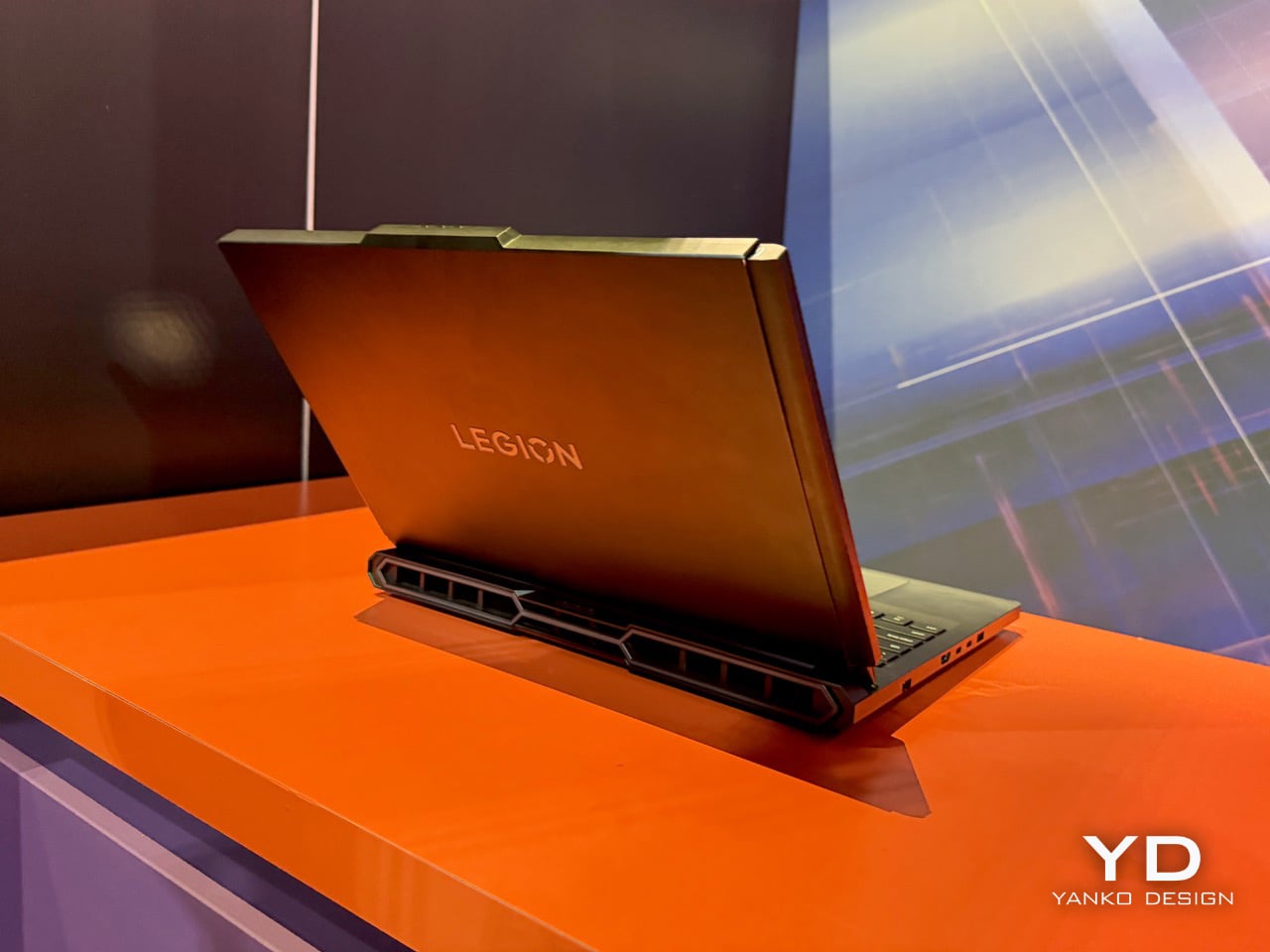
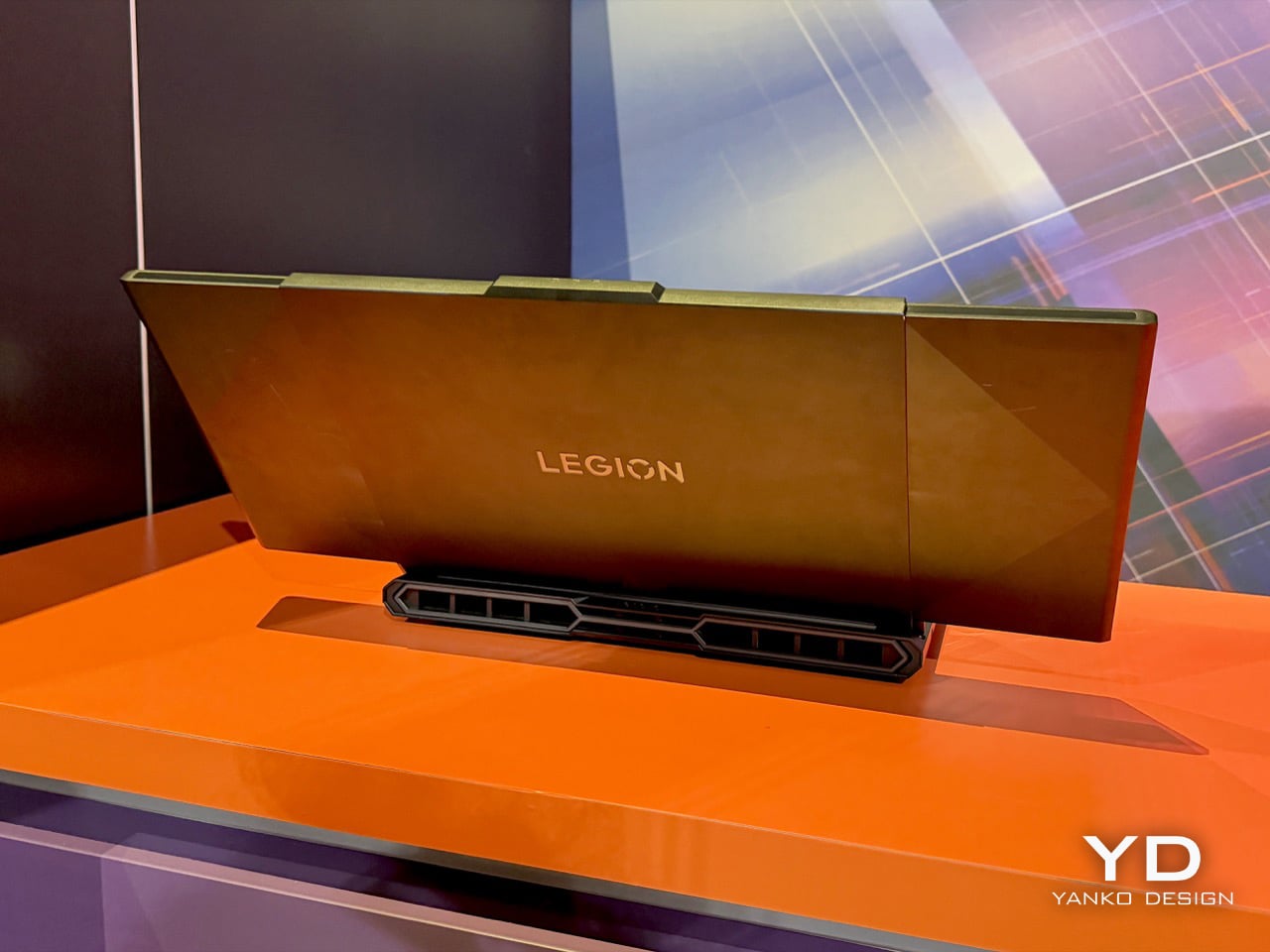
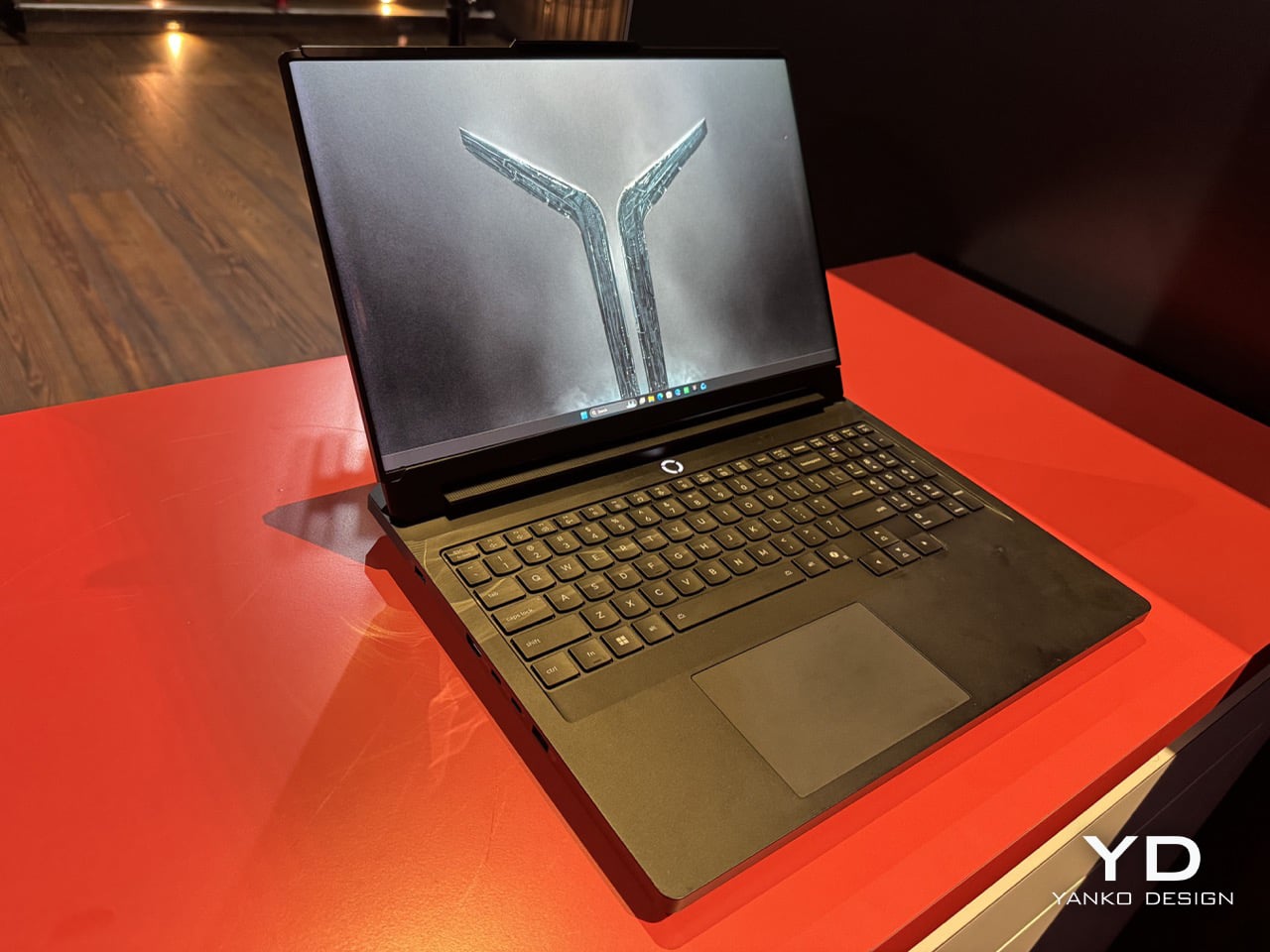
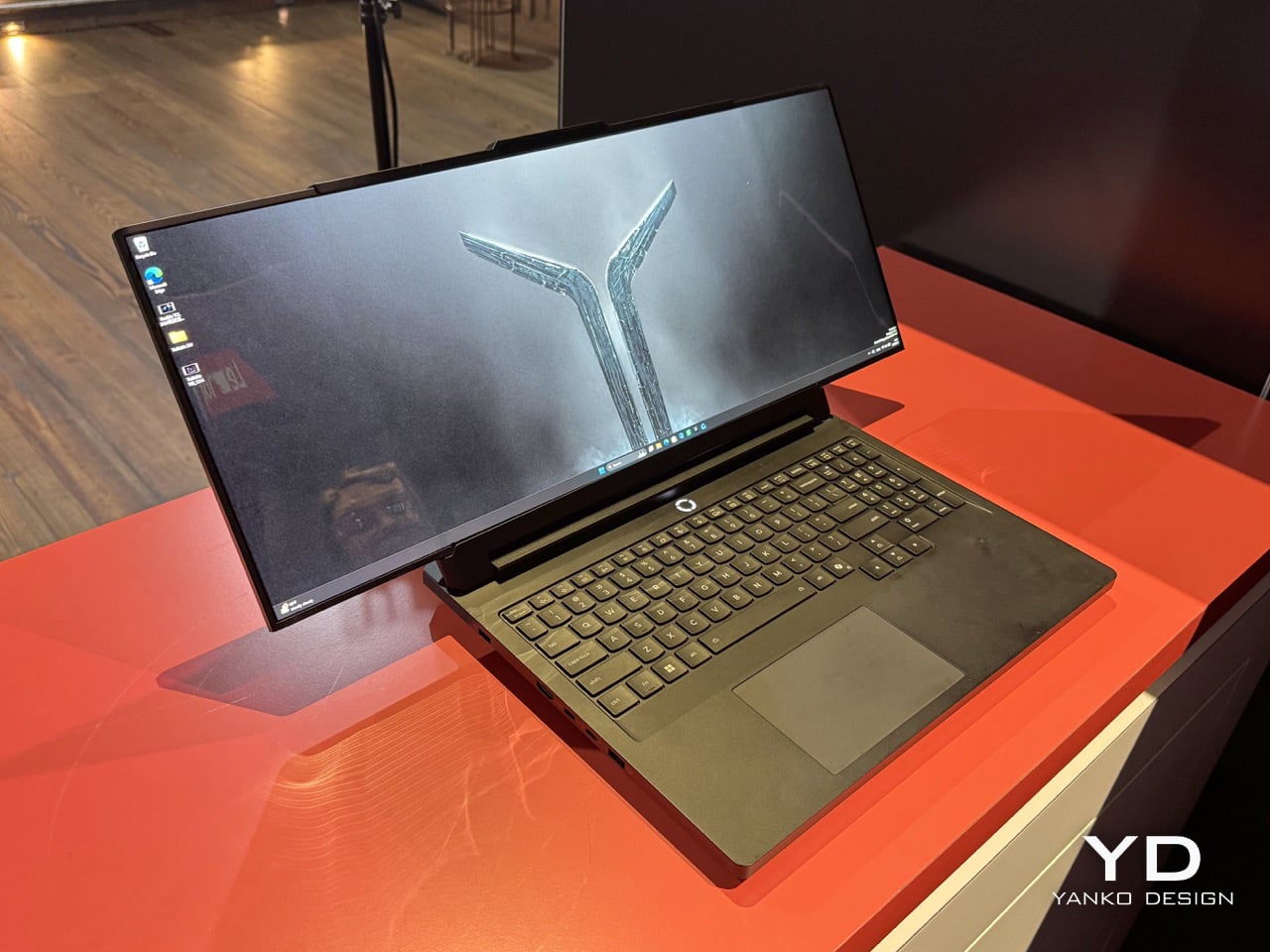
Lenovo’s ‘Horizontal Rollable’ Legion Pro Laptop Expands From 16 to 23.8 Inches: Hands-on at CES 2026

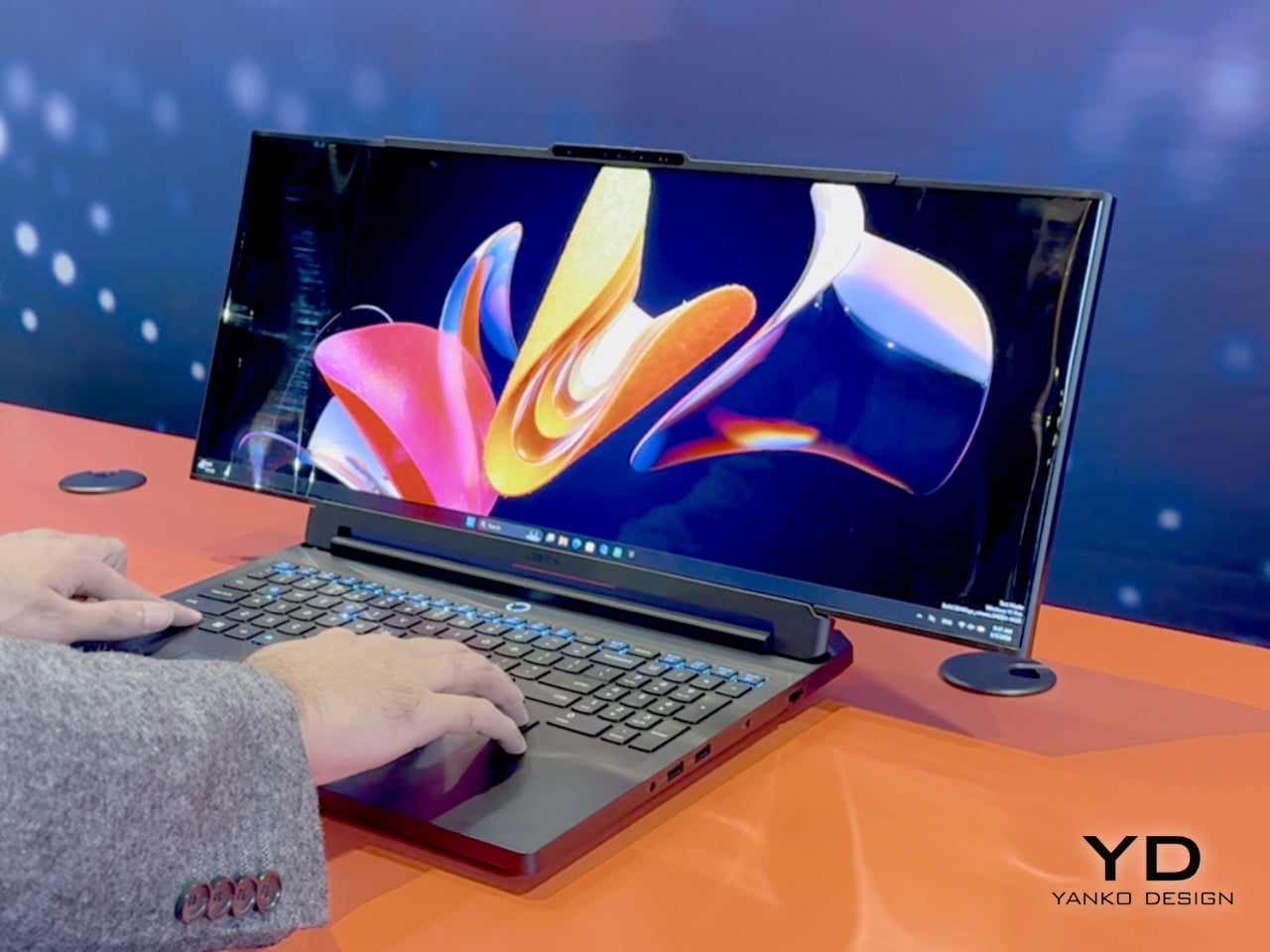
Lenovo’s Legion Pro Rollable concept solves a problem that’s annoyed traveling gamers and esports pros for years: you either carry a full-size monitor with you or accept that your laptop screen is too small for serious practice. The concept starts as a standard 16-inch gaming laptop, then physically expands horizontally to 21.5 inches and finally 23.8 inches when you need the extra width. A rollable PureSight OLED panel stretches from both ends using dual motors and a tension system designed to keep the screen taut and protected through repeated cycles, turning one device into three different training setups without packing an external display.

Professional esports athletes compete on 24-inch monitors at tournaments, which makes training on a 16-inch laptop screen feel like practicing free throws on a hoop that’s two feet lower than regulation. Lenovo built the concept around that reality, calling the 16-inch mode Focus Mode for precision drills, the 21.5-inch state Tactical Mode for peripheral awareness training, and the full 23.8-inch extension Arena Mode to replicate actual competition conditions. The hardware underneath is Legion Pro 7i spec with Intel Core Ultra CPUs and an RTX 5090 laptop GPU, so performance isn’t the compromise here. The rollable display is the entire point, and if it works reliably it eliminates the extra monitor from the travel checklist.

Designer: Lenovo

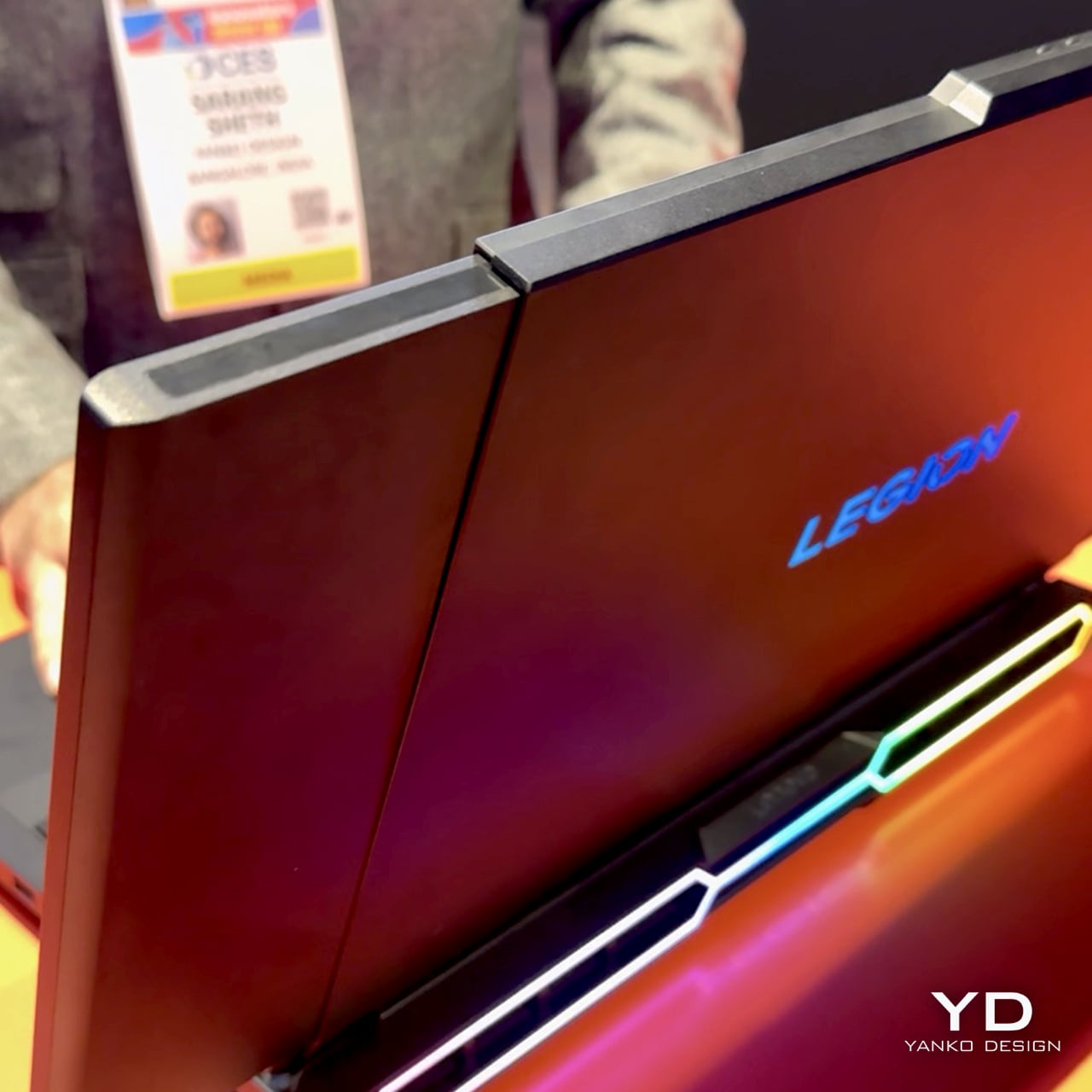
Seeing it in action on the CES floor was something else. The mechanism is surprisingly smooth, unfurling with a quiet hum that sounds more refined than experimental. Lenovo calls it a dual-motor, tension-based design, which is a sterile way of describing how it keeps the flexible OLED panel perfectly flat and taut, even at full 23.8-inch extension. They’ve apparently lined the rolling path with low-friction materials to prevent the screen from scratching itself over time. The whole thing feels solid, not like a fragile prototype you’re afraid to touch. My only complaint is that Lenovo keeps calling this a ‘concept’ even though they should easily mass-produce this thing.

The panel itself is a PureSight OLED, so the colors and contrast are exactly what you’d expect from a high-end gaming display. The real story is the aspect ratio. When it expands, it doesn’t just get bigger; it transforms into an ultra-widescreen that changes how you see the game. This is what makes it a genuine training tool rather than just a gimmick. For FPS or MOBA players, that extra horizontal space in Tactical and Arena modes is crucial for peripheral vision. It’s a purpose-built machine, not a productivity laptop with a gaming sticker. The 23.8-inch final size is a direct nod to the 24-inch class monitors that dominate the pro circuit, making this the most authentic portable training rig I’ve ever seen.

Of course, you can’t buy one. Lenovo was very clear this is a proof of concept, a way of showing off what their engineers are cooking up. It’s a statement piece for the CES showcase, a flex of R&D muscle. It’s a bit funny, really. We’re living in a world where we got a fully functional, mechanically expanding laptop screen before we got Grand Theft Auto VI. In a way that’s a great thing, because I’d honestly love to play an open-world RPG on a portable 24″ laptop. A new GTA game demands leaps and bounds in hardware too, no?

So, will we all be carrying rollable laptops in a few years? Lenovo already began selling a commercial version of its vertical rolling ThinkBook, so even though they keep calling this Legion rollable a concept, chances are it’ll see the light of day soon enough. Most tech people around me seem to agree that this format of a horizontal rollable works so much better than the vertical one. The only gripe people have is that this tech is exclusive to Lenovo’s Legion gaming line, when graphic designers, video editors and productivity gurus would benefit so much more from a rolling screen like this!

The post Lenovo’s ‘Horizontal Rollable’ Legion Pro Laptop Expands From 16 to 23.8 Inches: Hands-on at CES 2026 first appeared on Yanko Design.

This 55-Inch Smart Calendar Has Wheels and Runs Your Entire Home

As I get older, smaller screens and fonts are becoming my enemy as my eyesight is visibly strained. I’m actually scared that someday I would need a humongous screen to do all my work and tasks, or at least something that can enlarge the font to something I can comfortably read. We’ve seen huge screens like the Amazon Echo Show 21 and the Skylight Calendar Max for those who need larger displays, but this new one from Cozyla takes the cake. Or rather, takes the screen.

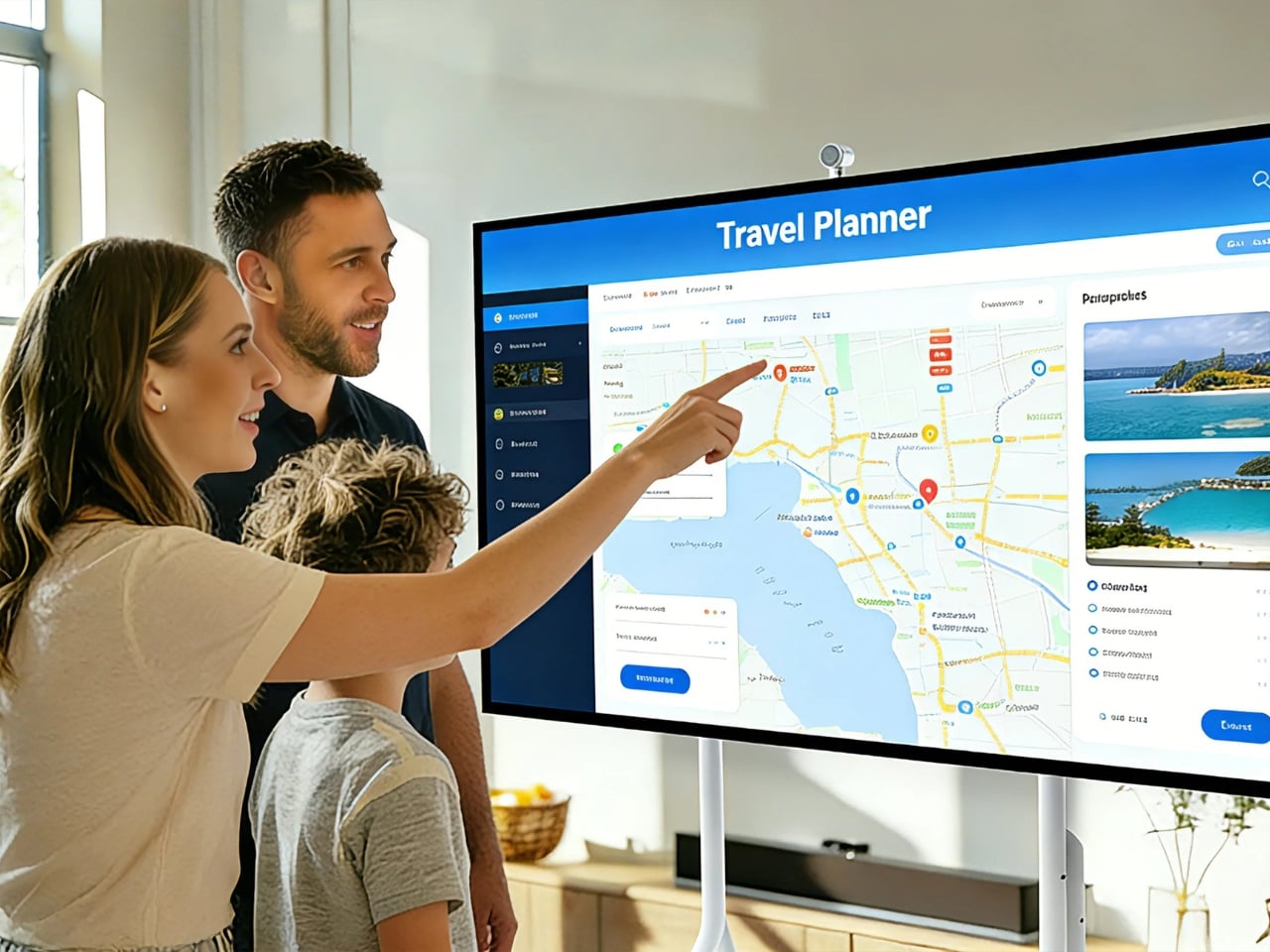
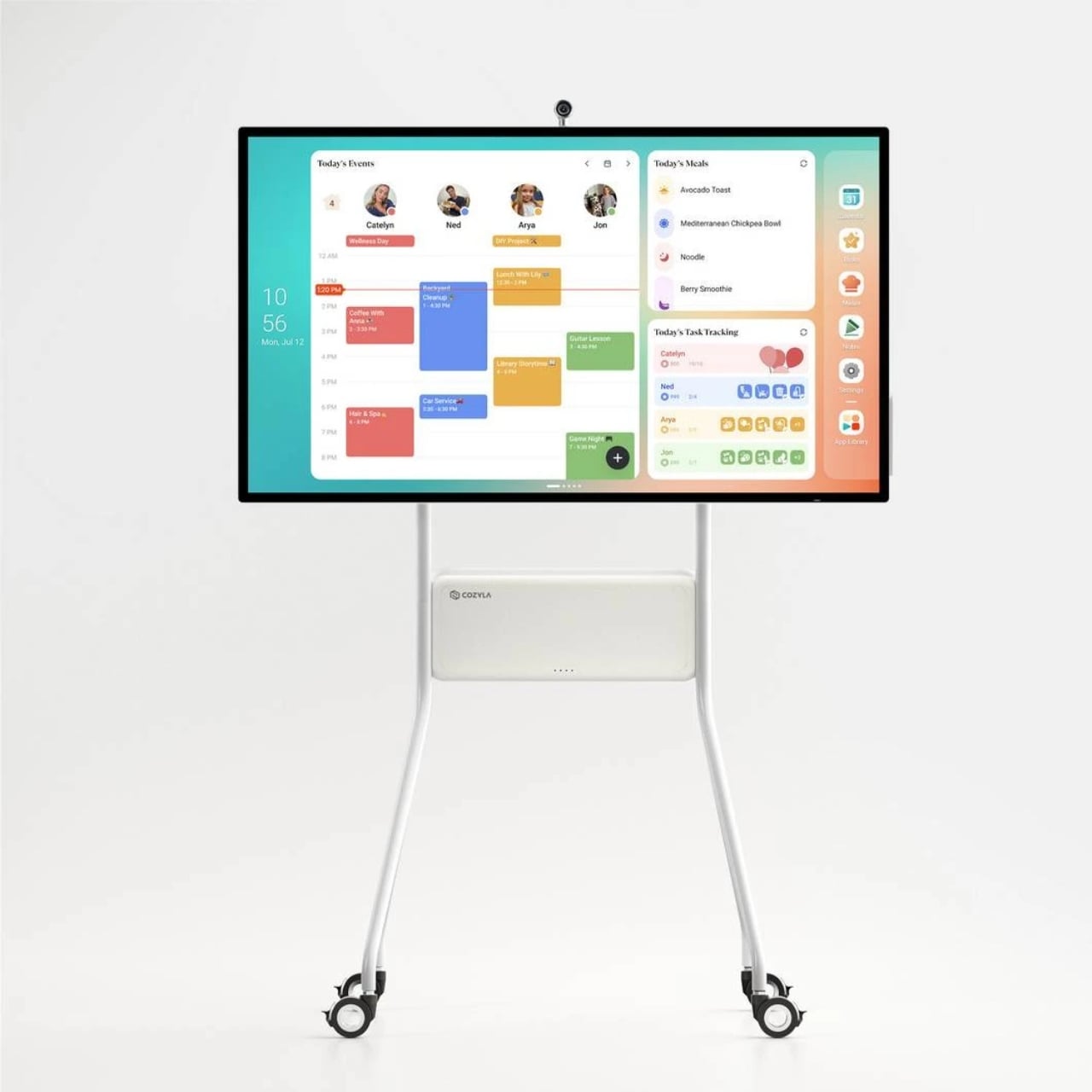
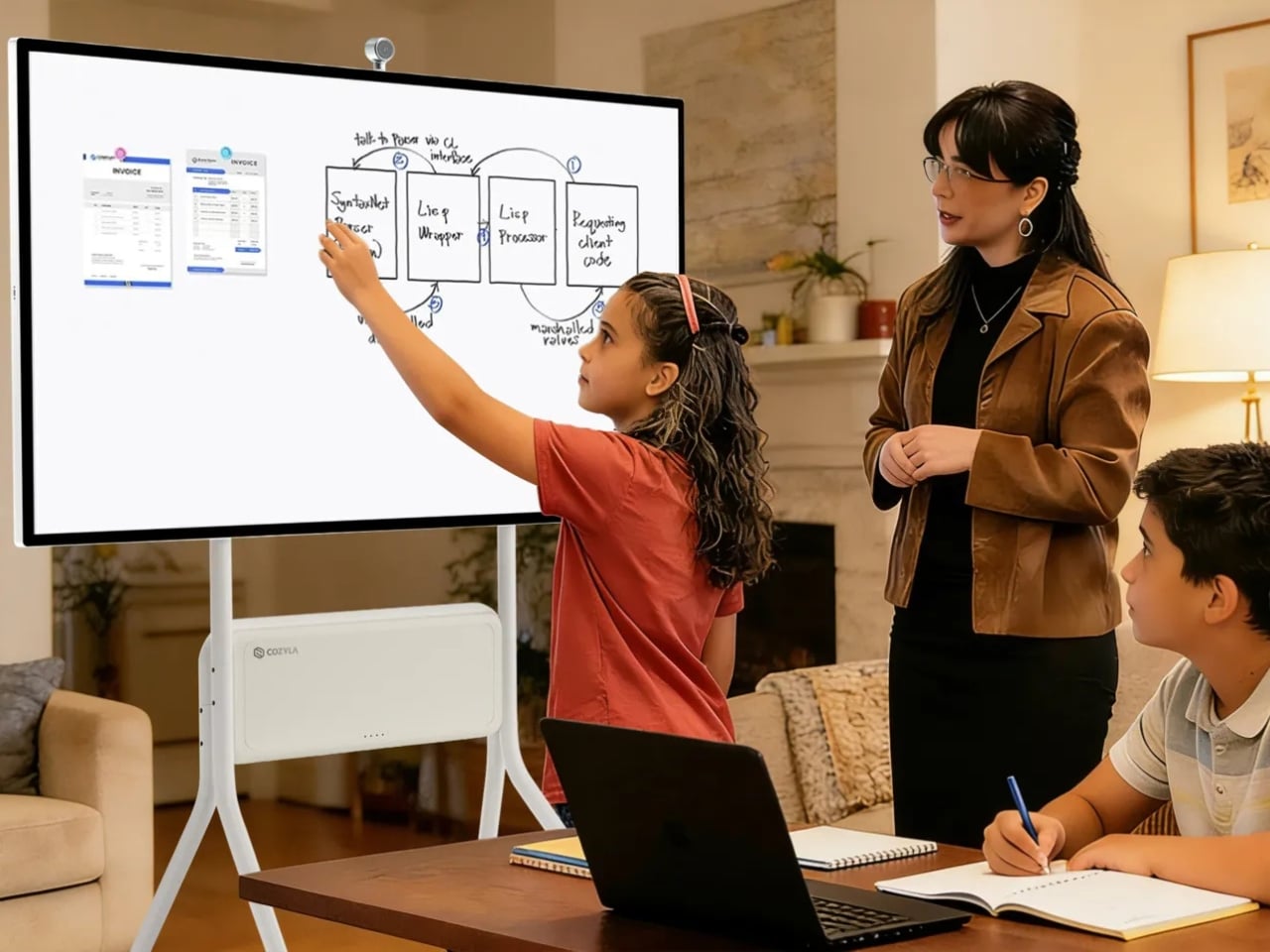
The Calendar Plus Max is a massive 55-inch 4K touchscreen that serves as a smart home command center, a calendar for your entire household, and even as a smart TV so you can watch together. Cozyla announced this at the ongoing CES 2026 and it’s considered to be the largest smart calendar display on the market right now. I don’t have a household to manage and I don’t have the space, but the idea of having this huge screen in my place seems like a dream.

Designer: Cozyla

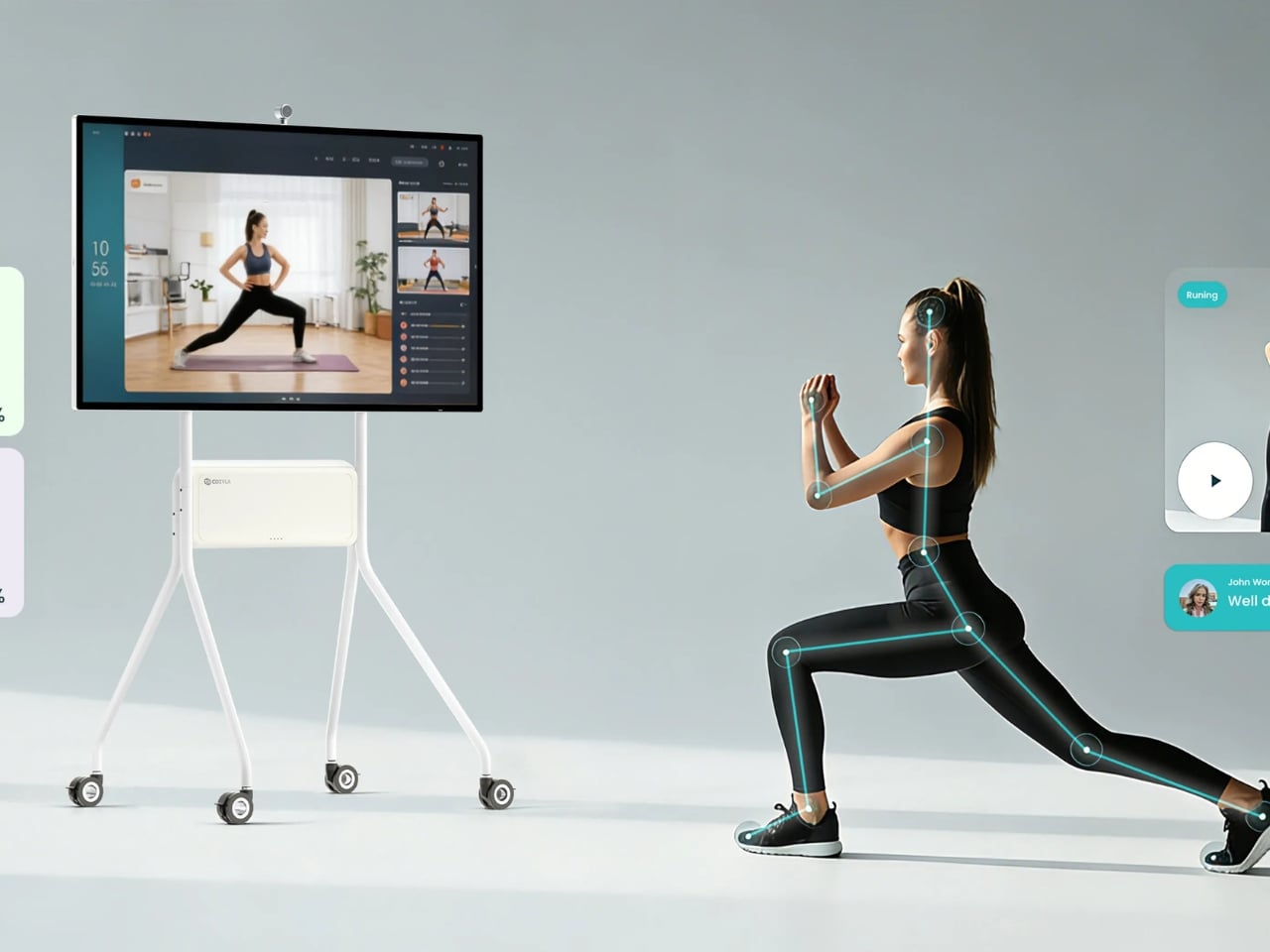
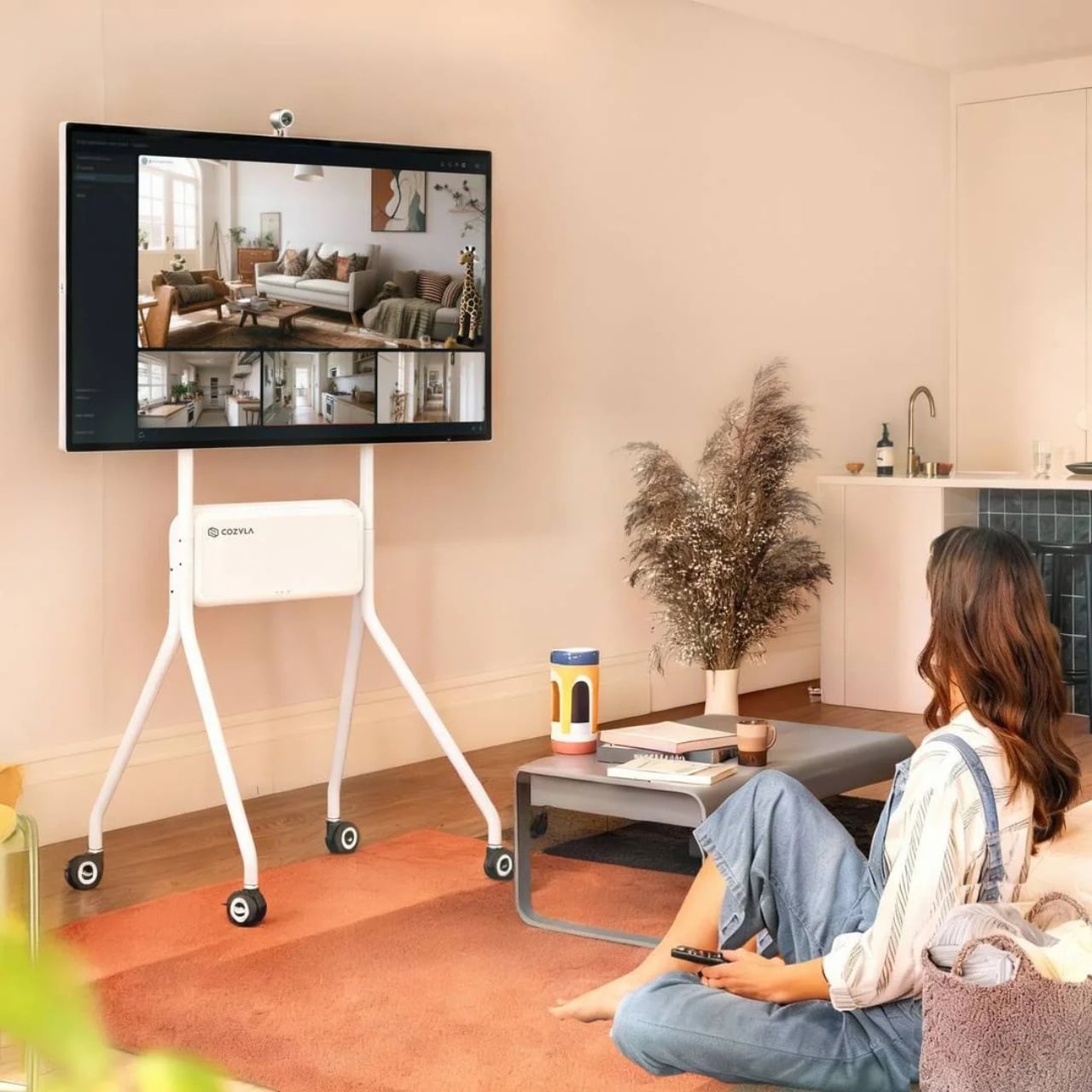
This huge display comes with a wheeled stand for portability, so you can bring it around your house wherever you need it. It’s Wi-Fi enabled, so you get seamless connectivity as well. Imagine wheeling it into the kitchen during the morning rush when everyone’s trying to figure out their day, then moving it to the living room for family planning sessions, or even into your bedroom for a movie night. The mobility factor is something most smart displays don’t offer, and it’s honestly a game-changer.

Instead of having different devices to manage your home or various sticky notes if you’re still analog, you can use this display so that everything’s in just one huge place. It has a large touchscreen, so kids, adults, and grandparents can all easily manage it without squinting or fumbling. You also get a sleek, contemporary design that makes it look like premium tech and not just a utility device. At 55 inches, it’s the same size as a standard household TV, which means it commands attention without looking out of place in a modern home.

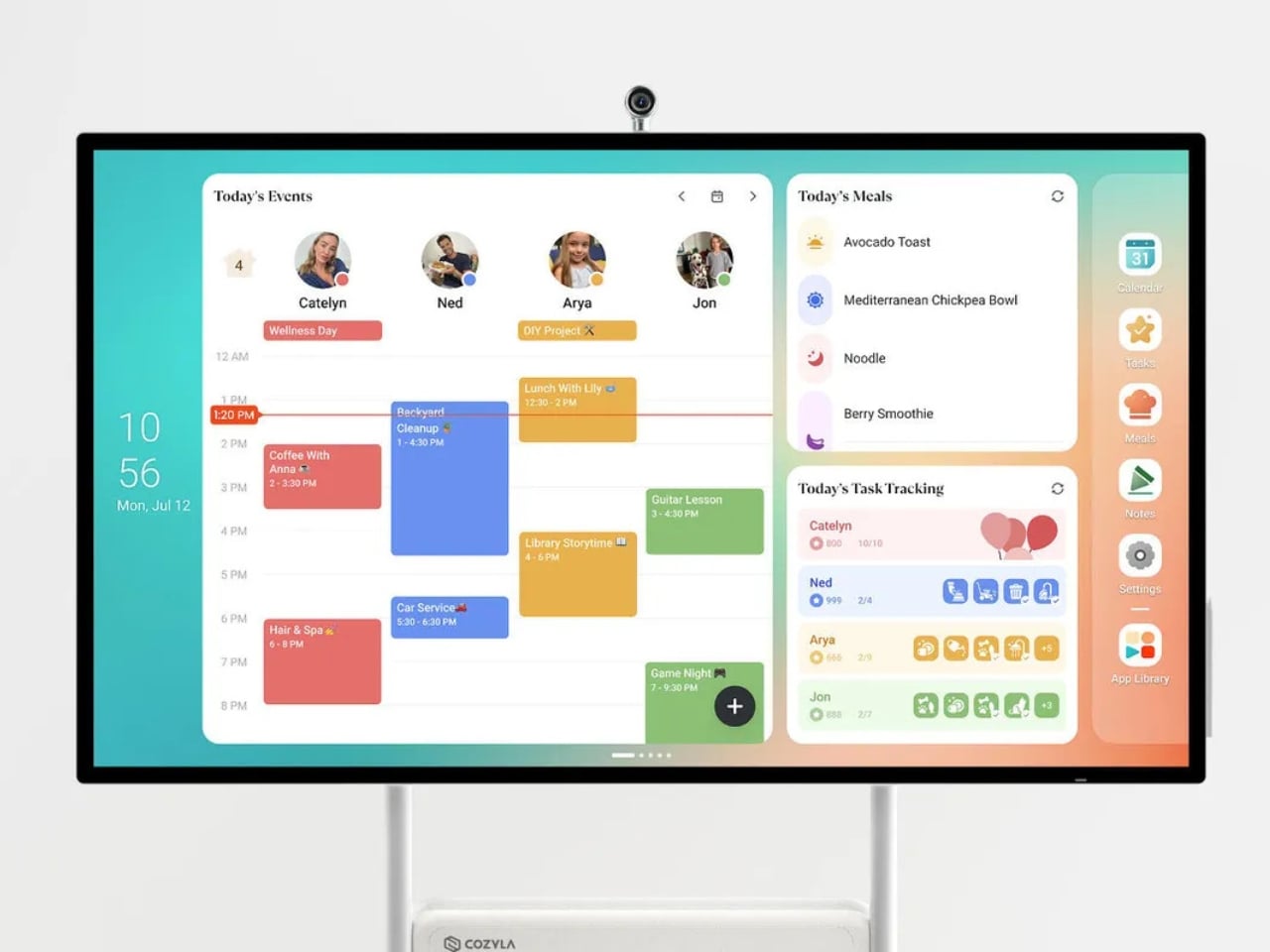
Since “calendar” is in its name, one of the main features of this device is its CalendarOS Smart System. You can create up to 8 family member profiles, and you can even personalize the color coding for each person. You can sync calendars from various services like Apple, Google, Outlook, and others, so you get one unified view instead of checking multiple apps across different devices. No more “I didn’t see that on my phone” excuses from the family. You can also create a customizable dashboard with widgets, shortcuts, and lists that make sense for your specific household needs.

As your “home mission control” device, you can add meal planning features to prep your weekly menus, create chore charts so everyone knows their responsibilities, manage to-do lists, and keep shopping lists updated in real-time. It centralizes all the tiny organizational tasks that usually get scattered across phones, refrigerator magnets, and forgotten notebook pages. Since the display runs on full Android OS, you can also use it as a smart TV for family movie nights, play YouTube videos as you cook or do chores, play games with the kids, and basically do any other thing that you use Android features and apps for.

It’s a device that can be used for both productivity and entertainment, whatever your family needs at the moment. The 4K resolution means whether you’re viewing your calendar details or watching your favorite show, everything looks crisp and clear. For those of us with aging eyes, being able to see text and images clearly from across the room is an absolute blessing. The Cozyla Calendar Plus Max represents a new category of home technology, one that acknowledges that families need centralized, visible, and accessible information hubs. It’s not trying to be another device you check occasionally; it’s meant to be the family communication center that everyone naturally gravitates toward.

While Cozyla hasn’t announced official pricing for the Max model yet, their smaller calendar displays typically range from around $165 to $400 and up, so expect this premium 55-inch version to be positioned as an investment piece. But for families drowning in scheduling chaos, or for anyone who appreciates having technology that actually simplifies life rather than complicating it, this could be worth every penny.

The post This 55-Inch Smart Calendar Has Wheels and Runs Your Entire Home first appeared on Yanko Design.

JBL unveils lifestyle oriented open-ear earbuds at CES 2026

Open-ear earbuds and headphones are trending for good reason, and JBL has kick-started its year with some exciting announcements at CES 2026. They’ve launched three different lineups of open-ear audio and fitness-focused designs. These buds and headphones are broadly spread over three product lines: the Endurance, Sense, and Soundgear CLIPS – with 5 products in total.

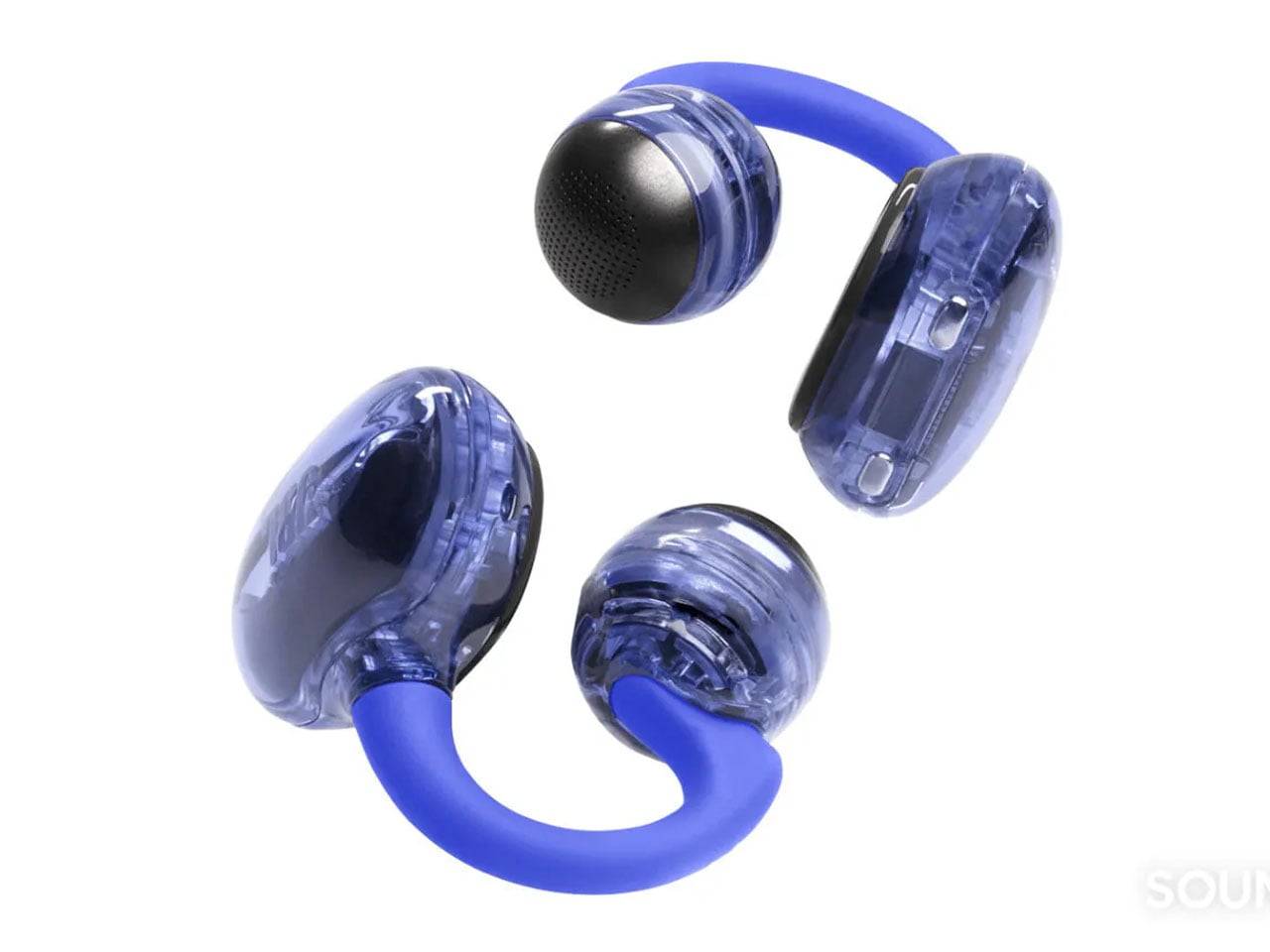
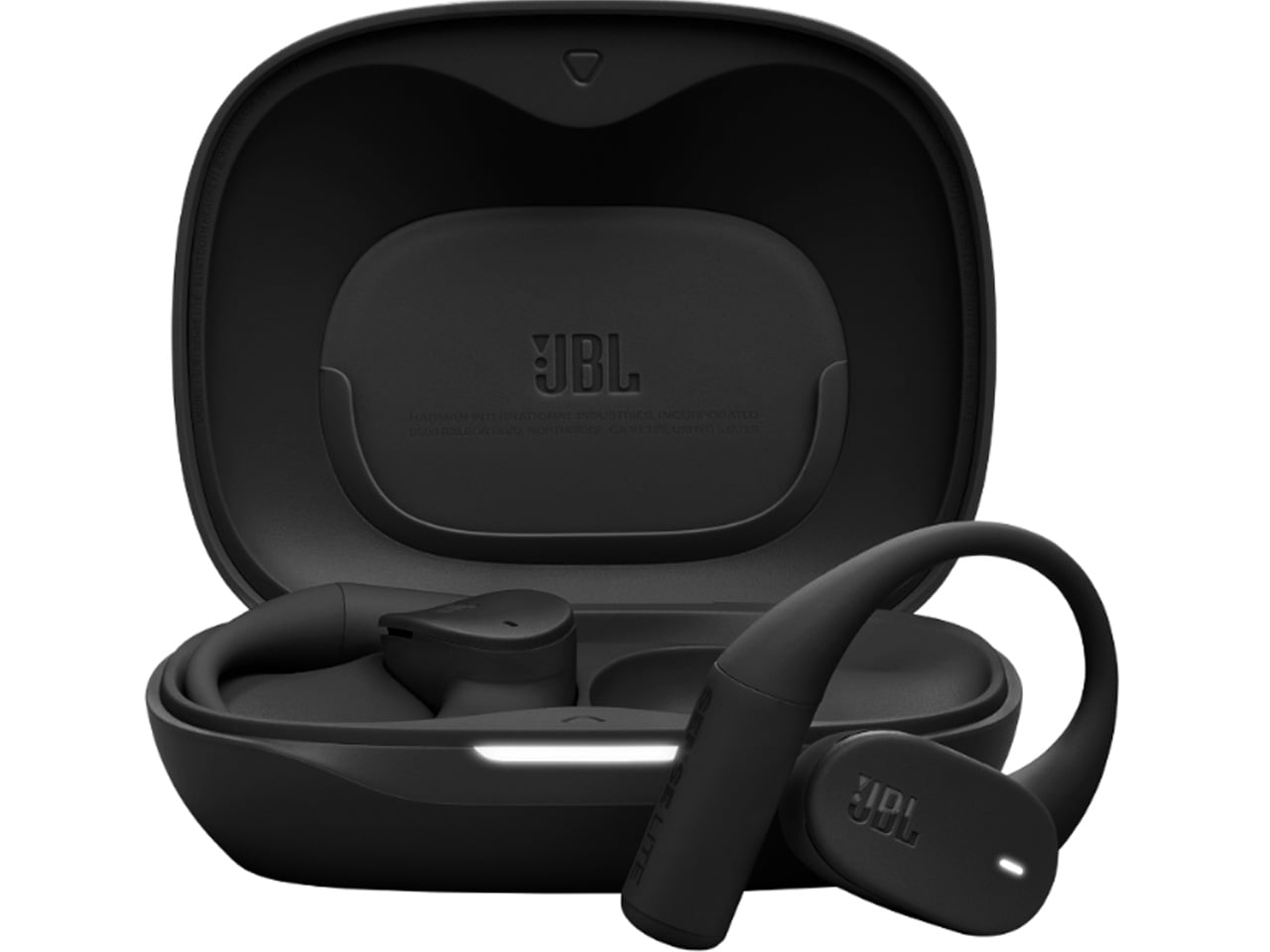
The OpenSound Series lineup is the brand’s audio-first open buds, comprising the Sense Pro and Sense Lite earbuds. They make use of air conduction technology to deliver a lively, bass-rich sound. The Soundgear CLIPS are the most fashion-forward open ears shaped like earring cuffs, something like the Shokz OpenDots One. Along with these, the Endurance Series buds are tailored for active individuals who like the comfort of long hours of listening to their tunes.

Designer: JBL

OpenSound Series

Sense Pro earbuds are the flagship open-ear headphones specifically designed for audio lovers who value the nuances of music. In conjunction with the 16.2mm drivers and the Adaptive Bass Boost technology, they deliver an enjoyable sound even though they don’t sit flush against your ear canal. Making calls with the Sense Pro is a delight even in the most crowded places, as it comes with four mics and the Voice Pickup Sensor technology for a clear calling experience. The buds have 38 hours of playtime in total with the earbuds lasting eight hours on a single charge in the case. The adjustable ear hook ensures all-day comfort for extended listening. The Sense Pro priced at $200, will come in black or white colors when released in March 2026.

The Sense Lite earbuds are the toned-down version of the flagship Pro’s with a simplified aesthetic and feature list. Most of it is the same as the big brother, only the case battery is slightly less at 24 hours. The buds are rated for IP54 water and dust resistance, meaning you don’t need to worry about the odd splashes or listening sessions in a dusty environment. For the Sense Lite, you’ll have to pay $150, and they will also come in black and white color options when finally released in March.

Soundgear CLIPS

The style-driven Soundgear CLIPS hook onto your ear and are lightweight enough for all-day comfort. Soft TPU construction and the SonicArc shape of the earbuds deliver enhanced bass without any considerable sound leakage. The four AI-assisted mics ensure the calls are crystal clear even in super noisy places. These are also IP54 water and dust resistant, with the same 32 hours total battery life as the Sense Pro. The Soundgear CLIPS will come in more peppy color options, including metallic copper, blue, purple, and white. The clip-on earbuds will be priced at $150 and will have the same March 2026 release timeline.

The post JBL unveils lifestyle oriented open-ear earbuds at CES 2026 first appeared on Yanko Design.

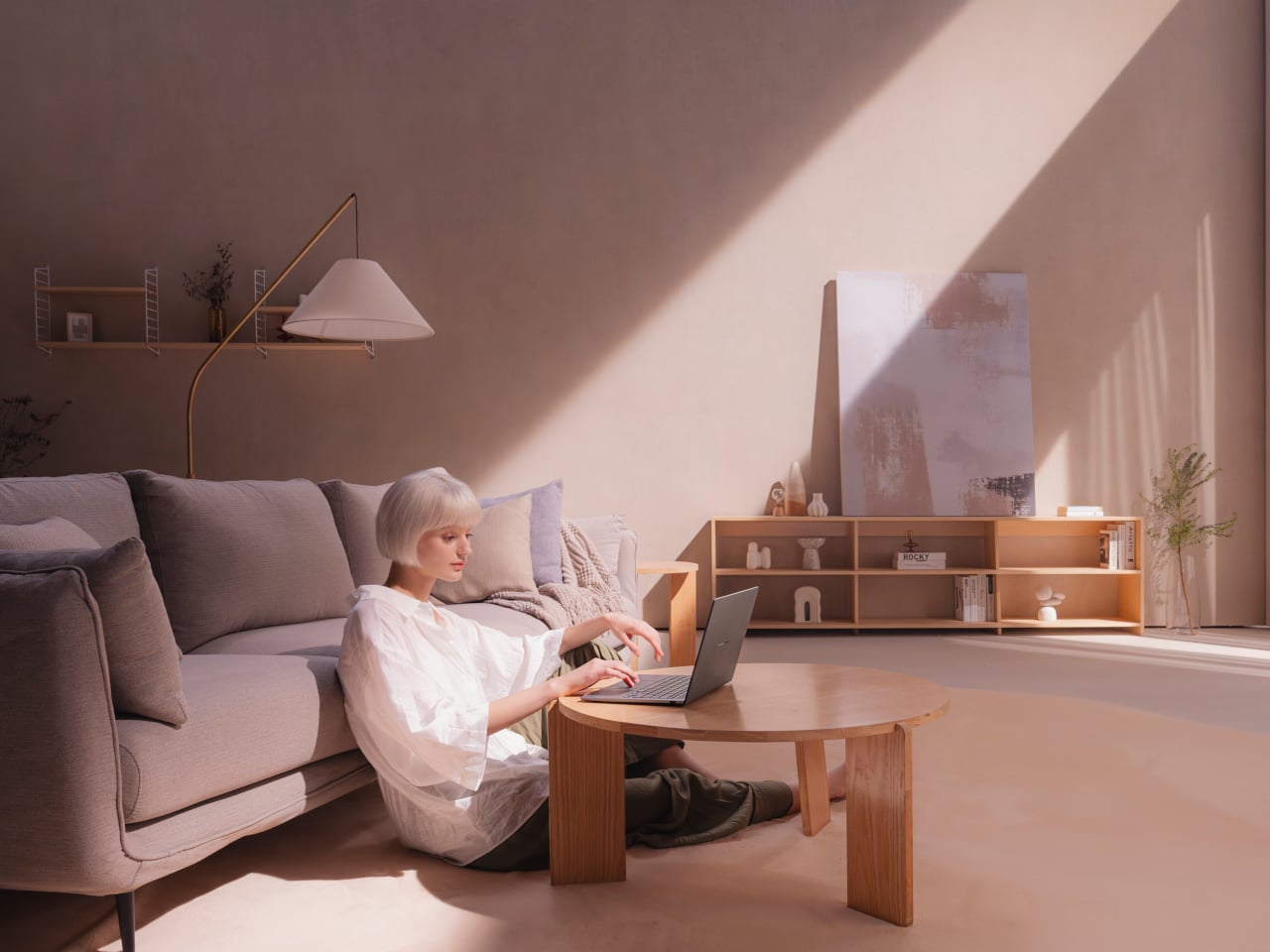
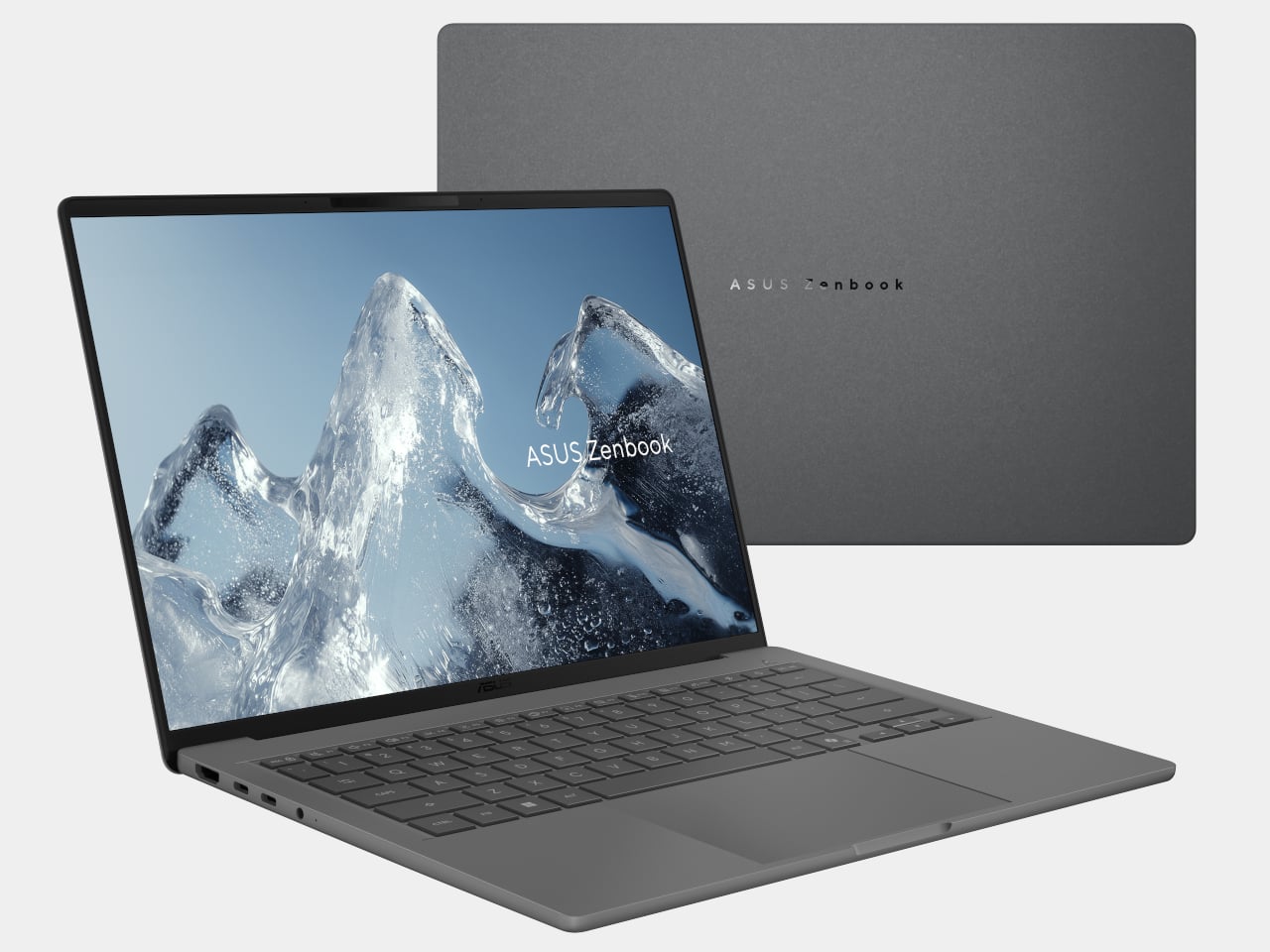
ASUS and GoPro Built a 128GB Laptop for Video Editors at CES 2026

Laptops have quietly become the default creative tool for a lot of people, but the basic clamshell has not changed much in years. Copilot+ PCs, high-TOPS NPUs, and OLED panels are all becoming more common, and ASUS is using CES 2026 to ask what happens when you stop treating AI and displays as afterthoughts and start designing around them.

The updated Zenbook DUO and the ProArt GoPro Edition PX13 are the clear headliners, one stretching the laptop into a dual-screen studio, the other turning a 13-inch 2-in-1 into a mobile editing bay. Around them, the ProArt PZ14, Zenbook S16/S14, and Zenbook A16/A14 fill in different roles, from tablet-first creation to ultra-light Copilot+ travel machines, all tied together by Ceraluminum shells and Lumina OLED displays.

Designer: ASUS

ASUS Zenbook DUO (2026)

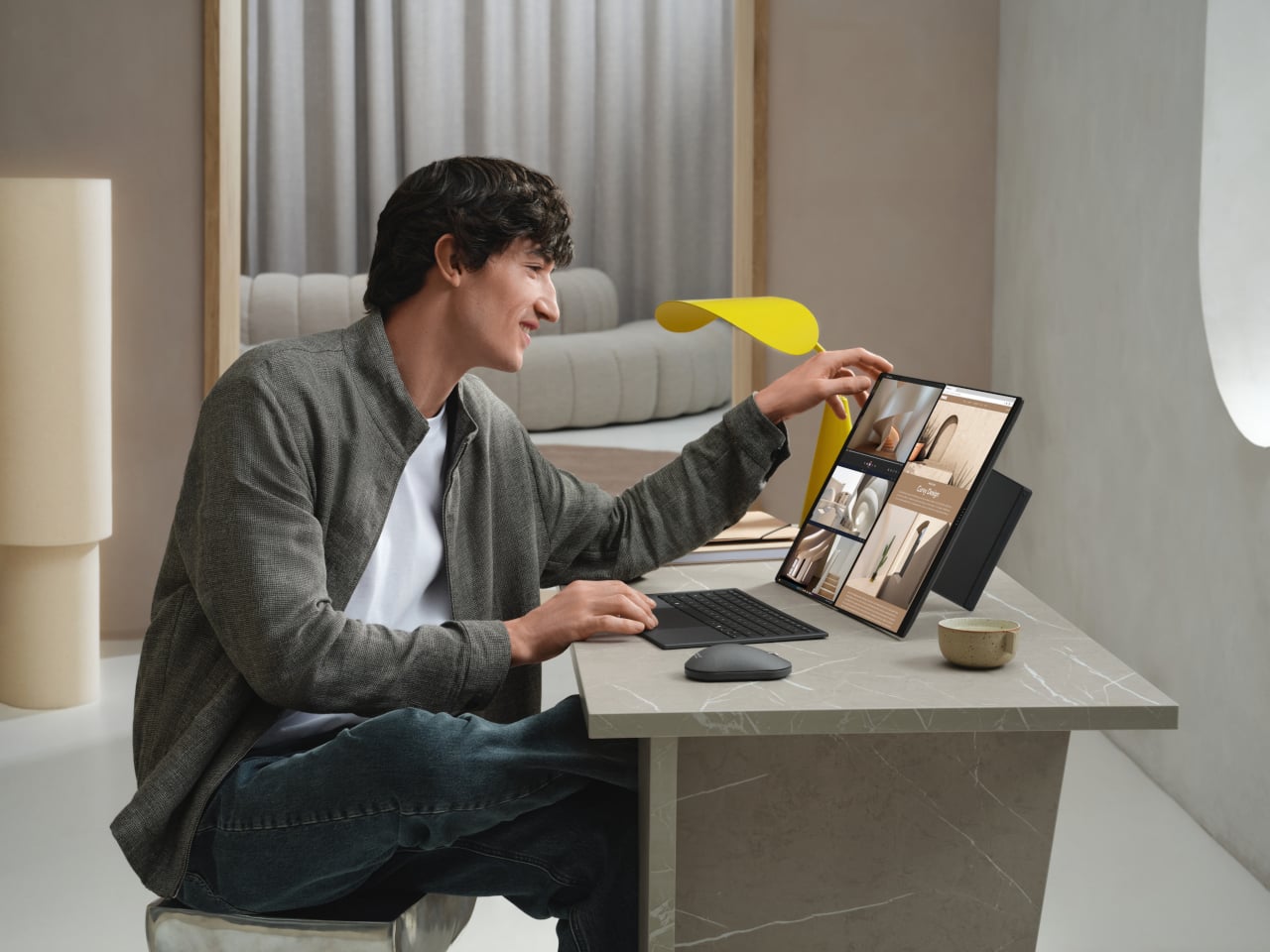
Zenbook DUO is the laptop for people who always end up plugging into a second monitor. Both panels are ASUS Lumina Pro OLED, with peak brightness around 1,000 nits, 16:10 aspect ratio, and high refresh, stacked in a way that lets a main workspace live on the top screen while timelines, chat, or reference material sit on the lower one. The new hinge design reduces the gap between screens to about 8.28 mm, making the dual-screen layout feel like a single continuous surface.
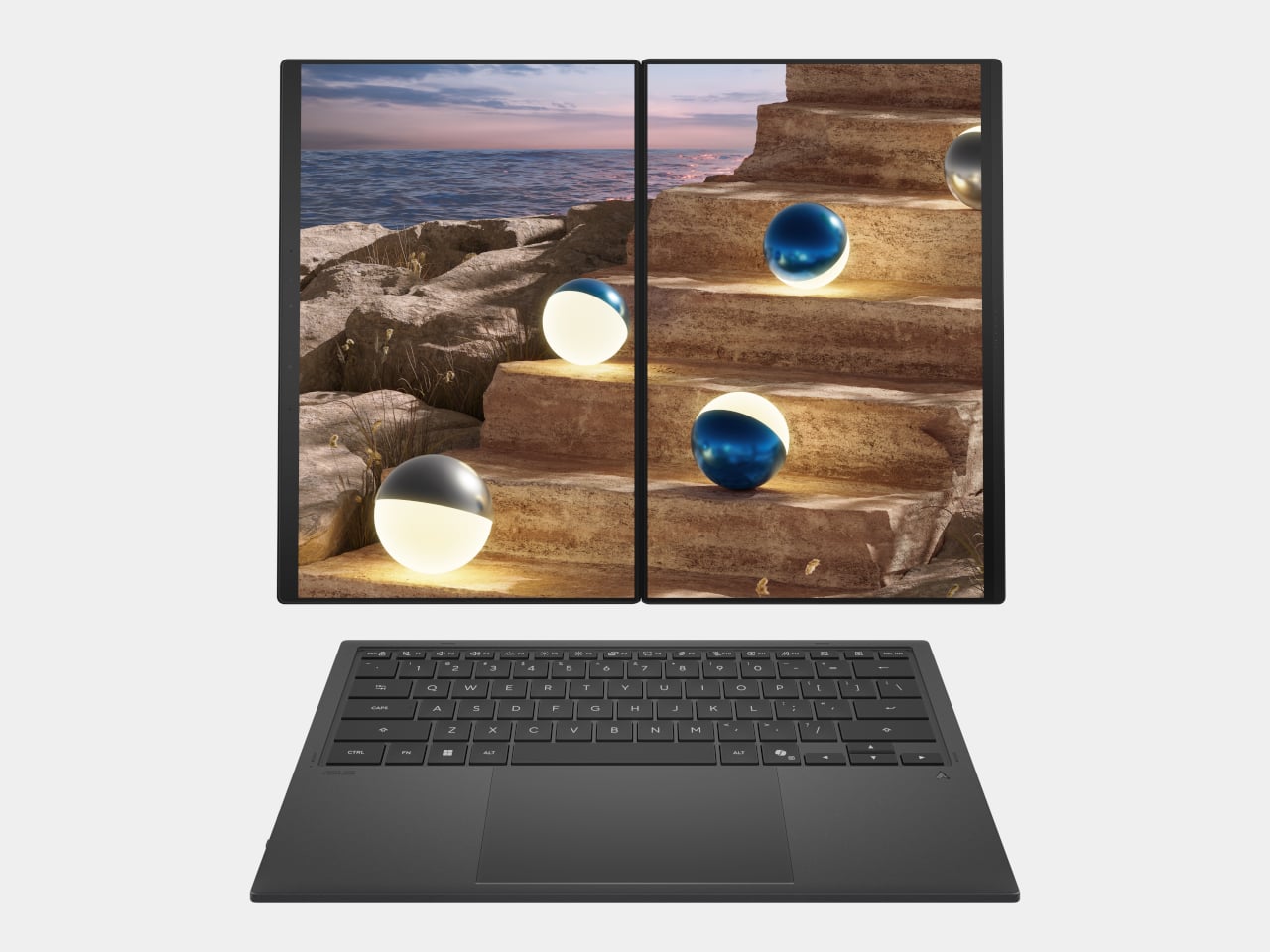
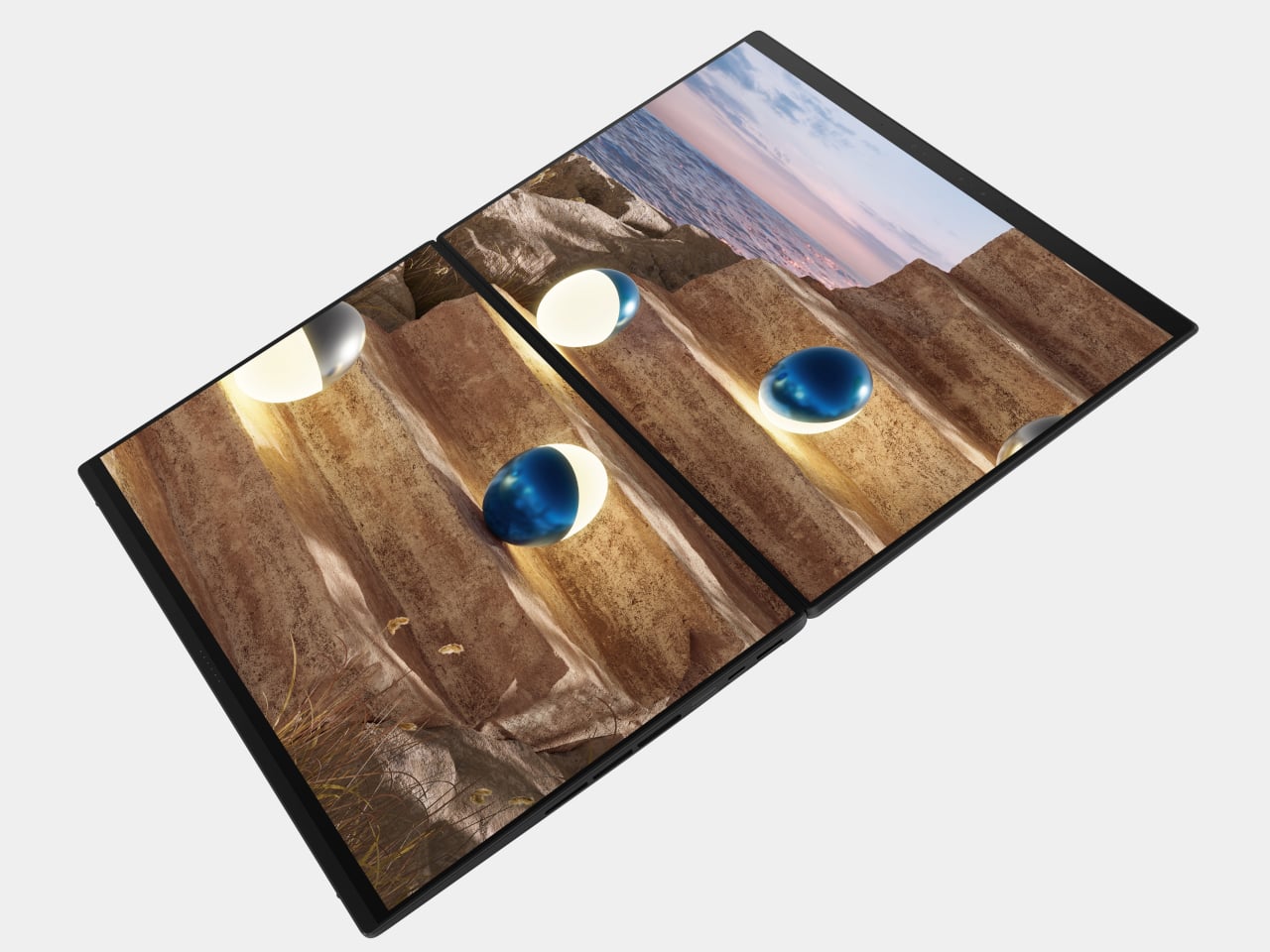
The laptop runs up to a next-gen Intel Core Ultra processor with an NPU around 50 TOPS, up to 32 GB of memory, and up to 2 TB of SSD storage, plus a dual-fan thermal solution to keep a 45 W CPU happy. A detachable keyboard connects via magnetic pogo pins or Bluetooth, so you can push it forward and treat the DUO like a tiny dual-monitor rig. Thunderbolt 4, HDMI 2.1, USB-A, and an audio jack mean you avoid living out of a dongle pouch, while six speakers with Dolby Atmos and ASUS Pen 3.0 support make it feel like a proper creator machine that just happens to fit in a 1.65 kg backpack.

ProArt GoPro Edition PX13

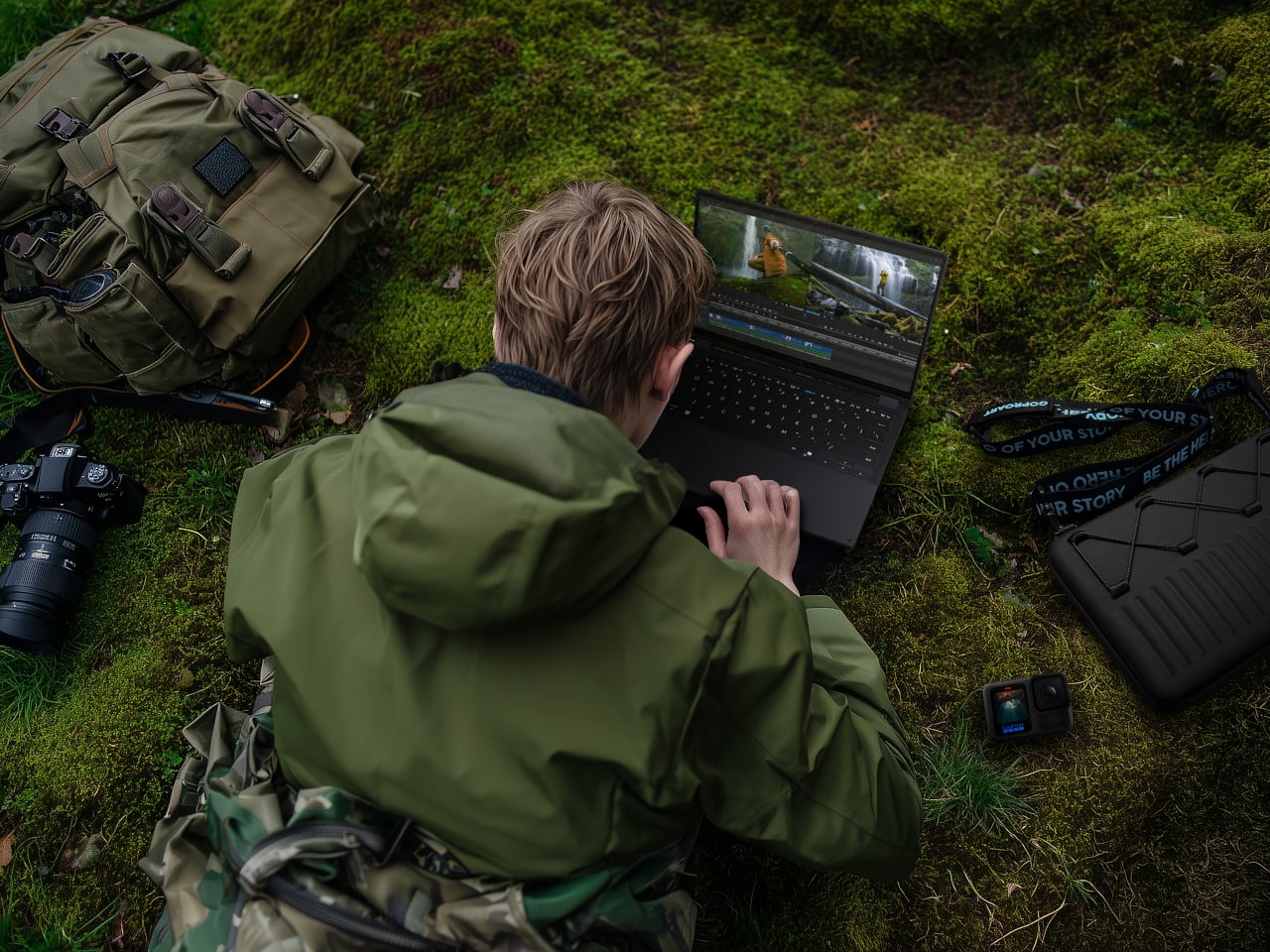
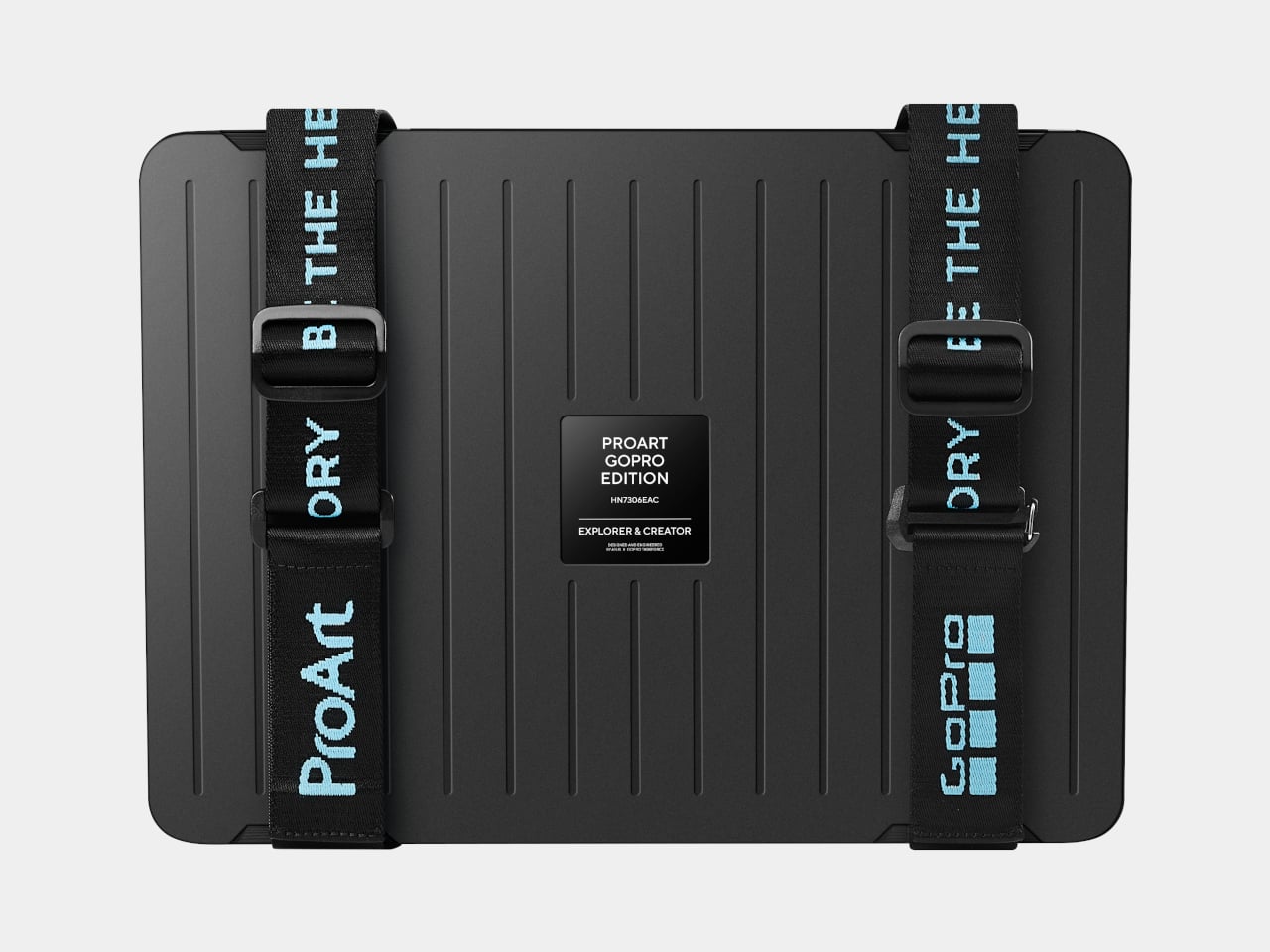
The ProArt GoPro Edition PX13 is the machine for people who think in clips and timelines. It runs up to an AMD Ryzen AI Max+ 395, with up to 128 GB of LPDDR5X onboard RAM and up to 1 TB of PCIe 4.0 SSD storage. That is a lot of headroom for 4K footage, AI-assisted editing, and background renders, and it is explicitly pitched as a “Create Anywhere” device rather than a generic 2-in-1 that dabbles in creative work.
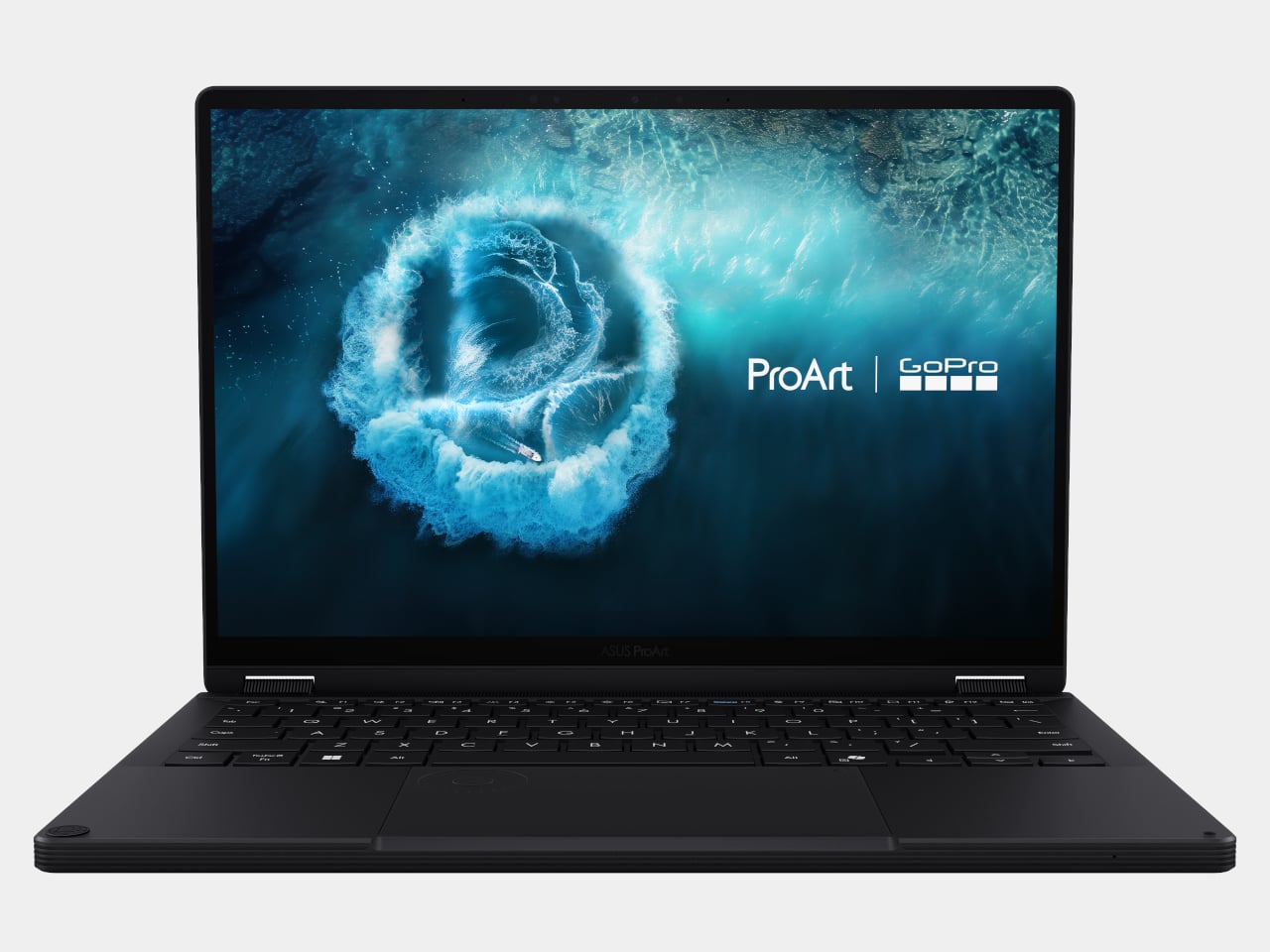
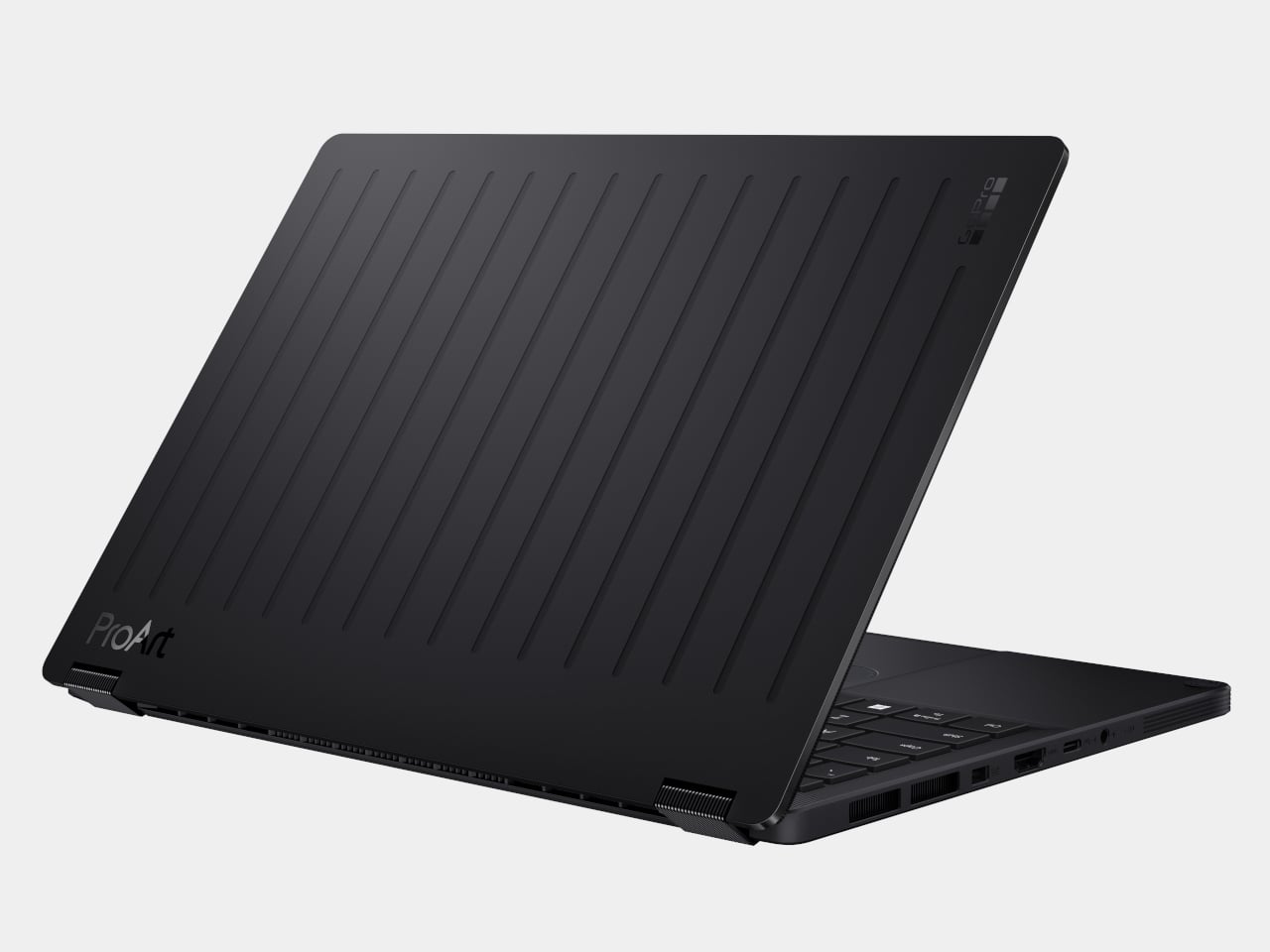
The 13.3-inch 3K HDR Lumina OLED display, with 100 % DCI-P3 and Pantone validation, gives editors and colorists a trustworthy canvas on the go. Ports include two USB 4.0 Type-C, one USB 3.2 Type-A, HDMI 2.1, a MicroSD slot with UHS II, and an audio jack, which means you can go dongle-free with cameras and drives. ASUS DialPad, StoryCube as an AI media hub, and a dedicated GoPro hotkey make it clear this is meant to sit in the middle of a creator’s workflow, bundled with 12 months of GoPro Premium+, six months of CapCut, and three months of Adobe Creative Cloud.

ProArt PZ14

ProArt PZ14 is the tablet-first counterpart, running on Snapdragon X2 Elite with 18 cores and up to 80 TOPS of NPU performance, paired with up to 32 GB of LPDDR5X and 1 TB of PCIe 4.0 SSD storage. The 14-inch 3K 144 Hz Lumina Pro OLED display, with 100 % DCI-P3 and up to 1,000 nits, makes it a serious panel for drawing, grading, or reviewing work.
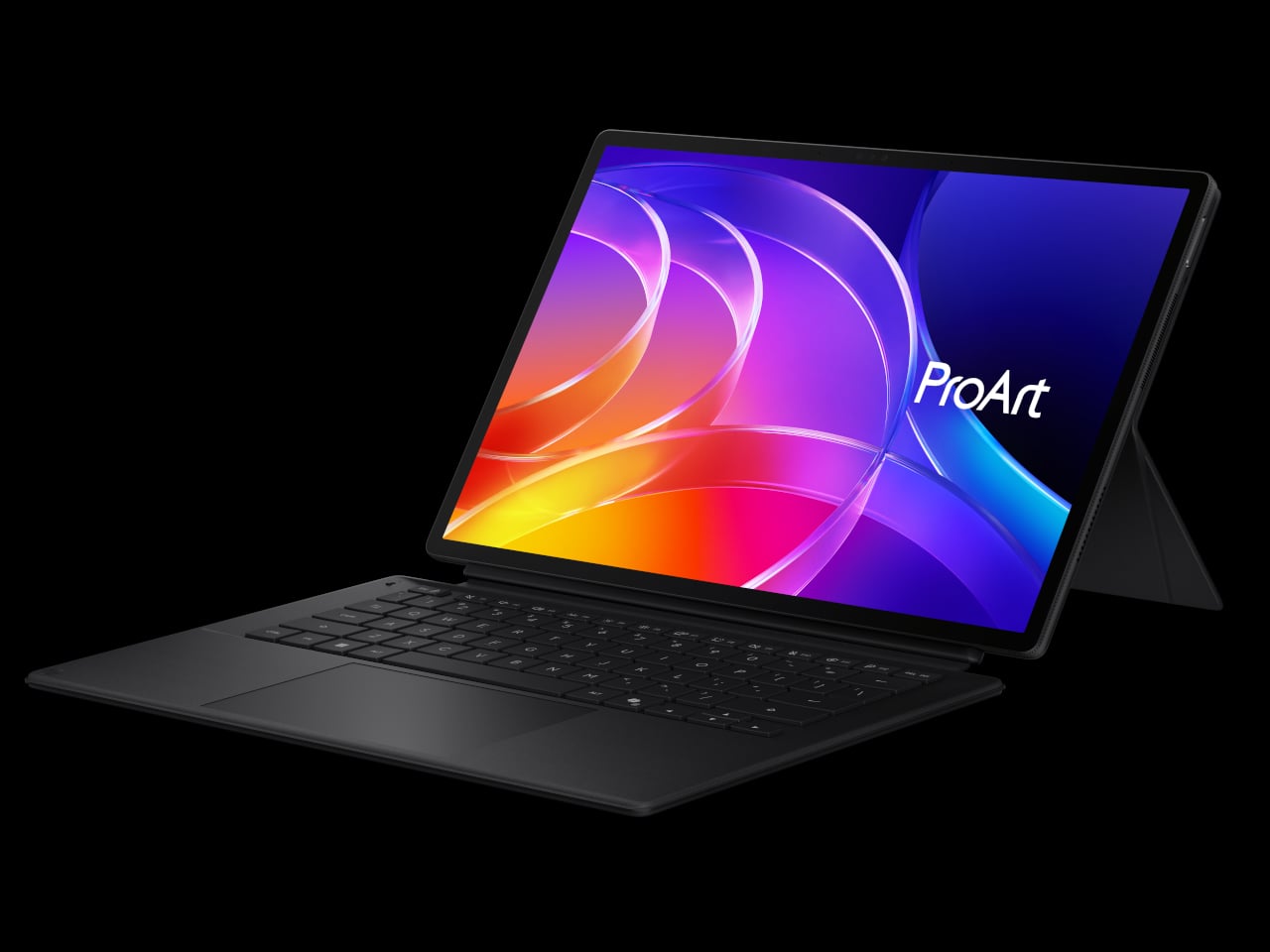

The 9 mm thickness, 0.79 kg weight, and IP52 water and dust resistance make it plausible to take the PZ14 out of the studio and onto a shoot. A Bluetooth keyboard, cover stand, ProArt mouse, and ASUS Pen 3.0 complete the kit, while dual super-linear speakers with Dolby Atmos, an 8 MP IR camera, and a 13 MP 4K rear camera round out the hardware. ProArt Creator Hub, StoryCube with GoPro integration, and MuseTree’s AI-assisted tools make it feel like a portable sketchbook and media station that can survive the field.

ASUS Zenbook S16 and S14
ASUS Zenbook S14

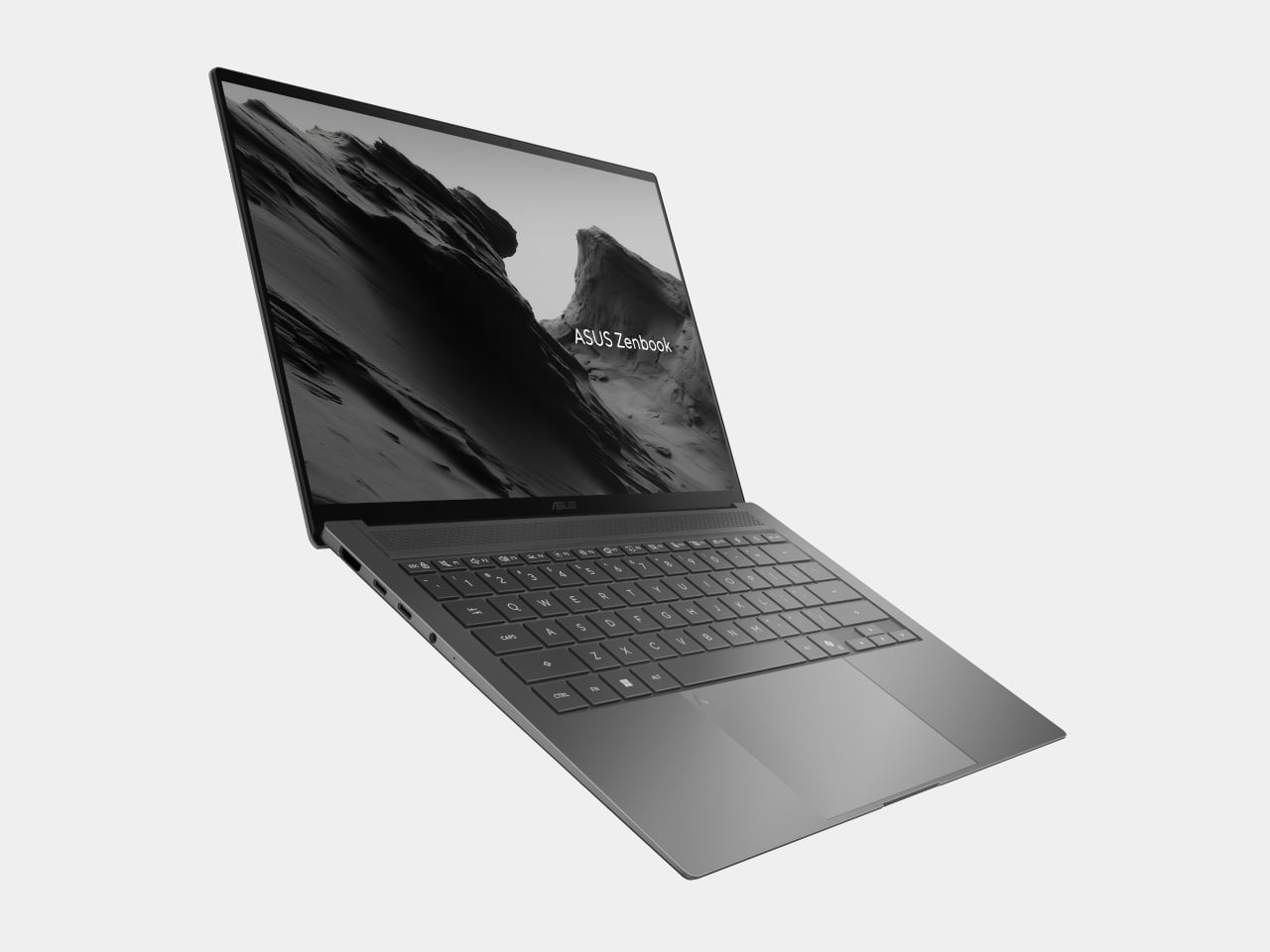
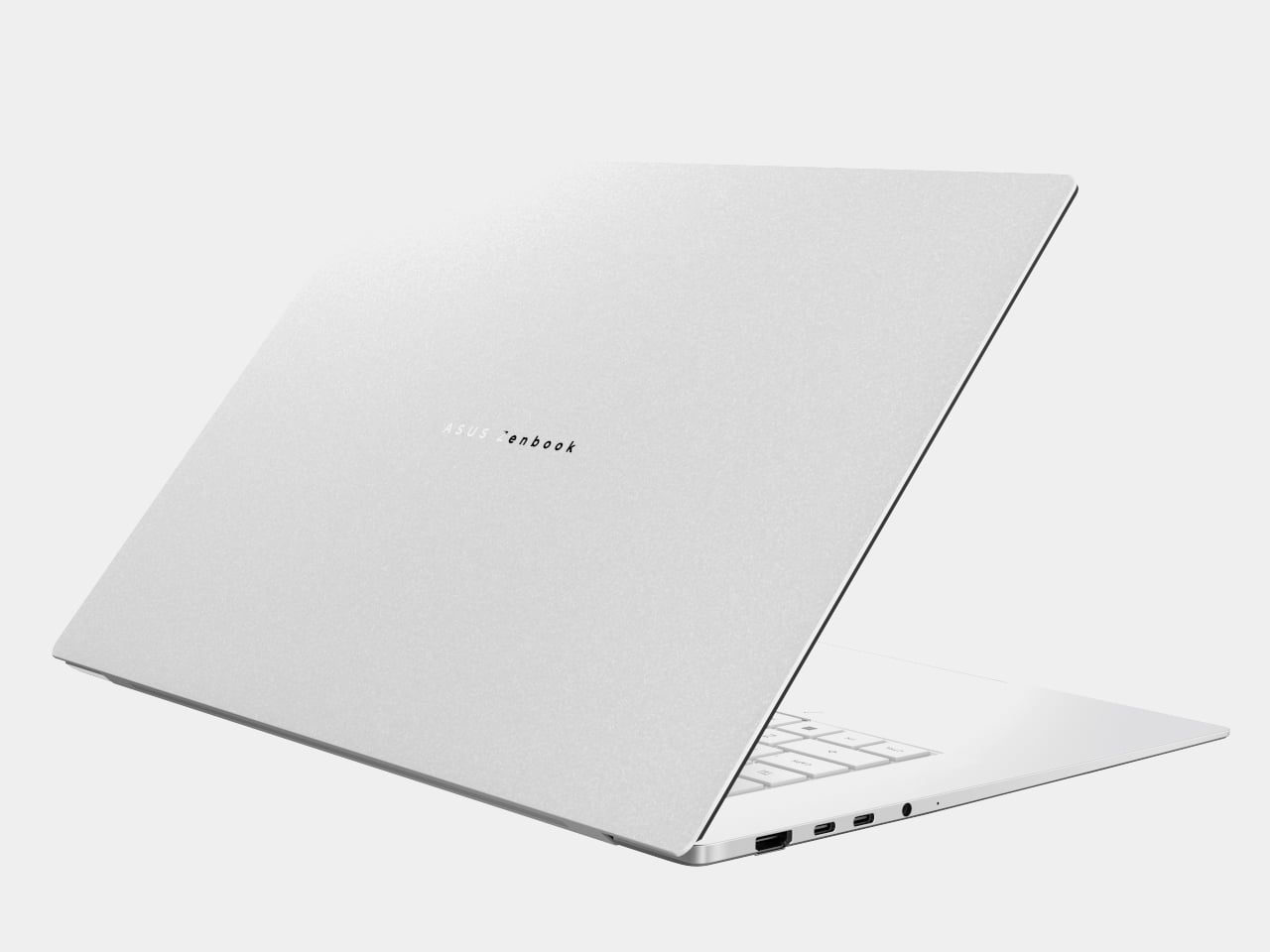
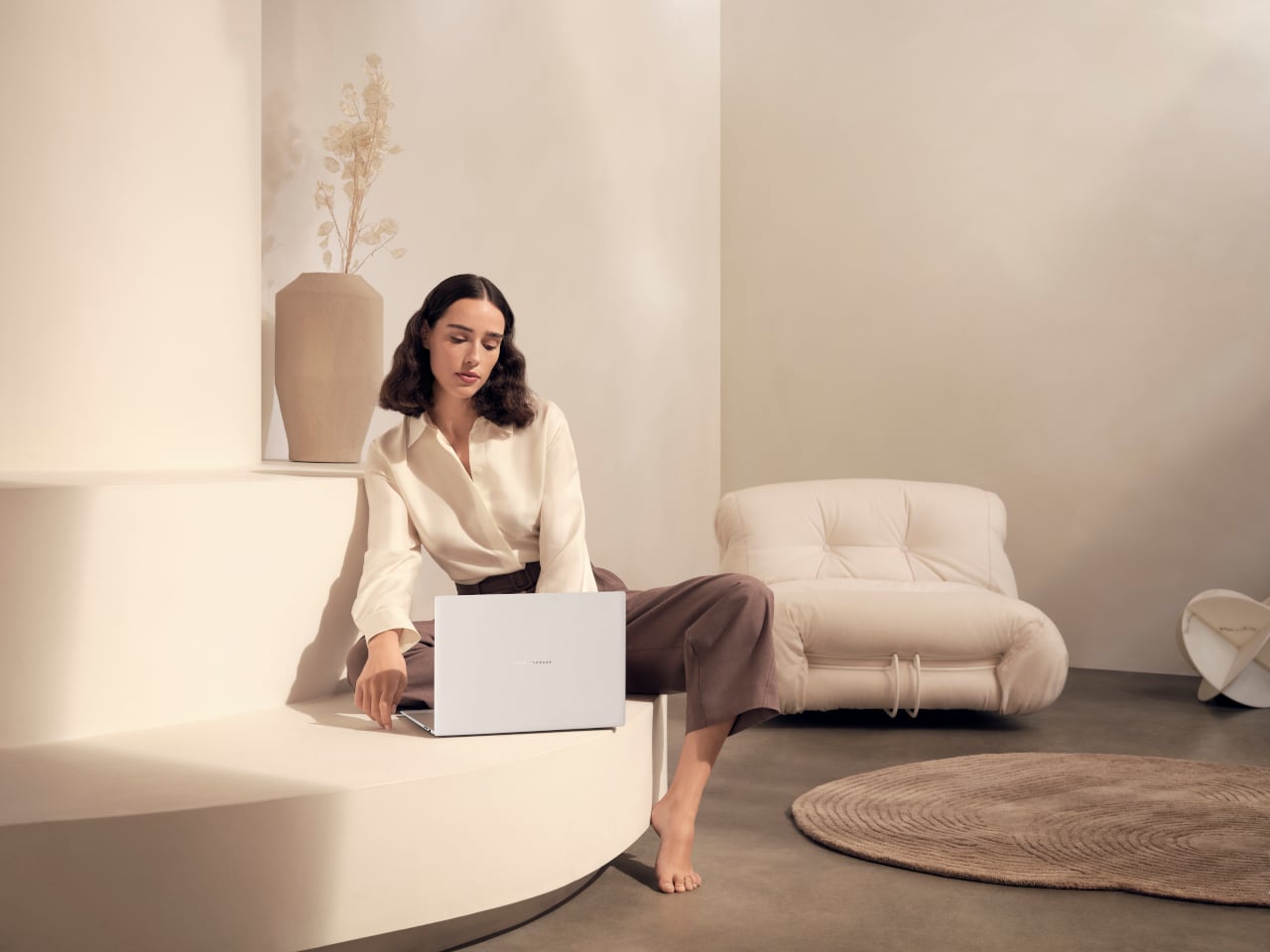
Zenbook S16 and S14 are the premium ultrabooks that bring Ceraluminum into everyday machines. The S14 runs next-gen Intel Core Ultra processors with up to 50 TOPS of NPU performance, while the S16 uses next-gen AMD Ryzen AI chips with similar NPU numbers. Both sit around 1.1 cm thick, with the S14 at about 1.2 kg and the S16 around 1.5 kg, making them thin enough to disappear into a bag.
ASUS Zenbook S16

Display options include 14-inch and 16-inch 3K OLED touch panels at 120 Hz, with peak brightness up to 1,100 nits and full DCI-P3 coverage. Four-speaker audio on the S14 and six-speaker audio on the S16, both with Dolby Atmos, plus Quiet Ambient Cooling and geometric grille vents, make them feel more like design objects than generic ultrabooks. Privacy features like Windows Passkey, Microsoft Pluton, and IR webcams, along with Copilot+ PC status, round out machines aimed at people who want a bit of flair with their AI.

ASUS Zenbook A16 and A14

ASUS Zenbook A14

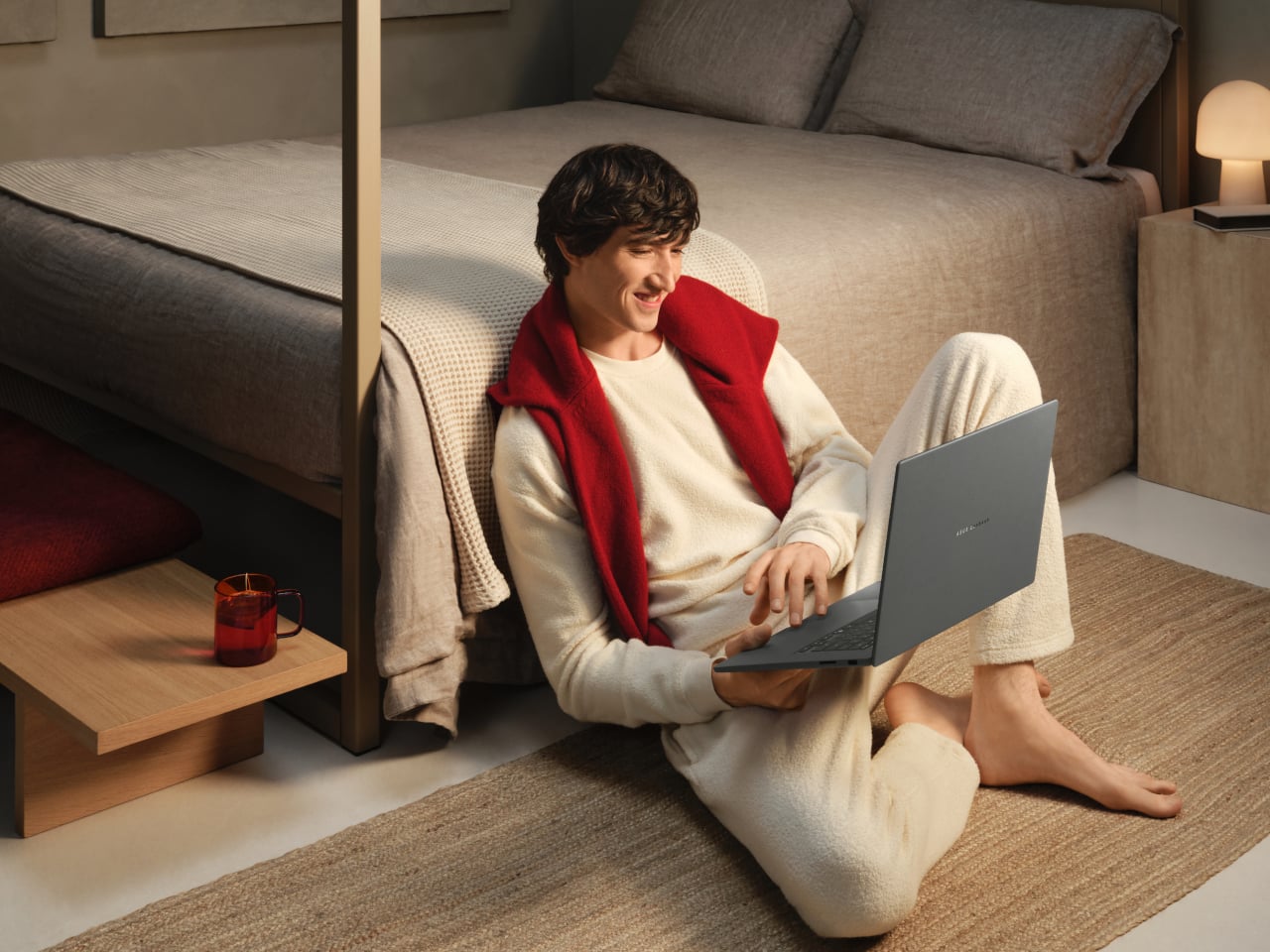
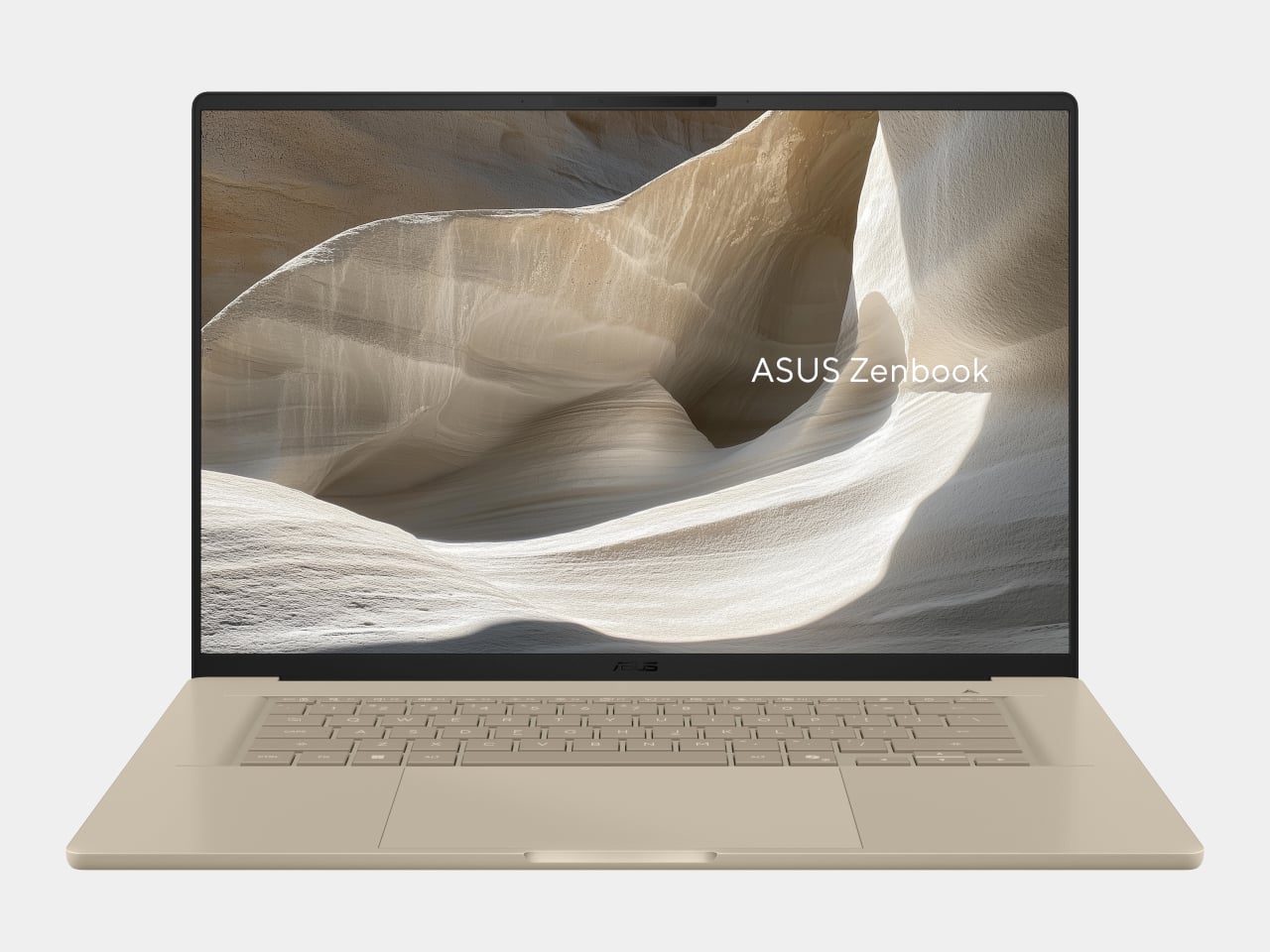
Zenbook A16 and A14 are the ultra-light Copilot+ PCs that lean hardest into battery life. The A14 weighs under 1 kg, while the A16 comes in around 1.2 kg, both using Ceraluminum for the lid, keyboard frame, and bottom case. Both pack 70 Wh batteries, with ASUS claiming multi-day life and more than 28 hours of video playback on the A14, which matters when you are away from outlets for long stretches.
ASUS Zenbook A16

The A16 steps up to a 16-inch 3K 120 Hz OLED with peak brightness around 1,100 nits, powered by Snapdragon X2 Elite Extreme running up to 5.0 GHz with a 192-bit bus and 228 GB/s of bandwidth. Lightweight dual-fan thermals, high-fidelity six-speaker audio, smudge-free keycaps, and Smart Gesture touchpads make both A-series machines feel like travel companions that just happen to be Copilot+ PCs with up to 80 TOPS of NPU performance, built for people who count grams and hours equally.

ASUS at CES 2026: AI Specs That Justify New Shapes

Zenbook DUO and ProArt PX13 GoPro Edition are the clear statements, one turning dual OLEDs into a portable studio, the other turning Ryzen AI and 128 GB of RAM into a mobile editing bay. Around them, ProArt PZ14, Zenbook S16/S14, and Zenbook A16/A14 show how Ceraluminum, Lumina OLED, and high-TOPS NPUs can be tuned for different days and different bags. For Yanko Design readers, the interesting part of ASUS’s CES 2026 story is not just the raw numbers, but how those numbers are being used to justify new shapes and new ways of working that feel like a genuine break from the last decade of laptop design, where every machine looked roughly the same, and only the stickers changed.

The post ASUS and GoPro Built a 128GB Laptop for Video Editors at CES 2026 first appeared on Yanko Design.
Meet M1: The AI Companion That Wants to Live in Your Home

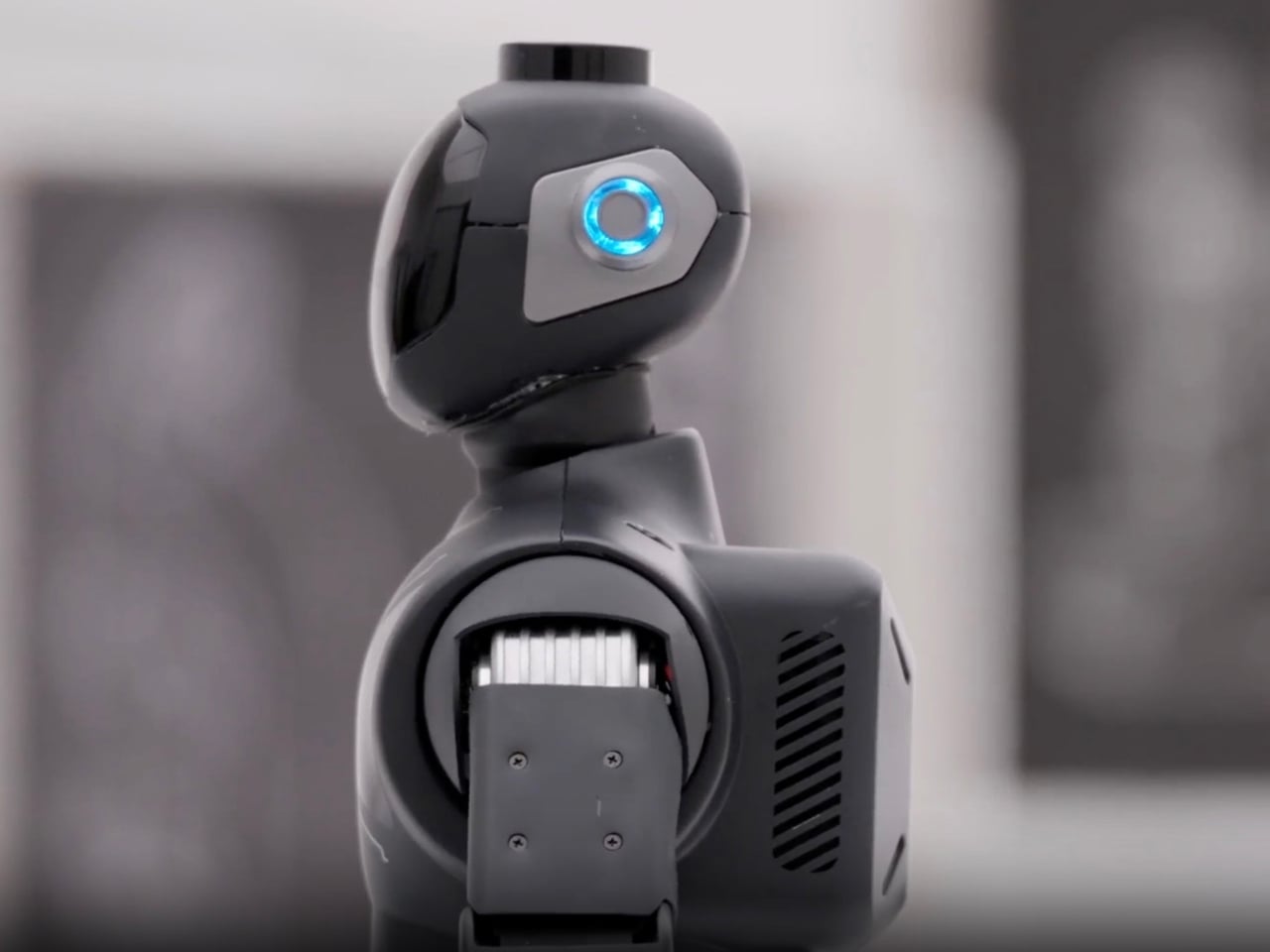
You’ve seen robots in sci-fi movies, stiff and awkward humanoids that stumble through doorways while trying to act human. But what if I told you there’s a 15-inch robot that actually wants to become part of your everyday life, and it might just pull it off? Meet M1, Zeroth’s flagship home robot that’s rewriting what it means to have a robotic companion.

M1 isn’t trying to be your butler or your therapist. Instead, it occupies this fascinating space between tech gadget and genuine helper. Zeroth describes it as “embodied intelligence,” which sounds like marketing speak until you realize what they mean. This little robot sees, listens, remembers, and most importantly, acts on what it learns about you and your household. It’s built on the idea of human-technology symbiosis, bringing interaction, companionship, and protection into one compact form that doesn’t feel like you’re living in a dystopian future.

Designer: Zeroth

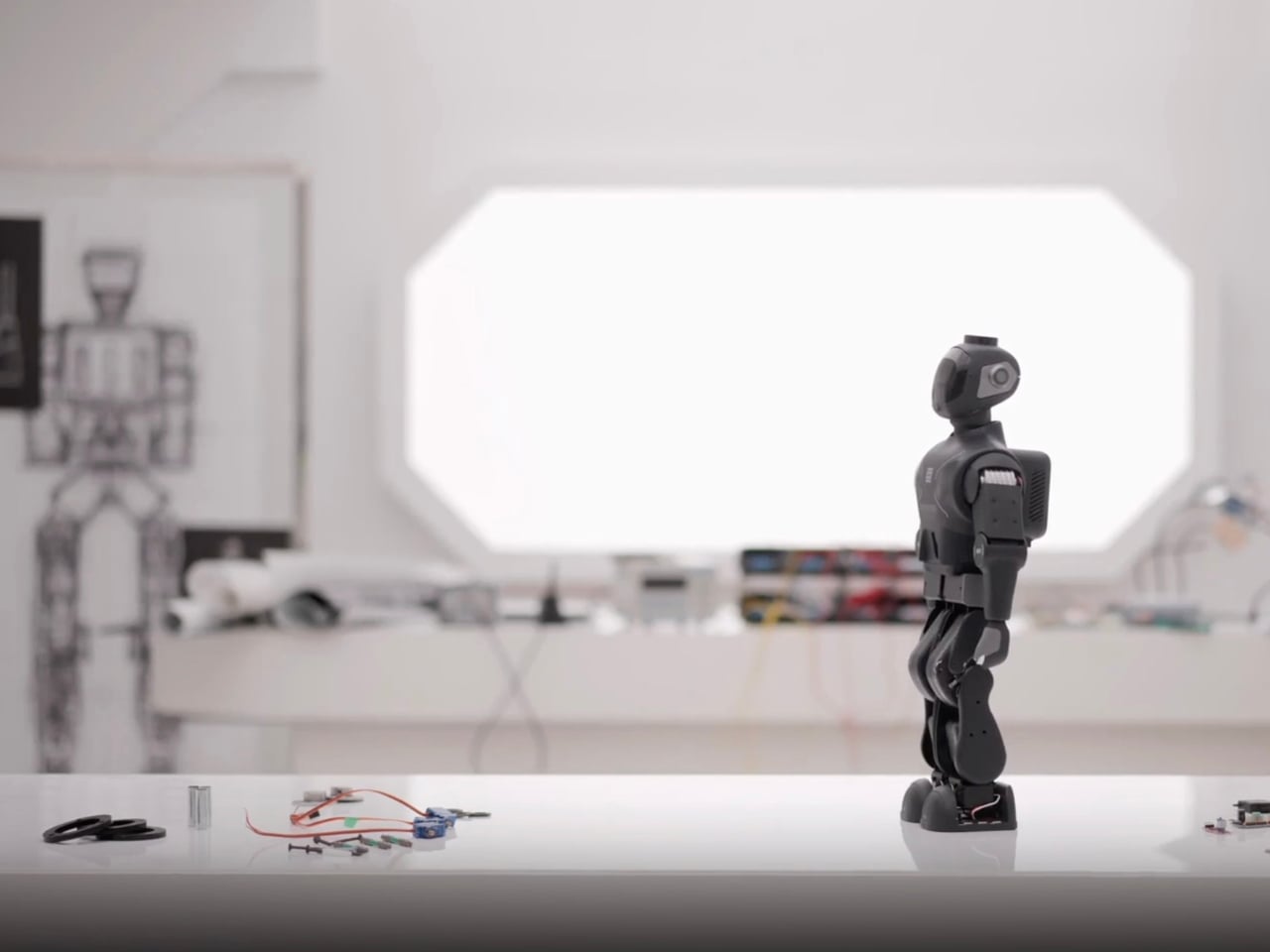
Let’s talk design. M1 stands roughly 15 inches tall, deliberately sized to feel approachable rather than intimidating. The materials tell their own story: stainless steel, aluminum alloy, ABS, rubber, silicone, and glass come together in a way that feels both premium and purposeful. This isn’t cheap plastic masquerading as innovation. There’s a thoughtfulness to the construction that suggests Zeroth actually considered how this robot would exist in your living room, not just function in a lab.

But here’s where M1 gets genuinely interesting. It’s not just a novelty gadget collecting dust after the initial excitement wears off. The robot offers fall detection and mobile safety checks for older adults who want to maintain independence at home. For busy parents, it steps in as that extra set of eyes, managing reminders and routines while keeping kids engaged. And for the makers and tech enthusiasts? M1 becomes a canvas for customization and experimentation, letting you build and define what your first personal robot should actually do.

Zeroth launched this five-robot lineup at CES 2026, but M1 is the one they’re pushing into U.S. homes first. The company, founded in 2024, isn’t just throwing robots at the market to see what sticks. They’ve developed what they call their “Technology DNA,” a unified foundation built on three pillars: advanced motion control, an evolving interaction model, and proprietary actuator engineering. Translation? M1 moves more naturally, learns how you communicate, and packs serious tech into that compact frame.

The pricing sits at $2,399 during the pre-order phase, down from its $2,999 MSRP. That’s not impulse-buy territory, but it’s also not astronomical when you consider what you’re getting. Expected shipping starts April 15, 2026, giving Zeroth time to fine-tune production and hopefully avoid the launch disasters that have plagued other robotics companies.

What makes M1 particularly compelling is how Zeroth positions it. This isn’t about replacing human connection or automating every aspect of life. Instead, M1 fills gaps. It’s there when you need a reminder to take medication but don’t want to set another phone alarm. It engages with kids when you’re making dinner and can’t referee the tenth sibling argument of the day. It monitors for falls without making Grandma feel like she’s being watched by Big Brother. The voice intelligence integration means M1 responds naturally to conversation rather than requiring you to memorize specific commands. It’s the difference between talking to a device and talking with a companion. Over time, the robot learns household patterns, preferences, and needs, becoming more useful the longer it stays in your home.

Zeroth is betting that 2026 is the year consumers are finally ready for home robots that do more than vacuum floors or play music. M1 represents that gamble in physical form, a synthesis of cutting-edge AI, thoughtful design, and practical functionality. Whether it succeeds depends on whether people see value in having a small robotic presence that promises to make life just a little bit easier.

The company showcased M1 and their full robot lineup at CES 2026 for anyone wanting a hands-on experience with the technology. The future of home robotics might not look like the towering androids we expected. Instead, it might be 15 inches tall, made of premium materials, and quietly learning your routine while sitting on your kitchen counter. M1 isn’t just another smart device. It’s Zeroth’s attempt to answer a question we’ve been asking for decades: what happens when robots finally come home?

The post Meet M1: The AI Companion That Wants to Live in Your Home first appeared on Yanko Design.
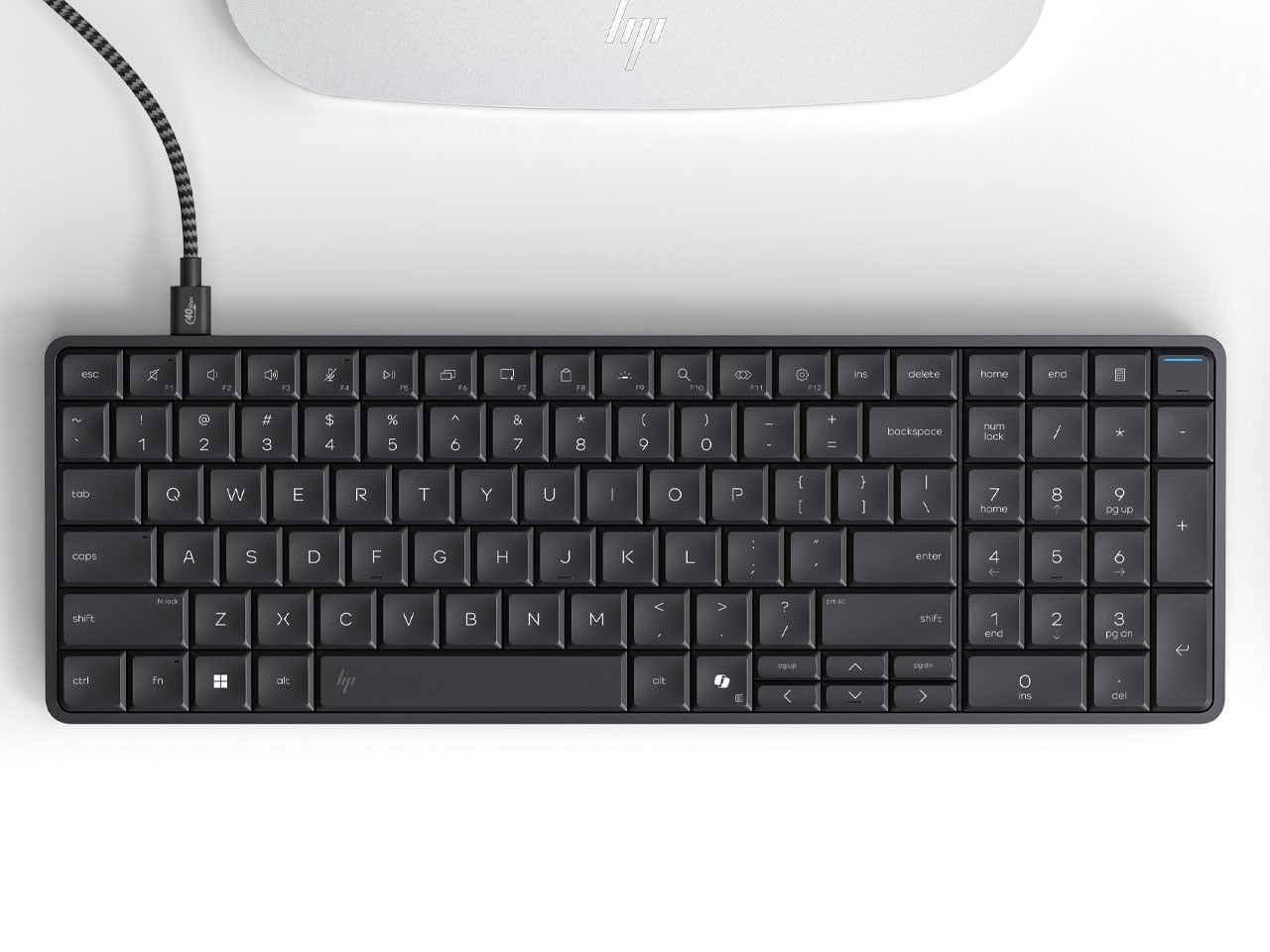
HP Eliteboard G1a keyboard is a next gen AI PC in disguise

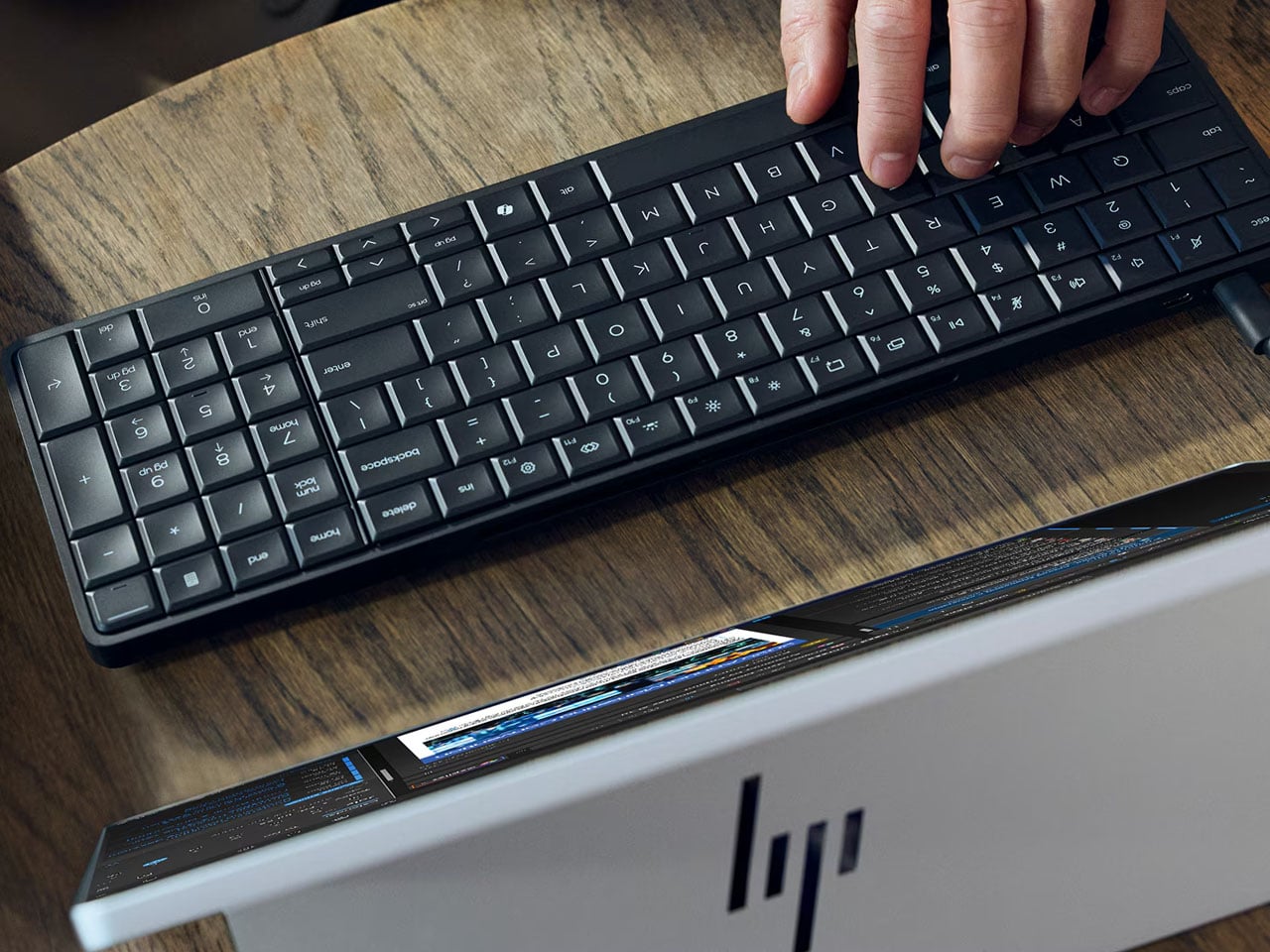
It’s CES time, and we’re not expecting anything short of extraordinary at the event. The other day, we saw the Pentagram x Caligra c100 keyboard, which houses computing hardware inside. Now, HP has announced its own version of a keyboard PC, and it looks even better, with practicality at the forefront. At first glance, you might not realize the desktop keyboard has computing power inside, but that’s where the surprise lies.

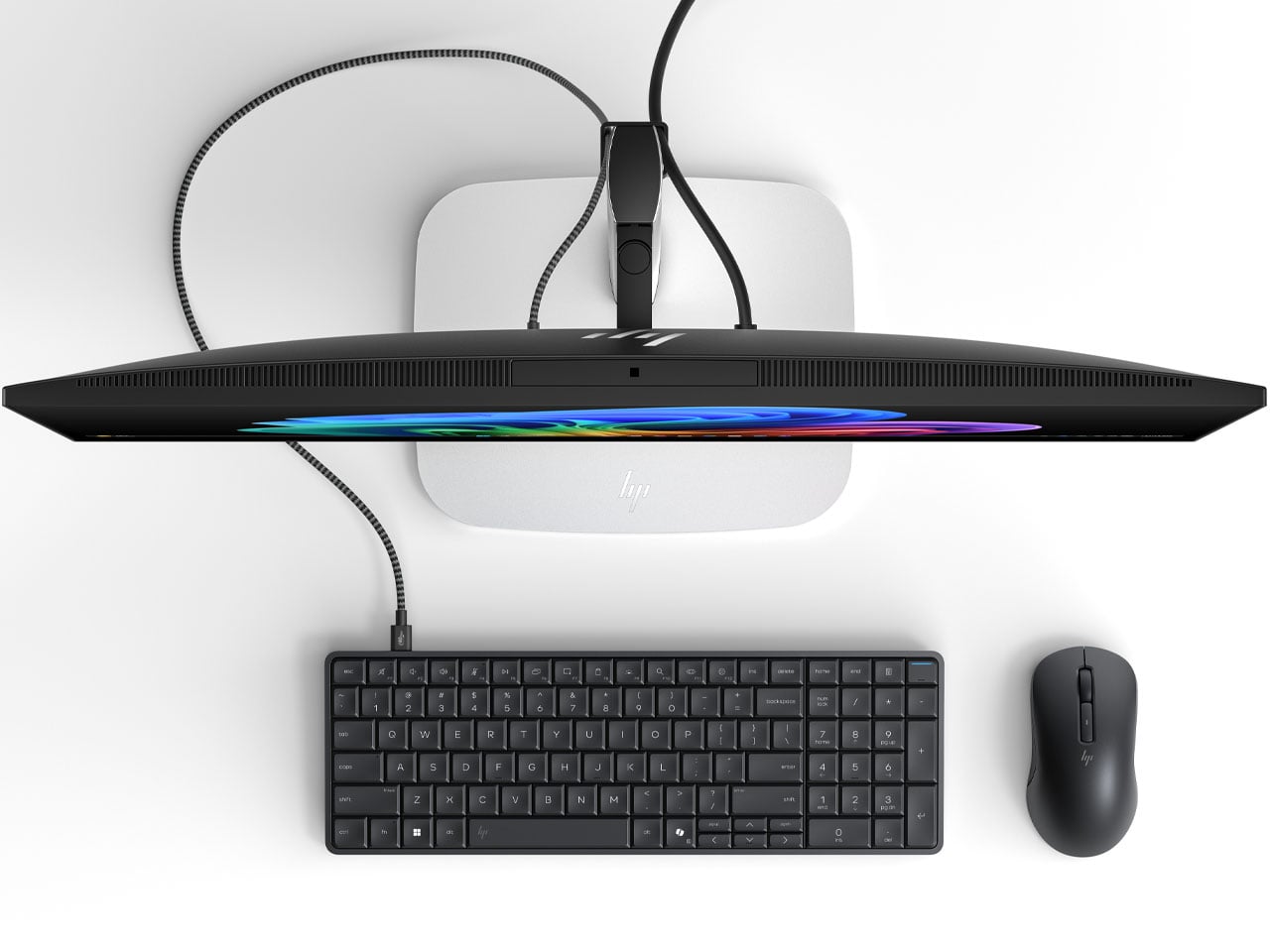
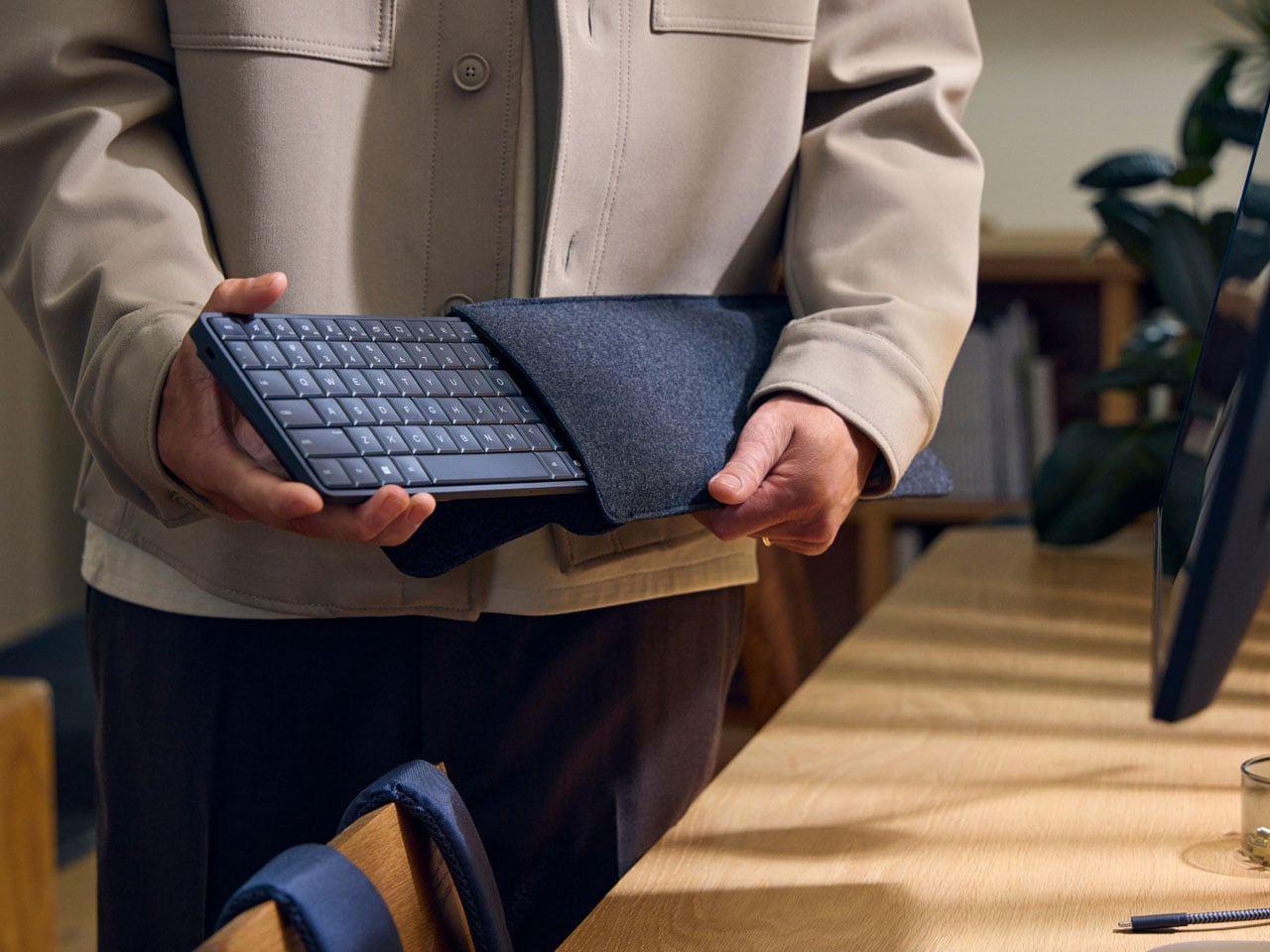
According to HP, the Eliteboard G1a is “the first and only AI keyboard PC,” and is capable of doing most of the day-to-day tasks you desire while being mobile. Rather than going the AIO route (slamming a PC into the screen), HP chooses a piece of hardware that goes portable with you. The screen PC idea is novel, but it restricts you to one place. A keyboard PC is a more practical idea, and I’m glad it’s here.

Designer: HP

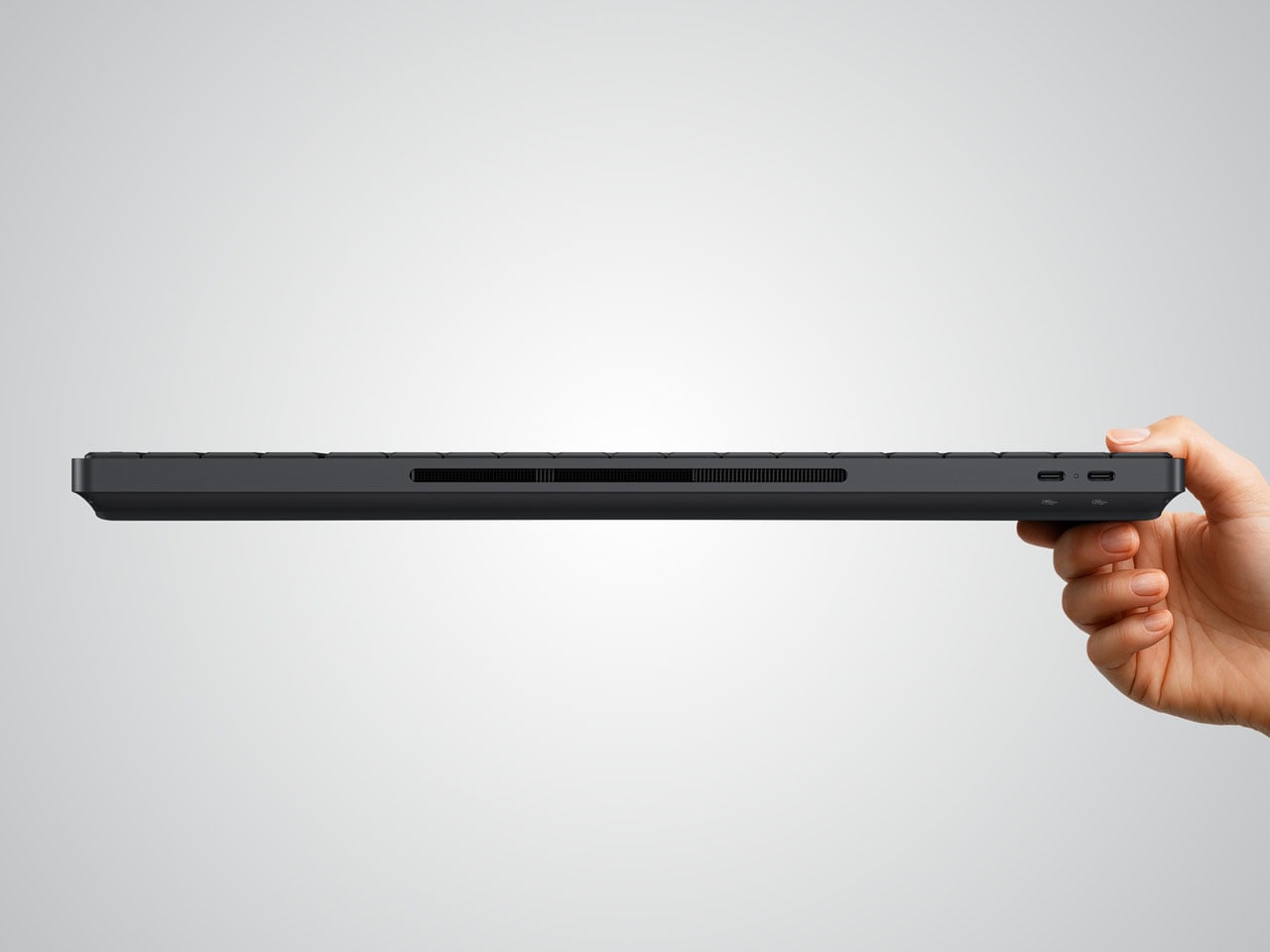
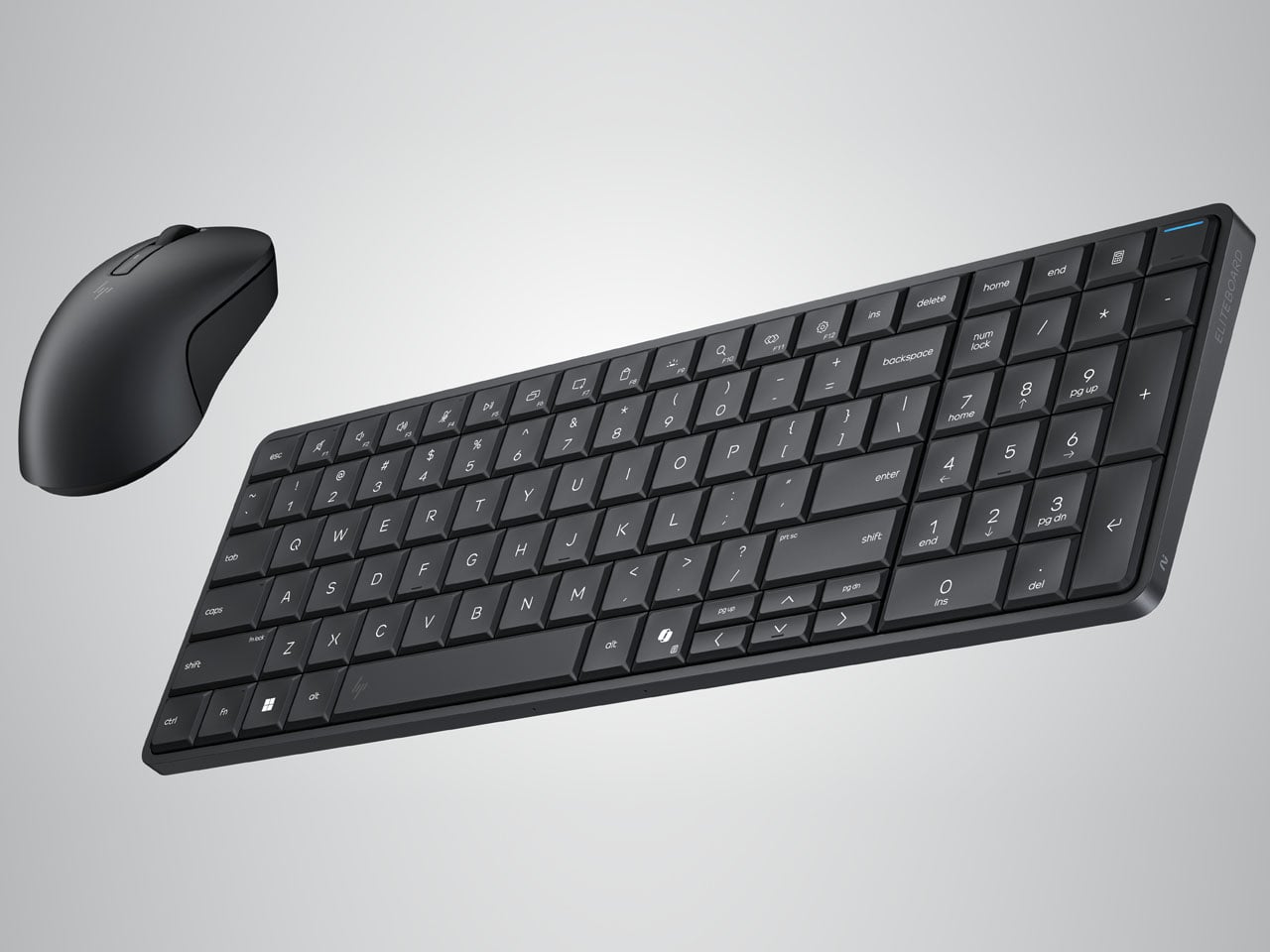
The EliteBoard G1a keyboard is a tad thicker than normal peripherals, and it’s completely understandable as computing hardware requires space. Measuring 58 x 118 x 17 mm and weighing just 726 grams (with the battery included), the keyboard is ideal for tasks like browsing the internet, opening the odd survey form for input, listening to music, and more. The spill-proof peripheral has 93 keys, including the number pad. In retrospect, it makes the Bapco mechanical keyboard that houses a working PC inside look bulky.

If you’ve used the HP Elitebook range, the keyboard has the same tactile typing experience, with the key travel (2mm) fine-tuned for desktop space. The keyboard PC comes with the choice of AMD Ryzen AI 300 Pro mobile processors, capable of a maximum of 50 NPU TOPS, making it a Copilot+ equivalent PC. You can connect up to two 4K monitors (running at 60Hz) since it has an integrated Radeon iGPU. Memory capacity is capped at 64GB DDR5-6400, which should be enough to handle sizeable tasks on the fly. The user can install up to 2 TB PCIe Gen4 NVMe SSD, while the Ryzen AI 7 350 SKU variant can be configured for 32GB of eMMC storage.

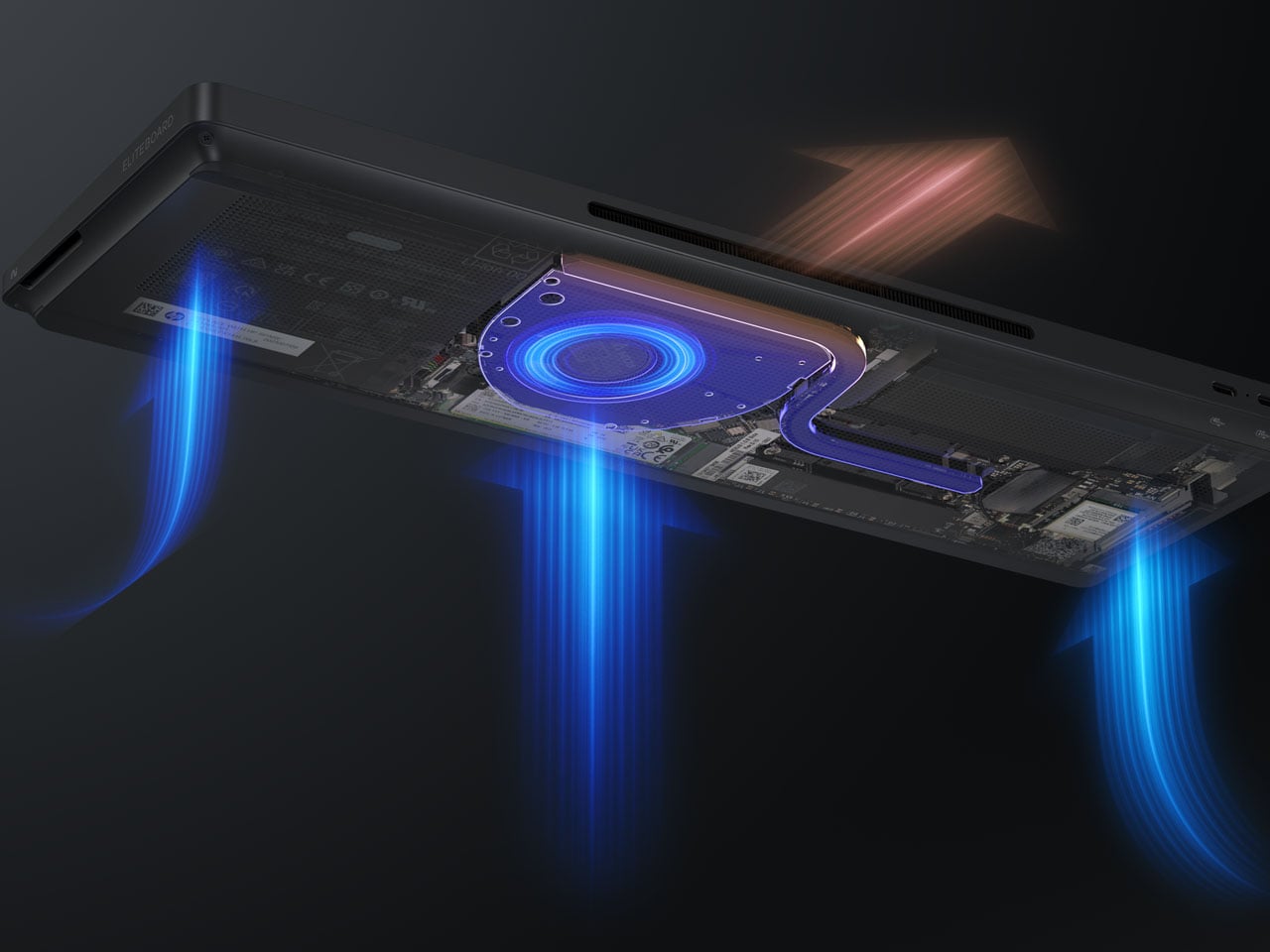
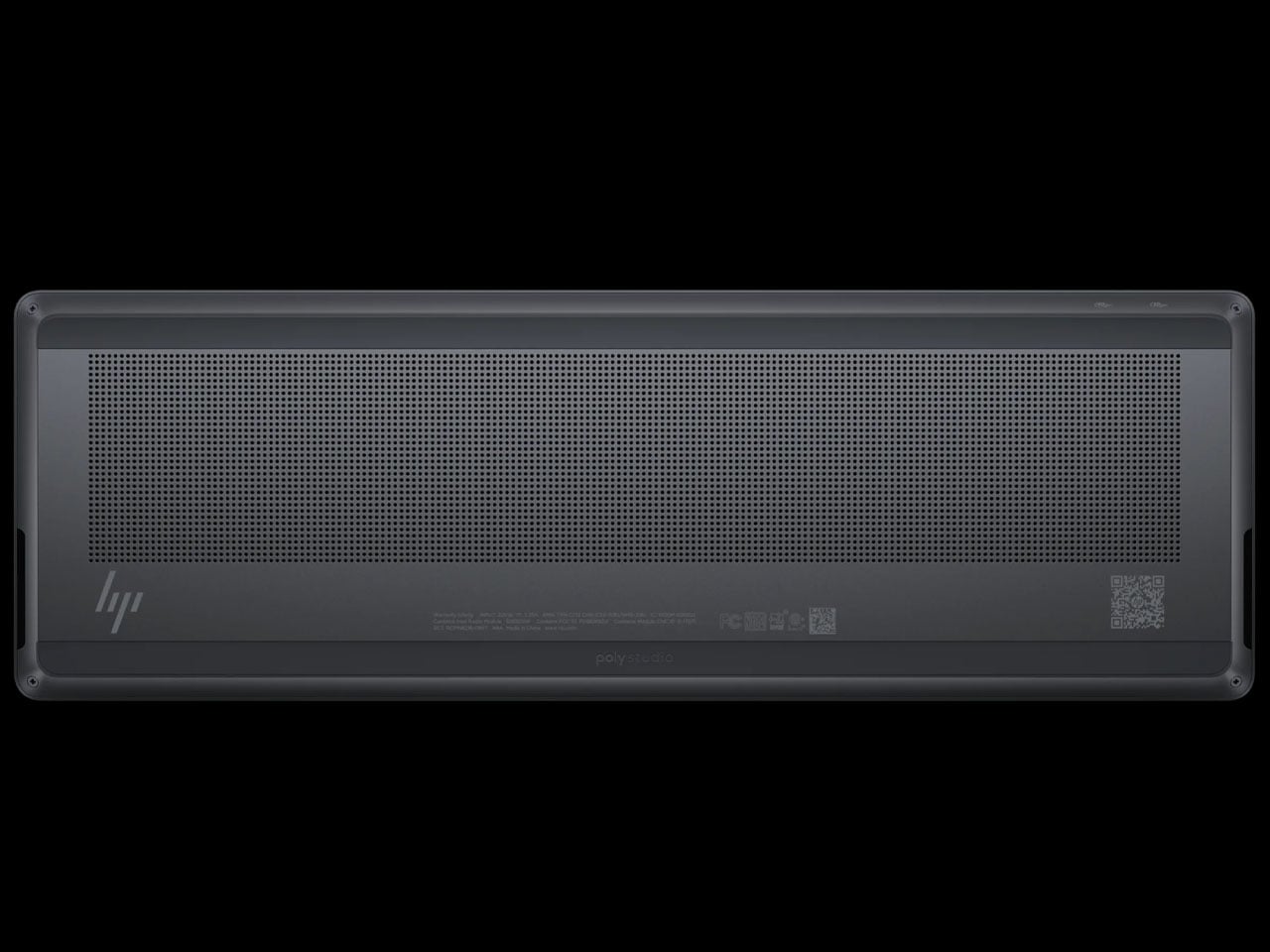
The Windows 11-powered EliteBoard G1a has a built-in 32 Wh battery that can be charged at speeds of up to 65 Watts. You can connect monitors via the USB4 and USB-C ports on the back, or any other compatible hardware. The keyboard has a claimed 3.5 hours of battery run time on a single charge, but that’ll vary depending on usage and connected devices. There are vents to channel airflow, and the keyboard even comes with stereo speakers for a holistic setup. The keyboard comes in two models, with the high-end version having an optional fingerprint reader and a detachable USB-C cable.

HP is slated to release the keyboard PC in March 2026, and there’s no word on the pricing yet.

The post HP Eliteboard G1a keyboard is a next gen AI PC in disguise first appeared on Yanko Design.