The NocFree Lite split wireless mechanical keyboard is an audaciously customizable piece of tech gear

I’m sure of one thing; you need to have great typing skills if you are to use a split keyboard. For example, if you are like me, who has to extend their right hand over the left to find an odd key: we are not designed for this gadget! That said, split keyboards are hailed for their typing comfort, and there are many ergonomists to back it up. The split keyboard: wired and wireless, are functional and comfortable alternative to traditional keyboards because these provide more flexibility.

As opposed to a traditional keyboard that forces you into a fixed, rather unnatural, typing position for an extended period of time, the split keyboard rips that apart in the middle so every user can find their most comfortable position. We have seen a handful, or rather more, iterations of a split keyboard in our time. If I recollect correctly, Naya Create keyboard that added a trackpad to the split design won a lot of accolades back in the day. Now NocFree wants to rival the Create and other similar options with unmatched adjustability offered by its accommodating form factor.

Designer: Solar (NocFree Team)

Click Here to Buy Now: $166 $210 (20% off). Hurry, deal ends in 48 hours!

Before we get into the details of the NocFree Lite, the first prototype of the spilt keyboard, be reminded that the changes in desk setup to address your posture issues and pains, may not be limited to the position of the desk. If you have swapped between sitting and standing desks and been through a range of lumber support chairs, without a respite; consider giving your keyboard a swap. Whether you prefer linear, tactile or clicky switches, the NocFree Lite has the options to be truly effective.

The idea of NocFree keyboard is not accidental. It was conceived after the designer Solar from Kowloon, Hong Kong, battling wrist pain and lower back discomfort, headed out to search for a solution. With the absence of a split keyboard of his choosing, the idea of NocFree was born. It is a keyboard that we would want to use daily, hours at the computer desk or a gaming rig, without feeling the strain on the wrist or the shoulders.

To ensure this, the NocFree Lite Split Wireless Mechanical Keyboard functions in two independent parts for user comfort. And when you want otherwise, the left and right sides of the keyboard can be effortlessly merged. So, with the NocFree, you can start with the fully merged keyboard and gradually separate it as the shoulder begin to feel the strain. The benefit in the latter position is beyond the comfort. The void between the two halves of the keyboard can offer prime desk real estate to place your documents, mouse or maybe a tablet to take notes.

The sleek, adjustable layout of the NocFree Lite comprises 65 keys for utmost productivity. With the necessary keys for all the functionality you need, the keyboard is not a sitting duck. It offers a dazzling array of 31 lighting effects that you can customize for your choice of color, brightness, and transition speed. For further customization, NocFree Lite comes with a few keycap options that may cater to your unique style and preference.

The NocFree Lite comes with a palm rest made from a single piece of walnut. This is also made to split with the keyboard and alleviates palm pressure in either use setting. According to the our information, 20 prototypes of the NocFree Lite have been made and tested, and the keyboard is ready for manufacturing. The idea behind the design is to move split keyboards from a niche to a mainstream choice, for which the makers are currently running an Indiegogo crowdfunding campaign, where prospective buyers can preorder a unit for $166.

Click Here to Buy Now: $166 $210 (20% off). Hurry, deal ends in 48 hours!

The post The NocFree Lite split wireless mechanical keyboard is an audaciously customizable piece of tech gear first appeared on Yanko Design.

These Minions Wi-Fi Routers were probably the most brilliant devices we saw at CES 2024

Flying cars and AI assistants are a dime a dozen – but have you ever seen a router so adorable it would be the highlight of your interior decor??

The SmartAir Minions Routers were so oddly located in a corner of the Westgate area of the CES 2024 exhibition that it was easy to miss. As chance would have it, I headed to the Westgate area to look for another company, only to suddenly notice these minions through the corner of my eye sitting on a counter. Given the fact that CES is predominantly a tech show, I obviously wondered why these plush-looking toys were on display. A few seconds in it dawned on me – these lifelike characters from the Despicable Me franchise were, in fact, dual and triple-band WiFi 6E routers capable of multi-gigabit internet. The added bonus? They look more adorable and presentable than your existing WiFi router ever could.

Designer: Davolink

Click Here to Buy Now

The routers come in two models, designed to resemble the two key characters in the Minion-verse, the short and adorable Bob, and the tall and klutzy Kevin. The choice of these two characters play well into the routers’ features too – Bob, being smaller, offers dual-band WiFi connectivity, while the taller Kevin (and that tiny antenna-esque toupee of his) offer triple-band internet, giving you 2.4Ghz, 5Ghz, and even 6Ghz.

Together, both the routers provide a brilliant blend between wide coverage and high speeds, enabling everything from 8K streaming to even gaming. The routers eliminate dead zones too, ensuring every corner of your home has WiFi connectivity with a mesh feature to help maximize coverage.

The highlight, however, is the fact that they are a stunning replica of easily some of the most memorable and iconic characters of animated cinema in the past decade. I’ve always advocated for functional products ditching their industrial aesthetic (air purifiers and smart speakers don’t need to look horrendously industrial in today’s day and age), and it seems like it’s time that WiFi routers took that same approach. Bob and Kevin are designed to be the kind of routers that hide in plain sight. They’re adorable enough to be kept on your shelf or tabletop without feeling the need to conceal them behind curtains or other objects, and that’s really what makes them such a standout product. After all, wouldn’t you rather have a router that looks as cute as these little nitwits than something like the boring box you’re currently connected to as you read this article? My only worry is kids trying to play with these and accidentally bringing your entire home network down… but that’s a problem for another day!

Click Here to Buy Now

The post These Minions Wi-Fi Routers were probably the most brilliant devices we saw at CES 2024 first appeared on Yanko Design.

This Rabbit R1 AI Smartwatch would have been a smash success at CES 2024…

Smartphone technology has come a long way and most of us would consider there is no going back from the endless convenience of next-gen phones that keep dropping every other week. This notion may be on the verge of change, with a pocket-friendly Rabbit that paced through the hearts of CES attendees this year. Dubbed the R1, a walkie-talkie-like device created by a startup called Rabbit in collaboration with Teenage Engineering and it is an AI-assisted smartphone alternative.

This retro-styled personal assistant with a screen, camera, and a scroll wheel is half the size of an iPhone 15 and presents a simpler and less distractive way to interact with technology. How the R1 really functions is a story untold, but its nostalgic simplicity has had over 10,000 customers and a designer floored. The designer has added wearable convenience to the Rabbit making it a compact AI watch.

Designer: Alisher Ashimov

The first visible motive for turning the palm-sized personal voice assistant into a wearable is to eliminate the need for an extra device to carry in the pocket, whatever the size might be. Aptly named Rabbit R1 AI Watch, it will enhance portability without compromising the uniqueness of the original design.

To that accord, the designer has retained the vibrant orange color theme to keep with the retro vibe. The wrist-worn voice assistant has the same square dial with features like a camera, a control wheel, speakers, microphones and the pioneering push-to-speak button included.

The redesigned wearable preserves a sim card slot to allow the watch to function independent of a smartphone, which is essentially the stand-out feature of the Rabbit R1 itself. The app-less handheld AI assistant takes us back to a time when using a phone was simple, and the idea of the watch keeps with that ideology.

It runs the Rabbit OS which allows it to conduct regular tasks like ordering Uber or checking out your grocery directly using the Rabbit’s proprietary Large Action Model (LAM) AI model. LAM is adaptable, which means it can learn and interact with new applications and actions you want it to learn. There is no word on the specifications of the AI Watch, but we presume when it is ready, it will be close to the 4 gigs of memory, 128GB storage, and 2.3GHz MediaTek processor that its inspiration Rabbit R1 features.

The post This Rabbit R1 AI Smartwatch would have been a smash success at CES 2024… first appeared on Yanko Design.

U-shaped power strip concept has an interesting cable management trick

As ubiquitous as power banks might be, there will always come a time when you need the full power of a socket. Those are the times when you’ll discover to your dismay that most wall outlets are woefully ill-equipped to meet the demands of many people with multiple devices. Power strips with their multiple sockets exist for that very purpose, but they’re more like band-aid solutions, inelegant and often ineffective. Thankfully, there are quite a few bold new designs trying to rethink this mostly utilitarian tool, like this curious take on the power strip that literally bends convention into something a little more interesting and more convenient to use.

Designer: Michael Kritzer

“U” is for “unusual,” and that definitely describes the design of the ME-1 power strip concept. While most of its kind adopt a linear shape to reach more people across a table, this one is curved into a shape similar to that of a U-magnet. That association isn’t accidental either, because this power strip can actually stick to metallic surfaces as well, either hanging under tables or sticking off walls.

The change in form isn’t simply for novelty’s sake, though. For one, it saves up space compared to a typical rectangular or linear power strip, it is also visually more pleasant to look at, even with all cables coming out of it. There is also enough spacing between the alternating three-prong plugs and USB ports so there won’t be a problem with bulky plugs and chargers.

As for those cables, the U shape also gives owners a way to keep them in check by wrapping them around either of the “legs.” In fact, the strip’s own cable, which sticks out from the inner curve of the shape’s arc, can be looped around it to avoid ensnaring people’s feet or other objects around it.

While the ME-1 power strip concept does present a more captivating design compared to typical power strips, there are also some questions regarding its practicality. It saves up on horizontal space but it does stick out too much. This iteration also seems to cover only one side of the U shape, leaving the other half underutilized and wasted. Still, it’s an admittedly daring approach to re-imagining something we’ve mostly taken for granted to have a fixed design, and hopefully, the market will soon be filled with more interesting power strips, at least ones that don’t sacrifice utility for appearance’s sake.

The post U-shaped power strip concept has an interesting cable management trick first appeared on Yanko Design.

Revopoint RANGE 2 3D scanner makes short work of scanning large objects

3D scanning has traditionally been the domain of big production studios and companies because of the size of the equipment and their prohibitive costs. With the arrival of handheld scanners, however, the doors were thrown wide open for anyone in any field to make their own 3D models from real-world objects, whether it’s for fun, art, health, or profit.

Typical handheld 3D scanners work great when working with small objects that are no larger than the device itself. Of course, real-world objects like car parts, whole vehicles, and even human bodies are quite big and push these smaller scanners to the limit. Enter the new Revopont RANGE 2, the latest in a line of lightweight but powerful 3D scanners designed to handle large objects without breaking a sweat, making sure that your creativity and productivity aren’t limited by the size of your model.

Designer: Revopoint Team

Click Here to Buy Now: $656.10 $729 (10% off, use coupon code “YKD10”). Hurry, deal ends in 48 hours!

Revopoint RANGE 2 is a portable handheld dual depth camera structured infrared light 3D scanner designed for capturing large objects like furniture, people, and vehicles.

Because handheld 3D scanners work by guiding the depth cameras across and around the target, the devices need to be able to capture a great amount of detail with great depth quickly and steadily with accuracy and precision. That’s a rather tall order for a small device, especially one that is made to be accessible to both amateurs and pros alike, but Revopoint’s expertise really shines through with the upgrades that its RANGE 2 3D scanner packs in a compact and portable form. For example, thanks to new depth cameras that have double the sensor size, the Revopoint RANGE 2 can work on a distance ranging from 400 mm to 1,300 mm, a 60% increase that makes it even faster to capture large objects compared to the previous generation, and can scan an area up to 860 x 1380 mm in size.

Scan of the body by Revopoint RANGE 2. Image credit: PUTV

Range isn’t the only thing that’s bigger and better on the RANGE 2, of course. Four flash LEDs banish shadows for a more uniform color capture, while an improved RGB camera with a bigger aperture is able to capture more color information, ensuring clear color capture with higher levels of detail for more accurate textures and realistic-looking 3D models. An upgraded tracking system utilizes the device’s built-in 9-axis IMU (Inertial Measuring Unit) to keep the scan steady even if your hands aren’t. Four Infrared LED fill lights also make it easier to recognize markers, resulting in more accurate frame stitching in marker mode.

Angel Candelabra scanned with Revopoint RANGE 2. Image credit: dfodaro

Thanks to these powerful features, the Revopoint RANGE 2 is even more versatile and as flexible as before. With Wi-Fi 6 and USB-C connections, you can be assured that transmitting critical data will be fast and stable. As before, the scanner is compatible with Windows, macOS, Android, and iOS devices, functioning in handheld mode or set on a stand in front of a turntable. And with the Revo Scan 5 software, the scanning process couldn’t be easier, especially with post-processing features, such as frame editing, hole filling, overlap detection, etc, to enhance your workflow.

With the Revopoint RANGE 2 3D scanner, you have a whole new world of large objects you will be able to scan. You can easily scan car or mechanical parts, offering a cost-effective and high-performance way to study them through reverse engineering or produce replacements. Archaeologists, scientists, and museum creators can now also digitize artifacts to preserve them for posterity or turn them into XR experiences. And, of course, artists and creators now have a portable yet powerful tool to bring their ideas to life. Scanning big objects for your big projects will no longer be a problem with the new and improved Revopoint RANGE 2!

Click Here to Buy Now: $656.10 $729 (10% off, use coupon code “YKD10”). Hurry, deal ends in 48 hours!

The post Revopoint RANGE 2 3D scanner makes short work of scanning large objects first appeared on Yanko Design.

SHARGE Icemag Hands-On at CES 2024: A Cool-looking MagSafe Power Bank that Cools your Phone

Touted as the world’s first power-bank with its own turbo-cooling feature, the Icemag power bank keeps itself (and your phone) breezy while charging. An ultra-silent fan moves at speeds of 8000 RPM, actively cooling the battery pack inside while the Icemag wirelessly charges your phone, preventing anything from heating up during the charging process.

Sharge has pretty much solidified its reputation for building some of the most incredible-looking charging equipment of our time. Whether it’s the transparent 170W power bank with its own LED display, or the tiny yet indomitable Flow Mini power bank that’s small enough to blend right into your phone’s design, becoming its dedicated second battery, Sharge’s built a rather wonderful ecosystem of charging gear that’s both powerful and unmistakably eye-catching. The Icemag joins that ecosystem as a first for both Sharge and the world – the 10,000mAh MagSafe battery pack comes with its own active cooling system that pushes hot air out from around the lithium-ion battery, increasing its life and overall efficiency as it charges your phone. It also comes as a rather opportune time, as Apple silently killed its own MagSafe power bank, leaving a void in the marketplace.

Designer: SHARGE

Click Here to Buy Now

The Icemag has the same proportions as Apple’s MagSafe power bank, albeit with that aforementioned cooling system and a whopping 10,000mAh battery that charges your entire phone twice over with enough extra juice left to spare for a third charge. It sports Sharge’s unmistakable aesthetic, with a transparent panel on the front that lets you peer into the electronics inside – namely the lithium ion battery, the PCB, and that active cooling system.

The active cooling system kicks in the second the Icemag is connected to a device (whether through MagSafe or via USB-C cable). The tiny fan outputs an impressive 8000 RPM, helping circulate air within the Icemag to keep the battery actively cooled (rather than relying on a metal heat-sink like other charging apparatus). The fan operates at a deadly silent <25dB, and it was practically inaudible in the buzz and chatter of the CES floor. What was noticeable, however, was the RGB lighting around the fan that changed colors as the Icemag juiced your device. It served as a nice visual indicator of the Icemag’s activity, especially given Sharge’s tech-geek and gamer-centric audience.

The compact power bank snaps satisfyingly onto the back of your MagSafe phone, beginning the charging process instantly. An indicator on the side shows exactly how much power the Icemag’s battery still has, while a USB-C port on the base supports both power in as well as out. This means the USB-C port can be used to charge the Icemag itself or can be used to connect the Icemag to another phone to charge it conventionally (without using the MagSafe wireless charging feature). The Icemag supports pass-through charging too, letting you charge it while it wirelessly juices your smartphone, and as far as charging speeds go, the Icemag’s wireless charging coil outputs a maximum 7.5W. If you want to tap into higher speeds, connecting your phone/device via USB-C gives you an output of 20W, charging your gadgets significantly faster for when you’re in a bind.

The Icemag balances its responsibilities of being handy, eye-catching, and functional rather well. It’s compact for its capacity and weighs just 223 grams (7.9 ounces), allowing it to securely attach to the back of your phone without any problems. The 10,000mAh battery is absolutely perfect for people who blow through their phones during the day, giving you an extra battery that can support your phone multiple times. The transparent aesthetic and active cooling system, however, steal the limelight for the gorgeous nerdy-cool aesthetic they give the Icemag. The term nerdy-cool probably gets used literally in this sense because of the Icemag’s ability to keep itself at manageable temperatures as it charges your phone. I dare you to find a MagSafe power bank that’s as gorgeously functional as this one…

Click Here to Buy Now

The post SHARGE Icemag Hands-On at CES 2024: A Cool-looking MagSafe Power Bank that Cools your Phone first appeared on Yanko Design.
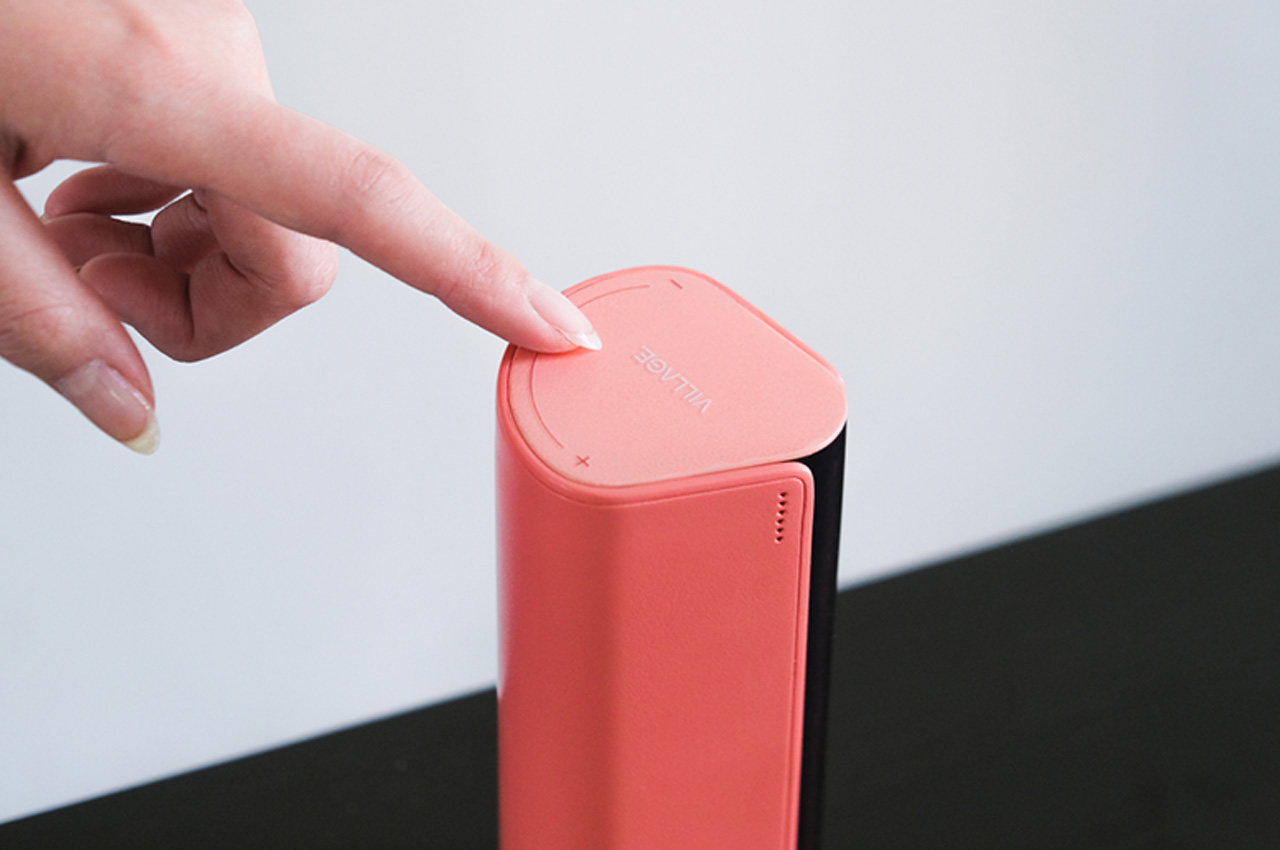
Ugreen’s NASync at CES 2024: Redefining Smart Storage with AI and User-Centric Design

At CES 2024, Ugreen has made a significant statement in the world of data storage by introducing its new NASync series. This foray marks Ugreen’s expansion beyond its traditional scope of charging and accessories into the realm of Network Attached Storage (NAS), doing so with a flair for innovation and user engagement. The NASync device also targets regular consumers (rather than the enterprise-specific tech users that usually rely on network-attached storage) – this shift comes with its distinct benefits, as Ugreen highlighted in their keynote, talking about how the NASync could now become the iCloud or Google Drive alternative that you don’t have to pay monthly subscriptions for… or the Netflix or Disney Plus streaming service that lets you play movies/media you own on any connected device anywhere.

Designer: Ugreen

The collaboration with Intel is a cornerstone of the NASync series, empowering these devices with Intel® processors. This partnership brings together Ugreen’s expertise in HDD and SSD solutions and Intel’s robust capabilities in cloud computing and PC components, creating a product that stands out for its technical excellence and user-friendly approach.

The integration of AI is a key highlight of the NASync series. This is a core component that transforms the NASync into an intelligent hub for digital activities. The AI in these devices is designed to adapt to user behaviors, streamlining tasks and offering personalized experiences. The NASync device can automatically read text within an image or a document, allowing you to then search for text WITHIN a file (like finding all invoices with a certain client’s name). Ugreen’s Hernan Lopez also demonstrated the ability to create visual tags, with the AI autonomously learning what different objects (or even faces) look like. For instance, you could create a tag for “Drone” and then visually search through your entire database for drone images, with the AI automatically understanding the visual archetype of a drone’s design. It all happens locally, allowing you to build your own Google Image Search right within the comforts of your own home.

Ugreen has also placed a significant emphasis on the design of the NASync, ensuring it is approachable for a wide range of users. The focus on a user-friendly interface, both in the hardware’s physical design and the software interaction, makes NASync an accessible yet powerful tool for anyone, regardless of their technical expertise. Easy hot-swappable drives allow users to add new HDDs or SSDs on demand, and if a drive fails, they can simply swap the old one out for a new one while still maintaining all their data on the NAS.

The NASync series stands as a powerful example of Ugreen’s commitment to blending high-tech features with ease of use. It’s a product that respects the user’s need for simplicity without compromising on performance – ideal for managing large data sets, running AI algorithms, or effortlessly streaming 8K video.

Ugreen’s entrance into the NAS market with the NASync series is reflective of the brand’s evolution and its commitment to being at the forefront of technology. This series is a bold demonstration of Ugreen’s ability to infuse cutting-edge technology into consumer-friendly products.

As we look at Ugreen’s new venture at CES 2024, it’s evident that the NASync series is more than a set of NAS devices; it’s a harbinger of how integrated and intelligent technology can become a seamless part of our daily lives. The NASync isn’t just about data storage; it represents a smarter, more intuitive way of interacting with our digital world.

The post Ugreen’s NASync at CES 2024: Redefining Smart Storage with AI and User-Centric Design first appeared on Yanko Design.

SHARGE Flow Mini Hands-On at CES 2024: A Tiny yet Mighty ‘Power Backpack’ for your Smartphone

Power banks have a reputation for being bulky. Nobody really likes carrying them in their pockets given how large and heavy they can be, which often means most power banks spend all their time inside backpacks and purses. The Flow Mini, from Sharge (formerly Shargeek) has a different story to tell. It’s extremely handy, with a compact design that fits into pockets and even around your belt loop (should you choose) and a 5000mAh battery that’s enough to charge your phone. It also boasts a nifty transparent outer design that makes it the kind of power bank you wouldn’t mind flaunting to people around you. Measuring just about as wide as your smartphone, the Flow Mini practically ‘piggybacks’ onto your smartphone’s form factor, blending right into its design in ways that most power banks don’t.

Designer: SHARGE

Click Here to Buy Now

Over the years, Sharge has pretty much nailed its core design DNA, focusing on functionality combined with a unique design that uses transparency to help create curiosity and a feeling of being able to see products for what they are. Sharge’s products aren’t for mere masses, they’re more aimed at people with a distinct penchant for design and power-use, as seen with their Shargeek 170, a whopping prism-shaped 170W charger with a transparent design and an LCD screen that lets you accurately measure the power output delivered to each port (along with things like battery percentage and other data-points). The Flow Mini, albeit too small to have its own display, comes with a transparent outer housing and a cylindrical base that’s reminiscent of pencil batteries or a roll of camera film (if you’re from that generation).

Designed to plug right into the base of your phone, it comes with an integrated port that lets the power bank itself attach to your device. This makes things a lot easier because you don’t need to hunt for a charging cable to connect your phone and power bank. However, the Flow Mini DOES have a cable that doubles as a lanyard or loop-grip when not actively in use.

The Sharge Flow Mini comes equipped with a tiny yet mighty 5000mAh battery that’s more than enough to take your dead smartphone from 0 to 100, or to juice your battery multiple times in the day for that extra boost.

The tiny design blends right into your phone’s overall form factor, allowing you to hold/ use your phone even with the Flow Mini attached. Perfect for people who prefer not carrying around a 10,000mAh brick along with them everywhere.

Given the fact that the world is still divided by USB-C and Lightning users (and will be for at least the next 4-5 years), the Flow Mini offers the option to alternate between USB-C and Lightning variants. The battery unit stays the same between both designs, with the only change being the primary port on the front. However, Sharge lets you detach the primary port and swap between USB-C or Lightning variants. Meanwhile, a lanyard/loop cable sits on the side, letting you charge another device simultaneously, or charge the Flow Mini itself by directly plugging it into a power outlet.

Th Flow Mini is Sharge’s smallest charger, but its size shouldn’t be taken for granted. While Sharge does make larger, powerful, and more feature-rich charging banks for the tech-nerd and power-user, the Flow Mini is perfect for on-the-go battery. In fact, the folks at Sharge call it your phone’s second battery, because plug it in place and it sits flush against your device, adding power to it without adding all that extra bulk and weight!

Click Here to Buy Now

The post SHARGE Flow Mini Hands-On at CES 2024: A Tiny yet Mighty ‘Power Backpack’ for your Smartphone first appeared on Yanko Design.

Rabbit r1, co-designed with Teenage Engineering, is a cute pocket AI assistant

Before the current craze of ChatGPT, image generators, and AI-powered services, the world was obsessed with personal assistants like Siri, Alexa, and Google Assistant. That fad has died down a bit, though mostly because these voice-controlled disembodied voices have become so common and so ubiquitous in many smart home devices these days. That said, most personal AI assistants can only be accessed either from a stationary device at home, such as a smart speaker or TV or from your smartphone, which means you can’t call on your digital friend when you’re outside and can’t pull your phone out. That’s the problem that the Rabbit r1 aims to solve by putting a smart, AI-powered personal assistant in a cute little gadget that feels like a Tamagotchi made for serious purposes.

Designers: Rabbit x Teenage Engineering

You wouldn’t immediately associate the Rabbit r1 with AI when you first see it. It initially looks like a simple toy with a pixelated rabbit that’s actually just a blocky head with long ears in a square orange device that fits in your hand nicely. That this rabbit head can show some expressions, blink, wink, or even wear headphones further cements its image as a toy, but it’s actually the face, or rather the head, of what may be the cutest AI assistant to grace the market.

The Rabbit r1 is basically a dedicated AI-powered assistant, formally marketed as “your pocket companion,” that makes the usual AI features more accessible by divorcing them from your phone or home speaker. The idea is that you’d simply pull this less conspicuous (if not for its bright orange color) device out of your pocket or bag, push and hold down a button to talk to the rabbit, and then wait for its response both on the screen as well as via audio. Rabbit OS, as the software platform is being called, seems plenty capable and can answer almost any question, and the rotating camera even does image recognition so you can identify viral personalities or get a suggestion on what to cook based on what you have in your fridge.

If the r1’s aesthetic looks familiar, then you might have recognized Teenage Engineering’s design DNA in it. The Swedish company is best known for its distinctive music-creation devices, and it is indeed the creative genius behind this pocket AI device’s equally distinctive design. Suffice it to say, you won’t be embarrassed to be seen in public using this device, especially in places where a smartphone would be even more impolite or impossible.

The Rabbit r1 is designed to be super simple to use, which is why it only has a single push button and an analog scroll wheel, though the screen is, of course, touch-enabled. In addition to the usual queries, Rabbit OS will also be able to connect with the same apps and services as typical AI assistants, though it’s still a work in progress. It seems that the concept and the design have resounded with many people and the initial batch of 10,000 pre-orders for this $199 sold out on the first day. Whether it will be able to deliver on its promise, we’ll have to wait for initial reviews to see, and hear.

The post Rabbit r1, co-designed with Teenage Engineering, is a cute pocket AI assistant first appeared on Yanko Design.
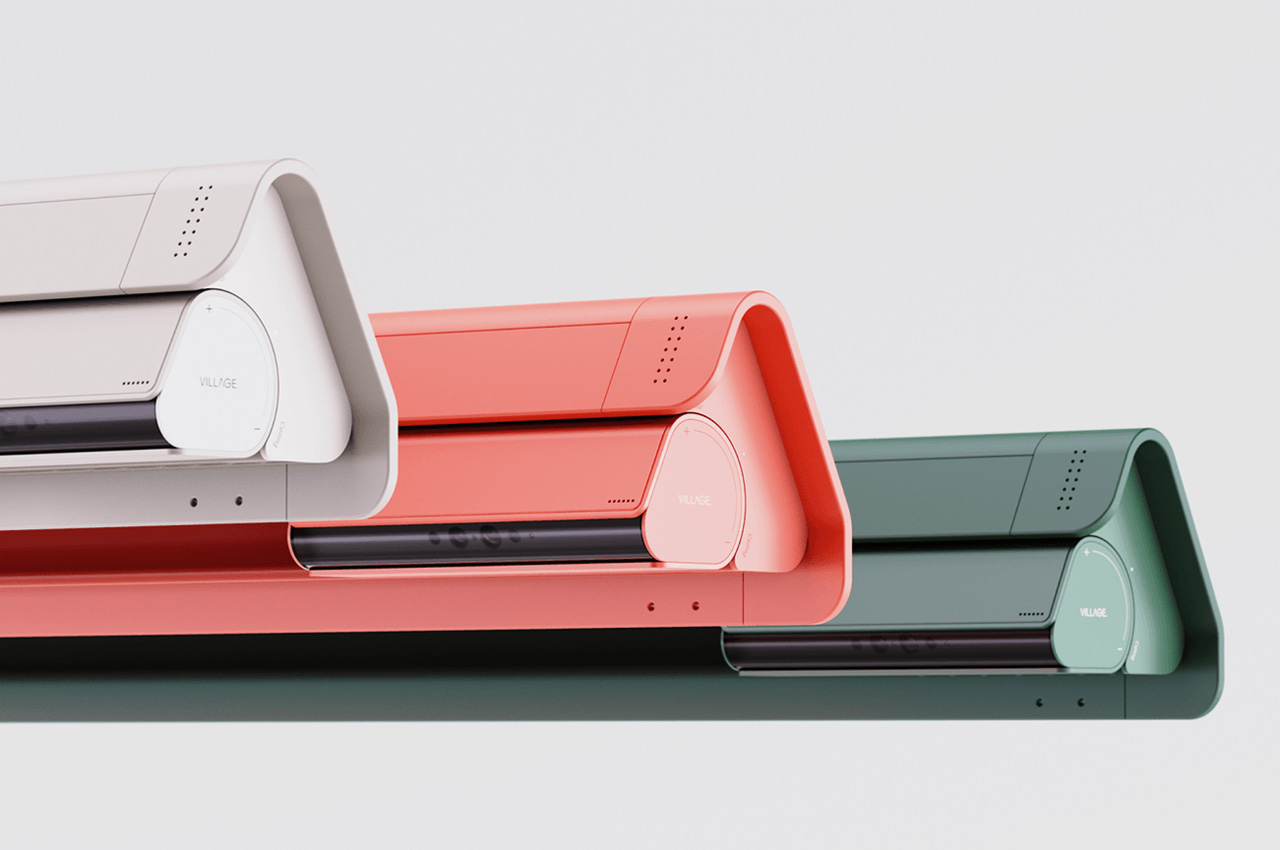
Swarovski Optik AX Visio smart binoculars identifies wildlife species, take photos and videos for instant sharing

Riding the wave of AI and smart functions, the good old binoculars now seem to have been hit by the trend. Now, Swarovski Optik (a division of Swarovski Group based in Austria) has unveiled their smart binoculars at CES 2024 and we’re impressed. The timing is perfect as this year marks the 75th anniversary of the group, and they’re helping themselves with the world’s first truly smart pair of binoculars dubbed AX Visio.

The binoculars are loaded with an NPU that enables AI functions primarily for animal spotting in the wild. In conjunction with the app, the pair can identify more than 9,000 species of birds and wild animals in a given wilderness. This will be particularly helpful for beginners who have a hard time identifying different bird species.

Designer: Swarovski Optik

They’ve been developed in collaboration with Marc Newson, and it took the team of developers five years to come up with the final product. The main USP of the binoculars is their smart feature for image shooting, video recording and uploading them to the connected phone. There’s also an interesting function that allows for live sharing of content via the Live View Function.
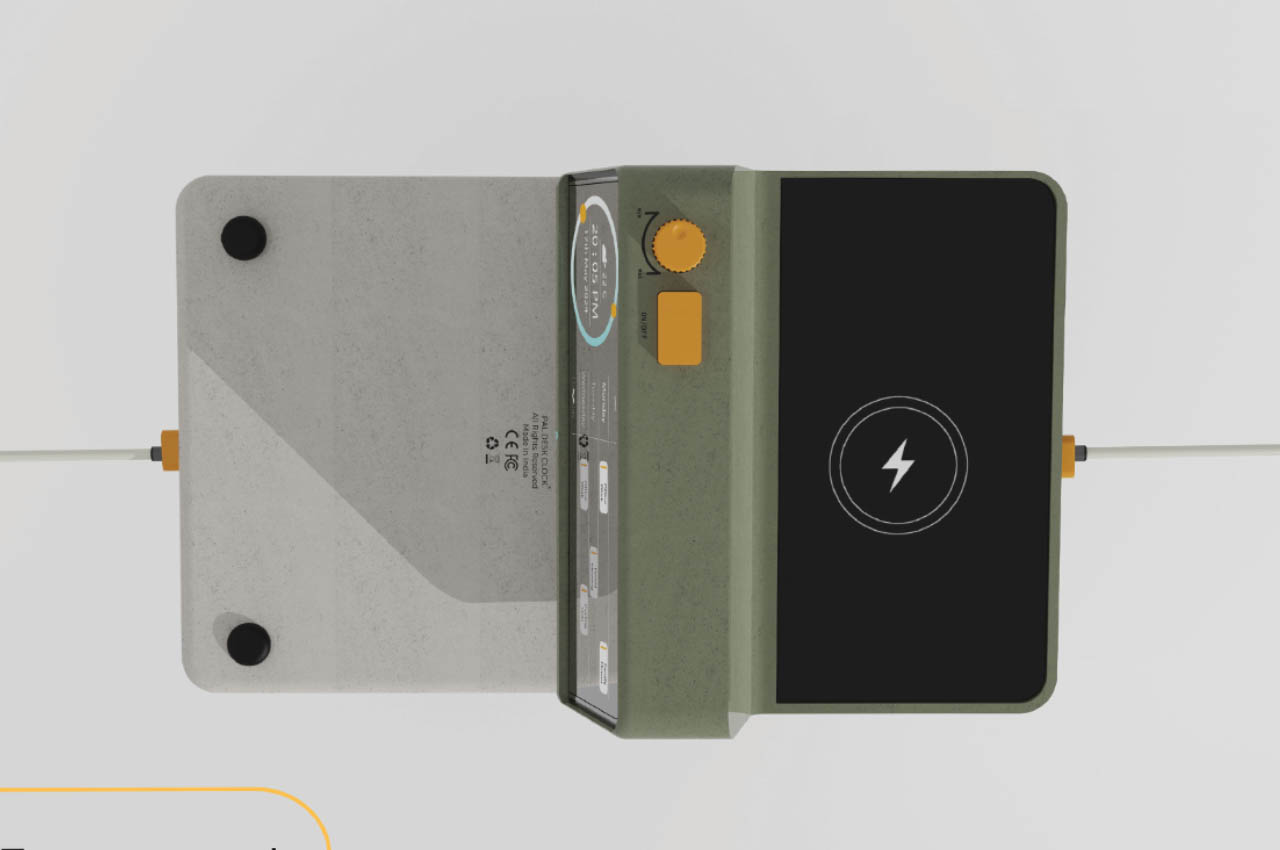
Weighing just 1100 grams the binoculars can be accompanied on wildlife trips for a comprehensive experience. They are made out of 390 individual parts including Swarovski’s 10×32 optic systems that enable 10 times magnification capability. The 32-millimeter objective lens makes possible a 112m/1000m field of view. Also, they have an in-built camera for clicking shots and recording videos on the go. This eliminates the need for a DSLR or smartphone, making your wildlife exploration more manageable.
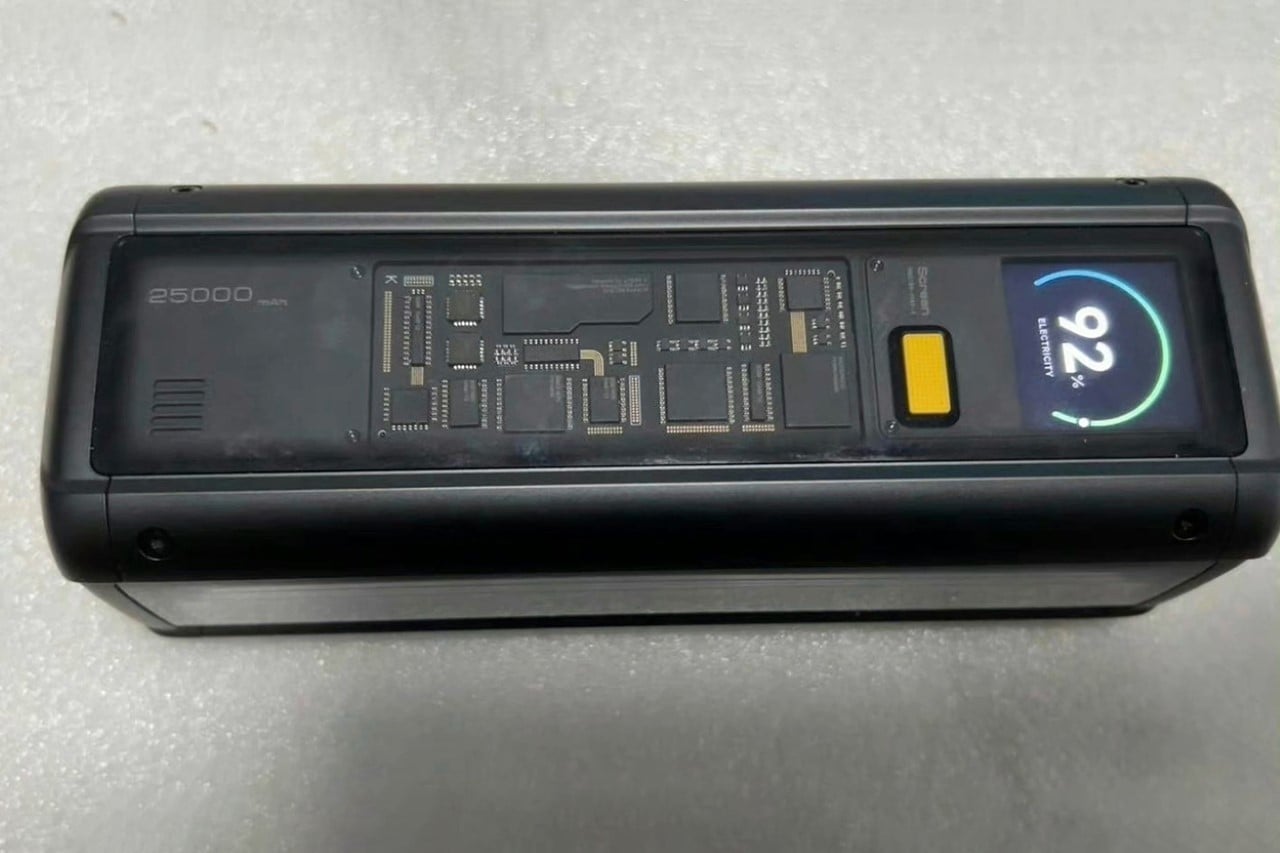
Other smart functions come in the form of sharing content on the fly, tagging the location of particular species, or guiding other AX Visio users to a particular location via the smart guidance prompts on the lens overlay. The design of the binoculars is minimalistic, hiding all the advanced sensors and tech on the inside. In particular, the 13MP lens with a 4208 x 3120 pixels resolution. As per the official details, these smart binoculars are good for about 15 hours in normal operation and 2 hours in intensive mode on a single full charge.

According to Swarovski Optik CEO, Stefan Schwarz, “The AX Visio is not only a flagship project with which we are demonstrating Swarovski Optik’s technological leadership in the sport optics market, but it also marks the beginning of a new technological era for us. The AX Visio is not only a flagship project with which we are demonstrating Swarovski Optik’s technological leadership in the sport optics market, but it also marks the beginning of a new technological era for us.”

For a price tag of $4,799, these binoculars sure aren’t cheap but if they fit a nature observer’s set of requirements, they’re well worth the investment!

The post Swarovski Optik AX Visio smart binoculars identifies wildlife species, take photos and videos for instant sharing first appeared on Yanko Design.