PROS:
- Unbeatable performance for its price tag
- Beautiful and vibrant 16-inch 2K 240Hz screen
- A wide variety of ports
CONS:
- Bulky and aggressive design
- A bit pricey without discounts
RATINGS:
SUSTAINABILITY / REPAIRABILITY
EDITOR'S QUOTE:
Although a heavyweight in actual weight and price, the Lenovo Legion 7i Gen 9 delivers almost everything gamers and content creators need without breaking the bank.
Microsoft has been very aggressive with its push of AI on new Windows computers, represented by its now omnipresent CoPilot key. New laptops have just been launched touting AI capabilities that revolve largely around the usual culprits like content generation or summarizing content, but they’re not the only new kids on the block either. A new breed of gaming laptops is also on the rise, advertising some AI tricks to optimize their performance. That also means a refresh of popular models that promise even smoother performance and pack more power, but those always come at some cost. Rarely will you find a design that delivers the power that gamers need at a more affordable price point, which is the proposition that the 2024 Lenovo Legion Pro 7i Gen 9 (16IRX9H) is making, so we naturally had to put it to the test to see if it holds up in practice.
Designer: Lenovo
Aesthetics
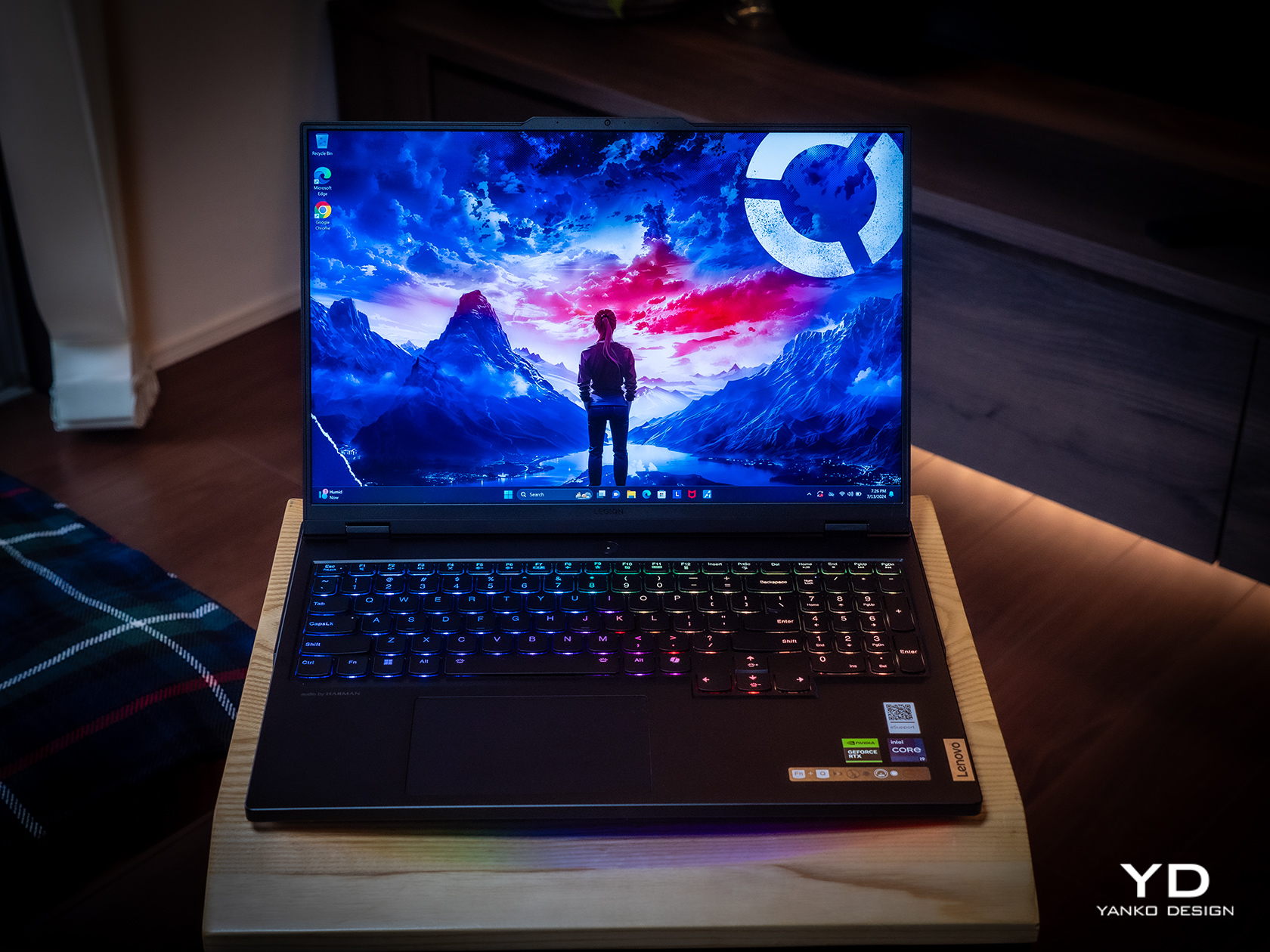
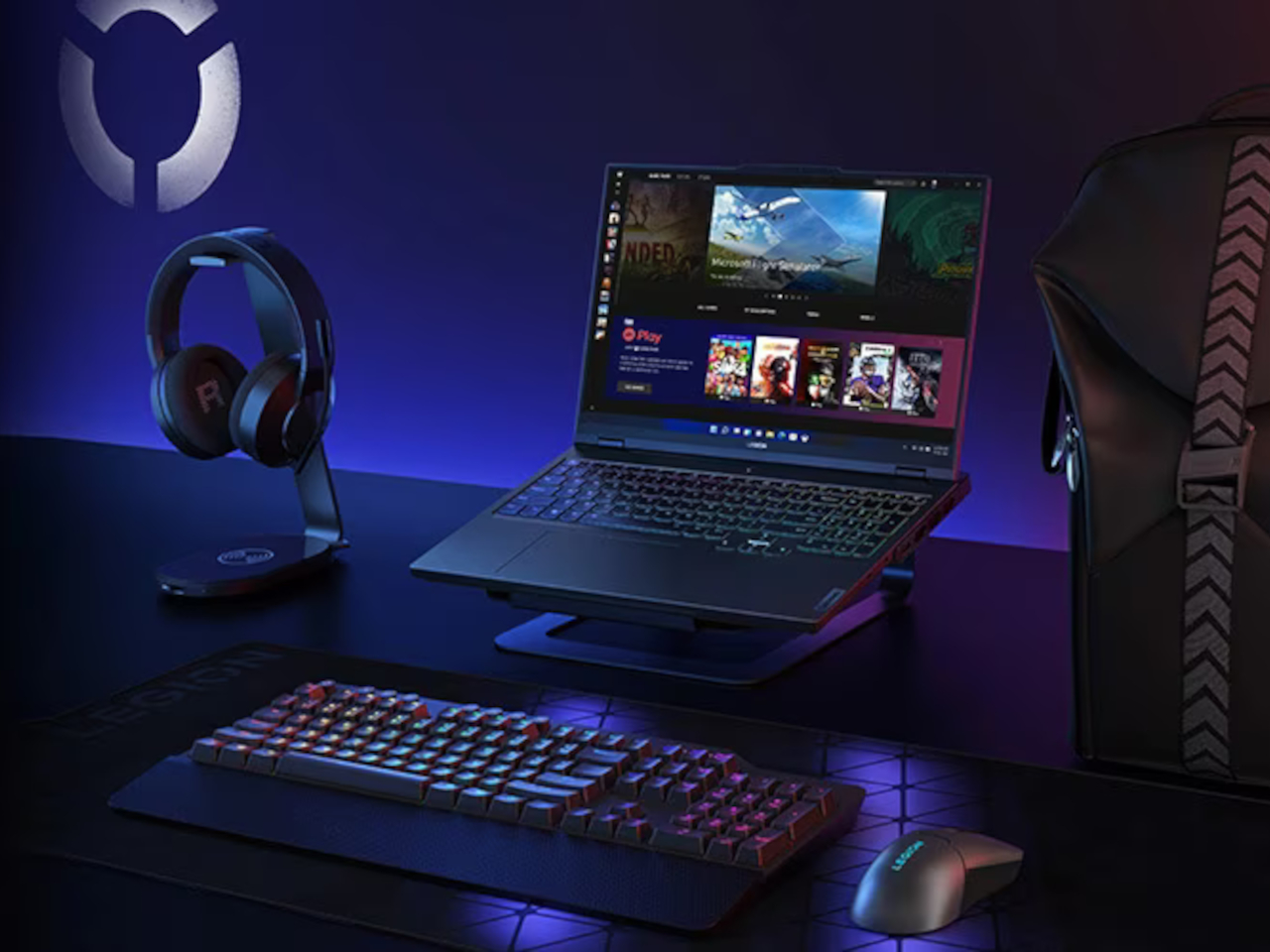
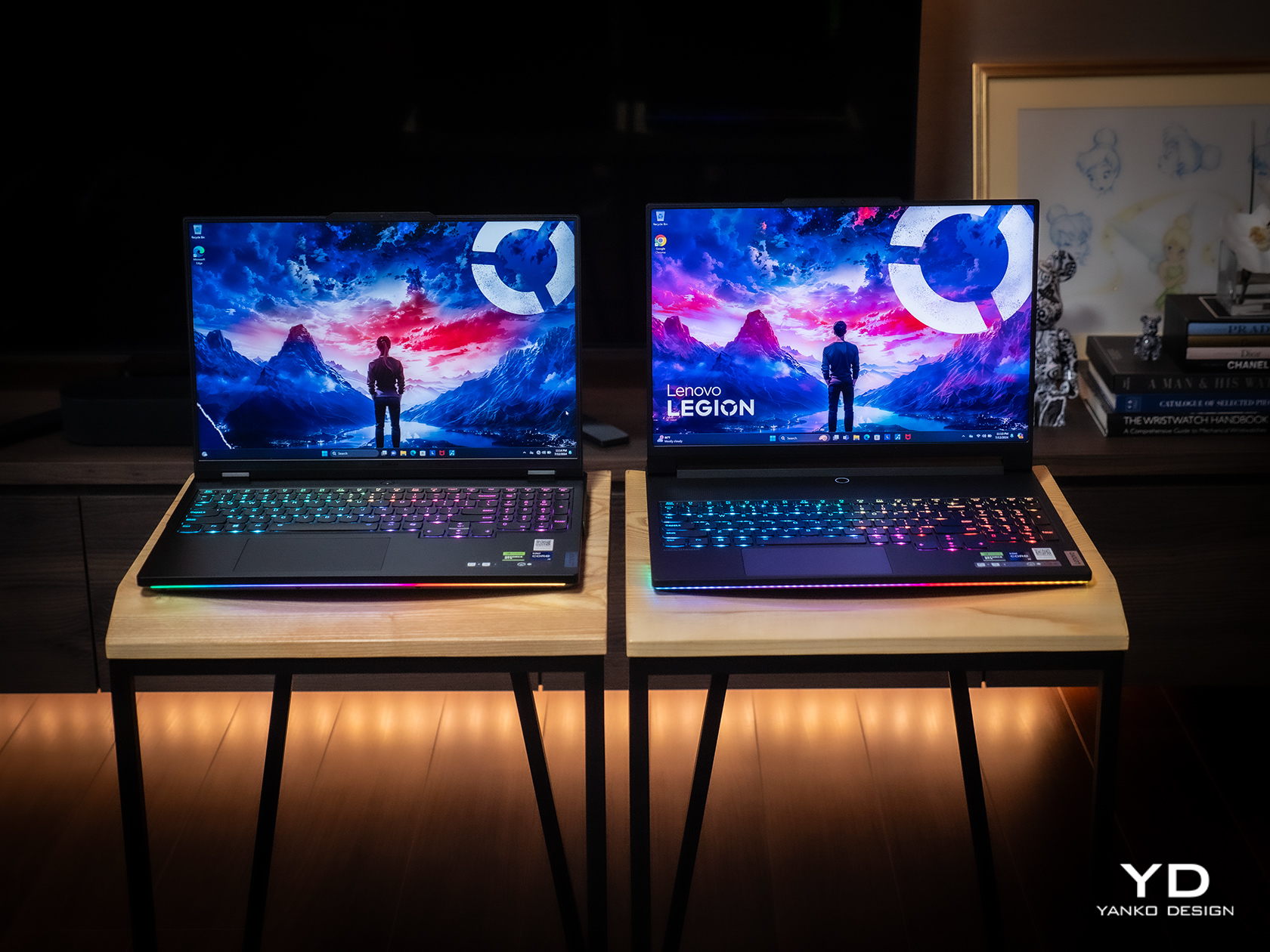
Common gaming laptops often look like tanks, and the Legion Pro 7i (2024) is sadly no different. It’s not rugged by any means, sporting a sleek and sharp appearance, but it’s thick, heavy, and sharp at the edges. It has an aggressive look to it, though coupled with some RGB lights, it does have a bit of a cyberpunk flair. While it doesn’t shout to the world that it’s a gaming laptop, it doesn’t try to deny its identity either.
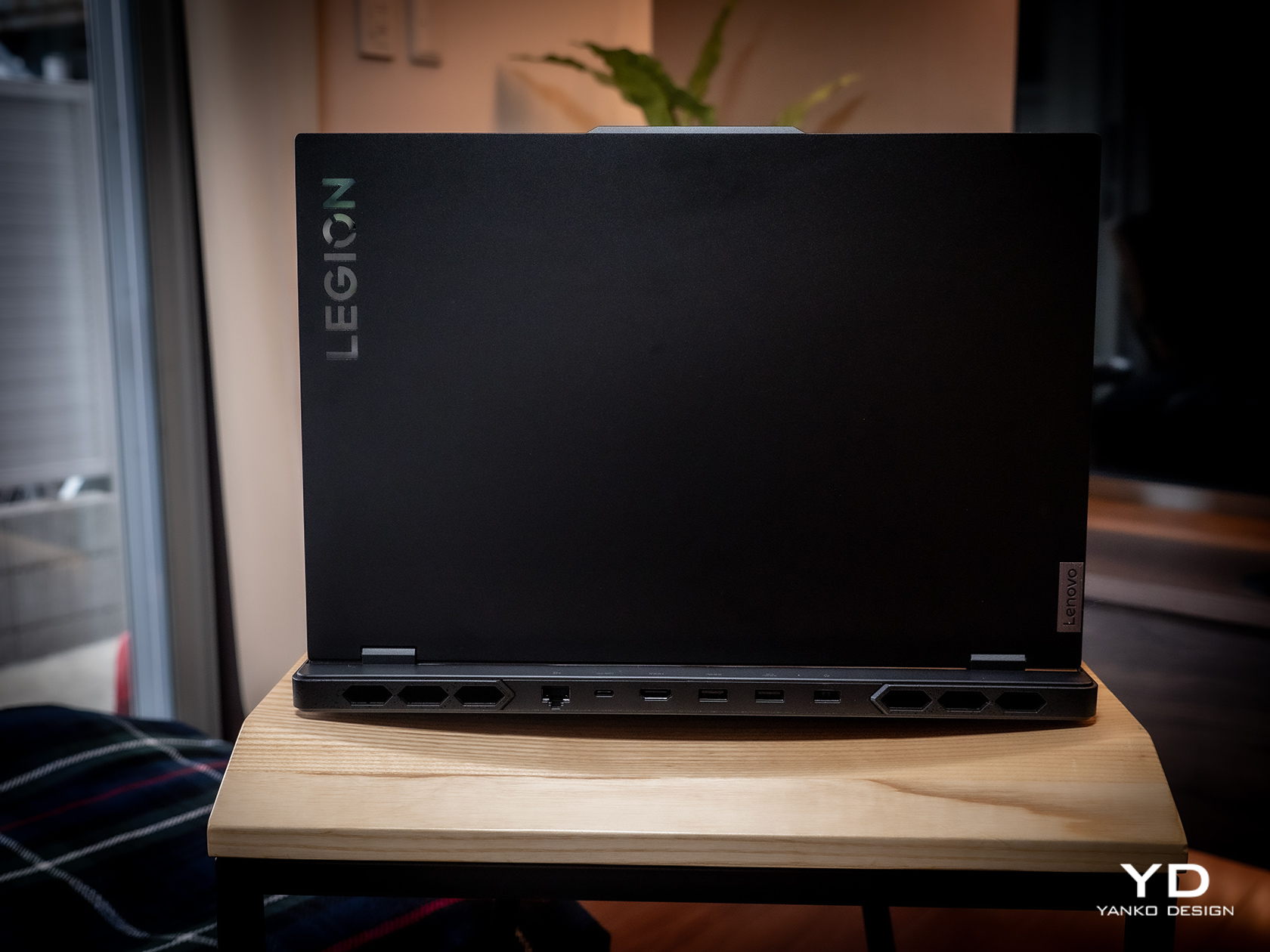
It’s also not that different from its Gen 8 predecessor, so there’s practically nothing that sets it apart visually. On the one hand, it establishes a familiarity with the Legion Pro line, so buyers will know what to expect. On the other hand, however, it also feels like it’s lagging behind when it comes to aesthetics, especially when Lenovo has quite a few interesting and distinctive designs available.
Overall, the Lenovo Legion Pro 7i Gen 9 looks pretty plain on the outside. It isn’t as obnoxious as other gaming laptops that show off all their kaleidoscopic lighting, but it isn’t subtle either. You might feel a bit conscious bringing it to the workplace or meeting (unless you work at a game studio), but it will probably only get a few passing looks. Fortunately, most gamers will be willing to overlook this aspect if they’re getting the performance that they’re actually paying for.
Ergonomics
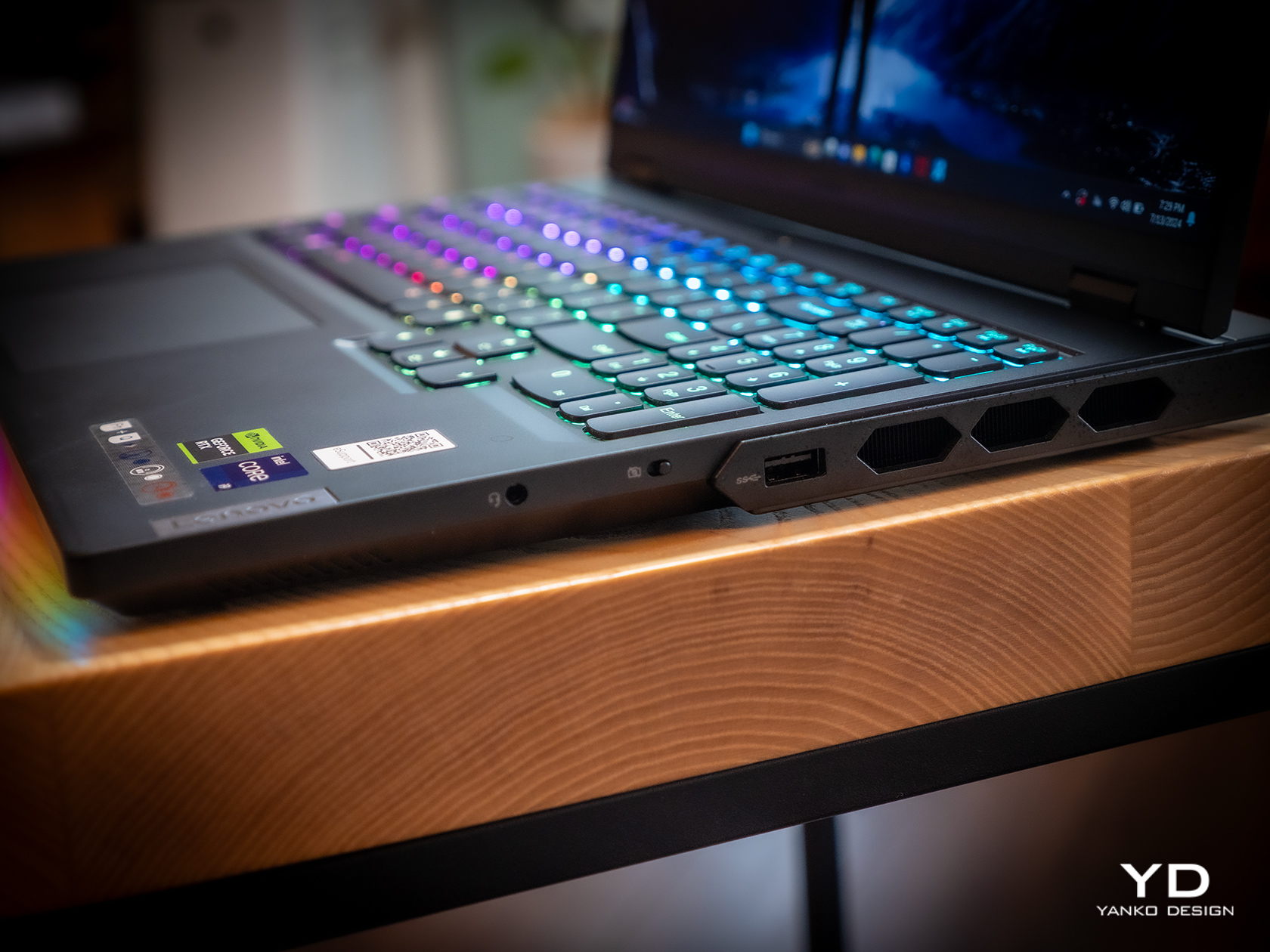
At 4.93 lbs (2.24kg) and 17.6mm (0.69in), there is no mistaking the Legion Pro 7i Gen 9 for a thin and lightweight notebook. Again, this is your expected dimensions for a gaming laptop, so many gamers won’t be so bothered by it. But if you’re a creator and a gamer who find yourself moving around a lot, you best prepare your back and shoulders for some workout.
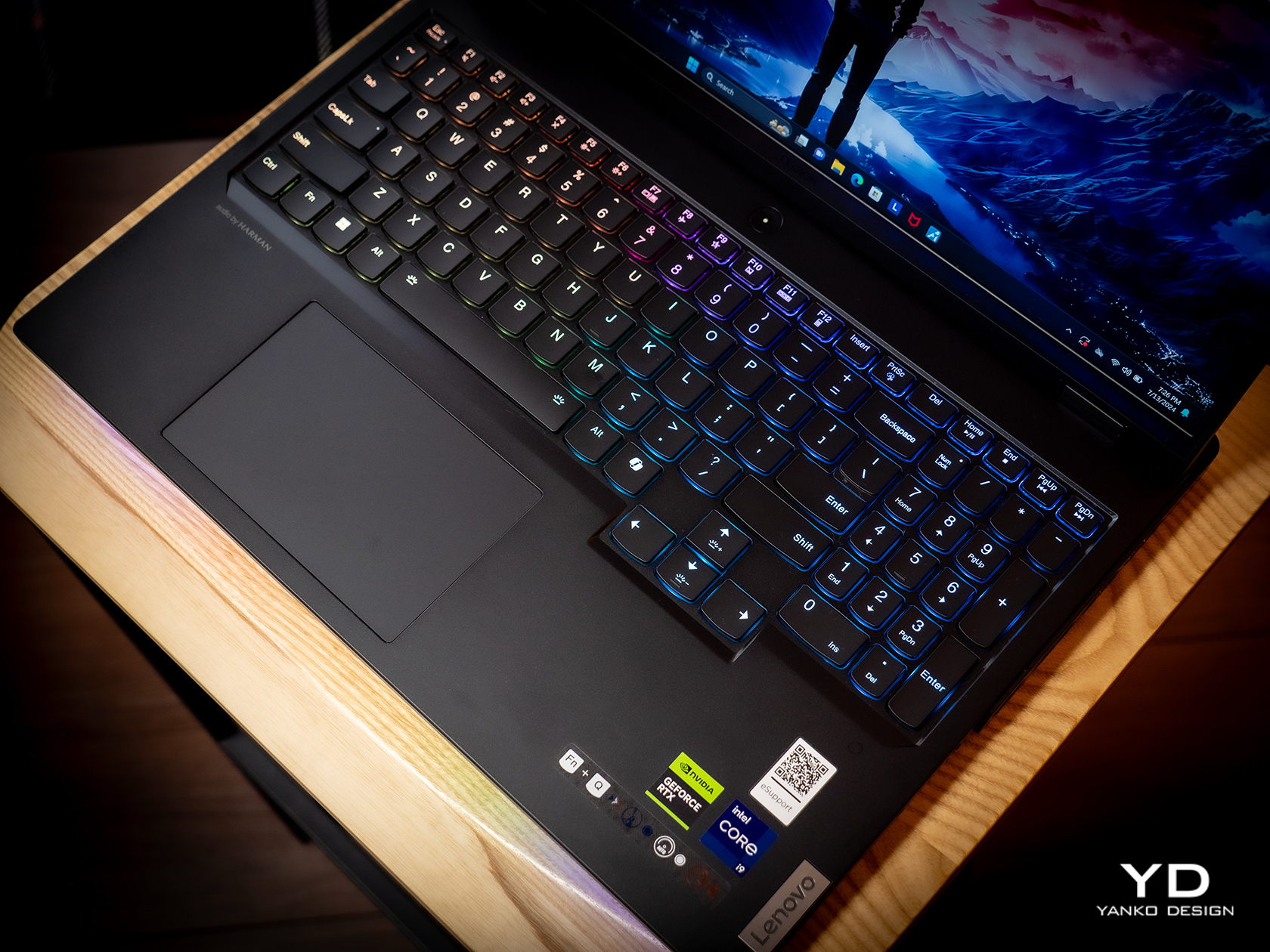
Fortunately, actually using the laptop turned out to be a more enjoyable experience, from the bright and vibrant screen to the responsive and comfortable keyboard. That keyboard is a bit notable in how it sufficiently spaces out the keys and still has room for a numeric keypad as well as a regular T-shaped cursor key arrangement. The latter actually extends a bit lower than the rest of the keys, which has the effect of pushing the touchpad to the left just a little. Definitely not enough to make the button-less surface painful to use.
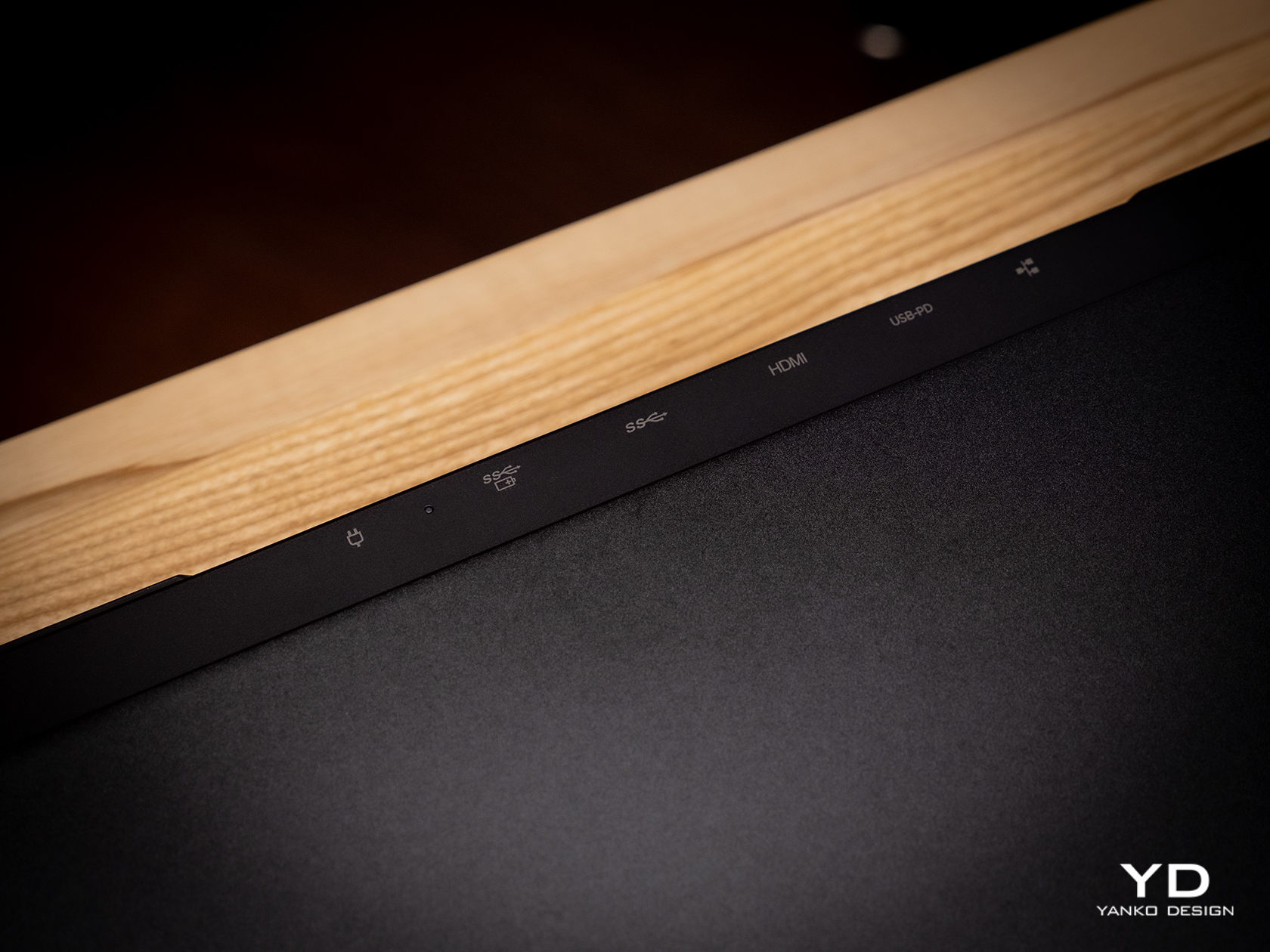
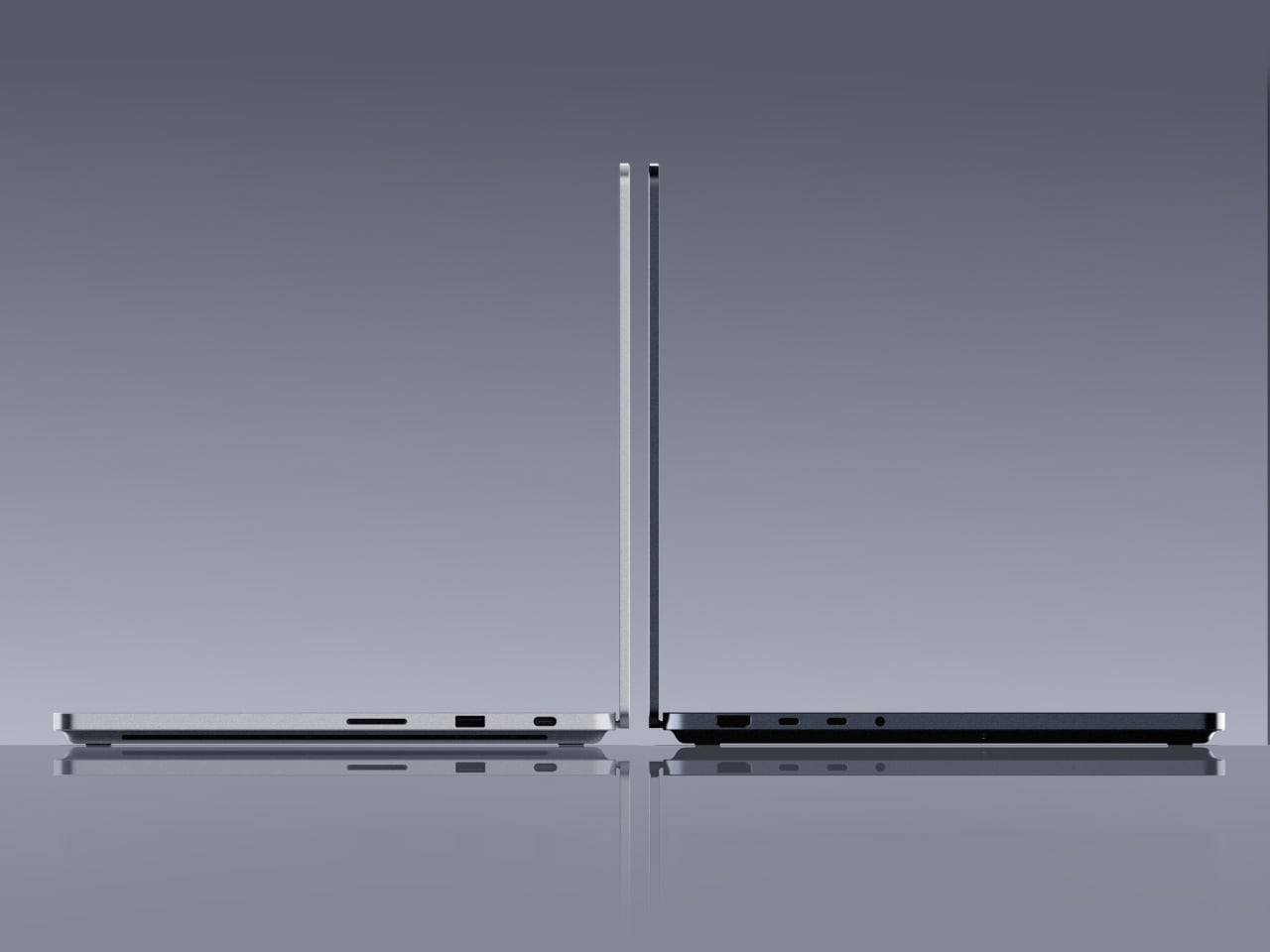
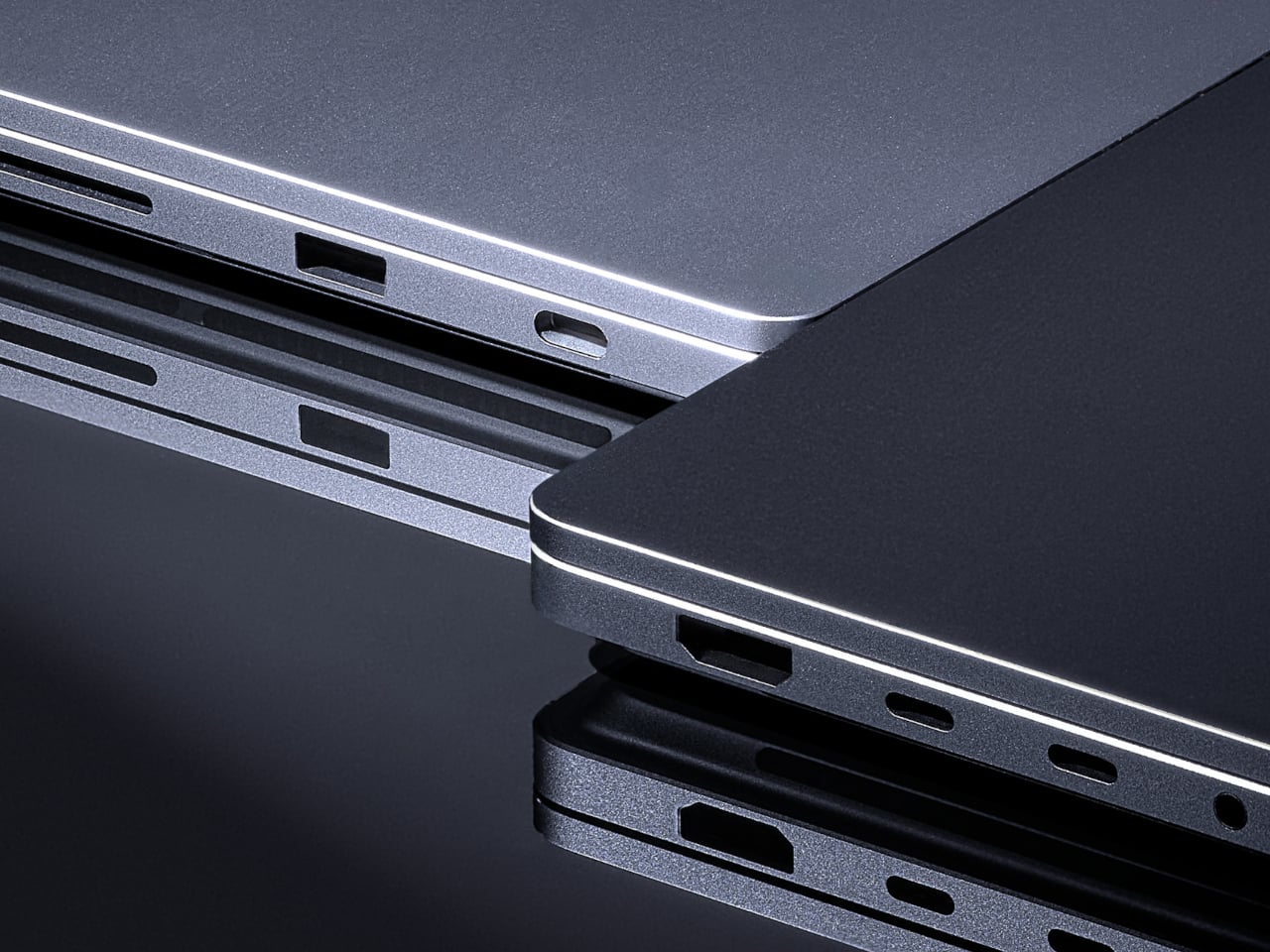
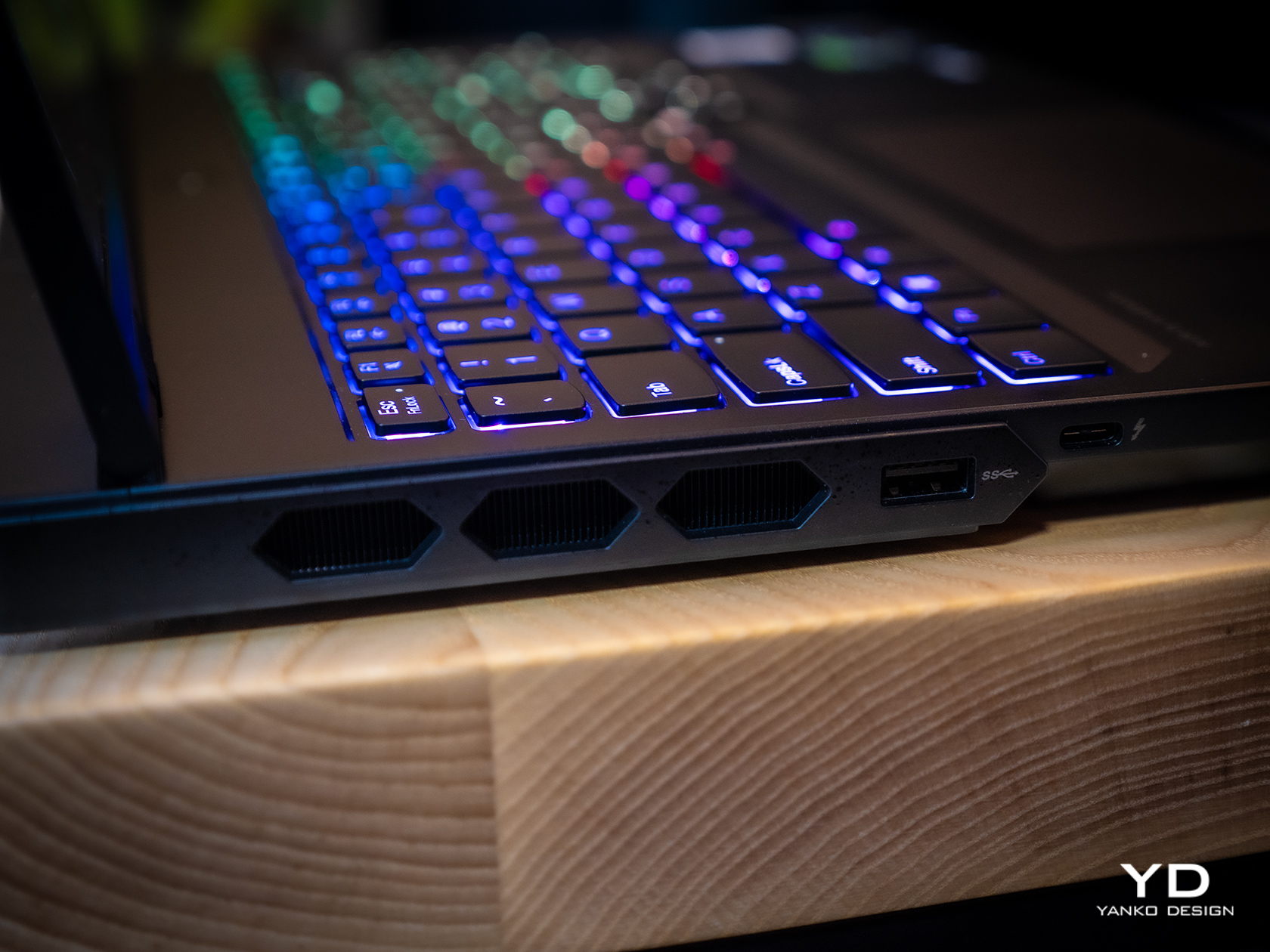
As we’ll get to later, the Legion Pro 7i has a wide selection of ports, and they’re placed in a way that really takes into account how most people use laptops these days. The left side has a USB-A and a USB-C port, while the opposite side gets a USB-A along with a 3.5mm headphone/mic jack. This gives easy access to accessories you’ll connect and disconnect often, like a gaming mouse or your phone. The back has connections like two USB-A ports, one USB-C port, HDMI, and Ethernet, practically the ones you’ll use to “dock” the laptop to more stationary peripherals, making cable management a bit easier. Whether it’s gaming on the go or maybe even working in the office, the Lenovo Legion Pro 7i Gen 9 is designed with ease of use and comfort in mind.
Performance
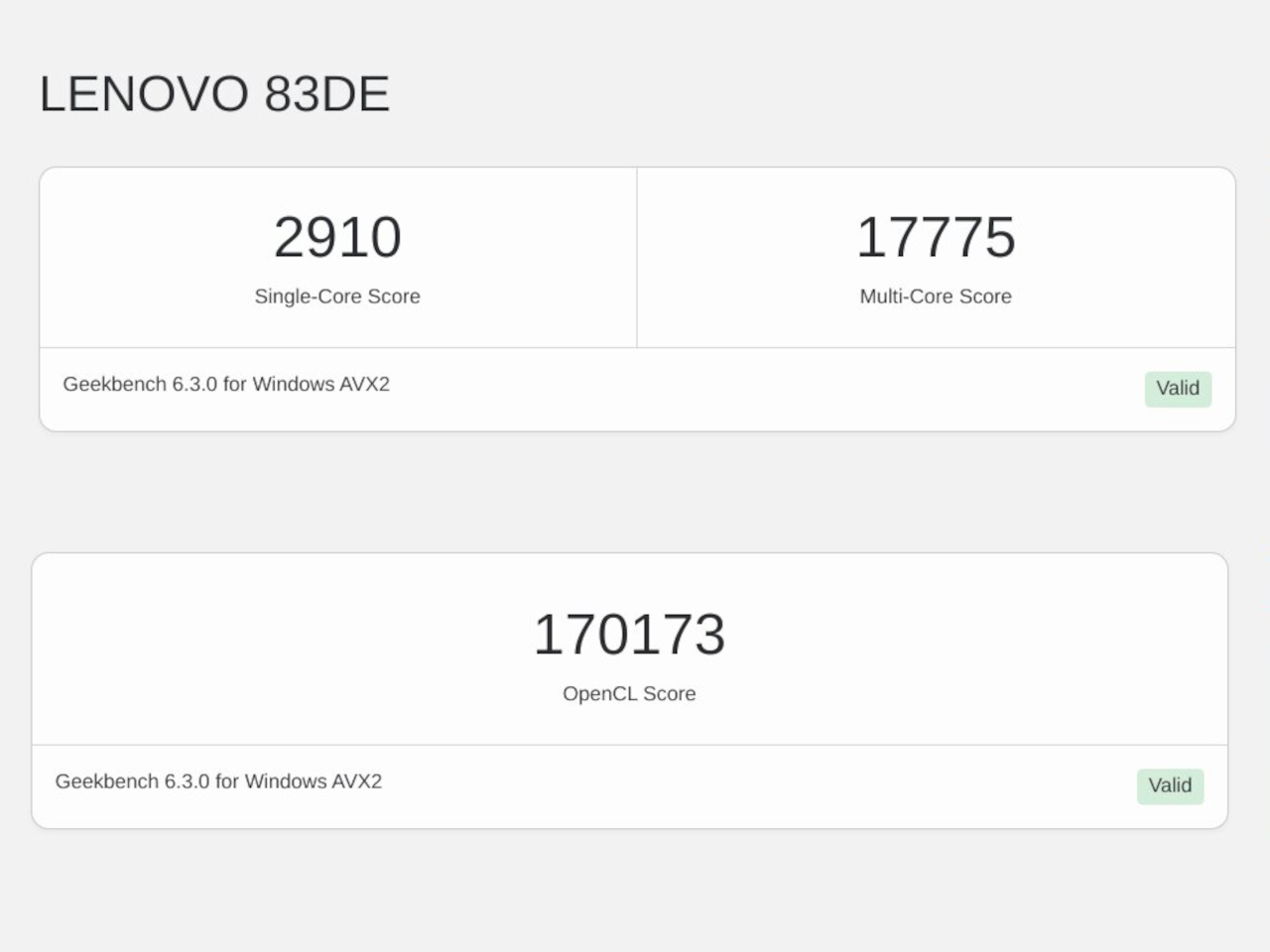
As a somewhat high-end gaming laptop, the 2024 Legion Pro 7i carries some of the best hardware in the market today. Sure, it might not have an NPU-toting processor, but the Intel Core i9-14900HX is definitely as or even more capable than an “Ultra” chip. The NVIDIA GeForce RTX 4080 is just one step lower than the top-of-the-line card, but it’s more than enough for both gaming and content creation. Our review unit came with 32GB of DDR5 RAM and 1TB of storage, which is to say it’s not wanting in any aspect. With both benchmarks and actual usage alike, the Legion Pro 7i Gen 9 performed impressively, yielding consistent high frame rates in games even high settings. It’s also a testament to the laptop’s cooling system that it’s able to squeeze out as much performance consistently, though it naturally did get warm to the touch and the fans were quite audible.
Visual quality is important for gamers, but it is an even more critical aspect for content creators who need color accuracy. This is one area where the Legion Pro 7i Gen 9 surpasses the previous generation, adding support for NTSC, Adobe RGB, and DCI-P3 color gamuts. Not only does this make colors really pop, it also means that the 16-inch 2K screen is now able to support the needs of creatives, making the gaming laptop more of an all-around high-performance tool. And with extremely thin bezels, you experience a better immersion into that colorful world, especially when the decent bottom-firing speakers complete the audiovisual experience.
This heavy laptop carries a 99.99Whr battery, the largest allowable on planes, and its uptime is as much as you’d expect. Normal use, which is a mix of multimedia and browsing, can net you around 7 hours, but heavy gaming makes that figure nosedive to just two or less. Lenovo compensates for this with a “Super Rapid Charge” technology that can fully charge the Legion Pro 7i in around 80 minutes, presuming you’re using the hefty 330W power brick with a proprietary connector. You can also charge the laptop via USB-C if you have a 140W charger, but Lenovo doesn’t ship one in the box.
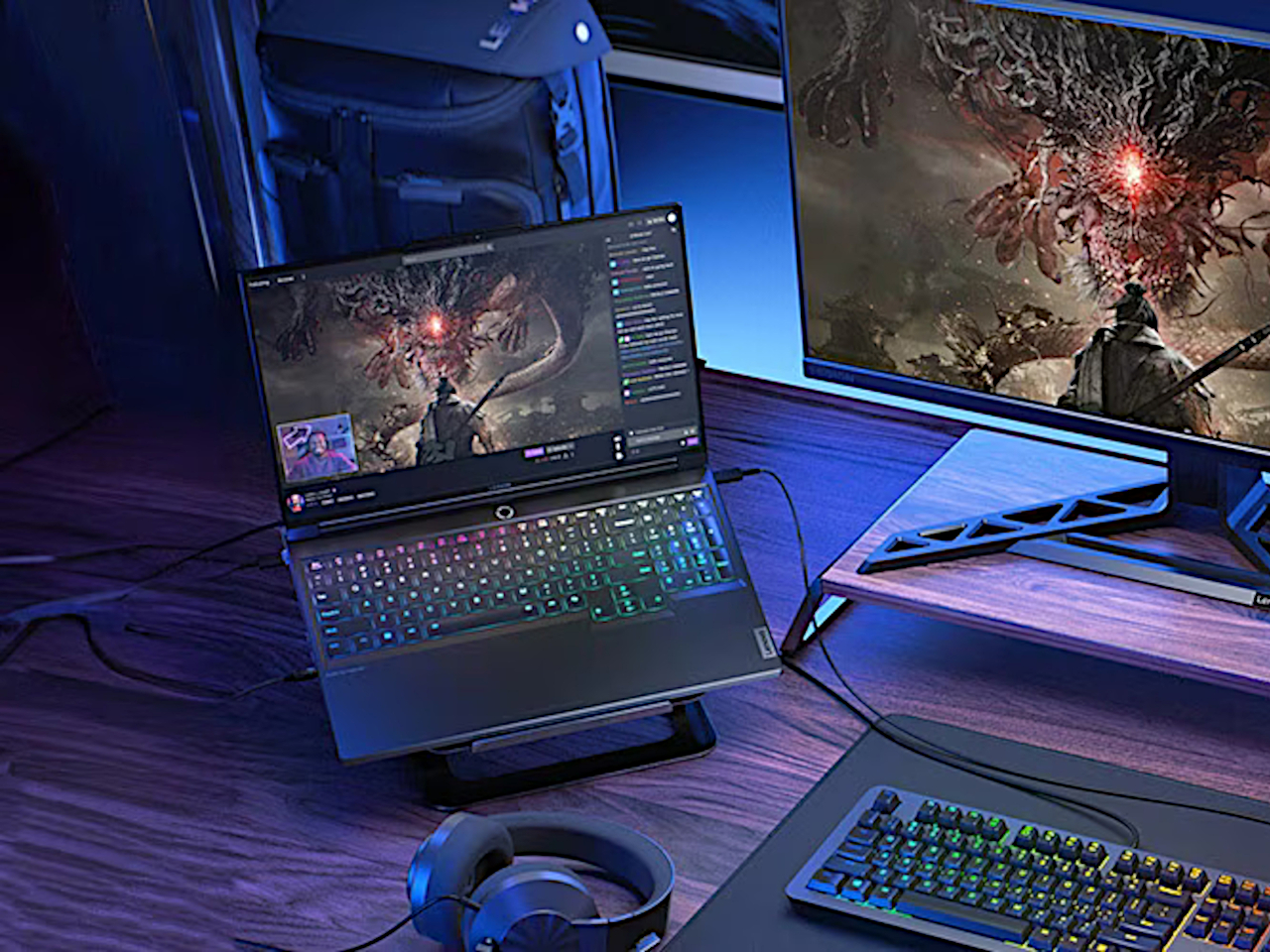
All in all, the Lenovo Legion Pro 7i Gen 9 performs so well that we have very little to complain about it. There’s very little bloatware aside from Lenovo’s own tools, as well as those from Nahimic for audio and Tobii for the webcam. Yes, it’s heavy and it burns through a battery quickly, but that’s also expected from high-end gaming laptops. It’s a rather powerful package made even more enticing by its bang-for-buck value.
Sustainability
Before we get to that, however, a word has to be said about Lenovo’s actions to leave a more positive impact on the planet. Though the Legion Pro 7i Gen 9 might look plain to the naked eye, it actually uses quite a number of sustainable materials for its body. It uses recycled aluminum as well as magnesium, giving the laptop both durability as well as a premium touch. The bottom, in particular, is made with 50% recycled aluminum, while the cover frame utilizes 30% post-consumer recycled polymers.
The laptop is also designed to be upgradable, at least as far as RAM is concerned. Repairs and other upgrades, however, require a bit more work, so it comes up short of getting a high score. Given how gaming laptops are more likely to wear out components faster than regular laptops, repairability should be the next priority for Lenovo’s designers and engineers.
Value
There’s no getting around the fact that the Lenovo Legion 7i Gen 9 is a bit pricey, starting at around $2,420 all the way to $2,850 for the highest configuration. And that’s with discounts already! On its own, that price tag might feel quite burdensome, until you consider that many laptops on this tier ask for more and deliver less.
With this sub-$3000 gaming laptop, you’re getting a near-perfect configuration that is useful not just for gaming but even for content creation as well. It’s not perfect, of course, and we wished it had a longer battery life given its weight, but you’d also be hard-pressed to find a similar experience on designs that won’t require you to pay even more with not as much performance gains.
Verdict
With PC gaming on the rise again, the number and variety of gaming laptops have also seen an uptick. While the need for power has never changed, gamers have become more conscientious not just about price value but design value as well. Carrying the design DNA of its predecessor, the Lenovo Legion Pro 7i Gen 9 (16″, 2024) looks sleek yet deceptively simple, belying the power it carries inside. But more than just unrelenting performance, it brings a well-rounded set of features that give gamers, creators, and any other user a powerful tool for a relatively fair price.
The post Lenovo Legion Pro 7i Gen 9 (2024) Laptop Review: Uncompromising Power at a Fair Price first appeared on Yanko Design.