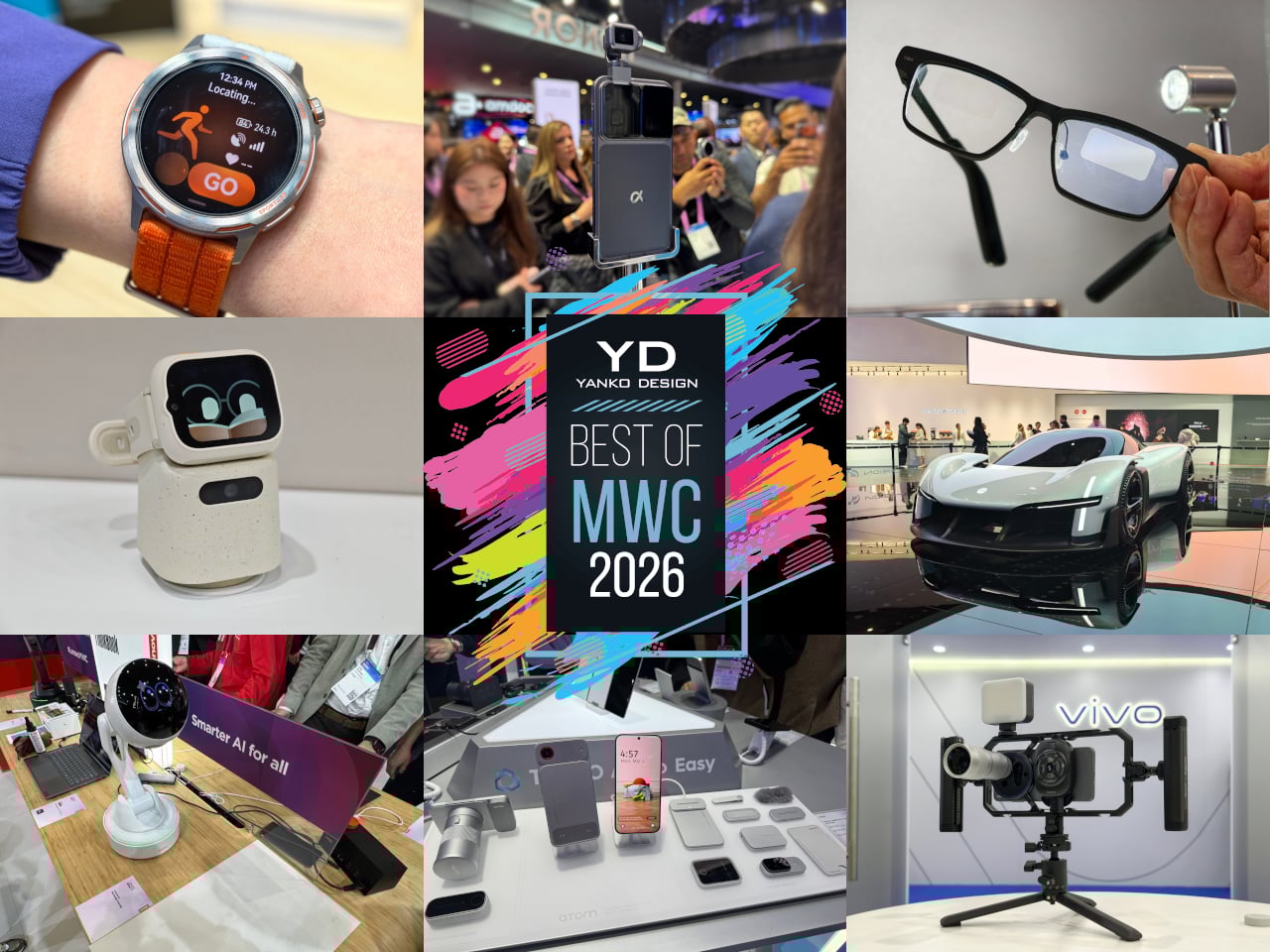
Every year, MWC arrives like a controlled flood of announcements, each one louder than the last. Cameras with more megapixels, batteries with bigger numbers, screens with higher refresh rates than the human eye can meaningfully appreciate. It’s easy to walk away from Barcelona with a head full of specs and no clear sense of what any of it actually felt like to hold, use, or live with. The products that matter don’t always win the spec sheet battle.
The ones worth paying attention to are the ones built around a specific, almost stubborn design conviction. A team that decided thinness wasn’t a compromise but the whole point. Engineers who spent years rethinking how a GPS antenna sits inside a running watch. Designers who asked what a laptop would look like if it finally adapted to the user instead of demanding the opposite. Those are the products that stopped people on the MWC 2026 show floor, and these are the design decisions that made them worth stopping for.
HUAWEI WATCH GT Runner 2 Smartwatch
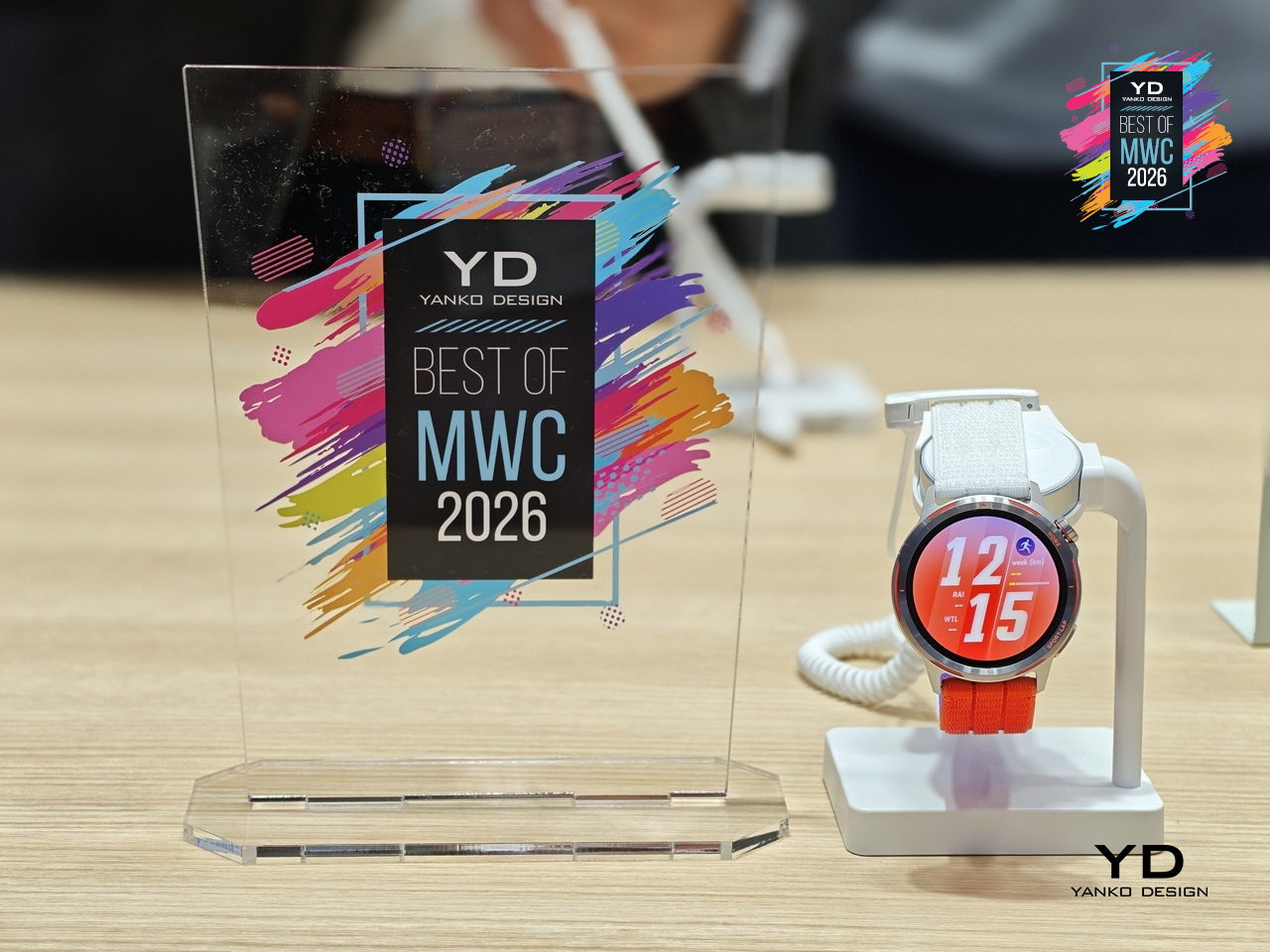
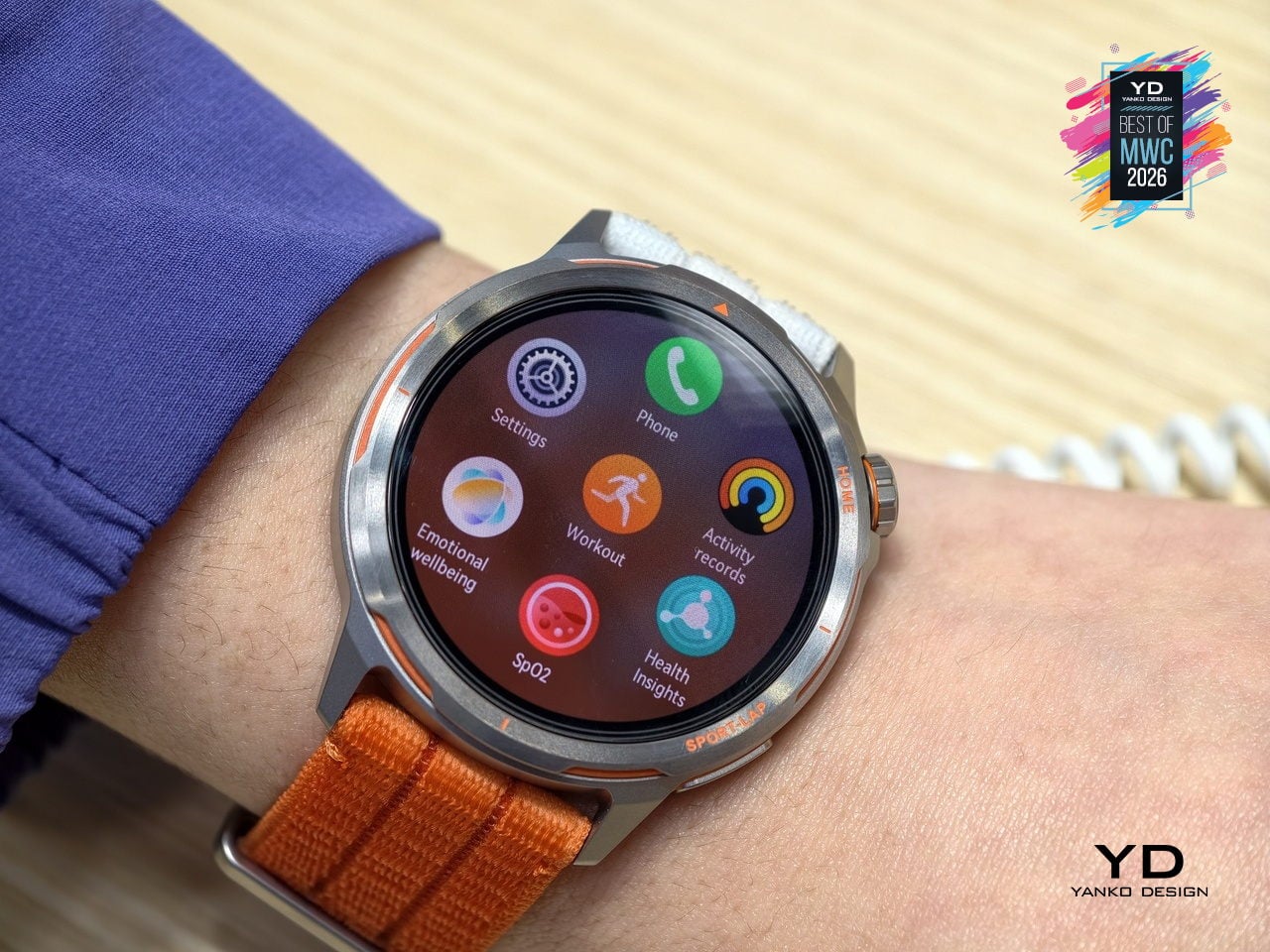
GPS watches for runners have always played both sides of a strange contradiction: the more seriously you take running, the more you end up wearing a small computer that weighs down your wrist and distracts you with irrelevant notifications. Huawei’s answer to that tension is the Watch GT Runner 2, a dedicated running watch built around the single question of what a wrist-worn device actually needs to do well for someone logging serious miles.
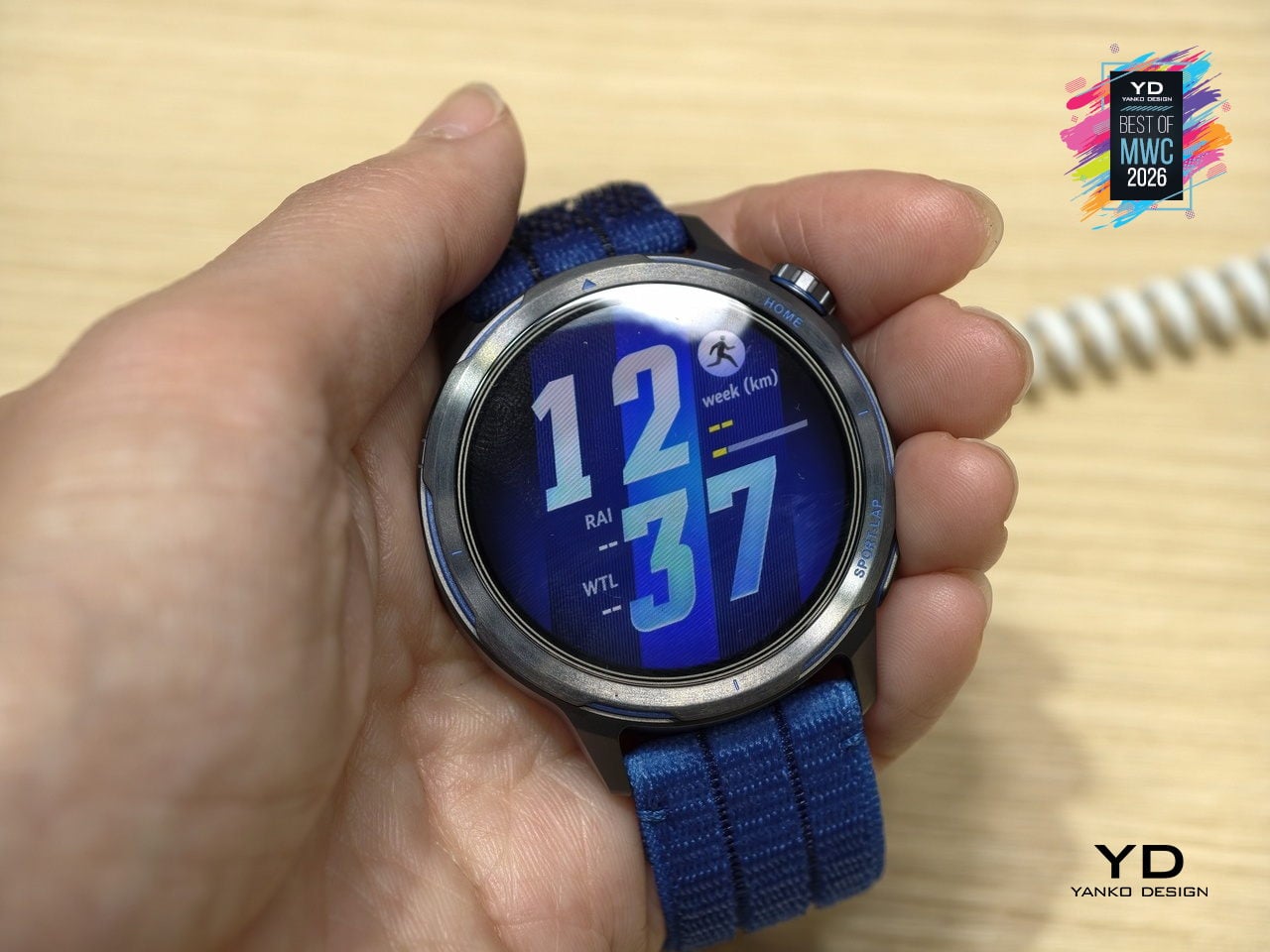
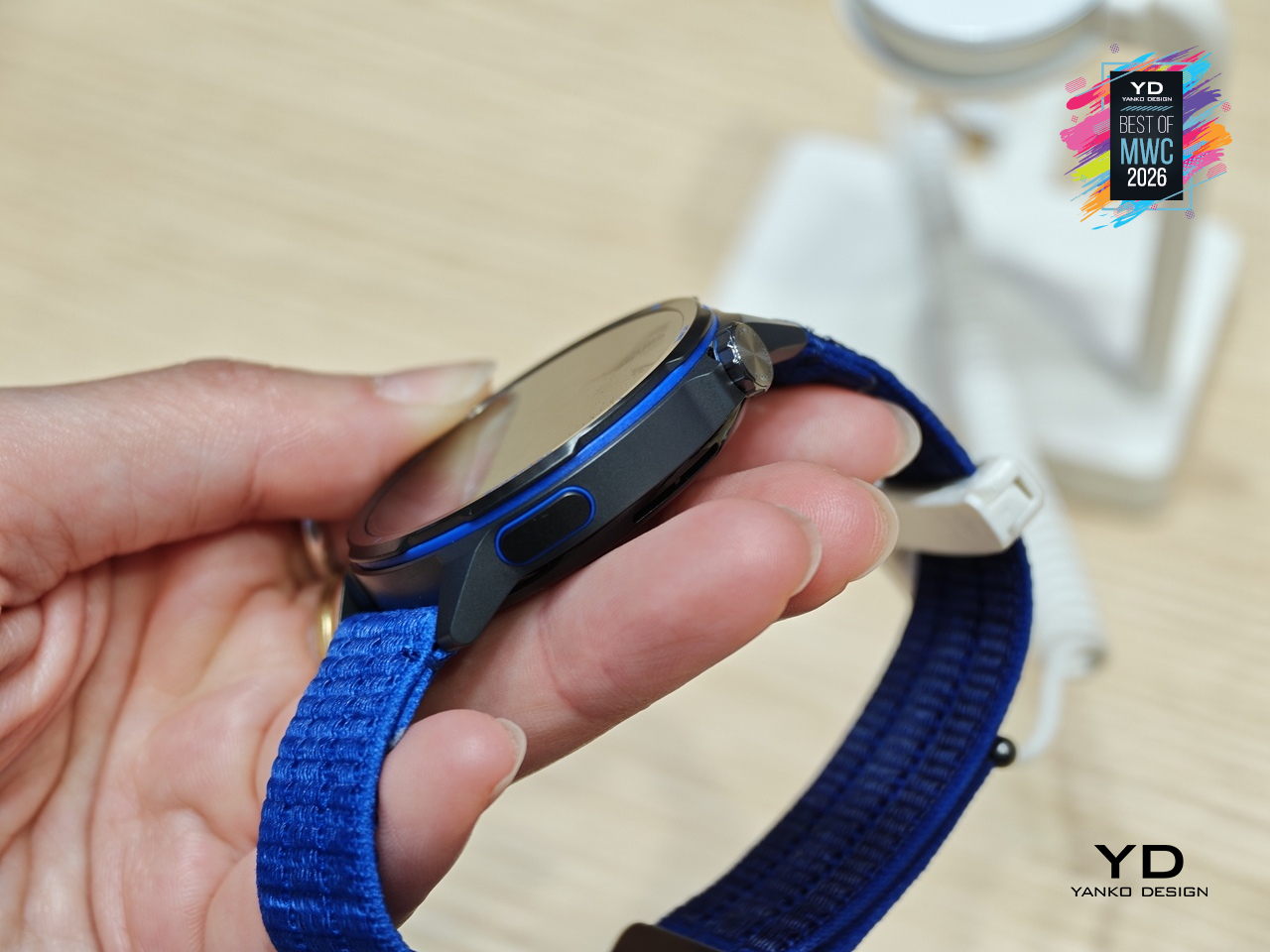
Five years of development went into the GPS architecture, which tells you where Huawei’s engineering priorities landed. The 3D floating antenna design, paired with an intelligent converged positioning algorithm, claims 20% better accuracy than its predecessor, holding signal through tunnels and tree cover where most watches lose the thread. The body itself is nanomolded aerospace-grade titanium at just 34.5 grams, with a 10.7mm profile that doesn’t fight the wrist wearing it.
Designer: Huawei
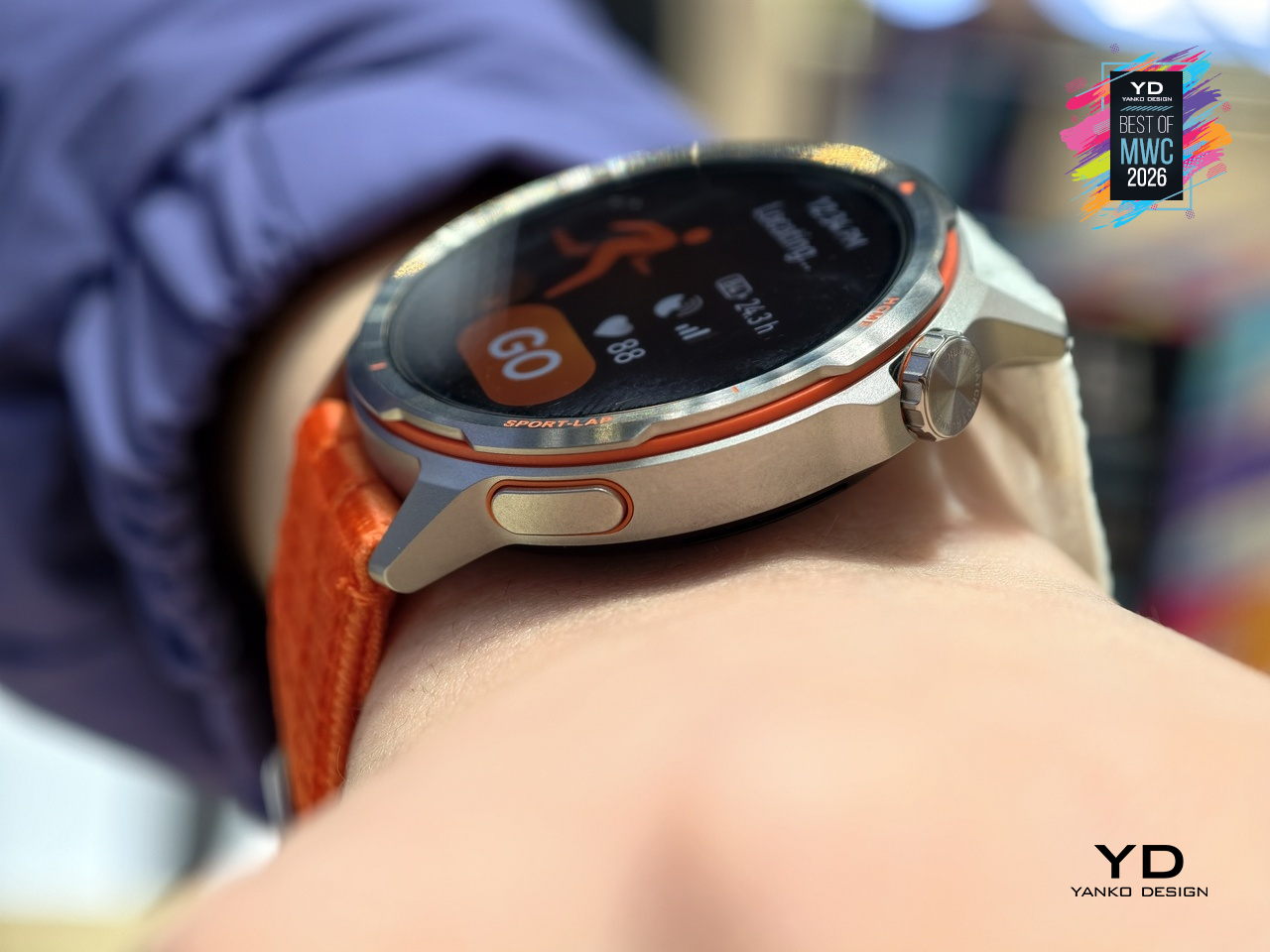
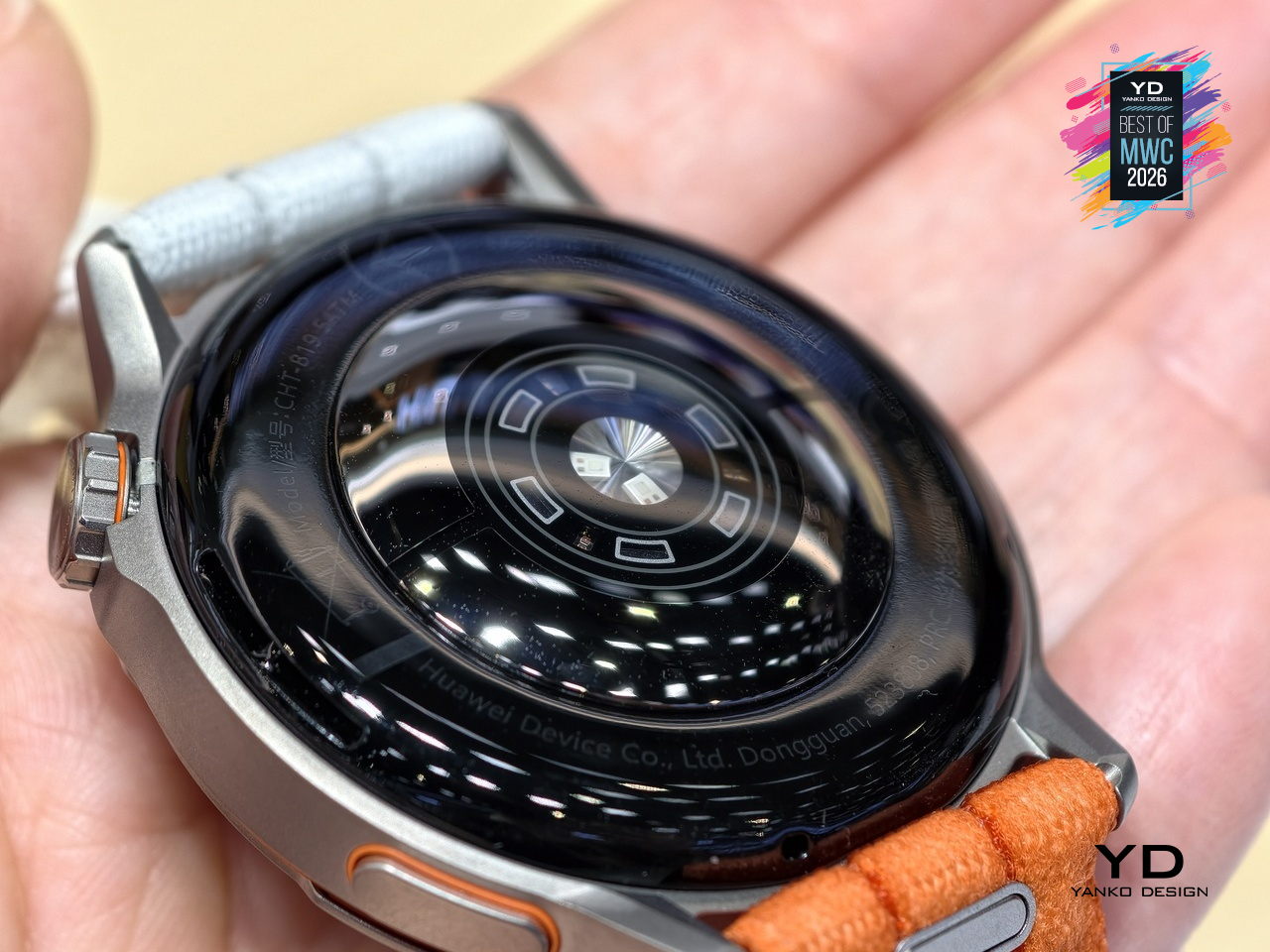
The Intelligent Marathon Mode is where the Huawei Watch GT Runner 2 really shines. Developed alongside the dsm-firmenich Running Team, it functions as an on-wrist coach with customized training plans, real-time pace charts, a digital pacer showing how far ahead or behind your target you are, and a personalized fueling reminder so you don’t bonk at kilometer 30. Performance prediction uses your Running Ability Index and physical data to estimate finish times, which either motivates you or quietly humbles you.
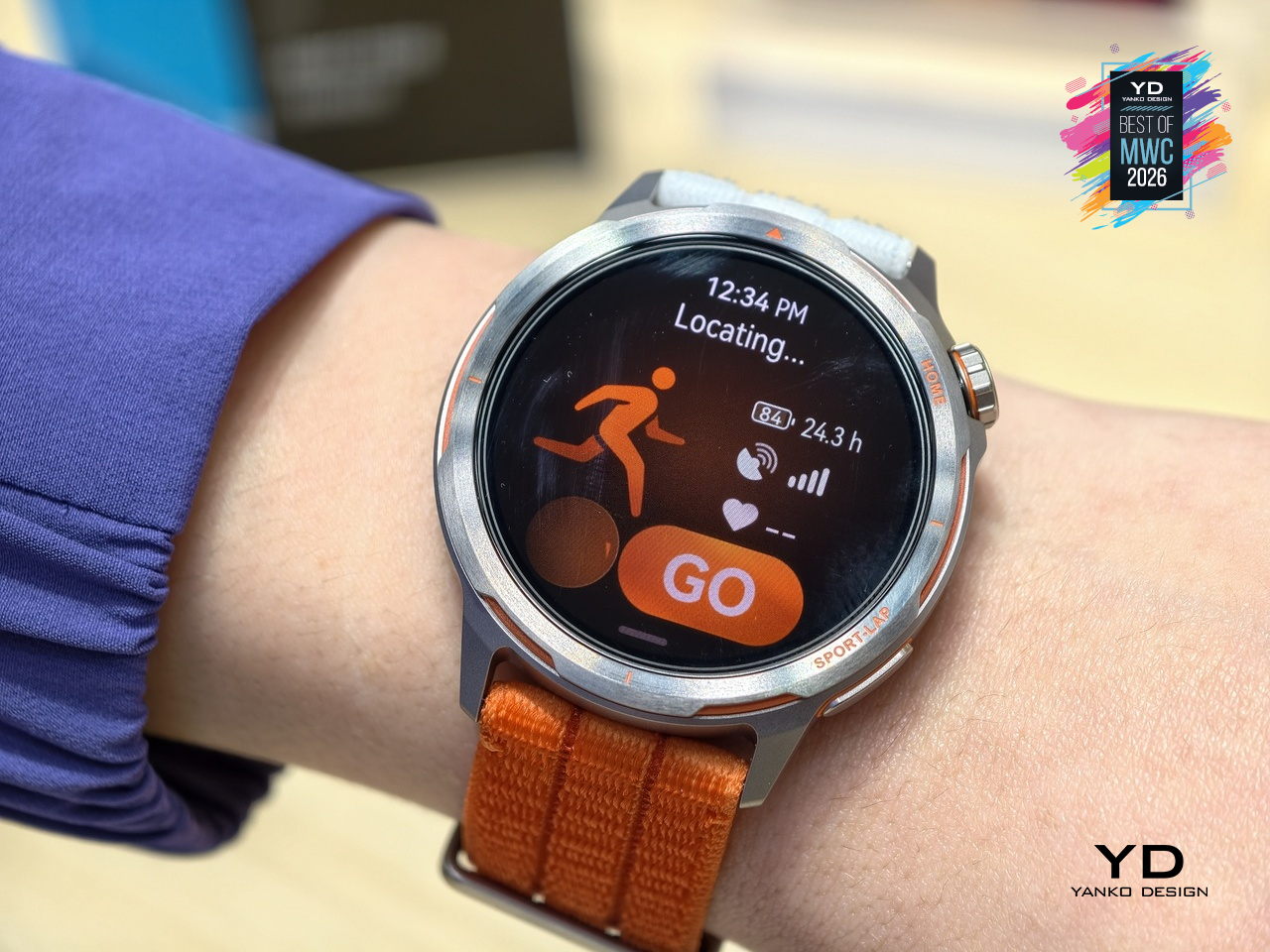
Health monitoring goes beyond the usual heart rate and step counts. ECG analysis triggers 30 minutes post-exercise, HRV is tracked throughout the day, and the PPG sensor can flag potential atrial fibrillation risks. Battery life reaches 32 hours in outdoor workout mode with GPS active, backed by a cell with 68% higher energy density than the previous generation. Curve Pay integration also lets you leave your phone and wallet behind on long runs entirely.
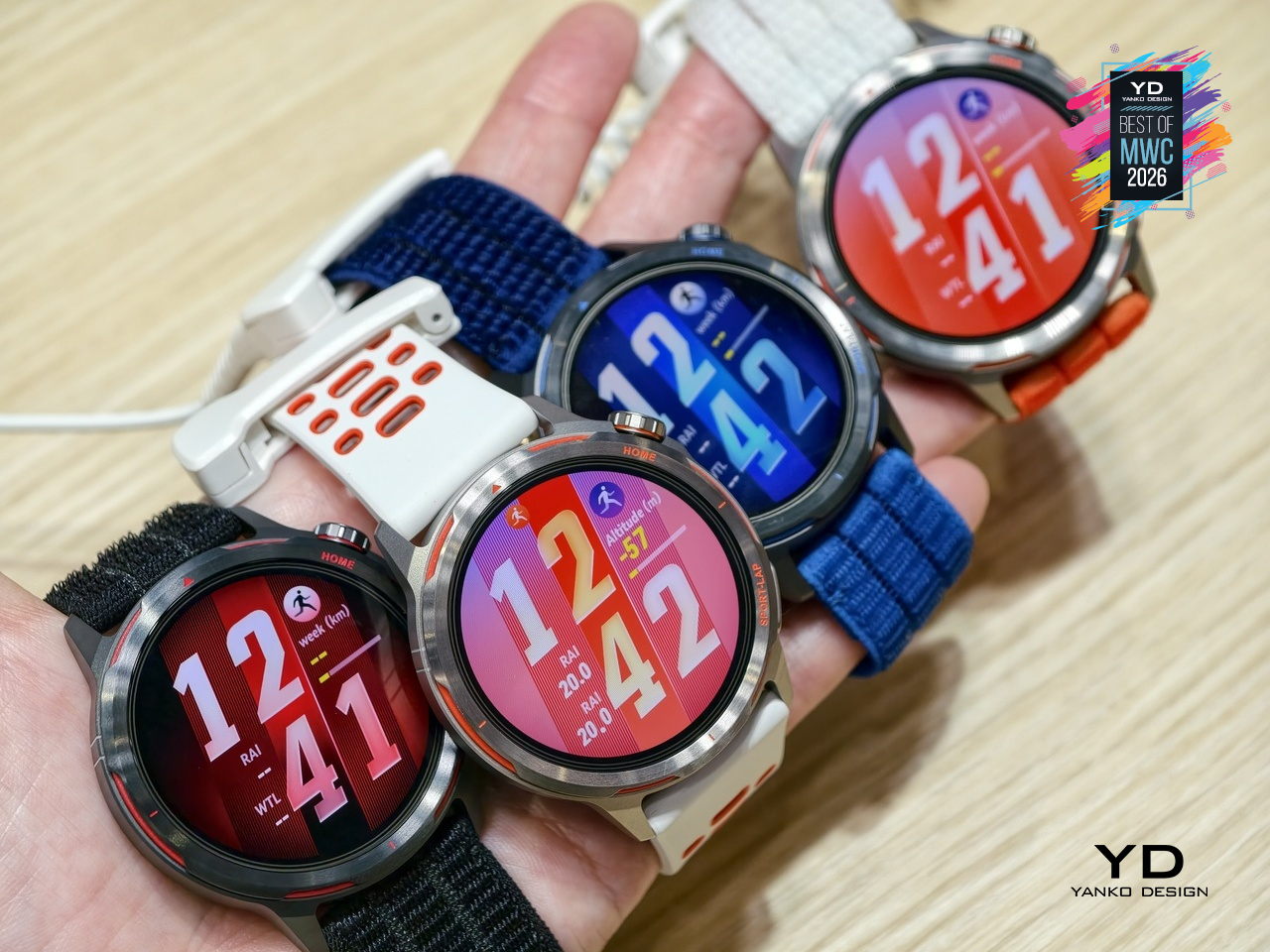
The Huawei Watch GT Runner 2 covers both ends of the spectrum, from amateurs wanting a smart training companion to athletes chasing records with lactate threshold and power metrics. At 34.5 grams with a breathable AirDry woven strap, it’s built to disappear on your wrist. What remains to be seen is whether marathon coaching calibrated with elite runners translates meaningfully to the rest of us.
MemoMind One AI Glasses
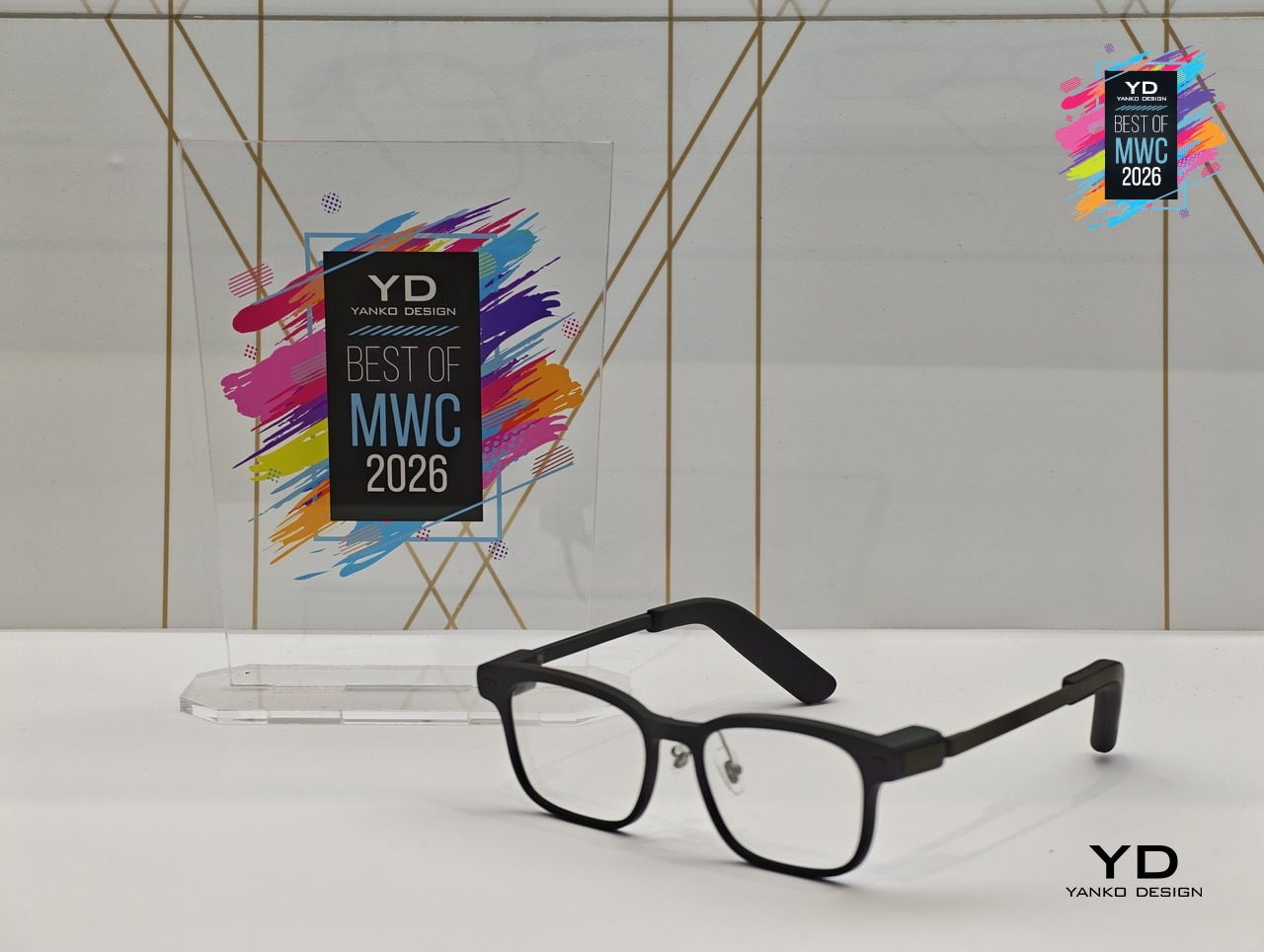
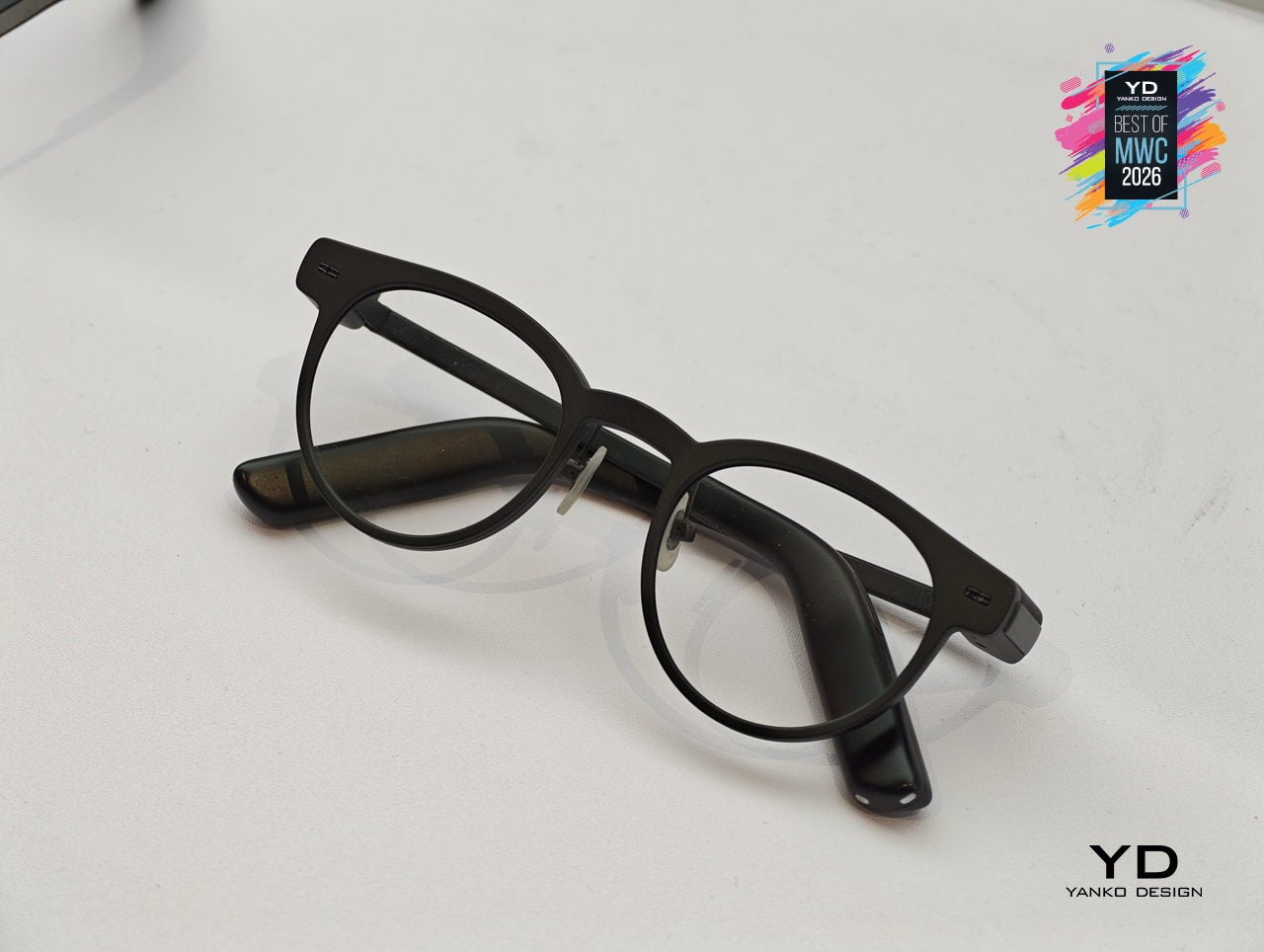
Most AI glasses have made the same mistake: designing around the technology first and hoping the wearability sorts itself out later. The result is eyewear that signals to everyone around you that something unusual is happening on your face. MemoMind, a new AI hardware brand incubated by projector company XGIMI, took the opposite approach with its debut product, building from a decade of optical engineering experience to make glasses that simply look like glasses.
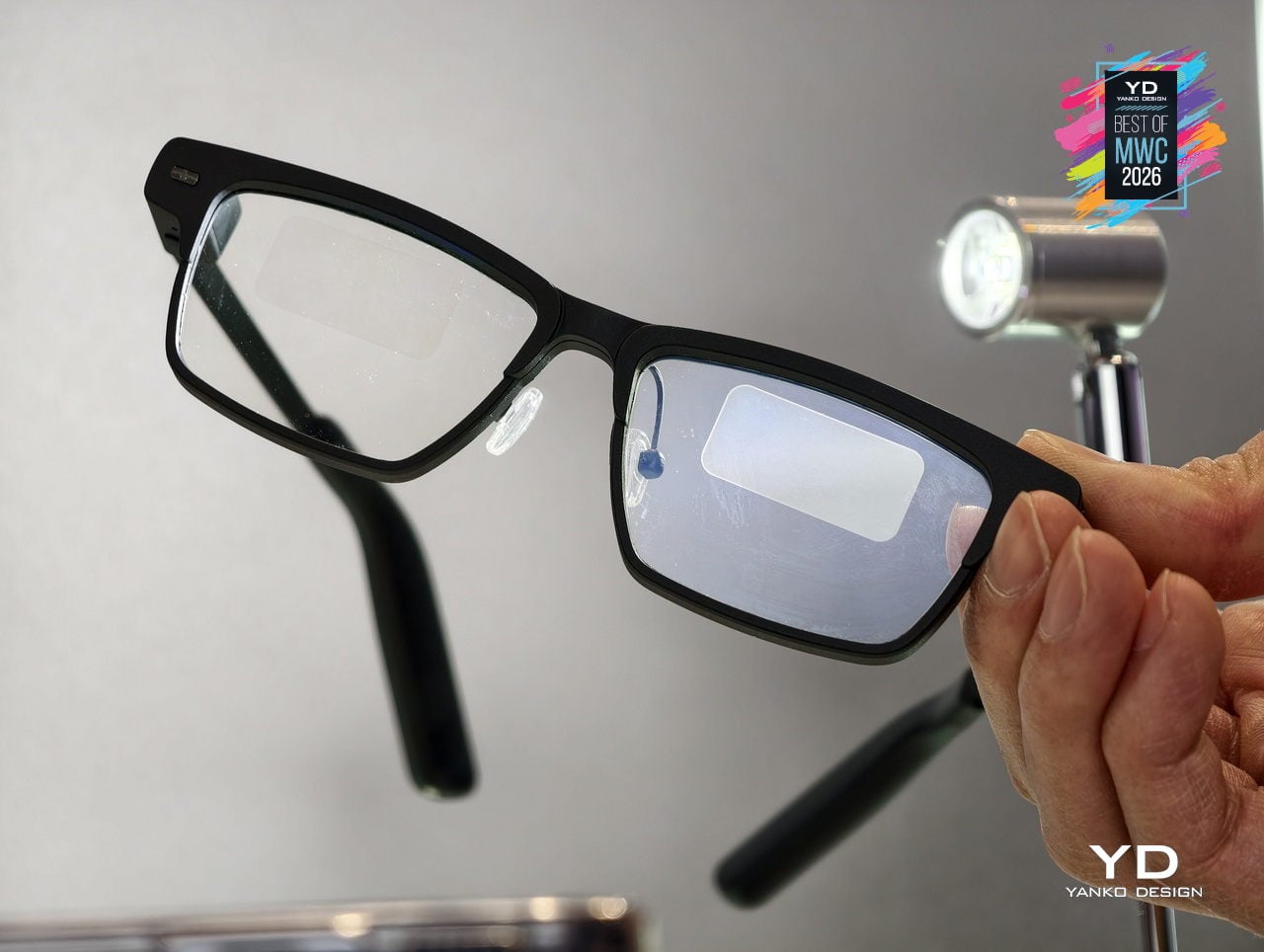
The MemoMind One is the flagship of the lineup, combining integrated speakers with a dual-eye air display that layers information over your field of view without demanding your full attention. The multi-LLM hybrid operating system handles real-time translation, voice summaries, transcription, and contextual reminders, all accessible through head-motion controls and a conversational interface. Since its CES 2026 debut, software updates have expanded navigation integration and refined how the AI delivers information without interrupting natural interaction.
Designer: XGIMI
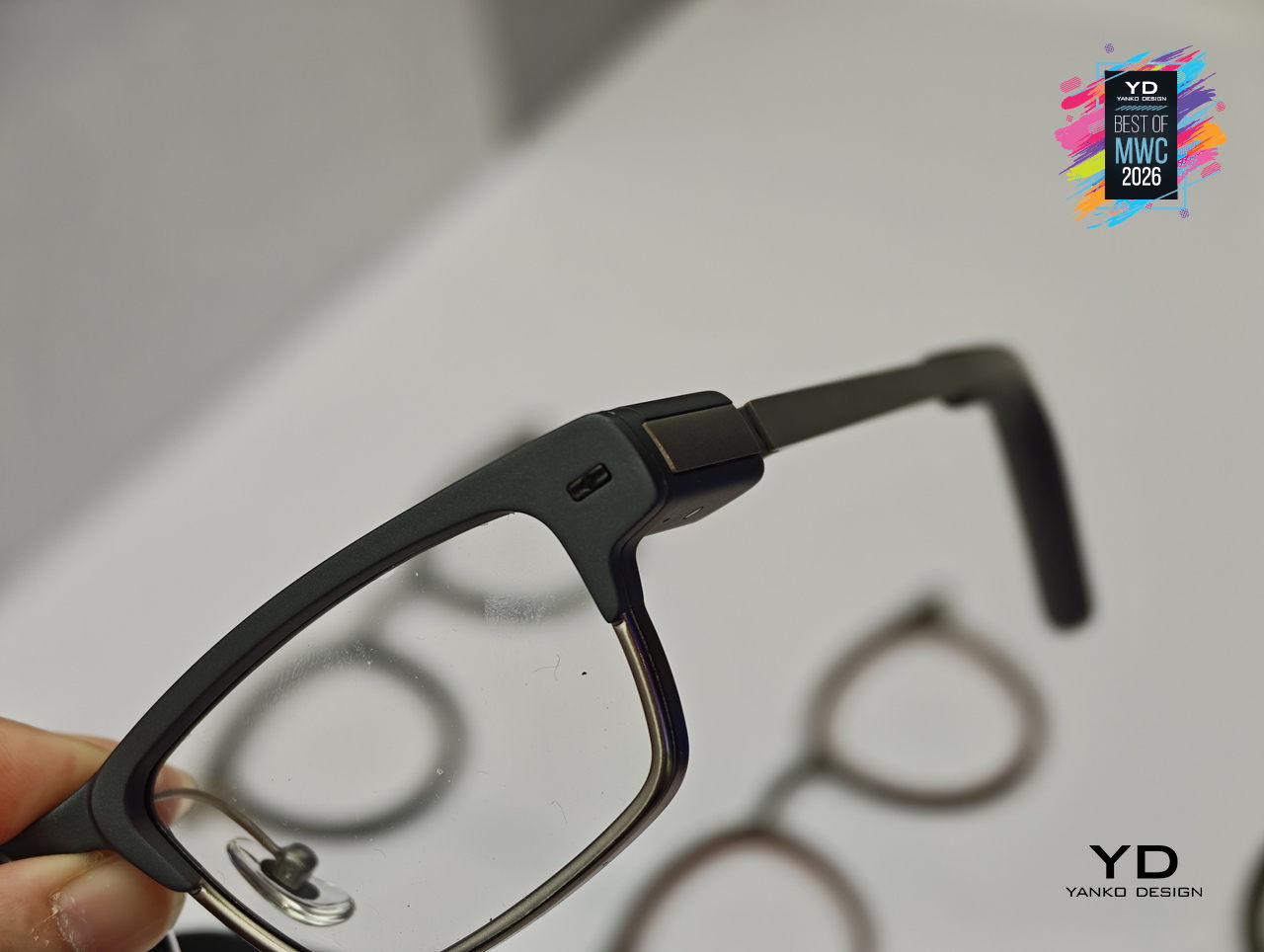
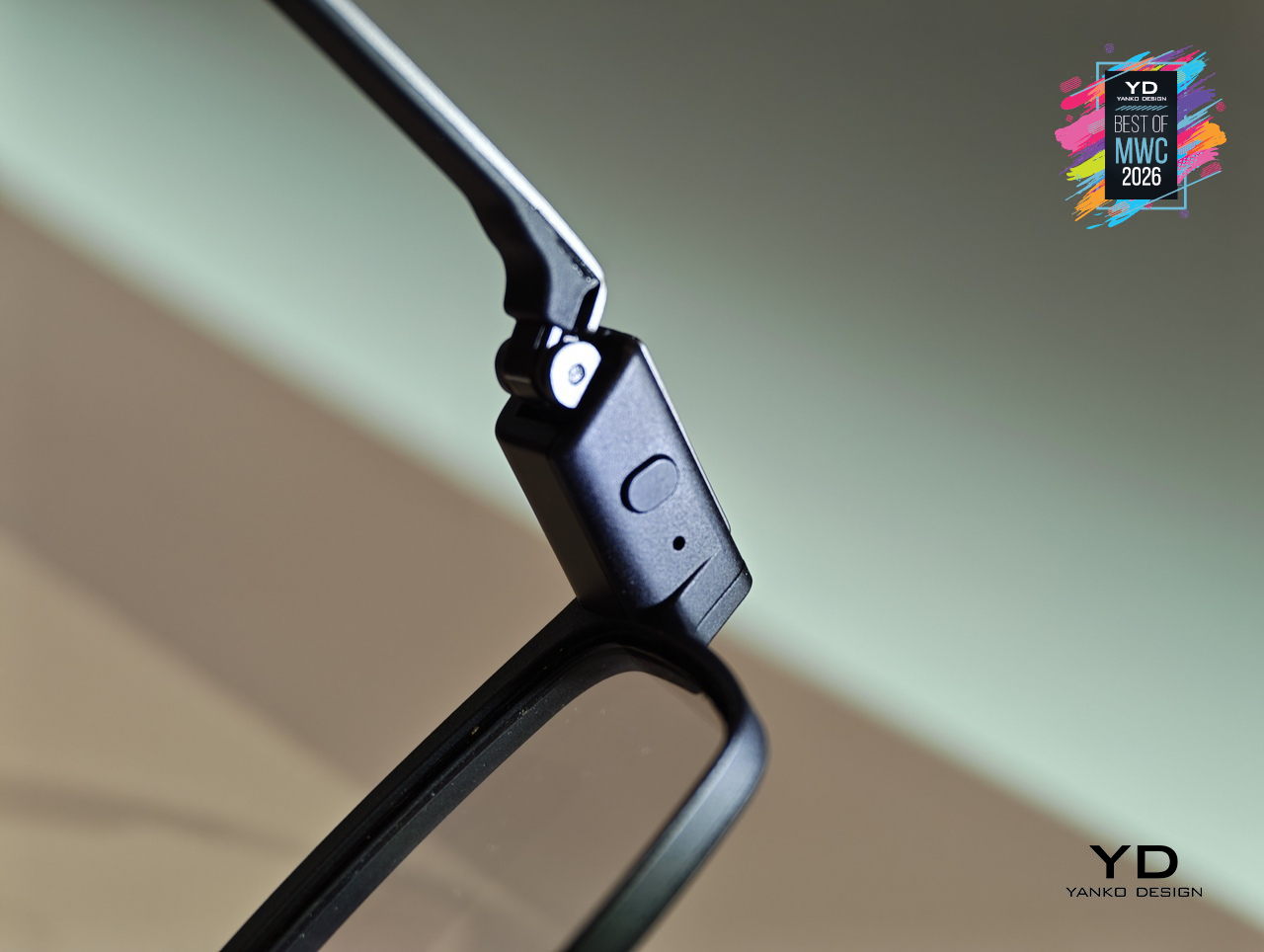
Personalization sits at the center of the MemoMind design philosophy in a way most wearable tech ignores entirely. Frames are fully customizable, temples are interchangeable, and the glasses support prescription lenses, meaning you can actually wear them as your everyday eyewear rather than carrying a second pair of frames. That design decision alone separates MemoMind from most competitors, where the hardware dictates the look and the wearer adapts accordingly.
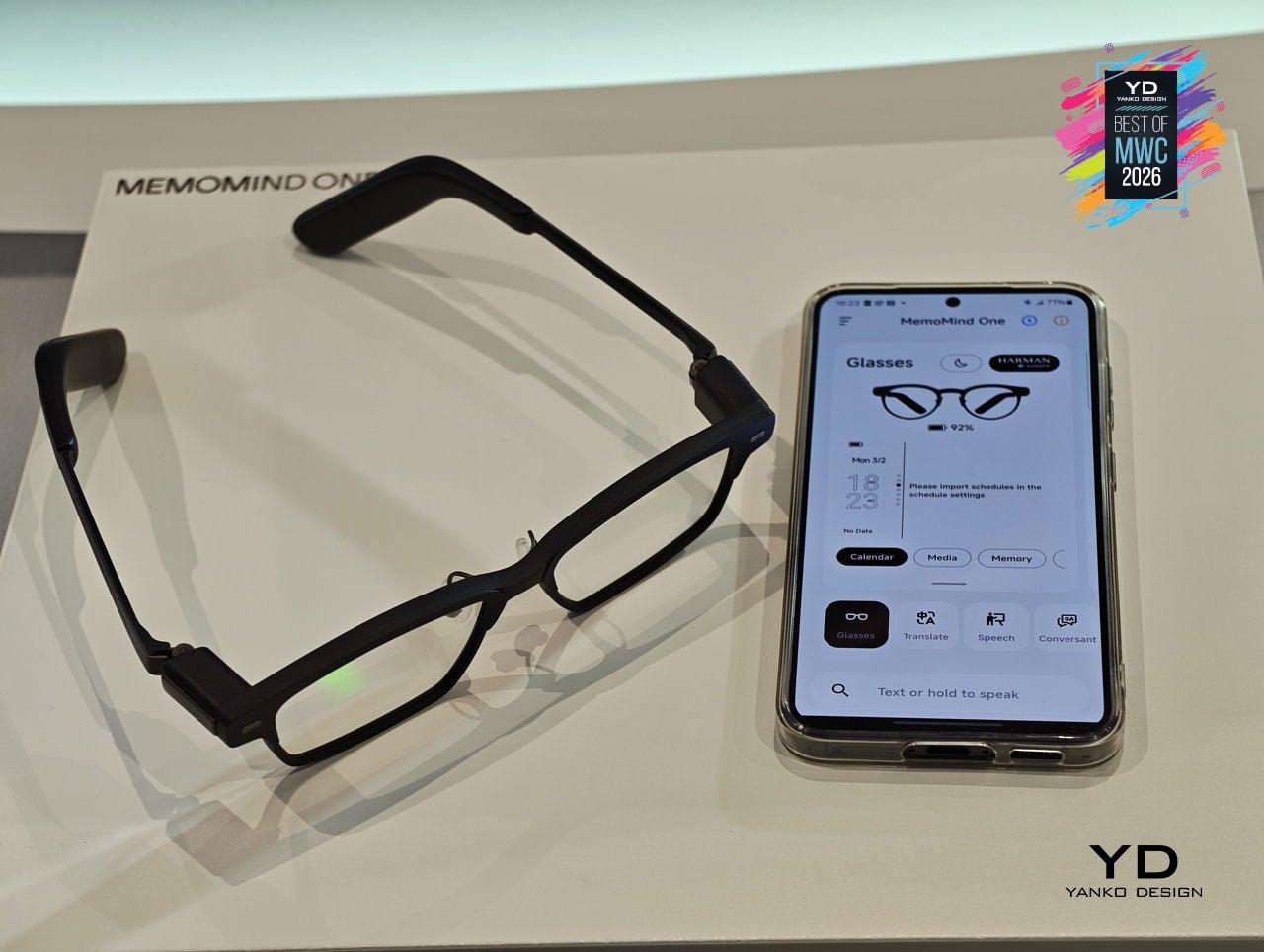
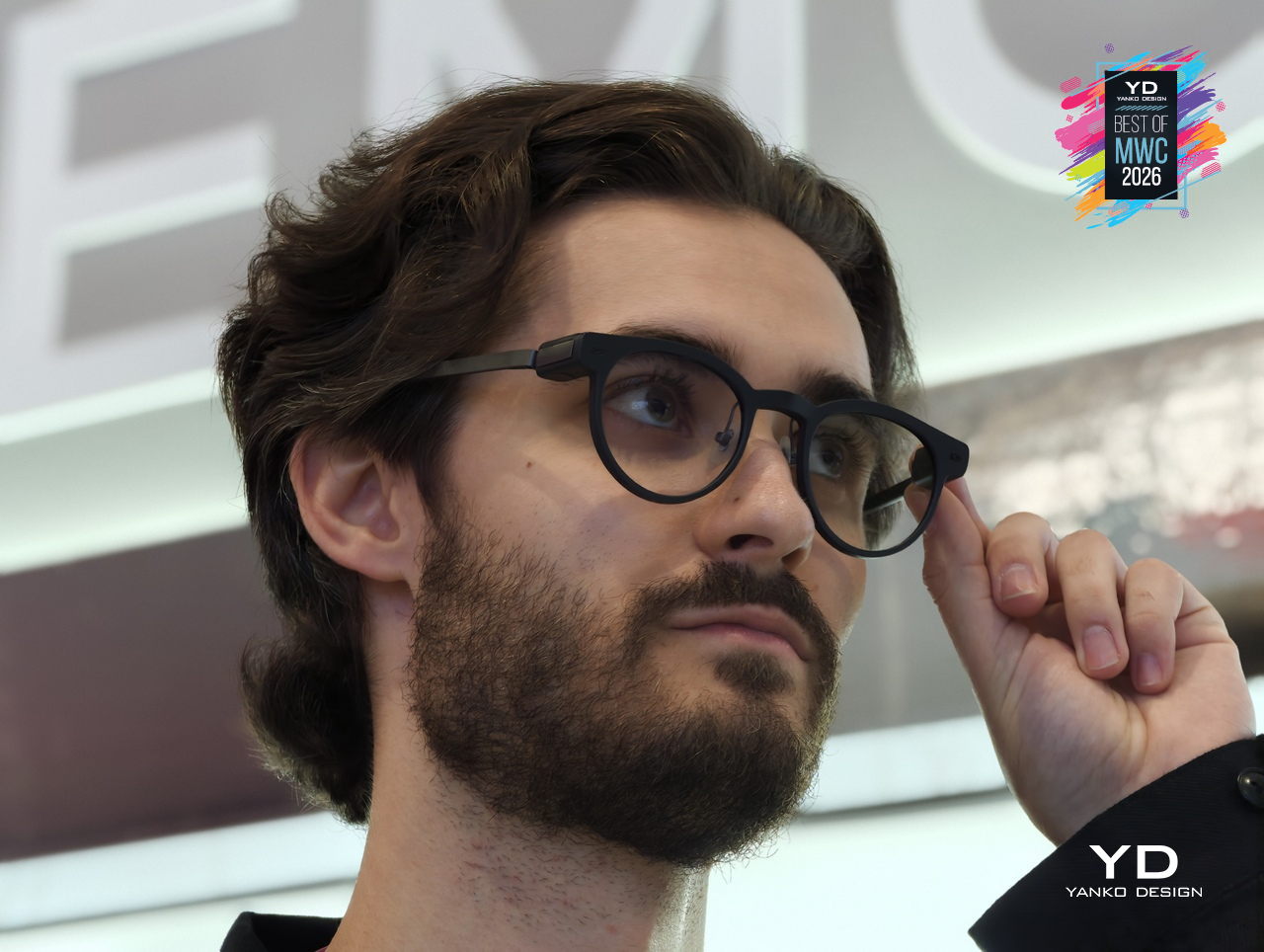
The broader MemoMind lineup shows how deliberately the brand has thought through different user needs. The MemoMind Air Display weighs just 28.9 grams and uses a single-eye monocular display for a lighter-touch AI presence, aimed at commuters and minimalists who want information without visual density. The MemoMind Air goes further still, dropping the display entirely for a microphone-only model that makes the AI presence nearly invisible, present when useful and undetectable when not.
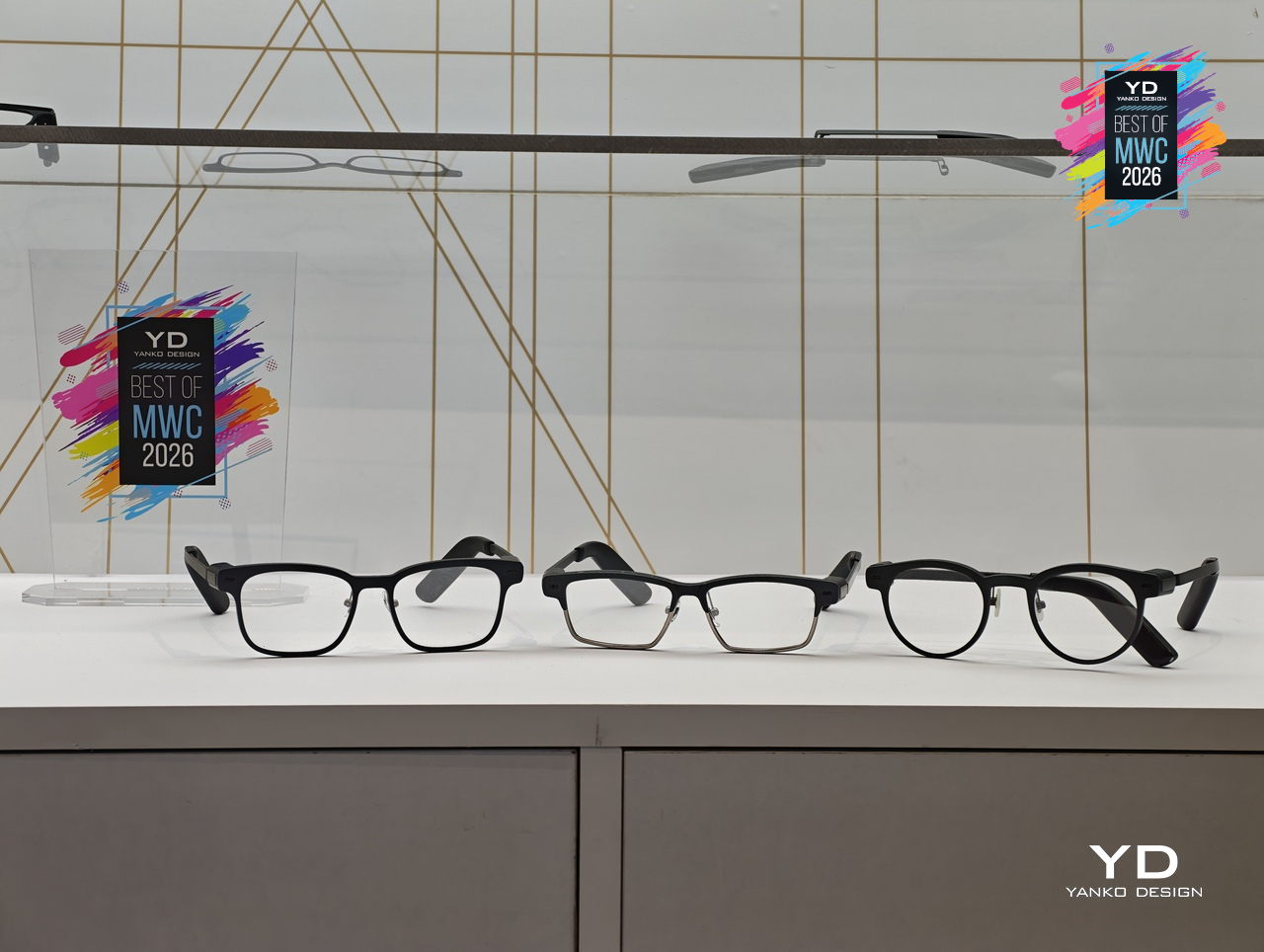
MemoMind One is set for preorder in April 2026, with the Air Display and Air models following later in the year. What XGIMI has built here is a clear and considered answer to the question of how AI should sit on your face: quietly, comfortably, and without announcing itself to the room. The design conviction behind MemoMind is that the best wearable AI is the kind you stop noticing you’re wearing.
Honor Robot Phone Concept
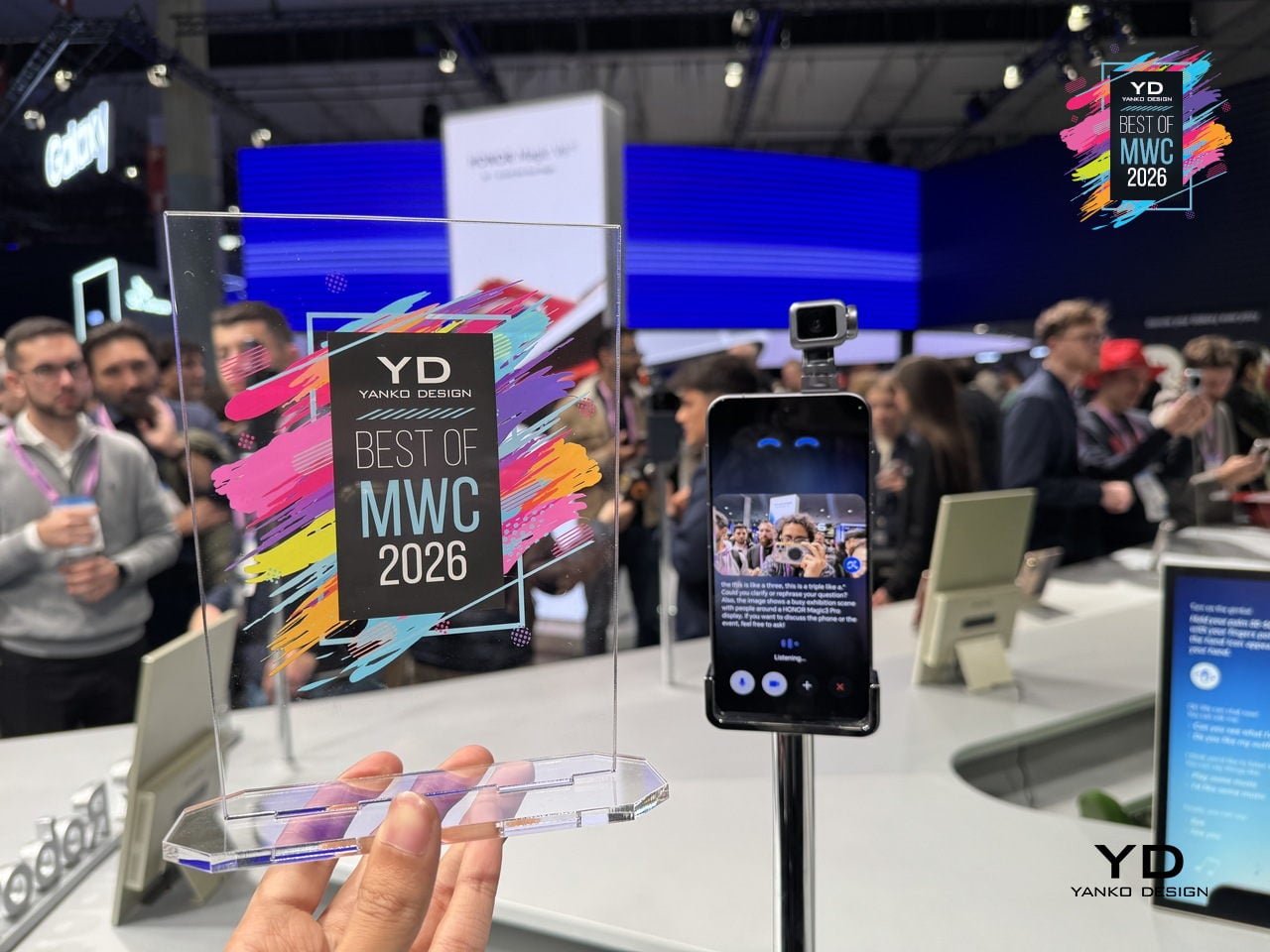
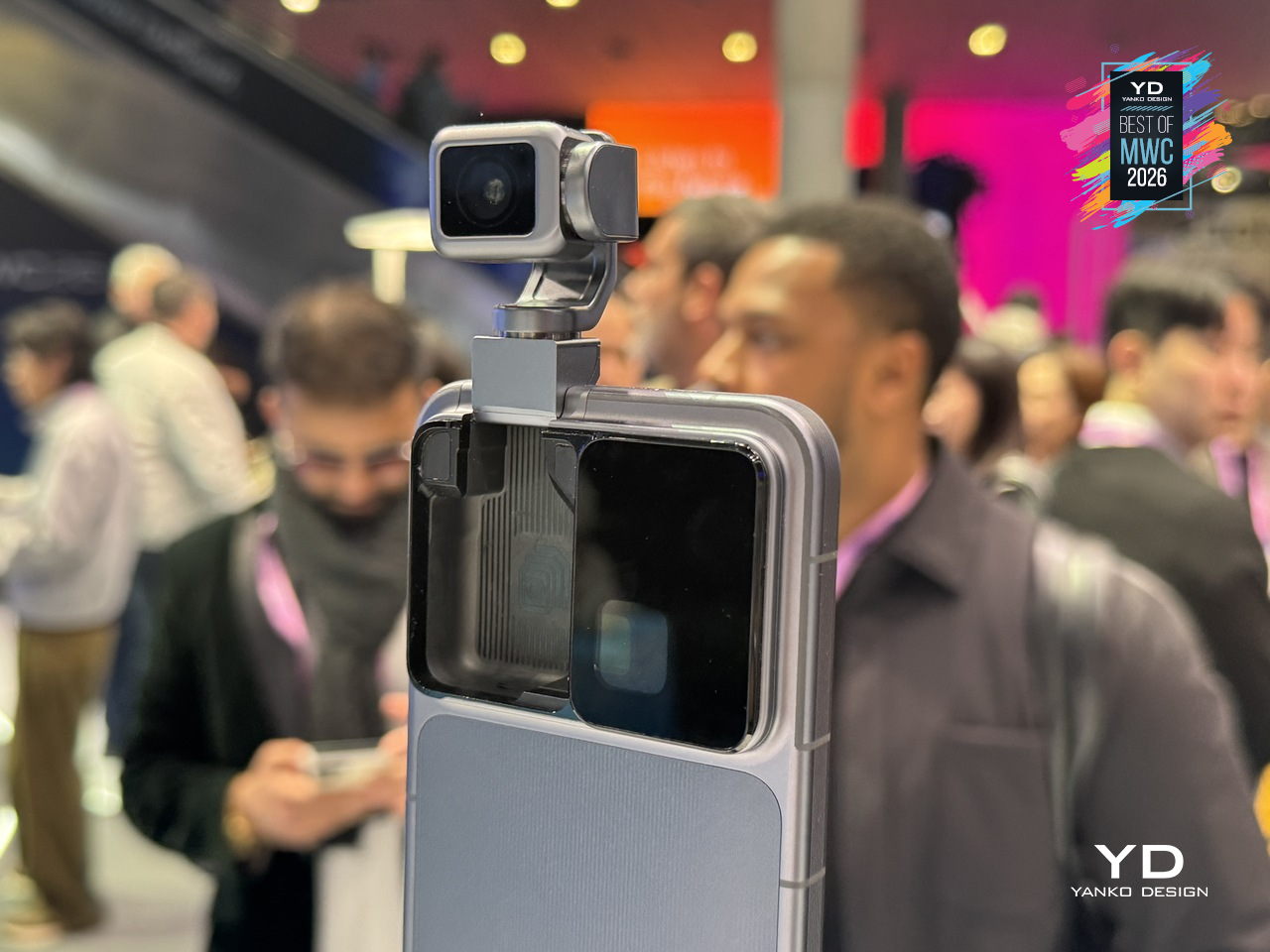
Smartphones have been flat rectangles for so long that the design conversation around them has largely shifted to cameras, refresh rates, and how thin the bezels are. Honor arrived at MWC 2026 with a genuinely different question: what if the phone itself could move? The Robot Phone concept puts a 4DoF gimbal system inside a handheld device, built around what Honor calls the industry’s smallest micro motor, with the motor size reduced by 70% compared to existing solutions.
Designer: Honor
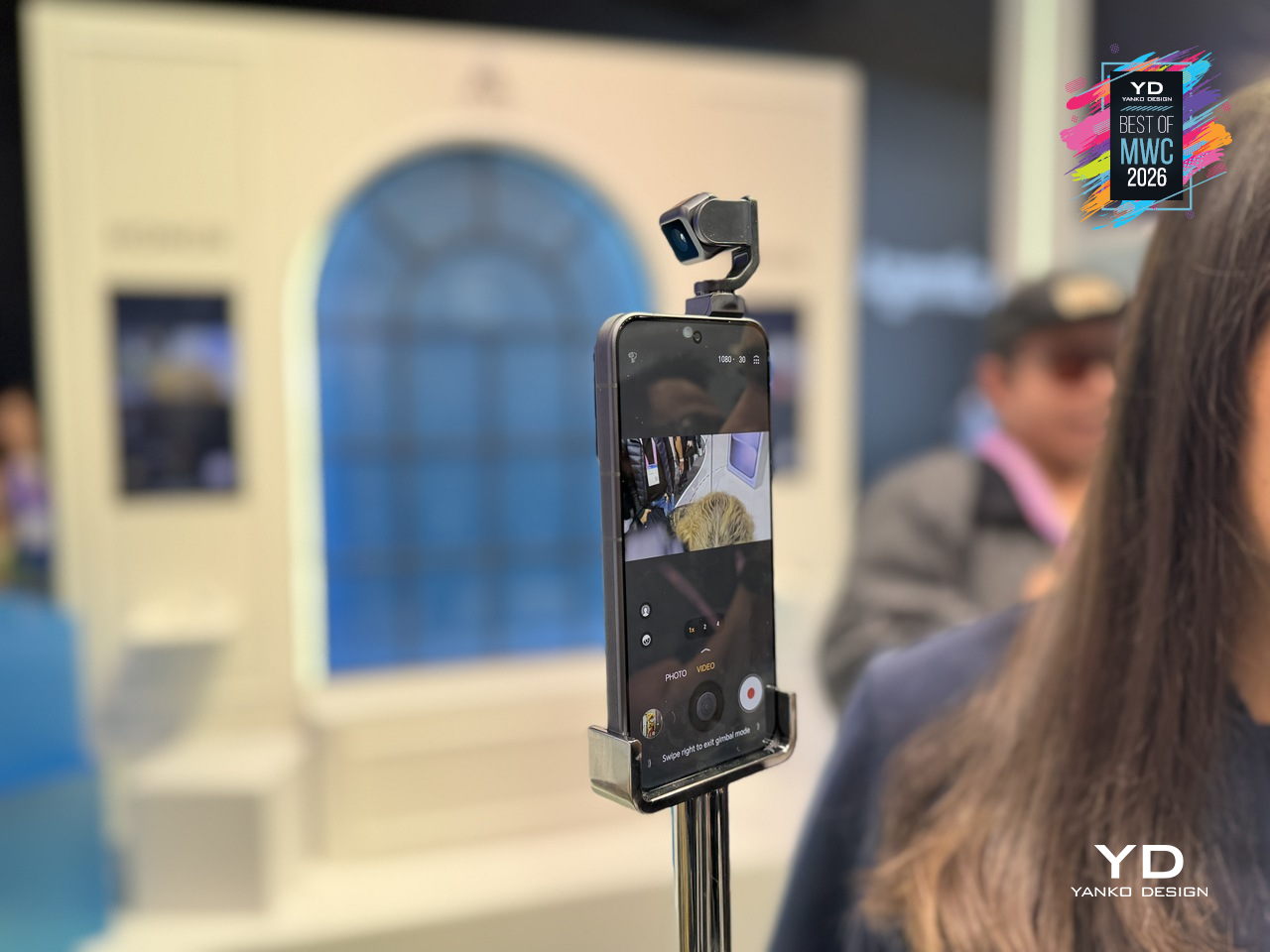
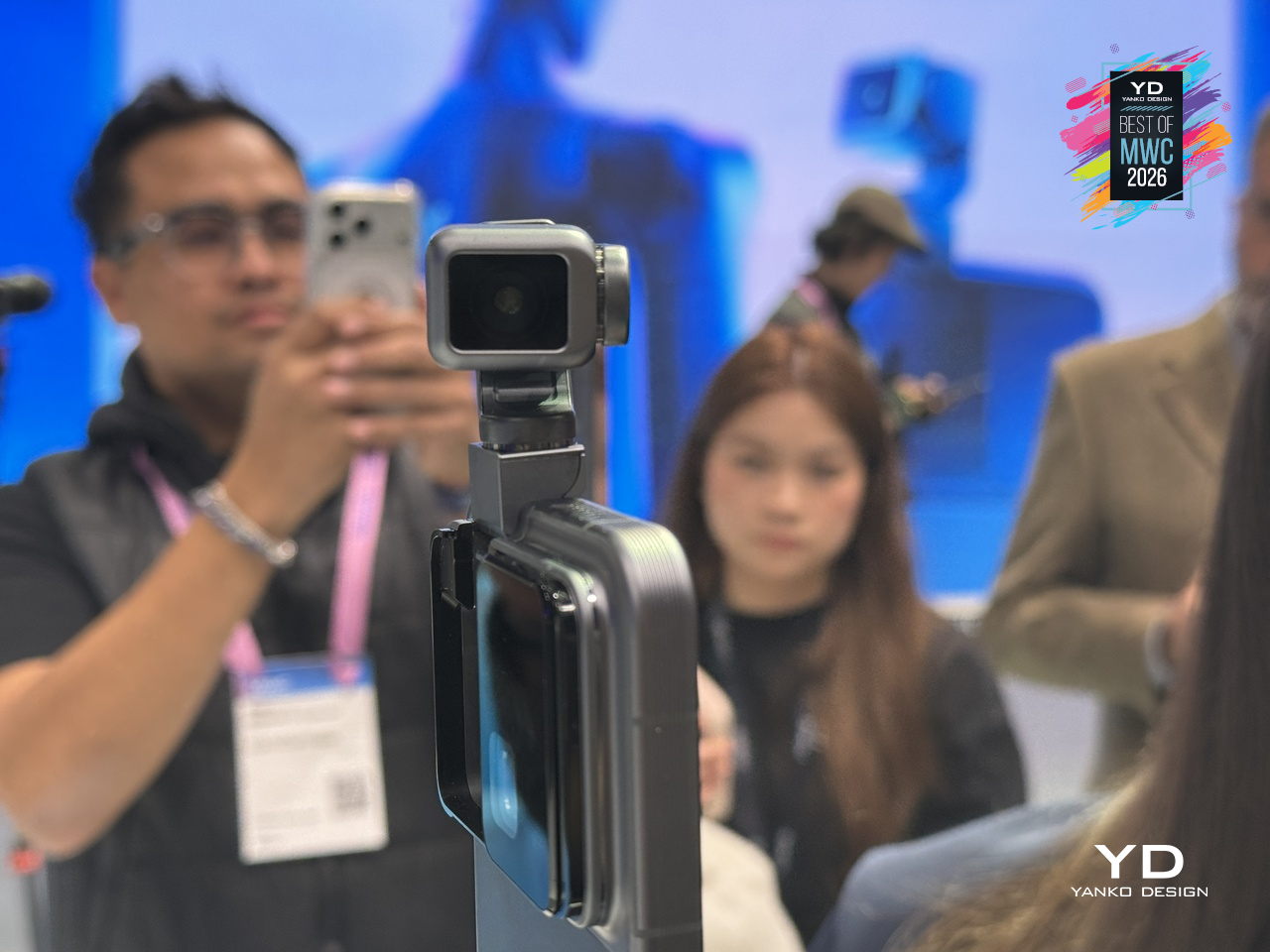
The gimbal does two distinct things, and they pull in interestingly different directions. On the imaging side, three-axis mechanical stabilization works alongside an AI stabilization engine to keep footage steady through complex, dynamic movement. A double-tap locks the AI onto any subject, tracking it even through sudden changes or brief obstructions. Honor also introduced an AI Spinshot mode, supporting 90-degree and 180-degree rotations, a move that borrows directly from cinema camera rigs and scales it down to one hand.
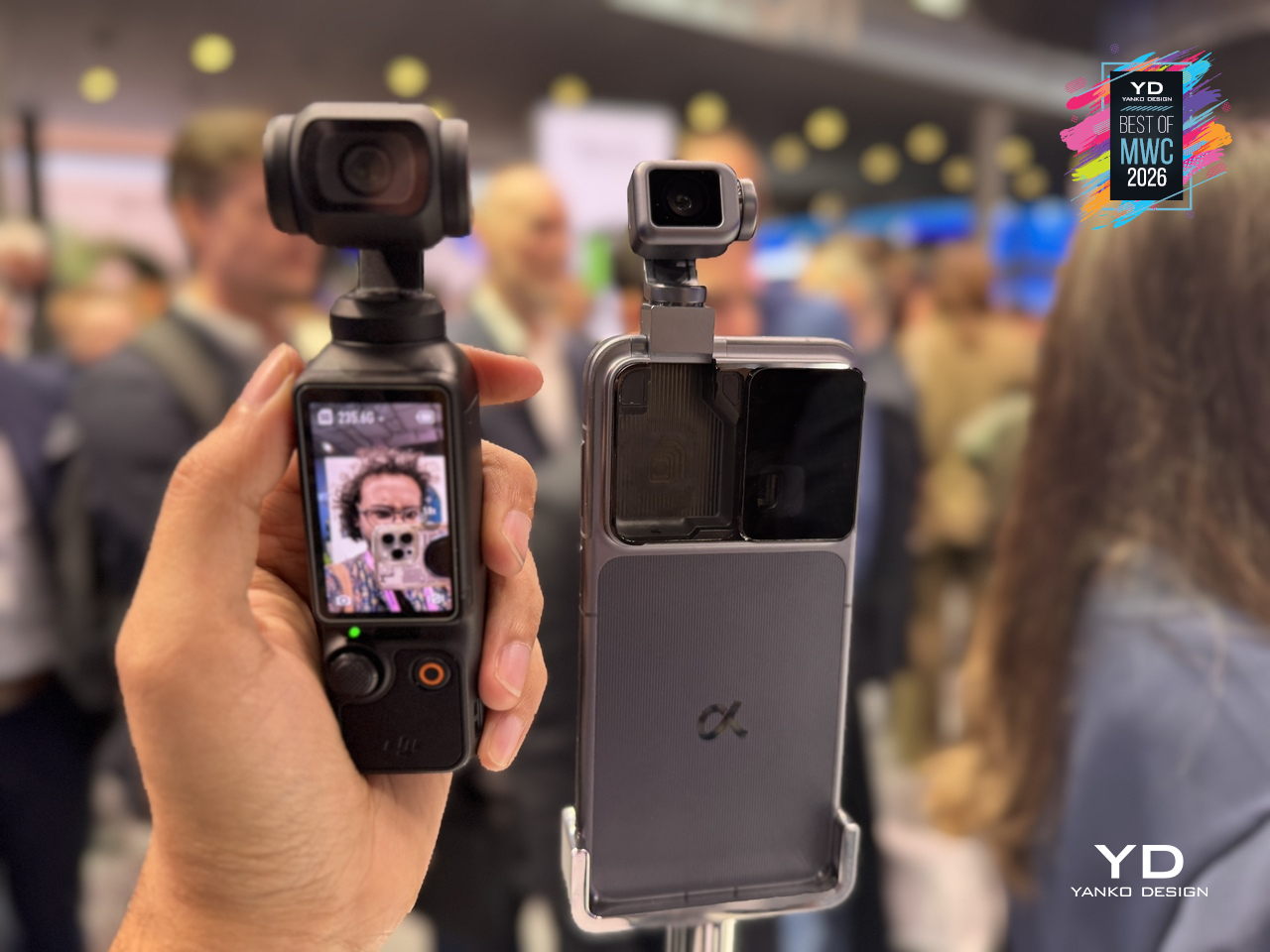
The second application is where the concept gets harder to categorize. Honor has designed the gimbal to express what it calls embodied AI interaction, meaning the phone physically responds to what’s happening around it. It nods during agreement in video calls, adjusts its orientation to keep you in frame automatically, and moves to the rhythm of music playing through its speakers. These are features that a spec sheet cannot really describe, and that makes the Robot Phone one of the more genuinely curious things shown at MWC 2026, even as a concept still working toward a commercial release.
Xiaomi Vision Gran Turismo EV Concept
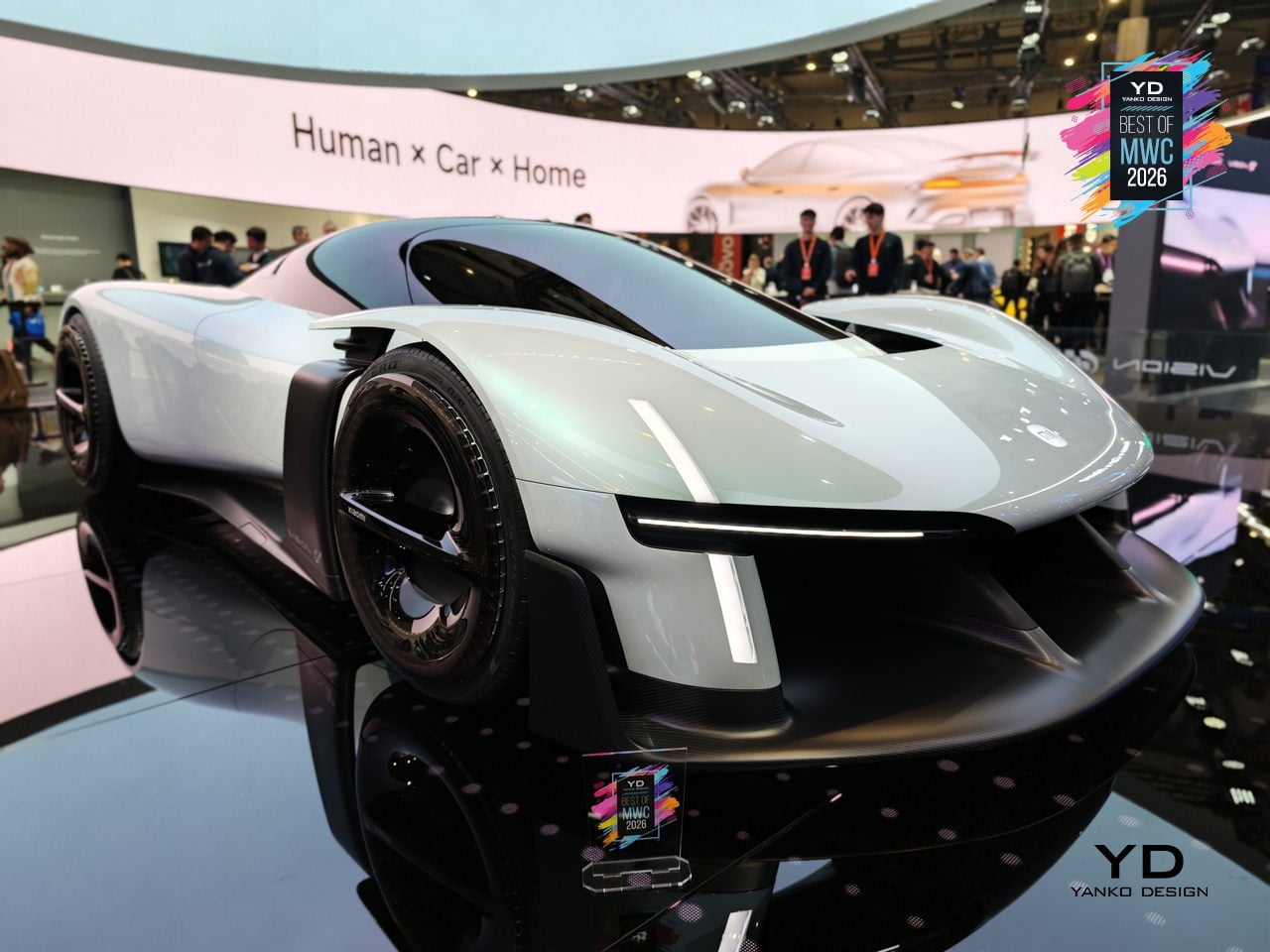
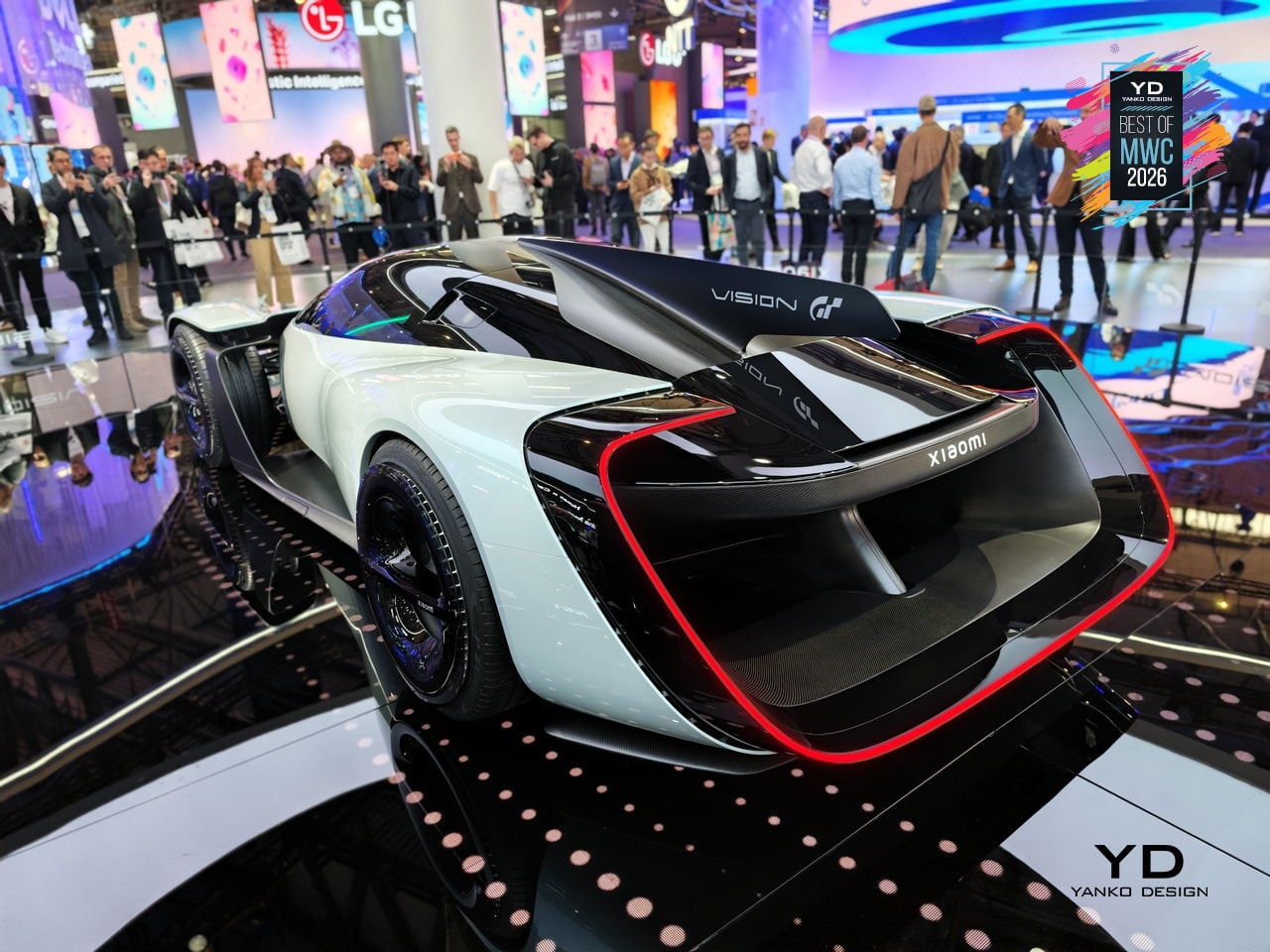
The Vision Gran Turismo program is where car brands go to design without consequences. No production targets, no crash tests, no accountants in the room. Ferrari has done it. Porsche has done it. Now Xiaomi, a company that started by selling smartphones and rice cookers, has become the 36th brand to join and the first technology company ever invited. Gran Turismo producer Kazunori Yamauchi extended the invitation personally at the GT World Series in London.
Designer: Xiaomi
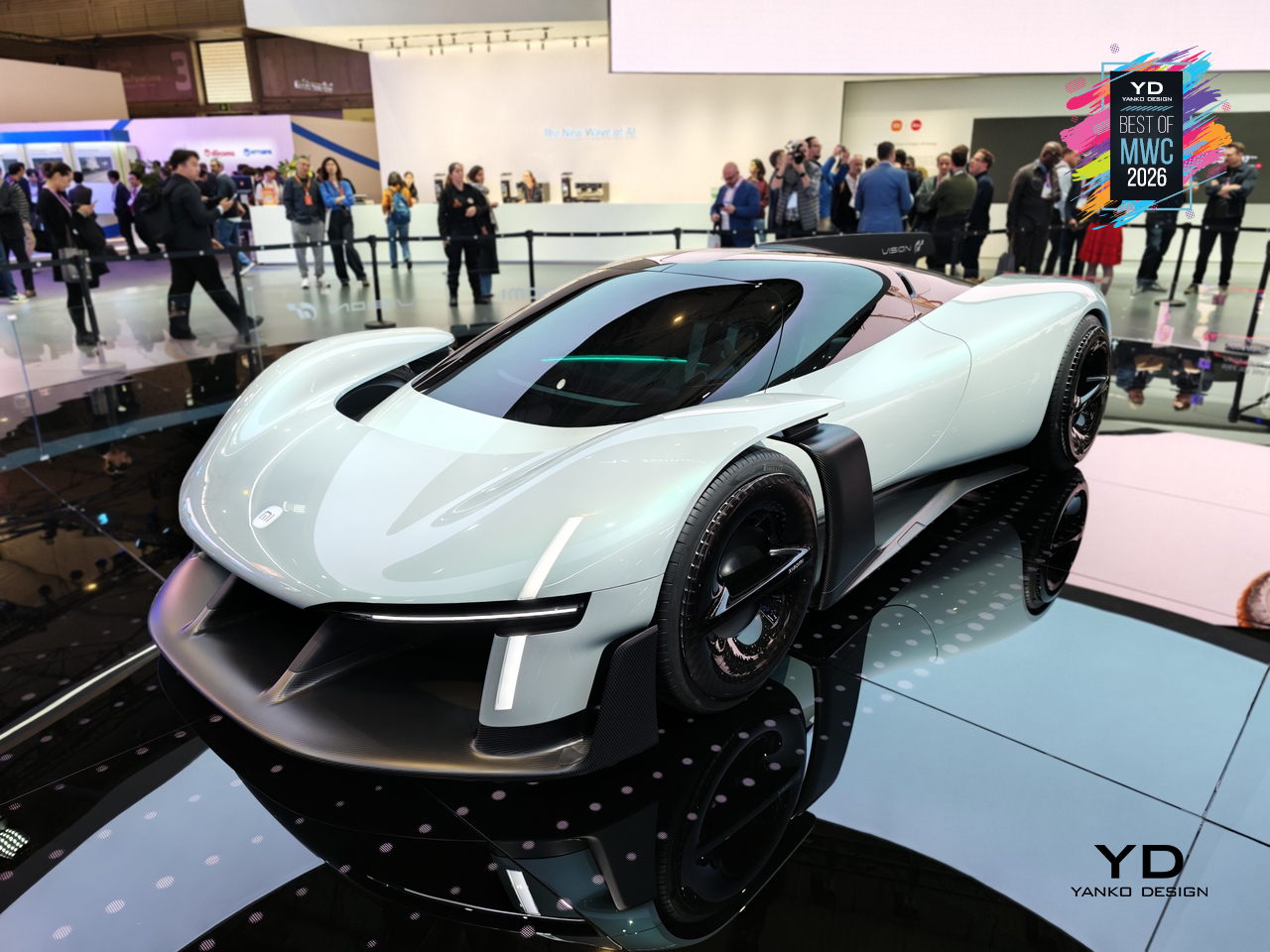
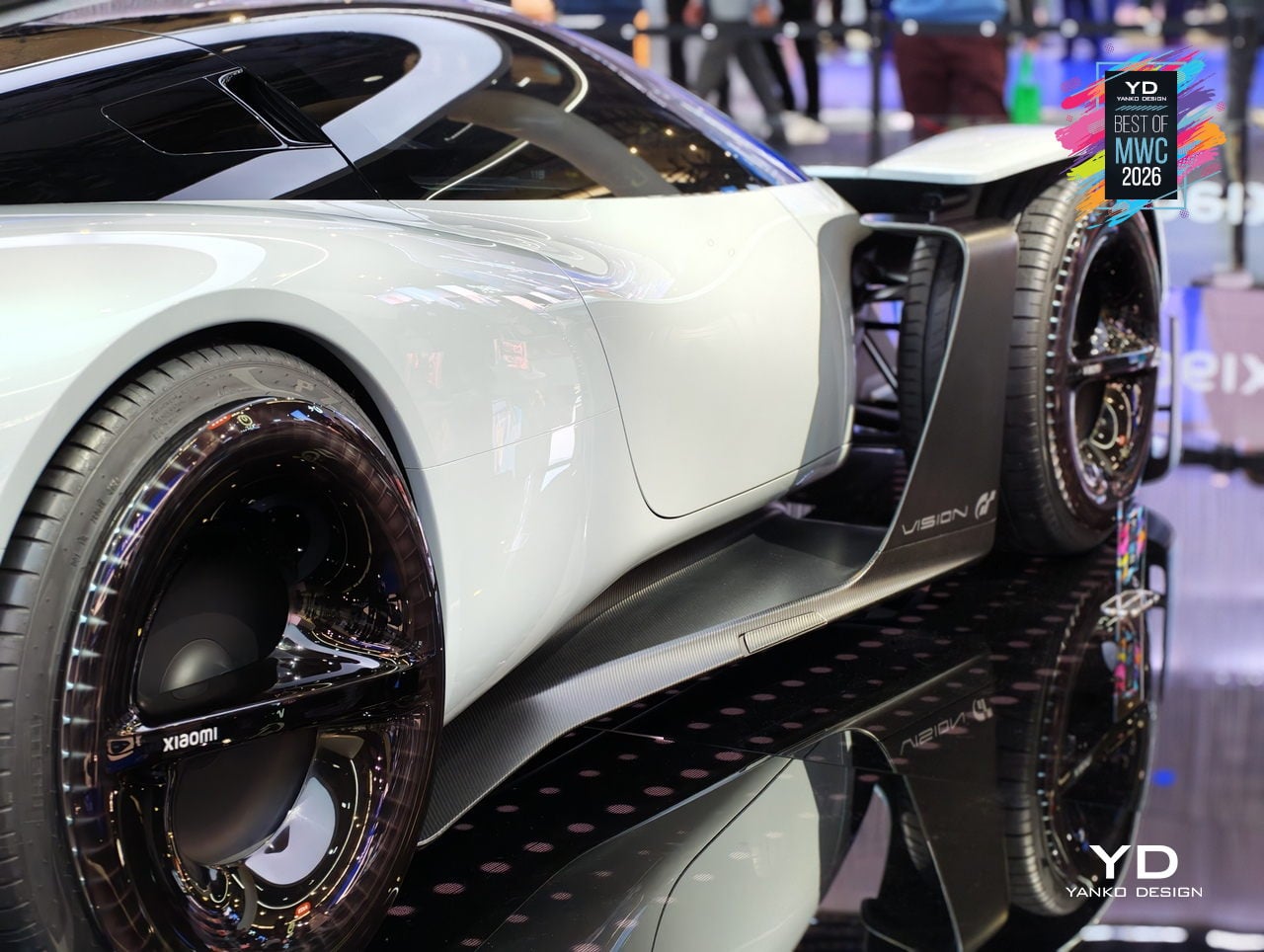
The design problem Xiaomi decided to obsess over is one every hypercar team faces: low drag gives you straight-line speed, high downforce gives you corners, and optimizing hard for either one usually compromises the other. Xiaomi’s answer was to eliminate the trade-off entirely by building aerodynamics into the body itself. No bolted-on wings, no add-on splitters. A teardrop cockpit, airfoil-shaped structural members, and embedded channels that guide air from nose to tail. The Accretion Rims are the detail worth pausing on: magnetically held wheel covers that stay perfectly still while the wheels rotate beneath them, cooling the brakes through internal turbine fins while cutting drag from spinning surfaces.
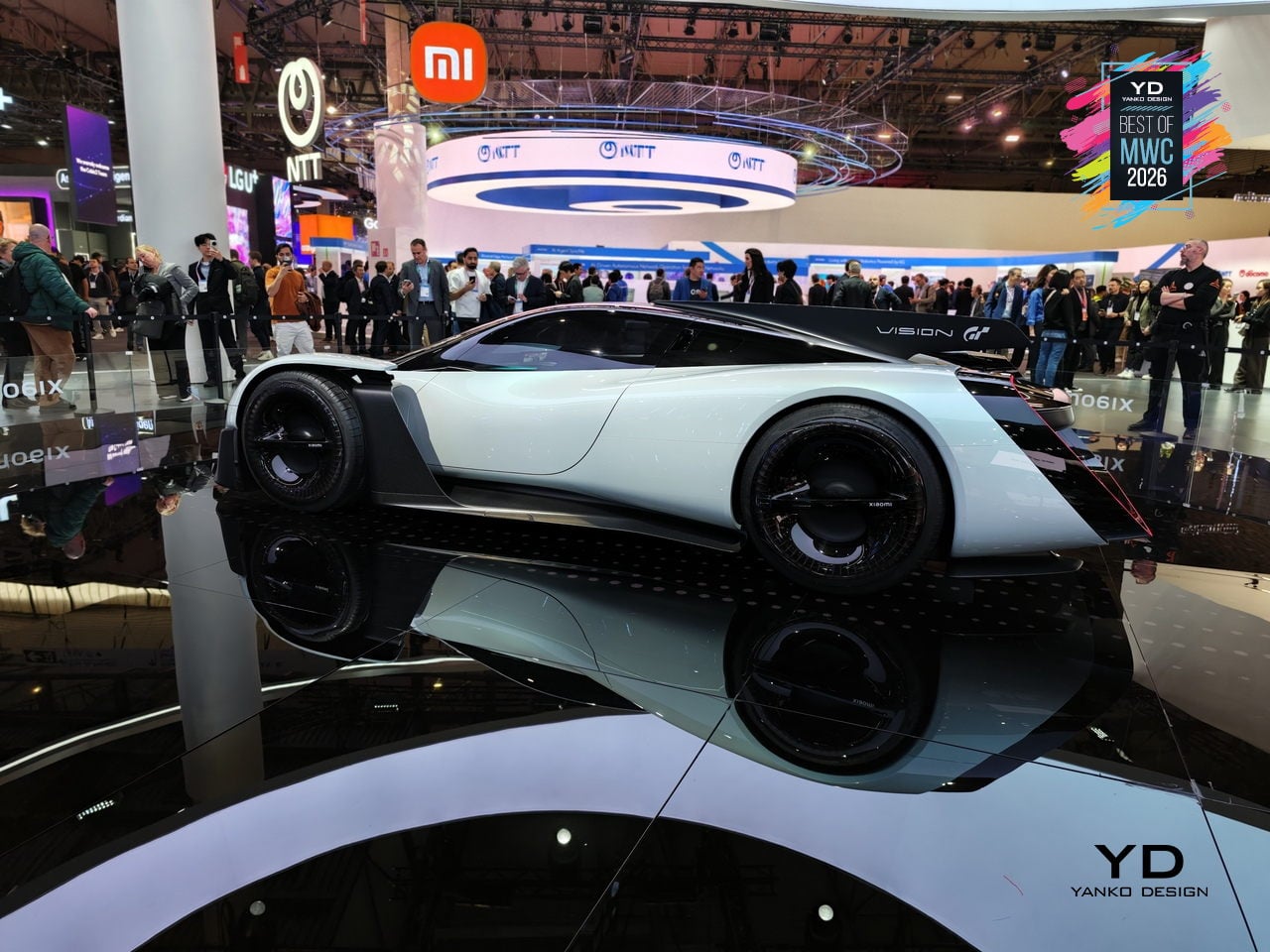
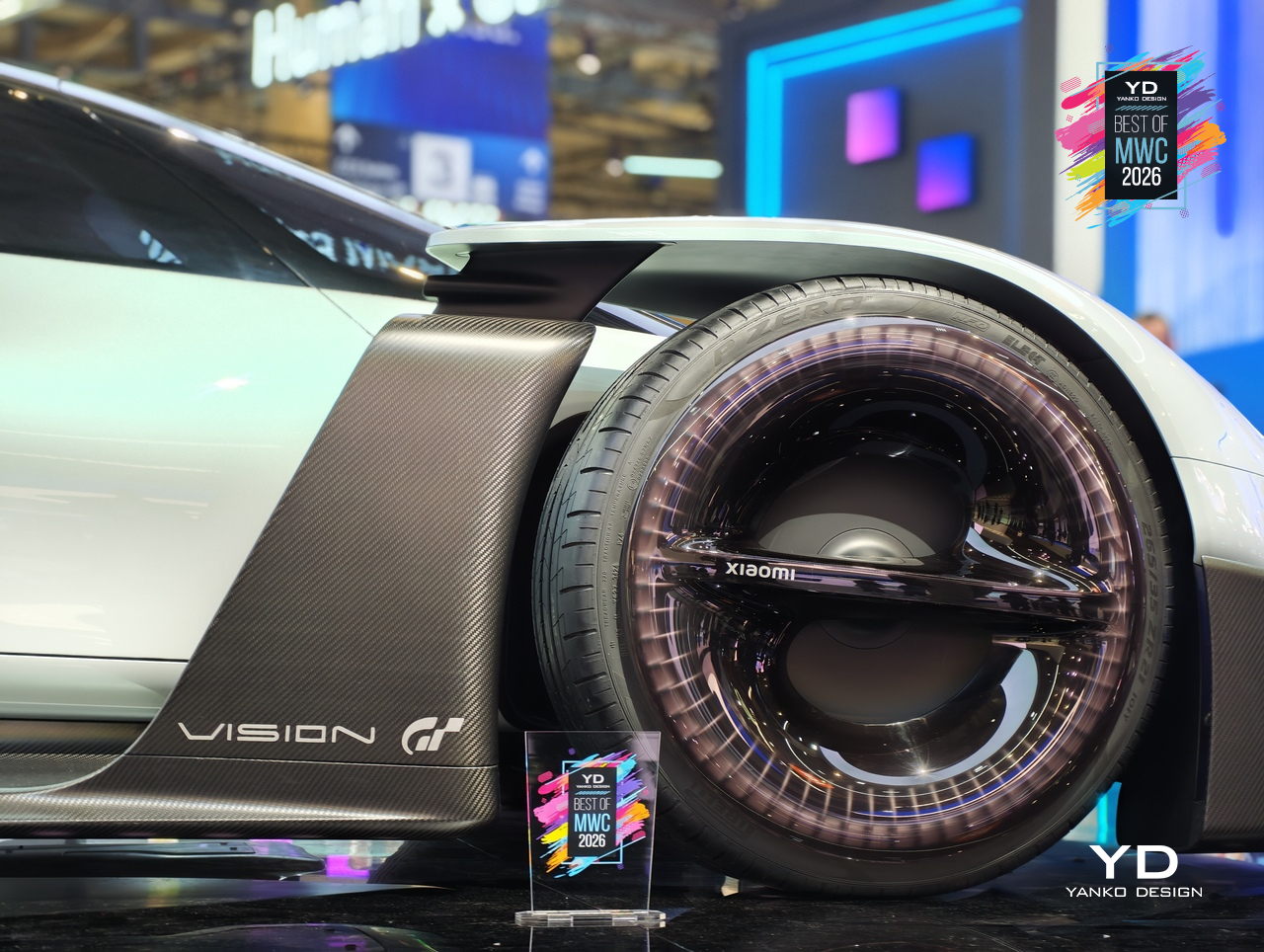
Inside, Xiaomi replaced the usual carbon-and-leather tension of a hypercar cockpit with something it calls the Sofa Racer, a continuous loop of dashboard, doors, and seating upholstered in 3D-knitted fabric pulled from sportswear manufacturing. The Xiaomi Pulse system reads driver state through sensors and responds through light and sound rather than screens and alerts. It all connects to Xiaomi’s broader Human x Car x Home ecosystem, which is either a genuinely interesting idea about how cars fit into a connected life, or a lot of ecosystem language wrapped around a very beautiful virtual concept car.
TECNO Modular Magnetic Interconnection Technology
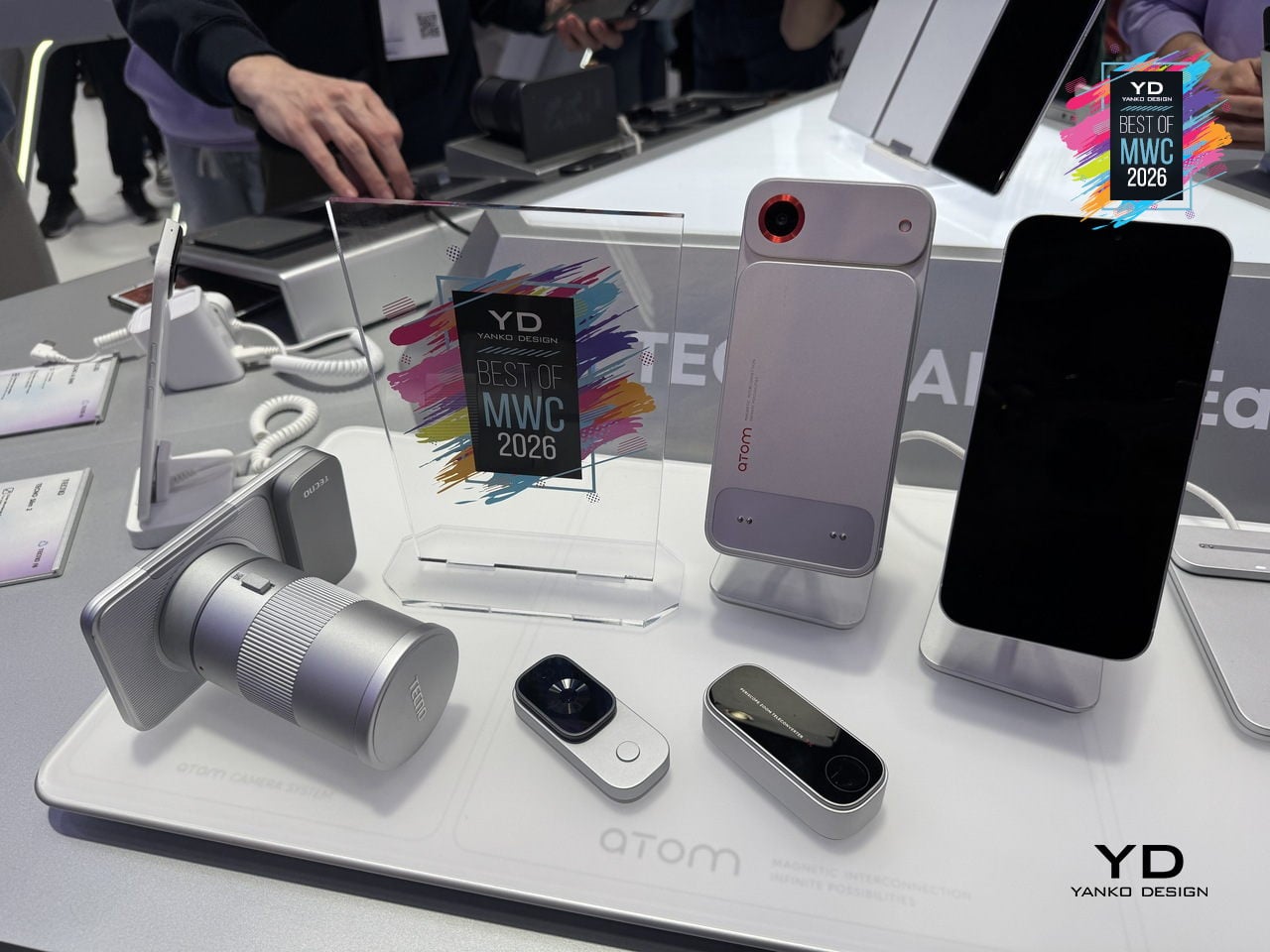
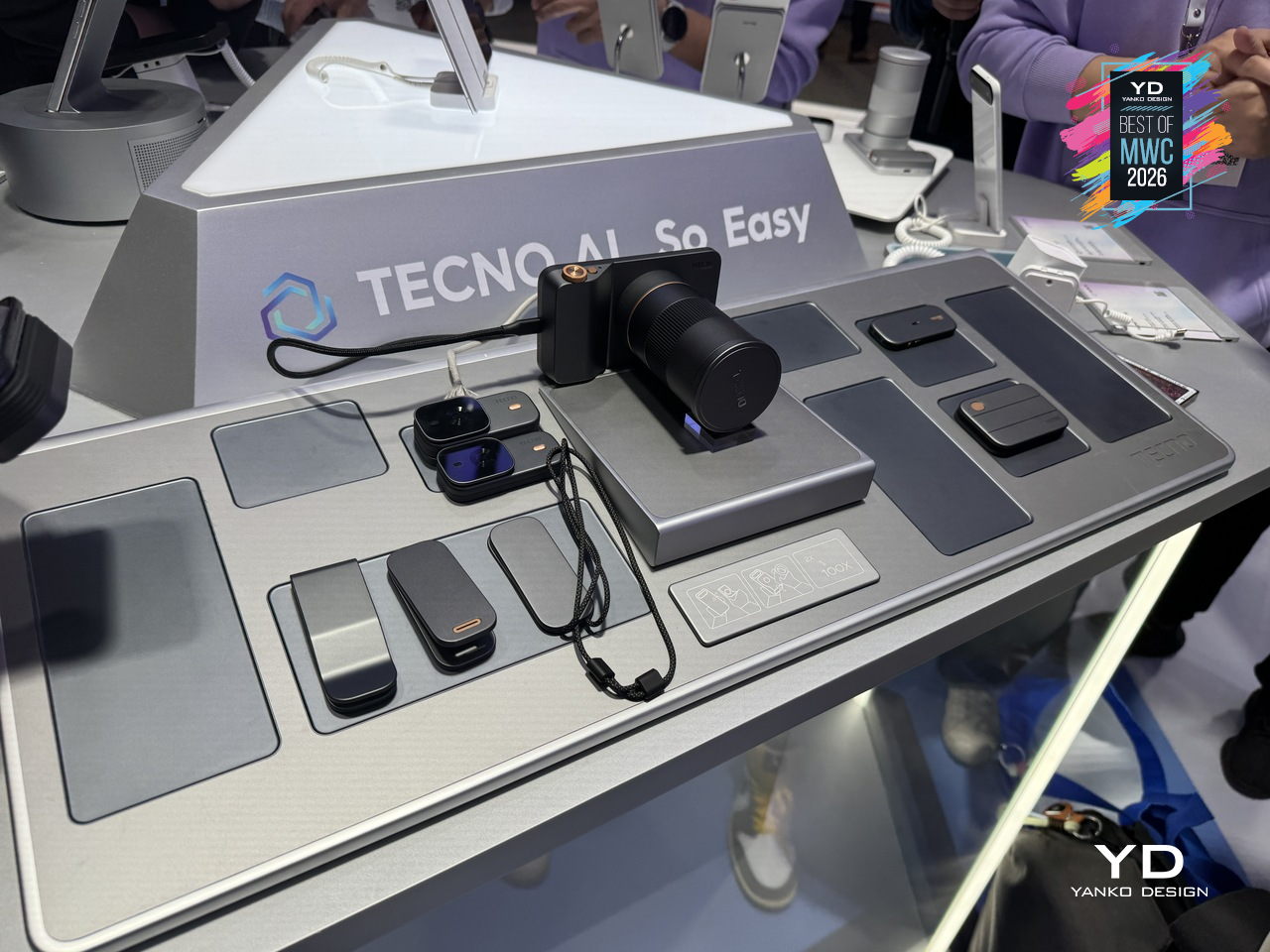
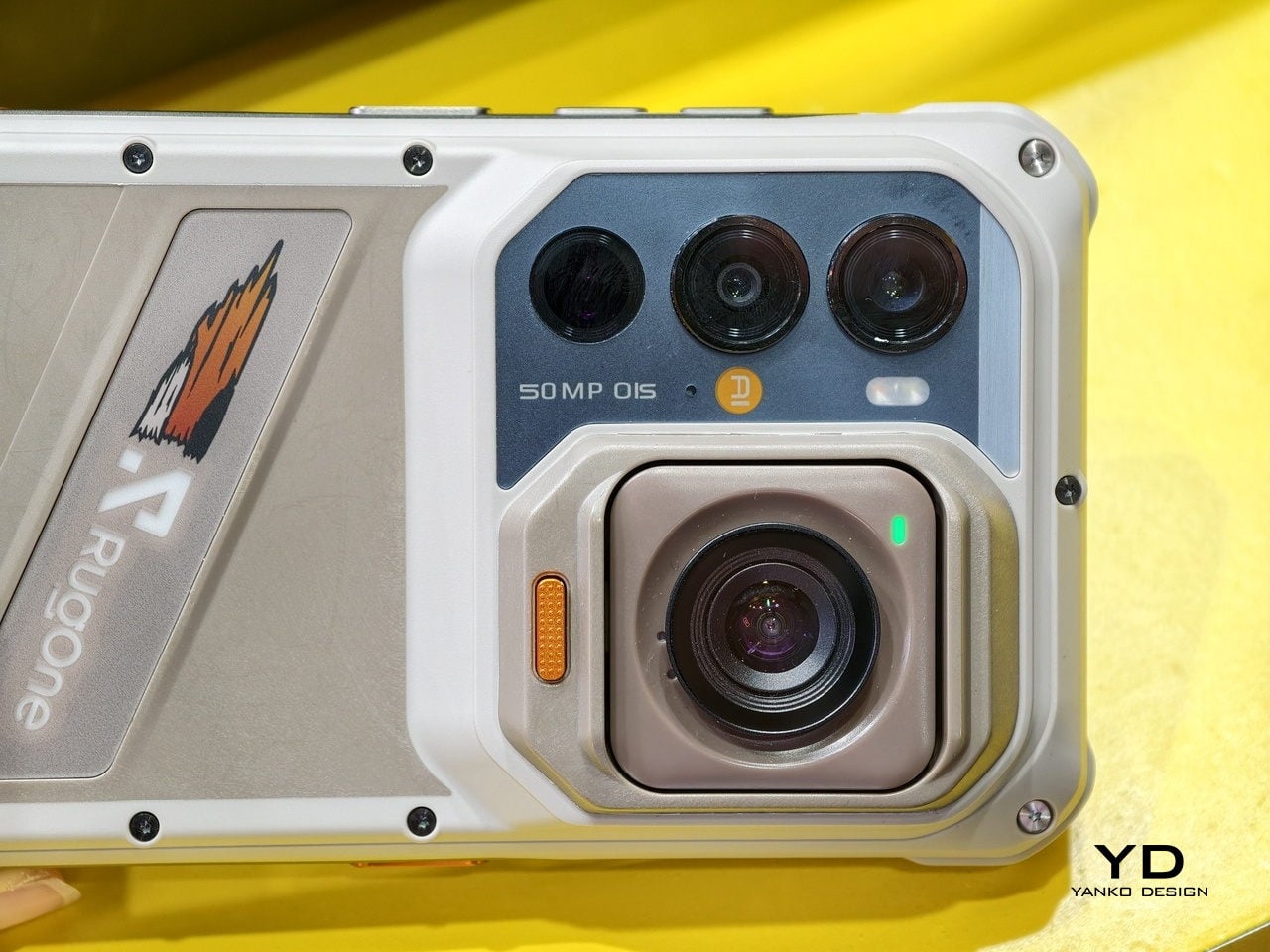
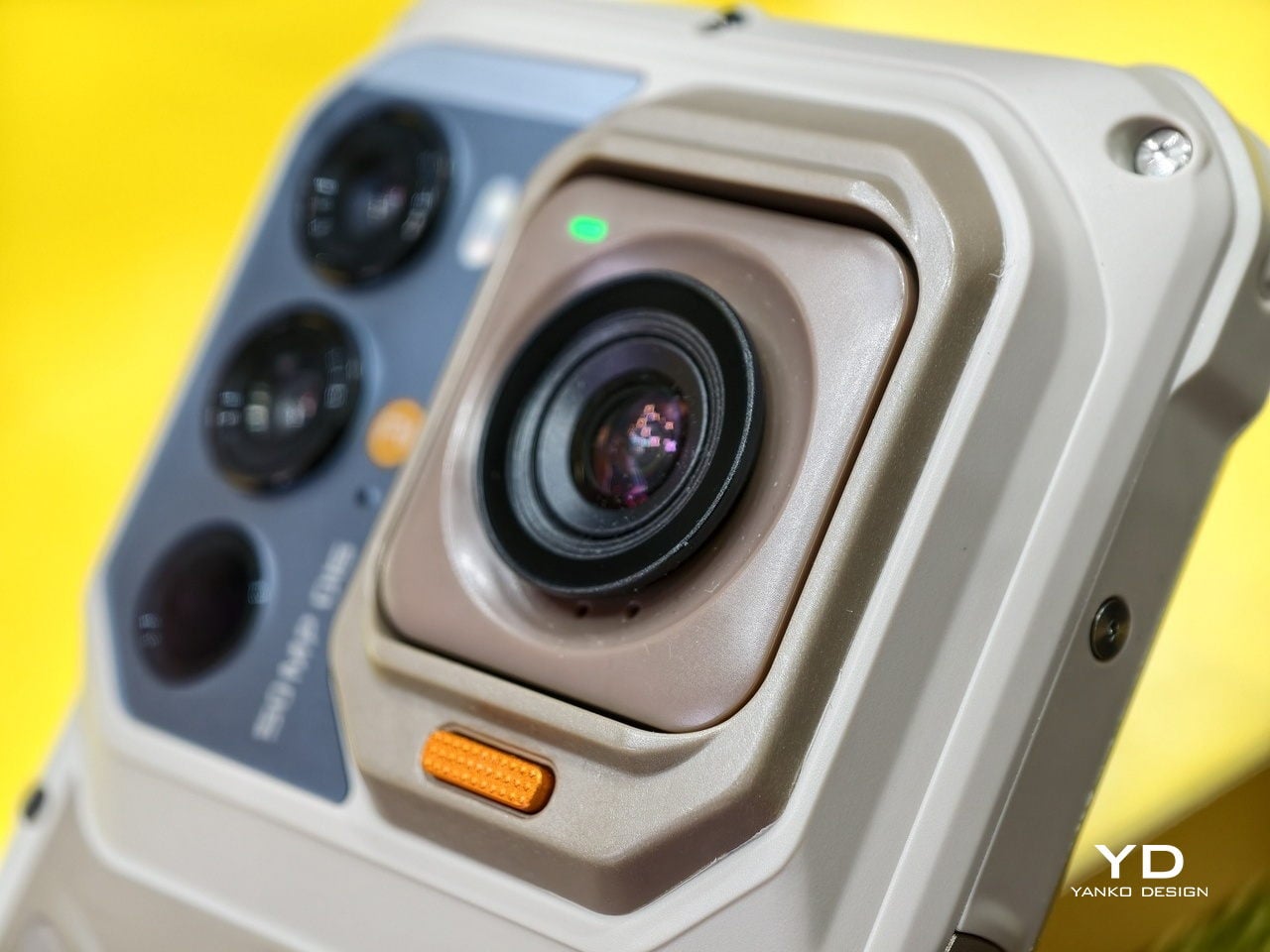
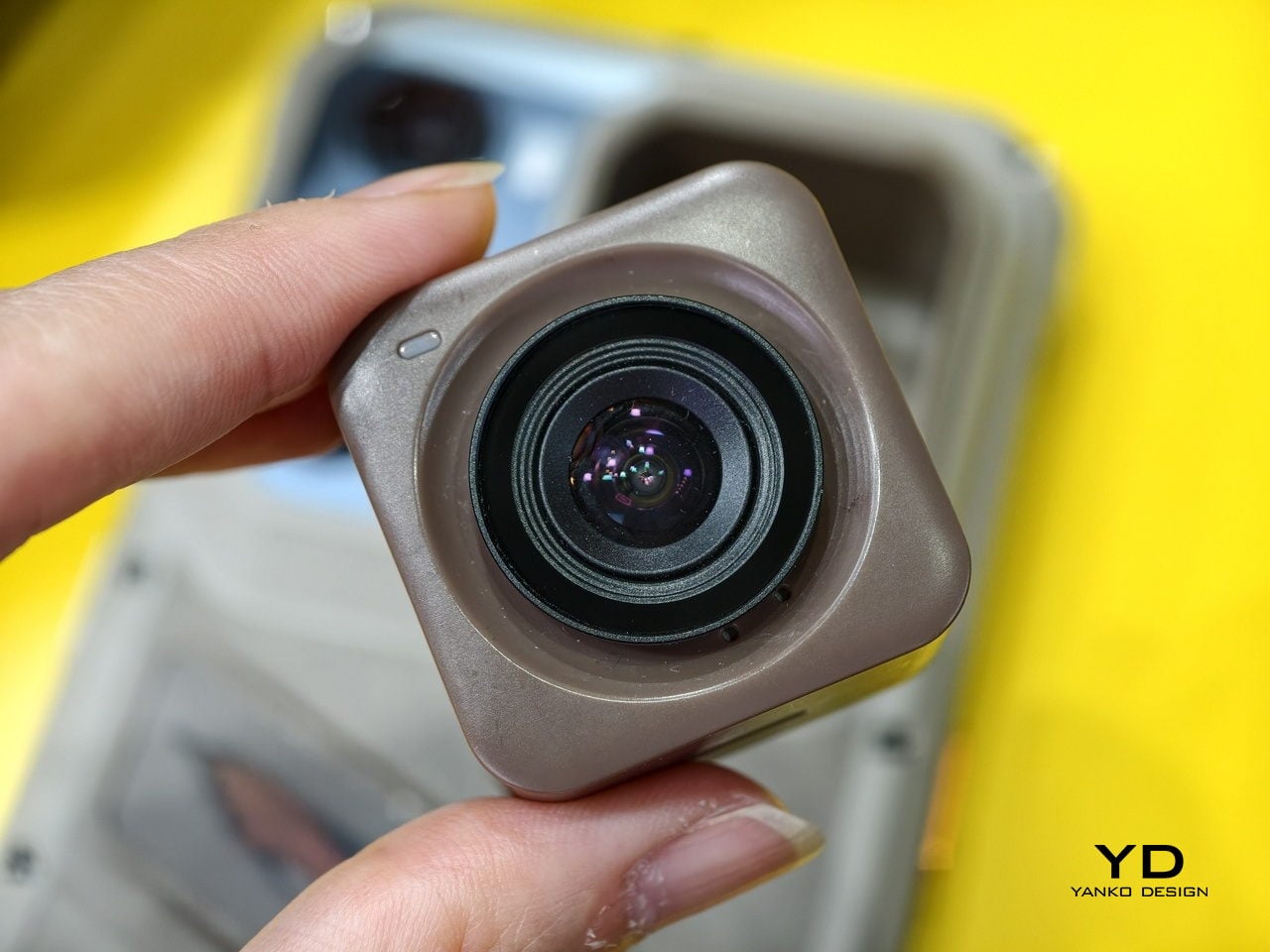
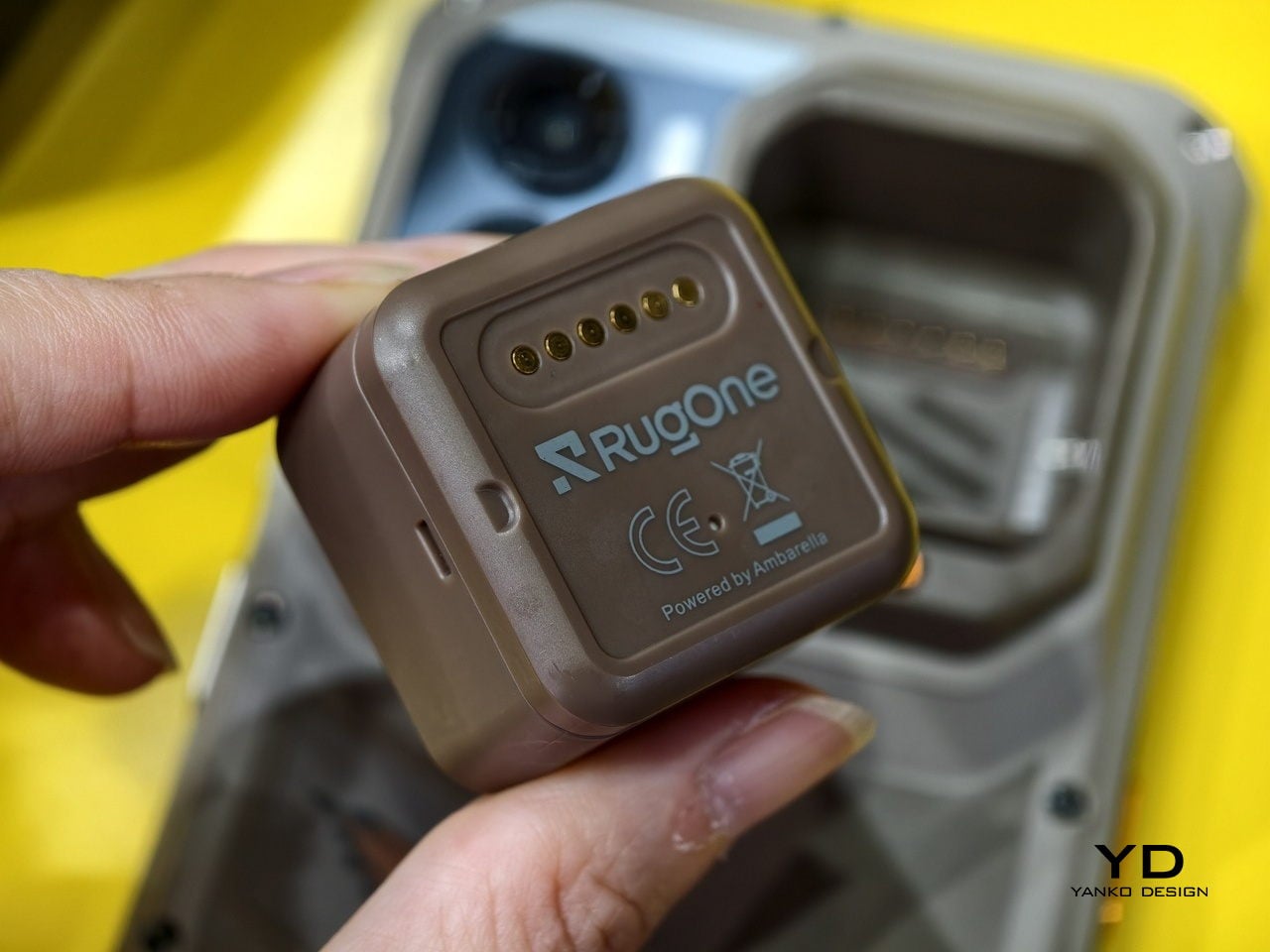
The modular phone idea has been attempted before, most famously by Google’s Project Ara, which spent years promising a phone you could rebuild like Lego before quietly disappearing in 2016. The premise was compelling, and the execution proved stubborn. TECNO’s approach at MWC 2026 is different in one important way: rather than replacing the phone’s internal components, the Modular Magnetic Interconnection Technology keeps the phone slim and complete on its own, then lets you snap additional hardware onto it magnetically when you actually need it.
Designer: TECNO
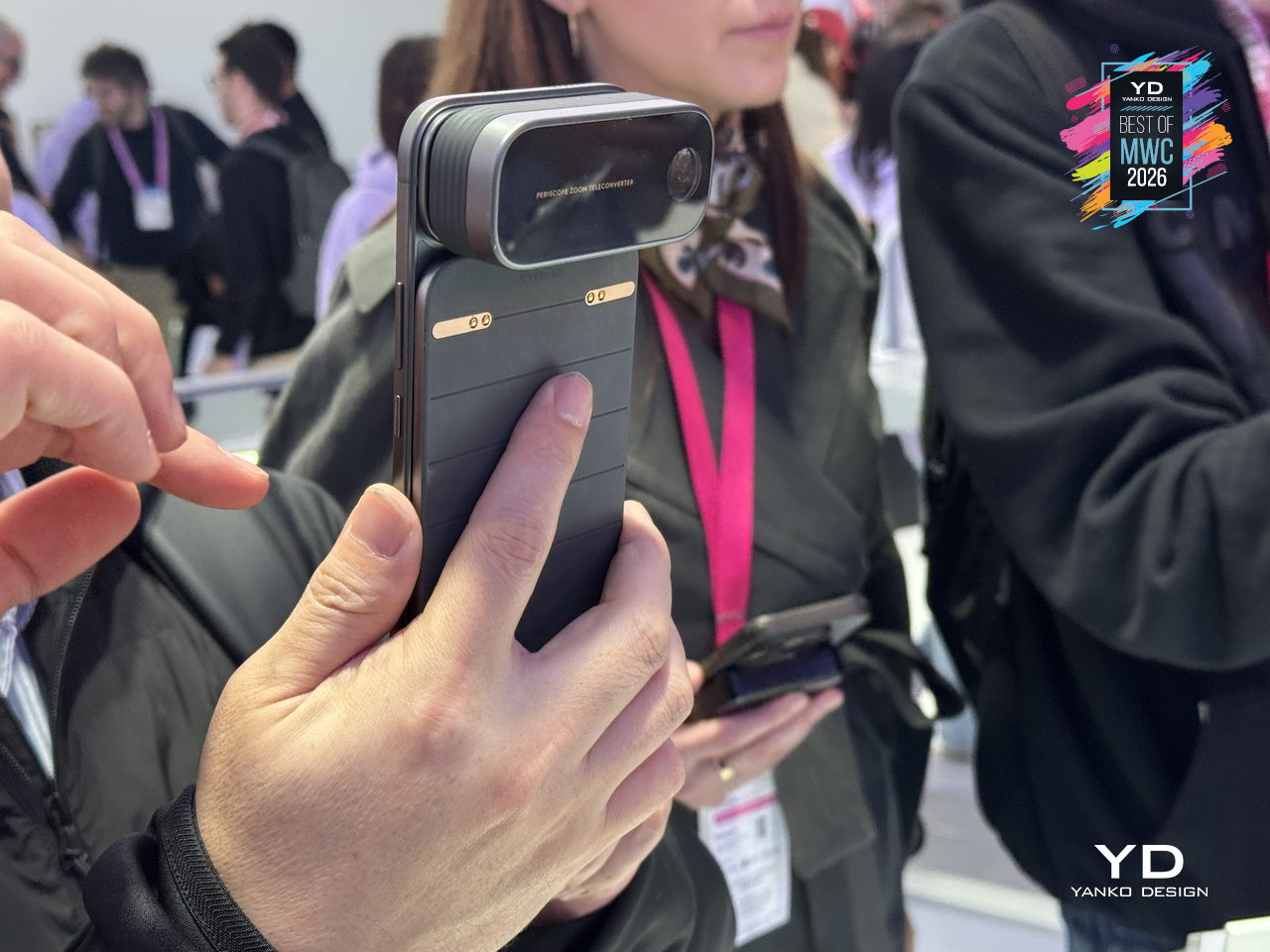
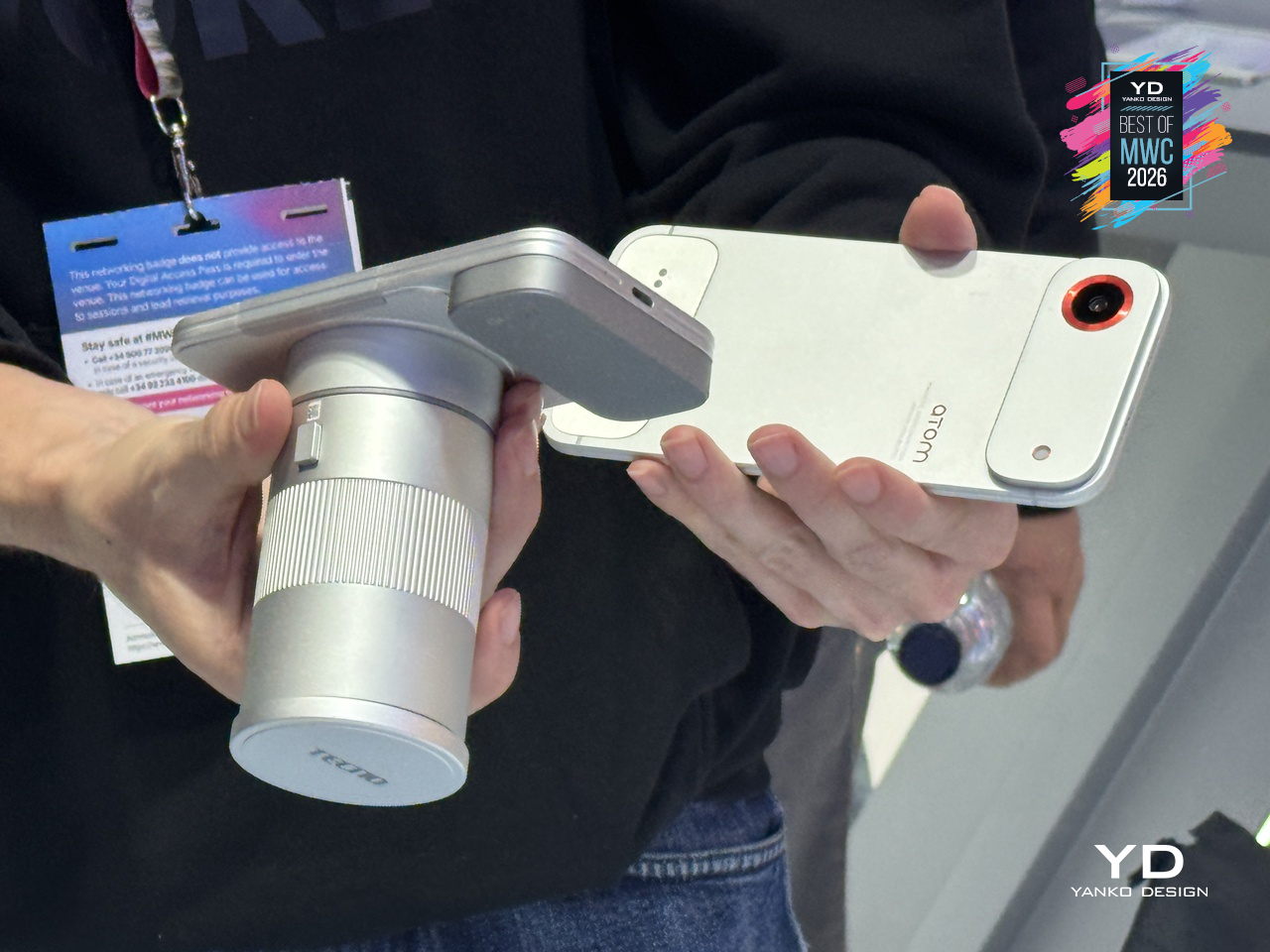
The concept arrives in two visual flavors, ATOM and MODA, but the underlying system is the same across both. Over a dozen modules compose the Customizable Modular Suite, covering stackable battery packs, action cameras, telephoto lenses, and more, each attaching and communicating through the magnetic interconnection system. The scale and visual coherence of the accessory ecosystem is genuinely striking. Everything shares a design language, sits flush when attached, and reads as a single object rather than a phone with things stuck to it.
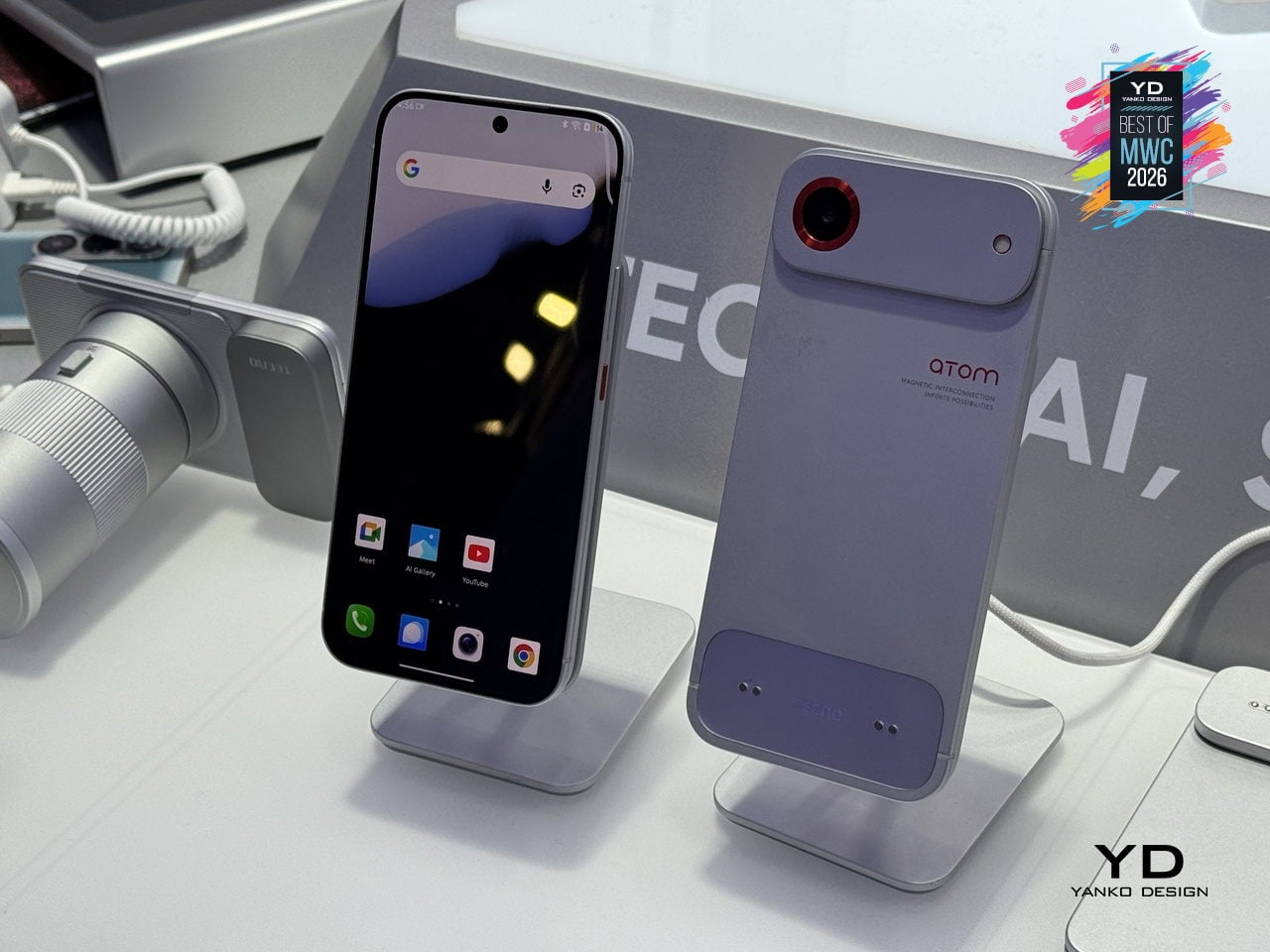
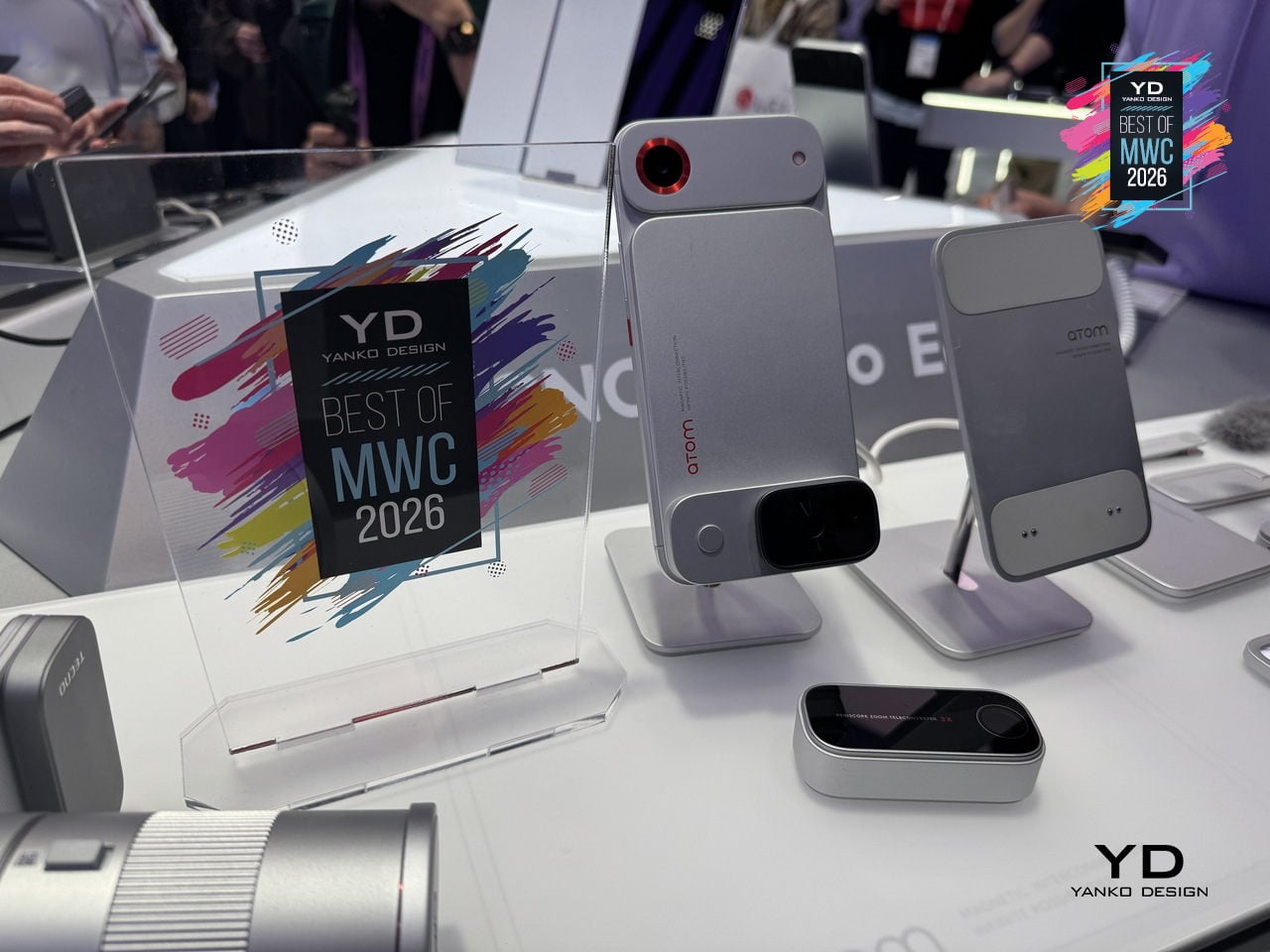
The ATOM edition makes the clearest design statement of the two, with its white and red palette, ribbed surfaces, and a camera module that looks pulled straight from a mirrorless system. TECNO’s core argument is that keeping the phone genuinely slim in daily use, while letting the modules handle the heavier lifting on demand, sidesteps the trade-off that has defined smartphone design for years. Add what you need, remove what you don’t, and the phone adapts to the moment rather than trying to anticipate every one of them in advance.
T10 Bespoke Luxury Custom IEM
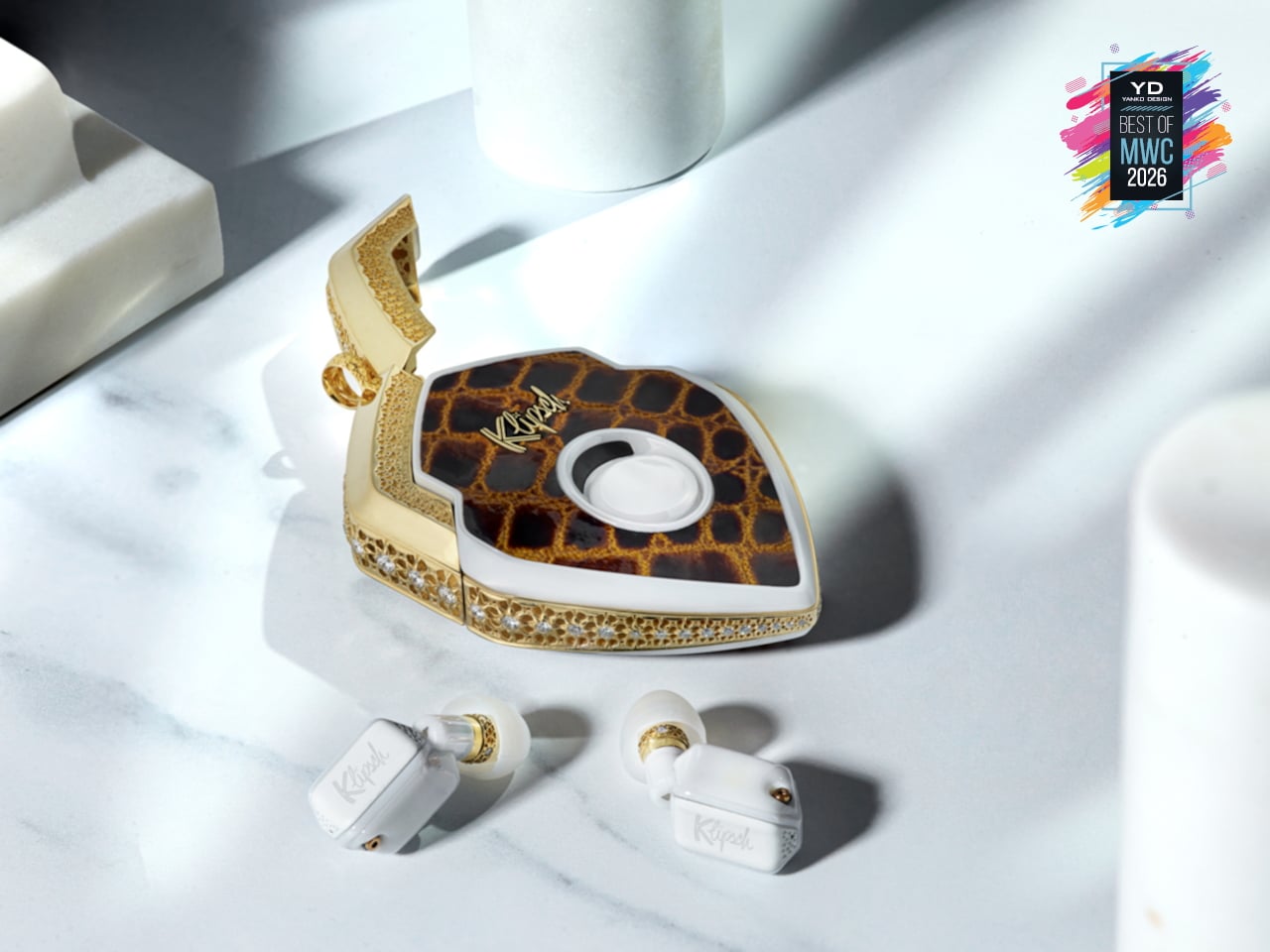
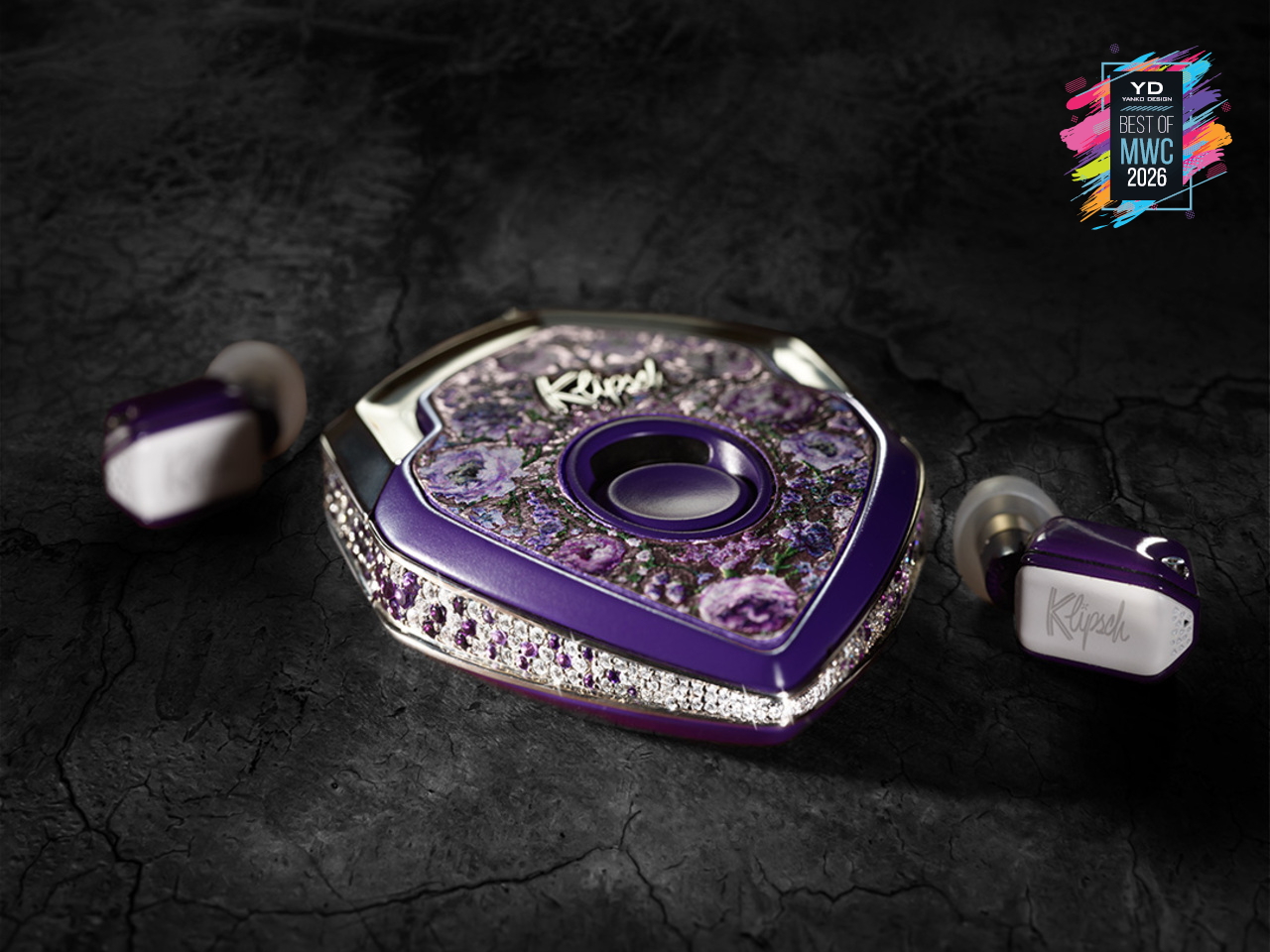
There are 150 of these made each year. That’s it. Each one starts as a conversation, not a product listing, where you sit down with the team and work through finishes, metals, and sculptural forms until the result is entirely yours. The chassis is ceramic zirconium, machined to roughly half the volume of an AirPod and assembled with micro-screws and gaskets the way a Swiss watchmaker approaches a movement. Some configurations arrive in mirror-polished obsidian black YTPZ ceramic with 24k rose-gold plating over solid bronze. Others wear navy-blue Cerakote over polished zirconia with hand-rubbed tung-oil burl wood inserts. The newest collection reaches into diamonds, amethysts, and fine metals, with one-of-a-kind builds priced past $115,000. These aren’t earbuds that happen to look expensive. They’re objects you’d keep in a case and hand down.
Designer: EAR Micro, Klipsch
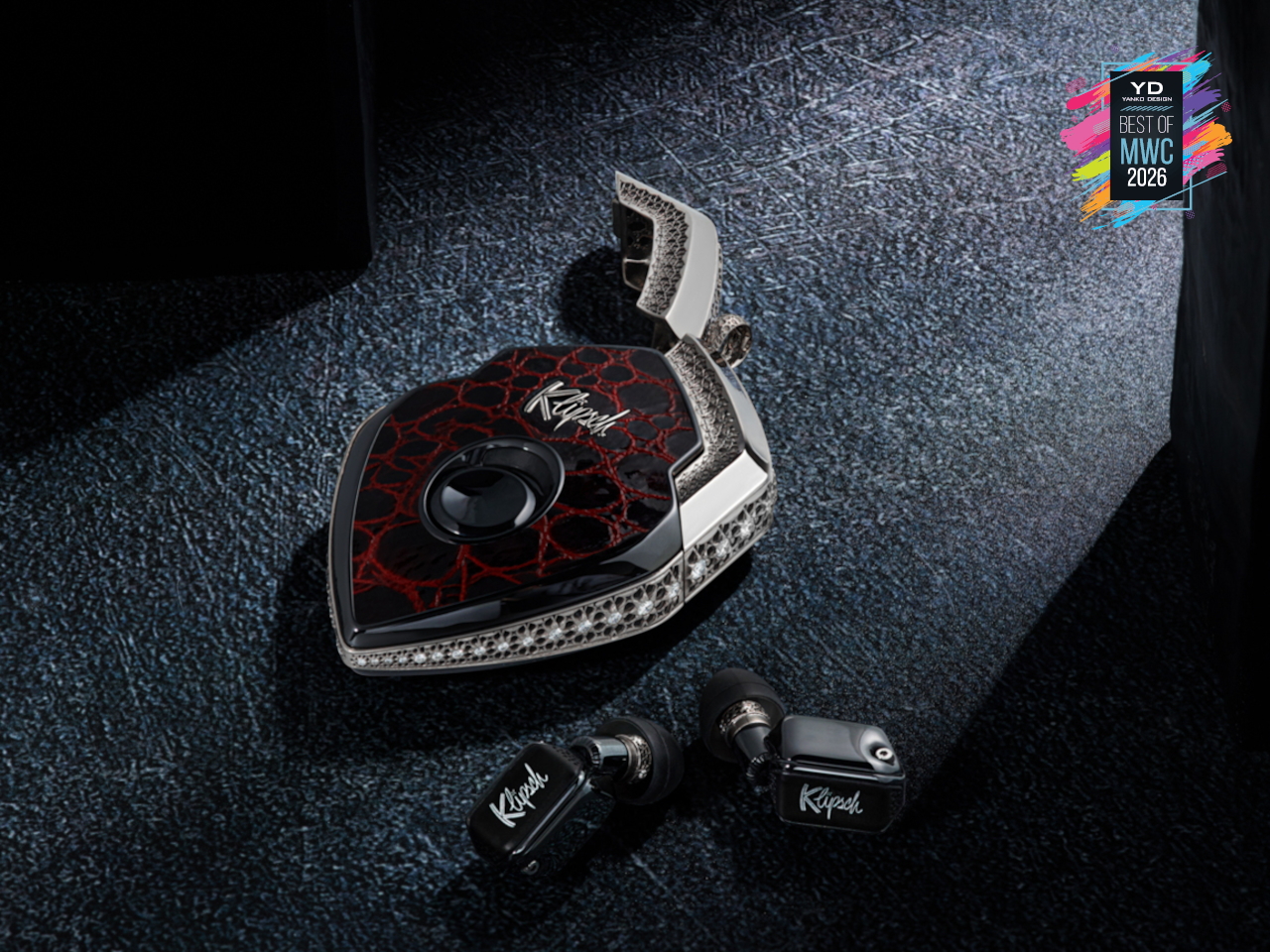
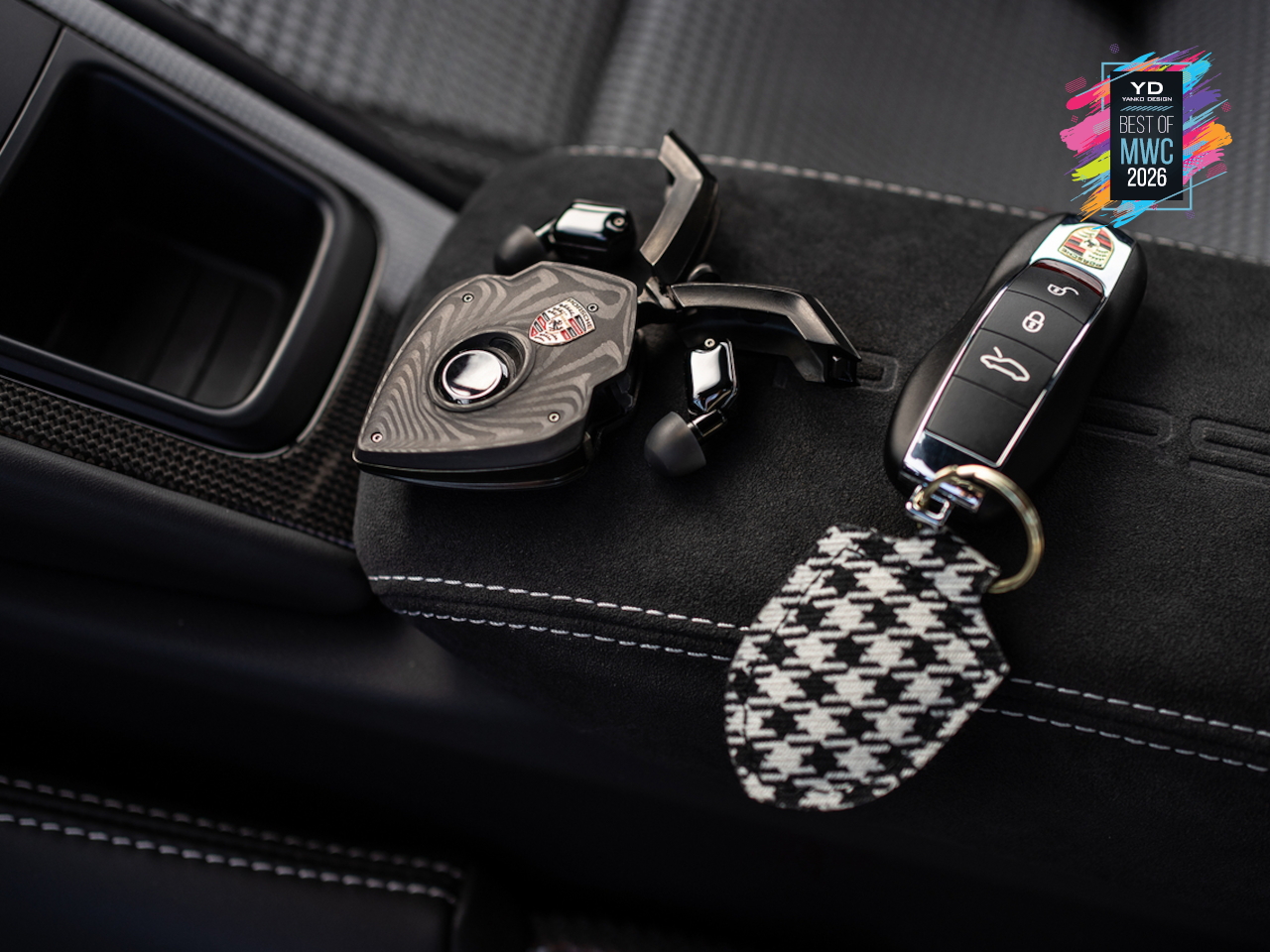
What separates the T10 Bespoke from anything else isn’t just the materials. It’s what’s packed into that tiny chassis. An ARM primary processor runs alongside a dedicated co-processor, with twin Cadence Tensilica Hi-Fi DSPs handling the signal chain. You get selectable amplifier modes, Class D for efficiency, and Class A/B when you want the fuller analog character. The Sonion Balanced Armature driver, tuned with Klipsch from the X10 lineage, feeds from a signal path that supports Sony LDAC at 24-bit/96kHz. That resolution matters because the hardware can actually deliver it. The PCB inside spans less than 1.13 square centimeters, with folding wings to fit the geometry. It’s the kind of engineering that usually stays behind a rack somewhere. Here it’s in your ear.
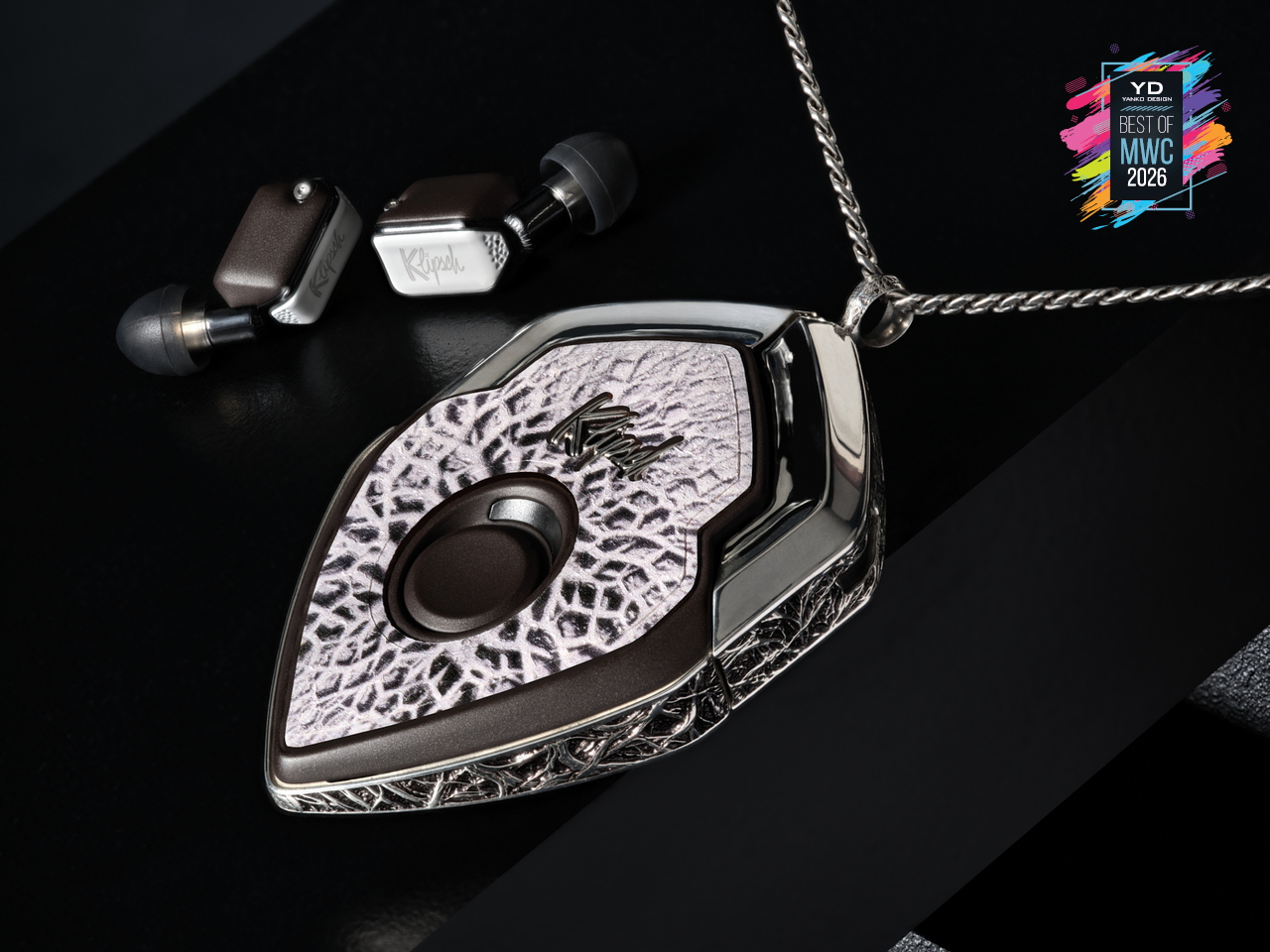
The interaction layer is equally thoughtful. Bragi OS powers the whole thing, supporting touch controls, voice commands, and head-motion gestures so you rarely have to reach for your phone. Battery life runs 8 to 9 hours per earbud, stretching past 30 hours with the case, and a 15-minute fast charge gets you to 85%. ANC is tuned in-house, and the founder calls it best in class, which is a claim that holds up in context, given the hardware underneath it. The deeper point is that this isn’t a product built to a price point or a roadmap. The chassis is replaceable. The battery is replaceable. The shell is replaceable. You’re not buying a device with a two-year lifespan. You’re buying something designed to stay with you, improve over time, and still be relevant long after everything else has been recycled.
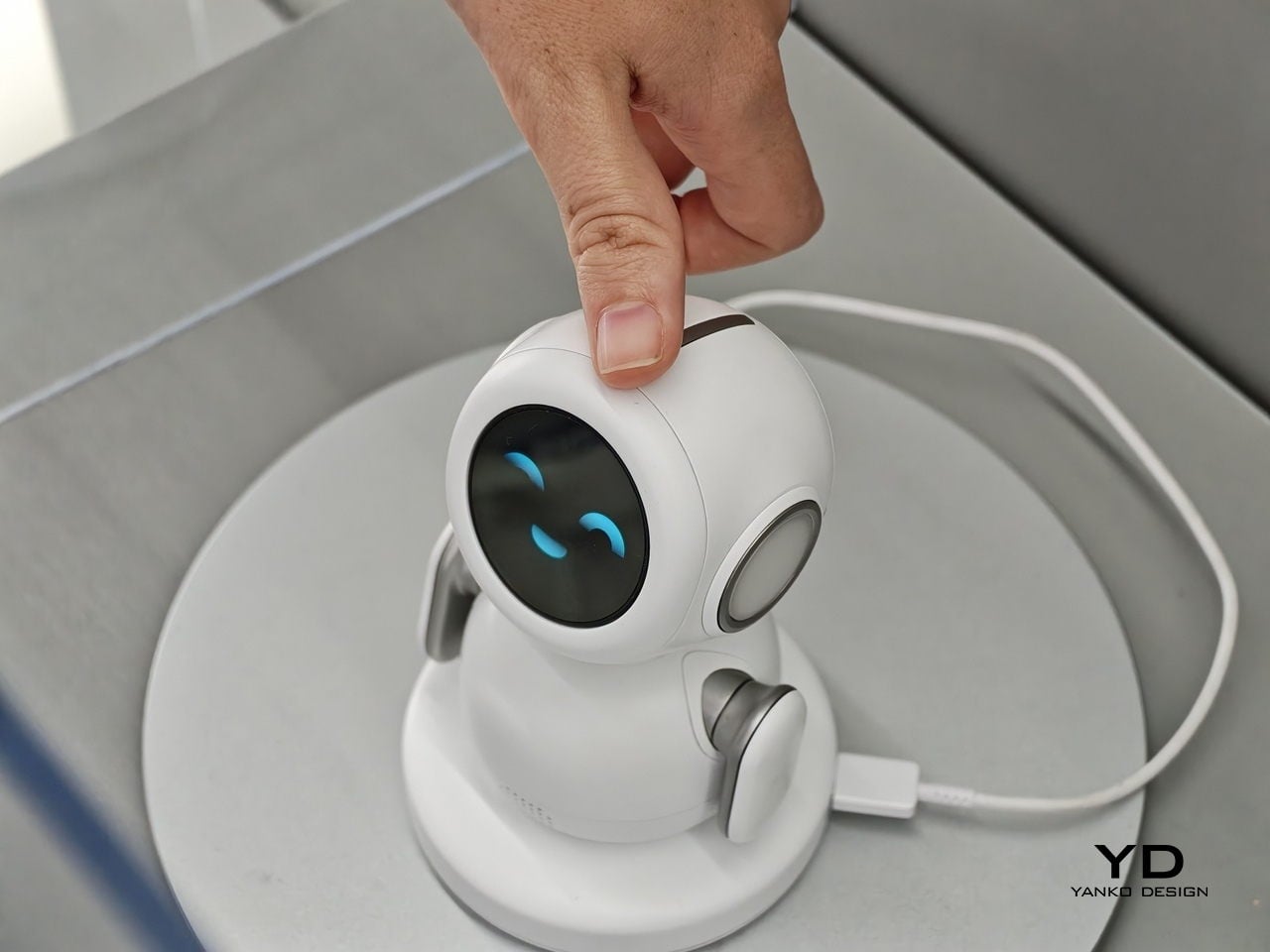
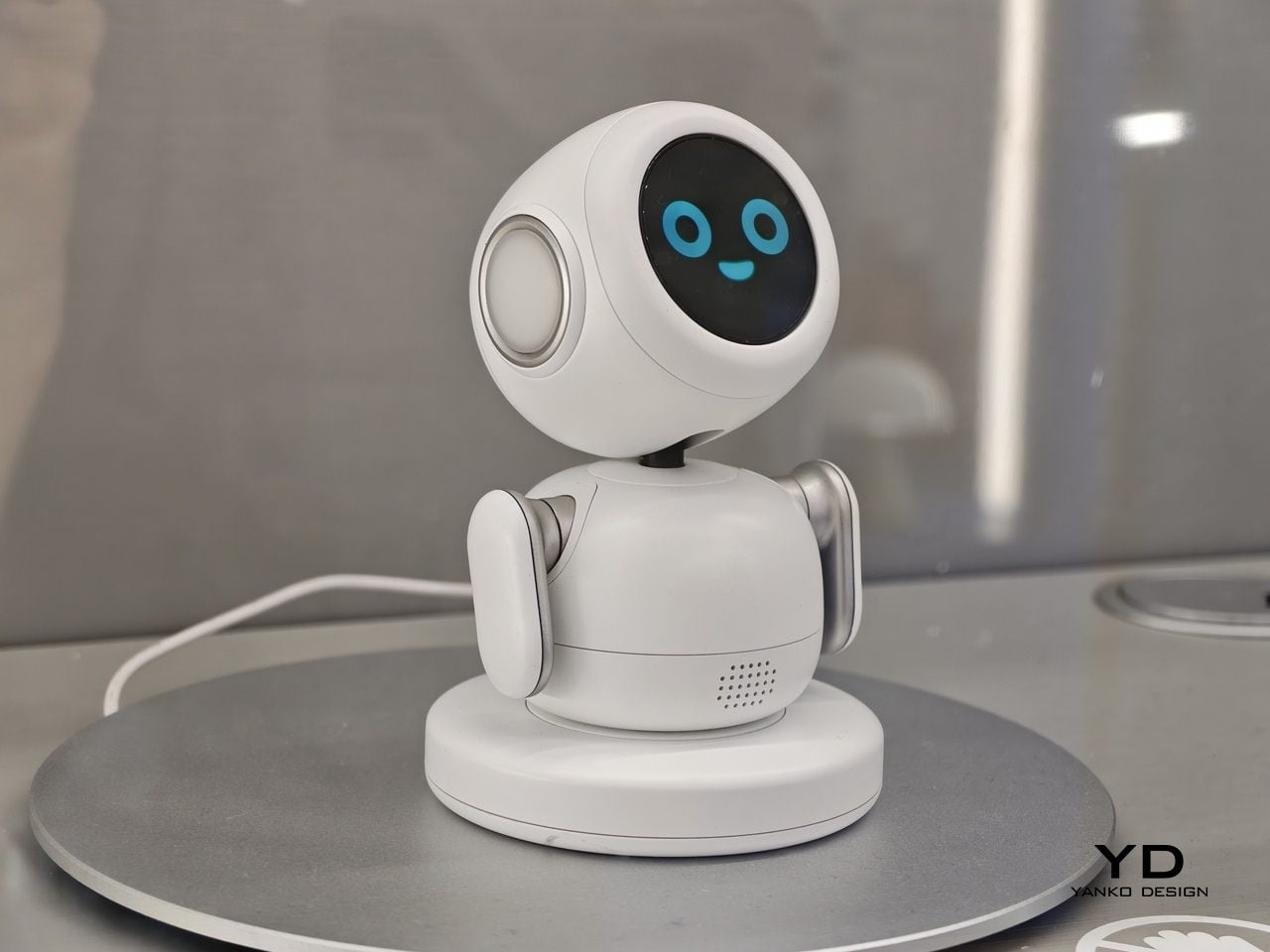
Lenovo AI Workmate Concept
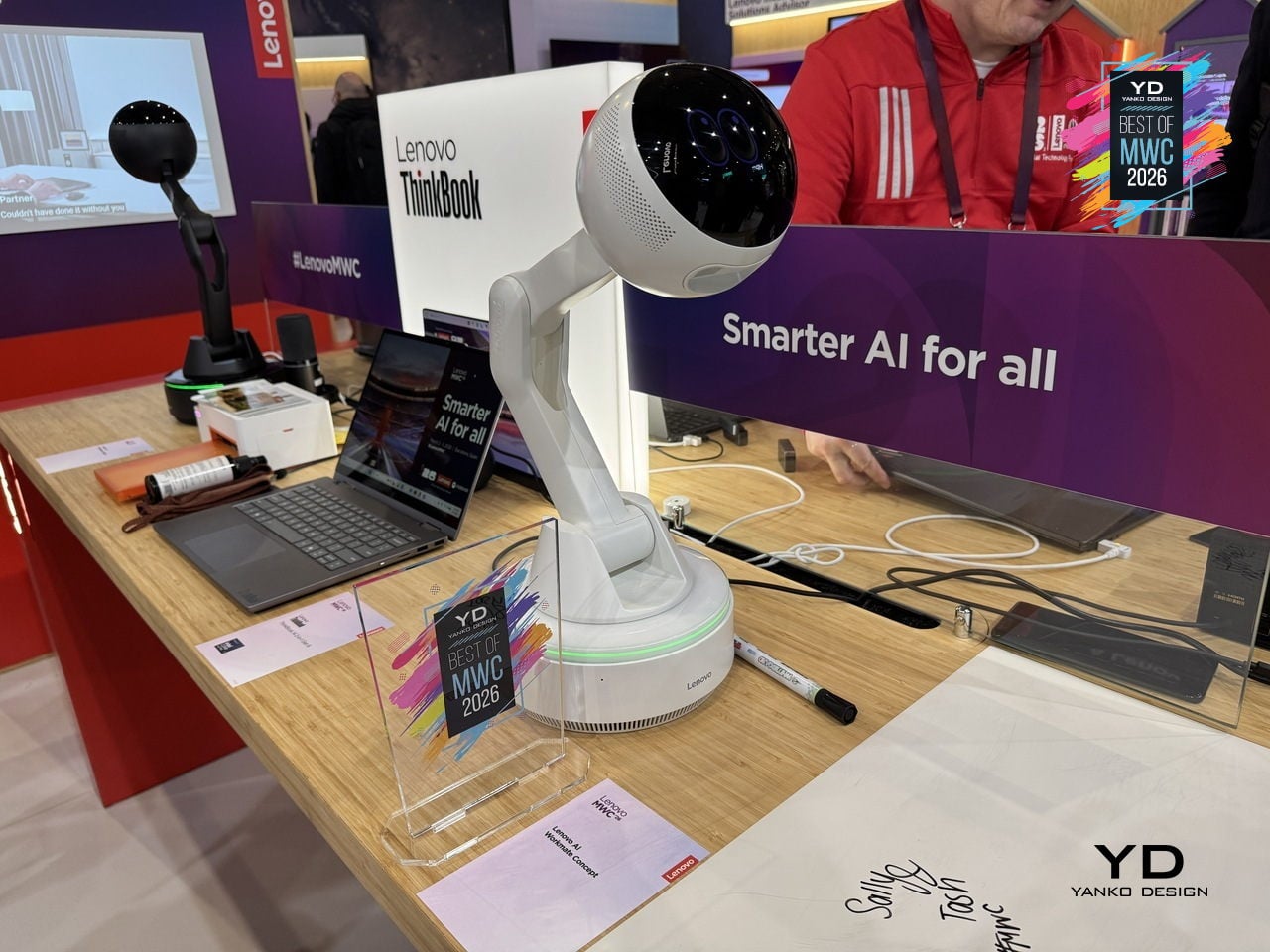
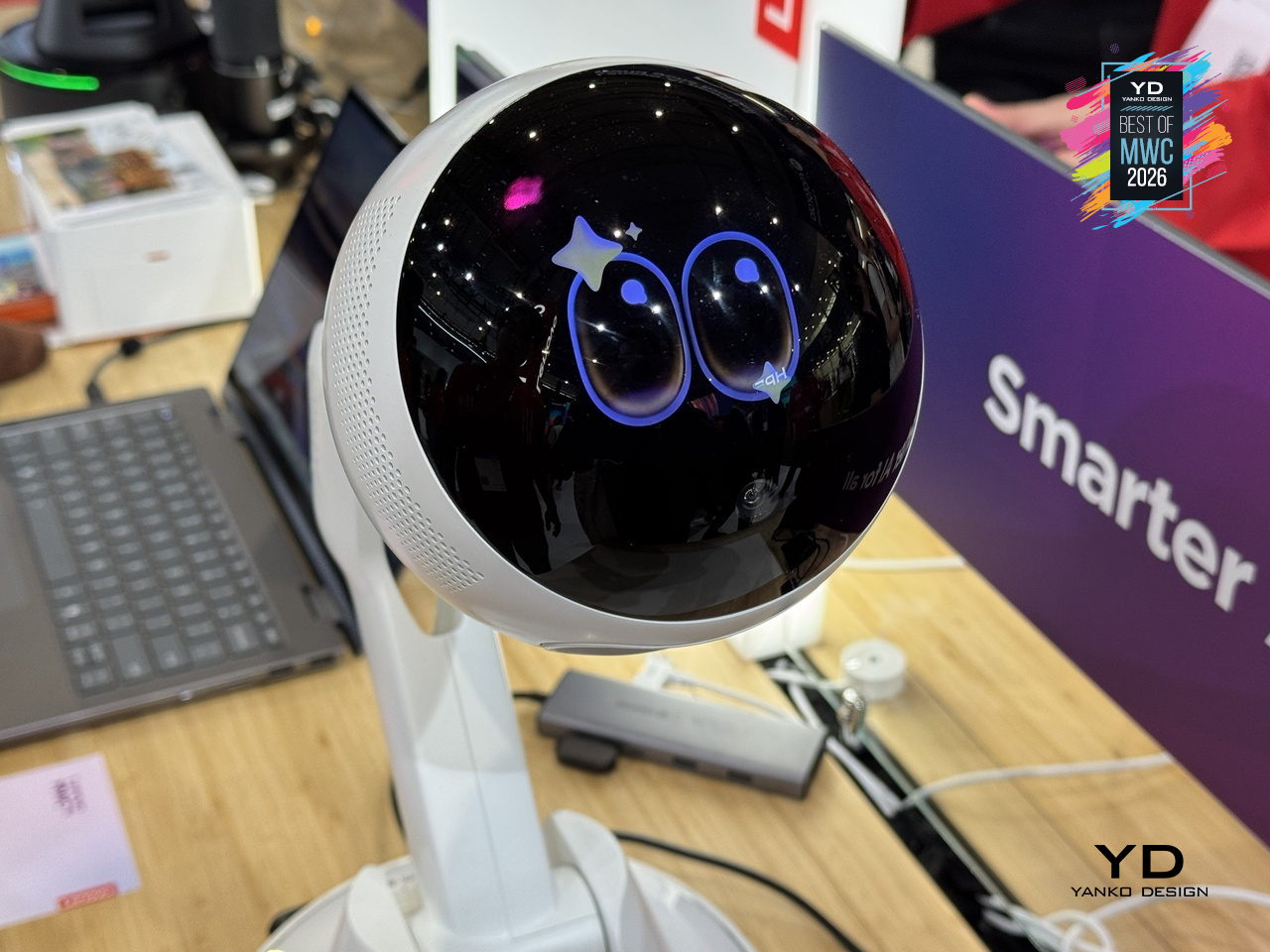
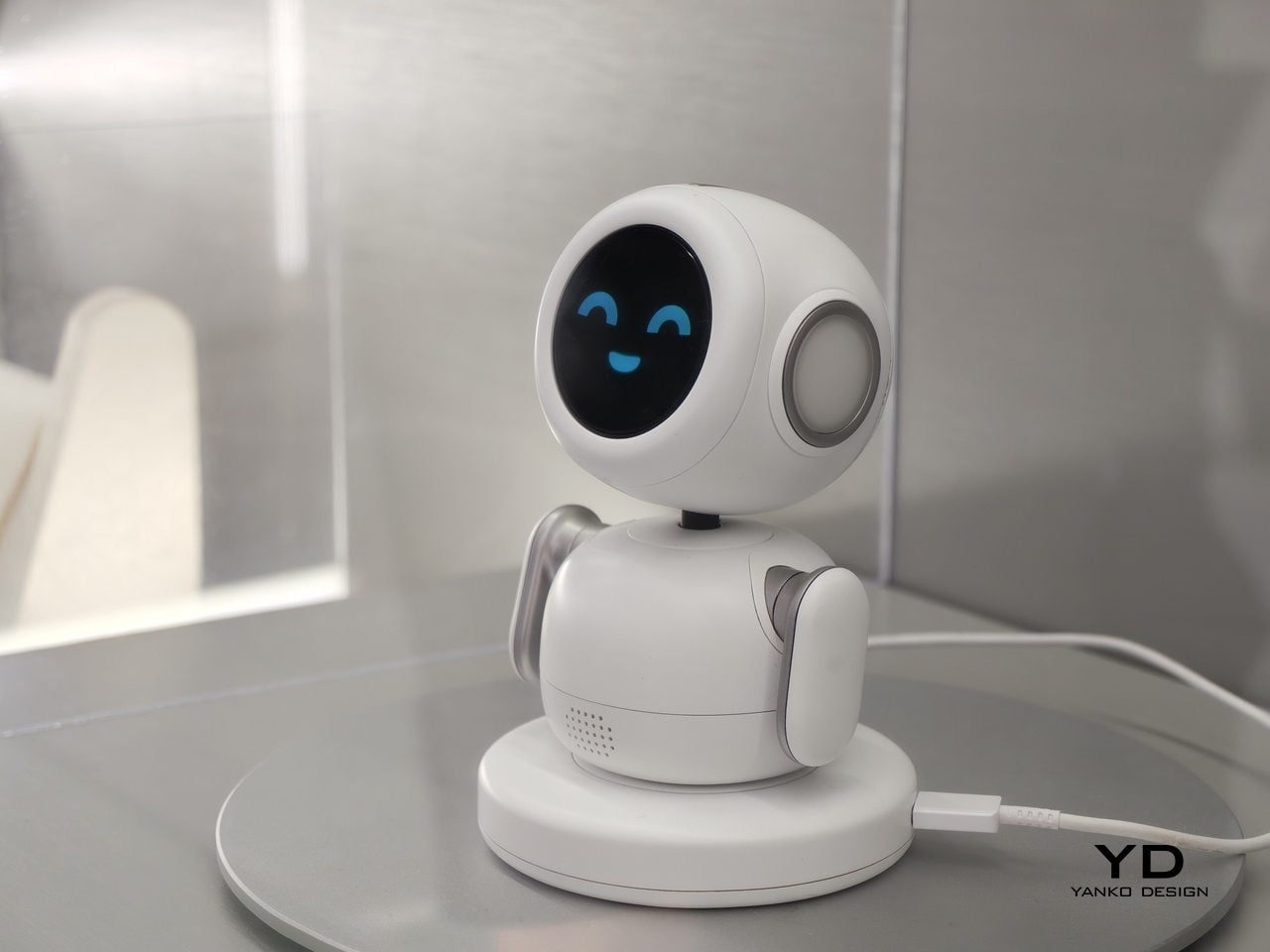
Most AI assistants live inside a screen, which means interacting with them still involves picking up a device, unlocking it, and navigating to something. Lenovo’s AI Workmate Concept takes a different position, literally: it sits on your desk as a physical object, a spherical head on an articulated arm mounted on a circular base, designed to be always present and always on without requiring you to go looking for it.
Designer: Lenovo
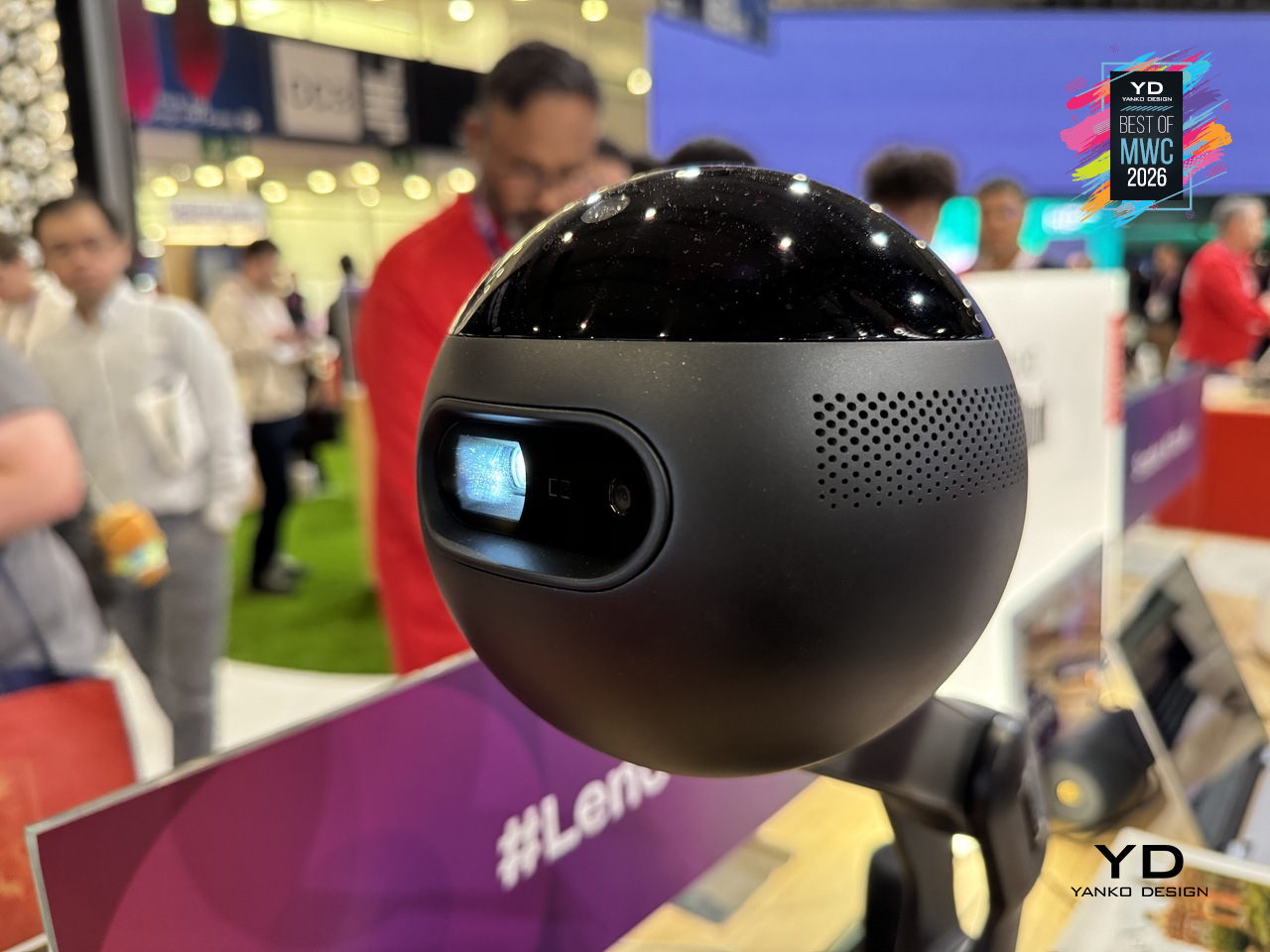
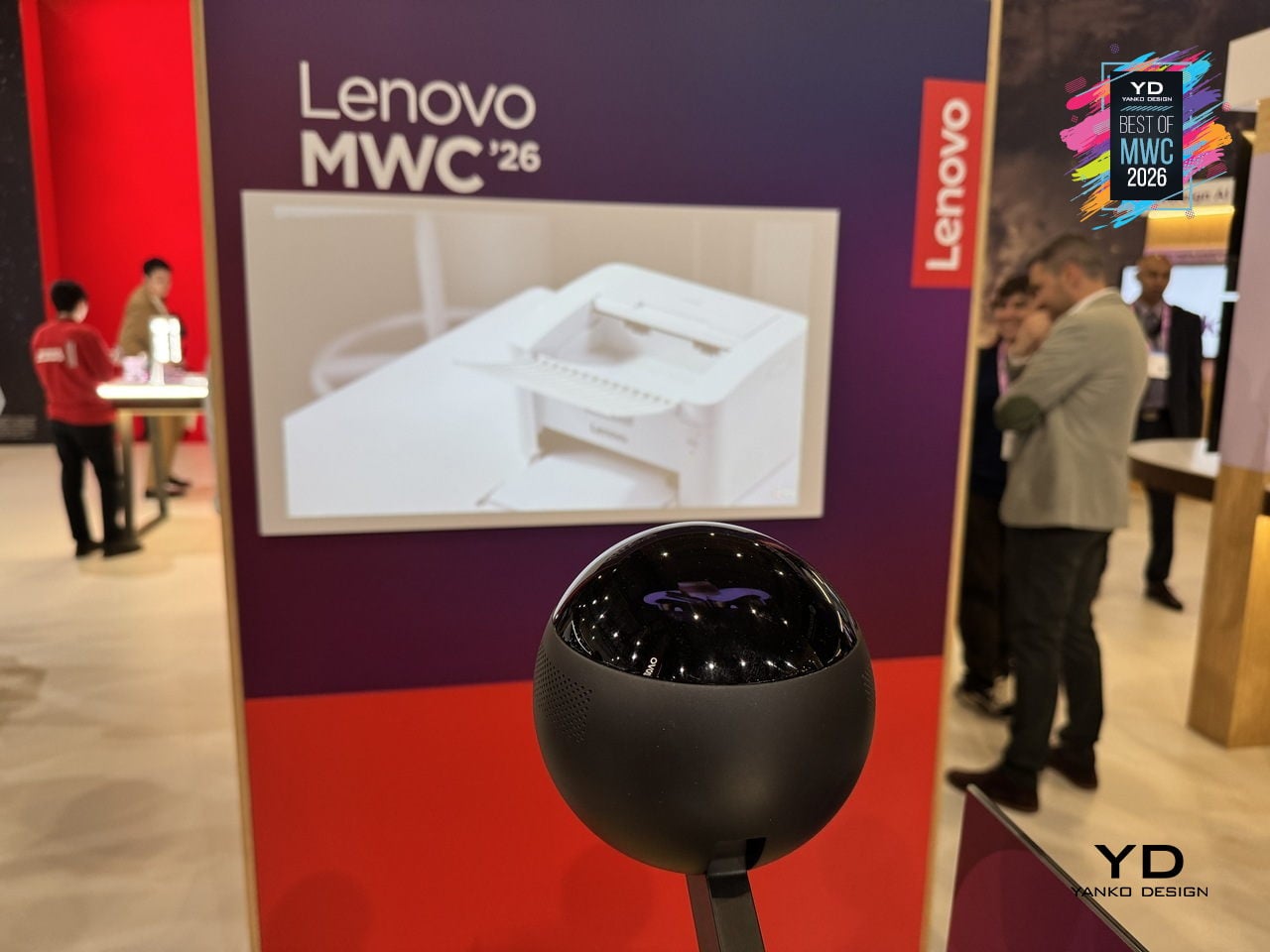
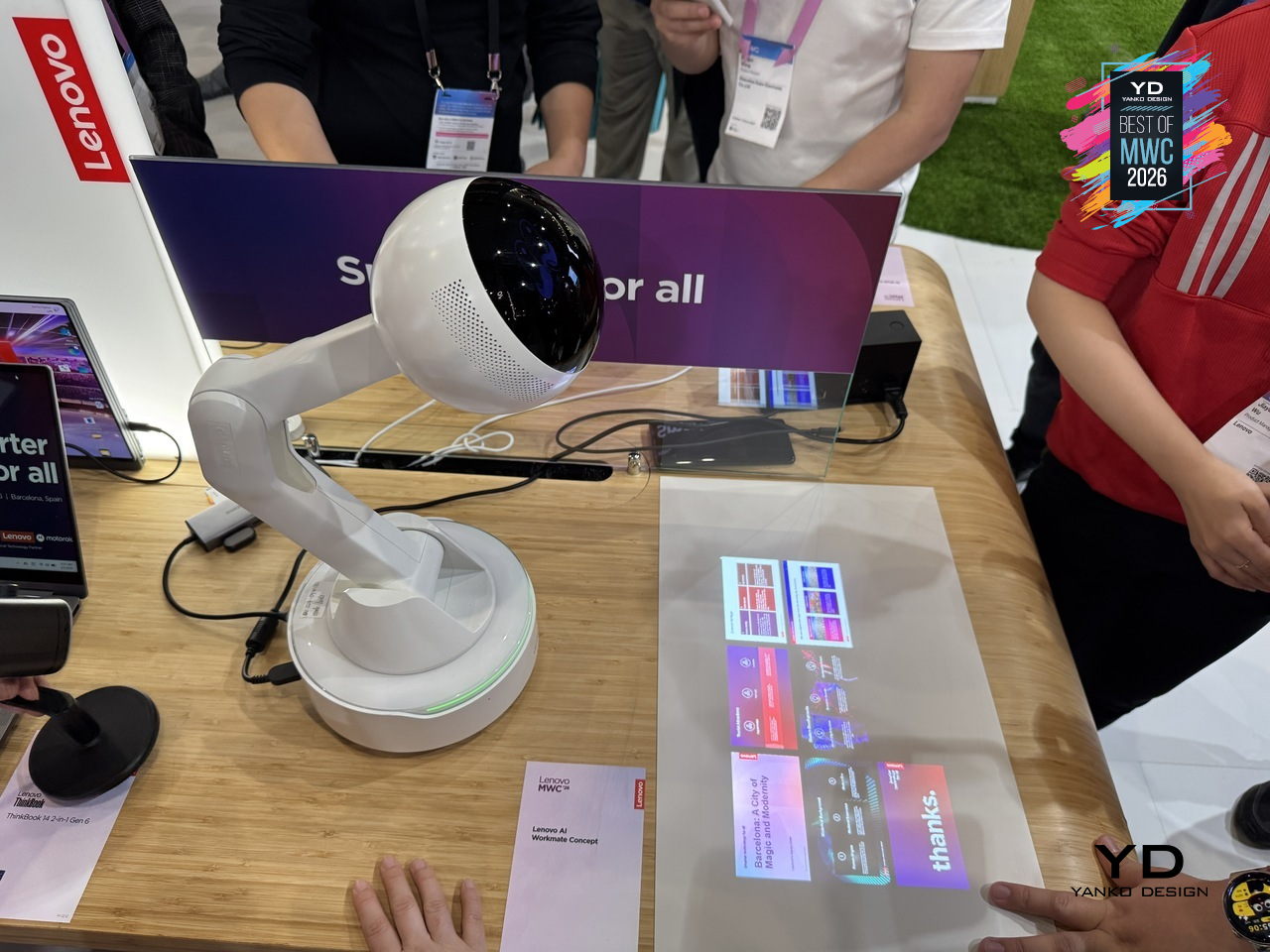
The design is built around natural interaction rather than typed commands or app interfaces. It responds to voice, gesture, and writing, with on-device AI processing inputs locally for privacy. The more distinctive capability is spatial output: the Workmate can project content directly onto a nearby surface, turning a desk or wall into a temporary display for documents, presentations, or notes. It also handles practical business tasks like scanning and summarizing documents and assisting with content creation, positioned as a desk companion rather than a novelty.
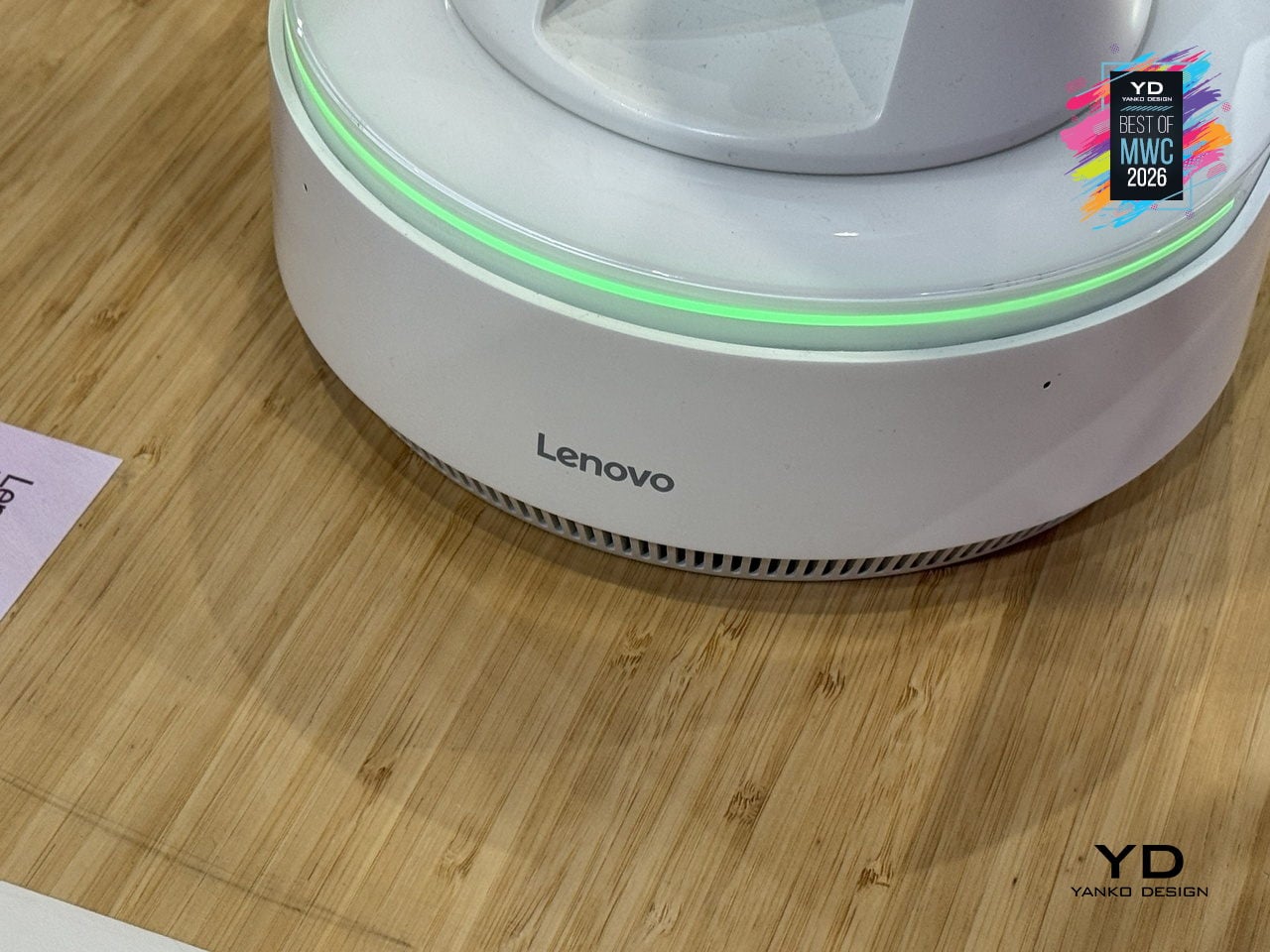
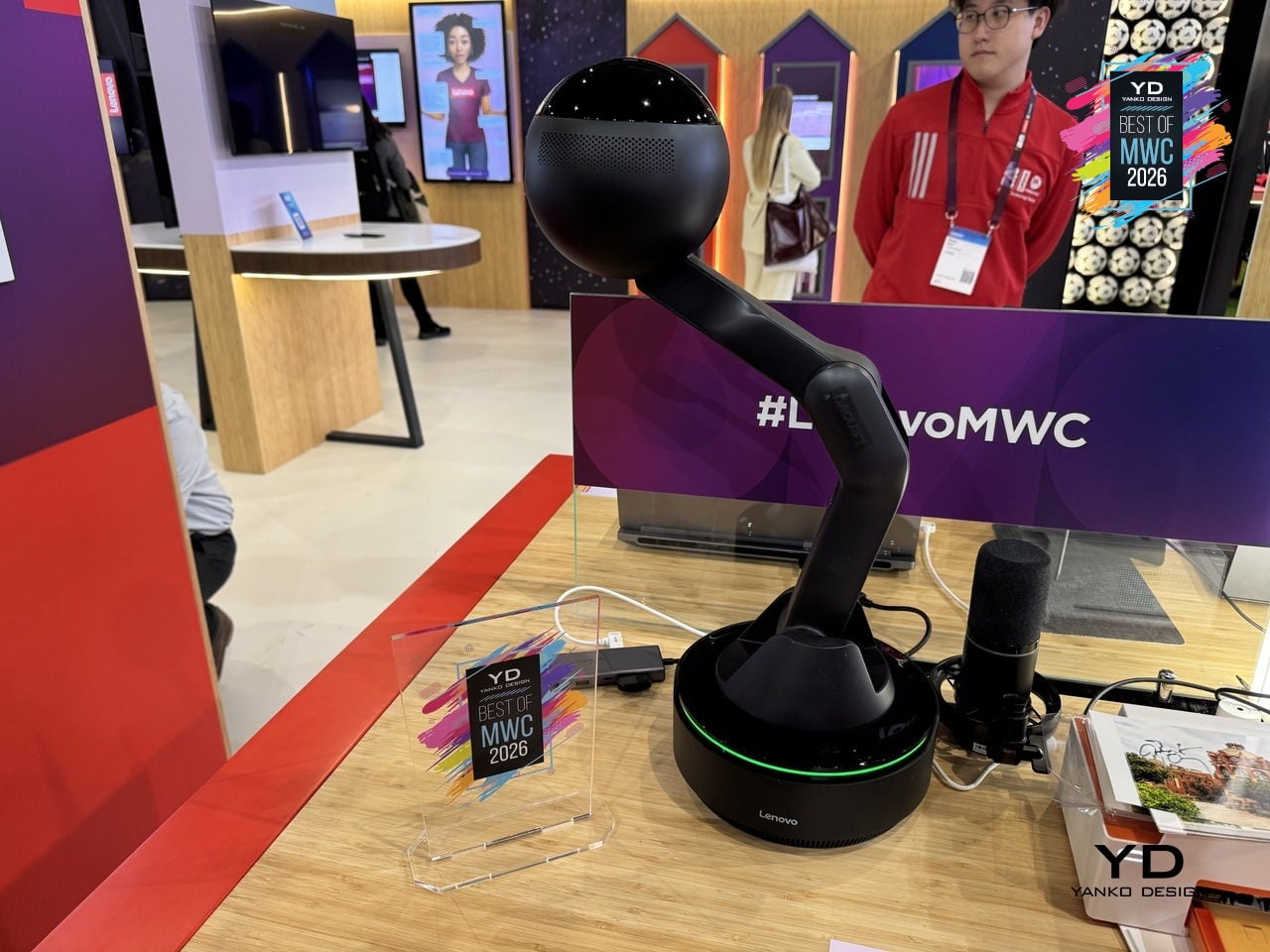
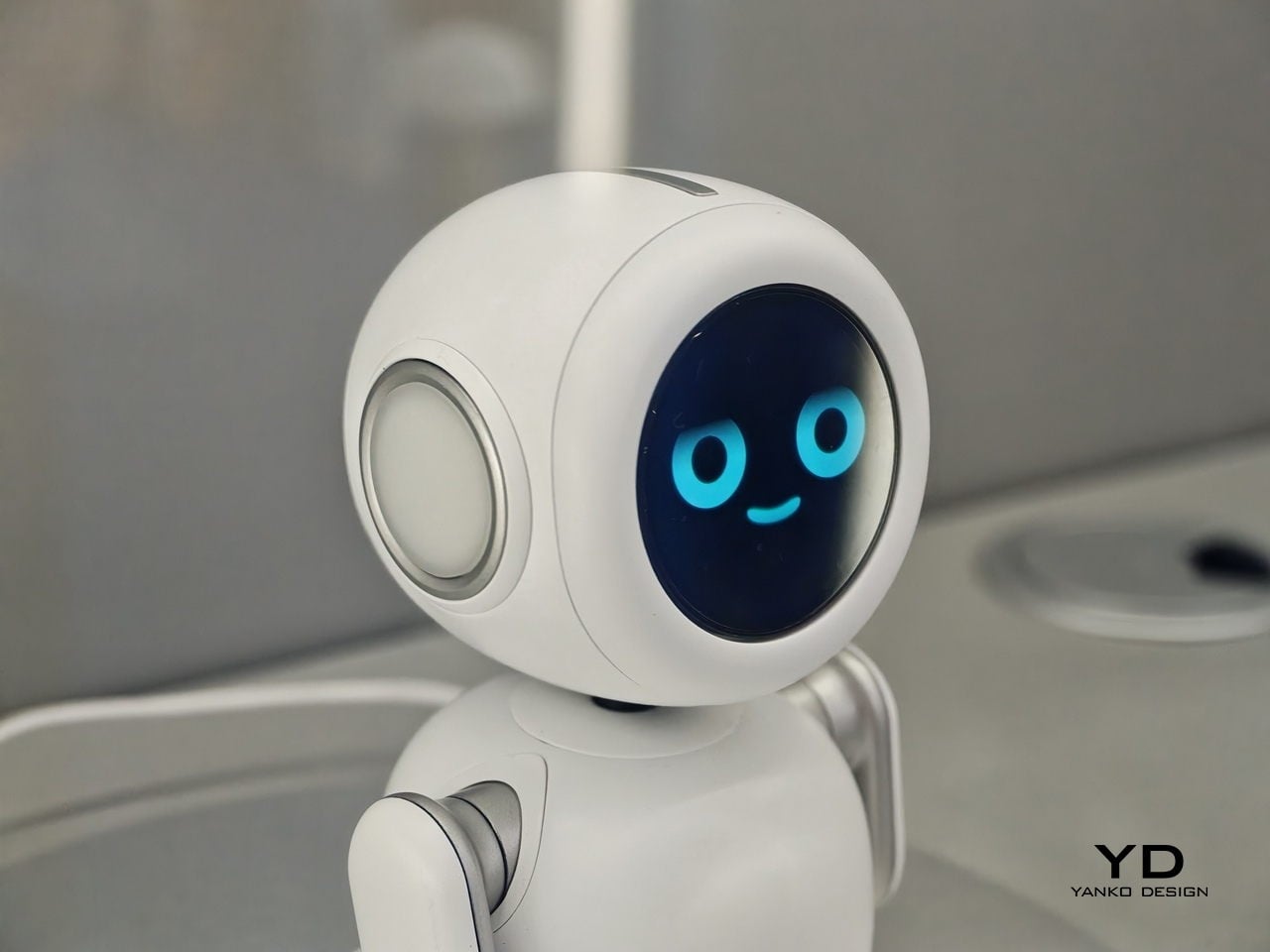
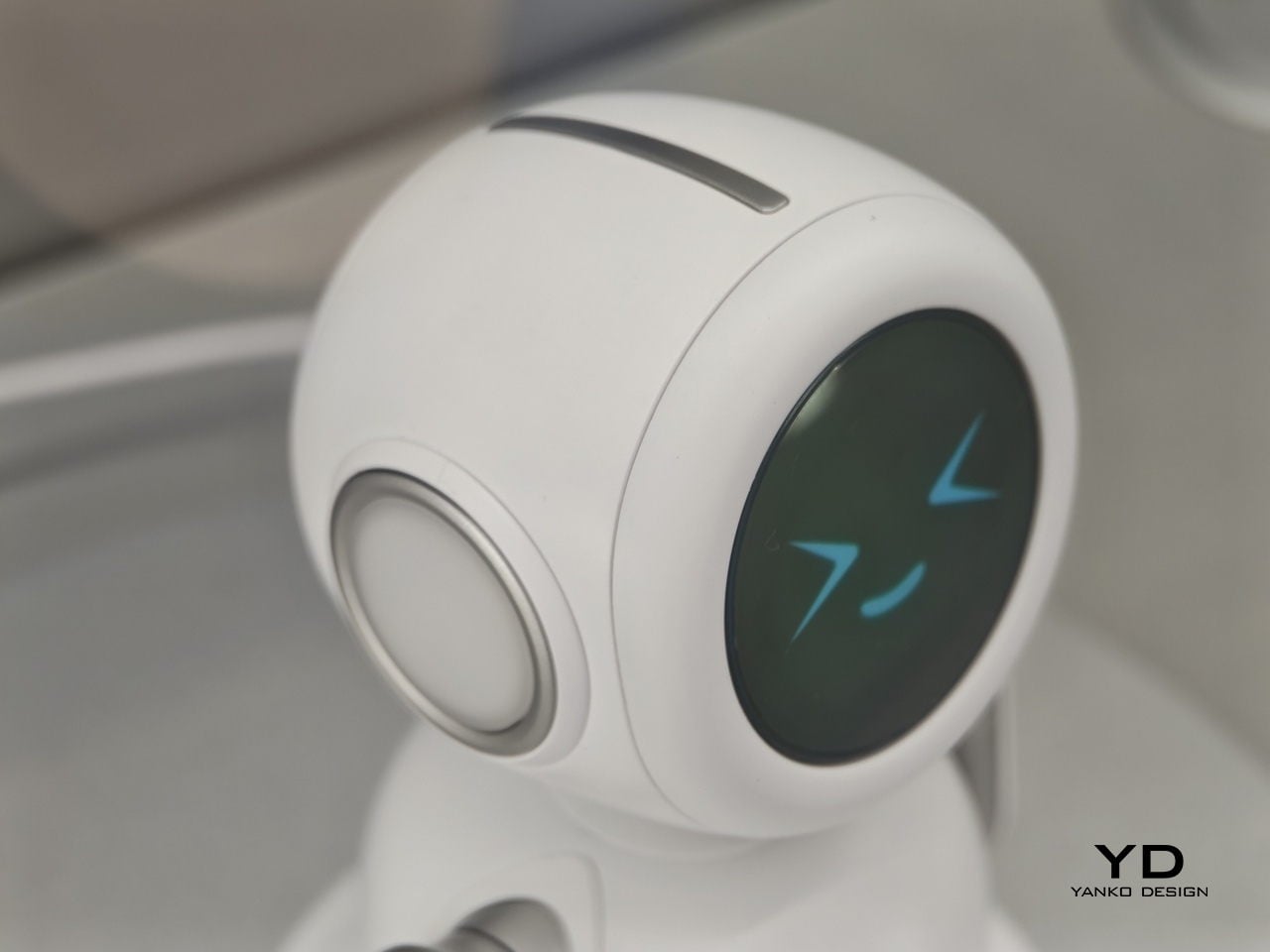
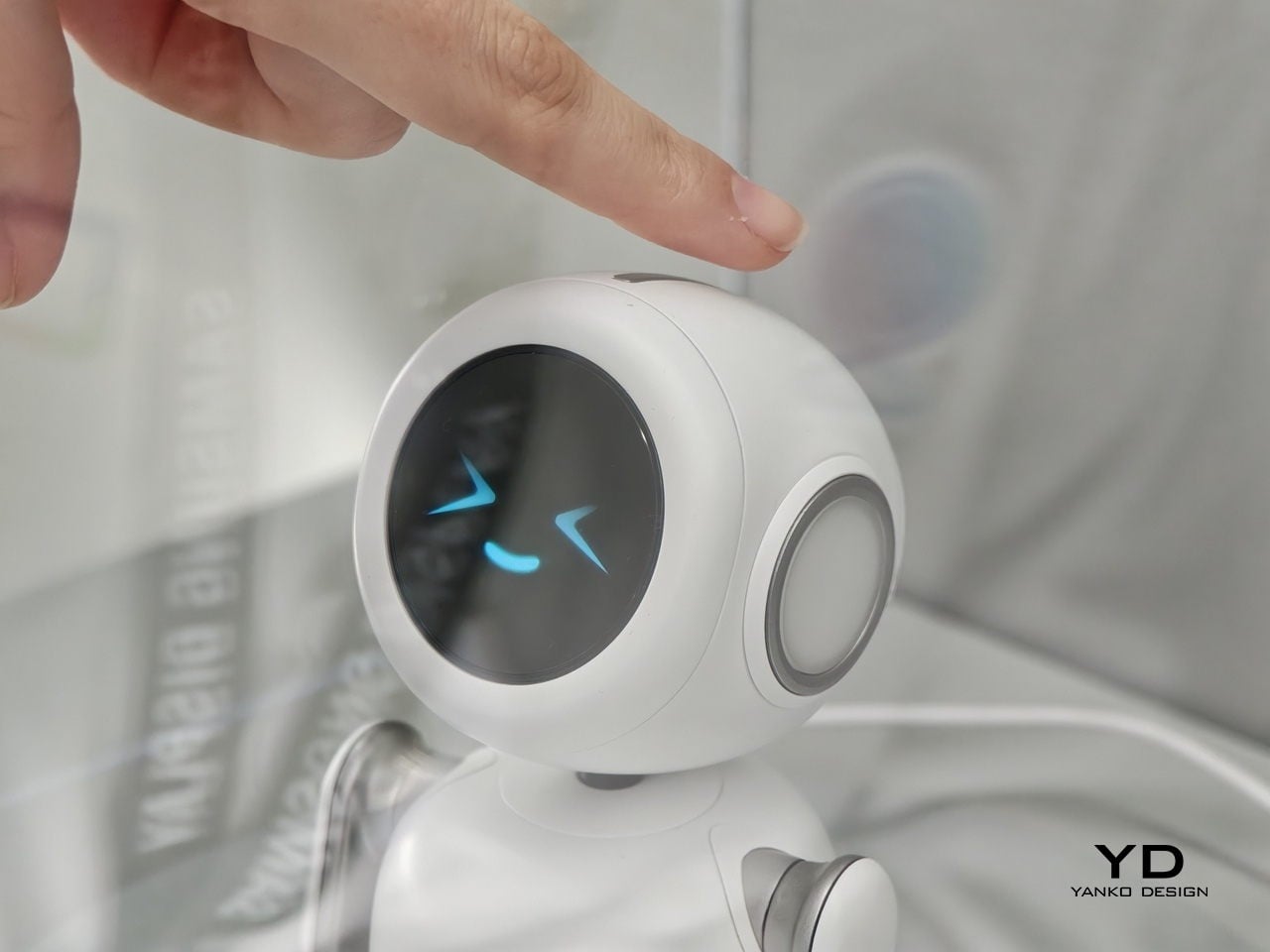
The physical form is what makes the concept worth paying attention to as a design argument. The spherical head, articulated arm, and glowing base ring give the device a clear presence and orientation, somewhere between a desk lamp and a friendly robot, without tipping into either. It acknowledges you spatially rather than waiting to be summoned from a notification panel. Whether a desk companion with animated eyes and a projector becomes something people actually want next to their laptops is the real design question Lenovo is exploring here, and MWC 2026 was its first public test of that answer.
Huawei Mate 80 Pro Max
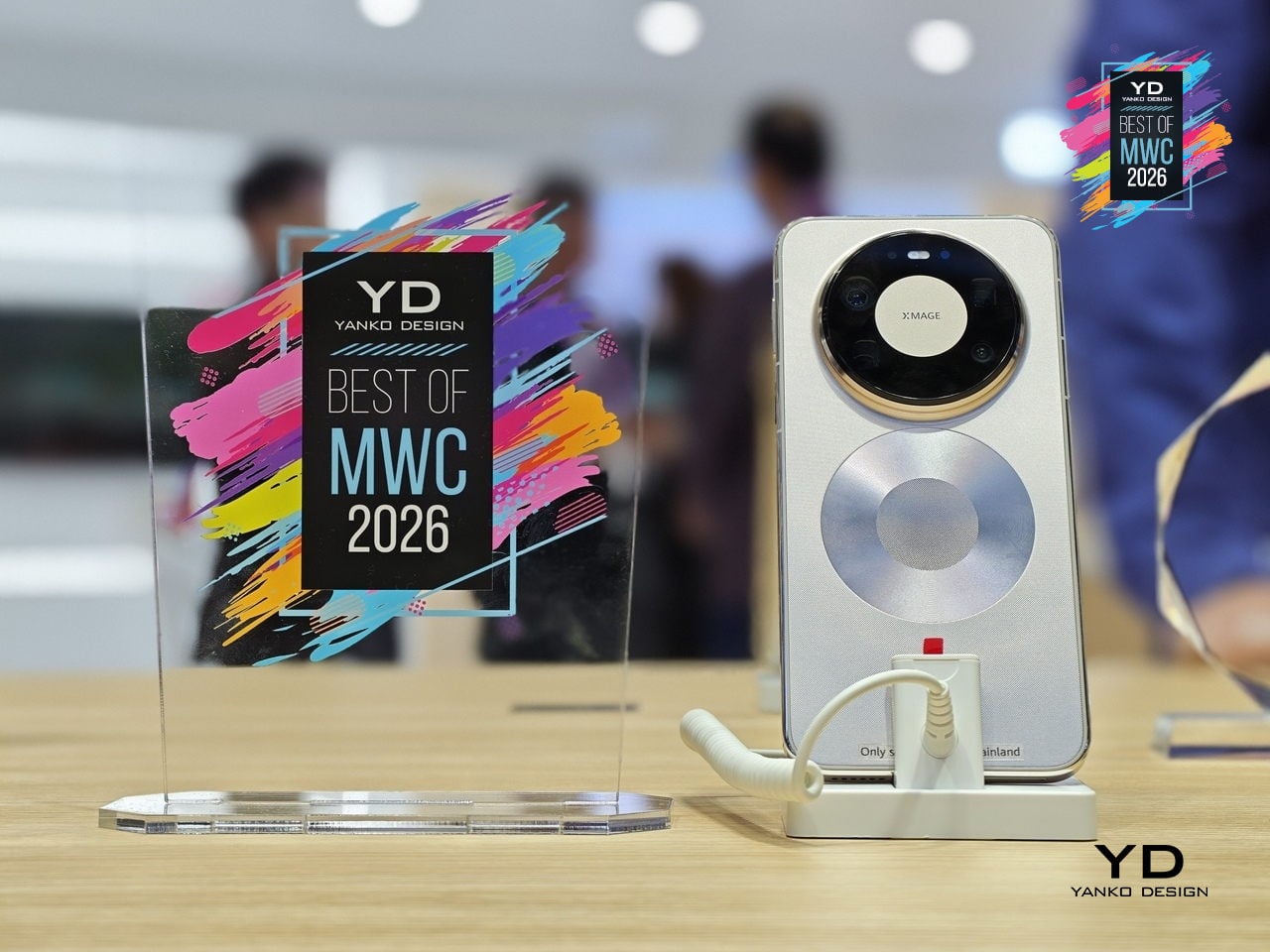
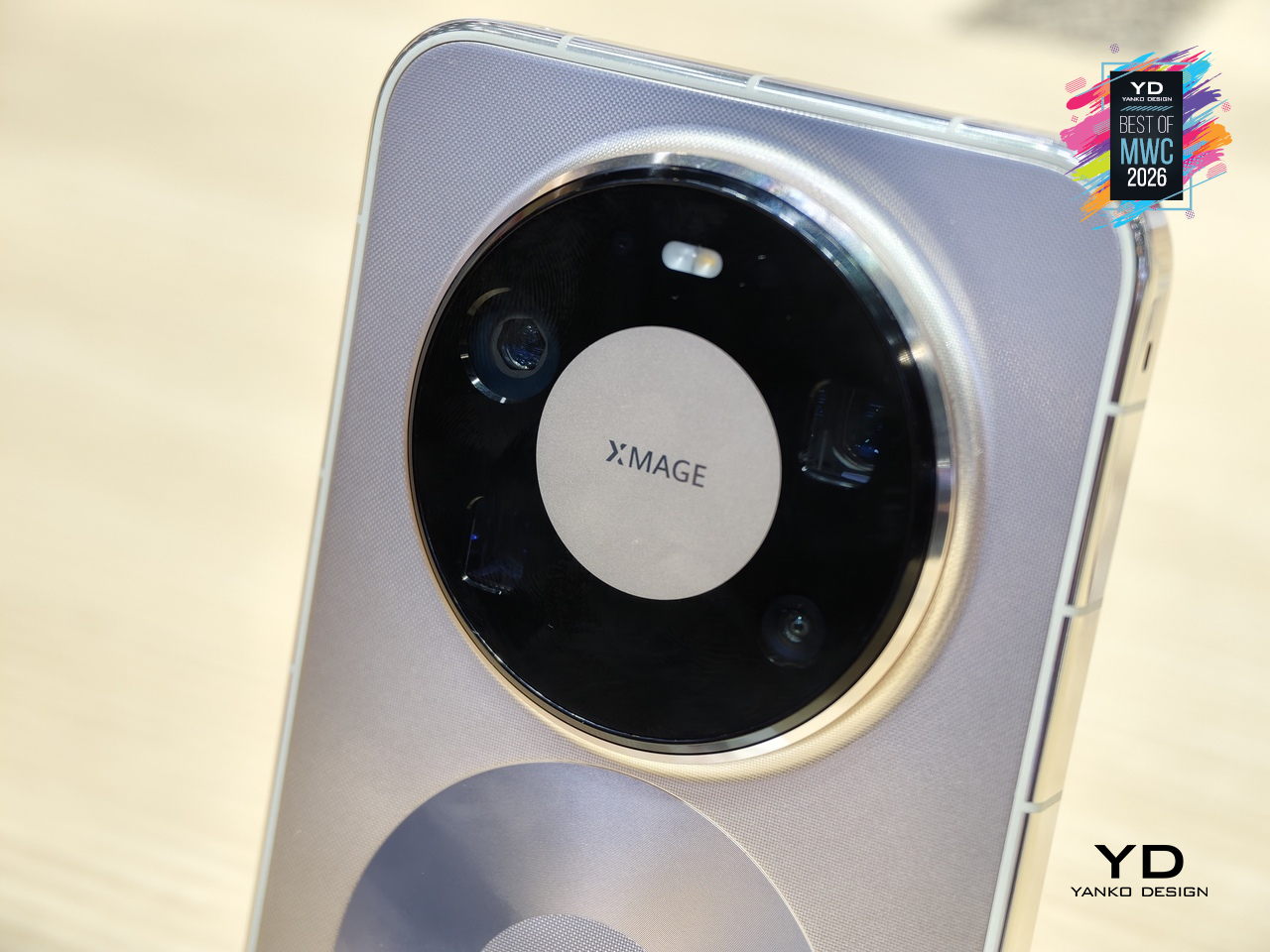
Huawei’s Mate series has always been the line where the company makes its clearest design statements, and the Mate 80 Pro Max carries that further with a body that steps away from the fiber-reinforced plastic back of the standard Pro in favor of an aluminum alloy construction throughout. The result is a phone with more physical presence and a slightly larger footprint. Both share the same Dual Space Rings camera module design that has become the Mate family’s most recognizable feature, two concentric rings framing the rear cameras in a configuration that reads as intentional rather than incidental.
Designer: Huawei
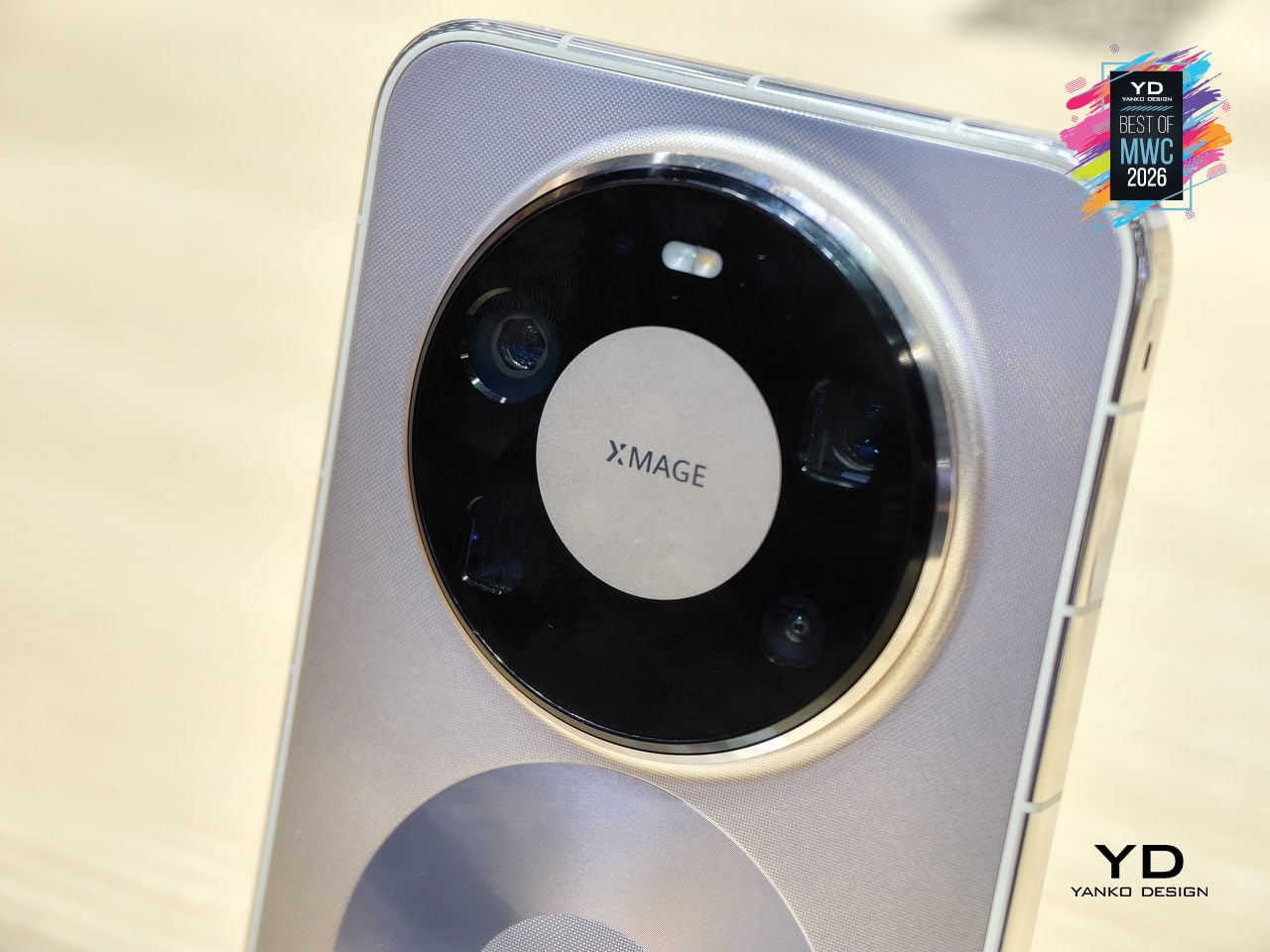
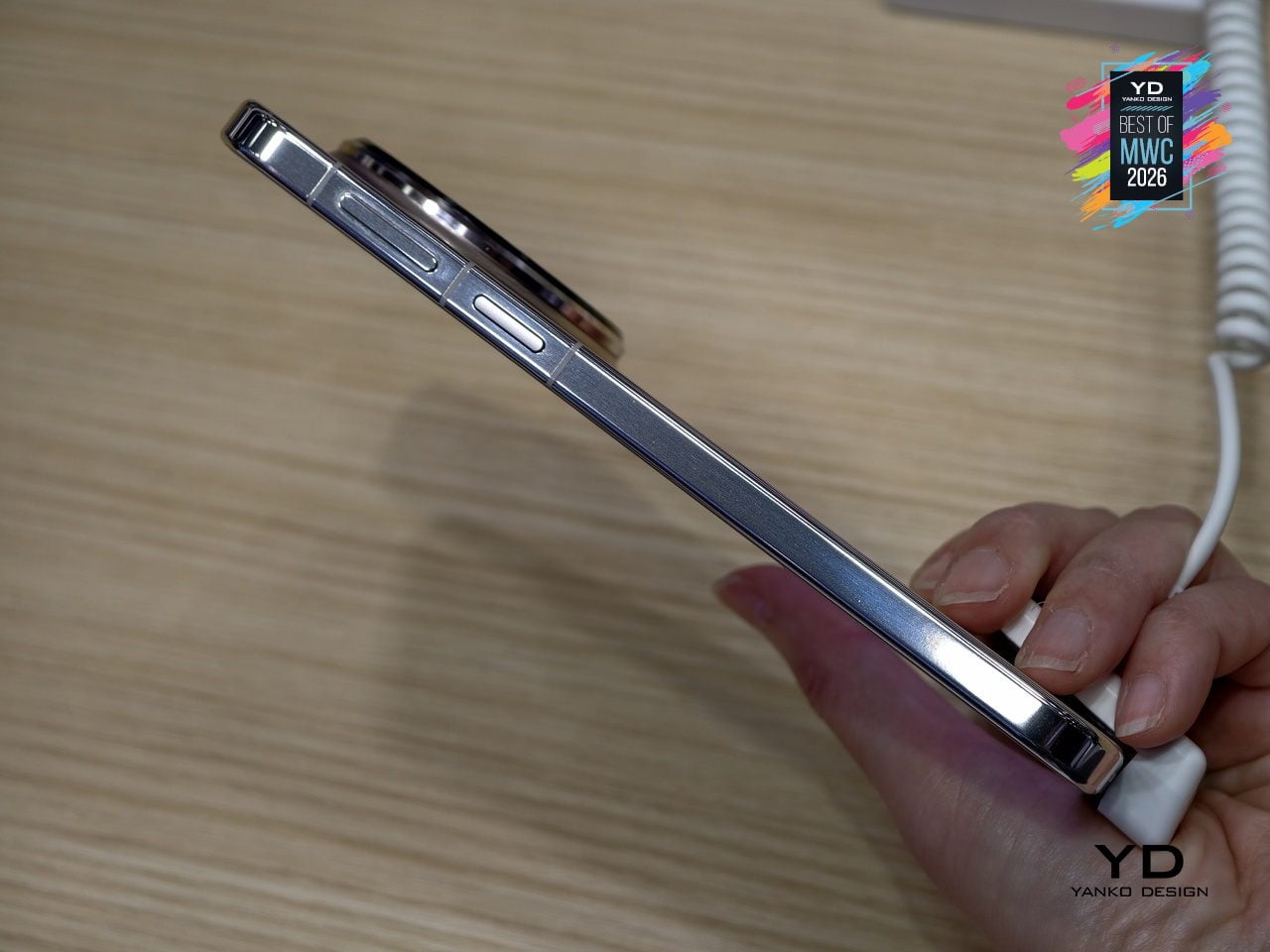
The display on the Pro Max stretches farther to 6.9 inches while keeping the same LTPO OLED panel with 1440Hz PWM dimming and Kunlun Glass 2 protection. Powered by the same Kirin 9030 Pro chipset in their top configurations, the Max differentiates itself through physical scale and materials rather than raw internals. The battery also steps up to 6000mAh, though paired with the same 100W wired charging. The color options shift too: where the Pro comes in Black, White, Green, and Gold, the Max trades the softer tones for Black, Silver, Blue, and Gold.
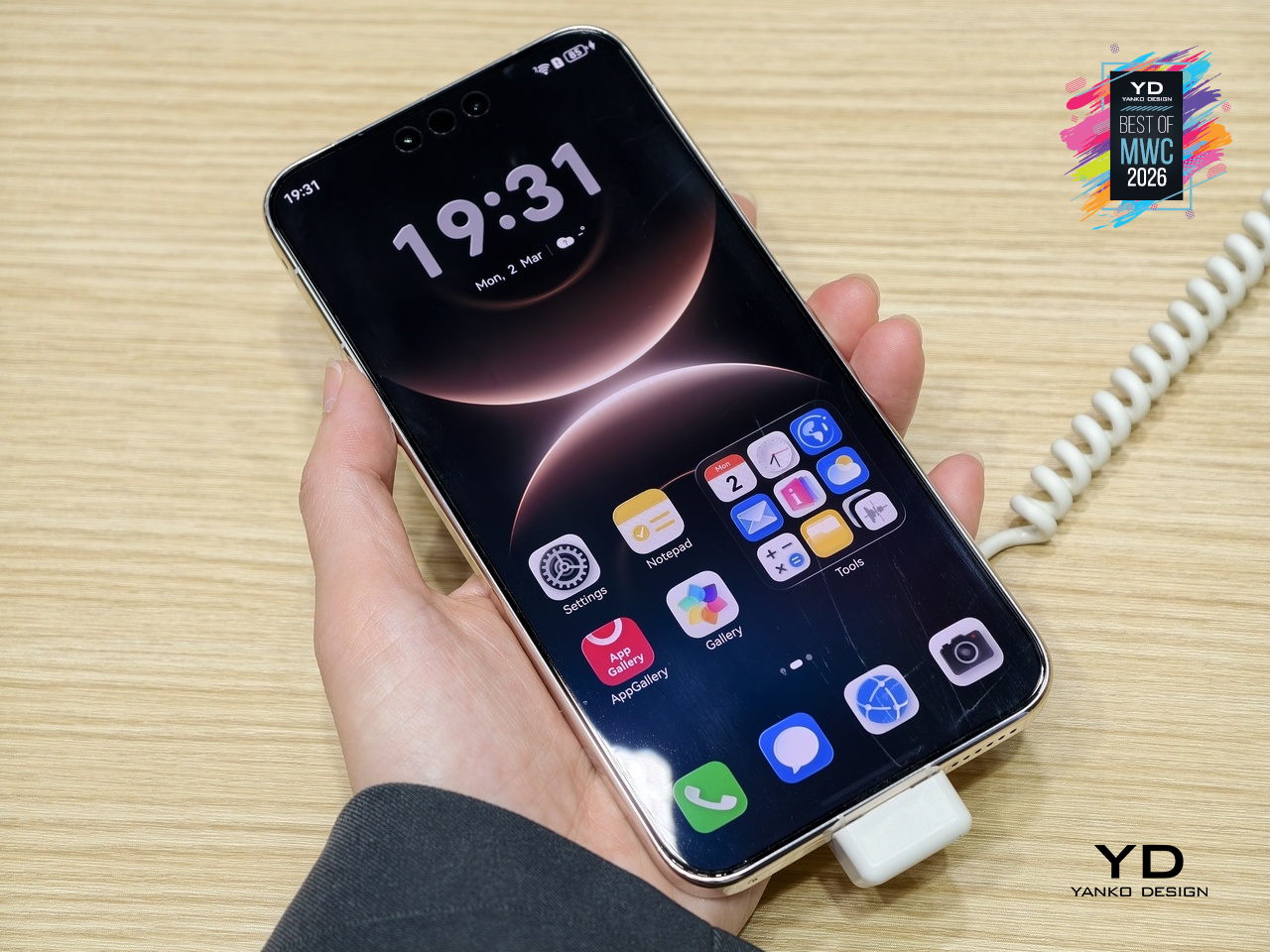
What the Mate 80 Pro Max represents is a familiar kind of product logic: take the established design, make it bigger, make the materials more premium, and add the battery capacity to match the larger chassis. The Dual Space Rings identity carries across both models intact, so the design conversation between the two is less about direction and more about degree. With a significantly higher price tag, the Pro Max is considered step up for buyers who want the full physical expression of what the Mate 80 series is about.
Honor Magic V6 Foldable phone
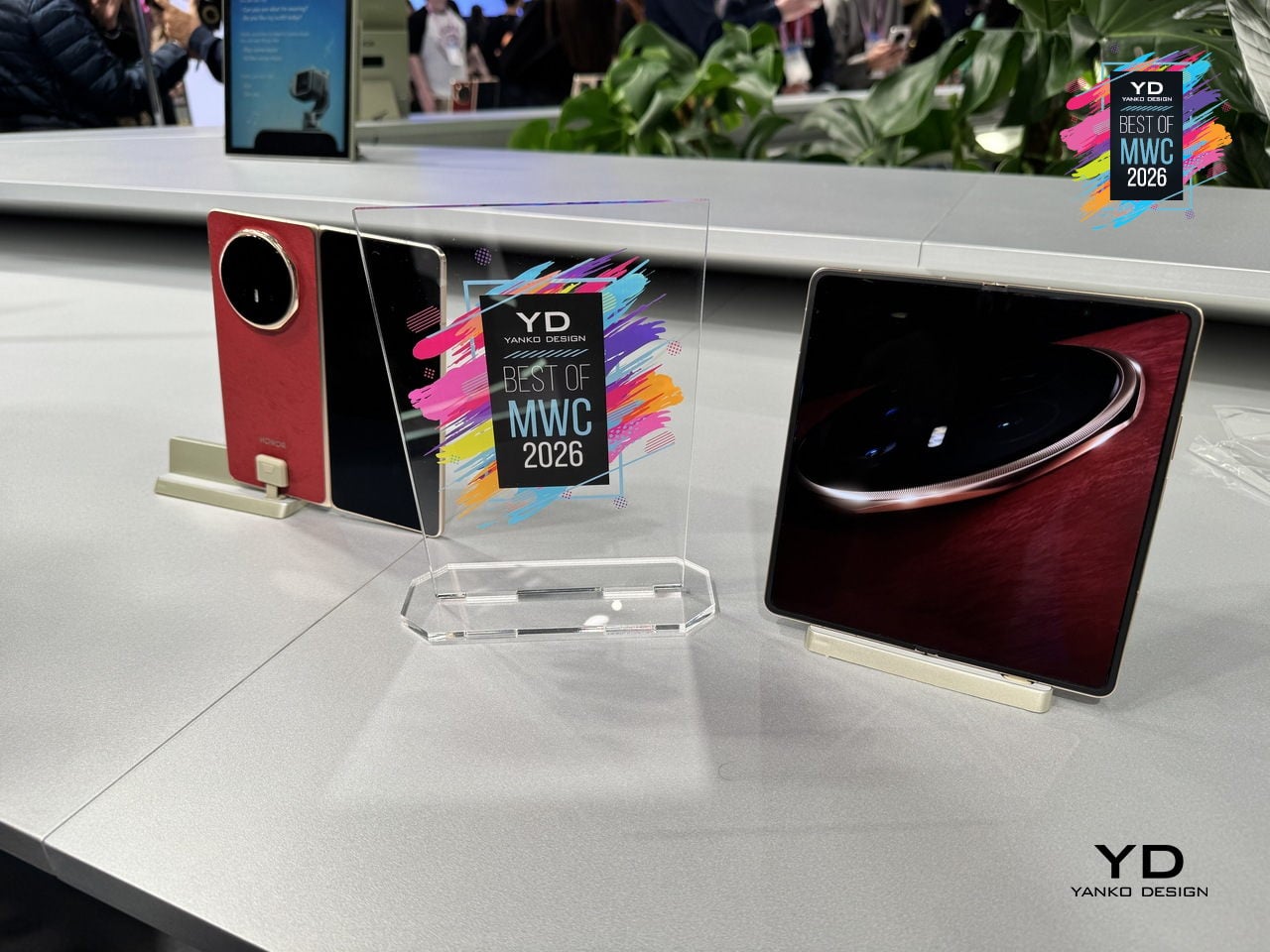
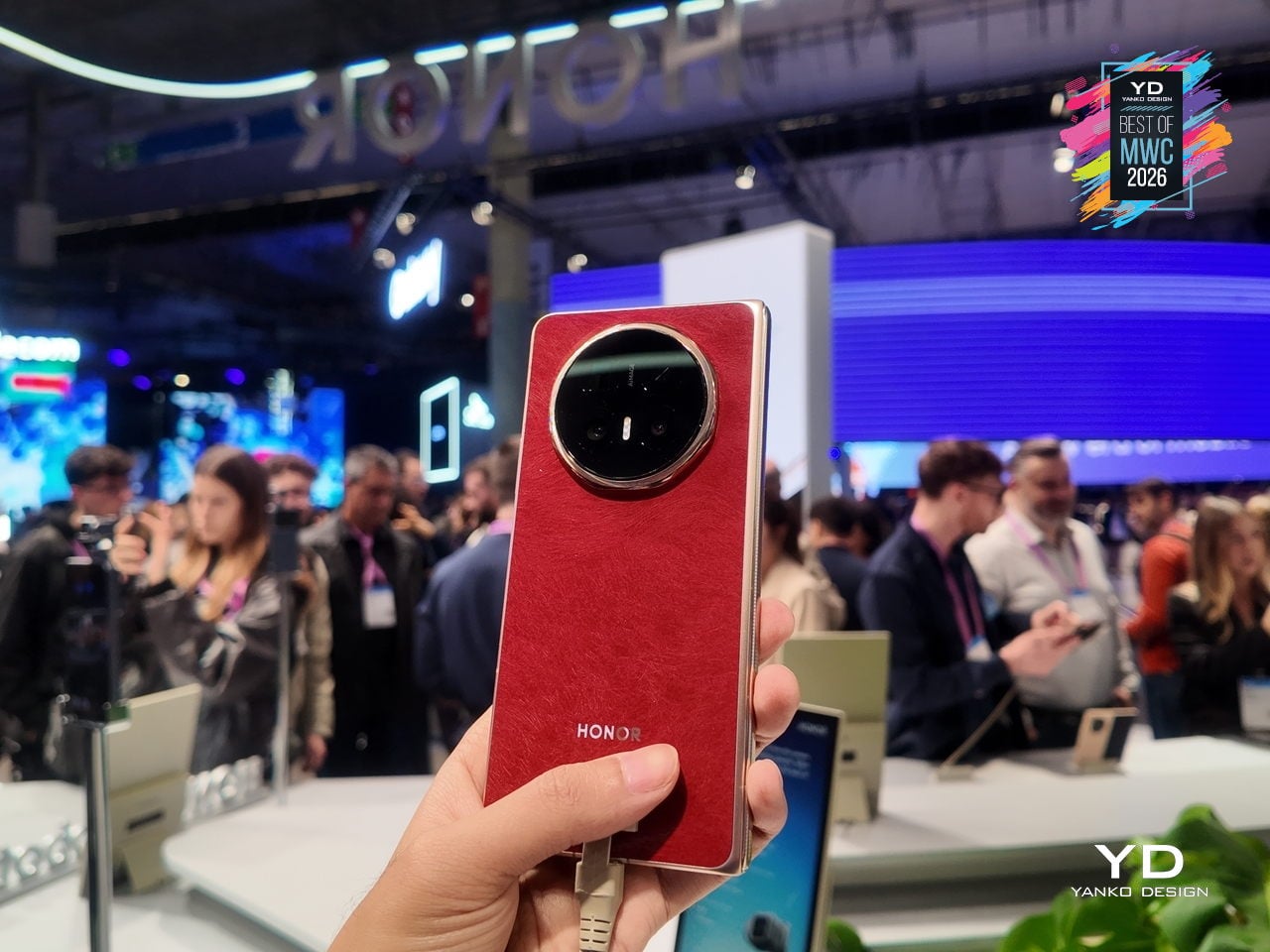
Foldable phones have spent years promising the future while feeling fragile, bulky, and anxious about rain. Honor’s design obsession with the Magic V6 was to solve all three problems at once without letting any of them compromise the others. The result is an 8.75mm folded profile, putting it in iPhone-thin territory, paired with a 6,660mAh silicon-carbon battery, the largest ever fitted into a foldable at this thickness.
Designer: Honor
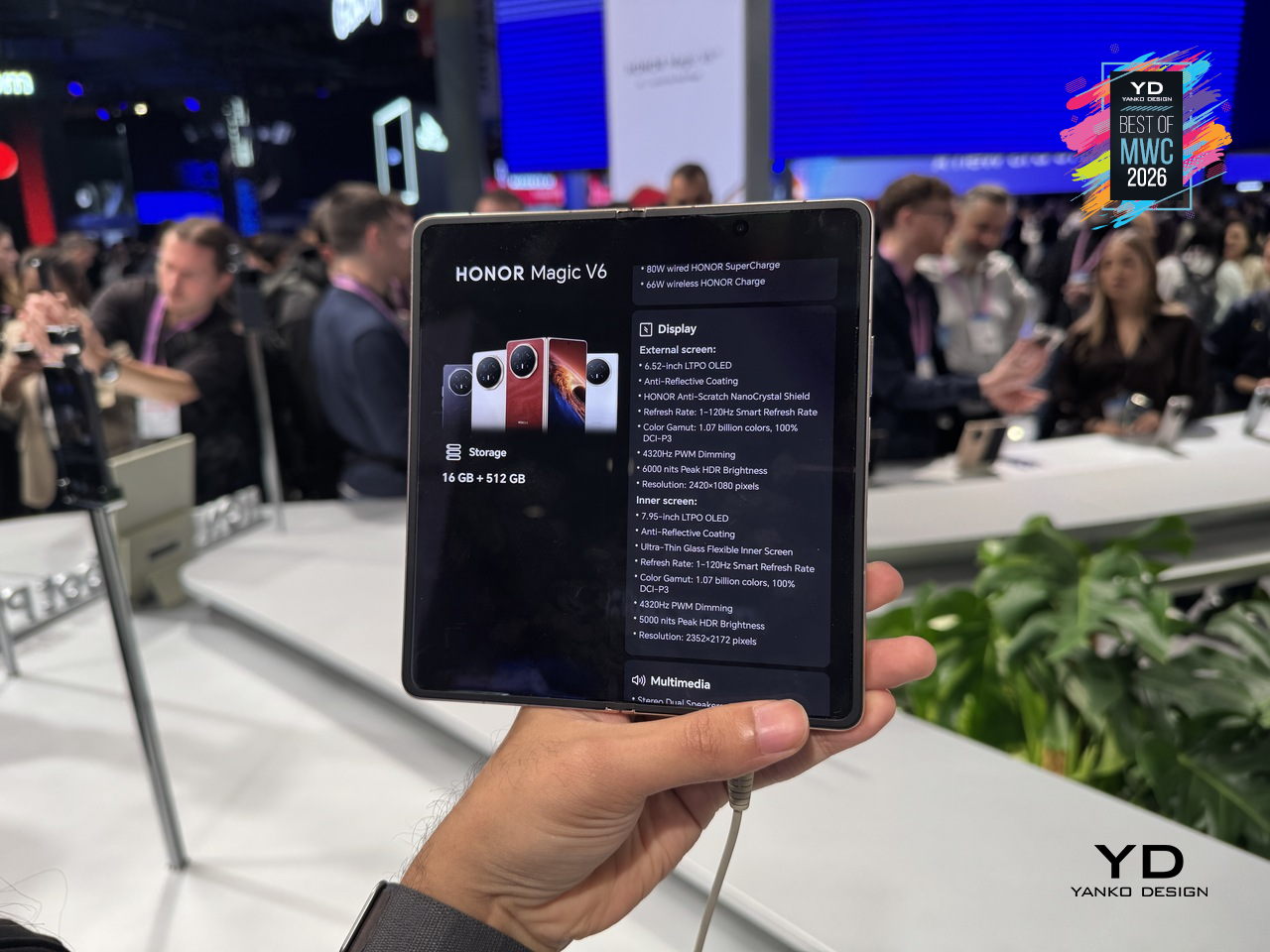
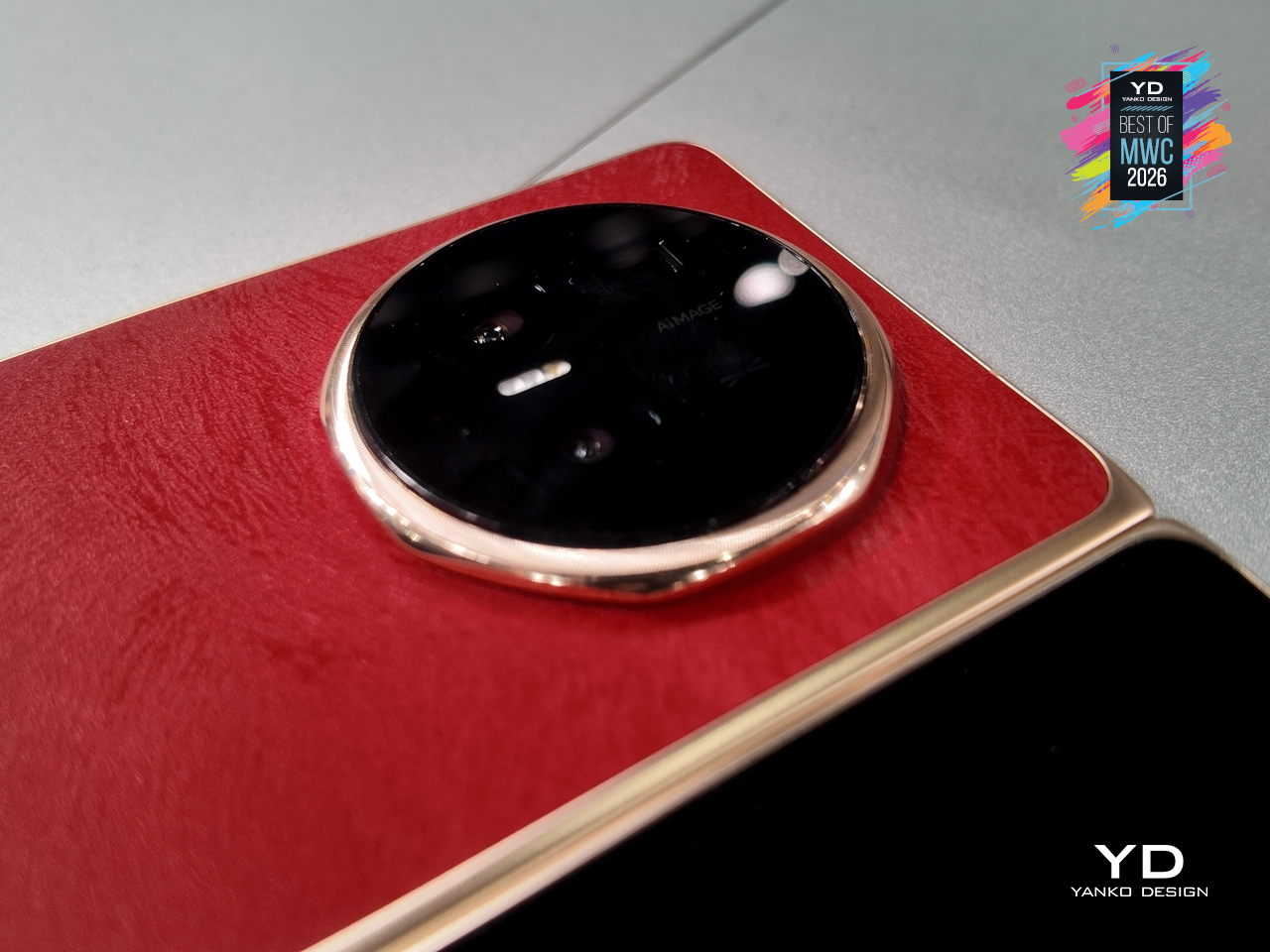
That battery figure is where the real engineering story lives. Silicon-carbon cells pack more energy into less space than conventional lithium-ion, but higher silicon content creates expansion stress that can crack cells over charge cycles. Honor’s fifth-generation silicon-carbon material, developed with ATL, reaches 25% silicon content. That’s what allows the capacity and the thinness to coexist without one compromising the other.
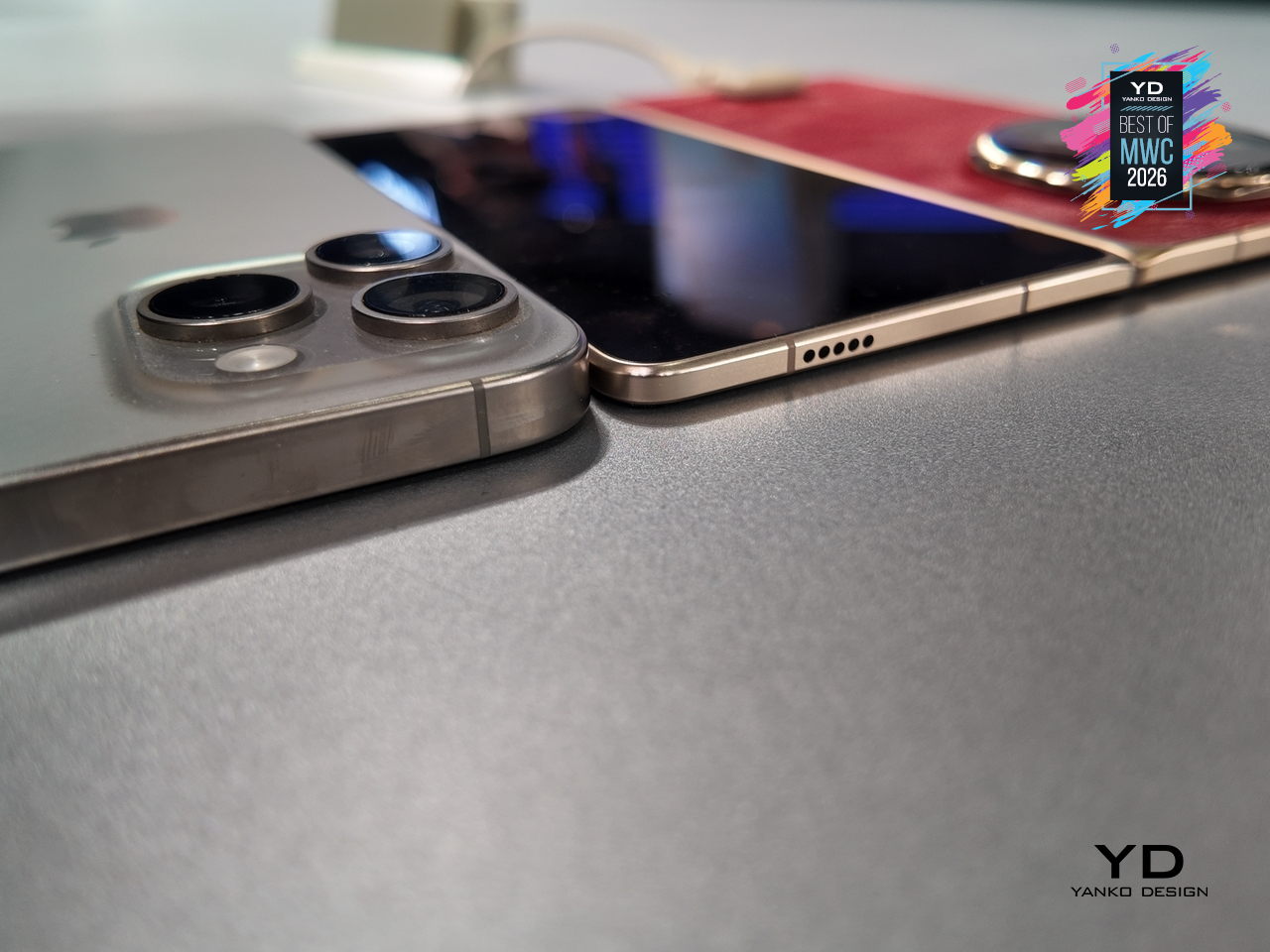
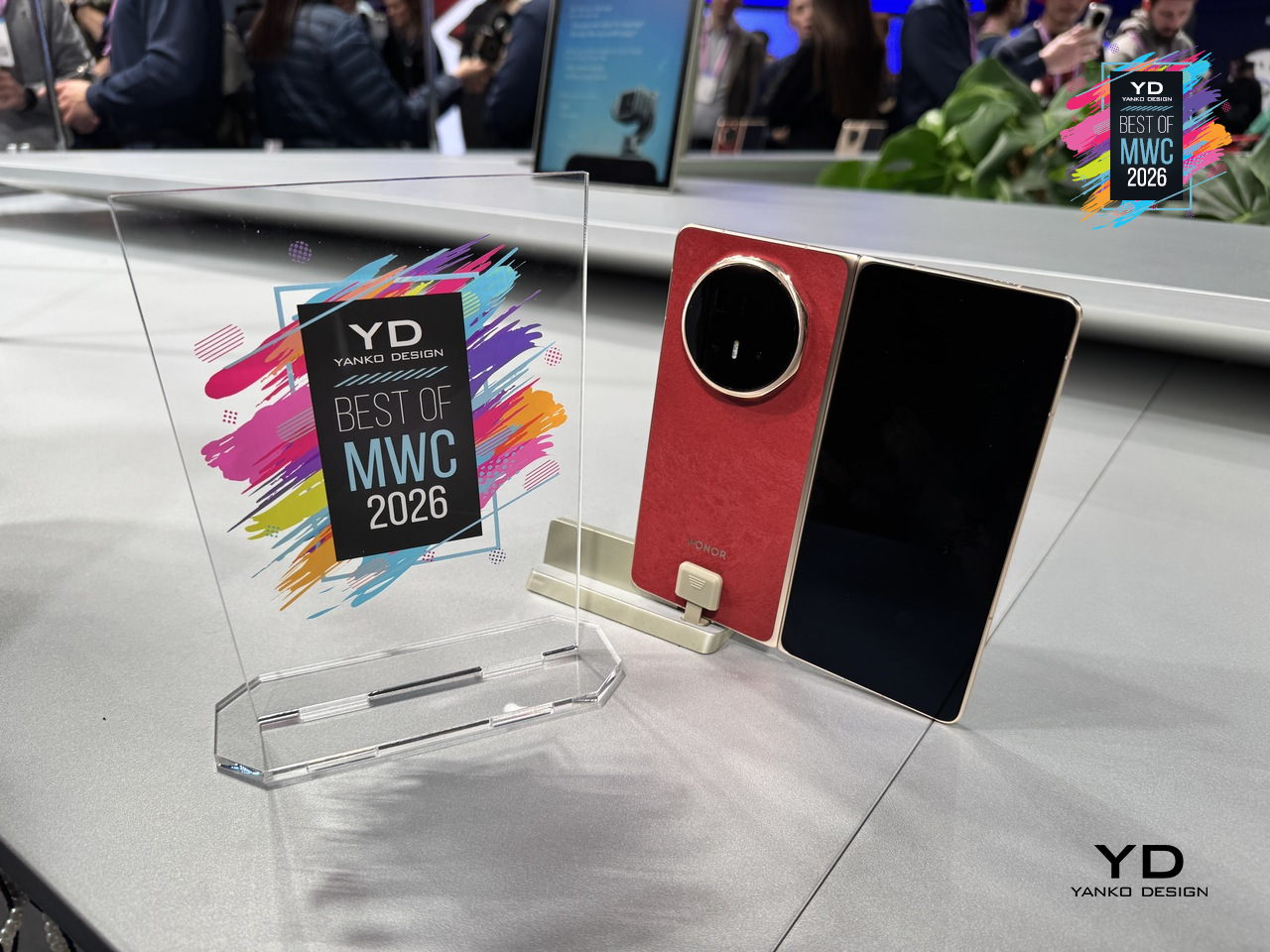
The Magic V6 also carries both IP68 and IP69 ratings, a first for any foldable. IP68 handles submersion; IP69 covers high-pressure, high-temperature water jets. Getting both on a device with a moving hinge, a crease depth reduced by 44% over the previous generation, and a display reflectivity as low as 1.5%, reflects how much structural engineering went into something that still opens and closes hundreds of times daily.
Lenovo ThinkBook Modular AI PC Concept
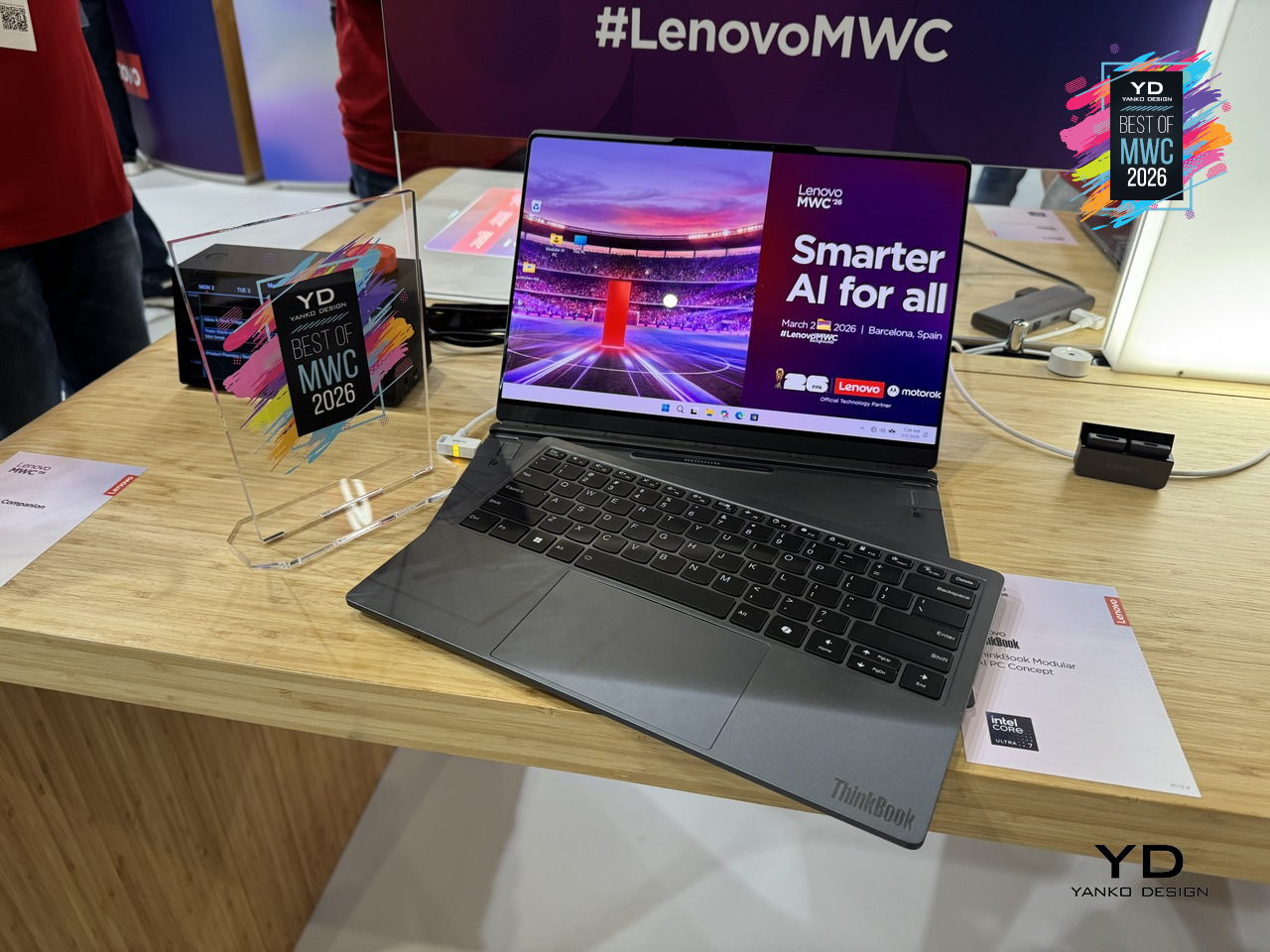
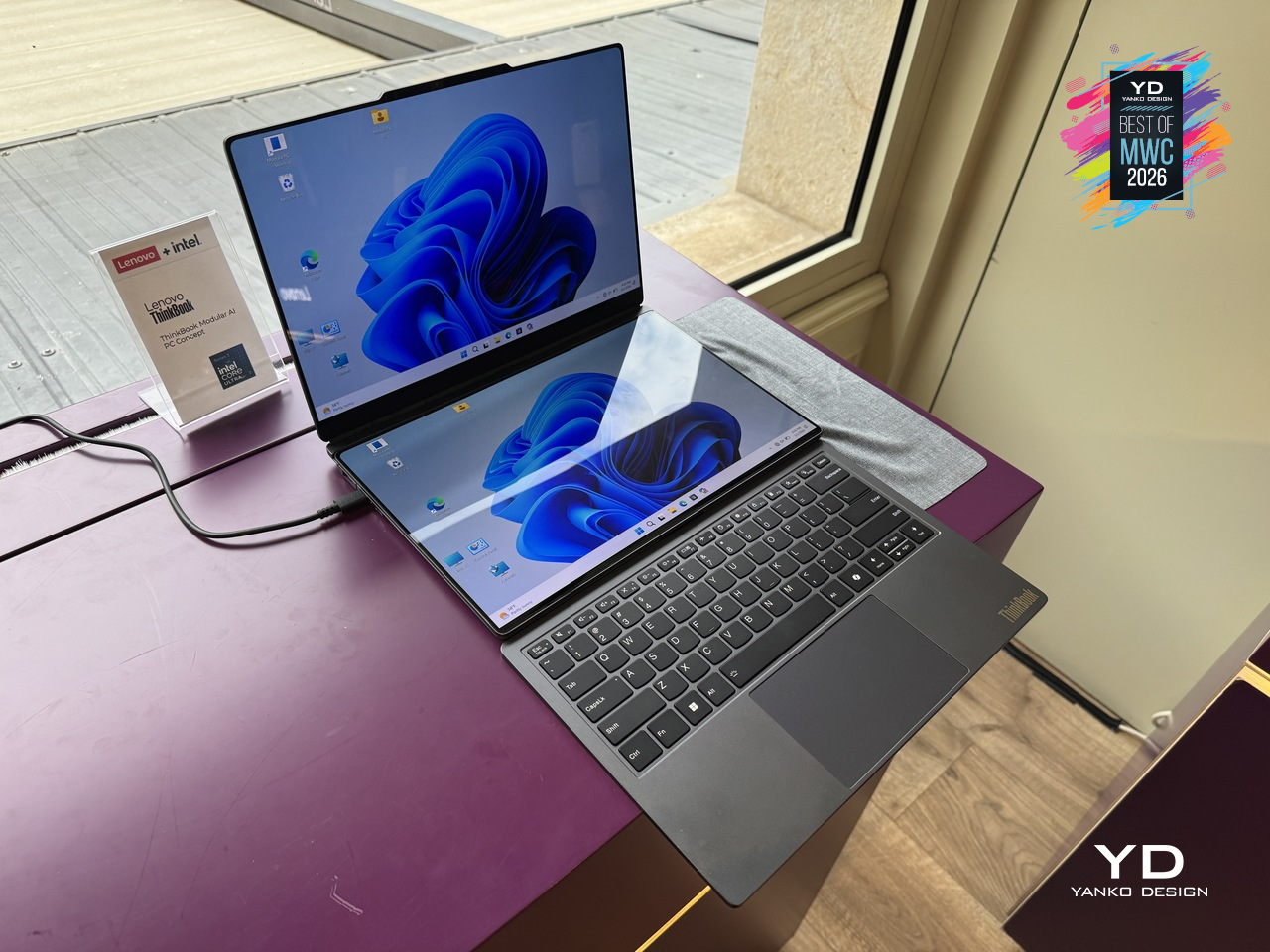
Laptops have been making the same basic promise for decades: here is one device that does everything, carry it everywhere. The trade-off has always been that “everything” means compromises, a screen too small for real work, a body too thick for a bag, a keyboard that disappears when you want a tablet. Lenovo’s ThinkBook Modular AI PC Concept at MWC 2026 takes a different position entirely, built around a “carry small, use big” philosophy that lets a single 14-inch base system reconfigure itself depending on where you are and what you’re doing.
Designer: Lenovo
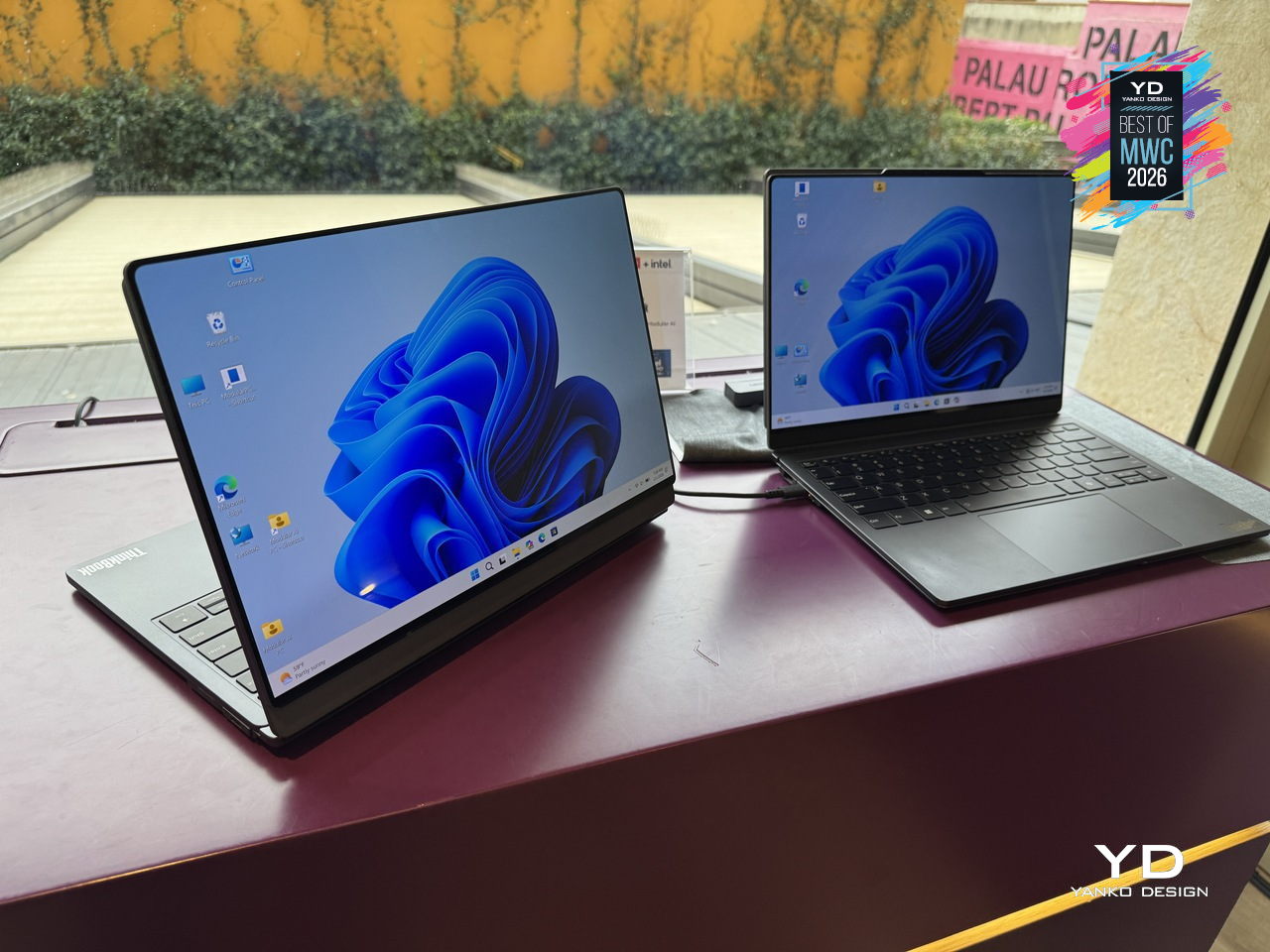
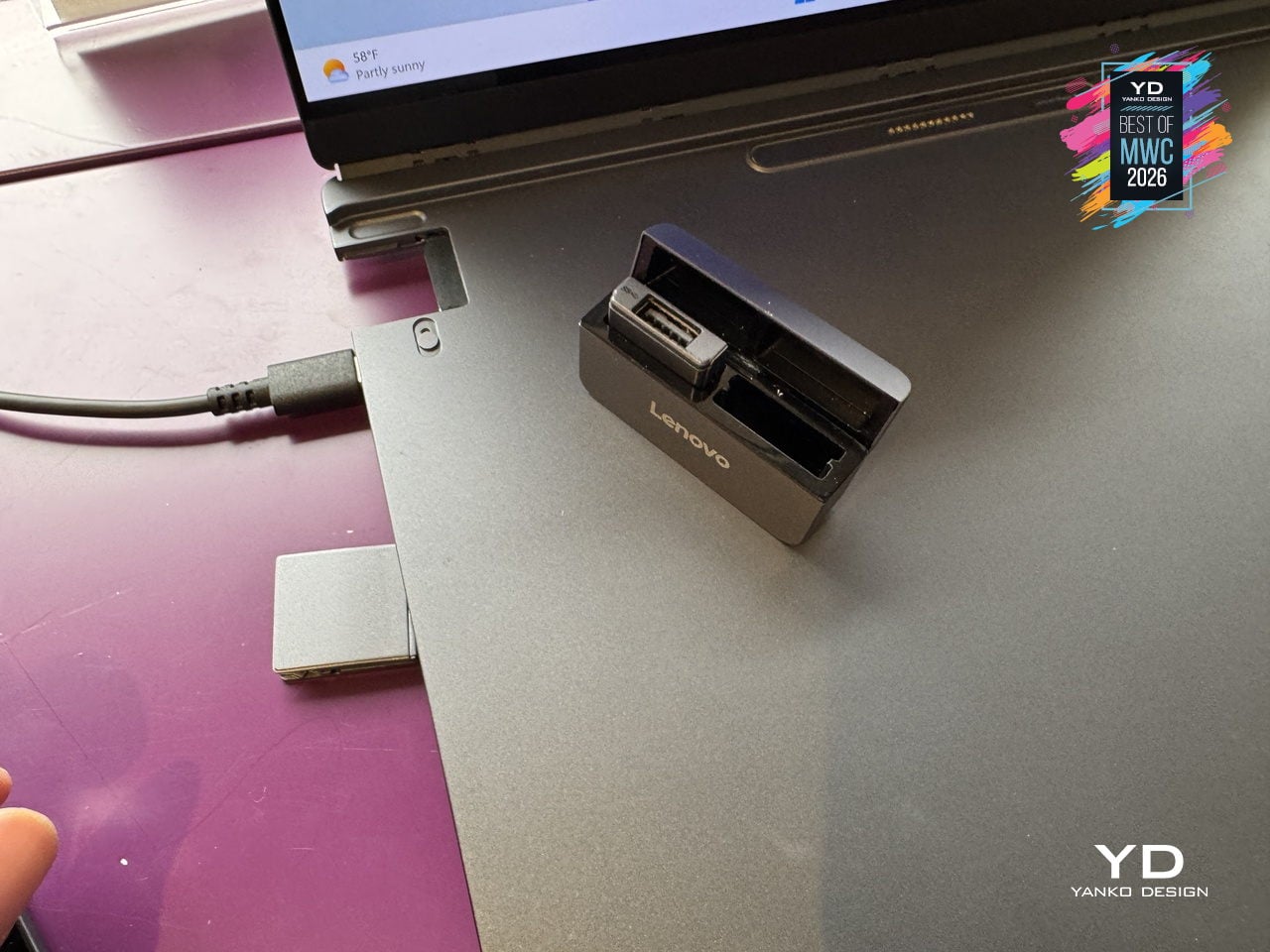
The modularity here is practical rather than speculative. A secondary display attaches to the top cover for face-to-face sharing or closed-lid use, sits alongside the base on an integrated kickstand as a portable travel monitor in portrait or landscape, or swaps with the keyboard to create a dual-screen setup stretching the combined workspace to roughly 19 inches. The Bluetooth keyboard detaches entirely. IO ports, including USB Type-A, USB Type-C, and HDMI, are interchangeable depending on what a given day requires. Pogo-pin connectors handle power and data transfer between modules, keeping the system stable and self-contained throughout all the rearranging.
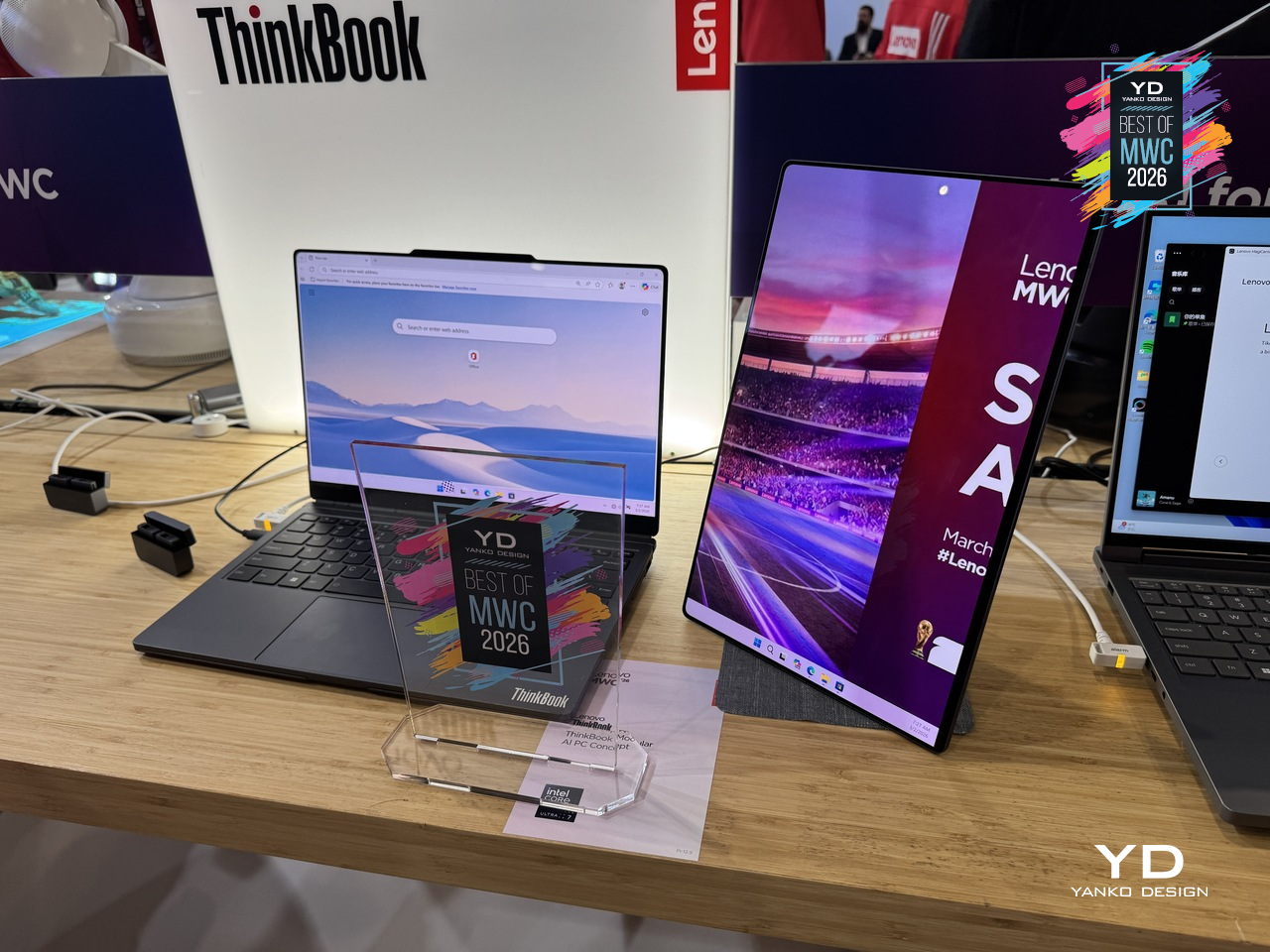
What makes the ThinkBook Modular concept worth paying attention to as a design argument is the restraint behind it. Rather than trying to anticipate every scenario inside one fixed chassis, Lenovo accepted that the device itself should be the smallest possible useful thing and let the user decide what gets added to it. A laptop that adapts to the workflow instead of the other way around is an old idea that has never quite landed in a form people actually use. This concept is still exactly that, a proof of concept with no confirmed release date, but the underlying logic is more considered than most modular hardware that has come before it.
Leica Leitzphone by Xiaomi
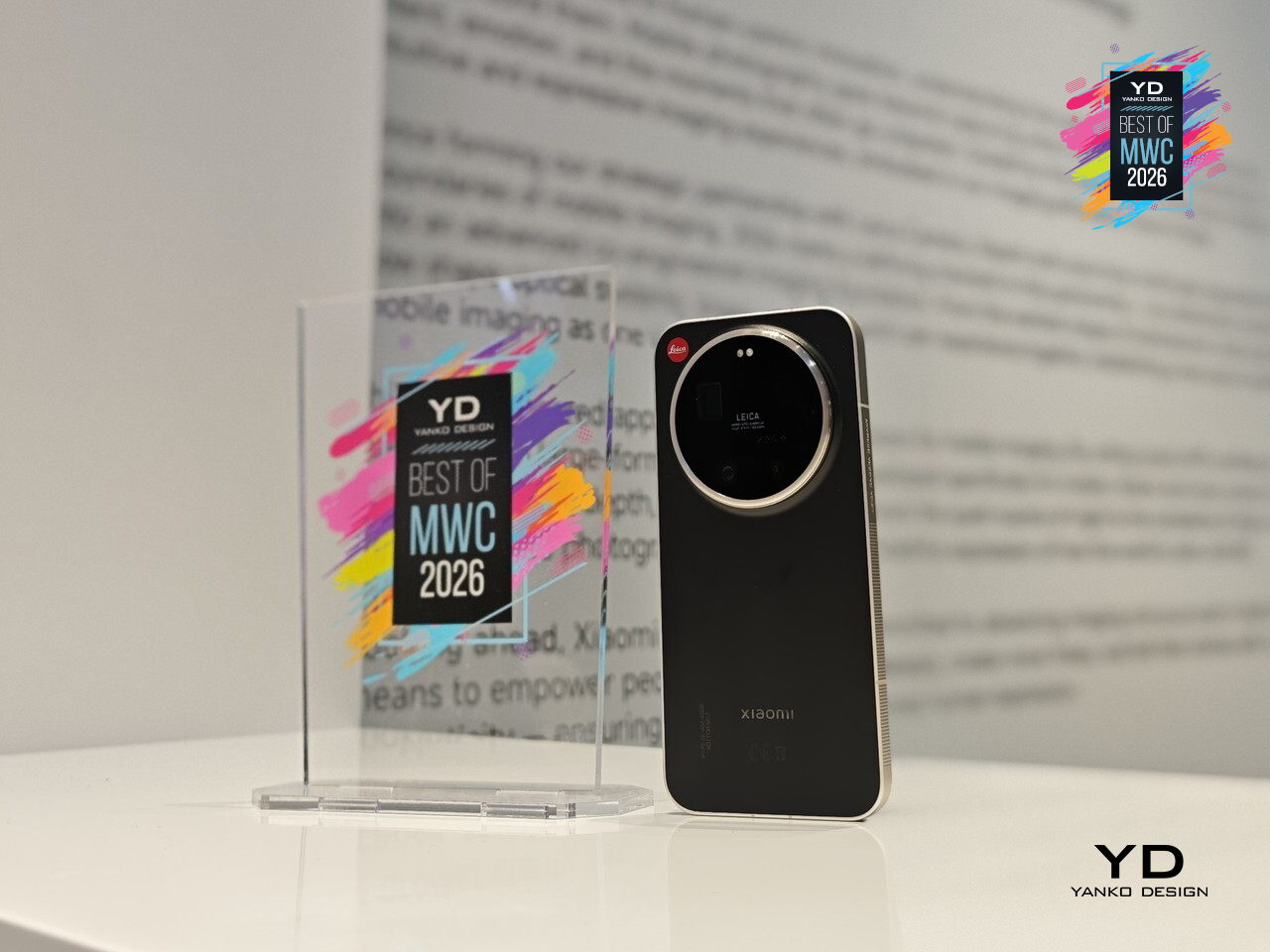
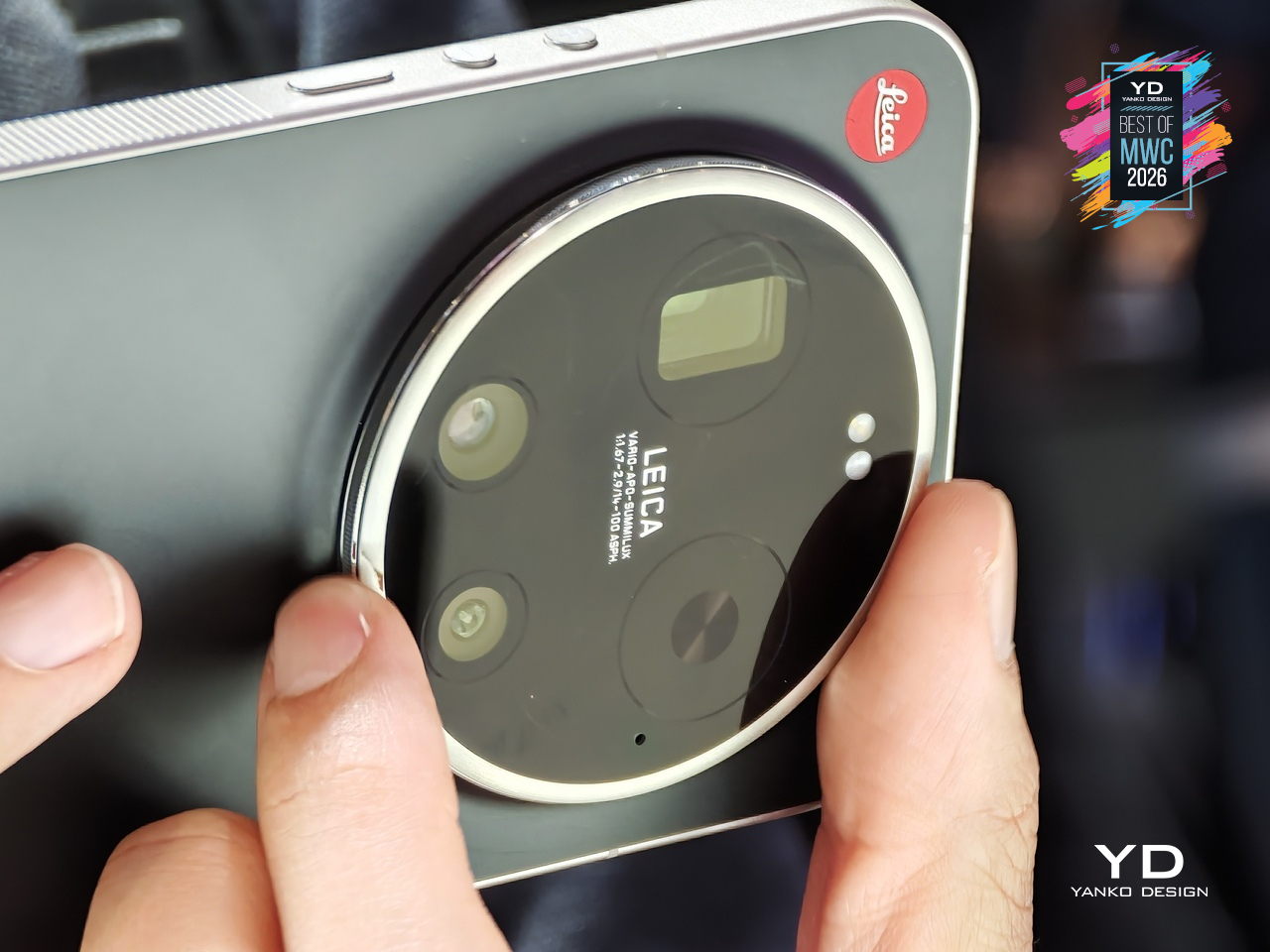
Xiaomi has made plenty of capable camera phones, but the Leica Leitzphone takes a different approach entirely, treating the smartphone less like a spec competition and more like an extension of Leica’s century-old obsession with optical craft. The silver aluminum frame carries tactile knurling, a rotatable camera ring, and the iconic Leica Red Dot, sitting against a black fiberglass back pulled directly from classic Leica rangefinder design language.
Designer: Xiaomi x Leica
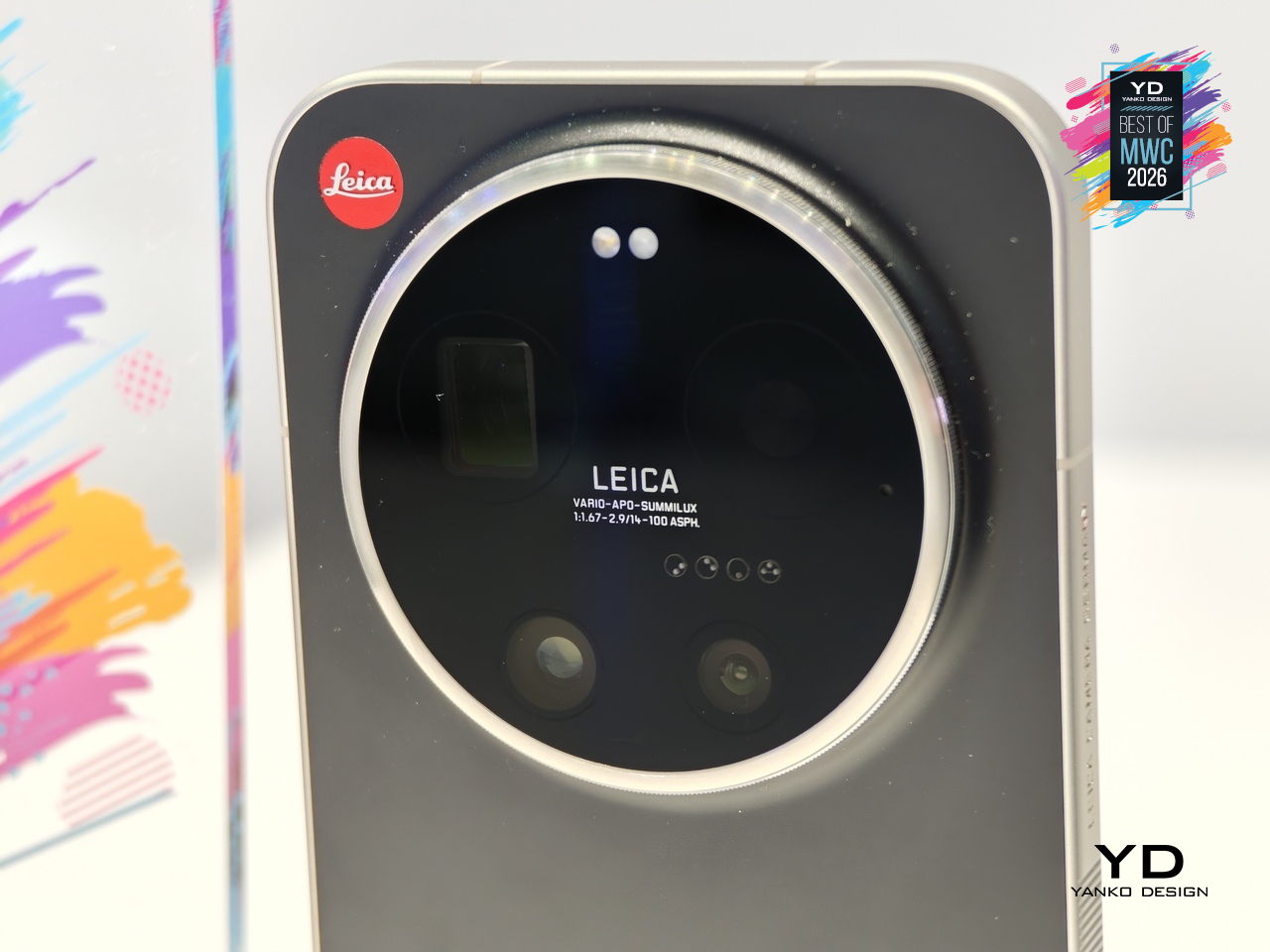
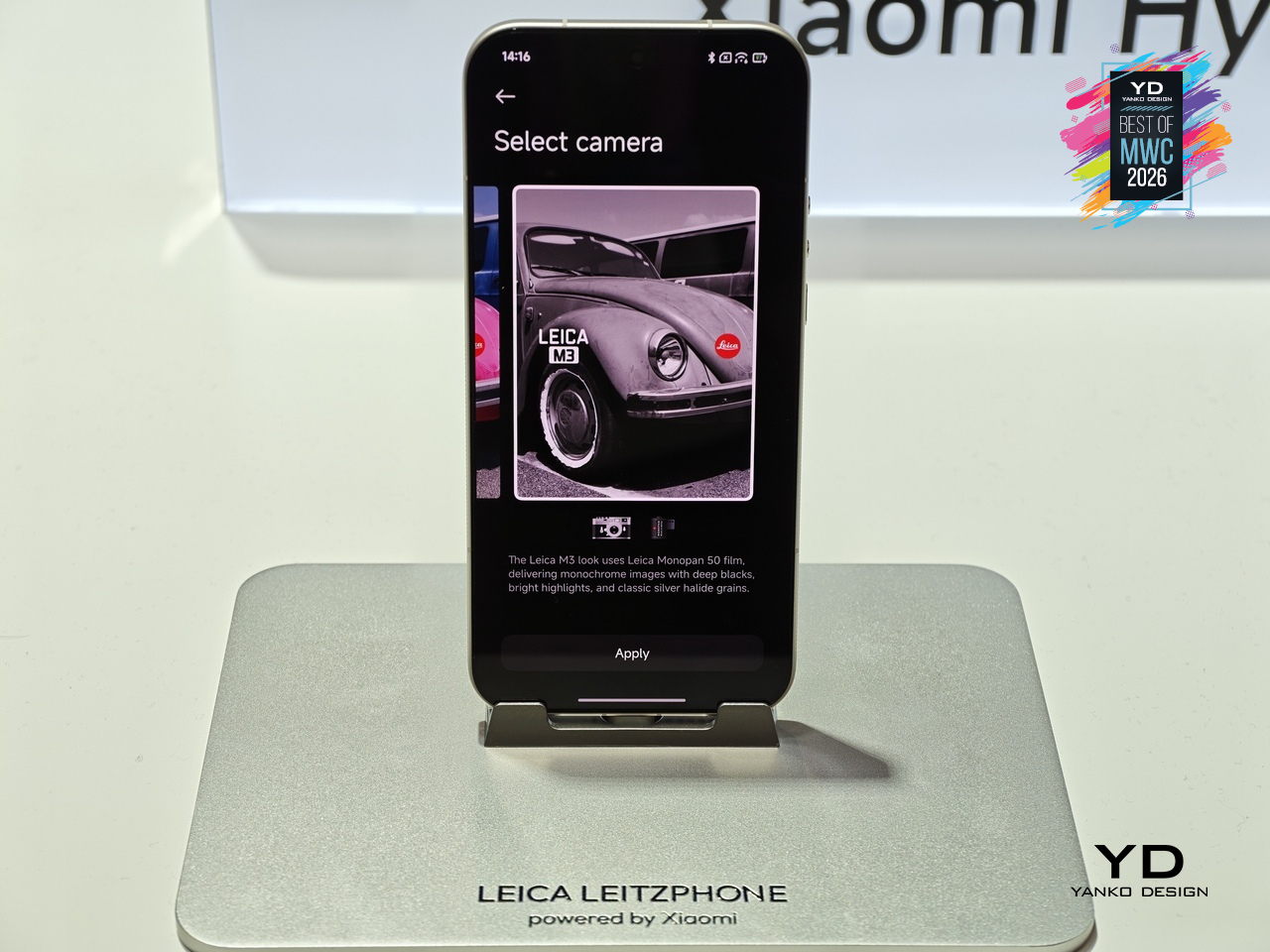
That camera system is where the conviction becomes most legible. A 1-inch sensor with LOFIC HDR technology handles the main shooting duties, alongside a 200MP telephoto at 75 to 100mm and a 14mm ultra-wide. The rotatable physical camera ring, assignable to focal length, focus, or bokeh, gives the experience a tactile dimension that touchscreen sliders simply cannot replicate. Thirteen Leica color styles and a dedicated Essential Mode recreating the Leica M9 and M3 look complete the package.
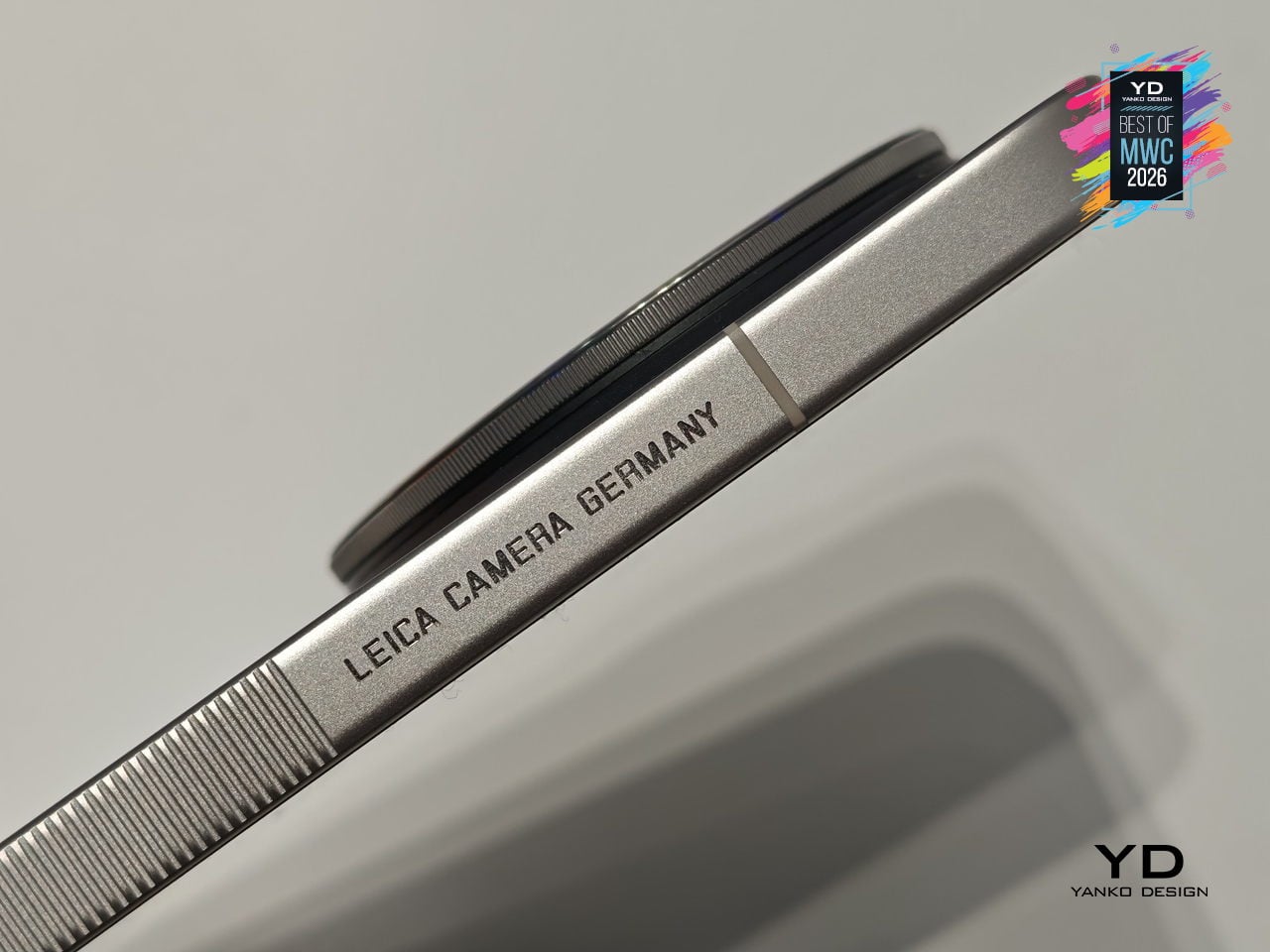
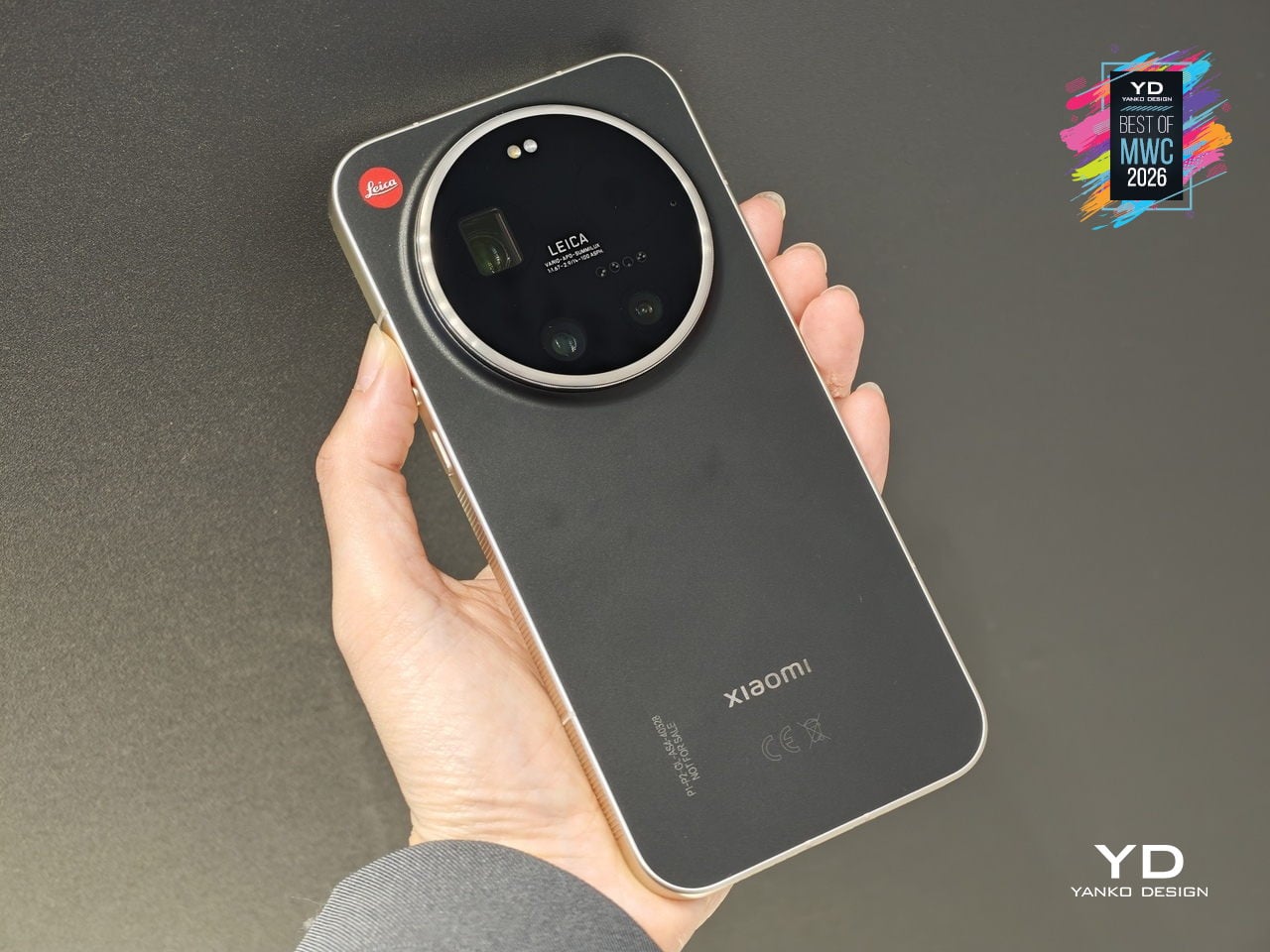
The rest of the hardware keeps pace: Snapdragon 8 Elite Gen 5, a 6.9-inch 3500-nit OLED display, and a 6000mAh battery with 90W wired charging. The Leica UX layer goes further than a cosmetic theme, reshaping system fonts, icons, and widgets into a coherent visual identity rooted in Leica’s design language. For anyone who has wanted smartphone photography to feel less like operating software and more like handling a real camera, this is the most direct answer yet.
TCL Tbot Smartwatch Desktop Companion for Kids
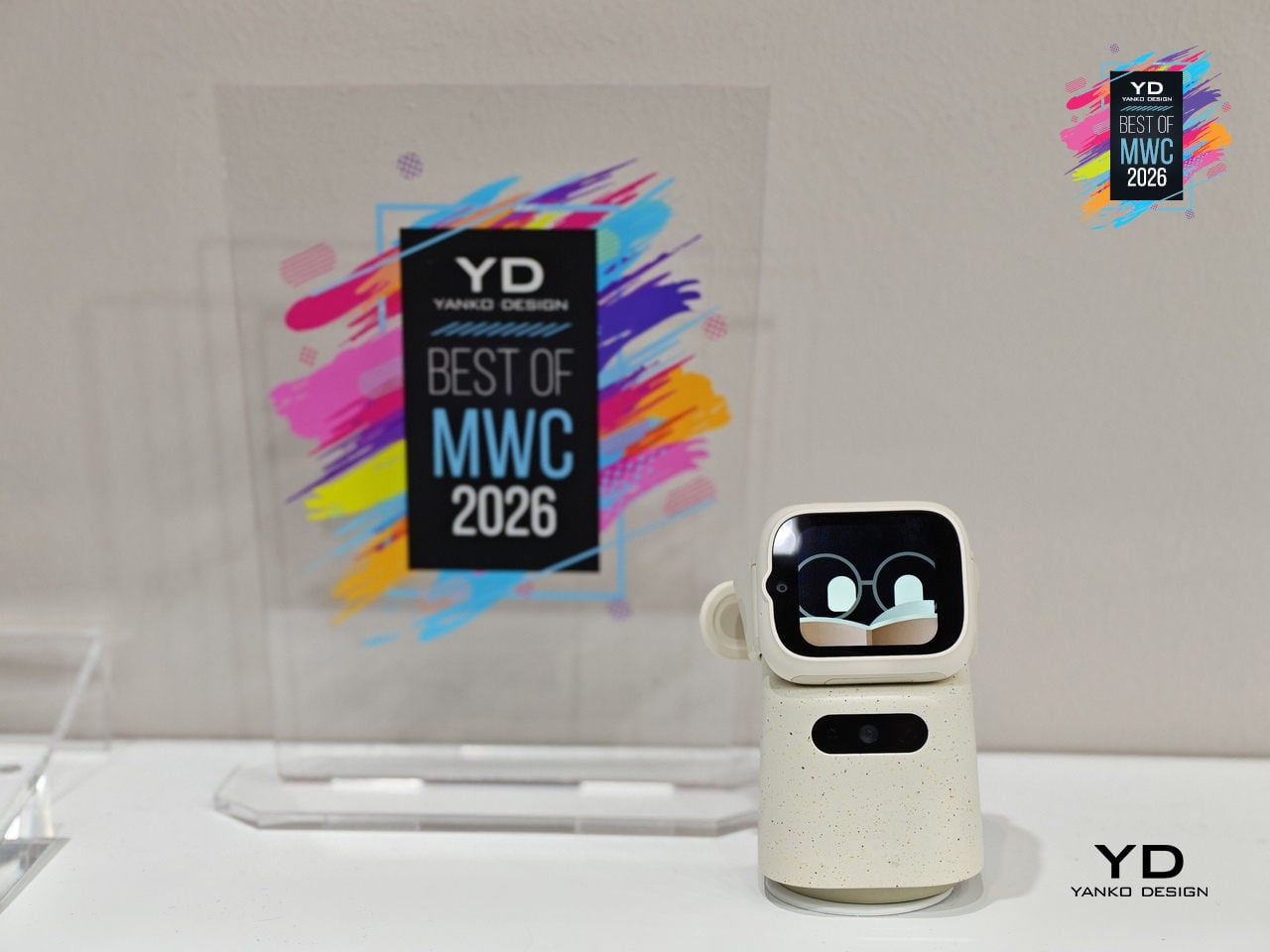
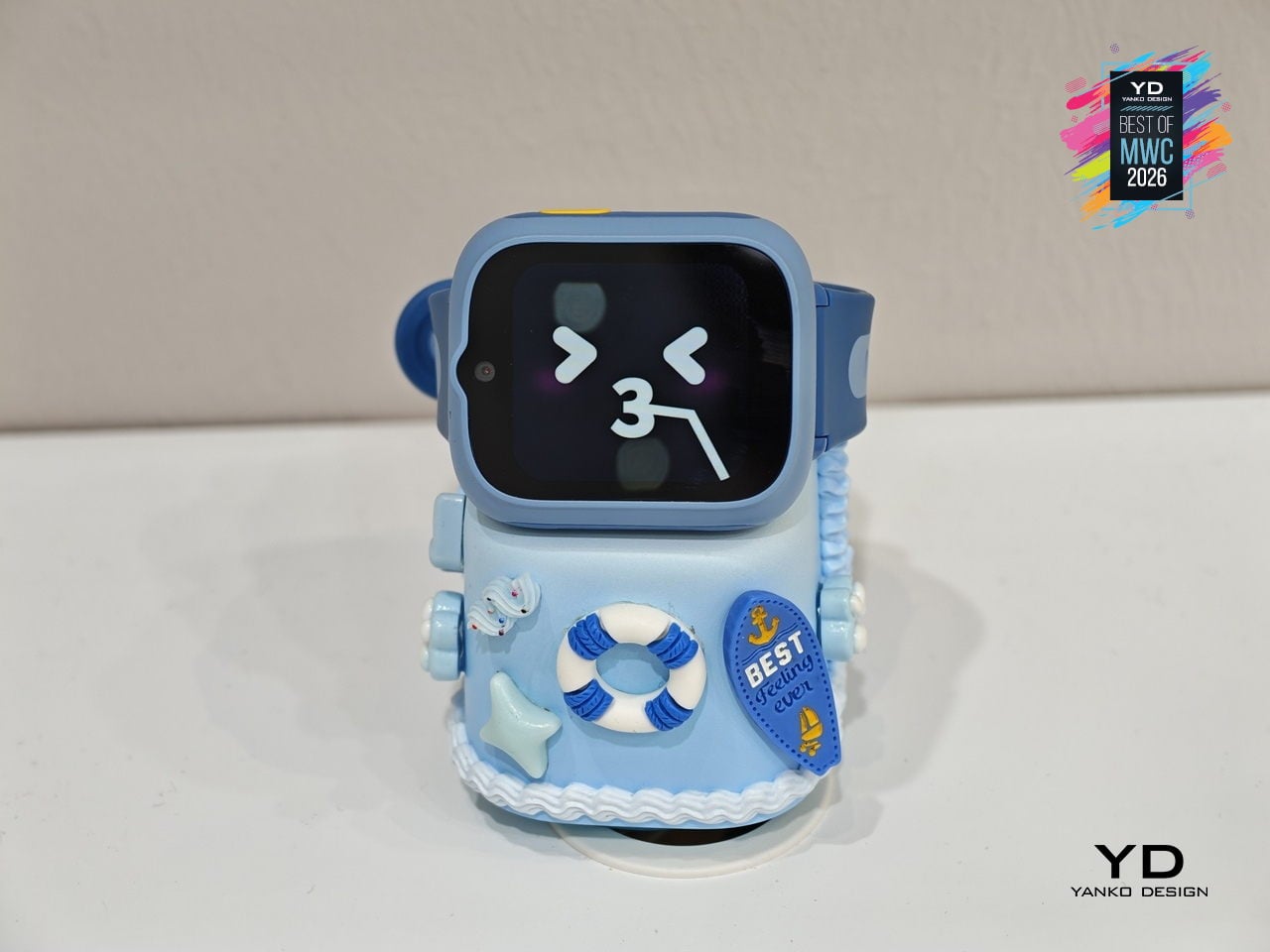
Kids’ smartwatches have gotten good at keeping children connected to parents while they’re out, but they go dark the moment they come off the wrist. That’s the gap TCL is trying to close with the Tbot, a magnetic desktop dock that pairs with TCL’s kids’ watches, like the MoveTime MT48, to keep the experience going at home during charging. Rather than letting the device sit idle on a nightstand, the Tbot turns that downtime into something more purposeful.
Designer: TCL
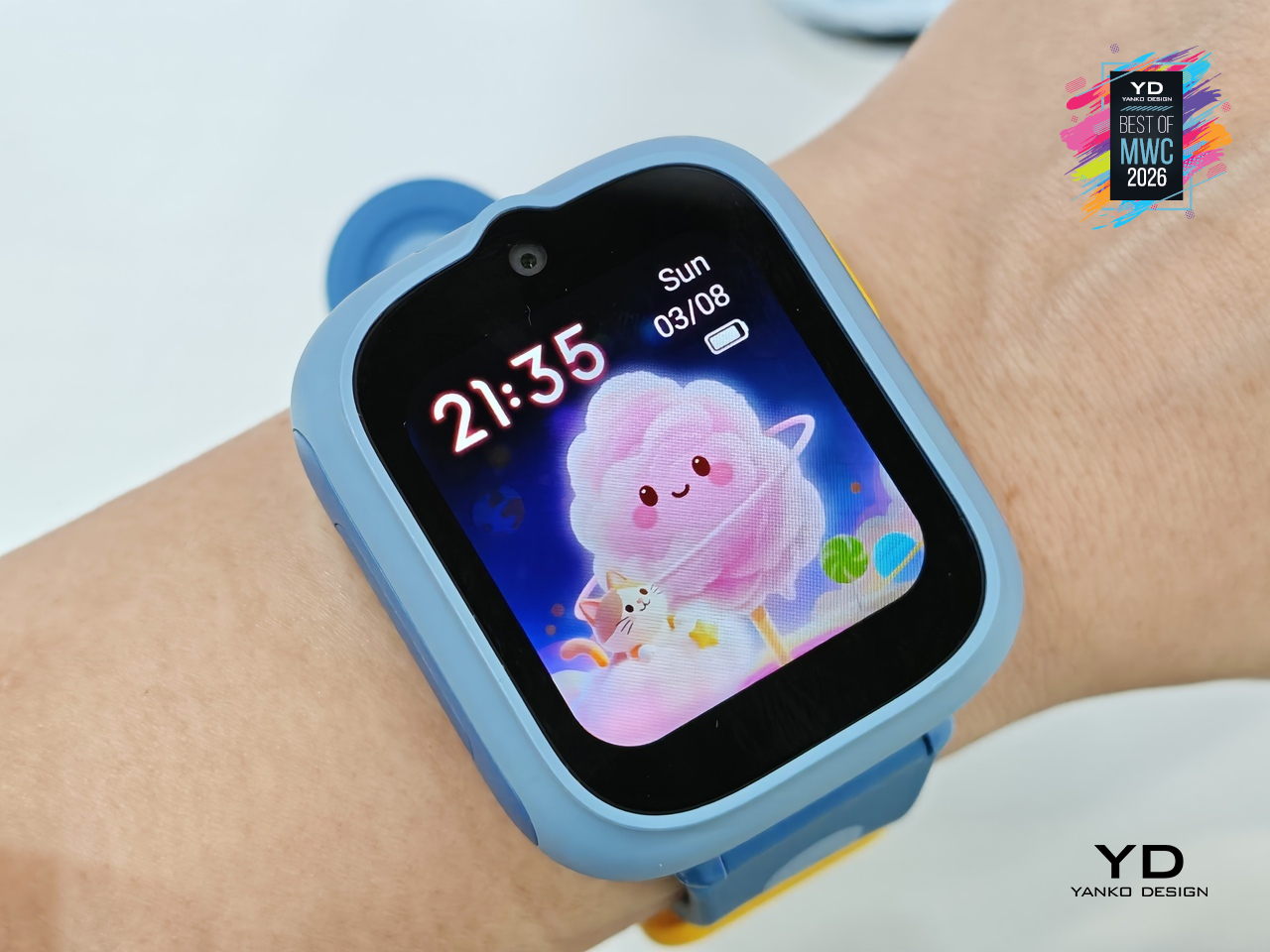
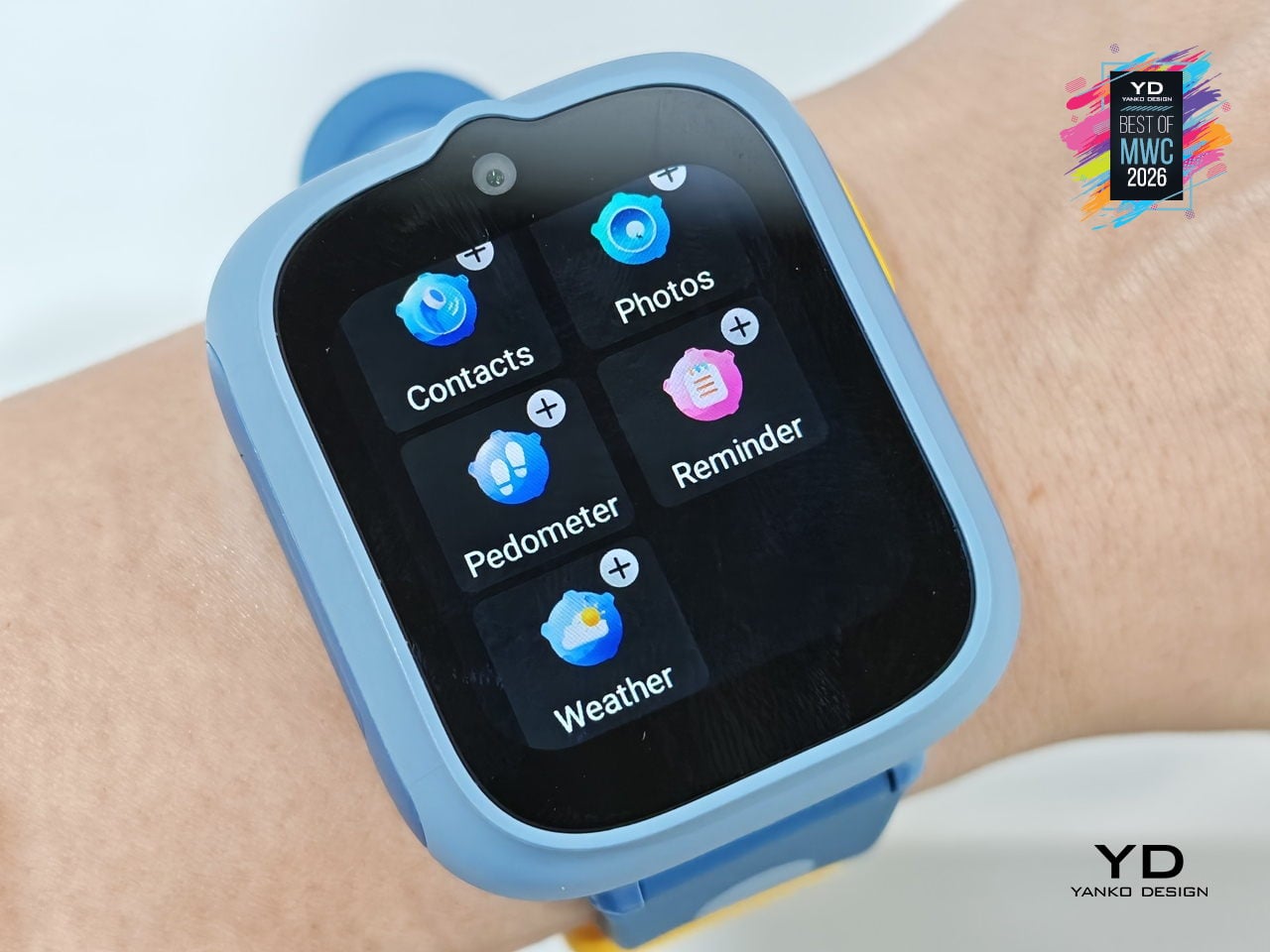
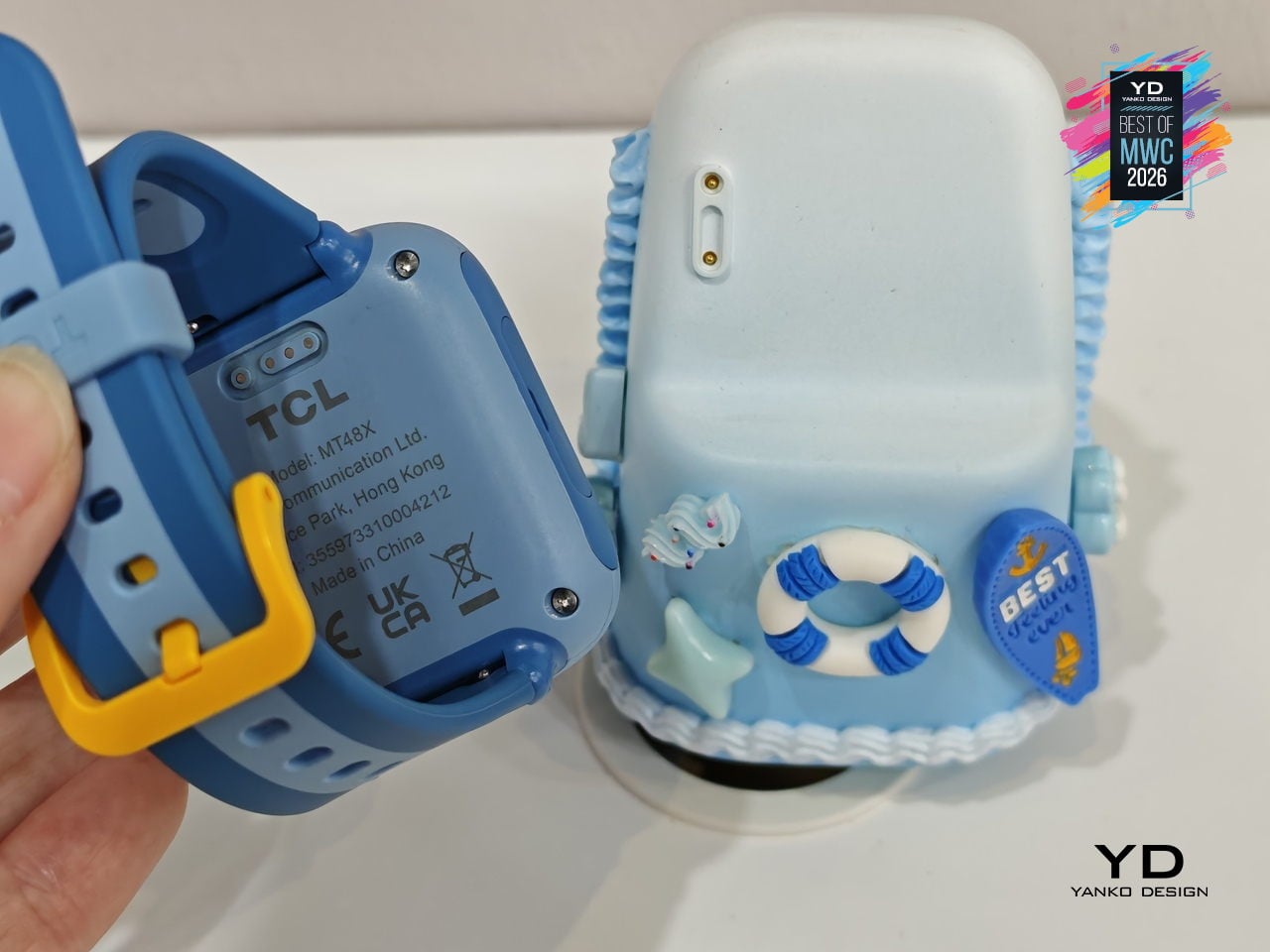
The companion functions as an AI assistant shaped around a child’s daily rhythm, setting wake-up alarms, bedtime reminders, and Pomodoro-style study timers through age-appropriate guidance. It also doubles as a learning partner for guided discovery, a sleep companion that tells bedtime stories, and a parental alert hub that sends configurable notifications when parents need to stay in the loop. The idea is continuity between the outdoors and the home, with the watch and dock working as two parts of the same connected experience.
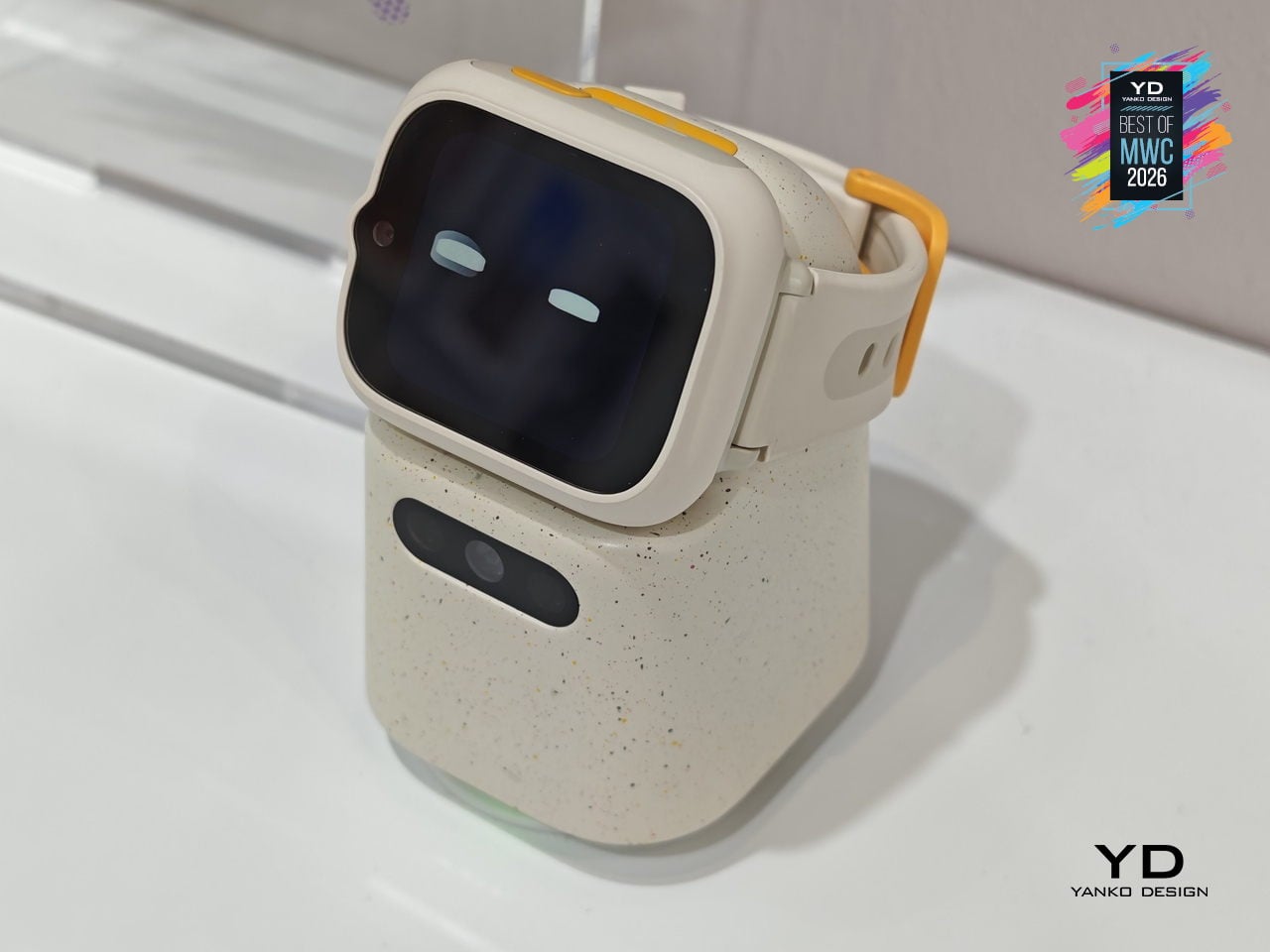
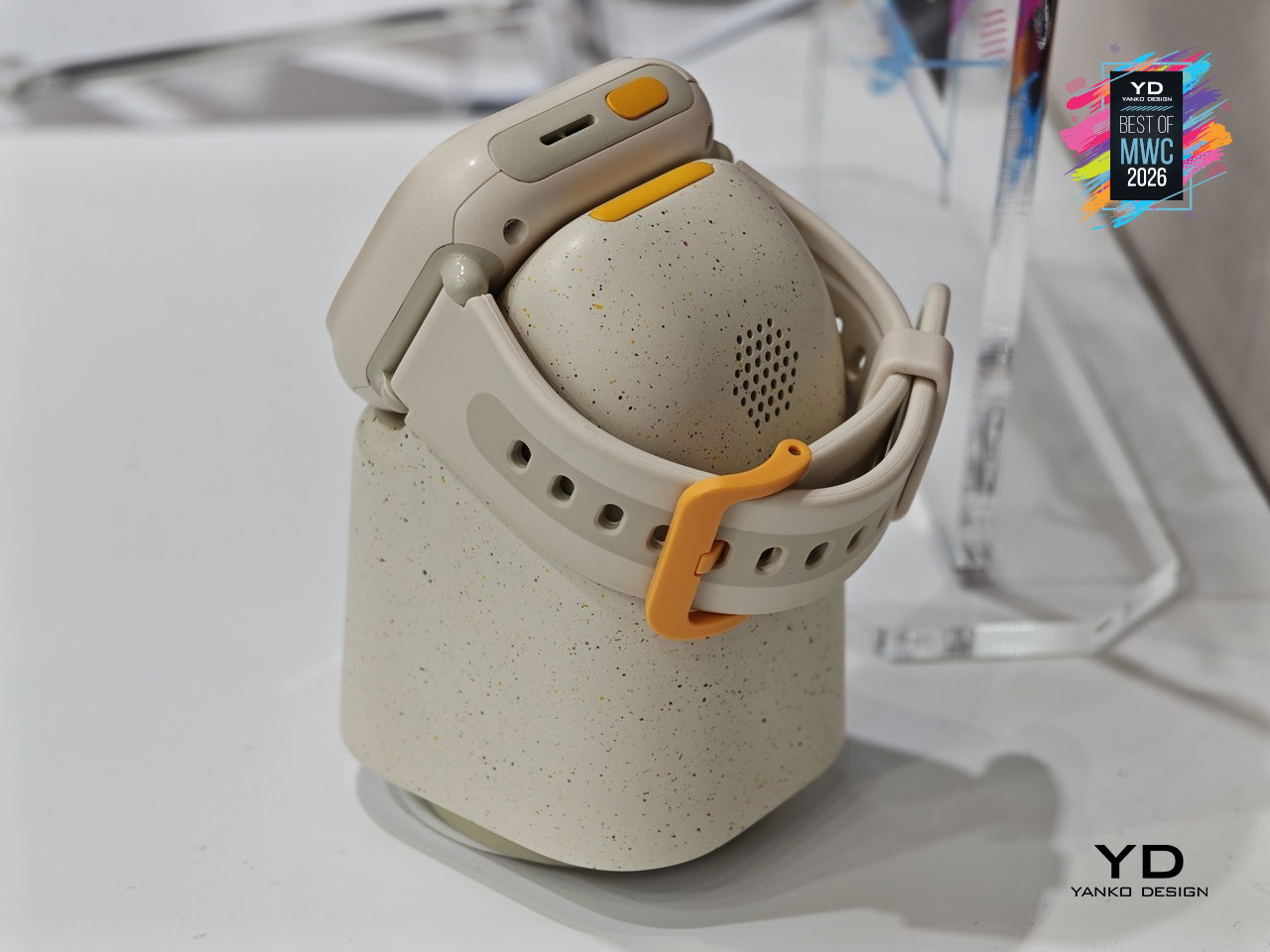
TCL is positioning the Tbot as a concept for now, still in its development phase while the company works through applicable regulations around AI features for children. That measured approach actually makes sense given the audience, since parental permission and age-appropriate guardrails are built into its design from the start. Getting that balance right between a helpful AI companion and appropriate boundaries for kids is exactly the kind of design problem worth taking slowly.
Lenovo Yoga Book Pro 3D Concept
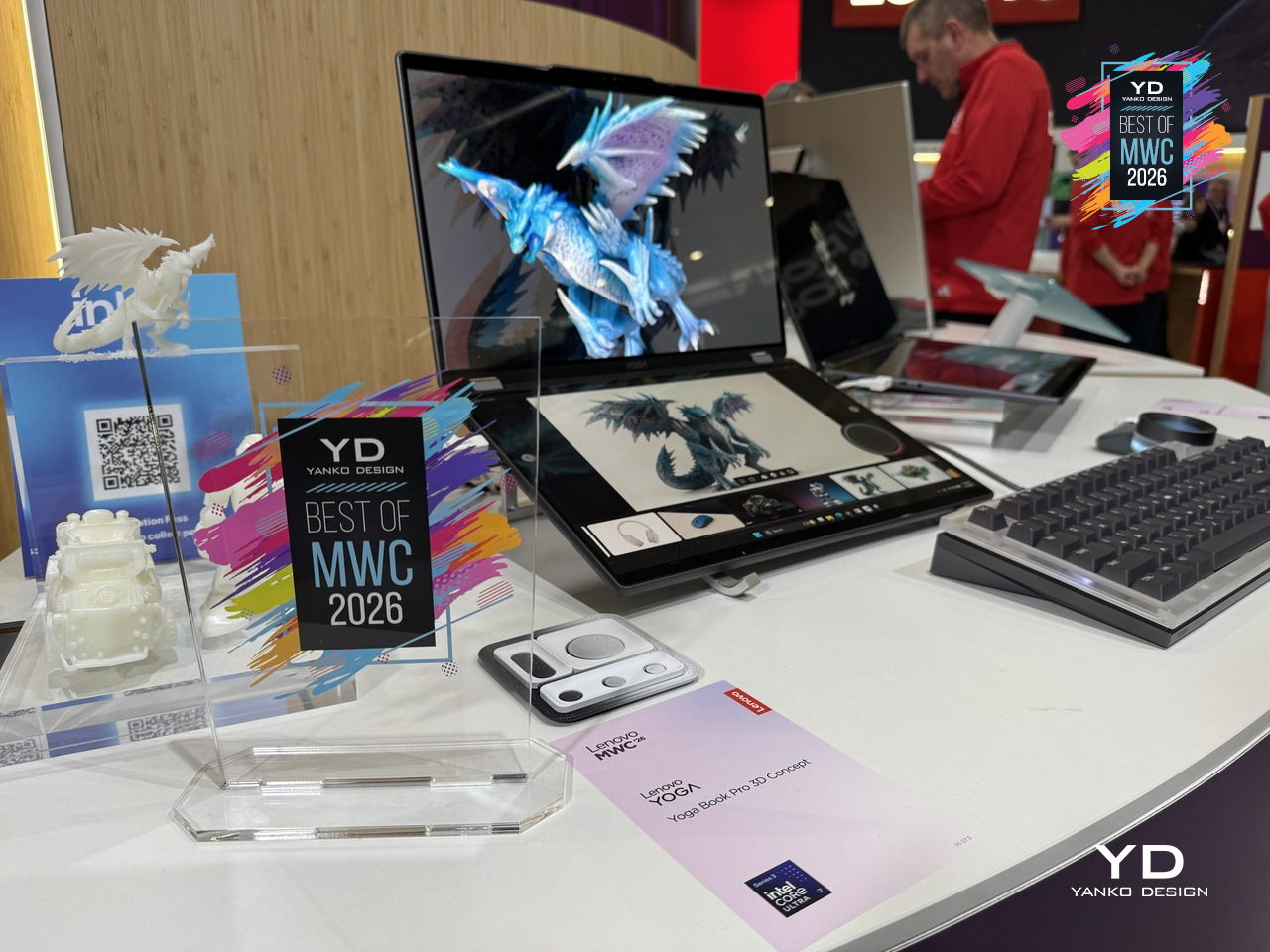
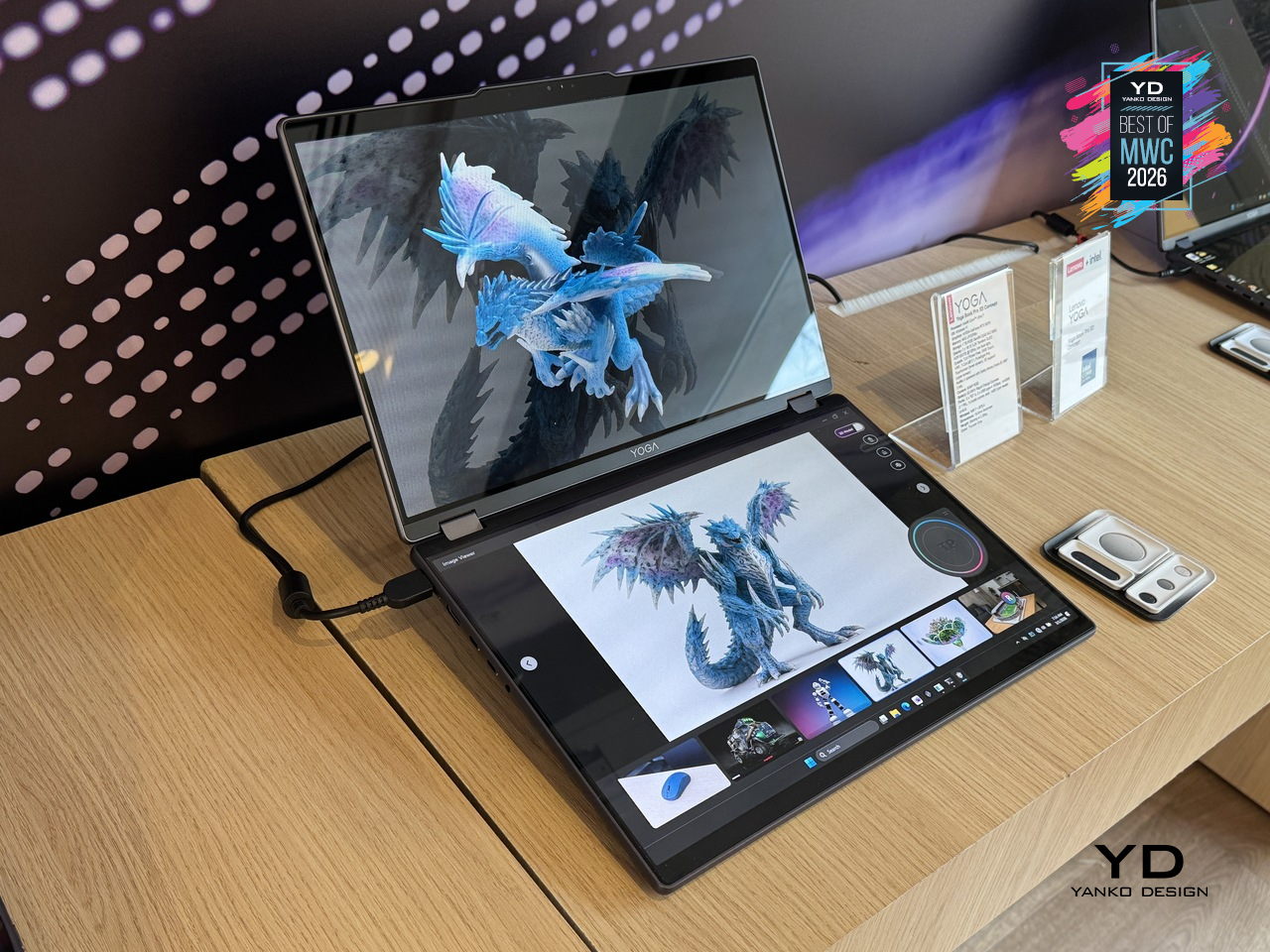
3D creation on a laptop has always involved a certain amount of peripheral management, between mice, styluses, and the occasional spacemouse bolted to the side of the desk. The Yoga Book Pro 3D Concept takes aim at that setup by building a glasses-free 3D display directly into a dual-screen laptop, letting creators view depth, form, and spatial relationships on screen without any additional equipment. Lenovo’s AI software handles 2D to 3D conversion on the upper PureSight Pro Tandem OLED display, and can even generate an environment around the converted object on command.
Designer: Lenovo
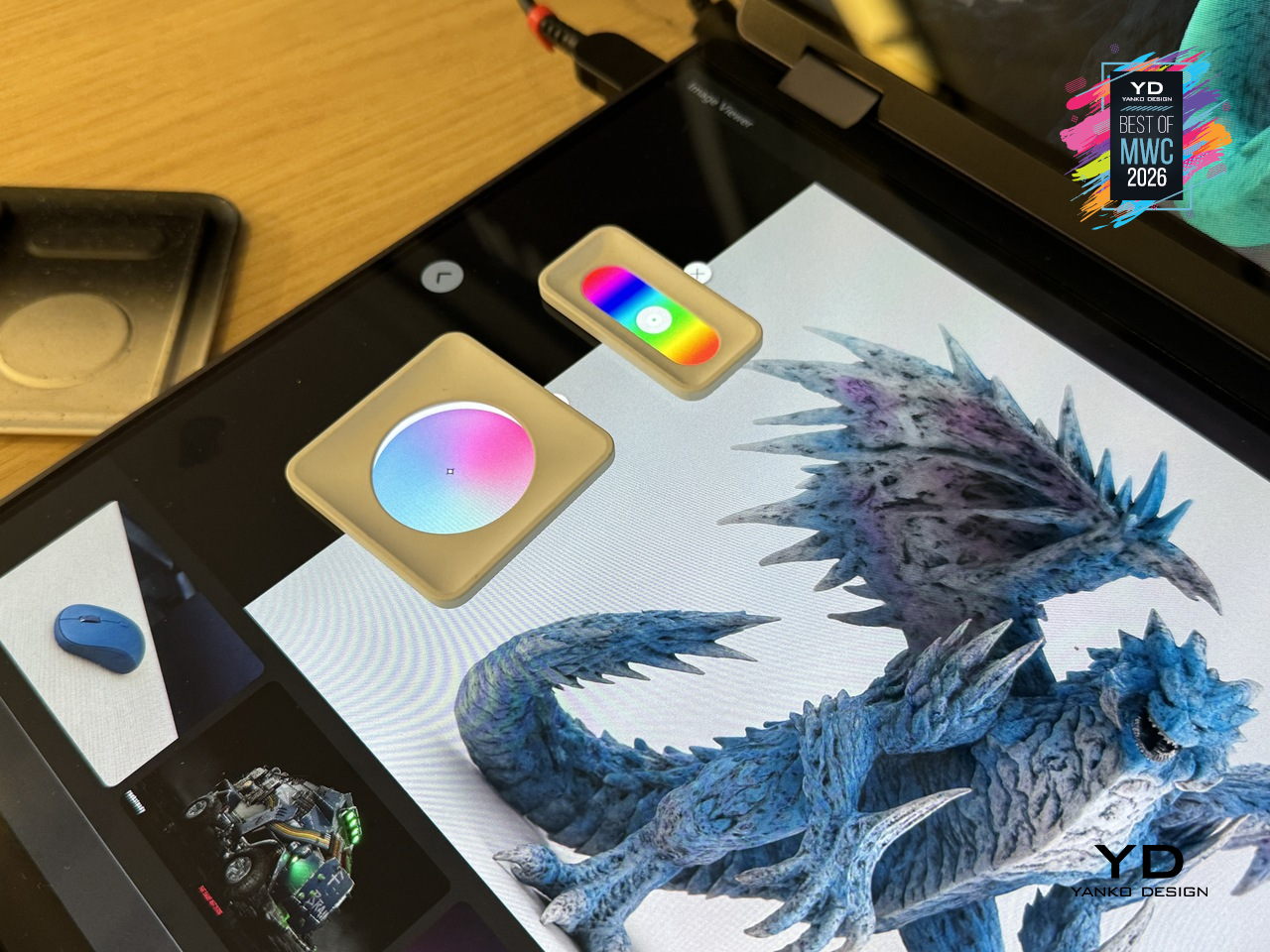
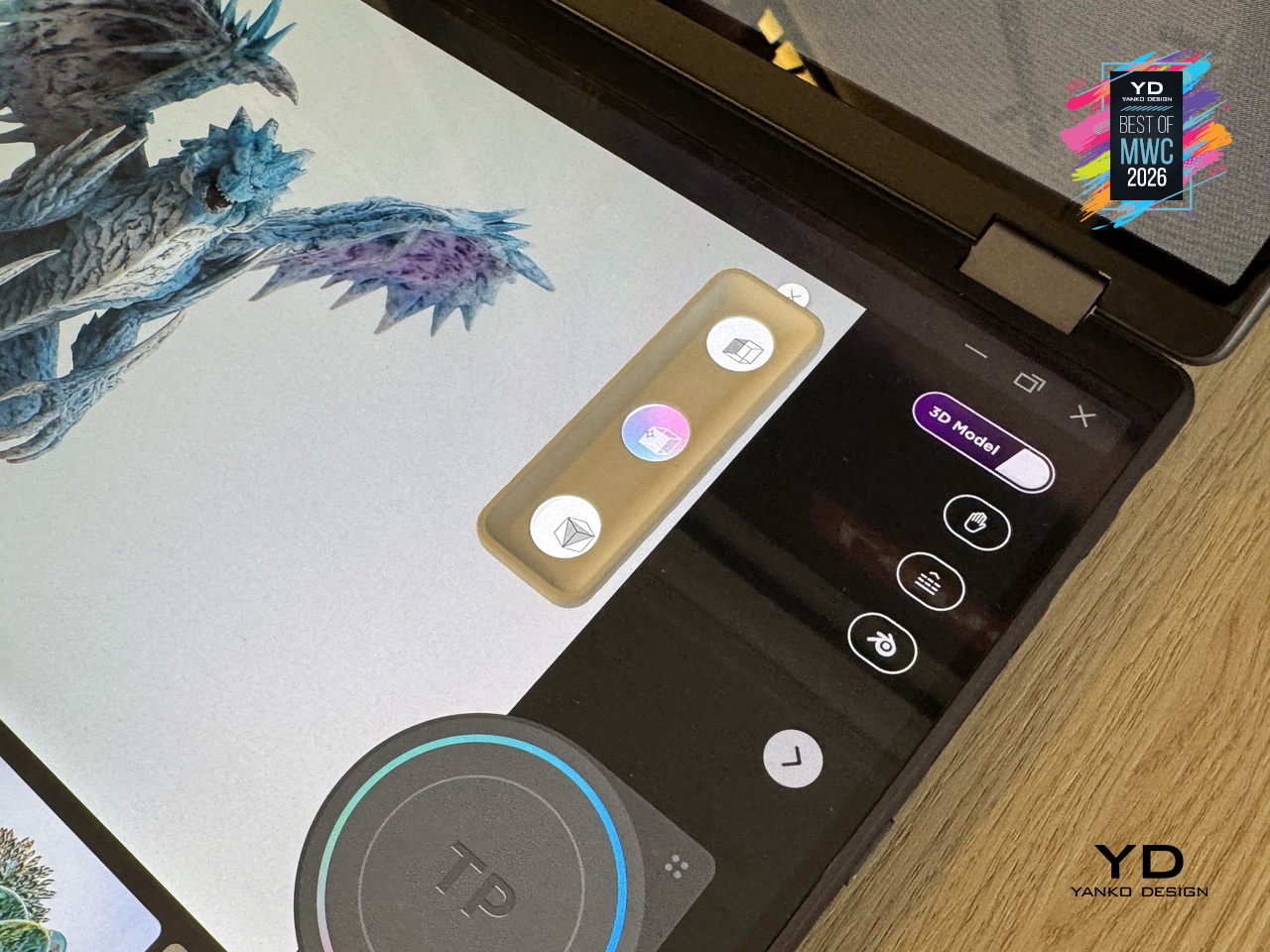
The dual-screen concept laptop also offers a rather interesting interaction feature. Zero-touch gestures read hand movements in front of the RGB camera, letting users zoom and rotate 3D objects without touching the screen at all. The lower display acts as a touch surface with snap-on physical pads that pop up adjustment controls, like lighting and viewing angle, wherever they’re placed. It’s a workflow designed to keep creators in the work rather than hunting through menus.
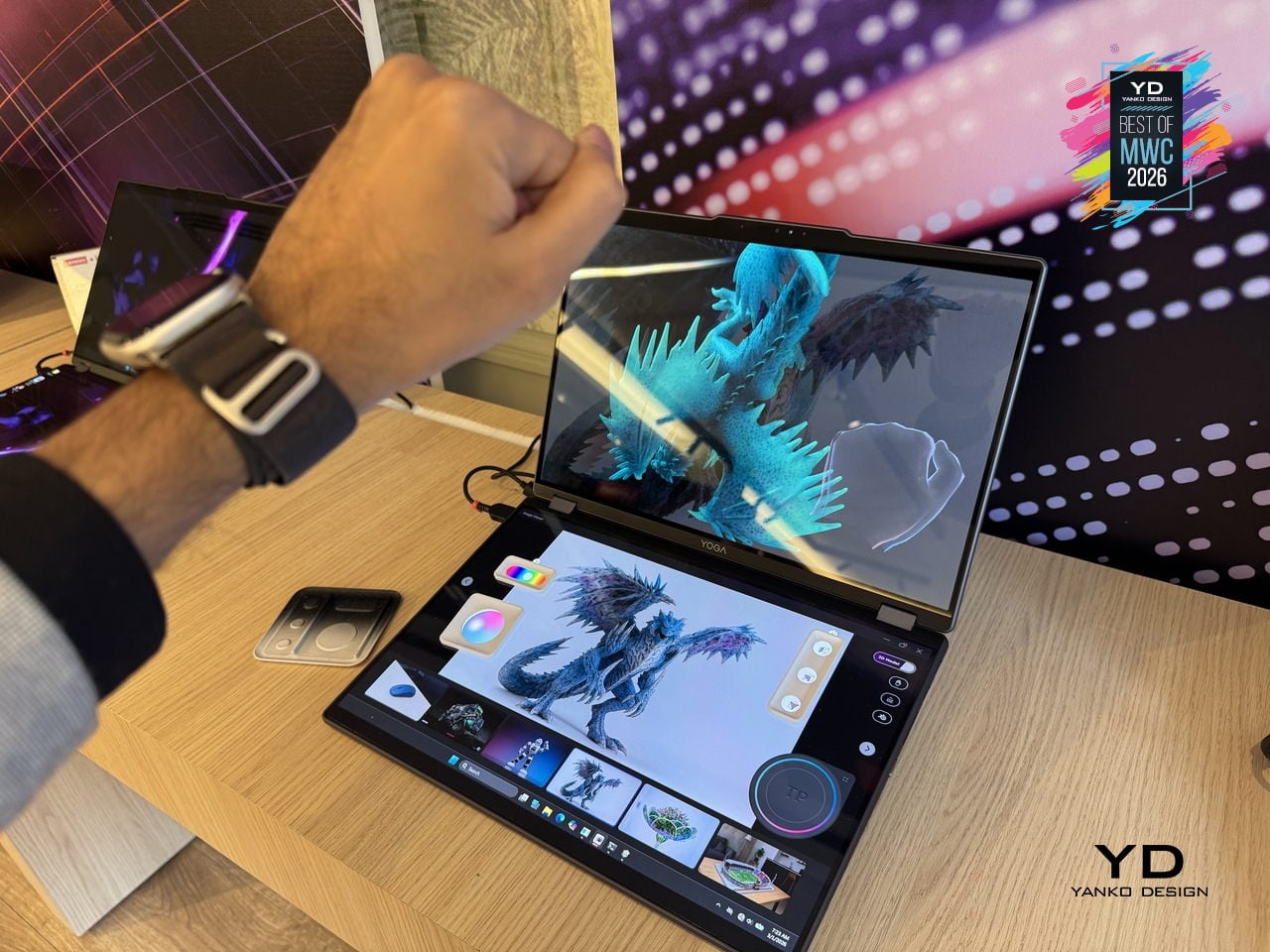
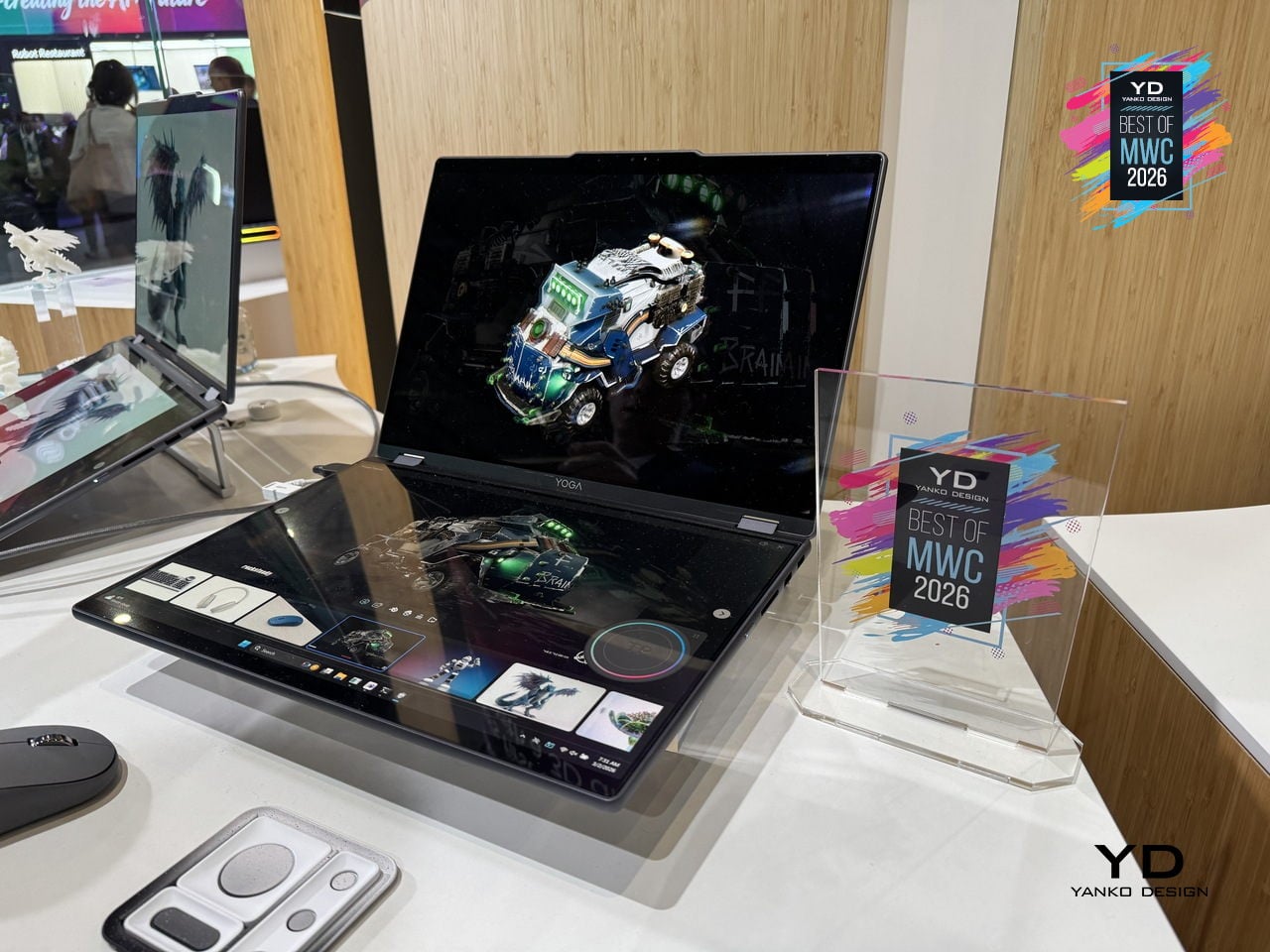
As a concept, the Yoga Book Pro 3D is still a proof of intent rather than a product you can buy, but it represents a genuinely specific design problem solved with unusual conviction. Glasses-free 3D displays have struggled to convince outside of niche applications, so how well the actual display holds up for extended professional use will be the real test when this moves closer to production.
Vivo X300 Ultra and Camera Cage
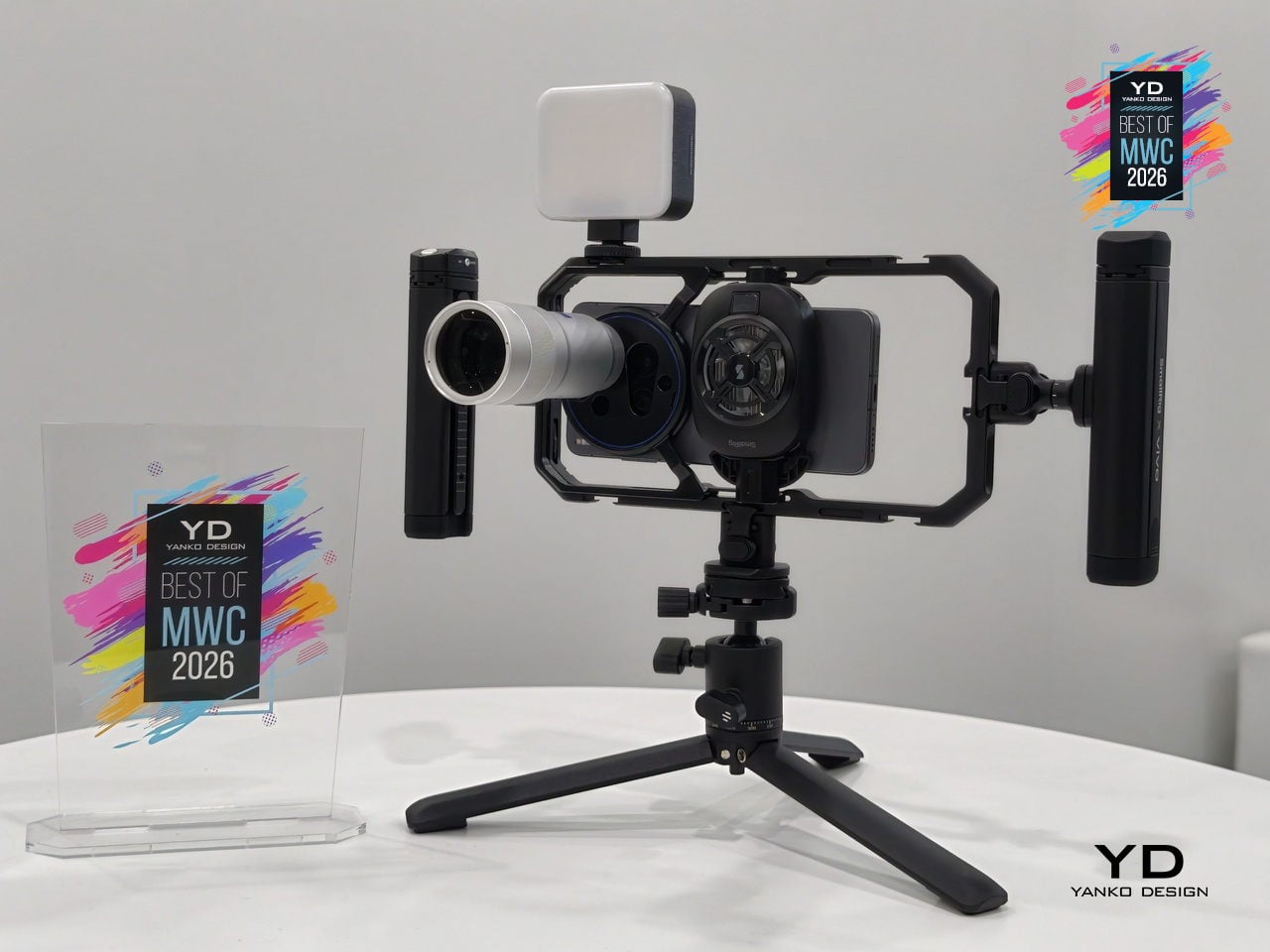
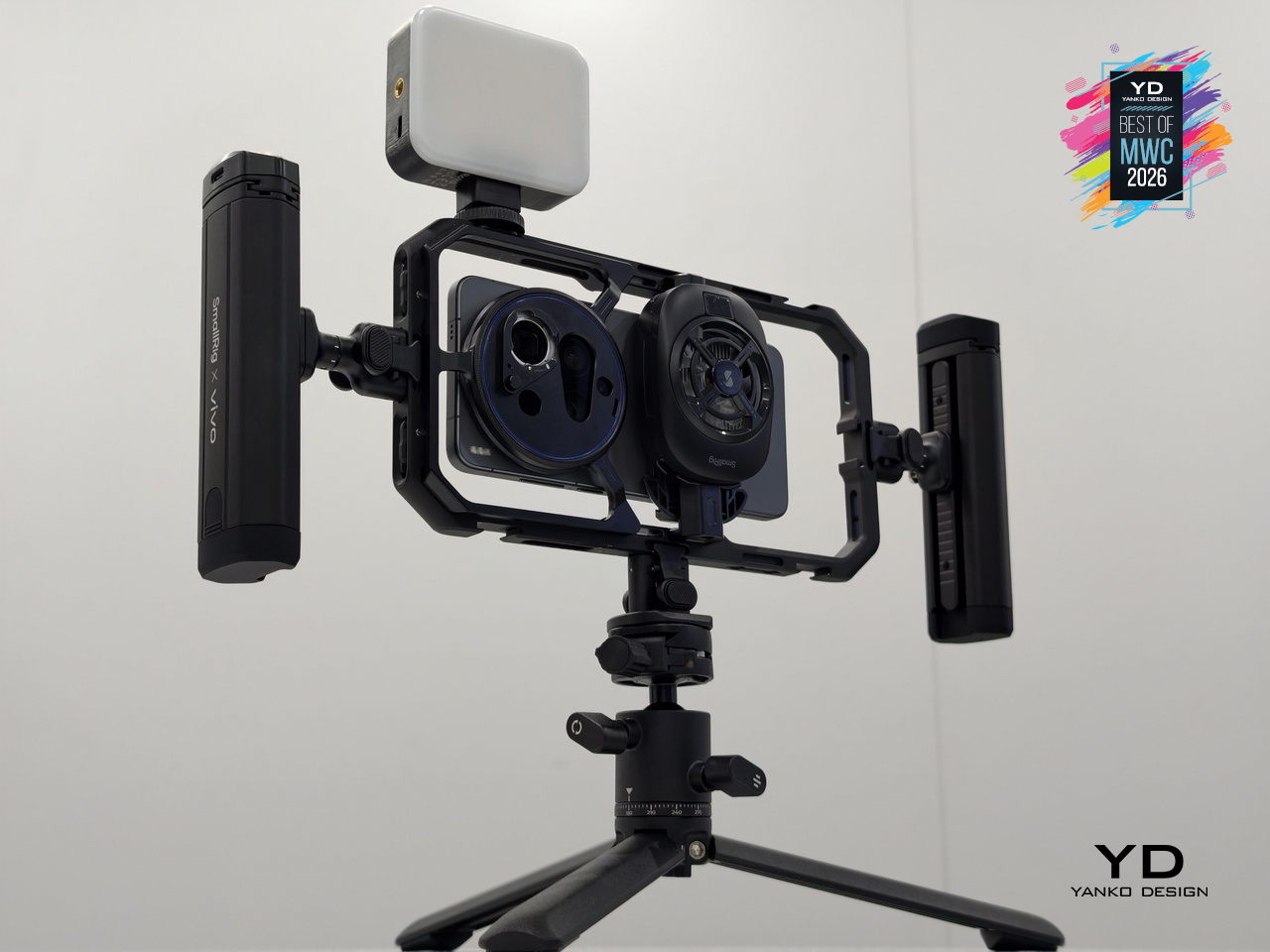
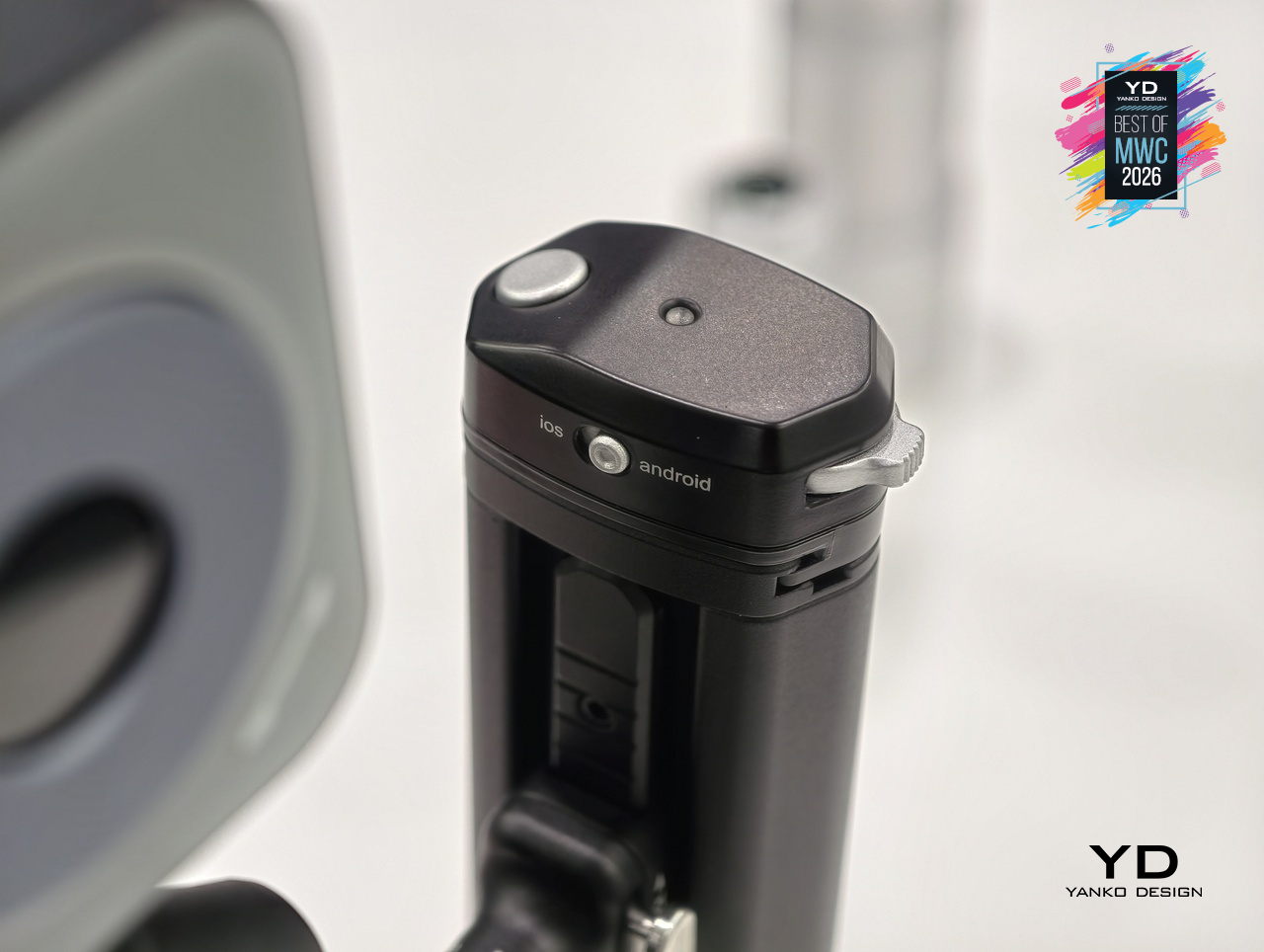
Most smartphone camera rigs are an afterthought, a collection of third-party mounts and adapters held together by optimism. Vivo is taking a different approach with the X300 Ultra’s dedicated Camera Cage, a pro-grade frame designed specifically around the phone rather than adapted from generic cinema accessories. Dual grip handles, cold shoe mounts, quick-release ports, and dedicated physical buttons for shutter and zoom come built into one coherent system.
Designer: vivo
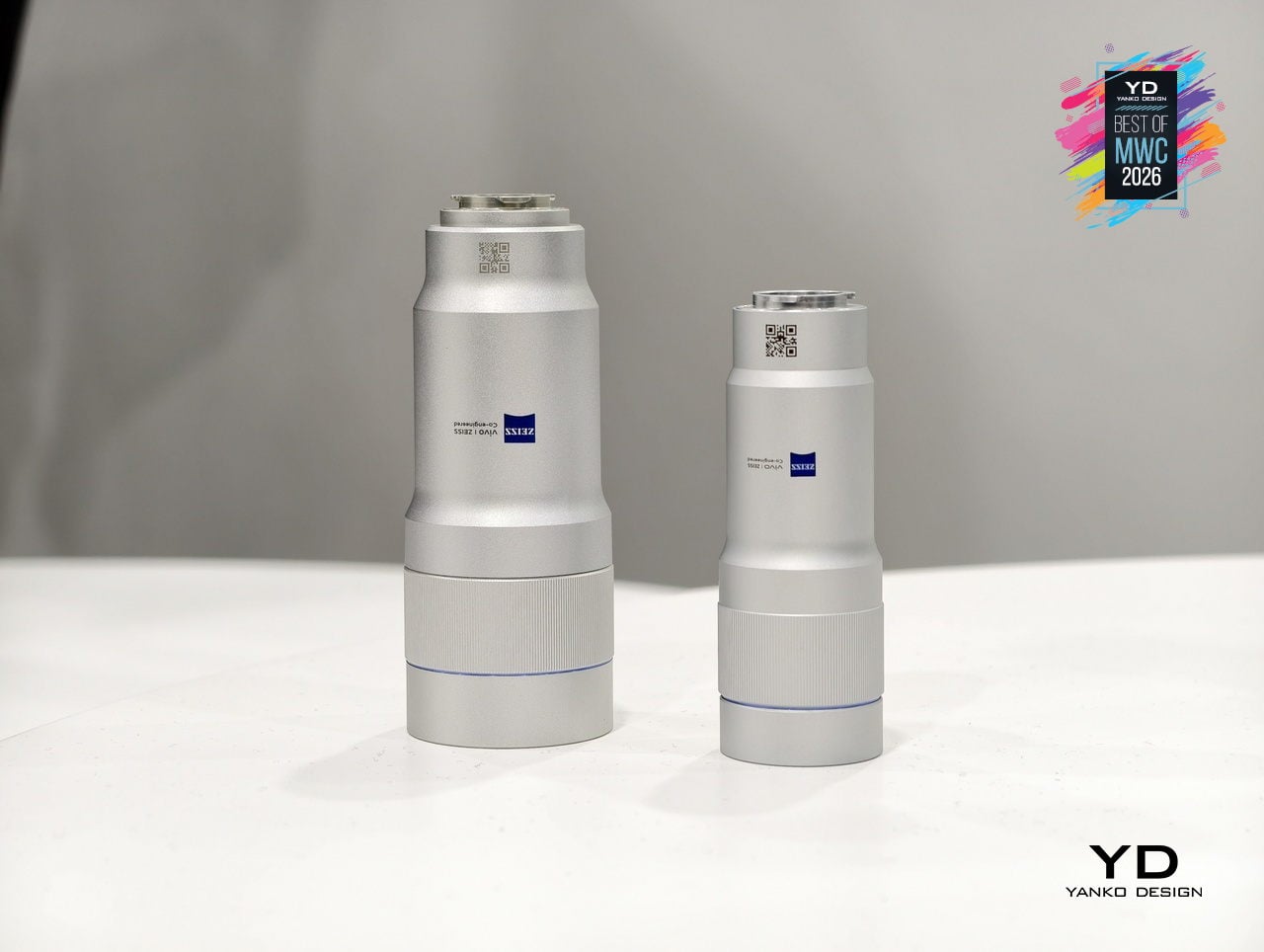
The cage is also where the ZEISS Telephoto Extender Gen 2 Ultra slots in, an APO-certified lens co-engineered with ZEISS that pushes the X300 Ultra to a 400mm equivalent focal length with full 200MP optical output. Gimbal-grade optical image stabilization and motion-tracking focus sit underneath all of that reach. An integrated multi-level cooling fan handles thermal load during extended video shoots, solving the problem that turns most “pro mobile video” sessions into a race against an overheating warning.
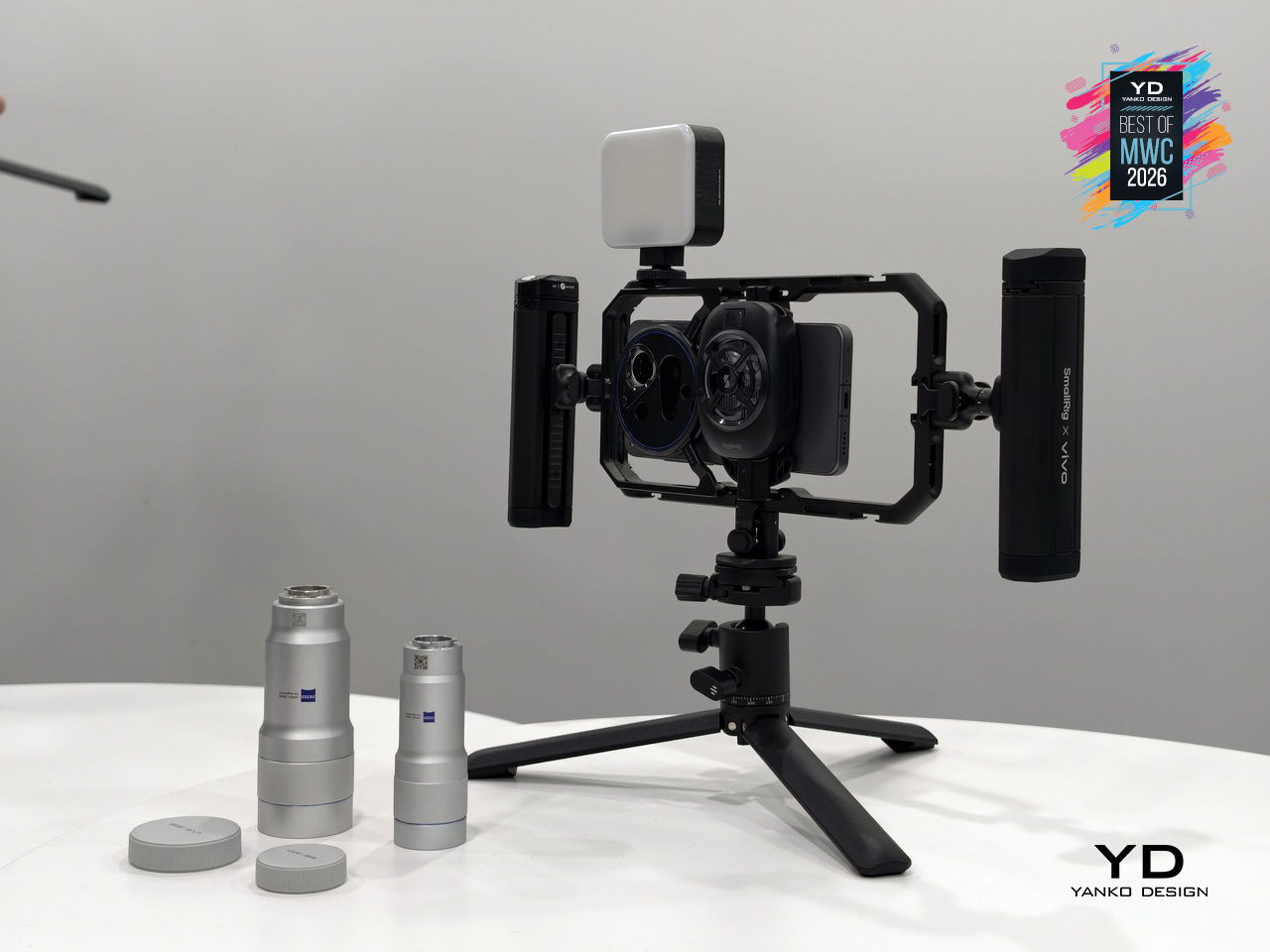
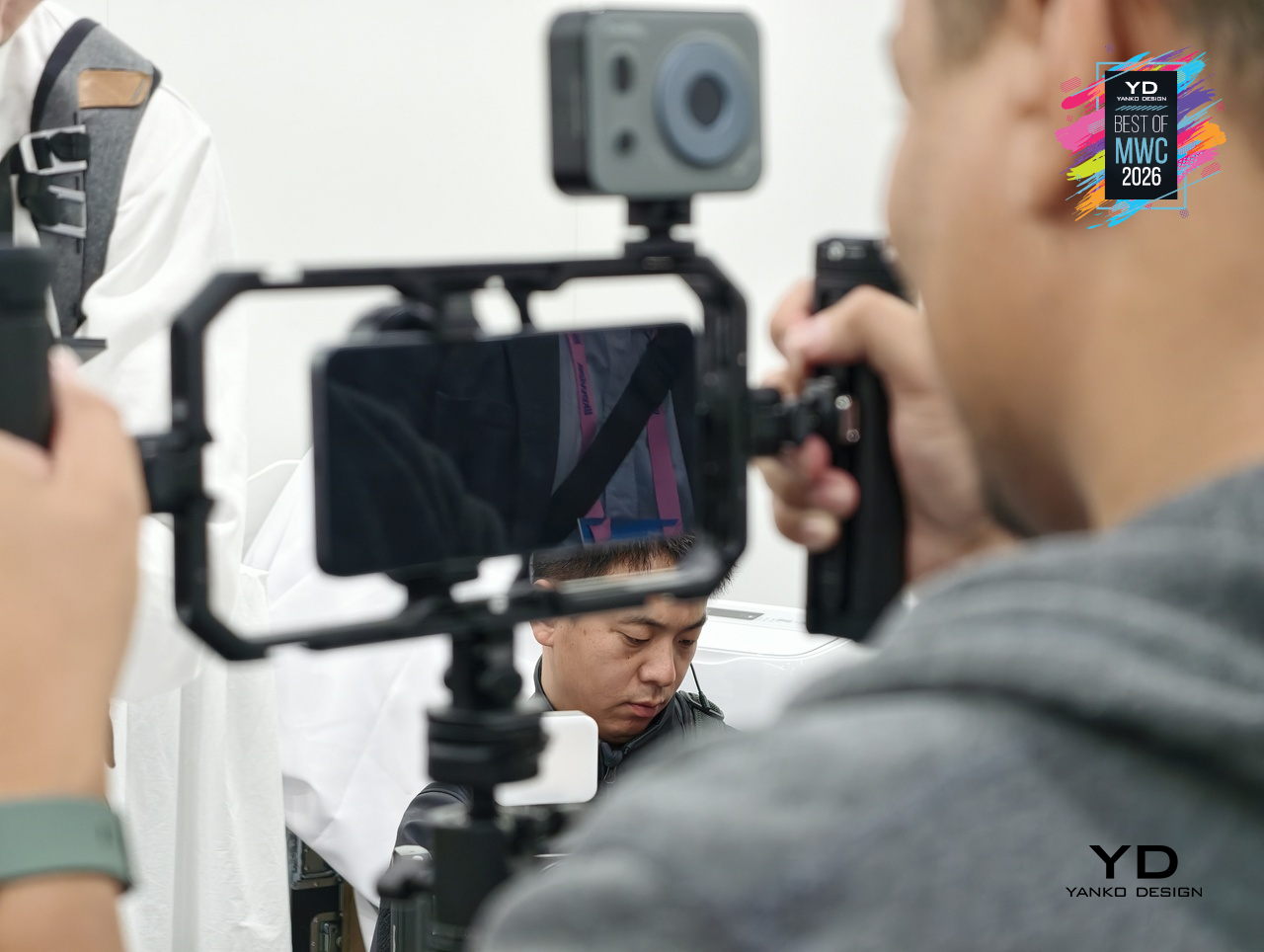
What makes the setup genuinely interesting is the conviction behind it. Vivo isn’t treating the cage as a novelty accessory but as the central argument for how a smartphone can function as a serious production tool. The phone alone is one thing; inside this cage, with the extender attached and physical controls in hand, it becomes a fundamentally different experience.
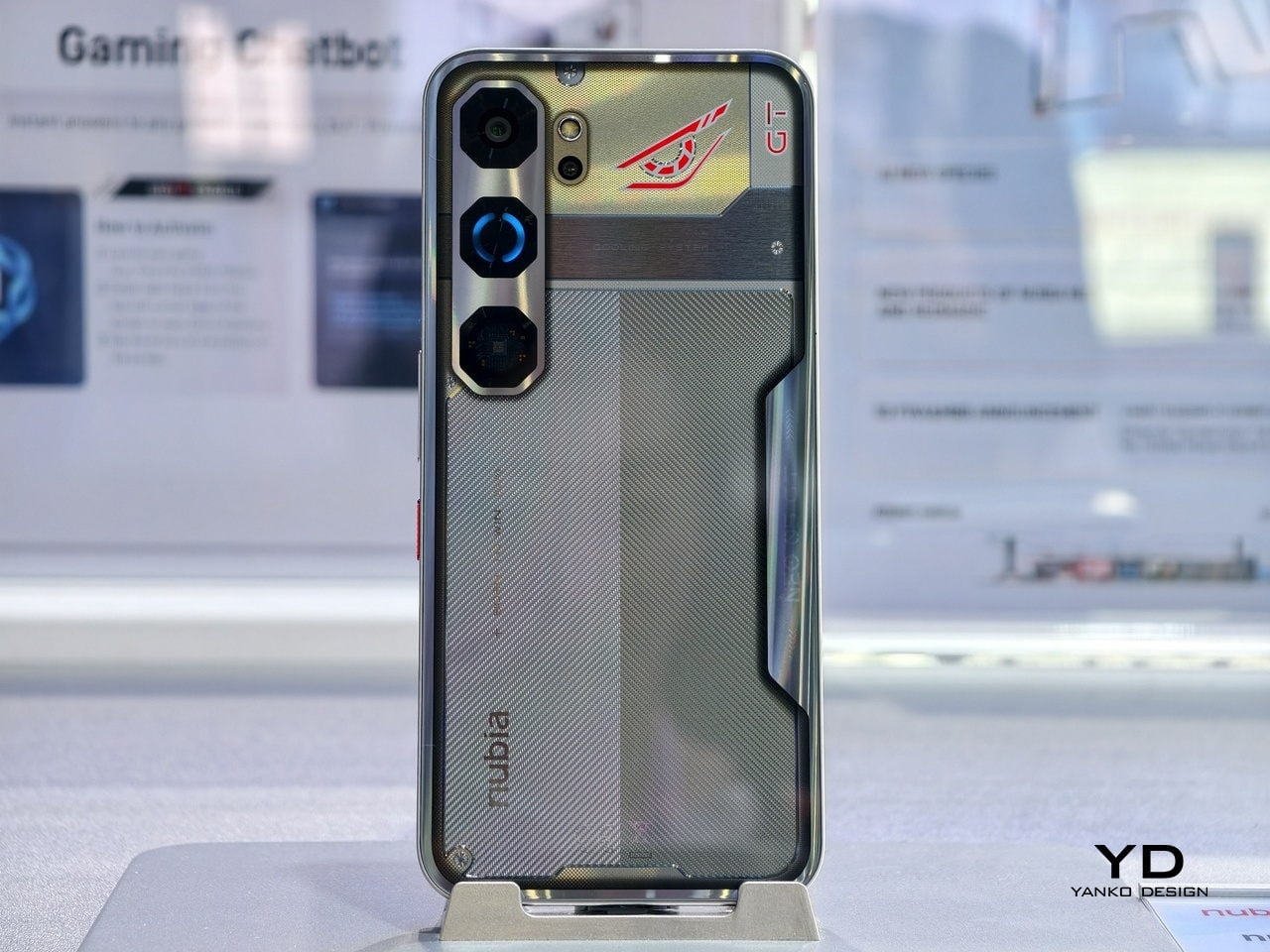
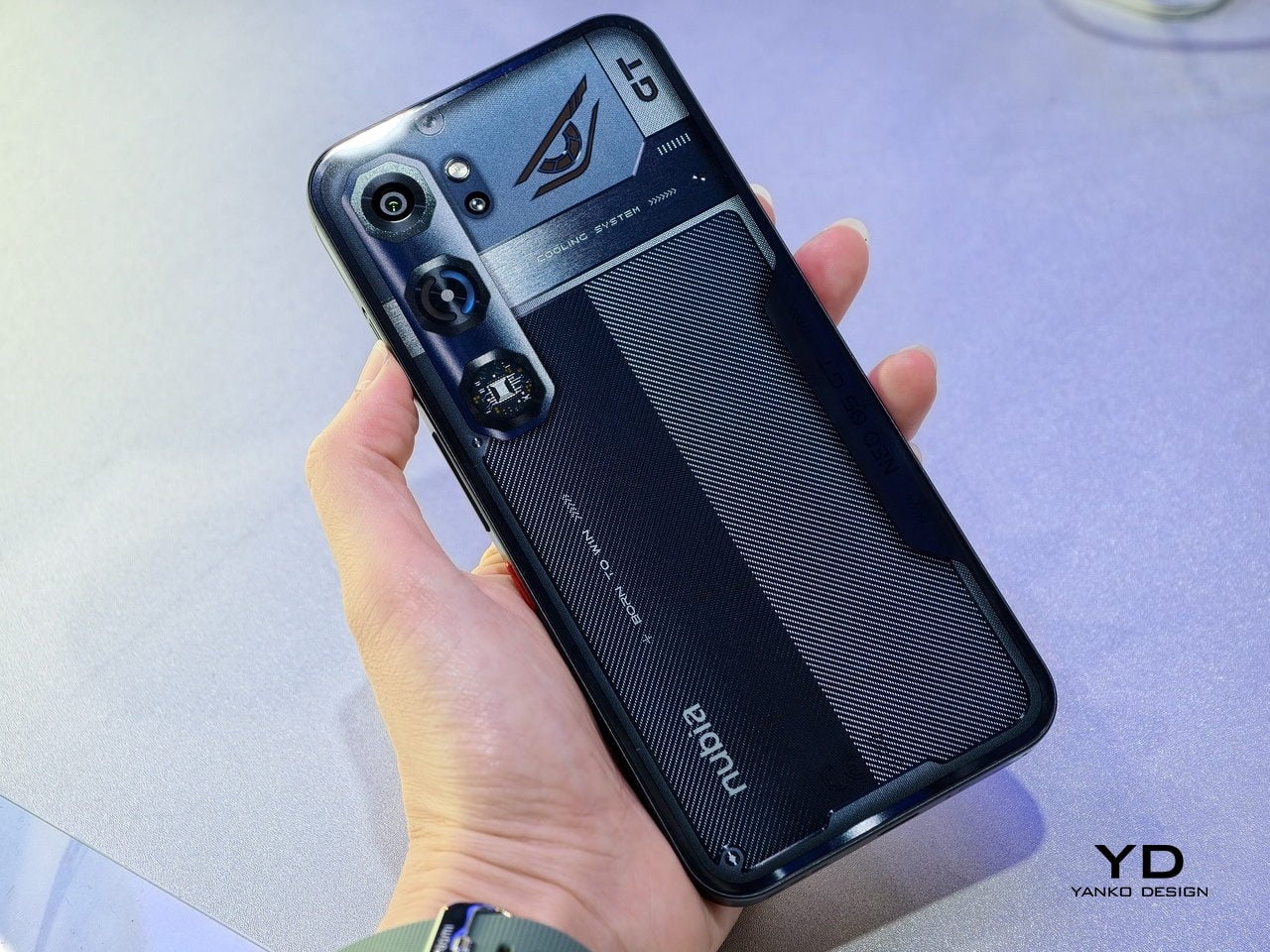
TECNO x Tonino Lamborghini TAURUS Mini Gaming PC
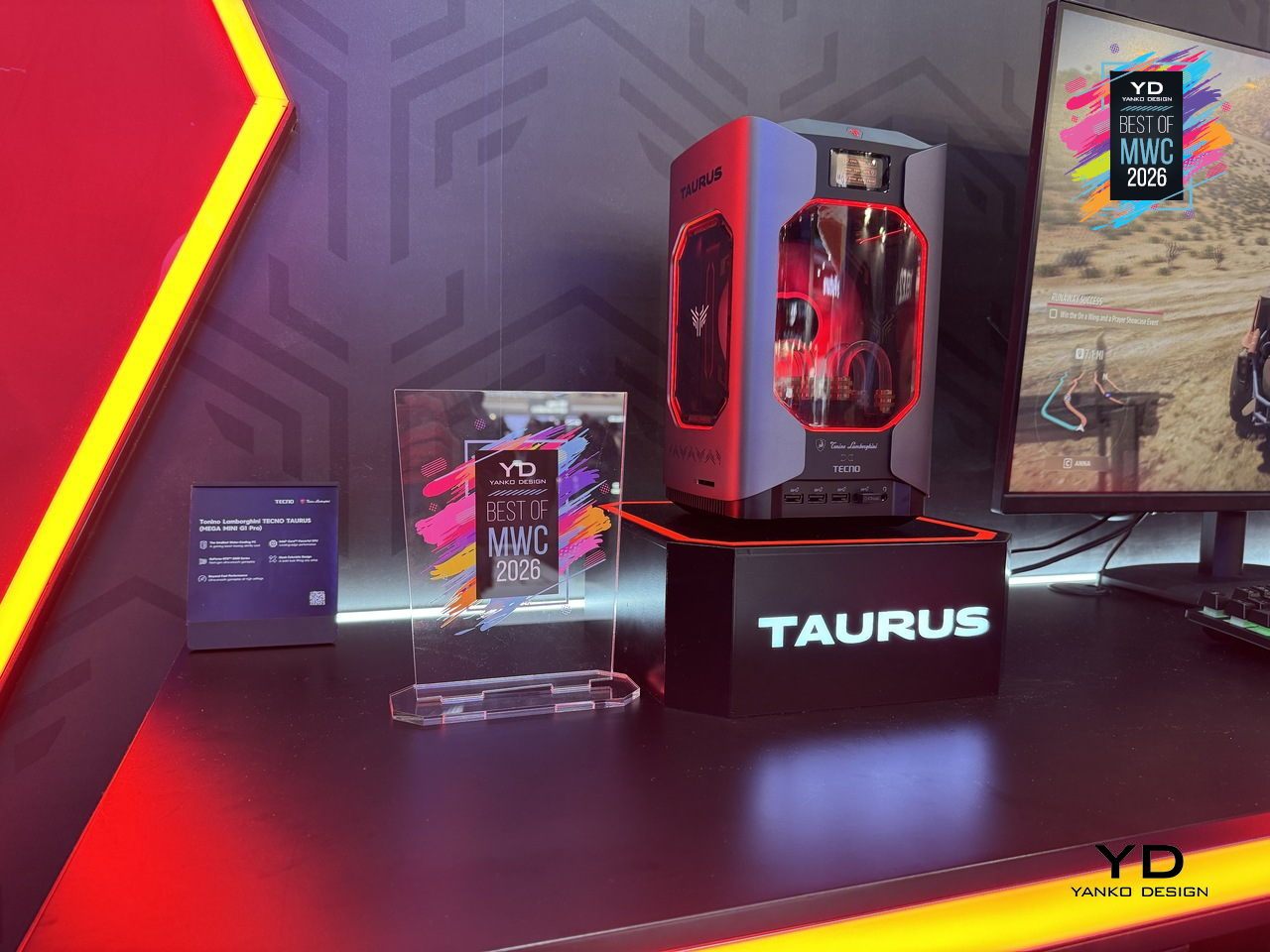
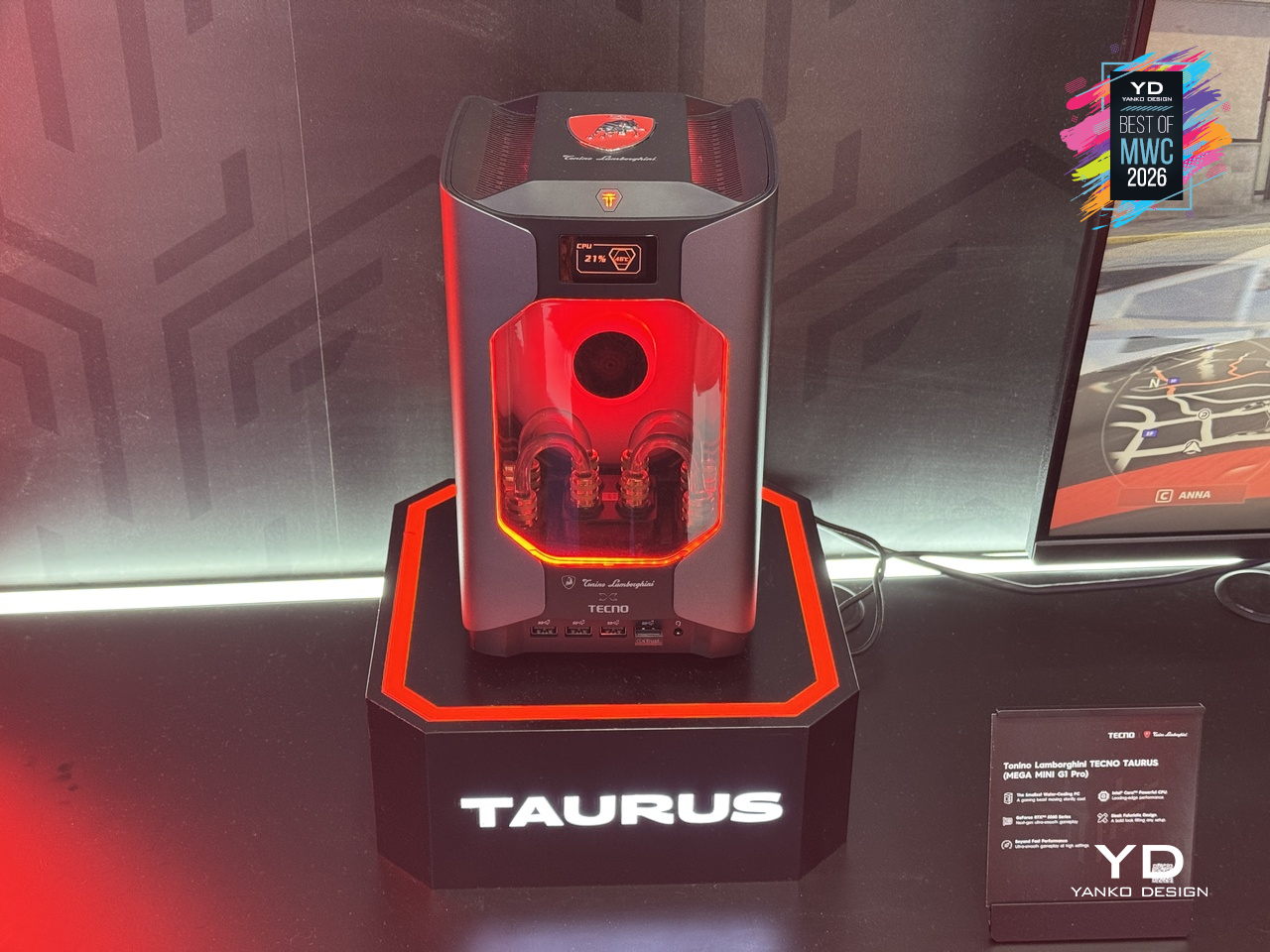
Gaming PCs have never been shy about their presence, big towers, aggressive angles, and enough RGB to illuminate a small runway. The Tonino Lamborghini TECNO TAURUS compresses all of that energy into a mini PC chassis, with an all-metal body, red-accented lighting, and see-through panels that put the water-cooling loop on full display. It’s unapologetically theatrical, and that’s clearly the entire point of the exercise.
Designer: TECNO
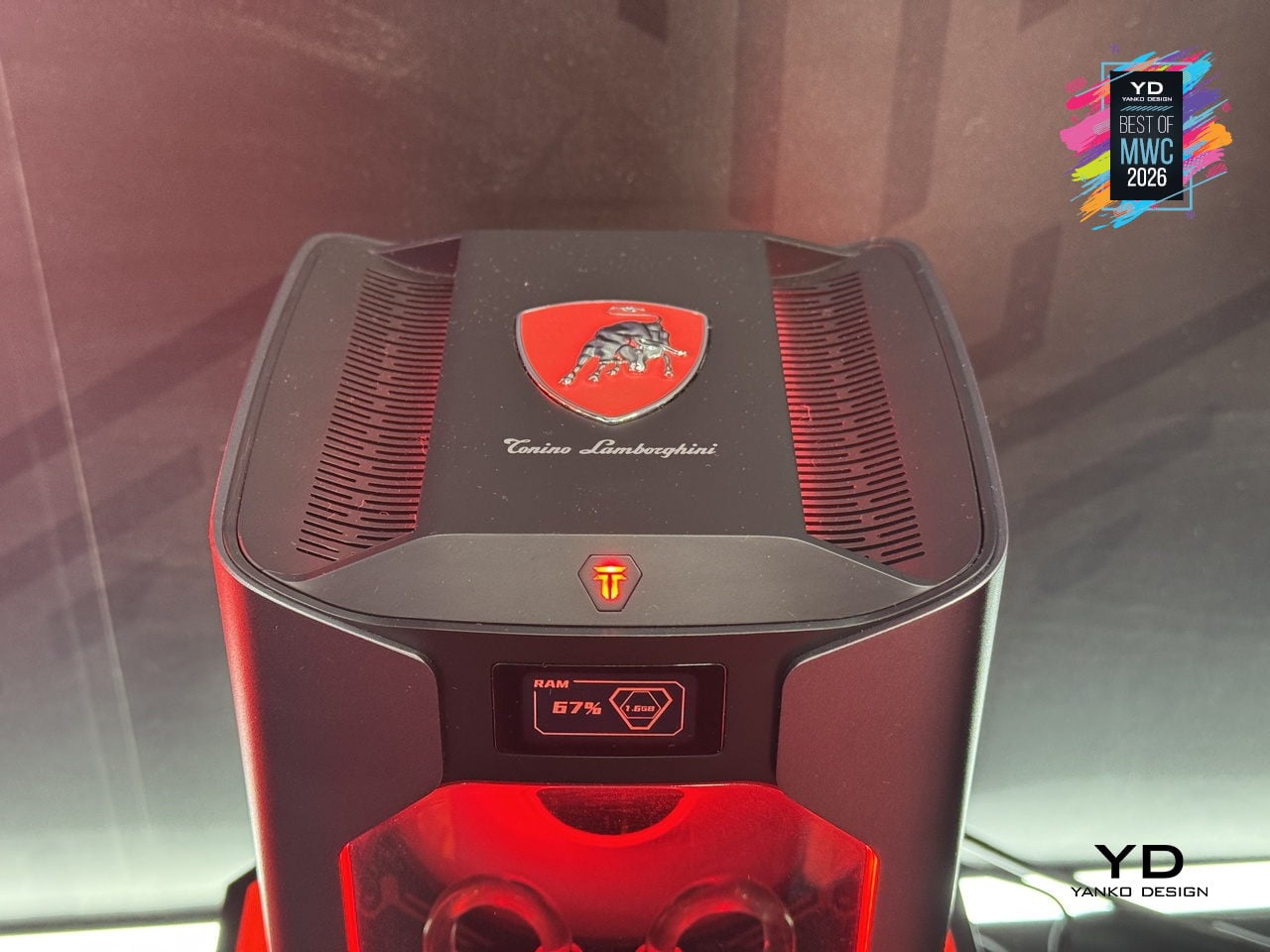
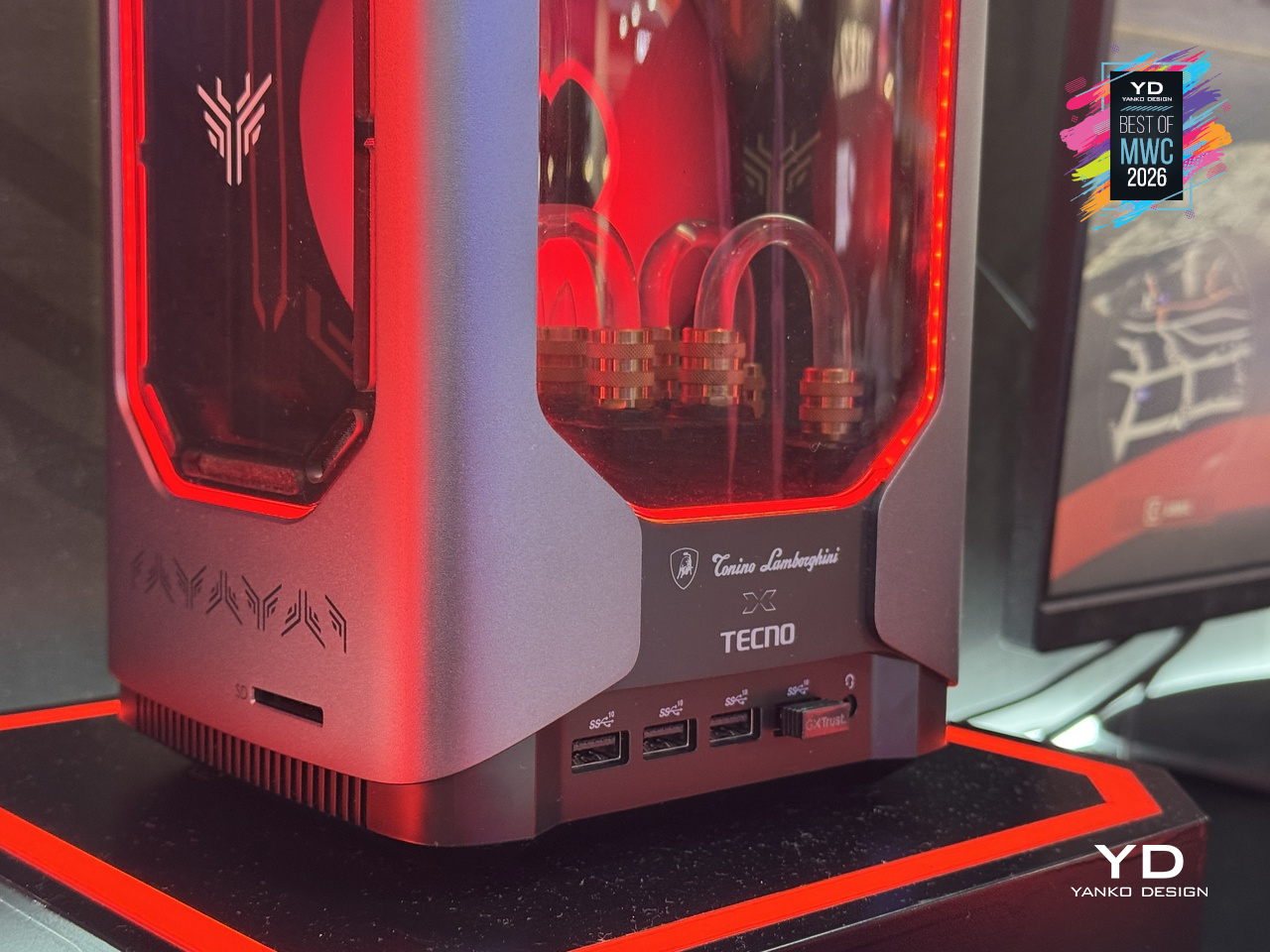
Under that showpiece exterior sits an Intel Core i9-13900HK with 14 cores running up to 5.4GHz, alongside an NVIDIA GeForce RTX 5060 on the Blackwell architecture at 145W total graphics power. A roughly 10,000mm² pure copper water-cooled cold plate and triple-fan setup handle thermals in that compact body. A real-time performance monitor on the chassis lets you watch CPU and GPU loads without opening a single app, which feels very on-brand for a machine this self-aware.
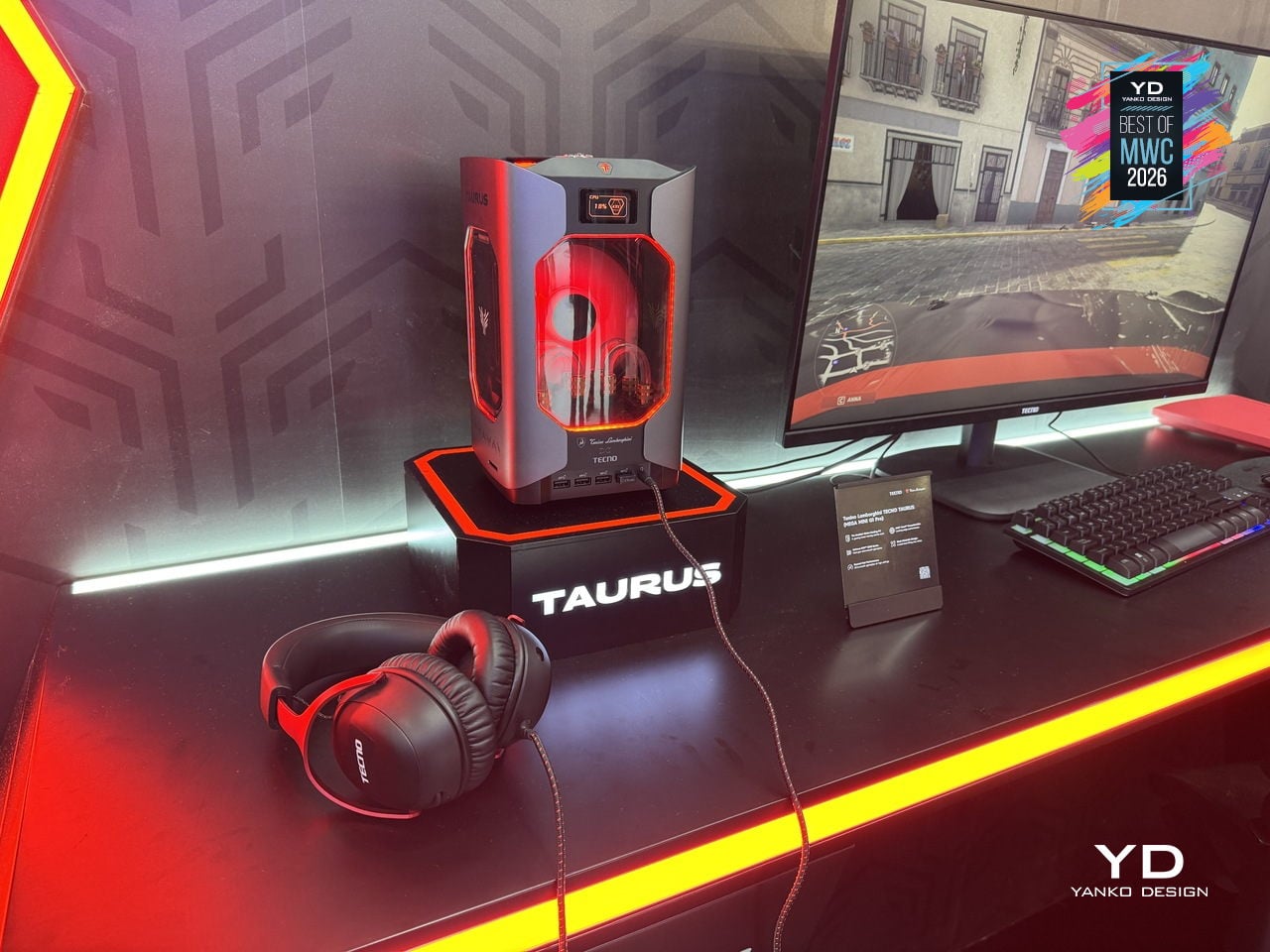
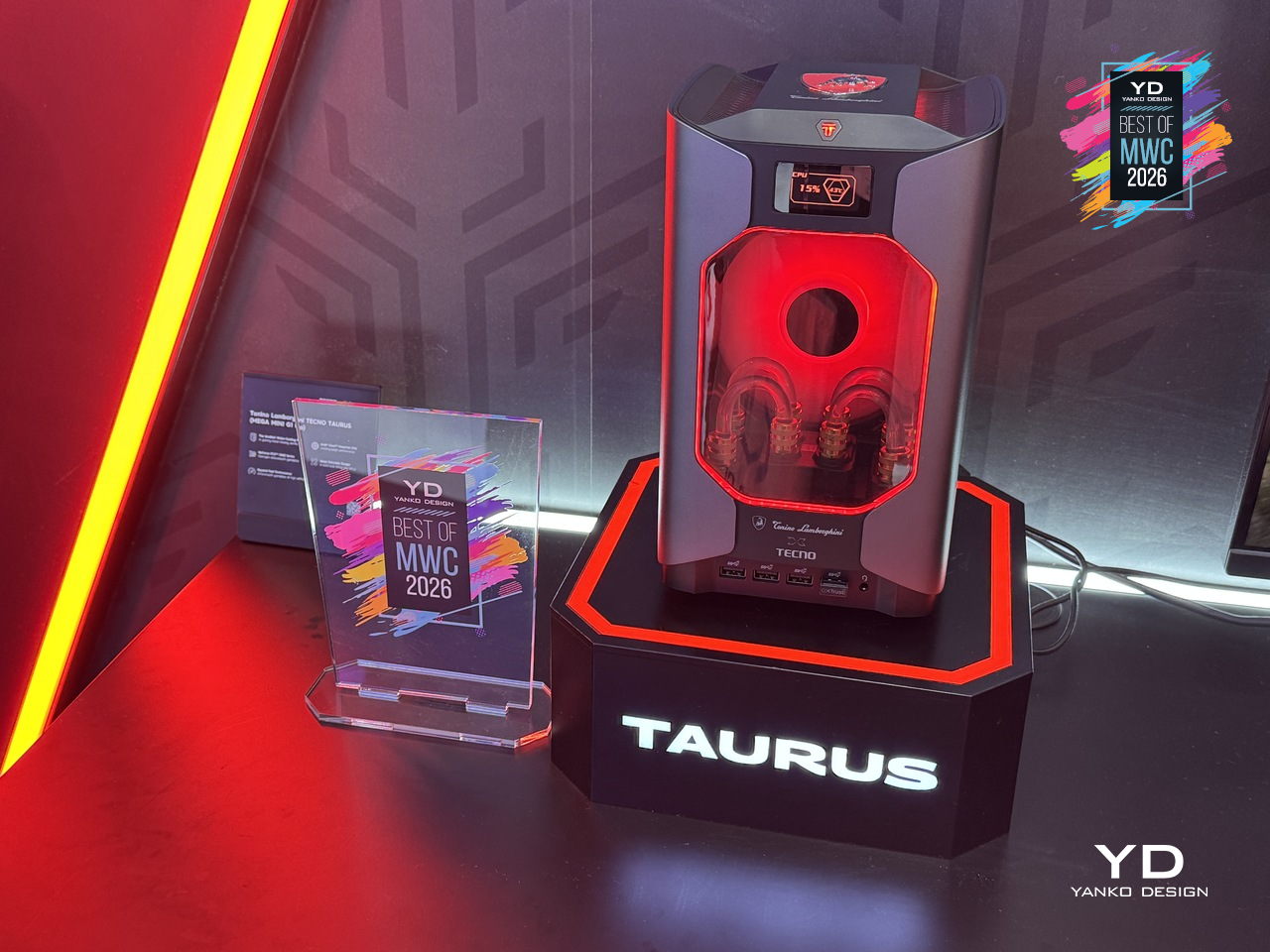
TECNO’s first collaboration with Tonino Lamborghini positions this as a desktop you’d put on your desk rather than under it, treating the machine as a design object as much as a gaming rig. Fifteen ports and WiFi 6E keep the practical side well covered. What’s genuinely interesting is how much of the design budget went into making the cooling system the visual centerpiece, turning thermal engineering into the main aesthetic argument.
Unihertz Titan 2 Elite QWERTY Phone
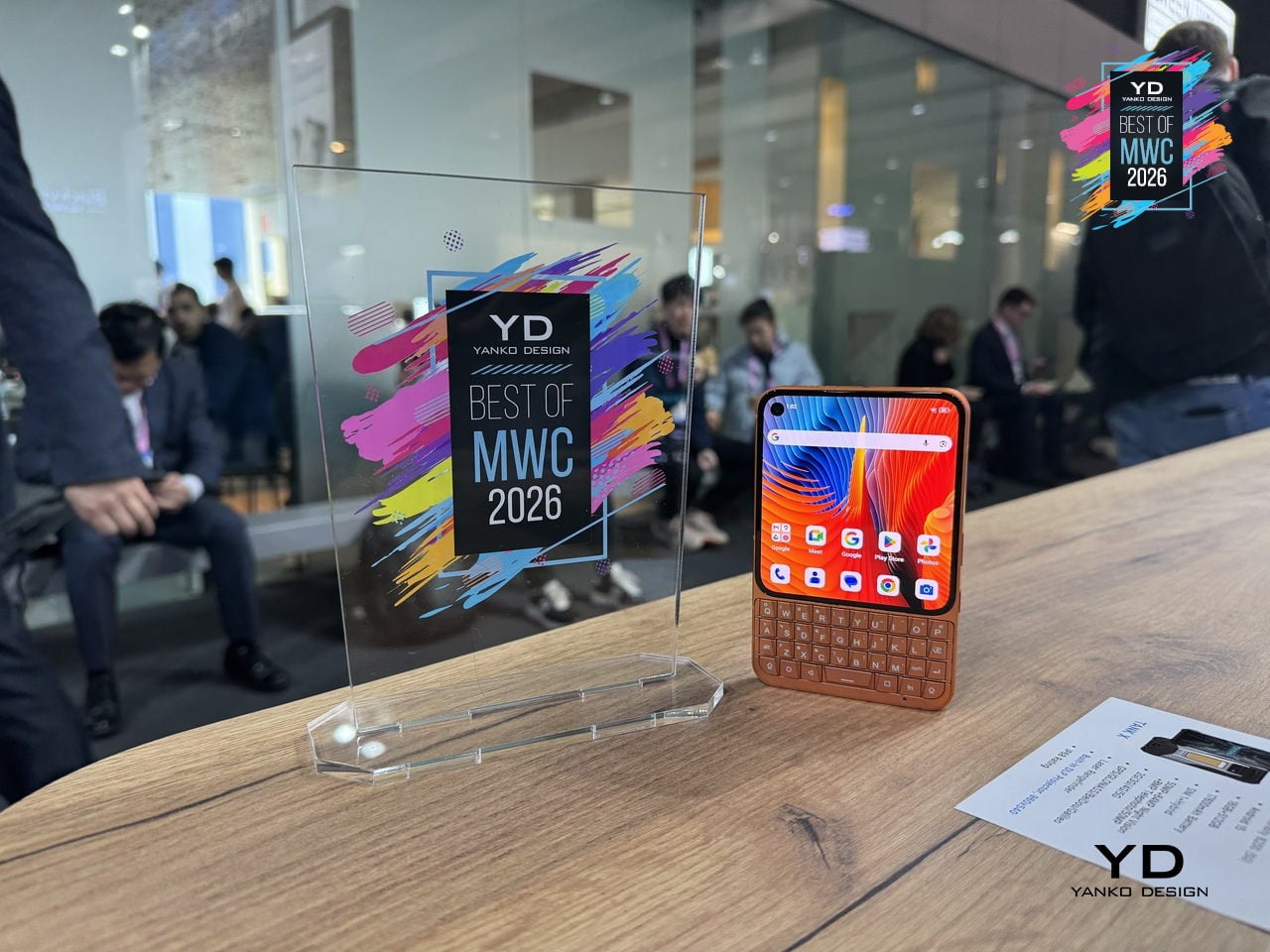
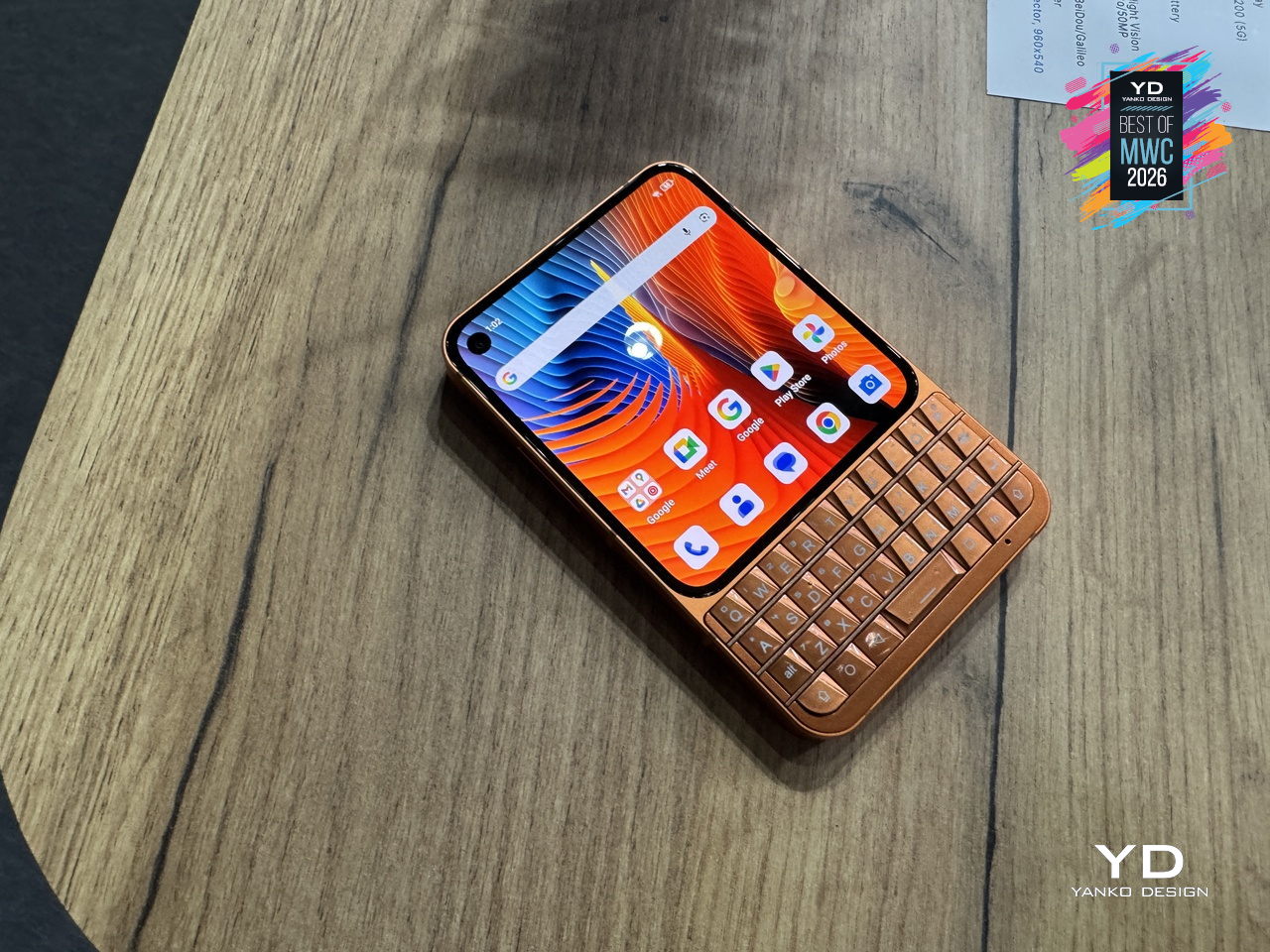
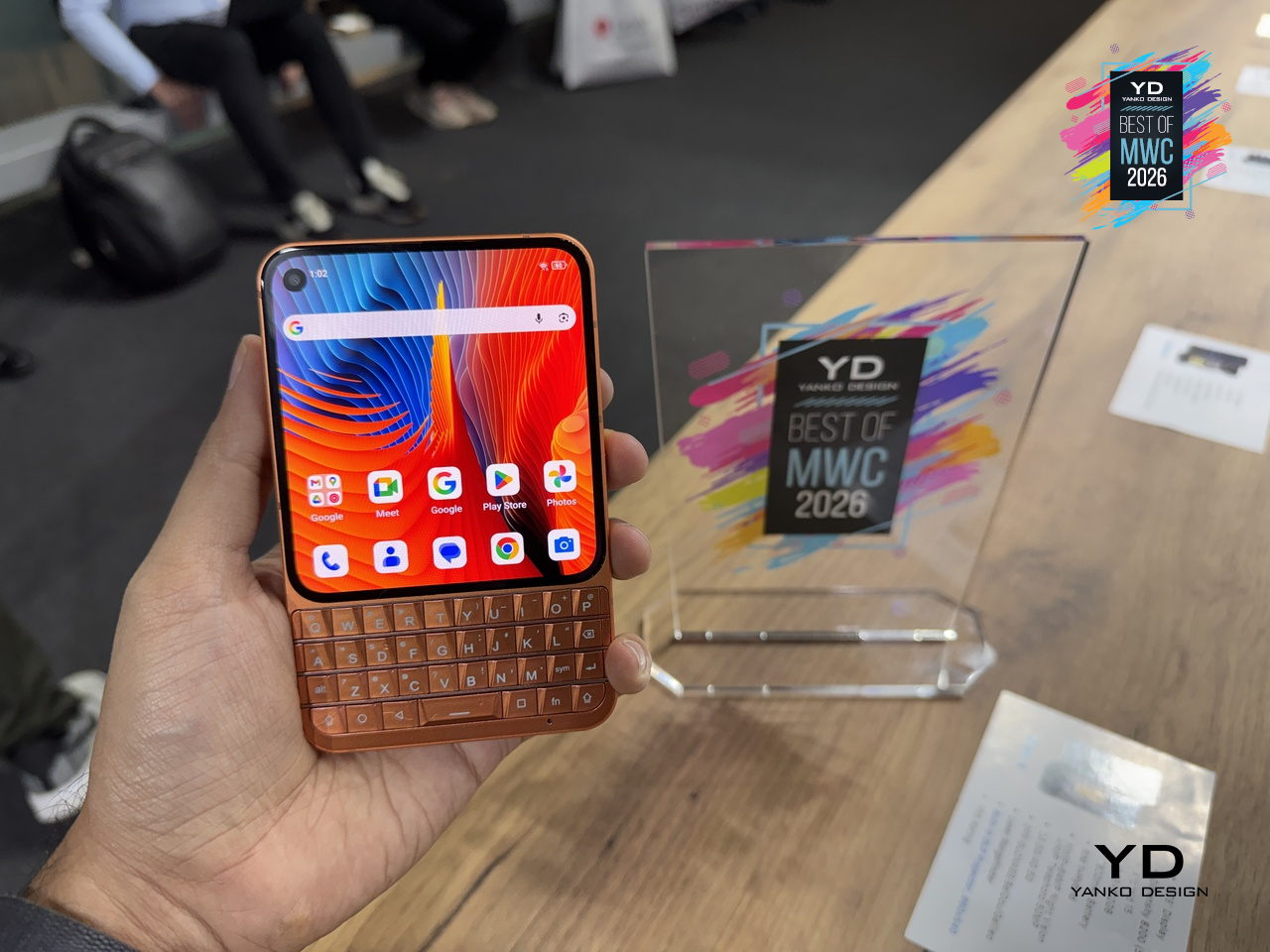
Physical keyboard phones never really died; they just quietly retreated to a corner of the internet where people complained loudly about touchscreen autocorrect. Unihertz has been serving that corner for years with its Titan series, and the Titan 2 Elite is the most refined version yet. Gone is the chunky frame of its predecessor; in its place comes a slimmer 75mm-wide body, a 4.03-inch 120Hz AMOLED display with a punch-hole camera, and the same four-row QWERTY keyboard that the series built its following on.
Designer: Unihertz
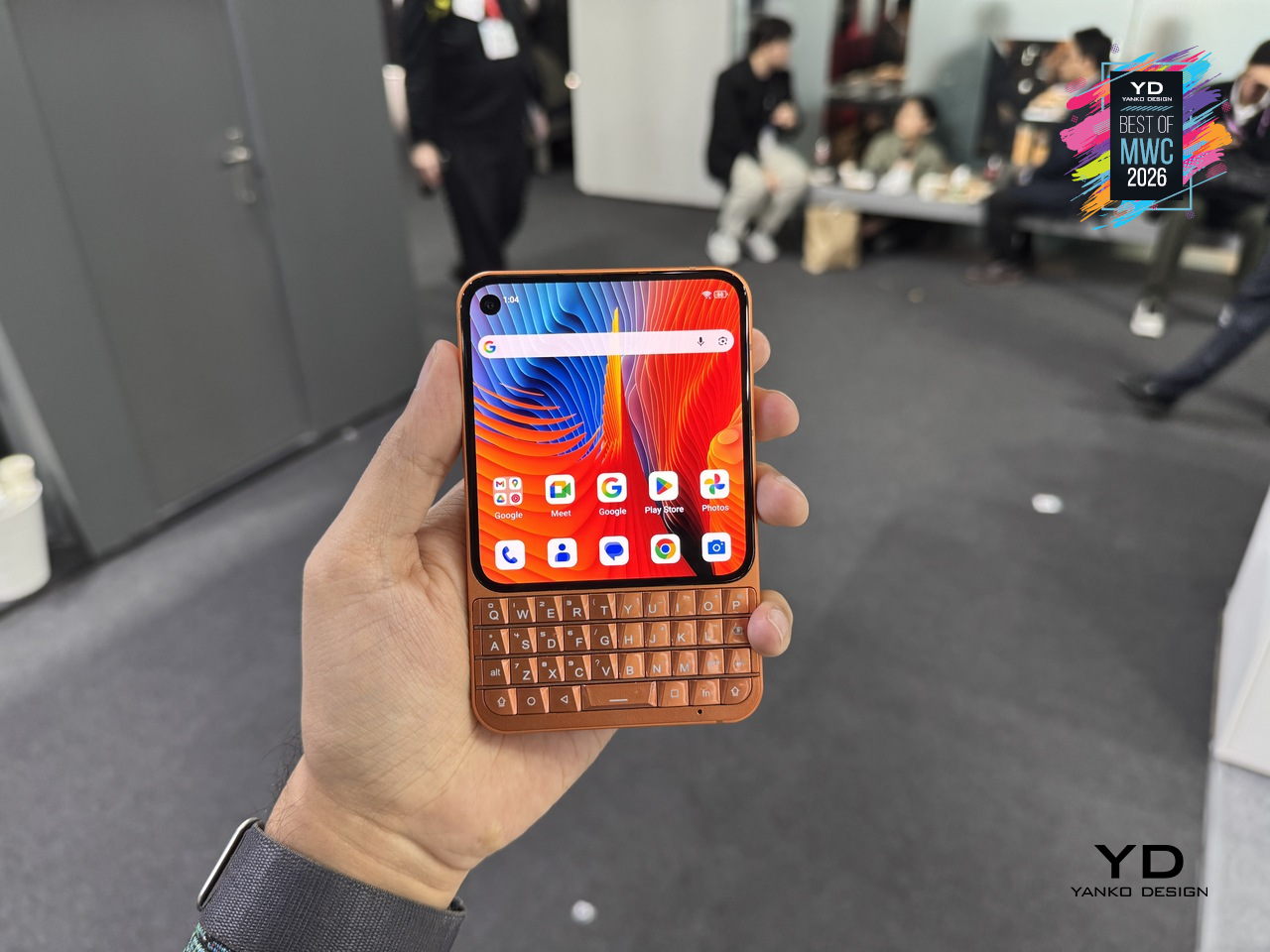
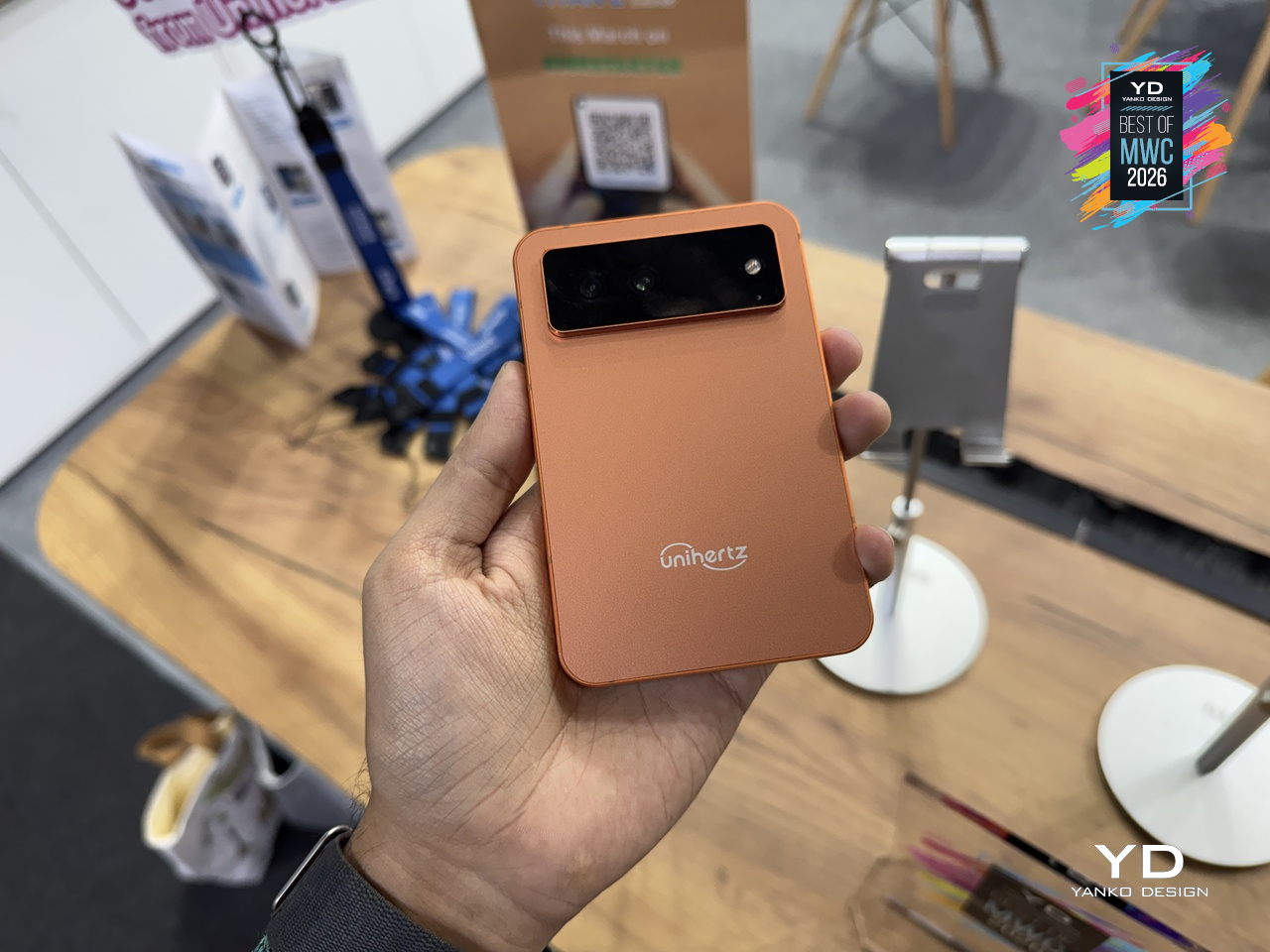
The keyboard itself doubles as a touchpad, letting you scroll and navigate with a thumb swipe across the keys, a trick carried over from earlier Titans that still feels genuinely useful. Although nothing’s confirmed yet, it’s expected to run on a MediaTek Dimensity 7300 with 12GB of RAM and 512GB of storage, which is a solidly capable mid-range setup for a phone that’s really selling you on input, not raw performance. More notable is the software commitment: Android 16 out of the box, updates promised through Android 20, and security patches running until 2031, a rare five-year horizon for a device in this price range.
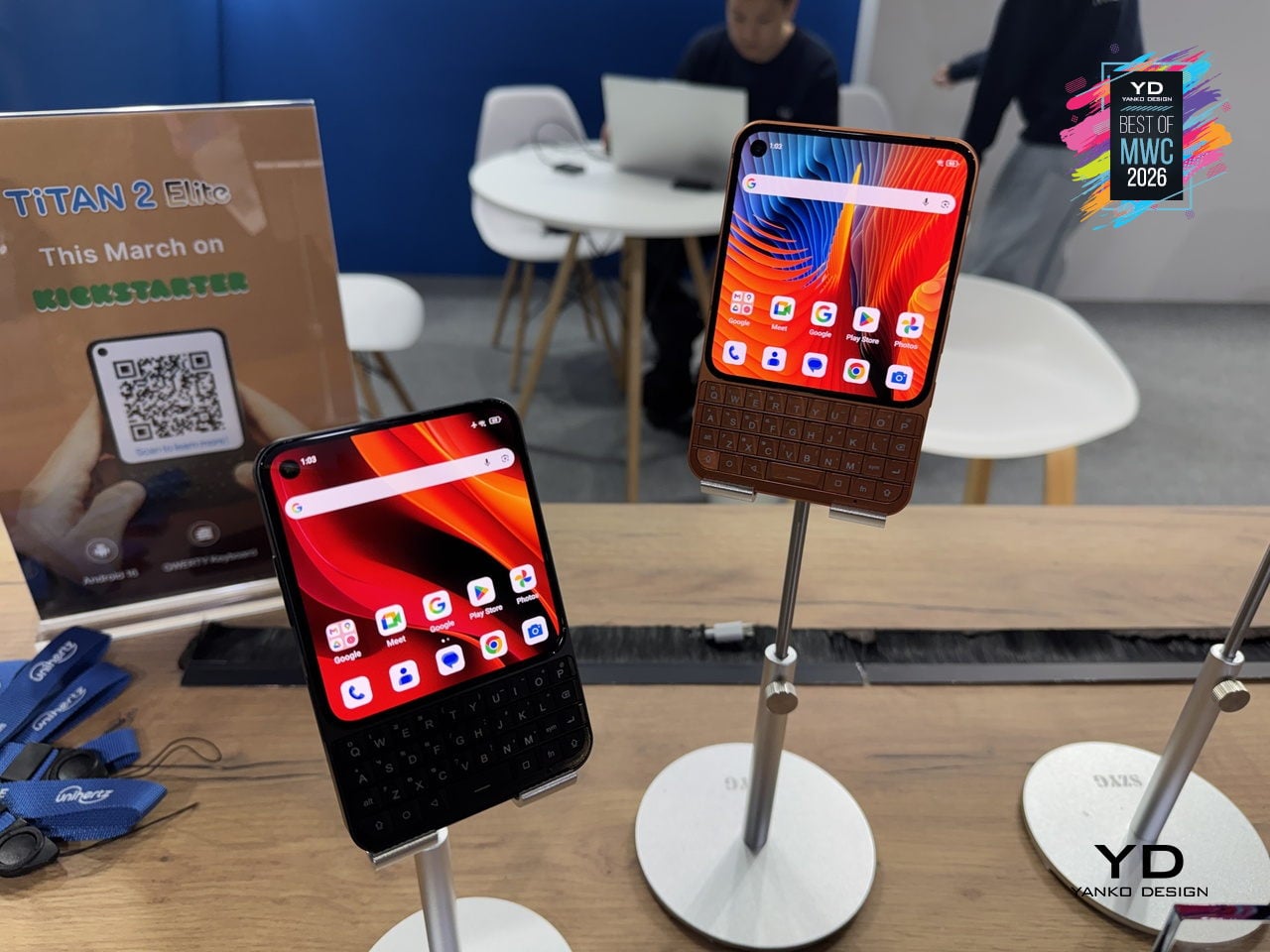
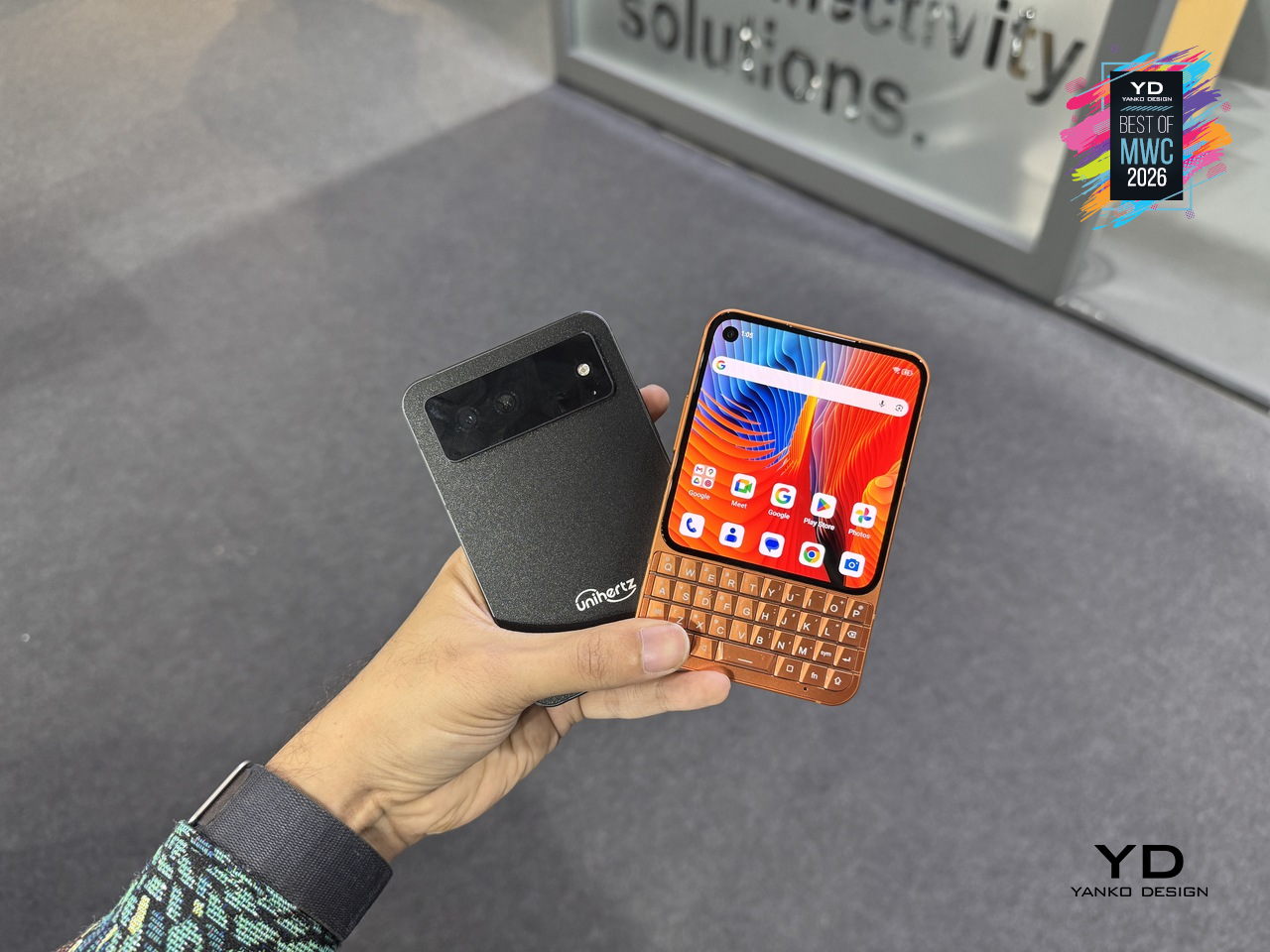
The Titan 2 Elite arrives at an interesting moment, with the Clicks pulling attention toward keyboard accessories for iPhones and Unihertz countering with a dedicated standalone device instead. There’s a meaningful difference between treating the keyboard as an add-on and building an entire phone around it, and that’s the bet Unihertz is making here.
The post Yanko Design’s Best of MWC 2026: When Engineering Gets Obsessive first appeared on Yanko Design.