Compal gaming 2-in-1 laptop concept has controls hidden on its back

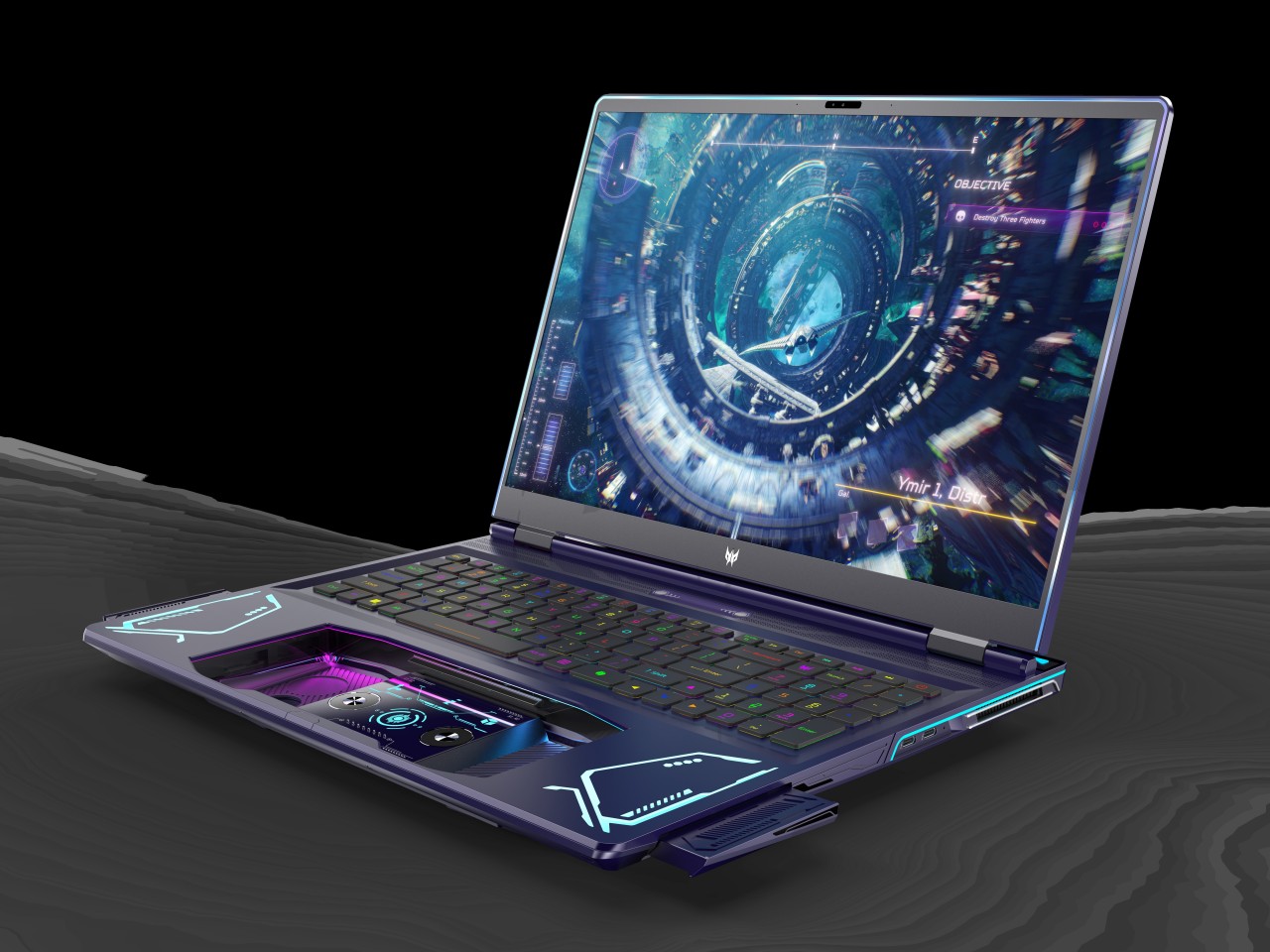
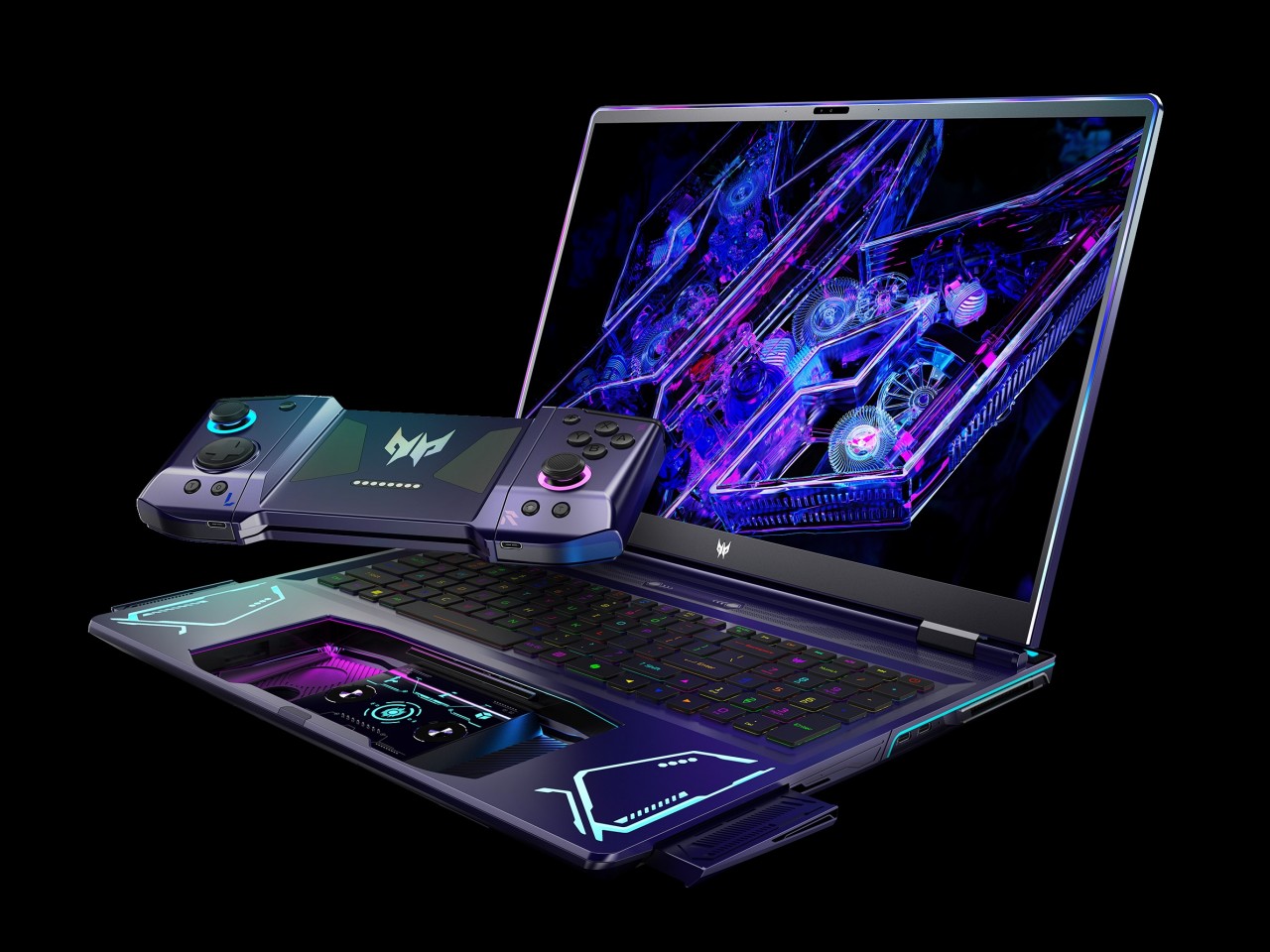
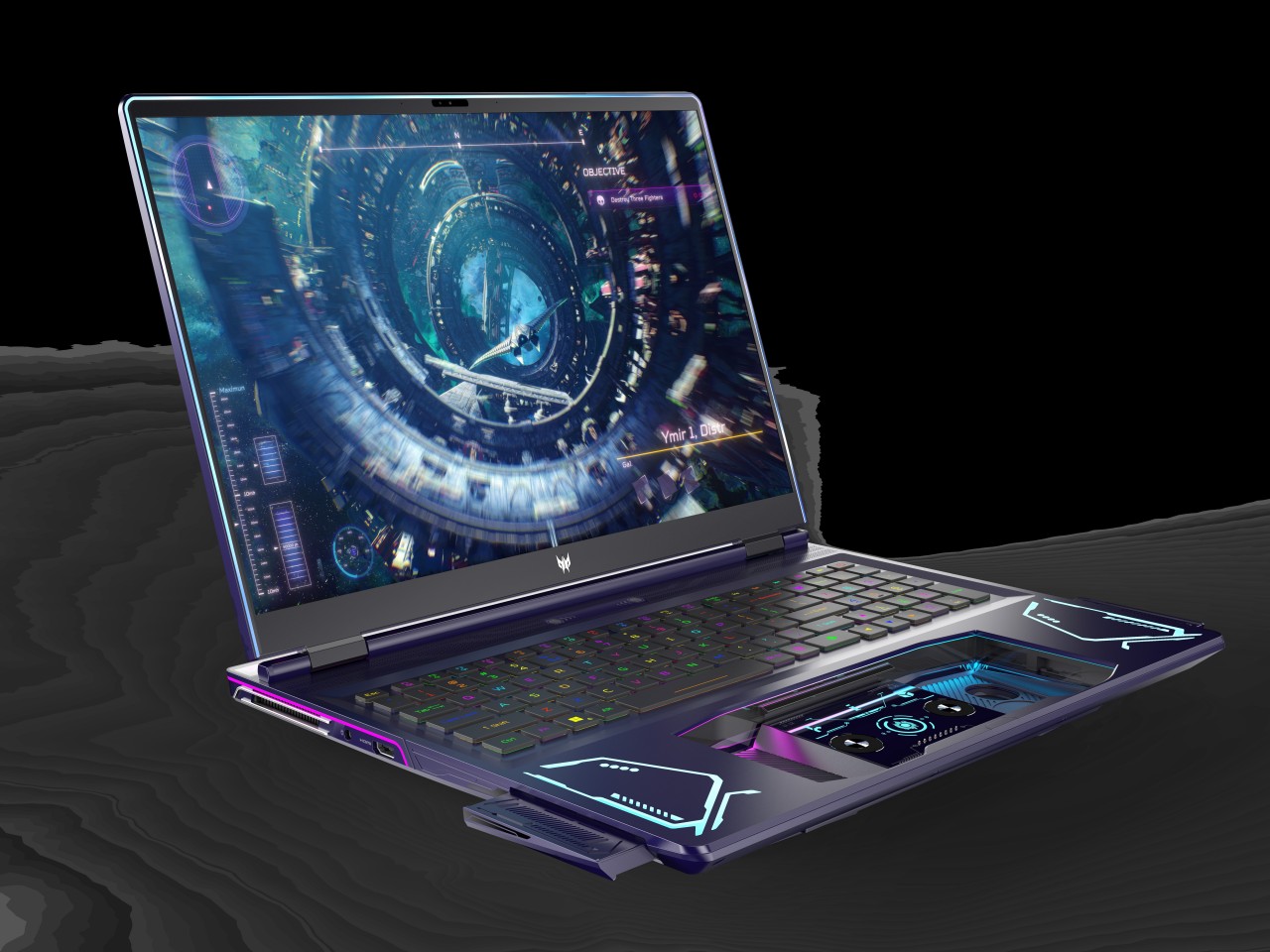
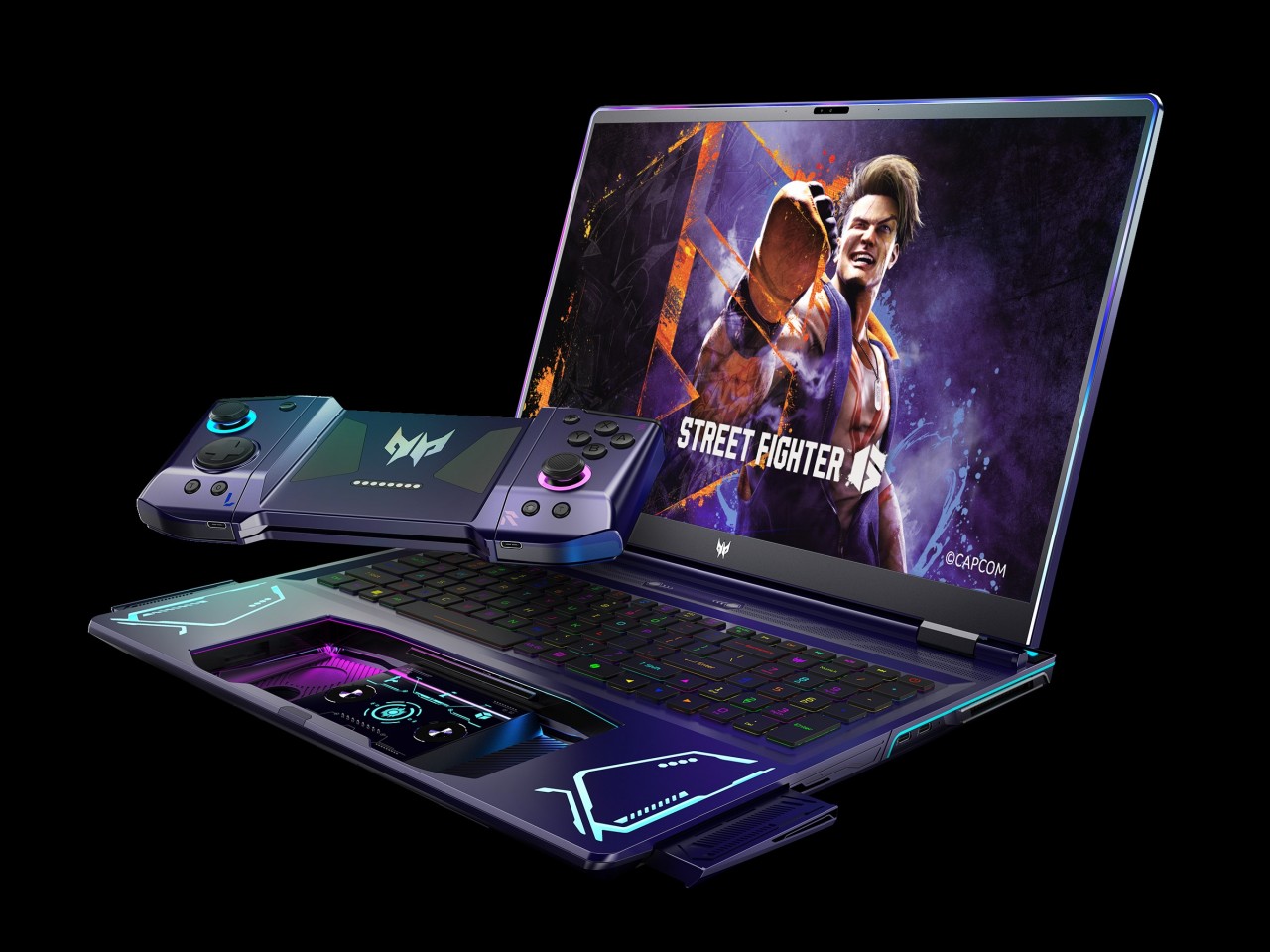
Handheld gaming PCs are becoming a bit more popular these days, especially with major brands getting in on the game, pun intended. But while these small computers seem impressive for packing that much power inside, their designs make them less useful for anything else unless you connect an external monitor, keyboard, and mouse. Not only do gaming laptops offer more power, they can also be used for other purposes. Conversely, you need to connect a game controller and put the laptop down on a table, which loses the appeal of being able to play anytime, anywhere. Compal has an idea that attempts to bridge the best of both worlds, though its 2-in-1 gaming laptop design does raise just as many questions as it answers.

Designer: Compal

2-in-1 laptops and tablets that have touchscreens do offer a compromise when it comes to gaming with a controller. Just like with smartphones, it’s theoretically possible to put virtual joysticks and buttons, but those are actually awkward and more cumbersome to use on such a large screen. And just like on smartphones, it also means covering up part of the screen with their thumbs, and most PC games don’t take that into account.

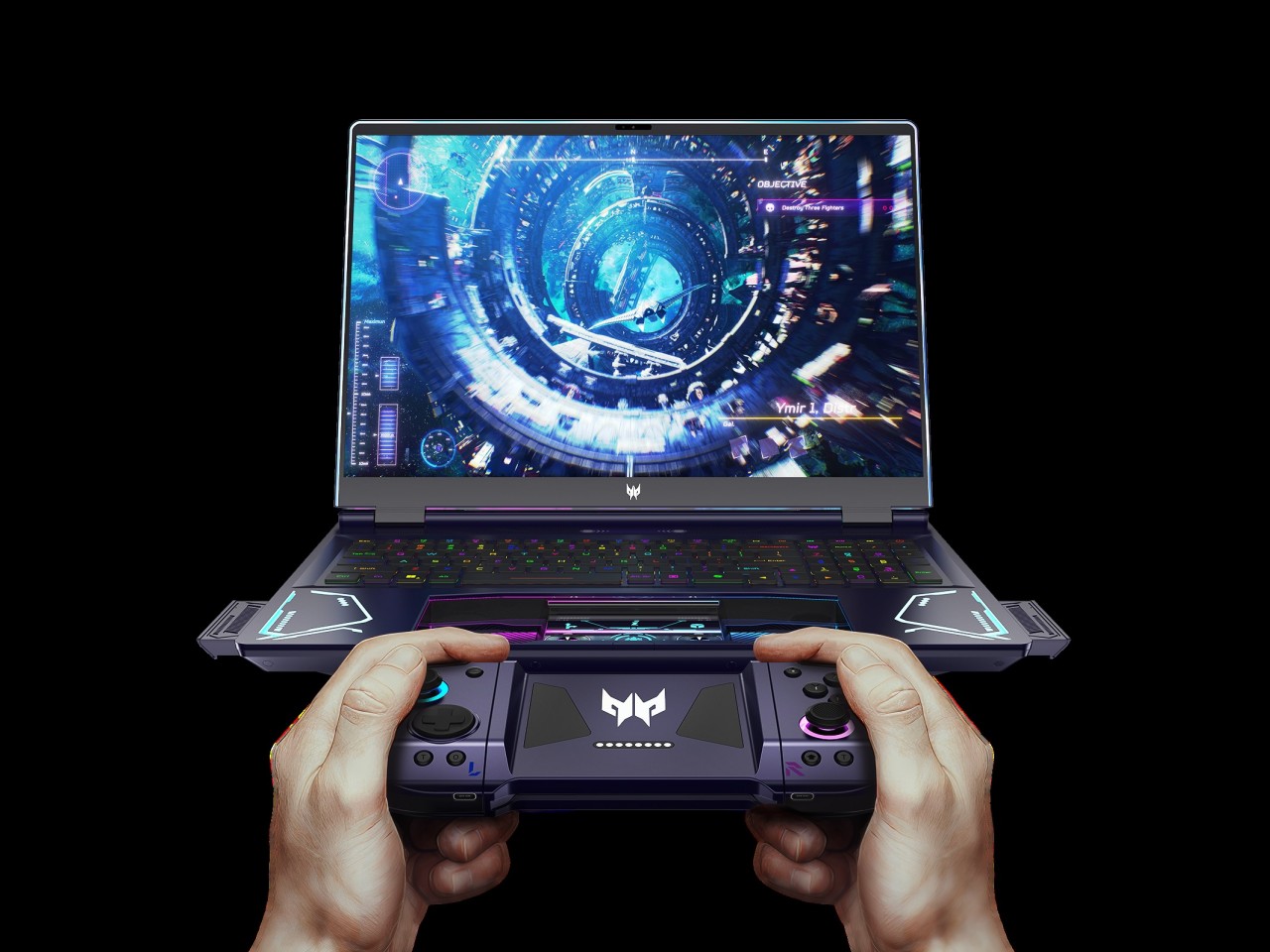
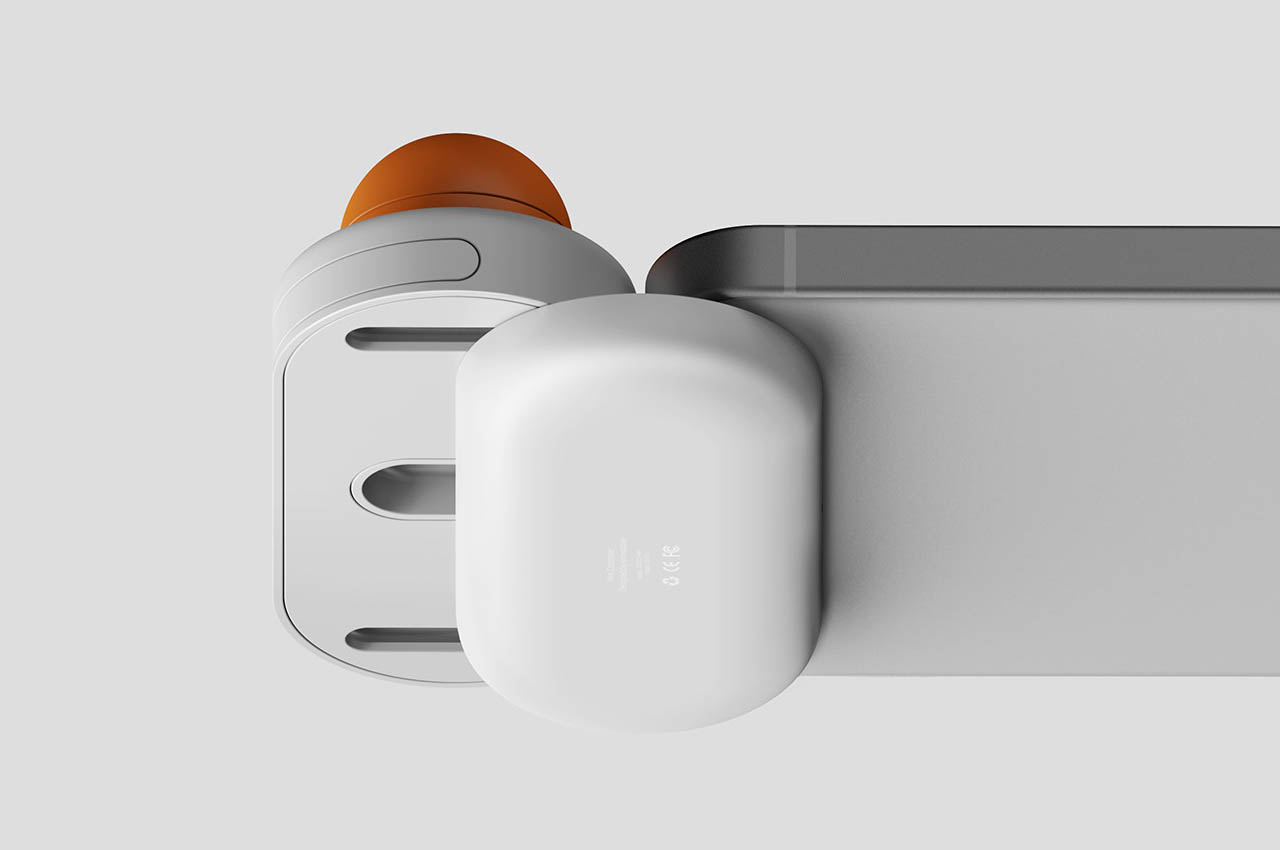
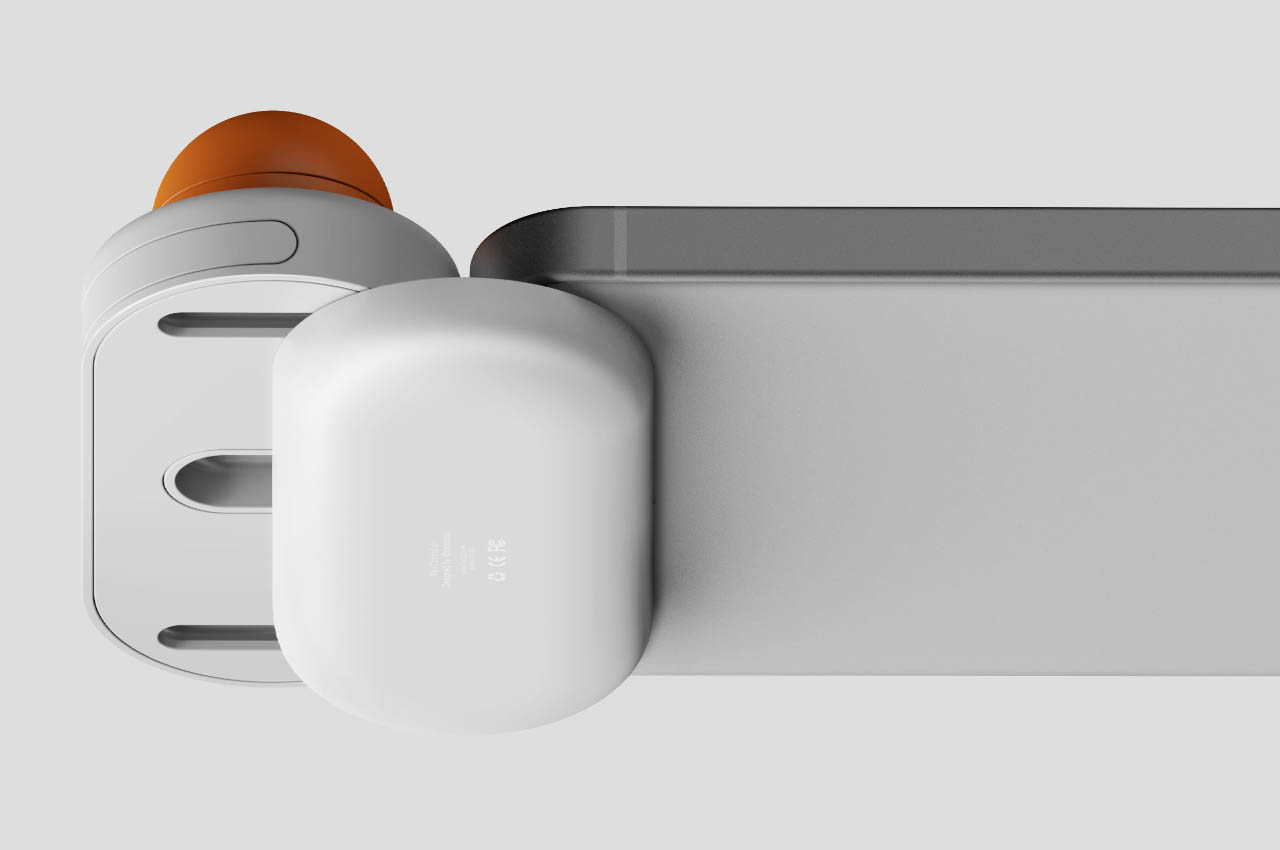
The Compal Rover Play concept solves that by putting the controls on the back of the tablet half of the 2-in-1 laptop, almost like those paddles on the back of modern controllers. These aren’t simple buttons, though, as they would make the laptop look rather odd and unusable when not used to play games. Instead, there are panels on the back of the laptop that slide and fold slightly outward, creating an angled structure that’s like grips on a controller.

These FlexiRear Controllers have ultrasonic sensors that don’t use physical buttons to register presses and gestures. The idea is that instead of using the touchscreen on the front, you use those sensors on the back to control the game. The concept doesn’t exactly explain how those gestures would map to standard controller input, but it’s not difficult to imagine some specialized software making that conversion.

The biggest hurdle for this rather intriguing design is how such controls would feel alien to gamers. Not only would it require a considerable amount of learning effort, switching between this non-standard input method and a conventional controller could also prove to be confusing. Still, Rover Play is an interesting design that aims to bring the best of both worlds, but it’s still a little bit raw for any PC maker to implement in an actual product.

The post Compal gaming 2-in-1 laptop concept has controls hidden on its back first appeared on Yanko Design.
World’s smallest smartphone turns into a gaming handheld with this case

Gaming smartphones are quite the novelty in the mobile world, but despite their advertised or actual gaming chops, they often lack the necessary controls that would put them on par with consoles. Conversely, most of these gaming smartphones have designs that make them a little less appropriate for more formal environments with their flashy RGB lighting and distinctive motifs. A middle ground between these two extremes would be to slap on some controllers on “normal” but premium handsets, effective but also a little too mundane these days. This rather unusual phone case, however, tries to add a new flavor to mobile gaming by introducing not only an unusual controller design but also by making it exclusive to one of the weirdest and cutest smartphones in the market.

Designer: Sugar Cubes (via Retro Dodo)

The Unihertz Jelly Star is obviously not your typical smartphone. With a size that’s no larger than a credit card, the tiny device is advertised as the world’s smallest Android 13 smartphone, a title no one will probably try to wrest away from it anyway. With a 3-inch screen, a transparent colored back, and some rather reasonable specs for its size, the Jelly Star is probably also the world’s cutest smartphone.

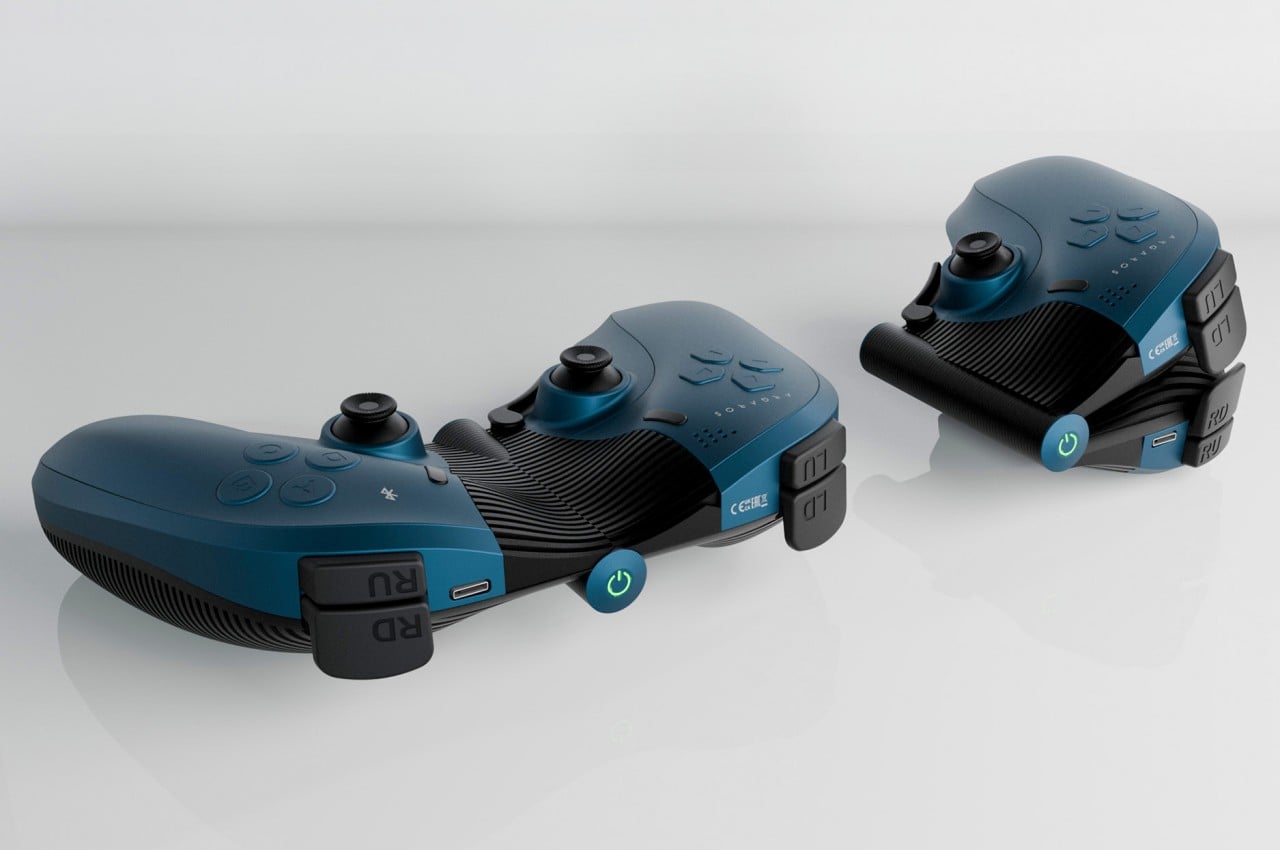
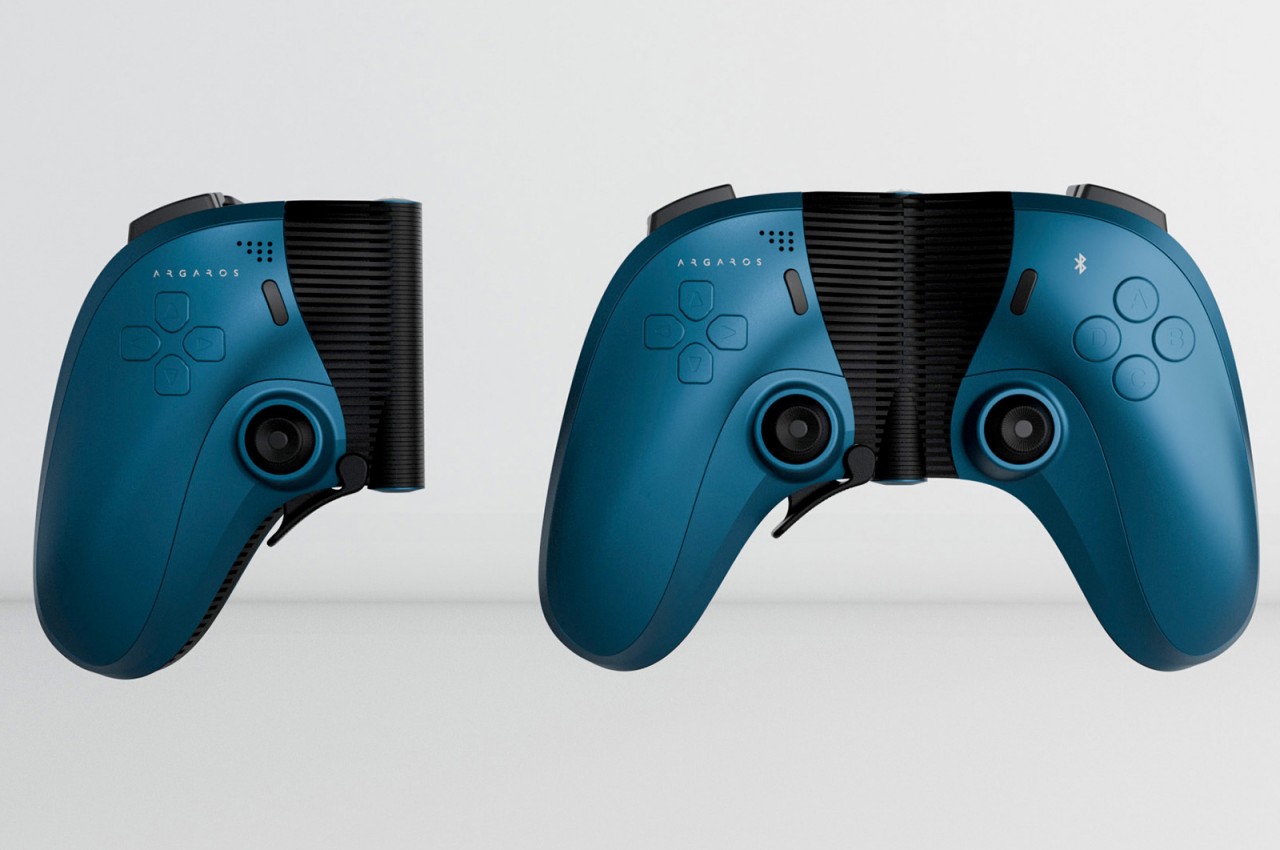
A Chinese accessory maker by the name of Sugar Cubes is taking that cuteness and turning it into something that even gamers will find alluring. Rather than simply attaching controllers, which would be gigantic compared to the Jelly Star, you will instead insert the tiny phone into a large, boxy case that transforms it into a rather unusual gaming handheld that is more reminiscent of the “Game & Watch” devices of old than any modern handheld console. Even the controls themselves are in non-standard locations, even though they provide most of the standard buttons, including a joystick.

There seem to be two designs for the Sugar Cube Jelly. One has the Unihertz Jelly Star lying horizontally and near the top, giving the device a more Game Boy-like appearance, though short in stature. The other has the phone standing vertically in the middle, flanked by two sets of controls, a design closer to the Nintendo Switch by some stretch of the imagination. Details on how the small phone will be inserted into the case are still slim, though it seems that the vertical design will simply have the Jelly Star slip into the case from the side, with one of the controllers swinging open like a flap.

The unconventional and eye-catching design of the Sugar Cube Jelly makes it perfect for branded merchandise, theming the colors and decals accordingly. That said, there’s still no word on when this product will actually hit the market, or if it will even be made available outside of China. Even then, the Unihertz Jelly Star isn’t exactly oozing with power, so while you might be able to comfortably run some retro games via emulation, forget about boasting your odd contraption while playing Genshin Impact.

The post World’s smallest smartphone turns into a gaming handheld with this case first appeared on Yanko Design.
MSI Liberator GP10 Pedal Controller wants to make your feet as productive as your fingers

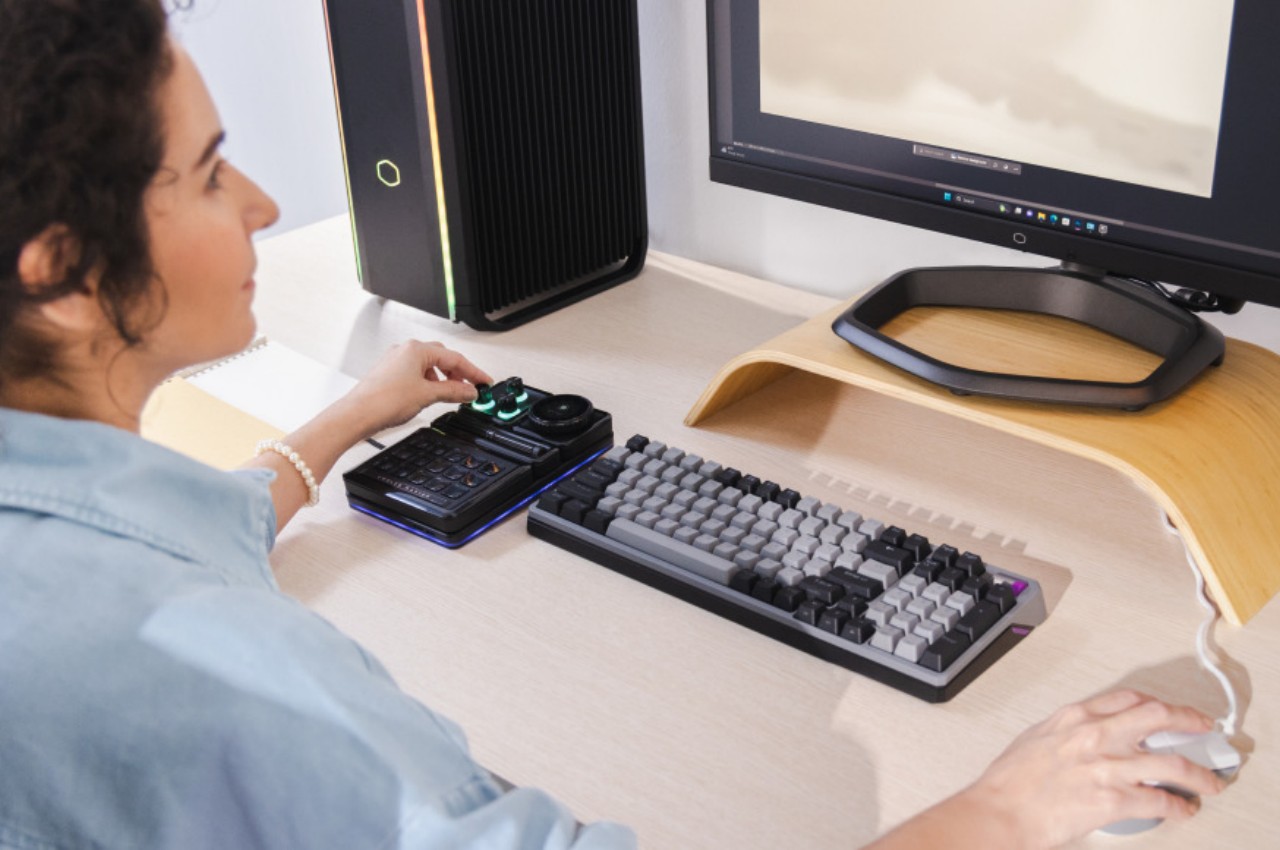
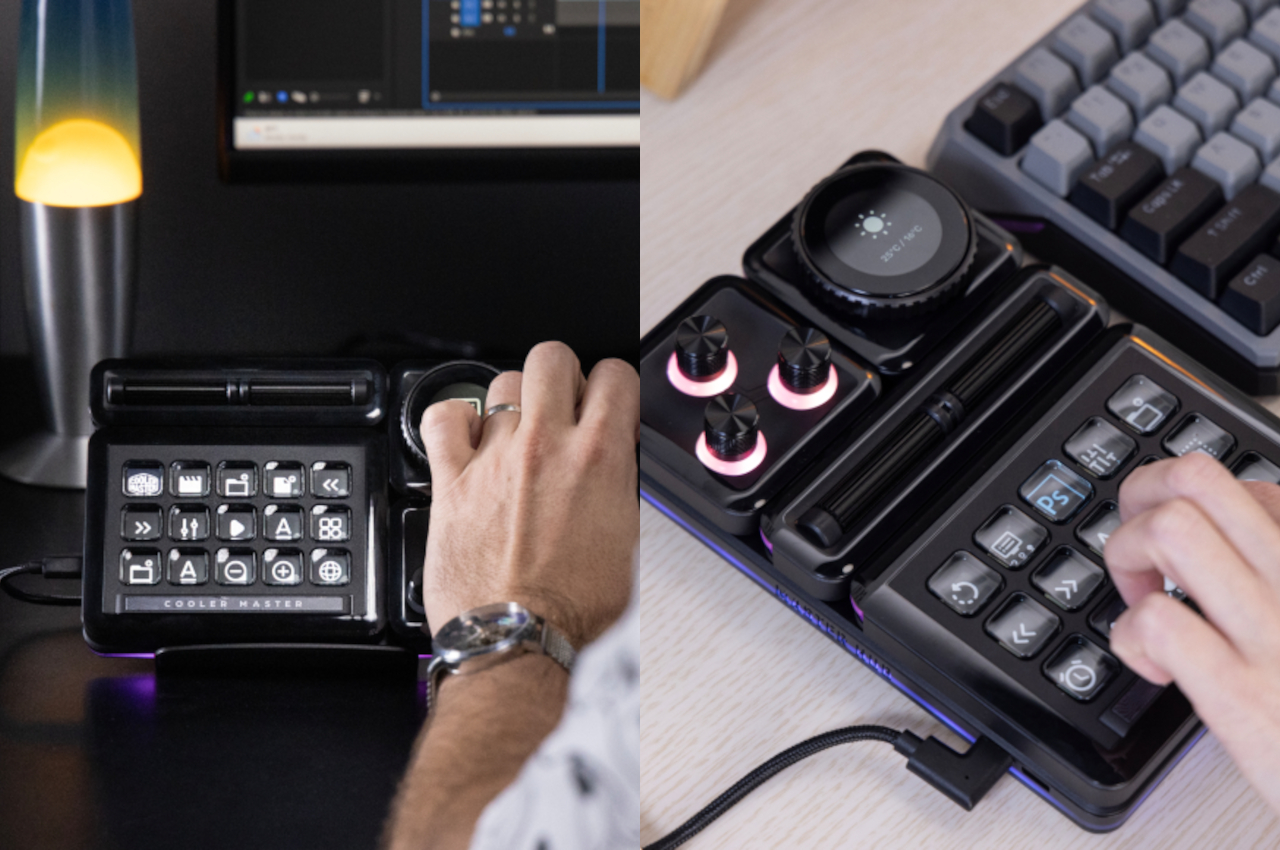
Despite stereotypes of living very sedentary lifestyles, gamers, especially those leaning towards pro levels, tend to have very dexterous fingers that seem to fly across keys or push buttons at superhuman speeds. That’s not exactly surprising, considering every second counts in a game, especially in the more competitive titles. Unfortunately, even the fastest gamer only has two hands with five fingers each, but those aren’t the only limbs available to humans, though. Musicians have long been utilizing their feet not just to tap to the beat but to also control the music they’re playing or add effects and flourish. Gamers are in just as much need of more controls, and this RGB-lit foot pedal from MSI is offering gamers that competitive edge they need to step up their game when their hands are already too busy to make that saving throw.

Designer: MSI

Pedal controllers aren’t exactly new, but they have mostly been more in use in the music industries, from traditional pedals on keyboards to the more nuanced controllers for MIDI devices, synthesizers, and other audio-creation equipment. Of course, everyone could do with a few more buttons or keys they can press to make their work easier or faster, especially gamers who often find their keyboards or controllers still insufficient to meet their demands. That’s what the MSI Liberator GP10 tries to bring to your setup so you can free your fingers for more important actions.

In a nutshell, this foot switch adds three programmable buttons you can map to almost any action you can think of. Think of having three more buttons on your mouse or three customizable keys on your keyboard, except you don’t need an extra finger to use them. And if three buttons aren’t enough, you can actually hook up as many as four of these footswitches at once, presuming you have the space and mental capacity to add 12 more buttons to your setup.

1

Unlike their musical cousins, however, you really can only tap the “button” at the bottom of your feet or hit the two side buttons by tilting your feet to the left or to the right. There’s no lever mechanism that you can gradually lower or raise, which would have been useful for actions like increasing or decreasing volume, brush sizes, opacity, and more. After all, the MSI Liberator GP10 isn’t just for gamers, though that’s the primary target audience. Even creators and coders can benefit from having a few extra keys at their disposal.

As usual as having extra buttons might be, it’s probably arguable whether such a controller would actually be comfortable or ergonomic in the long run. People are indeed advised to move their feet once in a while to keep the blood flowing, and MSI promises that the MSI Liberator is designed with ergonomics in mind. That said, the repetitive action that plagues mouse users could result in the same strain injury on your foot if you don’t pay attention and take breaks often, as you should always do anyway.

The post MSI Liberator GP10 Pedal Controller wants to make your feet as productive as your fingers first appeared on Yanko Design.
This Official Backbone One Carrying Case Is Sleek and Convenient

The rise of remote gaming in the early 2020s introduced the ability to play full-scale console and PC games remotely on mobile devices. Some of that hype may have been a bust when it came to cloud-based services like Google Stadia, which shuttered in January because it simply “hadn’t gained the traction” Google wanted. But at least the trend brought with it a huge boon: really cool controllers that looked great, felt great, and plugged into your phone to control local consoles through apps like the PS Remote App and Xbox Remote Play, or play console-quality games through Apple Arcade or Google Play Pass.
Backbone One, at least the original Backbone One from 2020, set the basis for great smartphone controllers that made gaming on the go far more viable than ever before. Last year, Backbone came out with the PlayStation version of its mobile controller, using a similar button layout and visual style at the excellent DualSense controller. And now there’s a second-gen refresh, complete with a stylish and sleek carrying case that only costs $24.99 on the official Backbone store. Backbone’s newest controller update is exciting (thanks to an improved D-Pad and broader compatibility with devices) but the real star of the show is the brand-new official Backbone carrying case.

Designer: Backbone

The carrying case comes in two, very slick-looking colorways: Black and White. The latter is also the official “PlayStation Edition” carrying case, thanks to its usage of DualSense colors around the exterior chassis. The PlayStation logo is neatly displayed on the upper right corner instead of the usual “Backbone” lettering. This chassis looks both compact and durable, thanks to Backbone’s “firm outer shell and molded interior”. Both case designs come with a bright orange zipper that looks sharp regardless of which colorway you choose.

Backbone One’s official carrying case is going for an MSRP of $24.99, and is rated to be compatible with any existing Backbone One controller for iOS or Android devices. It looks like the controller sits snugly inside the case, and you can even use it with the iPhone adapter installed onto the Backbone controller. Once inside, the carrying case’s foam molding should keep it in one spot, without exposing it to the wear-and-tear often caused by constant shaking and bumping during transport.

The post This Official Backbone One Carrying Case Is Sleek and Convenient first appeared on Yanko Design.